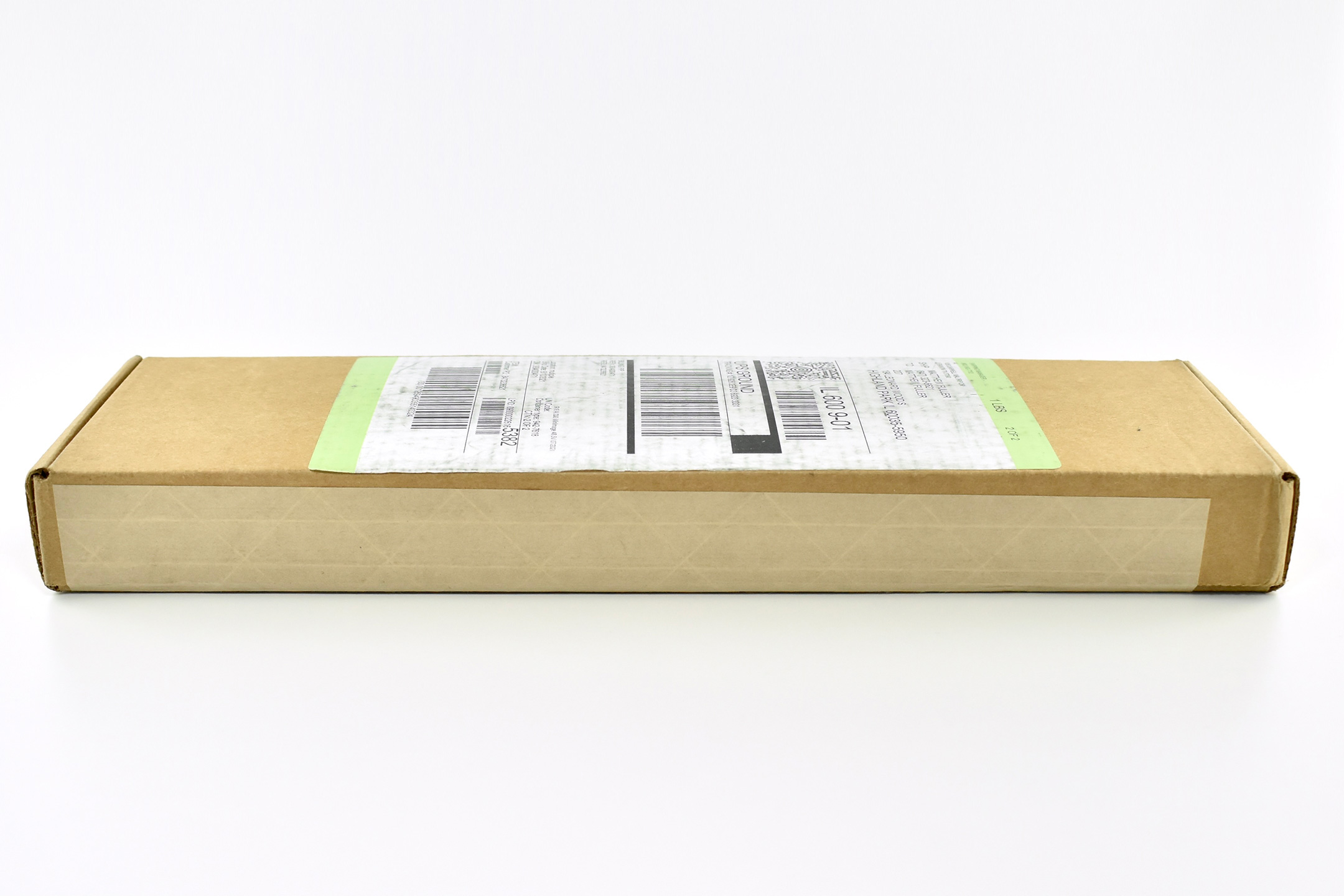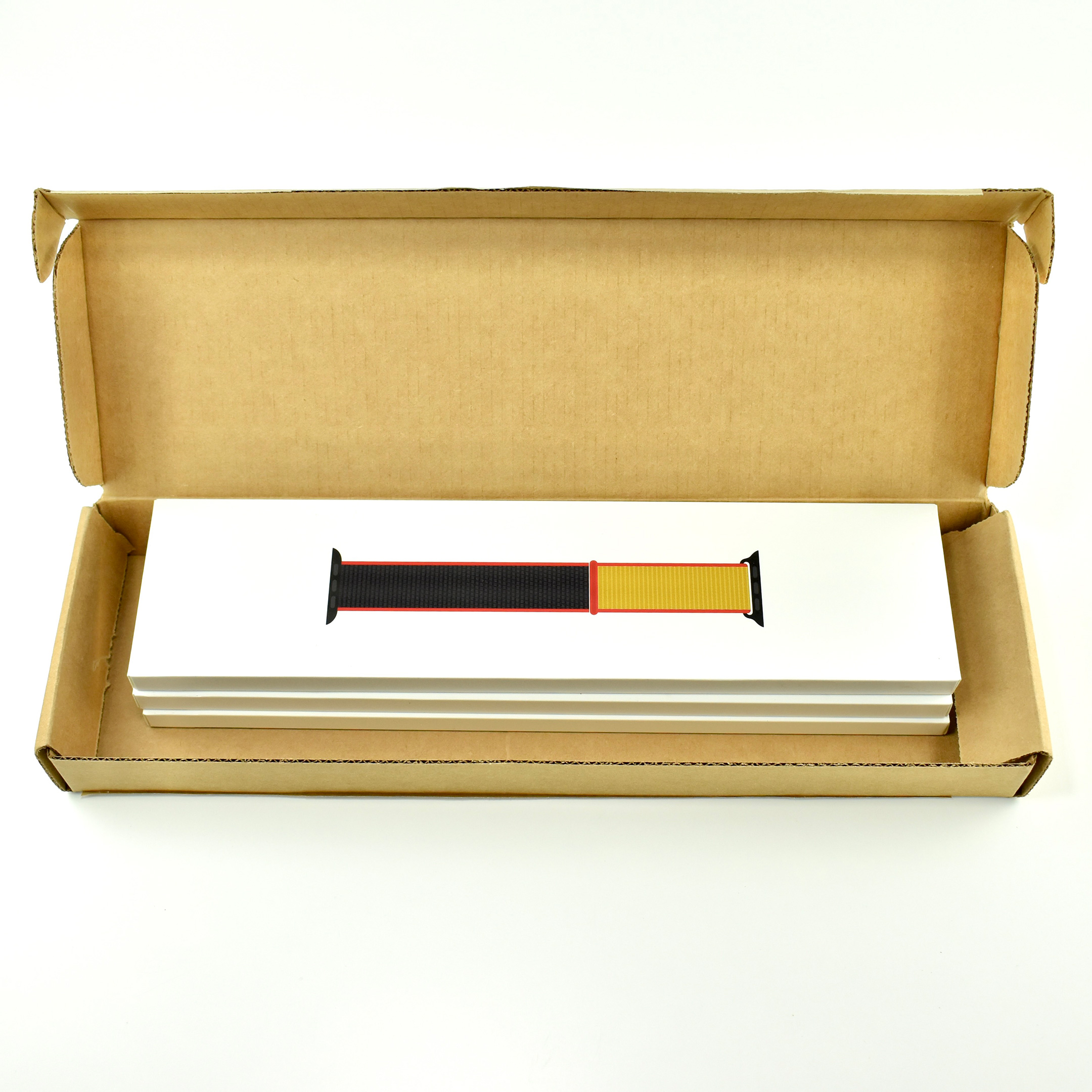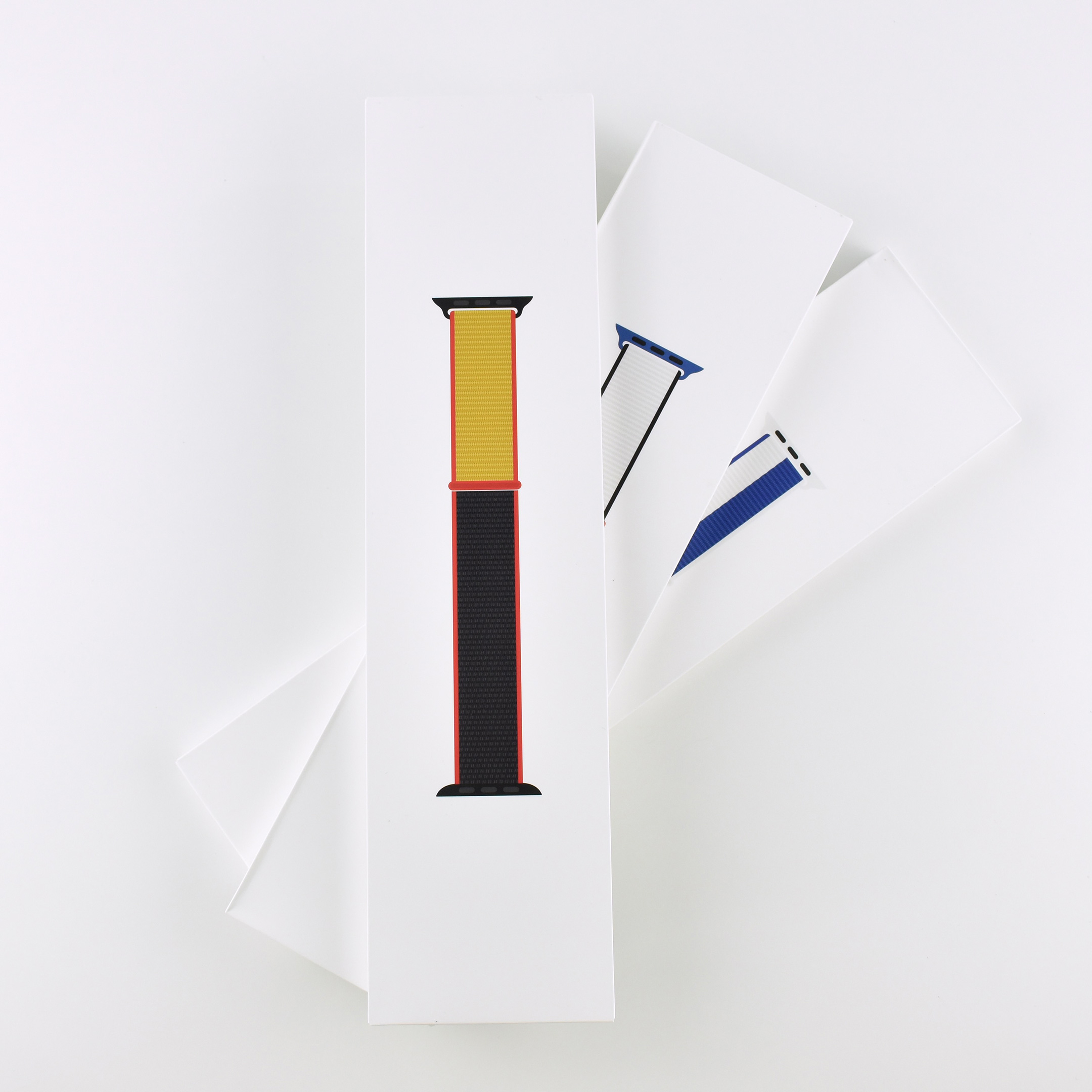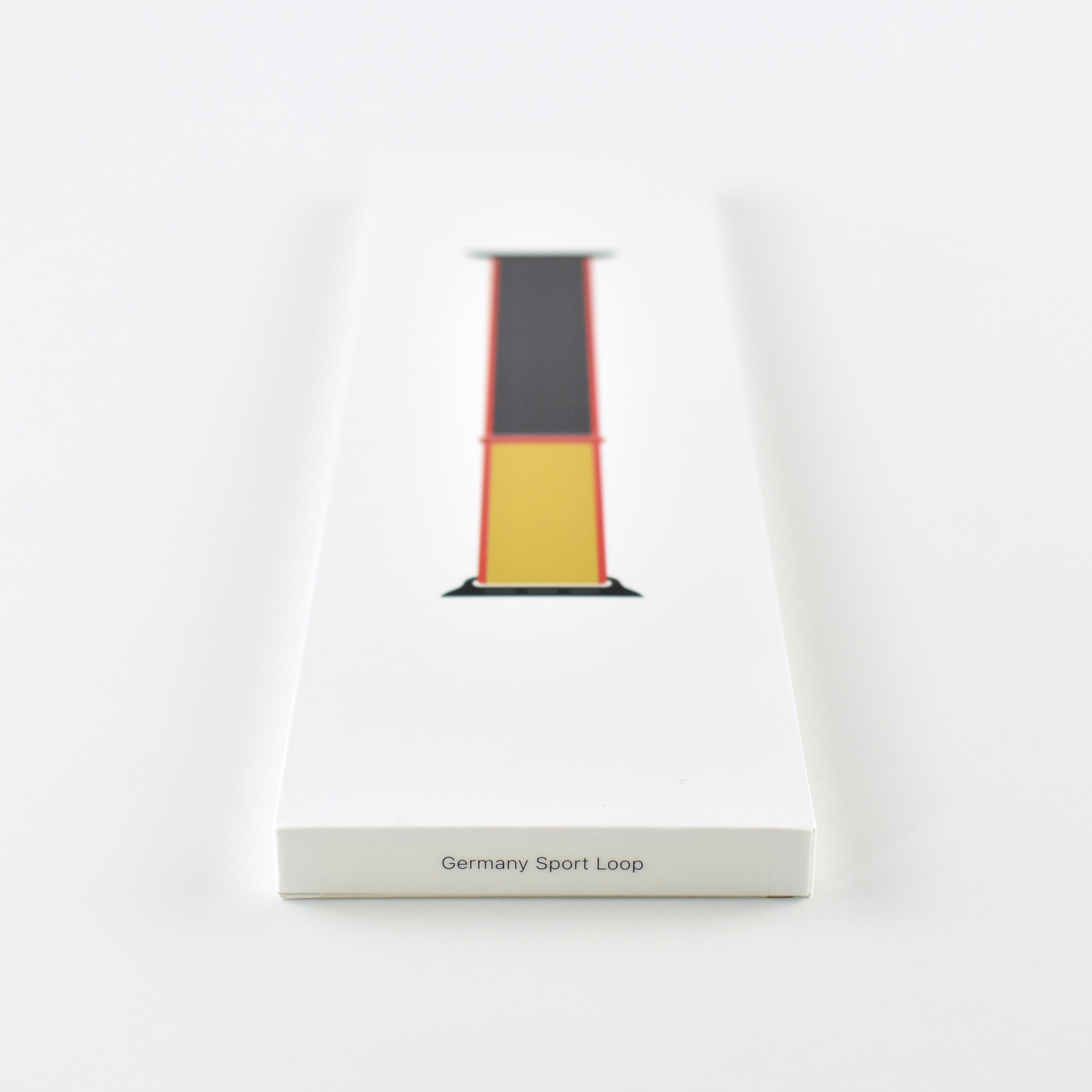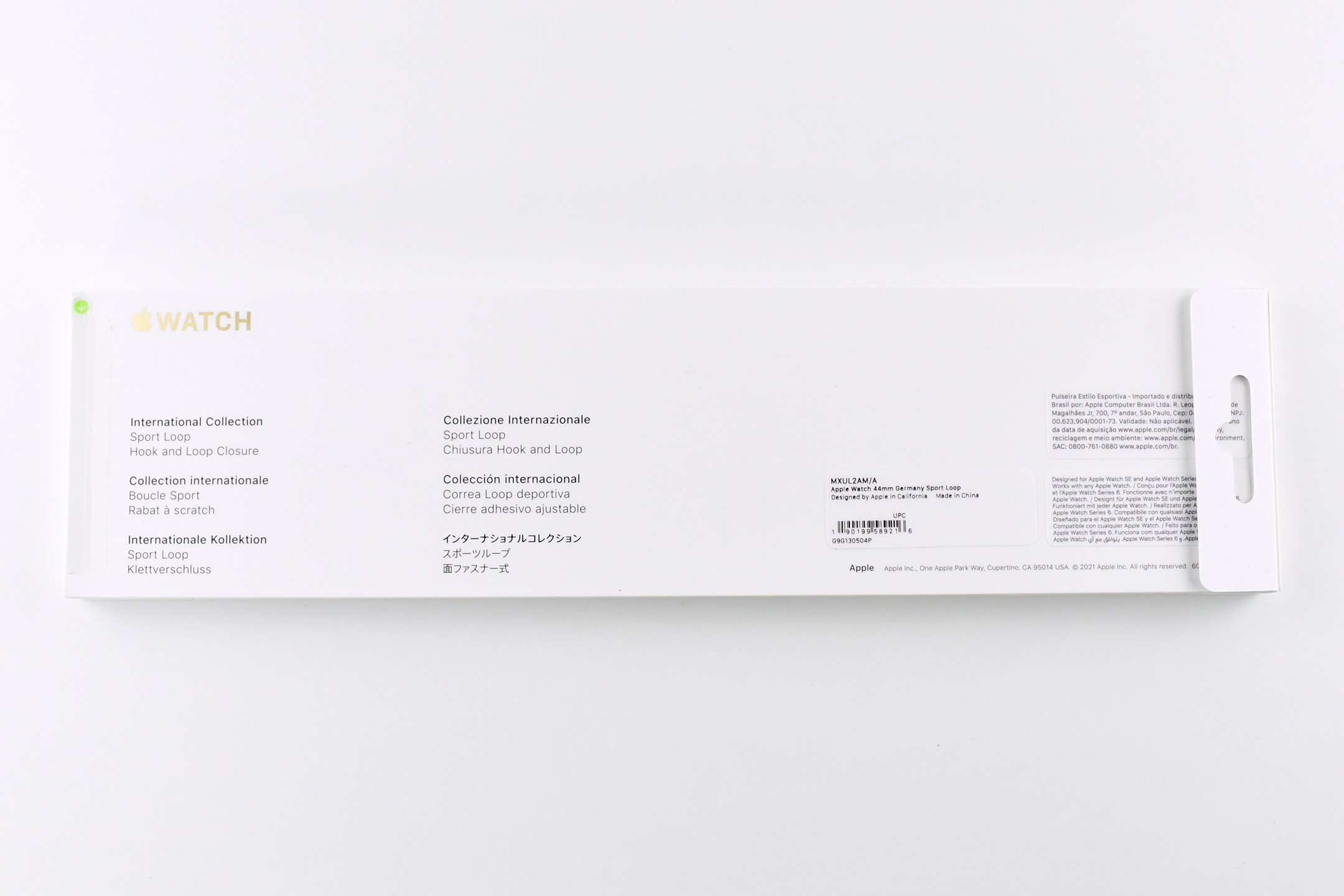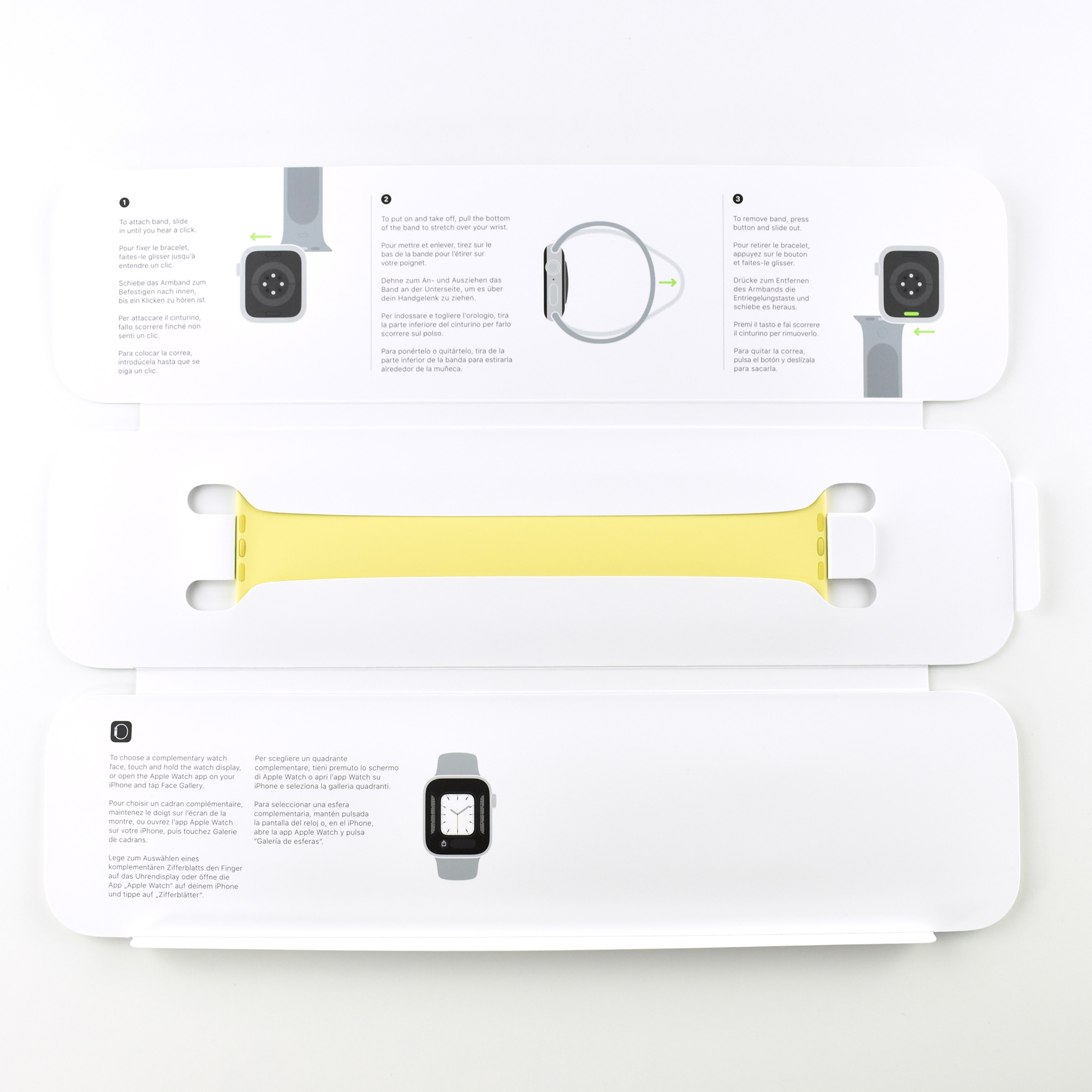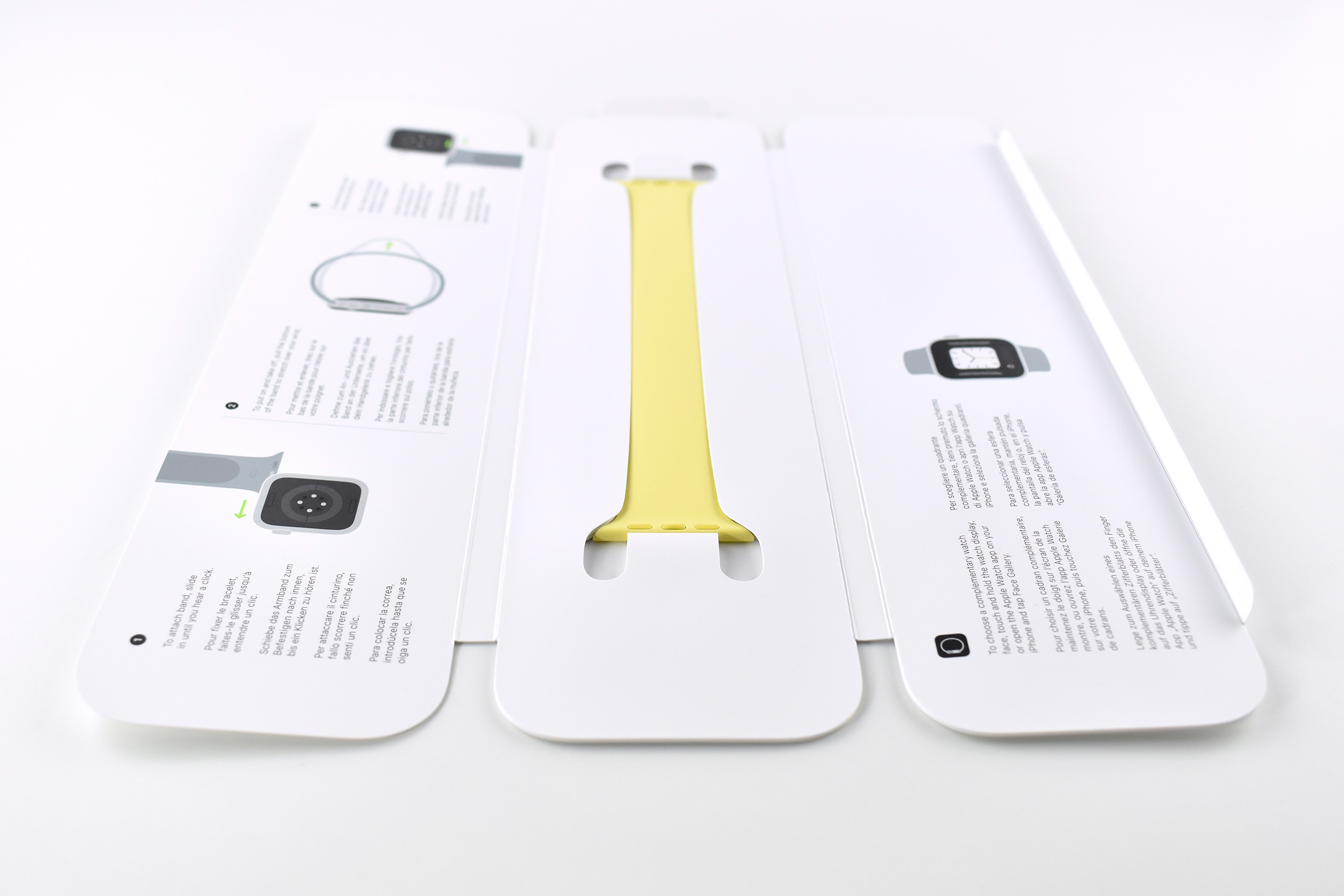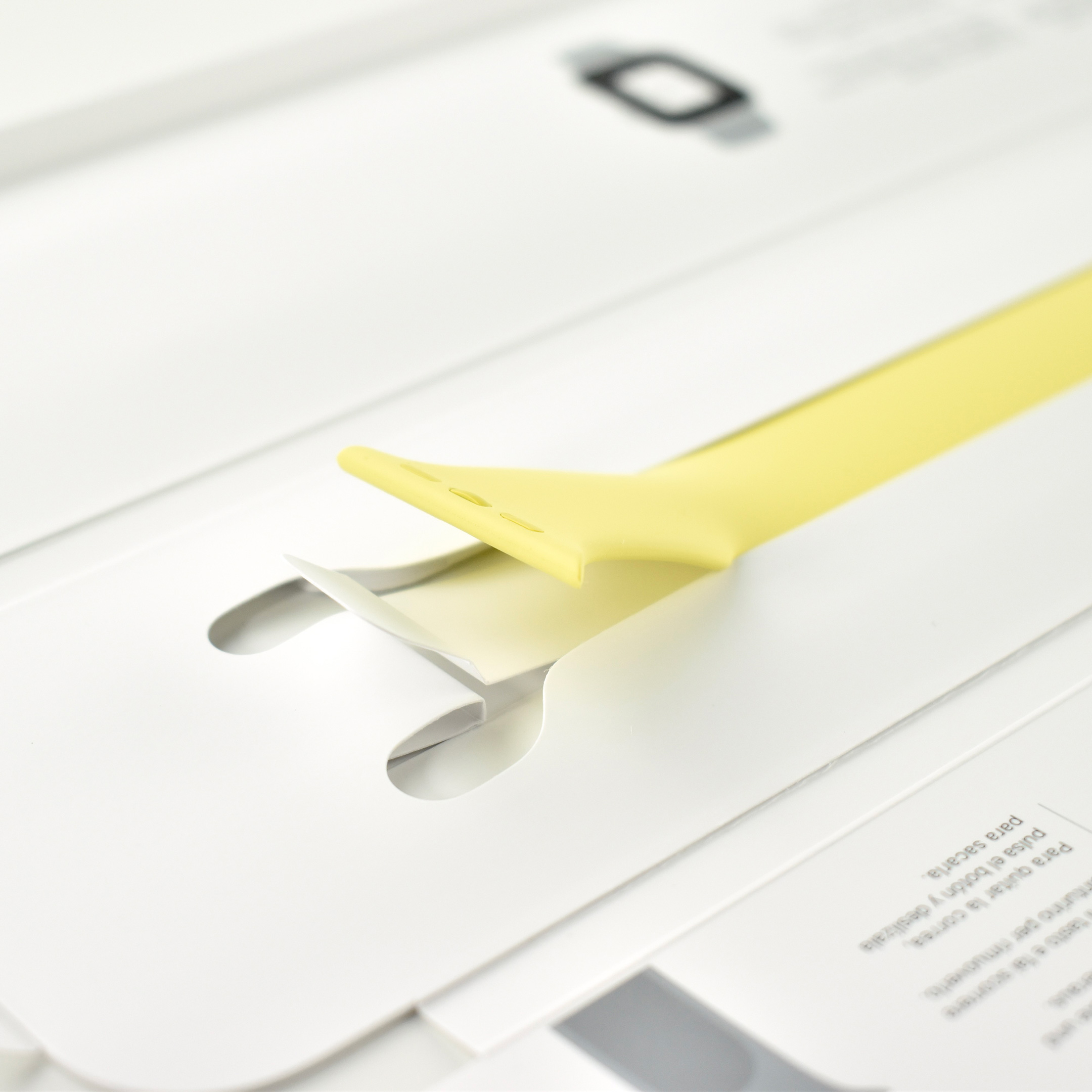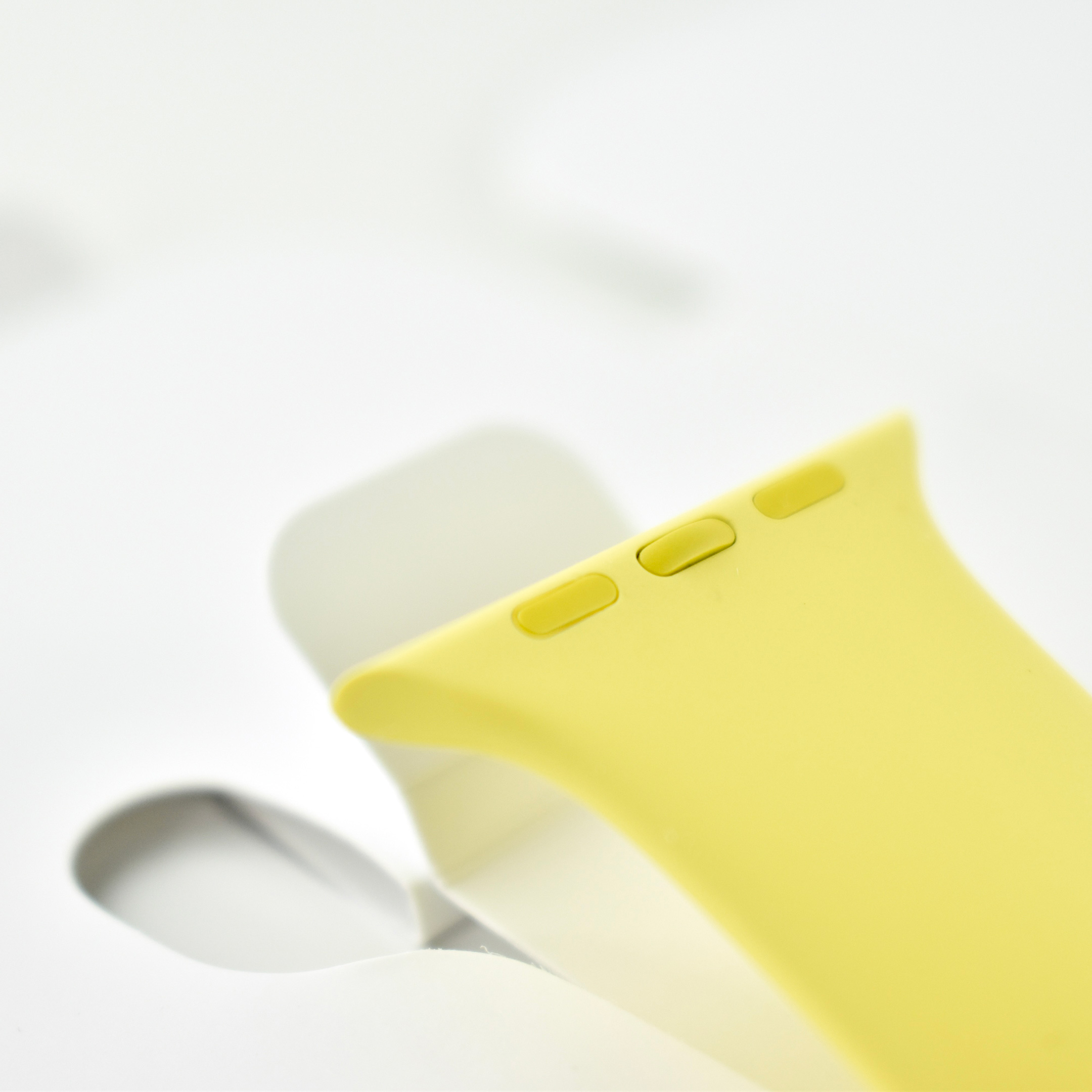
Limited Edition Germany International Collection Sport Loop (44mm, 2021)

The International Collection Sport Loop was released at the time of the Summer Olympics played in 2021 (referred to as the 2020 Olympics due to the COVID-19 delay). The bands came in 22 designs “representing nations across the globe, each with a downloadable matching watch face.”

The bands used the Sport Loop design, described by Apple as, “Soft, breathable, and lightweight, it features a hook-and-loop fastener for quick and easy adjustment. The double-layer nylon weave has dense loops on the skin side that provide soft cushioning while allowing moisture to escape. On the reverse side, the attachment loops are securely anchored for superior durability.”

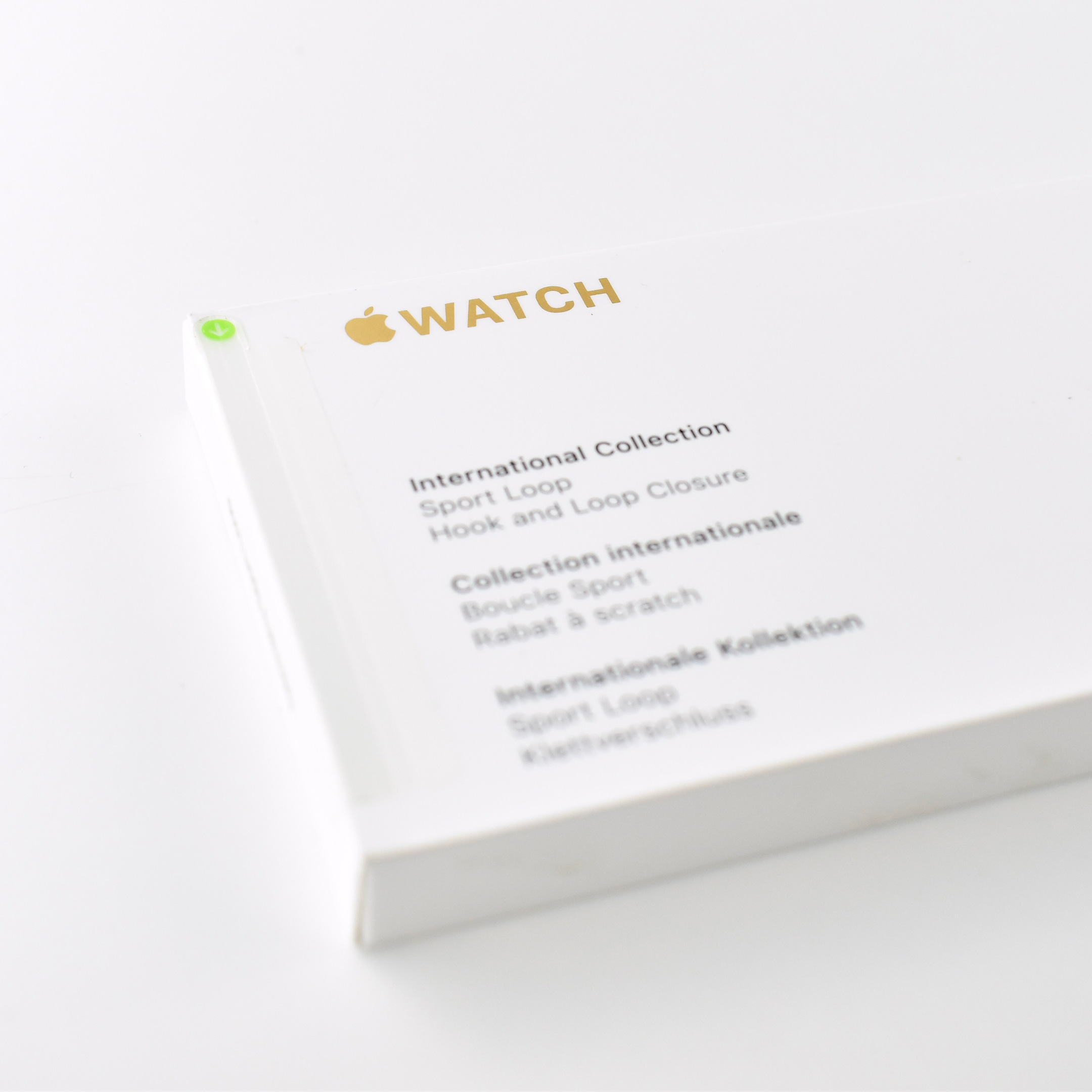
The packaging for each band was highly customized and featured the Apple Watch logo on the box exterior in metallic gold (presumably a reference to Olympic gold medals). The interior packaging used the design of the sport band (as opposed to the generic design used in other Sport Loop designs) and included an App Clip Code (Apple’s custom circular QR Code design) that led directly to a downloadable Watch face that matched the band.

According to an Apple Newsroom release from June 29, 2021:

“To celebrate the indescribable drive and competitive spirit of all athletes and fans, Apple is launching the International Collection bands for Apple Watch, featuring 22 limited-edition Sport Loop bands with colorful designs that represent those nations across the globe. Each band also features a matching downloadable Stripes watch face1 showcasing color combinations that customers around the world can use to personalize their Apple Watch and boldly show their country support.

The soft, breathable, and lightweight International Collection Sport Loop bands are available representing the following countries: Australia, Belgium, Brazil, Canada, China, Denmark, France, Germany, Great Britain, Greece, Italy, Jamaica, Japan, Mexico, the Netherlands, New Zealand, Russia, South Africa, South Korea, Spain, Sweden, and the US.”

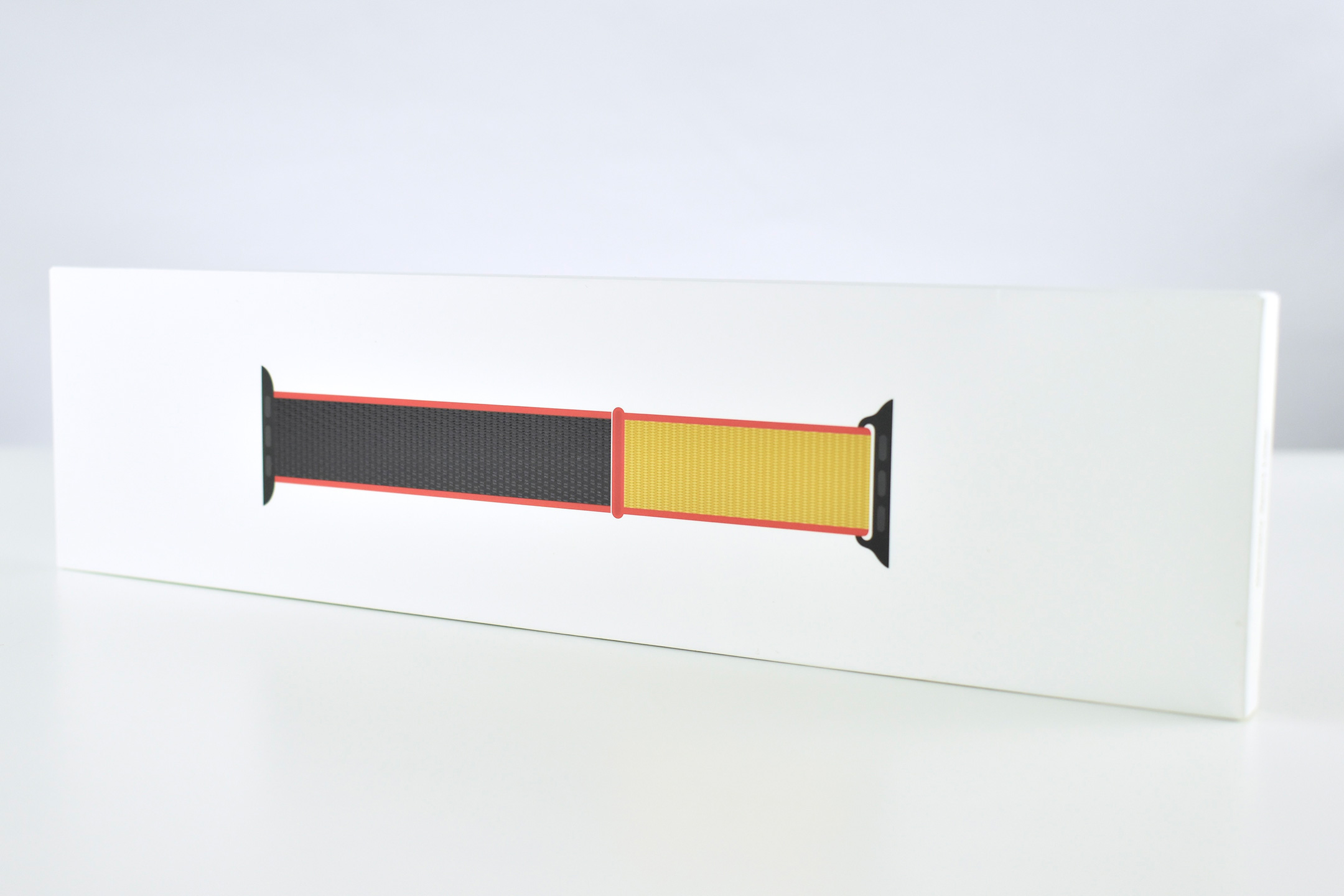
The colorful designs used one-color bands, one- and two-color facing bands, and some bands were split vertically with two colors (a first for Apple Watch band designs). All bands used a contrasting edge color, and many bands featured contrasting plastic connectors/closure colors. Bands matched the flags of each country and featured two to five colors each. My band color descriptions include:

  • Australia—2-sided bright green and yellow band; bright green edges; bright green plastic connectors/closure.
  • Belgium—yellow gold band; red edges; black plastic connectors/closure.
  • Brazil—bright green band; yellow edges; dark blue plastic connectors/closure.
  • Canada—vertical striped white and red band; white and red edges; white plastic connectors, white closure.
  • China—red band; yellow-gold edges; red plastic connectors, yellow-gold closure.
  • Denmark—red band; white edges; white plastic connectors/closure.
  • France—white band; blue and red edges; white plastic connectors, blue closure.
  • Germany—2-sided black and yellow-gold band; red edges; black plastic connectors/closure.
  • Greece—2-sided vertical striped white and blue band; blue and white edges; white plastic connectors/closure.
  • Italy—bright blue band; white edges; green plastic connectors, red closure.
  • Jamaica—2-sided bright green and black band; yellow edges; black plastic connectors, yellow closure.
  • Japan—white band; red edges; white plastic connectors, red closure.
  • Mexico—white band; green and blue edges; white plastic connectors, green closure.
  • Netherlands—bright orange band; white edges; white plastic connectors, blue closure.
  • New Zealand—black band; white edges; black plastic connectors, white closure.
  • Russia—2-sided blue and red band; white edges; white plastic connectors/closure.
  • South Africa—2-sided red and blue band; green edges; black plastic connectors, yellow closure.
  • South Korea—white band; black edges; blue plastic connectors, red closure.
  • Spain—2-sided yellow-gold and red band; red edges; red plastic connectors/closure.
  • Sweden—2-sided yellow and medium-blue band; medium-blue edges; medium-blue plastic connectors/closure.
  • United States—vertical striped white and blue band; red edges; white plastic connectors, red closure.
  • Great Britain—2-sided red and blue band; white edges; white plastic connectors/closure.

This example is a 44mm Sport Loop representing Germany.

Sources: Apple (product pages, Newsroom, developer)
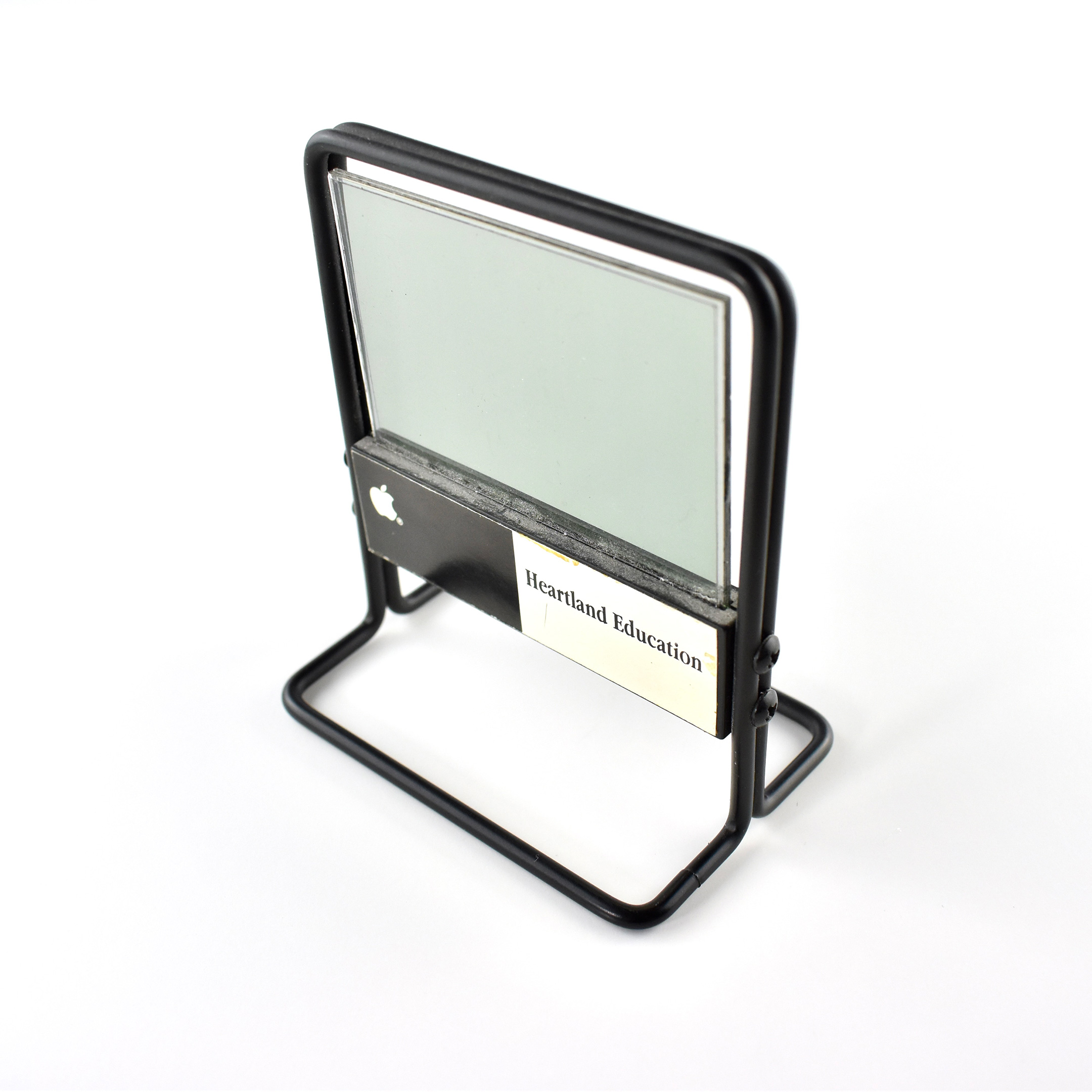
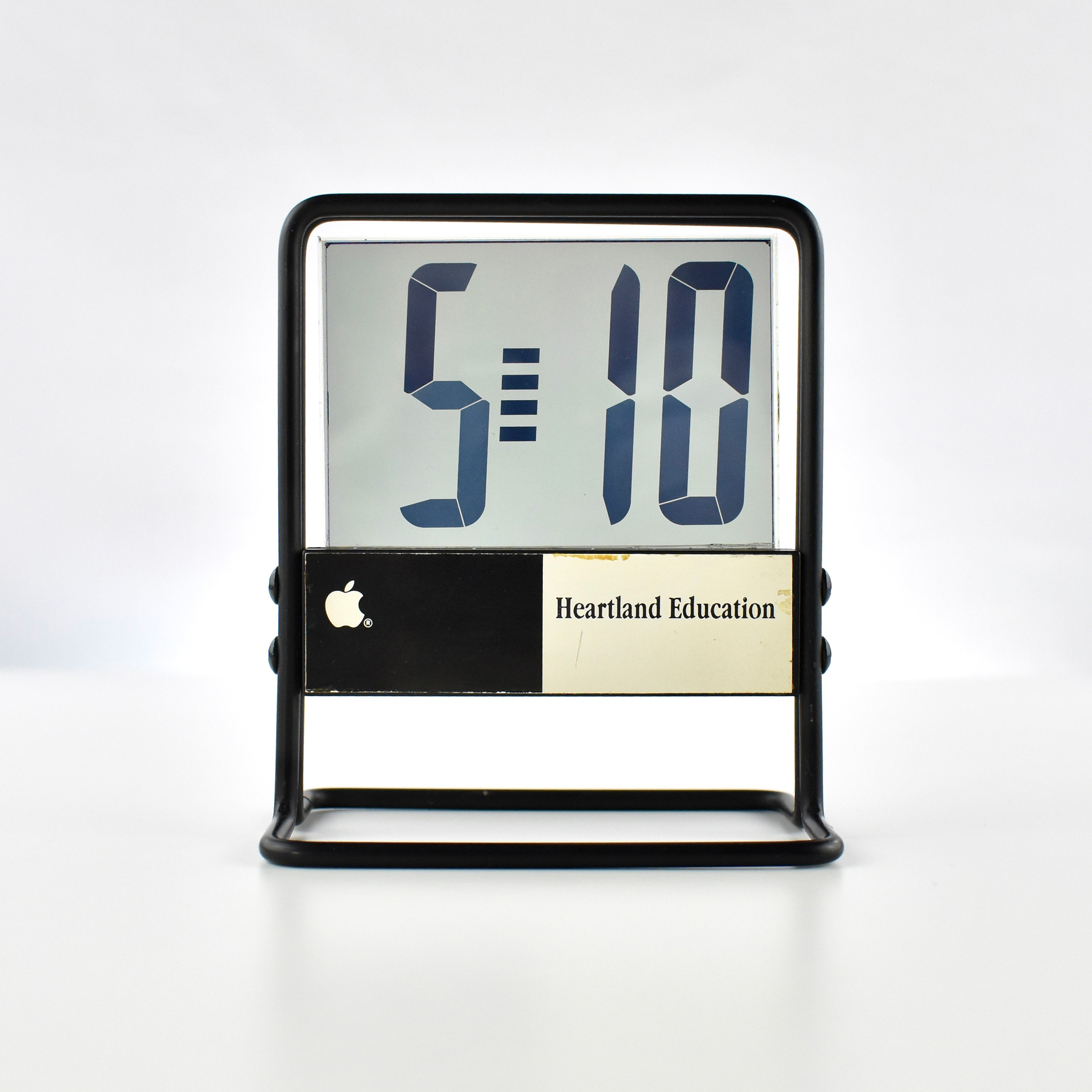
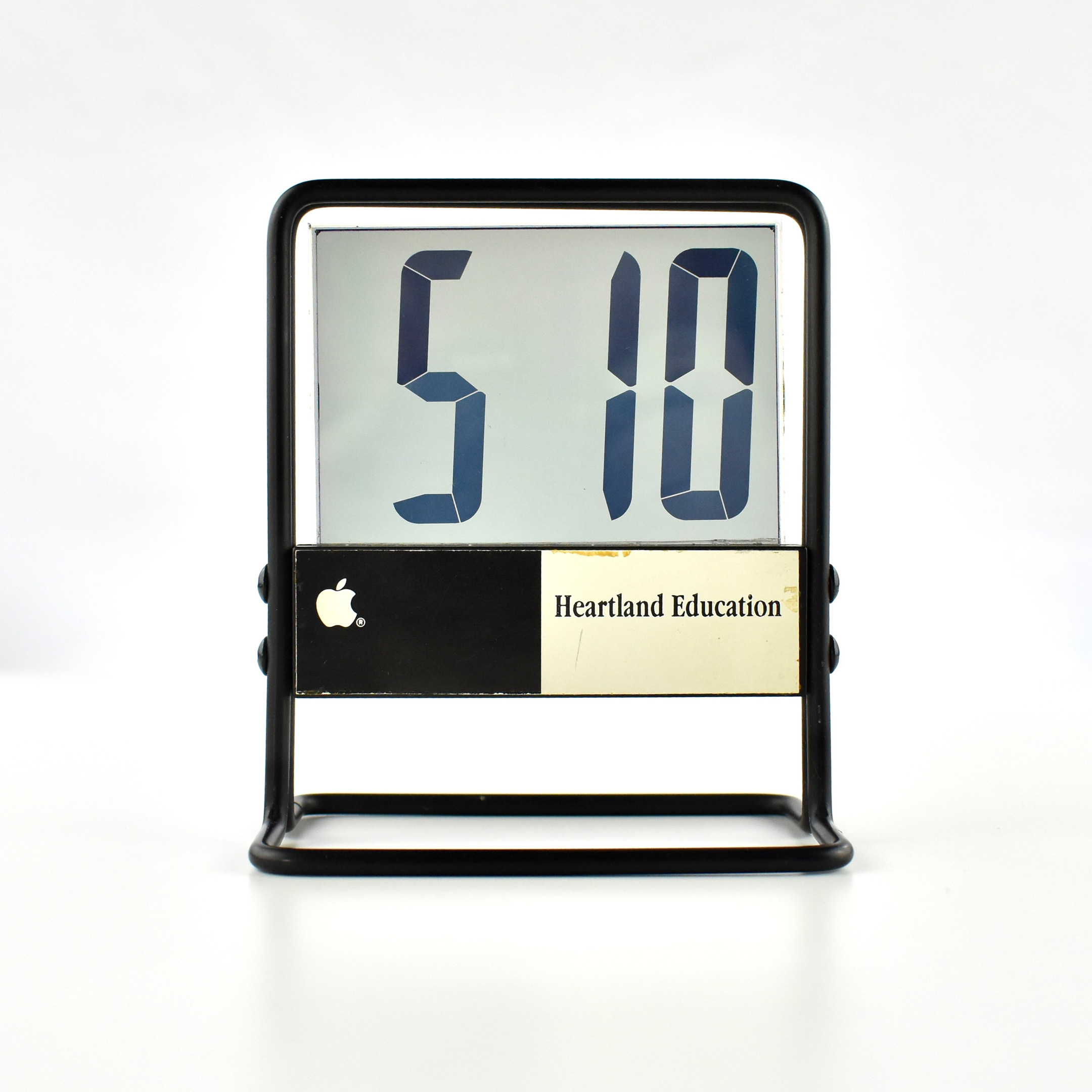
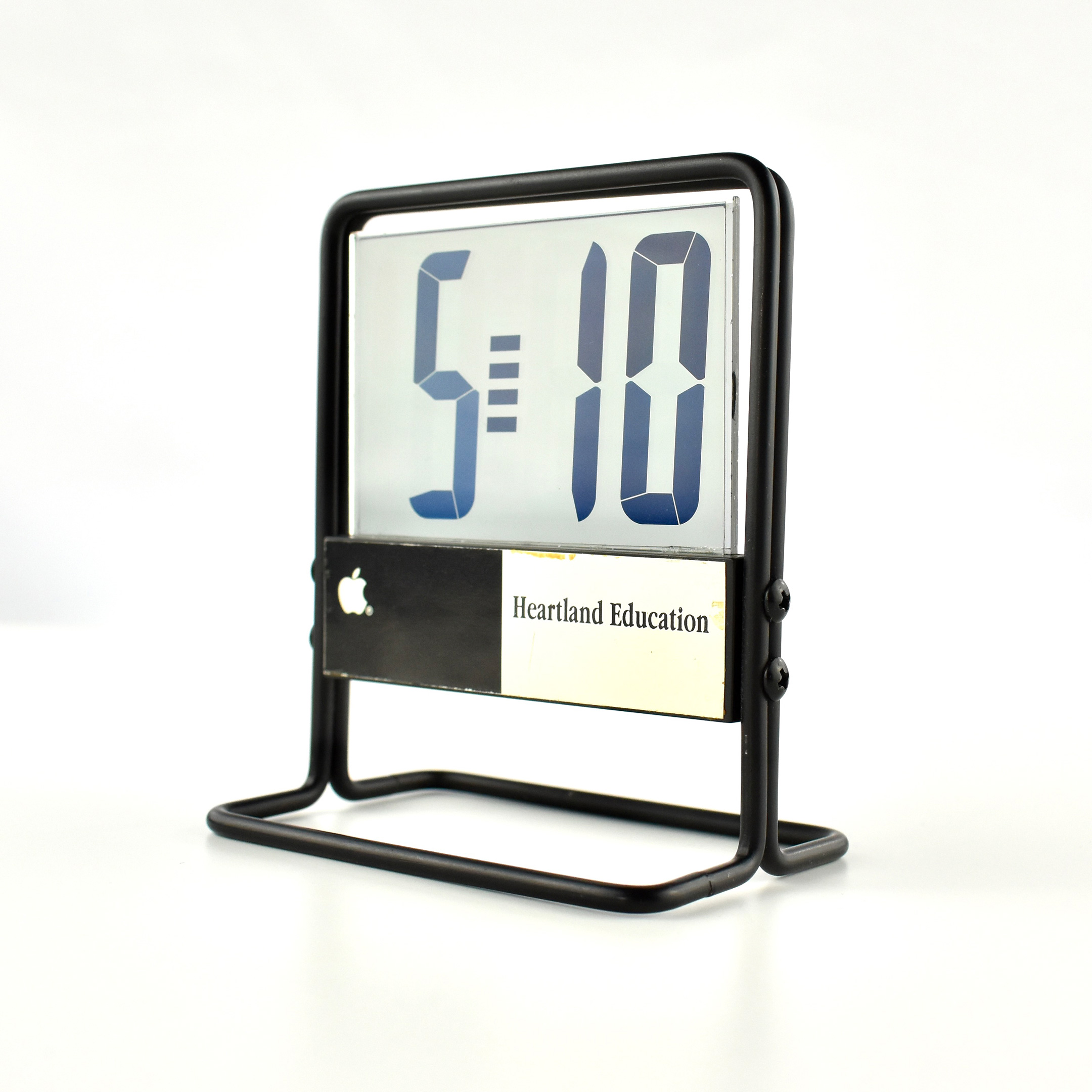
Apple Heartland Education Clock (c. 1995)
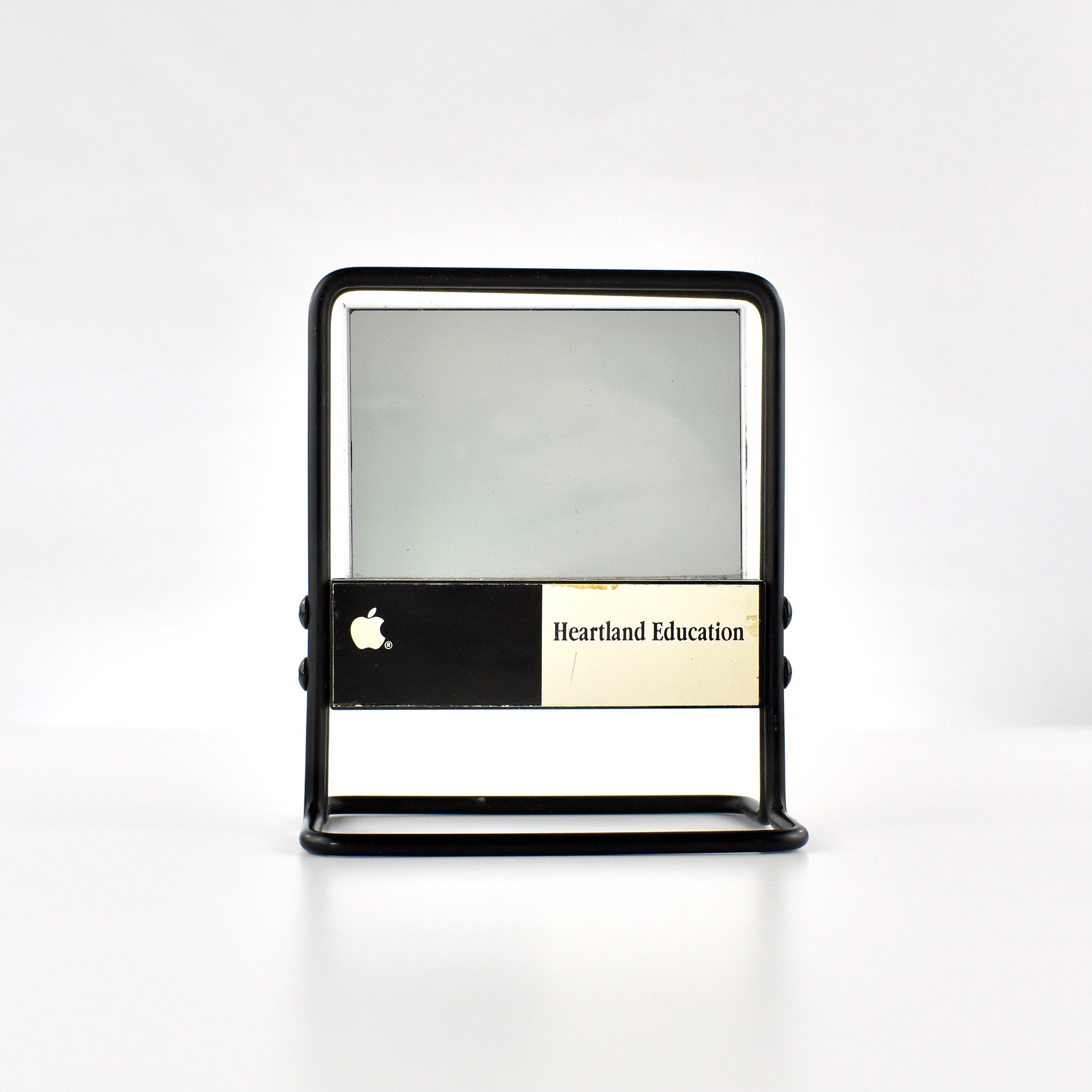
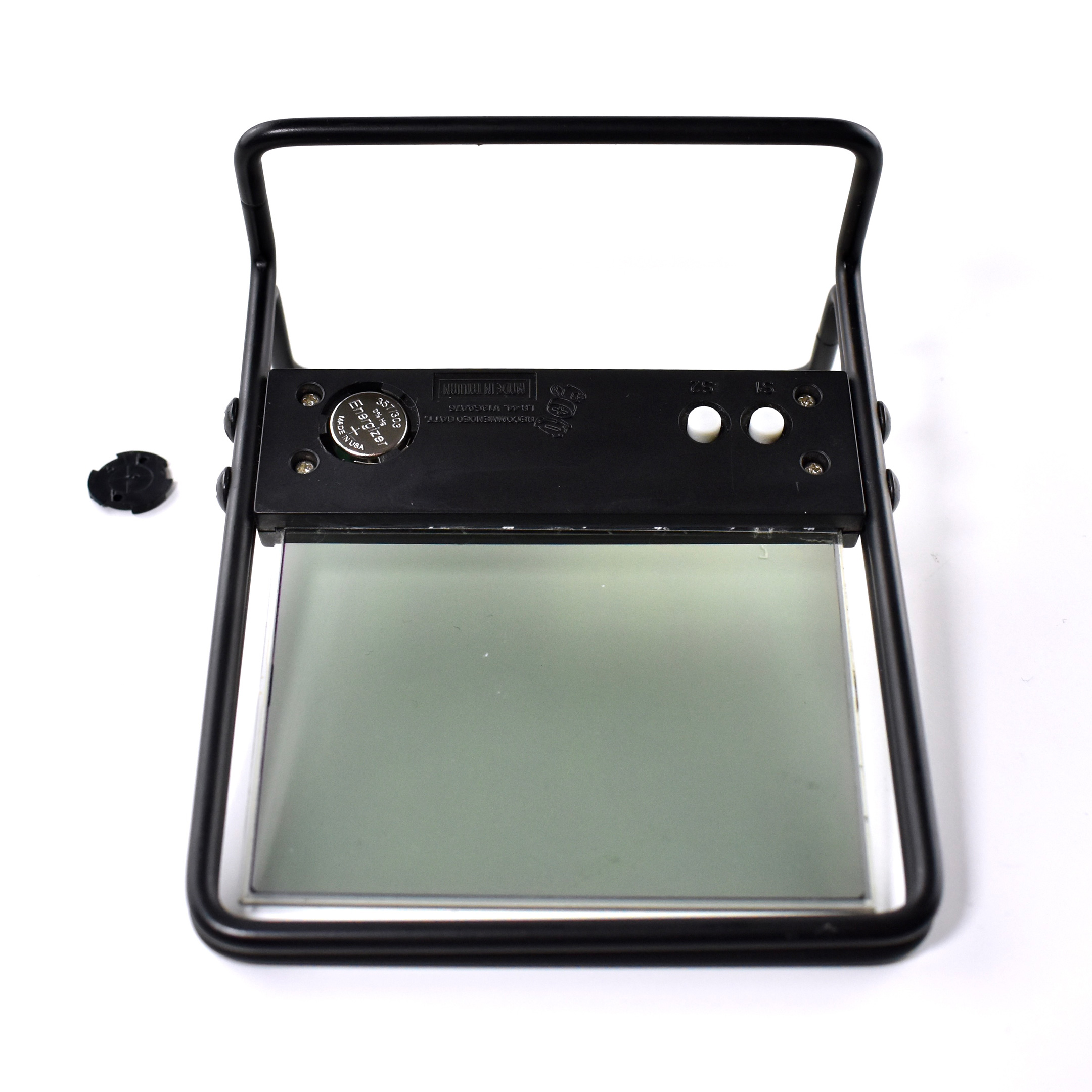
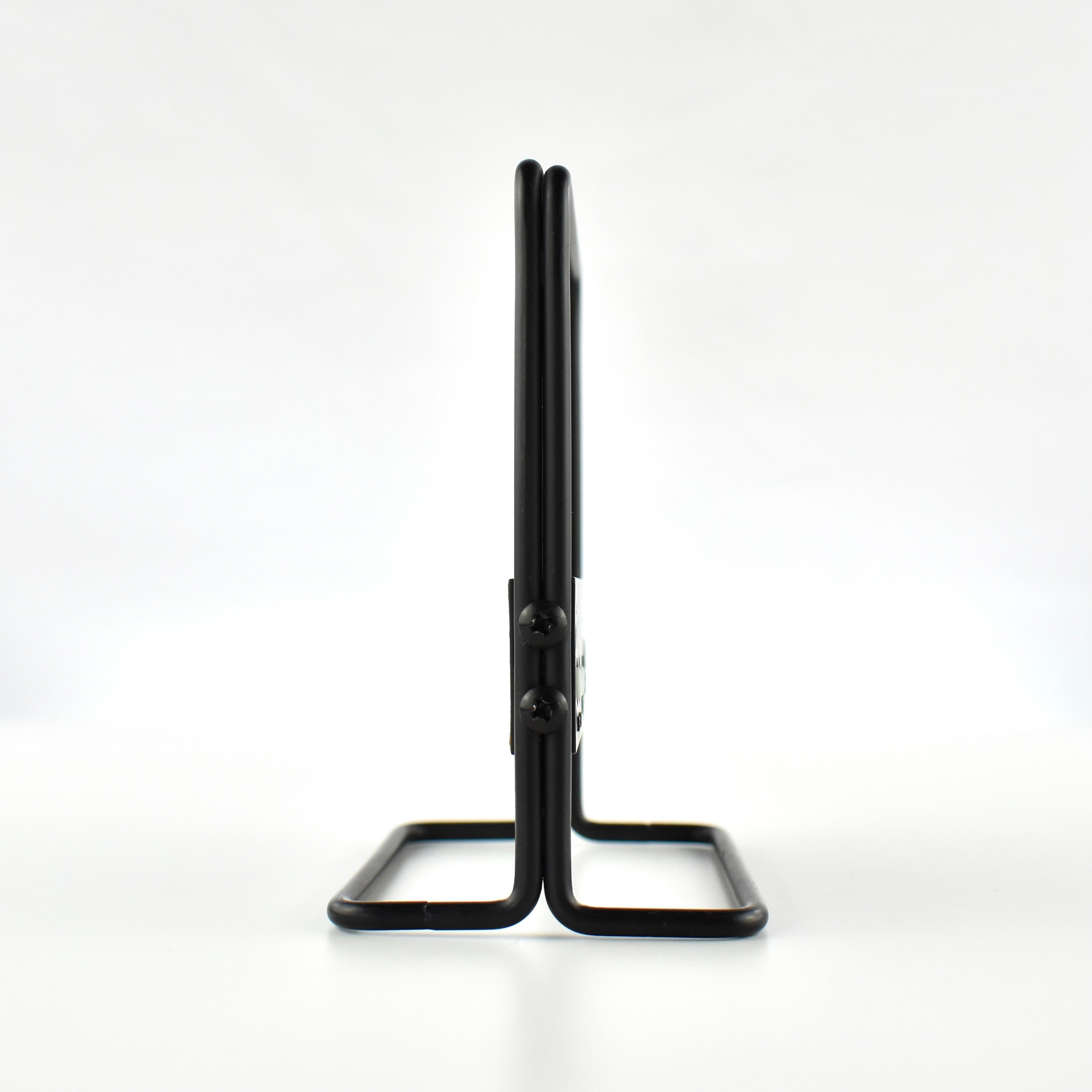
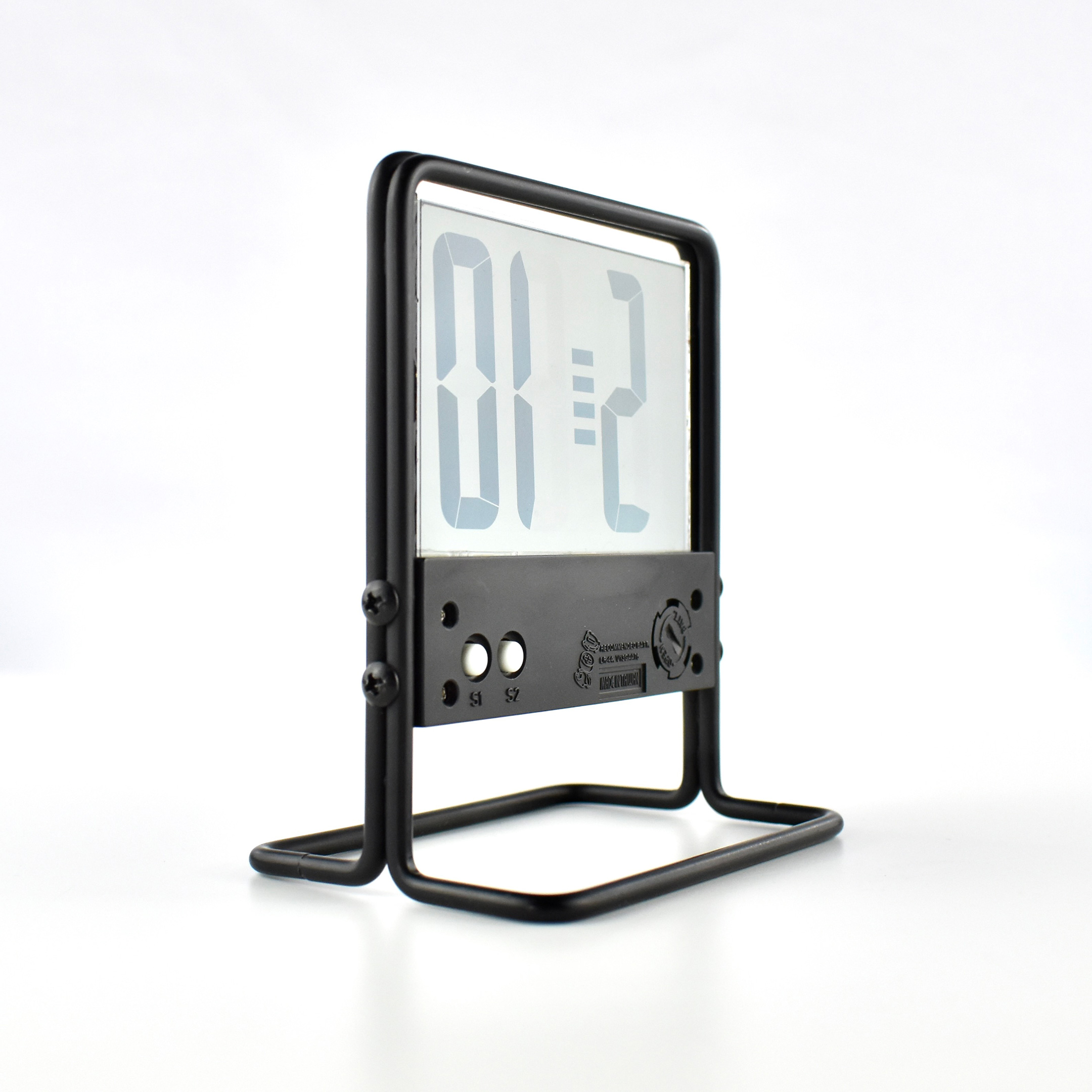
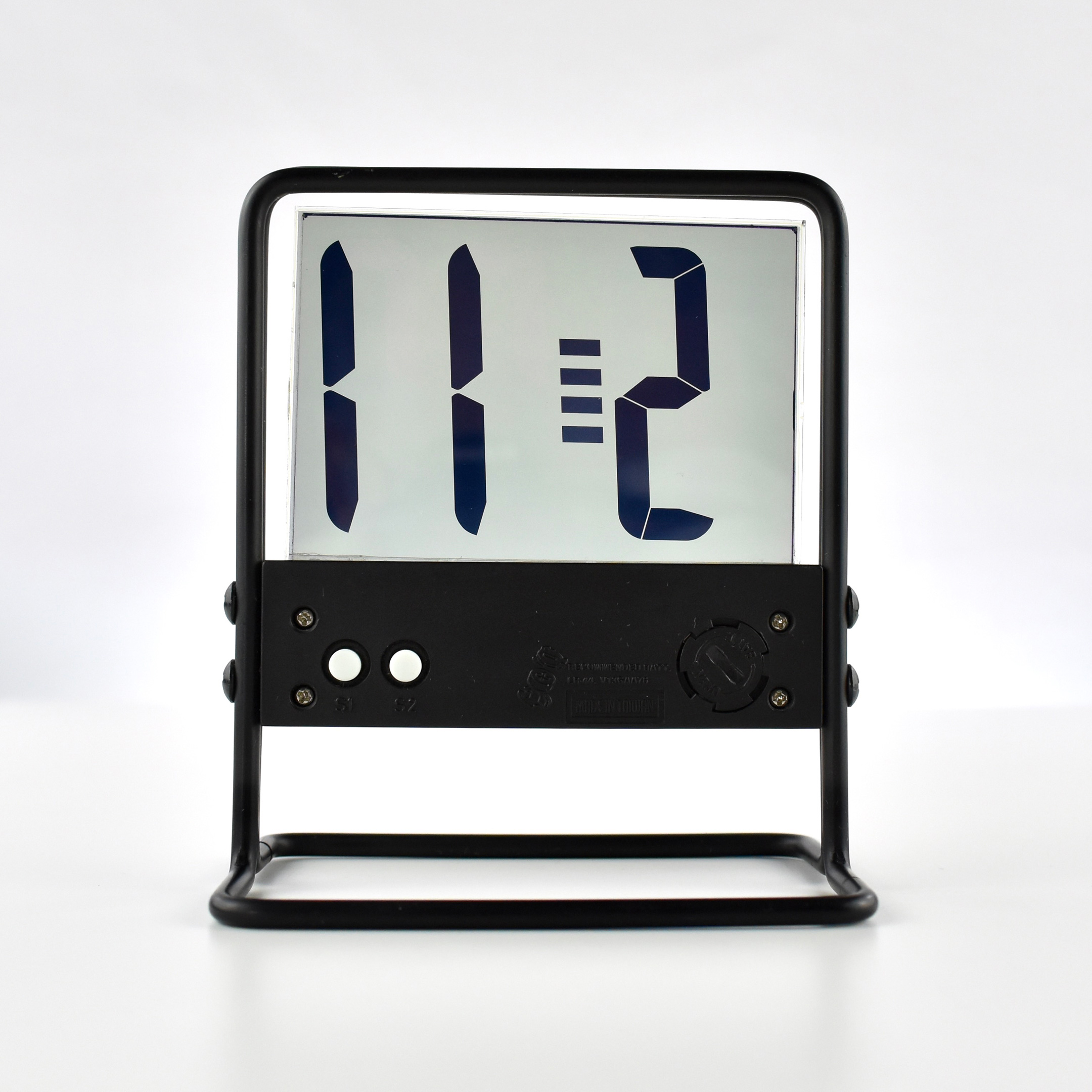
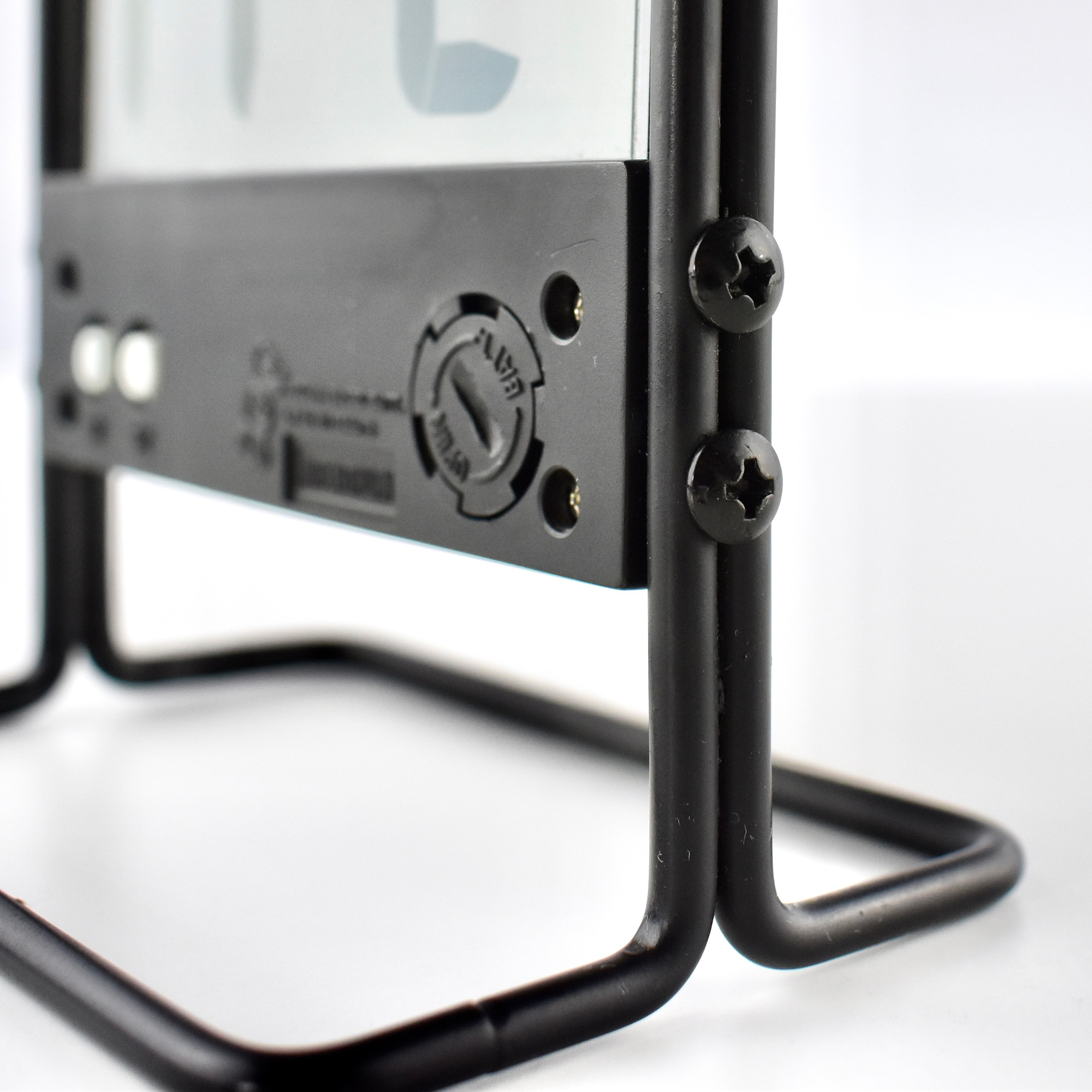
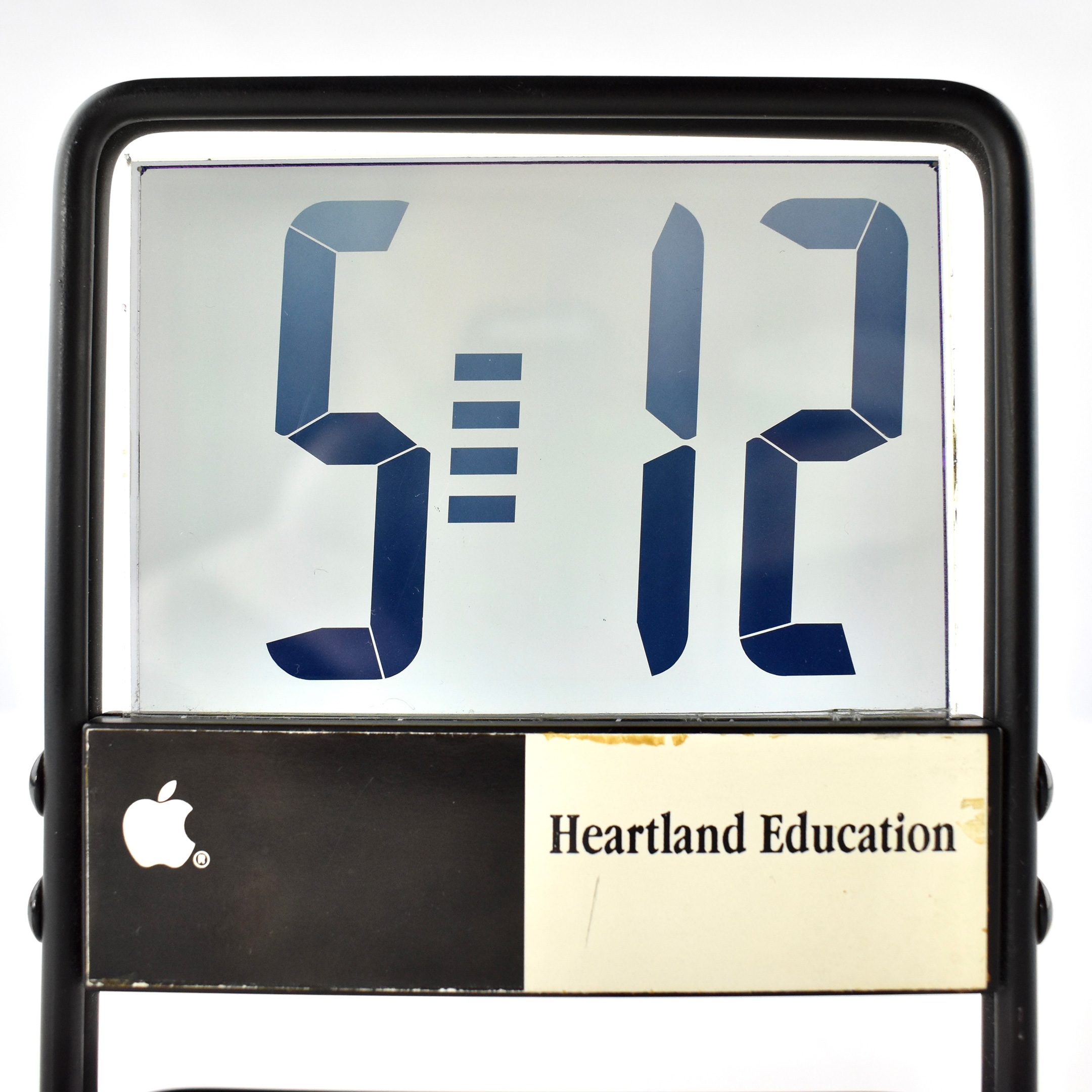
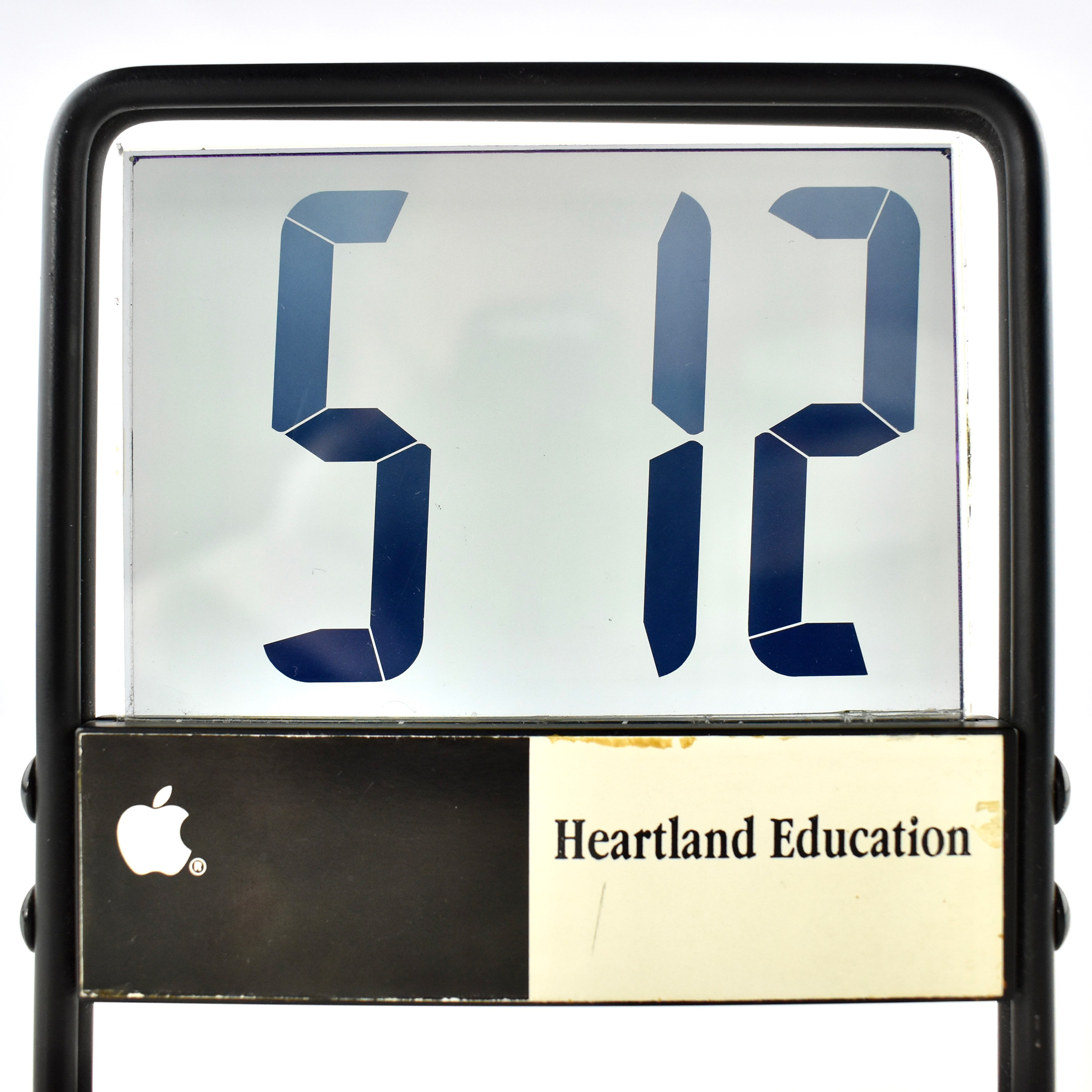
This LED clock features a transparent display with large LED-style numerals that display the time and a blinking separator of four stacked bars. It is constructed with a matte black metal frame with a black plastic base that contains the electronics, battery, and buttons to set the time on the back. The transparent LED screen has a green-gray tint.

The  front of the clock features the Apple logo in white on a black background, and a white panel reads “Heartland Education” printed in the Apple Garamond typeface in black, Apple’s corporate font that was used 1984–2003.

The clock runs on a 357 watch battery. It measures 4.375 inches tall, 3.75 inches wide, with a base measuring 2.375 inches deep, and the body just over 0.25 inch thick.

This clock was previously employee-owned and the date is approximate, based upon its design. The item is undated.

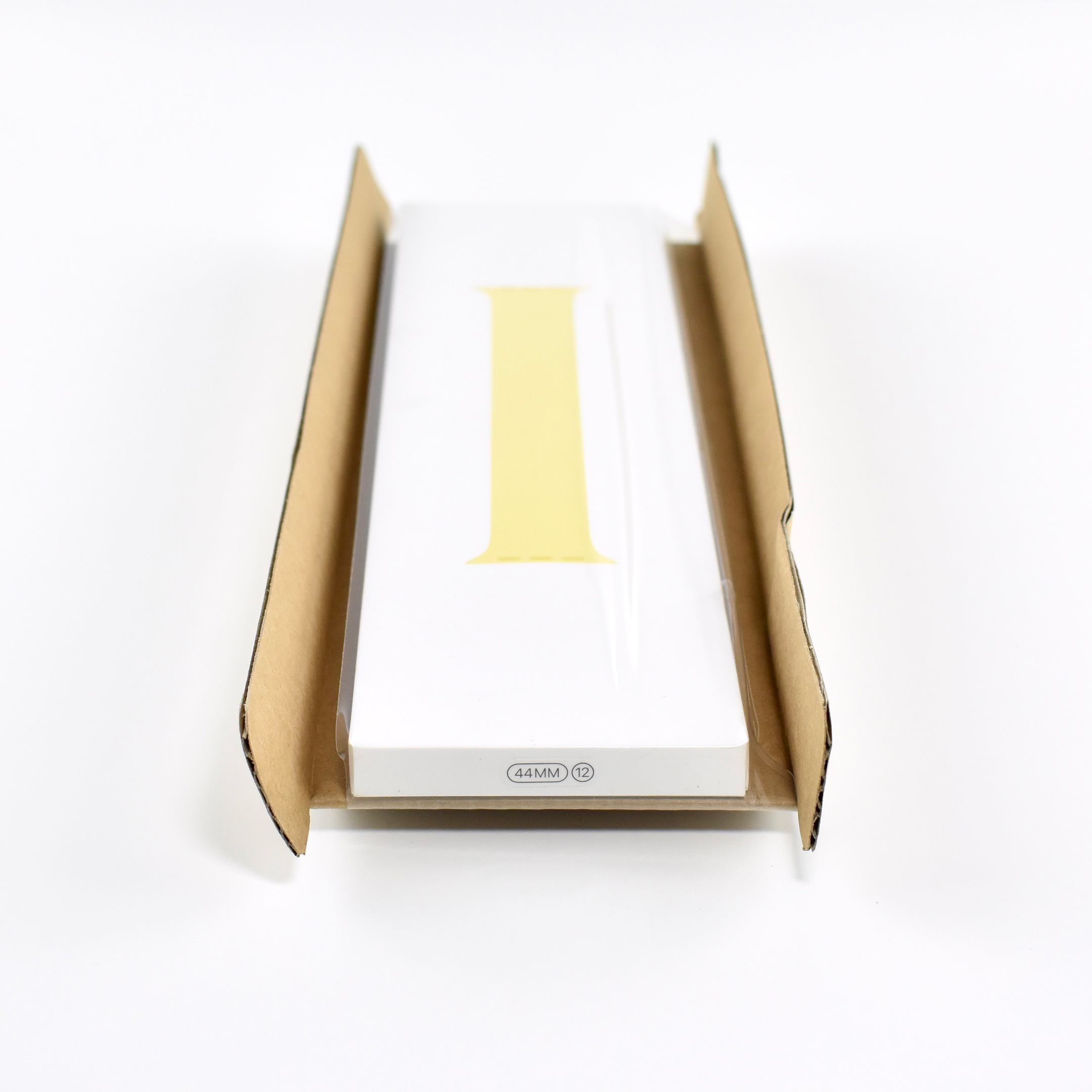
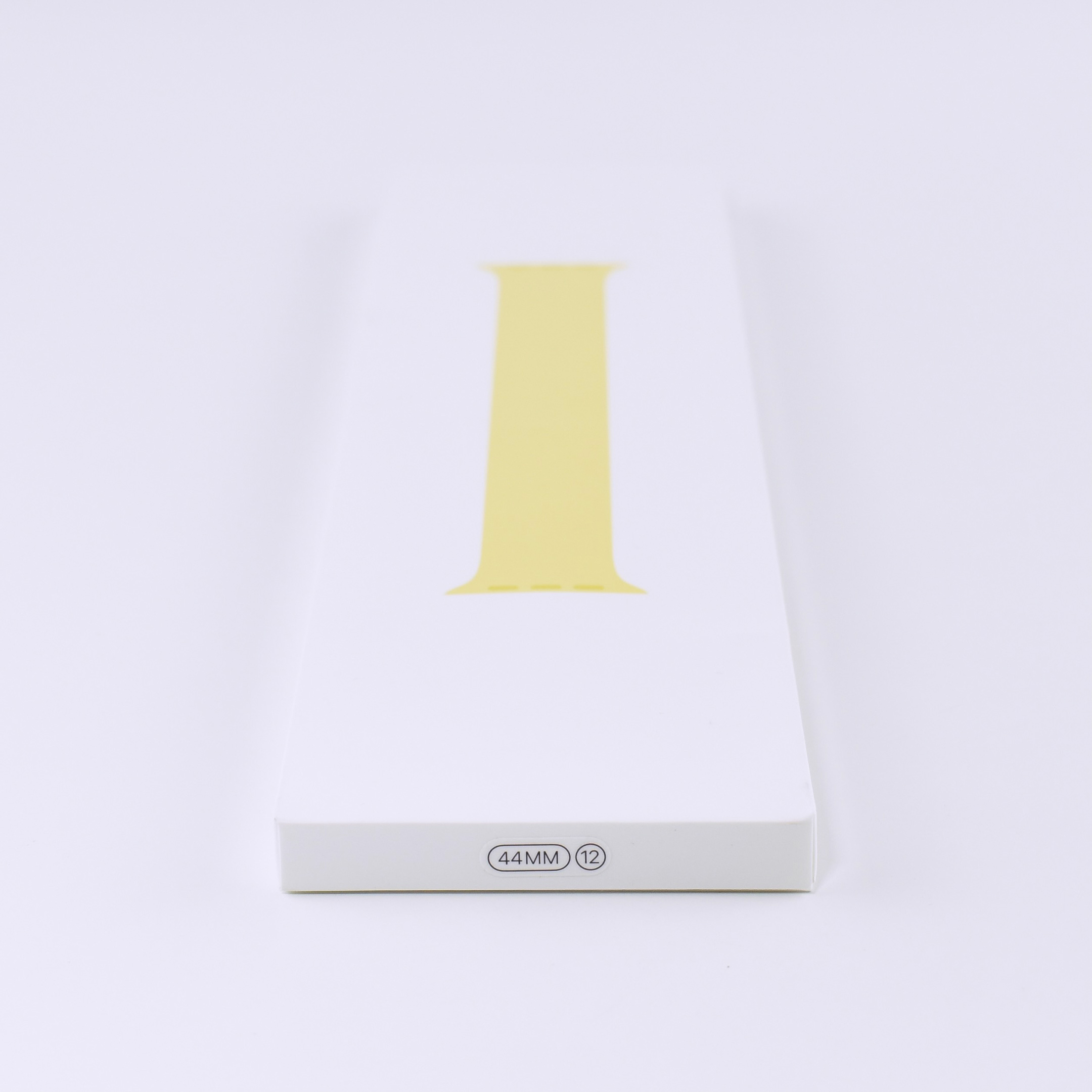
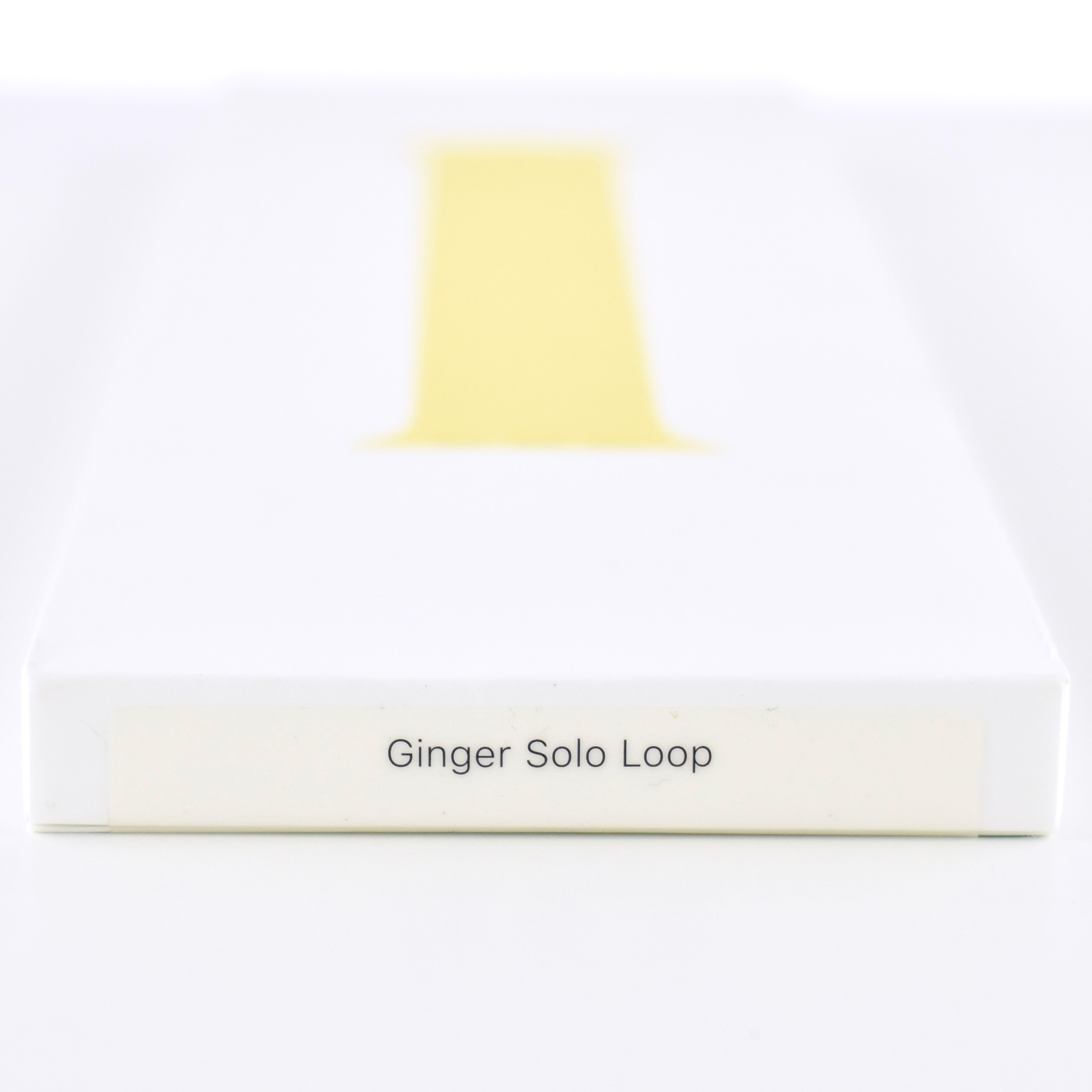
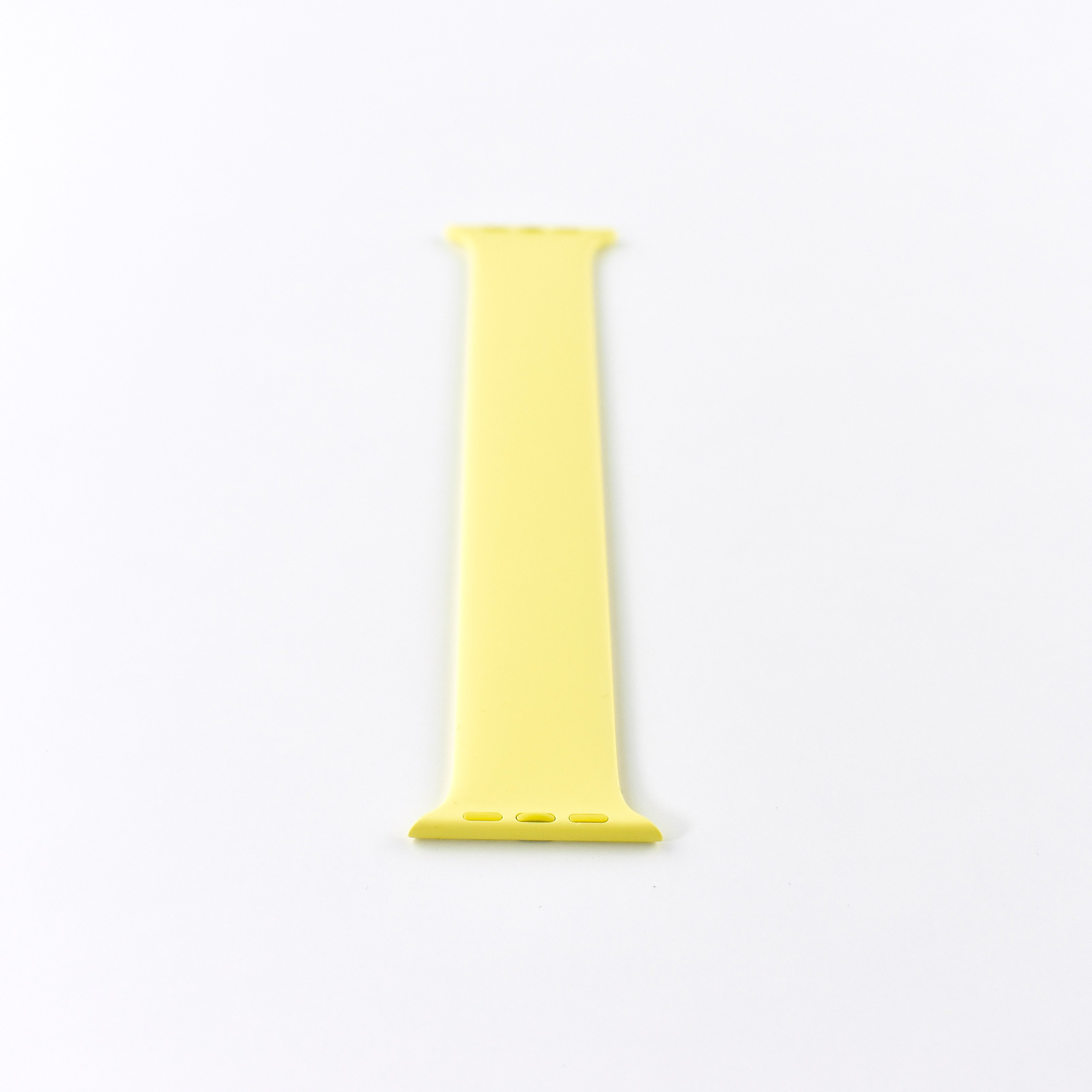
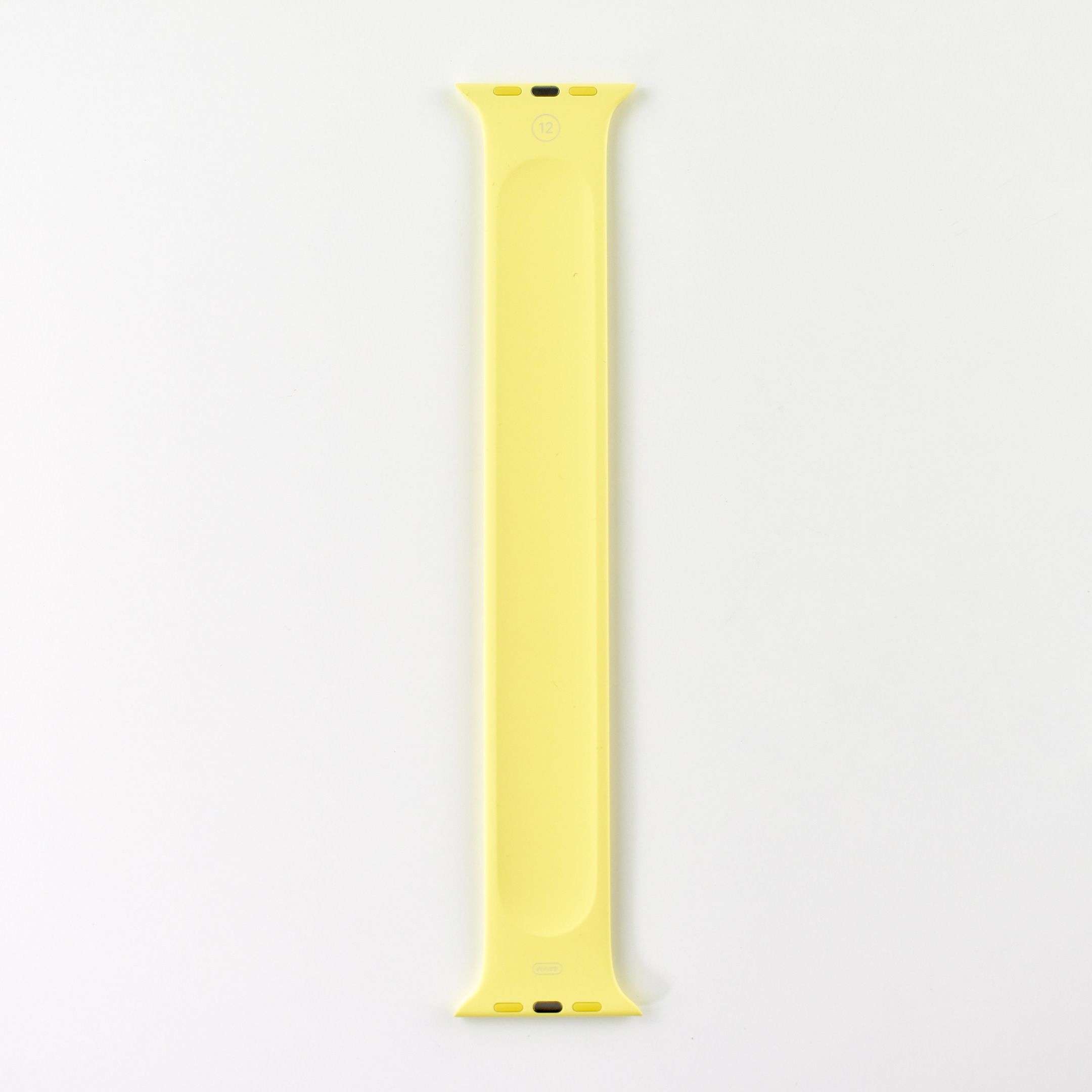
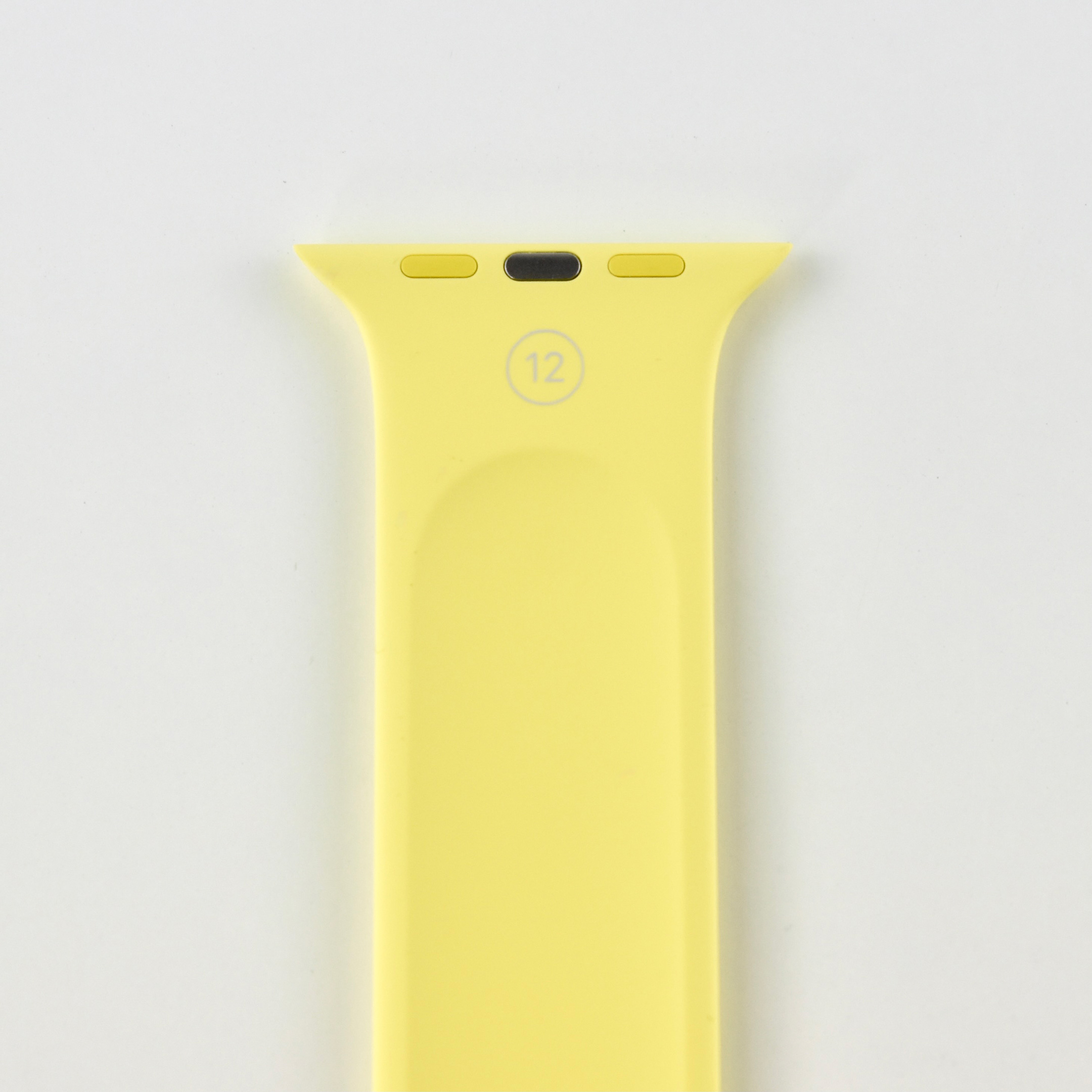
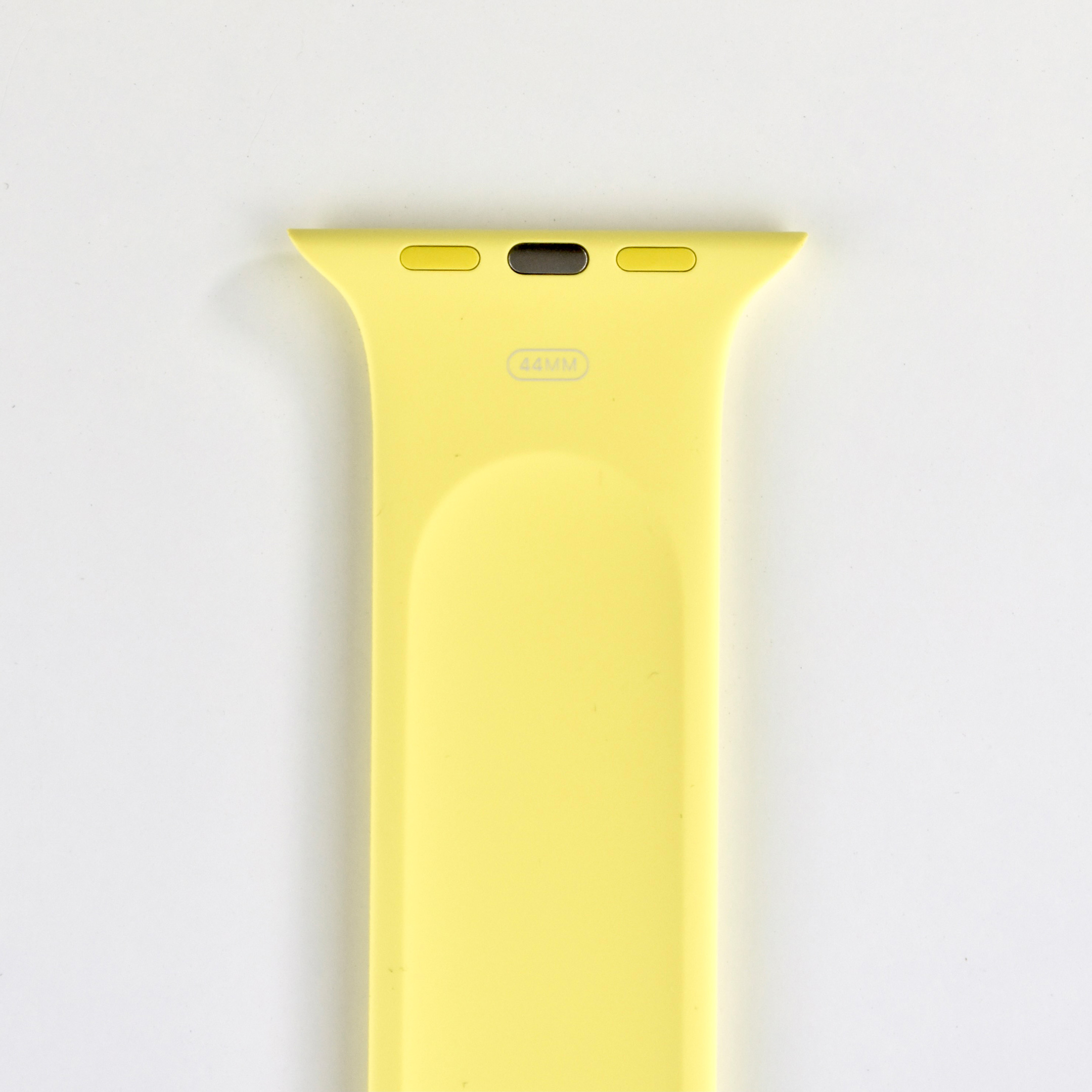
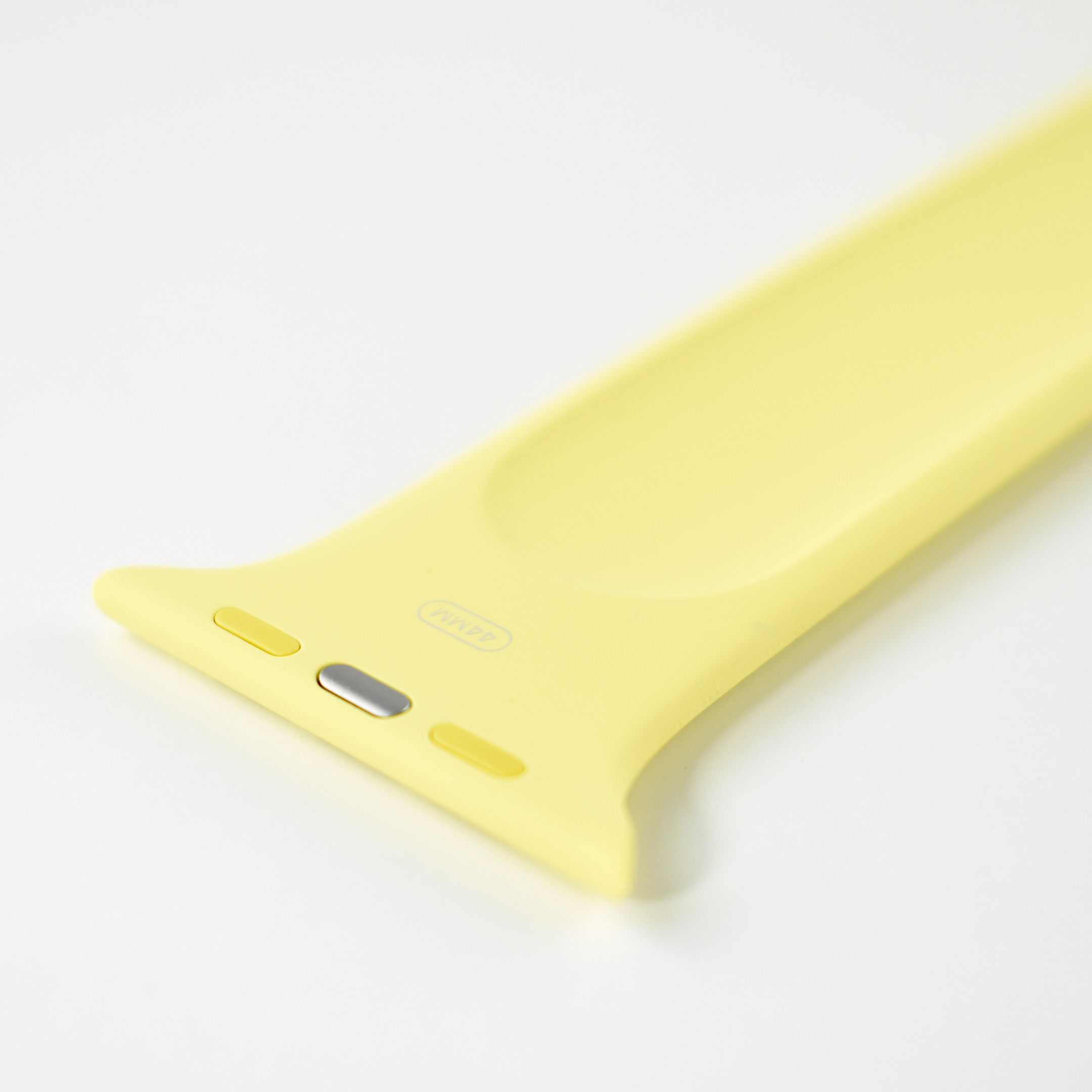
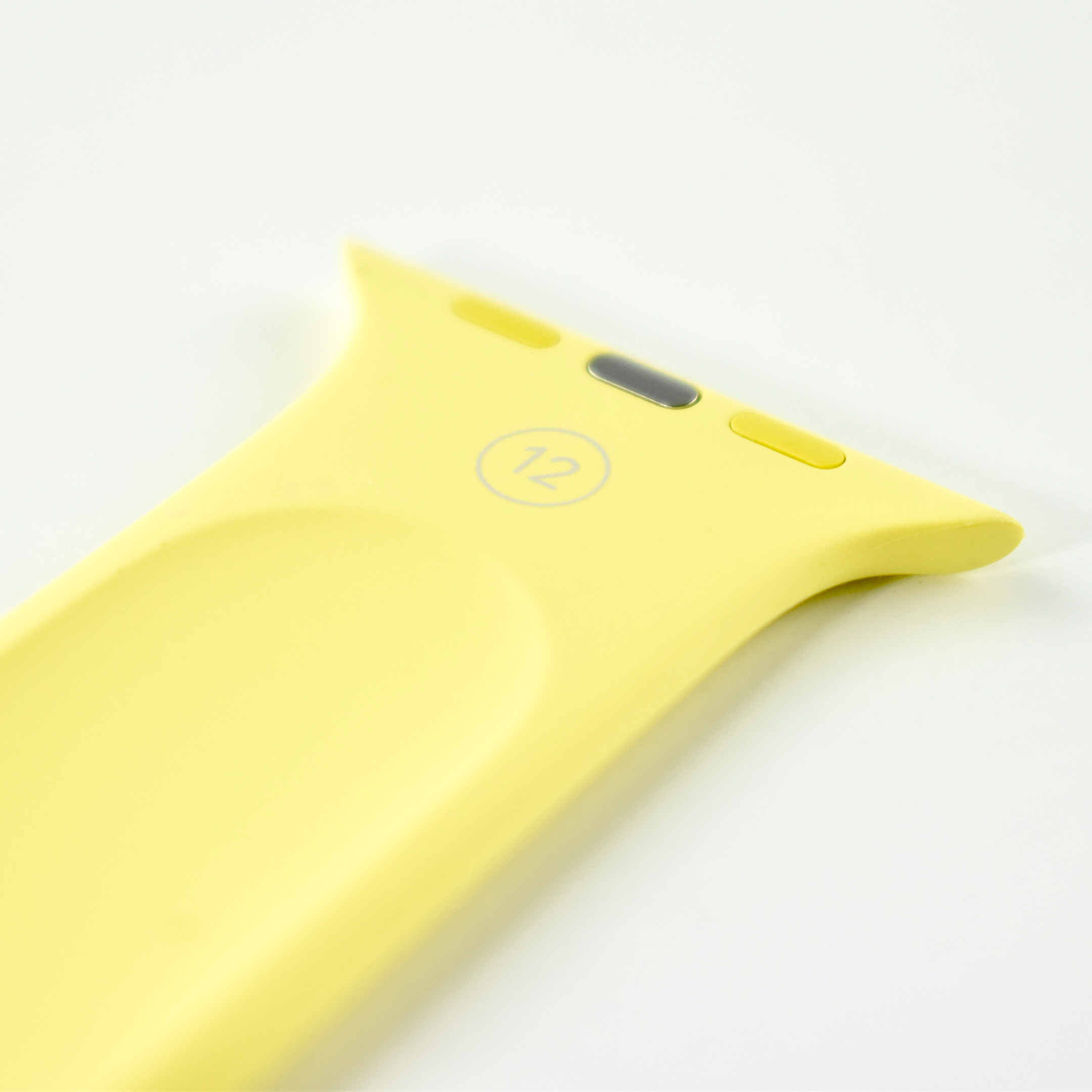
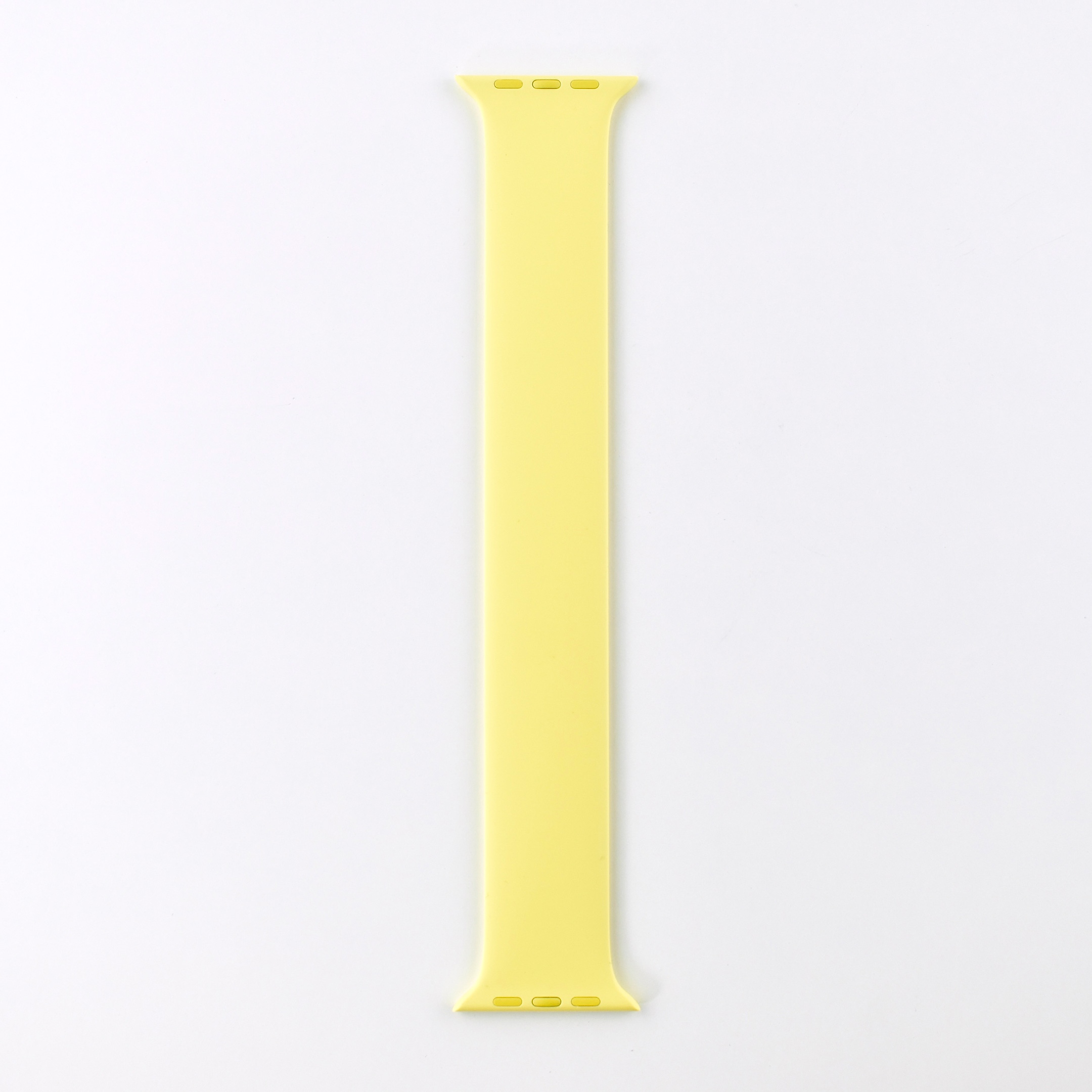
Apple Watch Solo Loop (44mm, Size 12, Ginger, 2020)
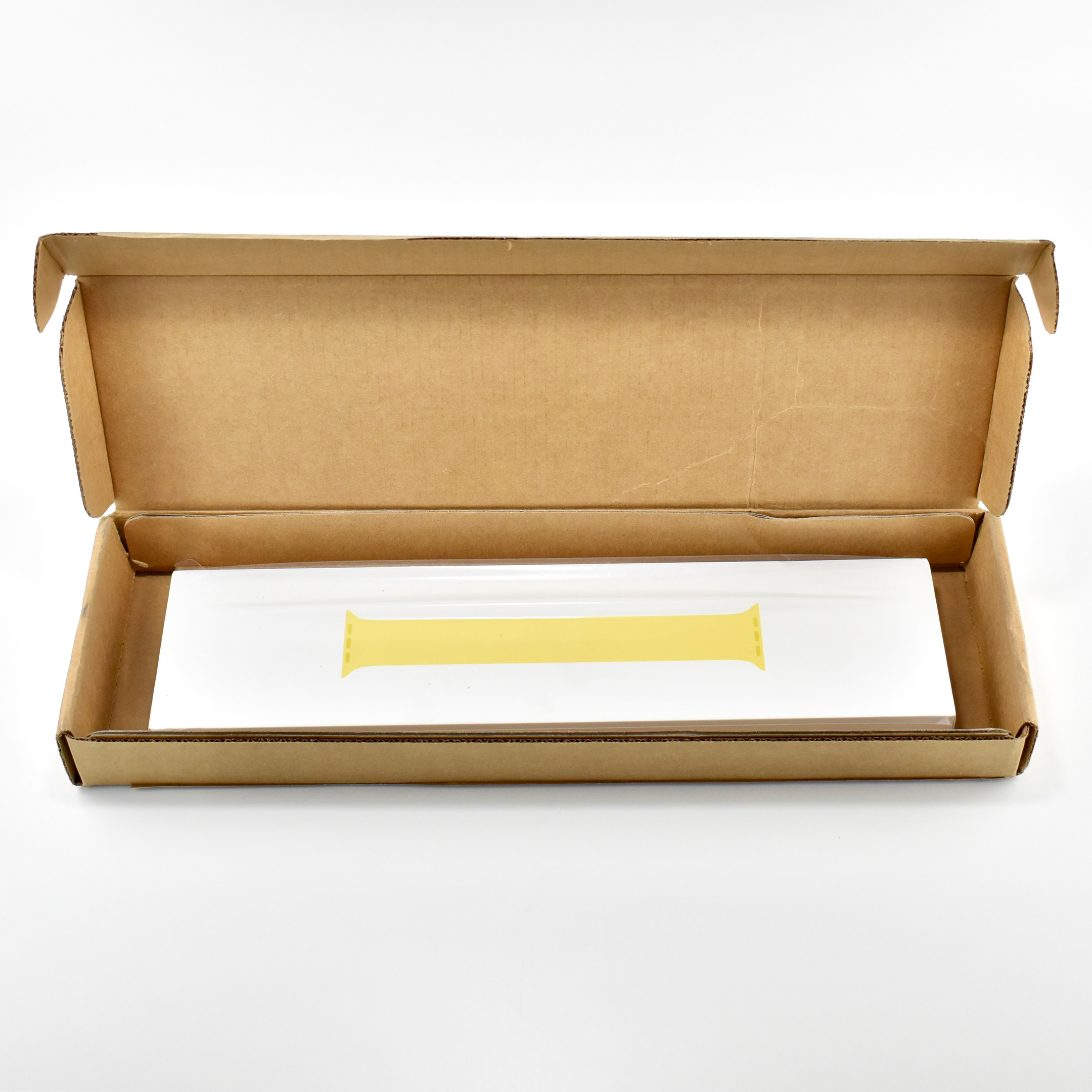
The Solo Loop Apple Watch band was released in 2020 along with the Apple Watch Series 6. The packaging describes this product as a “Silicone Fitted Band.” According to Apple’s website:

“Made from liquid silicone rubber, the Solo Loop features a unique, stretchable design with no clasps, buckles, or overlapping parts that’s ultracomfortable to wear and easy to slip on and off your wrist. Each band is specially treated with UV to give the band a silky, smooth finish. It’s also swim proof and sweat proof so it can go just about anywhere you want to wear it.”

This band is Ginger, a shade of yellow. It was available in 40mm and 44mm widths, and was among the first Apple Watch bands to be sold in specific wrist sizes. The 40mm Solo Loop was sold in wrist sizes 1–9 and the 44mm Solo Loop was sold in wrist sizes 4–12.

According to Apple’s website, “This band comes in custom sizes because it’s designed for an ultracomfortable fit. An accurate measurement will help you get the size that’s right for you.” The website allowed buyers to download a PDF and cut out a “tool” that wrapped around the wrist to designate the band size needed.

This snug-fitting design allowed the Apple Watch Series 6 sensors to retain constant and consistent skin contact, allowing accurate blood oxygen and heart rate measurements to be maintained.

Source: Apple

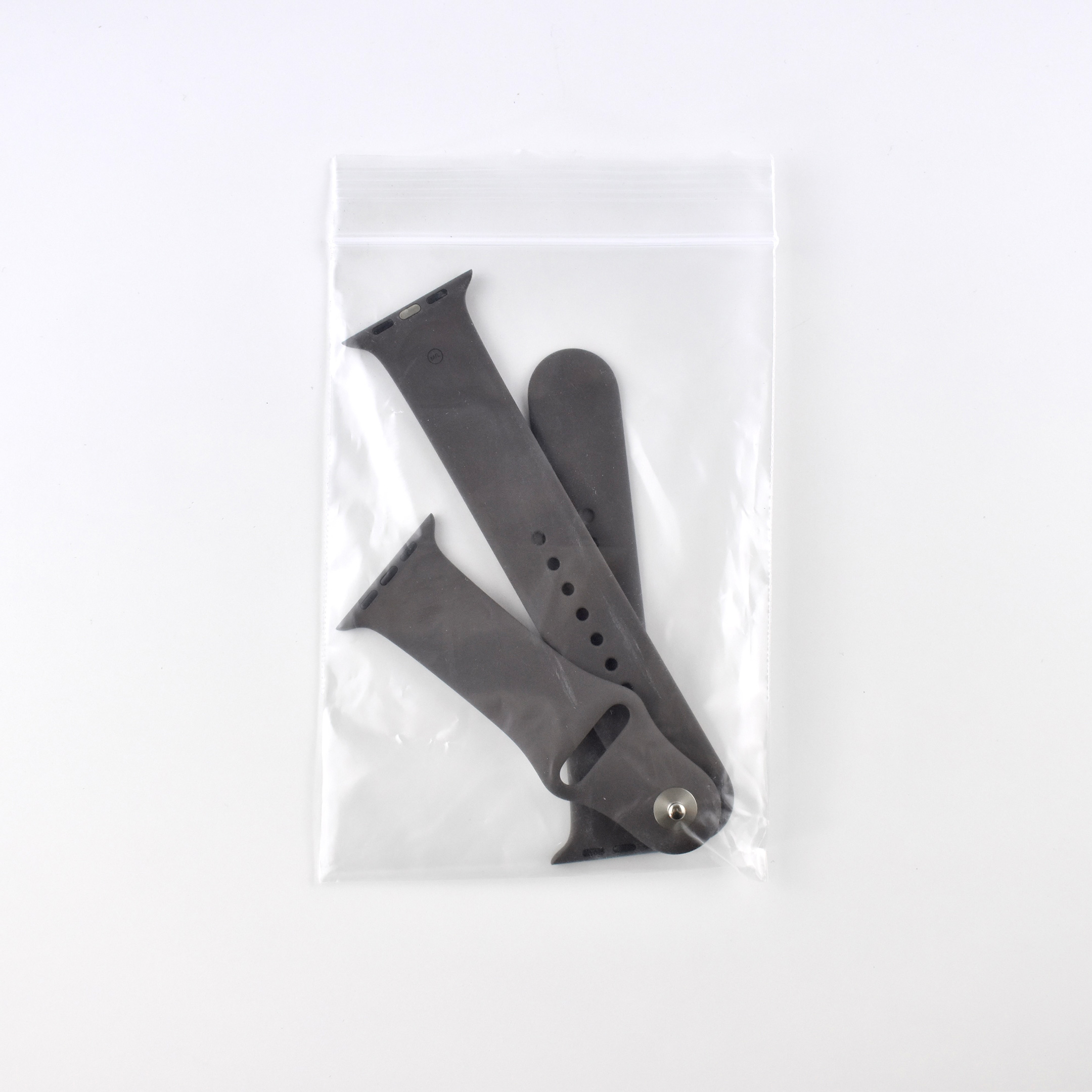
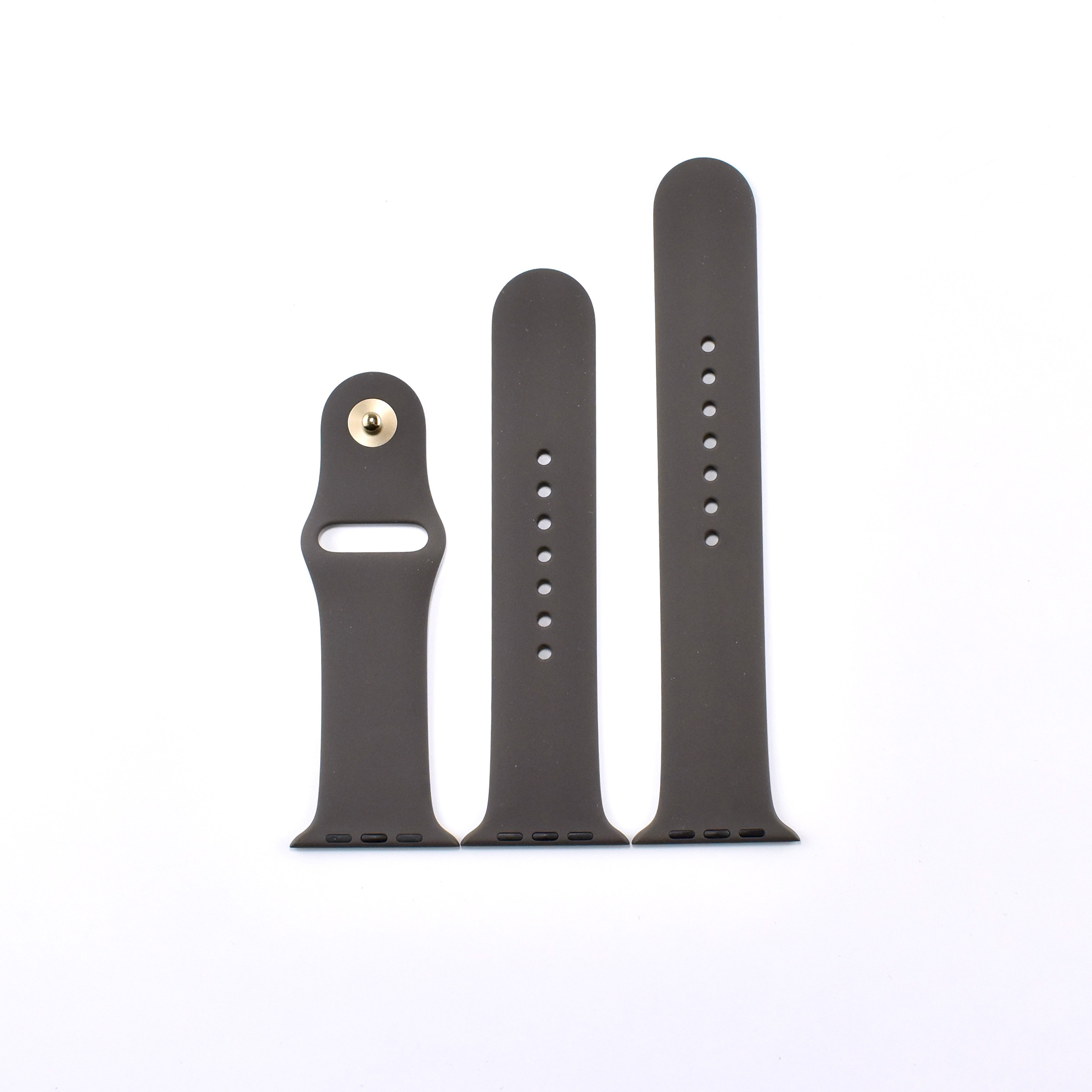
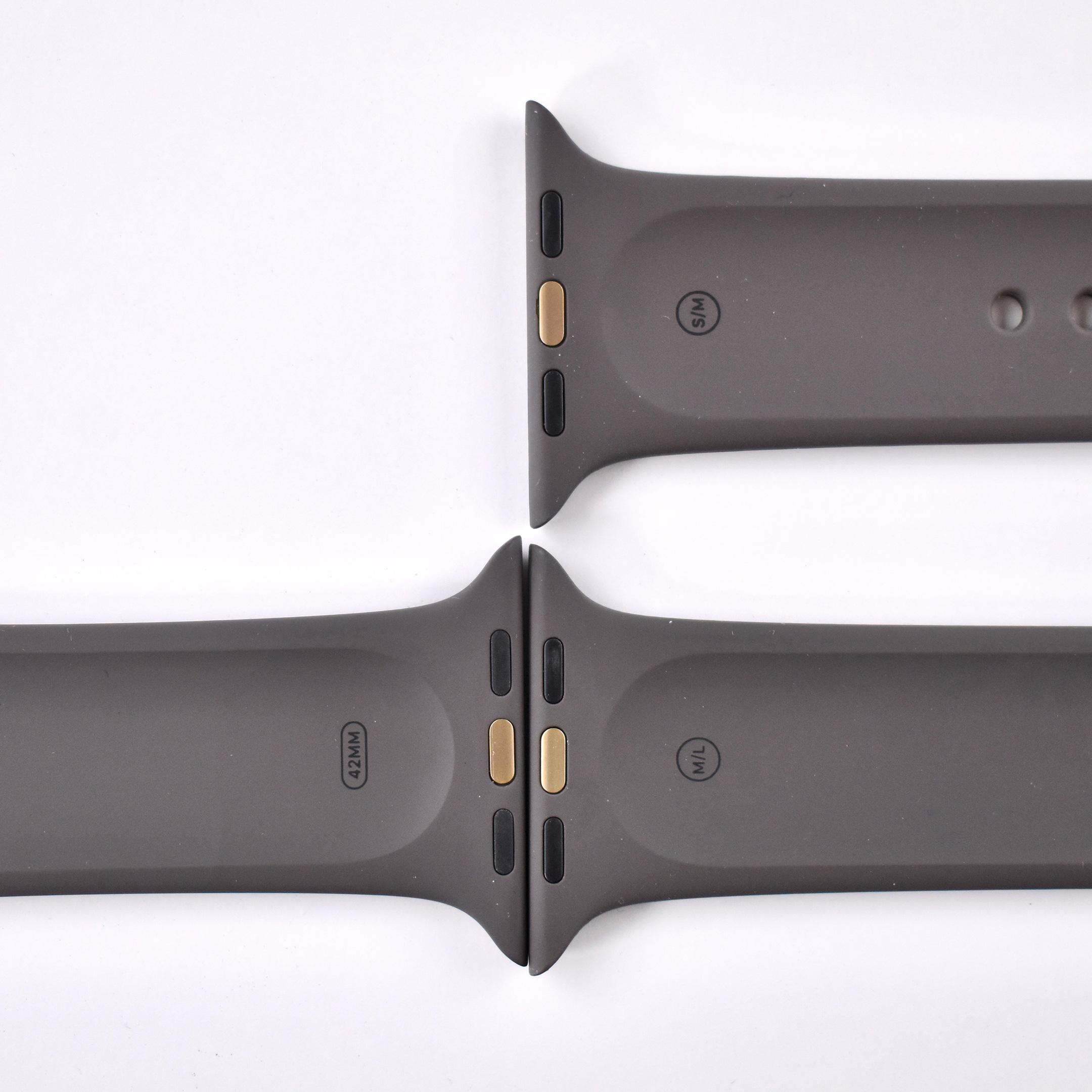
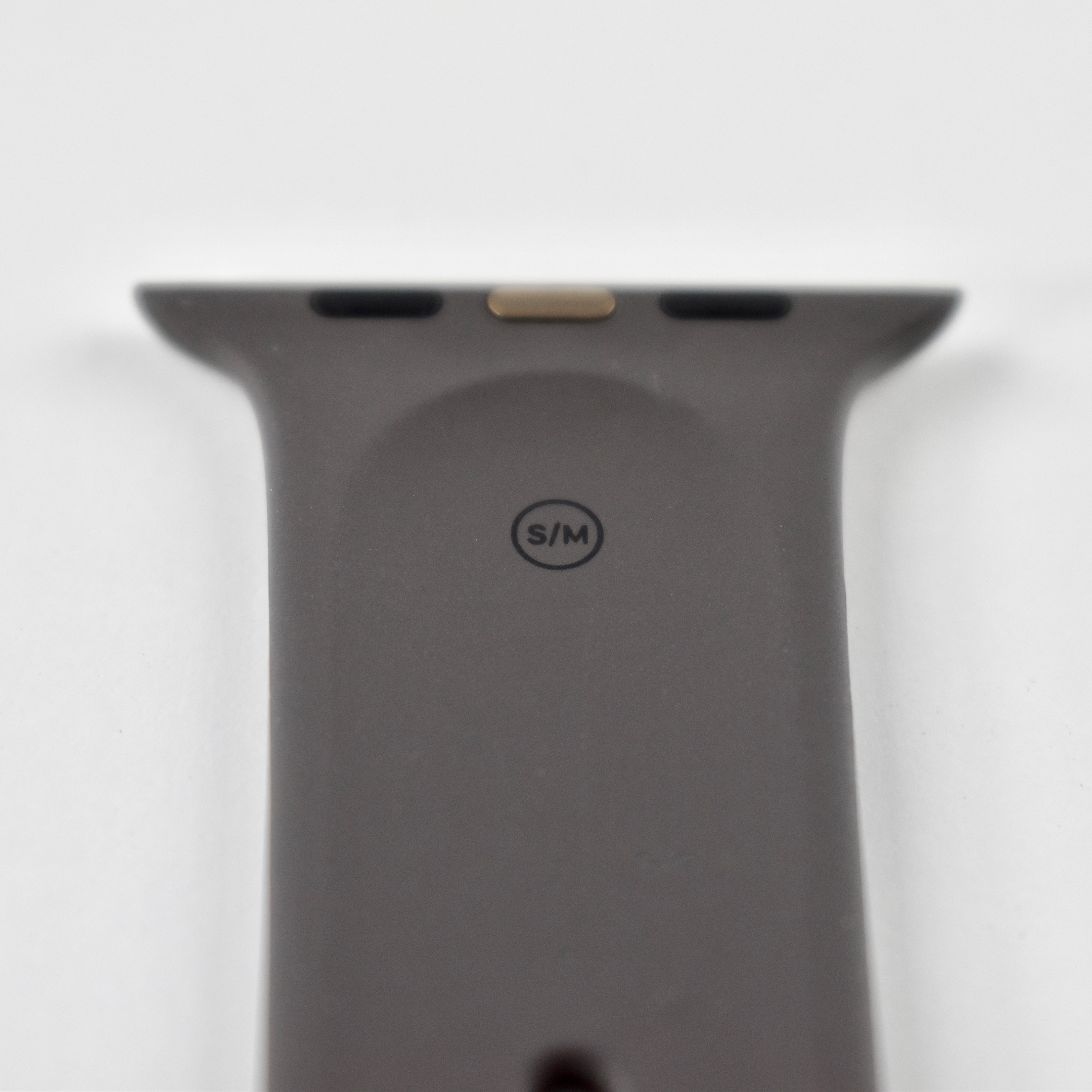
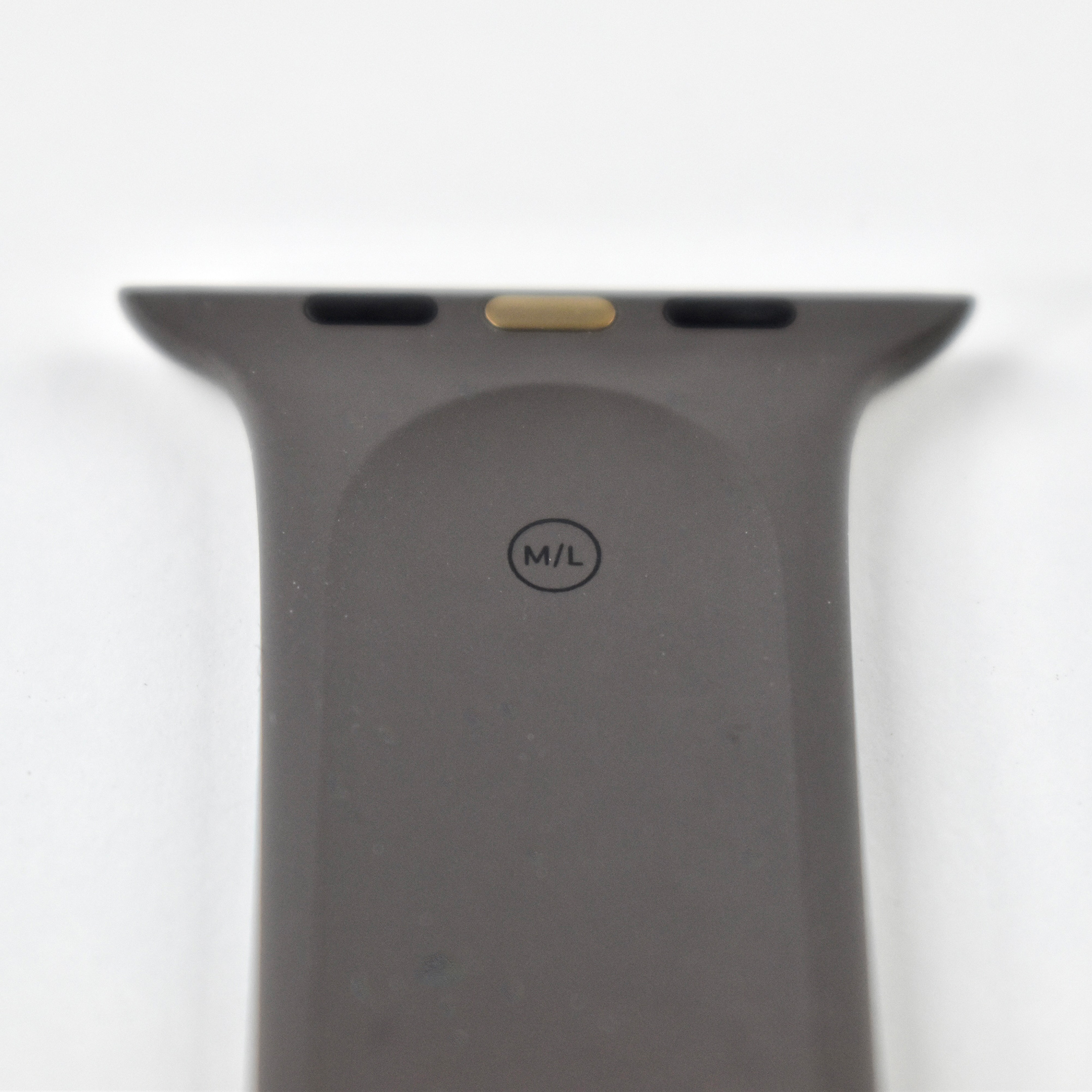
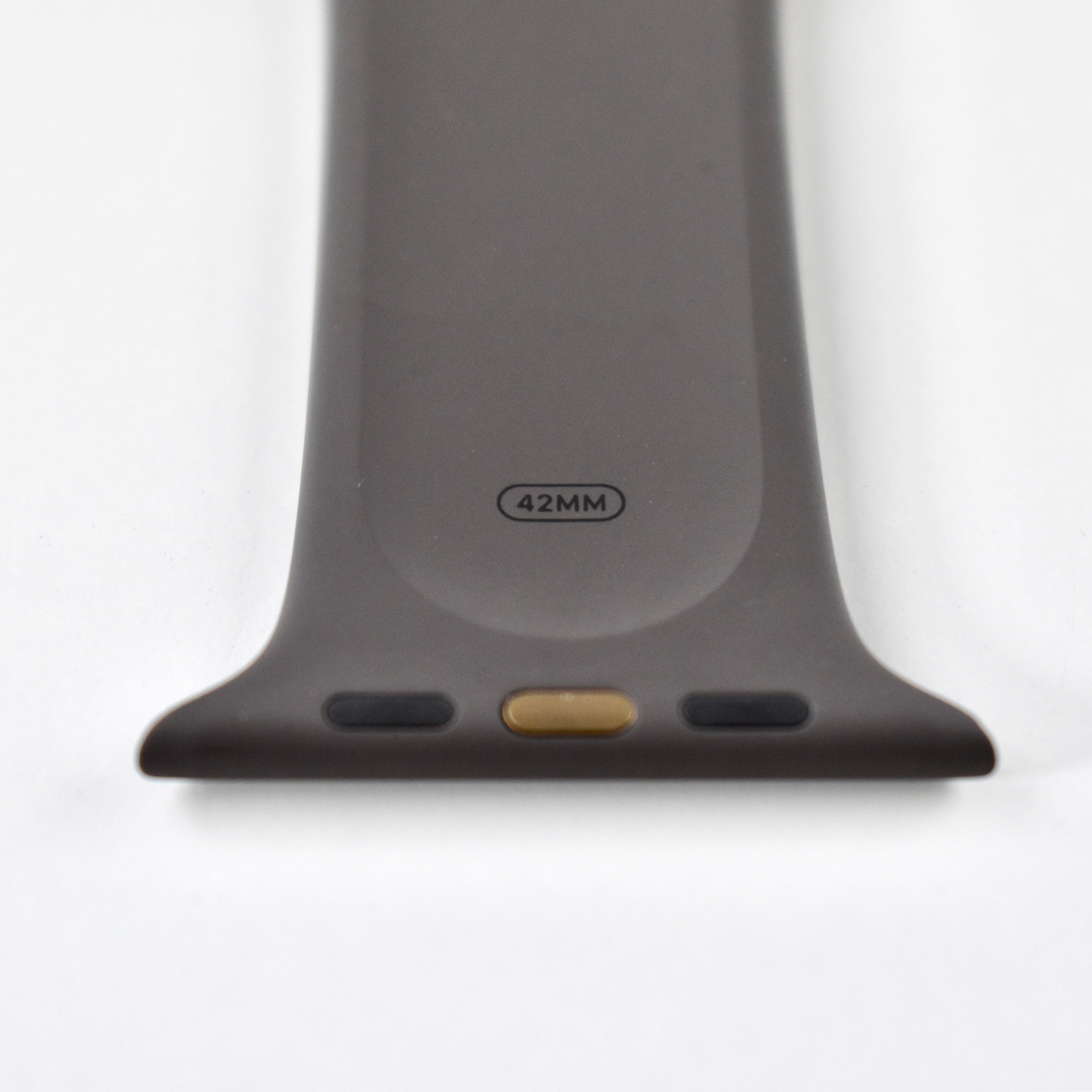
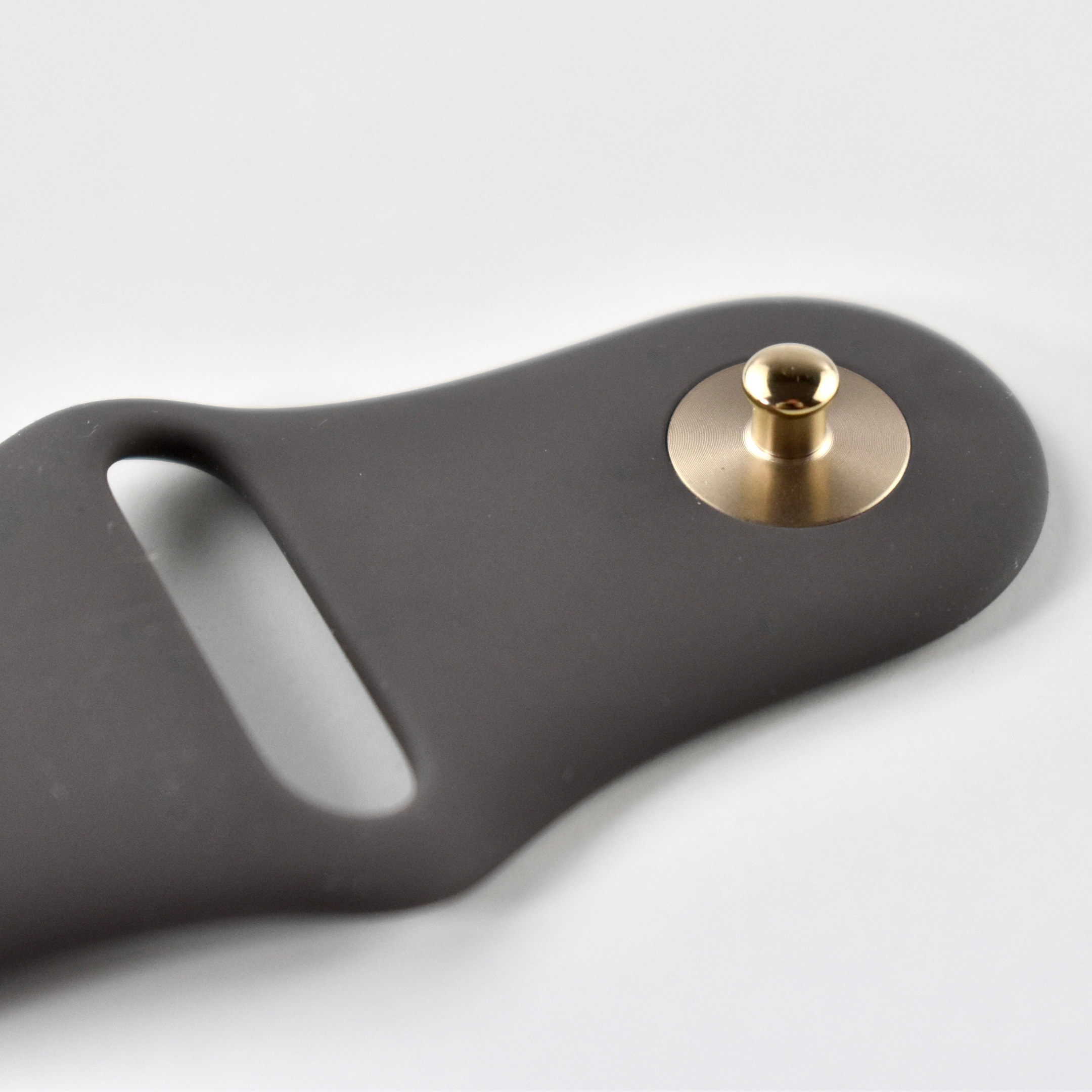
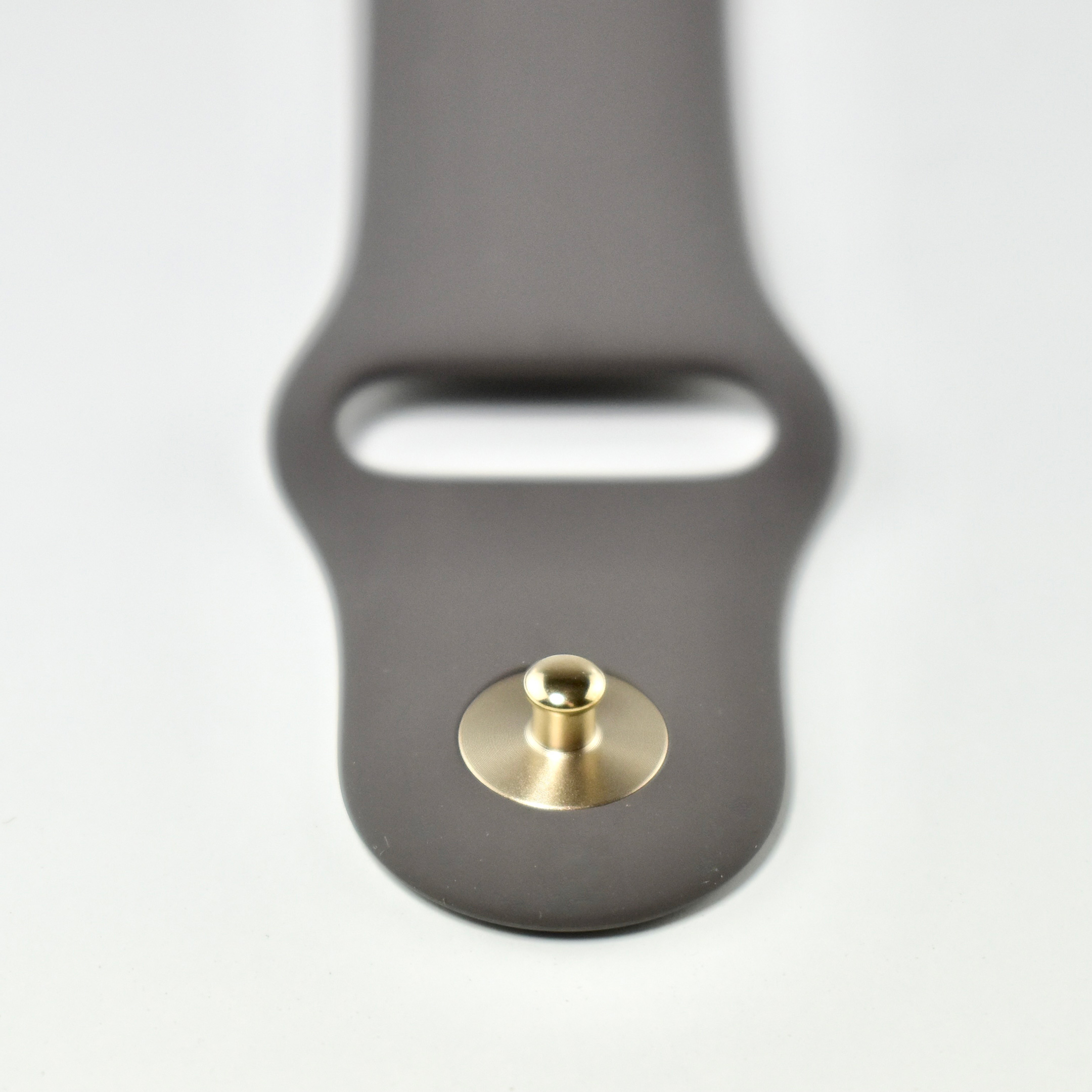
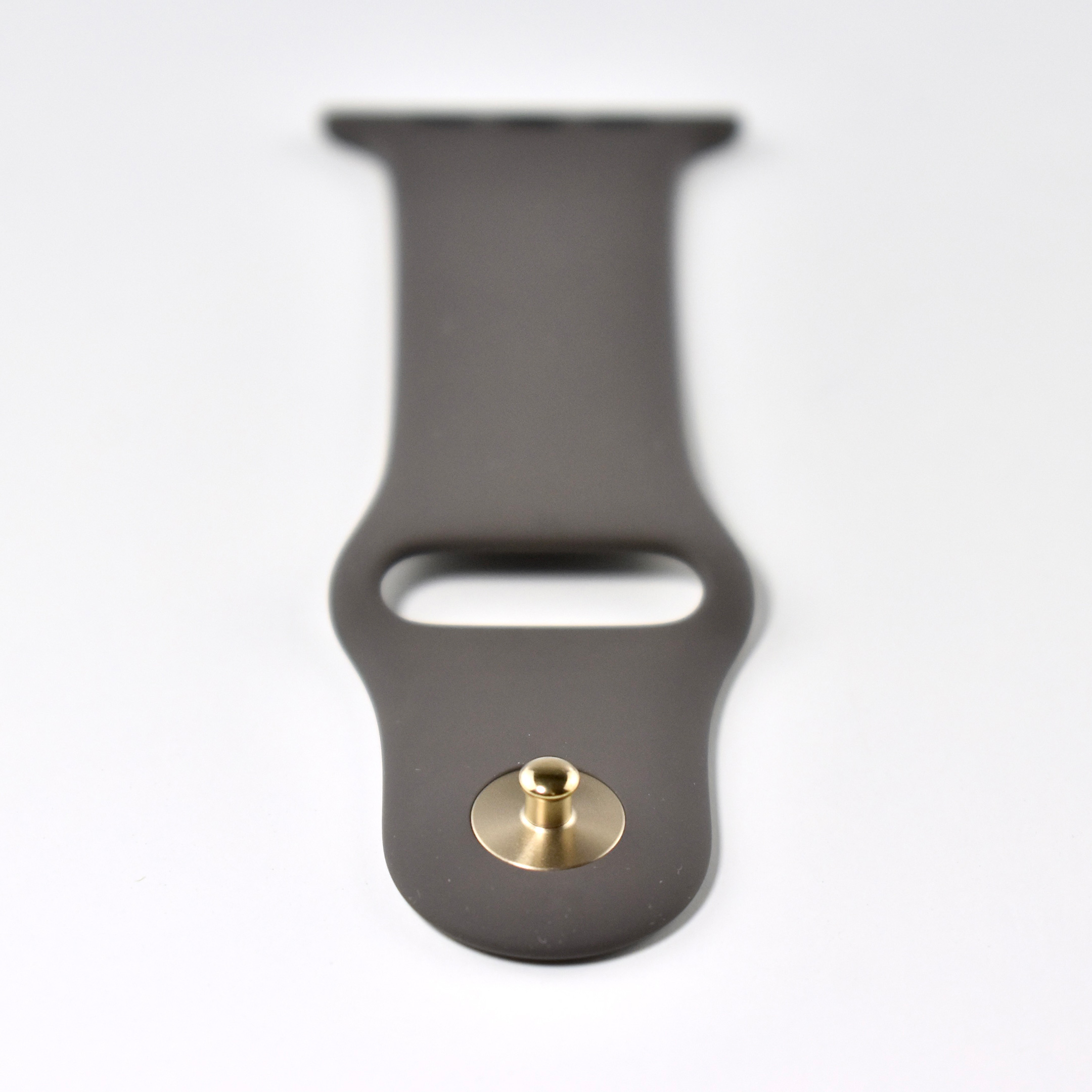
Apple Watch Sport Band (42 mm, Cocoa, gold pin, OEM packaging, Fall 2016)

The Apple Watch Sport Band was made from a flexible rubber material called fluoroelastomer with a metal pin closure. Sizes ranged from S/M, M/L, or L/XL. When purchasing an Apple Watch Sport Band, the S/M and M/L sizes are included in the box, allowing the band to fit wrists 140–210 mm.

Apple described the Apple Watch Sport band:

“Made from a custom high-performance fluoroelastomer, the Sport Band is durable and strong, yet surprisingly soft. The smooth, dense material drapes elegantly across your wrist and feels comfortable next to your skin. An innovative pin-and-tuck closure ensures a clean fit.”

This version of the Cocoa Apple Watch Sport Band includes a gold pin to match the gold Apple Watch models of the time. An alternate version of the band shipped with a silver pin. 

This band did not come in Apple’s retail packaging. It was purchased from a website that sold Apple replacement parts and used Apple’s OEM packaging.

Source: Apple

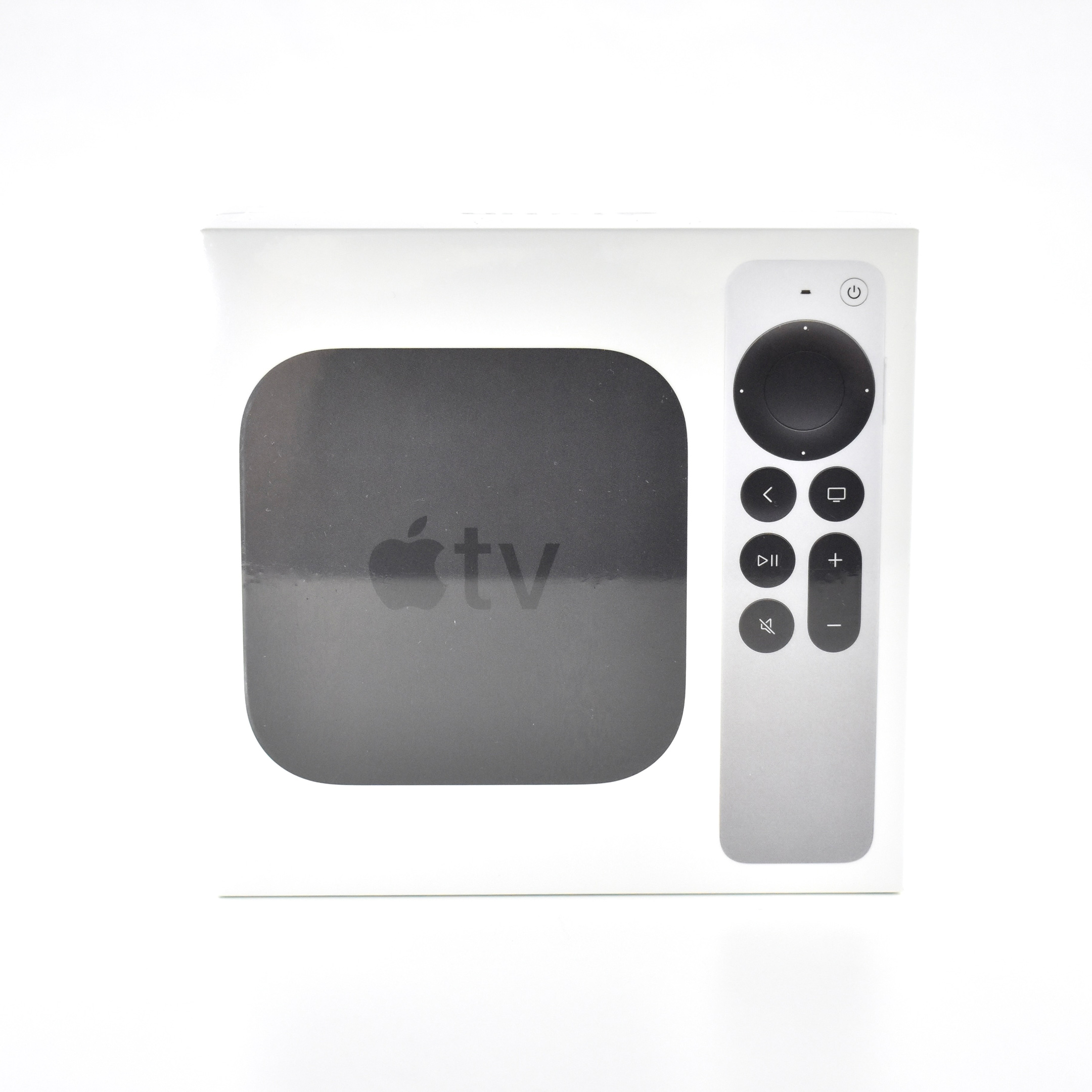
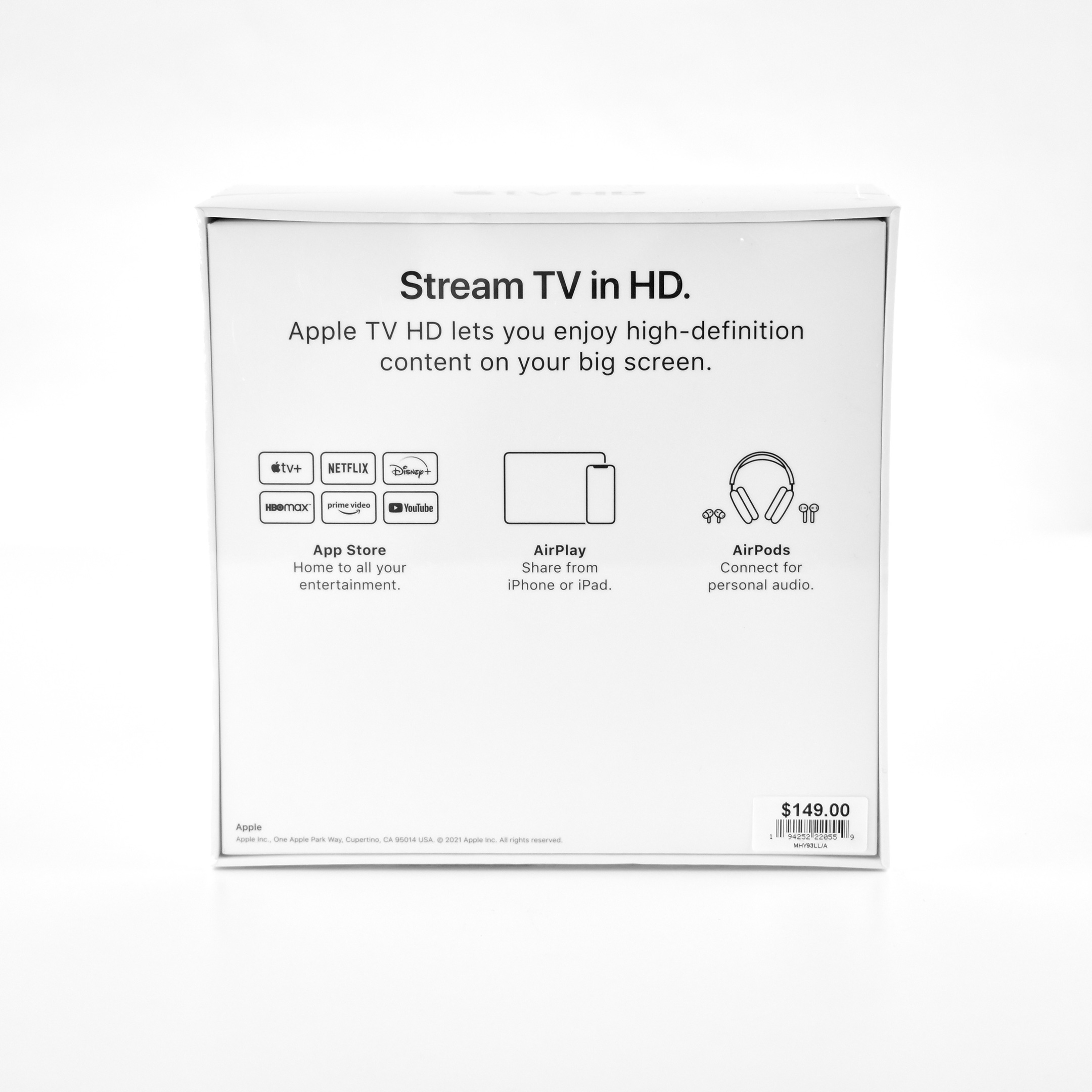
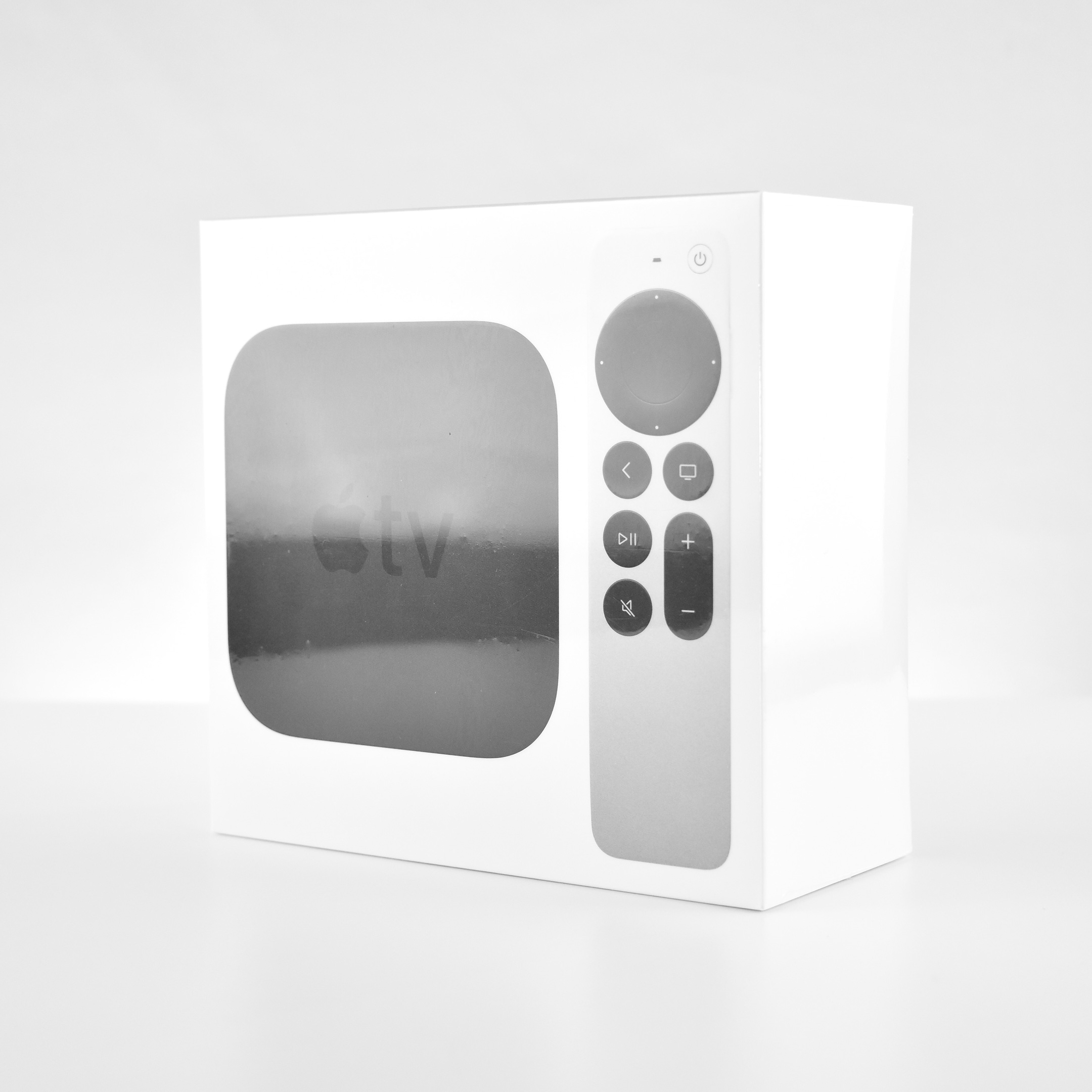
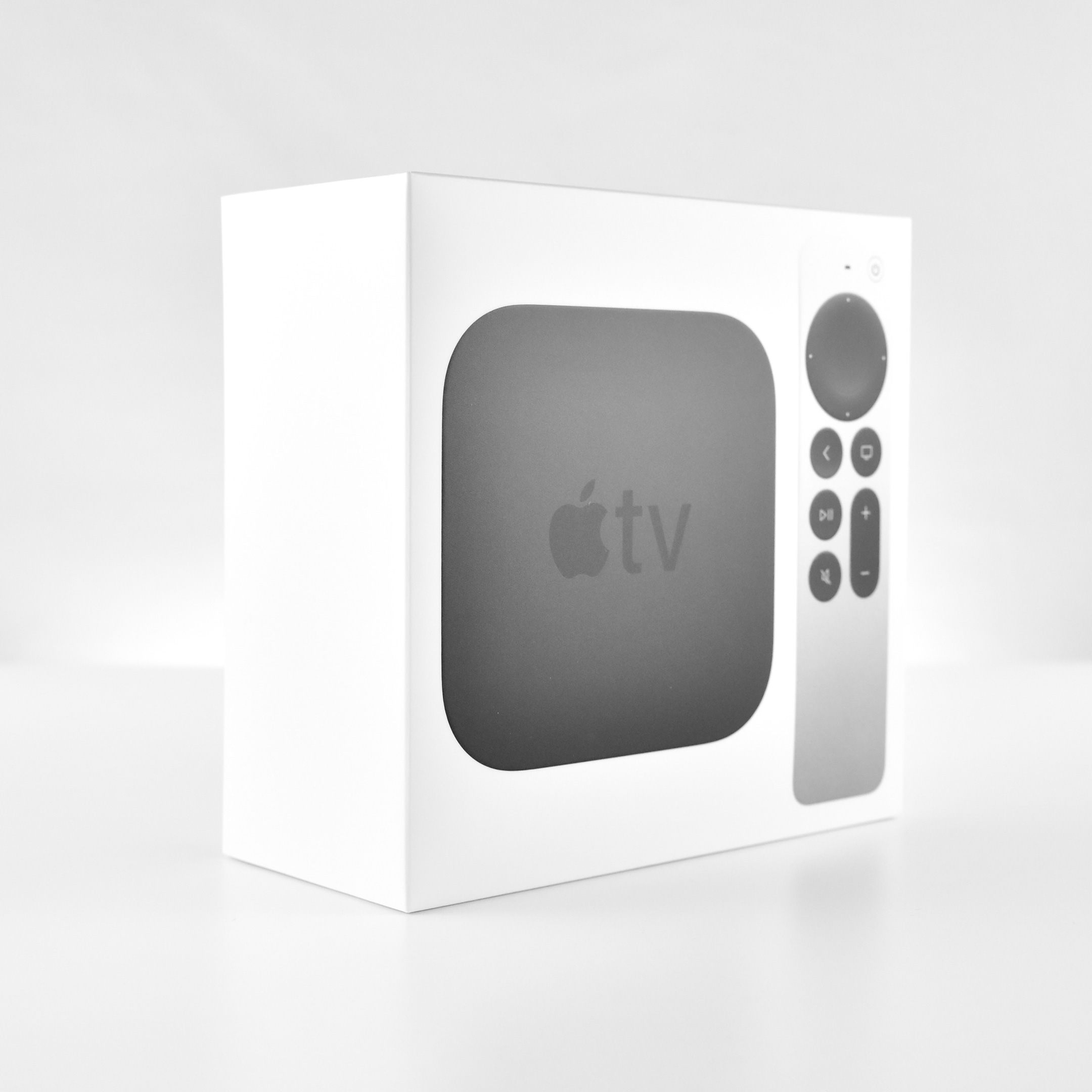
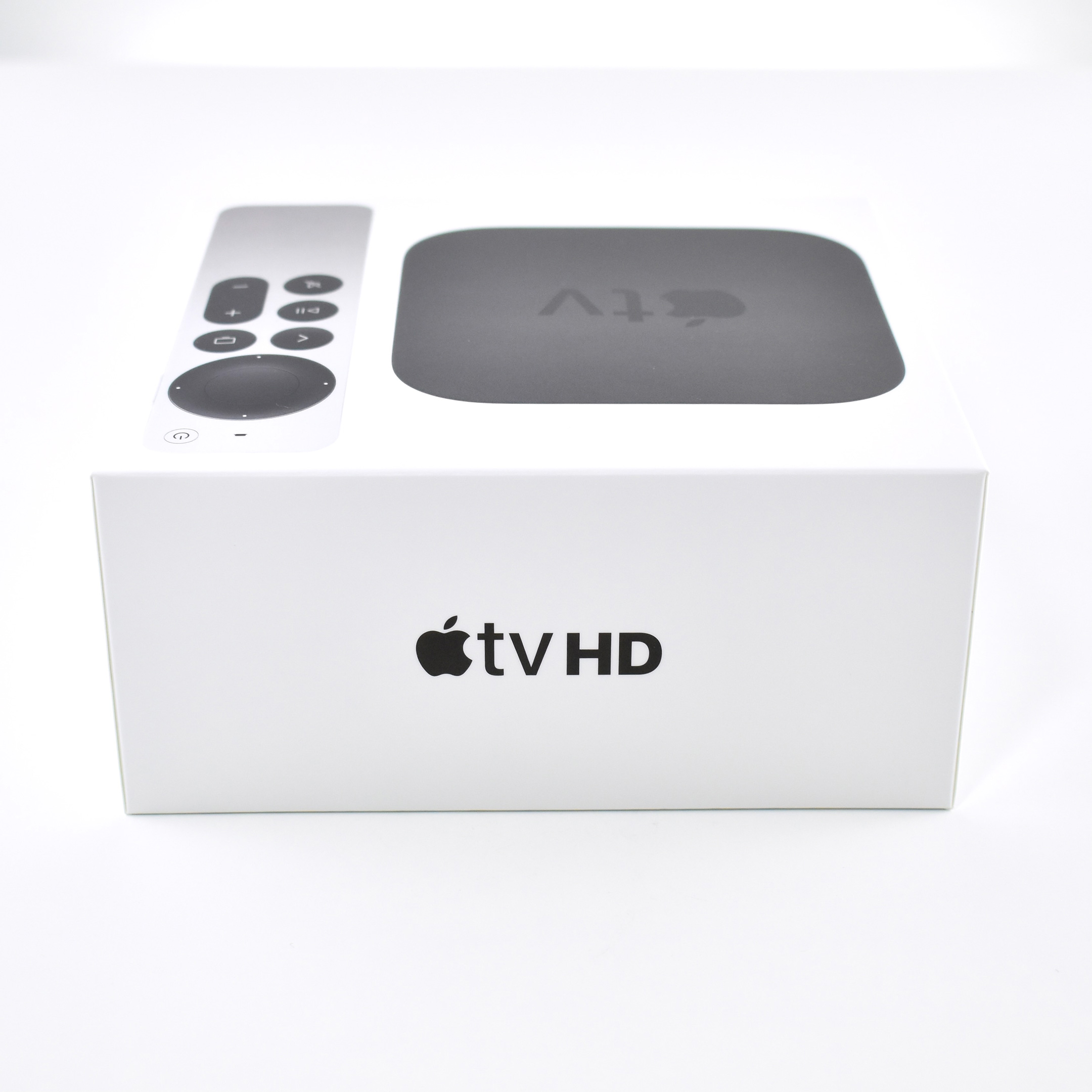
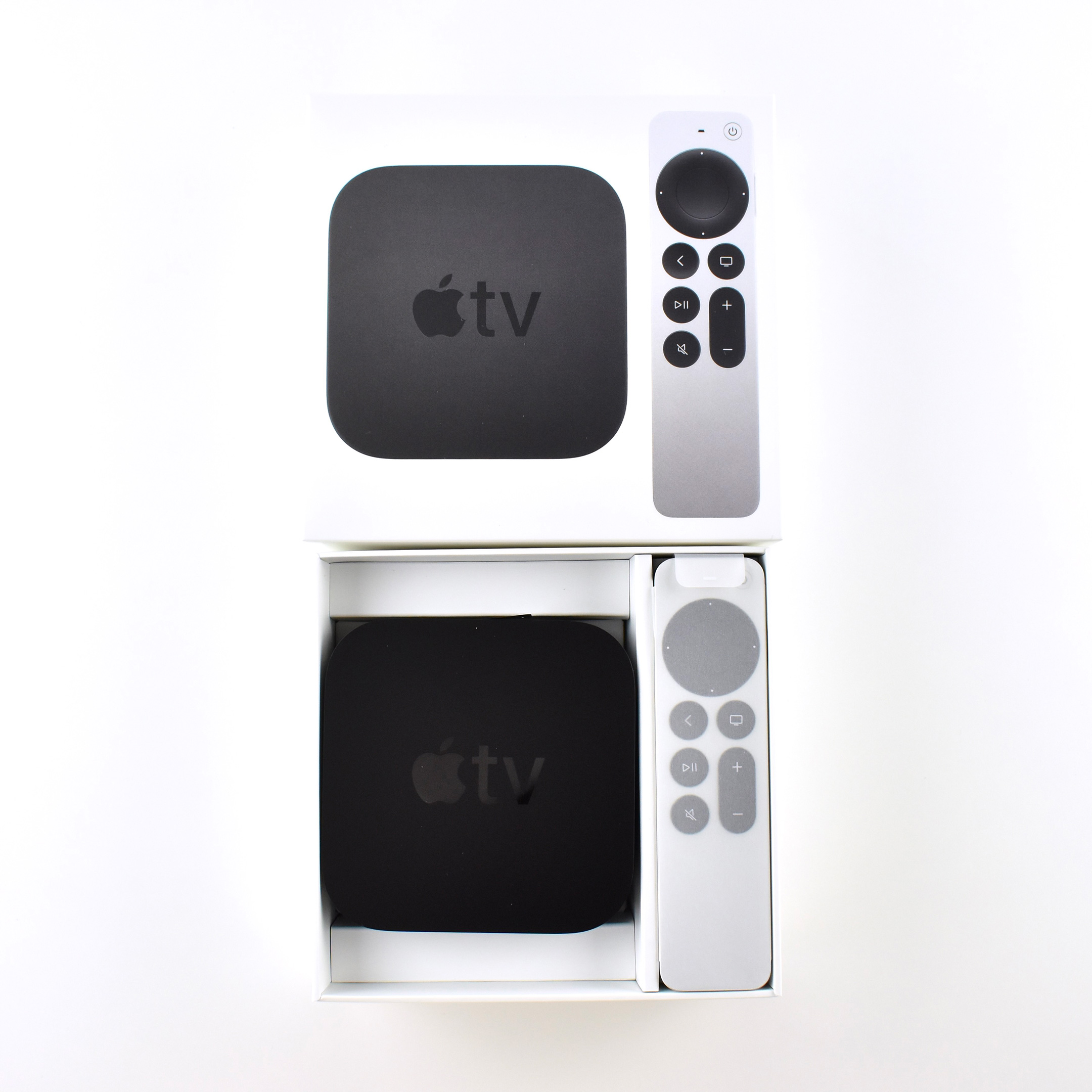
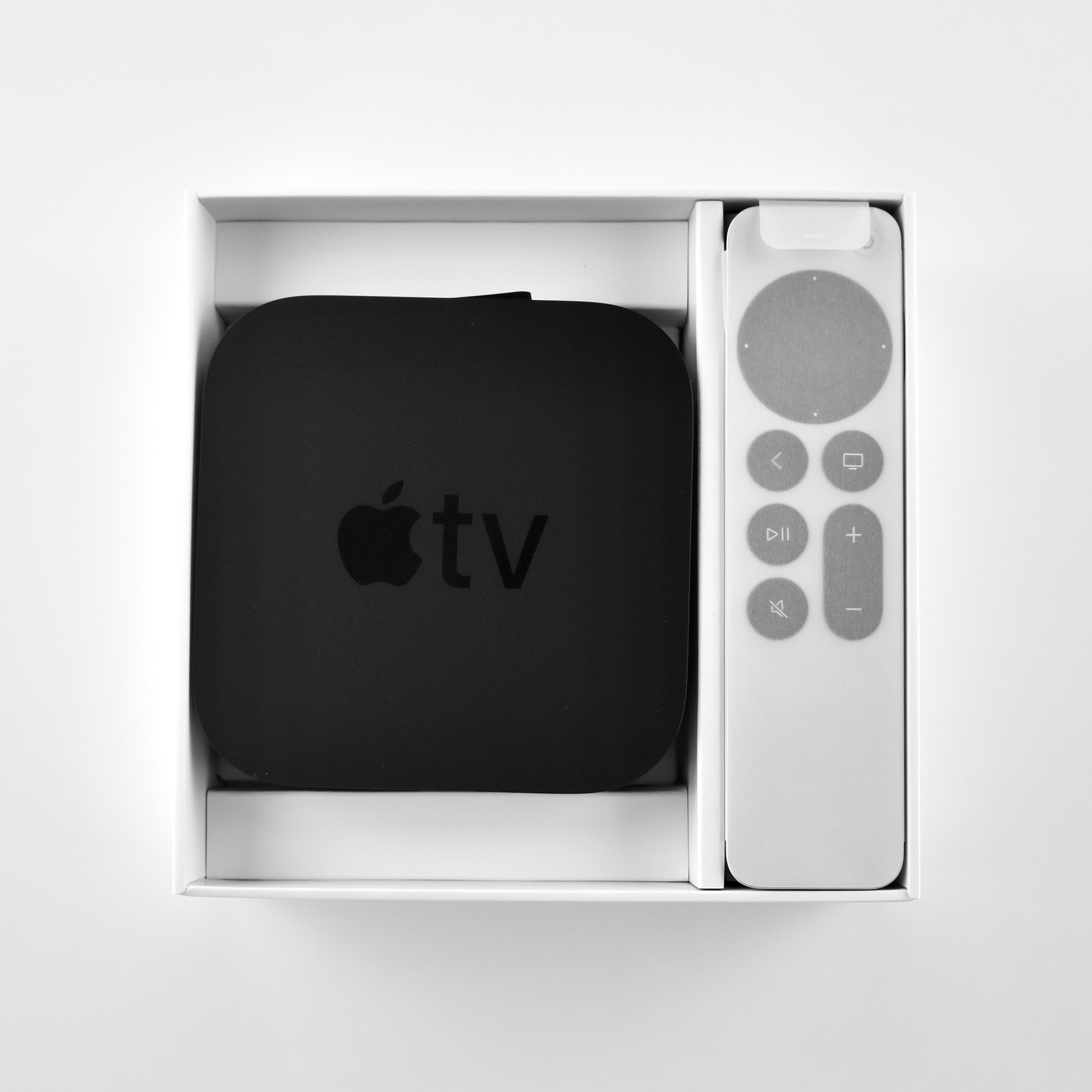
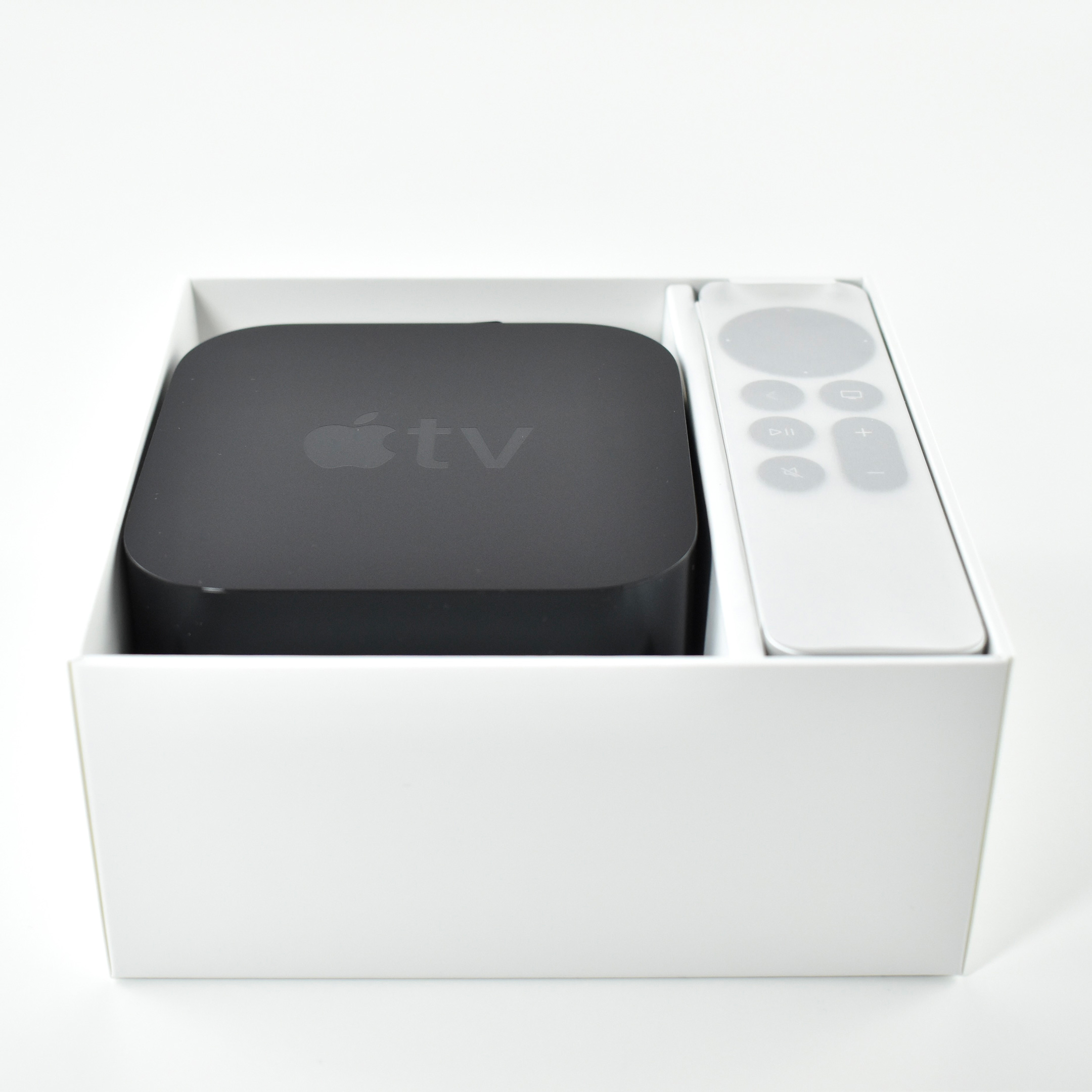
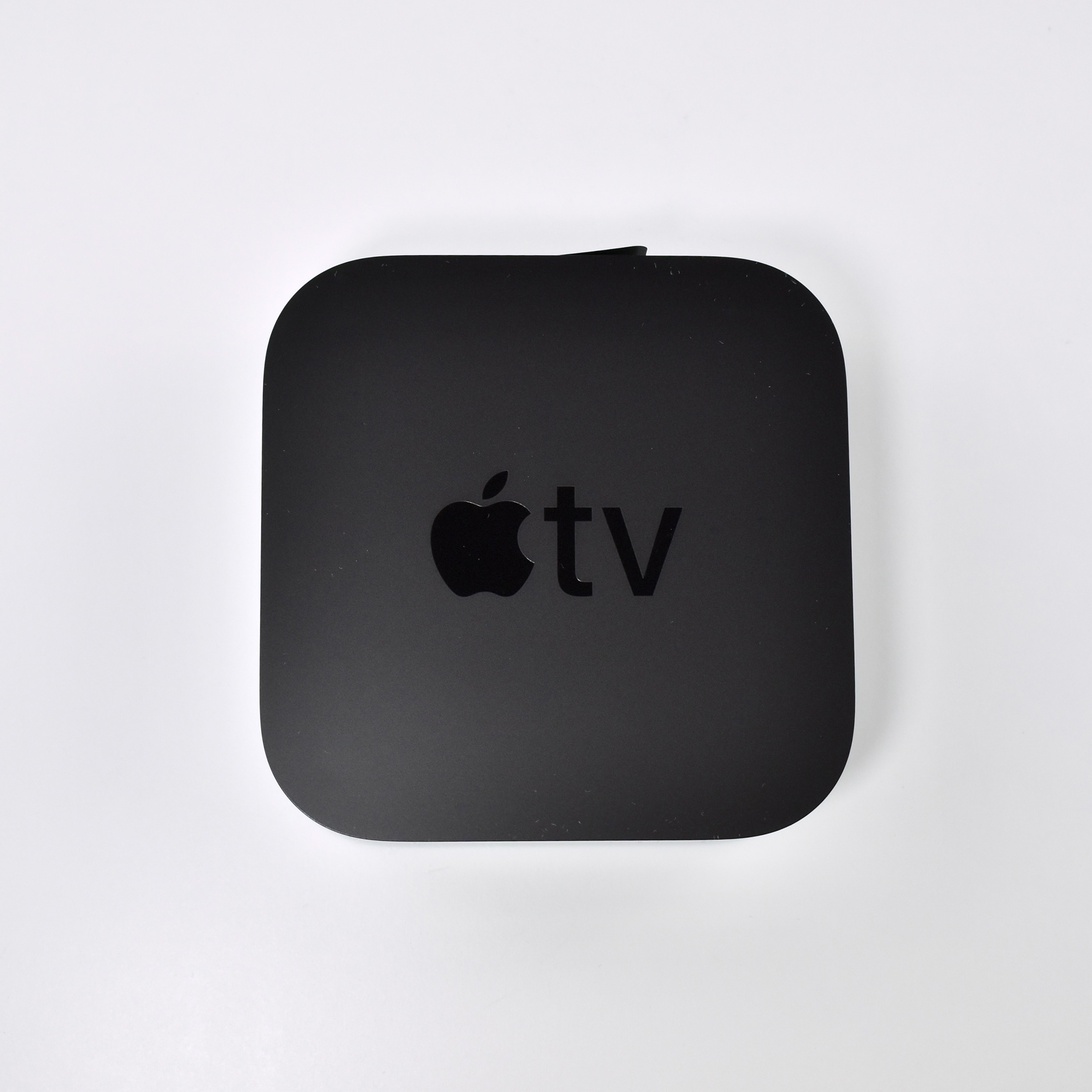
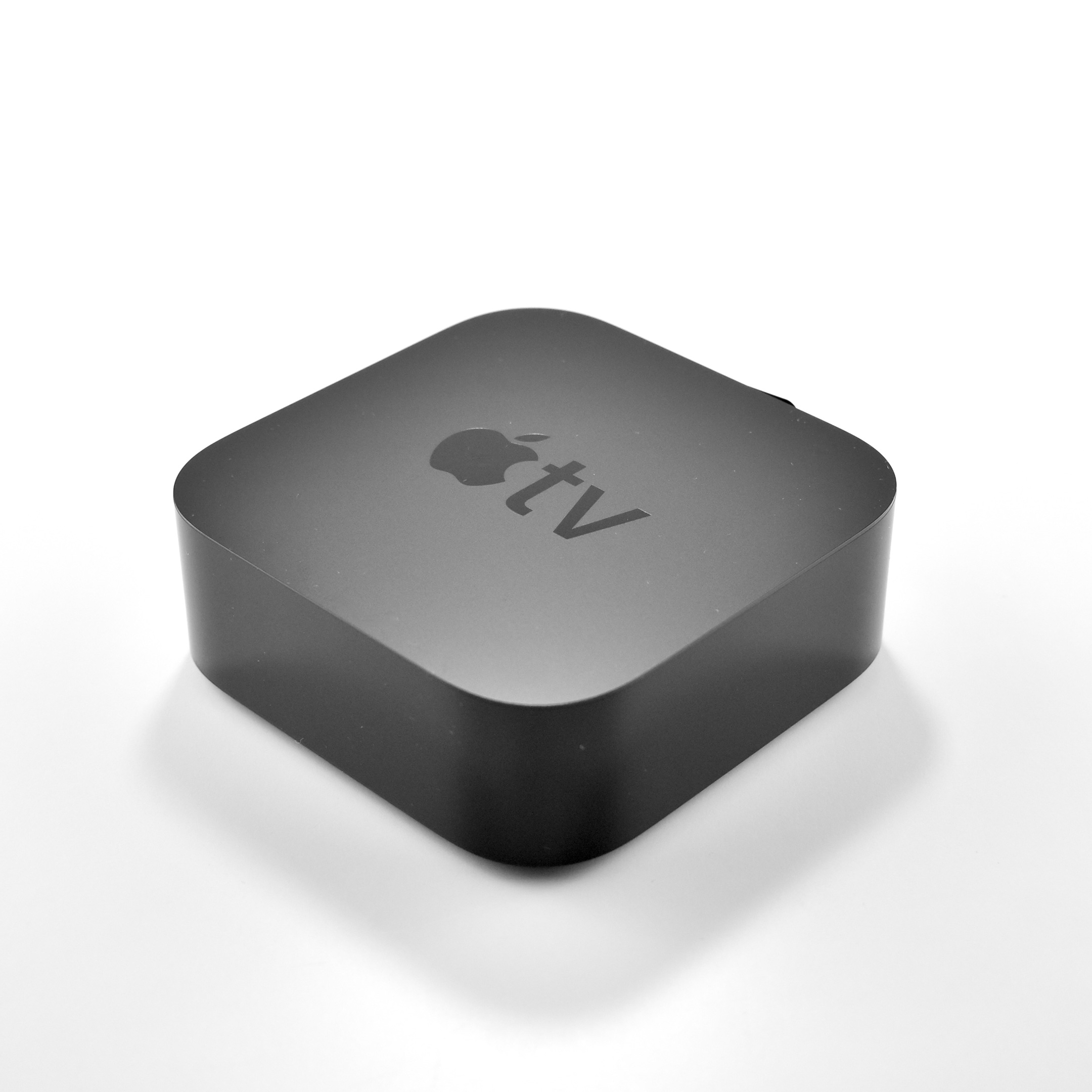
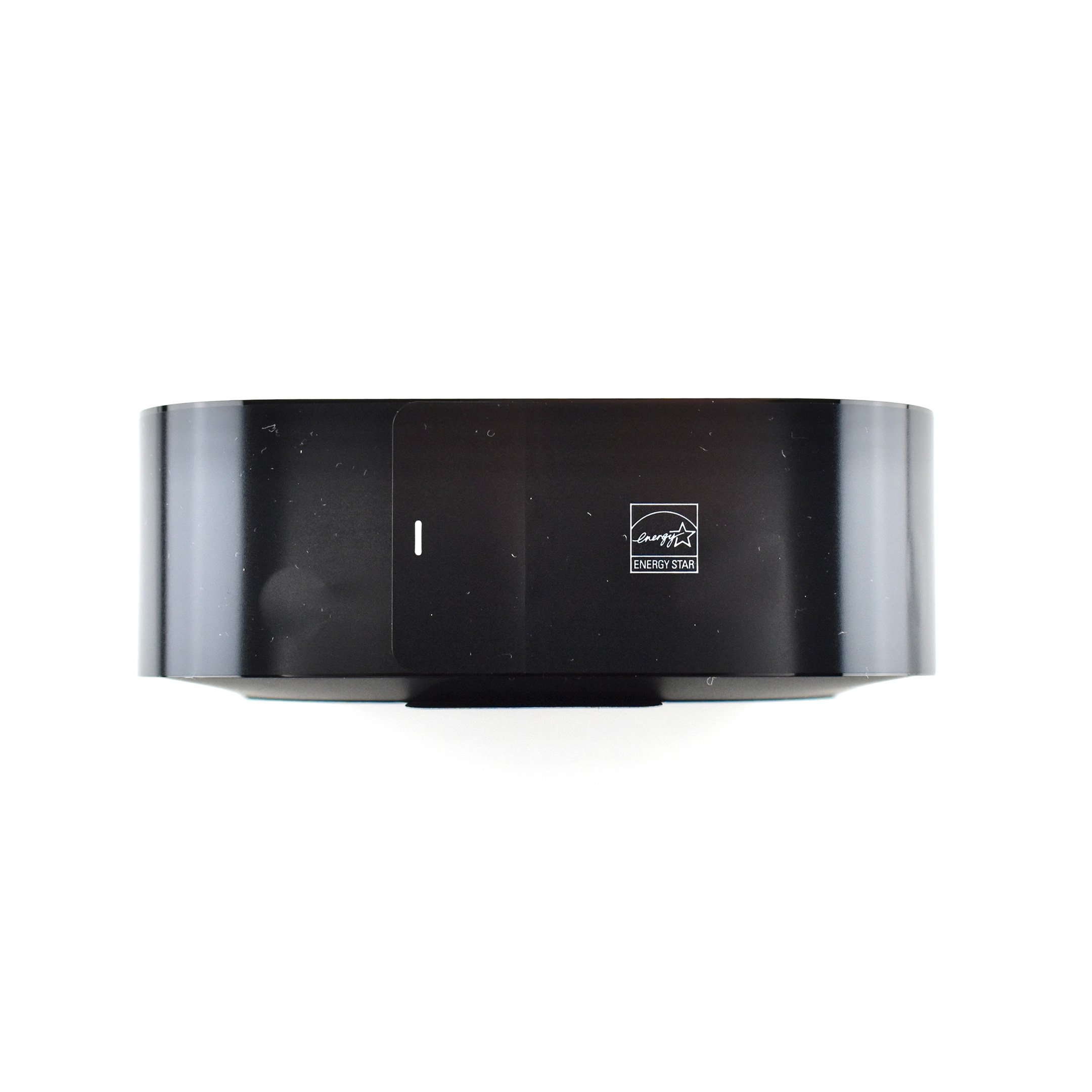
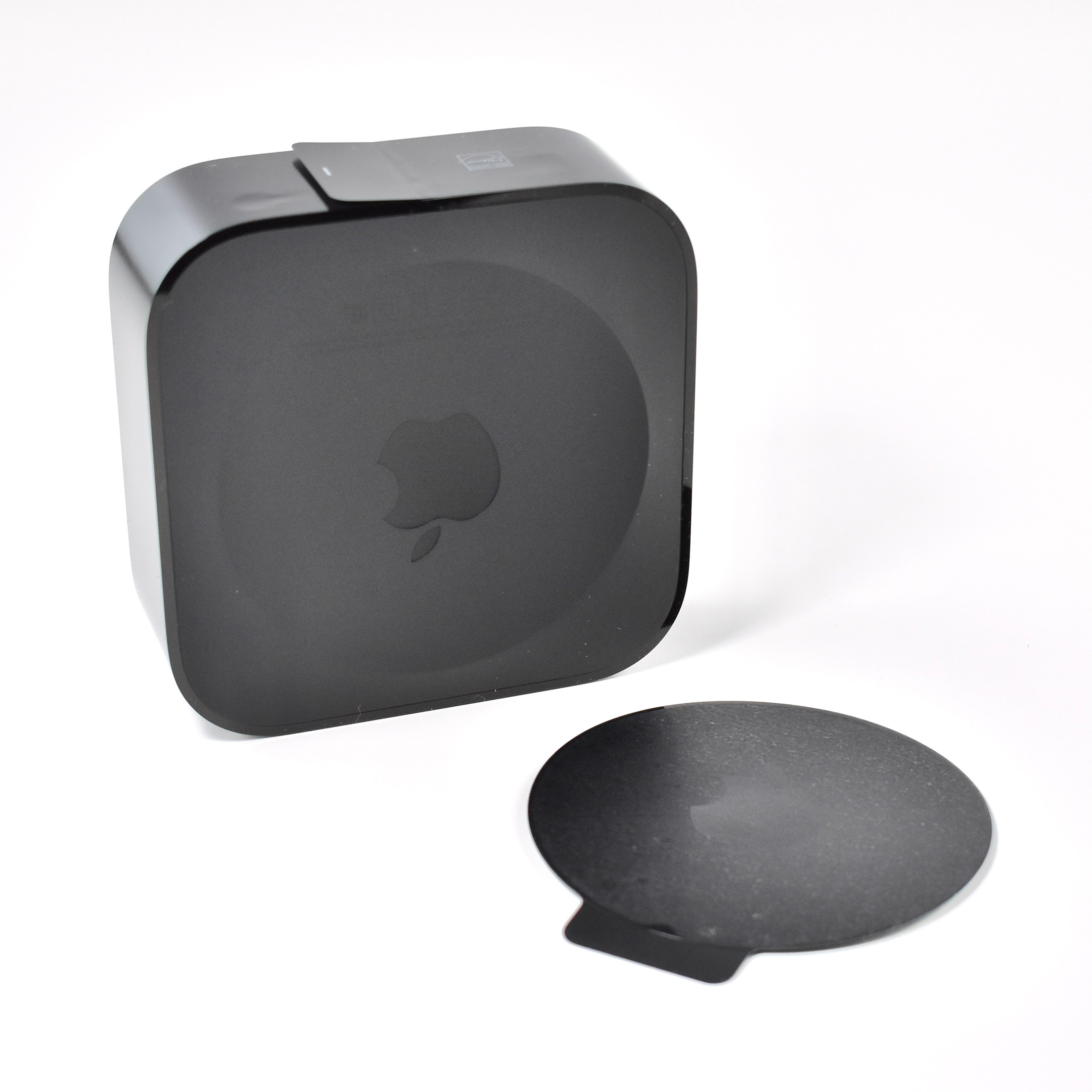
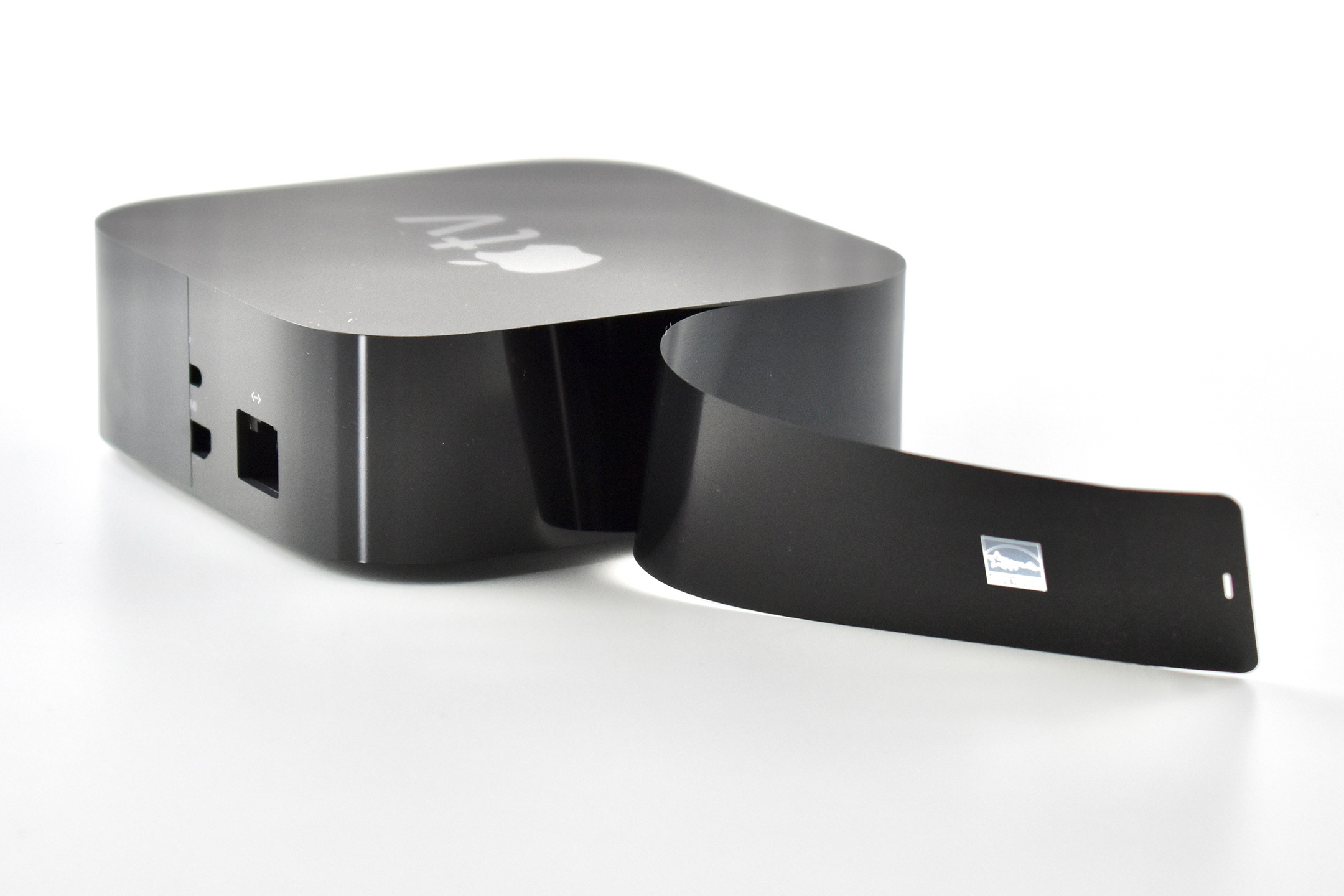
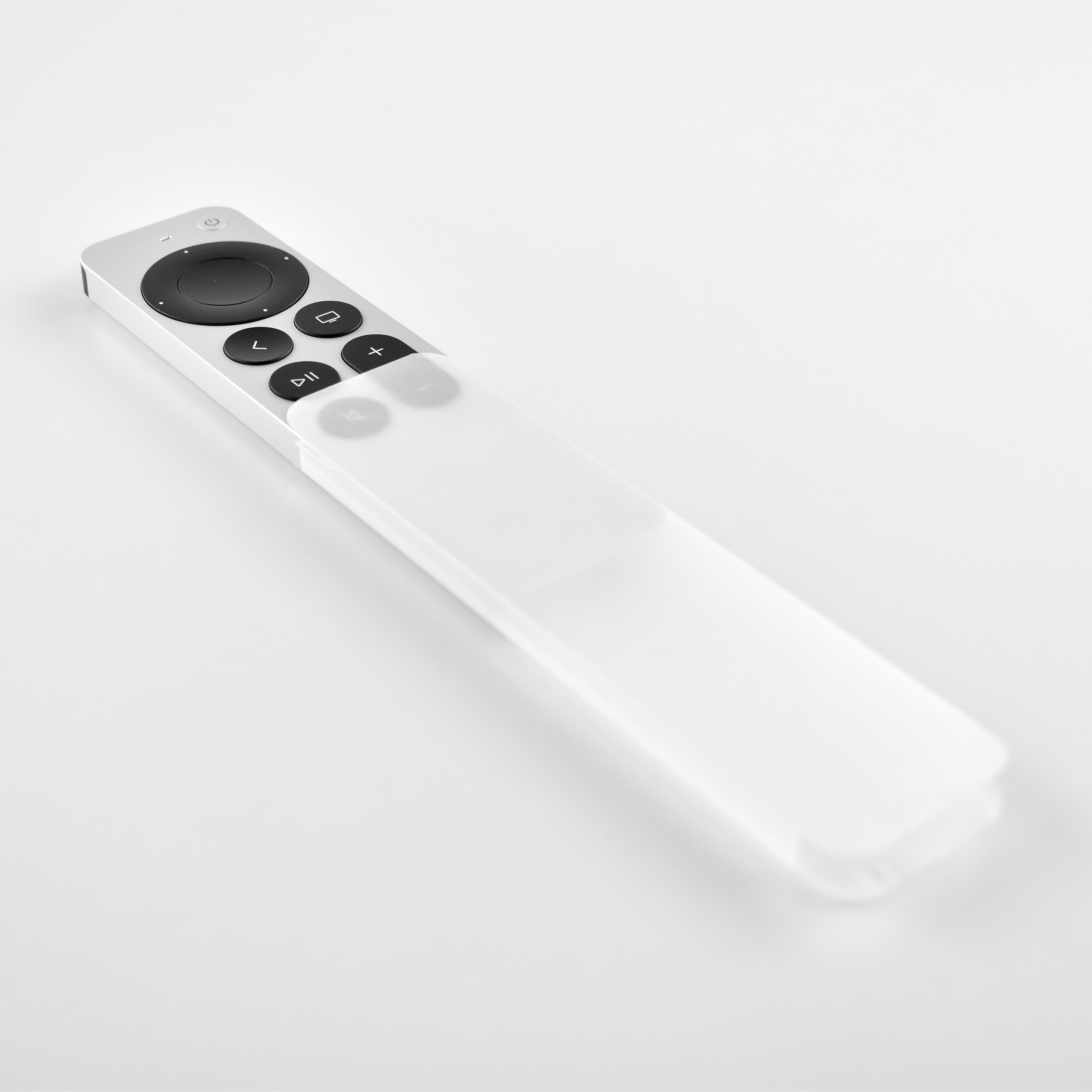
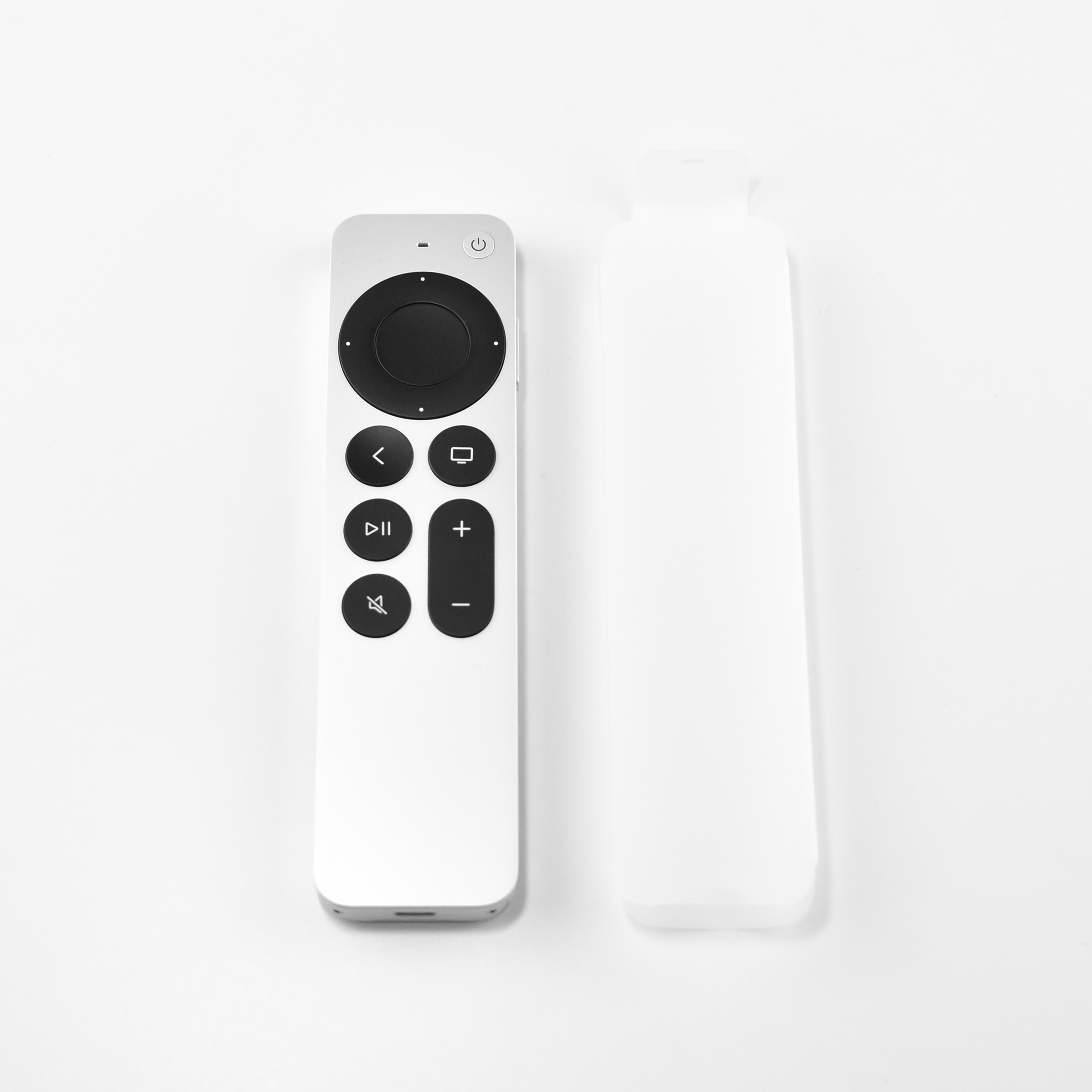
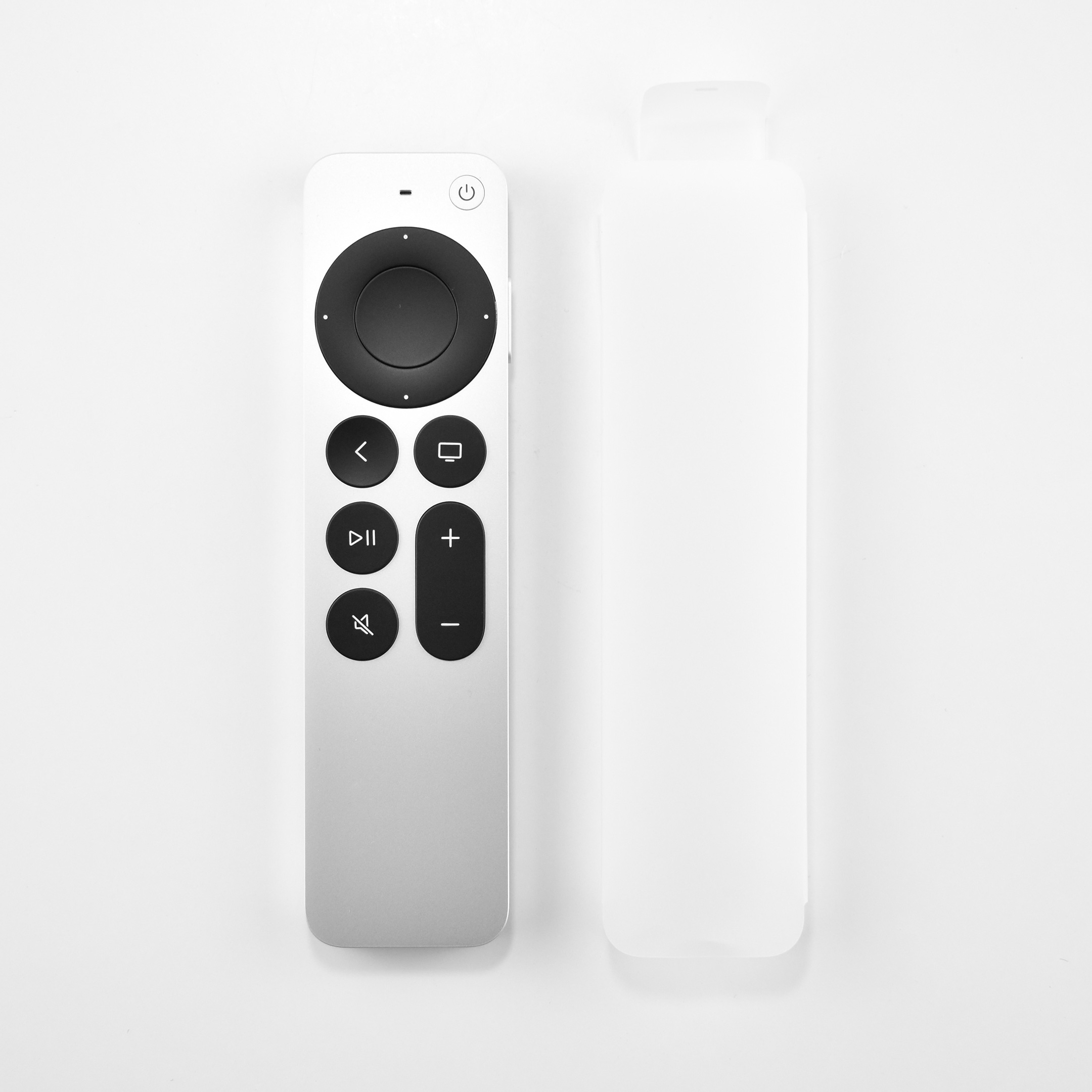
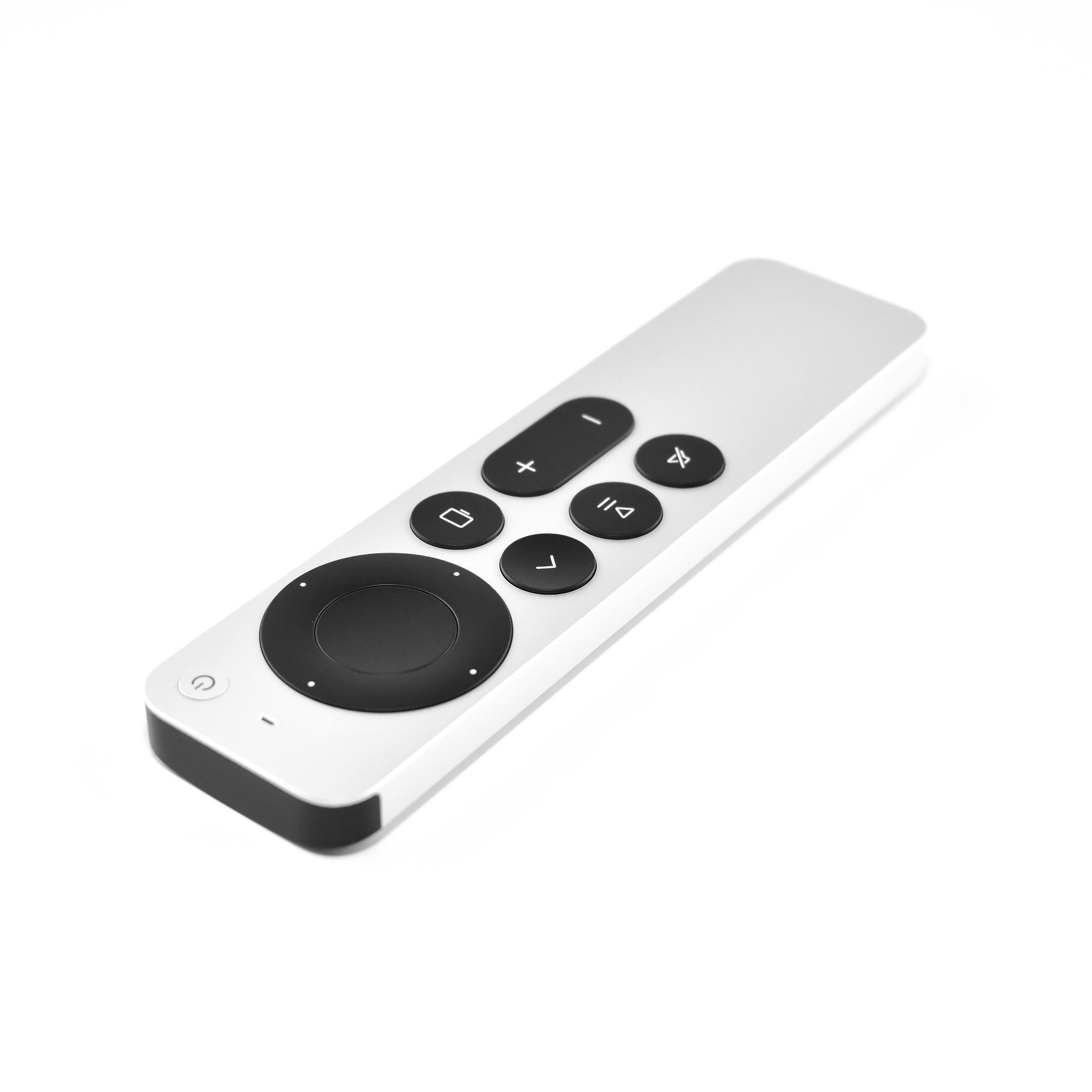
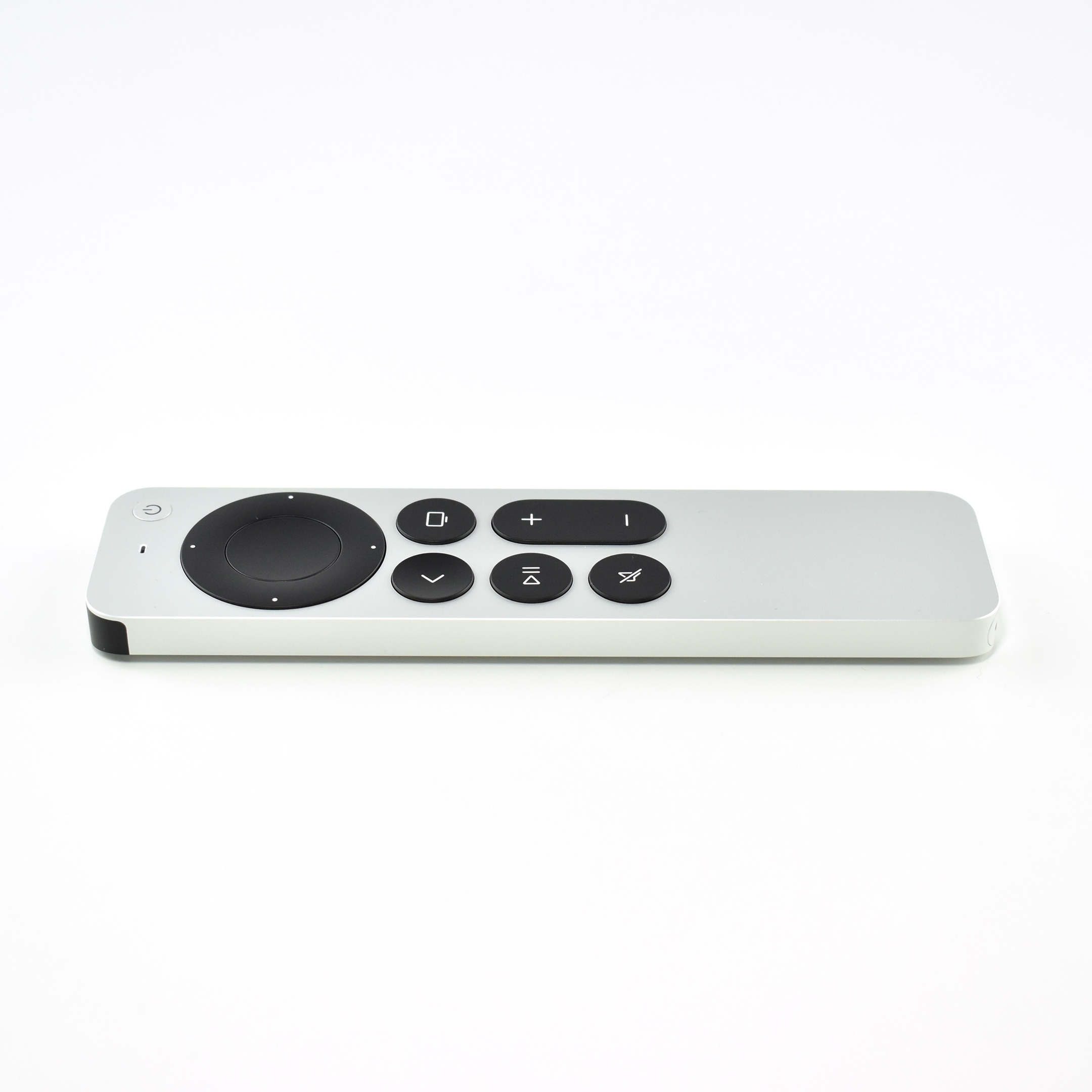
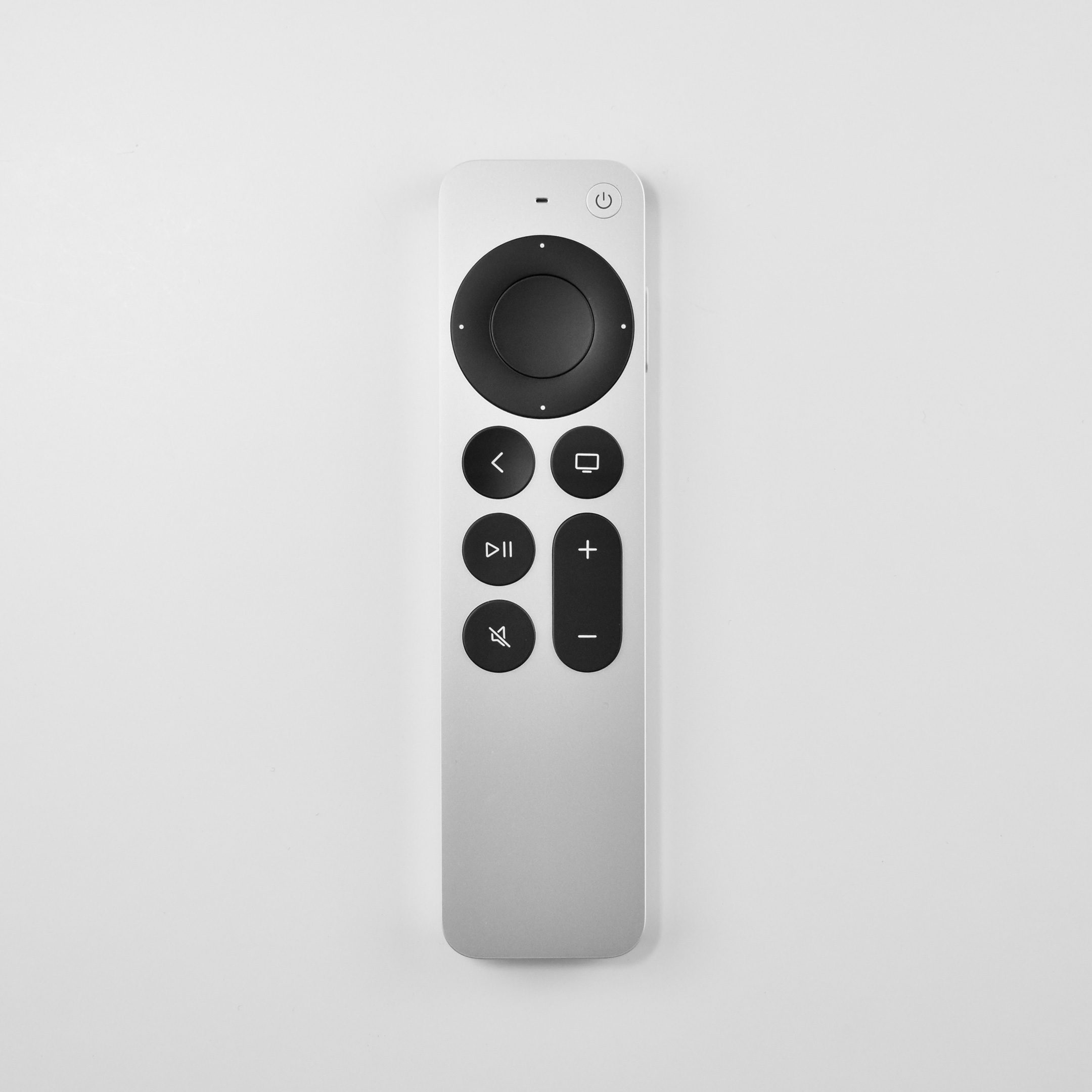
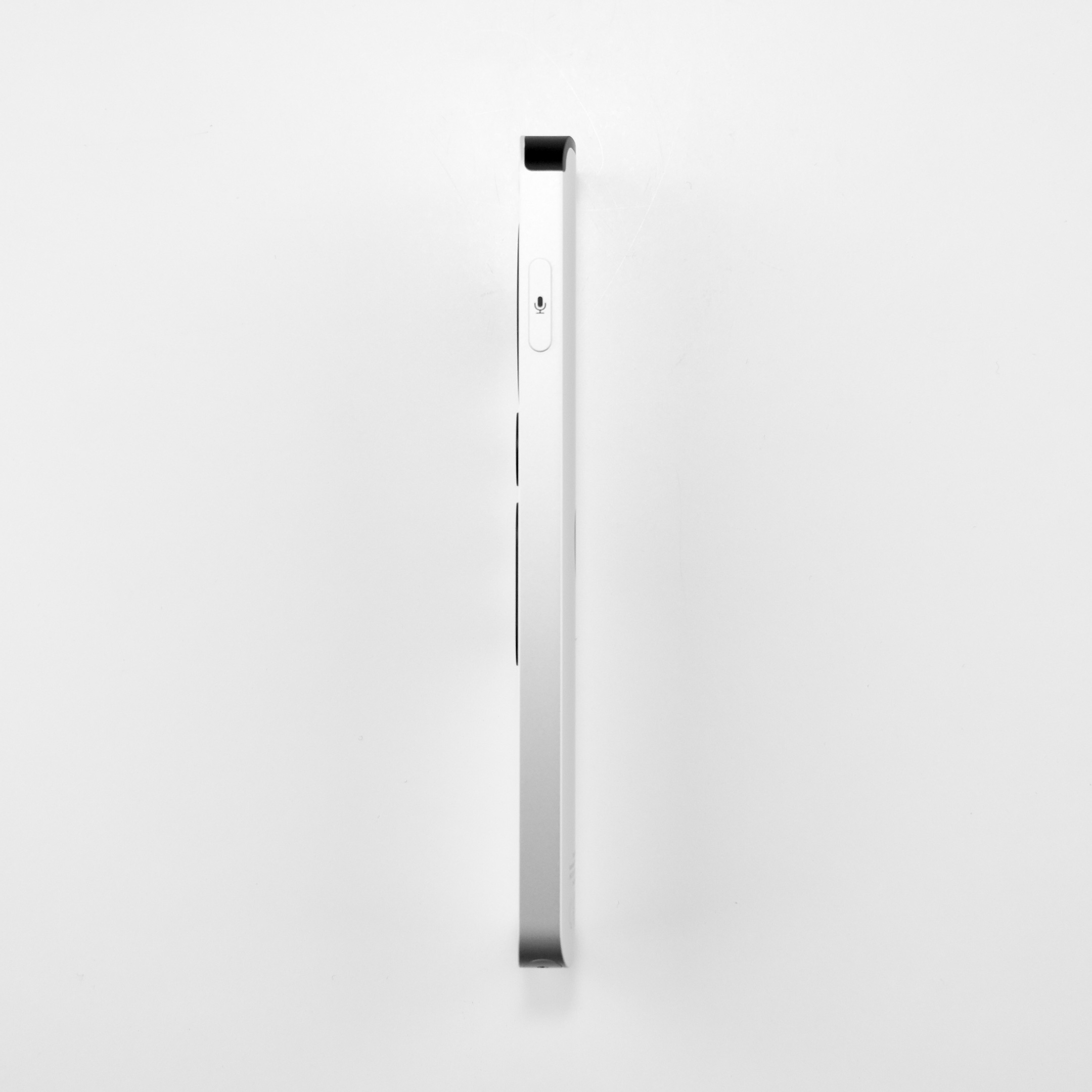
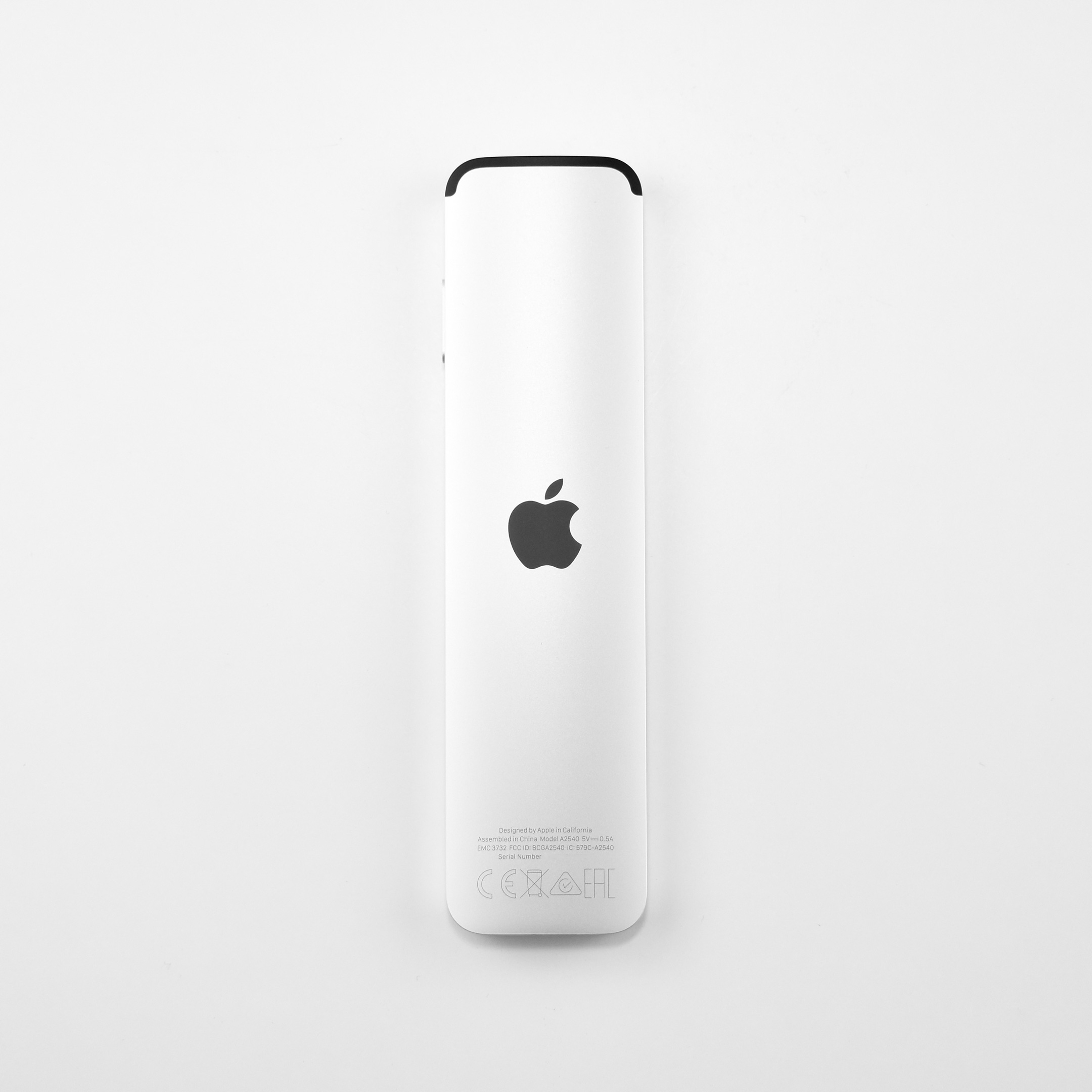
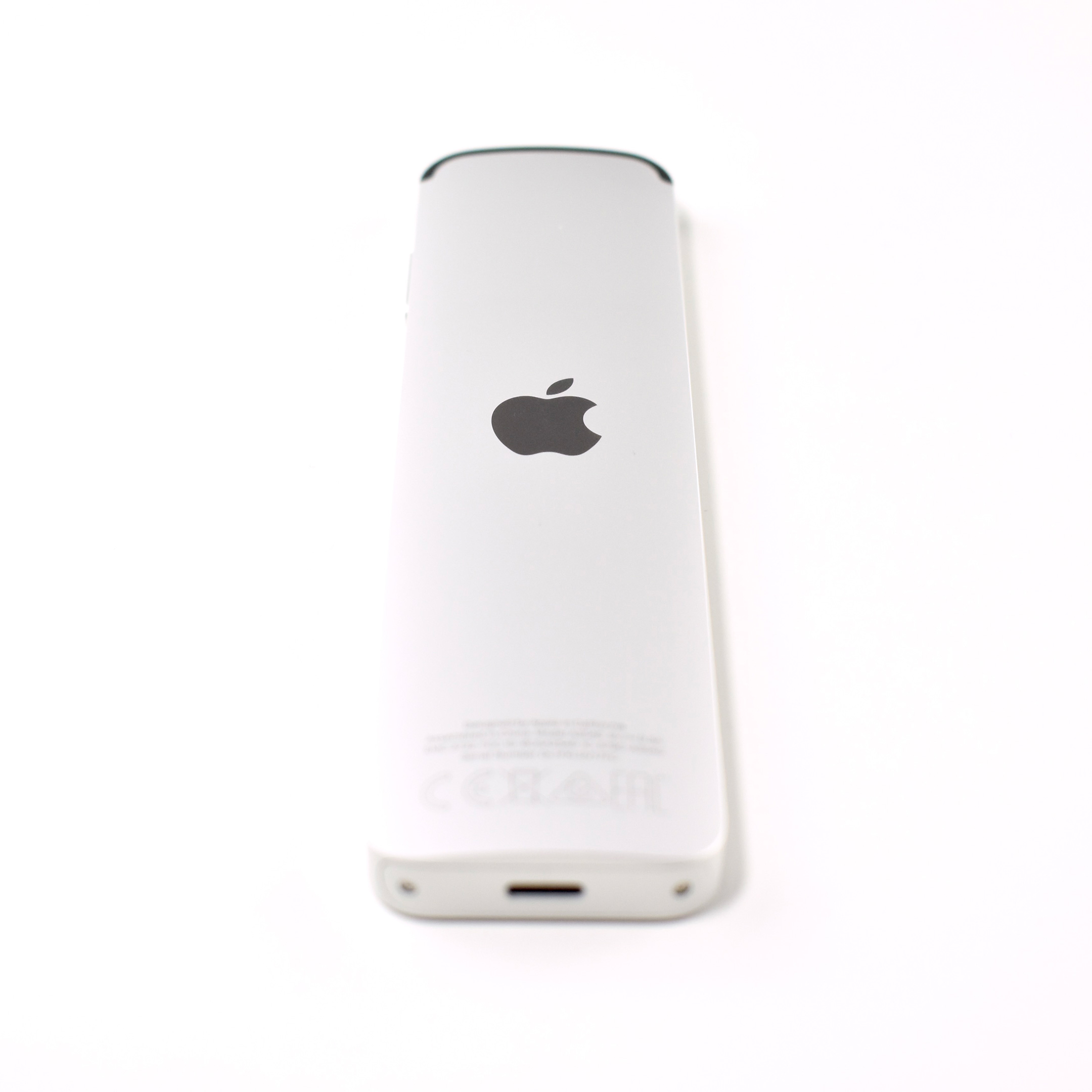
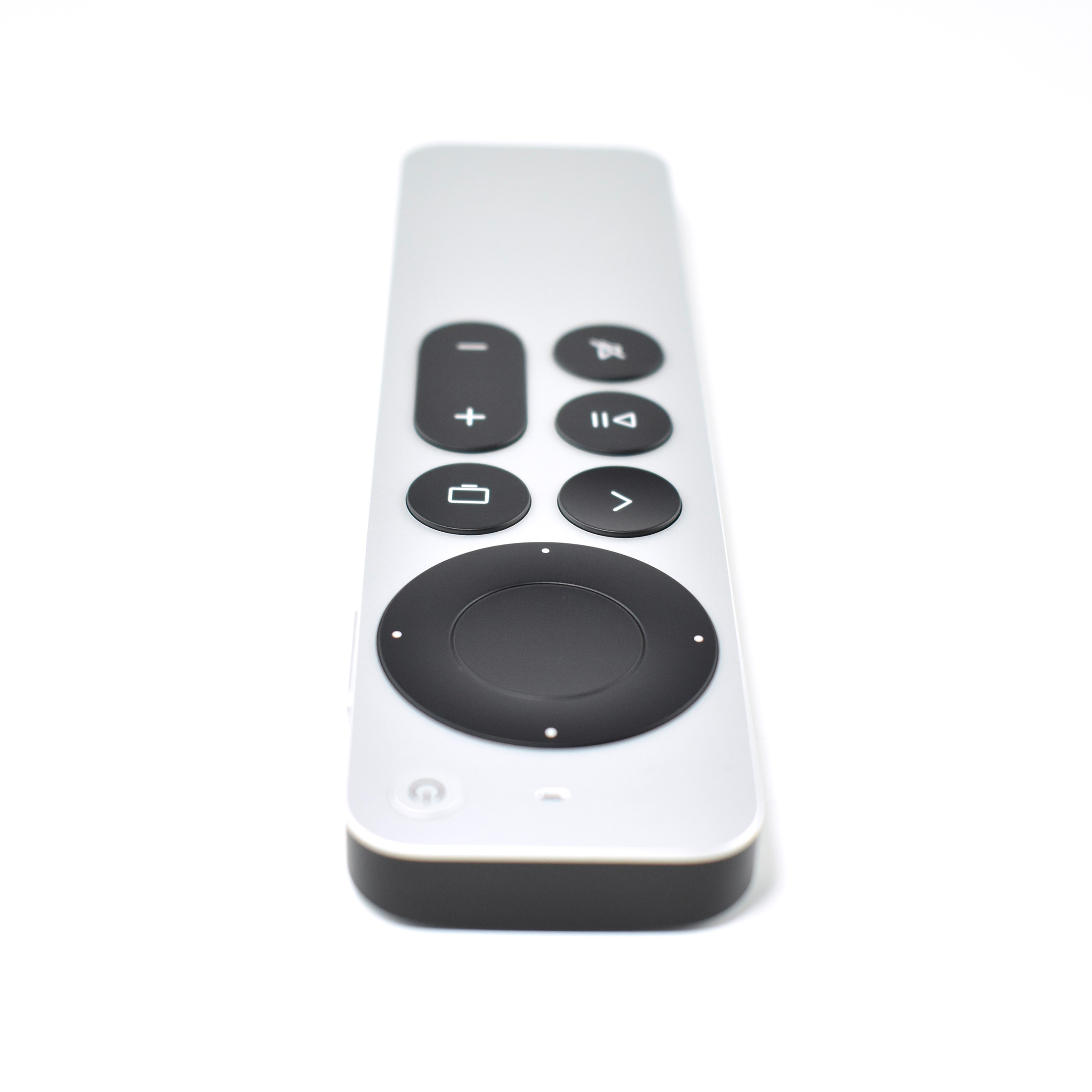
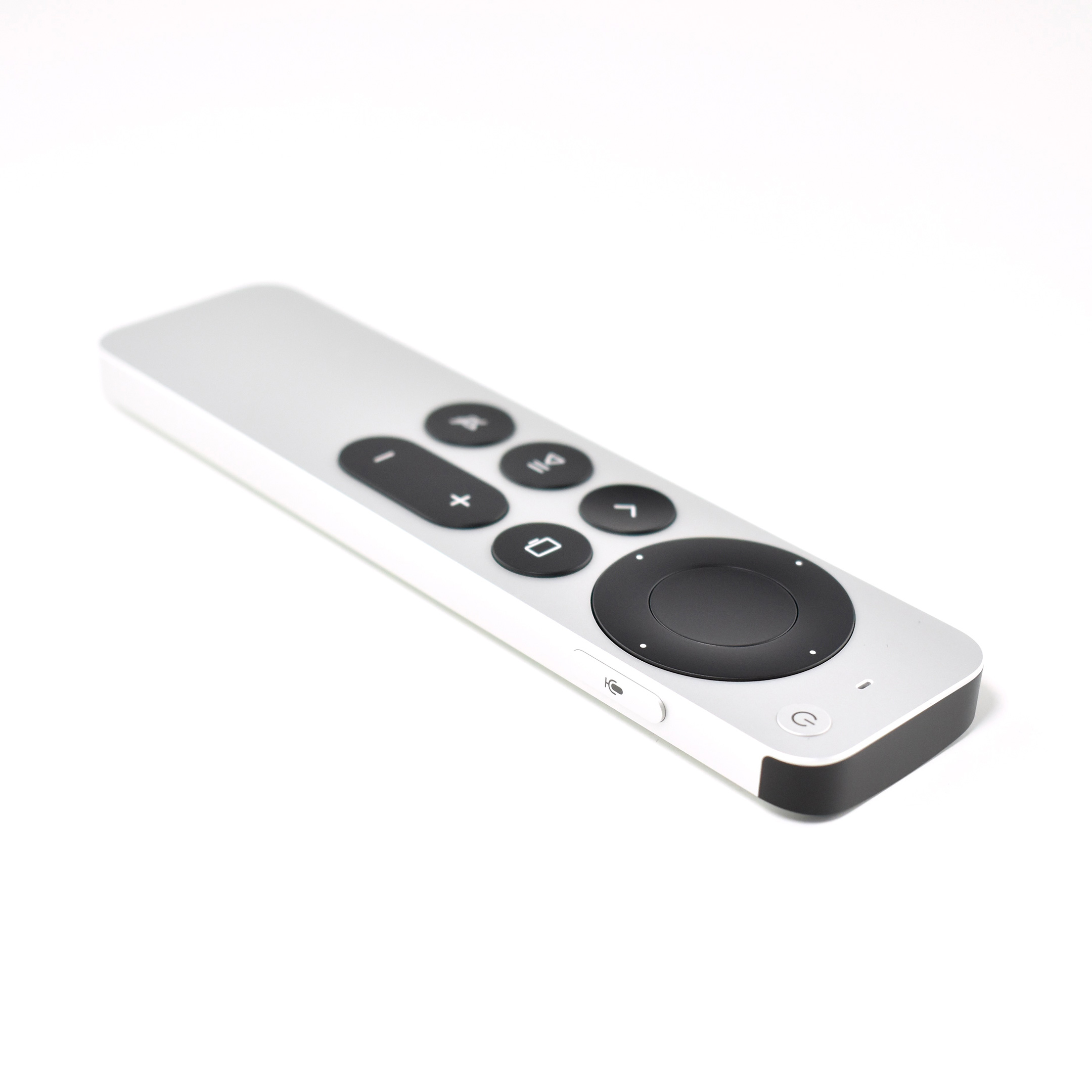
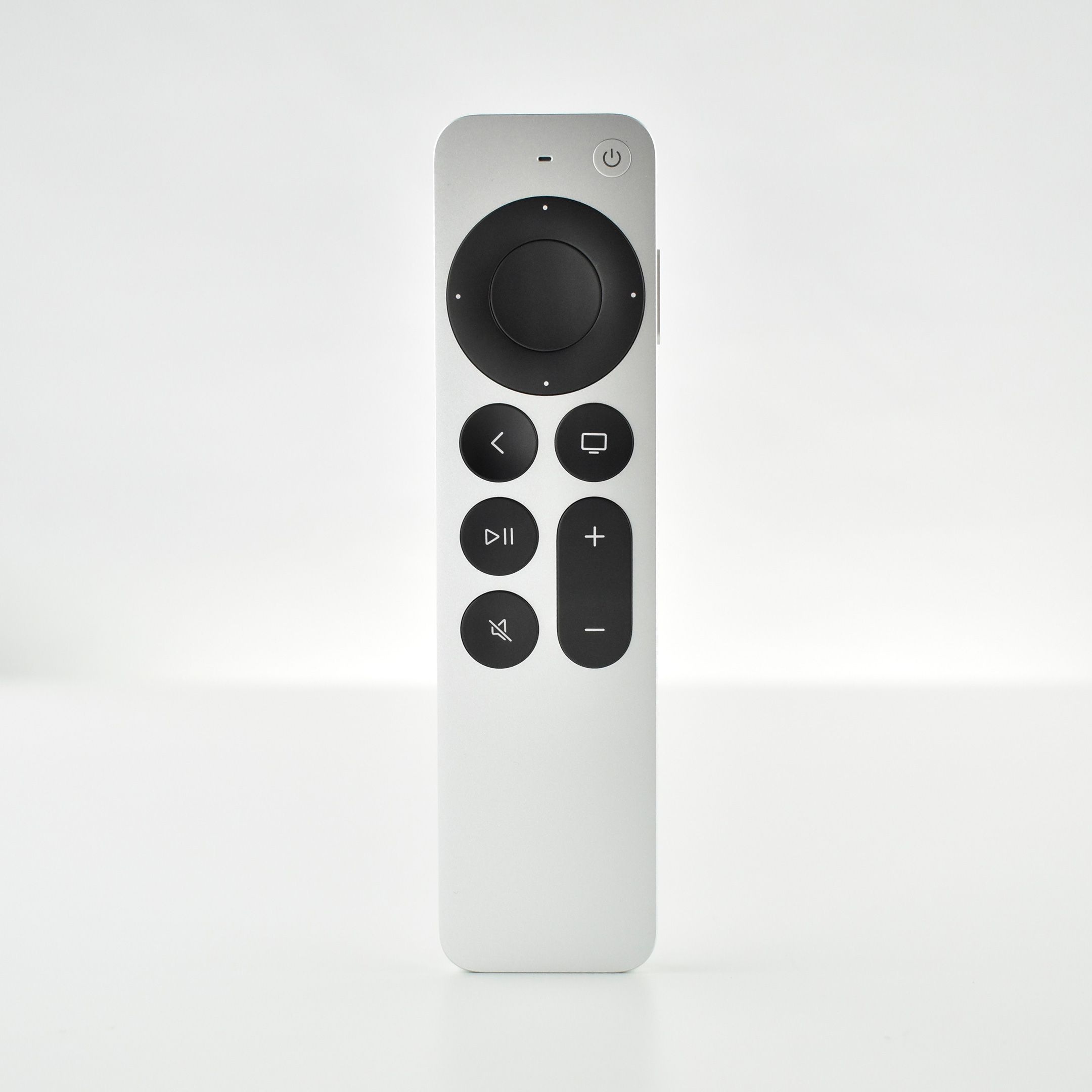
Apple TV HD (2021) and Siri Remote (Generation 2, 2021)

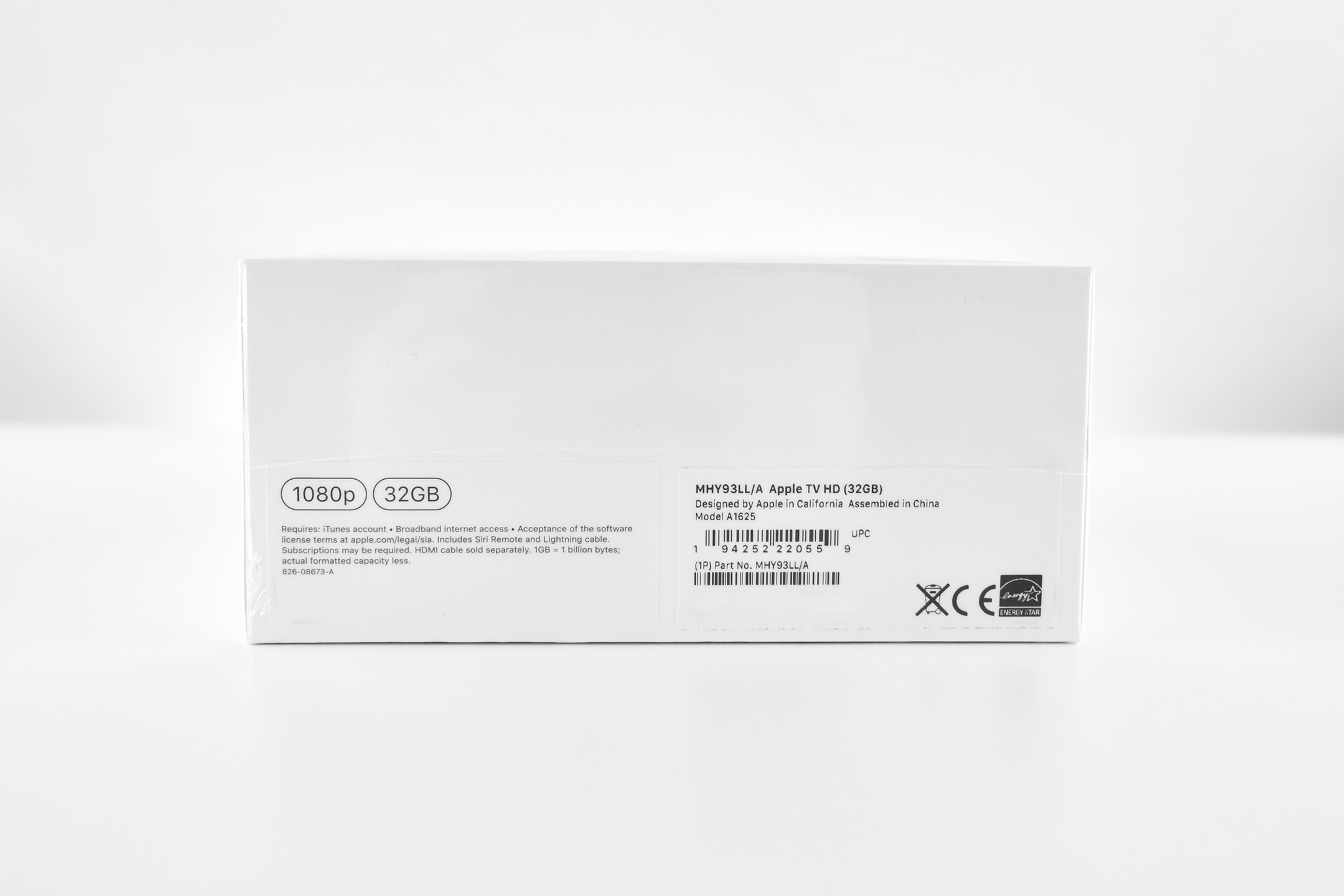
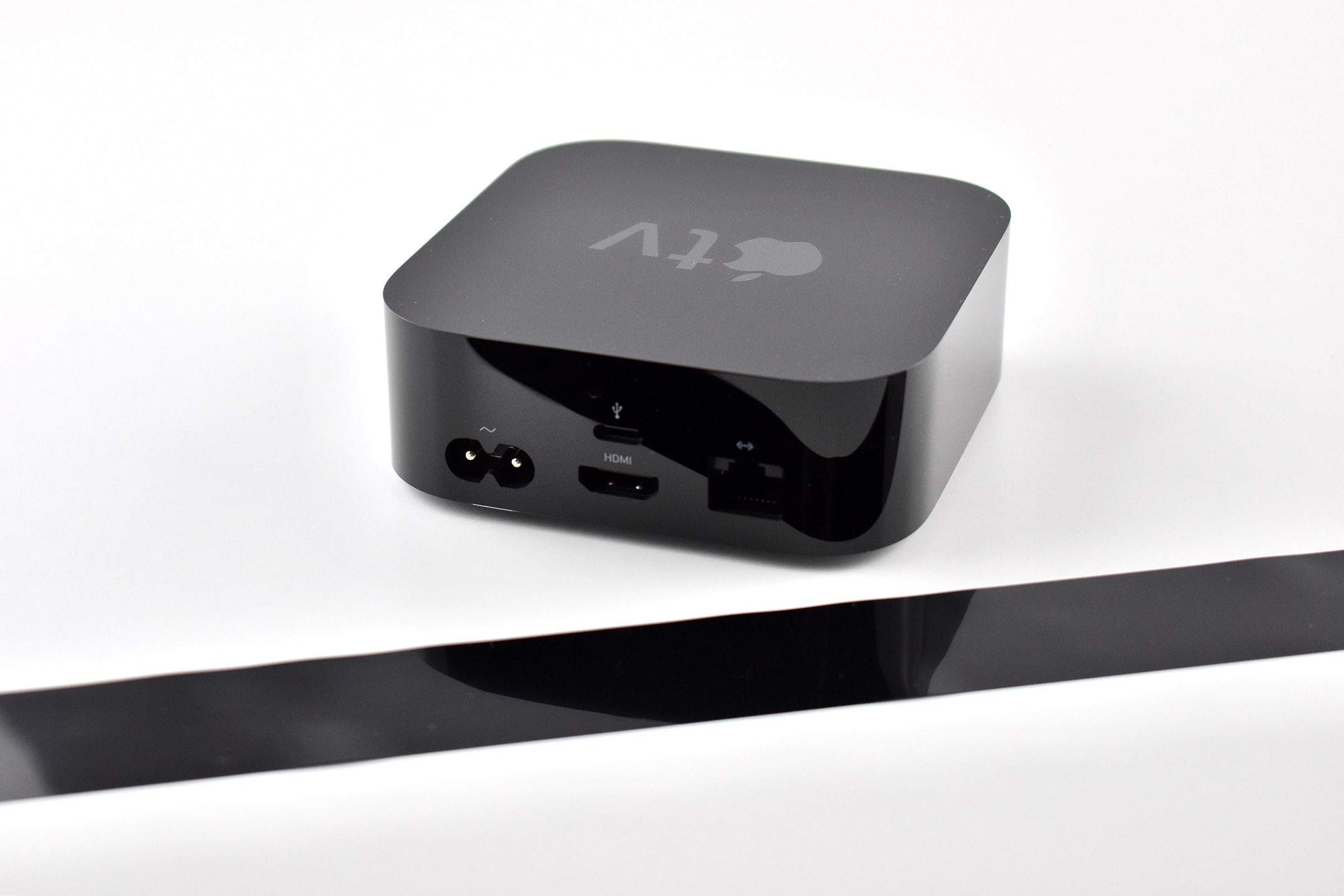
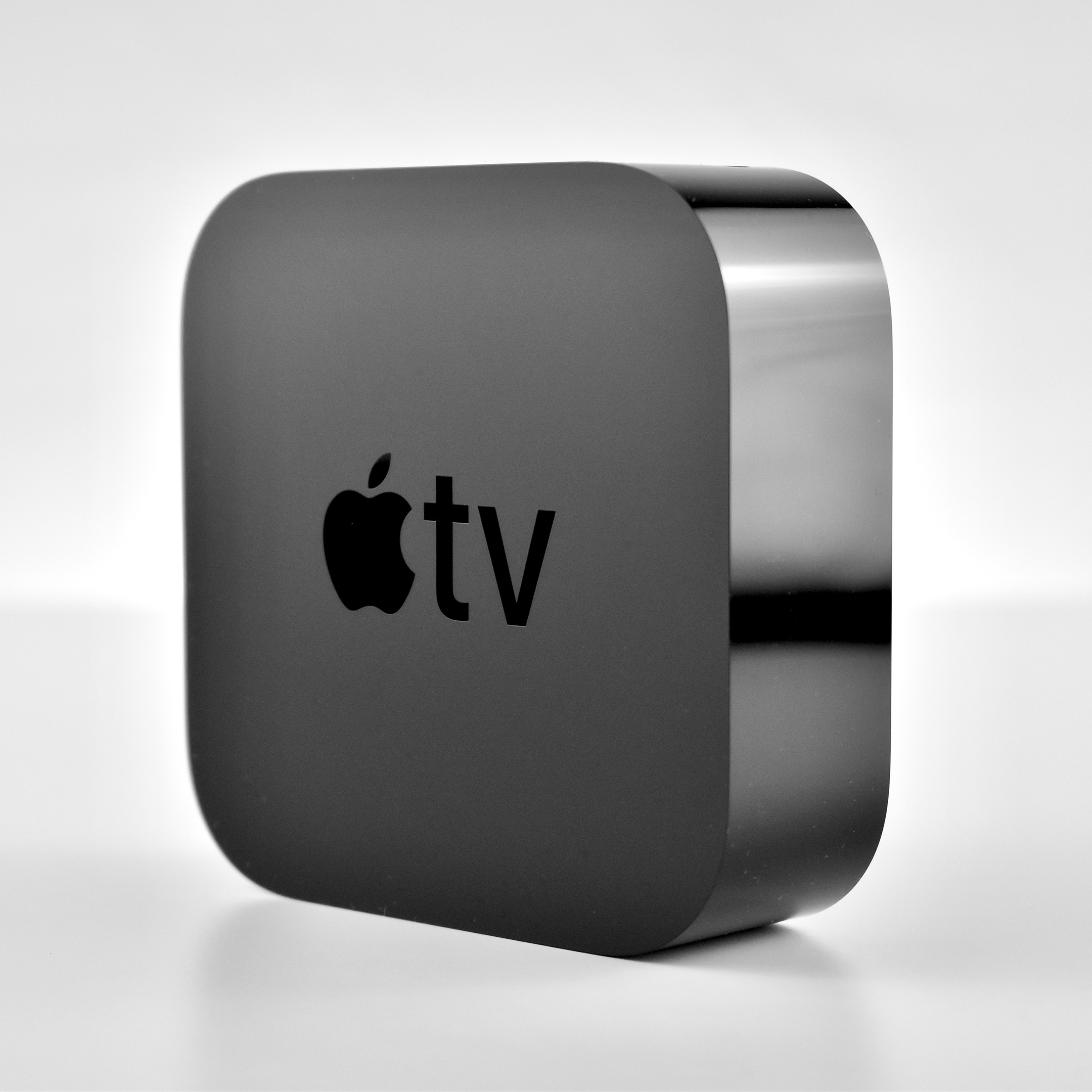
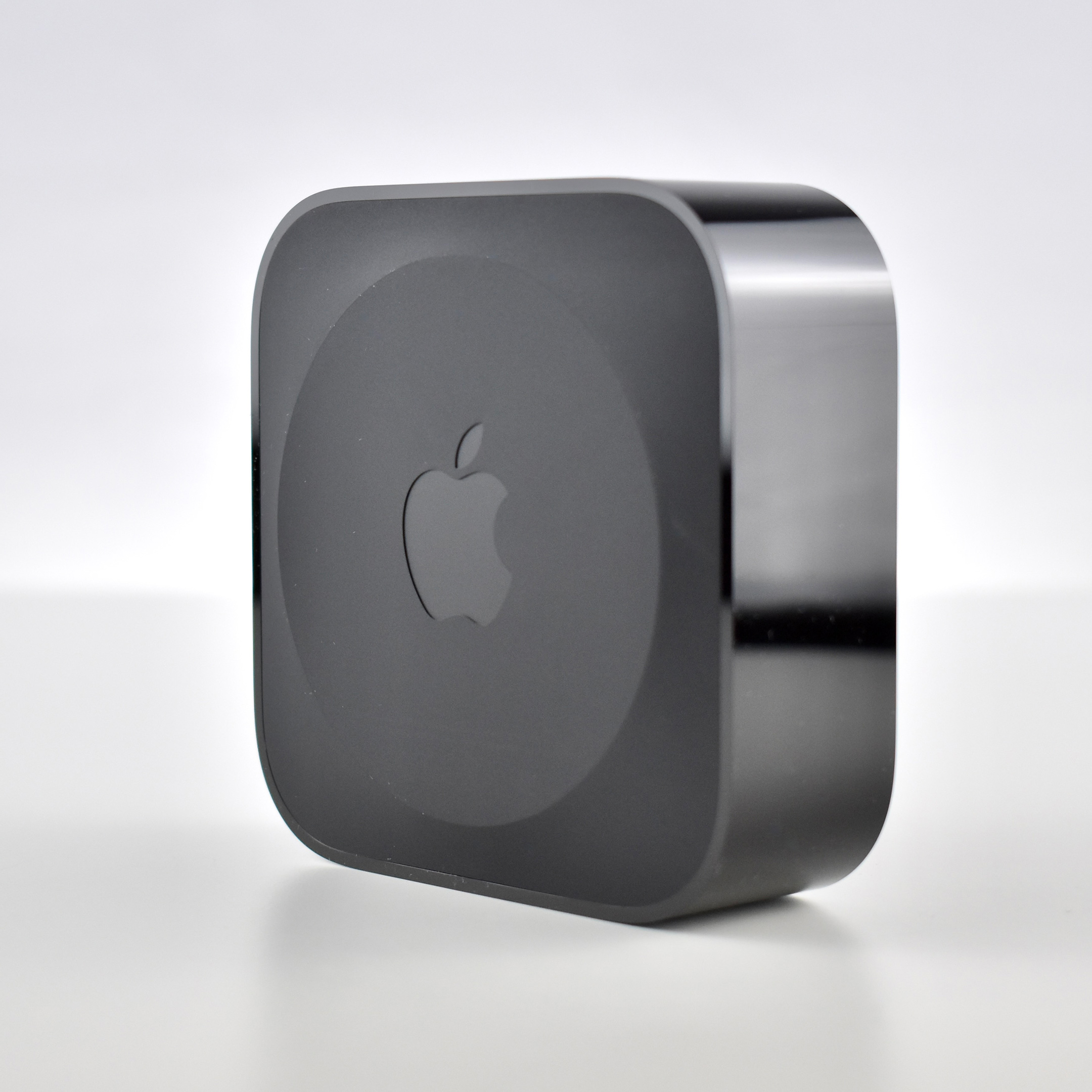
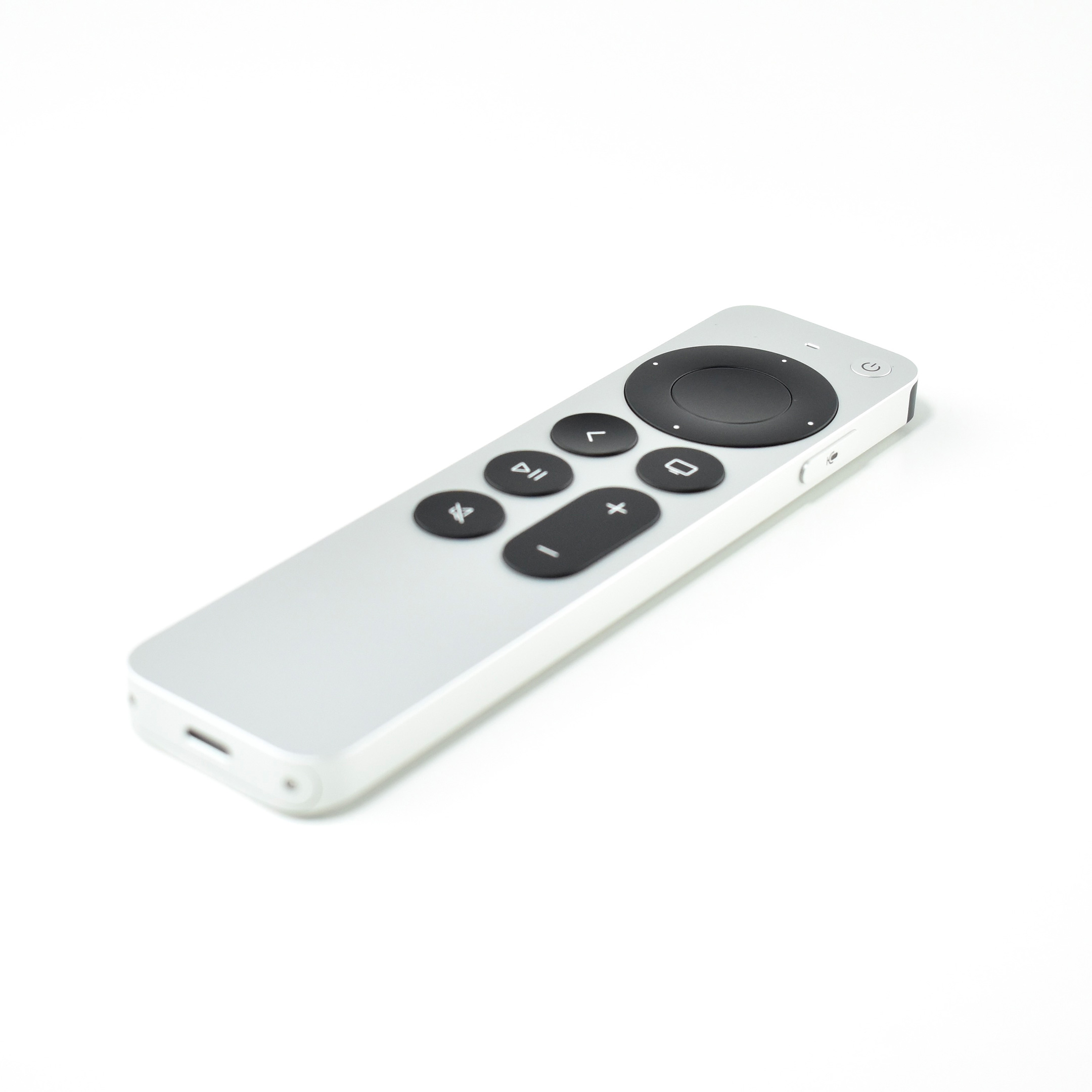
The Apple TV HD (A1625) was previously known as the Apple TV Generation 4. It was originally released in 2015 when it came with the Siri Remote (Generation 1). In 2021 Apple renamed this device the “Apple TV HD” upon release of the Apple TV 4K (Generation 2). Both the Apple TV HD and Apple TV 4K (Generation 2) shipped with a then-new Siri Remote (Generation 2).

The Apple TV HD had ports including HDMI (1.4), 10/100BASE-T Ethernet, and a USB-C port (“for service and support”). Wireless connectivity included Wi-Fi (802.11a/b/g/n/ac), Bluetooth 4.0, and an IR receiver. This Apple TV supported 720p or 1080p, but lacked support for 4K.

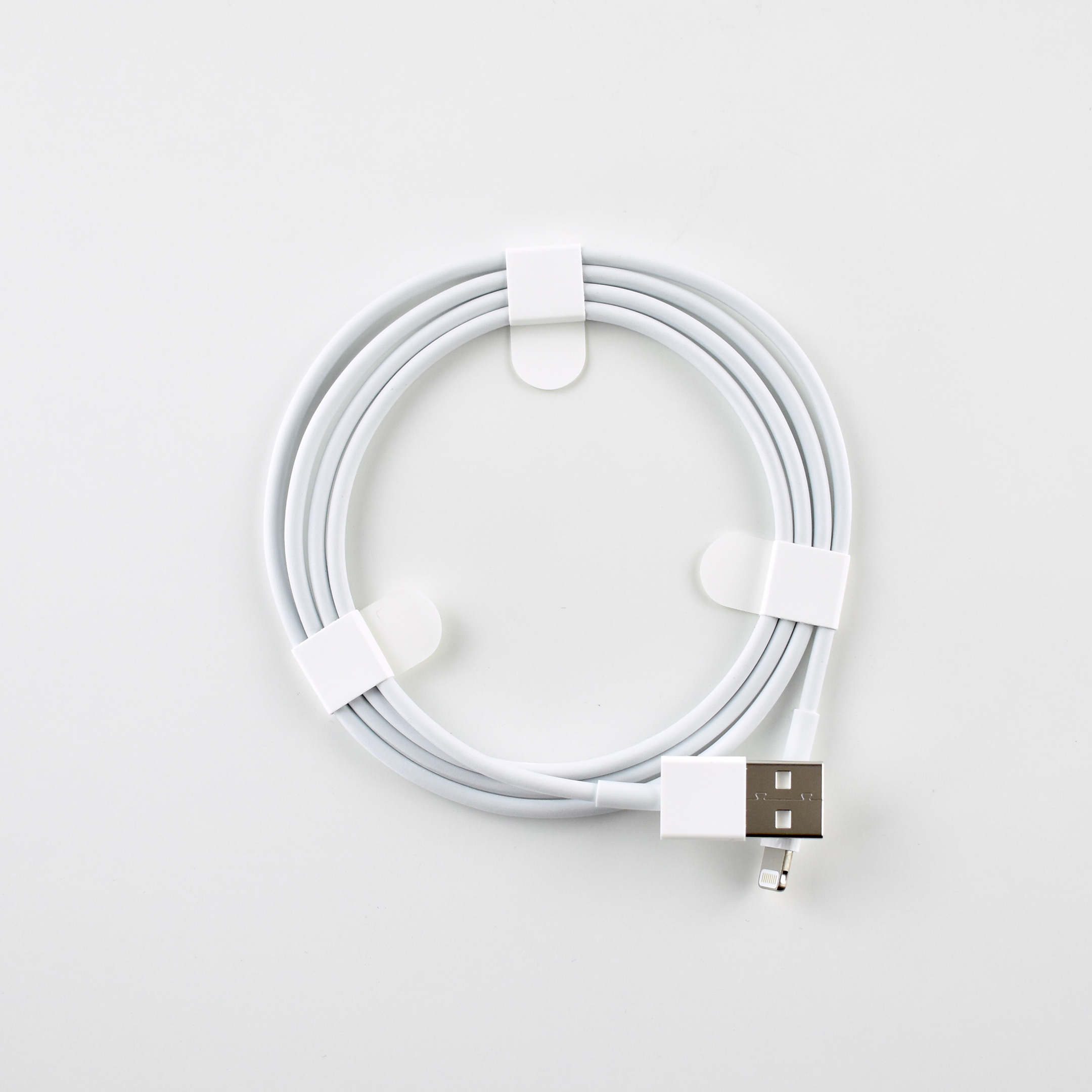
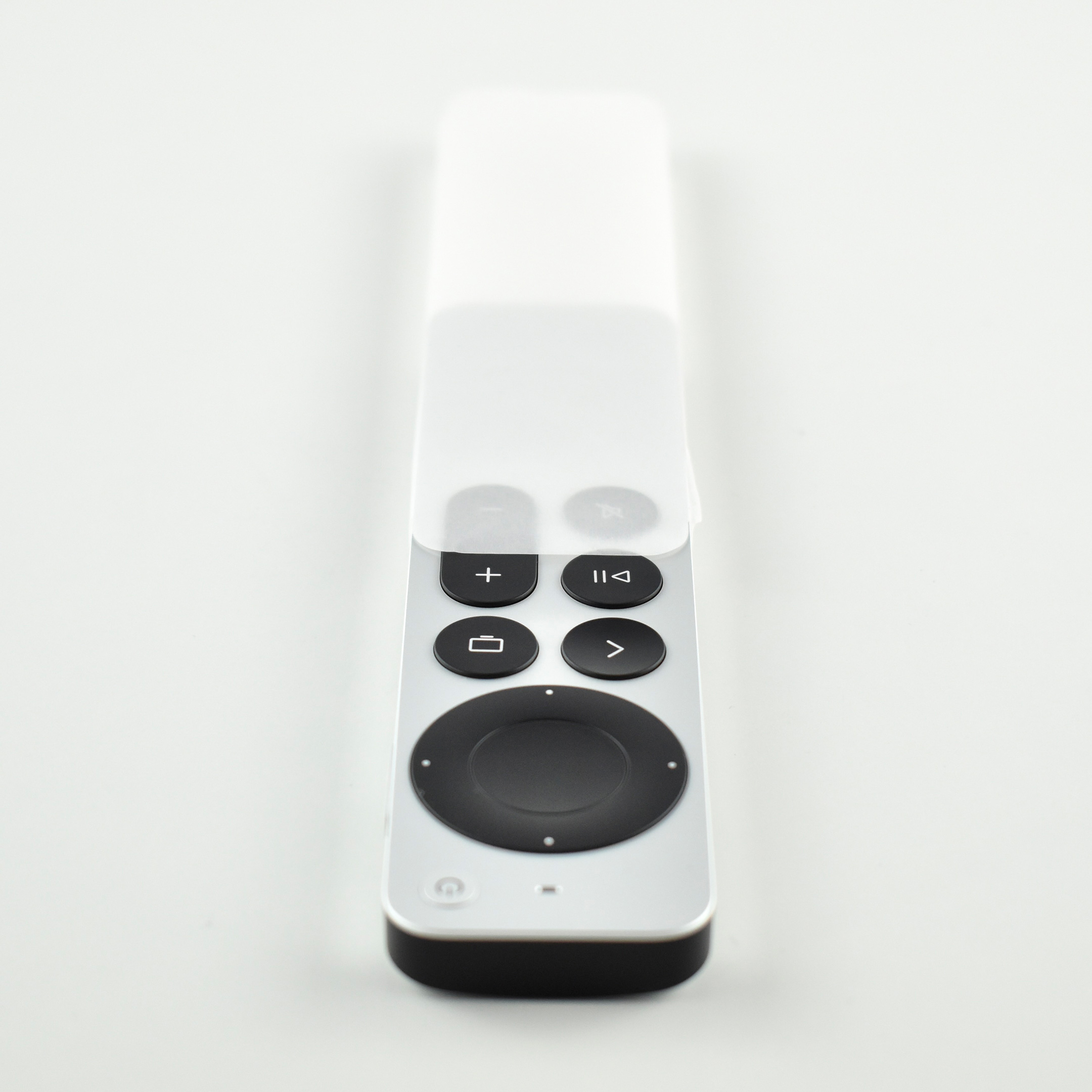
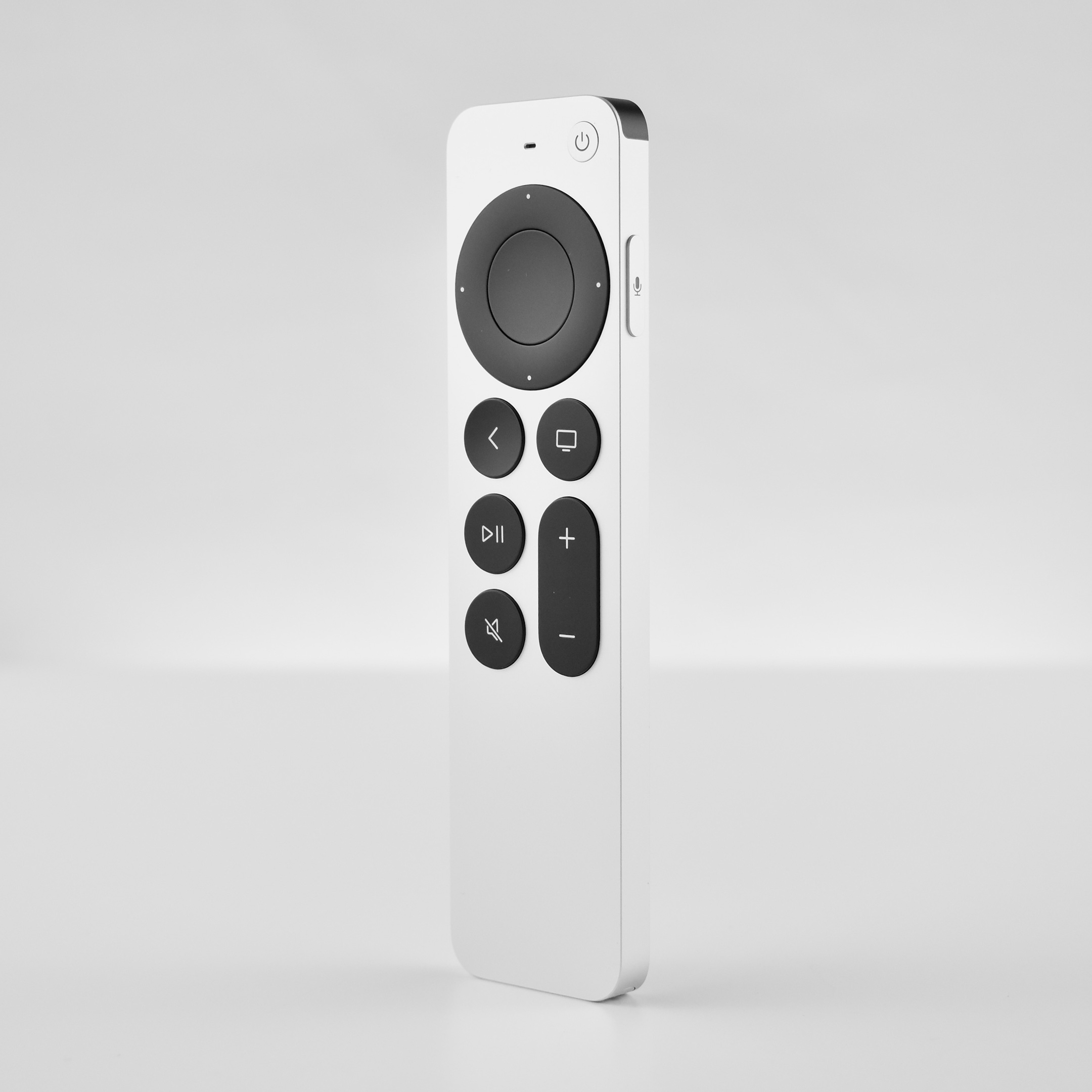
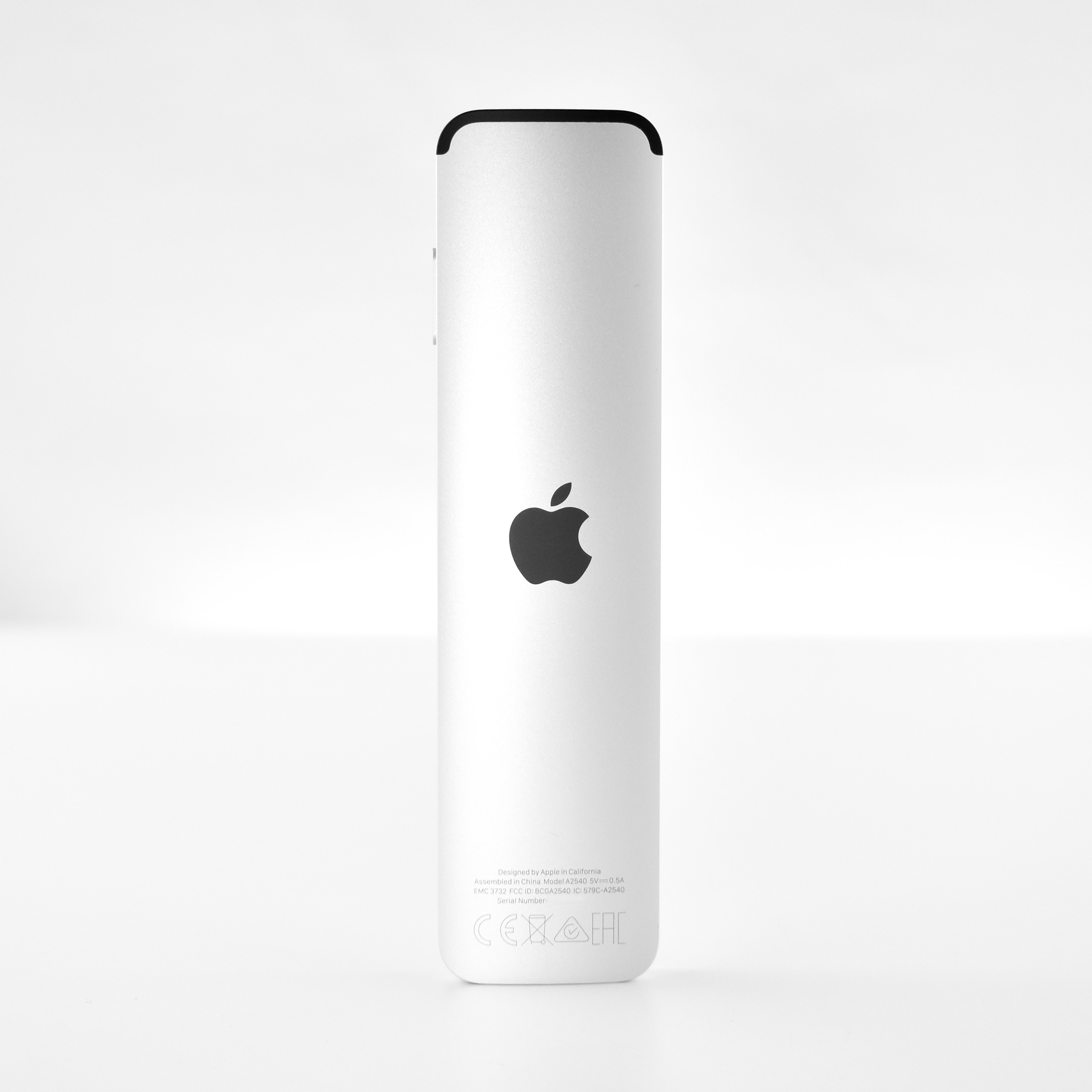
The Apple TV HD included the Siri Remote (Generation 2). This remote was all silver and included a “touch-enabled clickpad” to “click titles, swipe through playlists, and use a circular gesture on the outer ring.” Like its predecessor, it charged with a Lightning cable, included an IR transmitter, and used an internal microphone for Siri commands. It was larger than the original Siri Remote at 5.4 x 1.4 inches with a weight if 2.2 ounces. This new remote lacks both the accelerometer and gyroscope sensors that were included in the original Siri Remote.

The Apple TV HD used a dual core Apple A8 processor and came with either 32 or 64GB of internal flash memory storage. This example is a 32GB model.

Sources: EveryMac, Apple (Siri Remote, Apple TV)

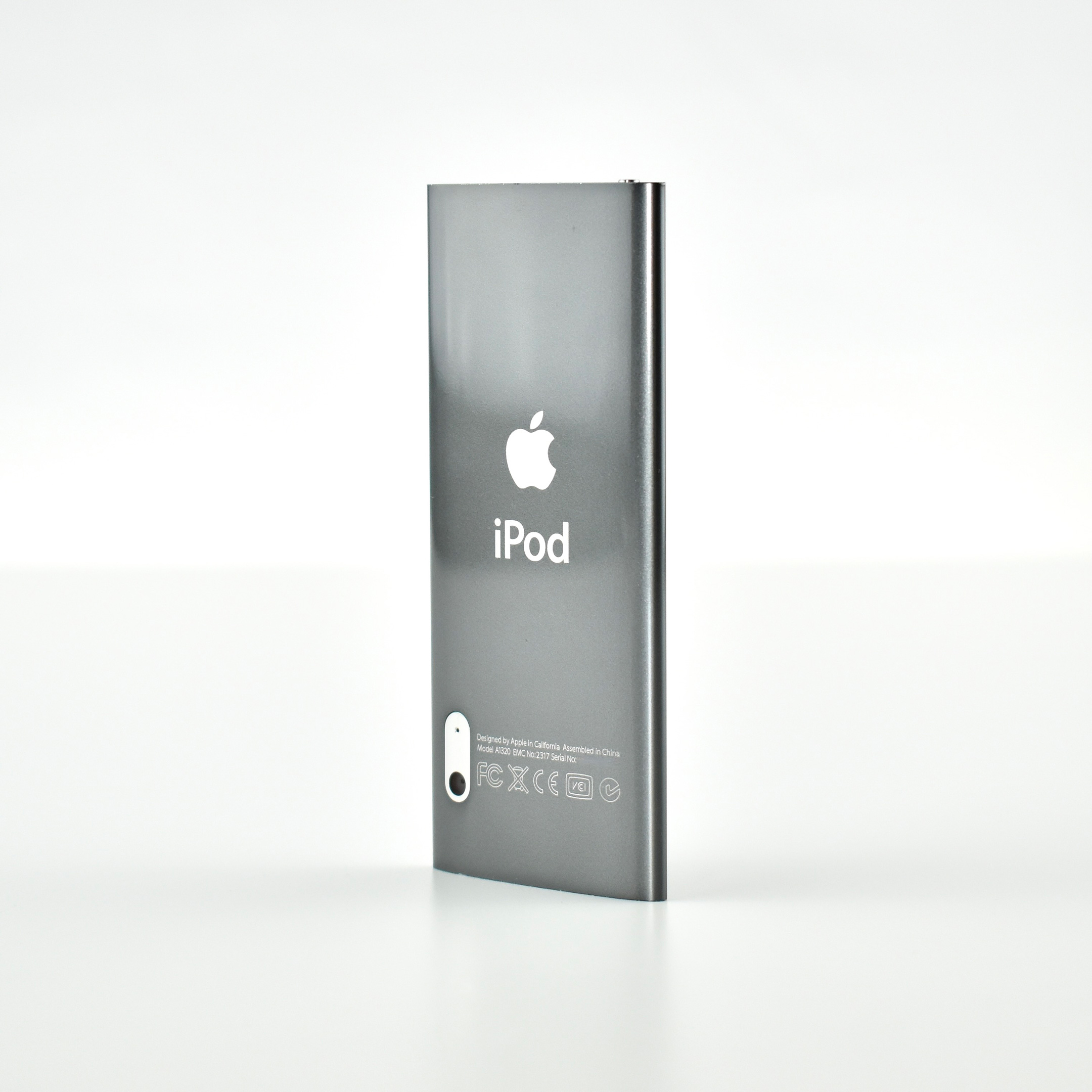
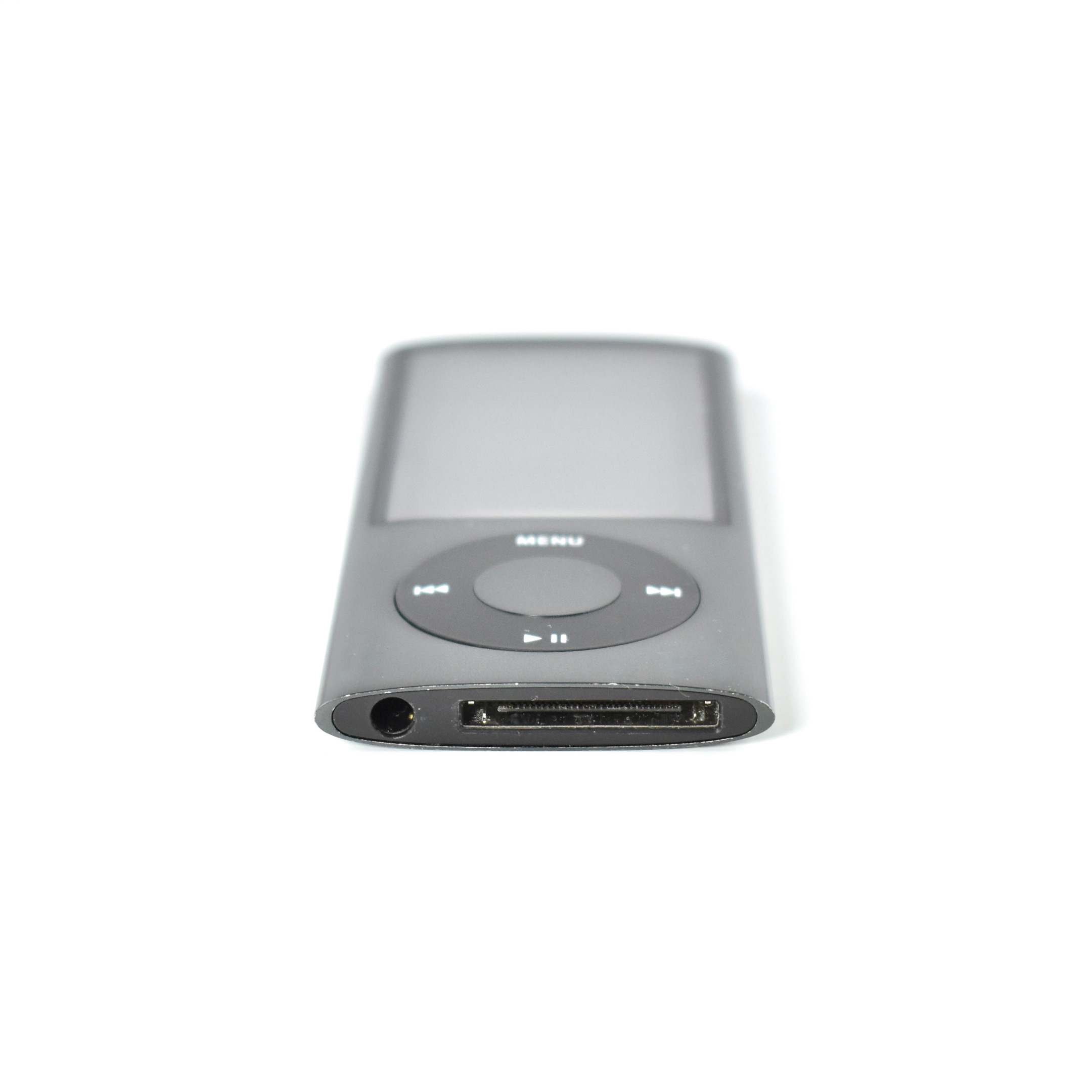
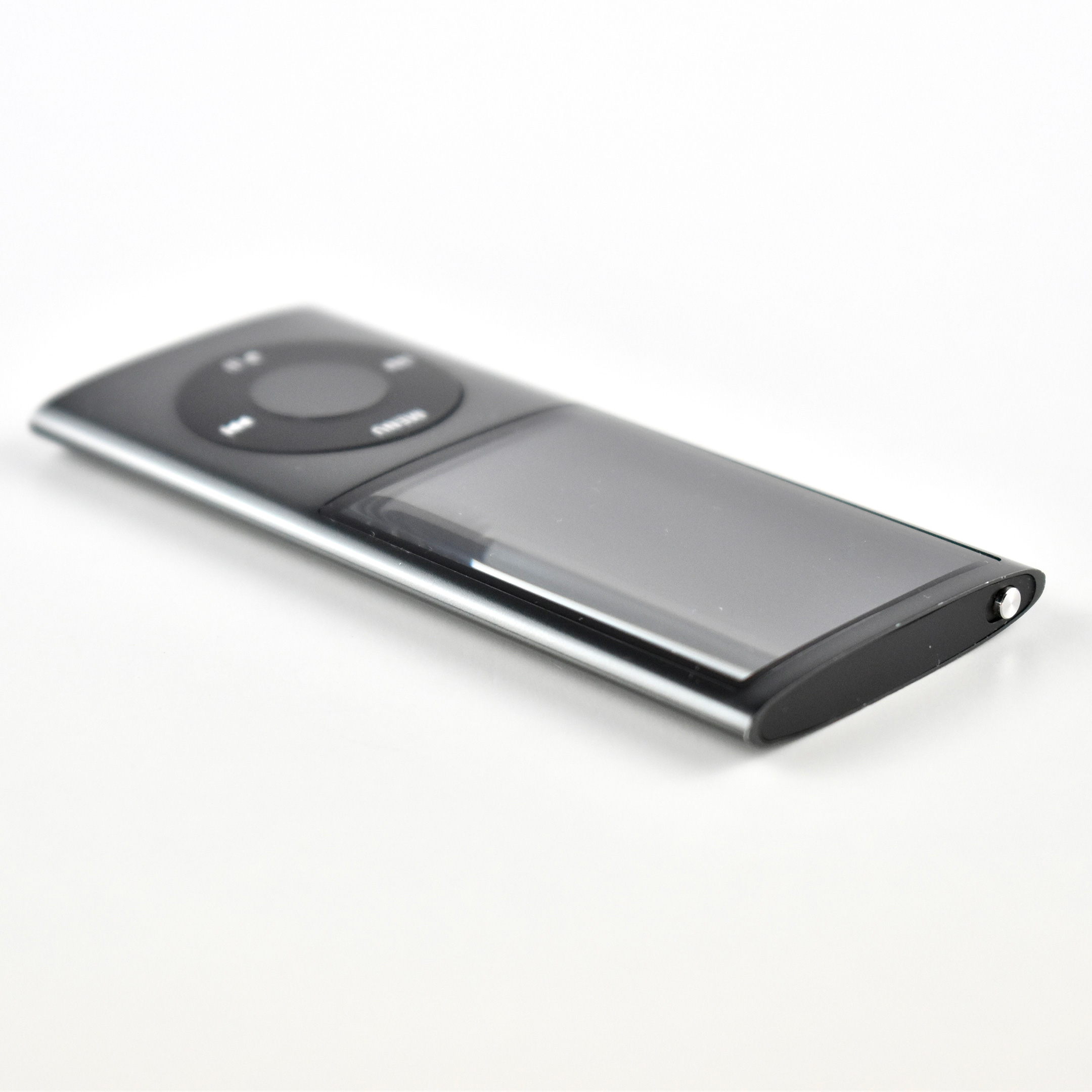
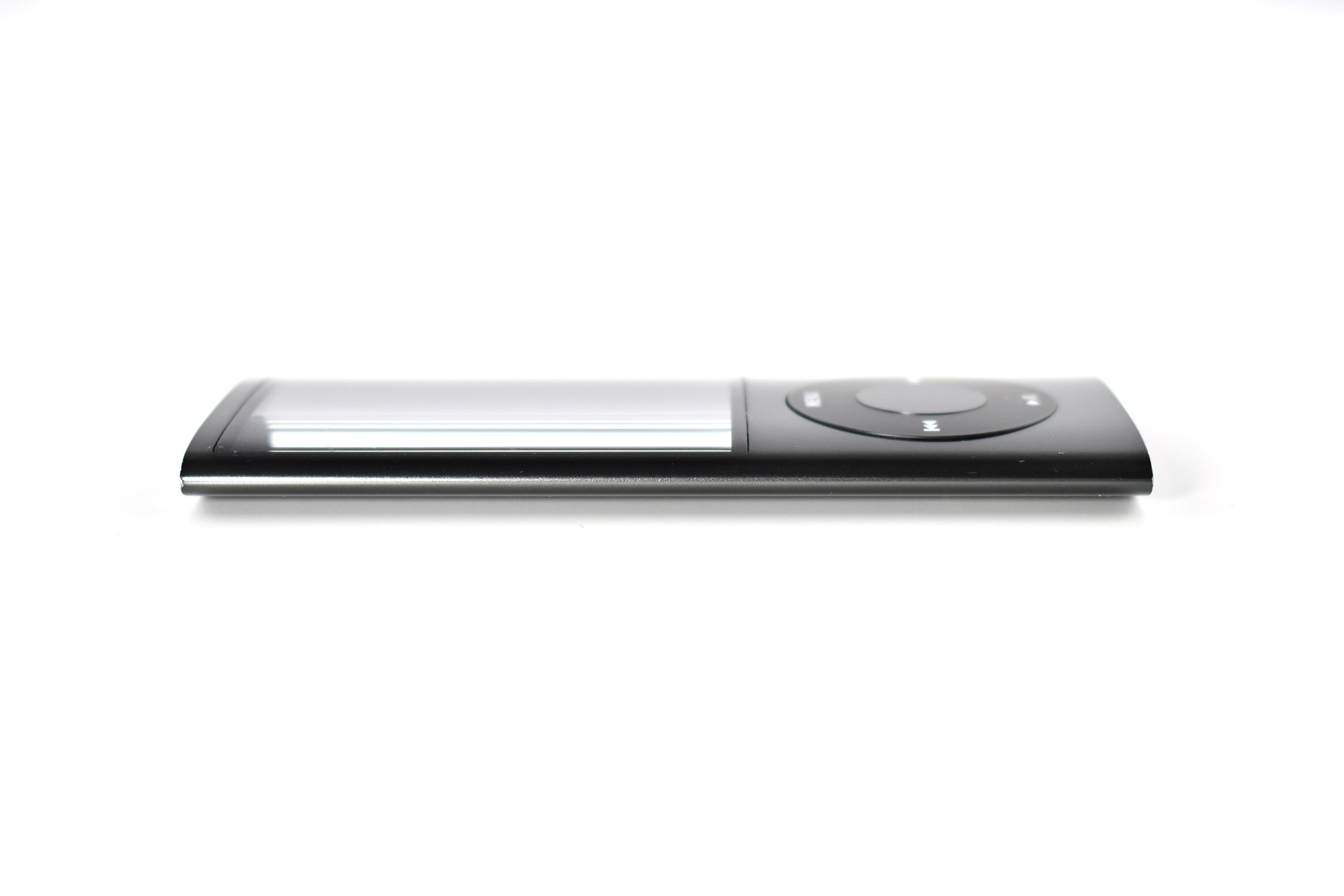
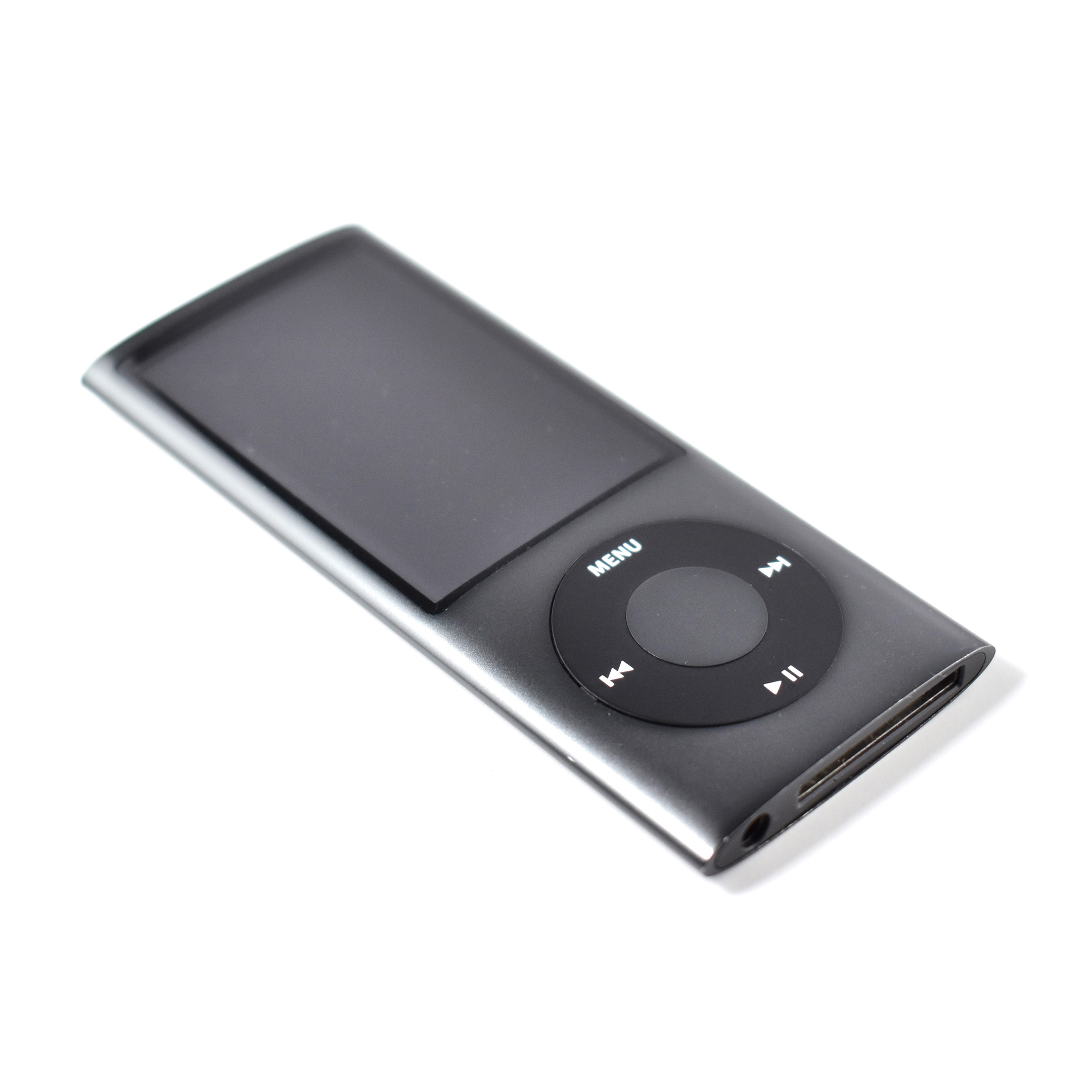
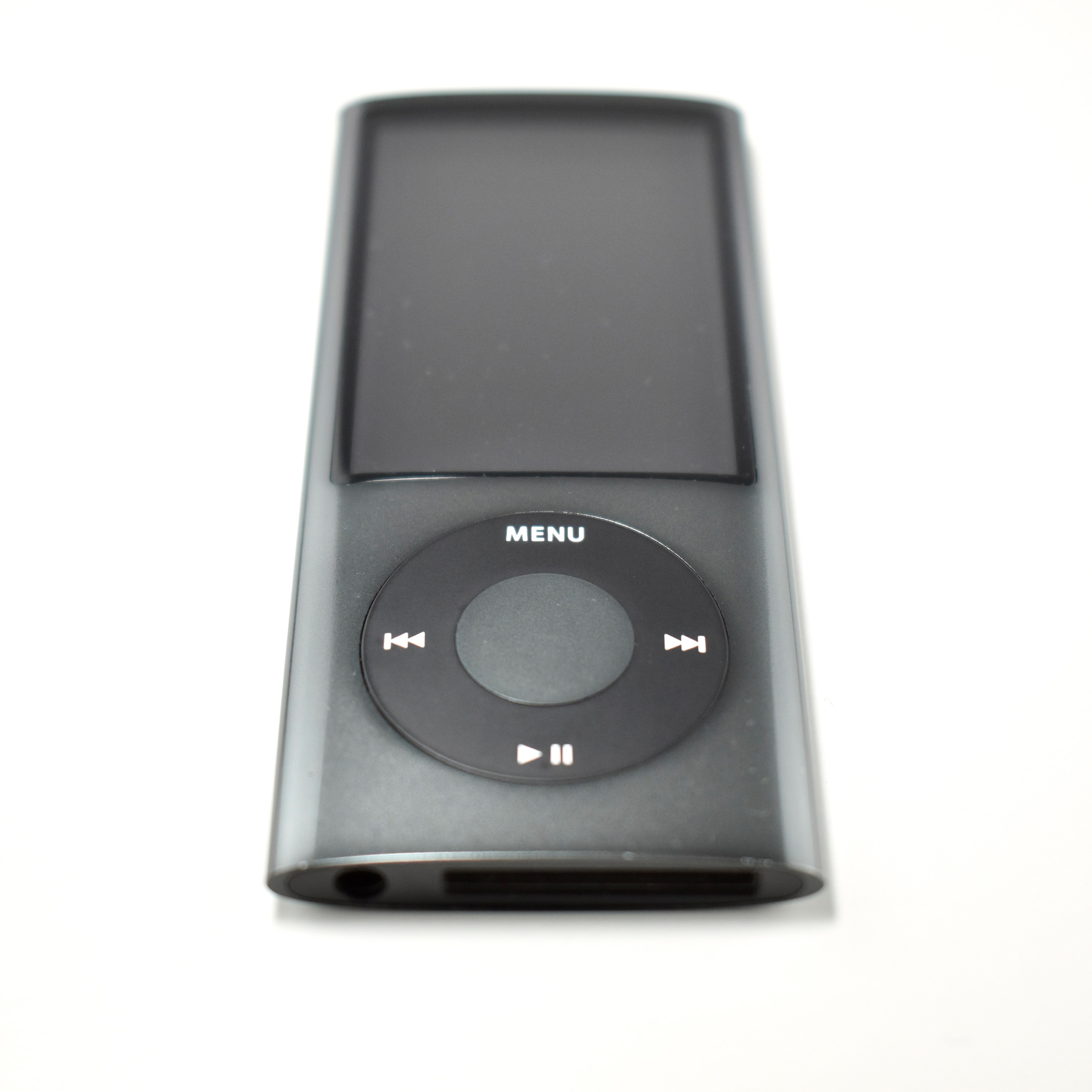
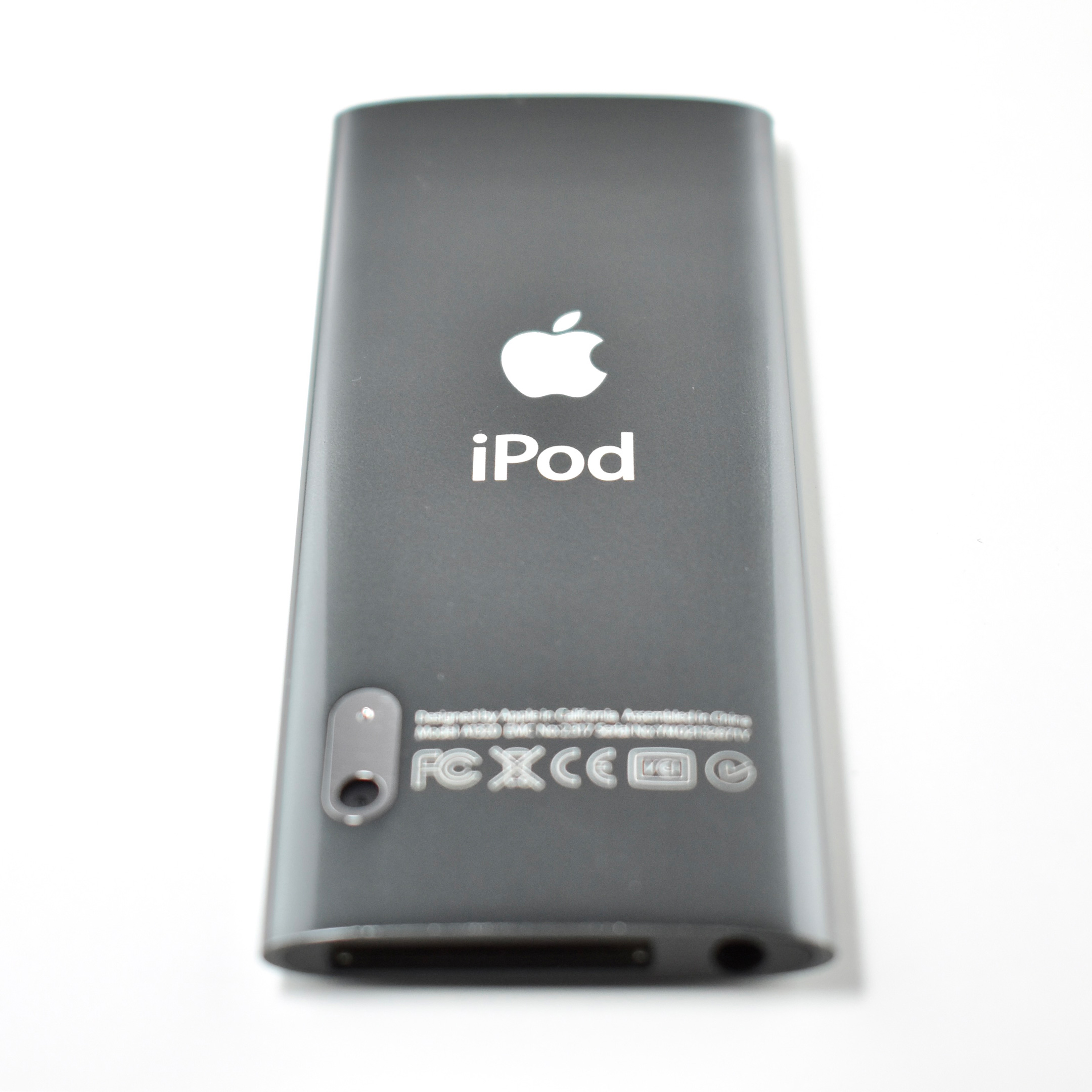
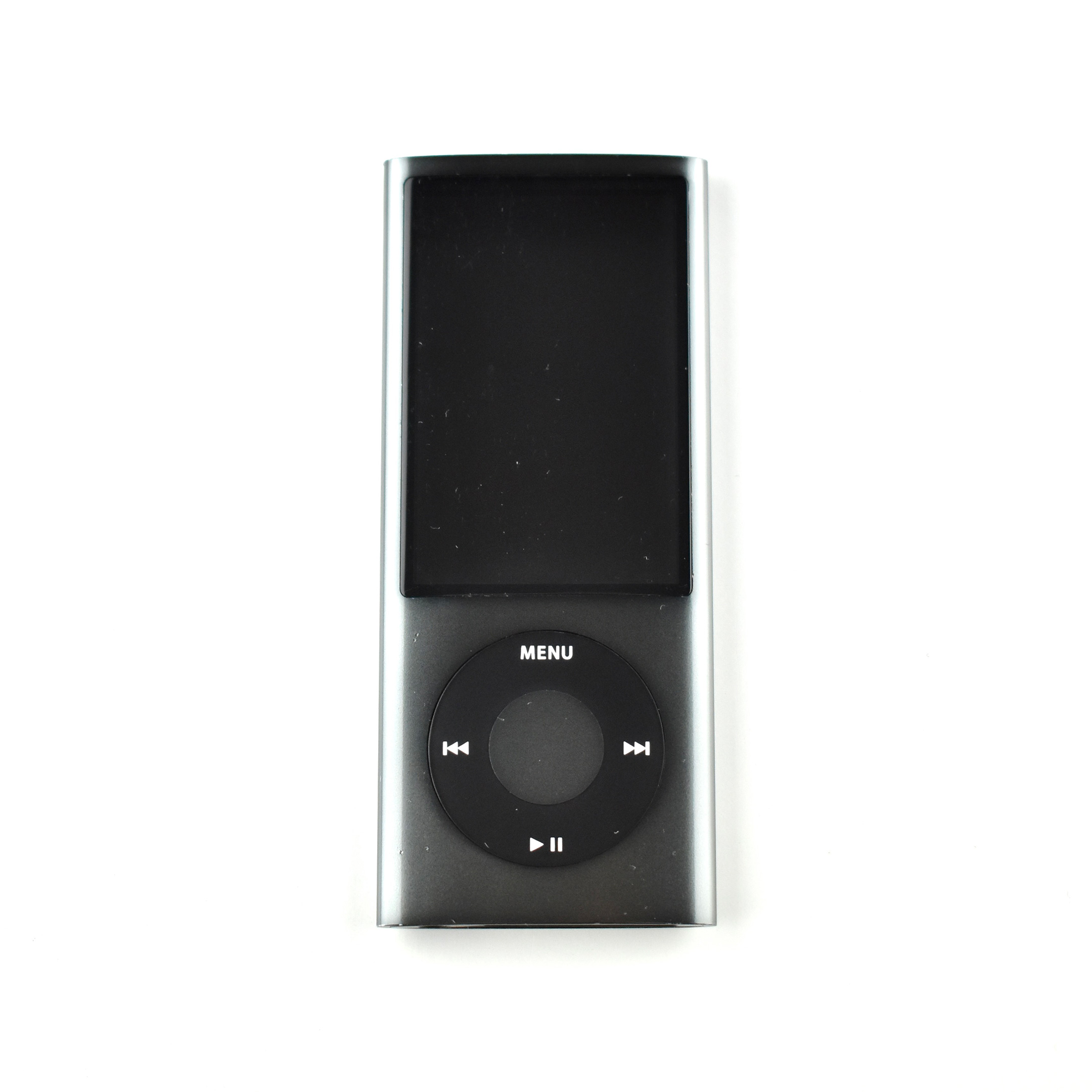
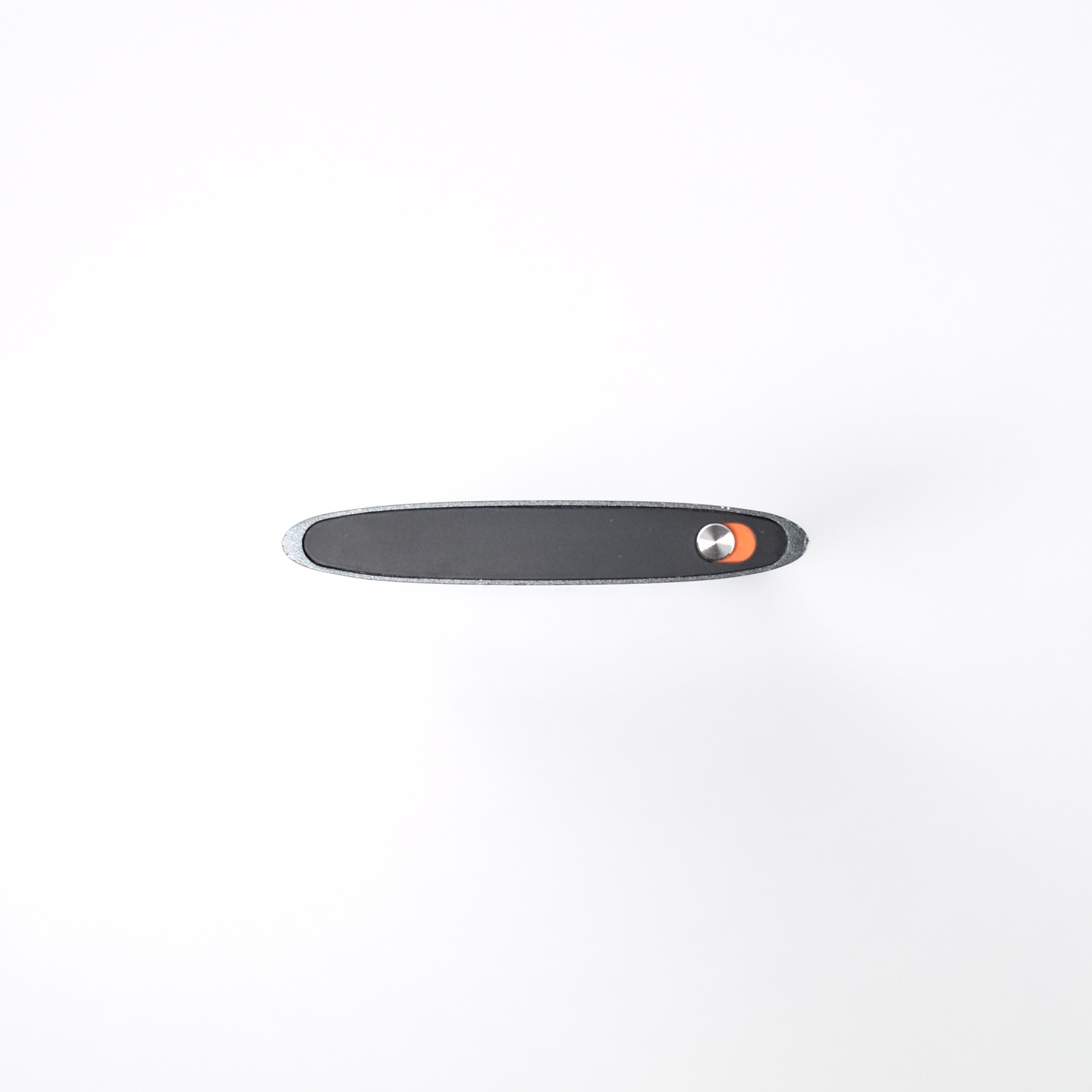
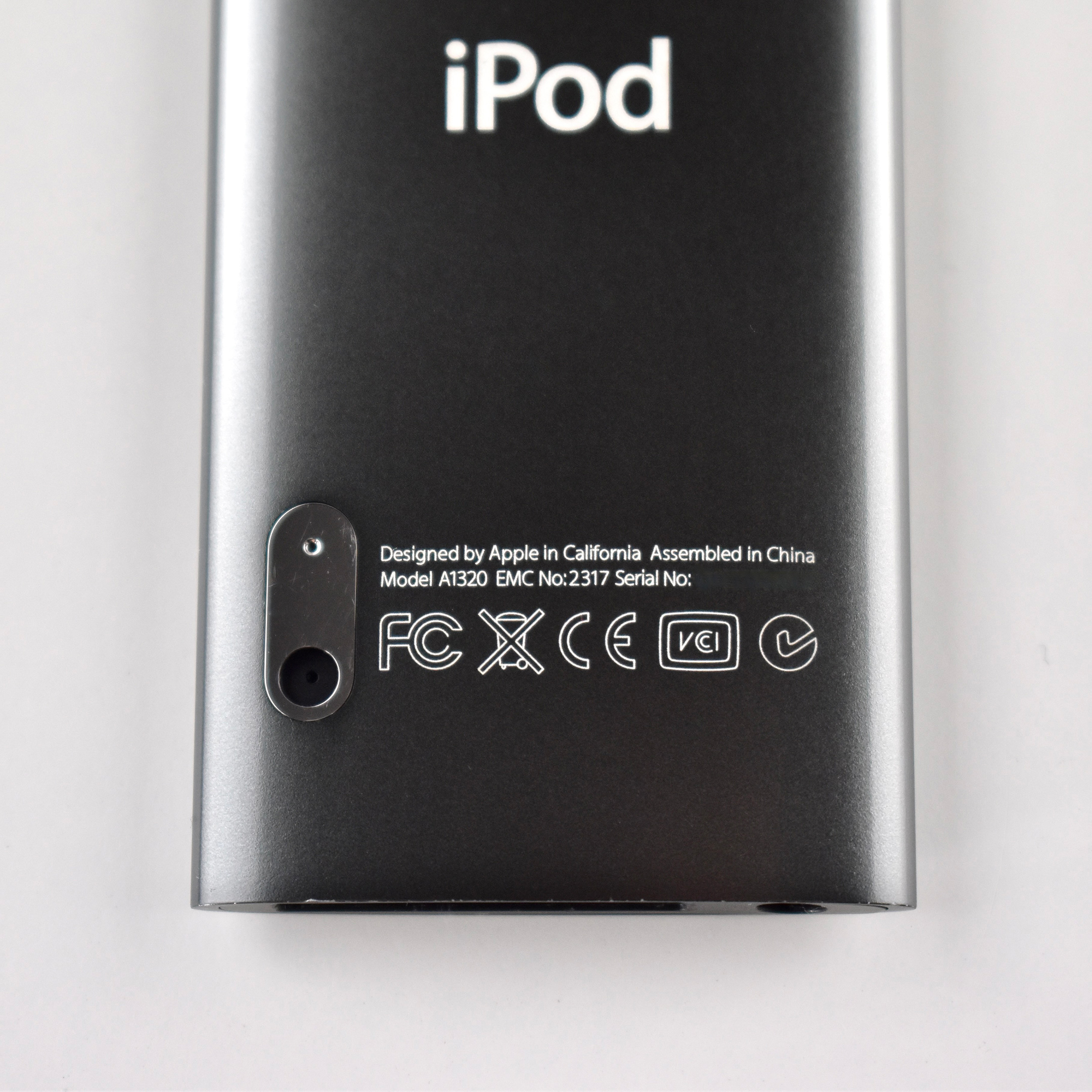
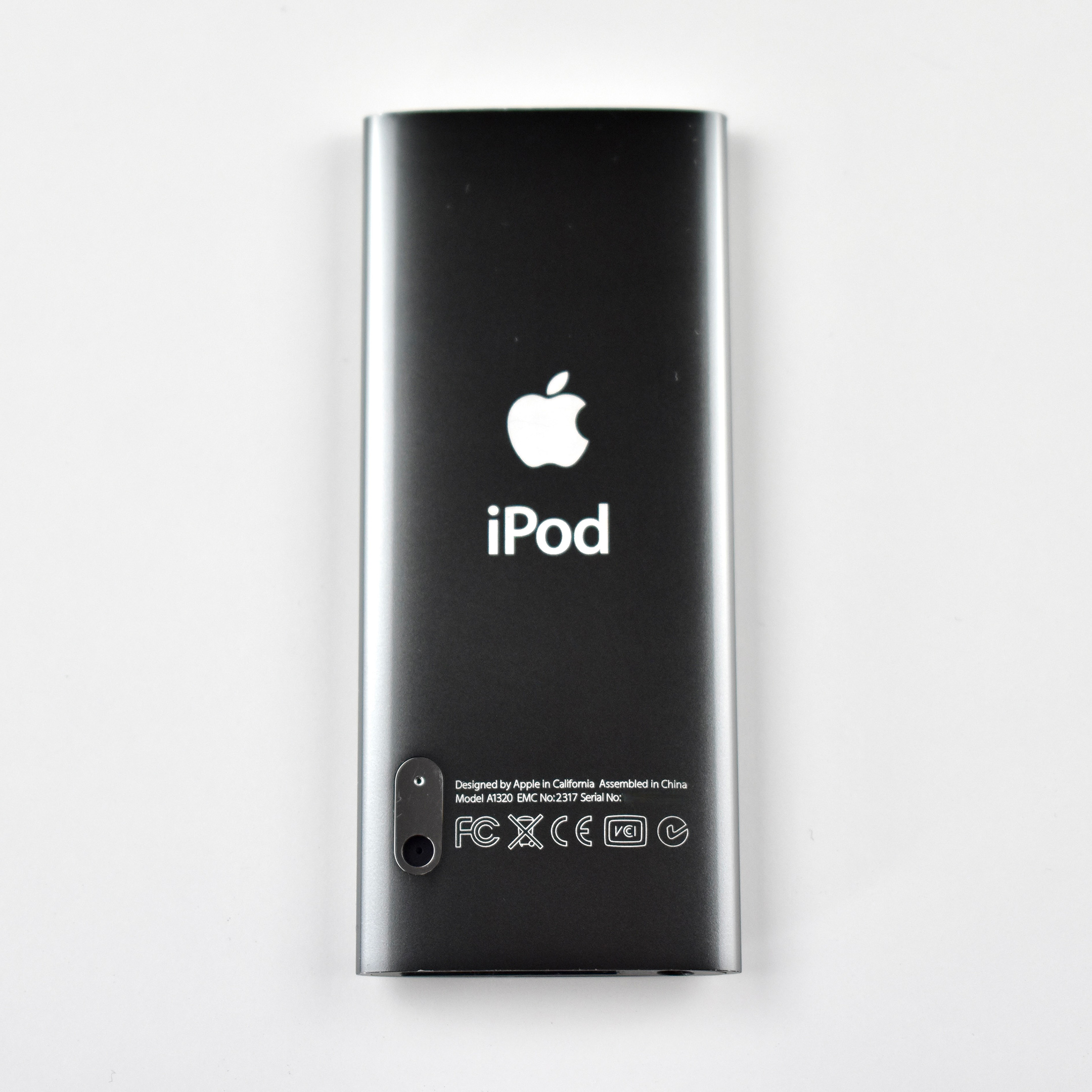
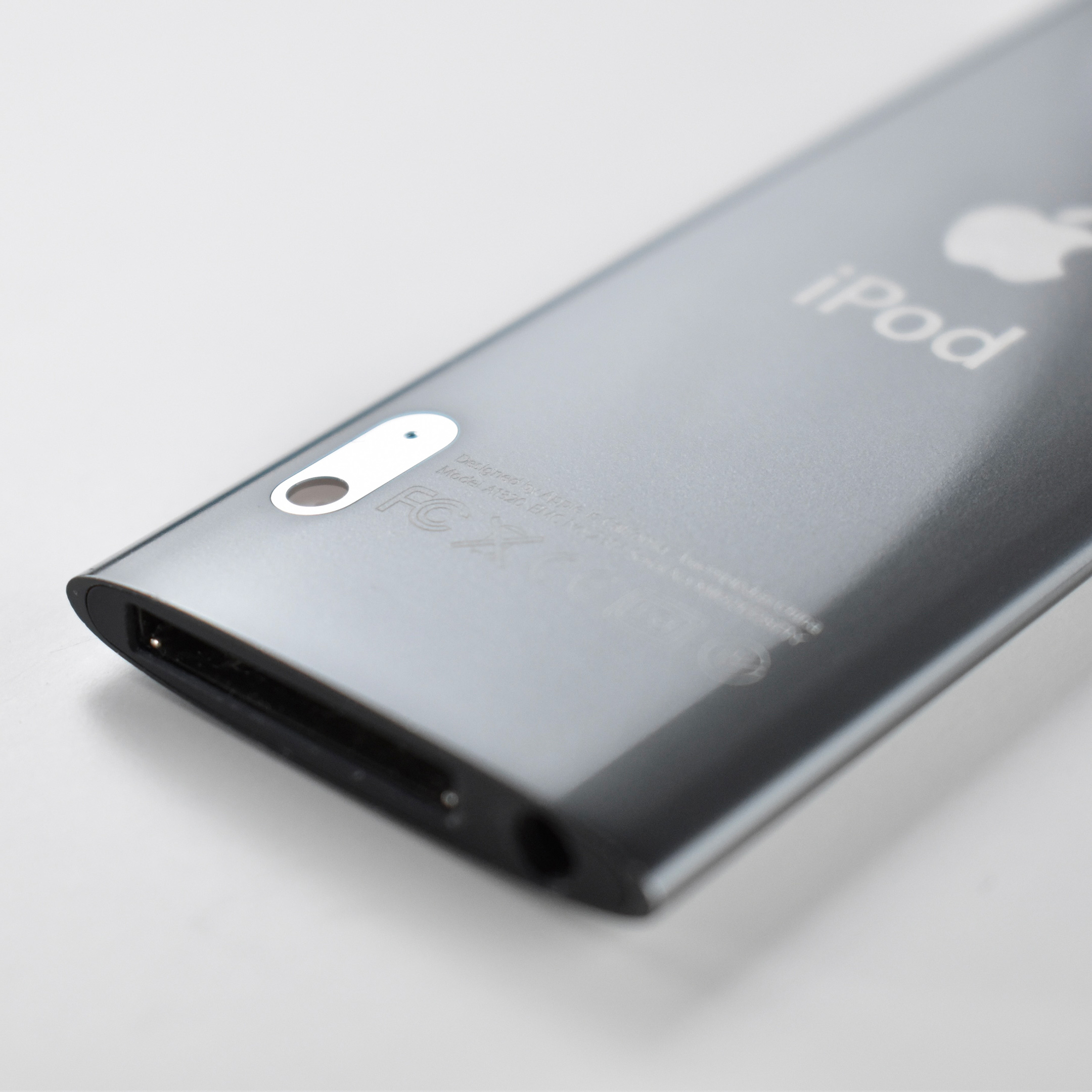
iPod nano Generation 5 (black, 2009)

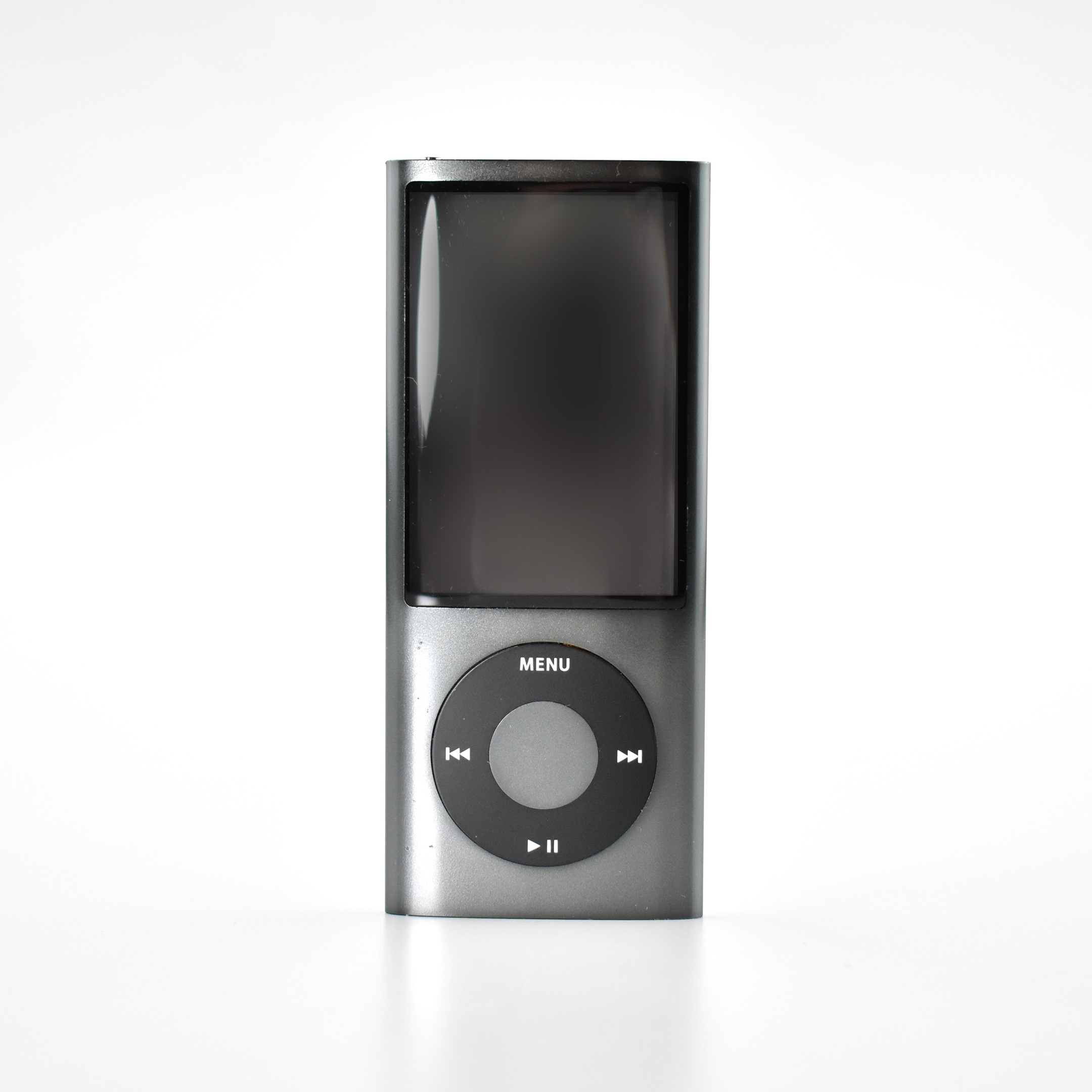
The iPod nano Generation 5 was notable because of its impressive color choices. This model was available in nine colors: (PRODUCT) RED Special Edition, pink, orange, yellow, green, blue, purple, silver, and black. The finish for the generation 5 nano is glossy and the case is made of aluminum and glass. It was available with 8 GB or 16 GB of flash memory (2,000 or 4,000 songs).

This iPod nano also features a video camera with an integrated microphone and speaker that takes advantage of its high-quality 2.2″ TFT display (240×376, 204 ppi). The video quality is H.264 VGA 640×480 at 30 FPS with AAC audio, but it cannot take still photographs. This iPod also has a built-in FM Radio with “live pause,” allowing pause and rewind up to 15 minutes.

This example is black, although this shade of “black” is reminiscent of the “space gray” colors Apple would later introduce.

Source: EveryMac.com

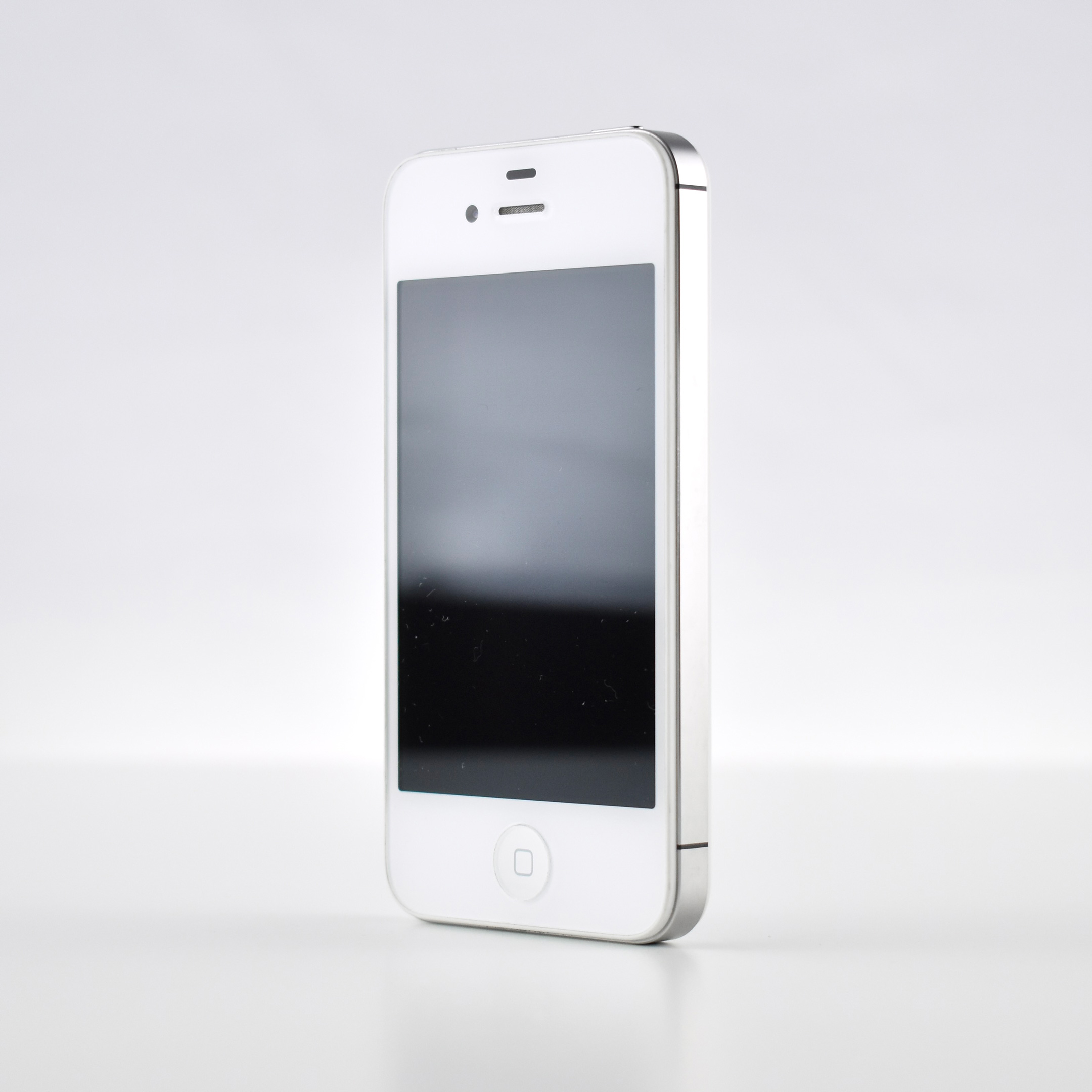
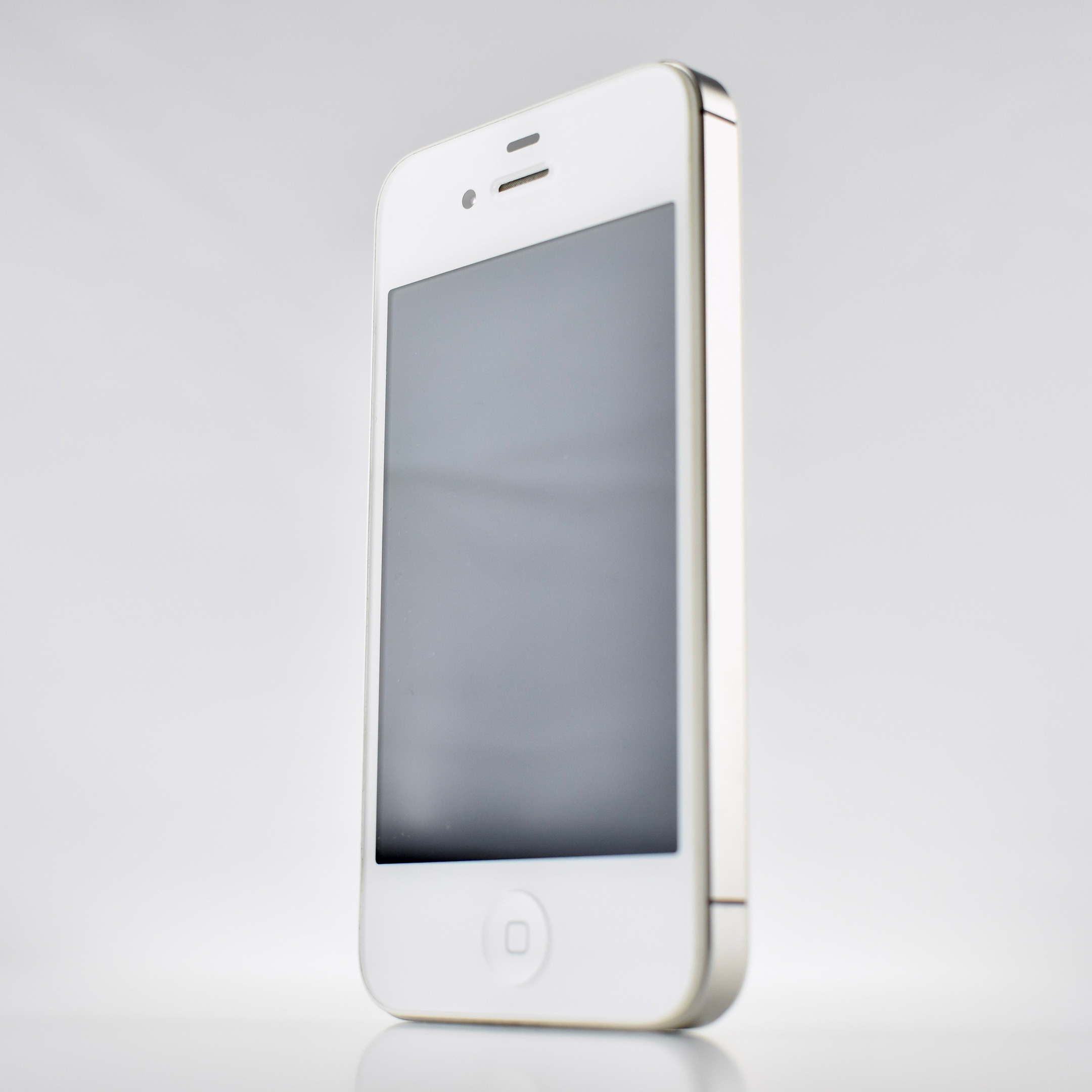
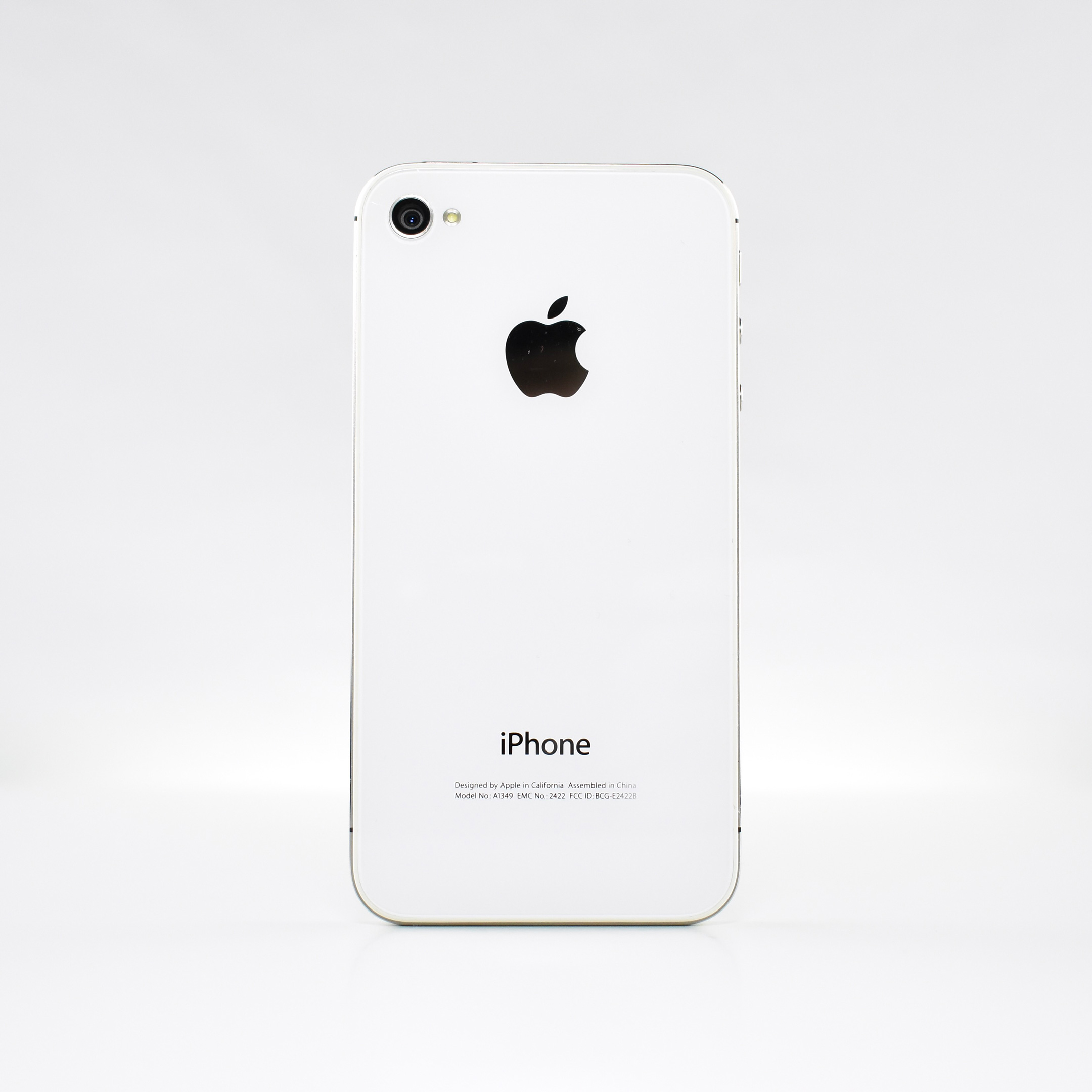
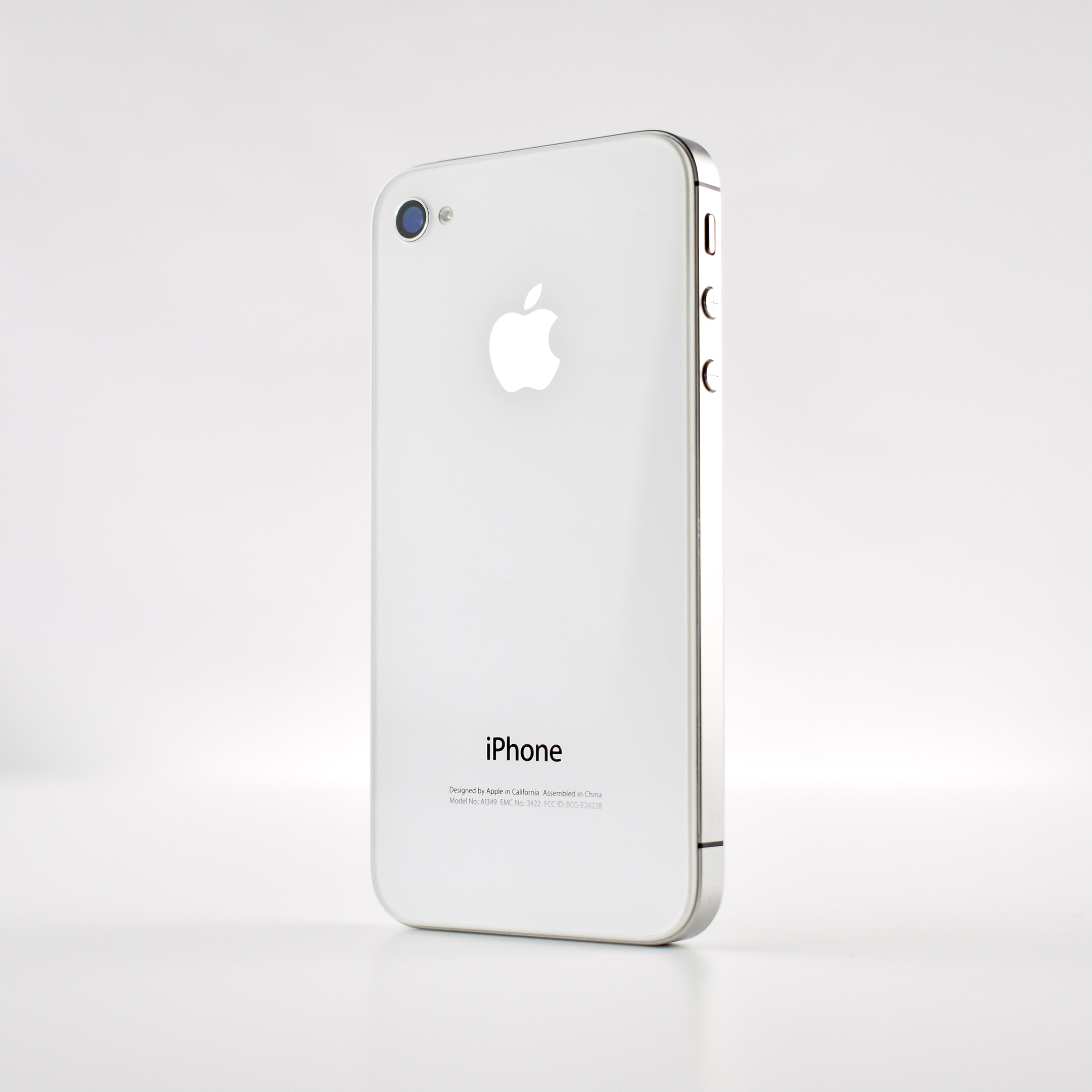
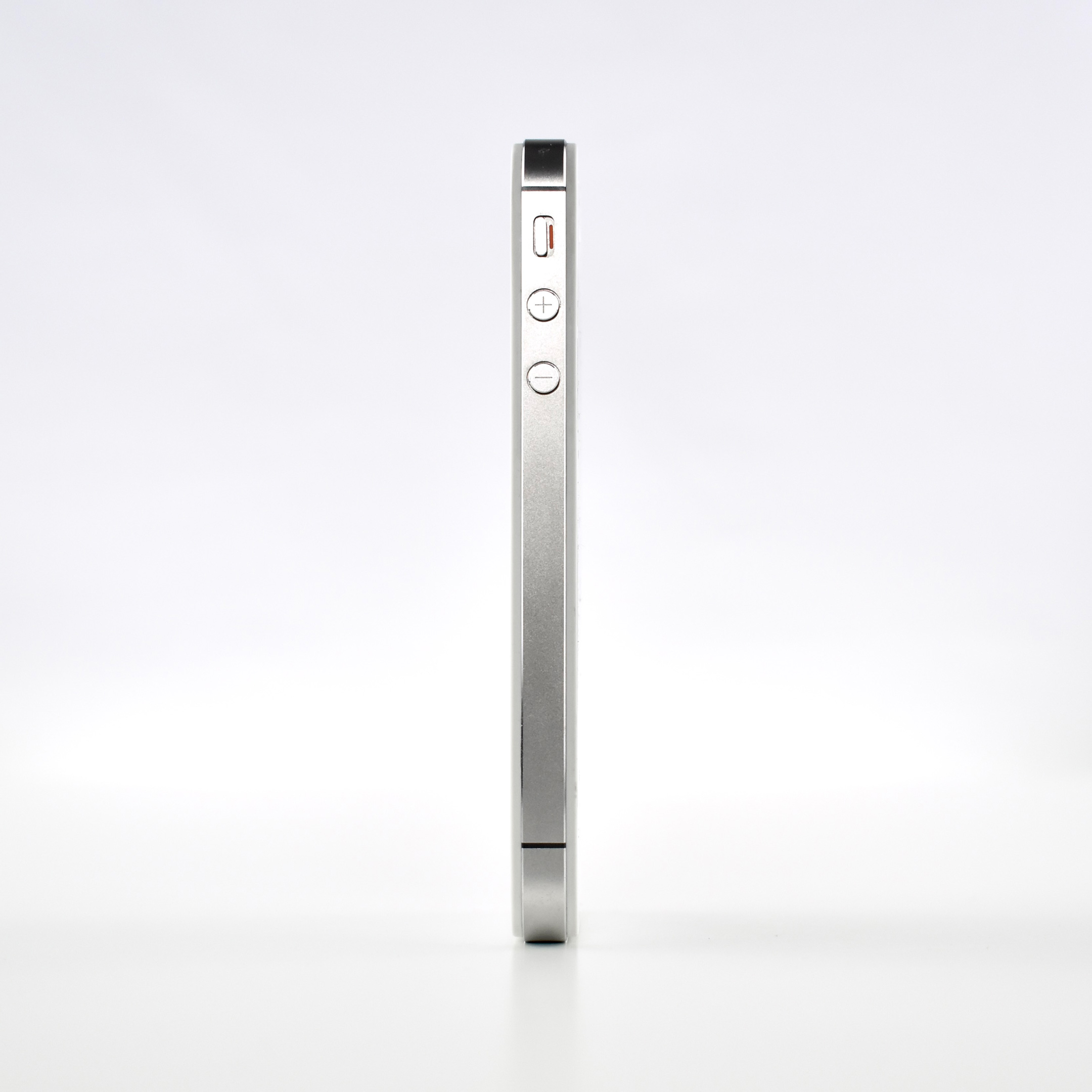
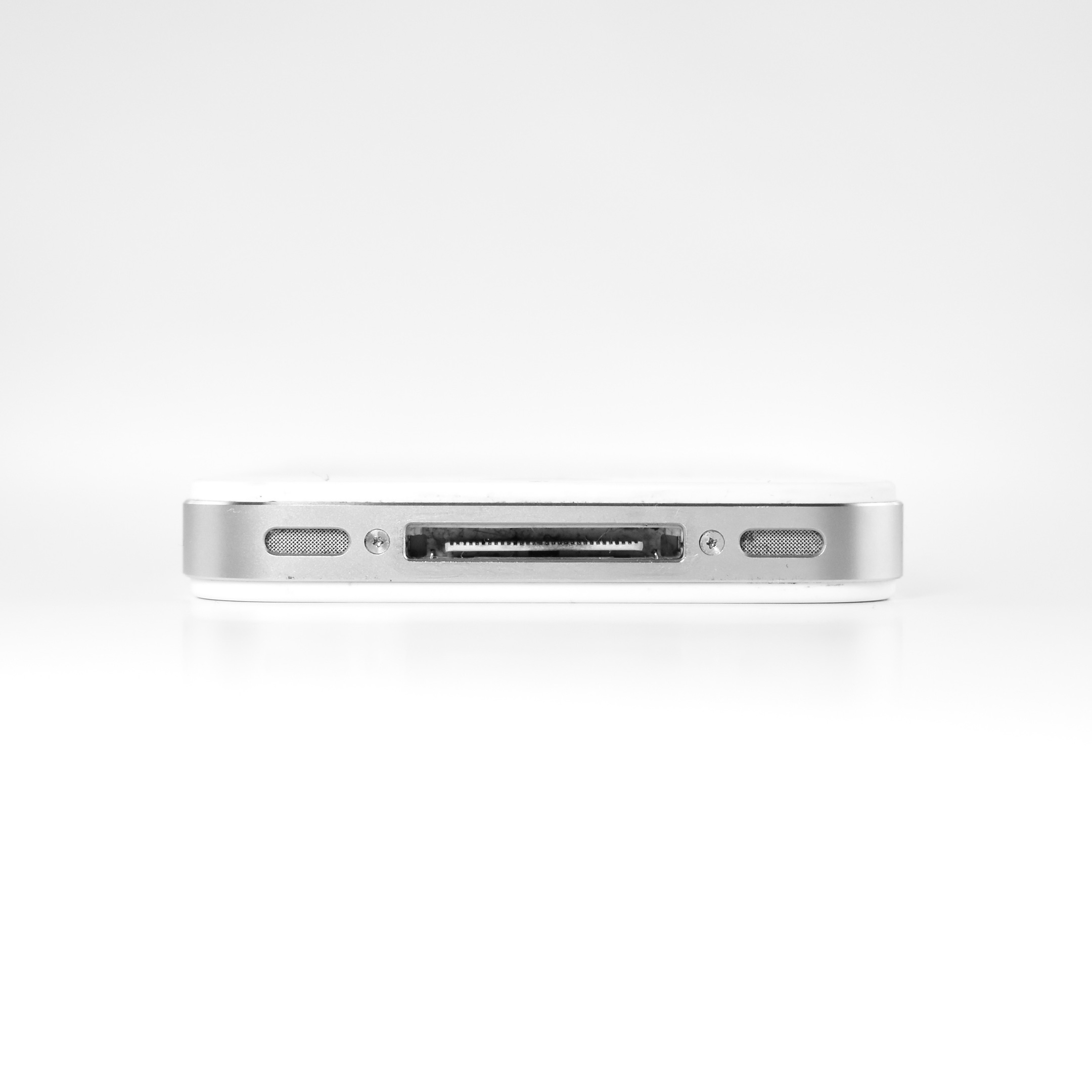
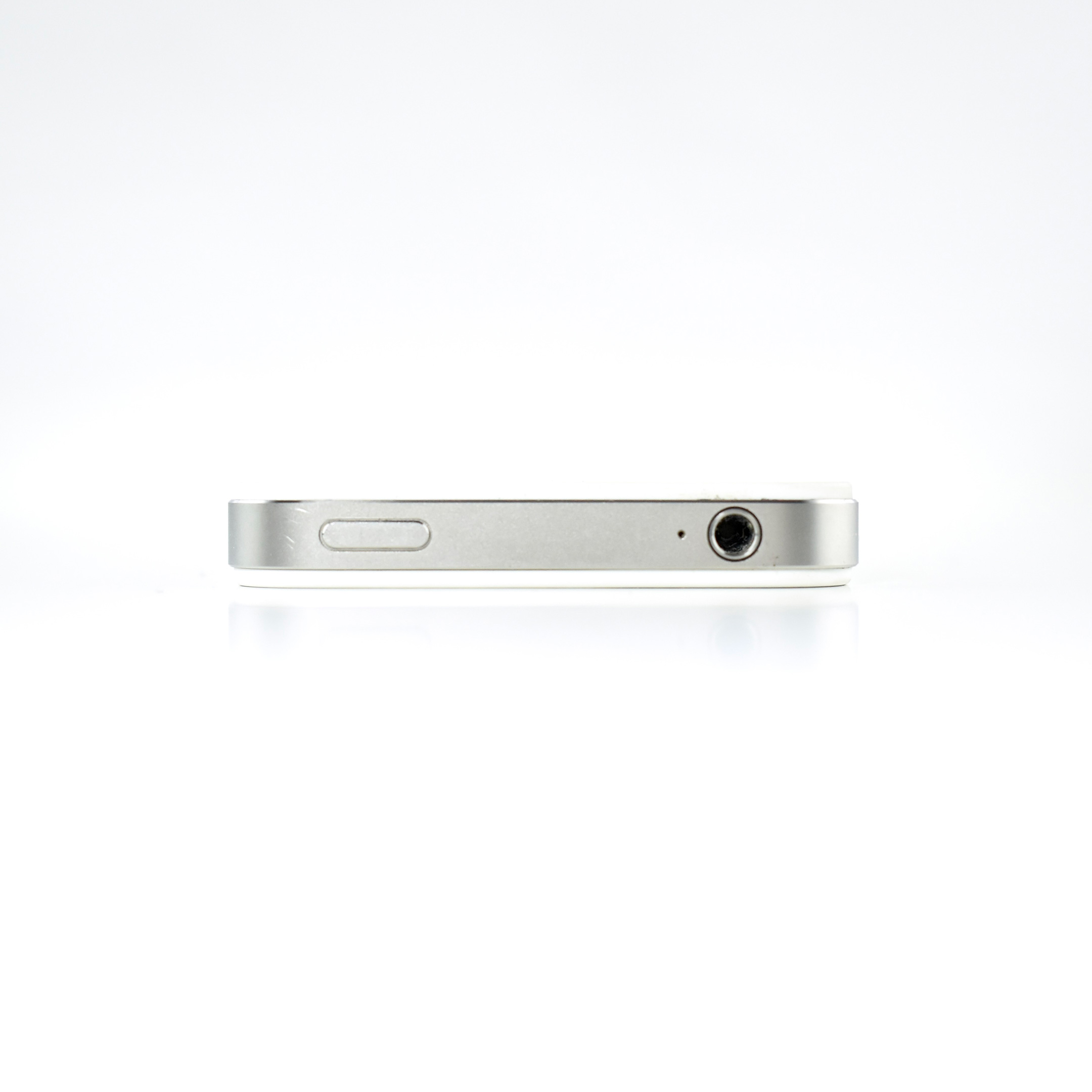
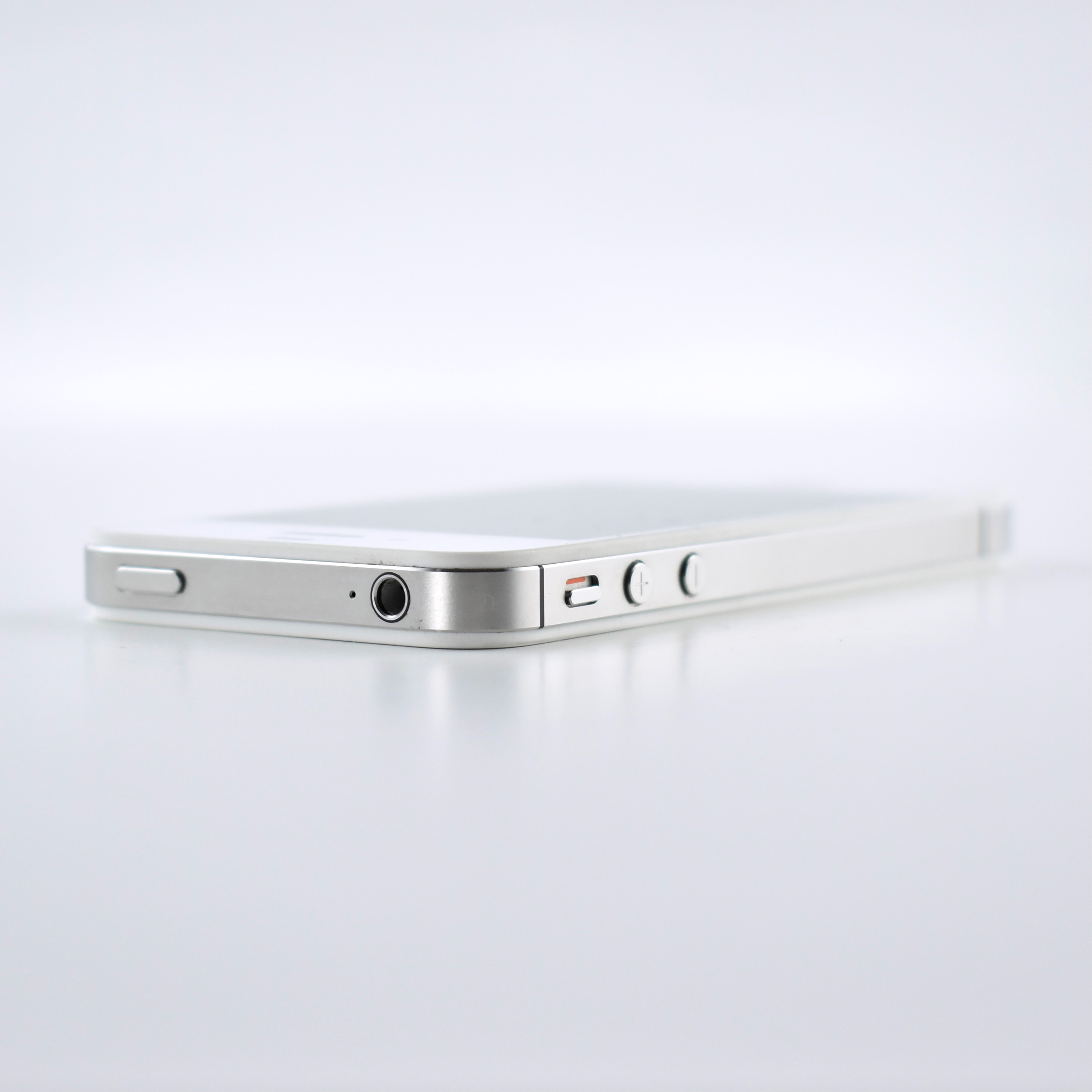
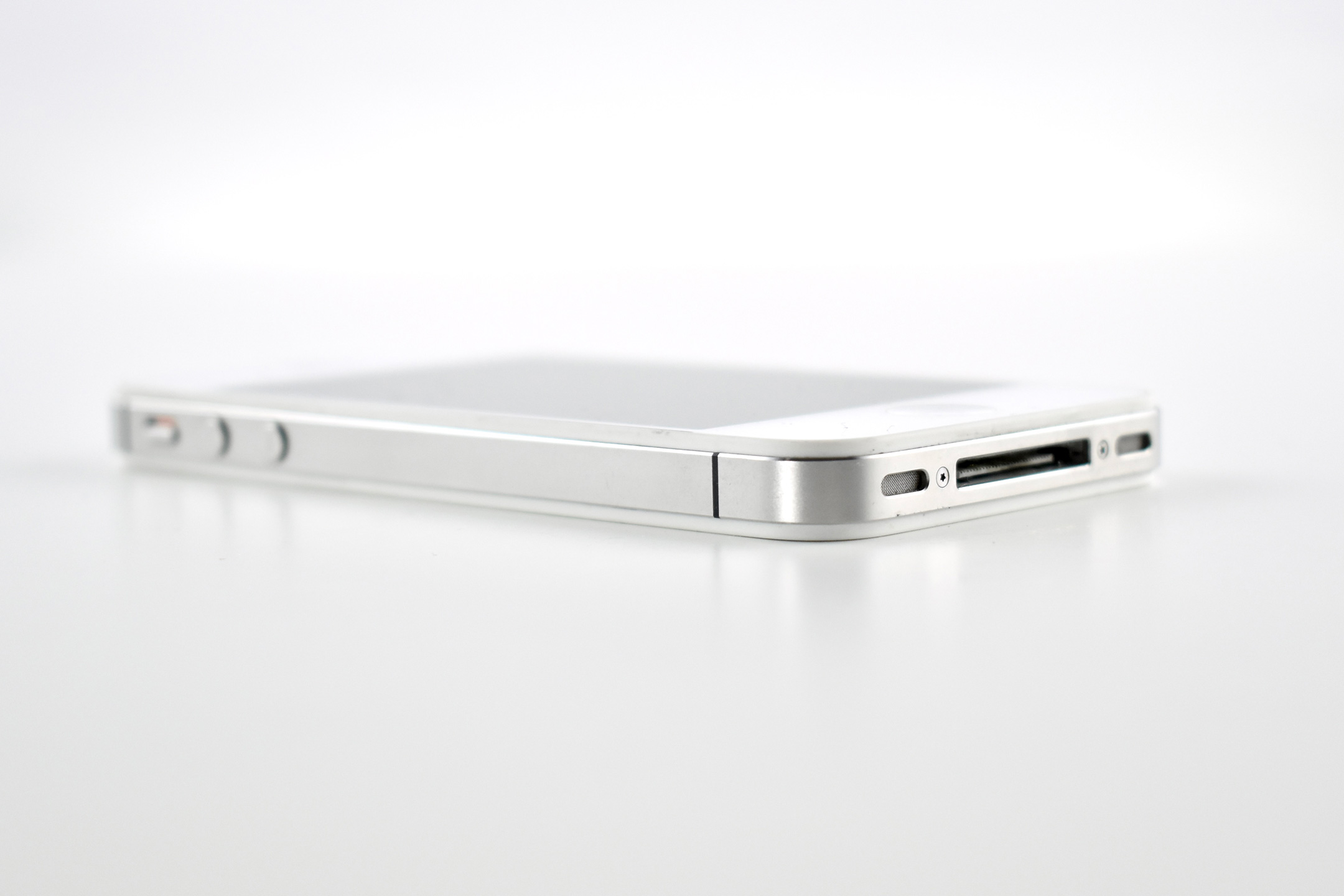
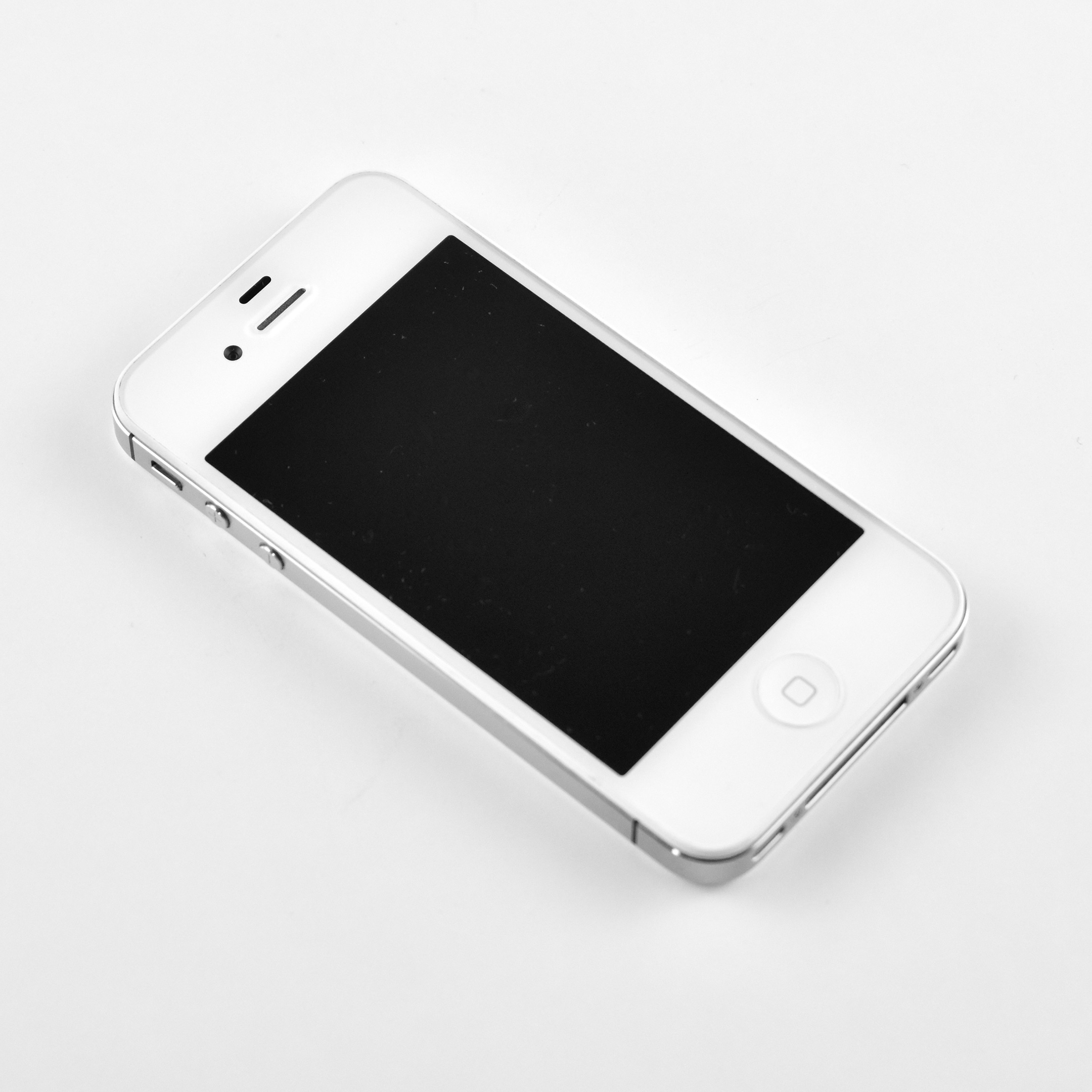
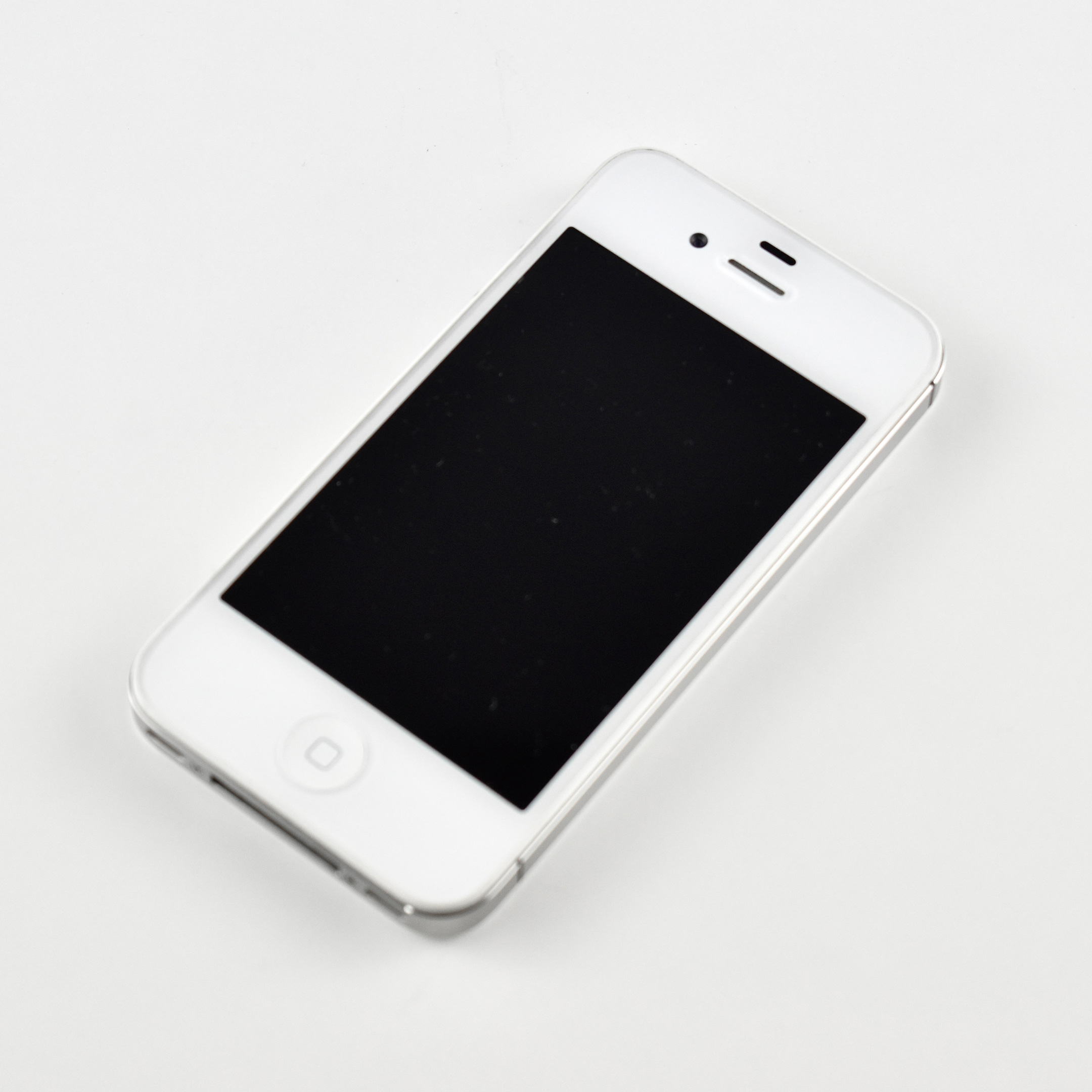
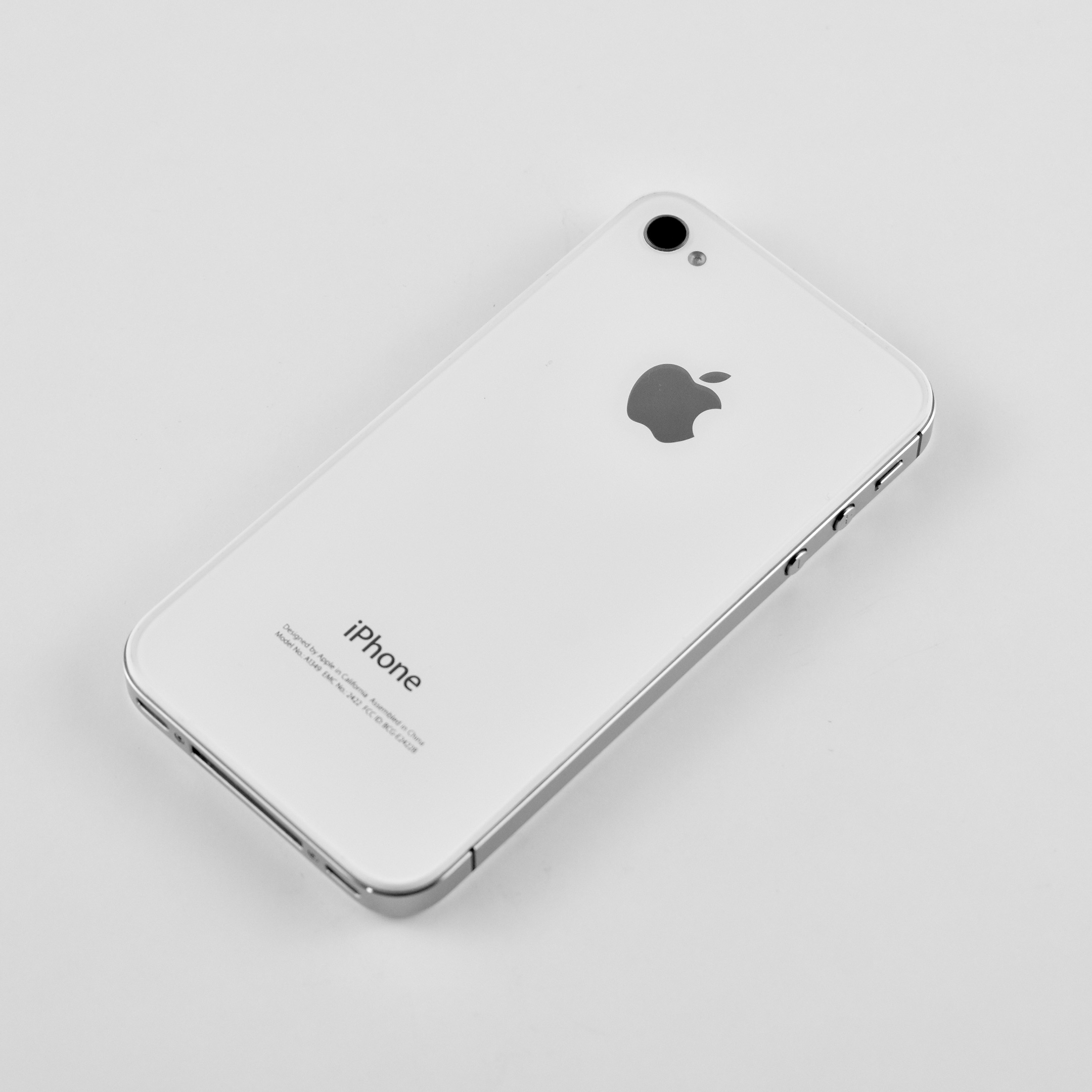
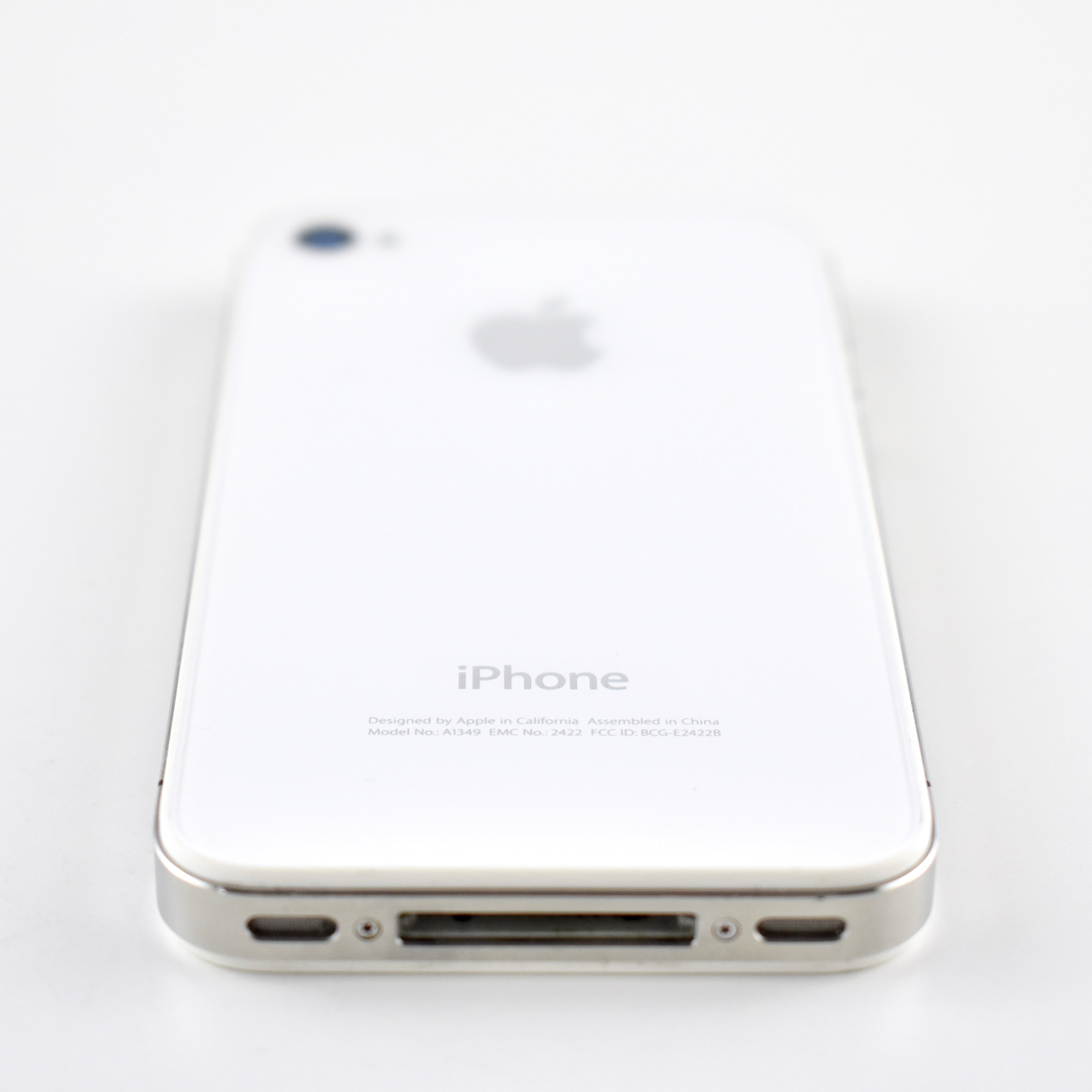
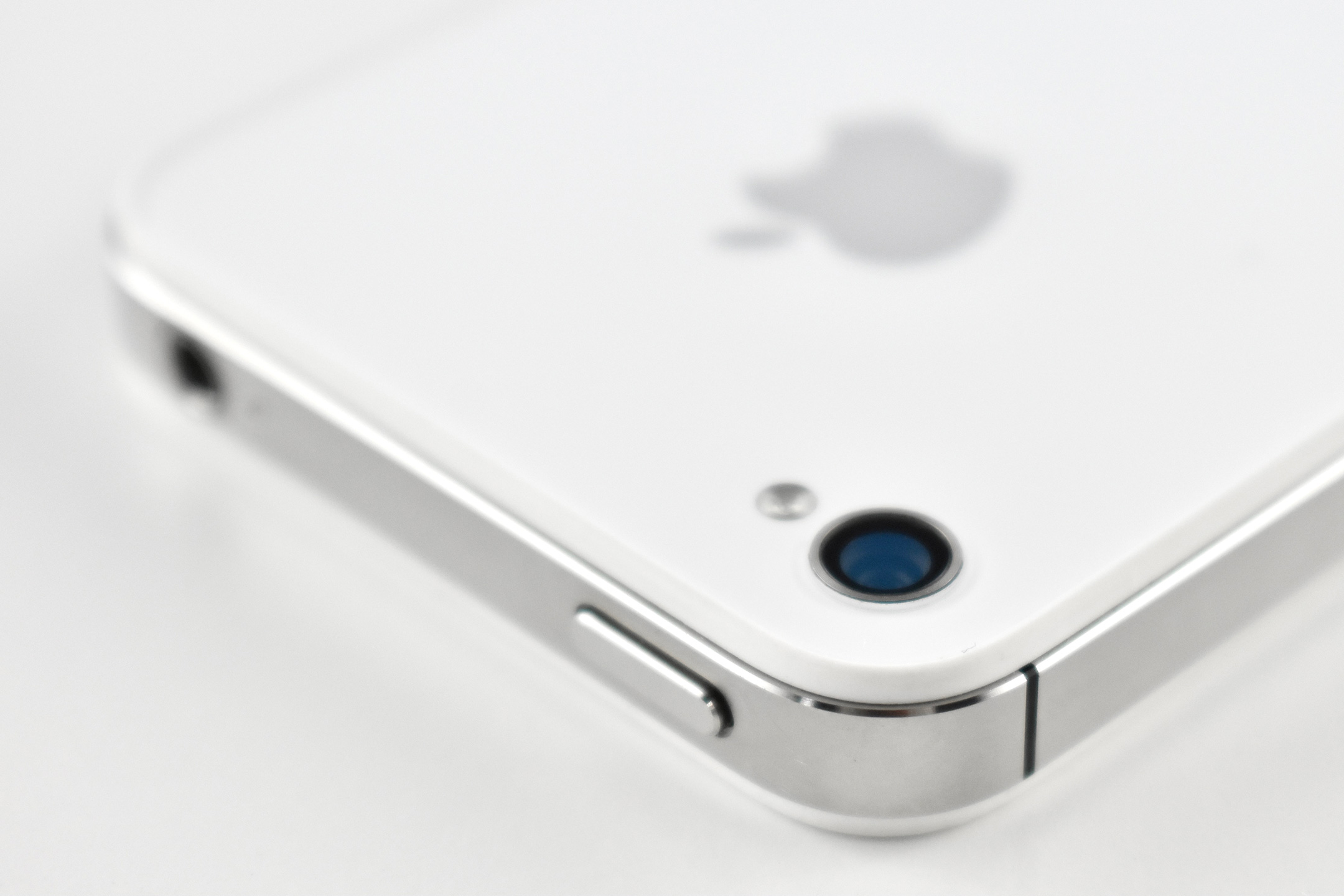
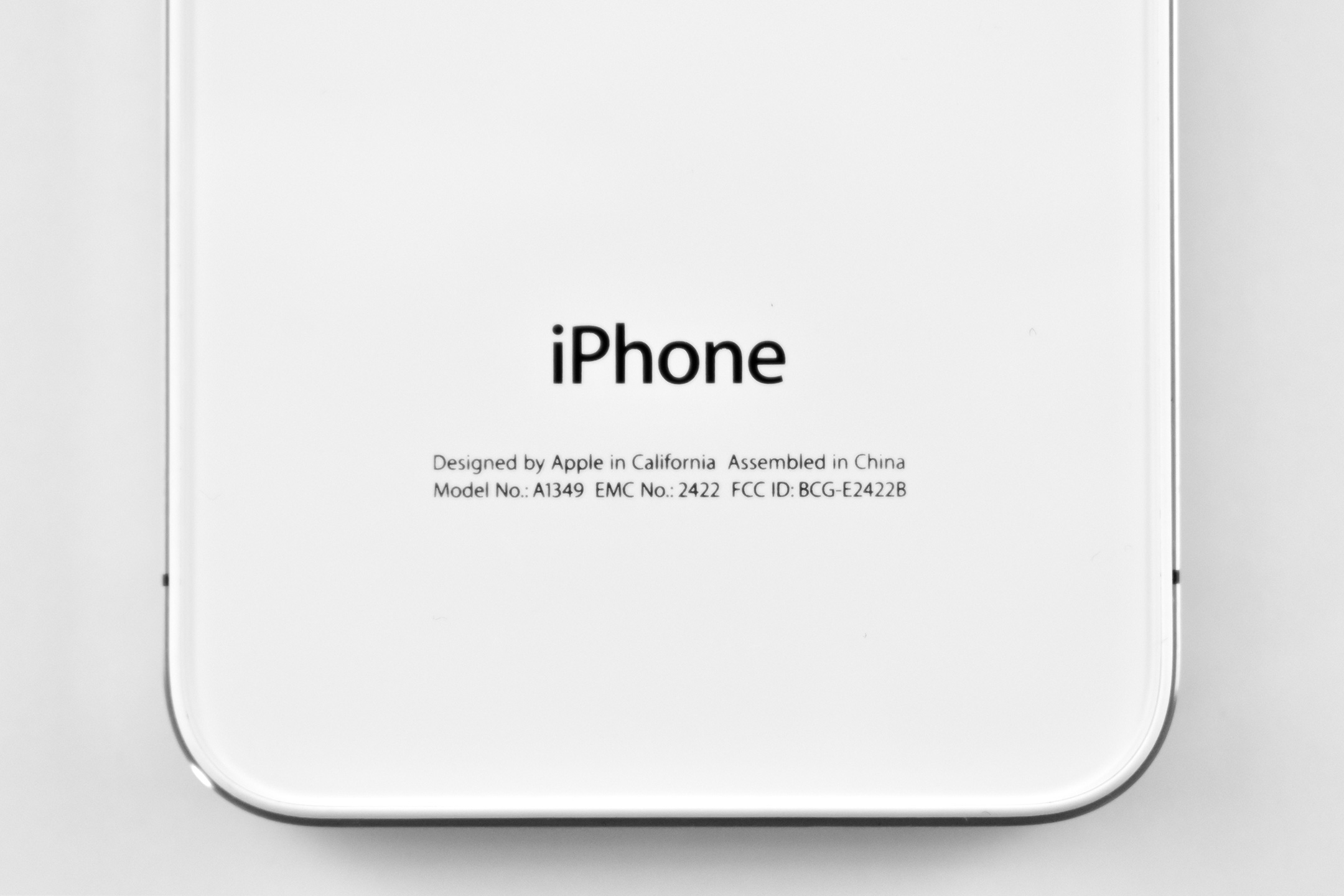
iPhone 4 (white, 2010)

The iPhone 4 represented a major design leap from the previous iPhone models. The iPhone 4 used an all stainless steel body, a 3.5-inch Retina display at 960×640 (326 ppi), a chemically hardened “aluminosilcate” over the front display, and a chemically hardened glass back.

A white option of the iPhone 4 was announced, but it did not ship for over a year after the announcement. Engadget (and other news sites) reported that manufacturing problems were the cause of the white iPhone 4 delays. Specifically, the factory in China took more time than expected to work out “the perfect combination of paint thickness and opacity.”

The iPhone 4 was the first iPhone with dual front and back cameras: a 5 megapixel HD video/still camera (720p at 30 FPS), a 5X digital zoom, and an LED flash on the rear; and a VGA-quality video/still camera on the front designed for video conferencing over Wi-Fi using FaceTime. Both cameras used noise-cancelling microphones.

The iPhone 4 was powered by an A4 processor and added additional mobile network support. It included a digital compass, GPS, an accelerometer, and a new 3-axis gyroscope.

This iPhone 4 example is white.

Source: EveryMac, Engadget

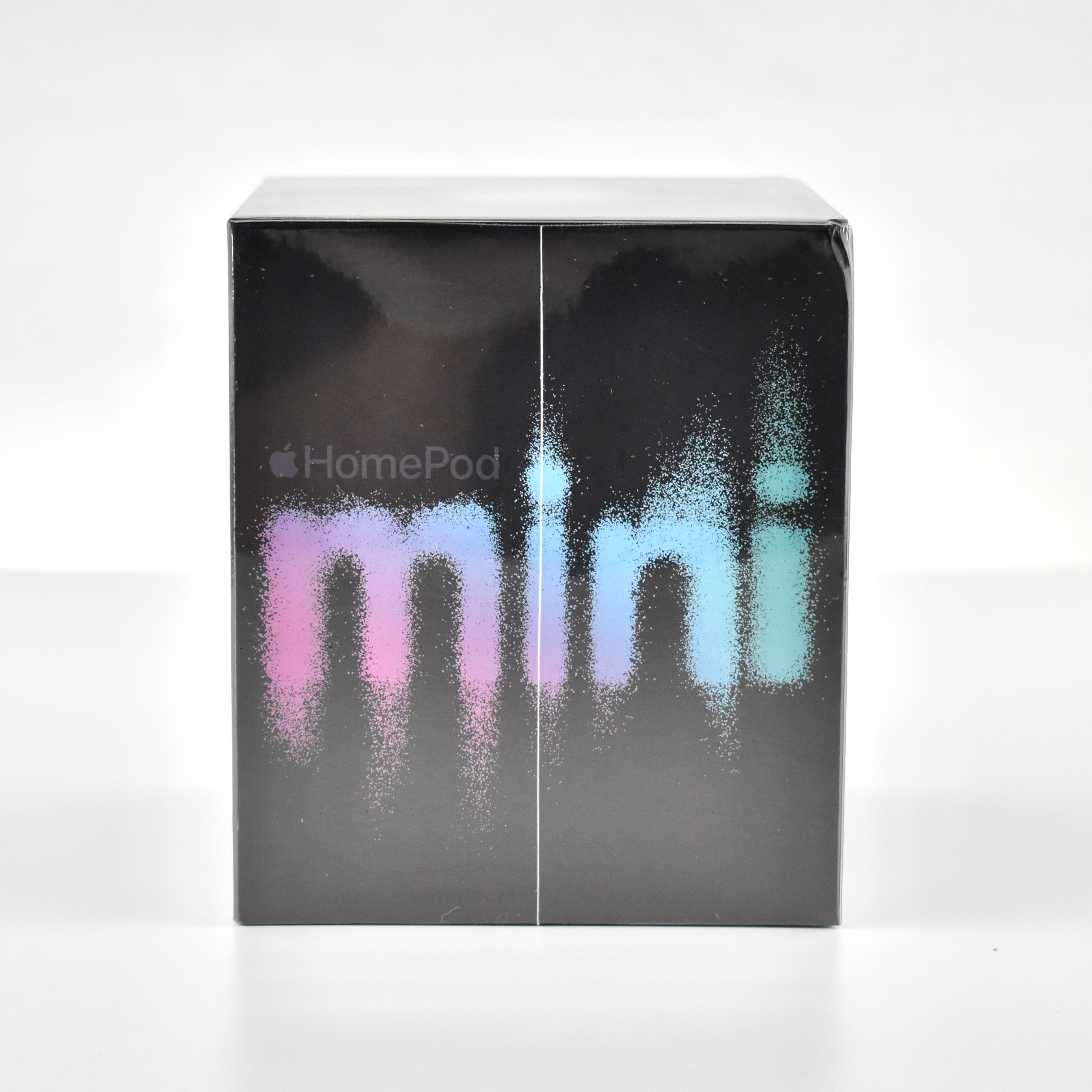
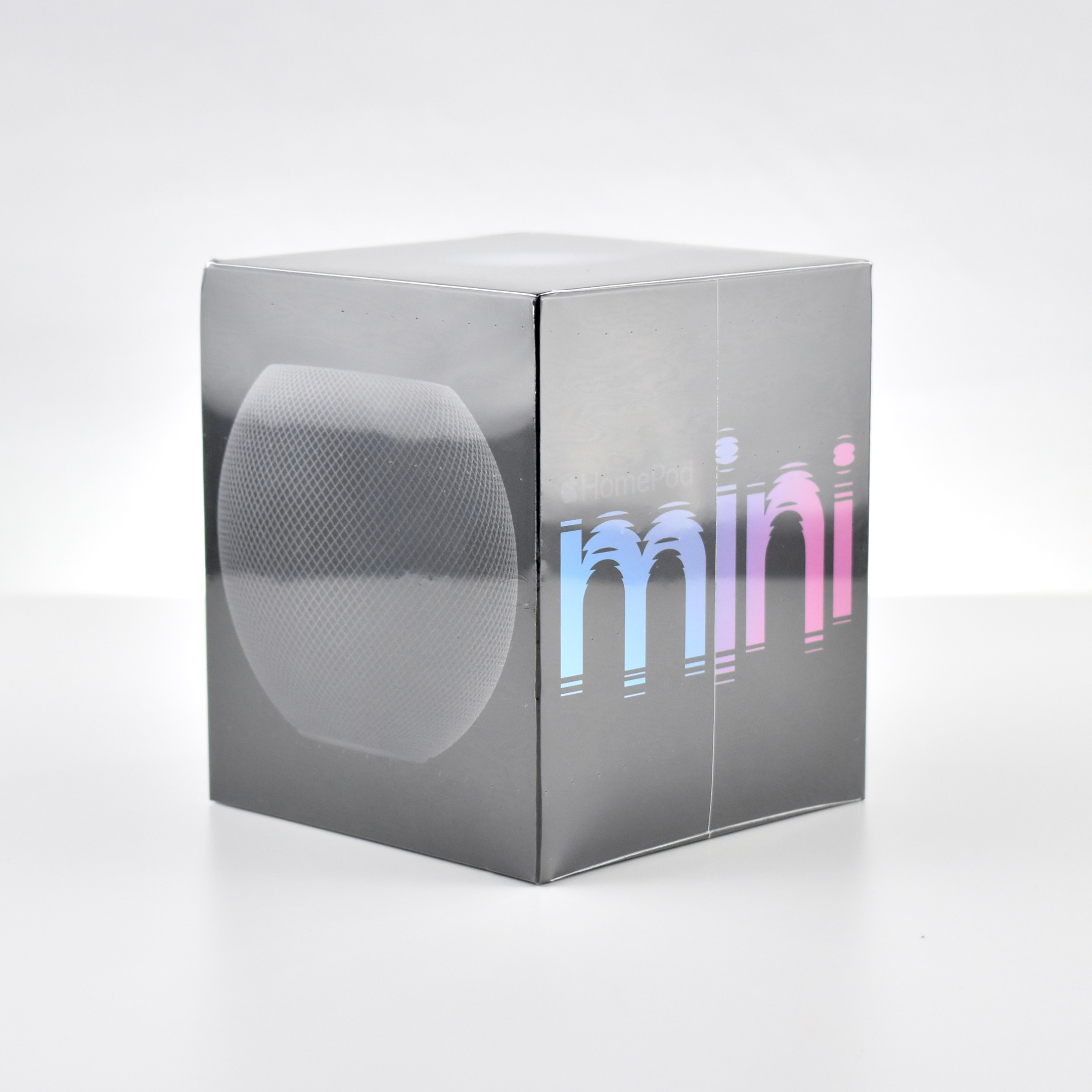
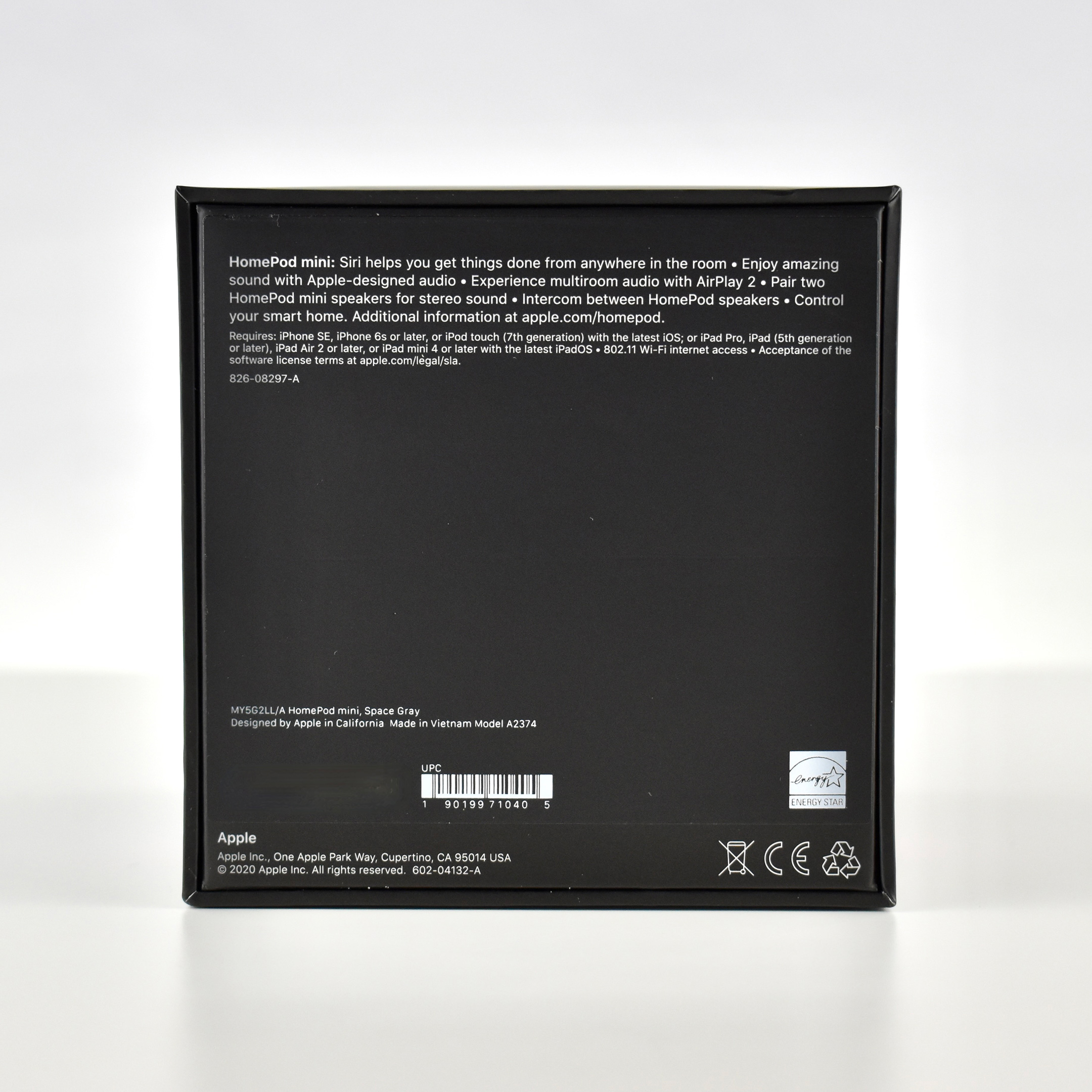
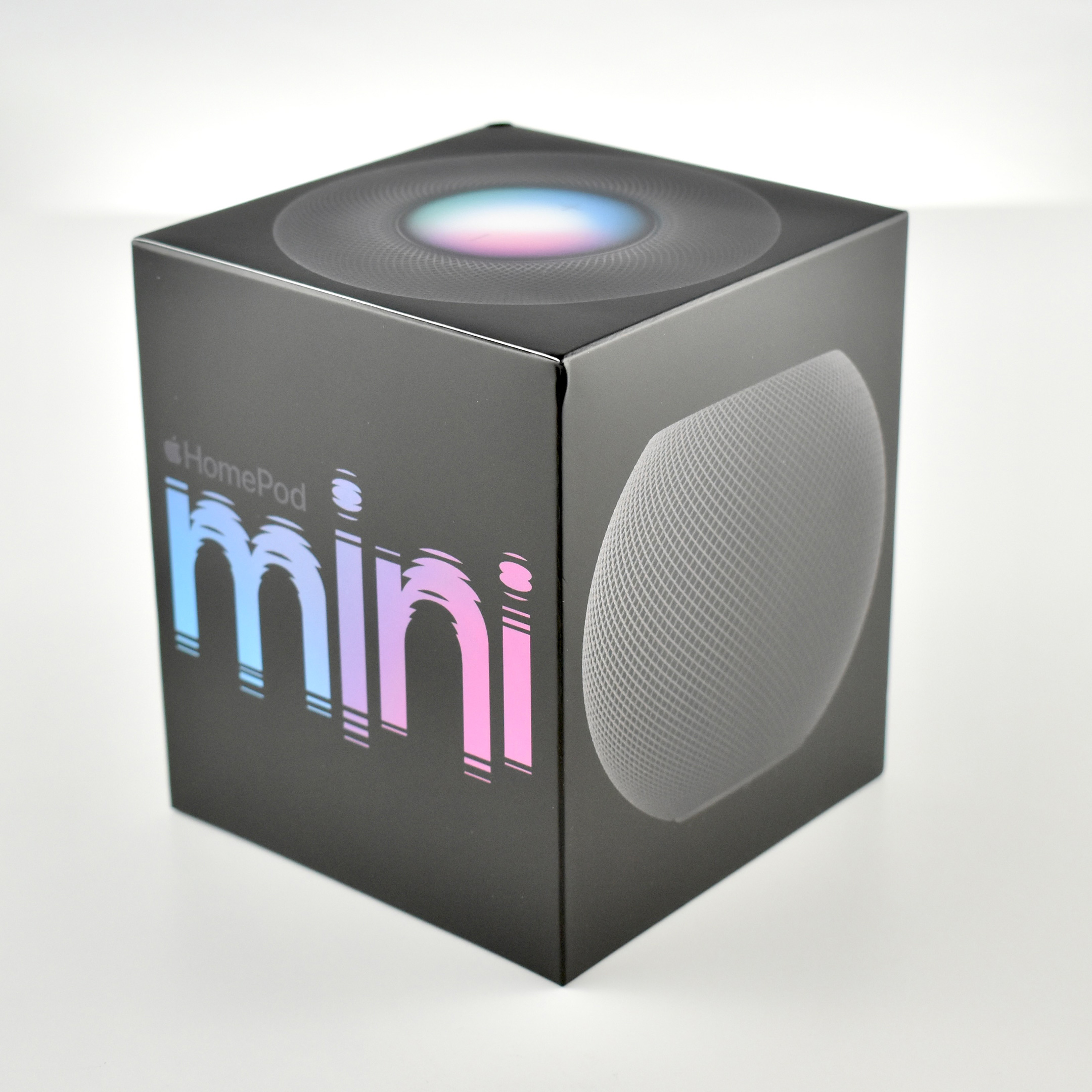
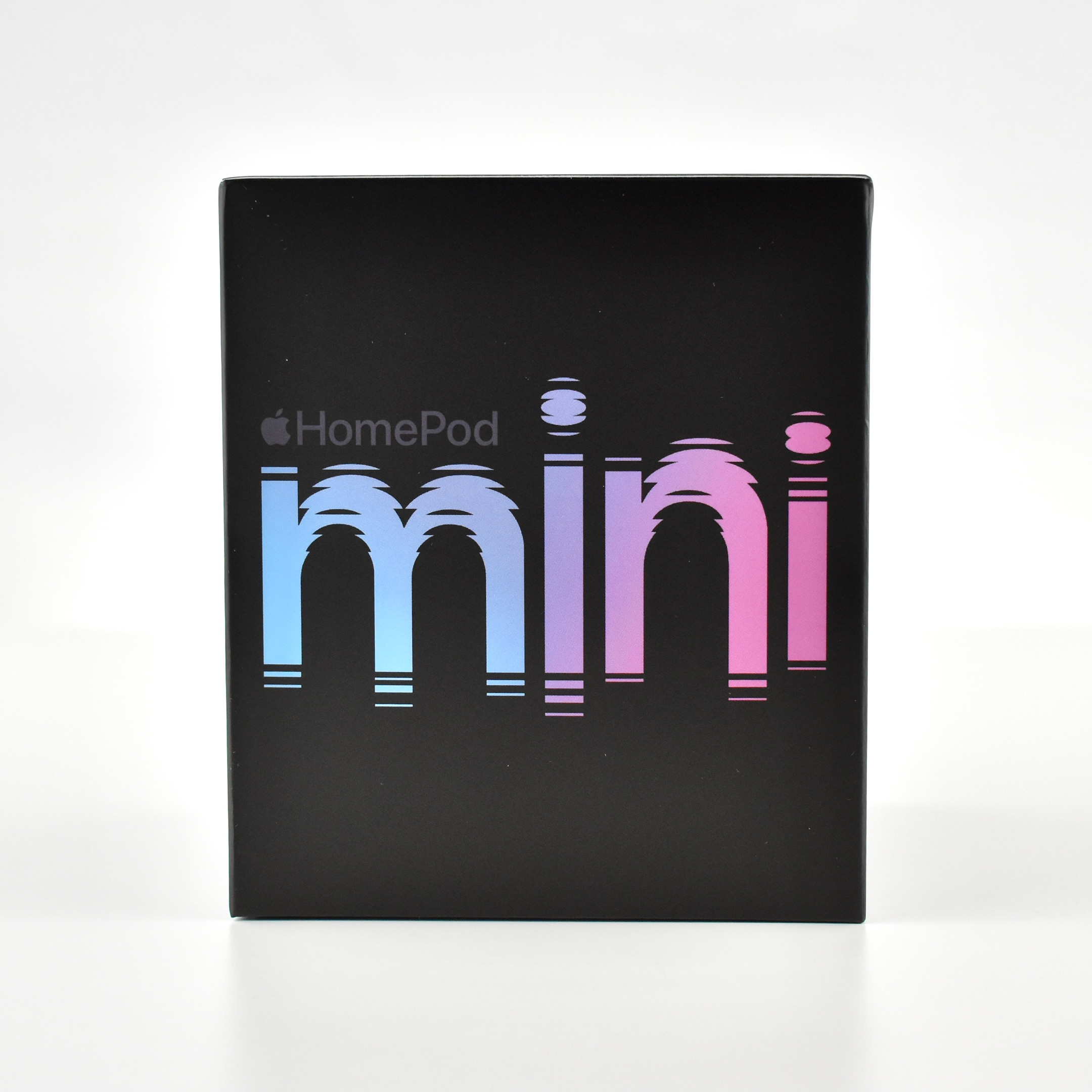
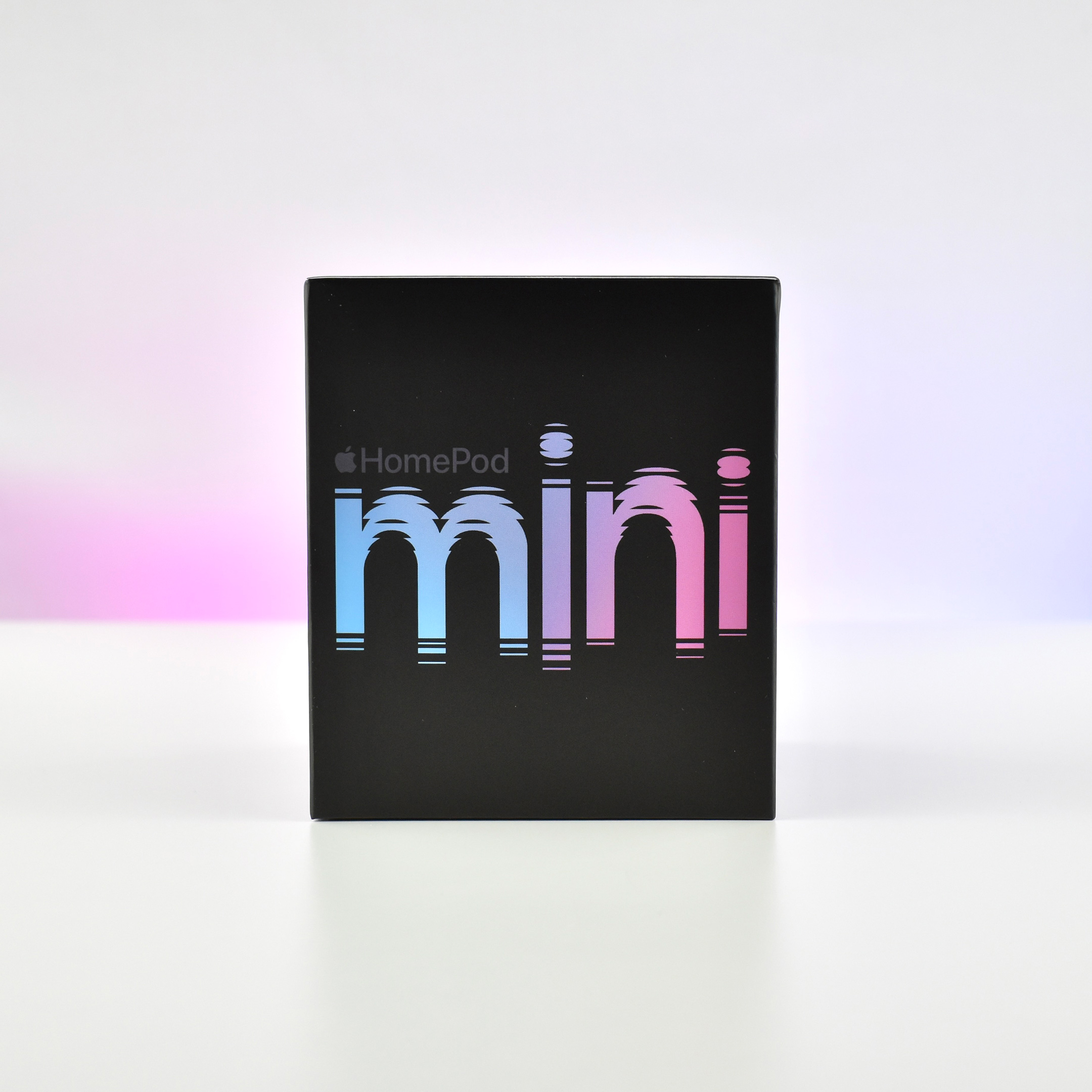
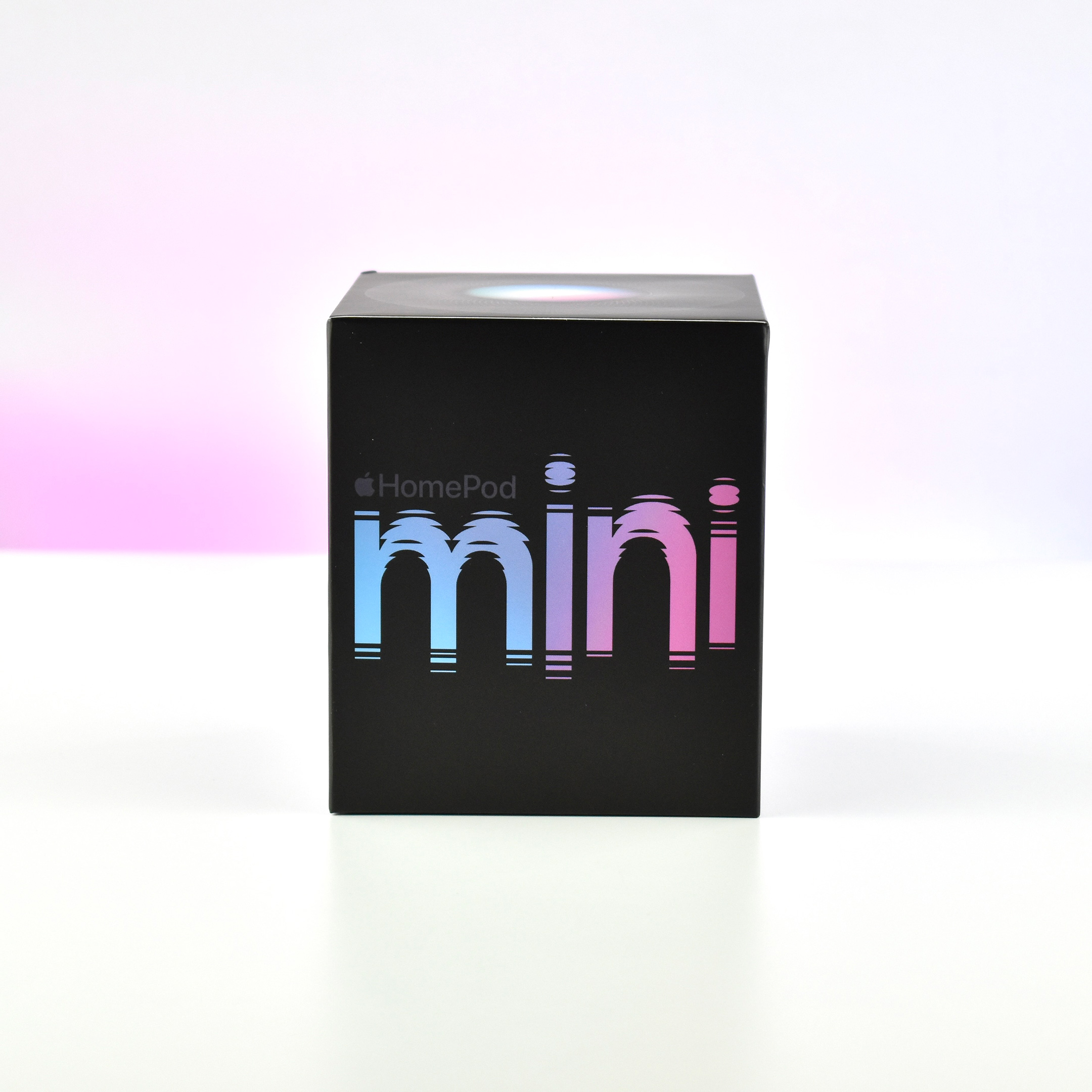
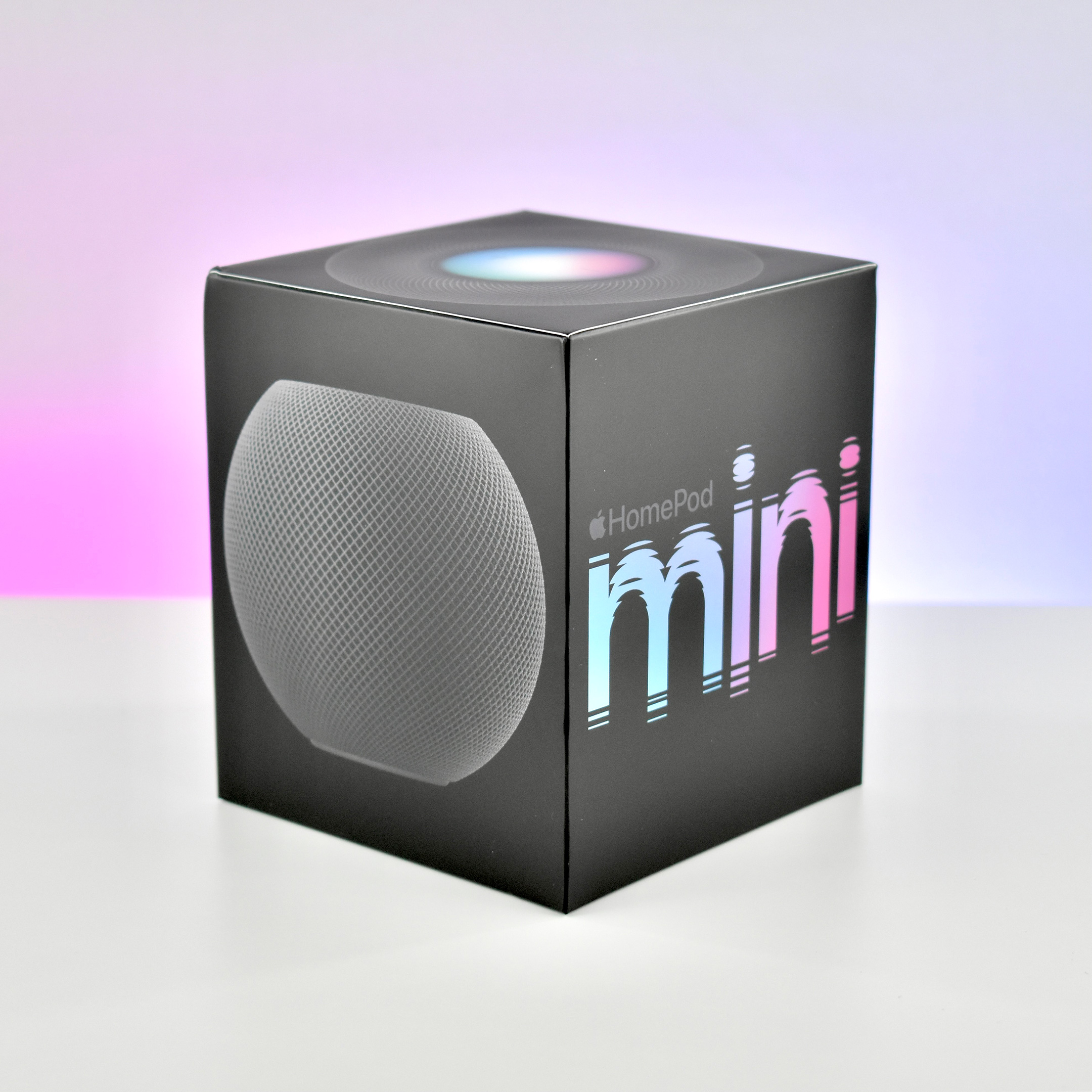
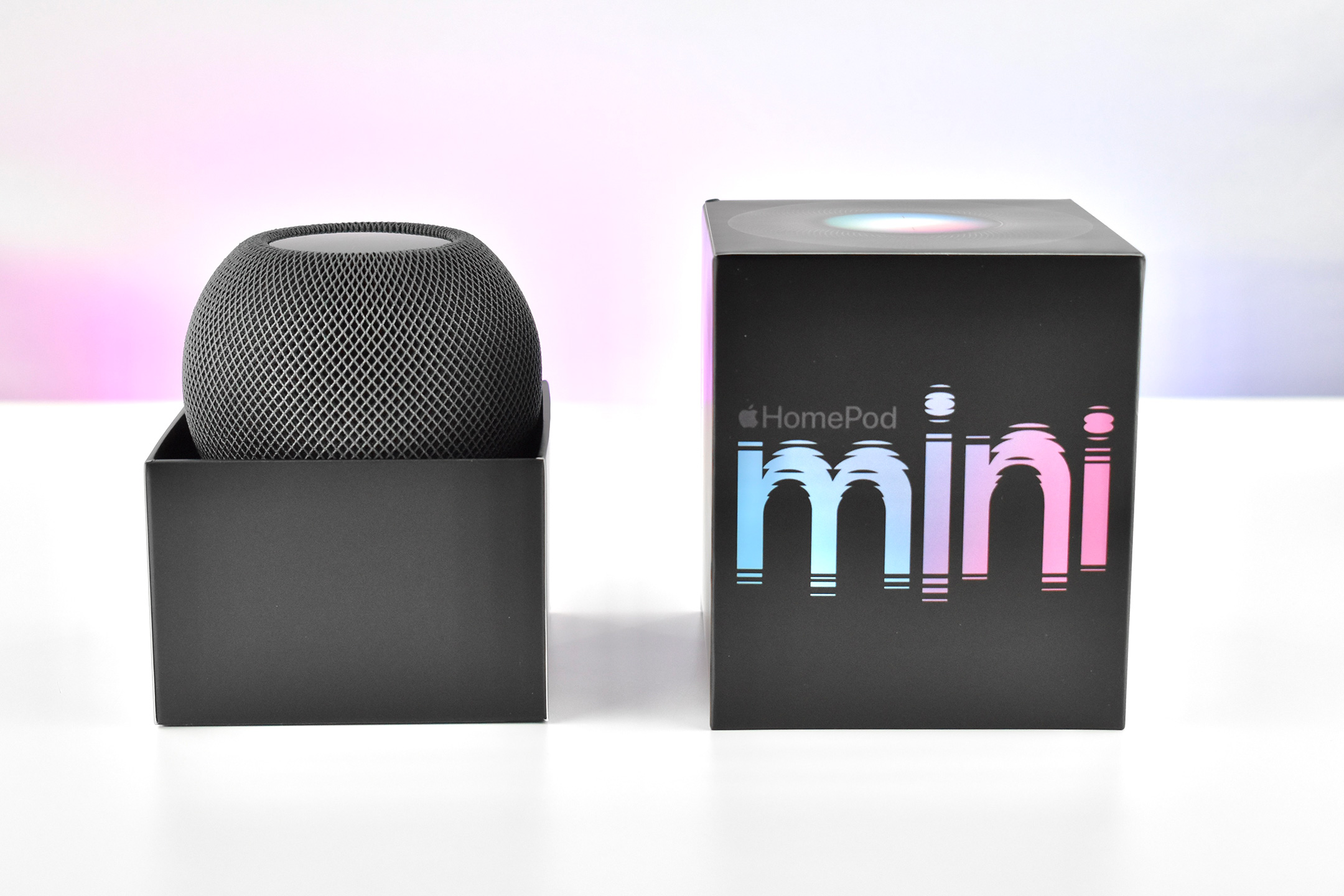
HomePod mini (black, 2020)

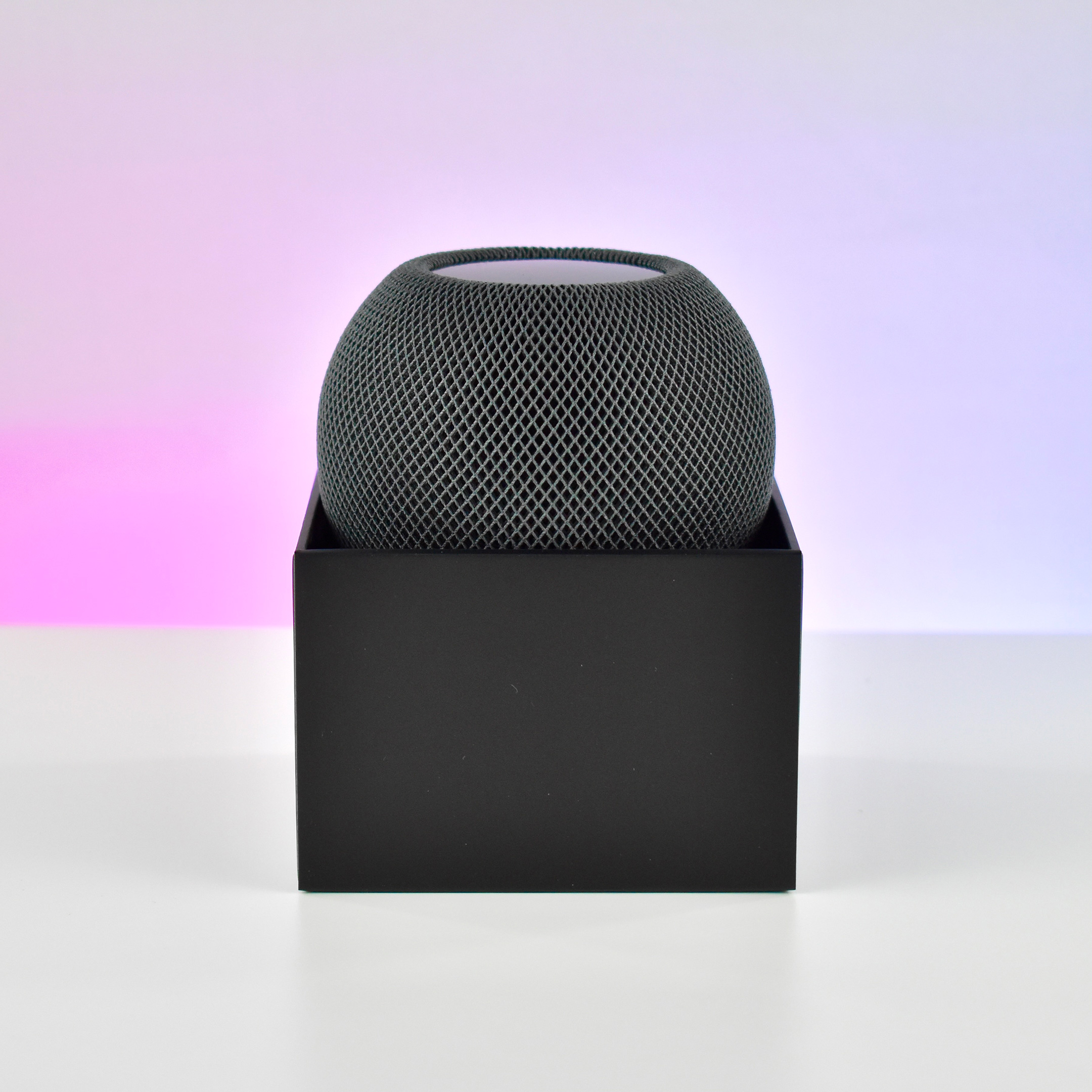
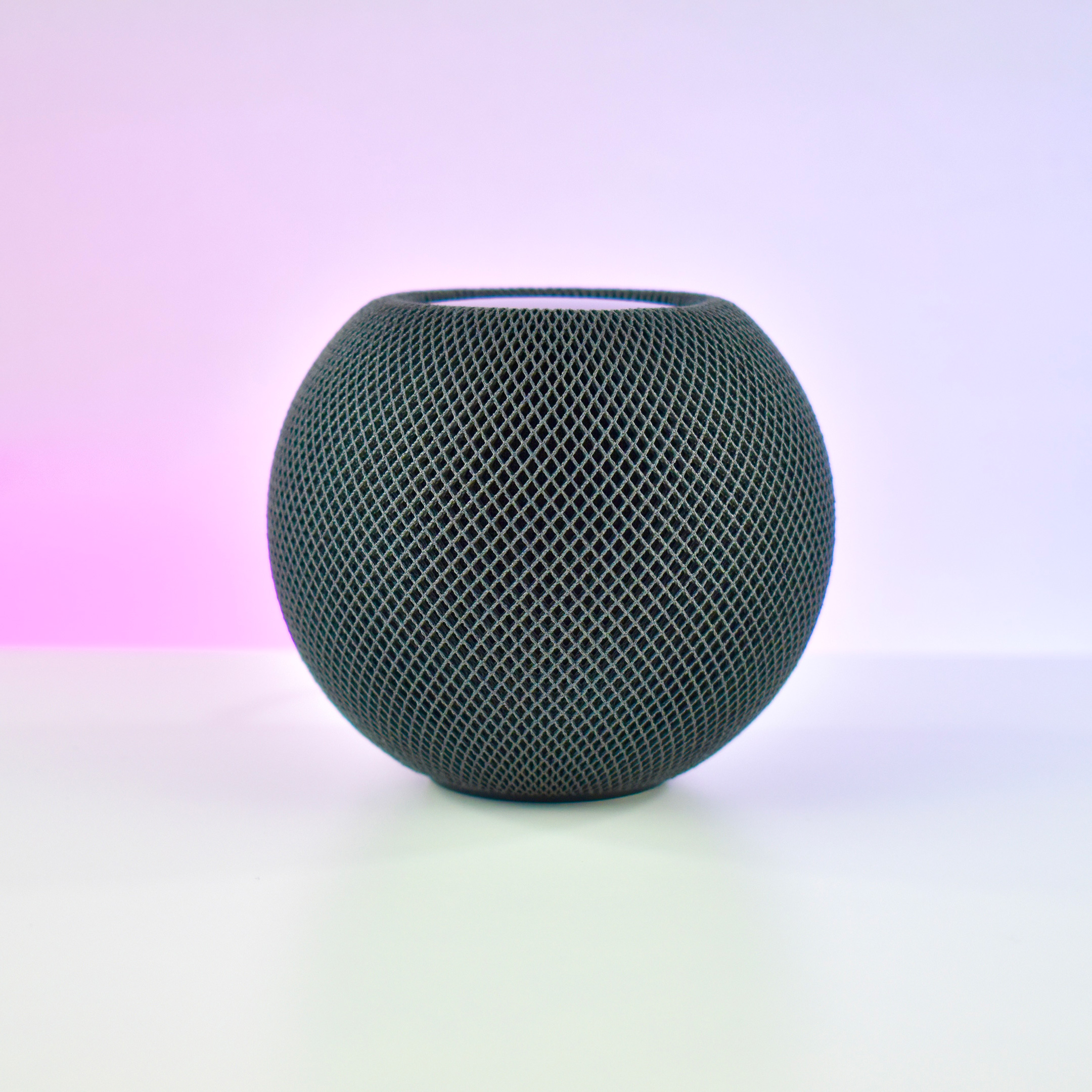
The HomePod mini was the second device in Apple’s HomePod line of intelligent, Siri-controlled speakers. Despite its small size and relatively low price, the HomePod mini offered impressive sound quality. Apple described the HomePod mini: “Jam-packed with innovation, HomePod mini delivers unexpectedly big sound for a speaker of its size. At just 3.3 inches tall, it takes up almost no space but fills the entire room with rich 360‑degree audio that sounds amazing from every angle.”

Apple designed the HomePod mini to allow homes to use multiple devices:

“With multiple HomePod mini speakers placed around the house, you can have a connected sound system for your whole home. Ask Siri to play one song everywhere or, just as easily, a different song in each room. And HomePod mini works with HomePod for multiroom audio and features like Intercom. If you want to take the amazing sound experience of HomePod mini even further, you can create a stereo pair. Two HomePod mini speakers paired in the same room create left and right channels for an immersive soundstage.”

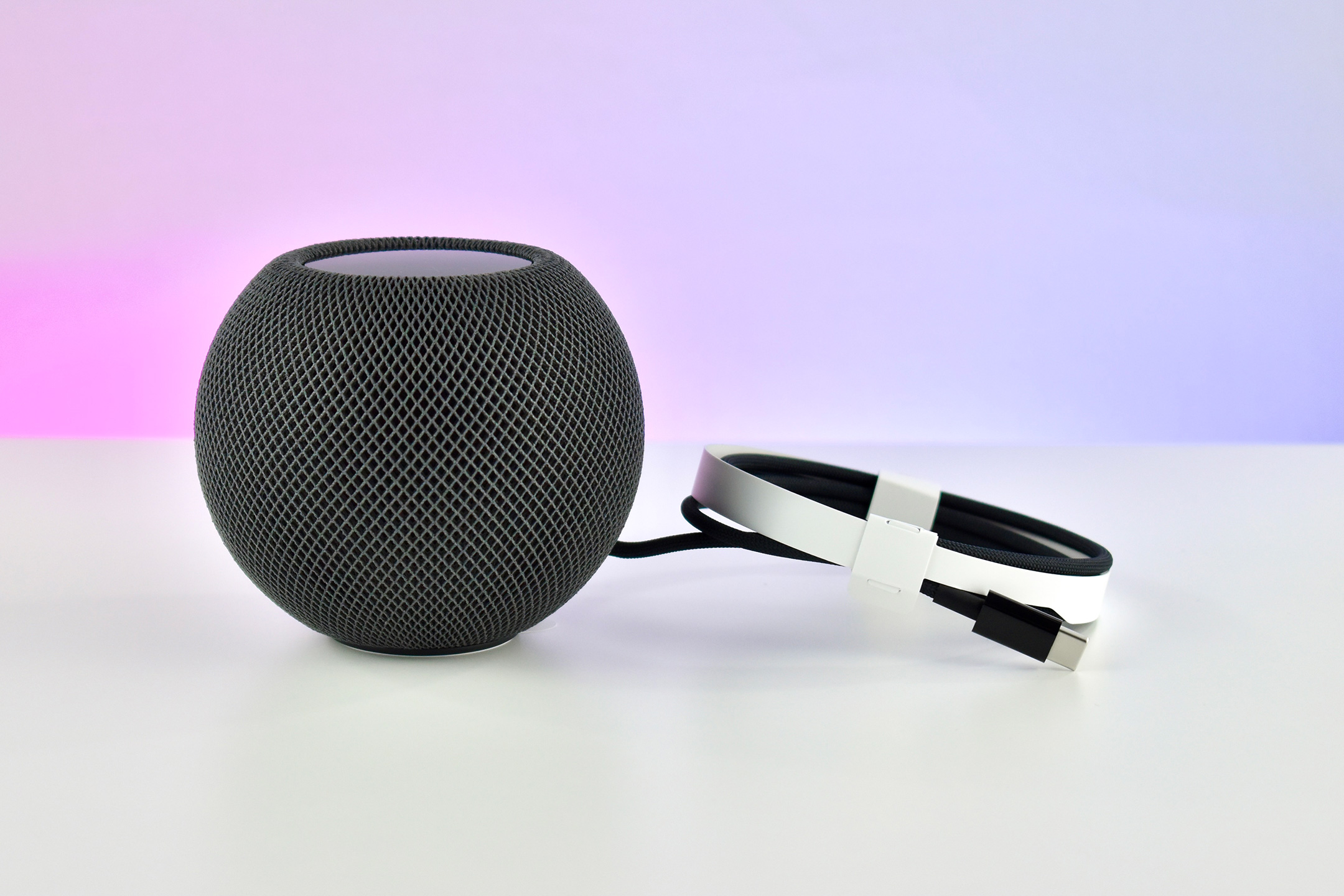
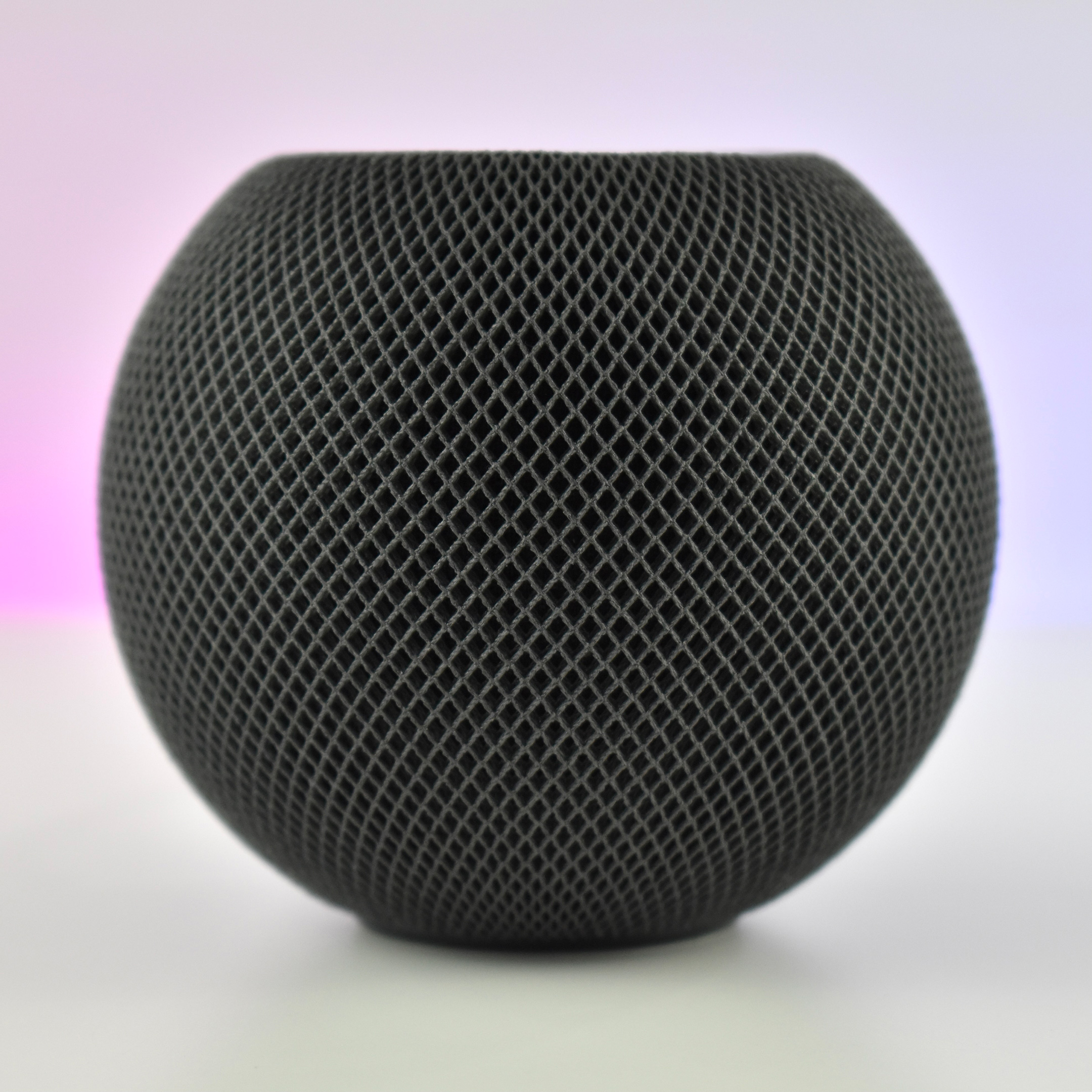
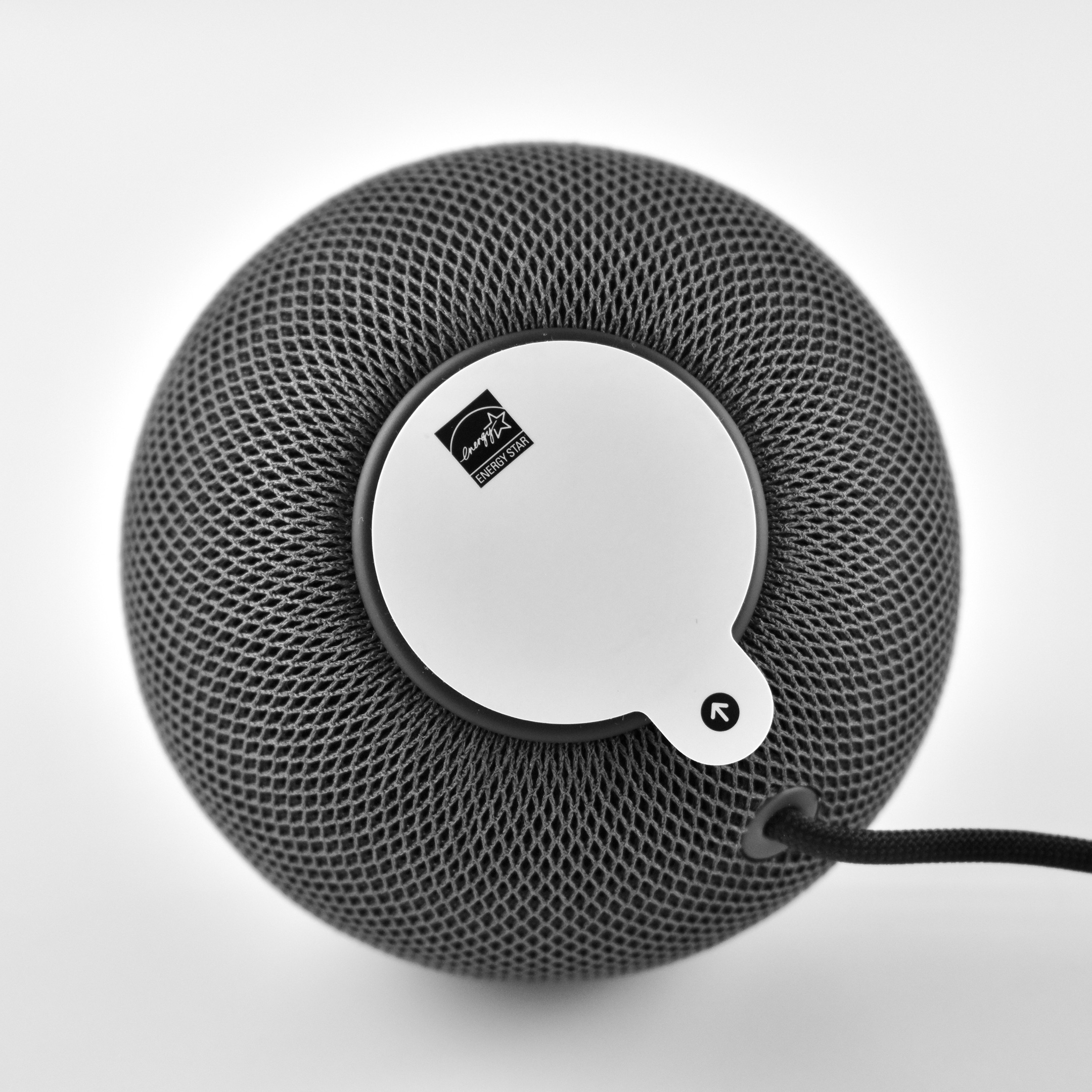
The HomePod mini was spherical with a flat top and bottom. It measured 3.3 inches high and 3.9 inches wide. Internally, it used four microphones and allowed real-time tuning through computational audio. The HomePod mini had no ports and connected wirelessly to audio sources including Apple Music, iTunes music purchases, iCloud Music Library with an Apple Music or iTunes Match subscription, and some third-party services. In addition, it could play content from any device that allowed AirPlay streaming (AirPlay 2). Wireless technology included 802.11n Wi-Fi and Bluetooth 5.0.

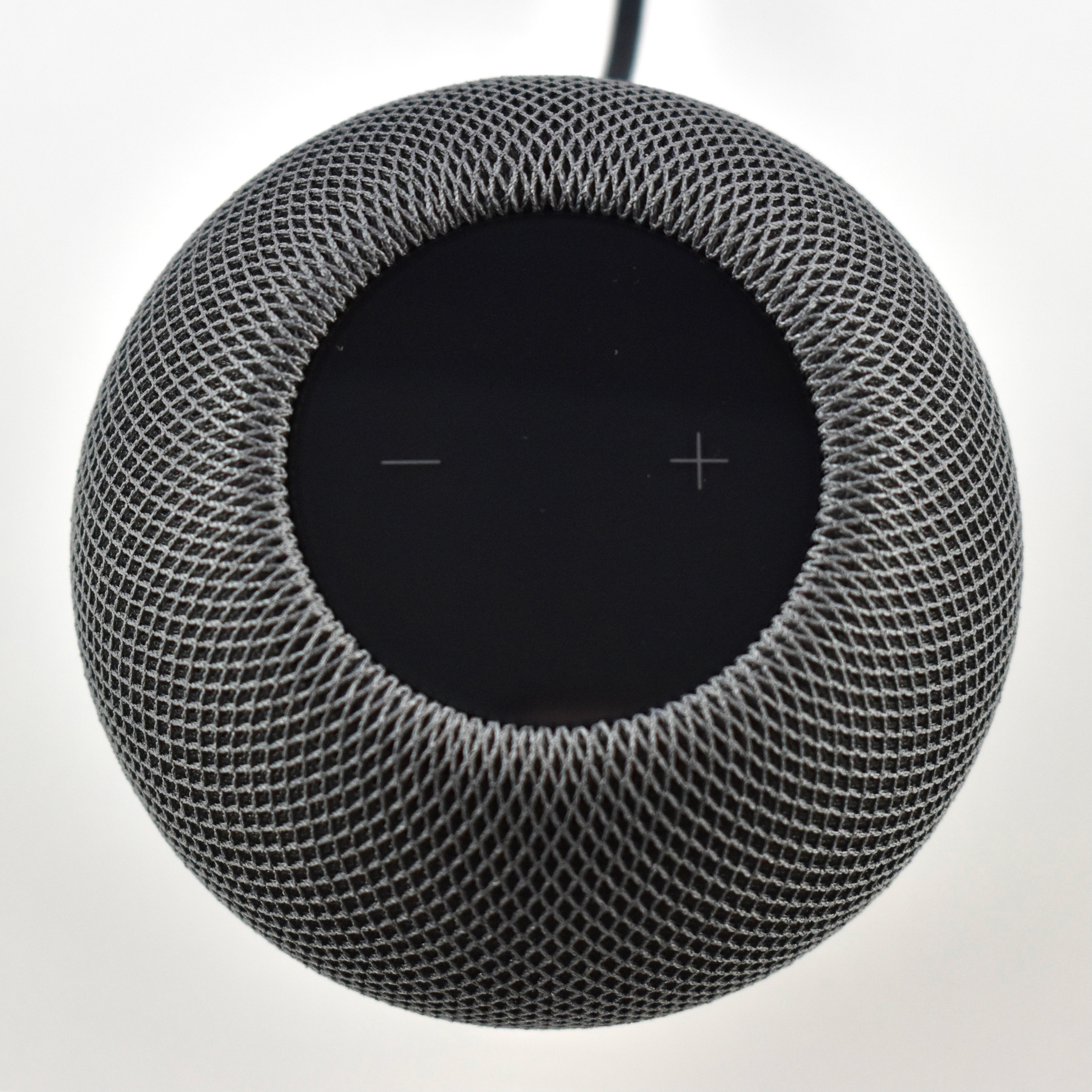
The top of the device provided a backlit touch surface for certain controls: tap to play/pause music or Siri; double-tap to skip; triple-tap to skip back; touch and hold to access Siri; and tap or hold + or – to control volume up/down.

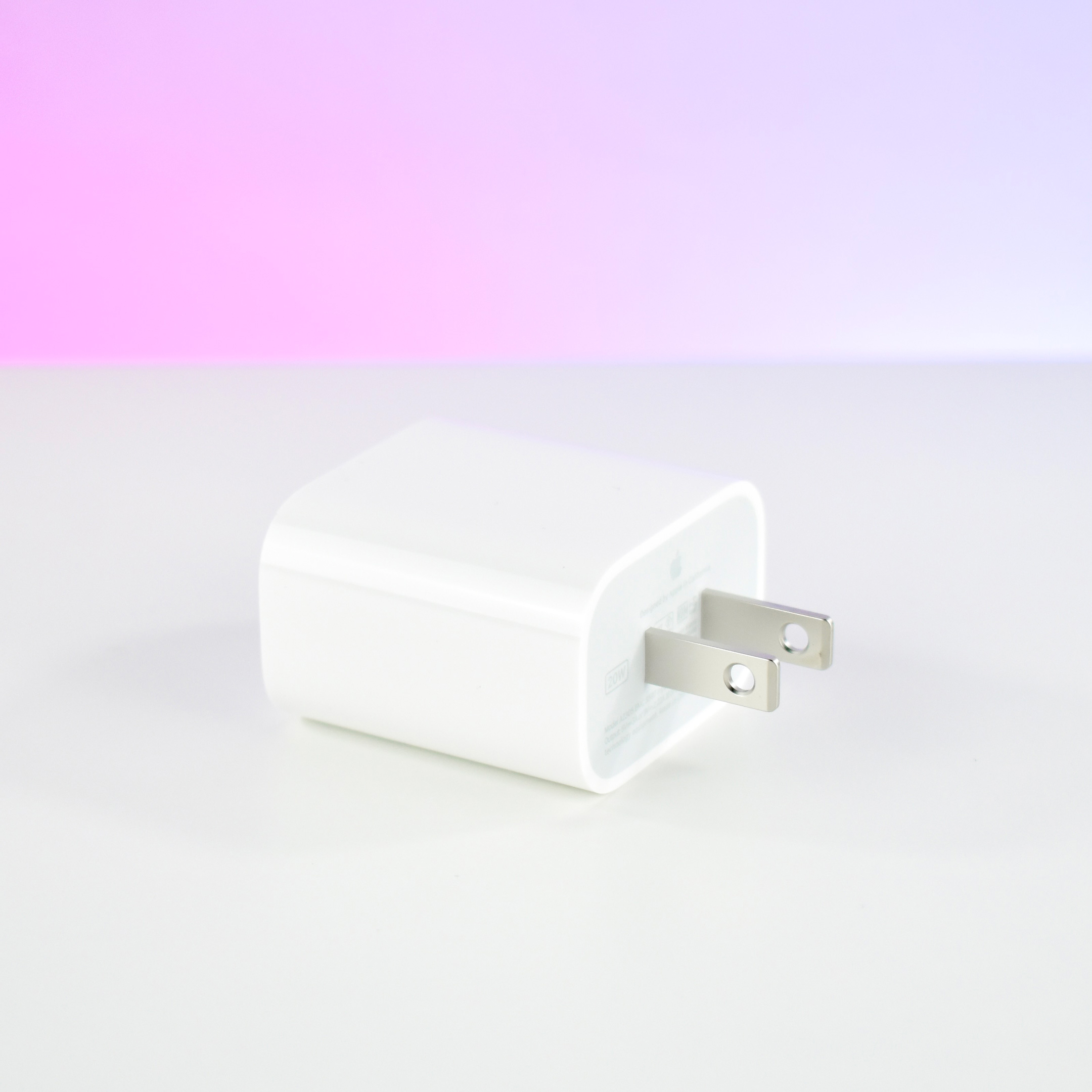
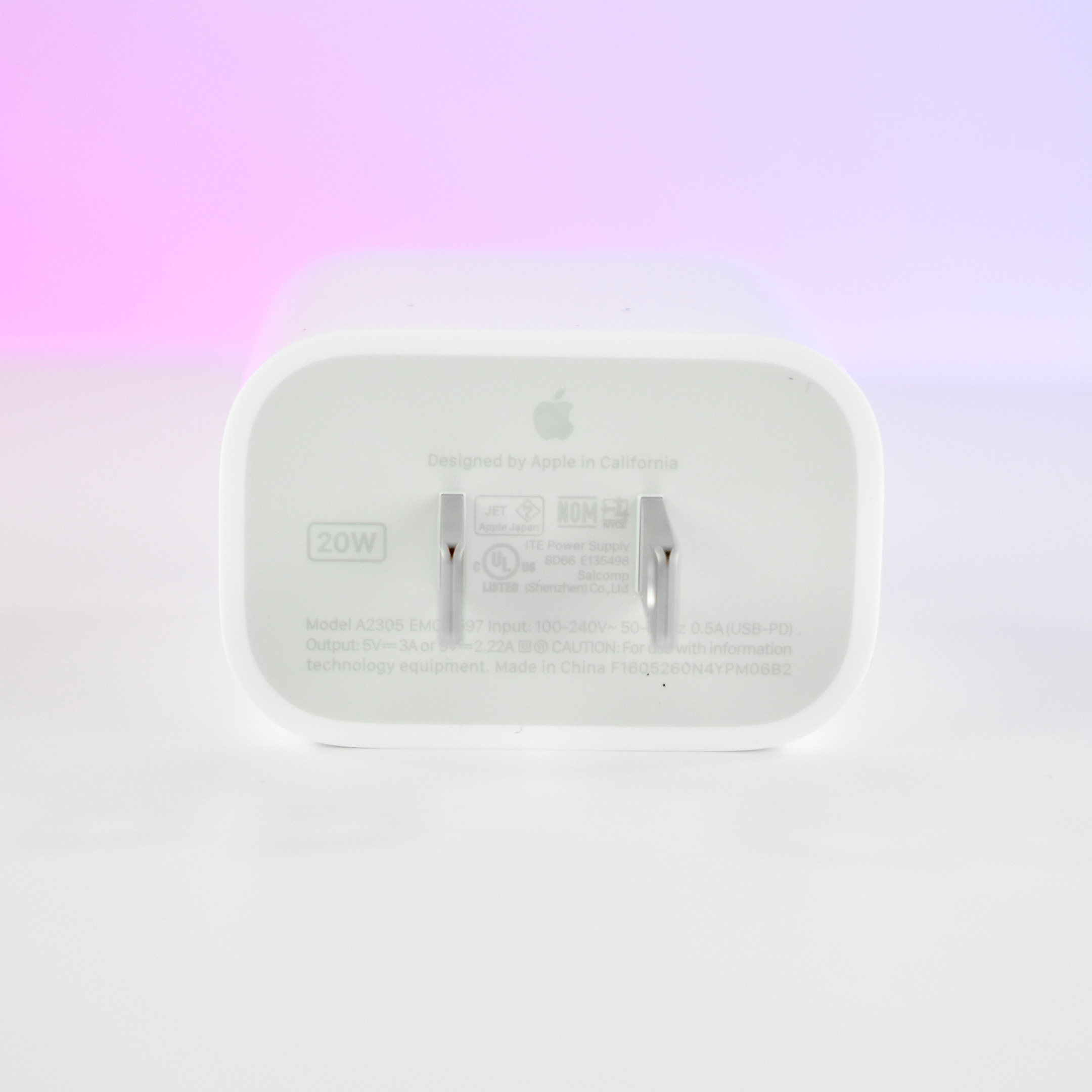
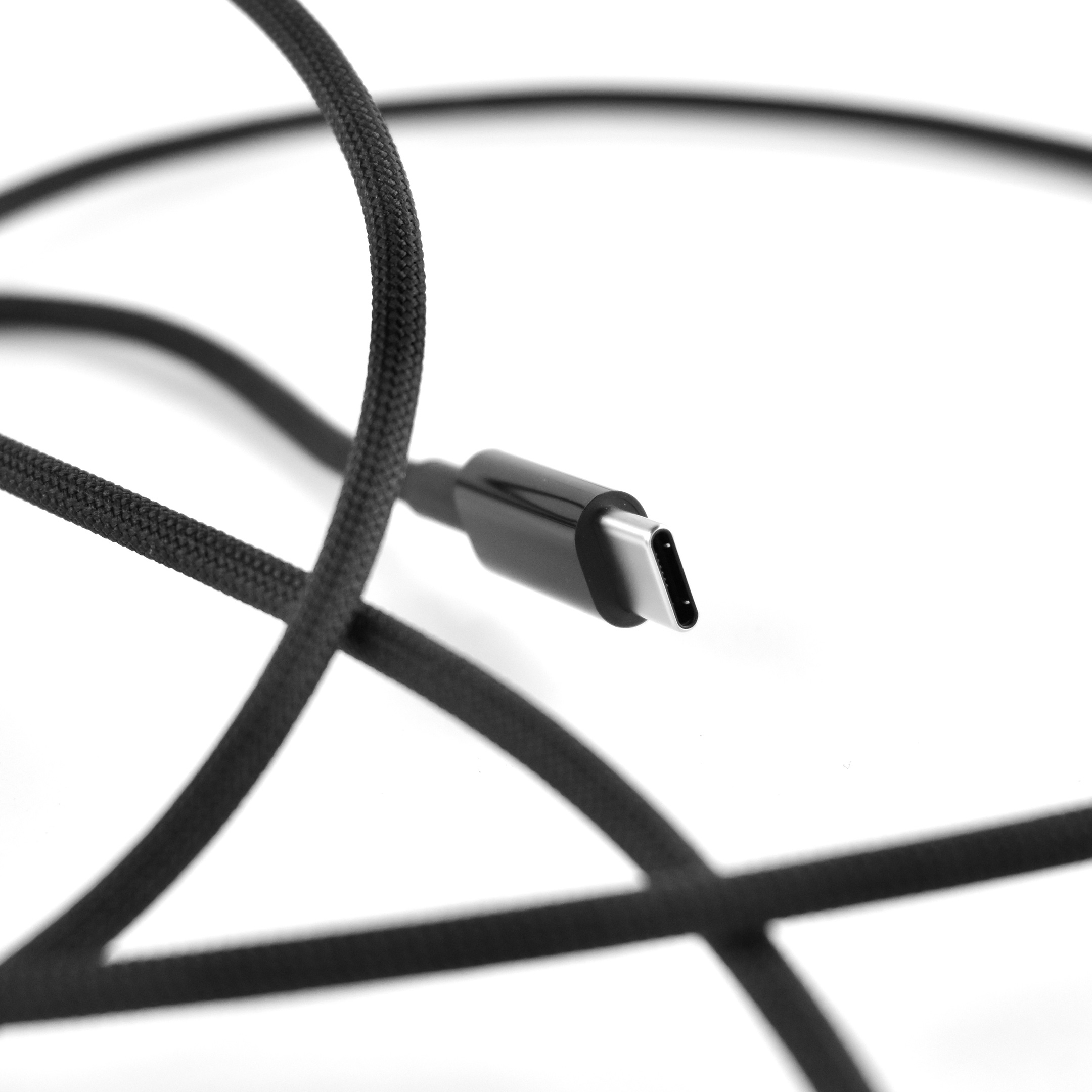
The HomePod mini was available in black and white. It used a permanently affixed USB-C cable and a provided a 20W USB-C power adapter was included in the box.

This is my second HomePod mini. I purchased it in black, and I’m using it in my kitchen so I now have a HomePod in every main living area.

Photography note: Since a few people have asked, I have 2 Hue LCD color lights that are part of my photography table. The 2 IKEA lights are clipped to the bottom of the table and are positioned up. Most of my photos use these lights set to a pure white color for the background, but occasionally I use the Hue app to add a color wash to the white sheet backdrop. In this case, I used the HomePod mini box colors as inspiration.

Source: Apple (Overview, Tech Specs)

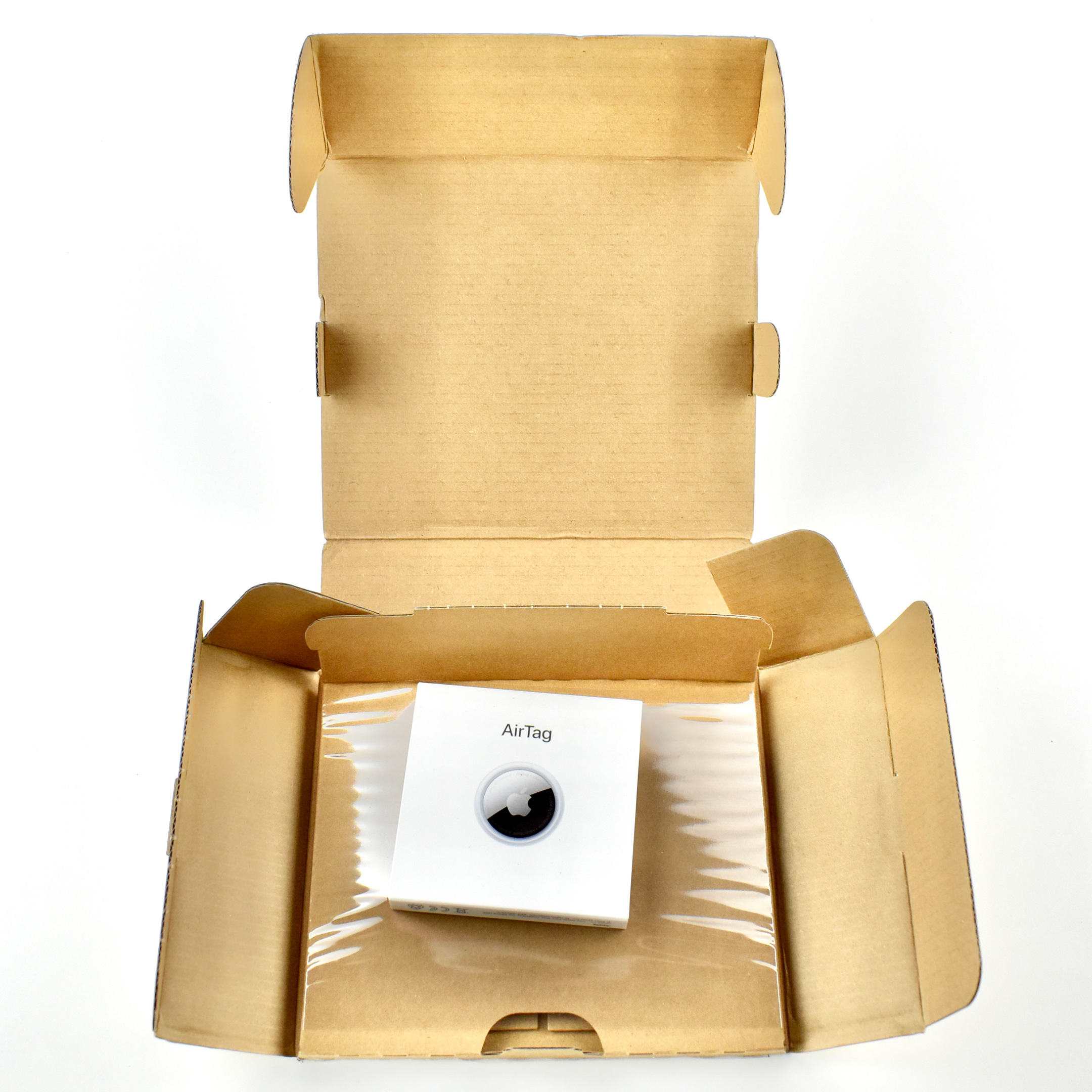
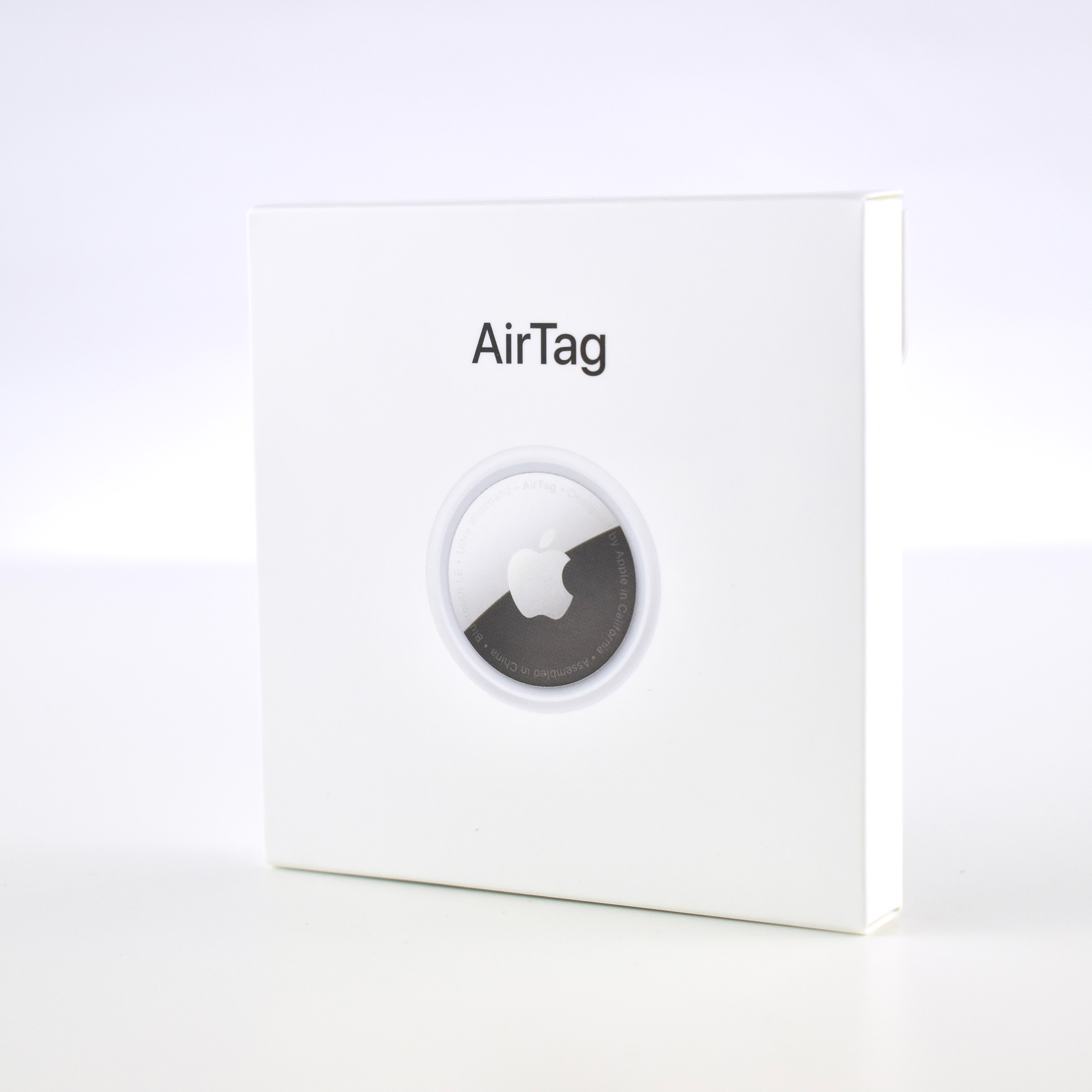
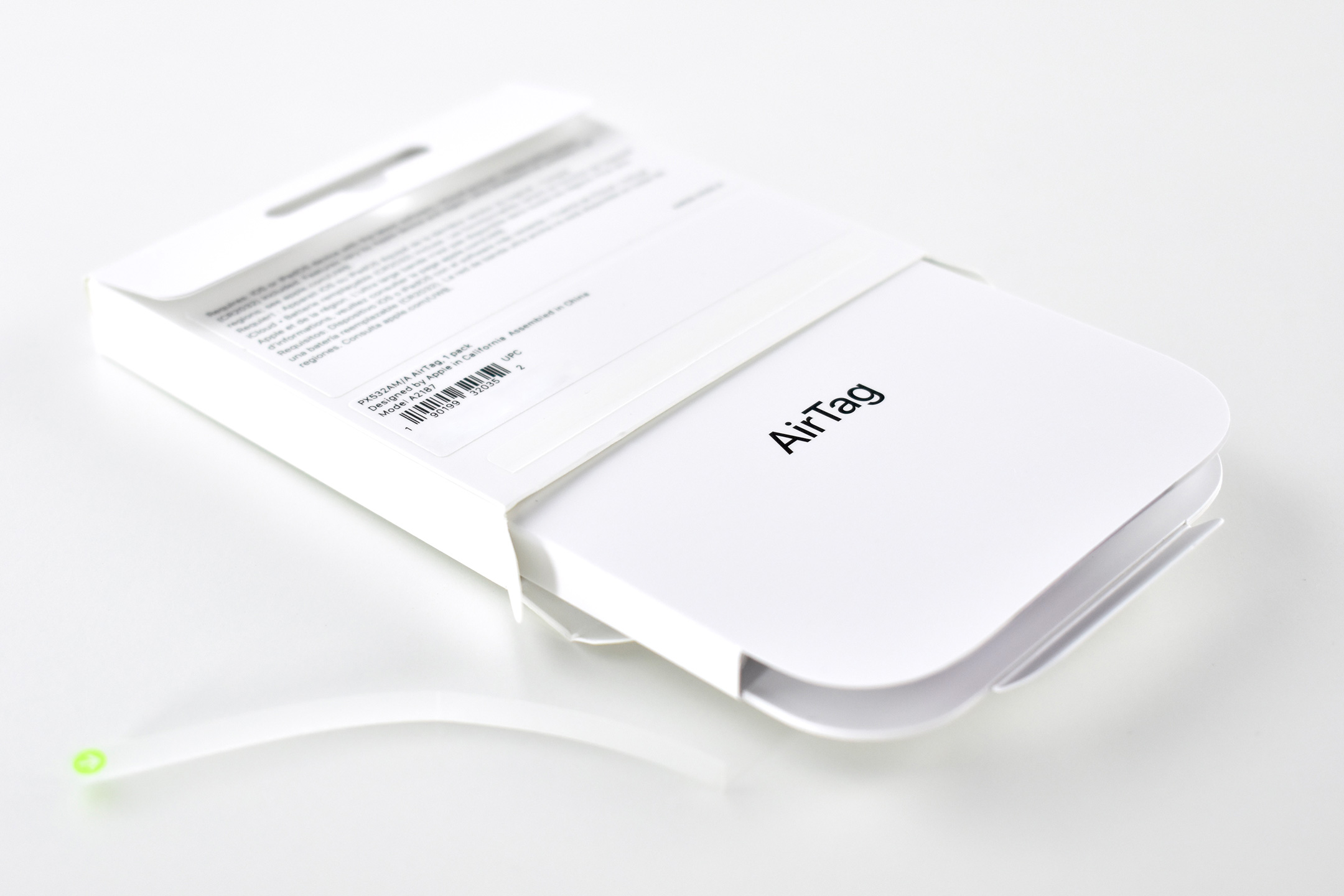
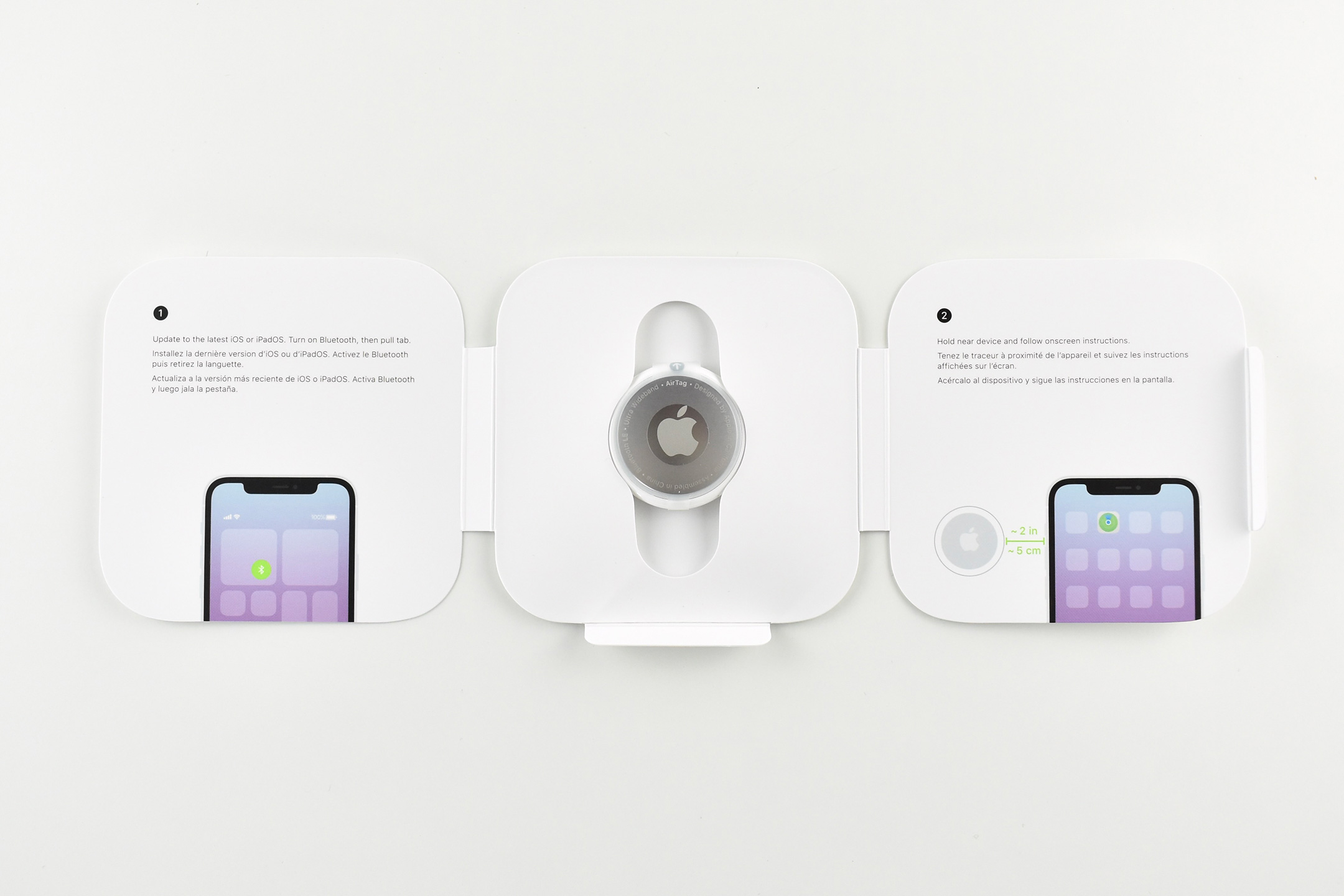
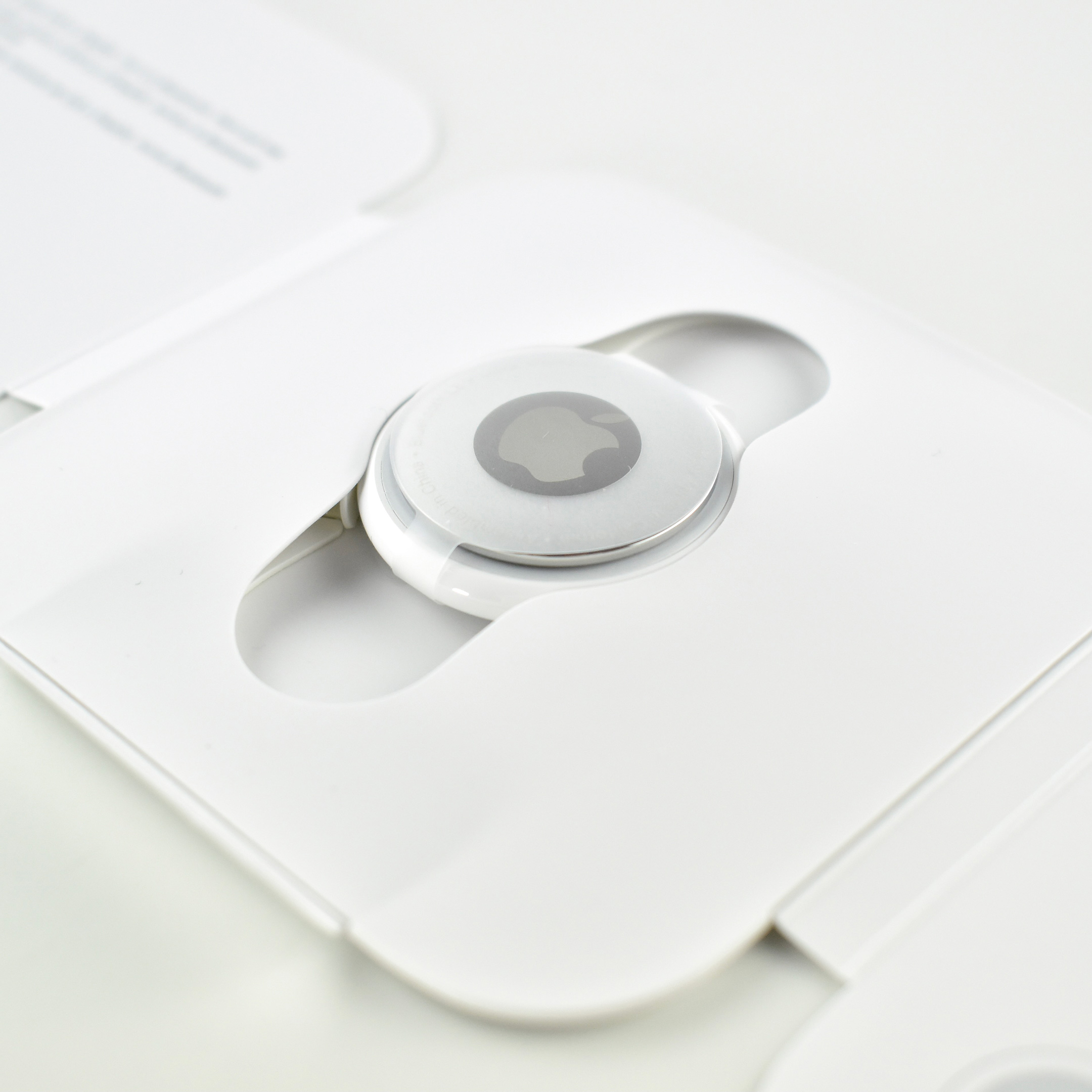
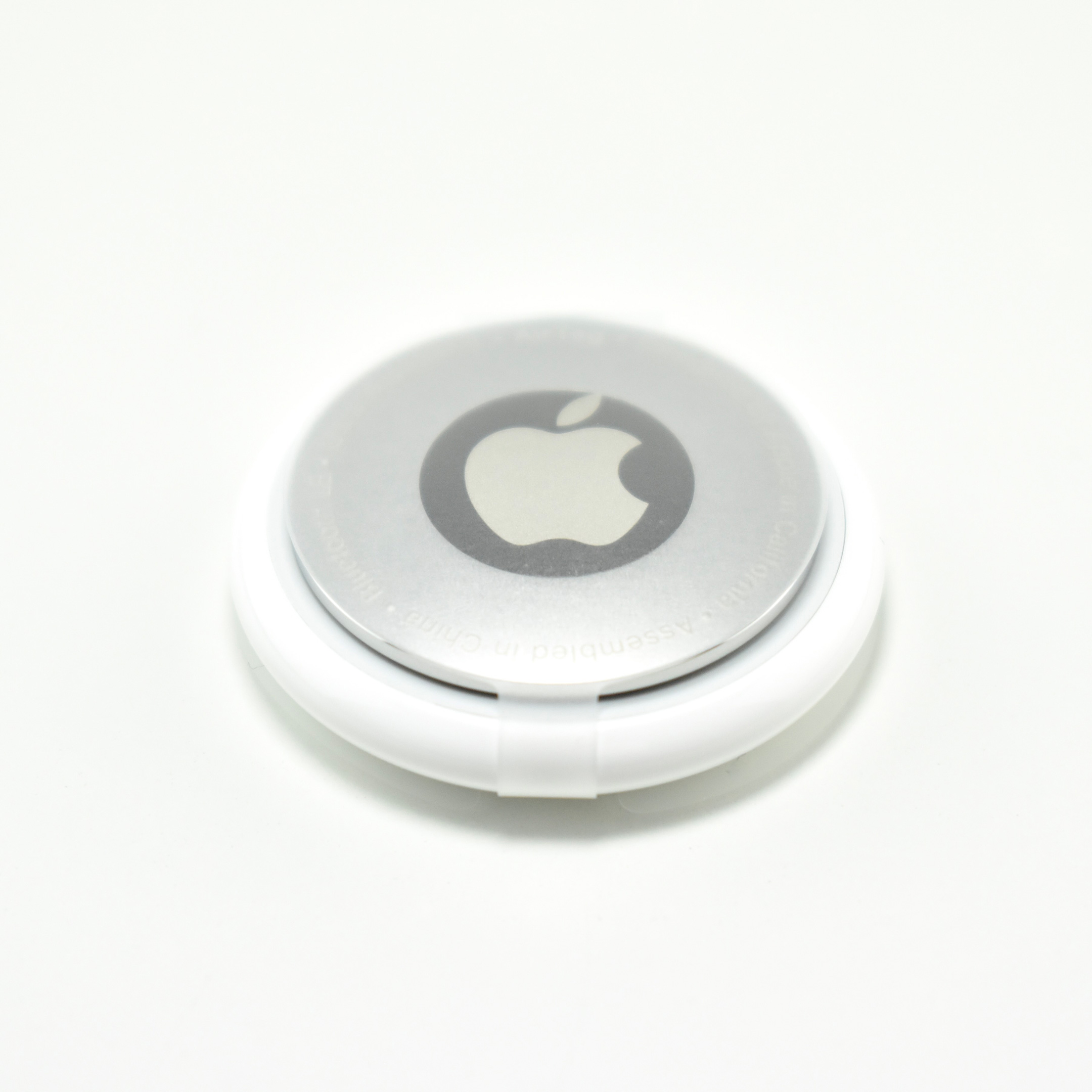
AirTag (engraved, 2021)

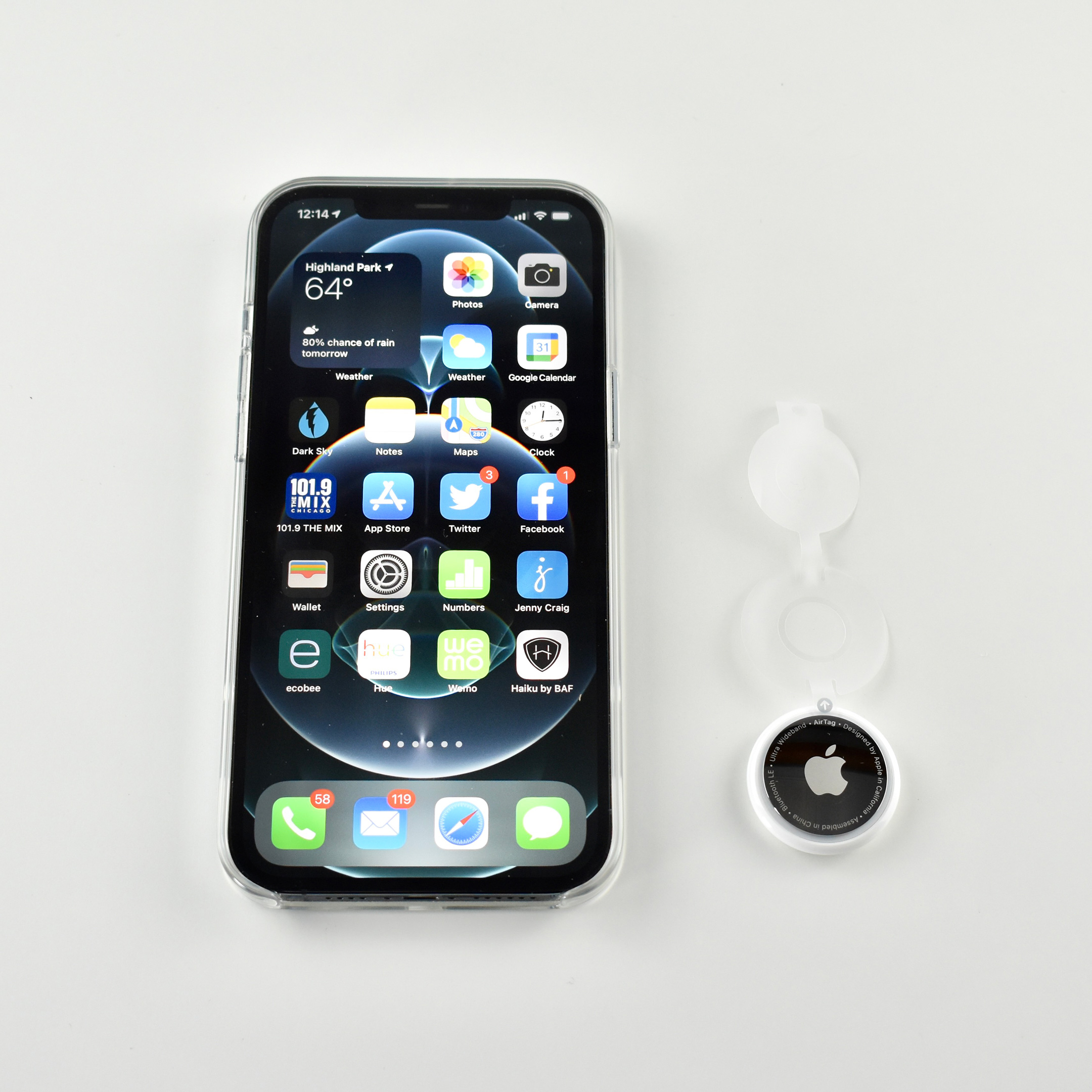
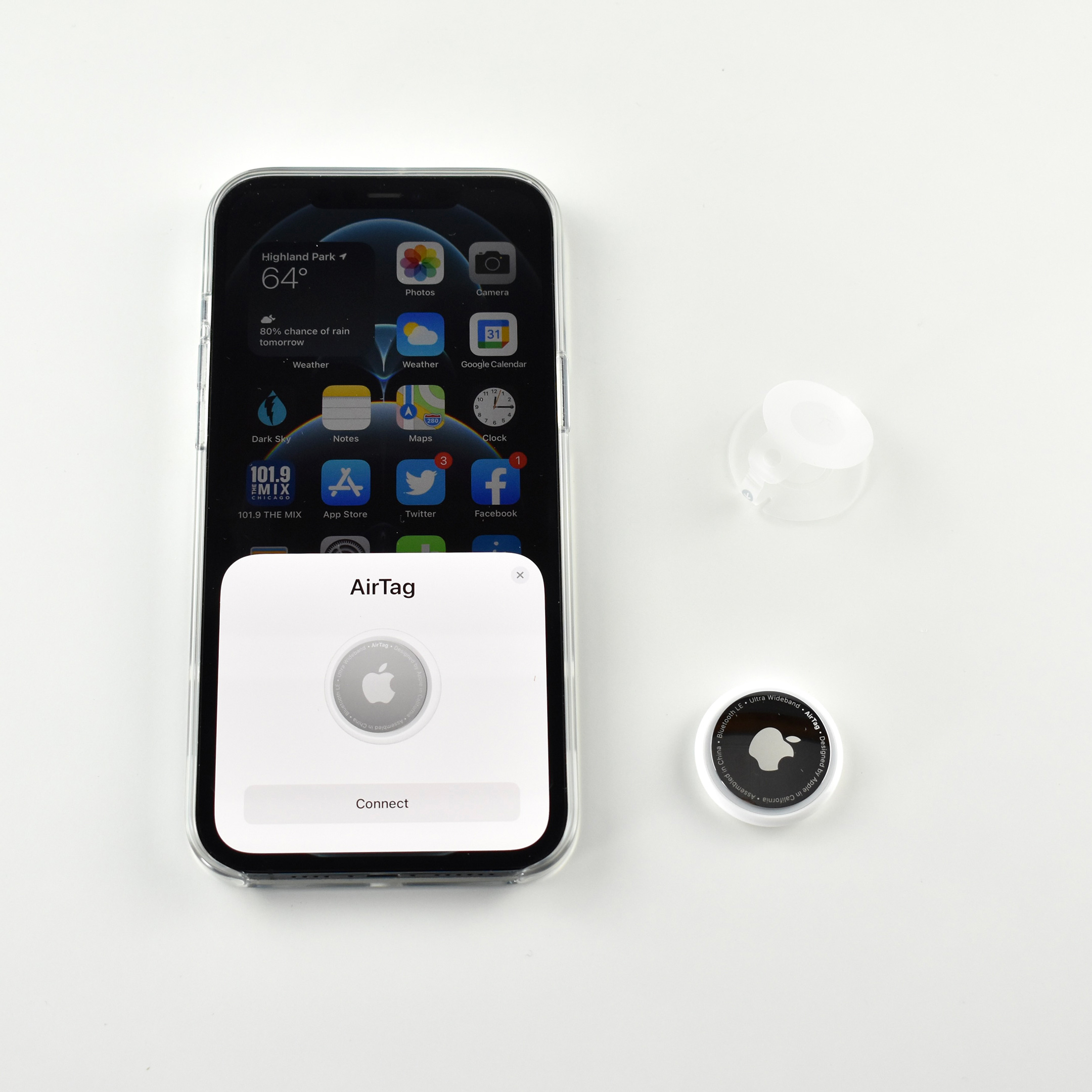
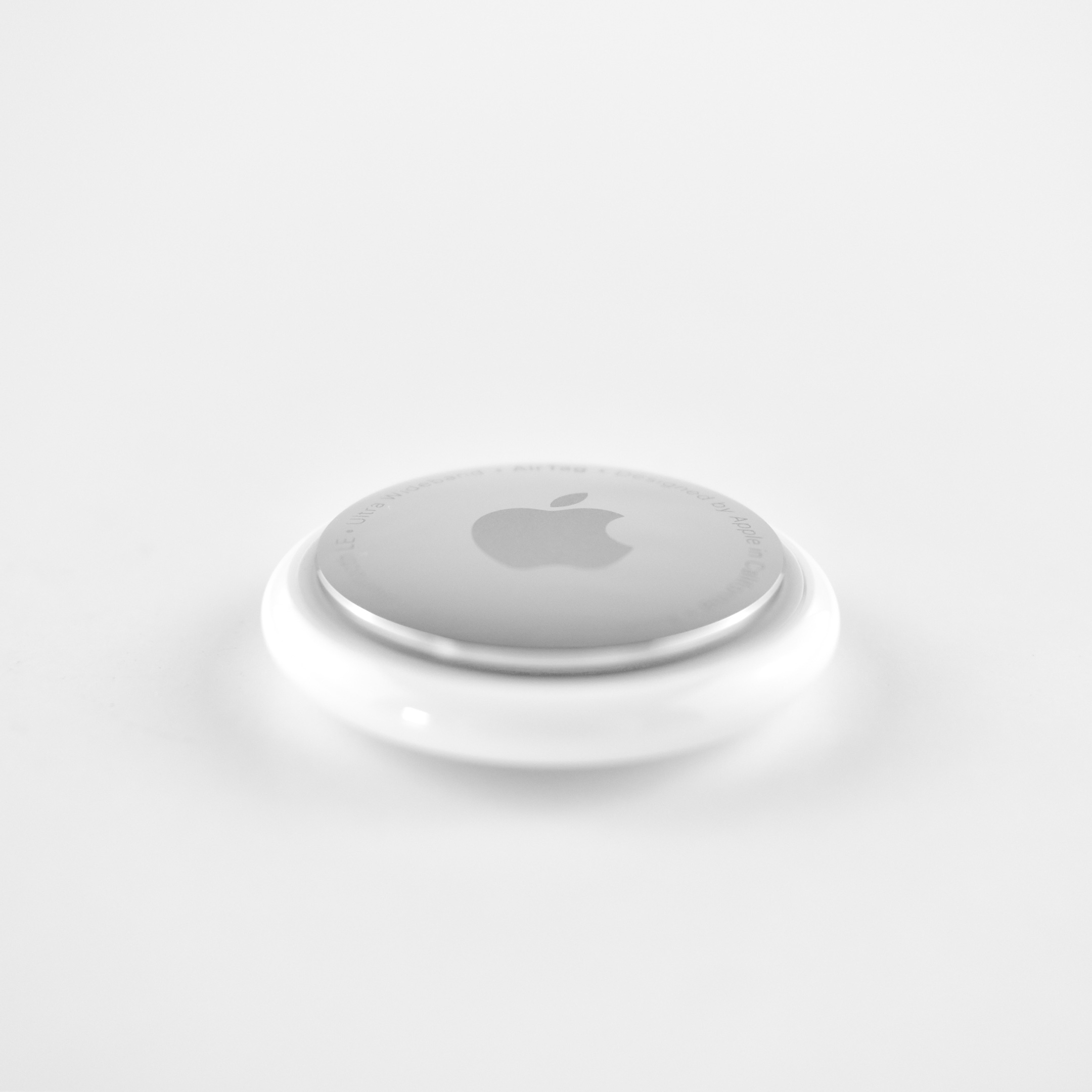
The AirTag is a small, disc-shaped accessory that used Apple’s Find My network to easily locate items. Apple described AirTag as “a supereasy way to keep track of your stuff. Attach one to your keys, slip another in your backpack. And just like that, they’re on your radar in the Find My app.”

The AirTag measures 1.26 inches (31.9 mm) diameter and is 0.31 inch (8.0 mm) high. It weighs 0.39 ounce (11 grams). It contains a CR2032 coin cell battery that can be replaced by the user. The AirTag uses wireless connectivity including Bluetooth, an Apple U1 chip (Ultra Wideband and Precision Finding), and NFC (Lost Mode). It is splash, water, and dust resistant (IP67 with a maximum depth of 1 meter up to 30 minutes).

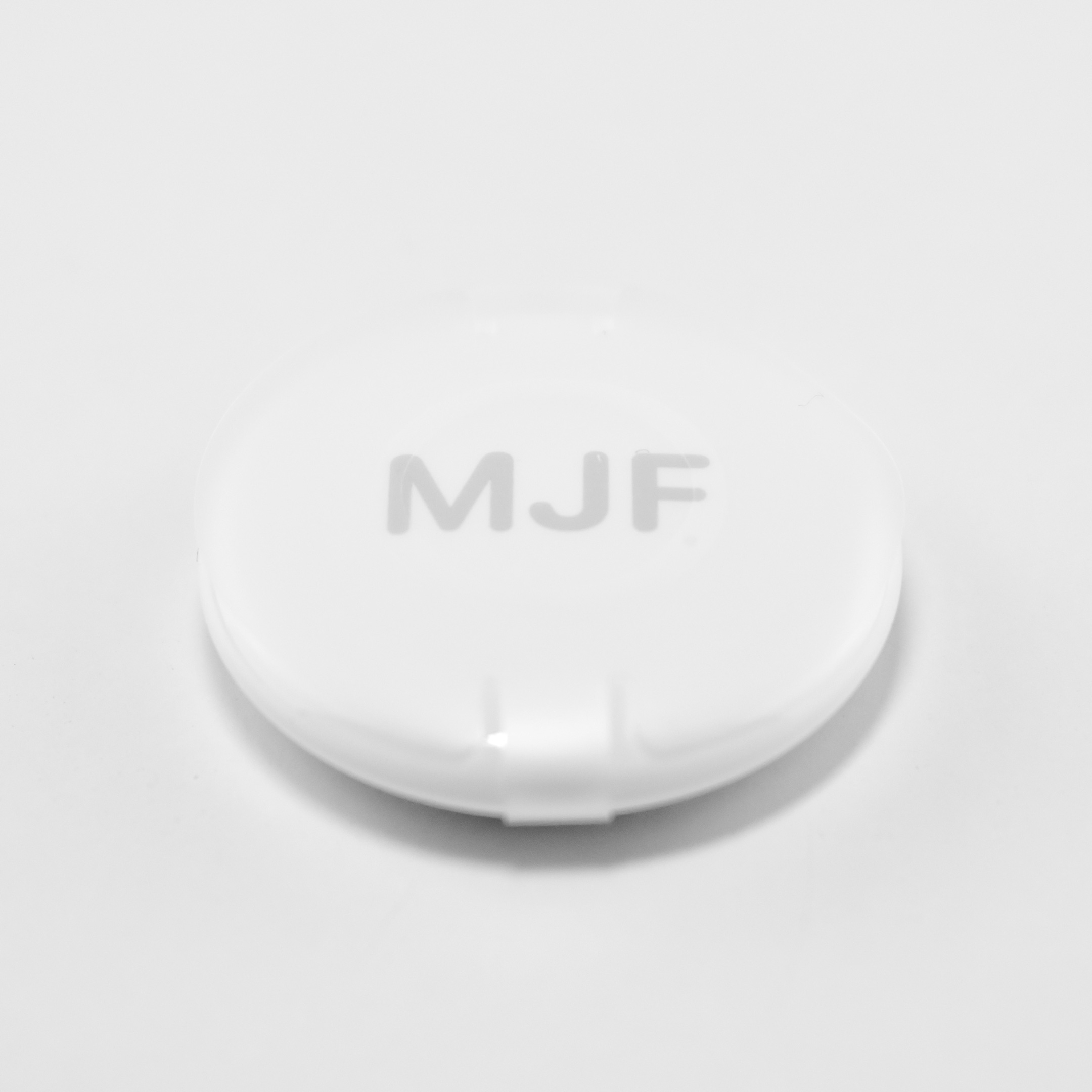
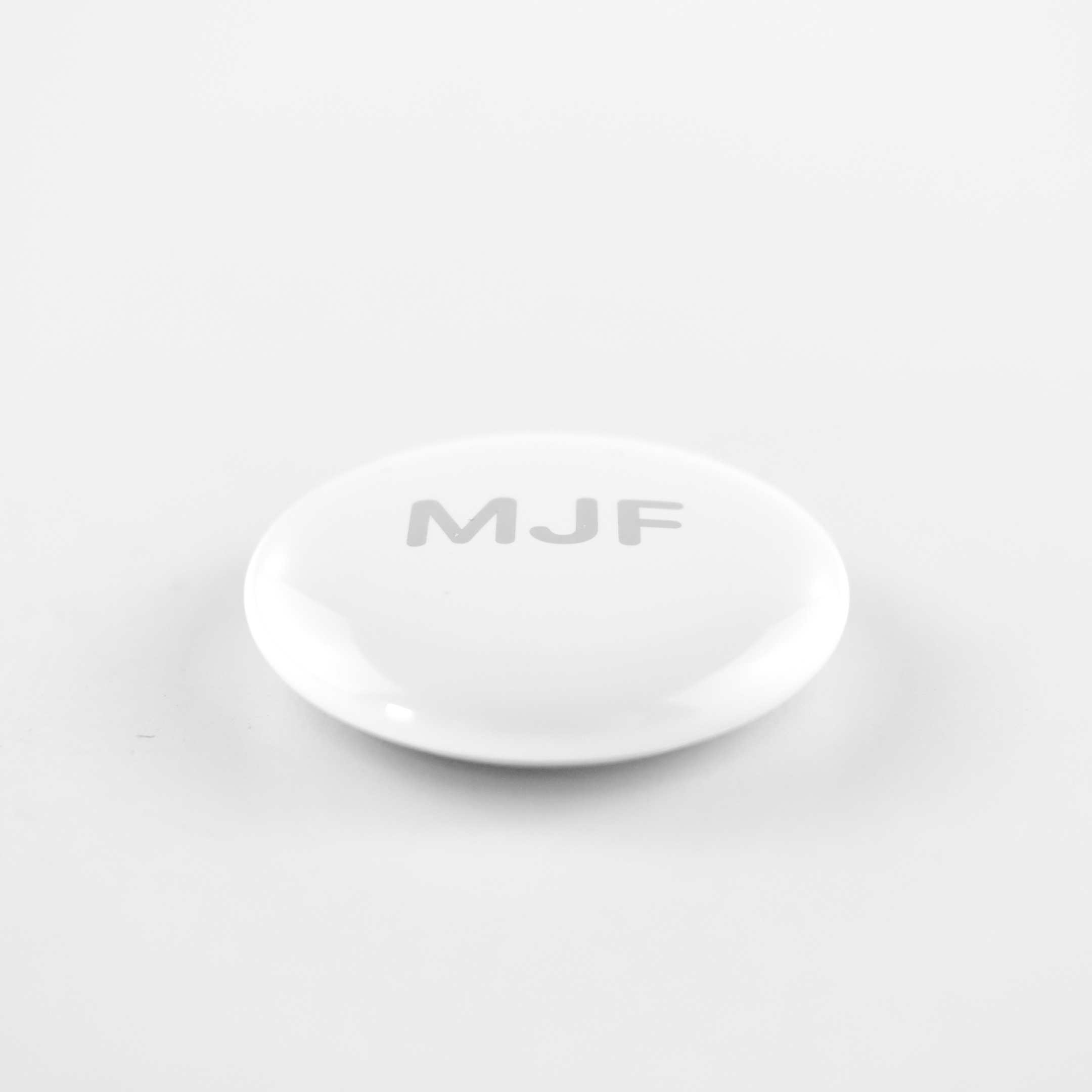
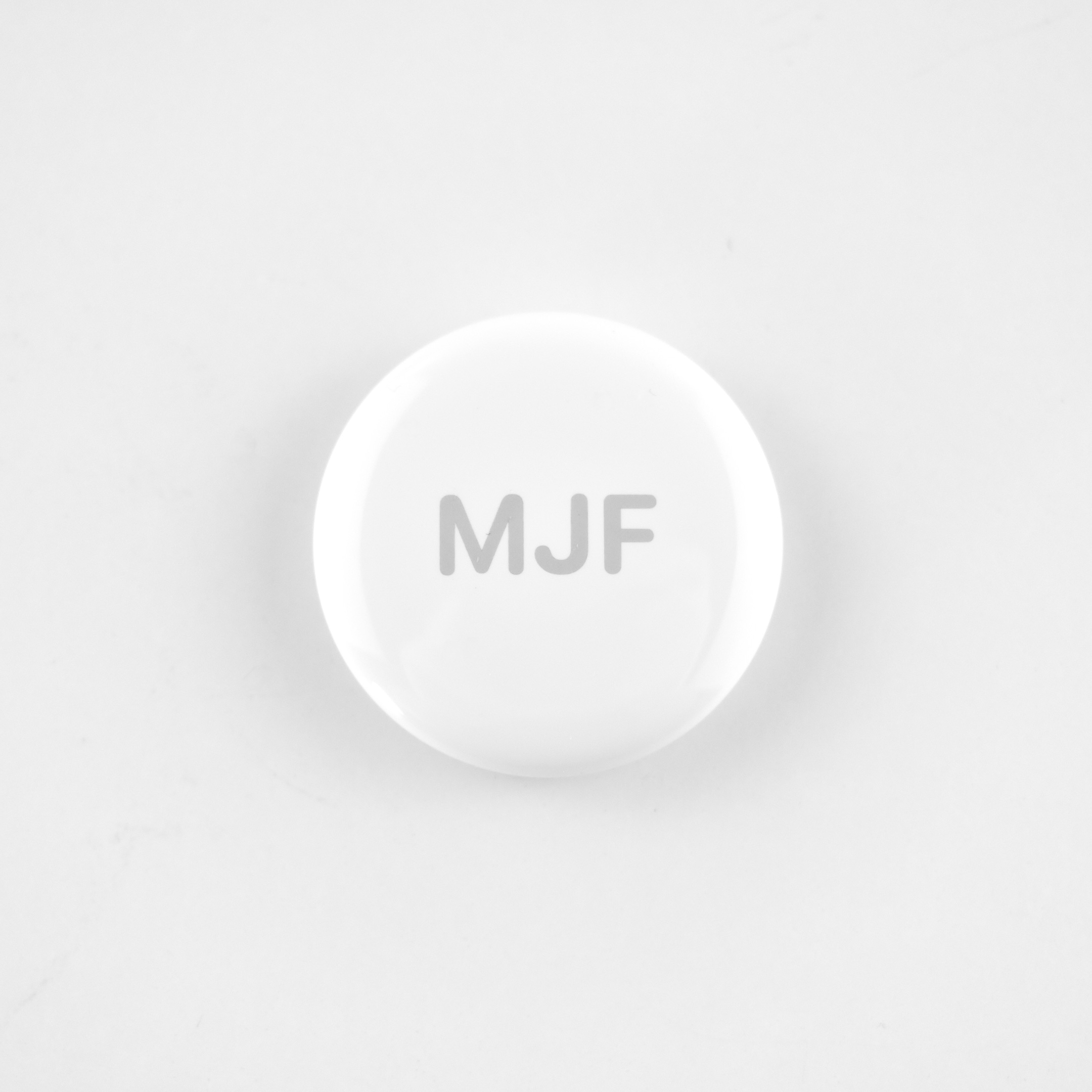
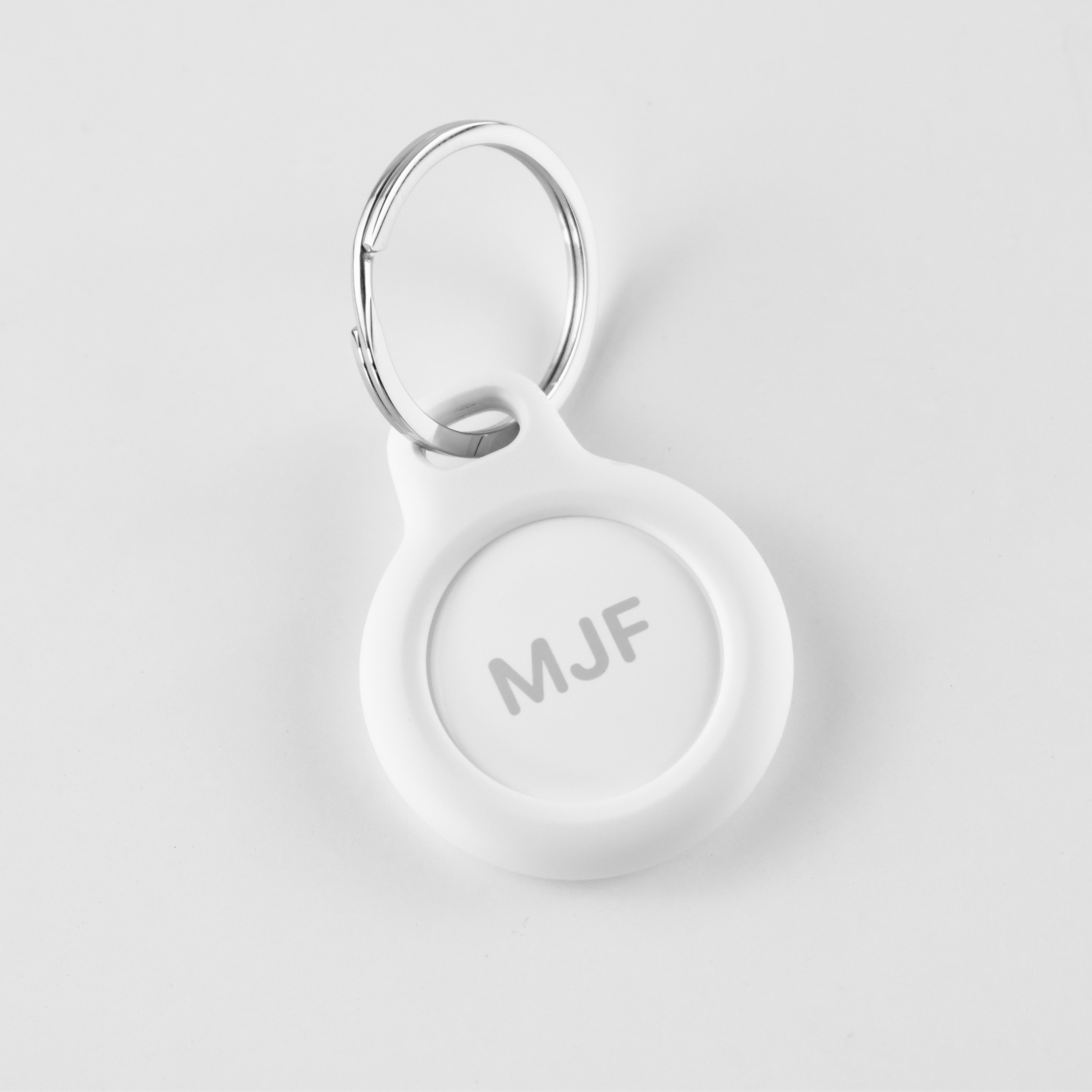
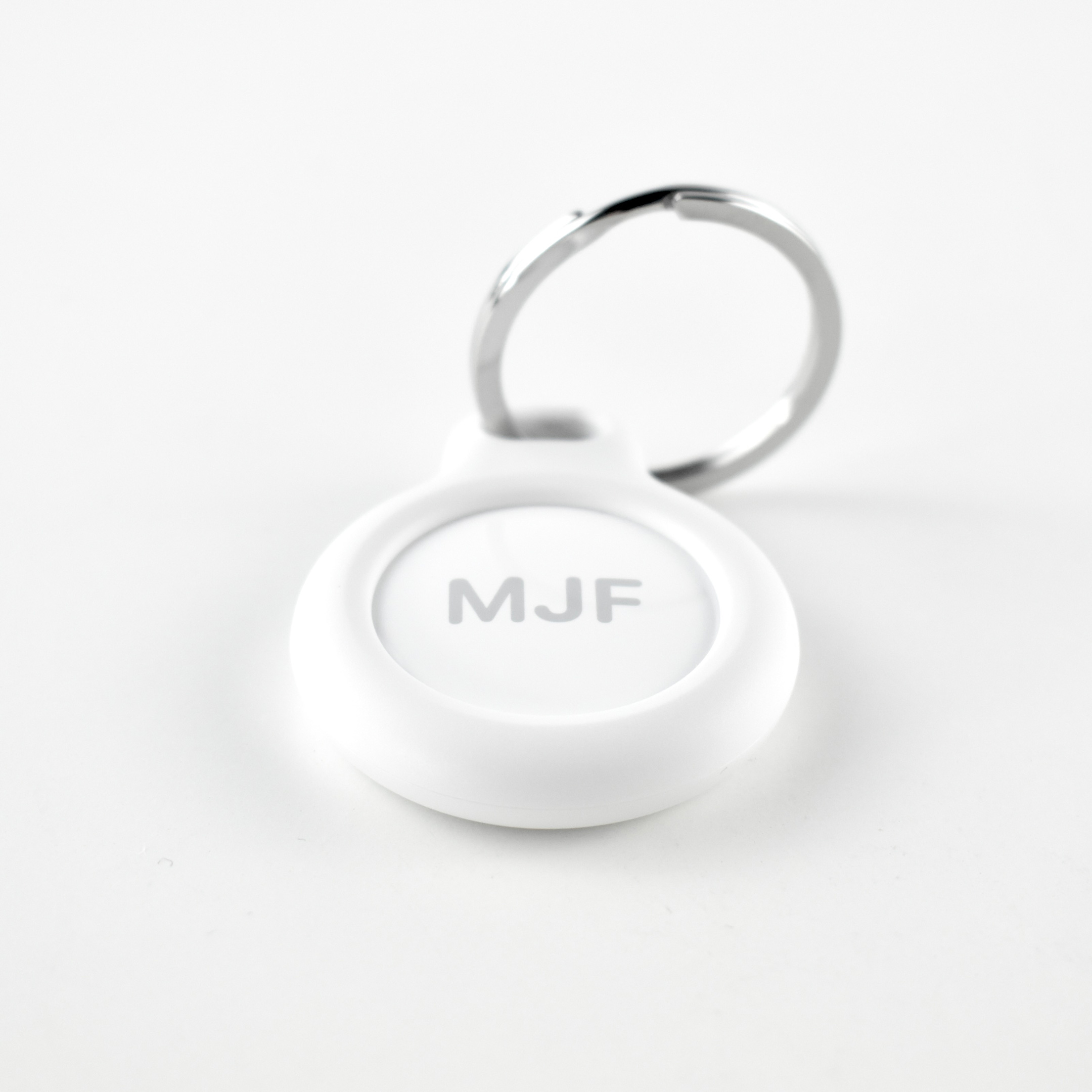
The AirTag was offered with free engraving featuring a selection of 31 Apple-designed one-color emoji, text, or numbers. Up to 4 characters could be added. This example is engraved with my initials, “MJF.”

The Air Tag “requires iPhone SE, iPhone 6s or later, or iPod touch (7th generation) with iOS 14.5 or later, or iPad Pro, iPad (5th generation or later), iPad Air 2 or later, or iPad mini 4 or later with iPadOS 14.5 or later.”

Apple described the AirTag’s functionality:

Upon release, the AirTag was offered with several Apple-designed accessories. “Users can easily place AirTag into a bag or pocket on its own, or utilize a wide range of Apple-designed AirTag accessories, including the Polyurethane Loop, which is both lightweight and durable, and the Leather Loop and Leather Key Ring,4 featuring specially tanned European leather.”

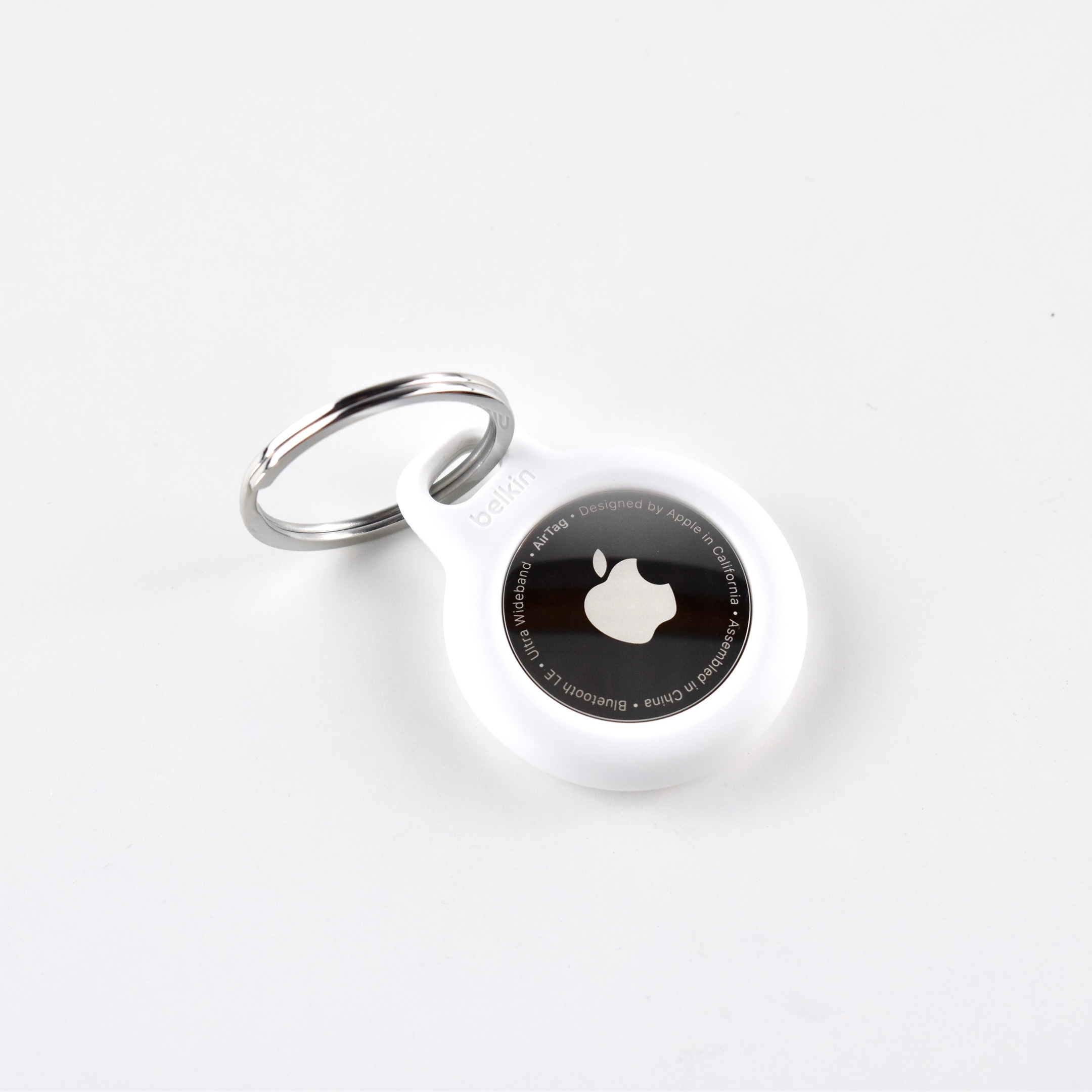
This example shows a rare non-Apple accessory in use: the Belkin Secure Holder with Key Ring for AirTag. I preferred this keyring to Apple’s due to its smaller size.

Sources: Apple, Belkin

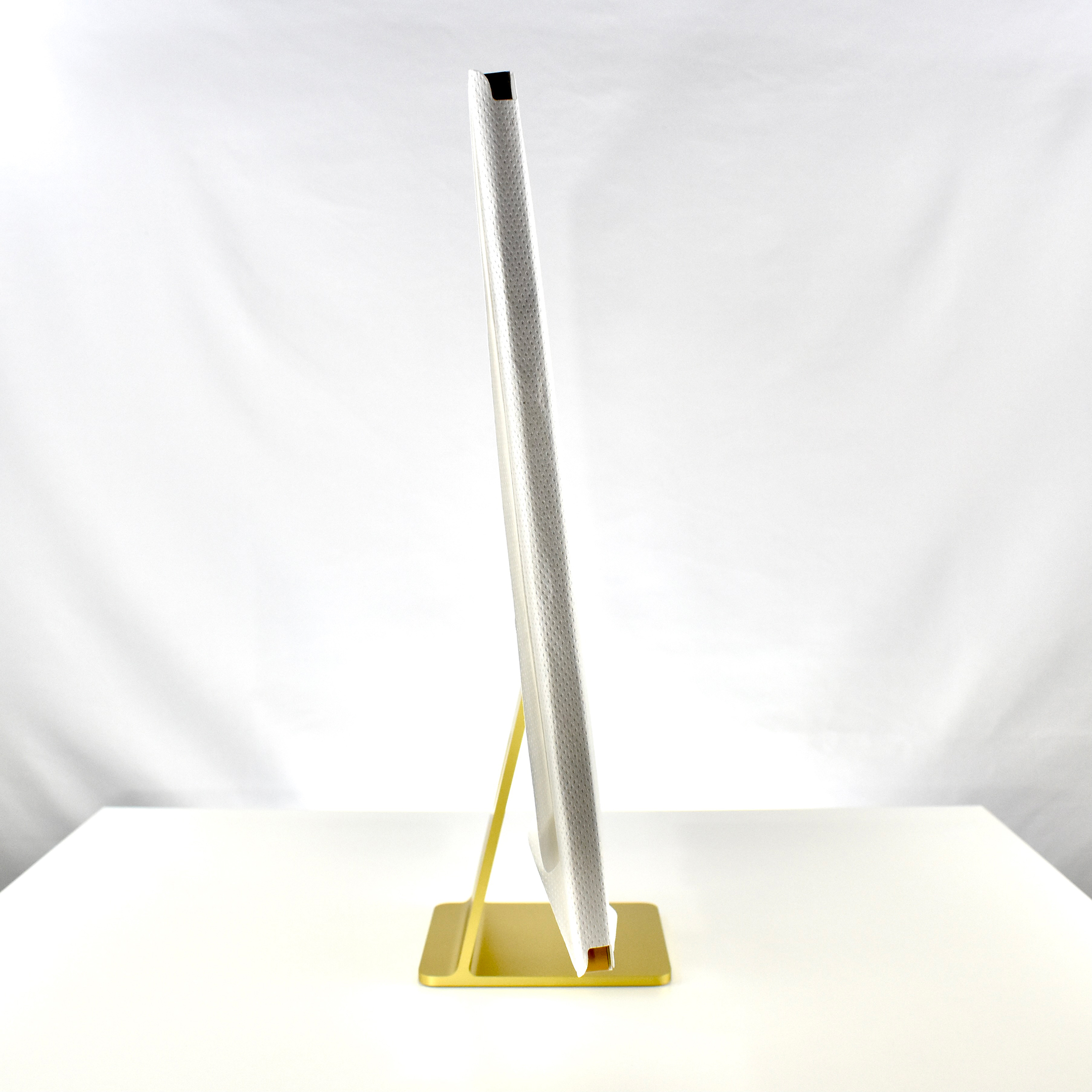
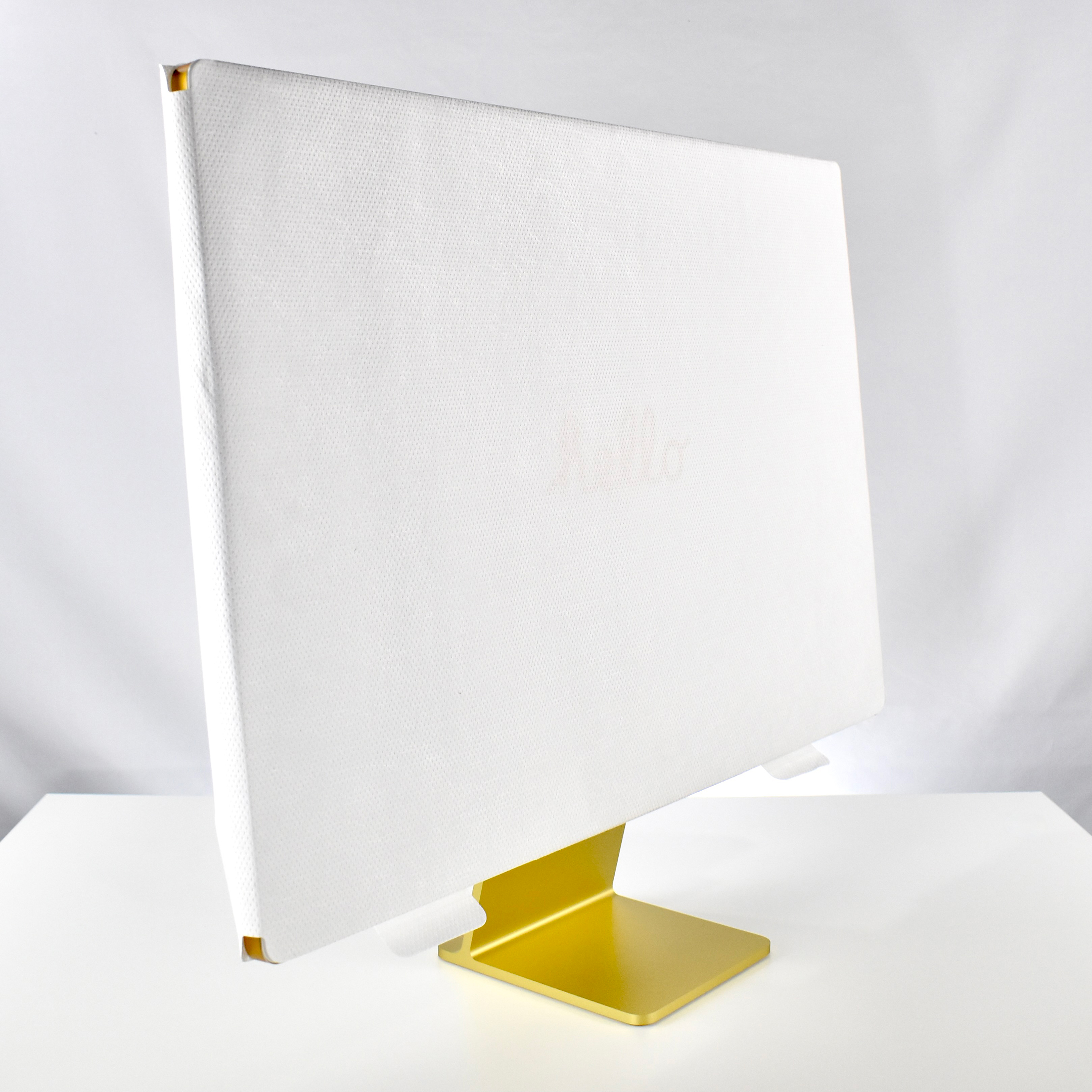
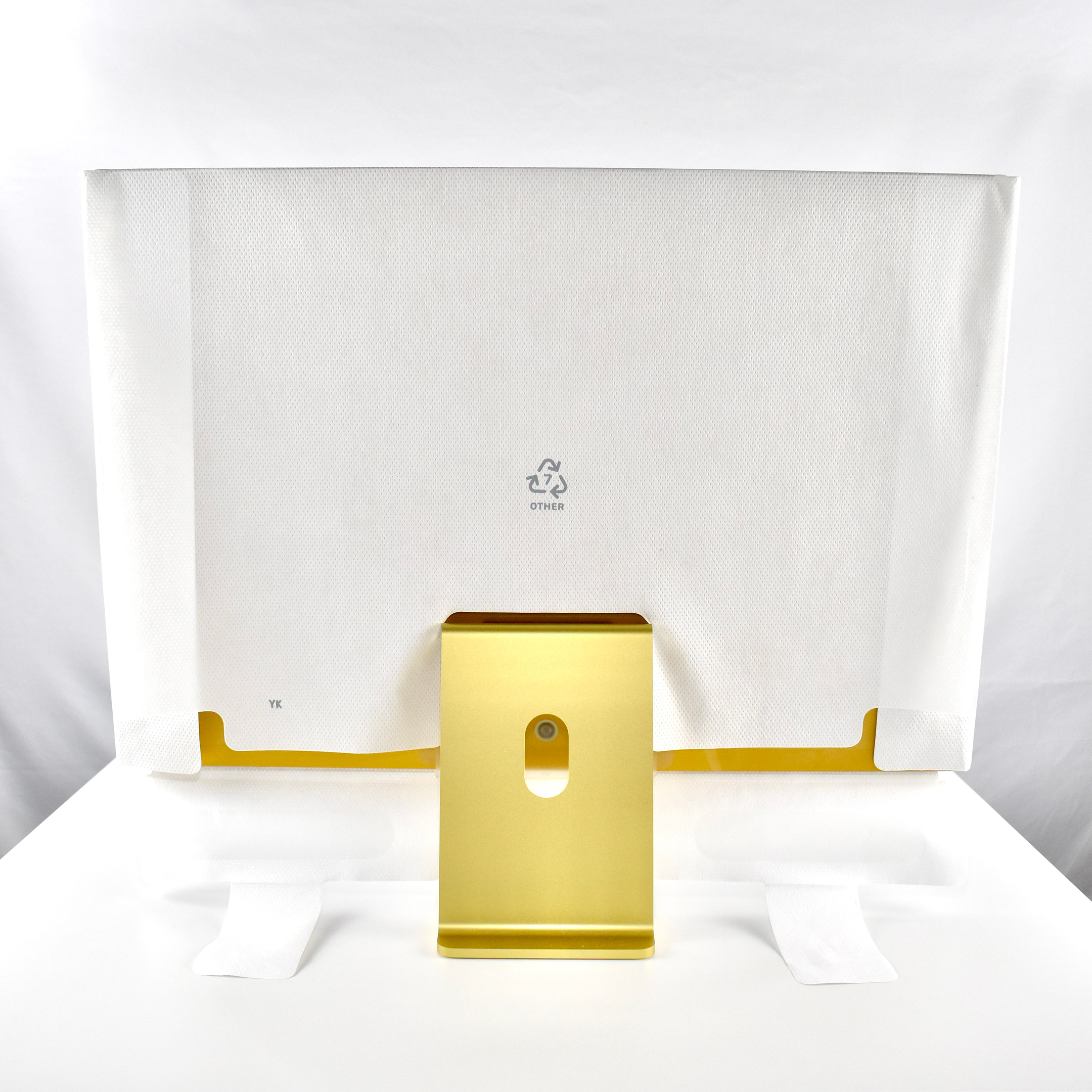
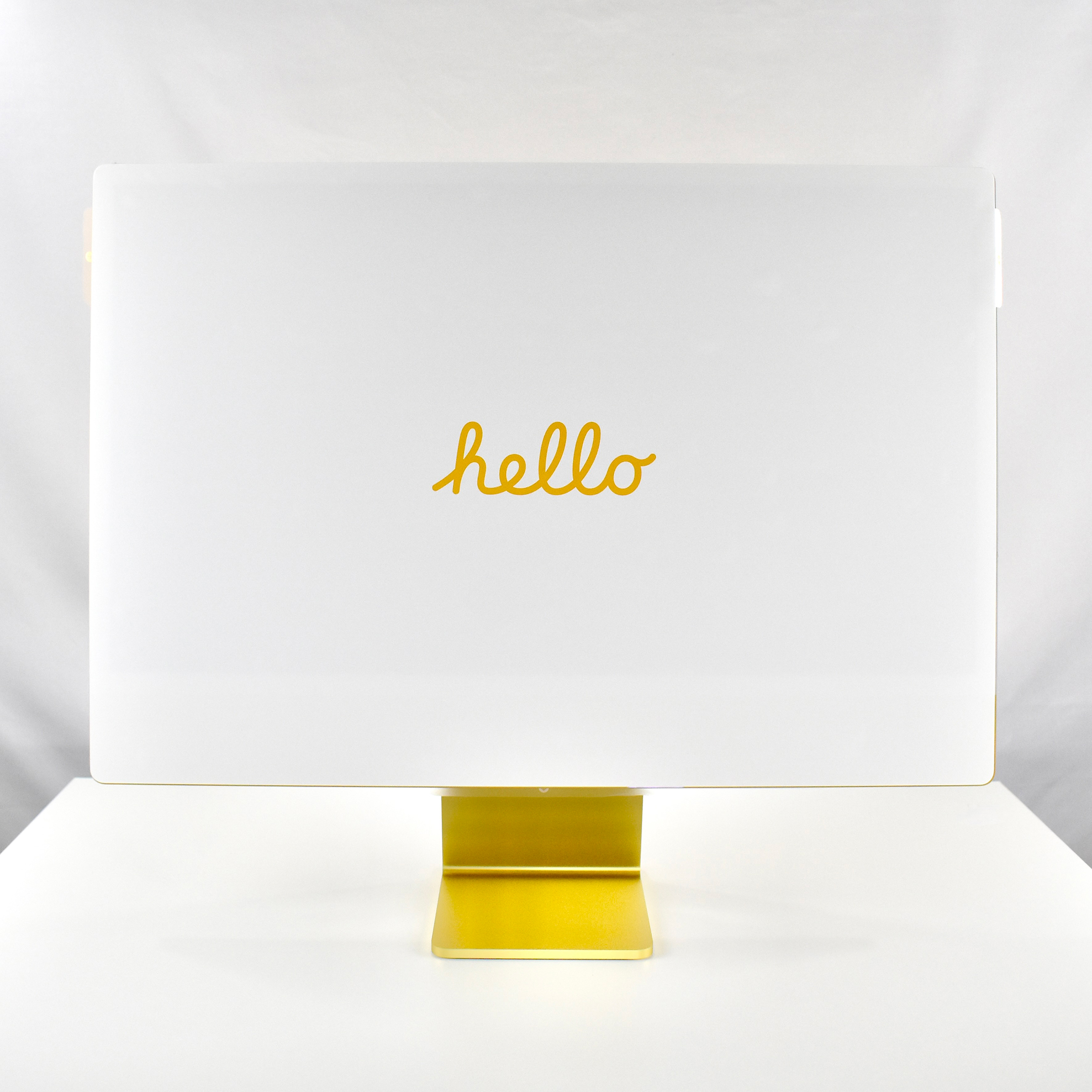
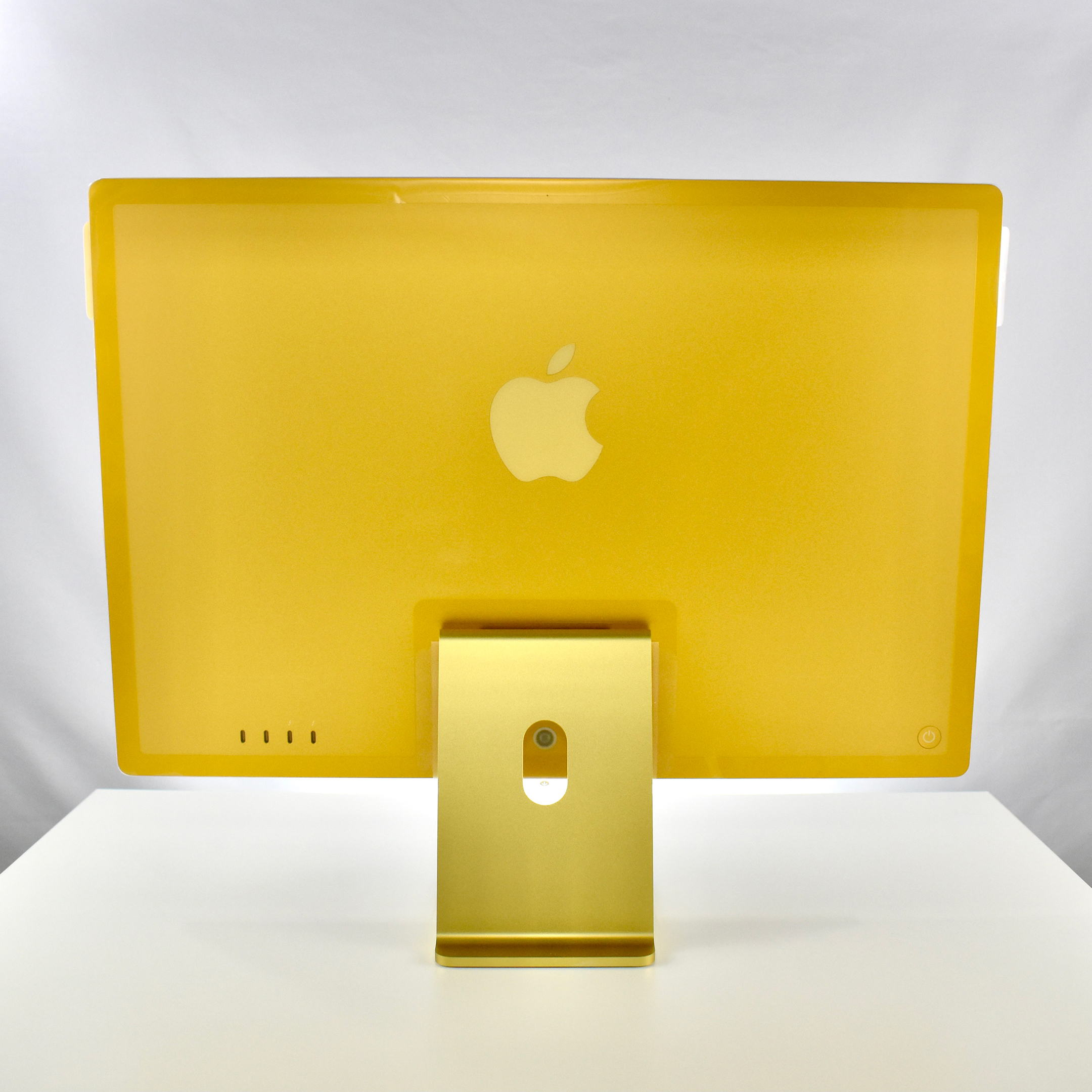
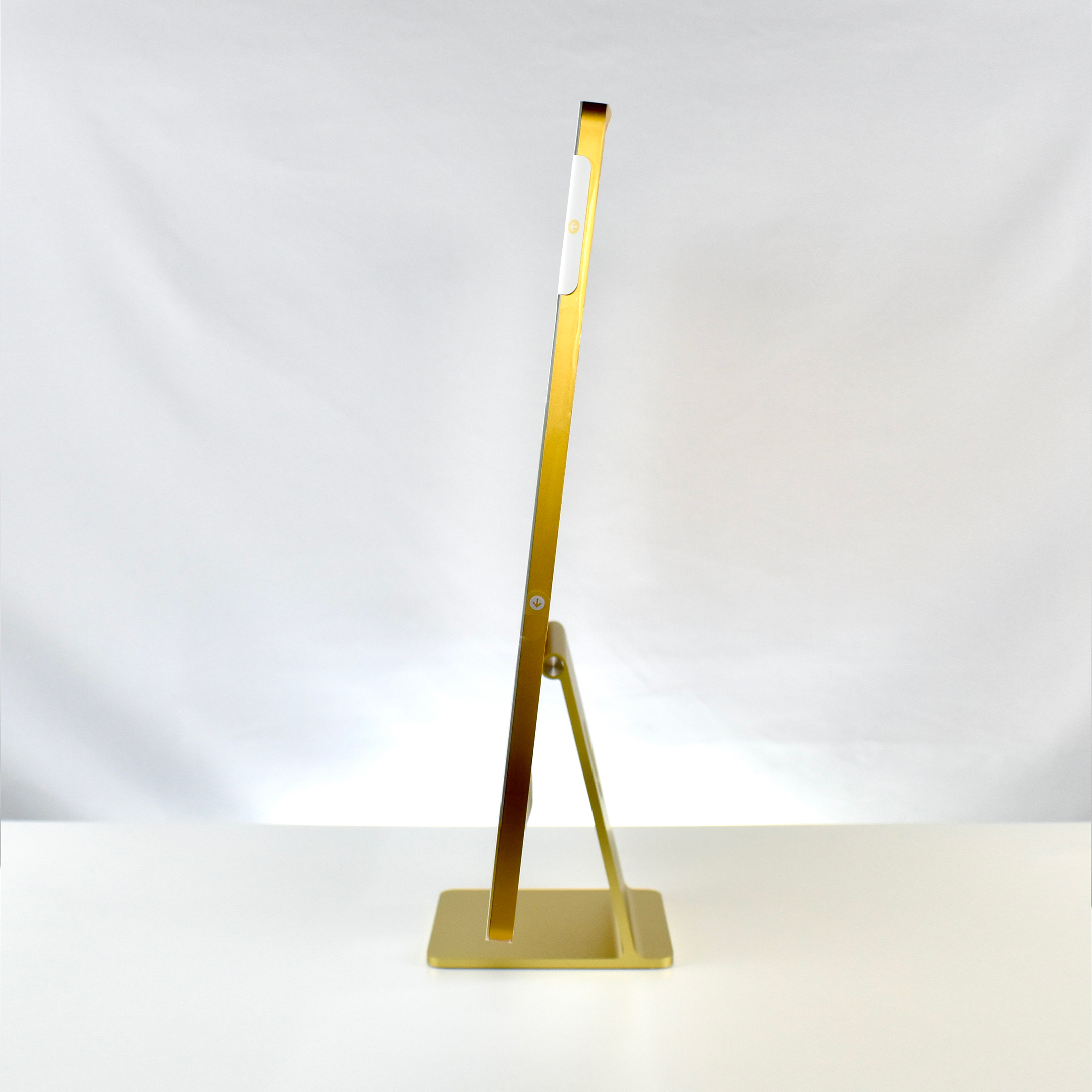
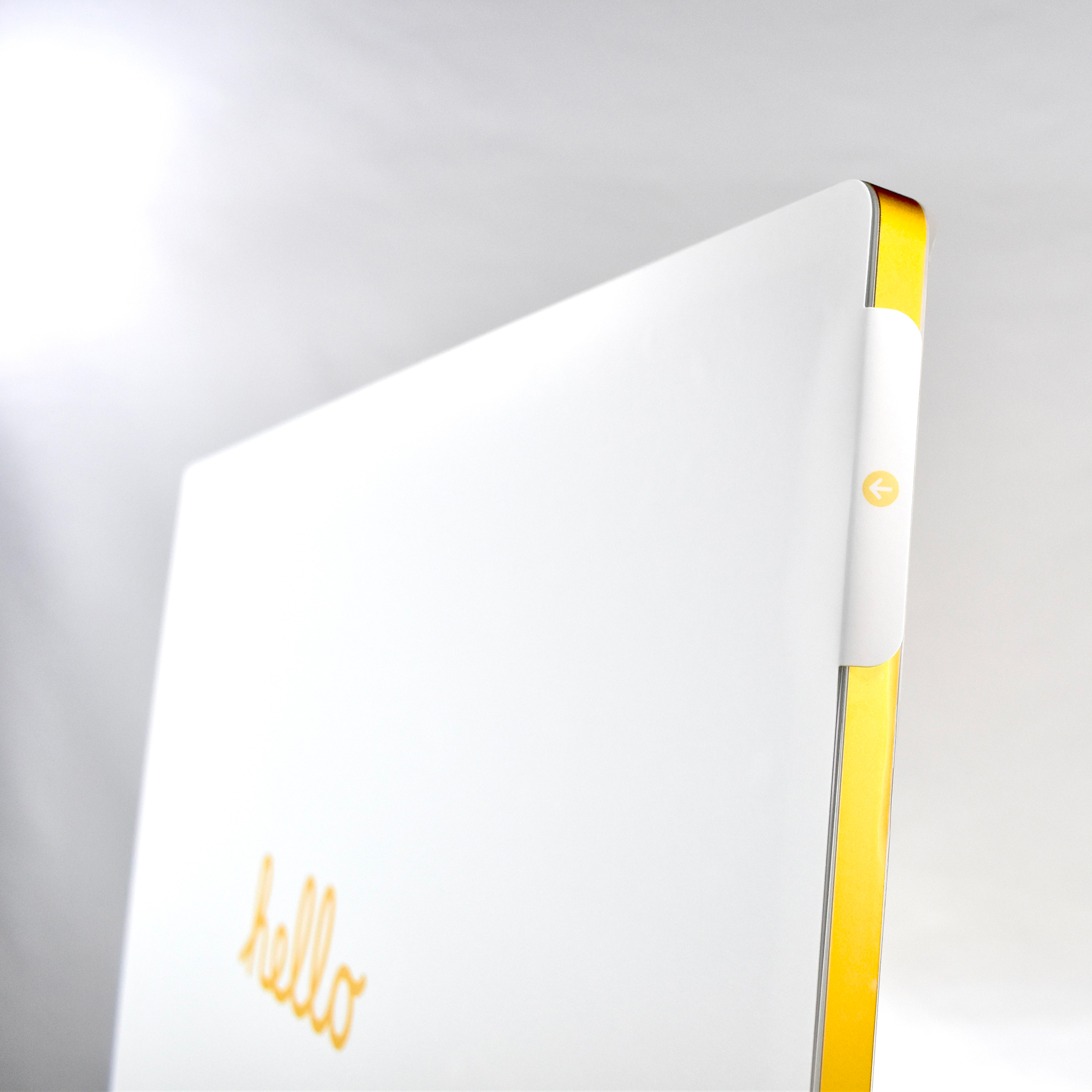
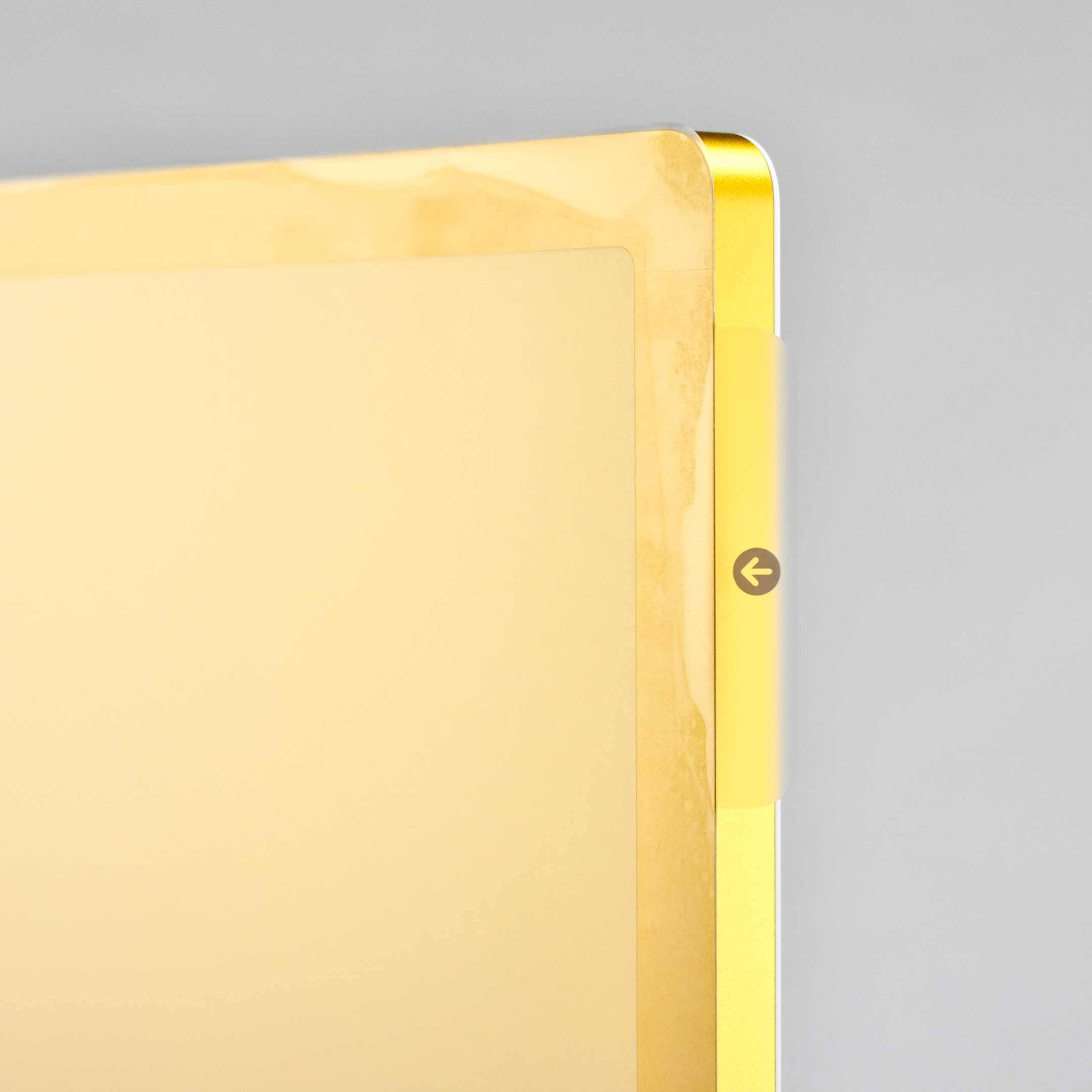
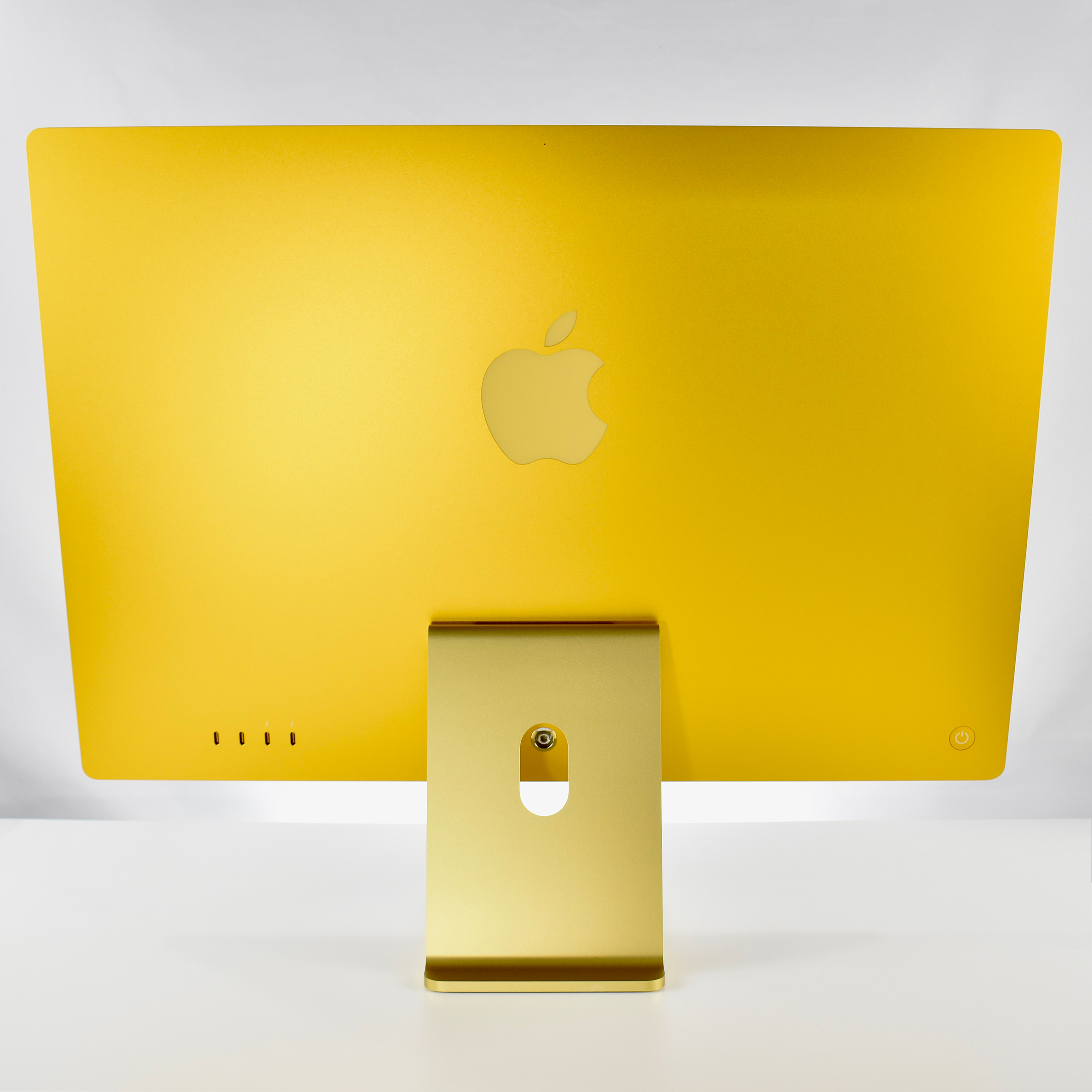
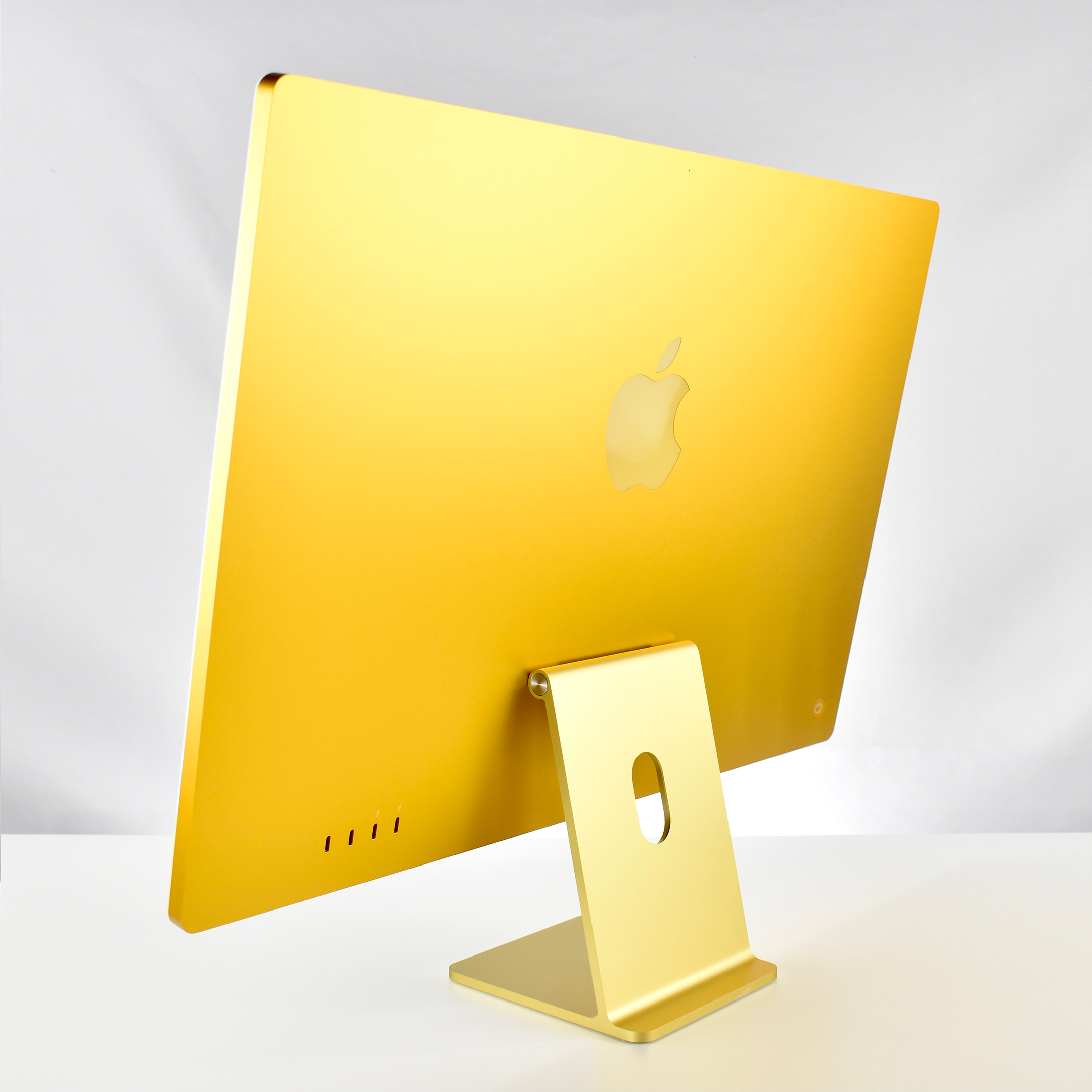
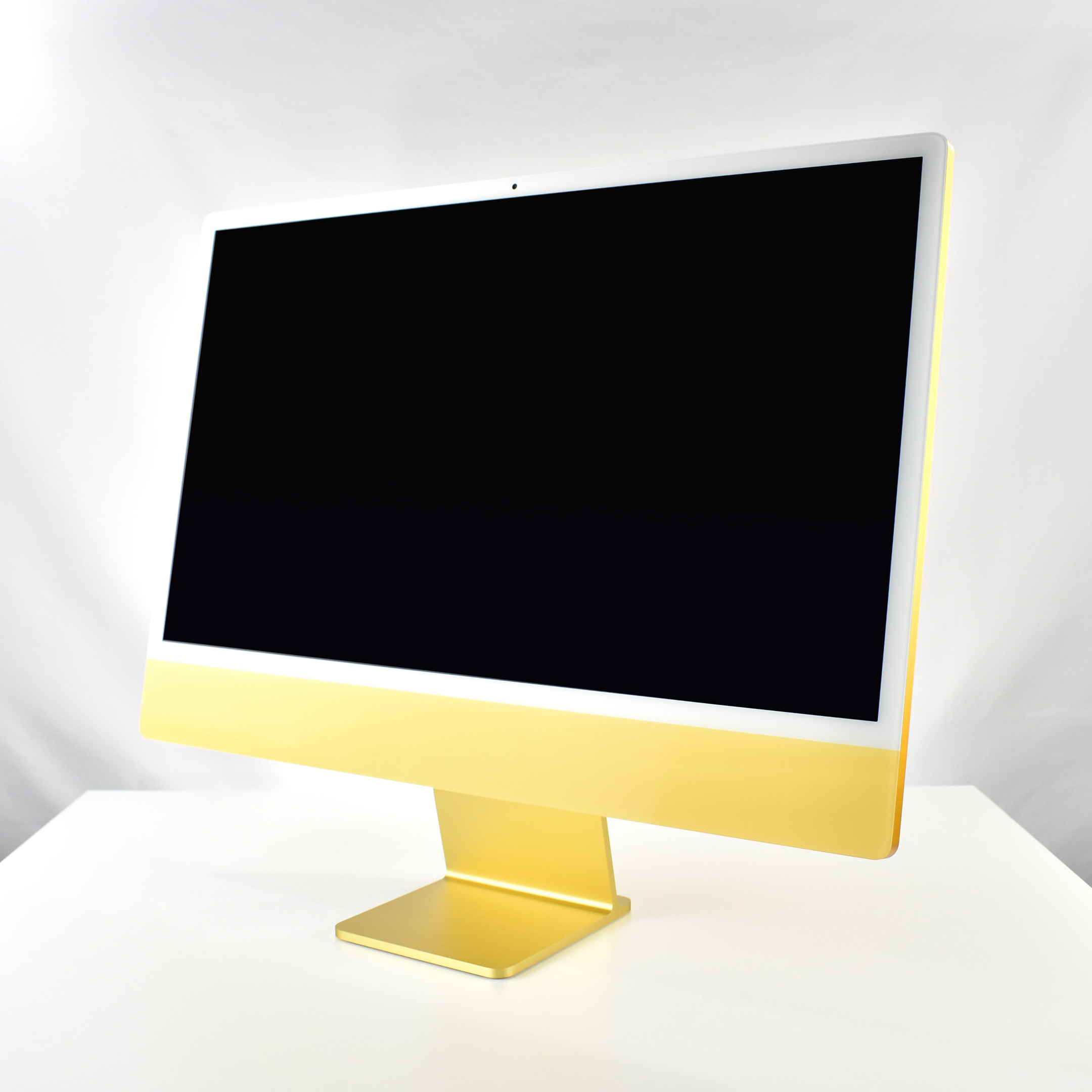
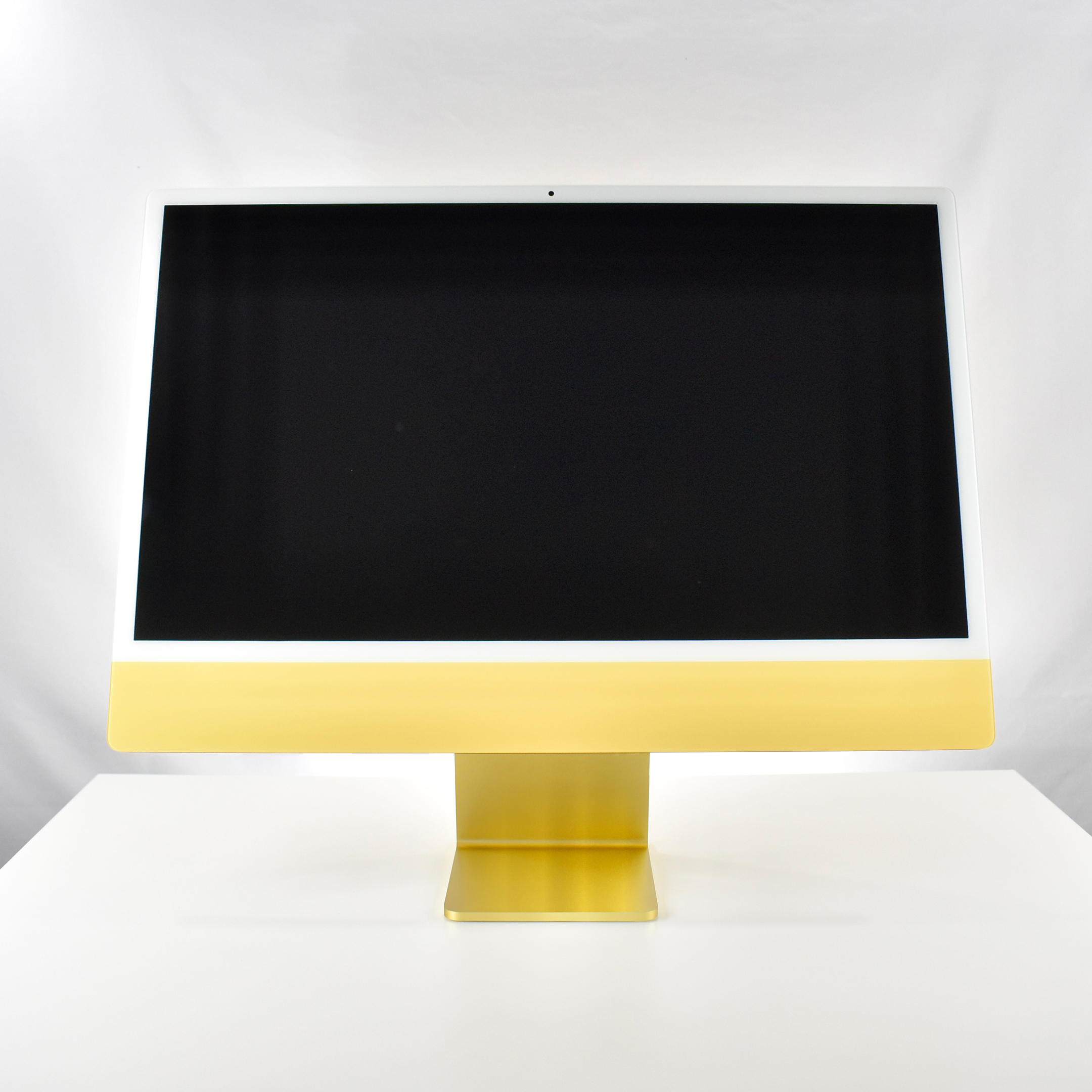
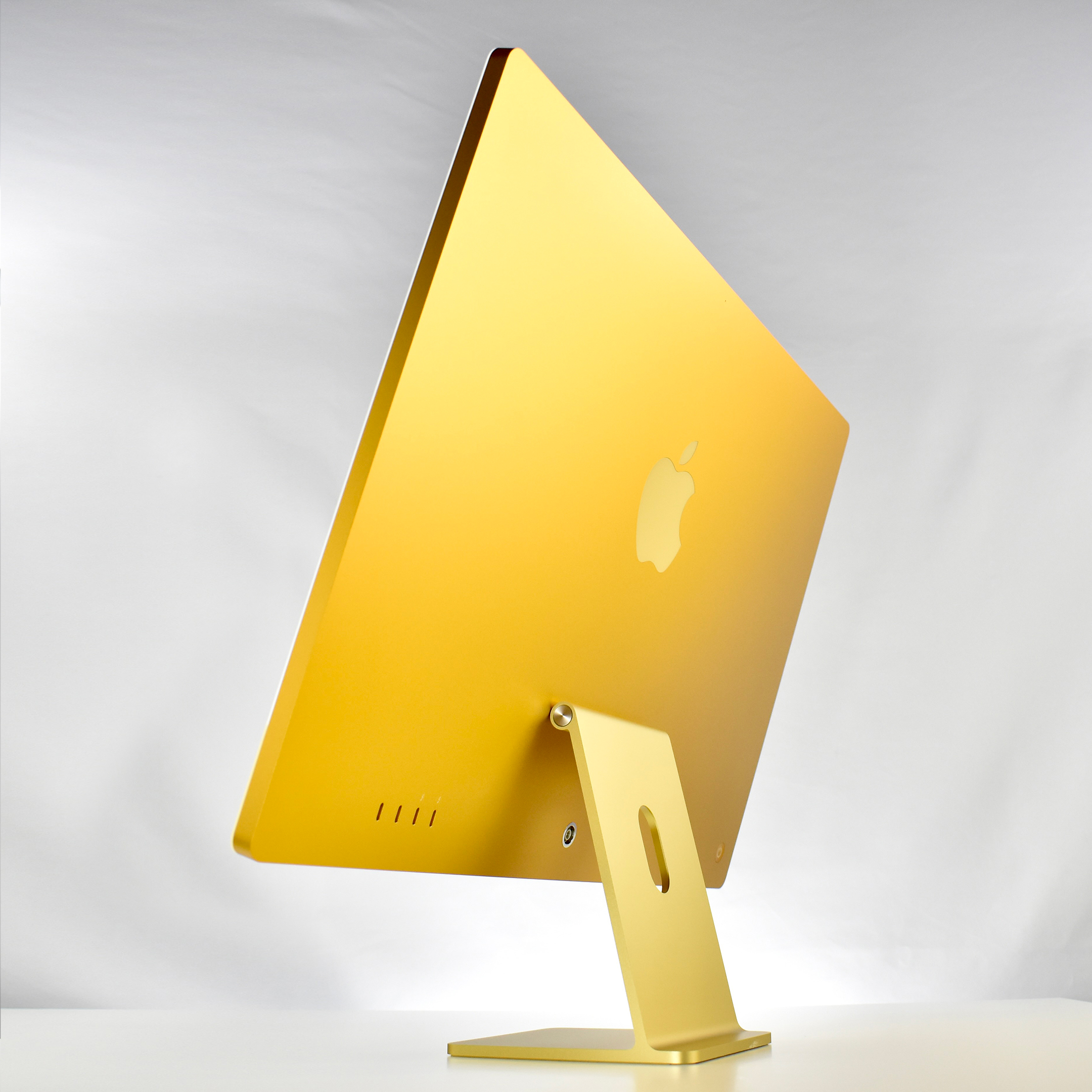
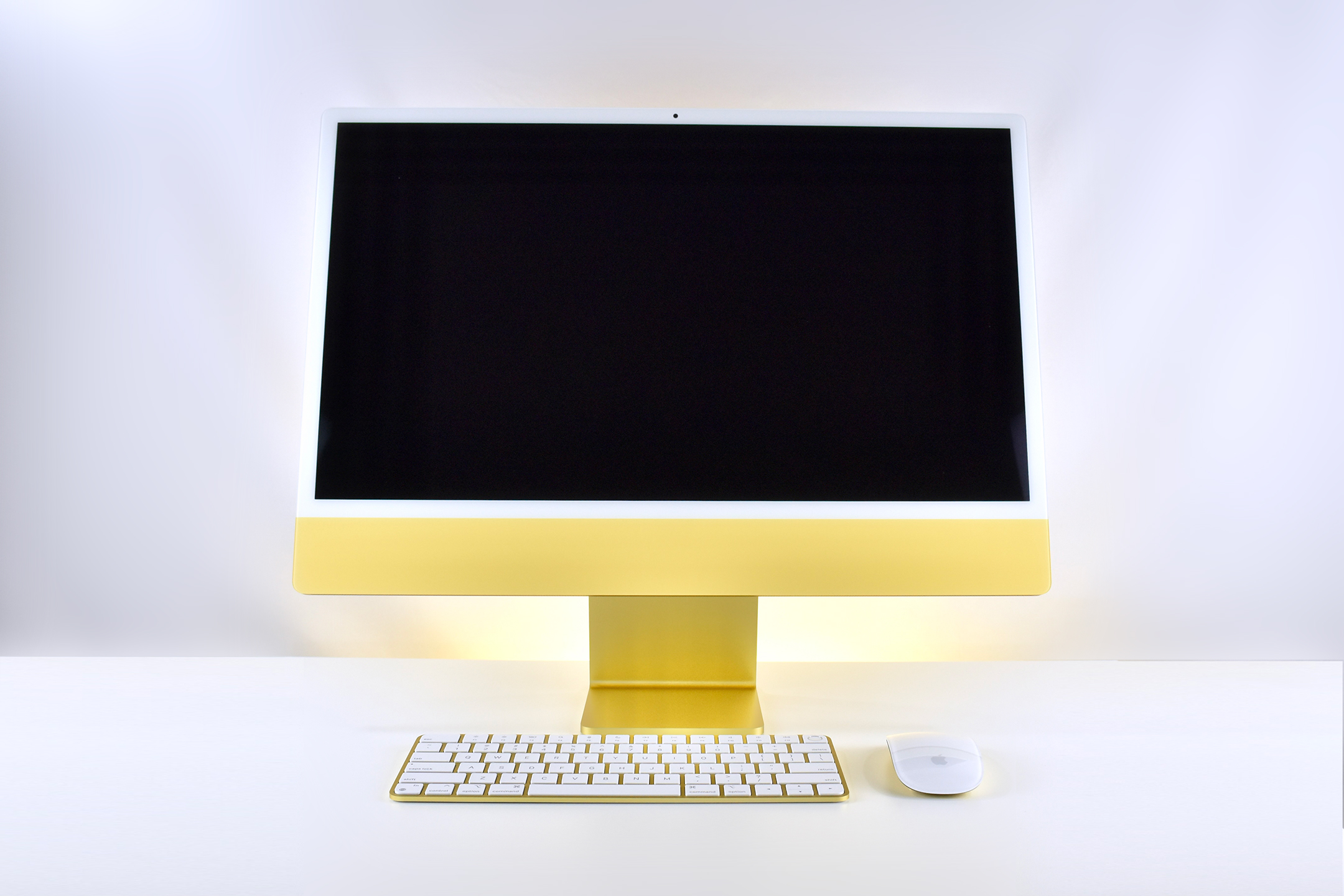
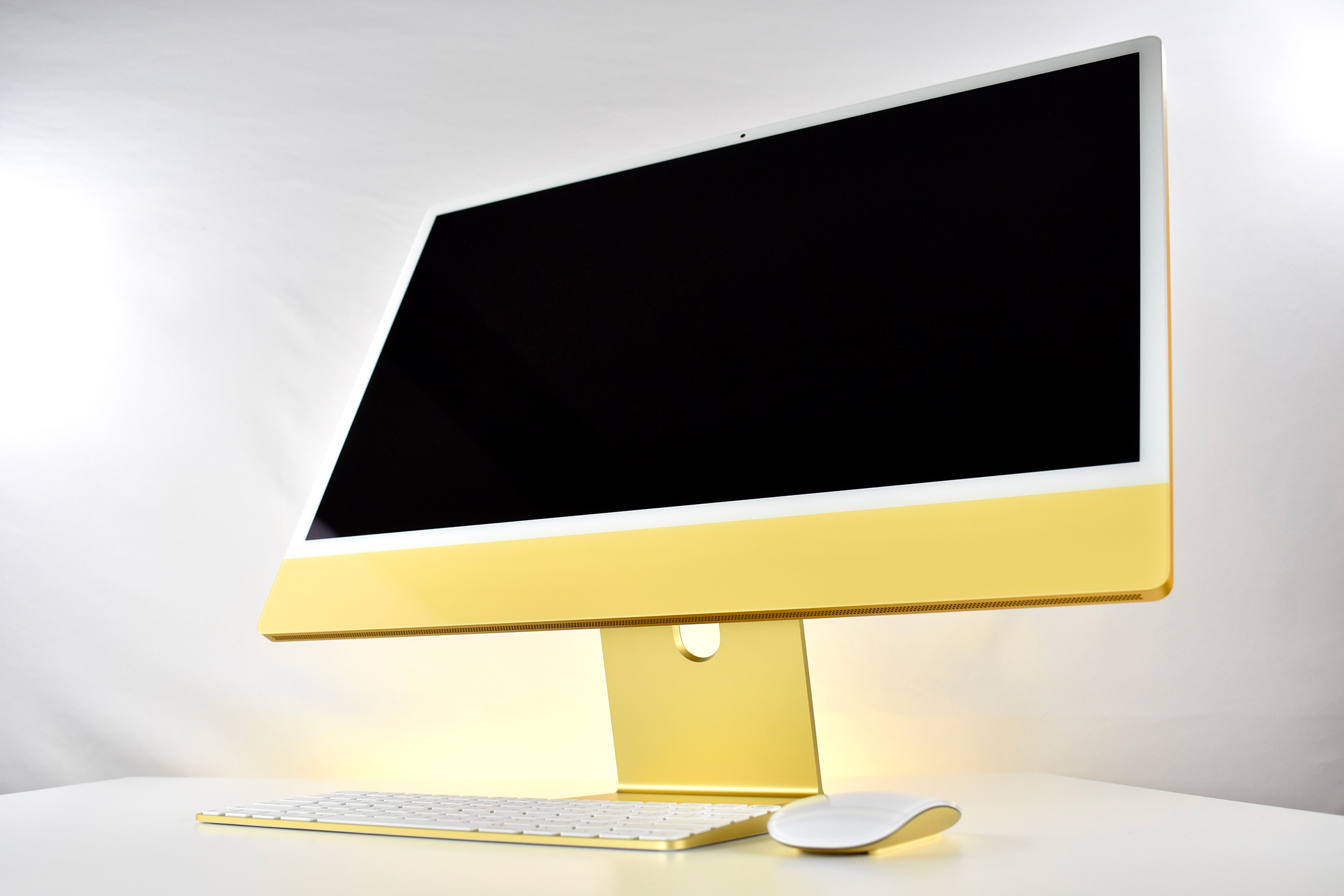
iMac M1 (yellow, 24-inch, 8-Core 3.2/8-Core GPU, 4 USB, 2021)

The M1 iMac was the first iMac to offer Apple’s M1 chip. It was introduced on April 20, 2021, at Apple’s Spring event that also introduced AirTags, AirTag accessories, the purple iPhone 12, and a new Apple TV 4K with a redesigned remote.

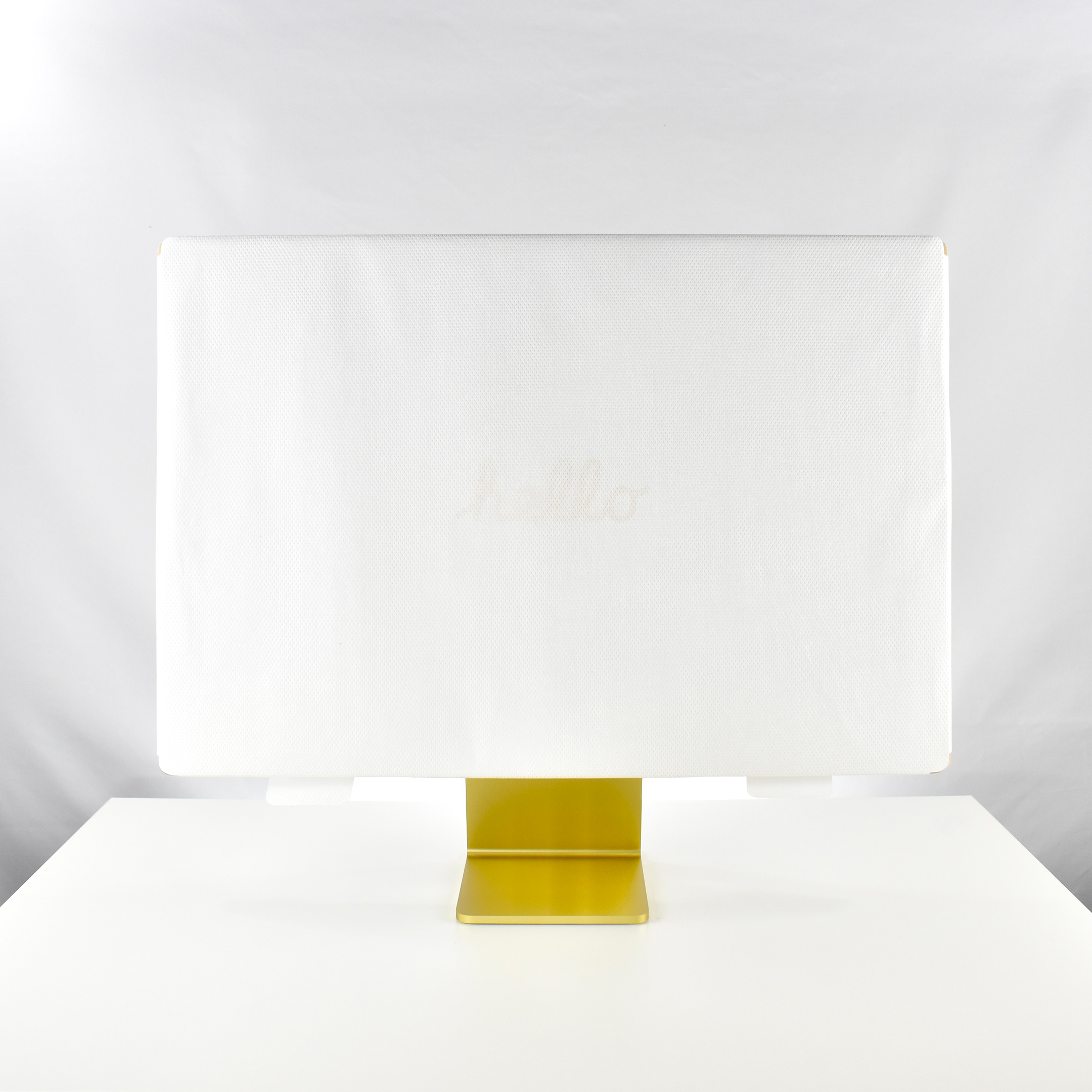
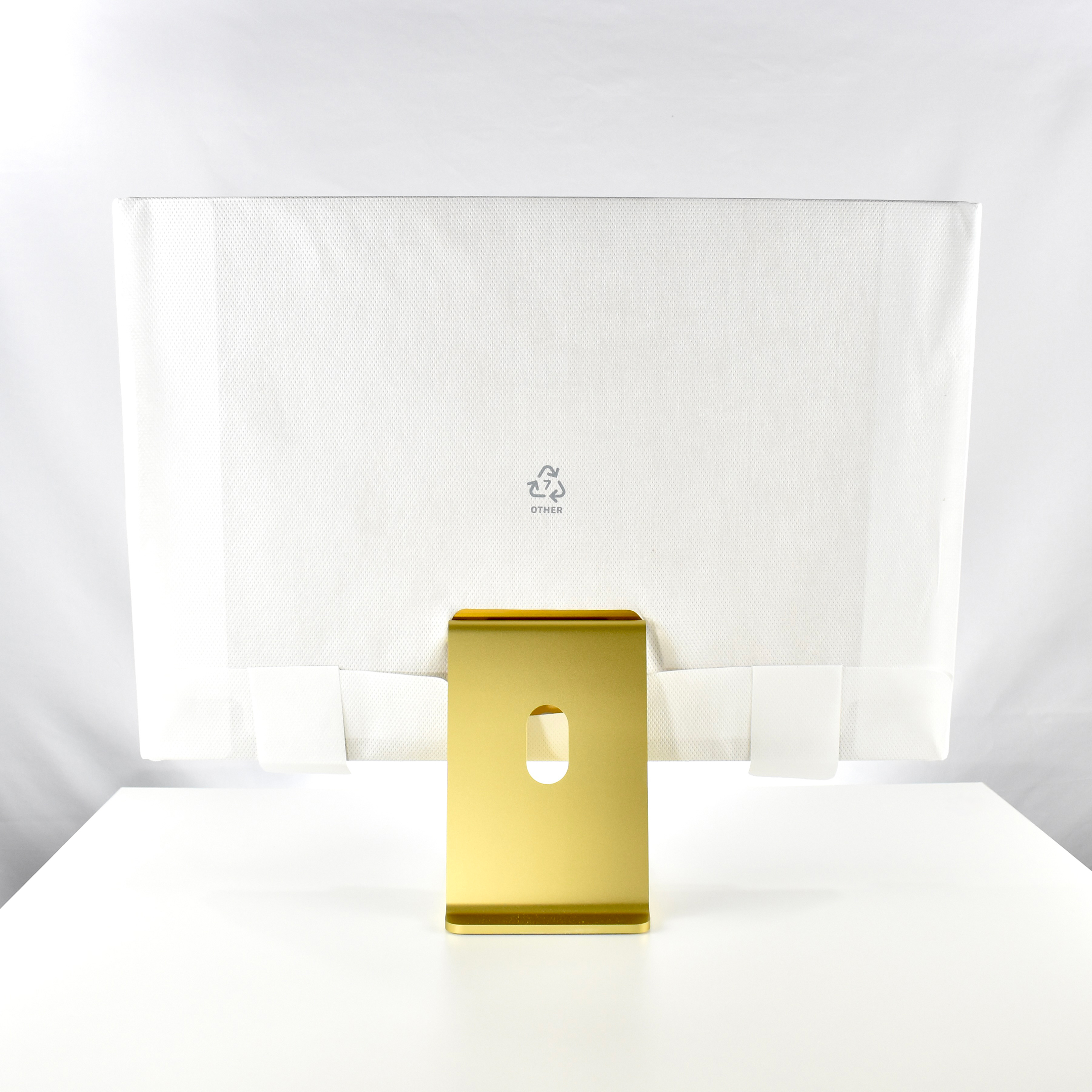
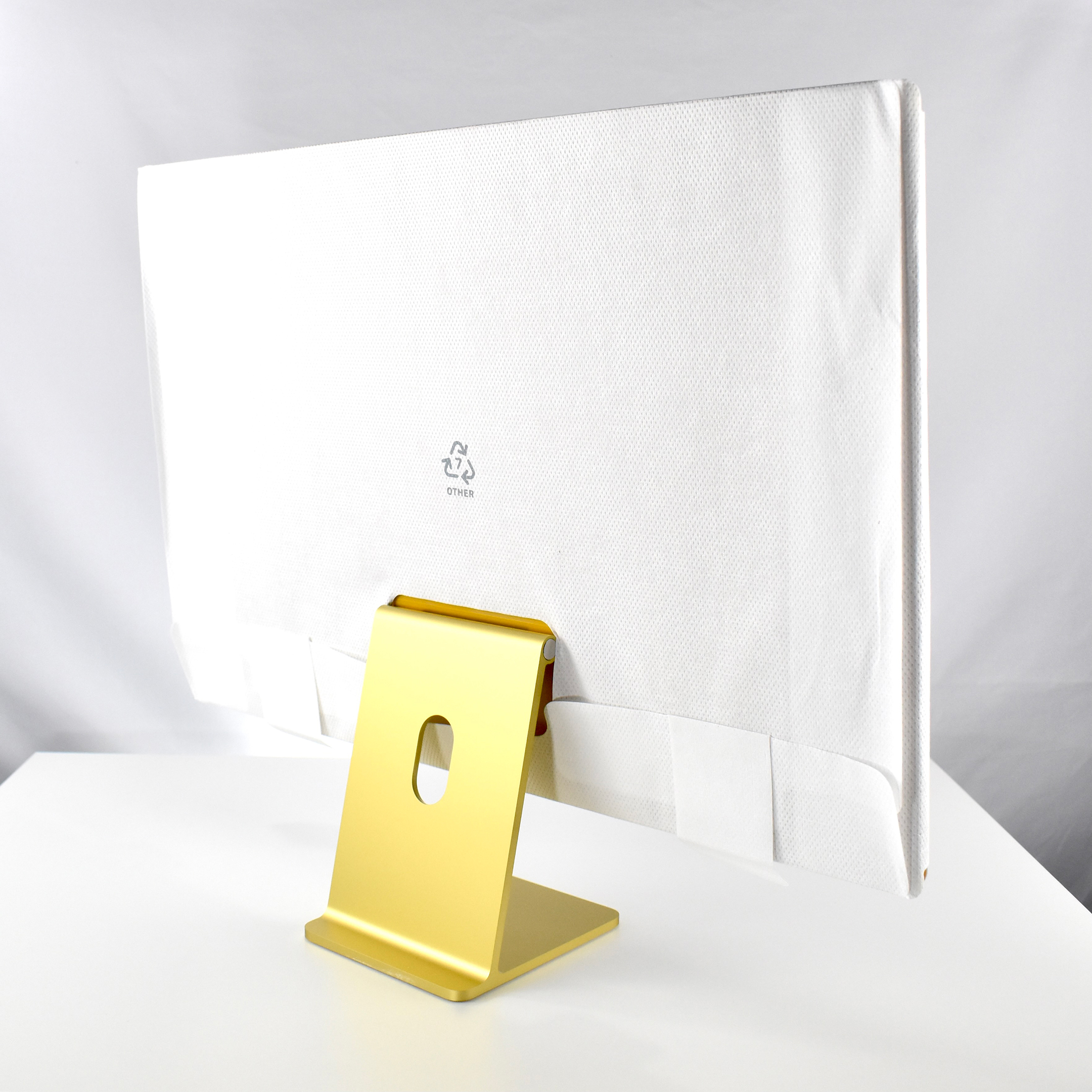
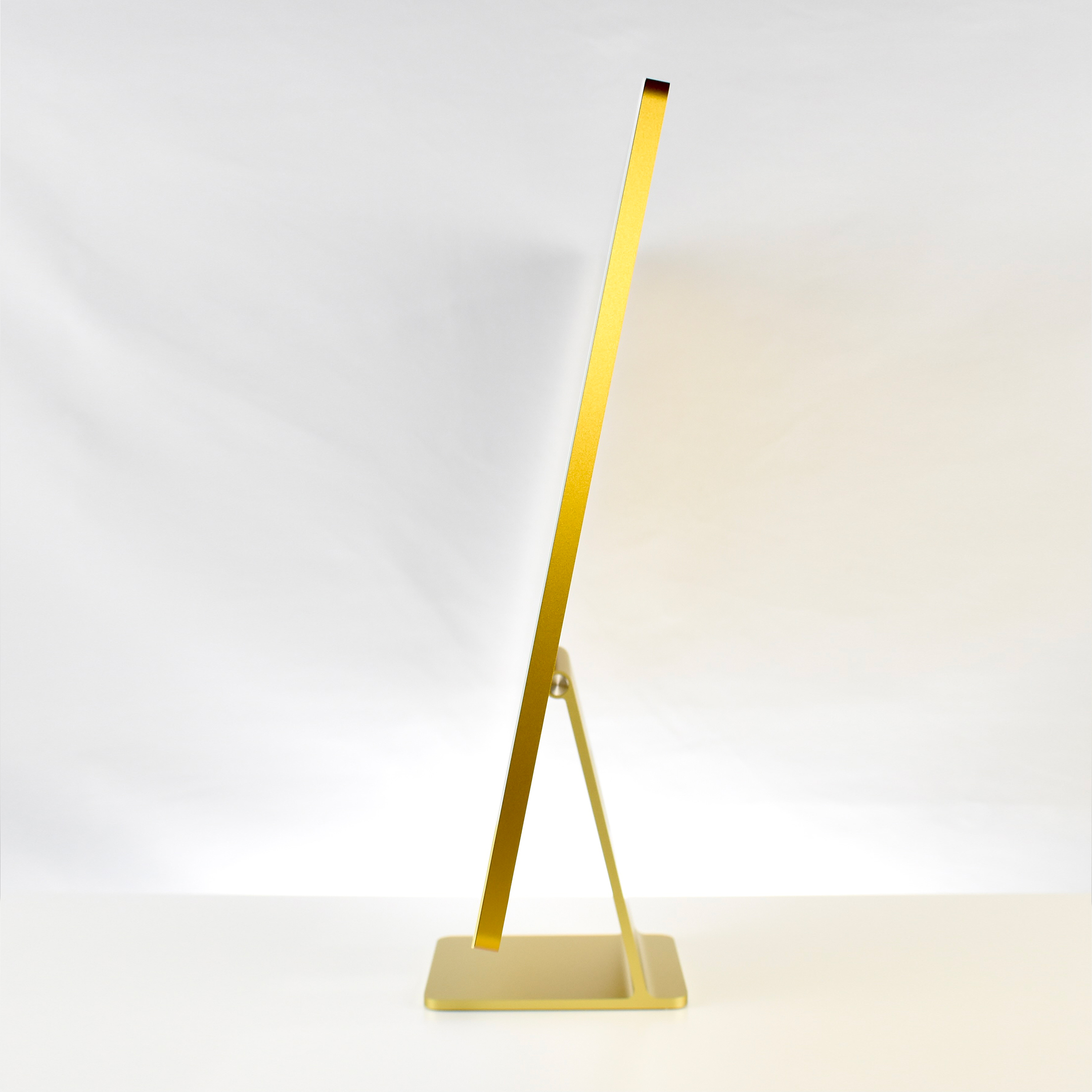
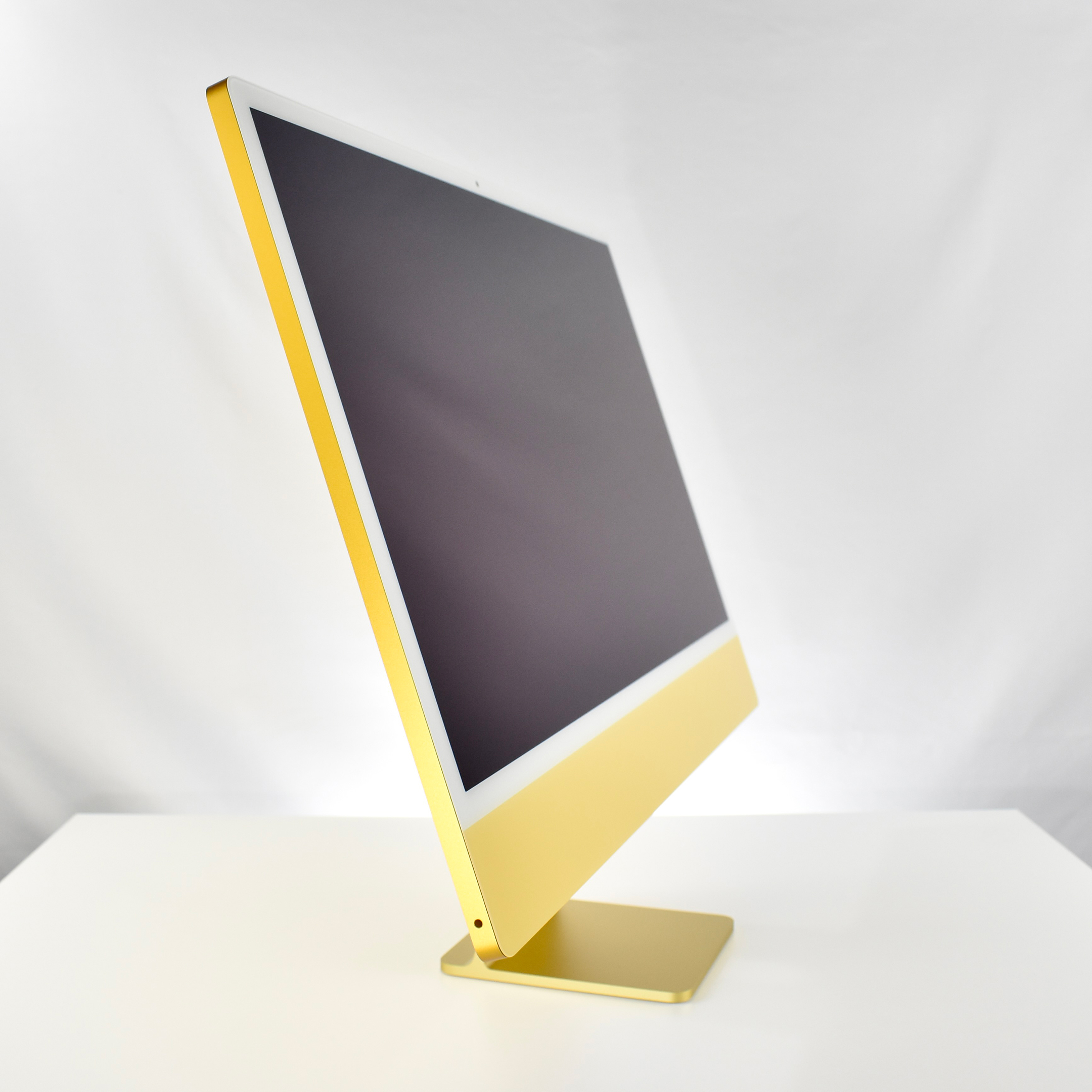
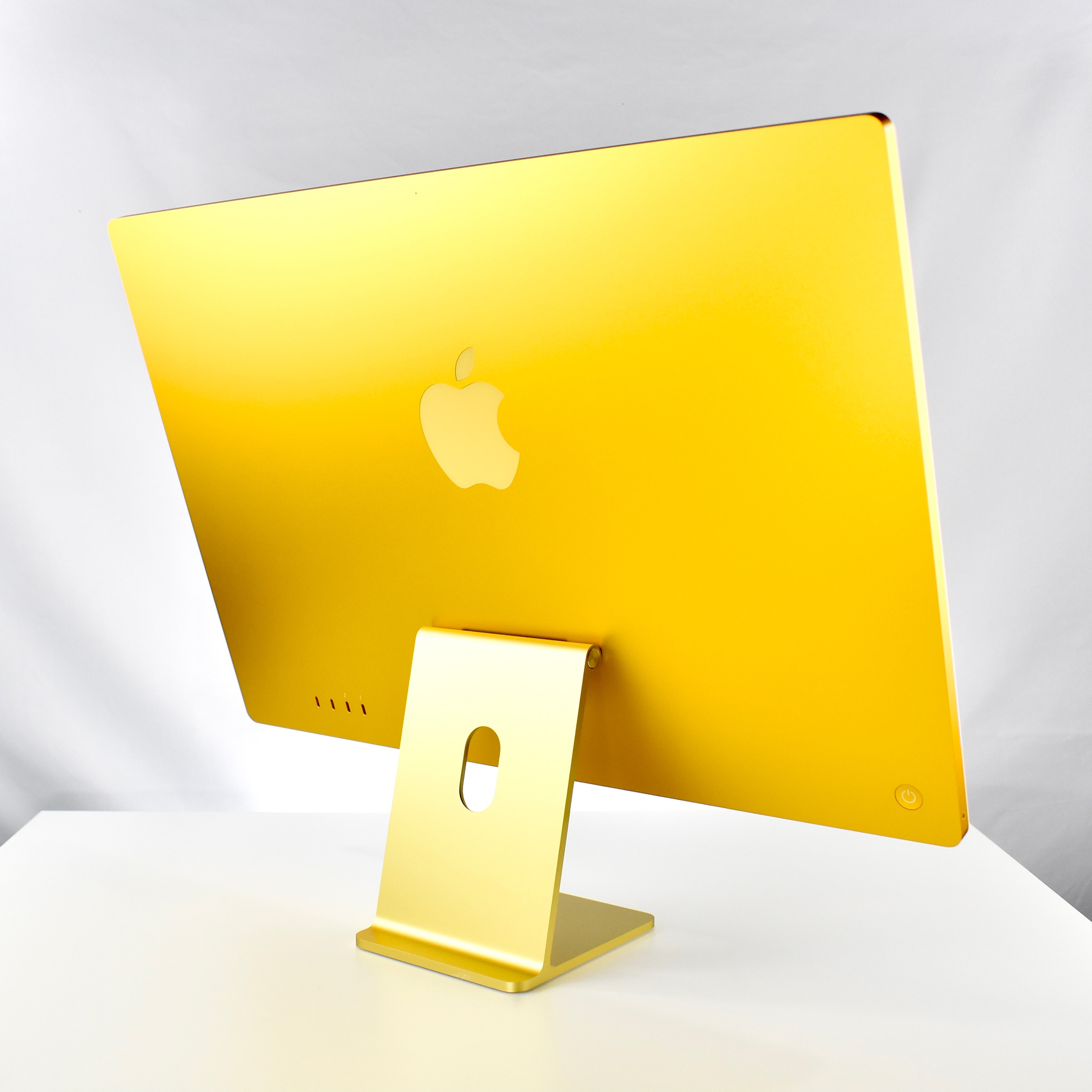
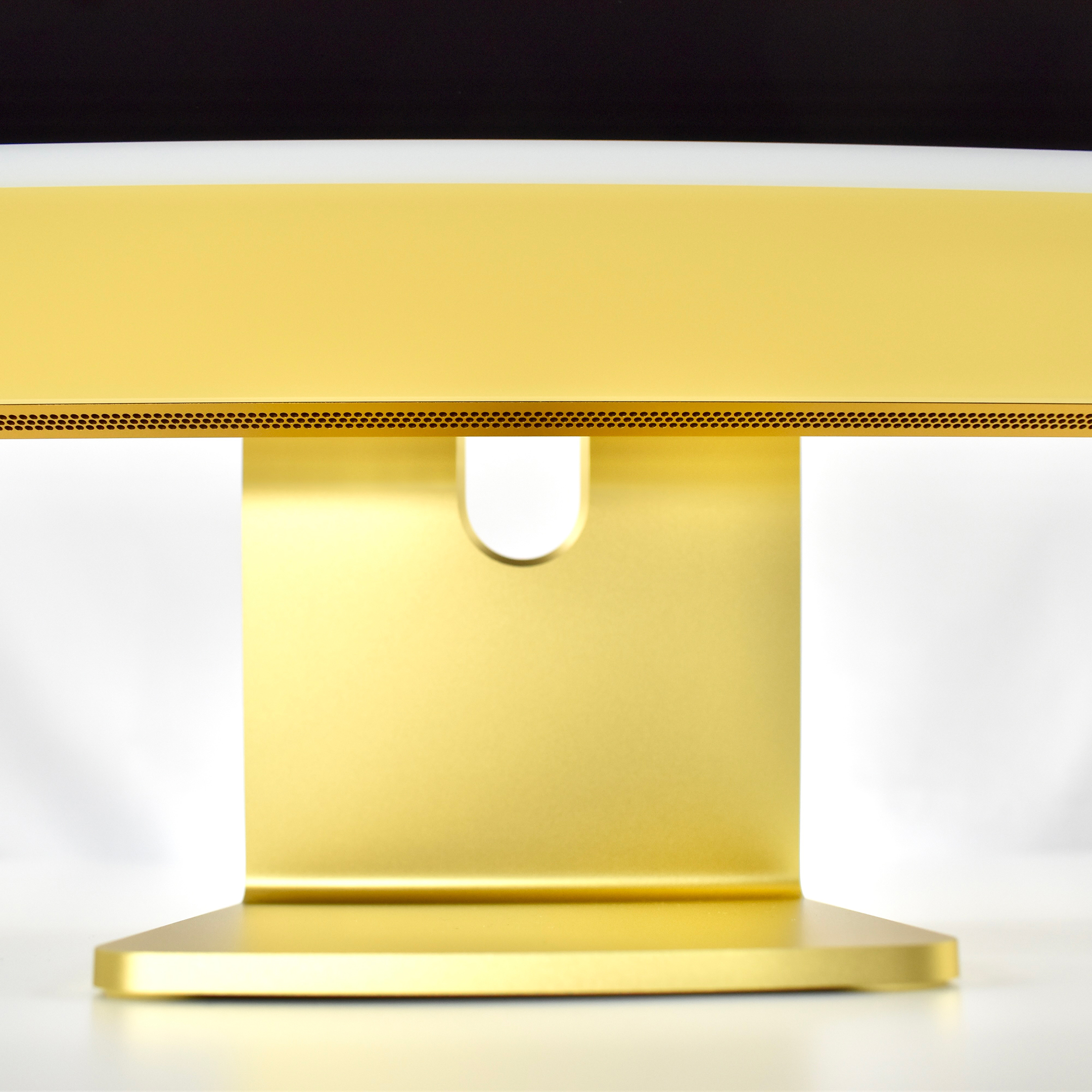
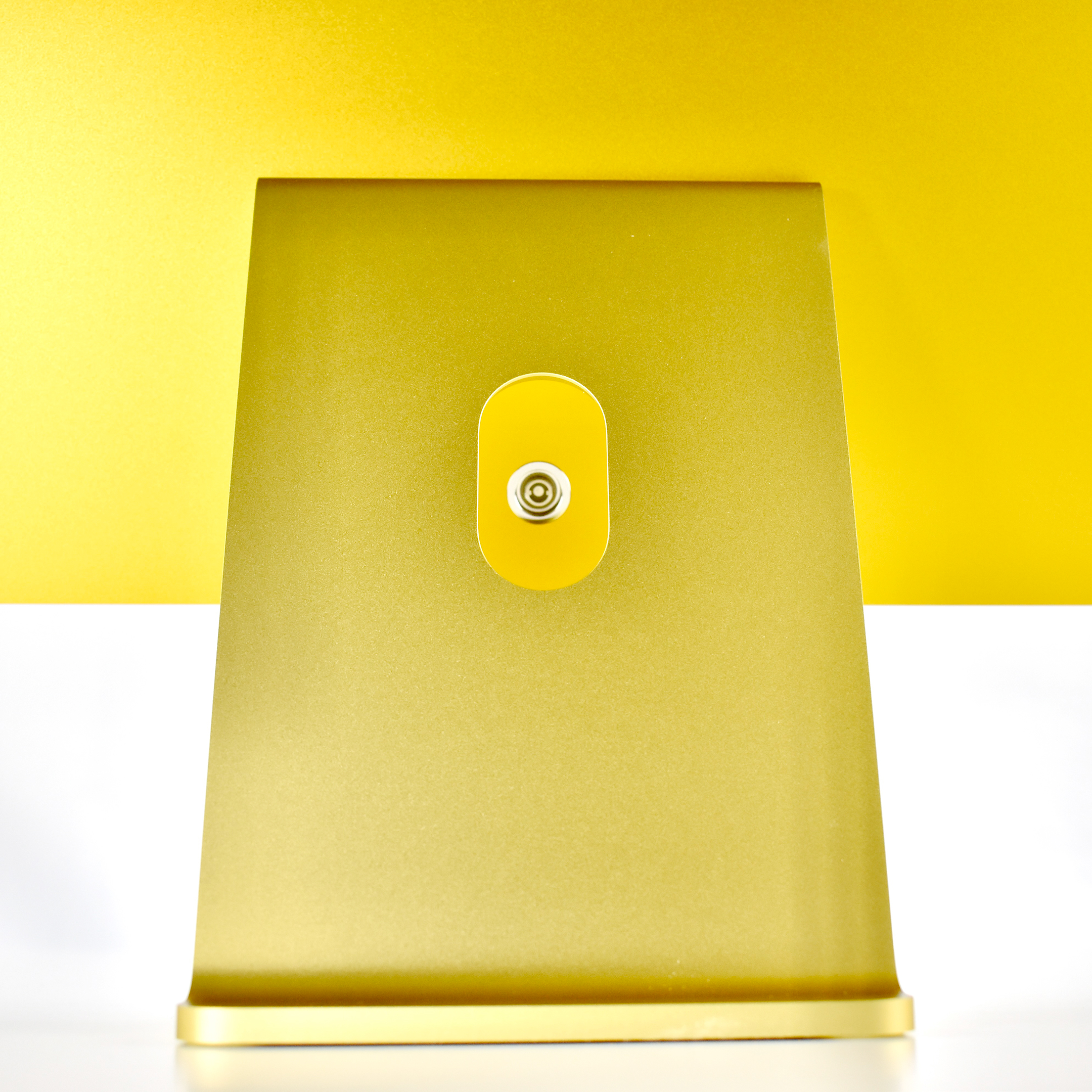
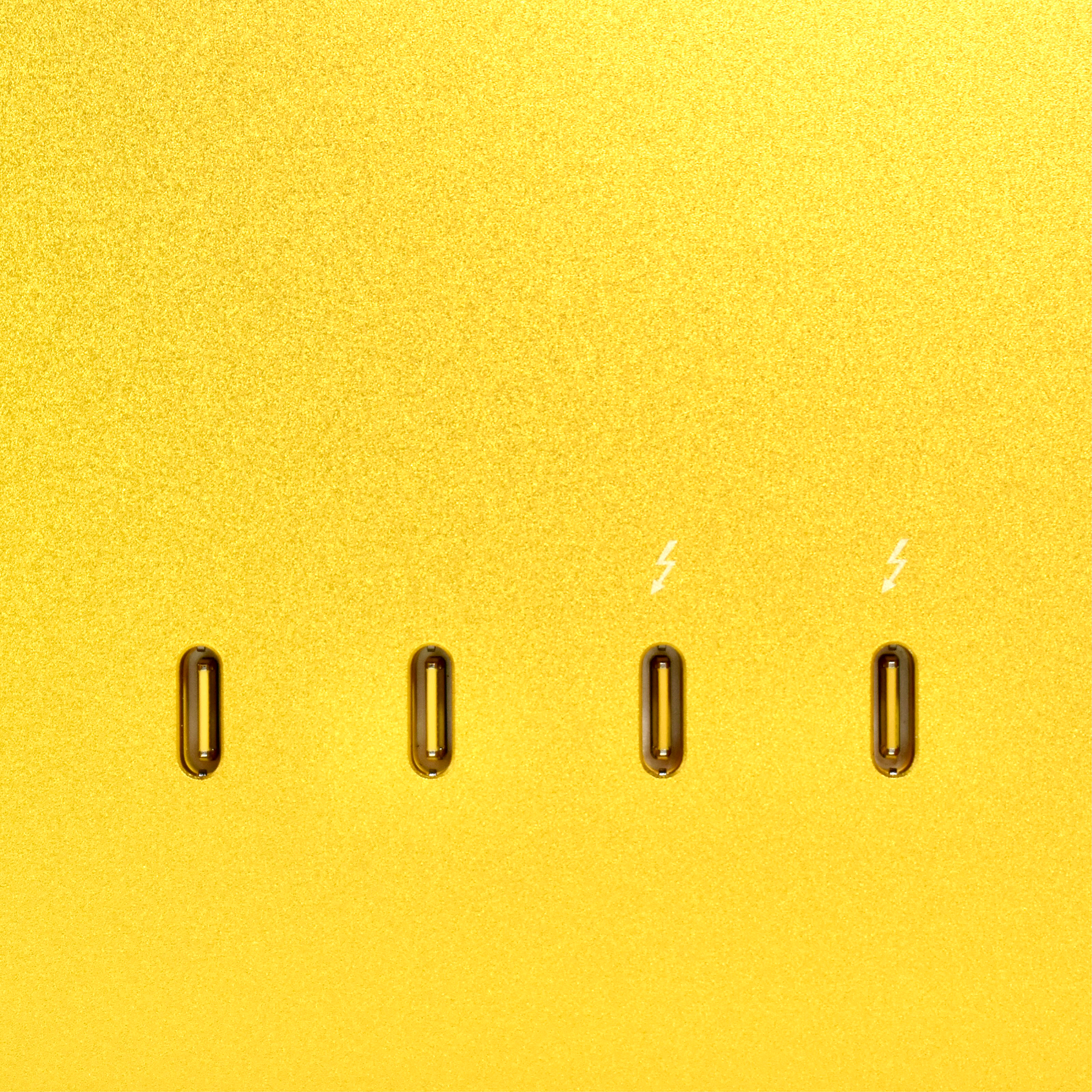
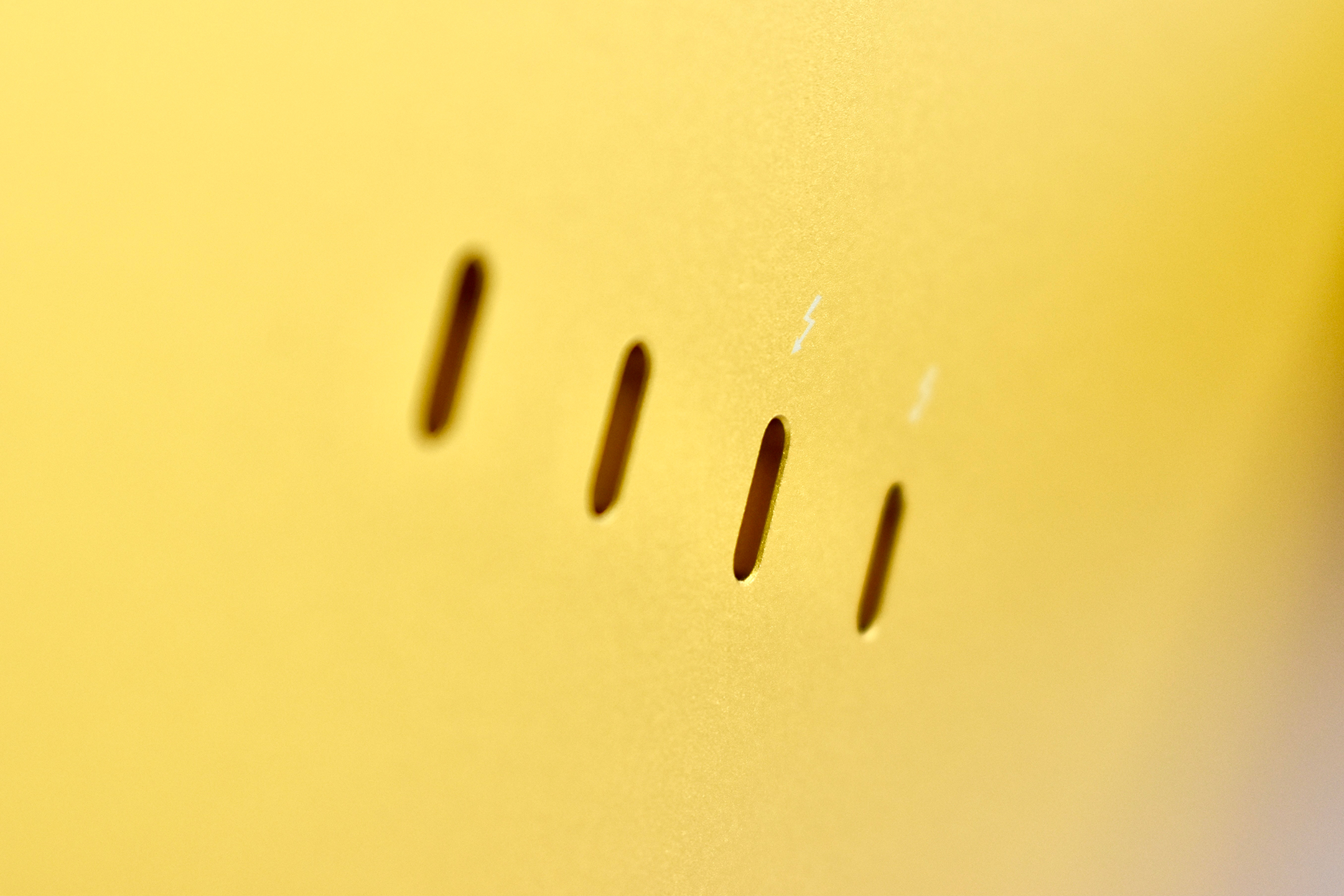
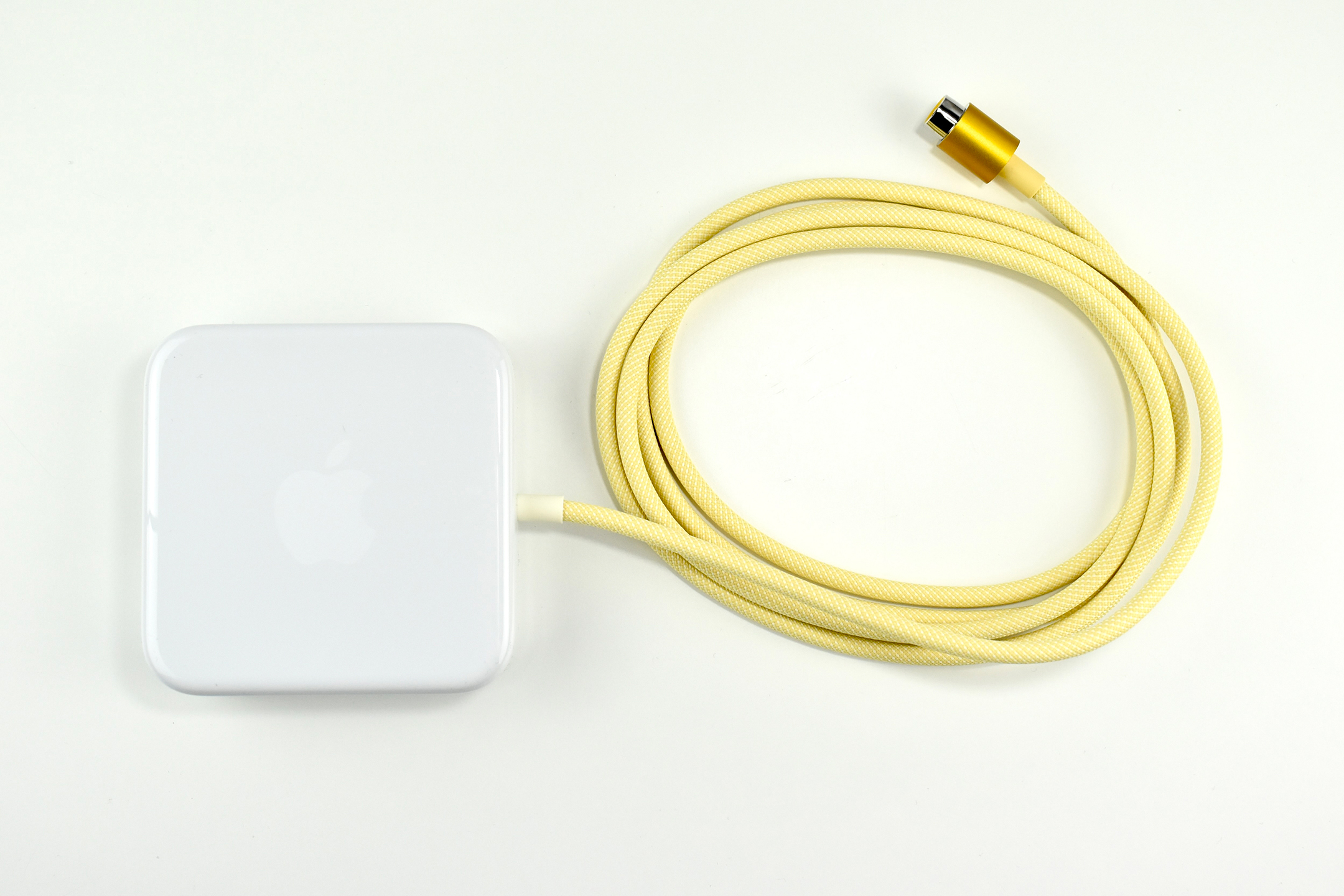
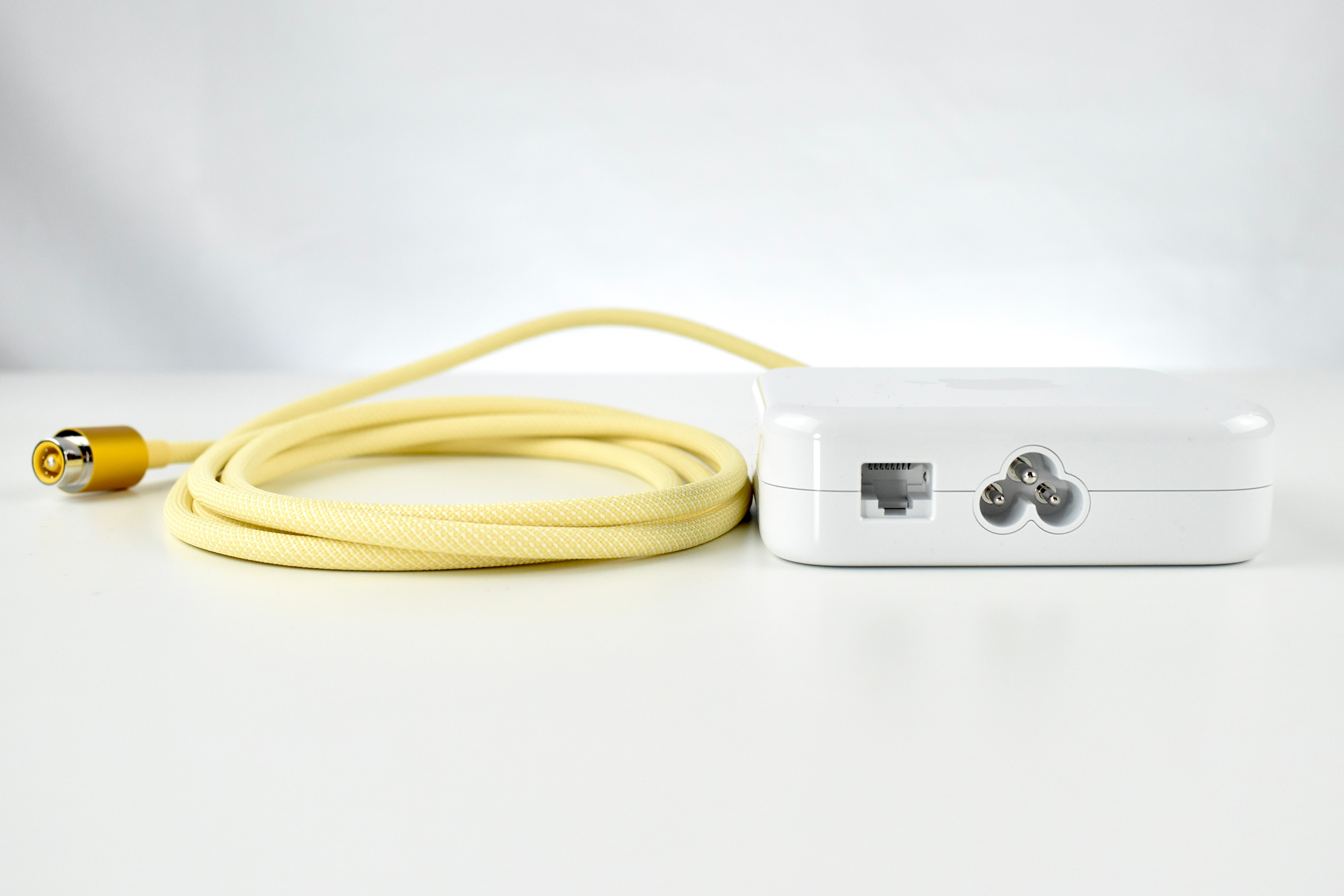
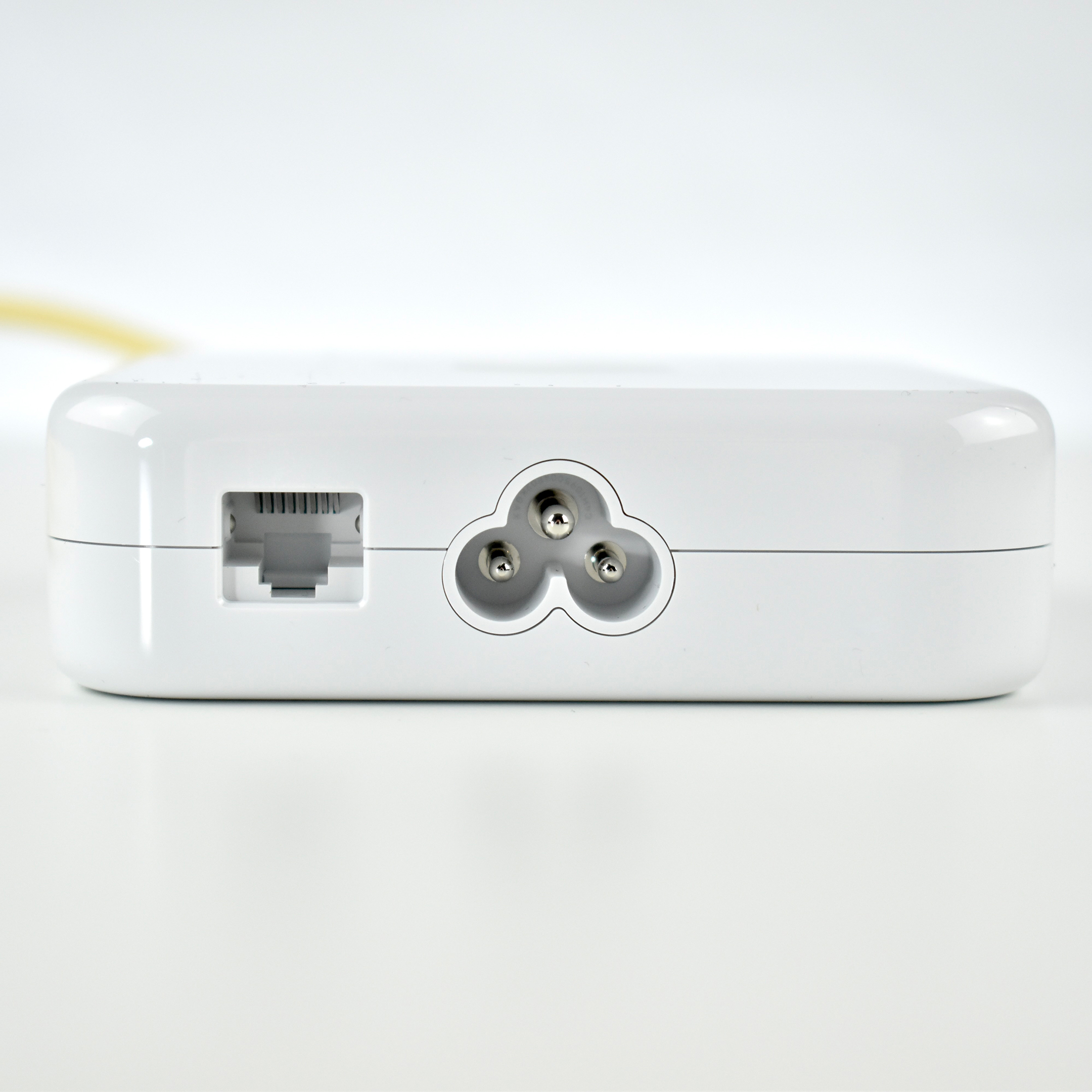
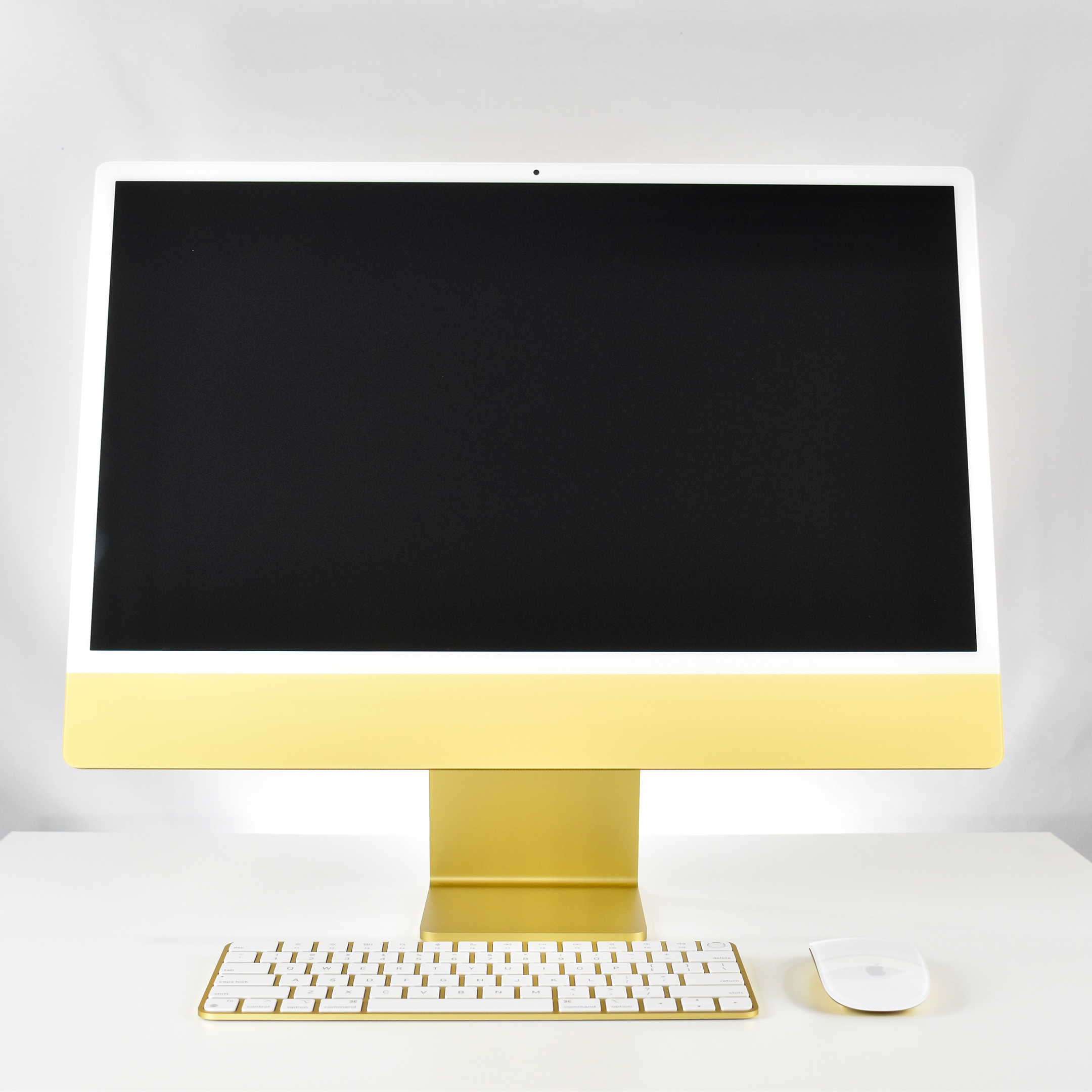
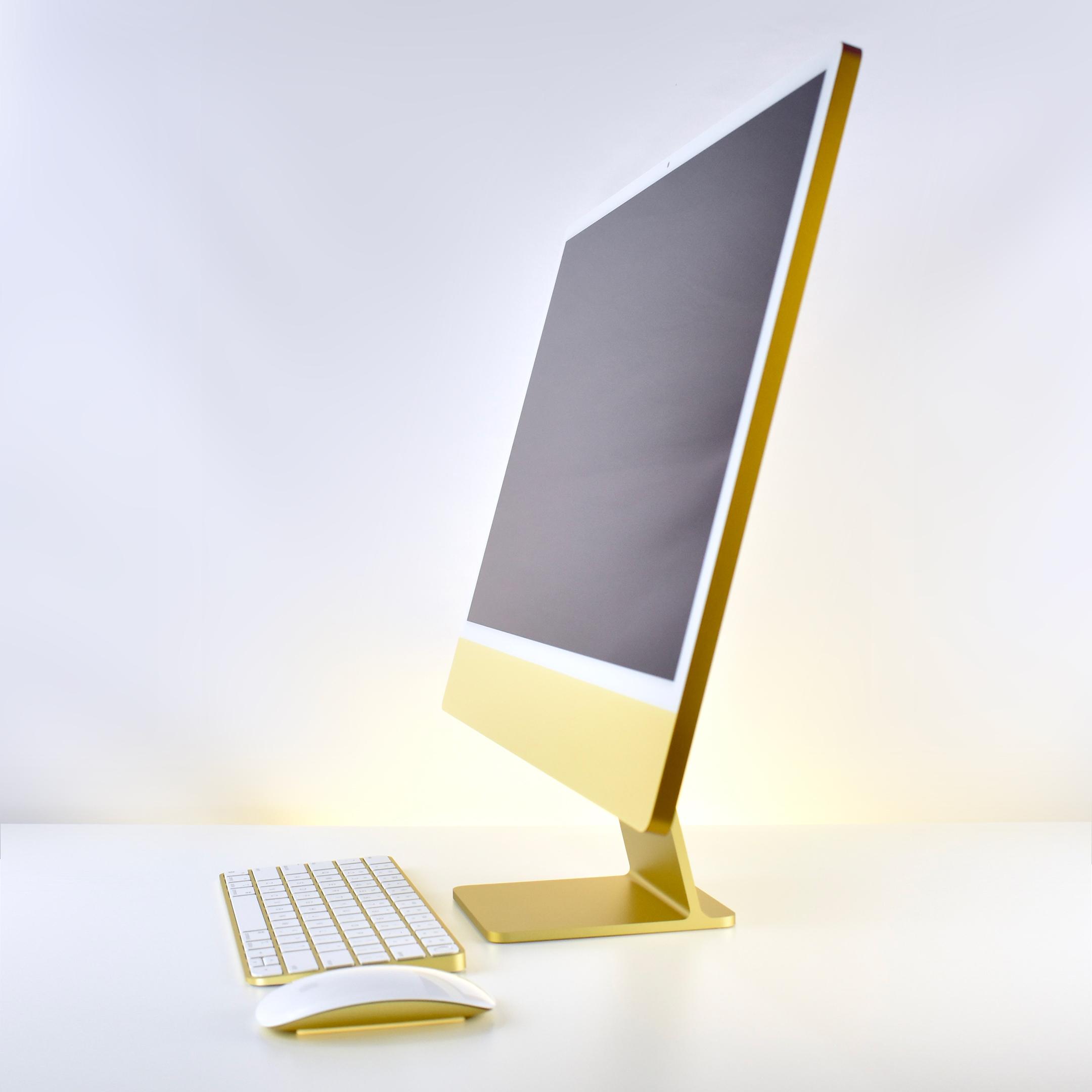
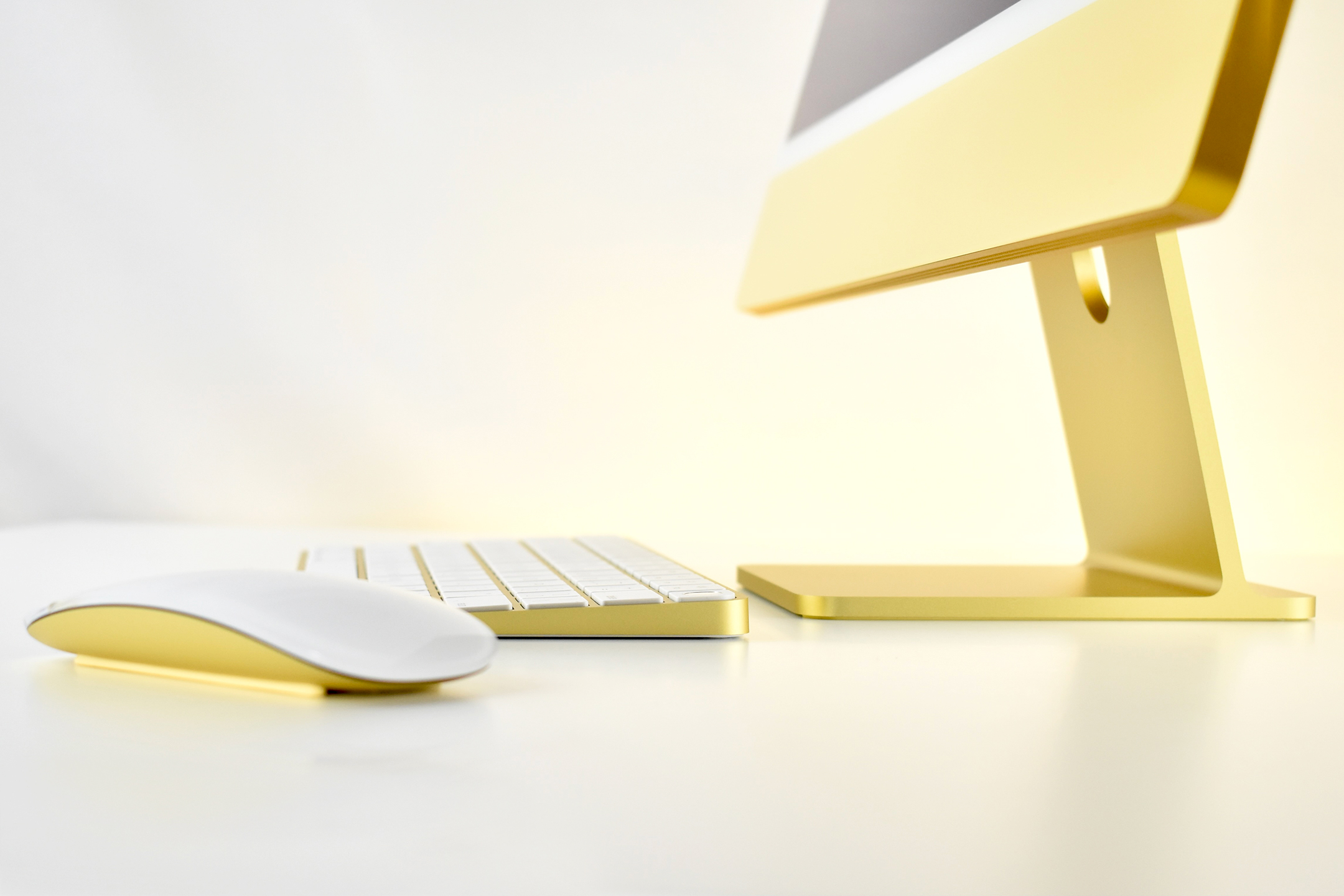
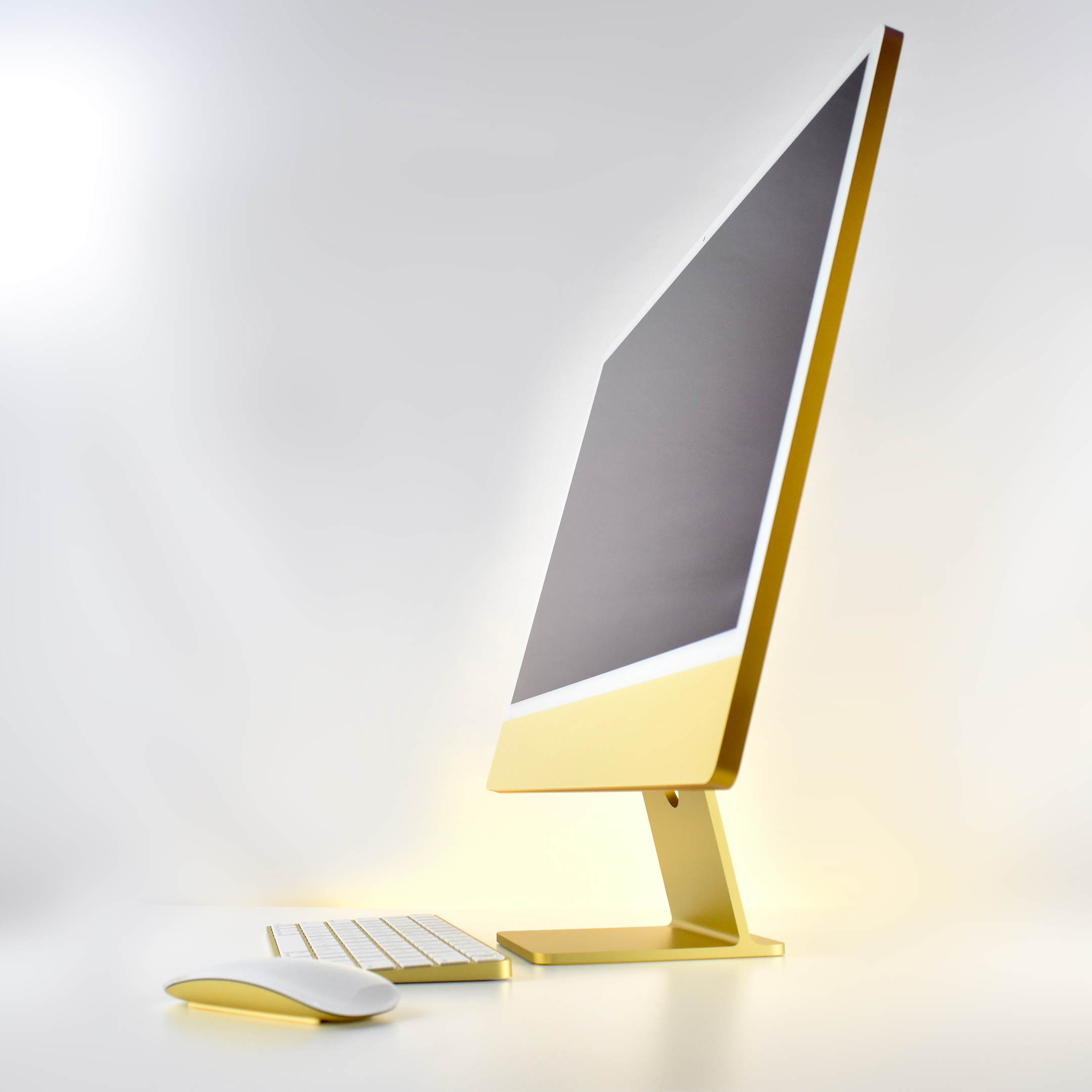
This higher-end version of the M1 iMac uses an 8-Core CPU with an 8-Core GPU. It also has 4 USB-C ports with 2 of 4 ports supporting Thunderbolt (USB 4). The Retina display is a 24-inch (23.5-inch) 4.5K LED (4480 x 2520 at 218 PPI). The display and computer measure just 11.5mm thick and is attached to an aluminum stand that pivots on a hinge. This model has 8GB RAM and a 2TB hard drive. Wireless connectivity includes Wi-Fi 6 (802.11ax) and Bluetooth 5.0. A gigabit ethernet port is built into the power brick (not included in the lower-end iMac M1 models).

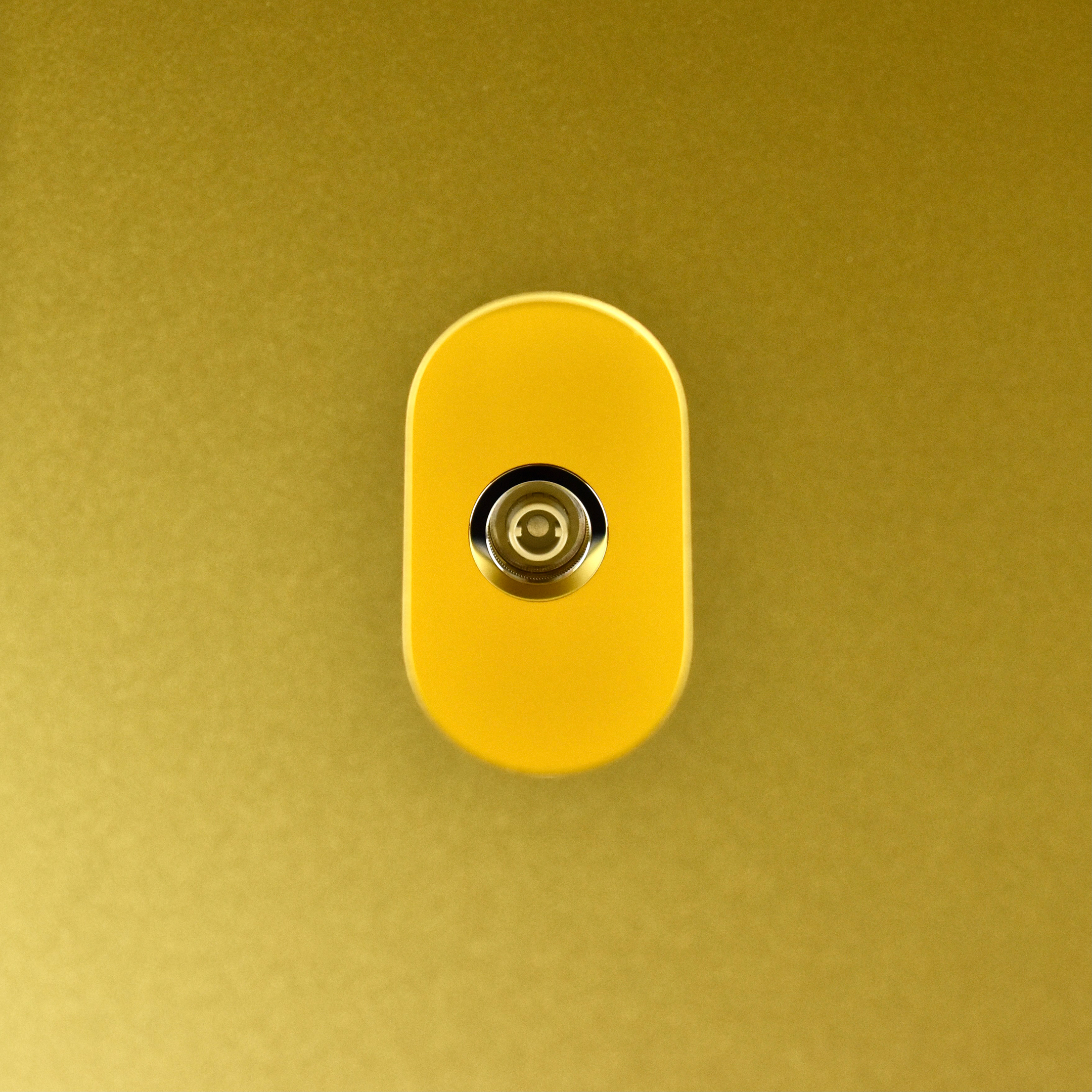
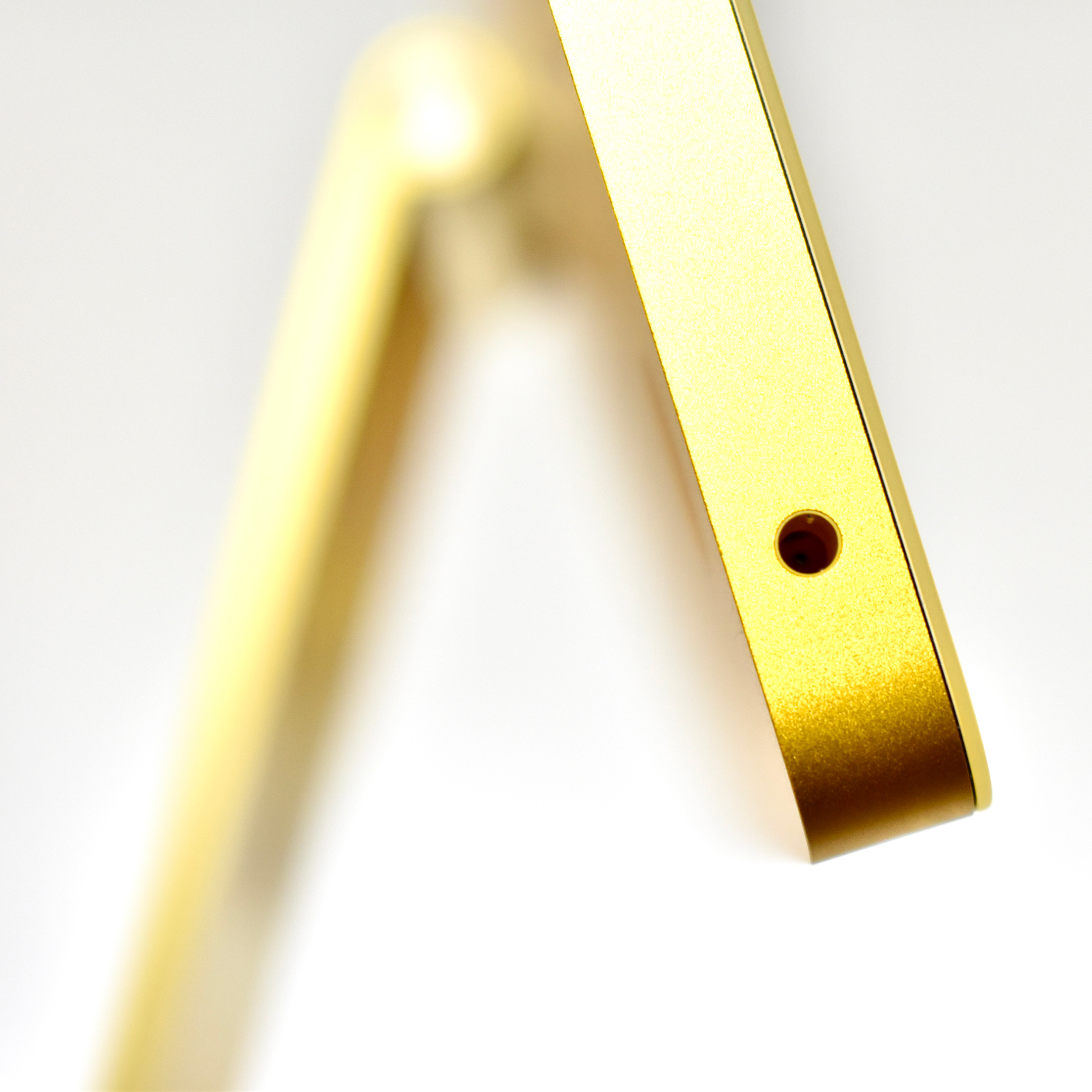
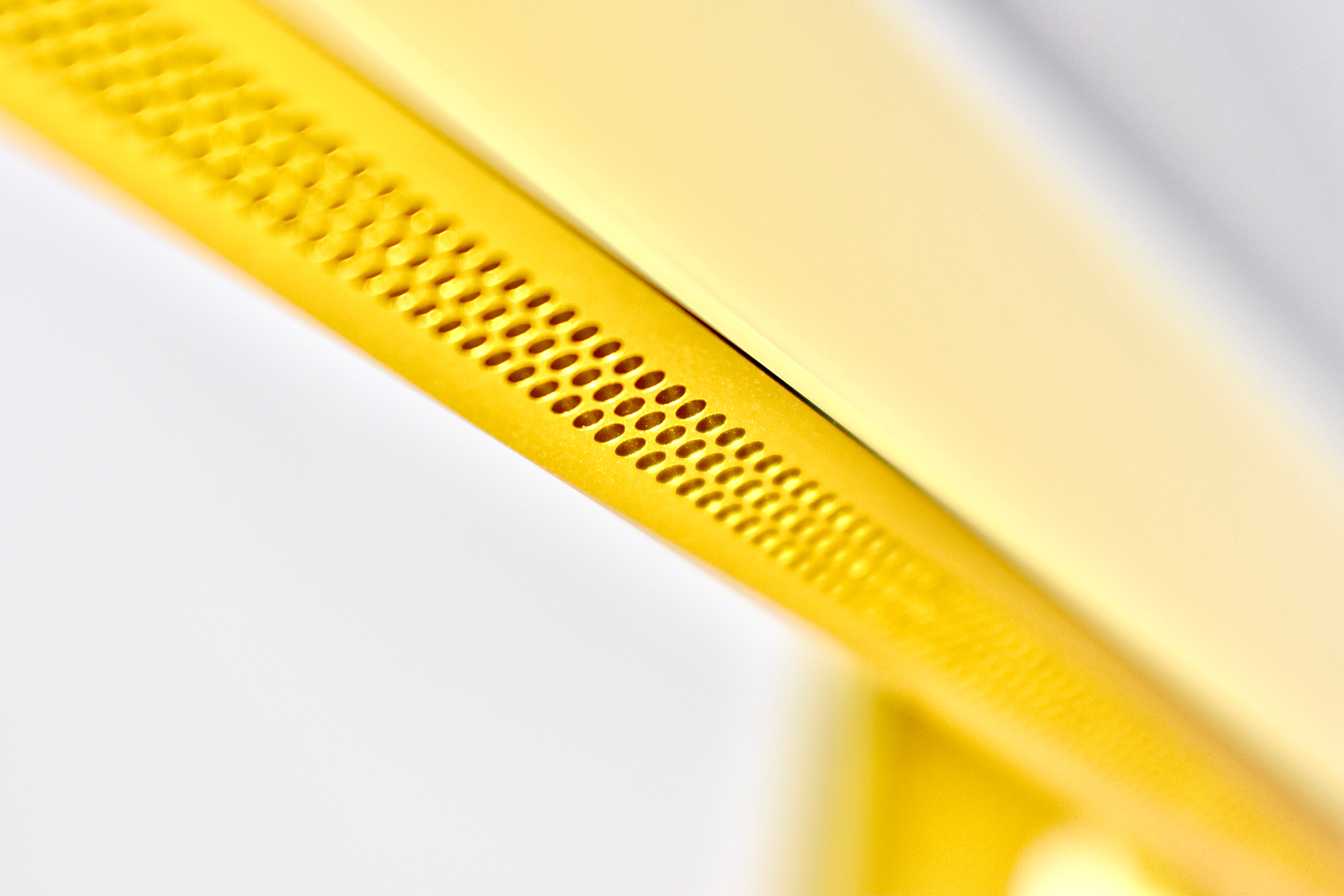
The built-in camera and microphones are greatly enhanced compared to all other previous Mac cameras with its “Best Camera, Mics, and Speakers Ever in a Mac.” It included a 1080p FaceTime HD camera, a “studio-quality three-microphone array for clearer calls and voice recordings” and a “six-speaker sound system that produces a massive sound stage with strong, articulate bass and crystal-clear mids and highs.” The standard 3.5mm headphone jack is located on the lower-left corner of the display on the side.

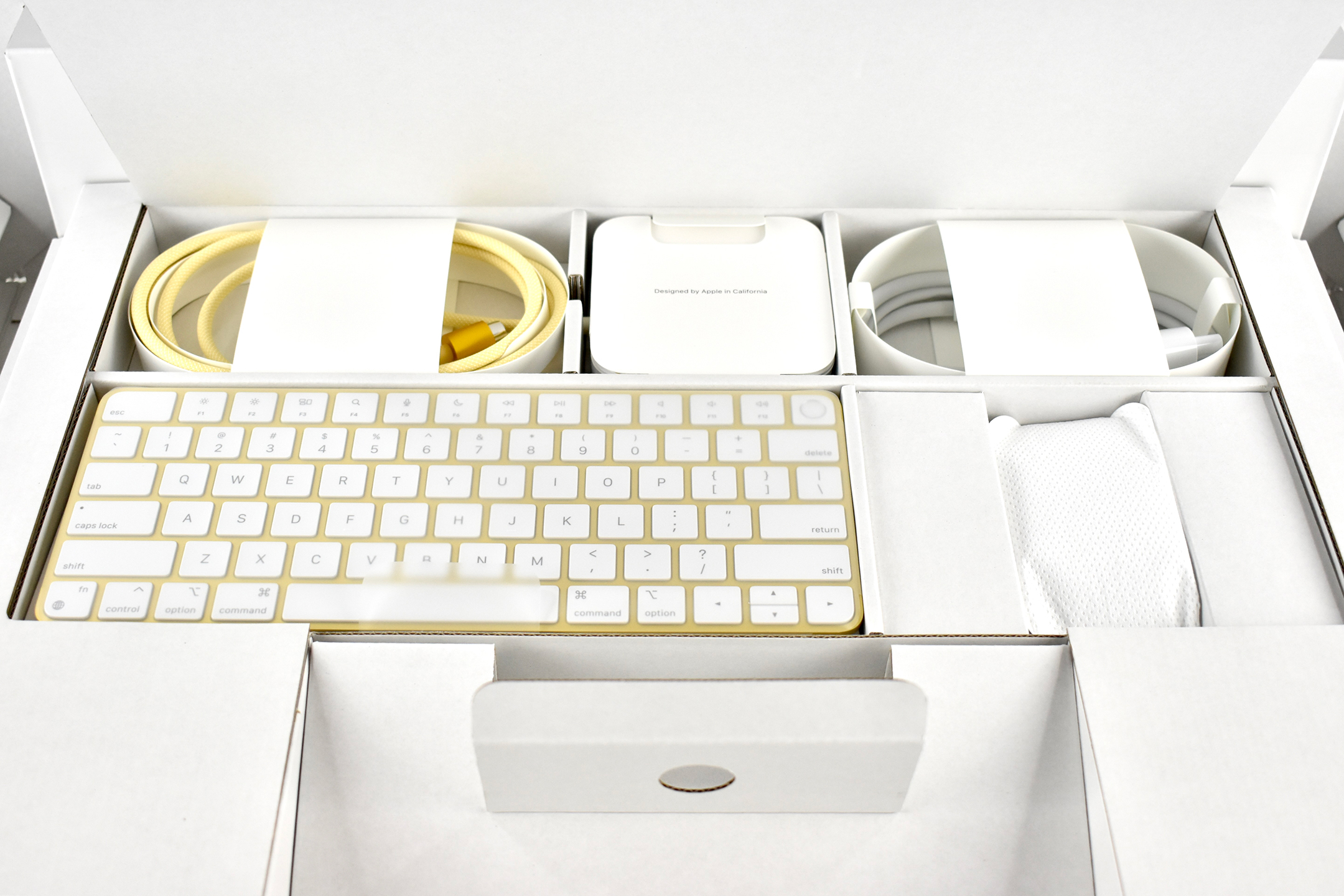
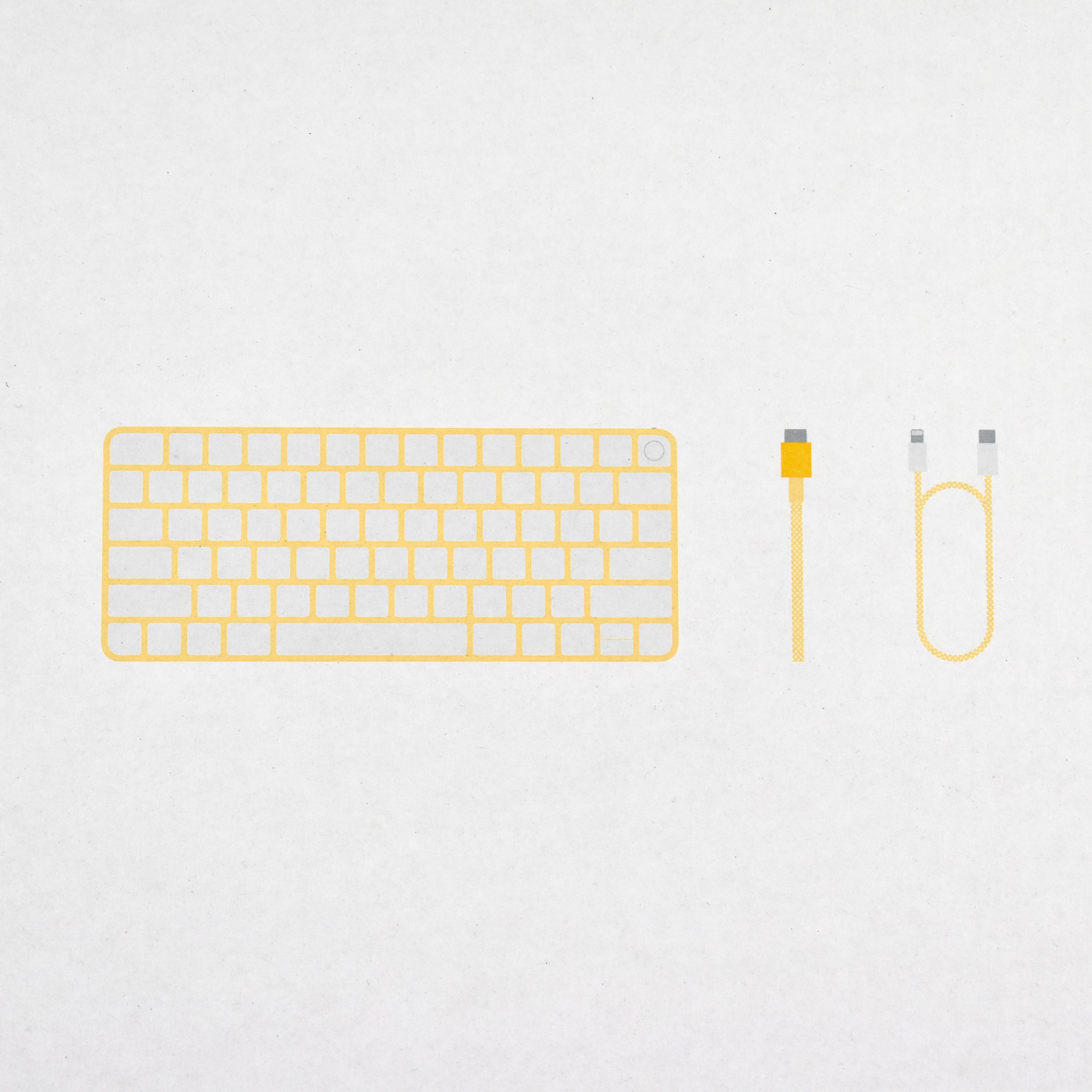
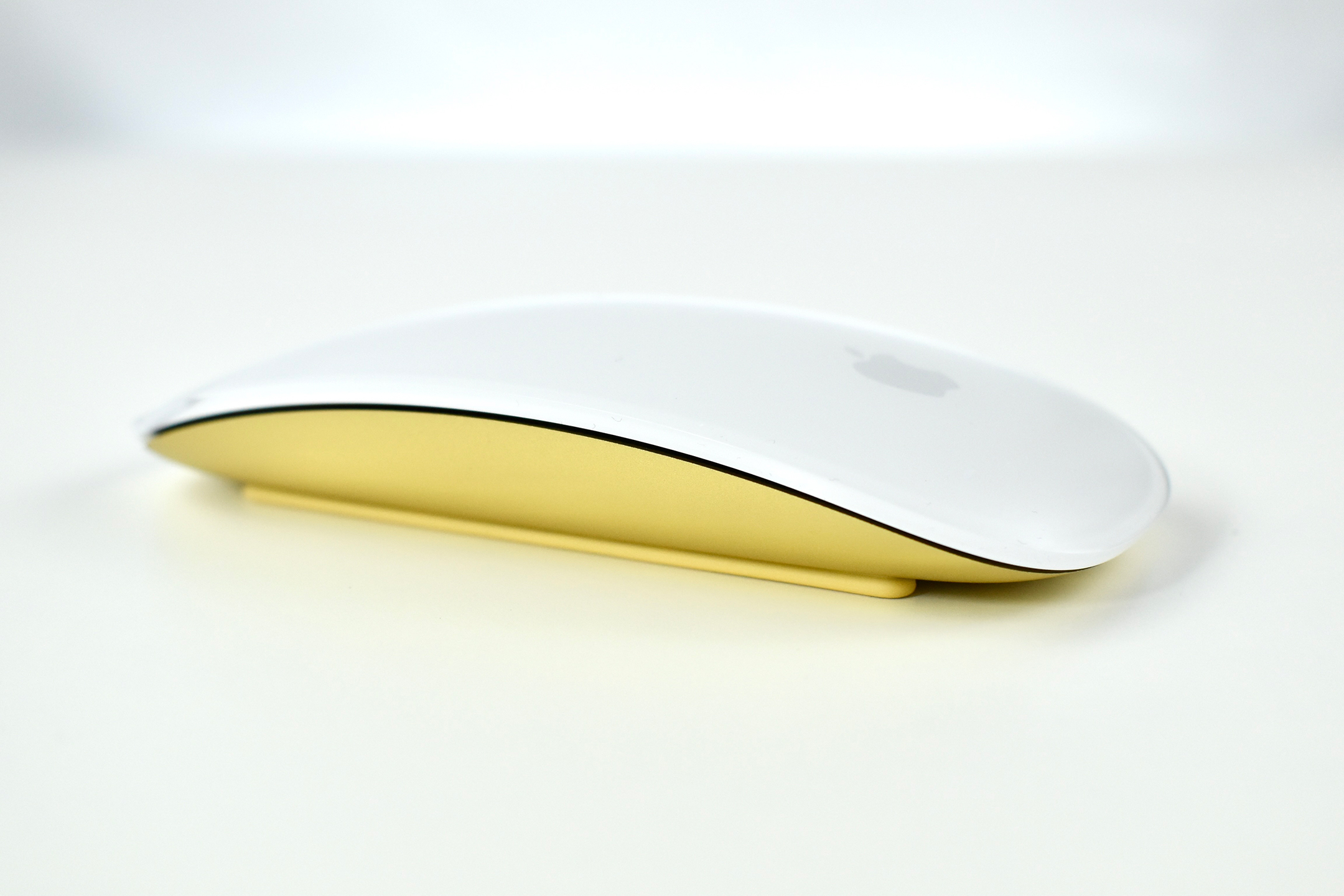
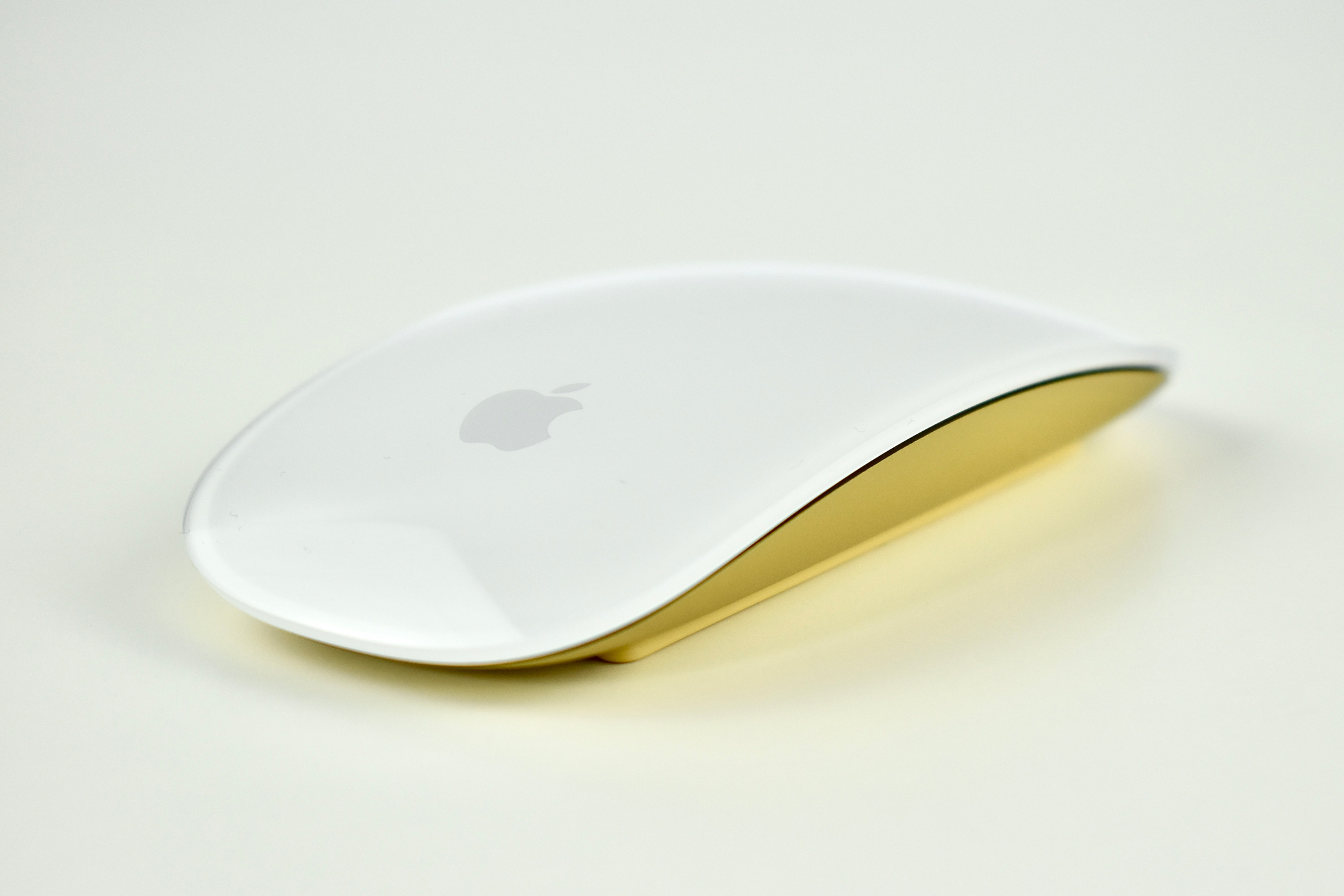
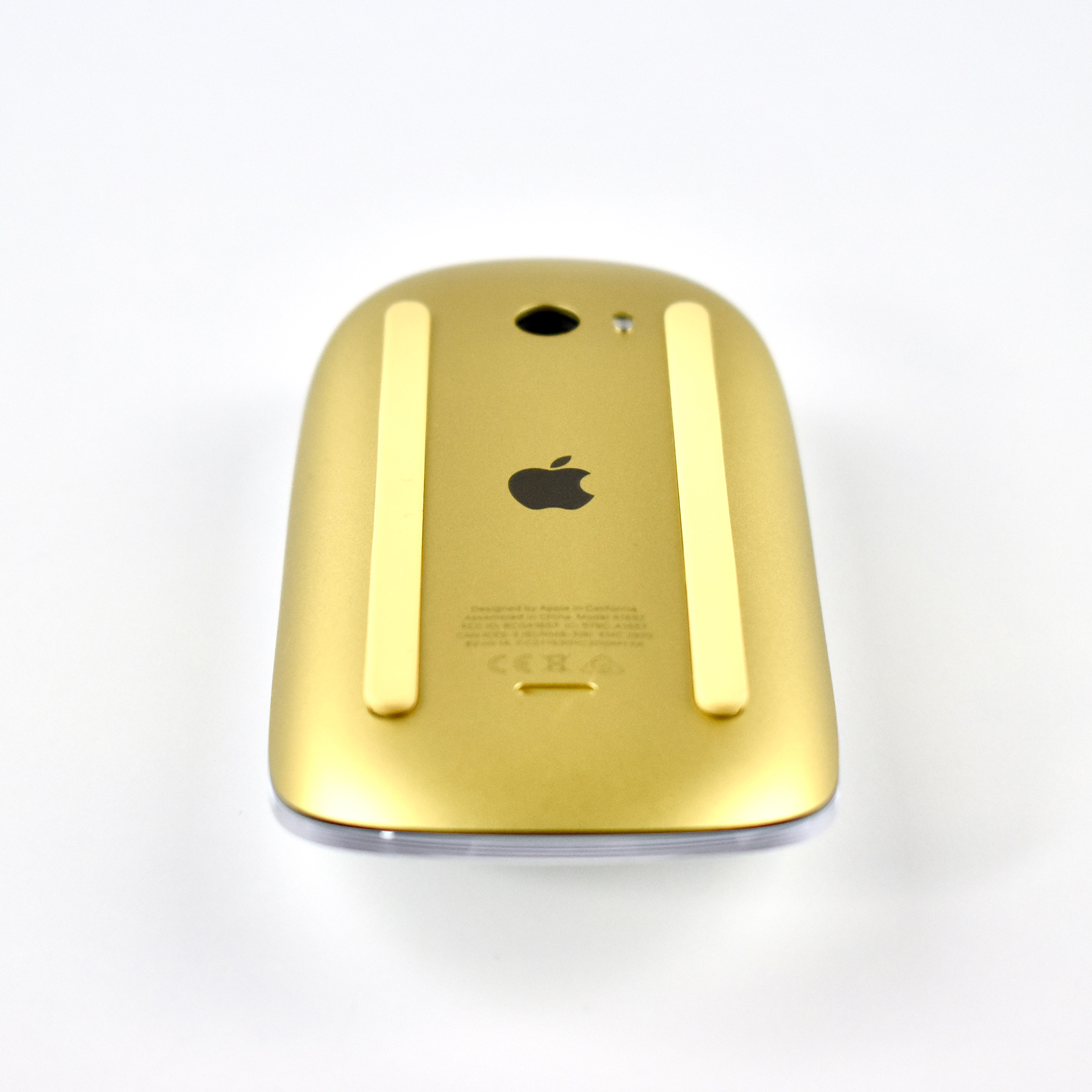
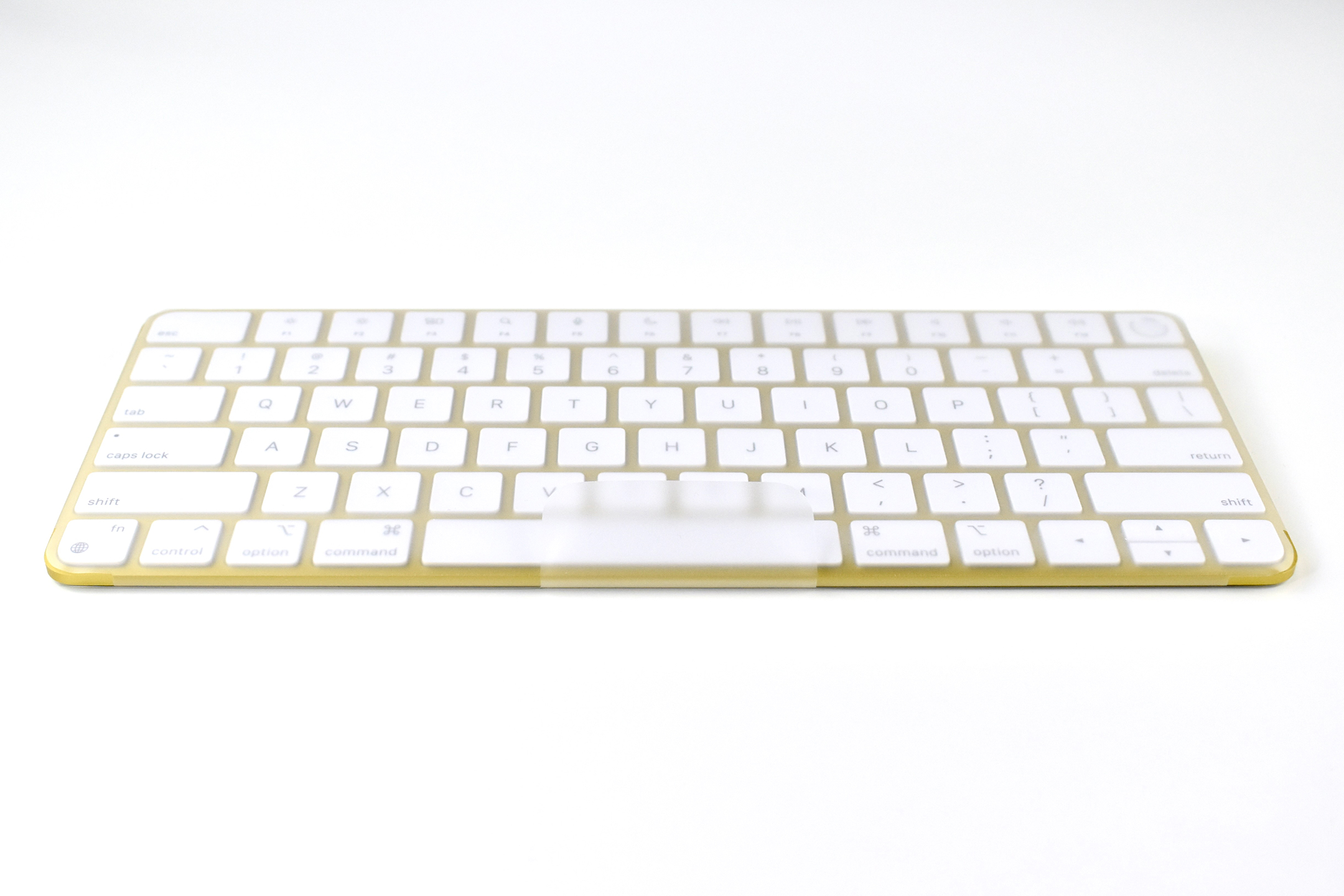
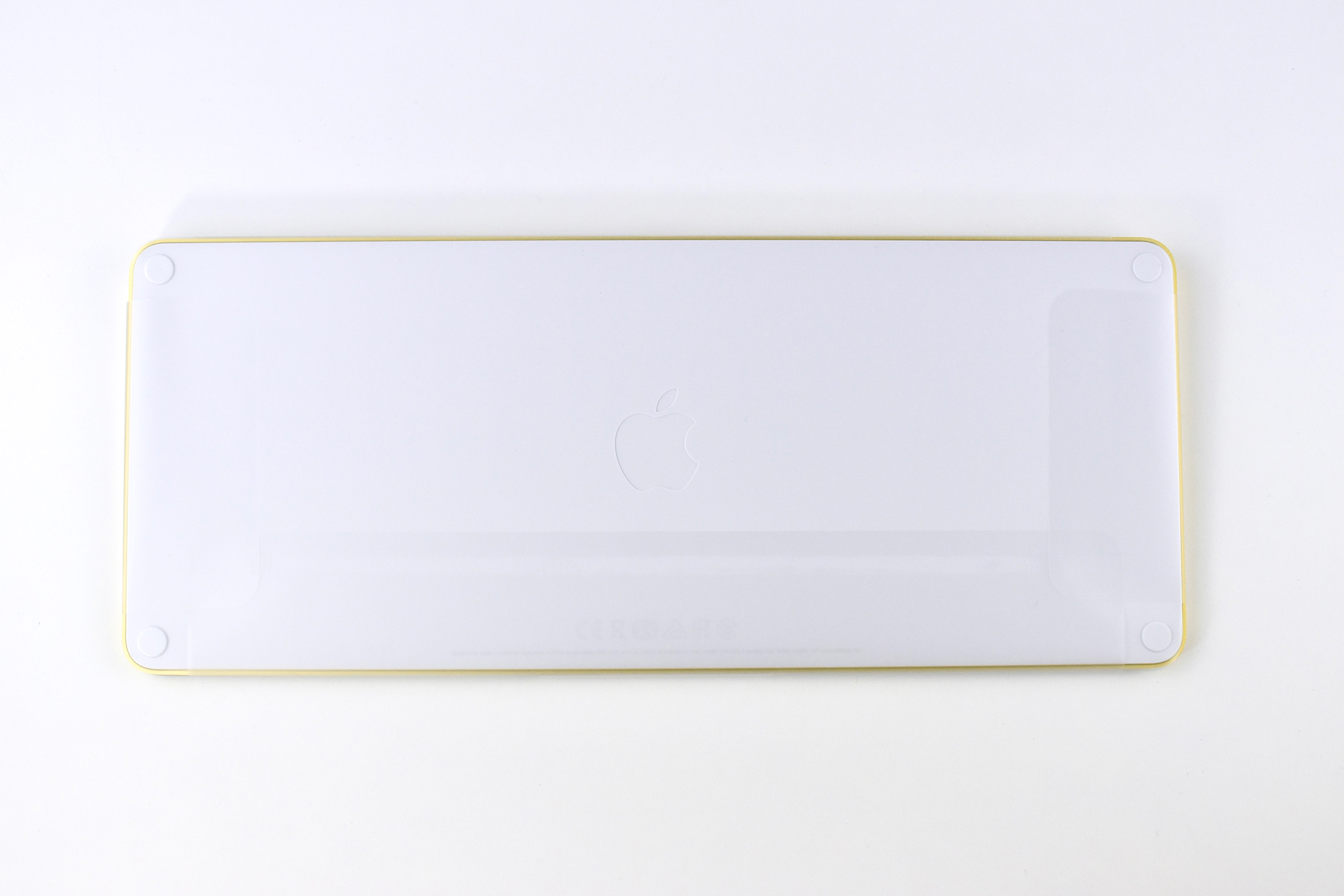
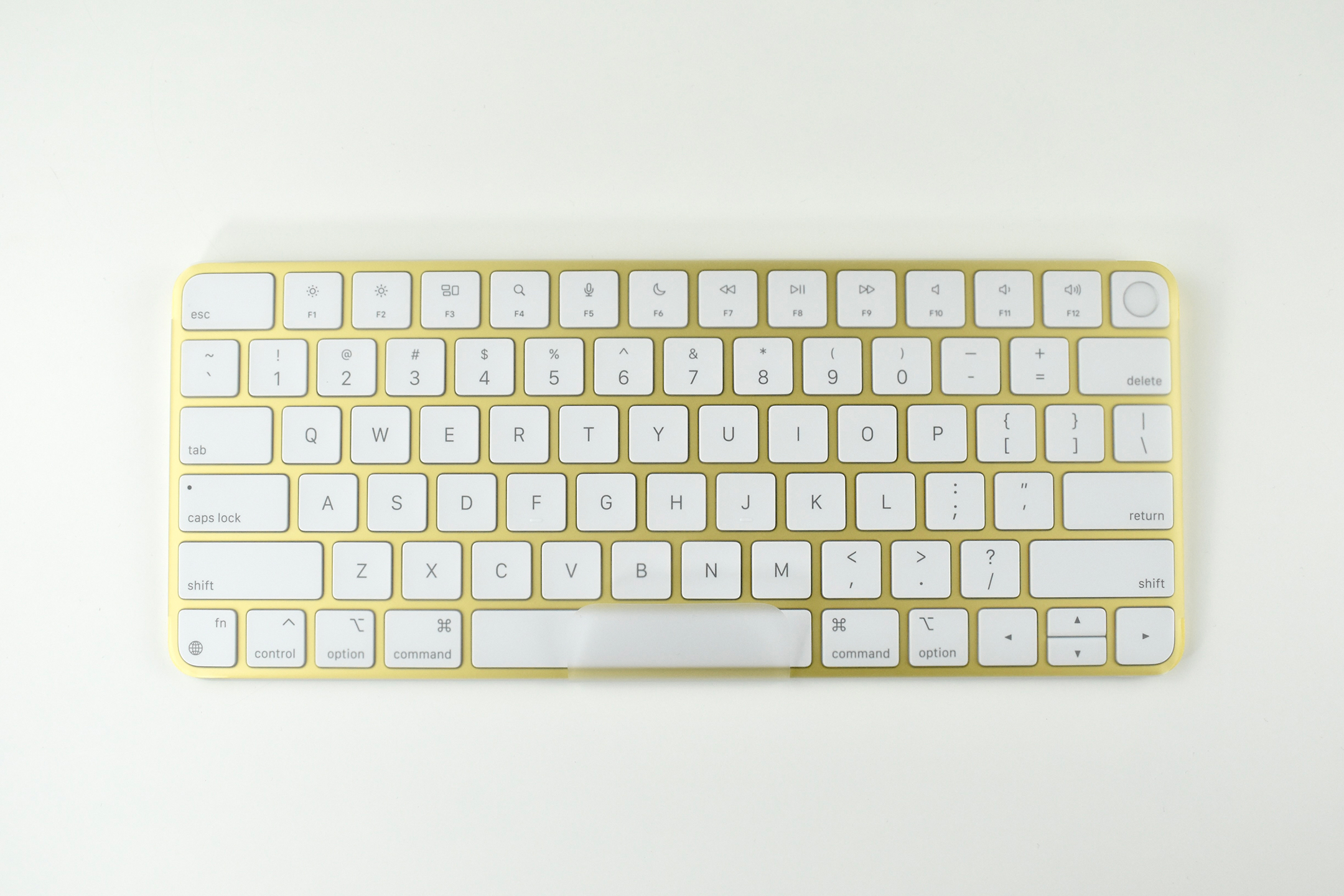
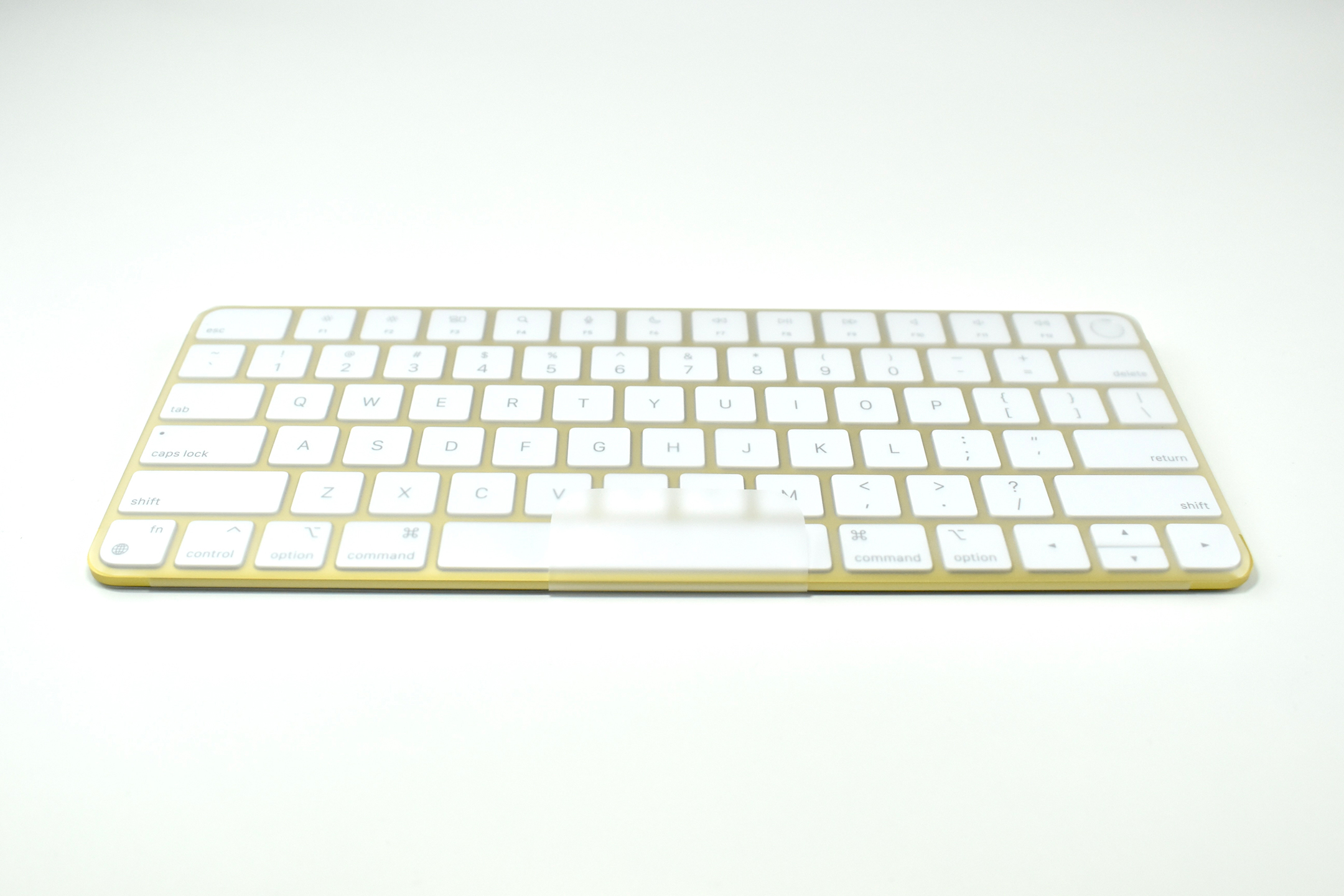
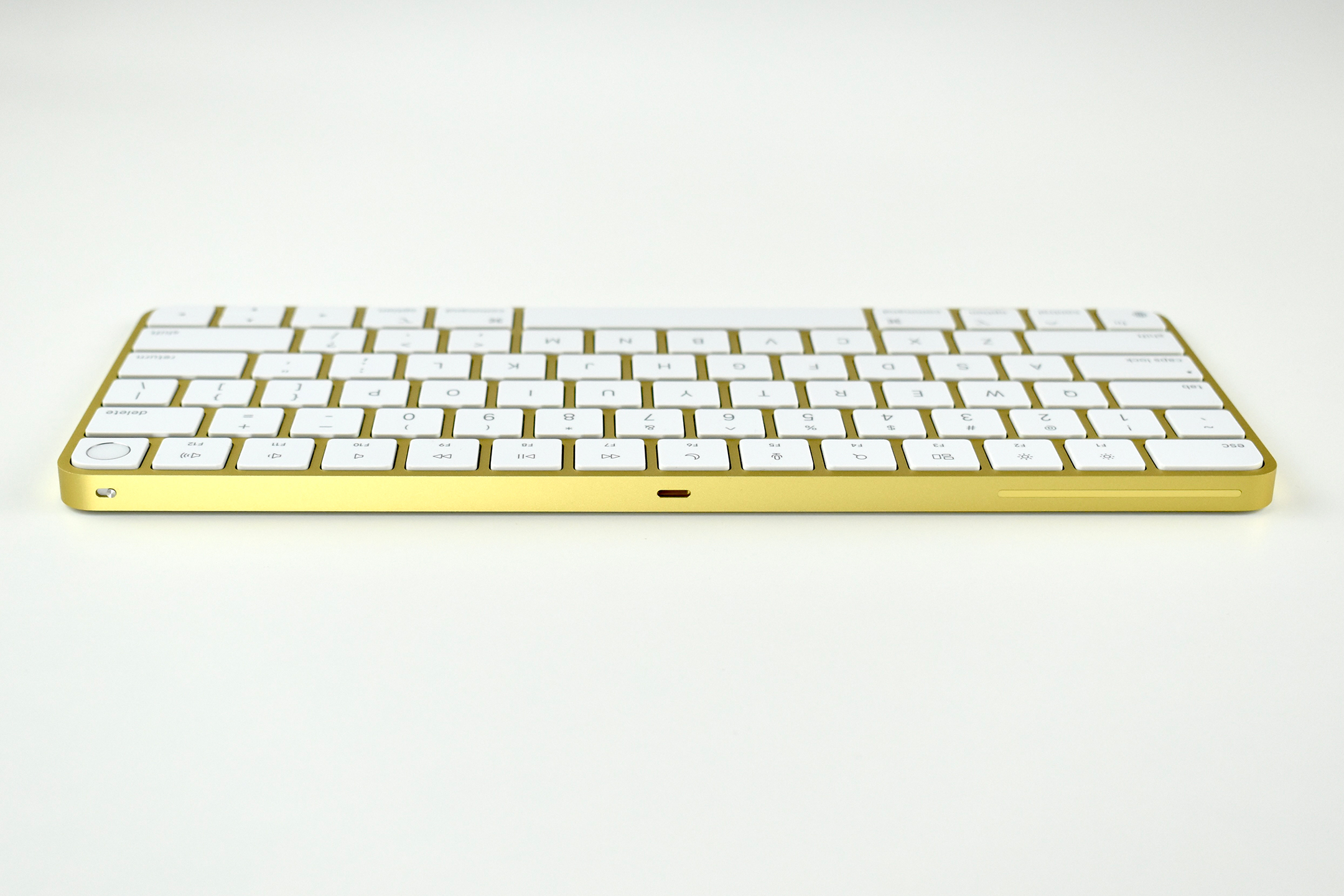
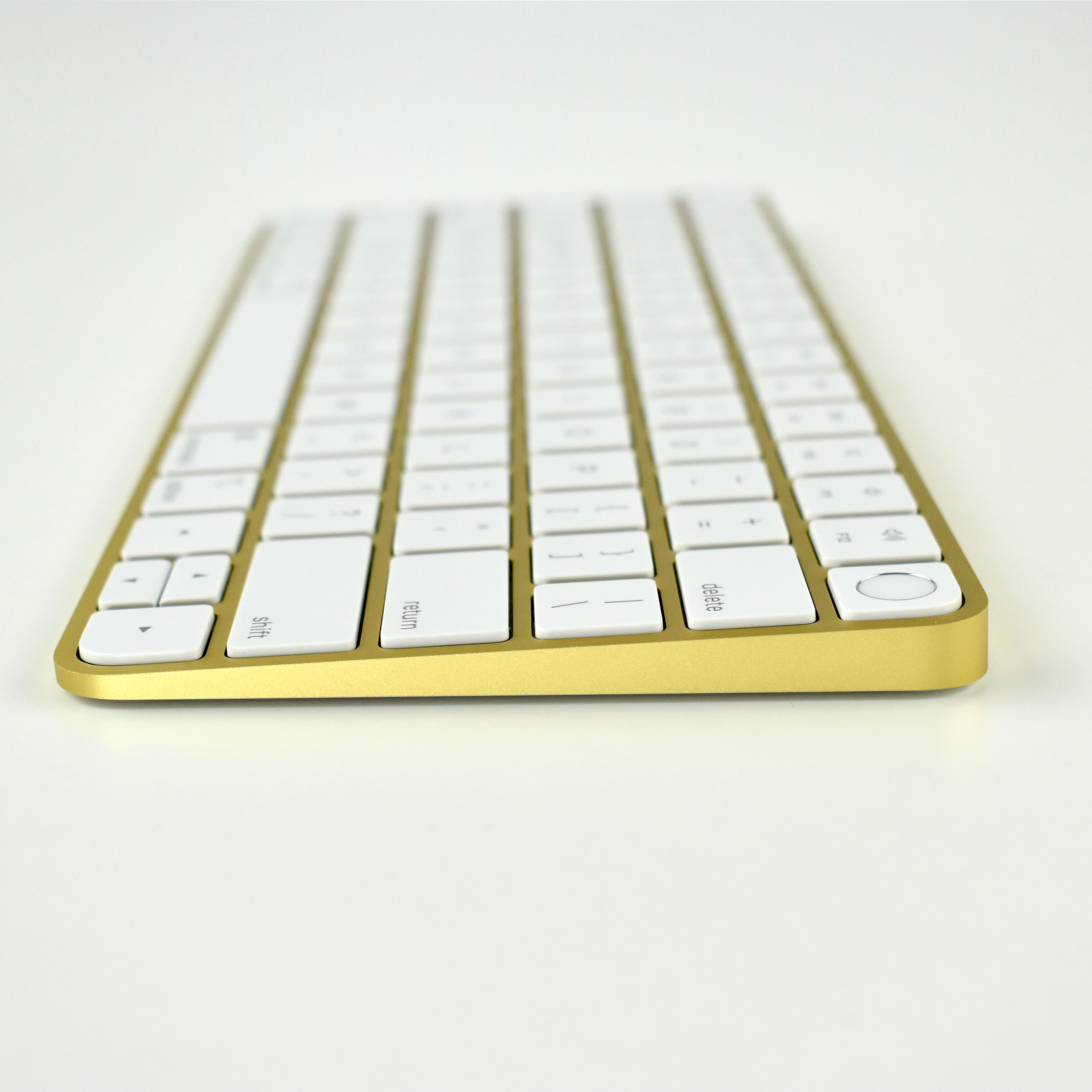
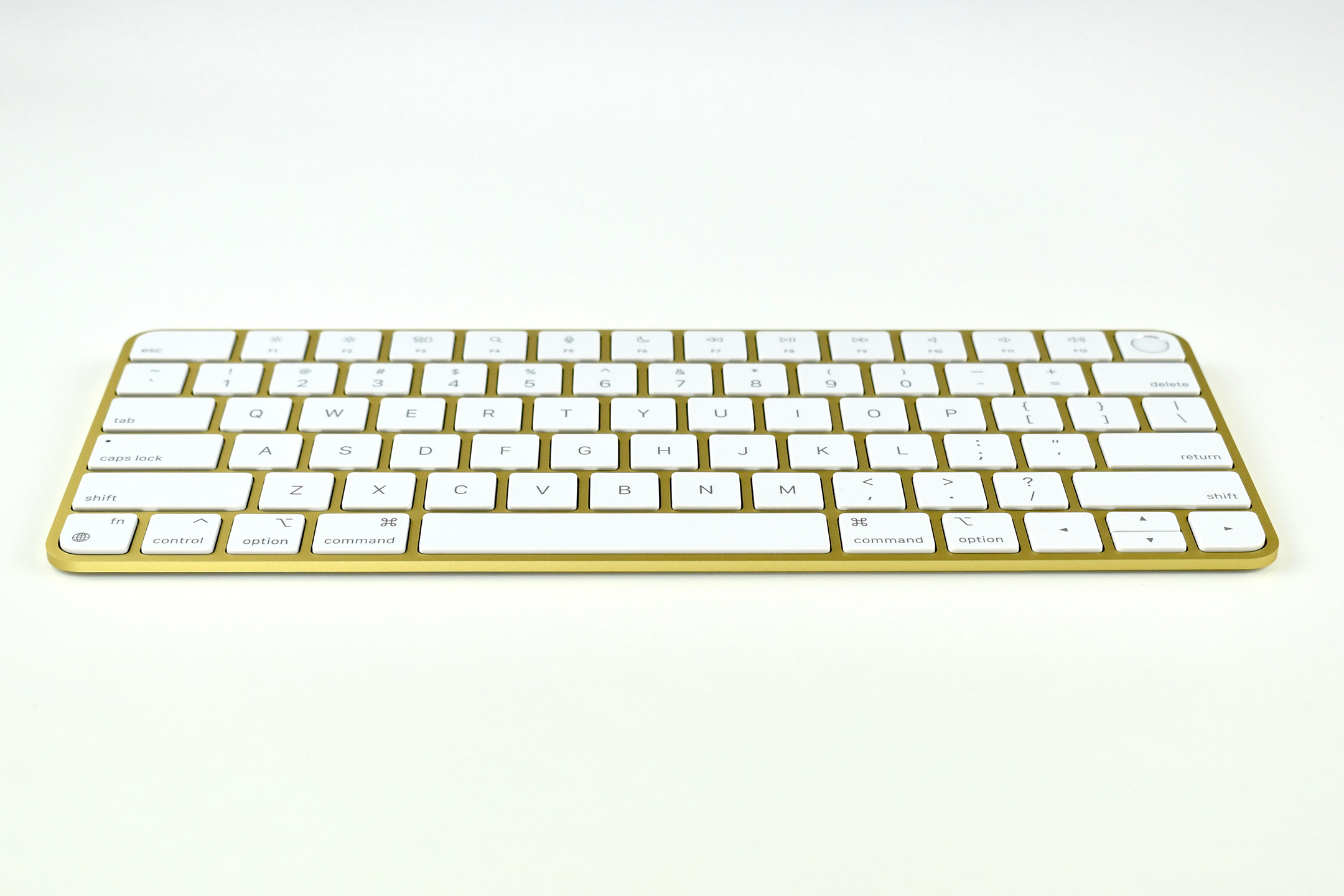
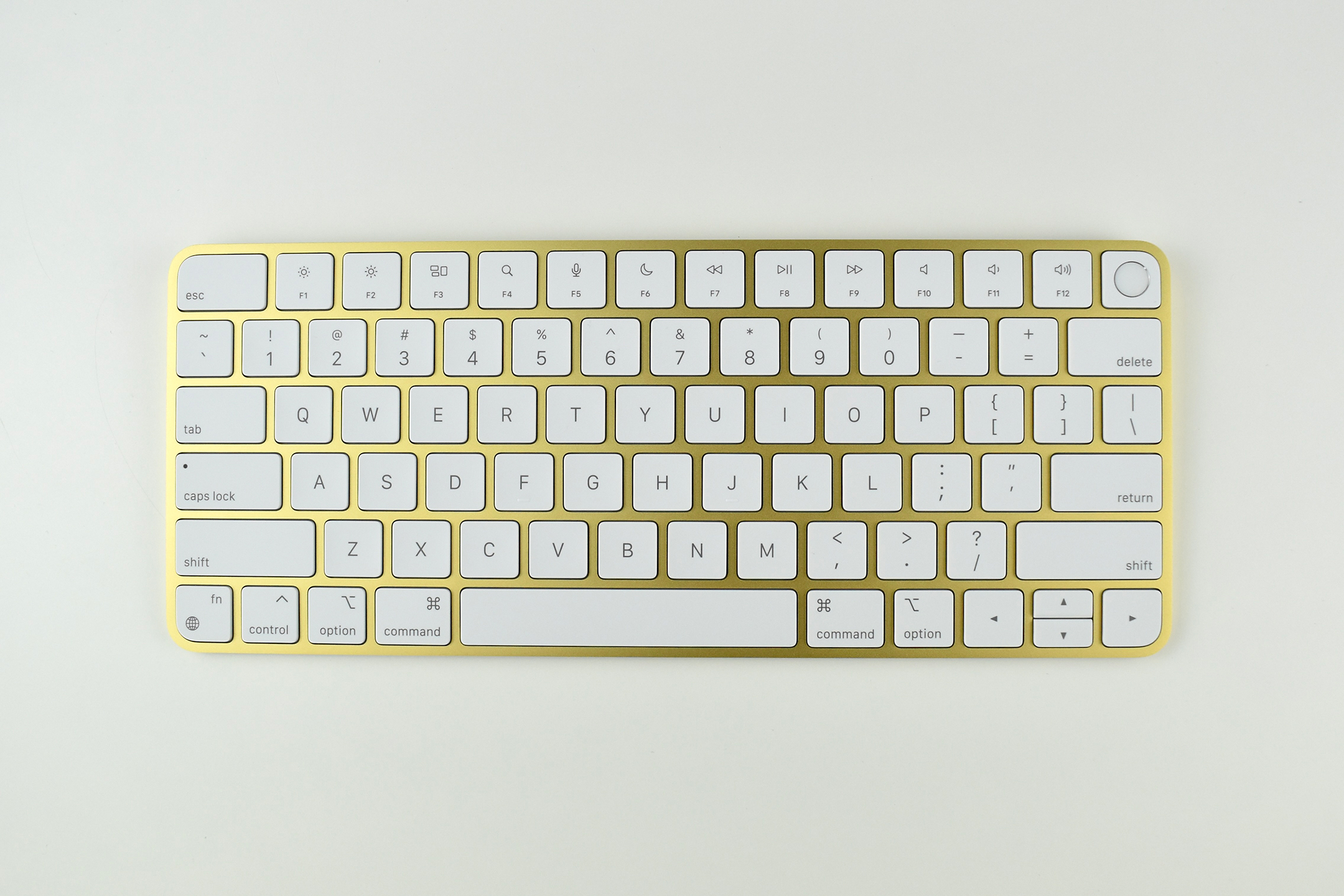
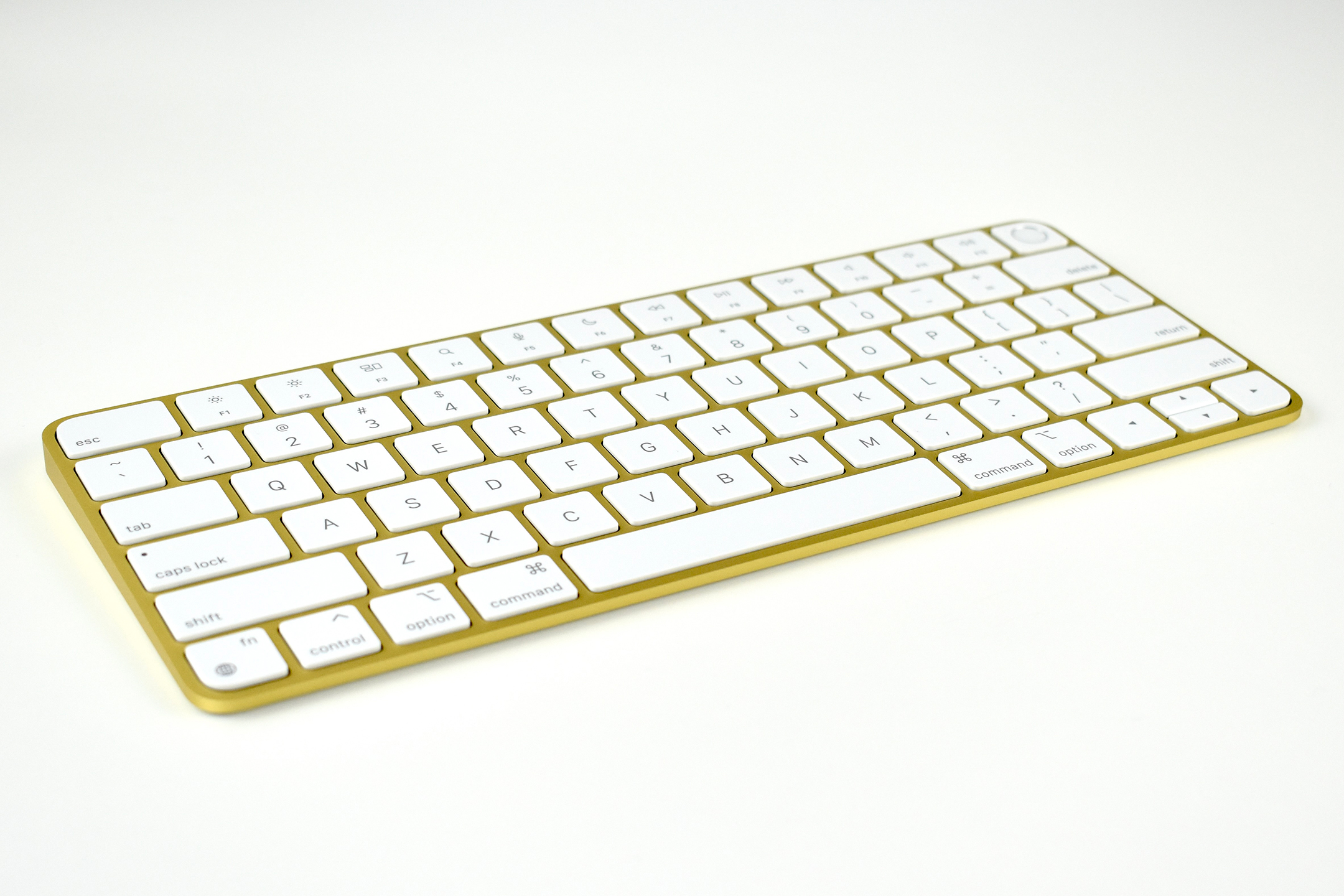
This iMac shipped with a matching Magic Keyboard with Touch ID and a matching wireless Magic Mouse. A matching Magic Trackpad is also available and a wider Magic Keyboard with Touch ID and Numeric Keypad.

I consider the M1 iMac my longest-awaited Apple product. Before the M1, my last personal iMac was back in 2015 when I purchased the iMac 5K, 27-inch with an Intel Core i7 processor. Except for what I would consider modest speed enhancements, the iMac did not change much until the iMac Pro was released in 2017, but I never considered a $5,000+ iMac realistic for my own home use. So I waited.

When the M1 Mac chips were introduced in 2020 I knew it was only a matter of time before the M1 (or another Apple silicon chip) would appear in an iMac. The first M1 chips were put into the Mac mini, the MacBook Air, and the MacBook—all excellent computers, but the previous computer design was adopted instead of Apple offering a redesign. I almost immediately started testing the (original) M1 MacBook Air for use in the school district where I work and found its performance to not only live up to hype at the time, but exceed all expectations I had.

Meanwhile, I waited for an iMac announcement and finally got it on April 20, 2021. I ordered it the moment it was available and it arrived on June 3, 2021. 

My setup commenced immediately after arrival, and I started by moving my over-800GB Photos Library to the M1. The library consists of my entire Apple Collection and is not on iCloud. The Photos app began processing the library and I was able to begin photo editing. The difference in speed was striking. Even though the processing was happening in the background, absolutely no waiting, stuttering, or sluggishness was apparent during two hours of photo editing. My previous iMac paused for the beach ball every few minutes and Photos crashed every 30 minutes or so.

While performance is a non-issue, the design and color of the iMac has been unexpected.

When the iMac M1 models were introduced, I thought for a long time about my color selection. Since the “vibrant” color is only on the back and sides, I’d never see it. I’m no fan of pastels so I needed to make a selection among options I dislike least, rather than selecting what I like most. While silver was always an option, the collector in me didn’t want to waste the opportunity to own one of six new colors. And silver is boring. After a long deliberation, I went with yellow.

I selected yellow because it is a color that Apple had never offered an an iMac, and yellow is relatively rare in other Apple devices. Other yellow devices offered by Apple have included two iPod nano models (Generations 4 and 5), iPhone 5c, iPhone XR, and iPhone 11. Apple also offered the iPod touch (Generation 5) in yellow, but this shade of yellow is more lime green than yellow.

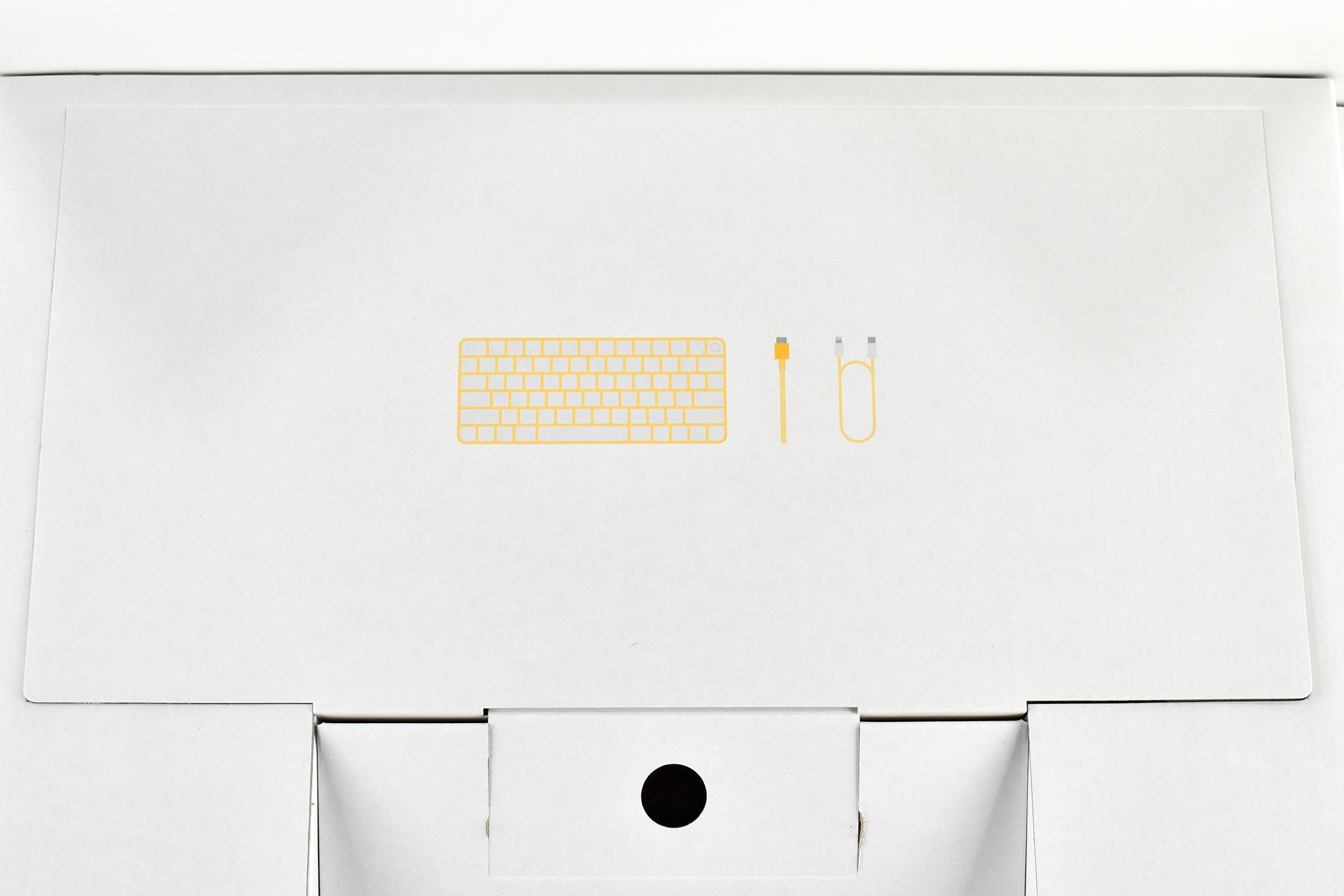
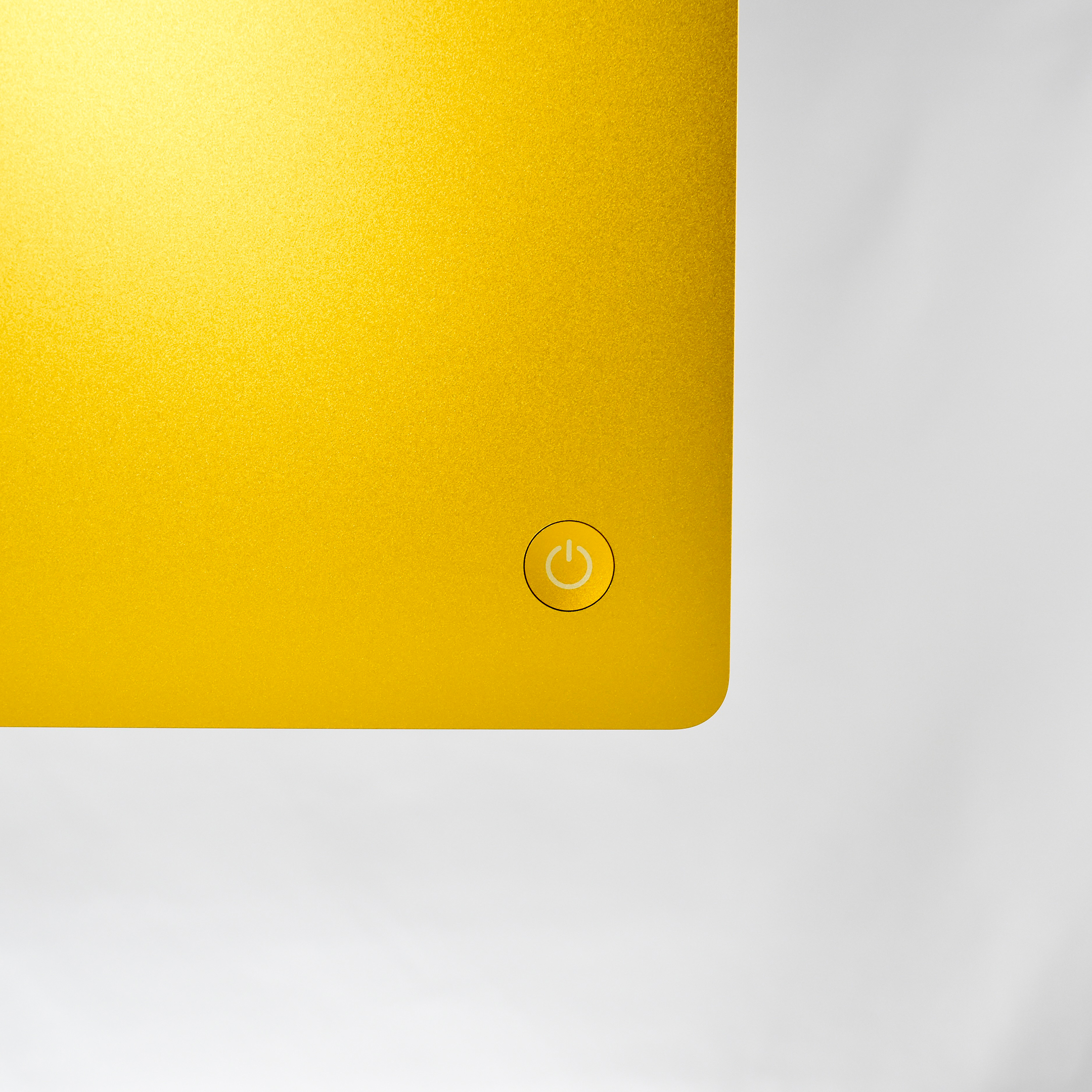
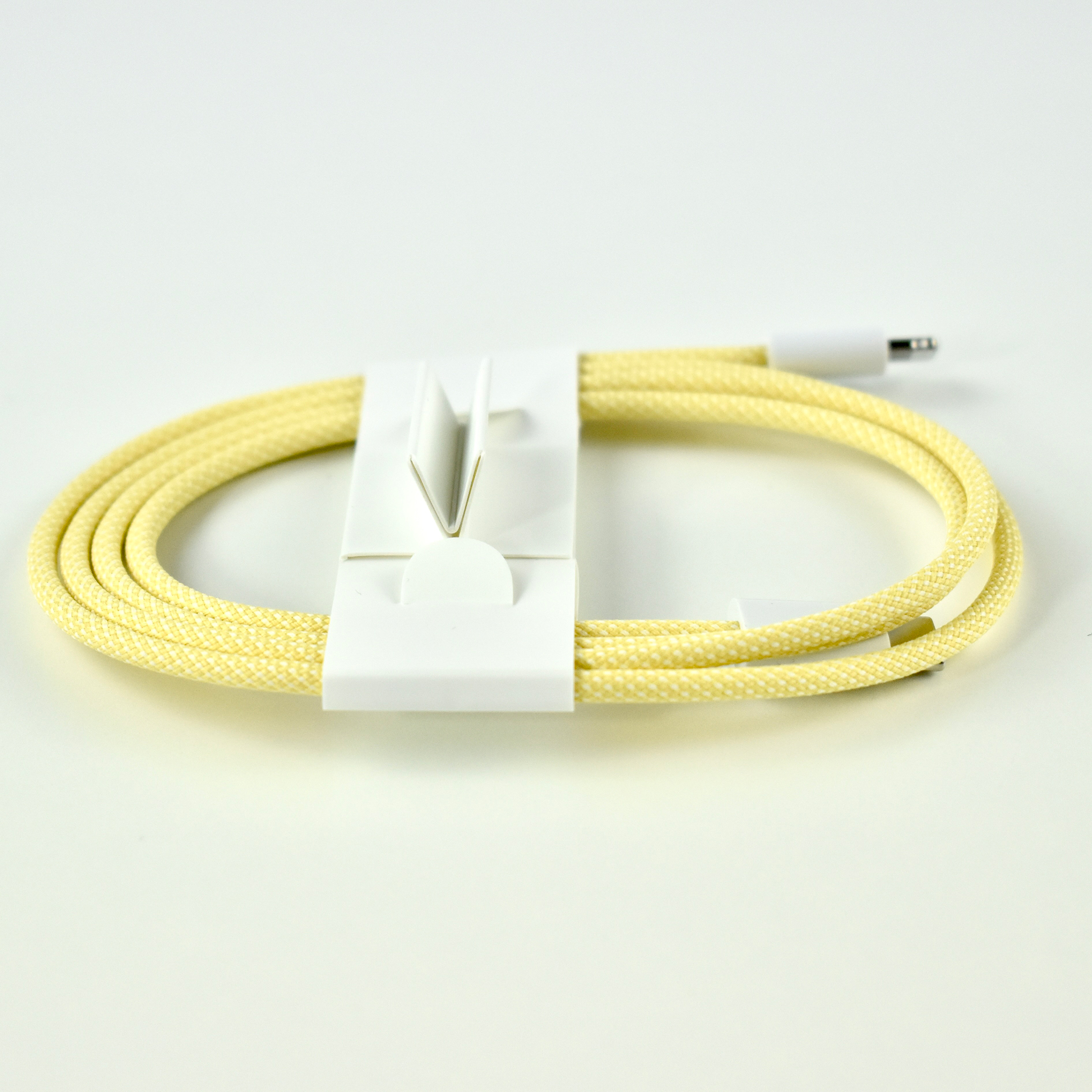
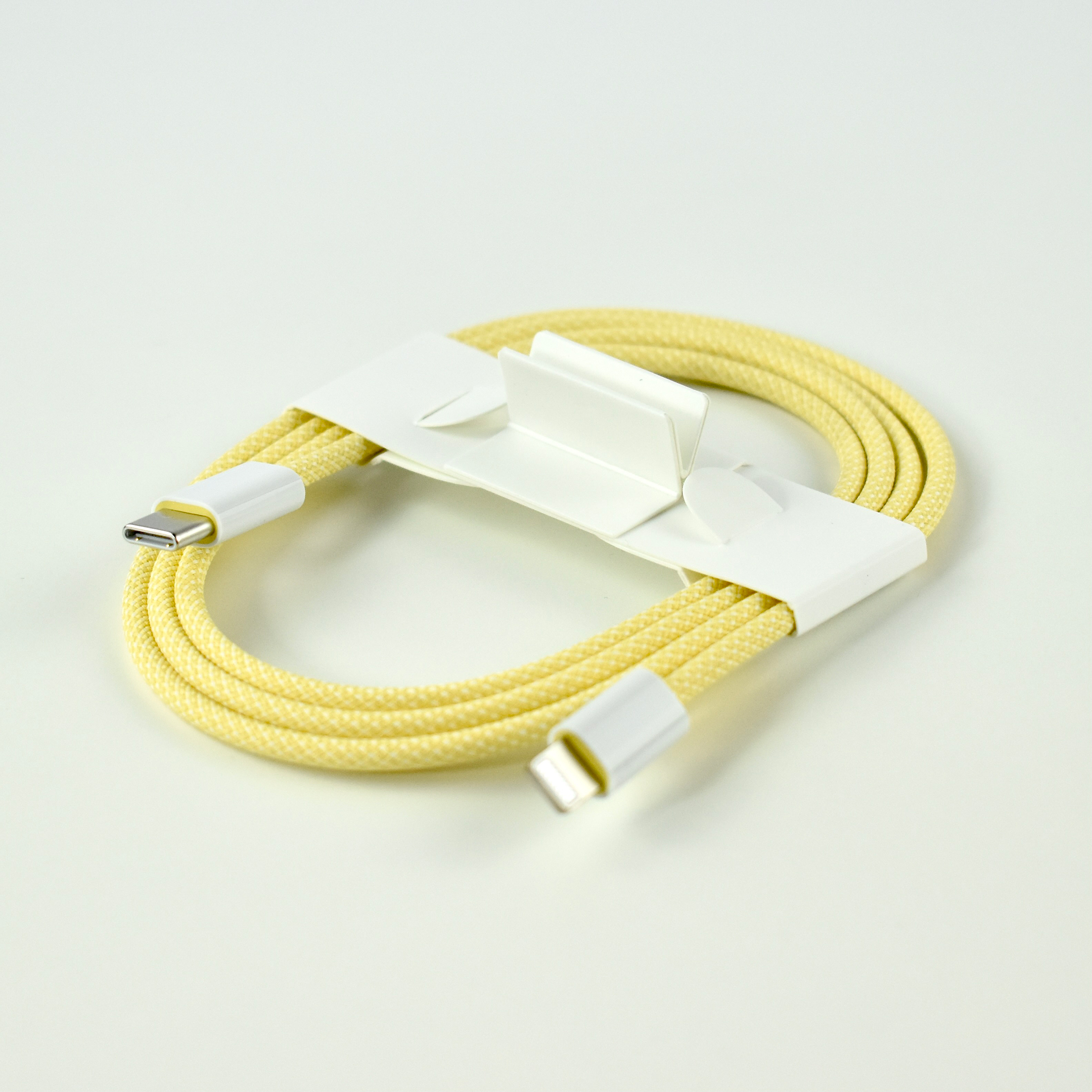
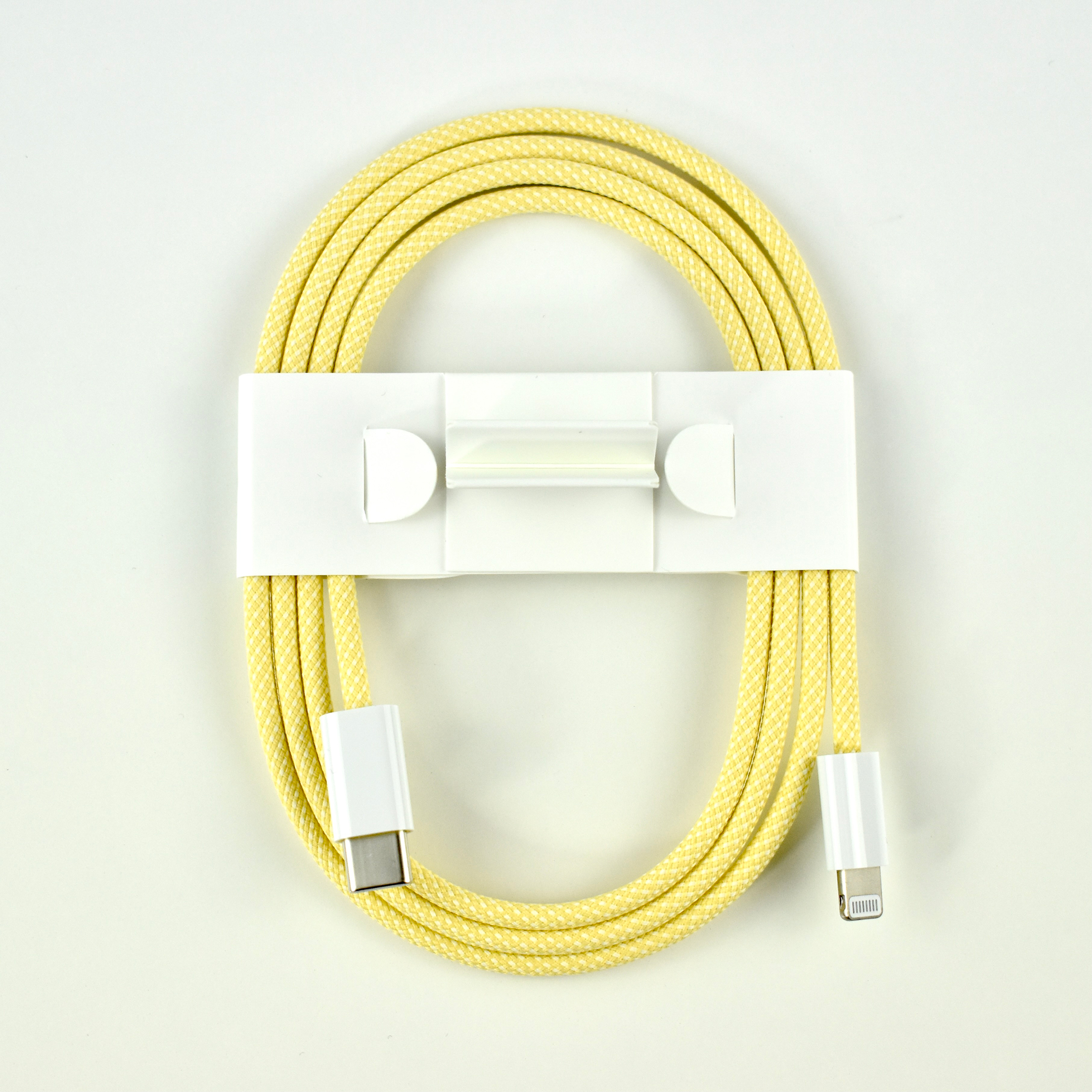
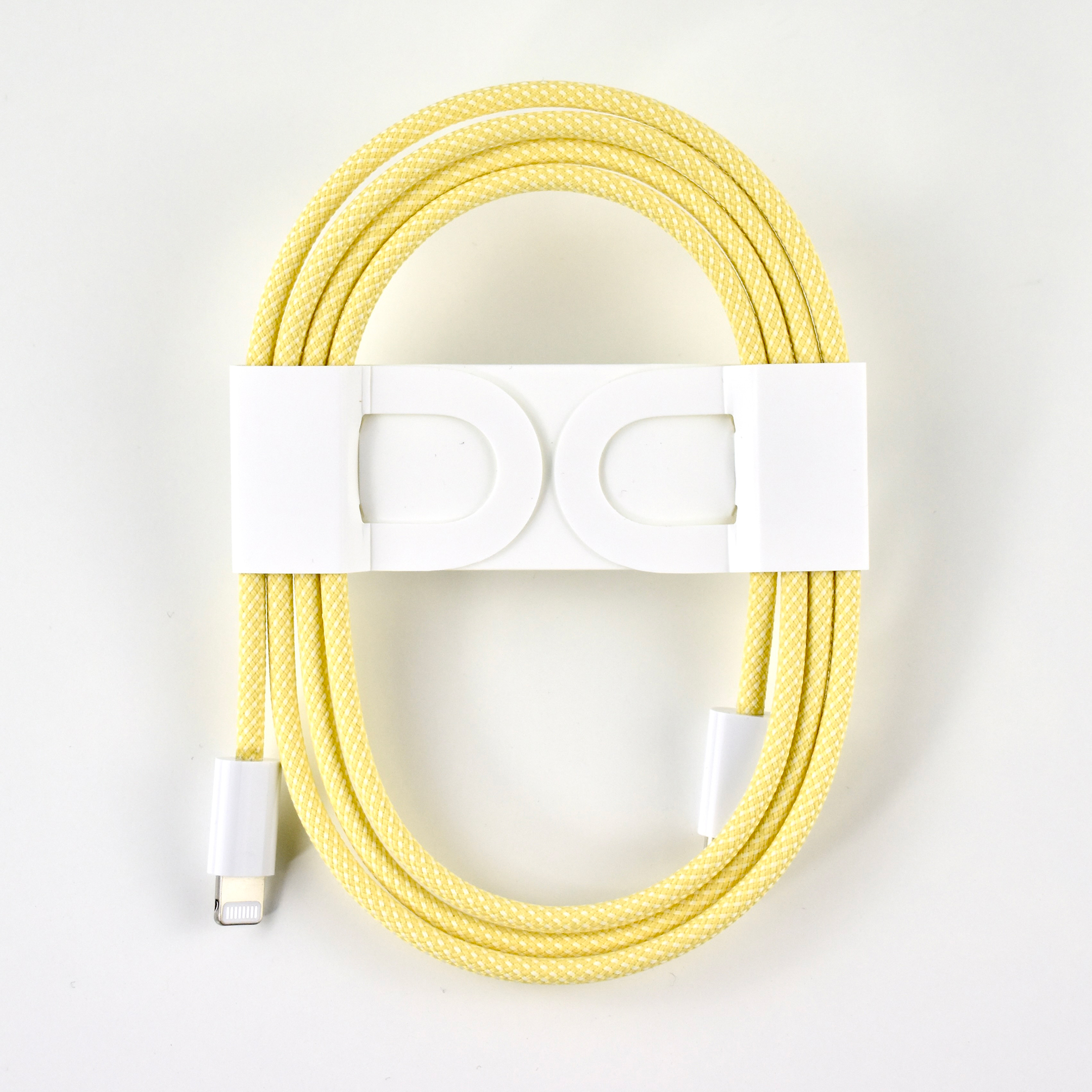
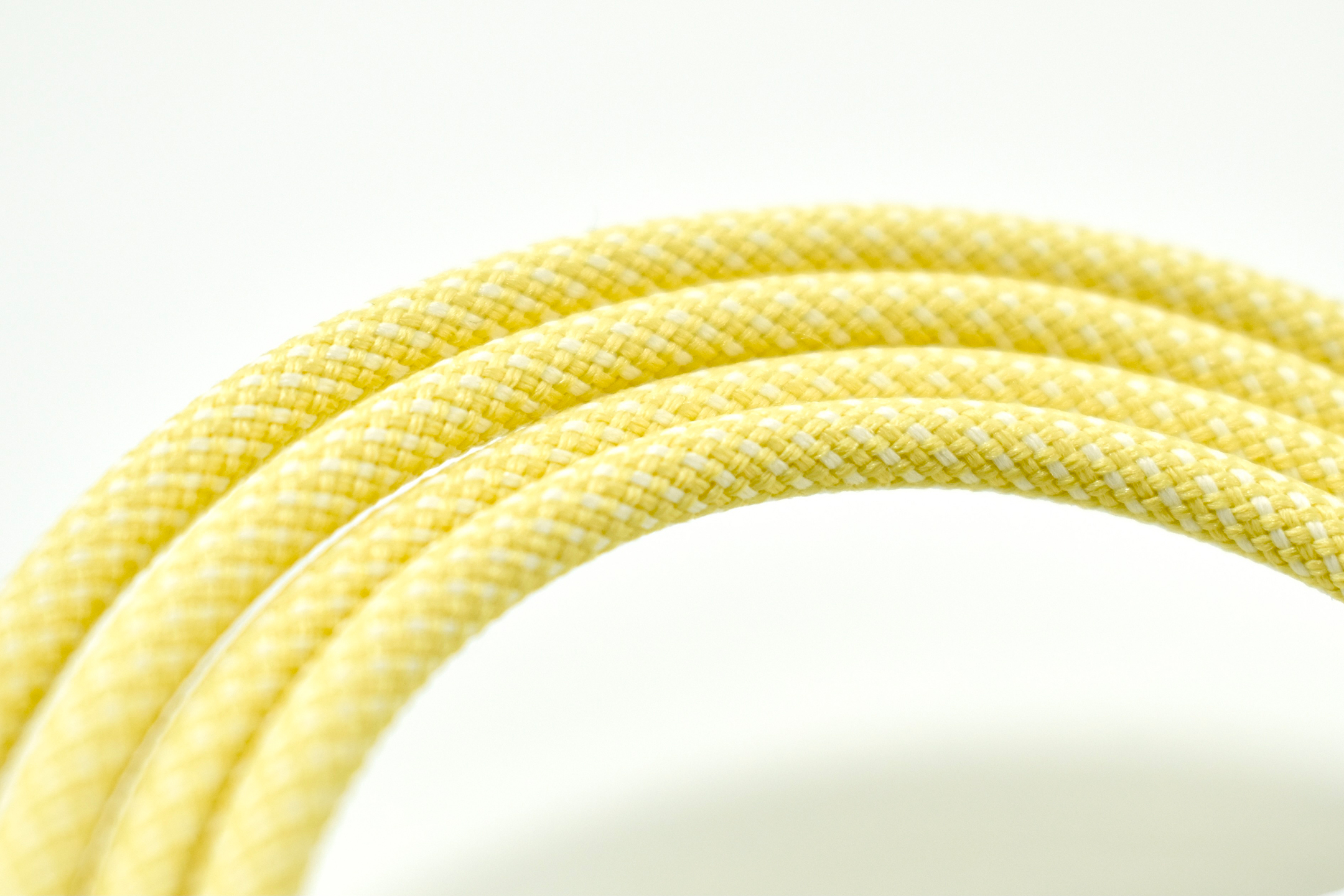
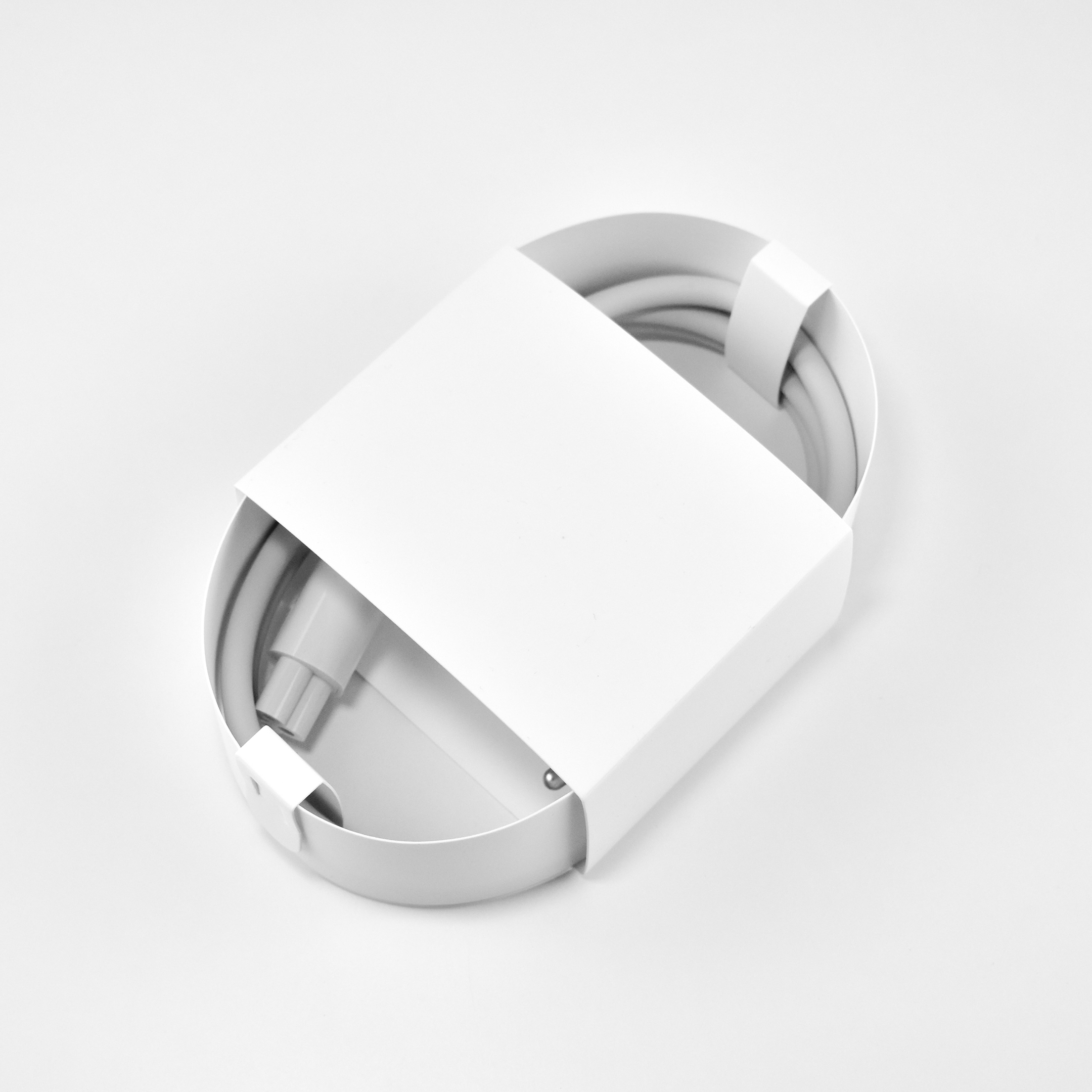
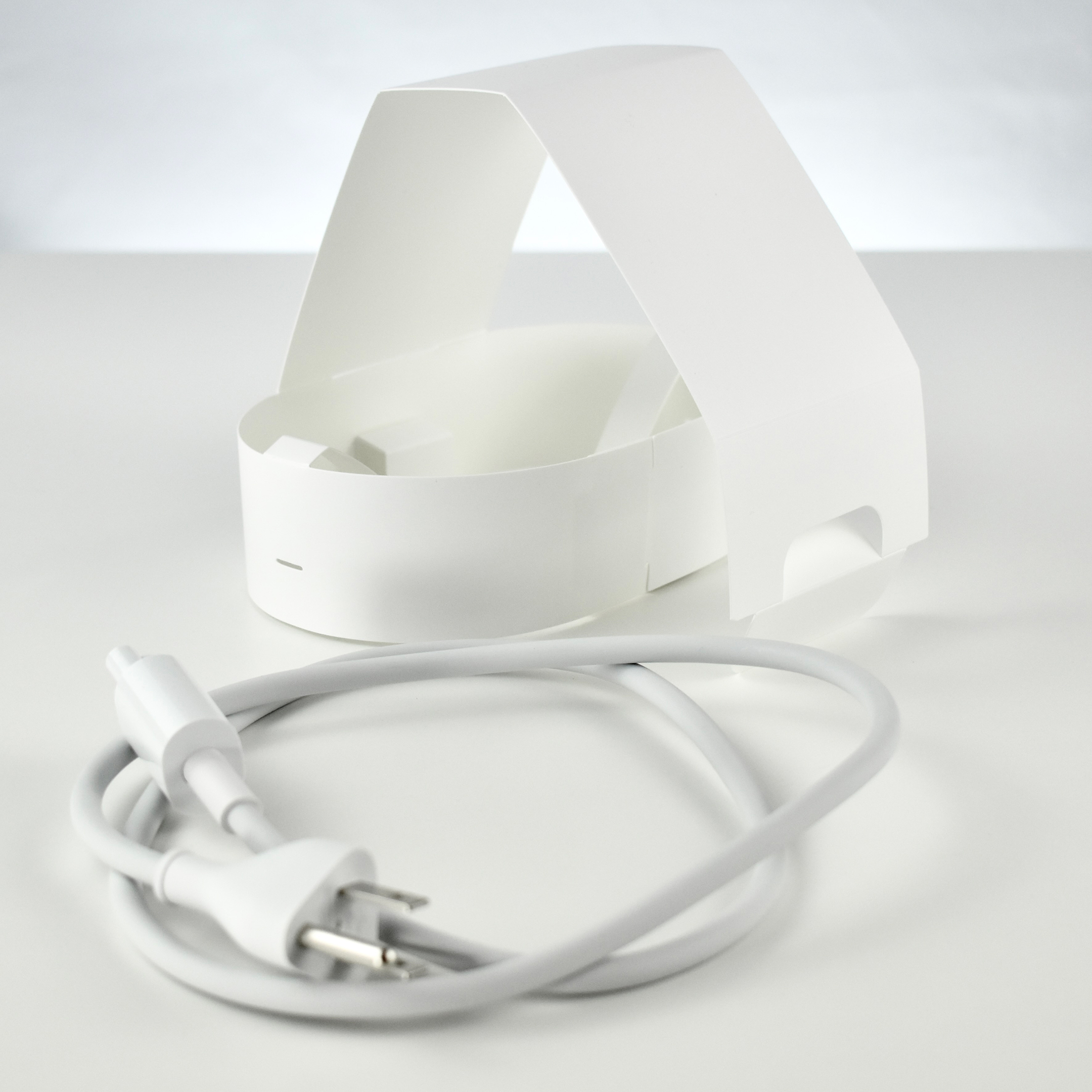
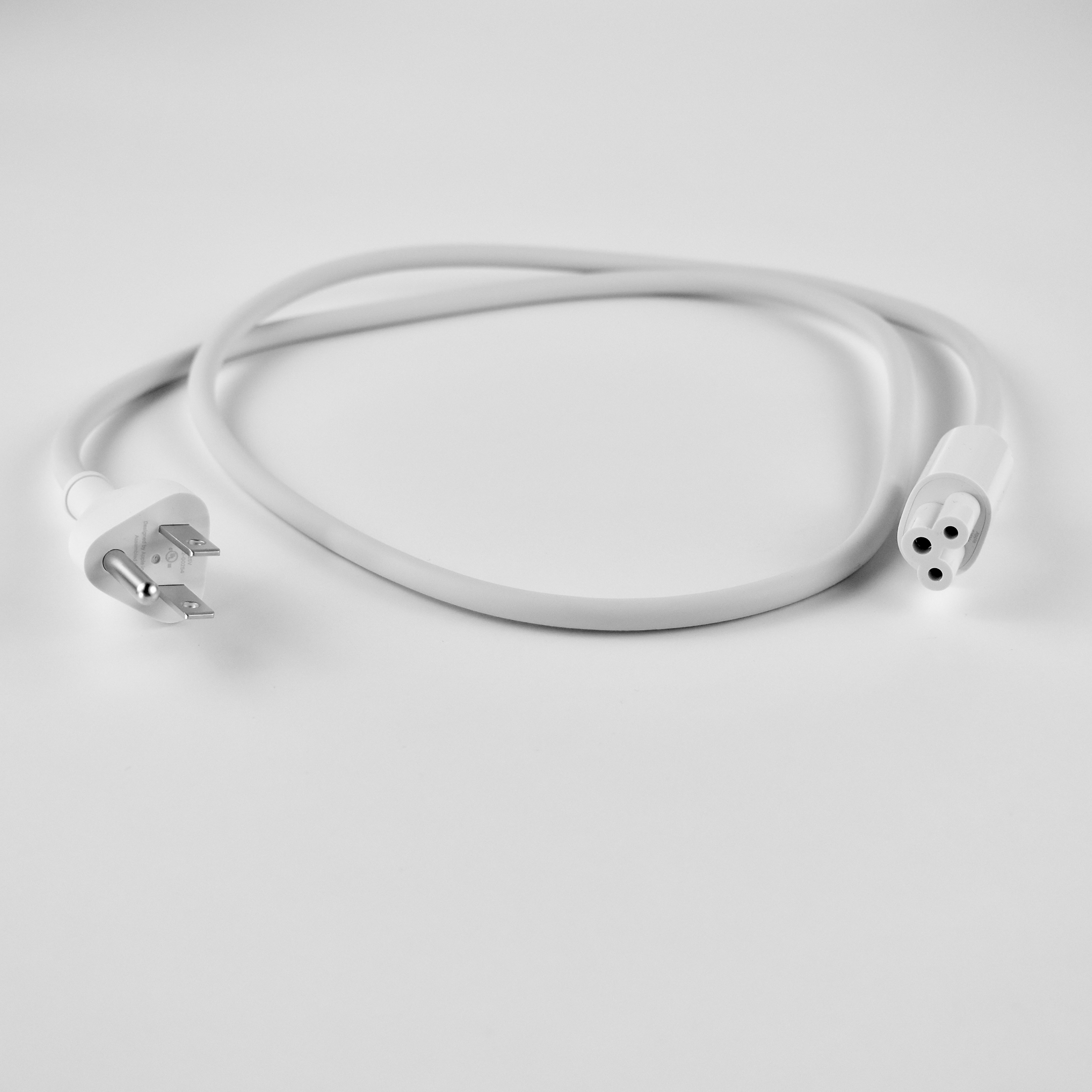
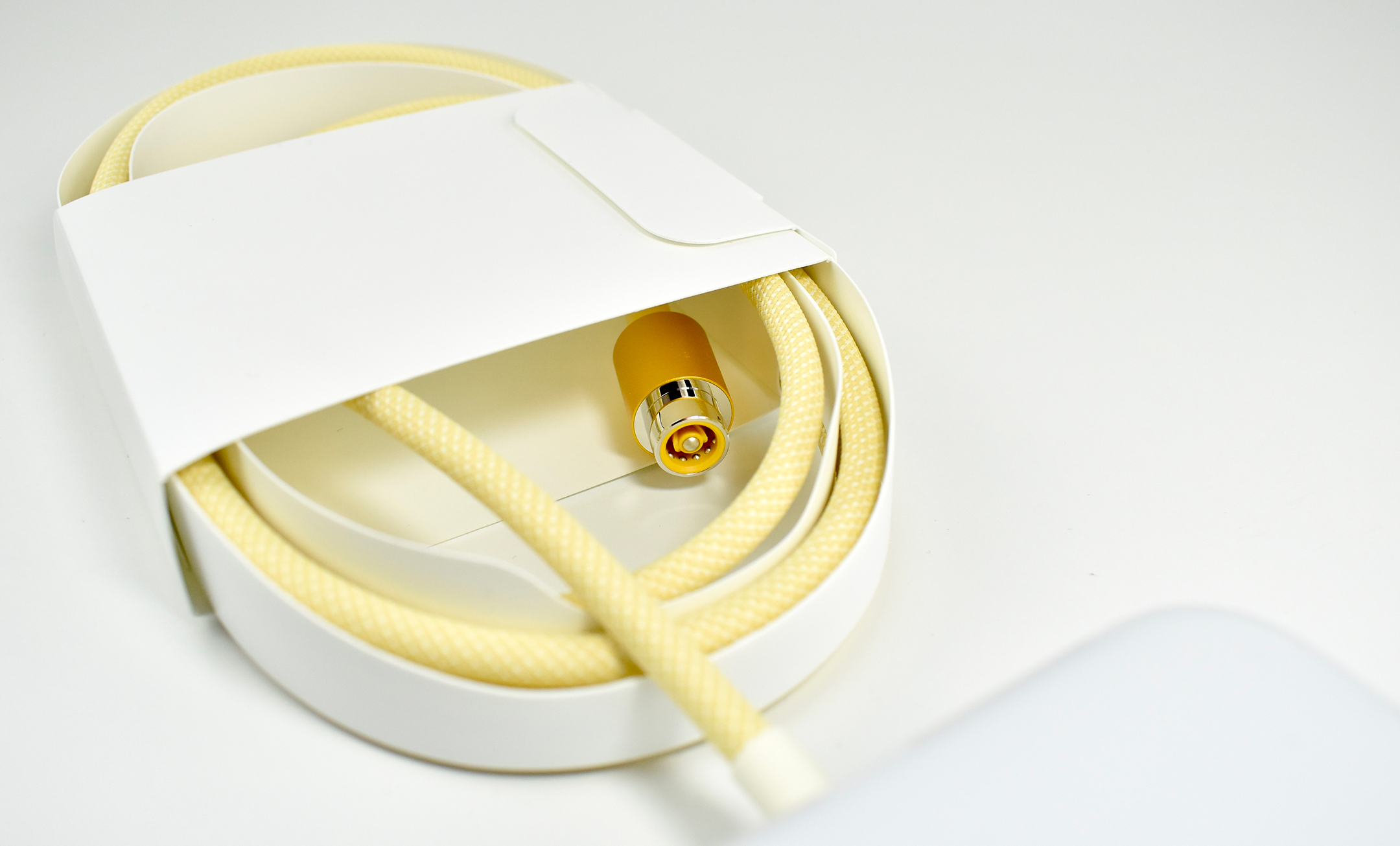
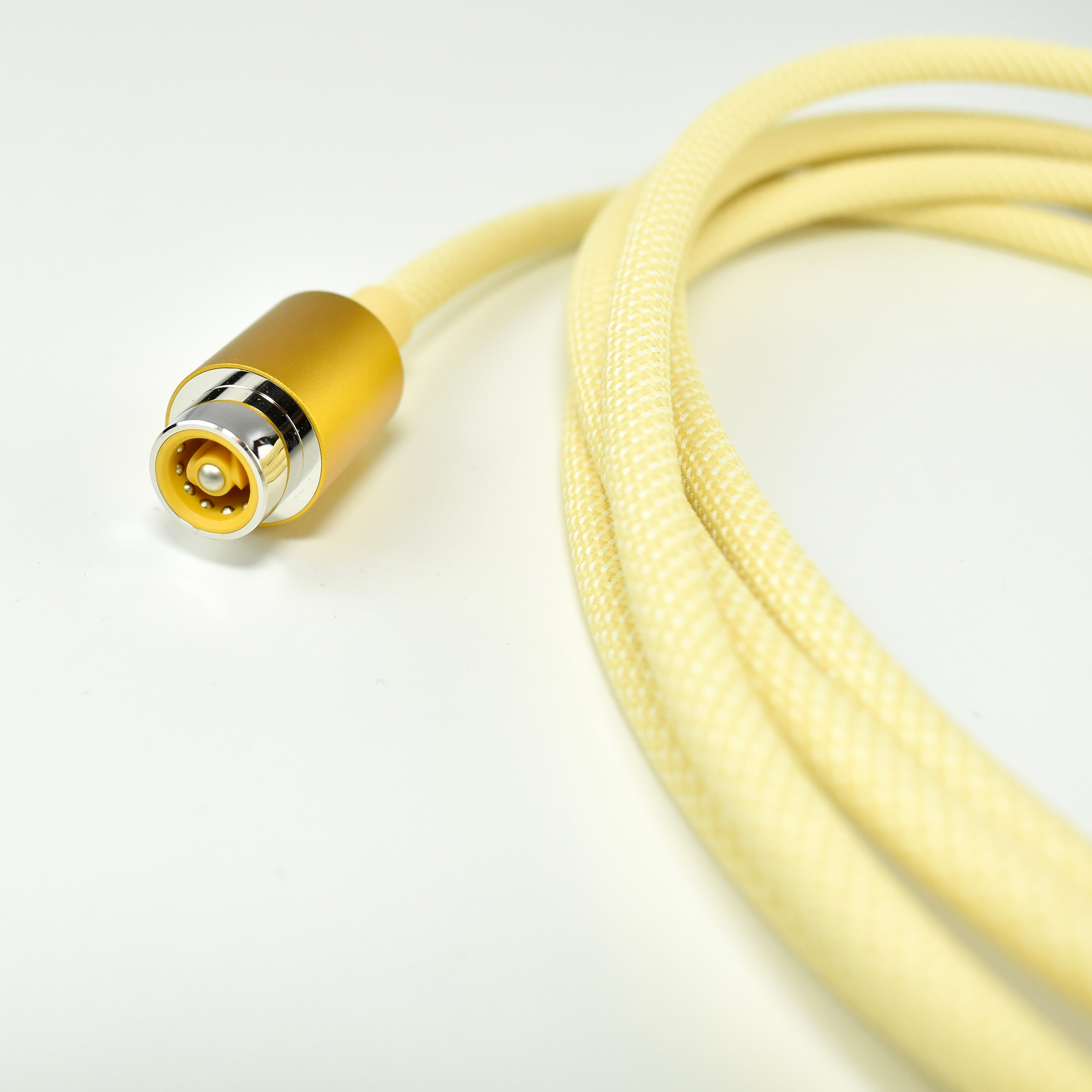
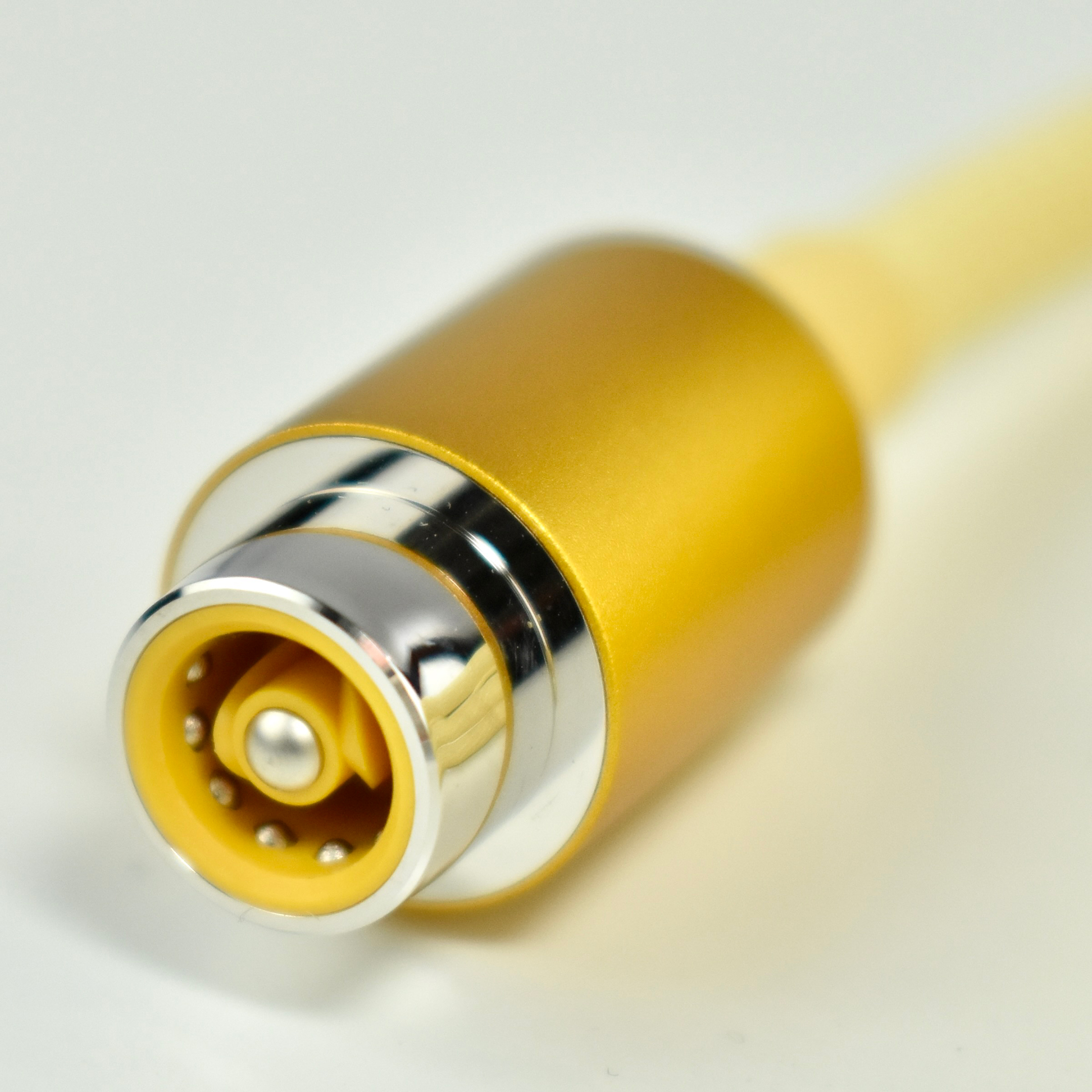
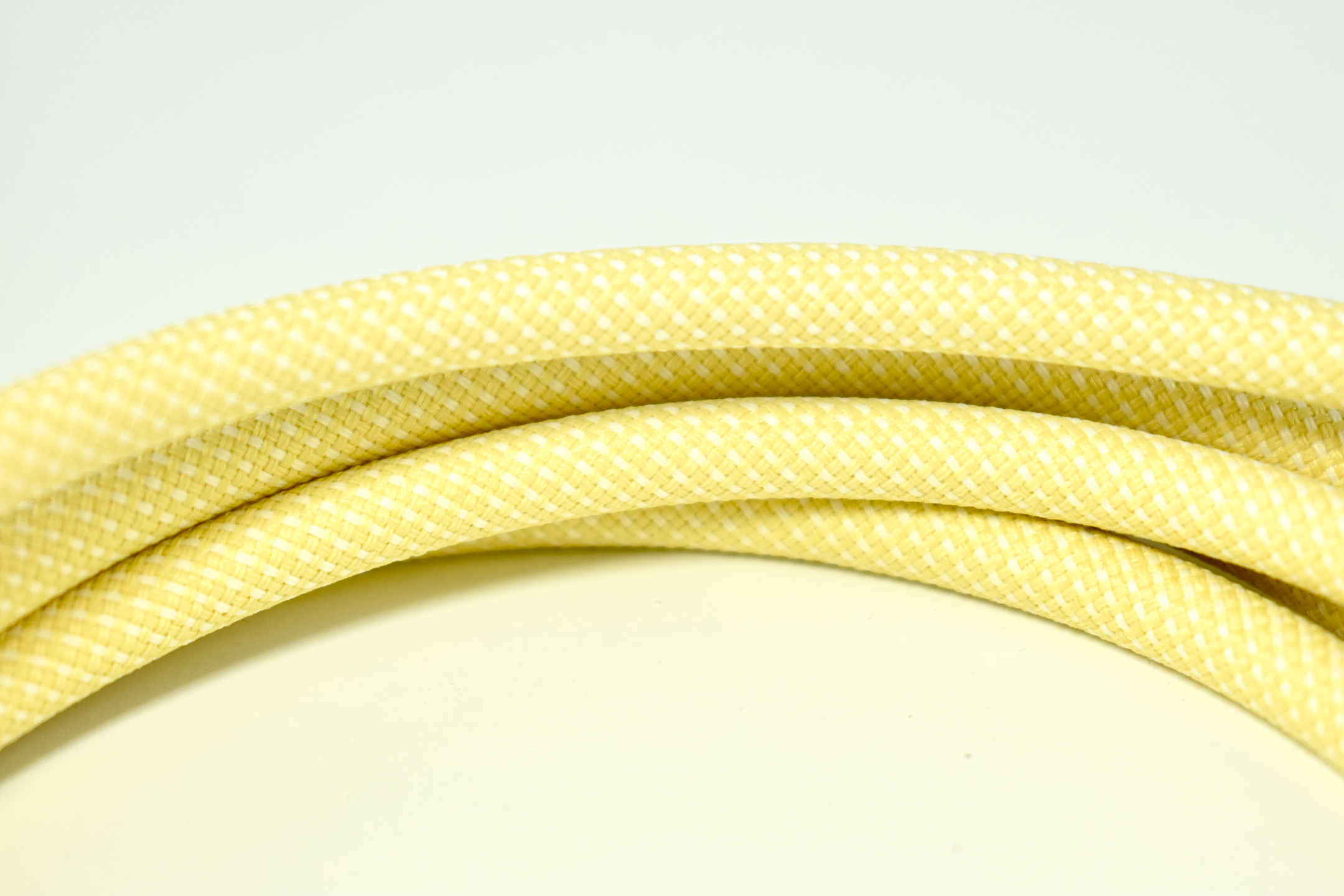
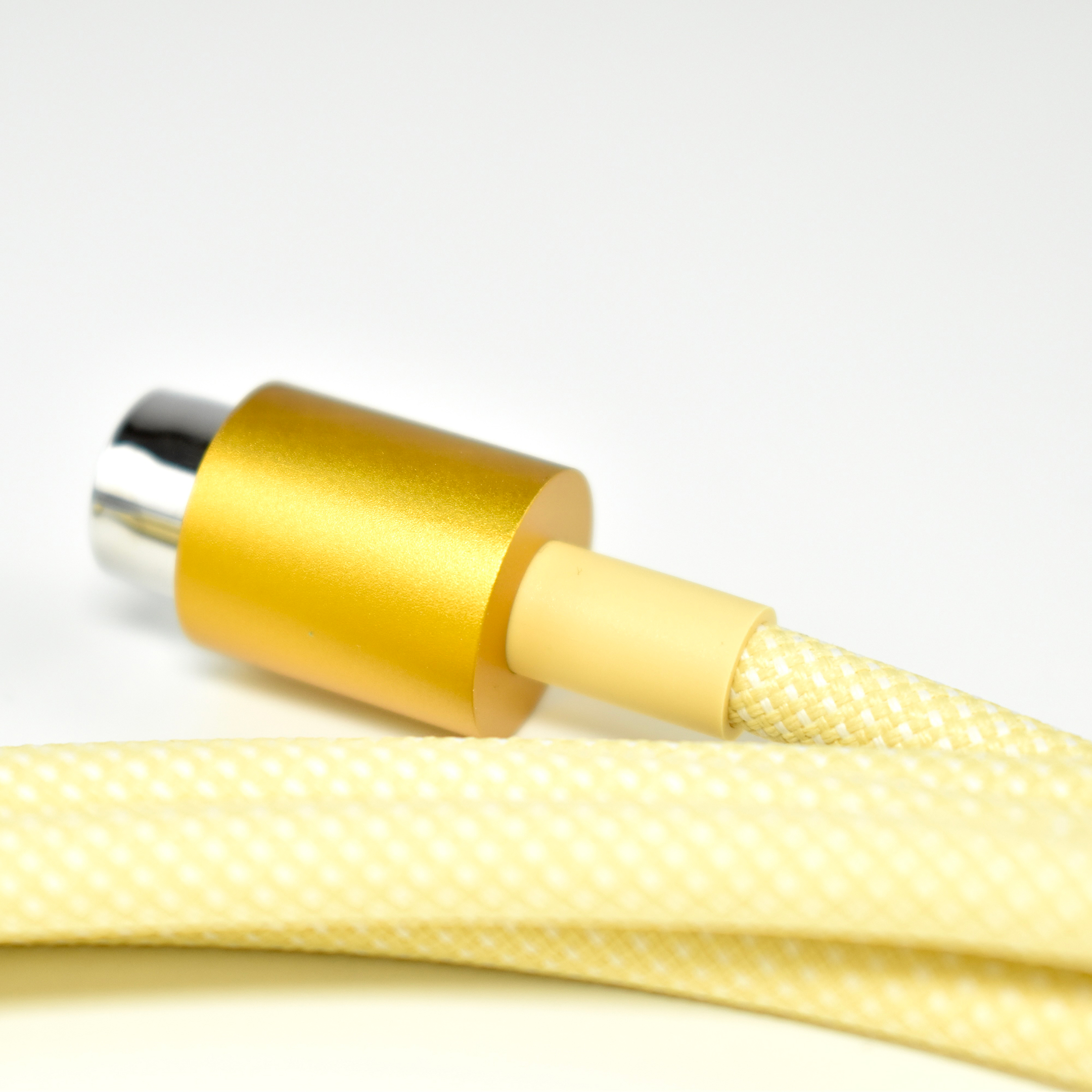
The shades of yellow shown on Apple’s website are to my eye, very far off from the actual color. Further, the iMac M1 uses three different shades of yellow. The “chin” of the device is a pale yellow; the back and sides is a rich yellow-orange; and the aluminum base is gold with hint of yellow. The aluminum parts of the mouse and keyboard use the exact same shade of gold as the iMac base. Other yellow parts include the magnetic power plug (an exact match of the back and sides color); the braided power cord (yellow braided with white); and the braided USB-C-to-Lightning charging cable (yellow braided with white matching the power cable). The plastic glides on the bottom of the mouse introduce a fourth shade of dark yellow. 

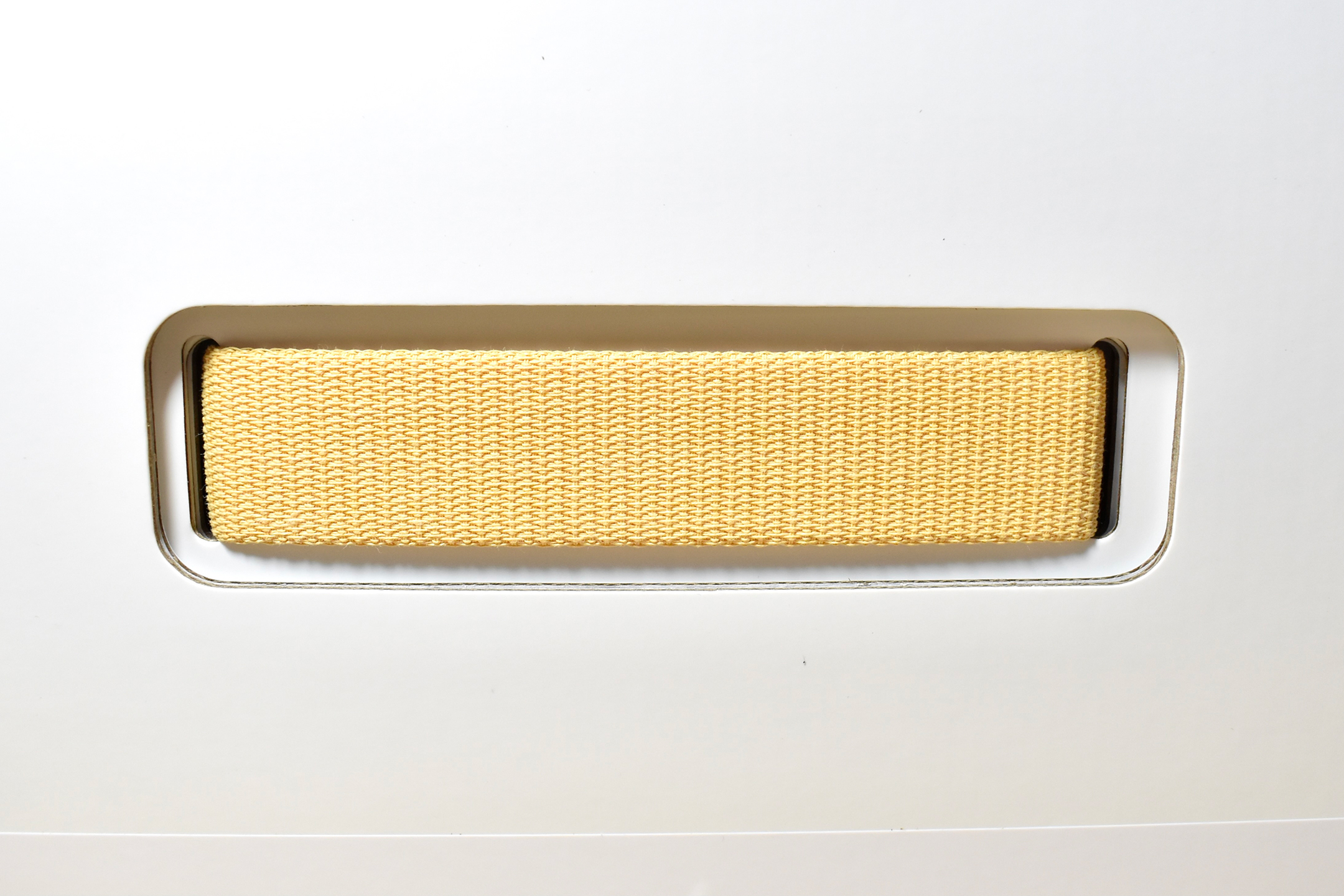
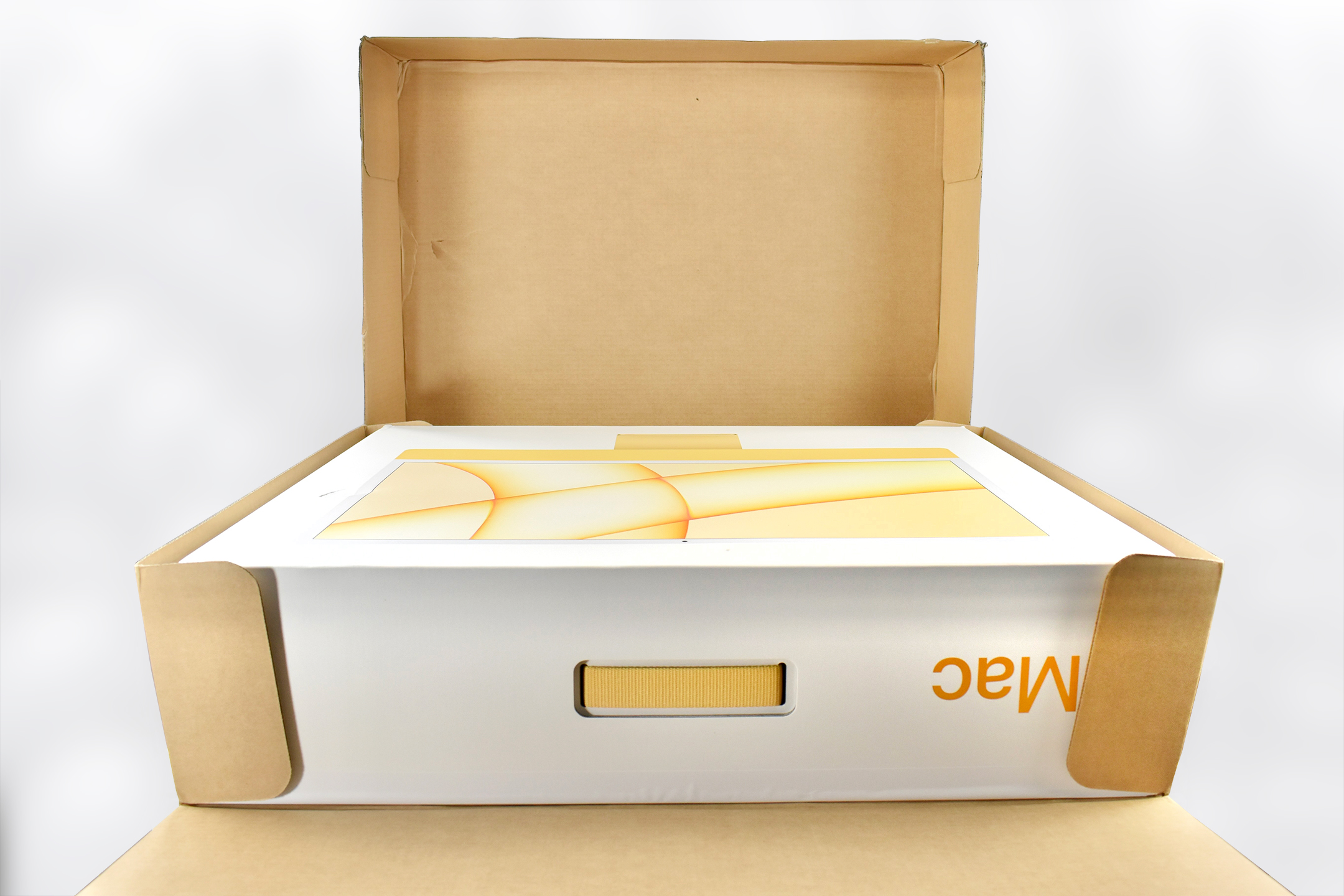
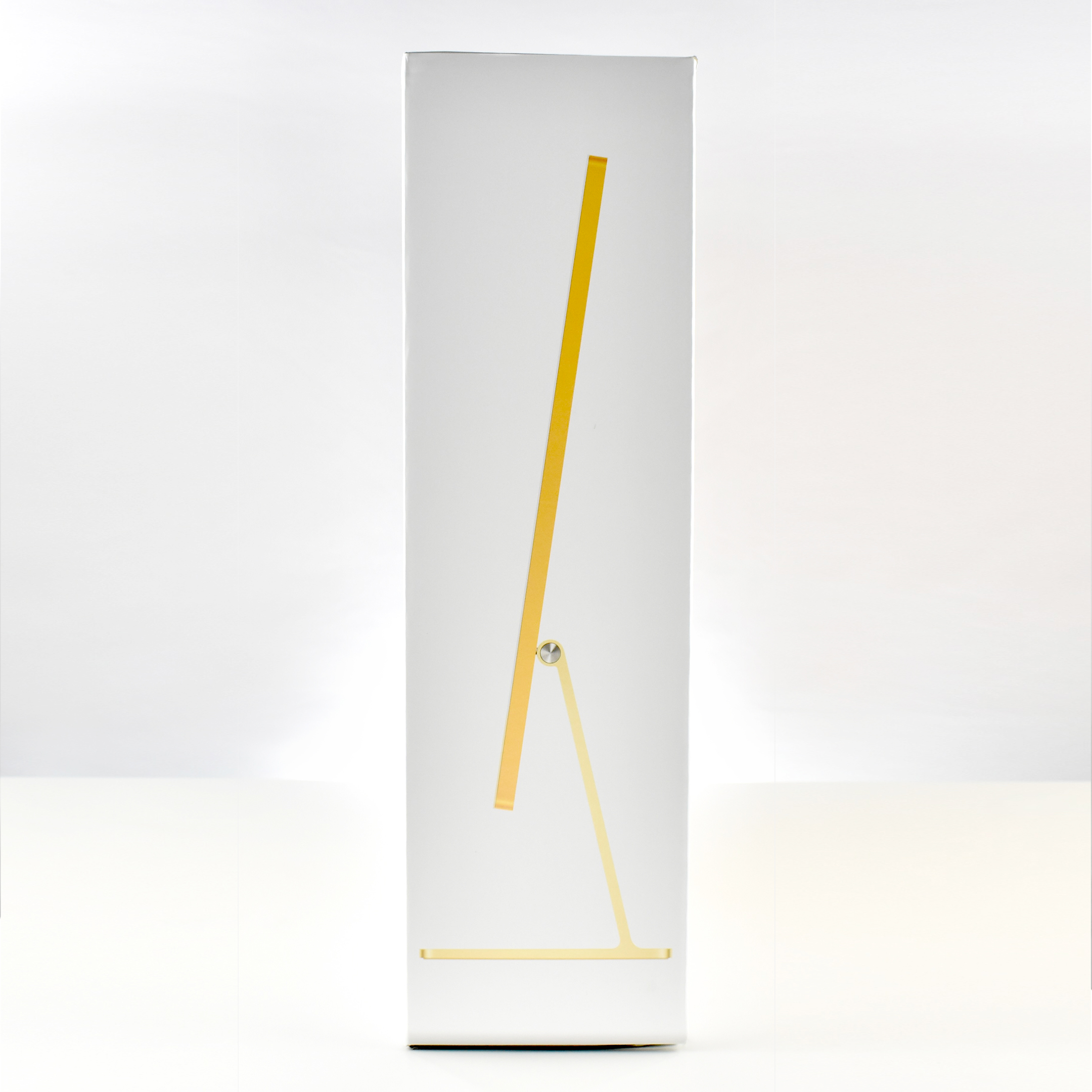
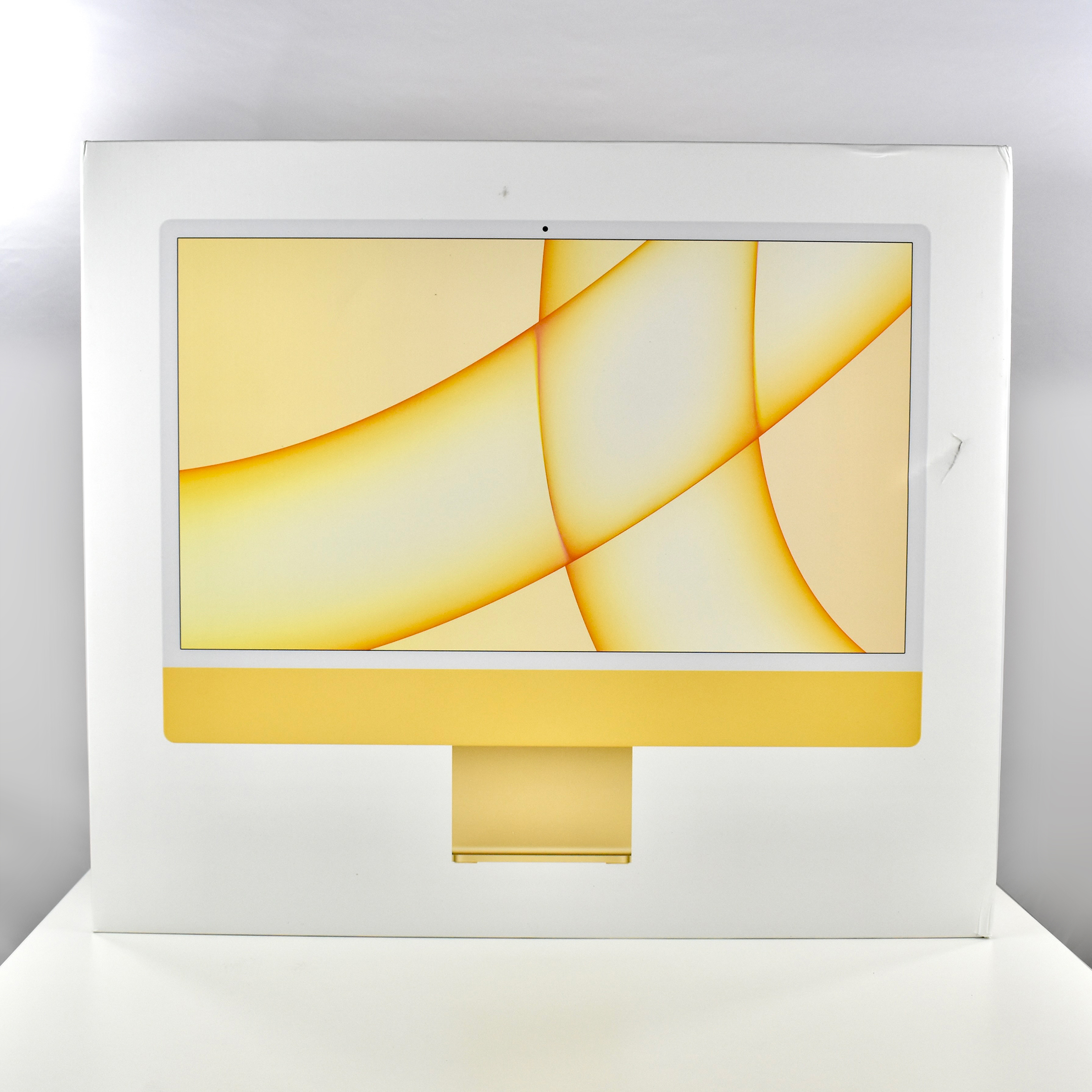
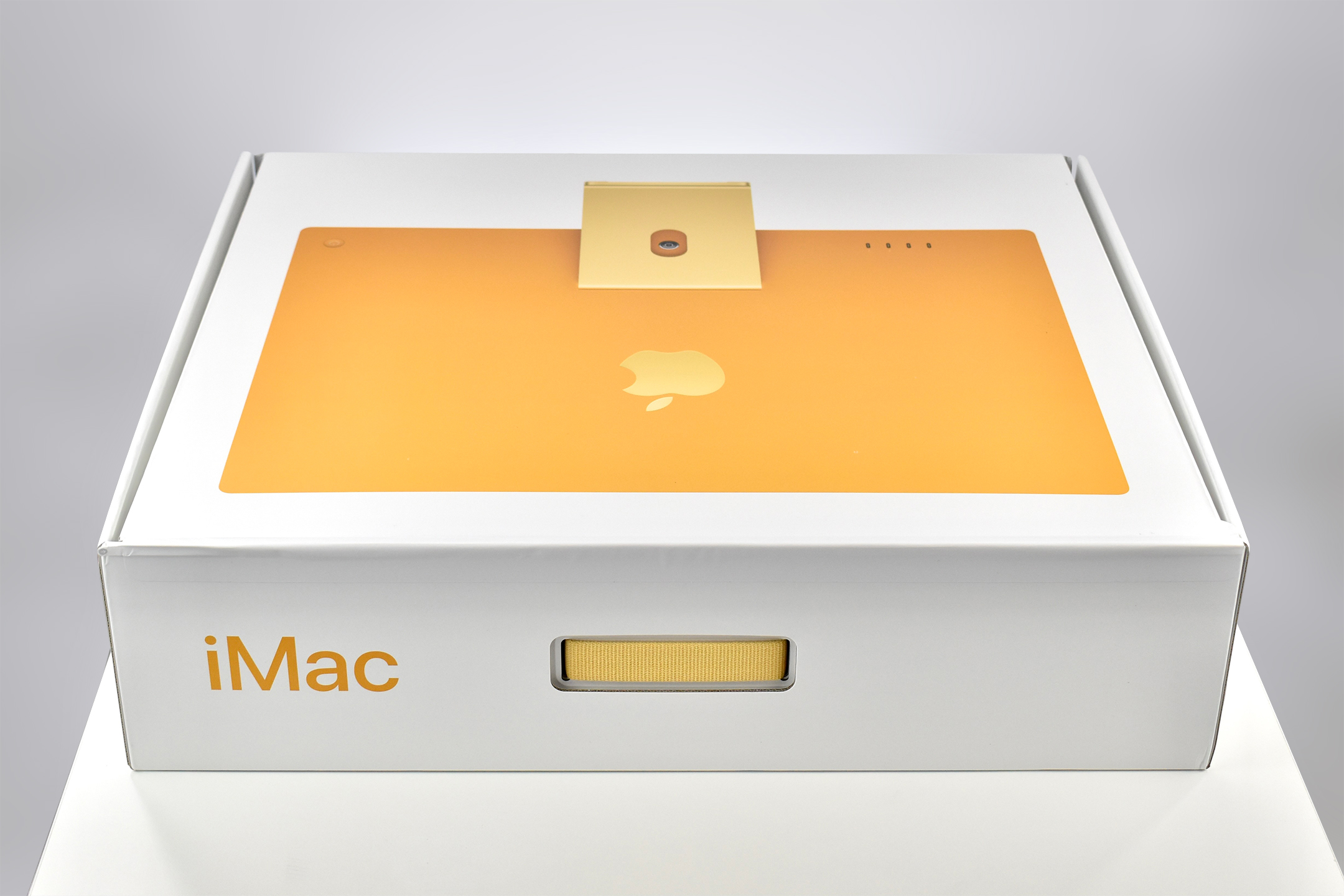
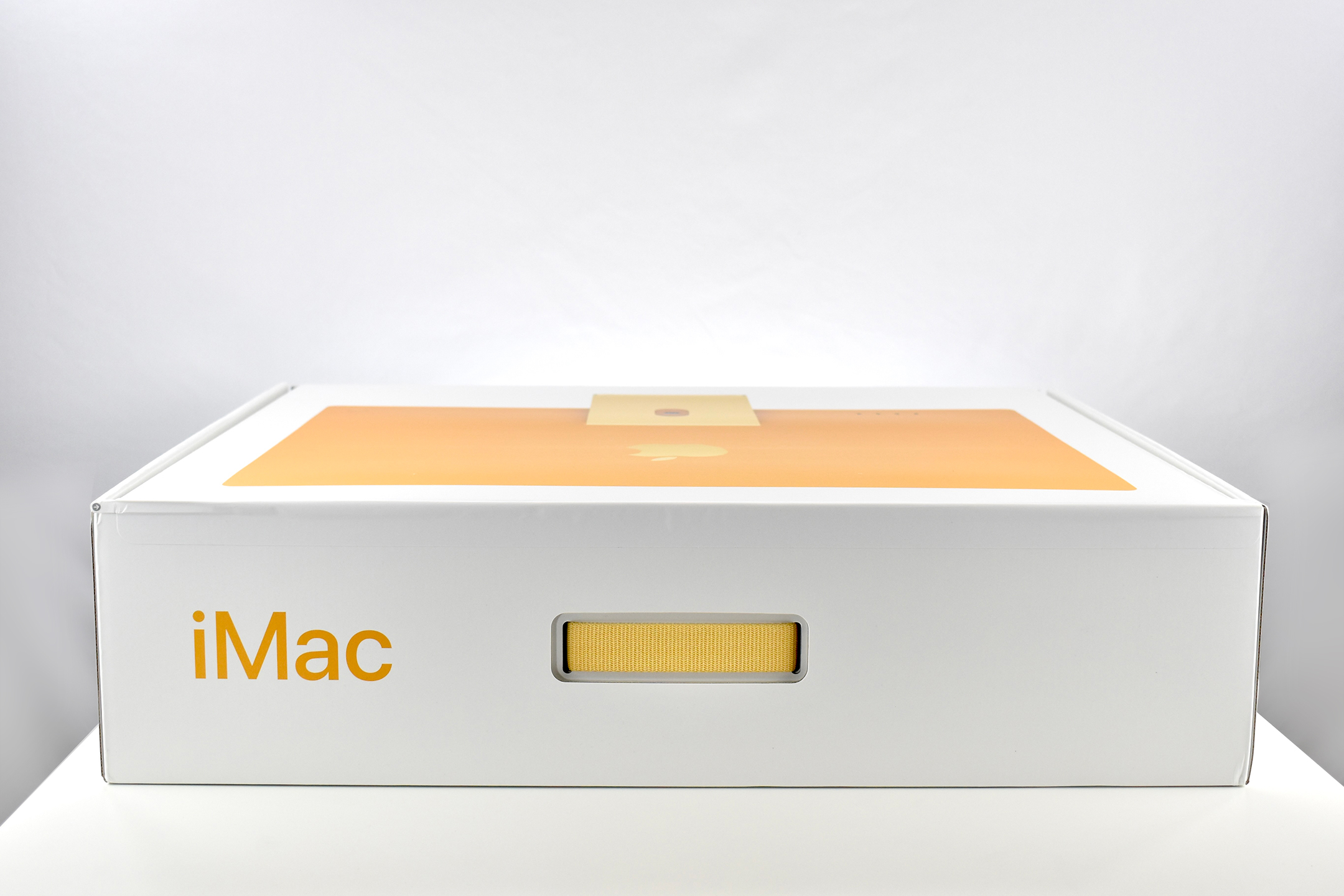
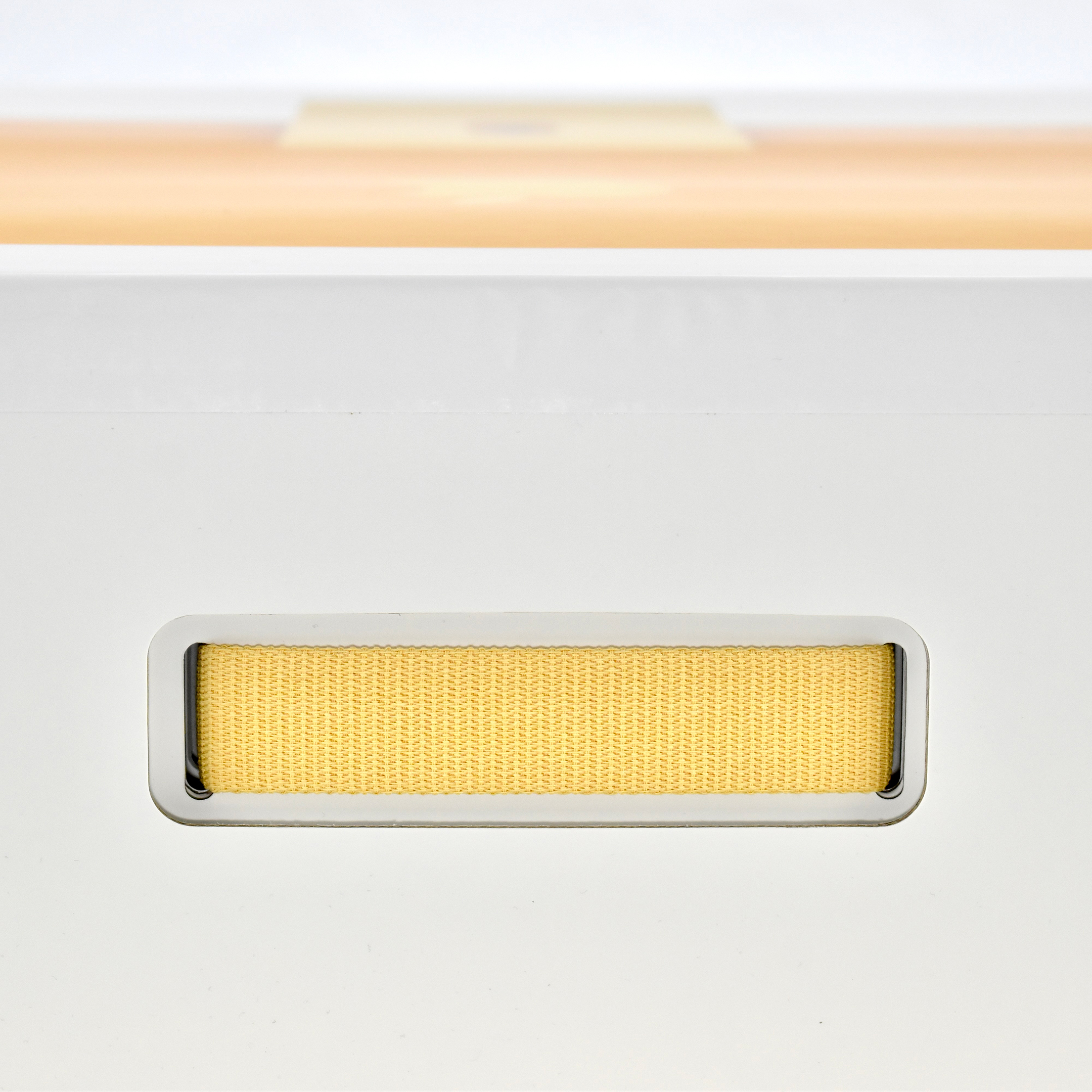
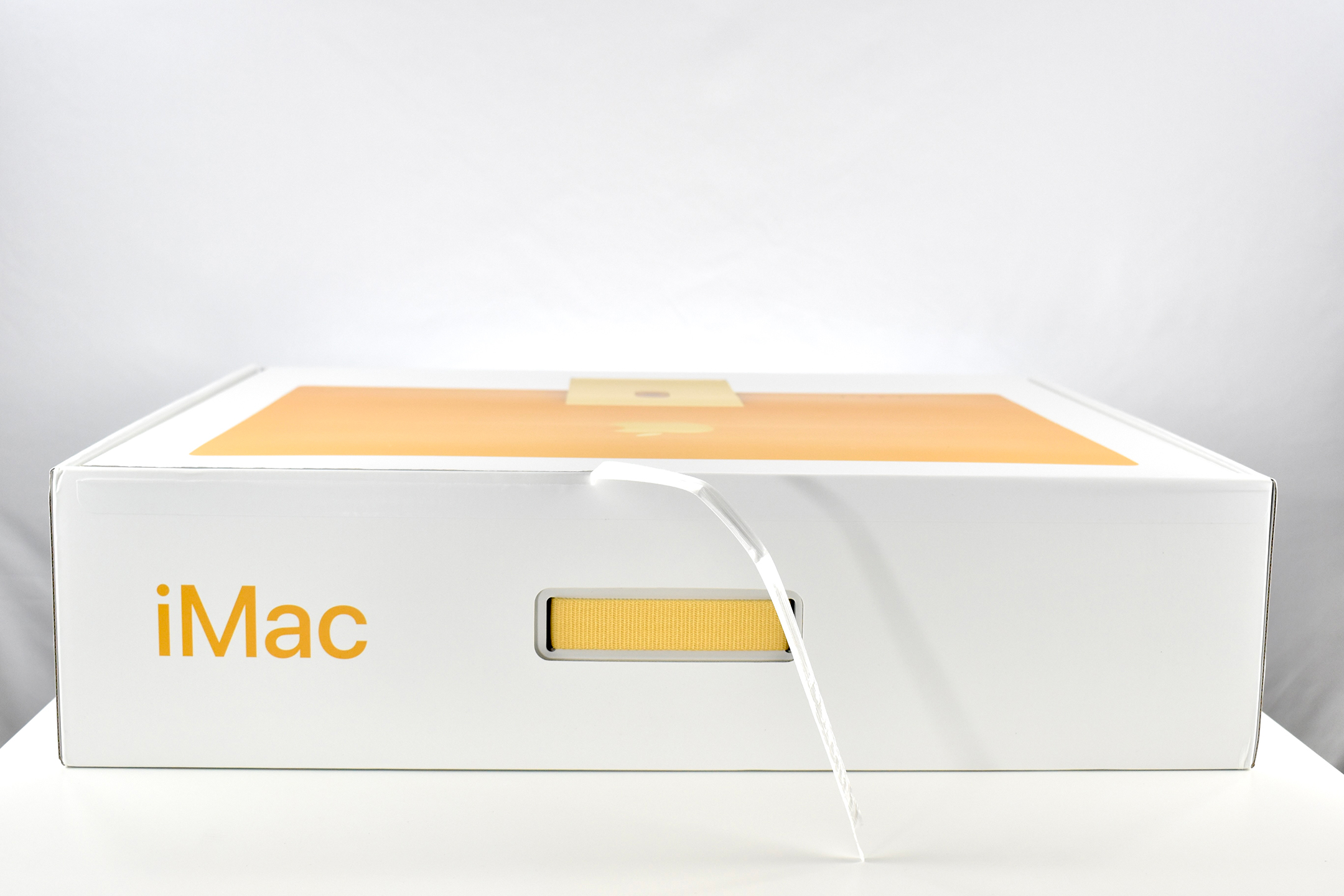
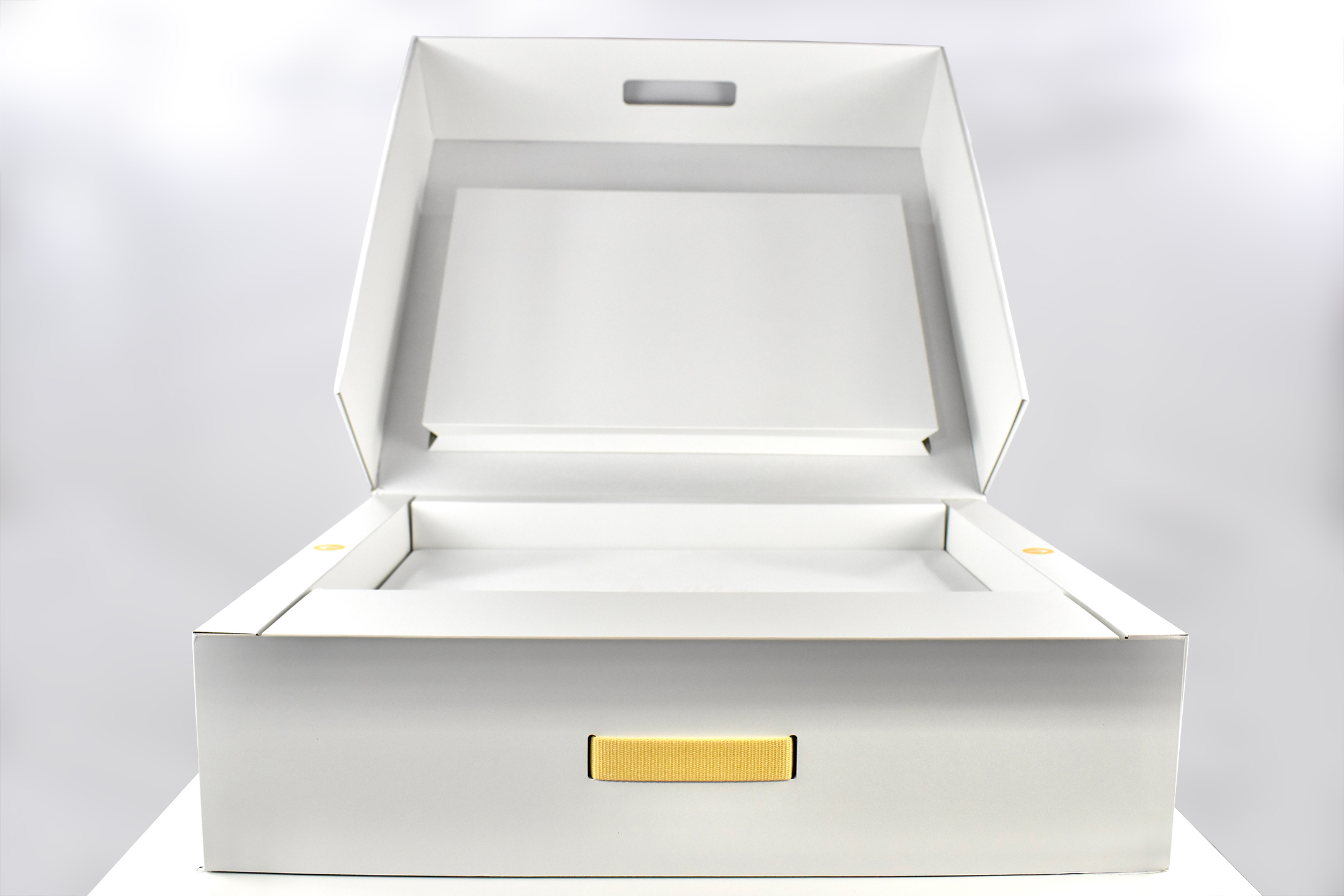
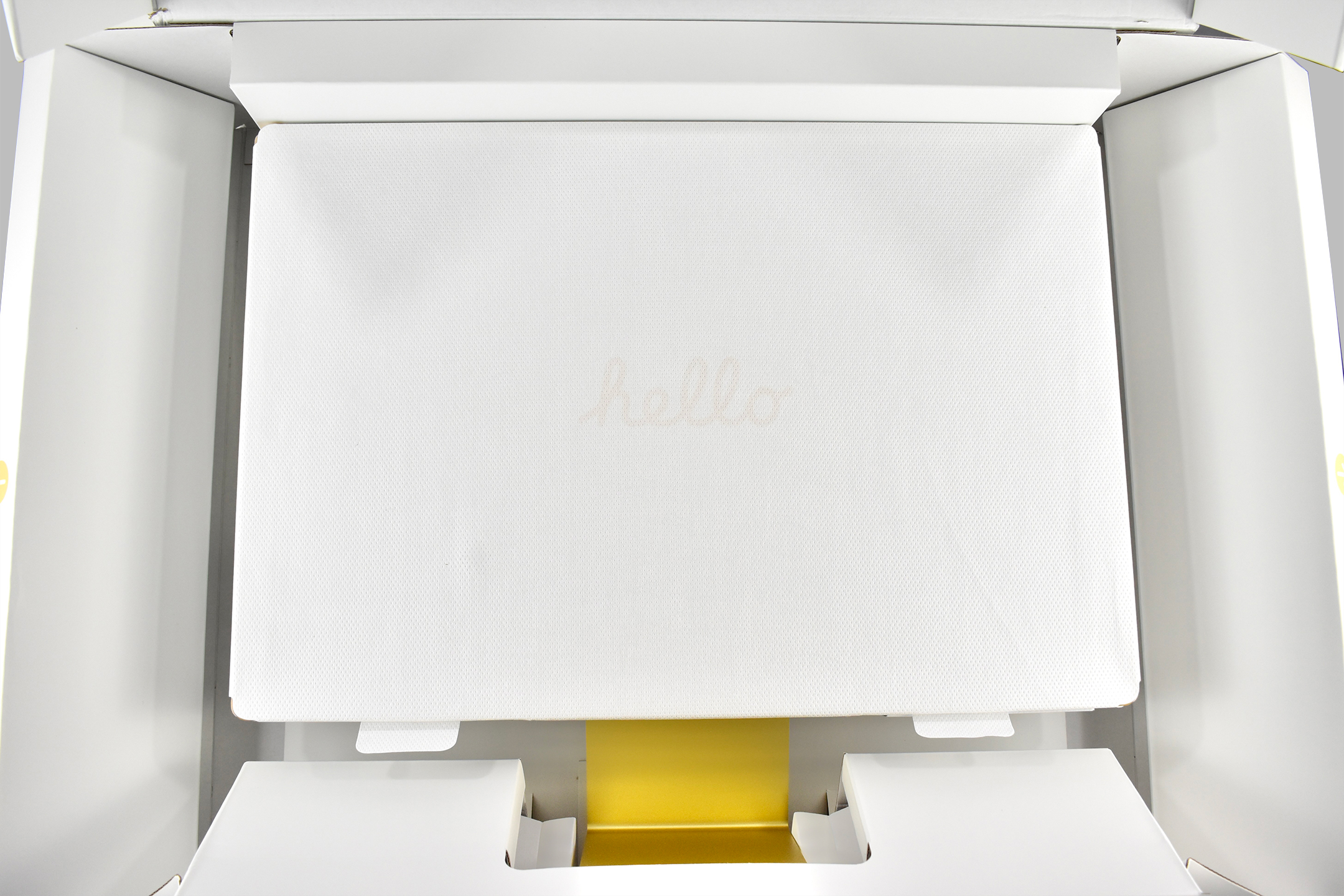
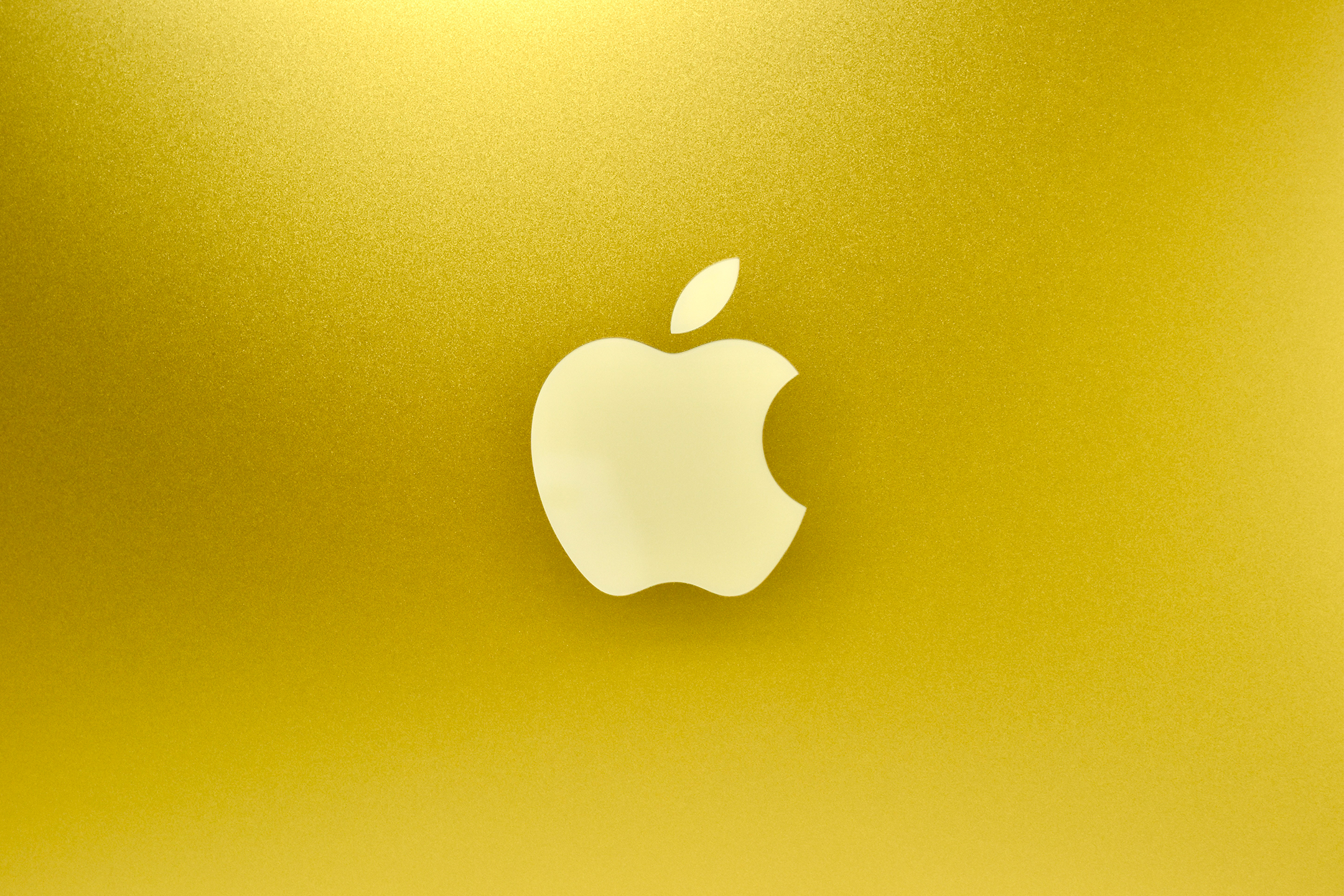
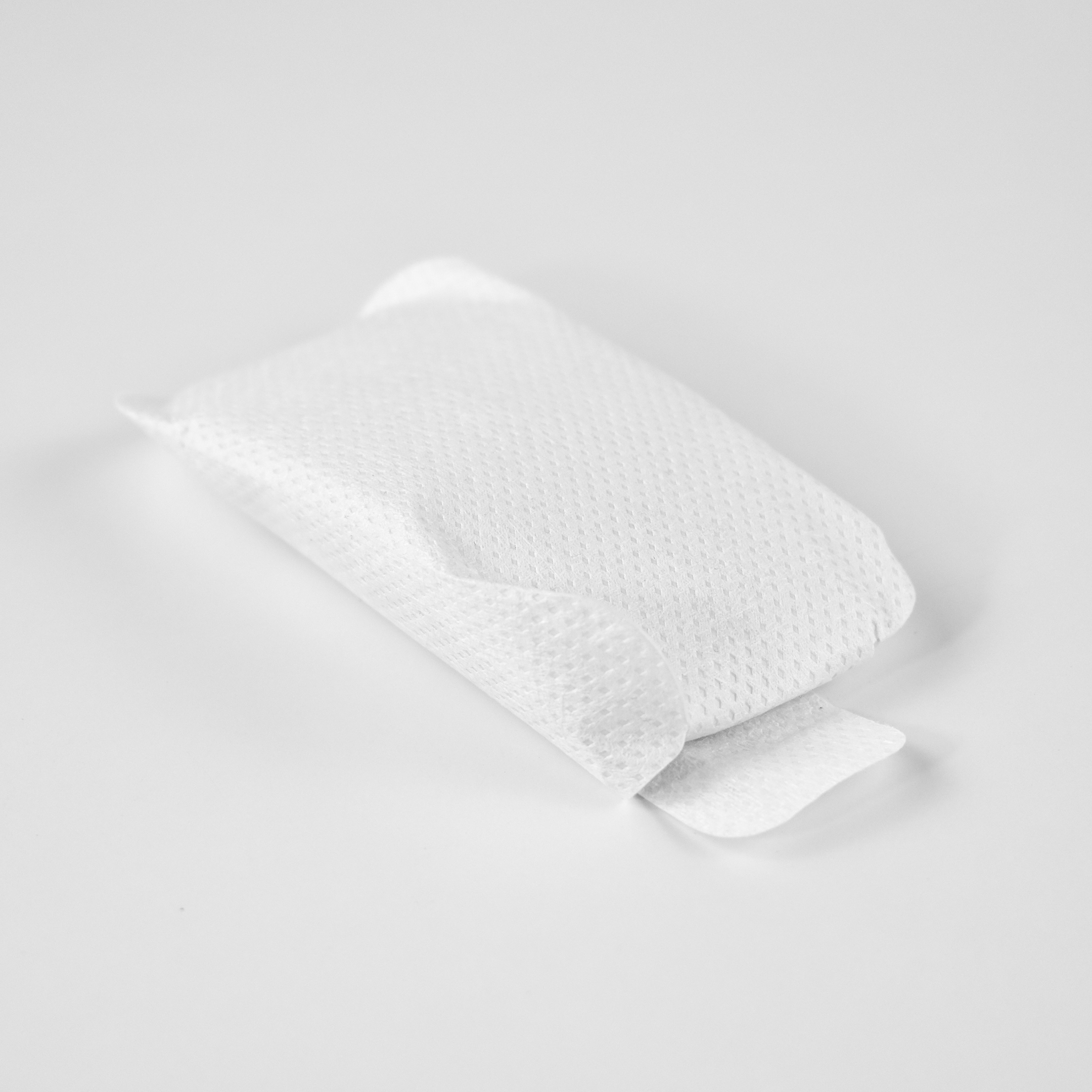
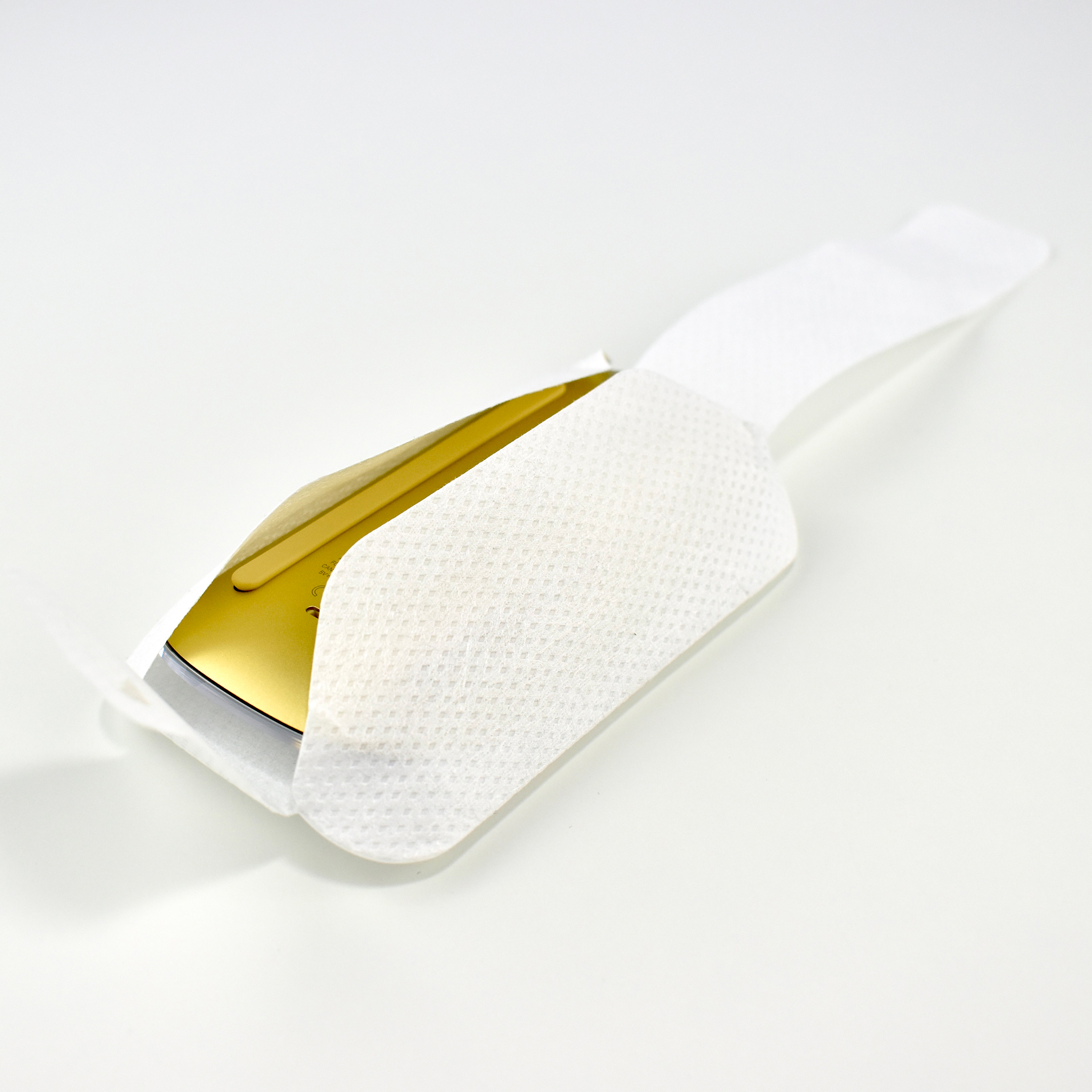
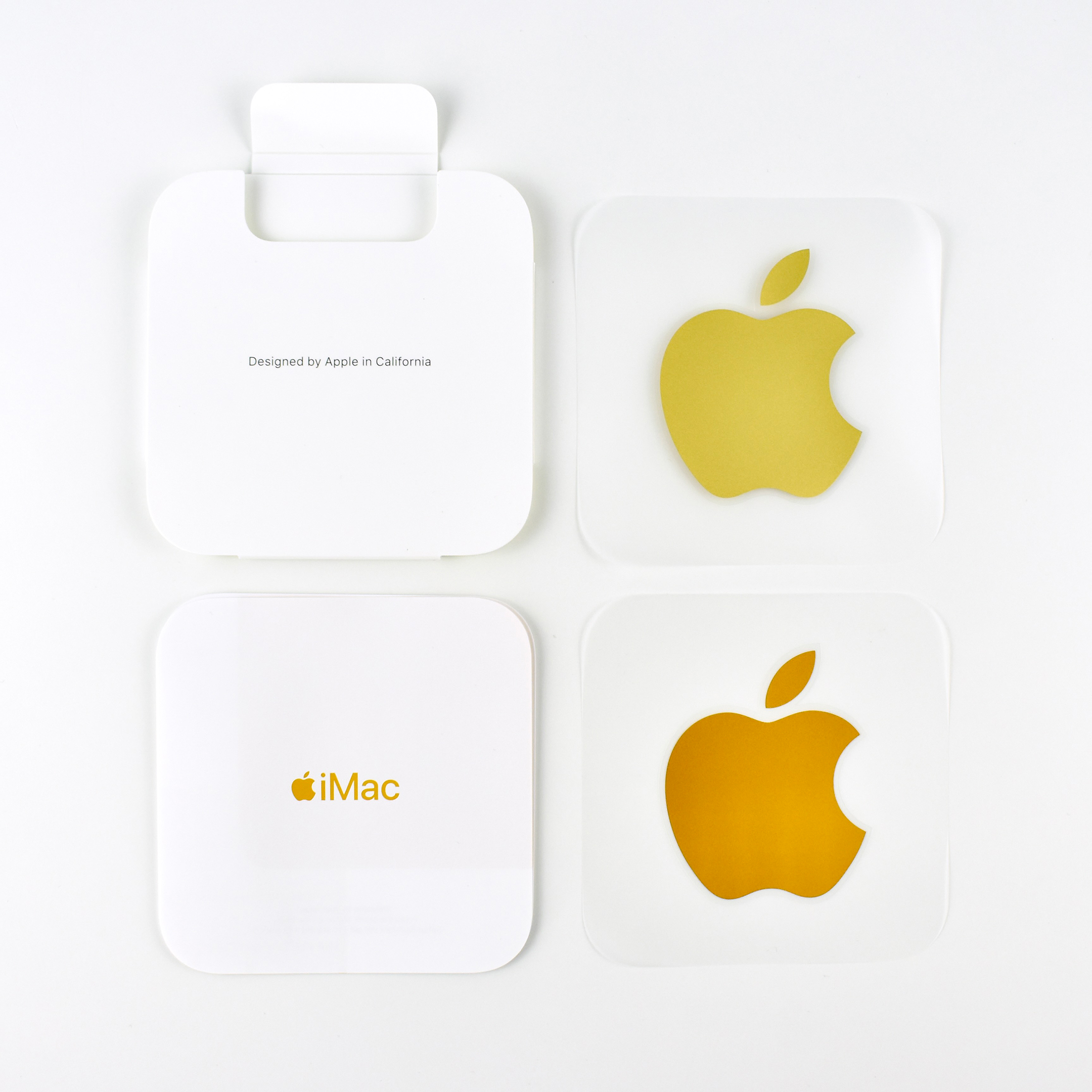
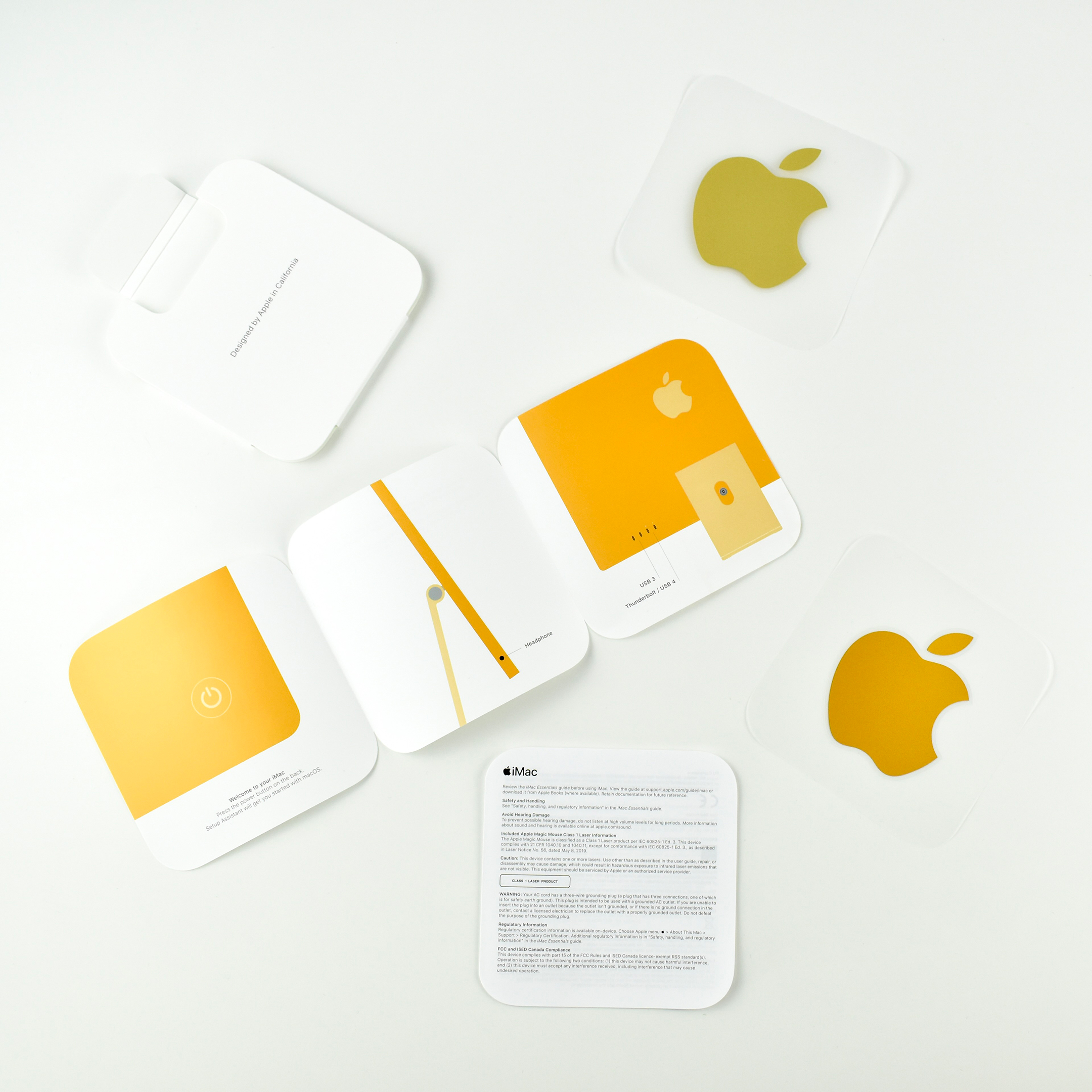
The packaging also includes several yellow accents. The photos of the iMac on the front, back, and sides of the box are all yellow, but they do not match the actual color of the iMac. To be fair, the box photos match the iMac far better than the web versions of the colors. The box contains an internal container with the accessories that is printed in yellow. The M1 iMacs each include two Apple-logo stickers, a matching light and dark version of the iMac colors (except silver which only contains one silver sticker). Finally, the three-panel “Getting Started” guide is printed in the color that matches the iMac. 

I’m not bothered by these color issues, but I do find them surprising. I am no fan of the gold base, mouse, and keyboard, of my yellow iMac—I ordered yellow, not gold—but as a collector I appreciate the design and many details.

Sources: Apple, EveryMac (iMac systems, iMac core i7, iMac M1)