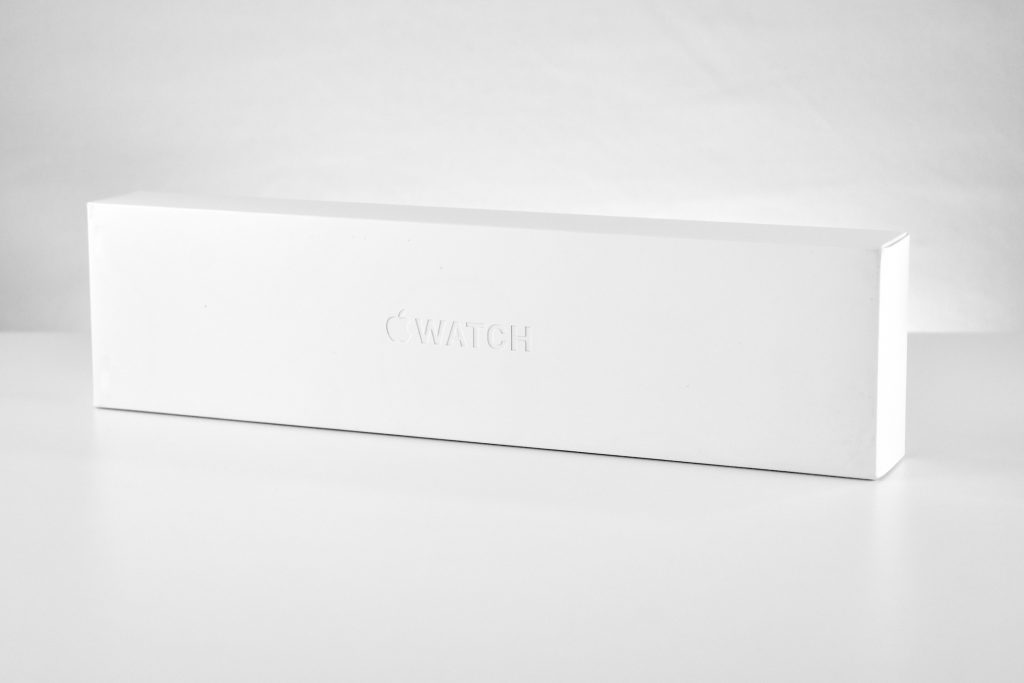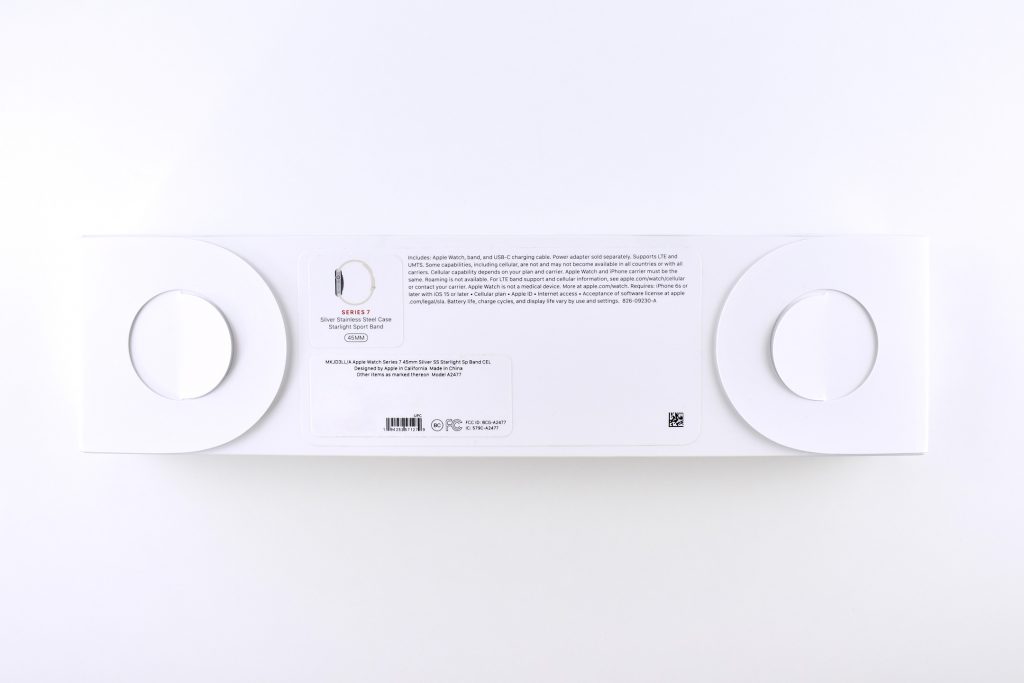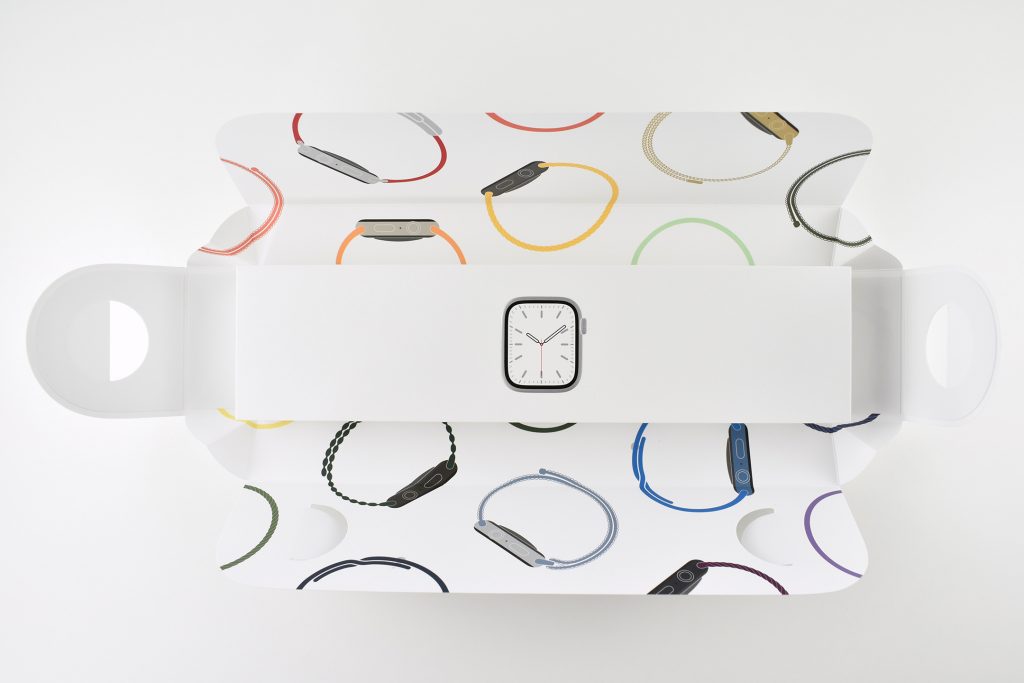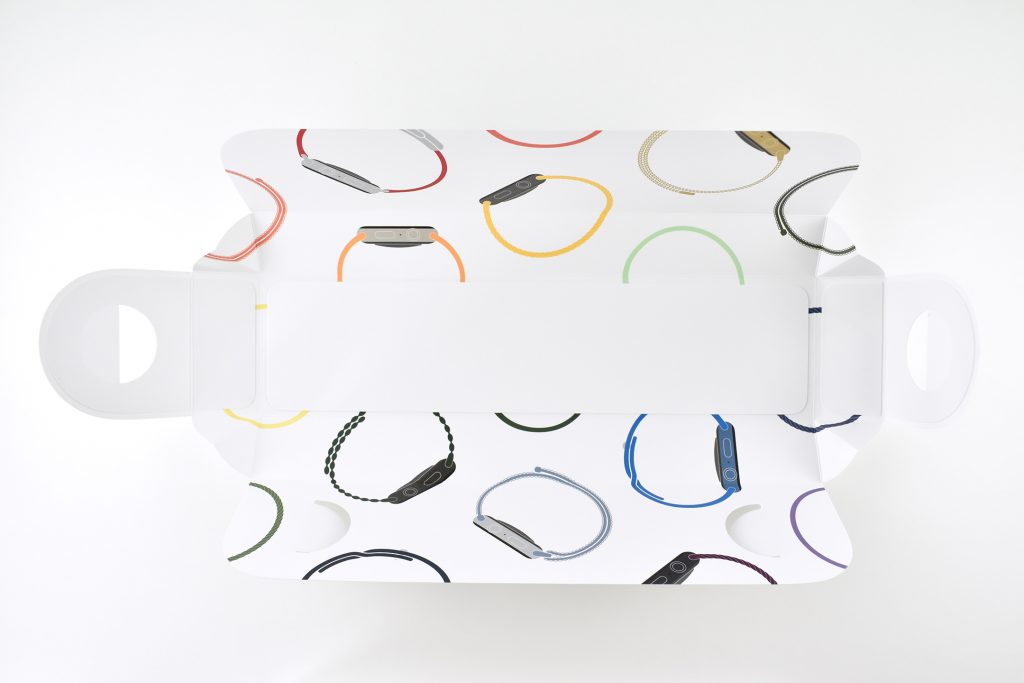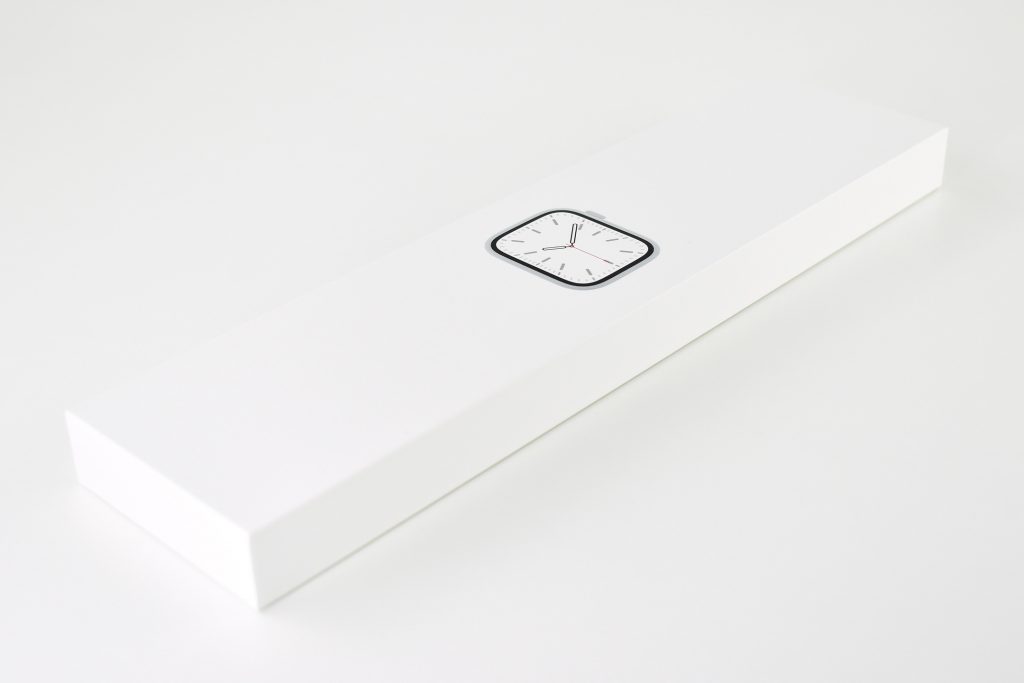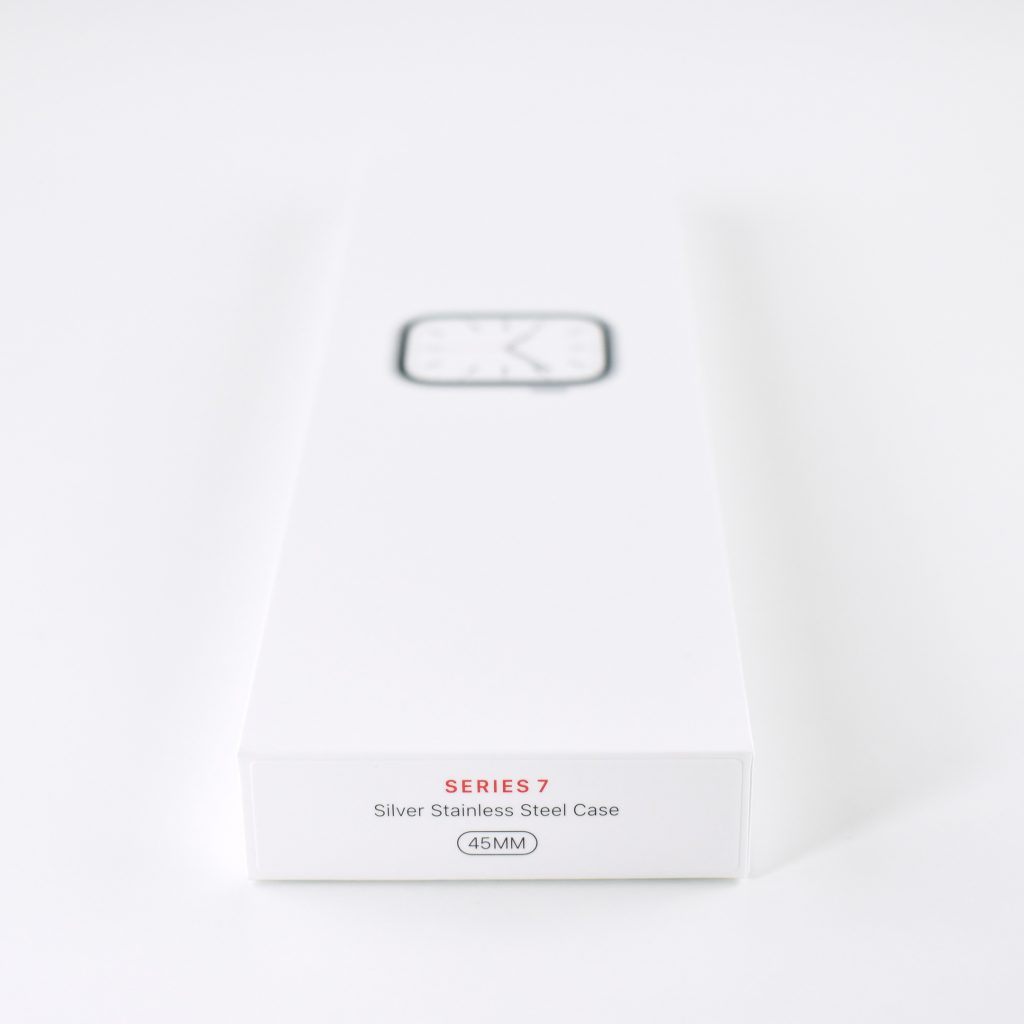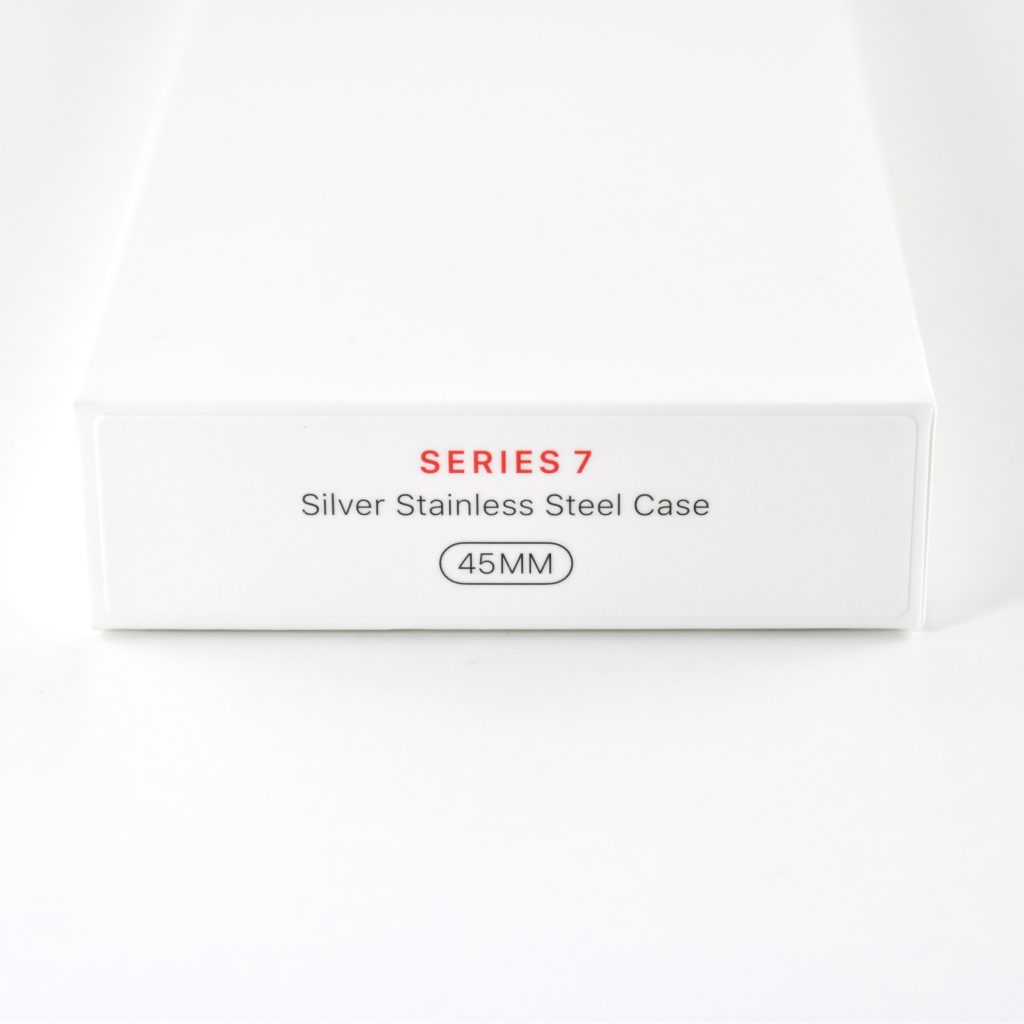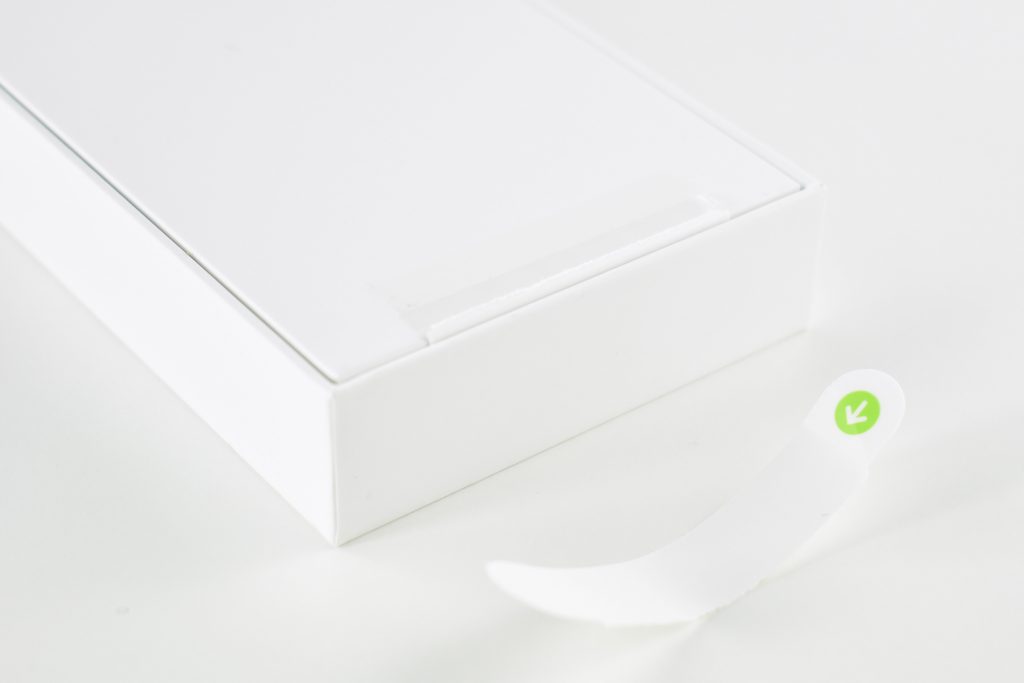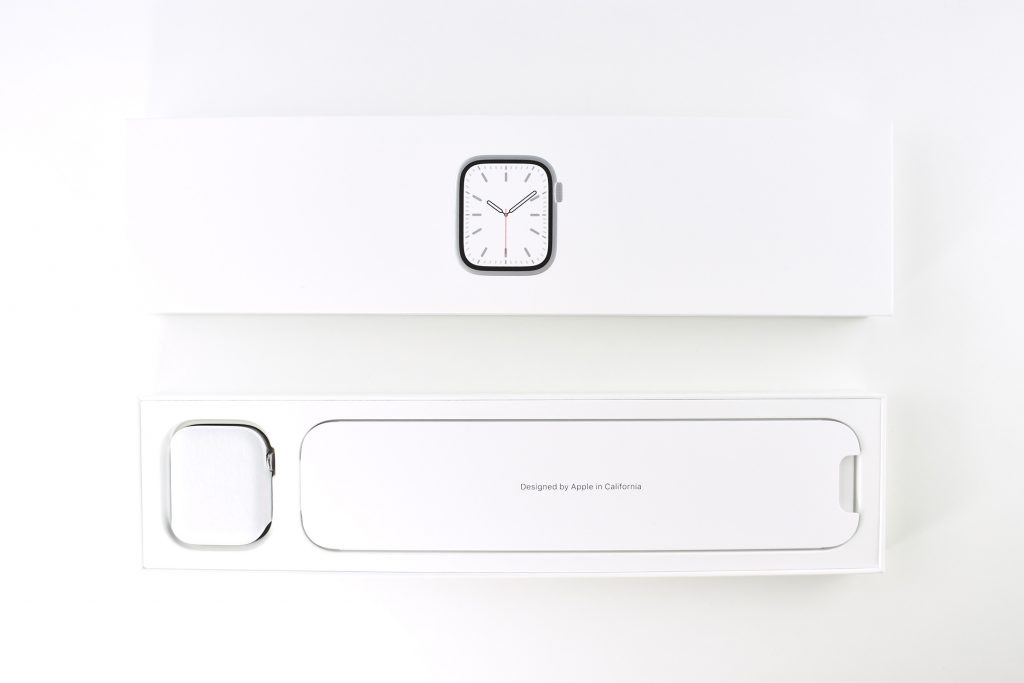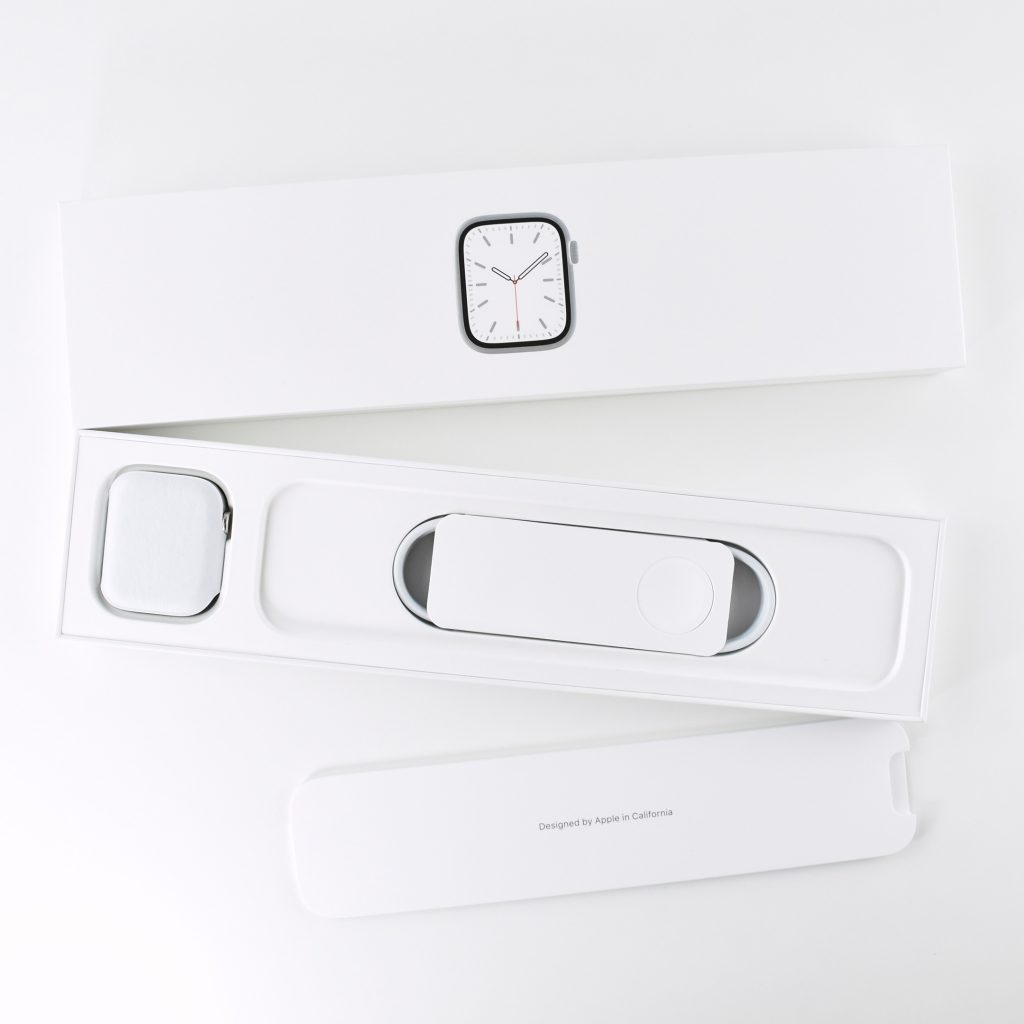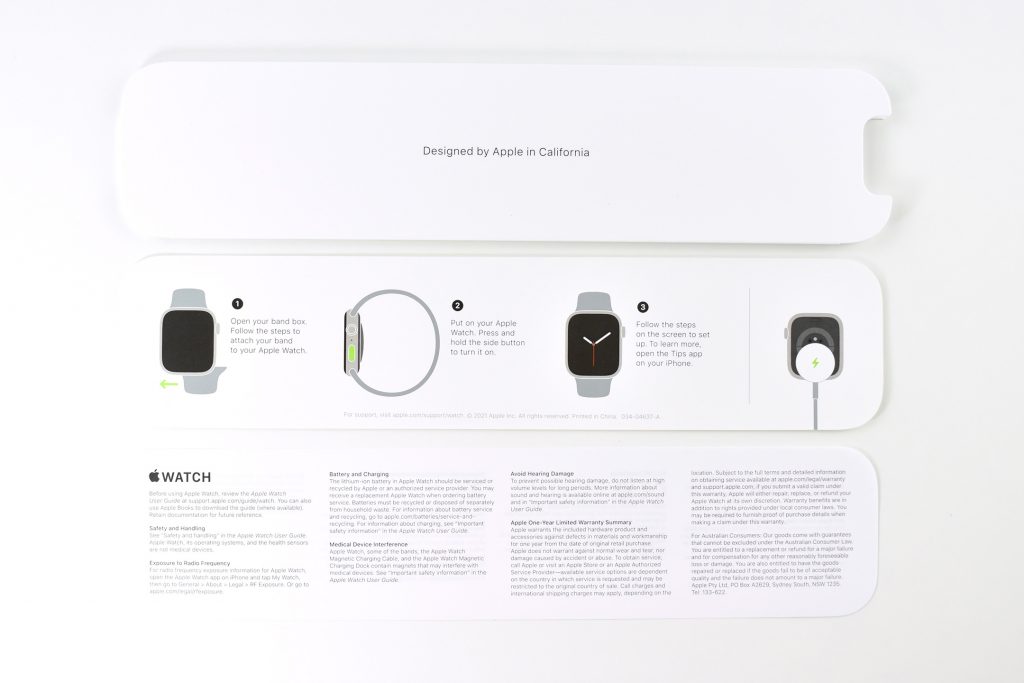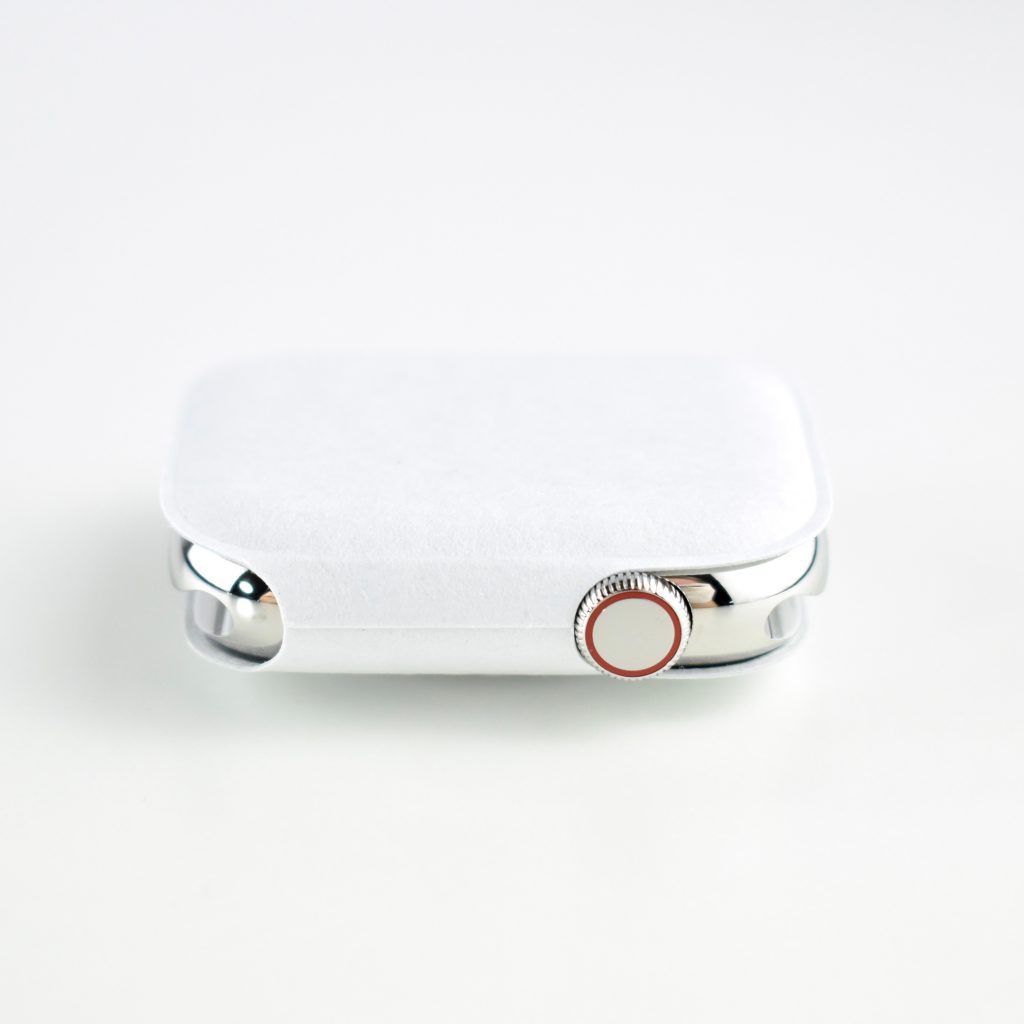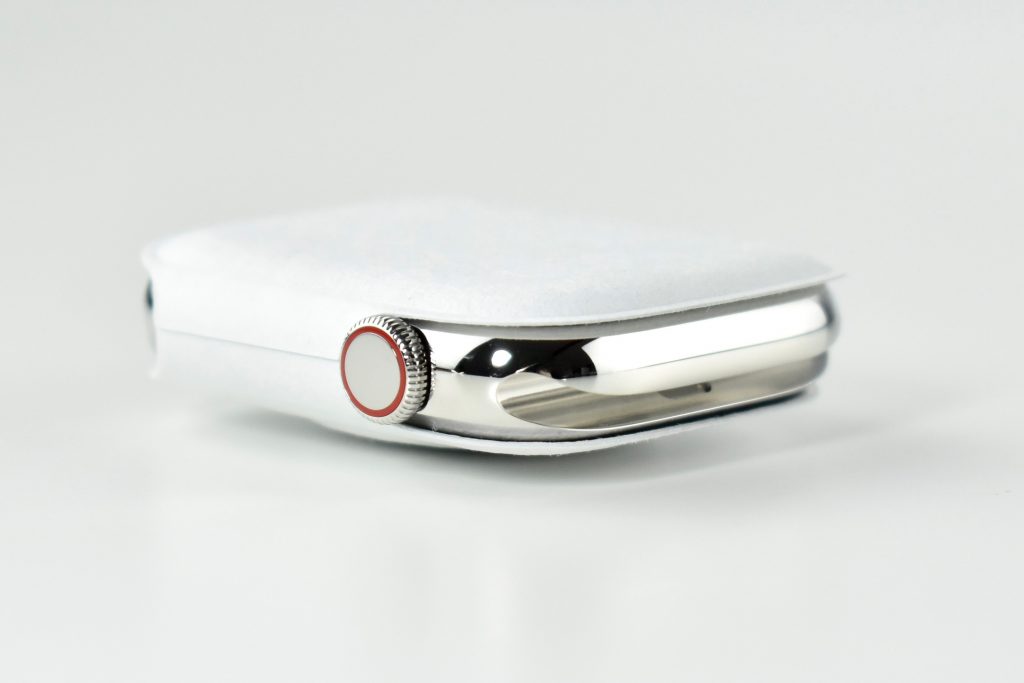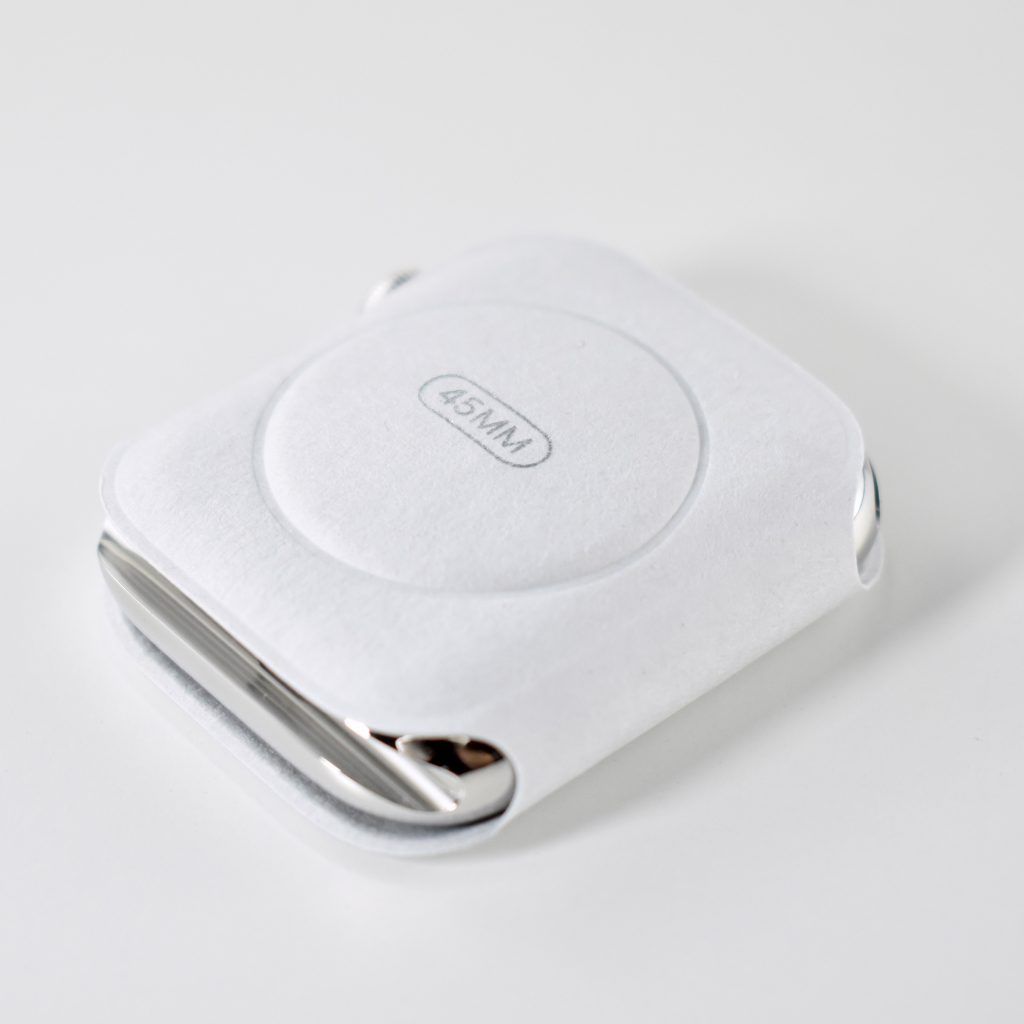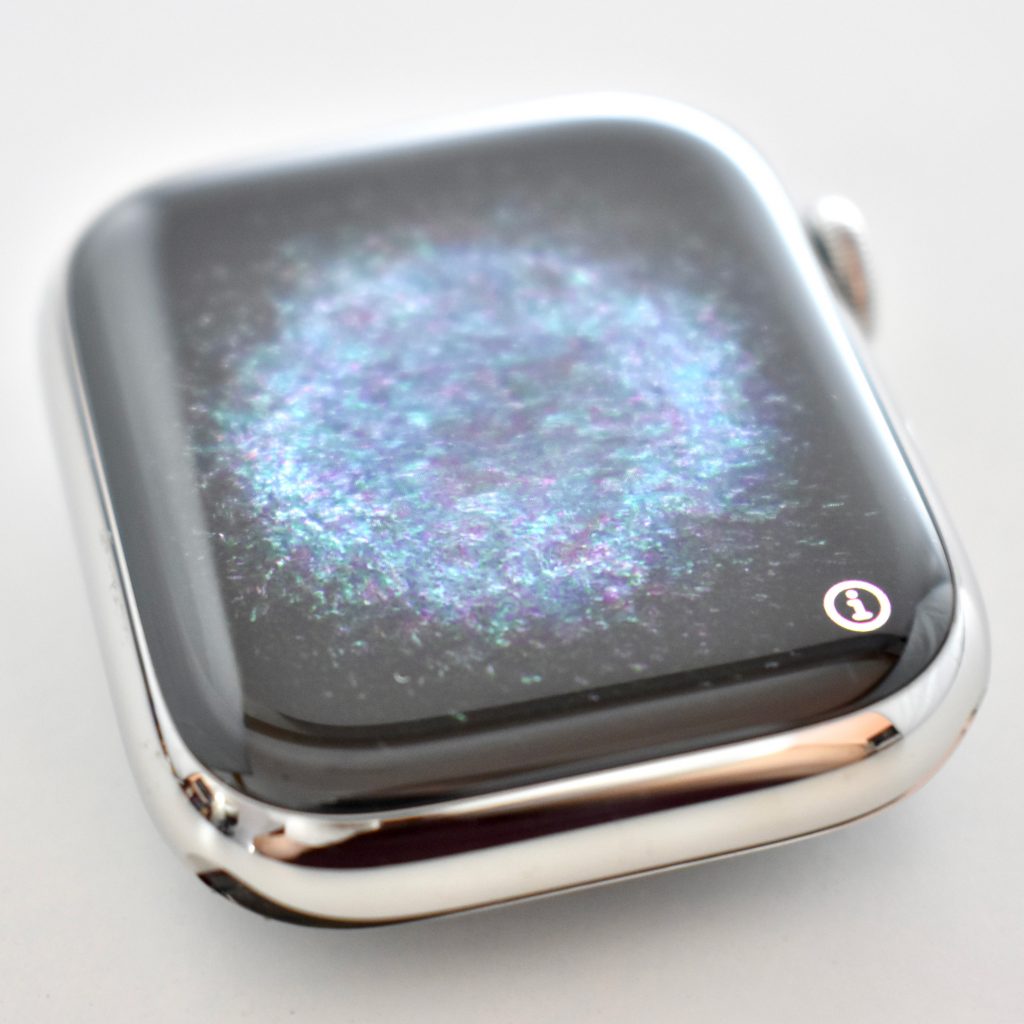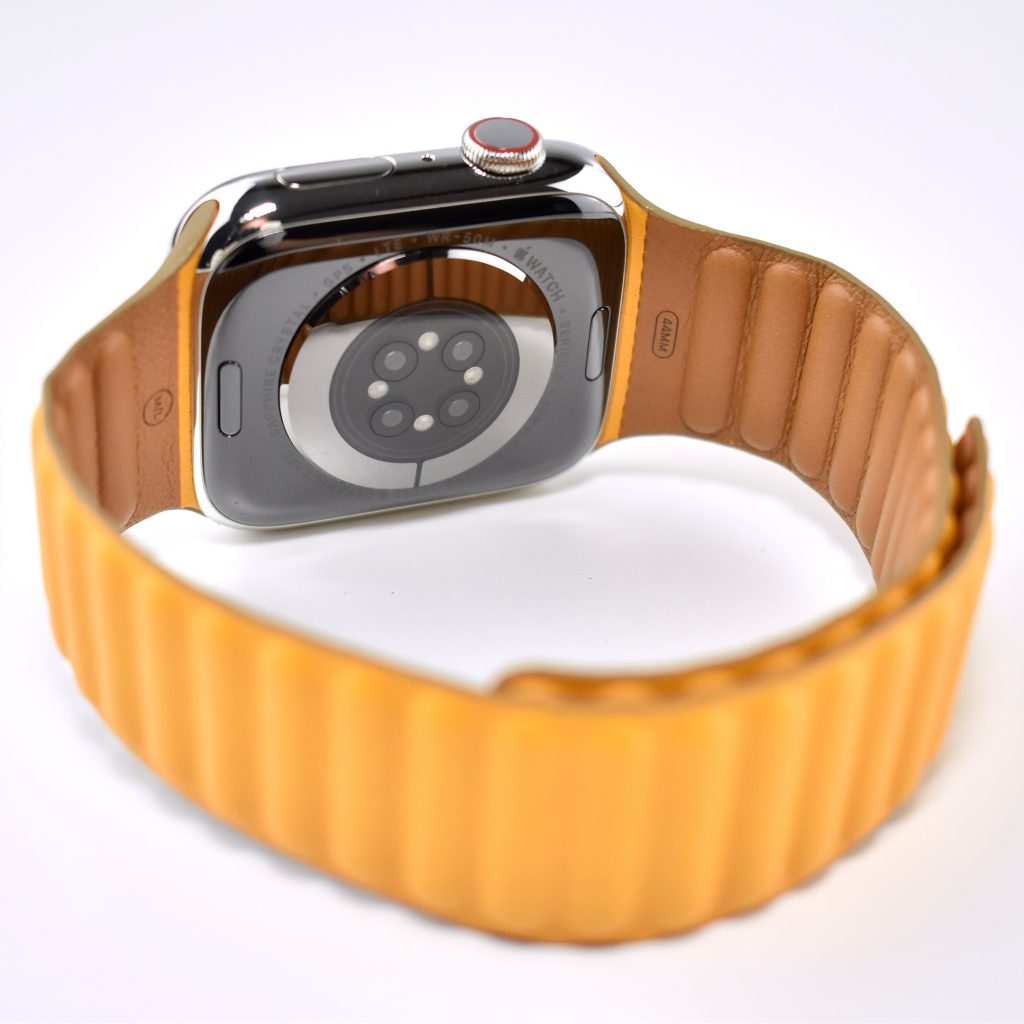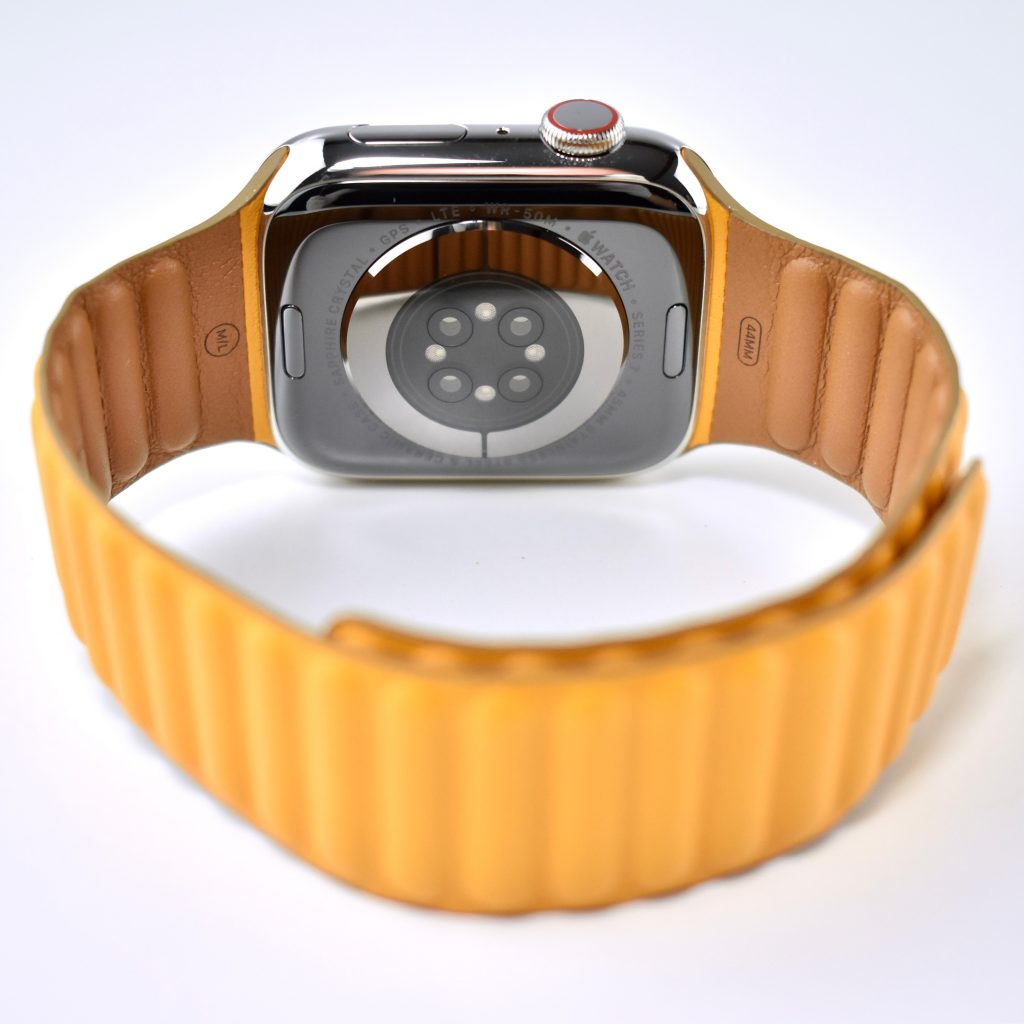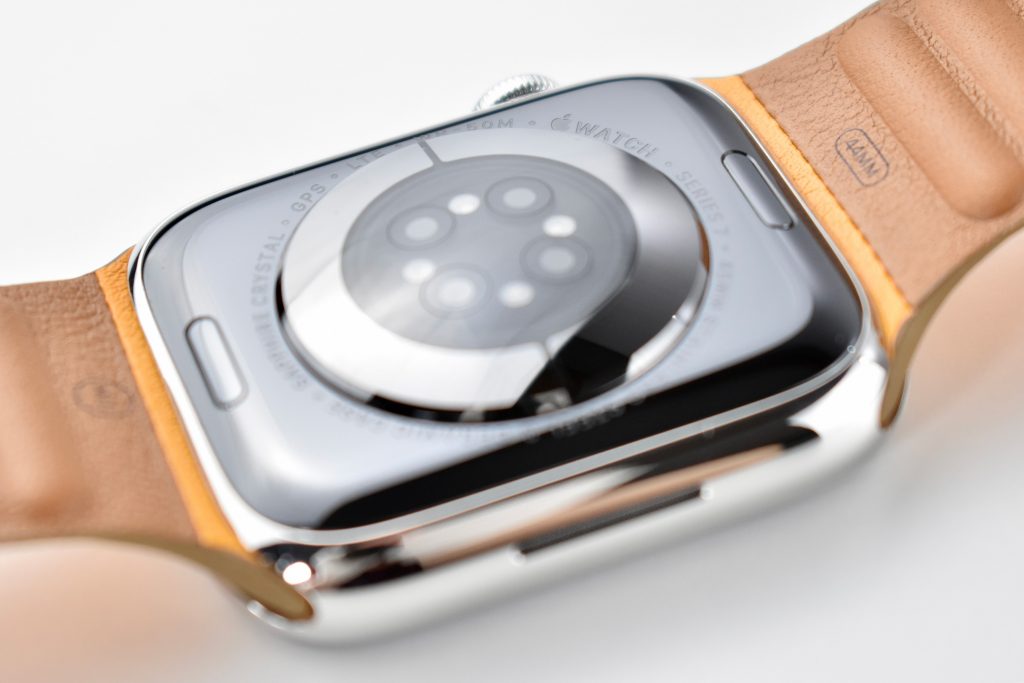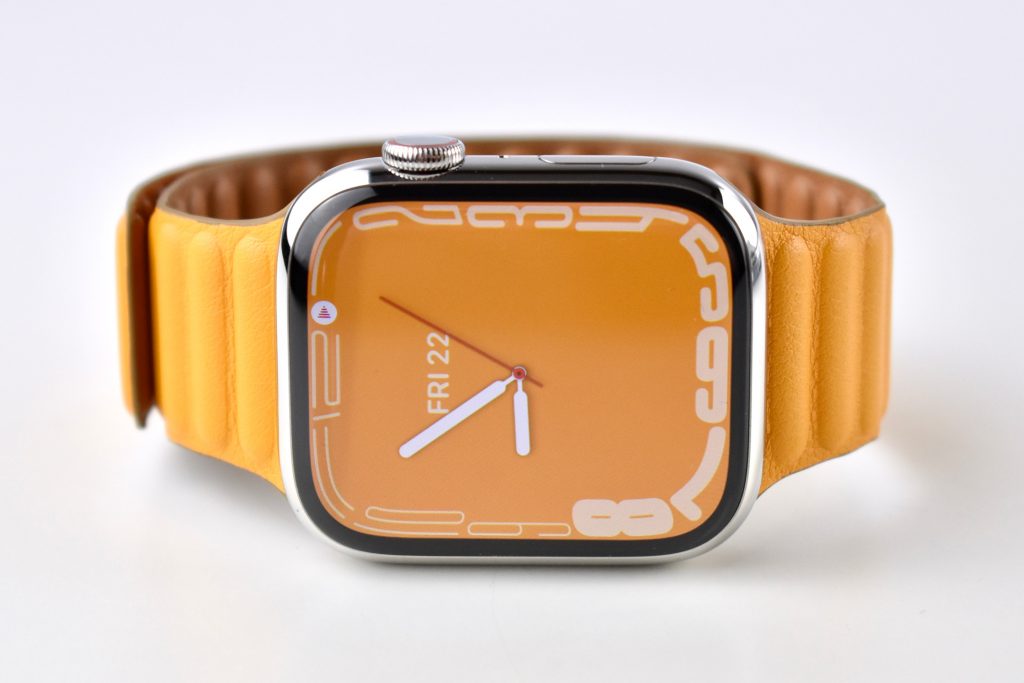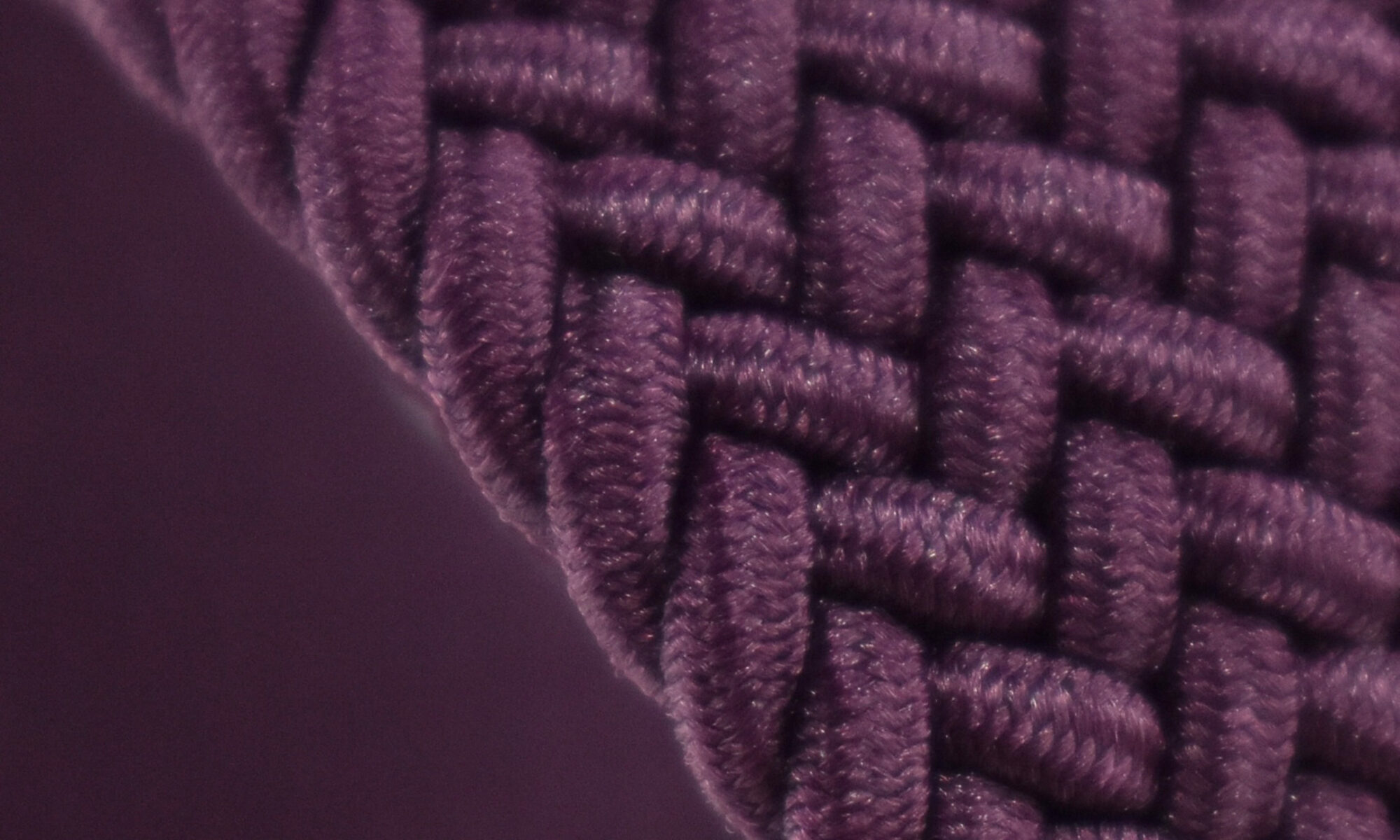
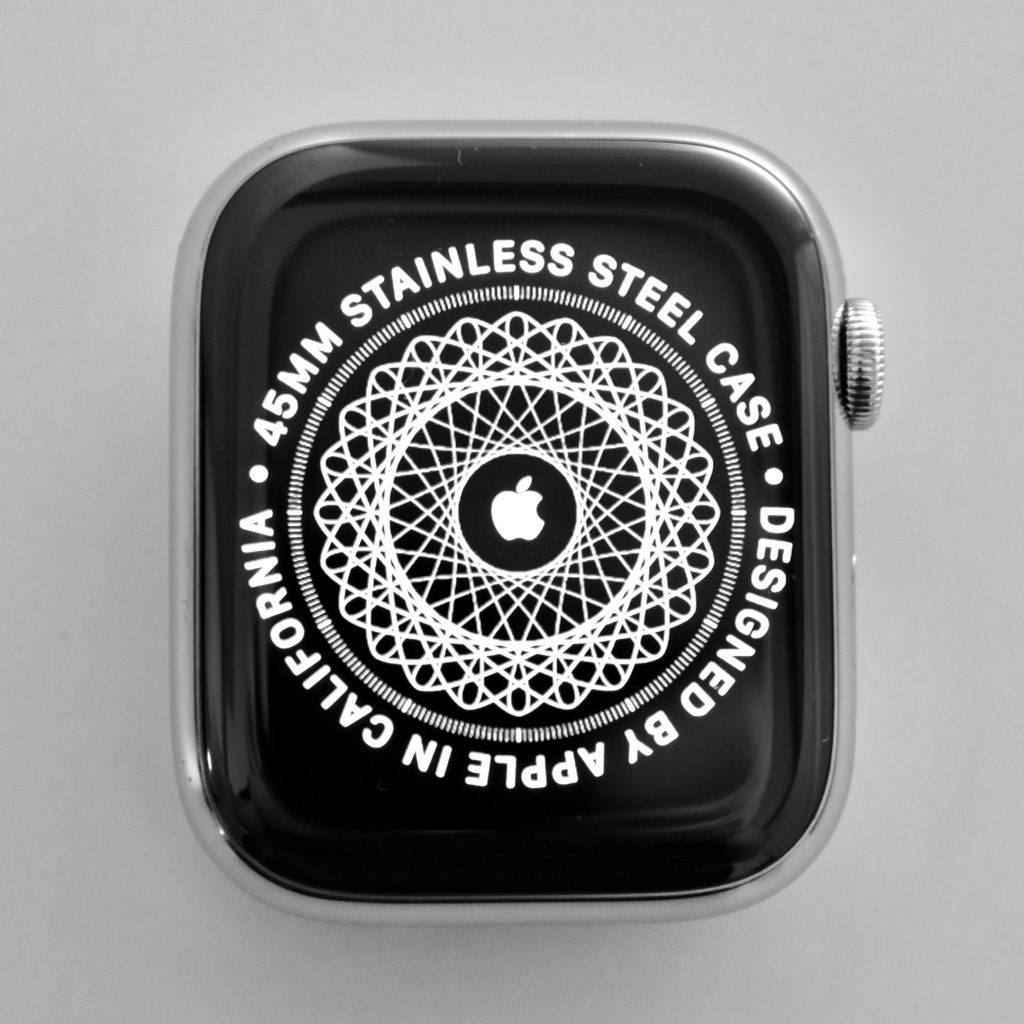
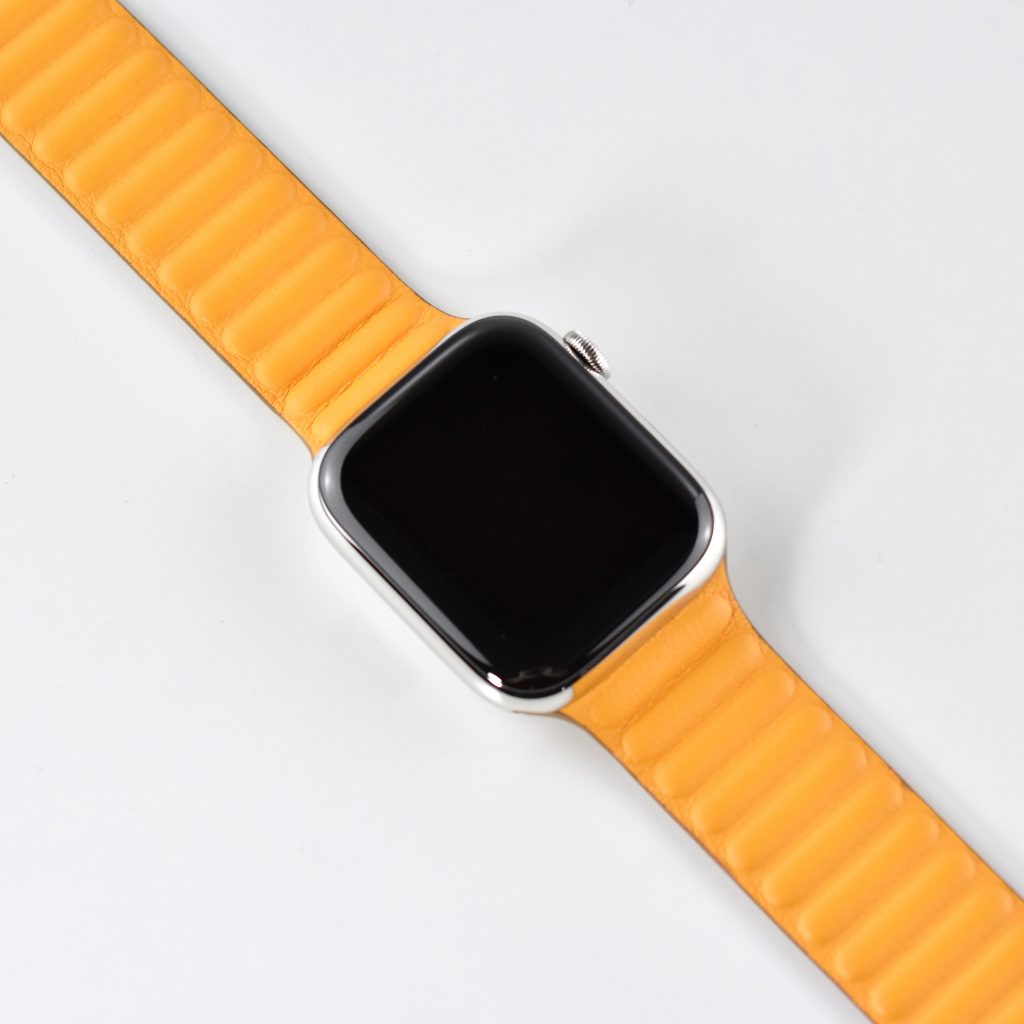
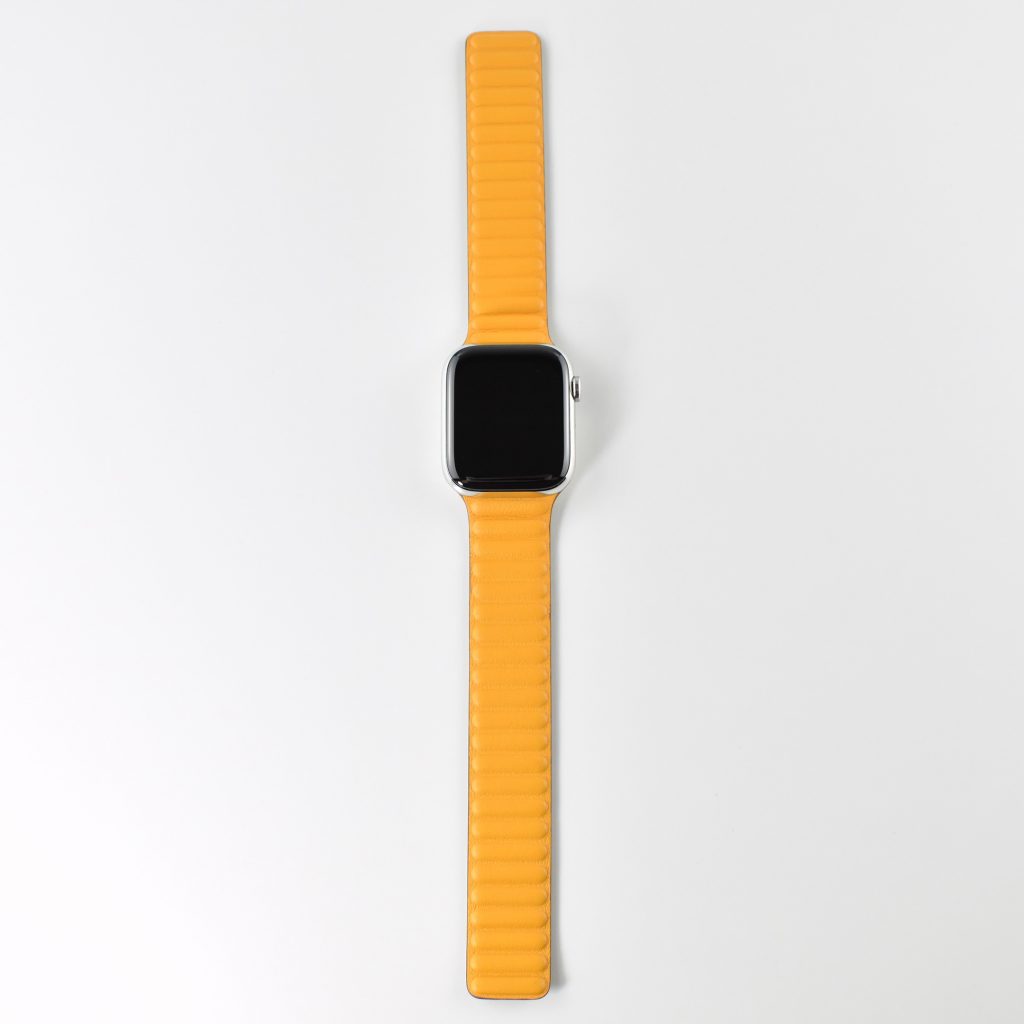
Apple Watch Series 7 (45mm, Silver Stainless Steel, California Poppy Leather Link band, 2021)

The Apple Watch Series 7 is similar to the Series 6 that preceded it, but has a larger, edge-to-edge display, a more durable case, and faster charging capabilities. Like all previous Apple Watch models, the Series 7 uses Apple’s Digital Crown and a touch display with haptic feedback. Apple described the Series 7 as having “a reengineered Always-On Retina display with significantly more screen area and thinner borders.”

The Series 7 introduced two new sizes, 45mm and 41mm. This example uses the 45mm display. The display is a 396×484 LTPO OLED and is “Always On.” The display is protected by Apple’s Sapphire crystal that adds durability.

The cellular-equipped Apple Watch Series 7 models were available as an option with the aluminum colors and standard with stainless and titanium models. The cellular Apple Watch models can connect to the Internet without an iPhone (non-cellular models can answer phone calls if an iPhone is “tethered” and in range). Cellular models require an add-on cellular data service obtained through your cellular provider that links your iPhone number to the Watch and costs approximately $10 per month.

Apple described the color choices:

“Apple Watch Series 7 introduces five beautiful new aluminum case finishes, including midnight, starlight, green, and a new blue and (PRODUCT)RED, along with a range of new band colors and styles. Stainless steel models are available in silver, graphite, and gold stainless steel, along with Apple Watch Edition in titanium and space black titanium.”

The Apple Watch Series 7 has a ceramic and sapphire crystal back. Upon release, Apple offered eleven pre-configured options:

  • Green Aluminum with Clover Sport Band
  • Starlight Aluminum with Starlight Sport Band
  • Midnight Aluminum with Midnight Sport Band
  • Blue Aluminum with Abyss Blue Sport Band
  • (PRODUCT)RED Aluminum with Red Sport Band
  • Gold Stainless Steel with Dark Cherry Sport Band
  • Gold Stainless Steel with Gold Milanese Loop
  • Silver Stainless Steel with Starlight Sport Band
  • Silver Stainless Steel with Silver Milanese Loop
  • Graphite Stainless Steel with Abyss Blue Sport Loop
  • Graphite Stainless Steel with Graphite Milanese Loop

Two aluminum Apple Watch Series 7 Nike options were available at release as pre-configured options:

  • Starlight Aluminum with Platinum/Black Sport Band
  • Midnight Aluminum with Anthracite/Black Sport Band

Two Apple Watch Series 7 Hermès options were available at release:

  • Space Black Stainless Steel case with patterned blue and black leather Circuit H Single Tour Band
  • Silver Stainless Steel case with brown leather Single Tour Deployment Buckle

In addition to the included Hermès-designed bands, Apple Watch Series 7 Hermès devices with black housings include a black Hermes Sport Band and models with silver housings include an orange Hermes Sport Band.

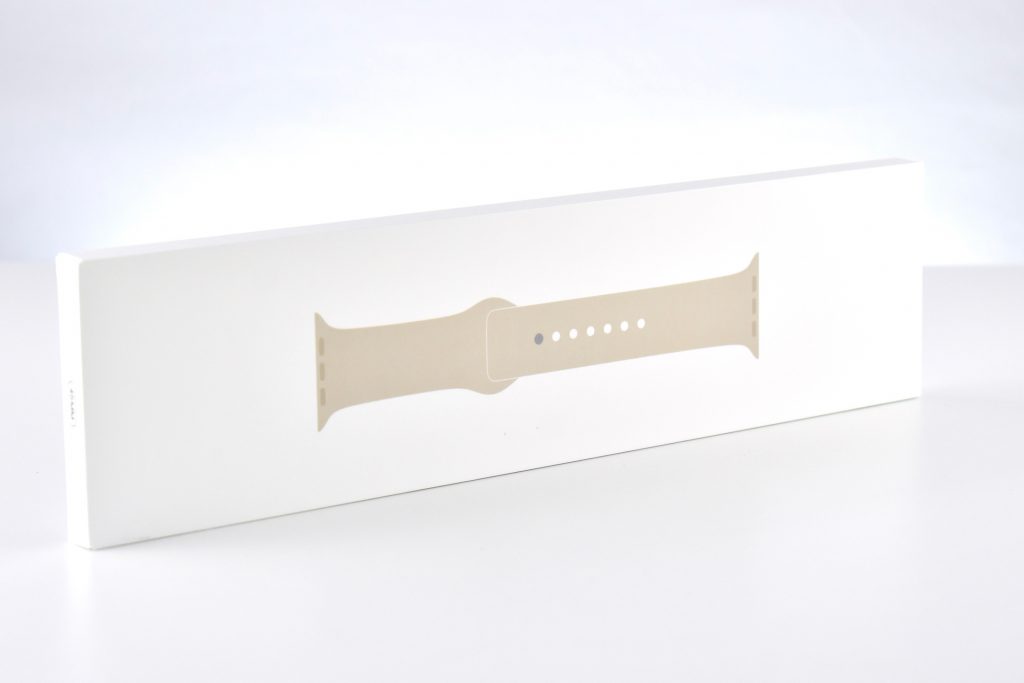
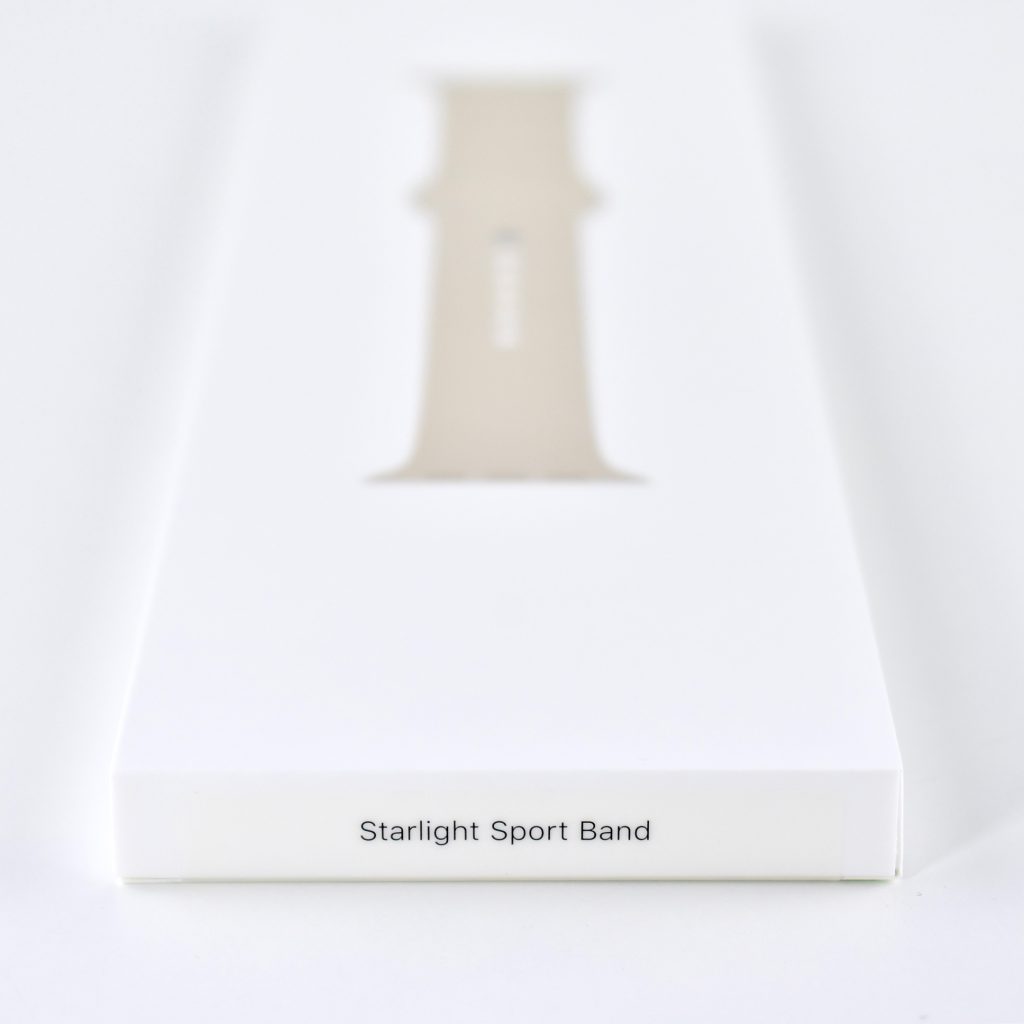
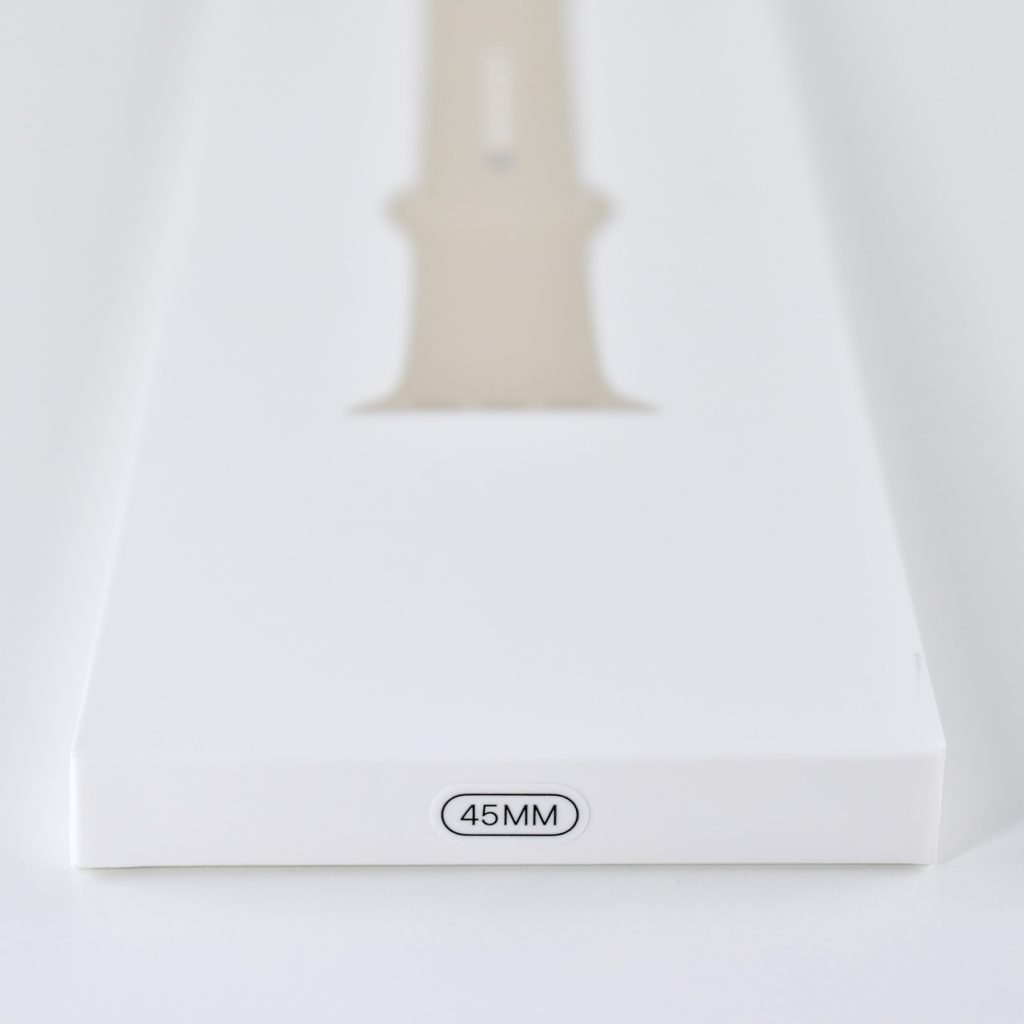
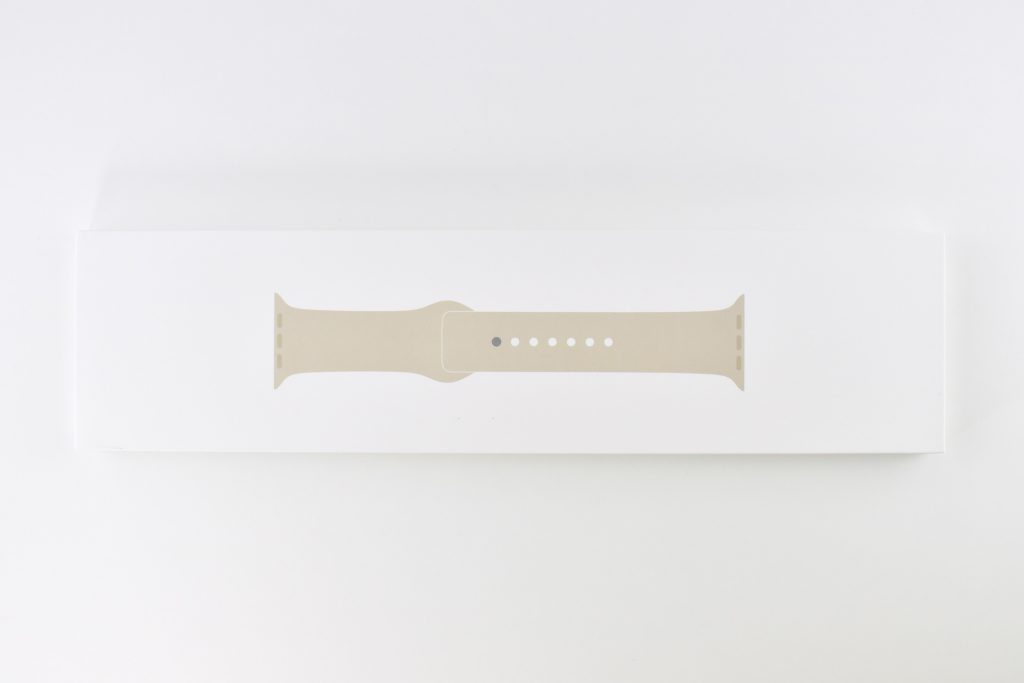
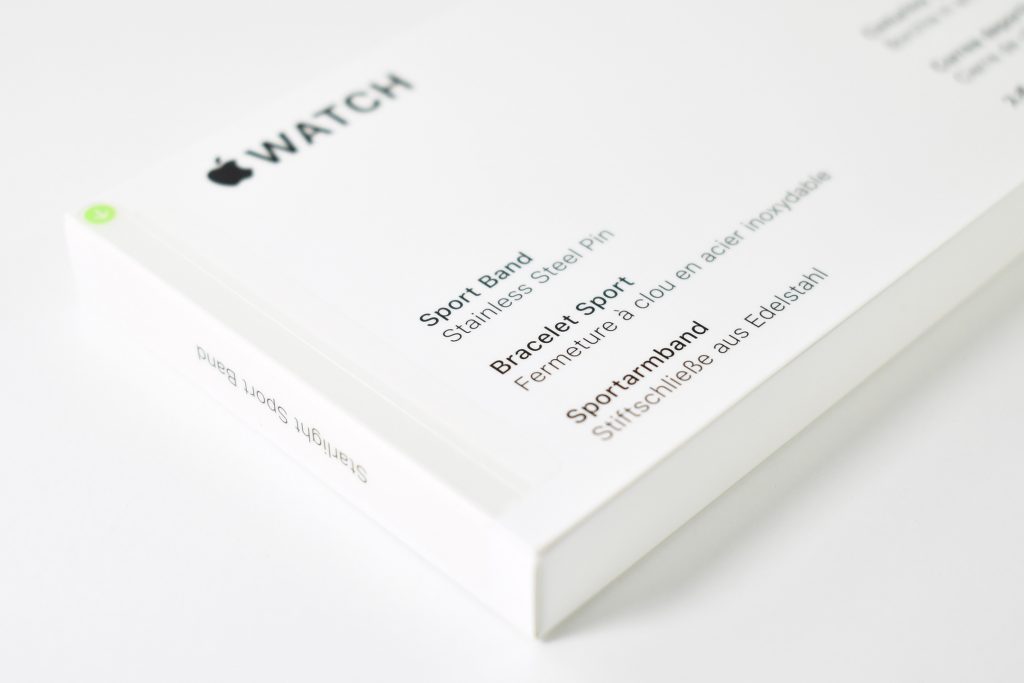
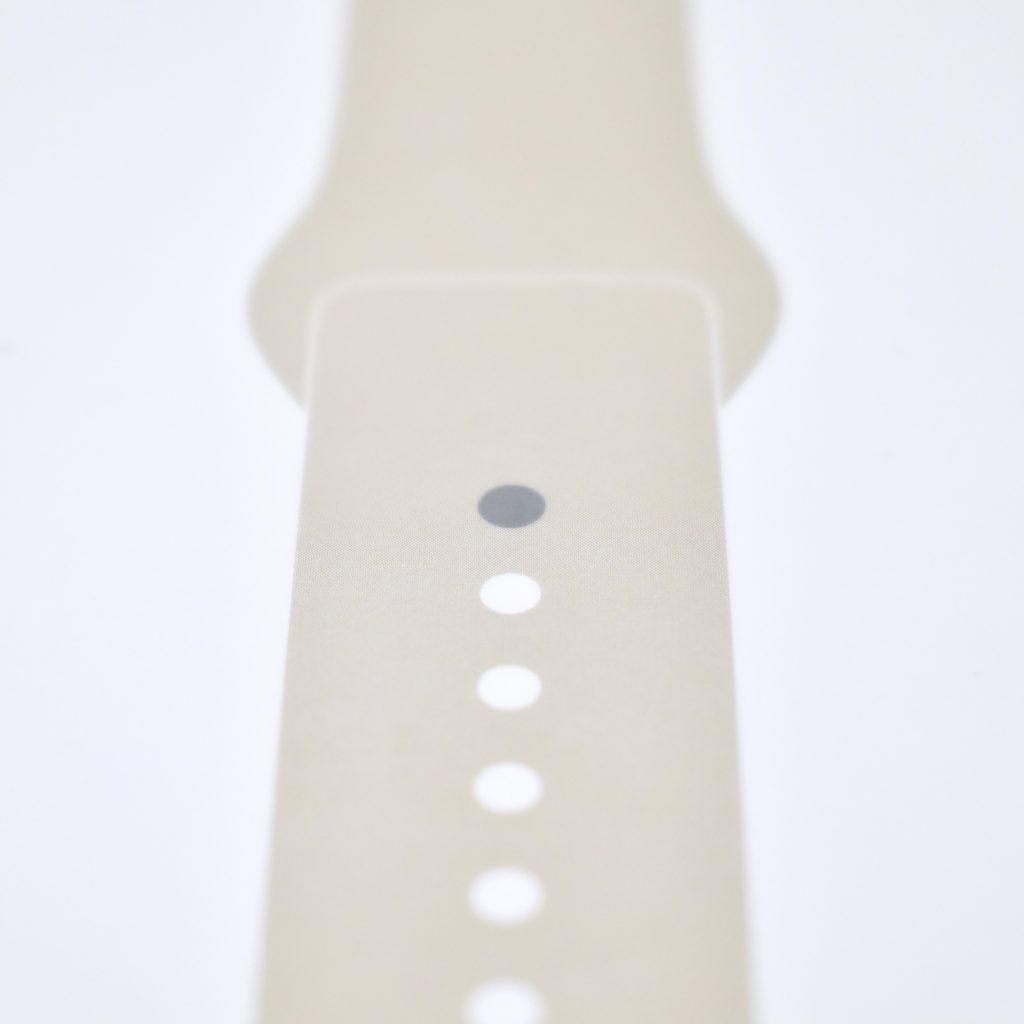
This silver stainless steel 45mm example shipped with a Starlight Sport Band. It is shown here with a California Poppy Leather Link band.
Sources: Apple, EveryMac

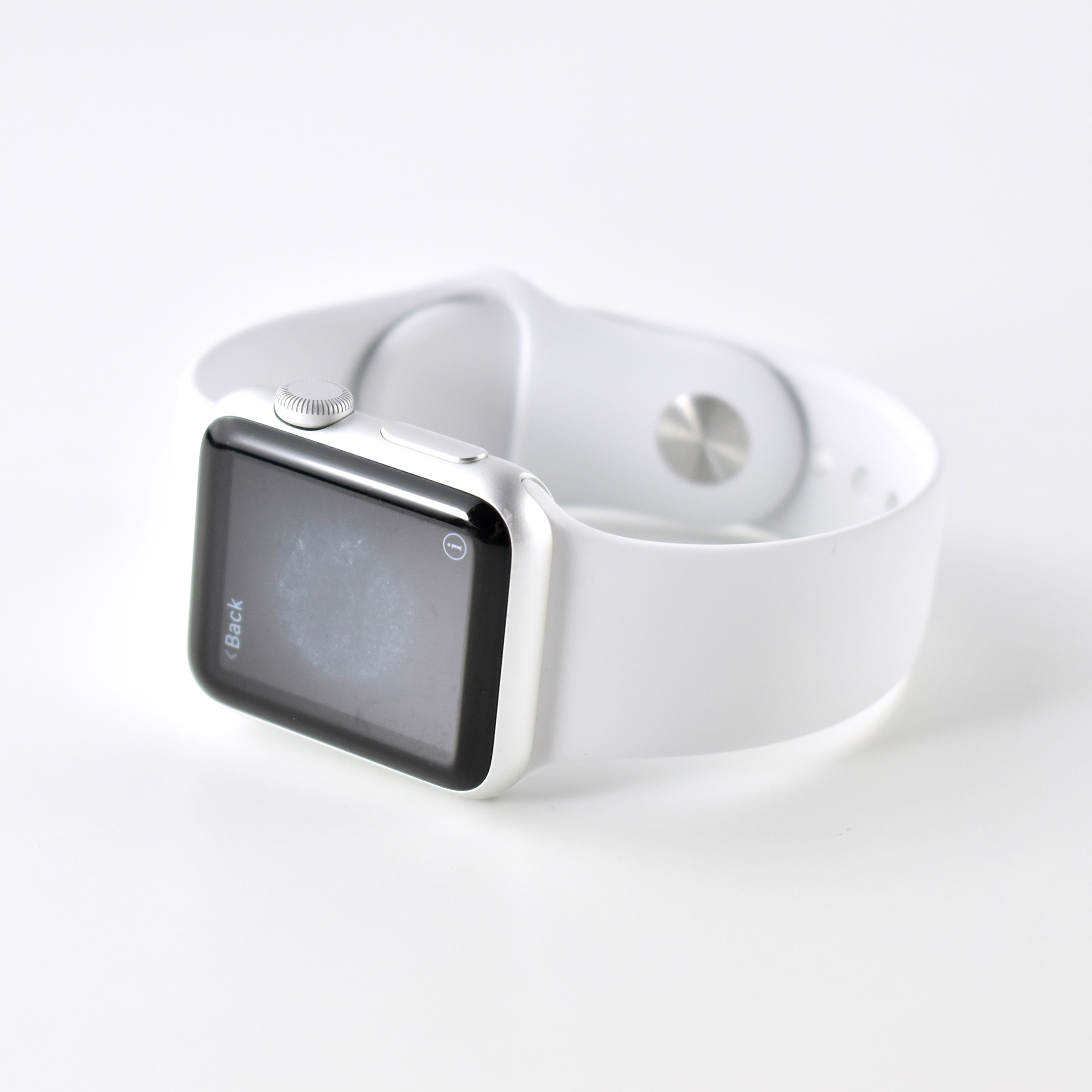
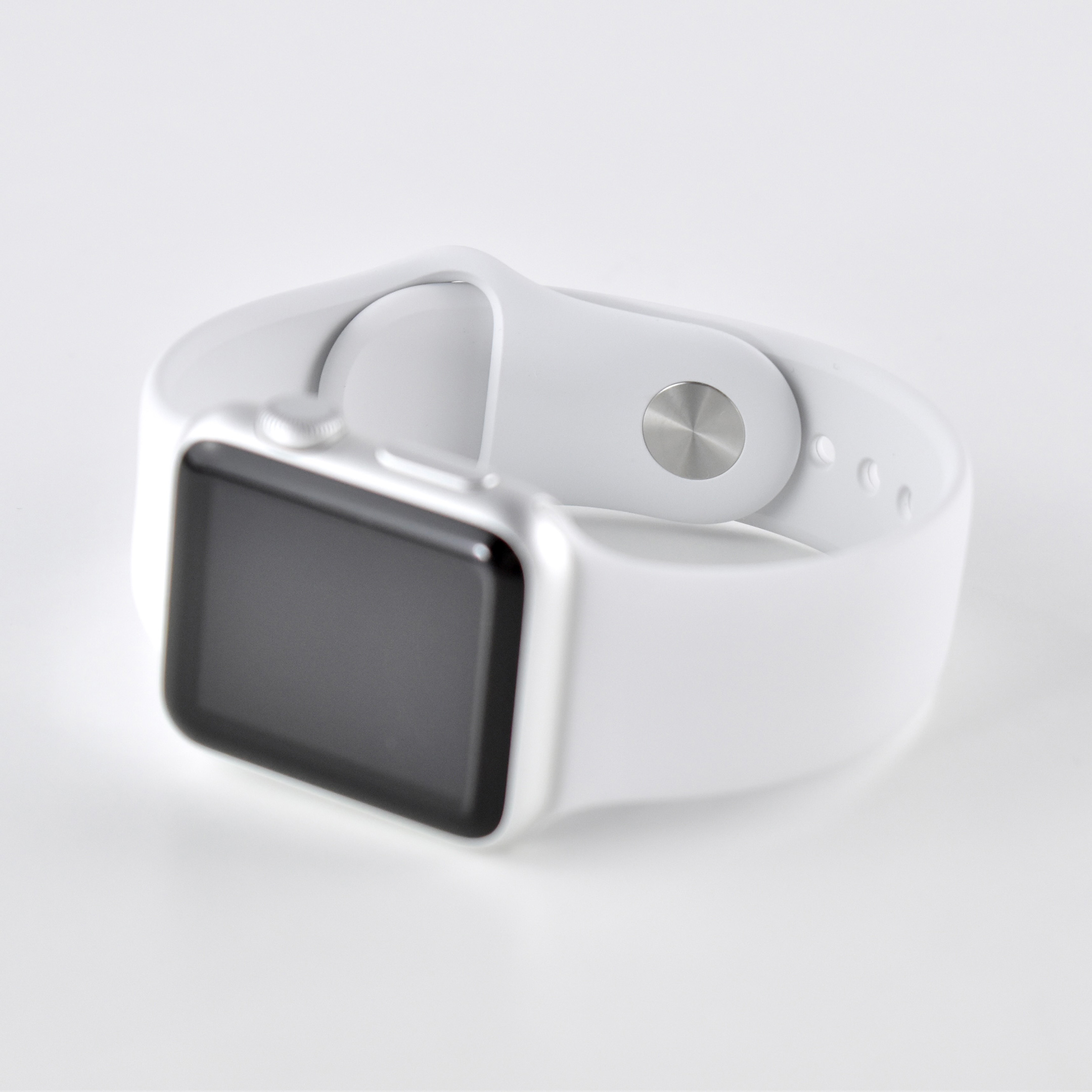
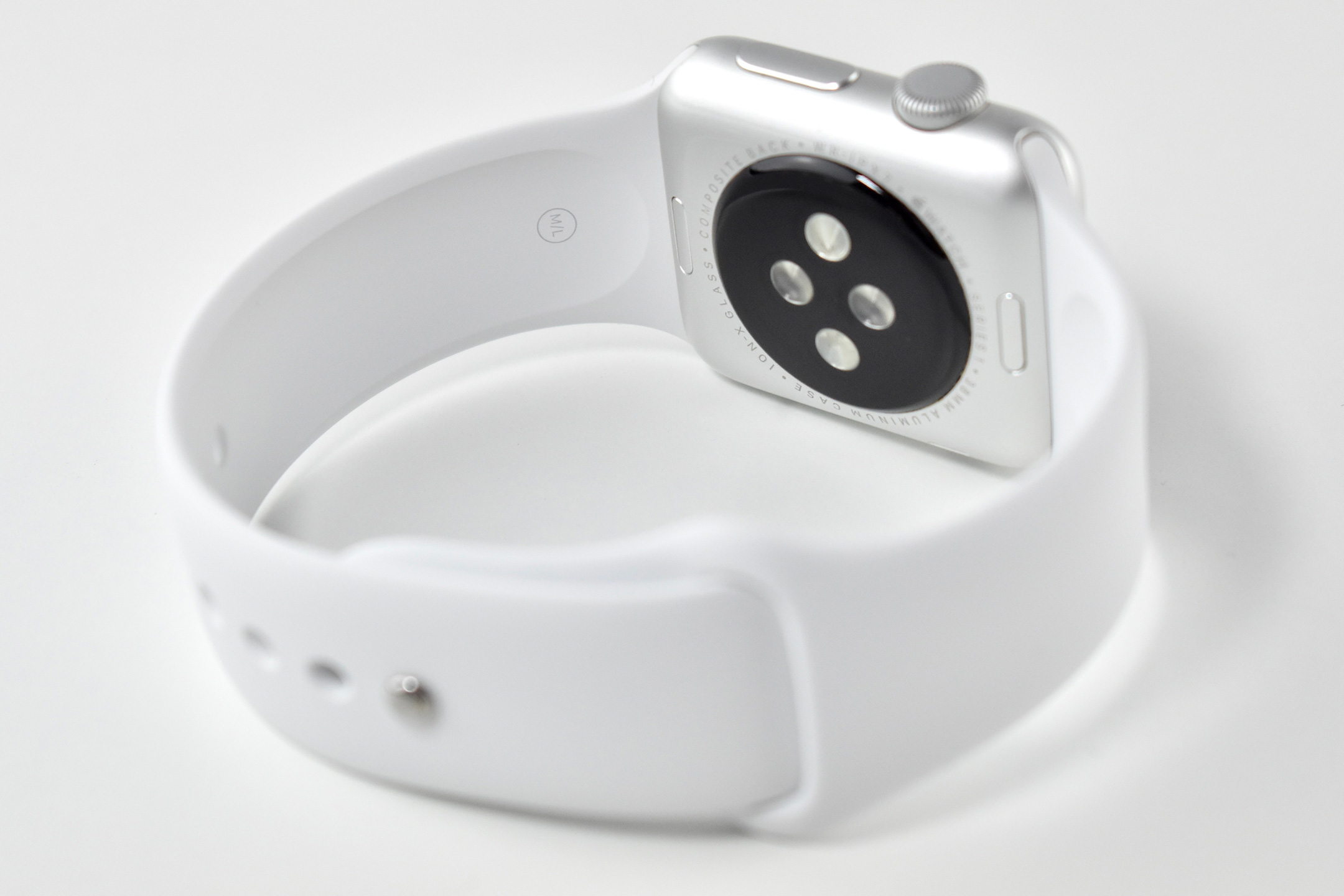
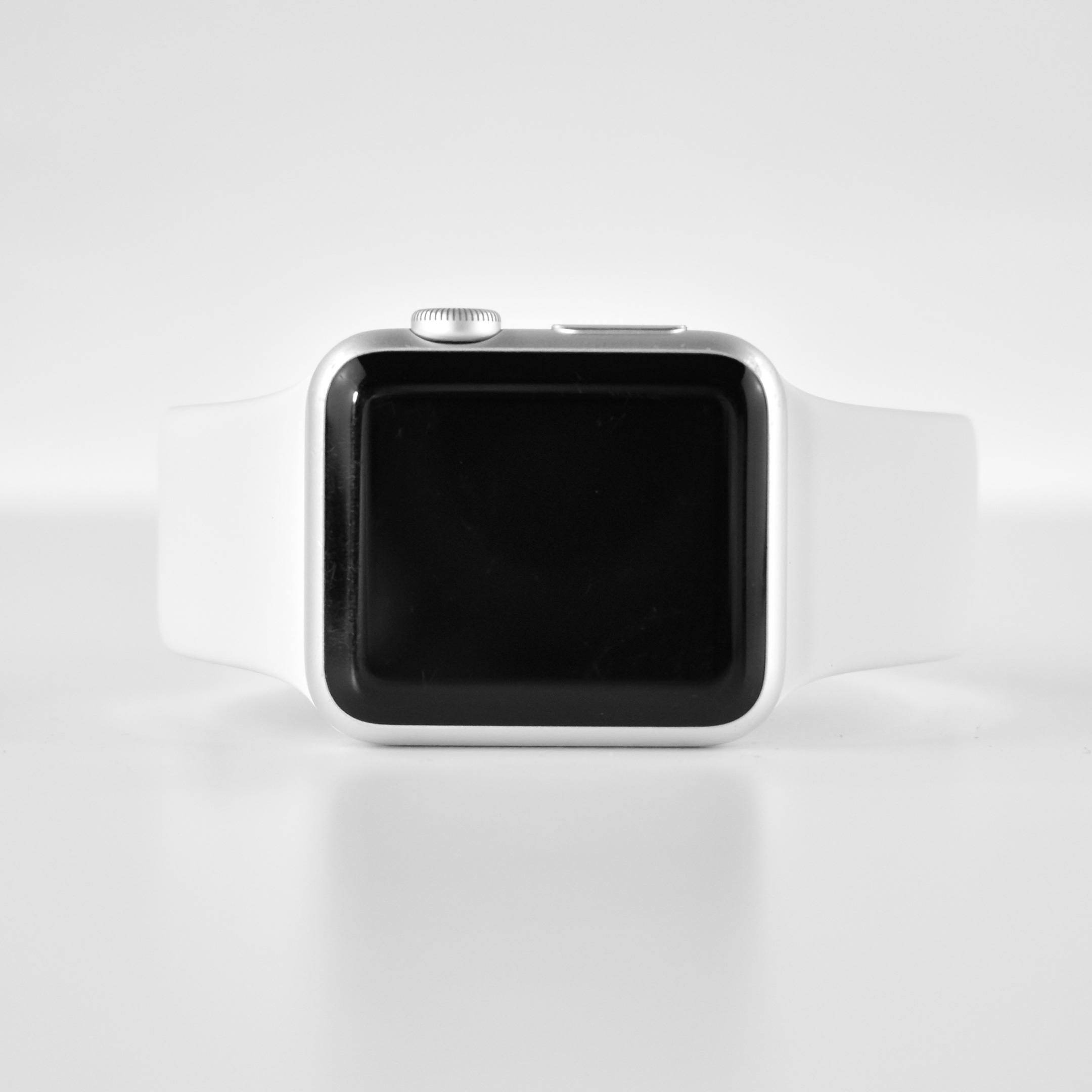
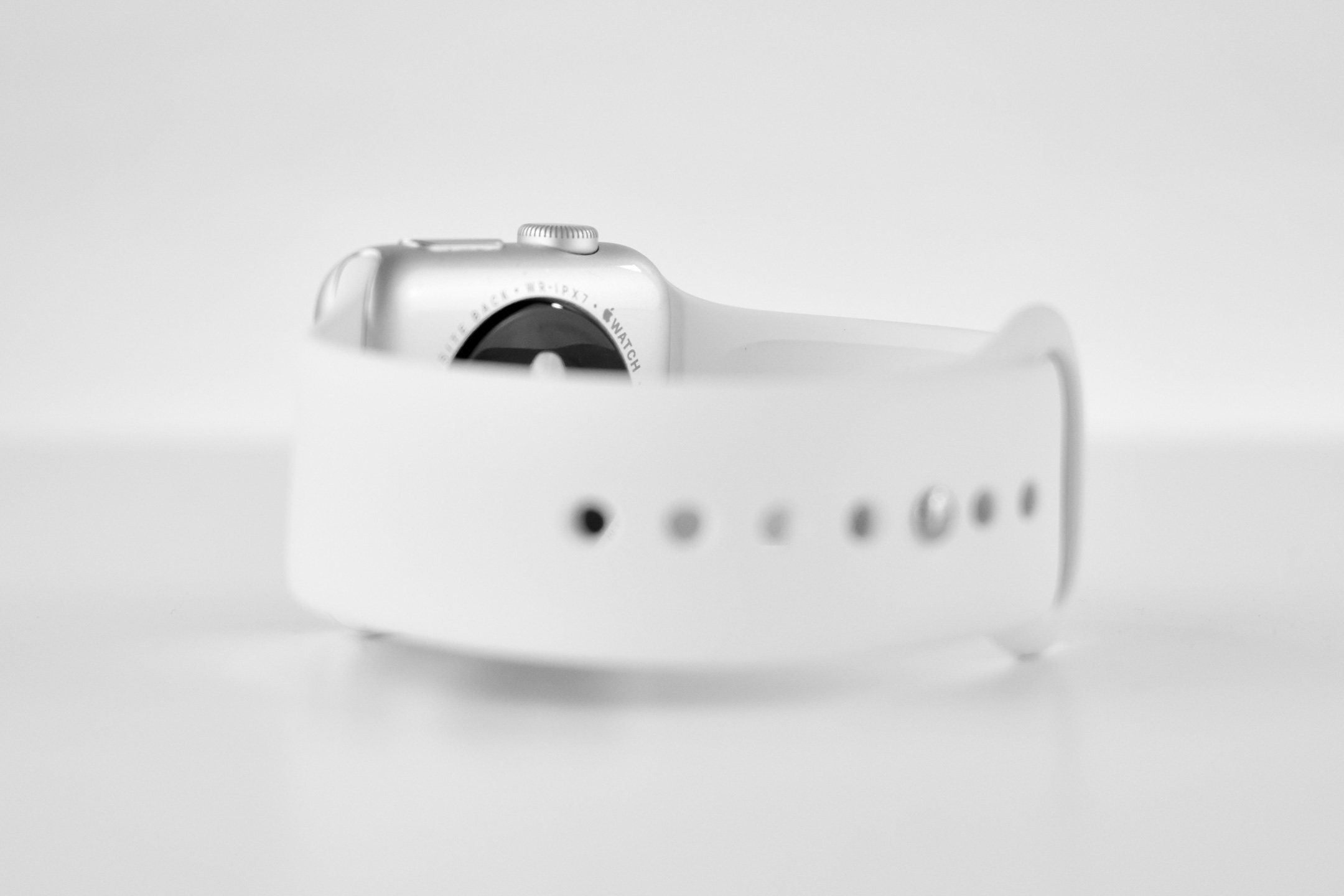
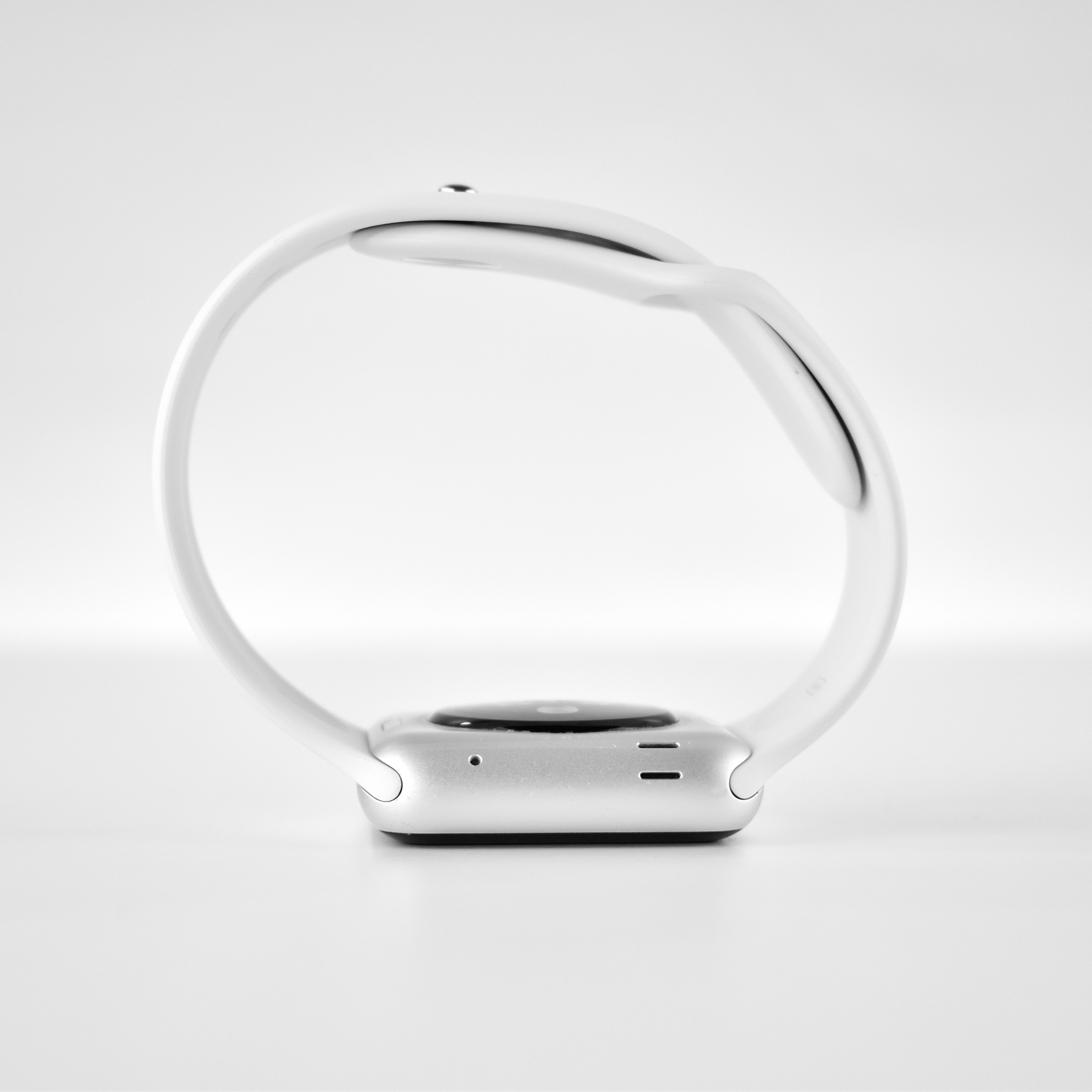
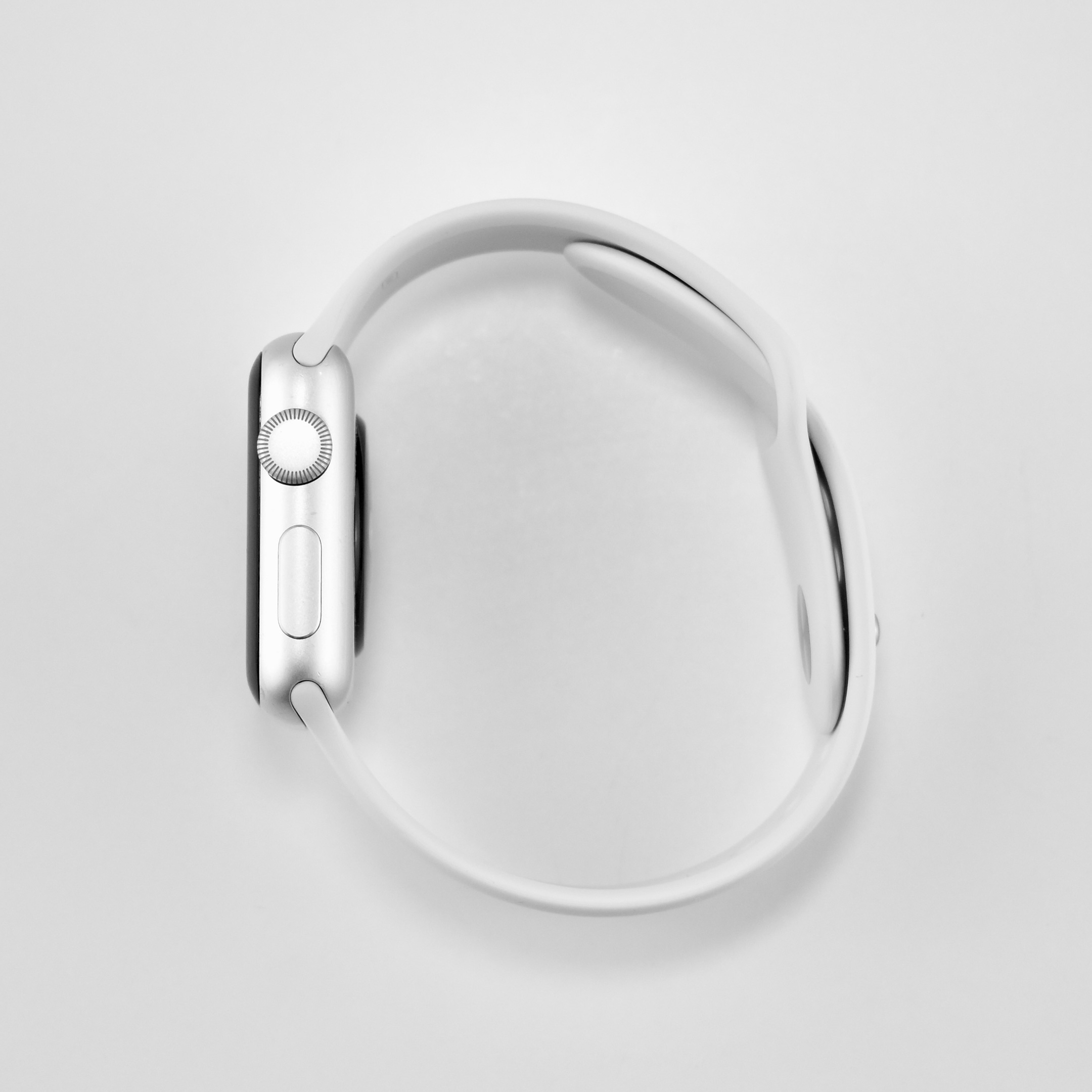
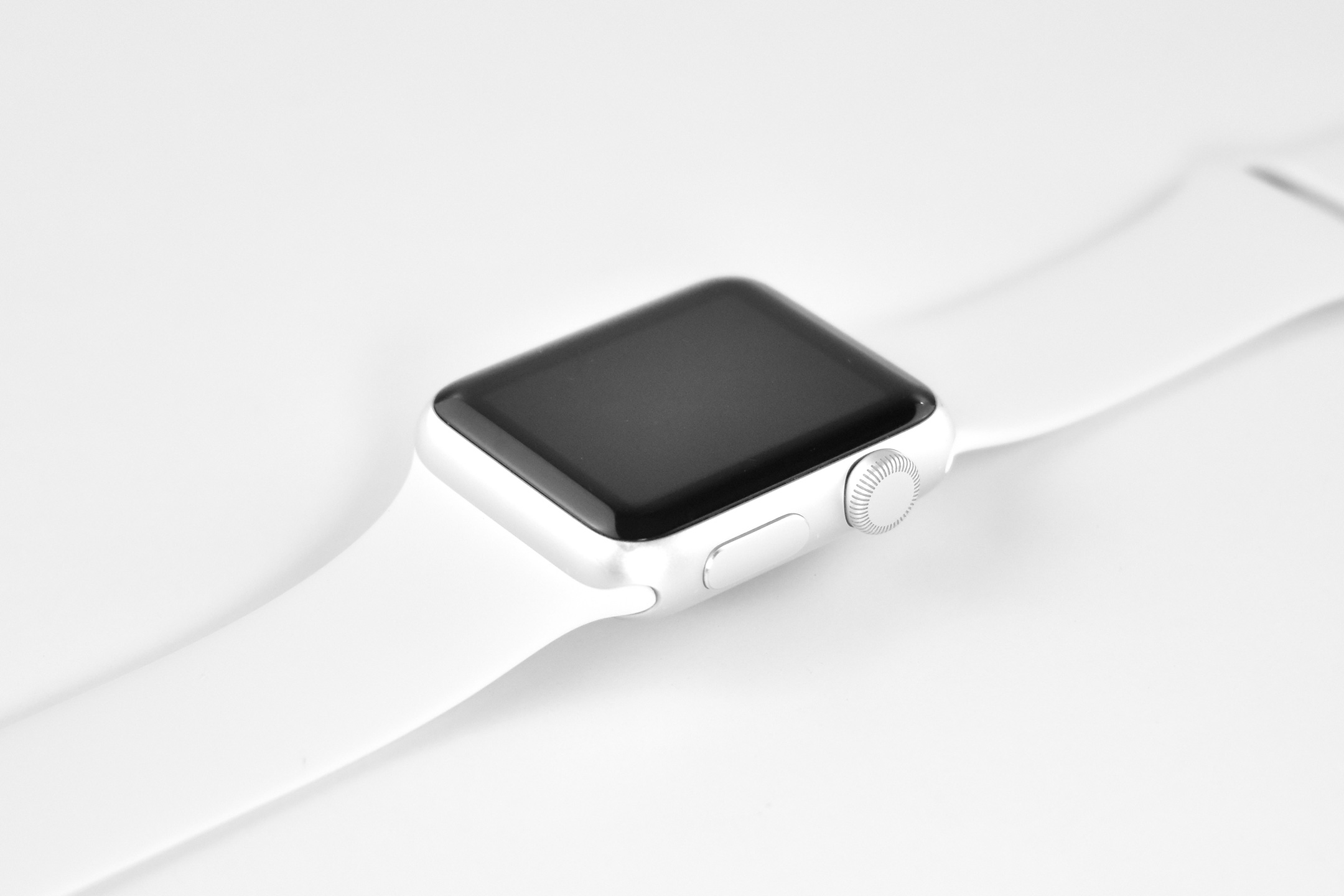
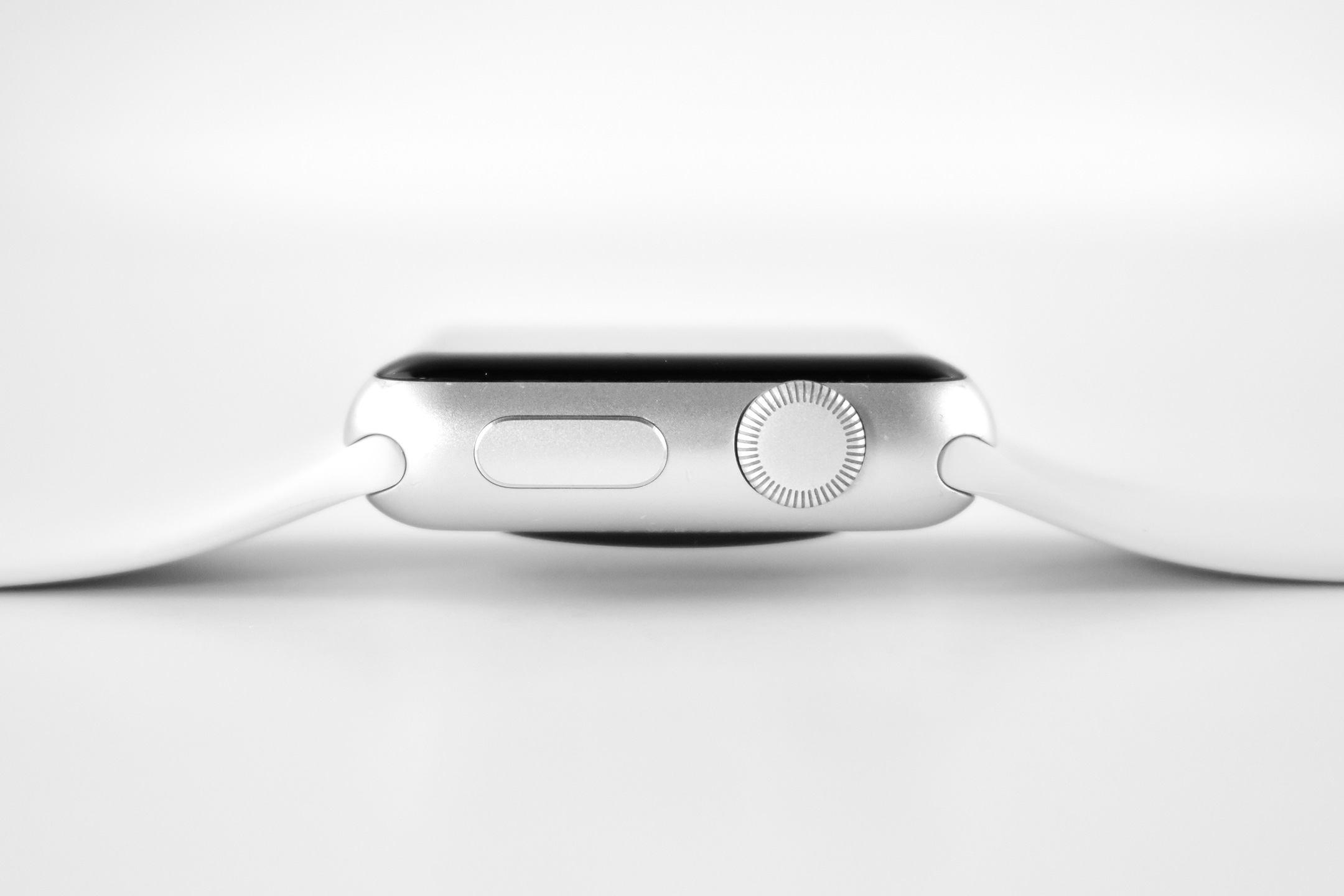
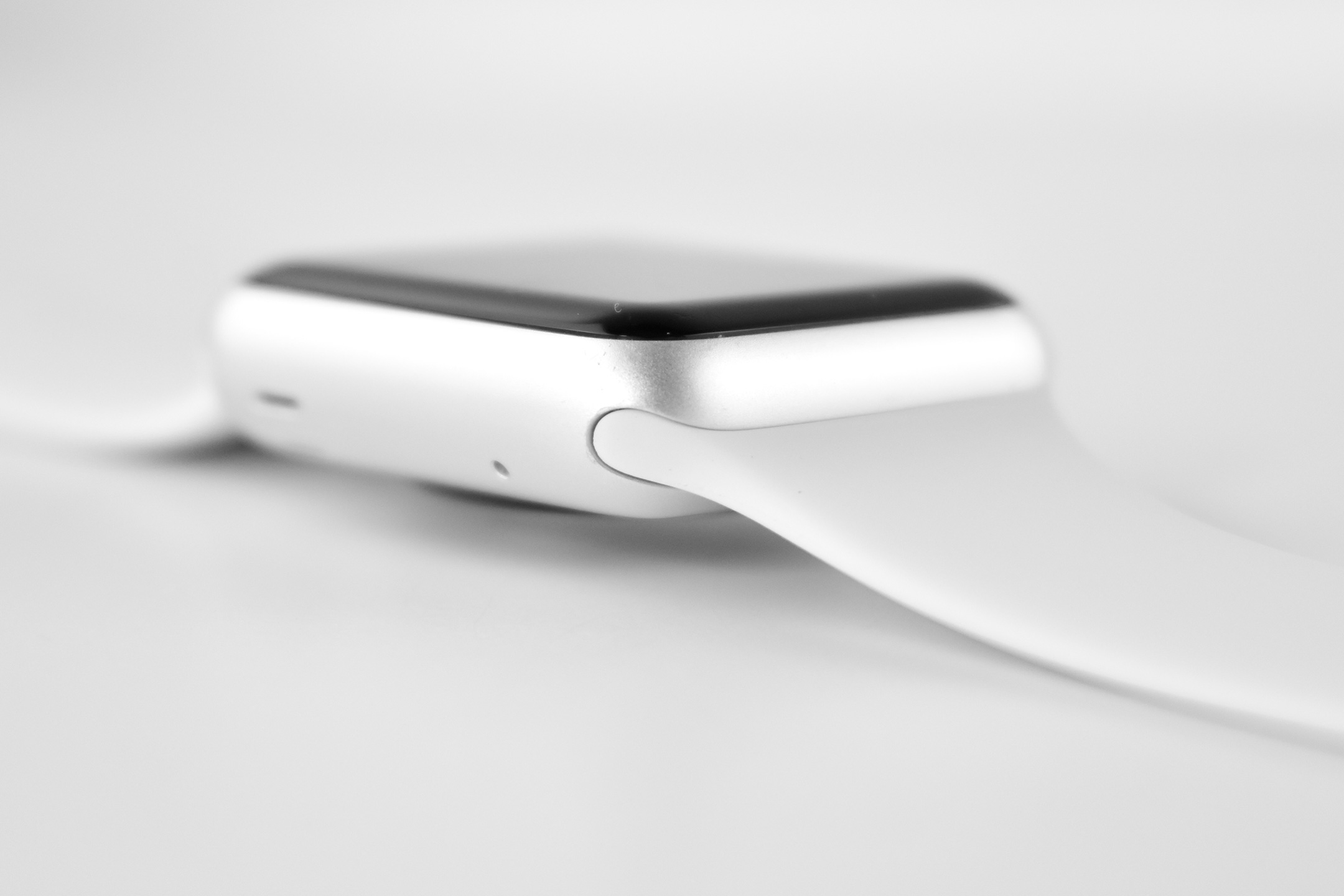
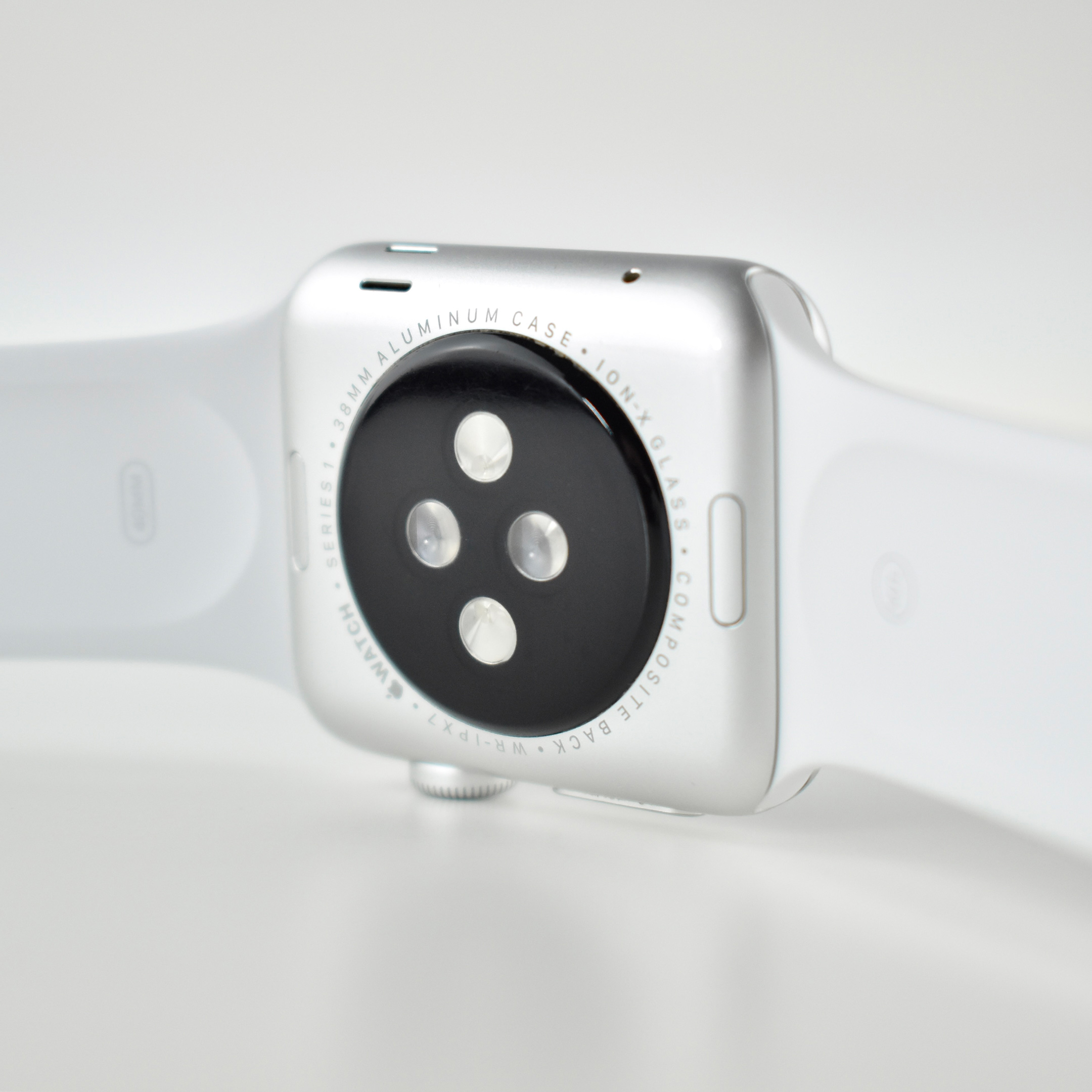
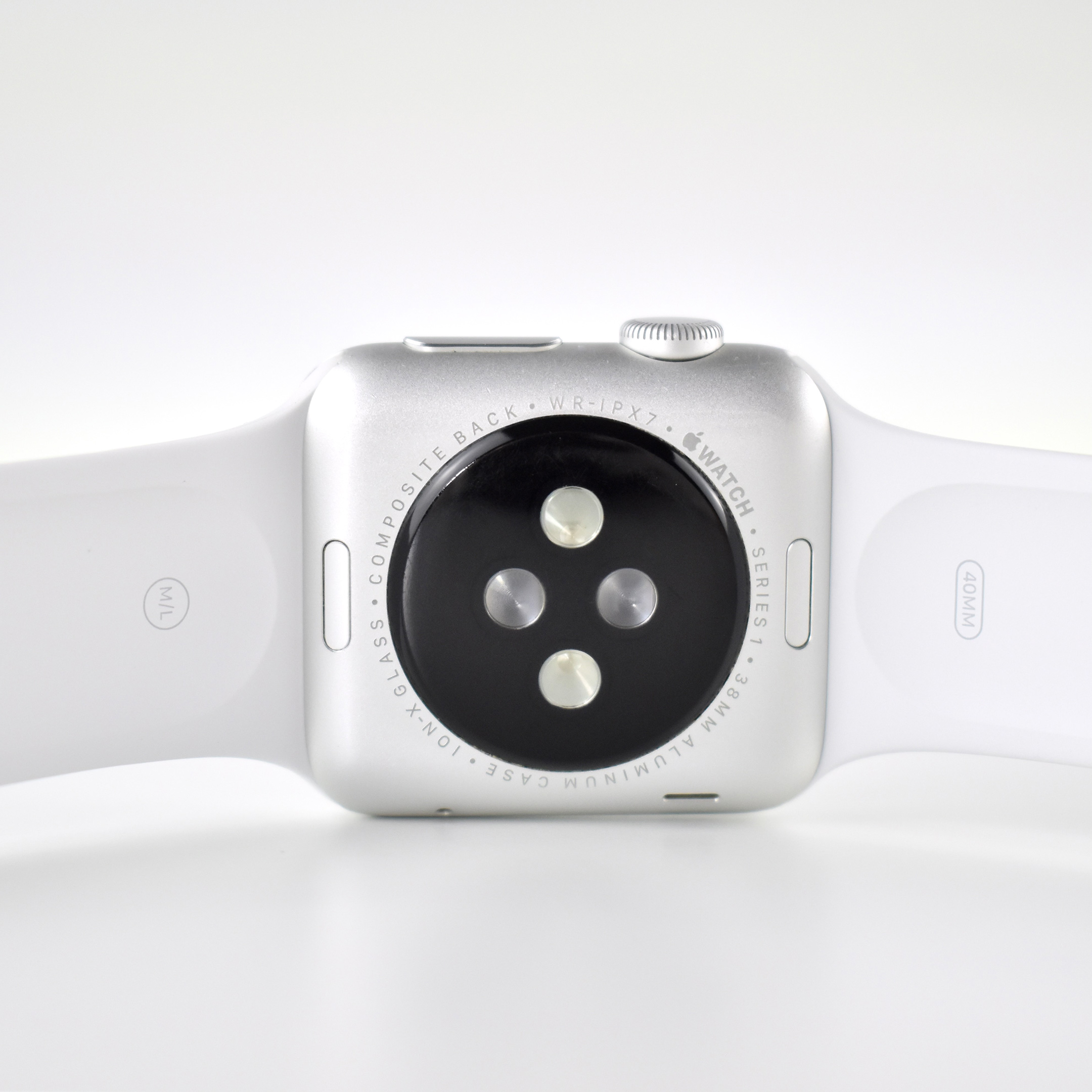
Apple Watch Series 1 (38 mm, silver aluminum case, white Sport Band, 2016)

The Apple Watch Series 1 models were similar to the original Apple Watch (also known as “Series 0”), but used a more powerful dual core processor. Like its predecessor, this Apple Watch was controlled with a Digital Crown and a Force Touch display, and it needed to be paired with iPhone 5 (or newer).

This Apple Watch Series 1 model is a 38mm version (a 42mm version was also available) and used a 272 × 340 display.

The Apple Watch Series 1 was originally sold in four standard configurations:
silver aluminum case with white Sport Band
gold aluminum case with cocoa (dark brown) Sport Band
rose gold aluminum case with midnight blue Sport Band
space gray aluminum case with black Sport Band

The Sport Bands were made of fluoroelastomer rubber. This Apple Watch Series 1 version has a silver aluminum case with white Sport Band.
Source: EveryMac.com

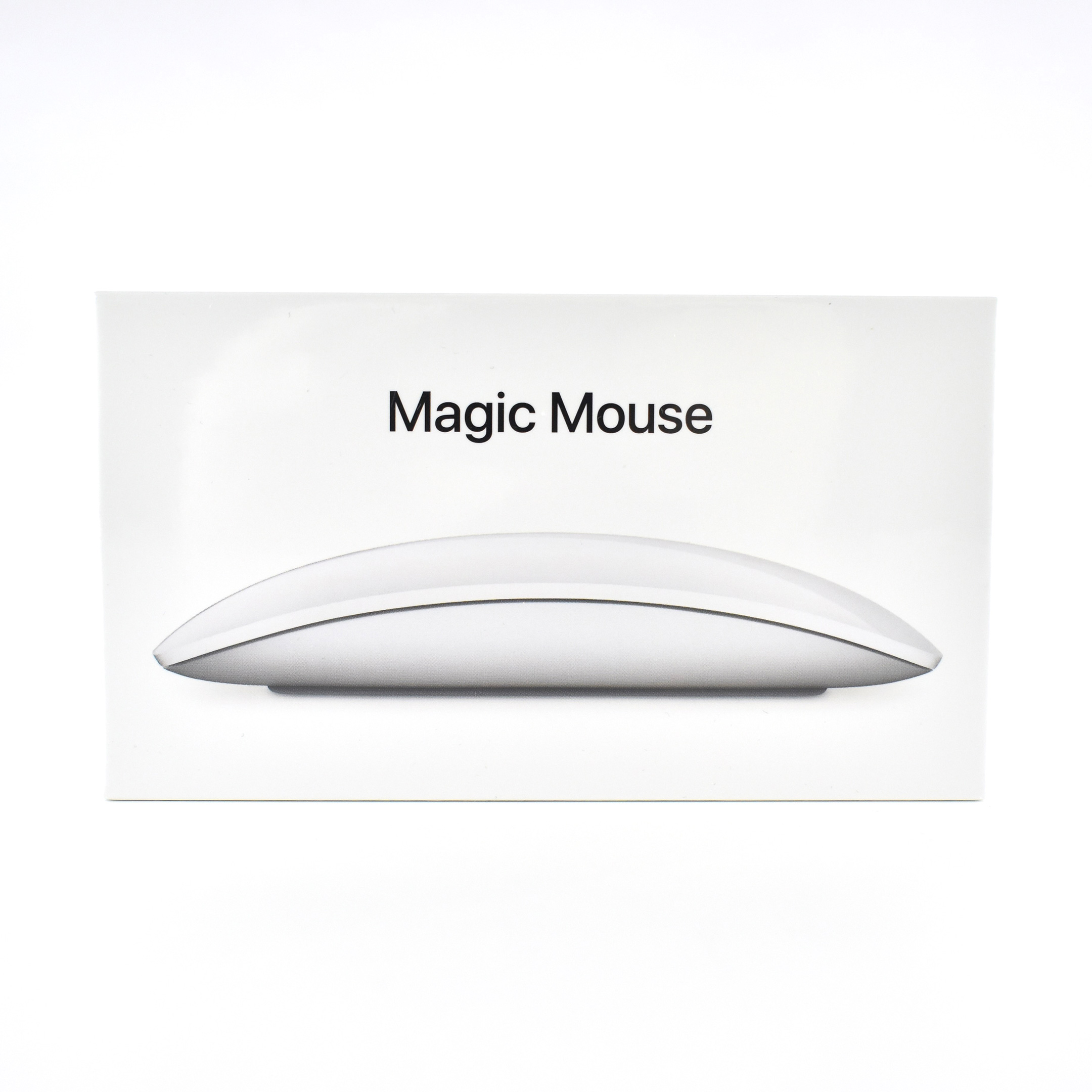
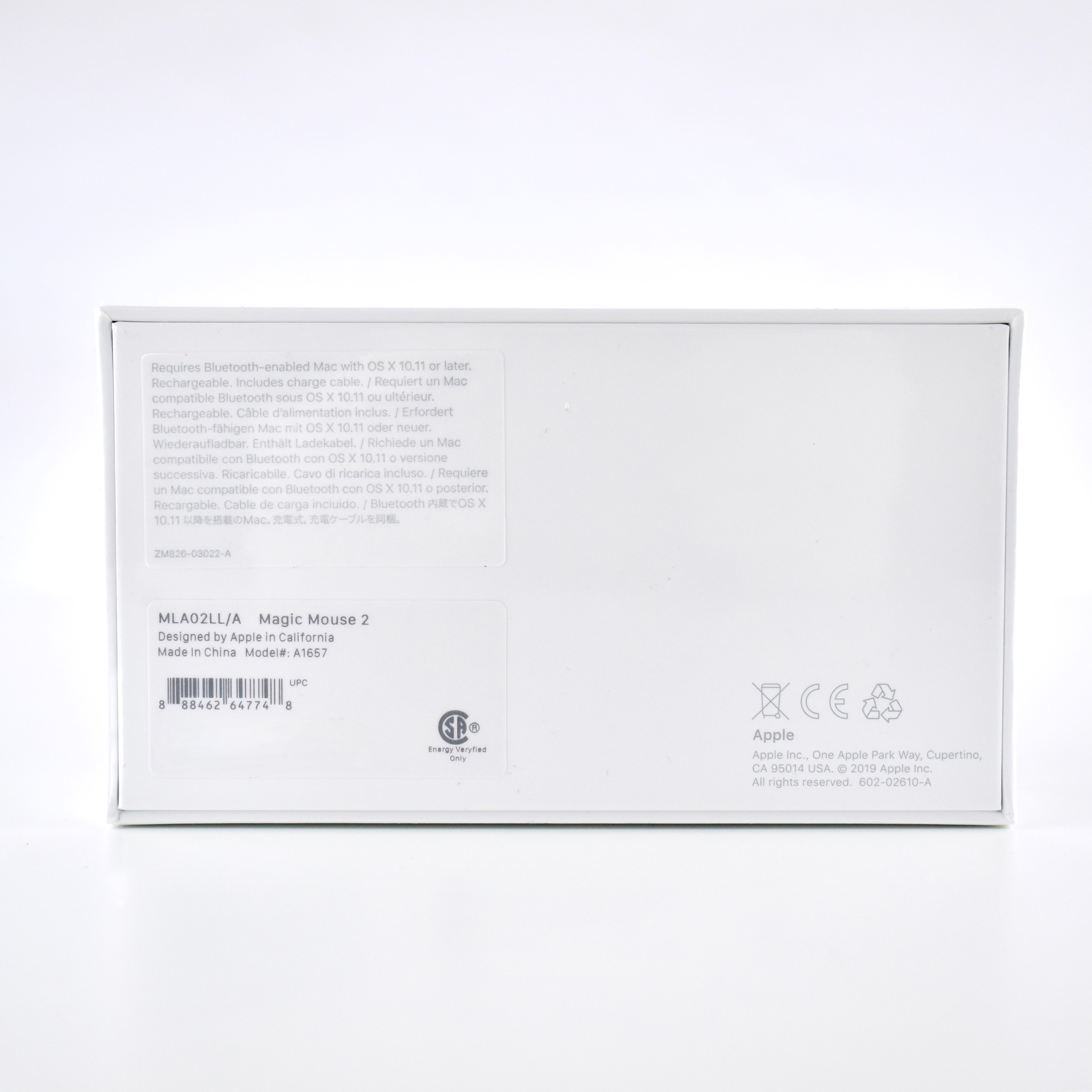
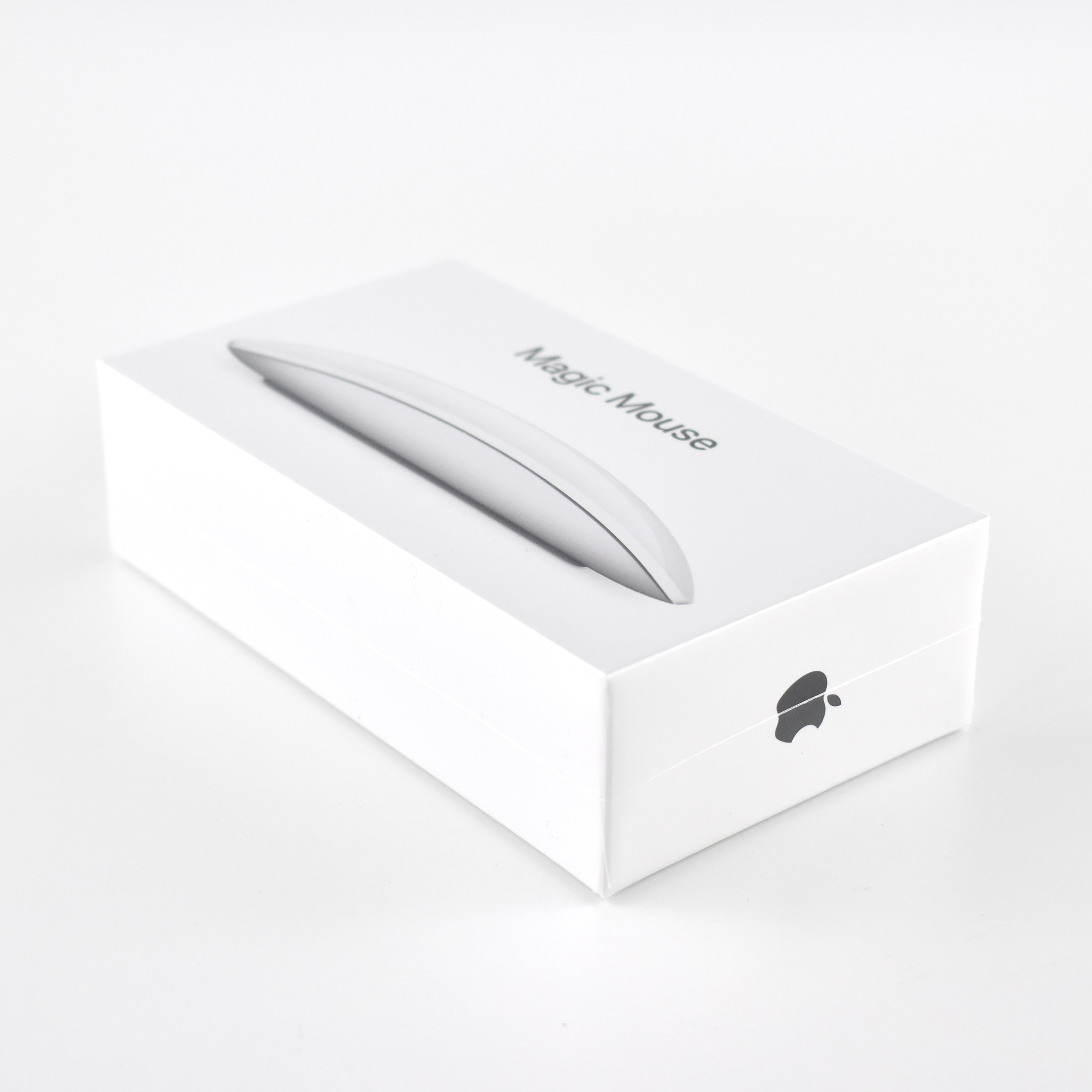
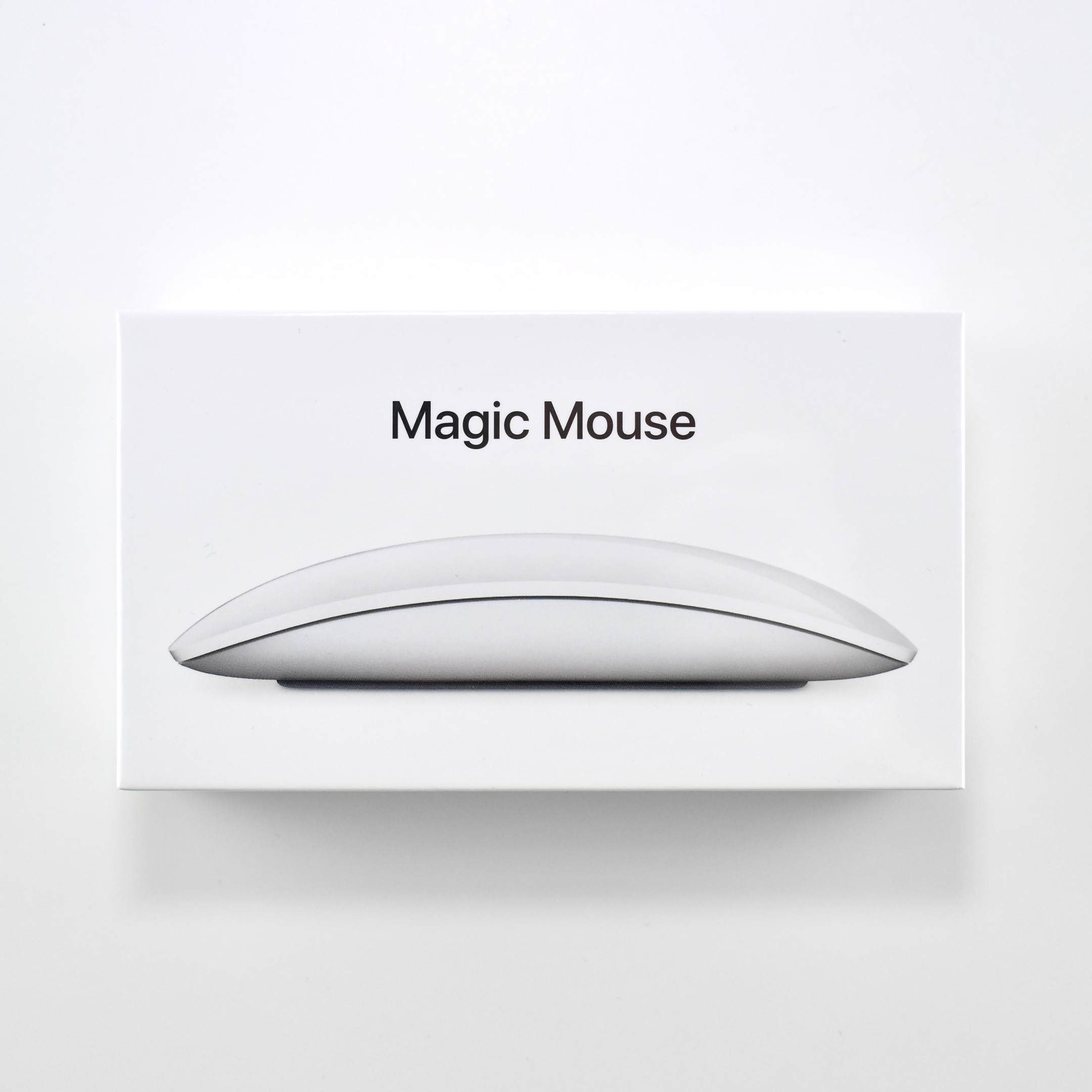
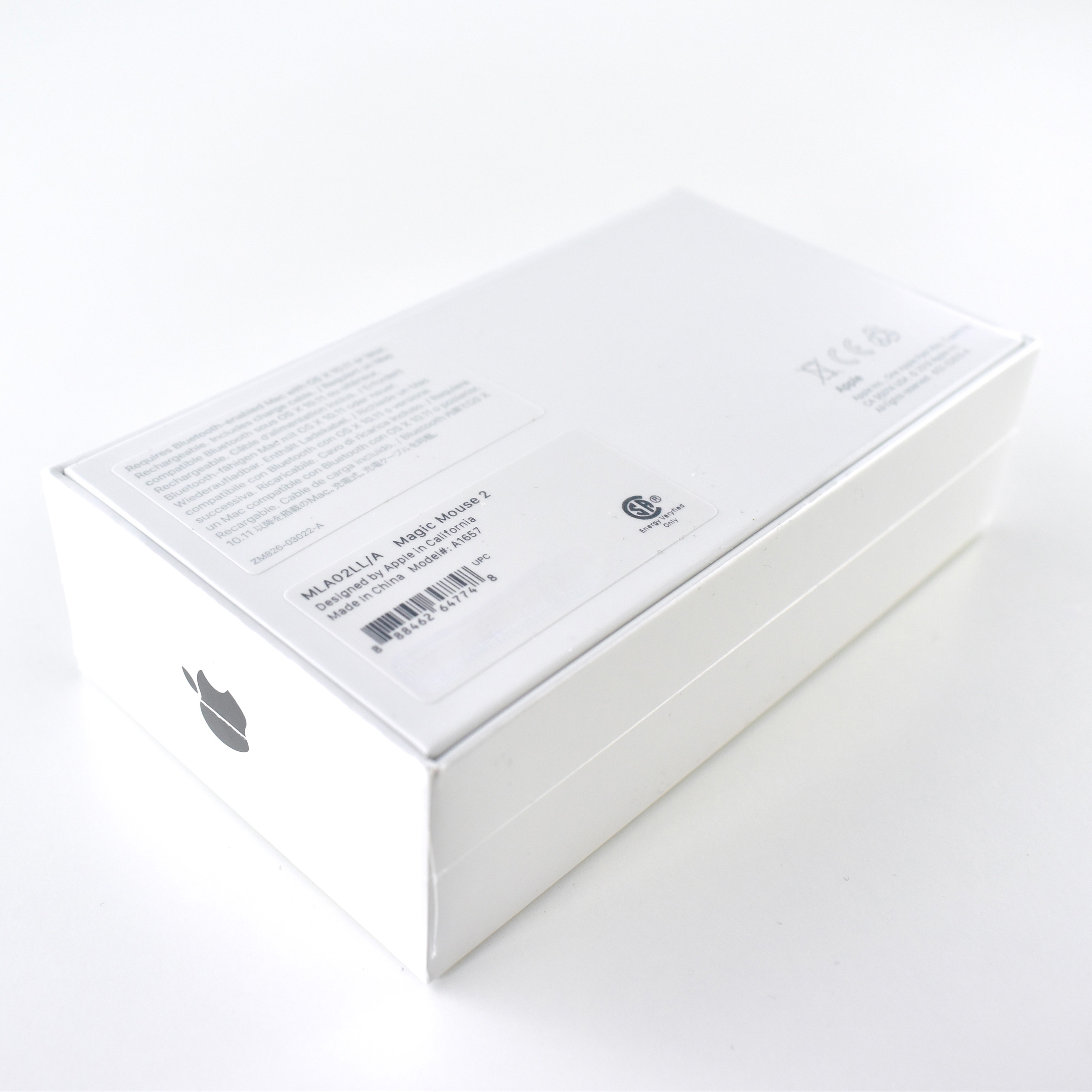
Magic Mouse 2 (silver, 2019)

According to Apple:

The “Magic Mouse is wireless and rechargeable, with an optimized foot design that lets it glide smoothly across your desk. The Multi-Touch surface allows you to perform simple gestures such as swiping between web pages and scrolling through documents. The incredibly long-lasting internal battery will power your Magic Mouse for about a month or more between charges. It’s ready to go right out of the box and pairs automatically with your Mac, and it includes a woven USB-C to Lightning Cable that lets you pair and charge by connecting to a USB-C port on your Mac.”

Apple’s website referred to this product as the “Magic Mouse 2,” but as of August 2021, a search on apple.com returned “…the product you’re looking for is no longer available on apple.com.” Thus, Apple apparently renamed the product “Magic Mouse.”

This wireless Multi-Touch mouse was 0.85 inch high, 2.25 inches wide, 4.47 inches deep, and weighed 0.22 pound. It shipped with a Lightning to USB cable for charging. It required a Bluetooth-enabled Mac with OS X 10.11 or later, and also worked on an iPad with iPadOS 13.4 or later.

Source: Apple

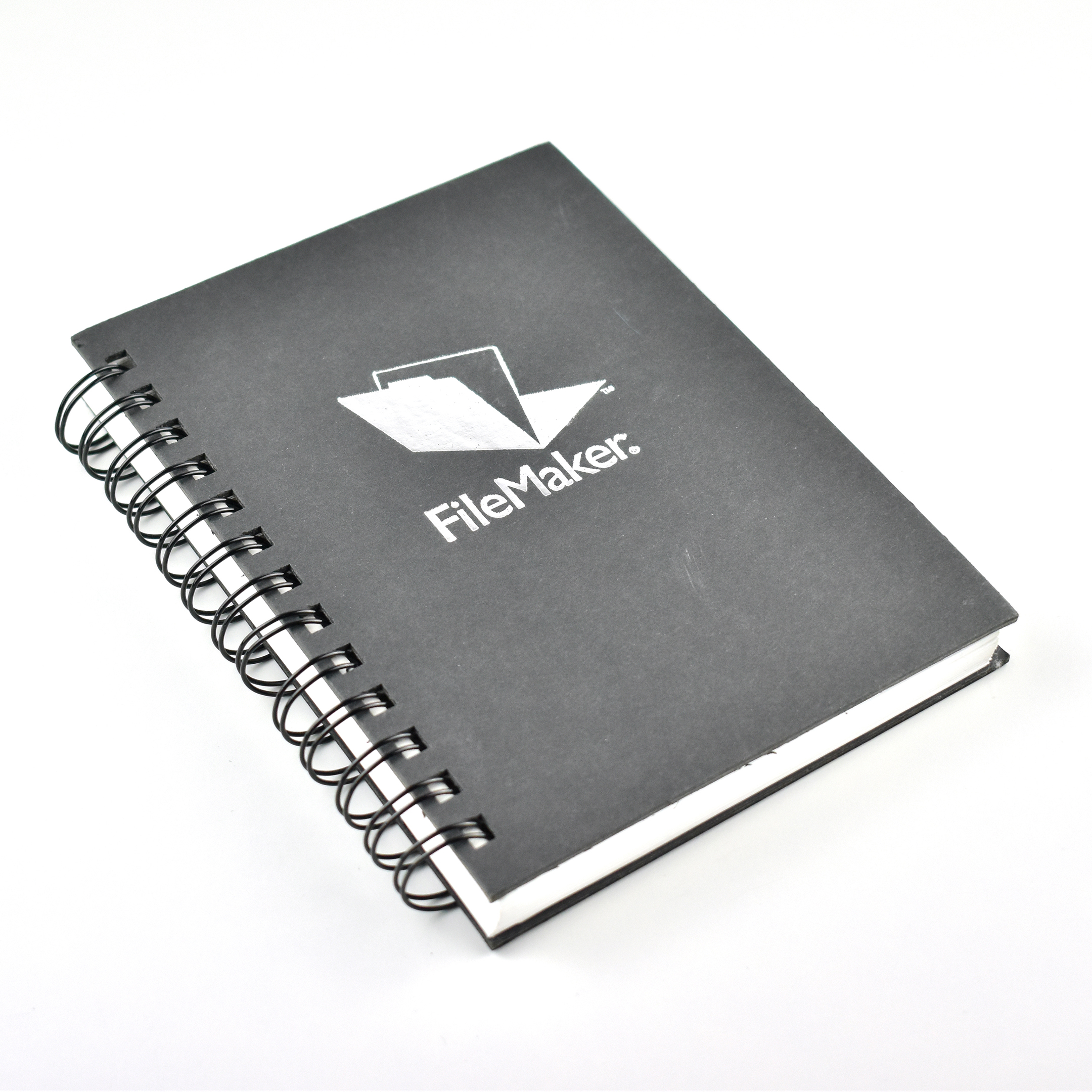
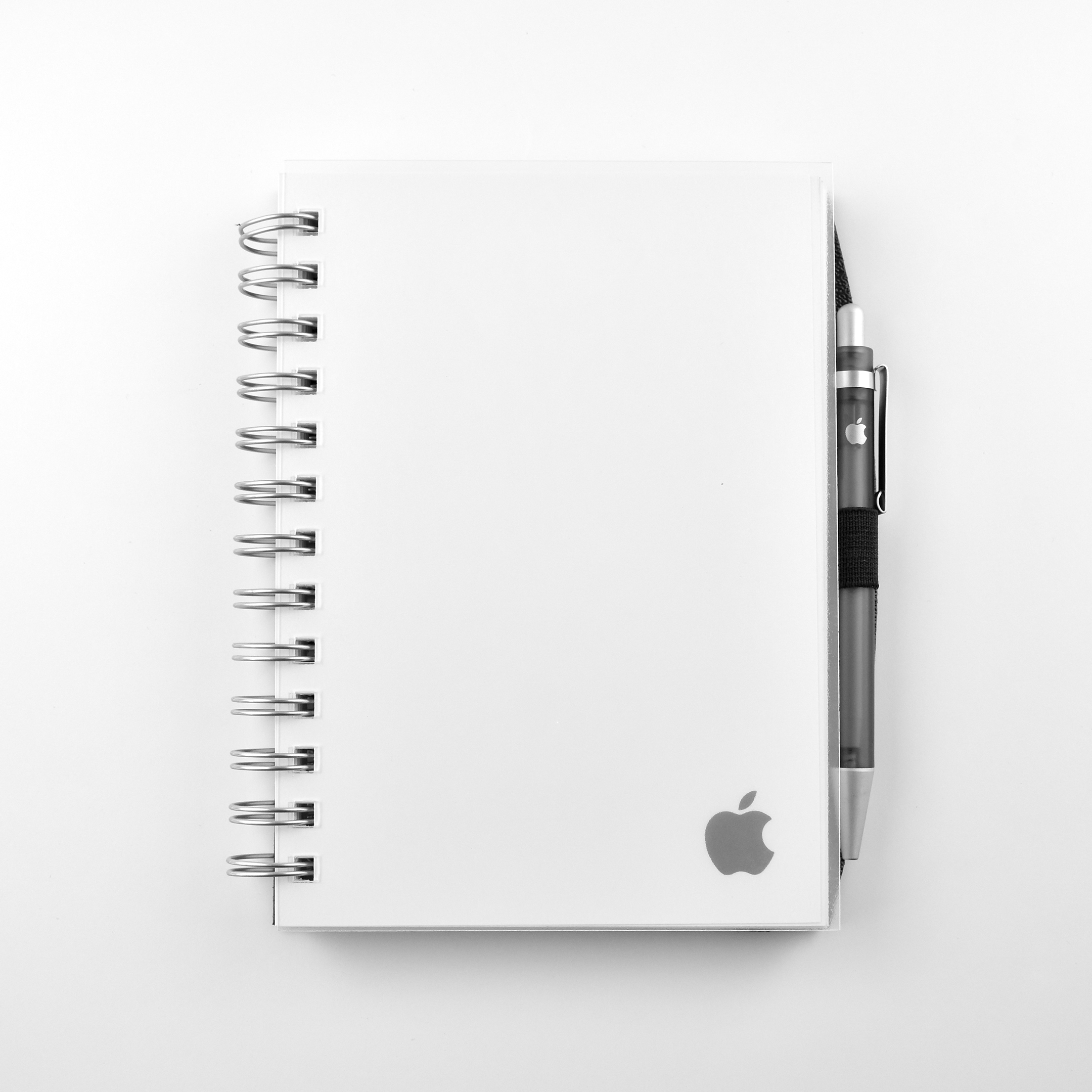
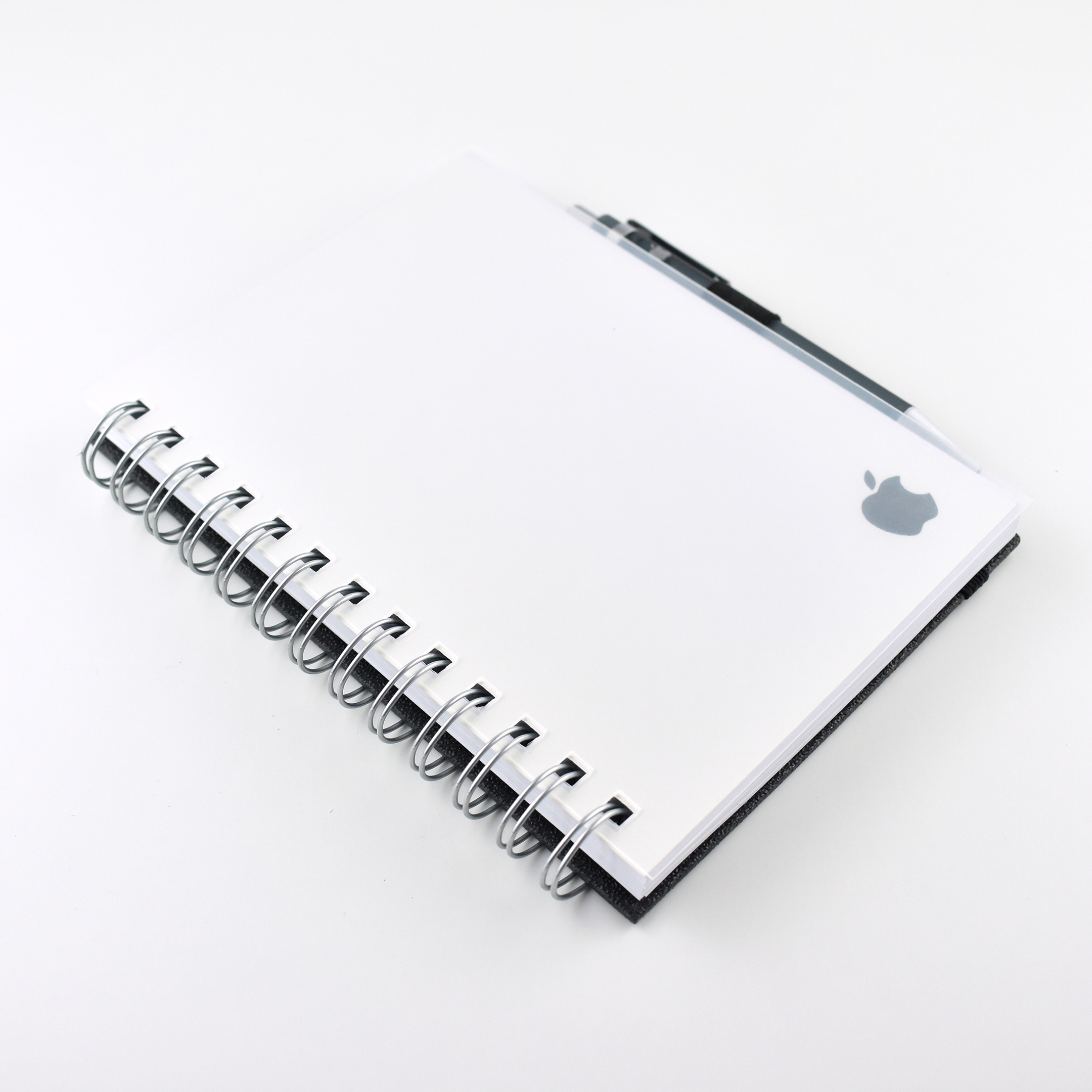
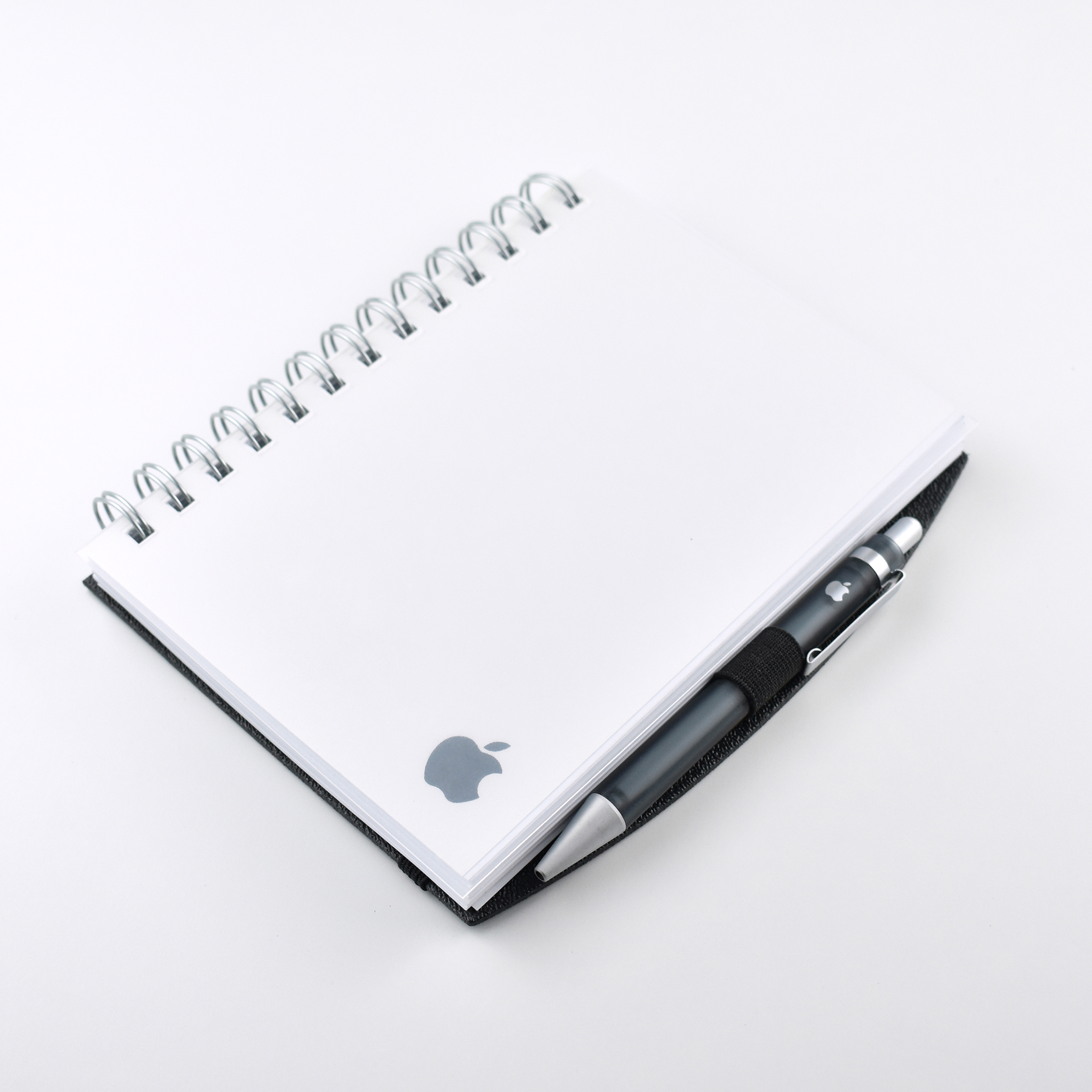
FileMaker spiral notebook (2000)

FileMaker has been owned by Apple since the late 1980s, first as a product in Apple’s “wholly owned subsidiary” Claris, then as a separate company called “FileMaker, Inc.,” and (coming full-circle) in 2019 FileMaker International Inc. changed its name back to Claris International Inc. As of 2021, the Claris website reads, “Claris International Inc. is a subsidiary of Apple Inc.”

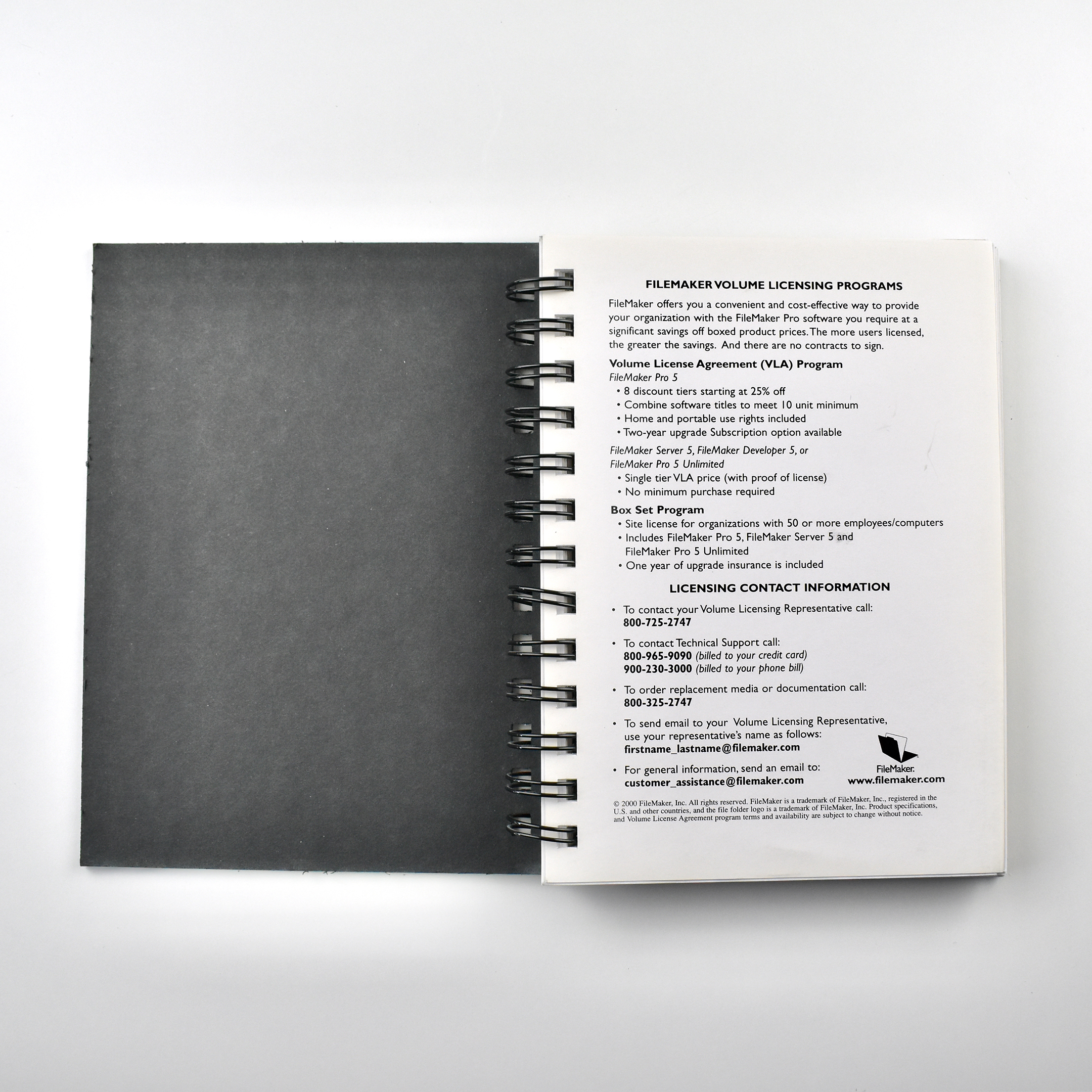
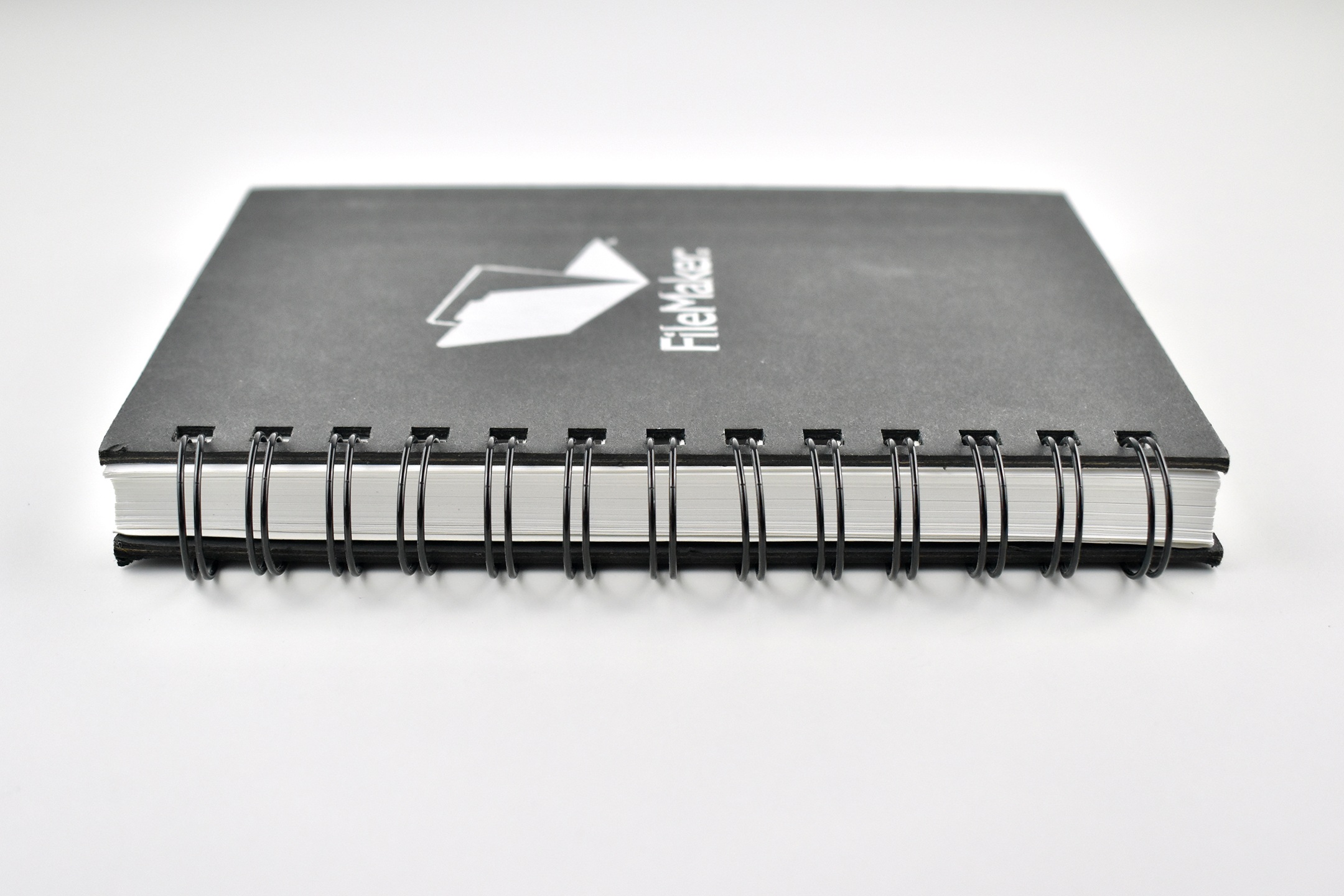
This FileMaker spiral notebook has black cardboard front and back covers. The front cover includes the FileMaker logo in metallic silver. The first page of the notebook includes FileMaker Licensing Programs information.

The notebook measures 5.75 x 7.125 inches and is 0.625 inches thick.

Sources: Wikipedia, Claris (blog, about)

Apple Learning Interchange bookmarks (c. 2005)

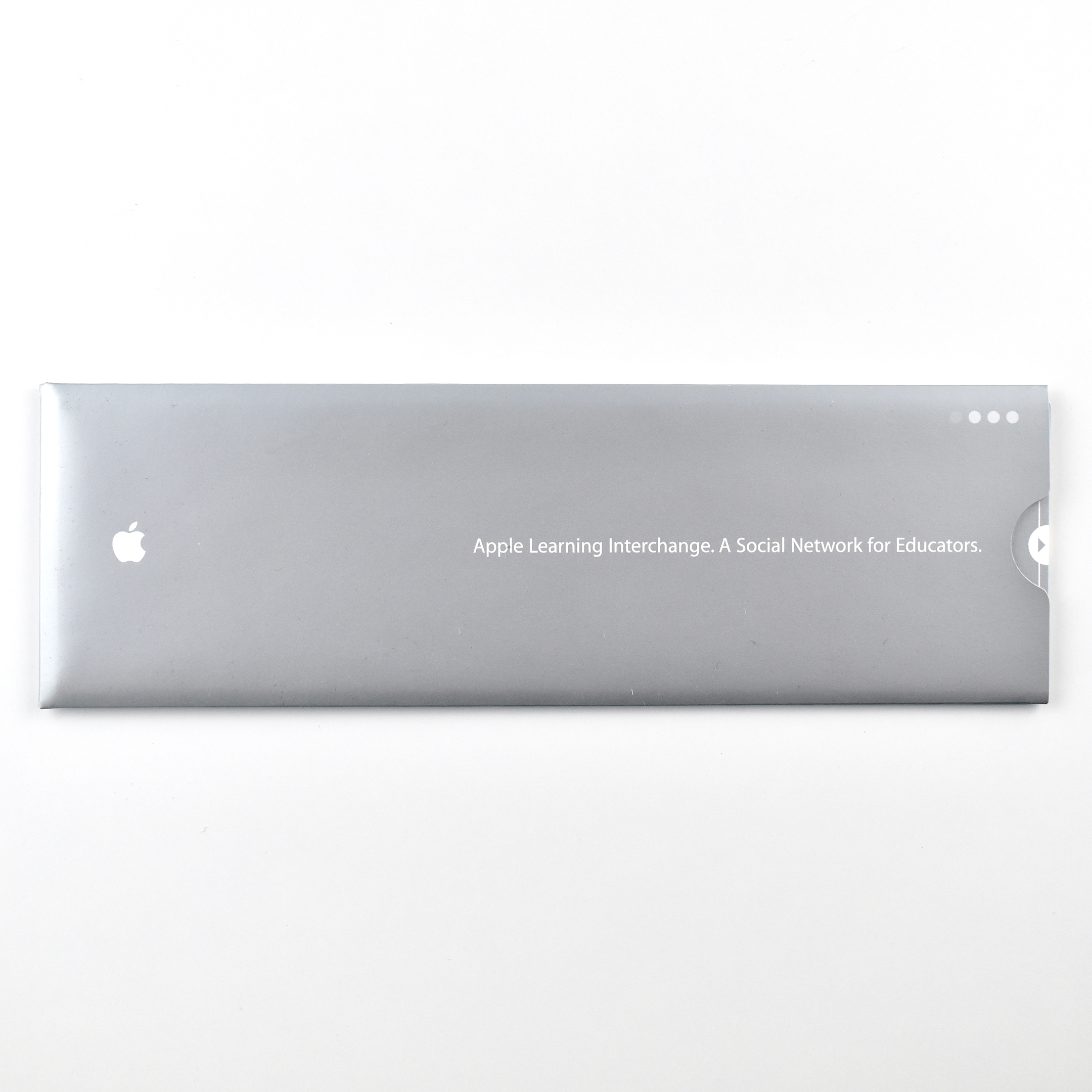
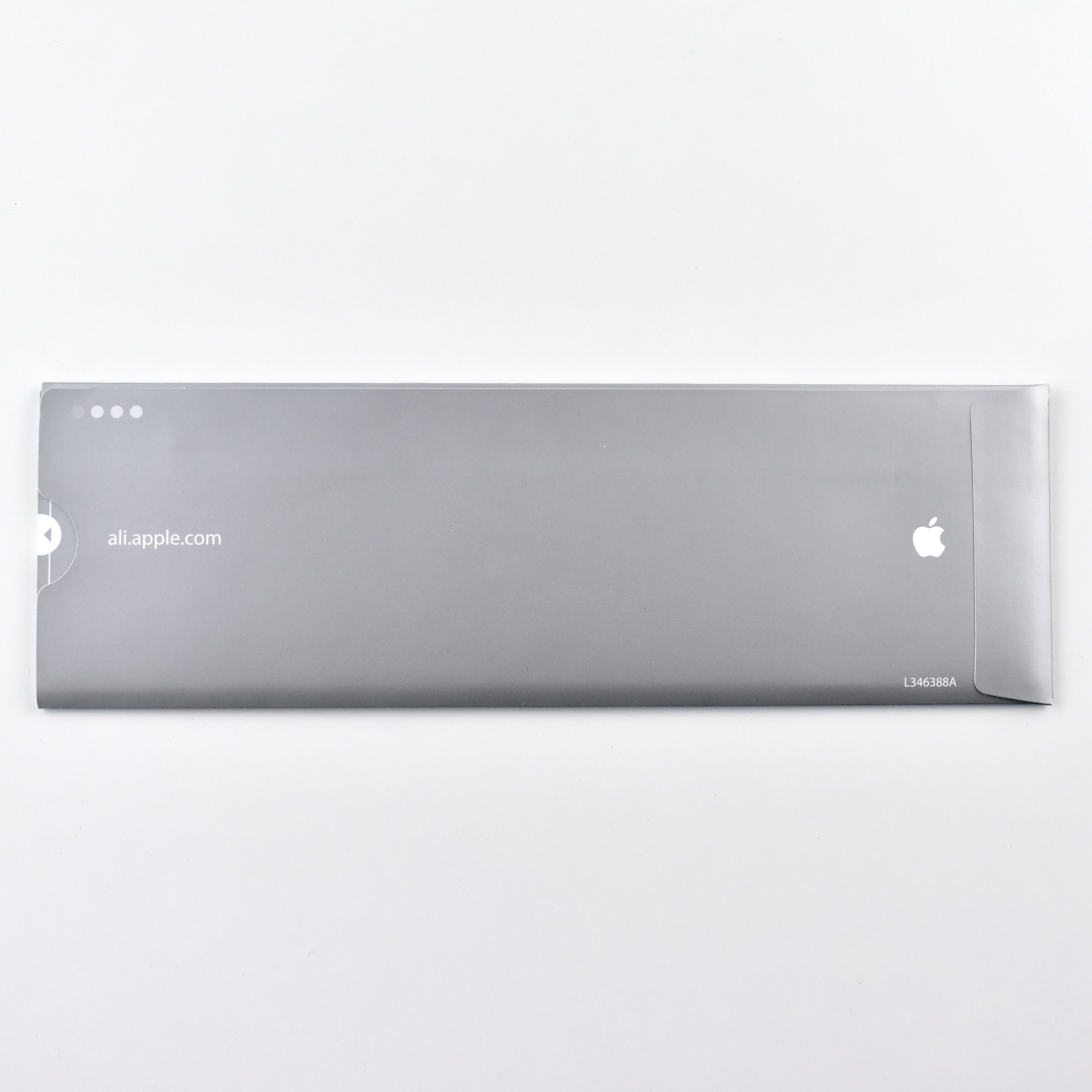
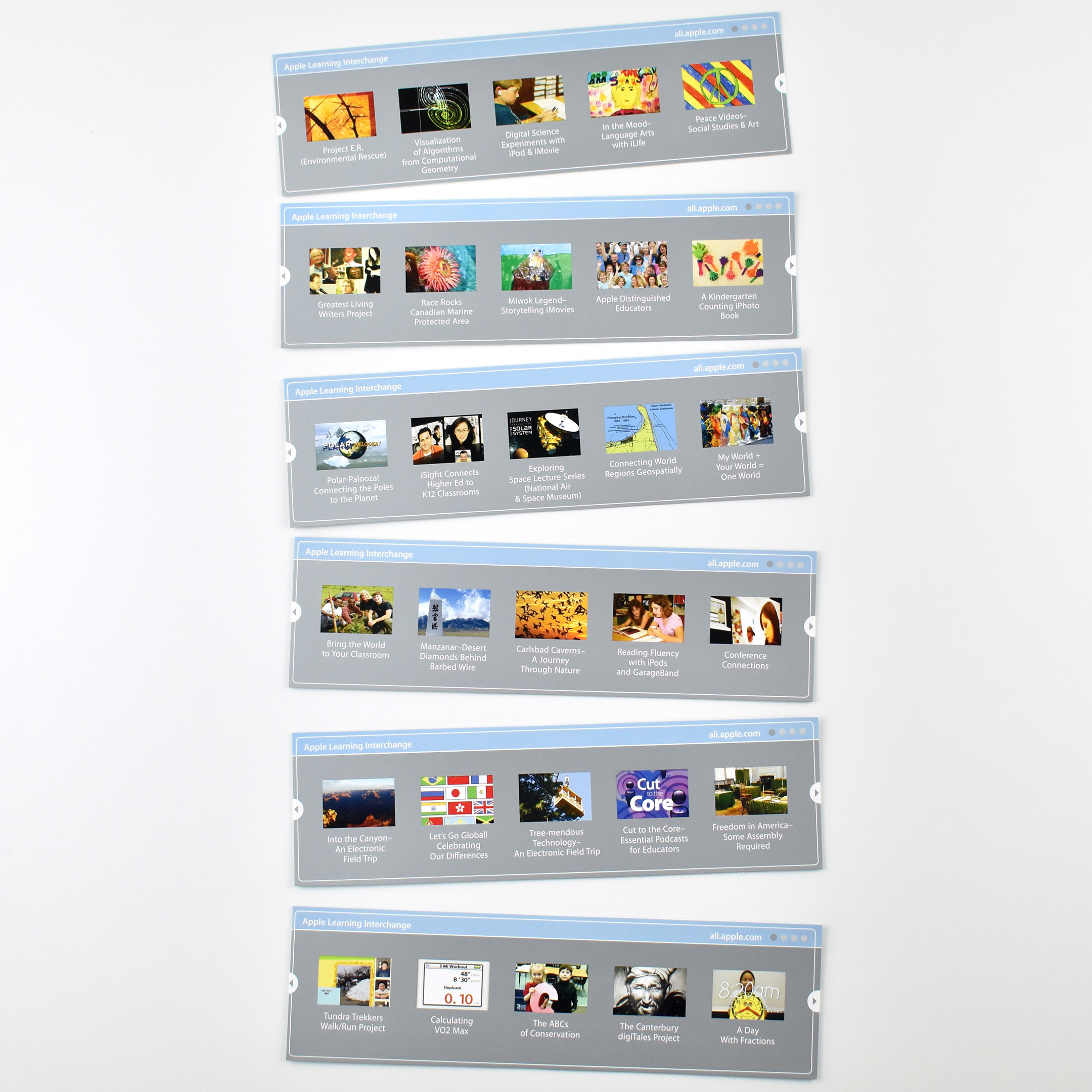
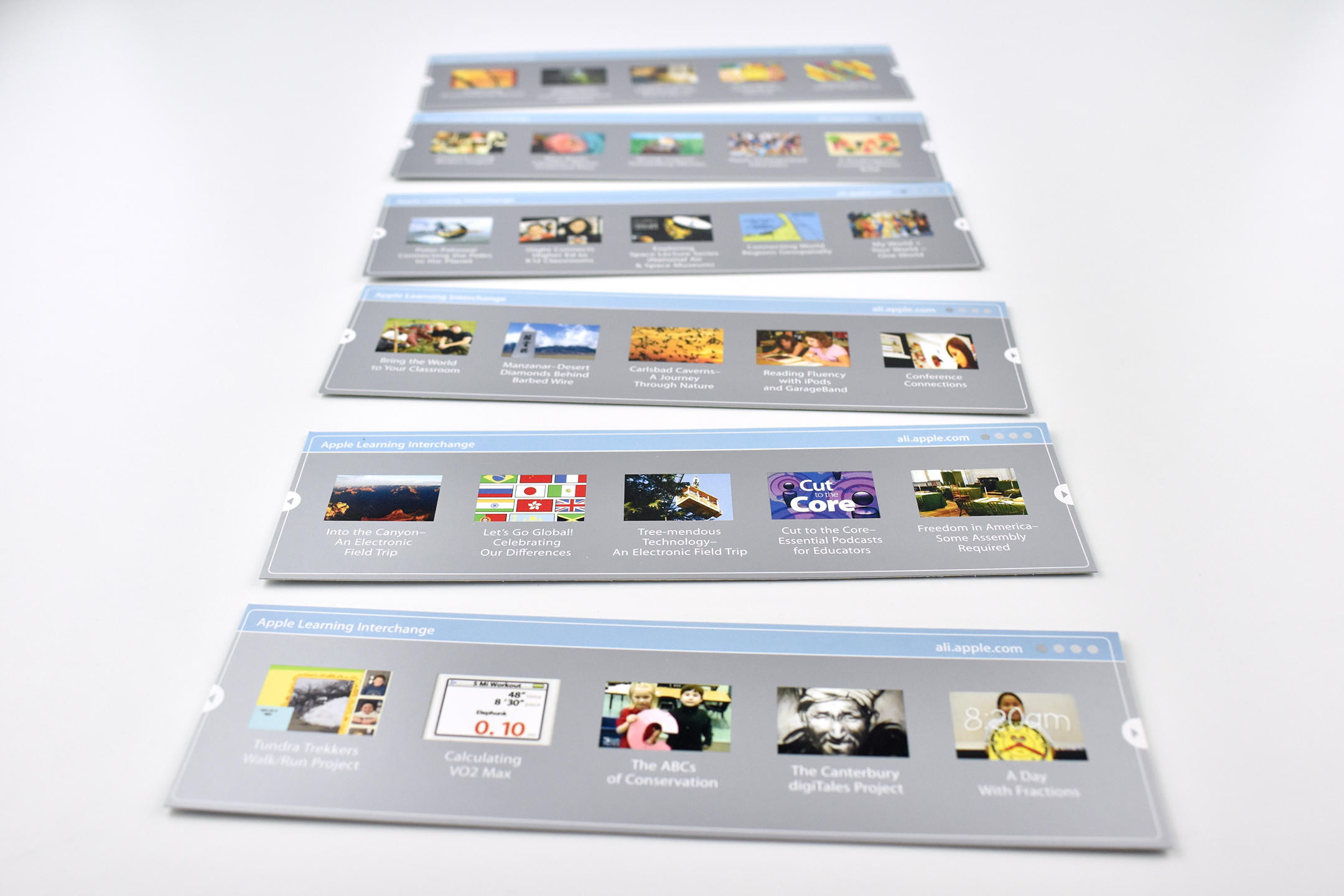
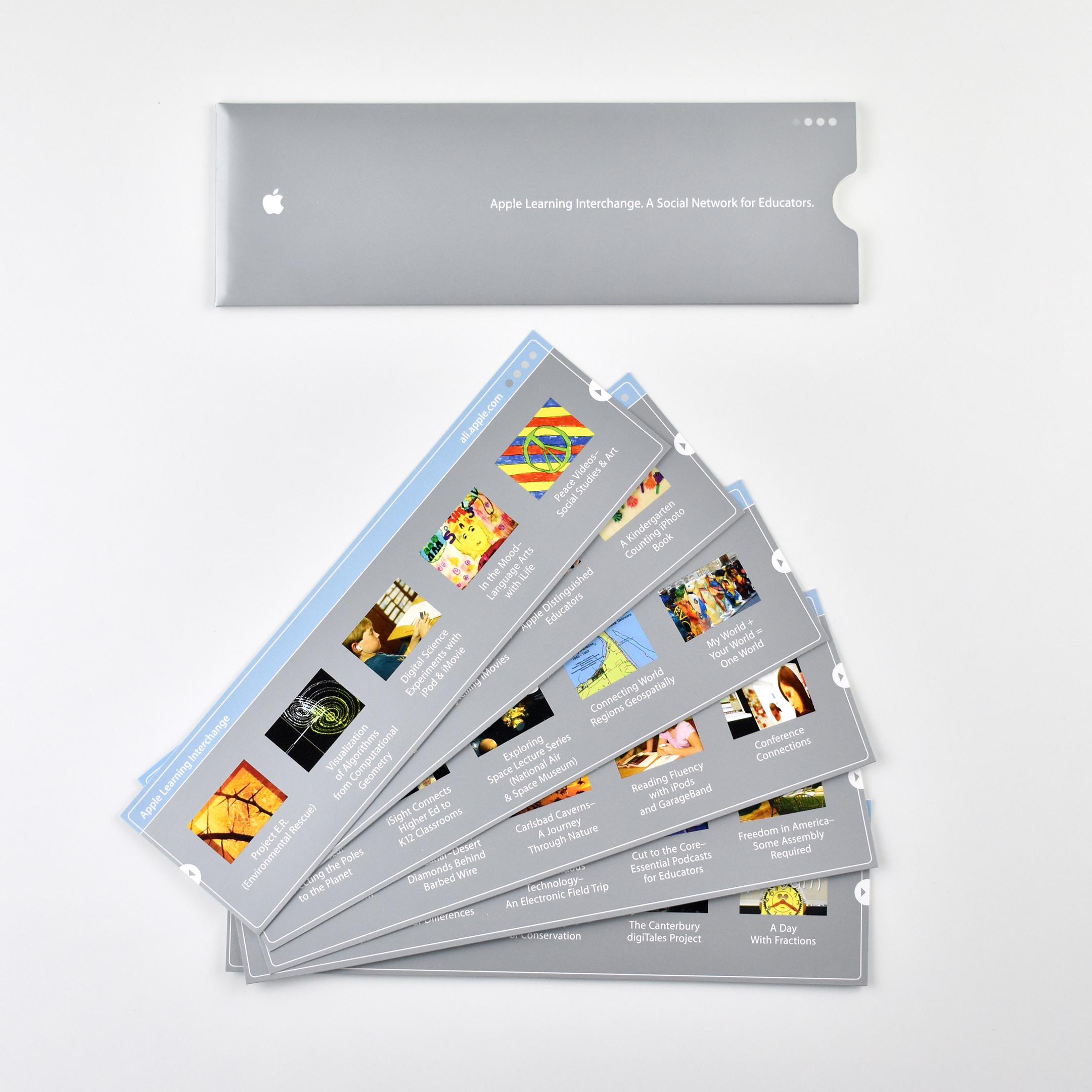
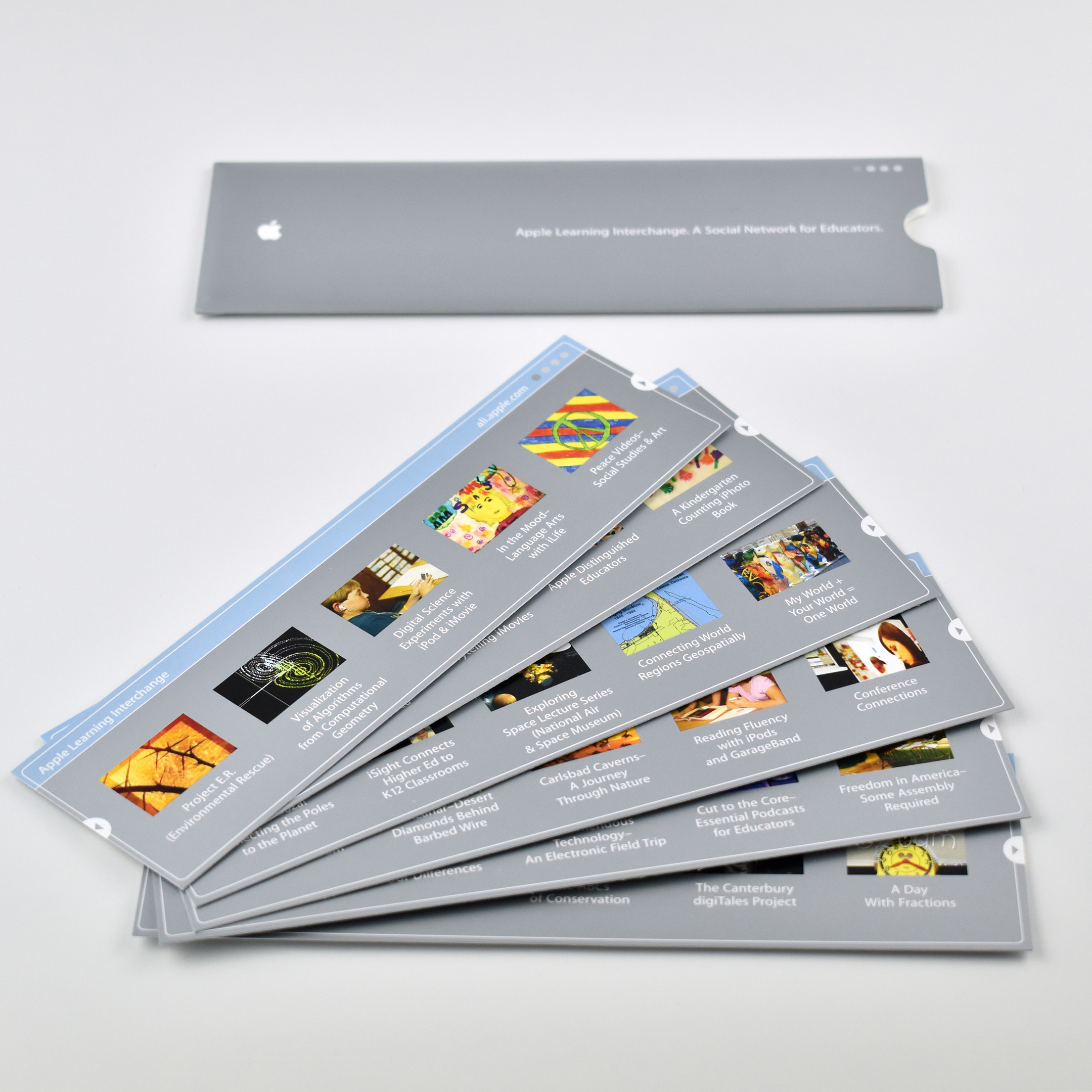
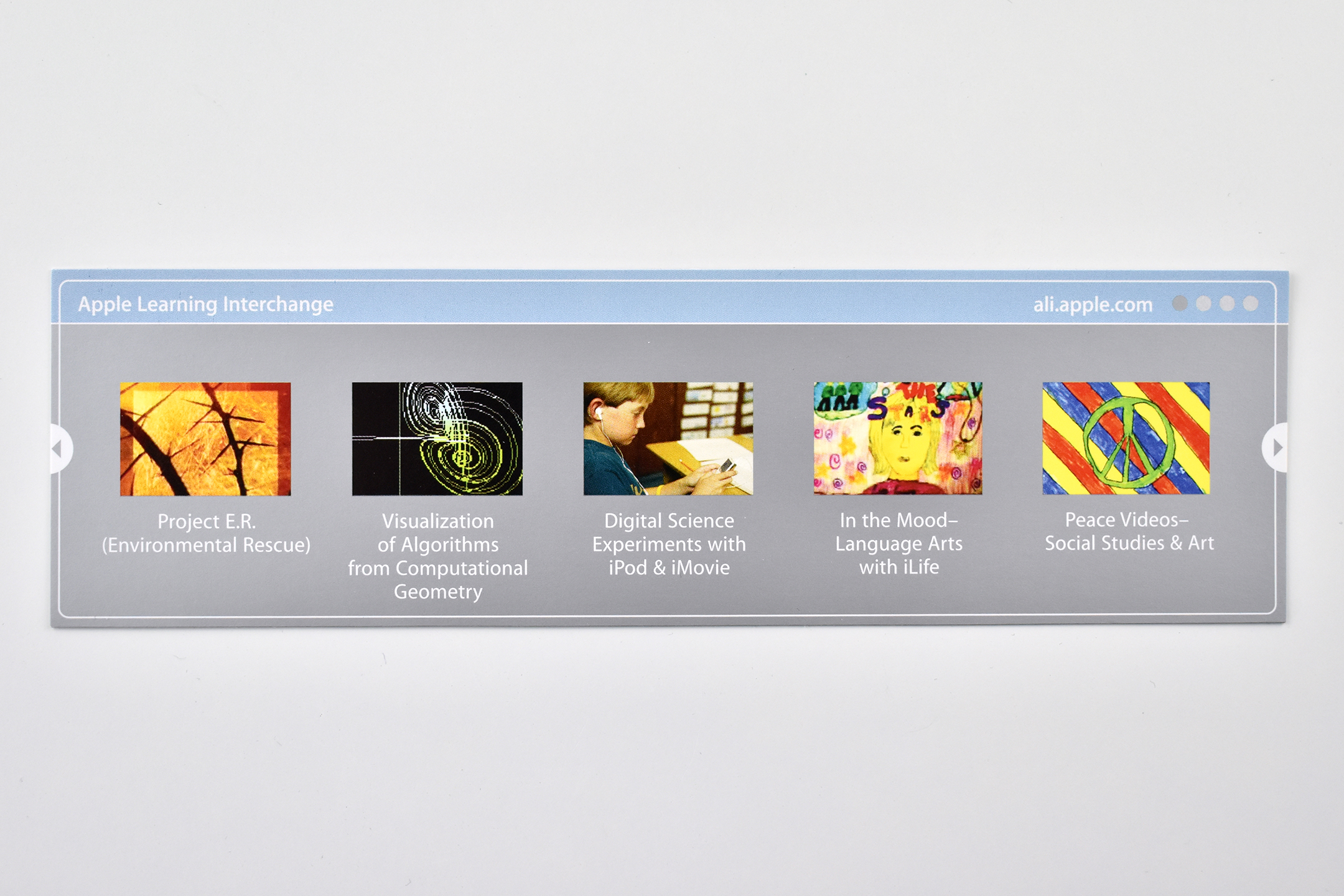
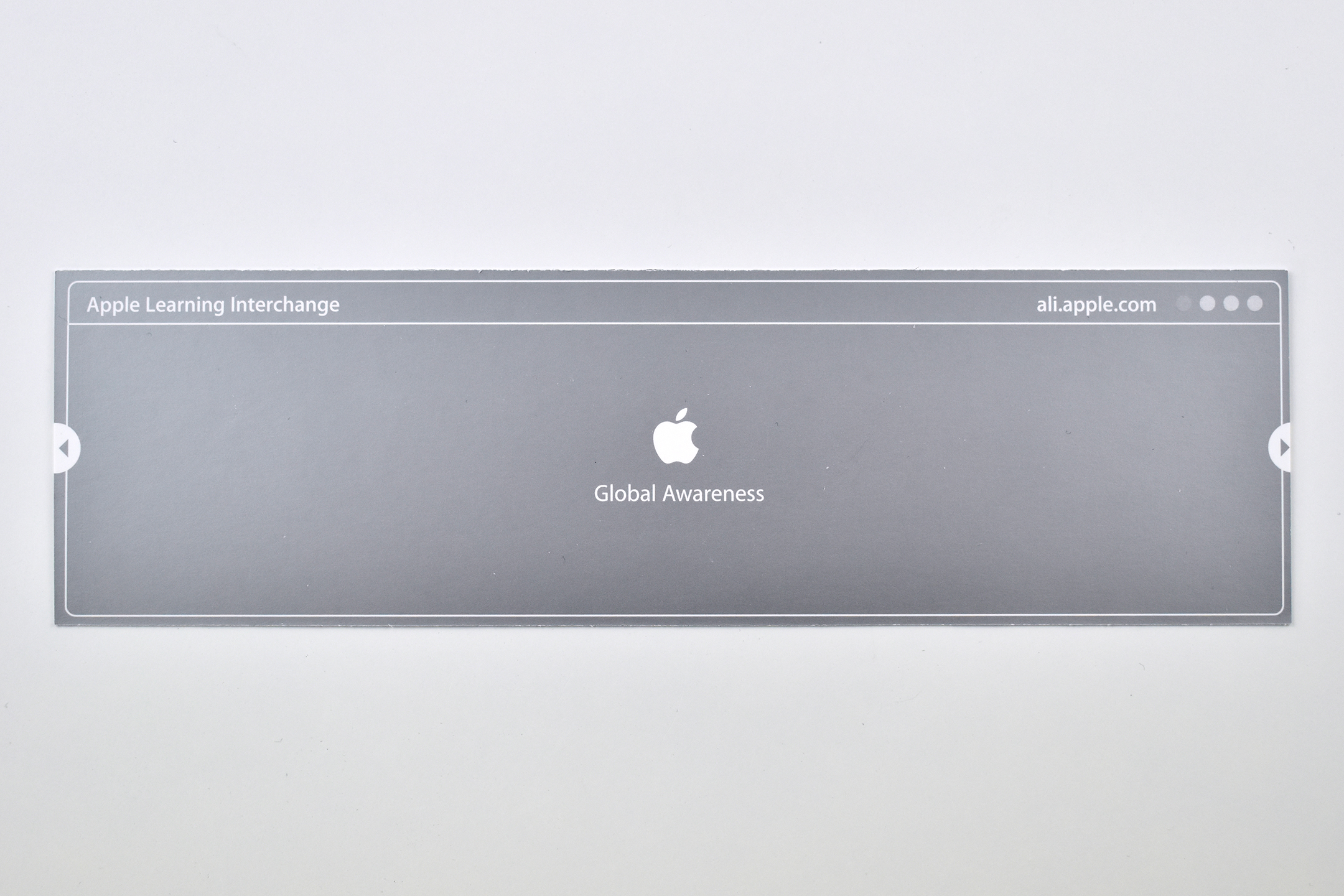
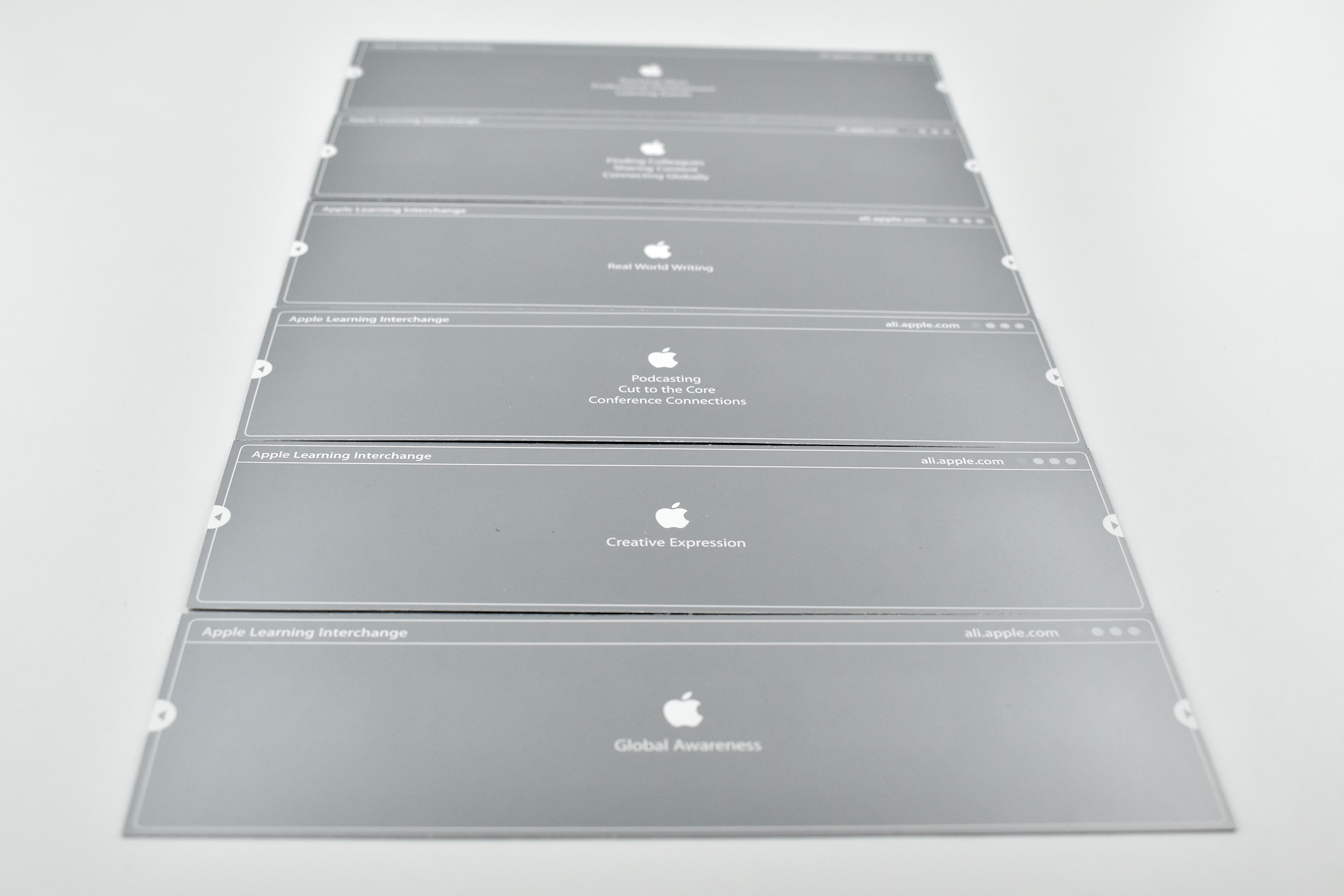
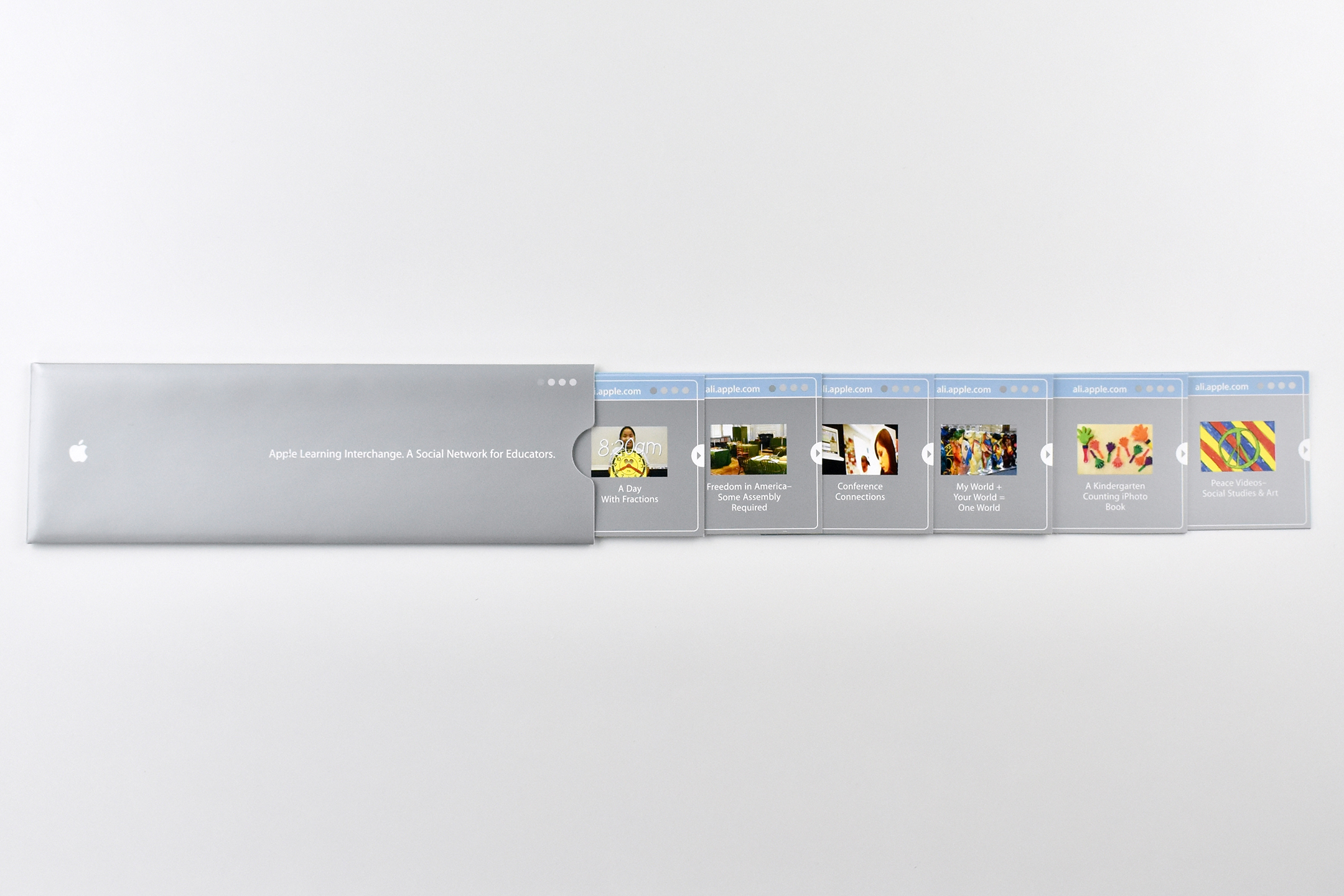
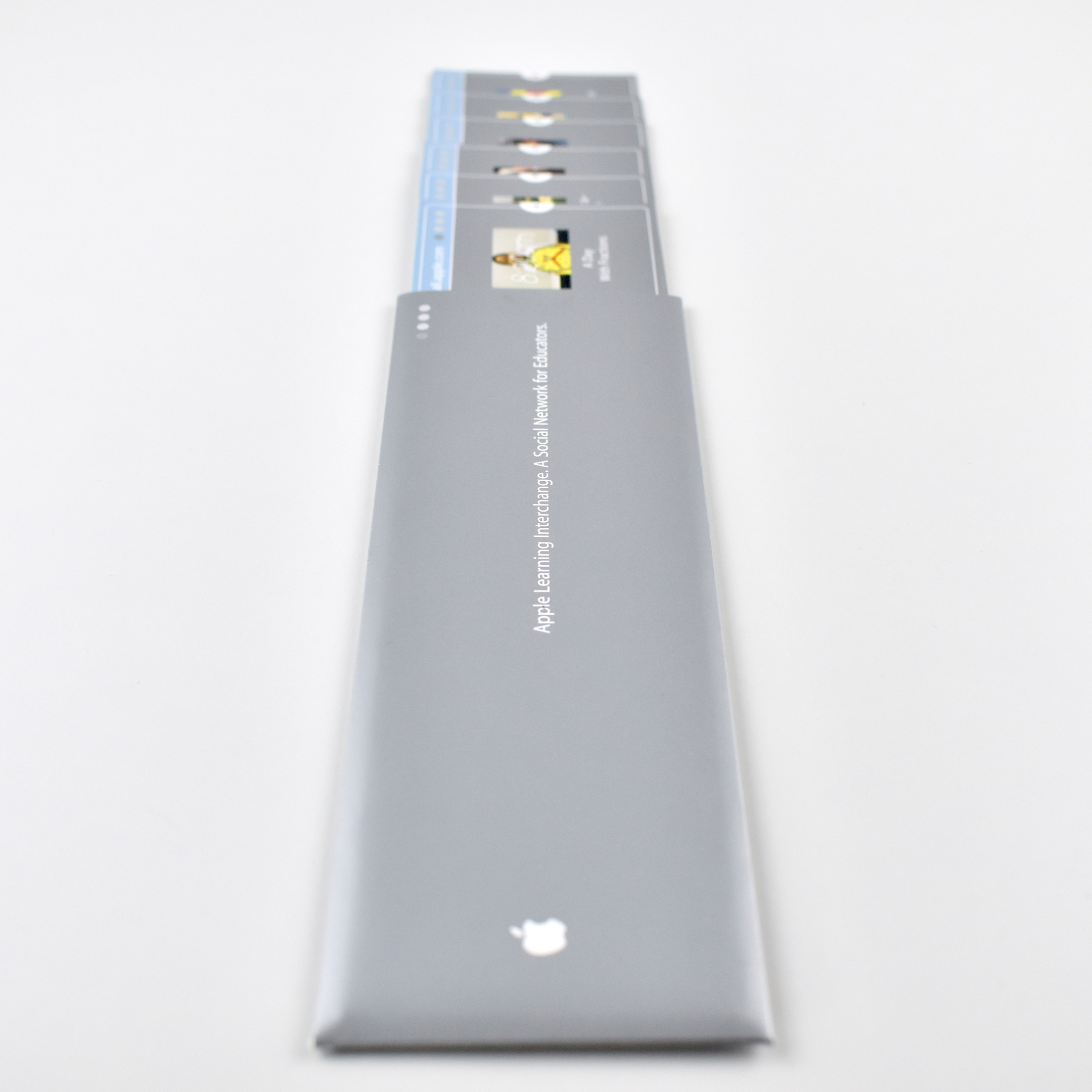
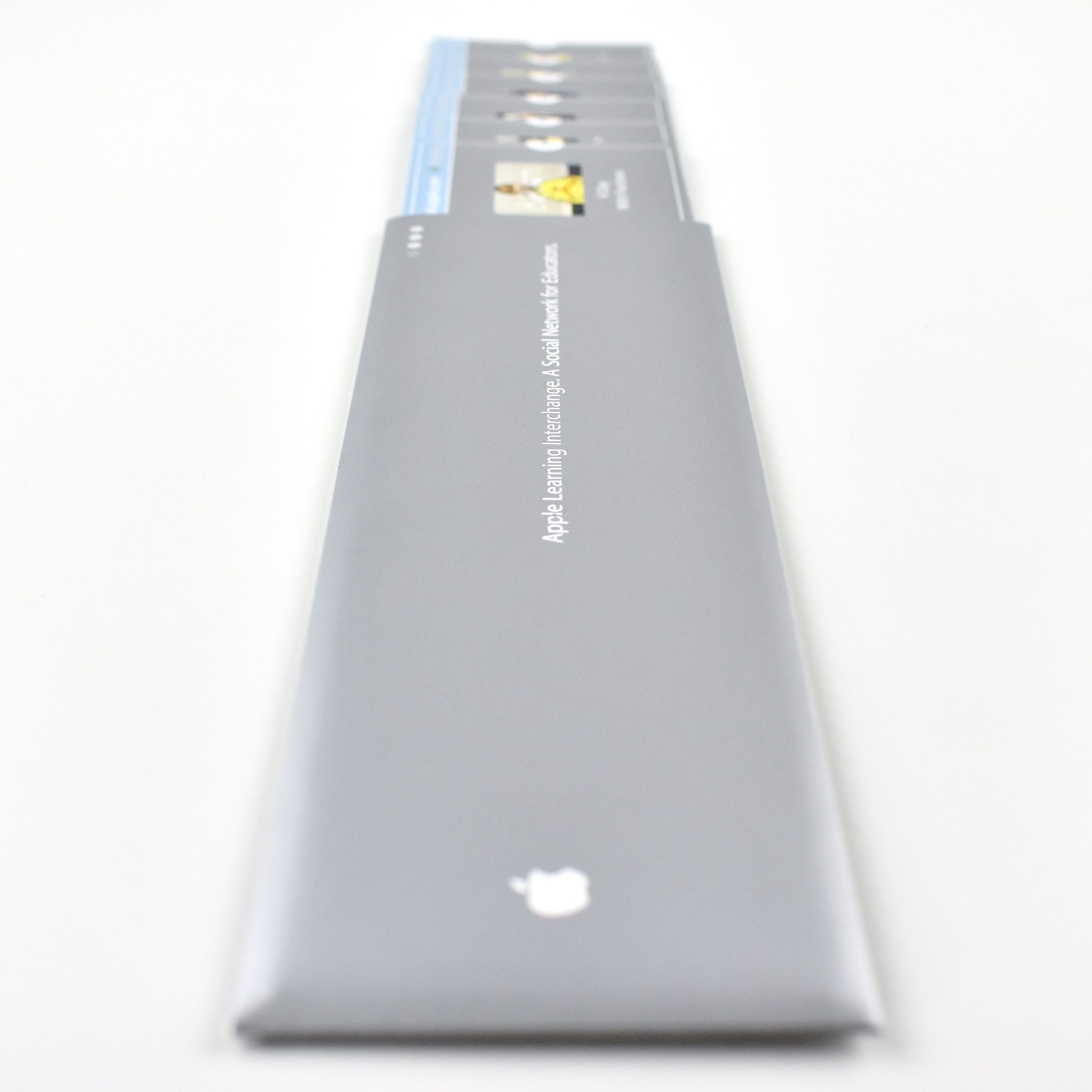
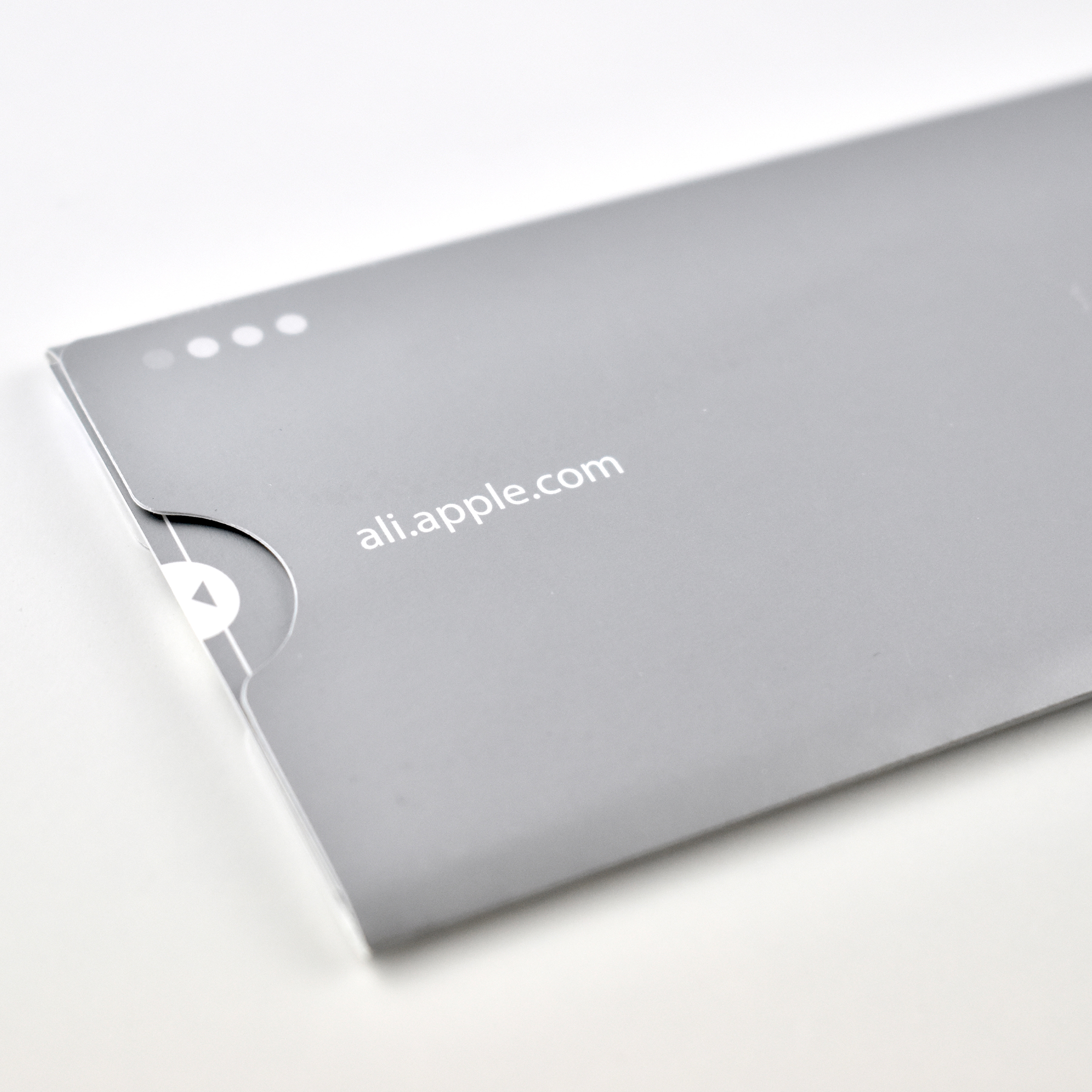
This collection of six silver-metallic-printed bookmarks were packaged in a matching silver envelope with the words “Apple Learning Interchange. A Social Network for Educators.” Each of the six bookmarks were themed, and each theme highlighted five projects that could be found on the Apple Learning Interchange website.

The themes included: Teaching Ideas, Professional Development, Learning Events; Finding Colleagues, Sharing Content, Connecting Globally; Real World Writing; Podcasting, Cut to the Core, Conference Connections; Creative Expression; and Global Awareness.

The Apple Learning Interchange (ALI) program and website are no longer active. ALI was “an Internet community for K-12 educators with a large and participatory membership. Apple has gathered databases of lesson-planning units, Internet resources, and Internet-based projects” (Education World). The Apple Learning Interchange closed in 2010 in favor of iTunes U, “For years the Apple Learning Interchange (ALI) has served as an important resource for educators to access great education content, share best practices, and learn more about using technology in the context of teaching and learning. Over the last three years, iTunes U in the iTunes Store has grown to be an even larger education resource” (MacRumors).

The bookmark envelope measures 2.375 x 7.5 inches, and each of the six bookmarks measure 2.125 x 7.375 inches.

Sources: Education World, MacRumors

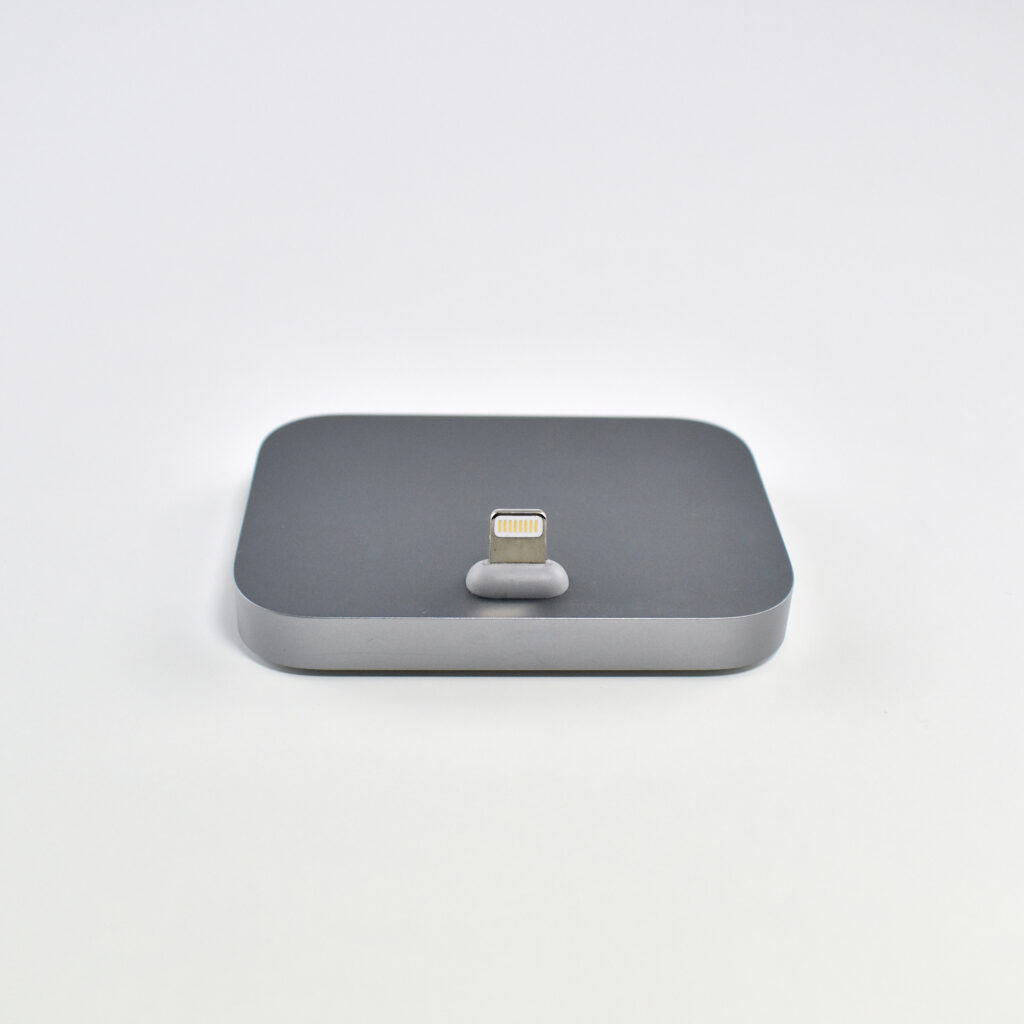
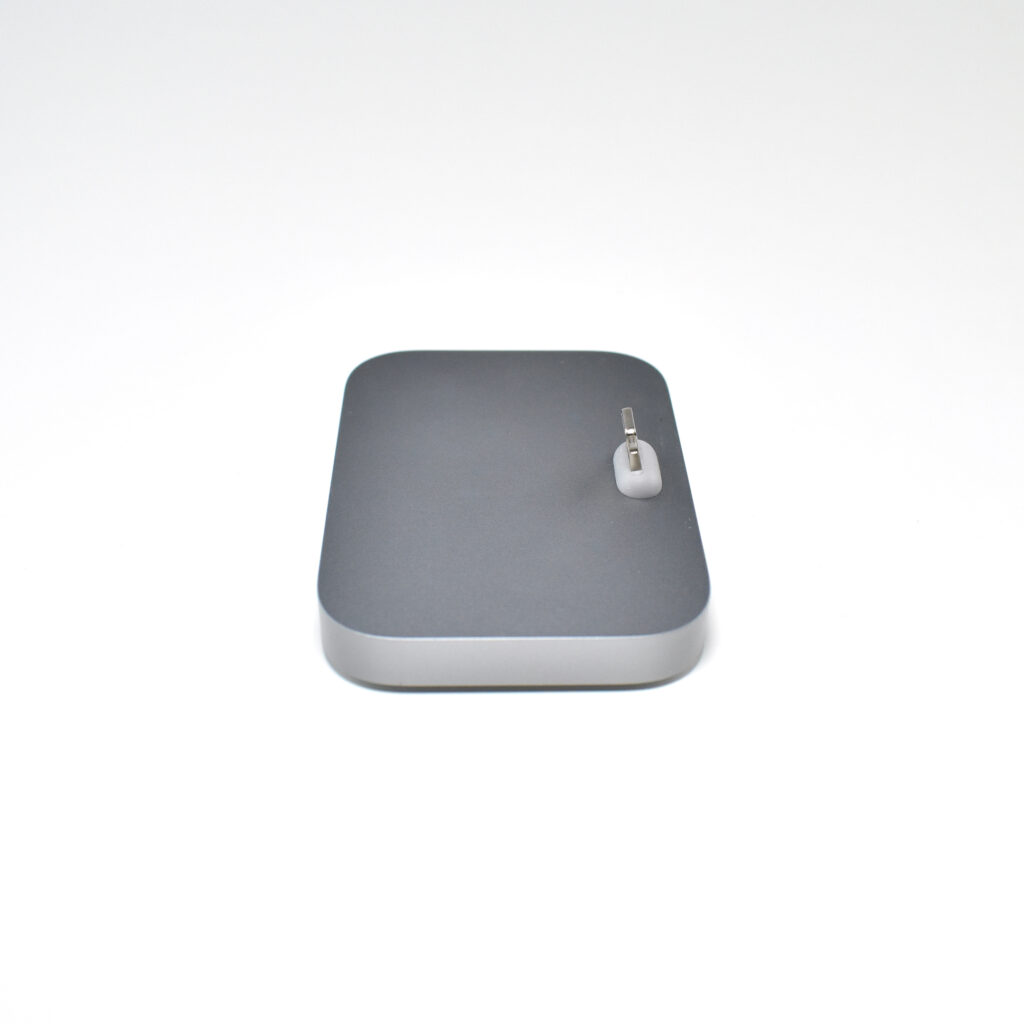
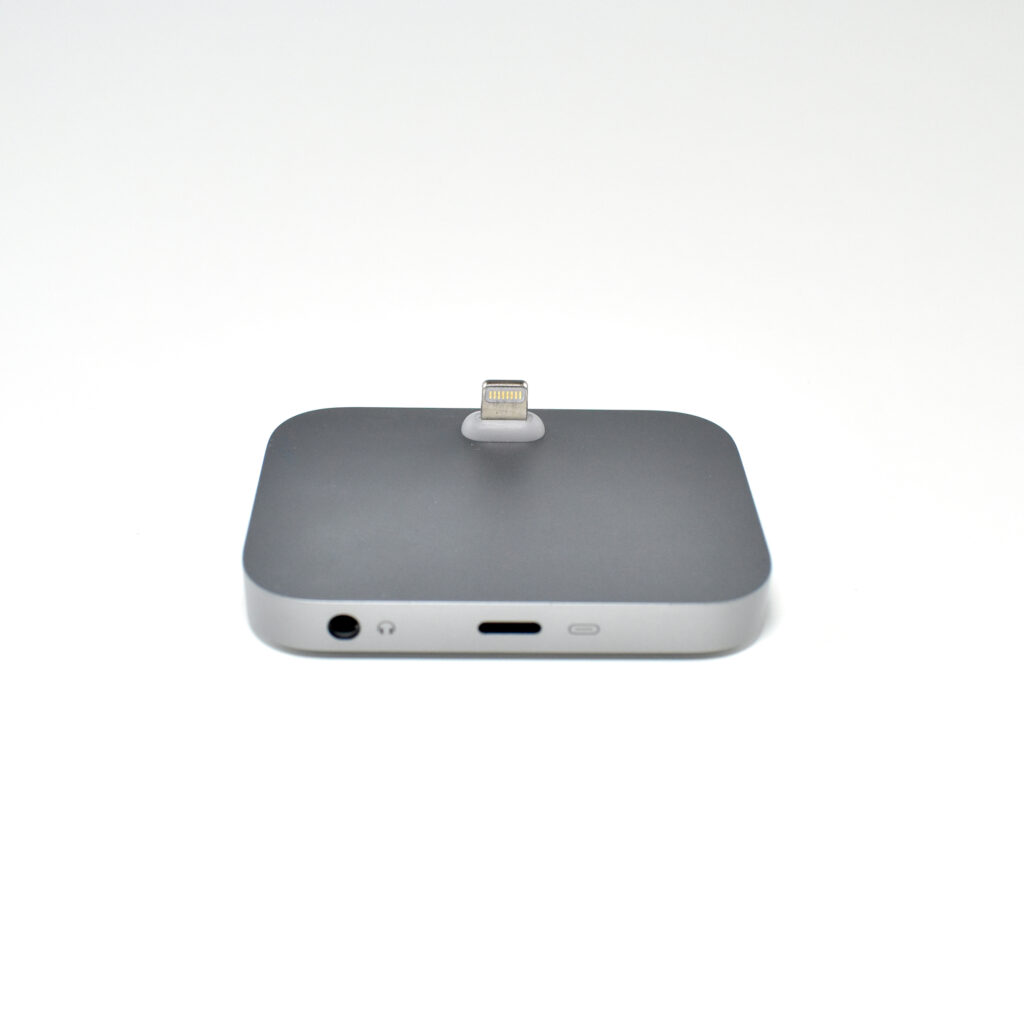
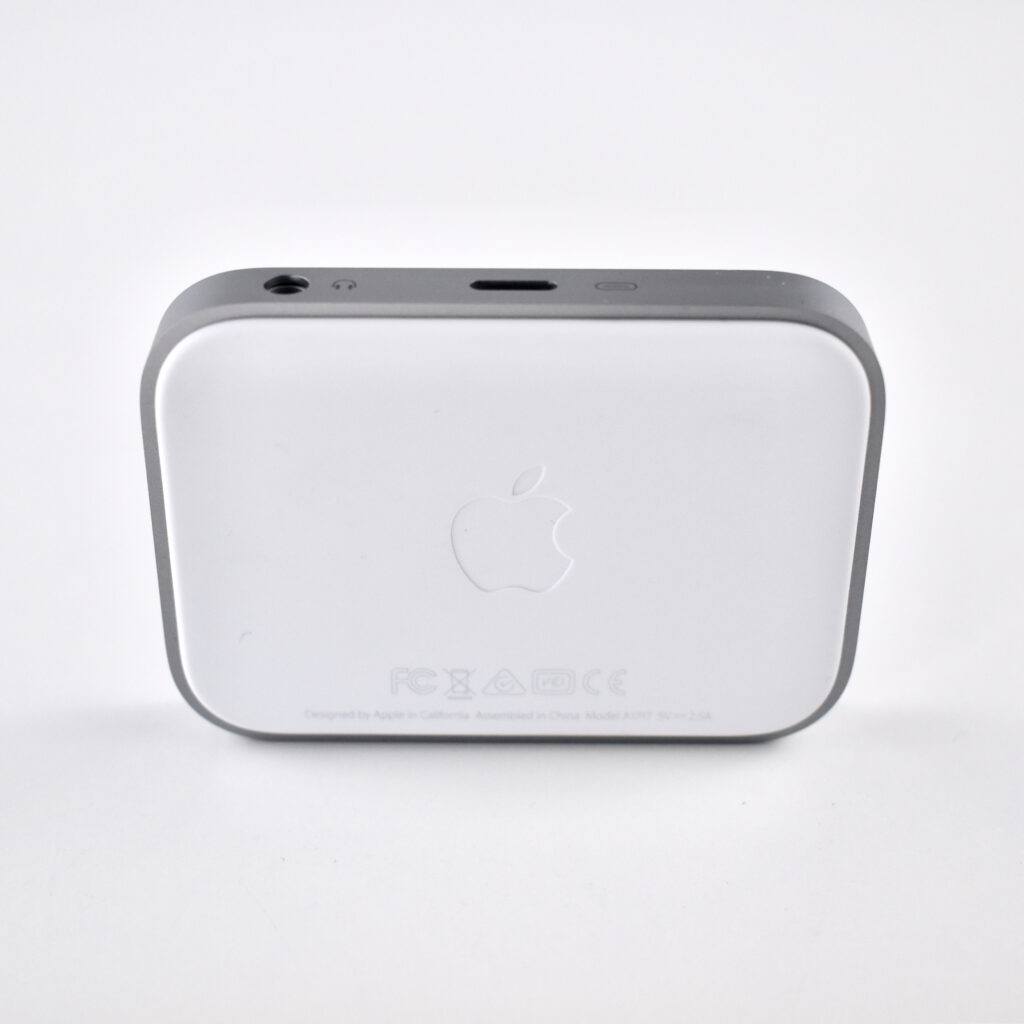
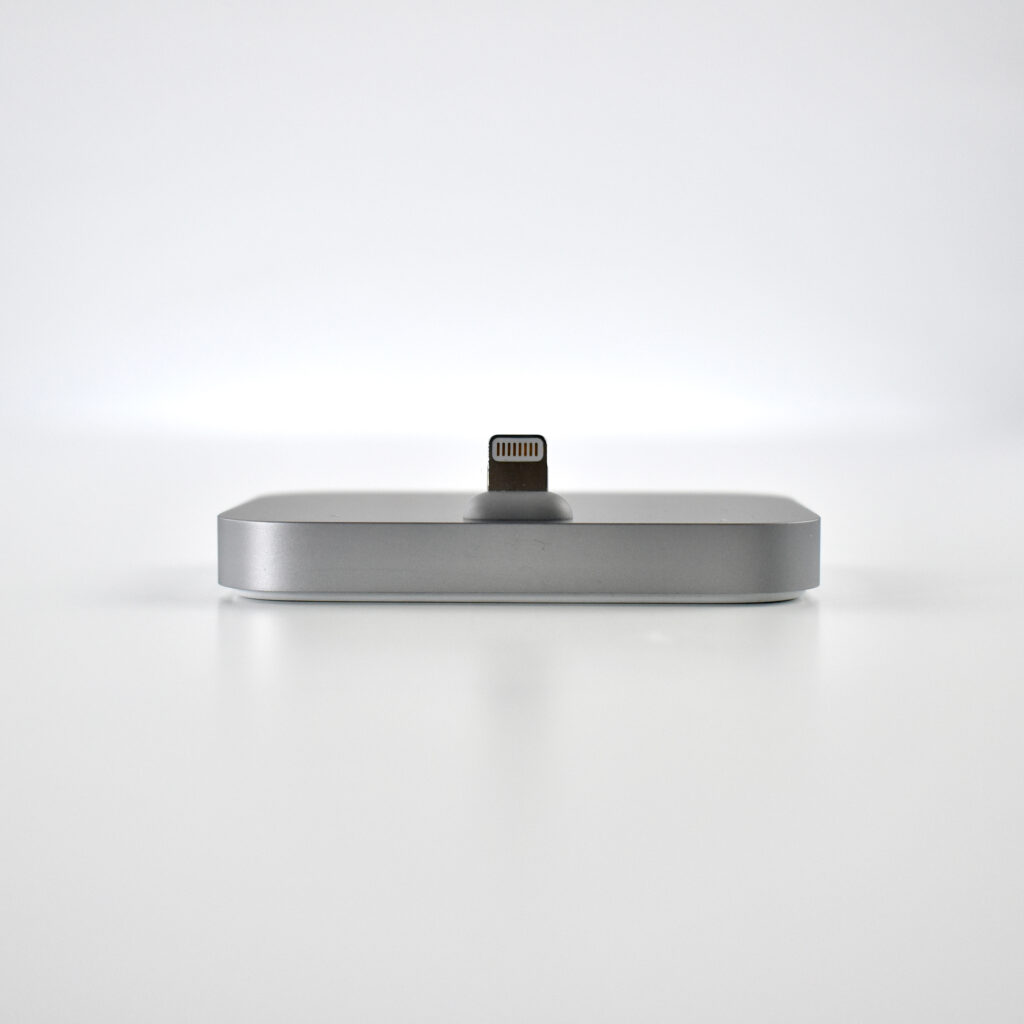
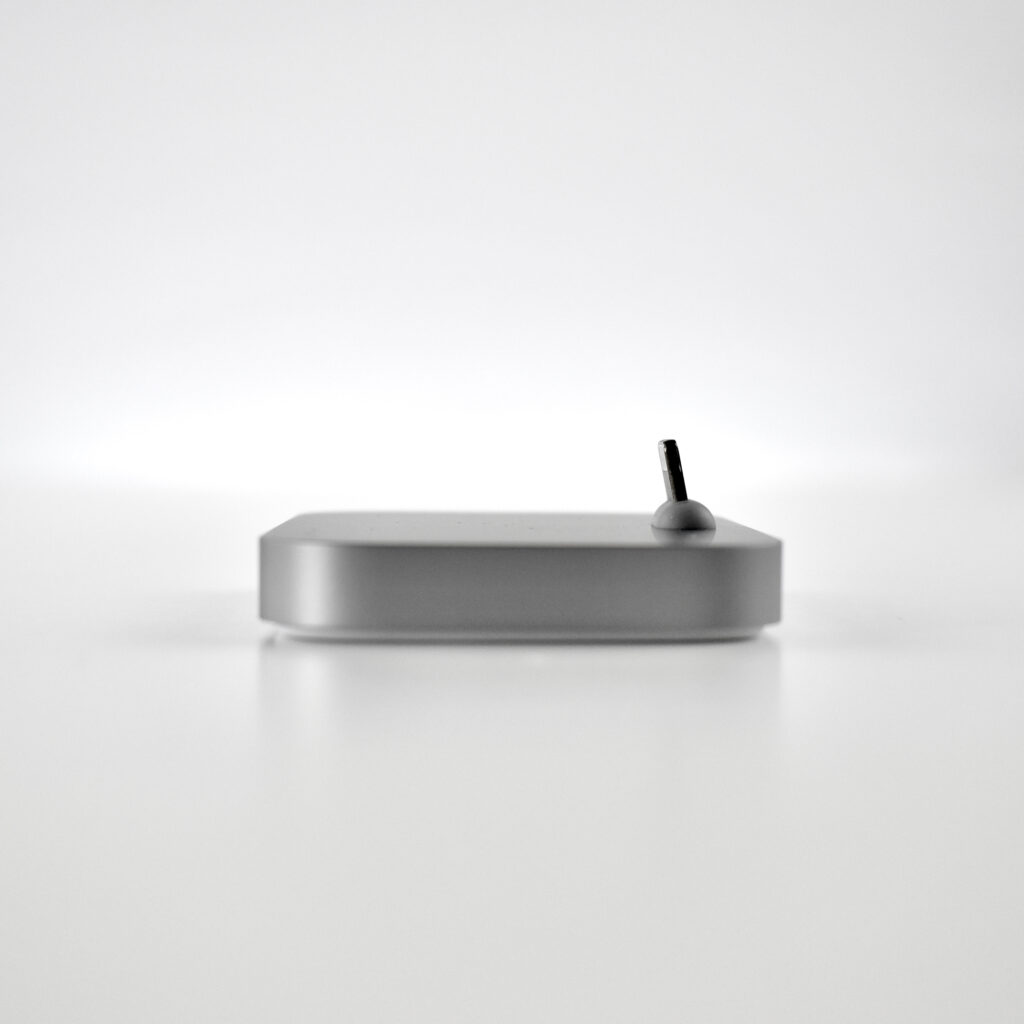
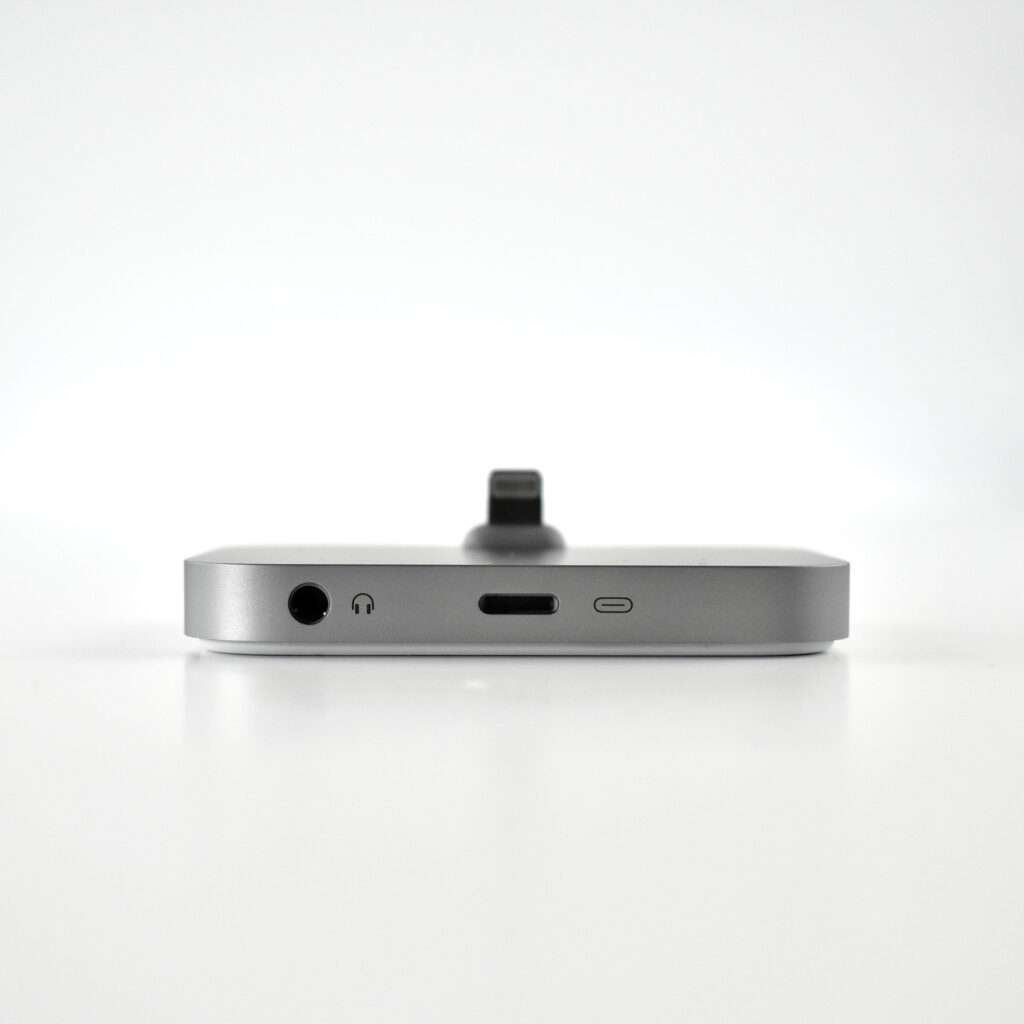
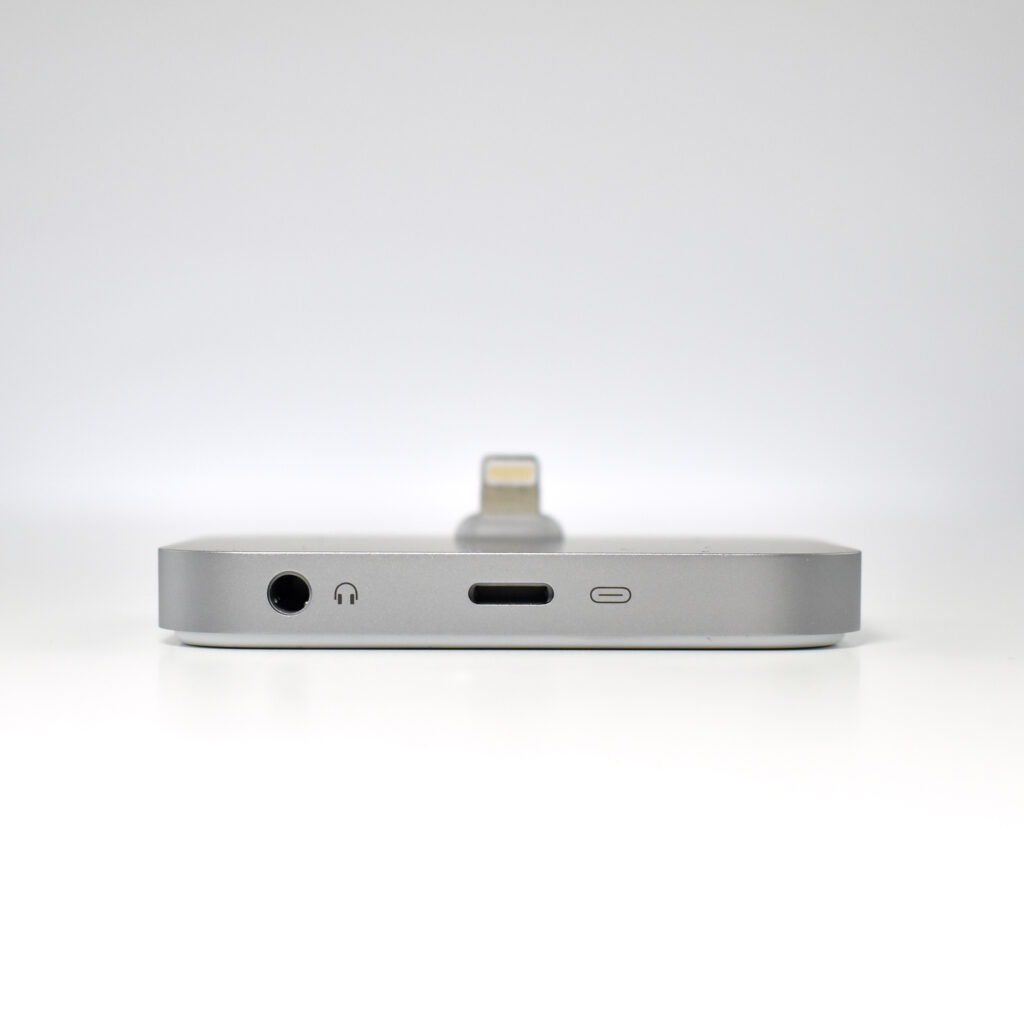
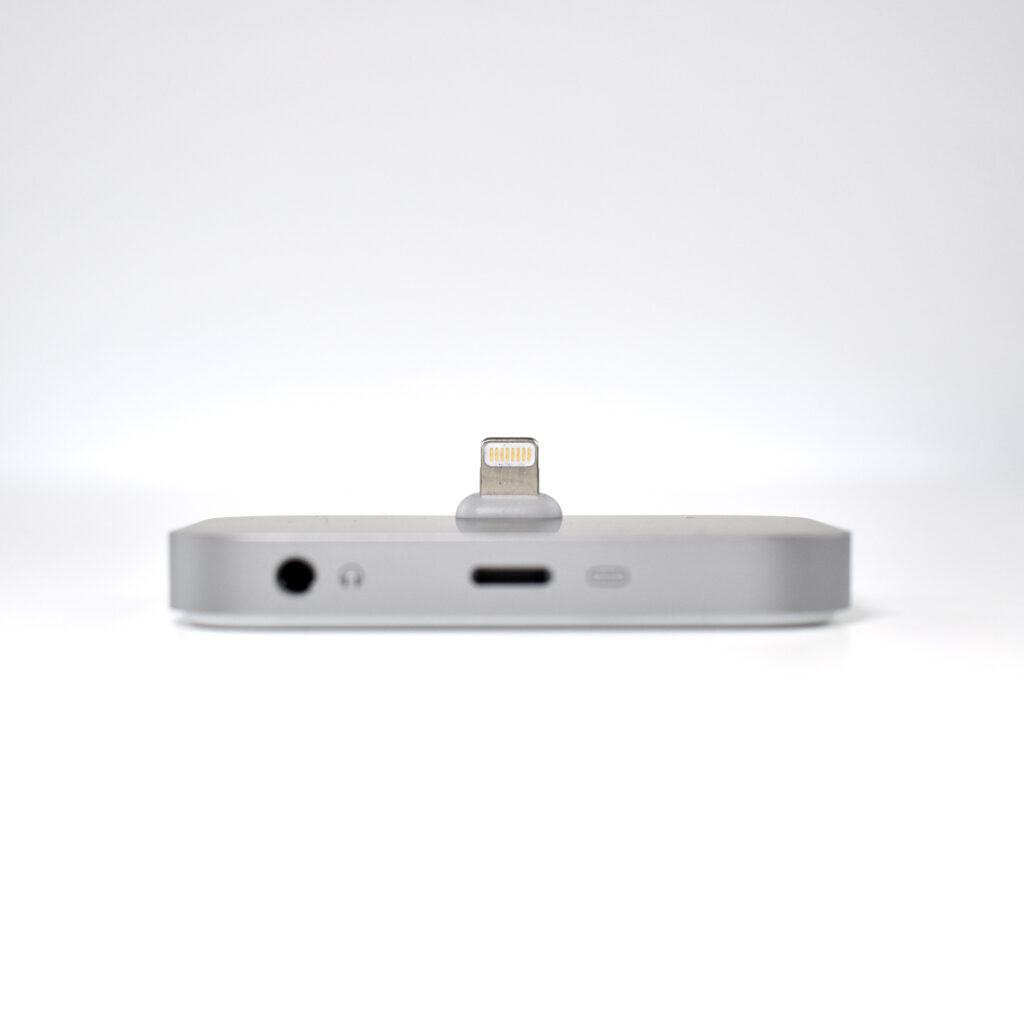
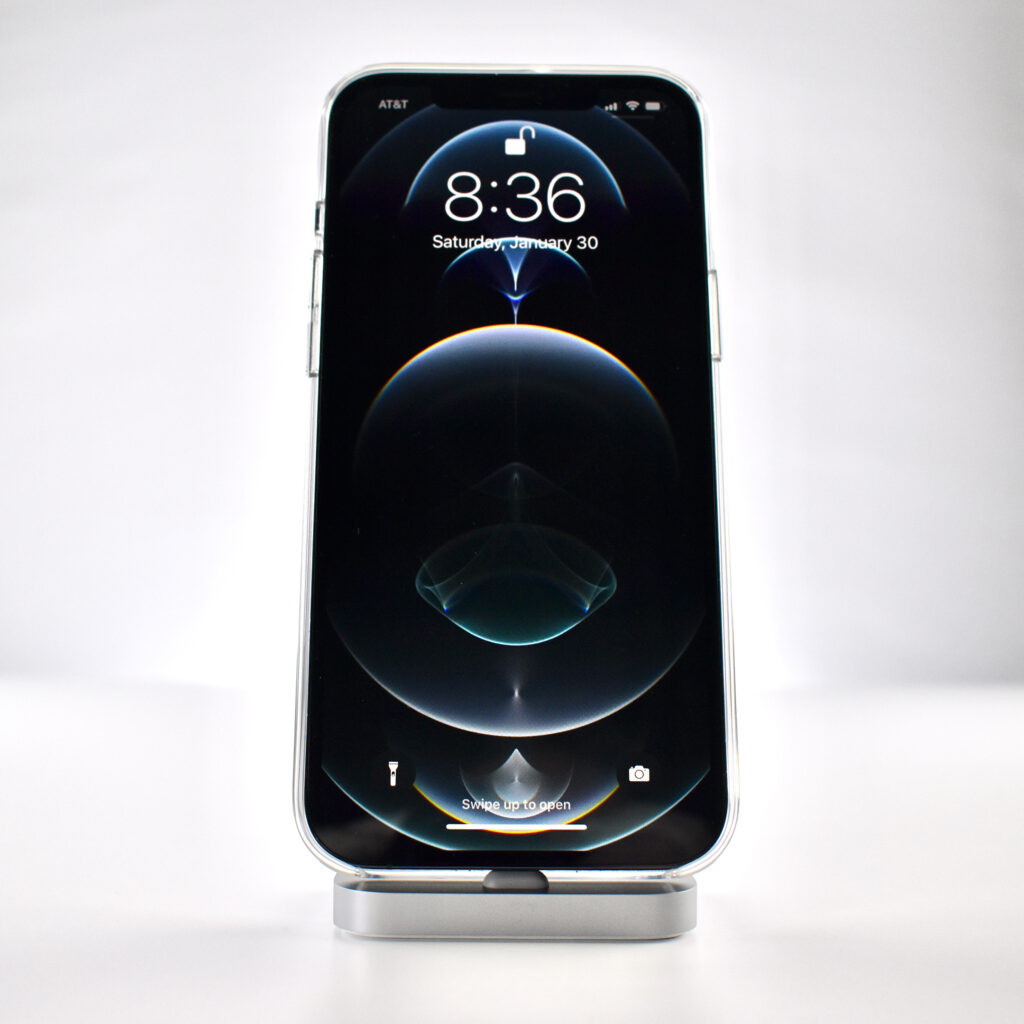
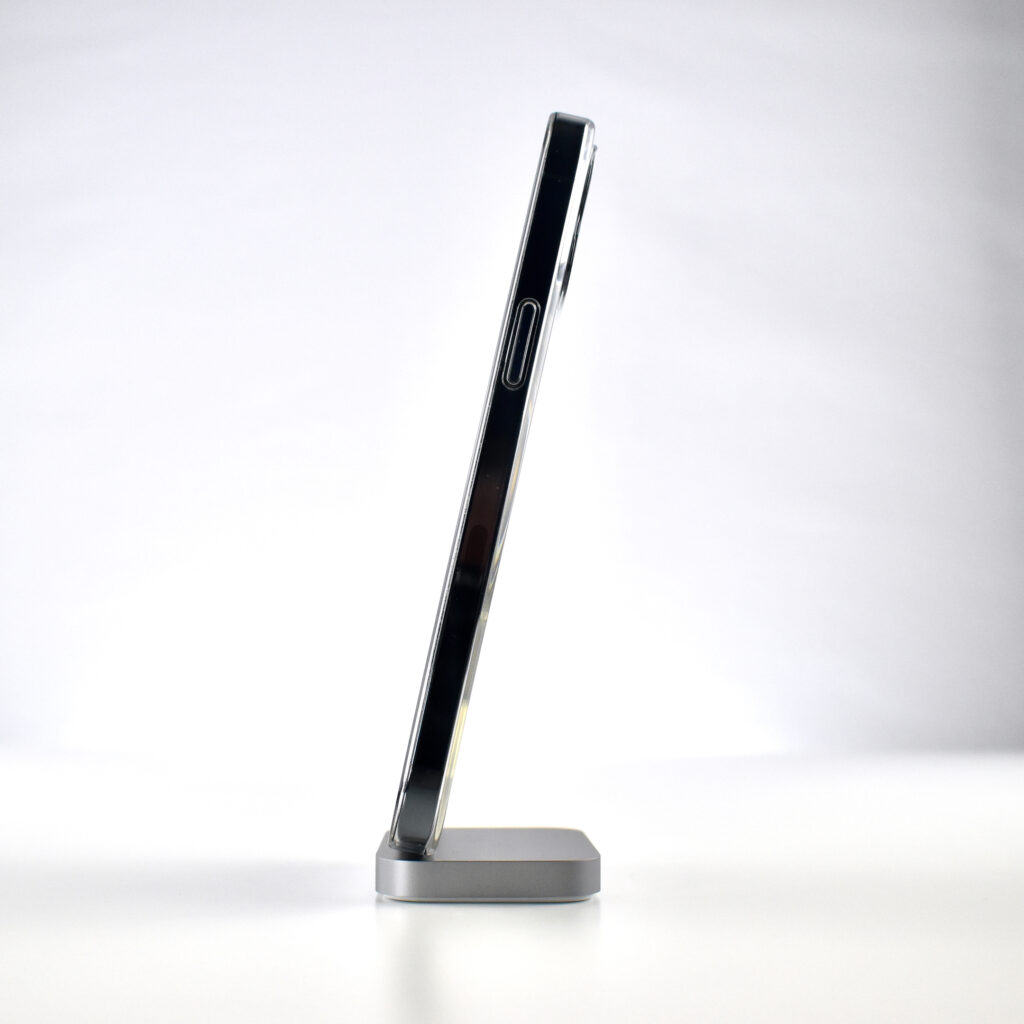
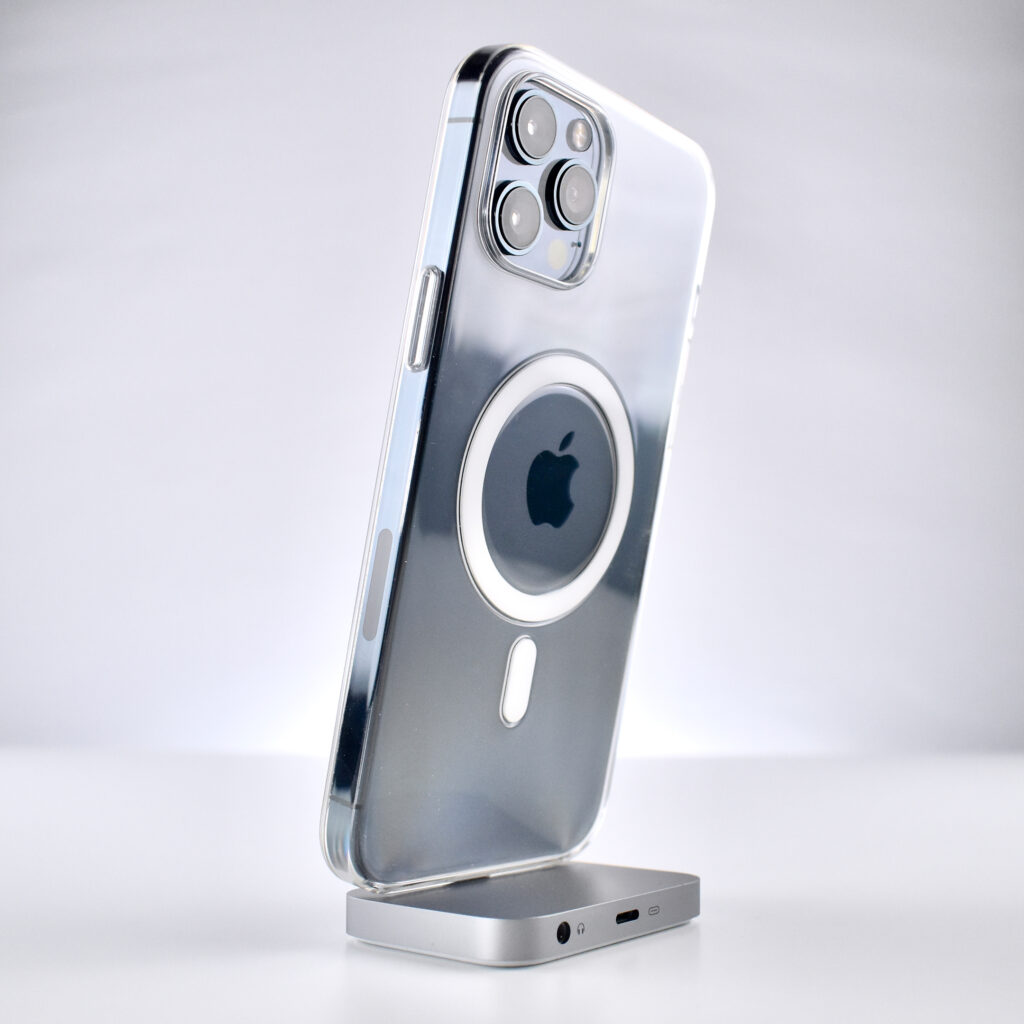
iPhone Lightning Dock (silver, 2015)

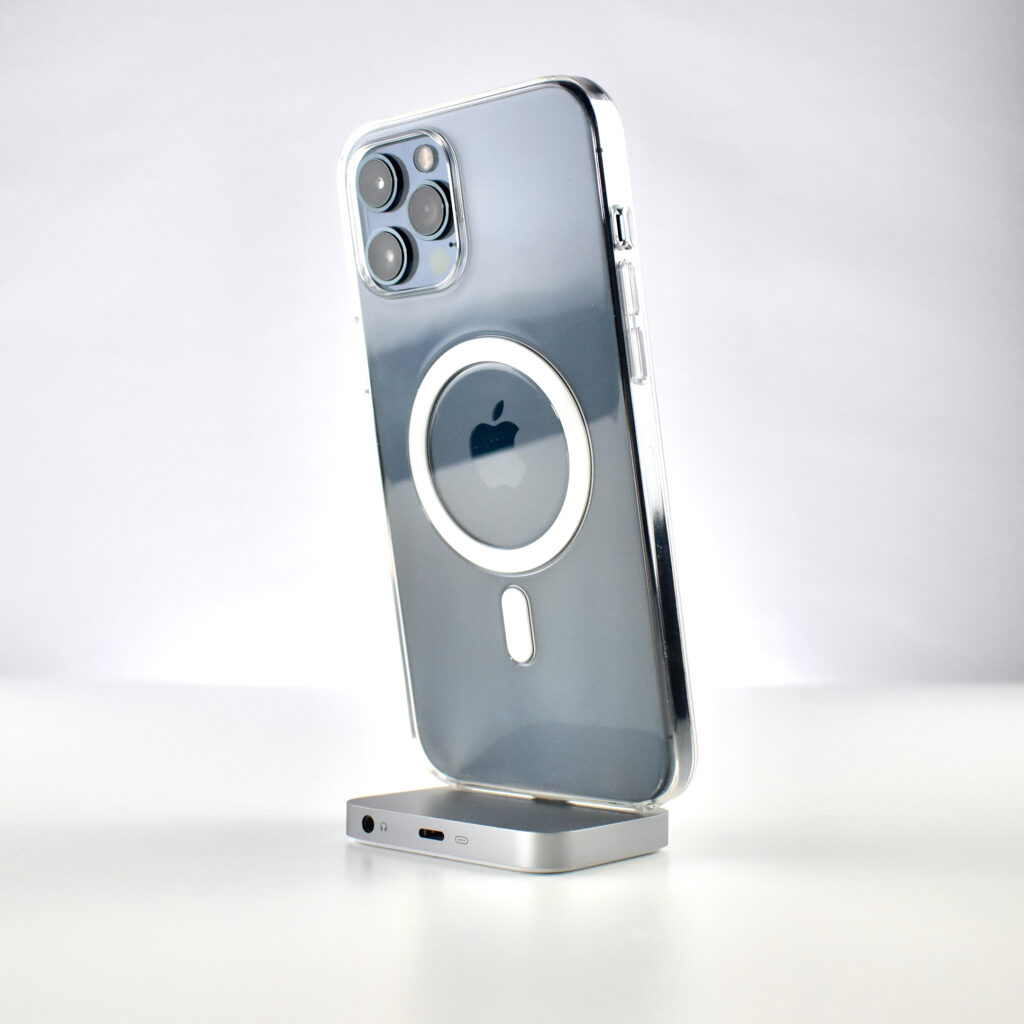
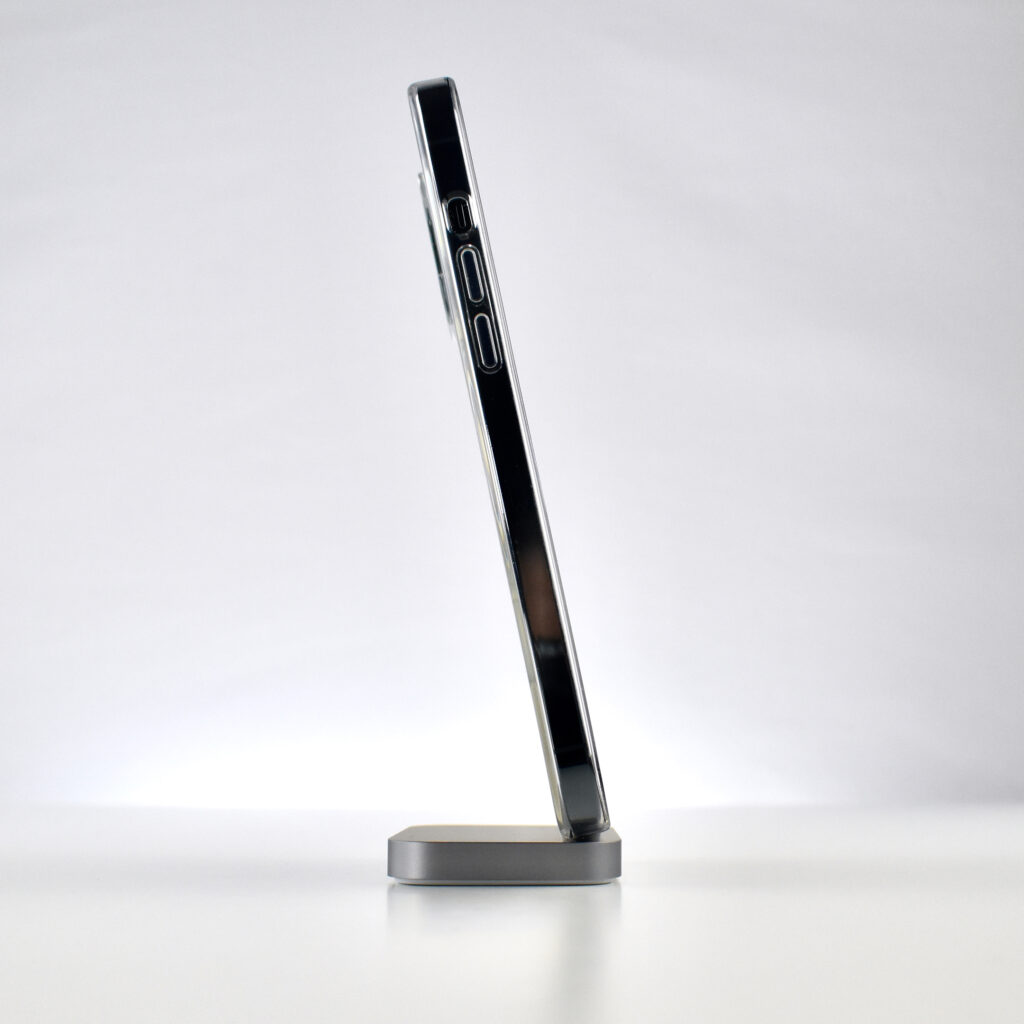
The iPhone Lightning Dock was a minimalist charging dock with a heavy base, protruding angled Lightning connector, and two ports on the back—a Lightning port and an audio jack to allow music to be played on a speaker or headphones.

The iPhone Lightning Dock was available in several colors during its lifetime, including white, black, silver, space gray, rose gold, gold, and “new” gold (to match an updated gold iPhone color). This example is silver.

Apple described the Dock: “You can use it to charge and sync any iPhone that has a Lightning connector. Your iPhone sits upright in the dock as it syncs or charges, so it’s ideal for a desk or countertop. Even when your iPhone is in an Apple-designed case, it’s easy to dock. And you can unlock iPhone or use Touch ID without having to remove it from the dock.”

Source: Apple

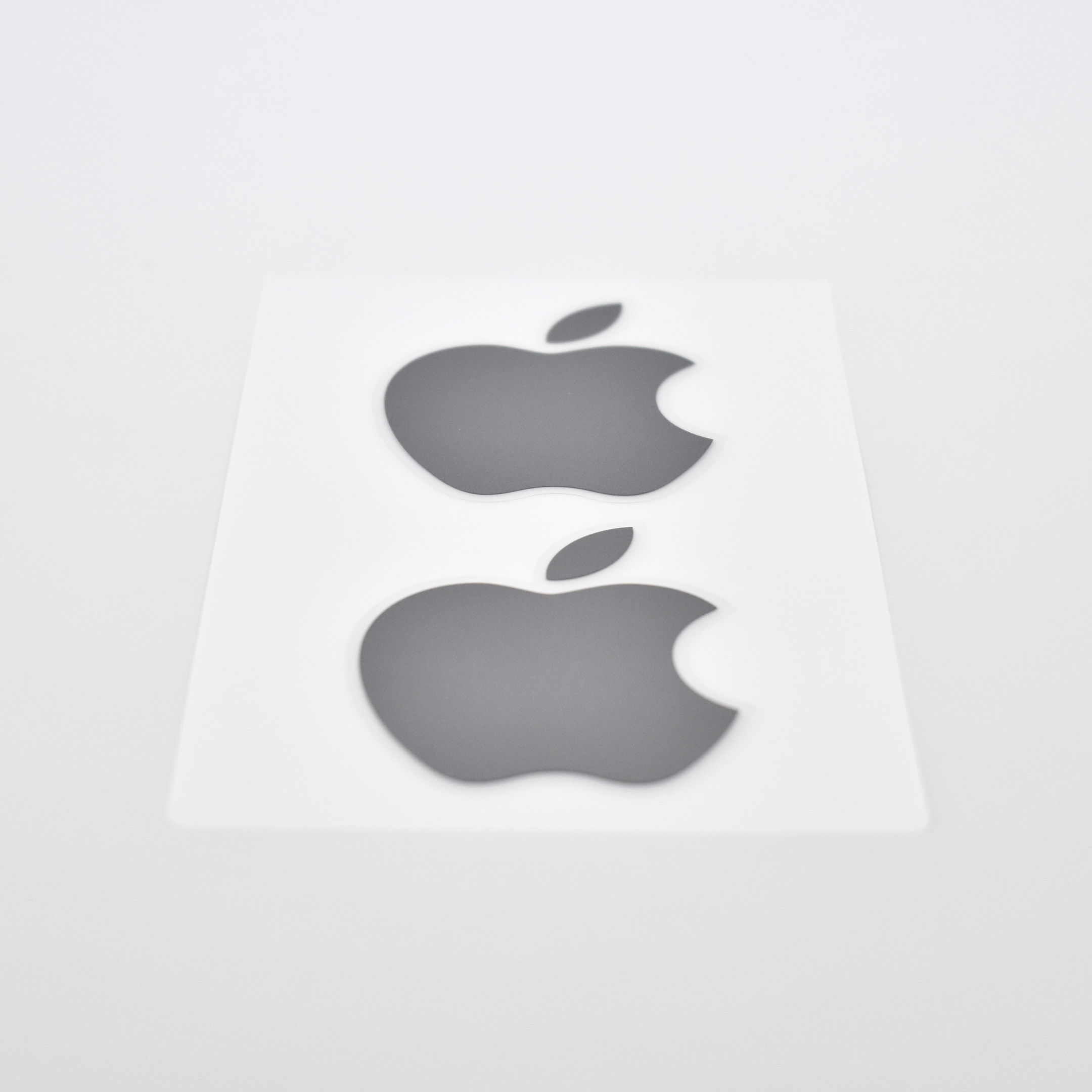
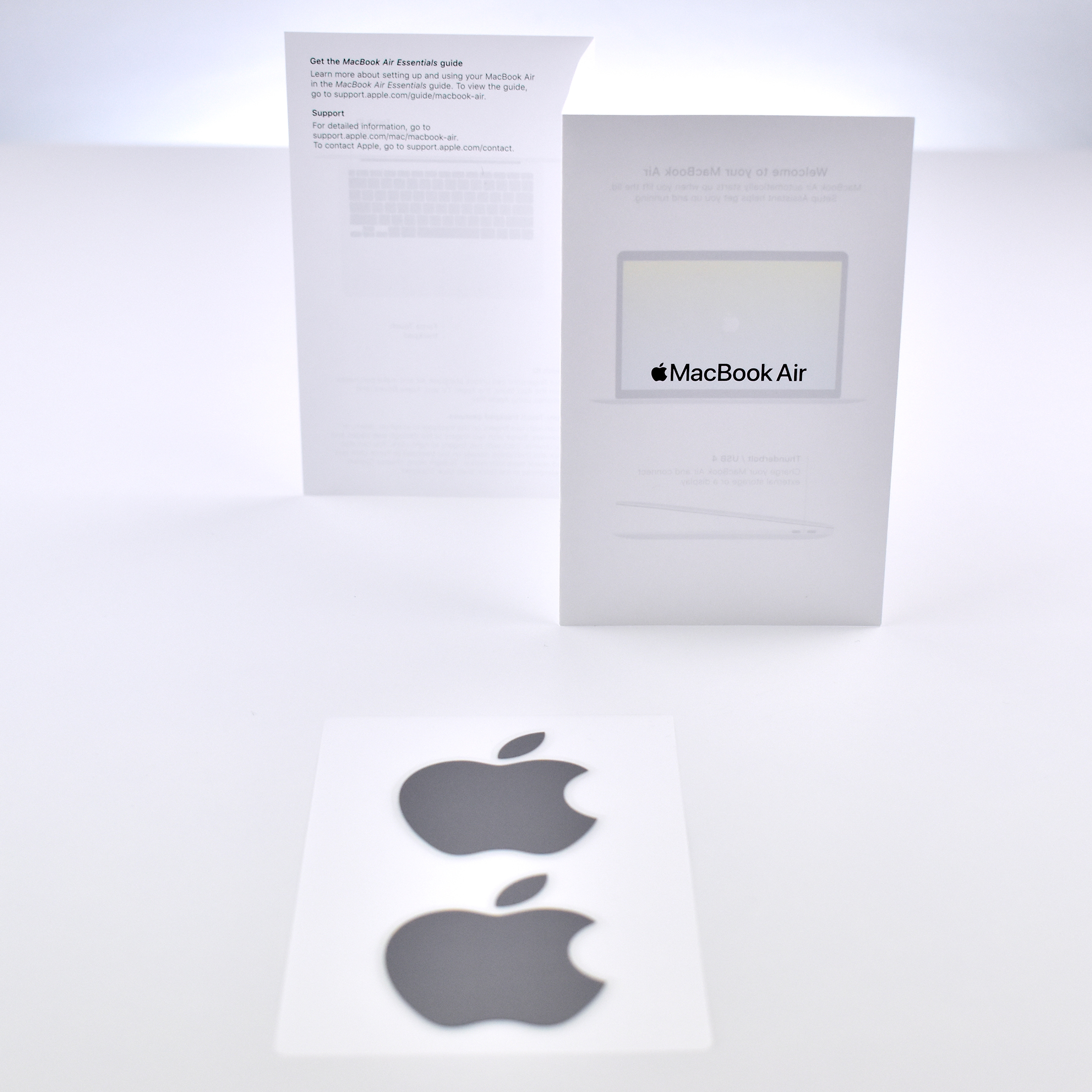
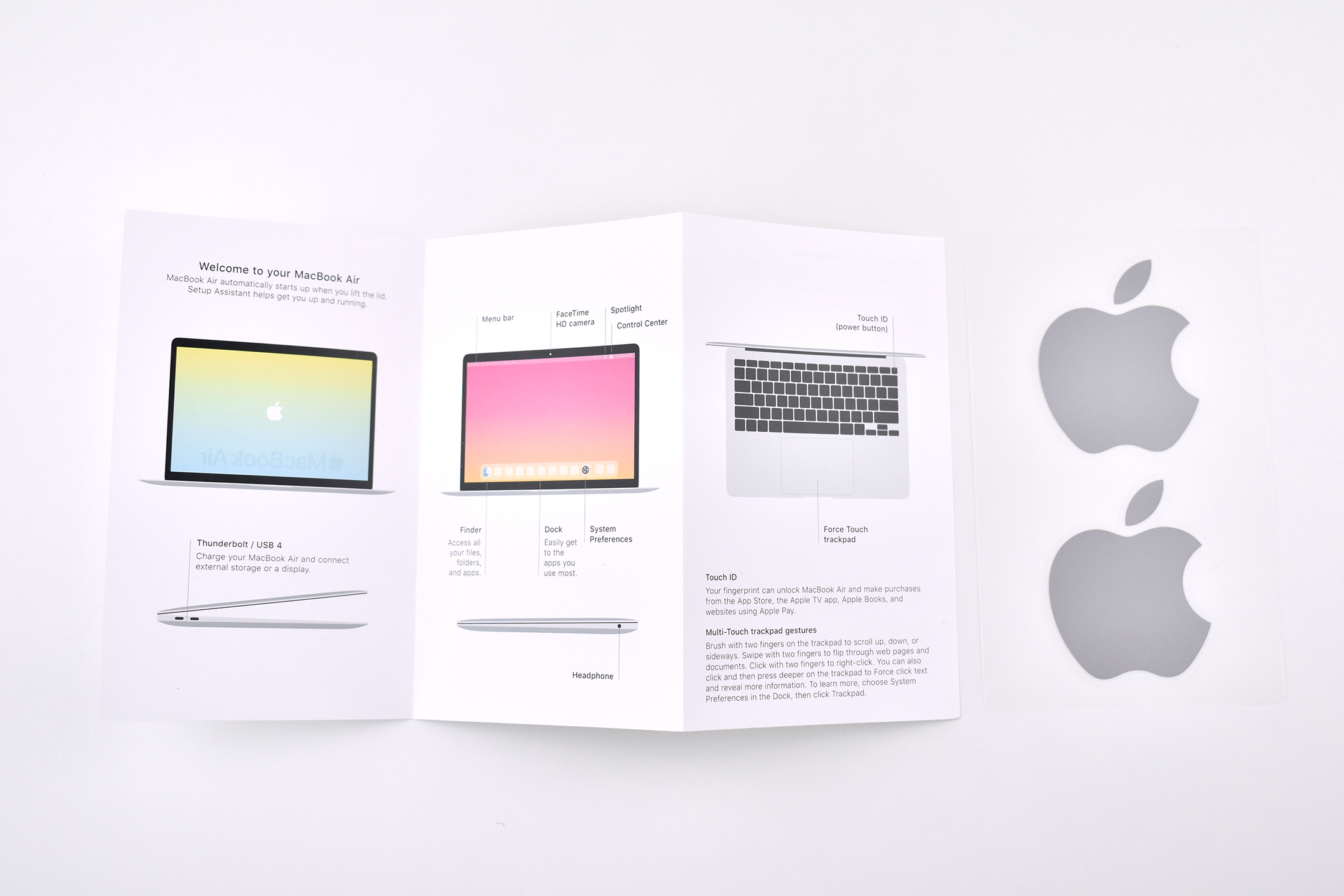
Apple Logo Stickers (Silver, 2020)

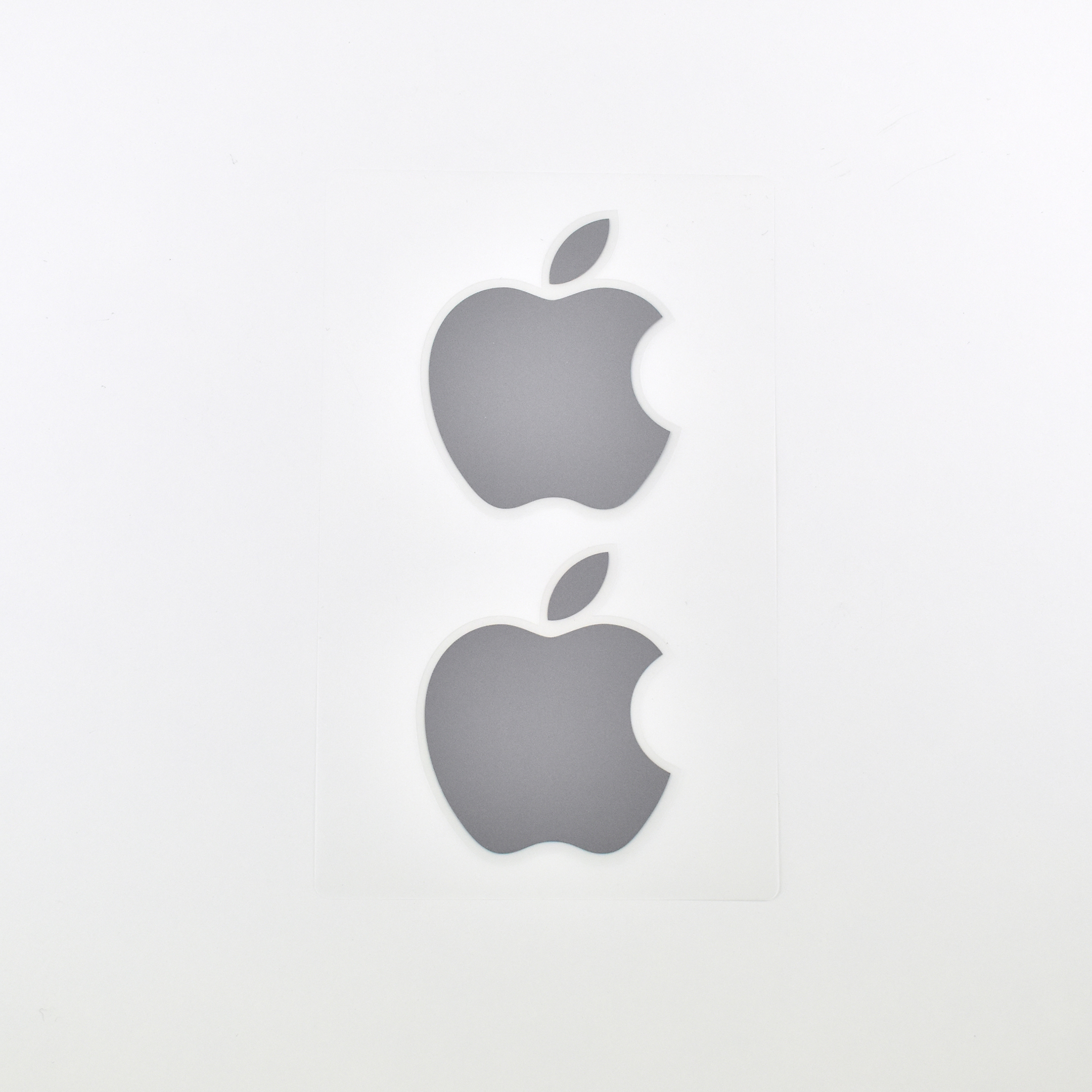
For as long I have purchased Apple products, and even before the original Macintosh in 1984, Apple has included stickers in its devices featuring the Apple logo. I have examples in my collection of Apple logo stickers from before the Macintosh in the early-1980s.

I added these stickers in late 2020 when the new M1 Macs were released. These stickers were included with the M1 MacBook Air laptop in Space Gray.
See my full Apple sticker collection at:
http://mattjfuller.com/apple-logo-stickers-1980s-present/

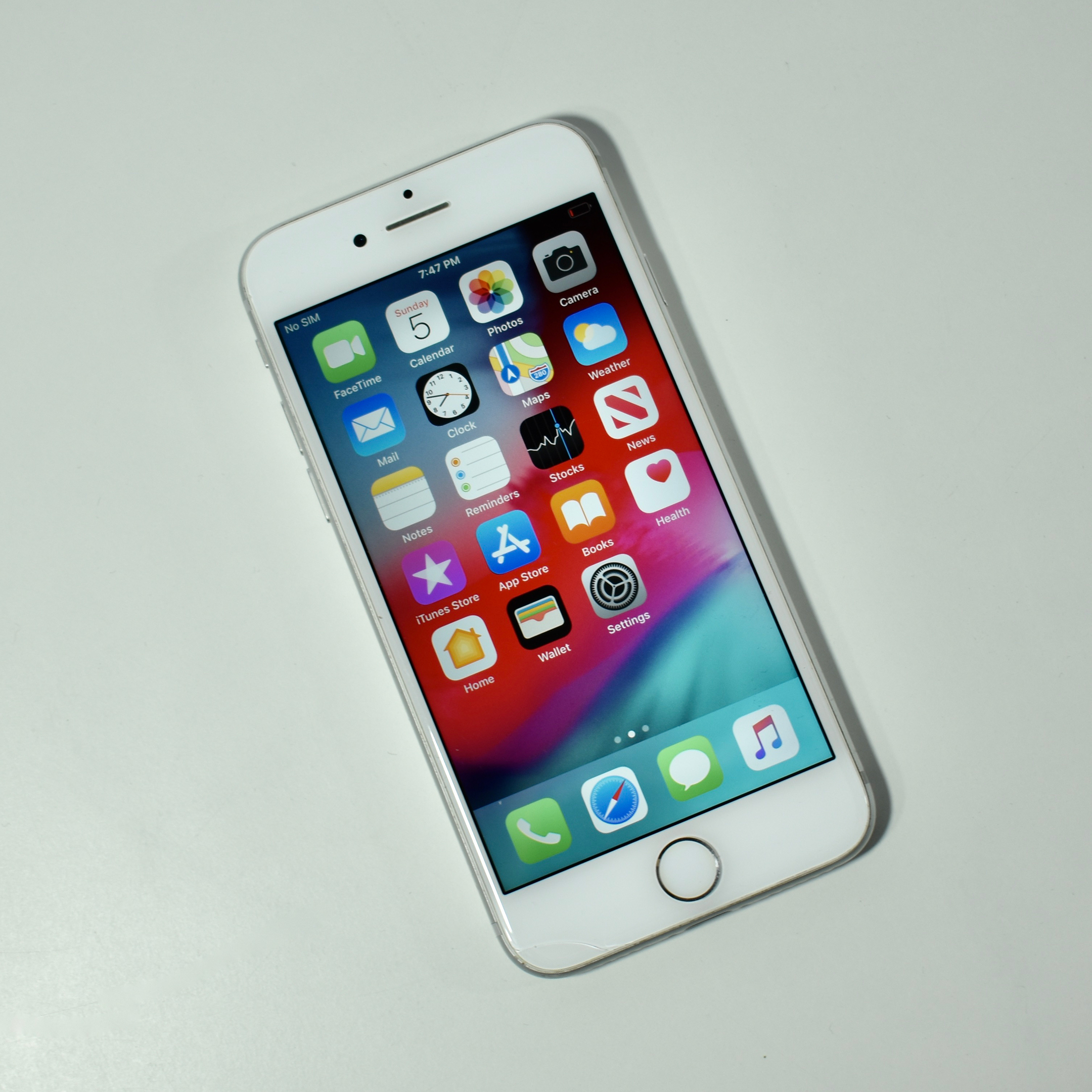
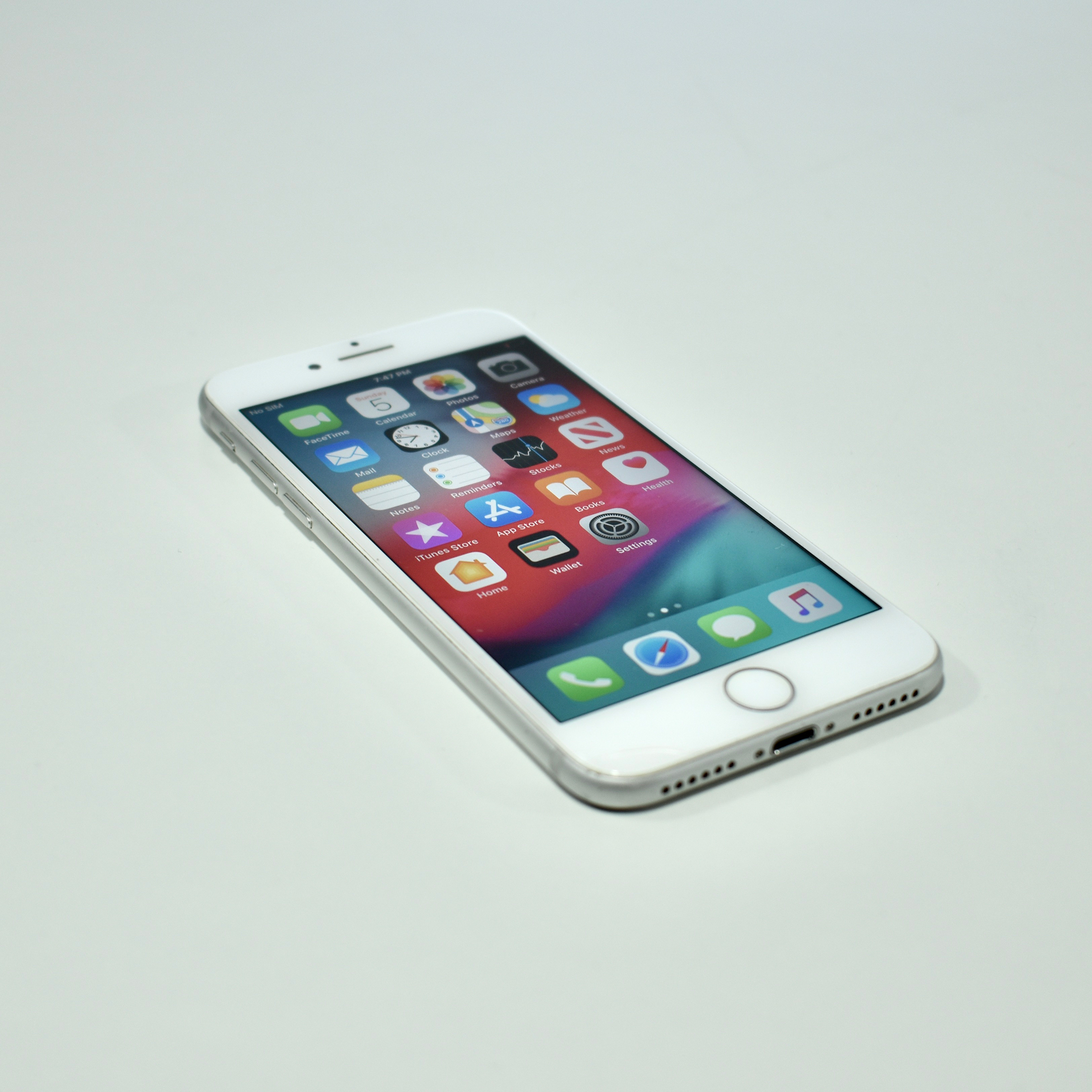
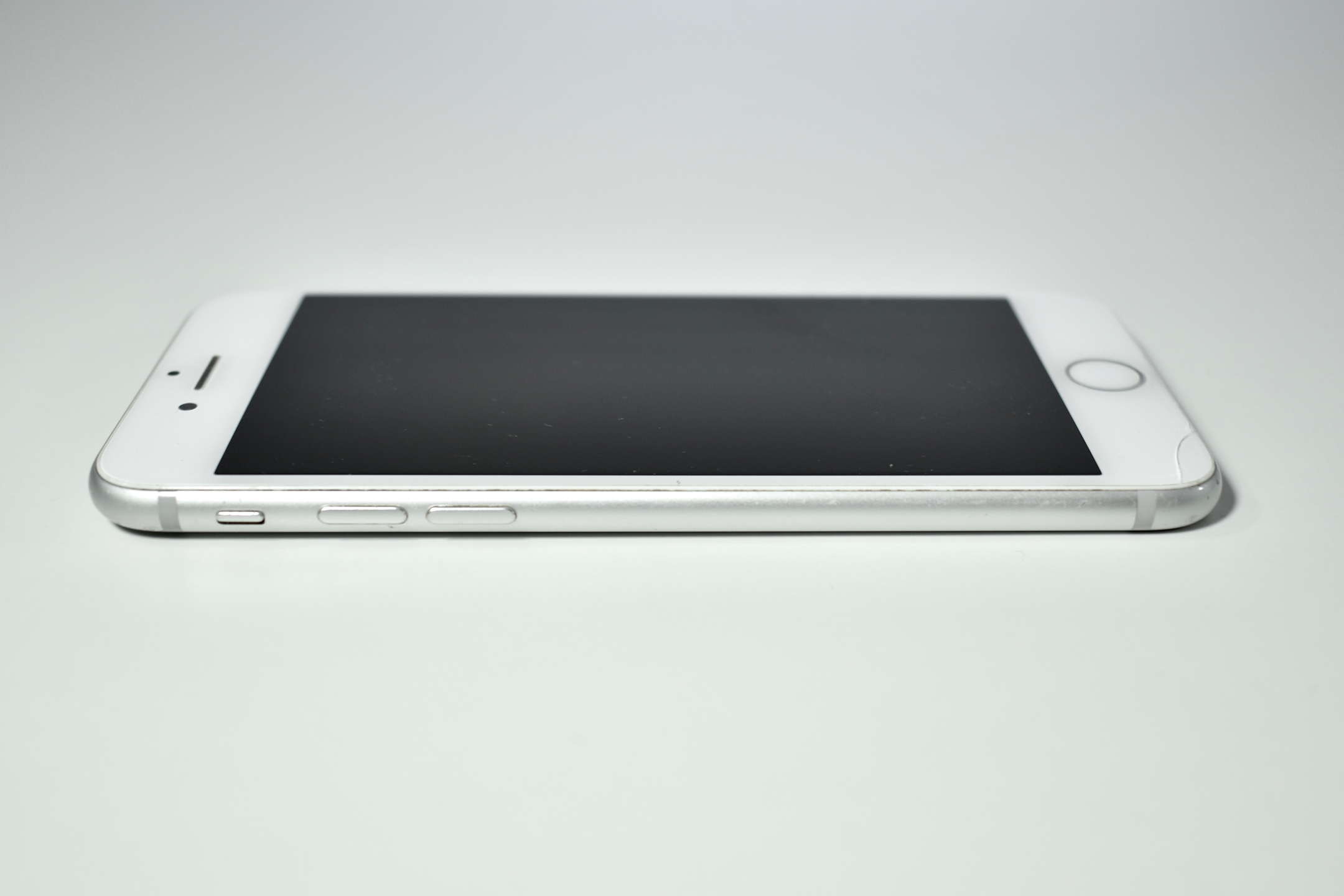
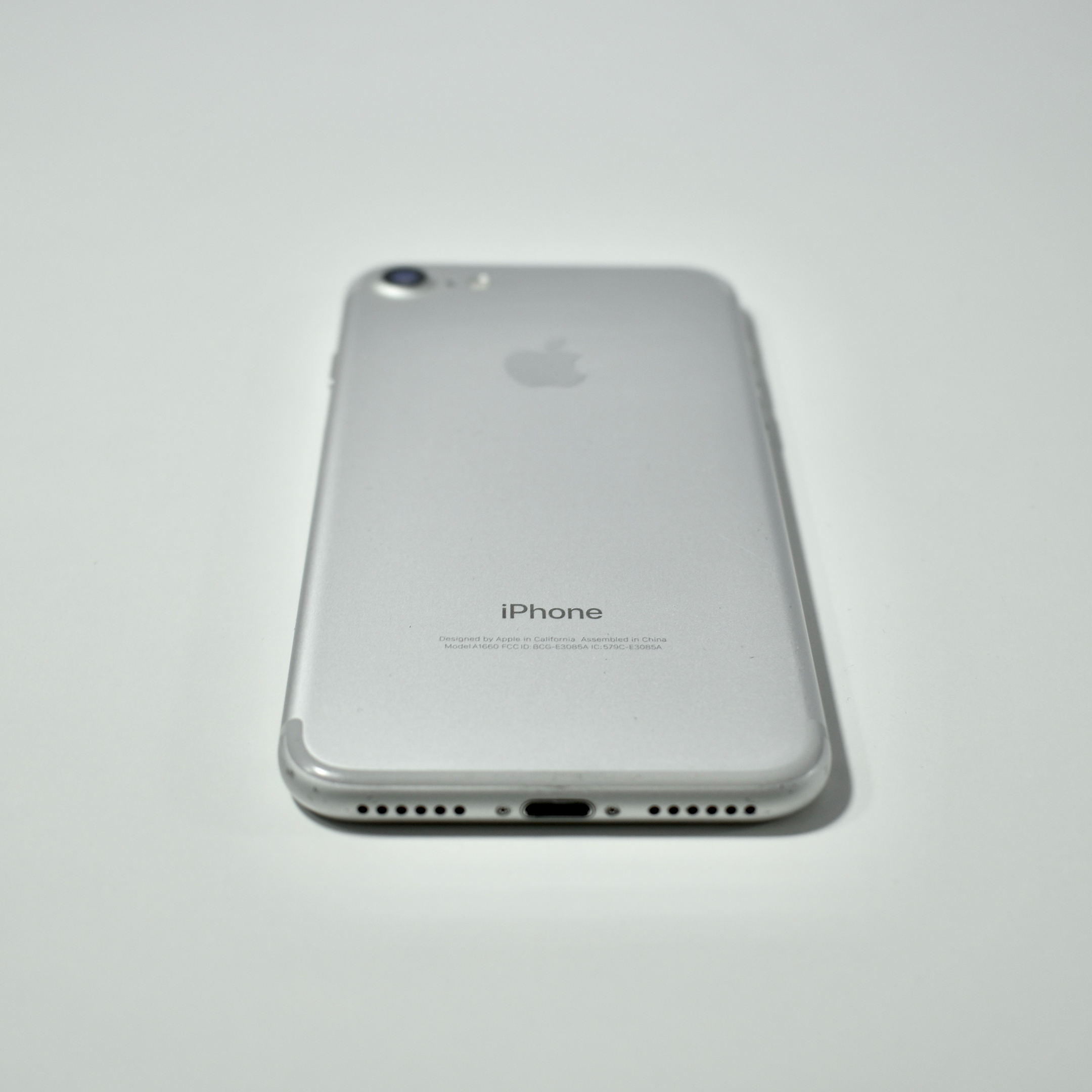
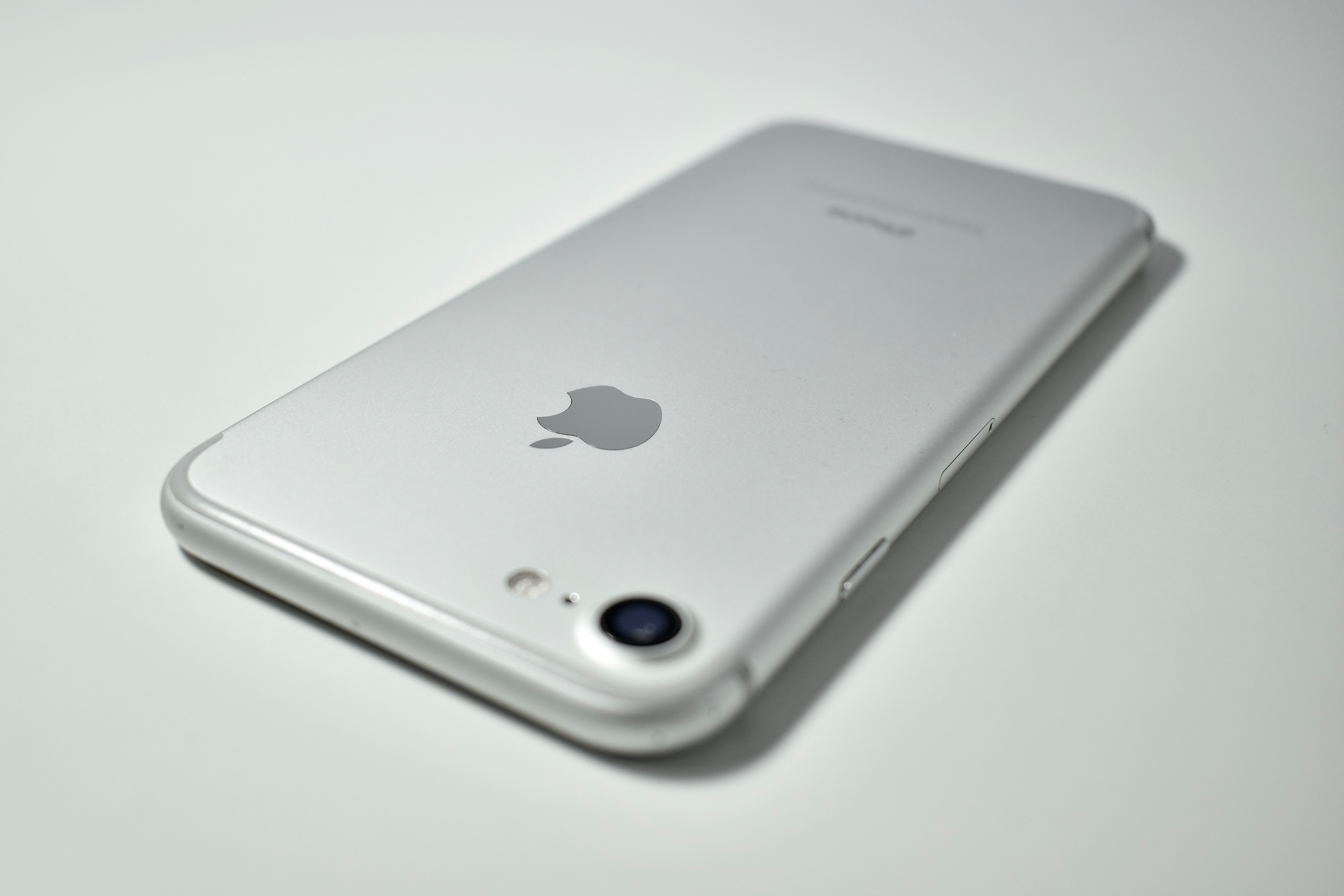
iPhone 7 (128 GB, silver, 2016)

The iPhone 7 has a 4.7-inch screen at 1334×750, also known by Apple as a Retina HD display. The iPhone has a front and back camera: the rear camera is 12-megapixel and the front camera is a 7-megapixel FaceTime HD camera with 1080p video. 
The iPhone 7 was the first iPhone (along with the iPhone 7 Plus) to remove the 3.5 mm headphone jack and only include a Lightning port for audio. Like the iPhone 6 and 6s before it, the iPhone 7 uses a “clickless” Home button that clicks using an internal Taptic-engine-powered solid state component. Although the iPhone 7 is not water-proof, it is splash, water, and dust-resistant. 

The iPhone 7 came in several colors: silver (white glass front, silver back); gold (white glass front, gold back); rose gold (white glass front, pink-tinted gold back); black (black glass front, matte black back); jet black (black glass front, a high-gloss black anodized and polished black aluminum back); and later added a (PRODUCT)RED Special Edition (white glass front, red aluminum back). 

The iPhone 7 uses the Apple A10 Fusion  processor, 2 GB of RAM, and was available with 32 GB, 128 GB, or 256 GB of flash storage.

While I opted for the iPhone 7 Plus as my personal phone in the iPhone 7 era, I chose the then-new (and not offered since) jet black color. I immediately covered the glossy finish with a case to heed Apple’s warning that jet black “may show fine micro-abrasions with use.” (It did scratch easily!)

Source: EveryMac

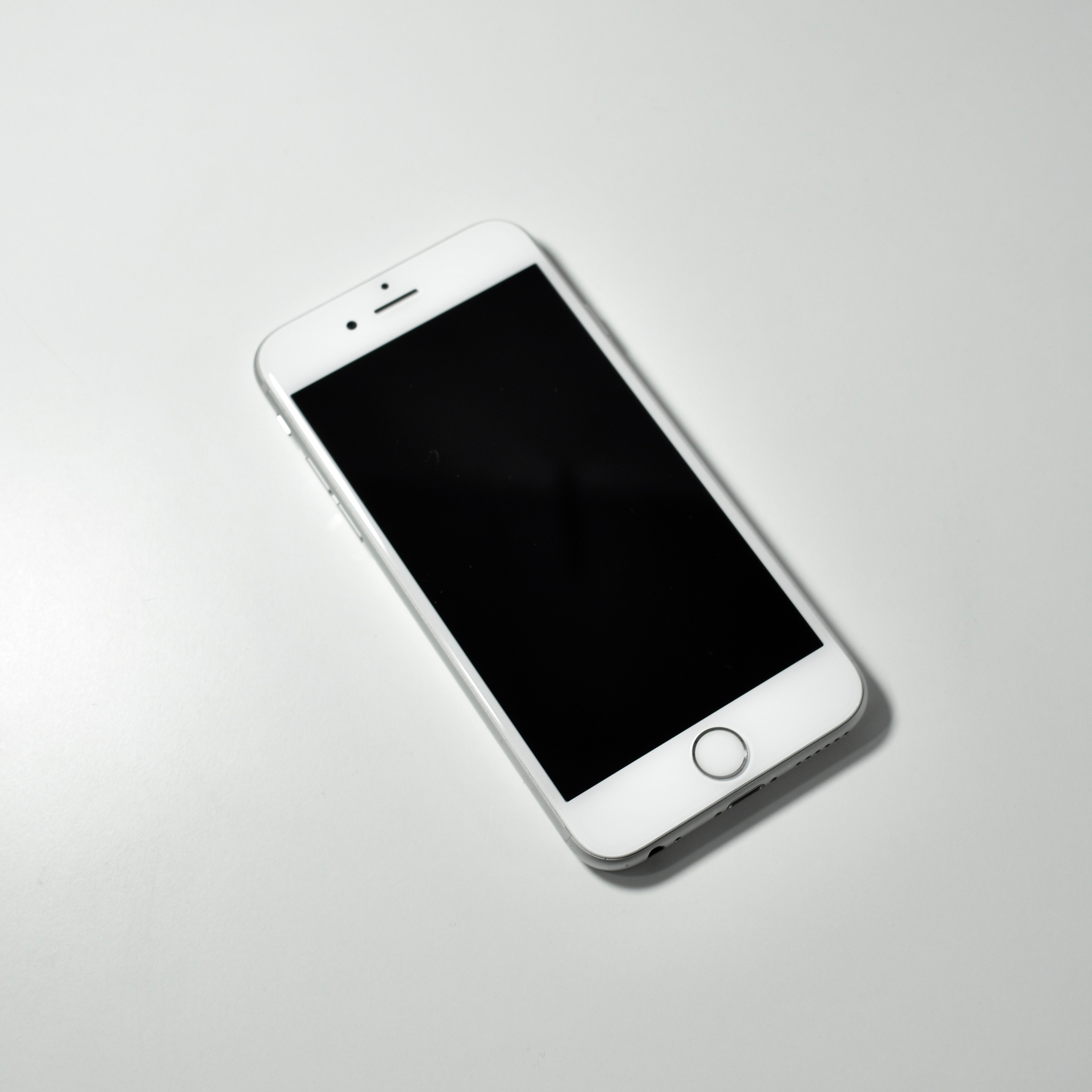
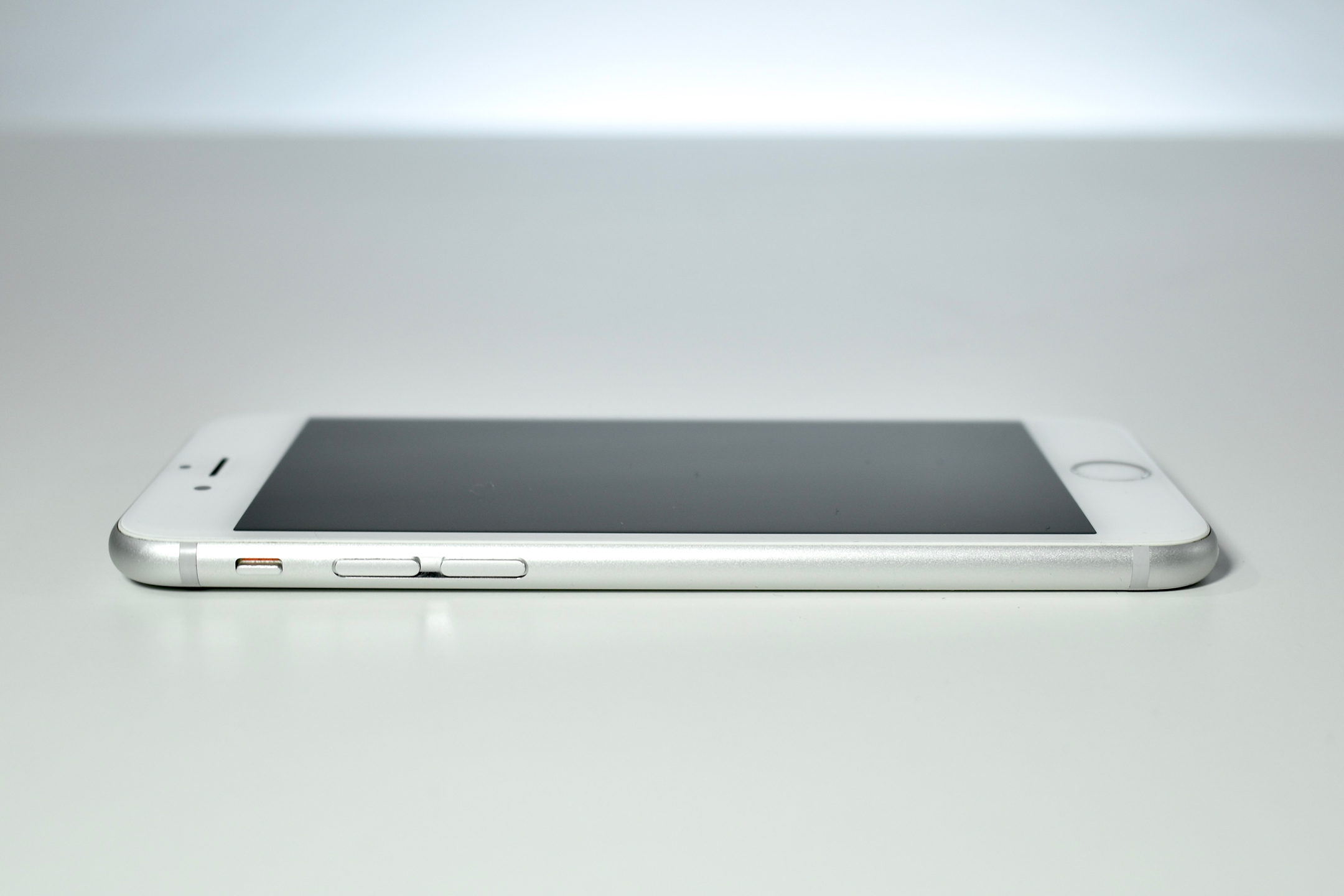
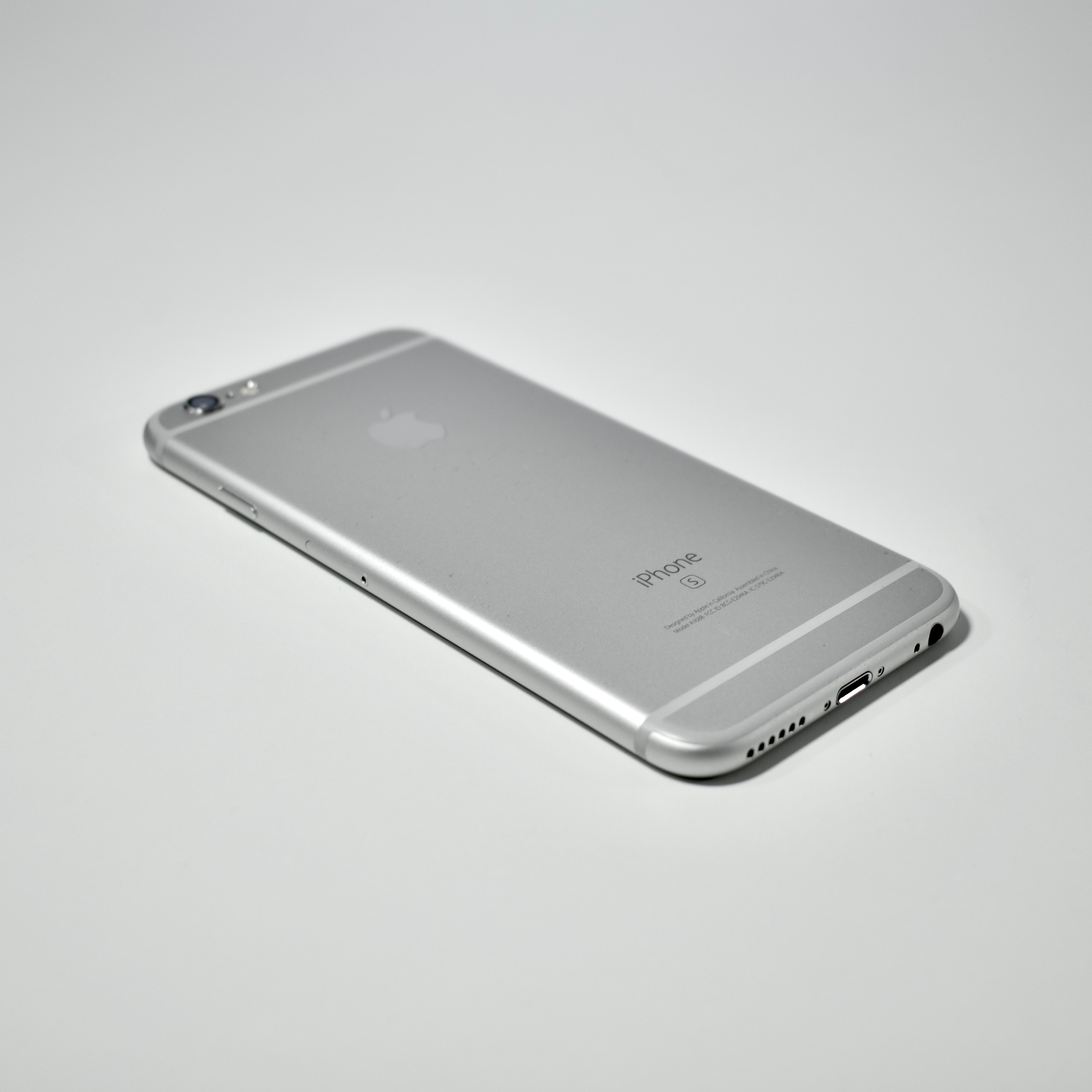
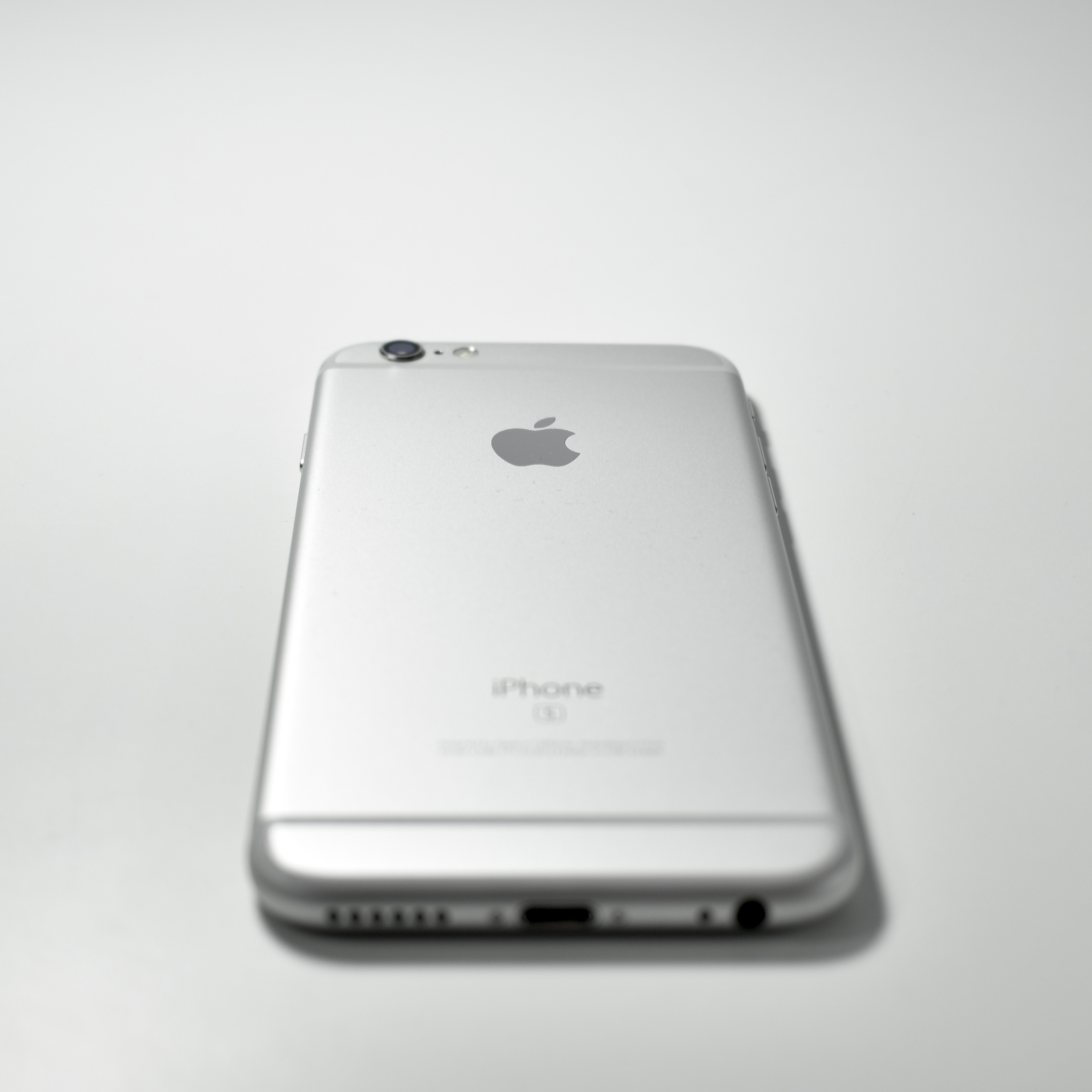
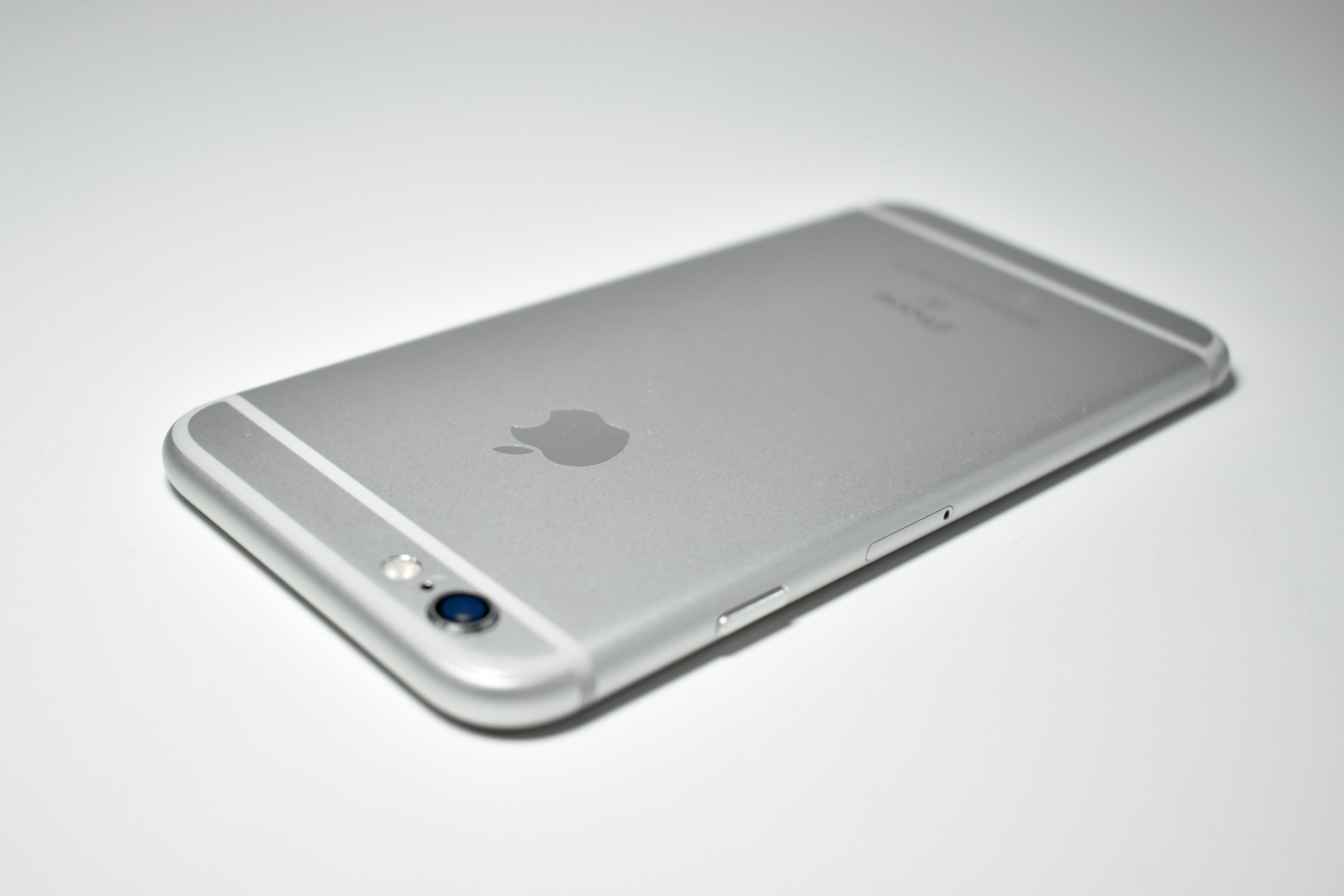
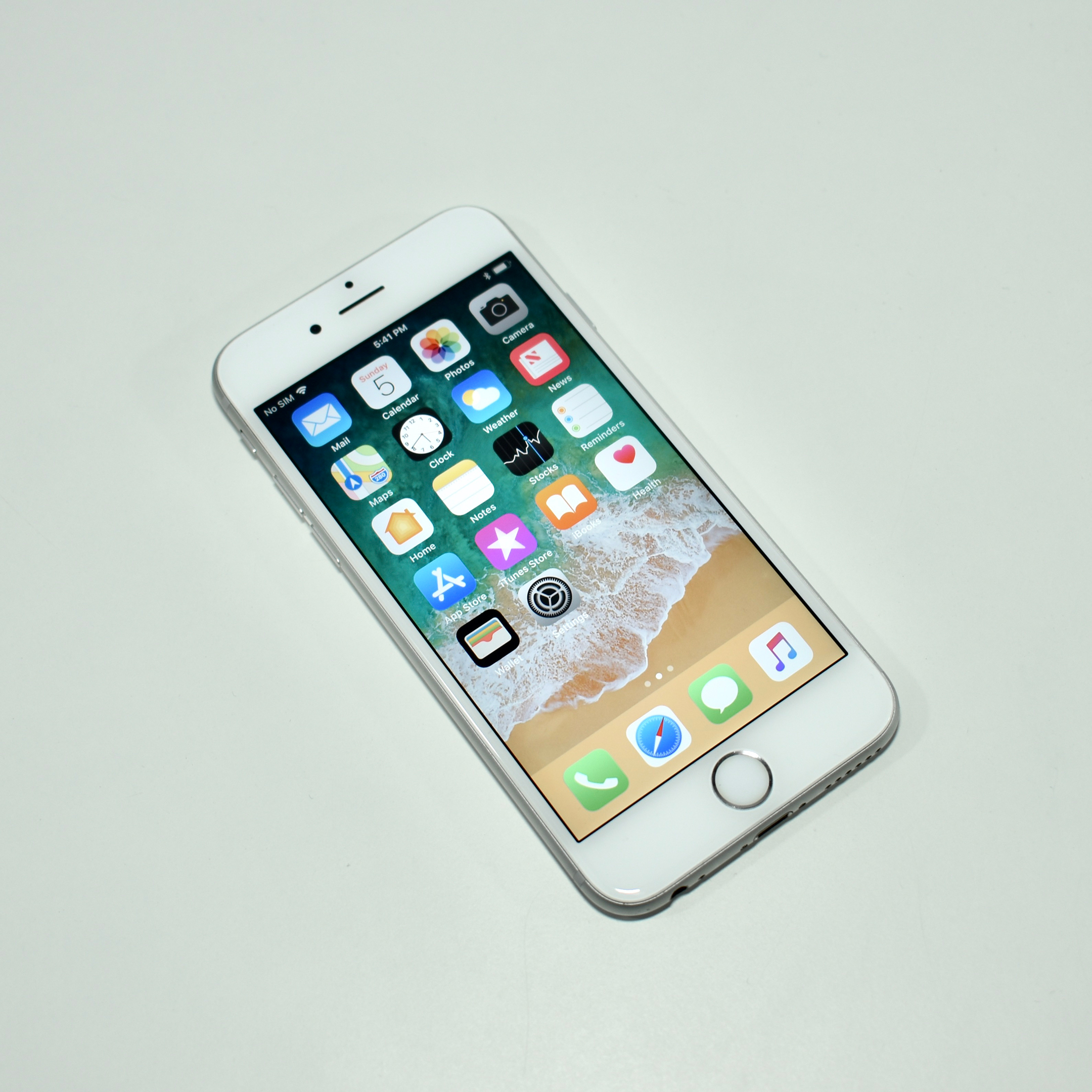
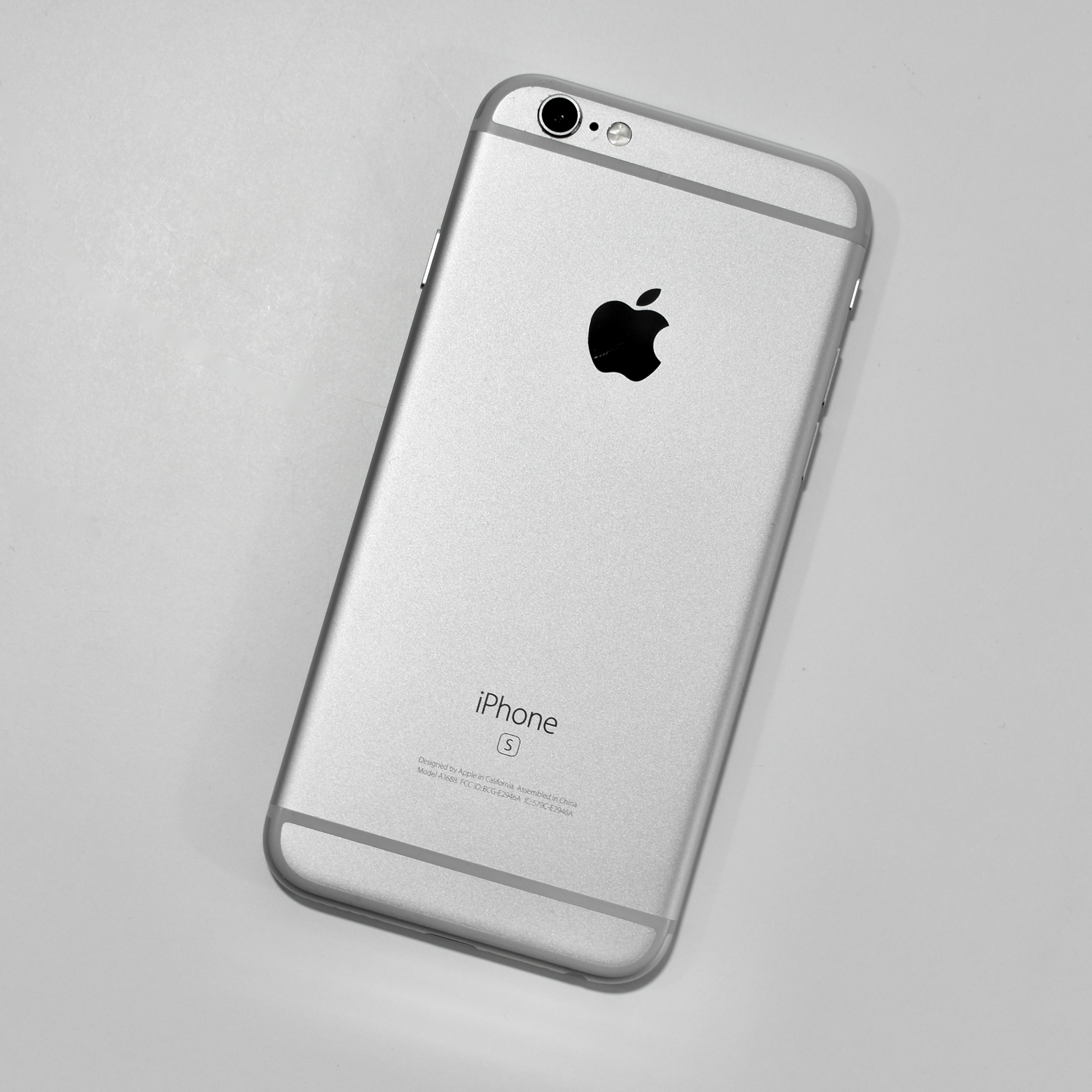
iPhone 6s (16 GB, silver, 2015)

The iPhone 6s had a 4.7-inch “3D Touch” screen at 1334×750 (326 ppi, Retina HD). The iPhone 6s cameras were vastly improved over the iPhone 6 that preceded it: a rear 12-megapixel 4K iSight camera and a front 5-megapixel FaceTime camera in 720p (the iPhone 6 used a, 8-megapixel back camera and 1.2-megapixel front camera).

The iPhone 6s was available in four colors: silver (white glass front, silver back); gold (white glass front, gold back); space gray (black glass front, medium-gray back); and rose gold (white glass front, pink-tinted gold back). 

The iPhone 6s did not use a physical Home button, but used its Taptic engine to simulate the click. It also used a Touch ID fingerprint sensor in the Home button. 

Inside, the iPhone 6s used the Apple A9 processor with 2 GB of RAM and was available in 16 GB, 32 GB, 64 GB, or 128 GB of flash storage. The iPhone 6s was the last iPhone to include a headphone jack (located on the bottom) and used  the Lightning port to connect to computer, dock, or power adapter.

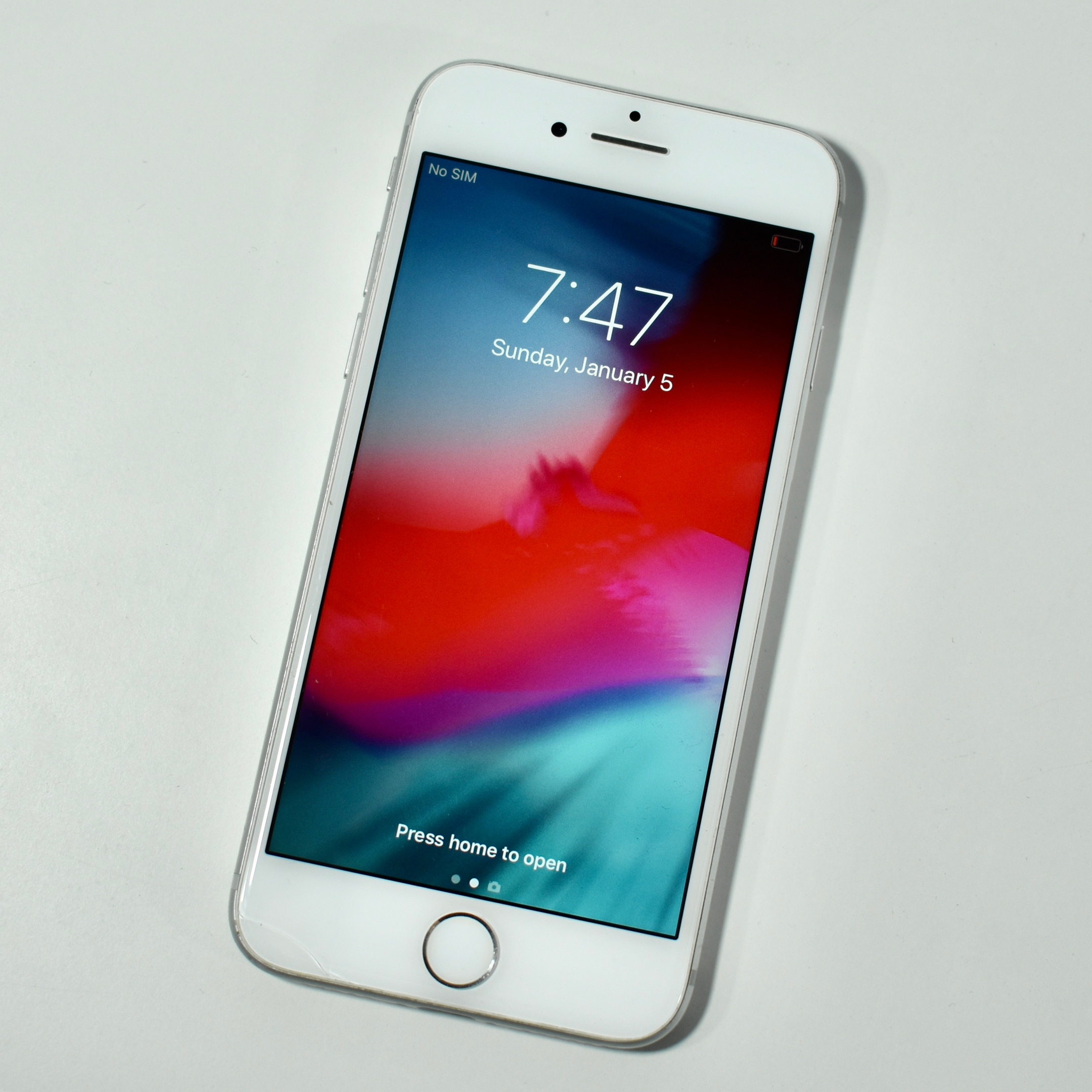
This iPhone 6s example is an entry-level 16 GB model in silver with a white front. Unfortunately, this particular iPhone has a slight crack in the lower-left front screen glass (although it functions perfectly).

Source: EveryMac