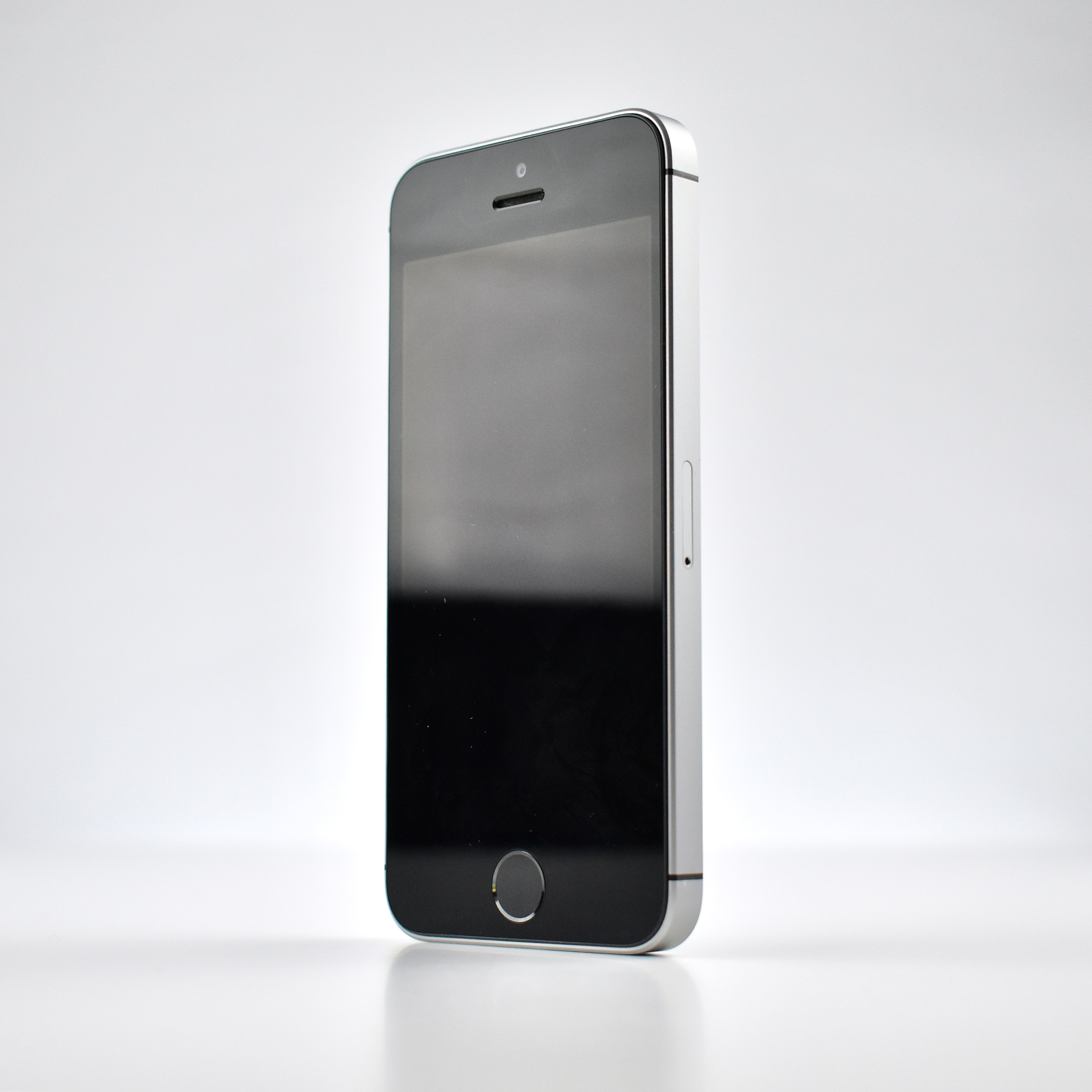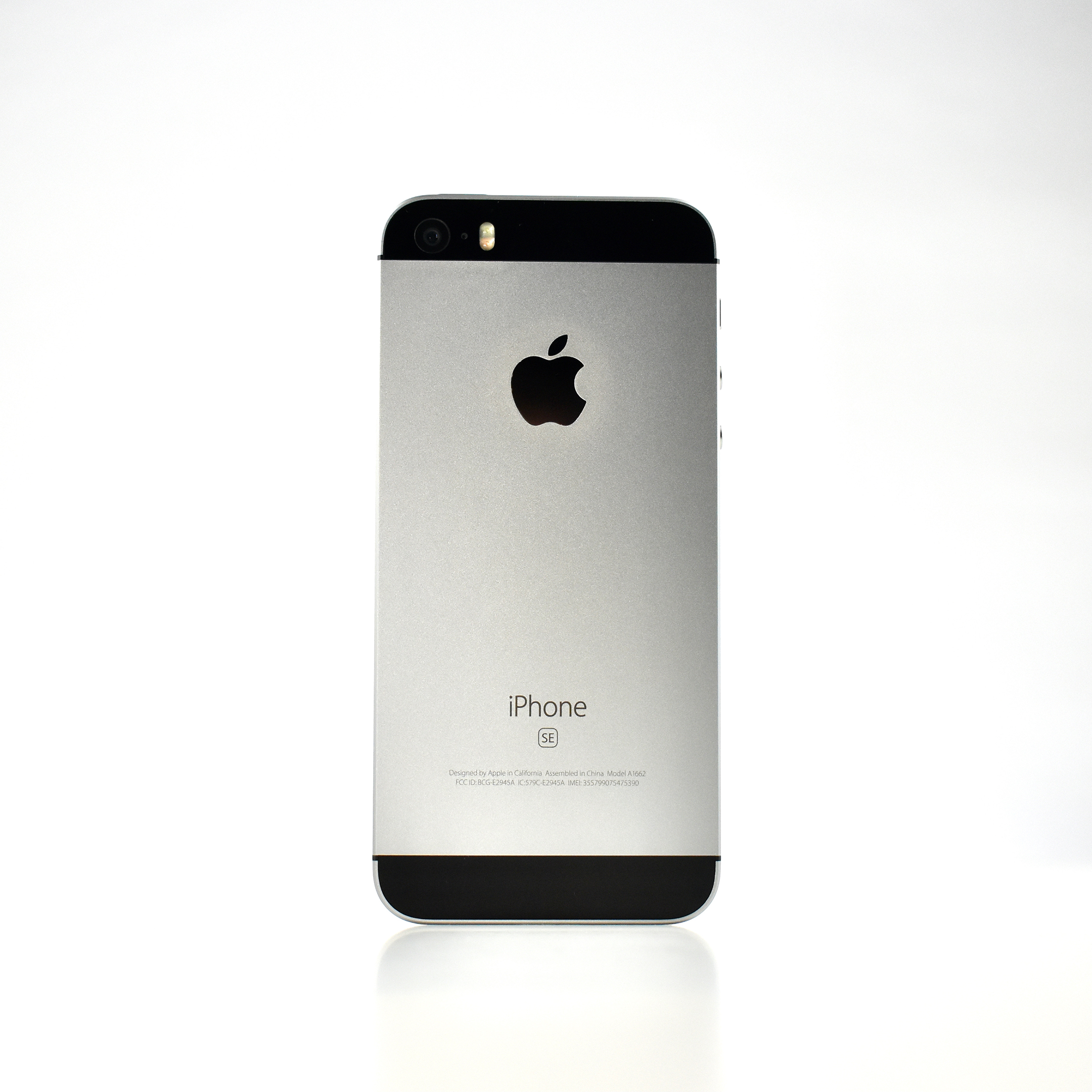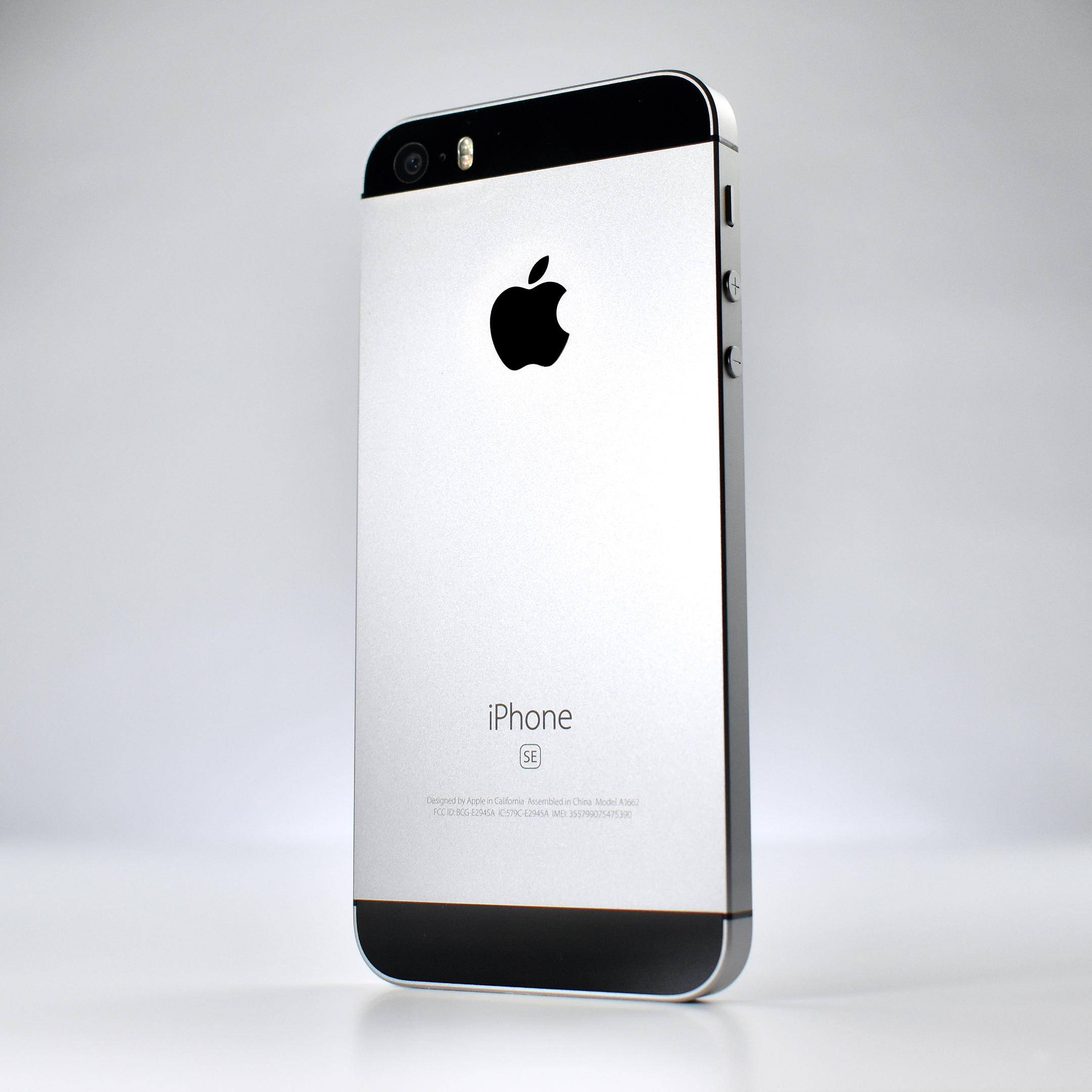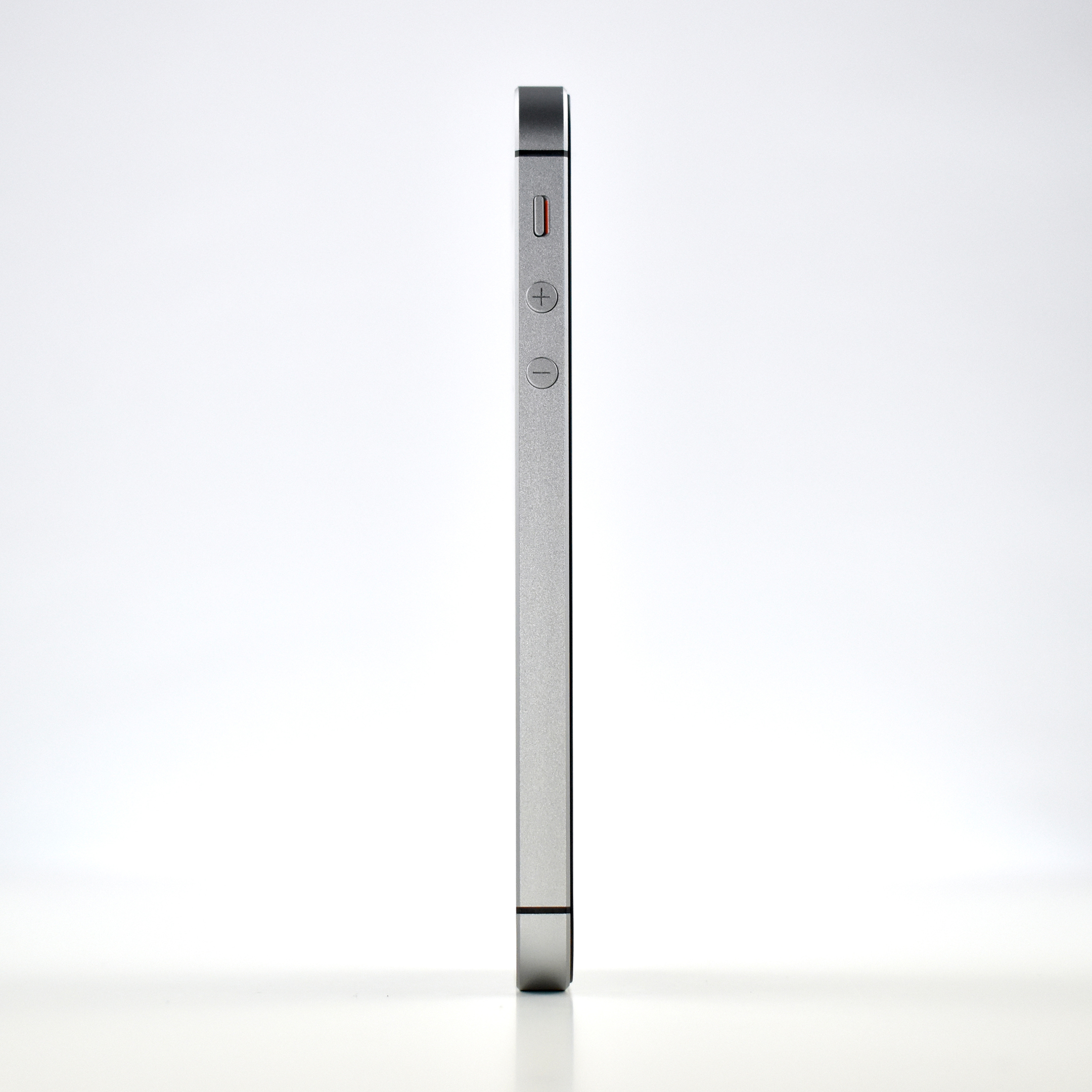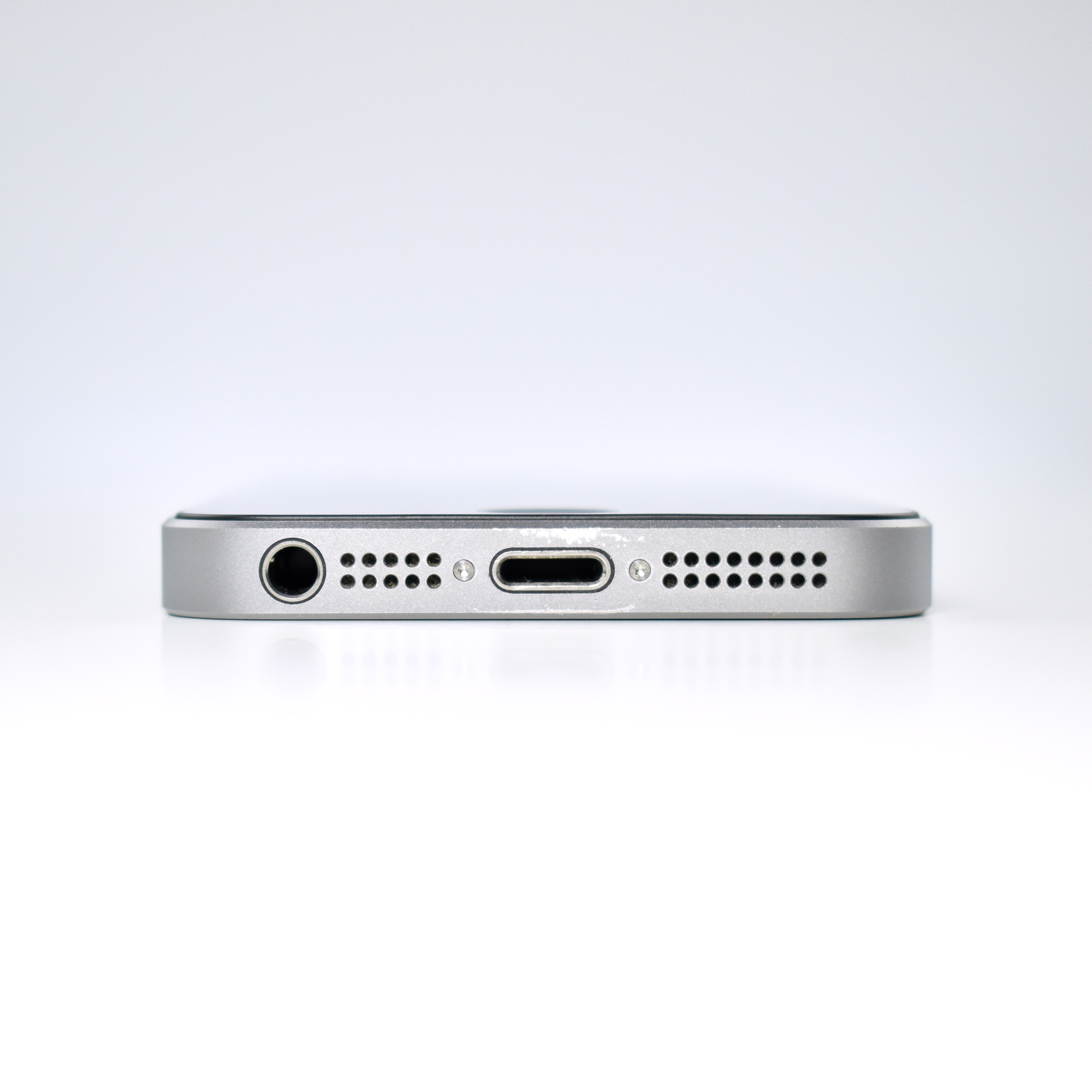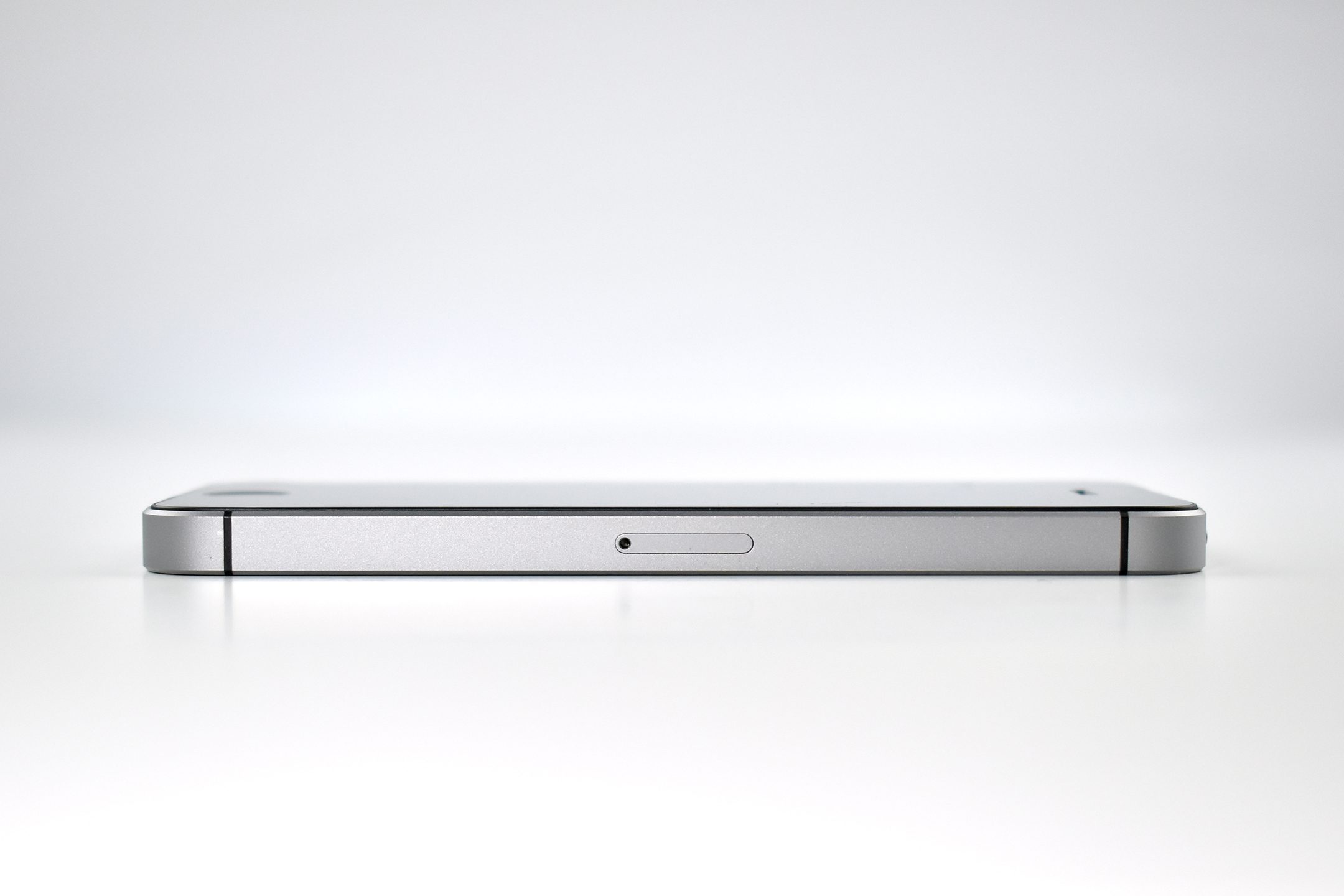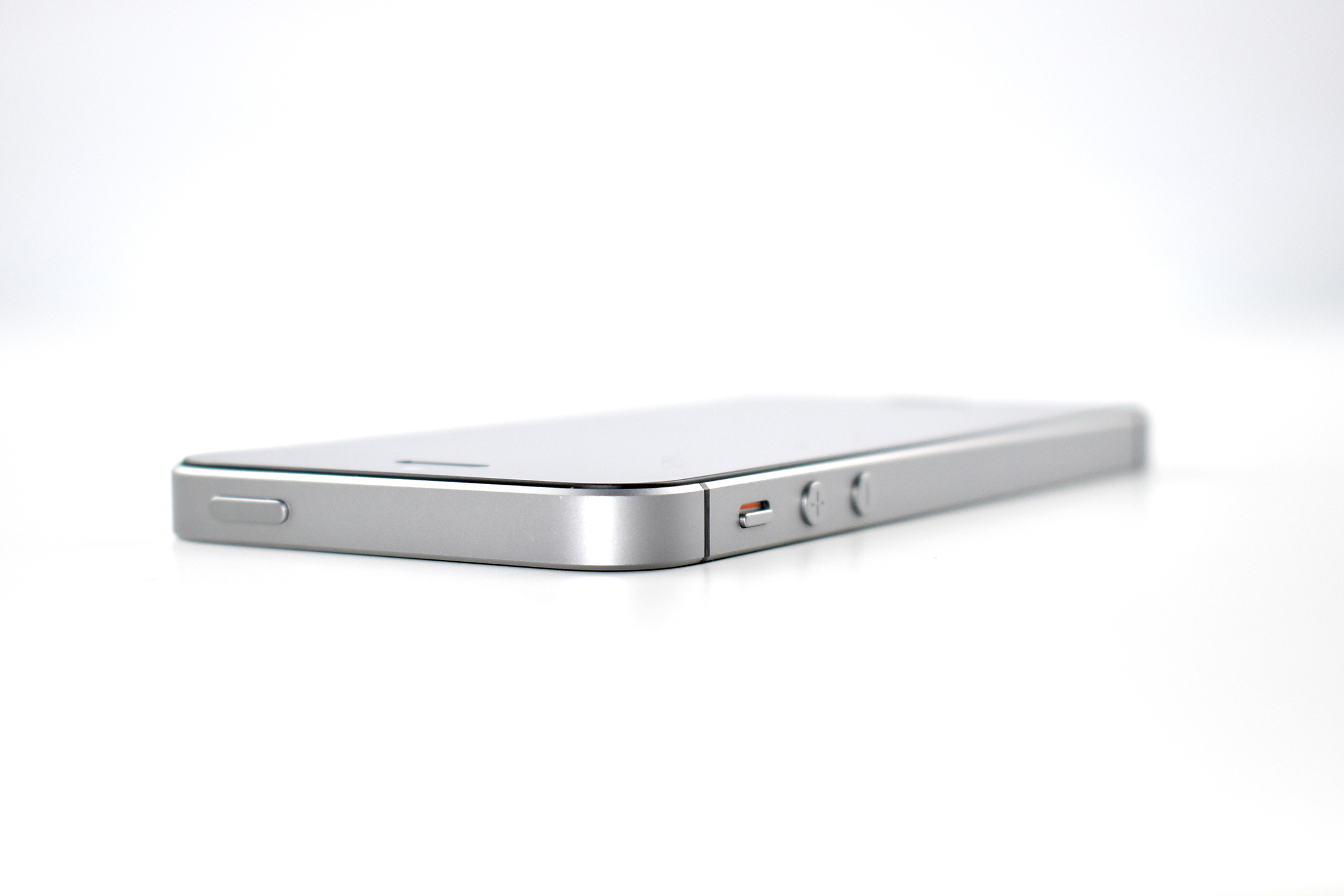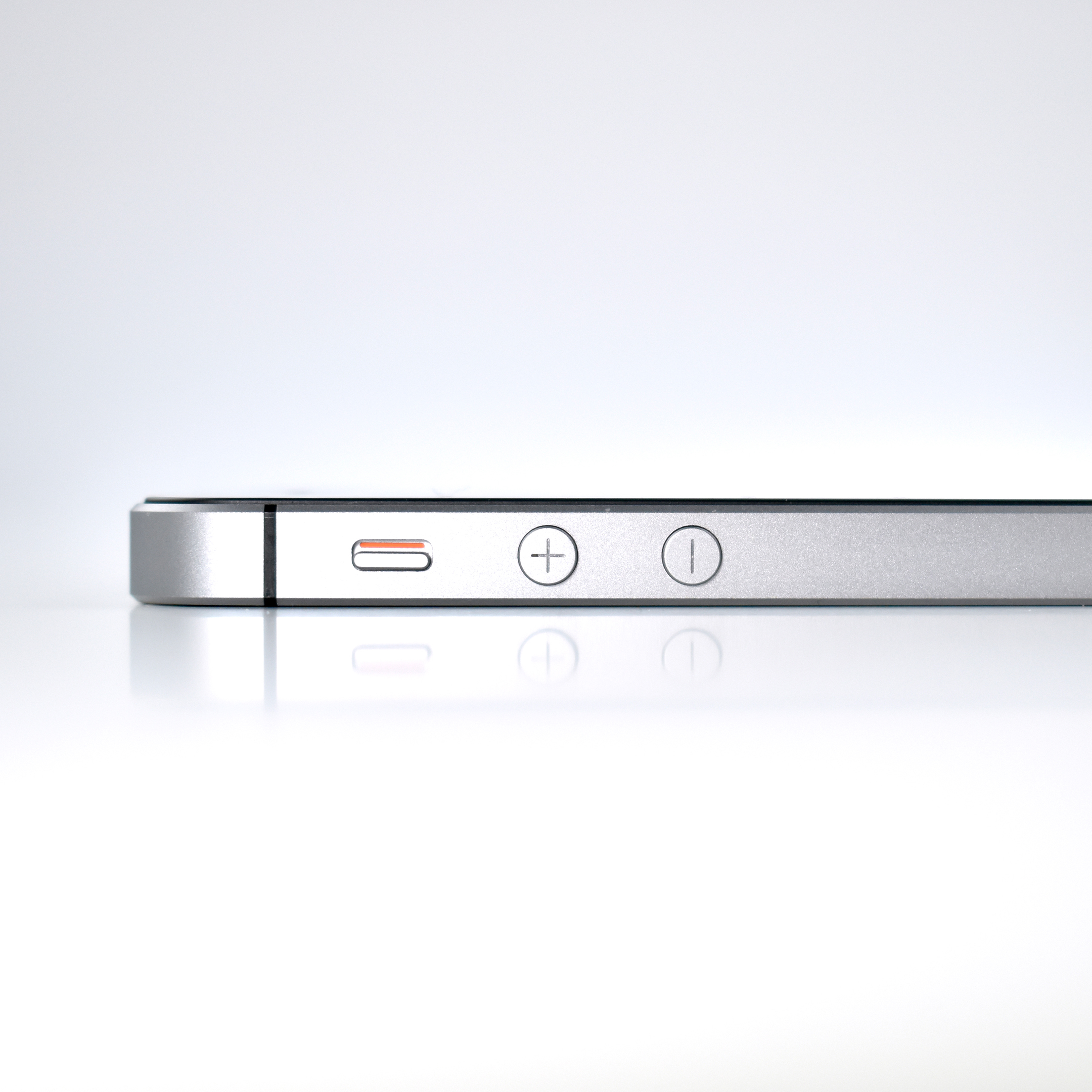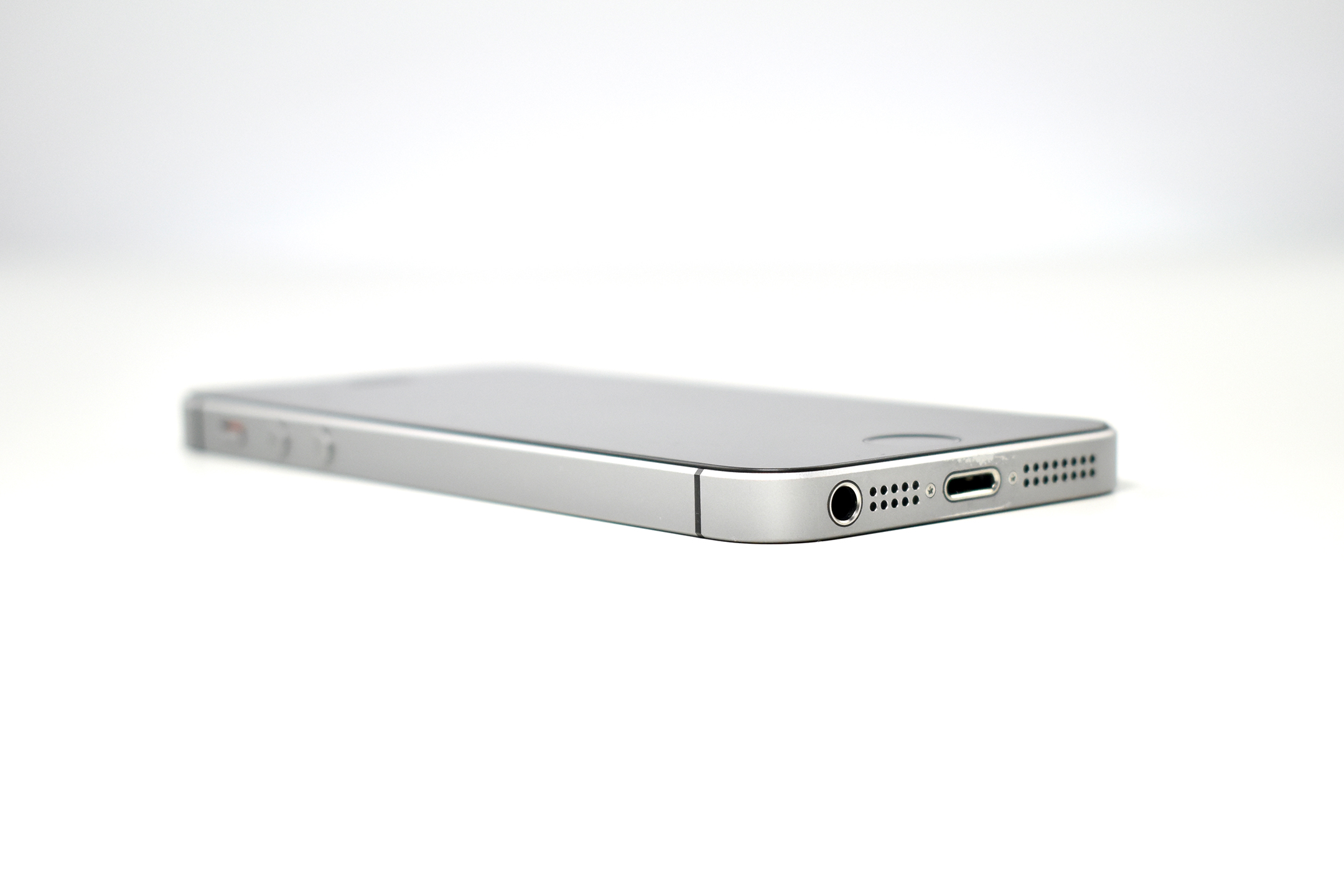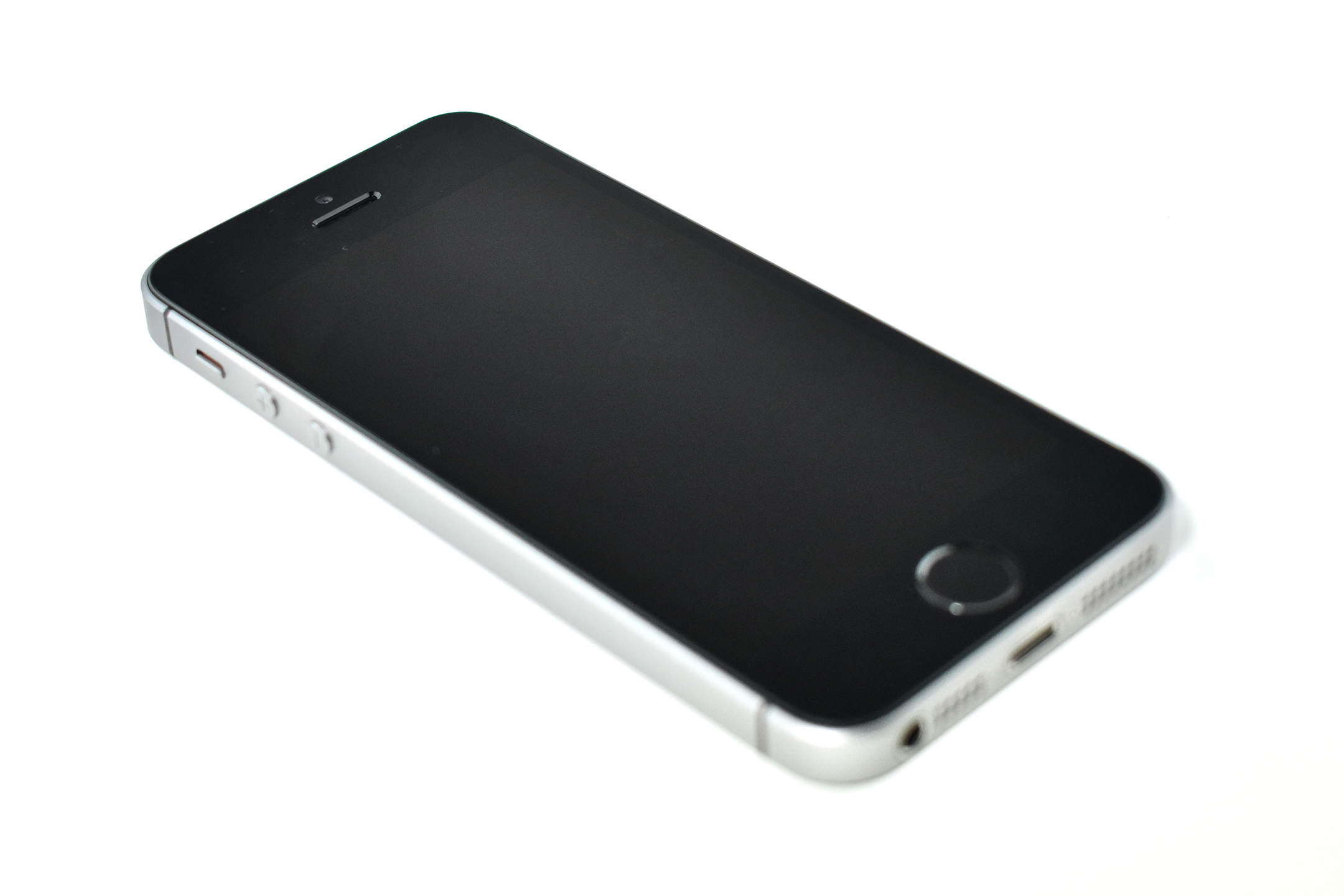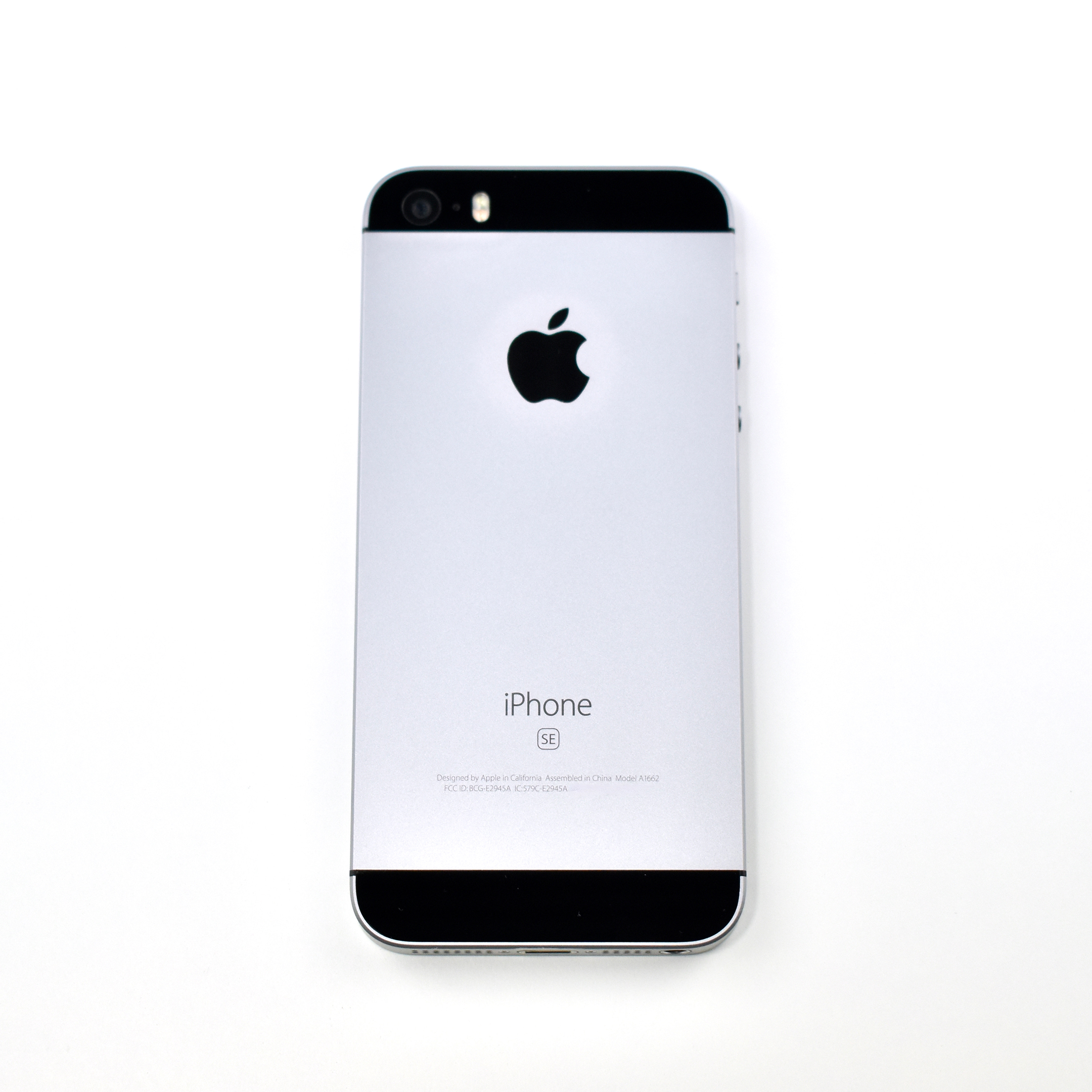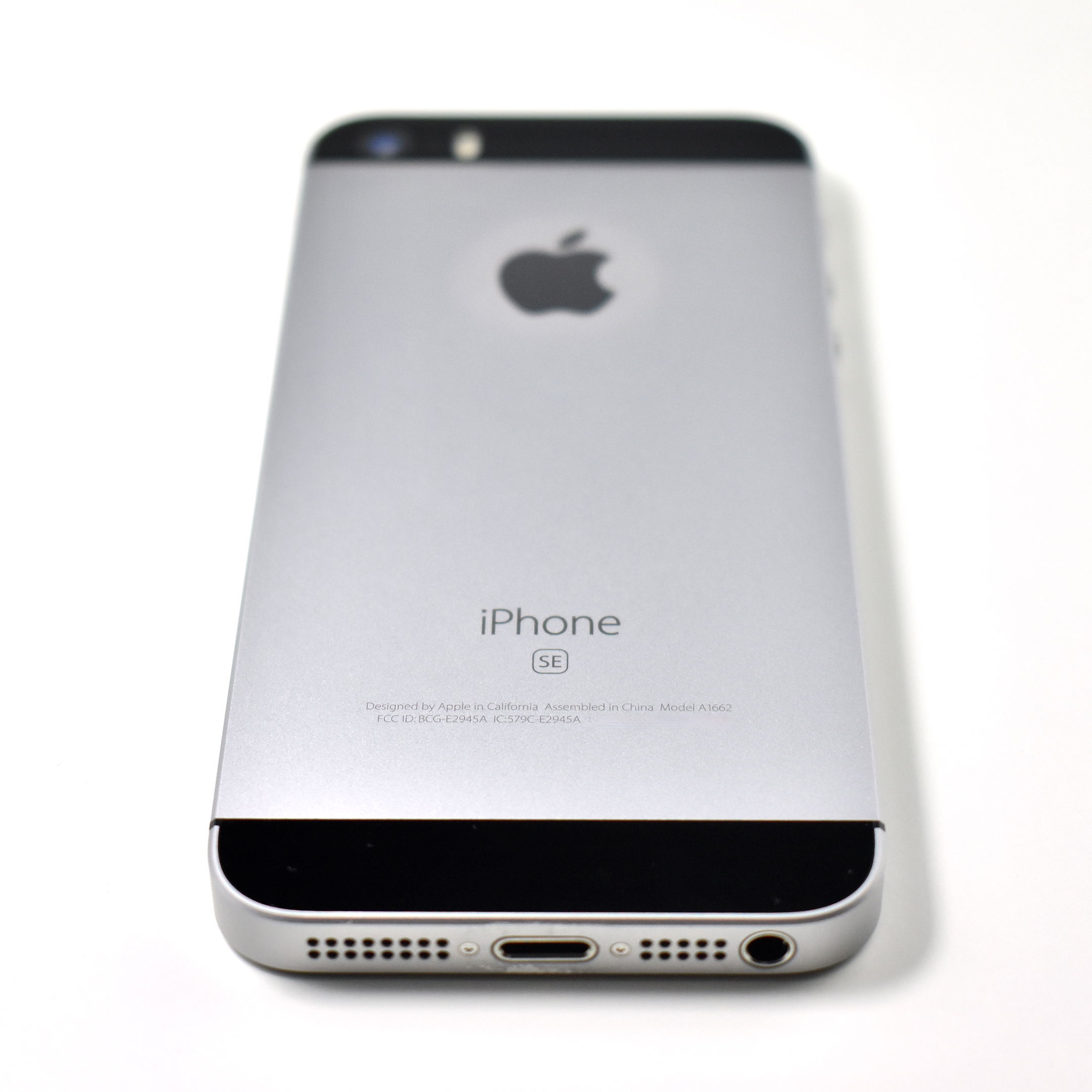
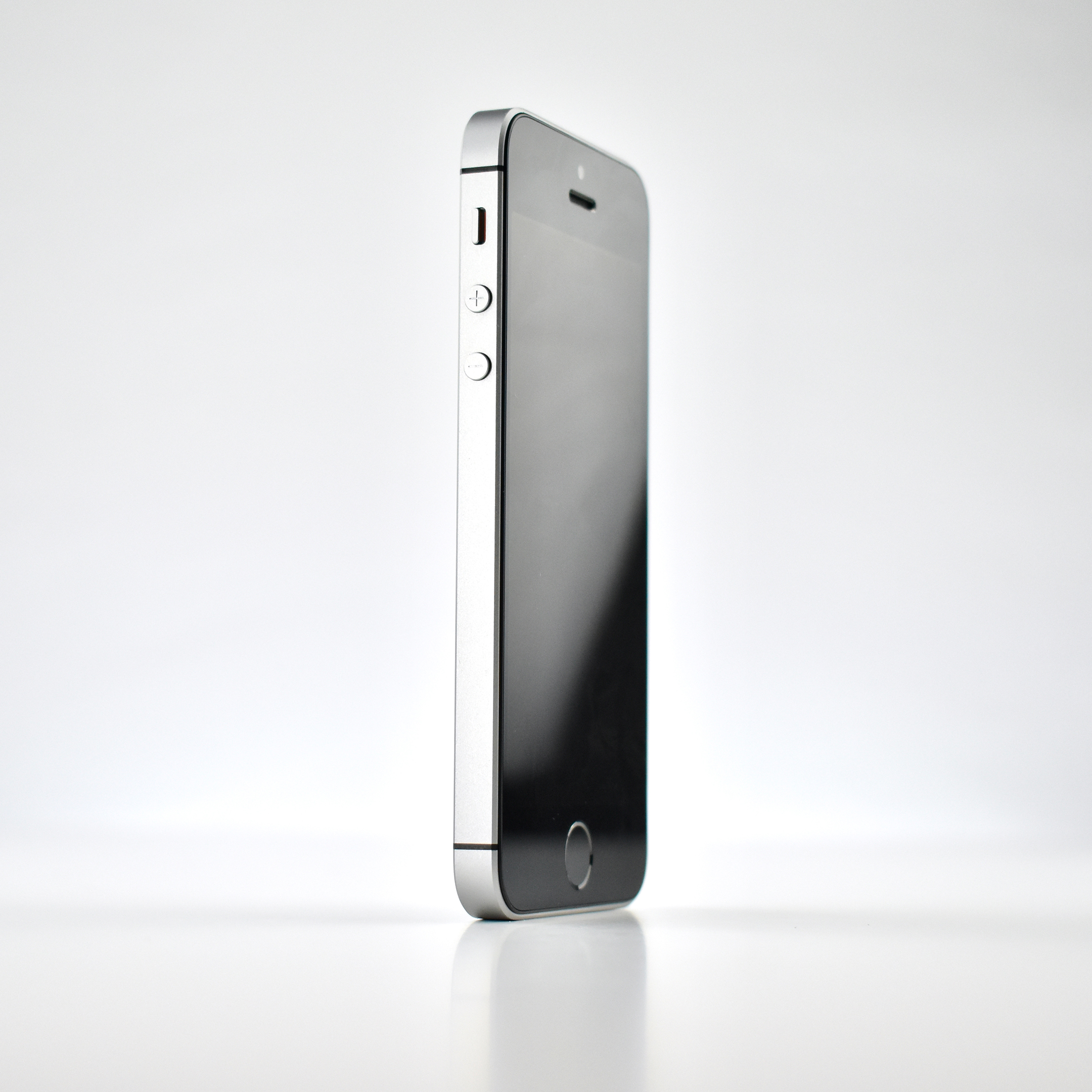
iPhone SE (original, Space Gray, 2016)

The original iPhone SE (Special Edition) was released along with the larger iPhone 6s and 6s Plus. Many users preferred the smaller size of this phone and its flat sides that used the same design as the iPhone 5s.

The original iPhone SE’s exterior differed from the iPhone 5s in its finishes, including four colors, and matte (instead of shiny) edges. Colors for the iPhone SE included Silver (white glass front and a silver aluminum sides and back with a white top and bottom detail); Space Gray (black glass front and a gunmetal gray aluminum sides and back with a black top and bottom detail); Gold (white glass front and a gold aluminum sides and back with a white top and bottom detail); and Rose Gold (white glass front and a pink-tinted gold aluminum sides and back with a white top and bottom detail).

The original iPhone SE used a 4-inch Retina display (1136×640 at 326 ppi). Its two cameras included a rear 12-megapixel iSight camera with a True Tone flash and a front 1.2-megapixel 720p FaceTime camera.

A Touch ID fingerprint sensor was embedded in the Home button of the iPhone SE. It used Apple’s A9 processor and was available with 16, 32, 64, or 128 GB storage. Wireless connections included 4G/LTE, 802.11ac Wi-Fi, Bluetooth 4.2, and NFC (Apple Pay). Wired connections included a headphone jack and a Lightning connector.

The iPhone SE would become the first iPhone name to be later reused (in April 2020) in a completely different design.

Source: EveryMac
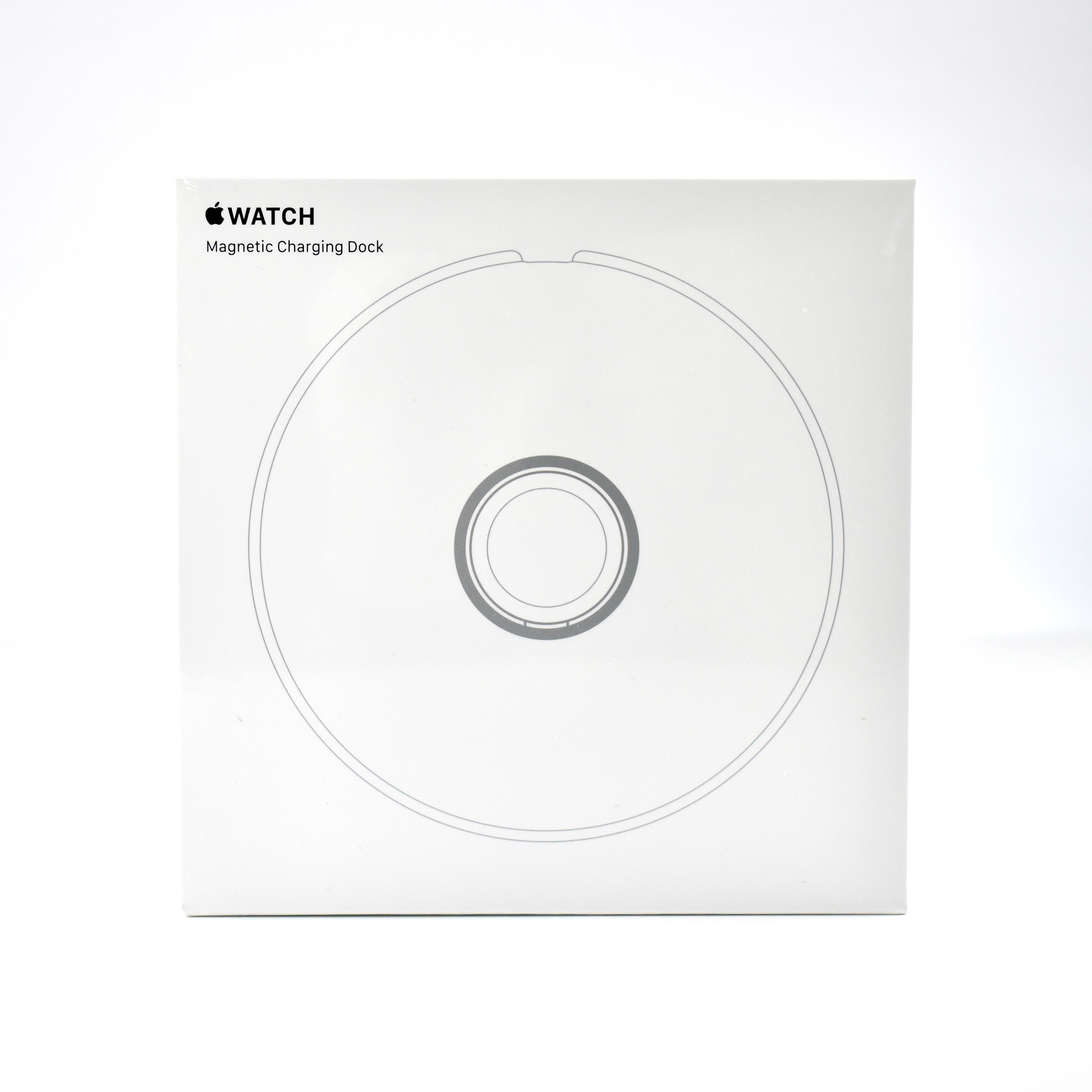
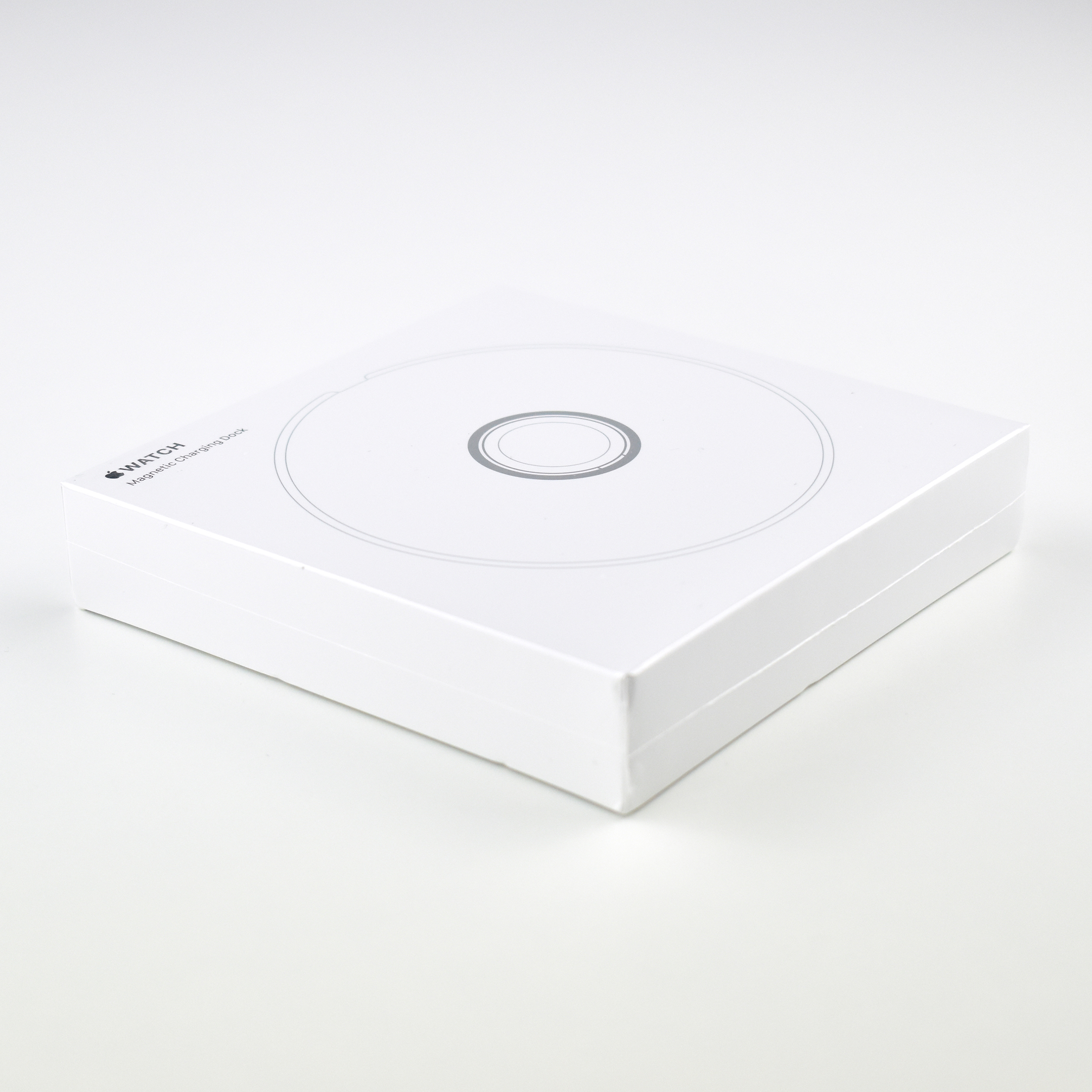
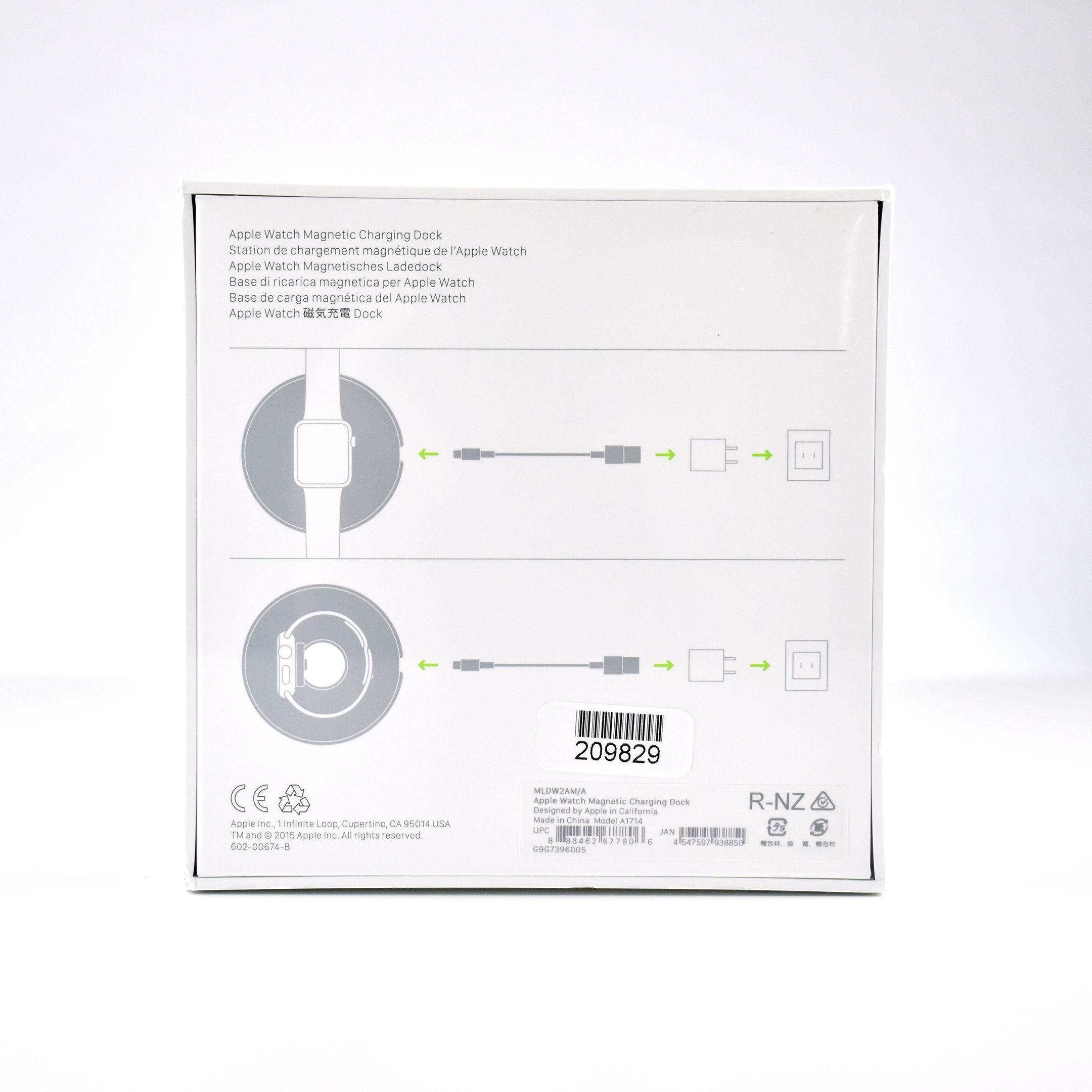
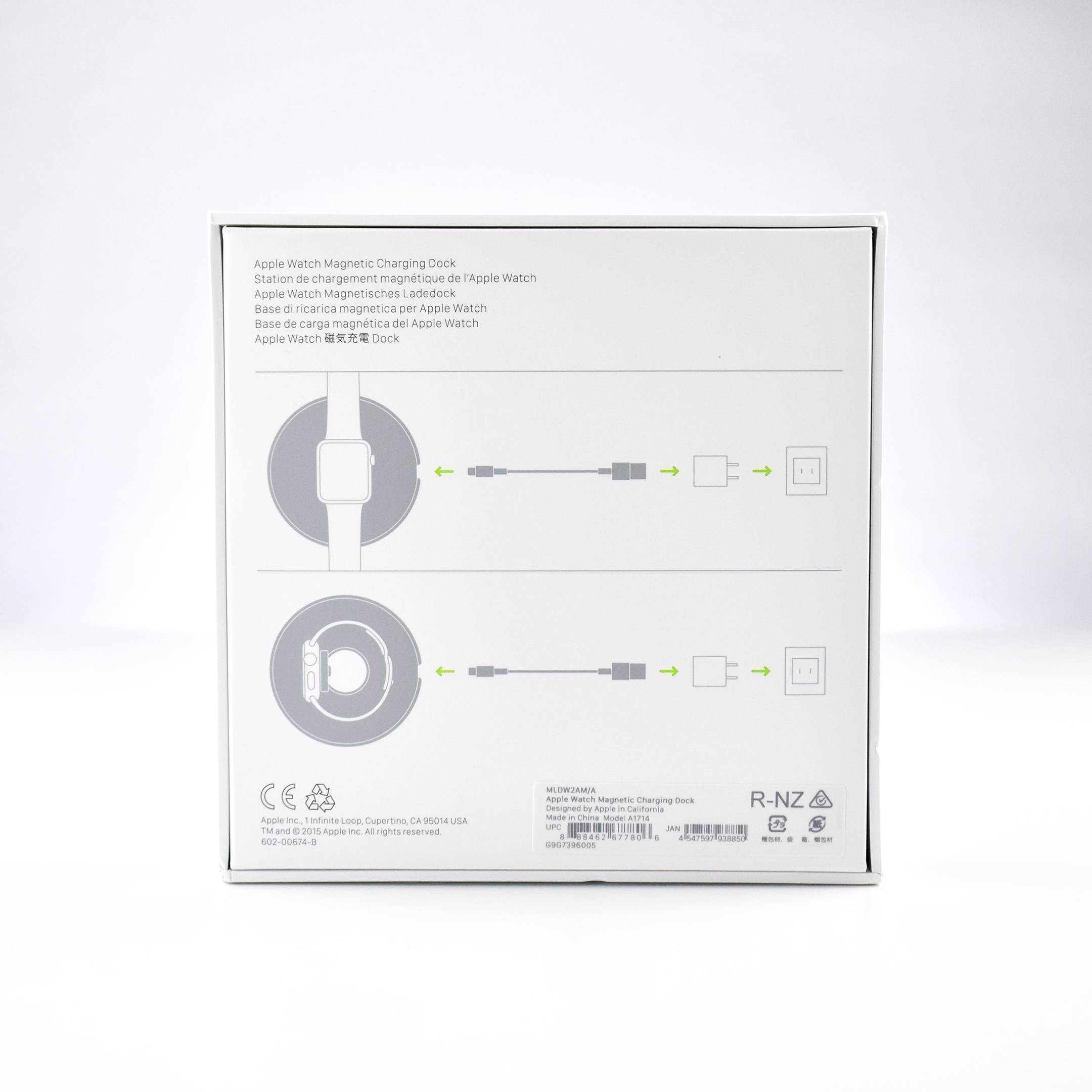
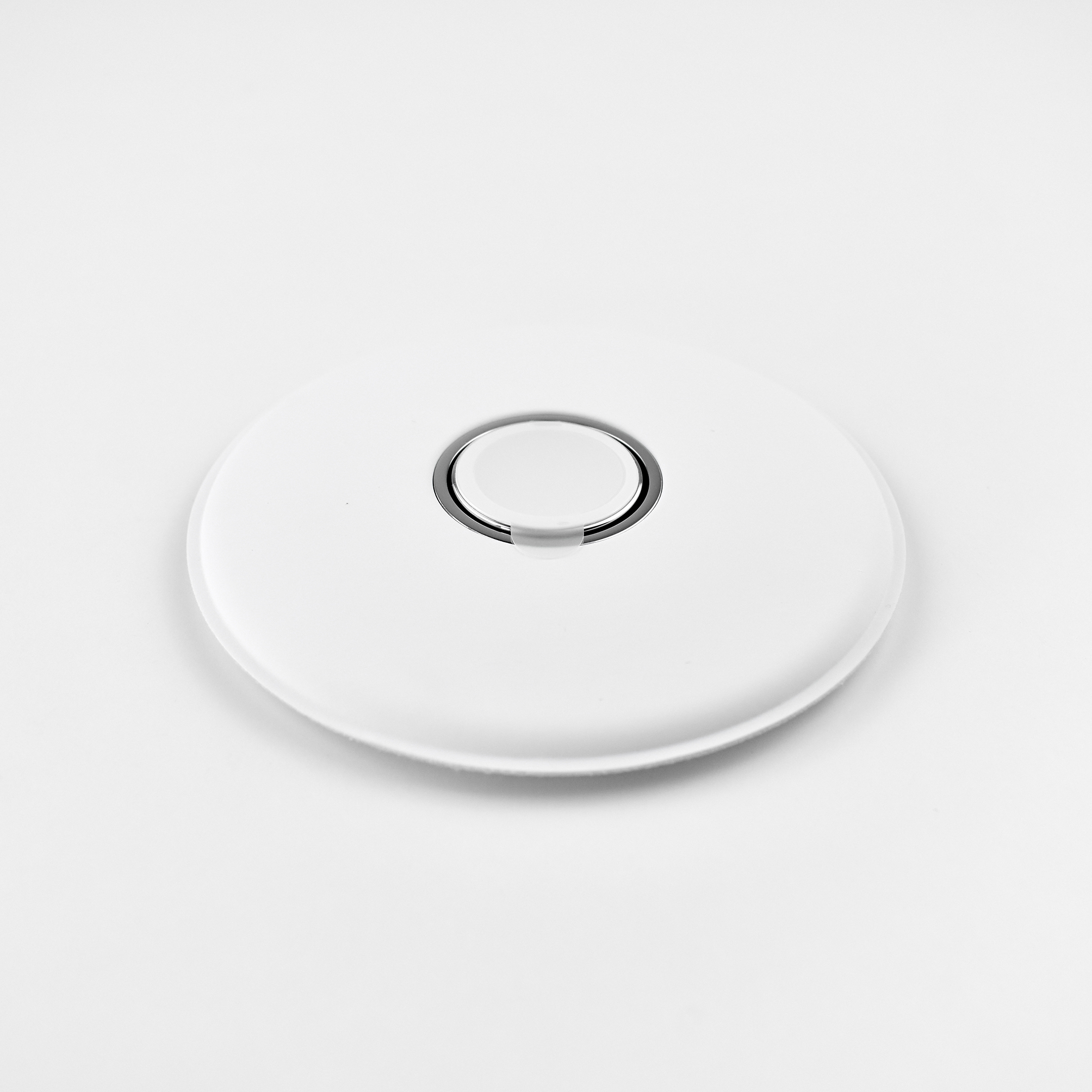
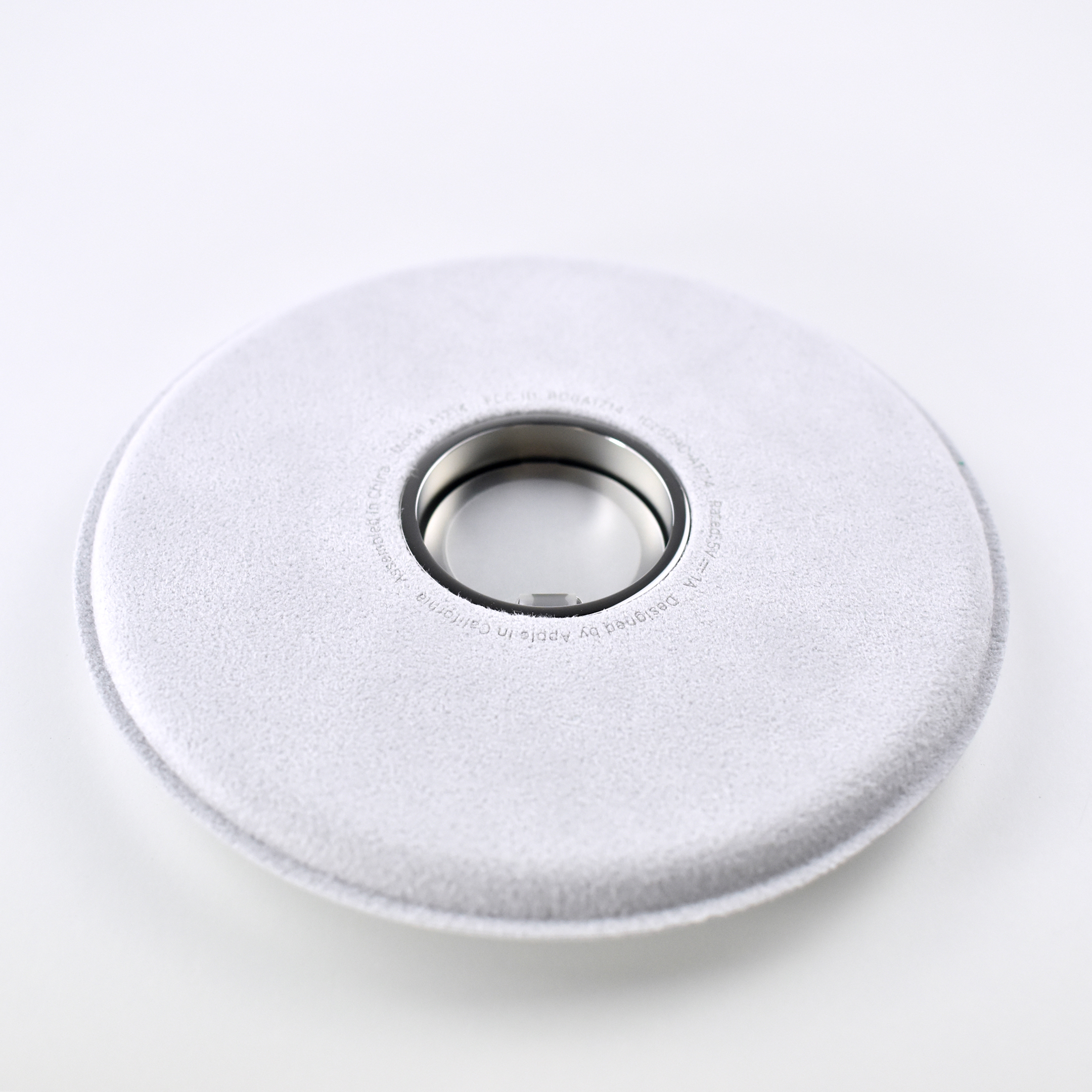
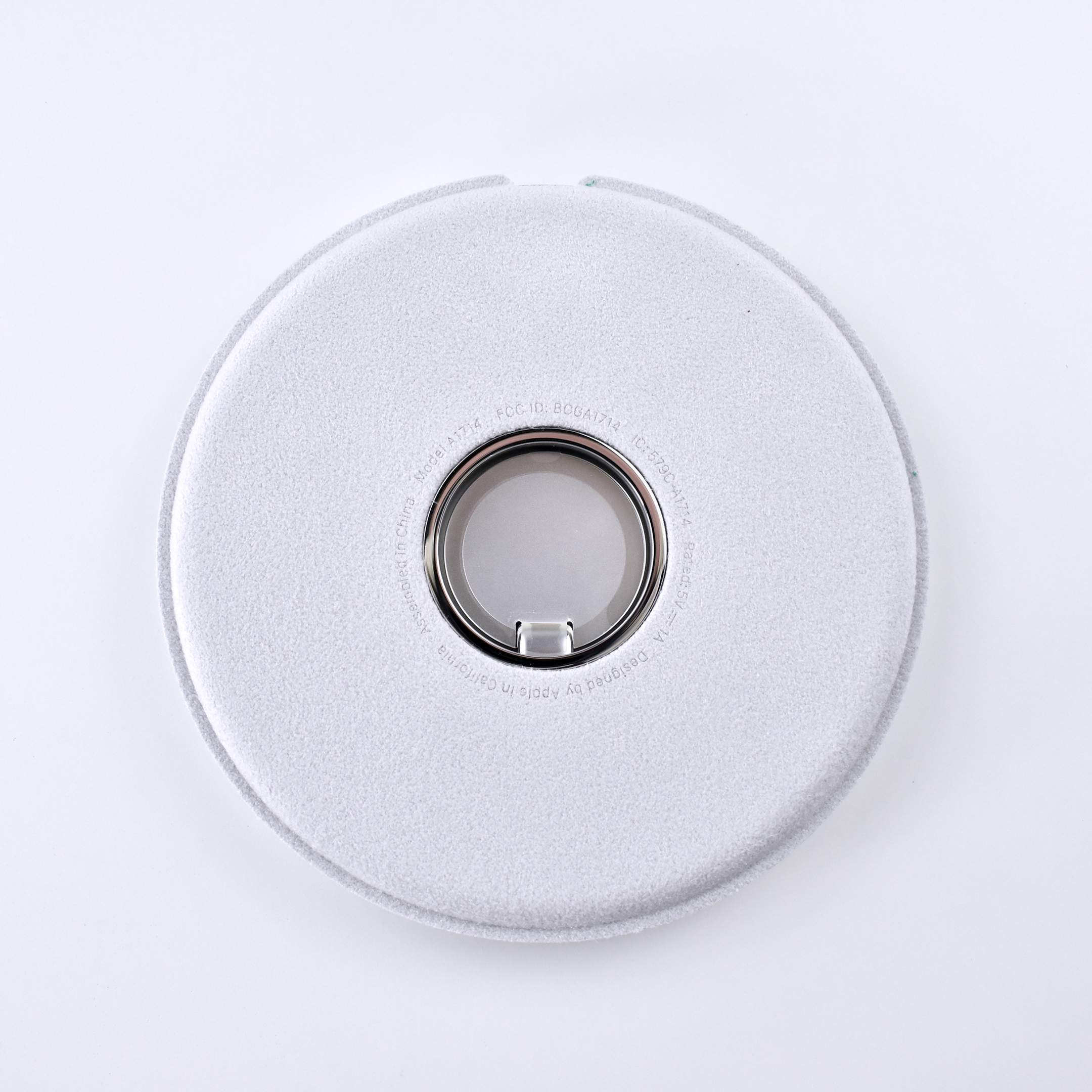
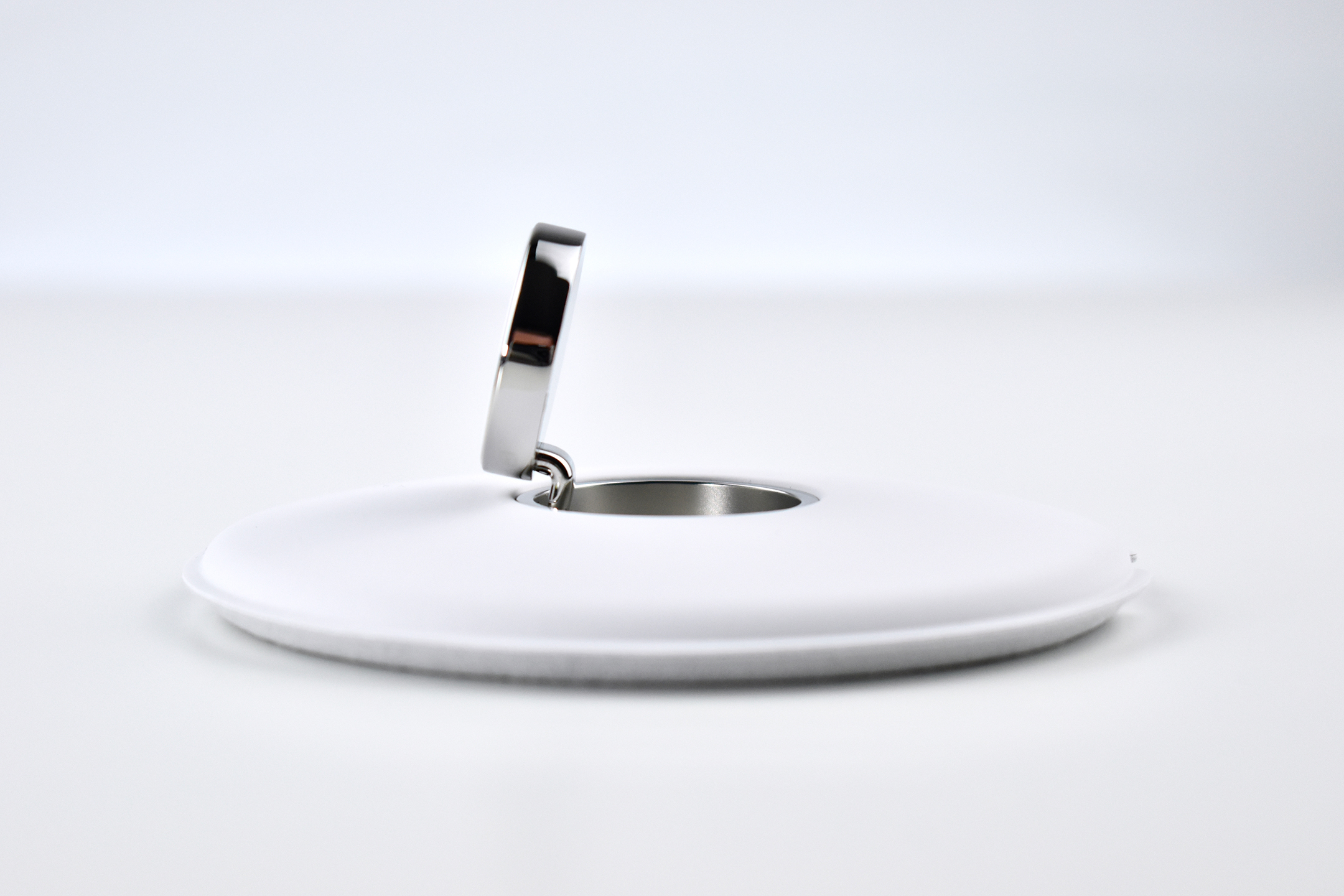
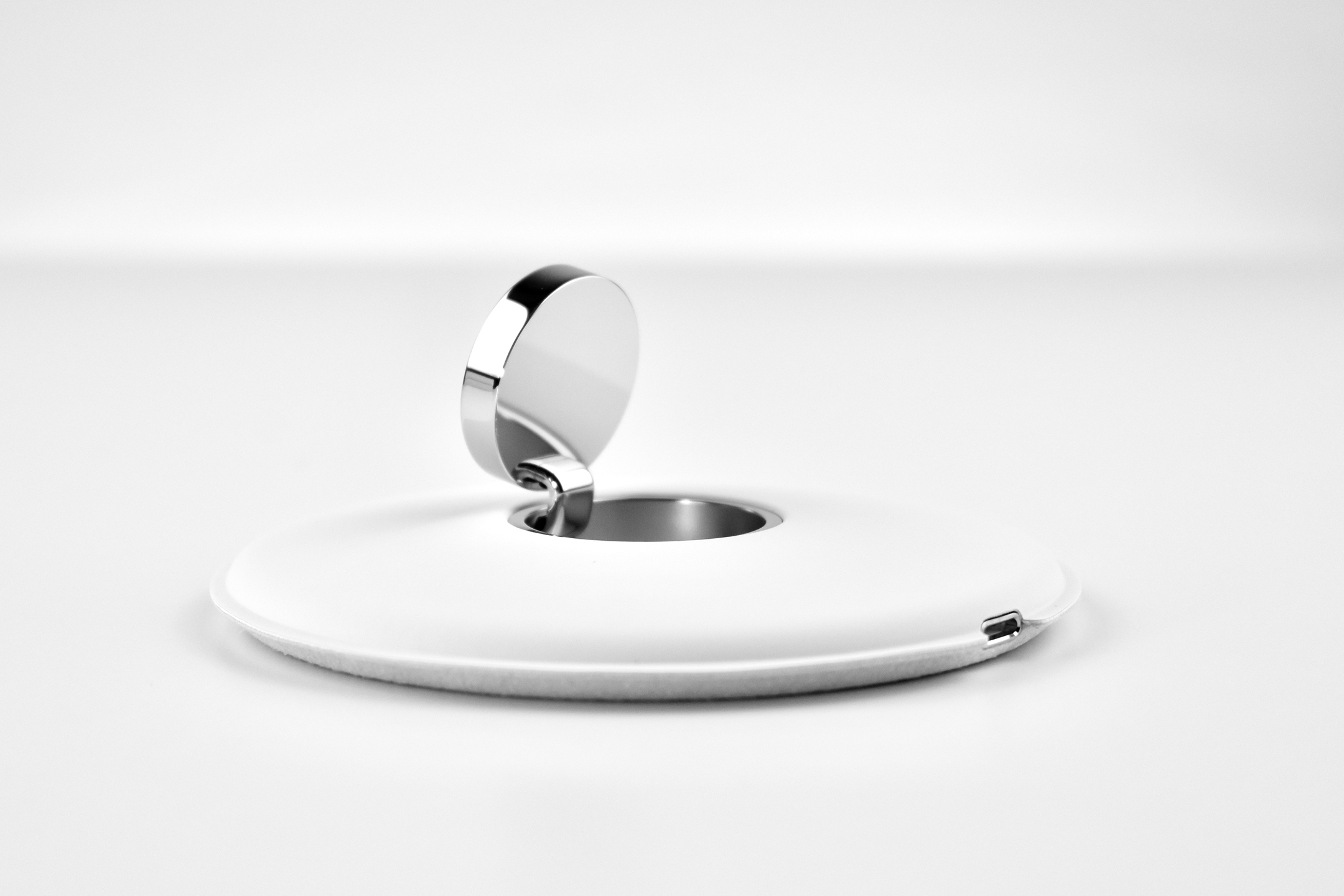
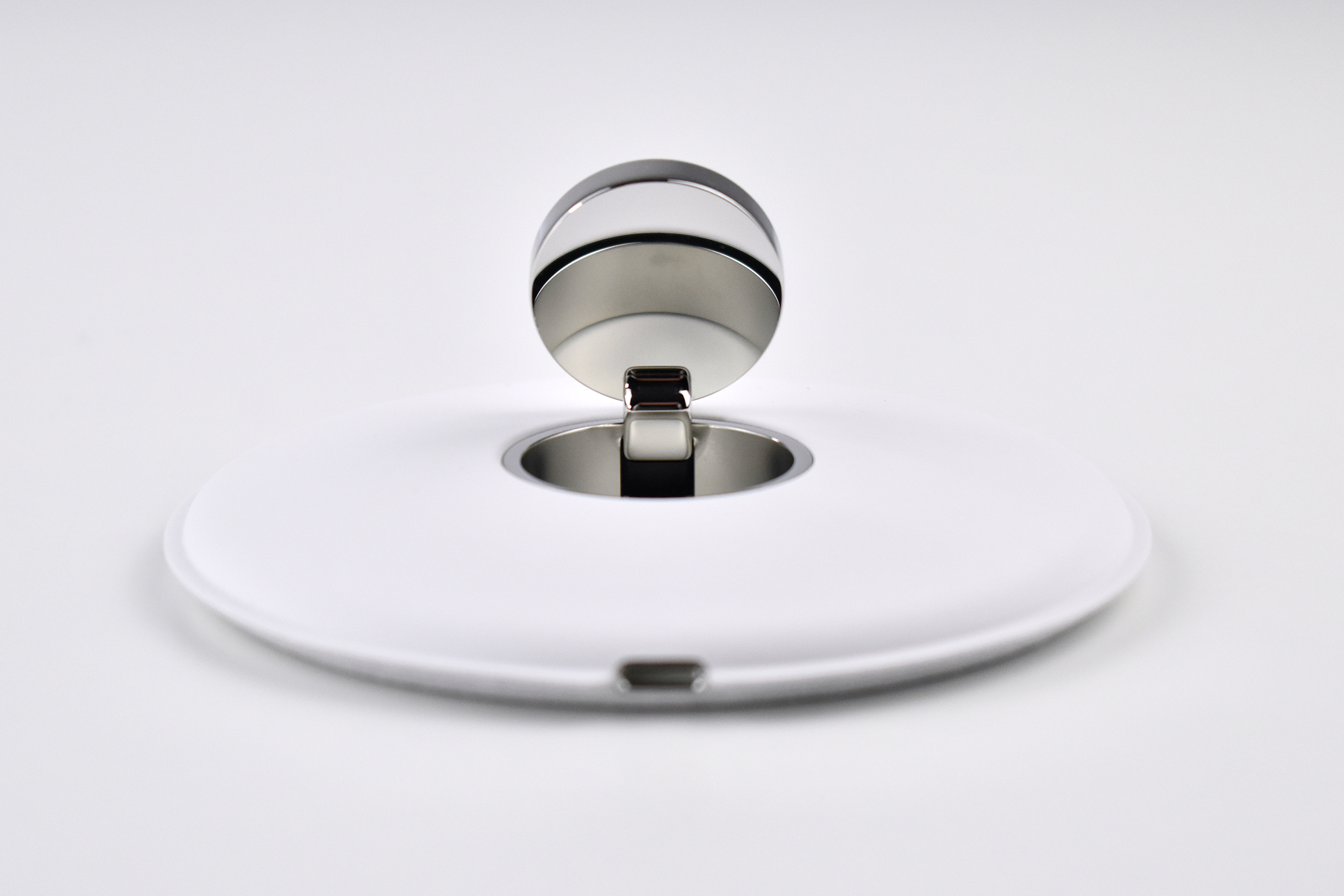
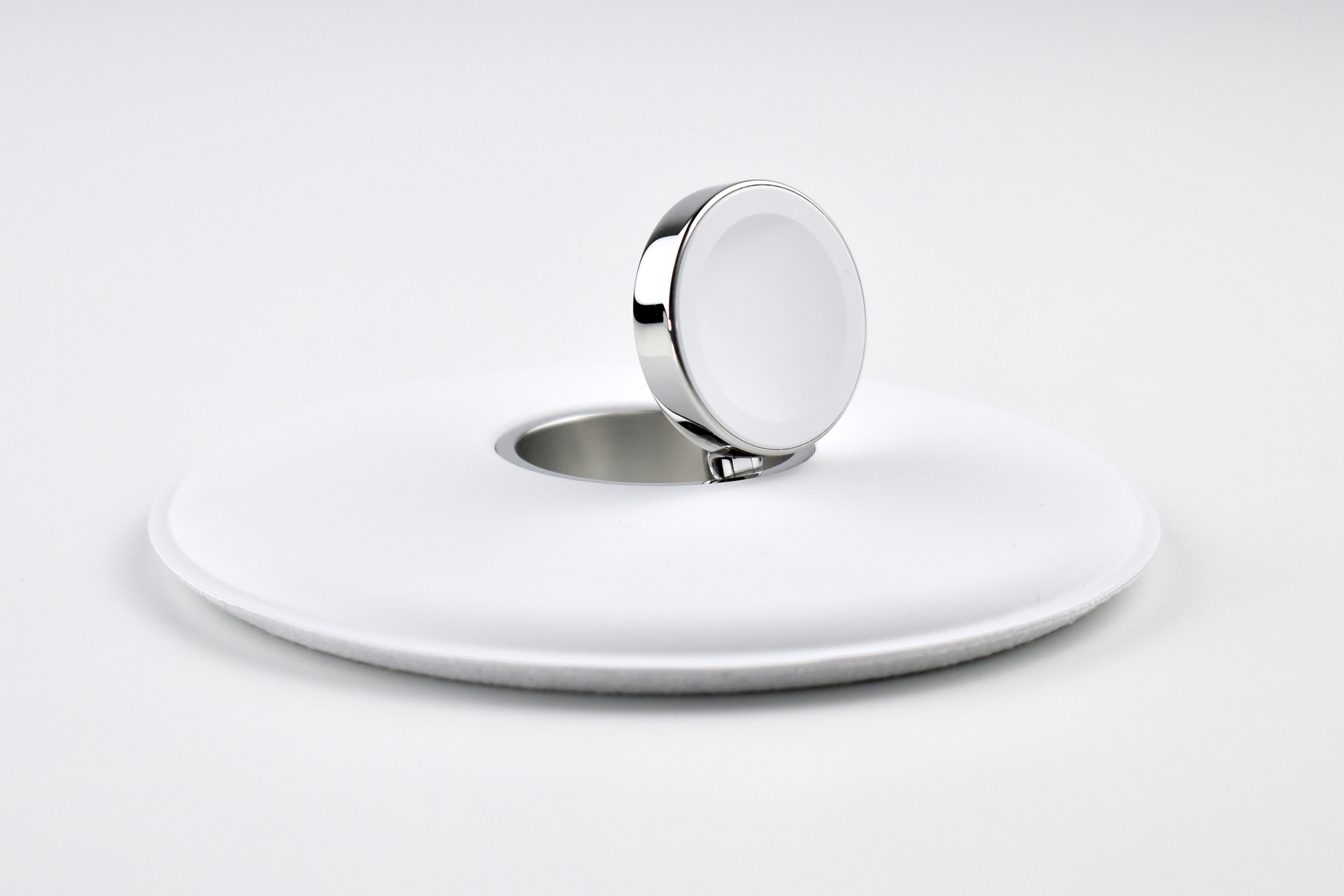
Apple Watch Magnetic Charging Dock (2015)

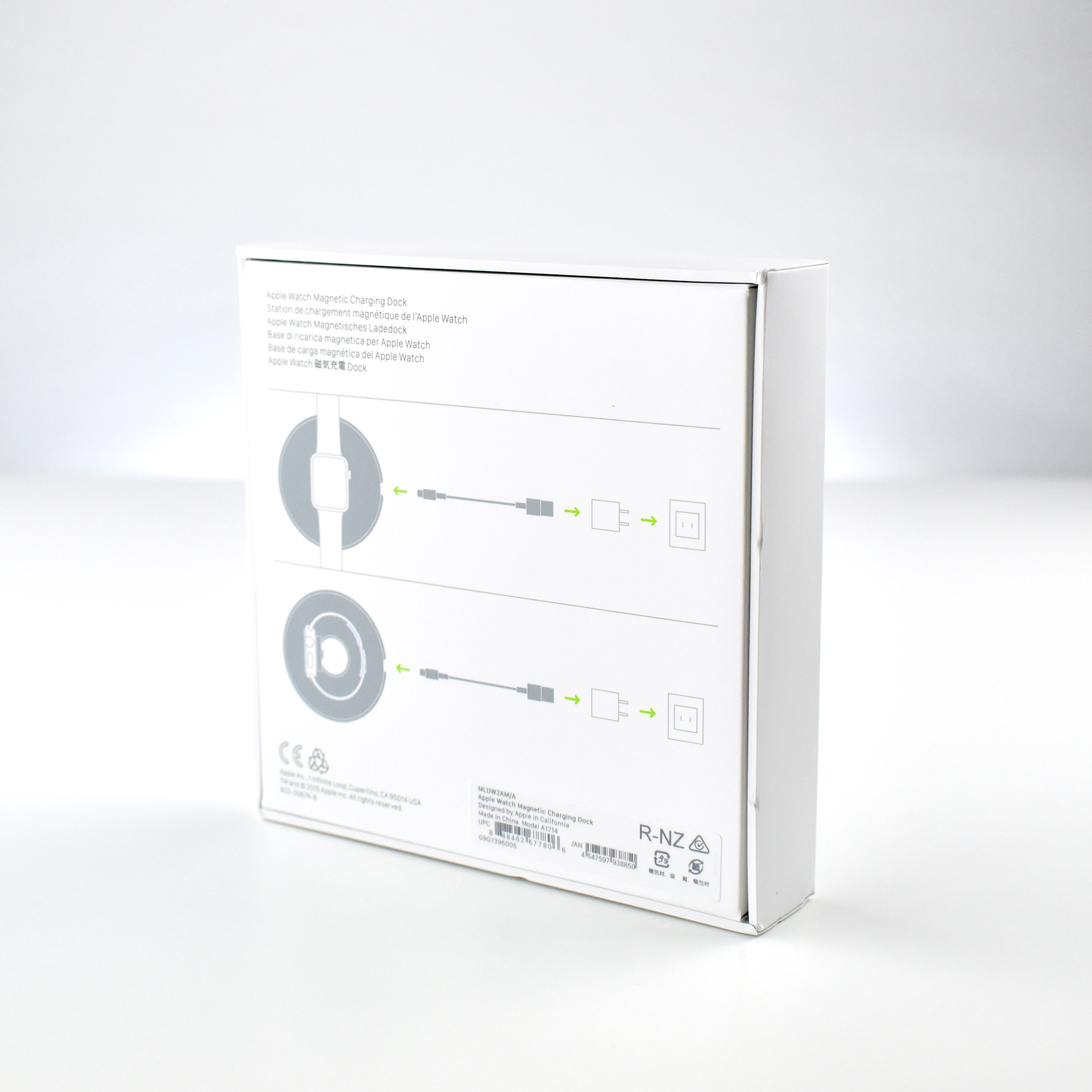
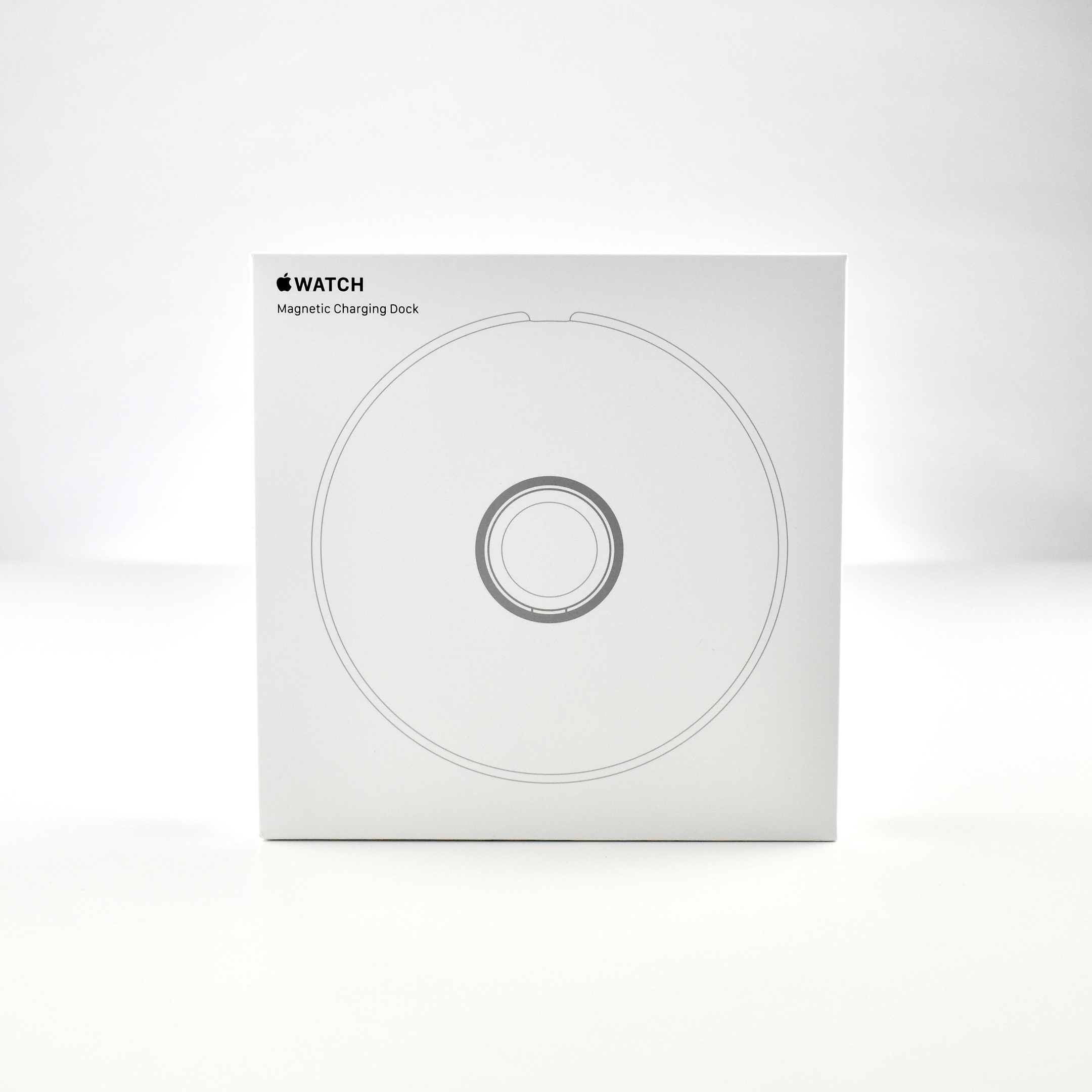
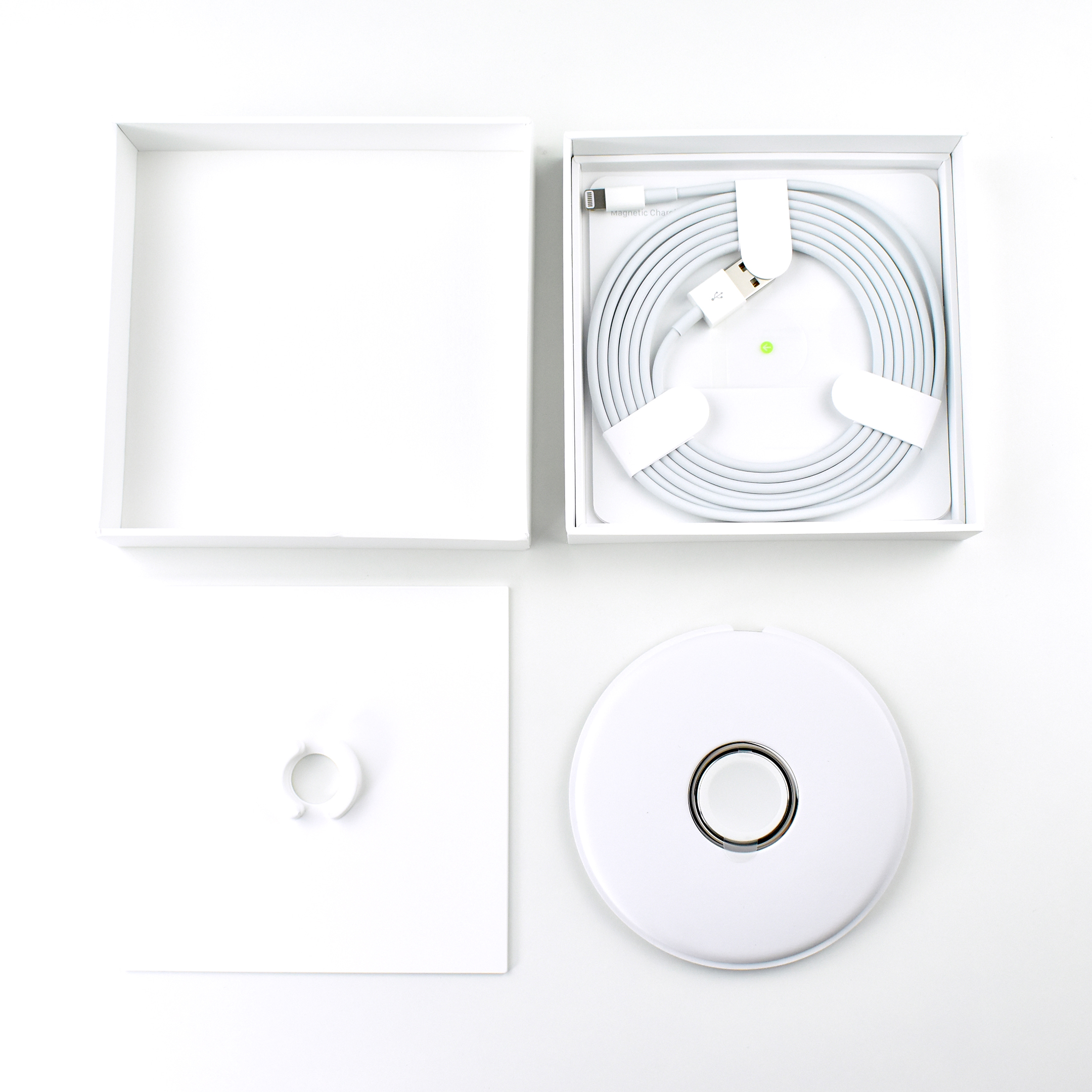
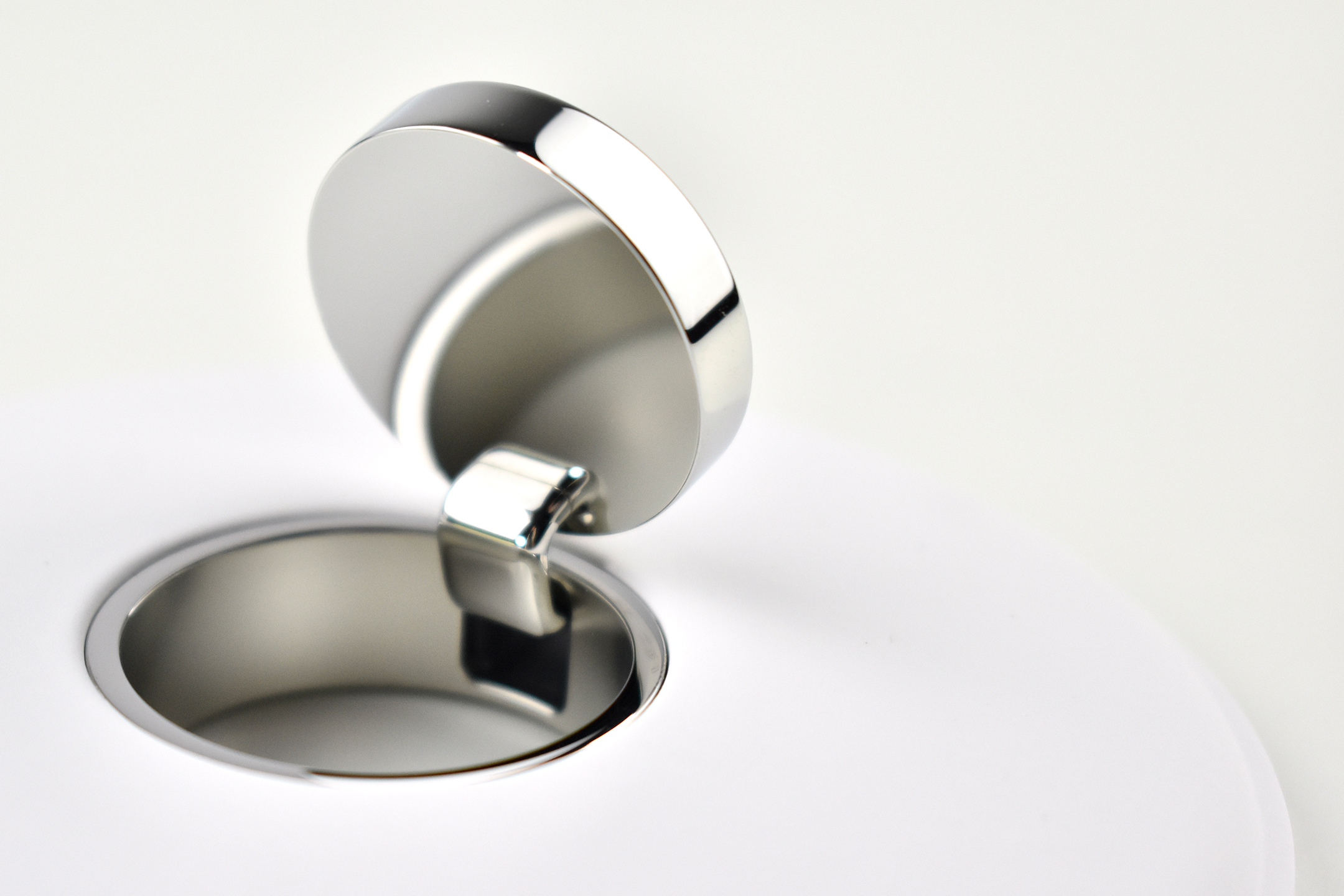
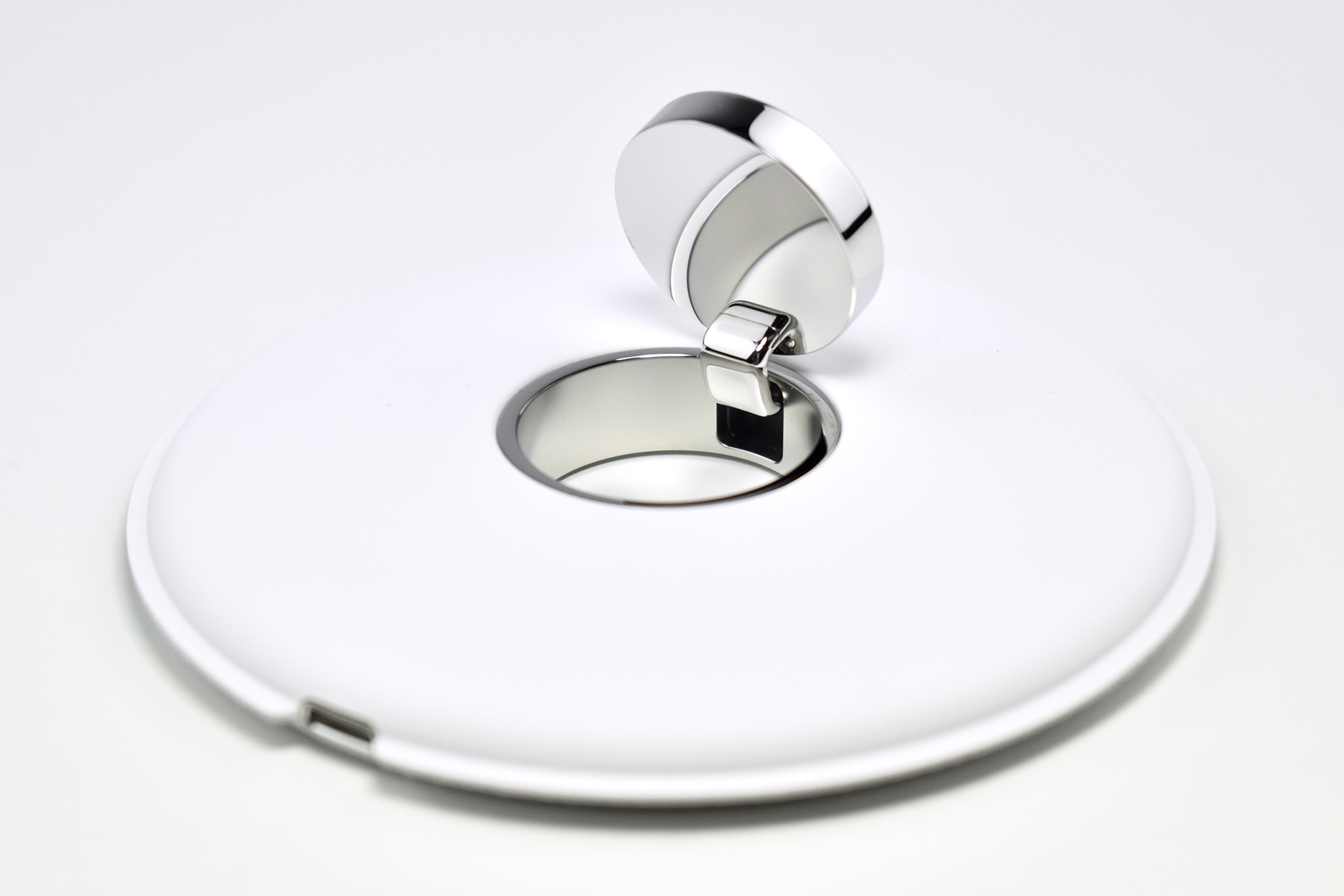
The Apple Watch Magnetic Charging Dock was a 4.1-inch diameter, 0.5-inch thick charging pad for the Apple Watch that used the same inductive charging connector that shipped with the Apple Watch. The white base of the dock had a microfiber, padded texture. The polished-chrome charging disc was mounted on a hinge that could pivot from a flat position to a 45-degree angle.

According to Apple:

“With the Apple Watch Magnetic Charging Dock, you can charge your Apple Watch in a flat position with its band open, or on its side. When docked on its side, your watch automatically goes into Nightstand mode, so you can also use it as your alarm clock. The Apple Watch Magnetic Charging Dock uses the same inductive charging connector that comes with Apple Watch. It charges all Apple Watch models and sizes. And it connects via the Lightning to USB Cable and Apple 5W USB Power Adapter.”

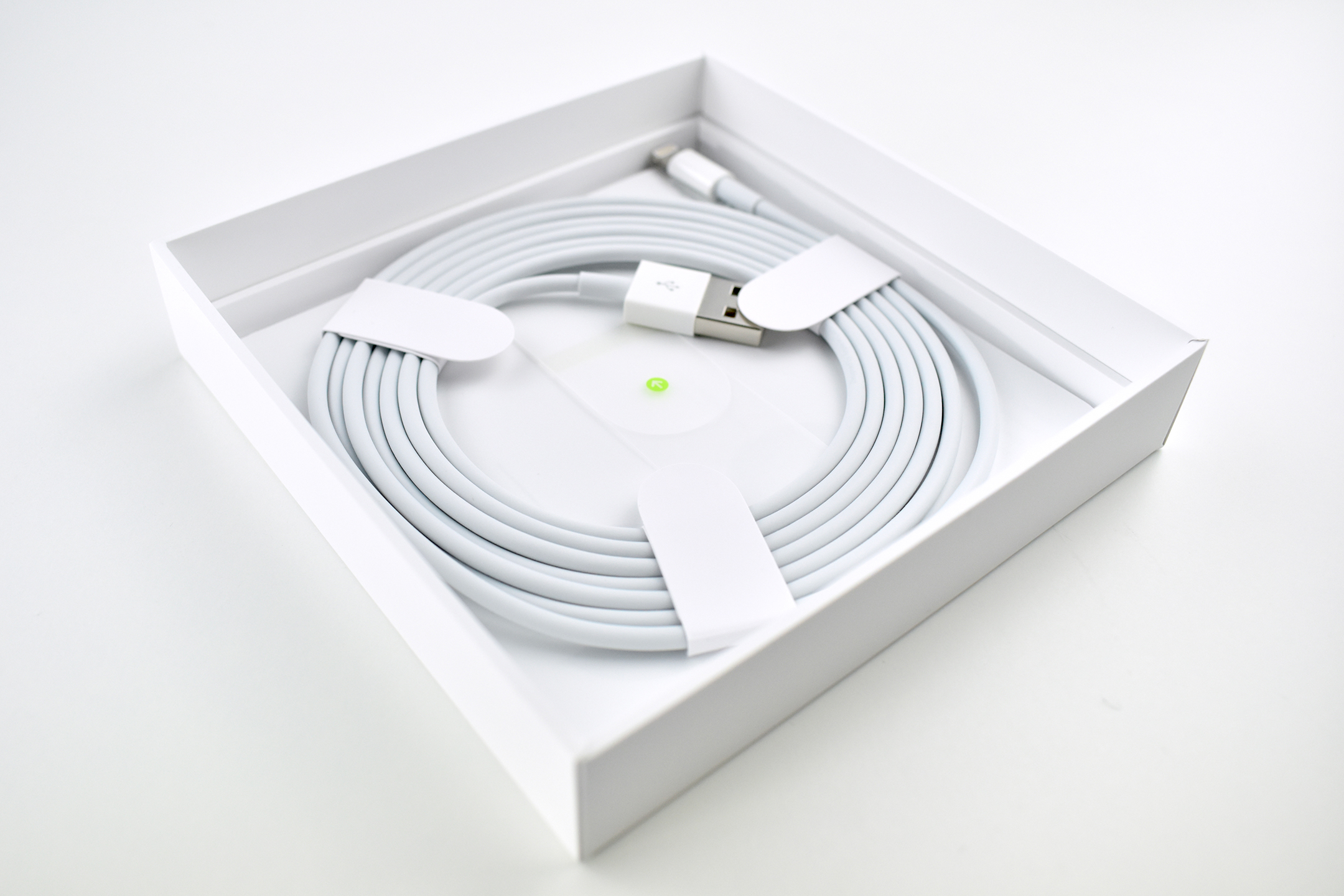
The Apple Watch Magnetic Charging Dock has also shipped with Apple Watch Edition models and has been available since 2015 with a Lightning connector built into the base. As of 2020 it still shipped with a Lightning-to-USB (USB-A) cable.

This example is the standalone product with the original packaging.

Source: Apple

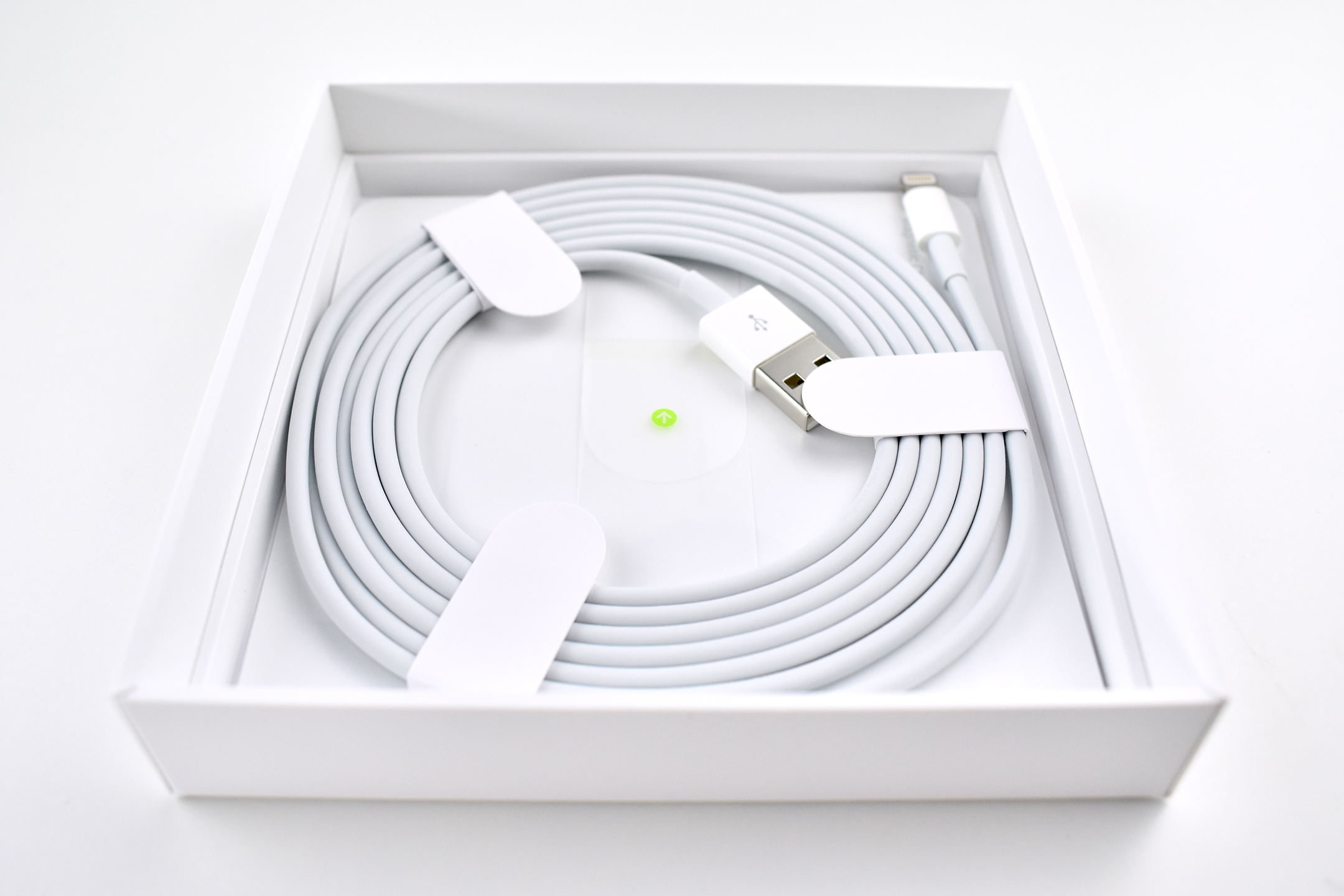
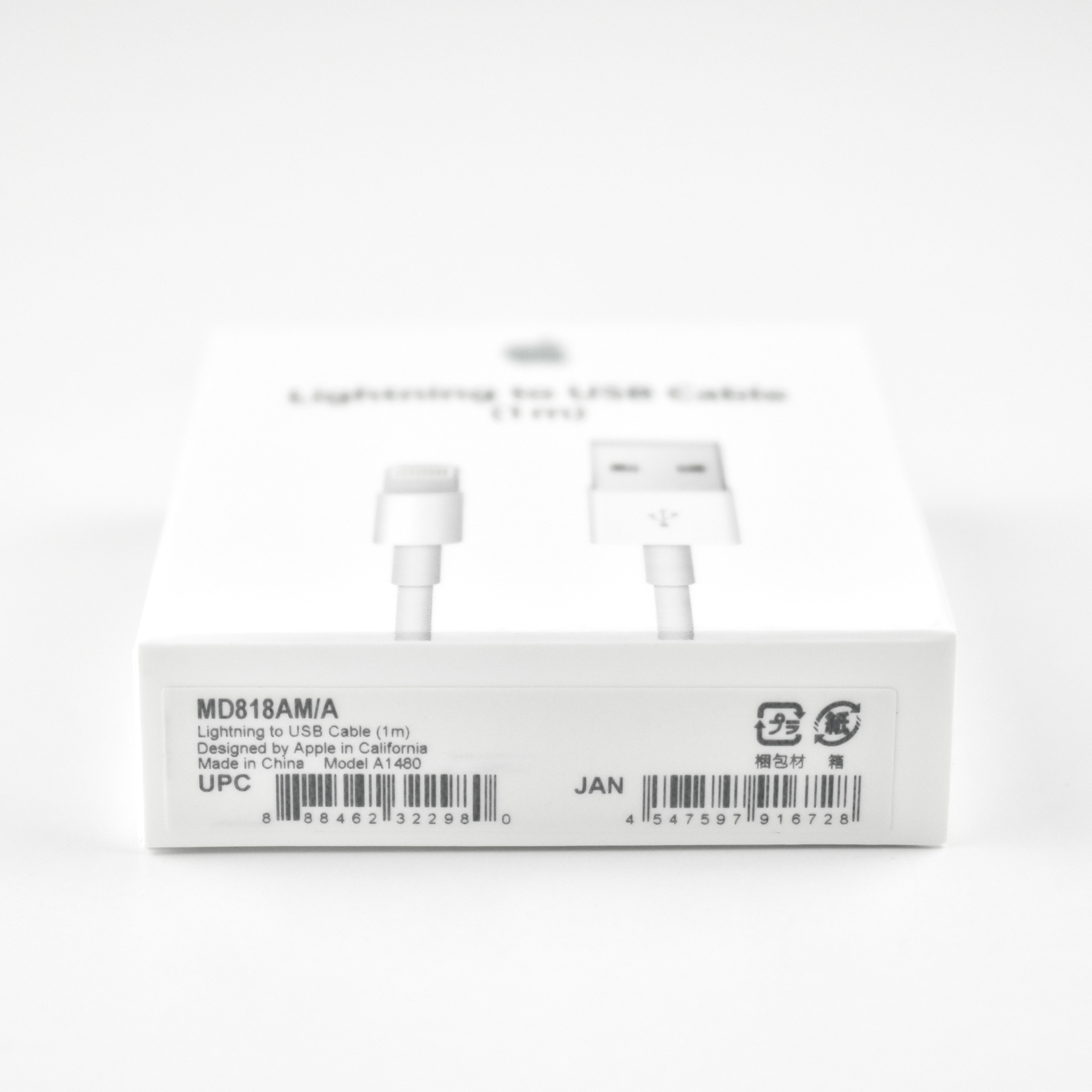
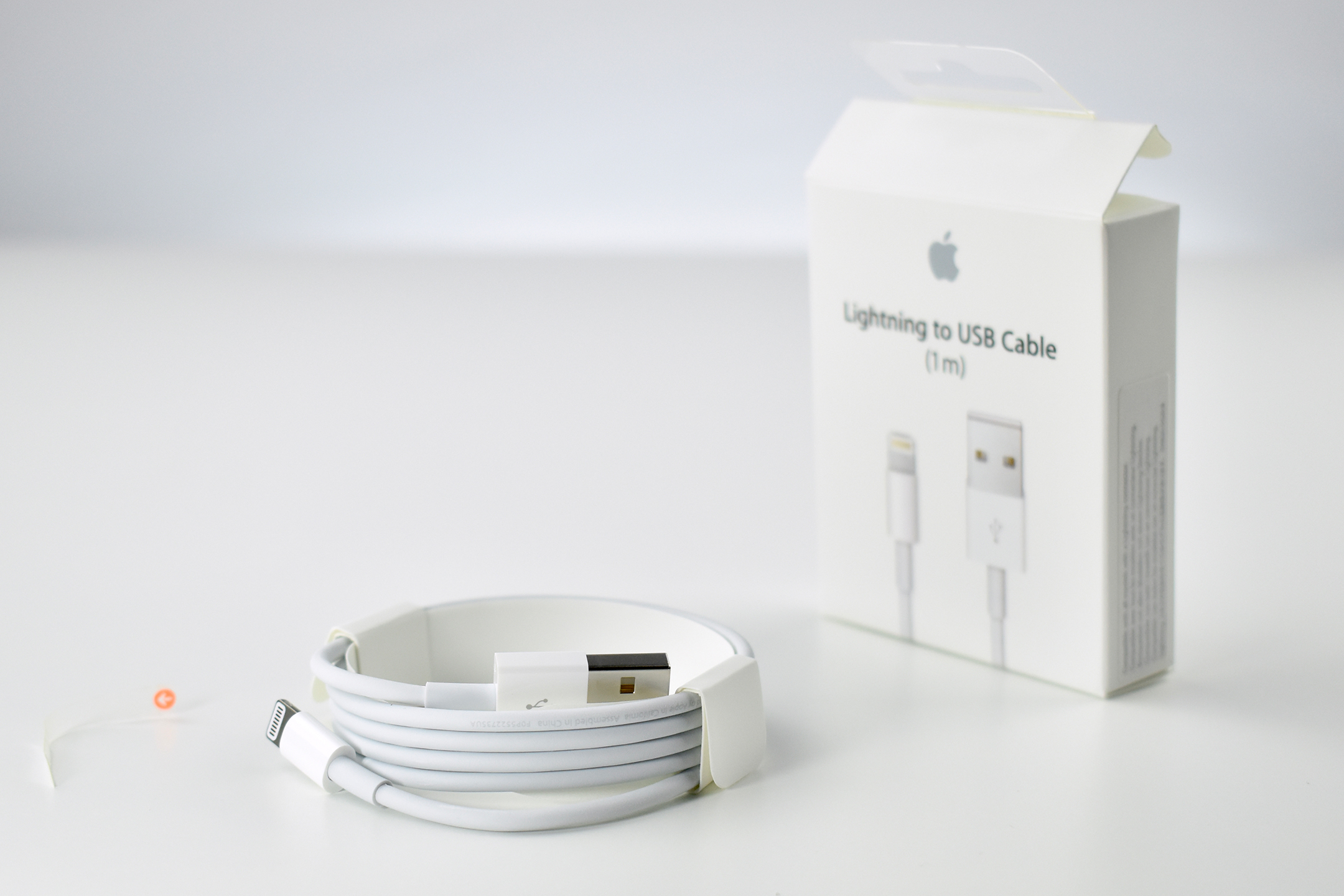
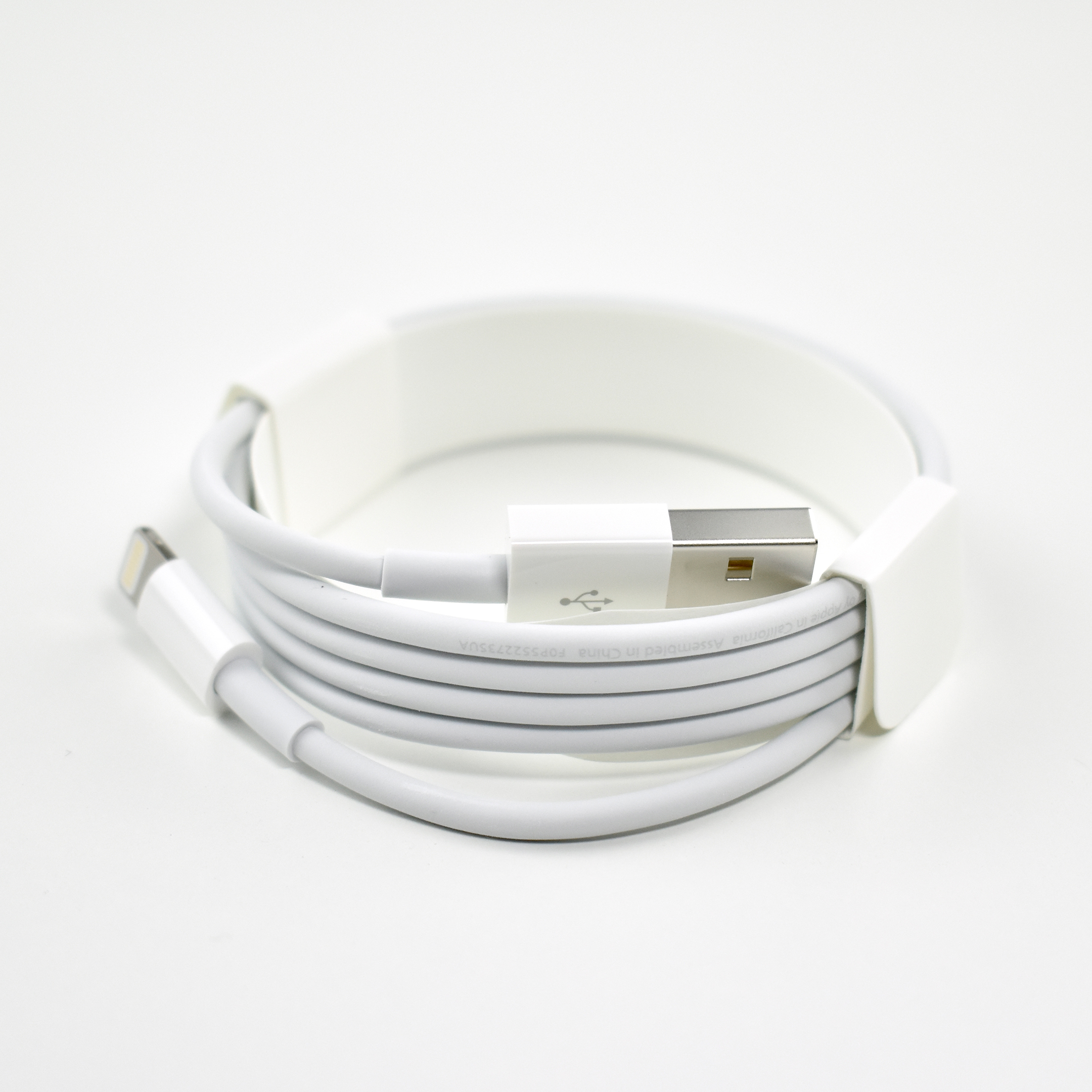
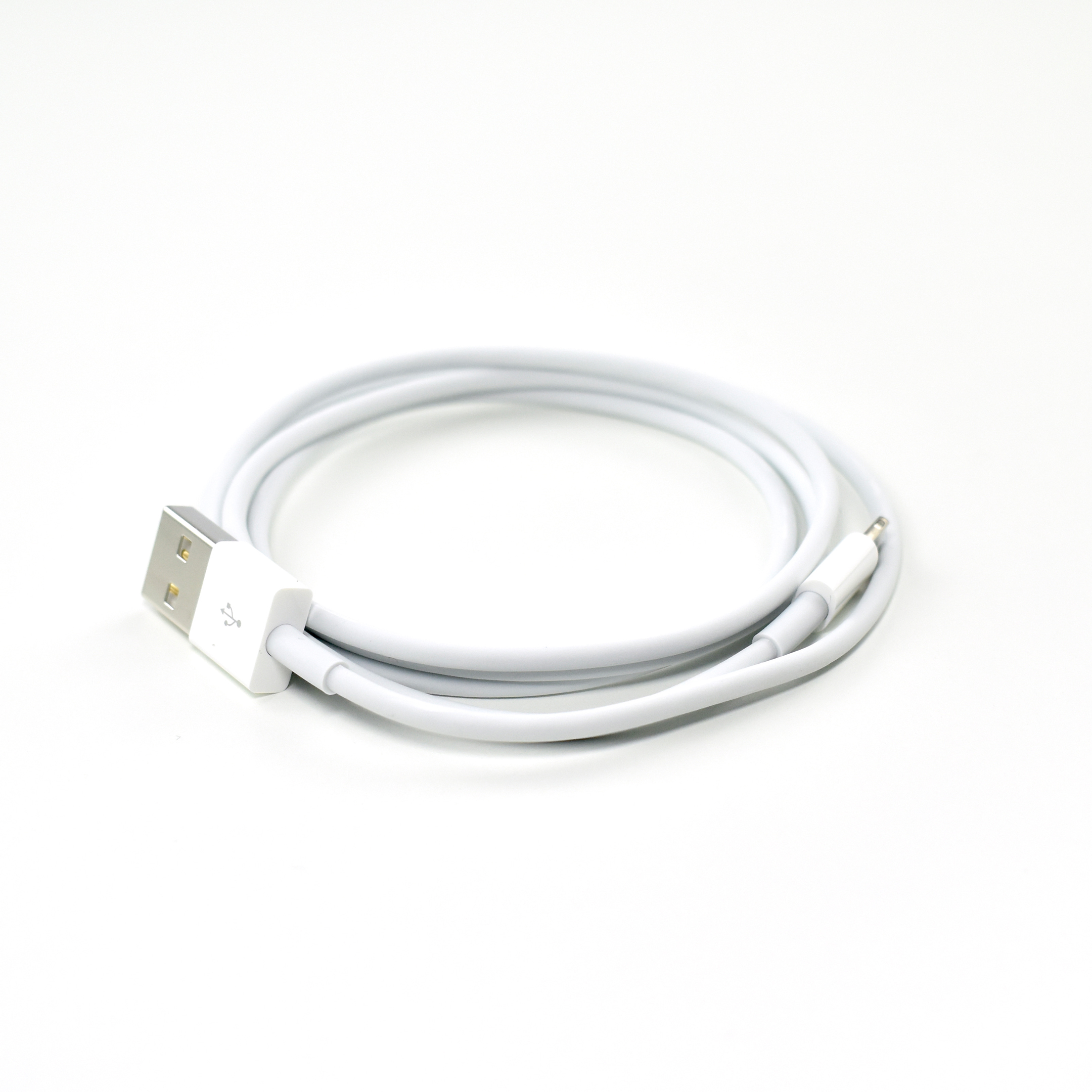
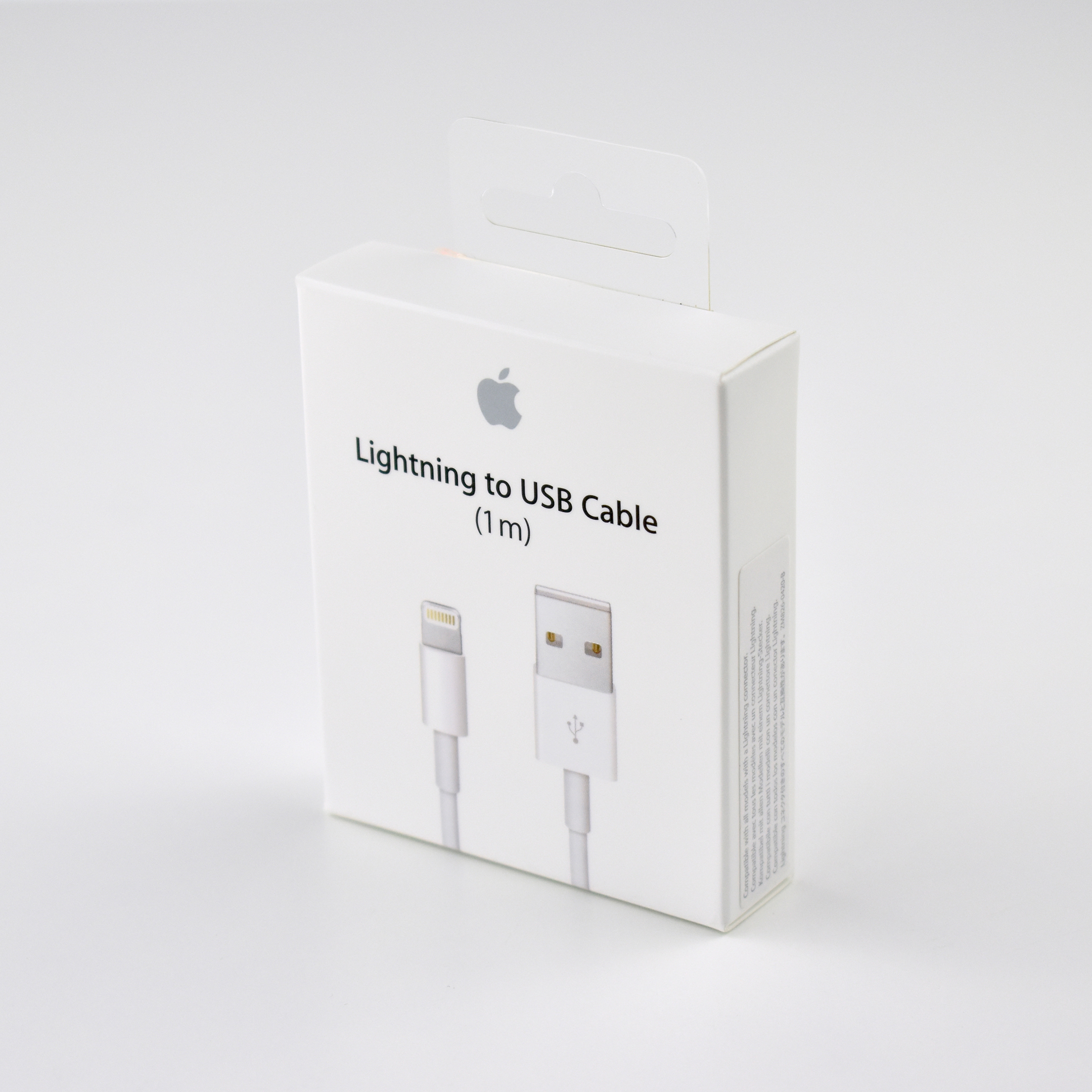
Lightning to USB Cable (1 m, 2015)

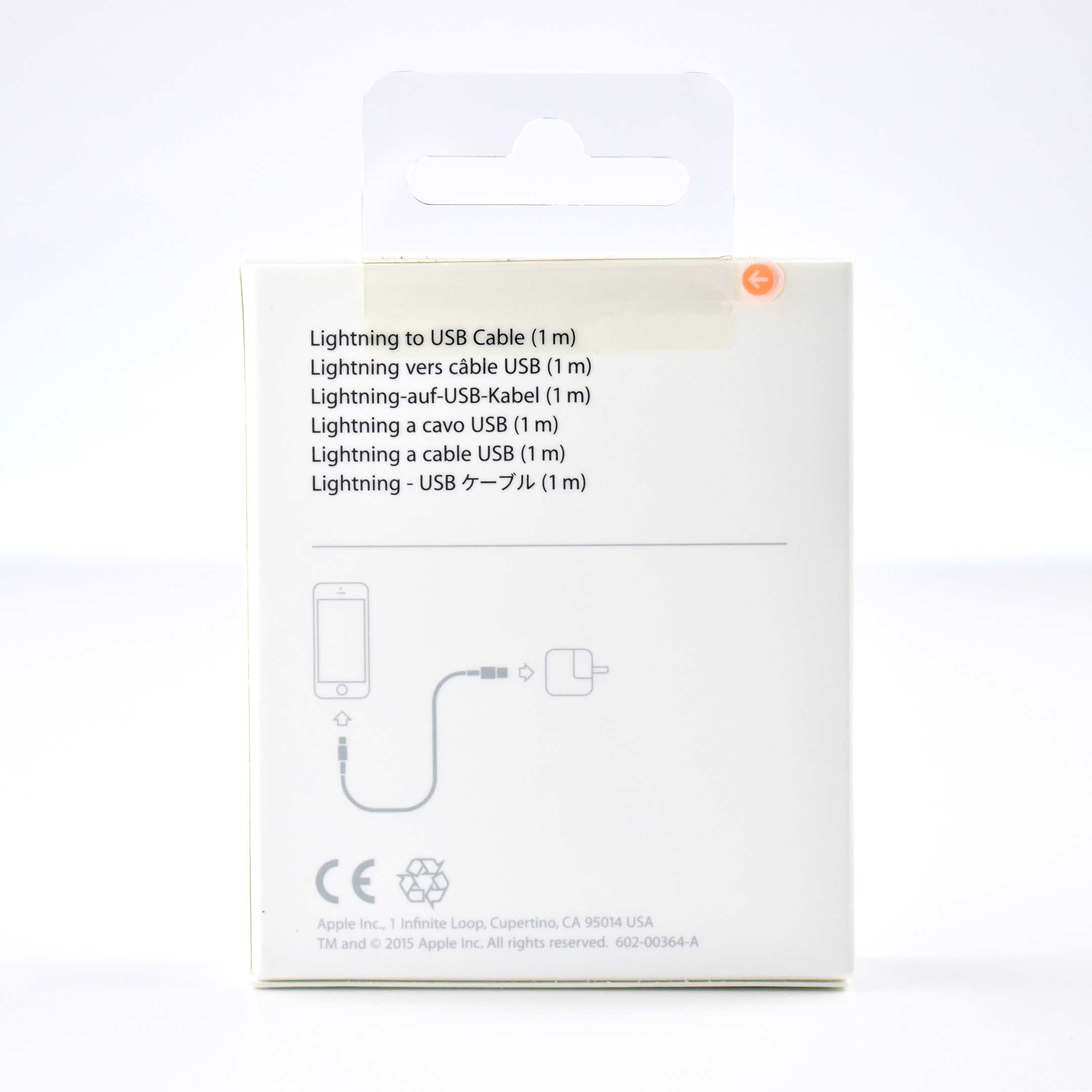
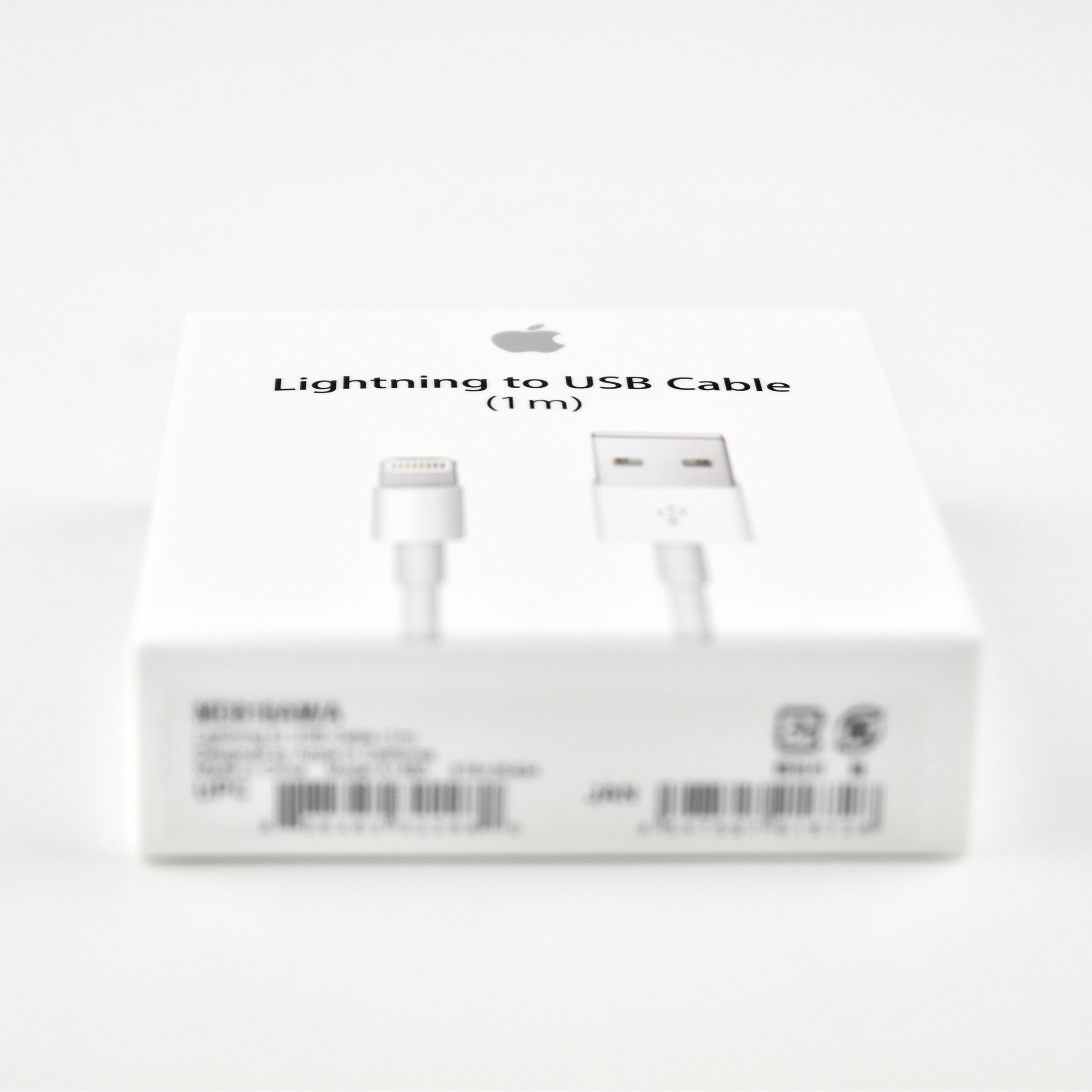
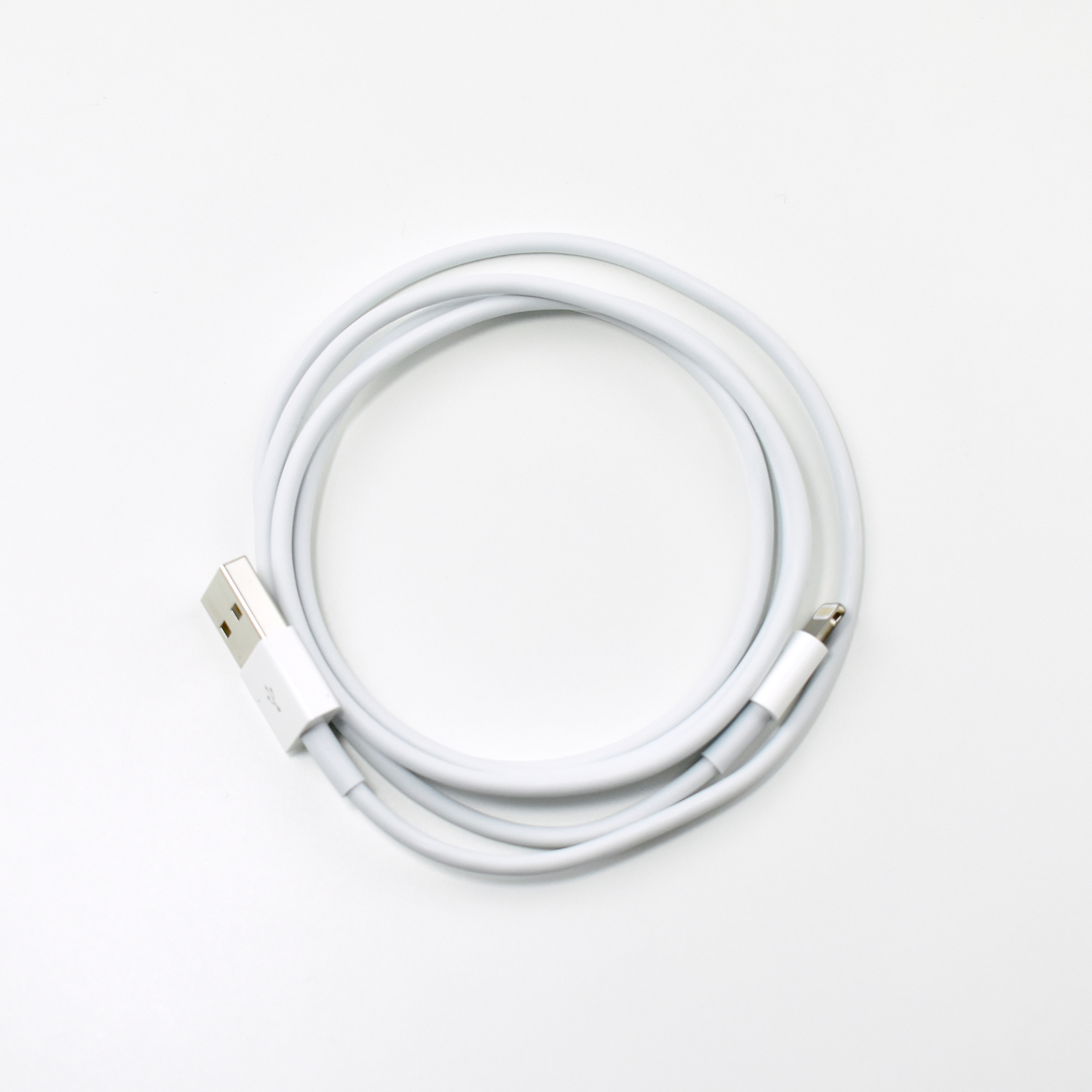
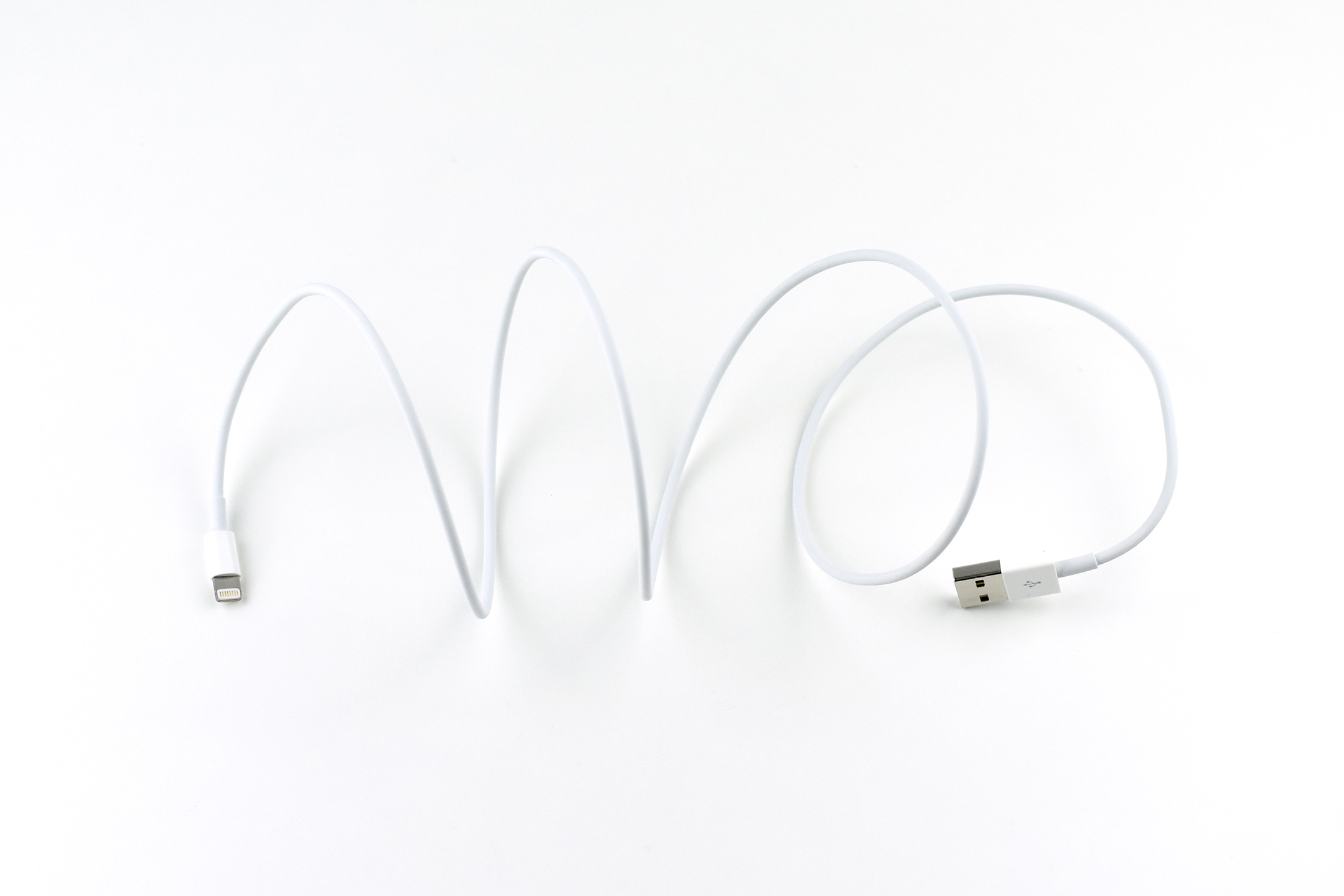
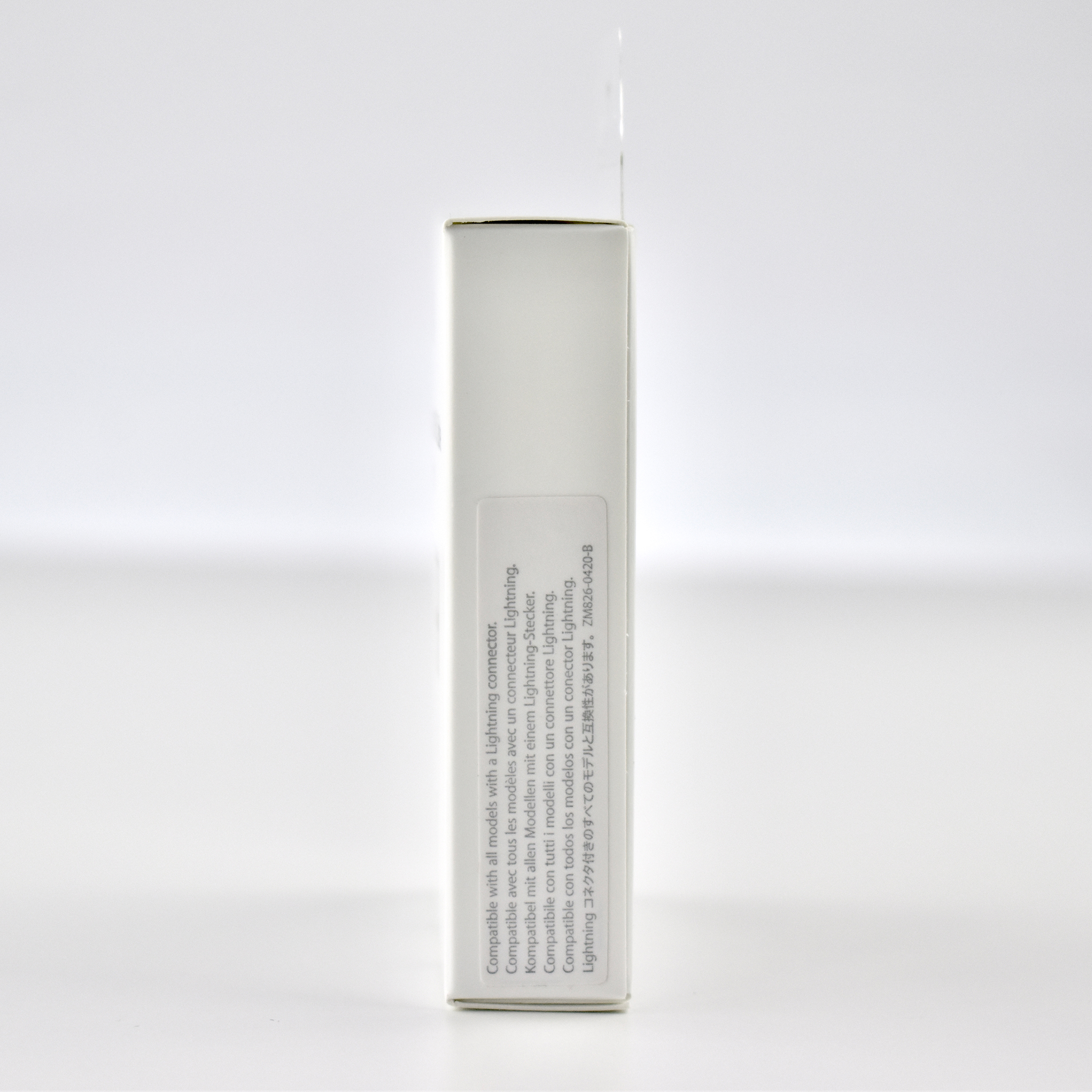
Apple has sold and included their Lightning to USB Cable in various formats and packaging options over the years. This version of the product and packaging is part number ZM826-0420-B. Apple specifies that the Lightning to USB Cable is “Compatible with all models with a Lightning connector.”

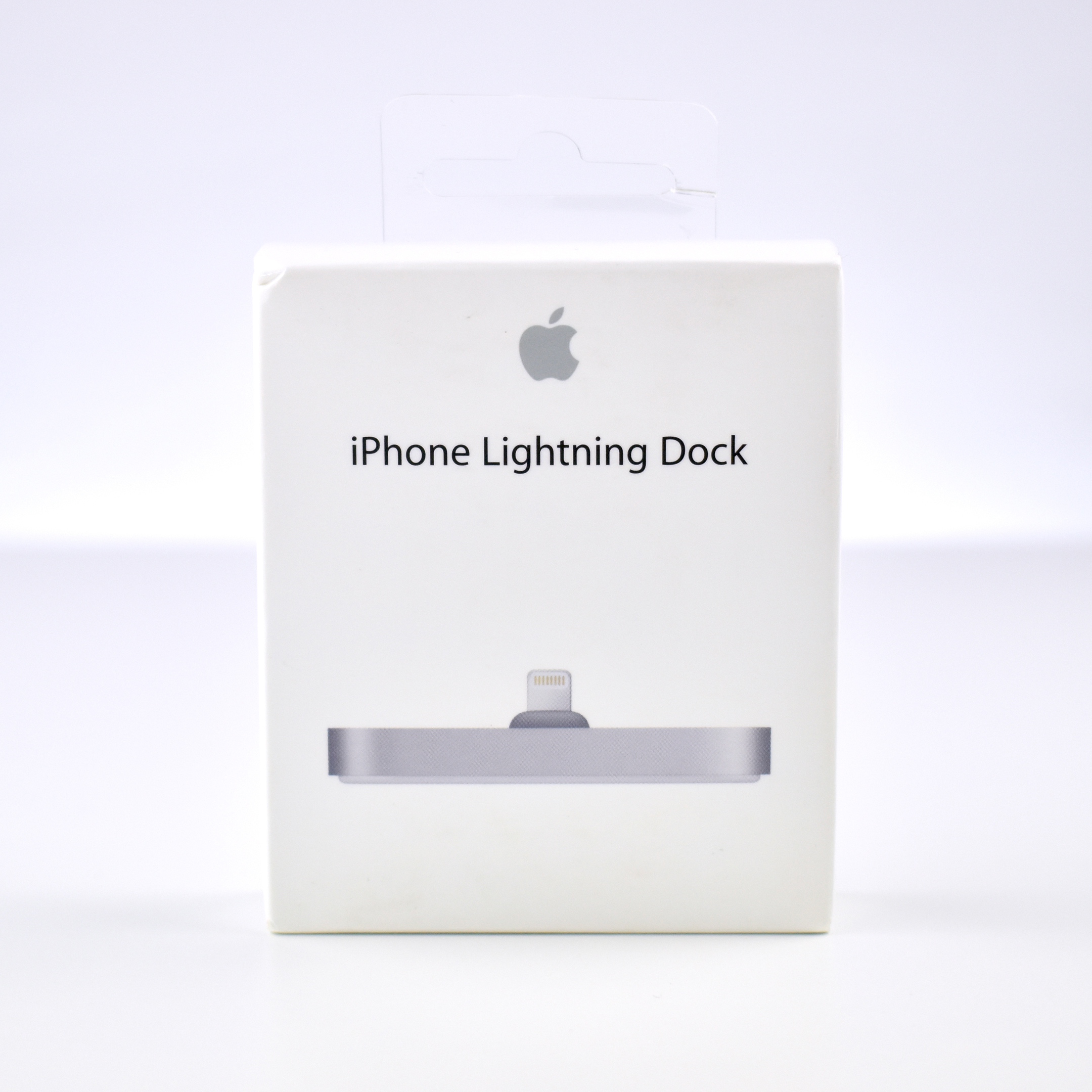
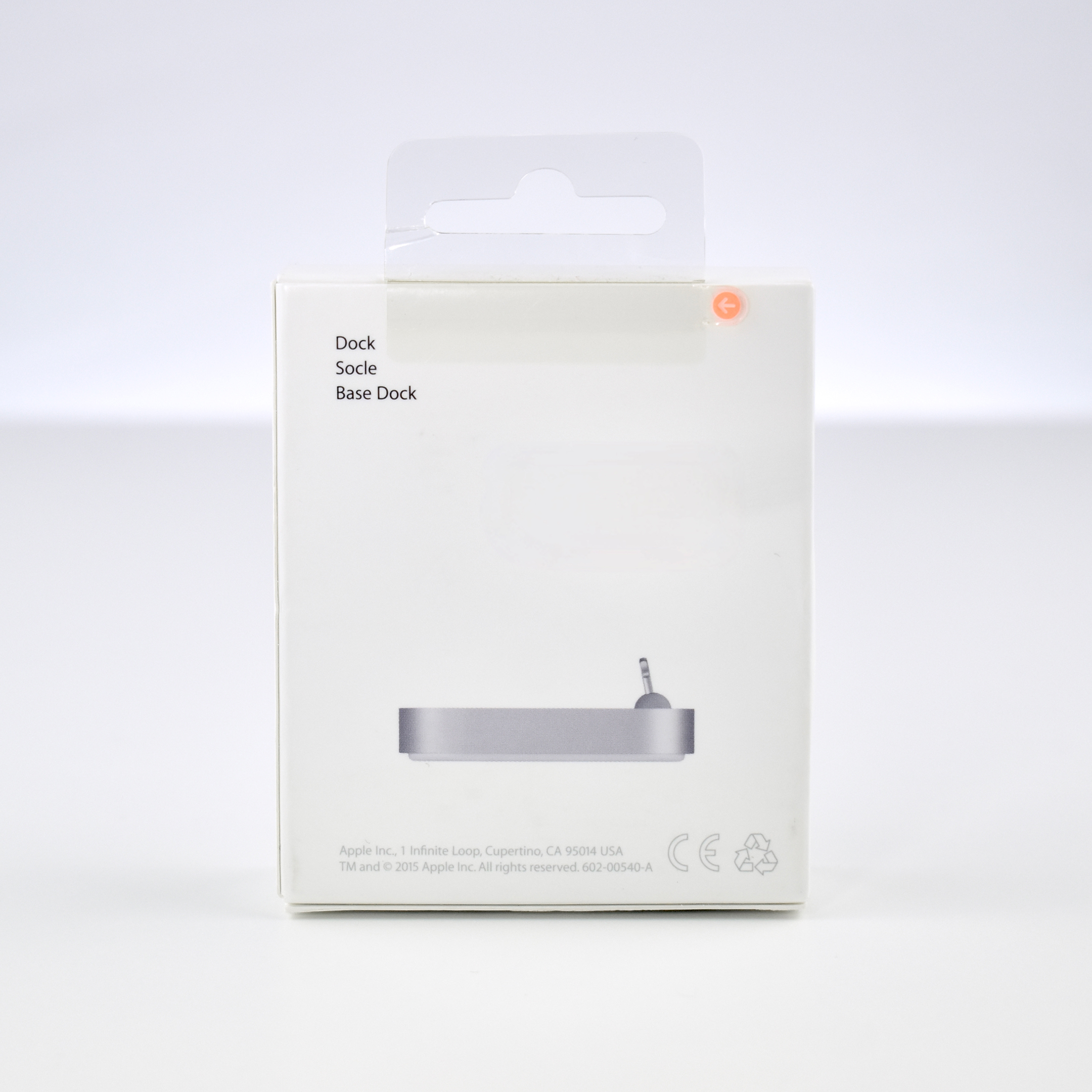
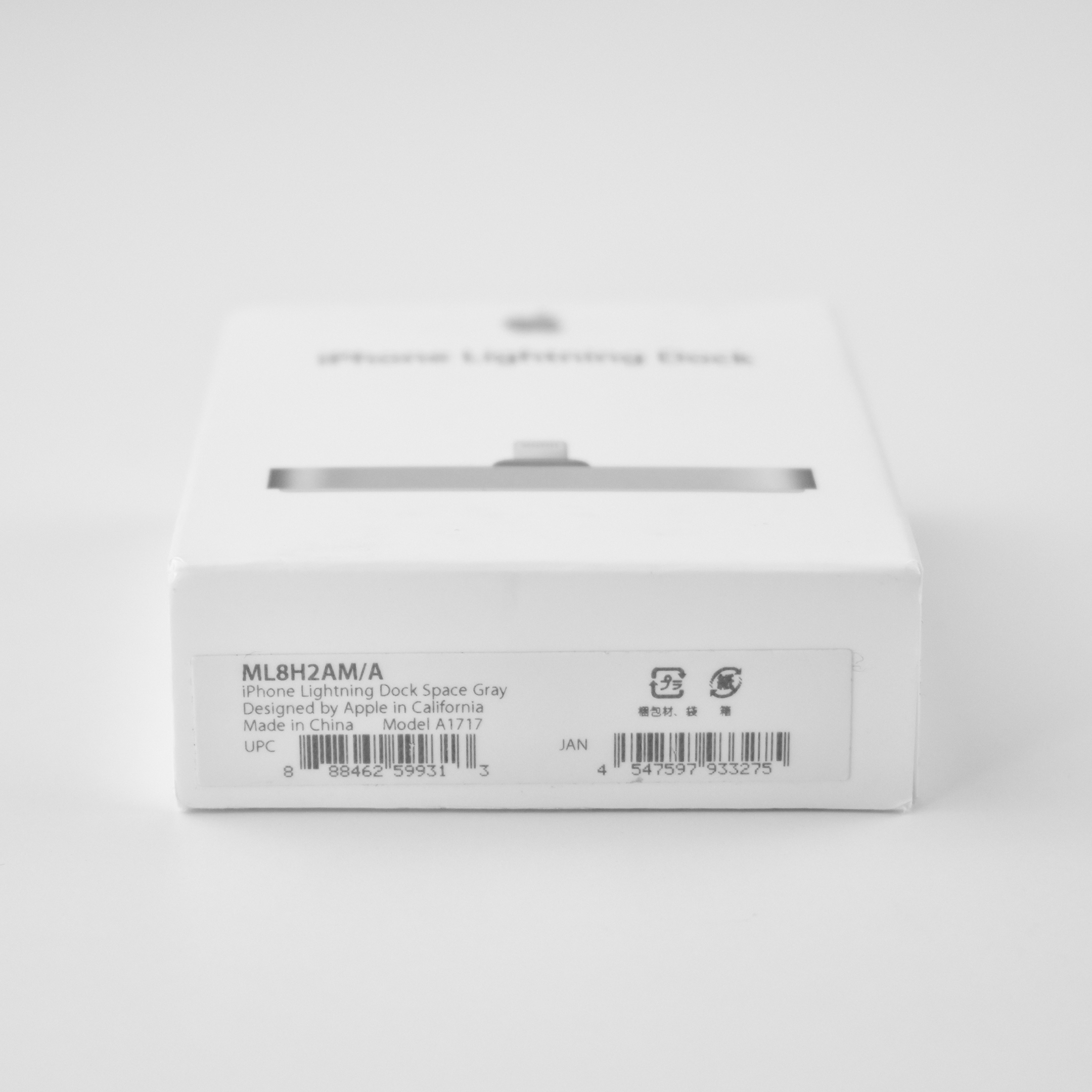
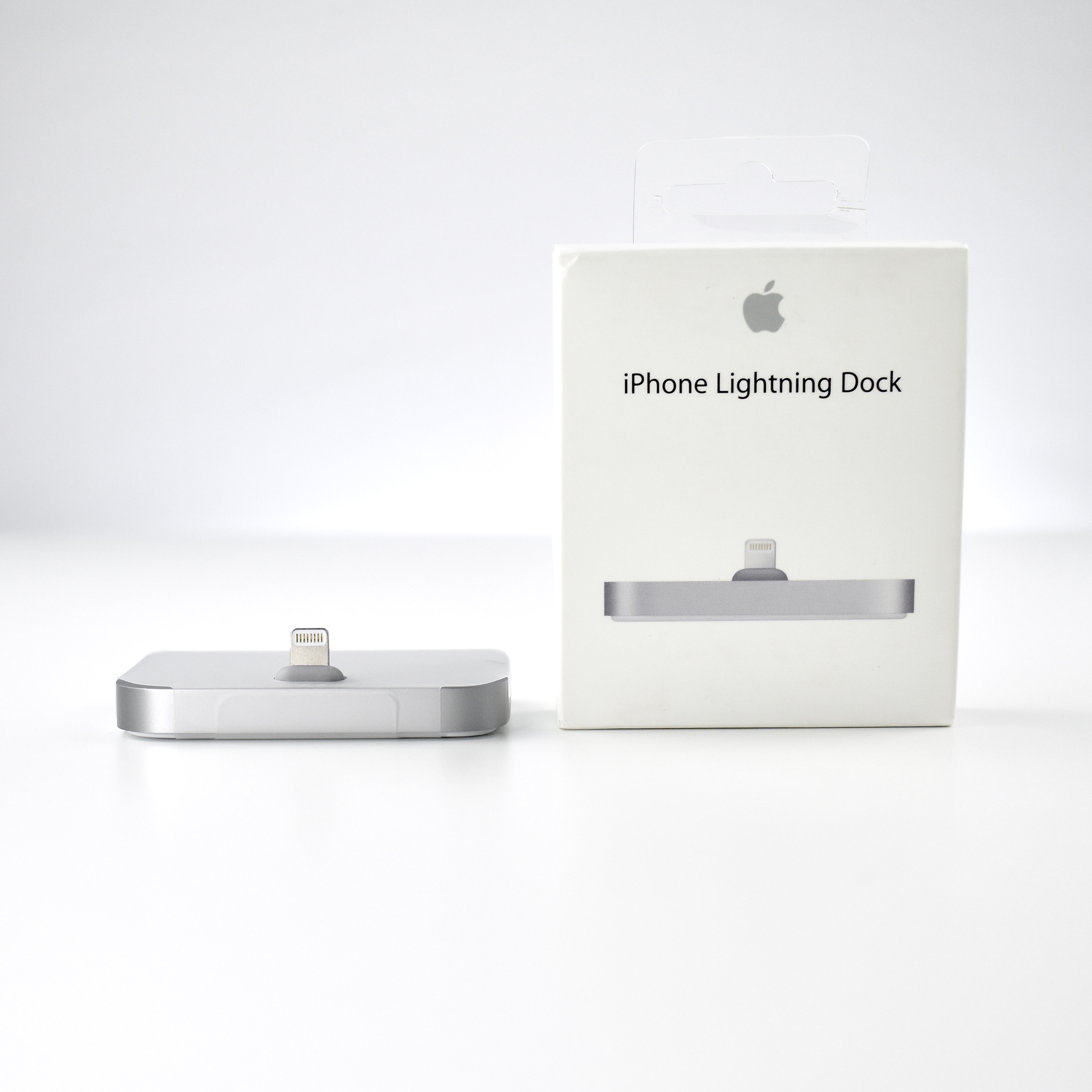
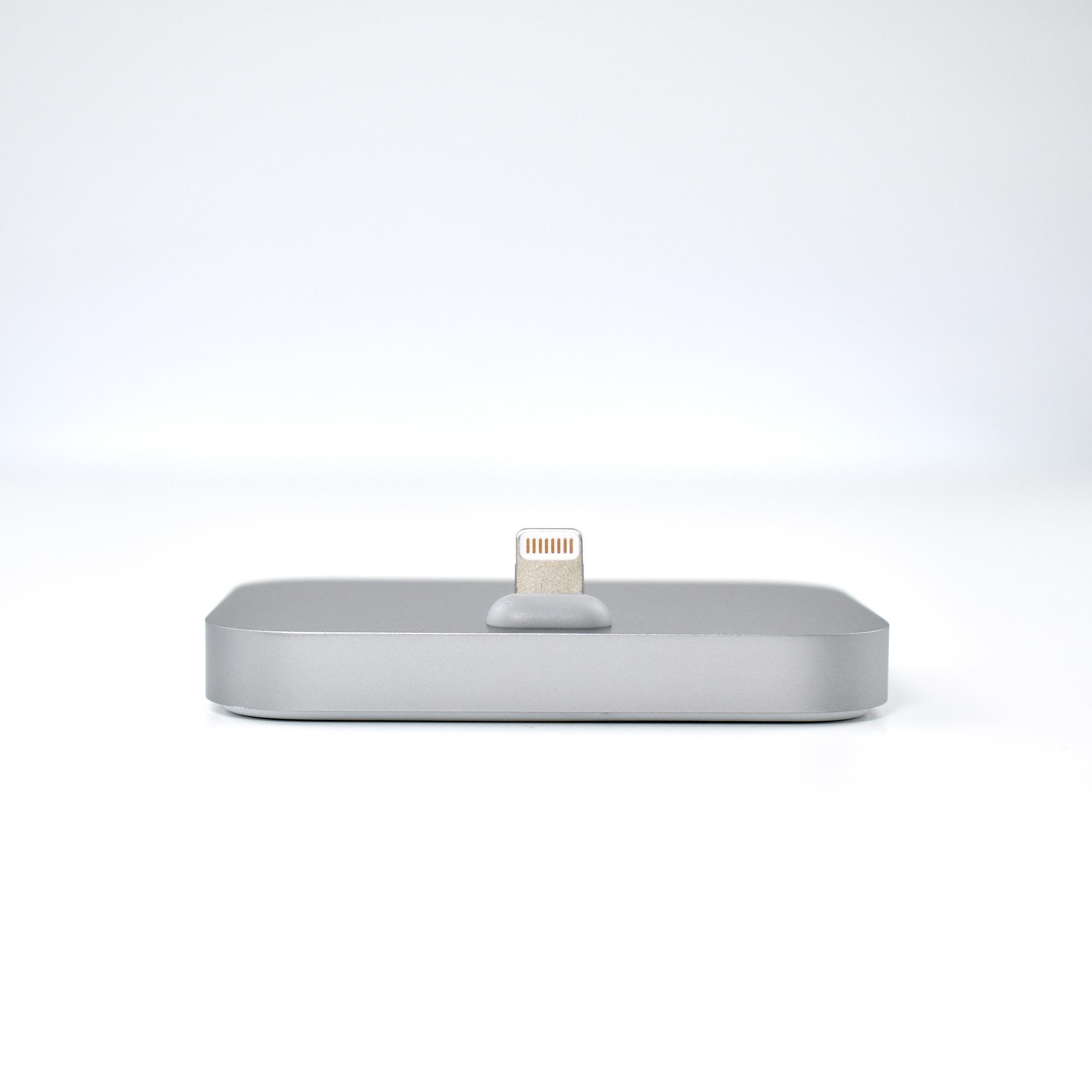
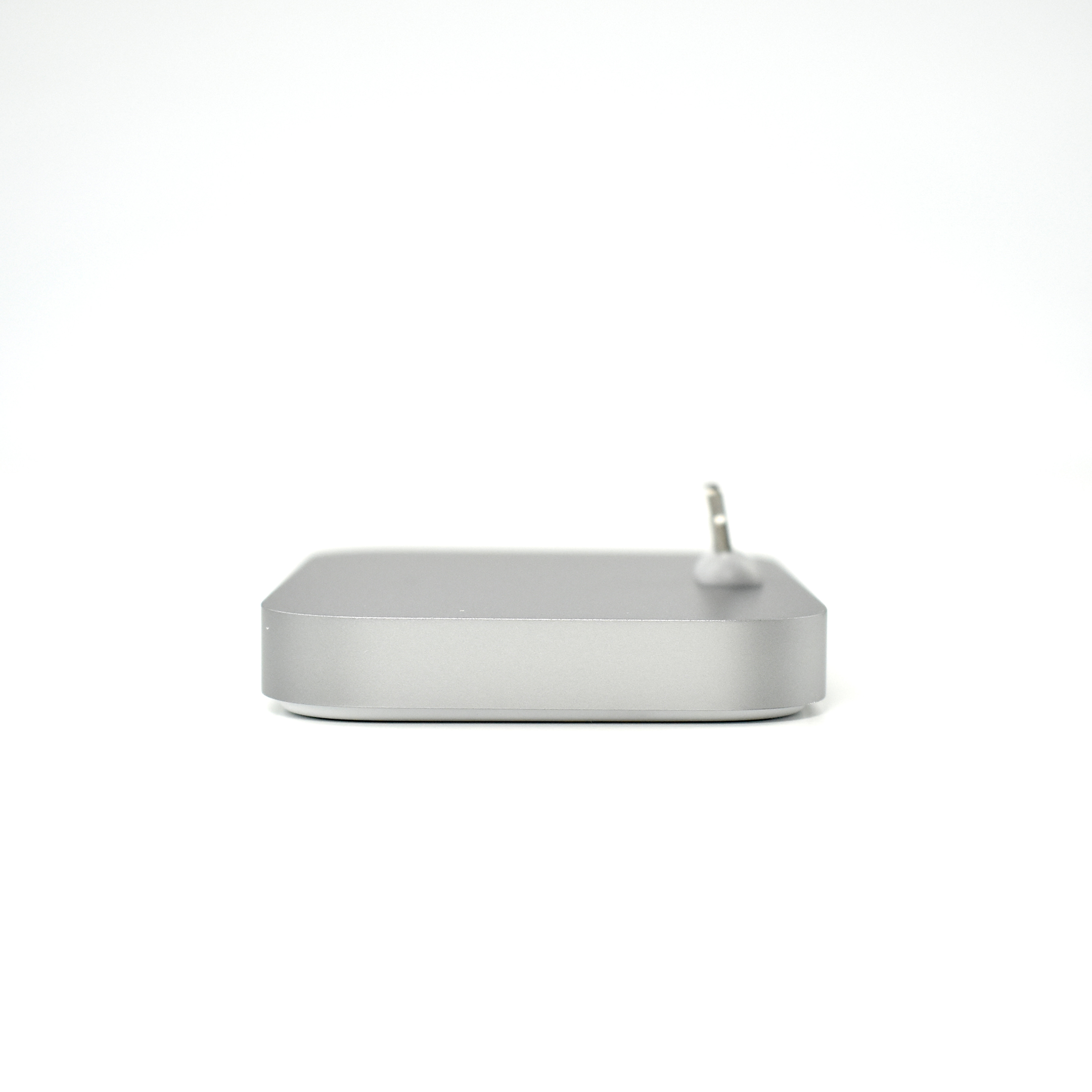
iPhone Lightning Dock (Space Gray, 2015)

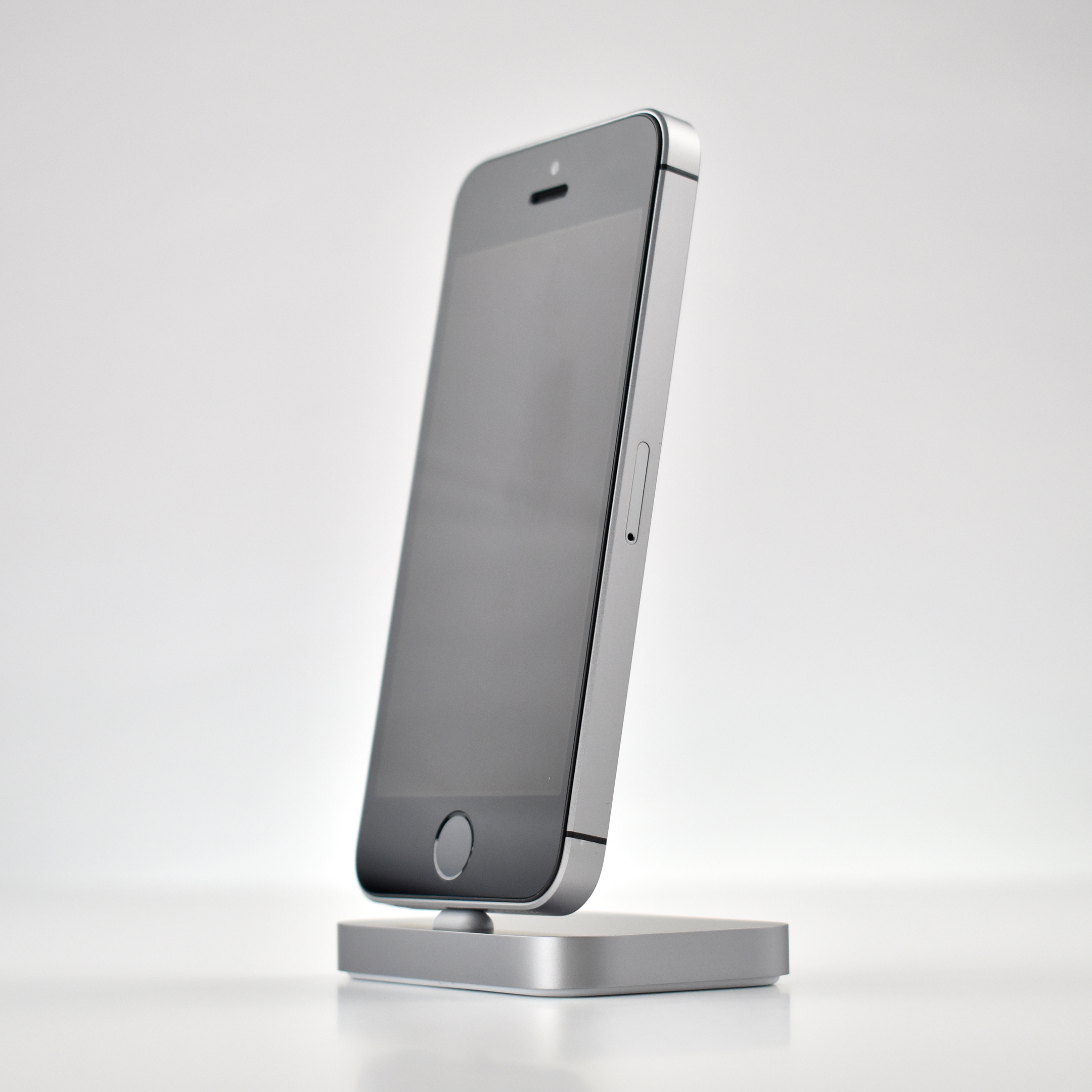
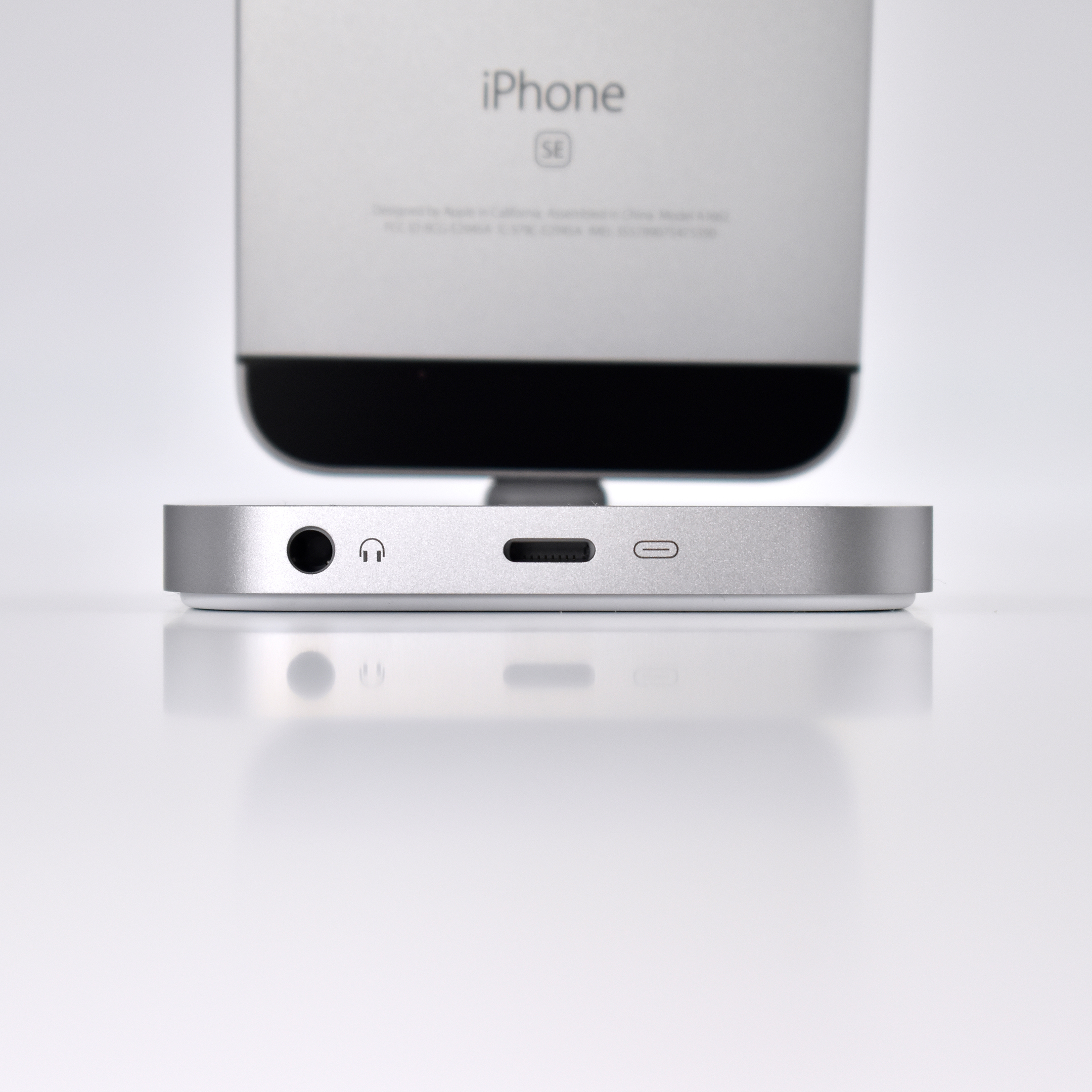
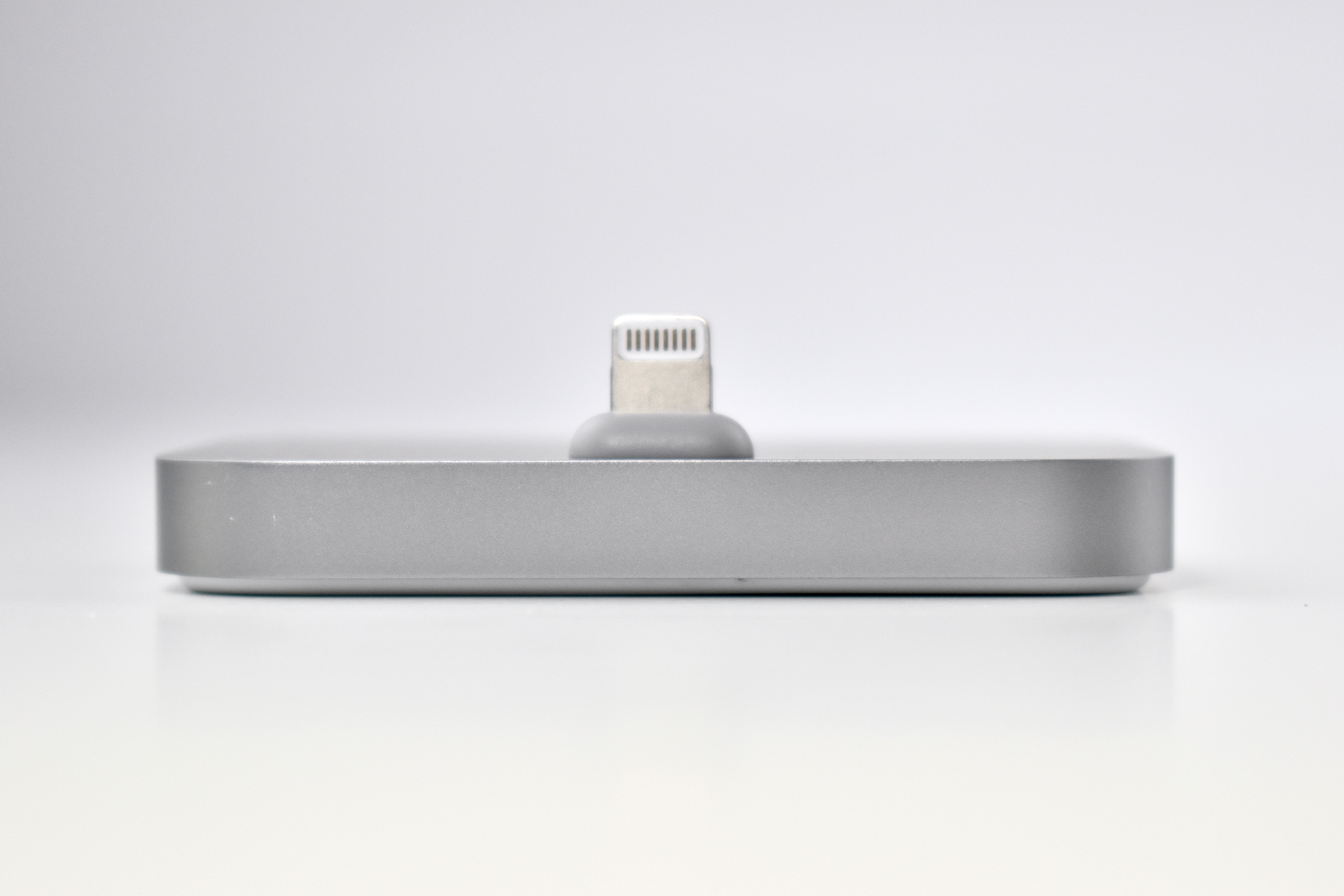
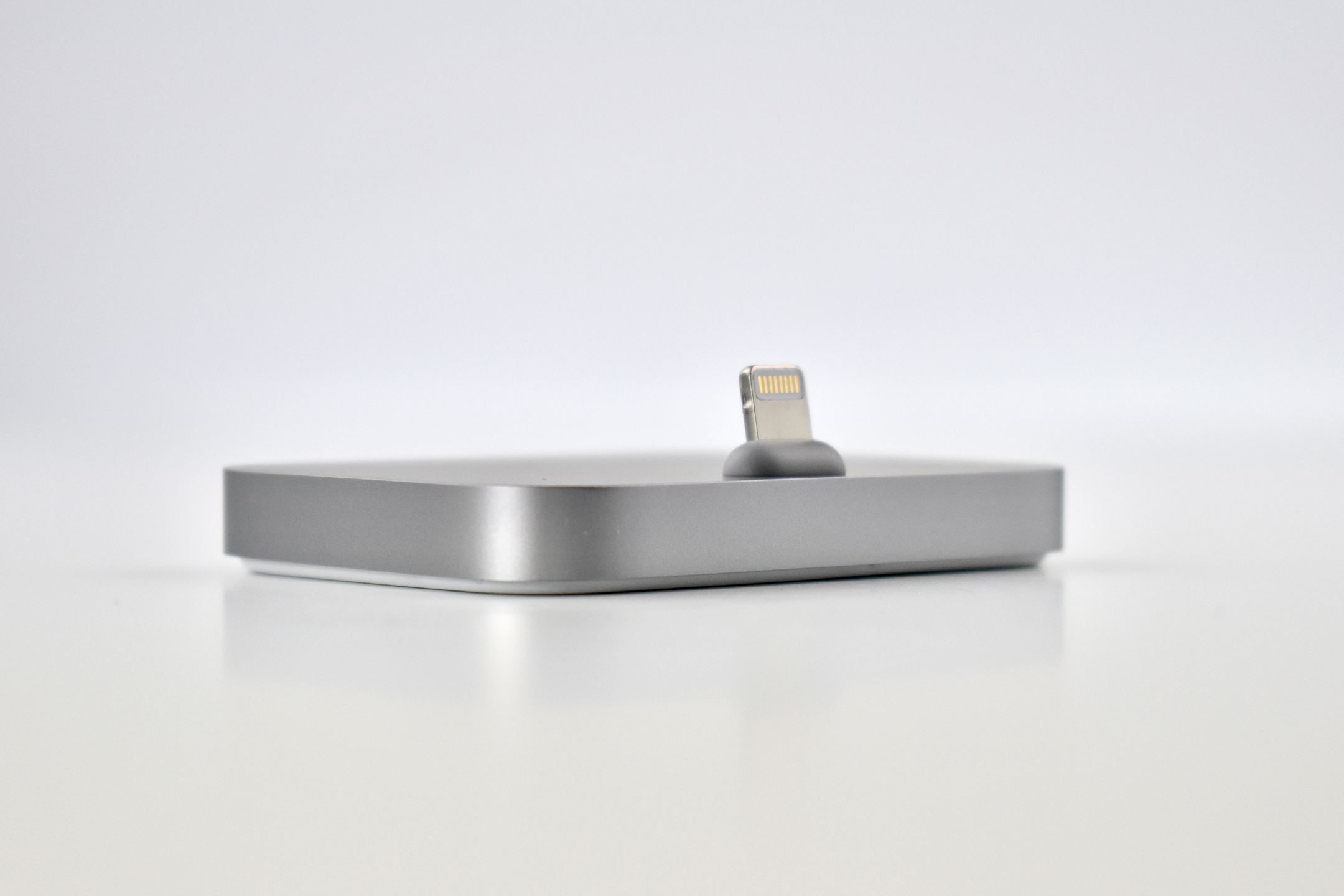
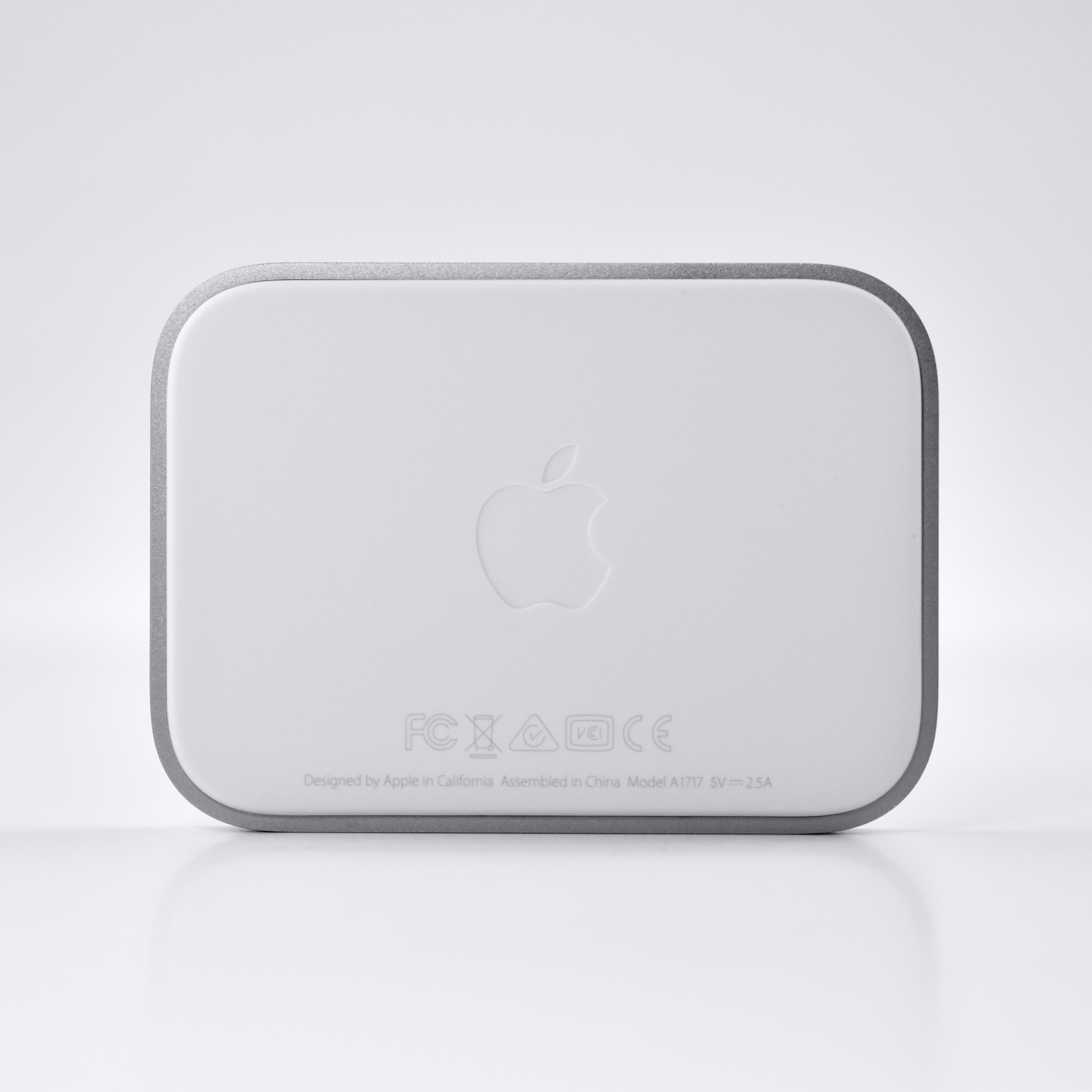
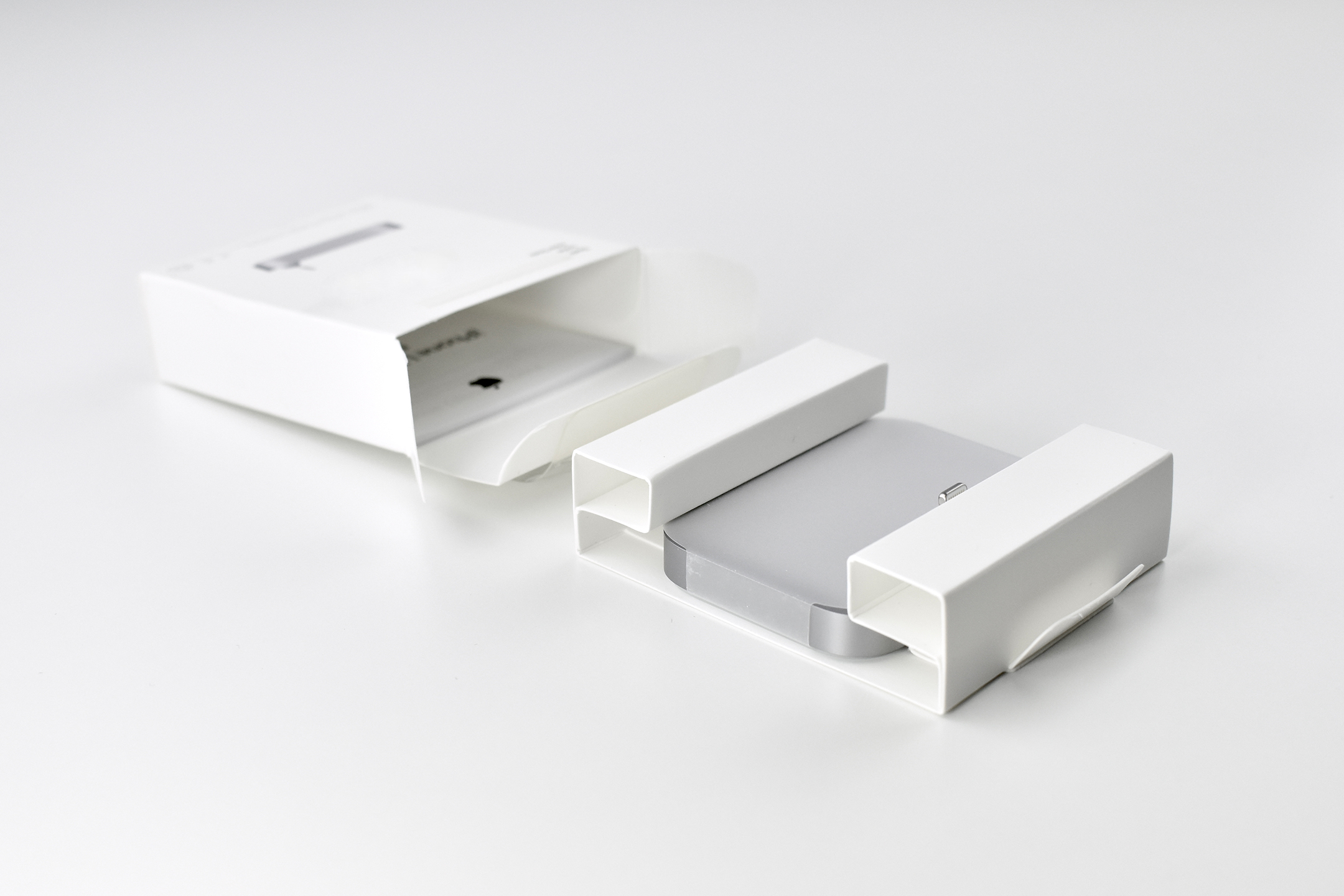
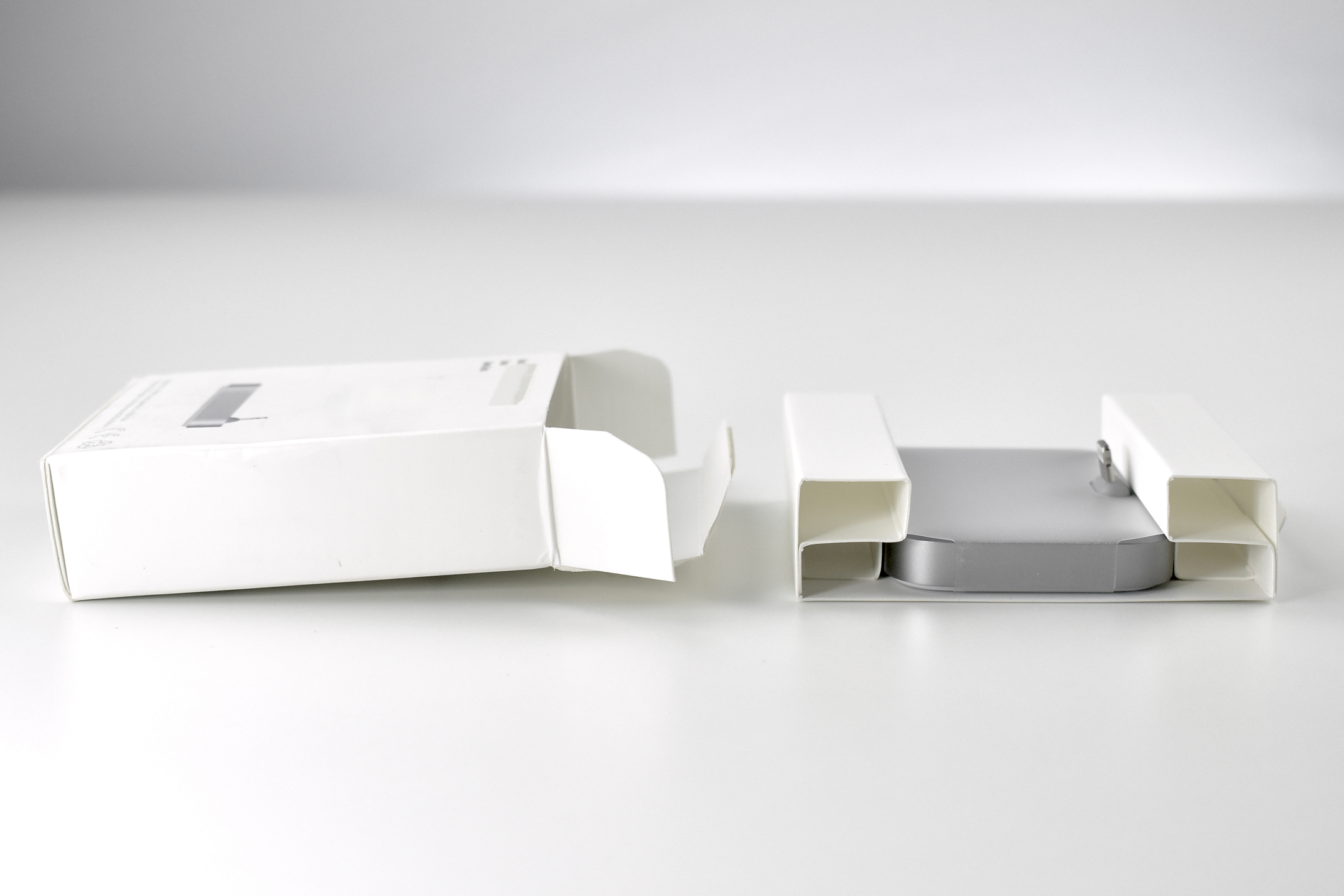
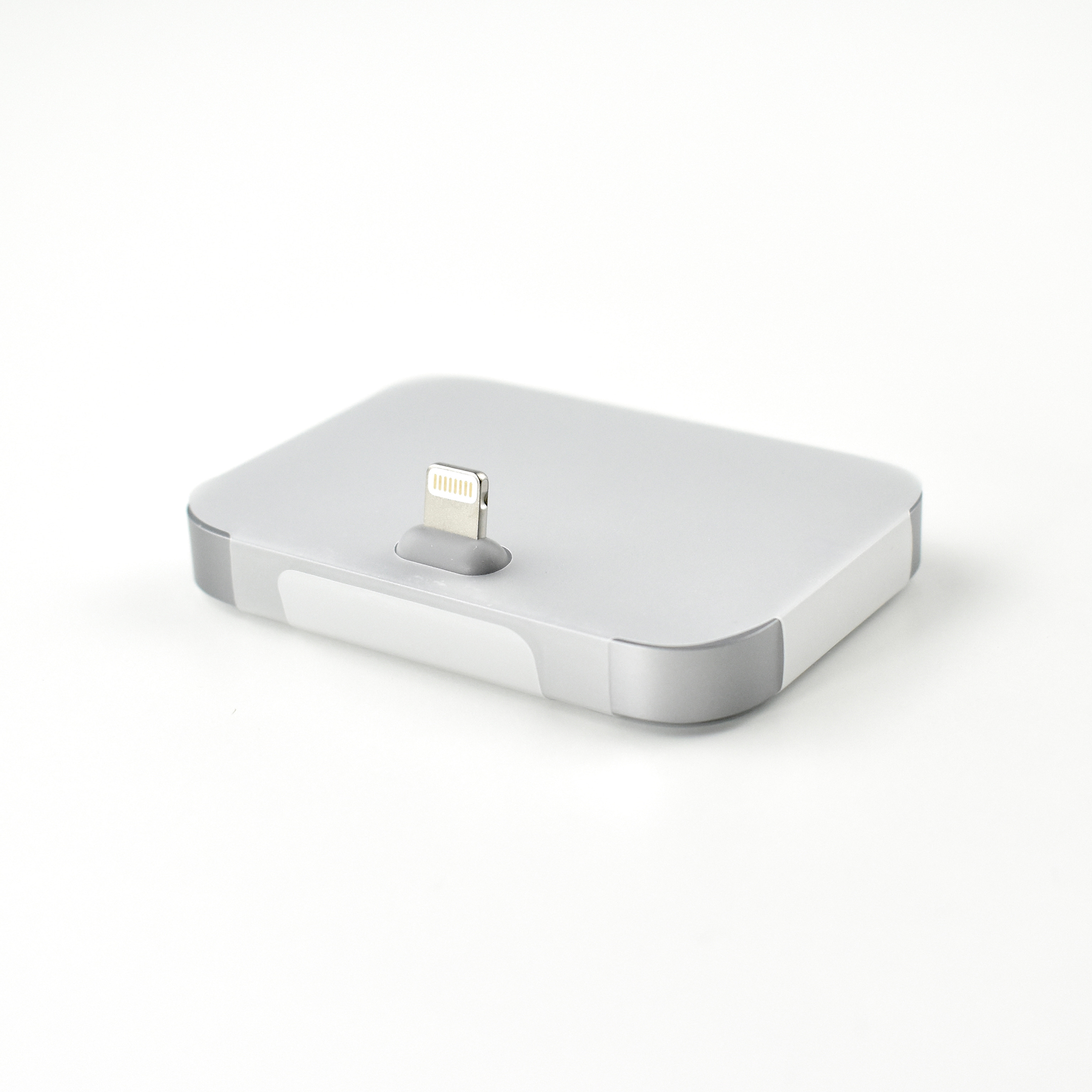
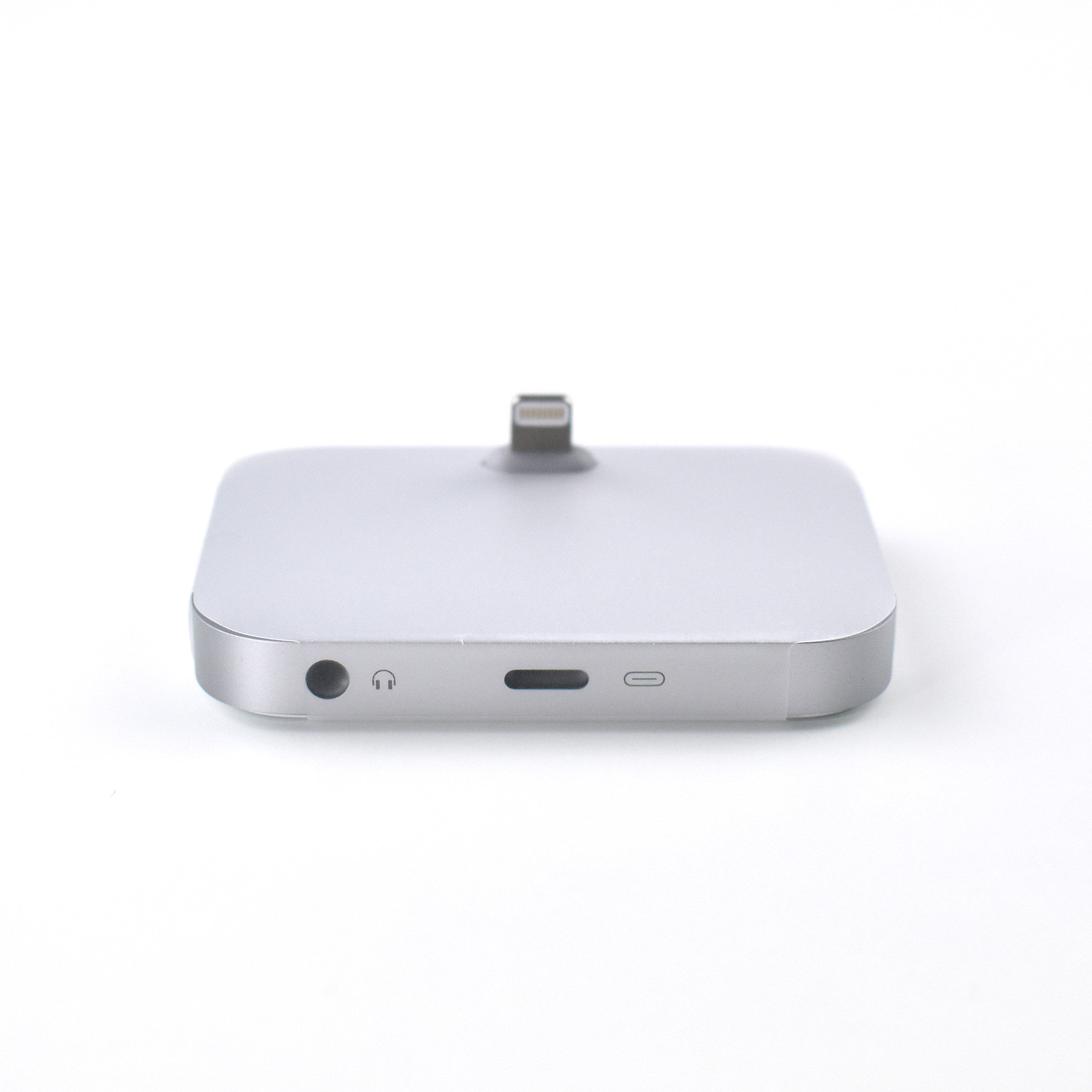
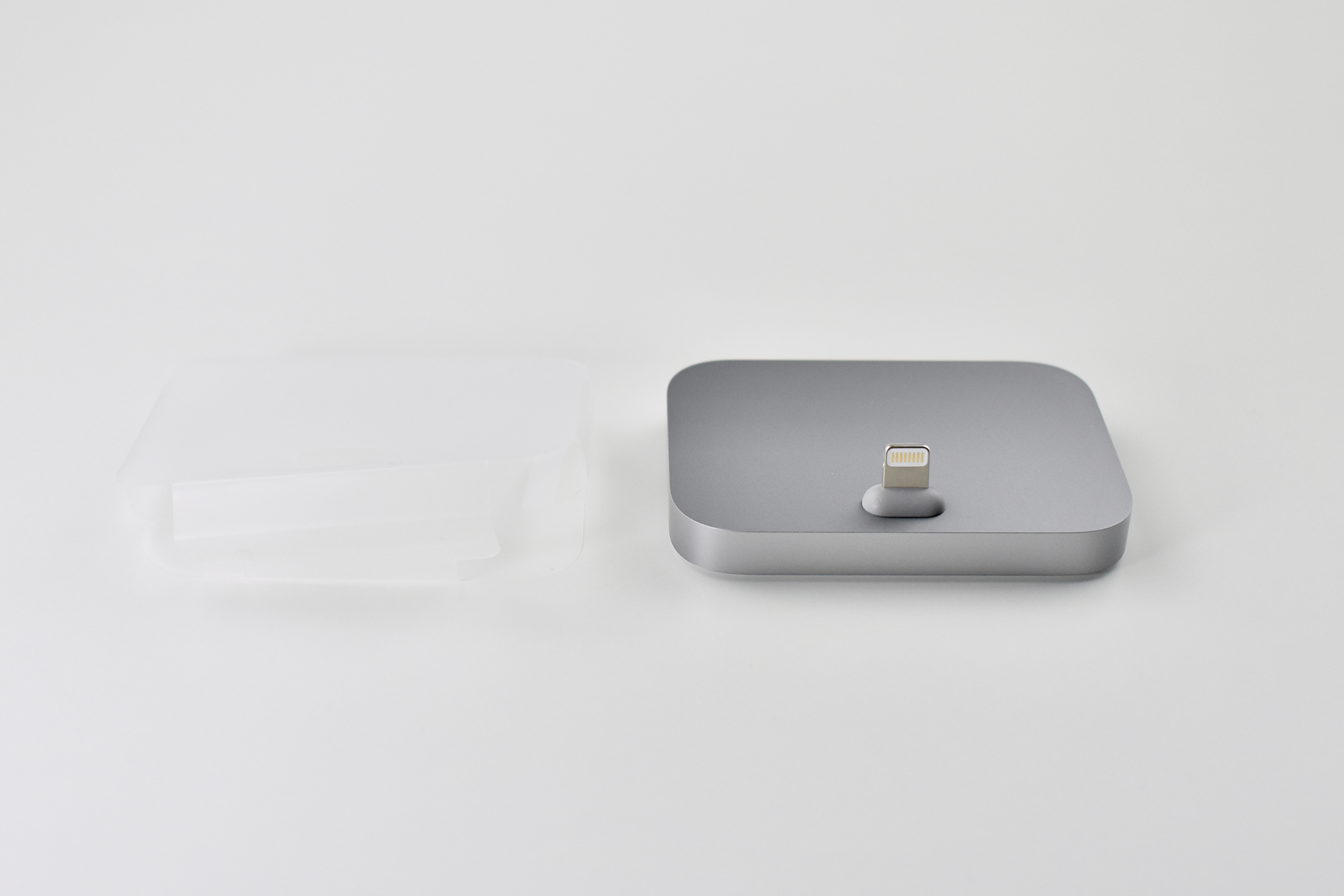
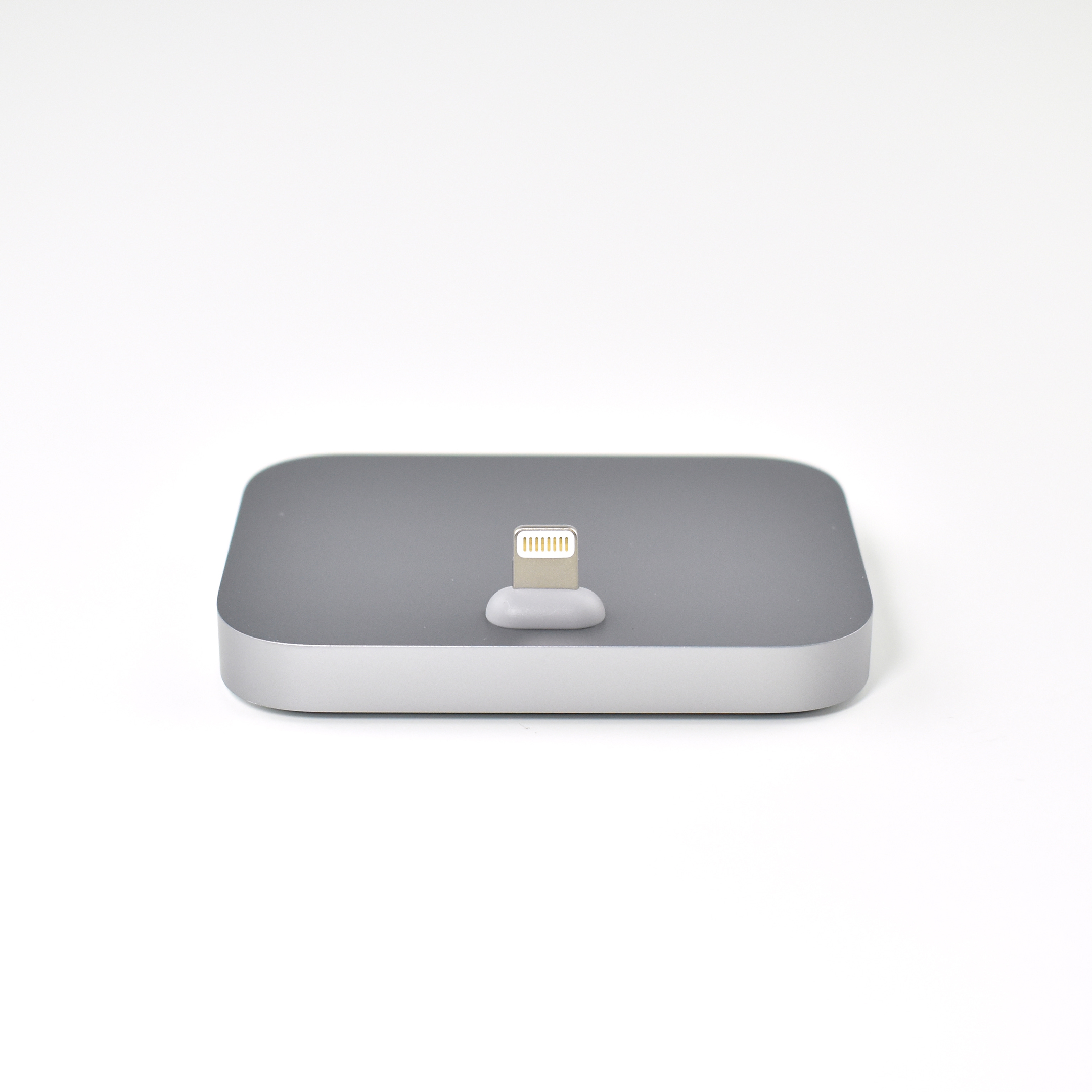
The iPhone Lightning Dock was a minimalist charging dock with a heavy base, protruding angled Lightning connector, and two ports on the back, including a Lightning port for charging and an audio jack to allow music to be played on a speaker or headphones while the iPhone charged.

The iPhone Lightning Dock was available in several colors, including white, black, silver, space gray, rose gold, gold, and “new” gold (to match an updated gold iPhone color). This example is space gray.

Apple described the Dock:

“You can use it to charge and sync any iPhone that has a Lightning connector. Your iPhone sits upright in the dock as it syncs or charges, so it’s ideal for a desk or countertop. Even when your iPhone is in an Apple-designed case, it’s easy to dock. And you can unlock iPhone or use Touch ID without having to remove it from the dock.”

Although this Dock will also charge an iPad, its size and weight make it too unstable for everyday use. However, I sometimes use this Dock to photograph iPad devices in my collection since its minimal design and slight angle works well as a temporary display base.

Source: Apple

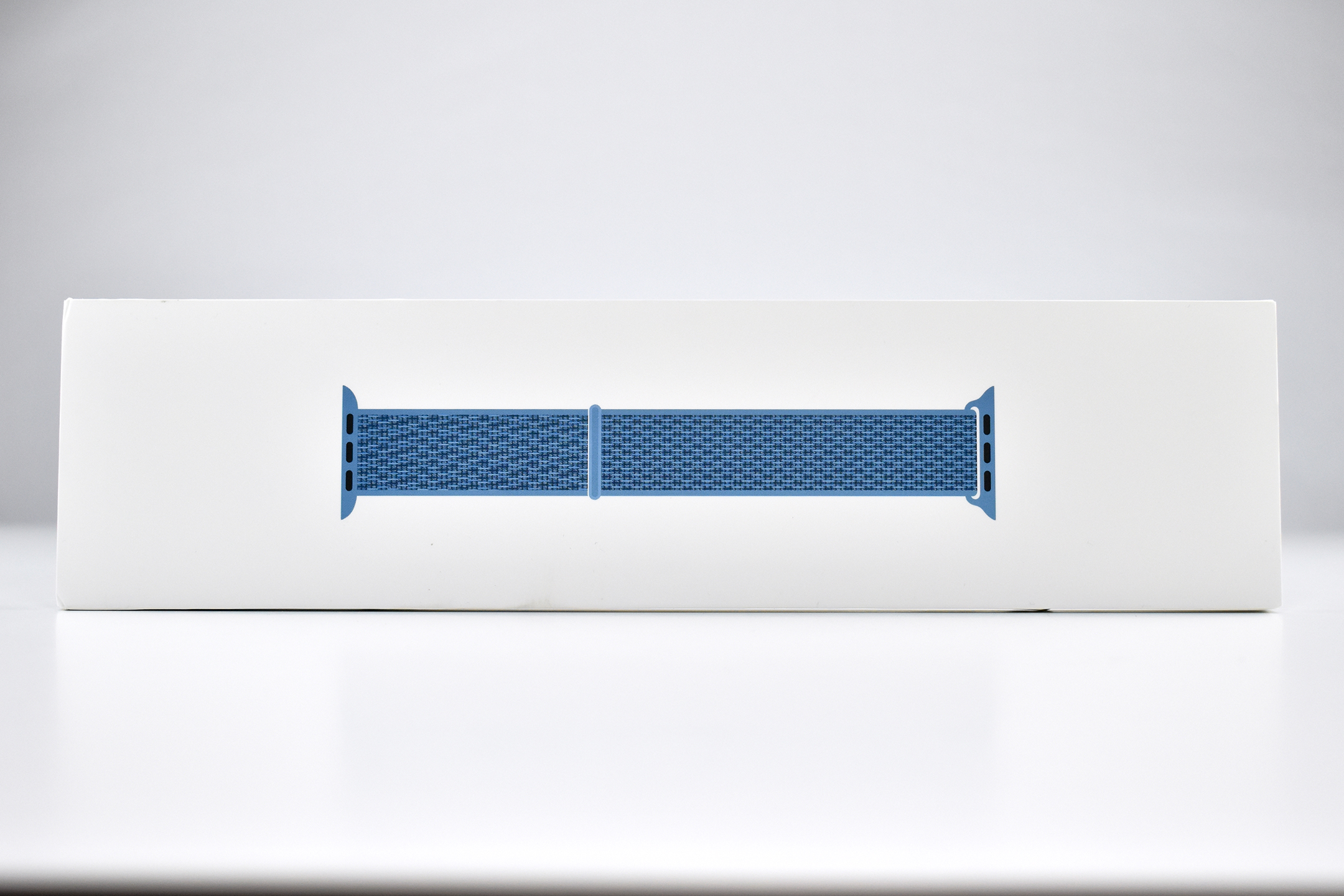
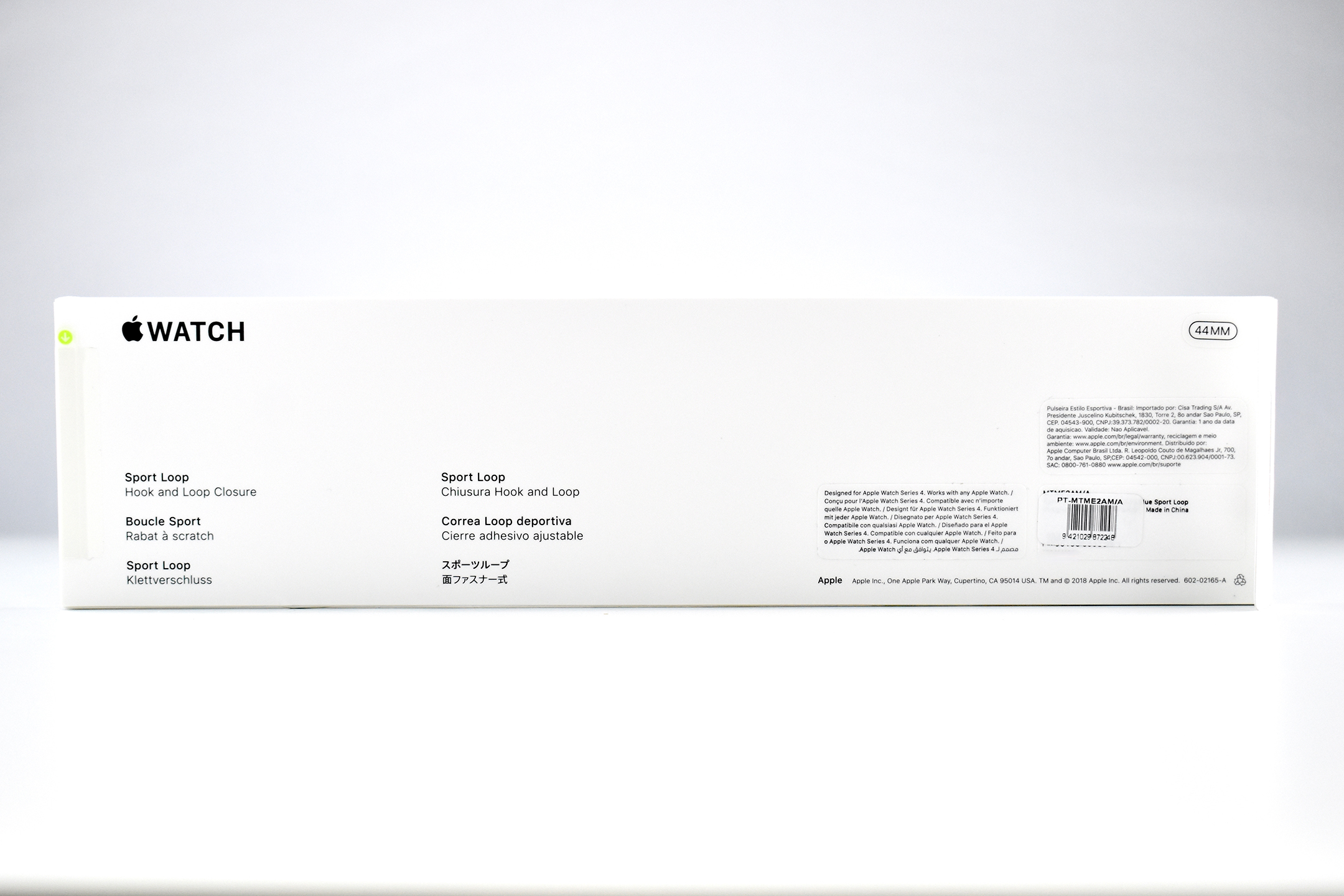
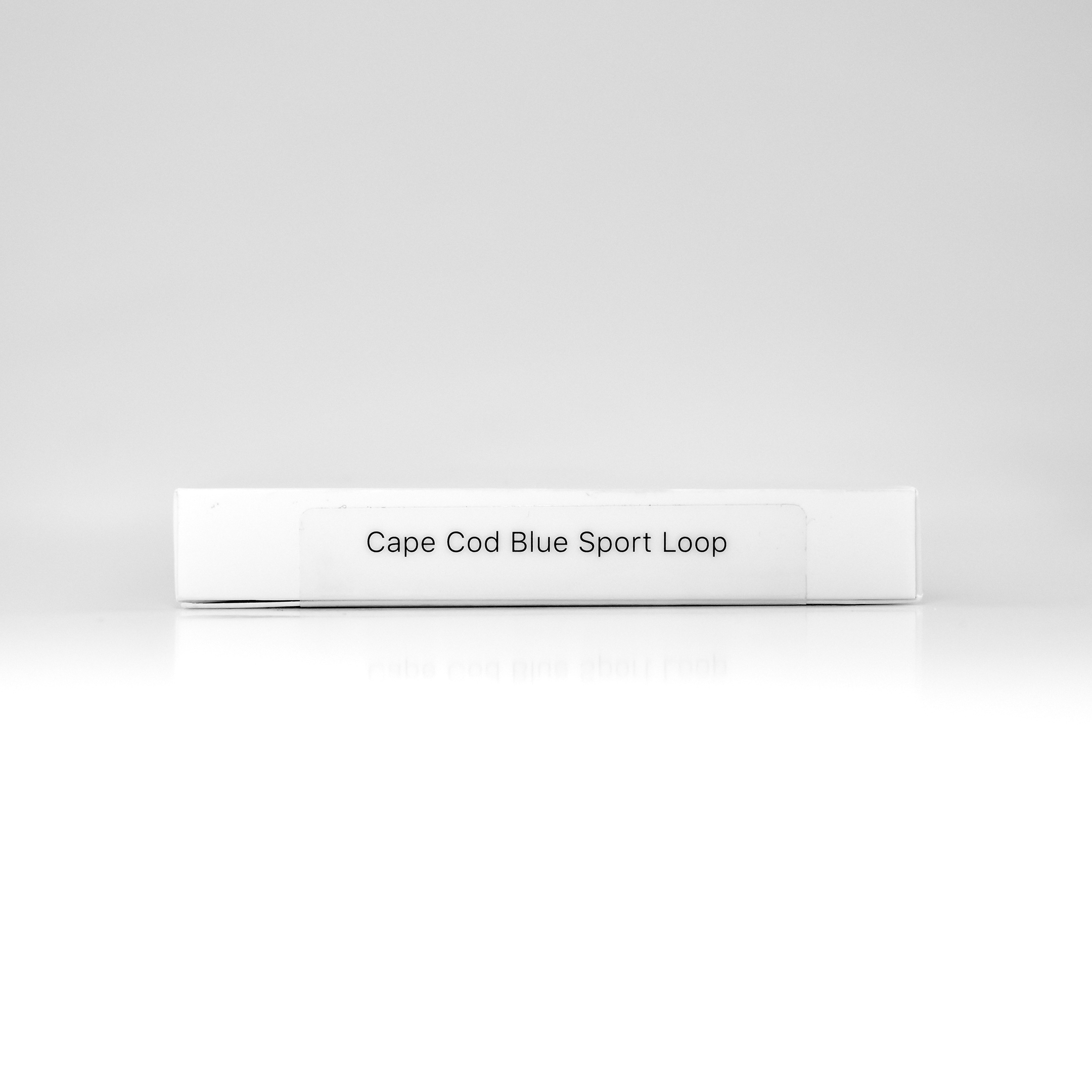
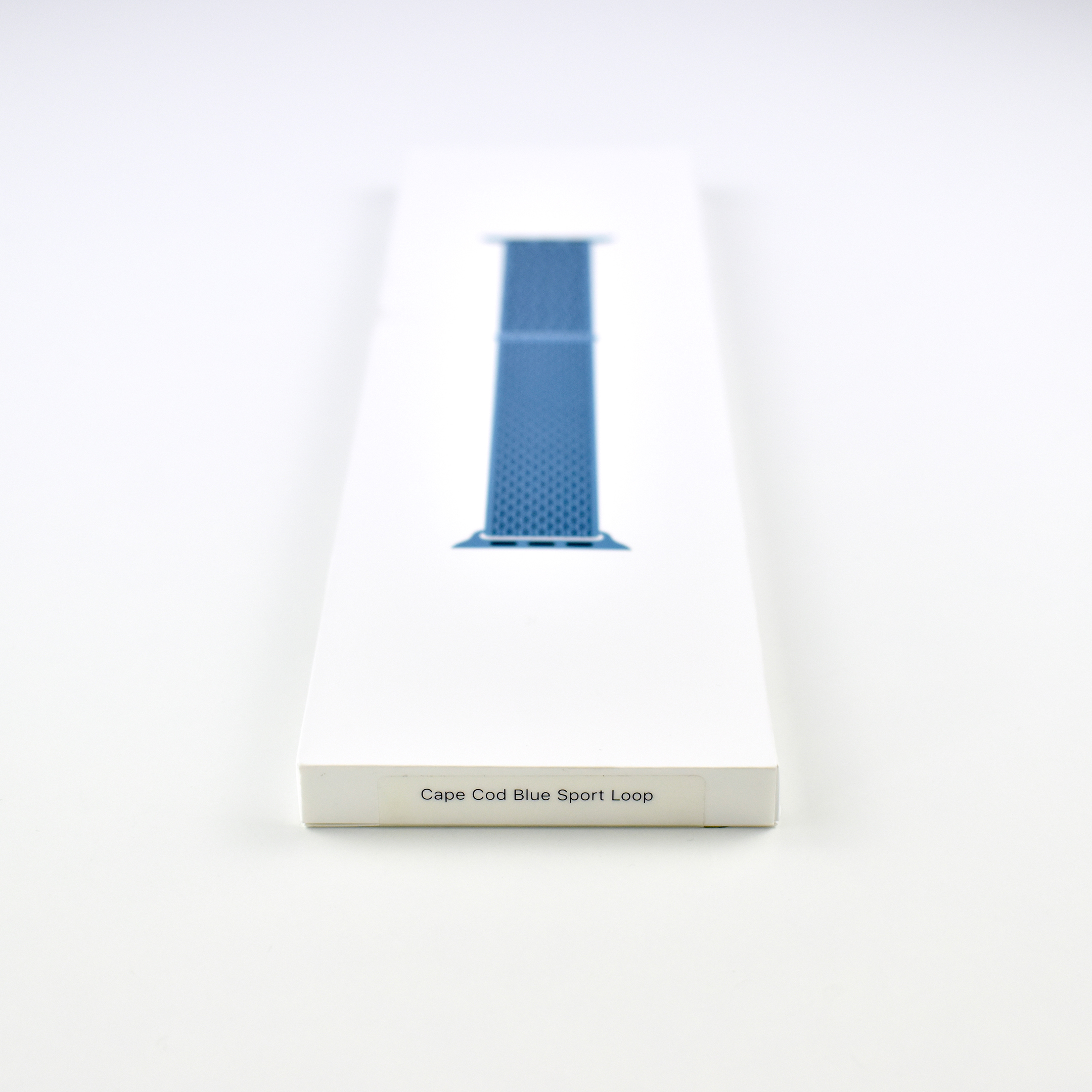
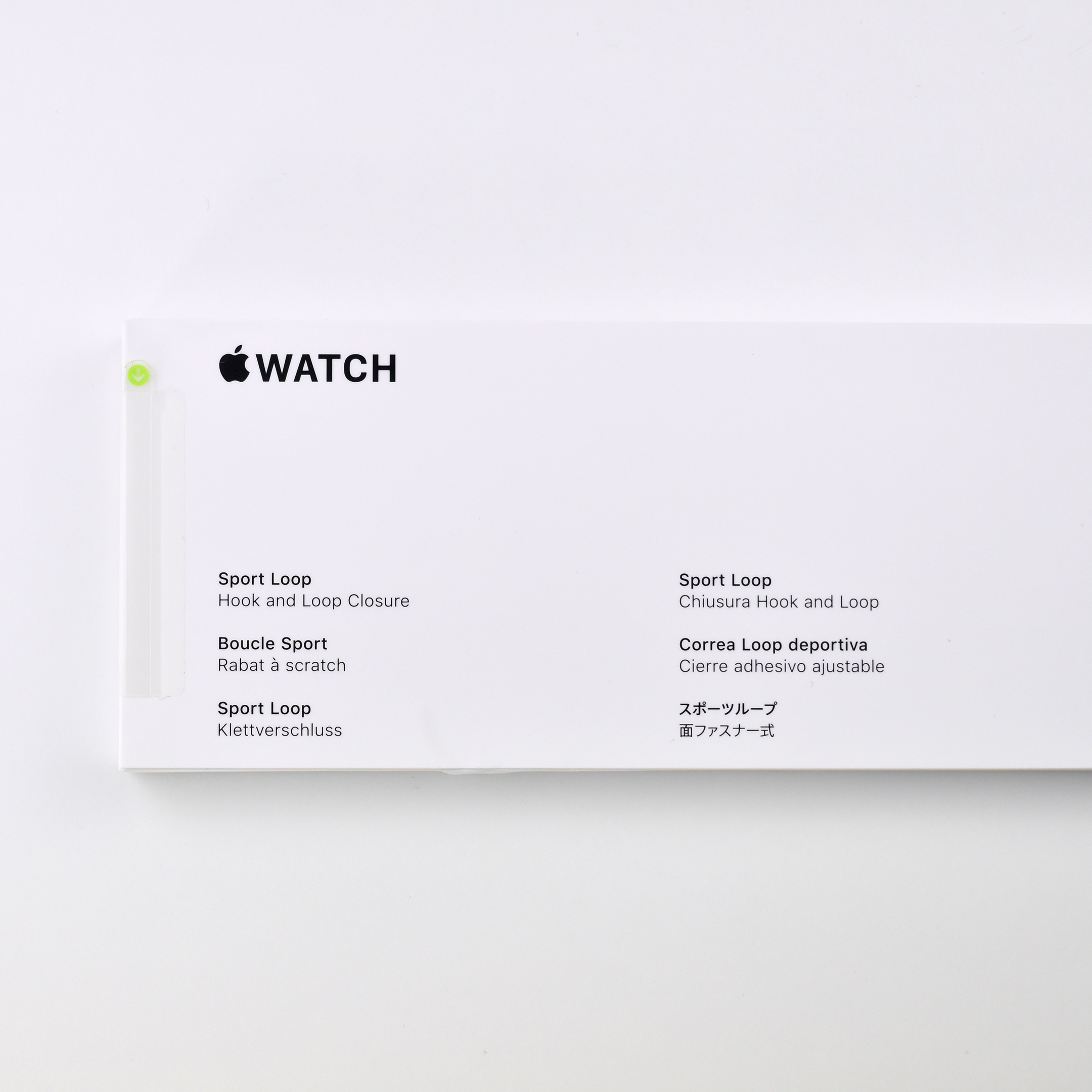
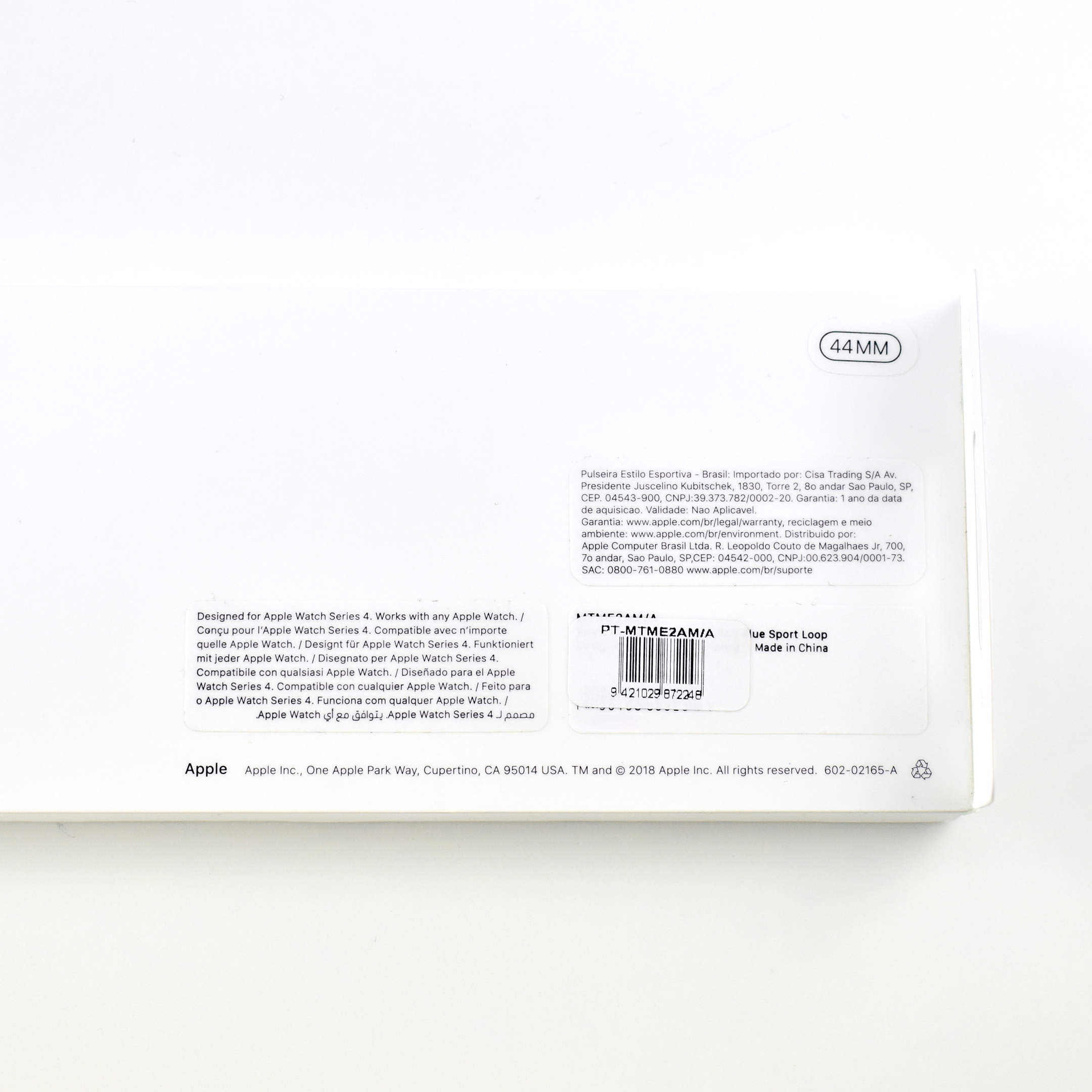
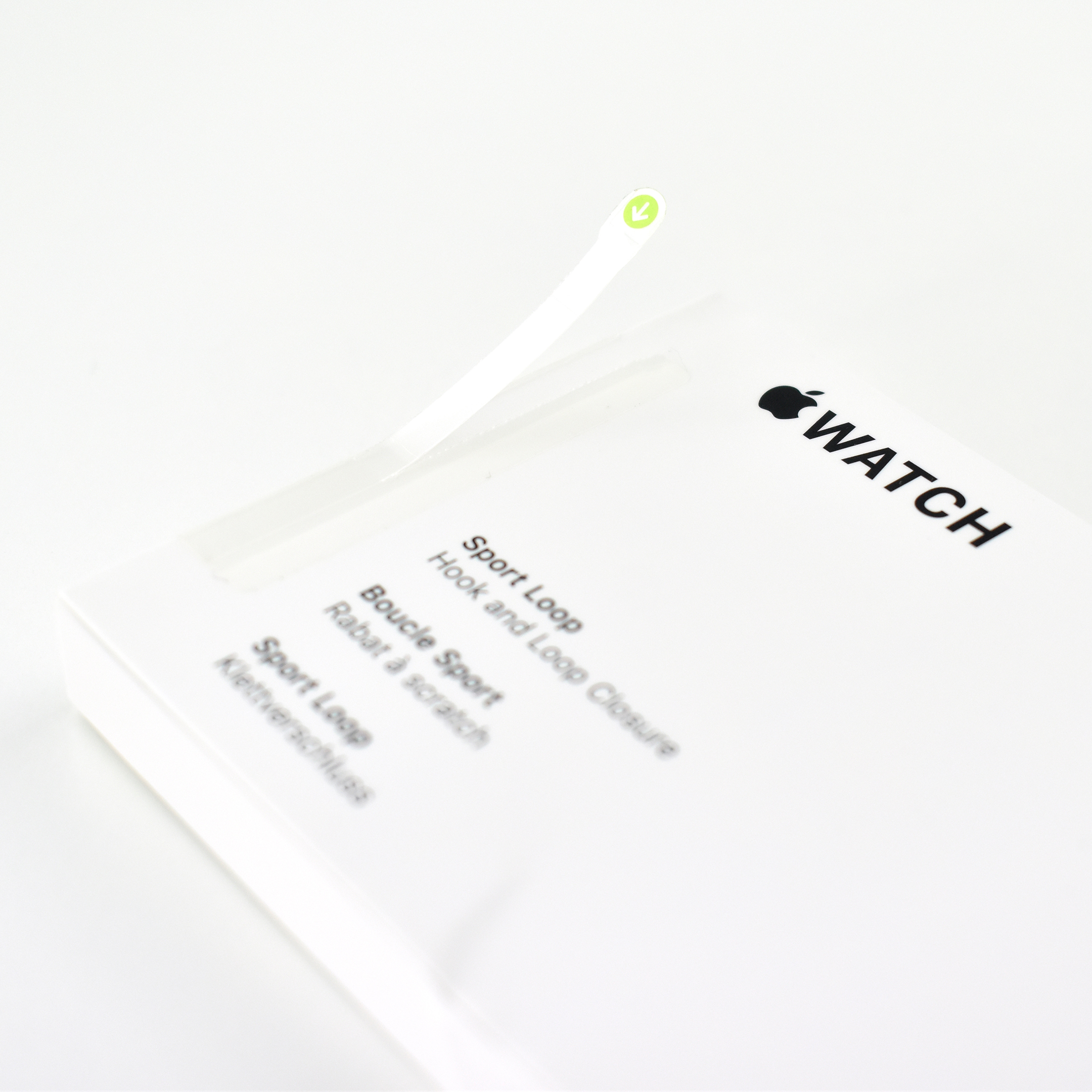
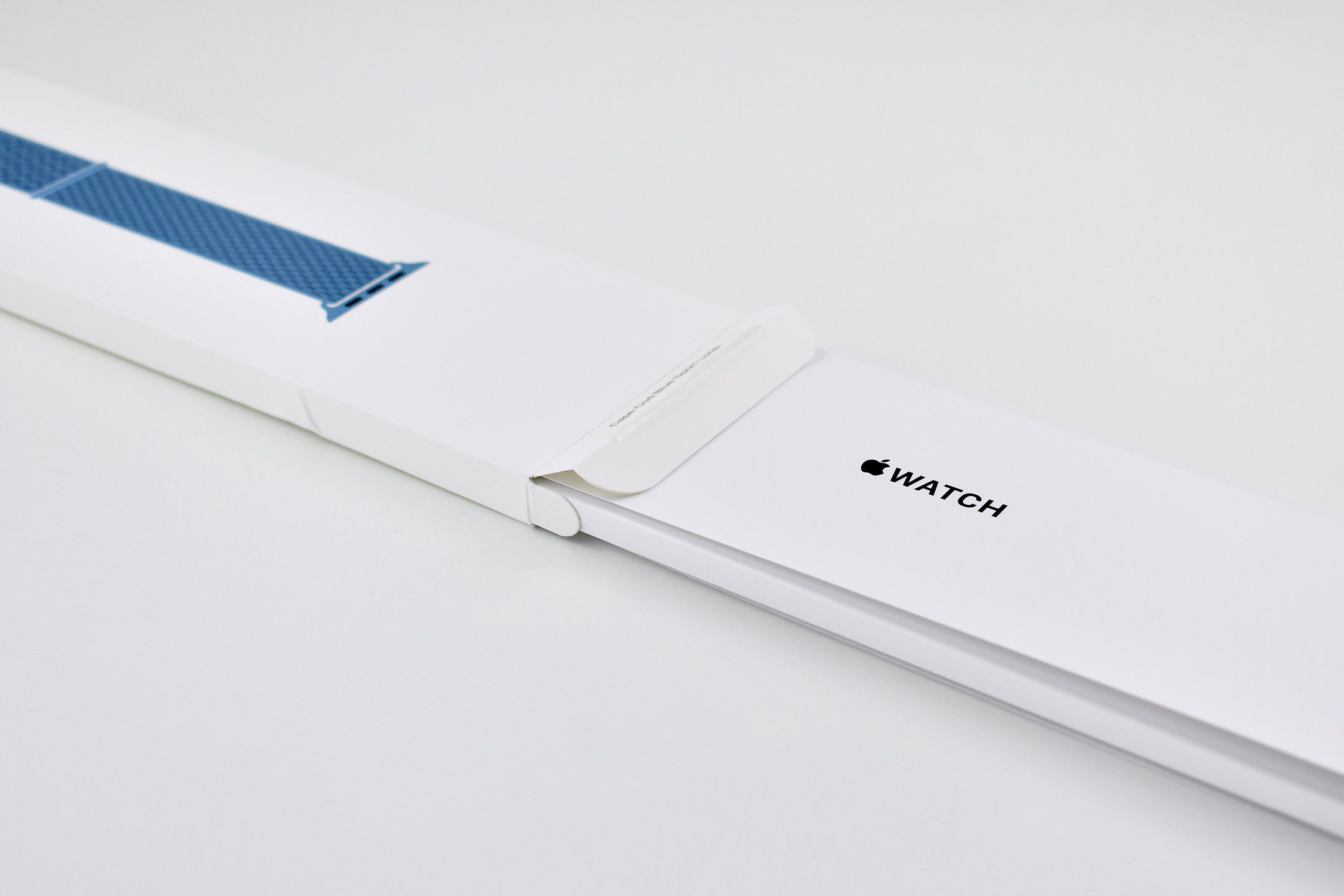
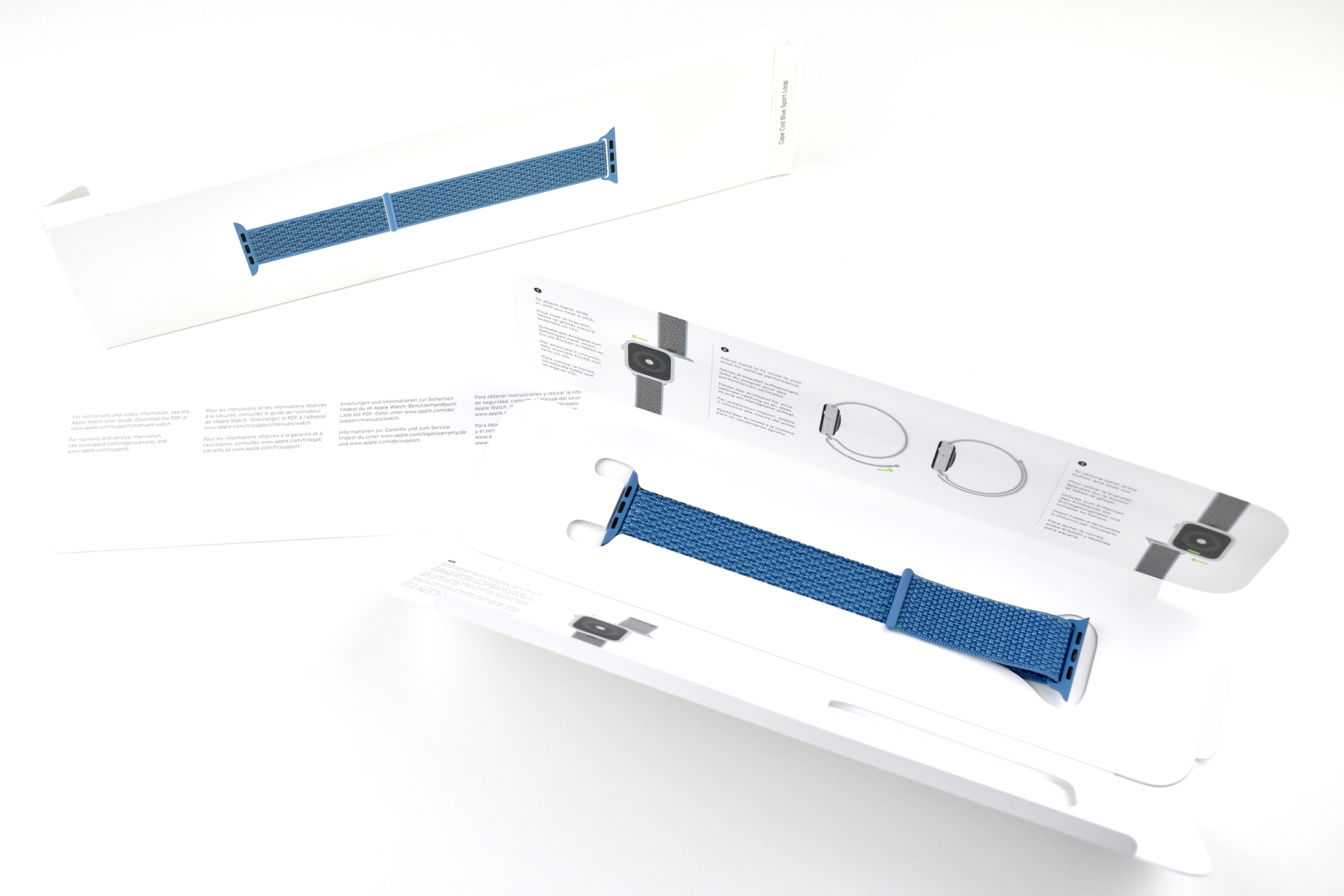
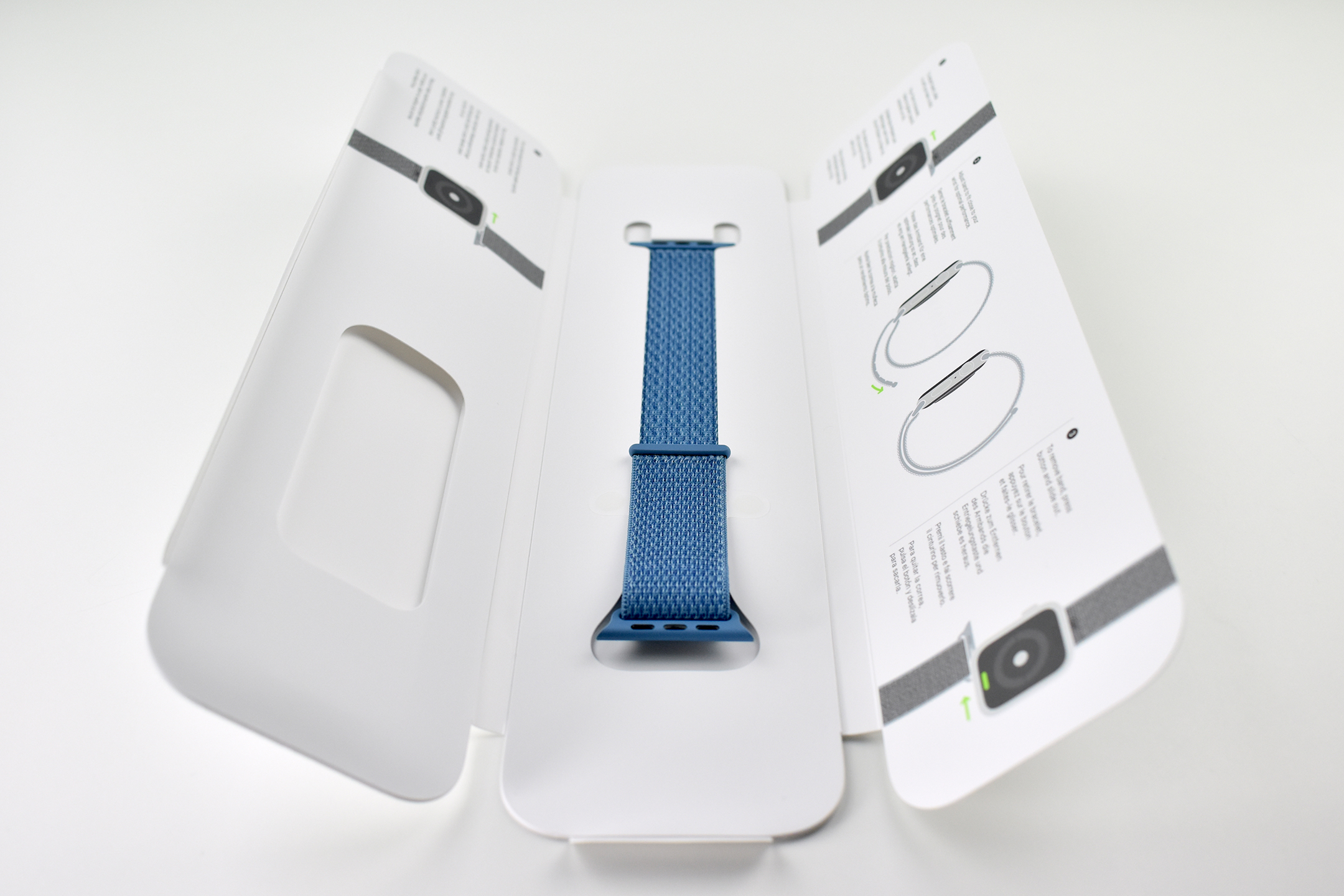
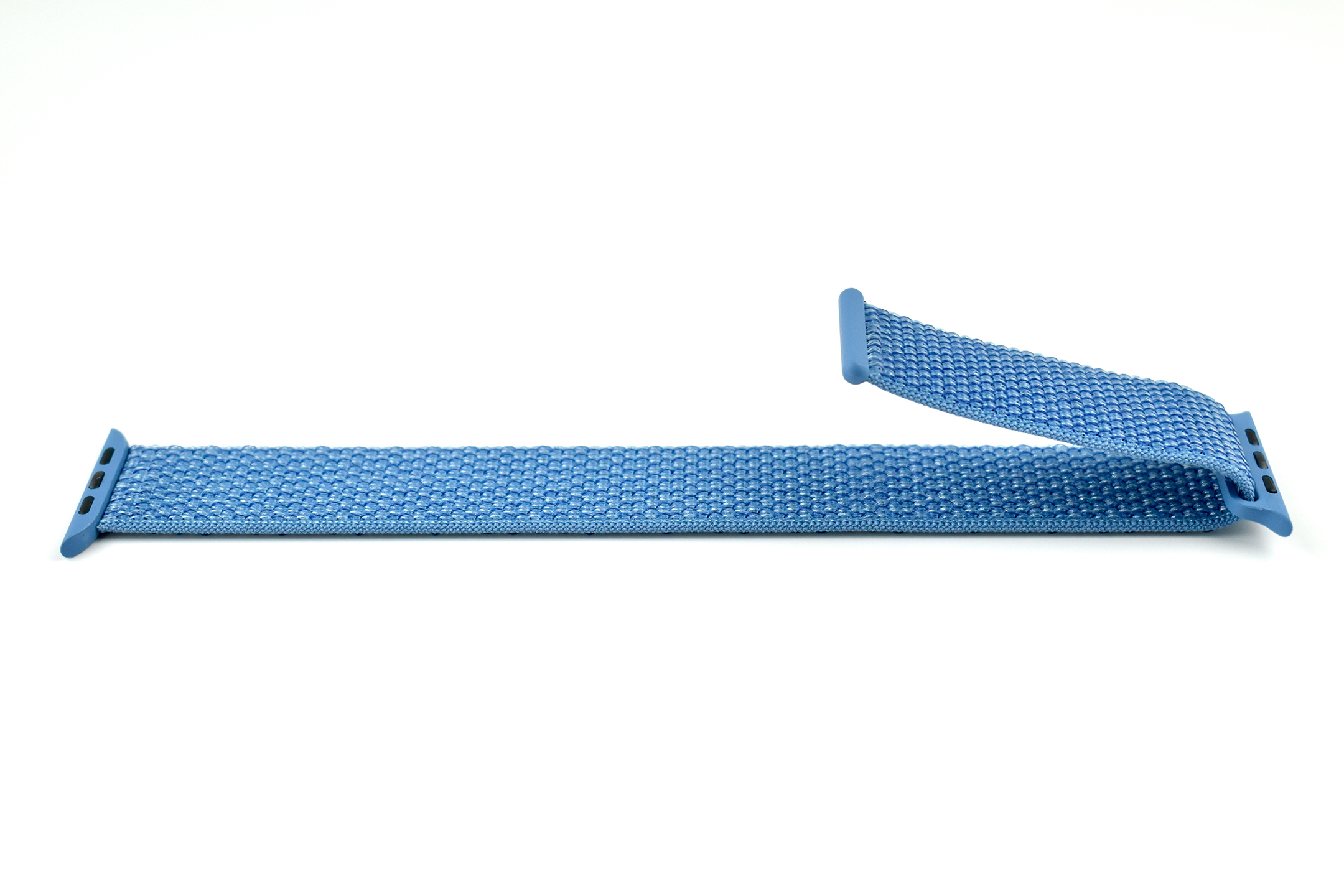
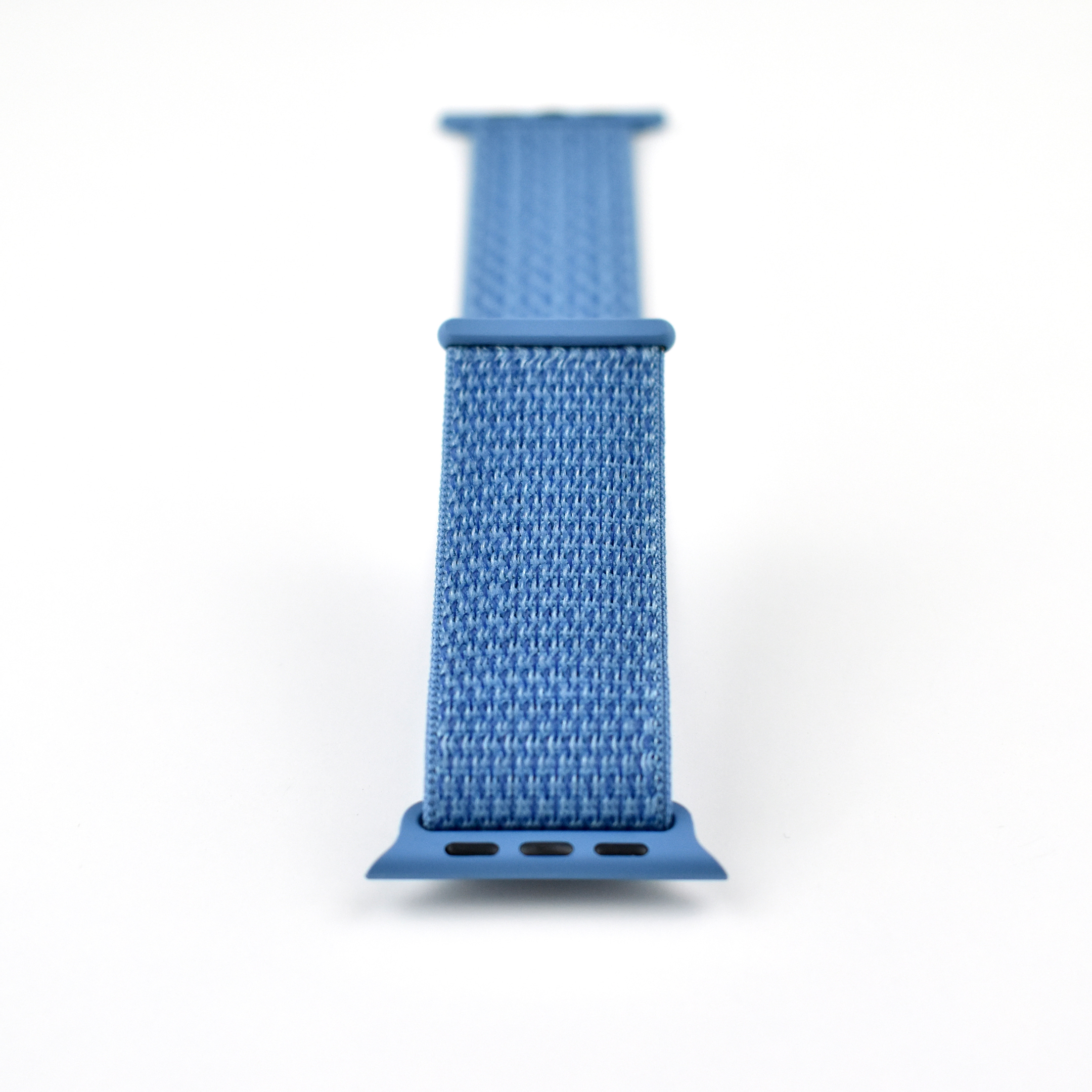
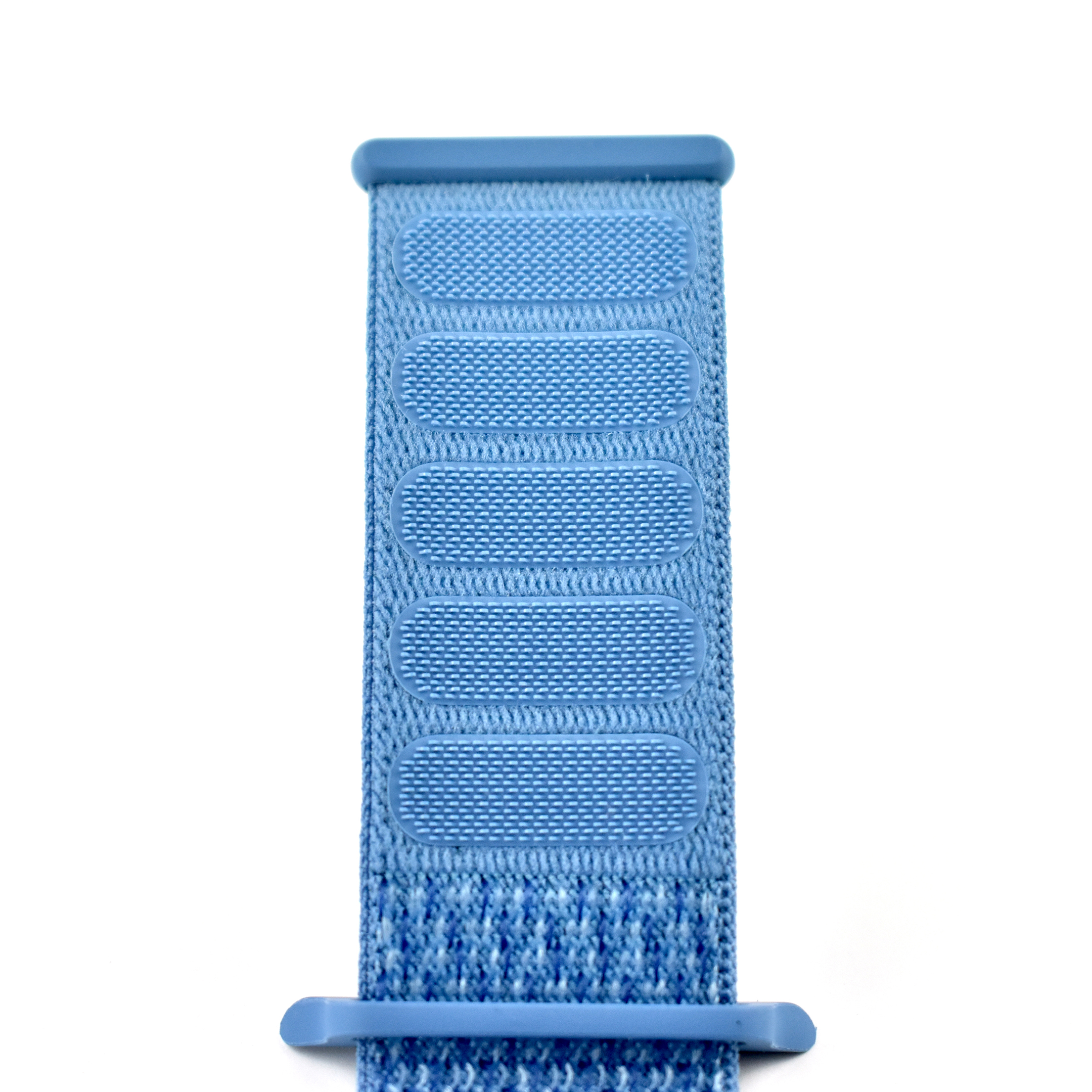
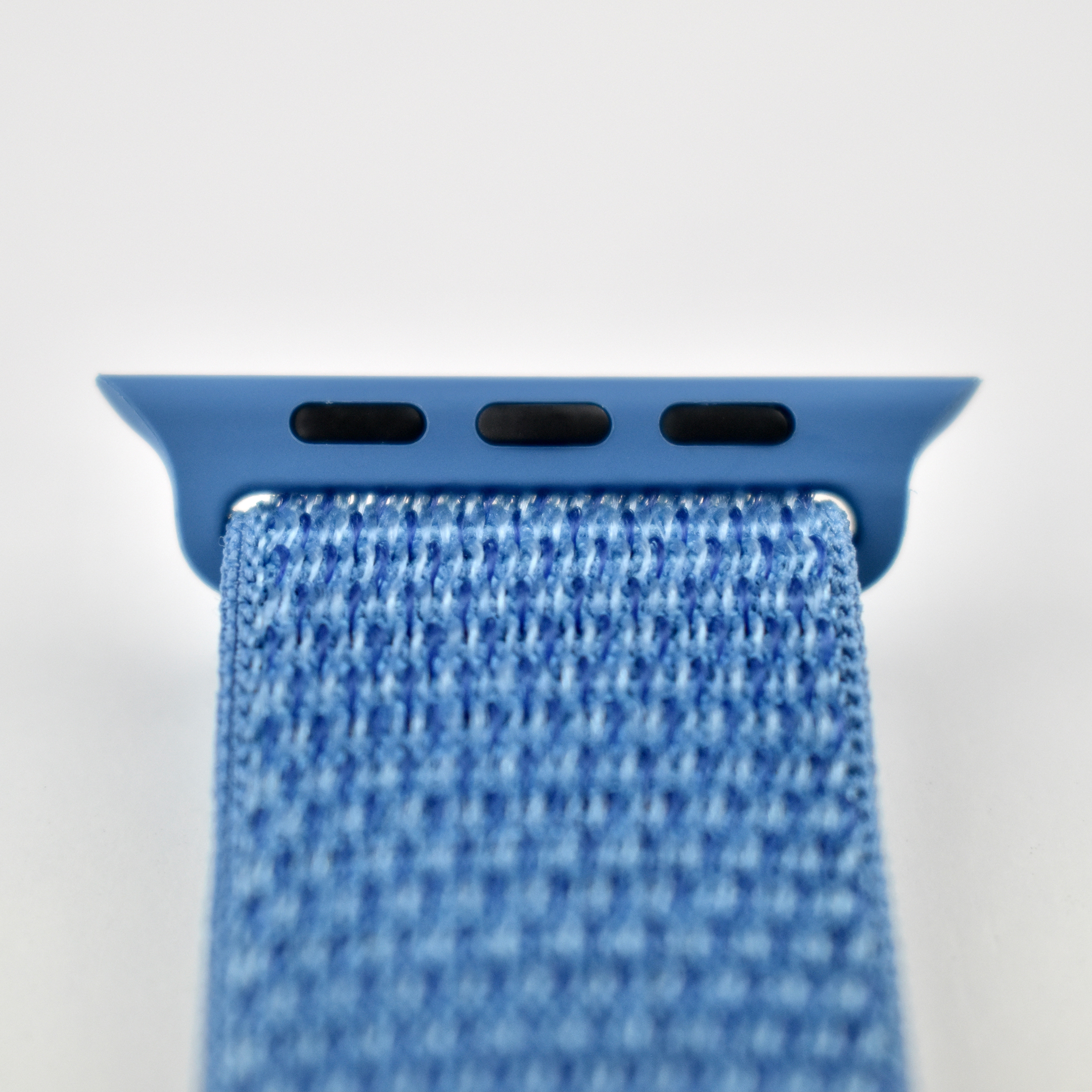
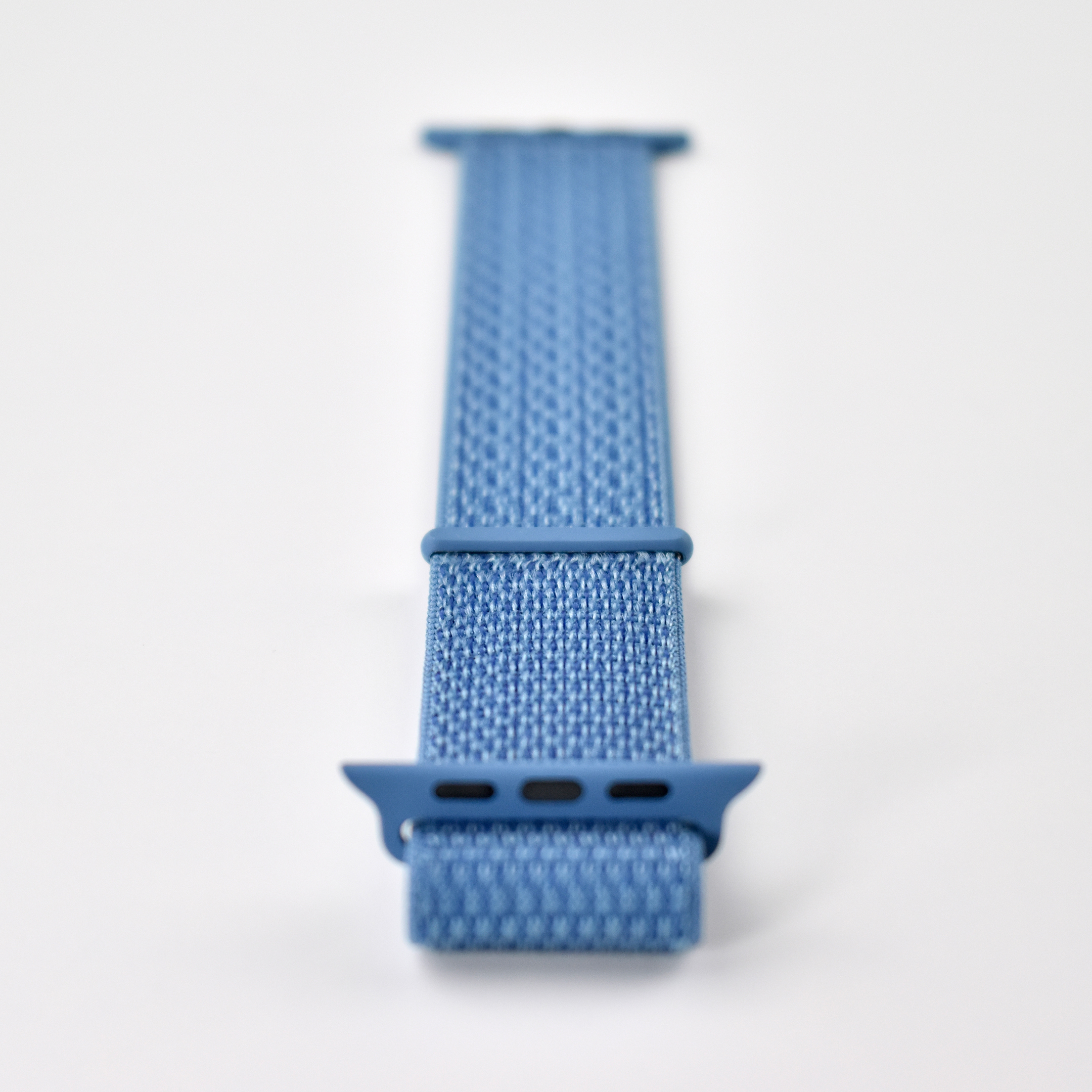
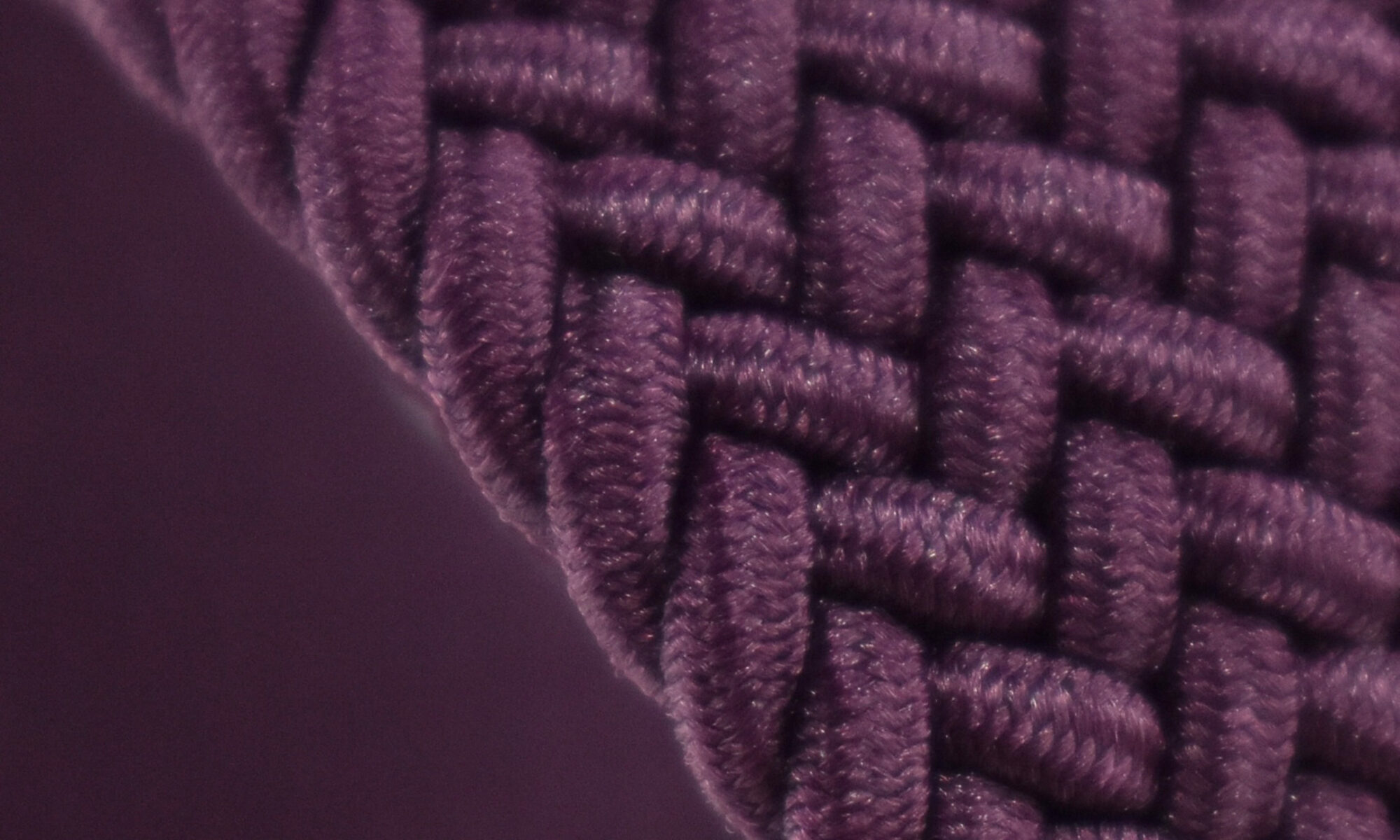
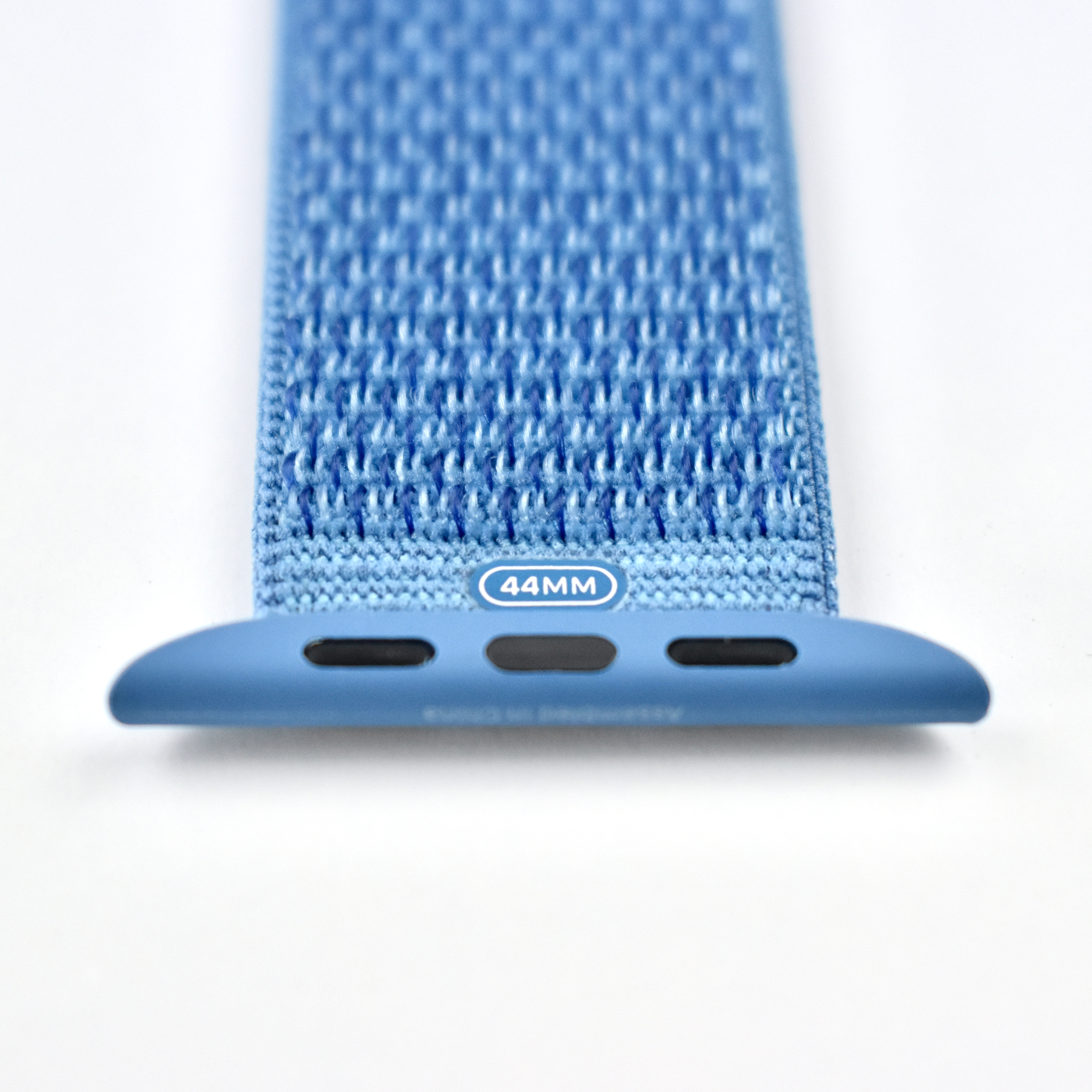
Apple Watch Sport Loop (44mm, Cape Cod Blue, 2018)

The Apple Watch Sport Loop band is woven from nylon thread to create a hook-and-loop closure. They were available for the 38/40mm and 42/44mm Apple Watch models, and were offered in sizes to fit 130–190mm wrists.

The Apple Watch Sport Loop band has been available in several styles, including (PRODUCT)RED, Spicy Orange, Nectarine, Electric Pink, Hibiscus, Hot Pink, Pink Sand, Flash Light, Flash, Marine Green, Tahoe Blue, Cape Cod Blue, Midnight Blue, Indigo, Dark Olive, Storm Gray, Black, and Seashell.

Apple described the Apple Watch Sport Loop band:

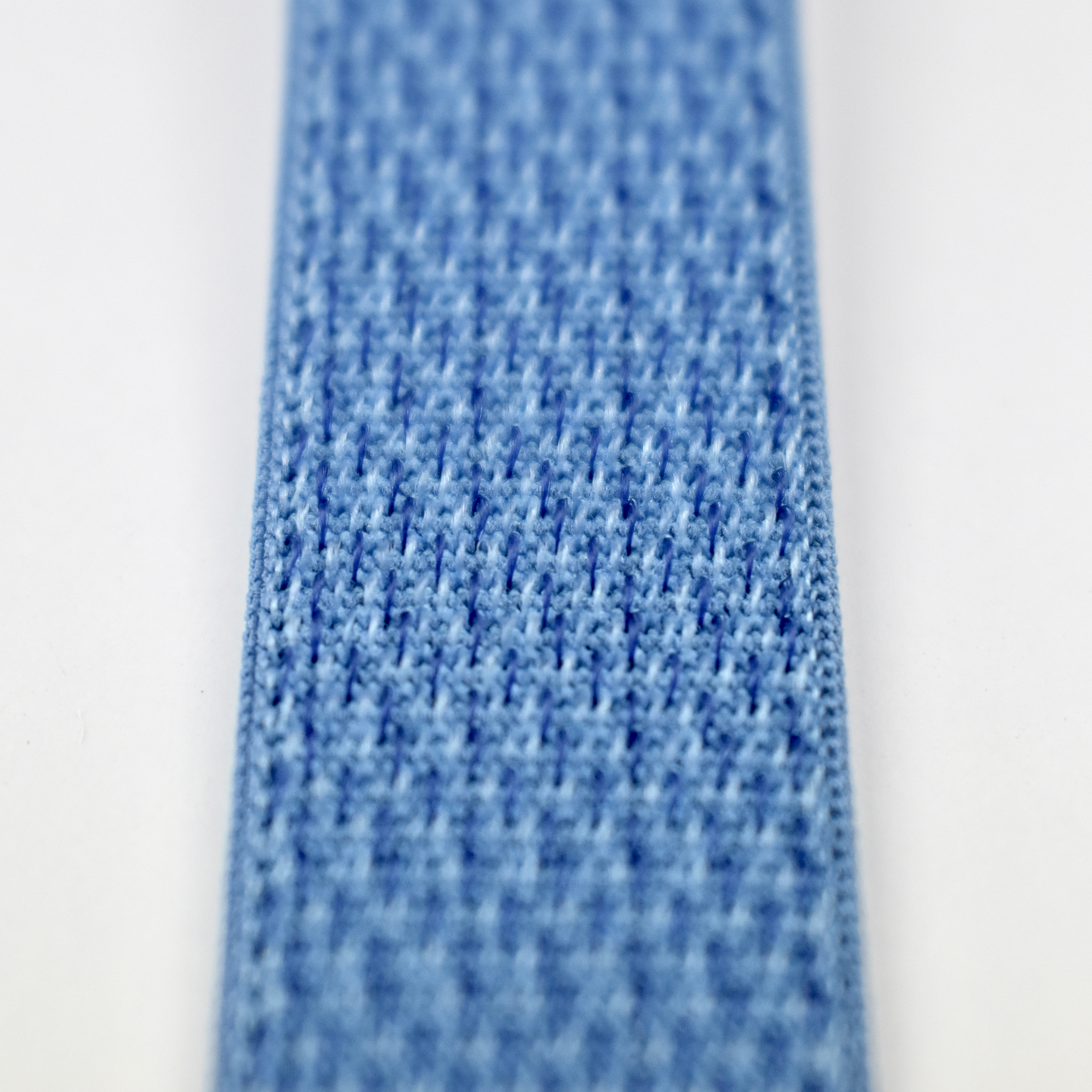
“Soft, breathable, and lightweight, the Sport Loop features a hook-and-loop fastener for quick and easy adjustment. The double-layer nylon weave has dense loops on the skin side that provide soft cushioning while allowing moisture to escape. On the reverse side, the attachment loops are securely anchored for superior durability.”

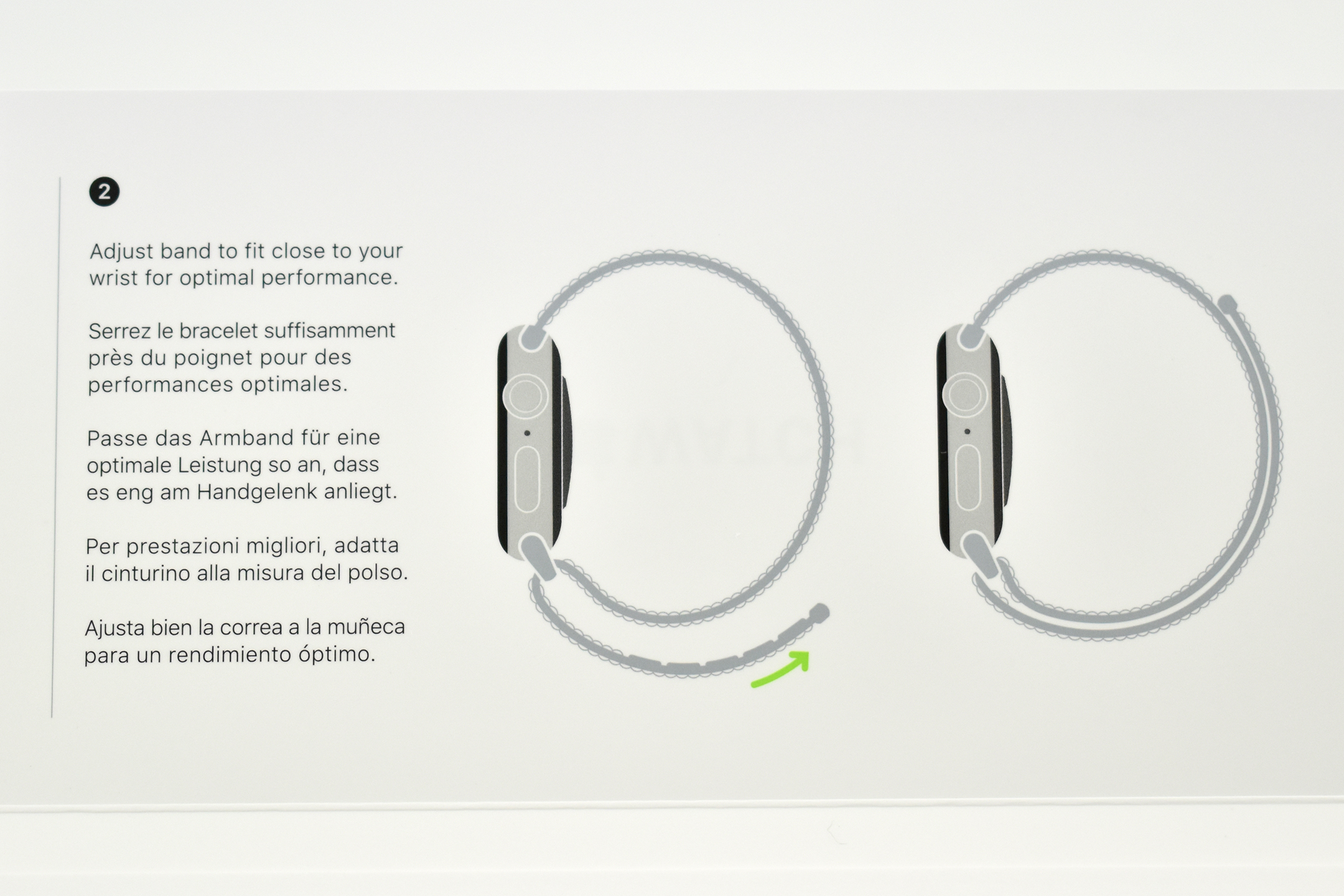
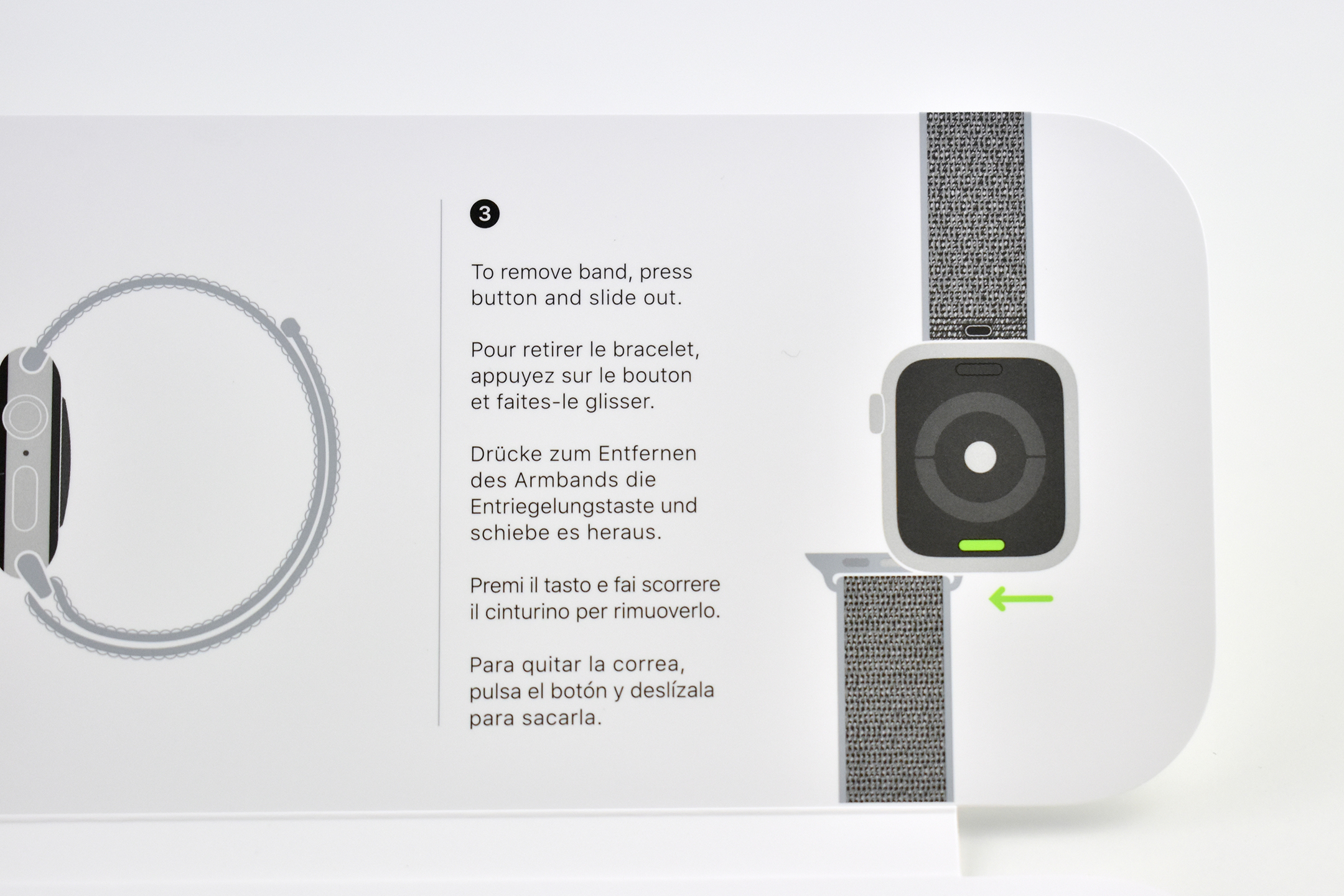
This Cape Cod Blue Sport Loop has an overall bright bright blue appearance, but is comprised of a bright blue base color with light blue and dark blue accents. This example also includes unboxing photos, and the internal packaging includes installation instructions.

Source: Apple

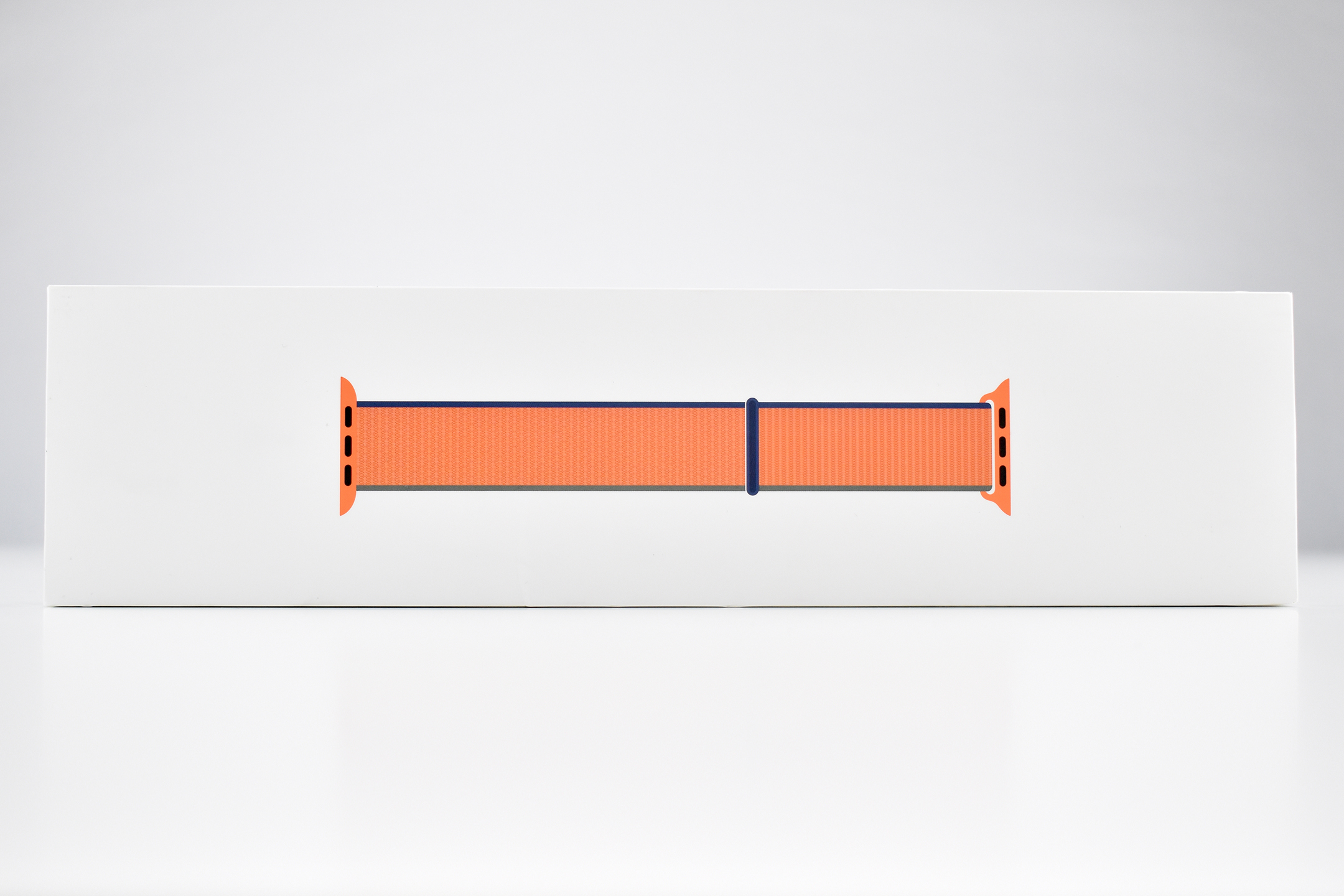
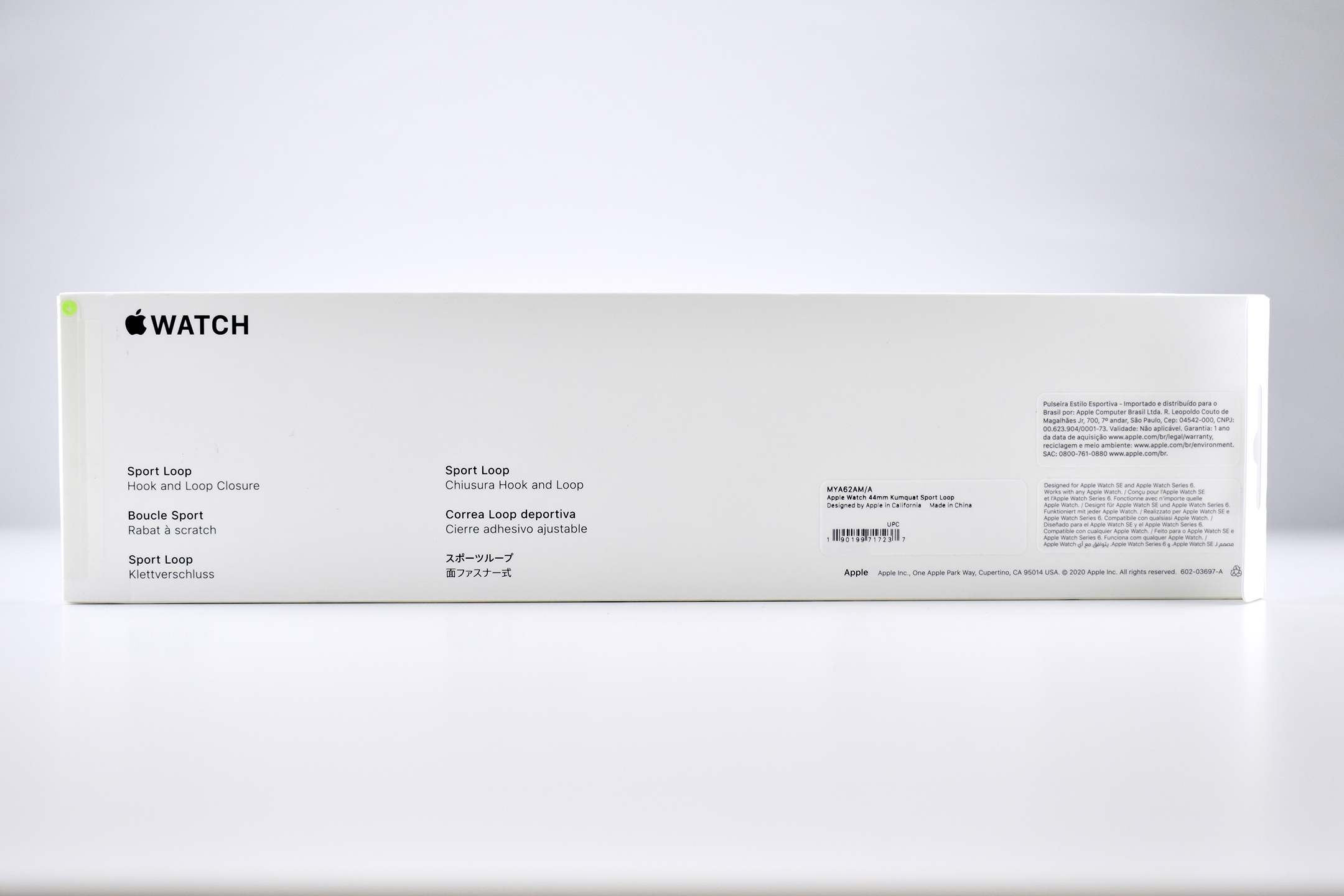
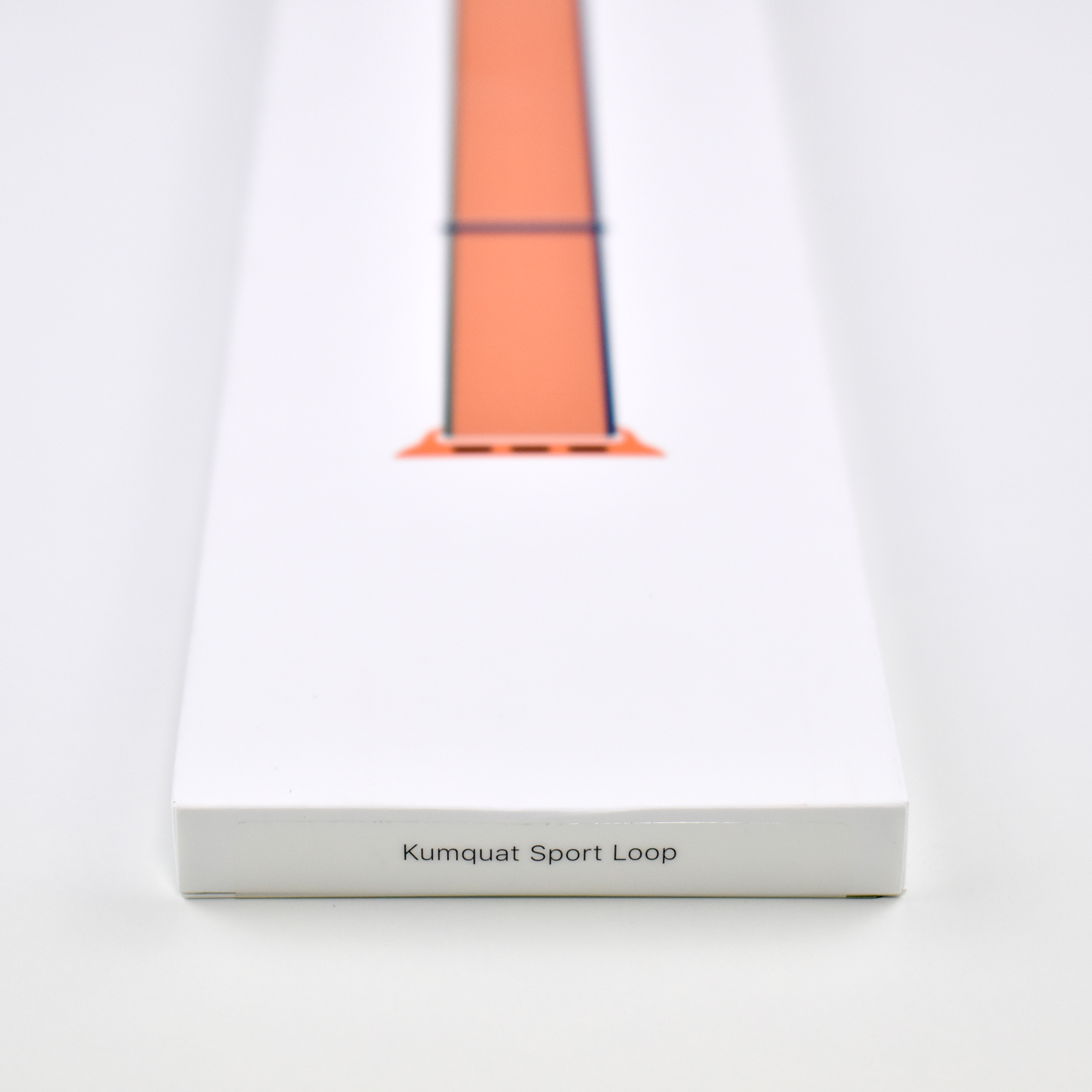
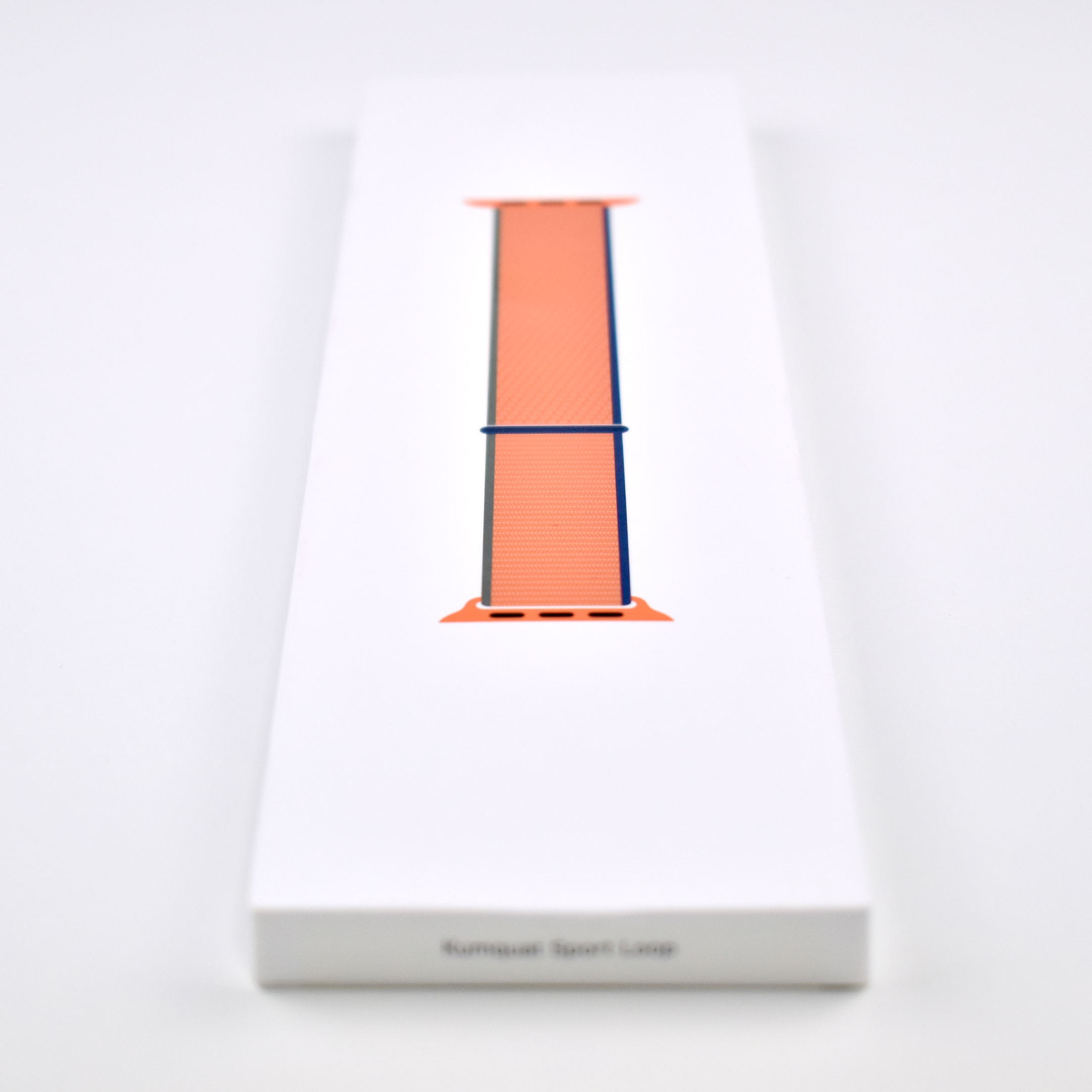
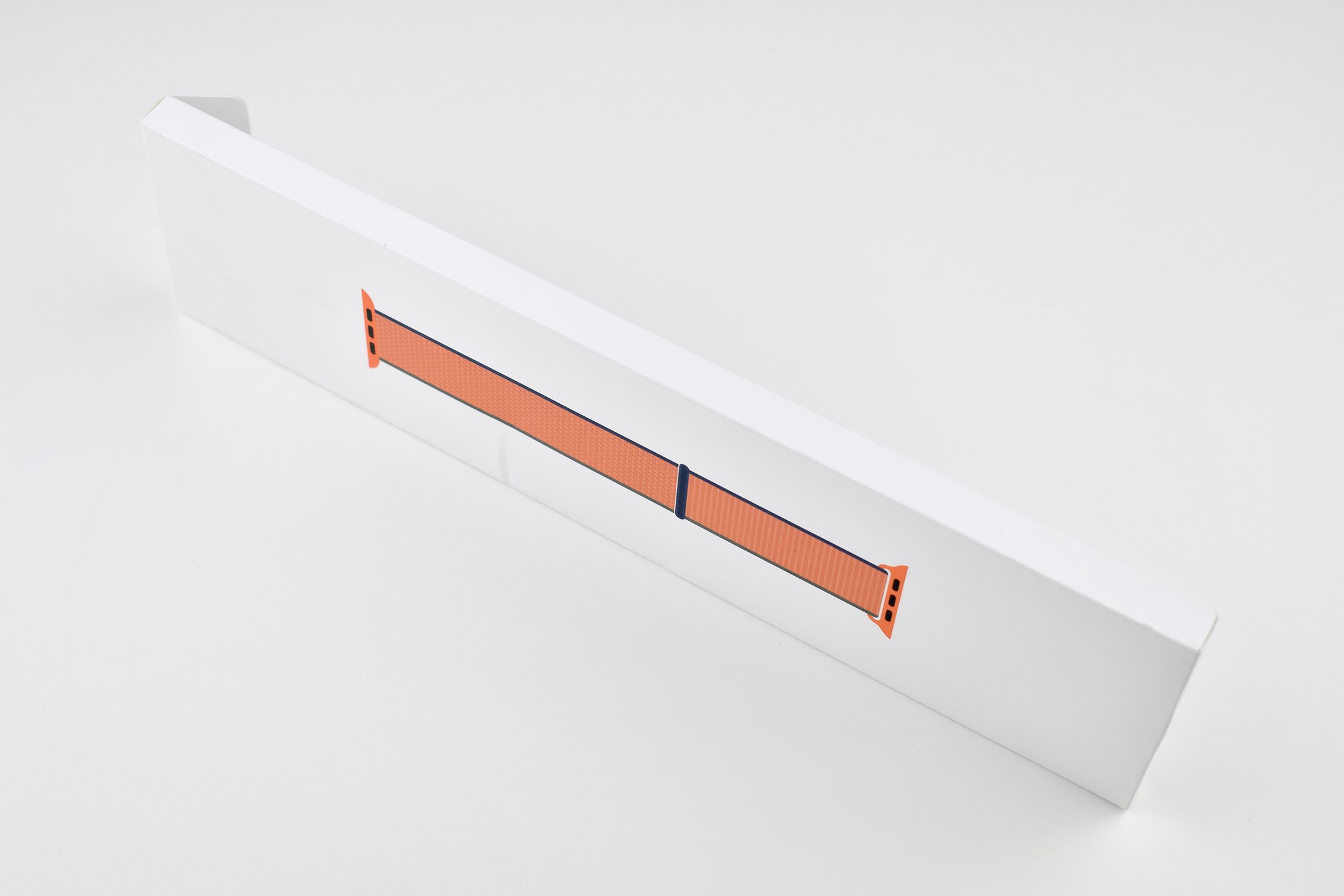
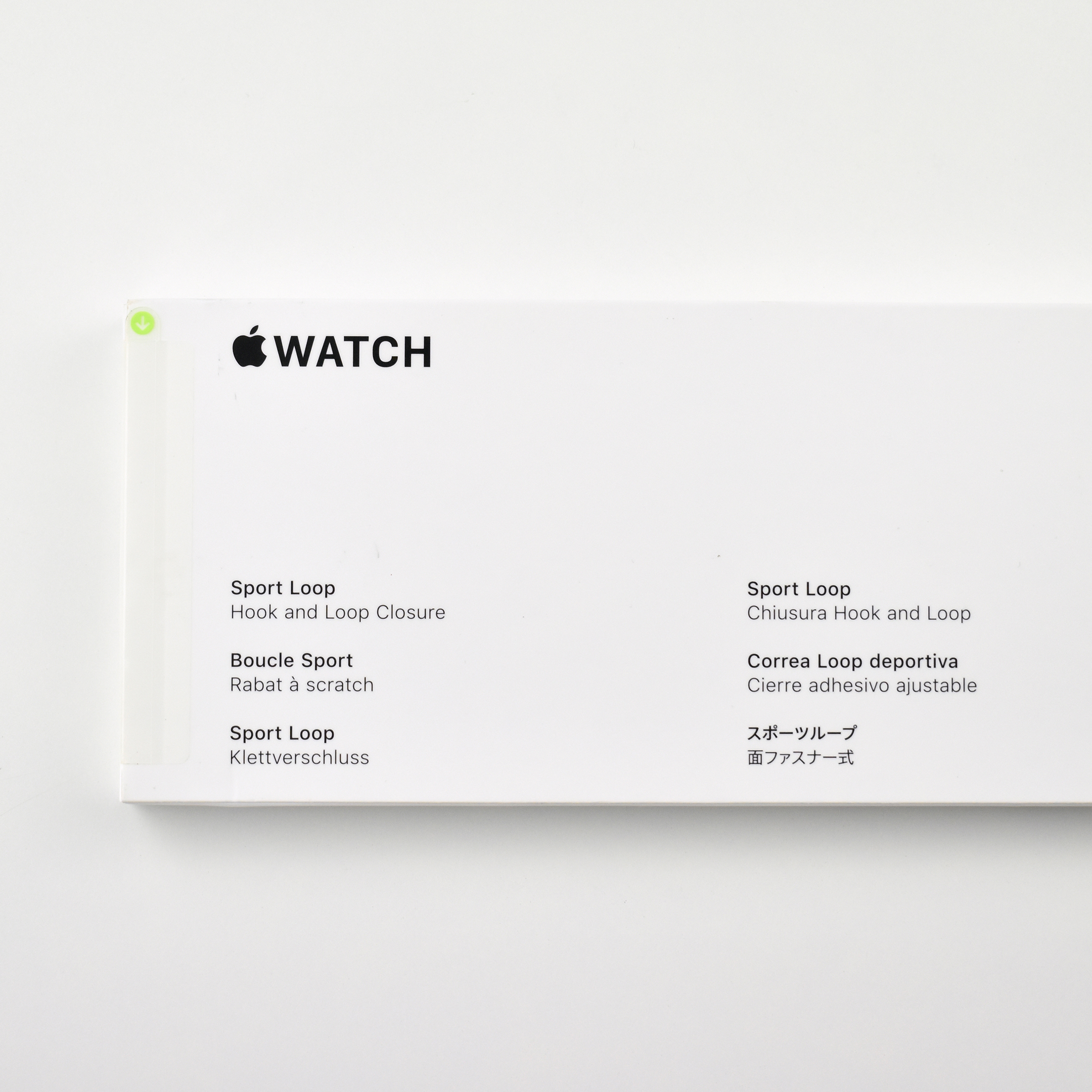
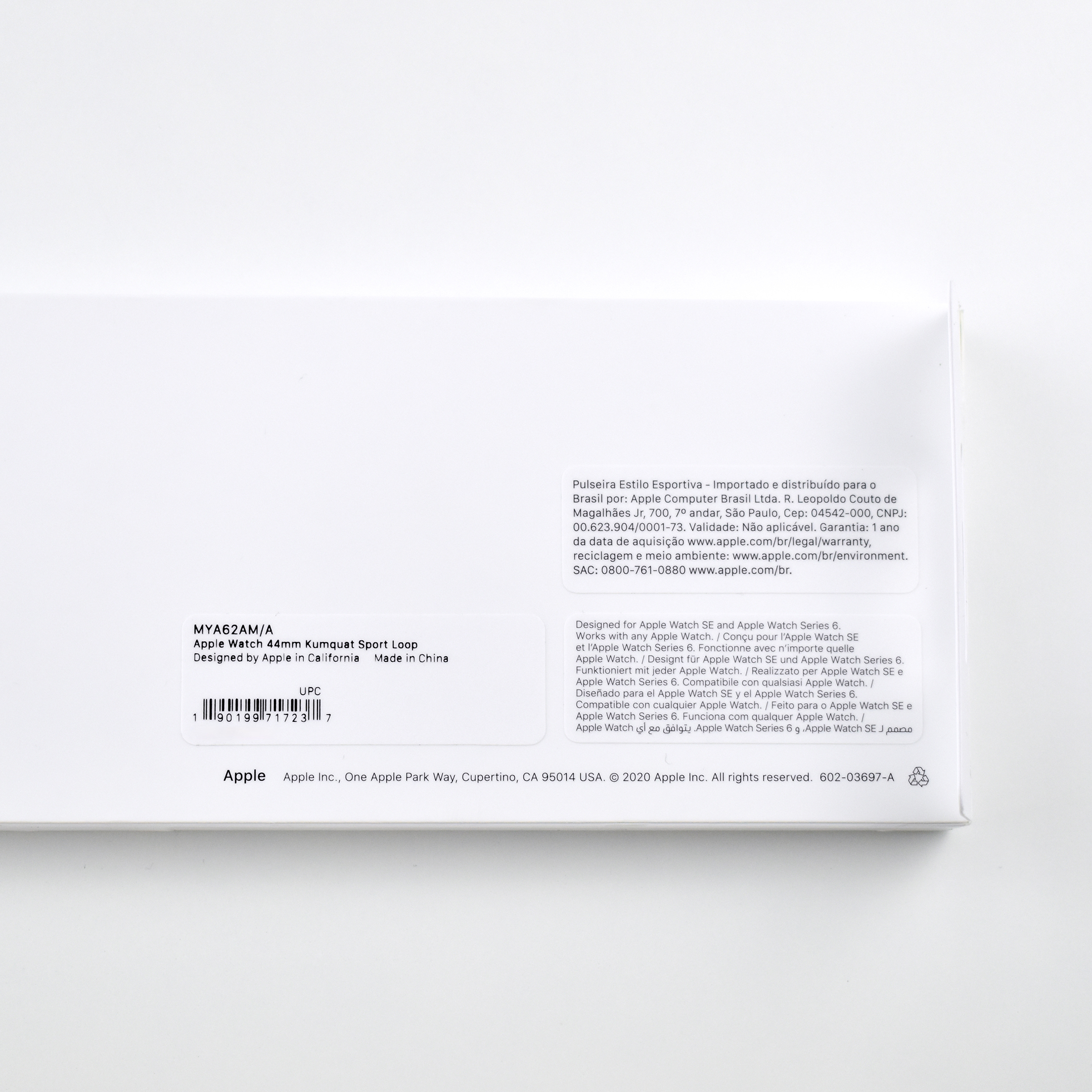
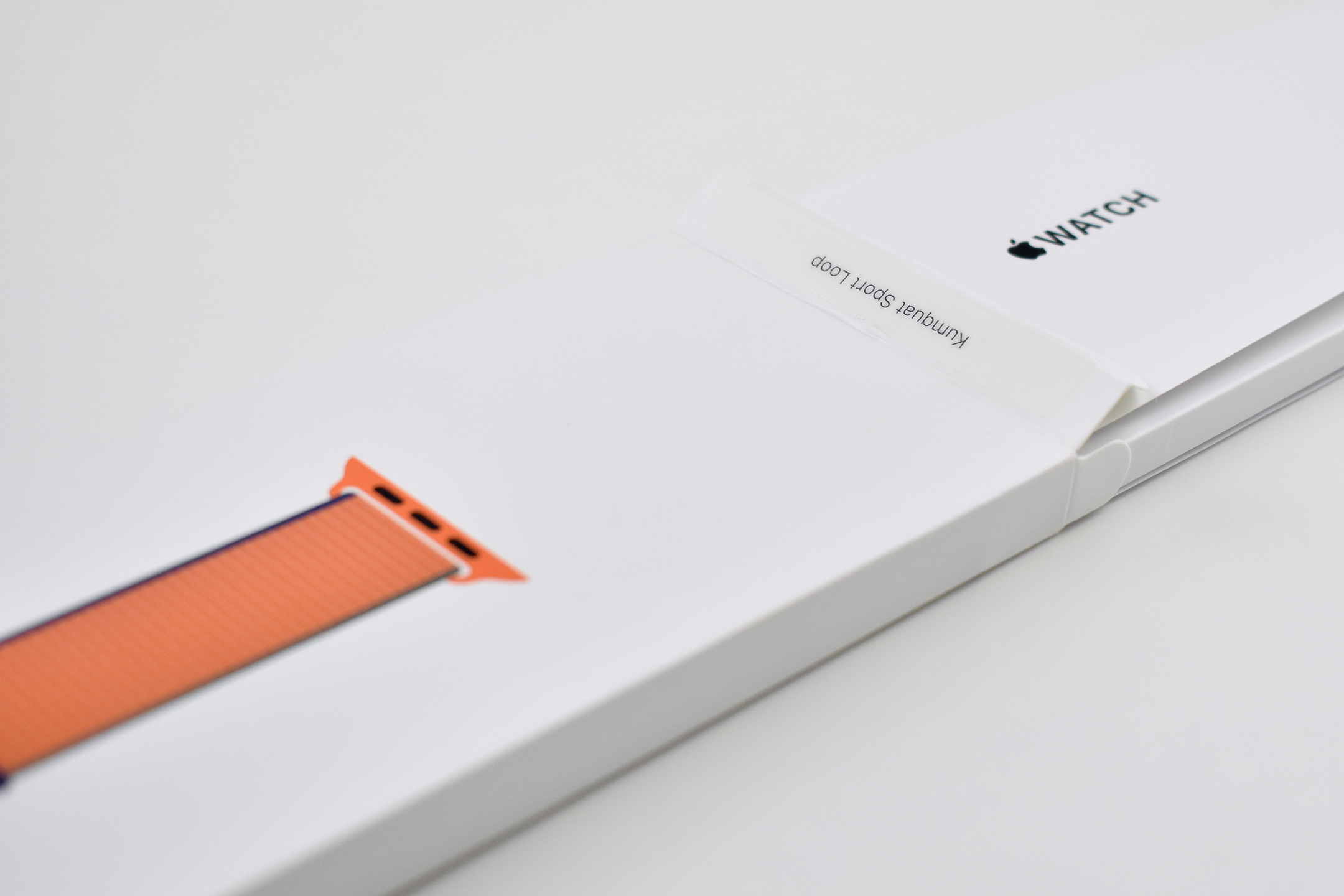
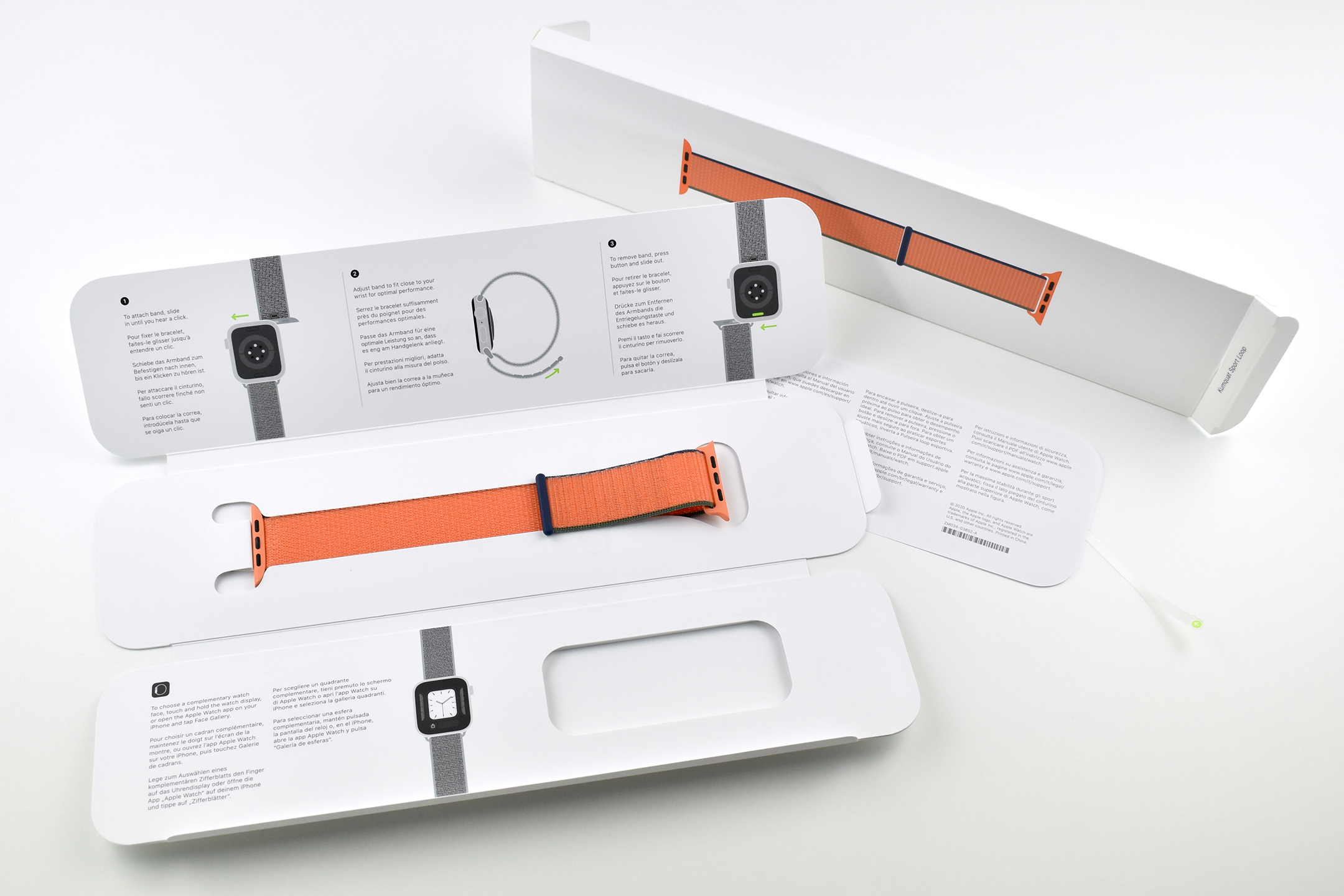
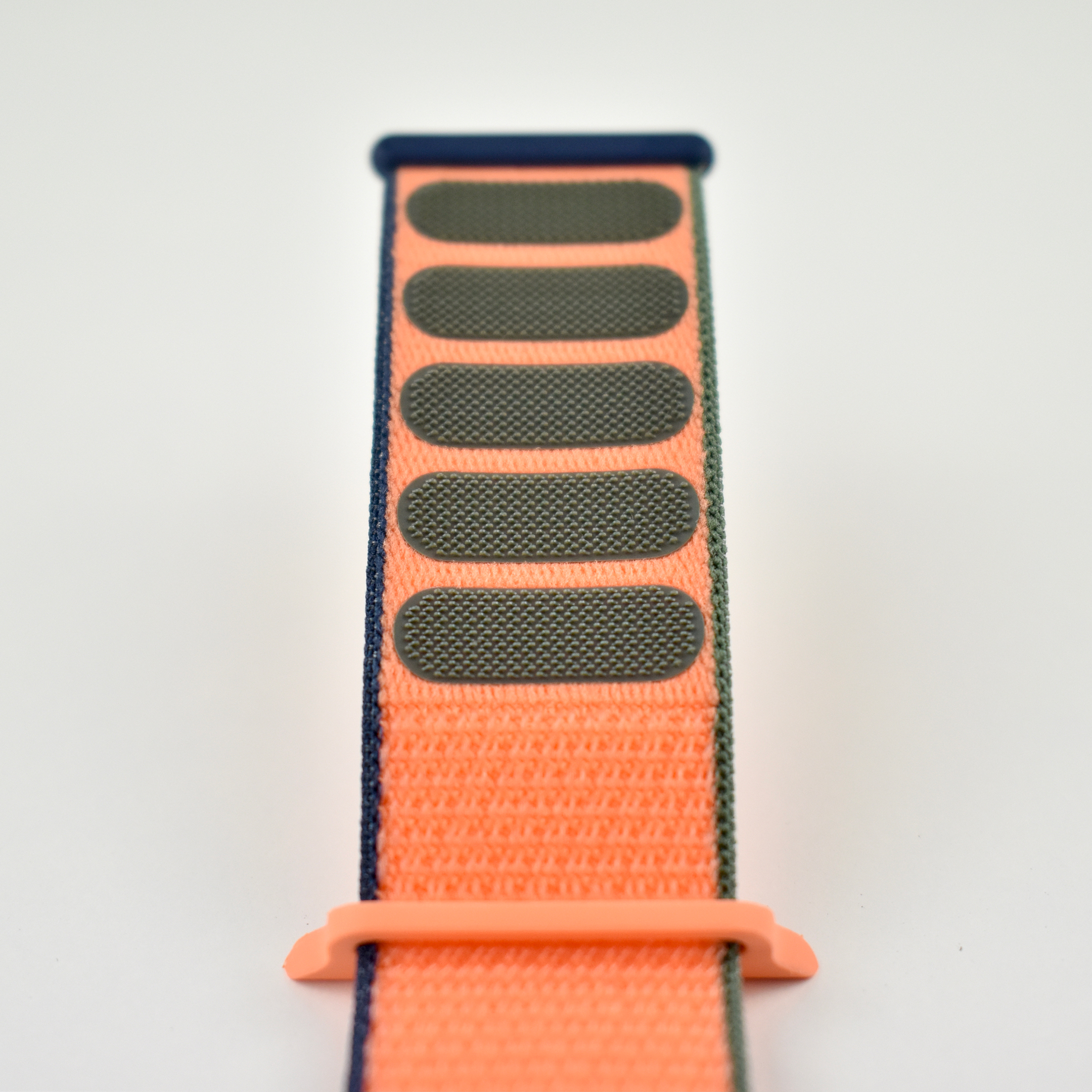
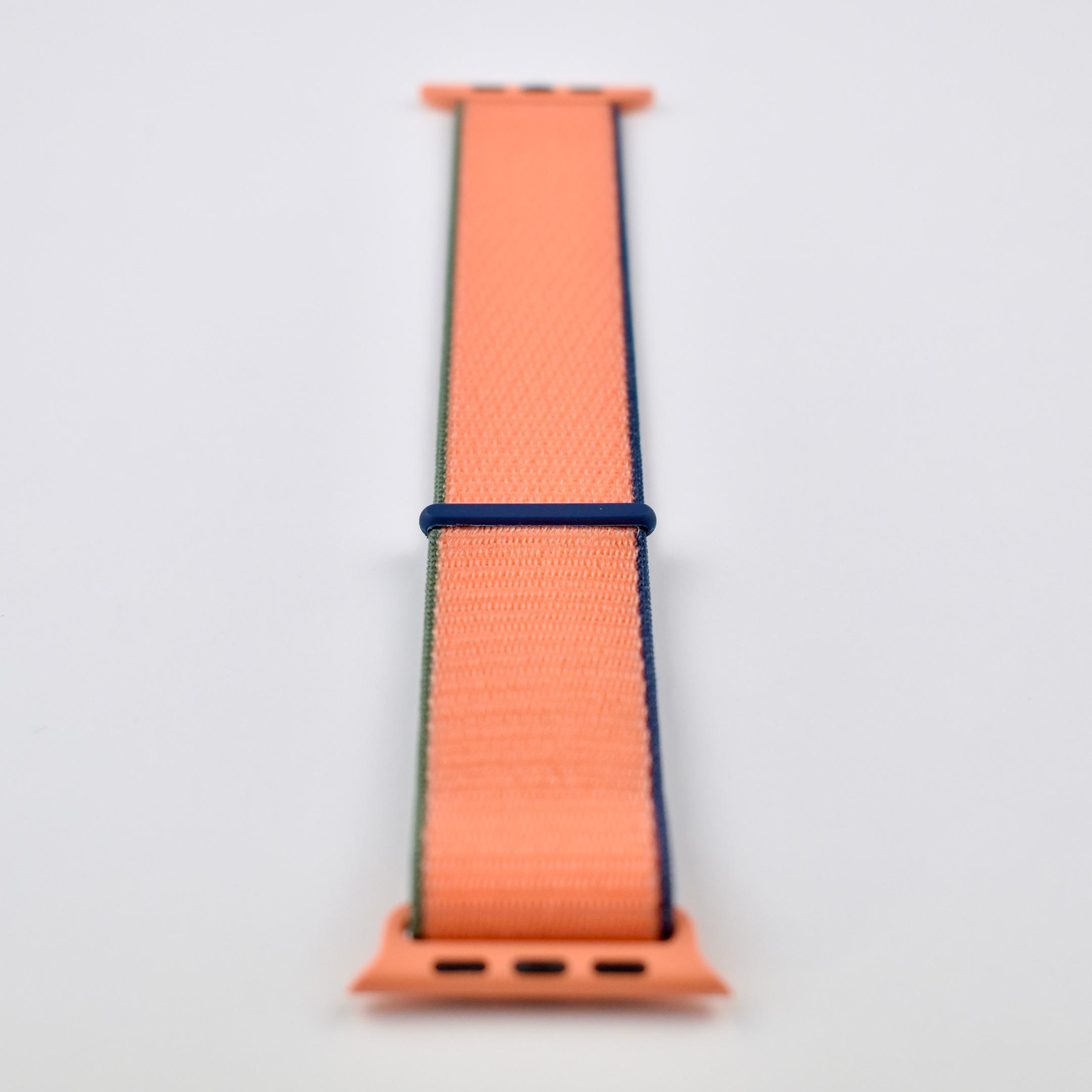
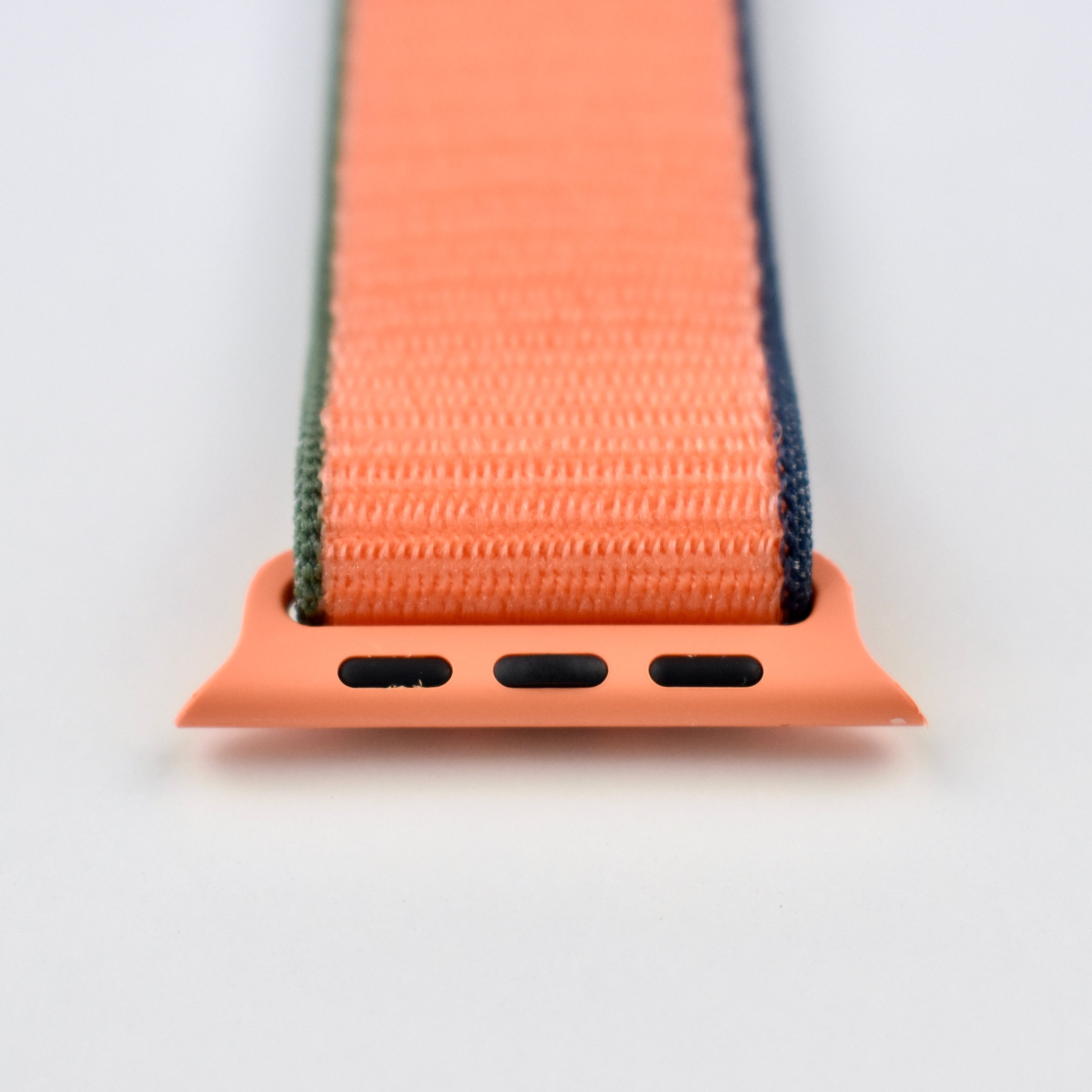
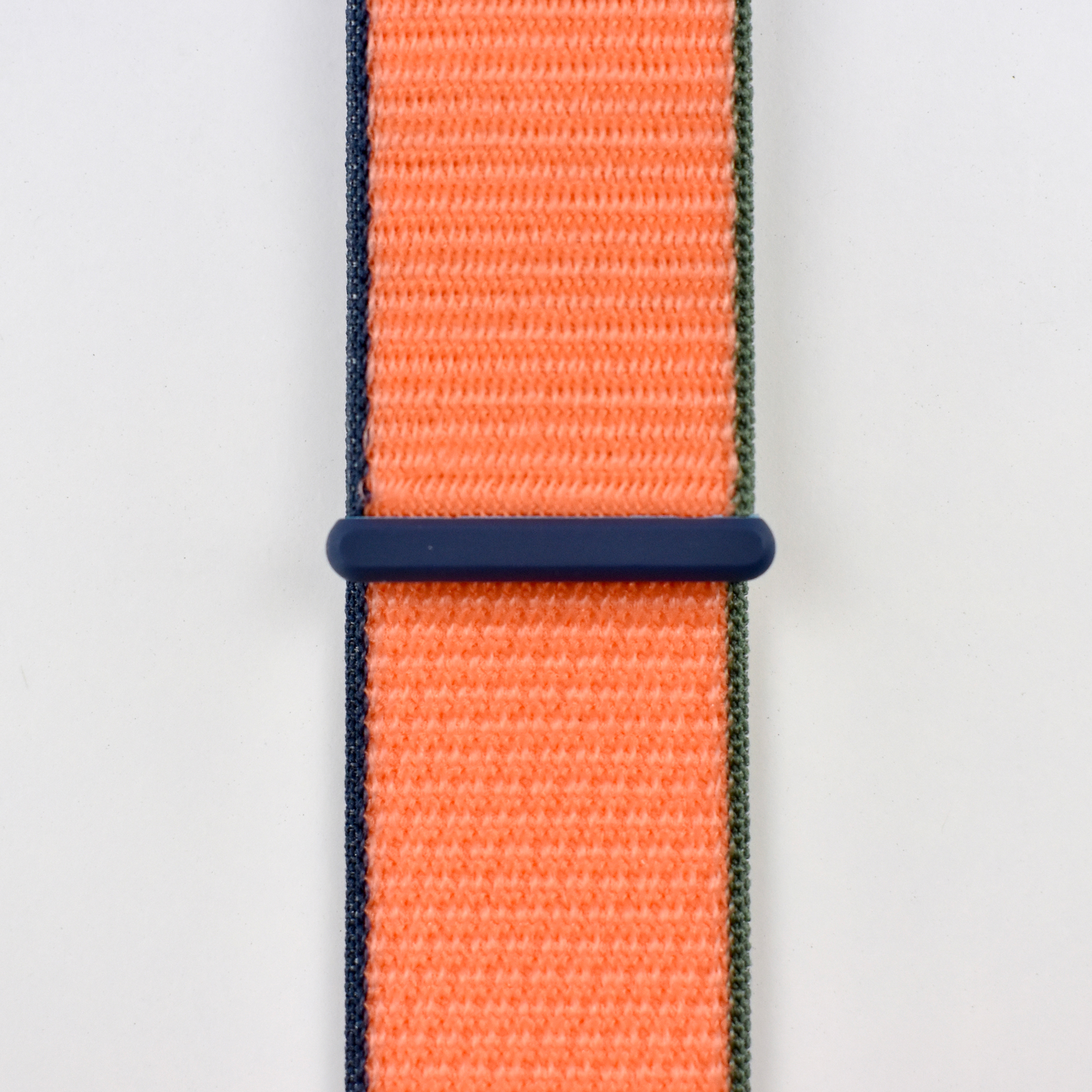
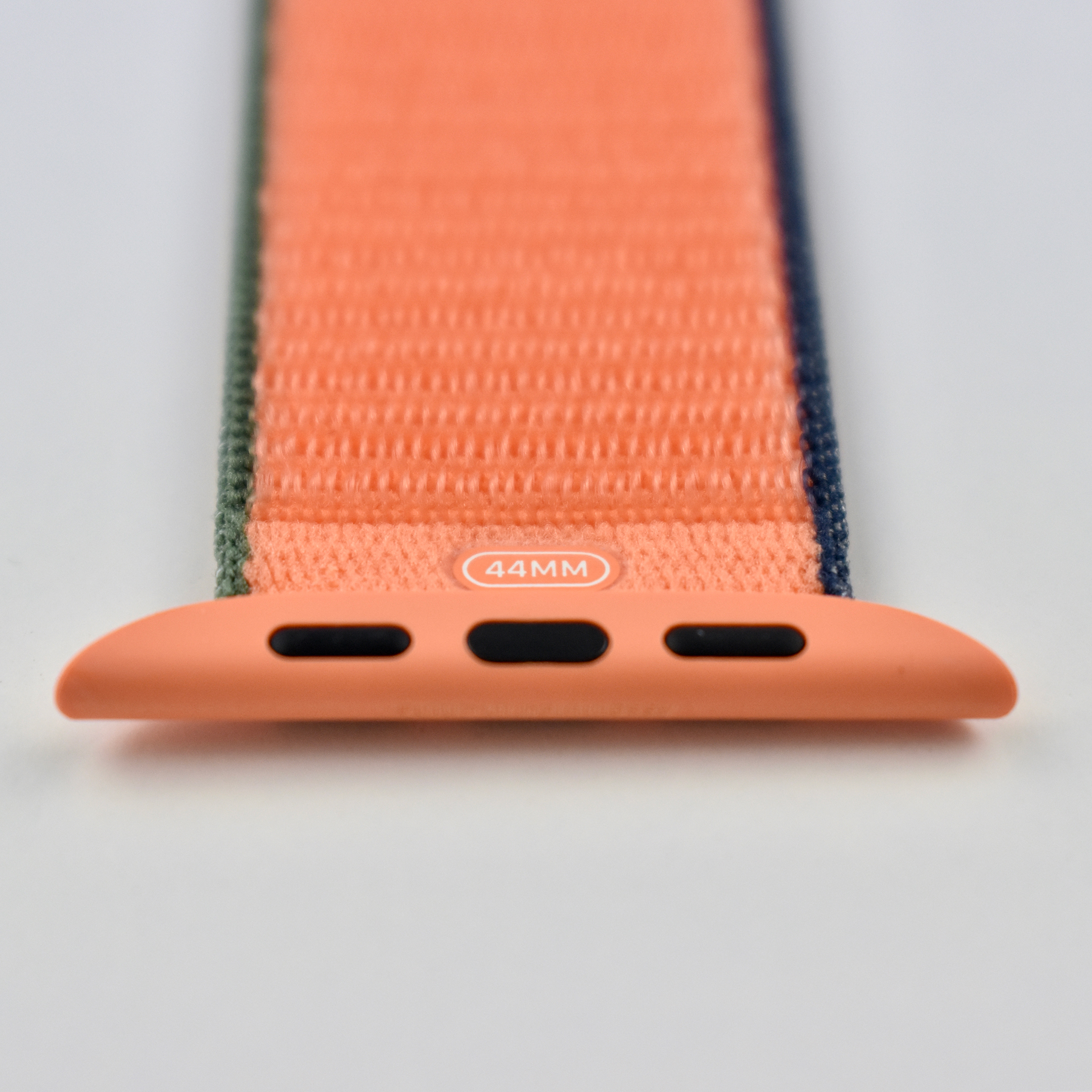
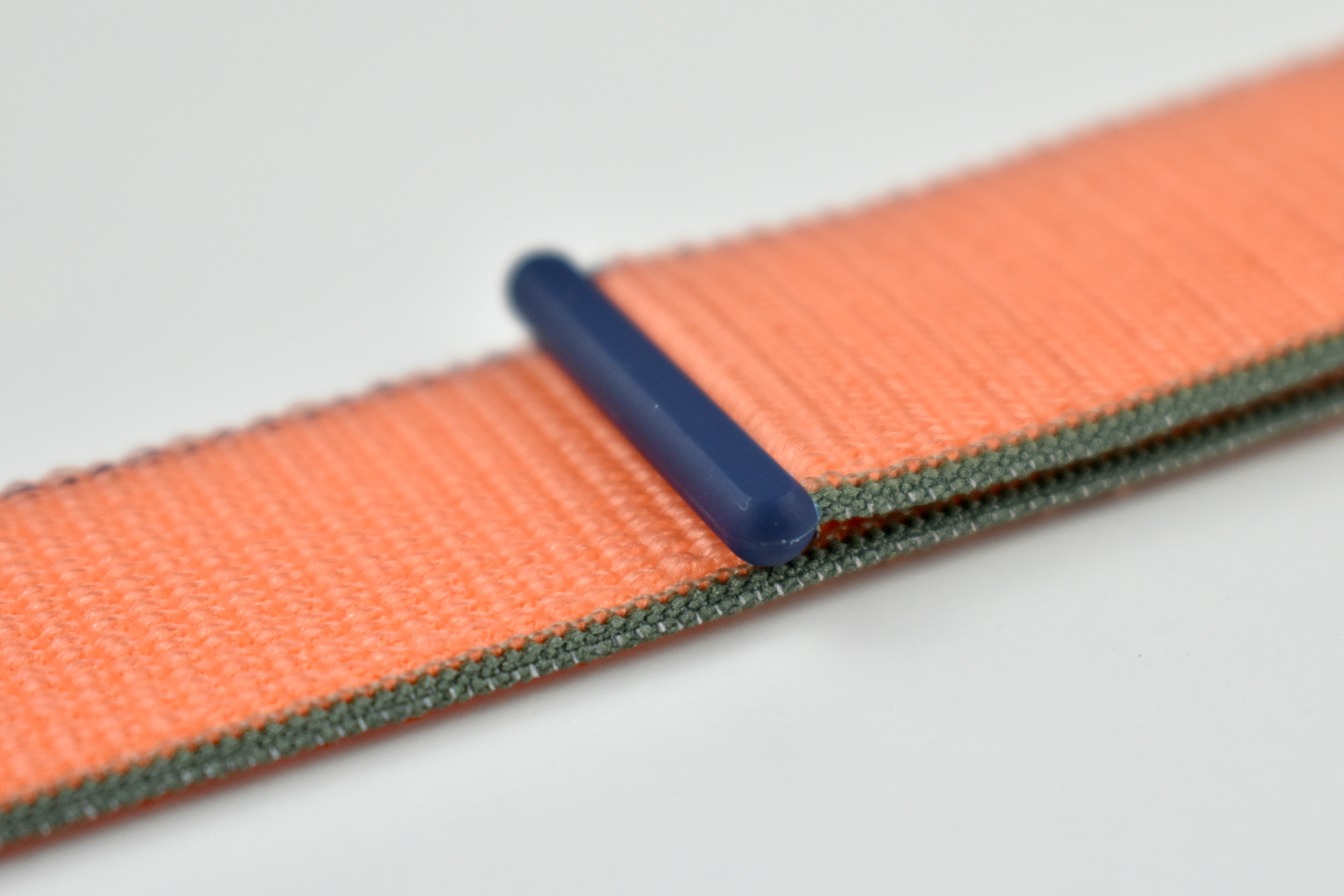
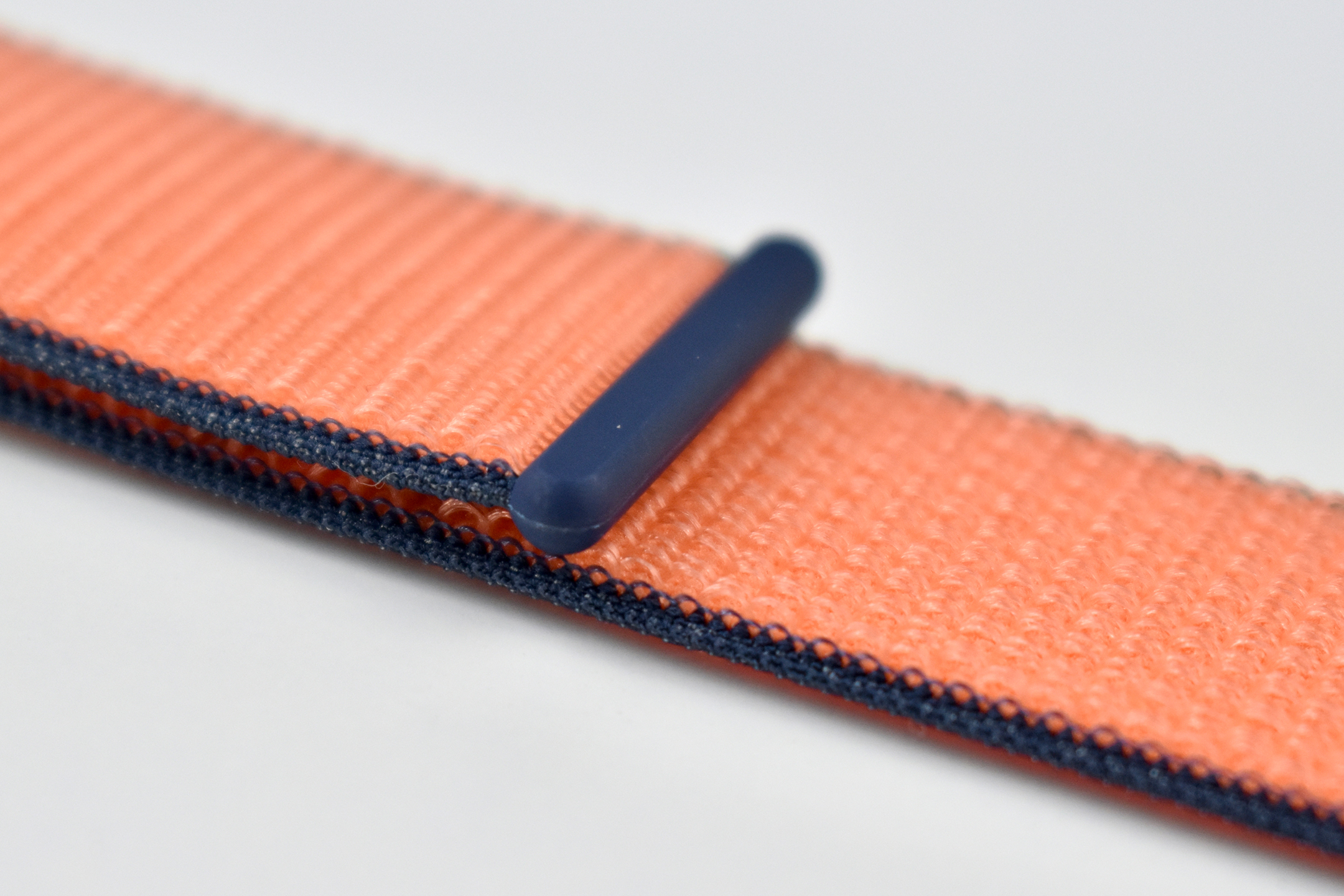
Apple Watch Sport Loop (44mm, Kumquat, 2020)

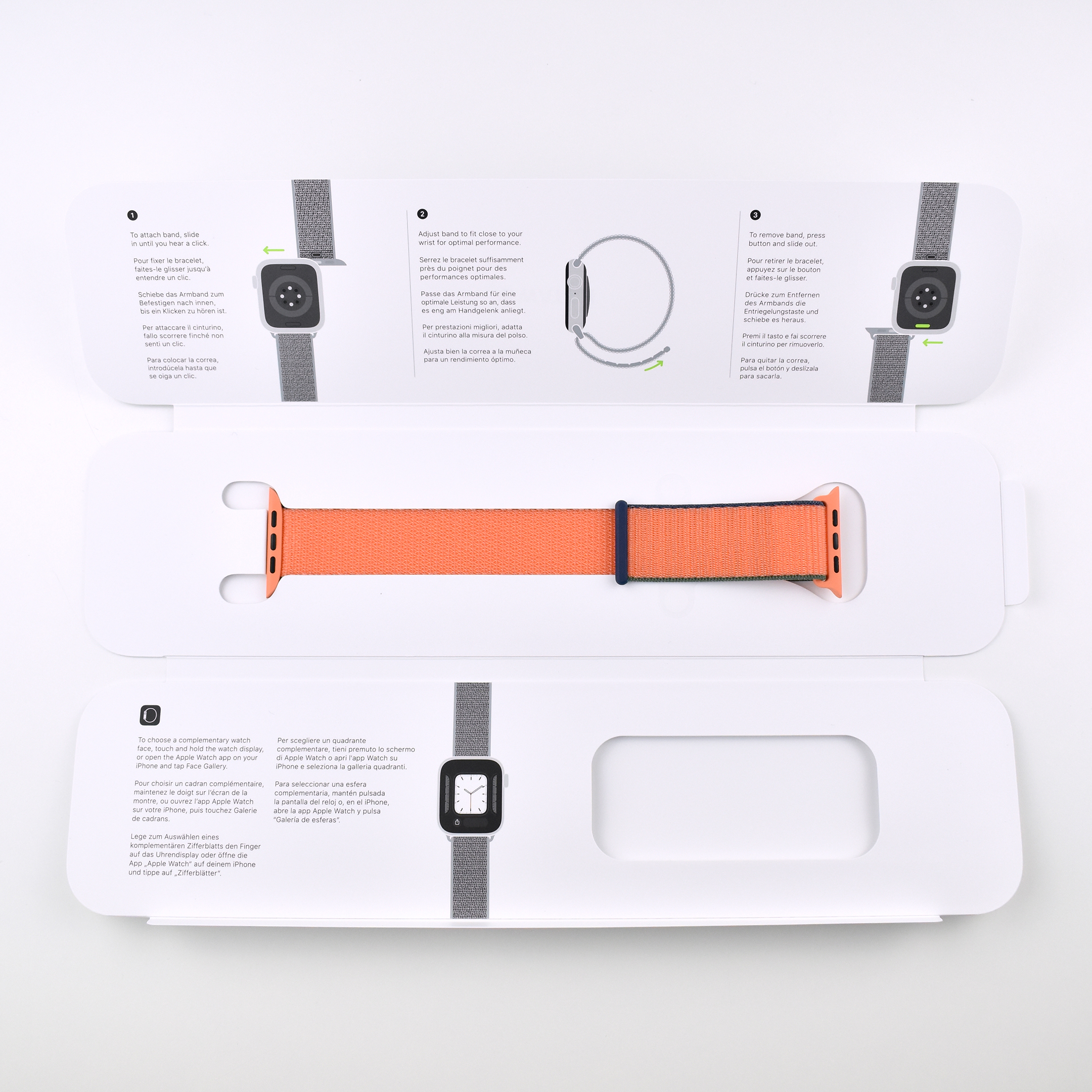
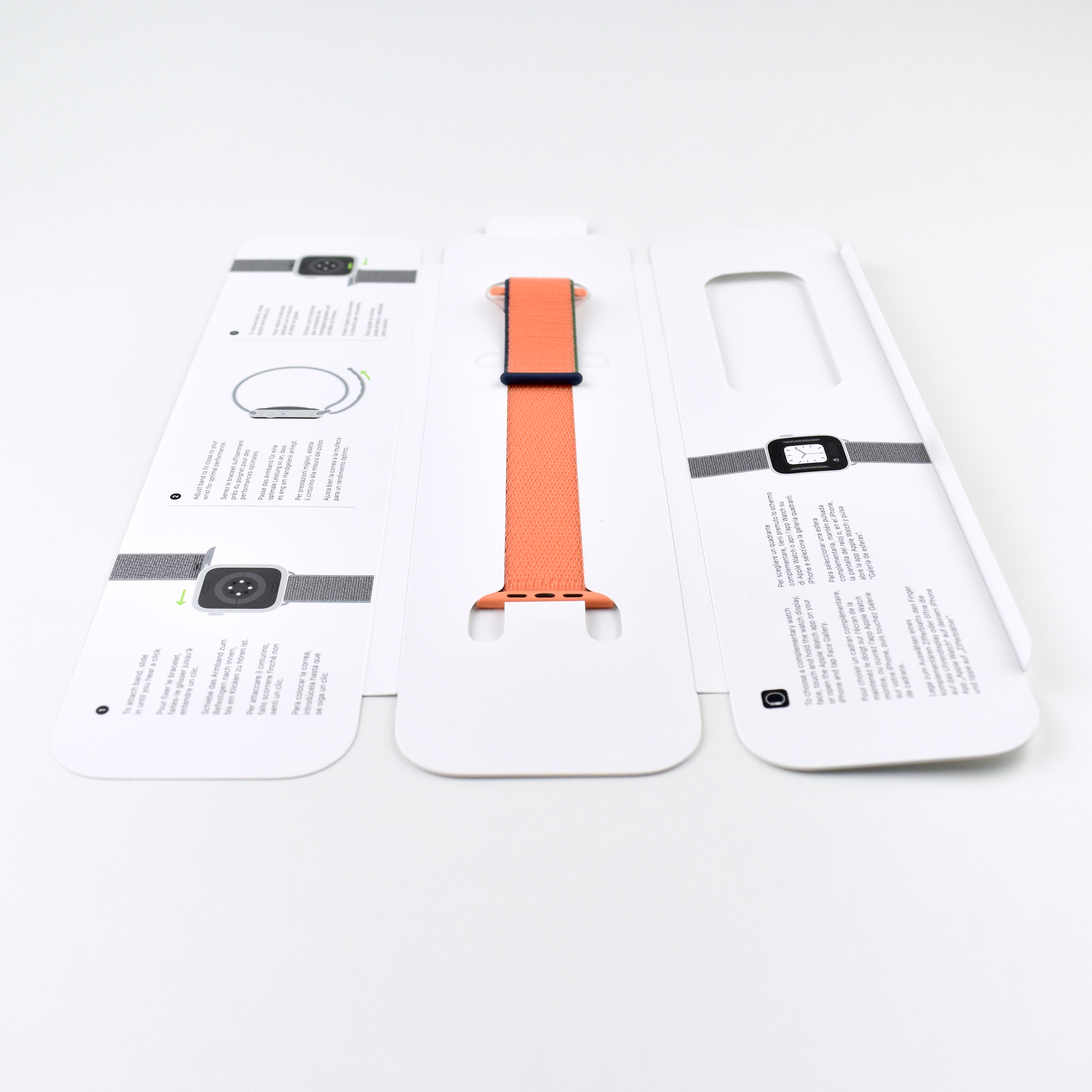
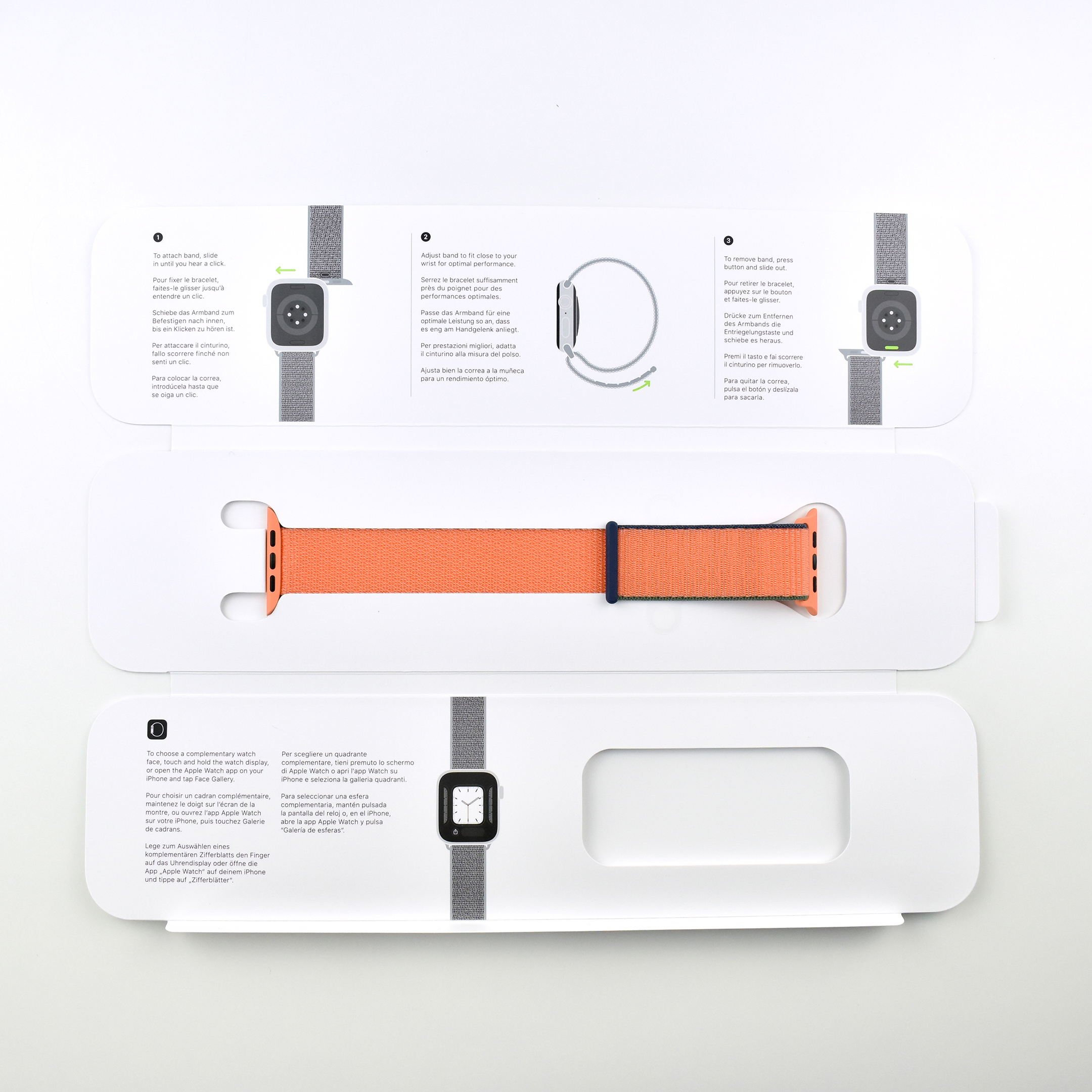
The Apple Watch Sport Loop band was woven from nylon thread to create a hook-and-loop closure. These bands were available for the 38/40mm and 42/44mm Apple Watch models, and were offered in a size to fit 130–190mm wrists.

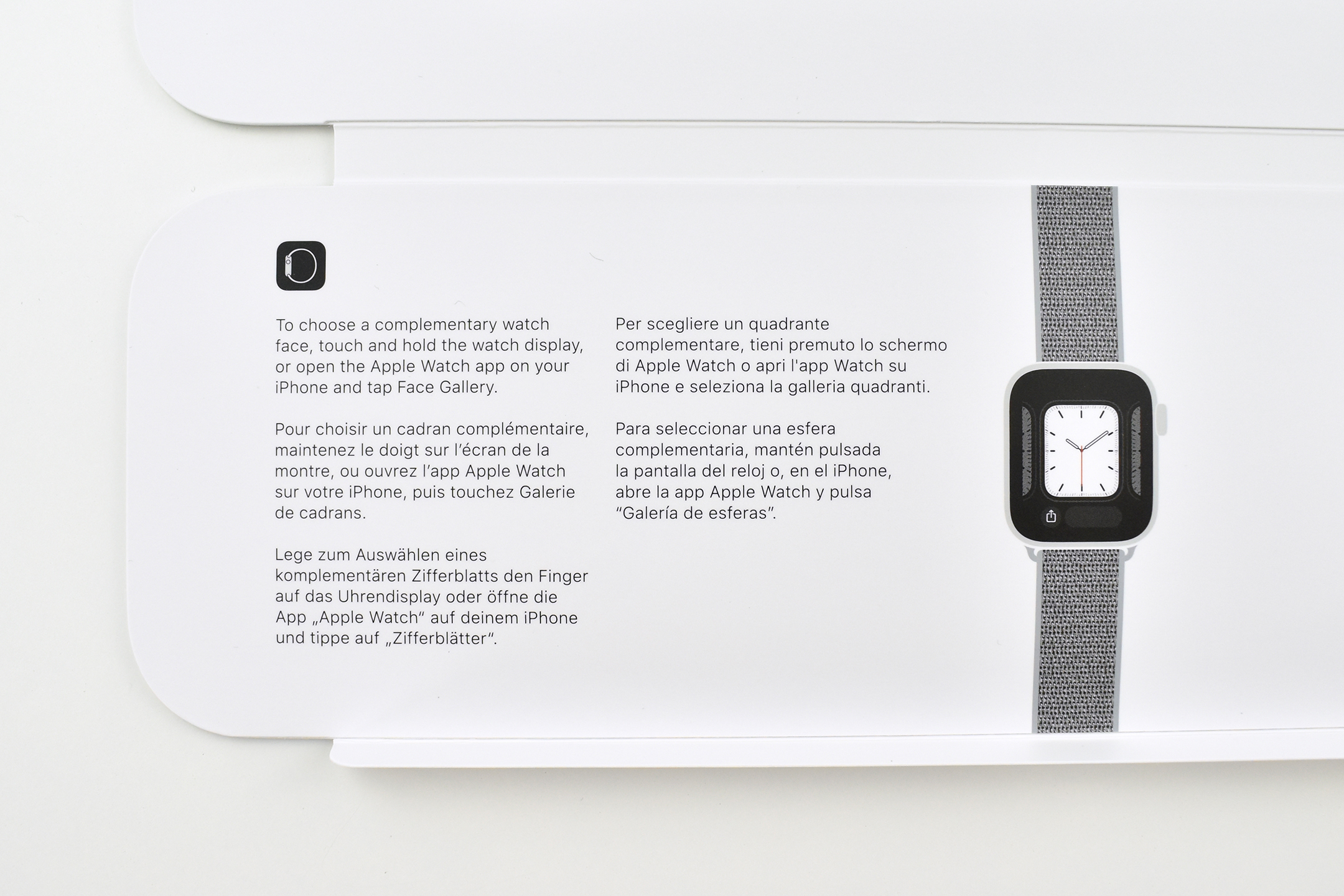
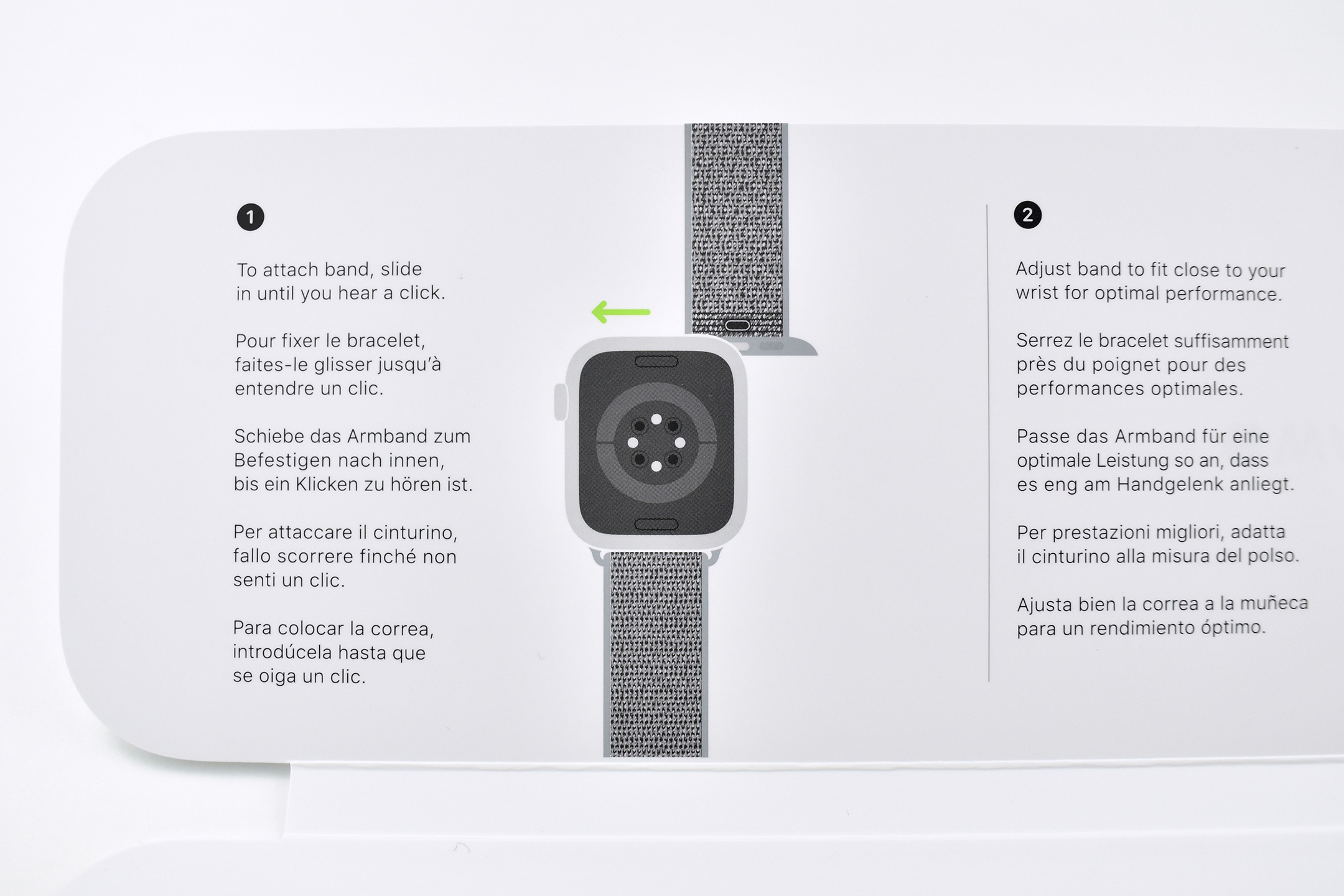
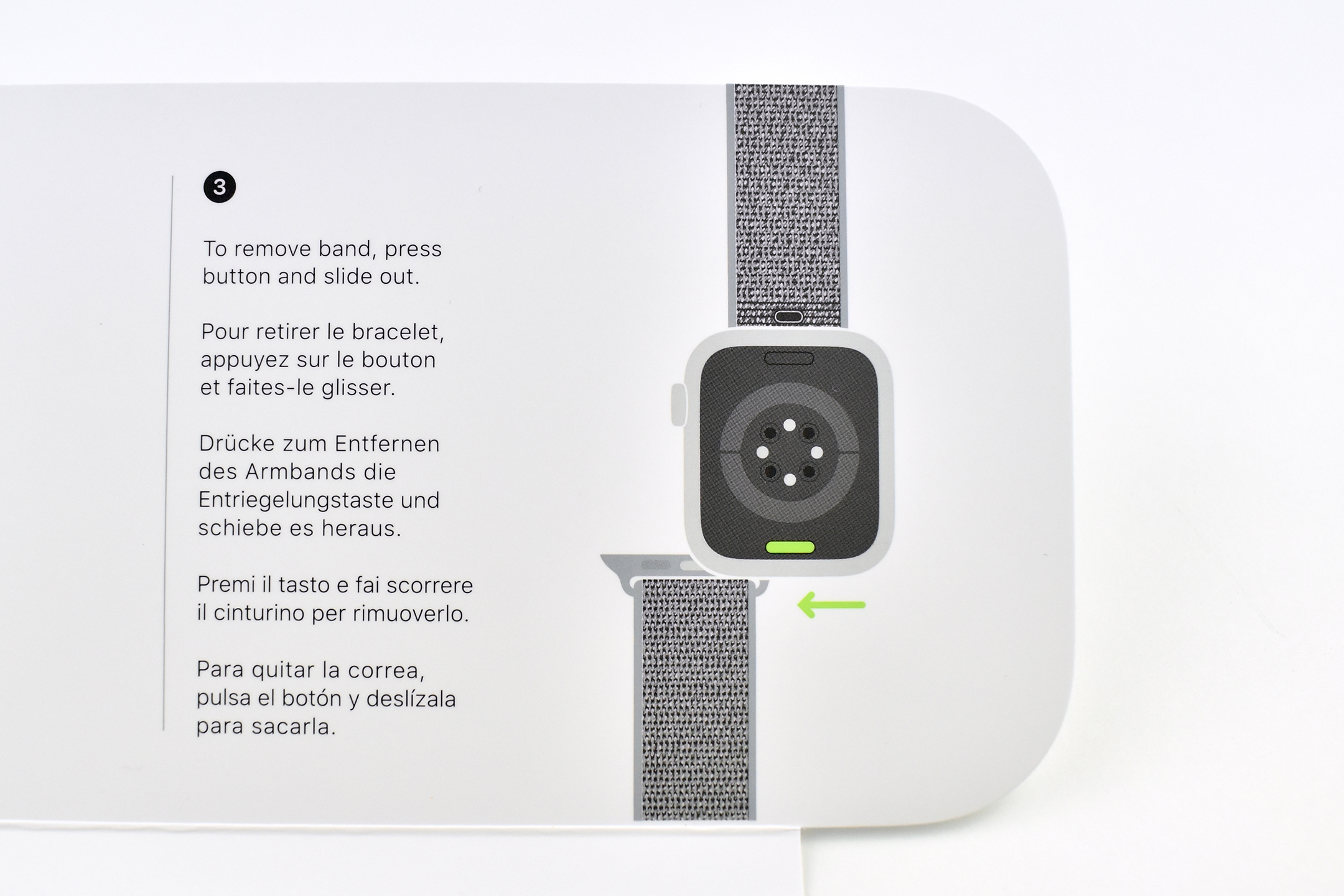
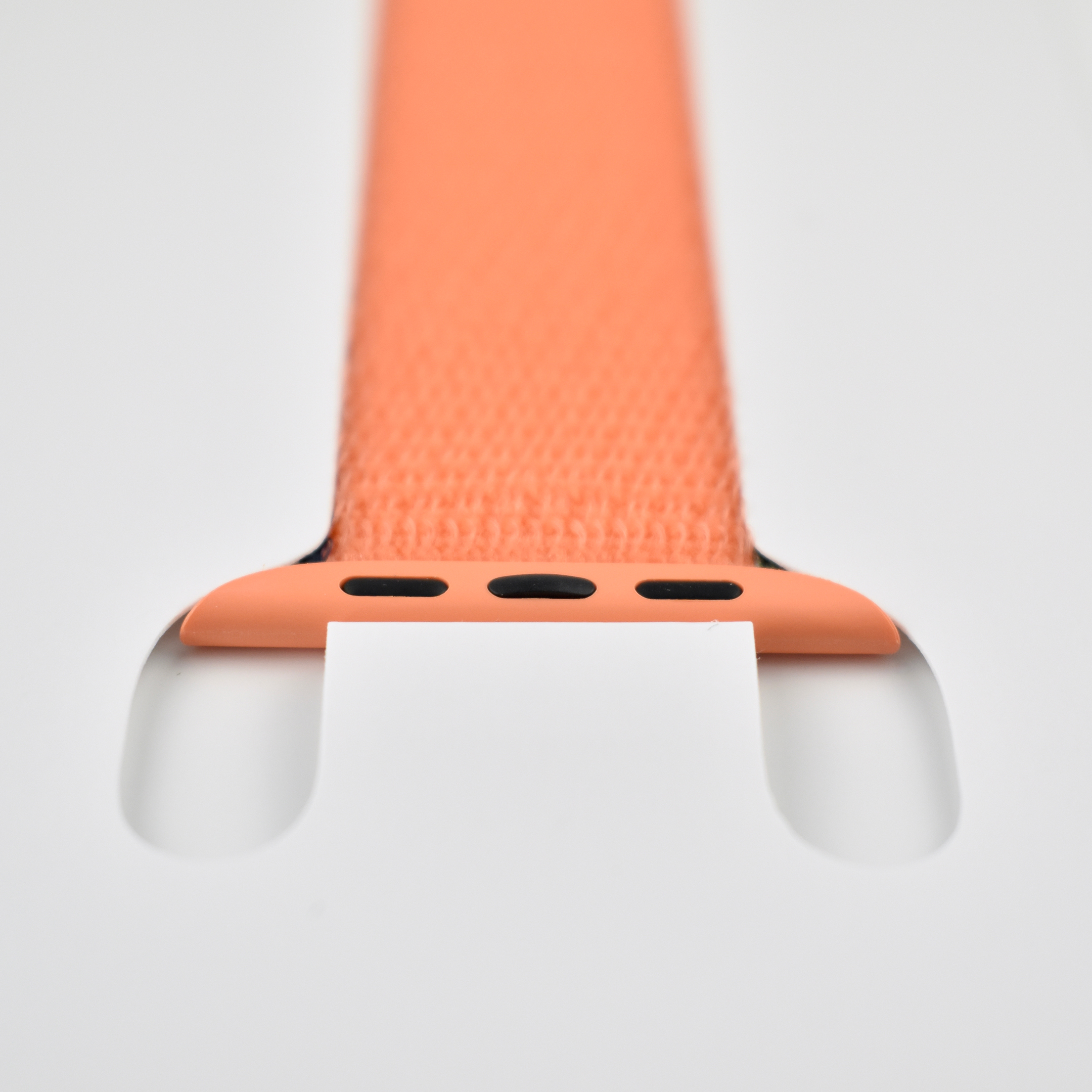
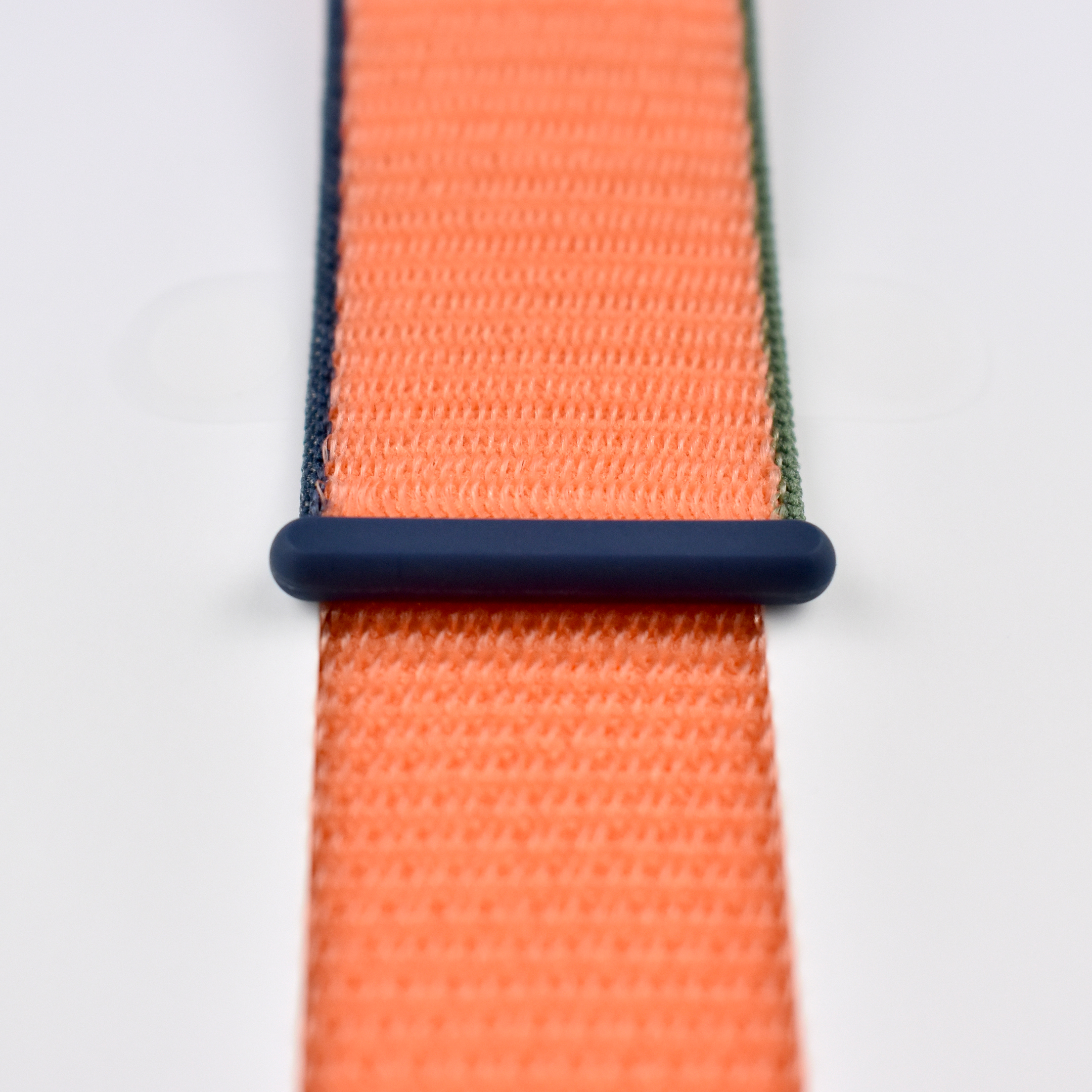
Beginning around 2018, Sport Loop designs were comprised of a base color and one or more accent colors. This Kumquat band uses an orange base color with edges accented in dark green and dark blue. In addition, the plastic connectors are orange while the closure plastic is dark blue.

Apple described the Apple Watch Sport Loop band:

“Soft, breathable, and lightweight, the Sport Loop features a hook-and-loop fastener for quick and easy adjustment. The double-layer nylon weave has dense loops on the skin side that provide soft cushioning while allowing moisture to escape. On the reverse side, the attachment loops are securely anchored for superior durability.”

Beginning in 2020 Apple began including a Band Compatibility statement on its website:

“You can match most bands with any Apple Watch Series 3 or newer case of the same size. (For Apple Watch Series 3, the 40mm band works with the 38mm case; the 44mm band works with the 42mm case.) The Solo Loop and Braided Solo Loop bands are only compatible with Apple Watch SE and Apple Watch Series 4 or newer. The 40mm case works with band sizes 1–9; the 44mm case works with band sizes 4–12.”

Source: Apple

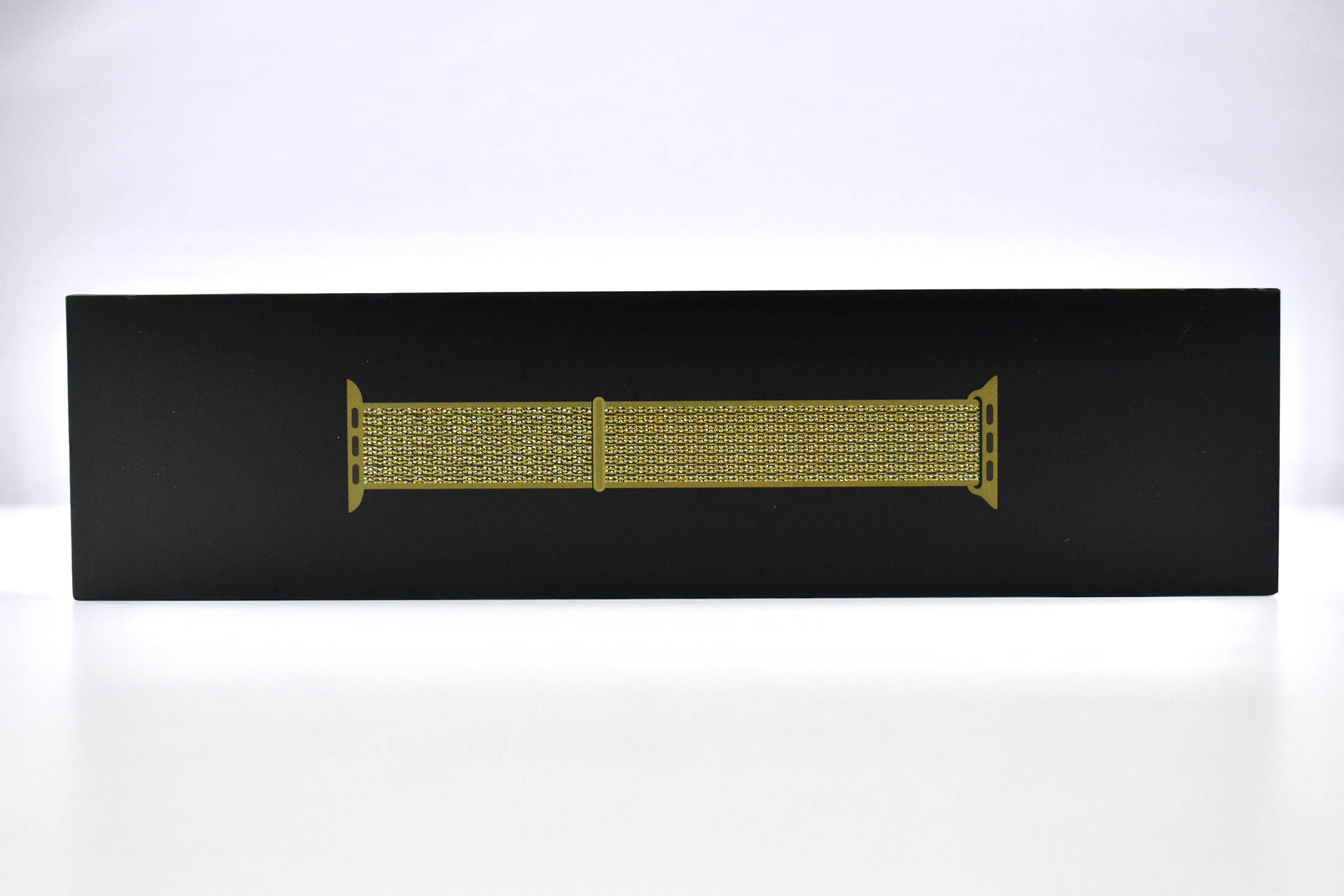
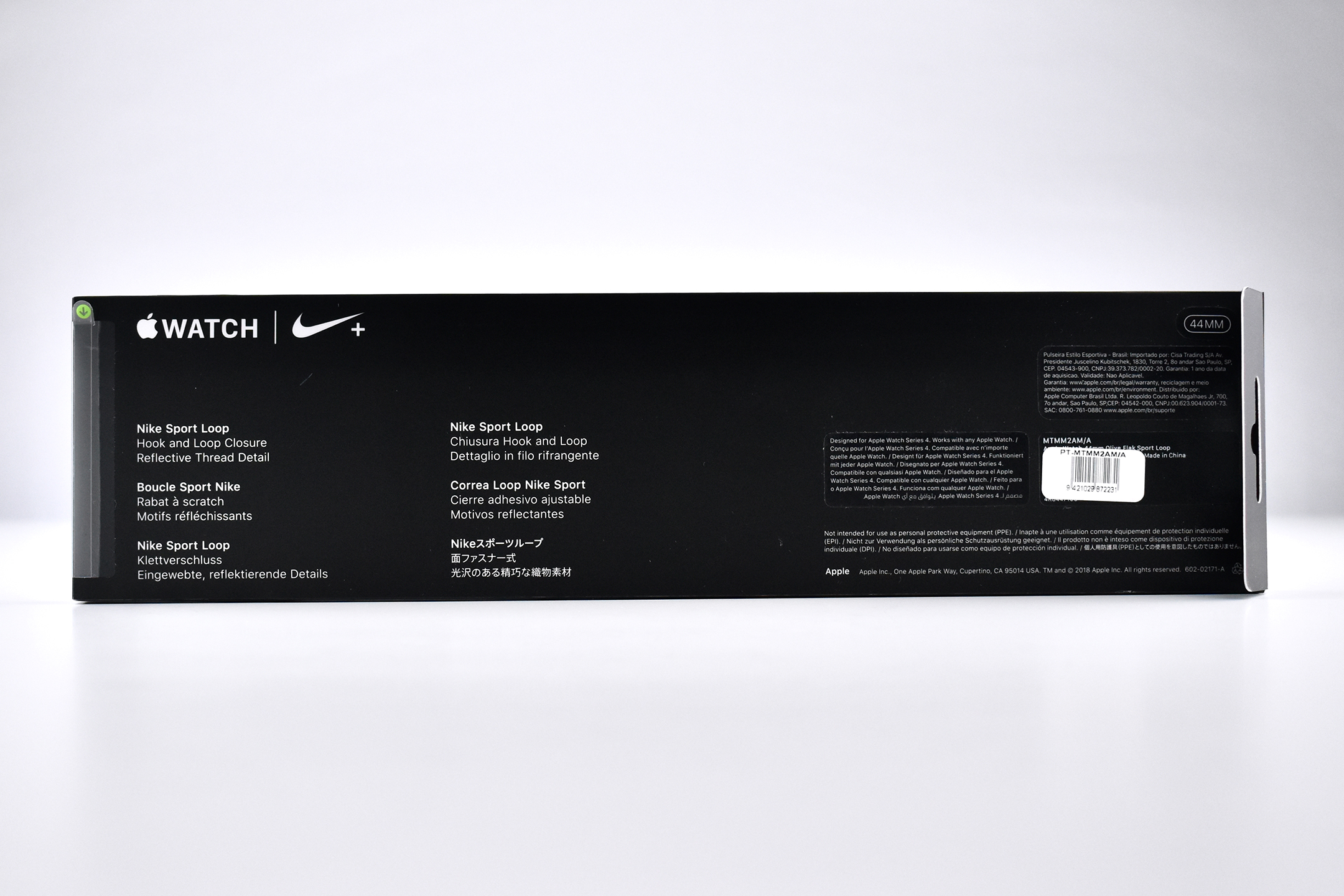
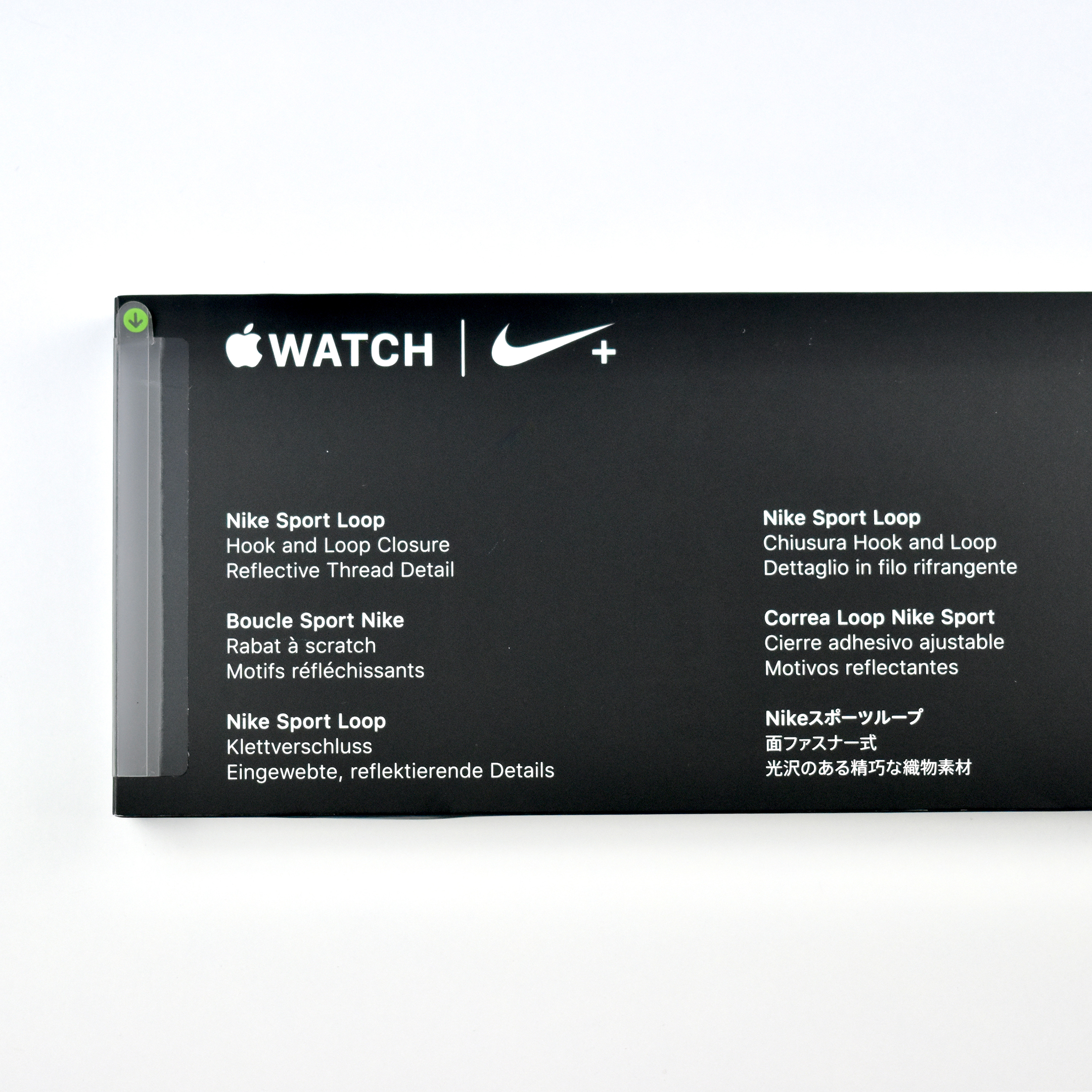
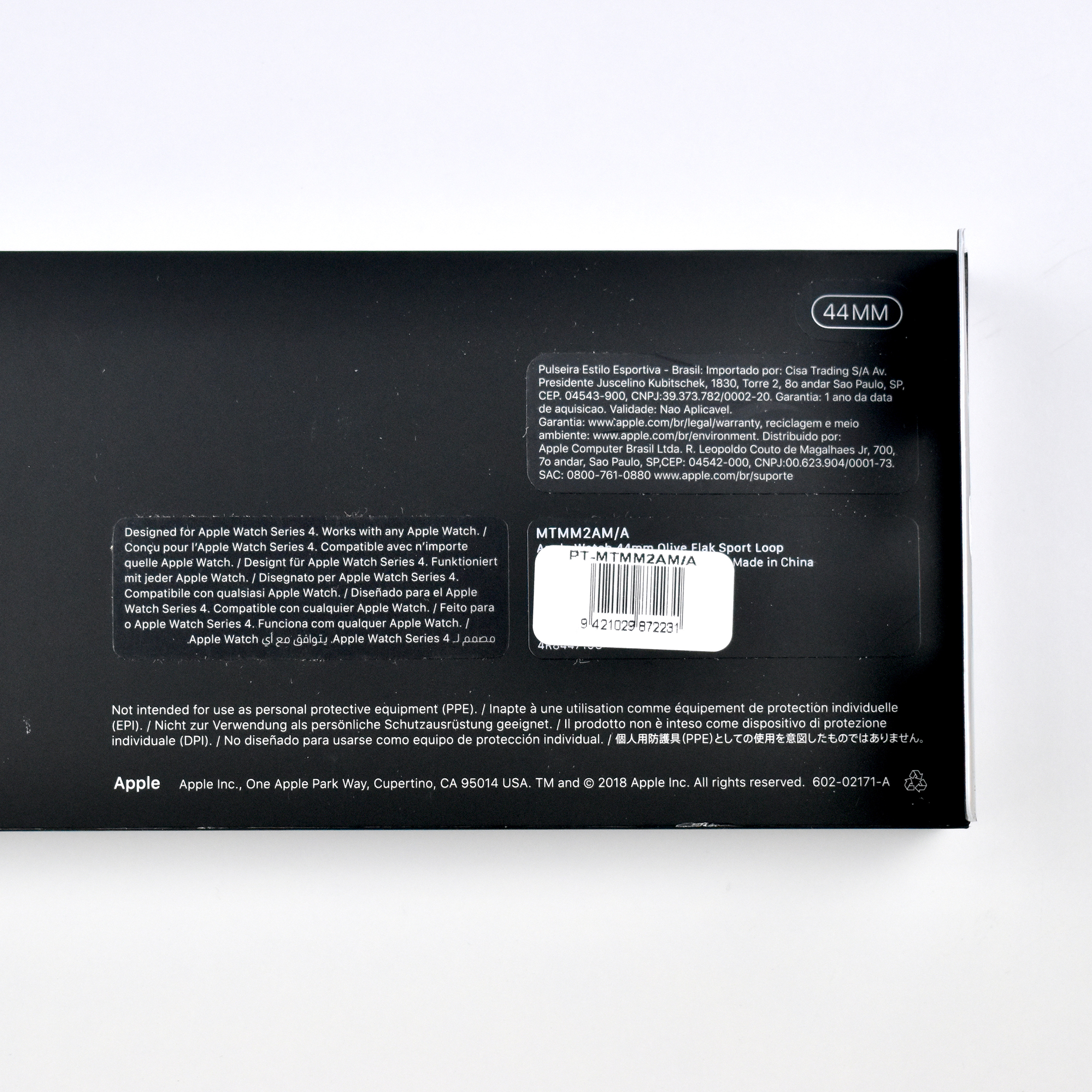
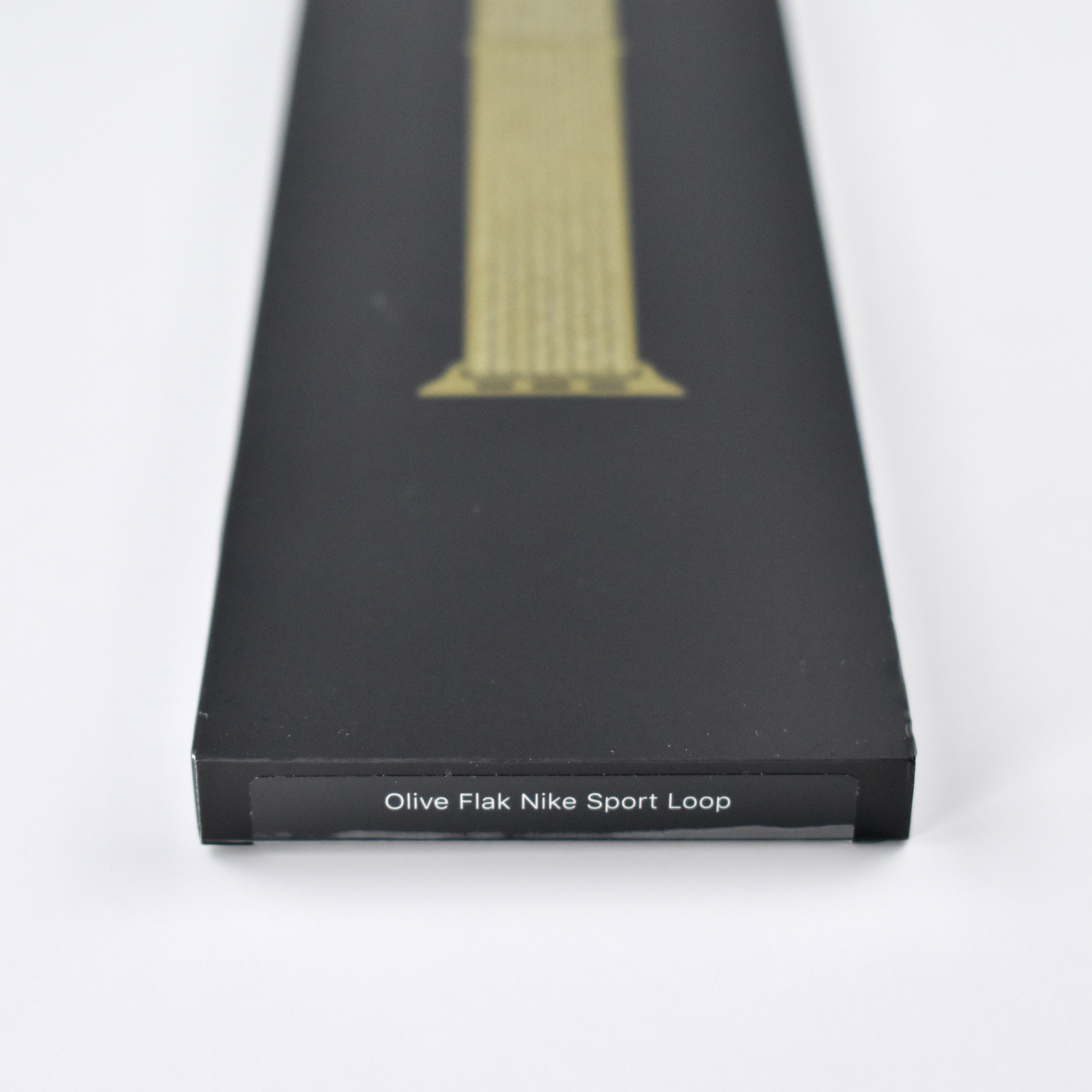
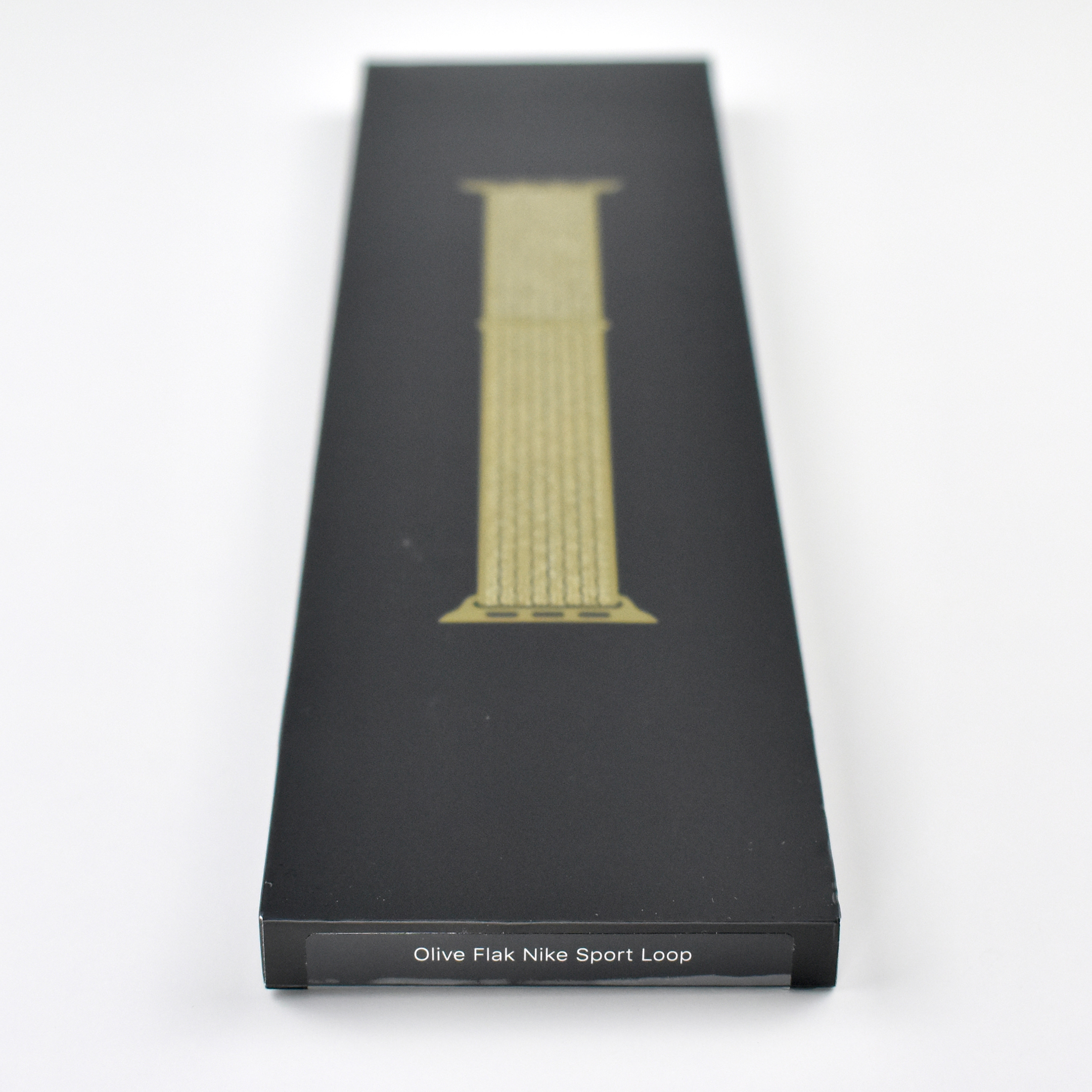
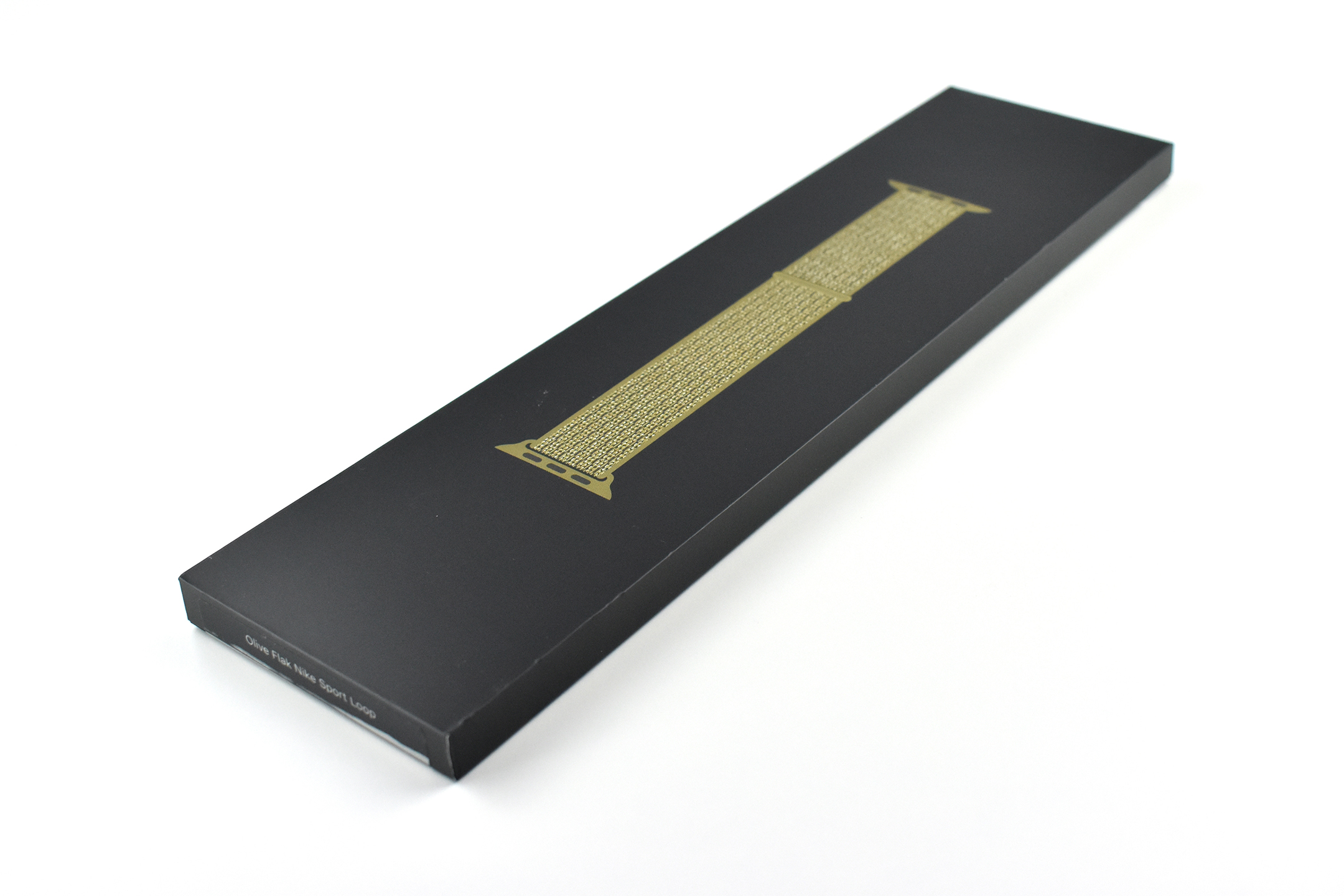
Apple Watch Nike Sport Loop (44mm, Olive Flak, 2018)

This Nike Sport Loop Apple Watch band was released in 2018. The packaging described this product as “Hook and Loop Closure Reflective Thread Detail.”

The Apple Watch Nike Sport Loop band has been available in several color combinations that matched one or more Nike shoe or clothing products upon release. Style names have included Bright Crimson/Black, Pearl Pink, Smokey Mauve, Midnight Fog, Celestial Teal, Cargo Khaki, Black/Pure Platinum, Black, Summit White, Desert Sand/Volt, Pink Blast/True Berry, Royal Pulse/Lava Glow, and Summit White. This example is Olive Flak. Most Nike styles tended to use an “interpretive” word in addition to a color, while Apple styles were arguably more concise, color-focused names.

Apple described the Apple Watch Nike Sport Loop band:

“Soft, breathable, and lightweight, the Nike Sport Loop is designed for fitness, with select colors matched to the new line of Nike running shoes. It features a nylon weave with reflective thread designed to shimmer when light strikes it. A hook-and-loop fastener makes for quick and easy adjustment, and dense loops on the skin side provide soft cushioning while allowing moisture to escape. On the reverse side, the attachment loops are securely anchored for superior durability.”

Source: Apple

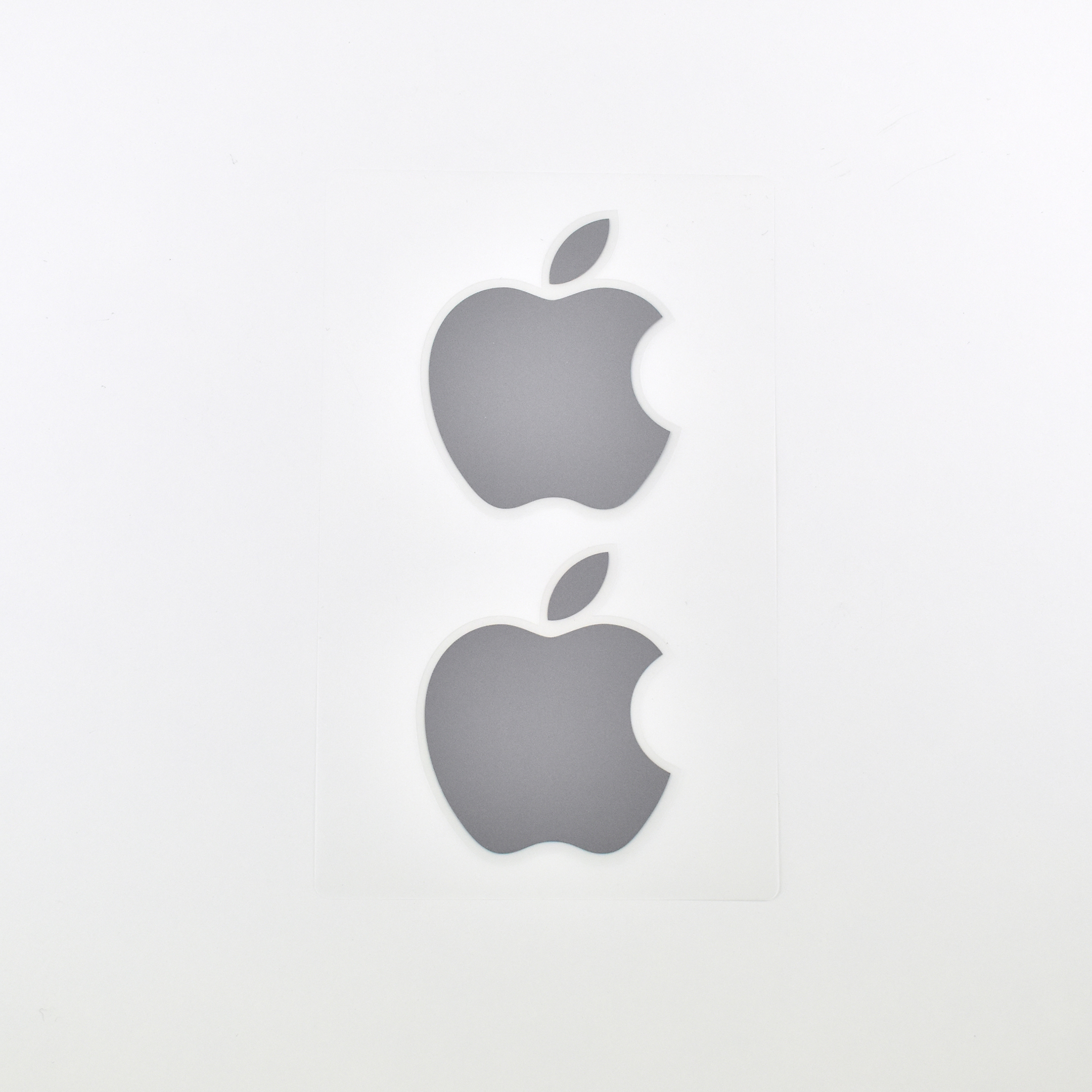
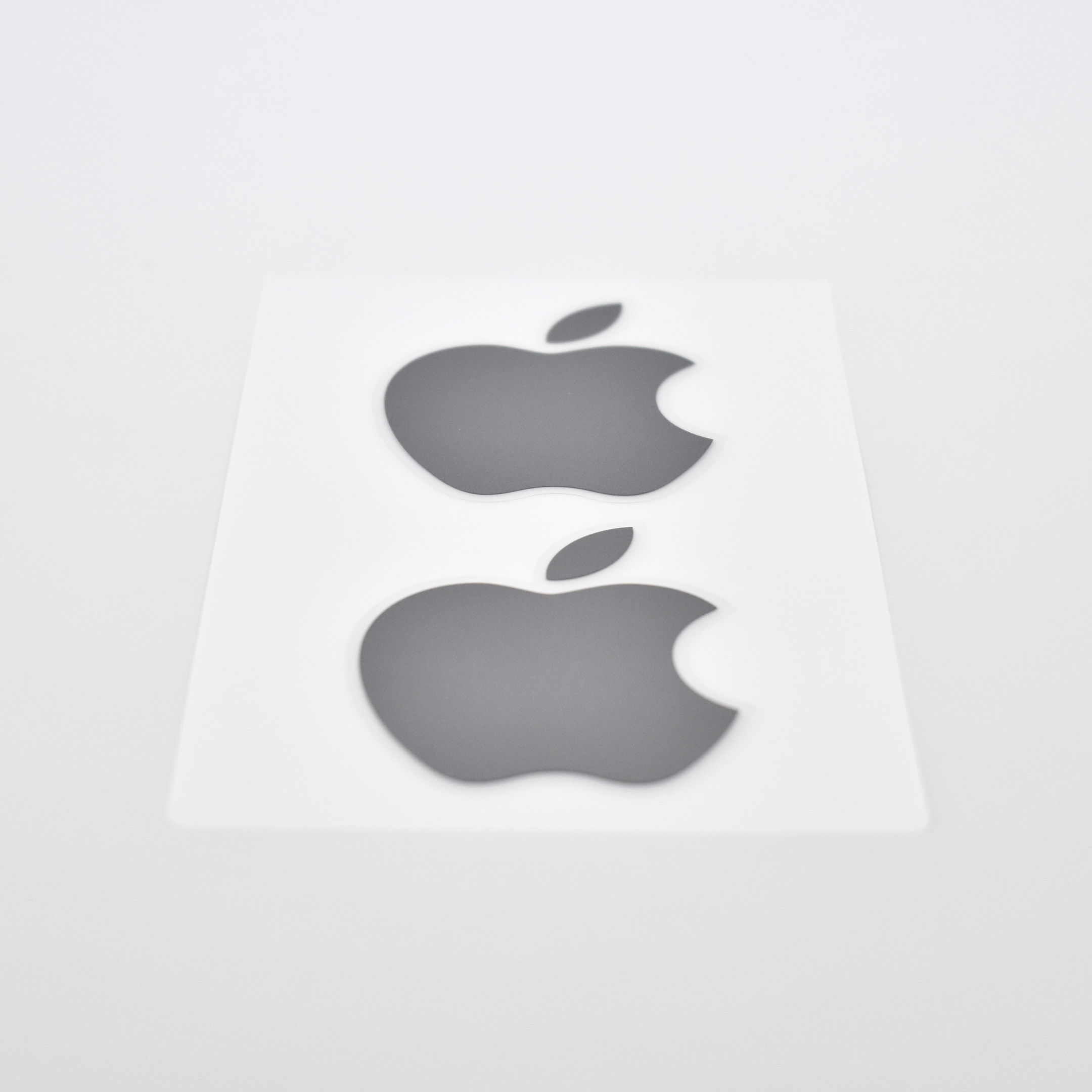
Apple Logo Stickers (Silver, 2020)

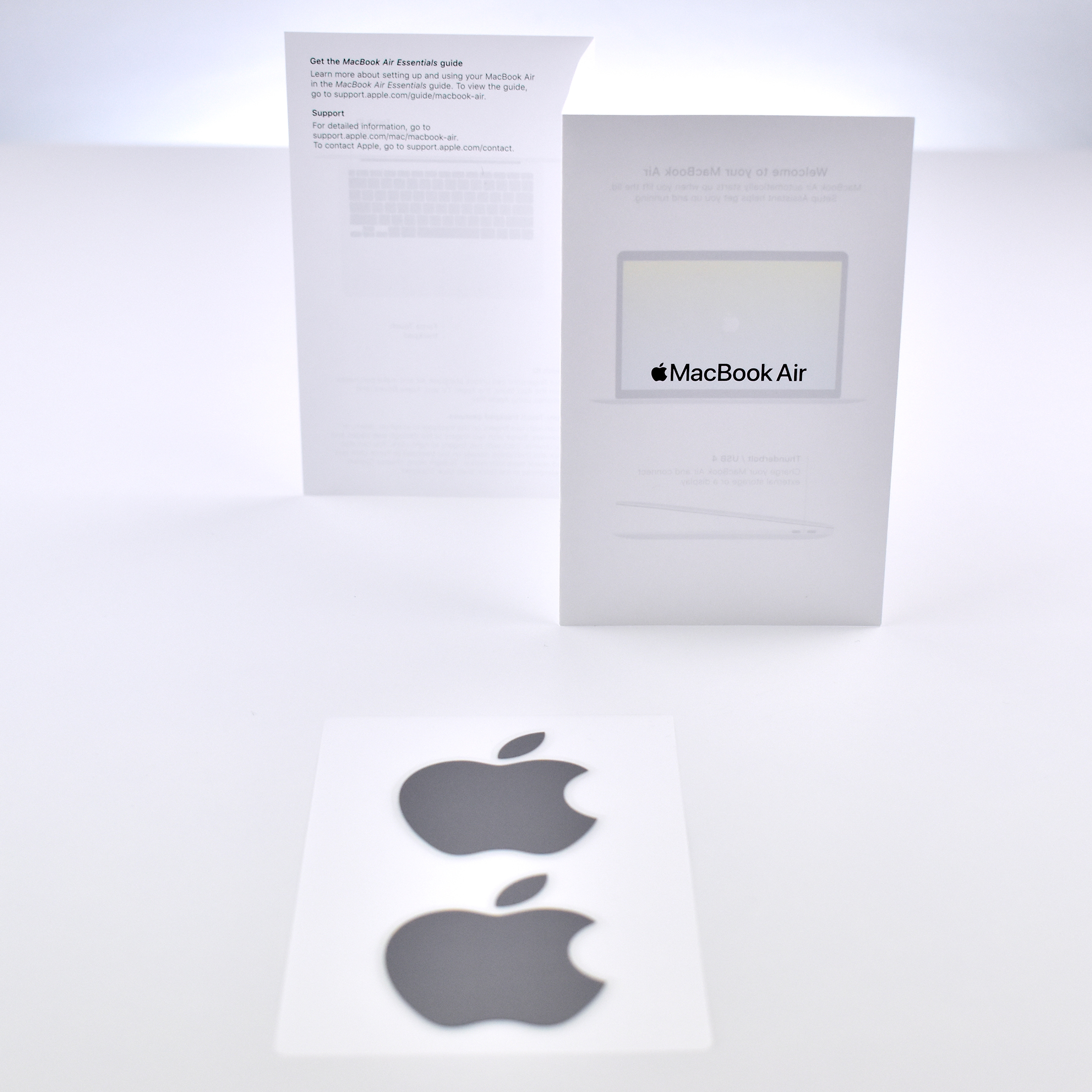
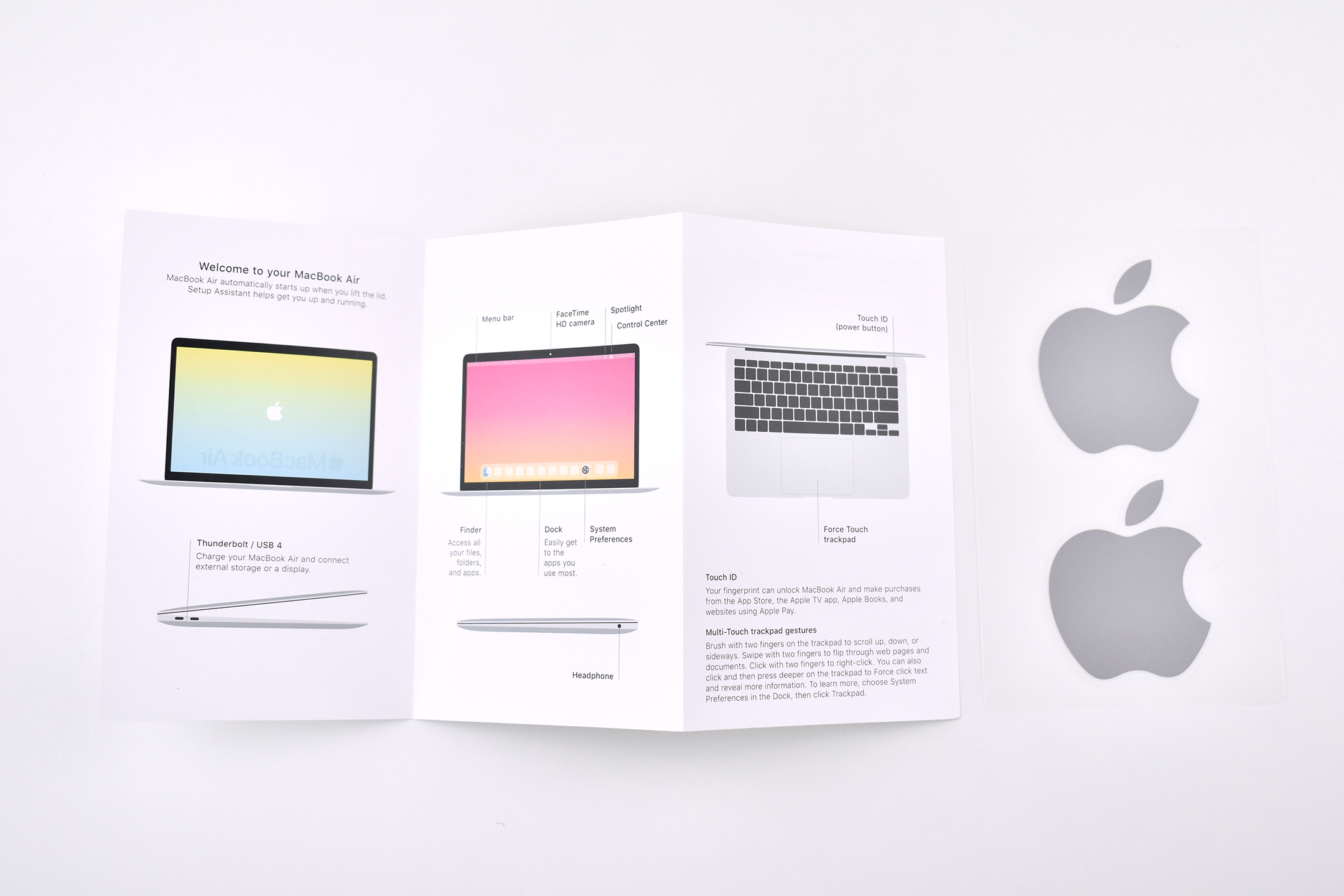
For as long I have purchased Apple products, and even before the original Macintosh in 1984, Apple has included stickers in its devices featuring the Apple logo. I have examples in my collection of Apple logo stickers from before the Macintosh in the early-1980s.

I added these stickers in late 2020 when the new M1 Macs were released. These stickers were included with the M1 MacBook Air laptop in Space Gray.

See my full Apple sticker collection at:
http://mattjfuller.com/apple-logo-stickers-1980s-present/

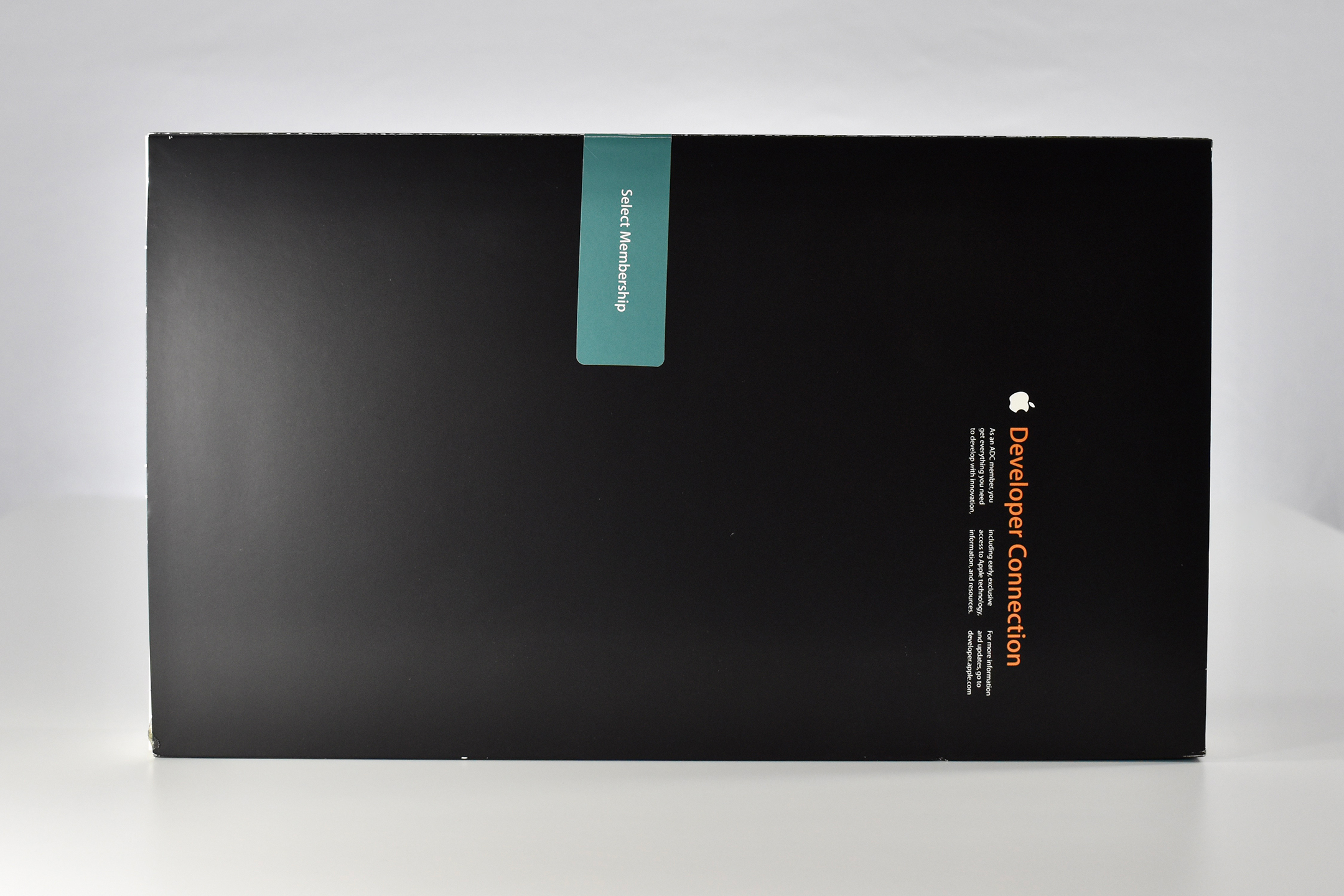
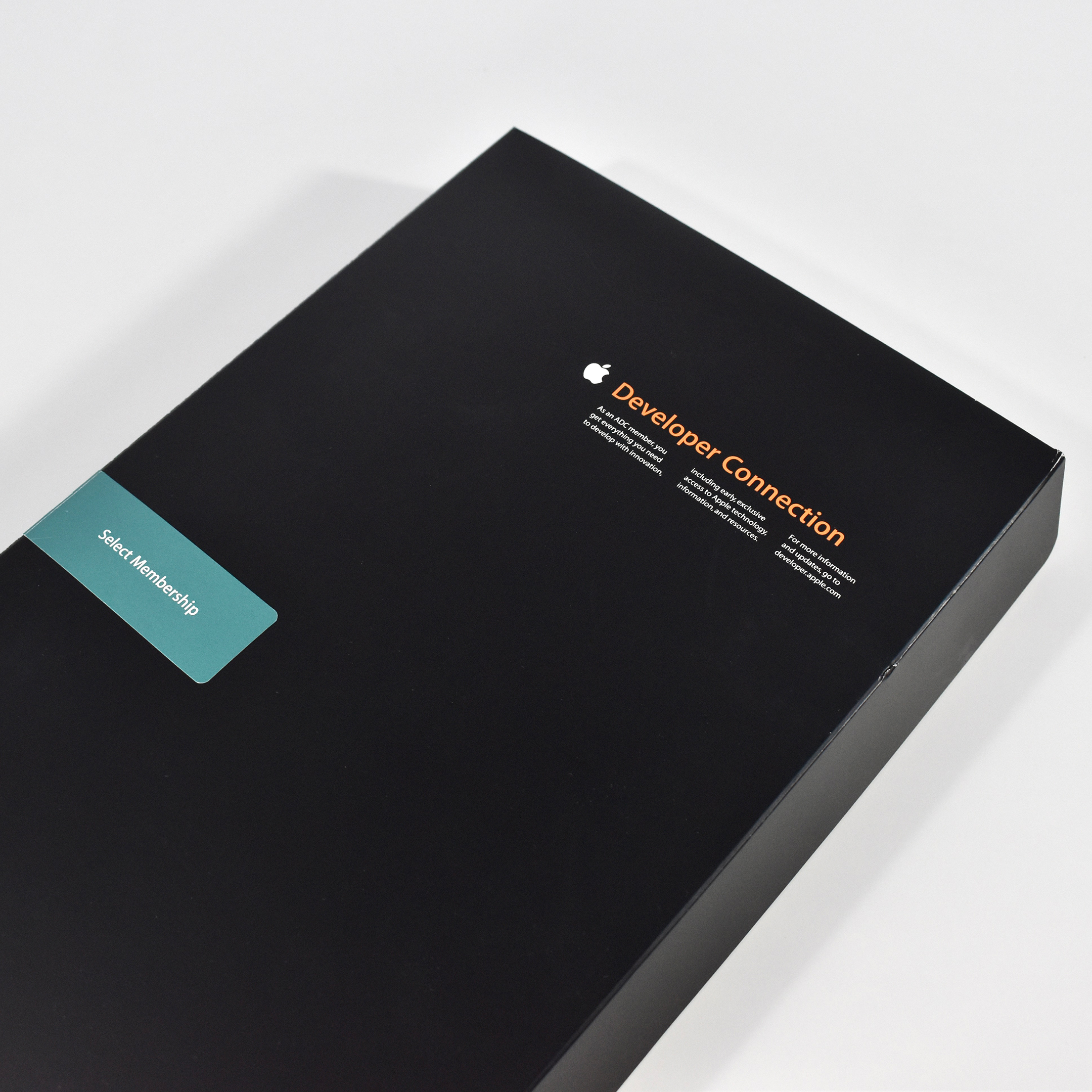
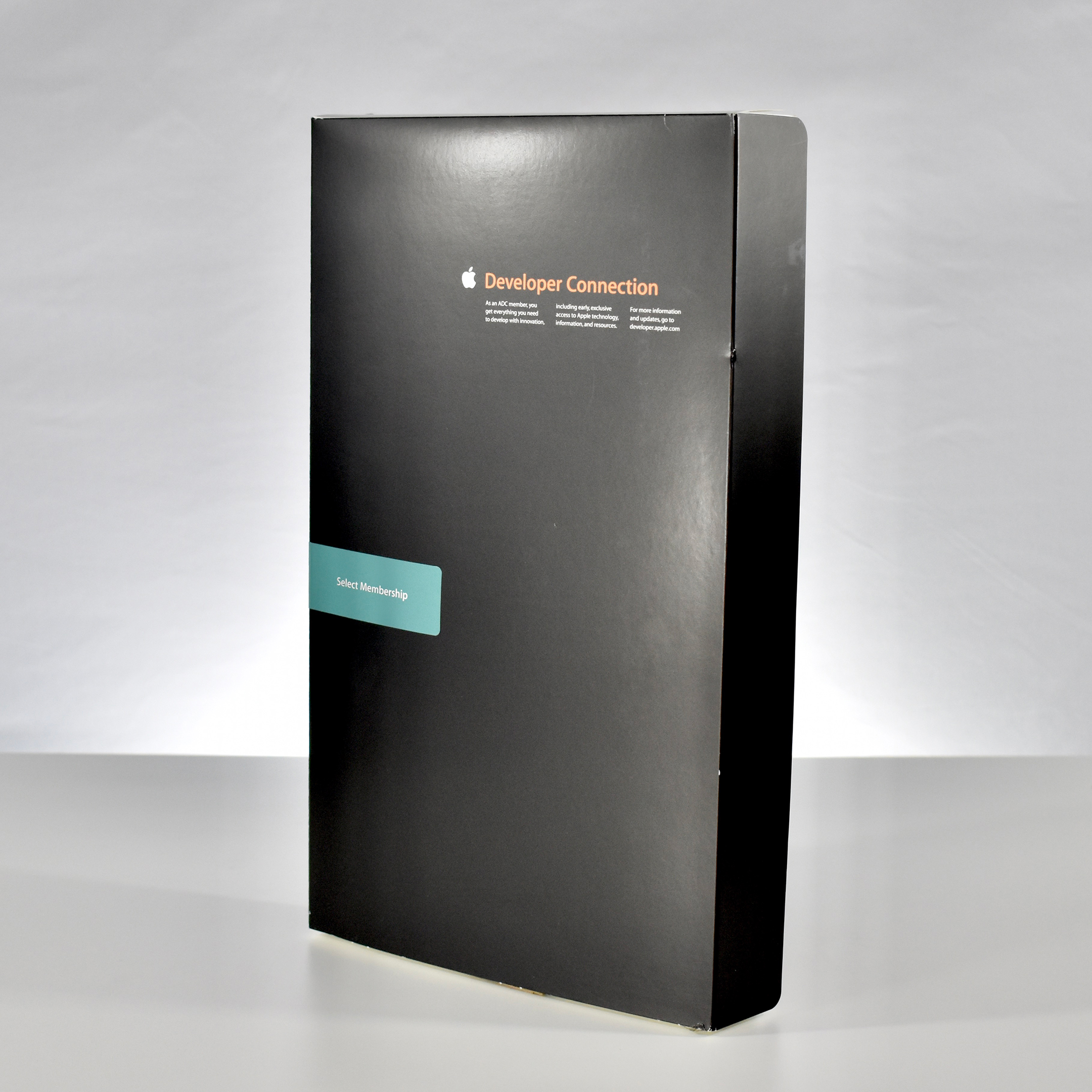
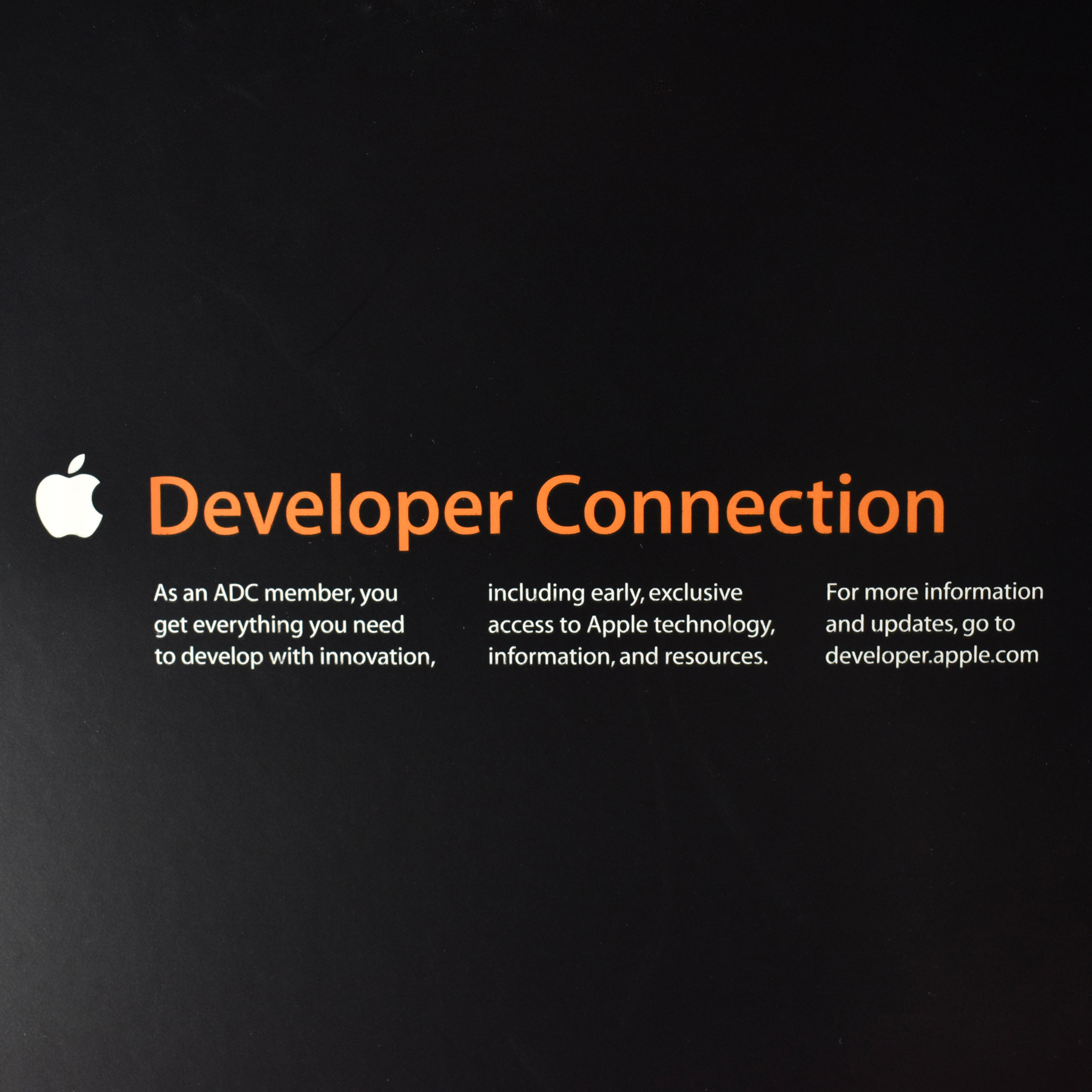
Apple Developer Connection Select Membership box and DVDs (2007)

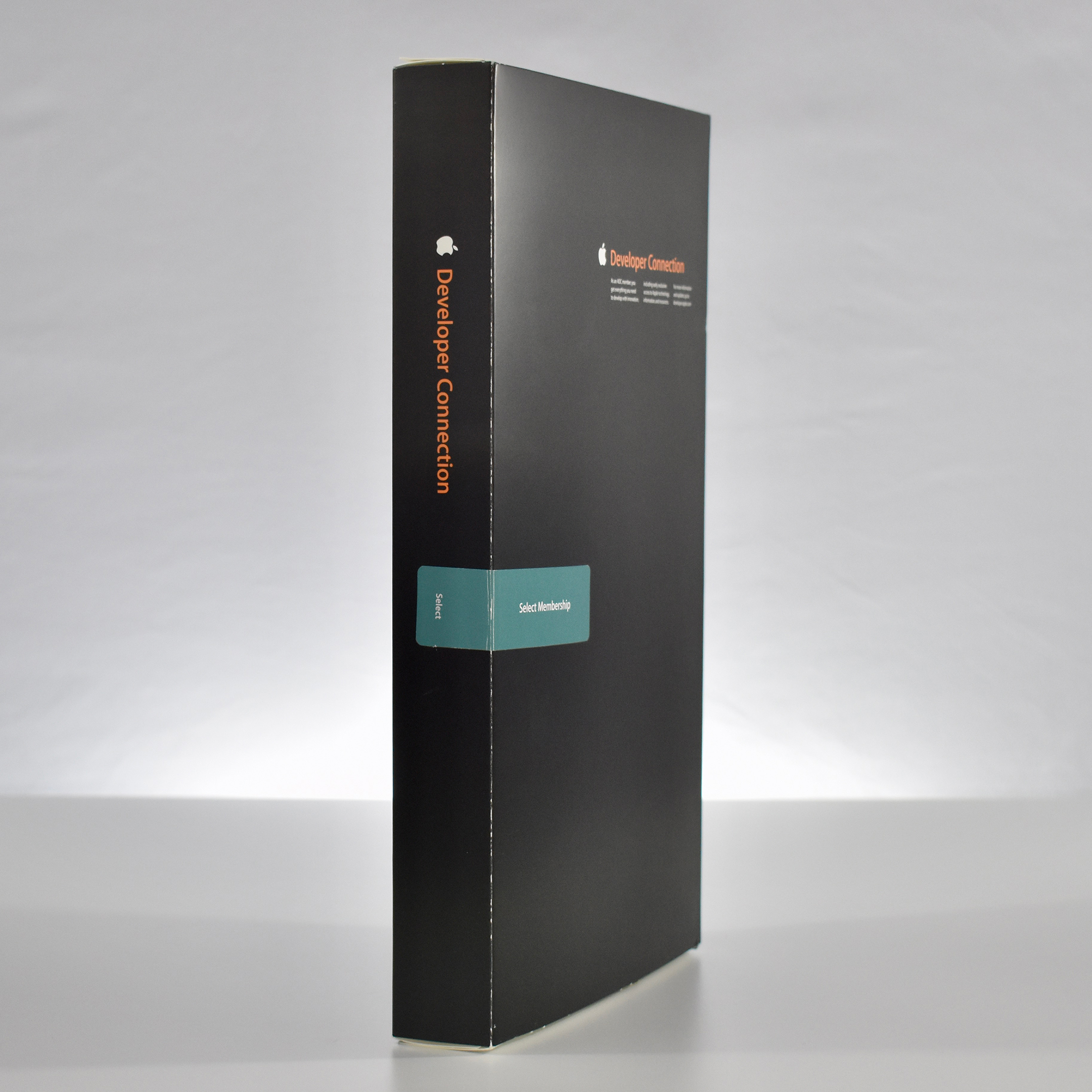
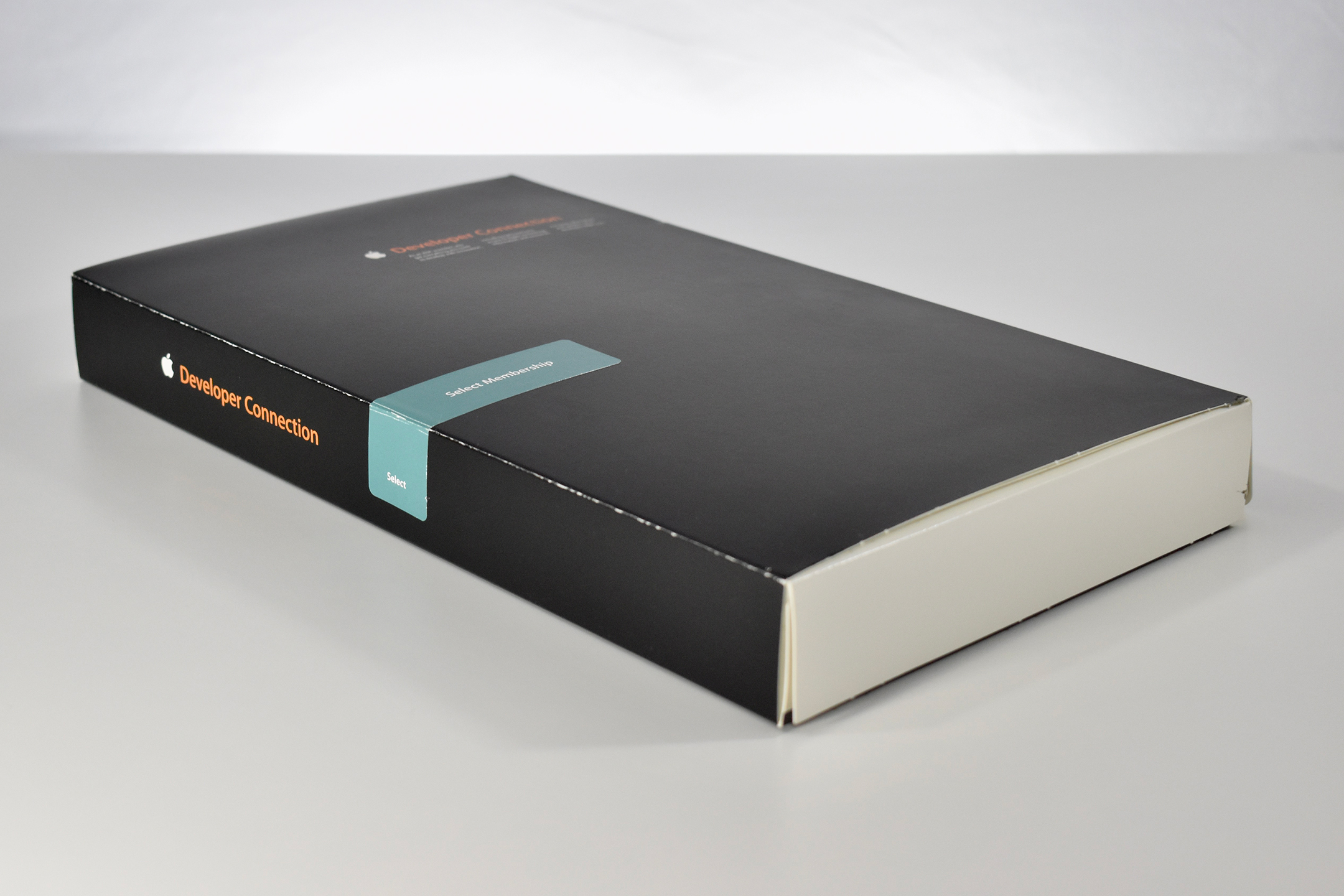
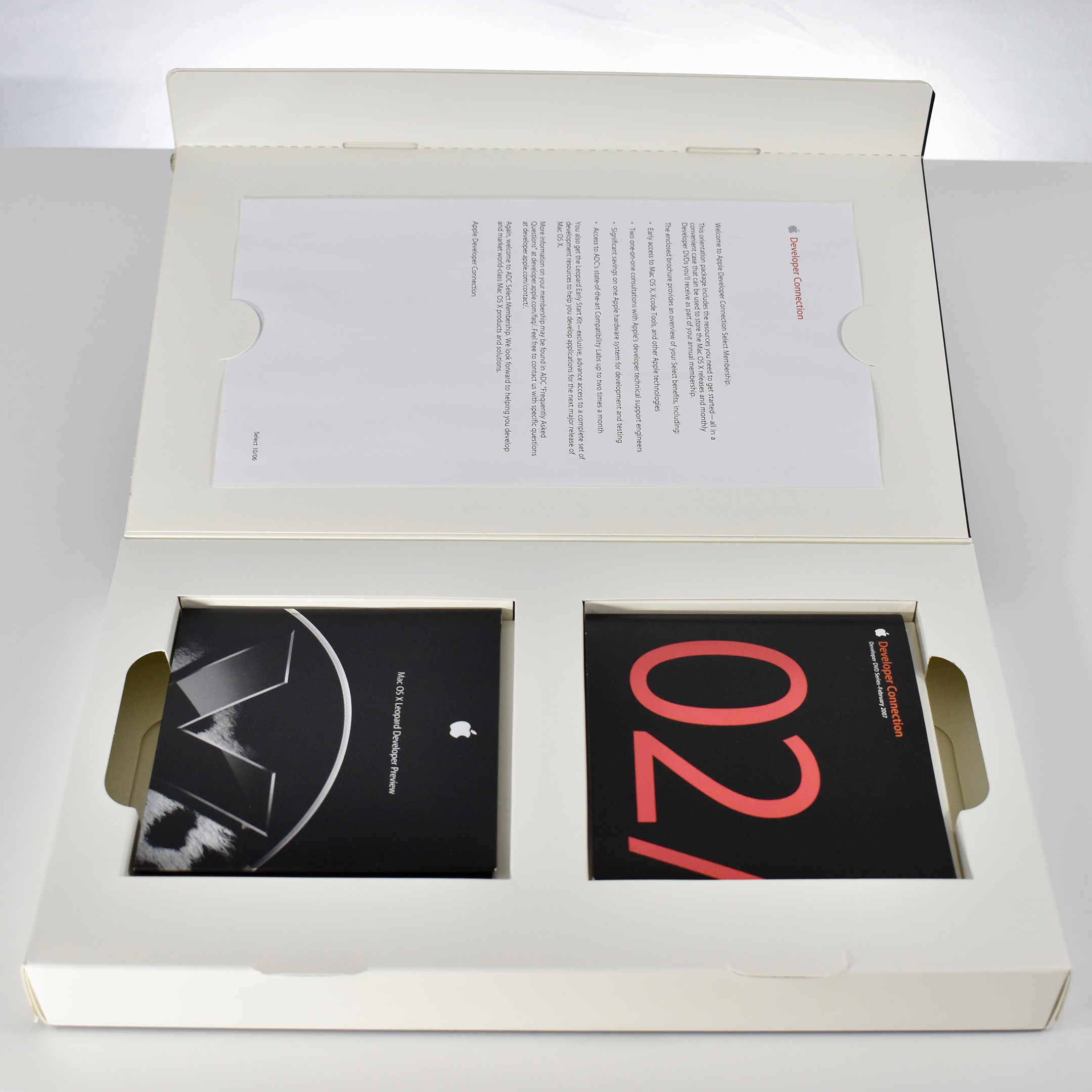
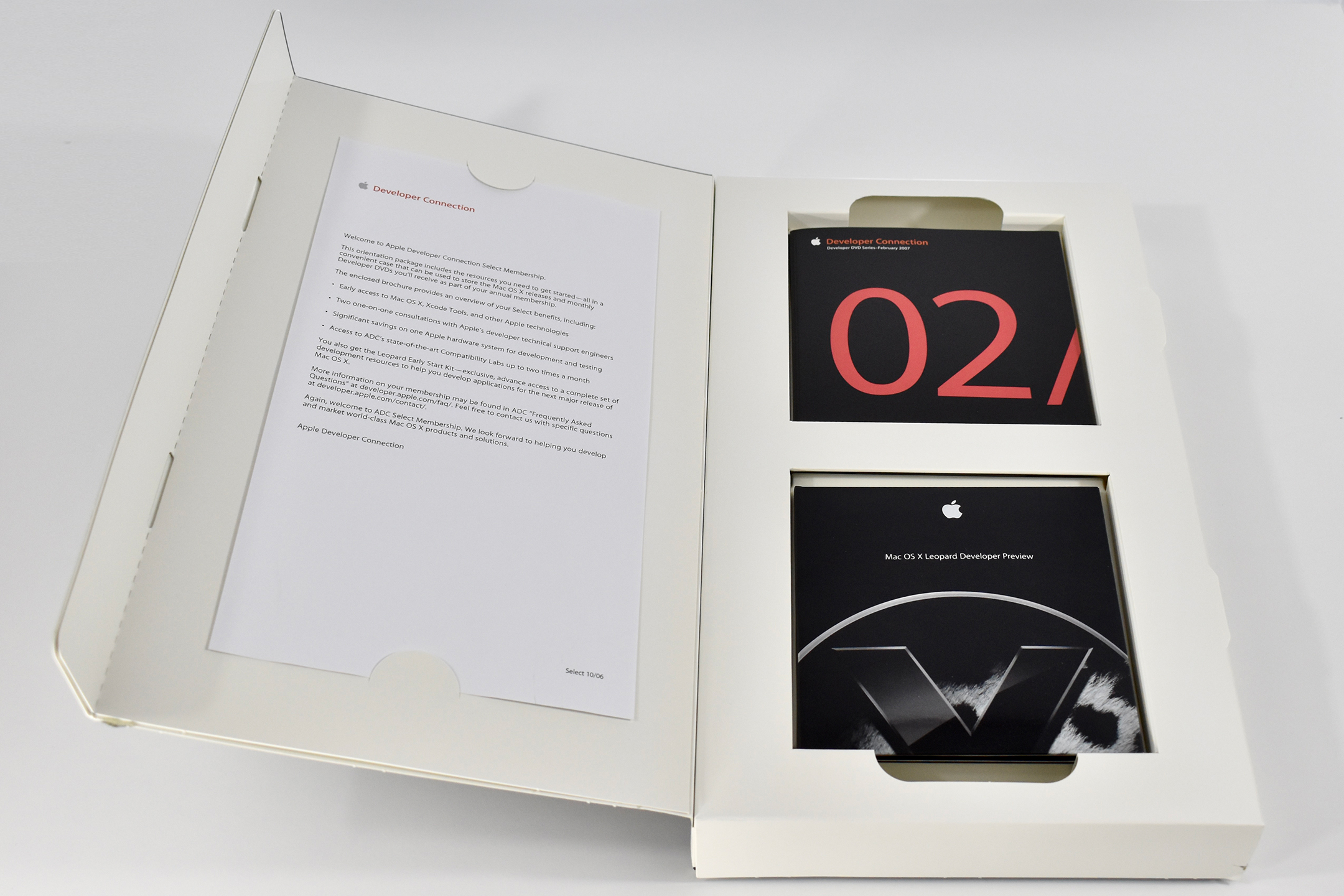
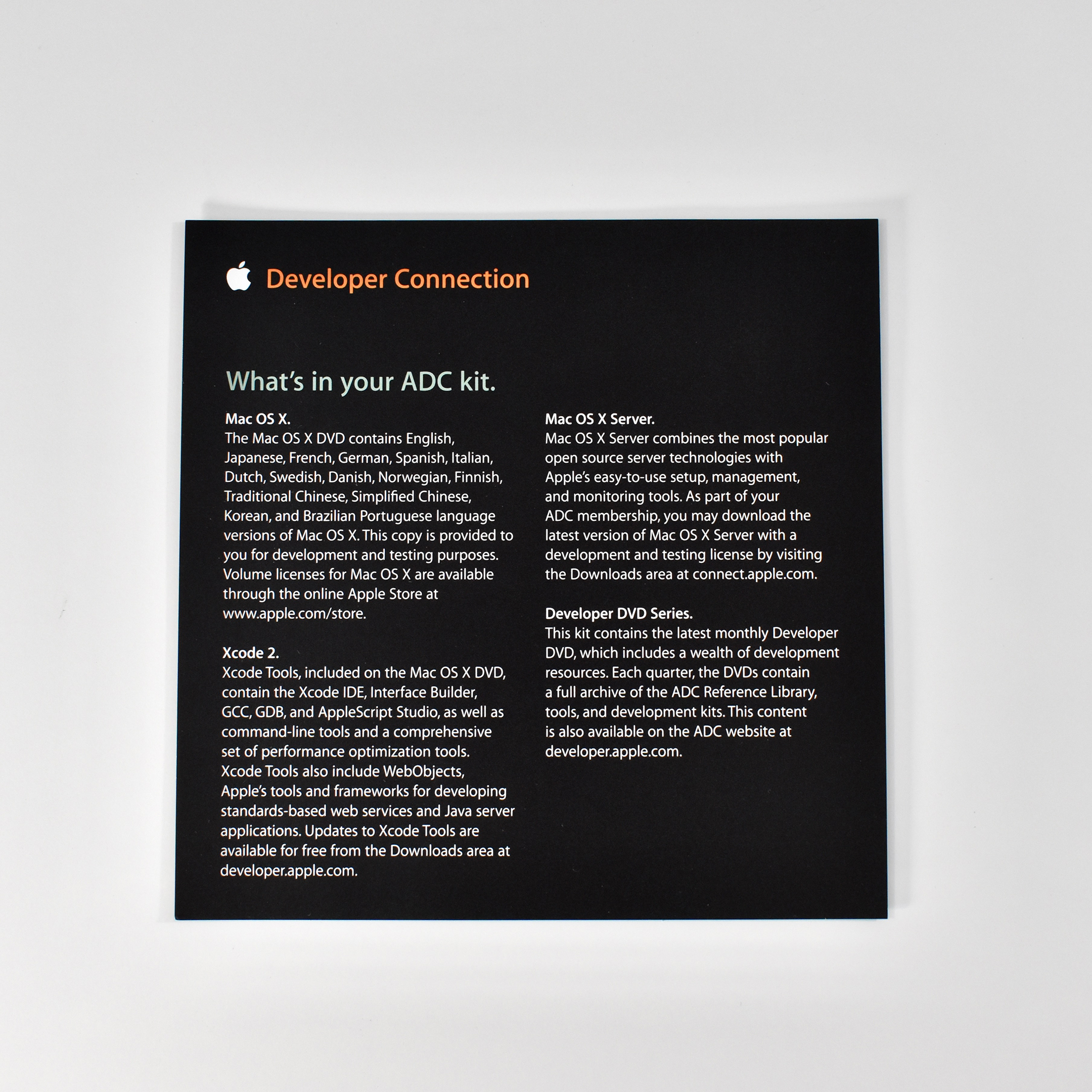
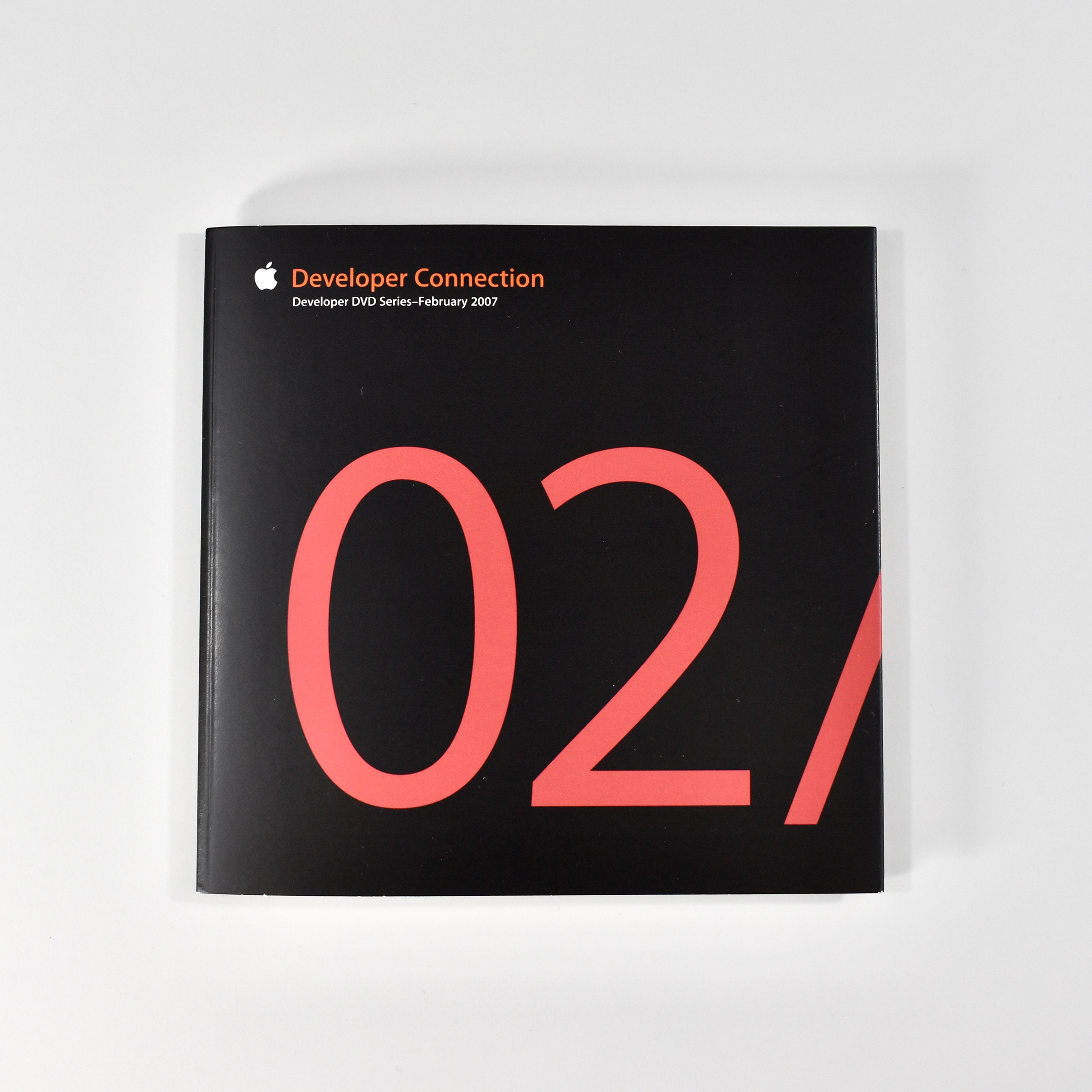
The Apple Developer Connection Select Membership box was sent to new members of the Apple Developer program that served as a “welcome kit” to the ADC program. Based on its contents, this membership box was sent in February 2007 (the DVD design features a large 02/07 in red-orange Apple Myriad font). After the box was sent, new content could be downloaded from the Apple Developer website and no new physical media (CDs/DVDs) was necessary.

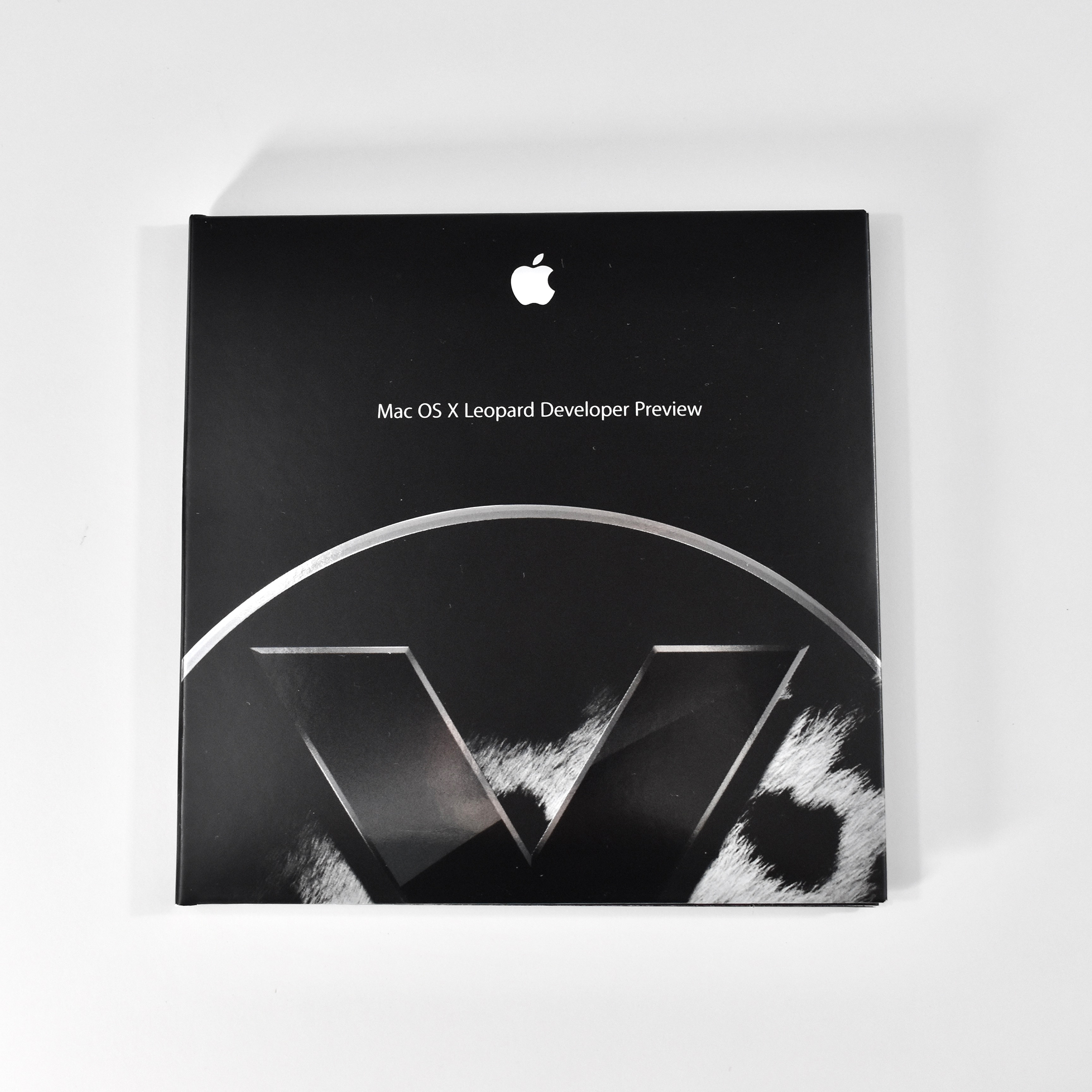
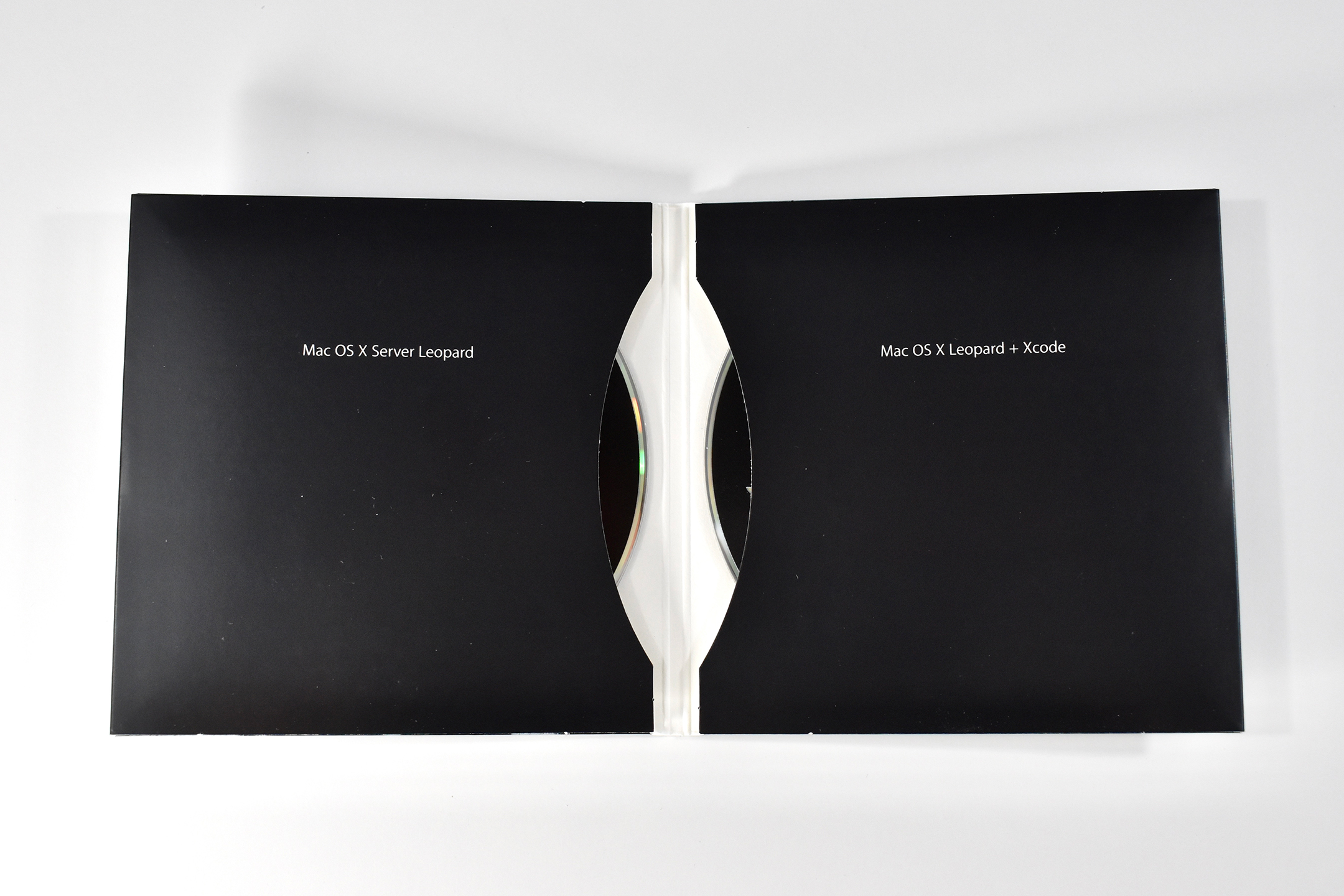
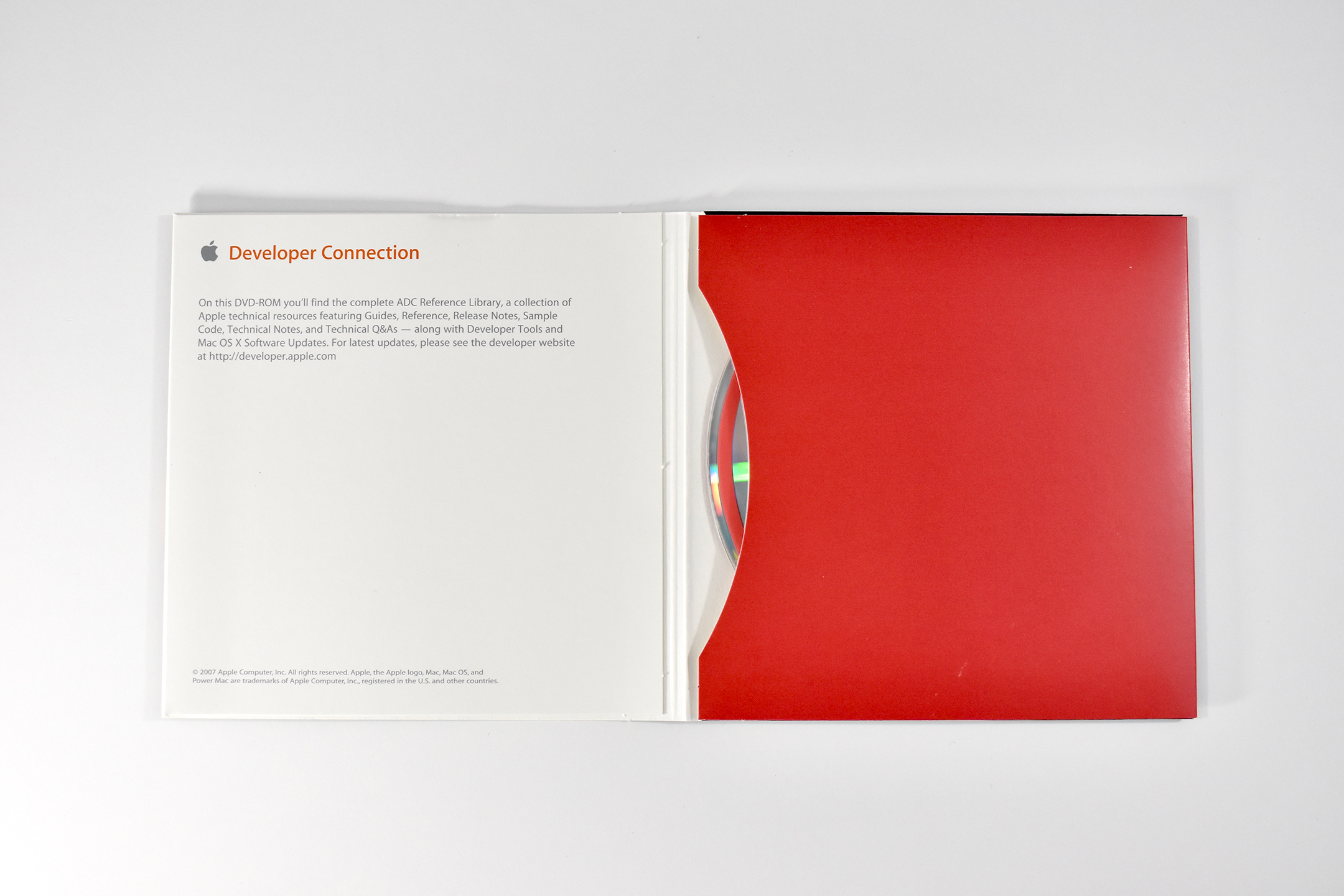
This Apple Developer Connection box contains a welcome letter, a set of DVD-ROMs (Developer DVD Series—February 2007), and the then-current Mac OS X Leopard Developer Preview DVD.

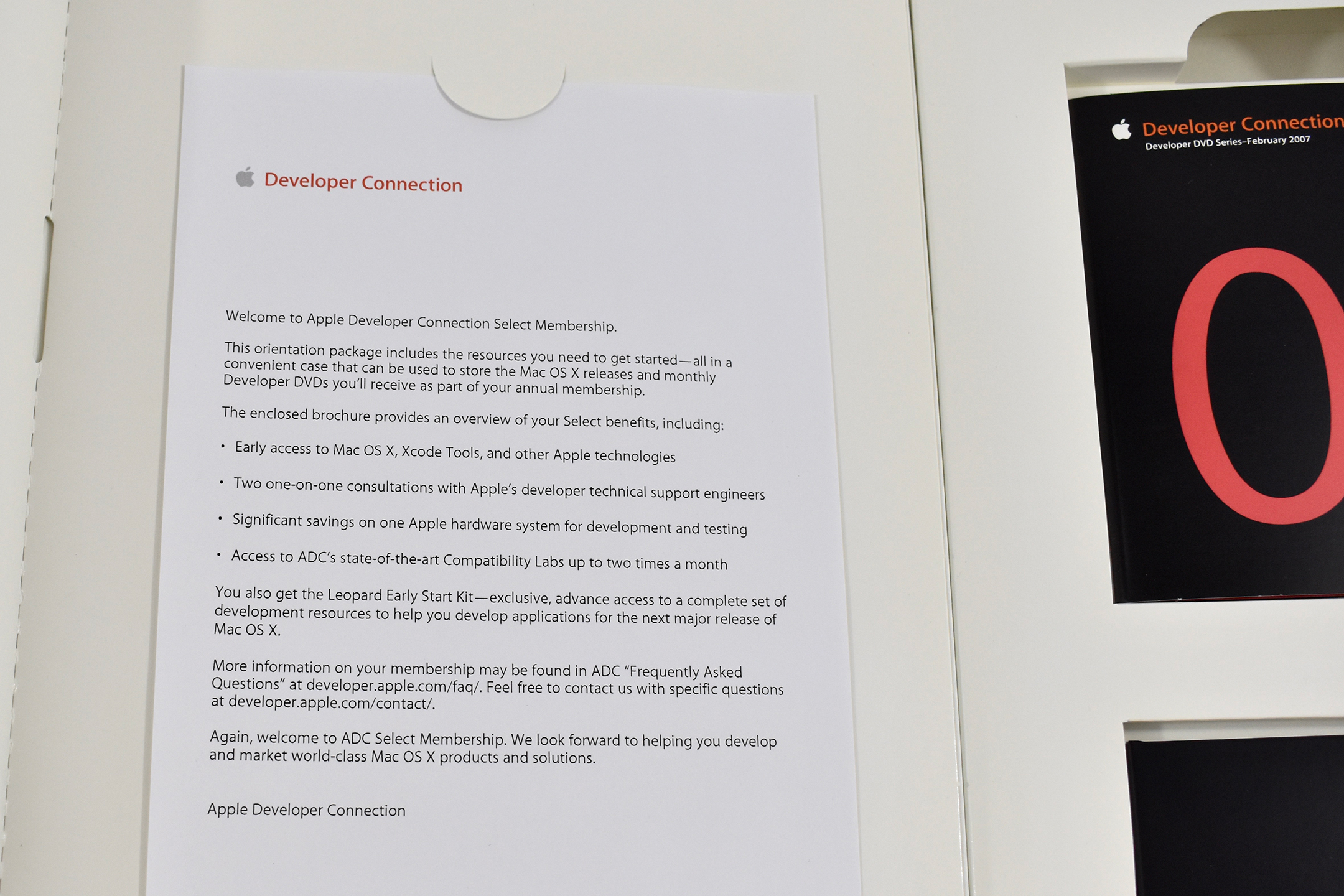
The welcome letter reads:

Welcome to Apple Developer Connection Select Membership.

This orientation package includes the resources you need to get started-all in a convenient case that can be used to store the Mac OS X releases and monthly Developer DVDs you’ll receive as part of your once-a-year membership.
The enclosed brochure provides an summary of your Select benefits, including:
• Early access to Mac OS X, Xcode Tools, and other Apple technologies
• Two one-on-one discussions with Apple’s developer technical support engineers
• Significant savings on one Apple hardware system for development and testing
• Access to ADC’s state-of-the-art Compatibility Labs up to two times a month

You also get the Leopard Early Start Kit-exclusive, advance access to a complete set of development resources to help you develop applications for the next major release of Mac OS X.
More information on your membership may be found in ADC “Frequently Asked Questions” at developer.apple.com/faq/. Feel free to contact us with specific questions at developer.apple.com/contact/.

Again, welcome to ADC Select Membership. We look forward to helping you develop and market world-class Mac OS X products and solutions.

Apple Developer Connection

The DVD contains the following folders:

  • About this DVD (html-based reference library)
  • What’s New (software updates including Airport Update 2006-002, Security Update 2006-008 PPC, Security Update 2006-008 Universal)
  • ADC Reference Library (html-based library)
  • Development Kits
    • Apple Loops SDK
    • AppleScript SDK
    • Bonjour SDK for Windows
    • CardBus DDK
    • Core Audio SDK
    • DotMac SDK
    • FireWire SDK
    • Image Capture SDK
    • iMovie Plug-in SDK
    • iTunes COM for Windows SDK
    • iTunes Visual Plug-ins SDK
    • Kernel Debug Kit
    • Kernel Debug Kit 10.4.6
    • Kernel Debug Kit 10.4.7
    • Kernel Debug Kit 10.4.8
    • Language Analysis
    • Mac OS X USB Debug Kit
    • Multiprocessing 2.1v2 SDK
    • PCI DDK 1.1.1 Mac OS X
    • Power Manager DDK for Mac OS X
    • QuickTime for Java Windows SDK
    • QuickTime for Windows
    • QuickTime SDK
    • Sherlock Channel SDK
    • Software License Agreements for UDIFs
    • Text Encoding Converter 1.5
    • USB Debug Kits
  • Tools
    • Developer Utilities
    • Localization Tools
    • Networking & Communications
    • QuickTime
    • Testing & Debugging
  • Xcode Tools (Xcode Tools 2.4.1 Release for Mac OS X v10.4 Tiger)

Source: Apple

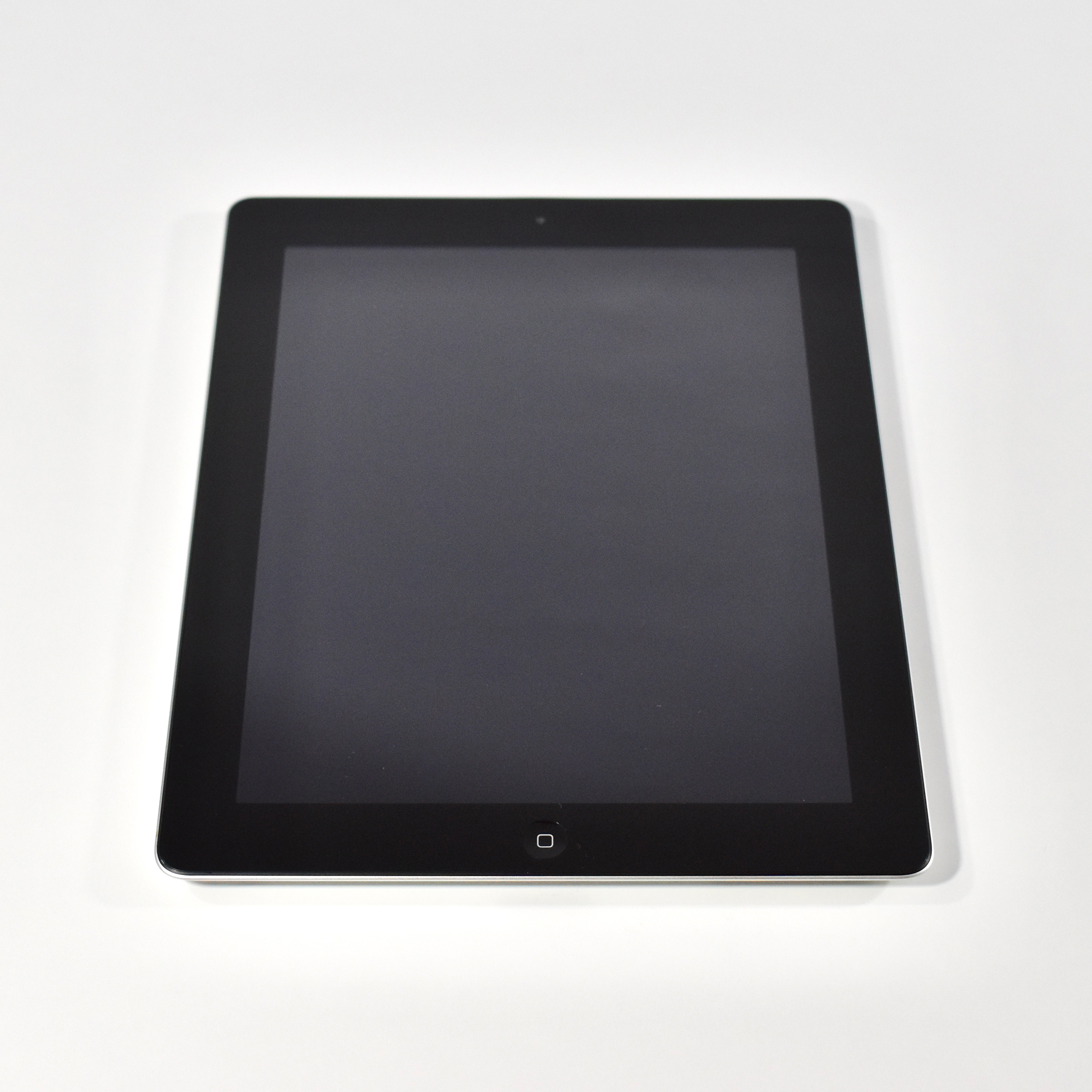
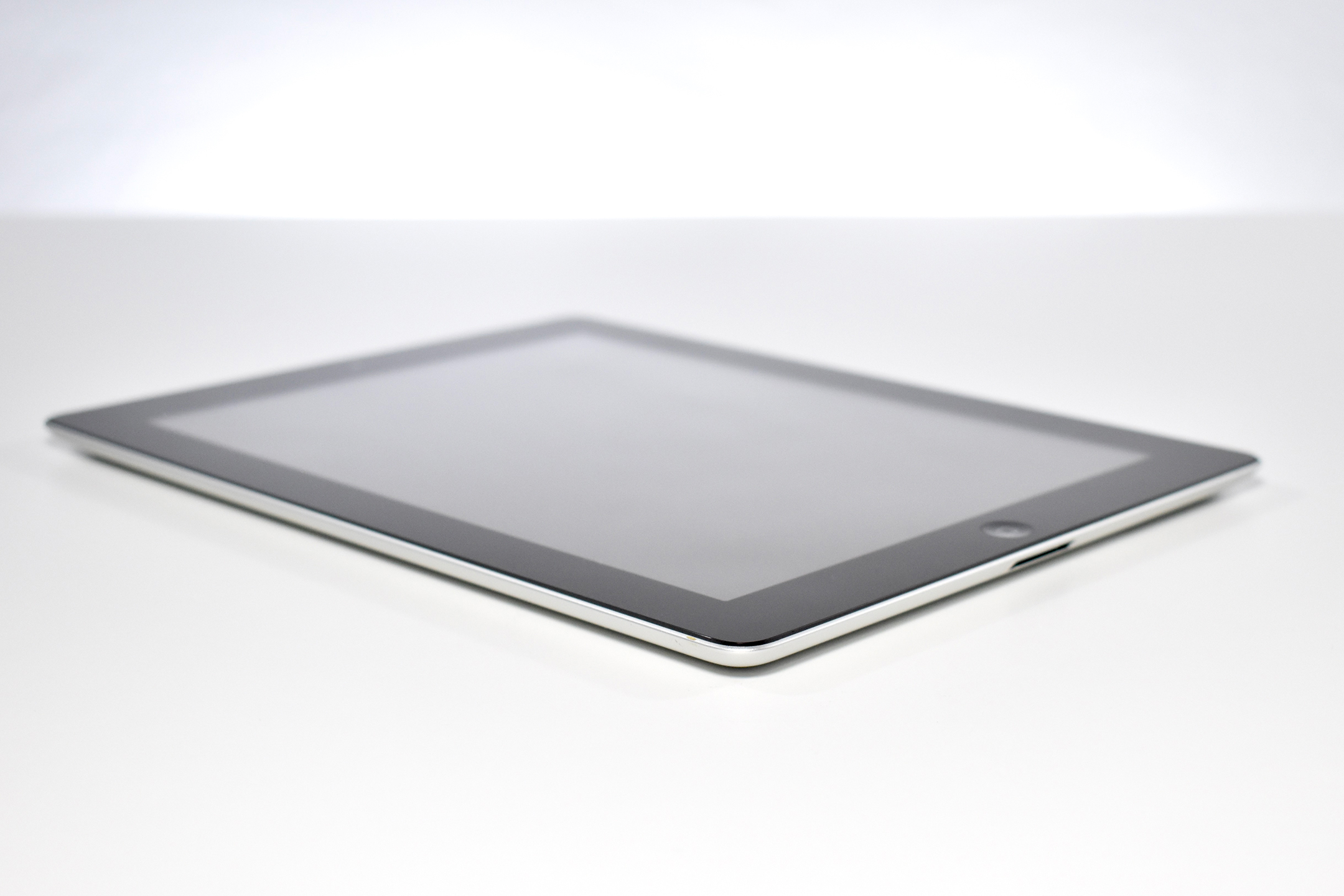
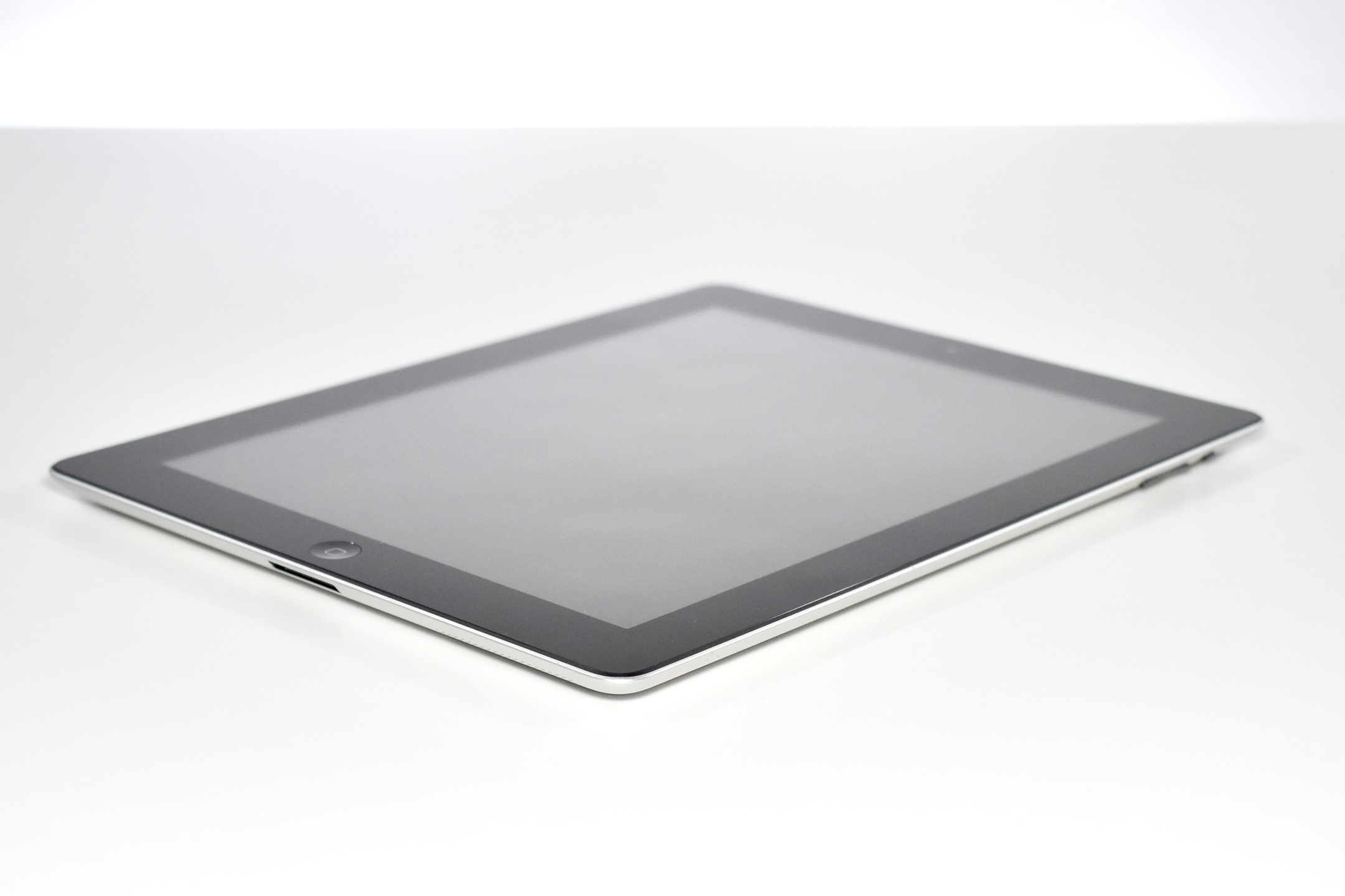
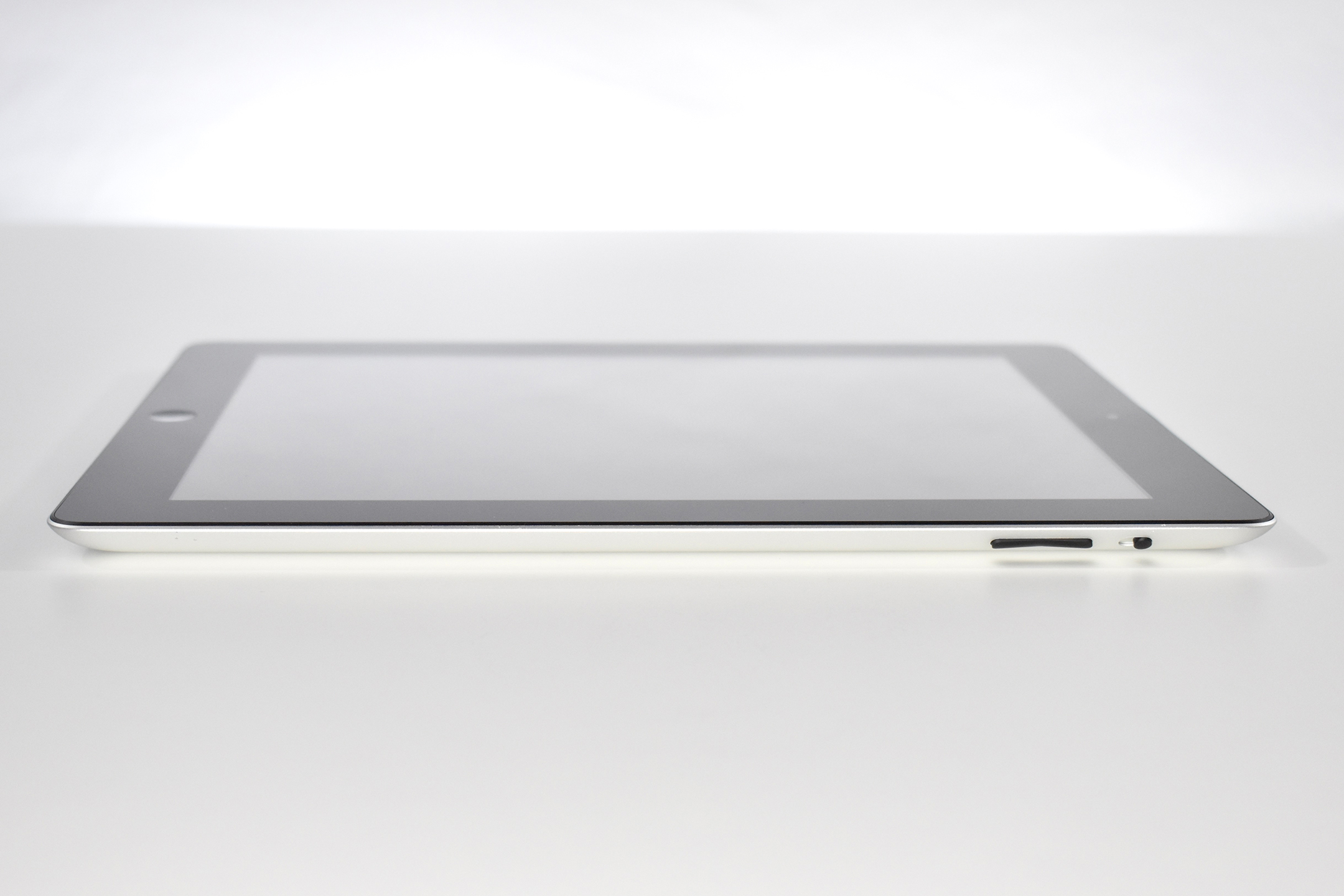
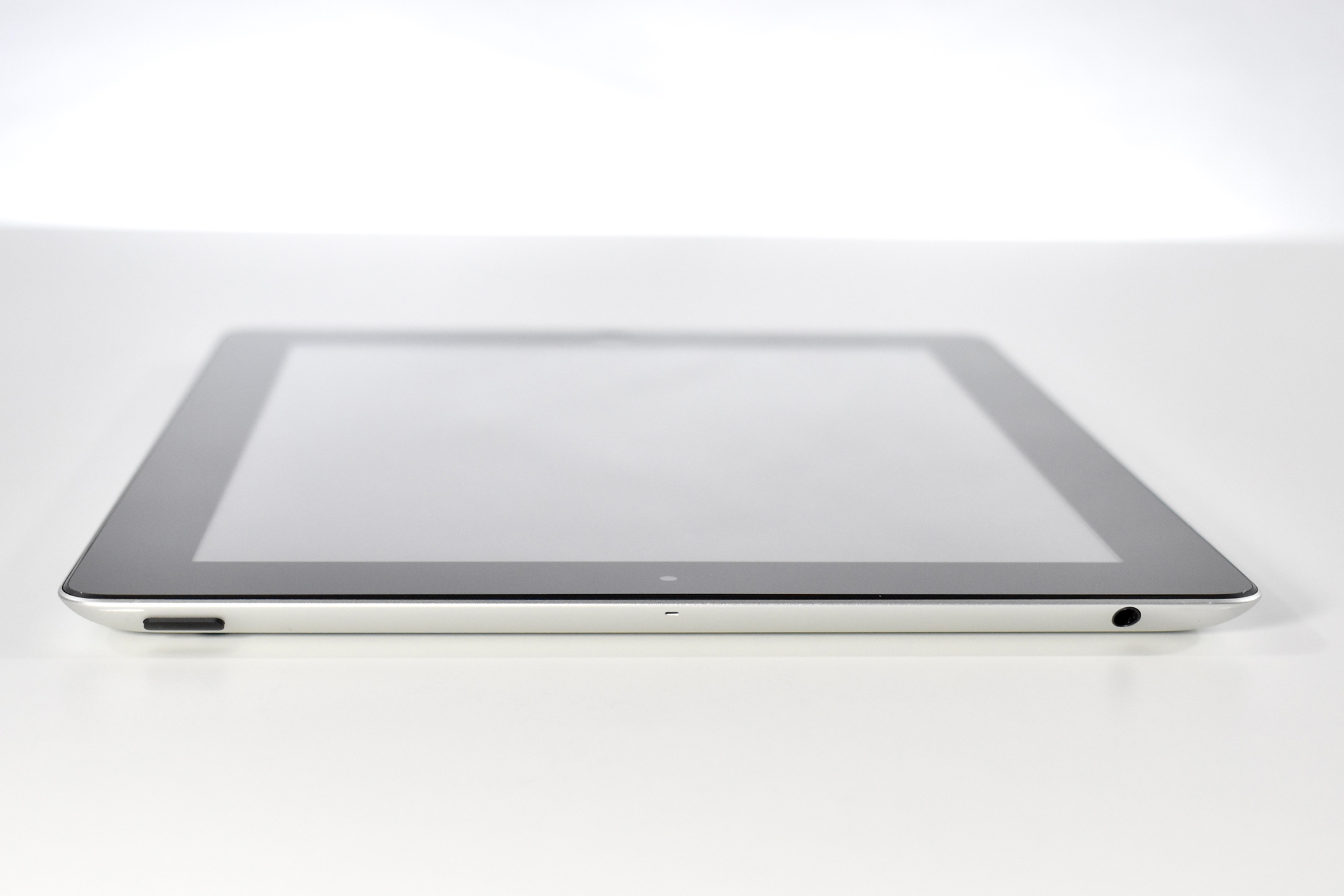
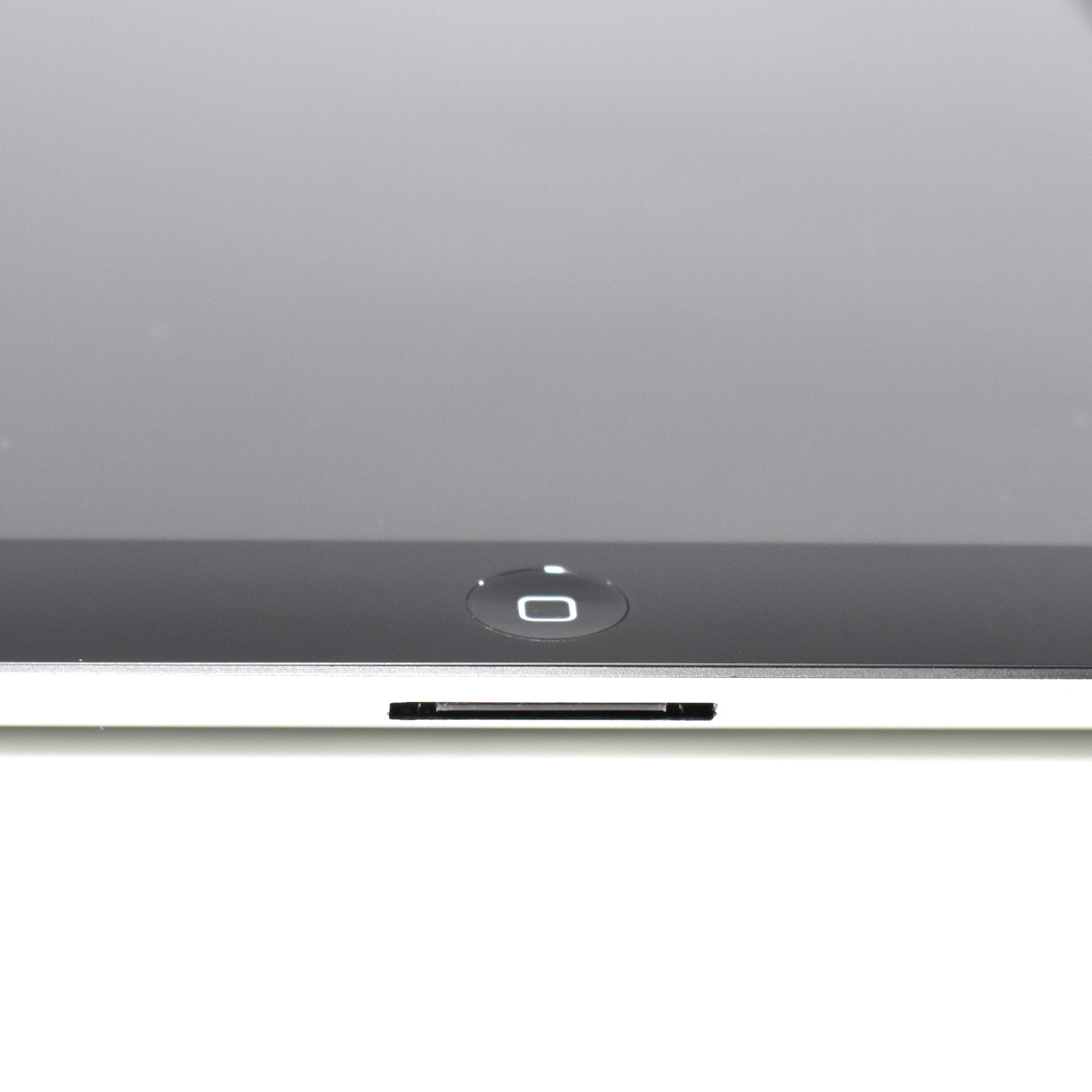
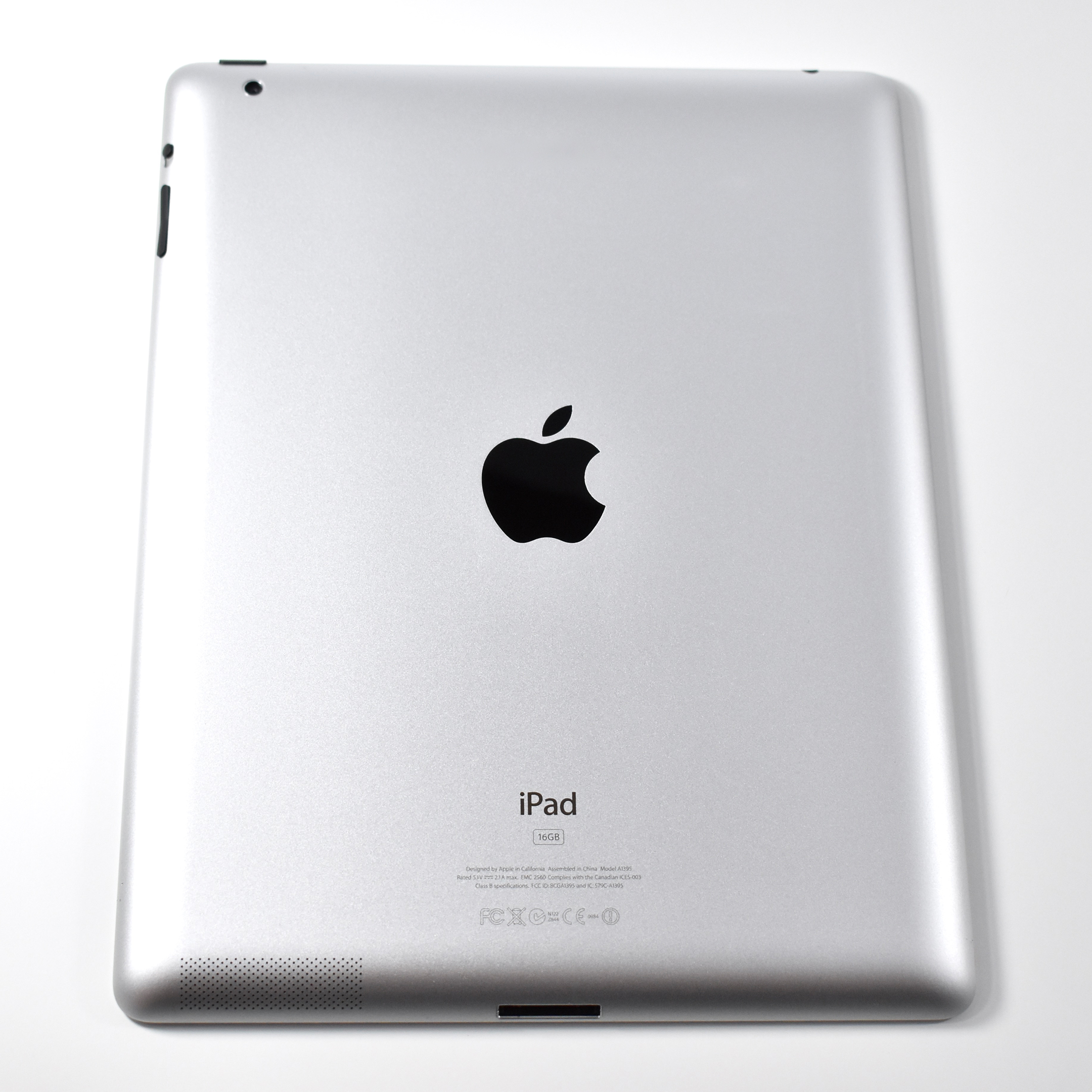
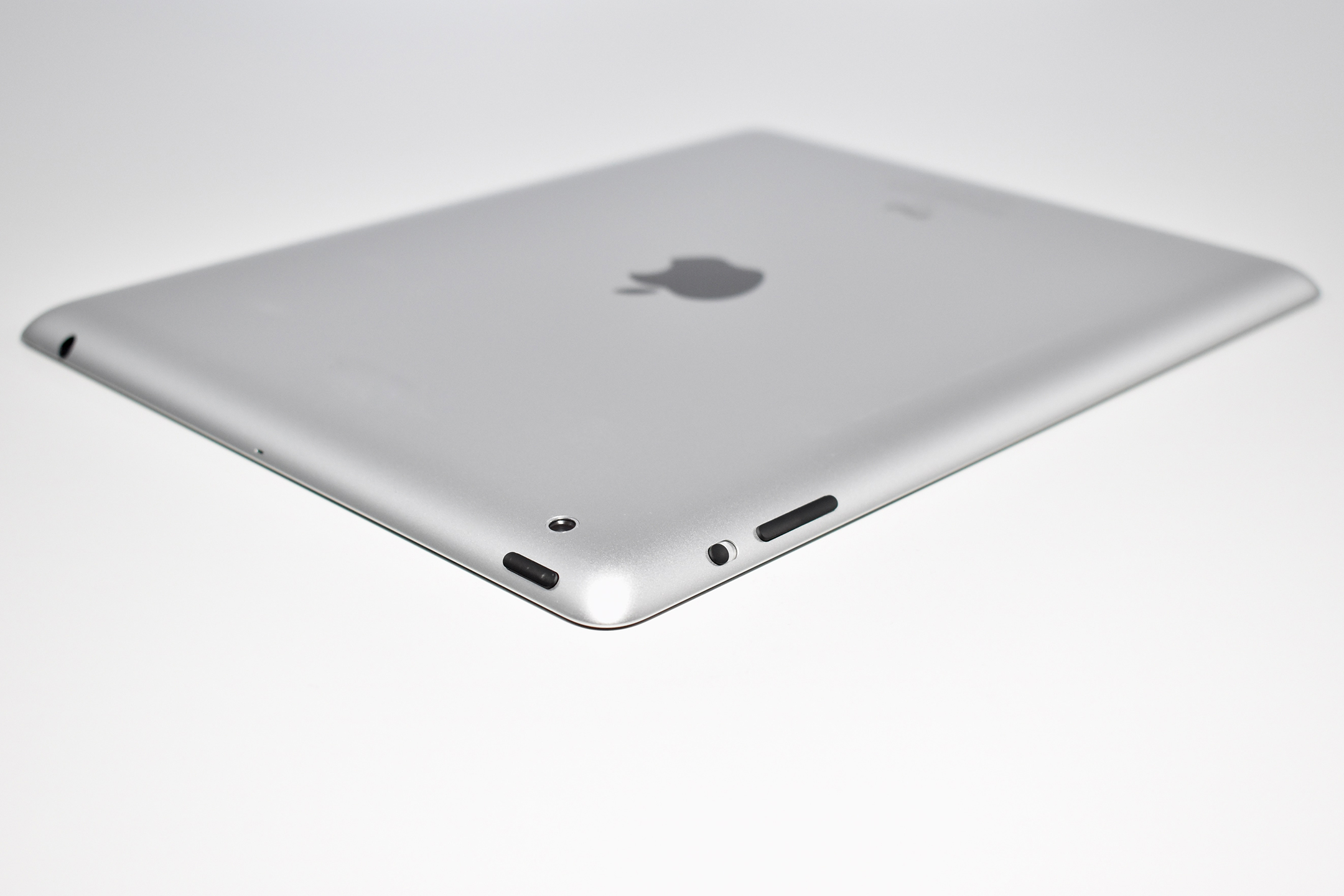
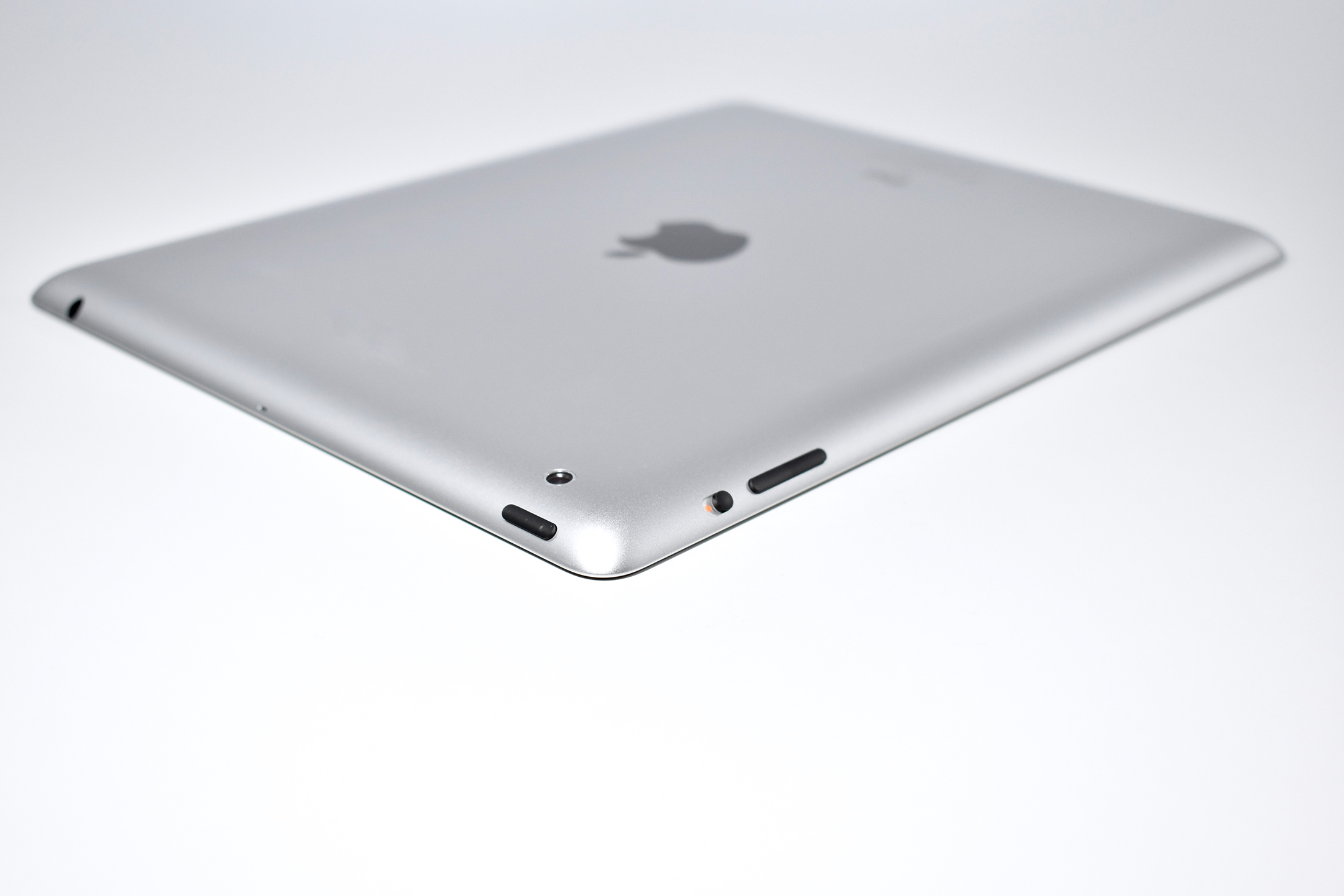
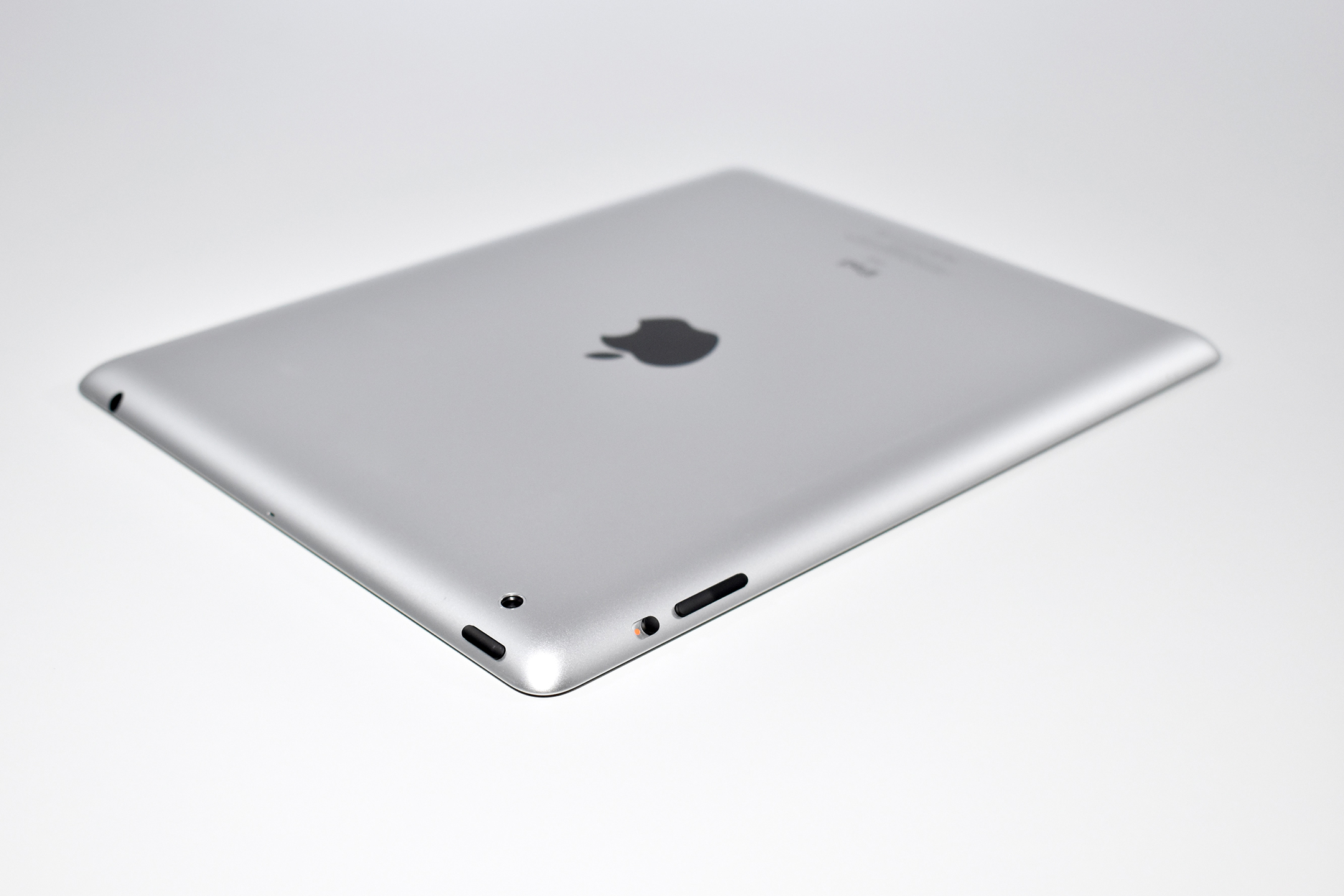
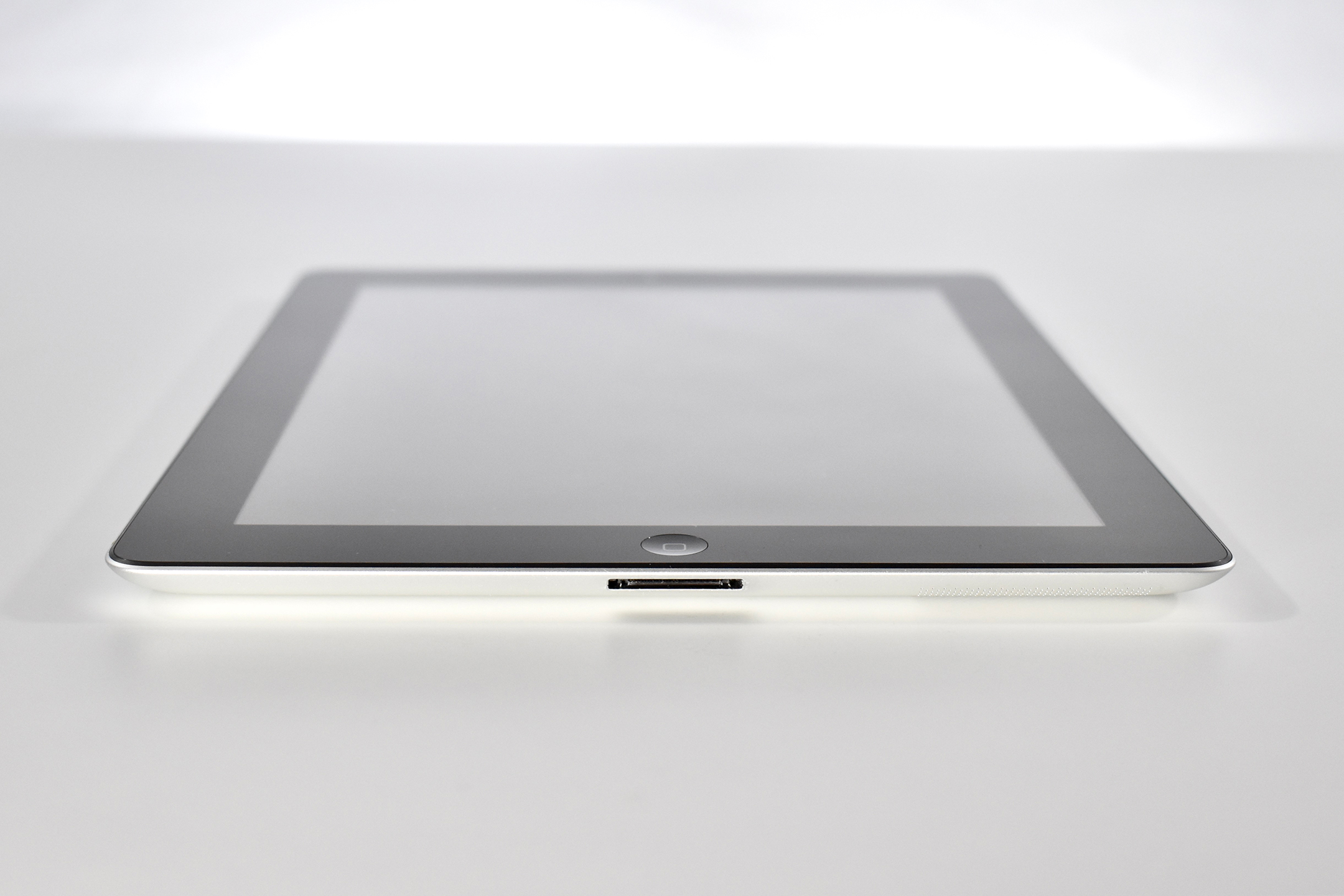
iPad (Generation 2, Wi-Fi, 16 GB, black, A1395 [EMC 2560], 2012)

This version of the iPad 2 is nearly identical to the original iPad 2, but used a smaller 32 nm A5 processor (the original A5 processor was 45 nm) and had slightly improved battery life.

The iPad 2 represented a major update to the original iPad by allowing the iPad to begin its move from a content-consumption device to a content-creation device, mostly due to the addition of both a front and back camera. Apple’s press release led with its subhead, “All New Design is Thinner, Lighter & Faster with FaceTime, Smart Covers & 10 Hour Battery.”

Like the original iPad, the iPad 2 was described as a “magical device for browsing the web, reading and sending email, enjoying photos, watching videos, listening to music, playing games, reading ebooks and much more.” The iPad 2 added “two cameras, a front-facing VGA camera for FaceTime and Photo Booth, and a rear-facing camera that captures 720p HD video, bringing the innovative FaceTime feature to iPad users for the first time.” The iPad 2 had a silver aluminum back and was available with a white or black front.

The iPad 2 had a 9.7-inch glossy LED backlit display (1024×768 at 132 ppi) and could run both iPhone and iPad-specific apps. It shipped with the A5 processor with storage options including 16, 32, or 64 GB. In addition to its front and rear cameras, it had 802.11a/b/g/n Wi-Fi support, an accelerometer, a three-axis gyroscope, an ambient light sensor, digital compass, a speaker and a built-in microphone. The iPad 2 was 33% thinner than the original iPad and weighed 1.33 pounds.

The iPad 2 was also released with the Smart Cover. The Smart Cover used magnets to attach and, when closed, automatically put the iPad 2 into Sleep mode, and would wake the iPad when opened.

Sources: Everymac, Apple