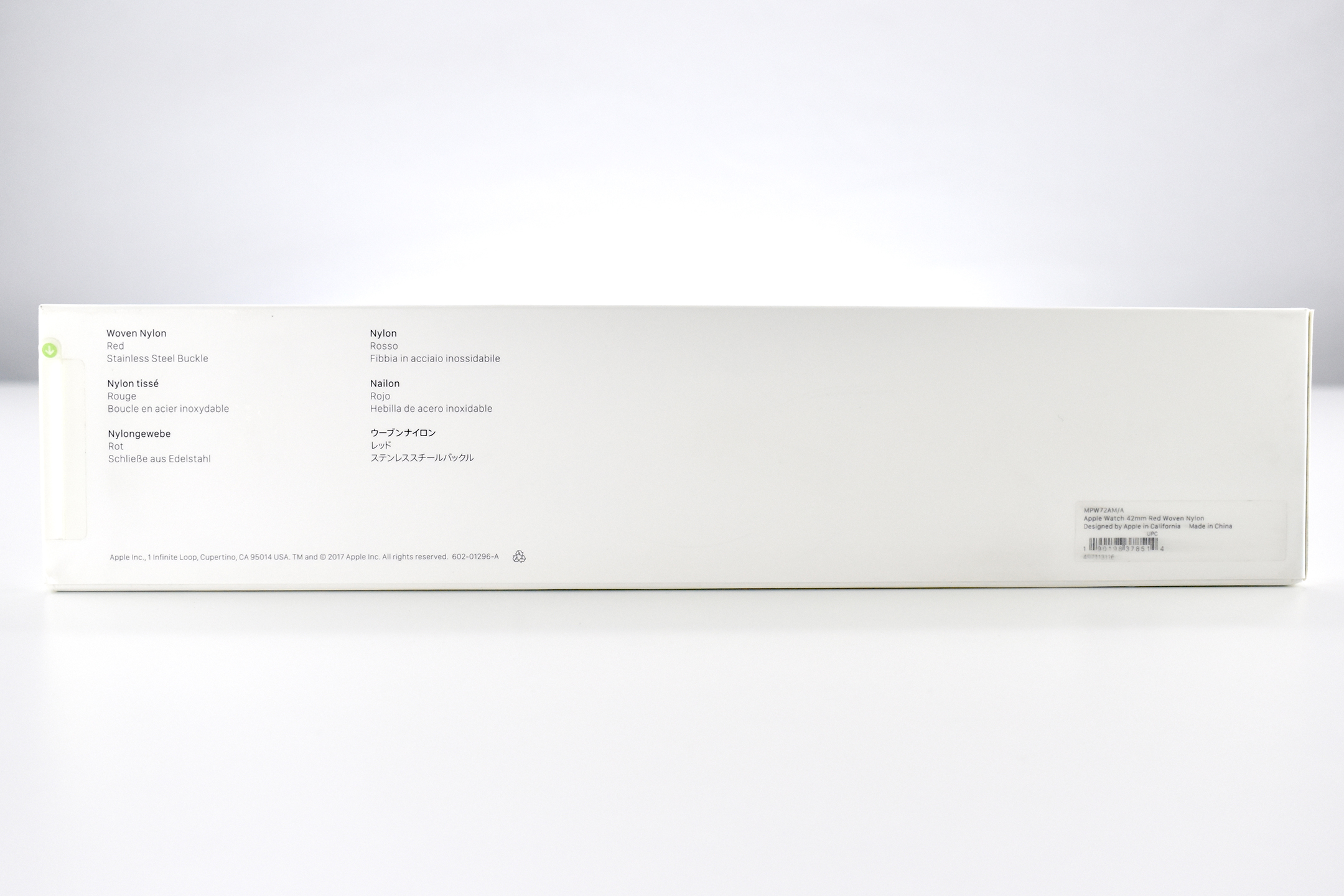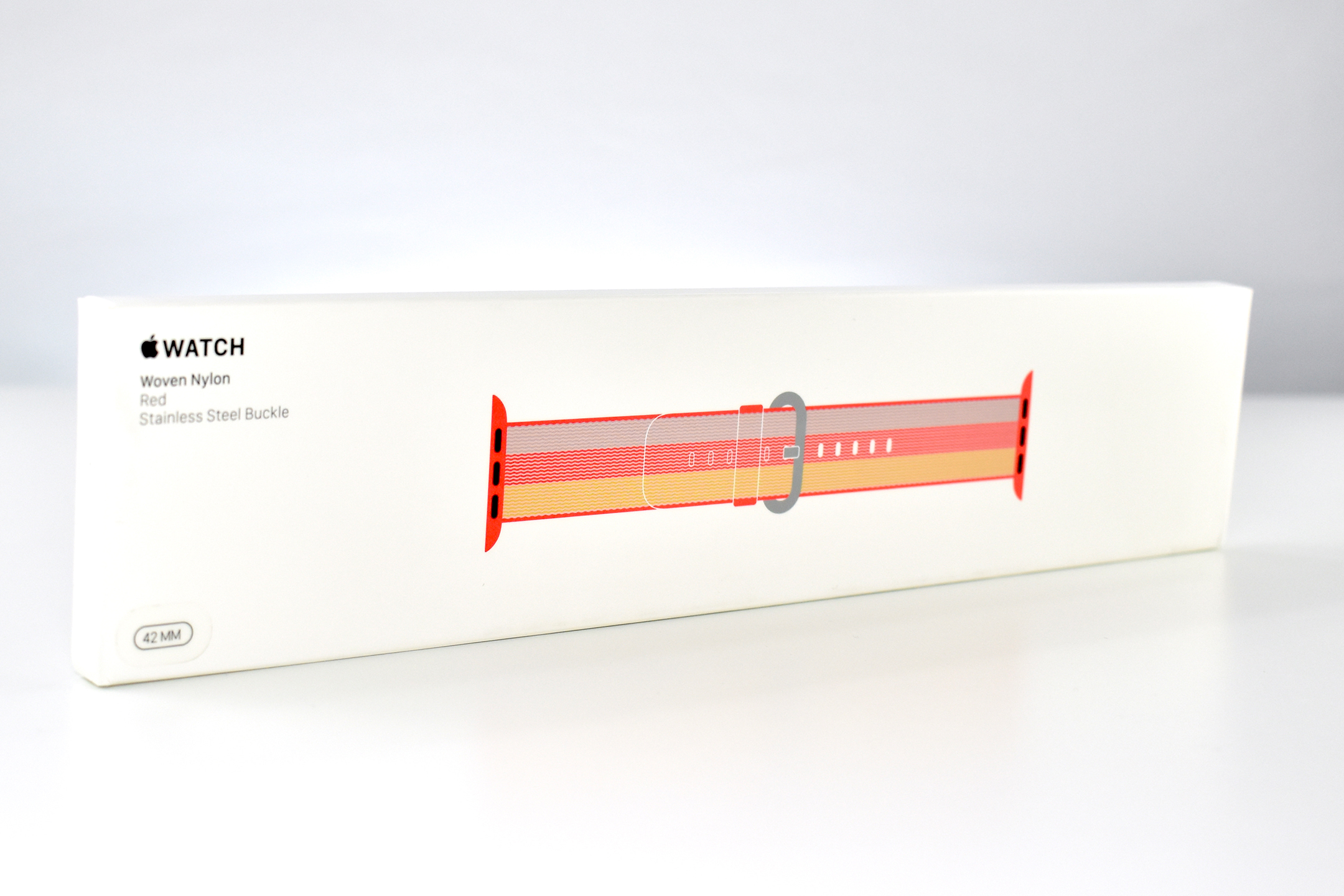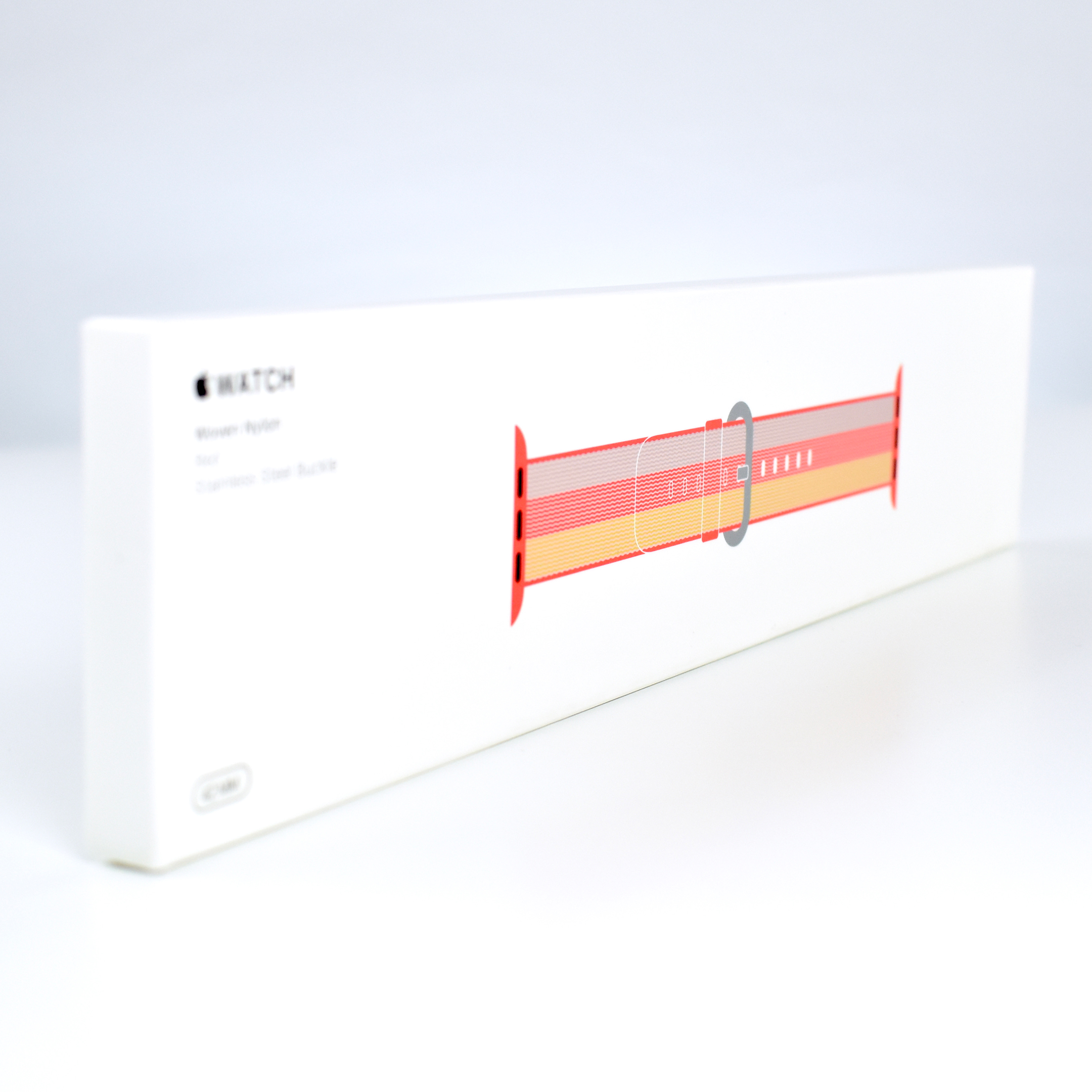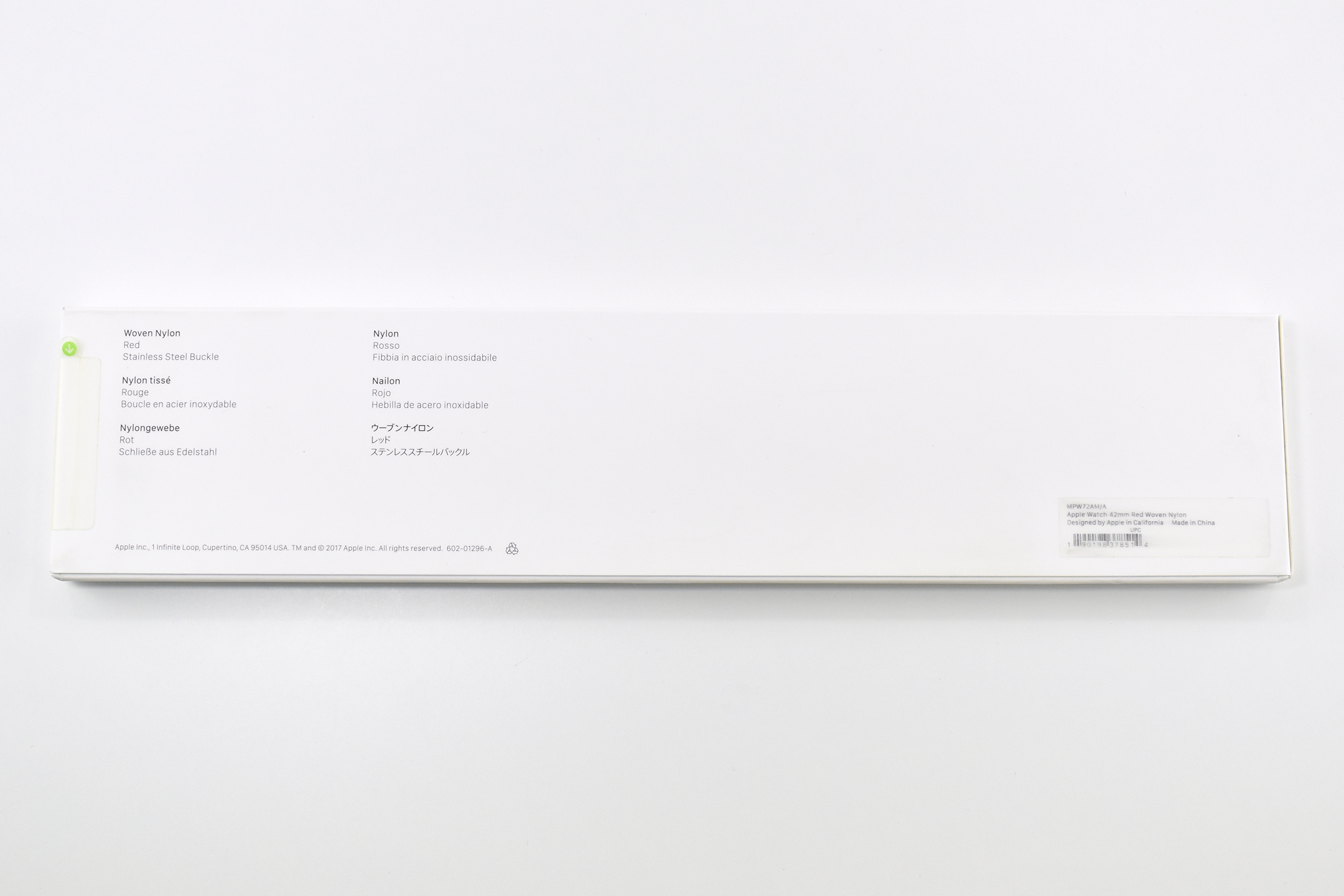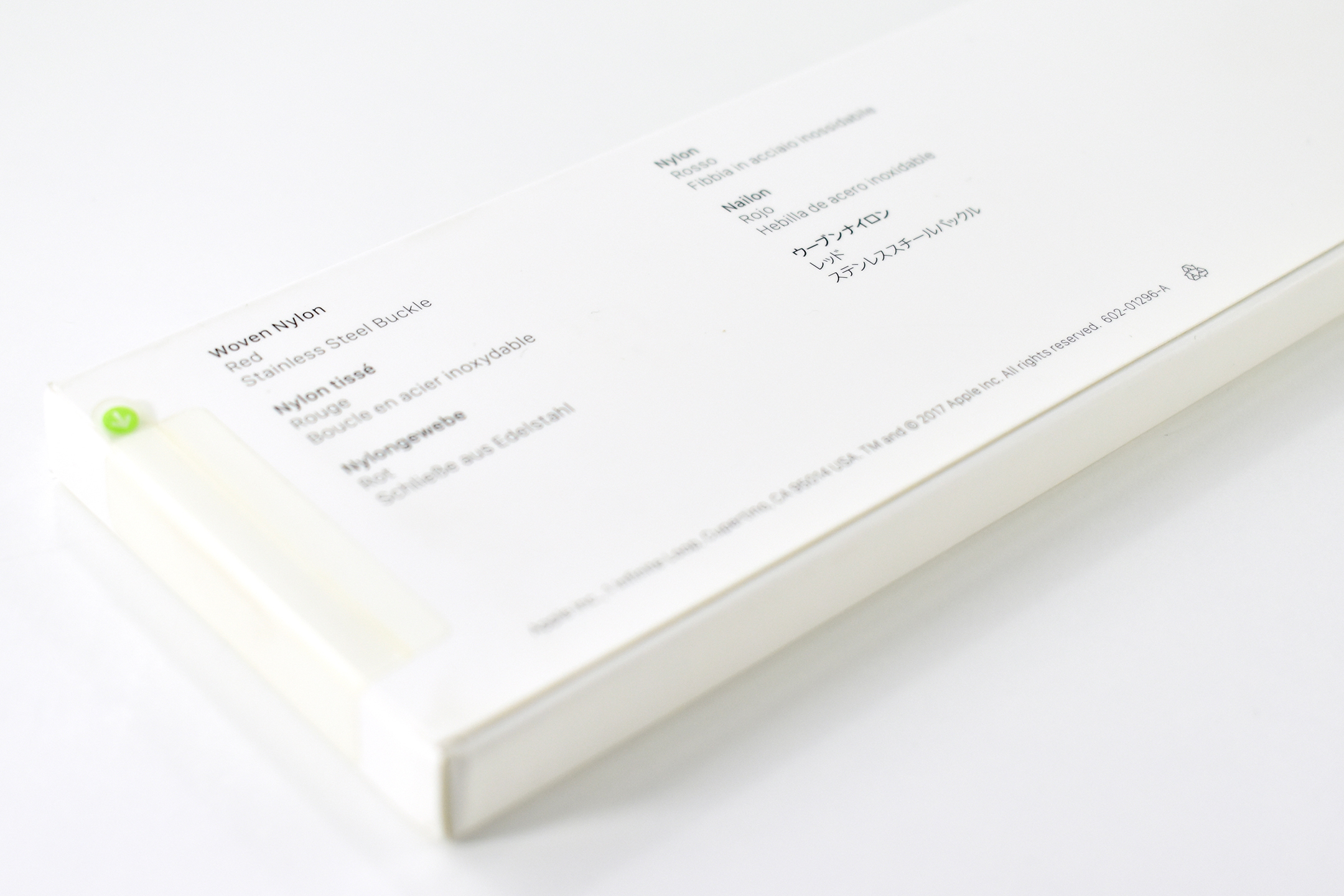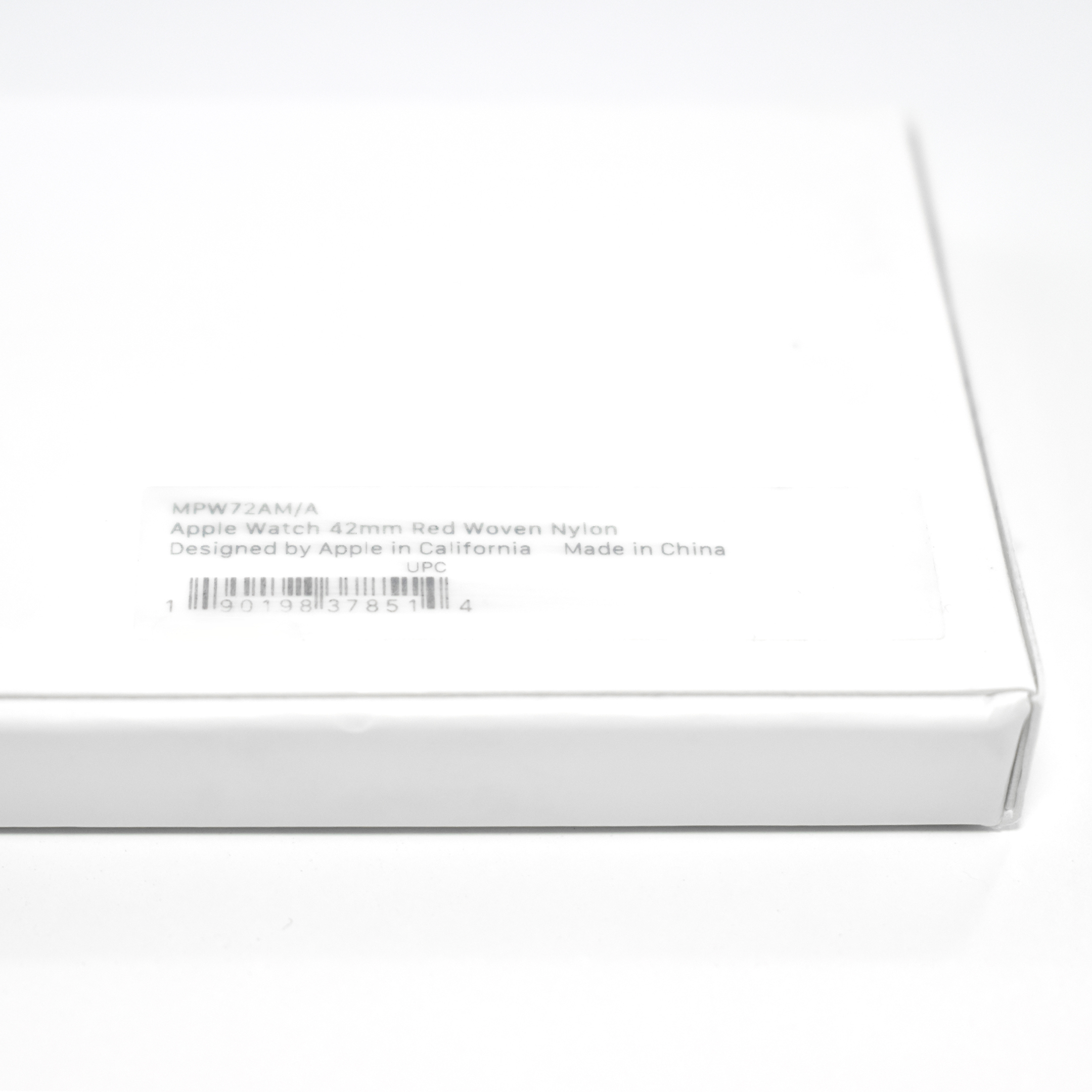
Apple Watch Woven Nylon Band (42mm, Red, Stainless Steel Buckle, Spring 2017)

The Apple Watch Woven Nylon Band was available from Spring 2016–Summer 2018. This band design was the first to include plastic connecting “lugs” to attach to the watch.

This Apple Watch Woven Nylon Band in Red was available during the Spring 2017 season. This example fits the 42mm Apple Watch and had a Stainless Steel Buckle. Although its color is “red,” it includes red plastic connectors and three stripes in yellow, red, and gray.

According to Apple:

“Every Woven Nylon band is made from over 500 threads woven together in a unique, colorful pattern. Monofilaments connect four layers of the weave to create a single durable band with a comfortable, fabric-like feel.”

Unlike the Apple Sport Loop bands that shipped with two sizes in one box, each Woven Nylon box included one size band with twelve notches. The 38mm version was designed to fit wrists 125–195mm, and the 42mm fit 145–215mm wrists.

Apple Watch Woven Nylon band styles were discontinued in Summer 2018.

Source: 9to5mac, Apple

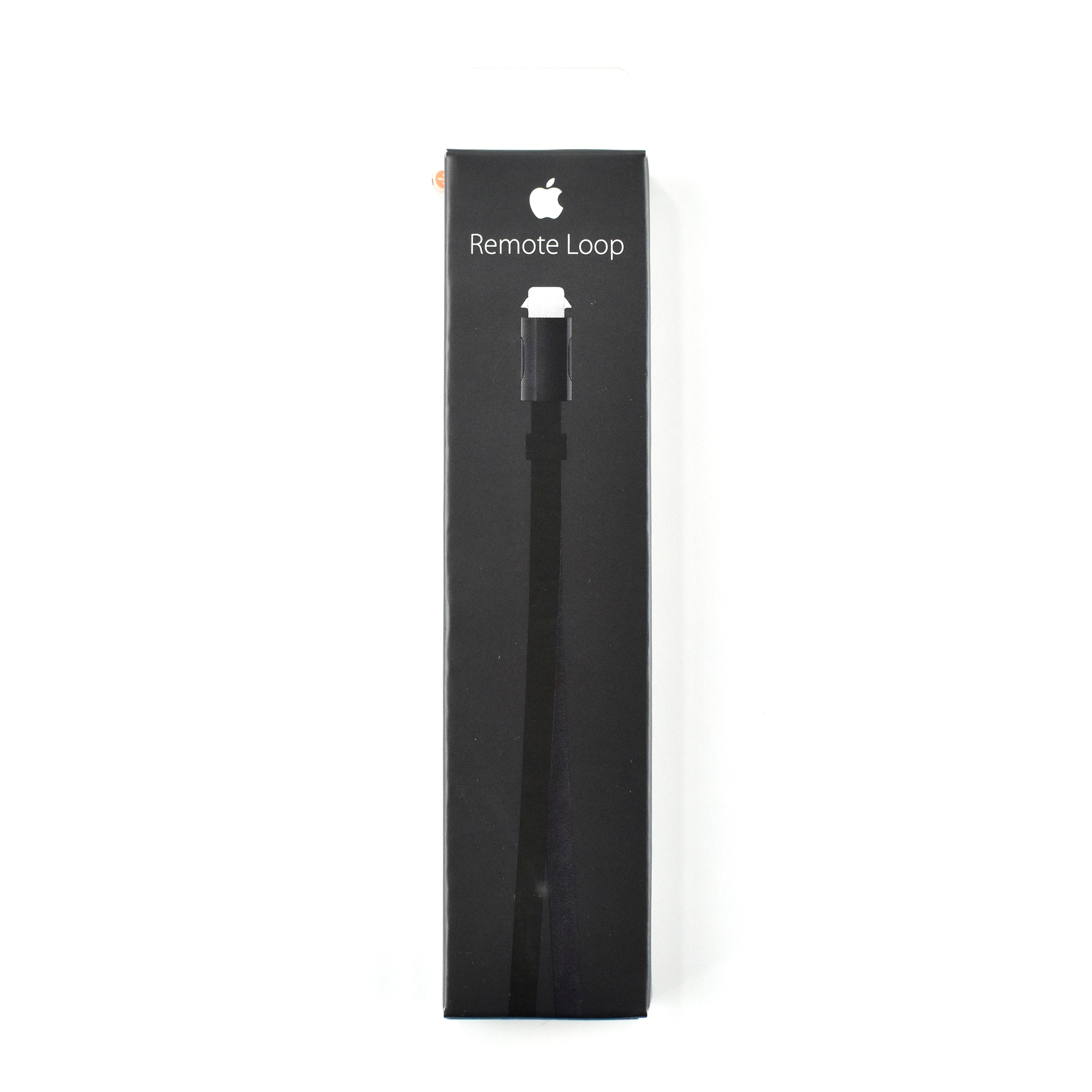
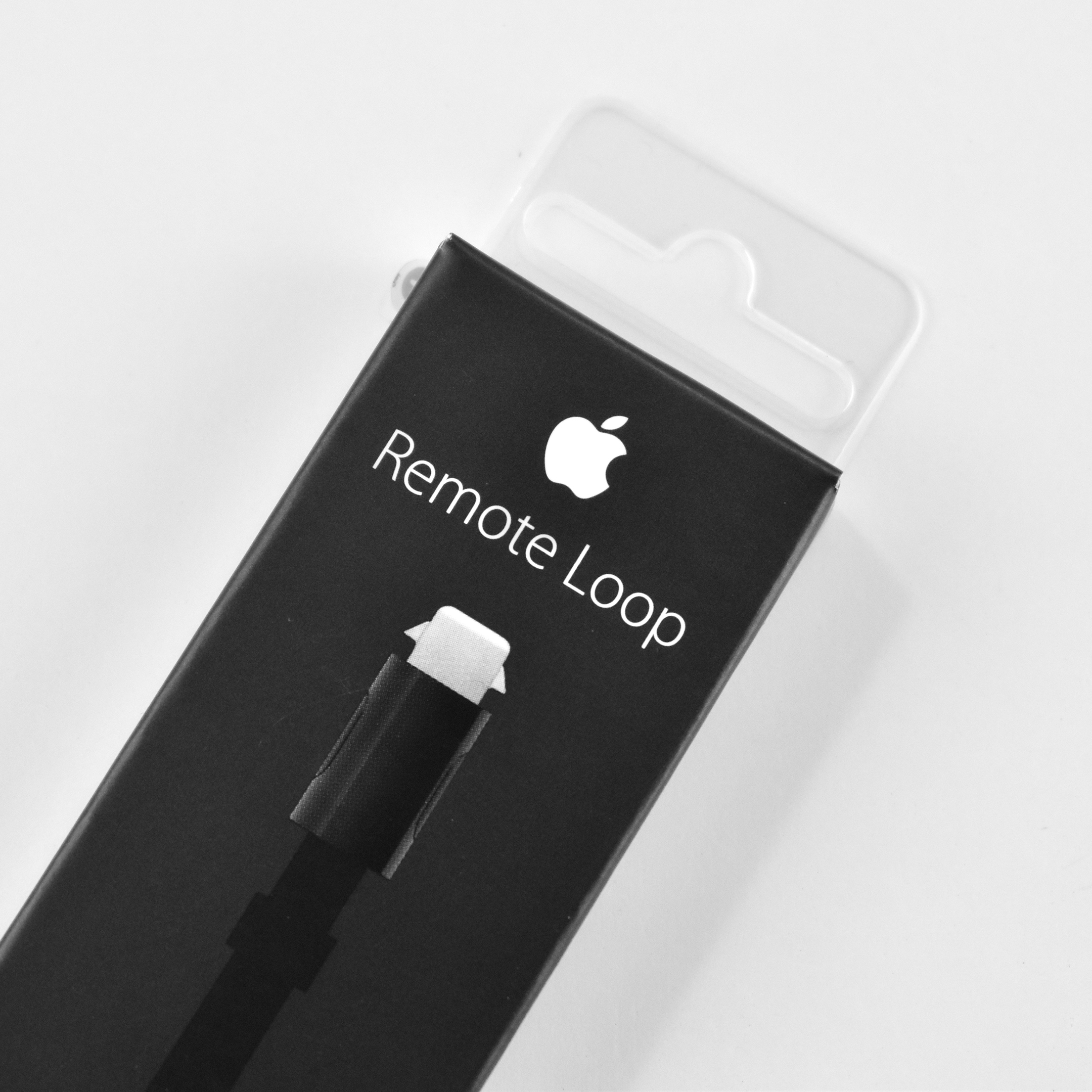
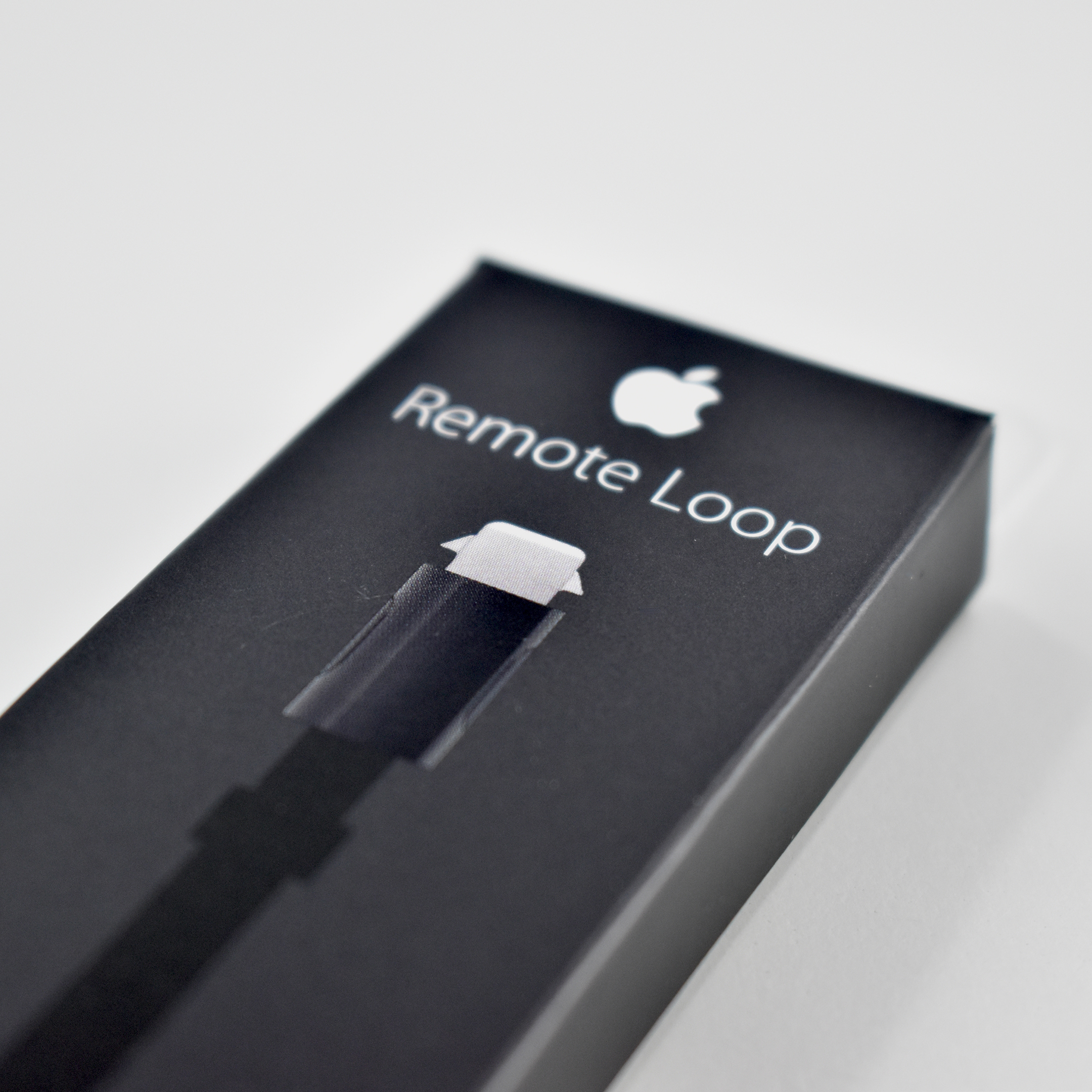
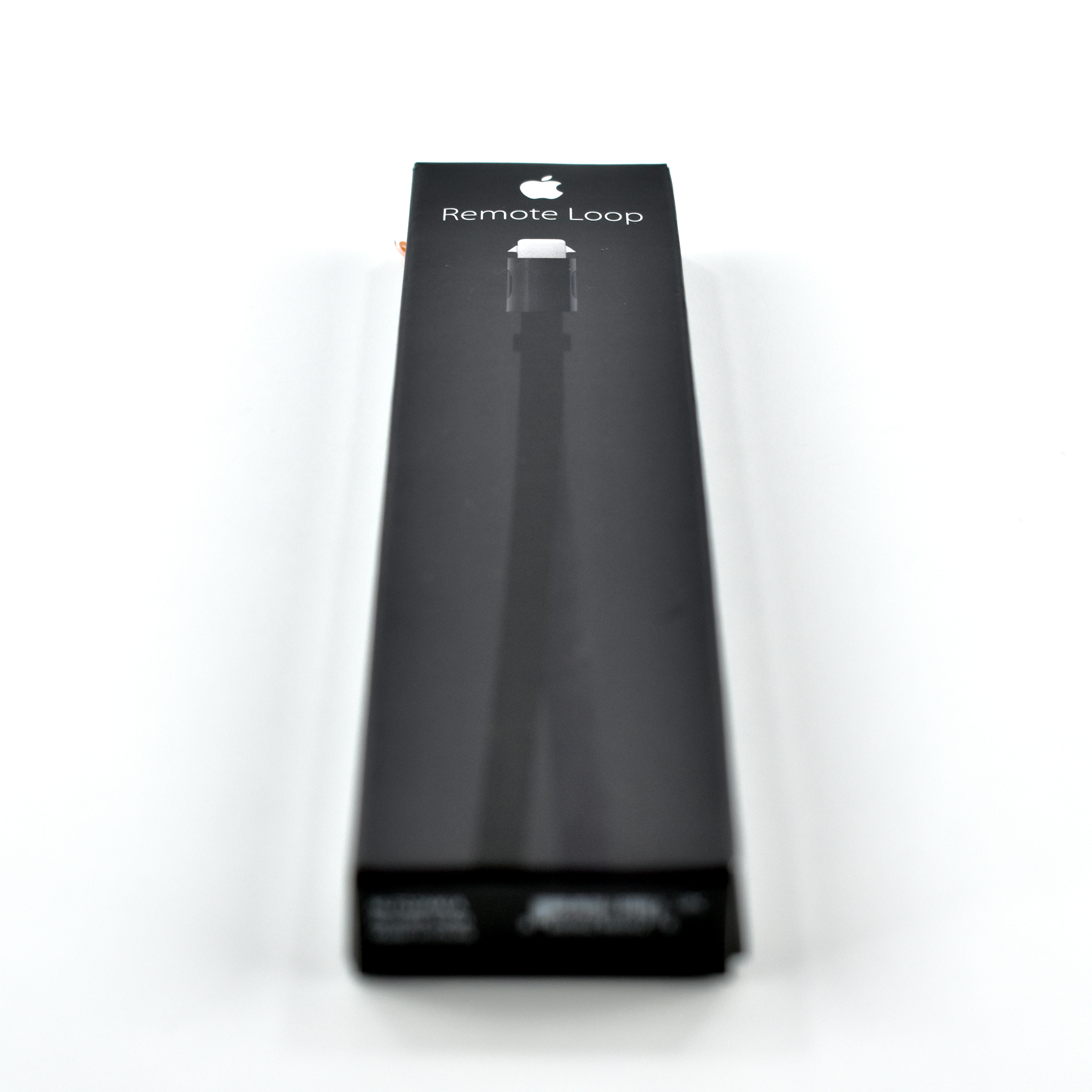
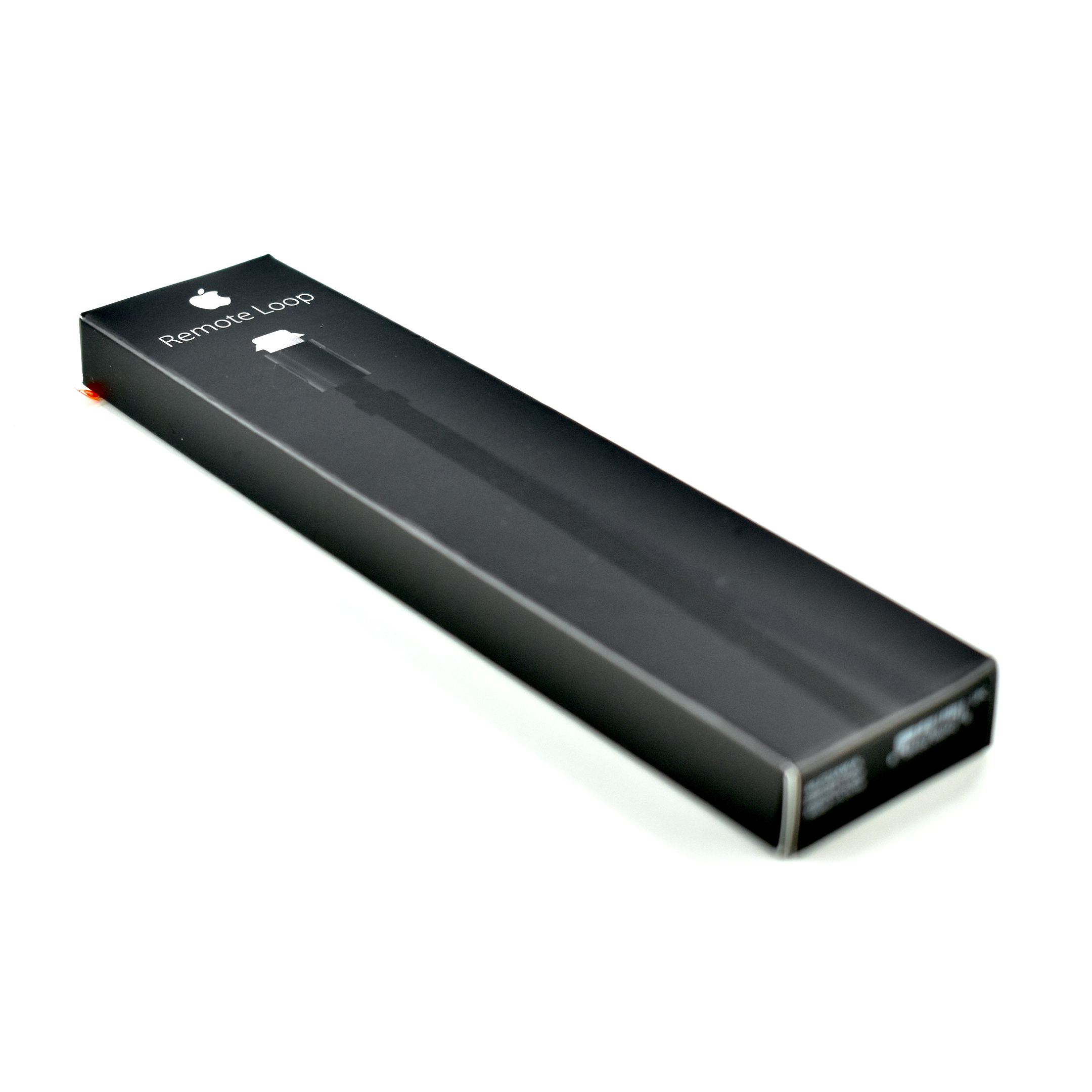
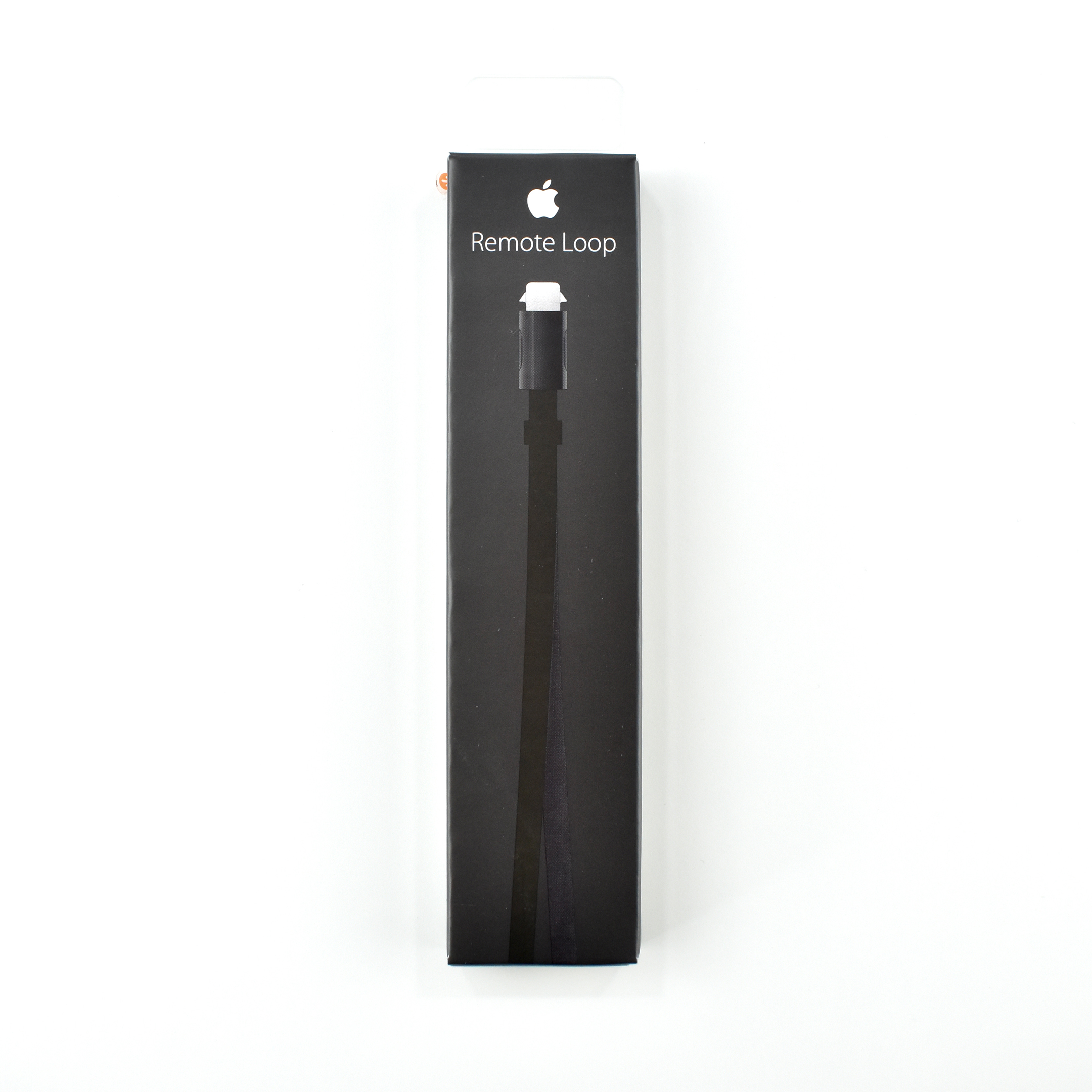
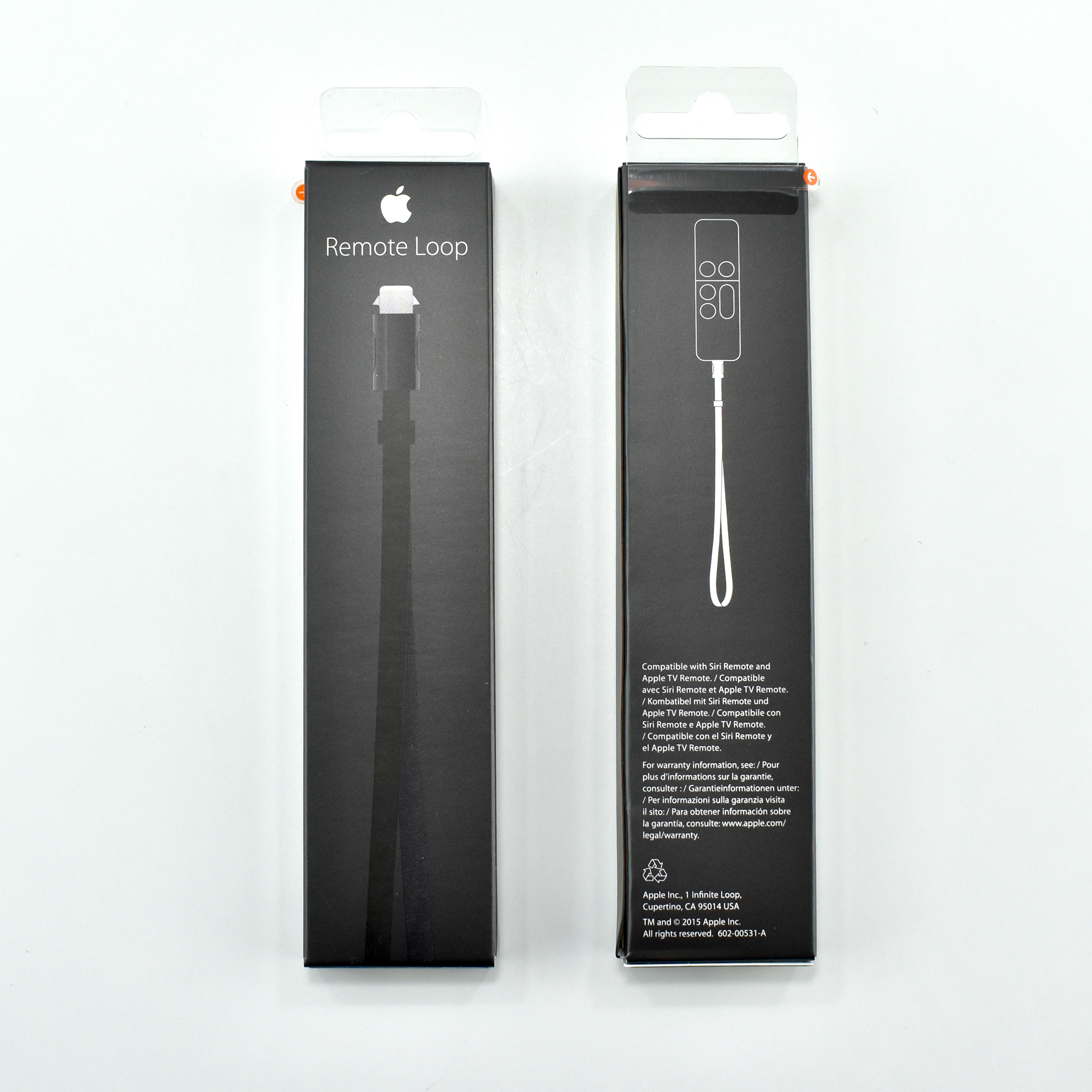
Remote Loop (2015)

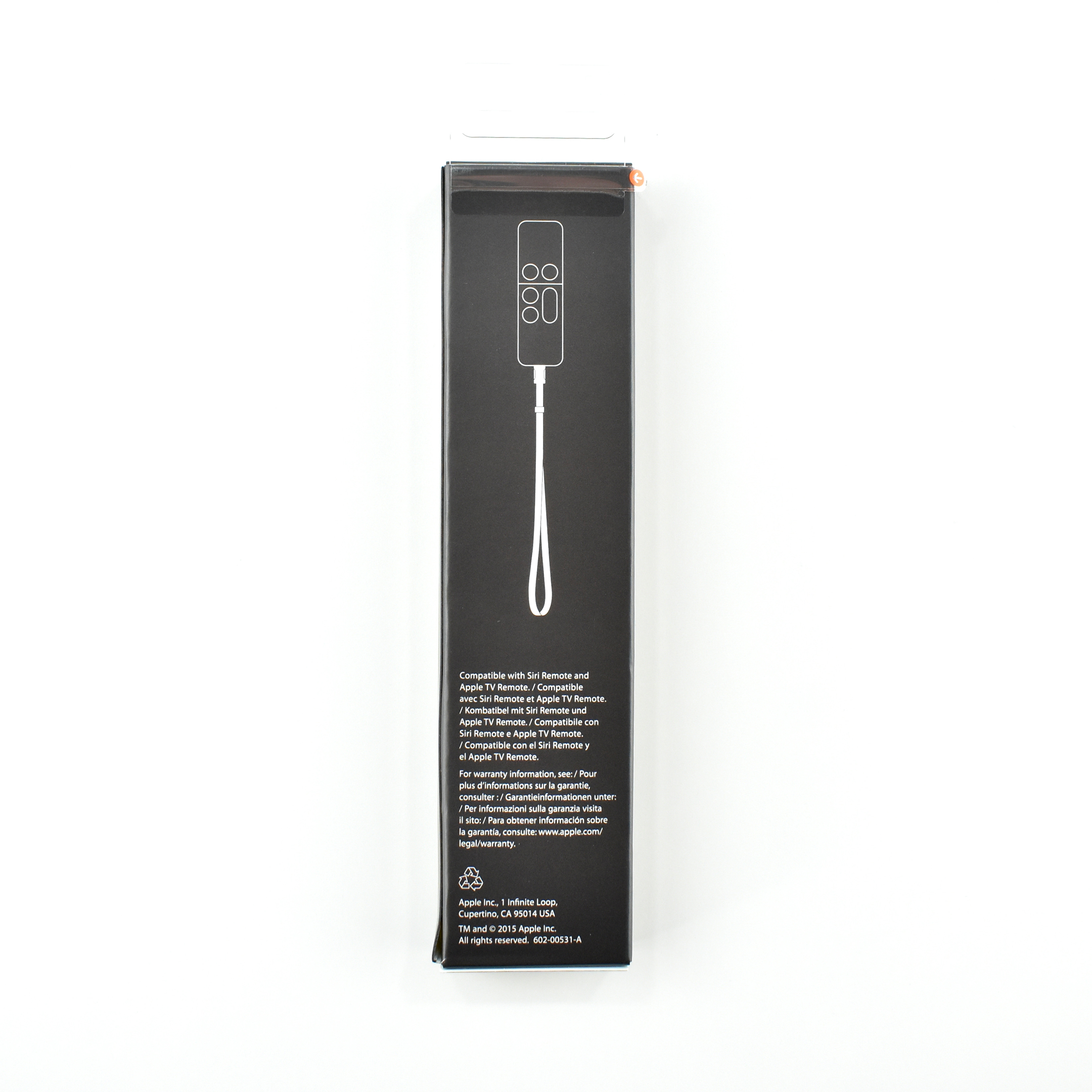
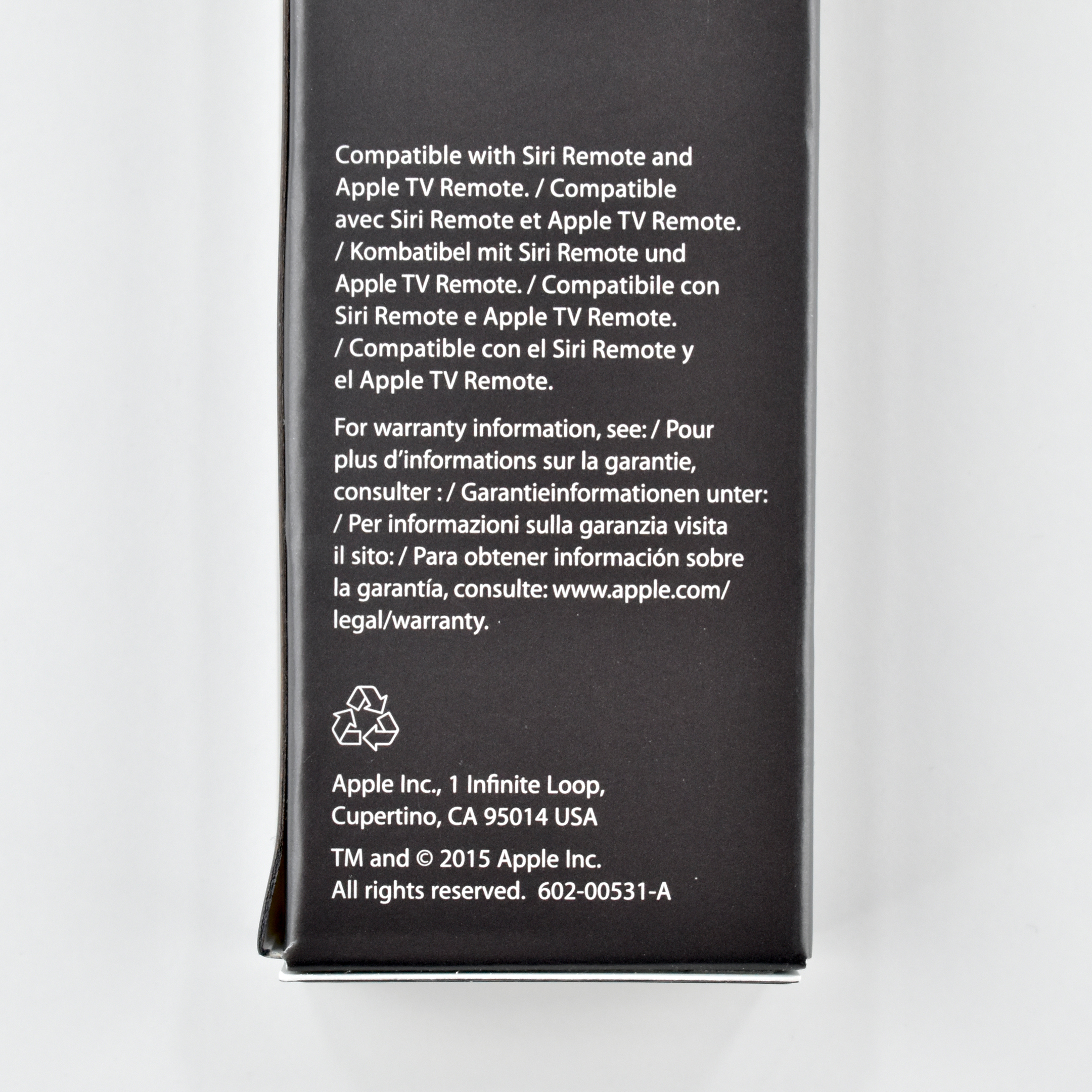
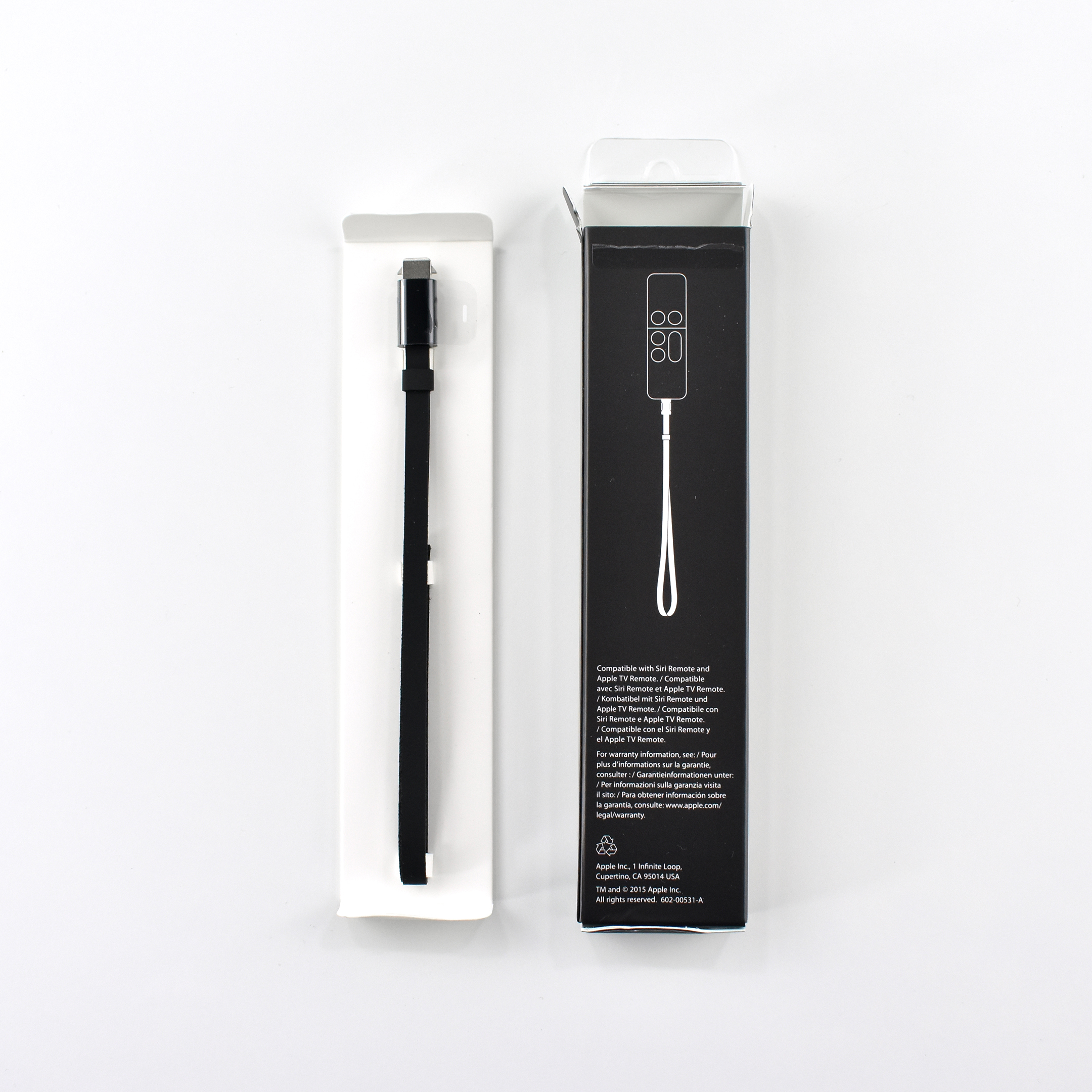
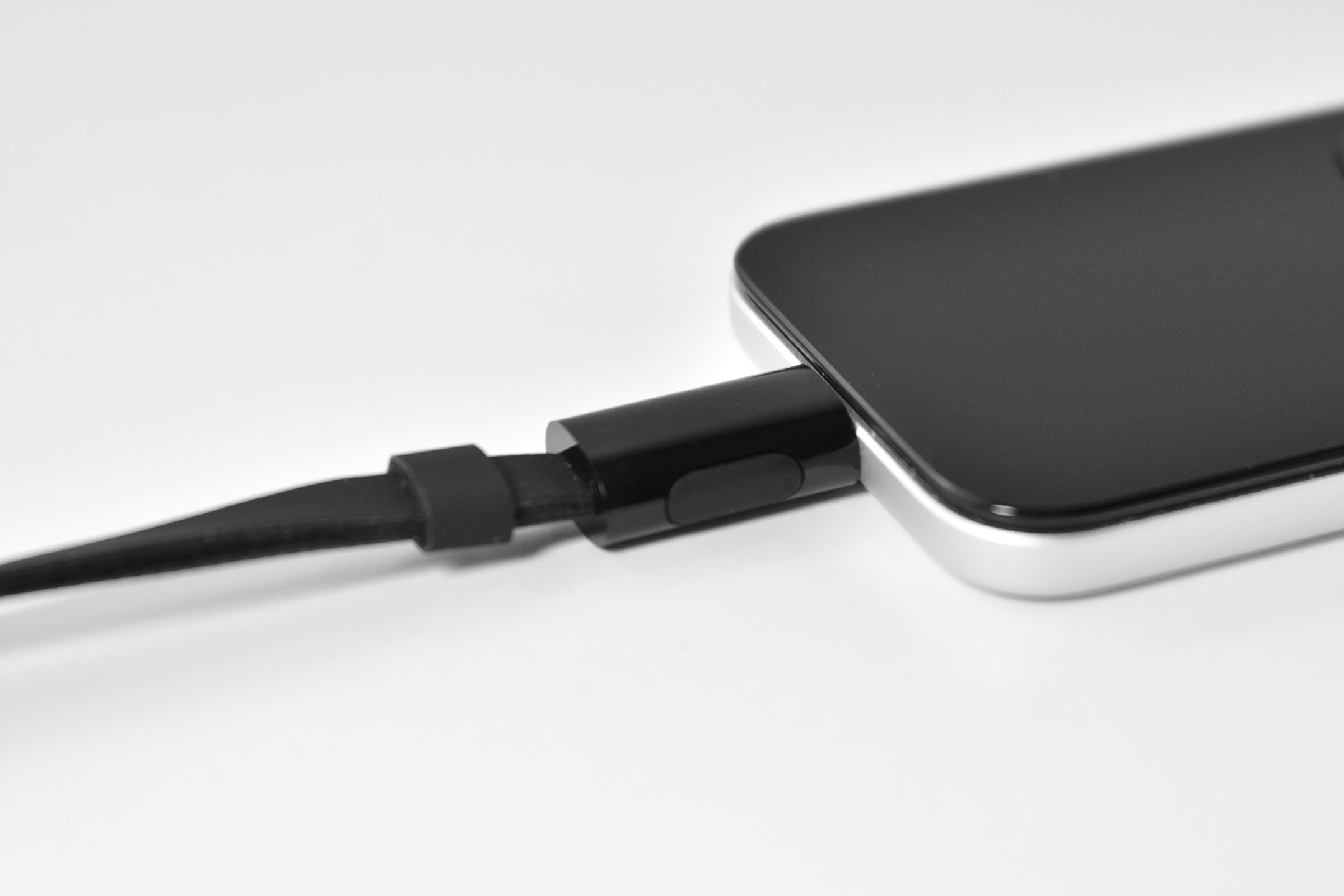
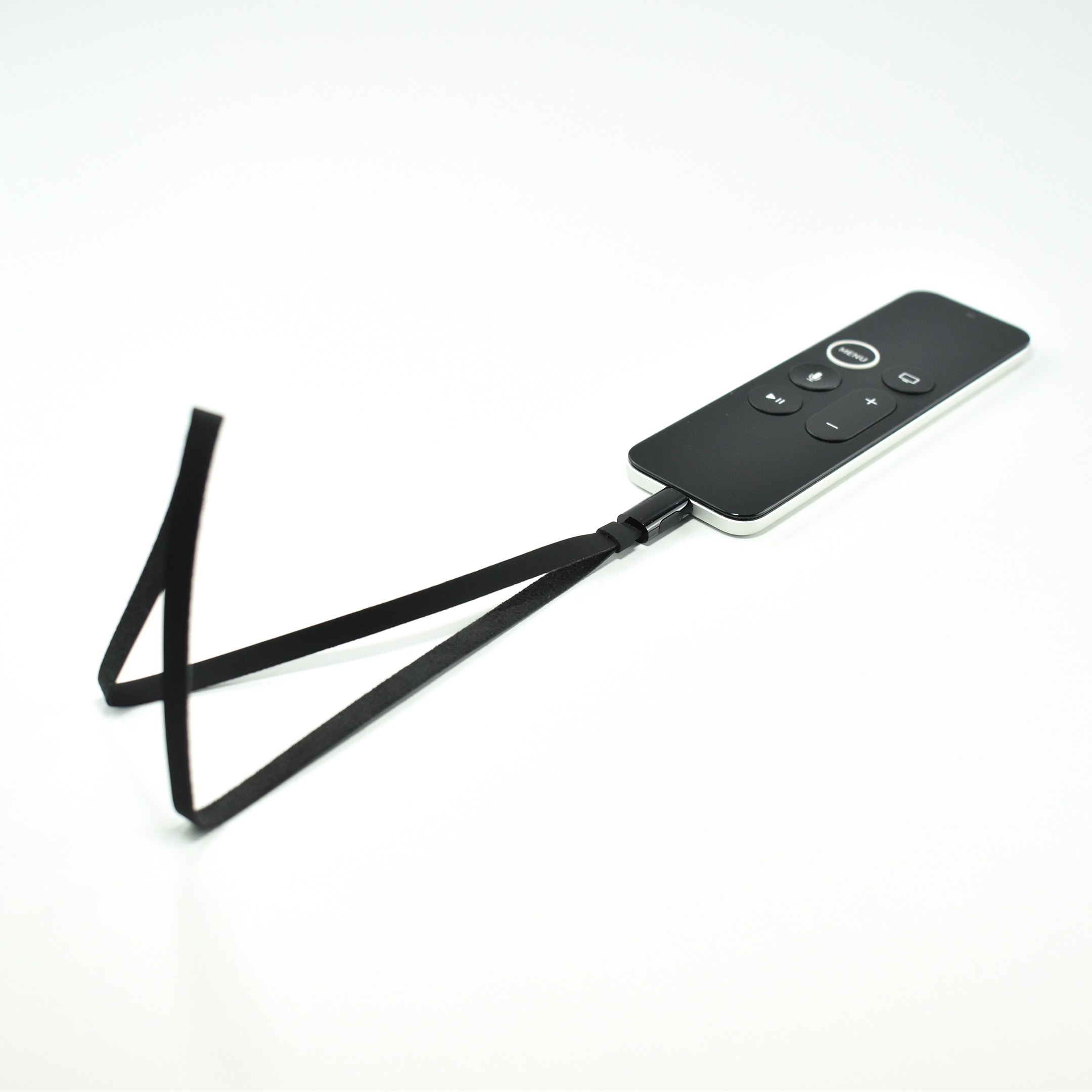
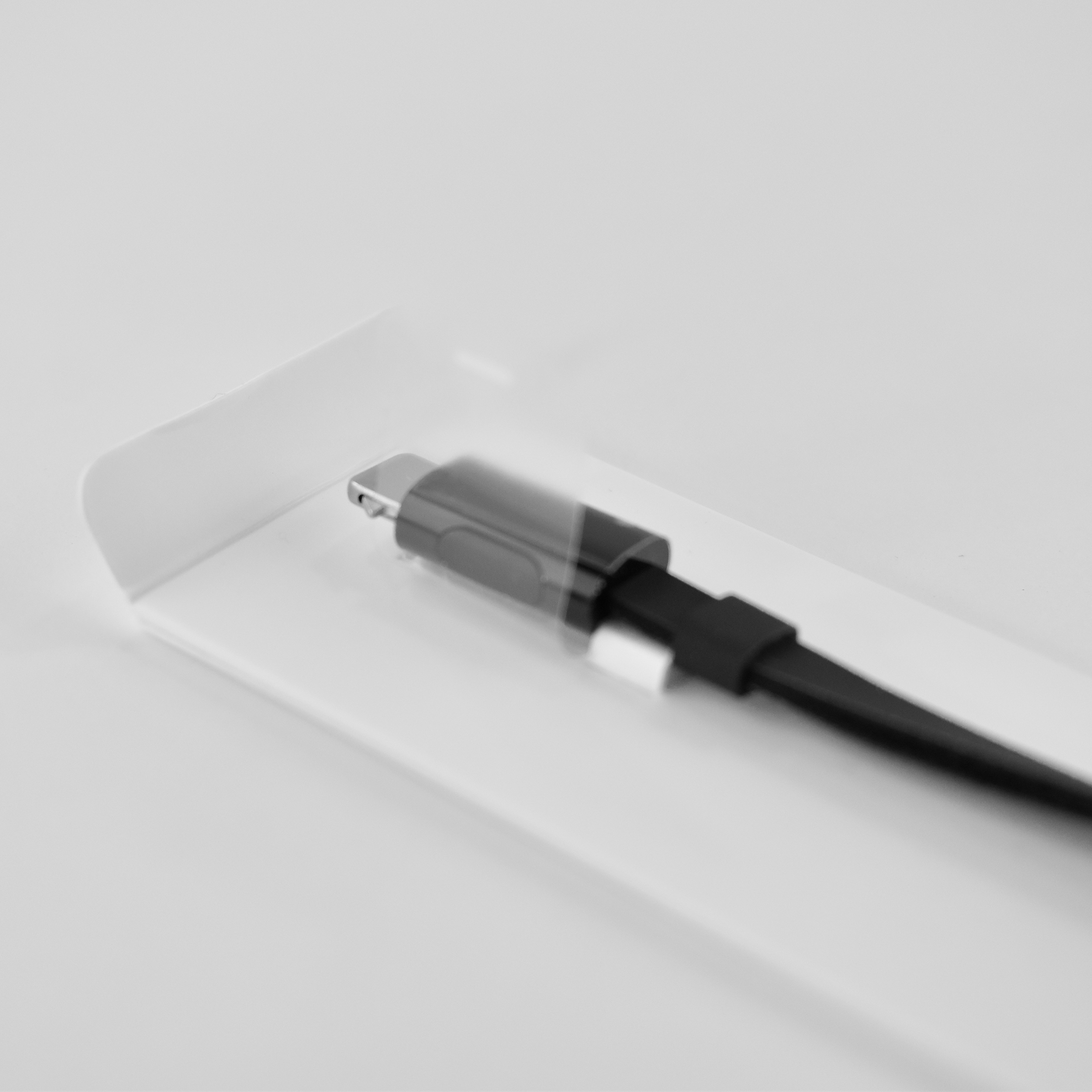
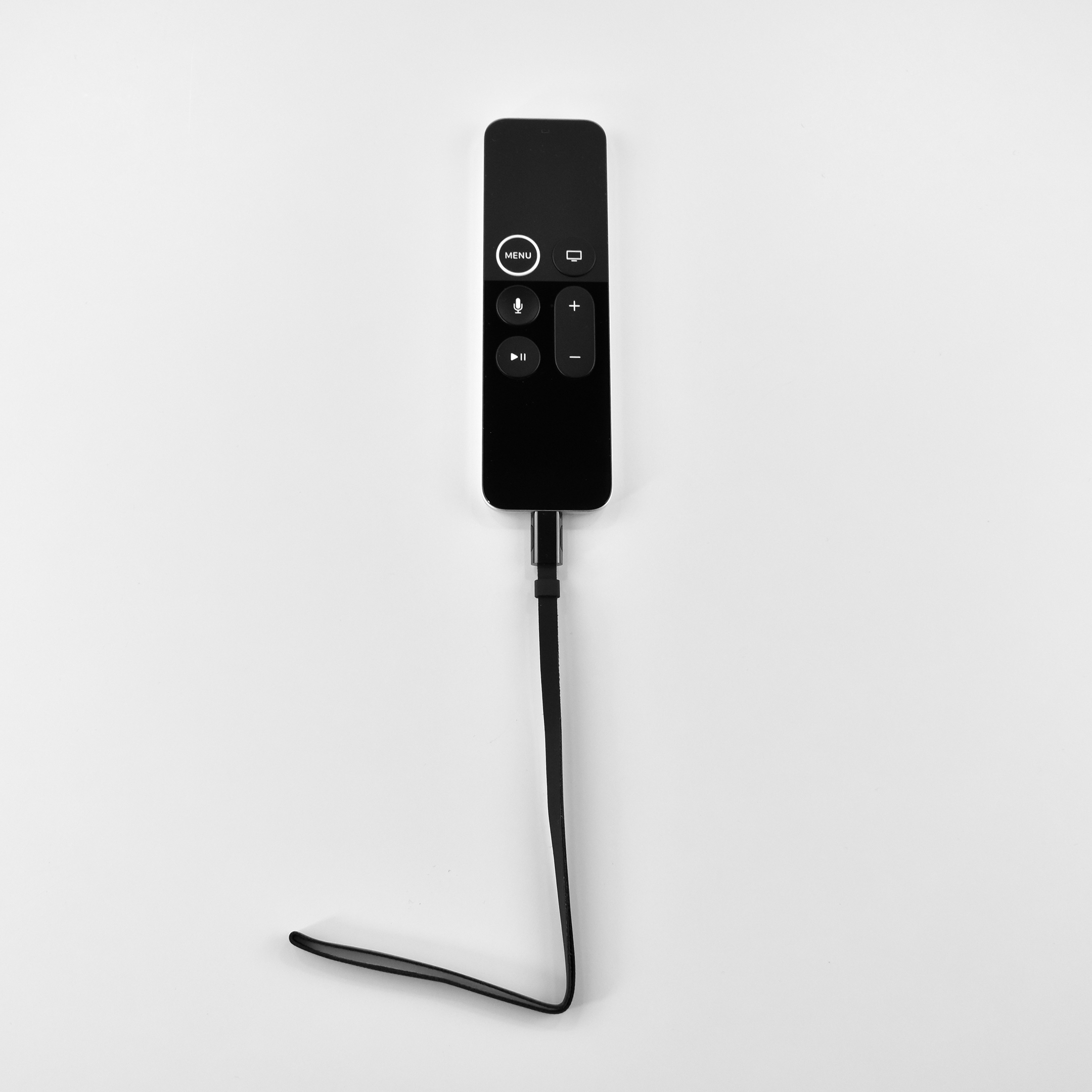
The Remote Loop is an accessory for the Siri Remote, Apple’s remote for the Apple TV 4K and Apple TV HD. When the Apple TV HD (Generation 4) was released with support for games, the Siri Remote included motion sensors for use in some games.

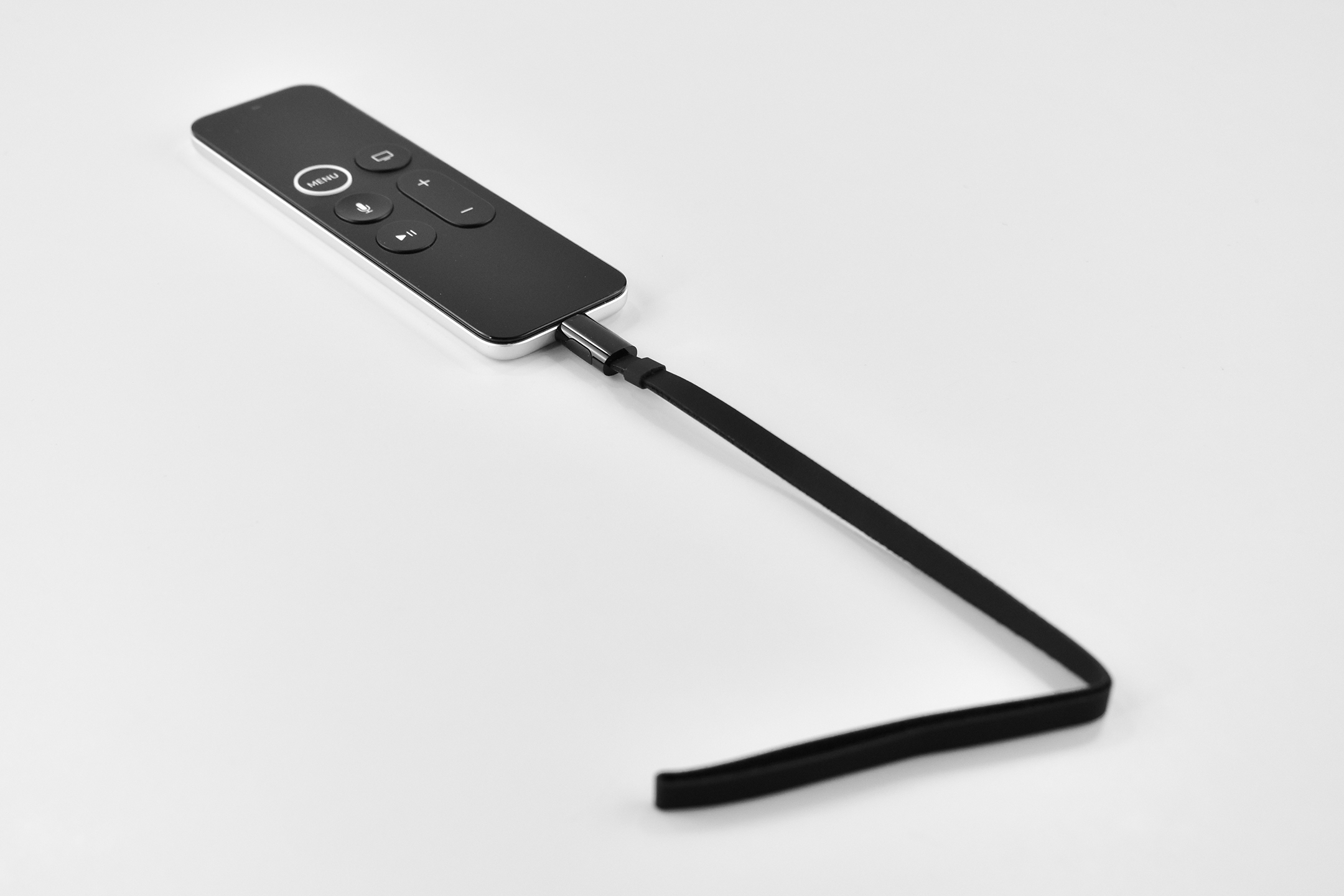
As the Nintendo Wii demonstrated, TV screen safety became an issue when the controller’s motion sensors require swinging a remote at the TV. Apple created the Remote Loop to keep you TV screen safe. According to Apple:

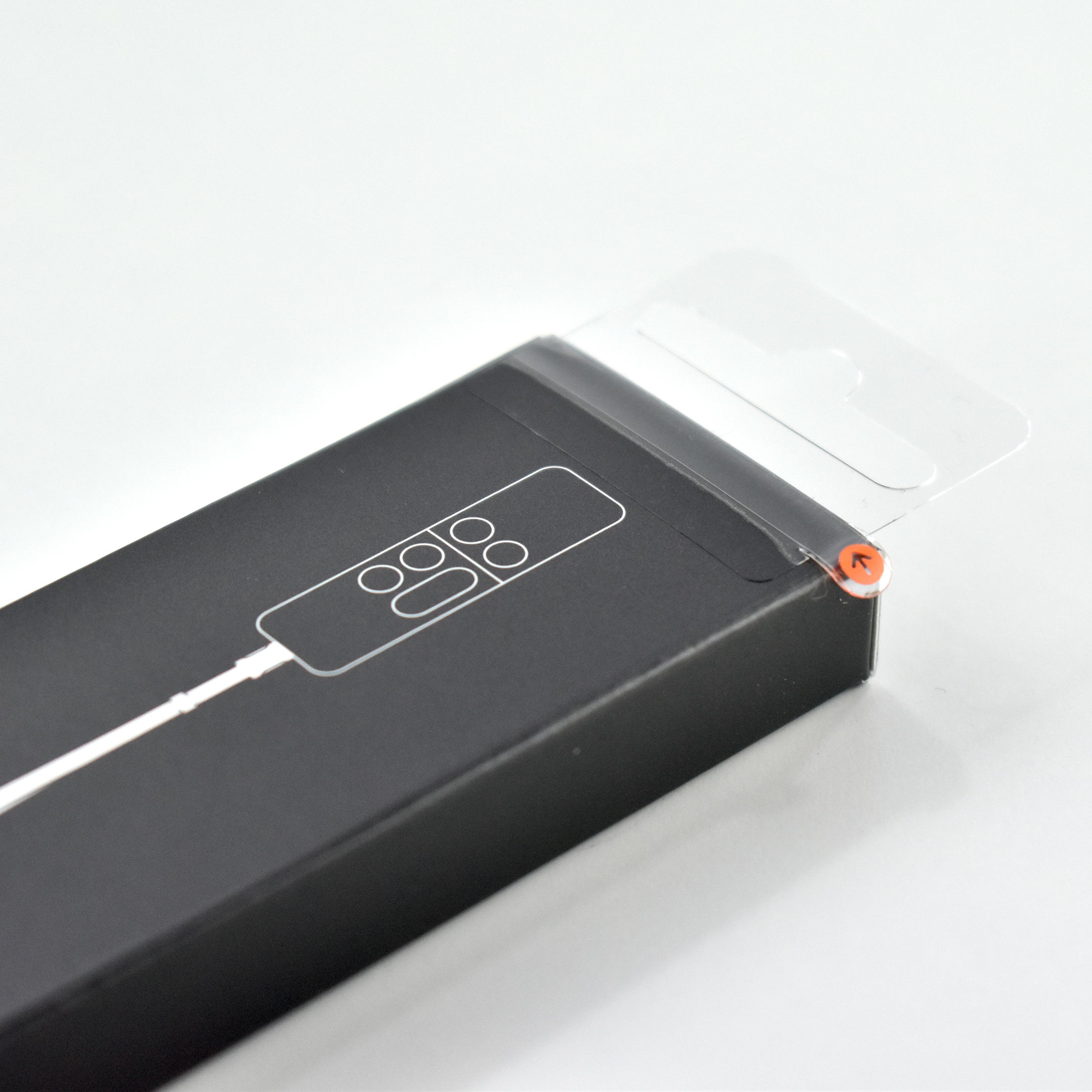
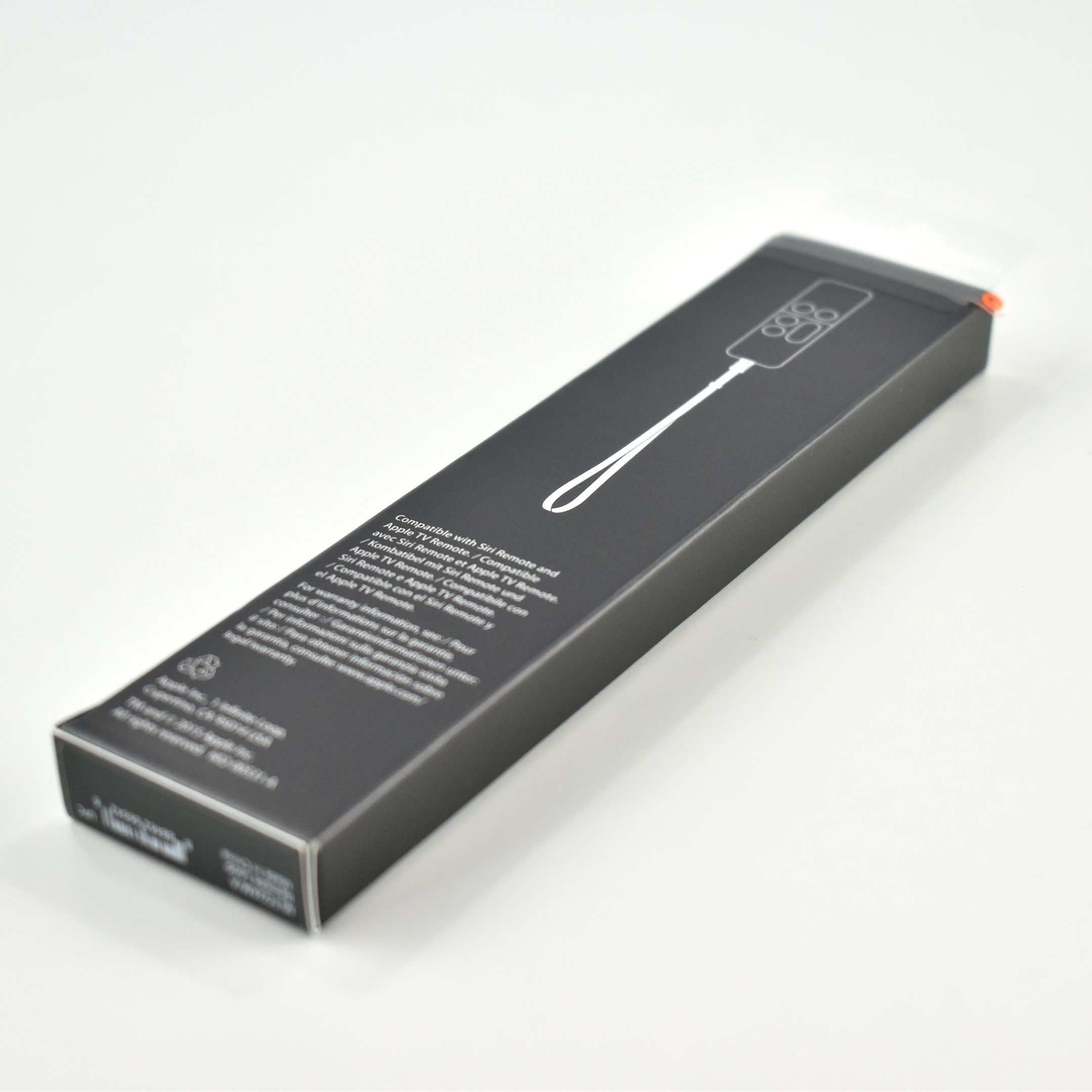
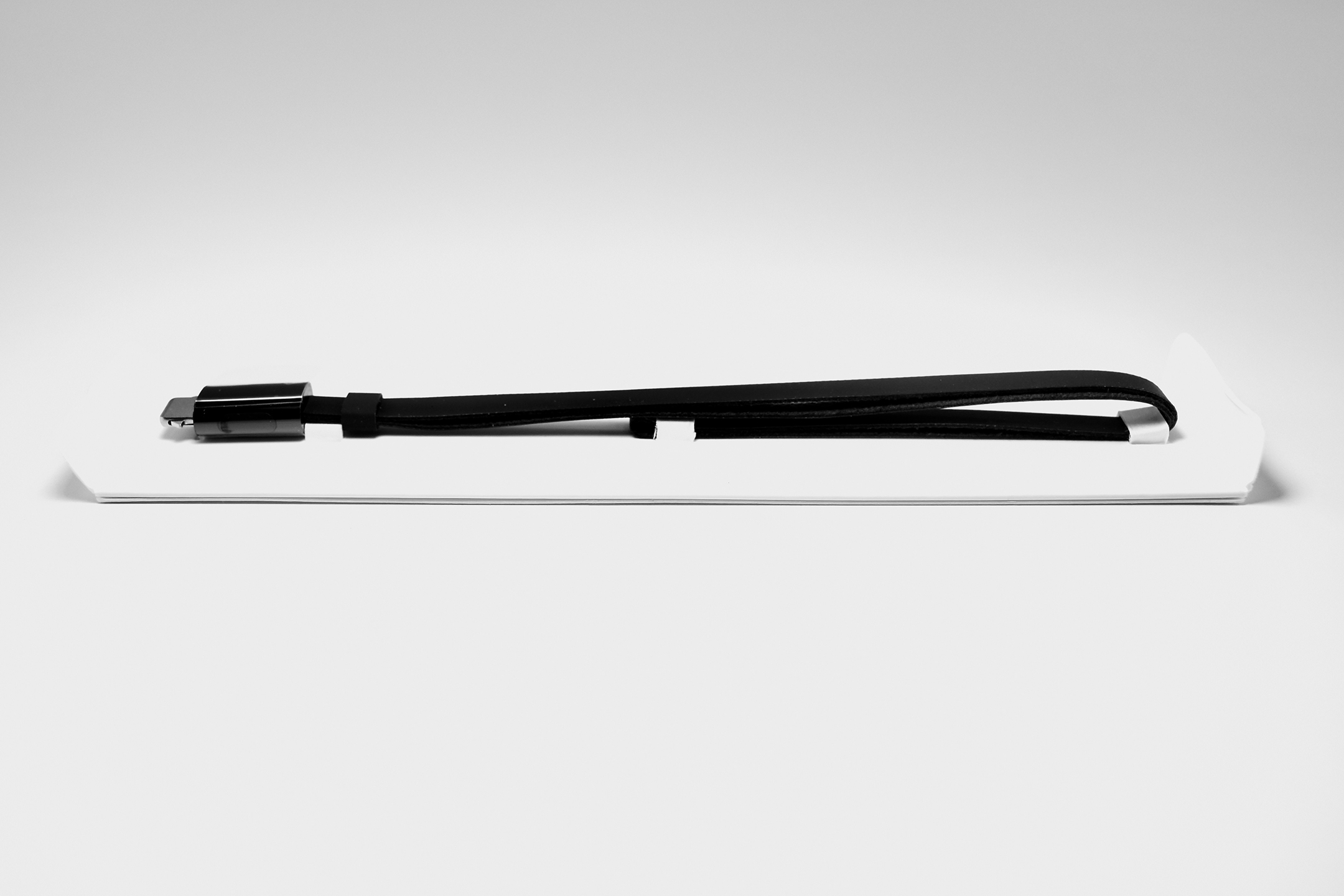
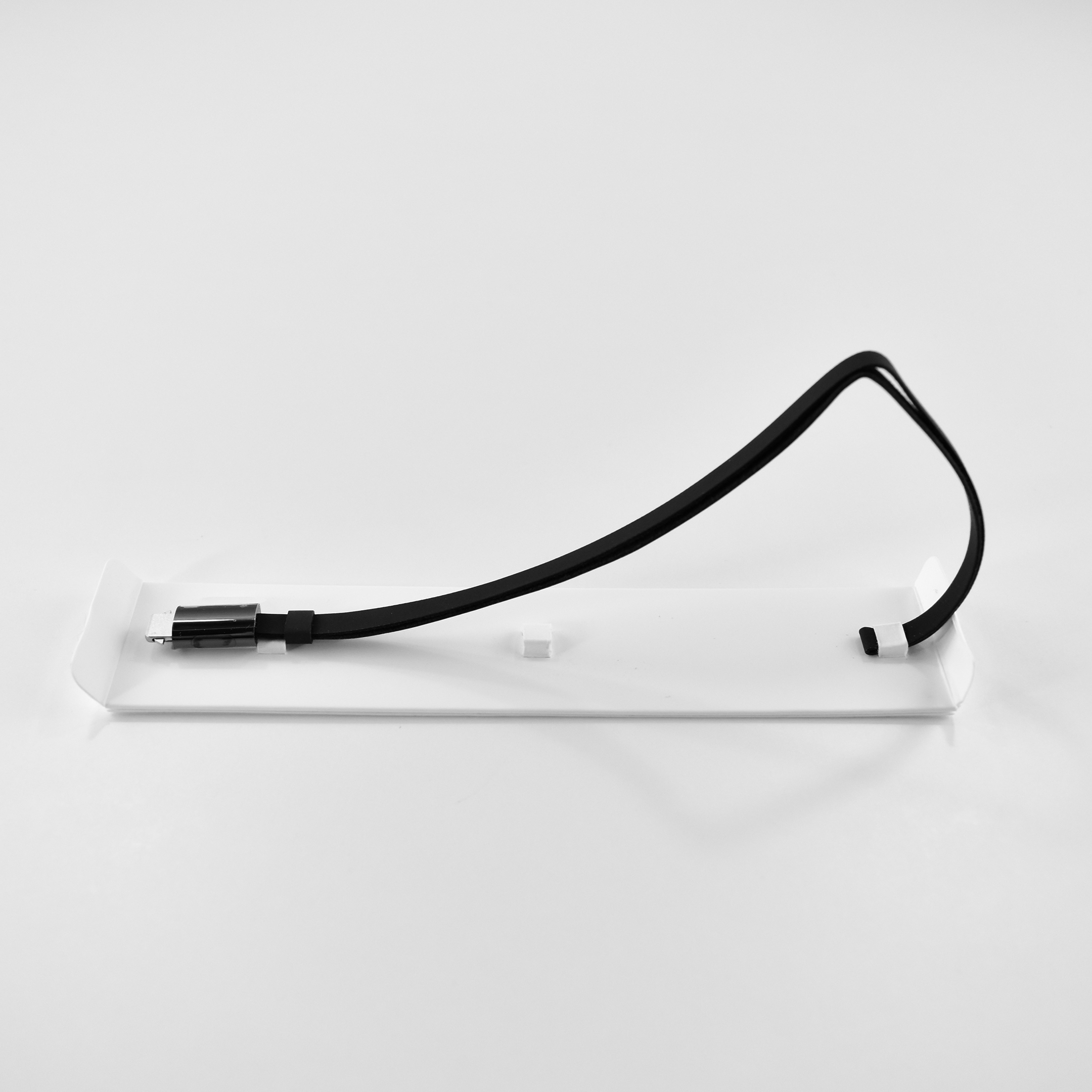
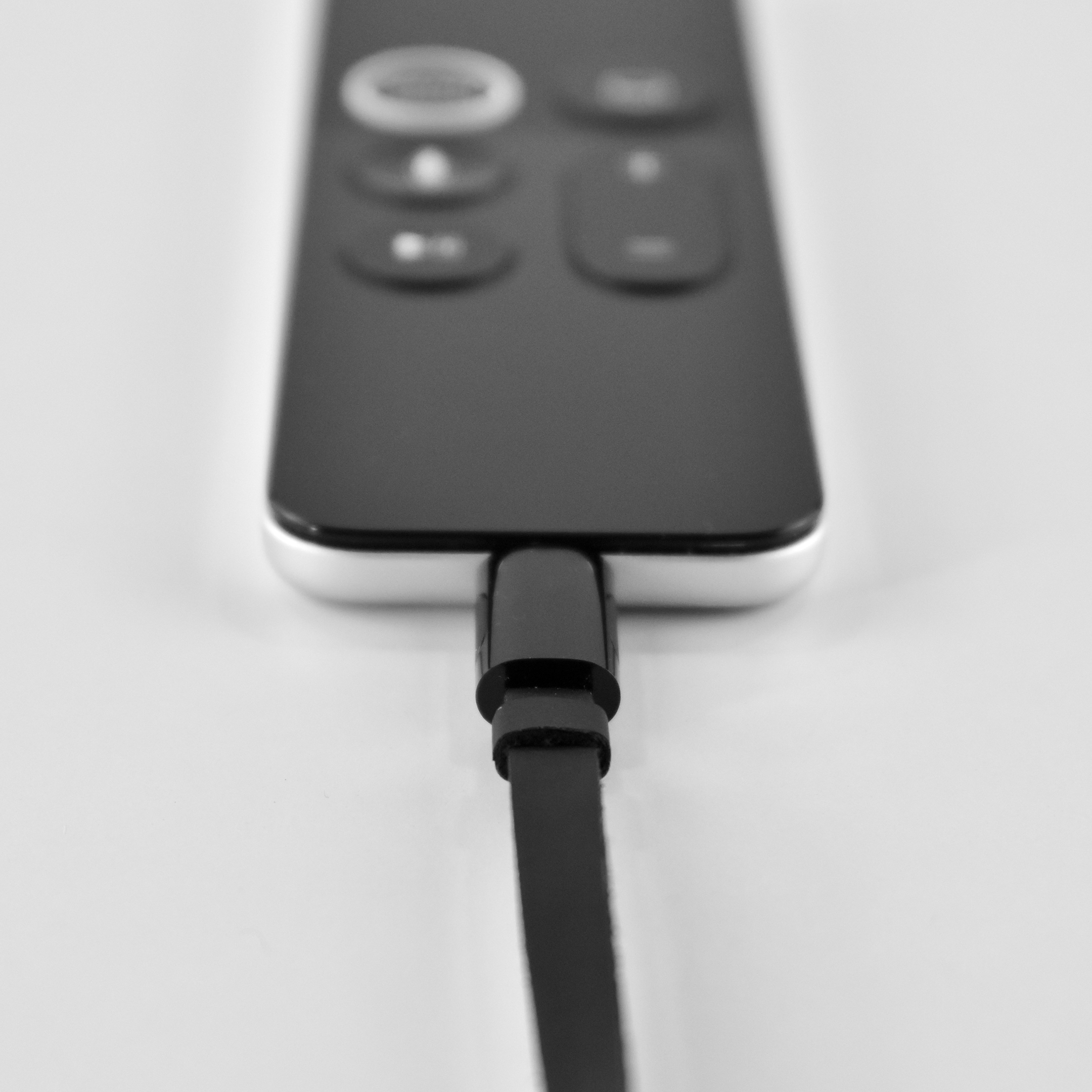
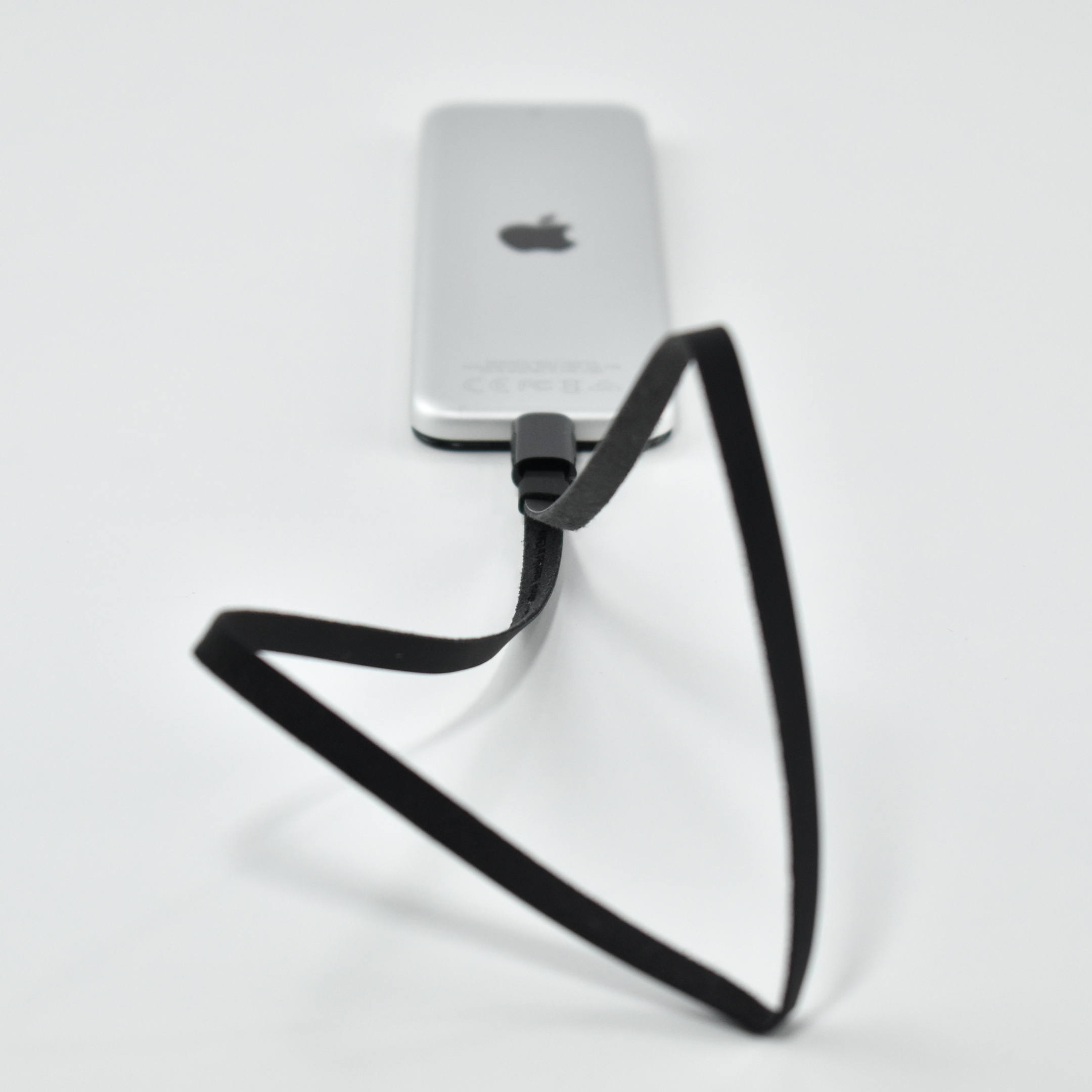
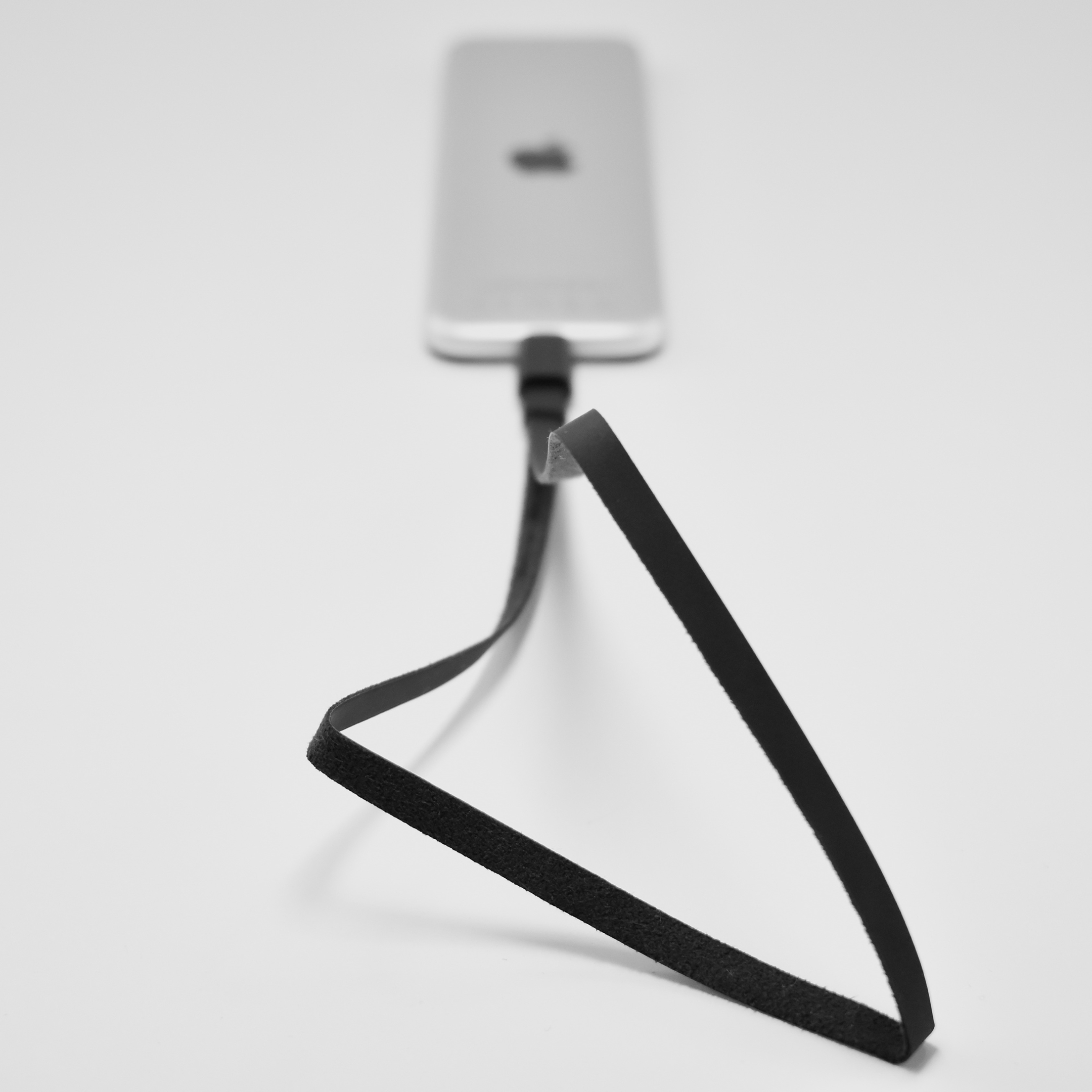
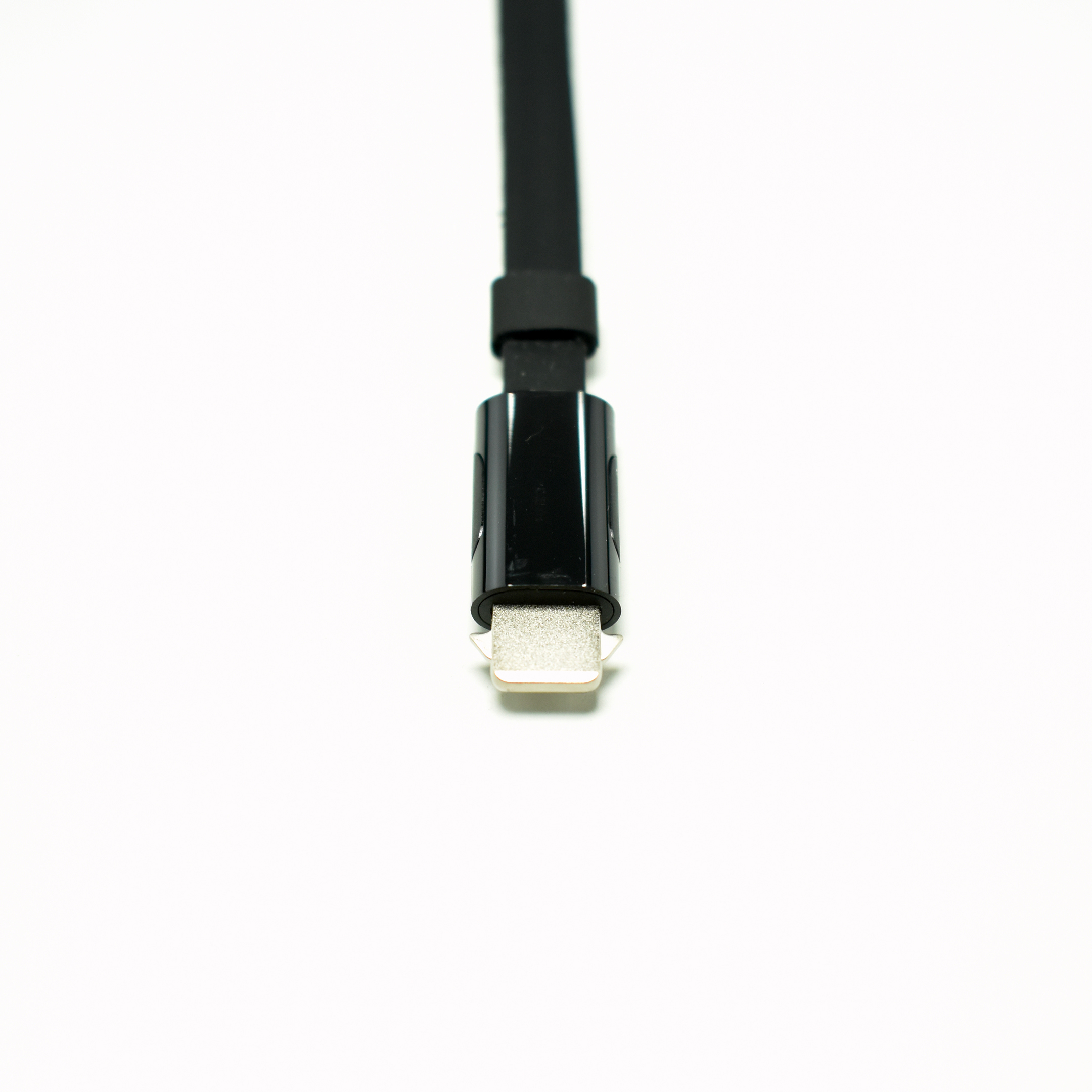
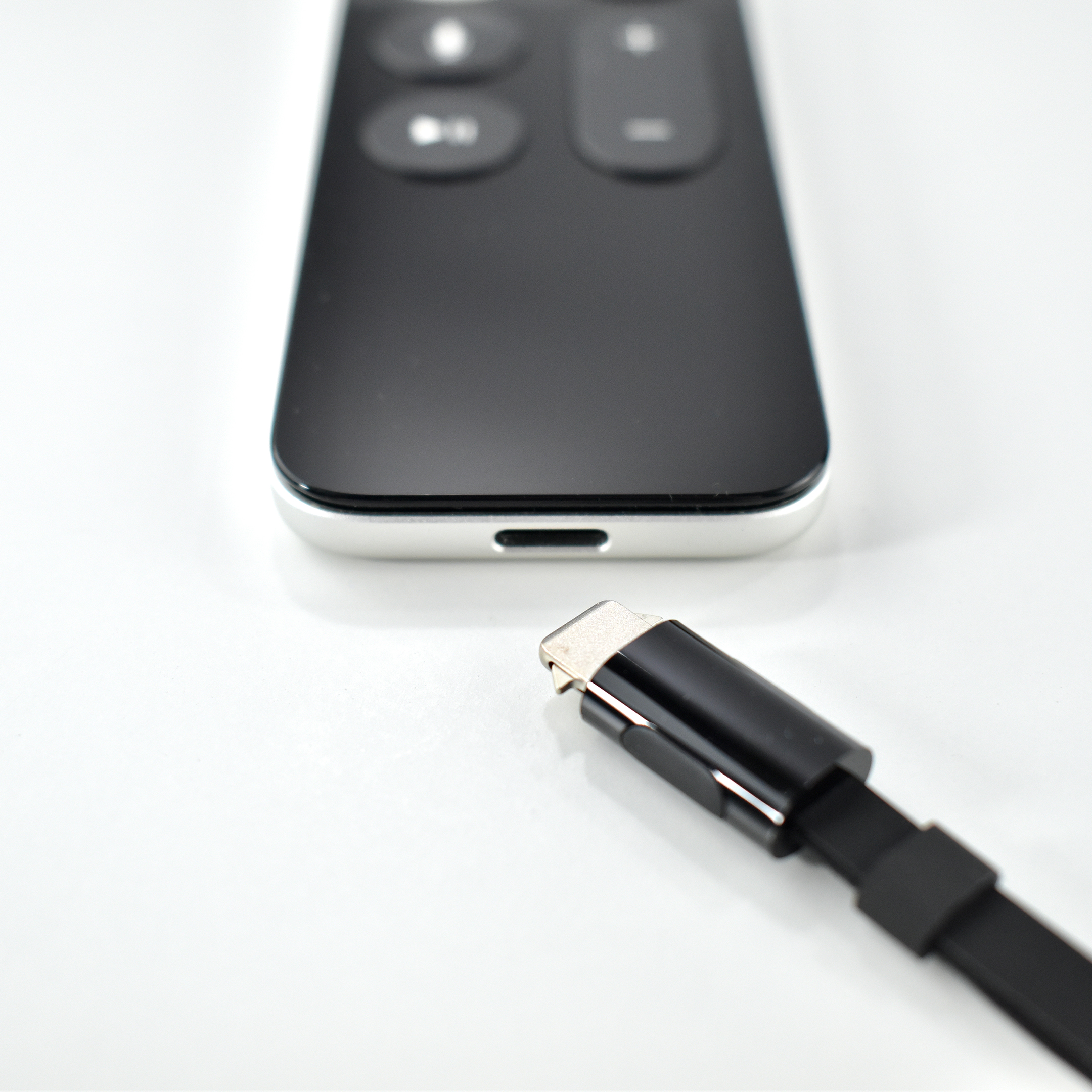
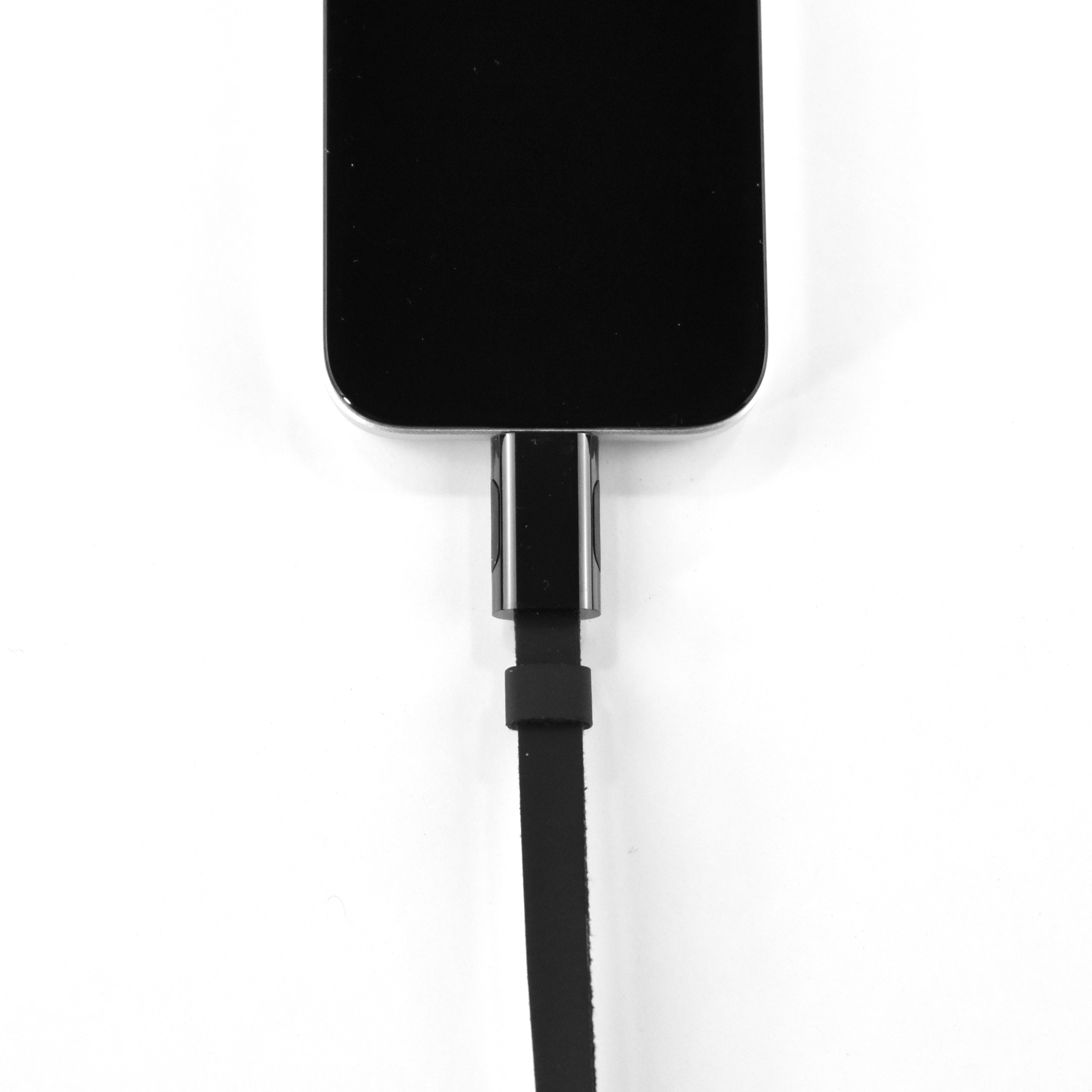
“The Remote Loop keeps your Siri Remote safely tethered to your wrist so you won’t have to worry about accidental slips or drops. It clicks into the Lightning connector on the remote for secure attachment and easy removal. And you can adjust the size for a snug and secure fit. The Remote Loop is compatible with the Siri Remote for Apple TV 4K and Apple TV HD.”

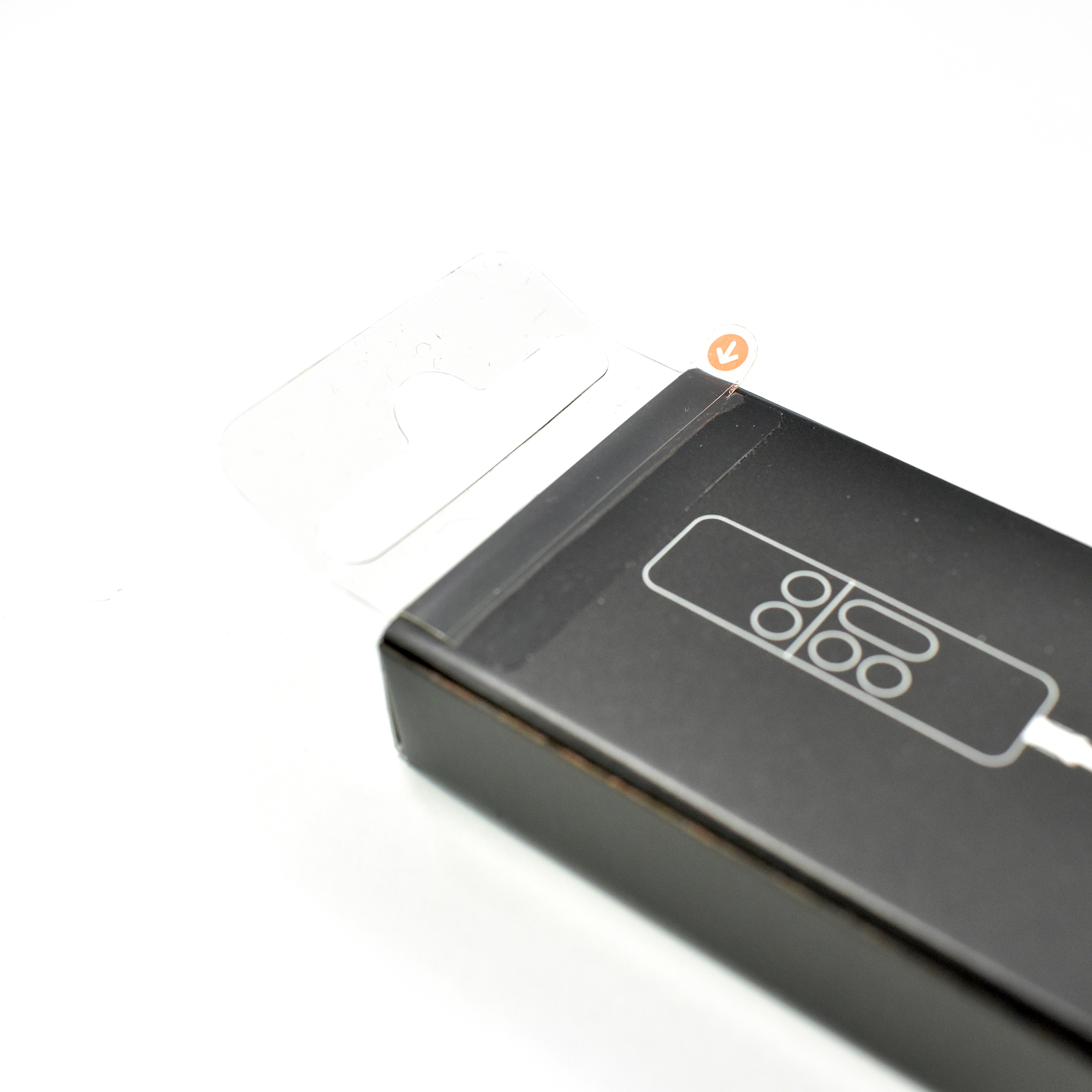
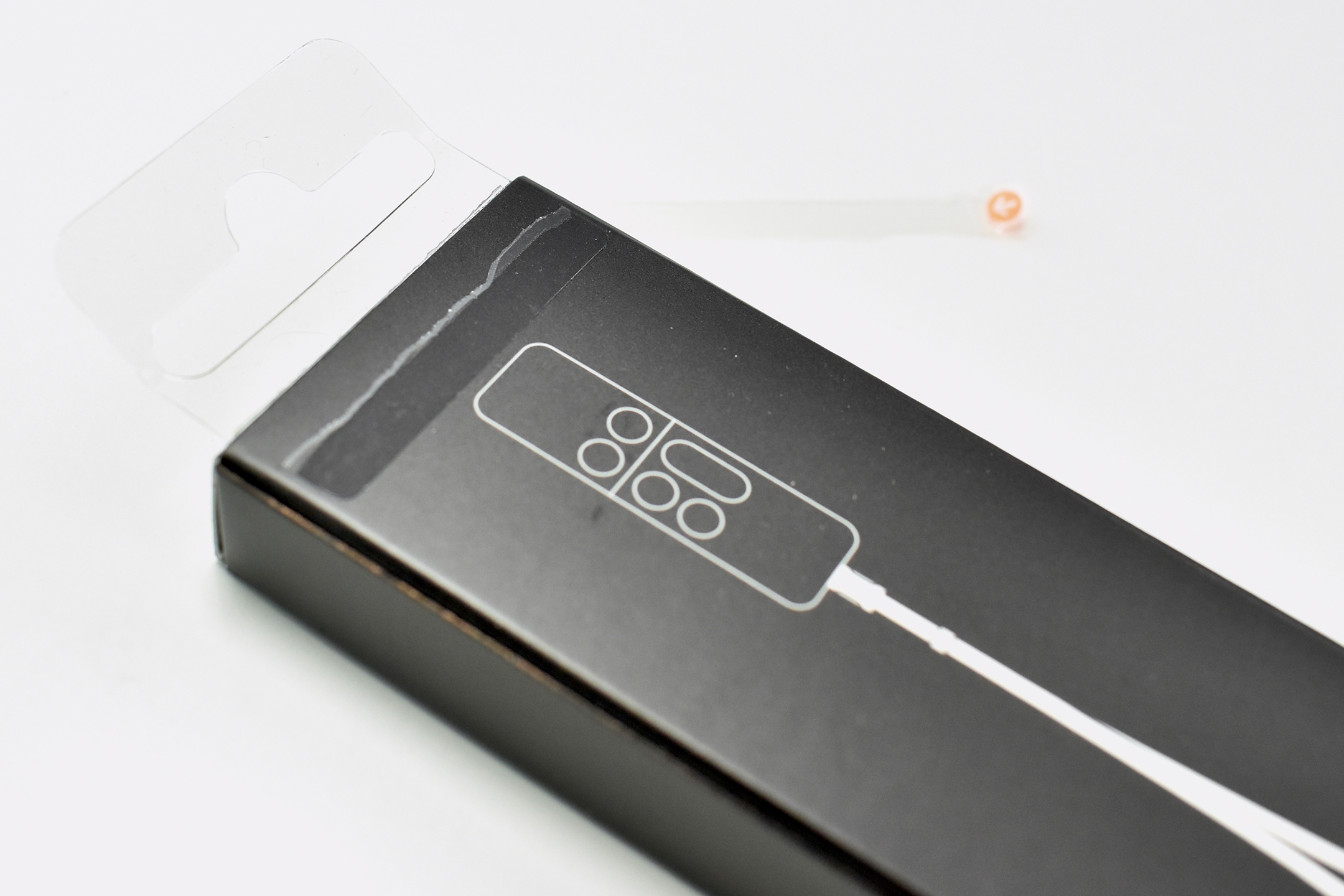
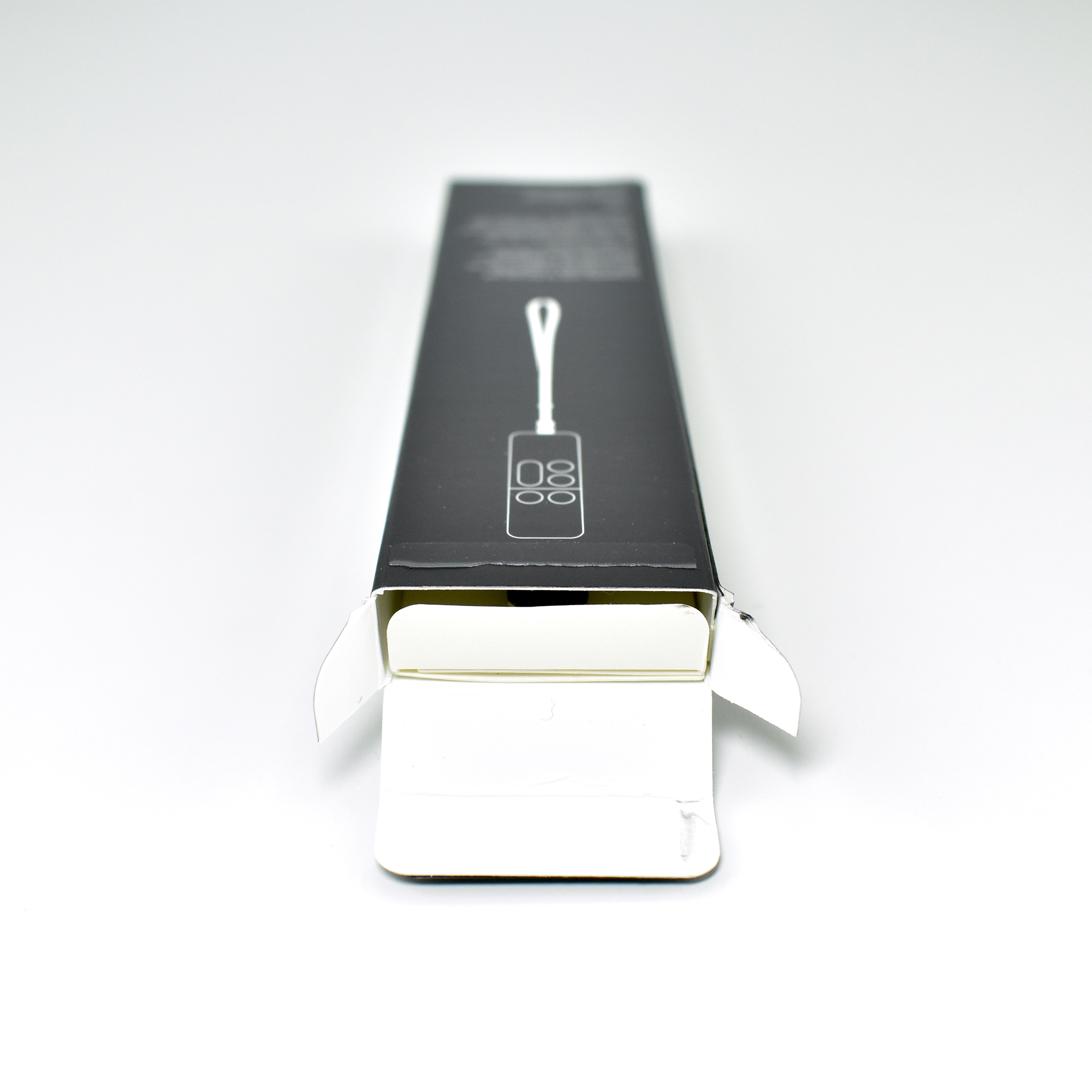
The Remote Loop sold separately and was similar to the iPod touch Loop. However, the Remote Loop uses a connector similar to a Lightning port, but with retracting spikes on both sides. The spikes serve to securely attach the loop to the remote and are released by squeezing the buttons on both sides. A similar connection method was used in early 30-pin Apple connectors that shipped with iPod and early iPhone devices.

The Remote Loop measures 8.68 inches long, 0.36 inch wide, and 0.22 inch deep. It weighs 0.1 ounce. The Remote Loop was only available in black.

Sources: Apple (Siri Remote, Remote Loop), 9to5mac

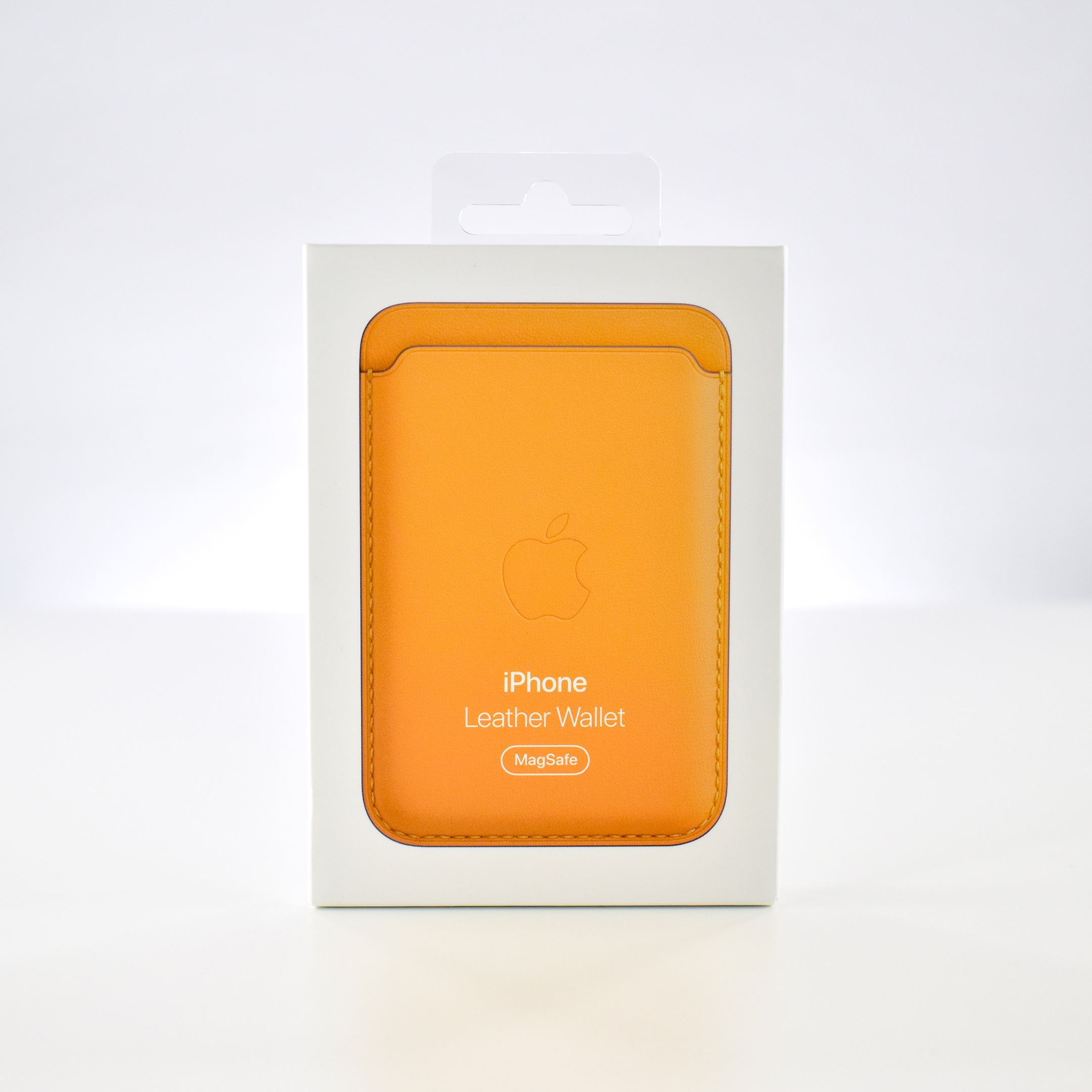
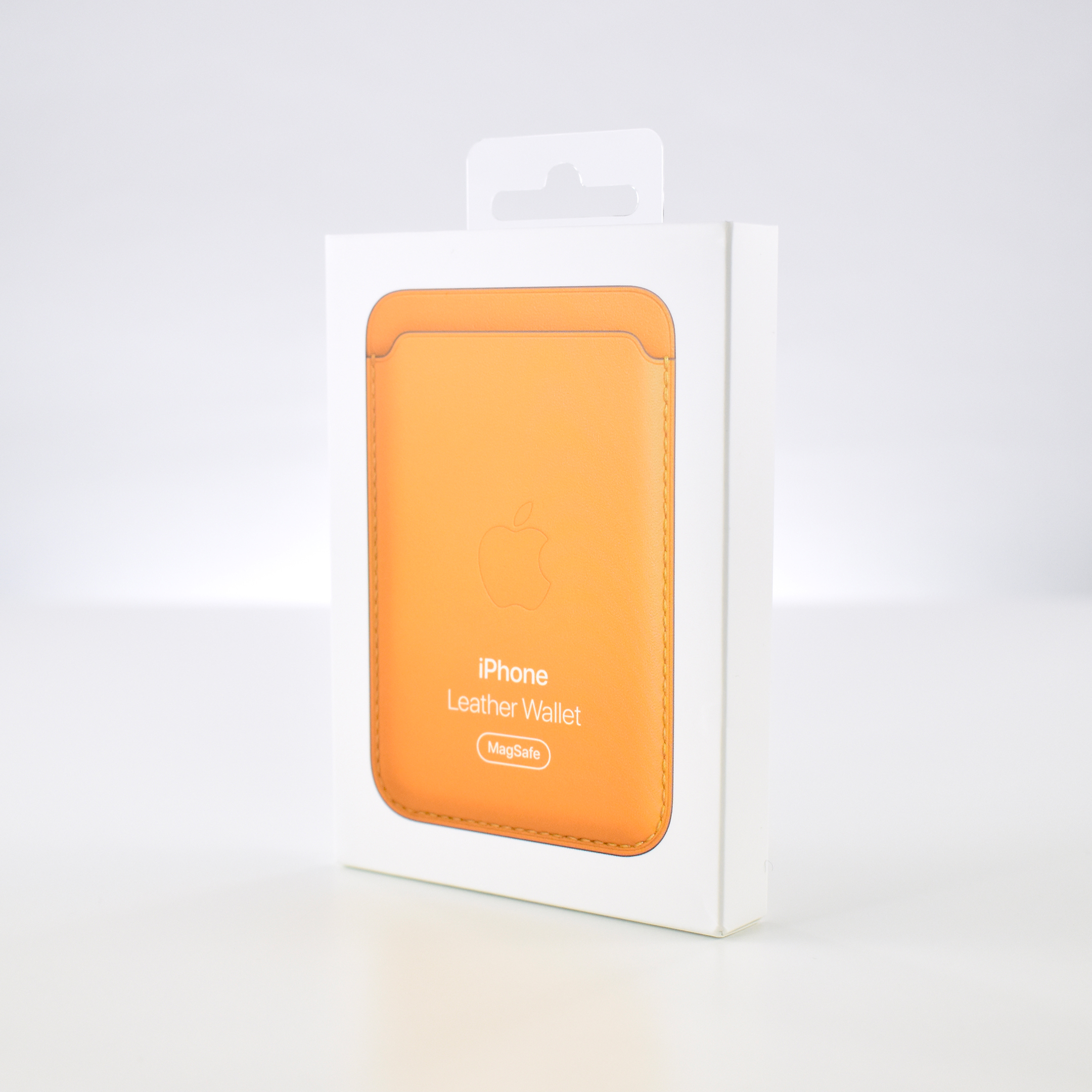
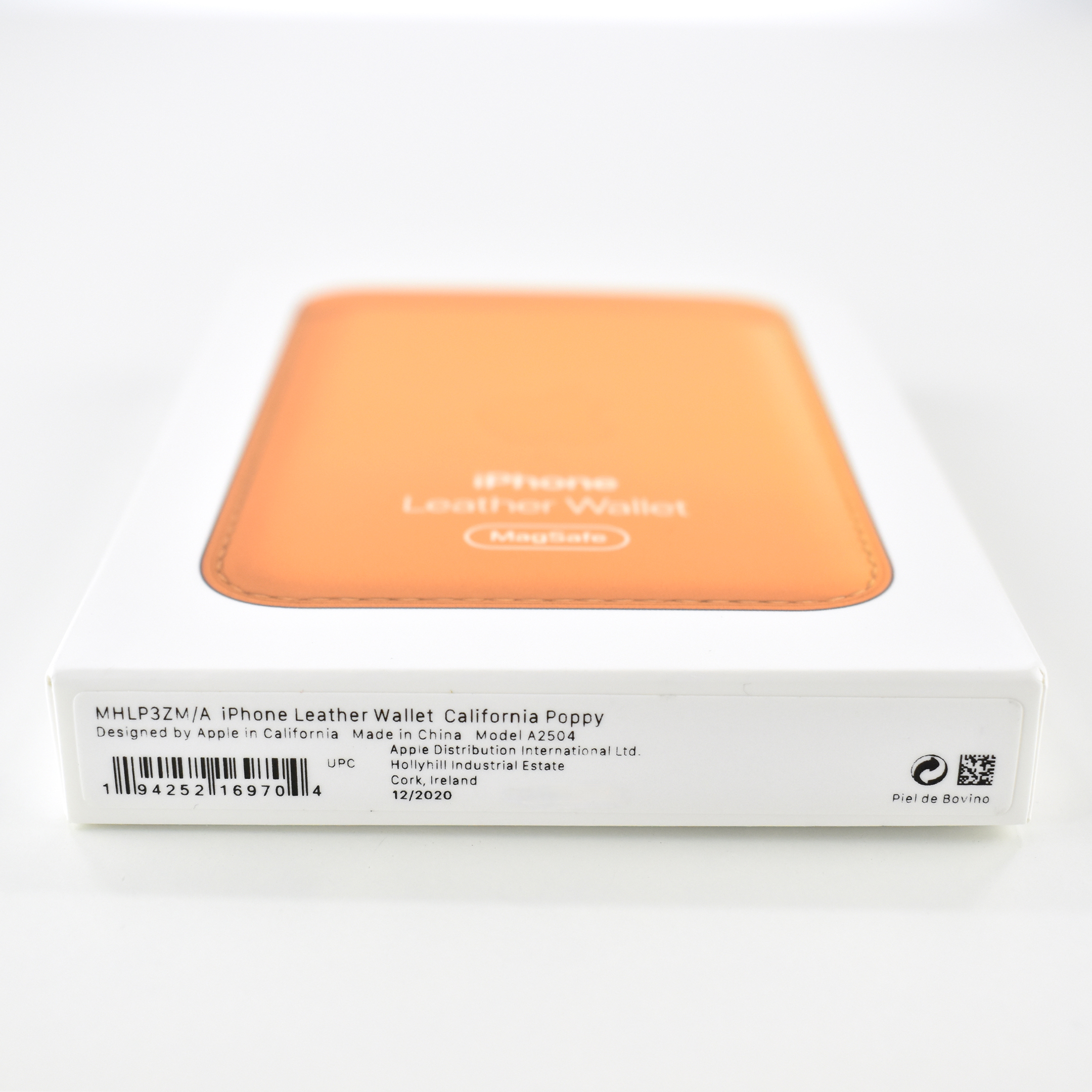
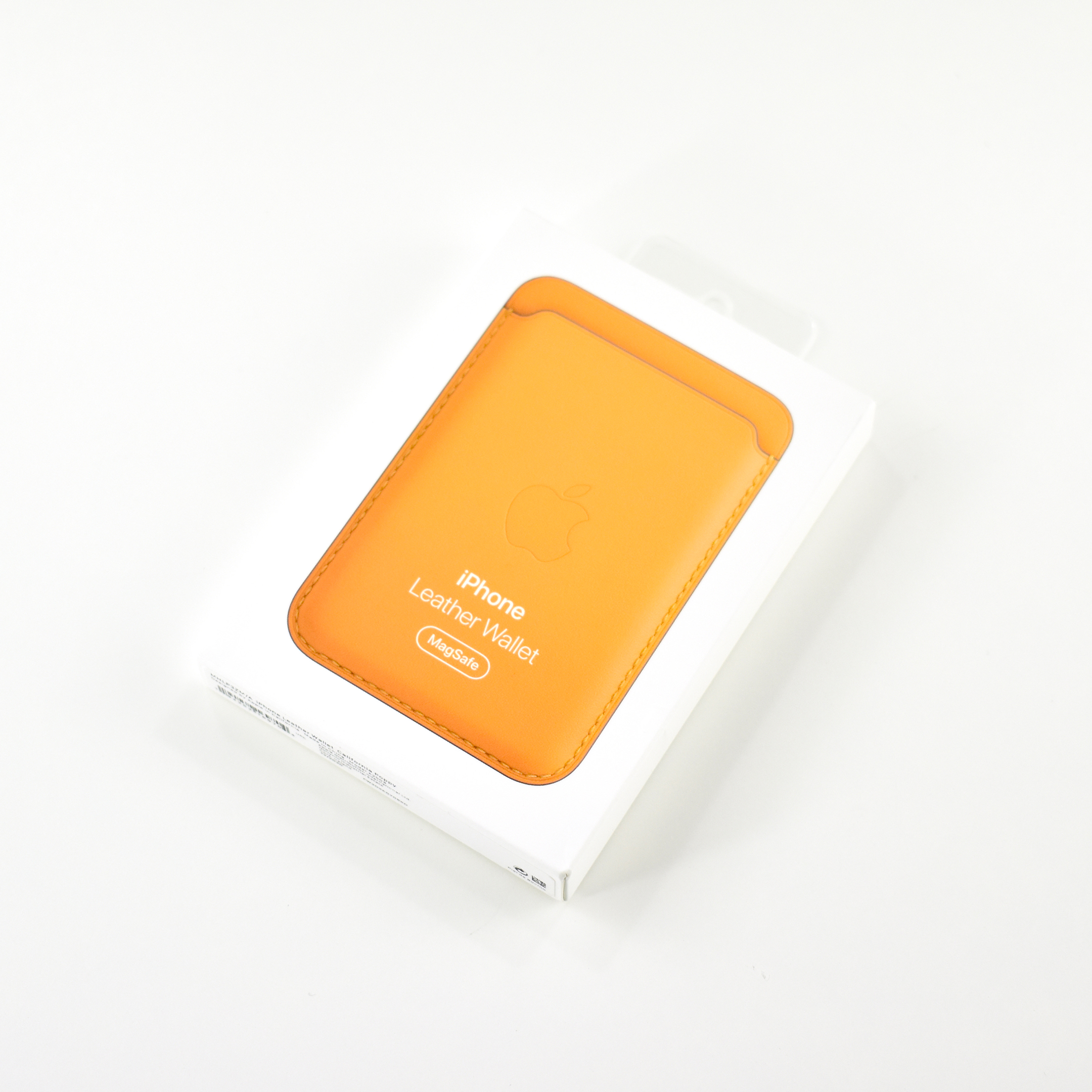
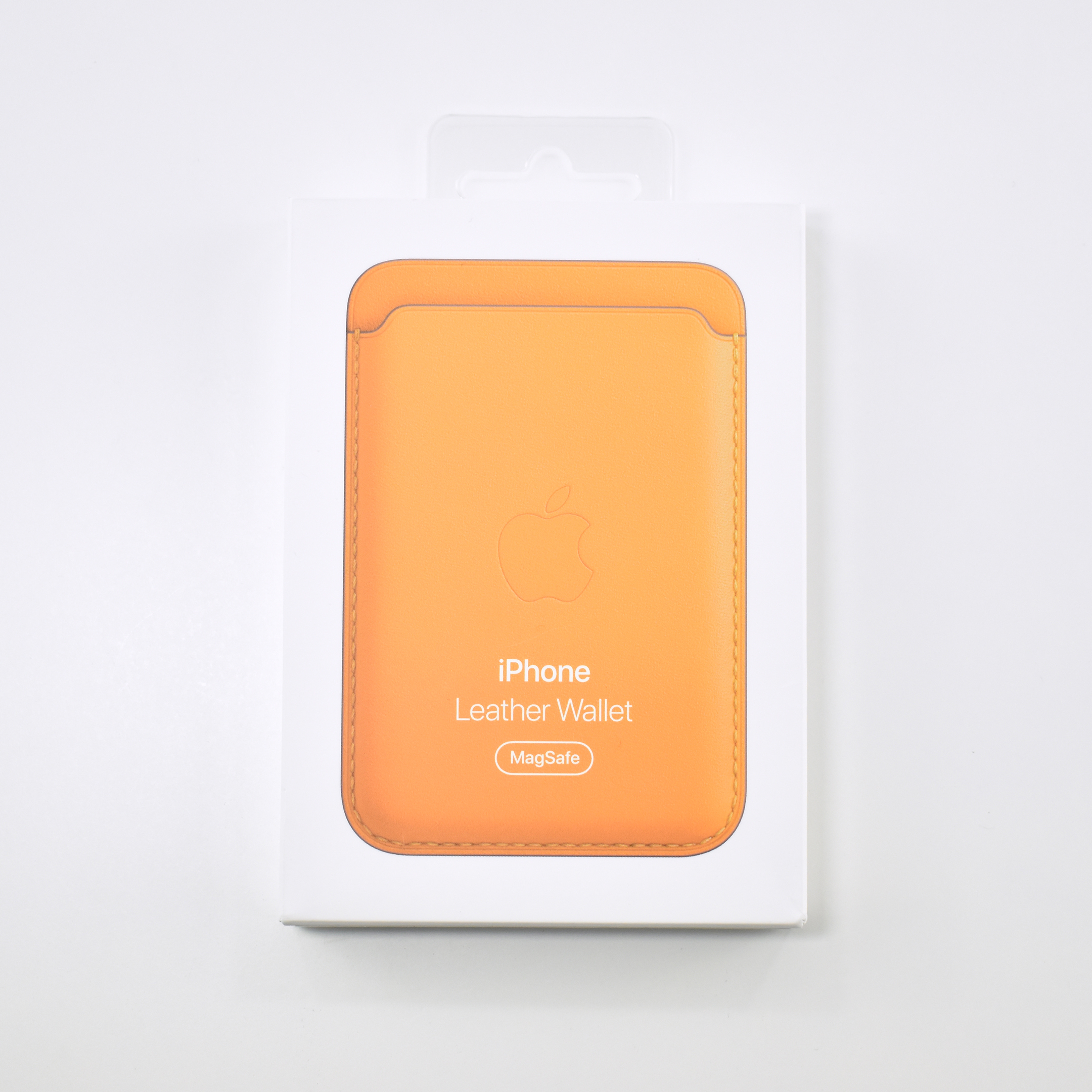
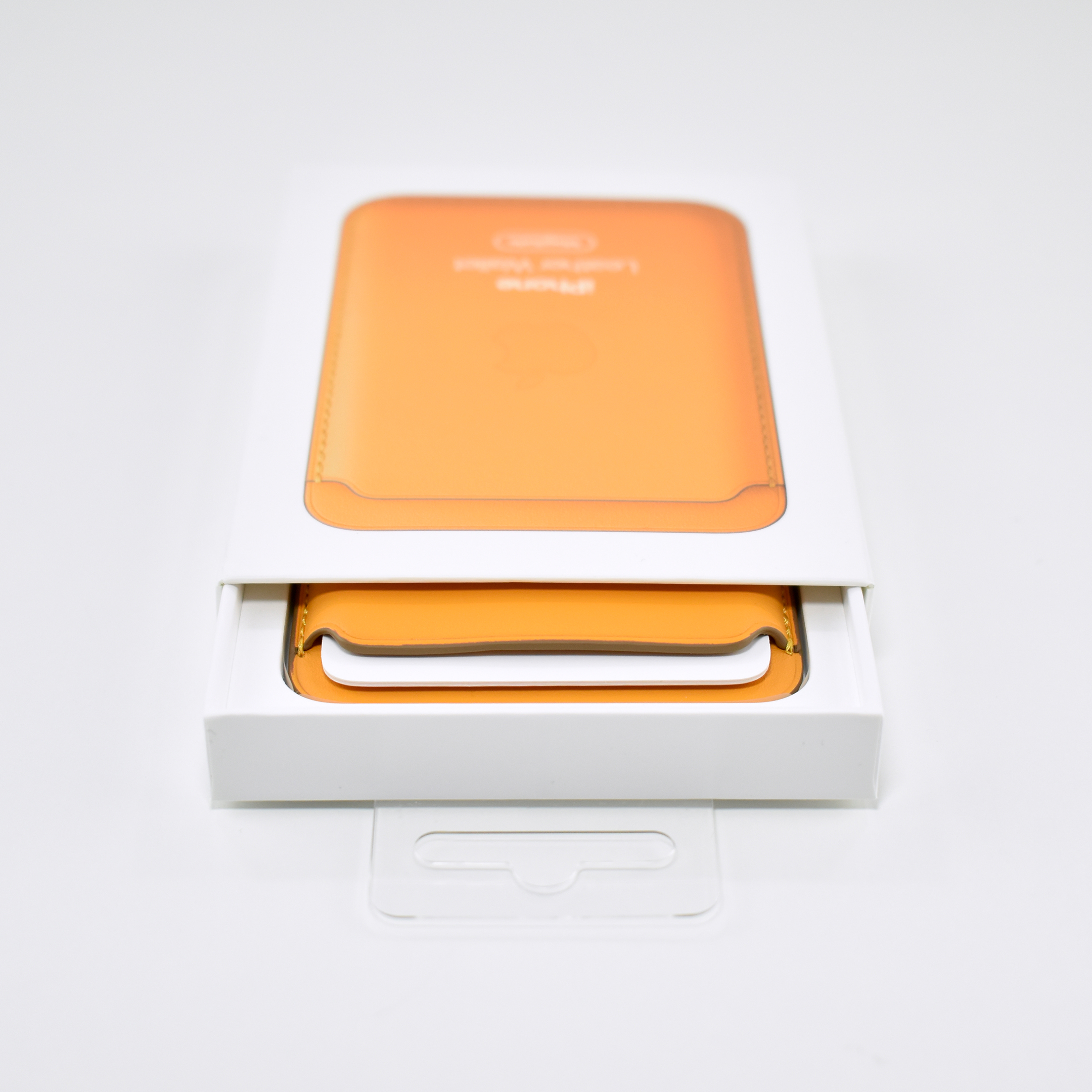
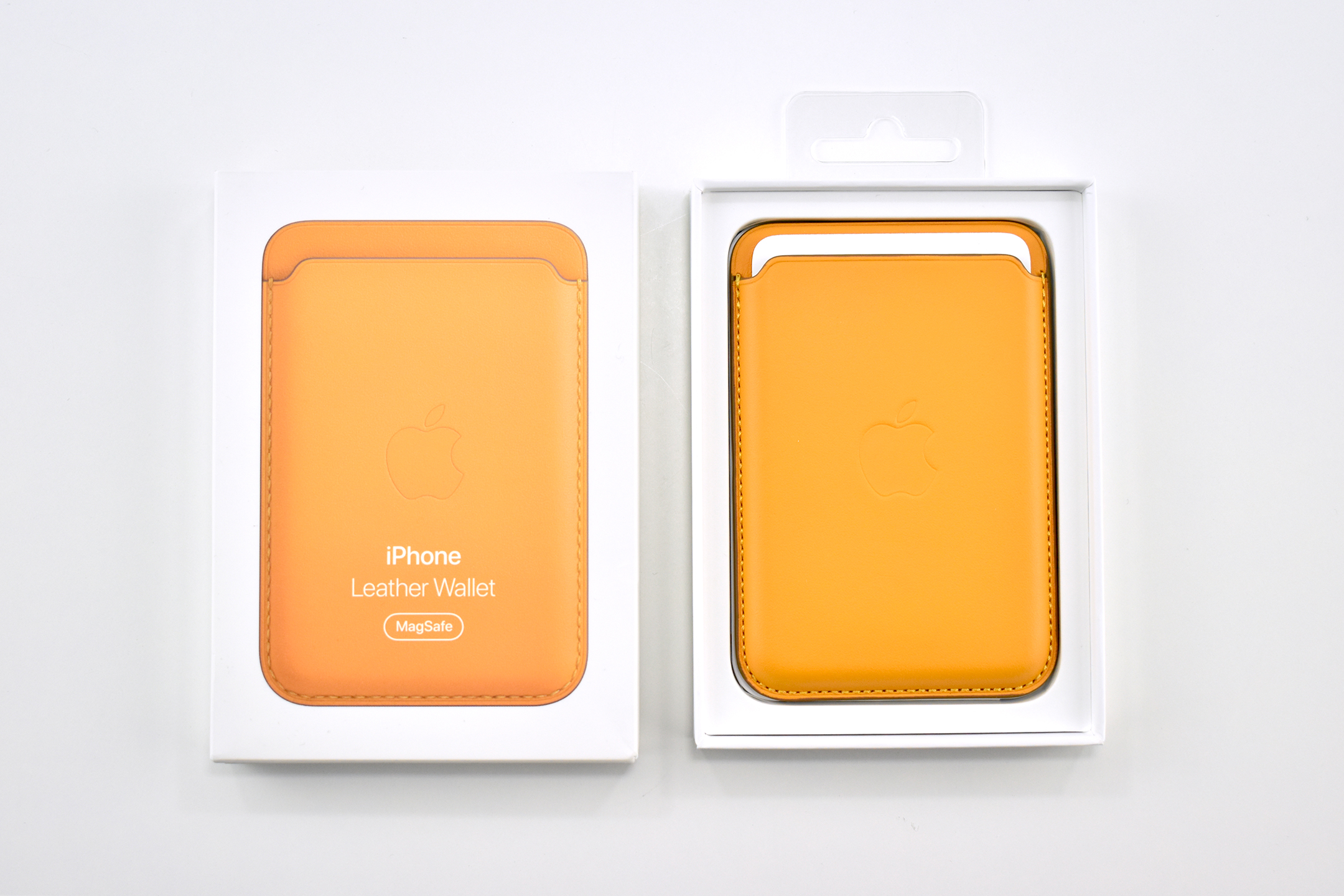
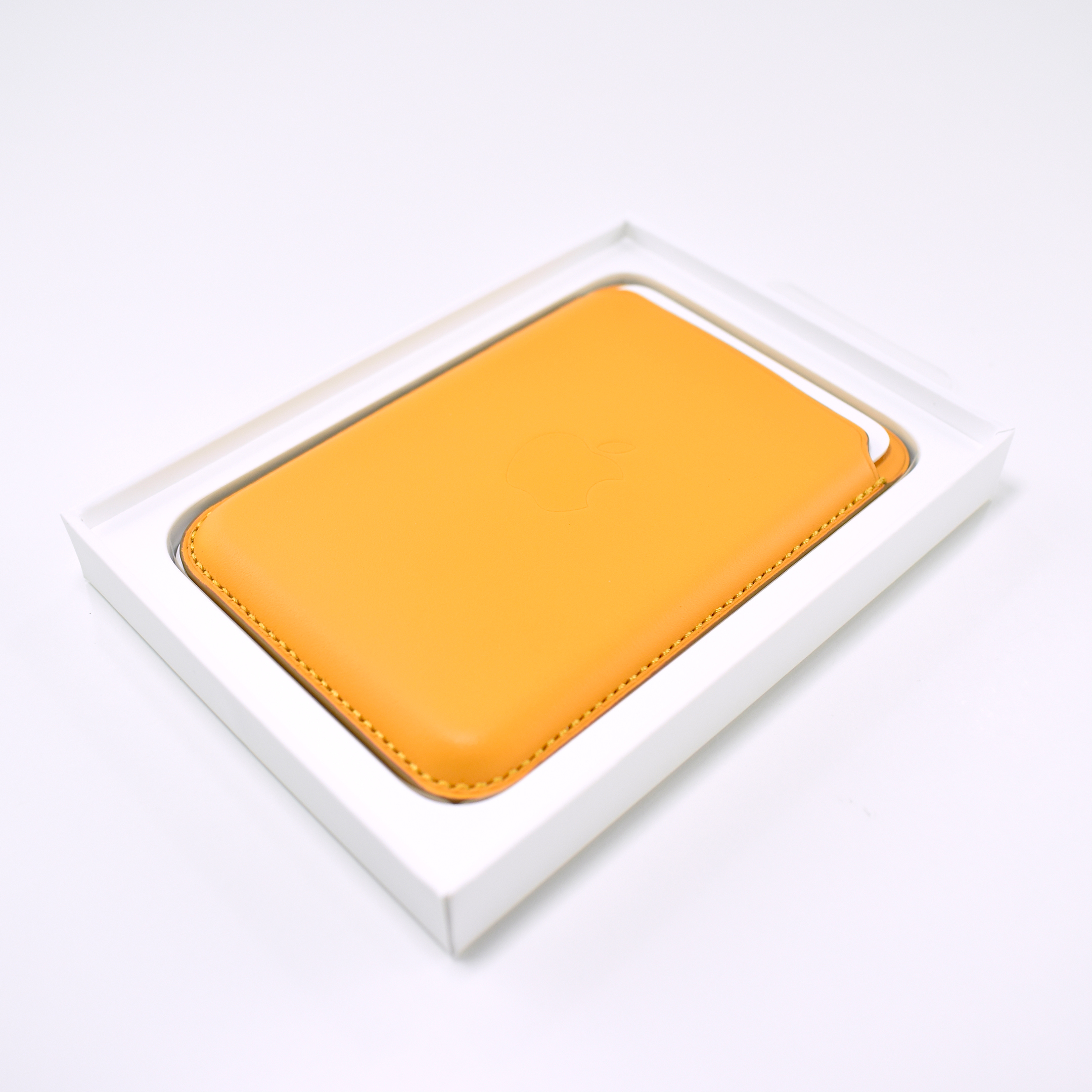
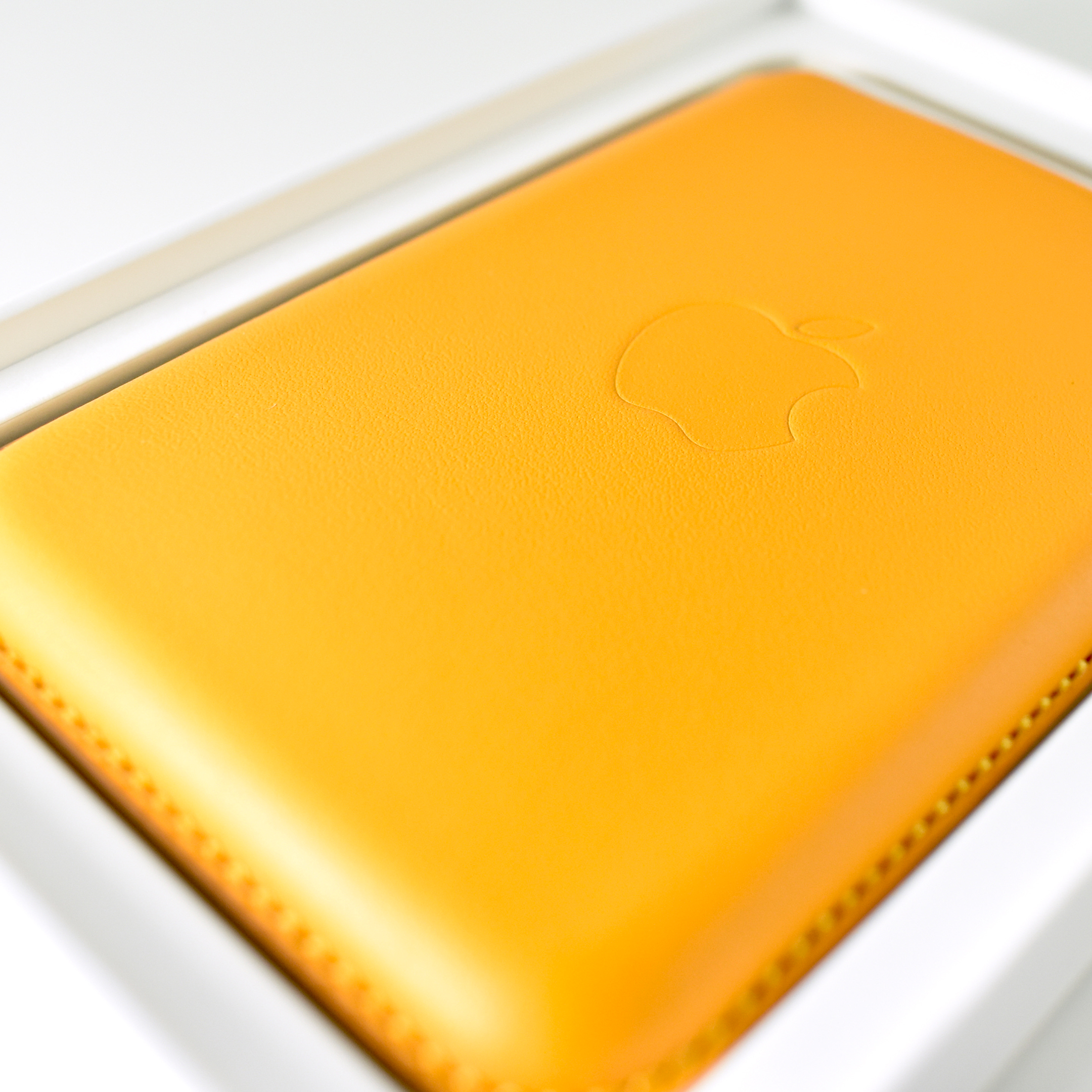
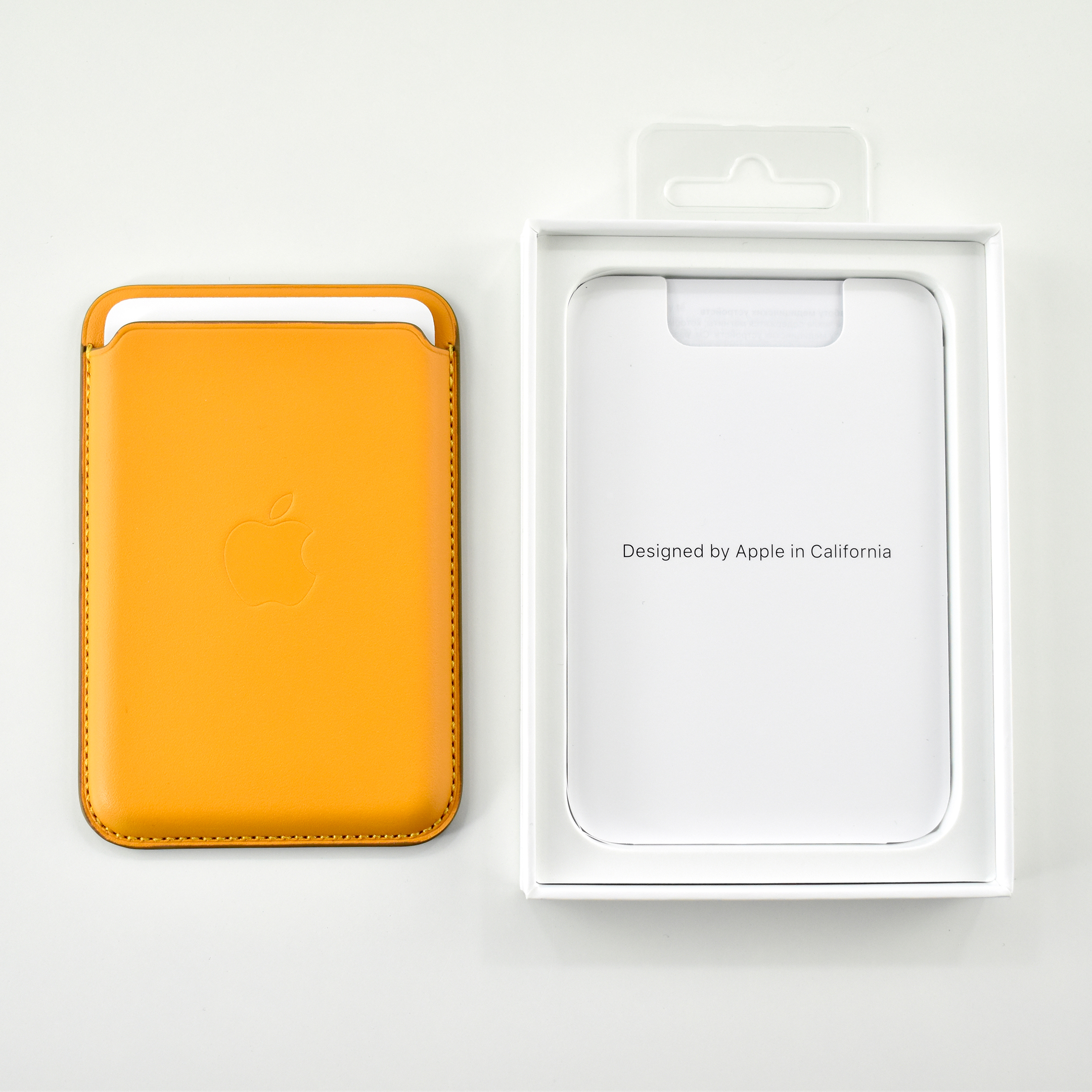
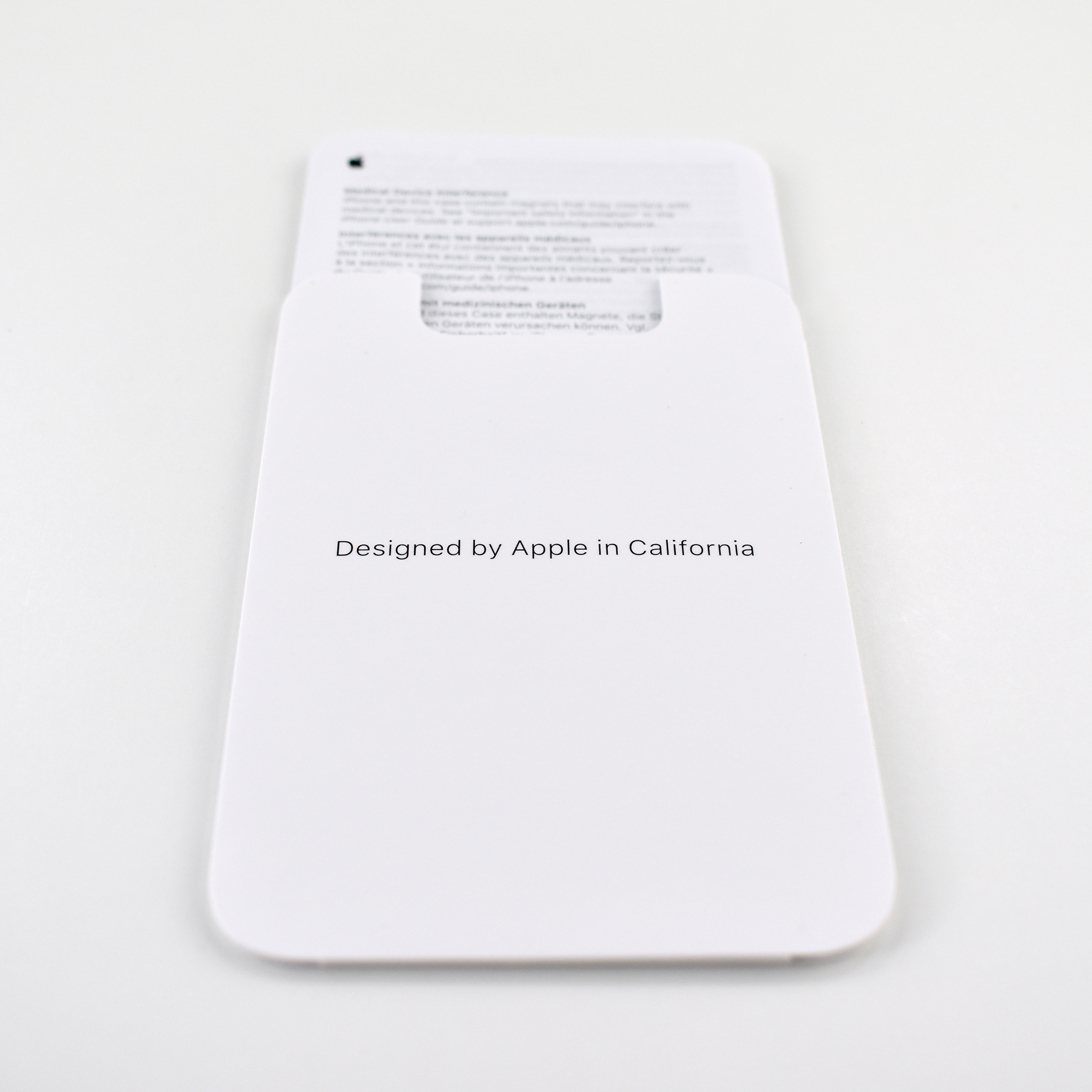
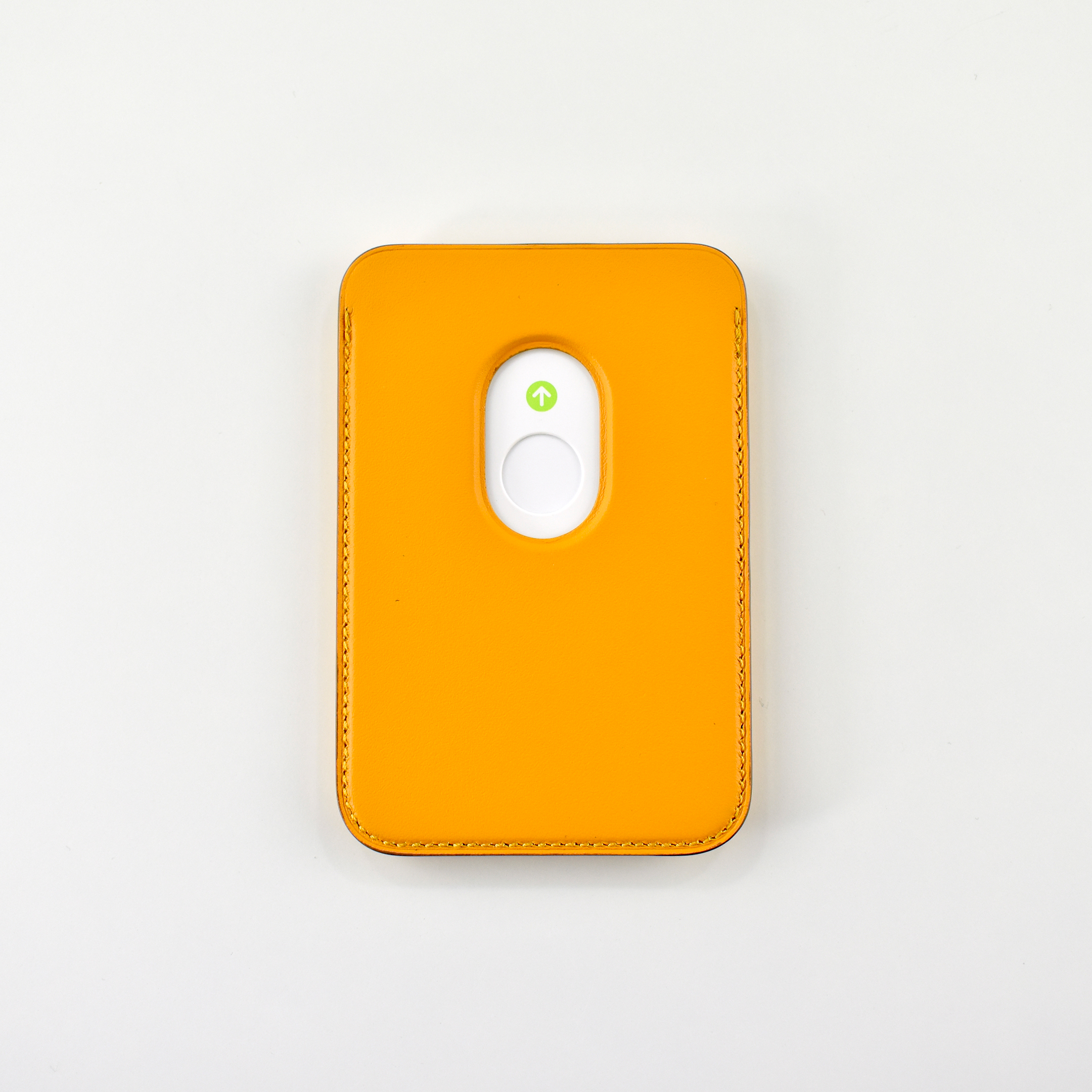
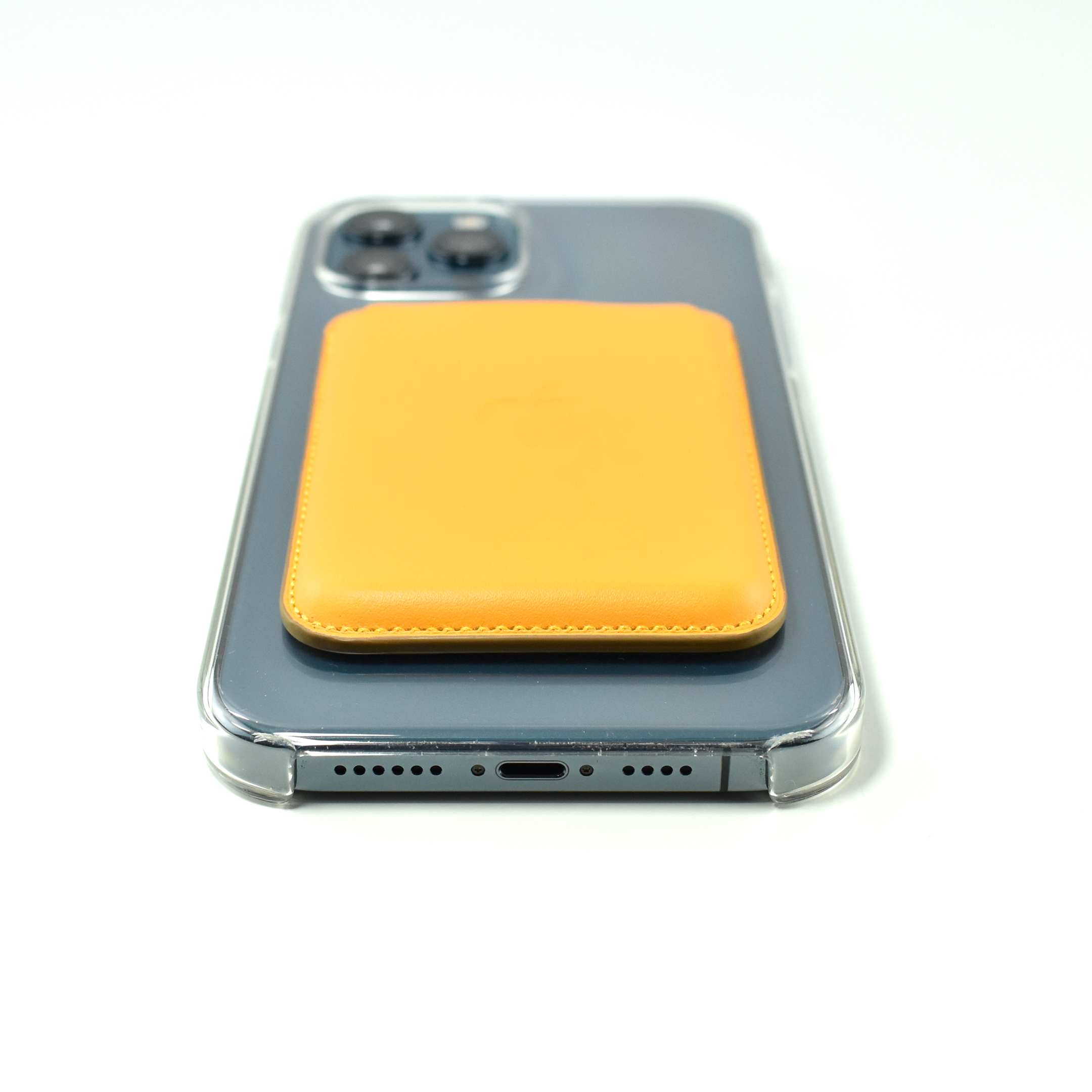
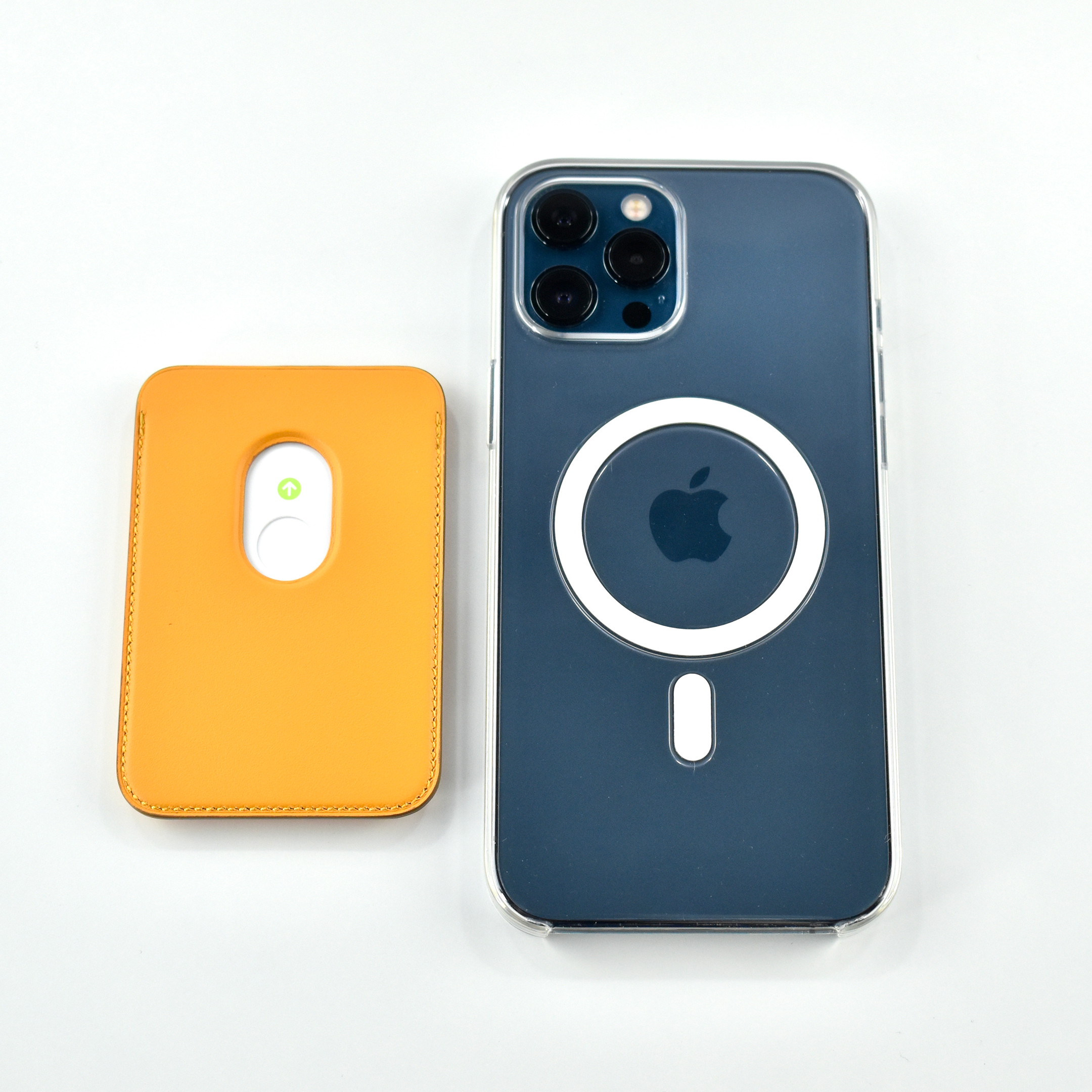
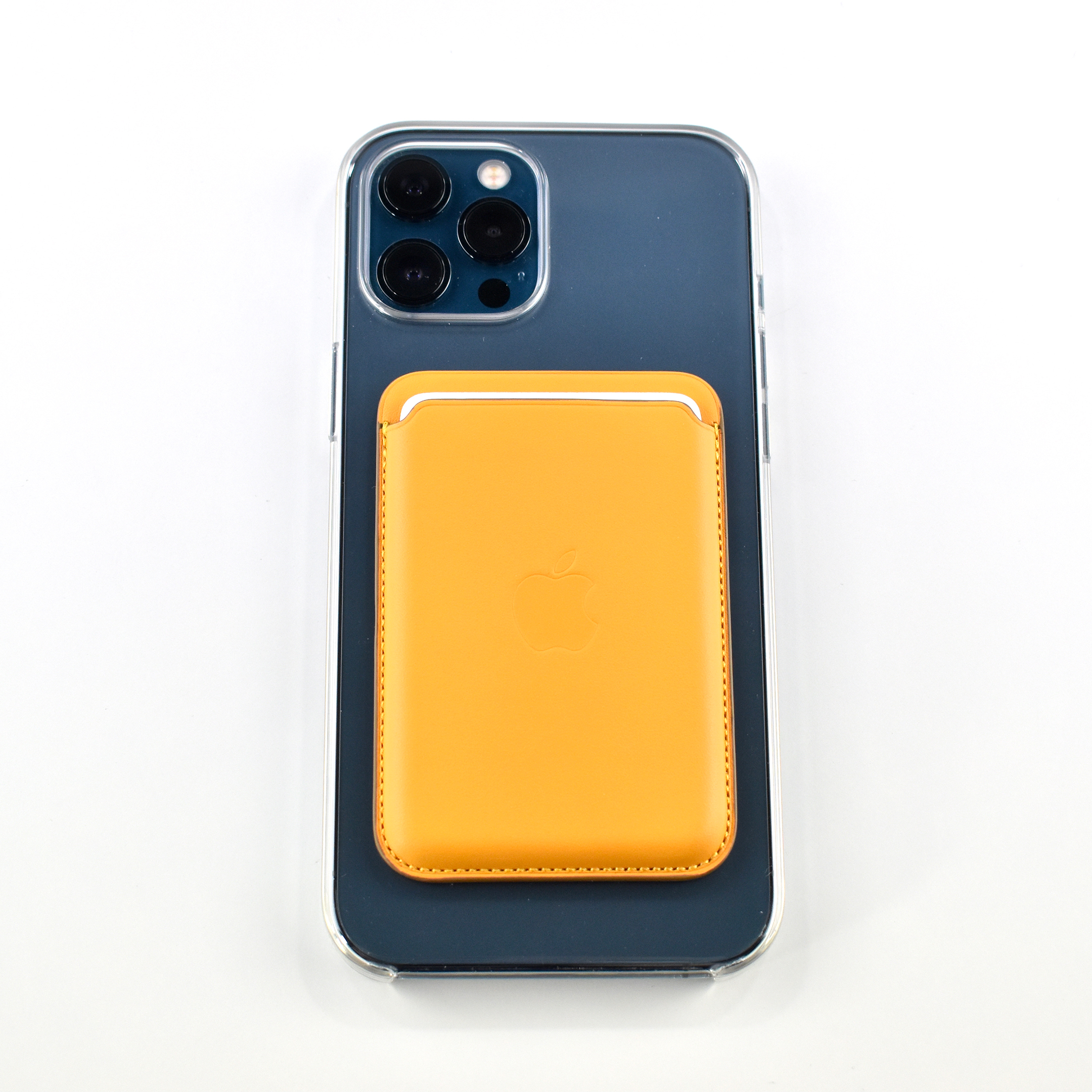
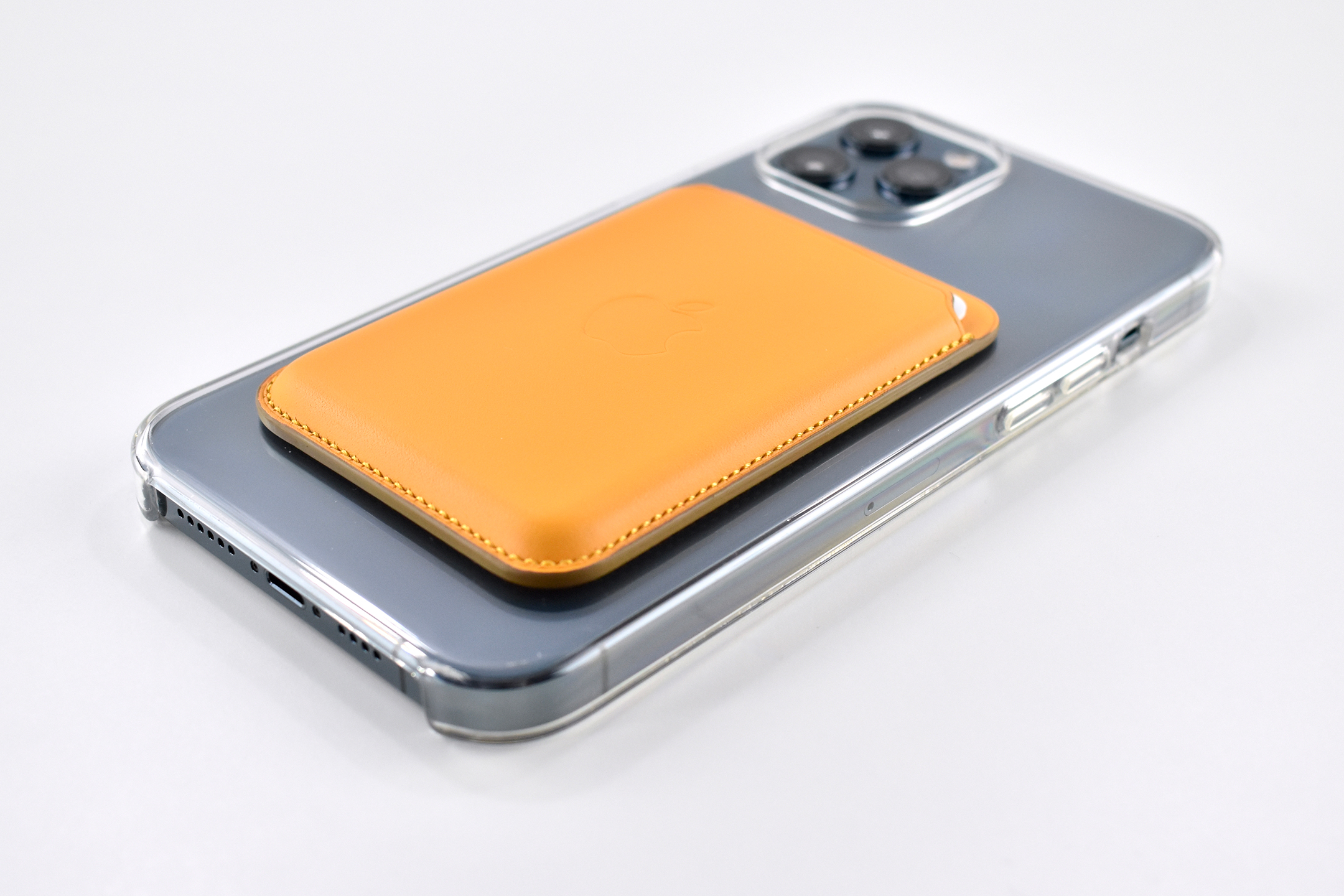
iPhone Leather Wallet with MagSafe (California Poppy, 2020)

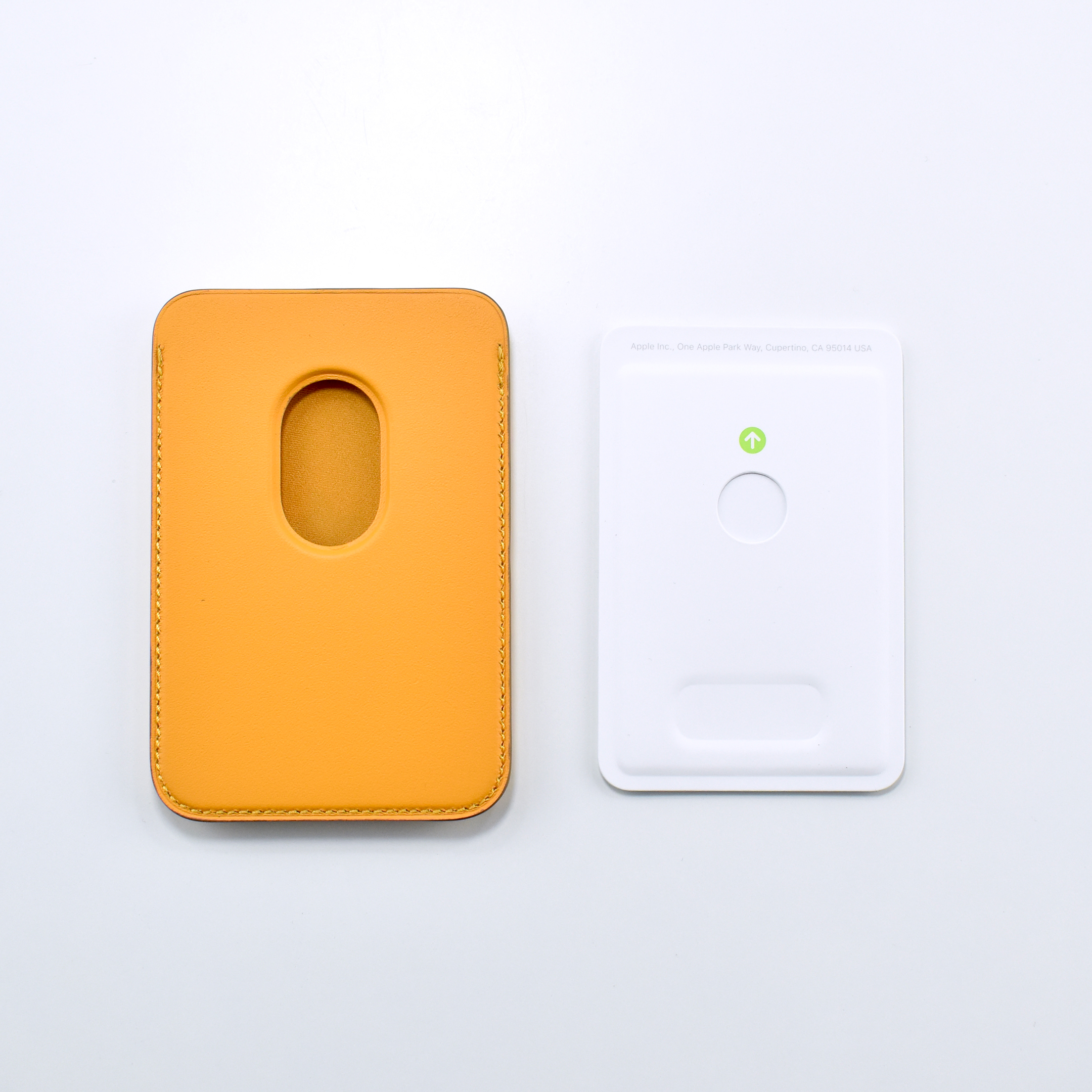
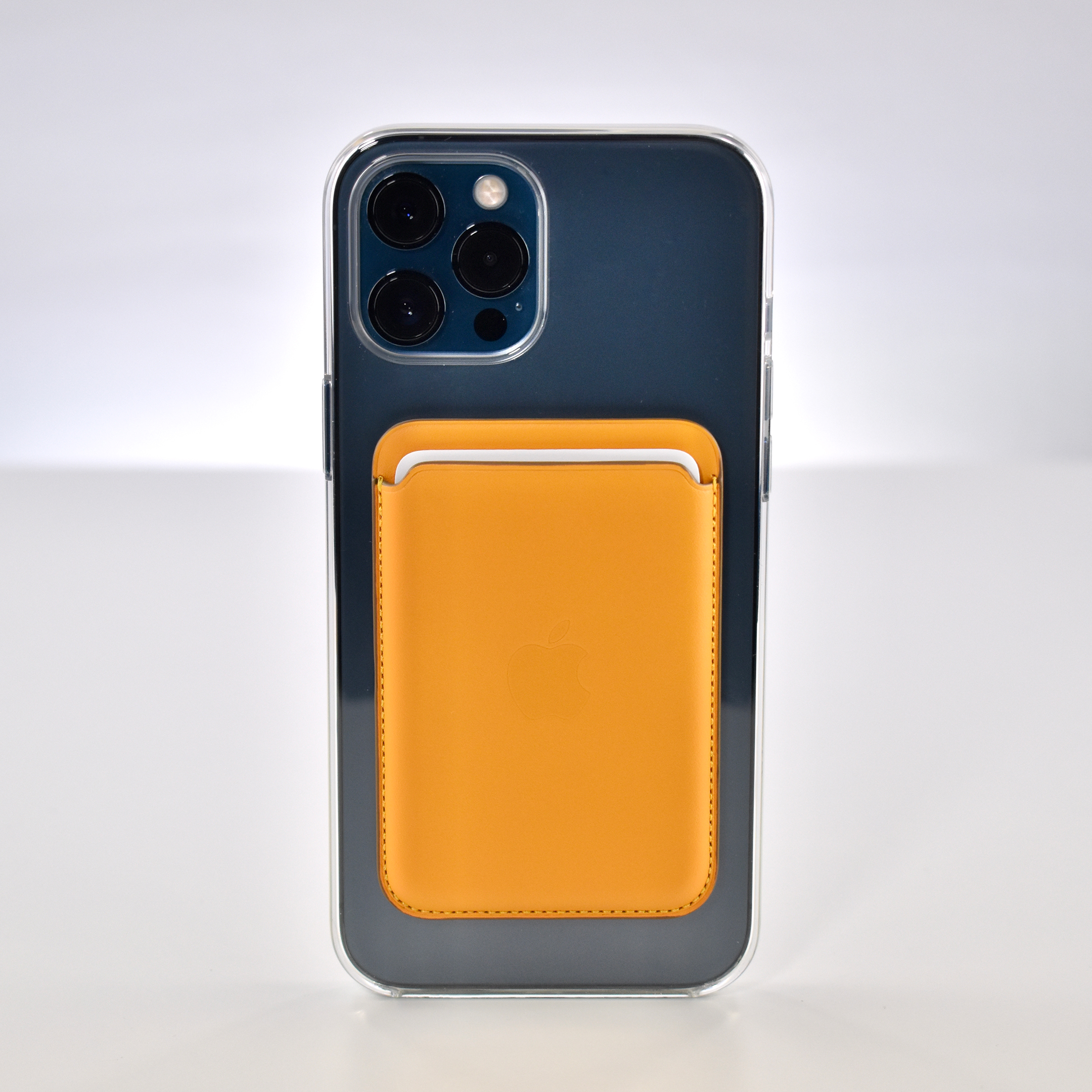
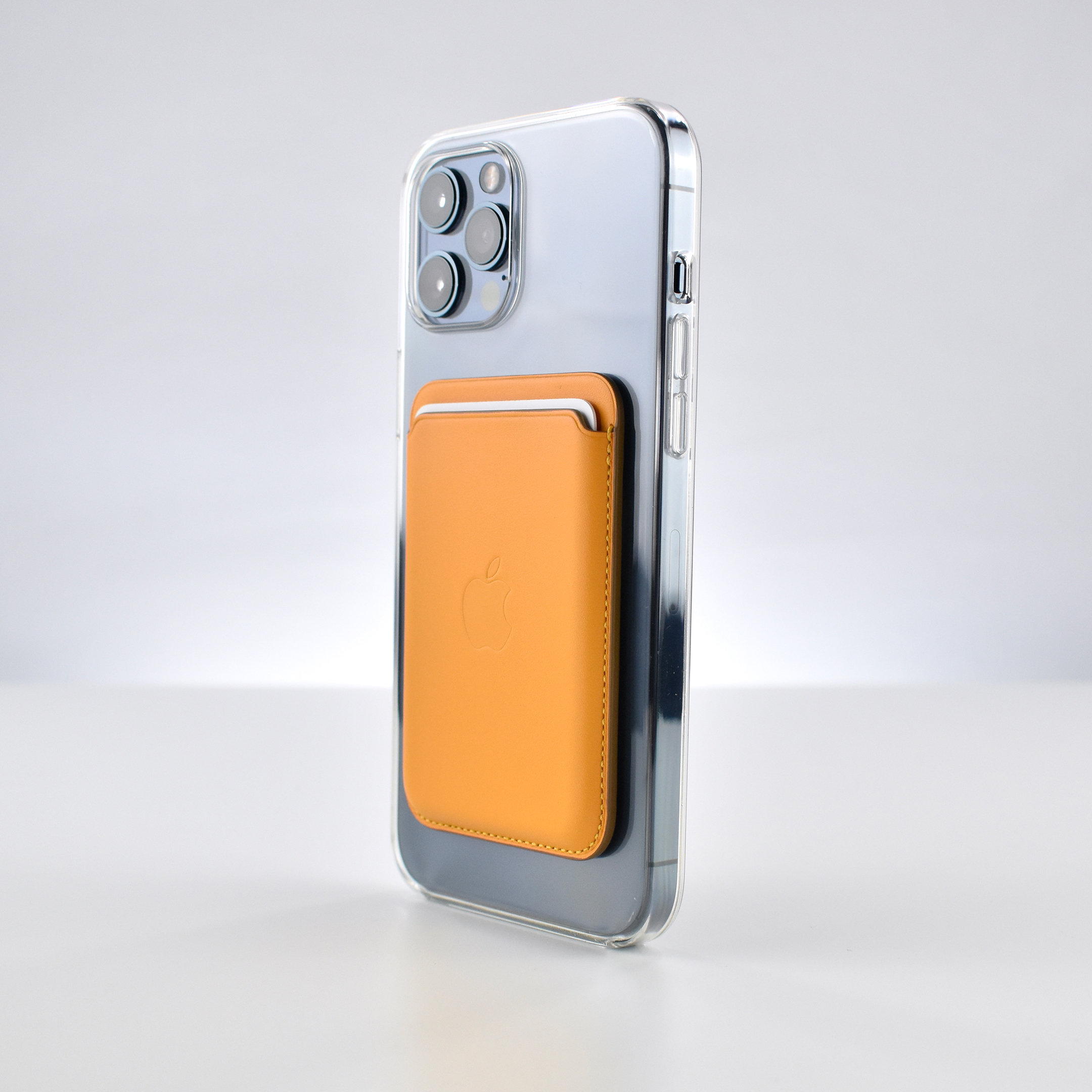
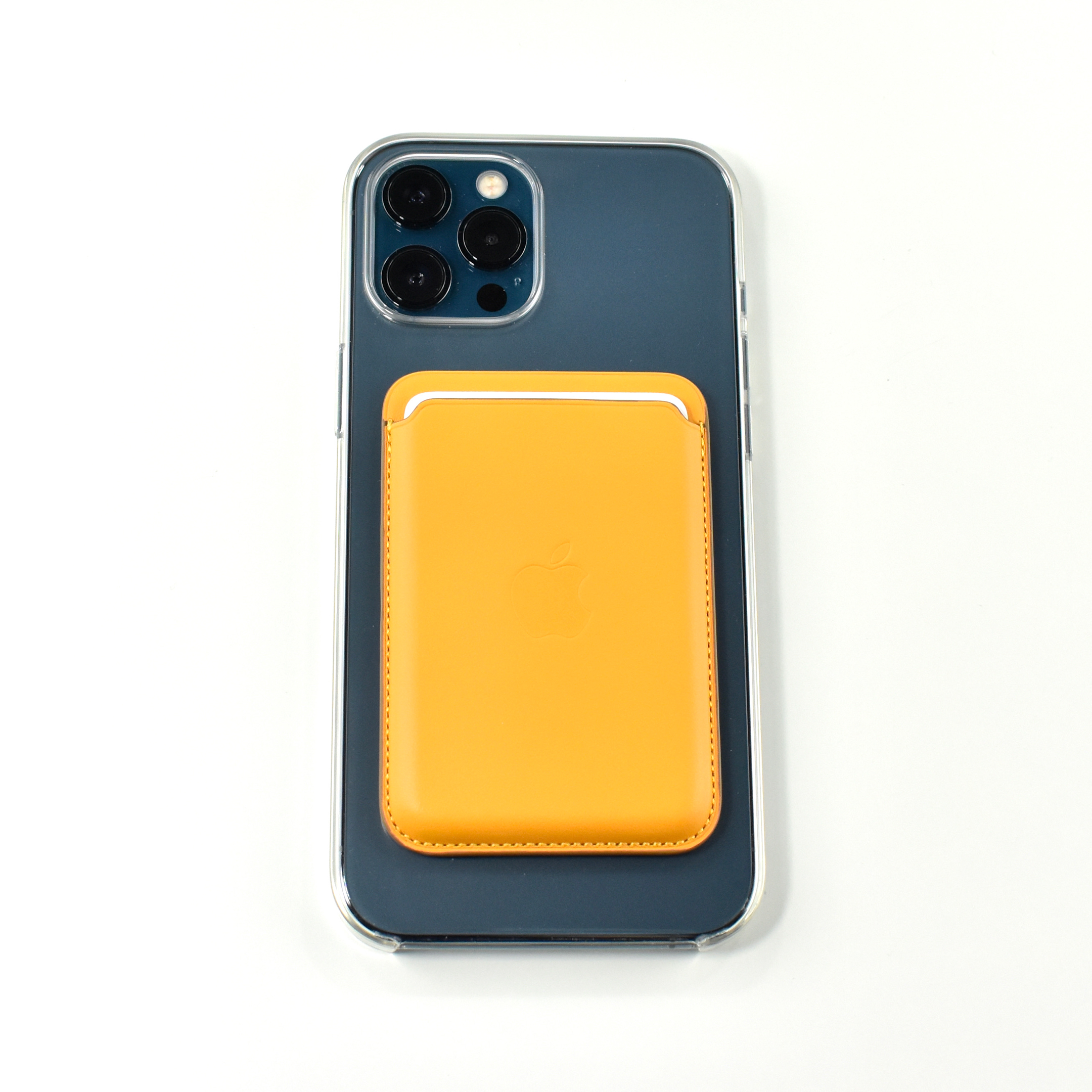
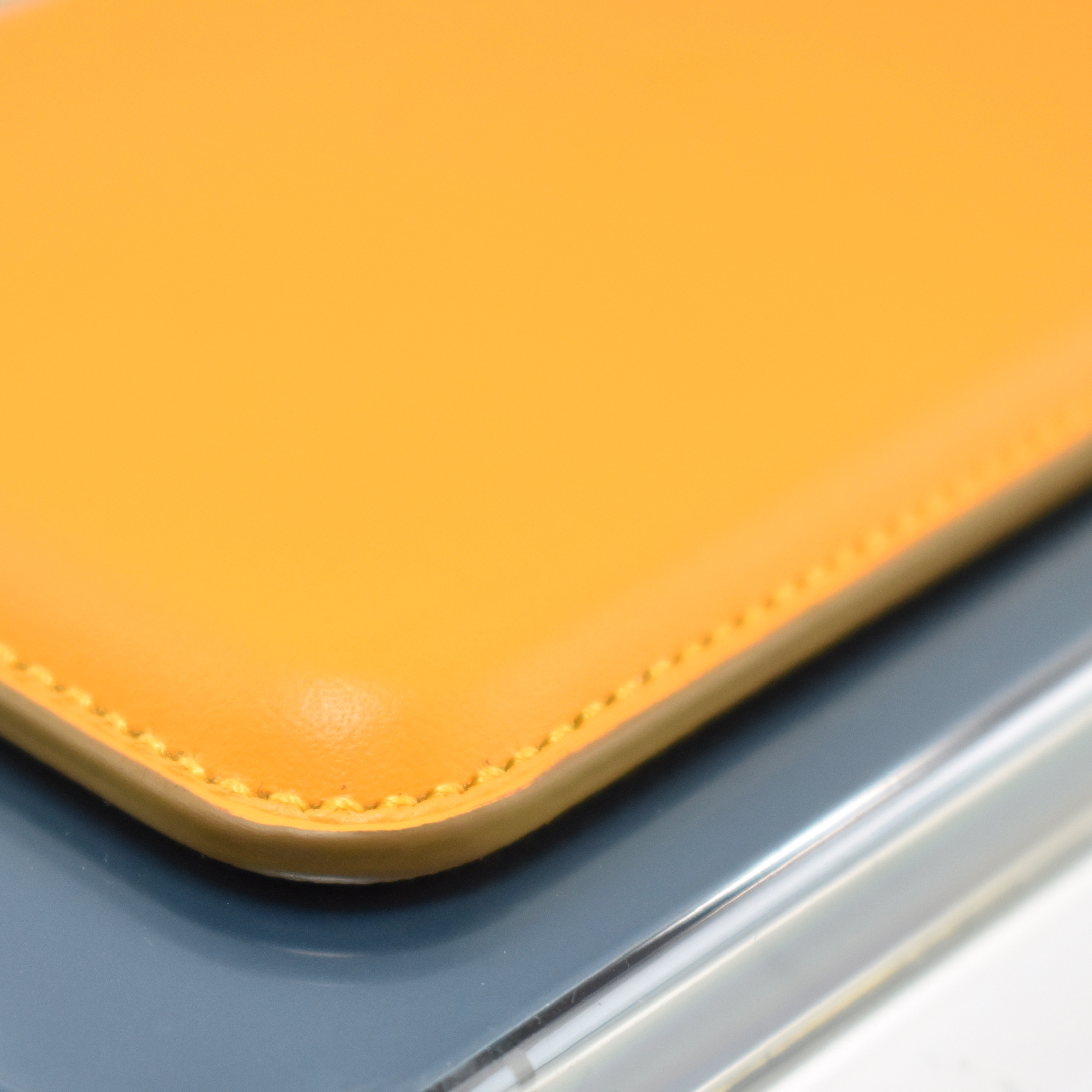
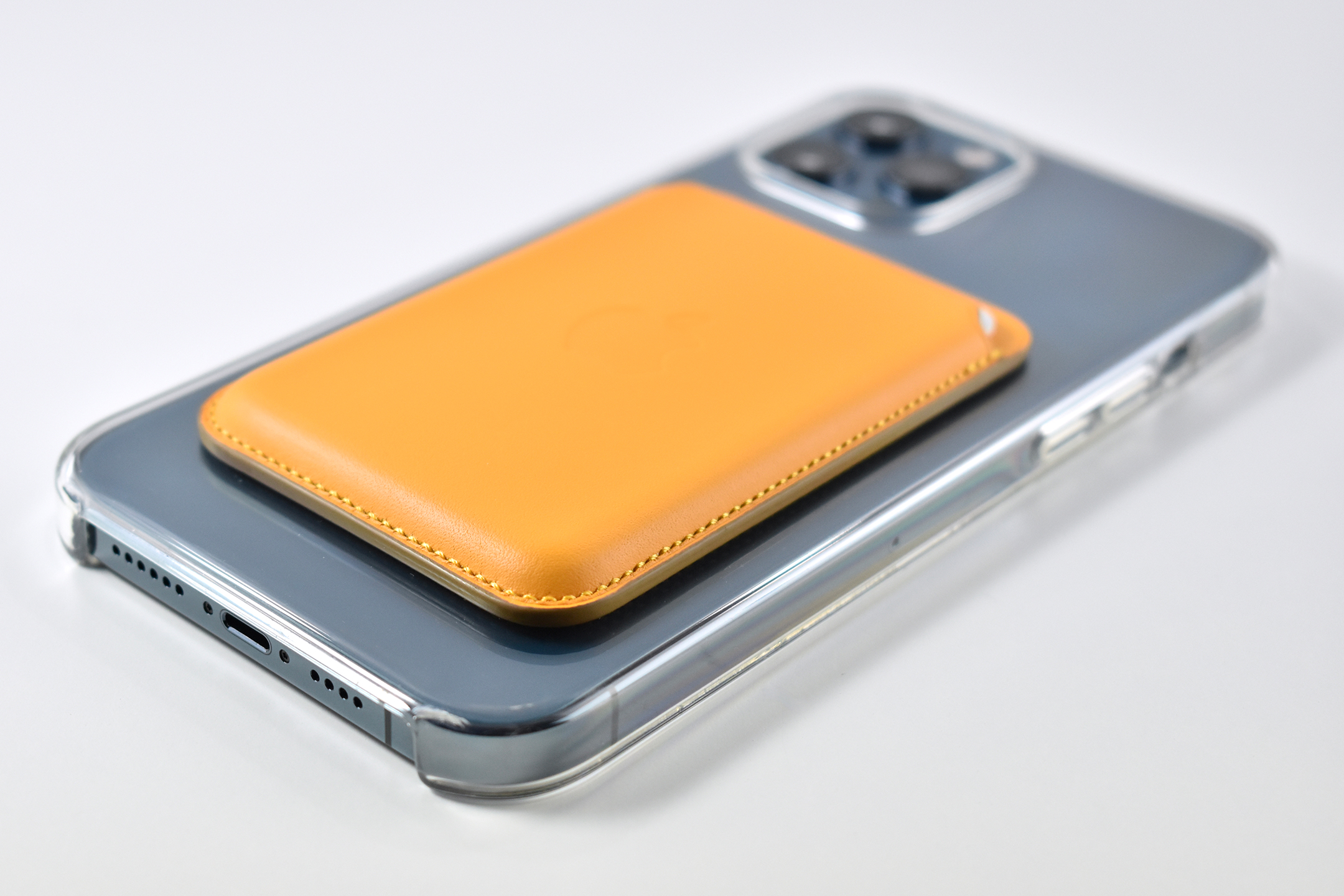
The iPhone Leather Wallet with MagSafe was designed for the iPhone 12 line and used Apple’s MagSafe connector to attach to the back of any iPhone 12 model (iPhone 12 mini, iPhone 12, iPhone 12 Pro, iPhone 12 Pro Max). Apple described the Leather Wallet:

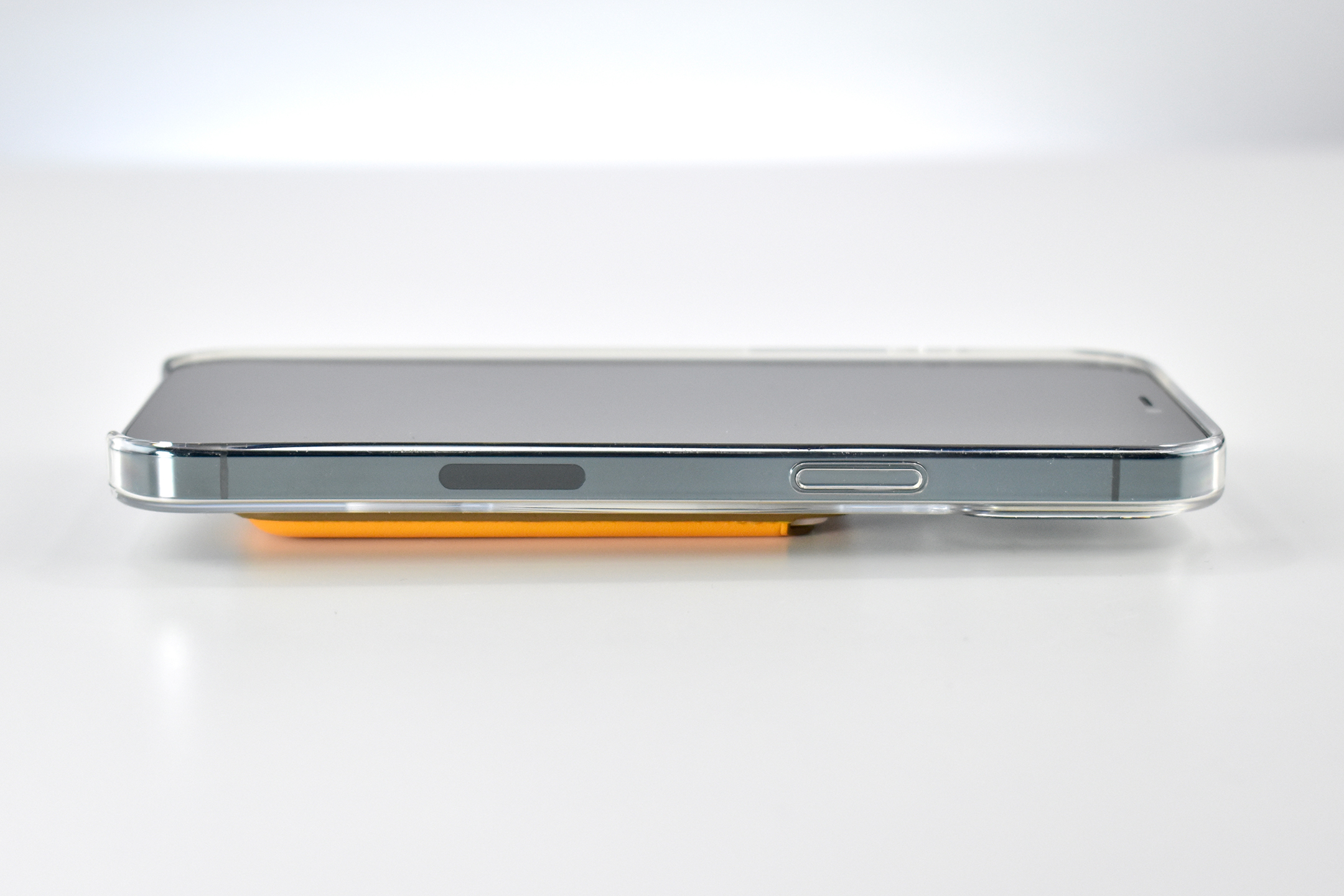
“Designed with both style and function in mind, the iPhone Leather Wallet with MagSafe is the perfect way to keep your ID and credit cards close at hand. Crafted from specially tanned and finished European leather, the wallet features strong built-in magnets that allow it to effortlessly snap into place on the back of your iPhone. You can even stack it on top of a clear, silicone, or leather case with MagSafe to create a look that’s unique to you. The leather wallet supports up to three cards and is shielded so it’s safe for credit cards.”

The photos include shots of the Leather Wallet working with the iPhone 12 Pro Max Clear Case with MagSafe. When Apple iPhone 12 Cases with MagSafe are attached, the iPhone shows an animation to verify the MagSafe connection has been made (and the animation matches the color of the case). The Leather Wallet does not cause an iPhone response when attached, but the iPhone makes a sound when it is detached.

Source: Apple

iPad 10.2-inch packaging (Generation 8, Wi-Fi + Cellular, 2020)

This packaging set shipped with the iPad Generation 8 with Wi-Fi + Cellular. This entry-level iPad had a 10.2-inch touch screen and included the optional cellular network service. According to Apple:

“The new iPad combines tremendous capability with unmatched ease of use and versatility. With the powerful A12 Bionic chip, support for Apple Pencil and the Smart Keyboard, and the amazing new things you can do with iPadOS 14, now there’s even more to love about iPad.”

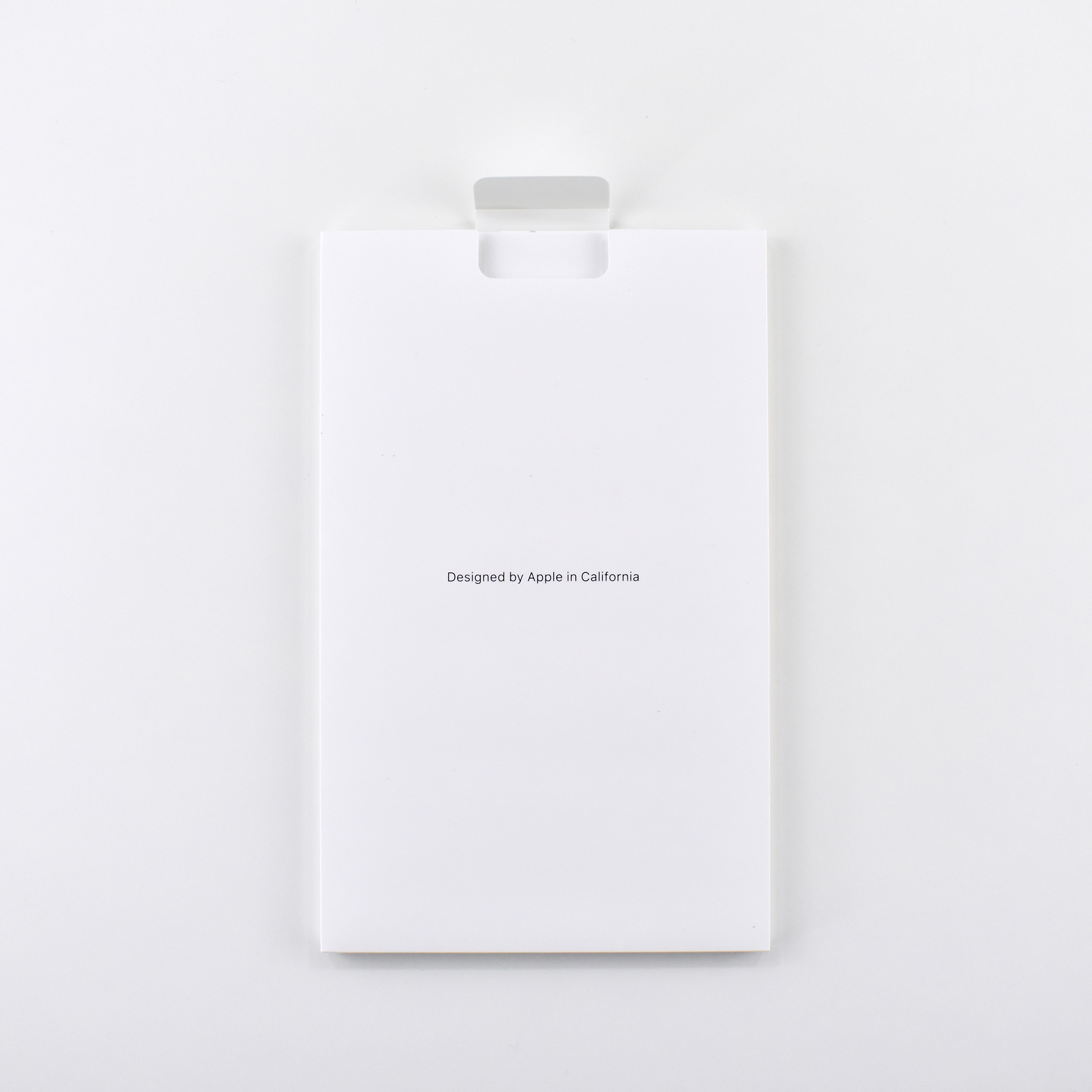
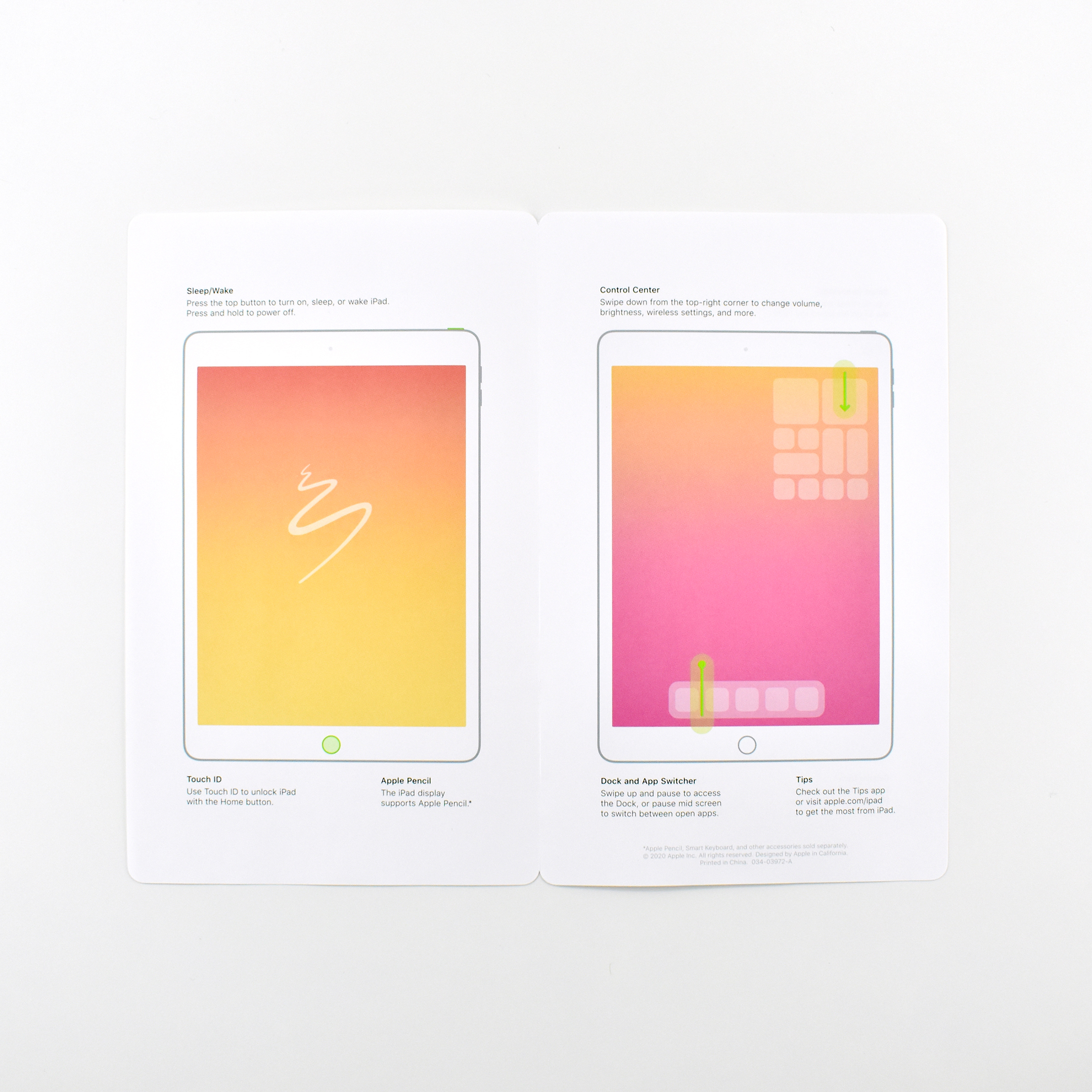
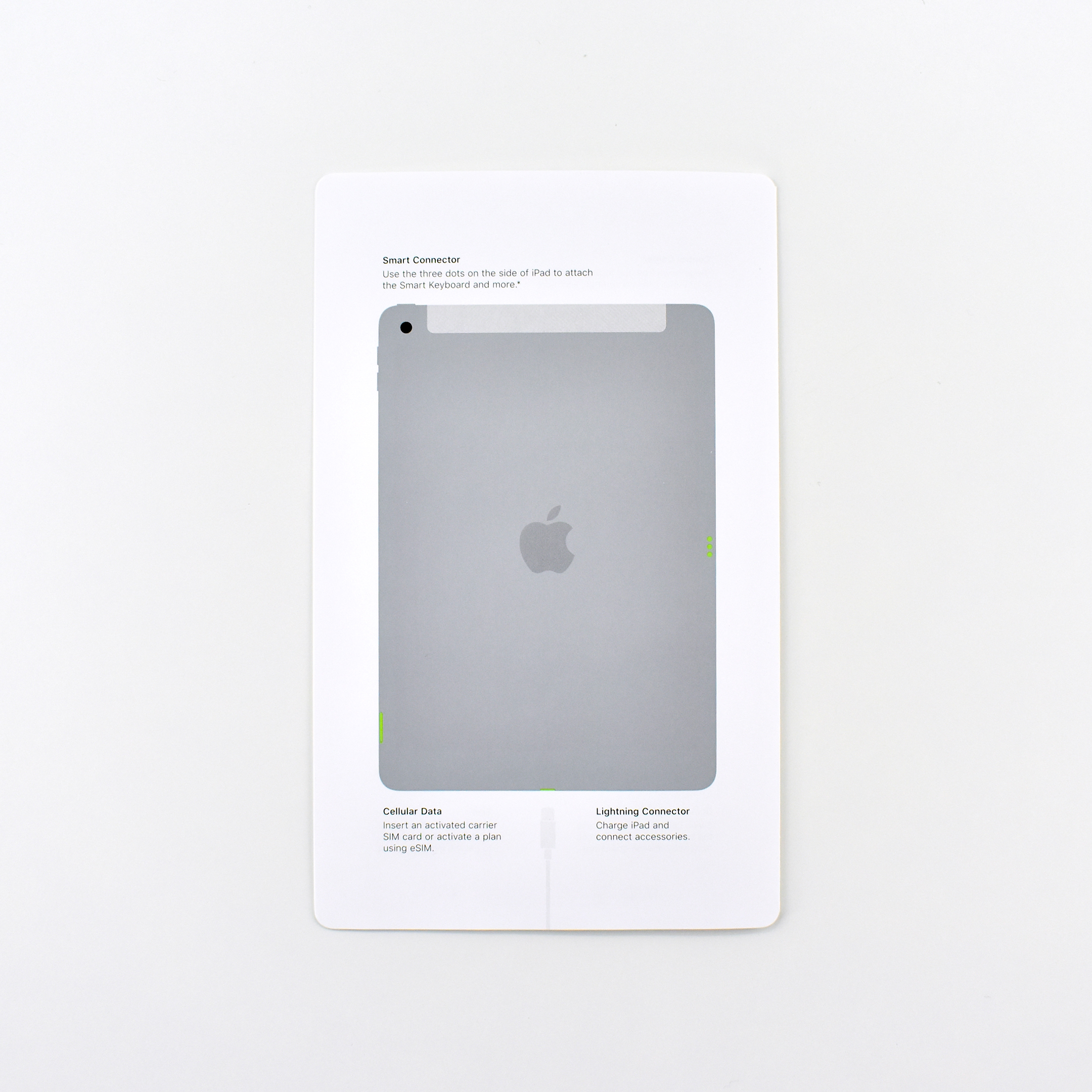
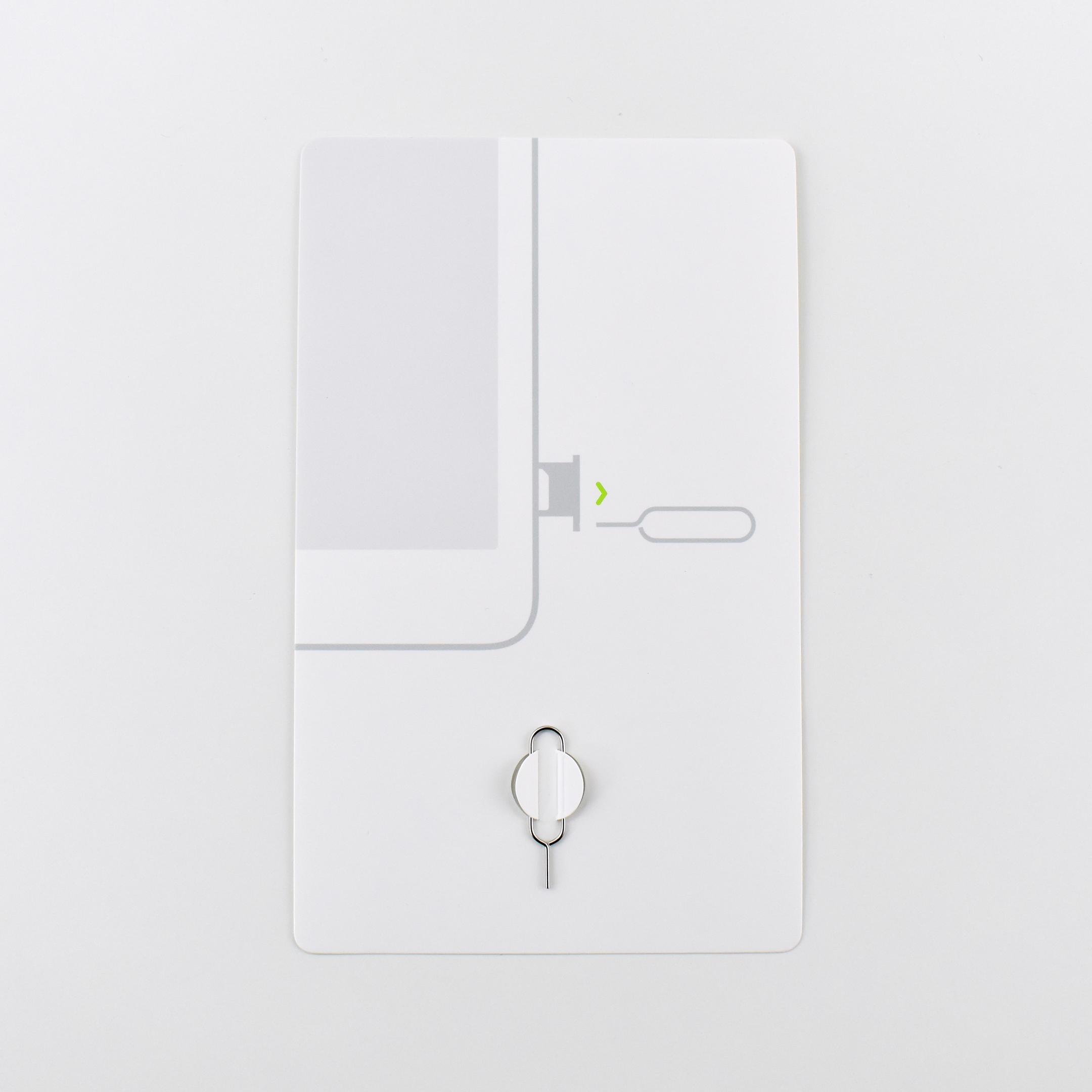
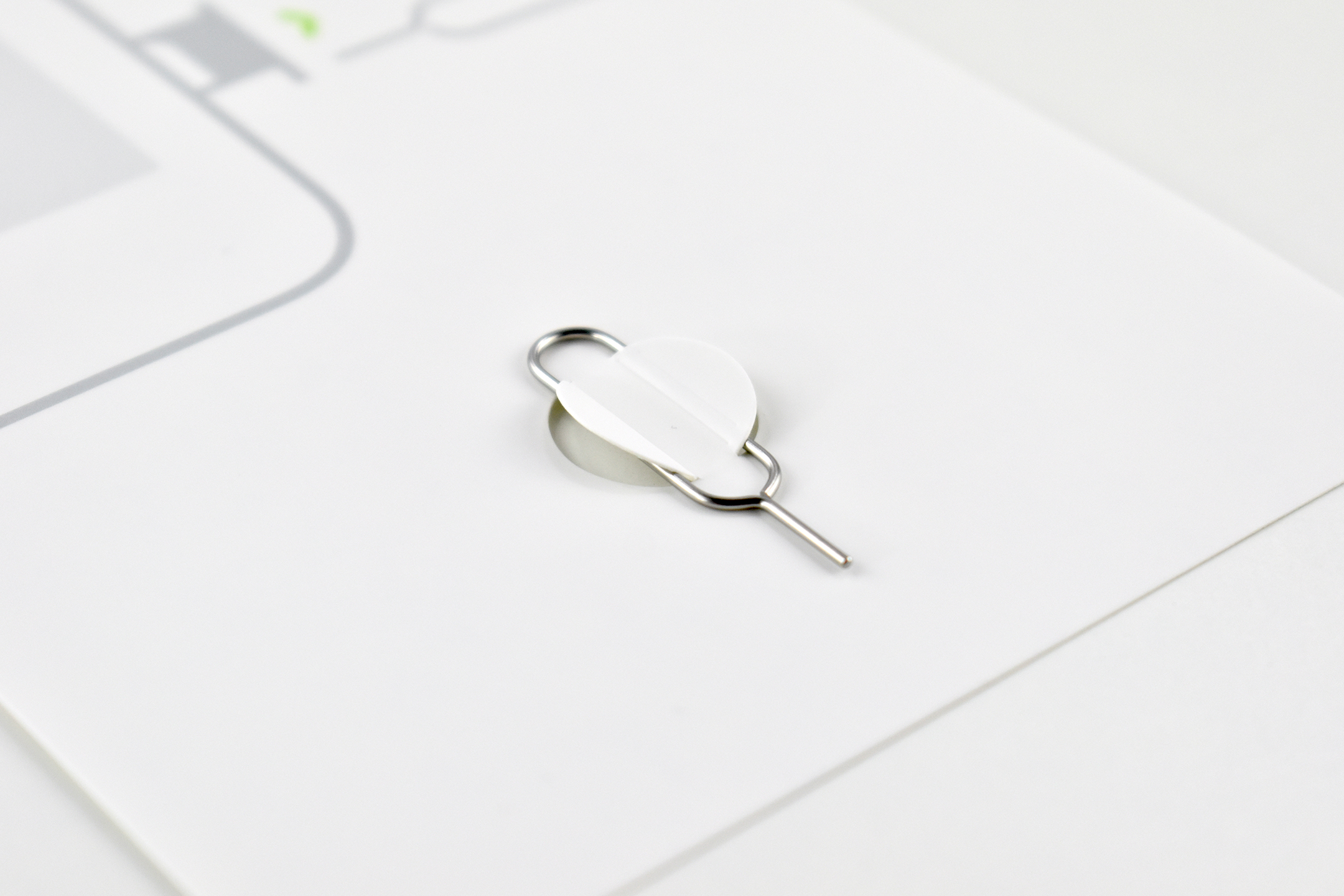
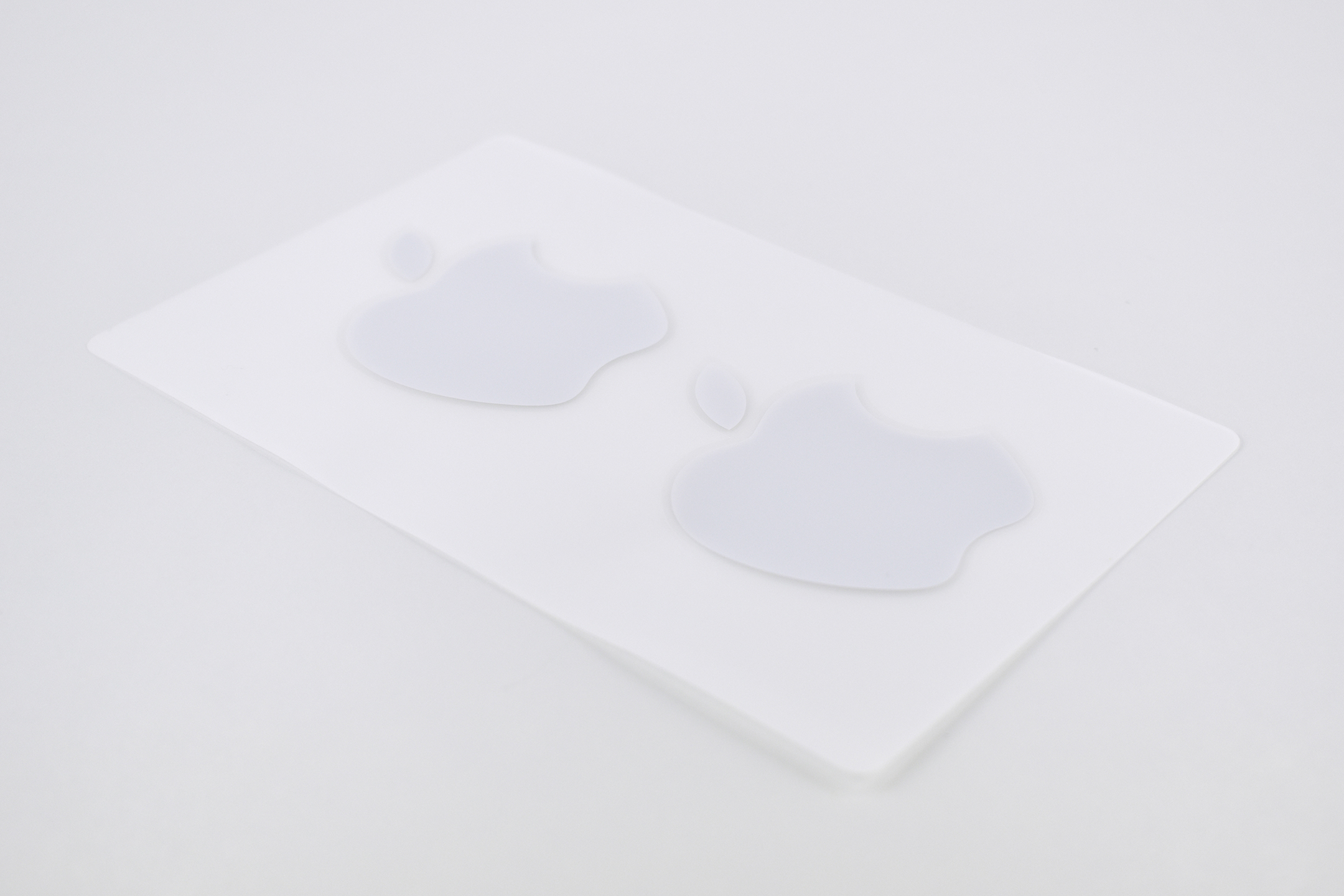
The packaging included a cardboard envelope, a 4-page pamphlet with a color diagram of the iPad’s basic features, a 2-sided safety guide, a cardboard insert with an attached metal SIM-eject tool, and two white Apple stickers.

Source: Apple (iPad, Press Release)

Duffel Bag (c. 1998)

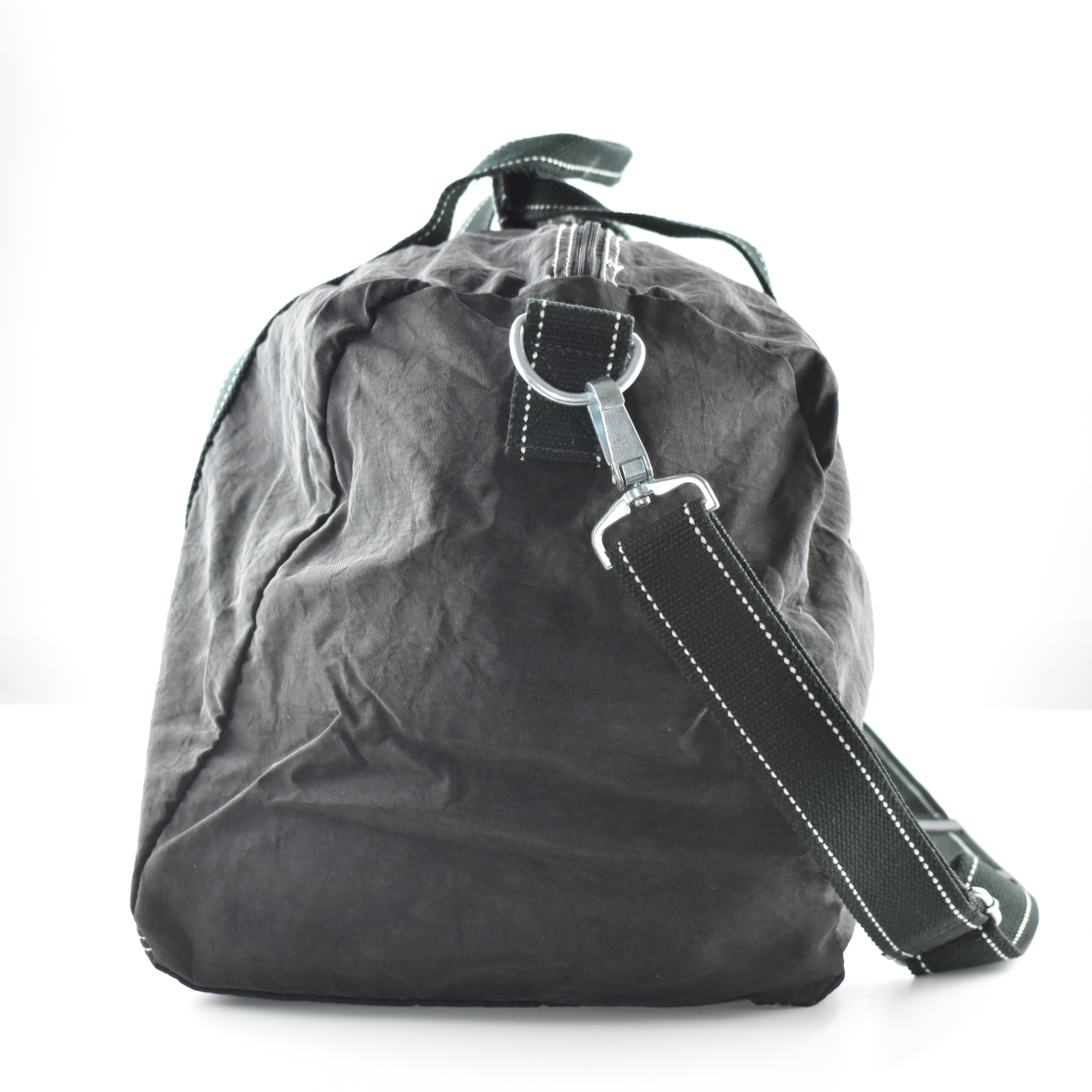
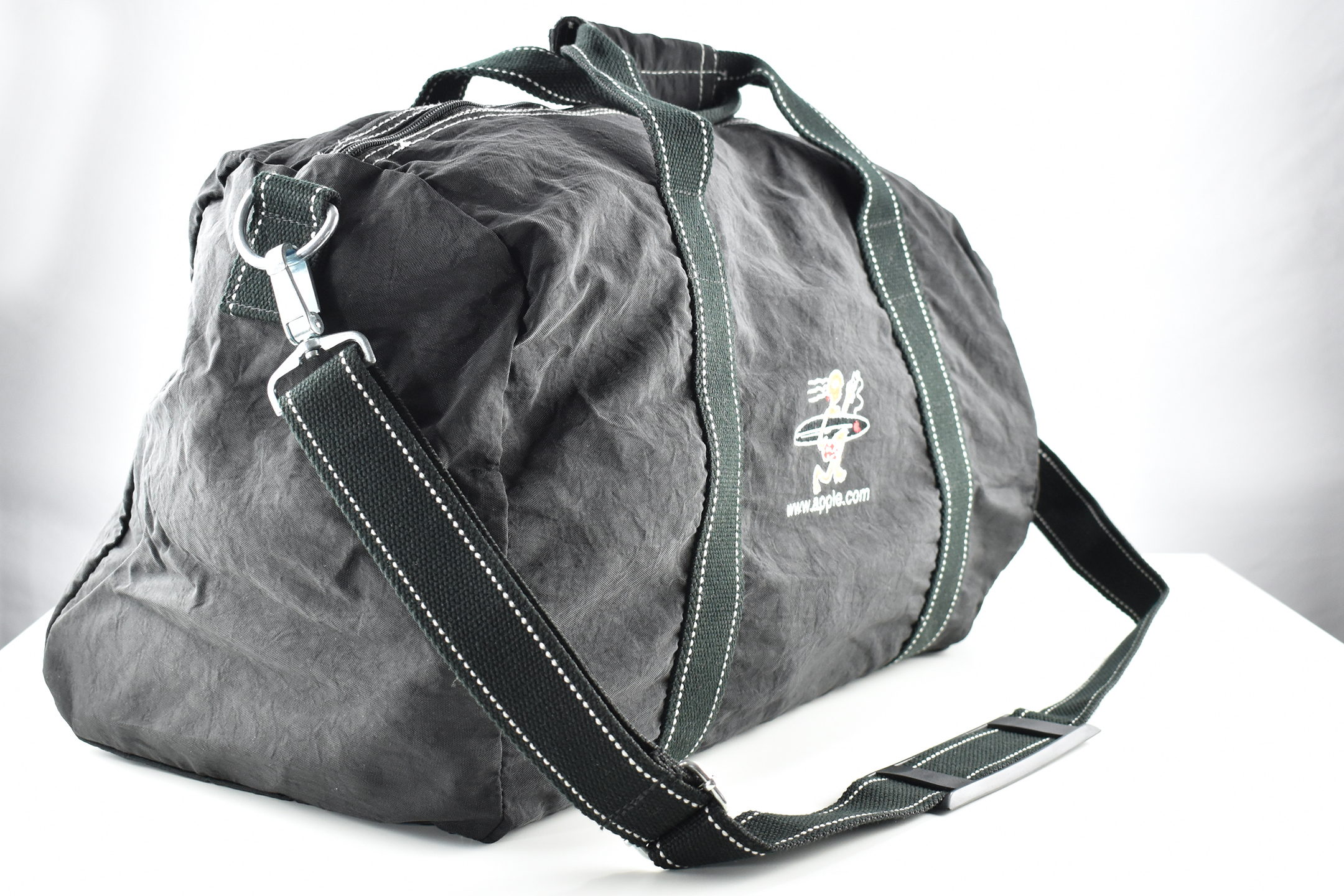
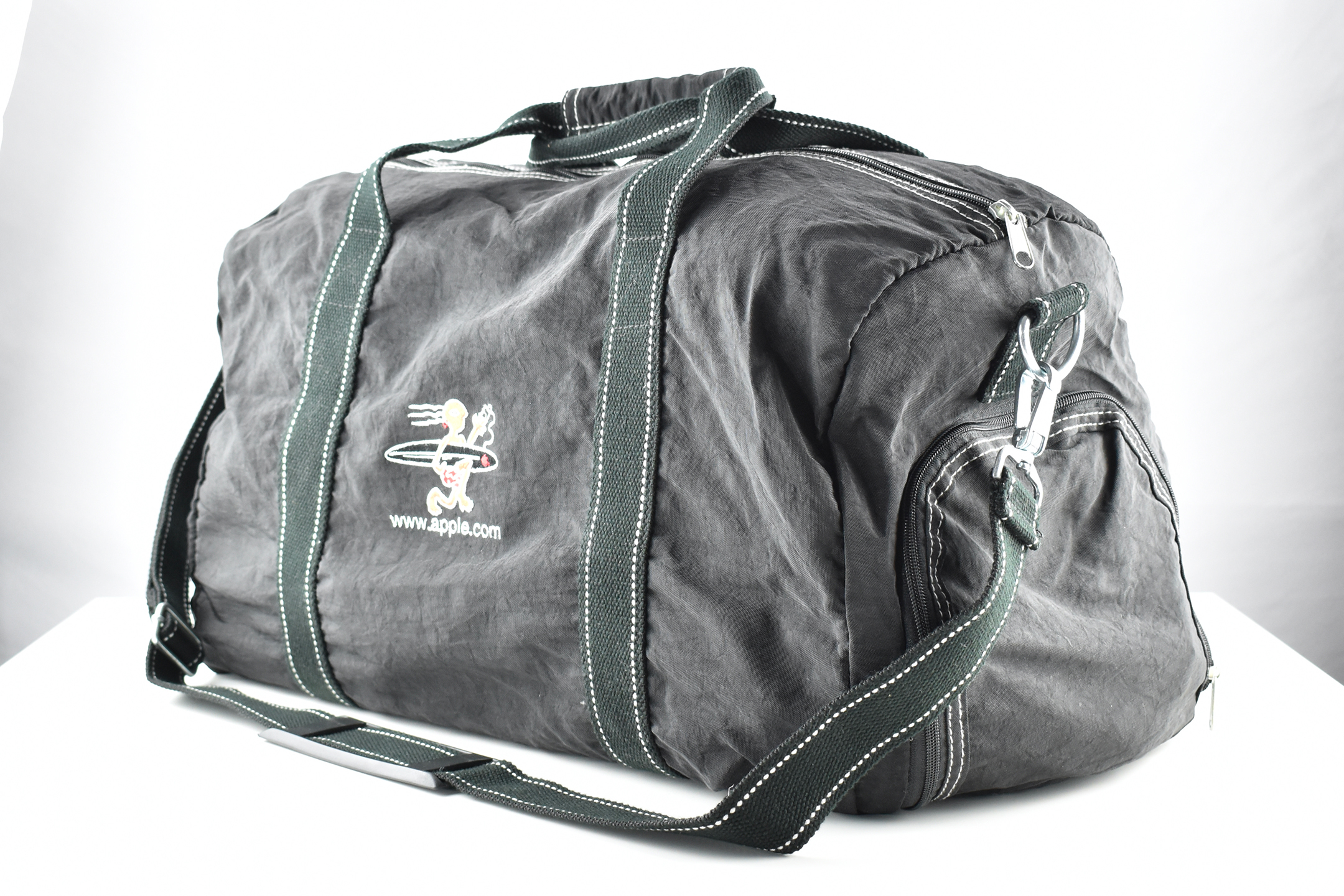
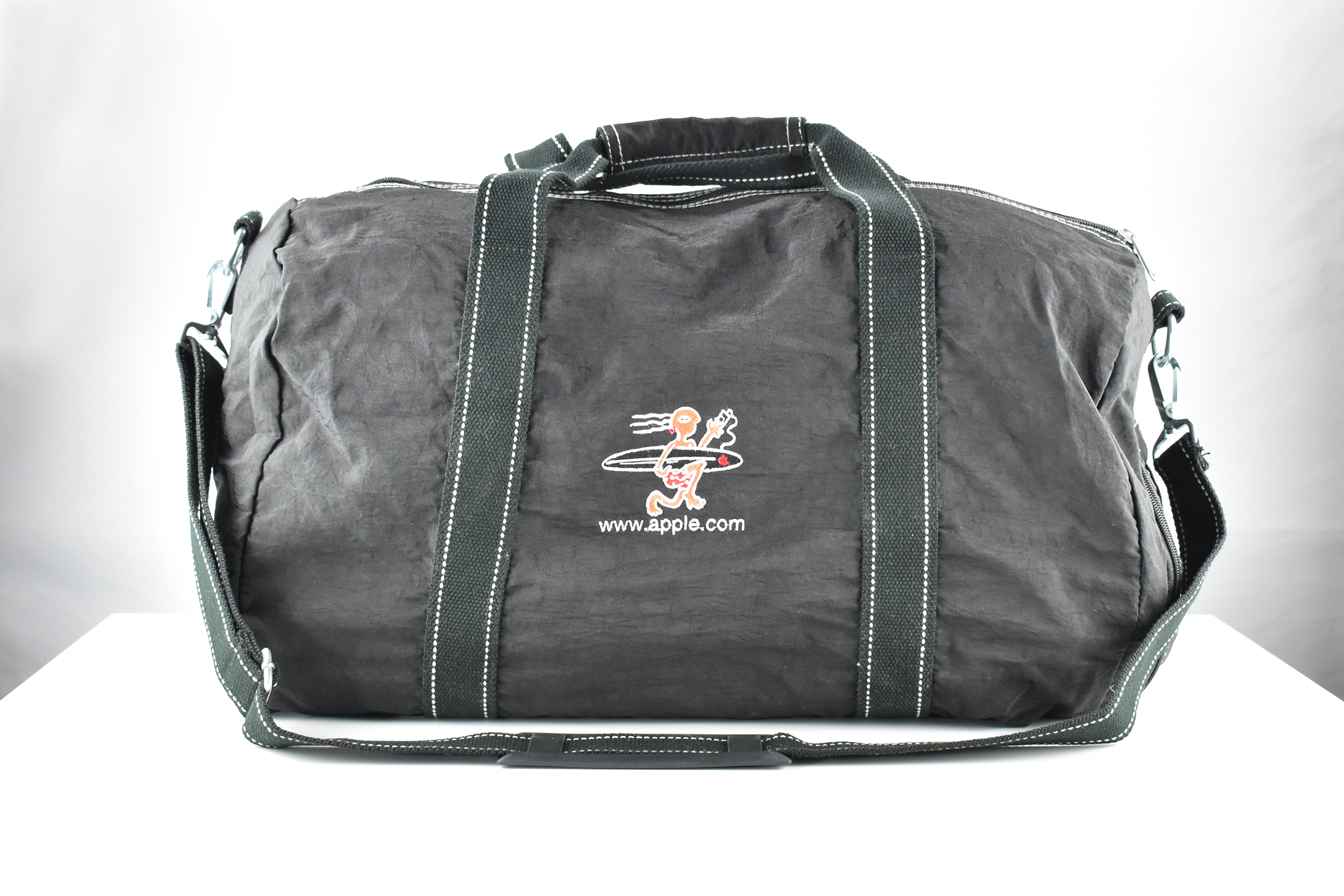
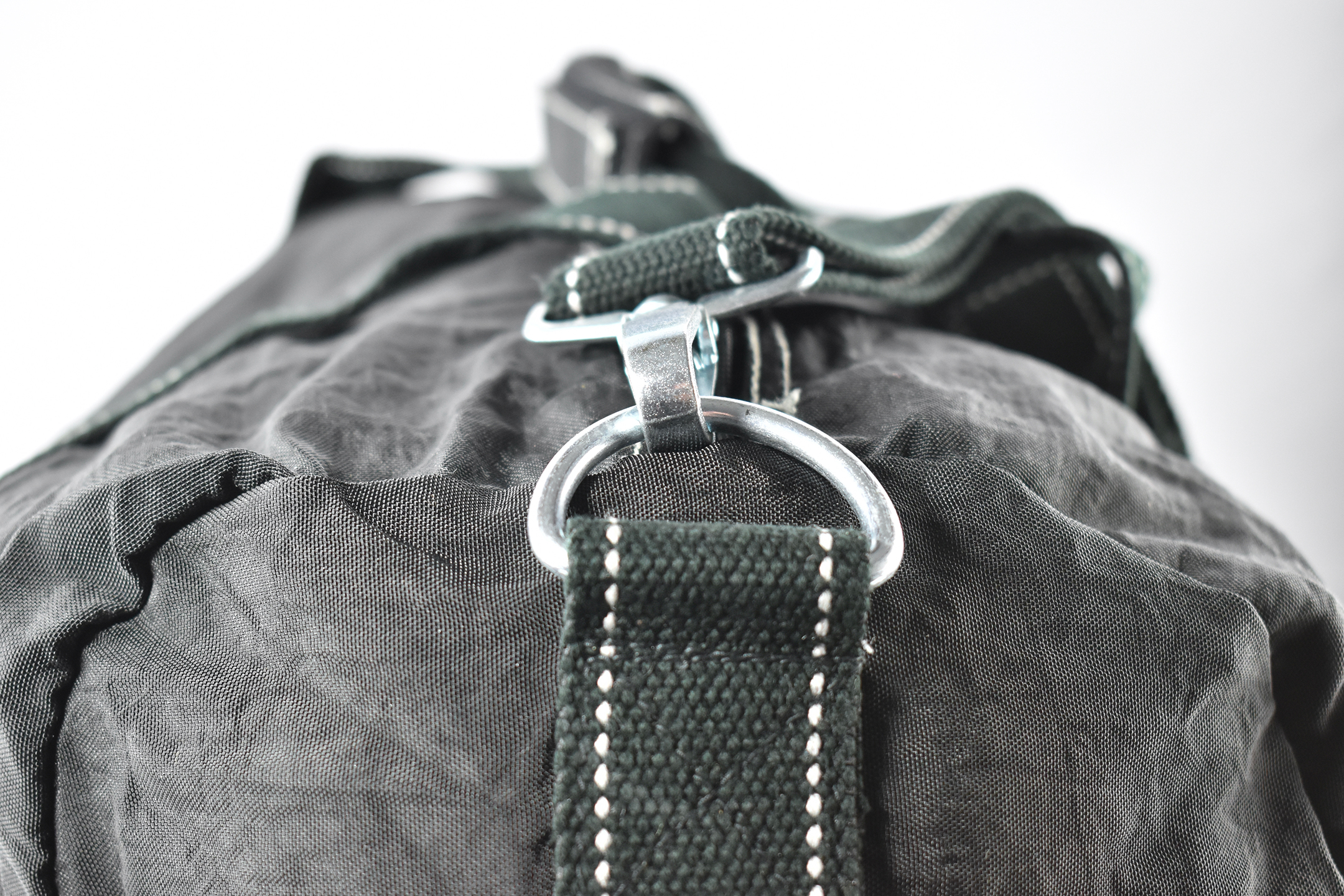
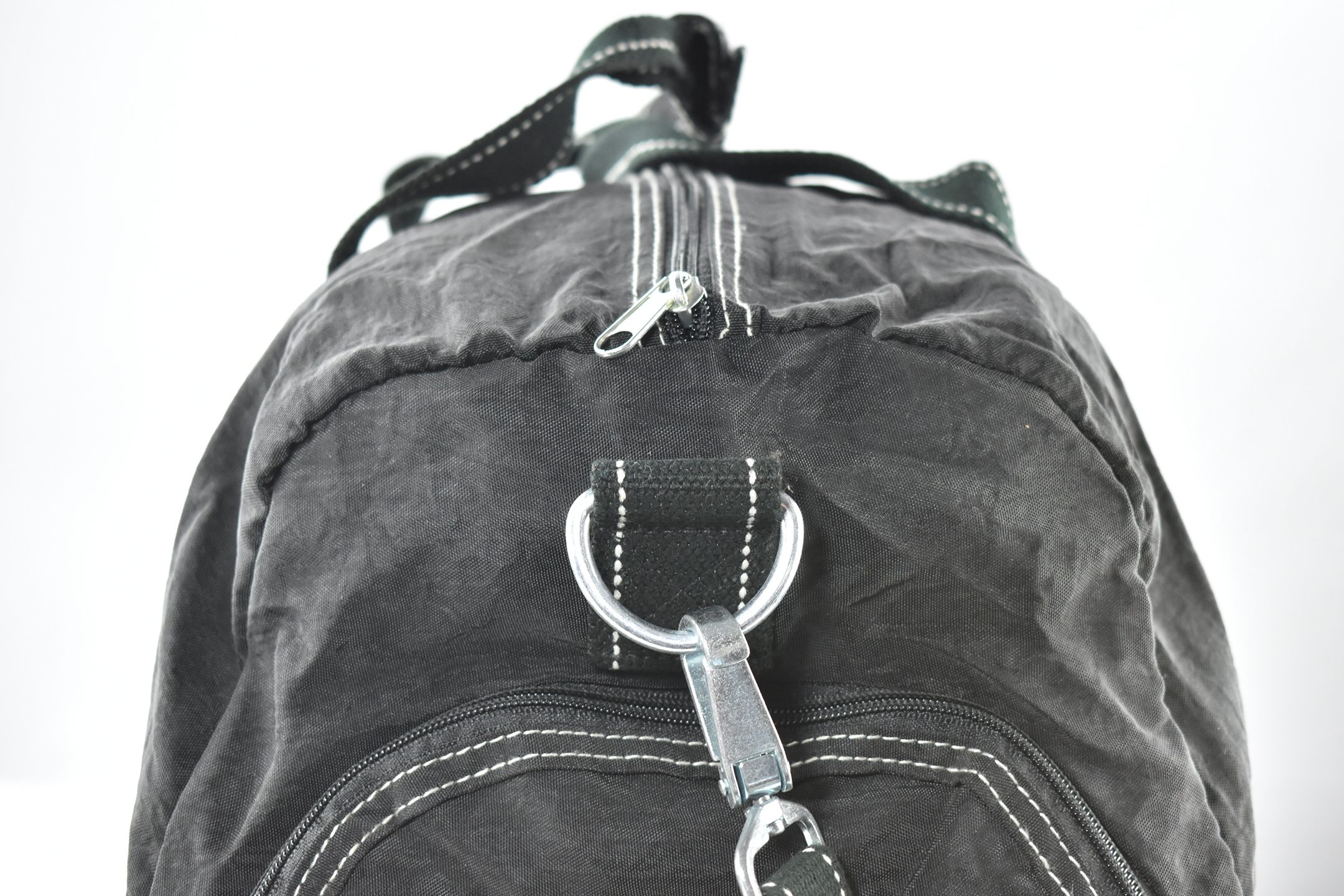
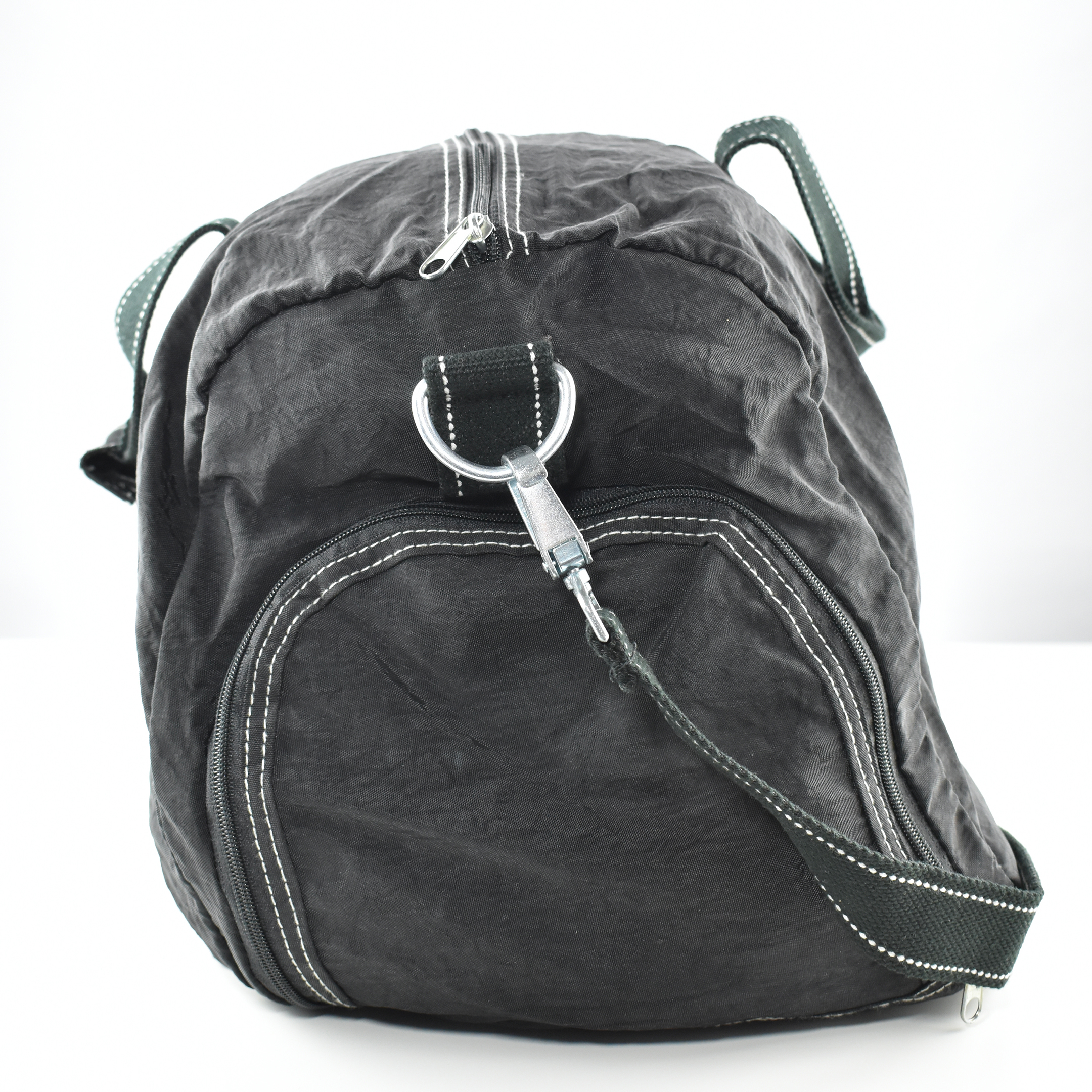
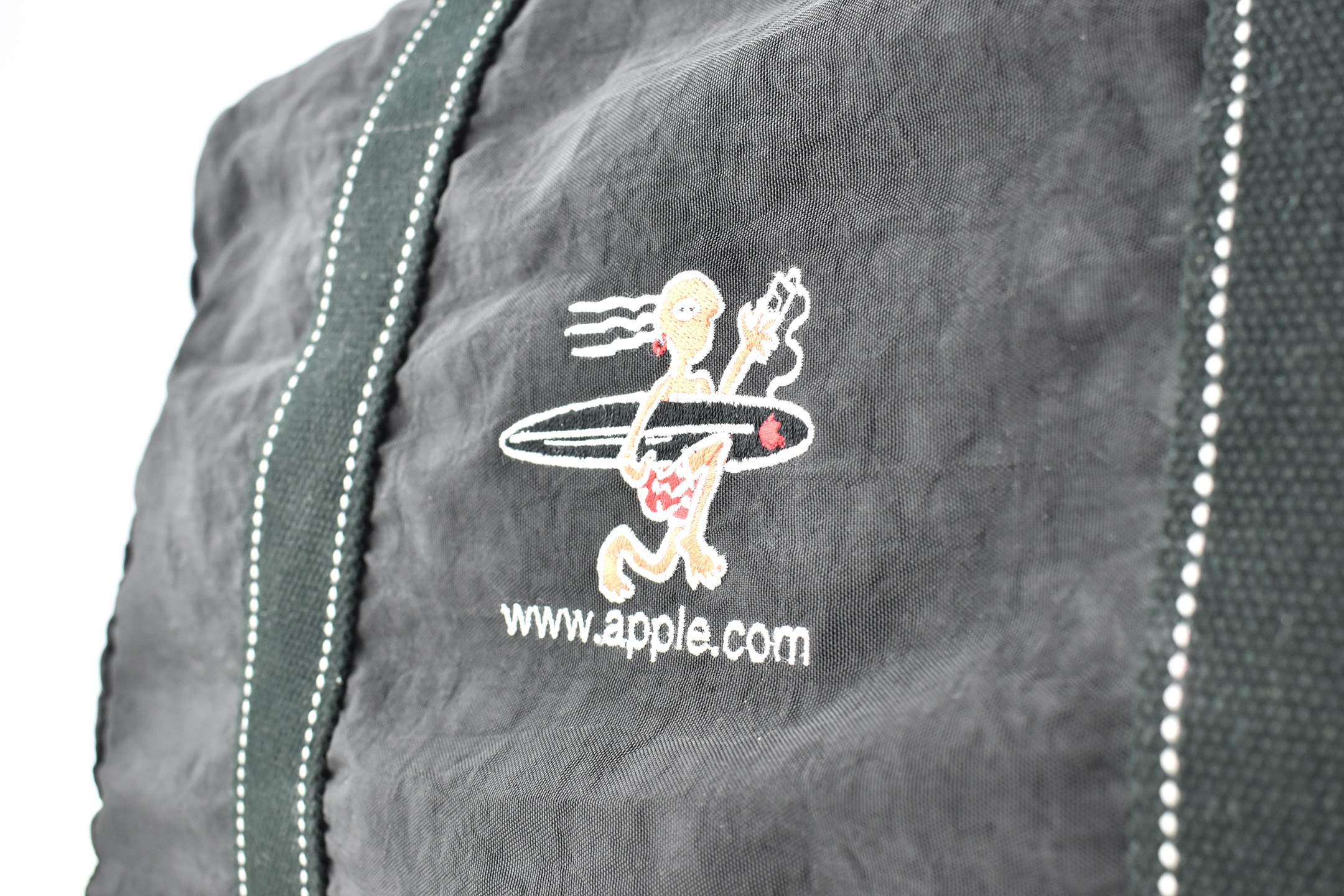
This duffel bag is from the late 1990s when the Internet was still considered “new” to most users. The bag is made of black nylon with stitched straps and features a zippered side panel with a plastic enclosure to separate shoes or clothing. It also has a clip-on shoulder strap with silver metal hardware.

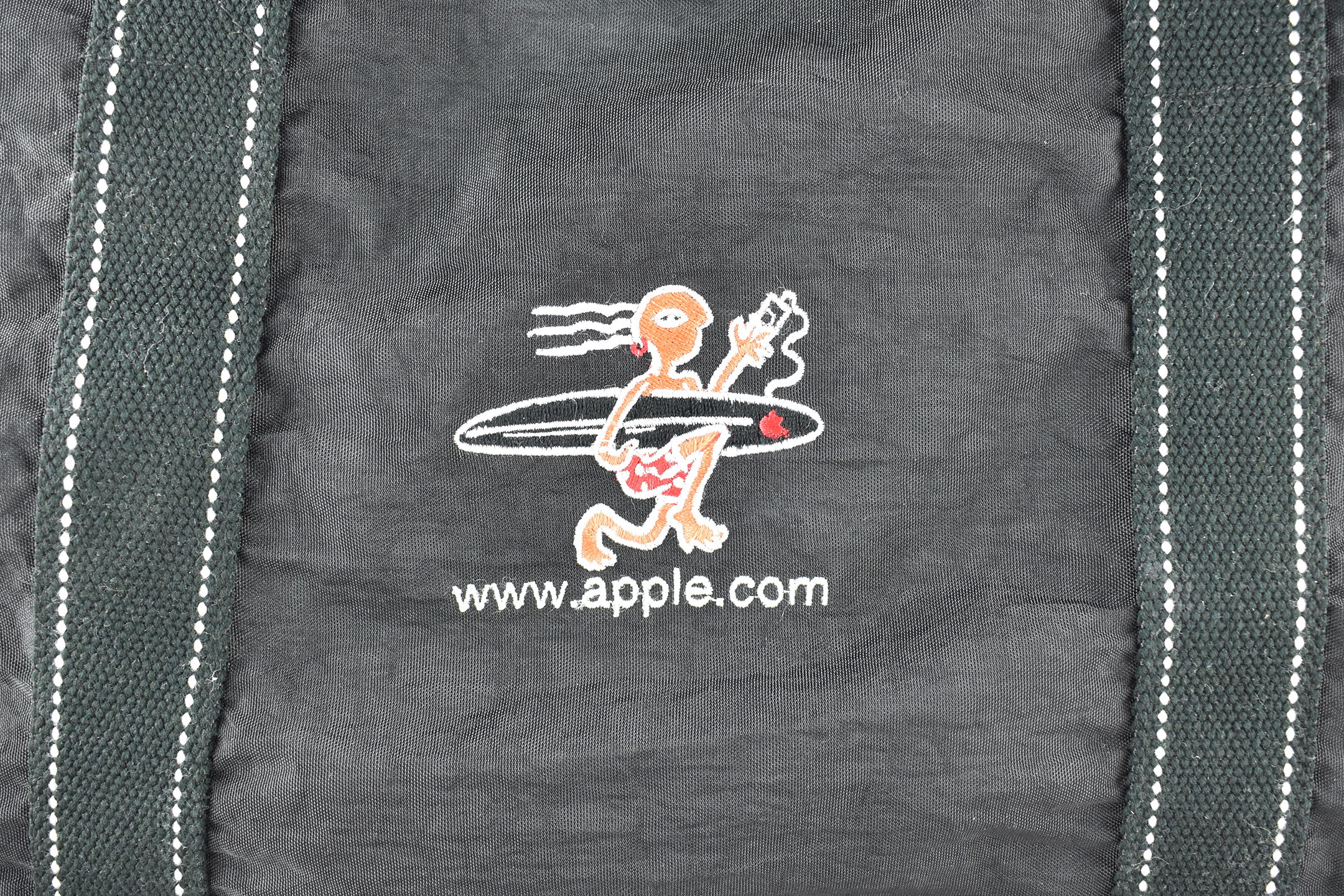
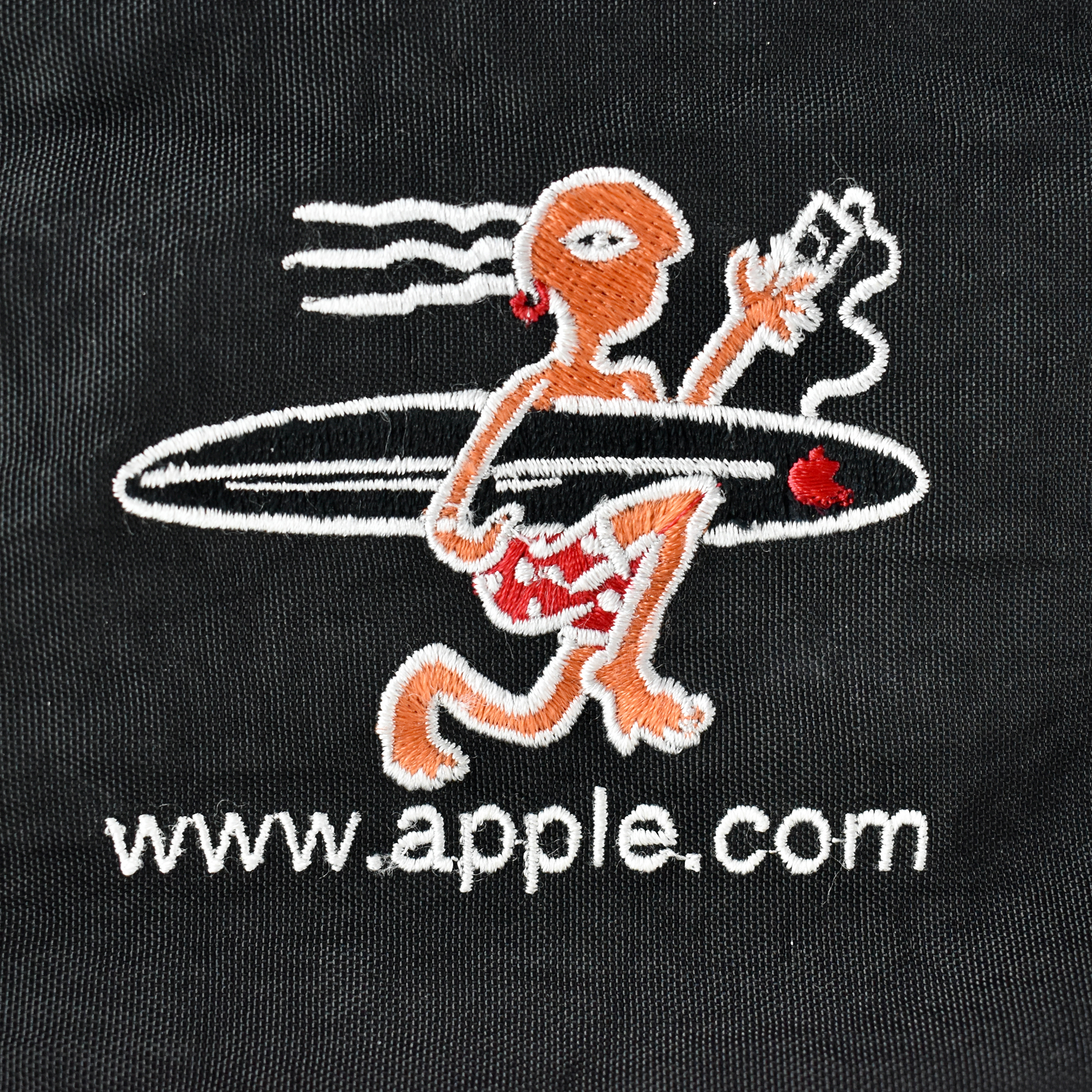
The cartoon-style embroidery logo is a stylized surfer carrying a surf board with a tiny red Apple logo. The figure is holding a cable that is likely a “surfboard leash”—a cord attached to the deck of a surfboard to a leg strap that prevents the board from being swept away or hitting other surfers. Although the cord at first glance appears to be a music player, this duffel bag predates the iPod by several years, and Apple sold no other portable devices with this design.

Under the surfer are the embroidered letters www.apple.com in a sans serif type that resembles Helvetica.

In my research, I have never seen another duffel bag of this design. Please contact me if you have additional history or information on this item.

Source: Wikipedia

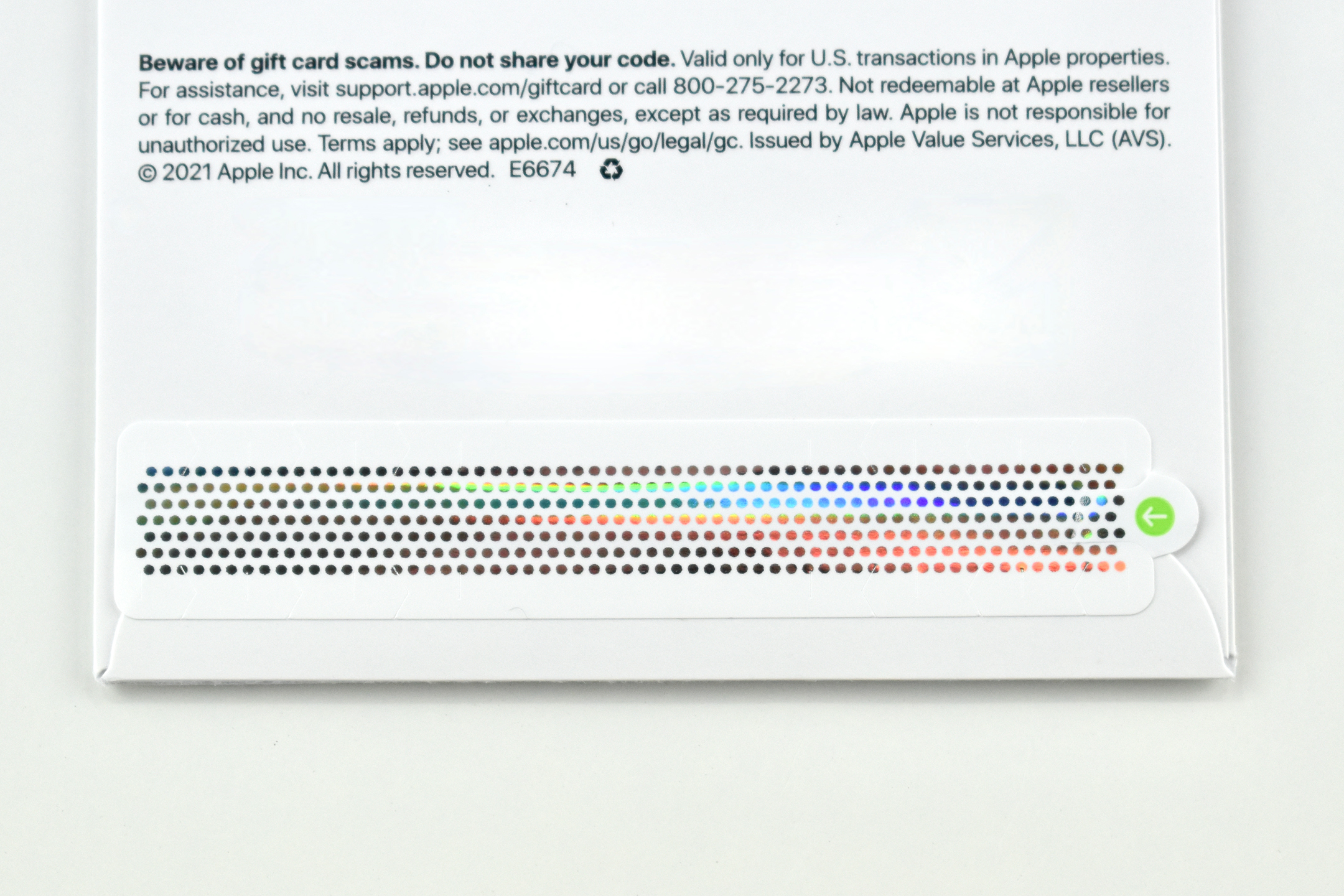
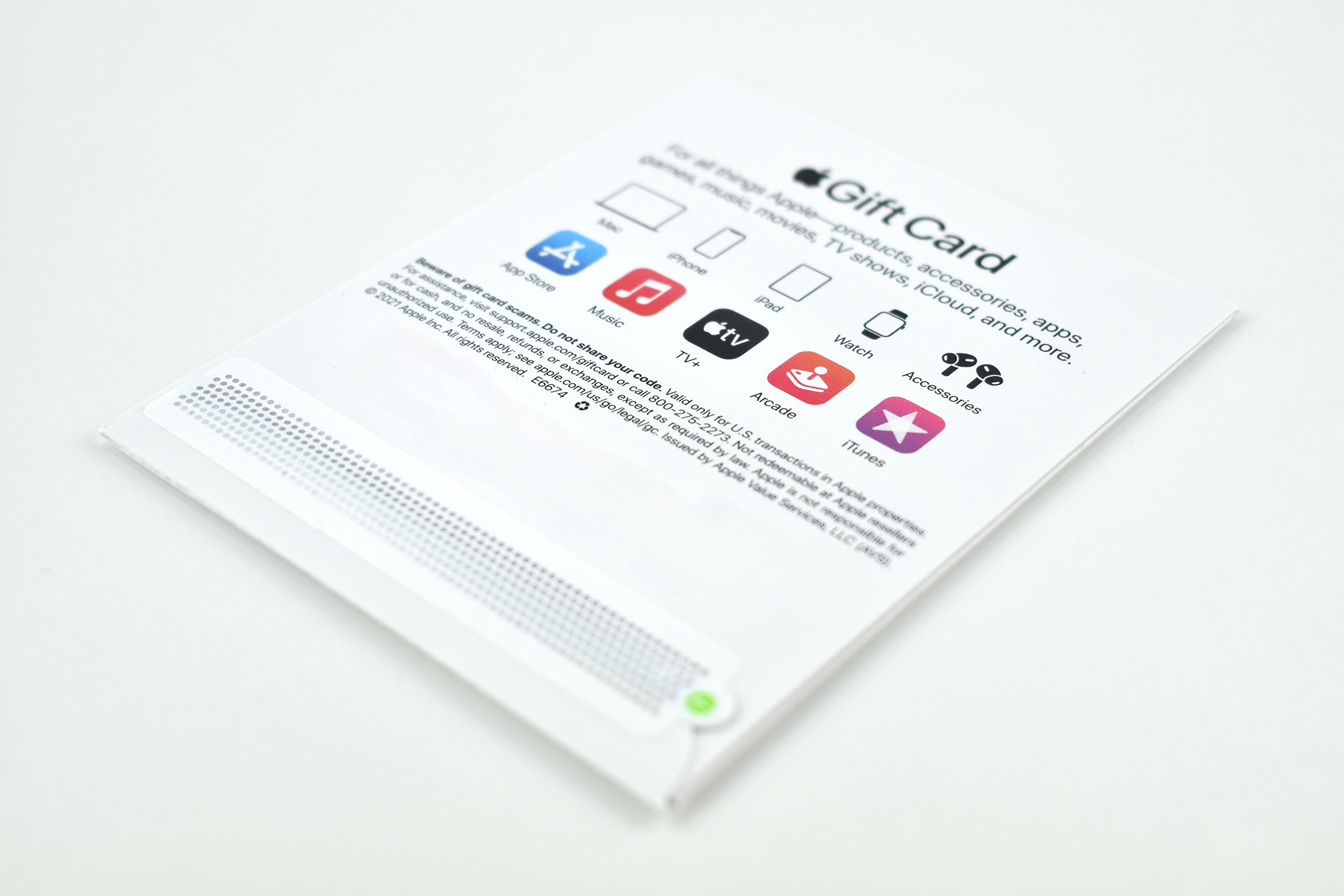
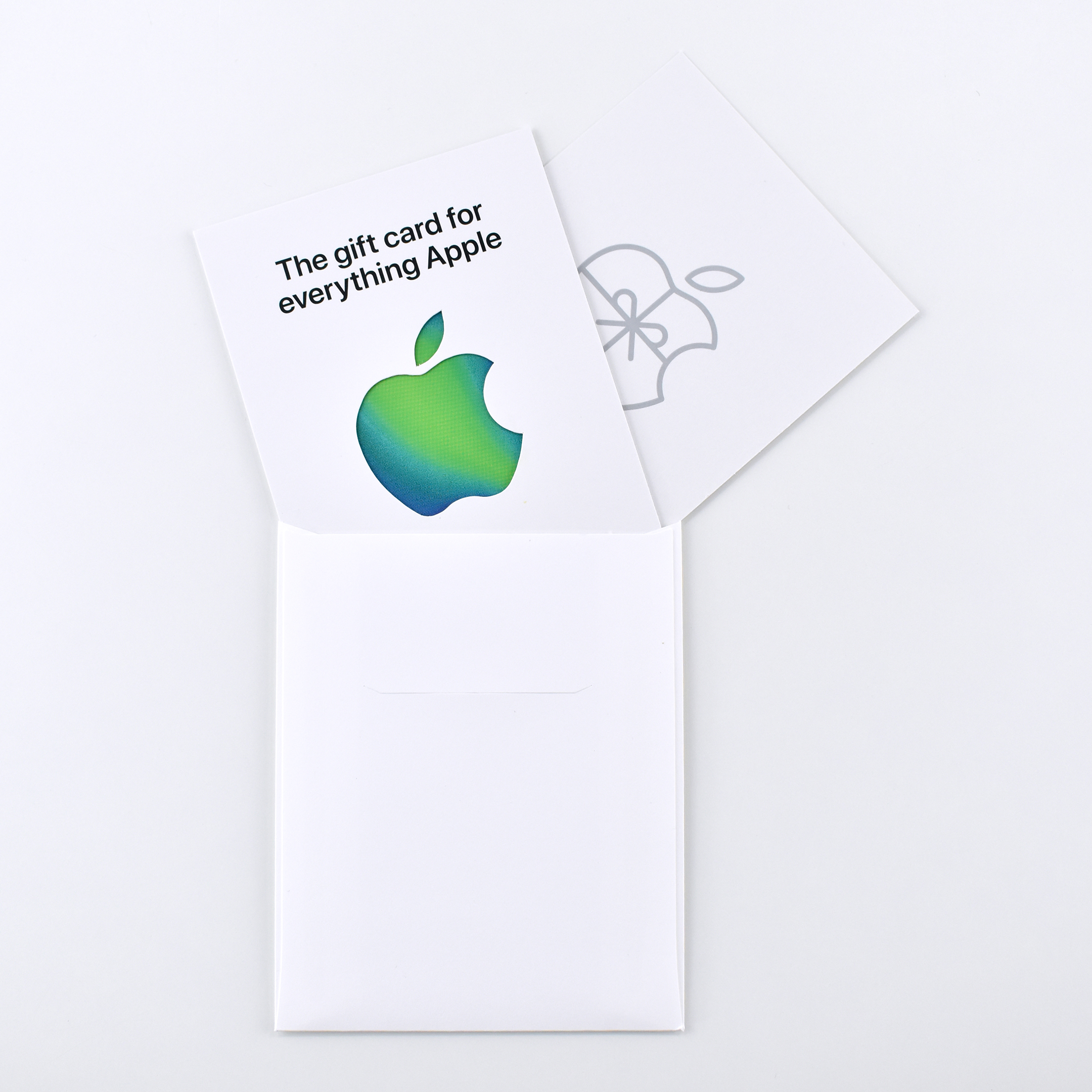
Billie Eilish Limited Edition Gift Card (2021)

On February 26, 2021, Apple TV+ released the documentary “Billie Eilish: The World’s A Little Blurry.” According to Apple’s press release:
“‘Billie Eilish: The World’s A Little Blurry’ tells the true coming-of-age story of the singer-songwriter and her rise to global superstardom. From award-winning filmmaker R.J. Cutler, the documentary offers a deeply intimate look at this extraordinary teenager’s journey, at just 17 years old, navigating life on the road, on stage, and at home with her family, while writing, recording and releasing her debut album ‘WHEN WE ALL FALL ASLEEP, WHERE DO WE GO?’”

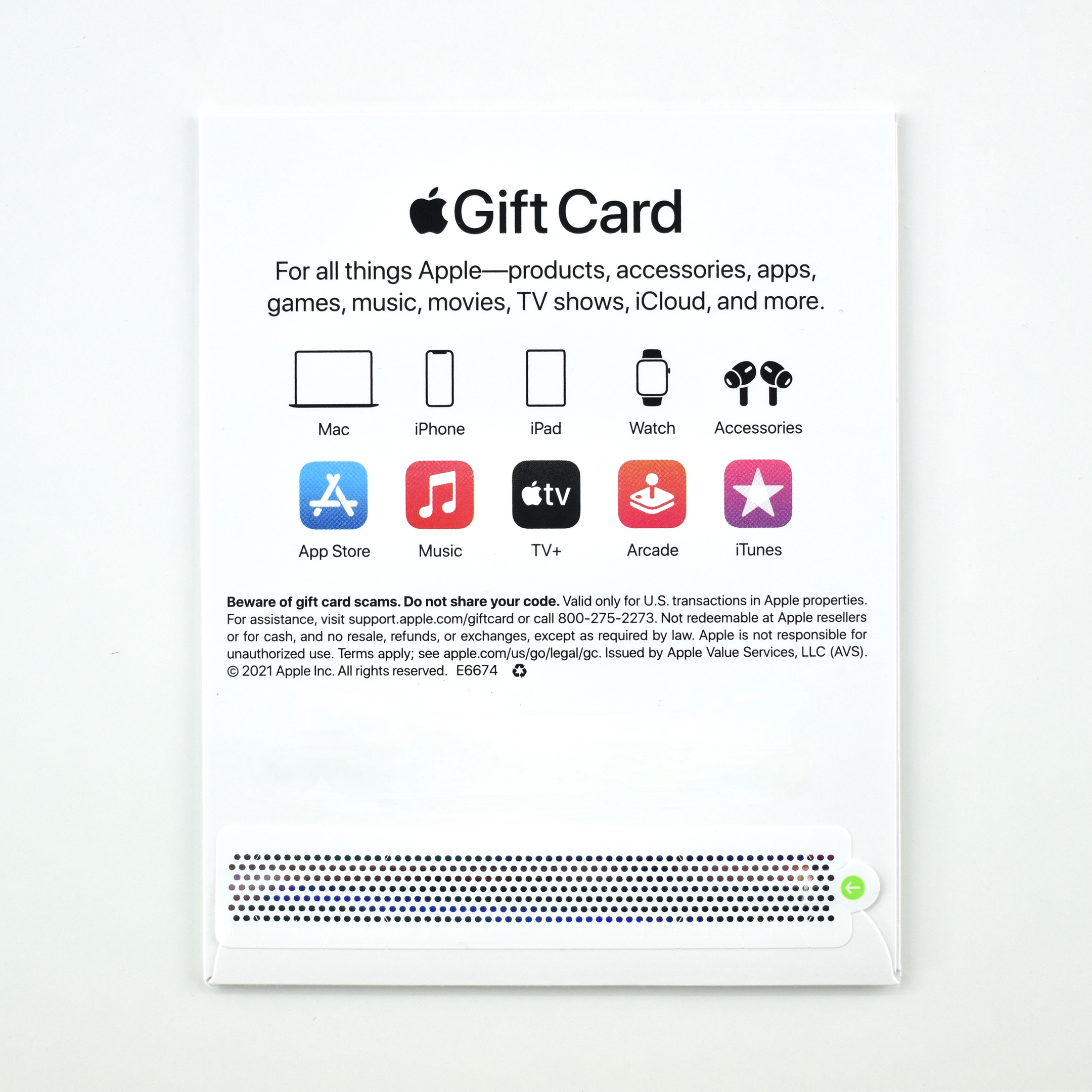
Along with this documentary, Apple released a limited edition gift card design in a color scheme matching Billie Eilish’s branding.

“Celebrate the launch of the new film Billie Eilish: The World’s A Little Blurry with the limited-edition gift card — perfect for buying anything at Apple.”

This gift card follows Apple’s “Everything Apple” gift card merge that occurred in Summer 2020. As reported by MacRumors: “Previously, there were two separate Apple gift cards available: iTunes cards, which can be used for App Store, iTunes Store, and iCloud storage purchases; and Apple Store gift cards, used for buying goods at Apple’s online and brick-and-mortar retail stores.”
Source: Apple (Gift Cards, Press Release), MacRumors
#AppleTeacher vinyl stickers (2020)

Beginning in 2017, Apple Education created a program for teachers to learn Mac, iPad, and Apple apps in the context of classroom lessons and activities. Coding uses for the classroom were added later. The Apple Teacher program uses a series of “Everyone Can Create” and “Everyone Can Code” books (free downloads from Apple’s Book Store).
Teachers may take short online quizzes to earn badges in categories including: iPad, Pages for iPad, Keynote for iPad, Numbers for iPad, iMovie for iPad, GarageBand for iPad, Productivity with iPad, Creativity with iPad, Mac, Pages for Mac, Keynote for Mac, Numbers for Ma, iMovie for Mac, GarageBand for Mac, Productivity with Mac, Creativity with Mac, Coding Concepts, Swift Playgrounds App, Swift Code, and Coding in the Classroom.

According to Apple’s website:

“Apple Teacher is a free professional learning program designed to support and celebrate educators using Apple products for teaching and learning. As an educator you can build skills on iPad and Mac that directly apply to activities with your students, earn recognition for the new things you learn, and be rewarded for the great work you do every day.”

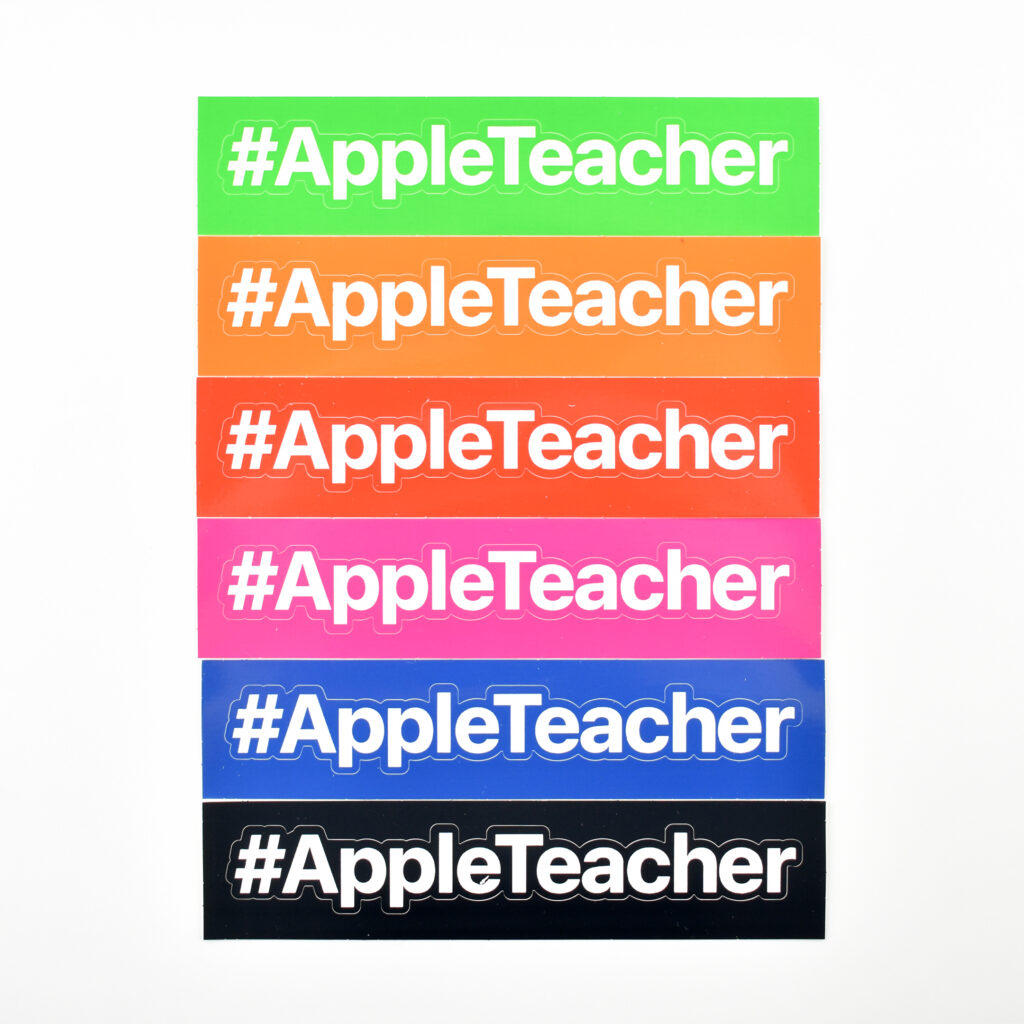
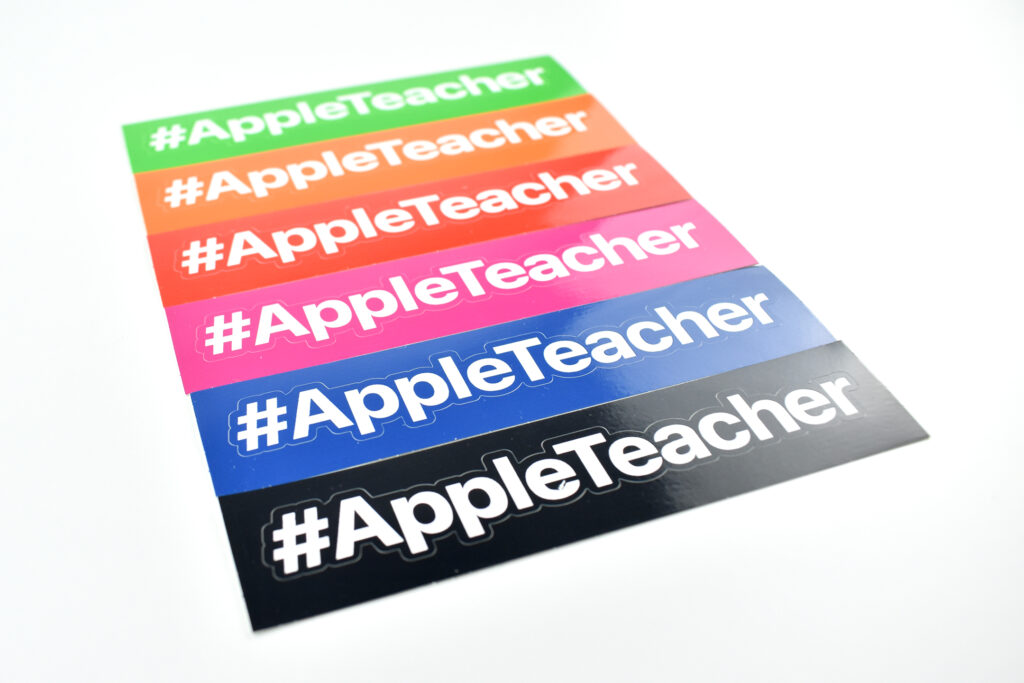
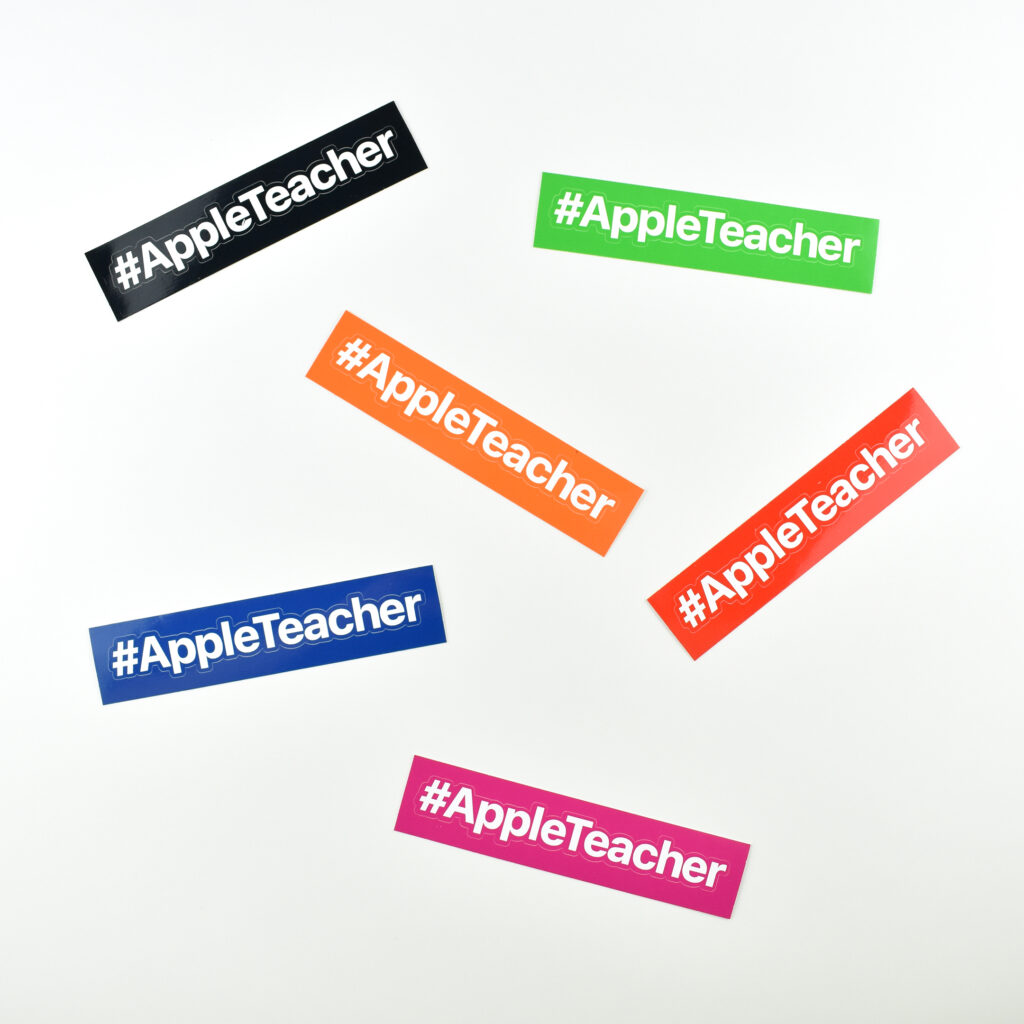
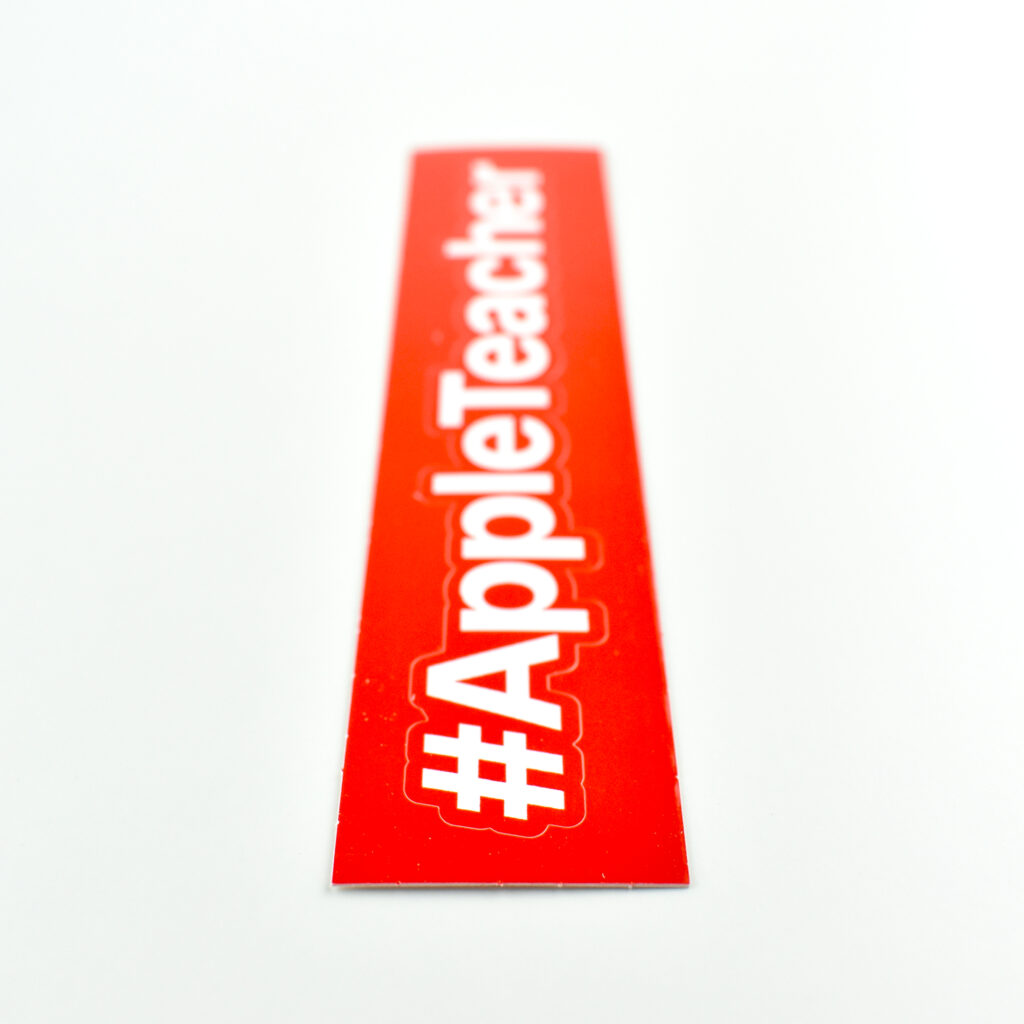
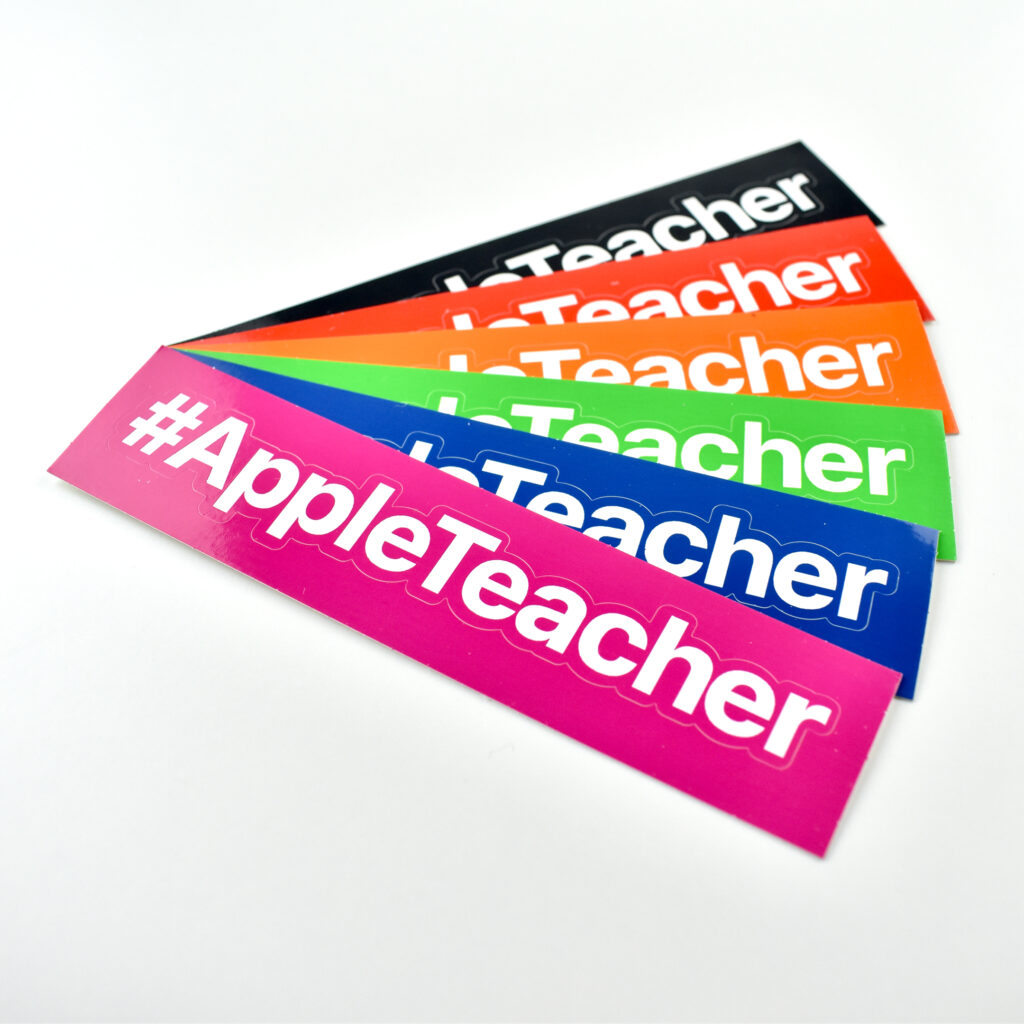
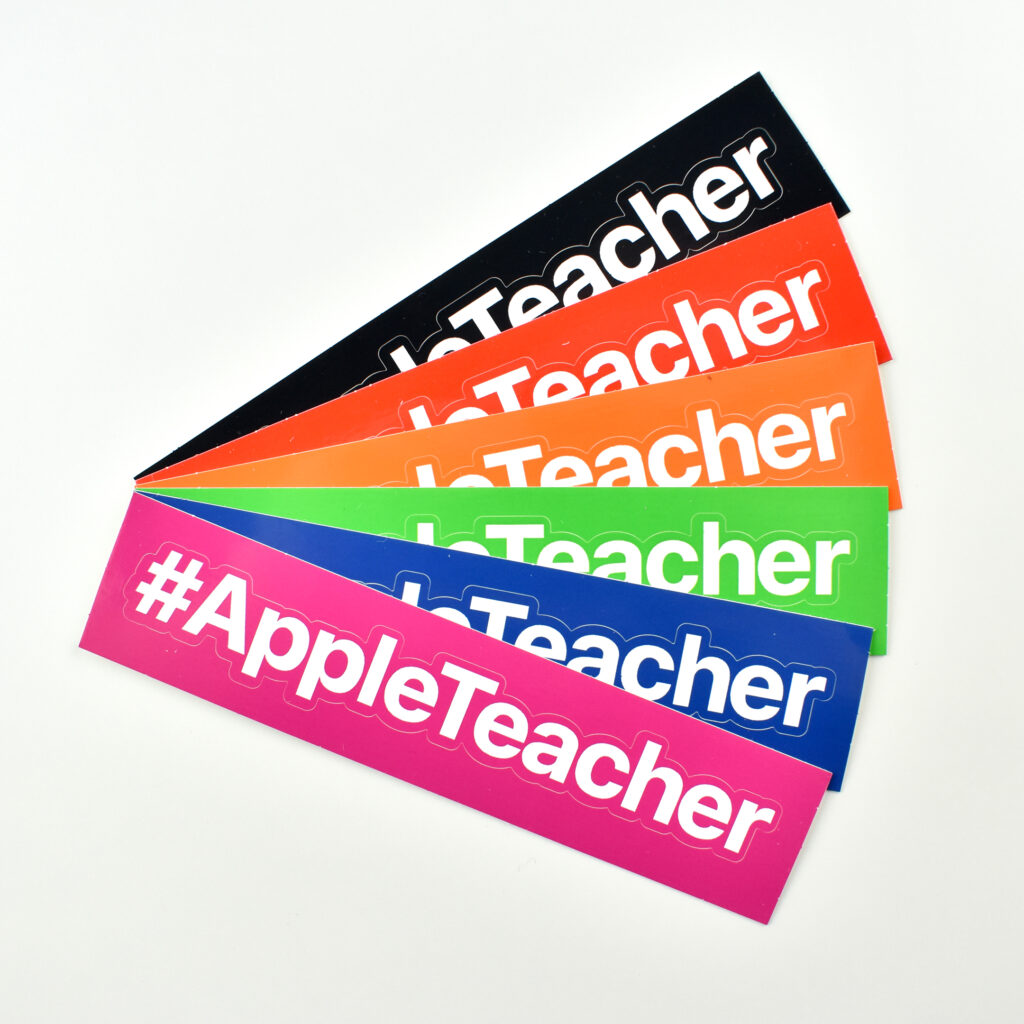
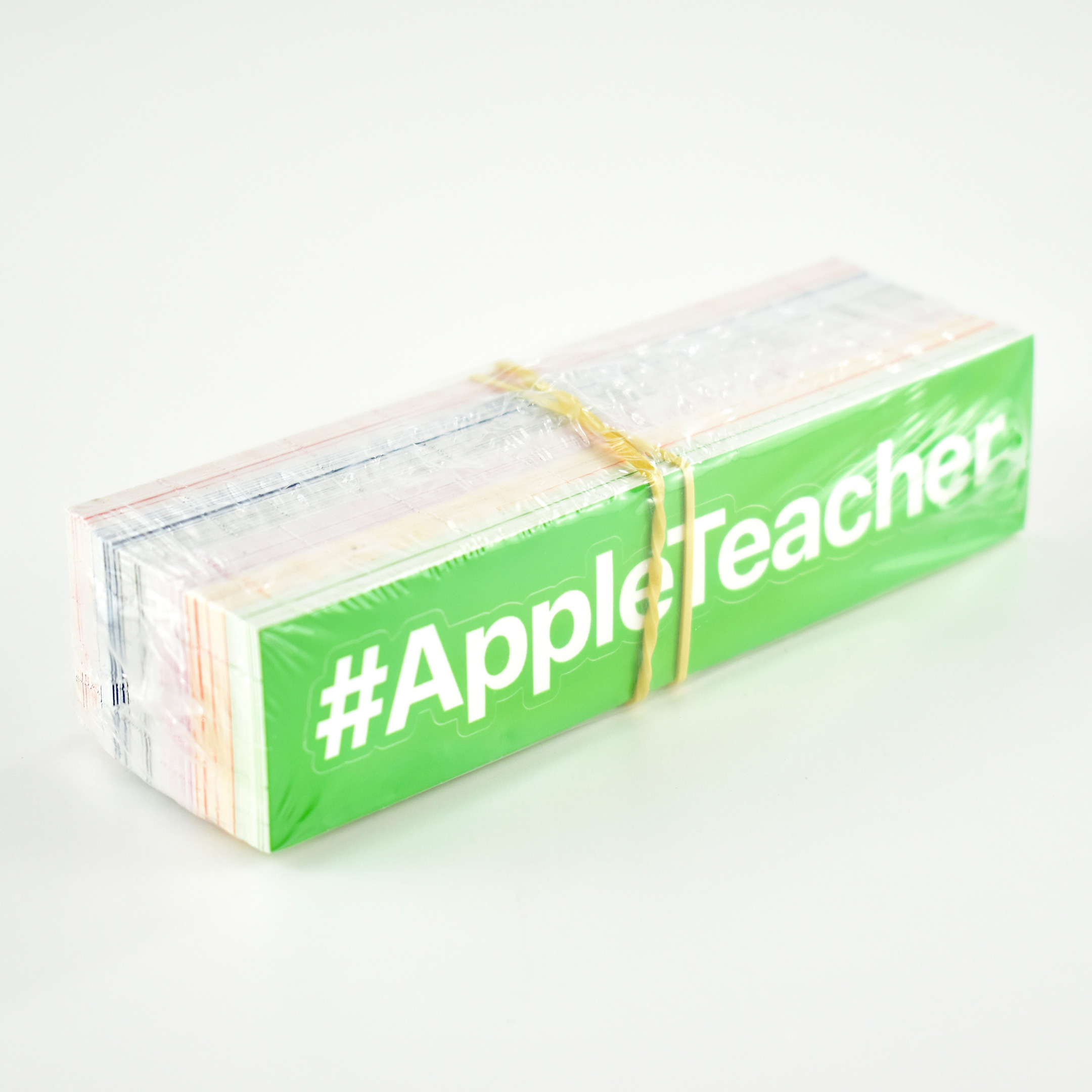
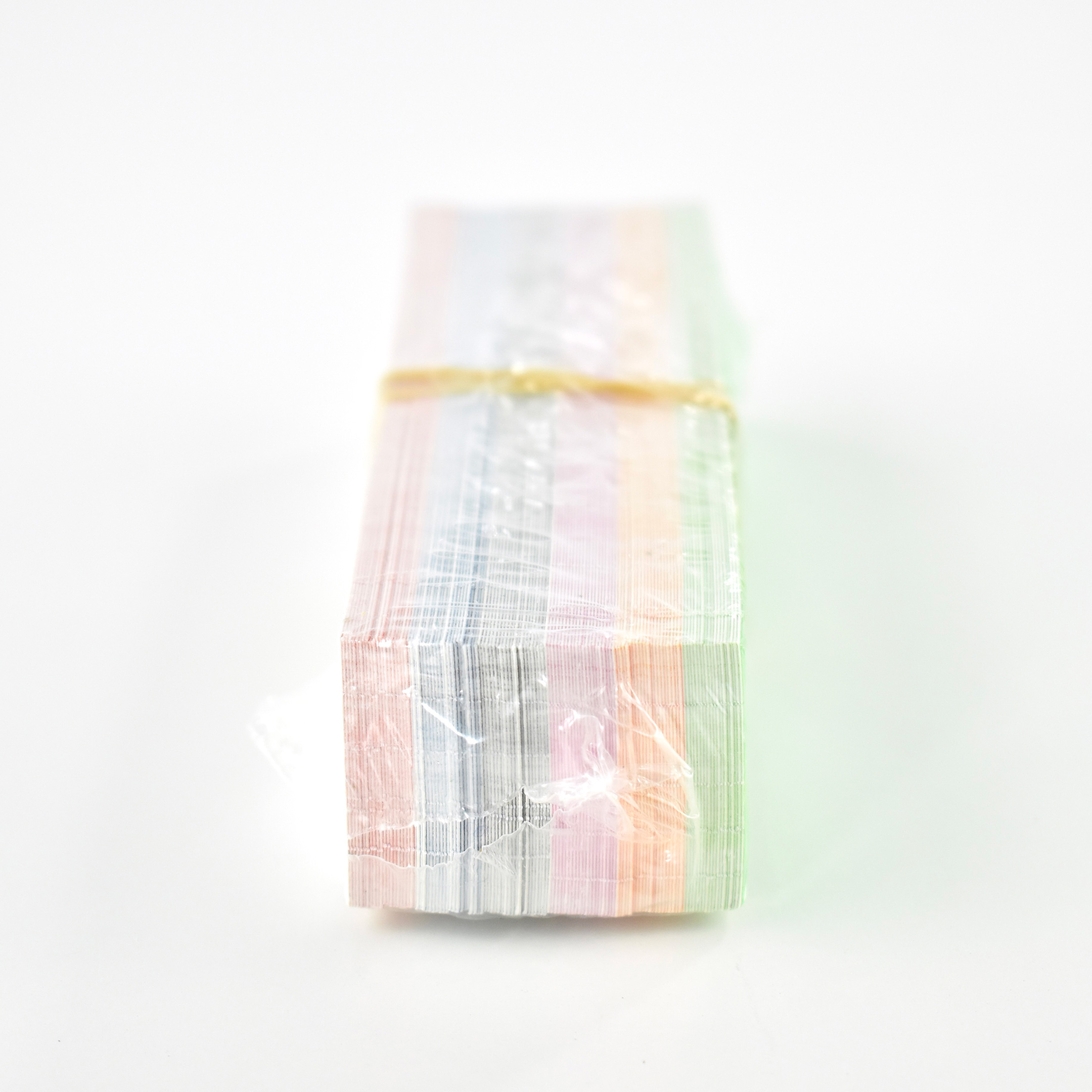
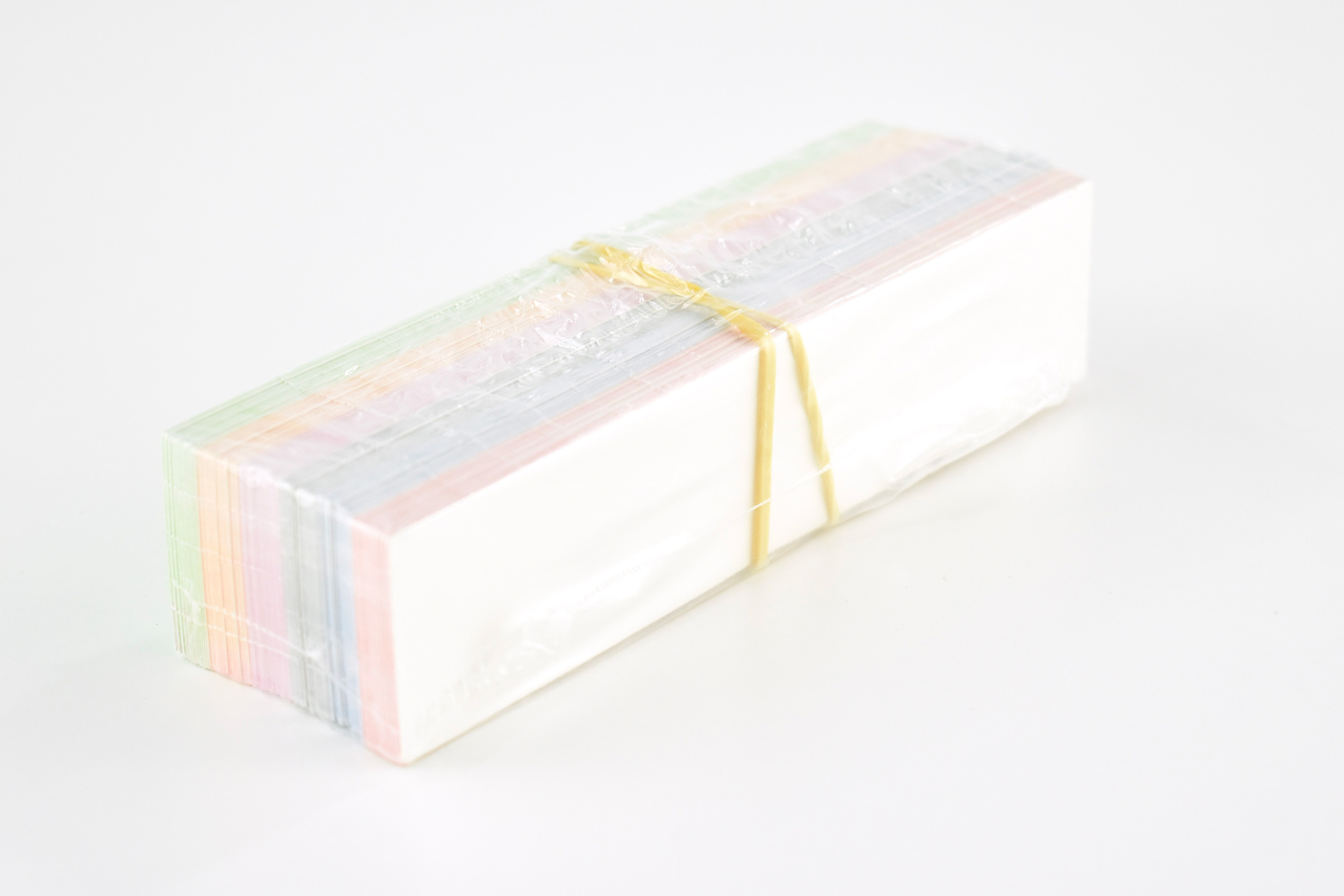
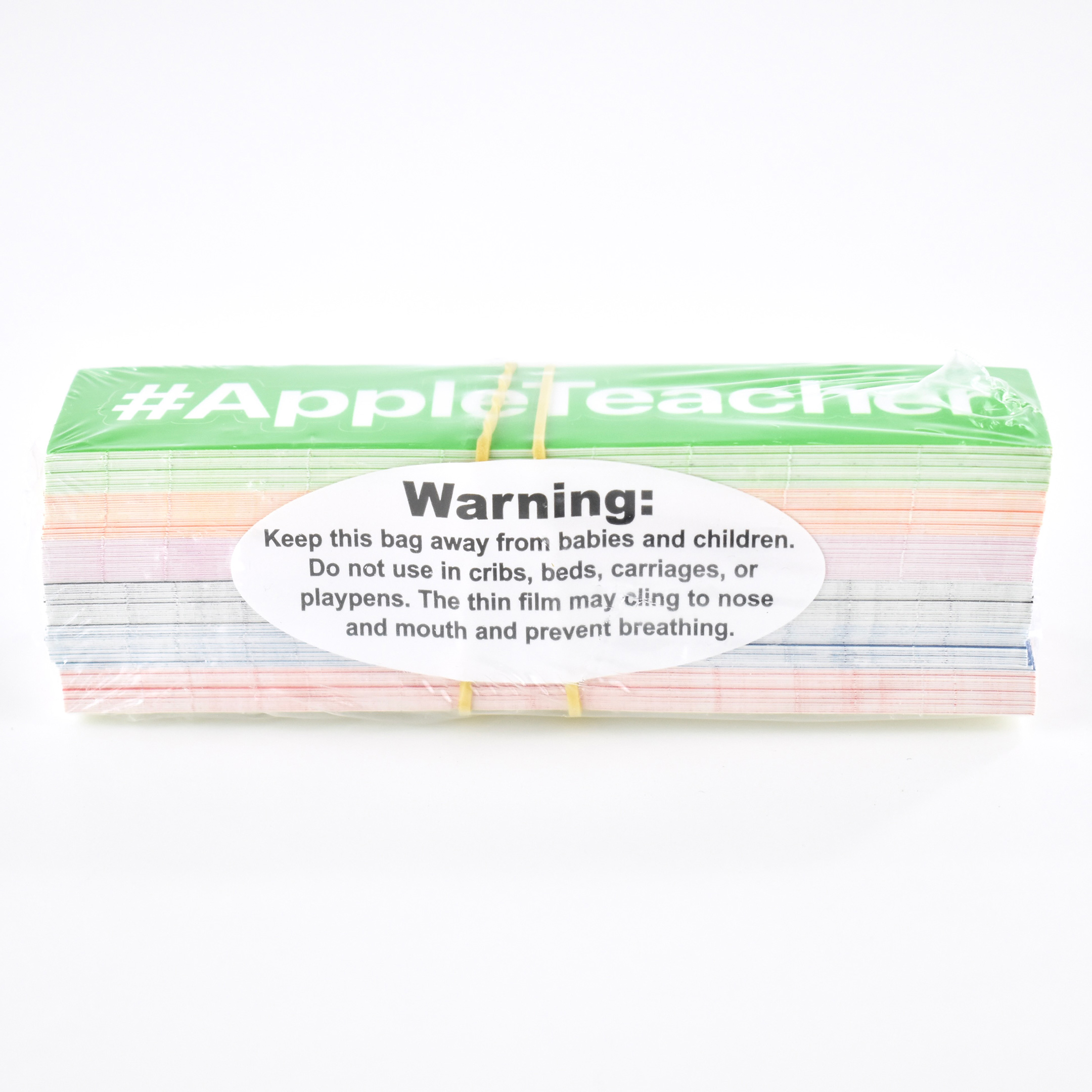
These vinyl stickers are printed with the hashtag #AppleTeacher (in Apple’s San Francisco font) in a variety of colors. These were available at technology conferences for attendees who visited the Apple “Playground” to learn about the Everyone Can Create and Everyone Can Code programs for schools. Each sticker sheet measures 1.125 x 5 inches. Removed from the backing they measure approximately 0.625 x 4.625 inches.

I earned the Mac and iPad Apple Teacher badges the first week the program launched.

UPDATE: I also obtained a set of unopened #Apple Teacher stickers. Photos added below.

Sources: Apple, Apple Teacher
iMac Pro guide and accessories (2019)

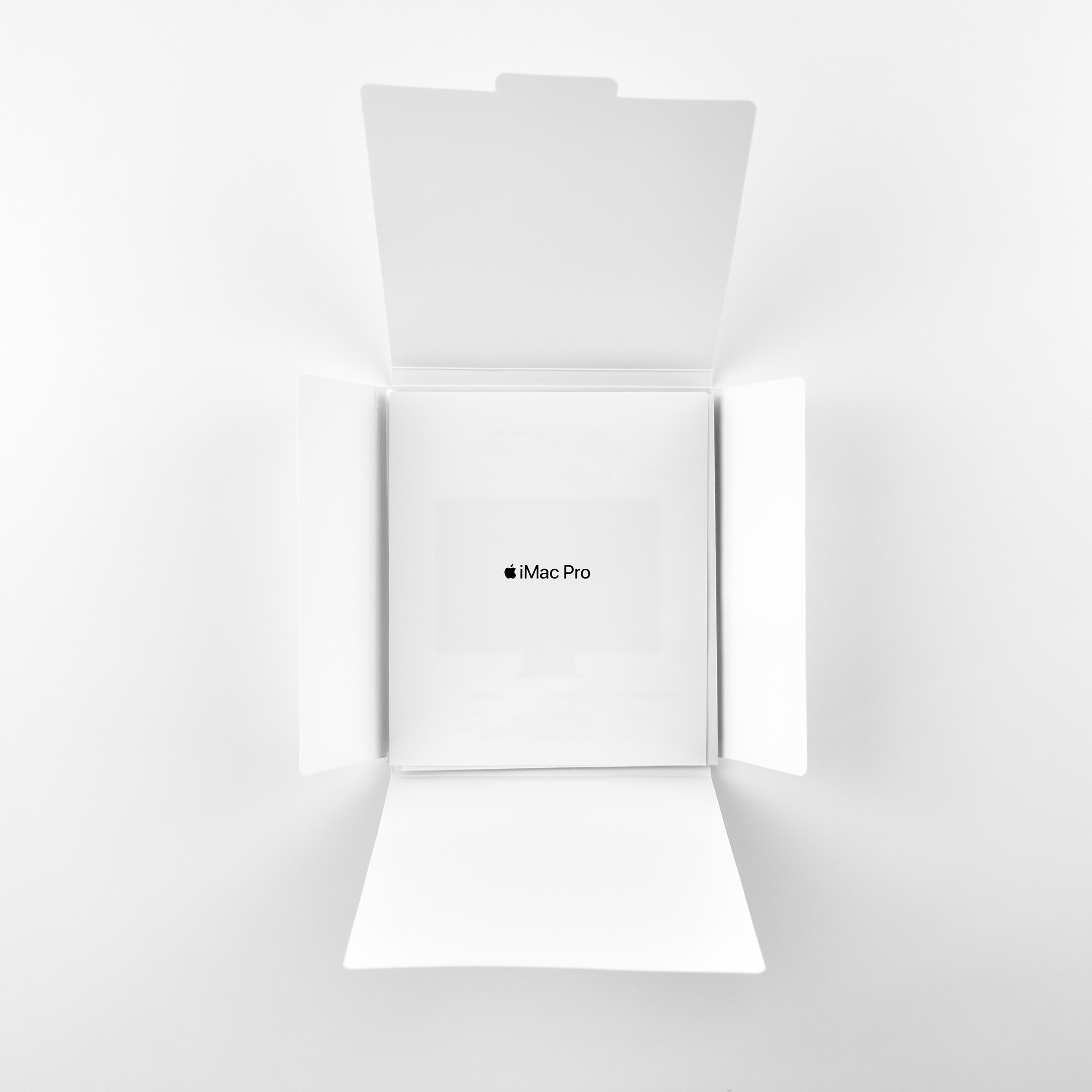
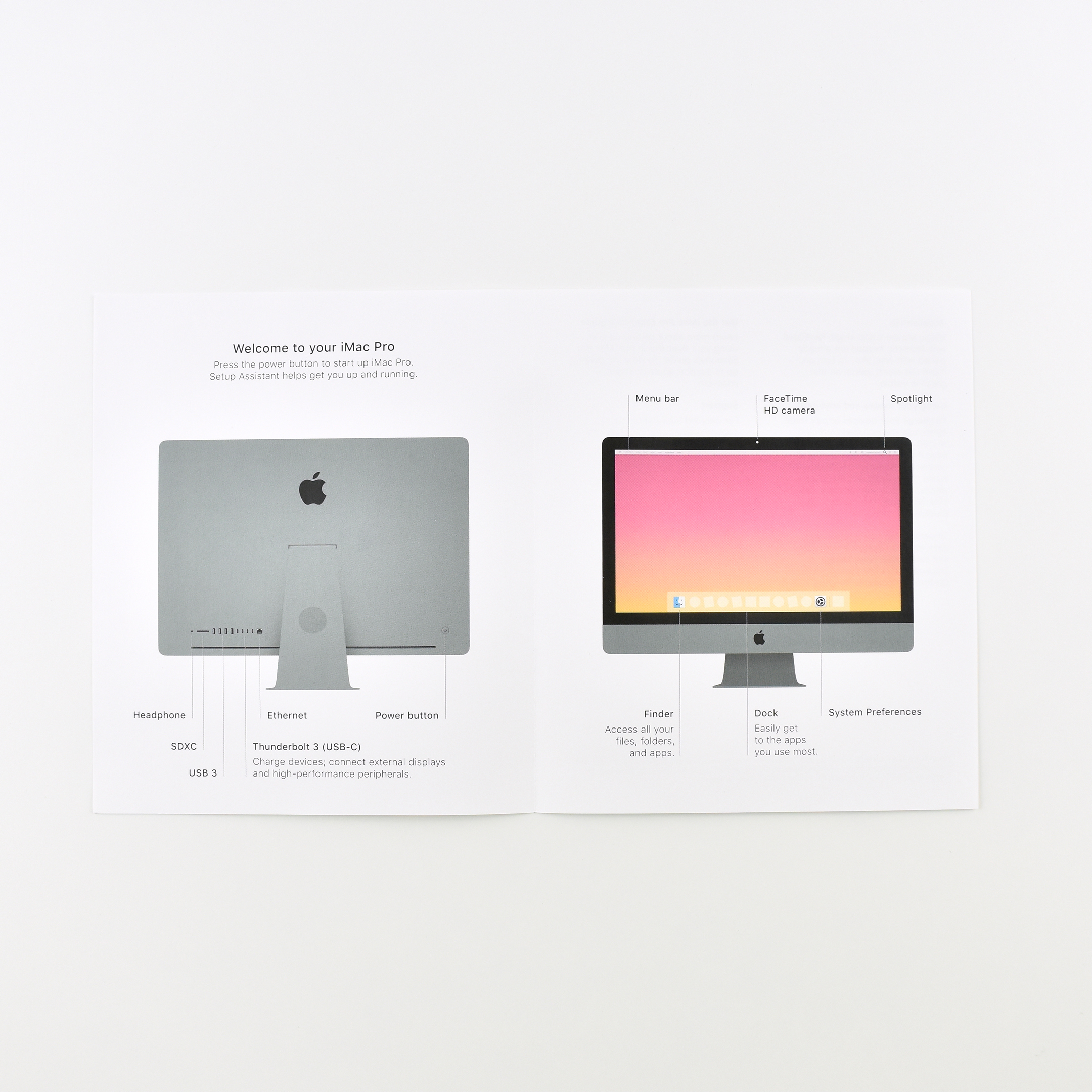
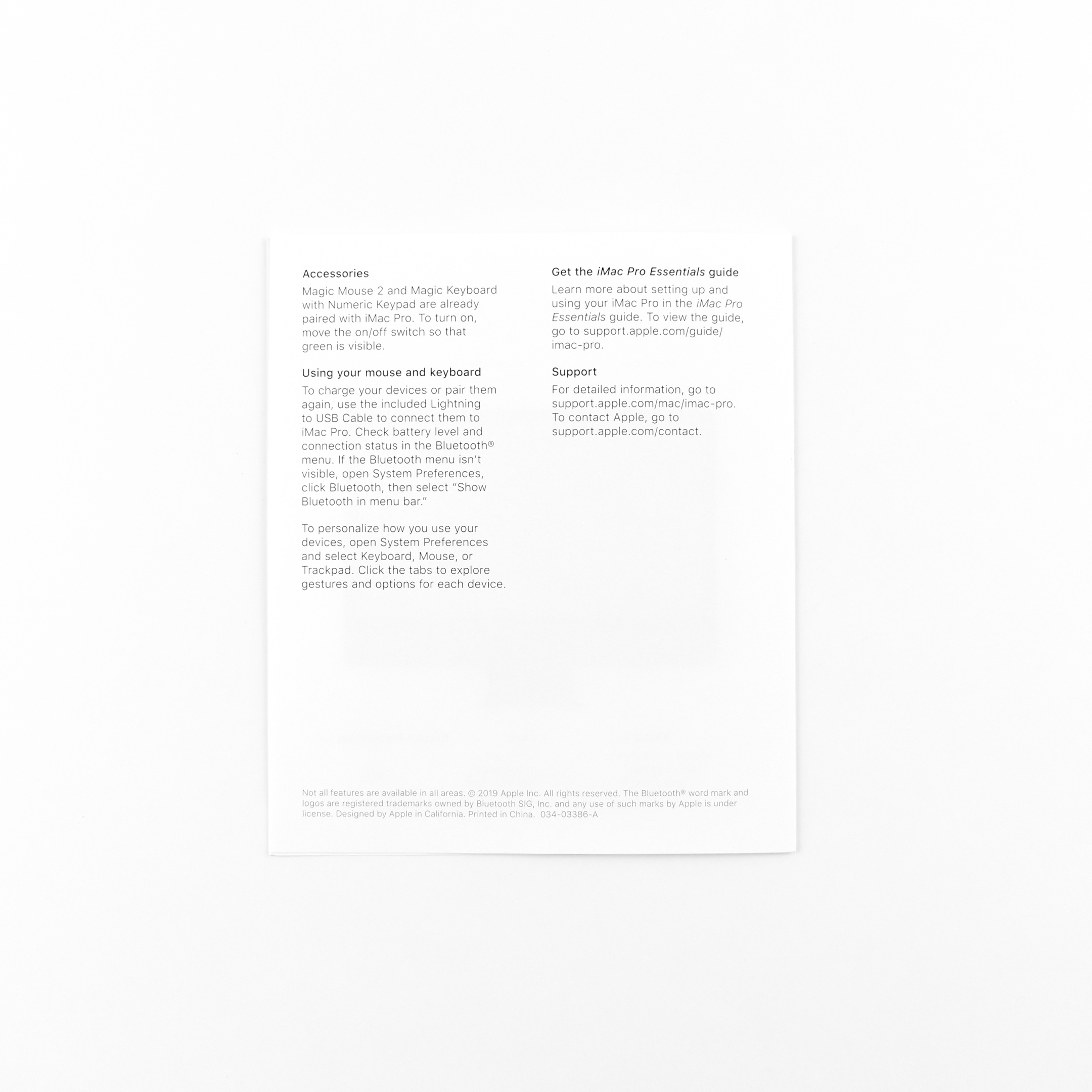
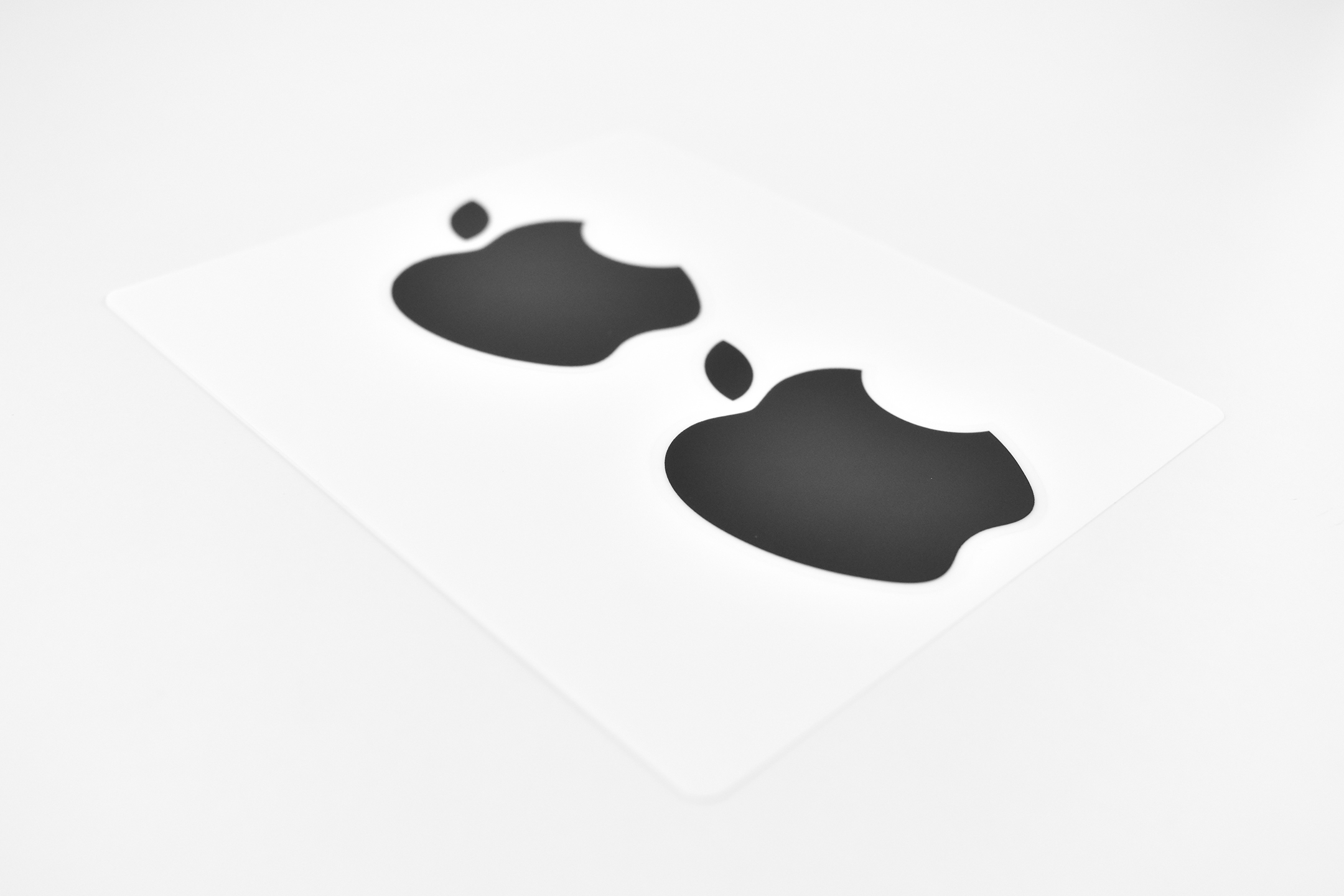
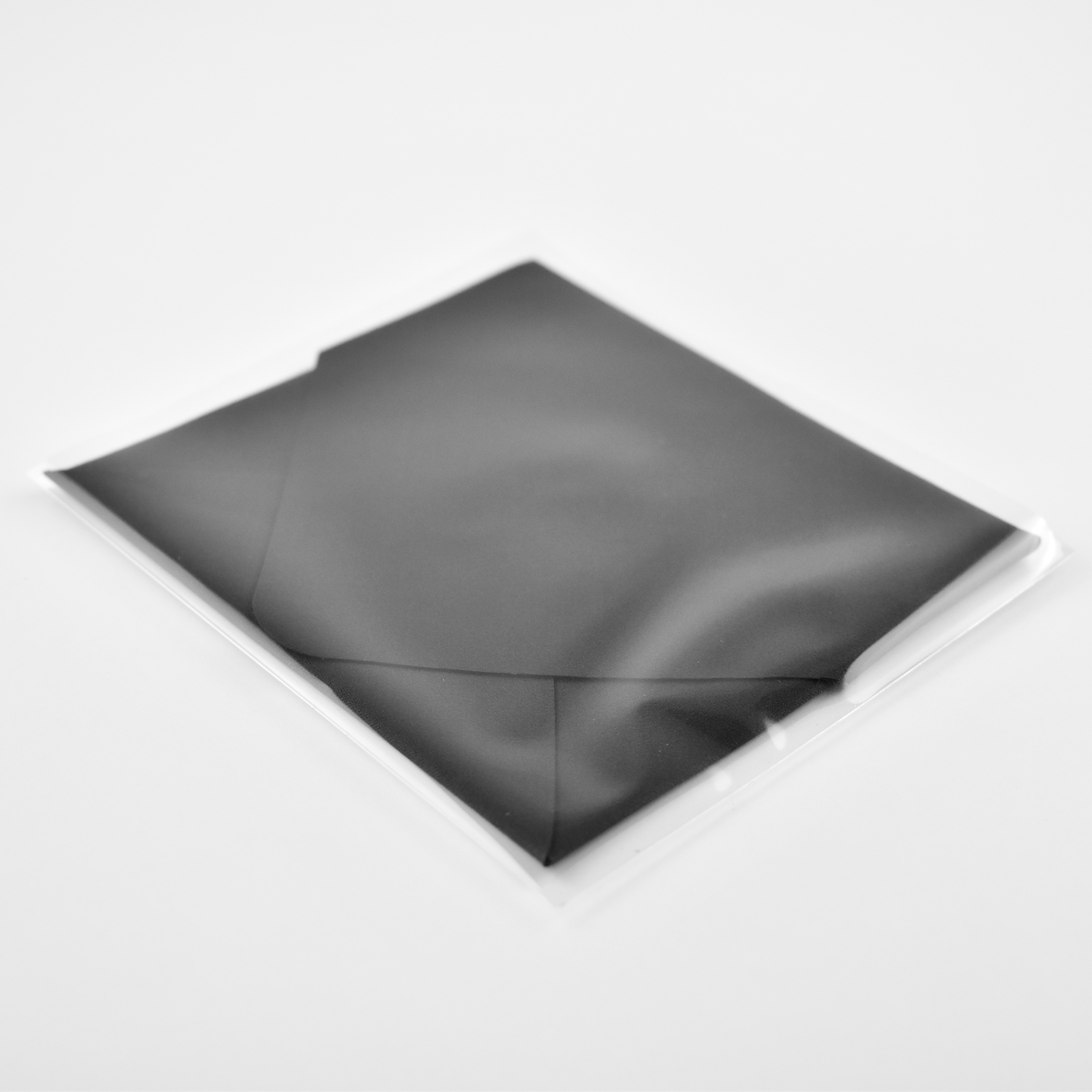
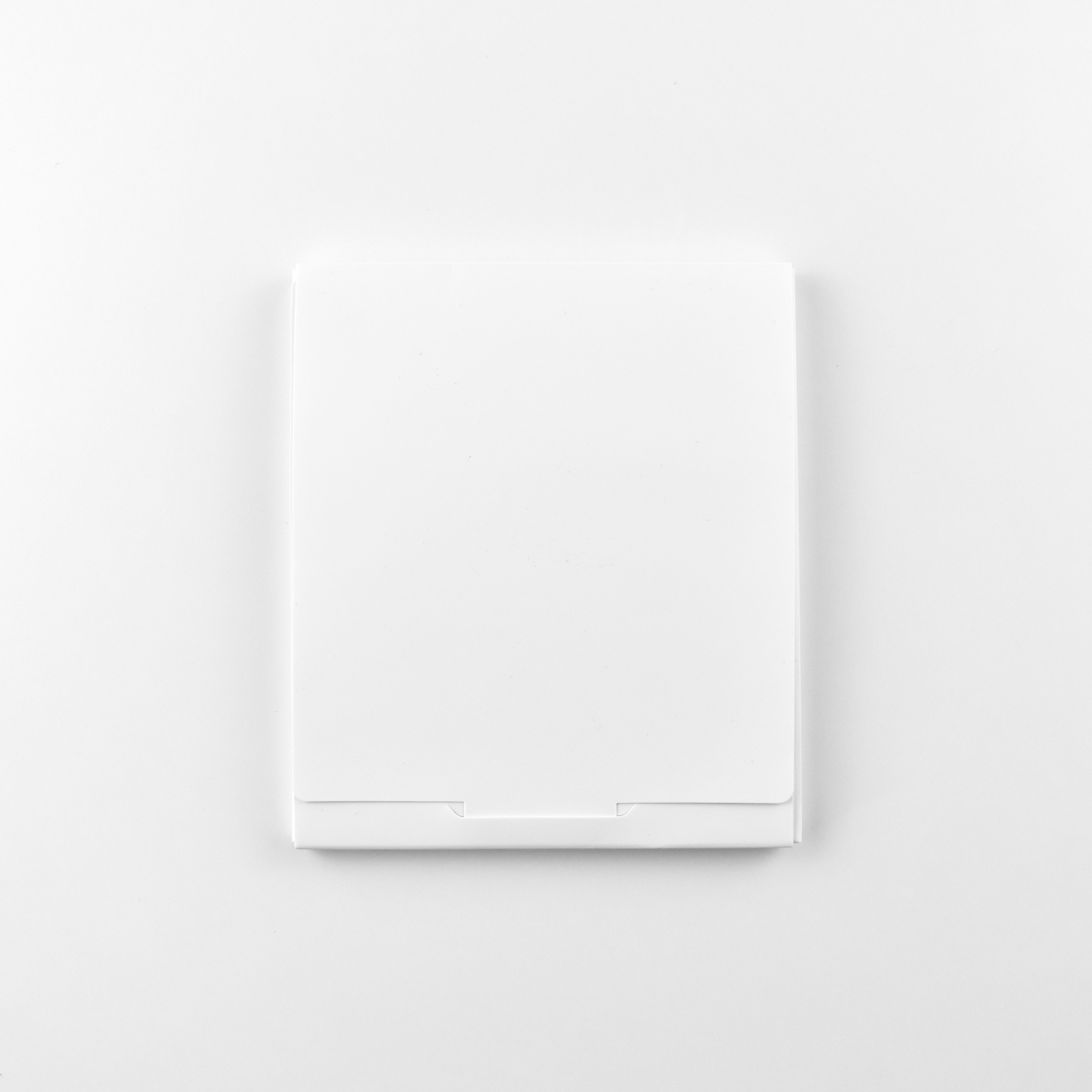
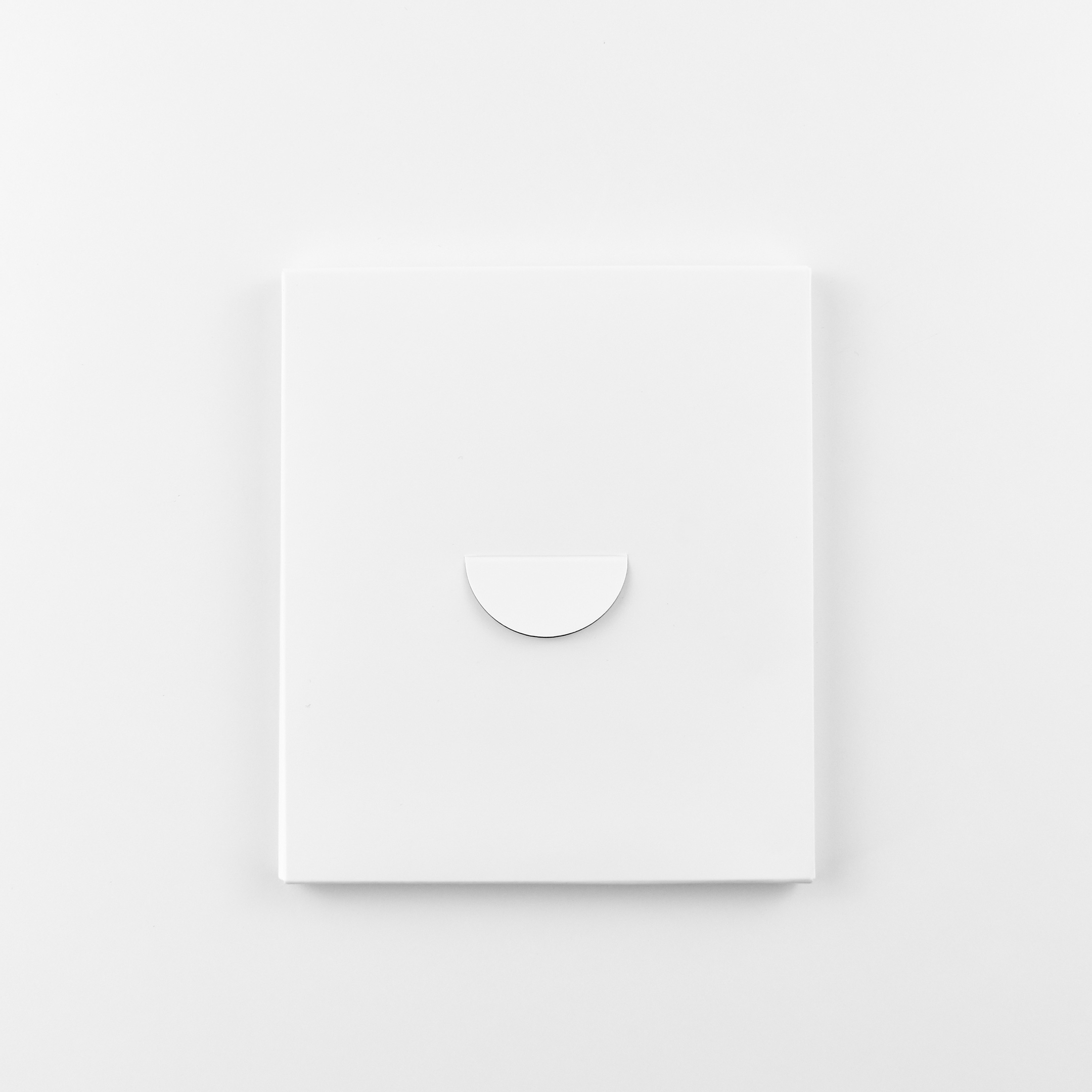
Instead of sending a manual with Mac devices, Apple includes this 2-page brochure that provides a diagram of the ports, power button, camera, basic macOS features, list of accessories, charging instructions for the keyboard and mouse, and URLs to access the online “manual” (iMac Pro Essentials guide) and support. In addition, Apple includes two complimentary Apple logo stickers and a microfiber screen cloth.
The Apple logo stickers that shipped with the iMac Pro—and other “Pro” Mac devices—are black. Other Apple logo stickers are most often white.
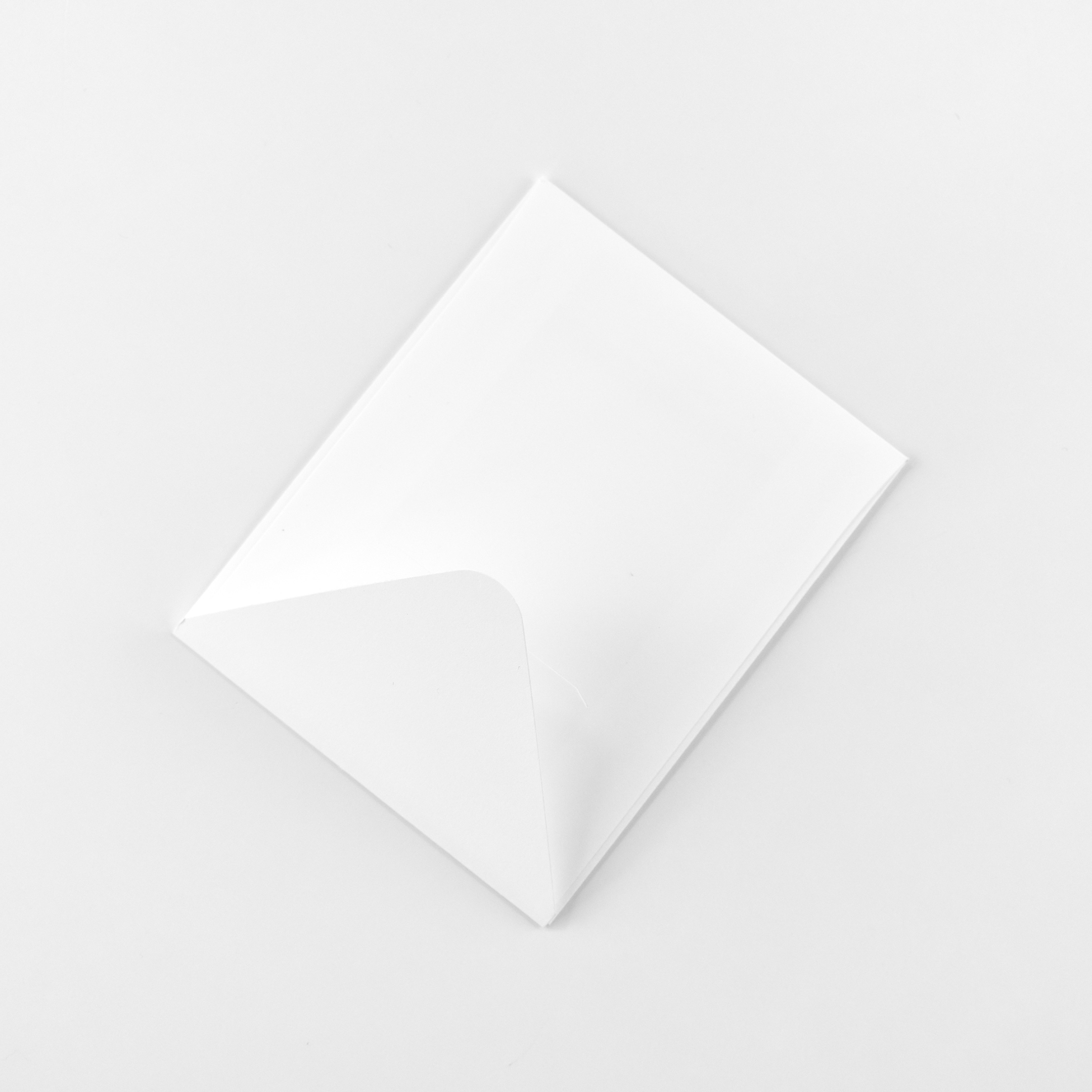
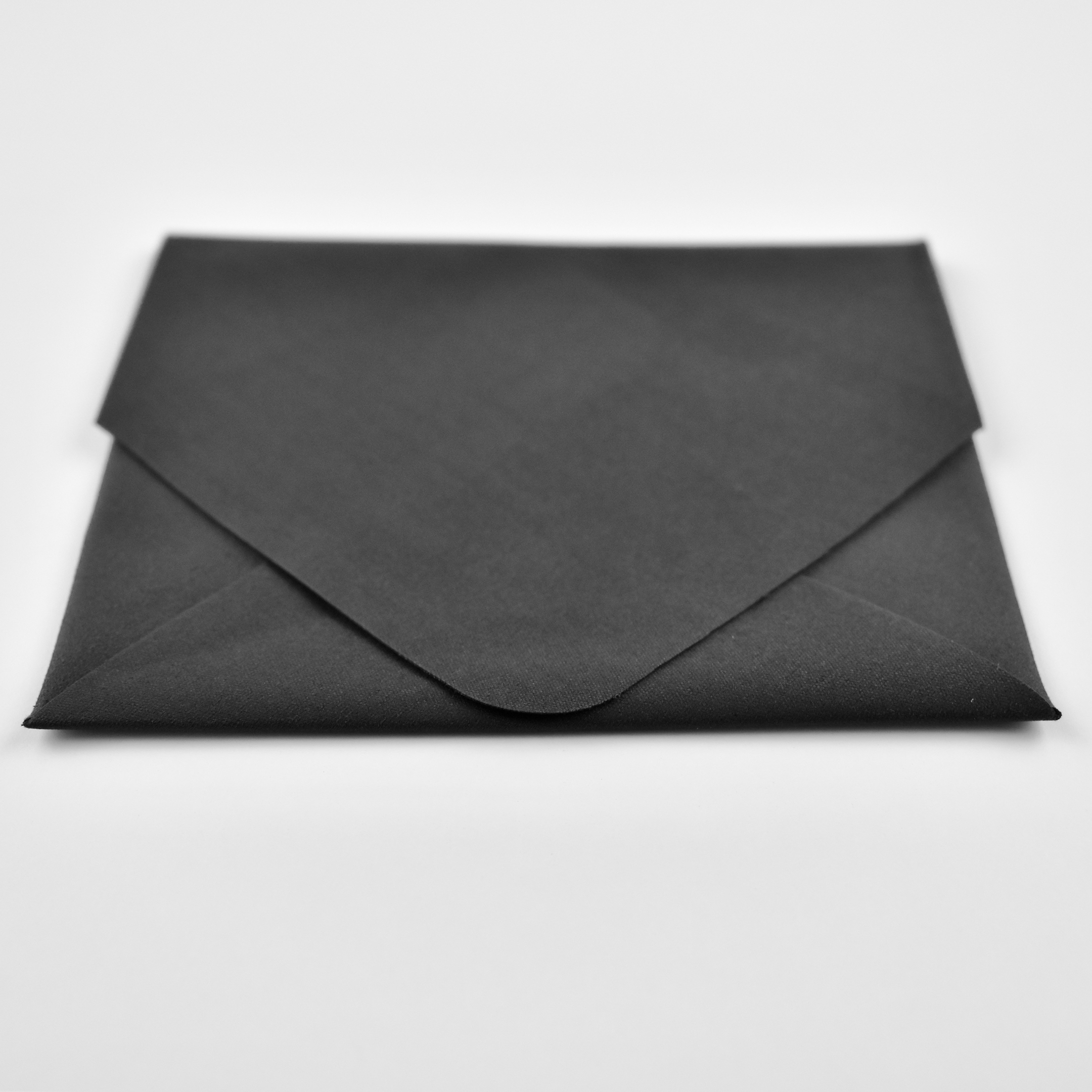
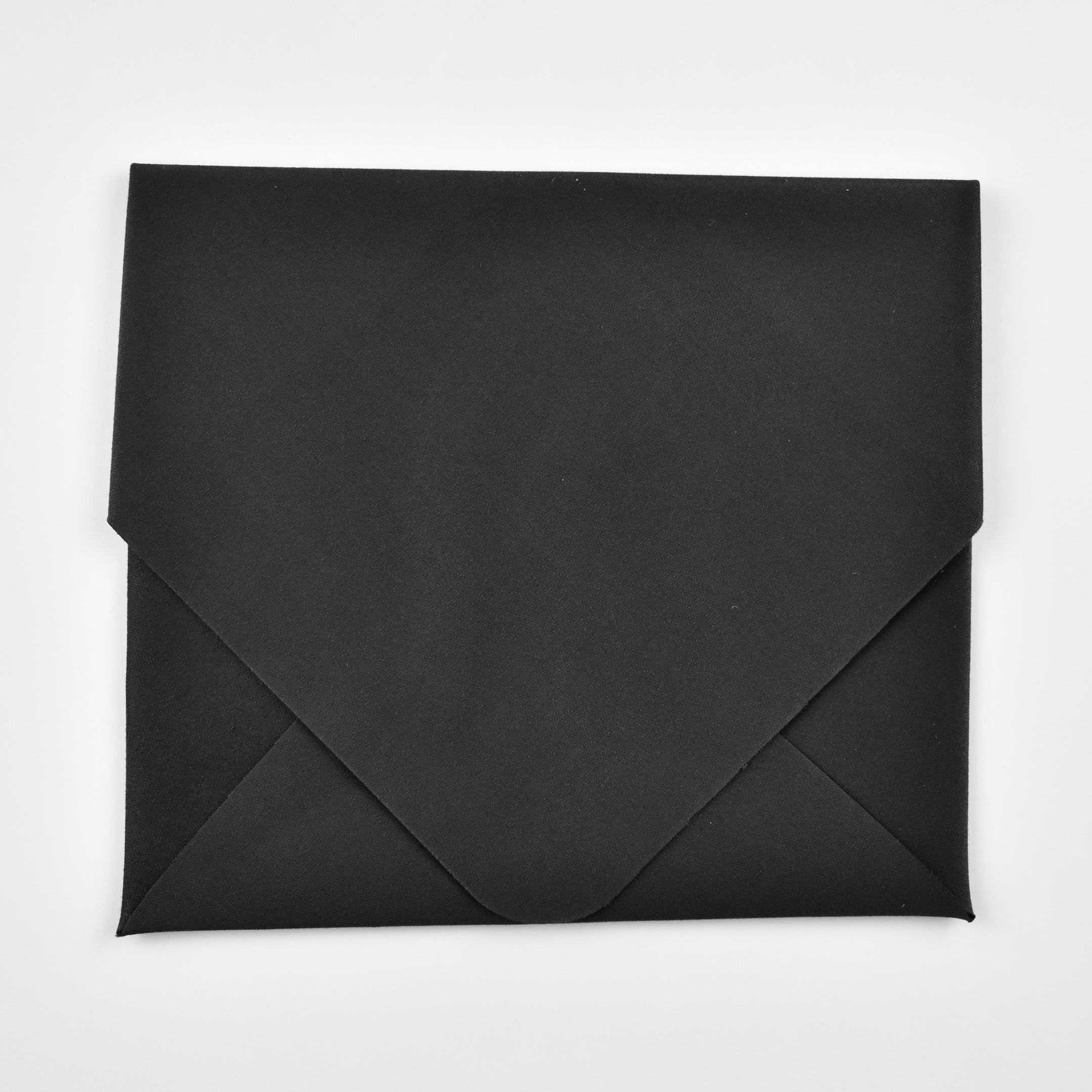
All these items are enclosed in a custom white cardboard envelope. The envelope measures 3.75 x 4.5 inches and is approximately 0.1875 inch thick.

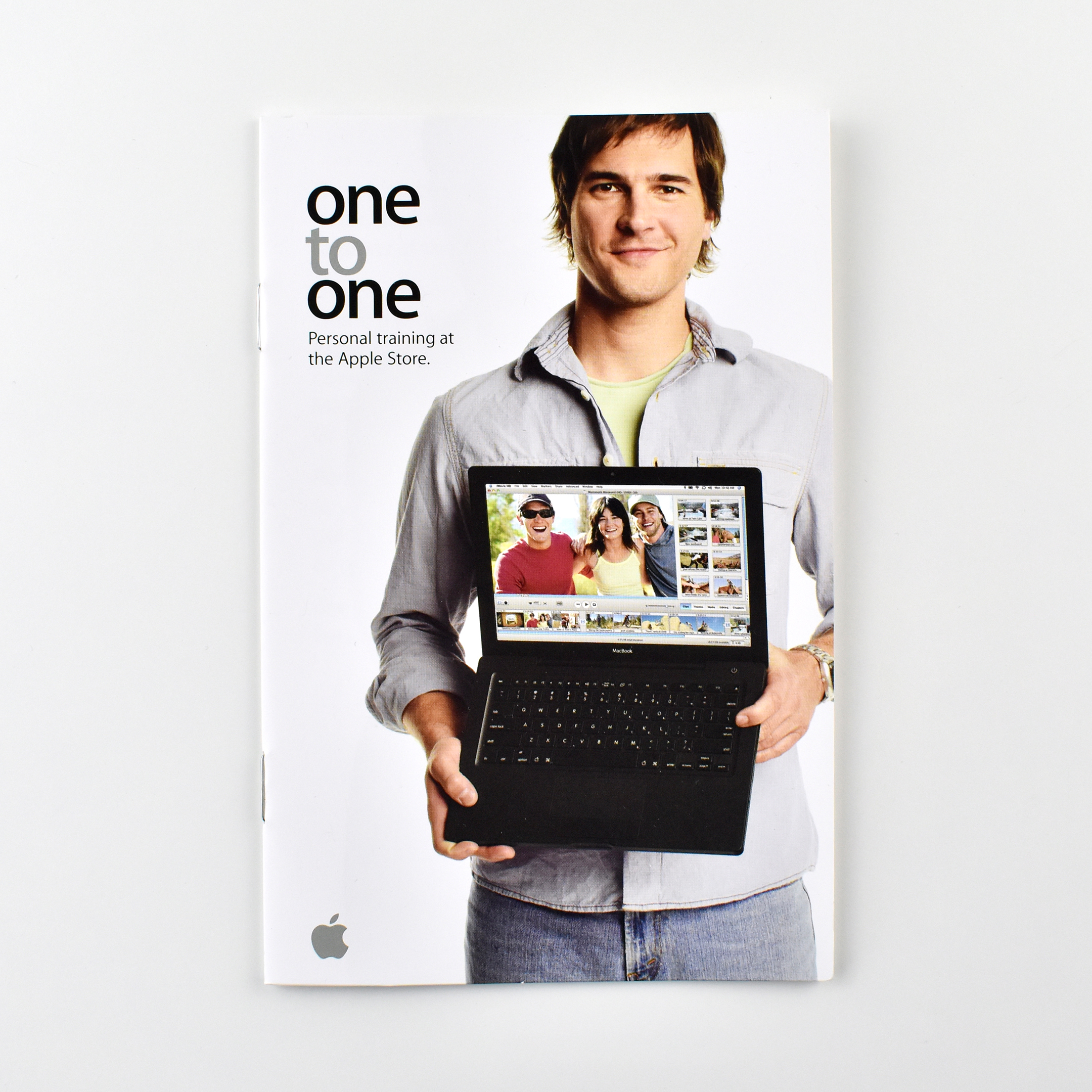
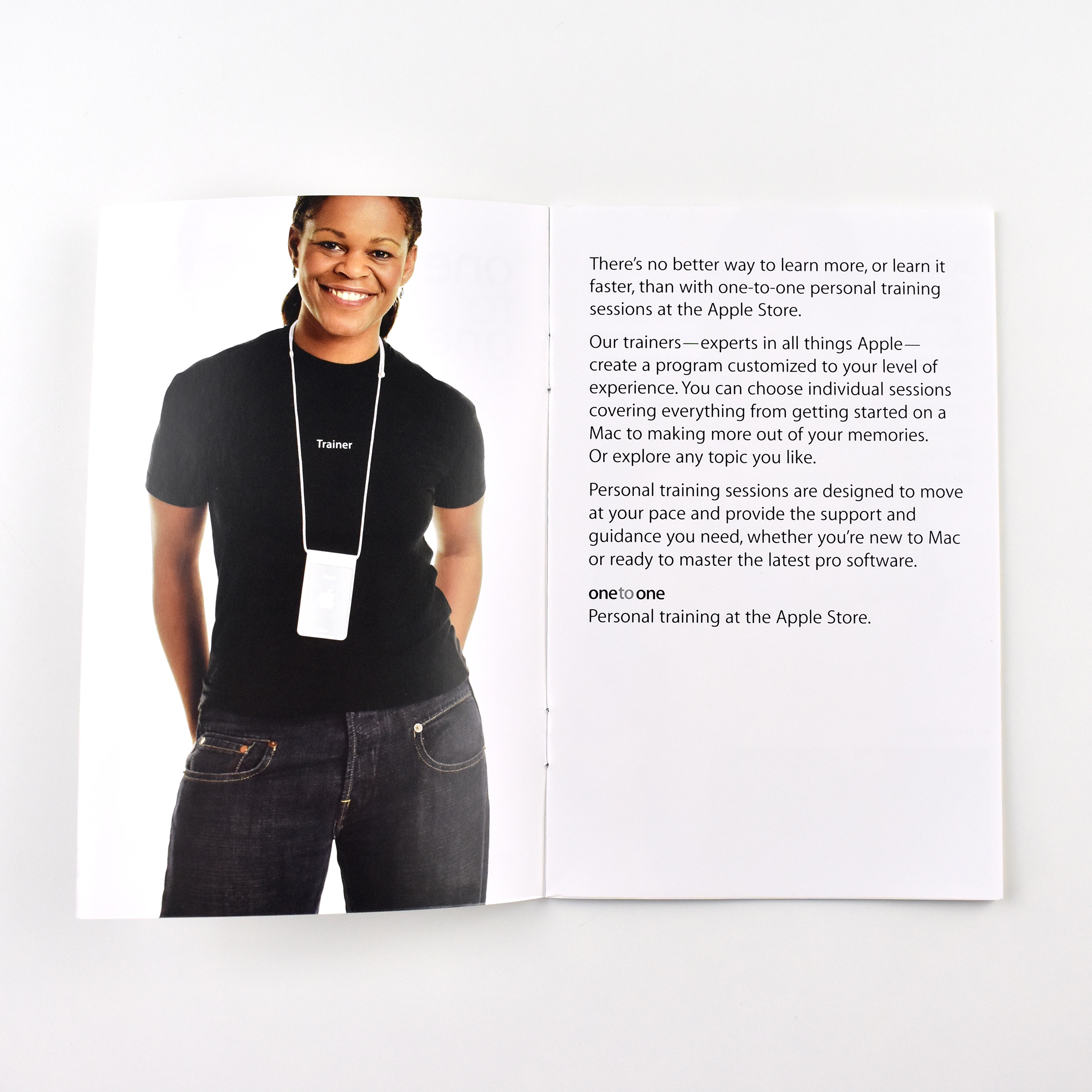
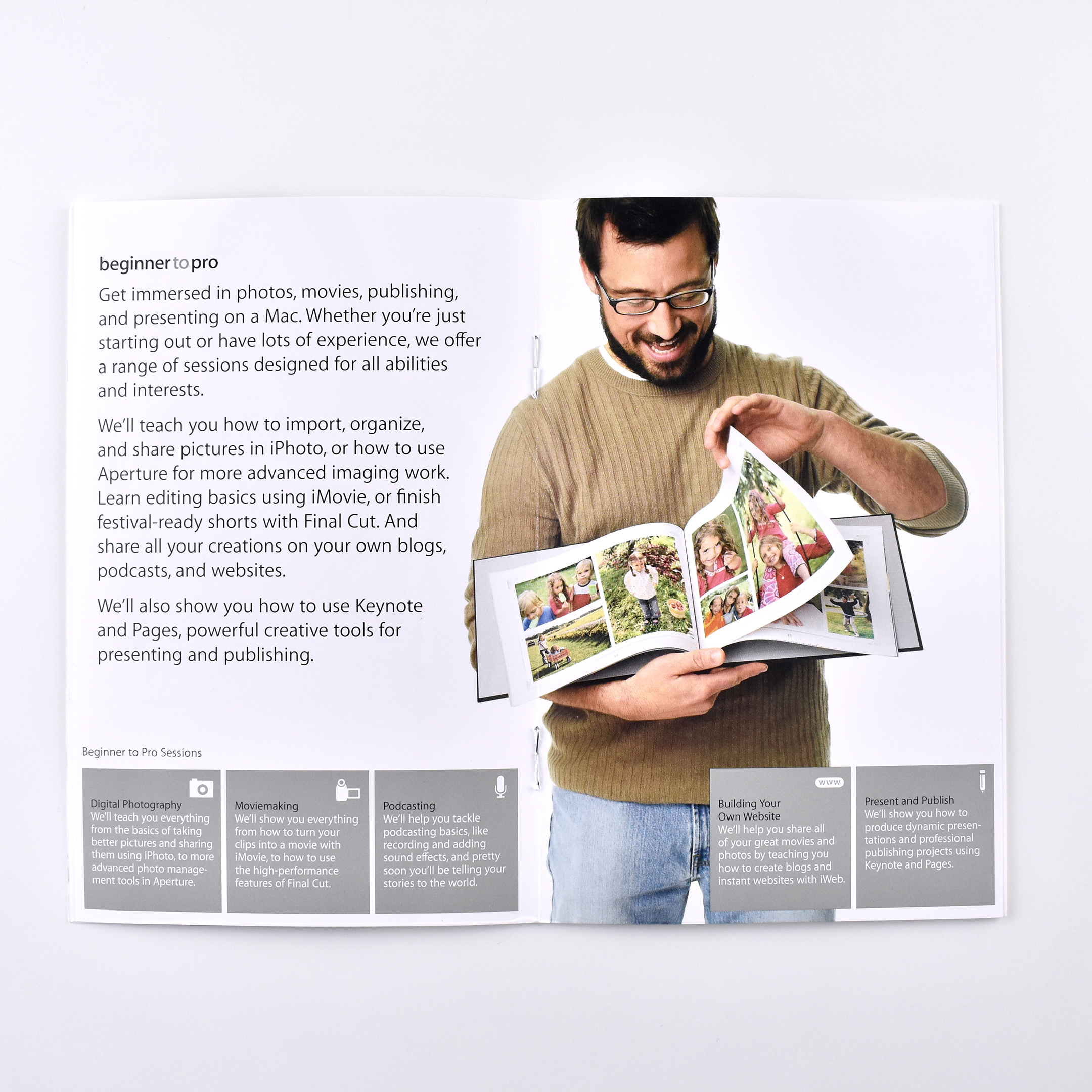
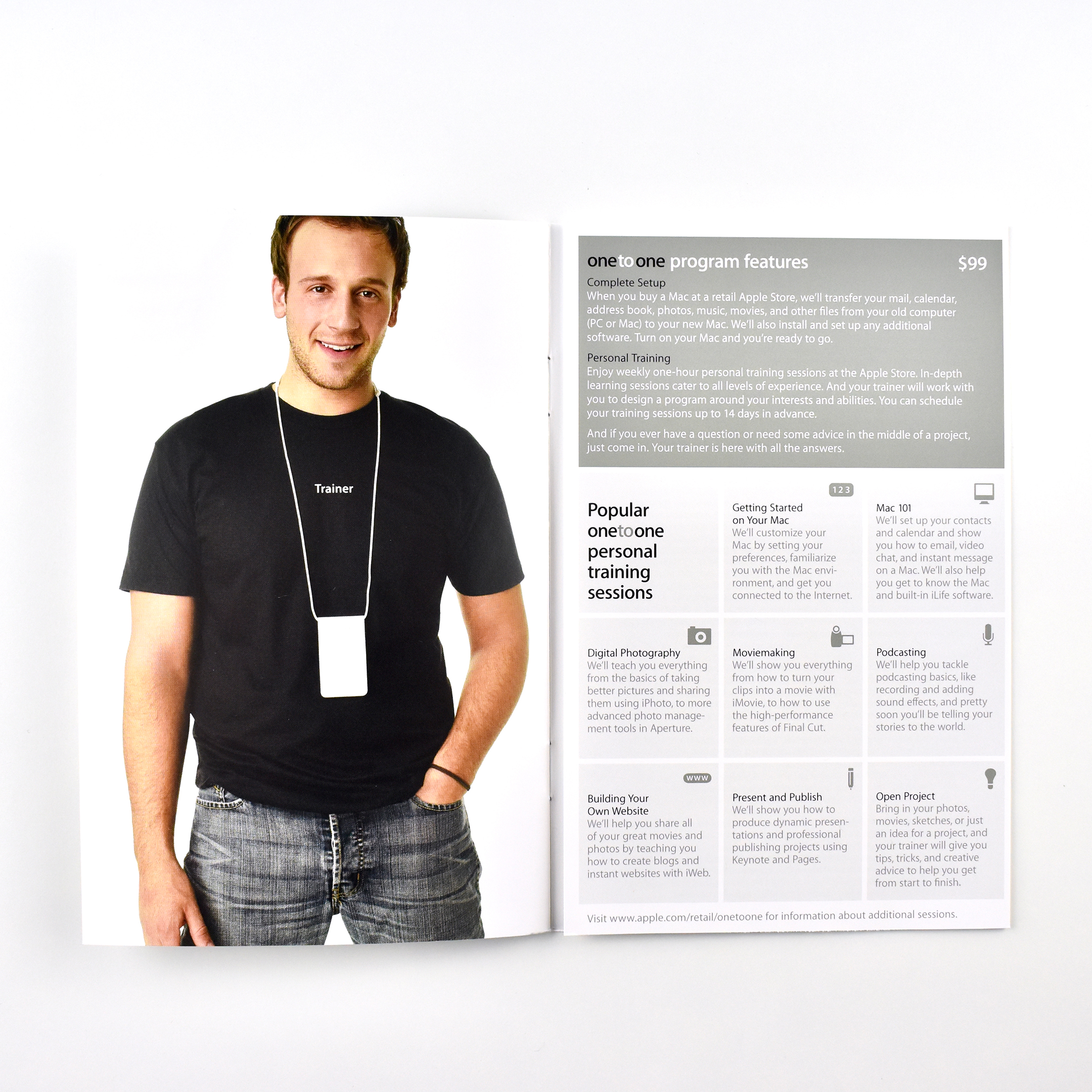
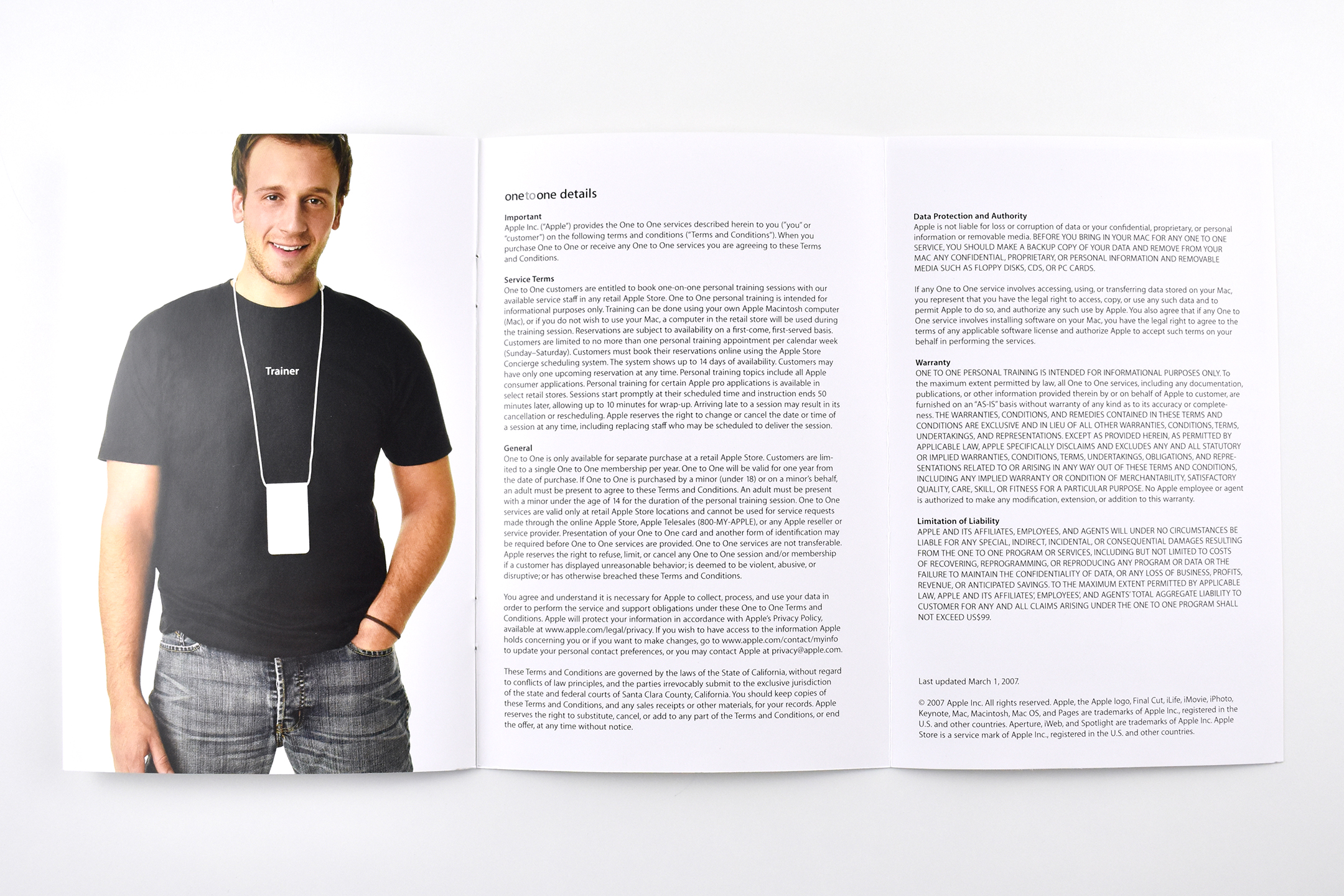
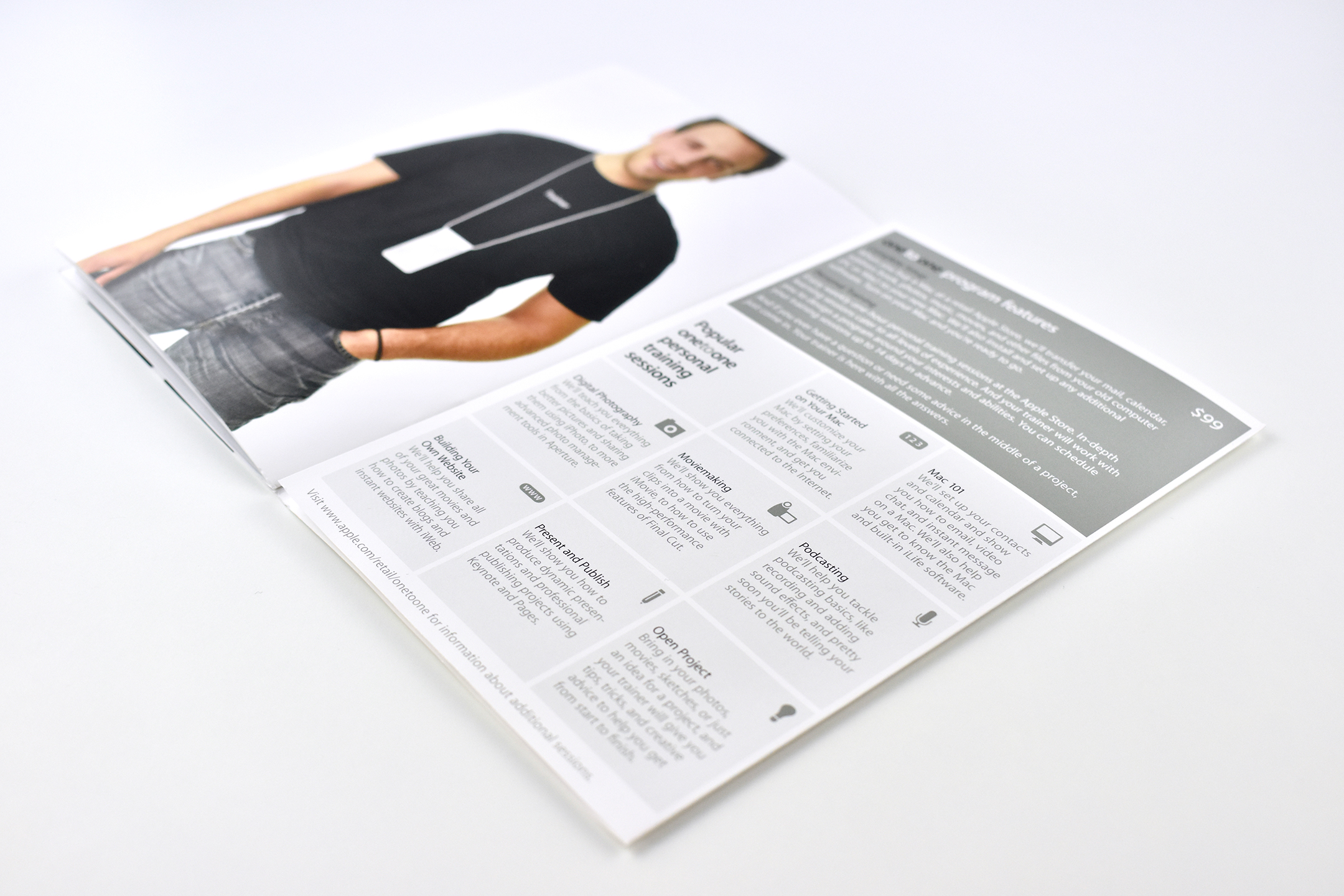
one to one personal training Apple Store brochure (2007)

This brochure described the Apple Store’s “one to one” personal training services in 2007. The brochure reads:

“There’s no better way to learn more, or learn it faster, than with one-to-one personal training sessions at the Apple Store. Our trainers—experts in all things Apple—create a program customized to your level of experience. You can choose individual sessions covering everything from getting started on a Mac to making more out of your memories. Or explore any topic you like. Personal training sessions are designed to move at your pace and provide the support end guidance you need, whether you are new to Mac or ready to master the latest pro software.”

The lessons included: Getting Started on your Mac, Mac 101, Digital Photography, Moviemaking, Podcasting, Building Your Website, and Present and Publish.

This brochure is stapled and measures 4.25 x 6.5. All spreads are 2 pages, except the last fold-out, 3-page spread.

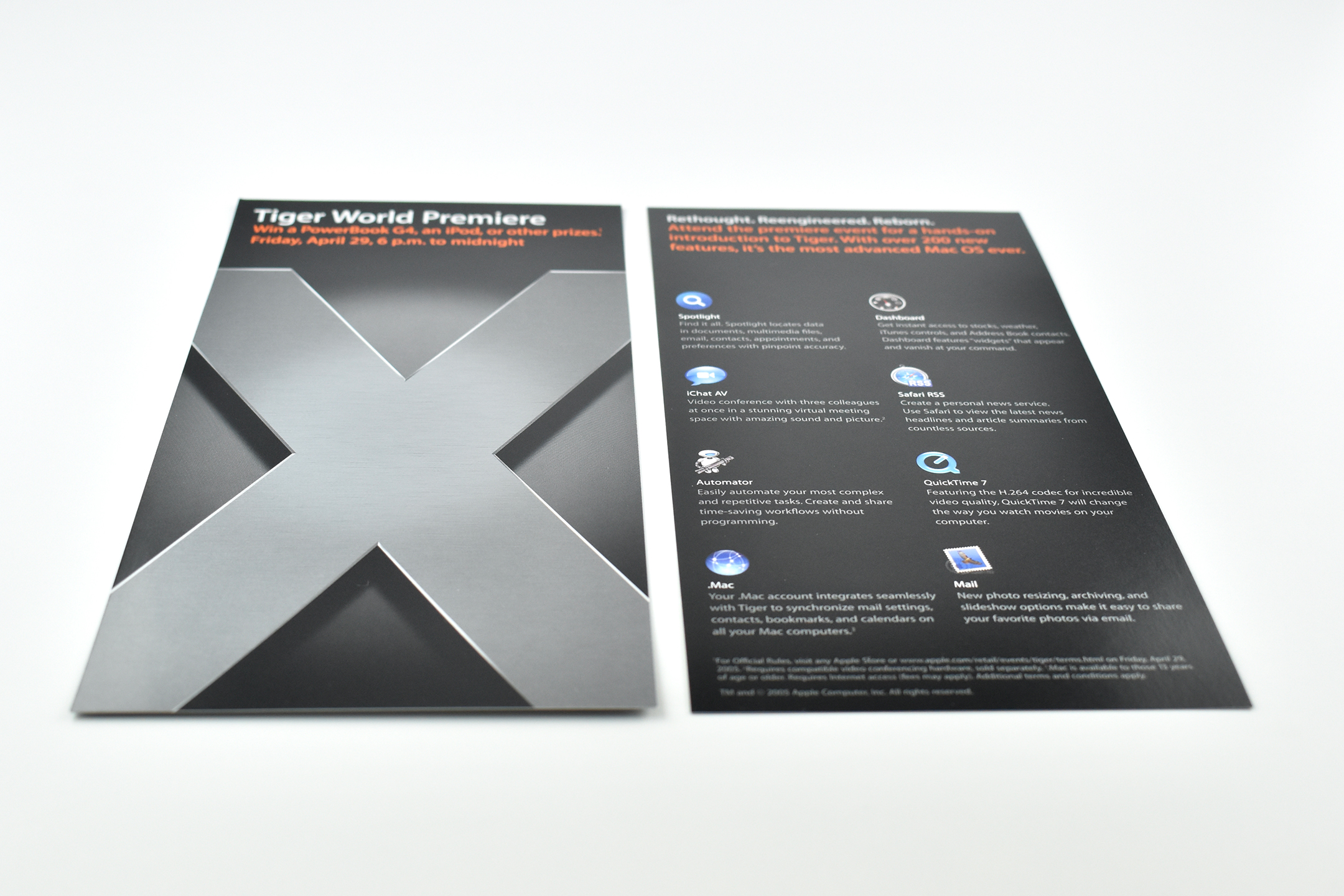
Tiger World Premiere brochure (2005)

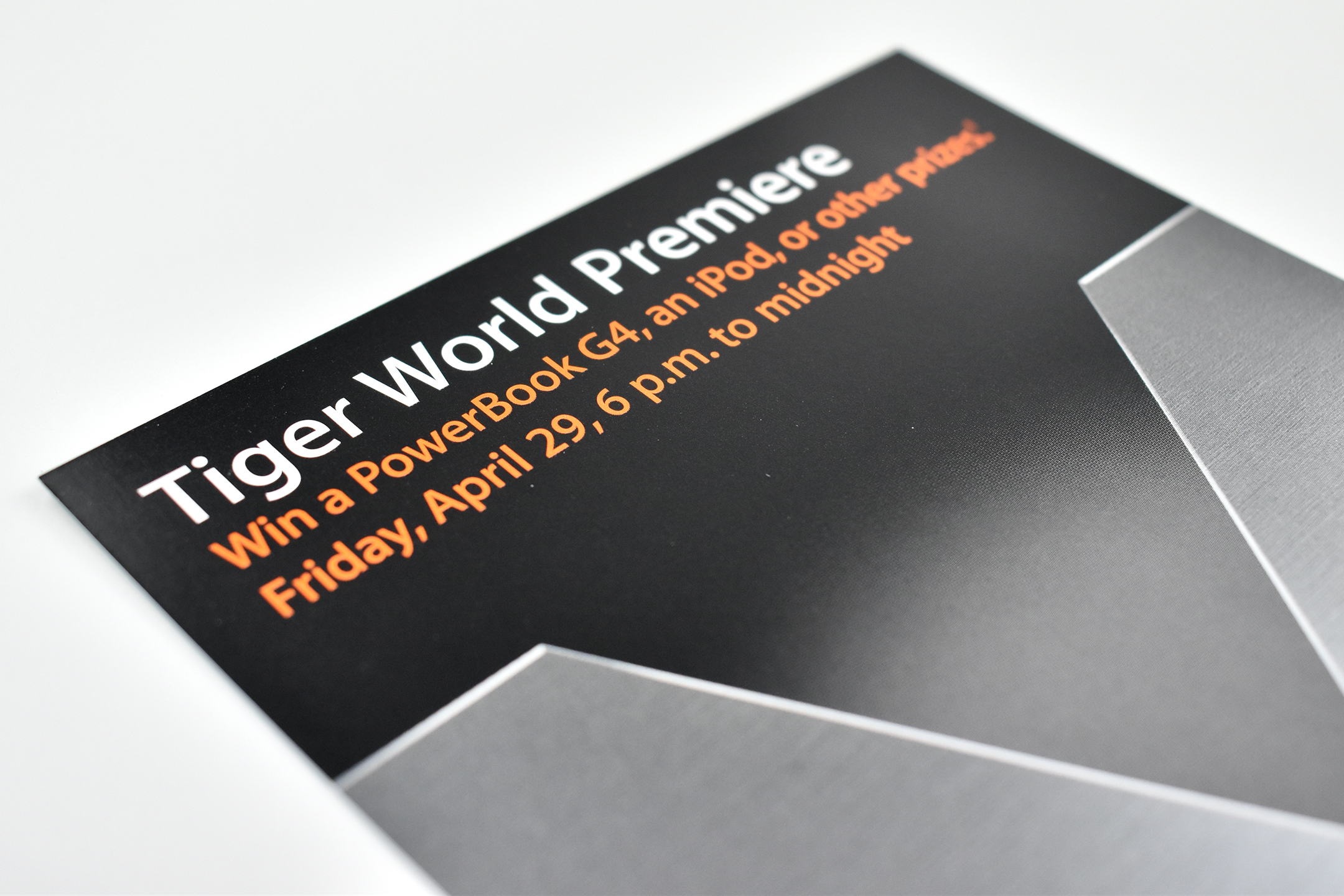
This Tiger World Premiere brochure was given at Apple stores the evening of the “Tiger,” Mac OS X, version 10.4, operating system’s release. A giveaway accompanied the event. The front of the brochure reads: “Win a PowerBook G4, an iPod, or other prizes. Friday, April 29, 6 p.m. to midnight.”

The back of the brochure has the headline: “Rethought. Reengineered. Reborn.” Several of Tiger’s “over 200 new features” are highlighted below, including: Spotlight, iChat AV, Automator, .Mac, Dashboard, Safari RSS, QuickTime 7, and Mail.

Upon release, Tiger cost $129.95. While Tiger was the current Mac OS, Apple transitioned to Macs with Intel chips. Therefore, Tiger was the first Mac OS to support the Intel architecture on Mac. Tiger was preceded by Mac OS X 10.3 Panther and succeeded by Mac OS X 10.5 Leopard.

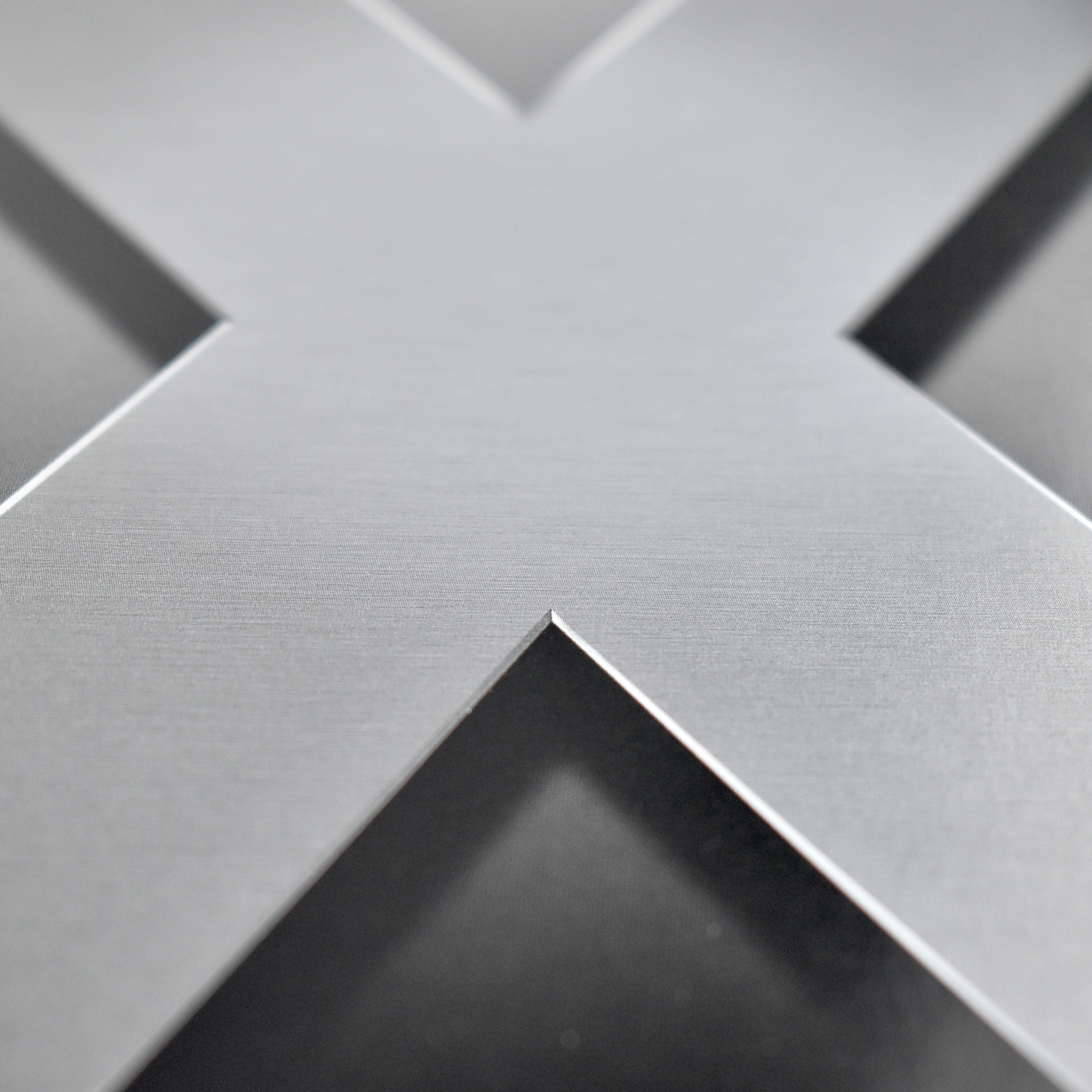
This 1-page brochure measures 4.25 x 8.75 inches and was printed with metallic ink.