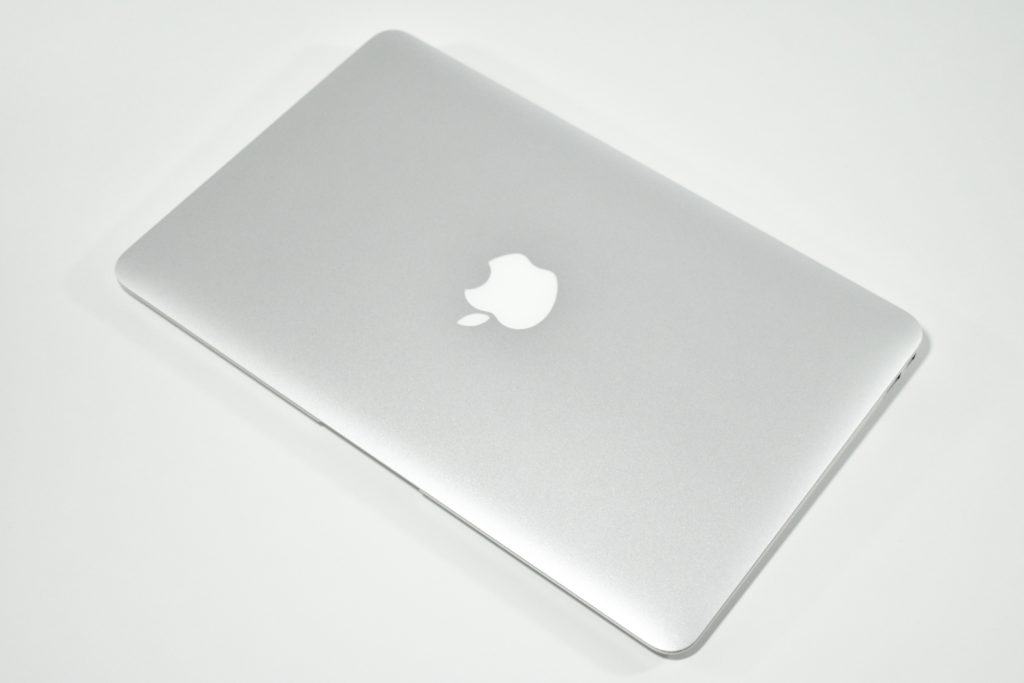
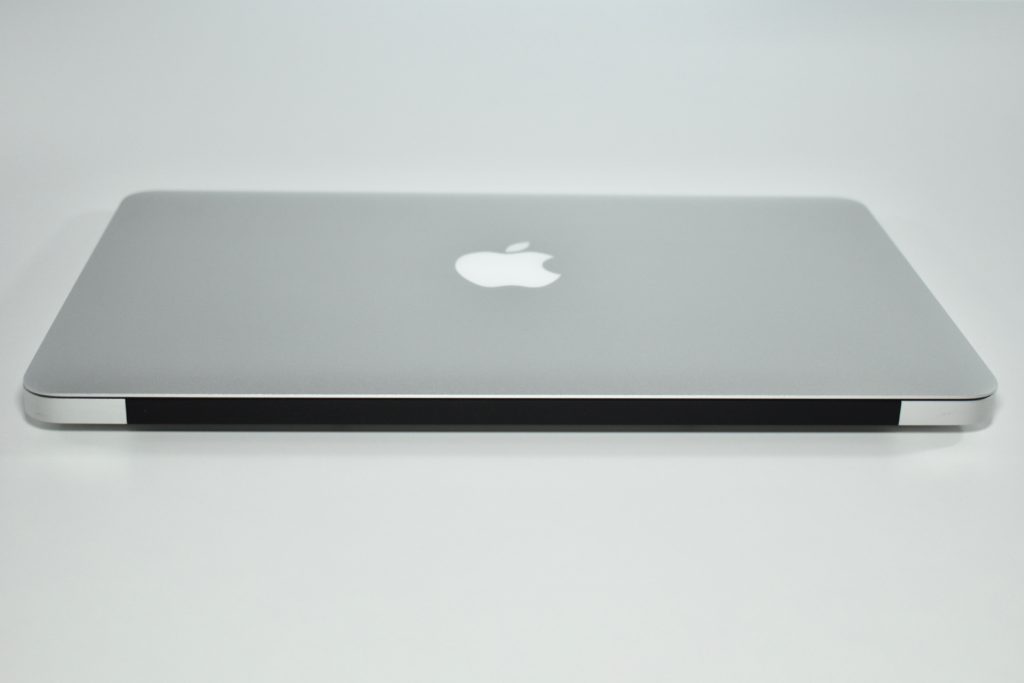
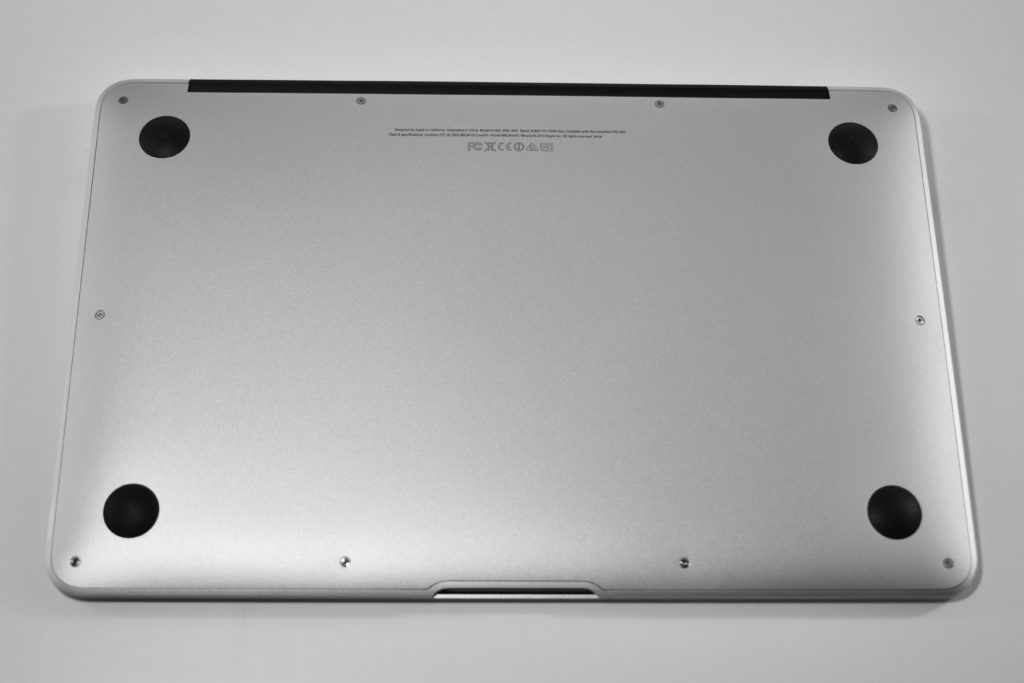
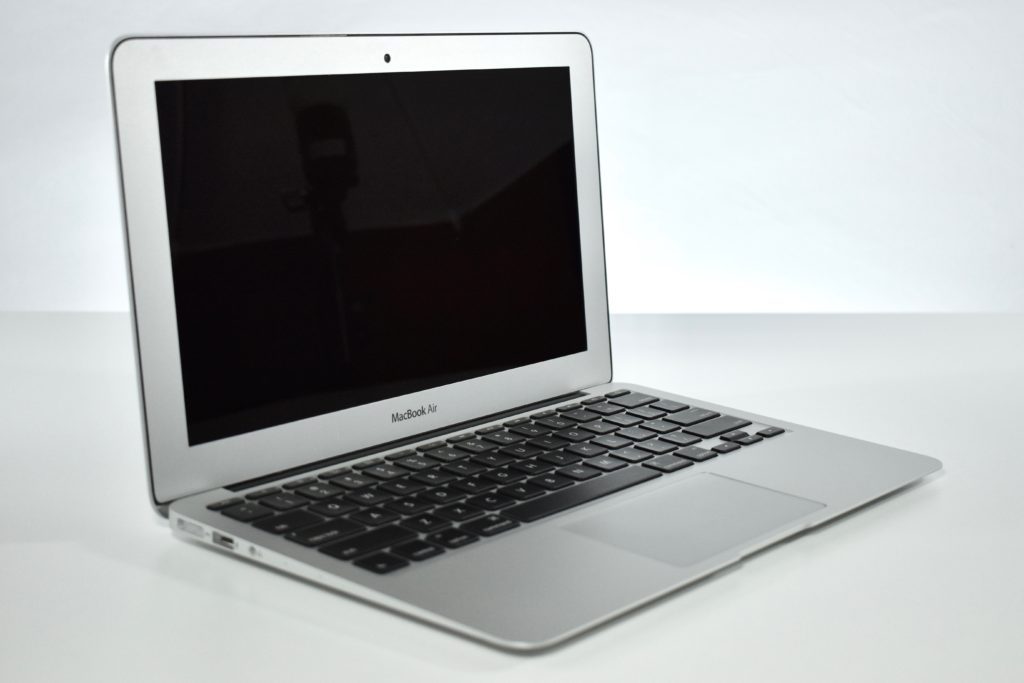
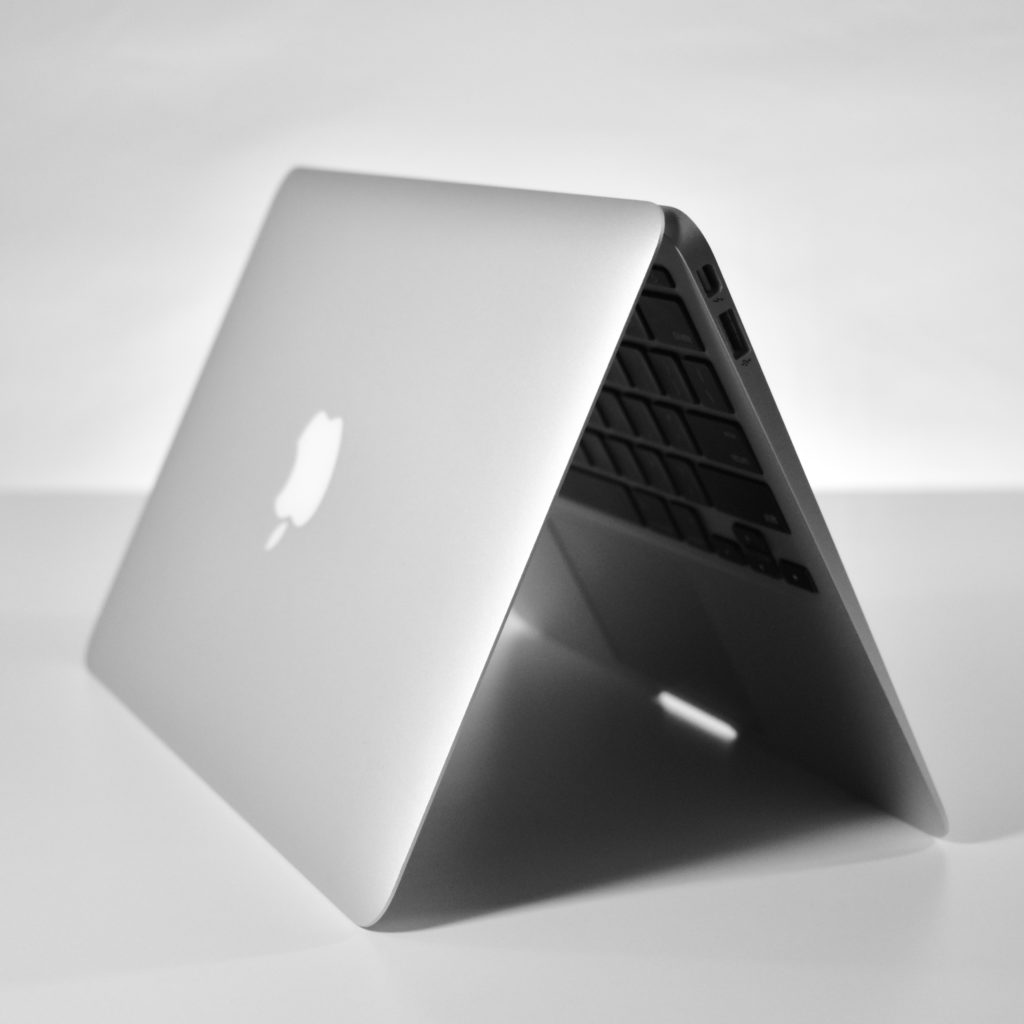
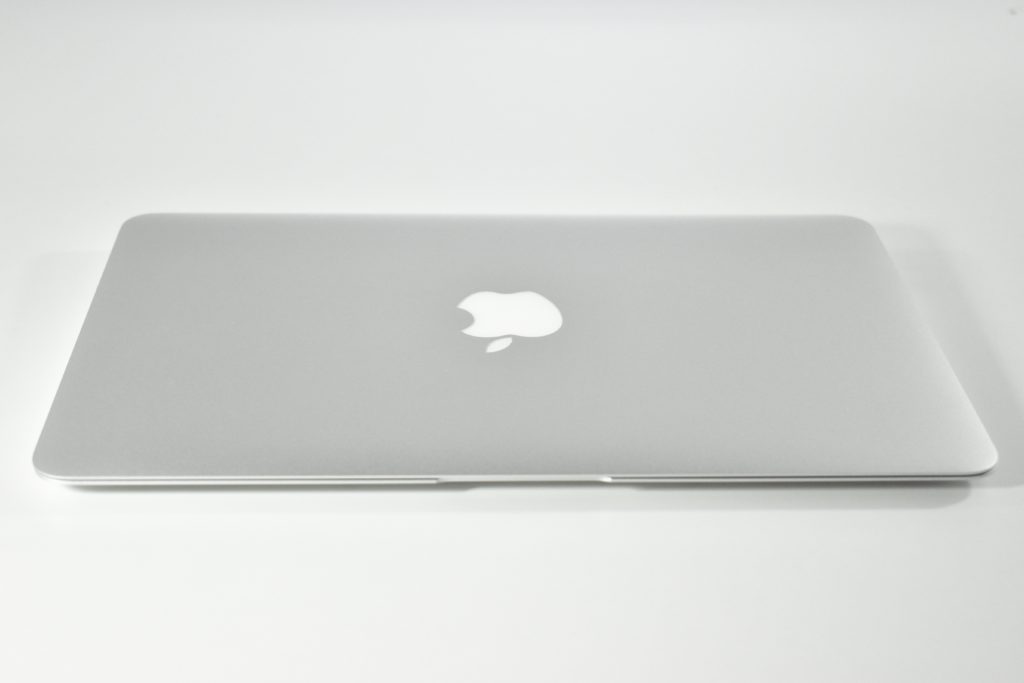
MacBook Air 11-inch (2014)

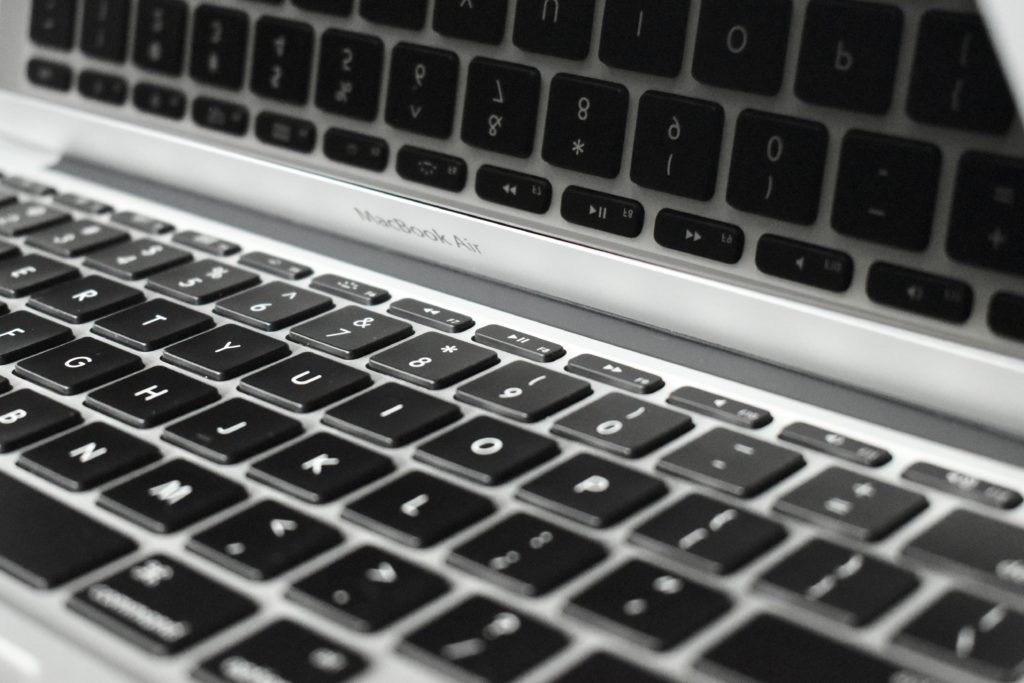
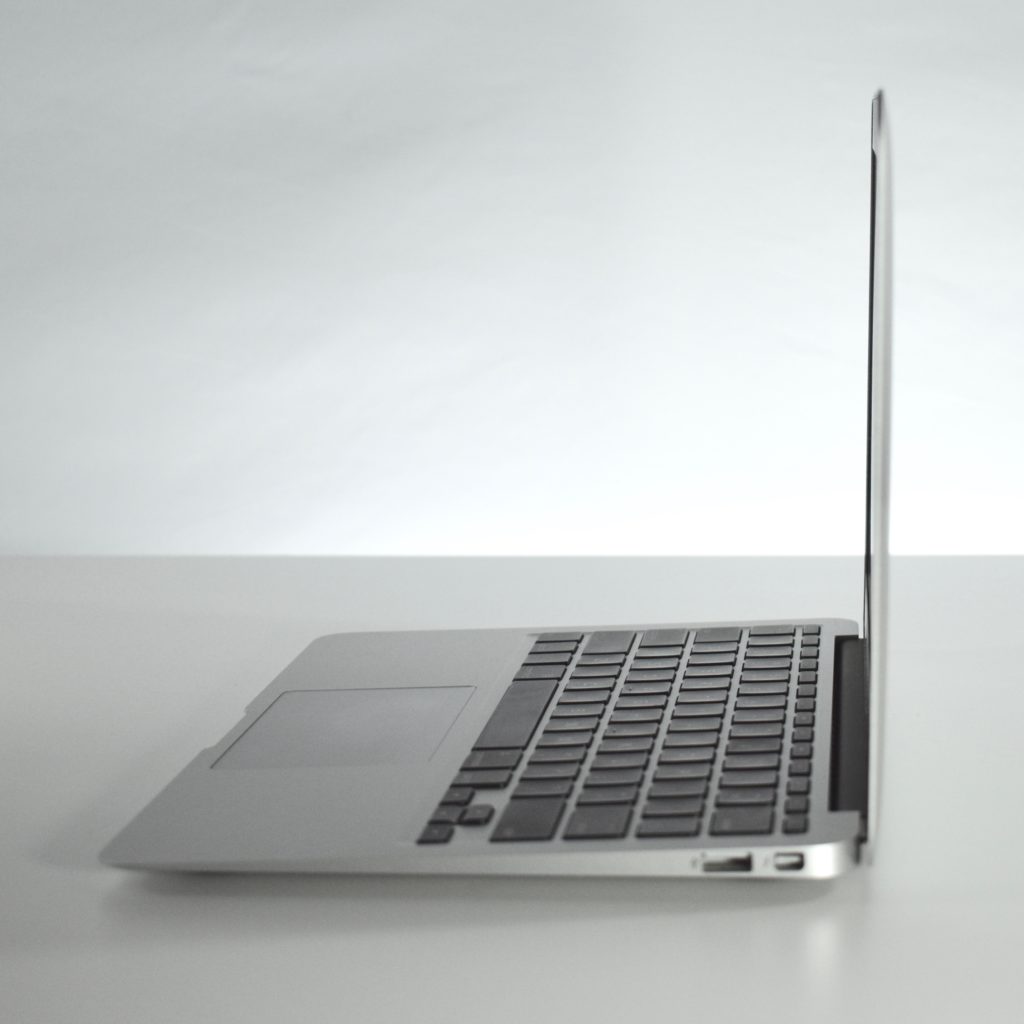
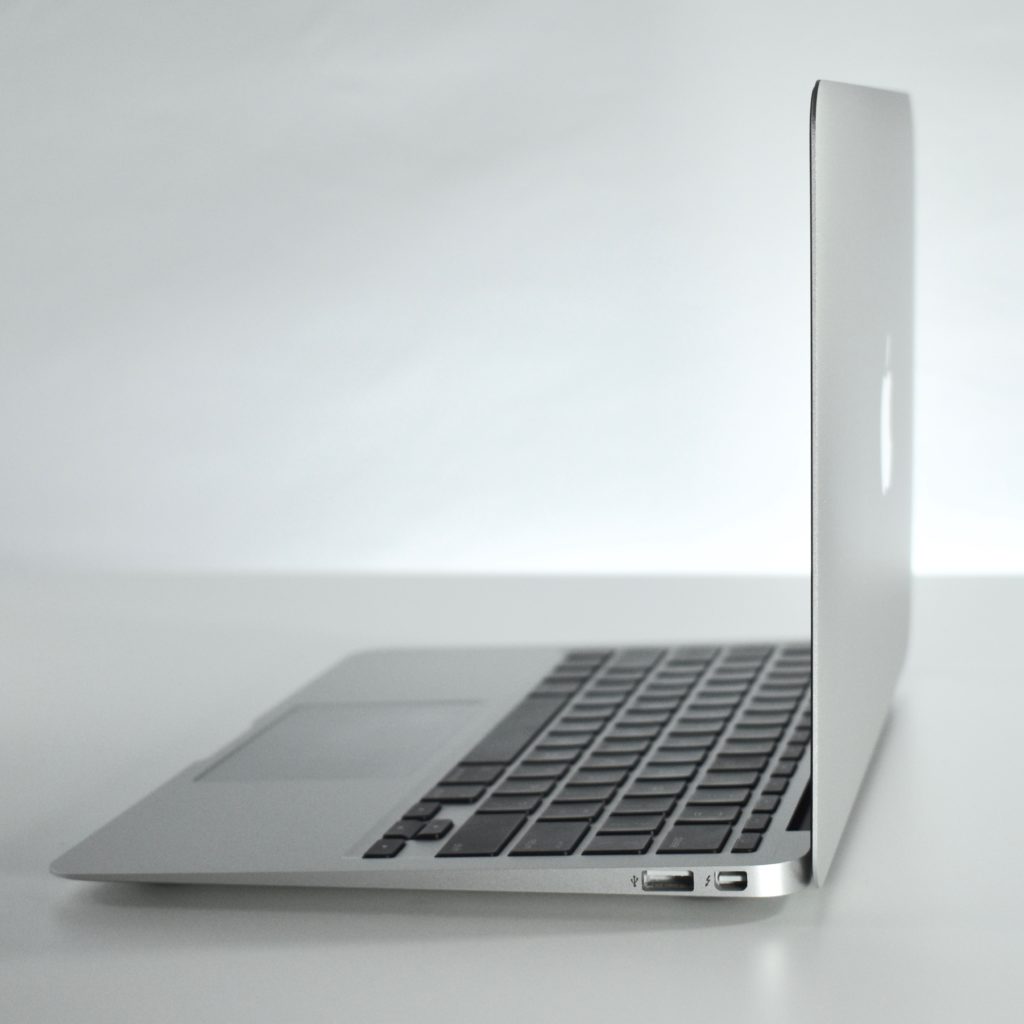
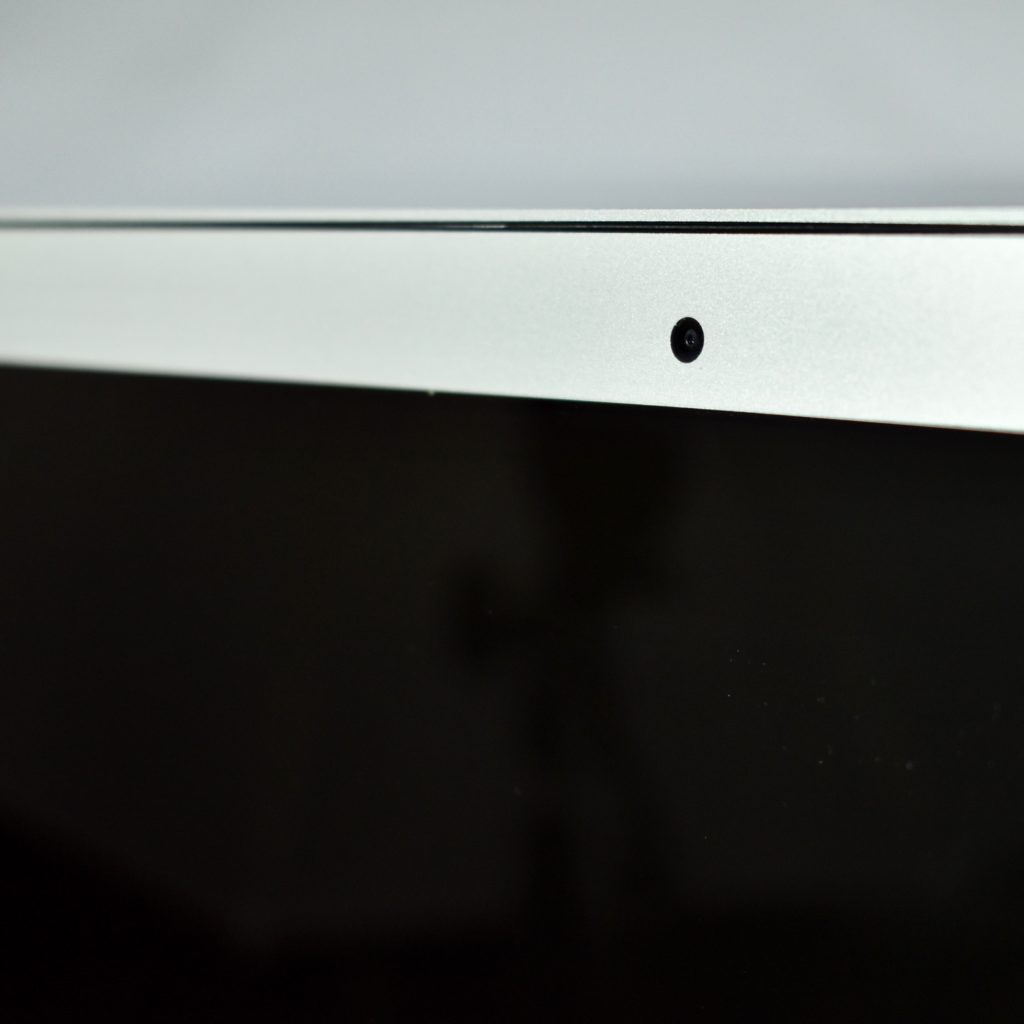
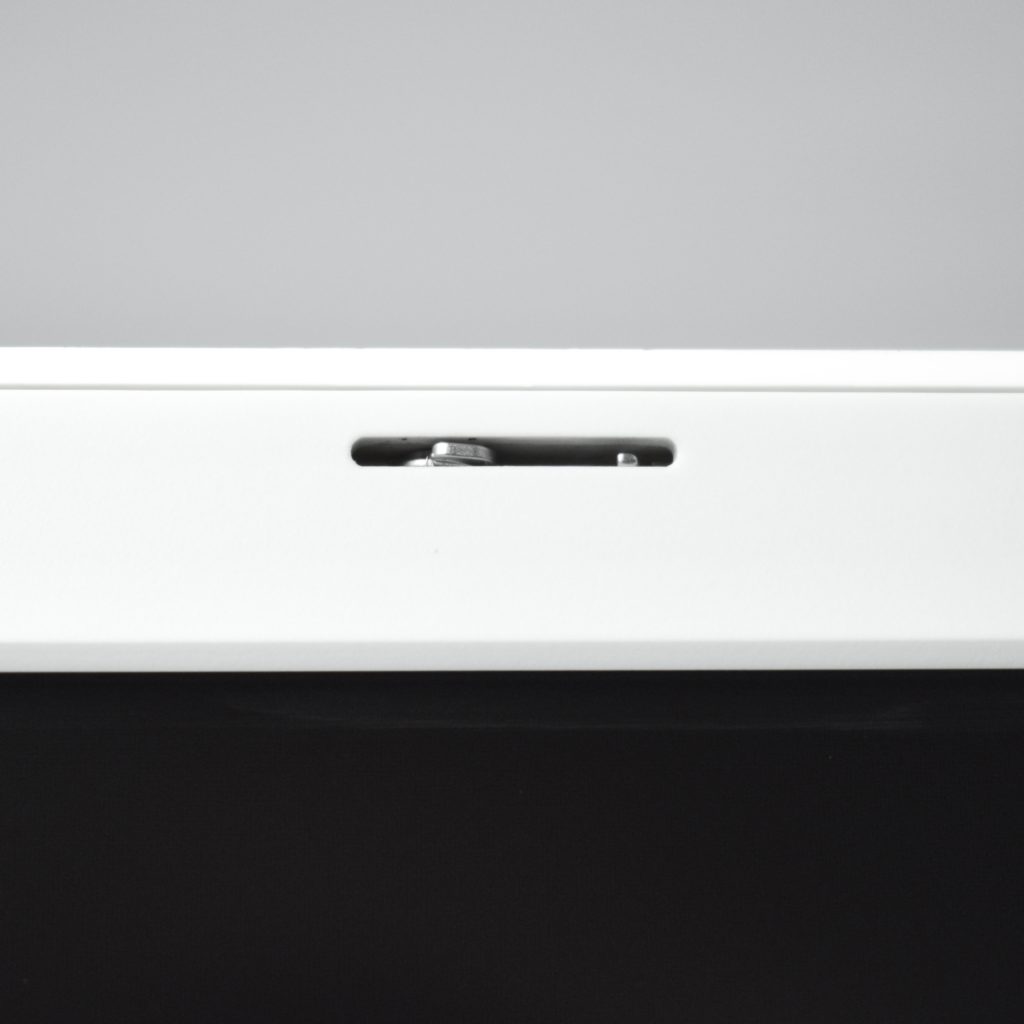
This MacBook Air 11-inch featured a 22-nm Haswell 1.4 GHz Intel Core i5 processor. It included 4 GB or 8 GB of memory and 128 GB or 256 GB of flash storage. This was the smallest of Apple’s MacBook Air line of laptops measuring 0.11 to 0.68 inches and weighed 2.3 pounds. It included a 720p FaceTime HD webcam, a backlit full-size keyboard, and an 11.6-inch widescreen TFT LED backlit active-matrix glossy display (1366×768).

Wireless connectivity included 802.11ac Wi-Fi and Bluetooth 4.0, while ports included analog audio out, one Thunderbolt port, and two USB 3.0 ports.

A previous version of the MacBook Air 11-inch nearly identical except for a slower processor and less available RAM and flash storage.

In my role as Assistant Superintendent for Technology & Innovation, I led the teams that managed nearly 4,500 of these laptops over a five-year period (2014–19). At the time, all high school students in the school district were issued a MacBook Air 11-inch and students used the same model for their 4-year high school career. Apple stopped manufacturing this laptop in 2018 and the high school switched to the iPad Generation 6.

Source: EveryMac.com
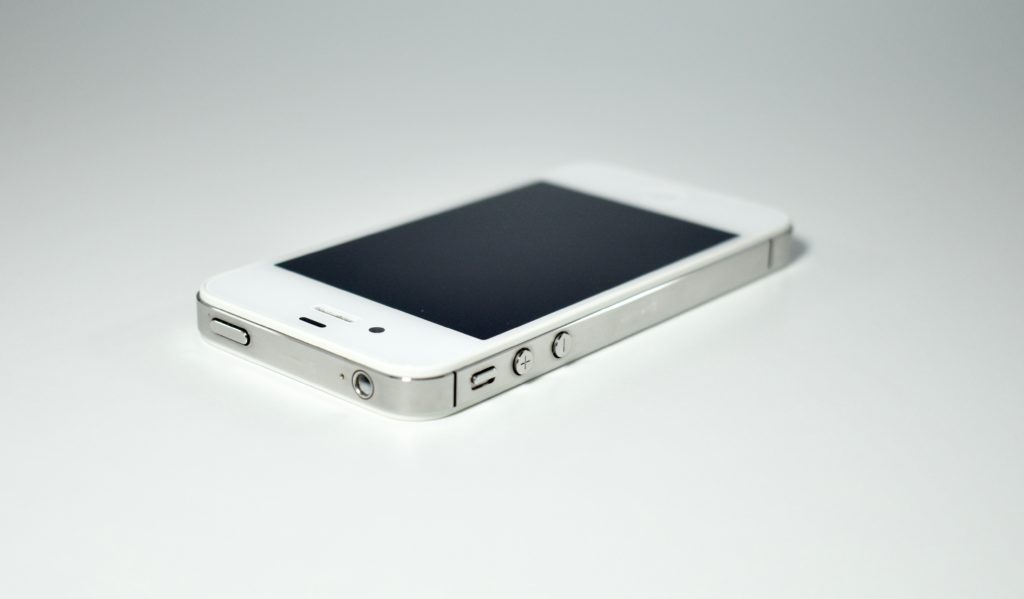
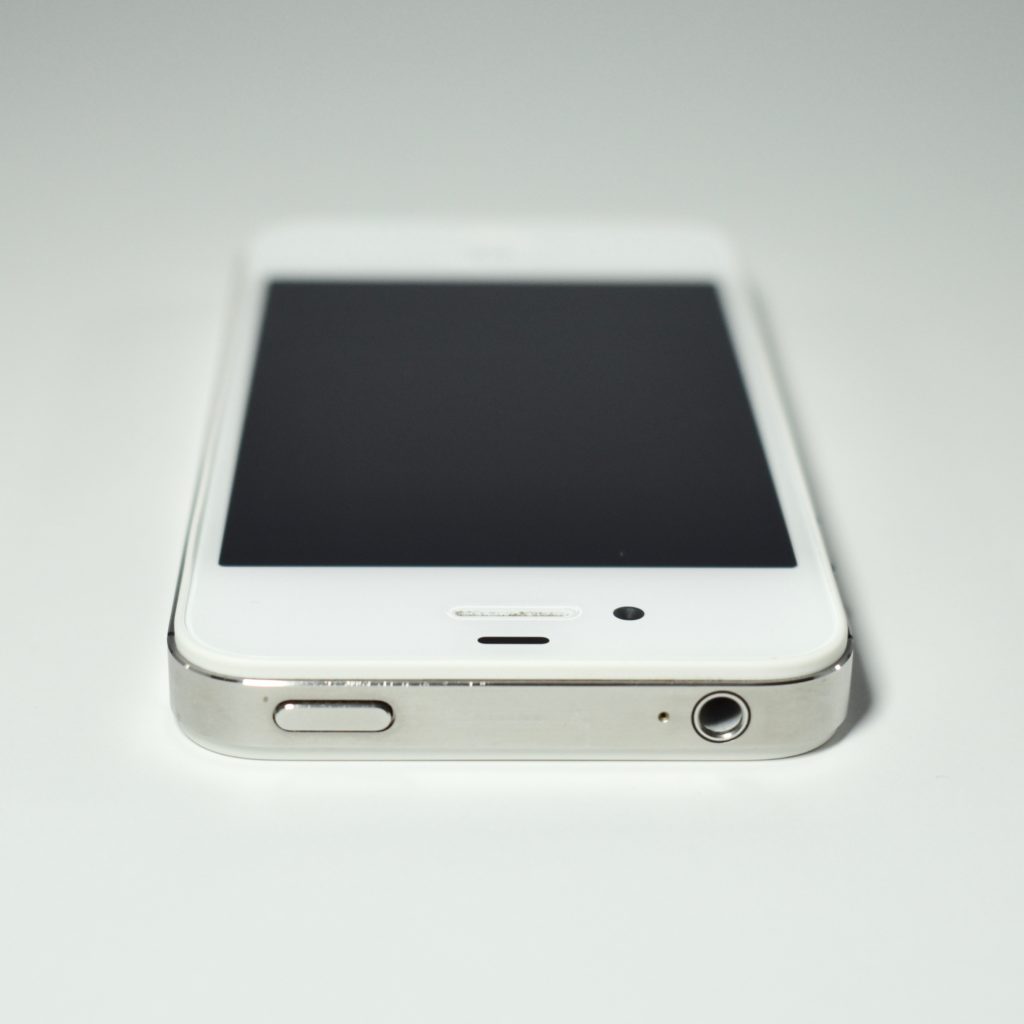
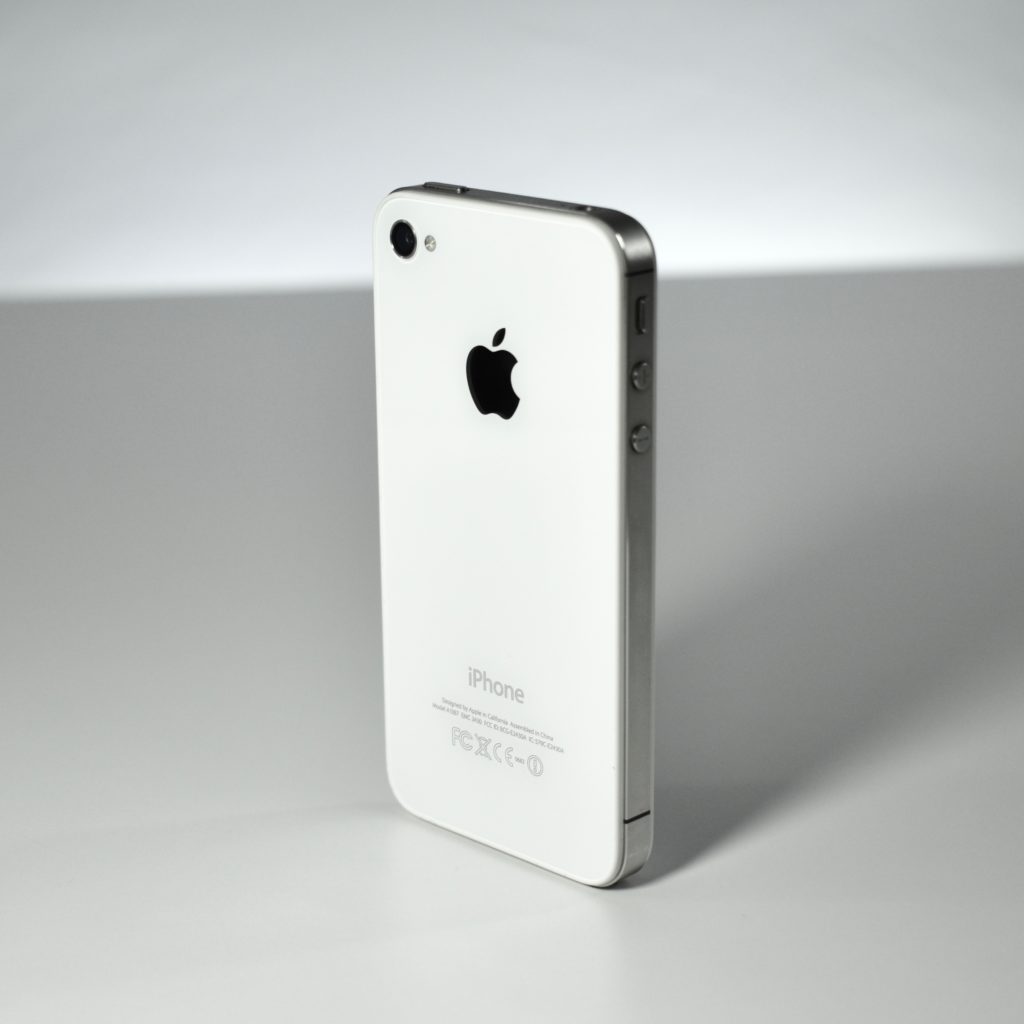
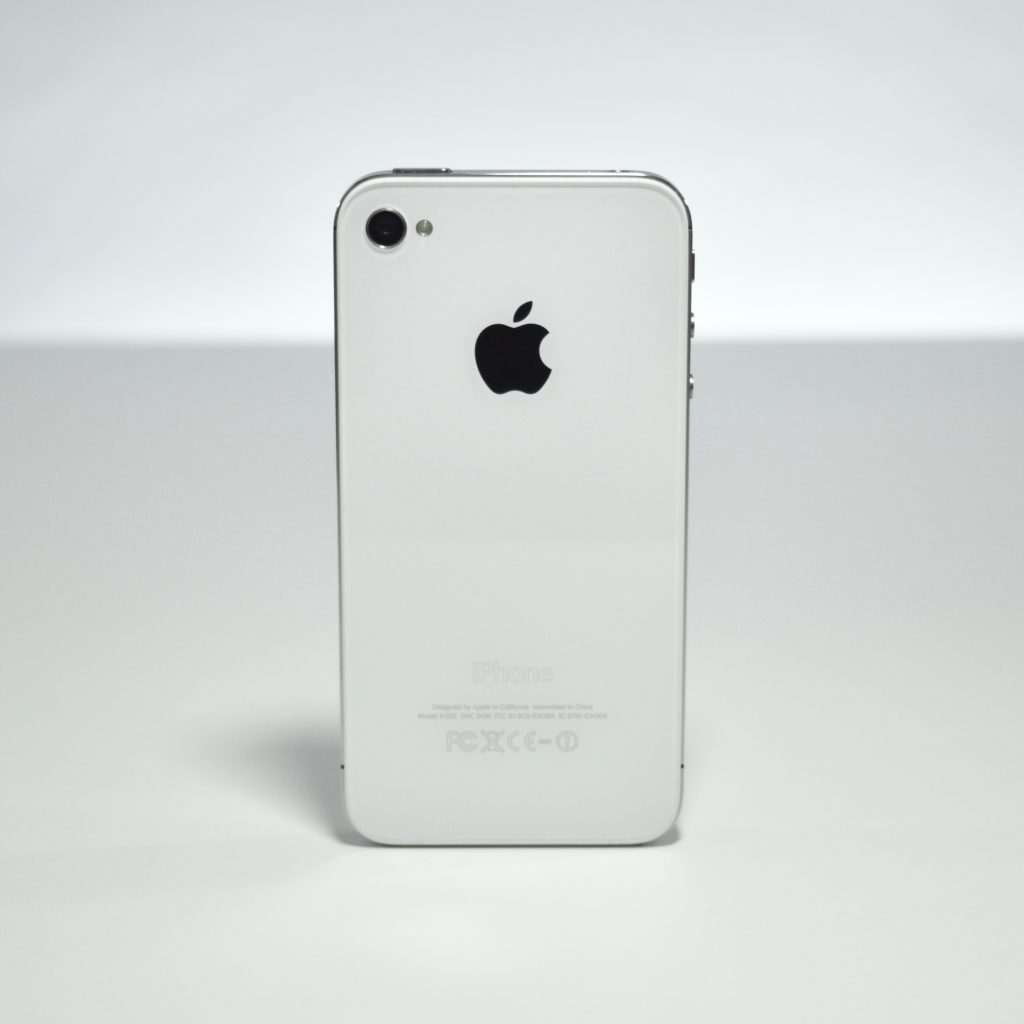
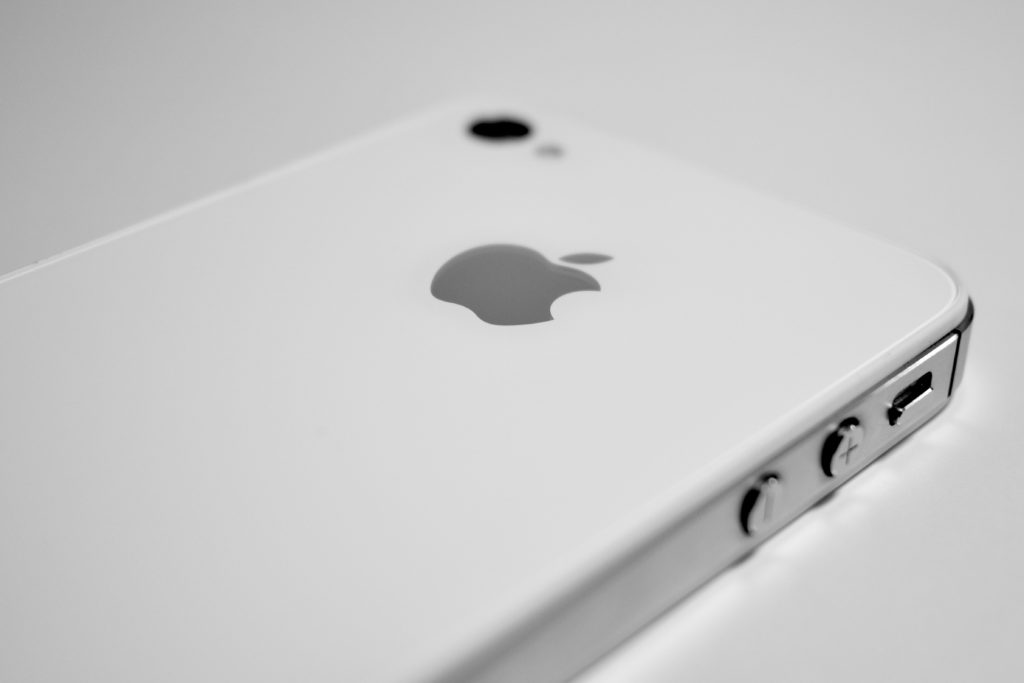
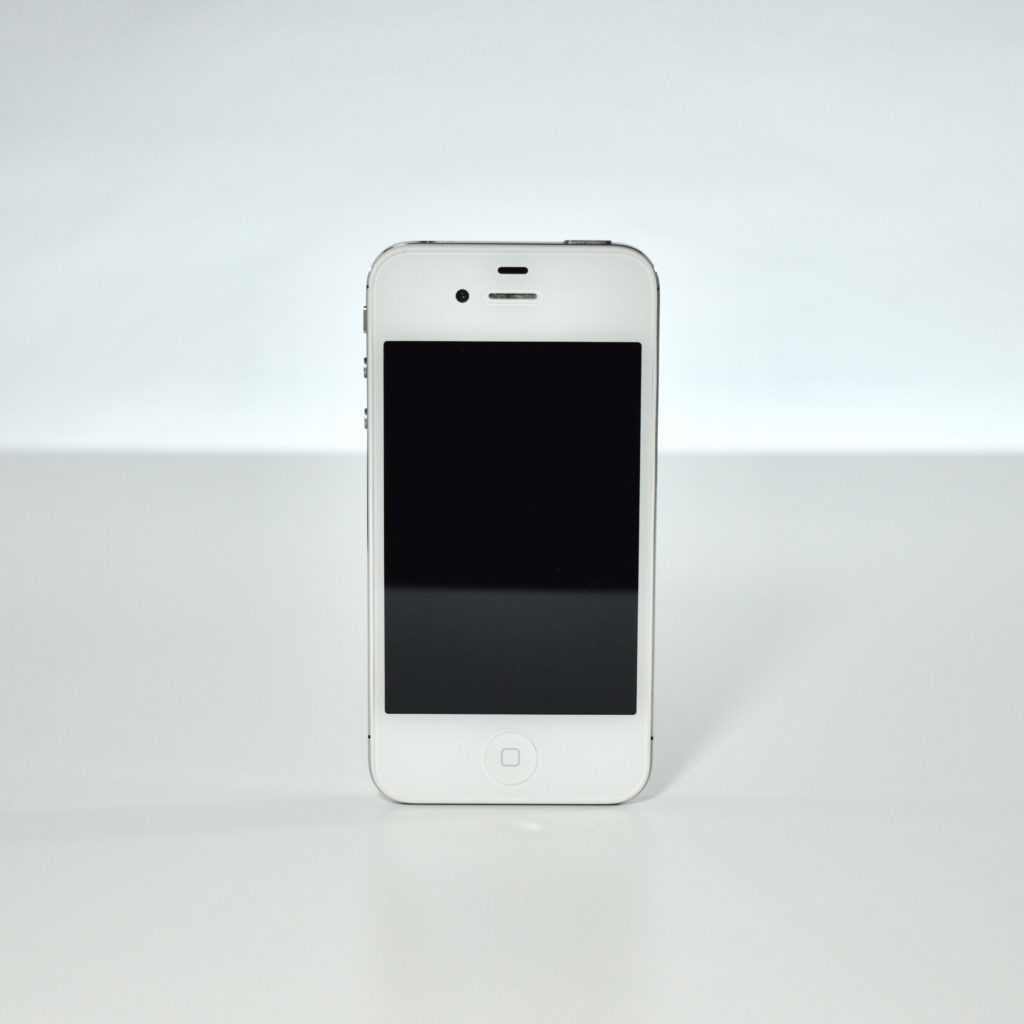
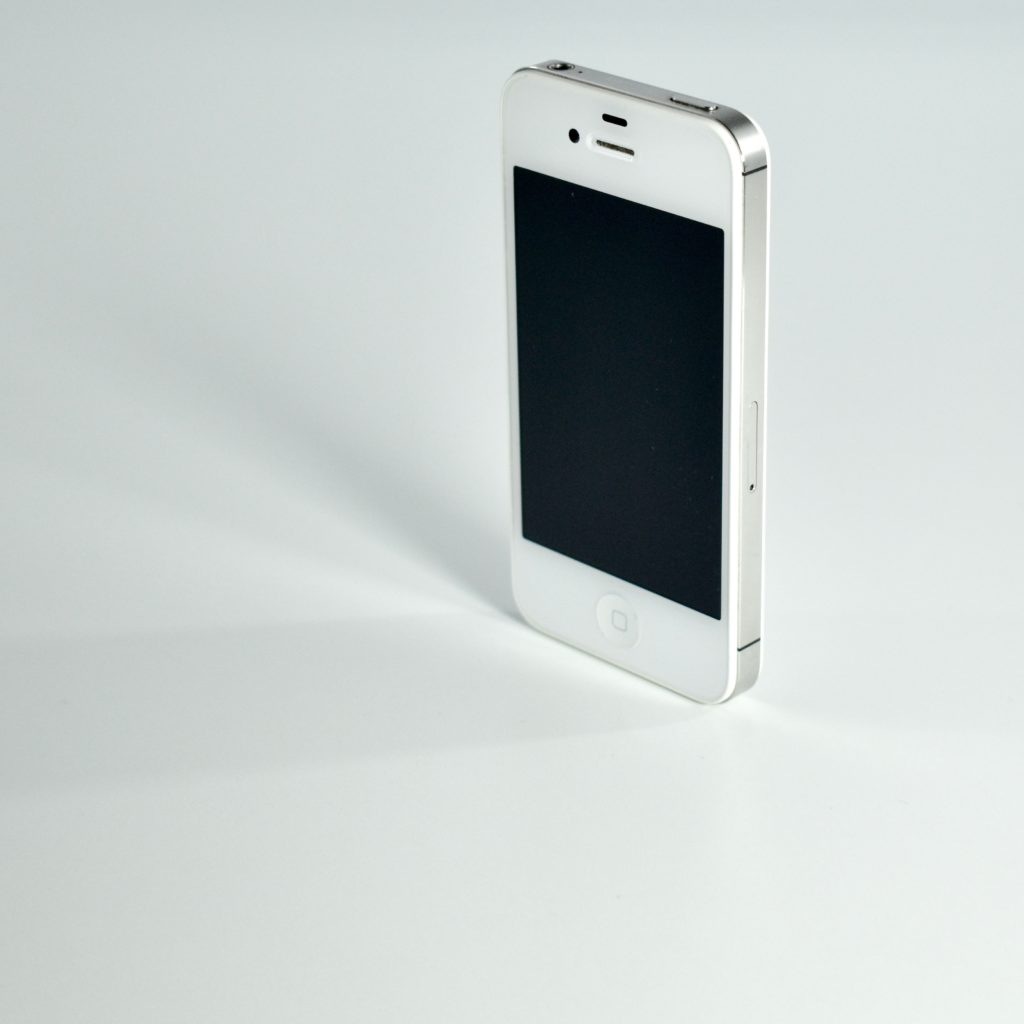
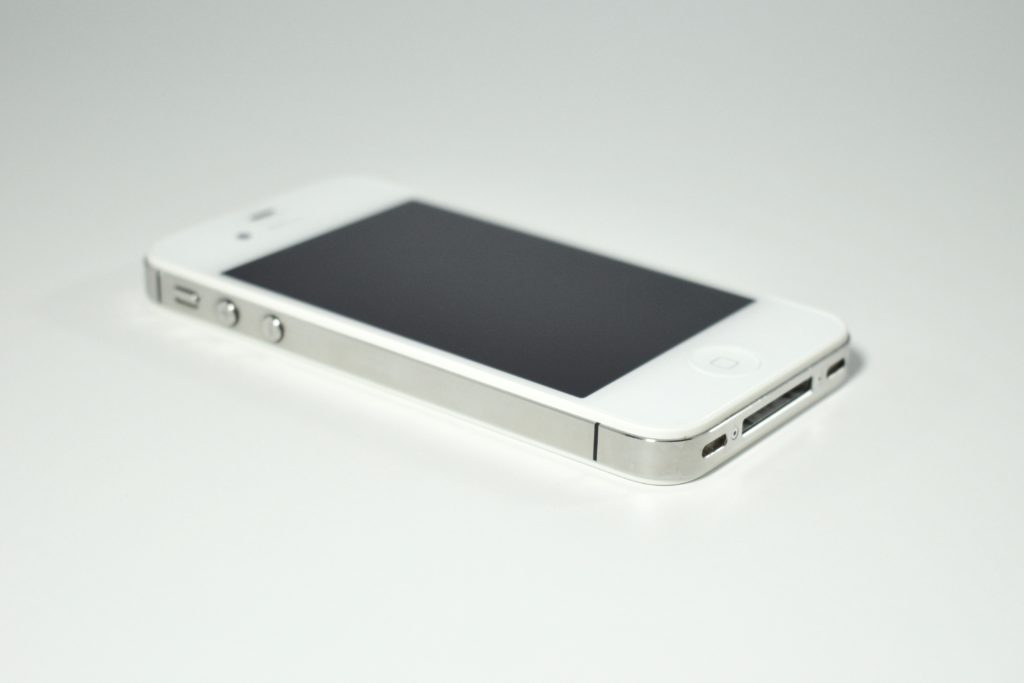
iPhone 4S (2011)

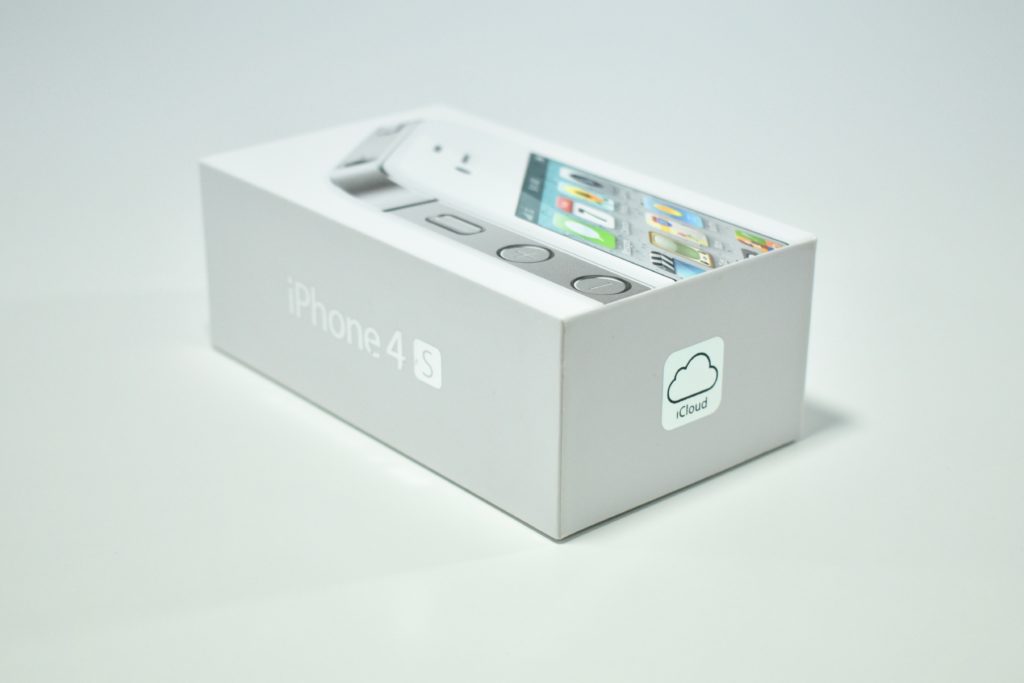
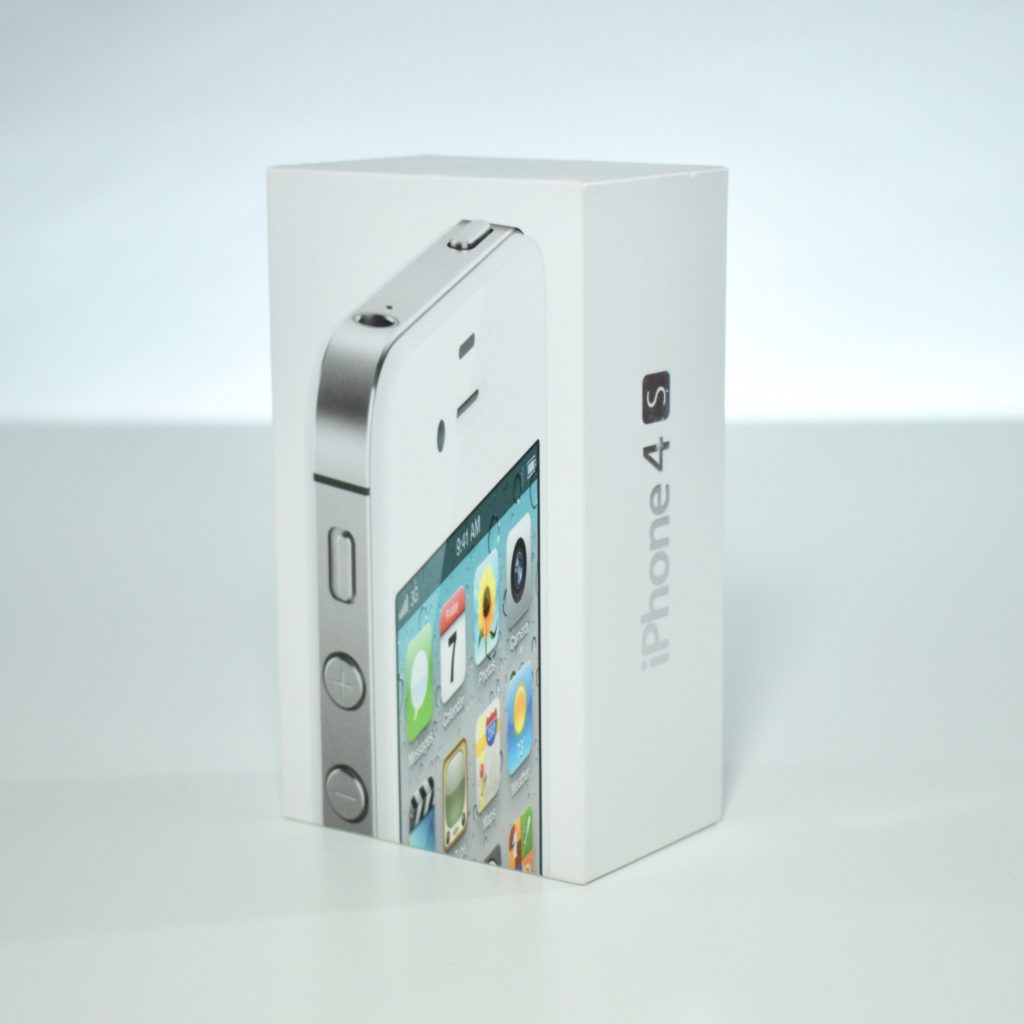
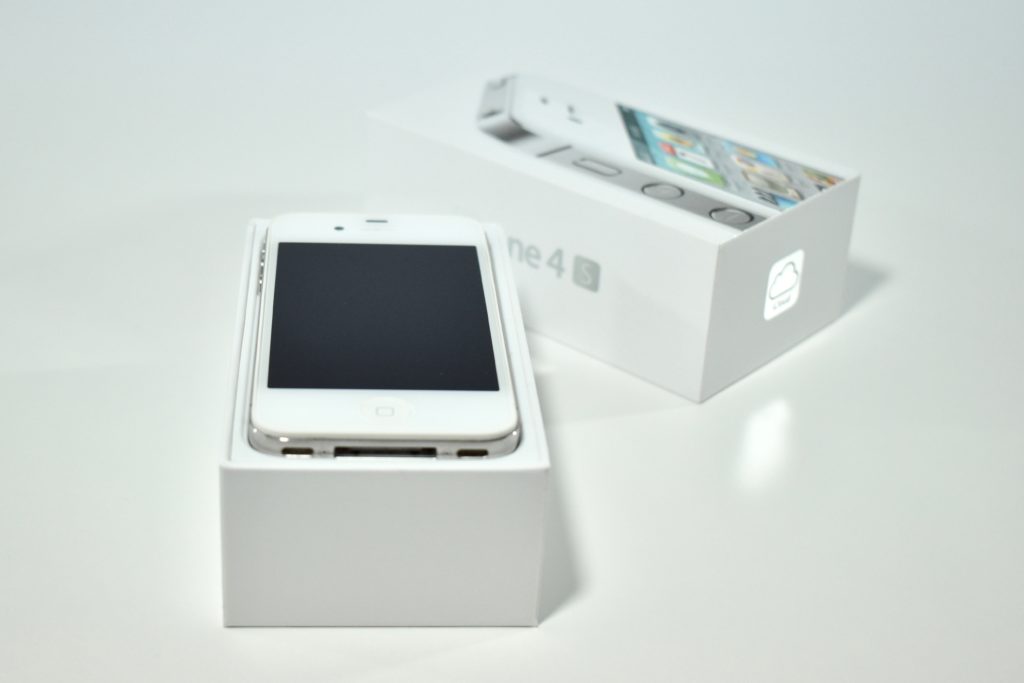
The iPhone 4S was the product that first introduced the Siri voice assistant. The iPhone 4S was designed around a stainless-steel body with a glass front and back. It had a 3.5-inch LED-backlit 960×640 326 ppi multi-touch Retina display and included two noise-cancelling microphones. It was available in black or white.

The iPhone 4S supported both GSM and CDMA networks and included 802.11b/g/n and Bluetooth 4.0. It used a dual-core Apple A5 processor; 512 MB of RAM; and 8 GB, 16 GB, 32 GB, or 64 GB of internal storage. It had two cameras: an 8 megapixel HD camera (1080p at 30 FPS) with an LED flash on the rear and FaceTime camera on the front that allowed FaceTime video calls over Wi-Fi.

Source: EveryMac.com
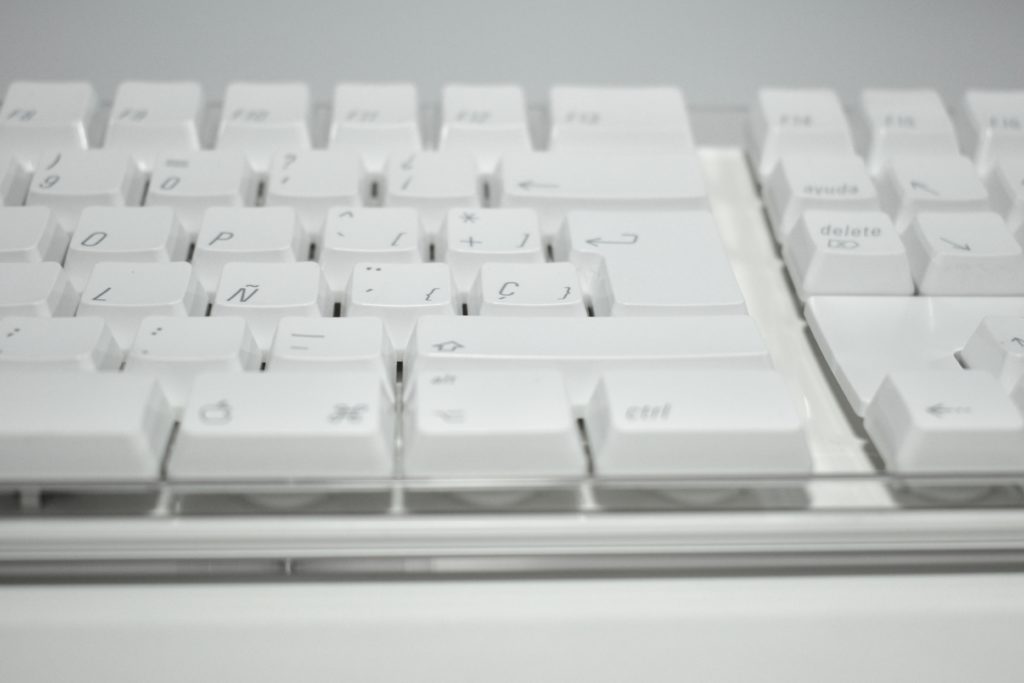
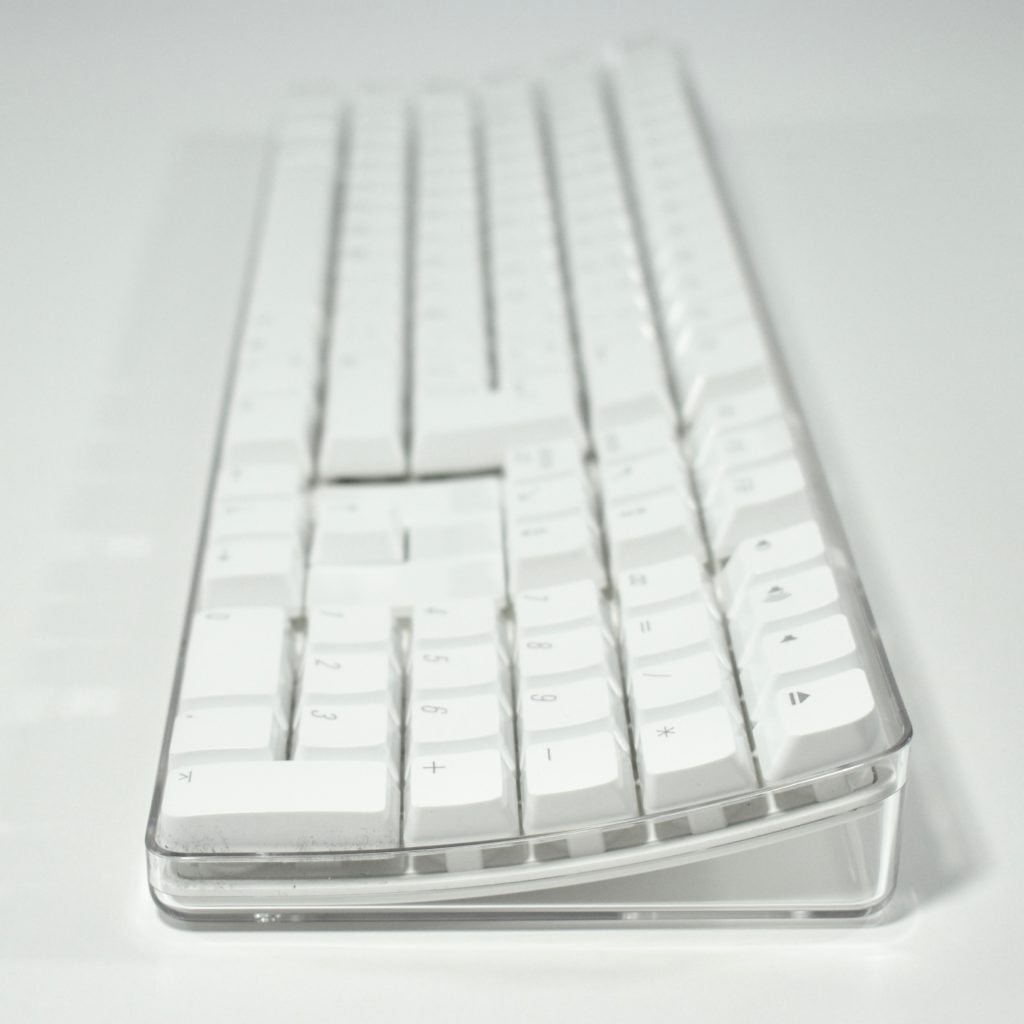
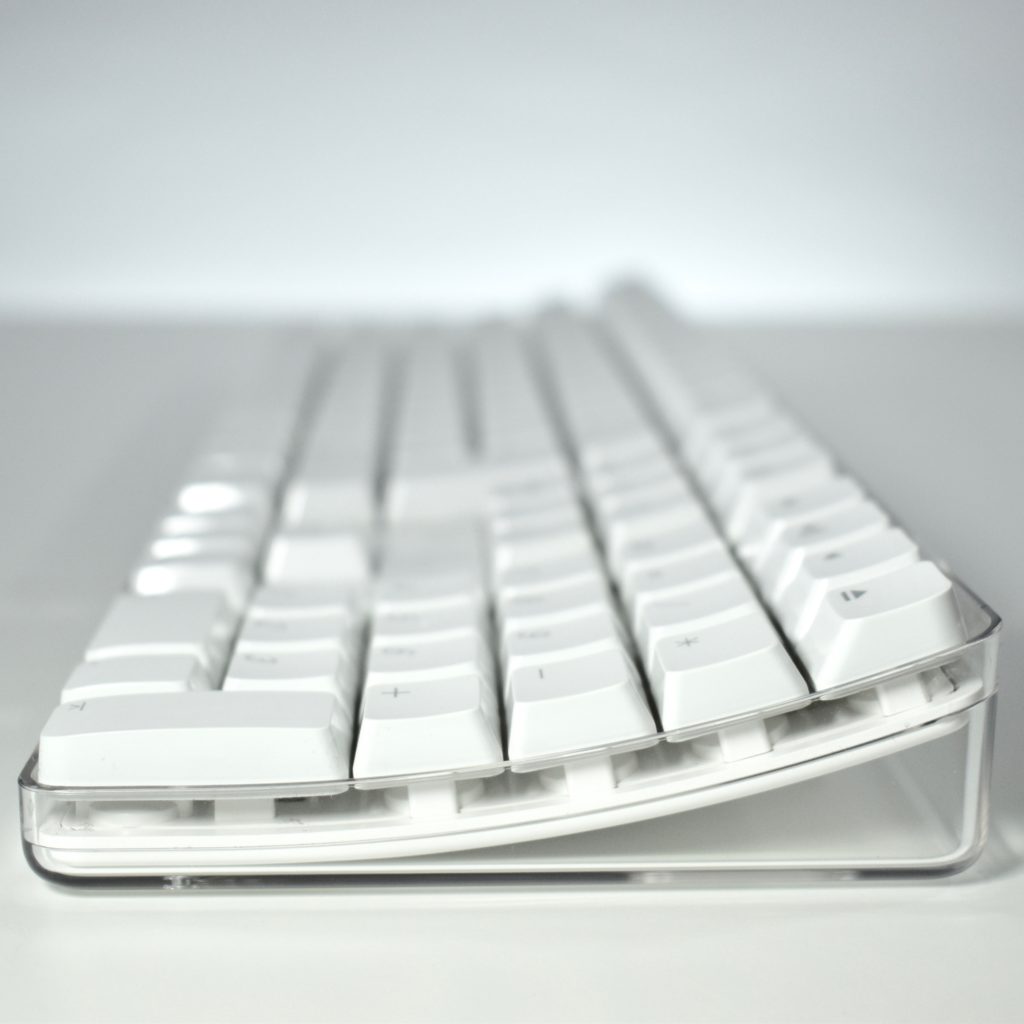
Wireless Keyboard (original, French layout, 2003)

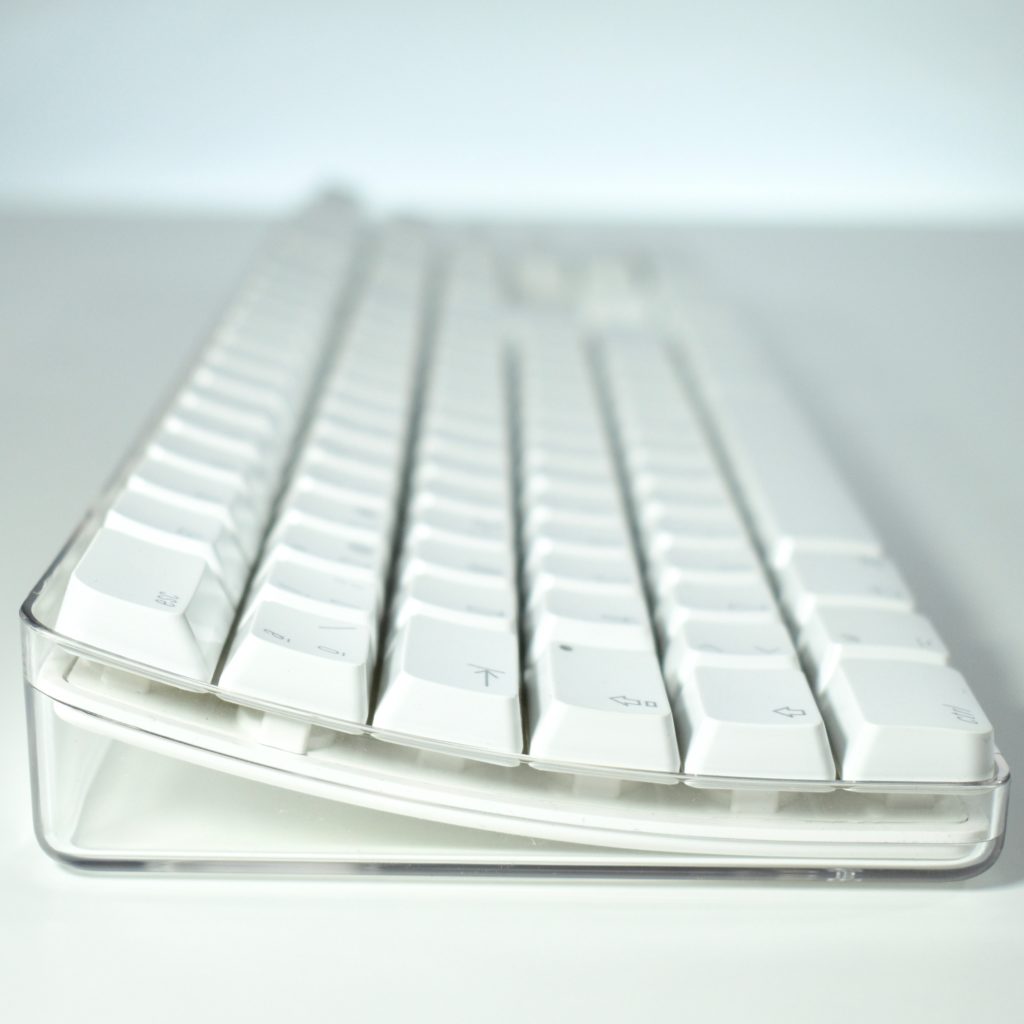
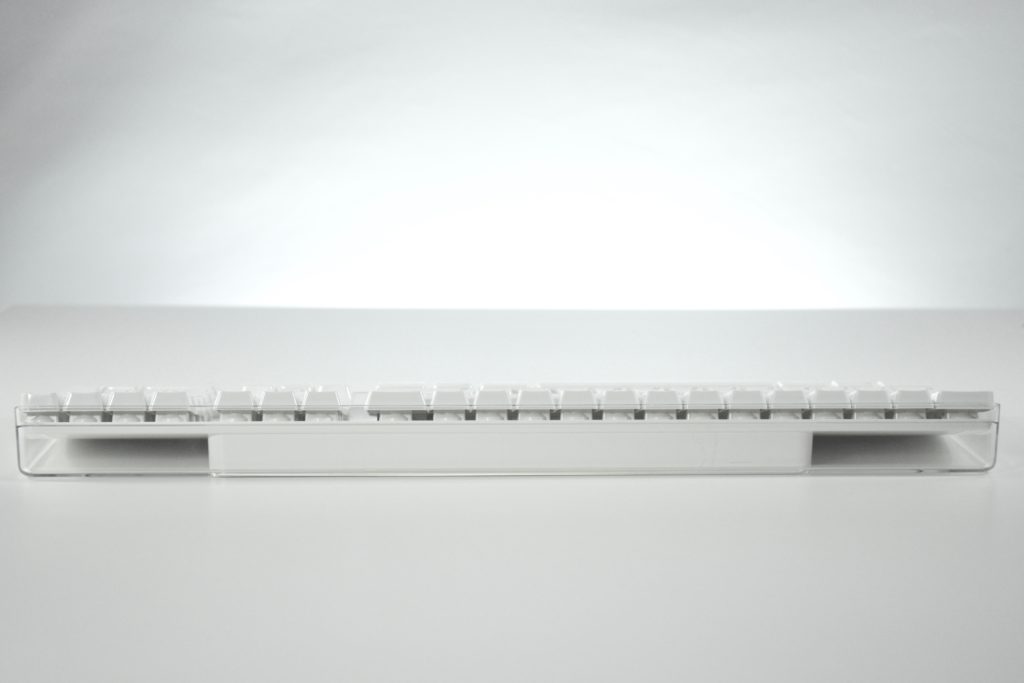
The original Apple Wireless Keyboard was released on September 16, 2003. It was based on the design of the white Apple Keyboard with white keys in a clear plastic case. Unlike the wired version, it did not have USB ports to connect external devices.

The Wireless Keyboard connected using Bluetooth and operated on four AA batteries. The batteries were accessed on the bottom of the keyboard behind a cover secured by two plastic screws that could be opened by turning one-quarter turn using a coin.

This keyboard can be used with Macintosh computers running Mac OS X 10.2.6 or later.

This particular Wireless Keyboard has a French key layout.

Source: Wikipedia.org

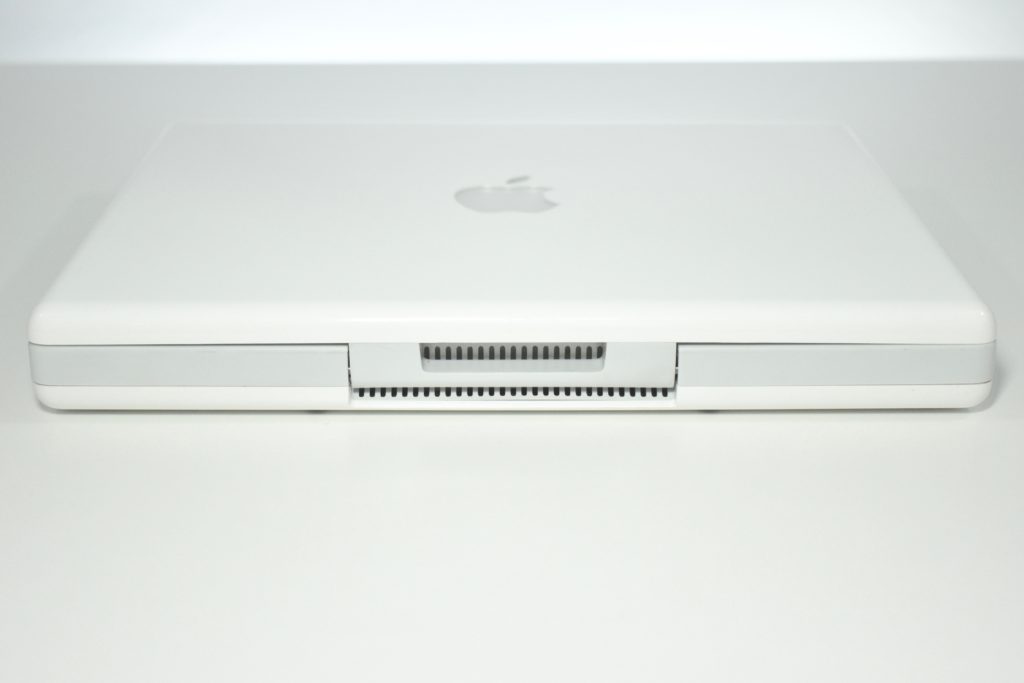
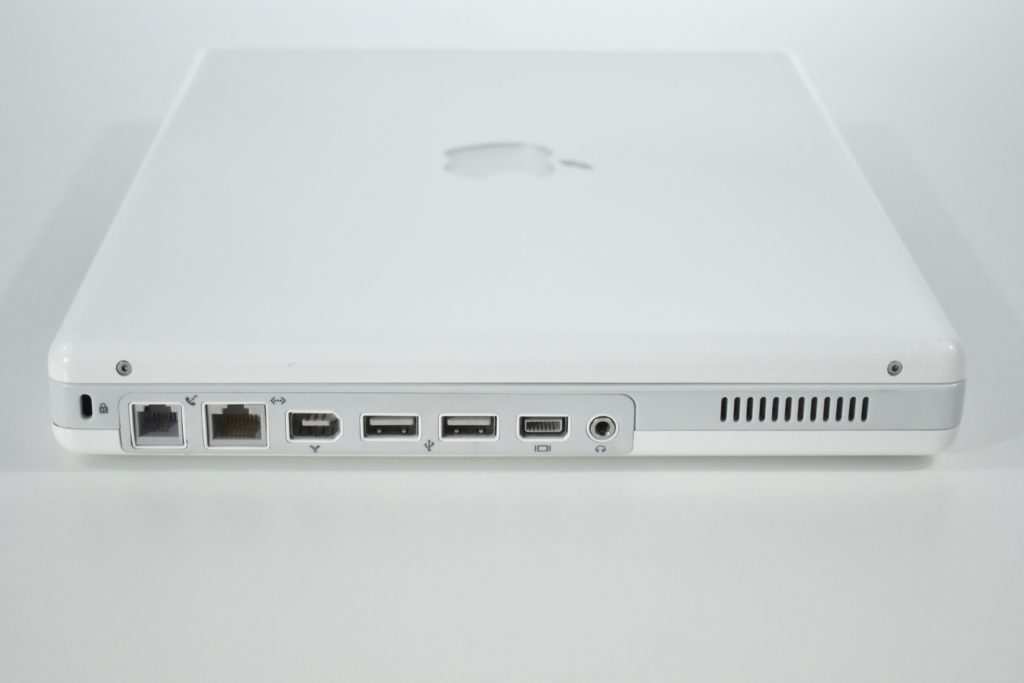
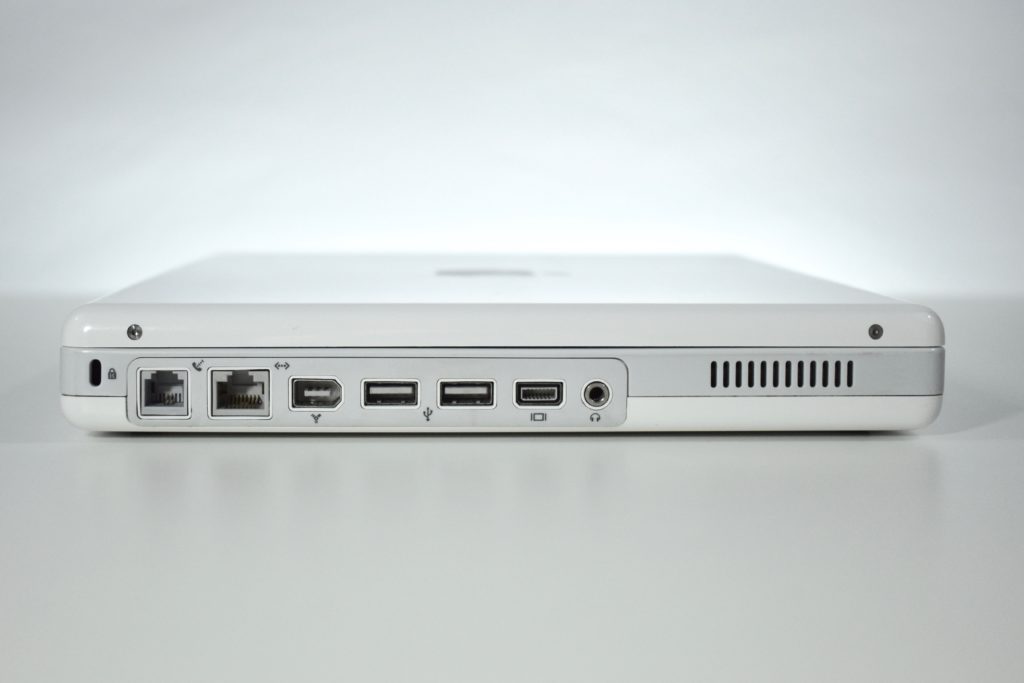
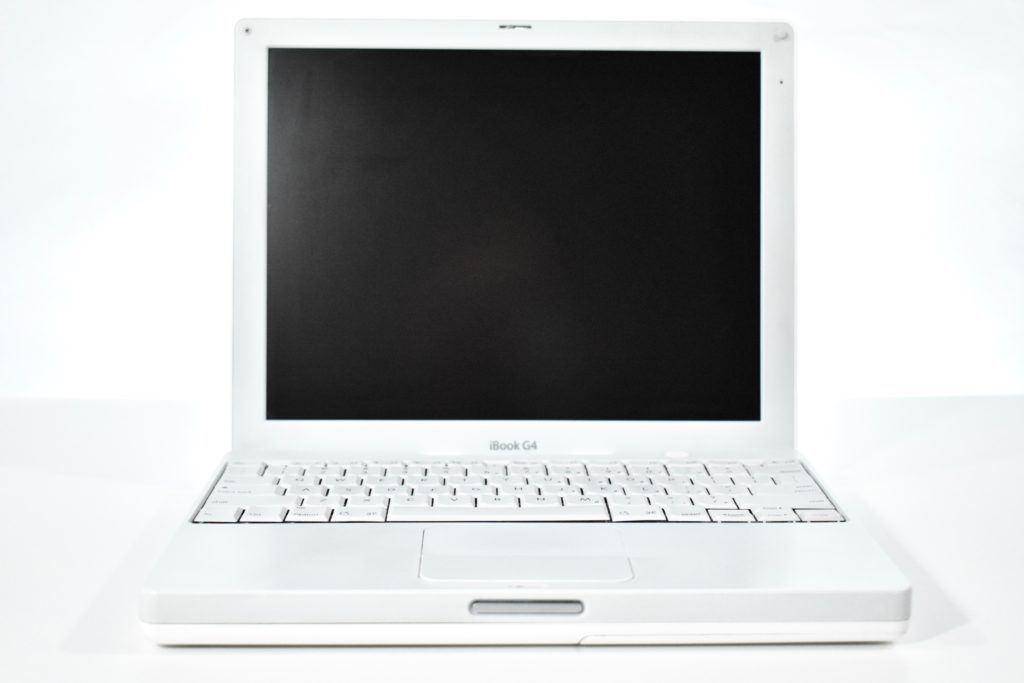
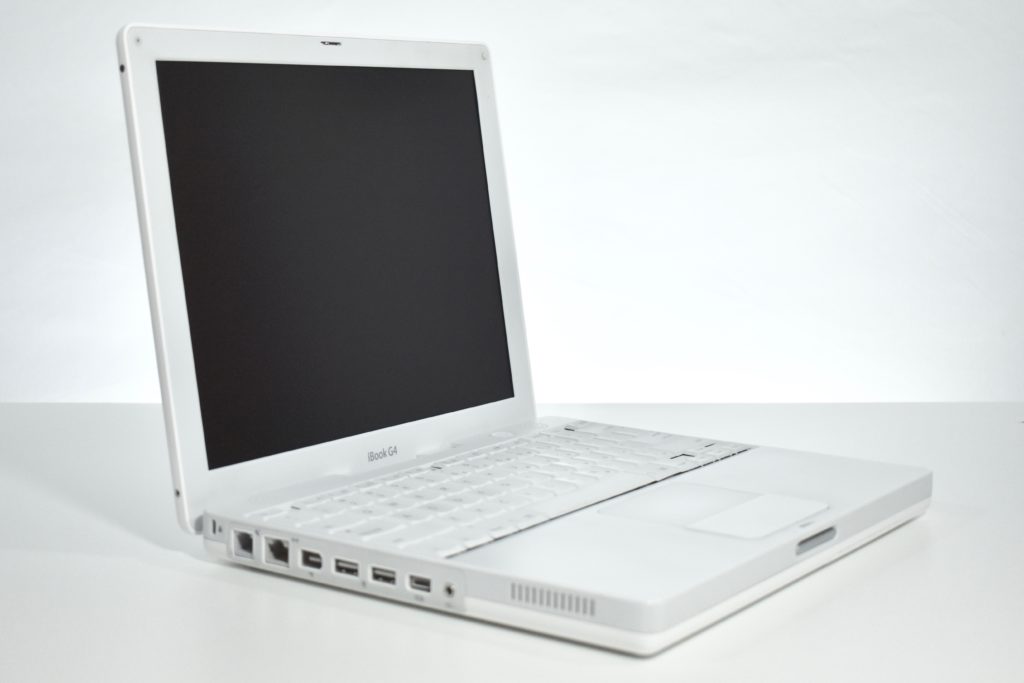
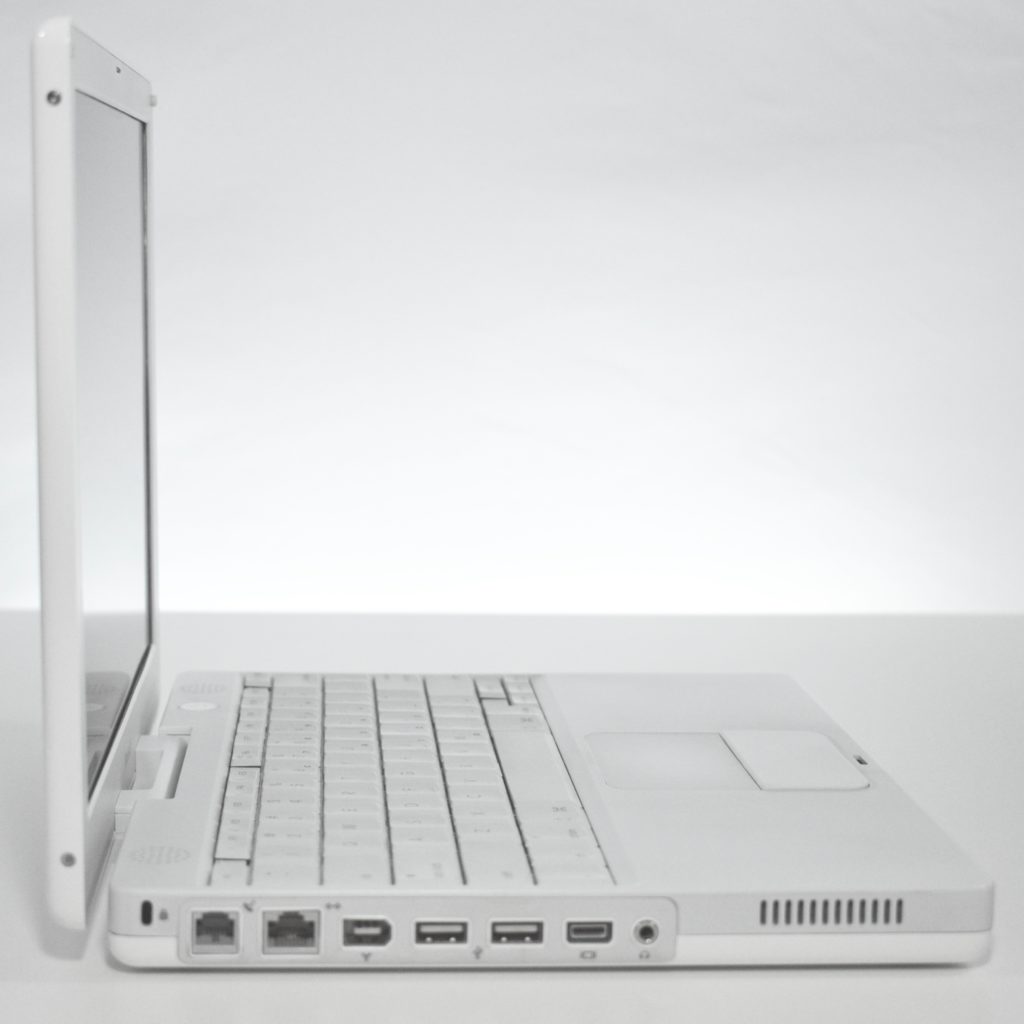
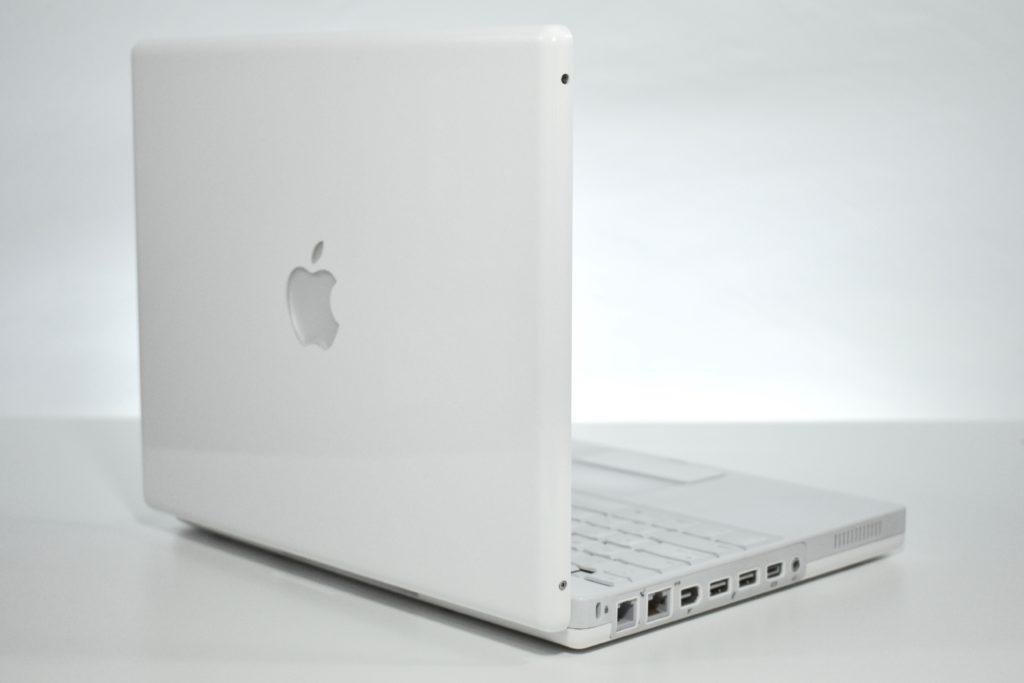
iBook G4 (Mid-2005, 2005)

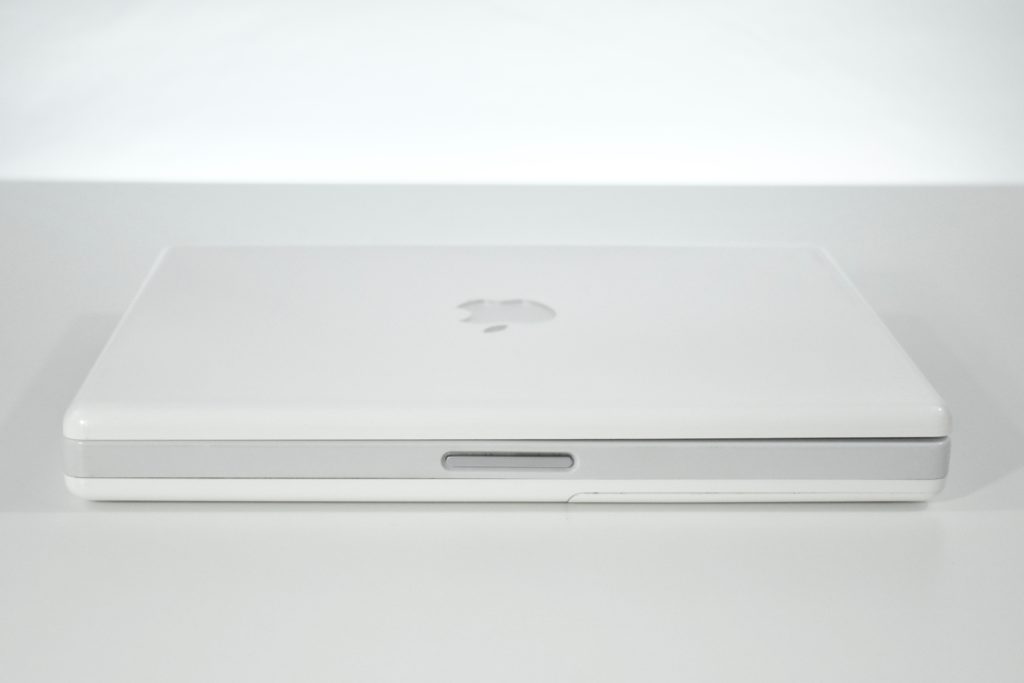
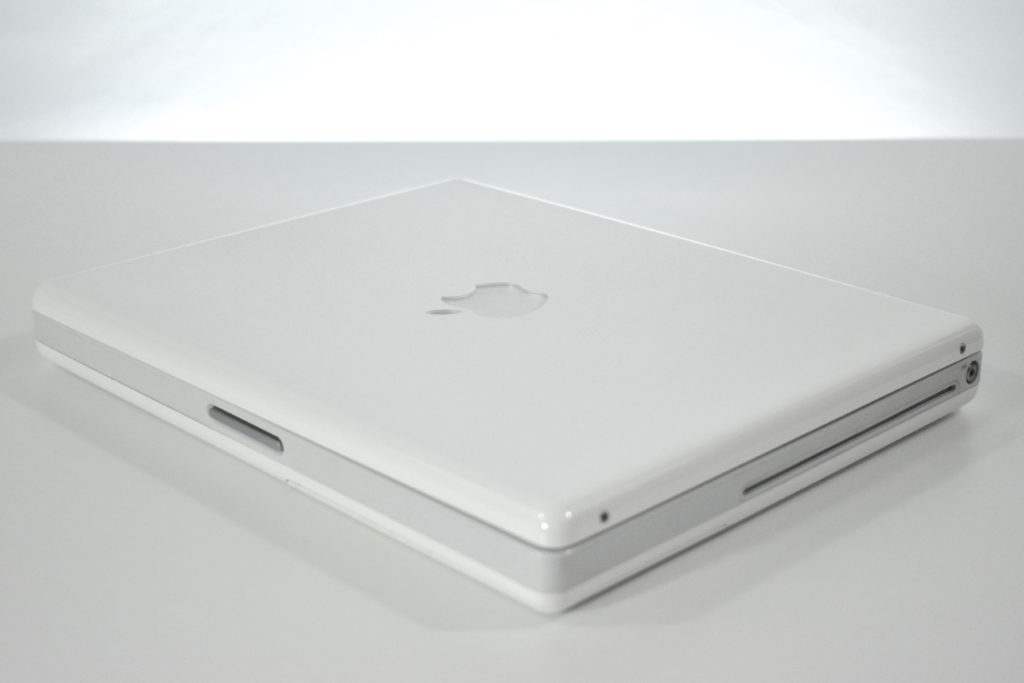
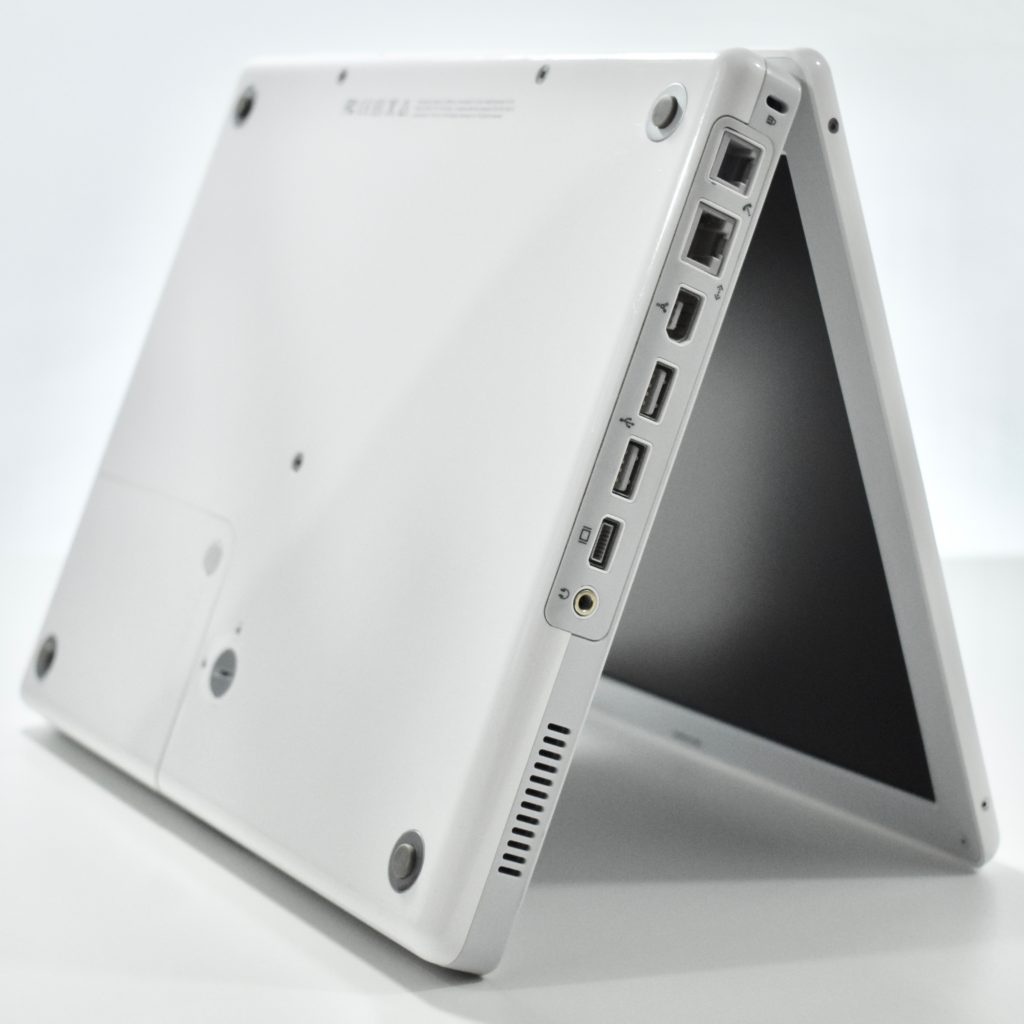
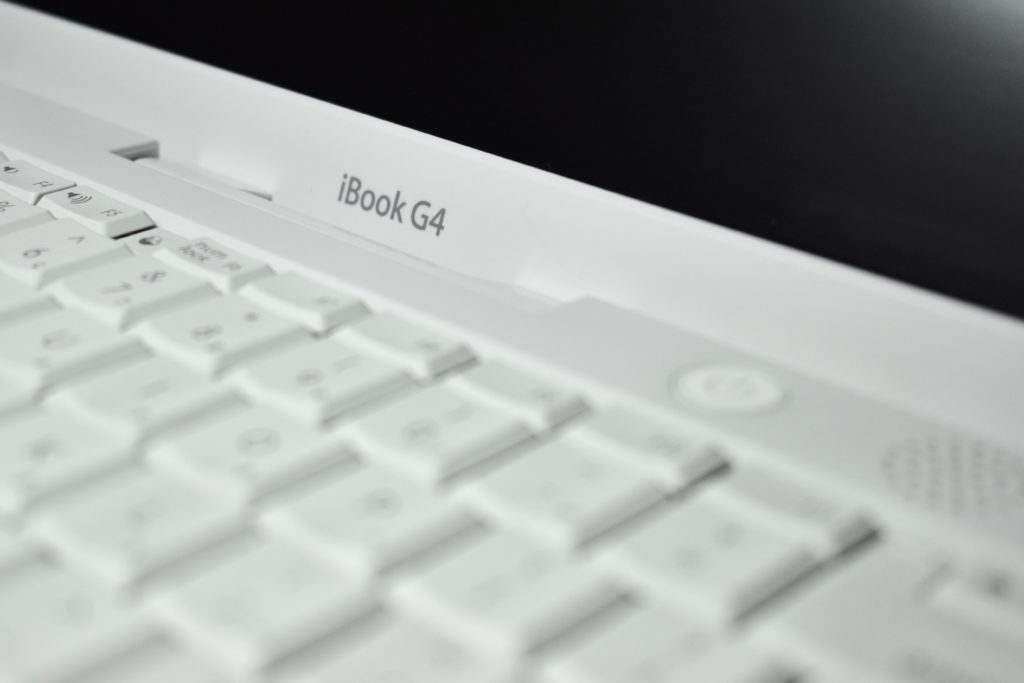
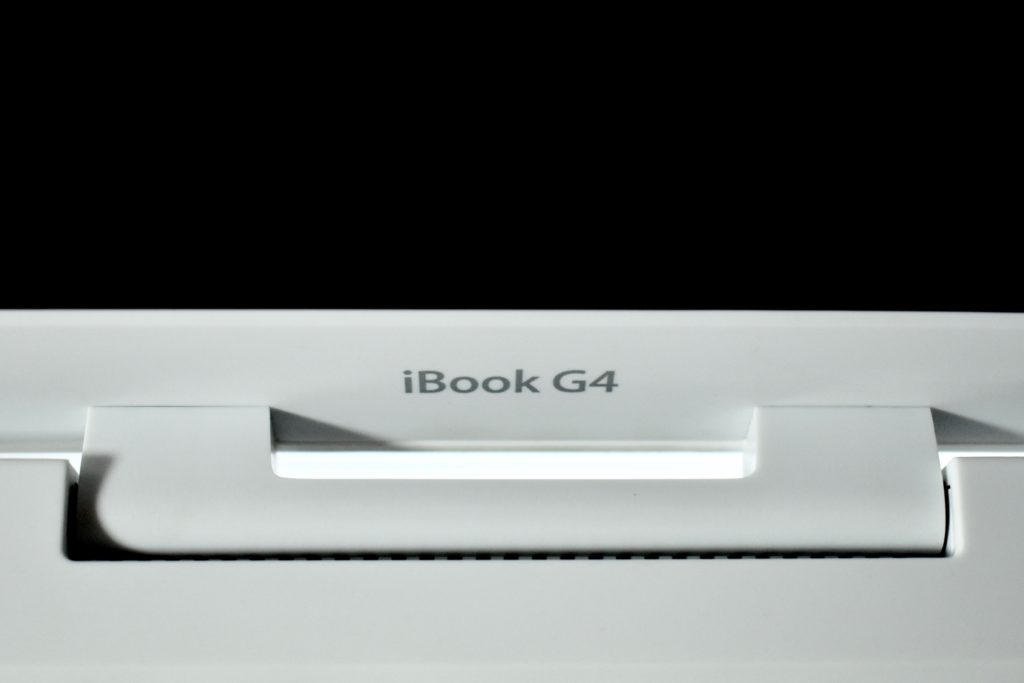
The iBook G4 (Mid-2005) featured a 1.33 GHz PowerPC G4 processor, 512 MB of RAM, a 40 GB Ultra ATA/100 hard drive, a slot-loading DVD-ROM/CD-RW Combo drive, and standard AirPort Extreme (802.11g)/Bluetooth 2.0. The screen was a 12.1-inch TFT XGA active matrix display at 1024×768. The case was opaque white, rather than the translucent white used in earlier iBook models. 

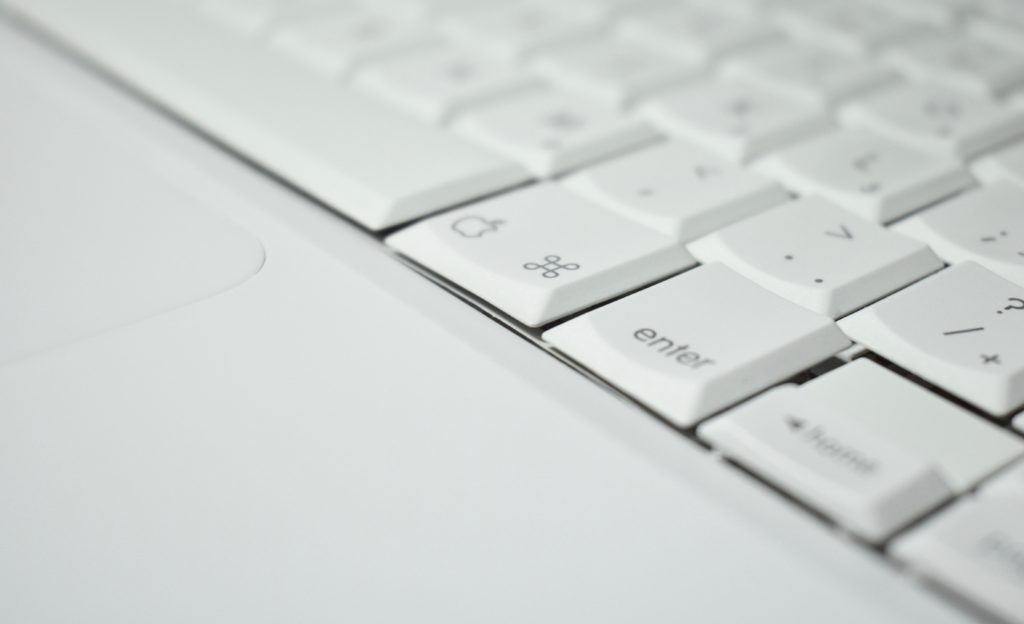
This iBook model added a Sudden Motion Sensor and scrolling trackpad. The Sudden Motion Sensor stopped the hard drive from spinning if the iBook was dropped, thus minimizing damage and potential data loss. This was the first consumer-level Apple laptop to gain scrolling trackpad features, allowing users to use two-finger scrolling and two-fingering panning (a feature first introduced in PowerBook G4 laptops).

This and other iBook models were used extensively in the schools where I served as Technology Director among teachers and students. At the time, 1:1 laptop programs had just been adopted in a few school districts (where every student is issued a laptop for learning throughout the school day). At the time of the iBook G4, only one public school district in Chicago’s North Shore had adopted a 1:1 program for students, while most school districts had begun to issue laptops to staff and administrators.

References: EveryMac.com

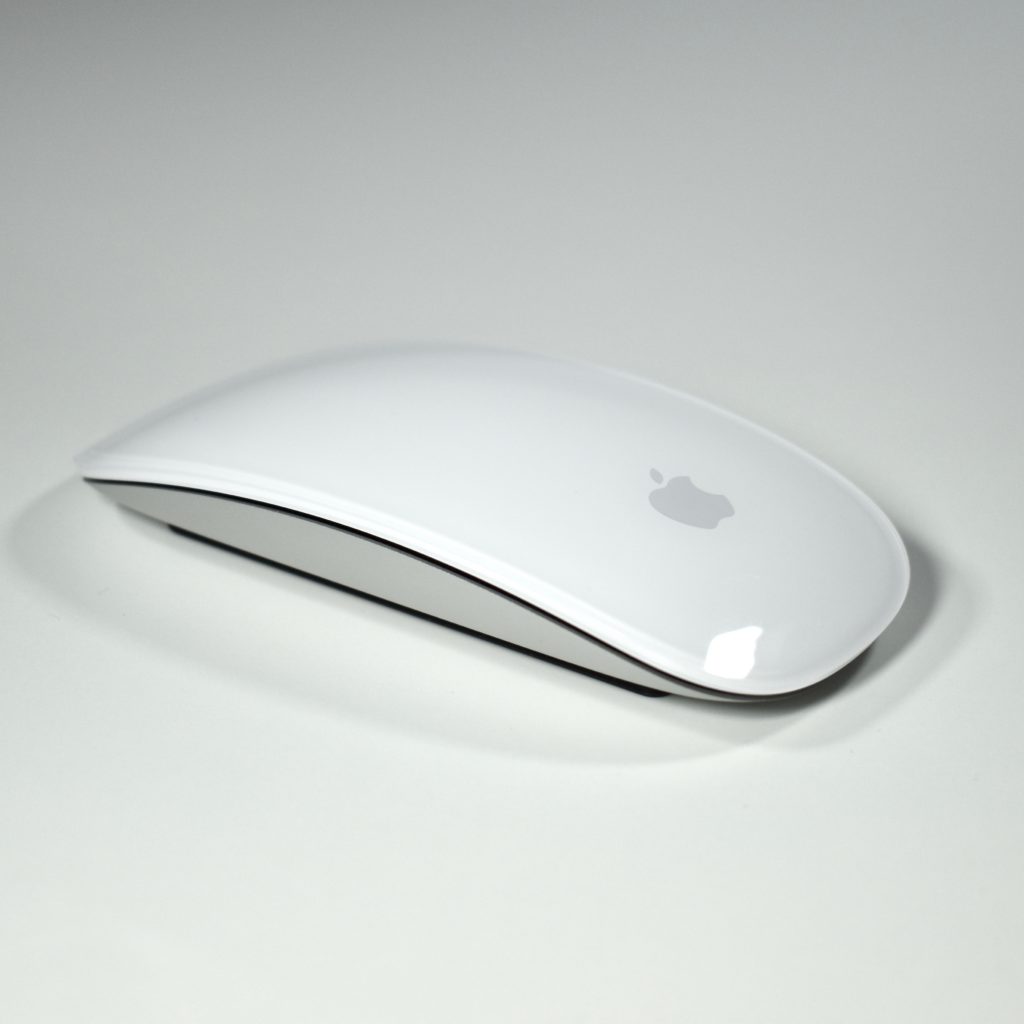
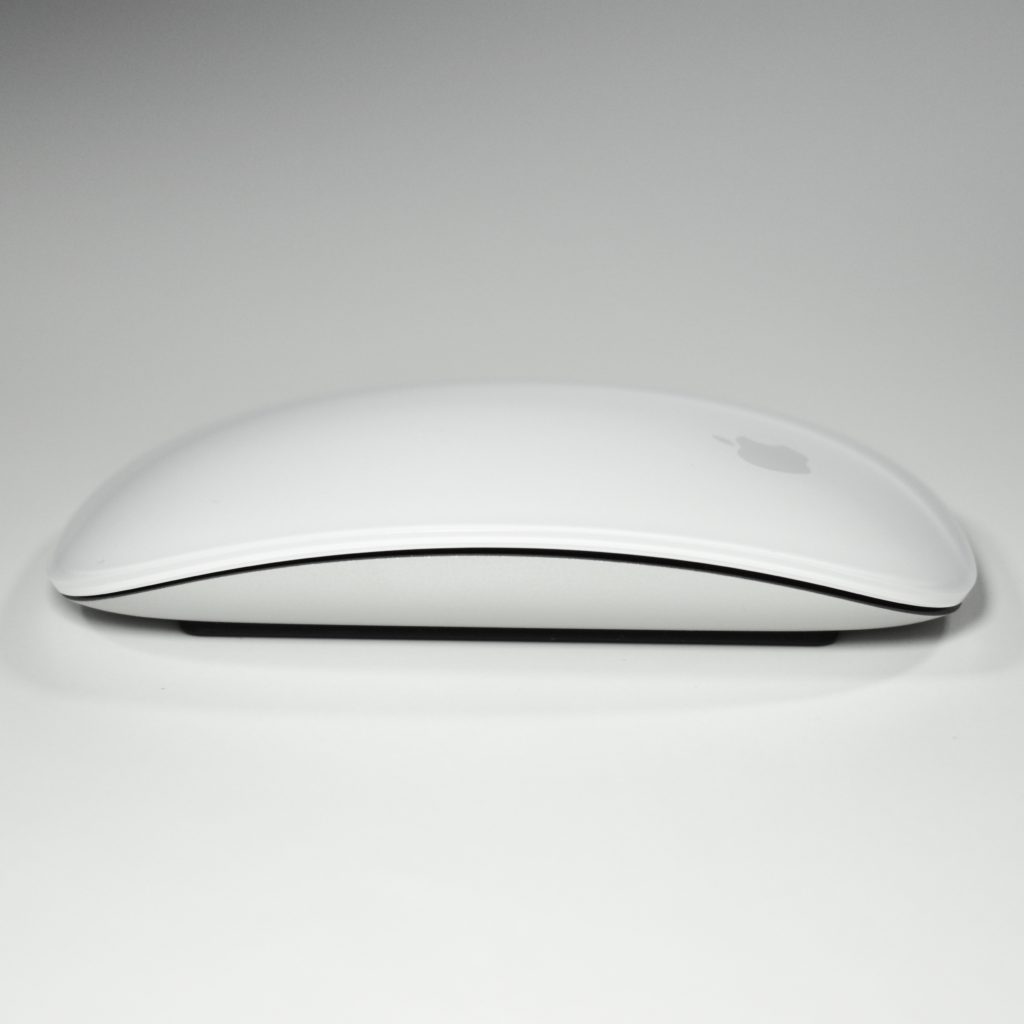
Magic Mouse (original, A1296, 2009)

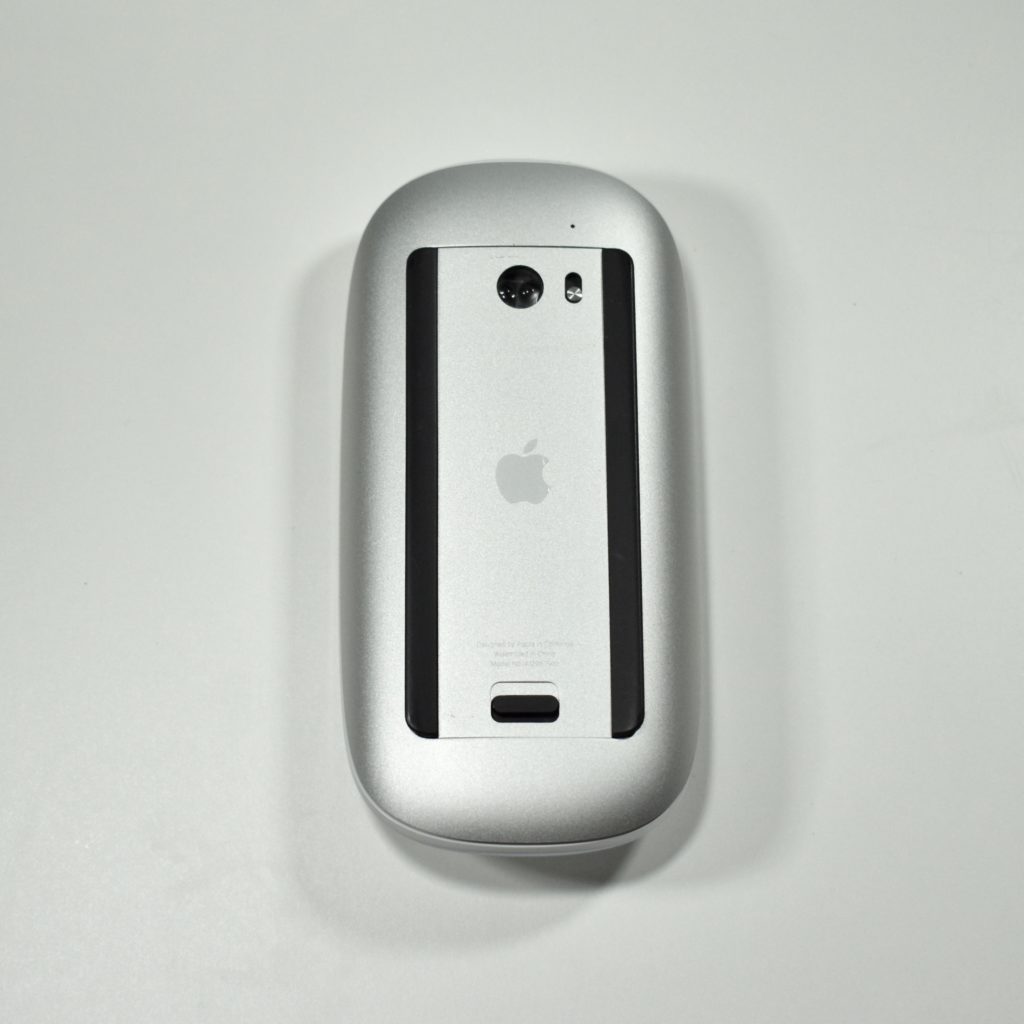
Apple released the multi-touch Magic Mouse in 2009. The top curved surface of the Magic Mouse is a touch-sensitive area that allows right-clicking, left-clicking, and two-finger scrolling. The top of the mouse is white and the base is silver aluminum. This mouse connects via Bluetooth and uses two included (non-rechargeable) AA batteries. 

Several gestures are supported by the Magic Mouse, including click, two-button click, 360°-scroll, screen zoom, screen pan, two-finger swipe, one-finger swipe, two-finger double tap, and one-finger double tap. This is Apple’s first muse to use laser-tracking.

Source: Wikipedia.com

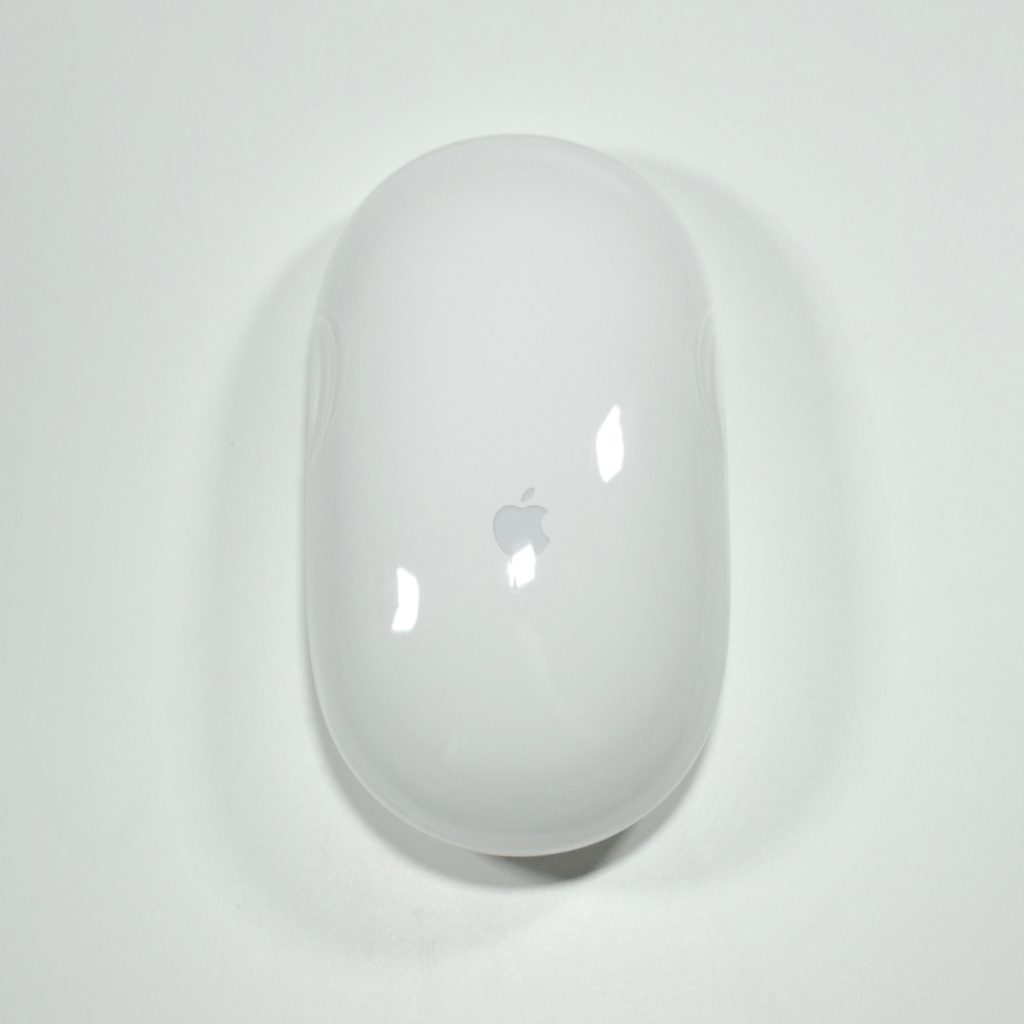
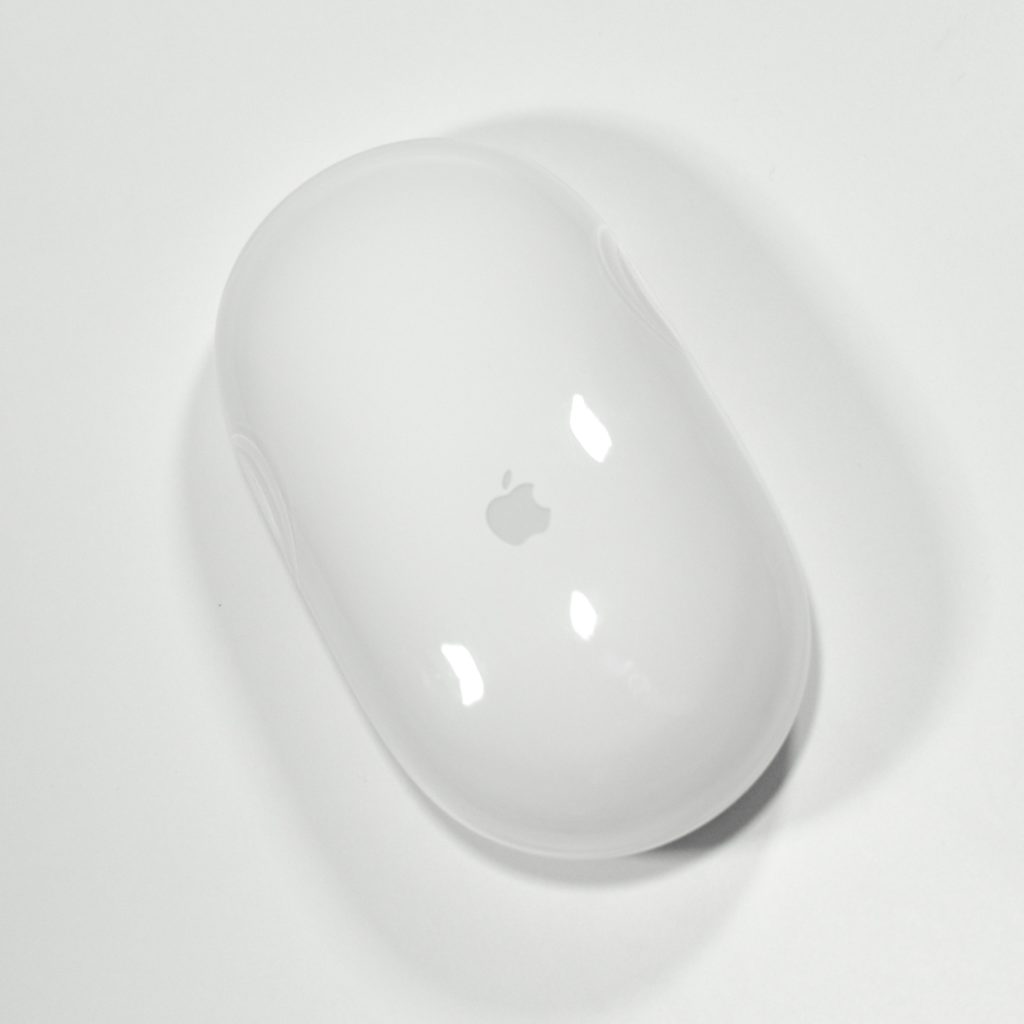
Apple Wireless Mouse (original, A1015, 2003)

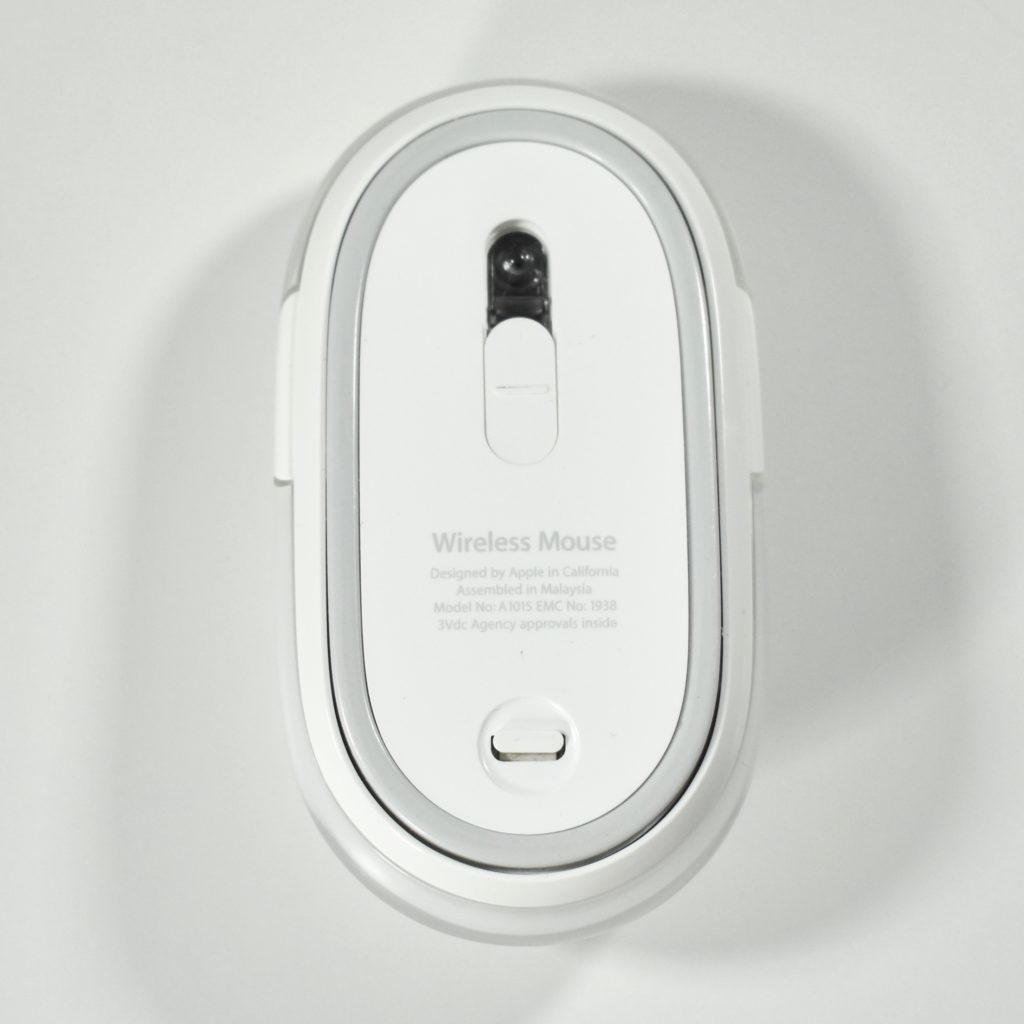
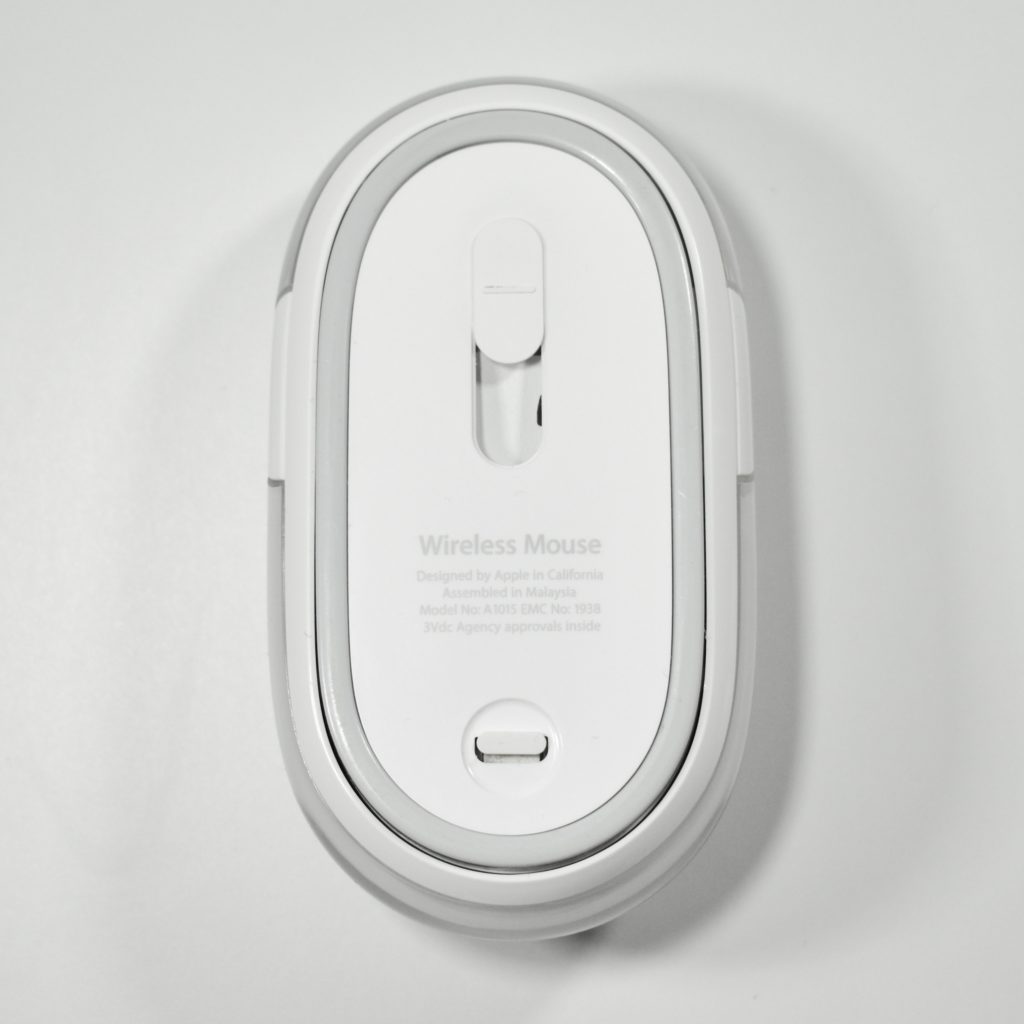
Apple’s first cordless mouse was the Apple Wireless Mouse, a Bluetooth version of the white Apple Mouse. The Apple Wireless Mouse used Bluetooth 1.1 and shipped with two 2 AA lithium (non-rechargeable) batteries. This mouse had a power switch on the bottom that slid to protect the optical sensor when the mouse was not in use. 

Although based upon the Apple Mouse, the surface of the mouse was opaque white, rather than the transparent acrylic used in the wired version. Like the wired version of the mouse, the entire surface served as the clickable single button.

Source: Wikipedia.com

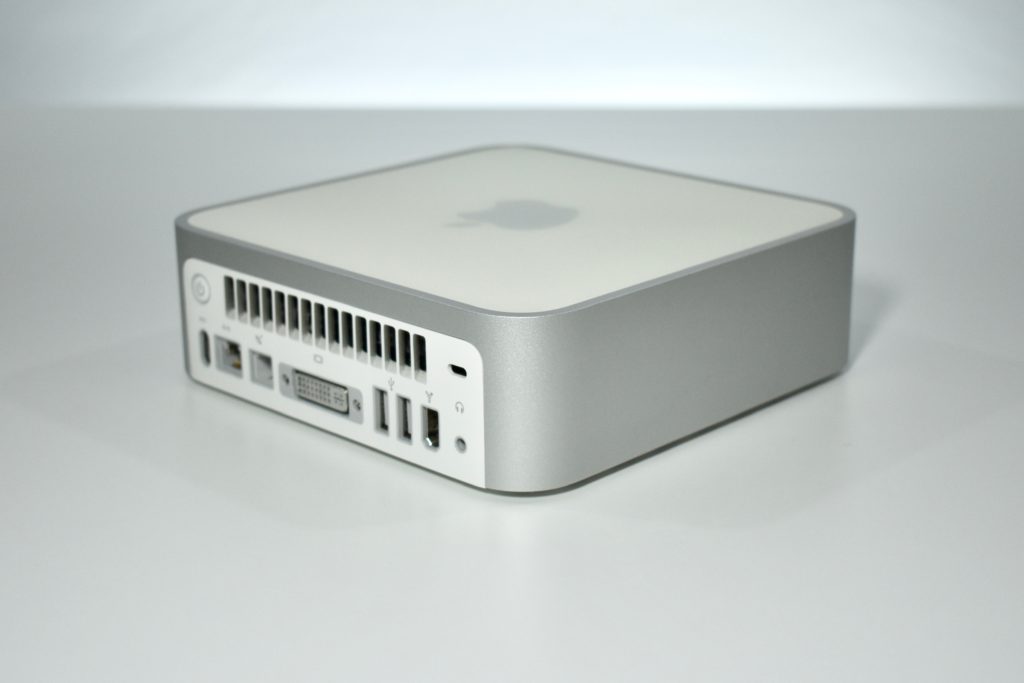
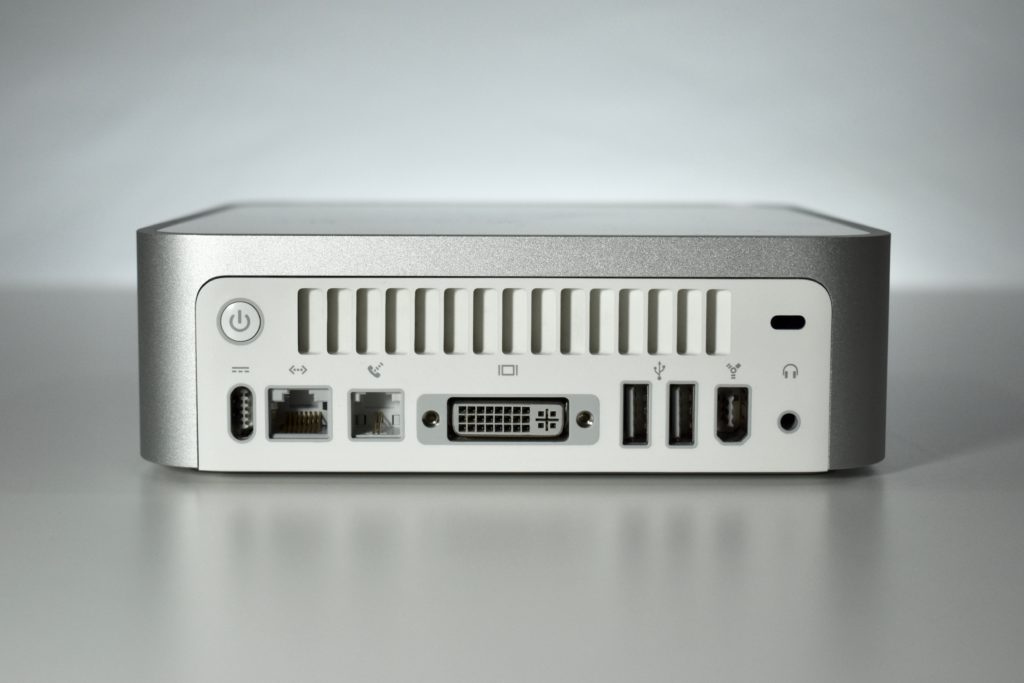
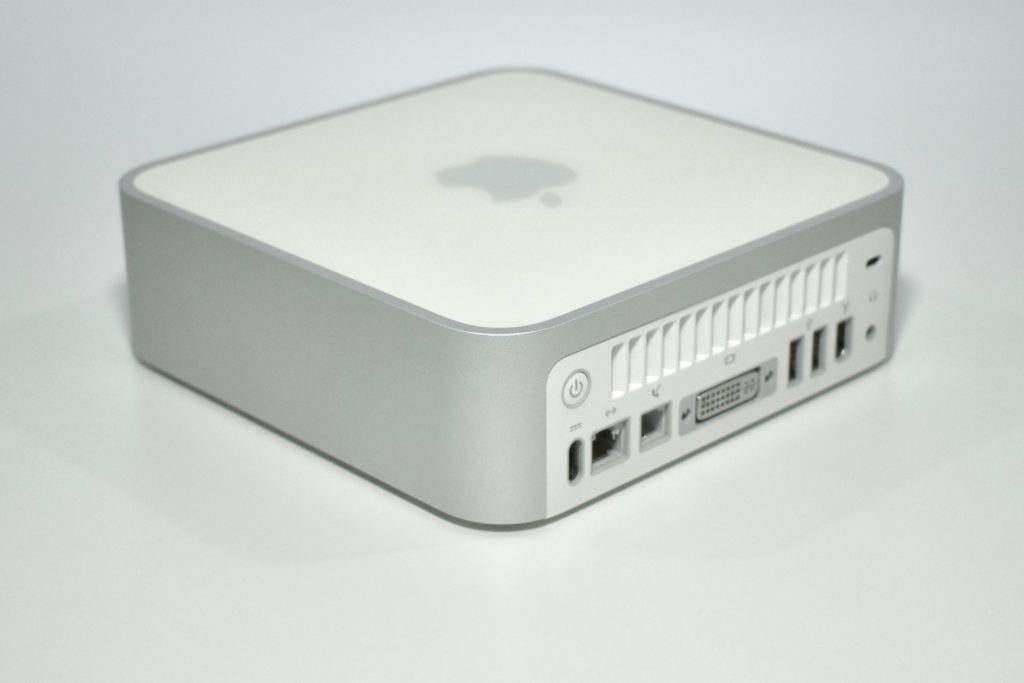
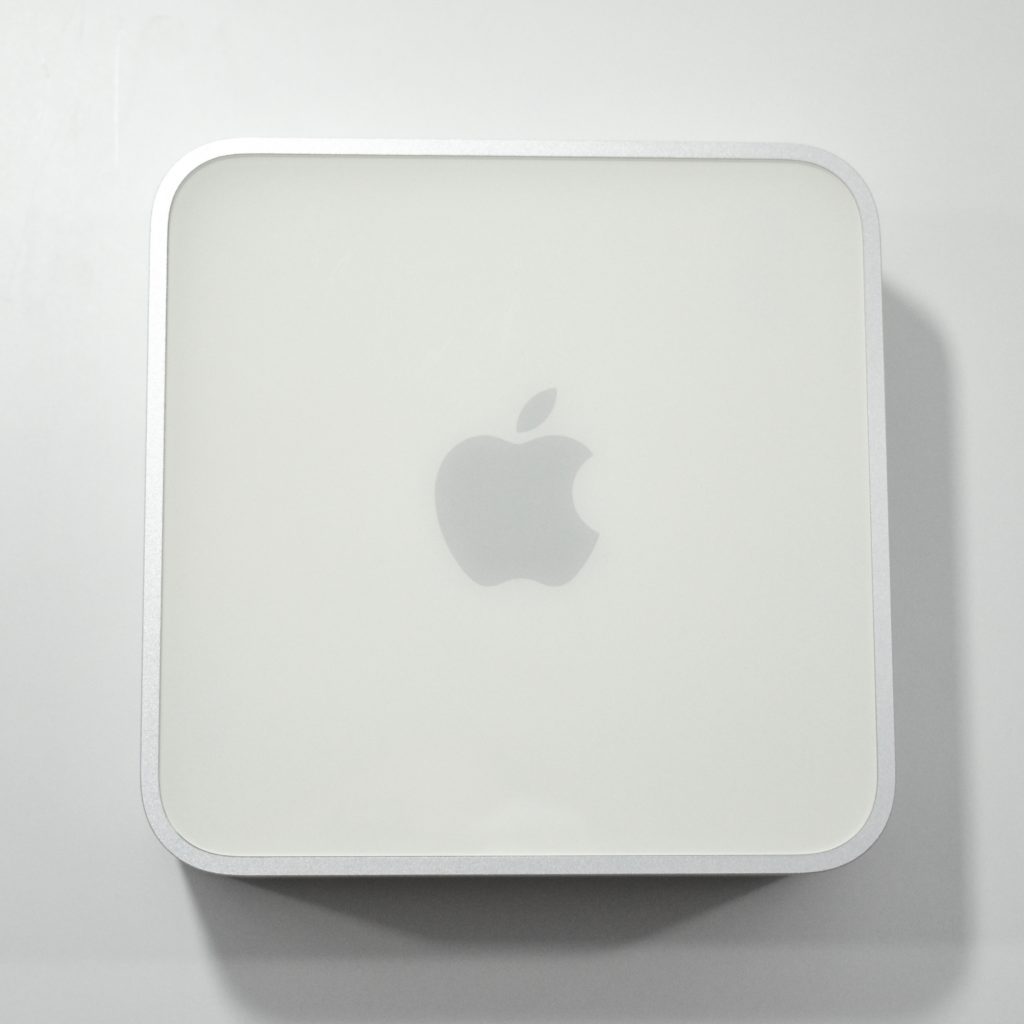
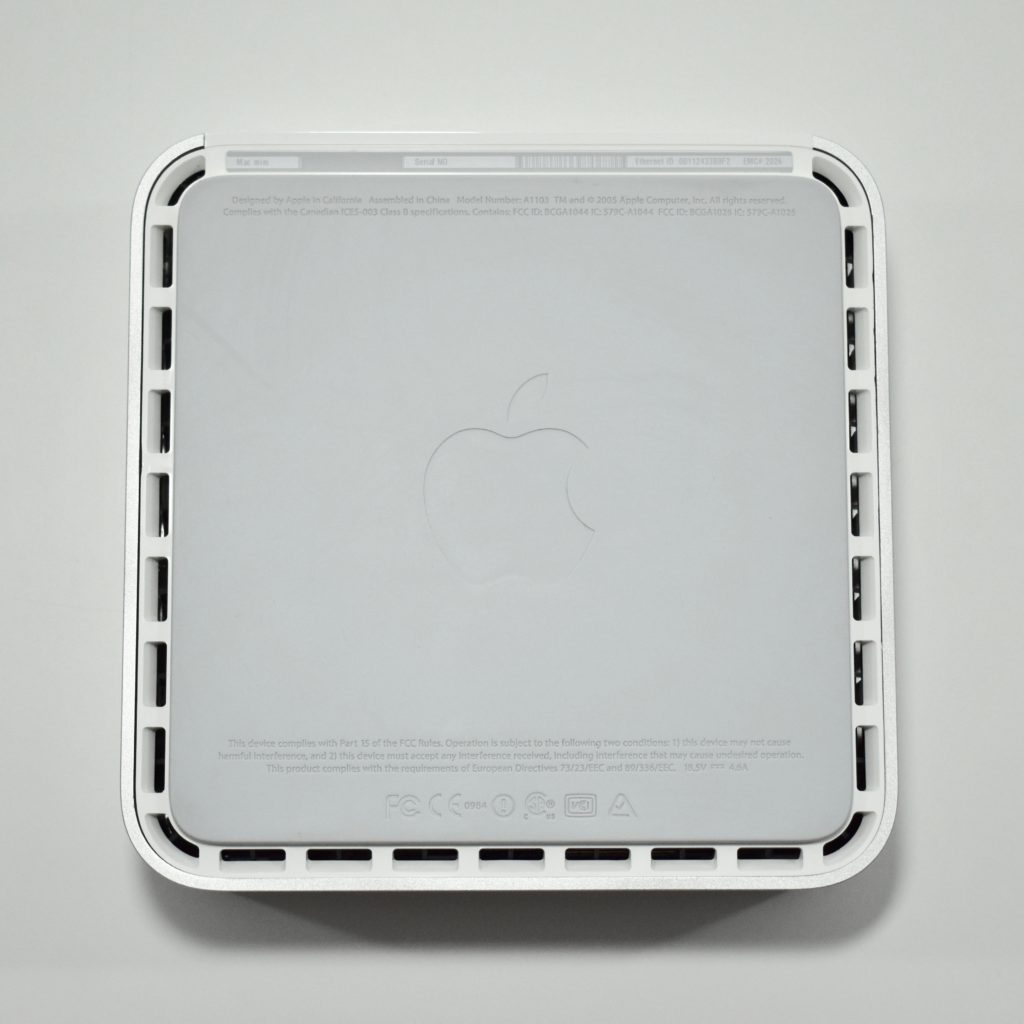
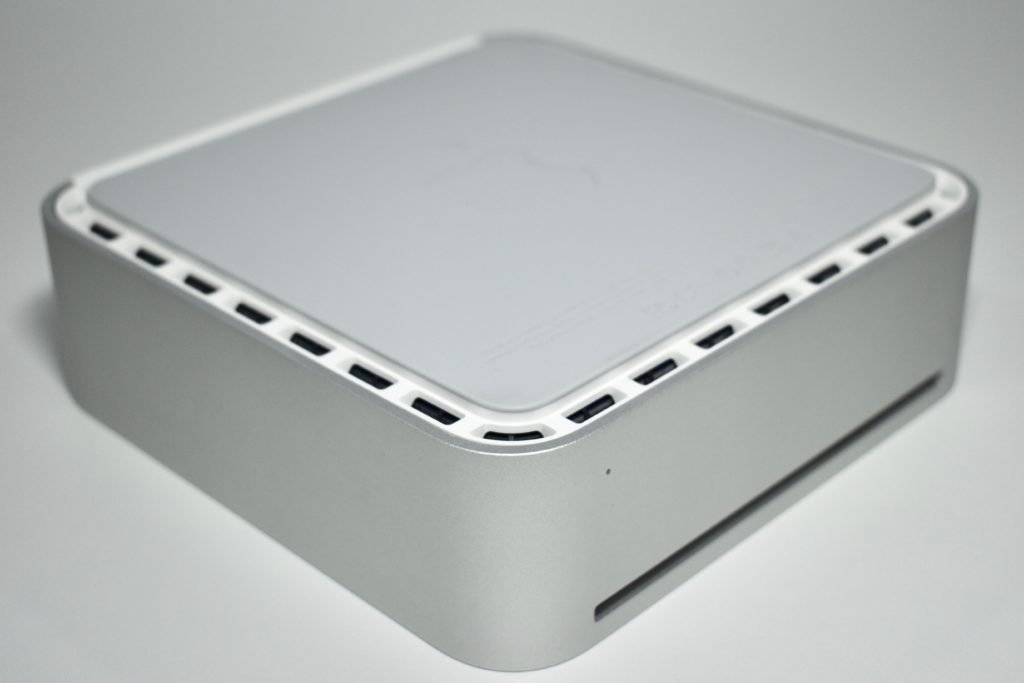
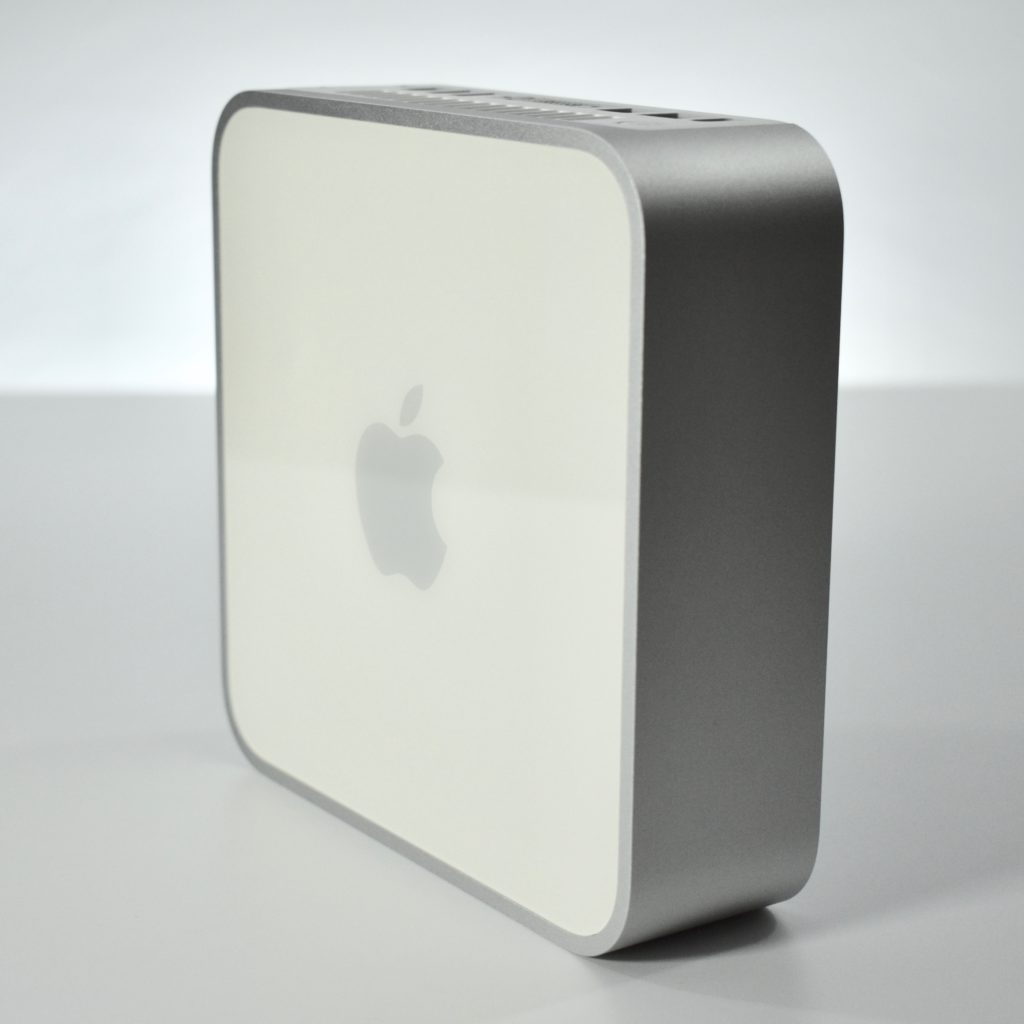
Mac mini G4 (original, 2005)

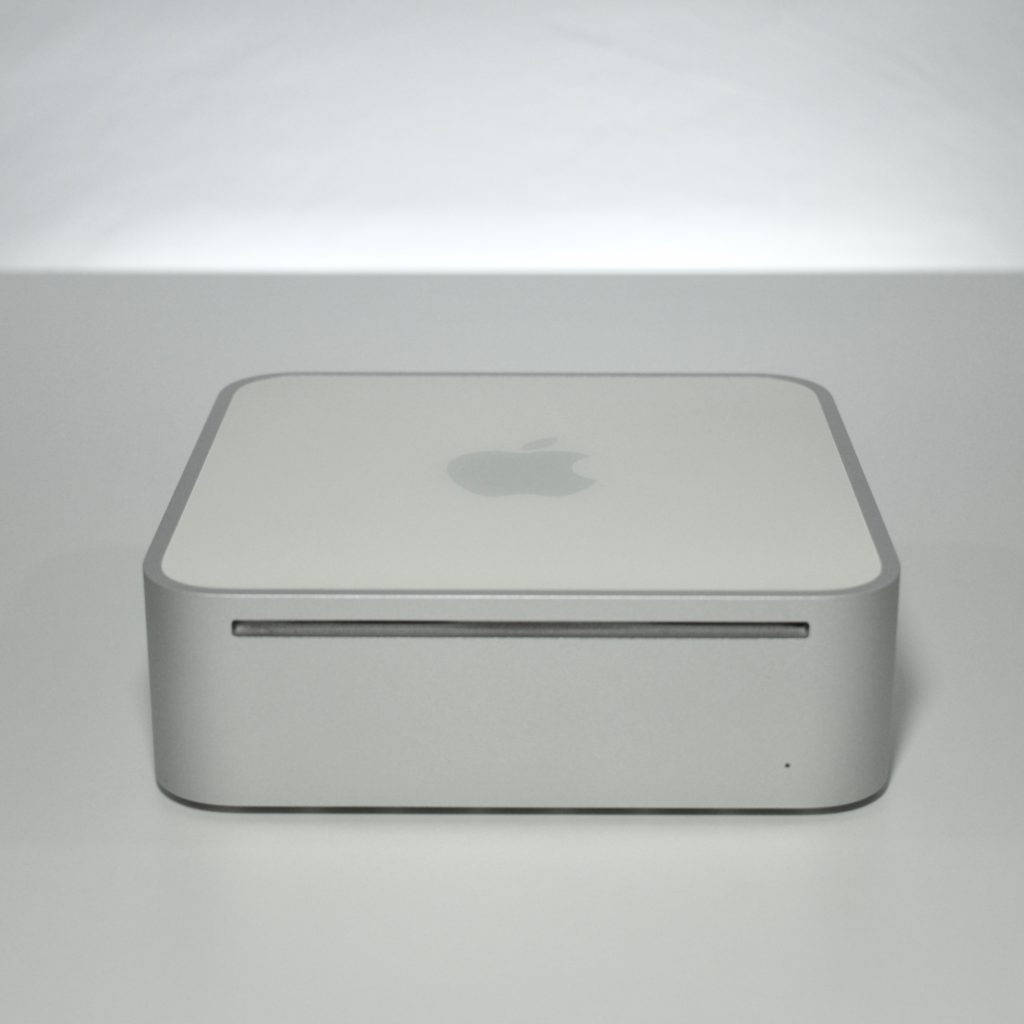
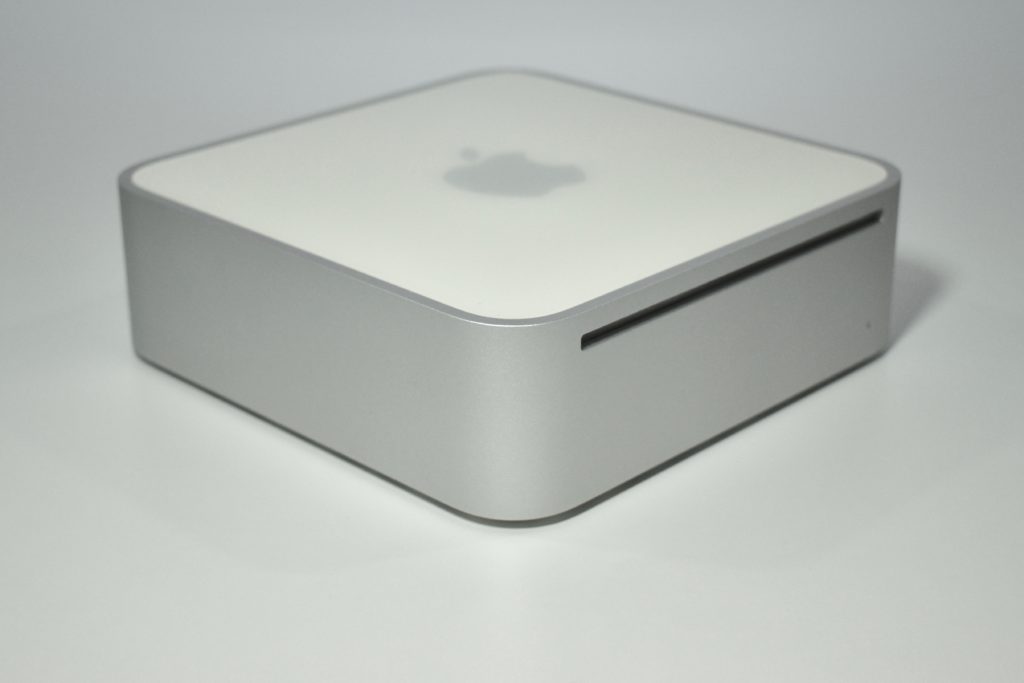
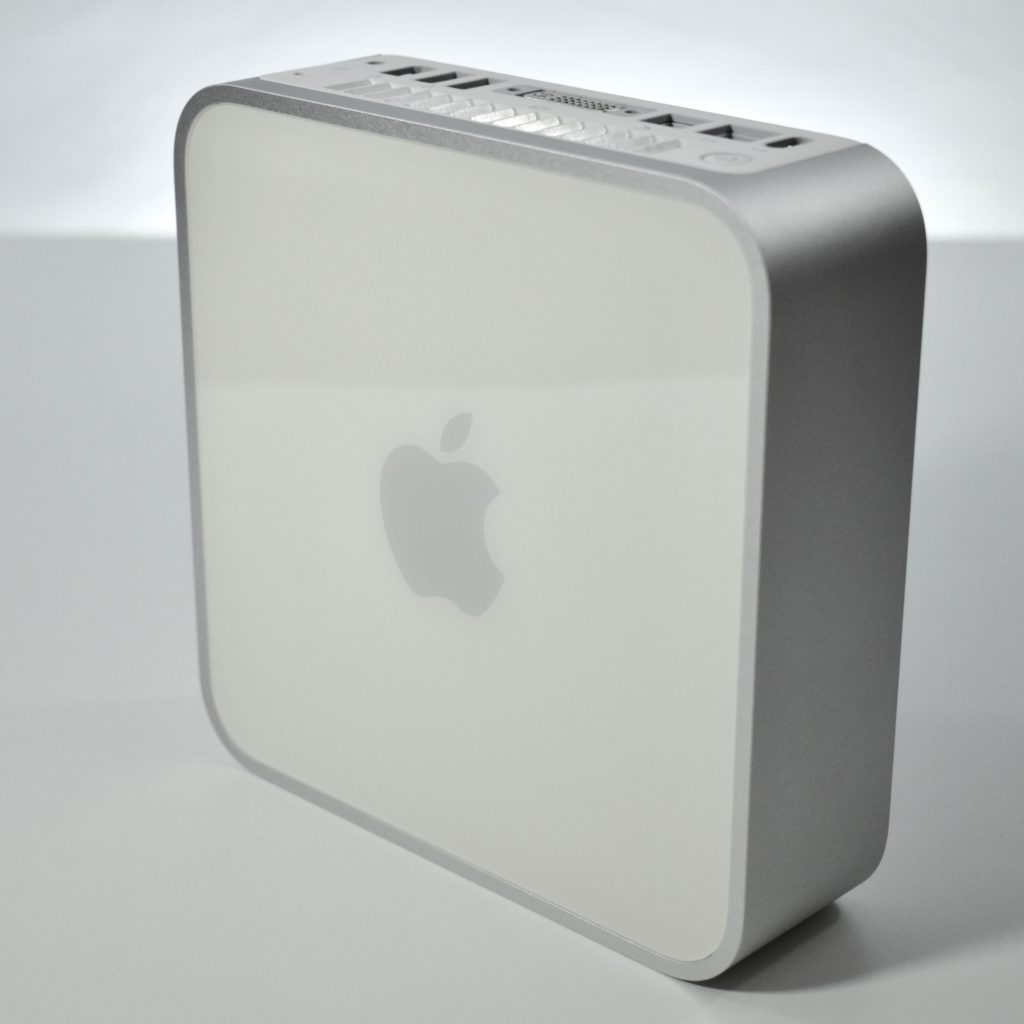
The Mac mini G4 featured a 1.42 GHz G4 processor, 256 MB of SDRAM memory, an 80 GB Ultra ATA/100 hard drive, and a slot-loading 8X DVD/CD-RW Combo Drive. This is the original Mac mini and was sold as a budget Mac that came with no display, keyboard, or mouse. This computer was a great low-cost option for someone switching from Windows to Mac who already owned a display and USB keyboard and mouse.

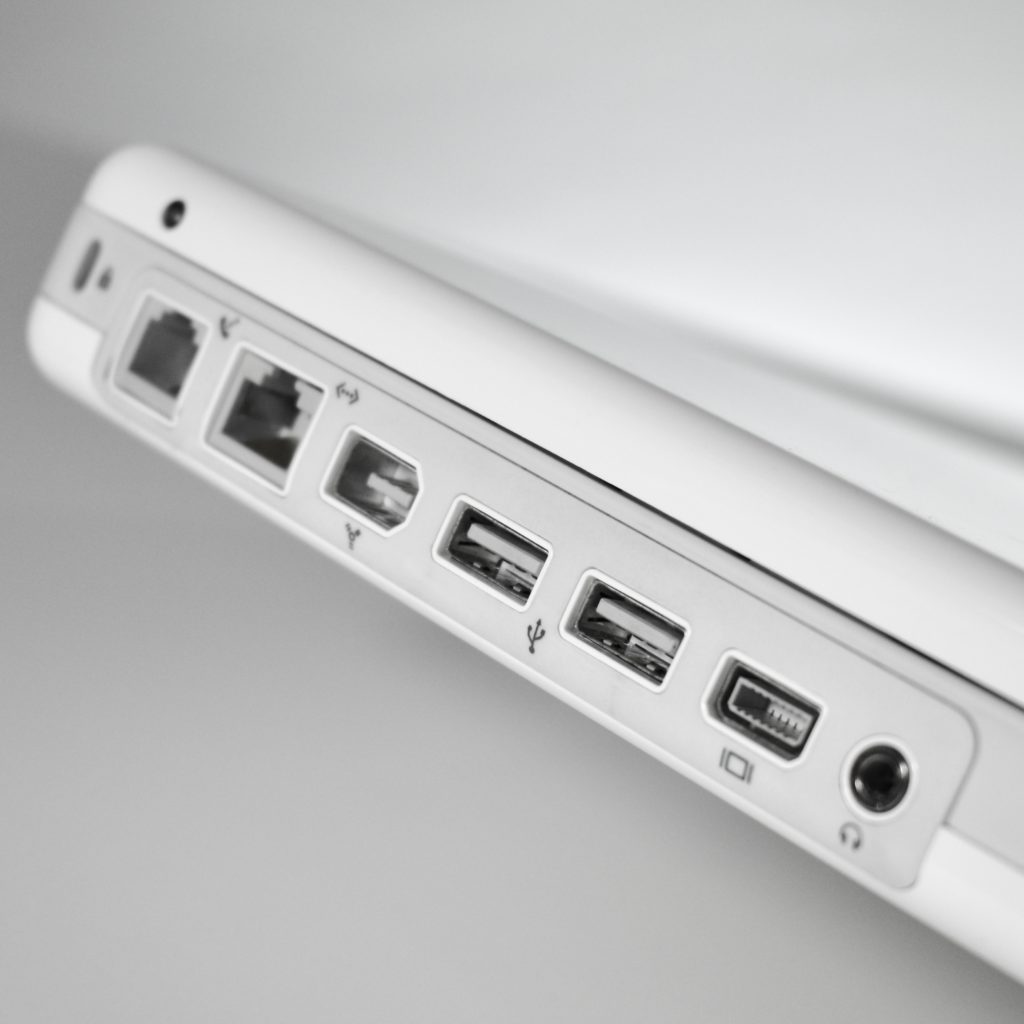
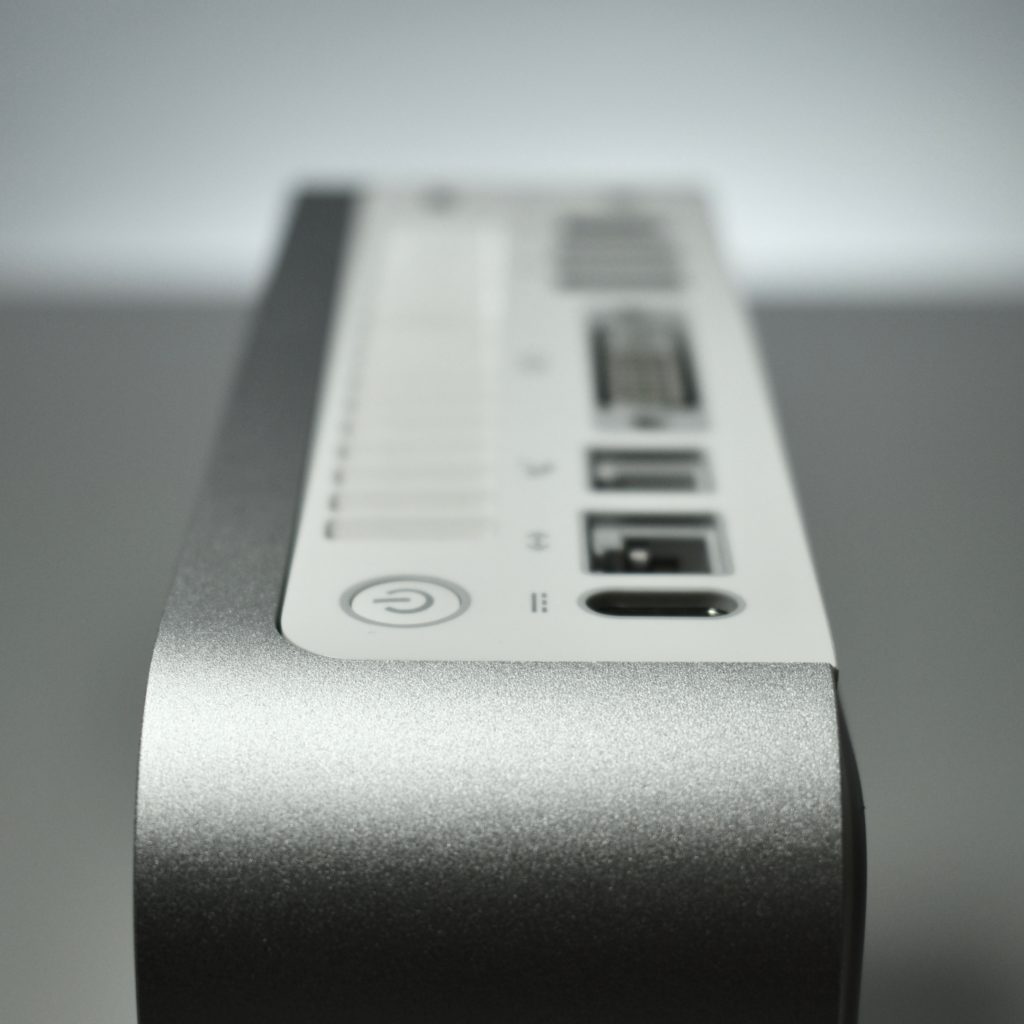
The Mac mini G4 had ports including DVI (with a DVI-to-VGA adapter included), USB 2.0, FireWire, and a headphone/line out jack. The original Mac mini supported a wireless AirPort Extreme (802.11g) and Bluetooth card as an option. After July 26, 2005, AirPort Extreme and Bluetooth were provided standard.

The entire computer was 6.5 inches square, 2 inches tall, and weighed 2.9 pounds.

From the day the Mac mini was released, I have always had one permanently connected to my living room stereo system and/or flat panel television and used the Mac mini as my iTunes server. I had previously used a Power Mac G4 Cube for this purpose. With this original Mac mini, I was still using a CRT-based TV so I connected to it remotely. 

Source: EveryMac.com
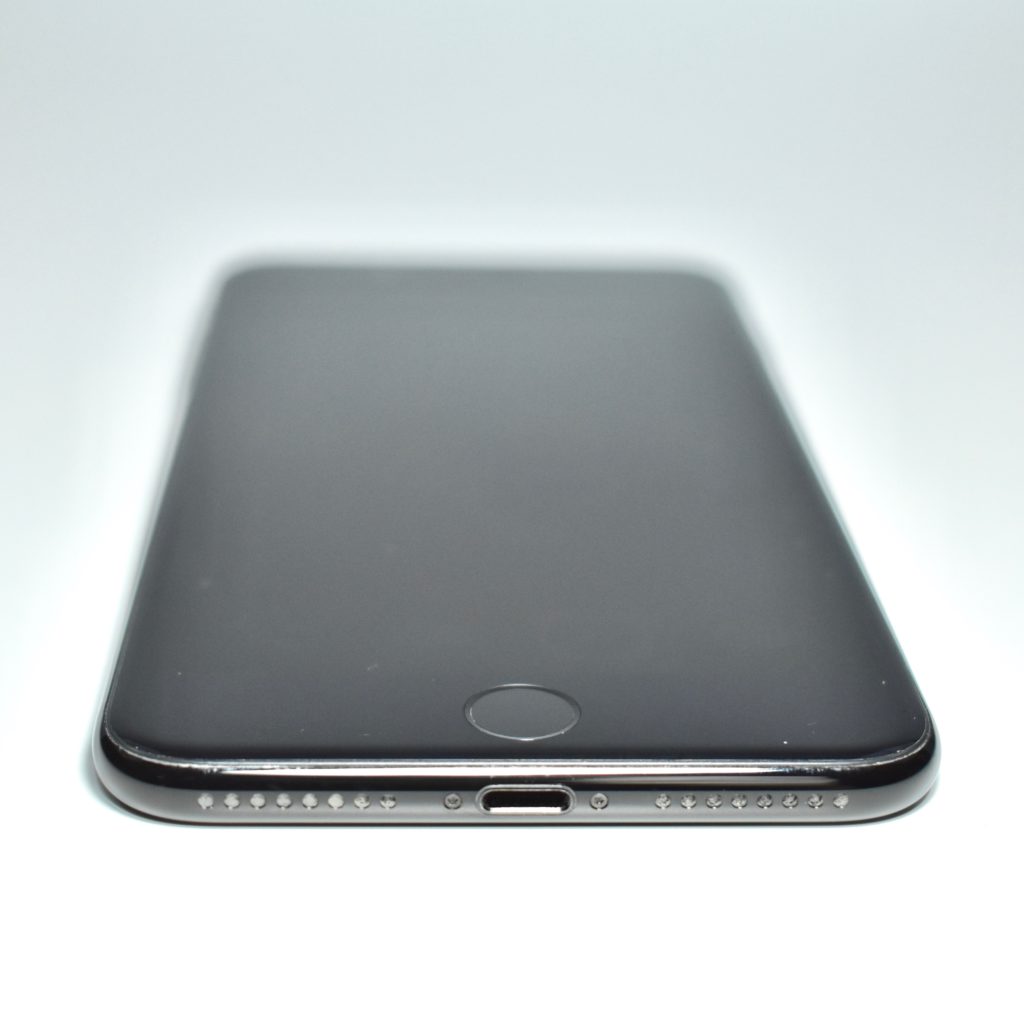
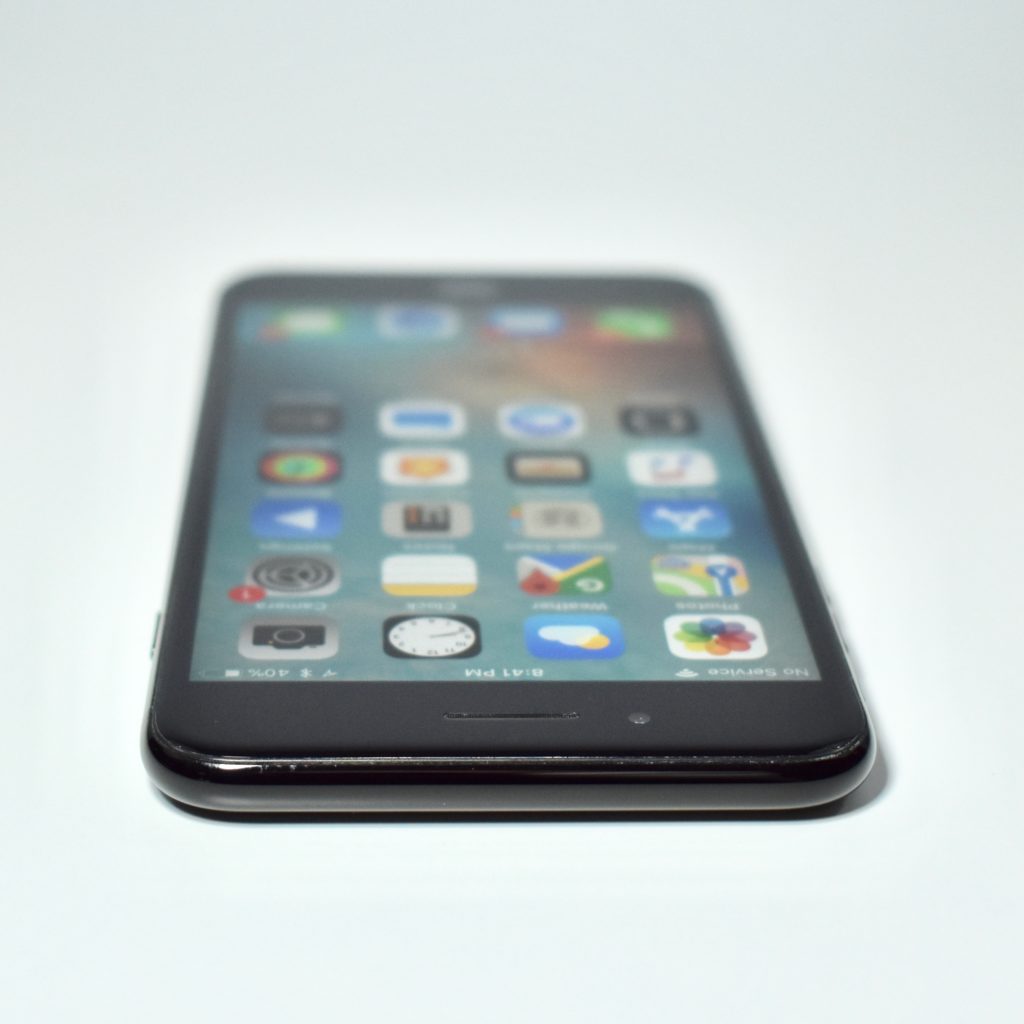
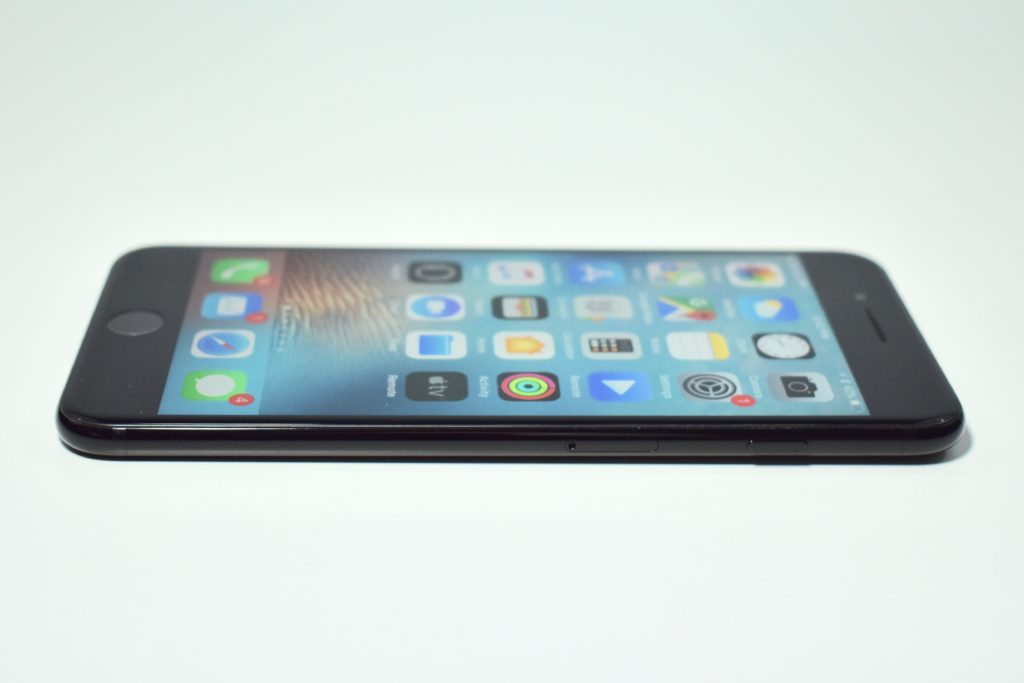
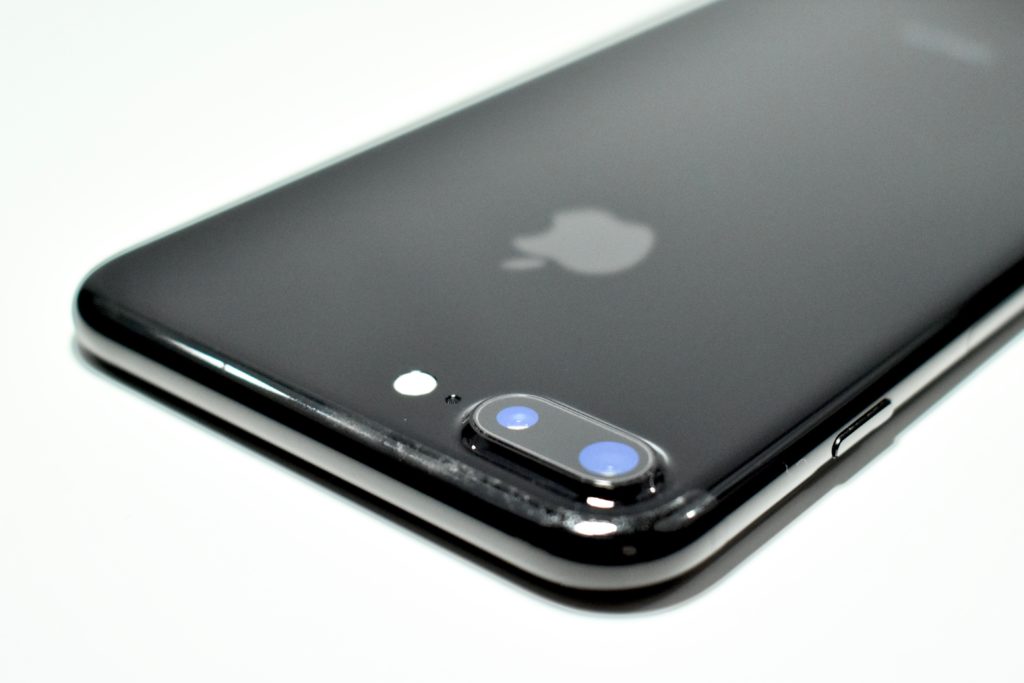
iPhone 7 Plus (128 GB, jet black, 2016)

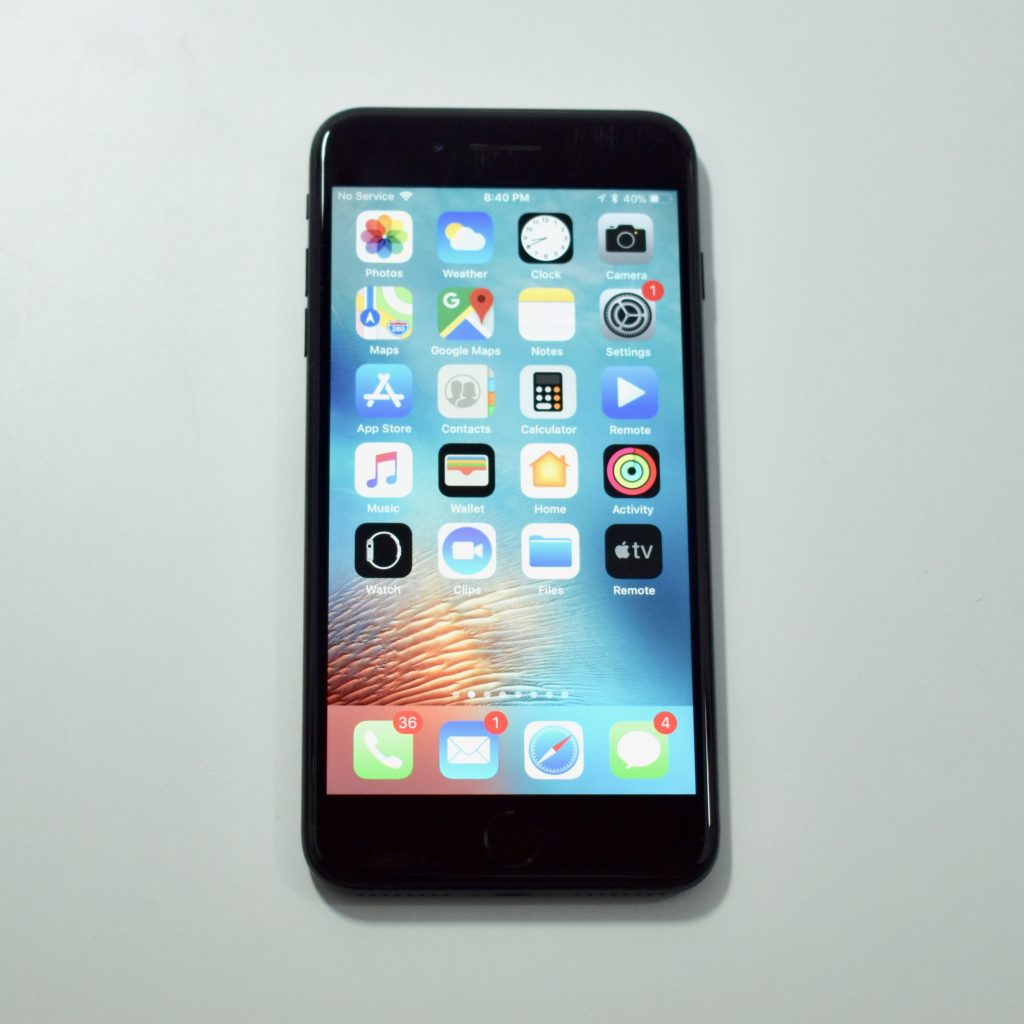
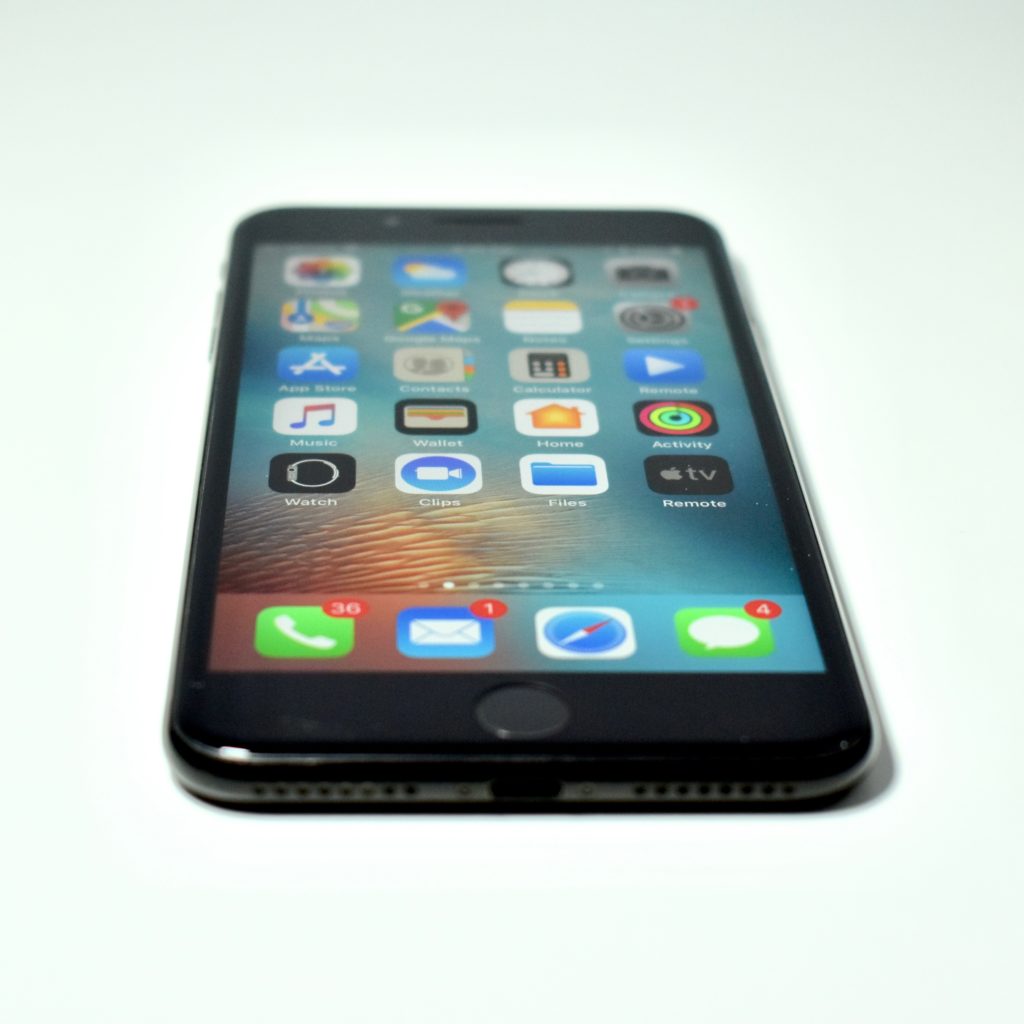
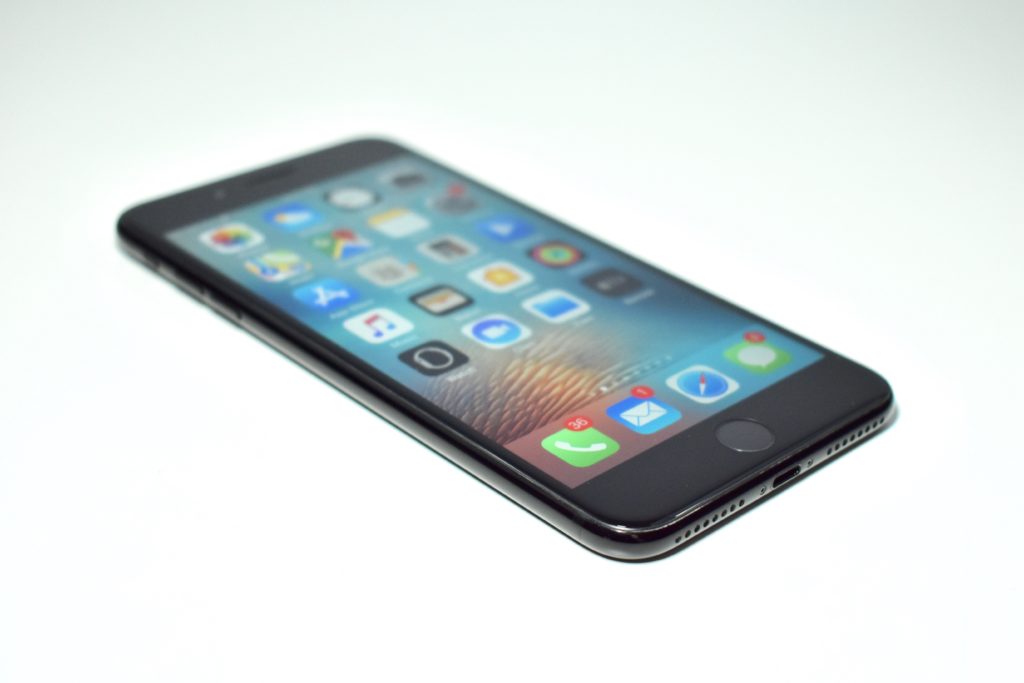
This particular iPhone 7 Plus model was used with an AT&T network in the United States. All iPhone 7 Plus models used a 5.5-inch widescreen multitouch Retina HD display at 1920×1080 (401 ppi). It used a taptic-engine that provided a clickless Home button. The iPhone 7 Plus used three cameras: two rear 12-megapixel cameras (one with a wide-angle and one with a 2x telephoto lens) and a front FaceTime HD camera (7 megapixels and 1080p).

The iPhone 7 Plus was originally available in five color options: silver (white glass front and a silver back), gold (white glass front and a gold back), rose gold (white glass front and a pink-tinted gold back), black (black glass front and a matte black back), and jet black (black glass front and a high-gloss anodized and polished black aluminum back). On March 21, 2017, Apple added a (PRODUCT) RED Special Edition with a white glass front and a red aluminum back.

The iPhone 7 Plus was splash, water, and dust-resistant (but not waterproof). It had a Lightning port, but lacked a headphone jack.

Internally, the iPhone 7 Plus used a 64-bit Apple A10 Fusion processor with four cores; 3 GB of RAM; and 32, 128, or 256 GB of storage. It supported 802.11a/b/g/n/ac Wi-Fi, Bluetooth 4.2, LTE (4G), and NFC for Apple Pay.

Source: EveryMac.com
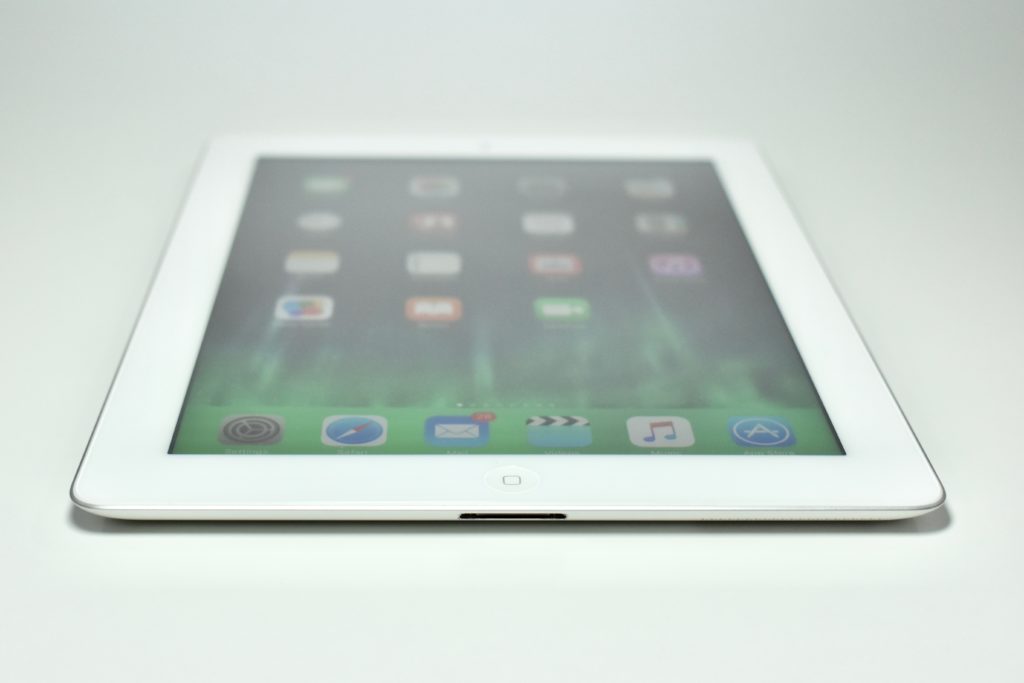
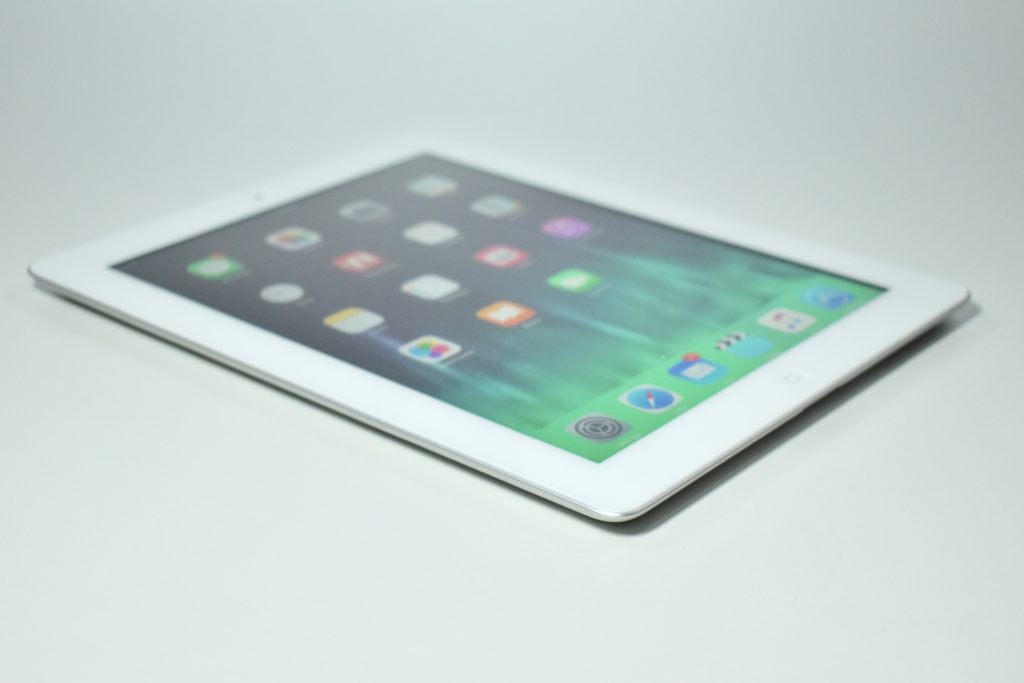
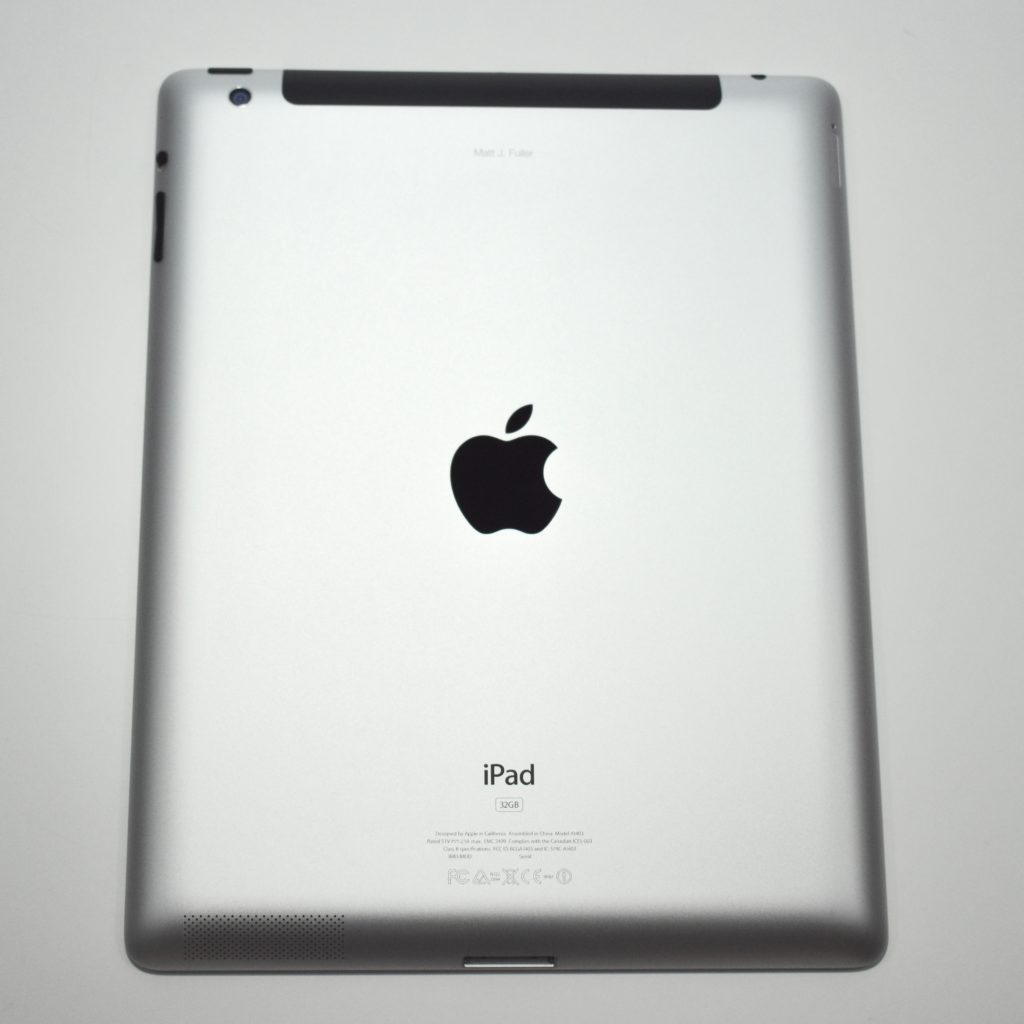
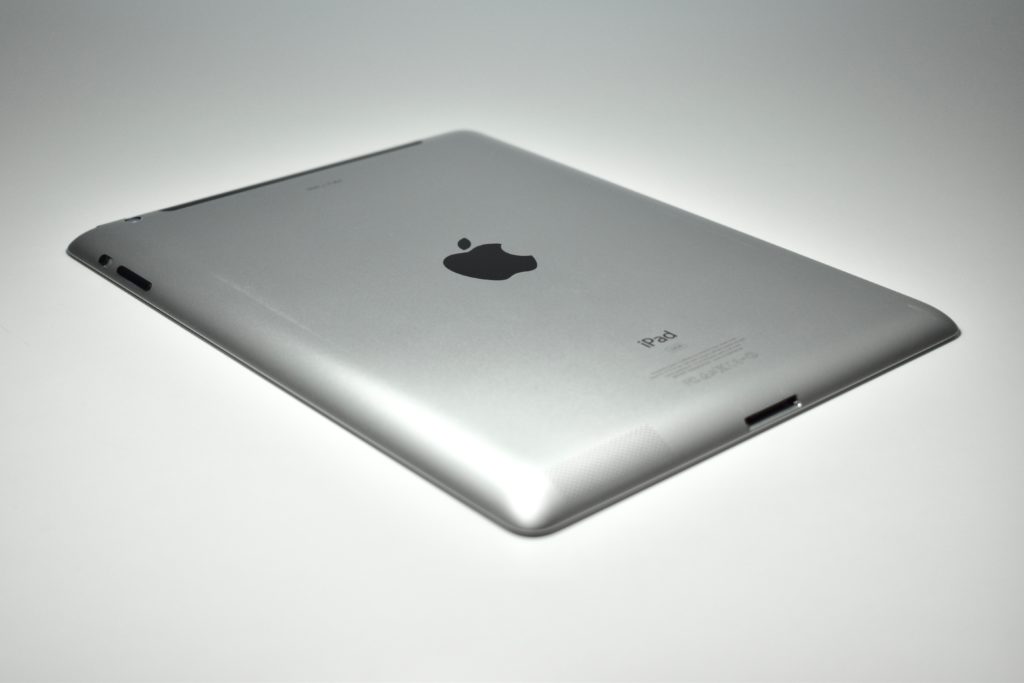
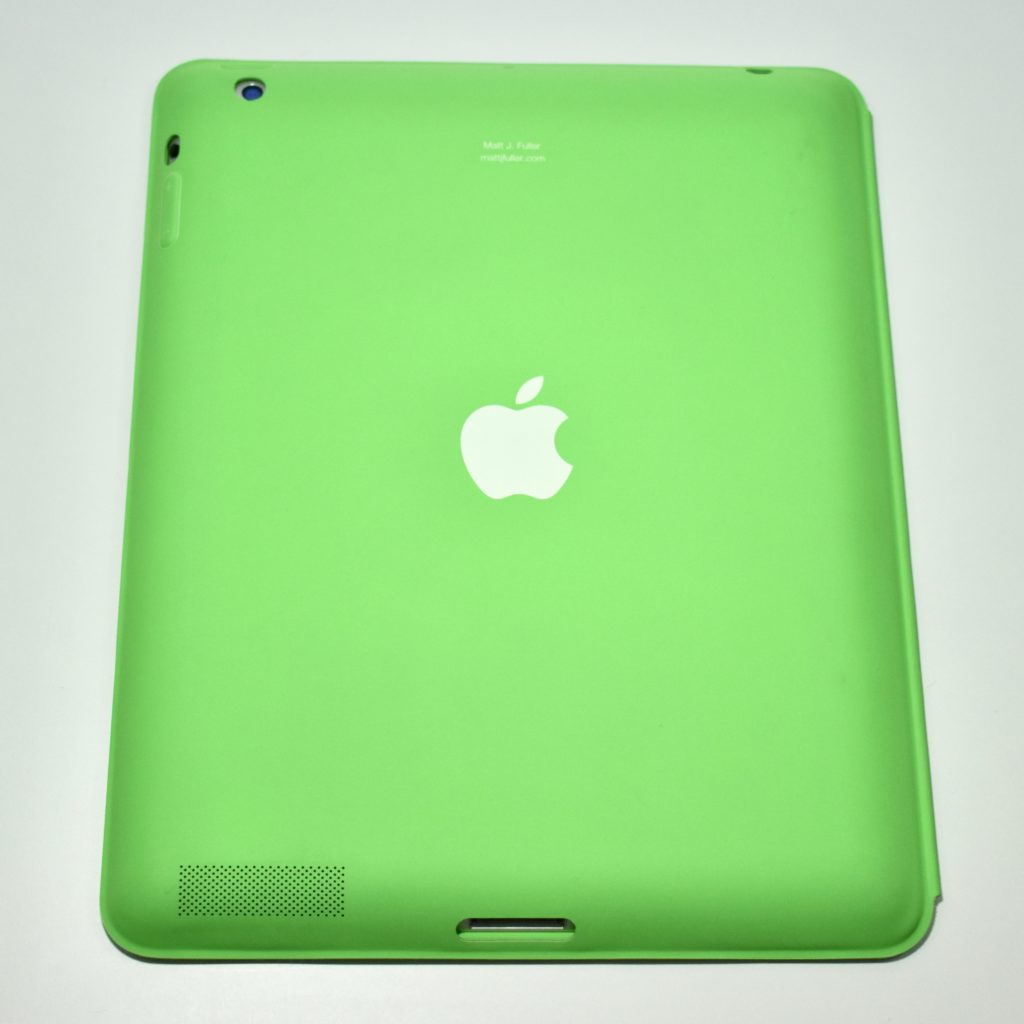
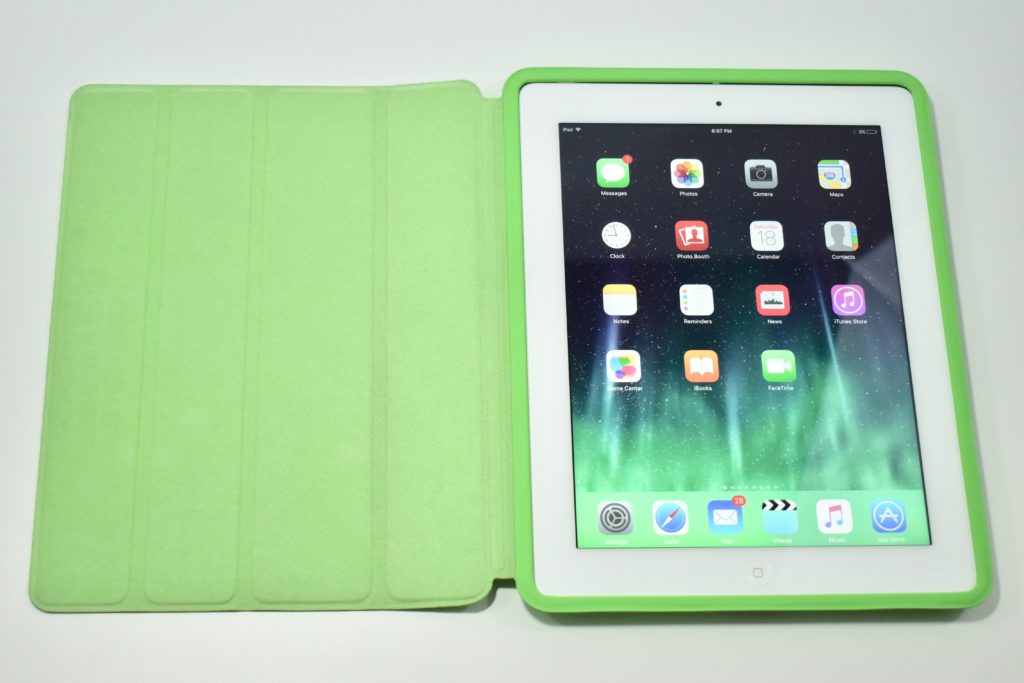
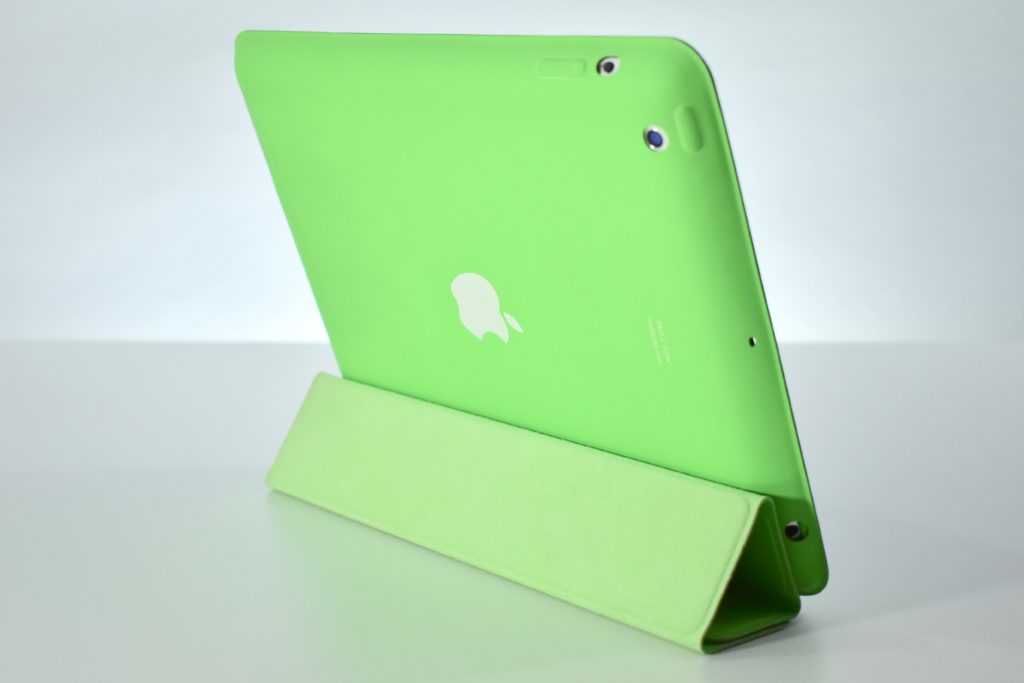
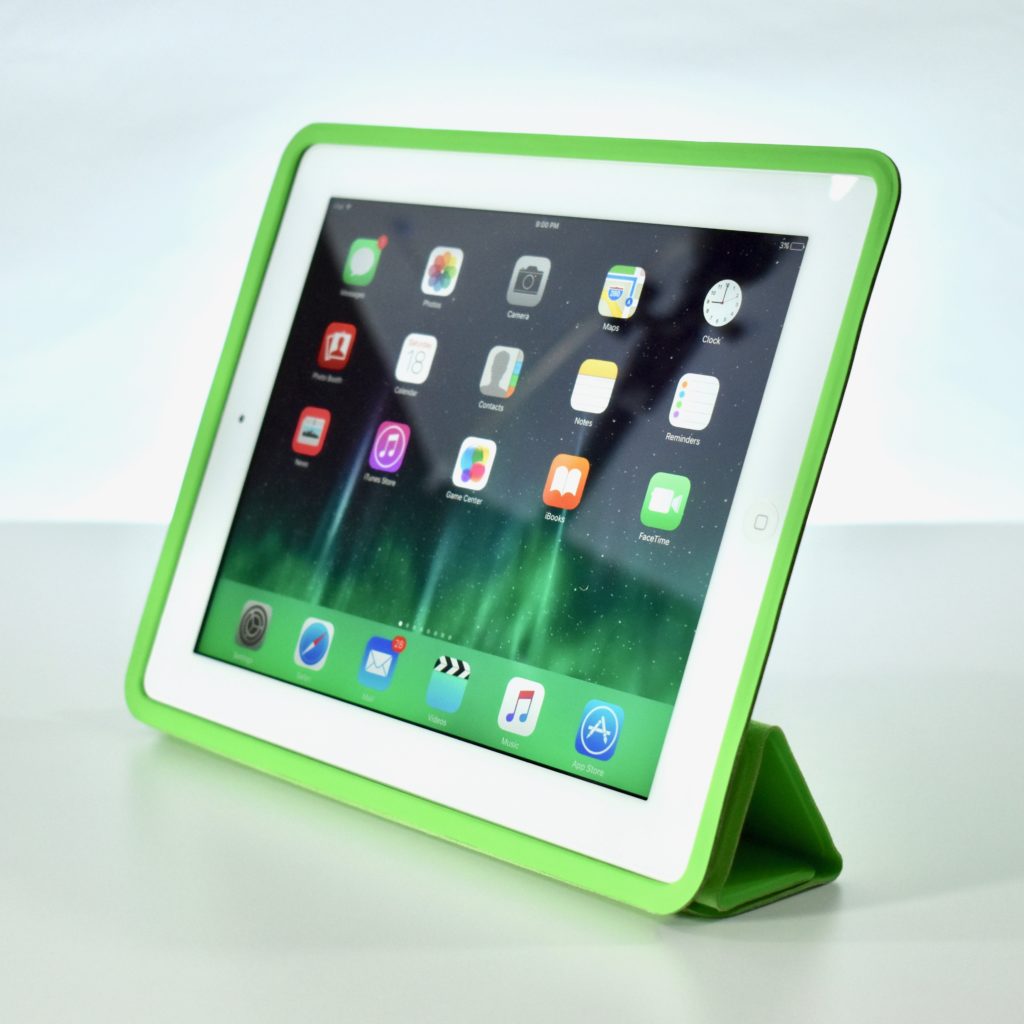
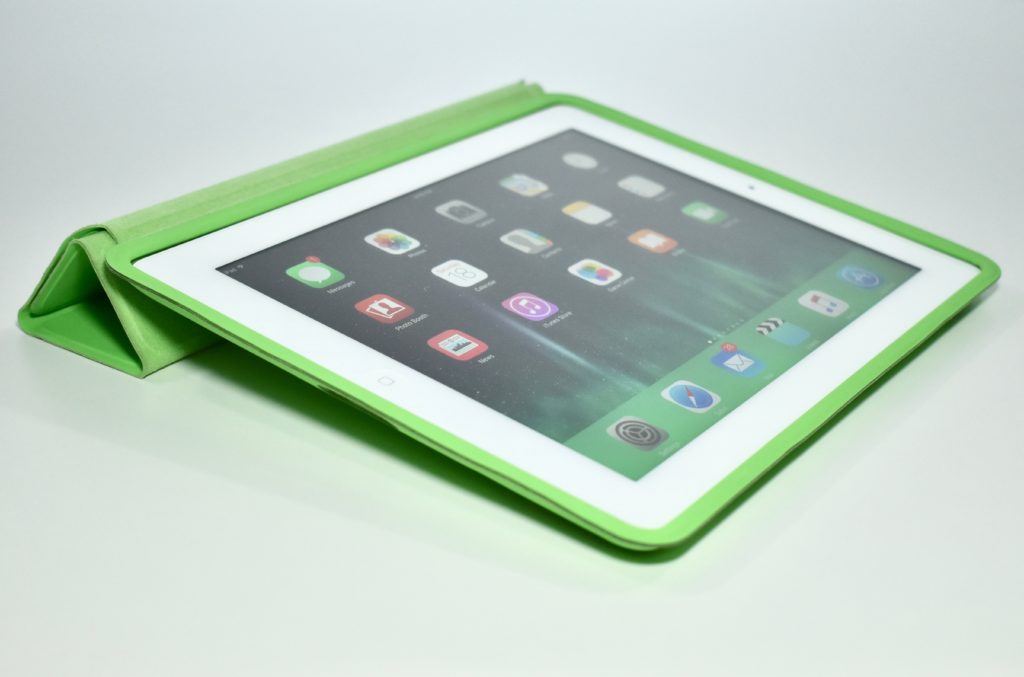
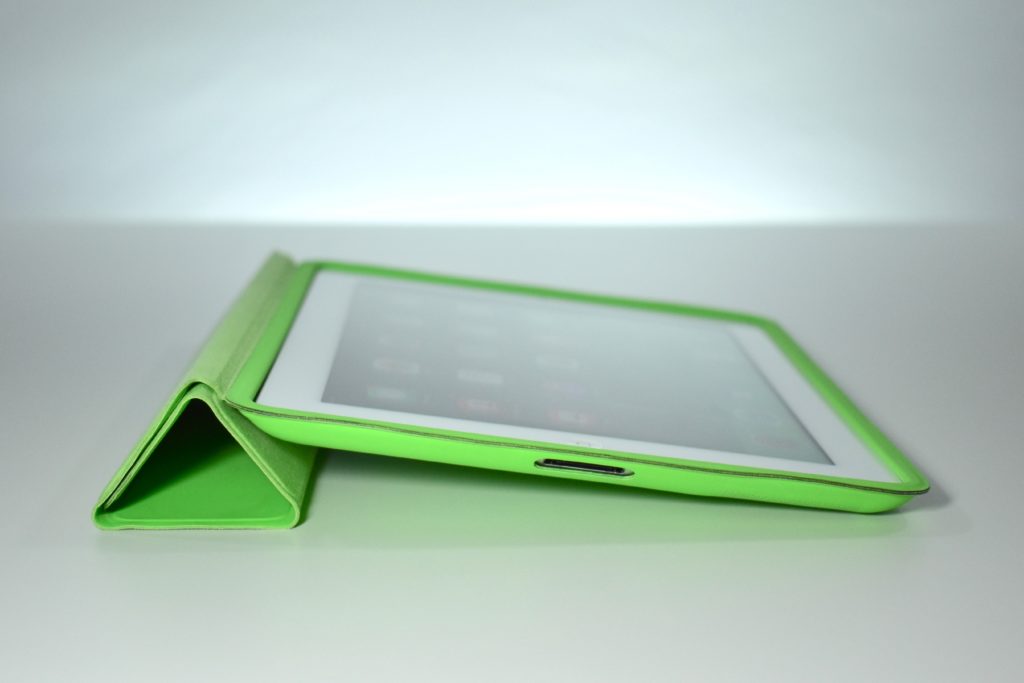
iPad (Generation 3, cellular, 32 GB, white, 2012) with iPad Smart Case (green)

The iPad Generation 3 was significantly more powerful than the two previous iPad models and introduced the “Retina” display, a 9.7-inch multitouch screen at 2048×1536 (264 ppi). Internally it used a dual-core 1 GHz Apple A5X processor with quad core graphics; 1 GB of RAM; 16, 32, or 64 GB of storage; a rear-mounted 5 megapixel iSight camera (1080p); a front-mounted FaceTime camera; 802.11n Wi-Fi, and Bluetooth 4.0.

This specific iPad model supported 4G LTE connectivity on Verizon’s network in the US.

According to Cult of Mac, the iPad Generation 3 had the “shortest lifespan of any iPad in history. Apple debuted the fourth-gen model just 221 days after the iPad 3 went on sale. The iPad 4 added the Lightning connector, making the iPad 3 the last iPad to support the old 30-pin dock connector.”

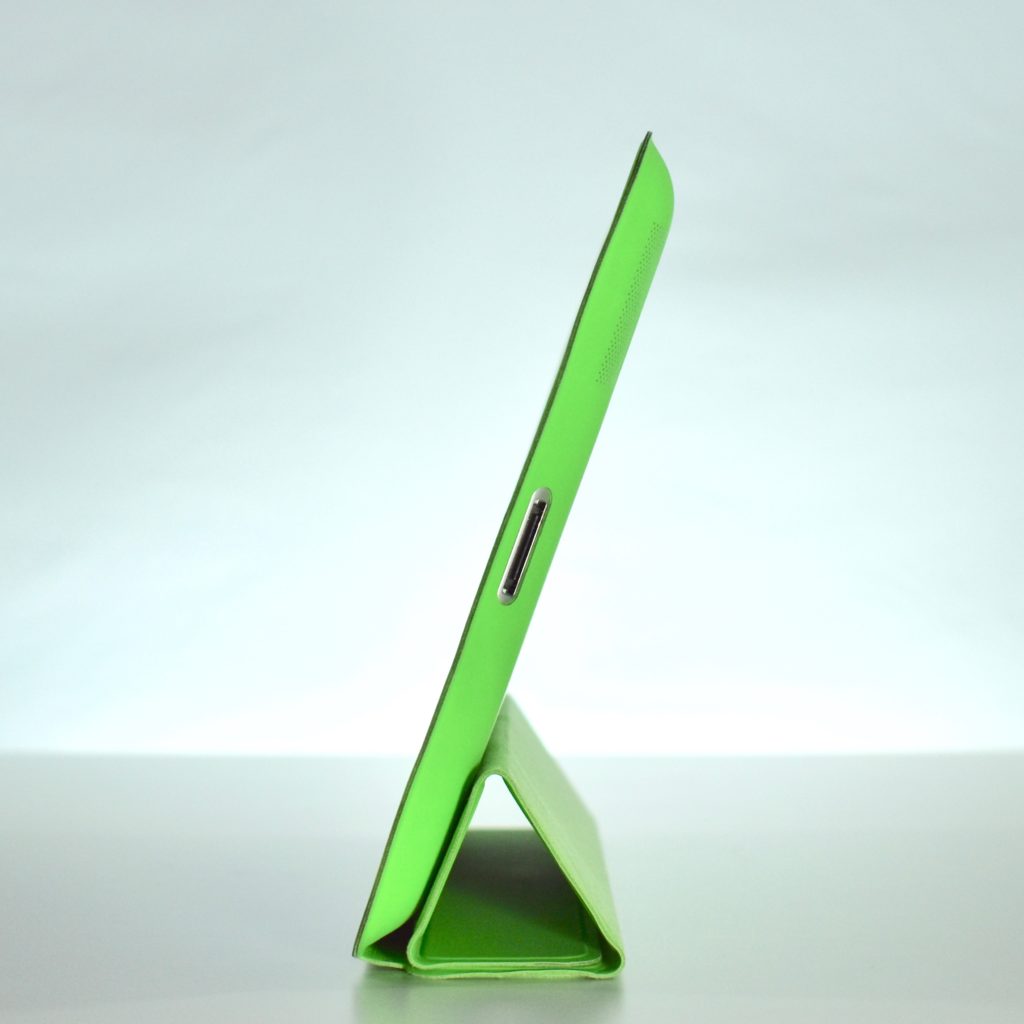
The Smart Case for was made of polyurethane and fit several iPad models including iPad 2 (2nd generation), iPad (3rd generation), and iPad with retina display. The Smart Case offered full protection and the cover was magnetic so when the case was open the iPad woke up and automatically went to sleep when closed.

The interior of the case was made of a soft, color-matched microfiber lining that helped keep the display clean. By folding the cover into a triangle, Apple advertised the case positions as a “FaceTime and movie stand” while upright and a keyboard stand to “tilt iPad into a comfortable typing position” when flat.

Sources: EveryMac.com, Cult of Mac

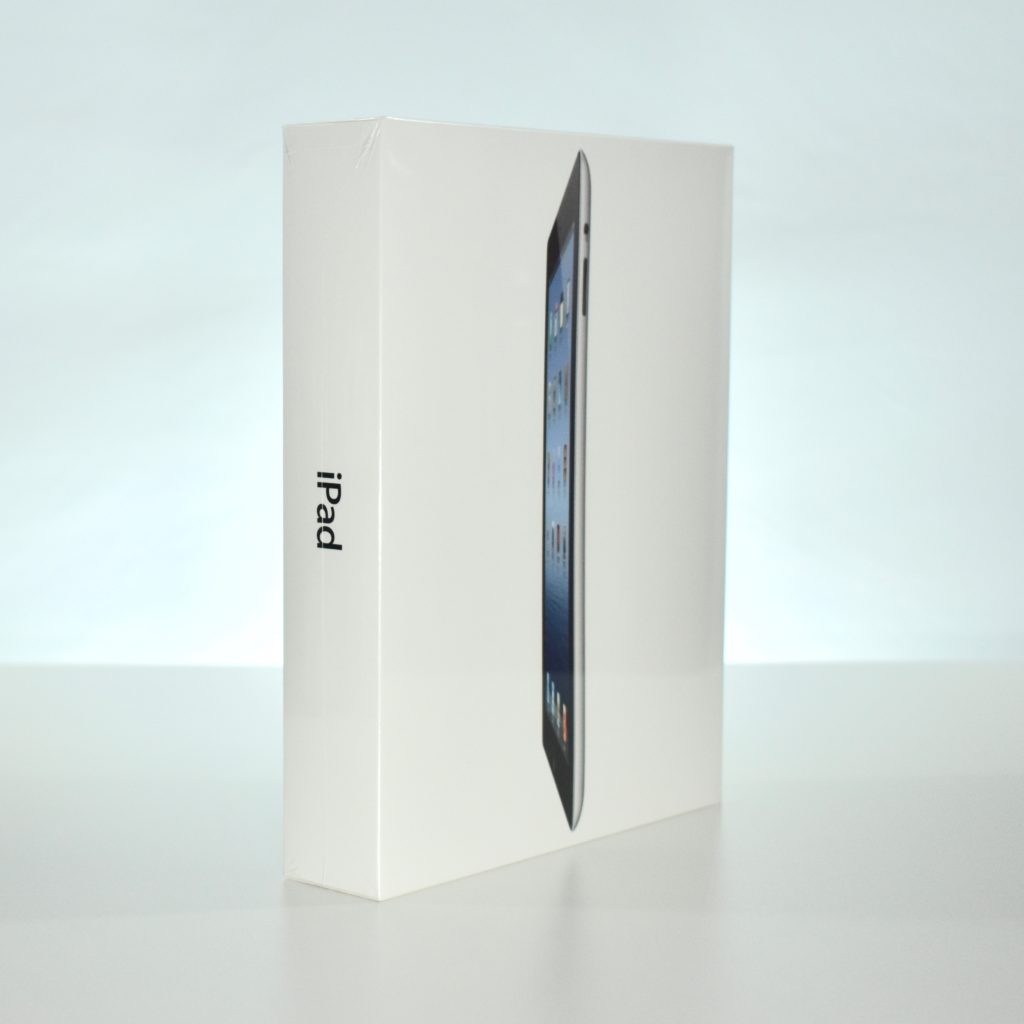
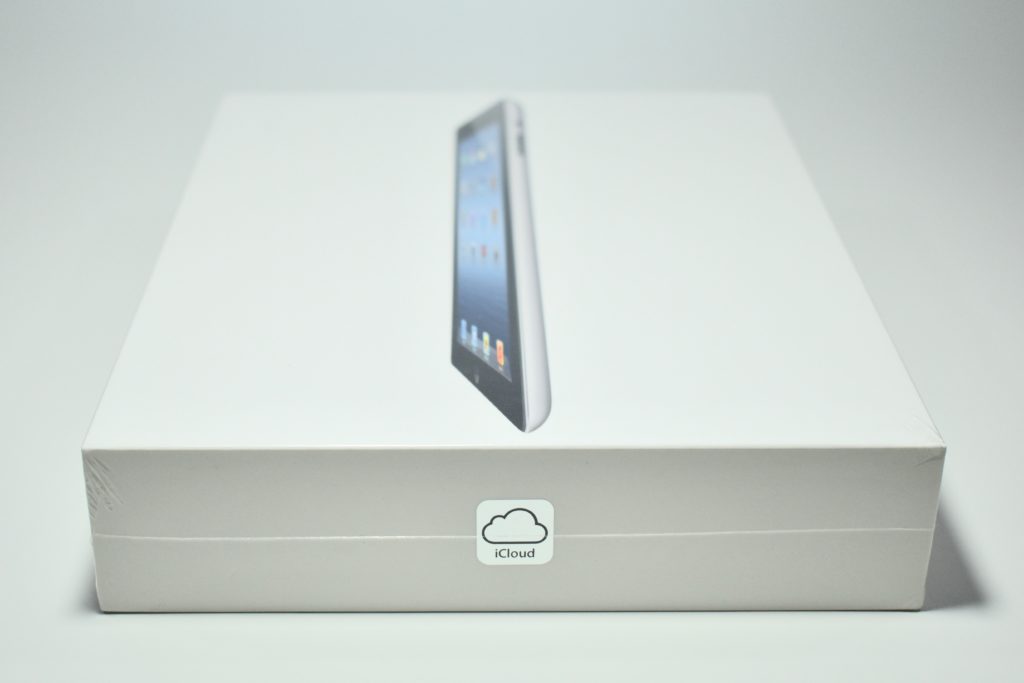
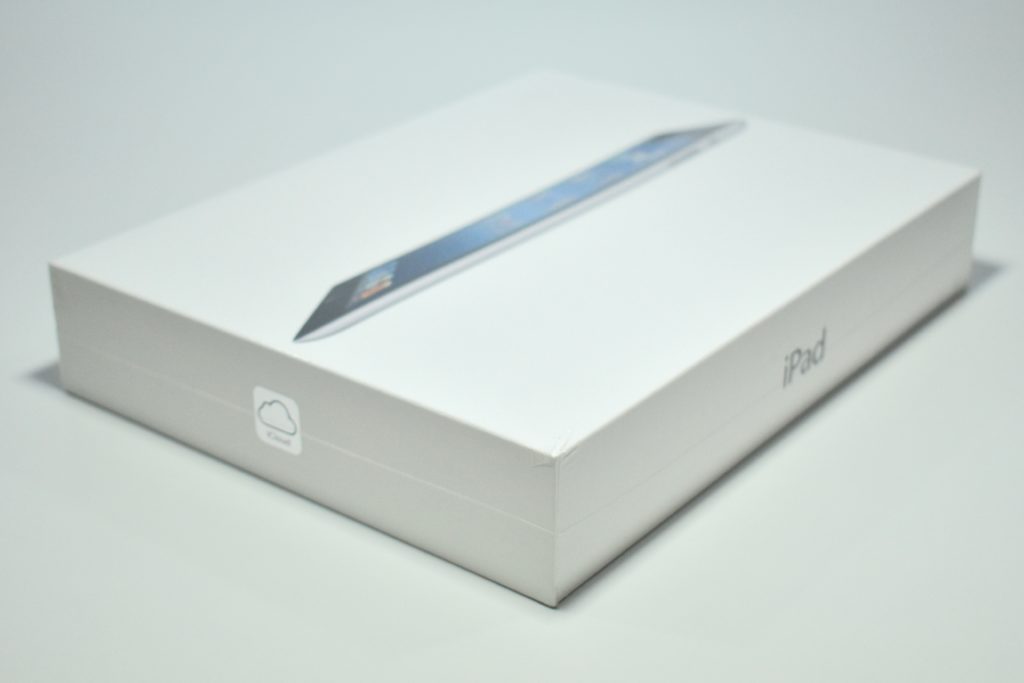
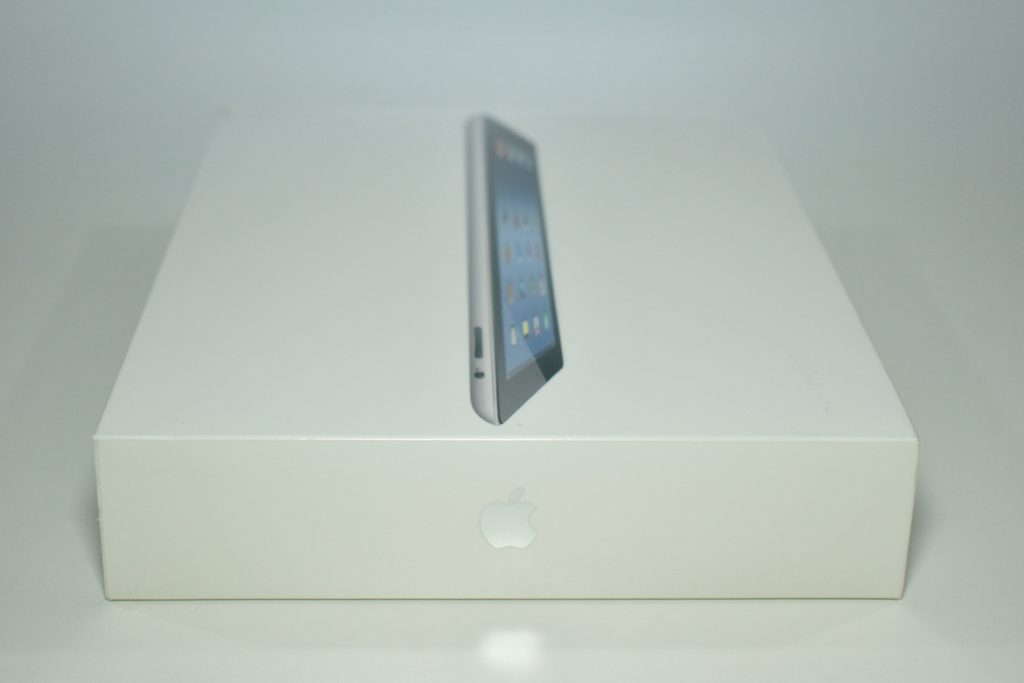
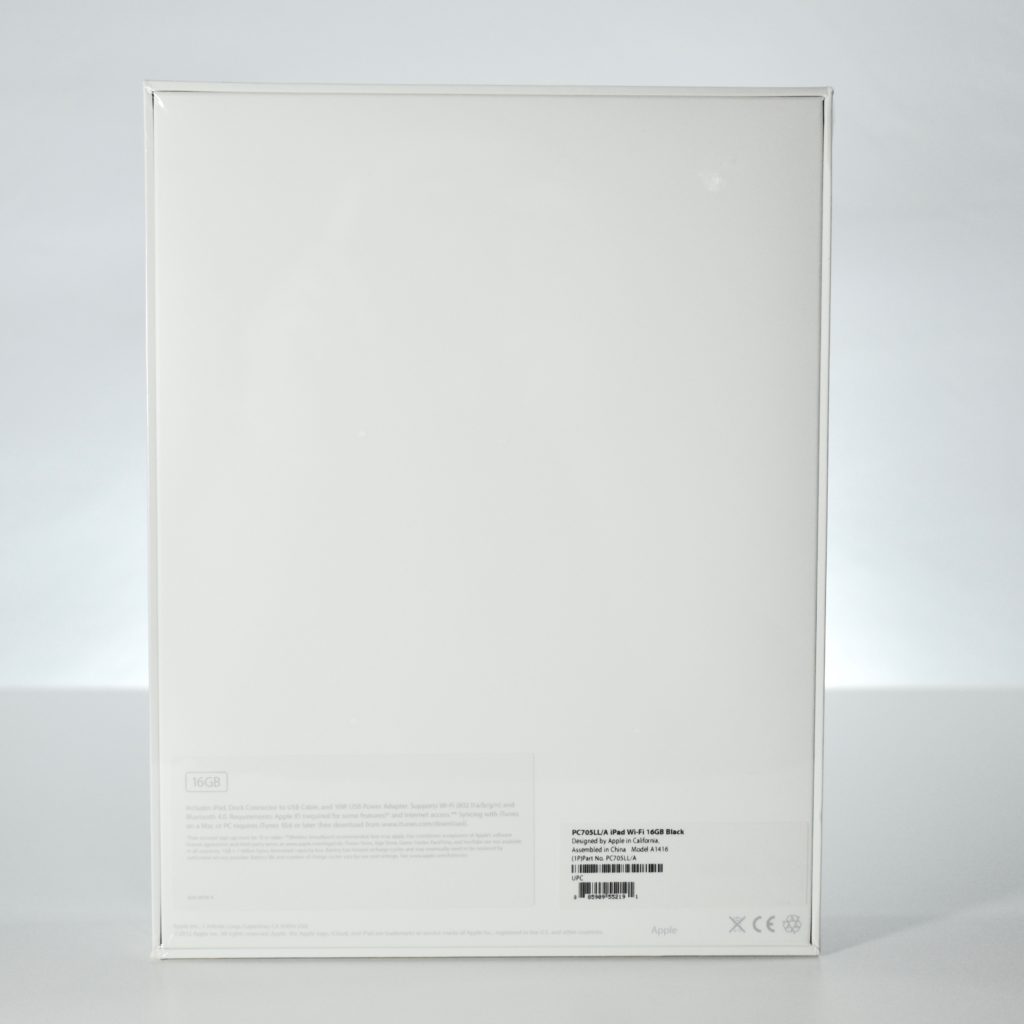
iPad (Generation 3, Wi-Fi, 16 GB, black, 2012, unopened)

The iPad Generation 3 was significantly more powerful than the two previous iPad models and introduced the “Retina” display, a 9.7-inch multitouch screen at 2048×1536 (264 ppi). Internally it used a dual-core 1 GHz Apple A5X processor with quad core graphics; 1 GB of RAM; 16, 32, or 64 GB of storage; a rear-mounted 5 megapixel iSight camera (1080p); a front-mounted FaceTime camera; 802.11n Wi-Fi, and Bluetooth 4.0.

In my experience as a school Technology Director, the iPad Generation 3 began a shift in thinking that the iPad was not just a content-consumption device, but also a content-creation device. The iPad Generation 3 built upon the iWork apps introduced with he original iPad and camera introduced with the iPad Generation 2 by adding a considerably faster processor and better screen. Soon after the release of the iPad Generation 3, many schools began implementing multiple iPad devices eventually leading to 1:1 initiatives where each student is issued an iPad for learning.

According to Cult of Mac, the iPad Generation 3 had the “shortest lifespan of any iPad in history. Apple debuted the fourth-gen model just 221 days after the iPad 3 went on sale. The iPad 4 added the Lightning connector, making the iPad 3 the last iPad to support the old 30-pin dock connector.”

Source: EveryMac.com, Cult of Mac