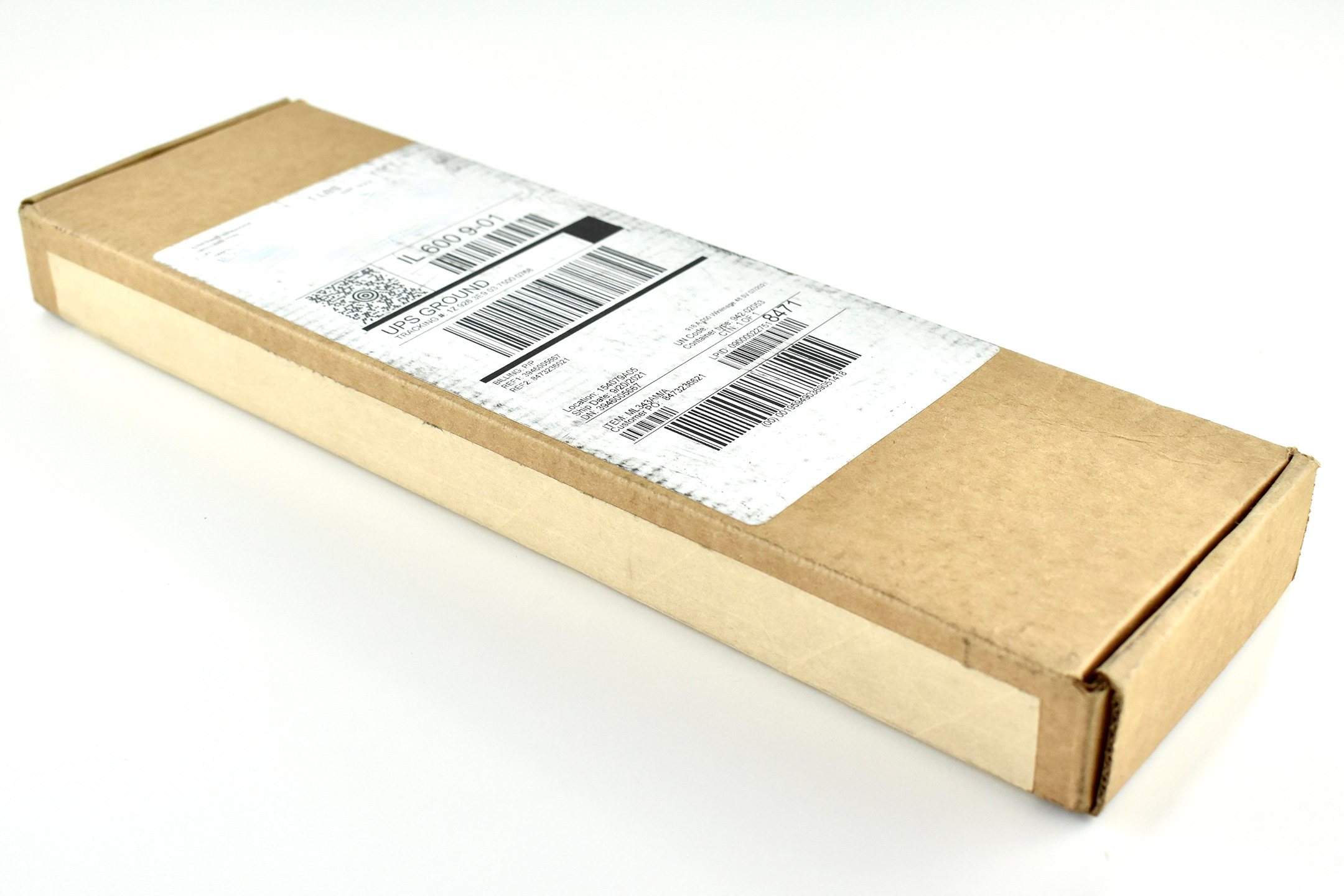
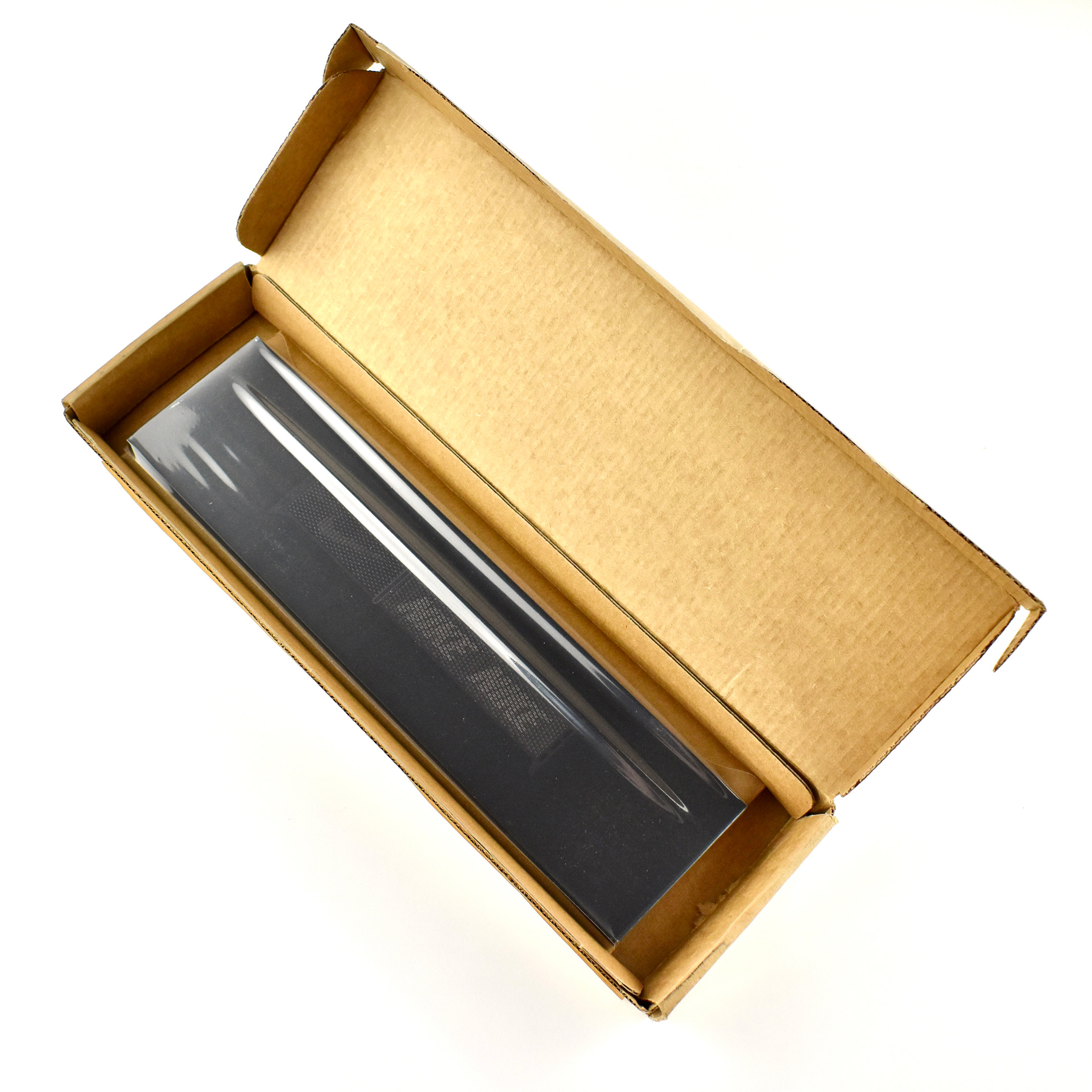
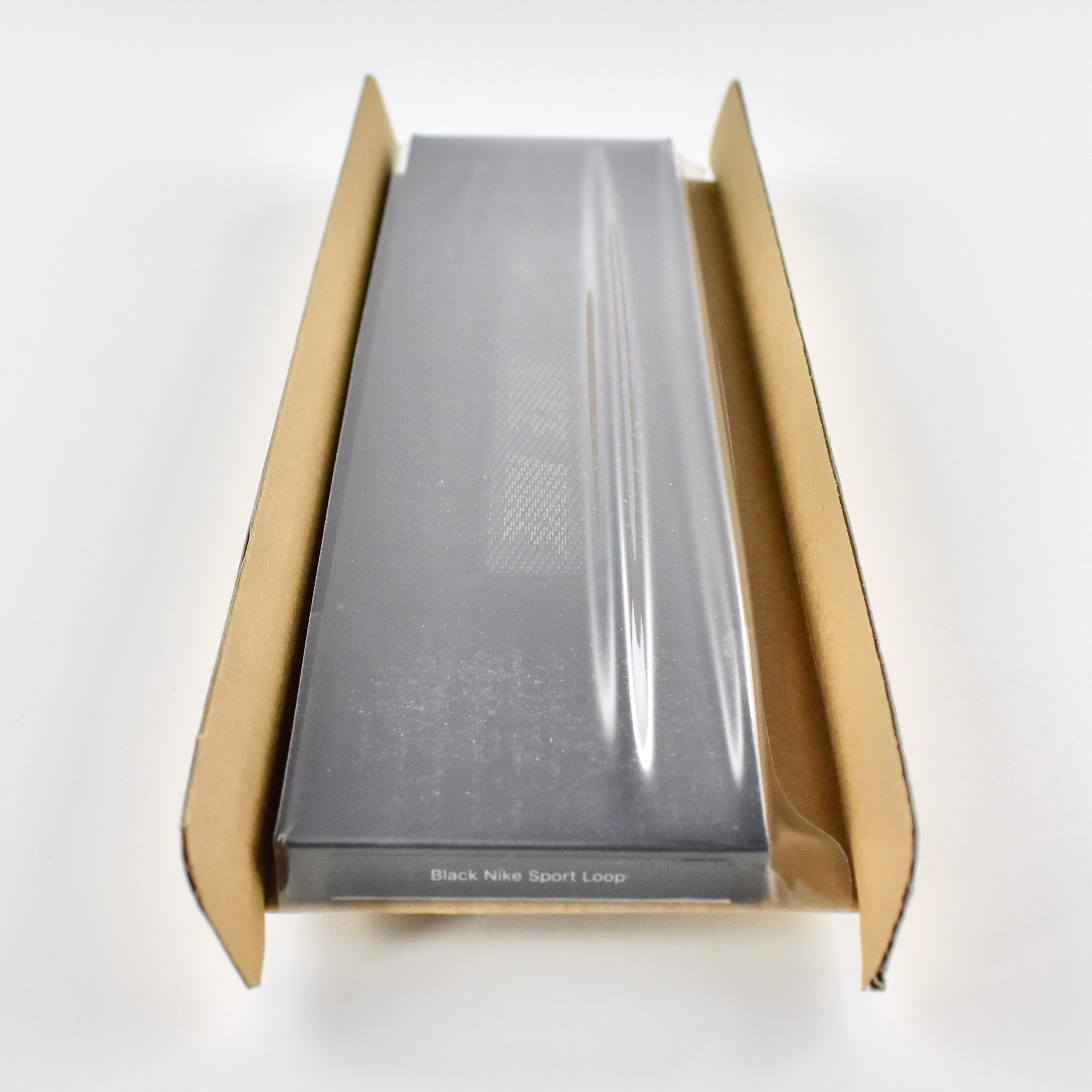
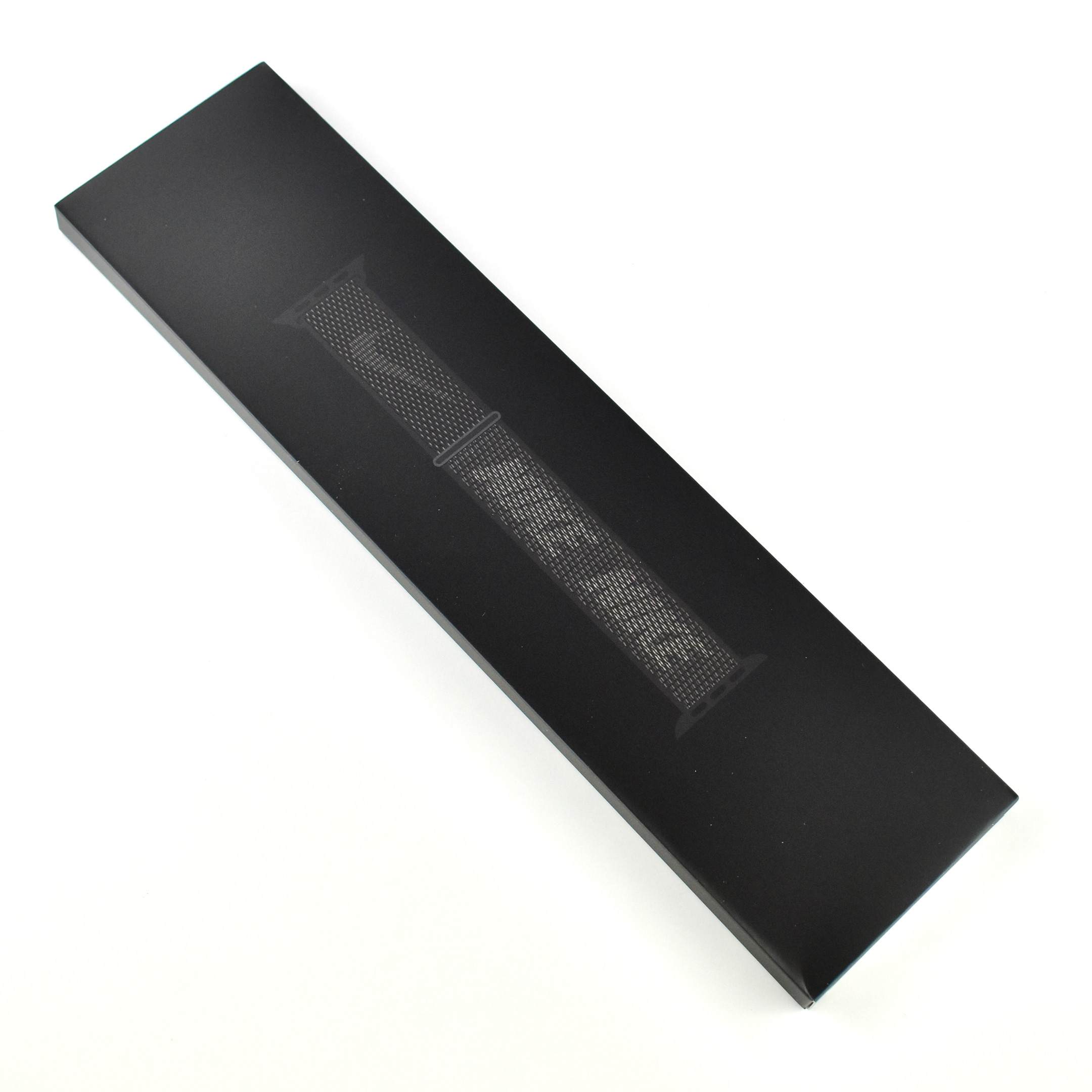
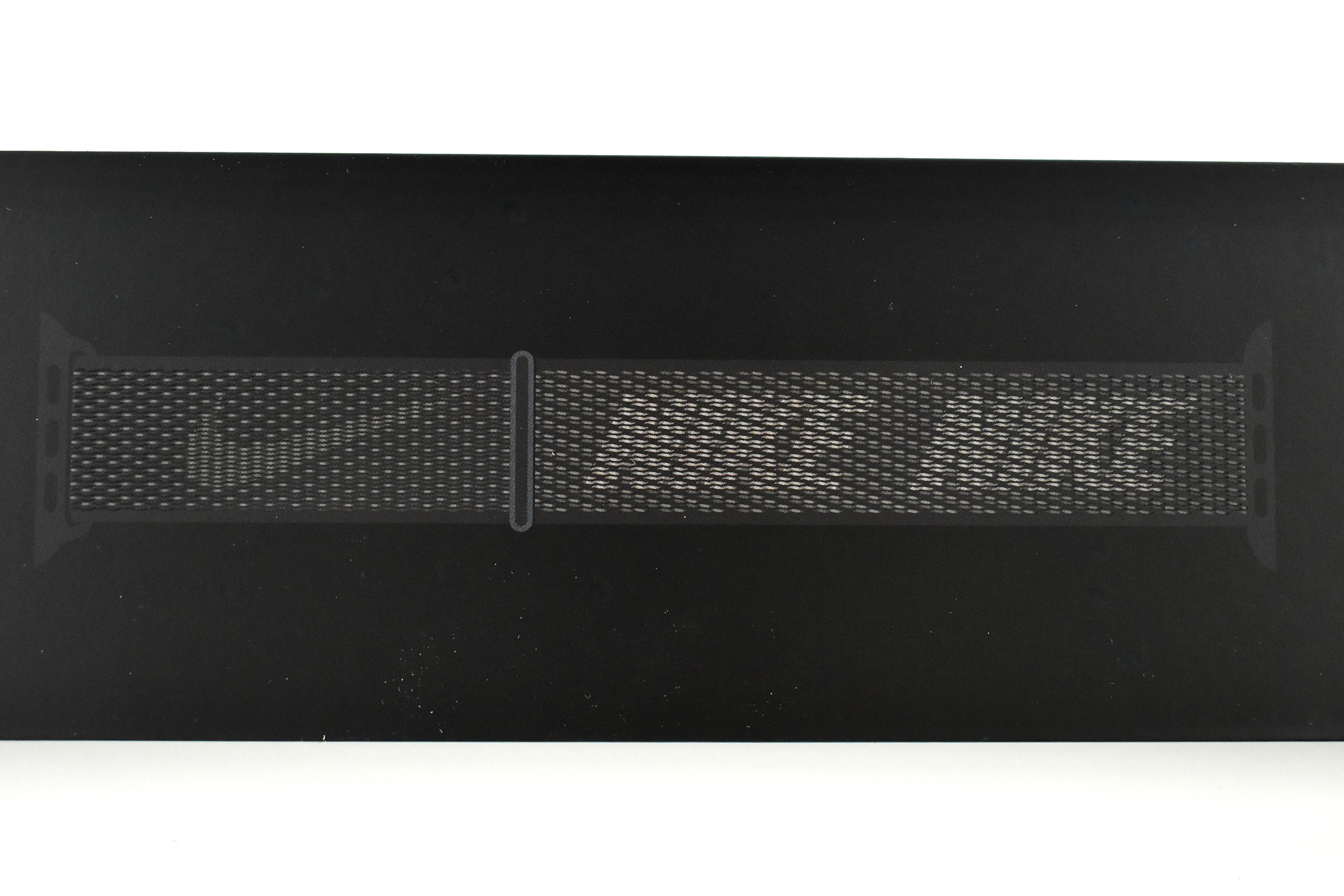
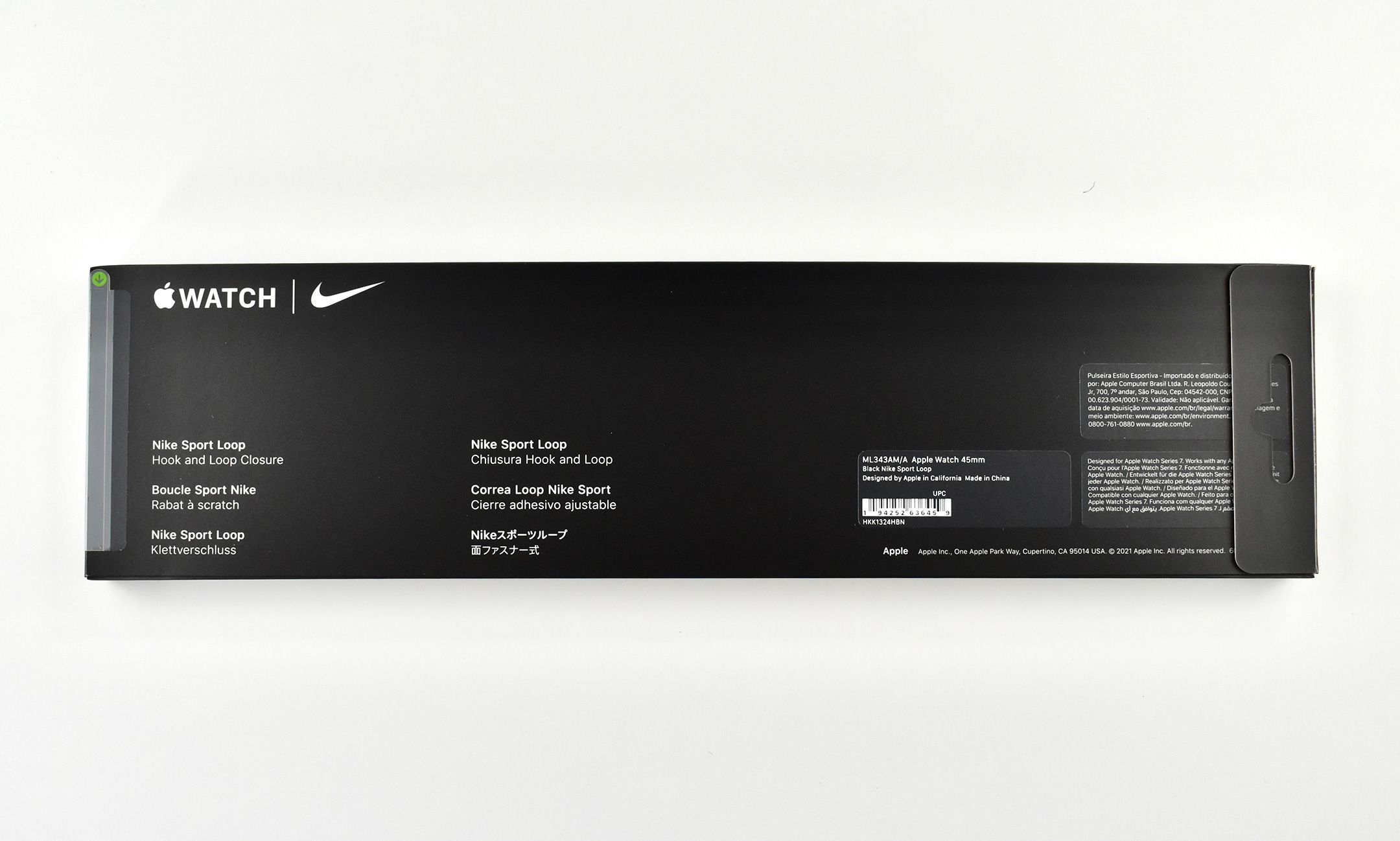
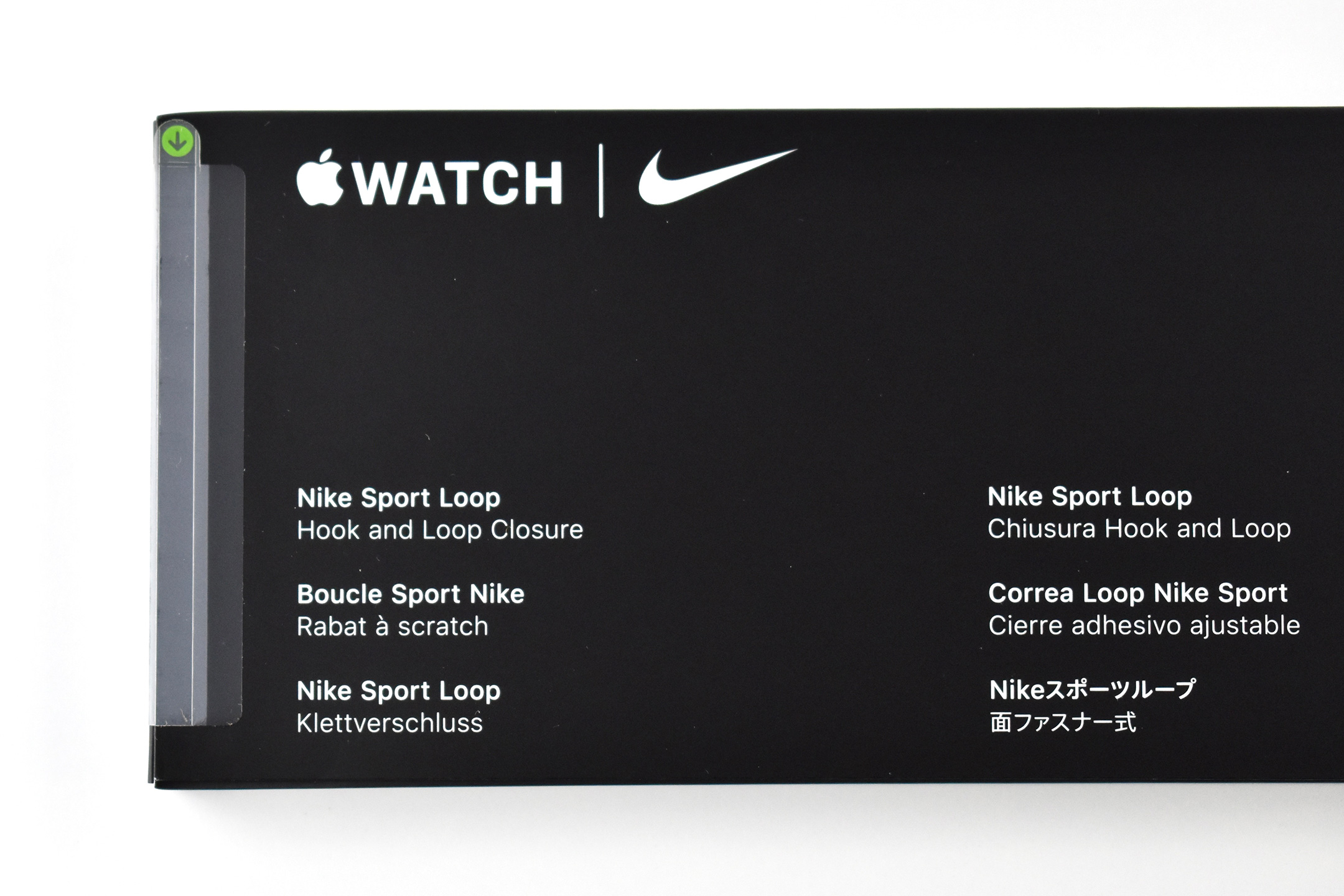
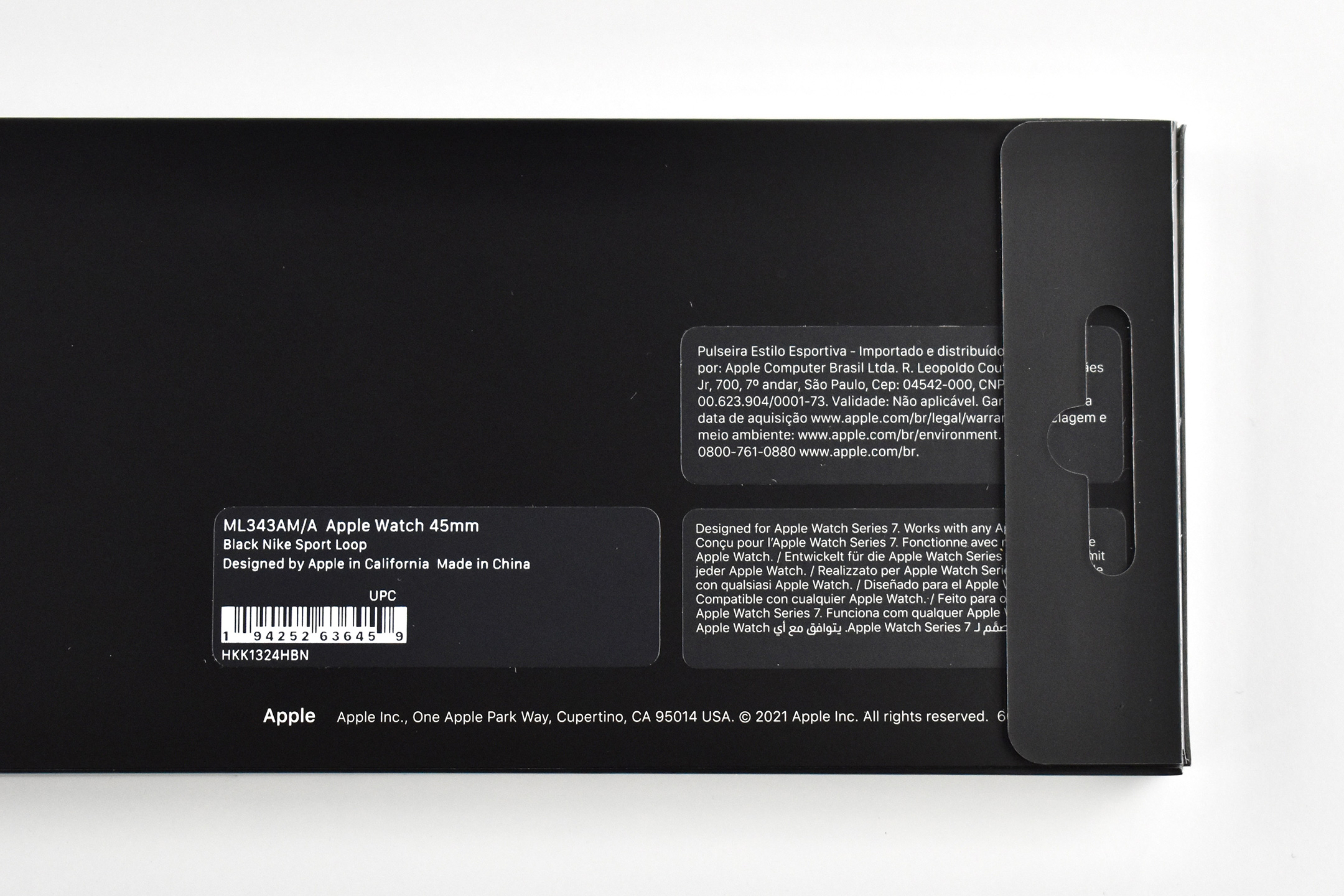
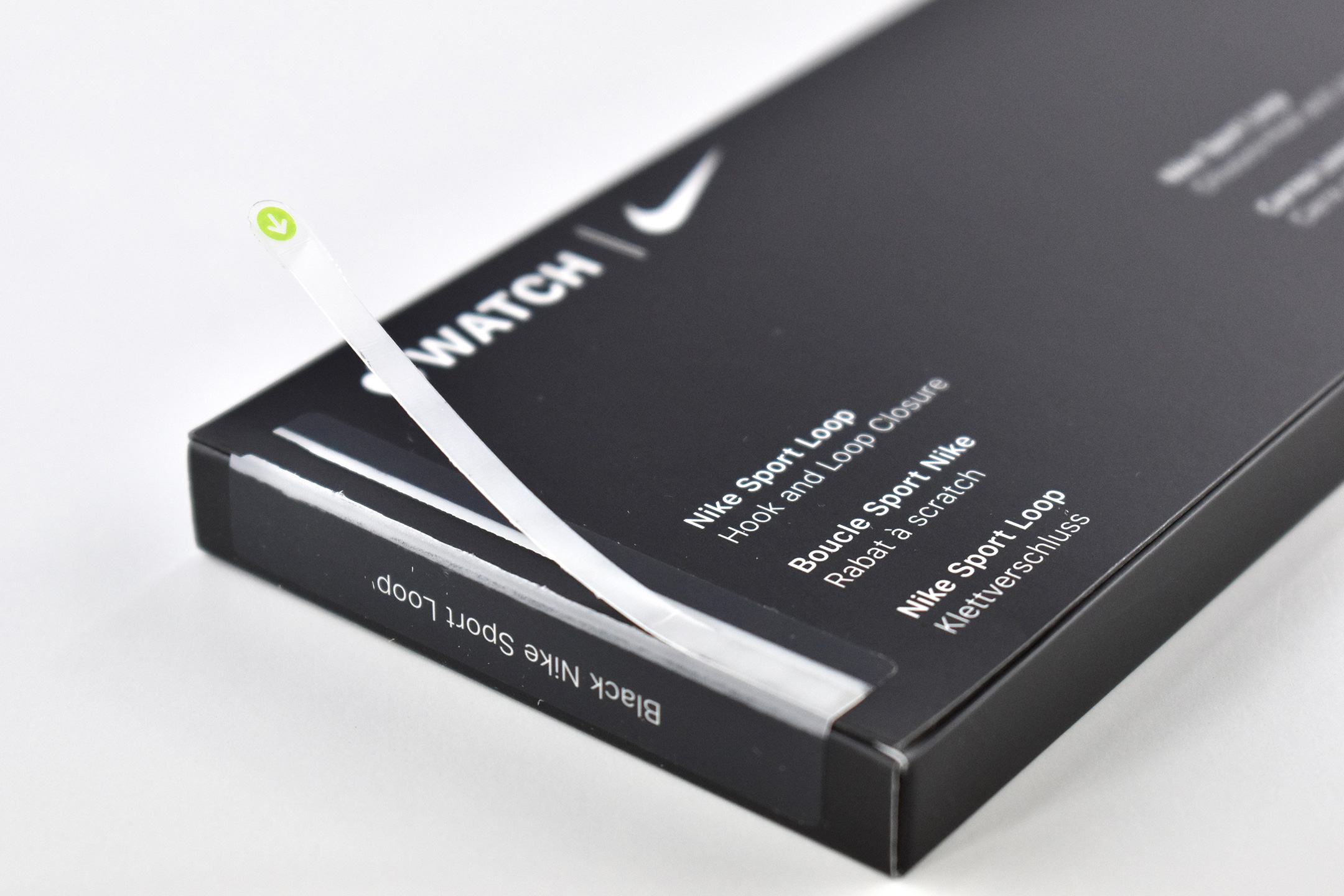
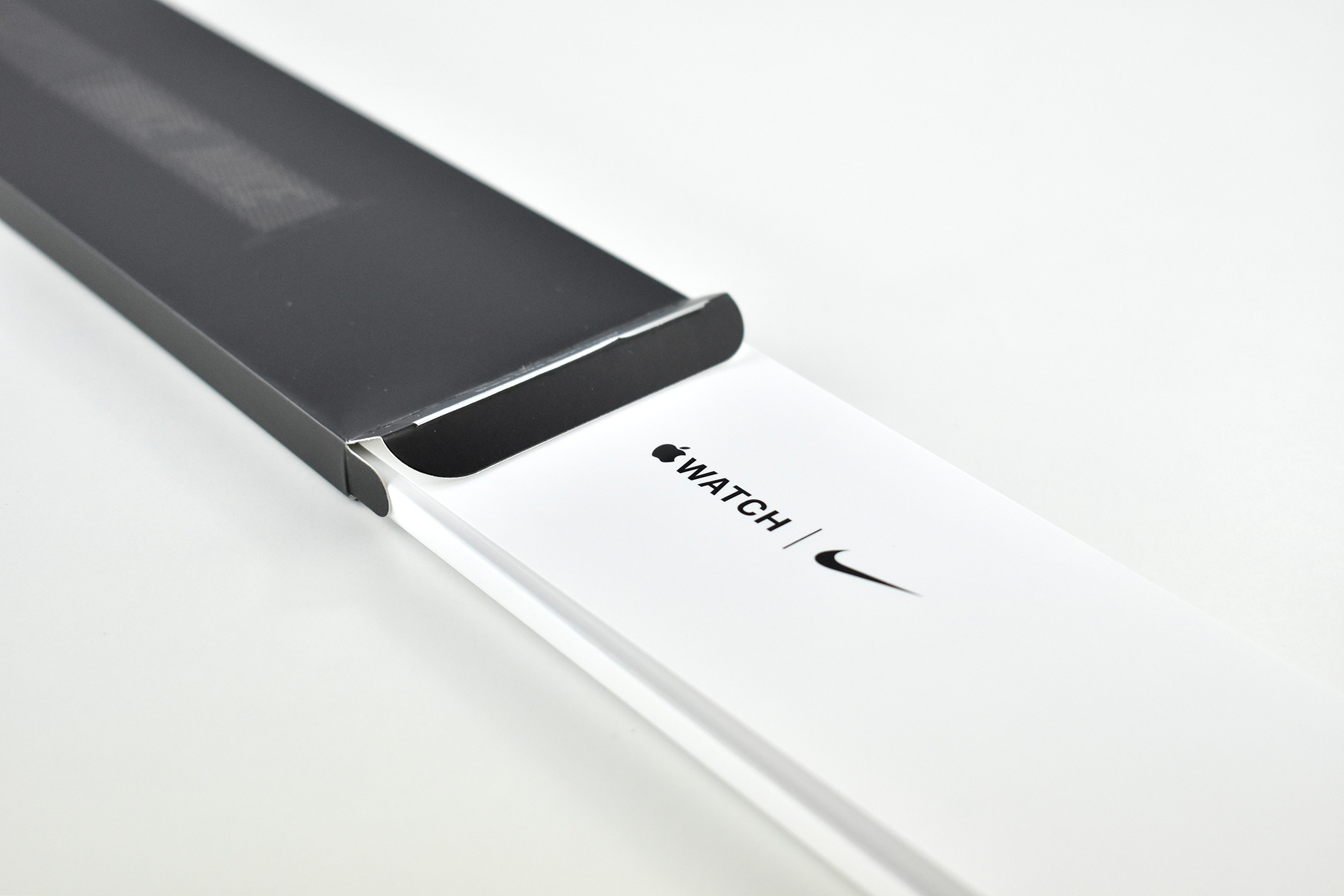
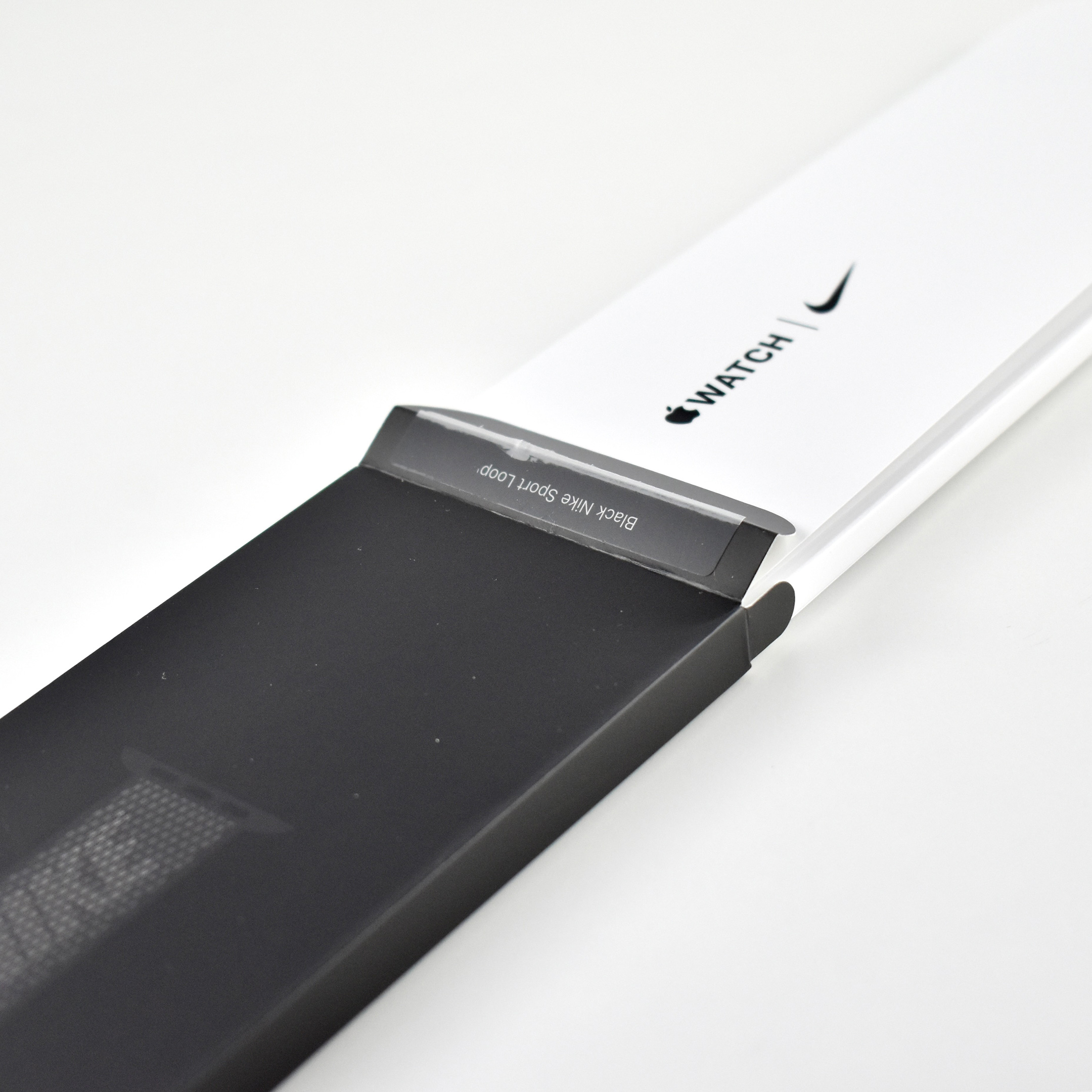
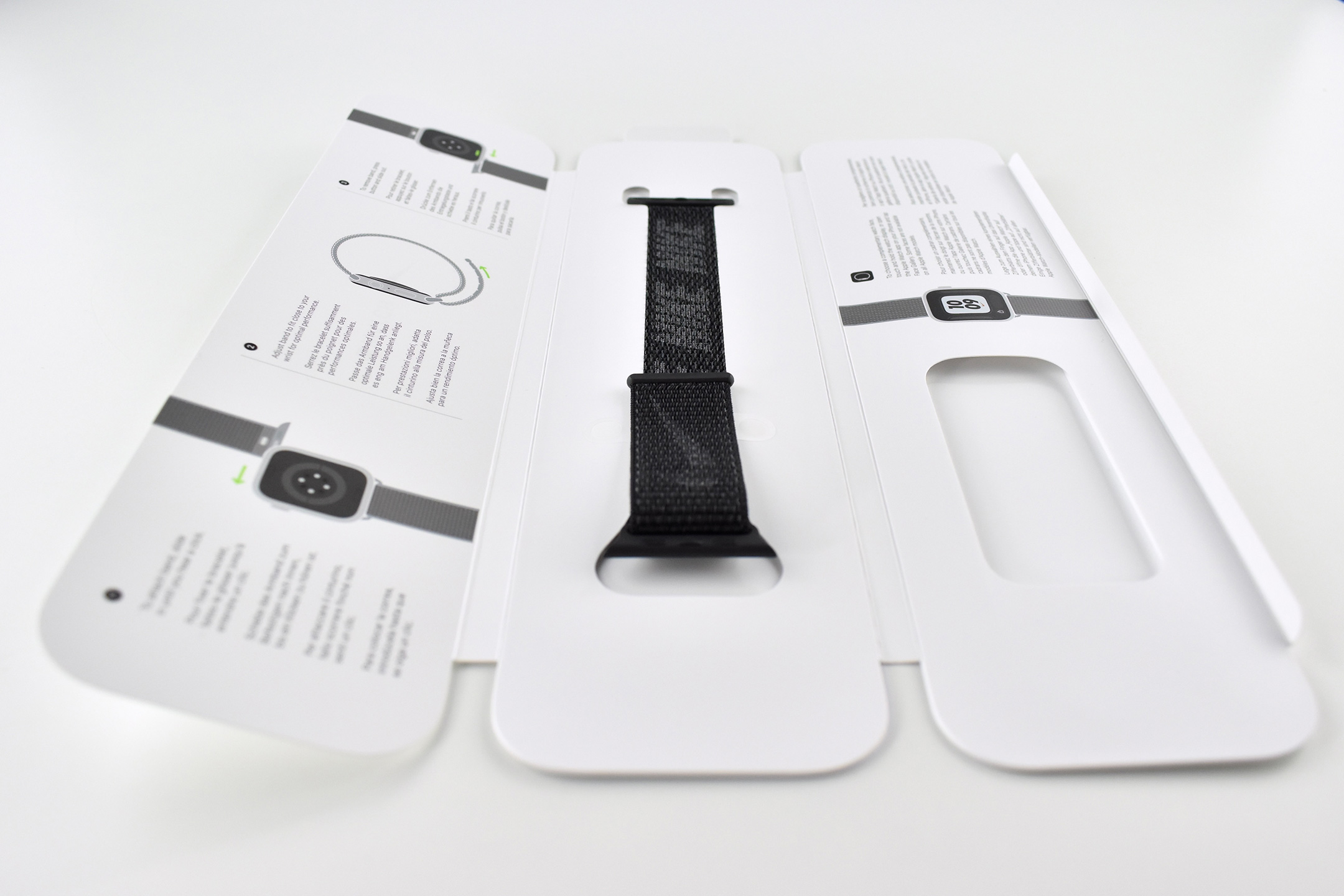
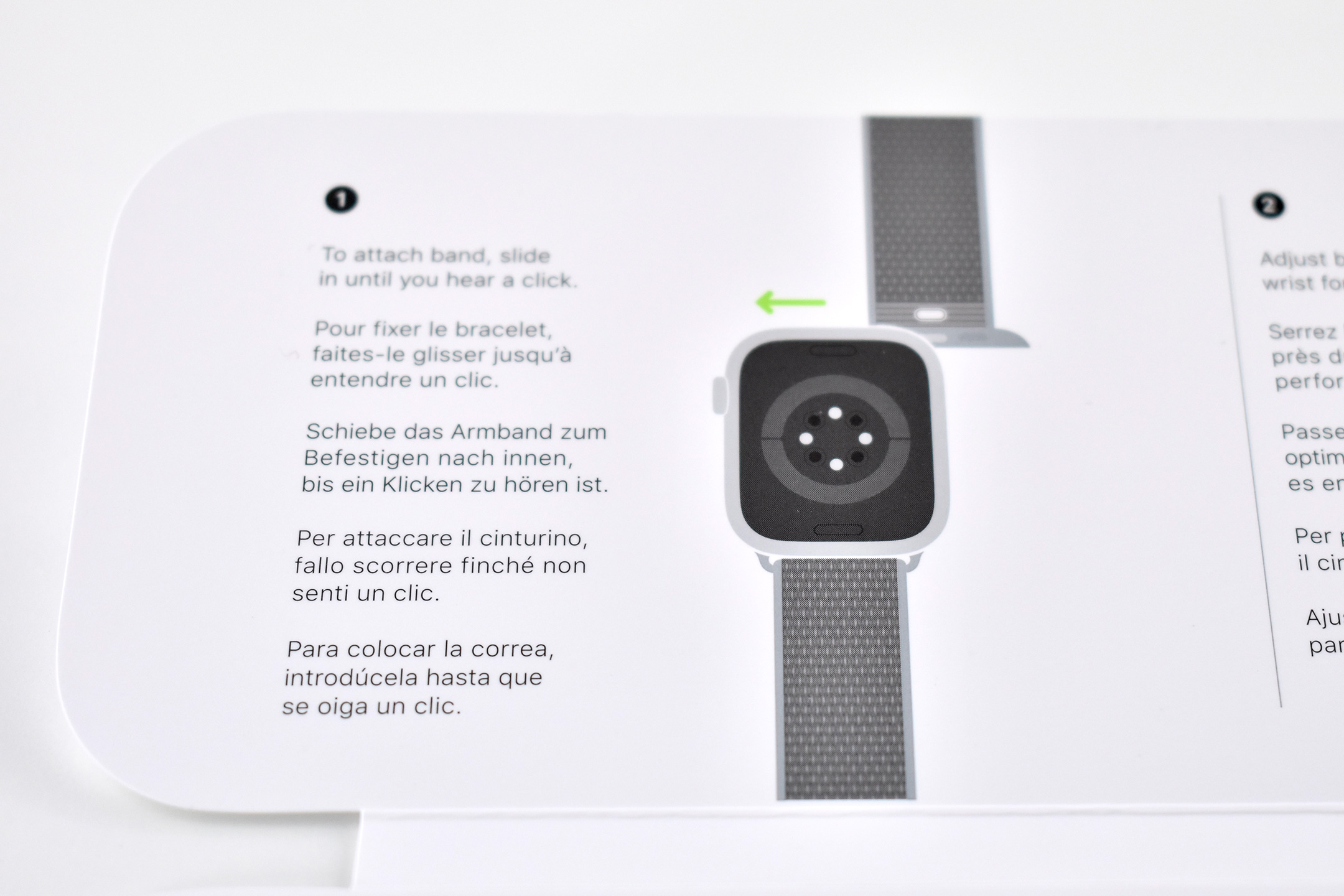
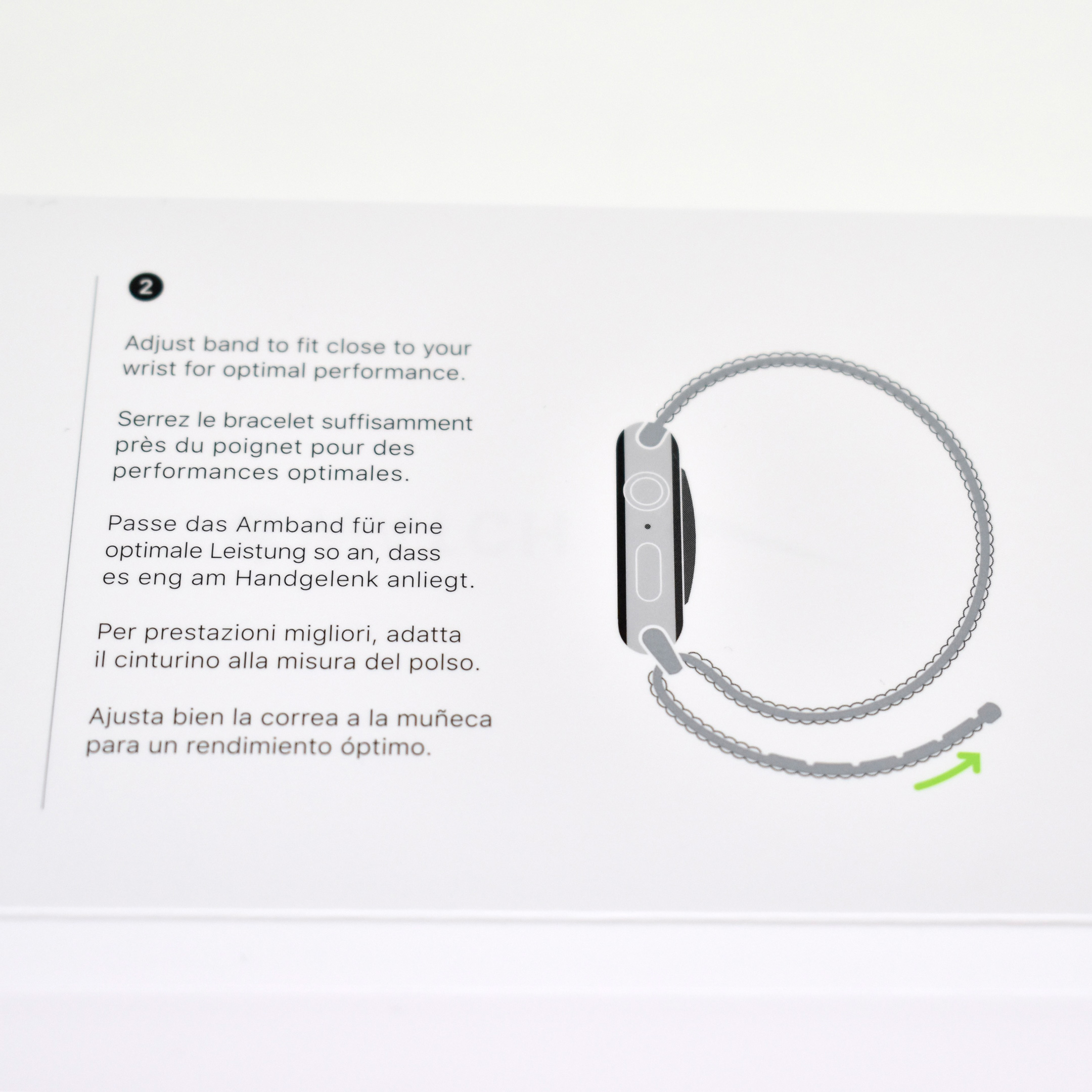
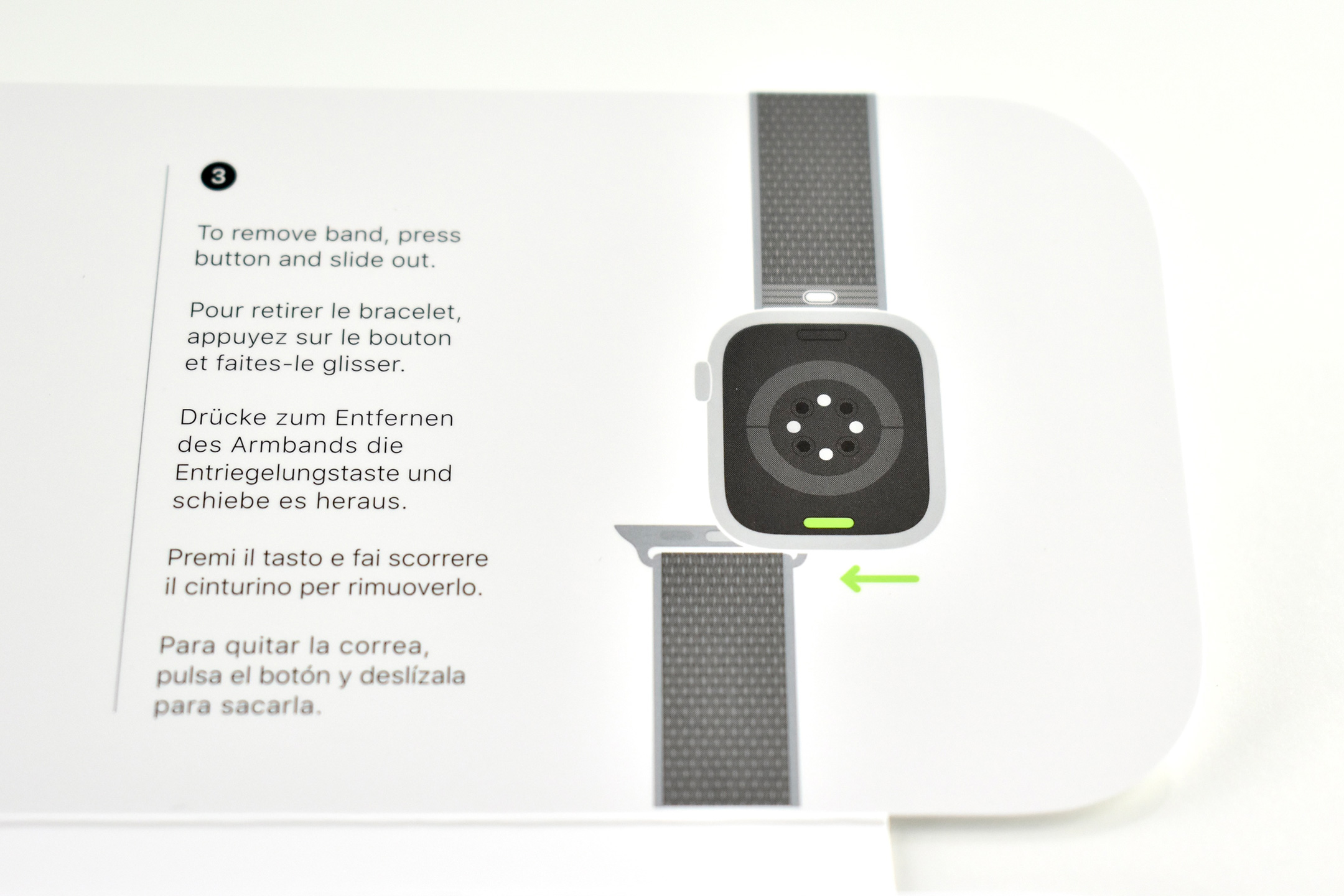
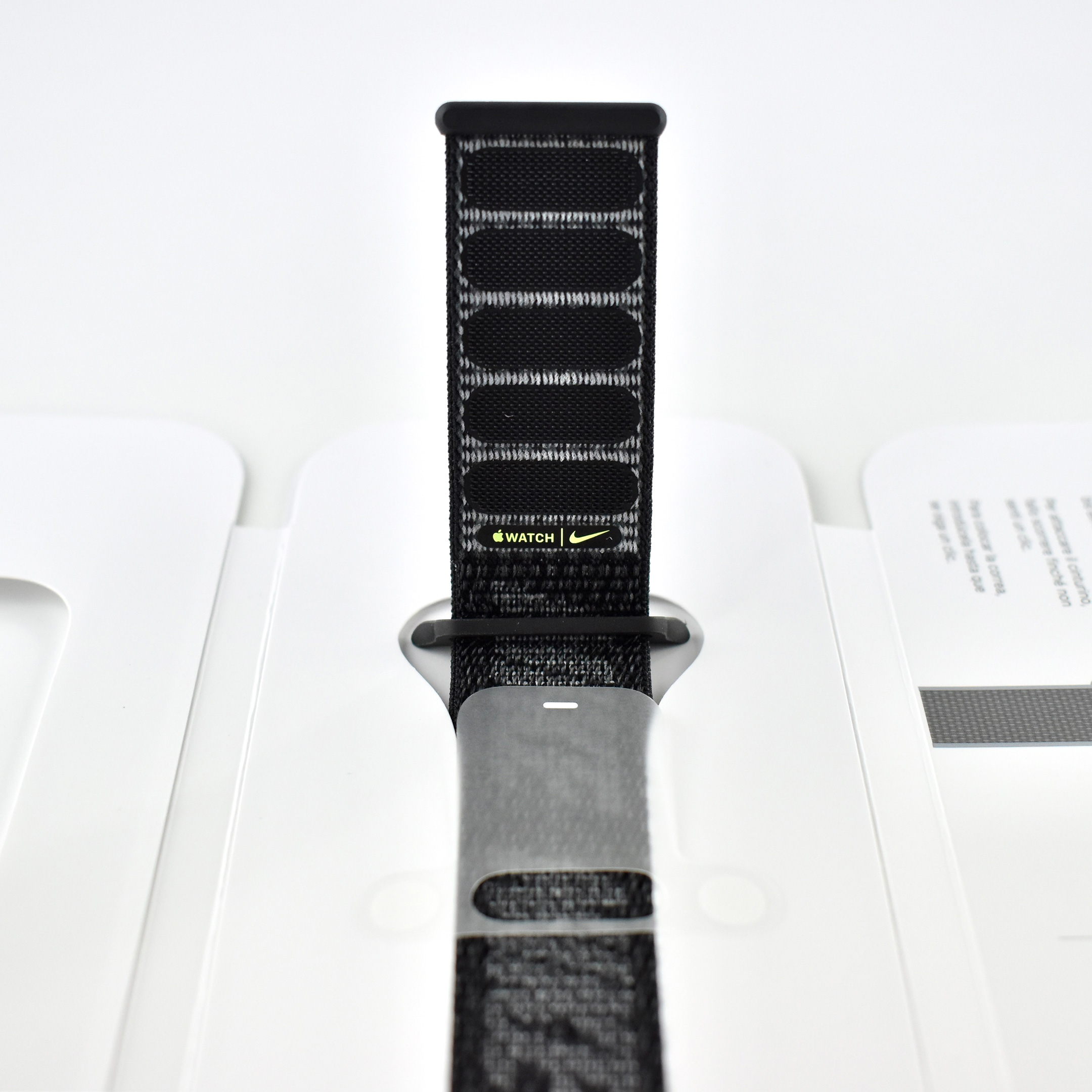
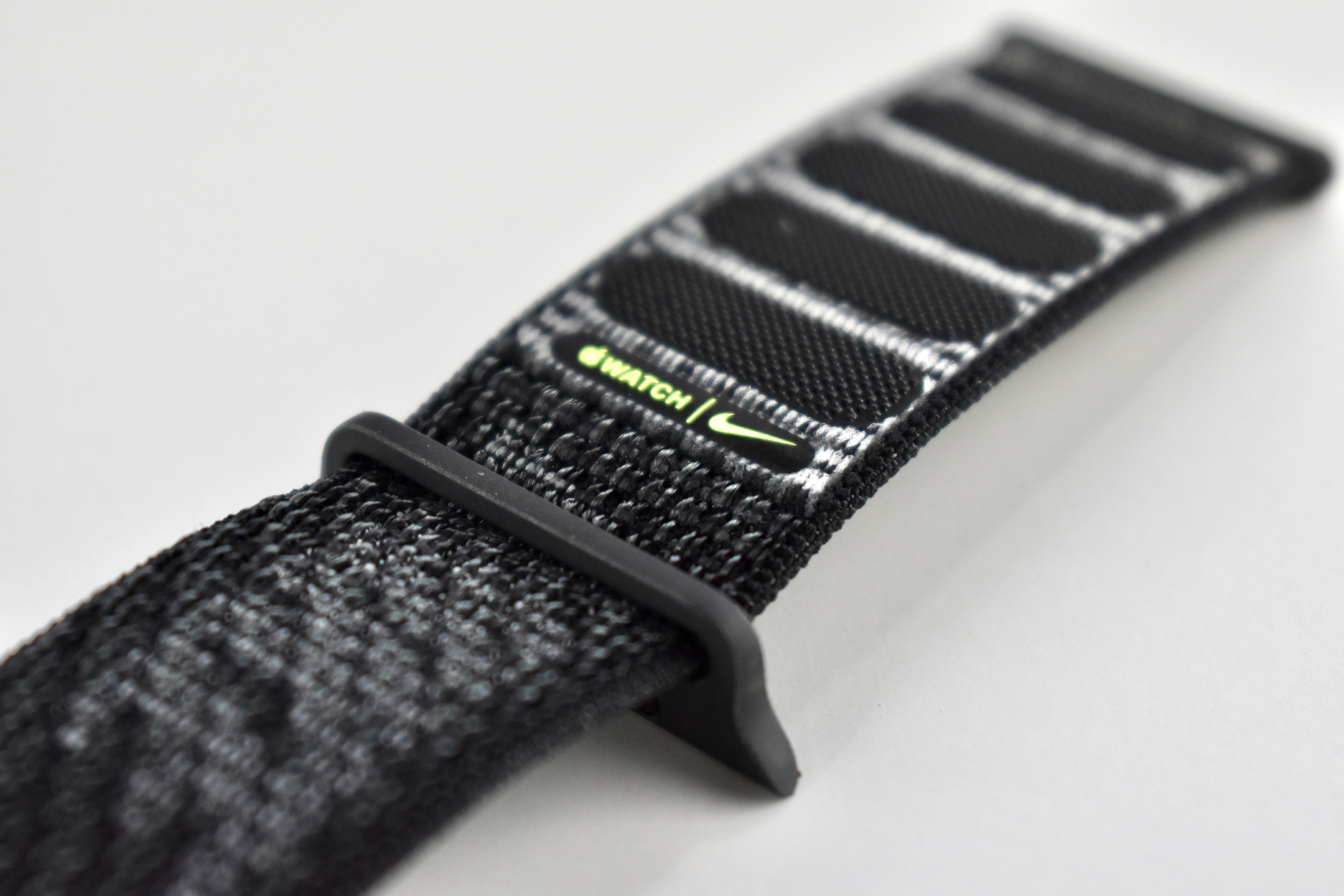
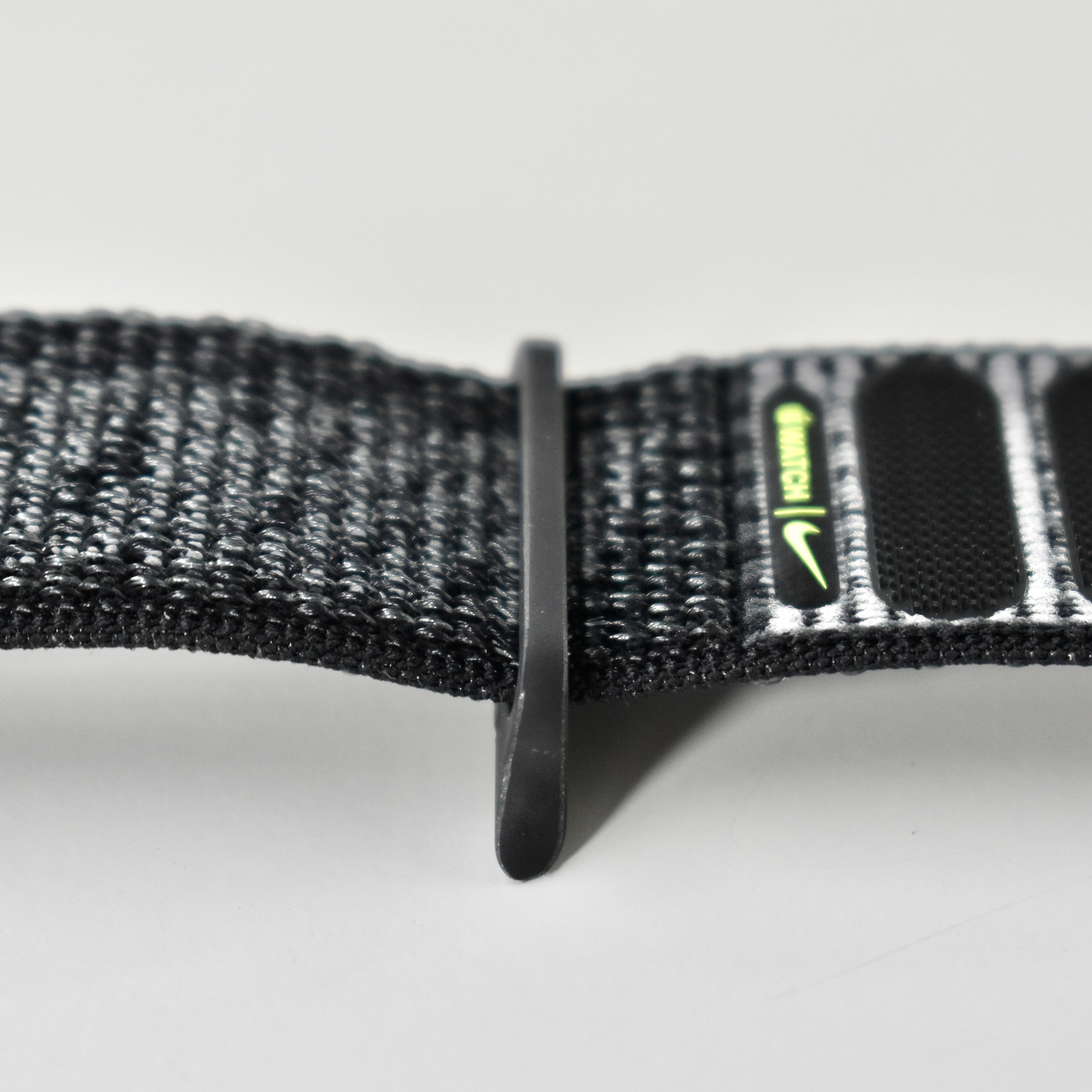
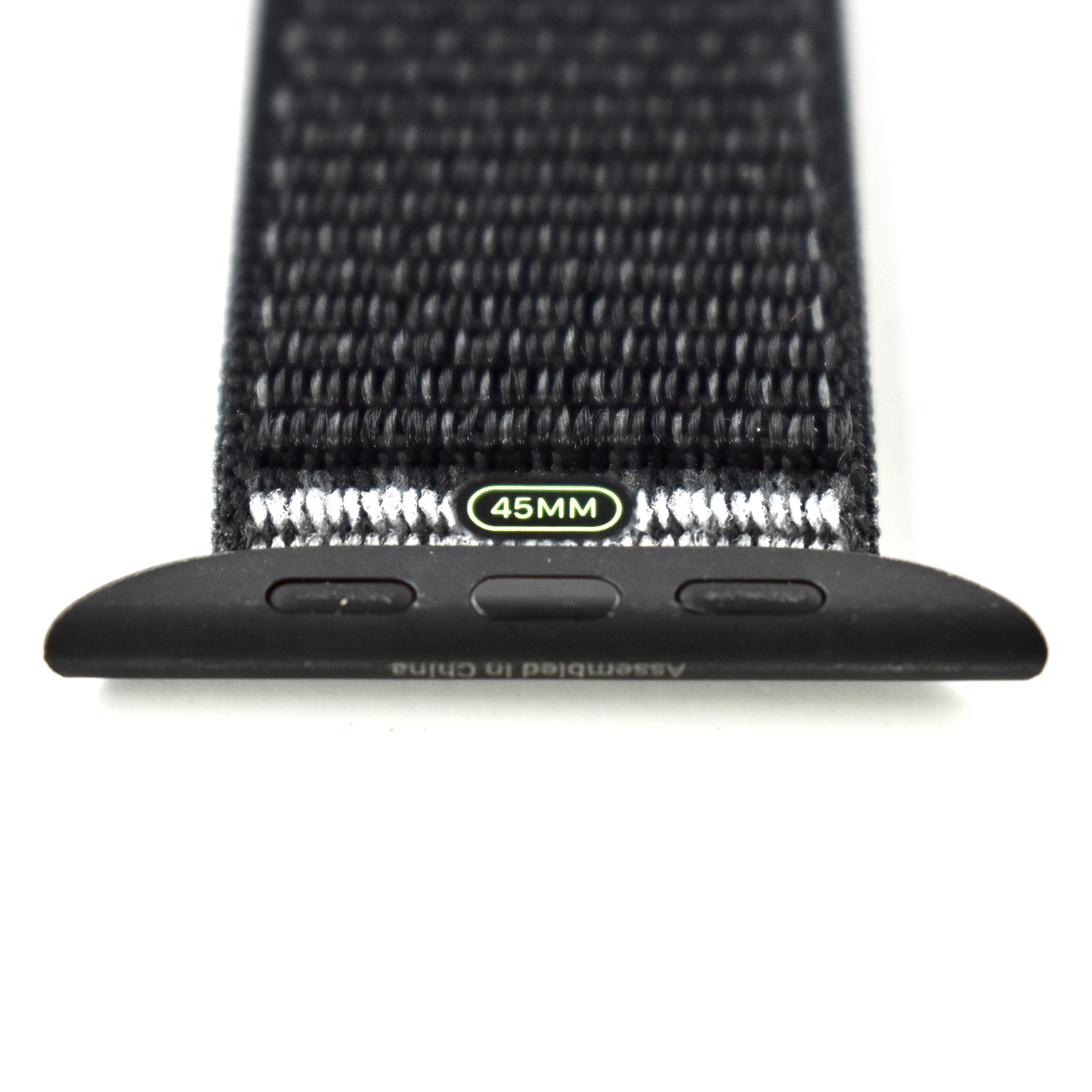
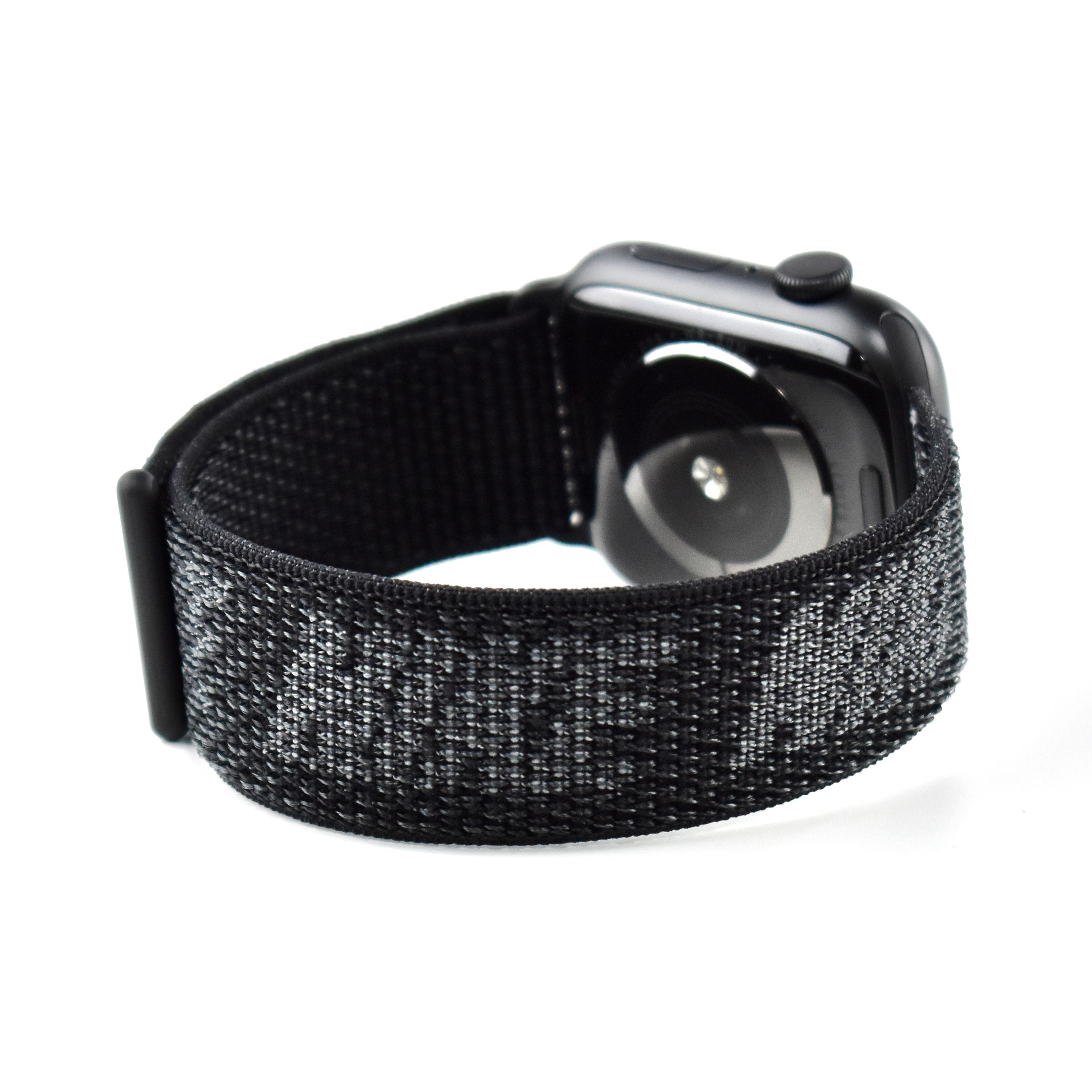
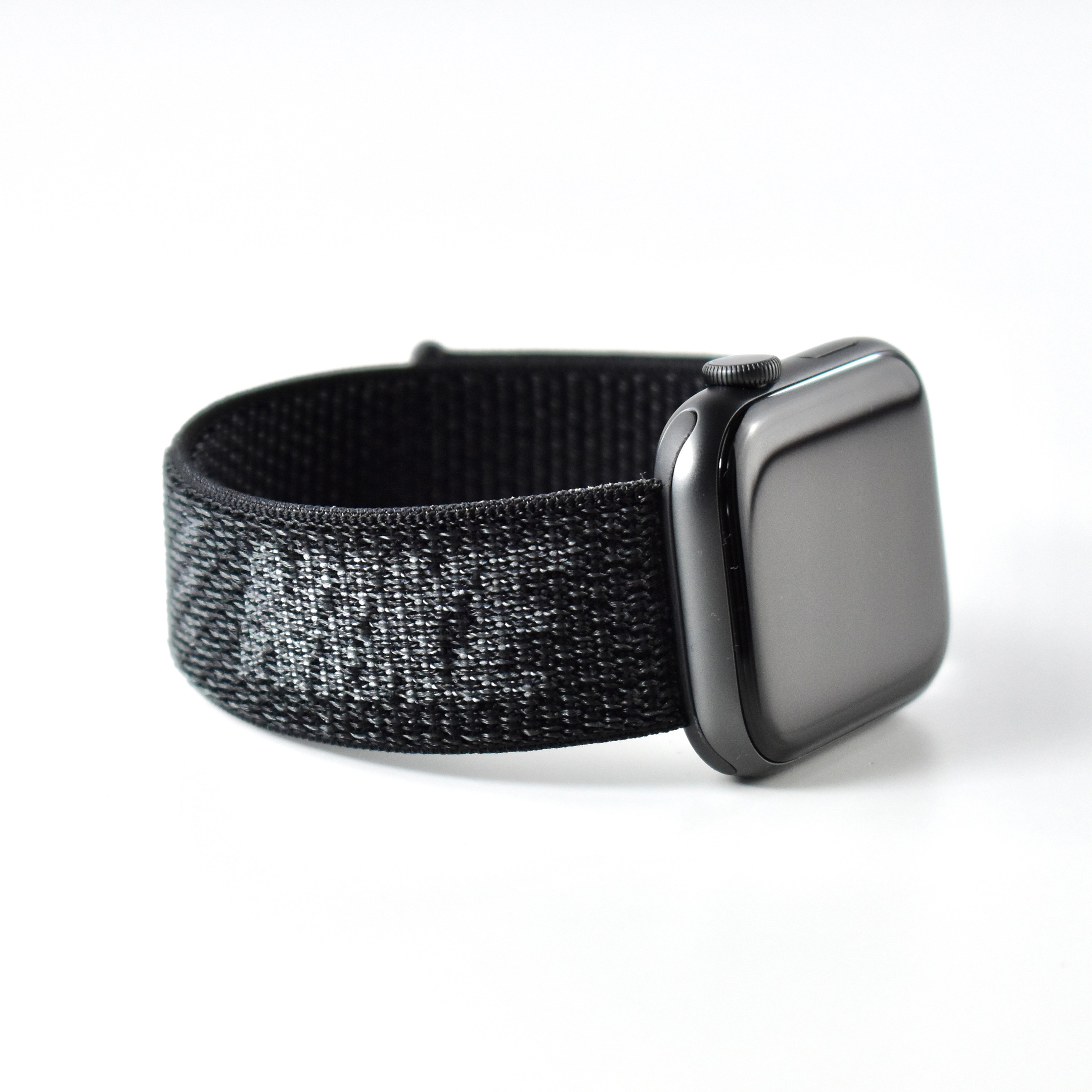
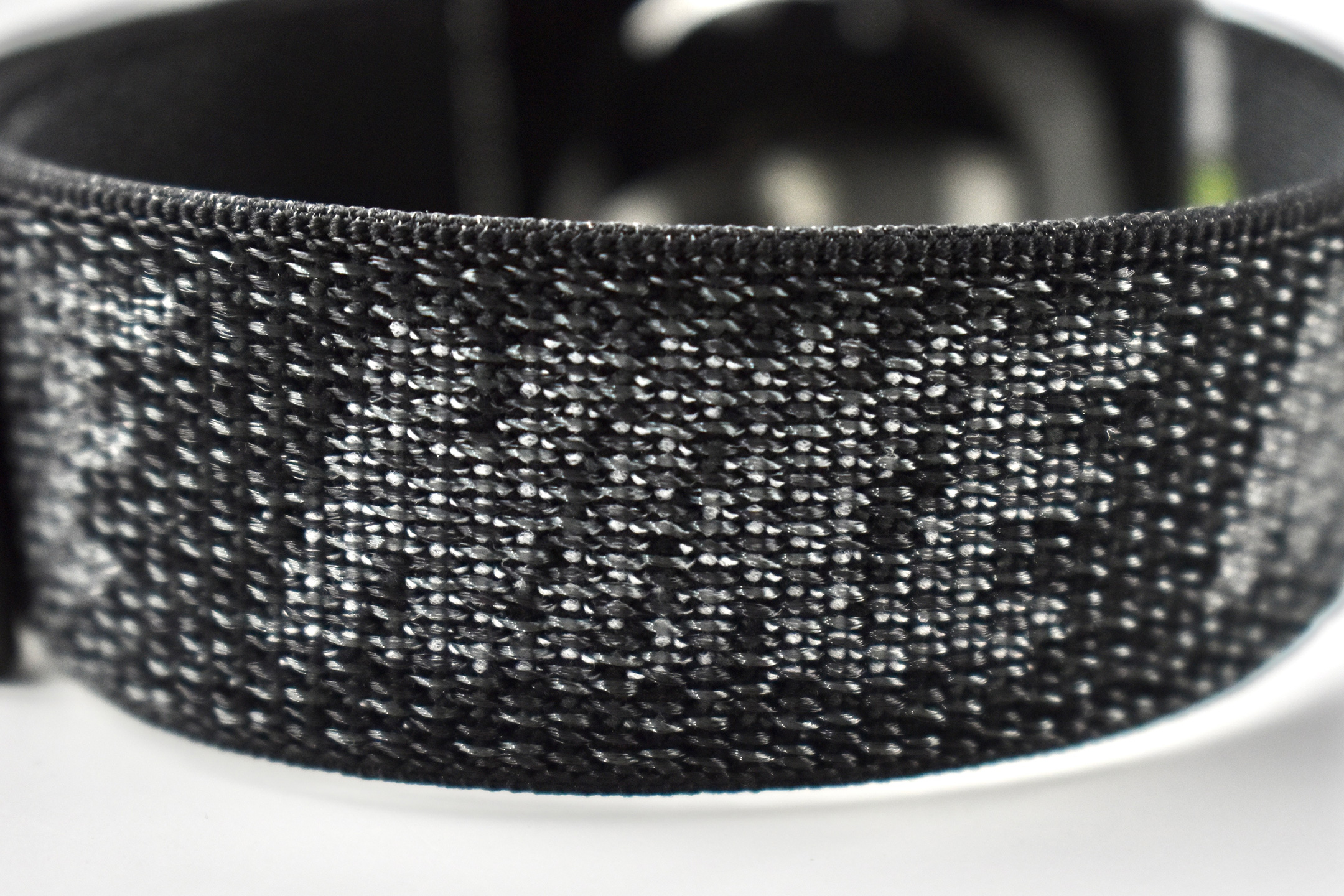
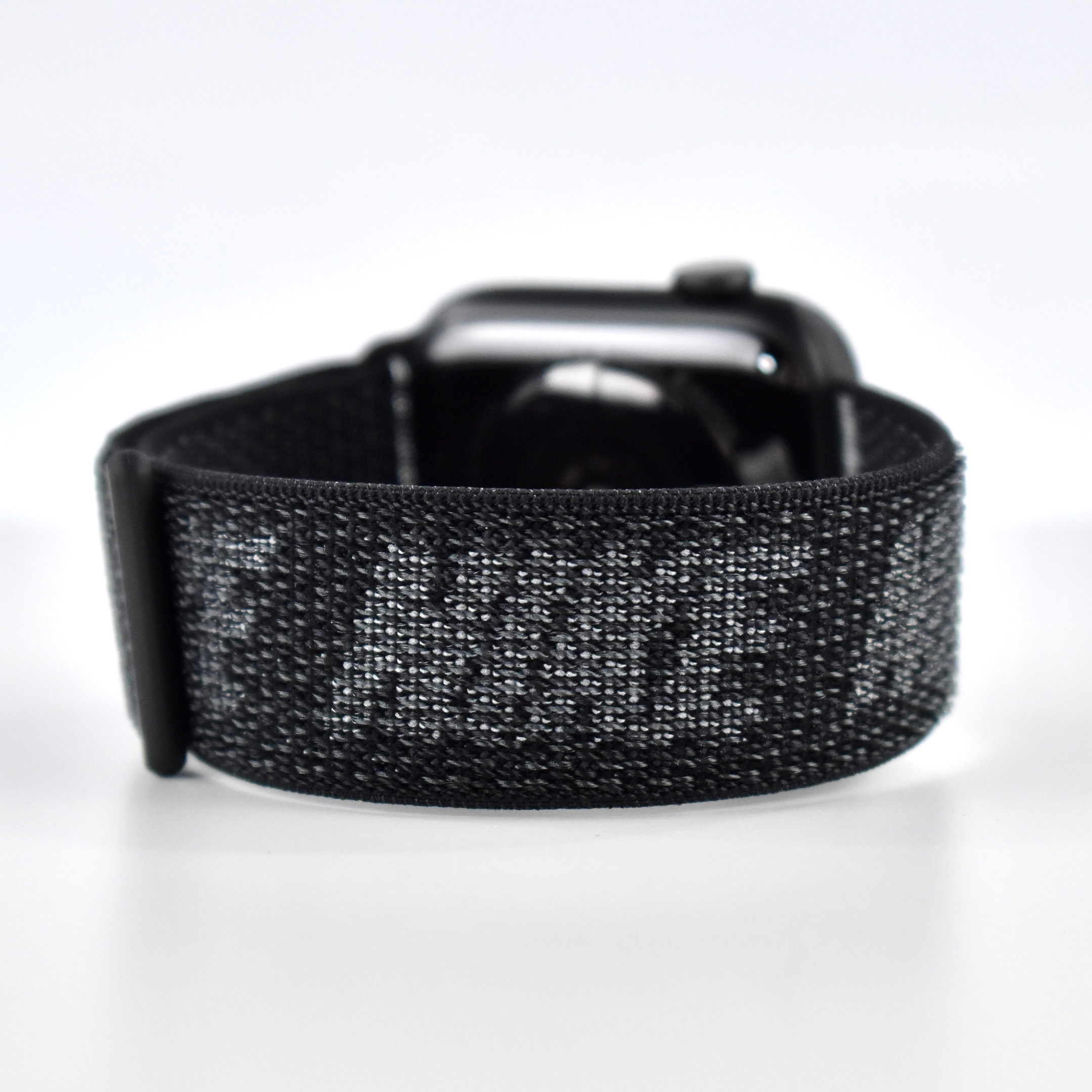
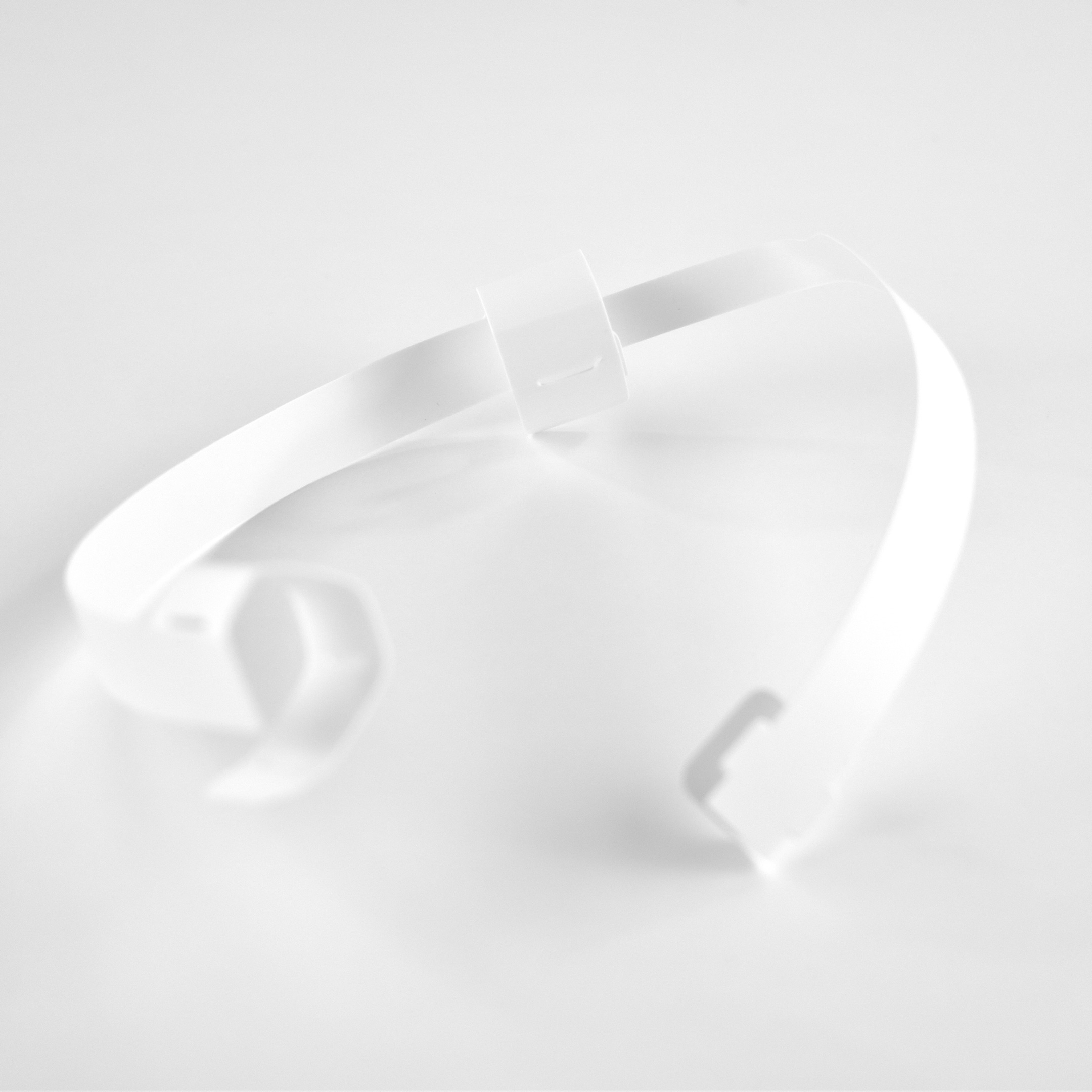
The Nike Sport Loop band was woven from nylon thread to create a hook-and-loop closure. These bands were available for the 41mm and 45mm Apple Watch models, and were offered in sizes to fit 130–200mm wrists and 145–220mm wrists . The bands also fit older Apple Watch sizes of 38mm/42mm and 40mm/44mm.
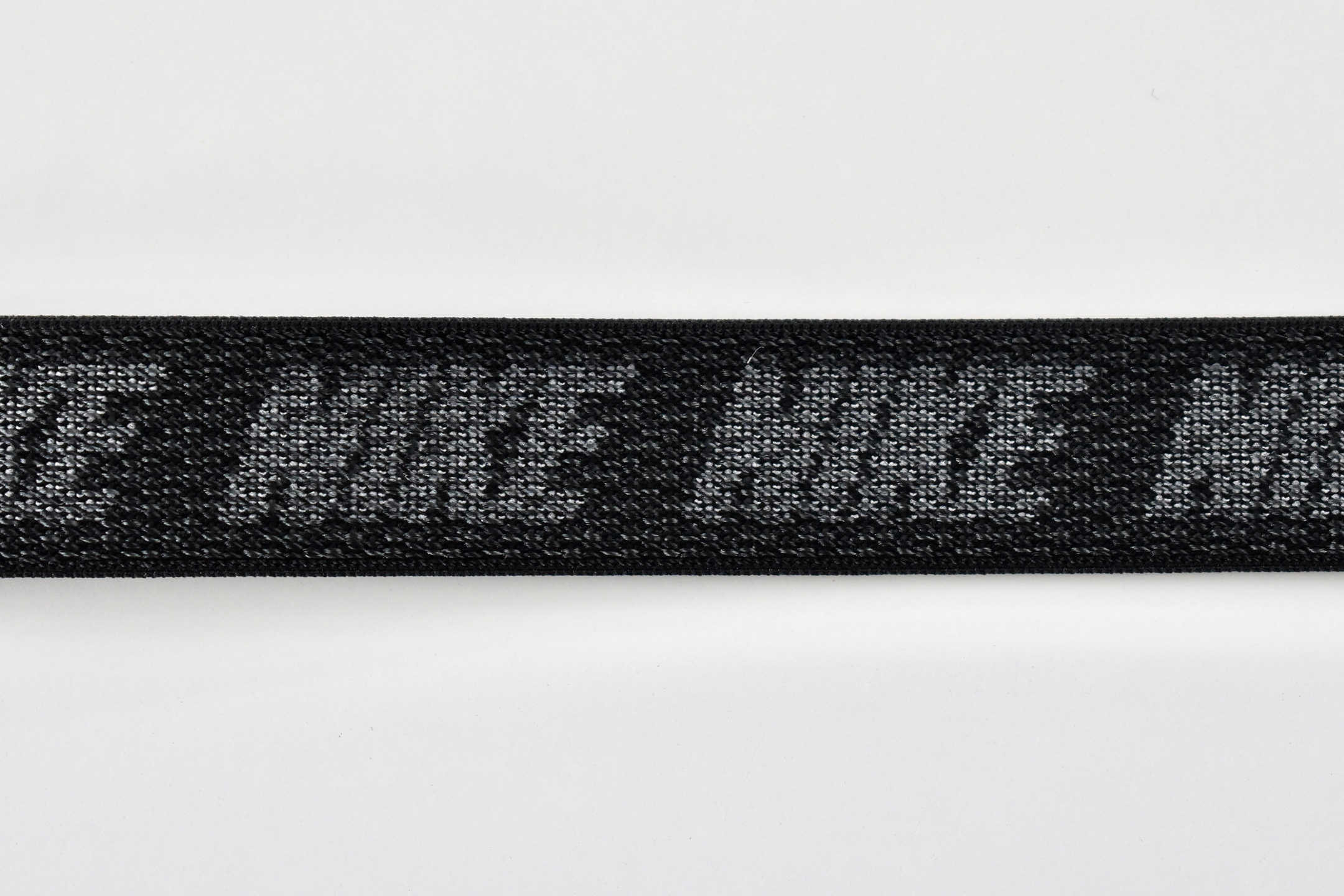
This Black band used a base color of black (it could also be called dark gray) and had the word NIKE woven into the design around the outer band and the NIKE “swoosh” on the part of the band with the hook-and-loop closure on the back. The connector plastics were black to match the base color of the band.
Apple described the Nike Sport Loop band:
“Breathable and lightweight, the Nike Sport Loop is designed for fitness. It’s made from a soft nylon weave featuring the iconic Nike swoosh. A hook-and-loop fastener makes for quick and easy adjustment, and dense loops on the skin side provide soft cushioning while allowing moisture to escape. On the reverse side, the attachment loops are securely anchored for superior durability.”
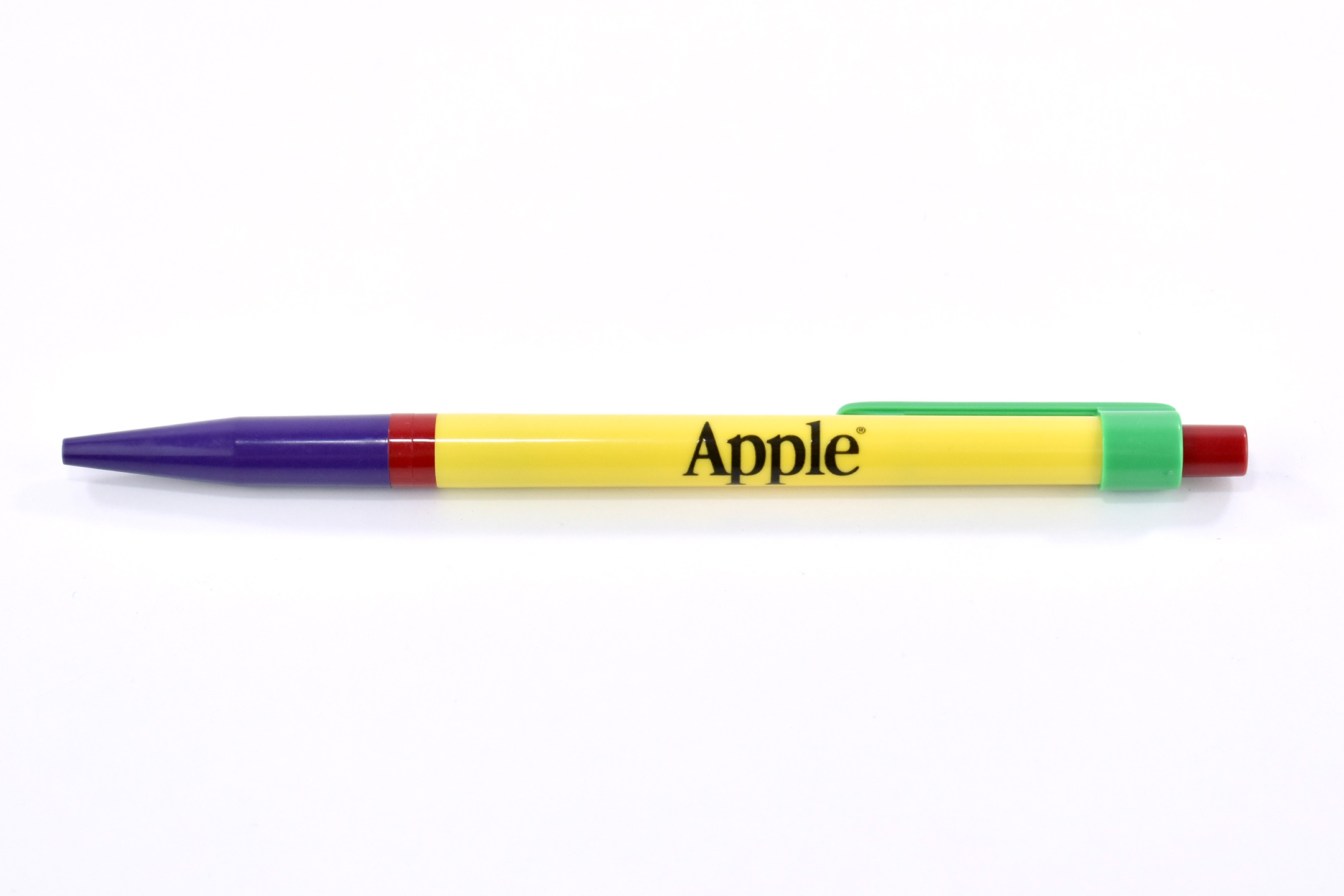
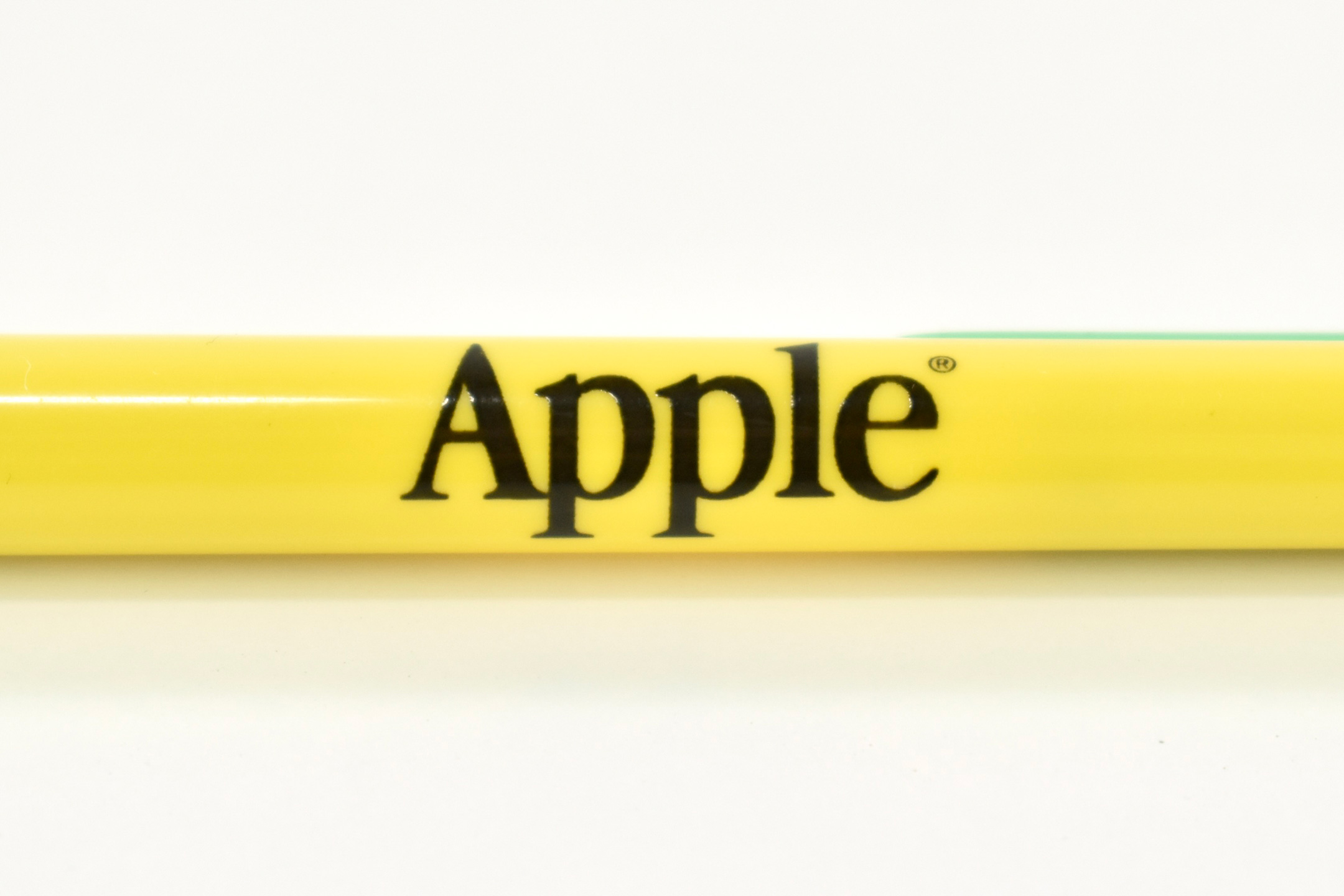
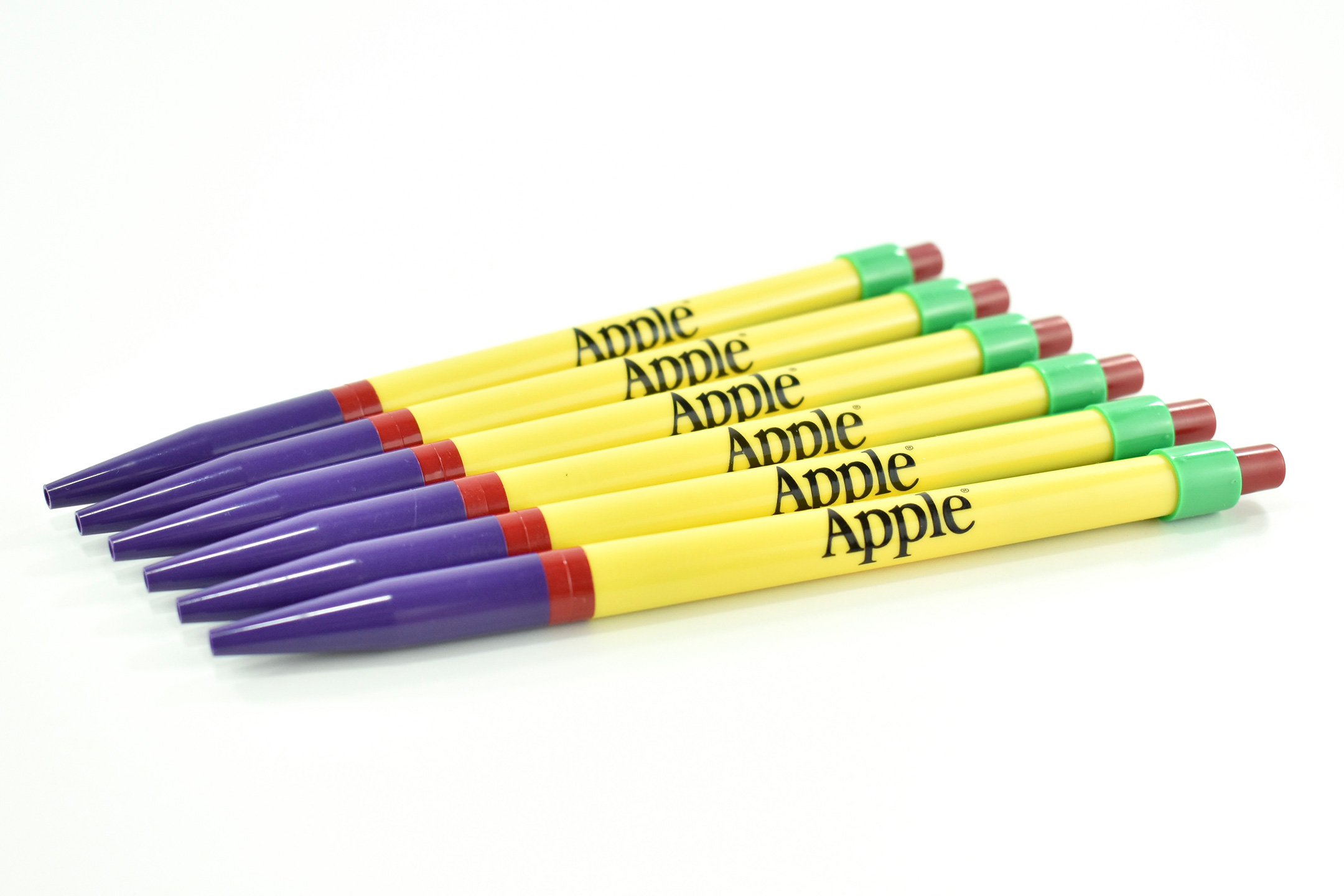
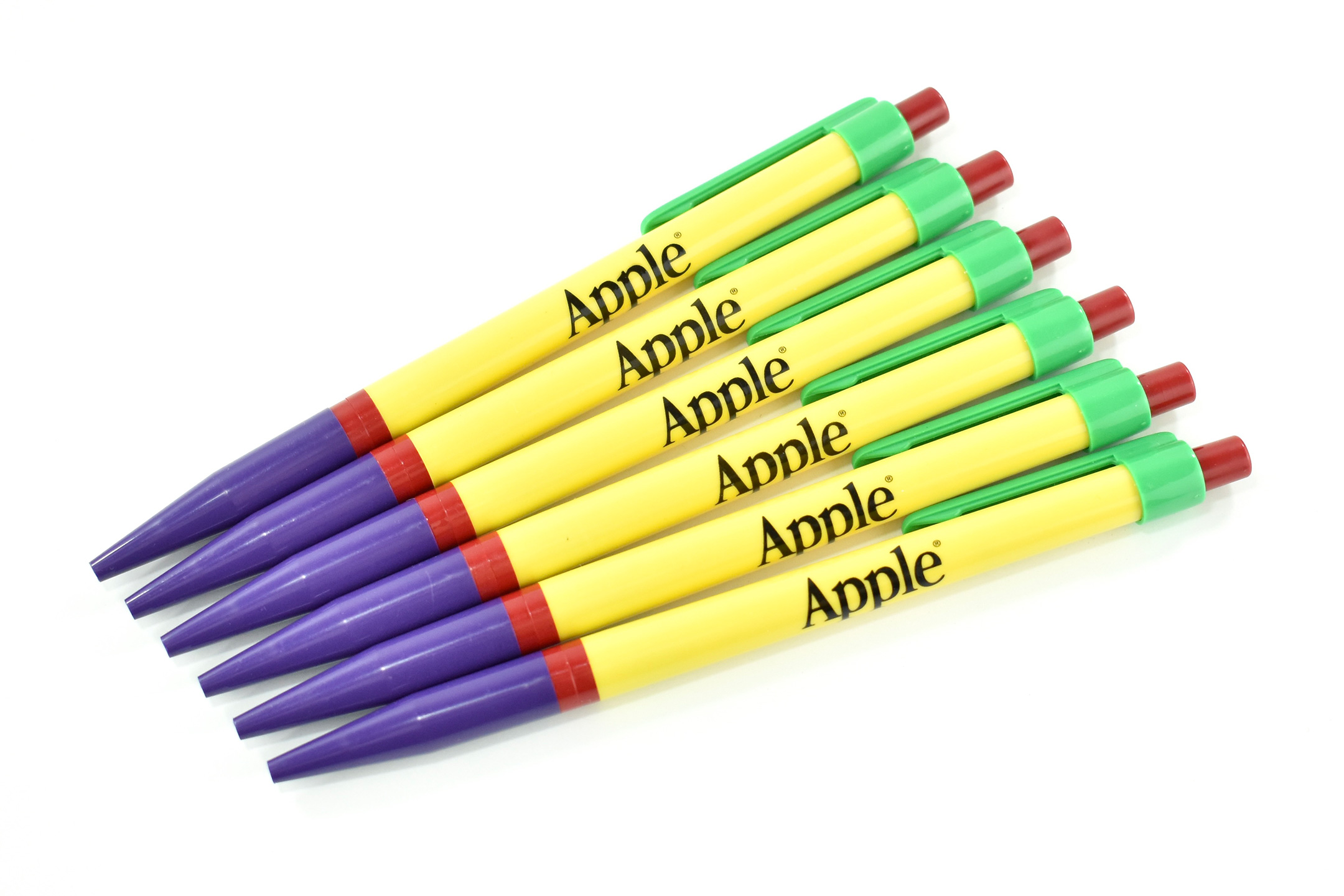
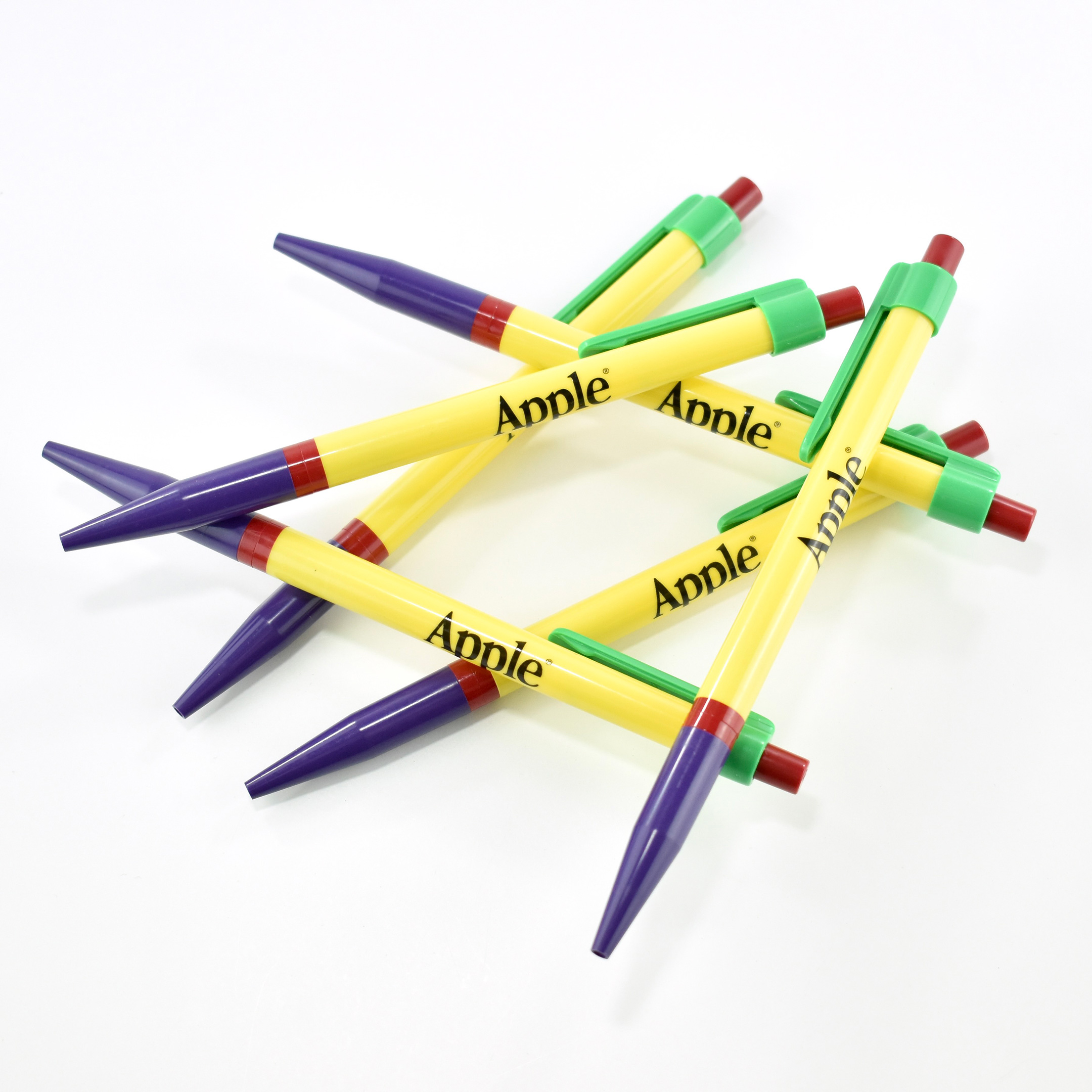
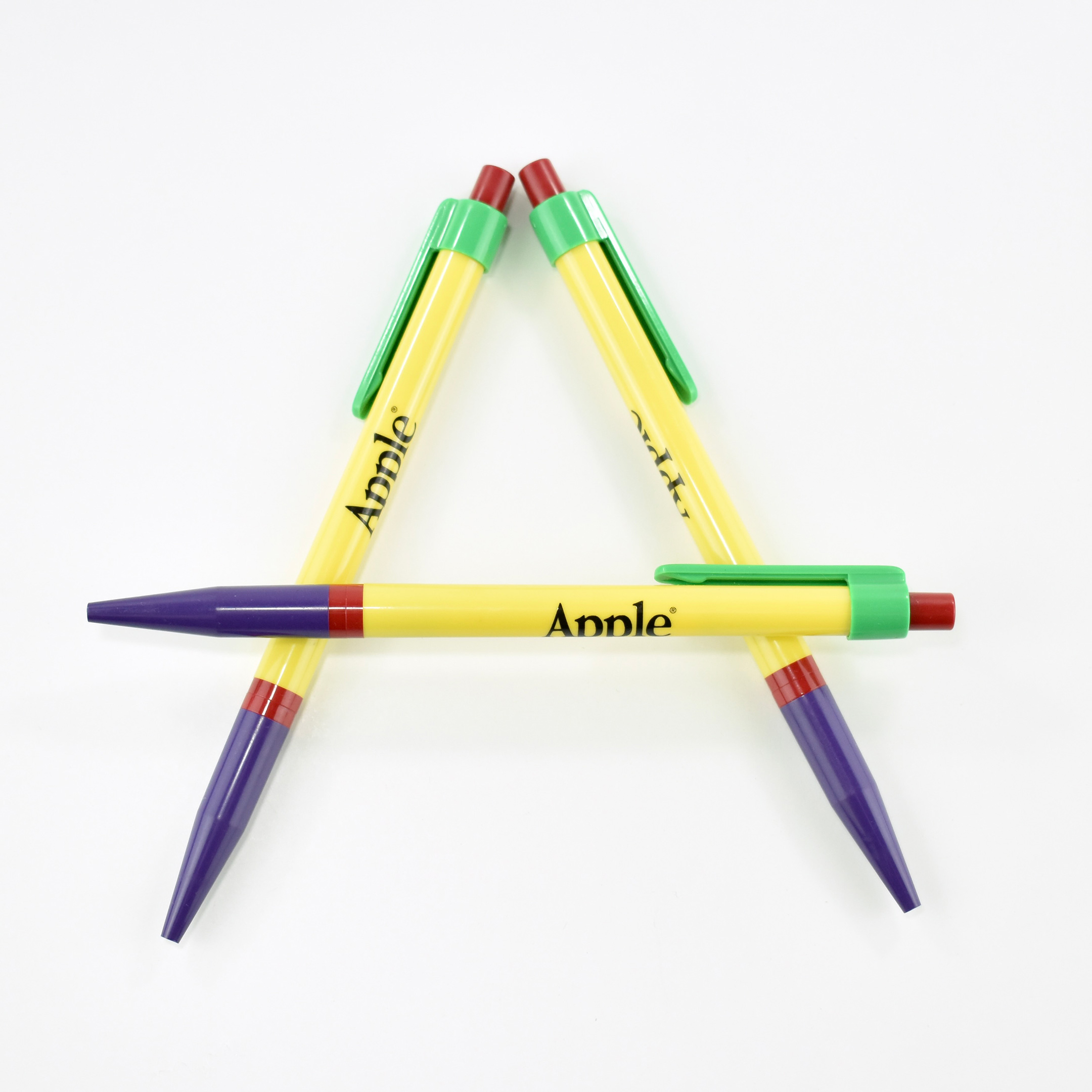
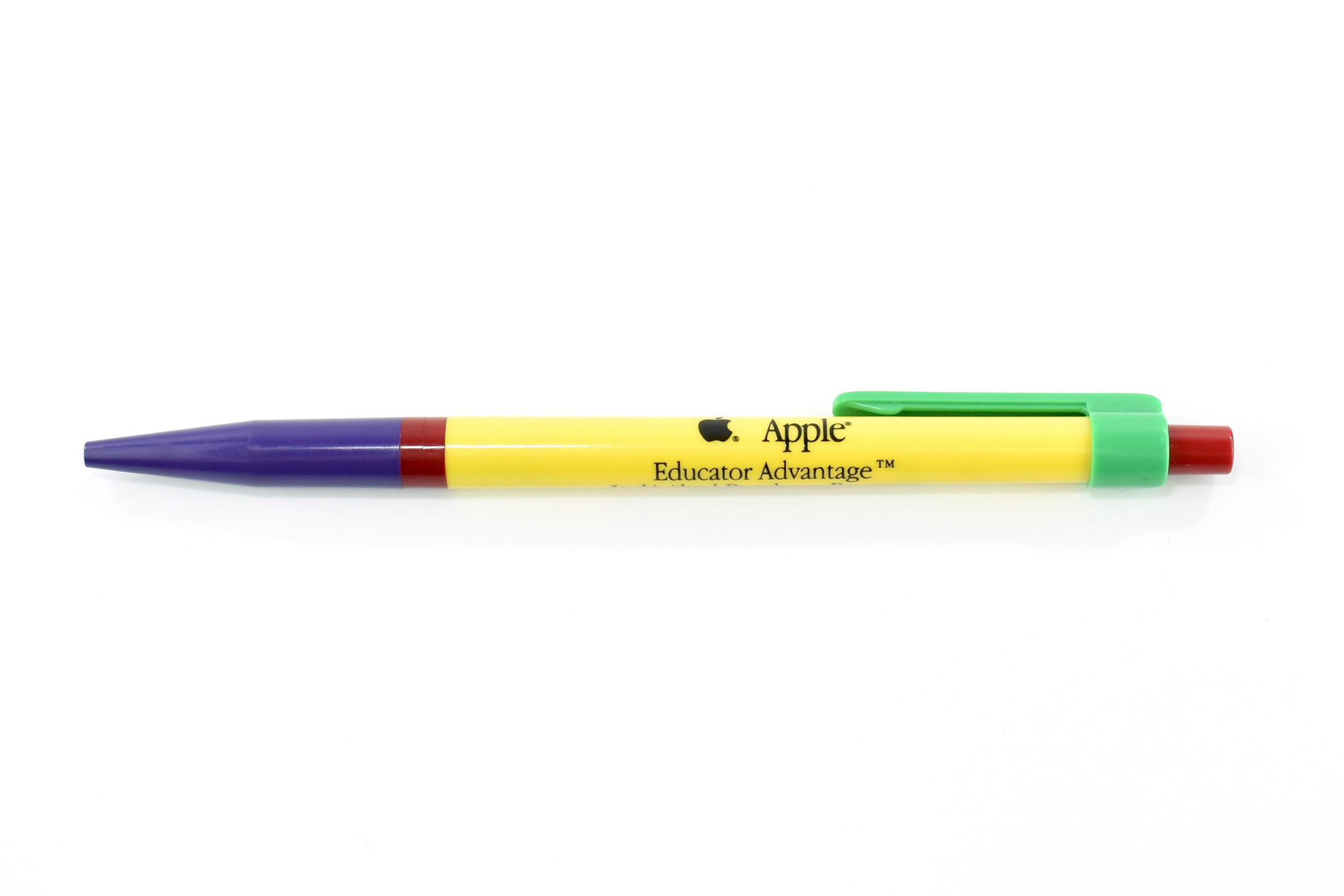
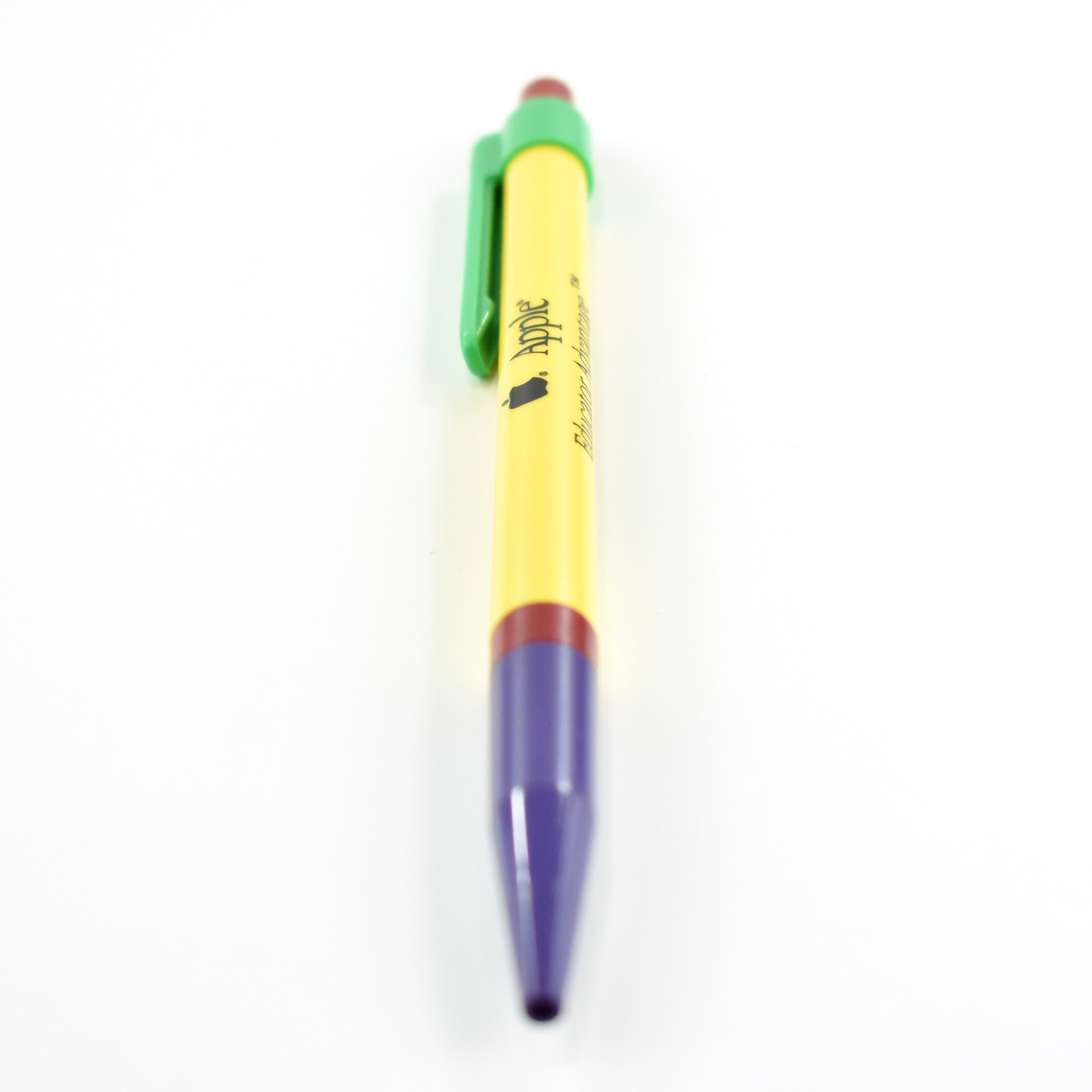
This pen is primarily yellow with purple, green, and red accents. The pen is printed with a black Apple logotype in the font Apple Garamond, Apple’s corporate font at the time.
(My collection includes the same pen, but printed with Apple Educator Advantage Program contact information.)
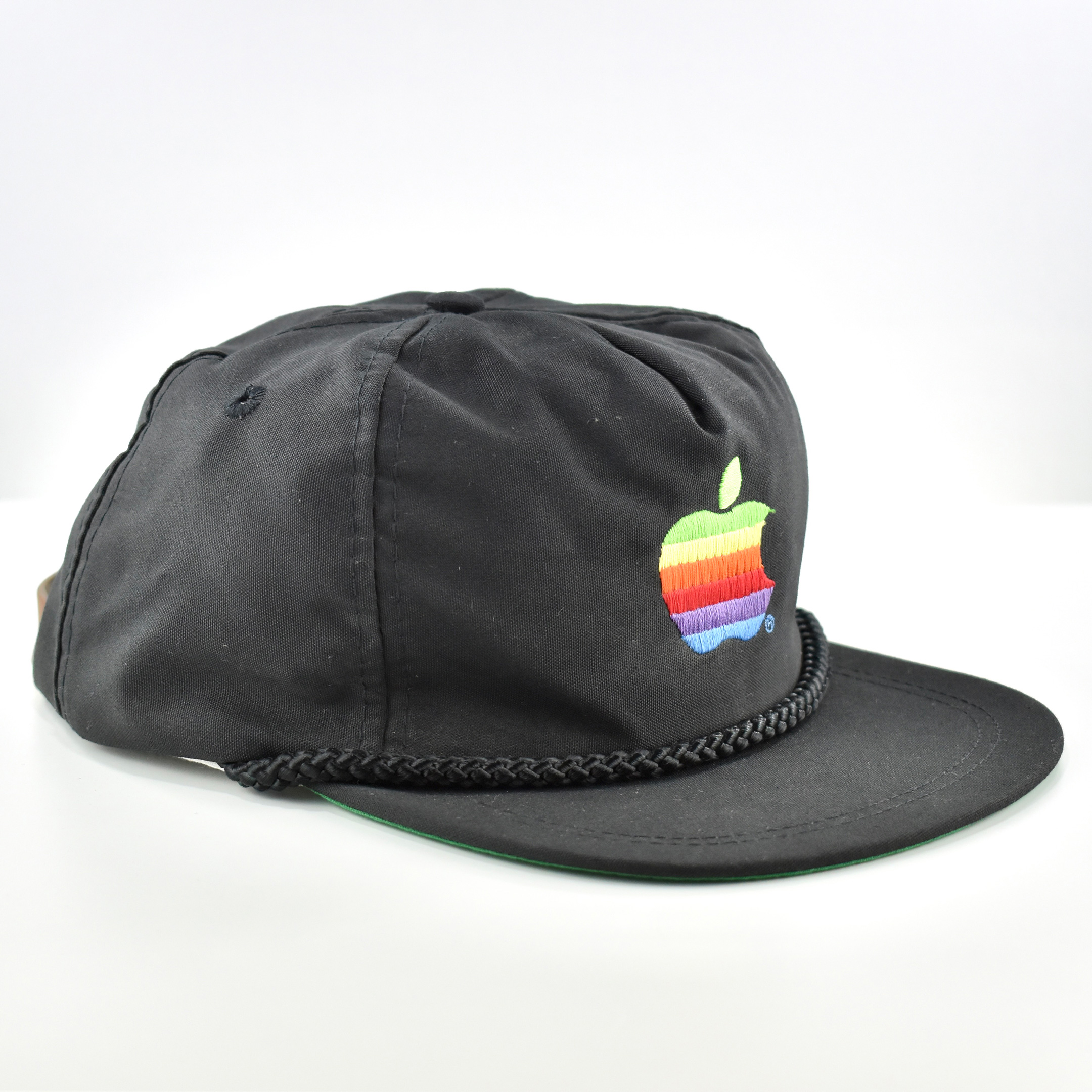
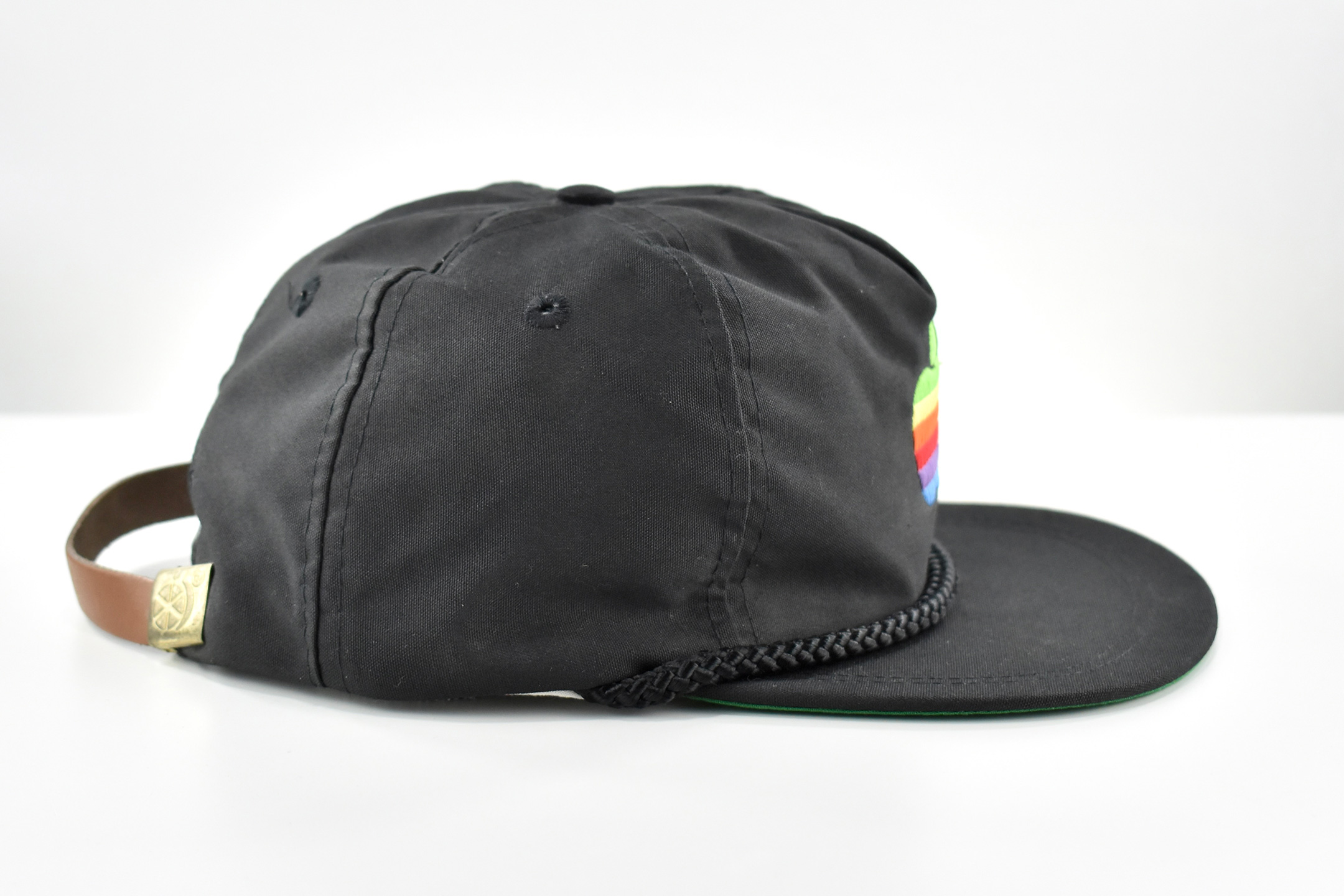
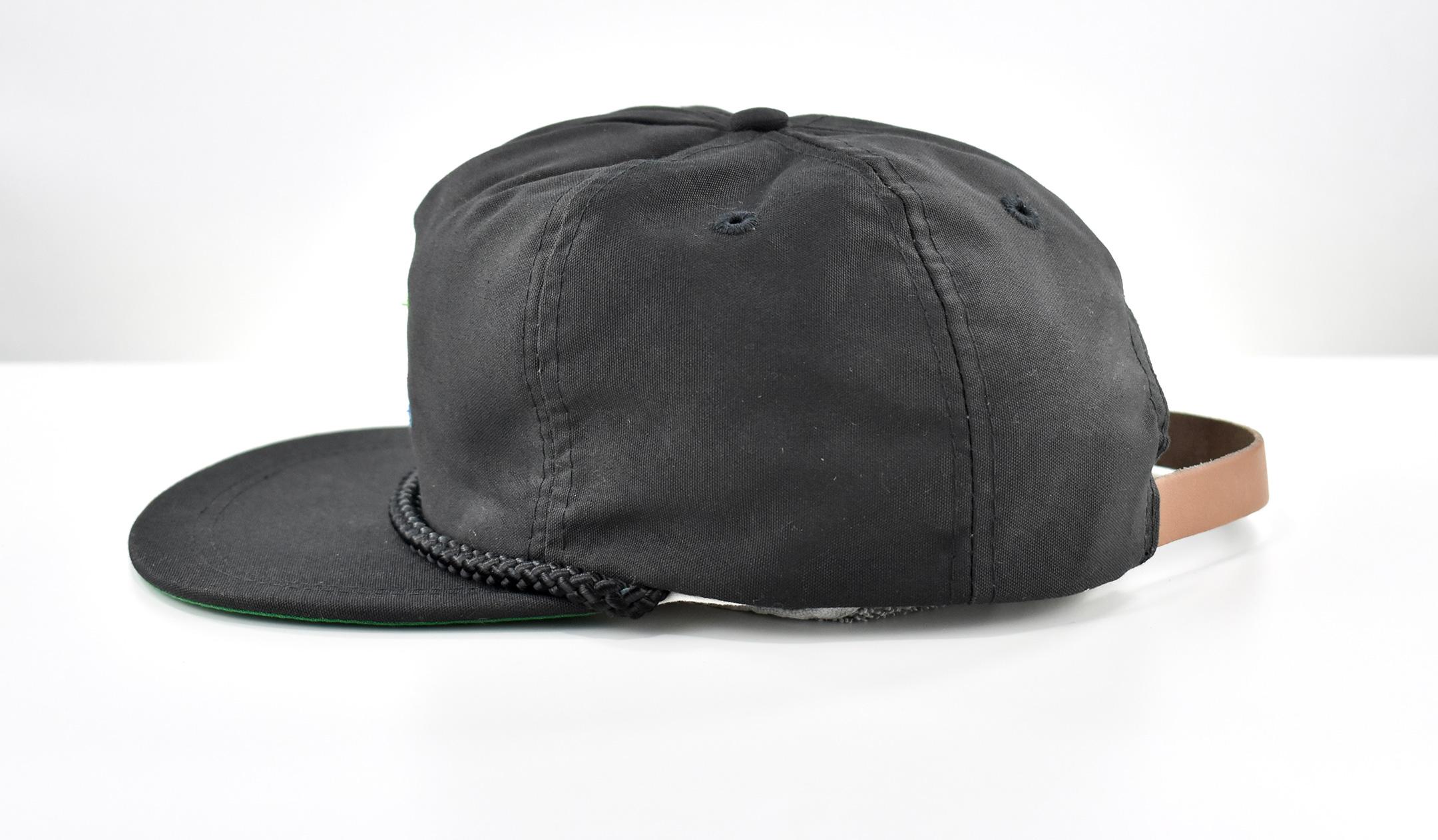
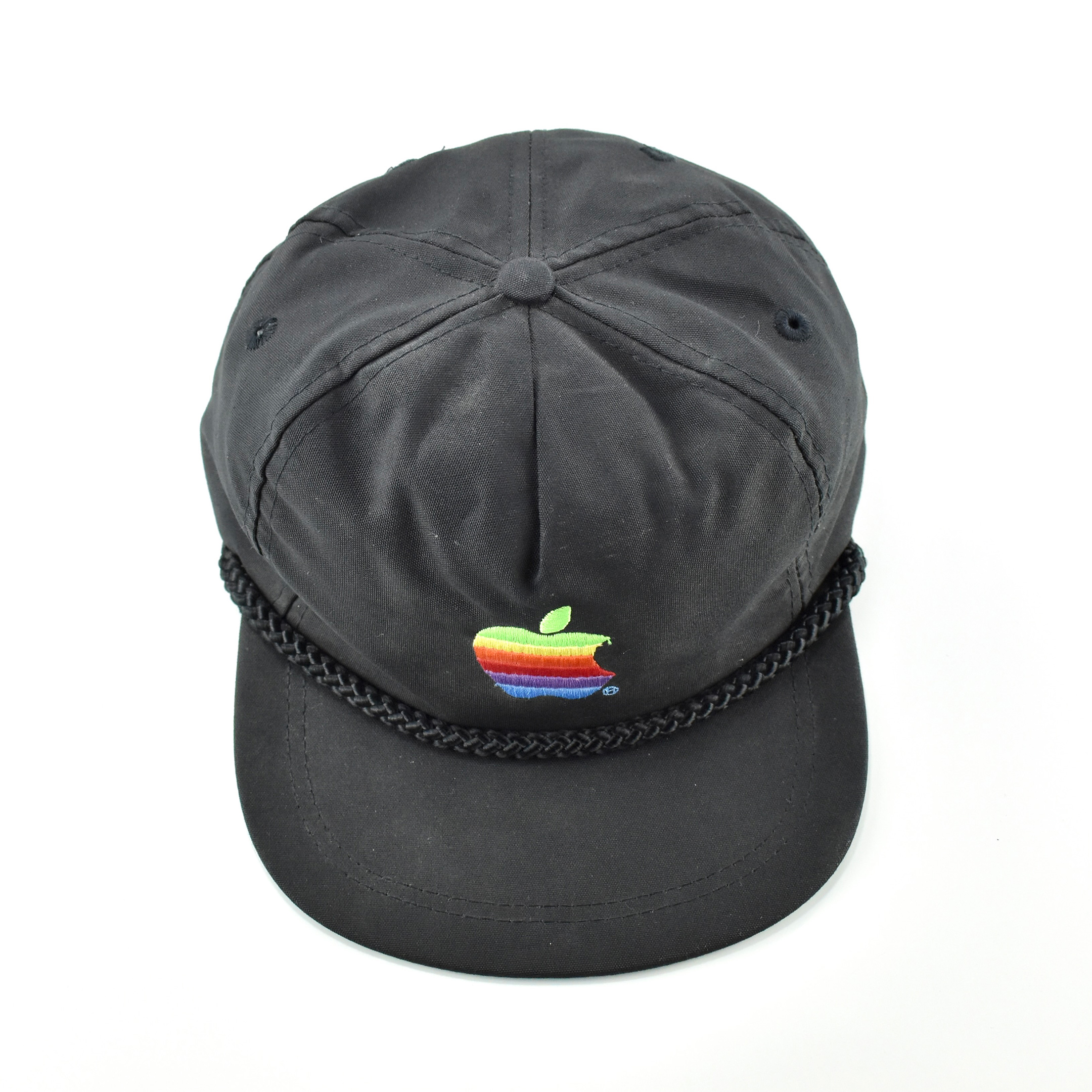
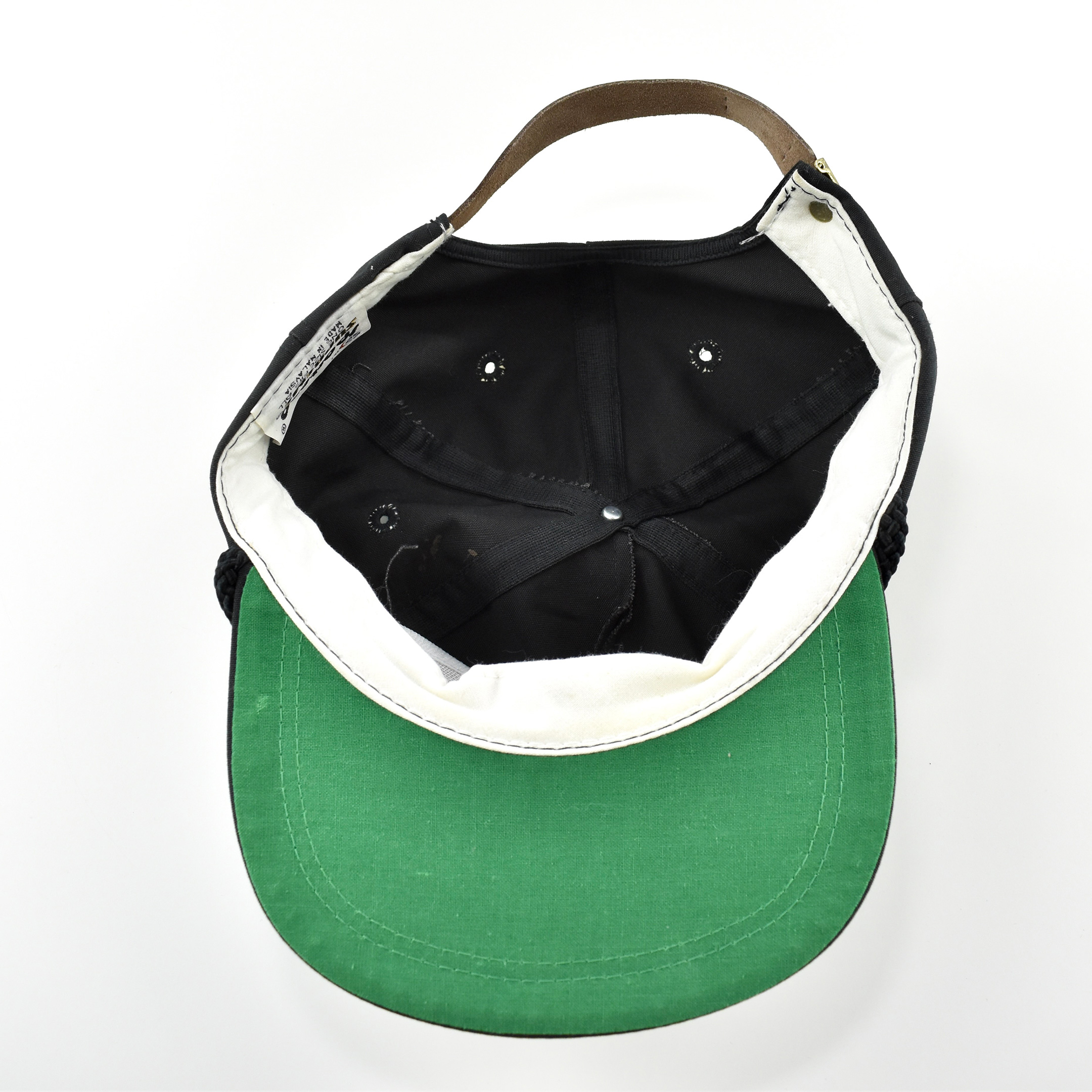
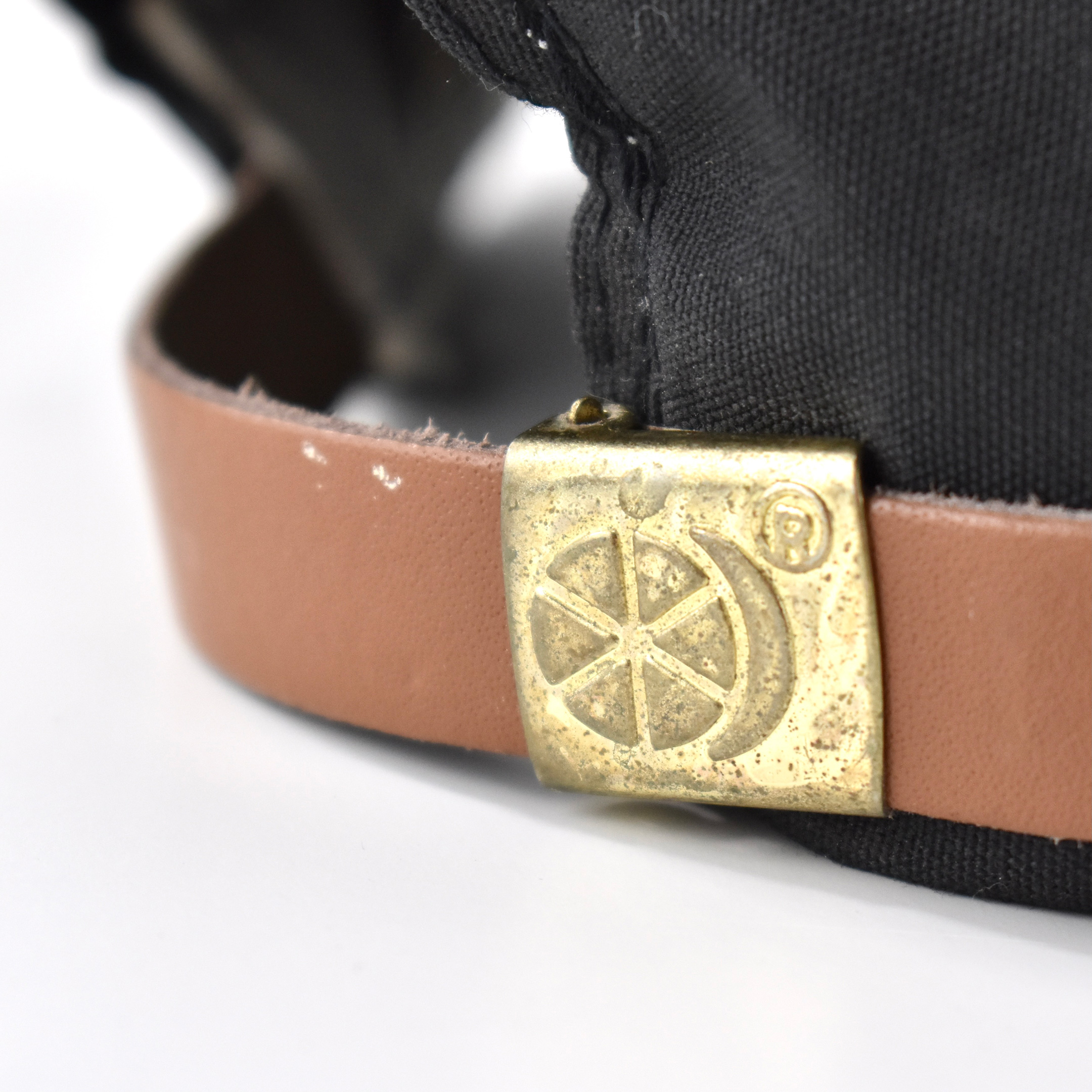
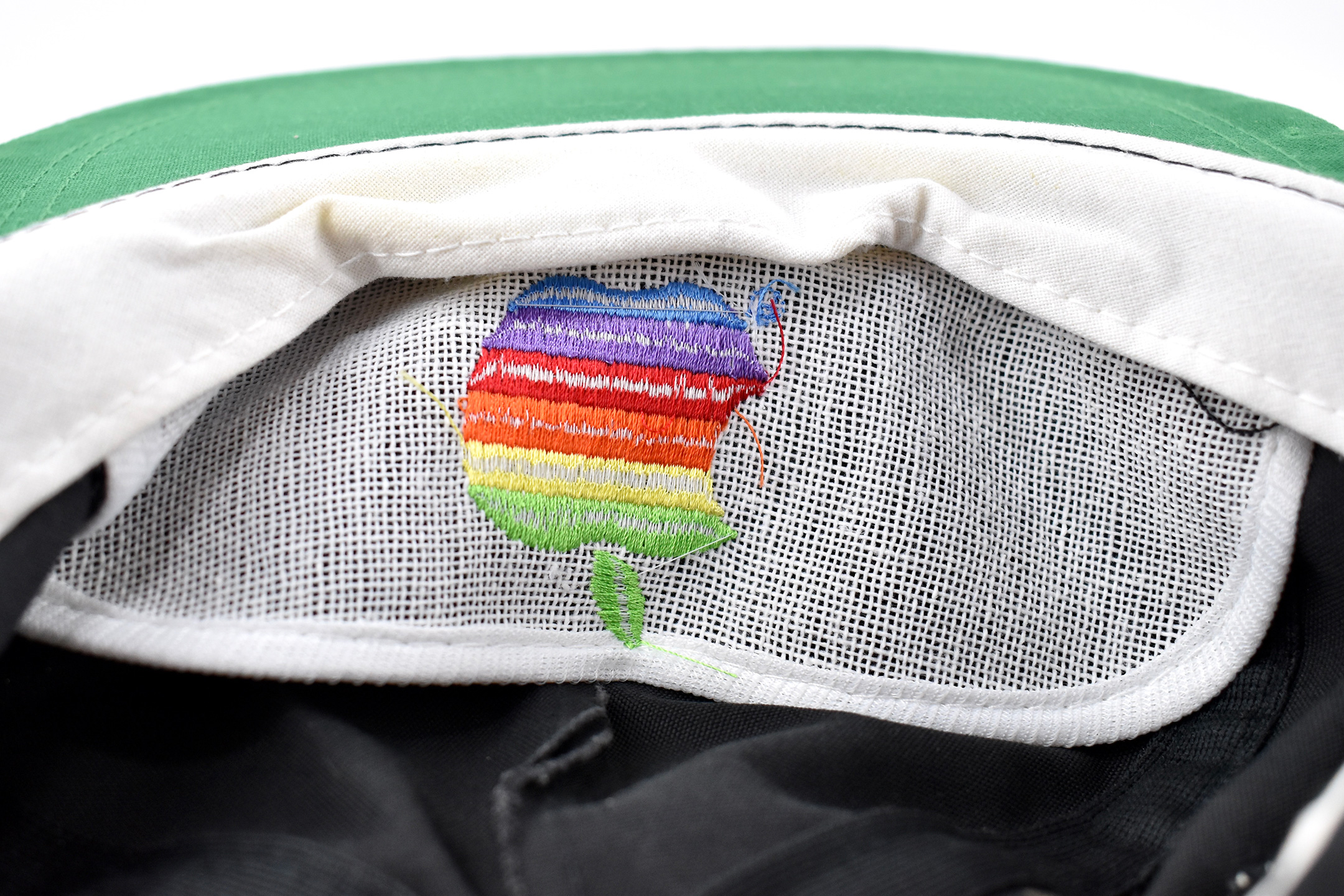
This black sport cap features a multicolor Apple logo embroidered on the front center. The cap is accented with a black rope across the front and an adjustable brown leather strap at the back with a gold-colored metal clip.
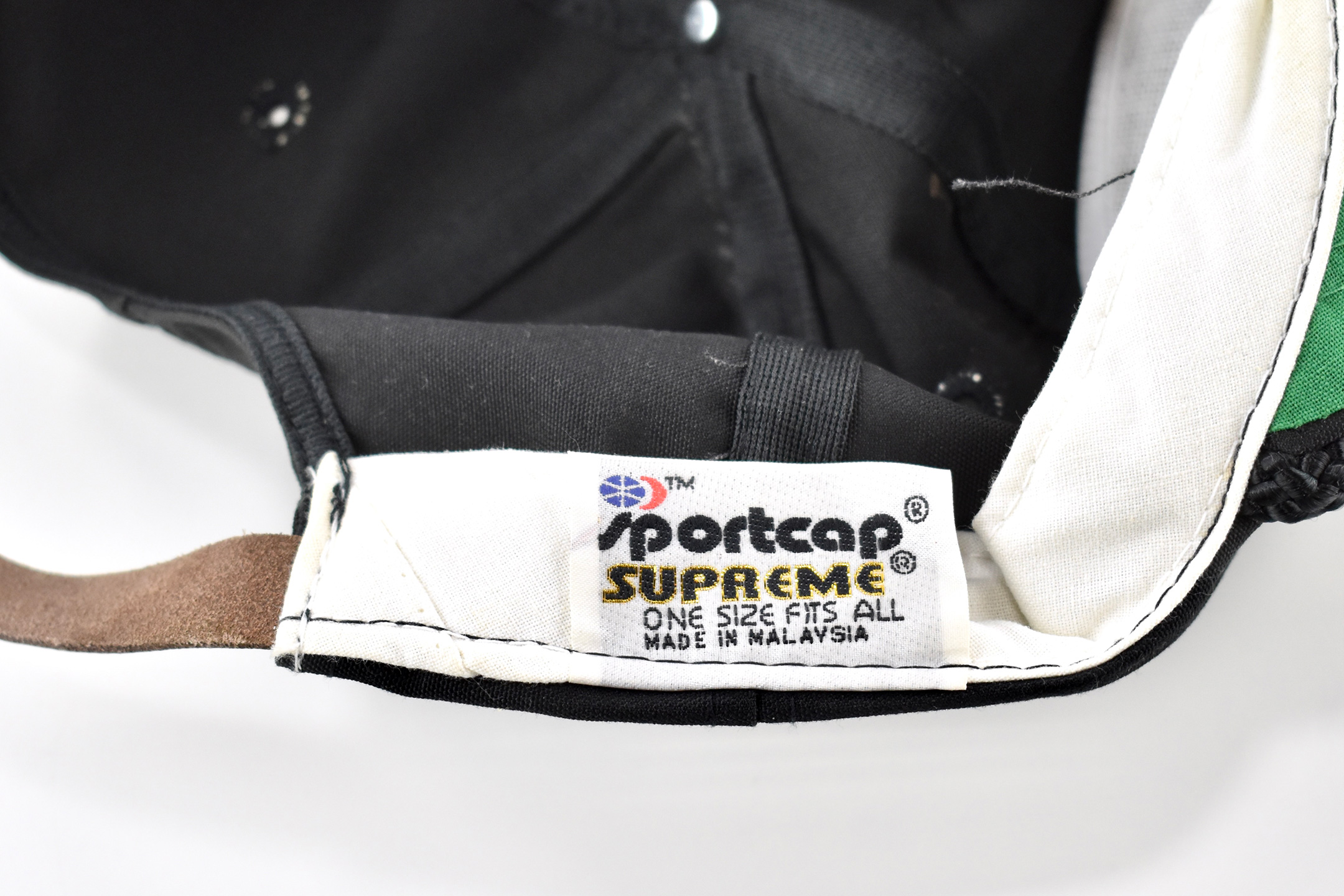
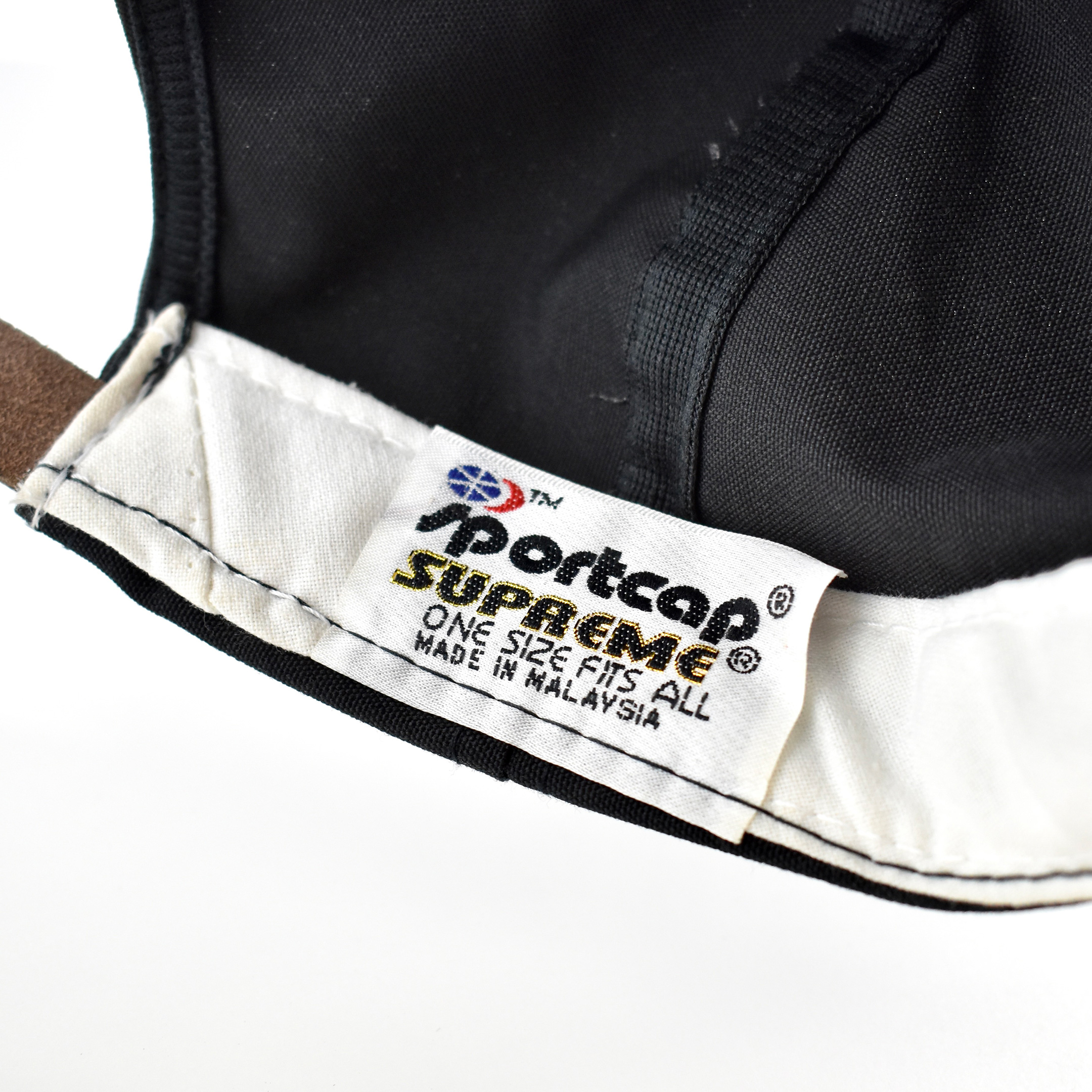
A tag inside the cap identifies the manufacturer and product as Sportcap SUPREME.
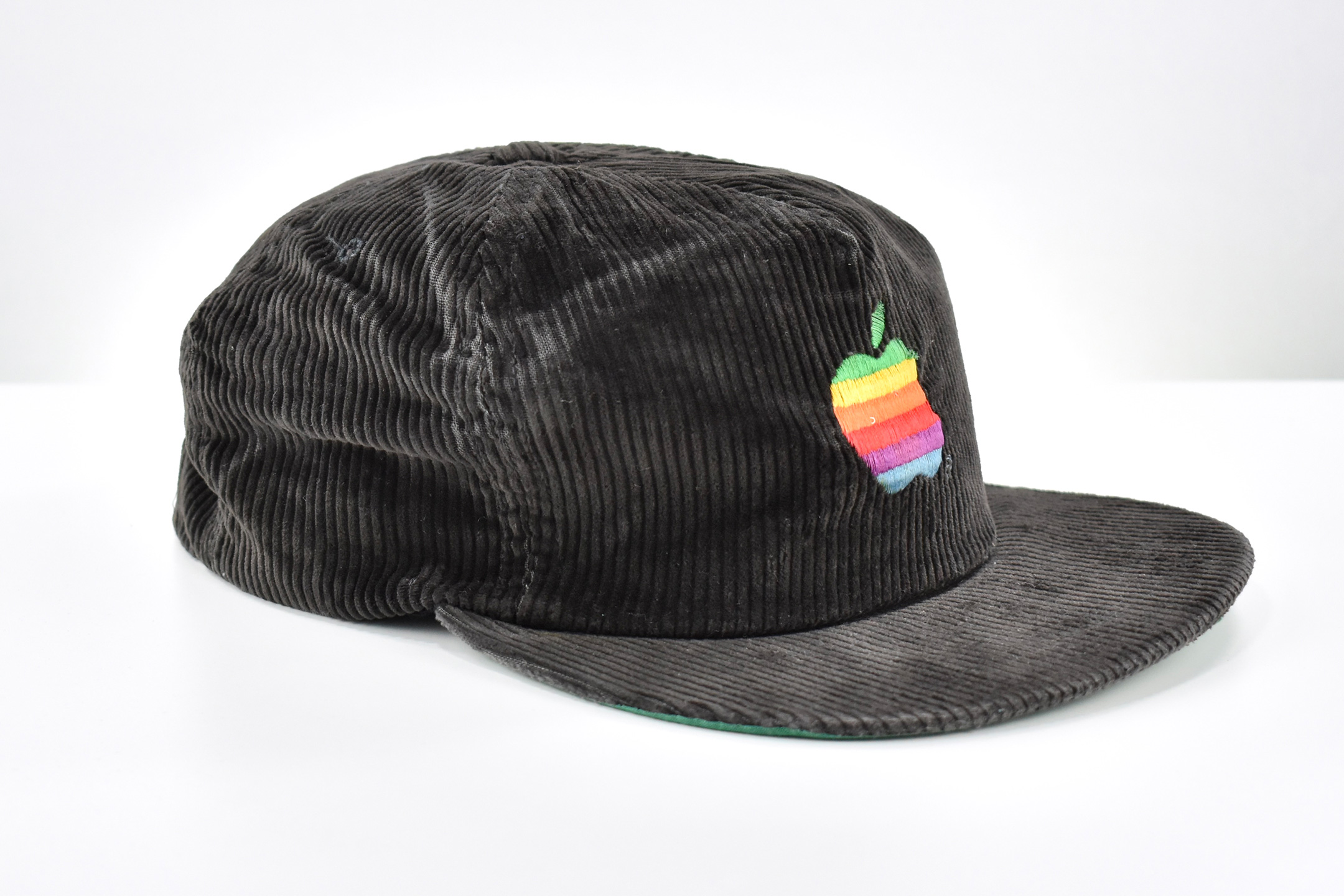
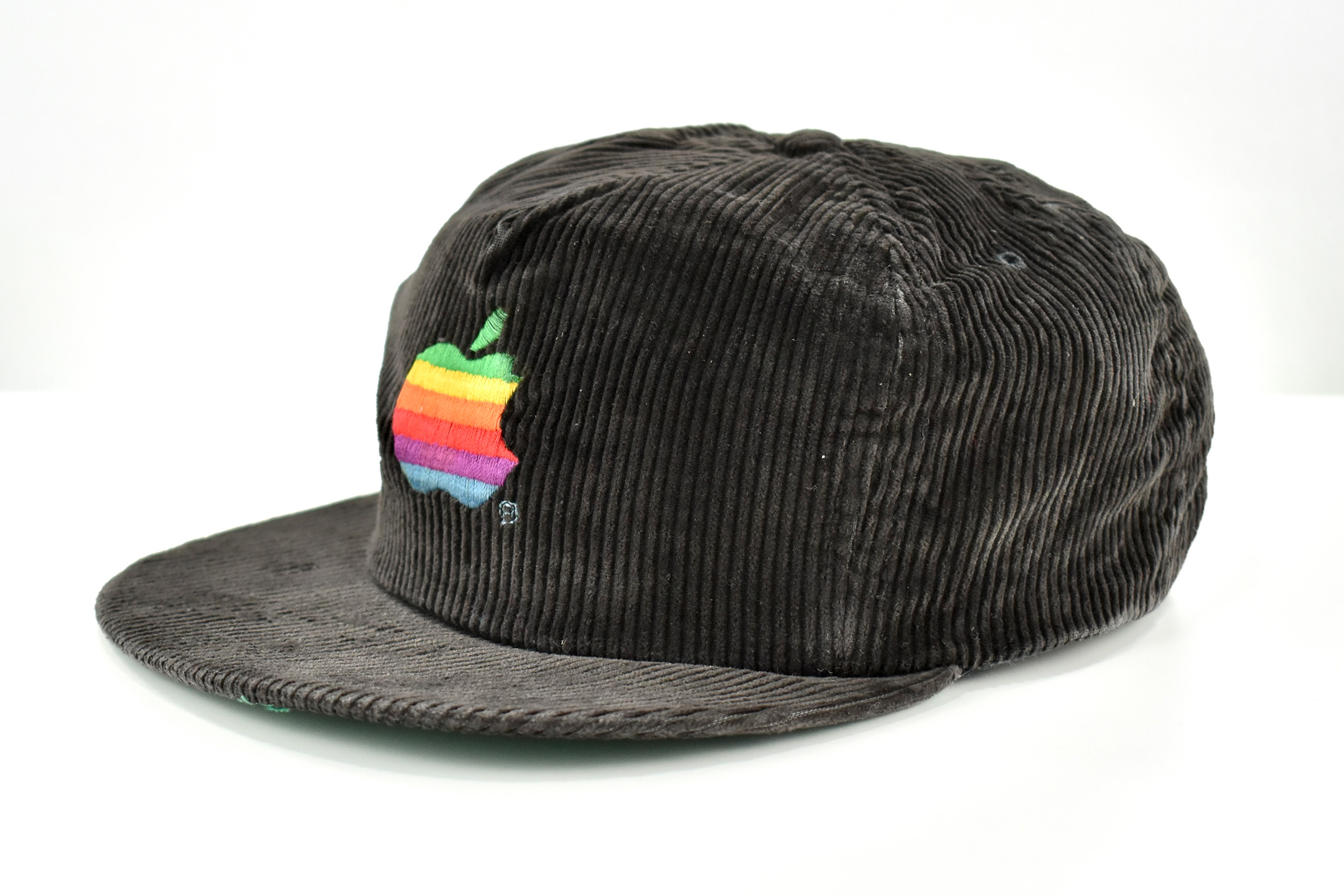
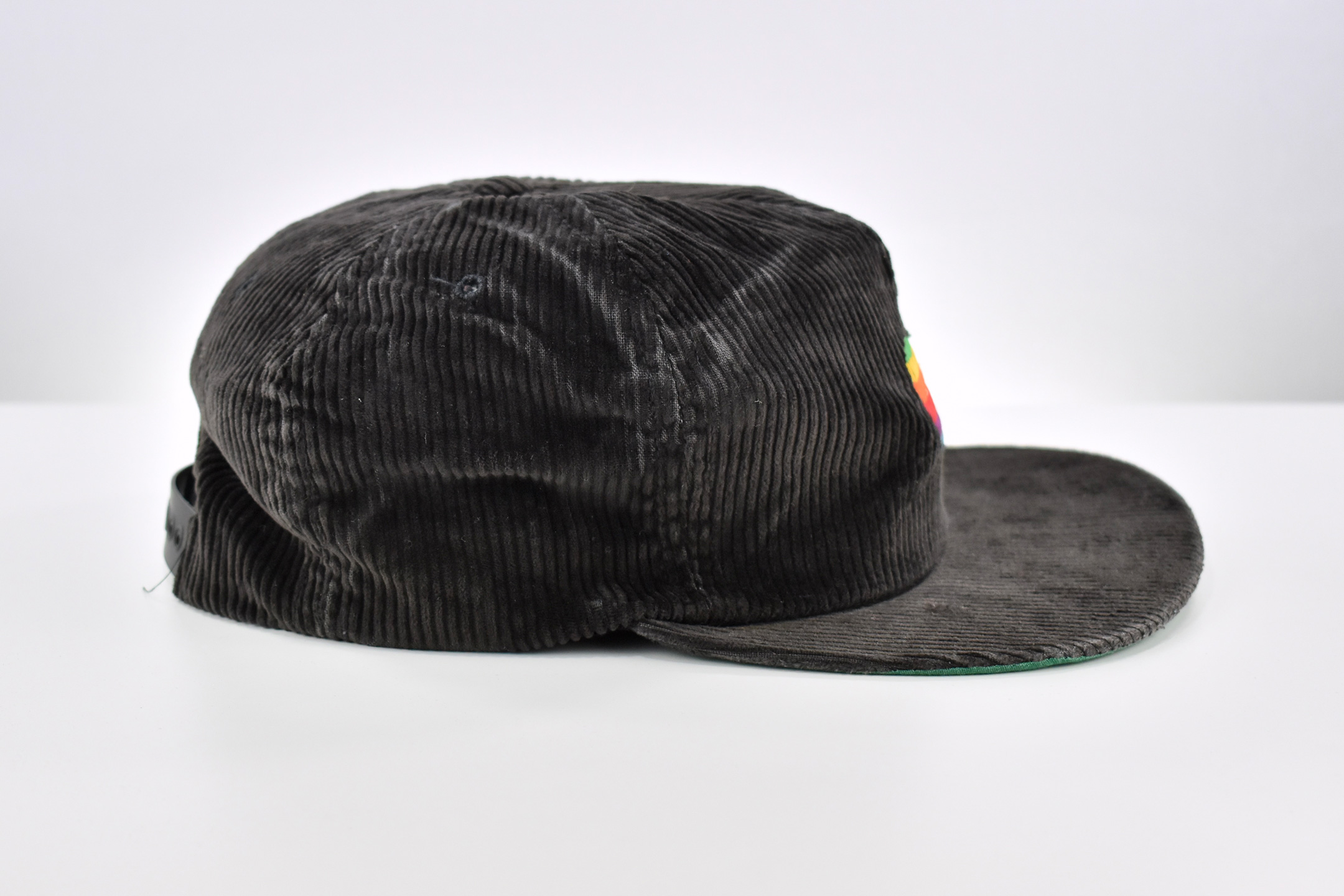
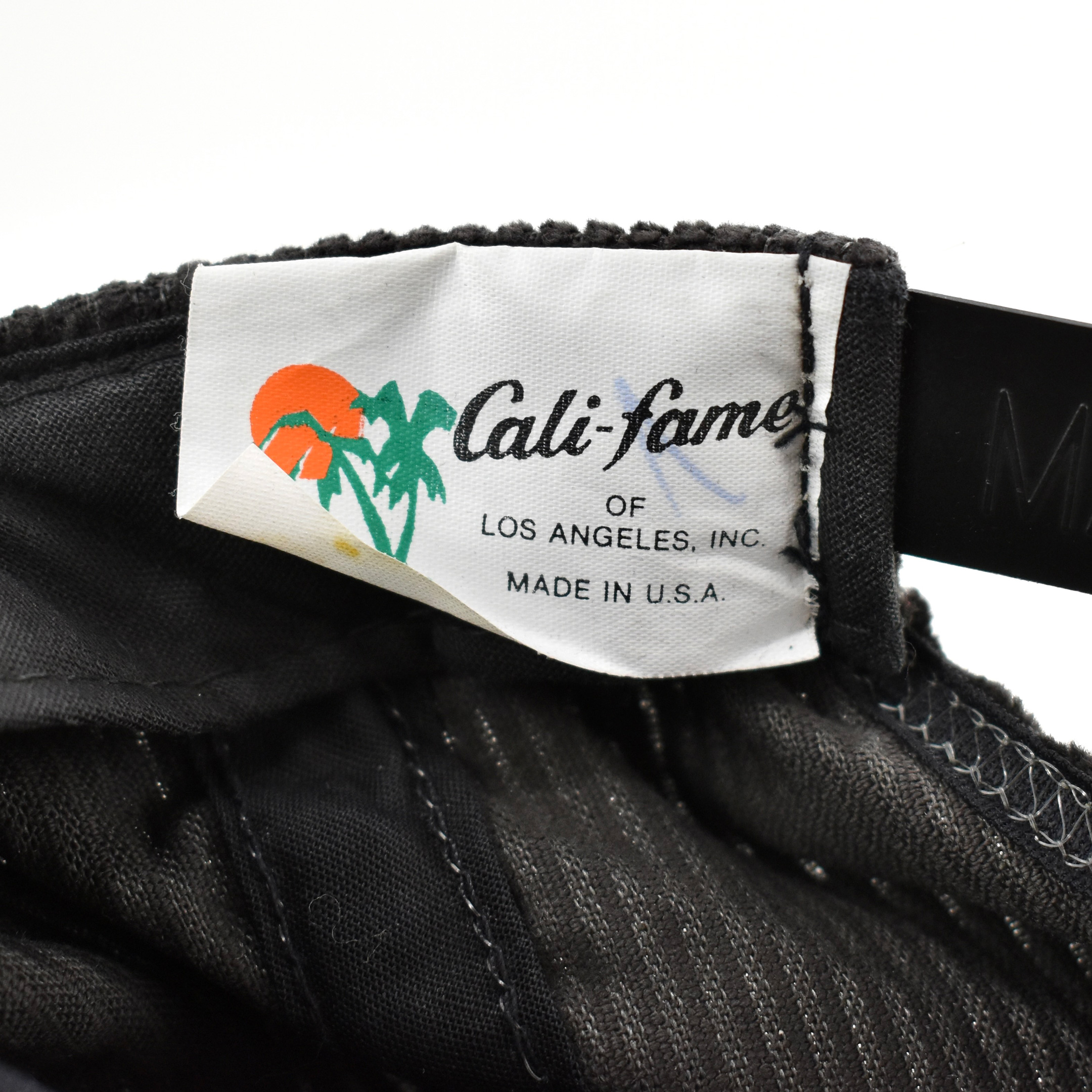
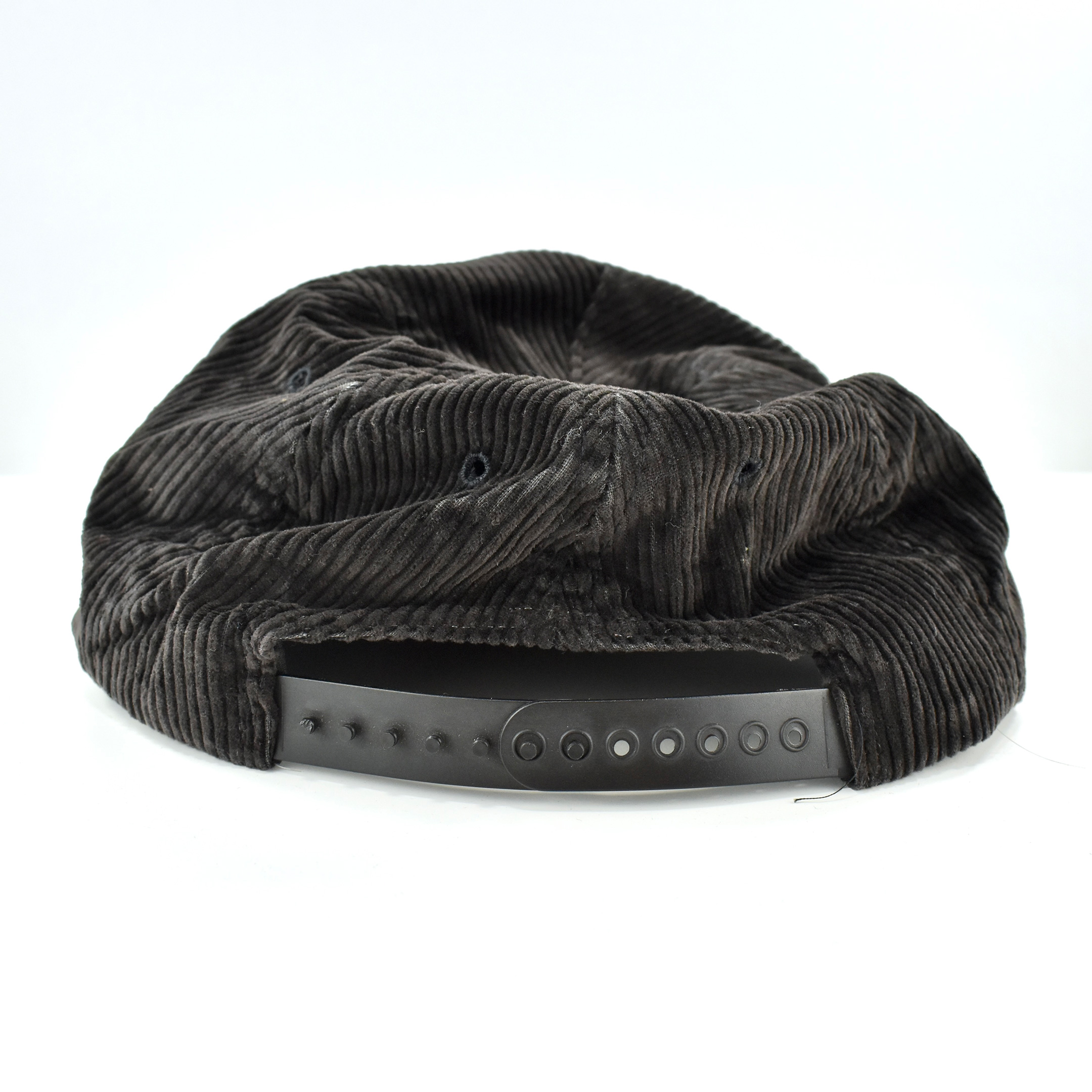
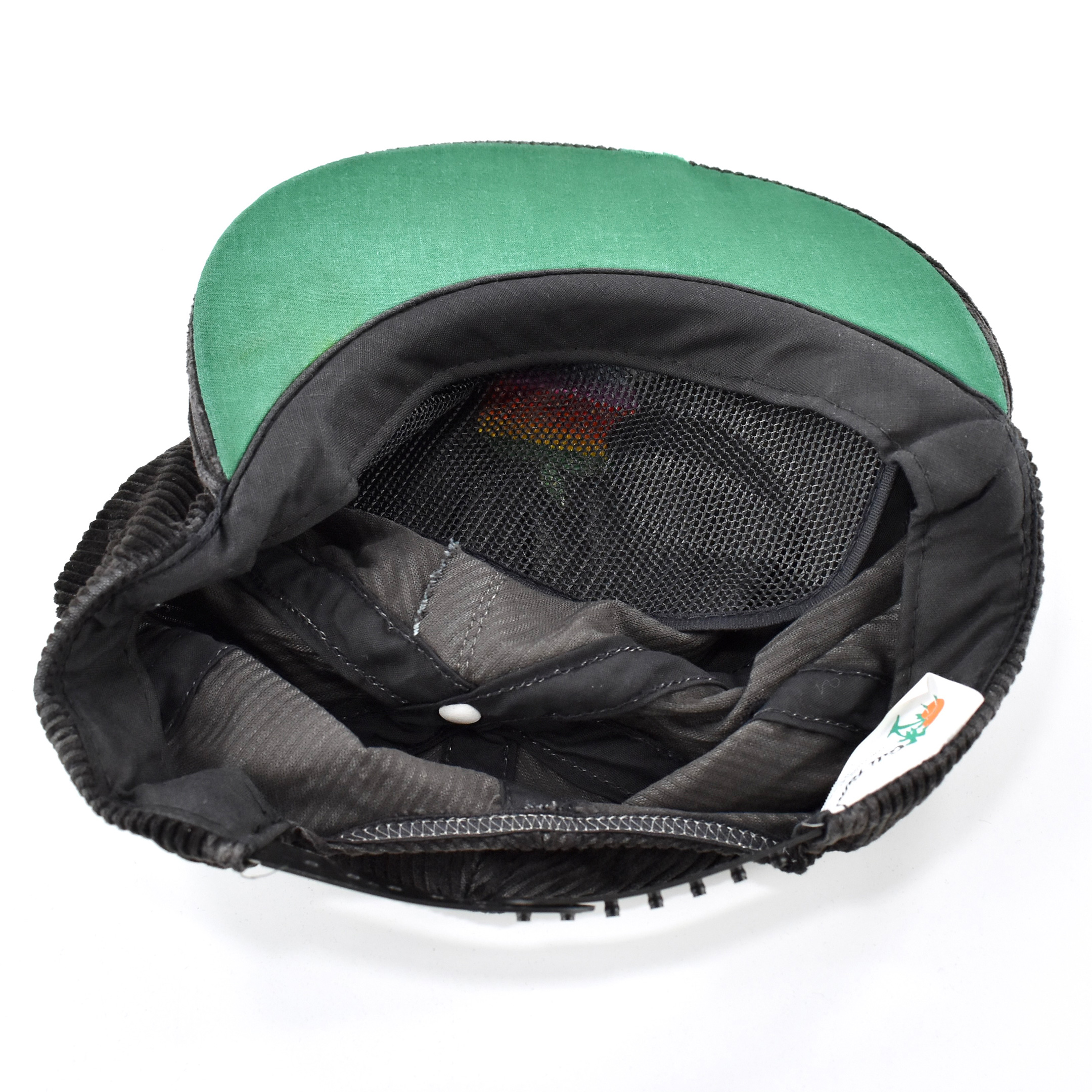
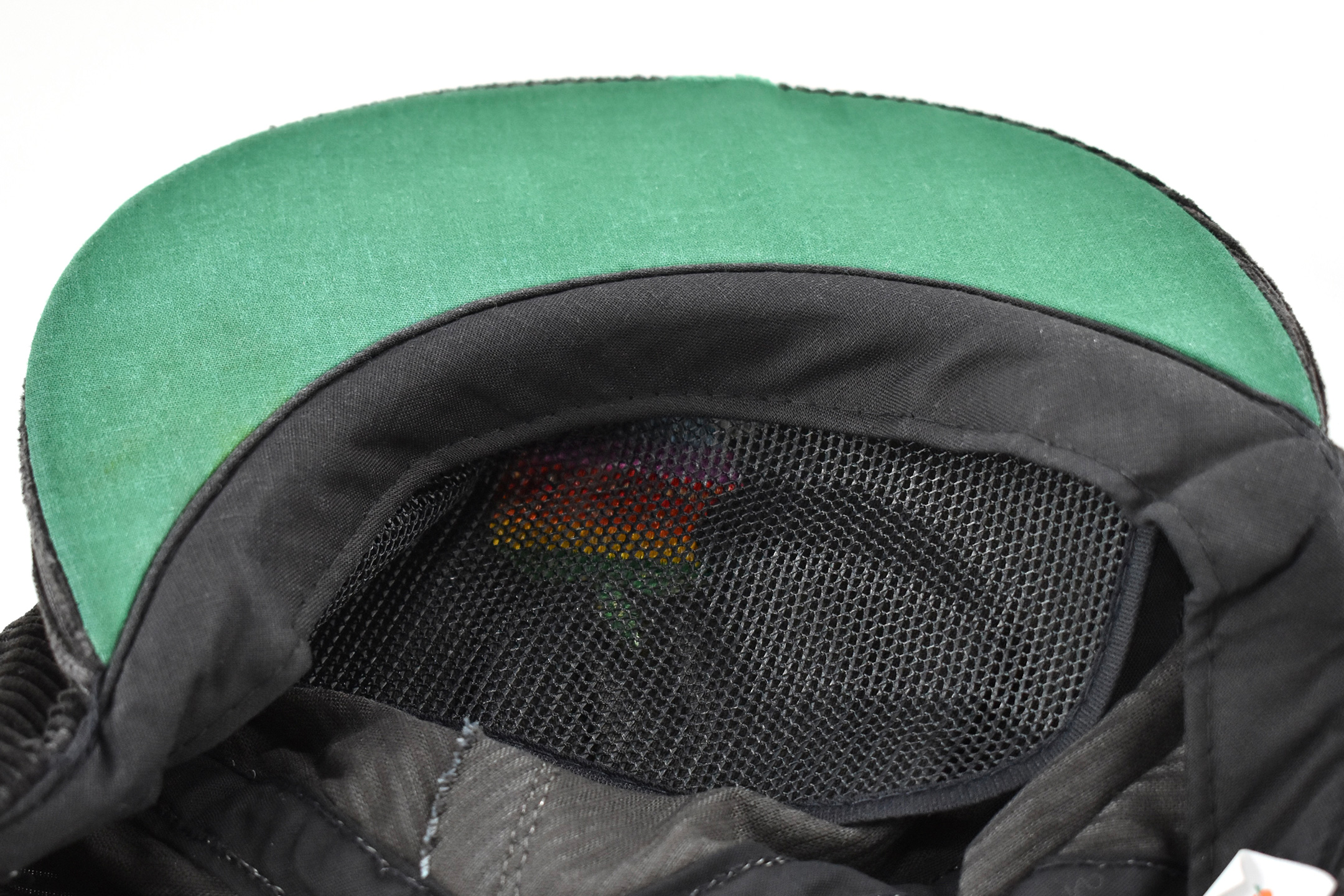
This black corduroy cap features a large multicolor Apple logo embroidered on the front center. The cap was manufactured by Cali-fame (Los Angeles, CA) and includes a plastic adjustable strap.
According to the Cali Fame website:
“Cali Fame of Los Angles began as ‘Chicago Hat Company,’ manufacturing dress, sport, military and athletic wear. The name was changed to “Cali Fame of Los Angeles” in 1946 when the company moved from Chicago, Illinois to Los Angeles, California.”
The company still exists and manufactures athletic wear.
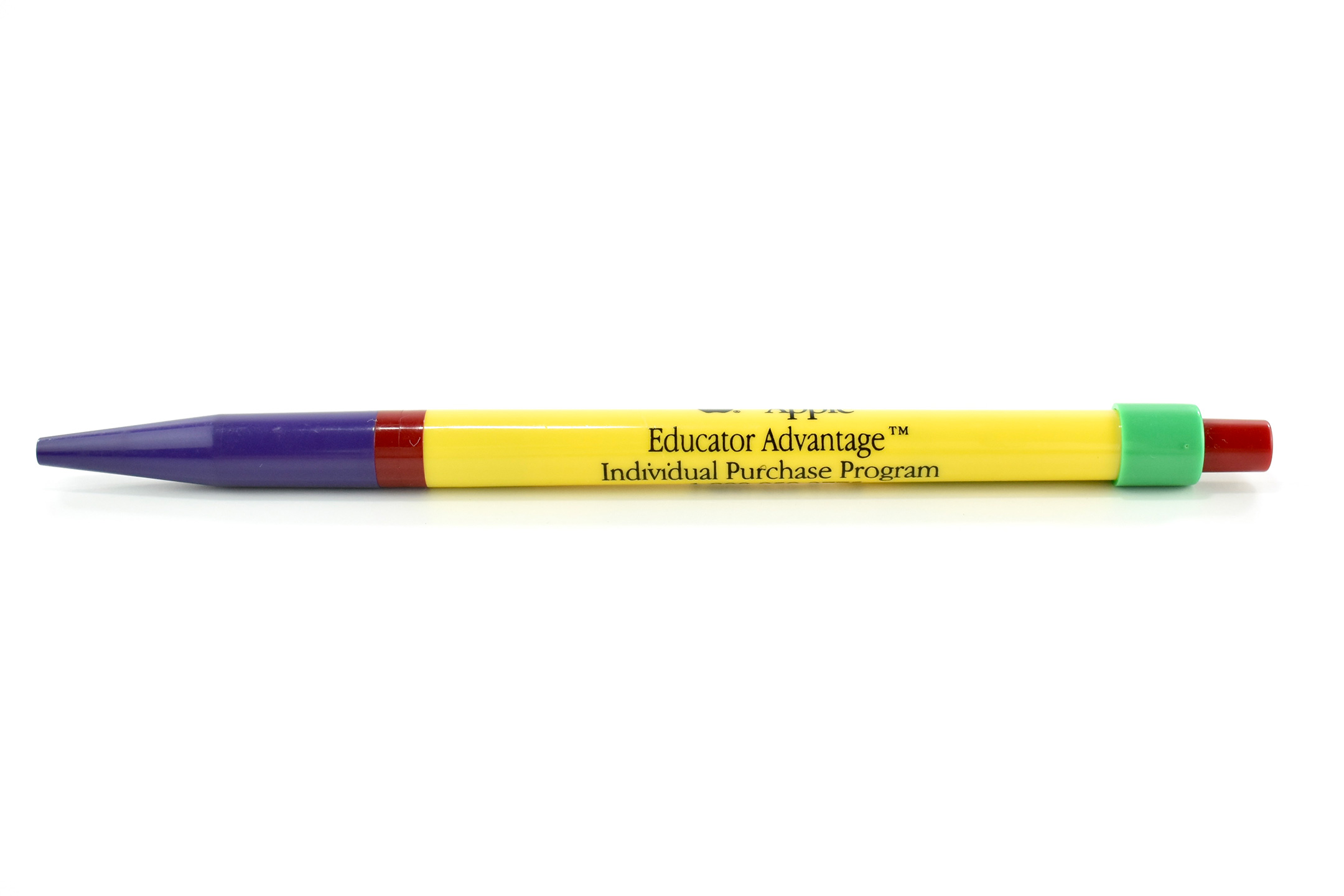
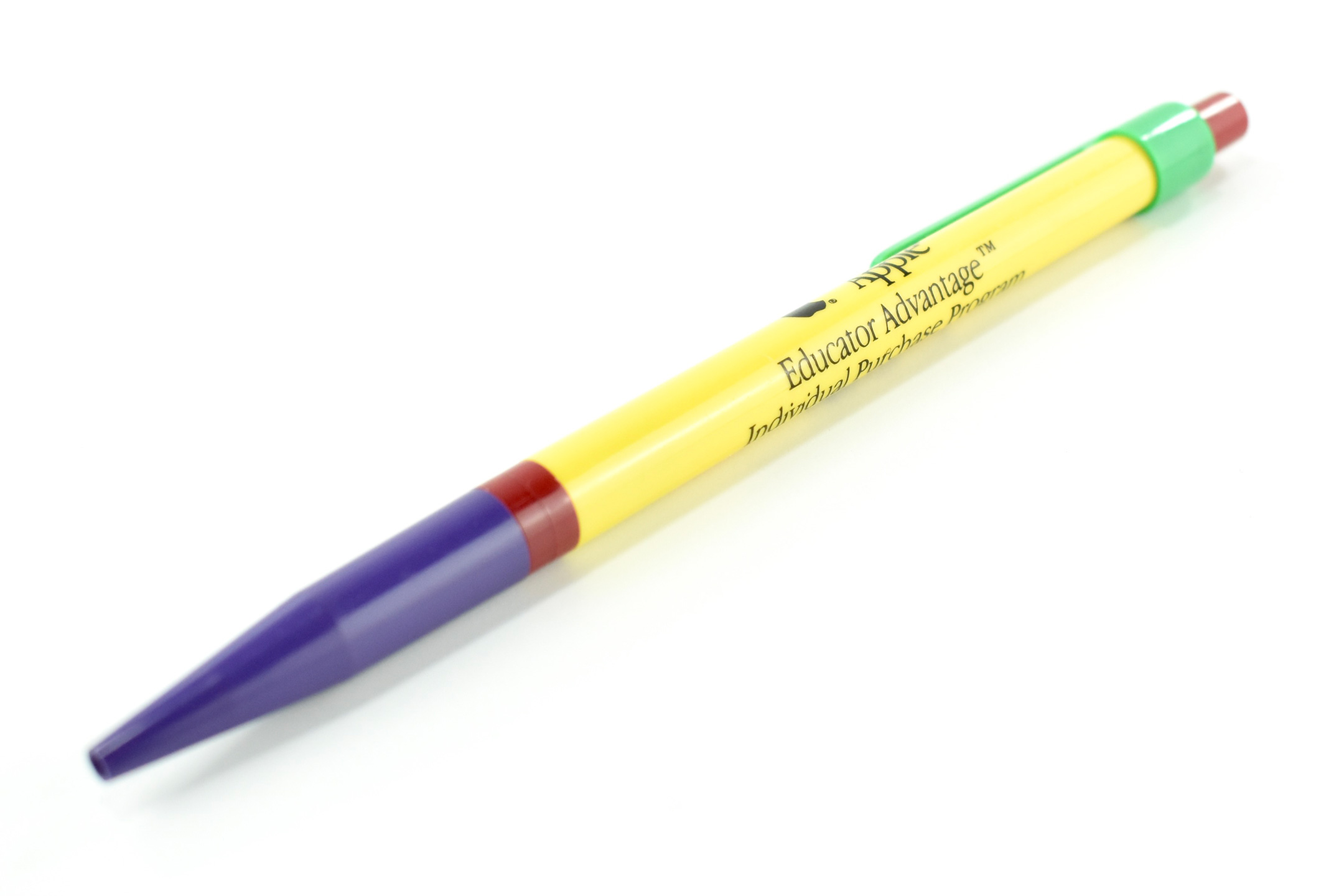
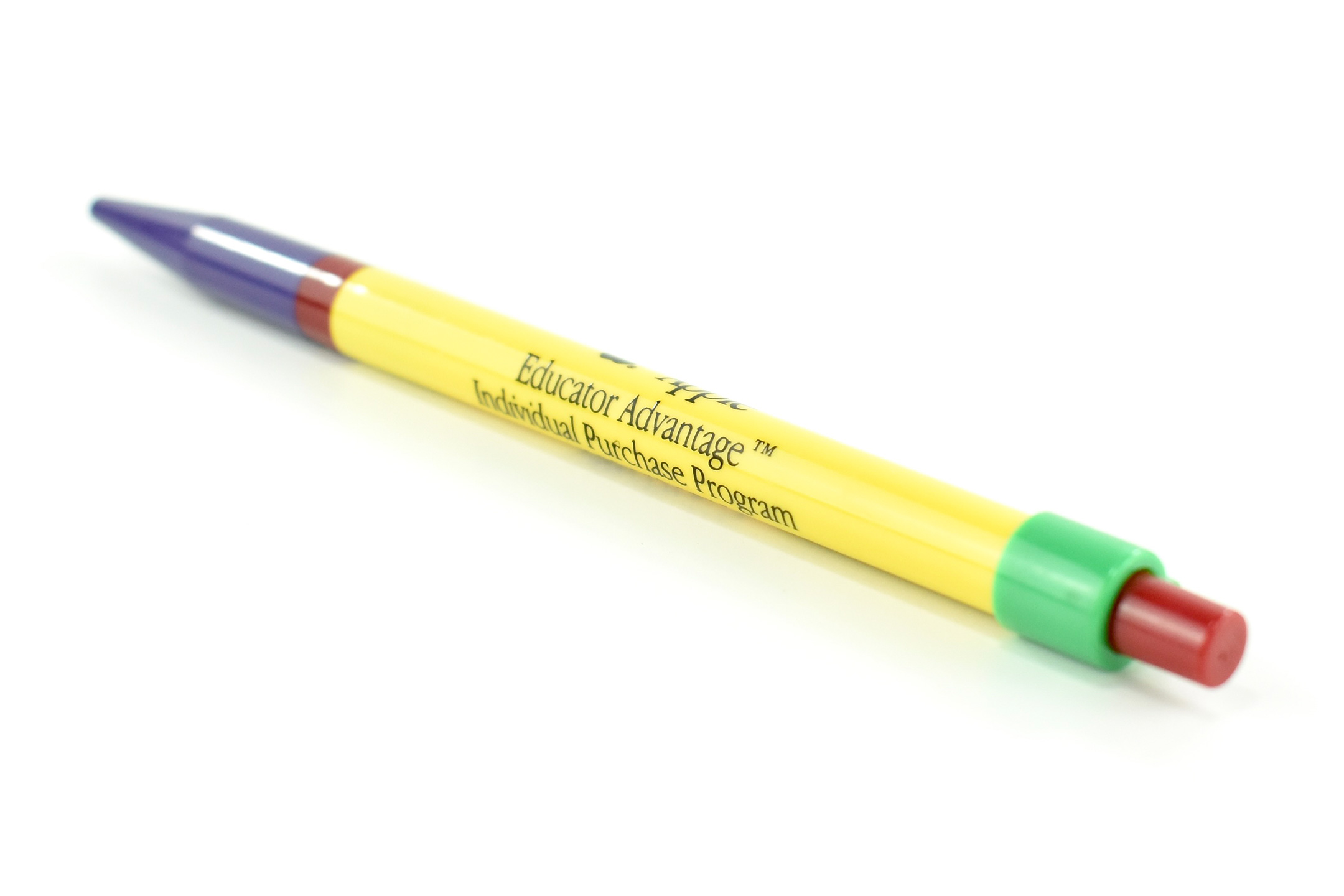
This pen is primarily yellow with purple, green, and red accents. The pen is printed in black in the Apple Garamond font, Apple’s corporate font at the time. The printing includes a black Apple logo, a black Apple logotype, and contact information for the Apple Educator Advantage Individual Purchase Program.
The Apple Educator Advantage Individual Purchase Program was a no-interest loan program offered by Apple for school staff in approximately the late 1990s–2000s. The program was executed by individual school districts as a payroll deduction for employees who were interested. Two of the school districts in which I served offered a version of this program.
(My collection includes the same pen, but printed with just a black Apple logotype.)
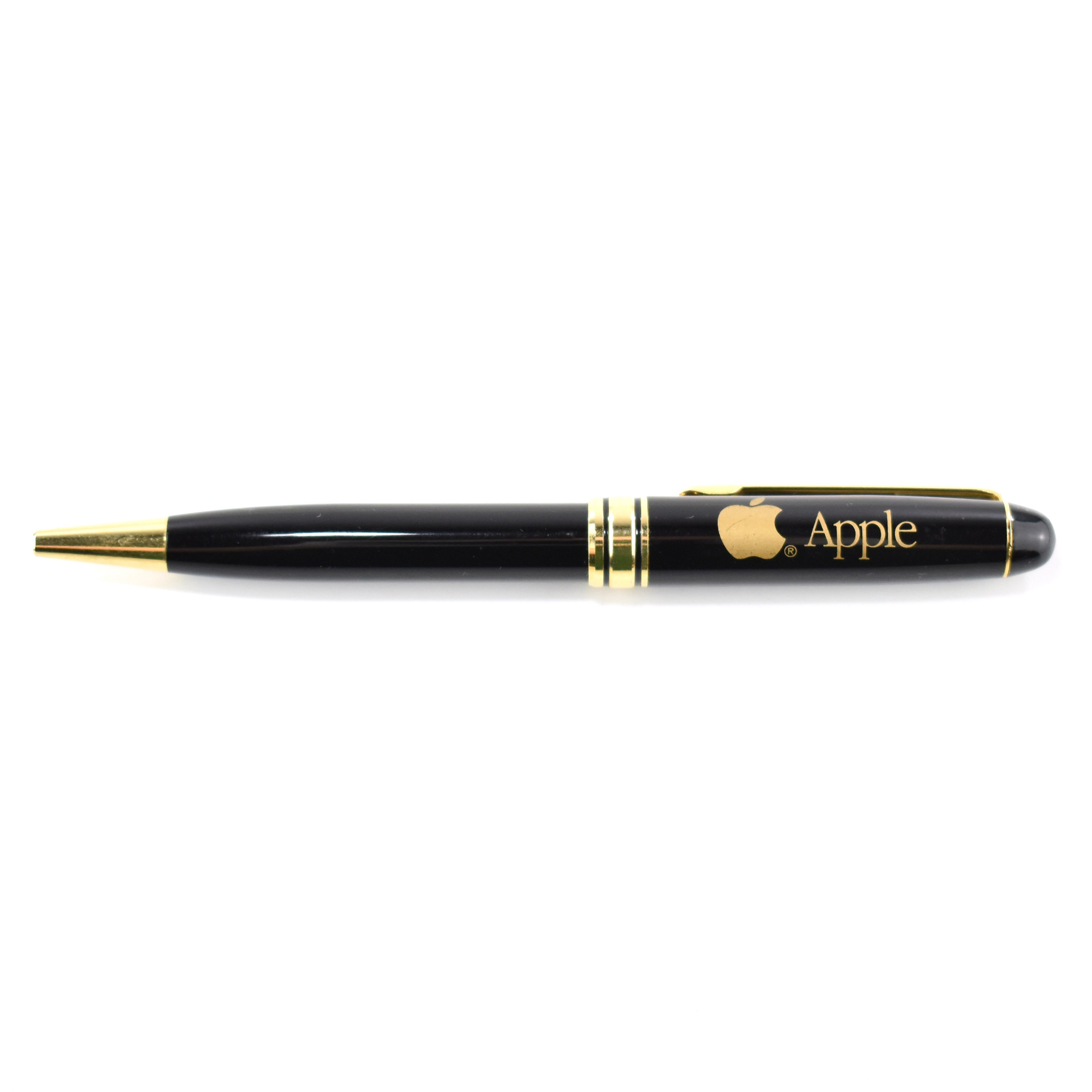
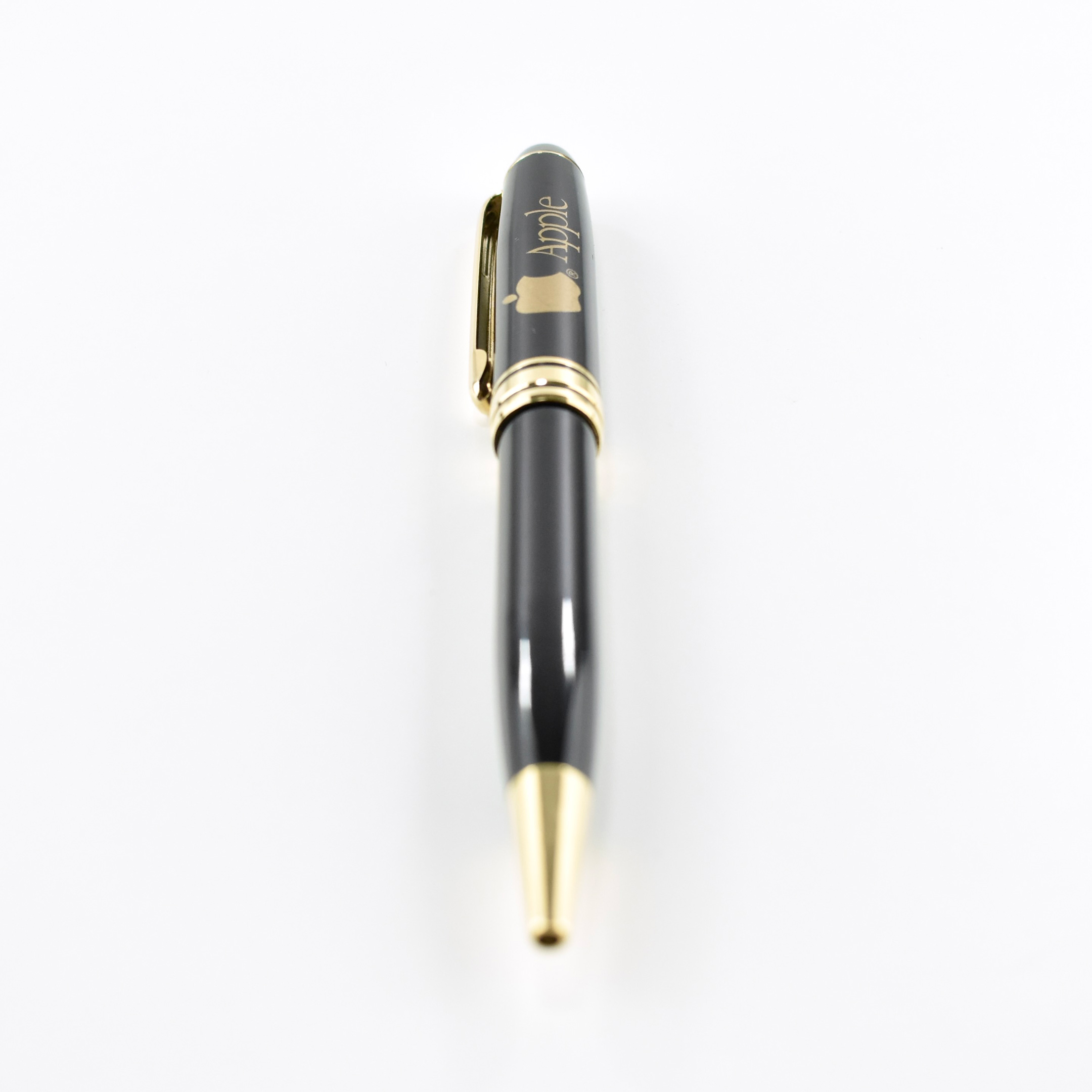
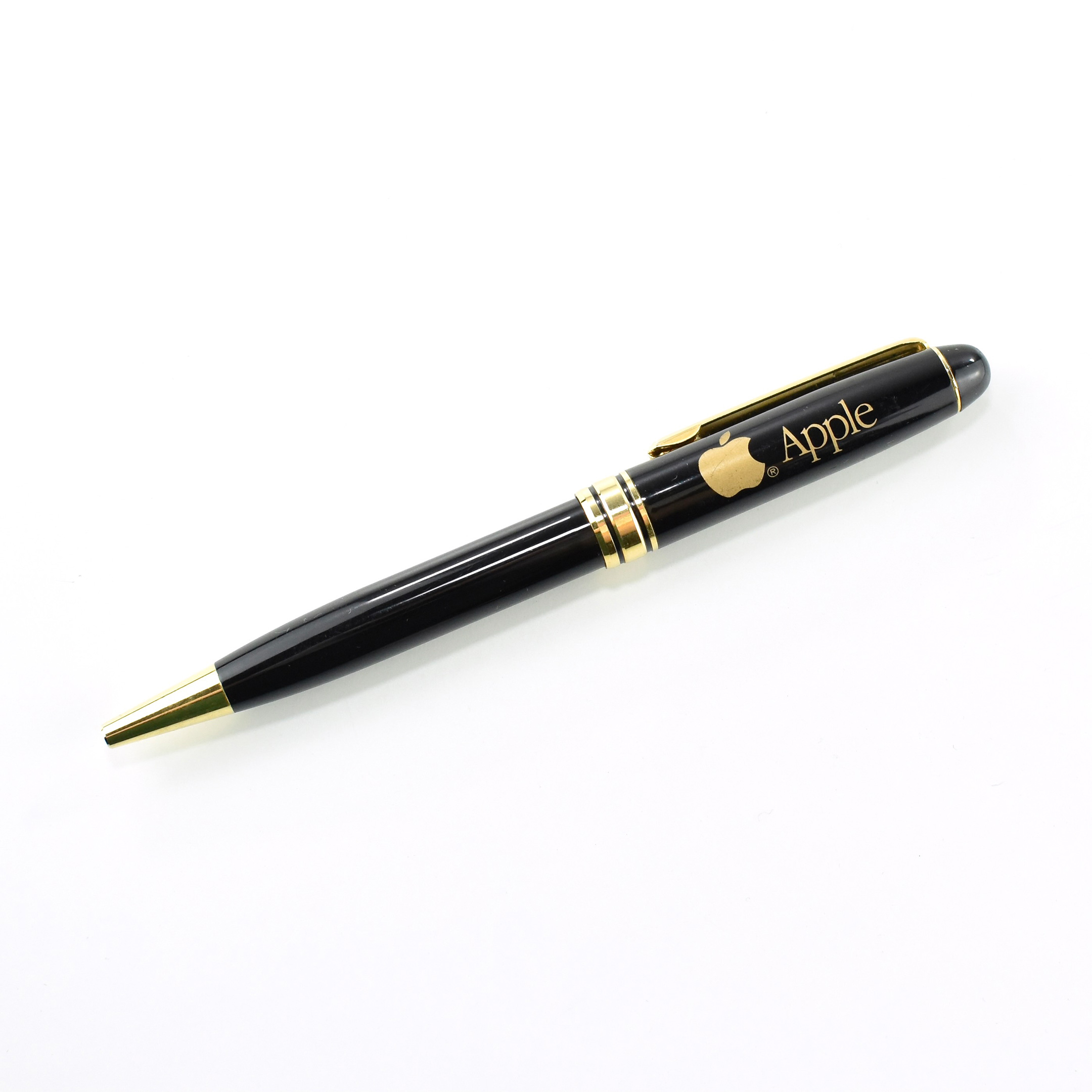
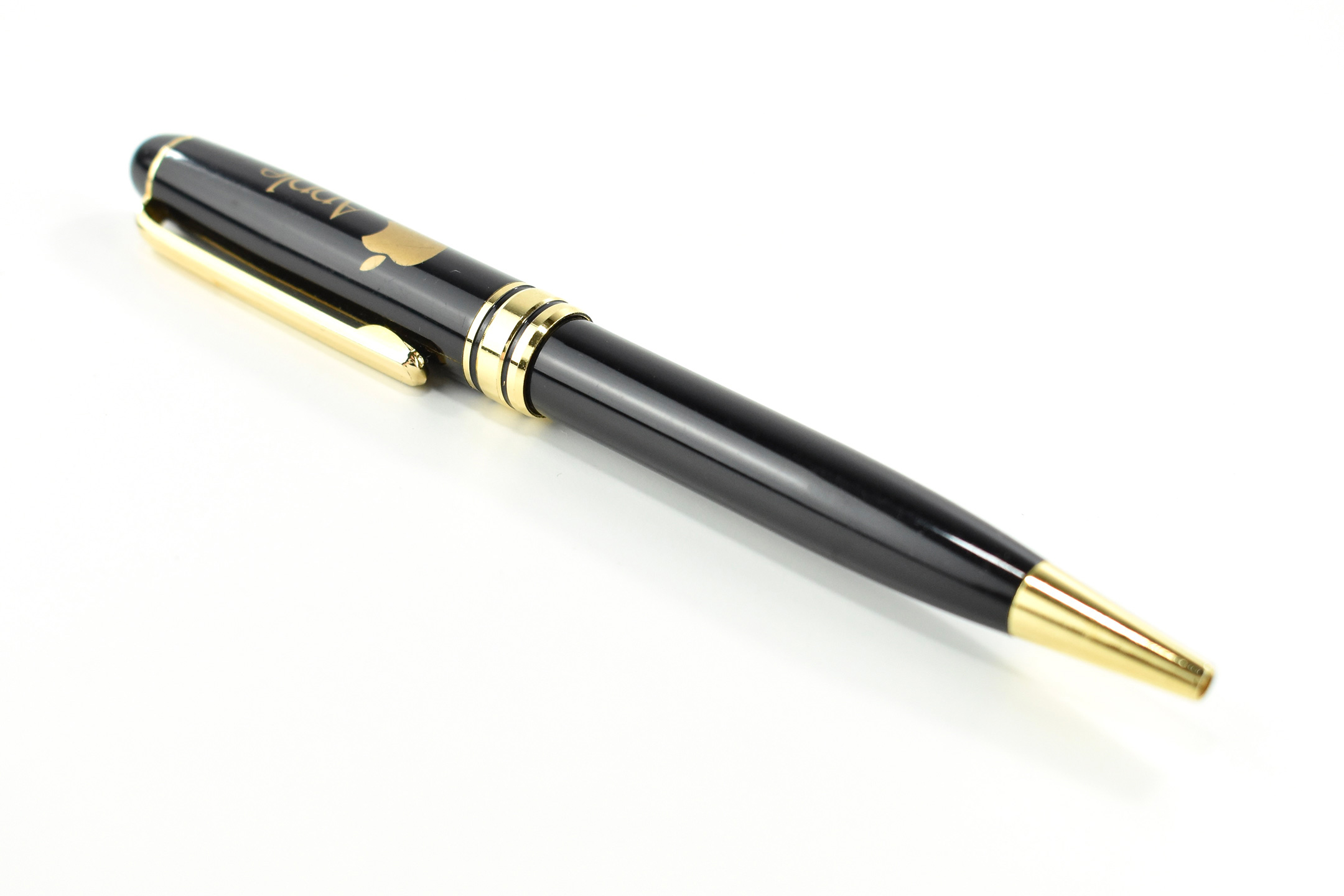
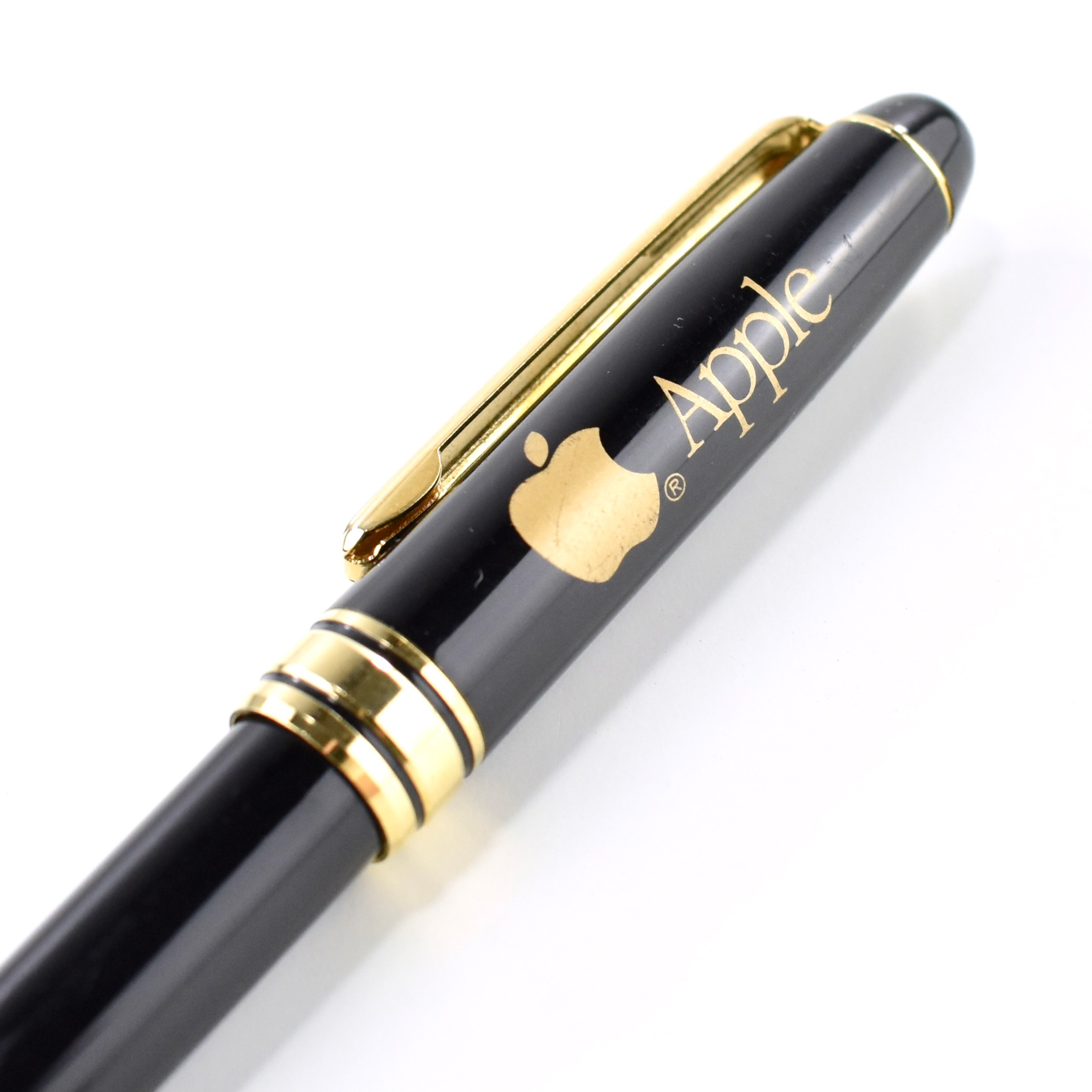
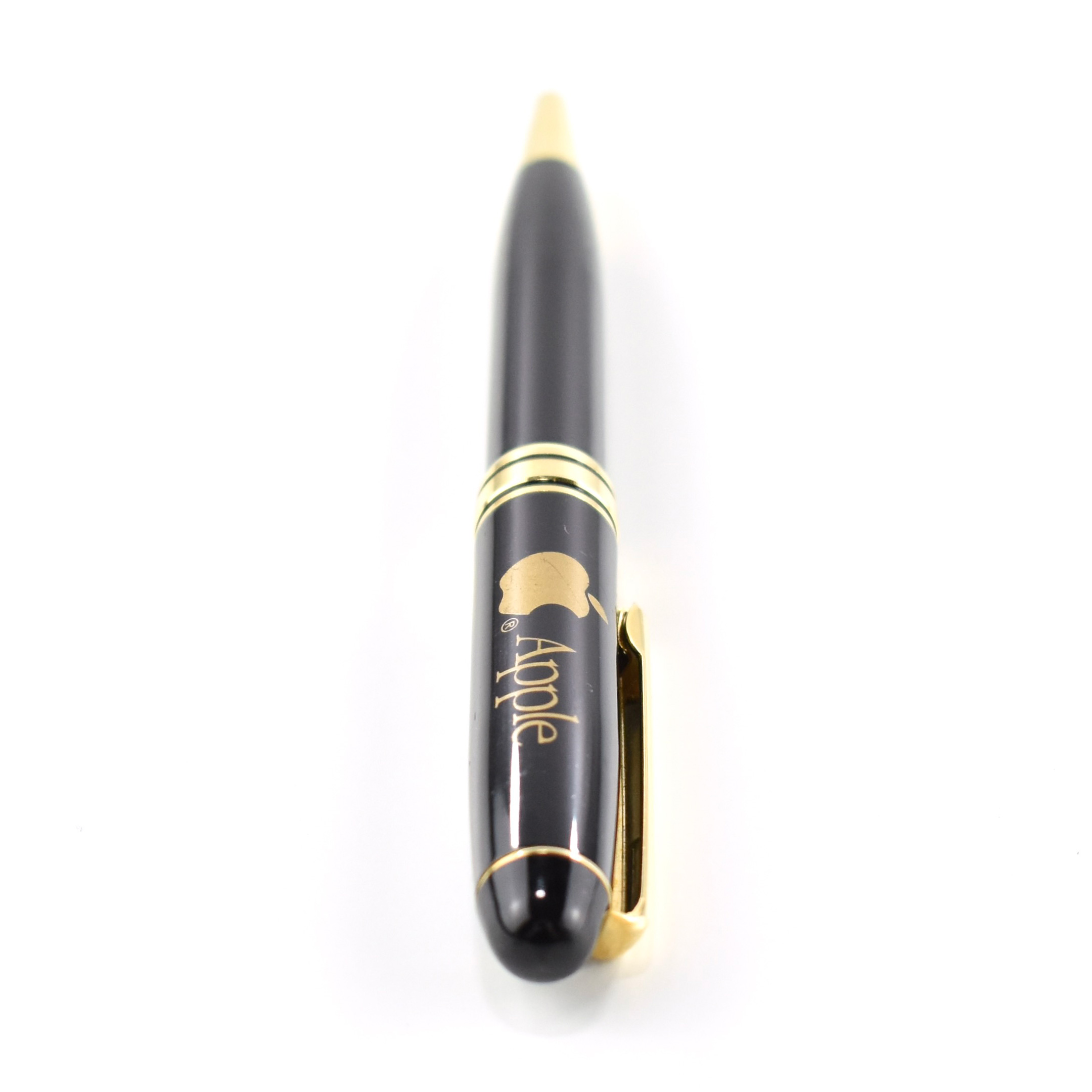
This pen features a gold-printed Apple logo and the Apple logotype printed in the Apple Garamond font, Apple’s corporate font of the time. The pen is accented in gold.
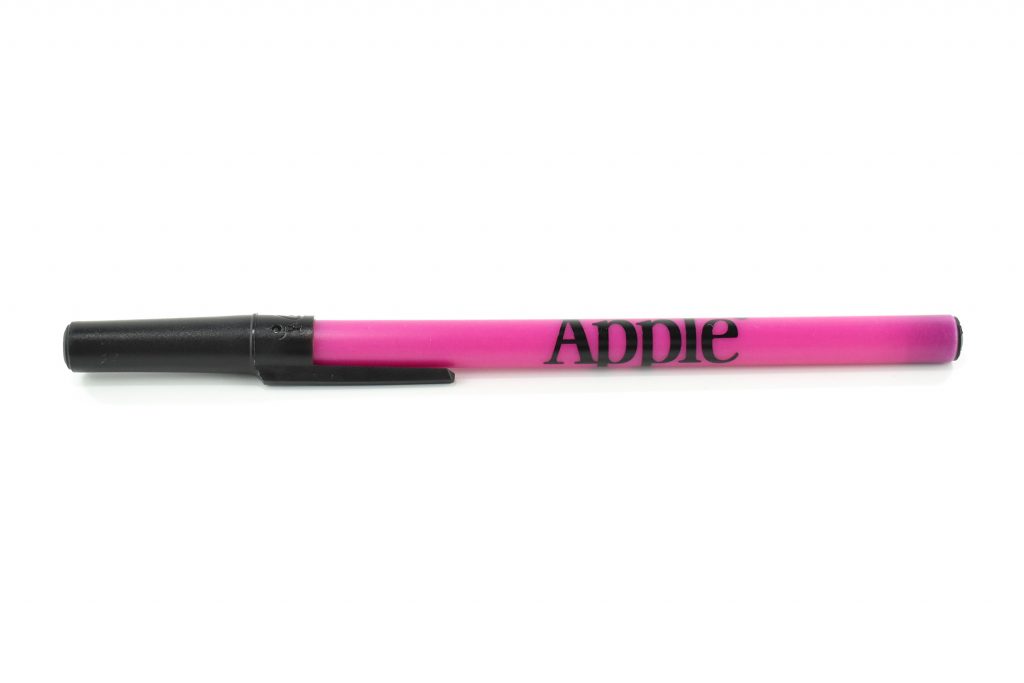
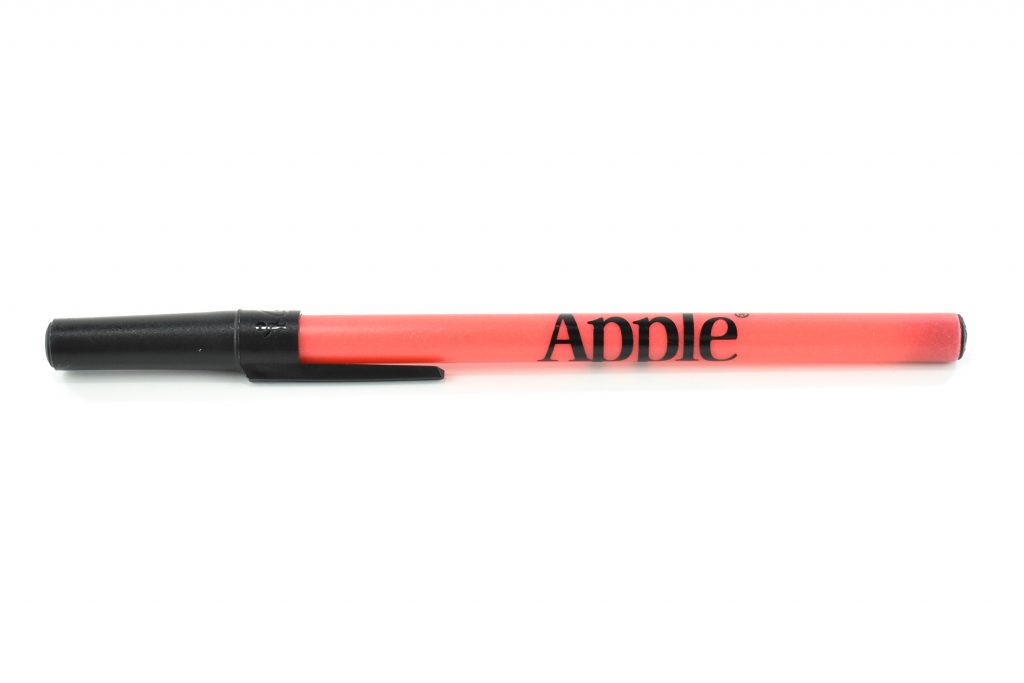
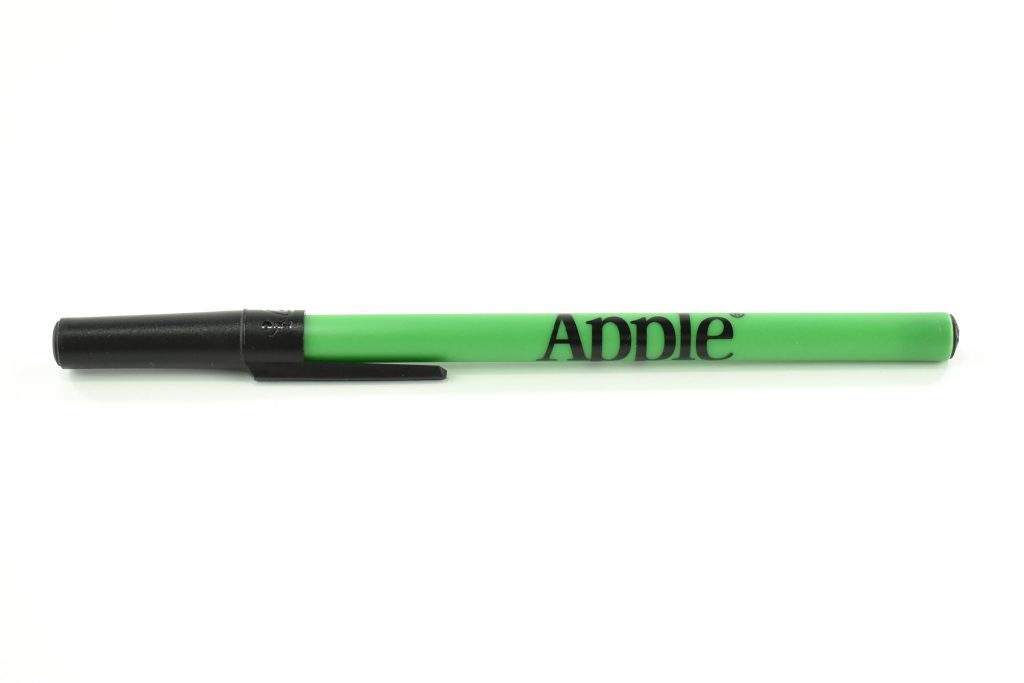
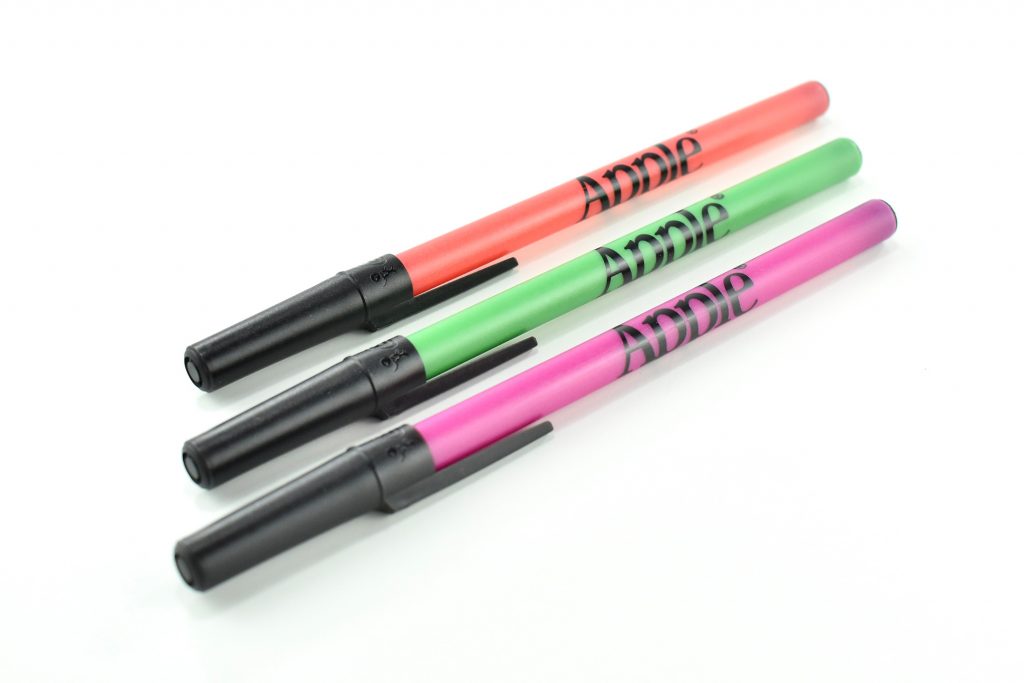
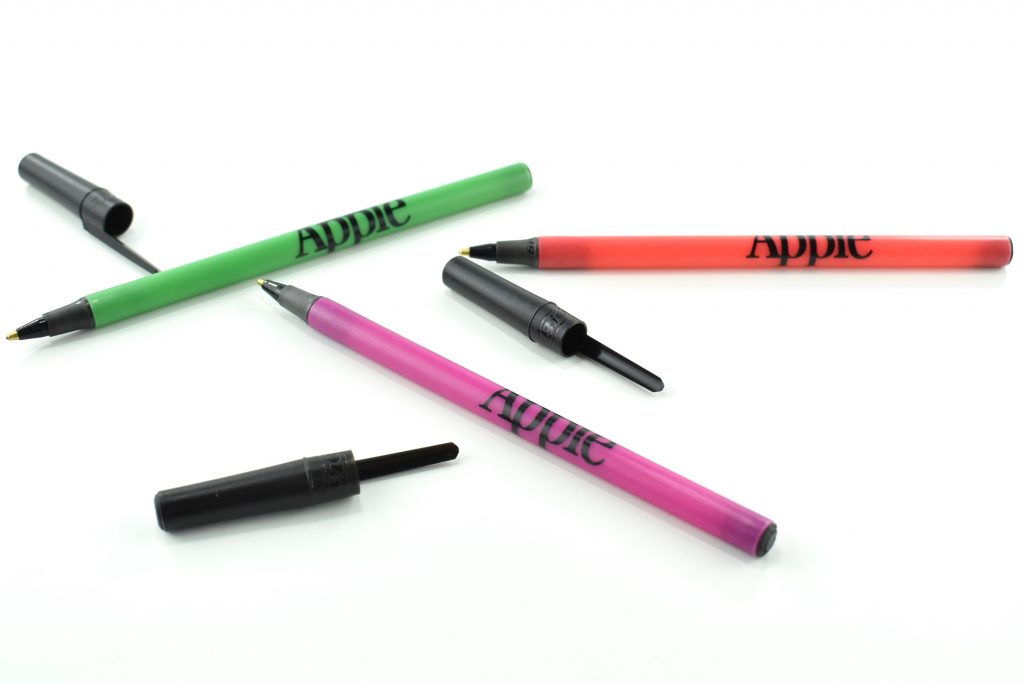
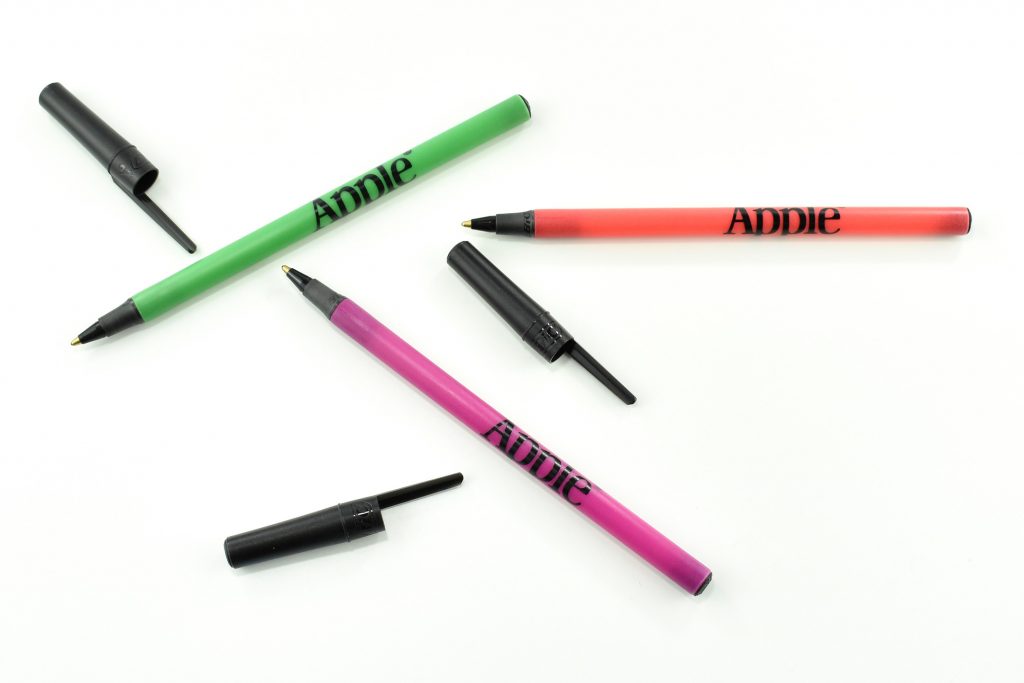
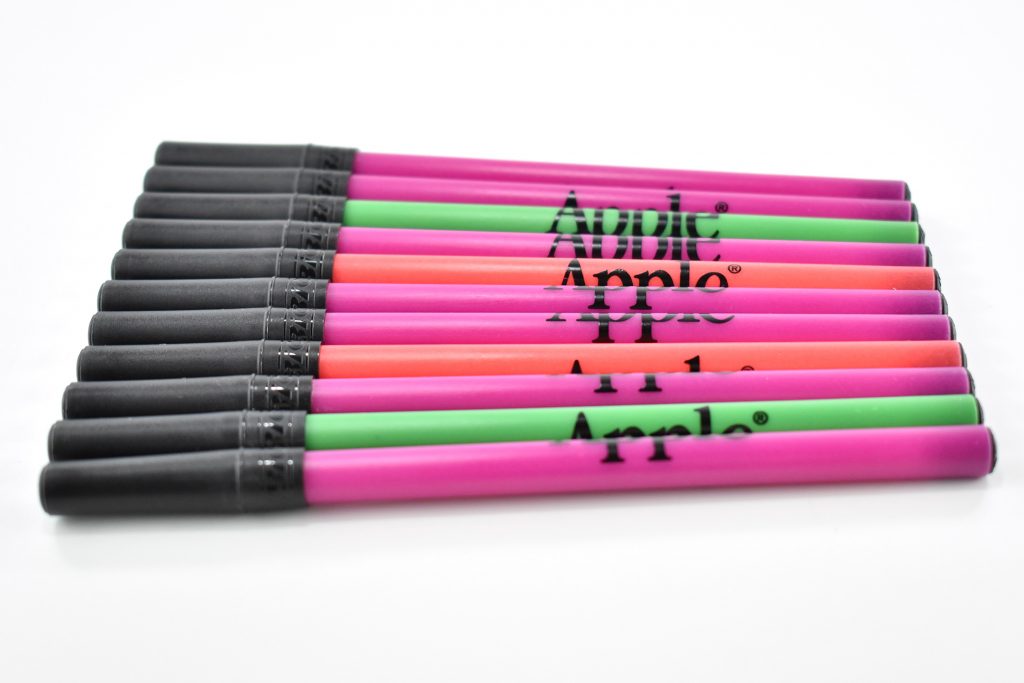
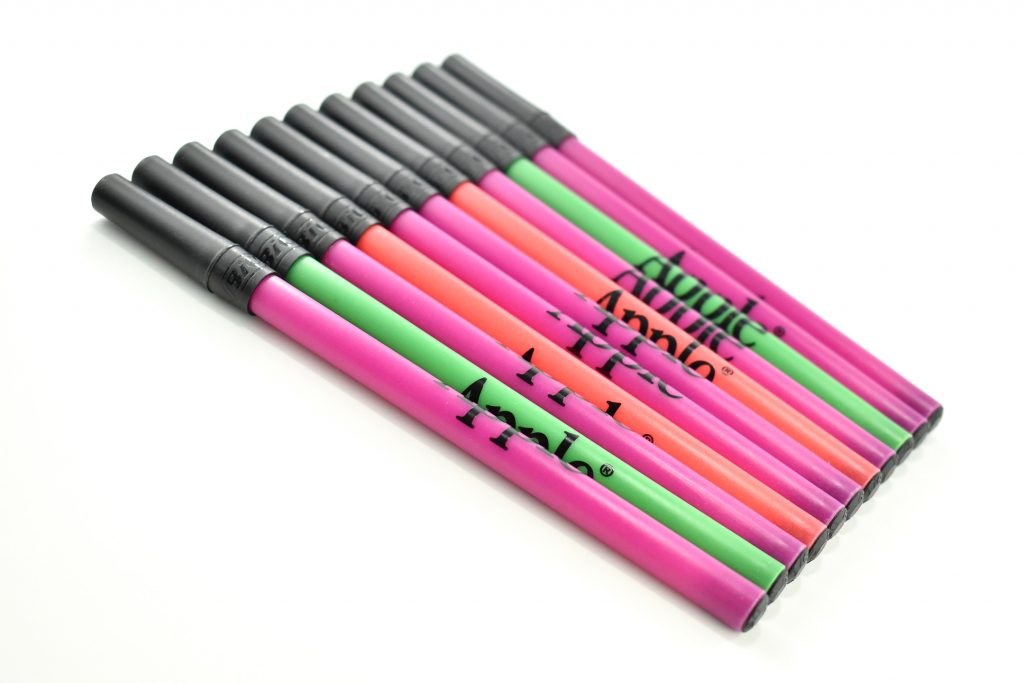
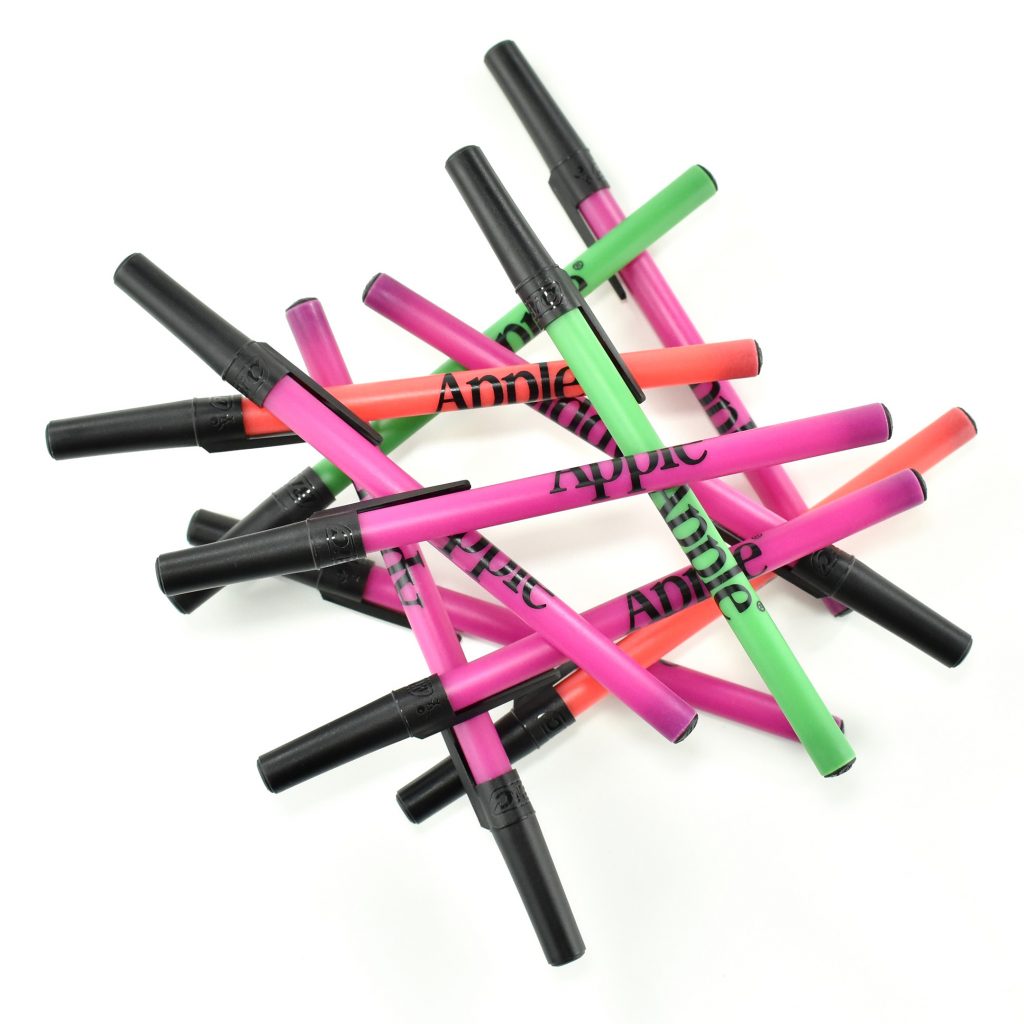
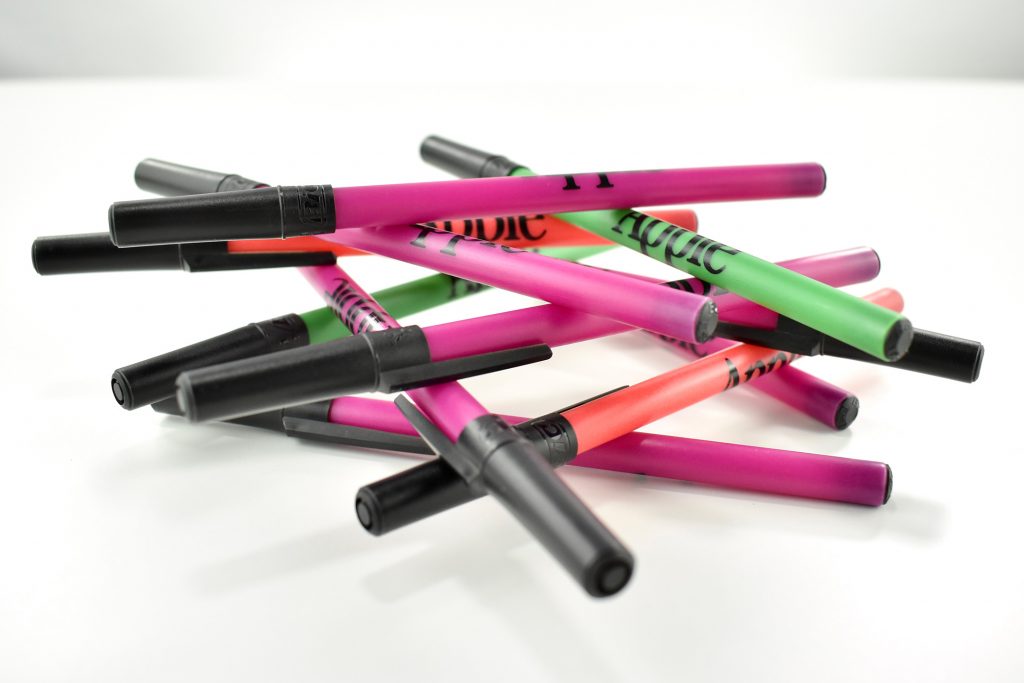
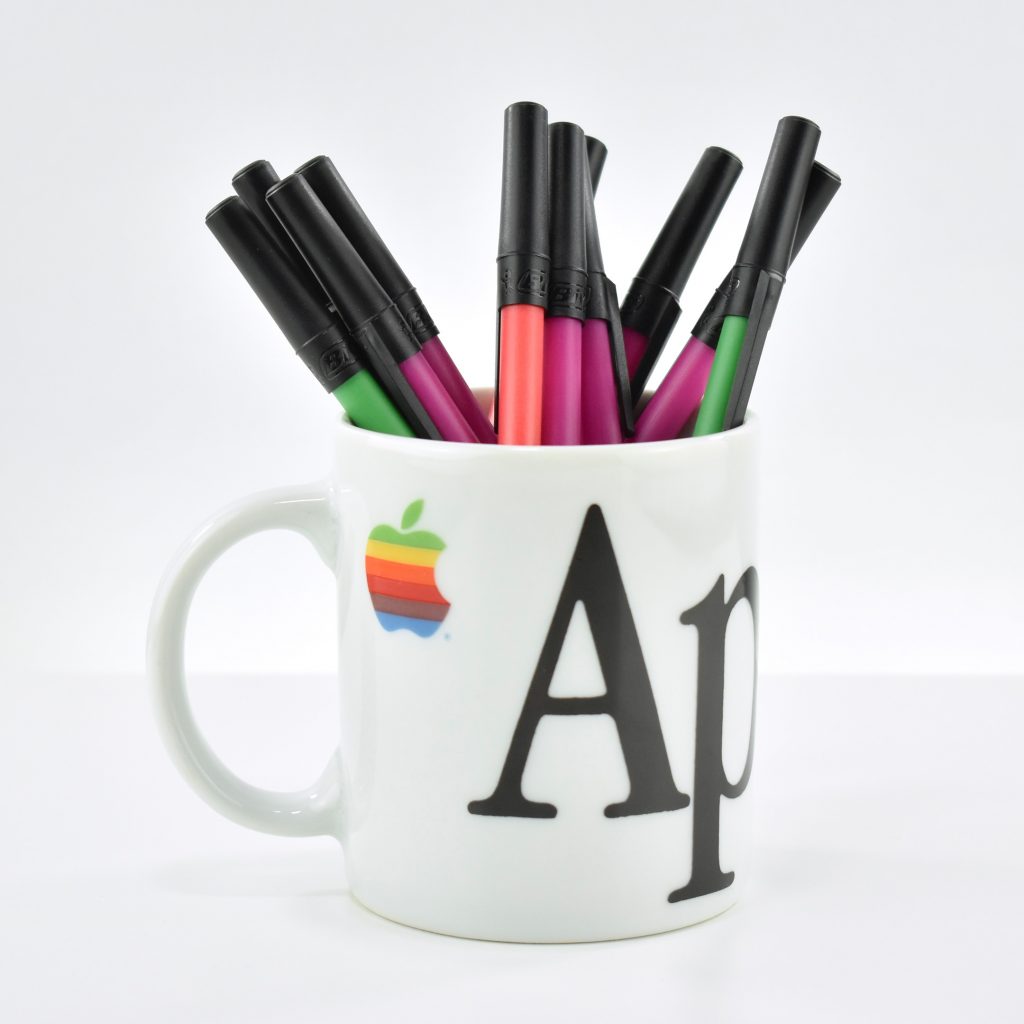
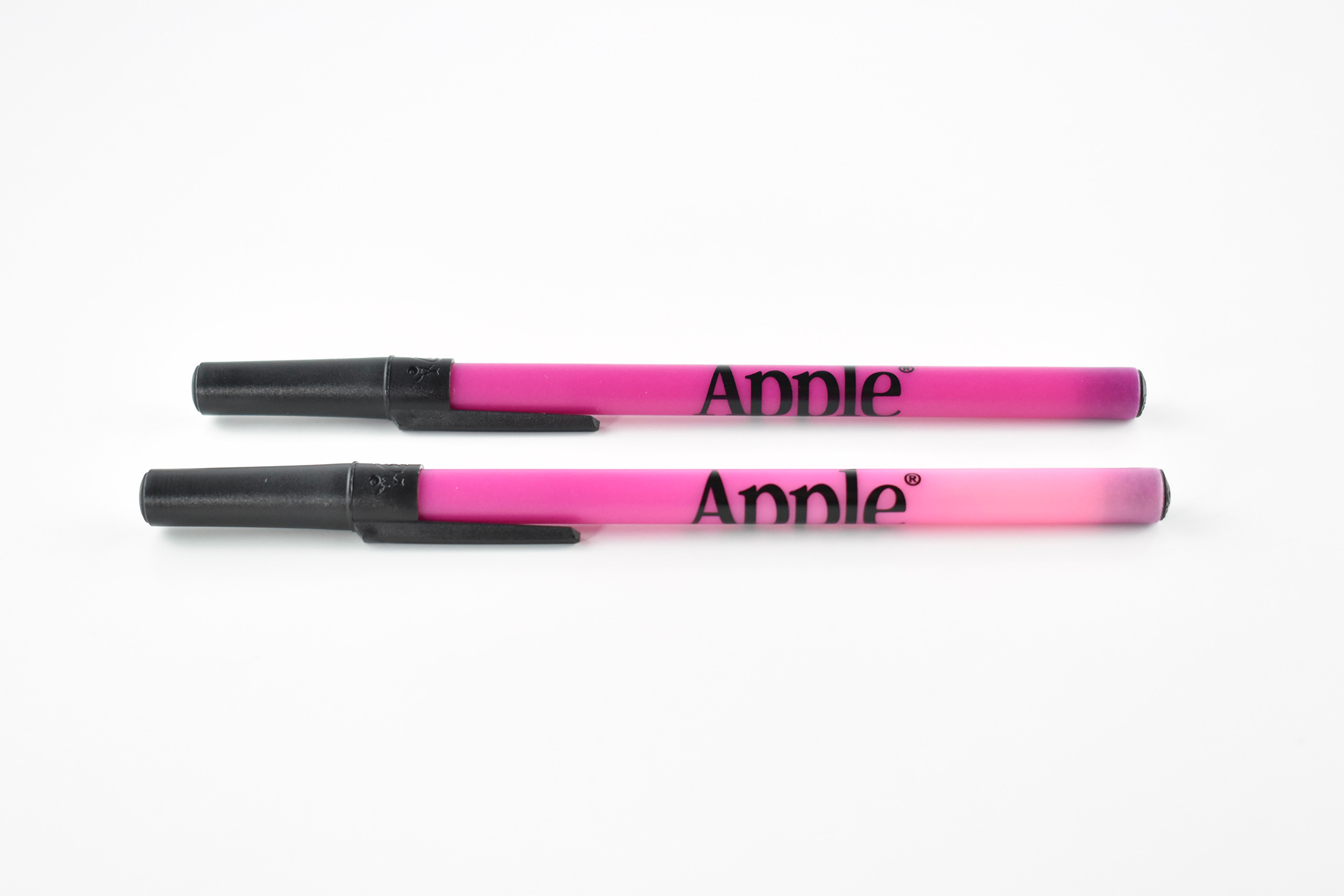
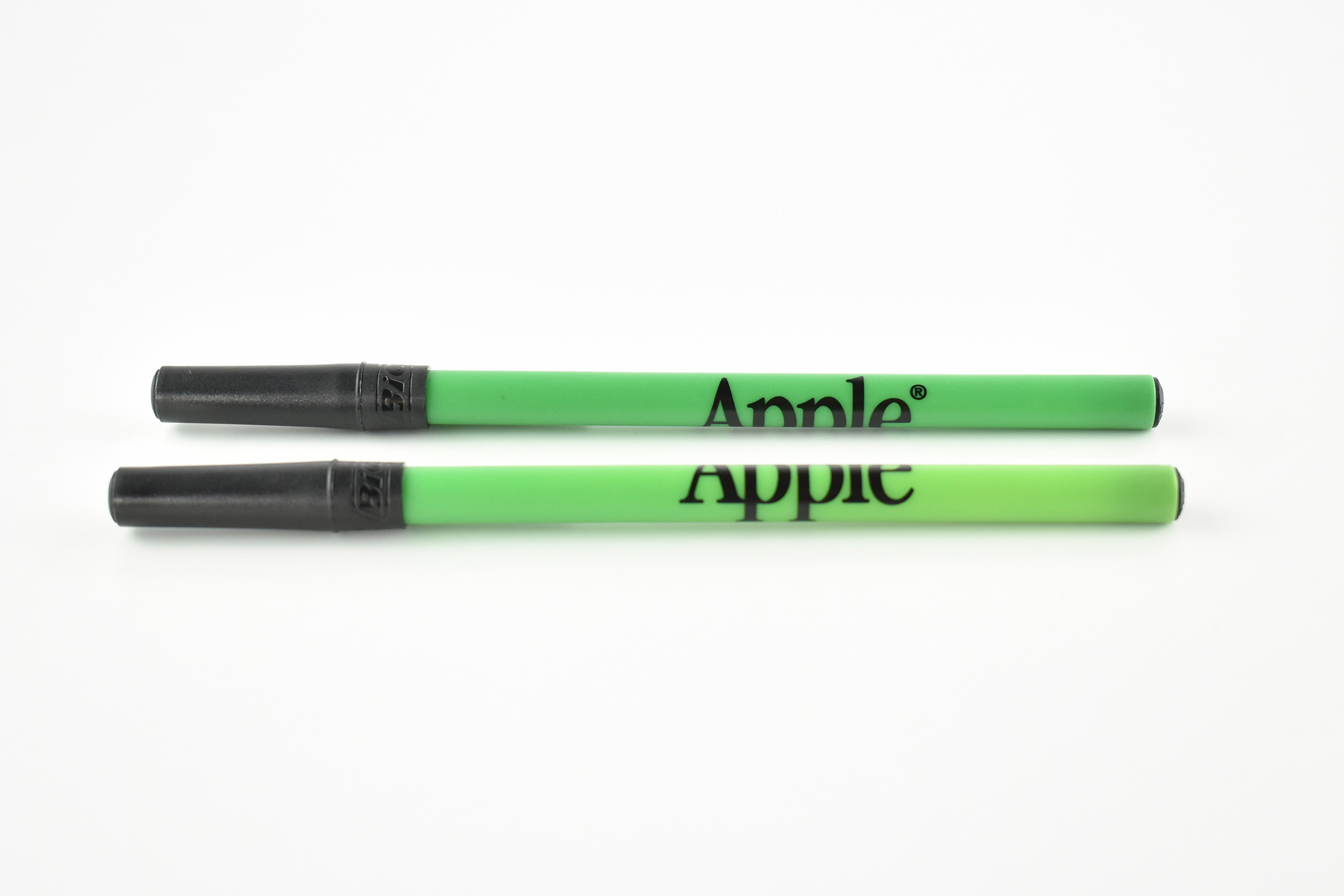
This set of neon-colored Bic pens have black caps and are printed with a black Apple logotype in Apple Garamond, Apple’s corporate font at the time.
The three neon colors include purple, green, and pink.
UPDATE: After I posted this originally, I discovered an eBay listing for Apple “color changing pens” that looked just like these. I tested them by grasping them for a few minutes, and found that they are, indeed, color changing with heat! I’m not sure if the effect has faded with age, but each of the three colors still fade. The last three photos show the effect.
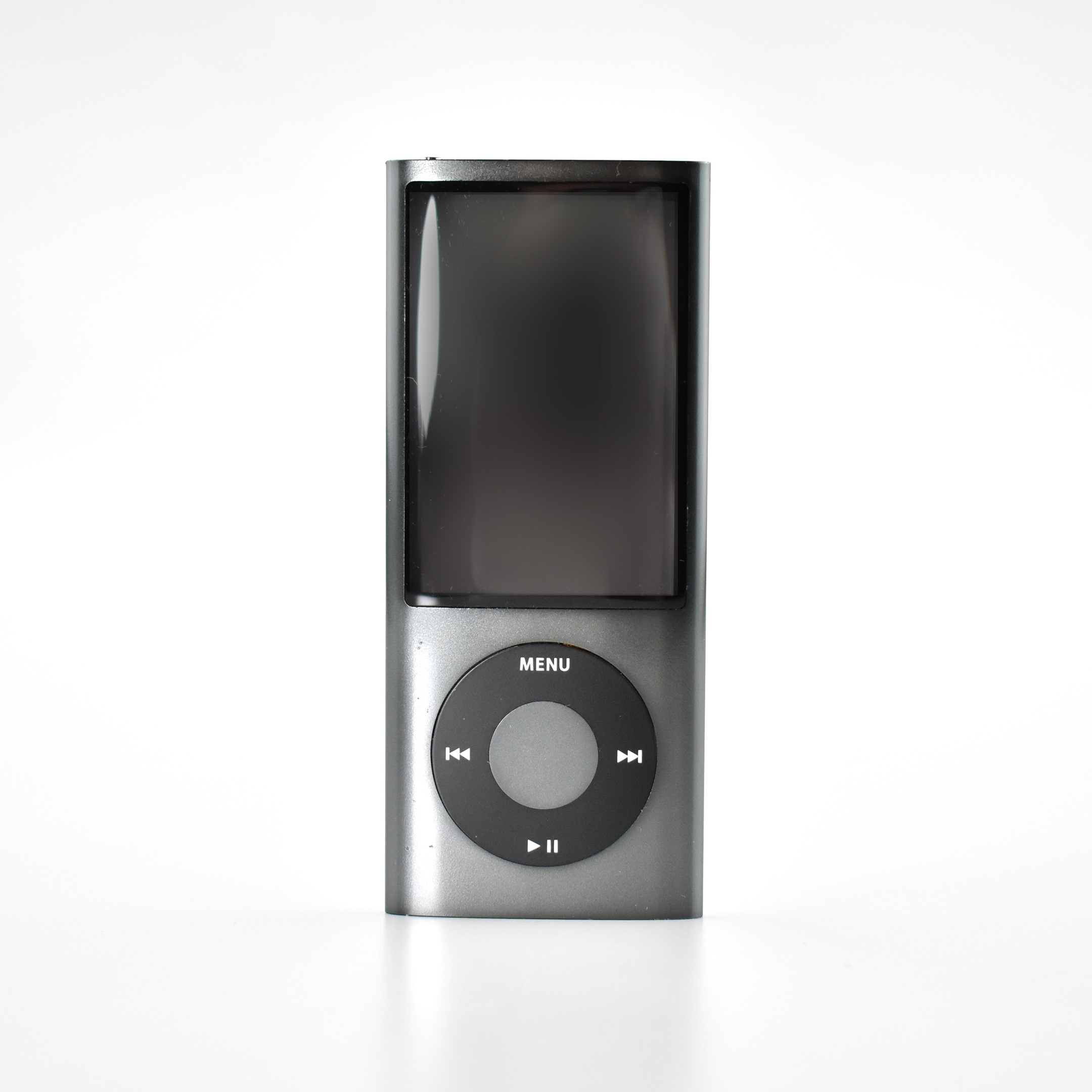
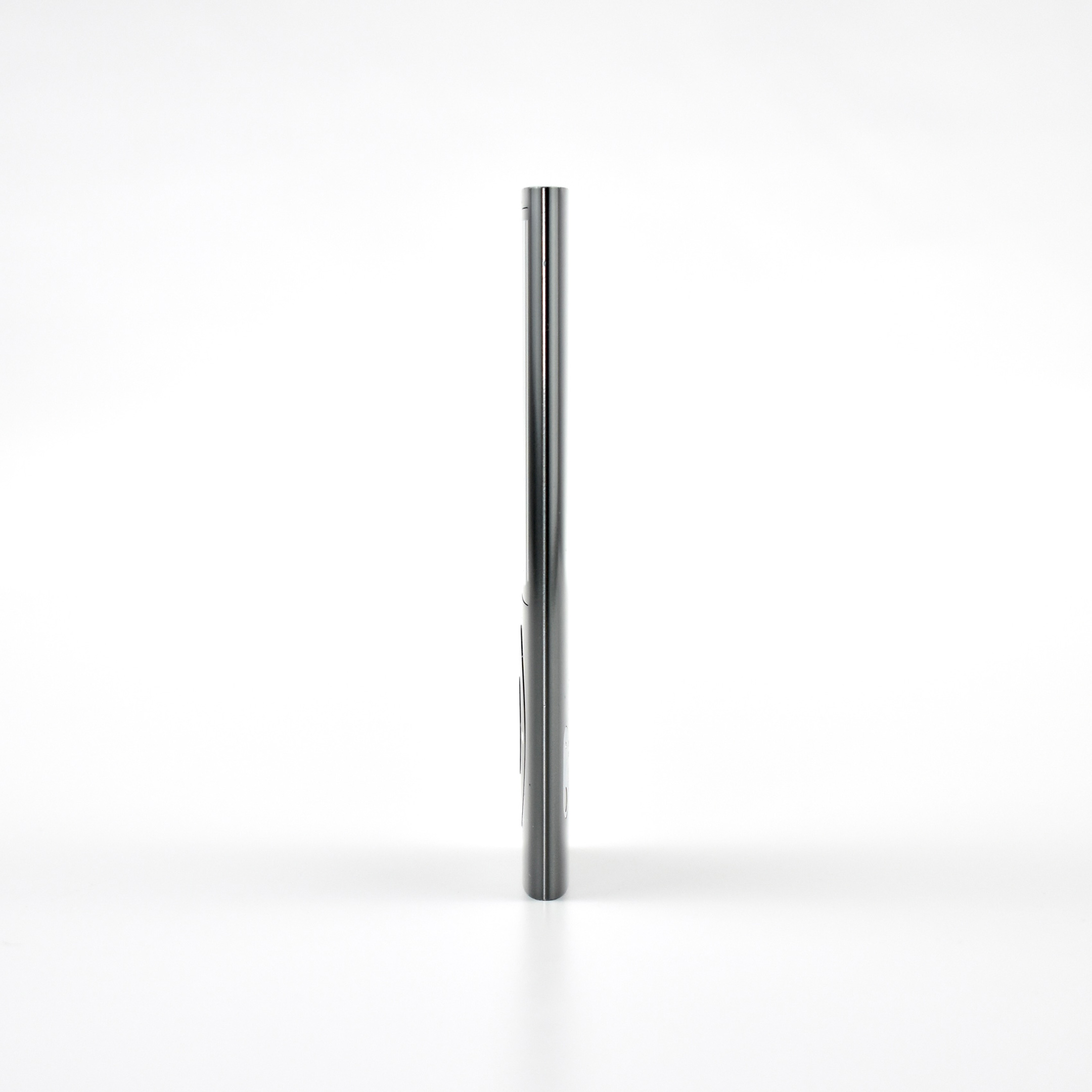
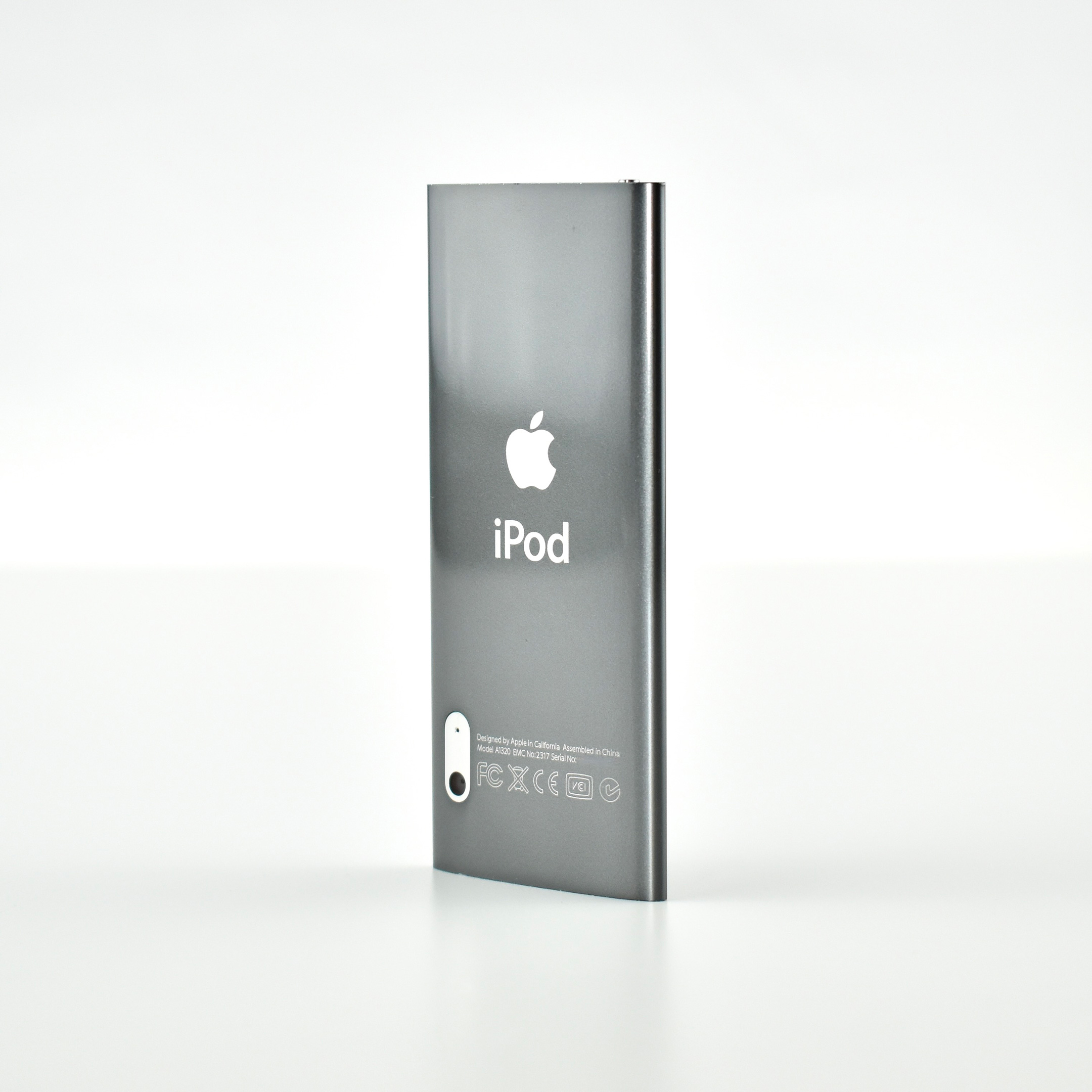
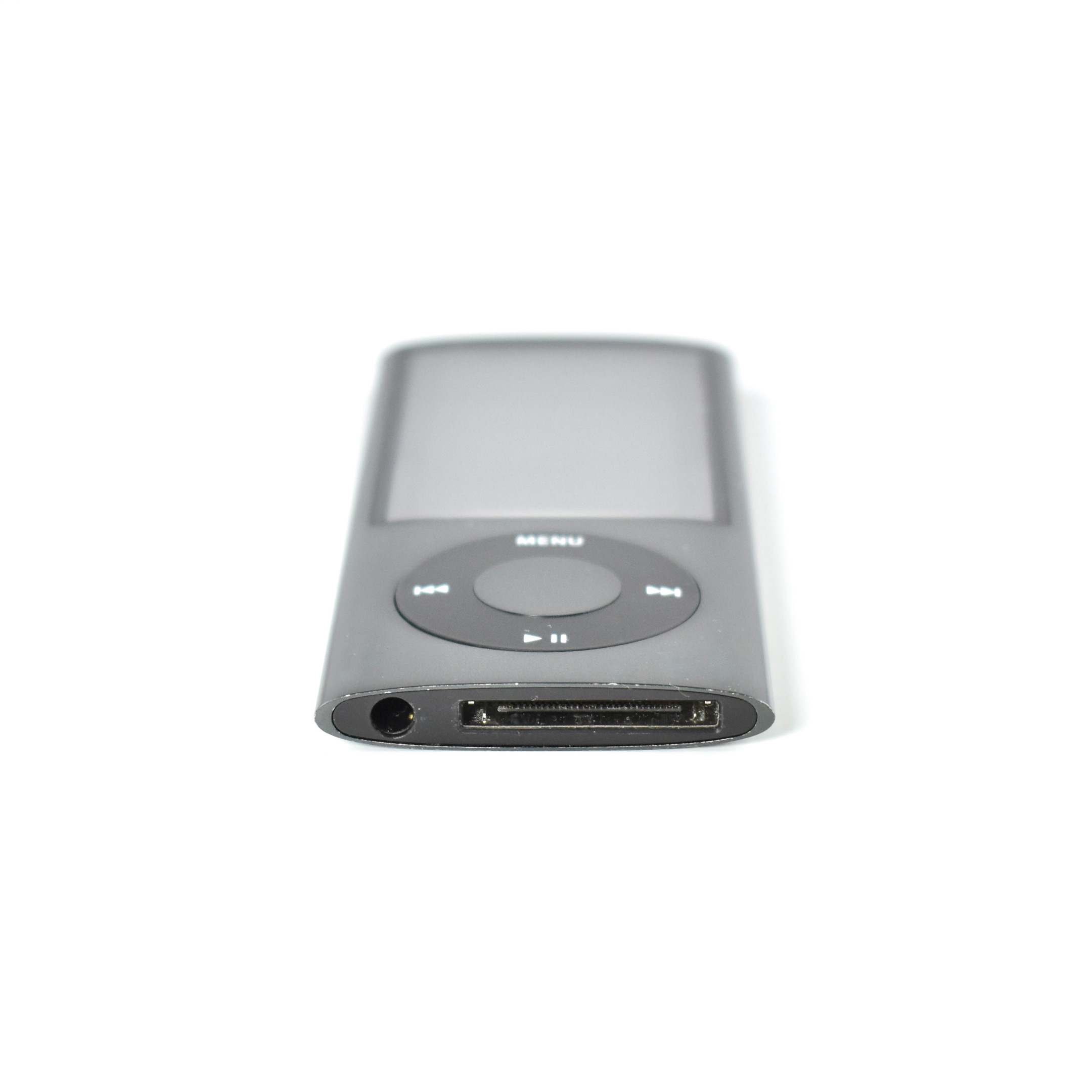
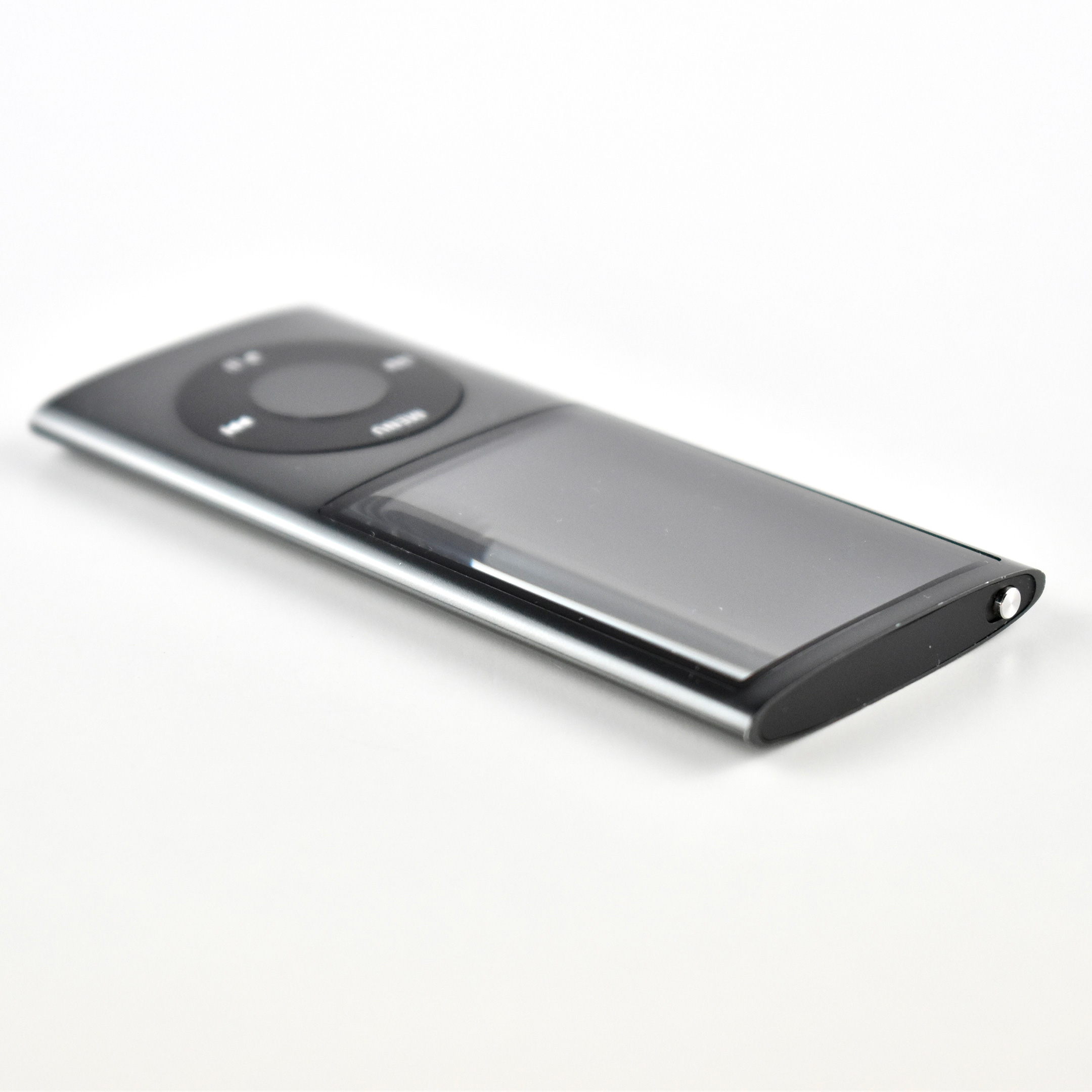
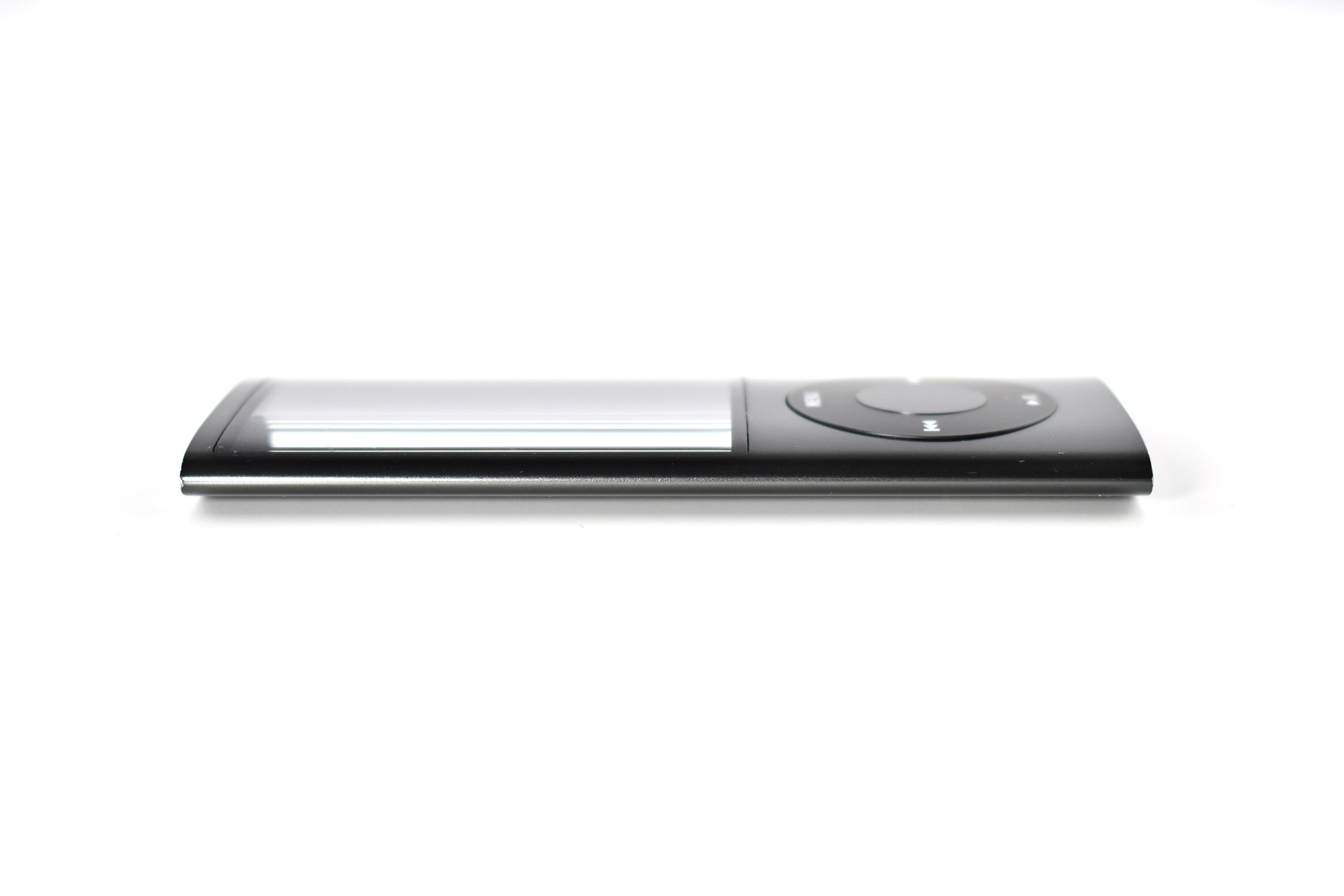
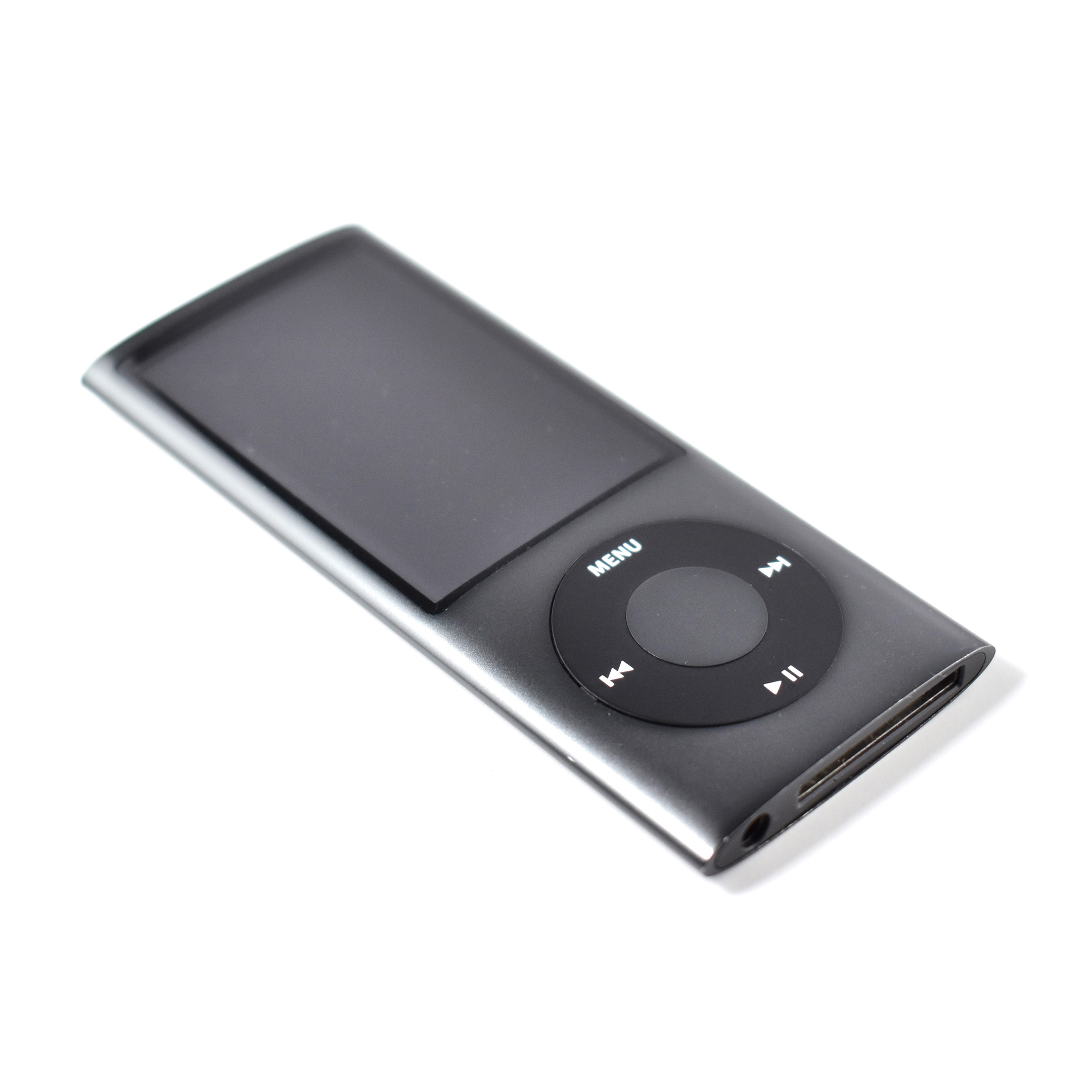
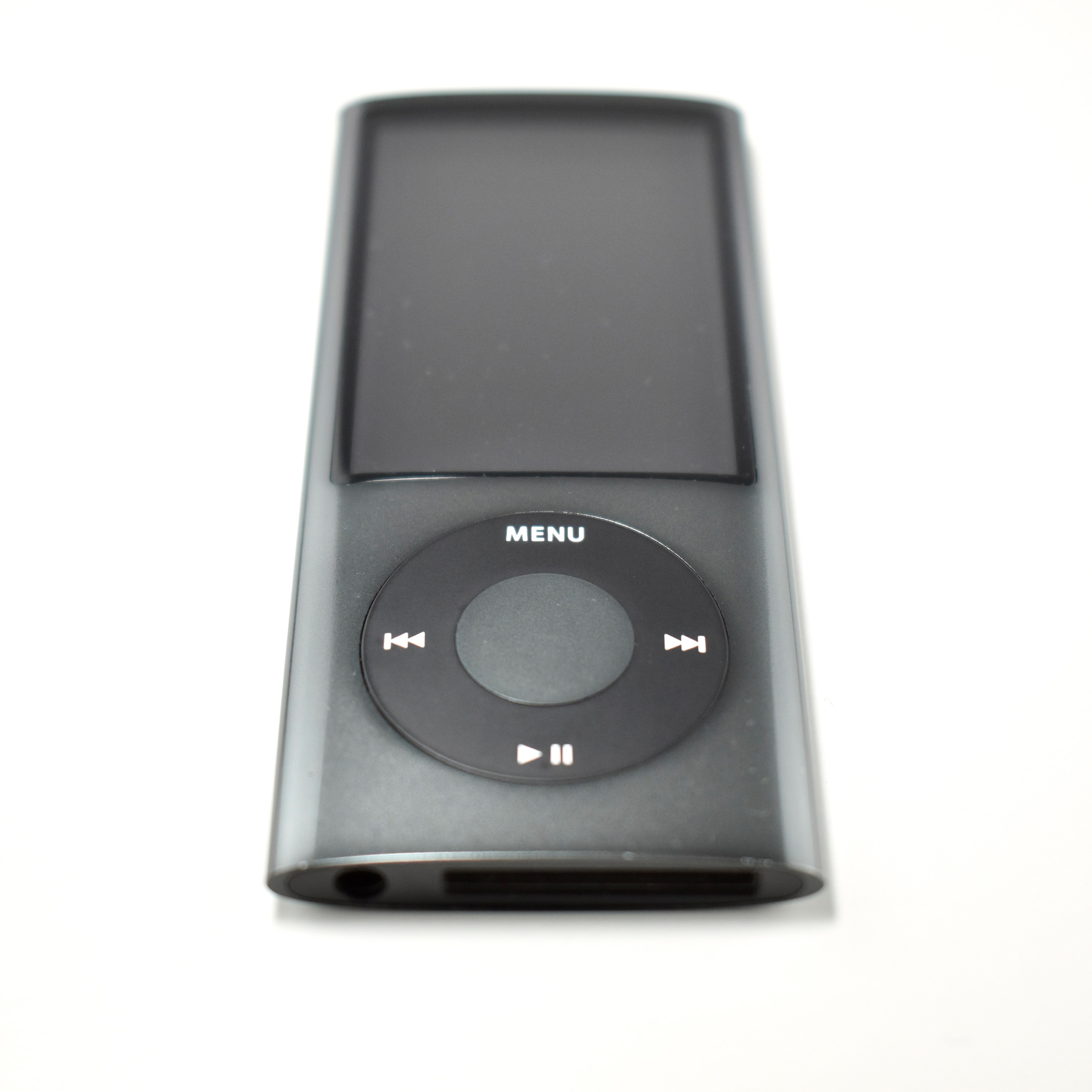
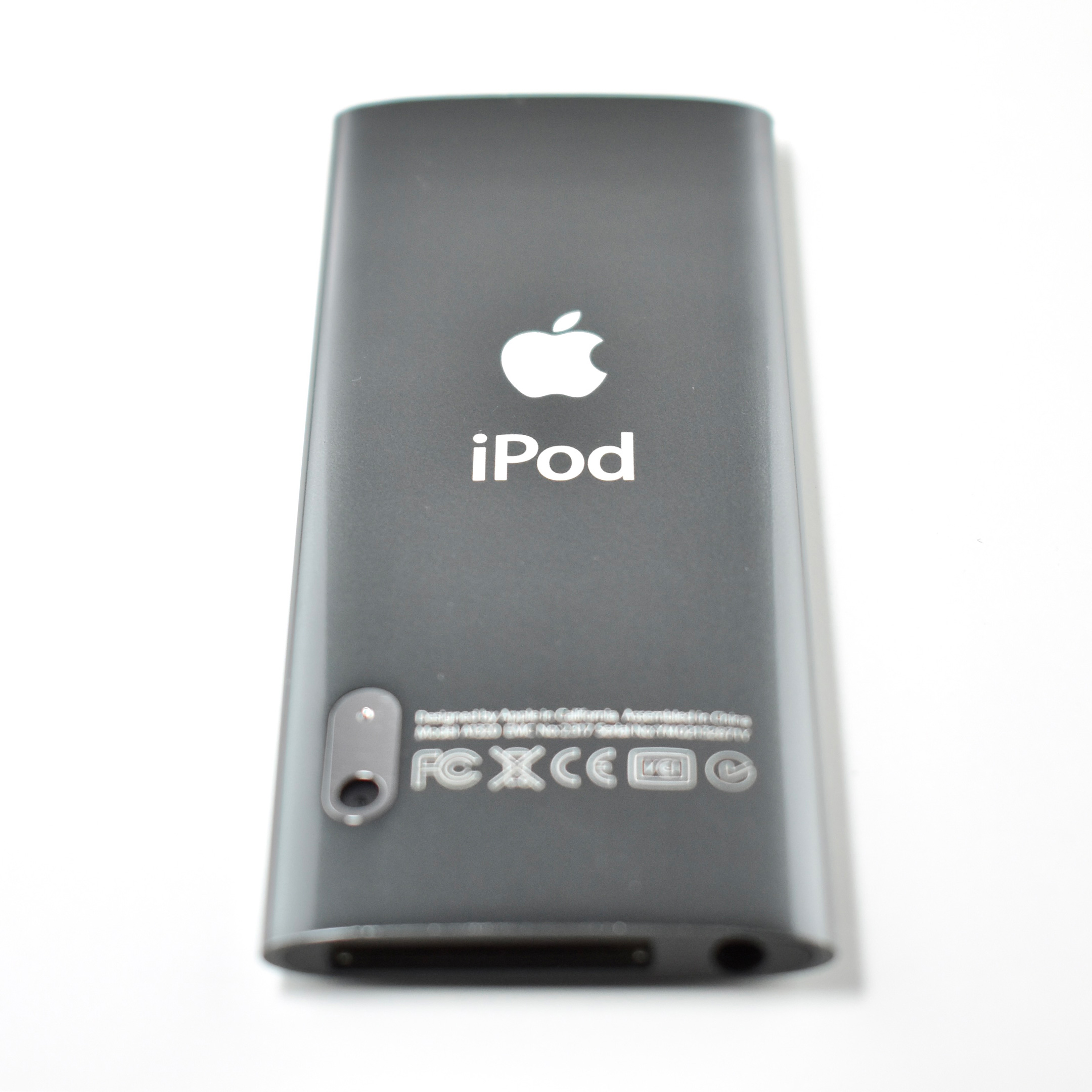
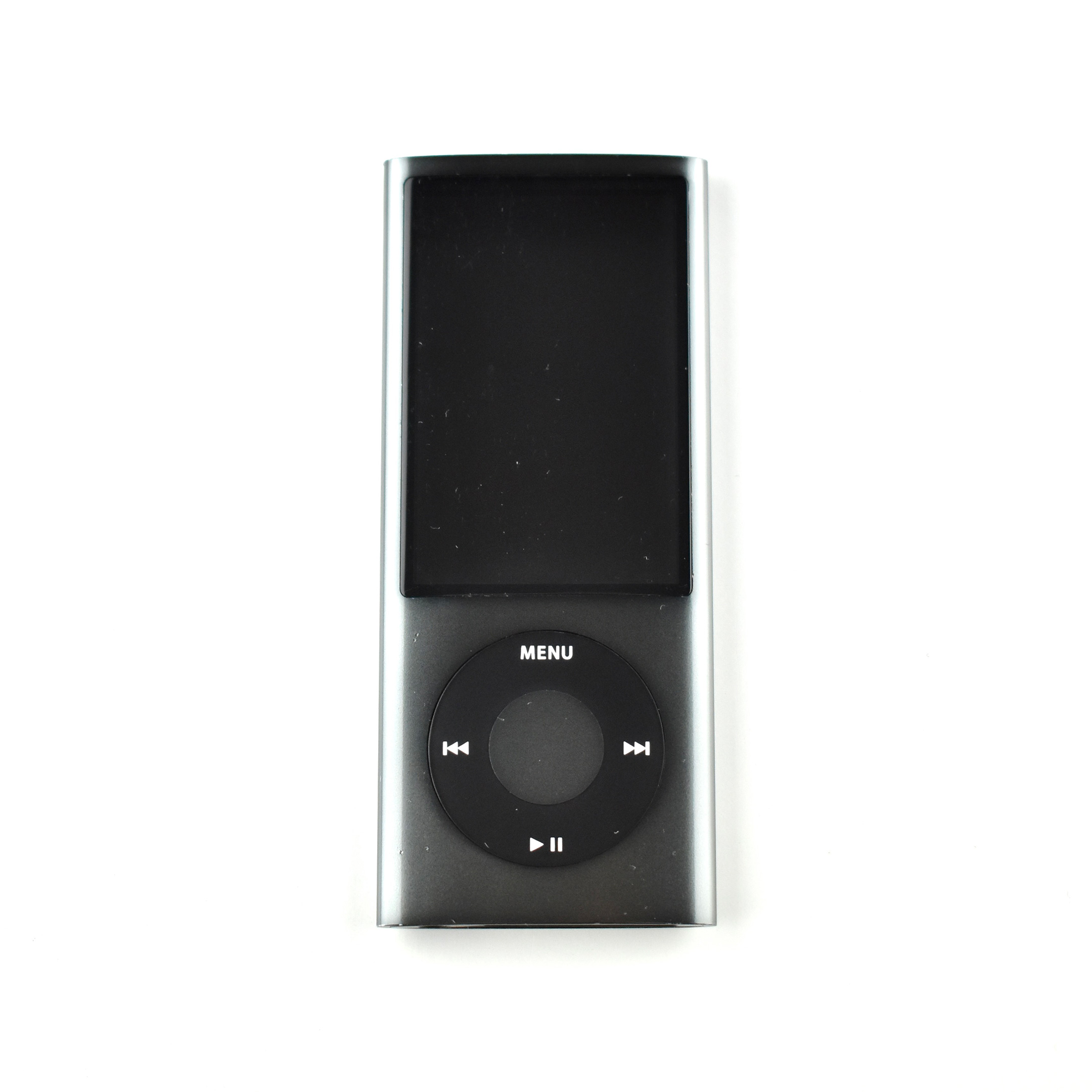
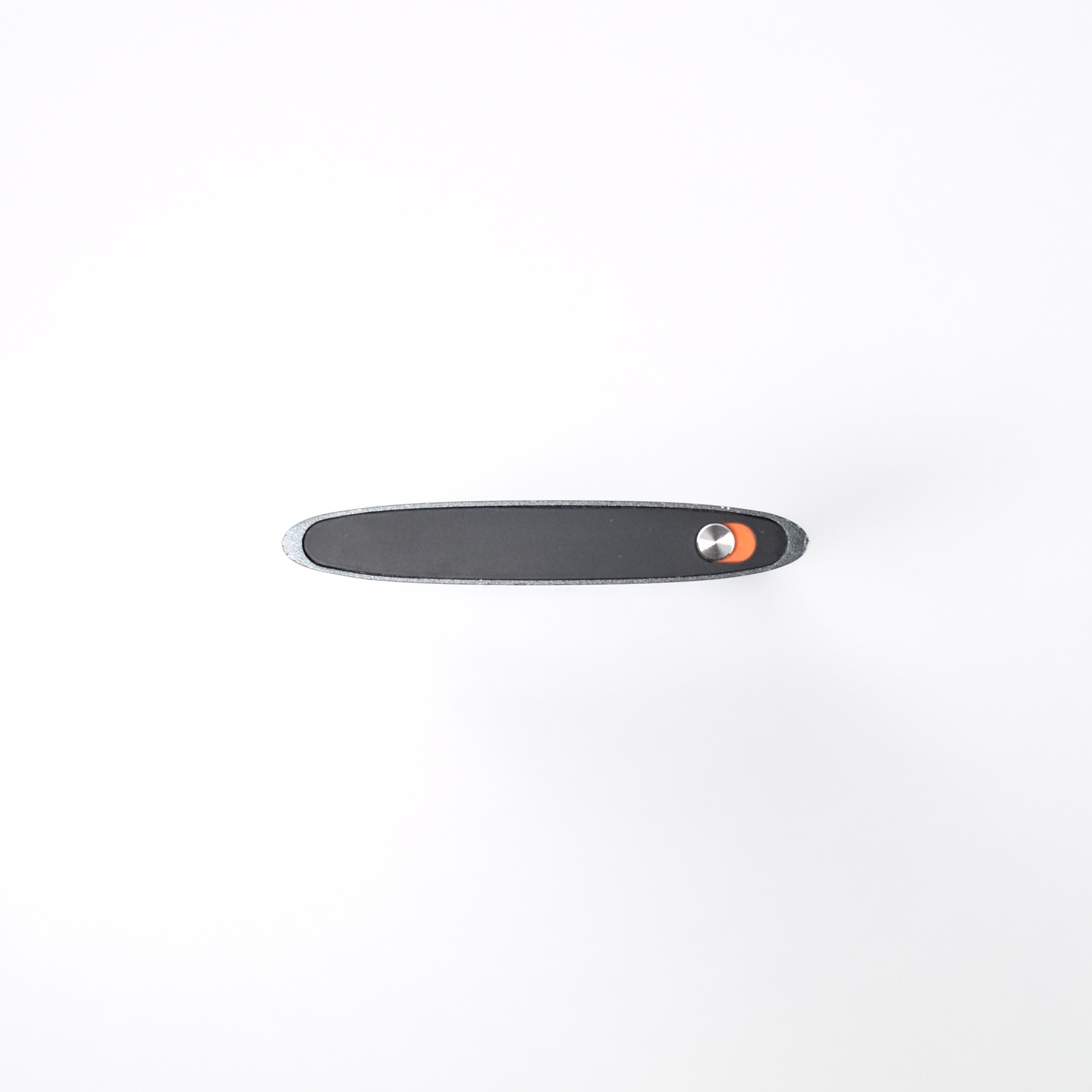
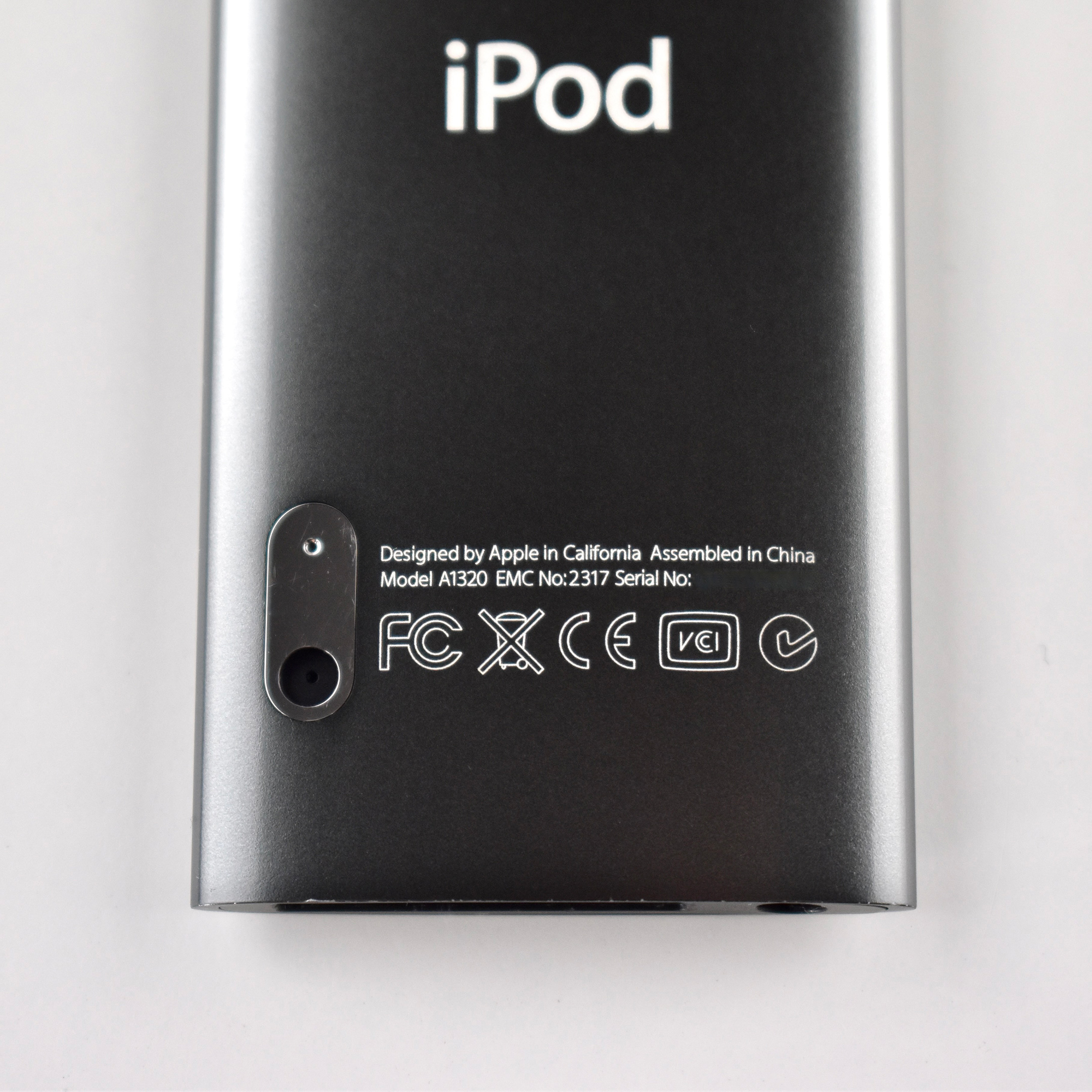
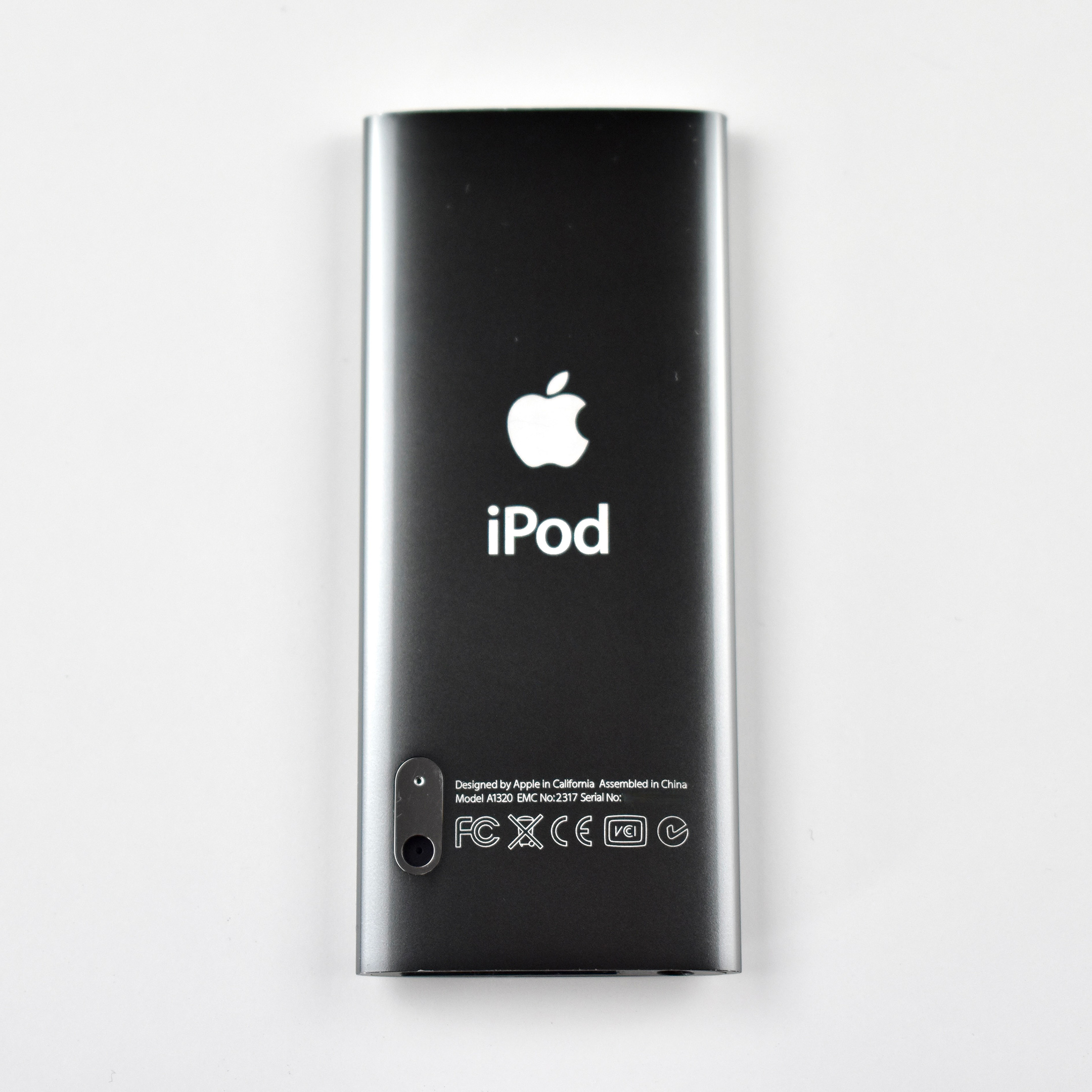
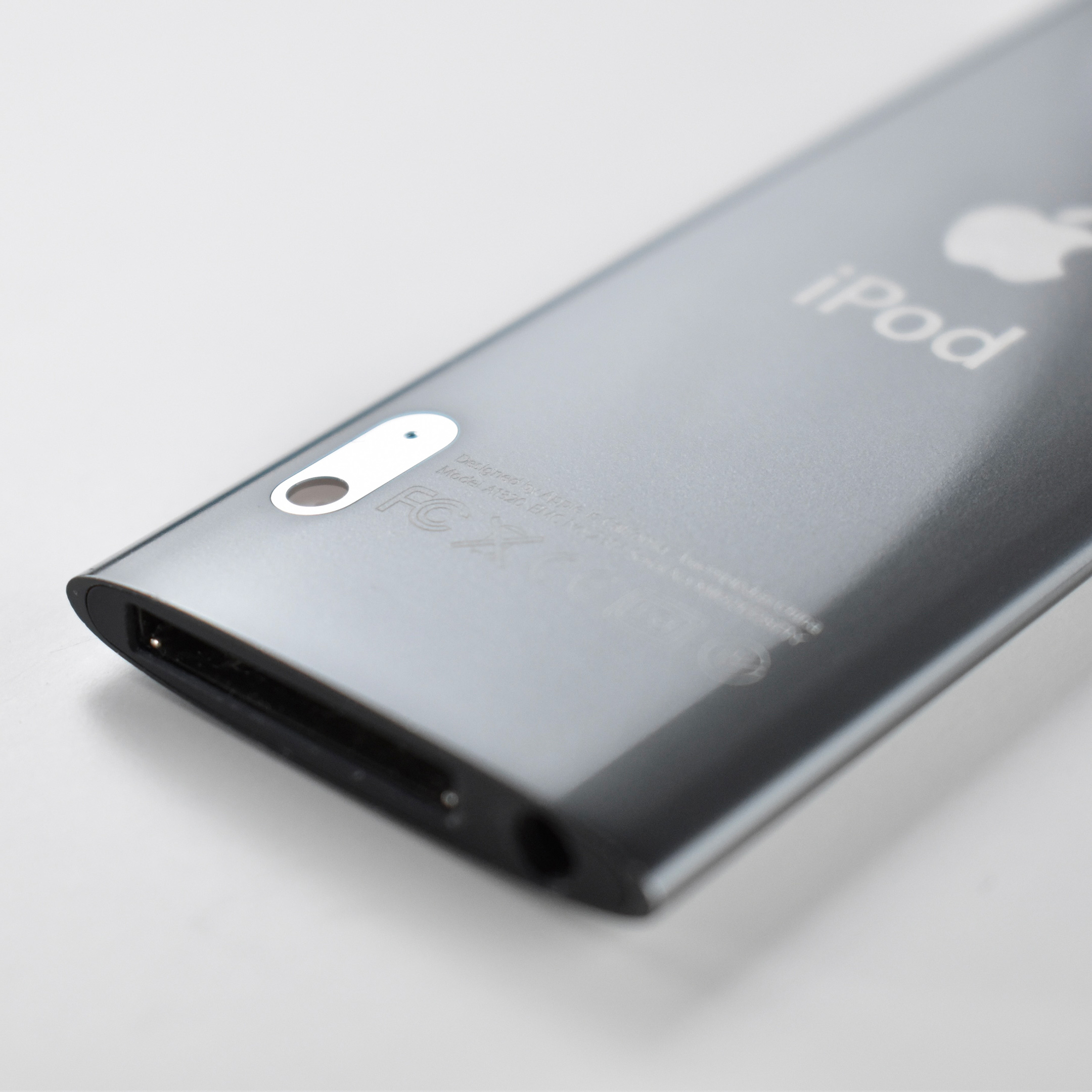
The iPod nano Generation 5 was notable because of its impressive color choices. This model was available in nine colors: (PRODUCT) RED Special Edition, pink, orange, yellow, green, blue, purple, silver, and black. The finish for the generation 5 nano is glossy and the case is made of aluminum and glass. It was available with 8 GB or 16 GB of flash memory (2,000 or 4,000 songs).
This iPod nano also features a video camera with an integrated microphone and speaker that takes advantage of its high-quality 2.2″ TFT display (240×376, 204 ppi). The video quality is H.264 VGA 640×480 at 30 FPS with AAC audio, but it cannot take still photographs. This iPod also has a built-in FM Radio with “live pause,” allowing pause and rewind up to 15 minutes.
This example is black, although this shade of “black” is reminiscent of the “space gray” colors Apple would later introduce.
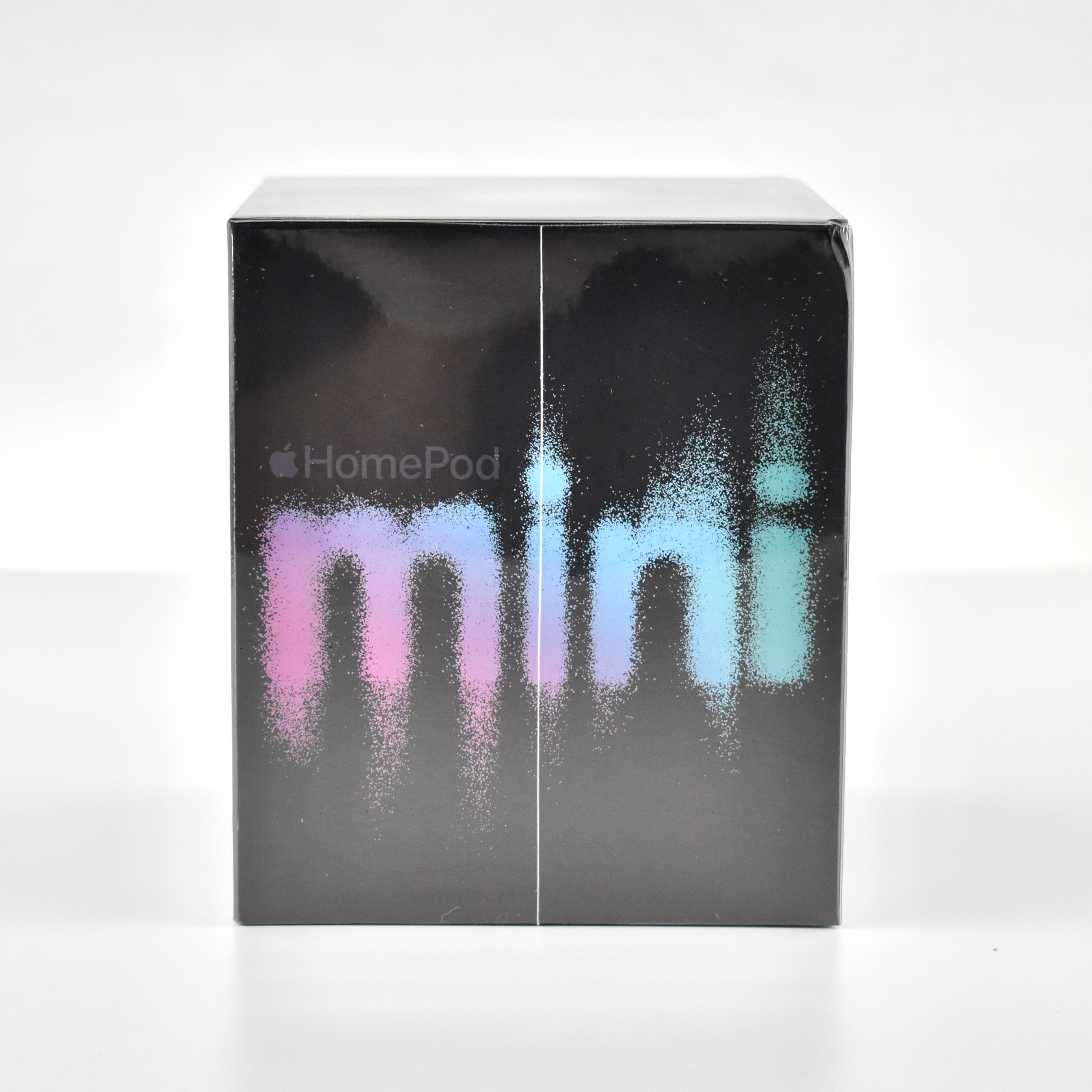
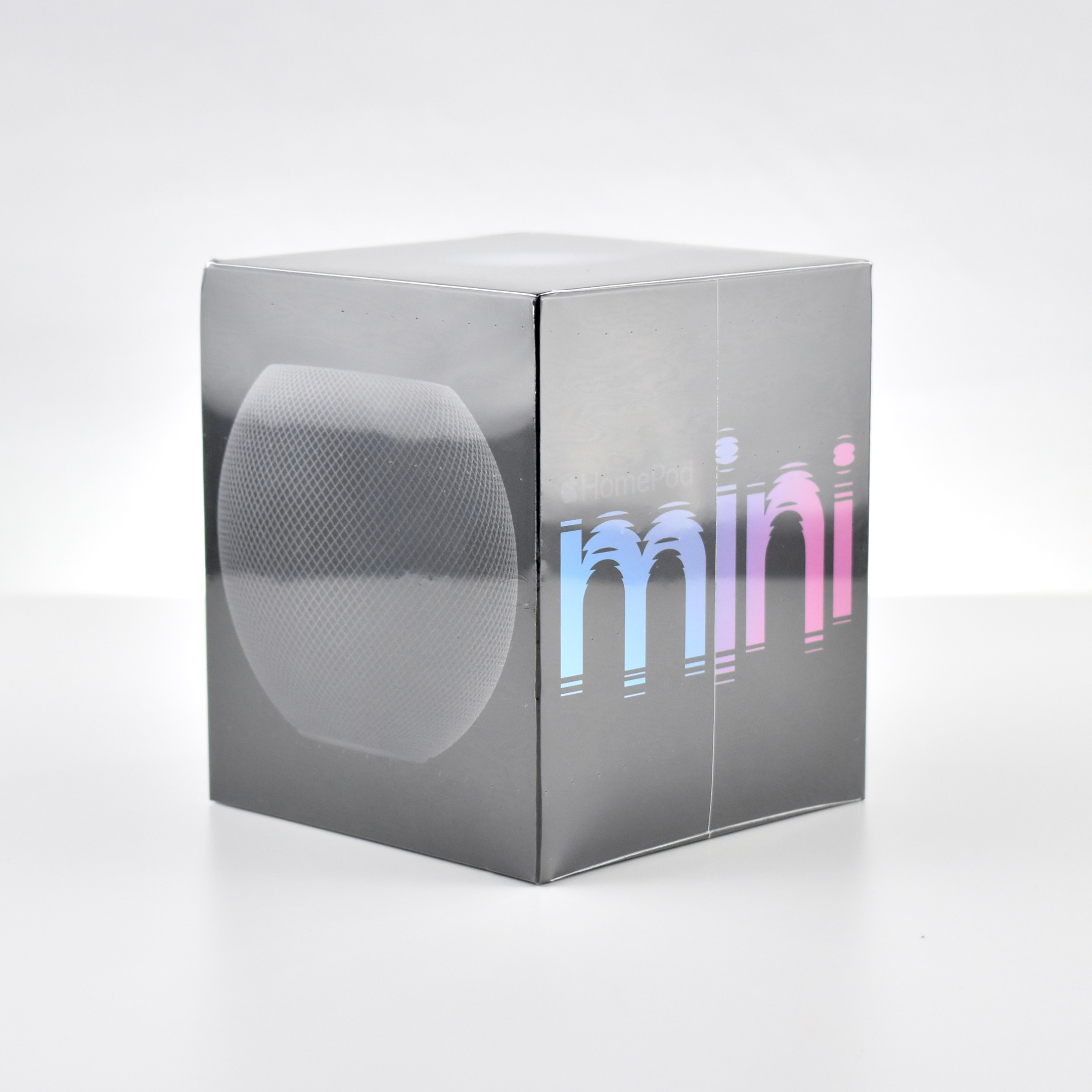
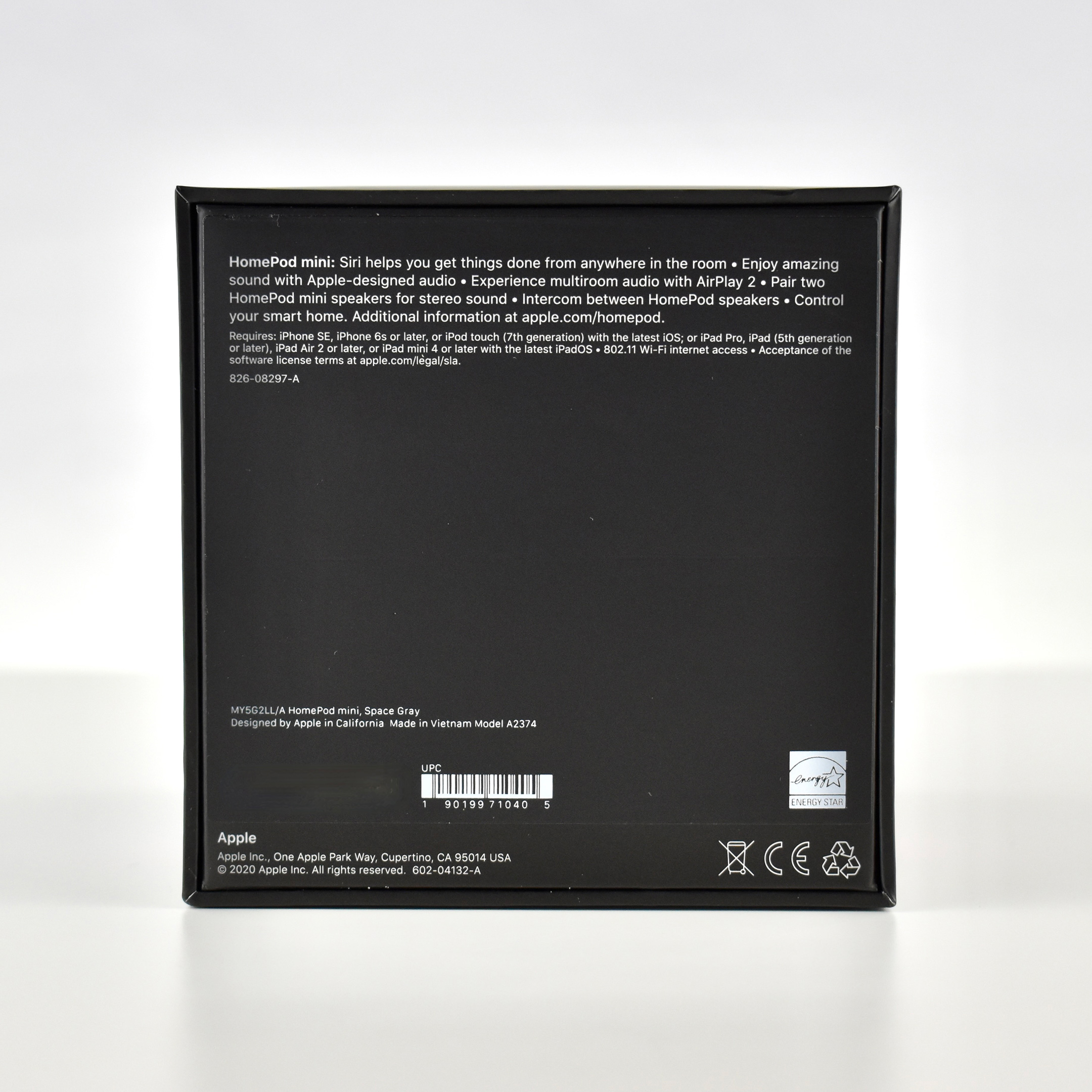
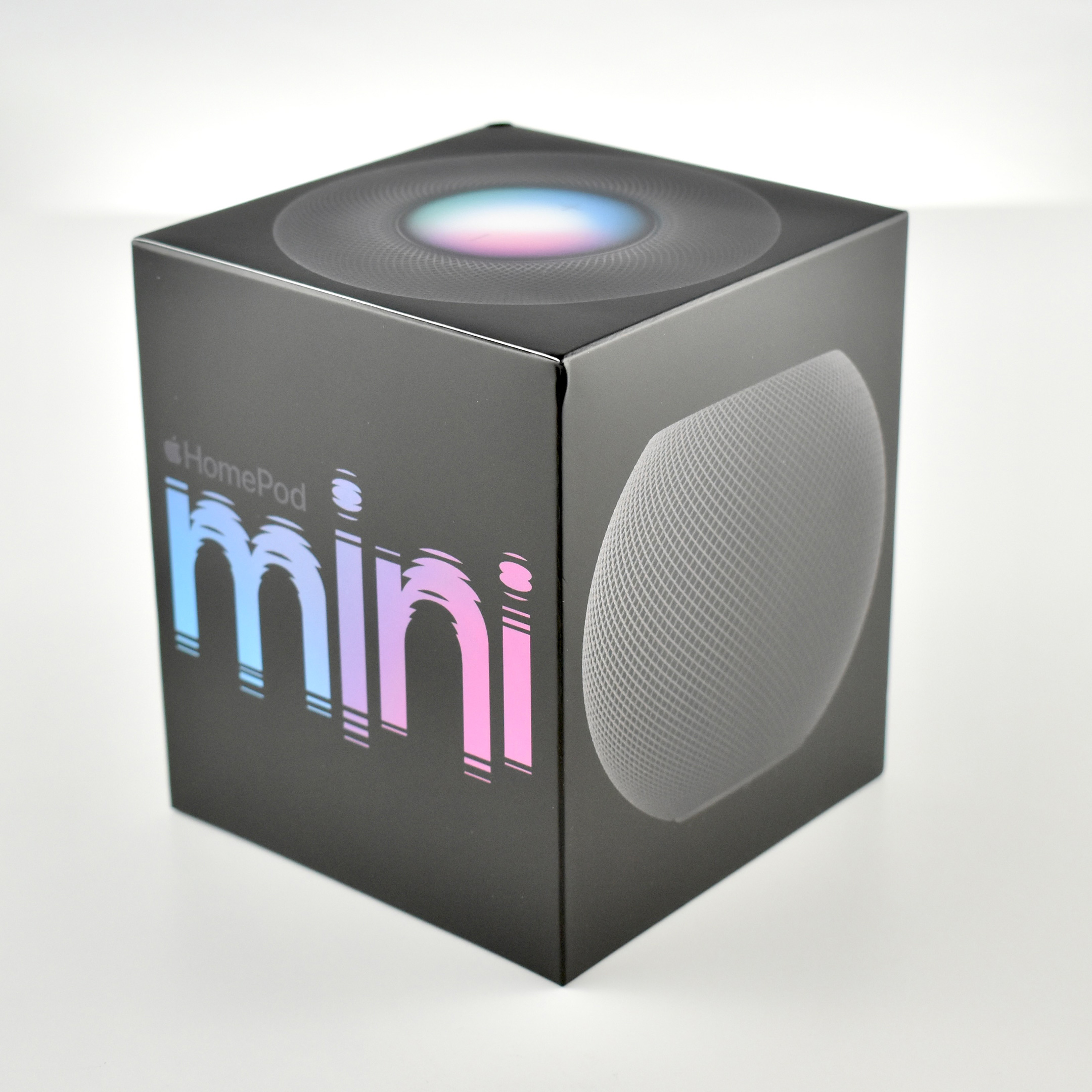
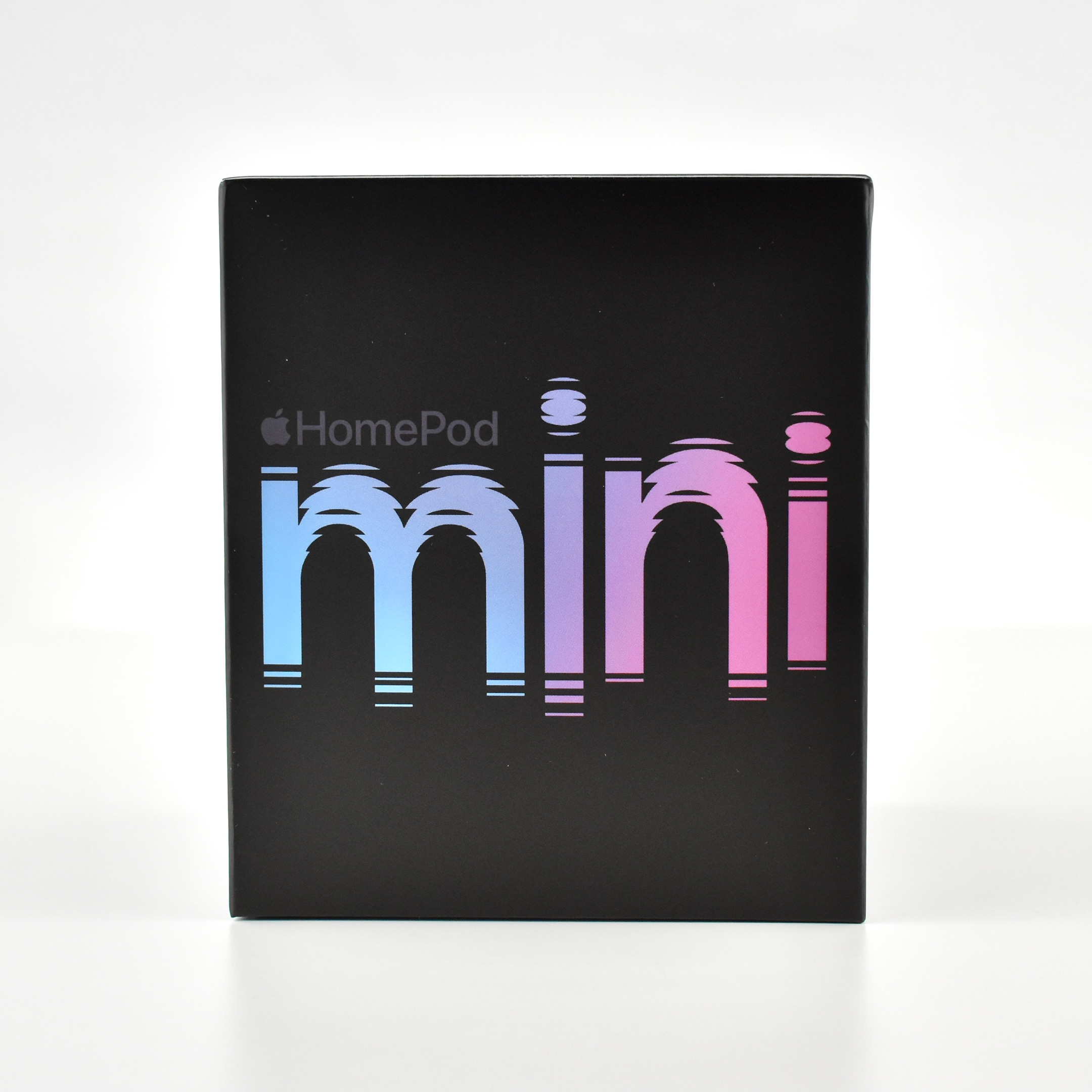
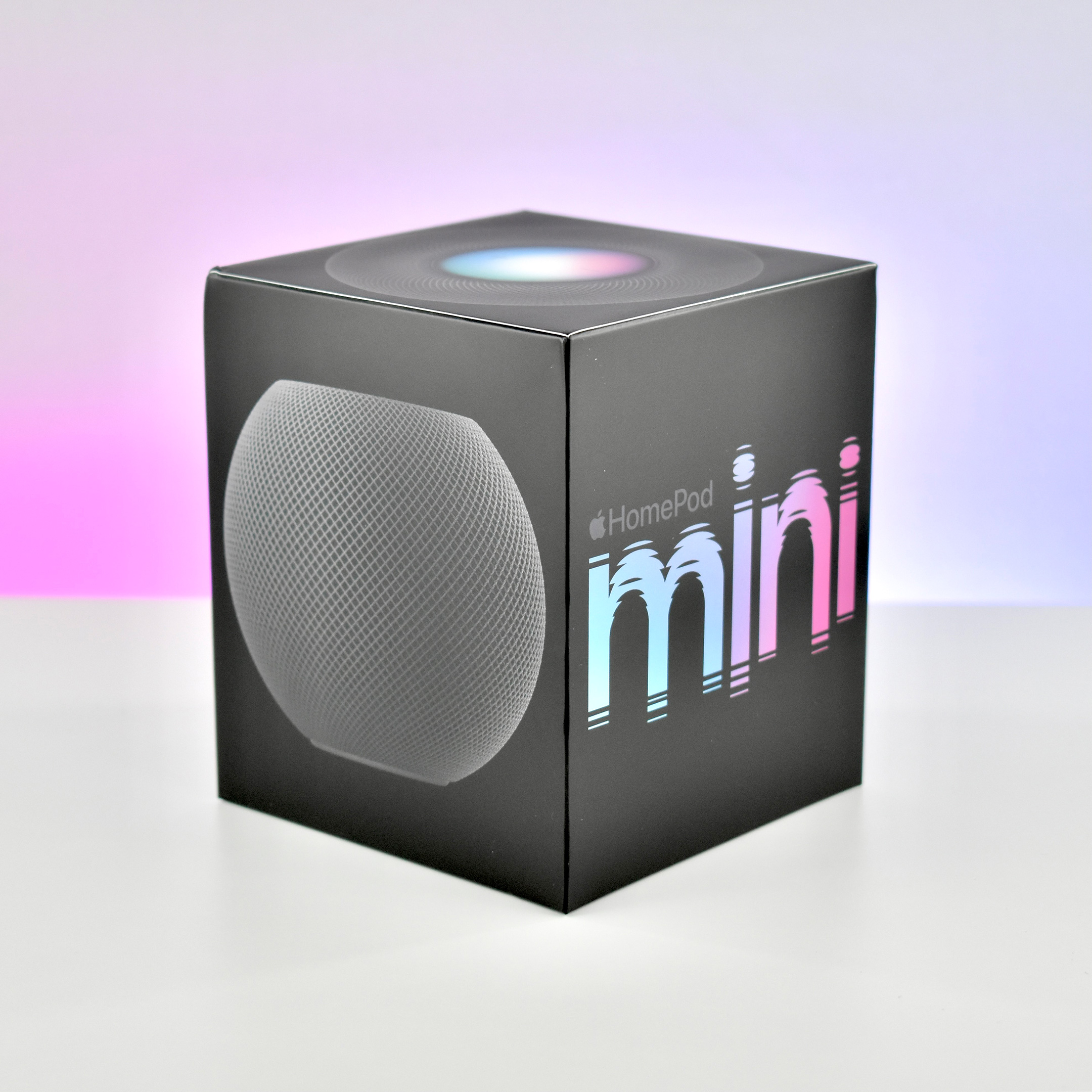
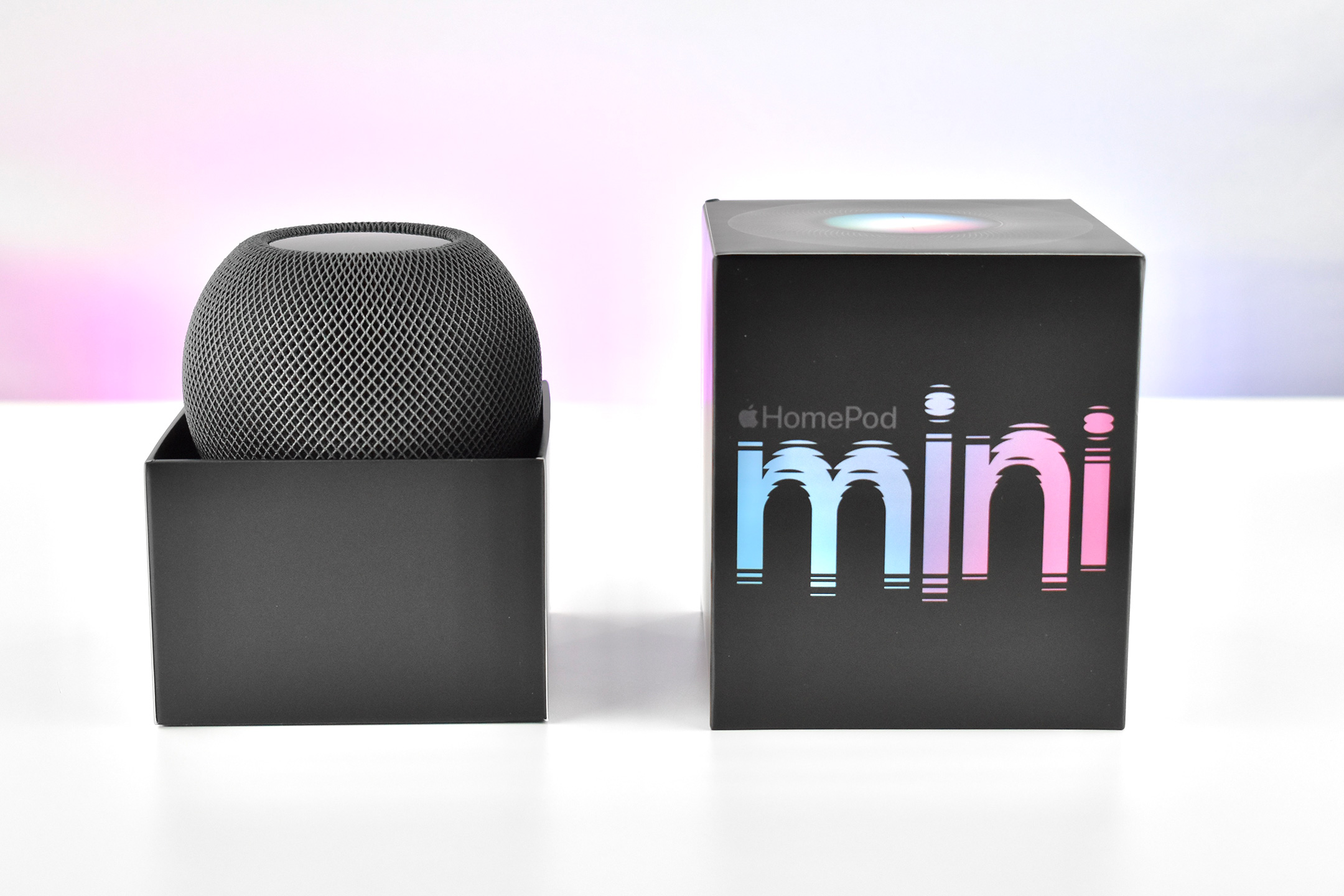
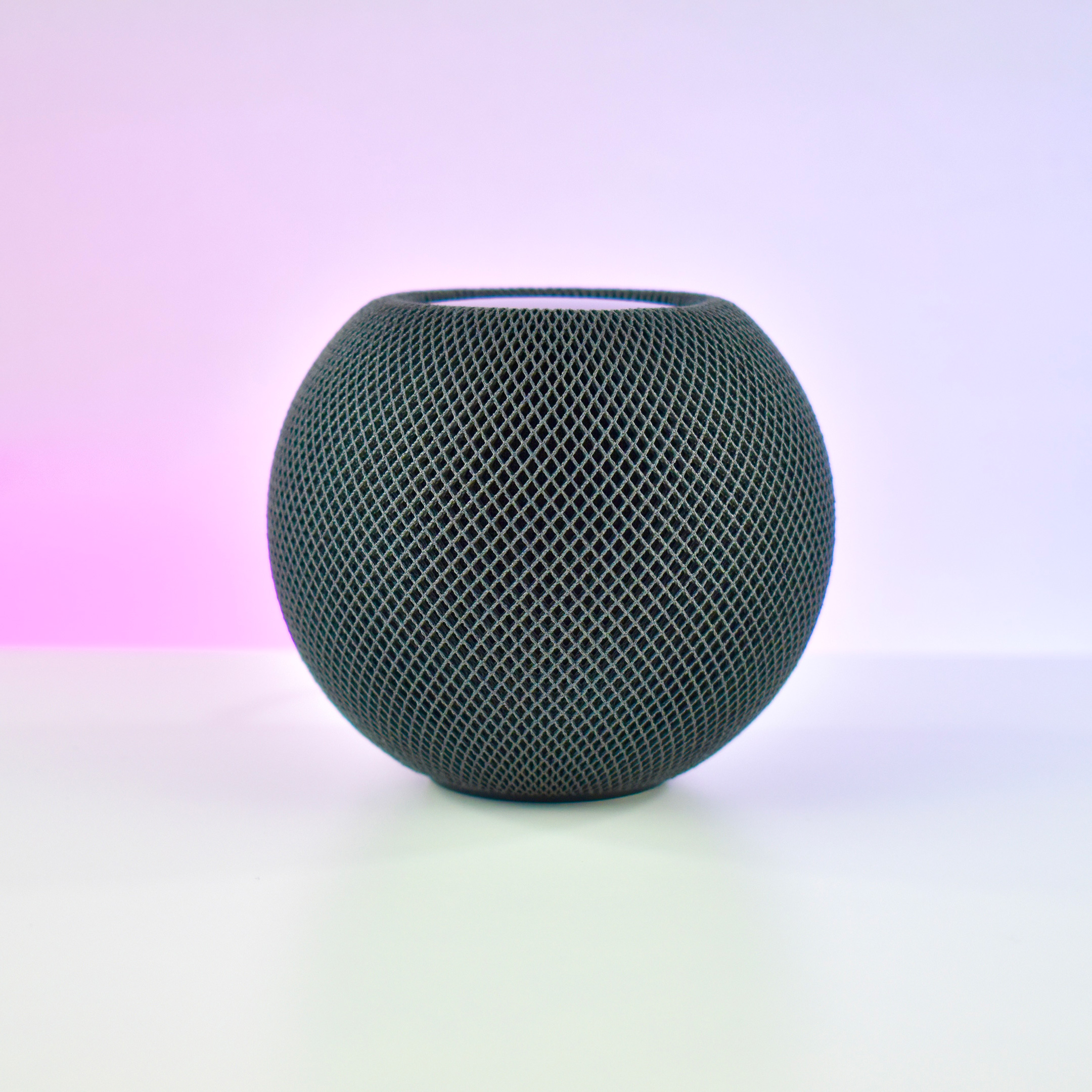
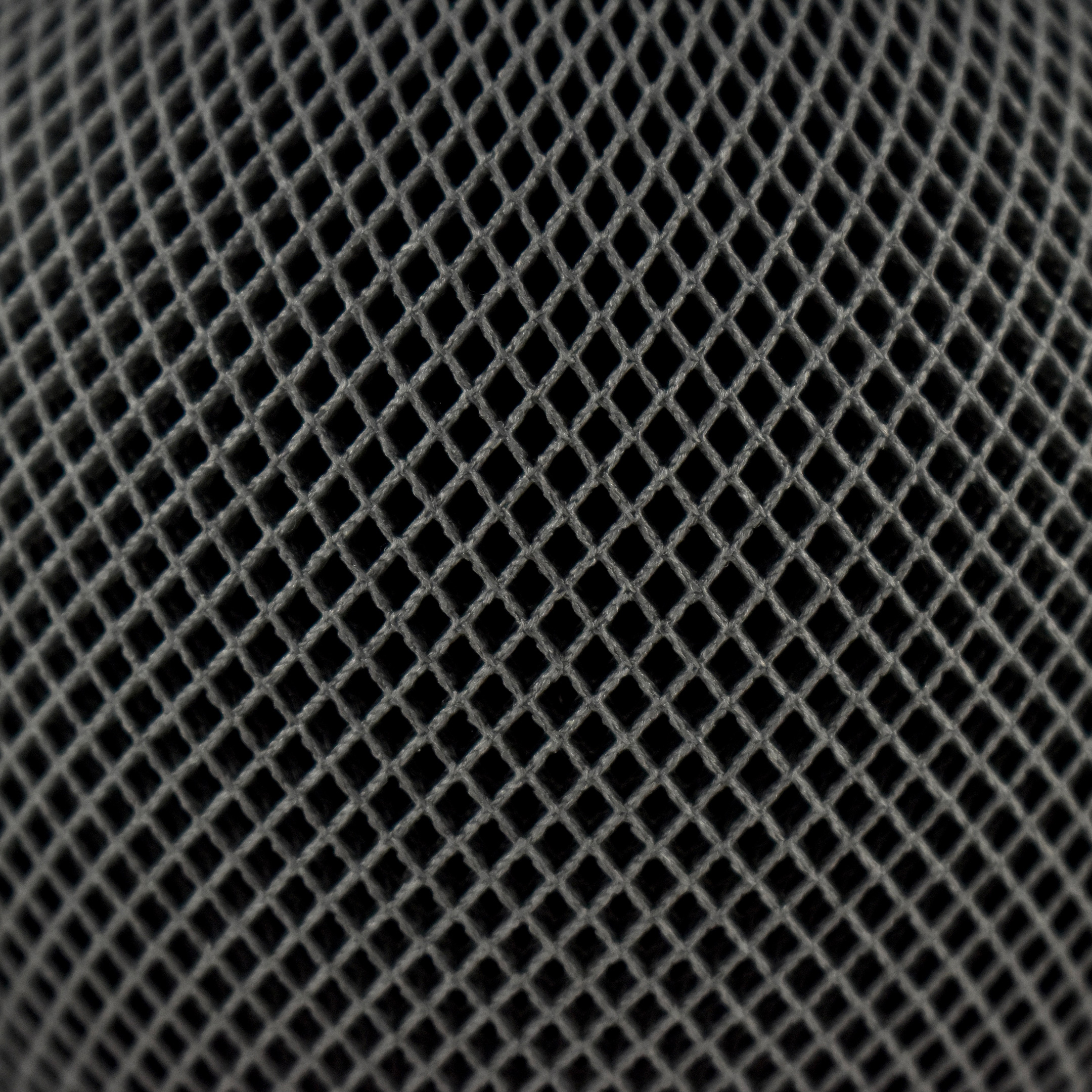
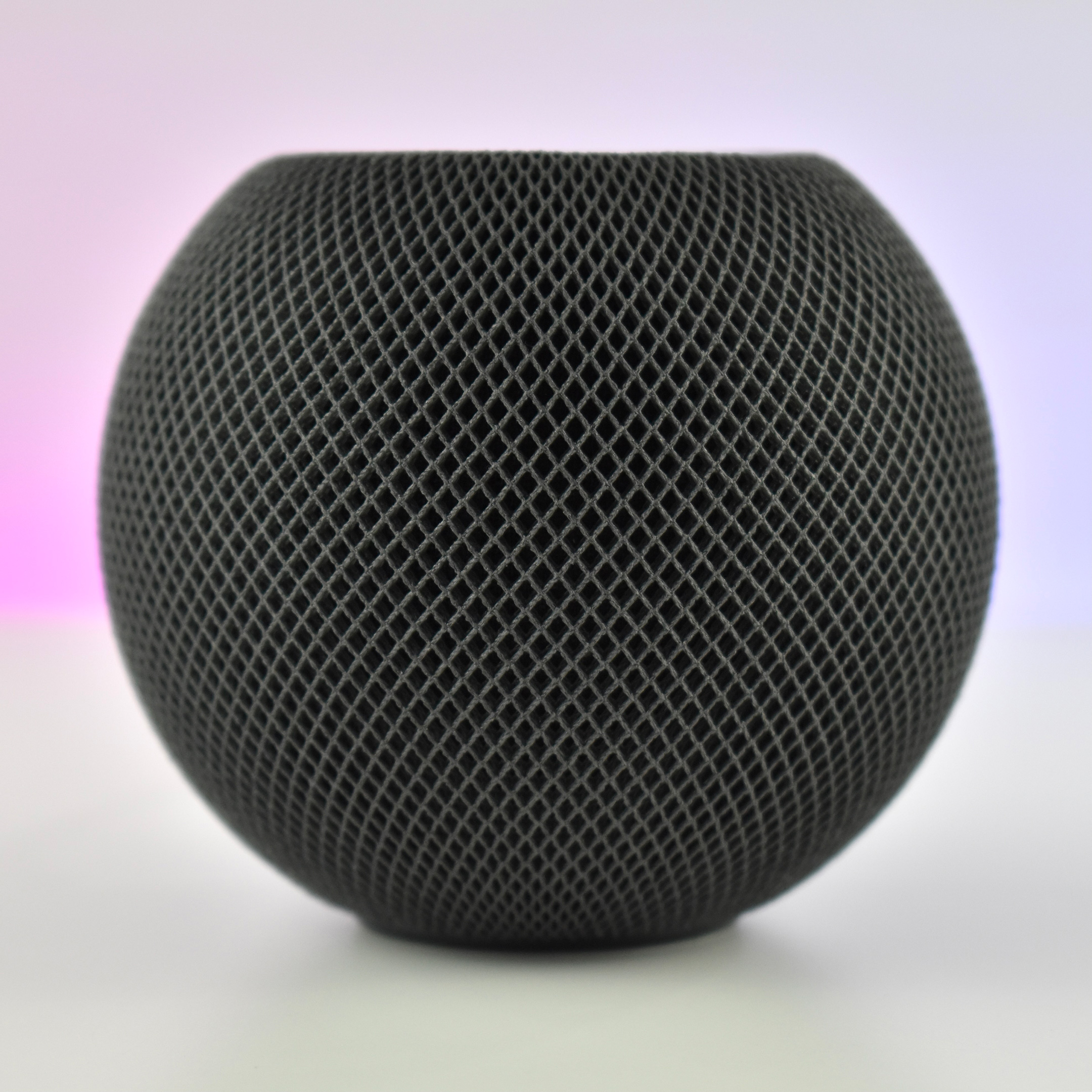
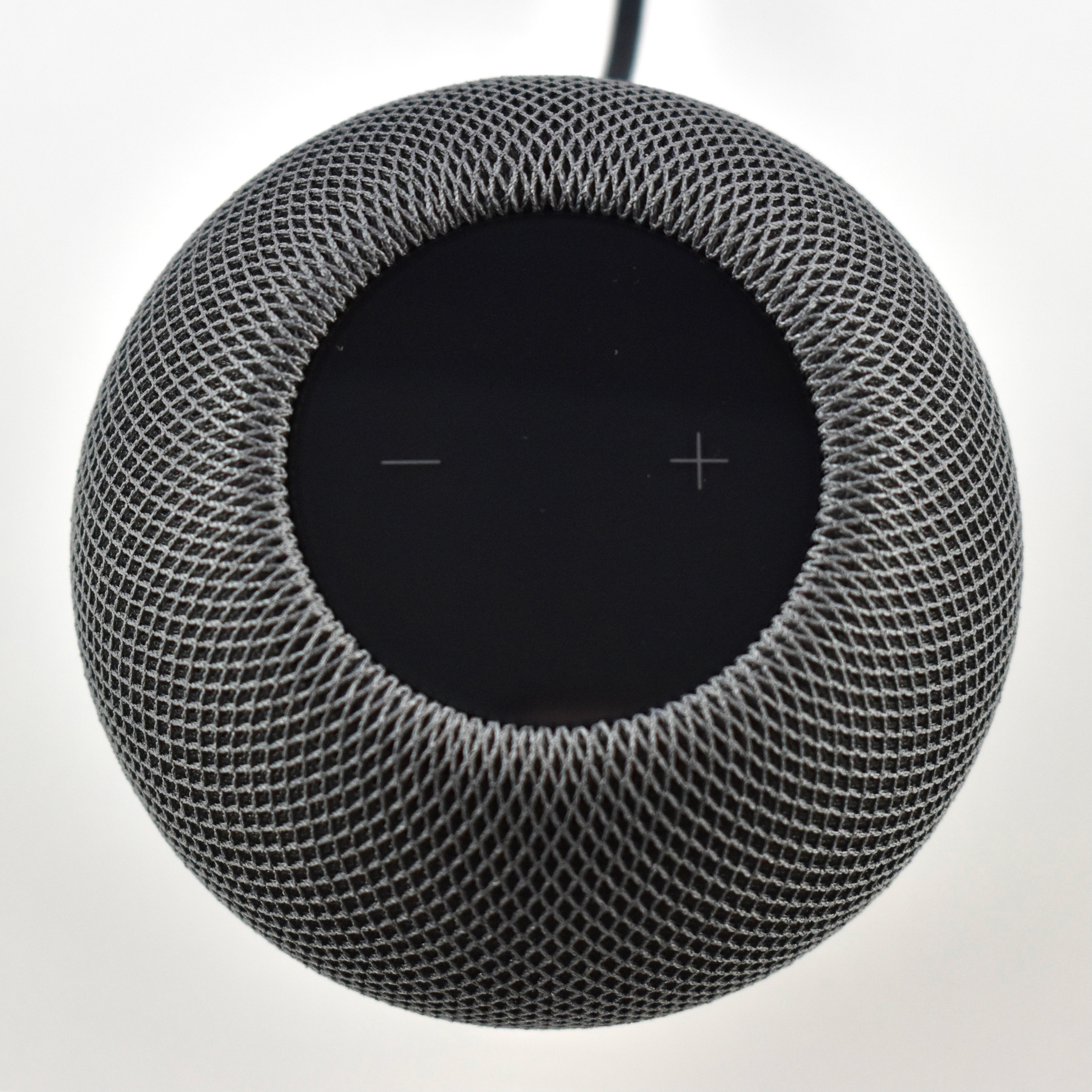
The HomePod mini was the second device in Apple’s HomePod line of intelligent, Siri-controlled speakers. Despite its small size and relatively low price, the HomePod mini offered impressive sound quality. Apple described the HomePod mini: “Jam-packed with innovation, HomePod mini delivers unexpectedly big sound for a speaker of its size. At just 3.3 inches tall, it takes up almost no space but fills the entire room with rich 360‑degree audio that sounds amazing from every angle.”
Apple designed the HomePod mini to allow homes to use multiple devices:
“With multiple HomePod mini speakers placed around the house, you can have a connected sound system for your whole home. Ask Siri to play one song everywhere or, just as easily, a different song in each room. And HomePod mini works with HomePod for multiroom audio and features like Intercom. If you want to take the amazing sound experience of HomePod mini even further, you can create a stereo pair. Two HomePod mini speakers paired in the same room create left and right channels for an immersive soundstage.”
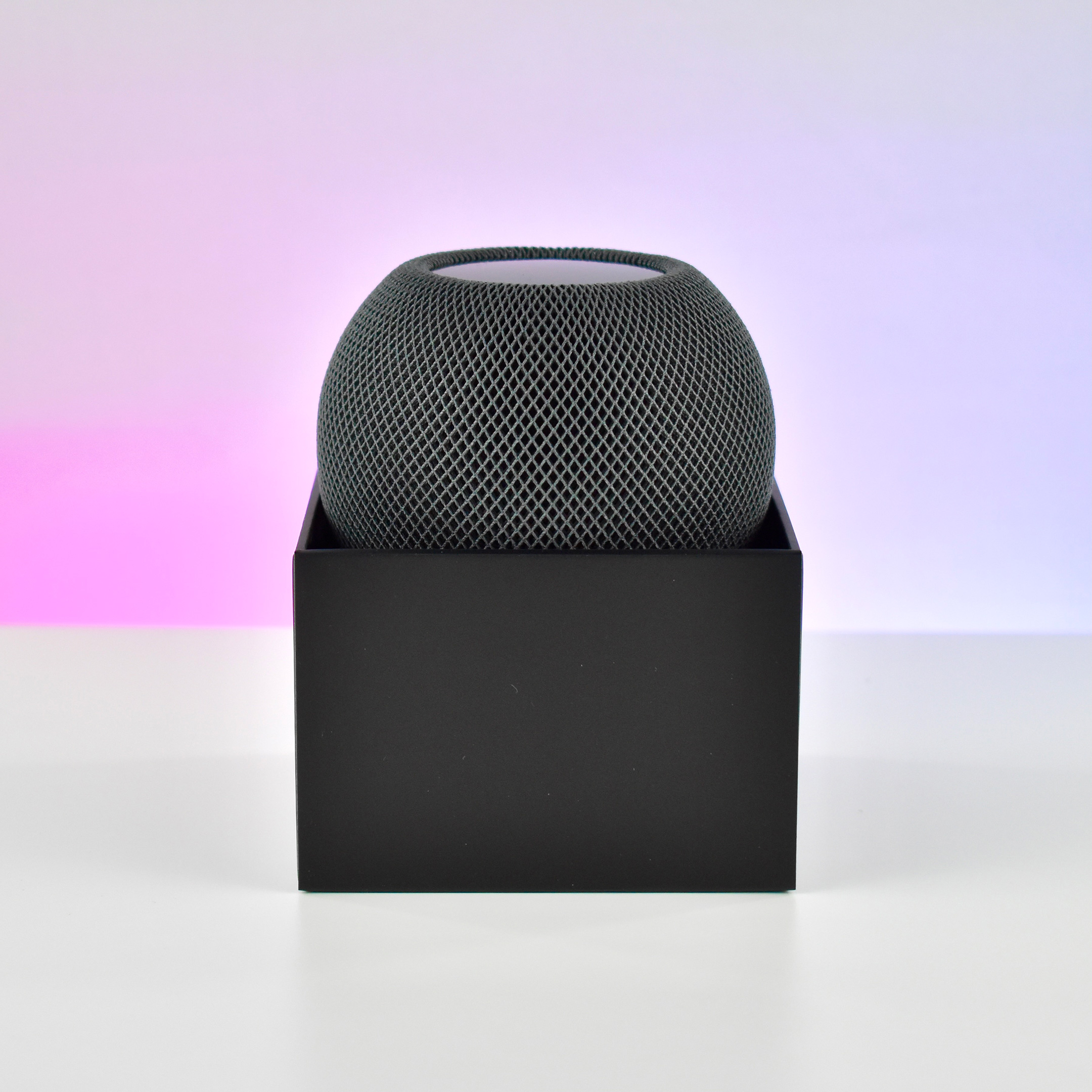
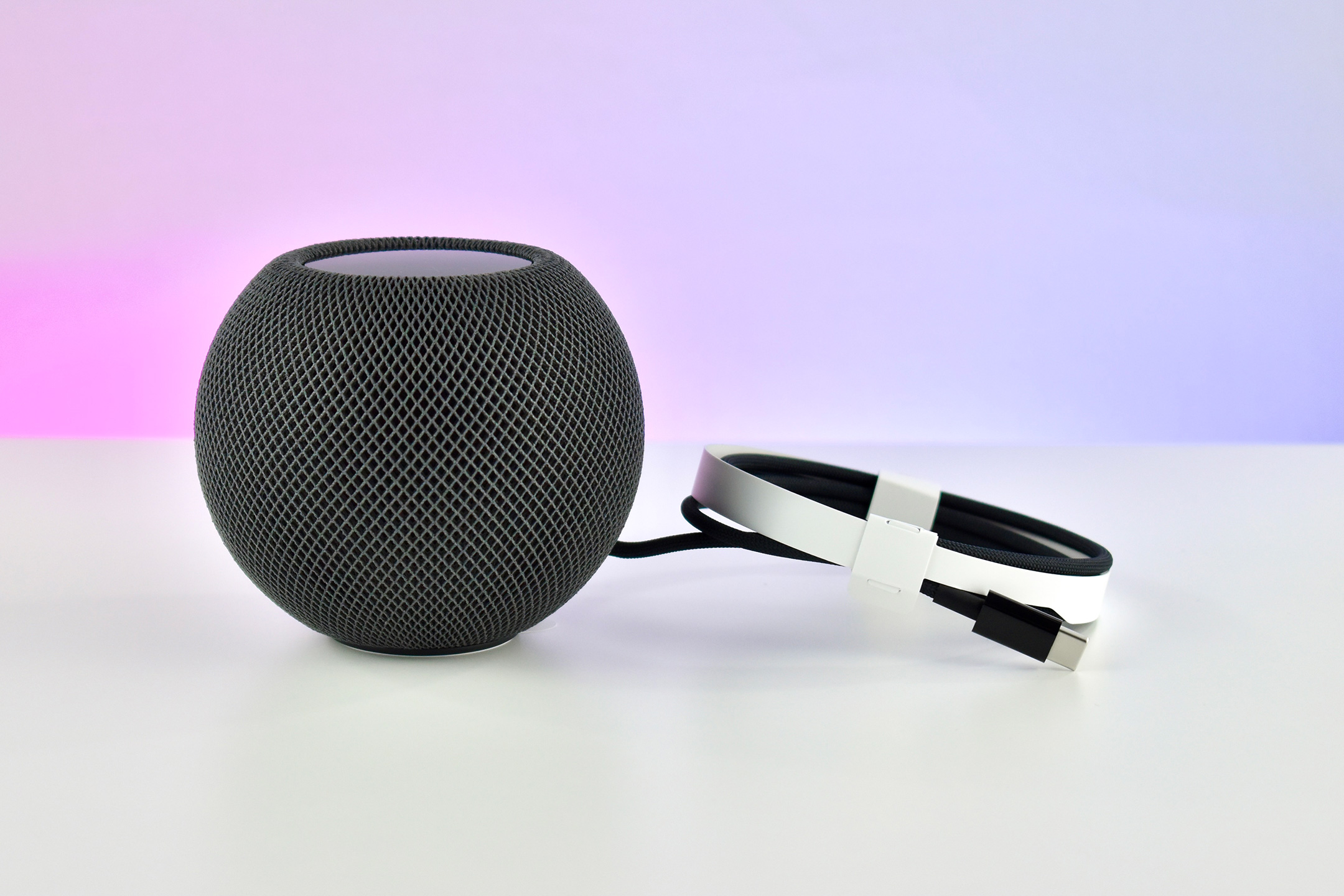
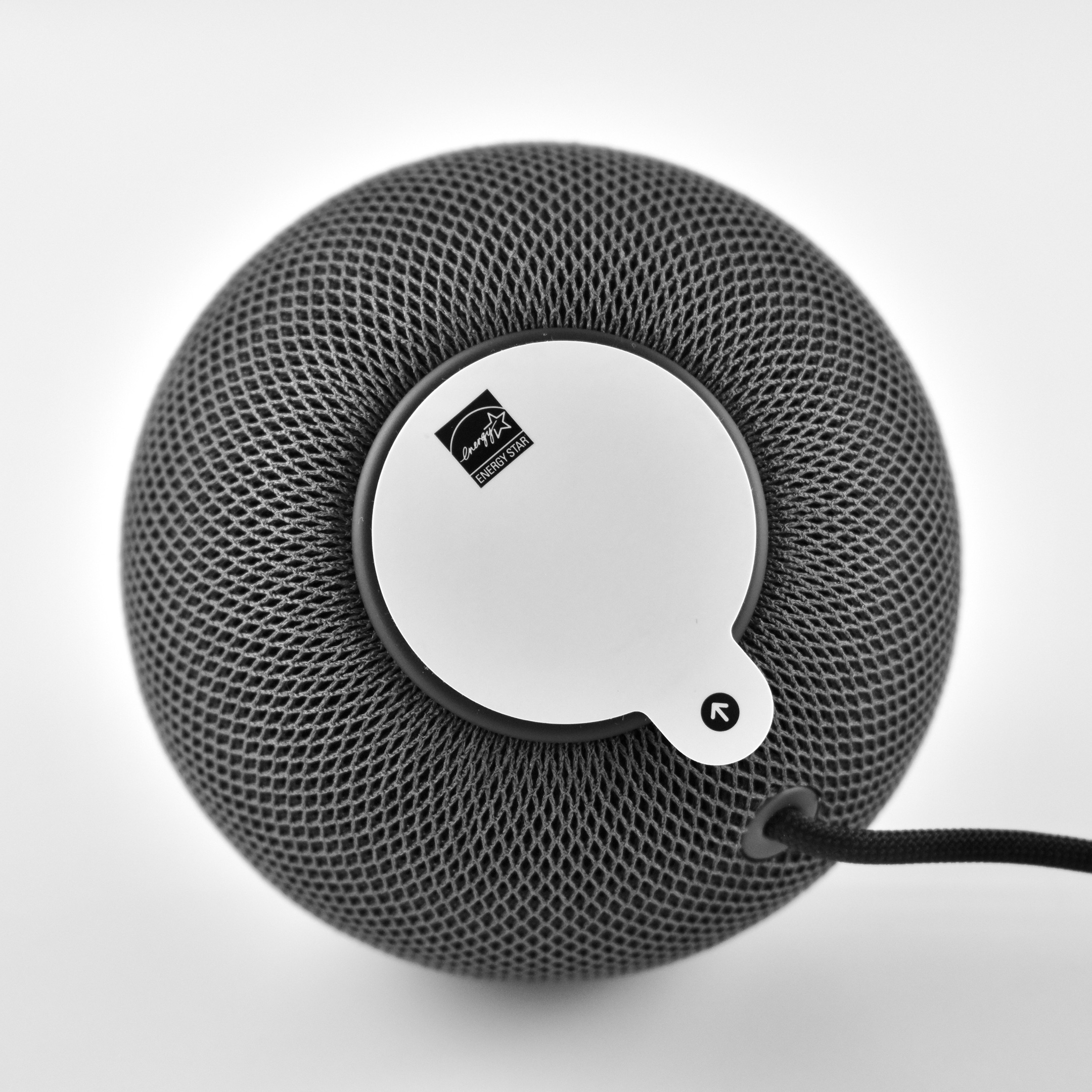
The HomePod mini was spherical with a flat top and bottom. It measured 3.3 inches high and 3.9 inches wide. Internally, it used four microphones and allowed real-time tuning through computational audio. The HomePod mini had no ports and connected wirelessly to audio sources including Apple Music, iTunes music purchases, iCloud Music Library with an Apple Music or iTunes Match subscription, and some third-party services. In addition, it could play content from any device that allowed AirPlay streaming (AirPlay 2). Wireless technology included 802.11n Wi-Fi and Bluetooth 5.0.
The top of the device provided a backlit touch surface for certain controls: tap to play/pause music or Siri; double-tap to skip; triple-tap to skip back; touch and hold to access Siri; and tap or hold + or – to control volume up/down.
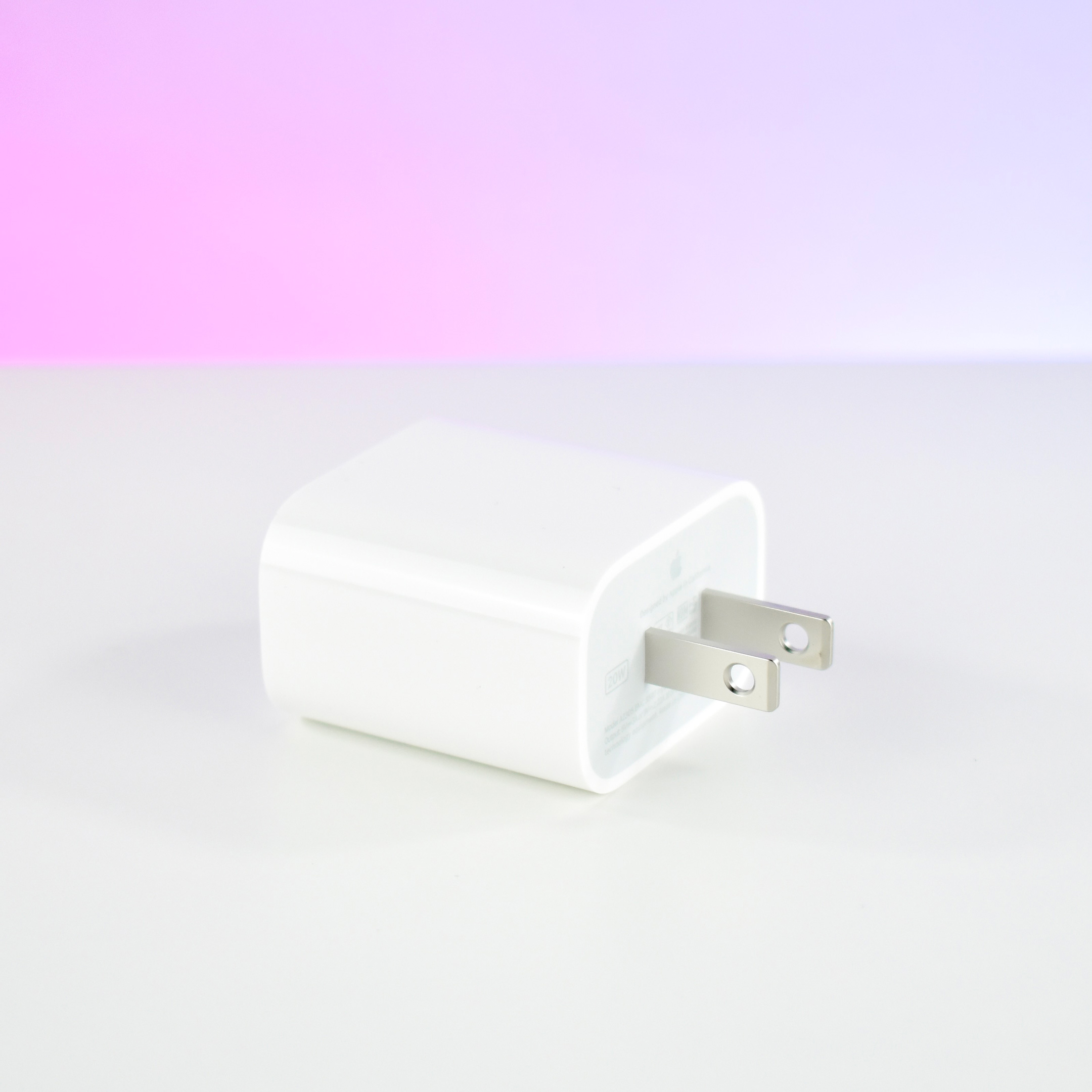
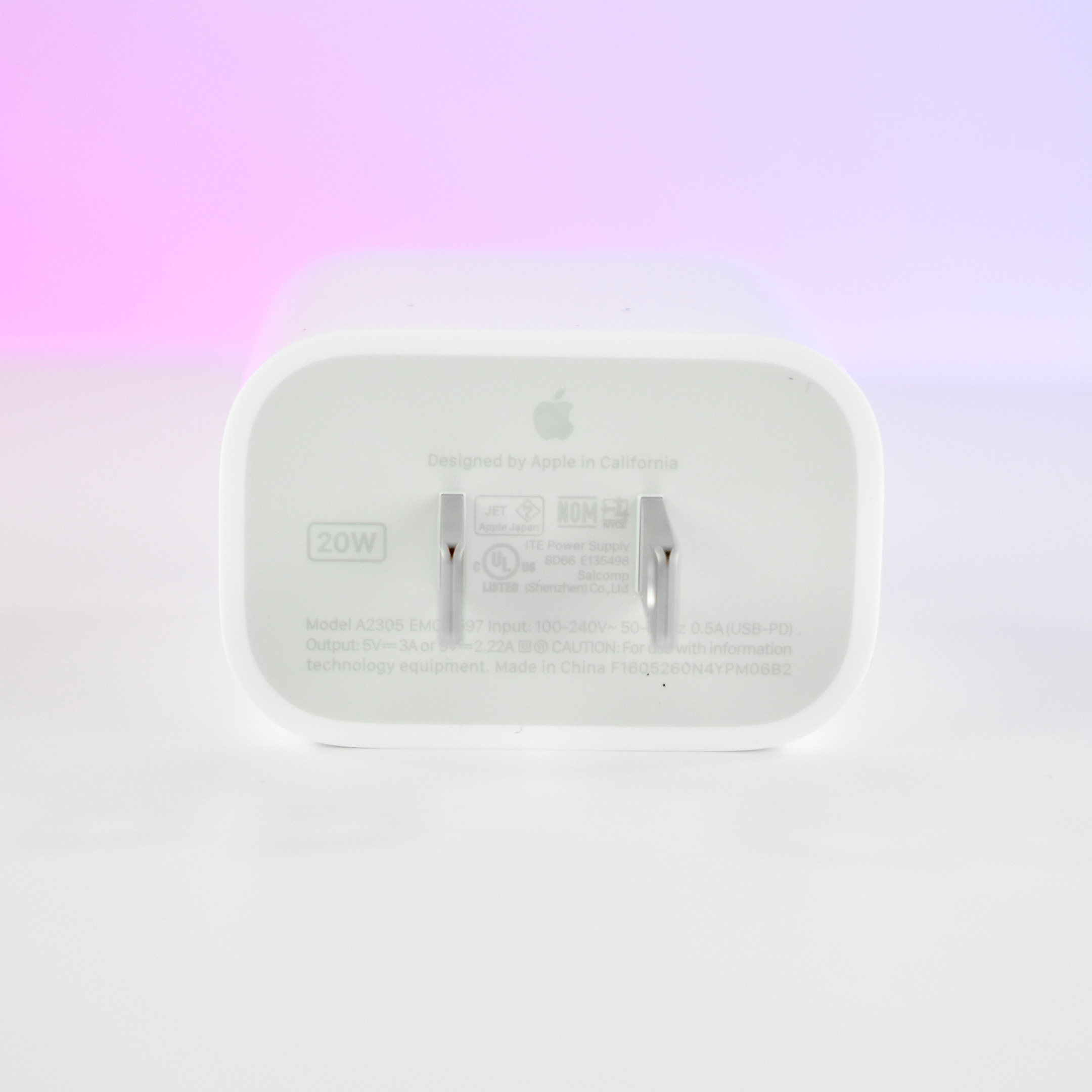
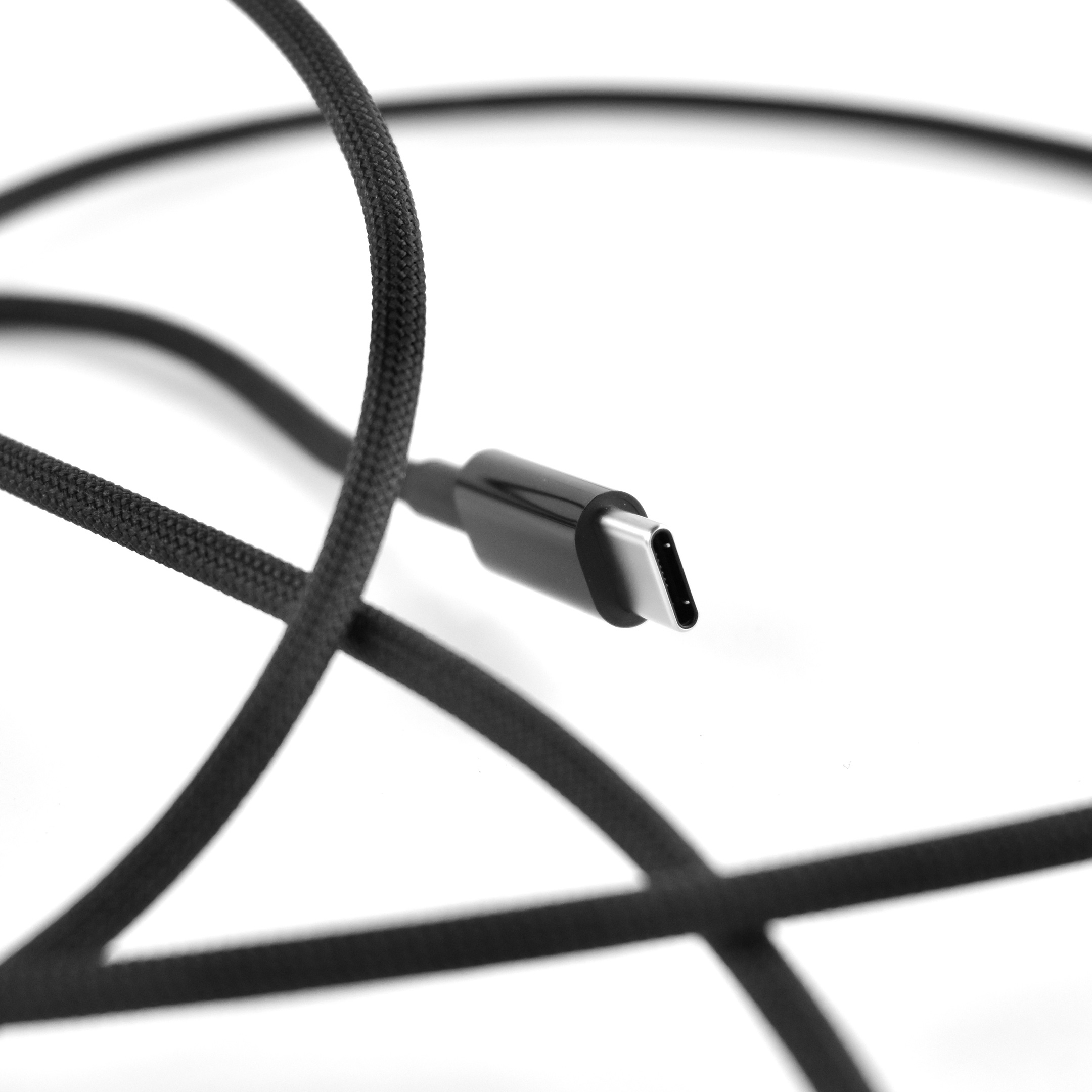
The HomePod mini was available in black and white. It used a permanently affixed USB-C cable and a provided a 20W USB-C power adapter was included in the box.
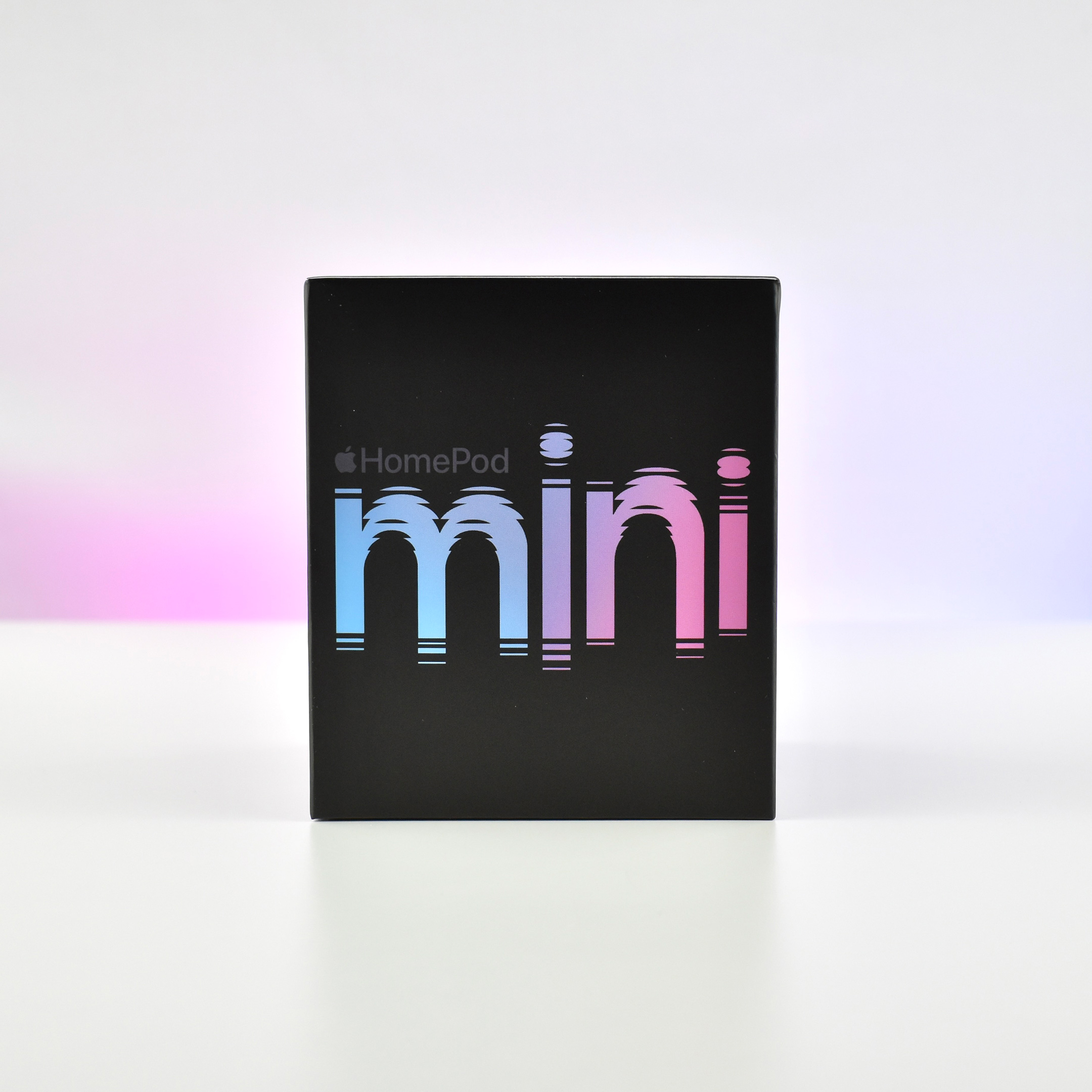
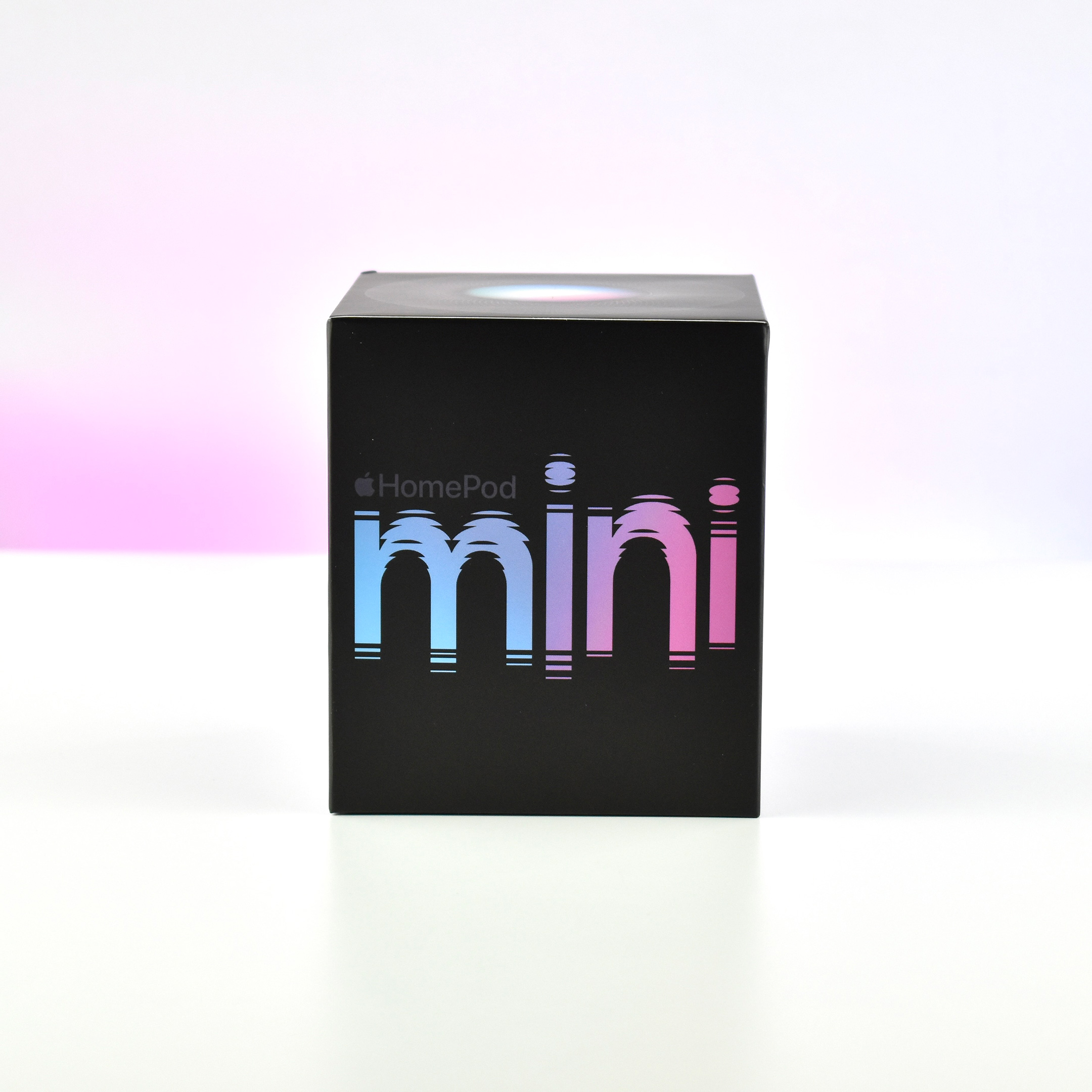
This is my second HomePod mini. I purchased it in black, and I’m using it in my kitchen so I now have a HomePod in every main living area.
Photography note: Since a few people have asked, I have 2 Hue LCD color lights that are part of my photography table. The 2 IKEA lights are clipped to the bottom of the table and are positioned up. Most of my photos use these lights set to a pure white color for the background, but occasionally I use the Hue app to add a color wash to the white sheet backdrop. In this case, I used the HomePod mini box colors as inspiration.