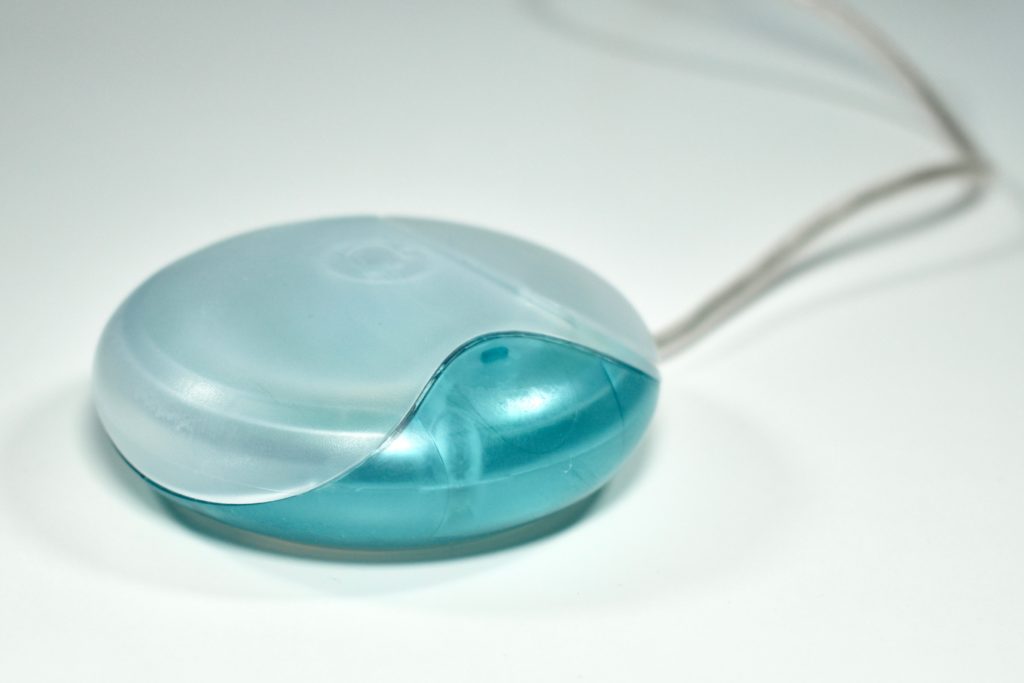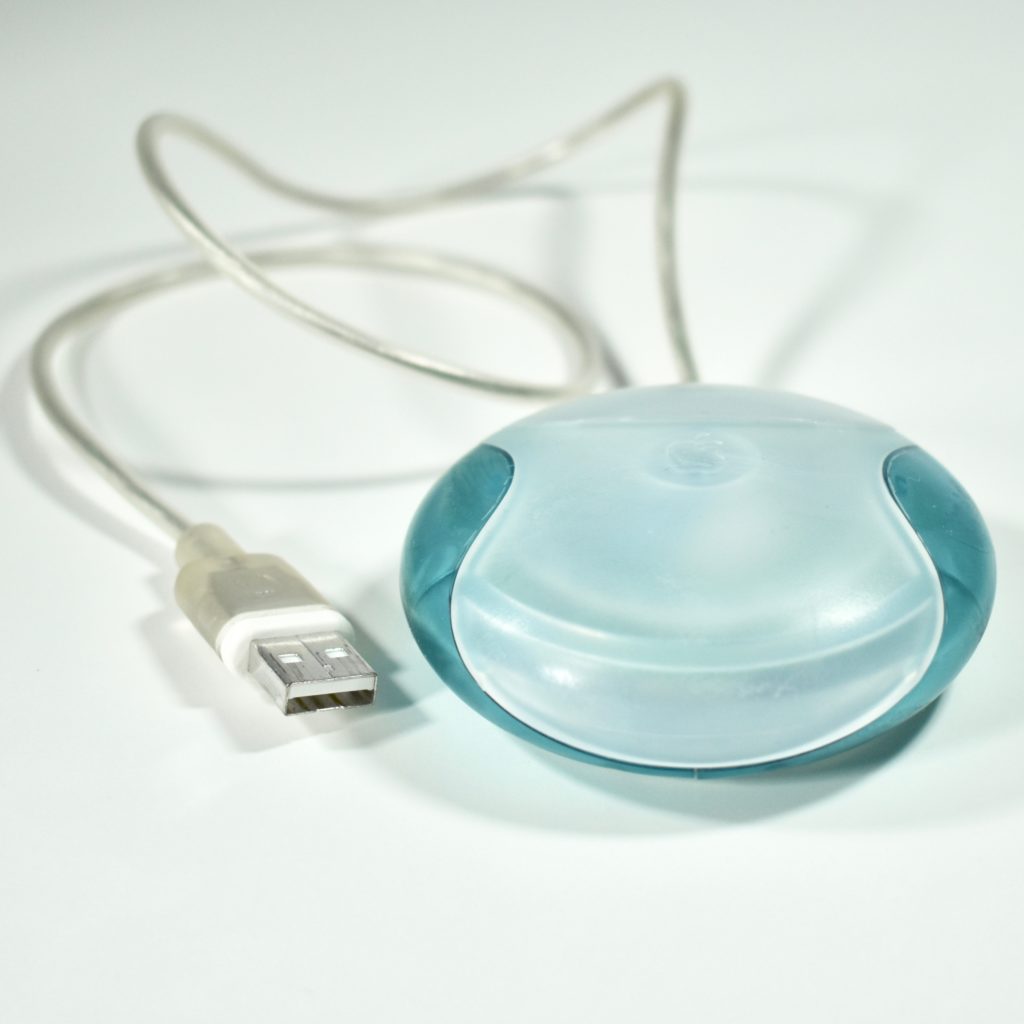
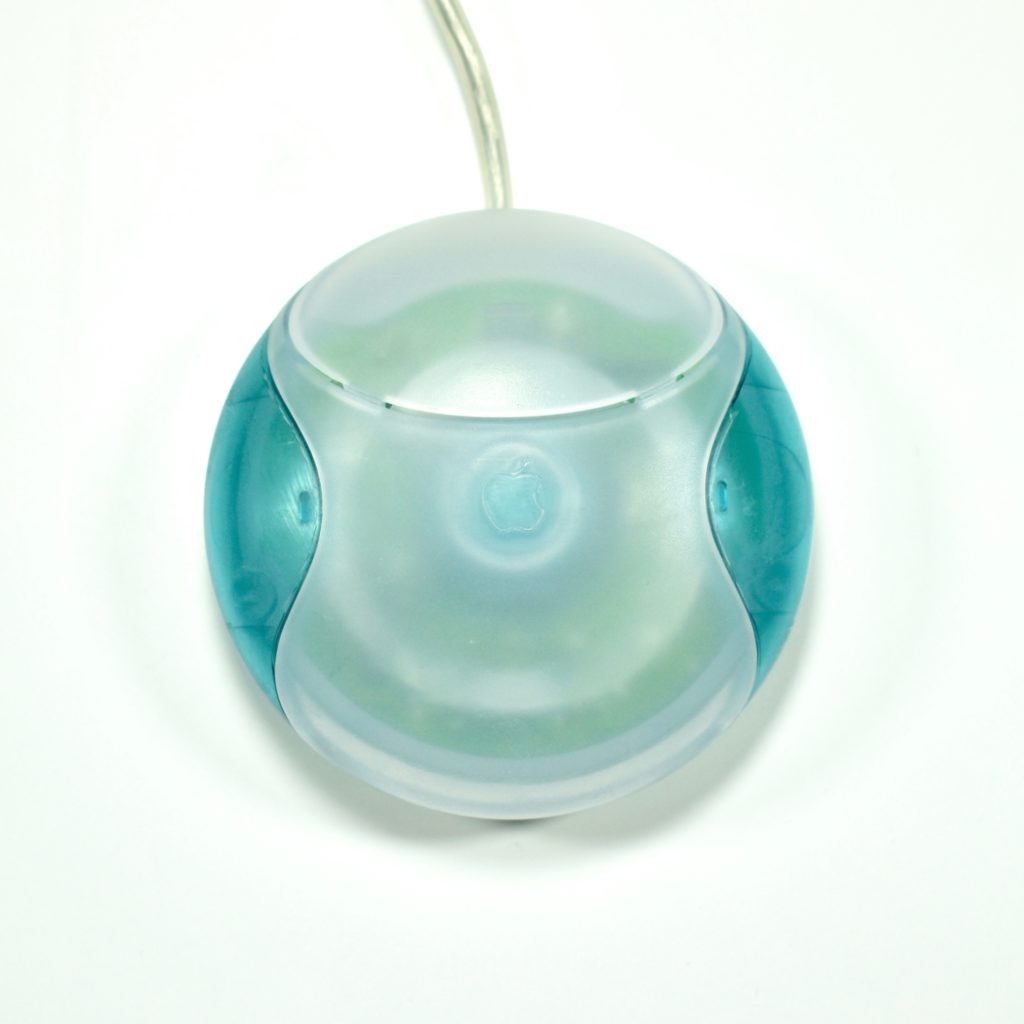
USB Mouse (original, Bondi blue, M4848, 1998)

The Apple USB Mouse was first released with the original iMac. The mouse was translucent white and accented in translucent Bondi blue, the same colors as the original iMac. The mouse was round and often referred to as the “hockey puck” mouse. Like previous Apple mouse designs, the USB mouse used a single button and a rubber ball for tracking. However, the rubber ball was two-toned to add design interest by capitalizing on the translucent case.

The mouse has been described as a rare design mistake for Apple because its round shape made it difficult to feel the top of the device, making tracking difficult. Soon after its release, Apple added a dimple in the graphite version of the mouse at the top above the button.

The mouse also had a short cord. Although the cord worked well when plugged into the USB port on a matching iMac keyboard, the cord was too short to use (for right-handed users) with Mac laptops at the time since USB ports were located on the left side.

Source: Wikipedia.com
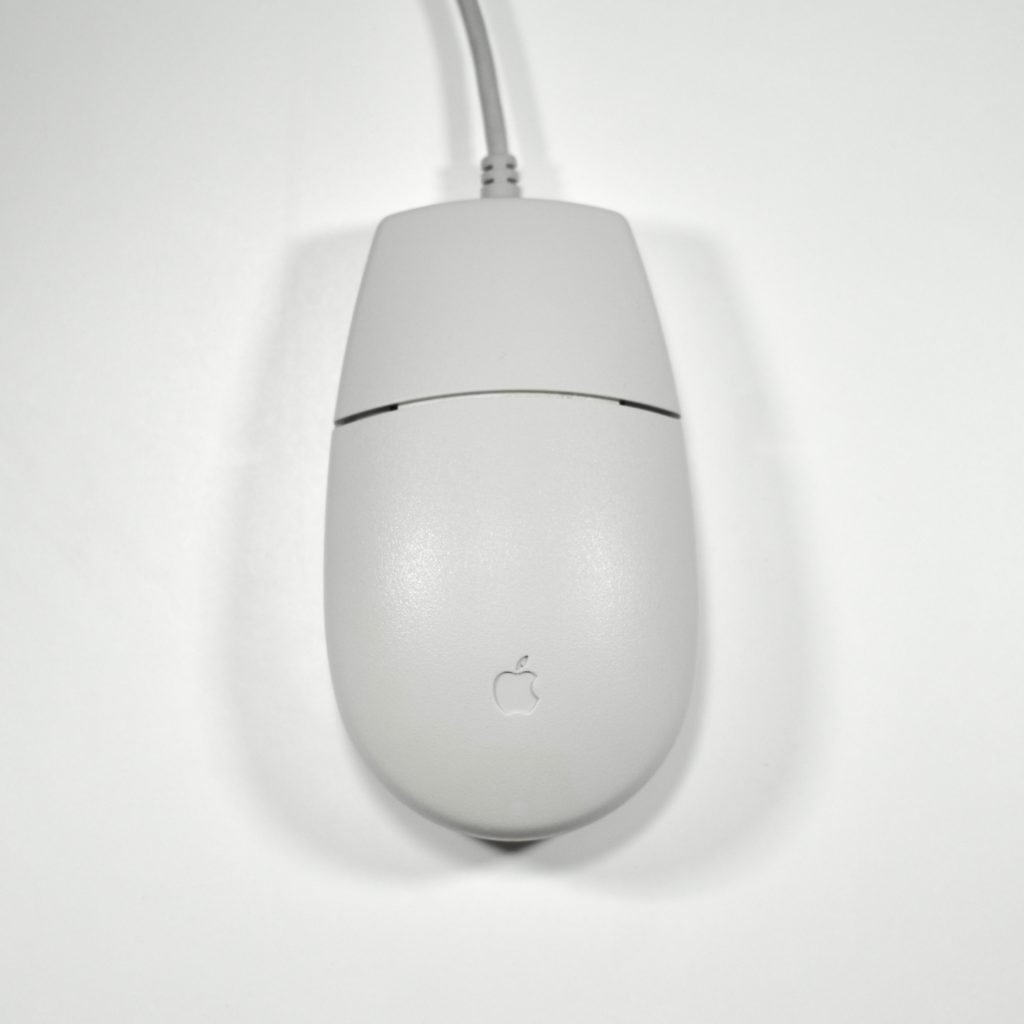
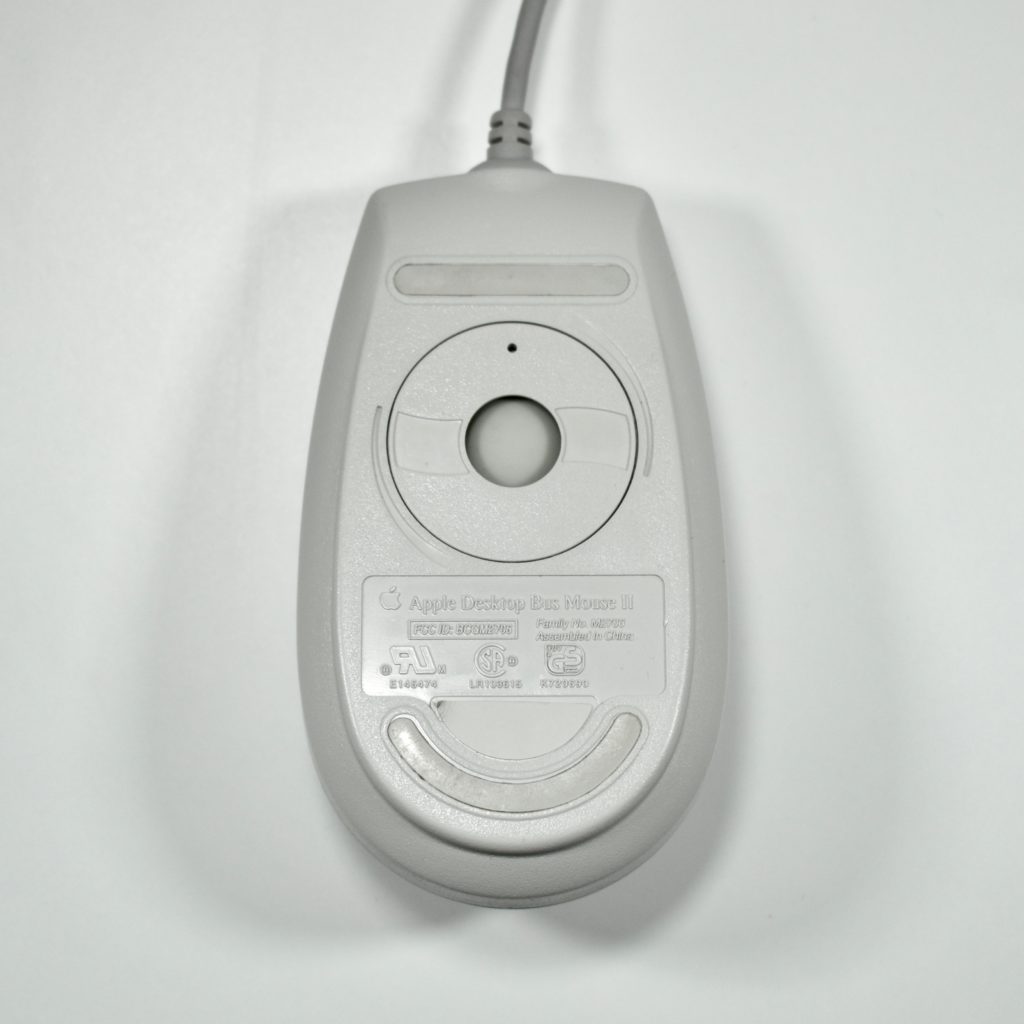
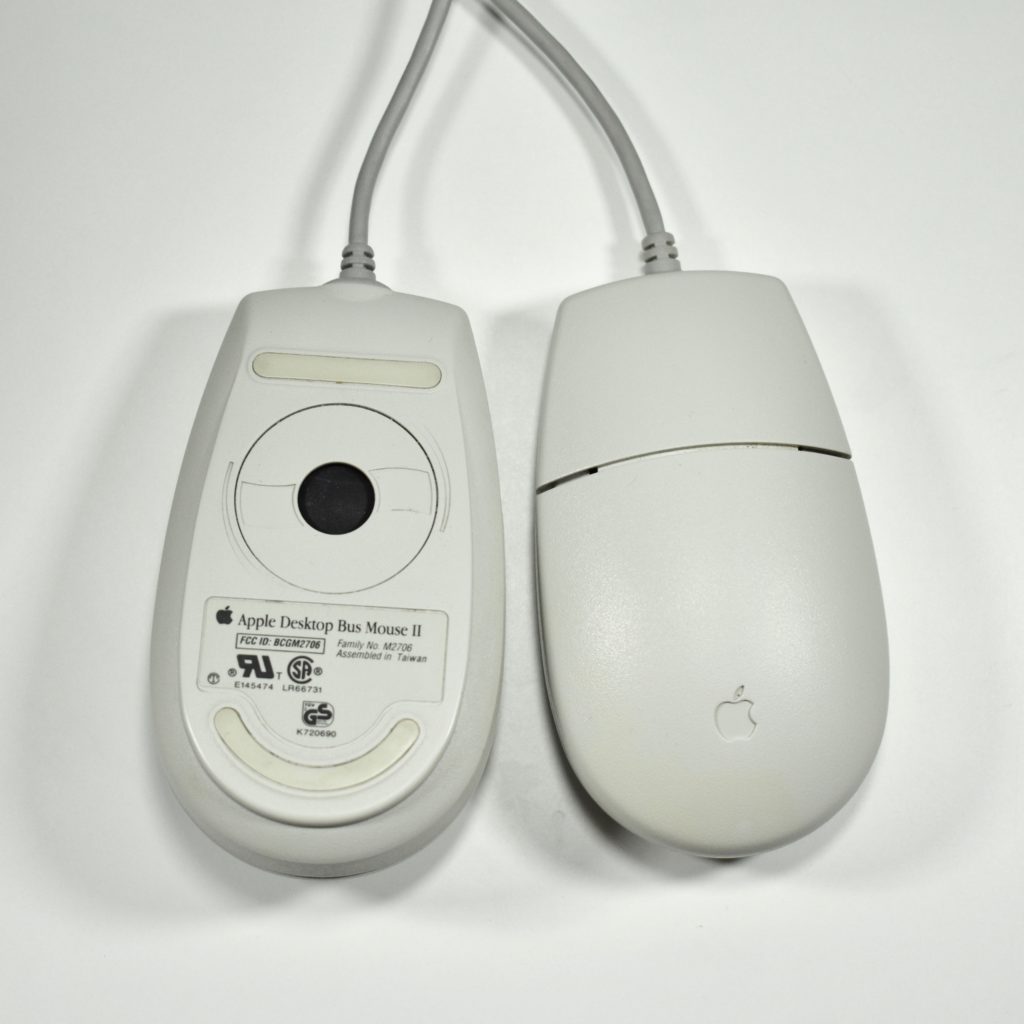
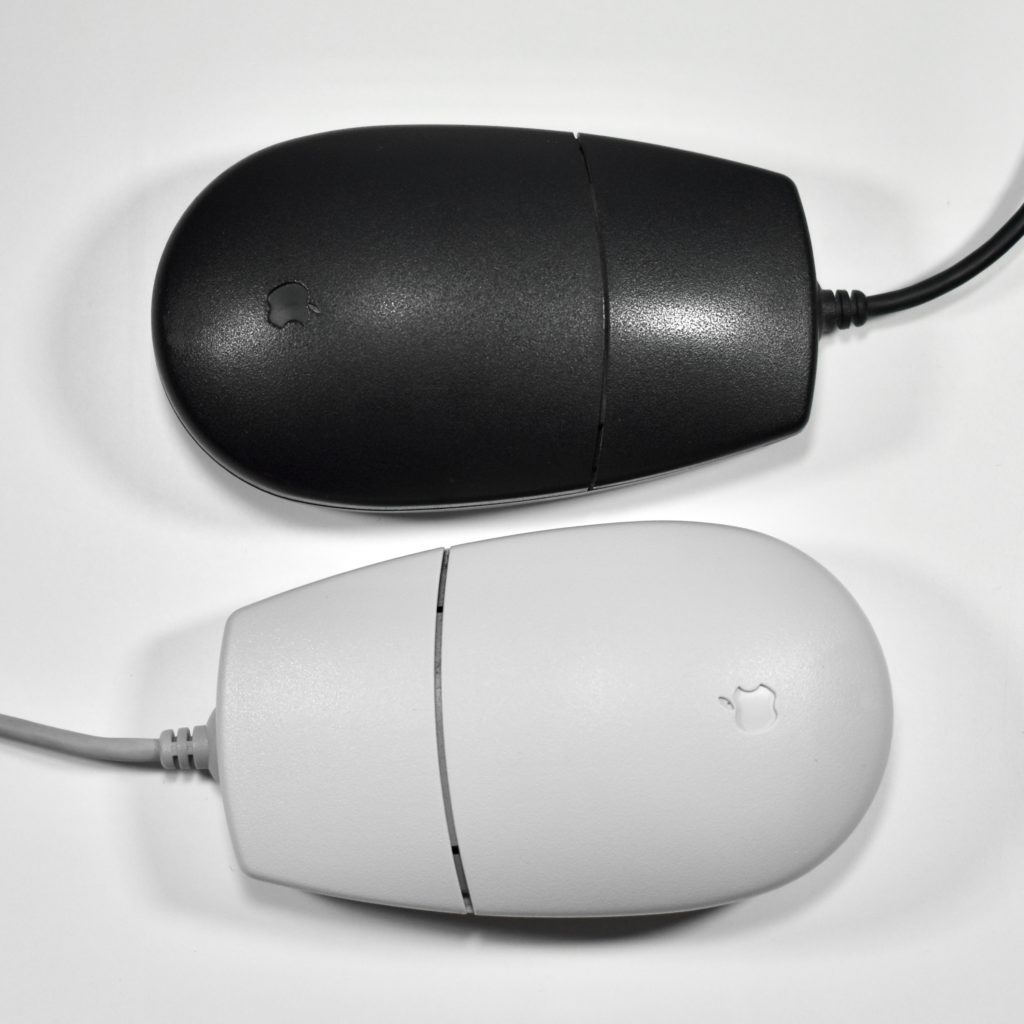
Apple Desktop Bus (ADB) Mouse II (M2706, 1993)

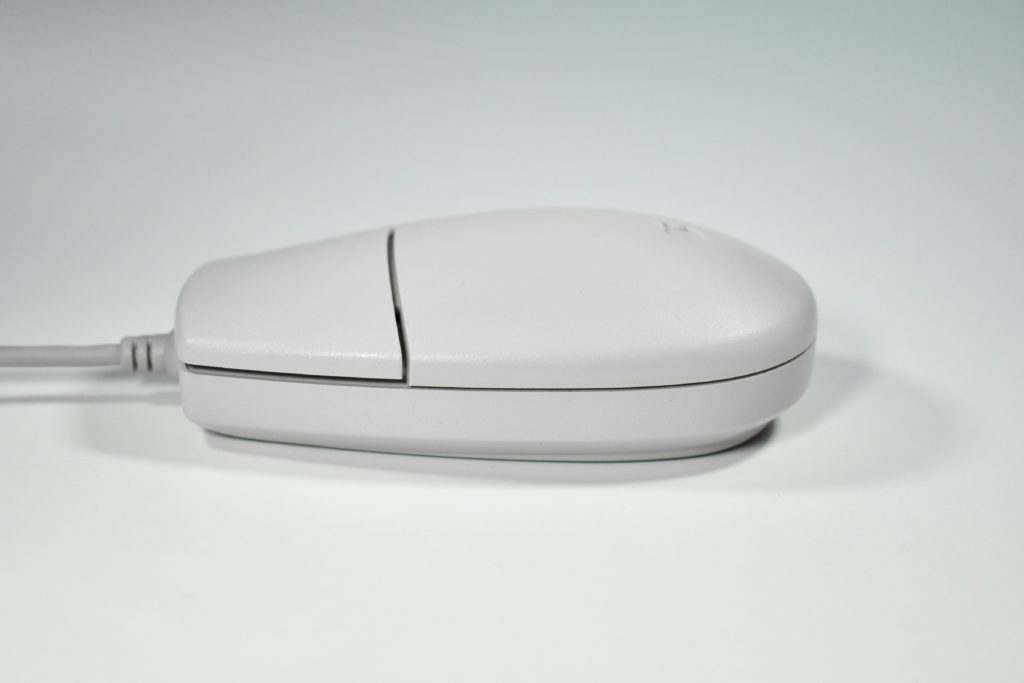
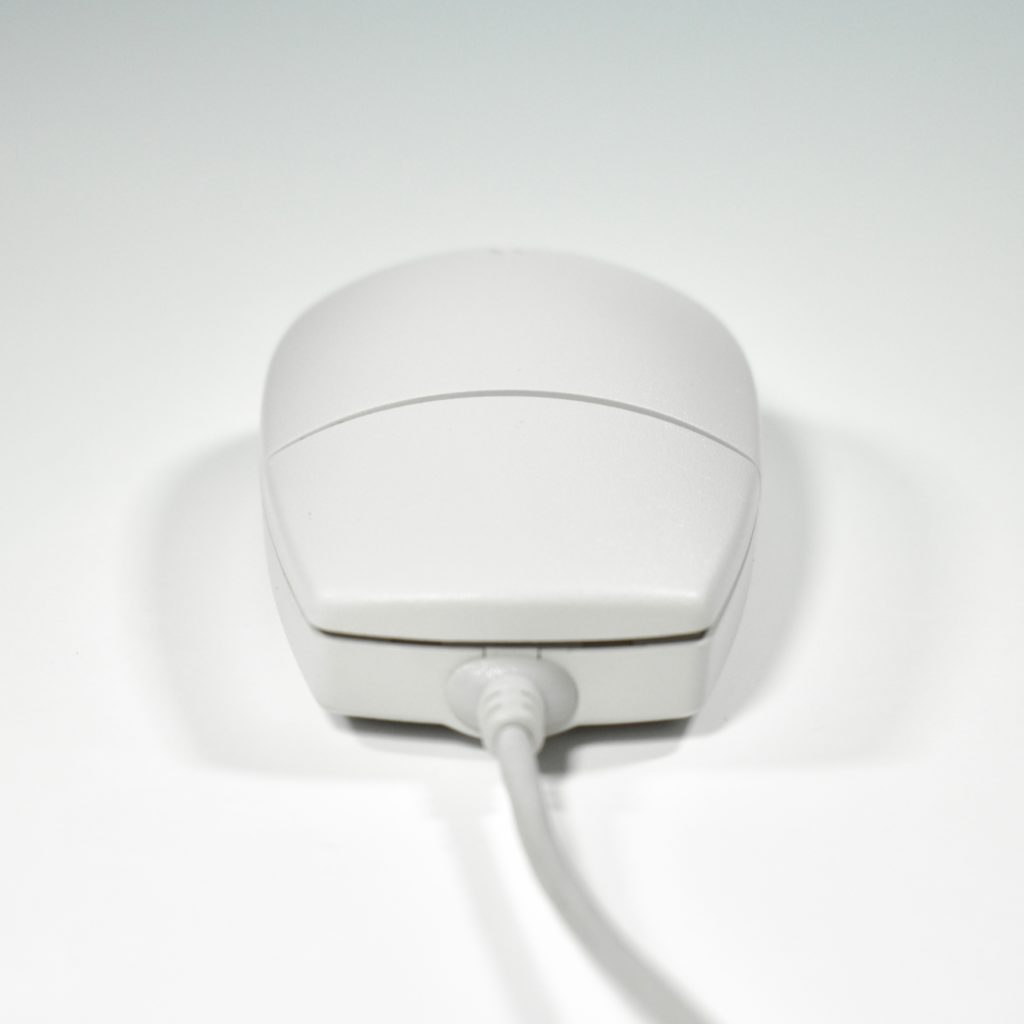
The Apple Desktop Bus Mouse II transformed the angular blocky designs to a curved teardrop shape. This basic shape is still used in mouse designs today by Apple and others. This mouse was included with Macintosh computers from 1993–1998 when the original iMac was introduced.

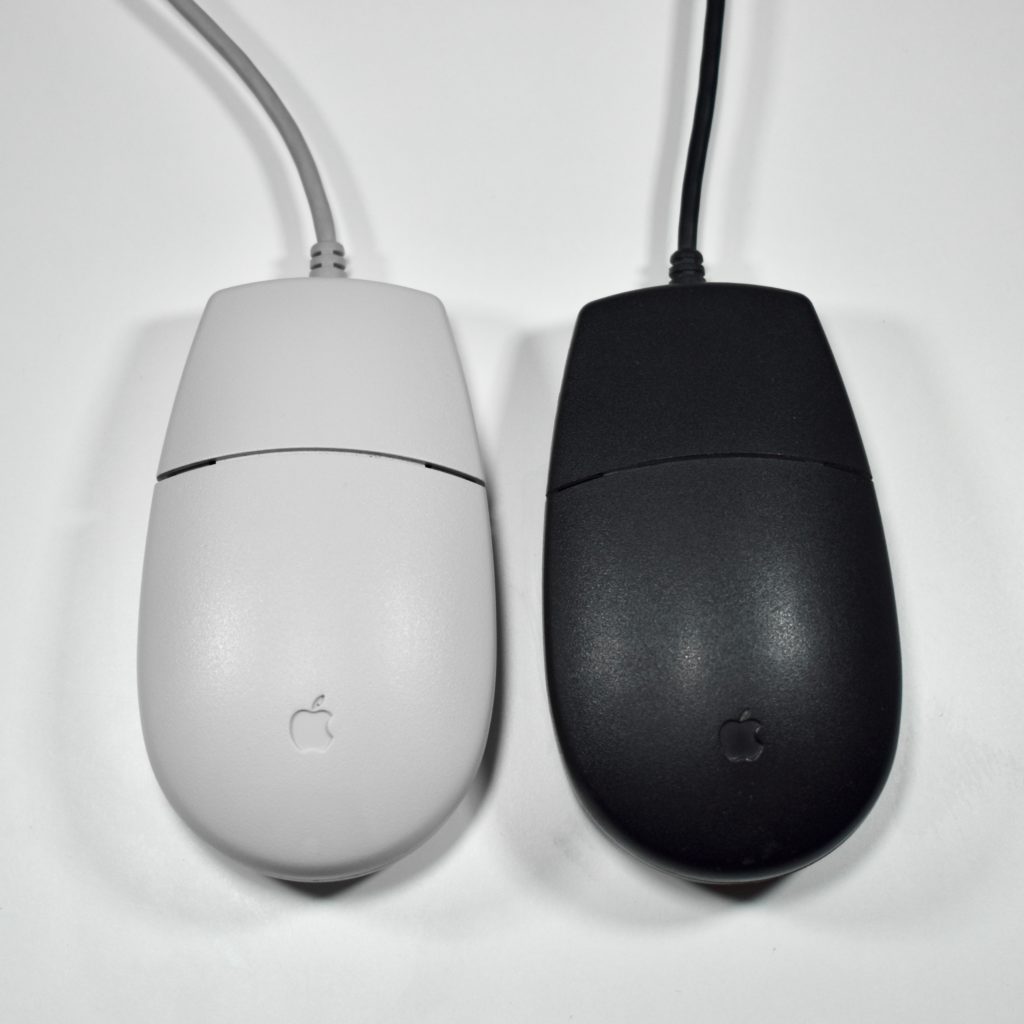
The Apple Desktop Bus Mouse II matched the platinum gray color of Macintosh computers at the time. However, a black version of this mouse was included with the Macintosh TV and the Performa 5420 (sold only in Europe and Asia).

Four different variations of the Apple Desktop Bus II Mouse are in my collection. The three platinum gray color versions have different color trackballs, and one has no label (with the product numbers cast directly into the plastic). The fourth example is the black Apple Desktop Bus II Mouse included with the Macintosh TV.

Source: Wikipedia.com

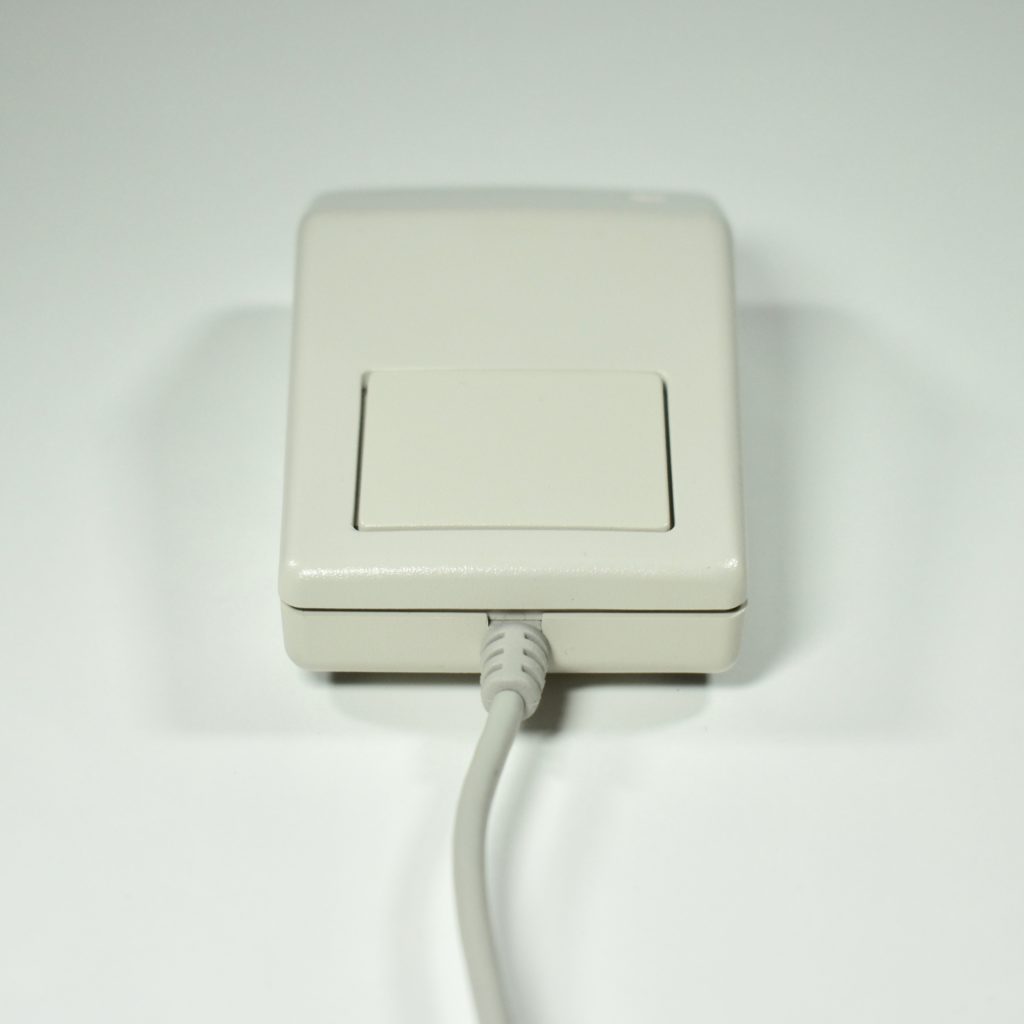
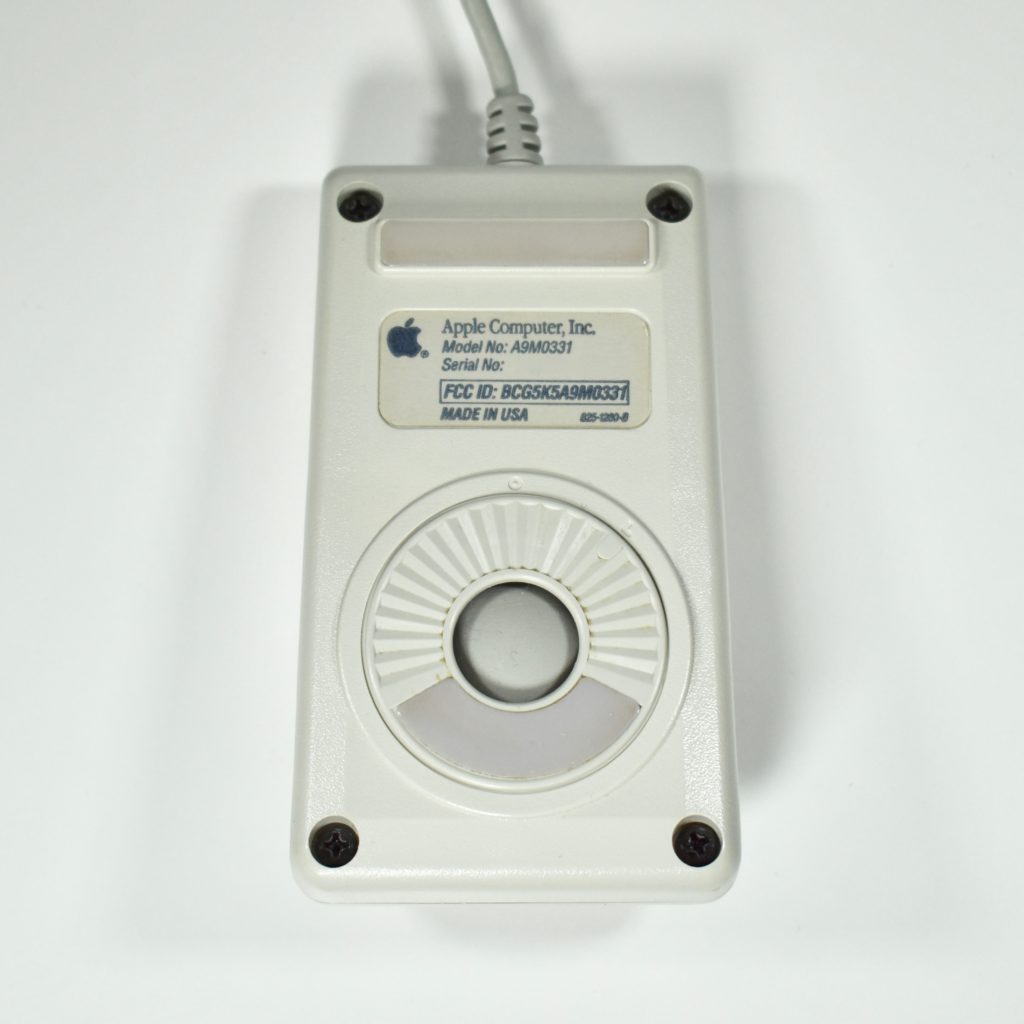
Apple Desktop Bus (ADB) Mouse (A9M0331, 1986)

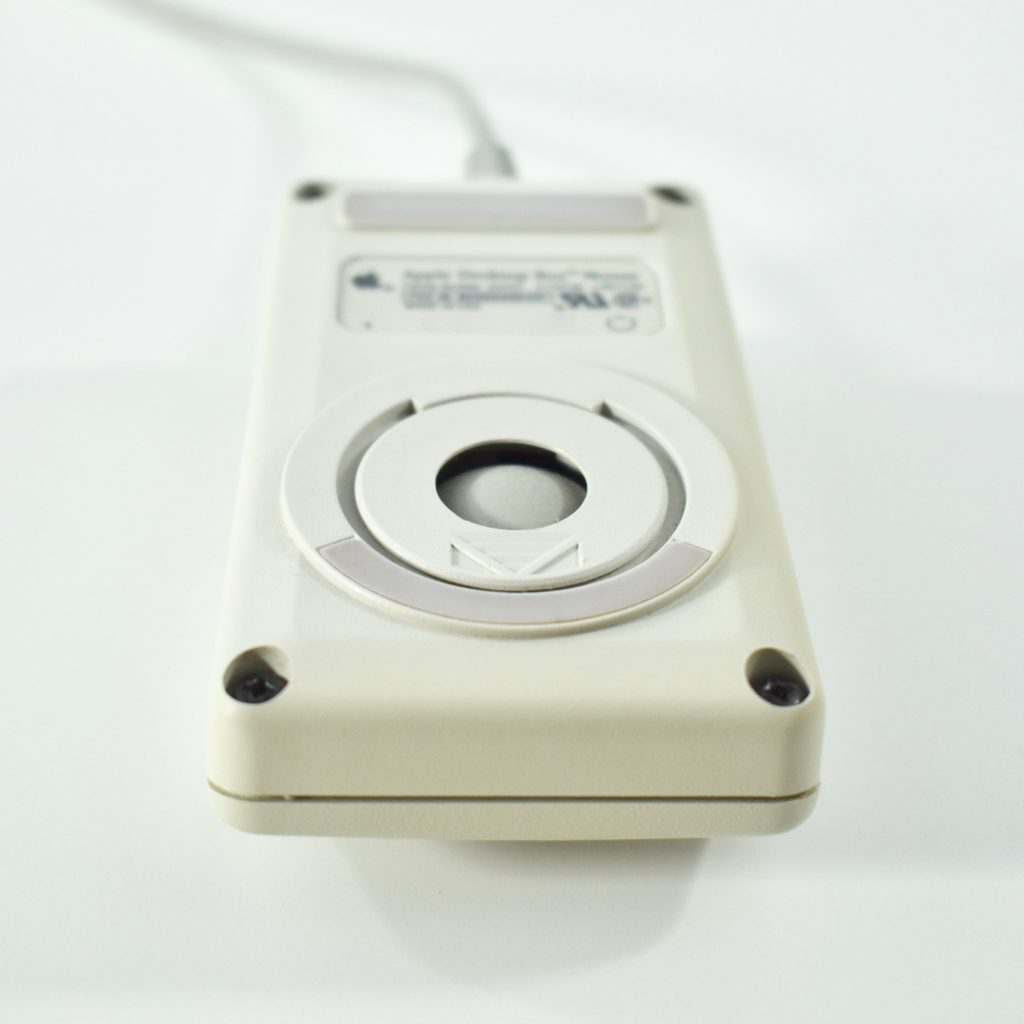
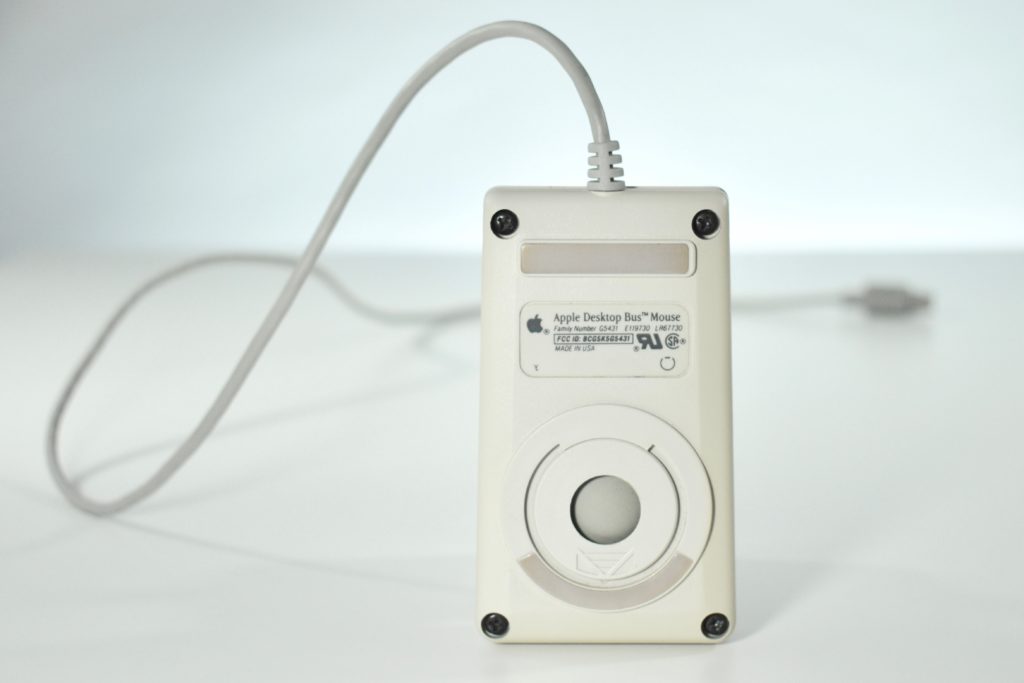
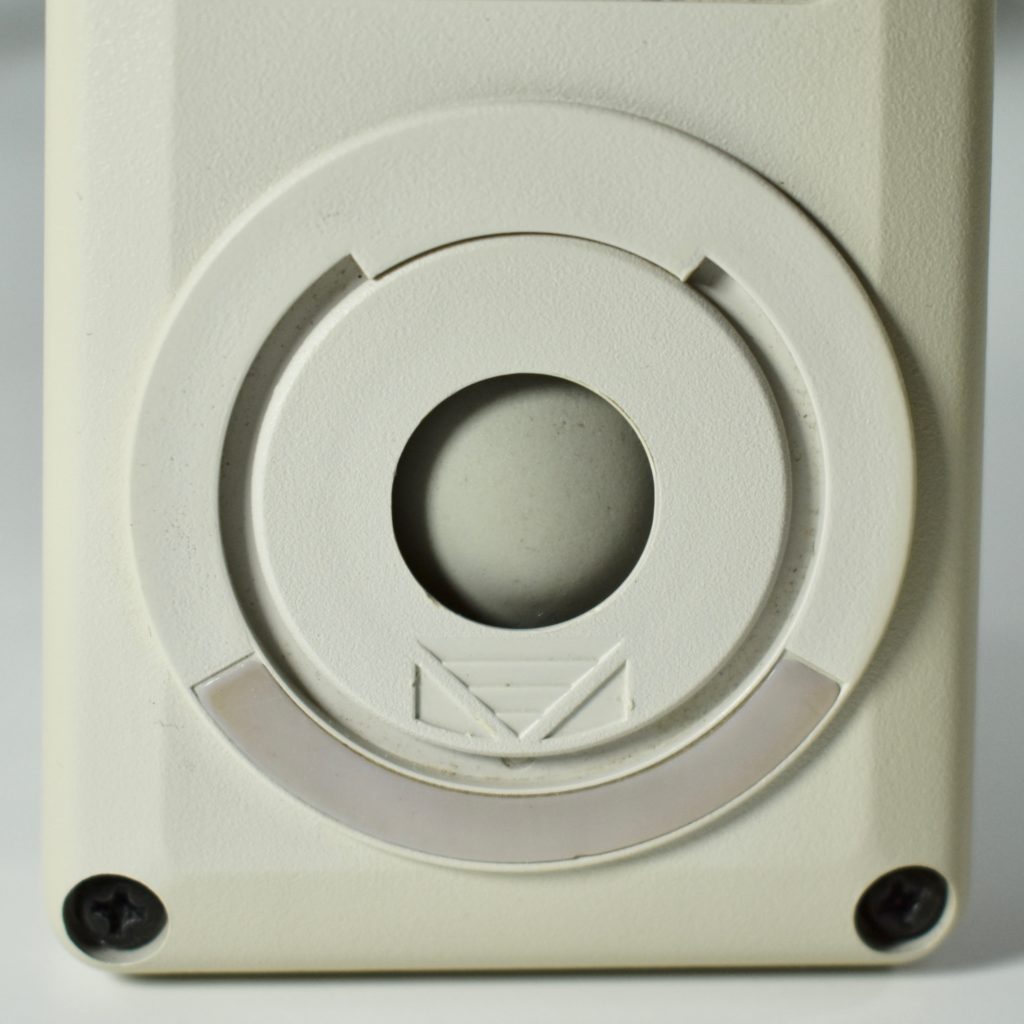
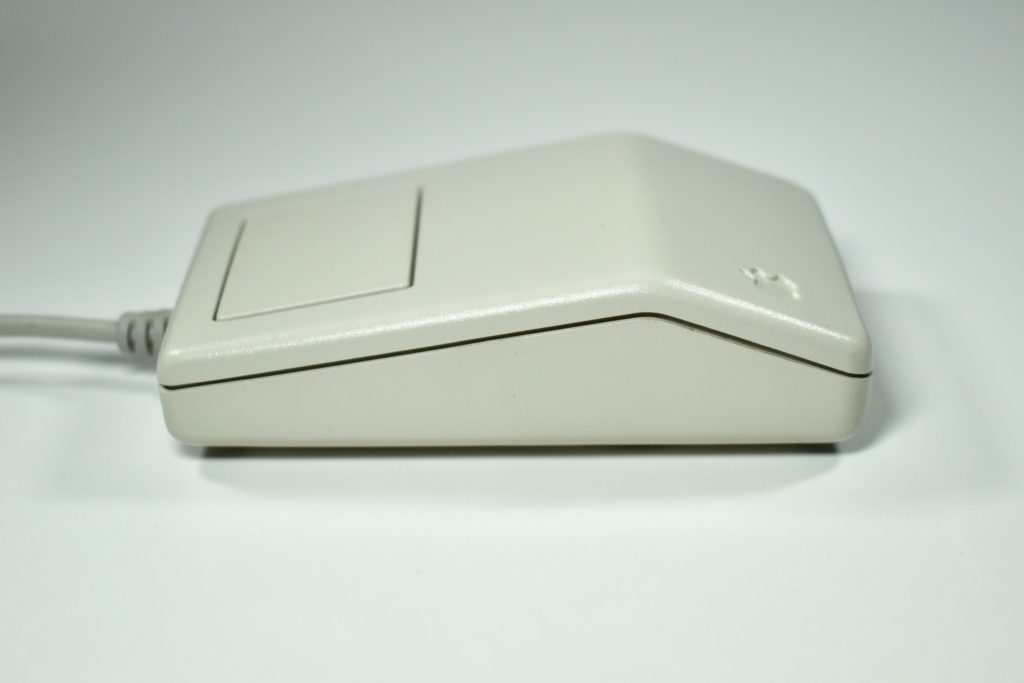
The Apple Desktop Bus Mouse was redesigned and named for its new ADB connector that was used in Macintosh computers from 1986–1998. This mouse featured low-profile blocky design with a flattened pentagonal side profile and a flat rectangular (slightly trapezoidal) bottom. It had a single button and tracked using a rubber ball.

I have three different variations of the ADB Mouse in my collection. One has a dark ring supporting the trackball, another has a light ring matching the color of the body of the mouse, and a third model uses a ring with an arrow.

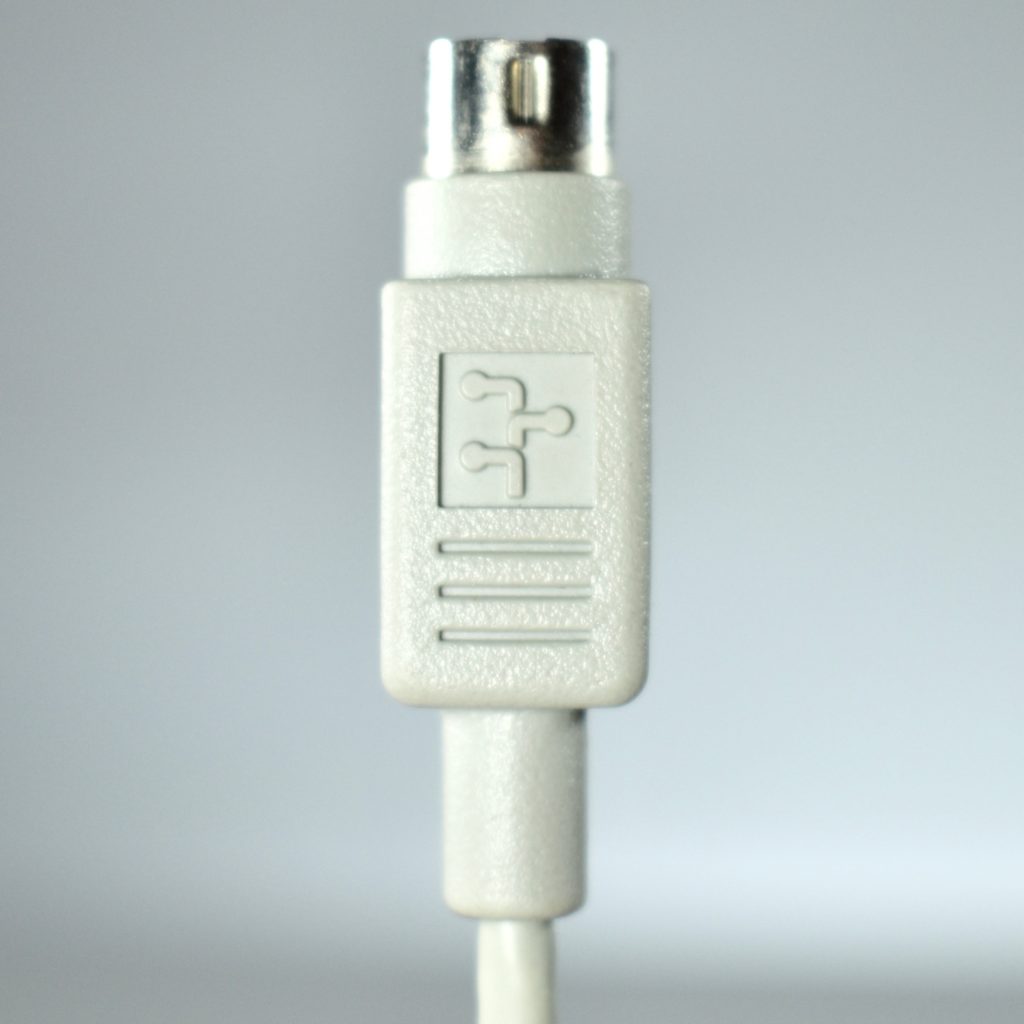
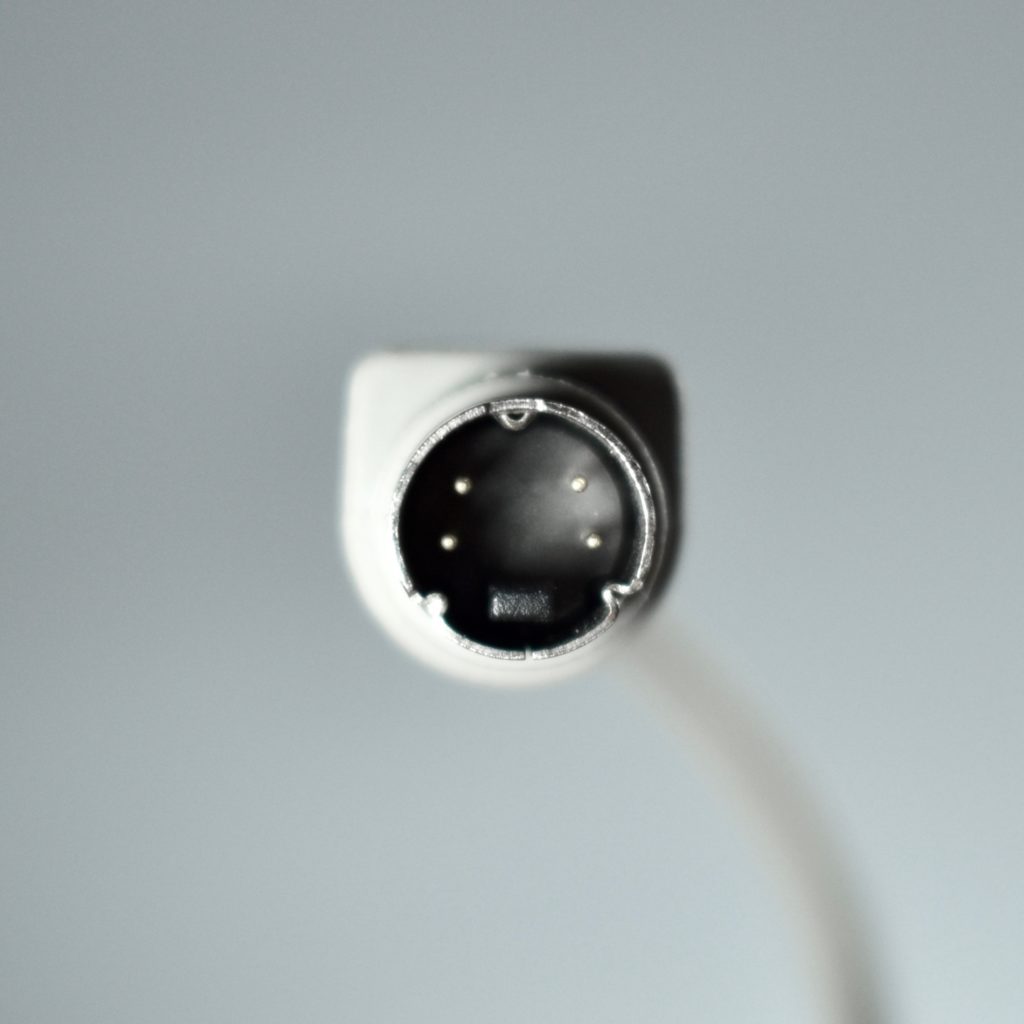
The ADB port was a round, 4-pin plug that was used on the Apple IIGS (1986), Macintosh computers, and licensed for use on NeXT computers. The Apple Desktop Bus system was created by Steve Wozniak as a single connector for input devices that was inexpensive to produce. The Macintosh II and Macintosh SE were the first Macintosh computers to use the ADB port. 

Source: Wikipedia.com

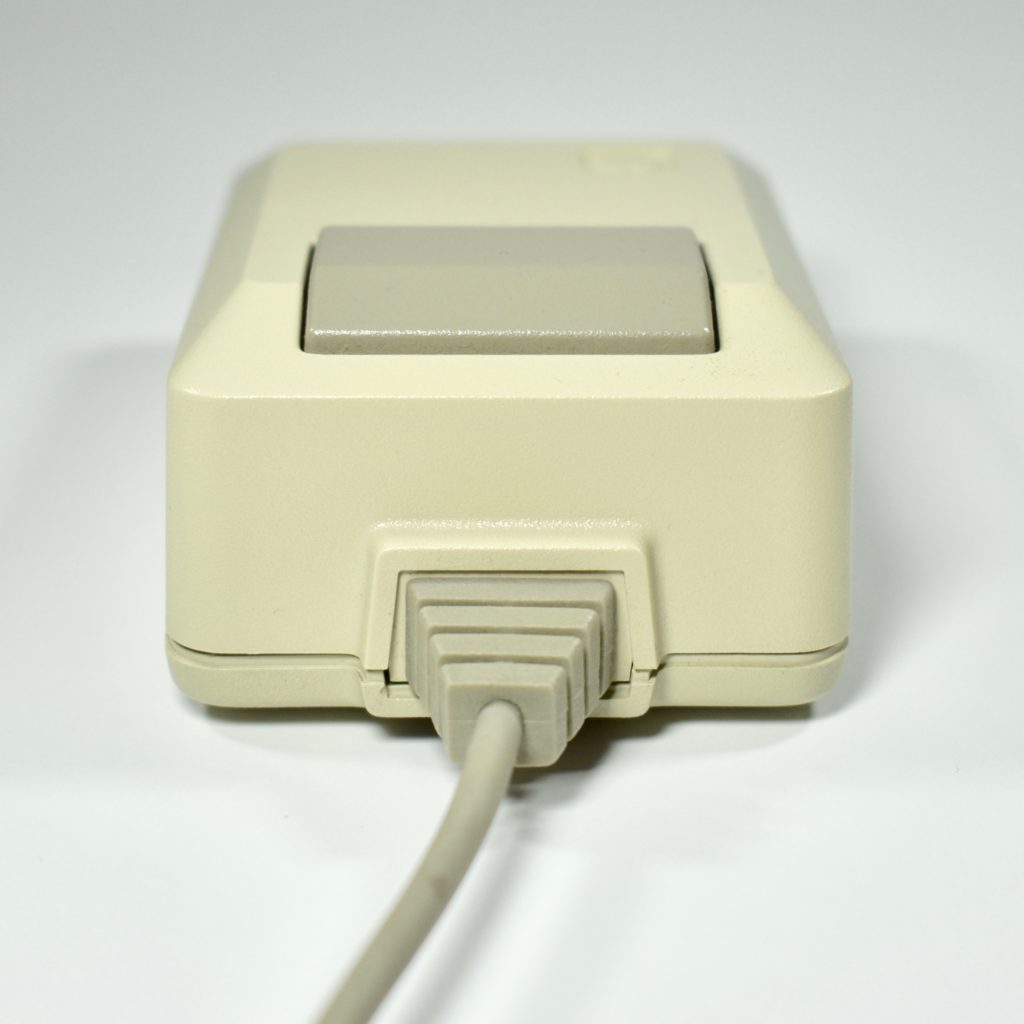
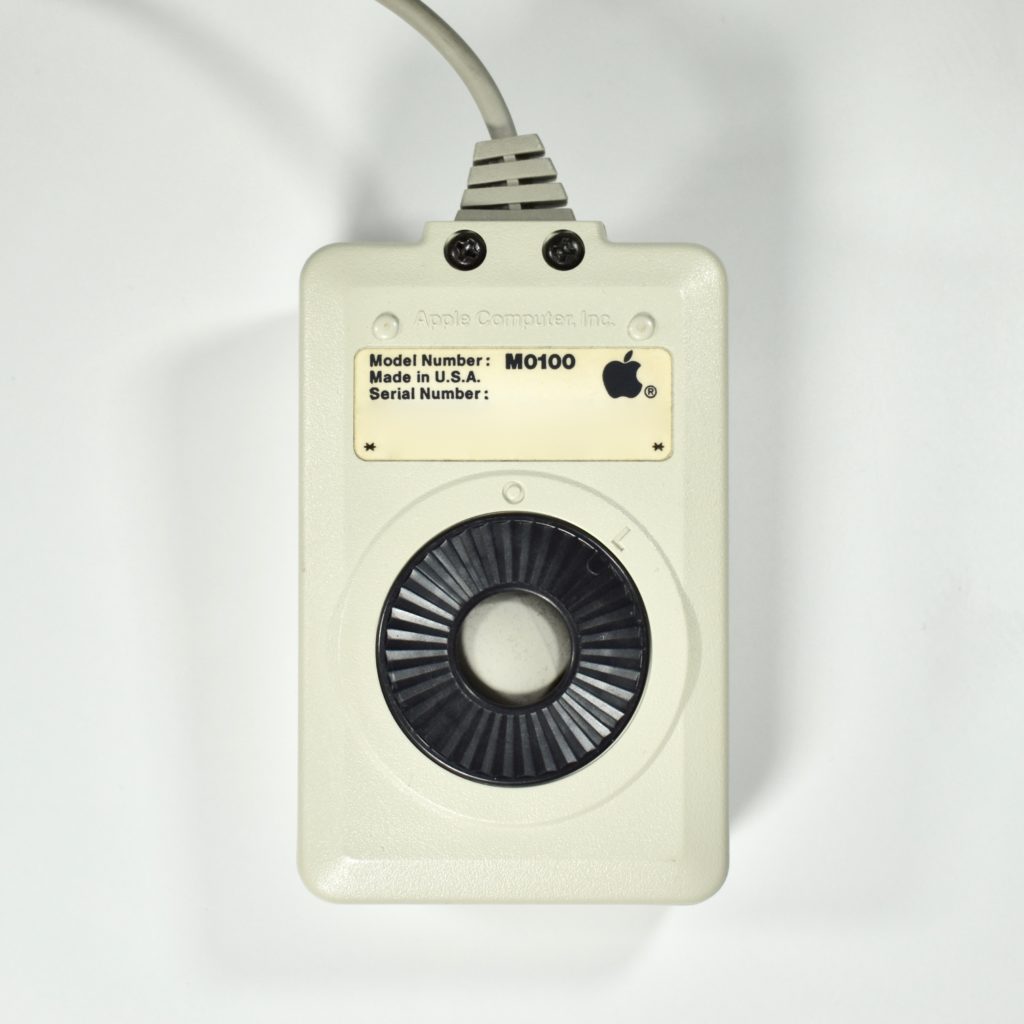
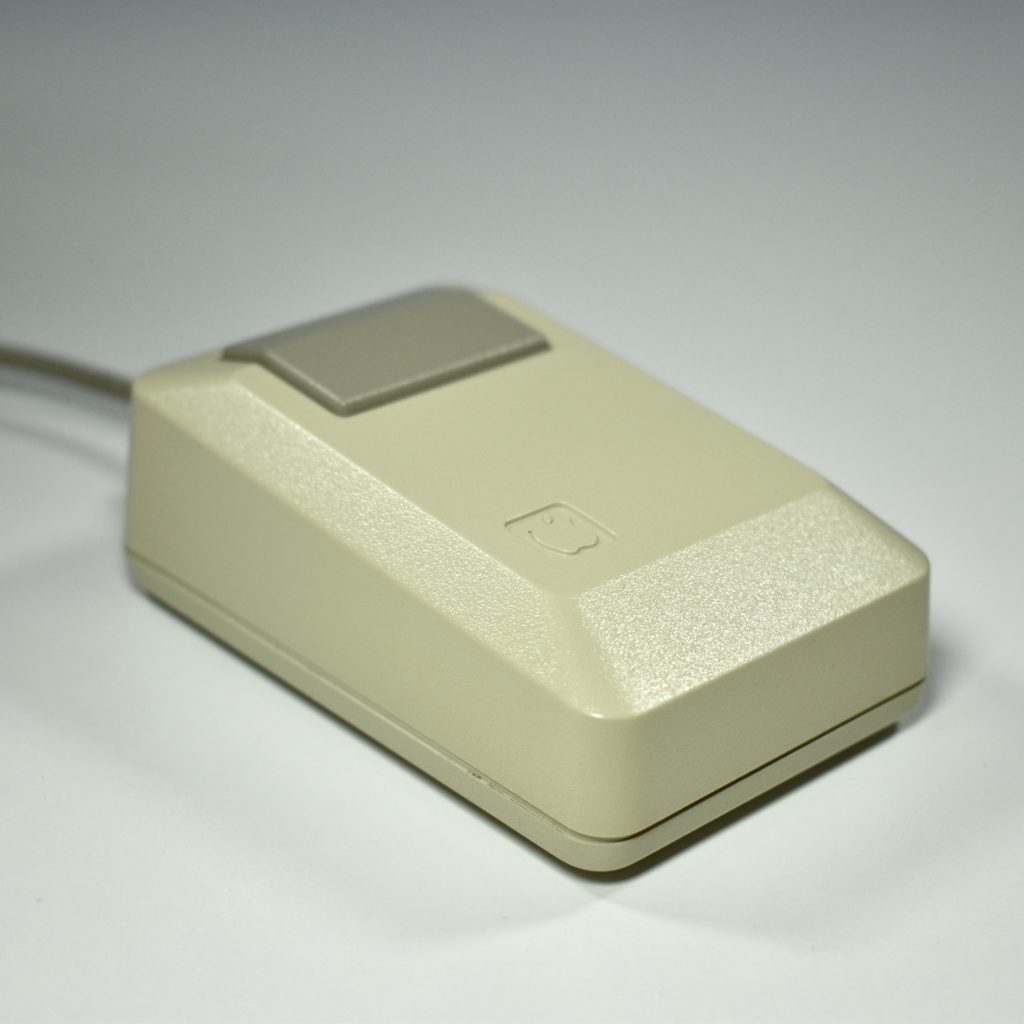
Apple Mouse (original Mac, M0100, 1984)

The Macintosh Mouse used a rubber roller ball and a single, rectangle-shaped button. The first version of the Macintosh Mouse was beige to match the color of the original Macintosh, but was offered in platinum beginning in 1987 to match other Apple computers of the time.

This Macintosh Mouse design was based upon the mouse that shipped with the Lisa. The Lisa mouse also used the DE-9 connector and had a single button. The Lisa mouse used a steel ball for tracking.

Source: Wikipedia.com

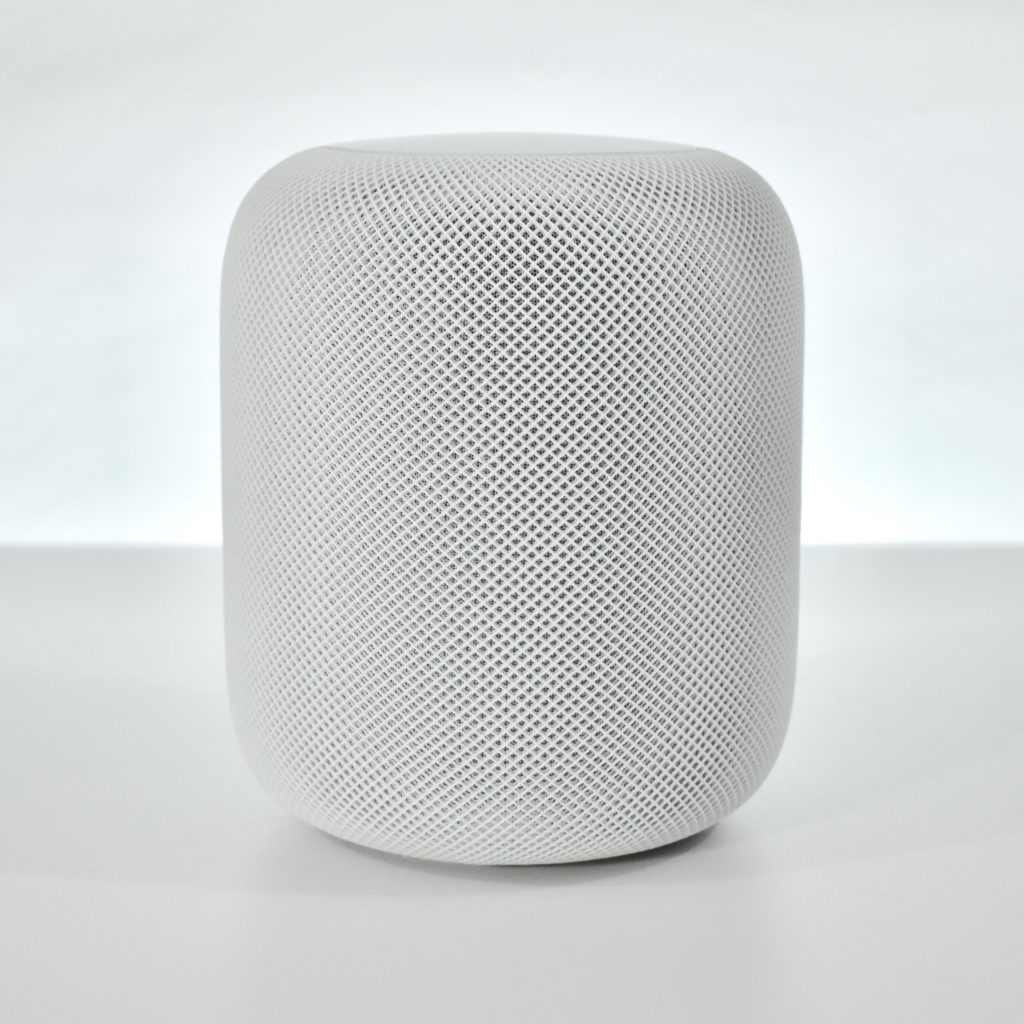
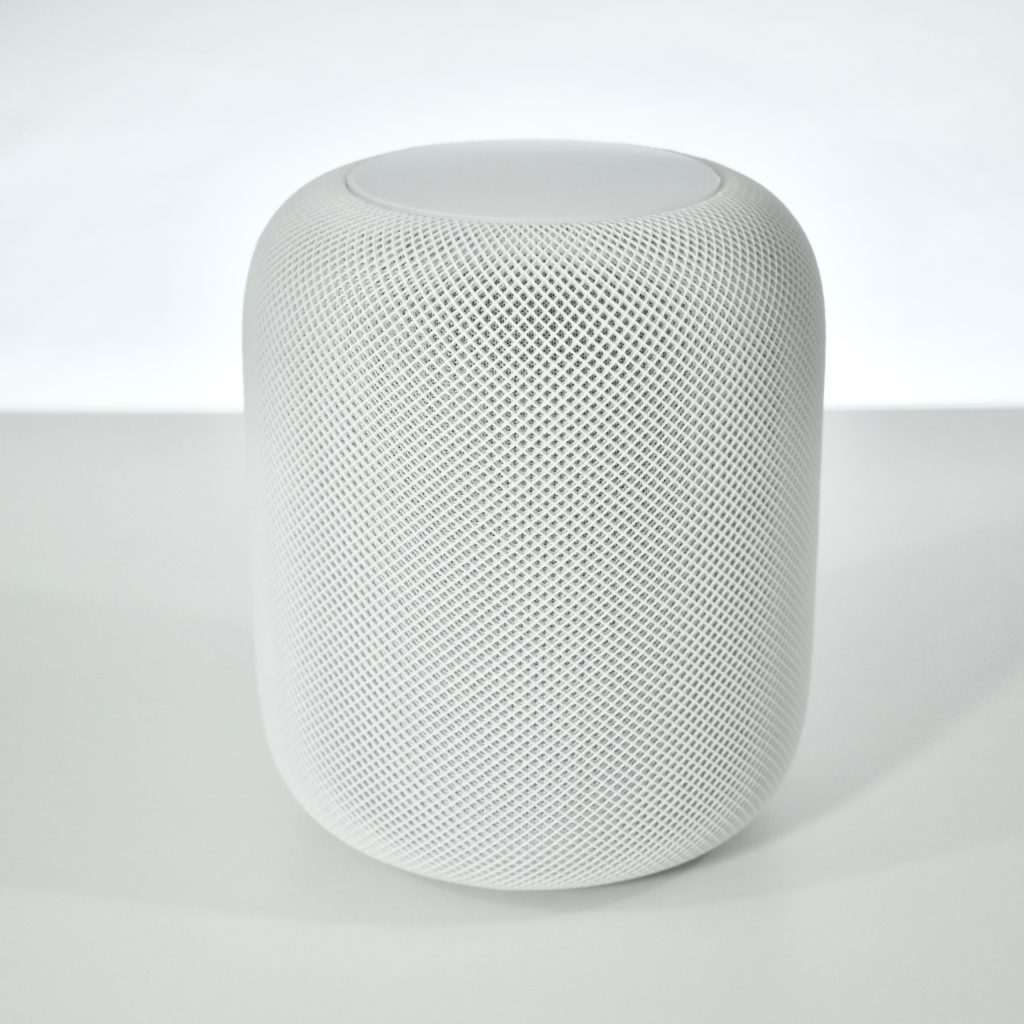
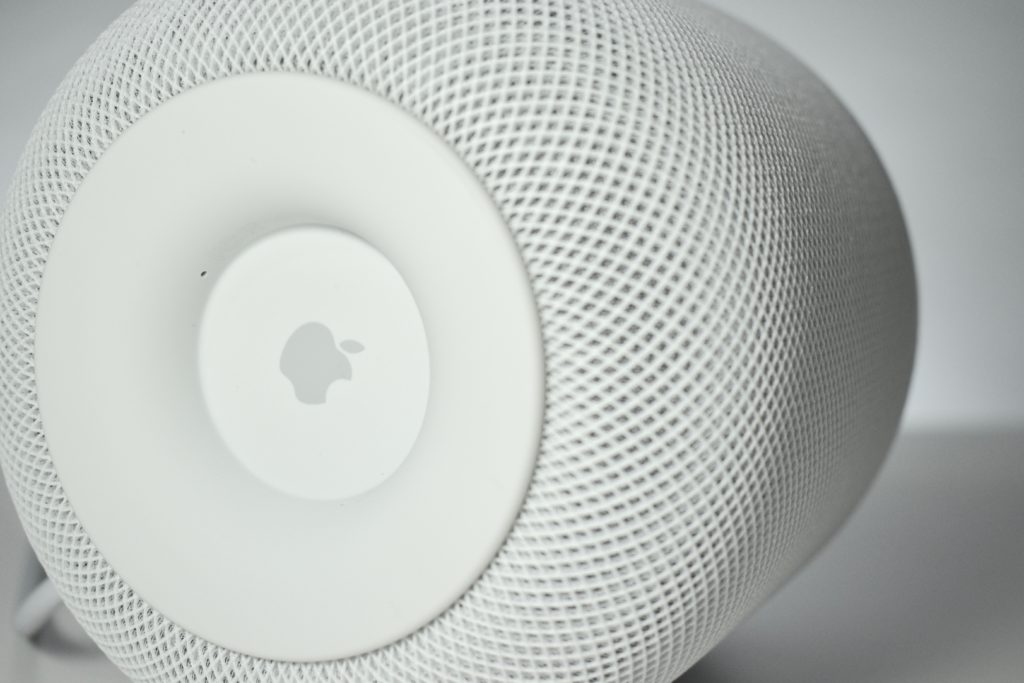
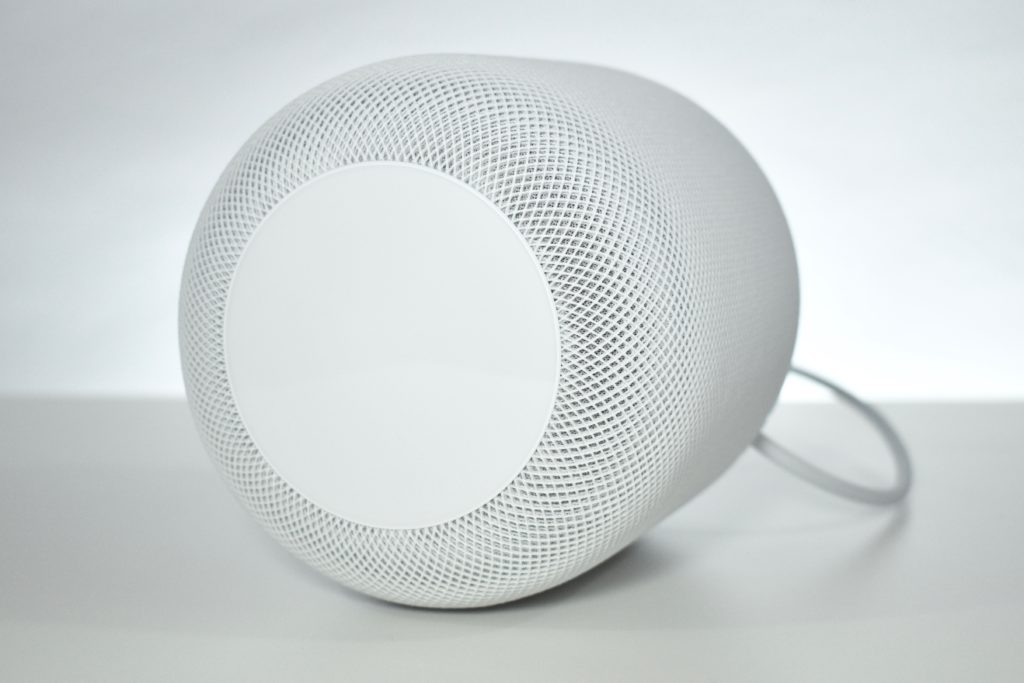
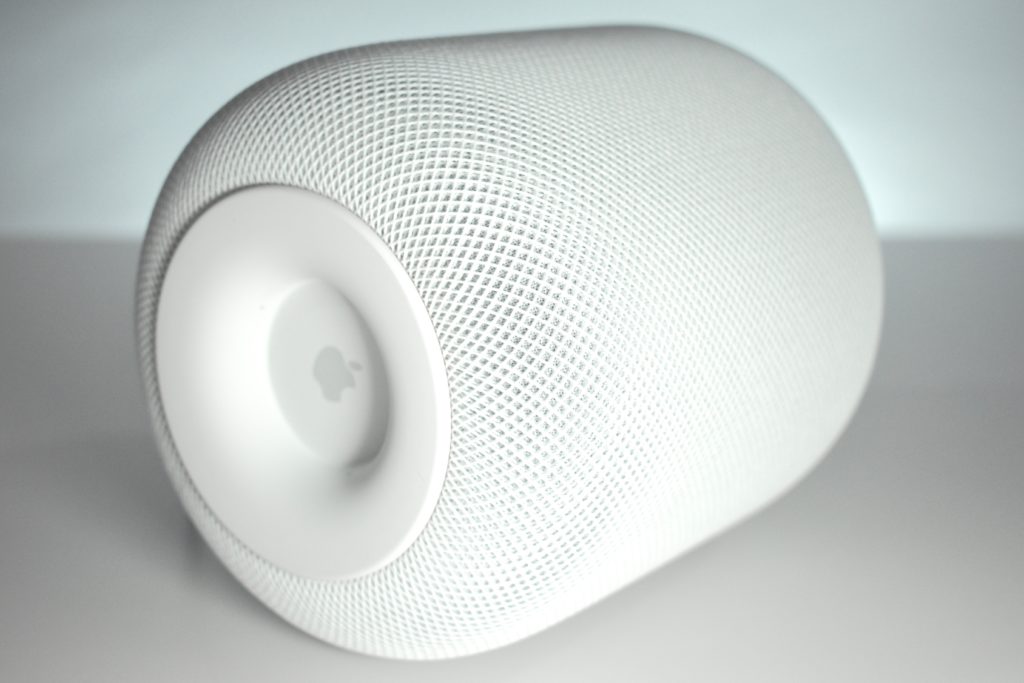
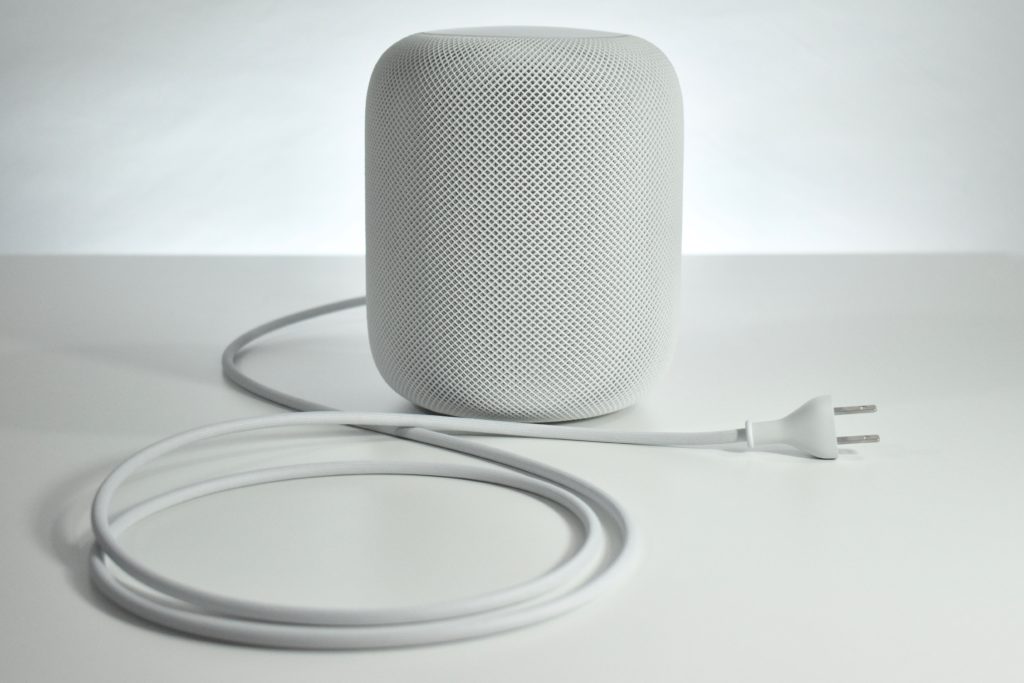
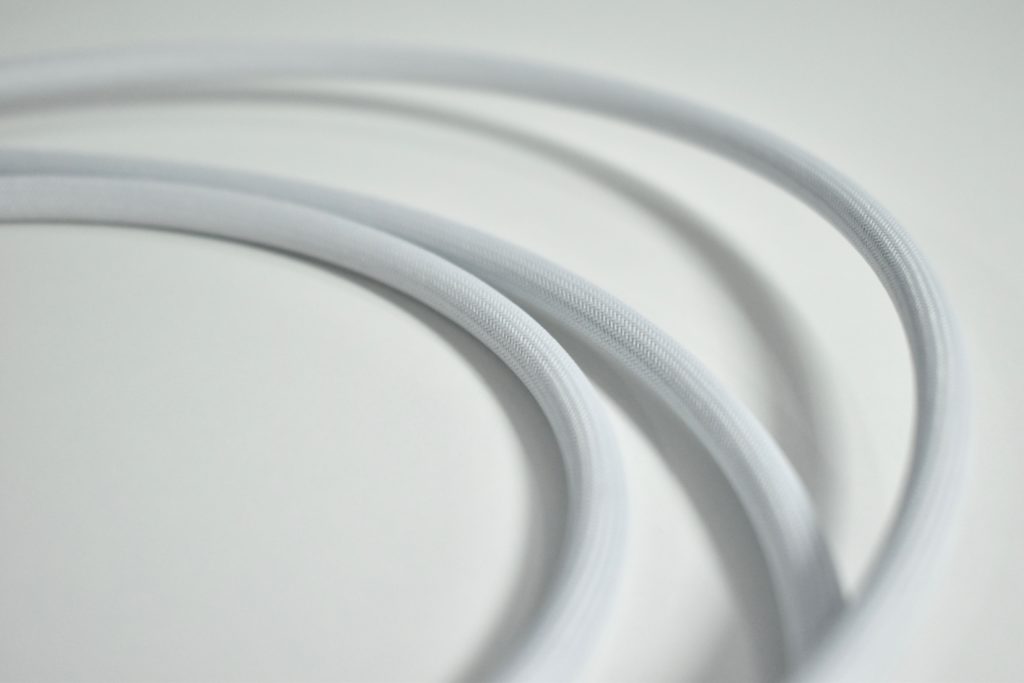
HomePod (white, 2017)

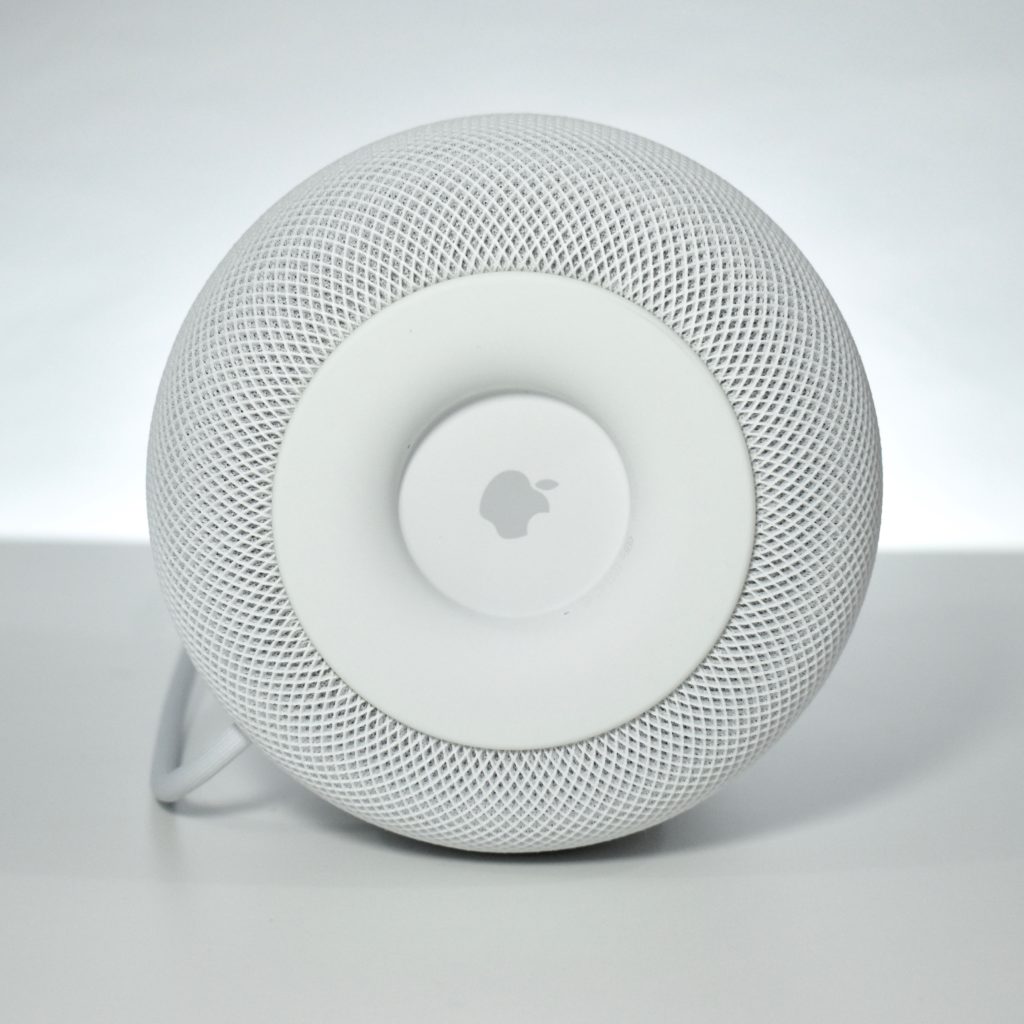
Apple described the HomePod a “breakthrough wireless speaker for the home that delivers amazing audio quality.” HomePod can be controlled using Siri, “with an array of six microphones…users can interact with it from across the room, even while loud music is playing.”

HomePod’s features include an upward-facing woofer, a custom A8 chip, seven beam-forming tweeters (each with an independent amplifier), automatic room-sensing technology to optimize sound, and a six-microphone array with advanced echo cancellation. When Siri is in use, a multicolor waveform appears on the top of the HomePod using a round 272×340 display. In addition, touch controls are also available on the top of the HomePod.

The HomePod was available in white and space gray. Inside, the HomePod was powered by a 1.4 GHz Apple A8 processor and used 1 GB of RAM, 16 GB of storage, 802.11ac Wi-Fi, and Bluetooth 5.0.

The device runs an operating system that Apple refers to as audioOS (based upon iOS). The audioOS is specifically designed for the HomePod to play audio, run Siri, and control the custom round screen.

When the HomePod was announced in February 2018, multi-speaker support was demonstrated, but the feature was not released until September 2018 along with AirPlay 2. The September 2018 update also added support for multiple timers, Find my Phone, Siri short-cuts, phone calls (while in proximity to iPhone), and music search by lyrics.

I am a fan of the HomePod. I use two in my living room as my primary way of accessing Apple Music and controlling smart home devices. I also added a single HomePod to my bedroom.

Sources: EveryMac.com, Apple.com, Wikipedia.com

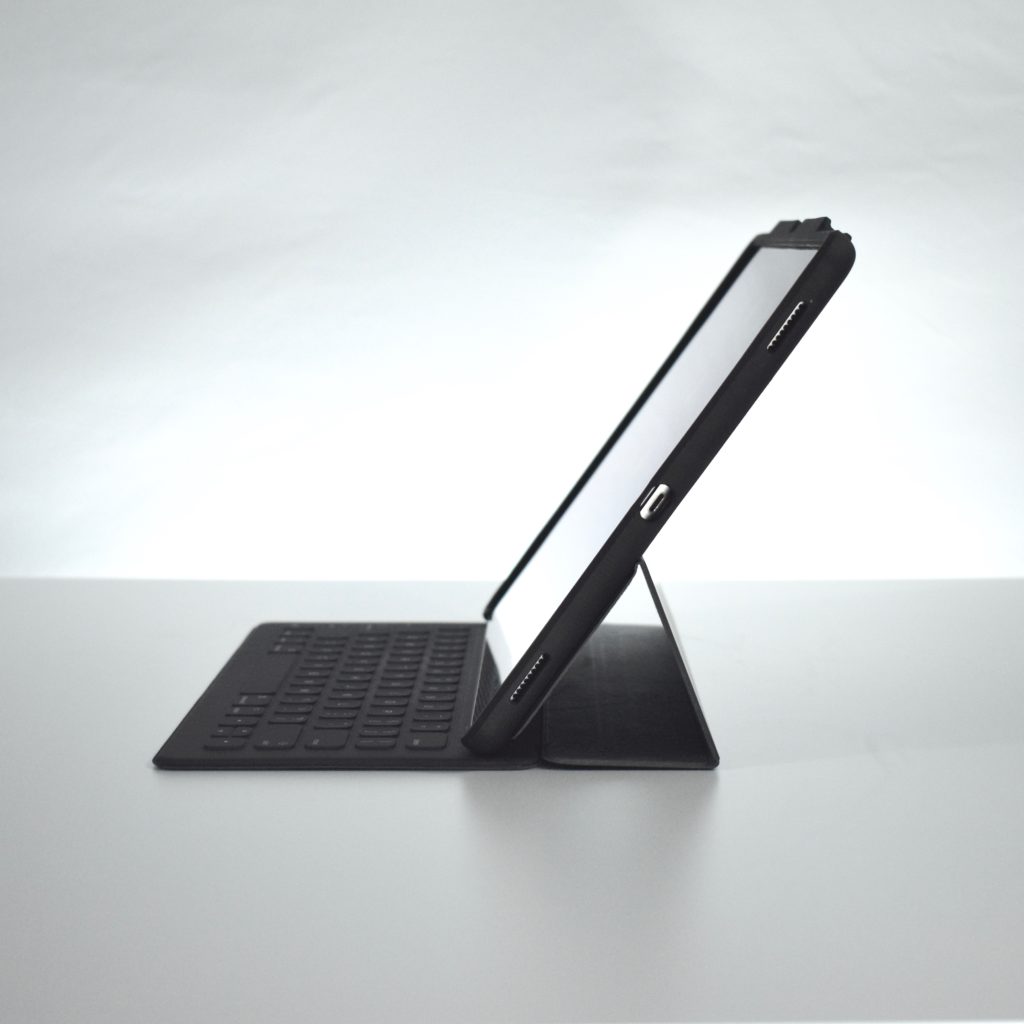
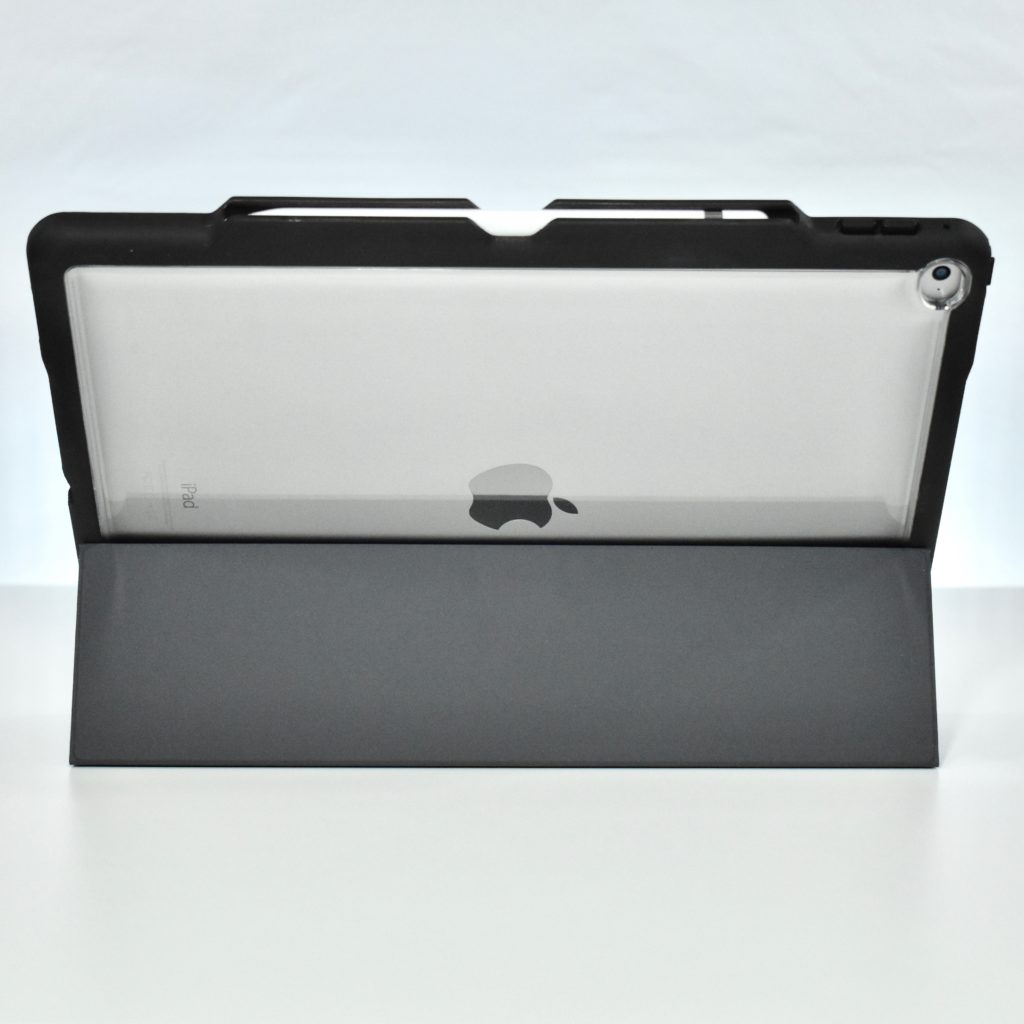
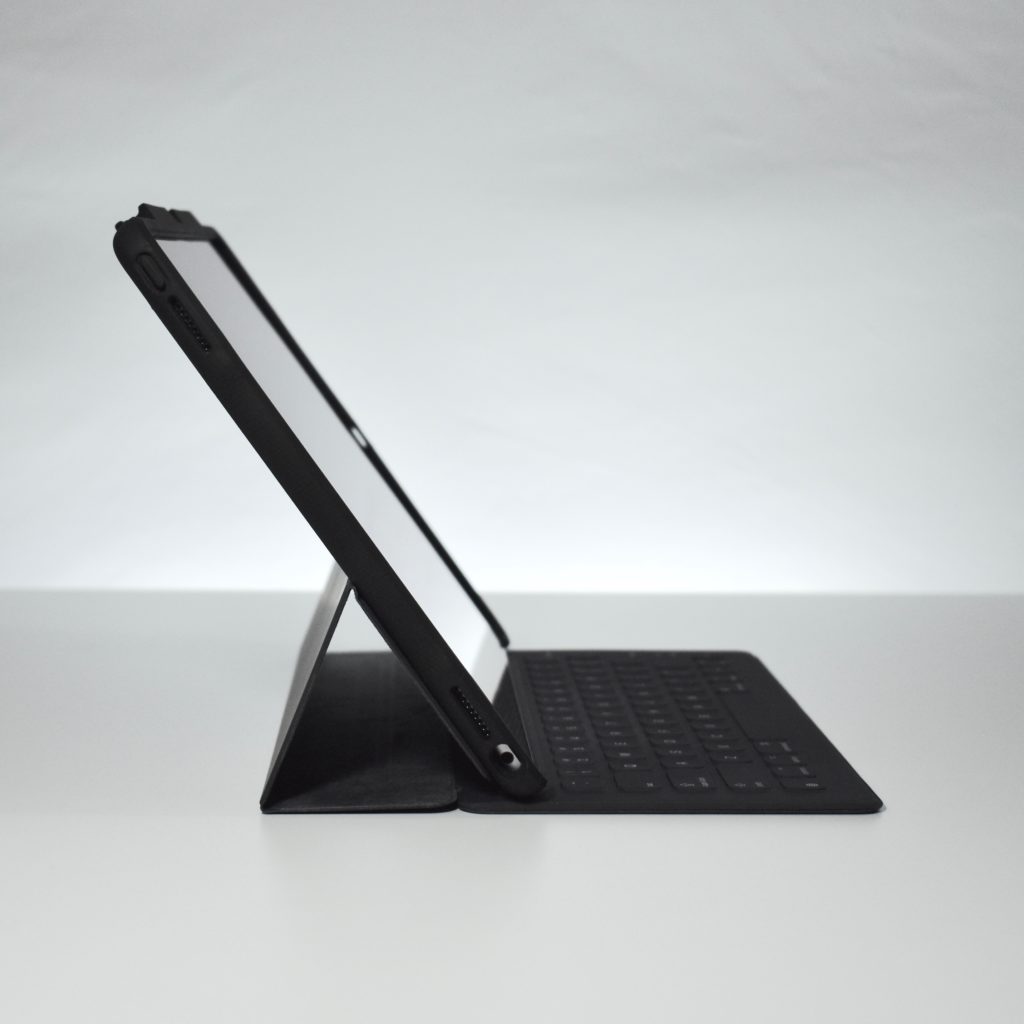
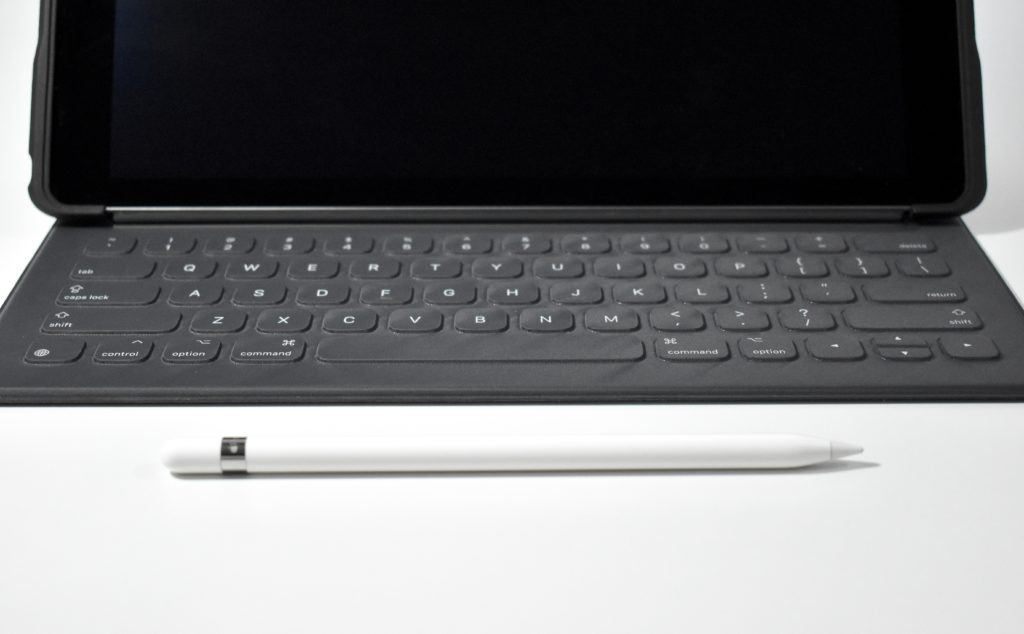
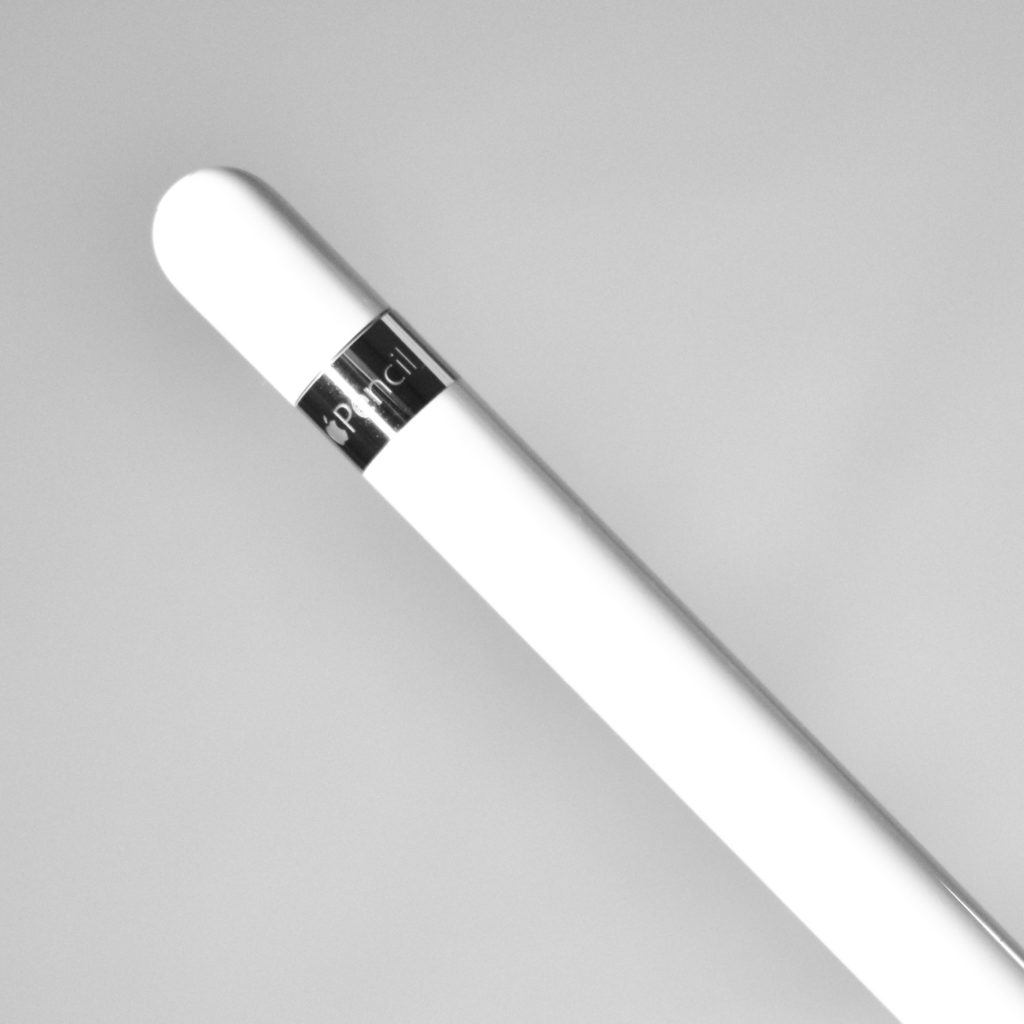
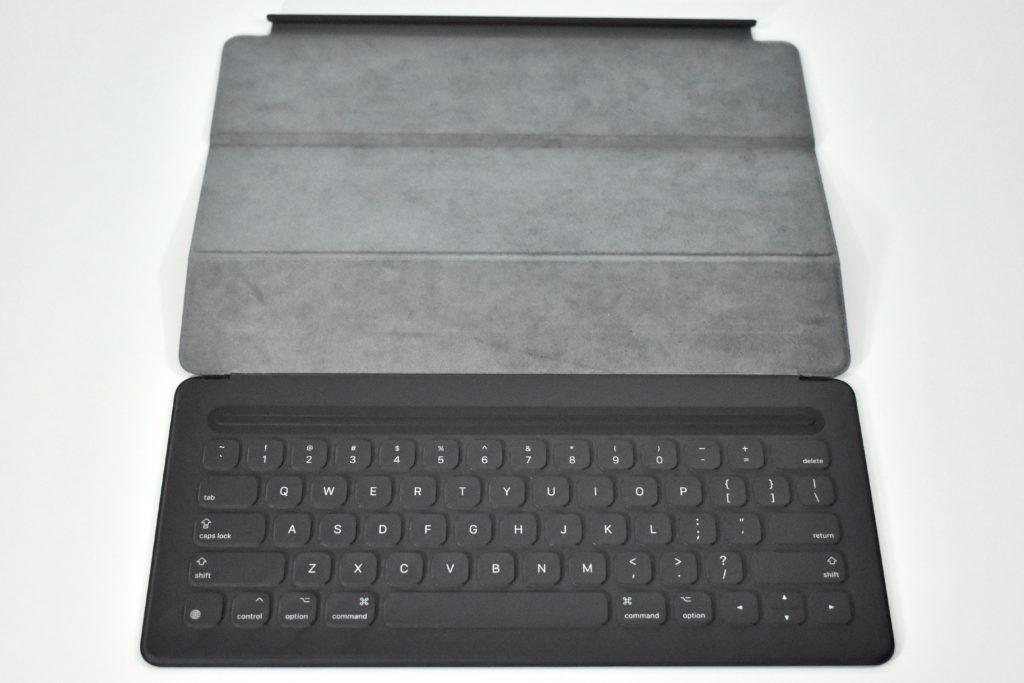
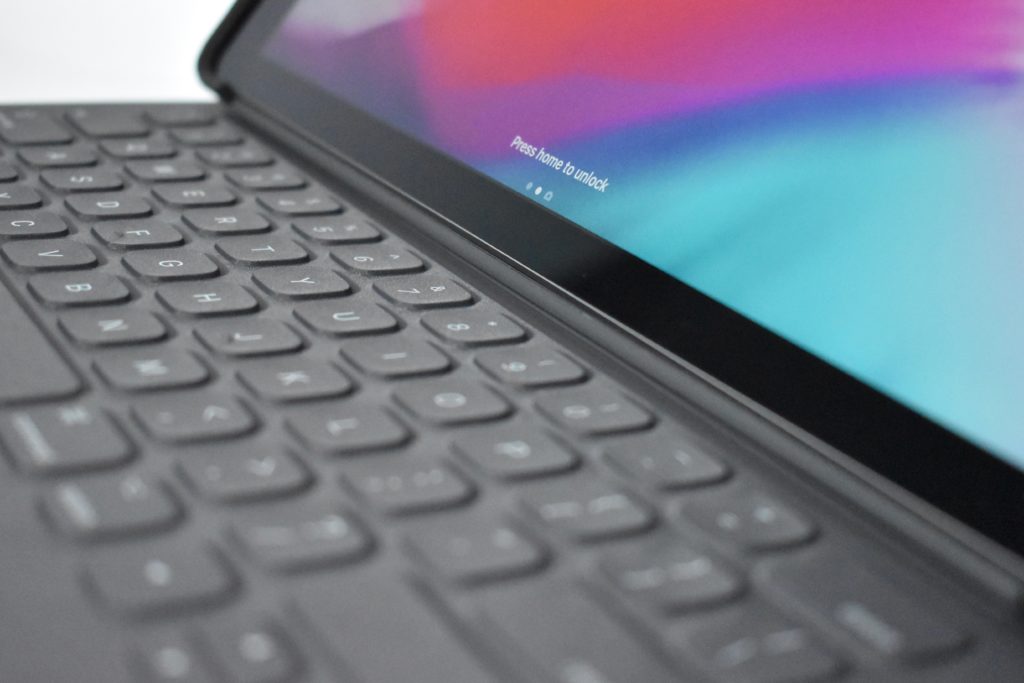
iPad Pro (12.9-inch, Wi-Fi, 2015) with Smart Keyboard for the 12.9-inch iPad Pro (2015) and Apple Pencil (original, 2015)

The 12.9-inch iPad Pro was powered by an Apple A9X processor and had 4 GB of RAM; 32, 128, or 256 GB of storage; a rear-mounted 8 megapixel iSight camera (1080p); a front-mounted 1.2 megapixel FaceTime HD camera (720p); 802.11a/b/g/n/ac Wi-Fi; Bluetooth 4.2; dual microphones; two sets of stereo speakers; and a Lightning port. The screen was a 12.9-inch TFT touch-sensitive Retina display with 5.6 million pixels (2732×2048 at 264 ppi) and included an antireflective coating. A cellular-equipped model was also available.

The 12.9-inch iPad Pro was available in silver with a white front, gold with a white front, and space gray with a black front. This model is space gray.

This iPad Pro included a new Smart Connector that provided connectivity and power for the Apple Smart Keyboard.

The Apple Pencil was announced with this first-generation iPad Pro on September 9, 2015. The Pencil could be used with the first and second generation iPad Pro models. It connected wirelessly using Bluetooth and had a removable cap that concealed a Lightning connector for charging. It used pressure sensitivity and angle detection and had very low latency, making it function like a real pencil with no delay.

Sources: EveryMac.com, Wikipedia.com

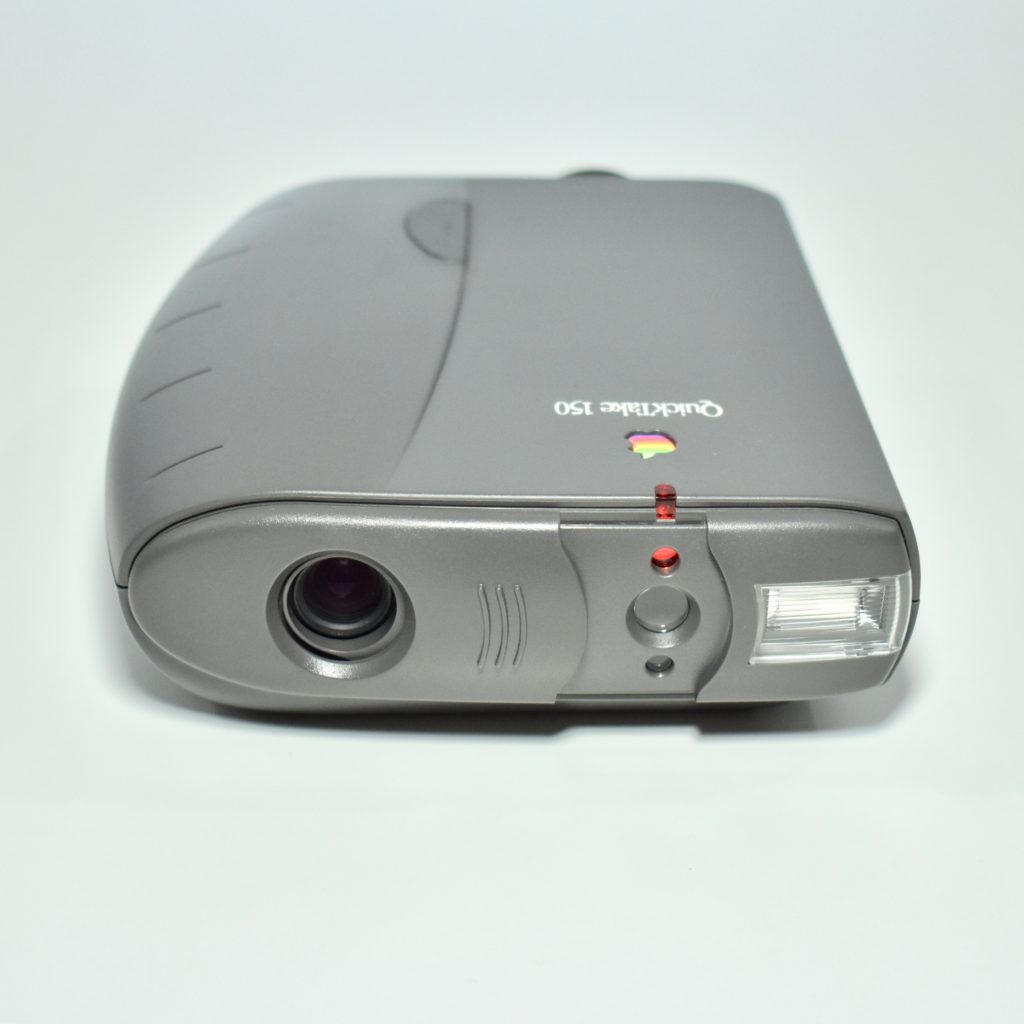
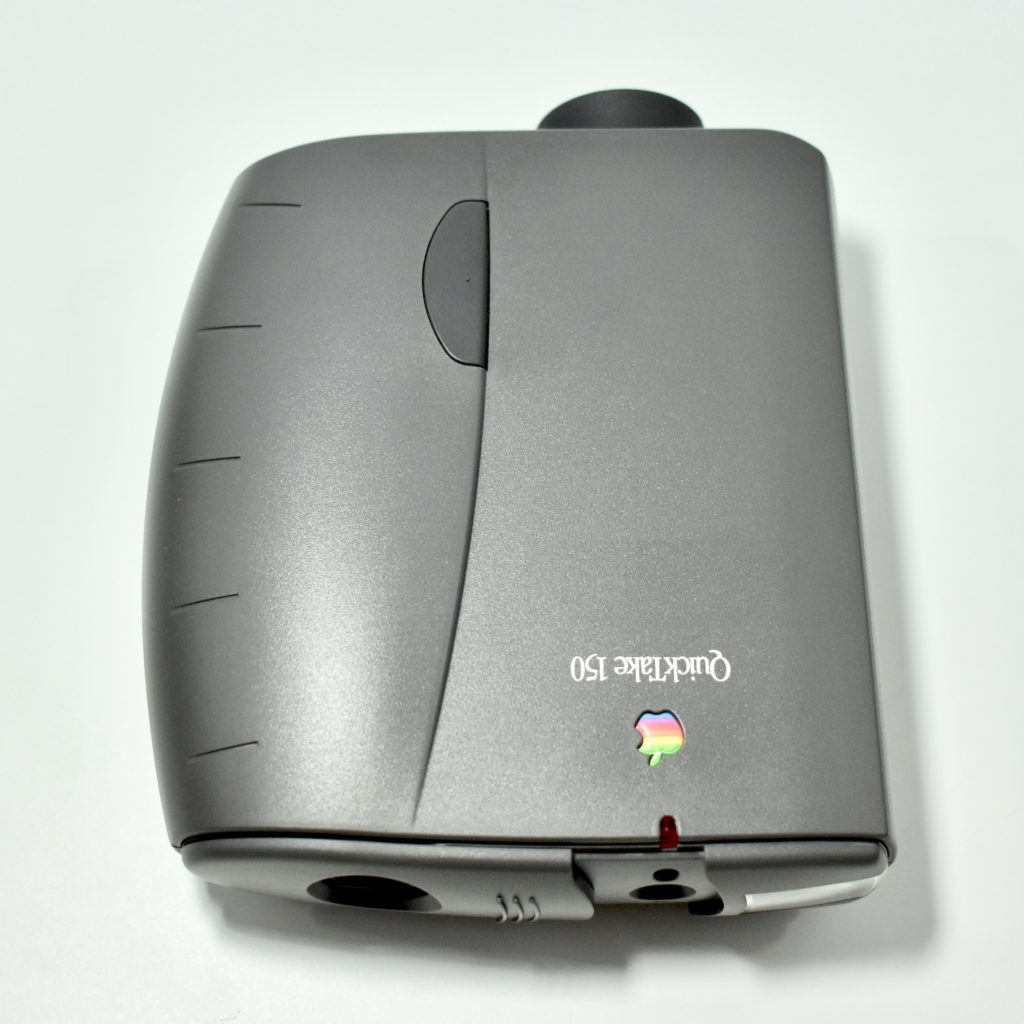
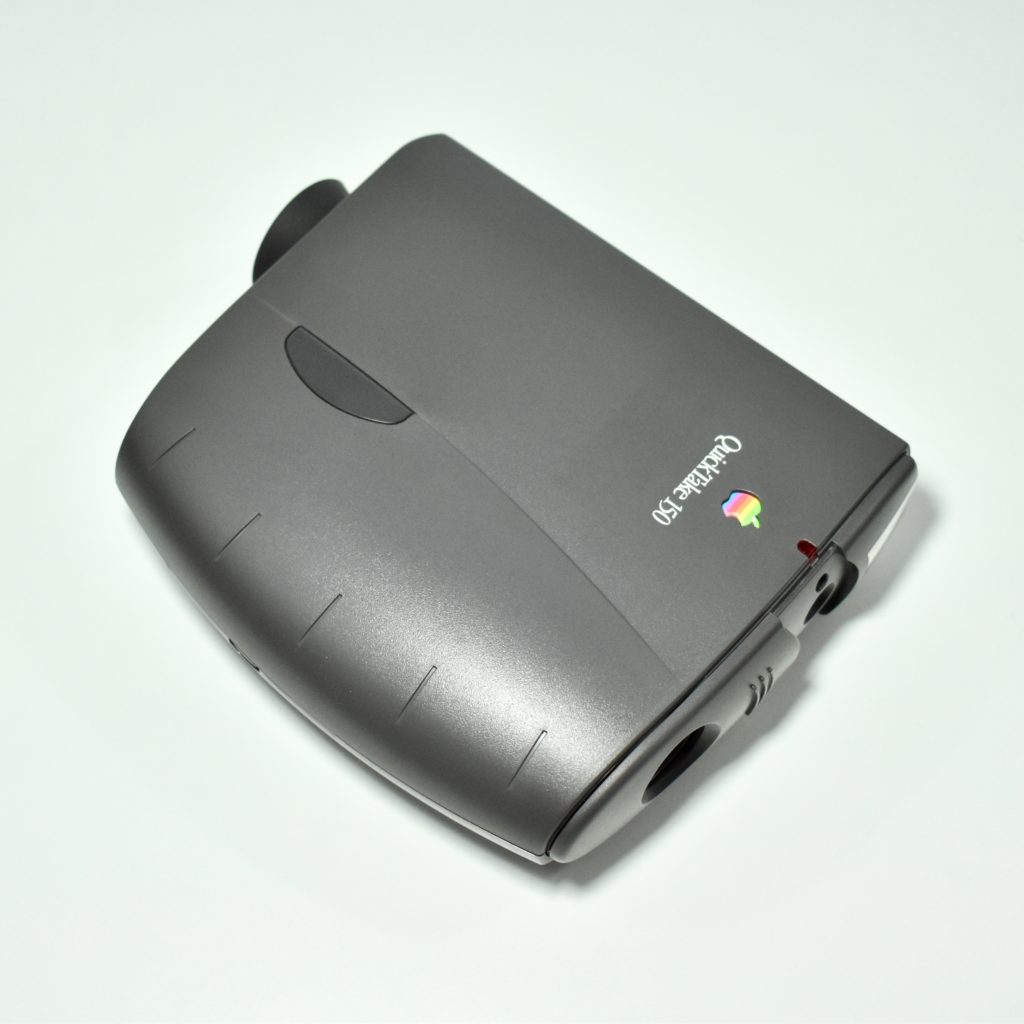
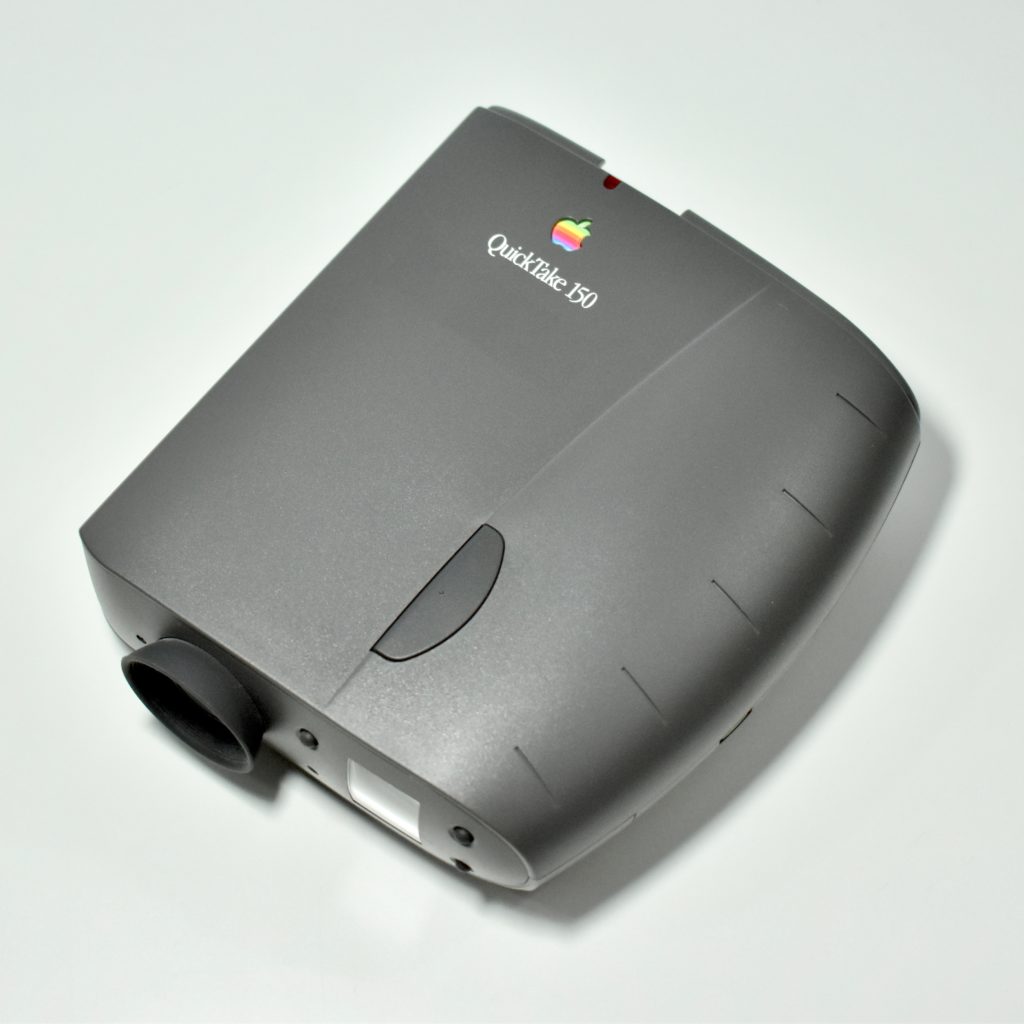
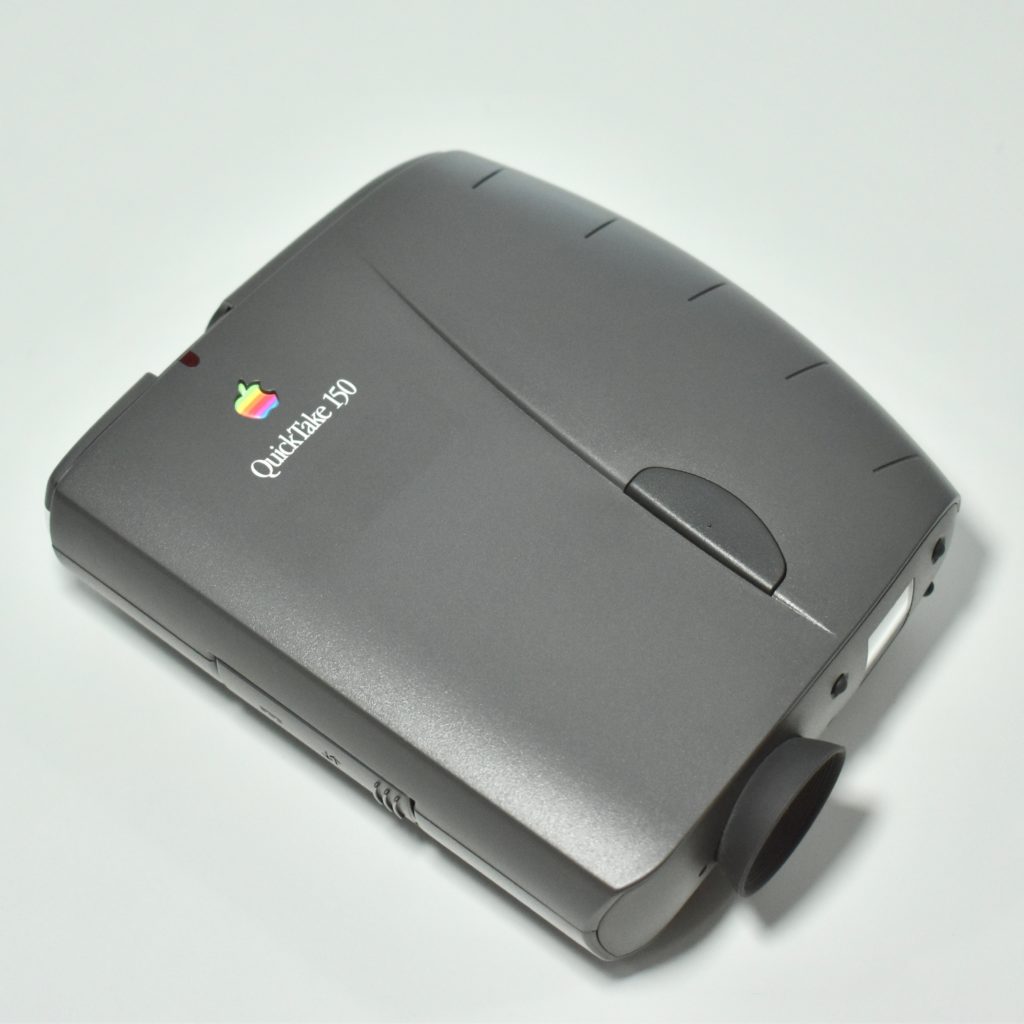
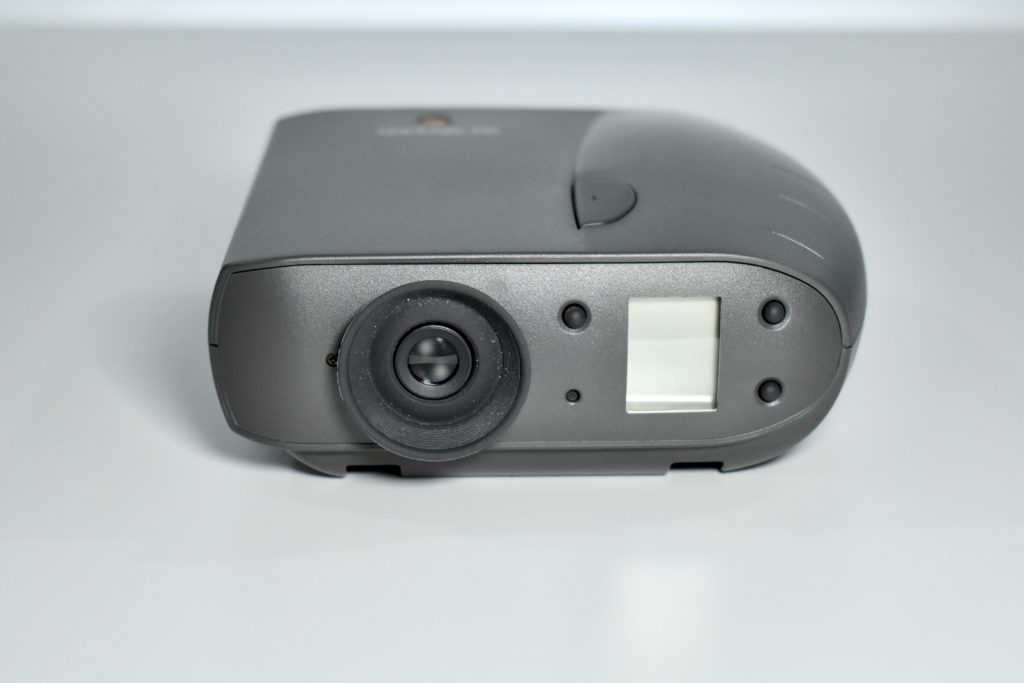
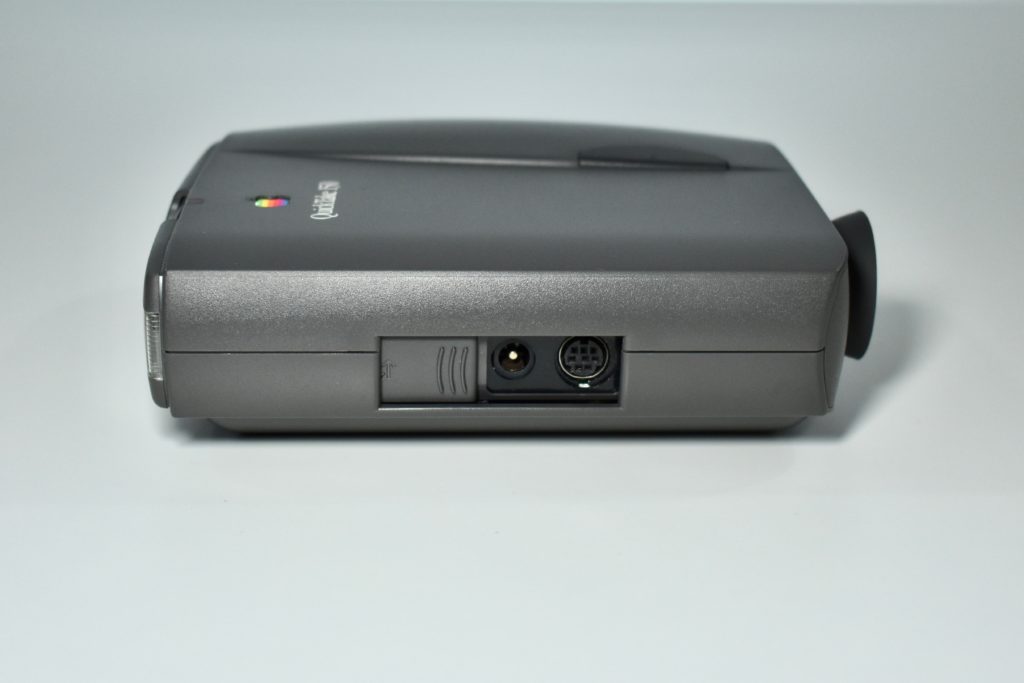
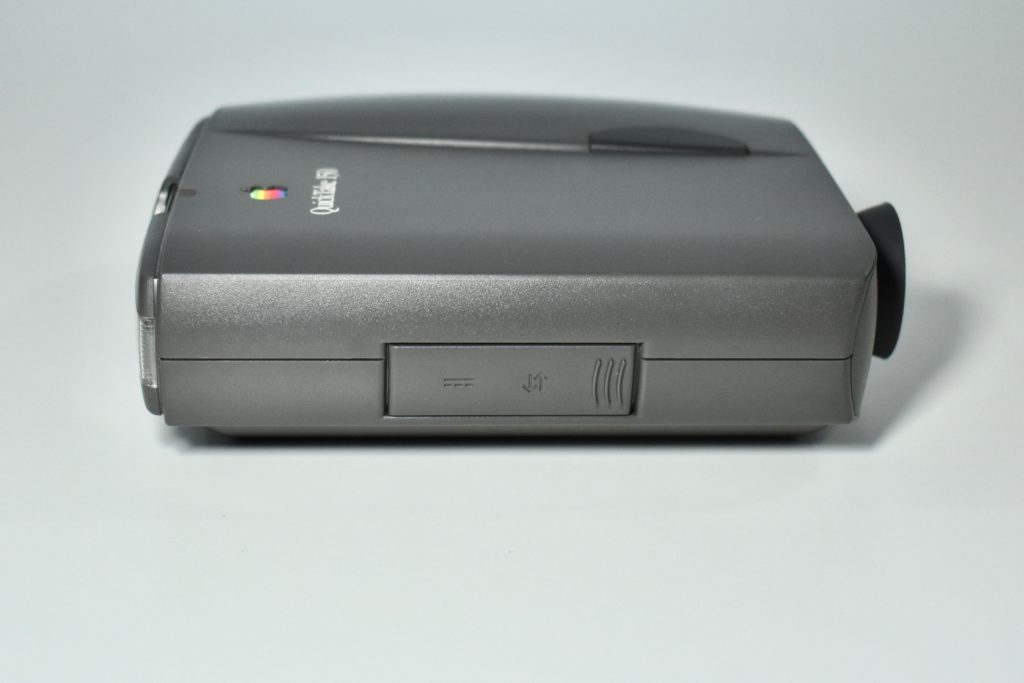
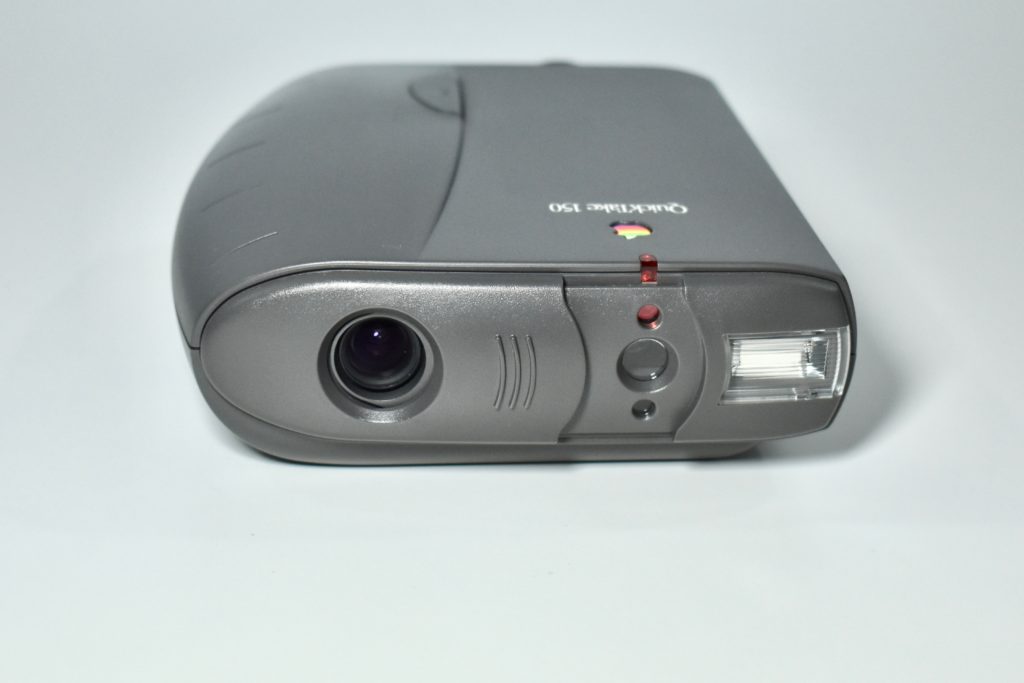
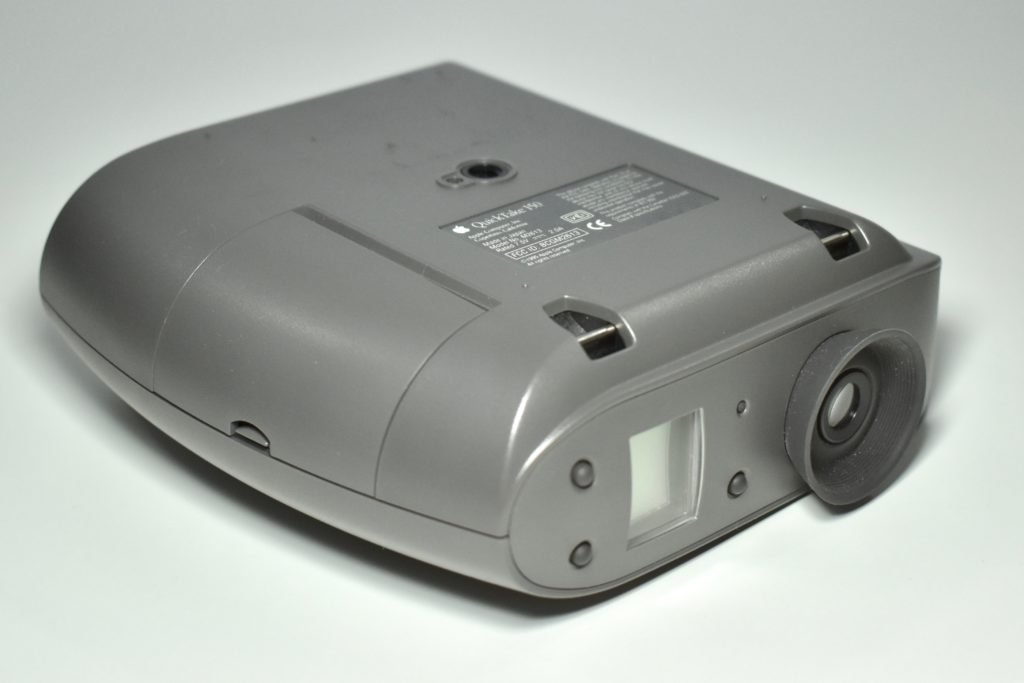
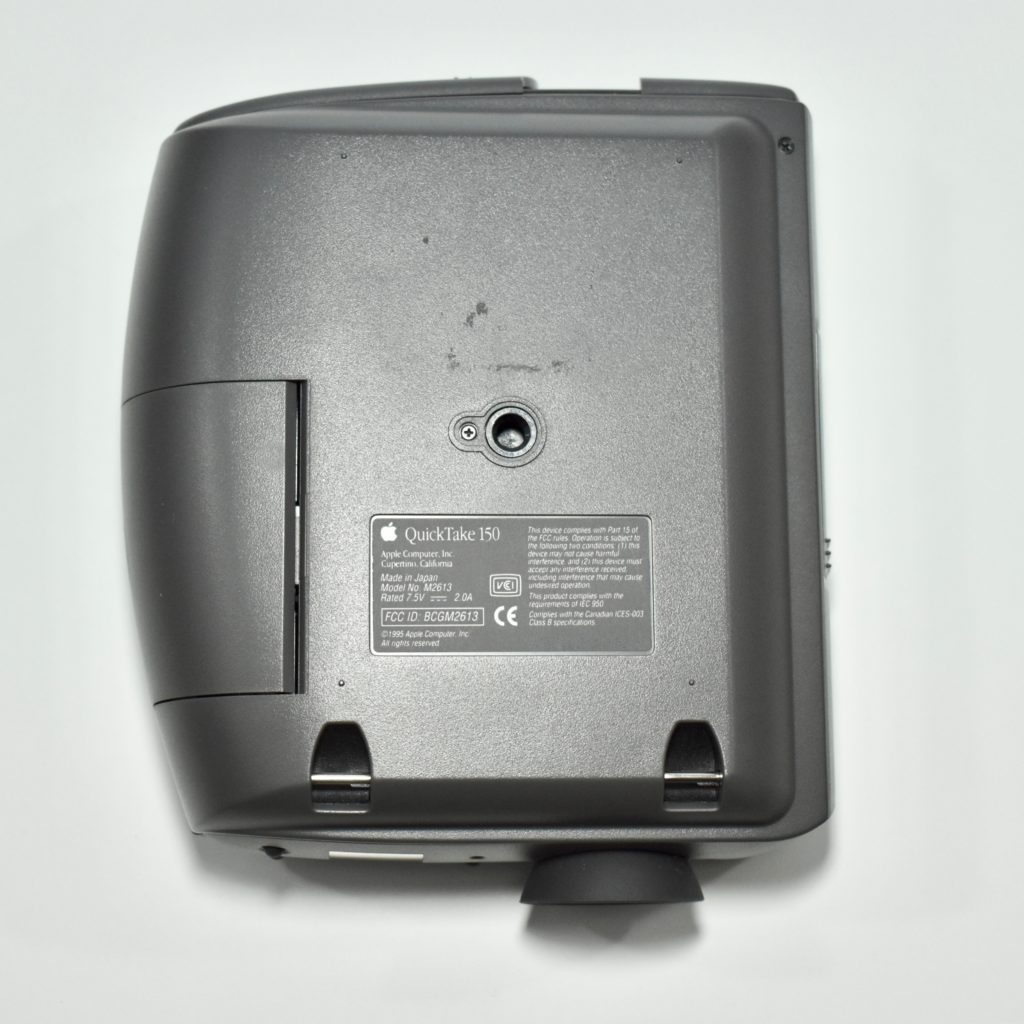
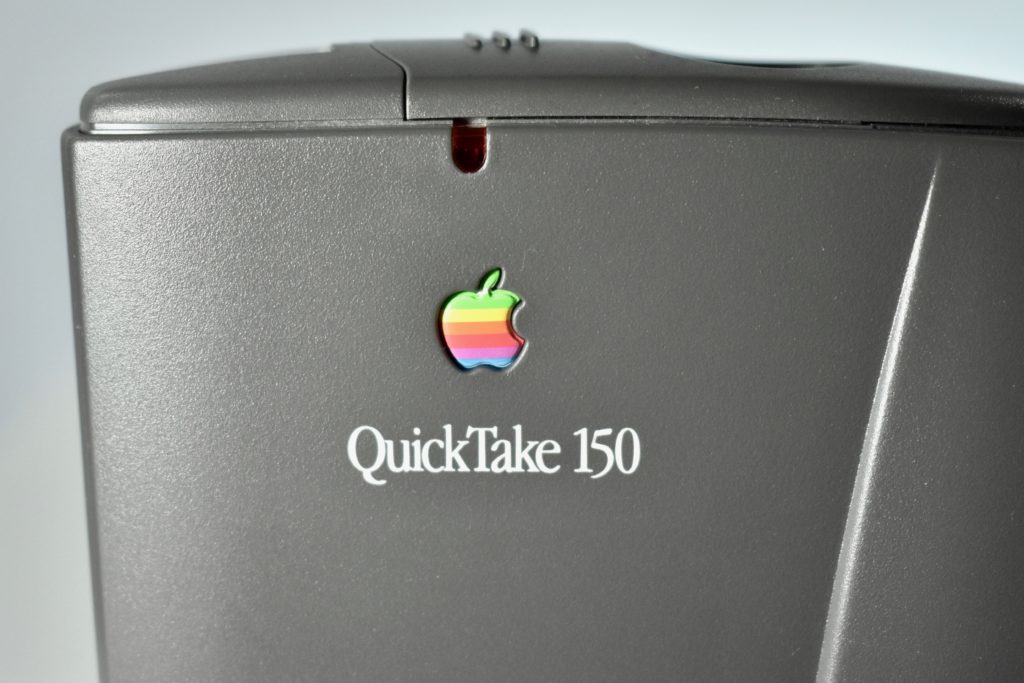
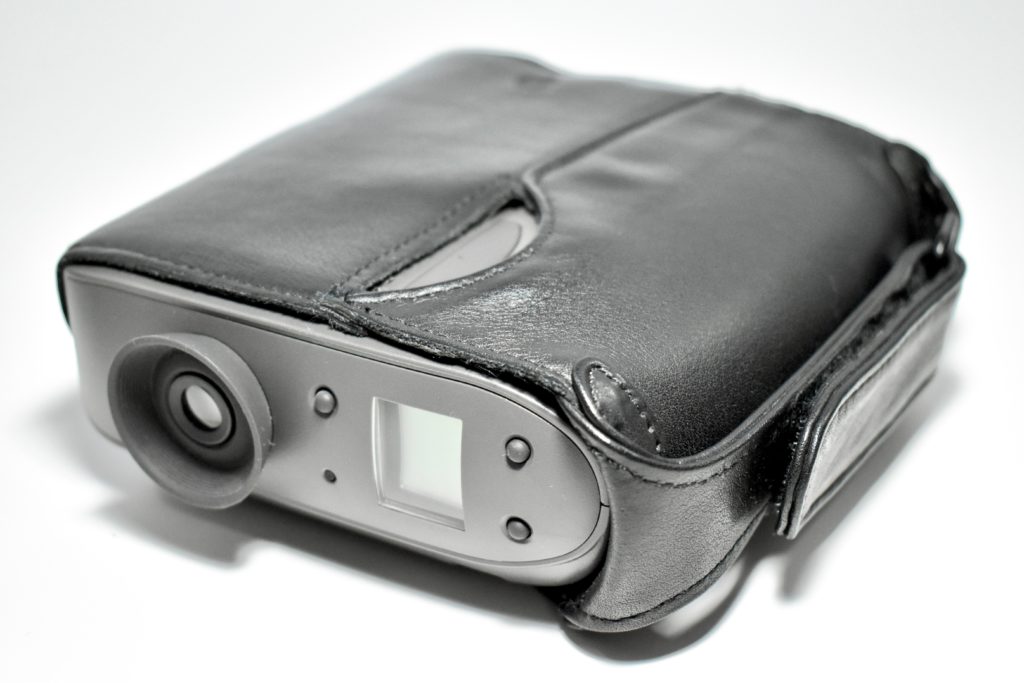
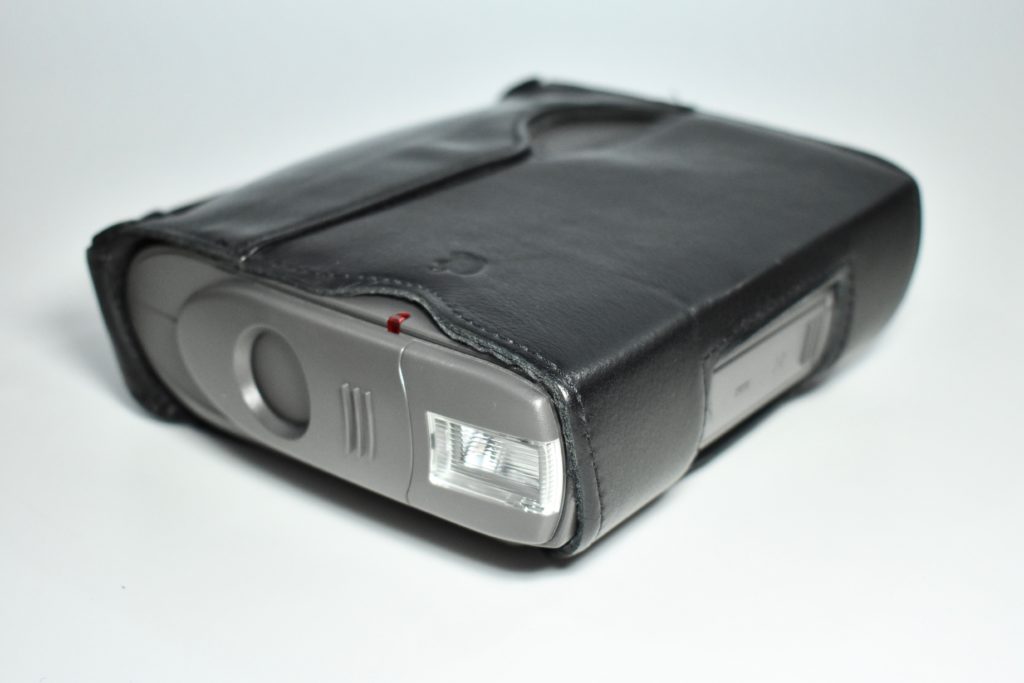
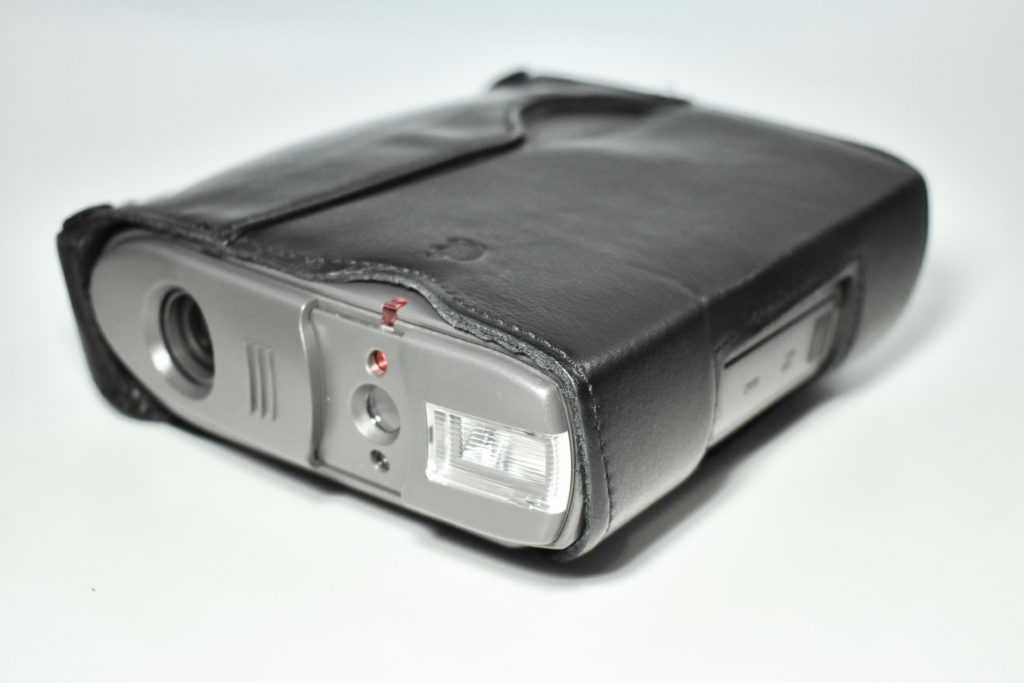
QuickTake 150 (1995)

The QuickTake 150 was Apple’s second consumer digital camera, replacing the QuickTake 100. The camera was built by Kodak and had a resolution of 640×480 pixels at maximum resolution (0.3 Megapixels). 

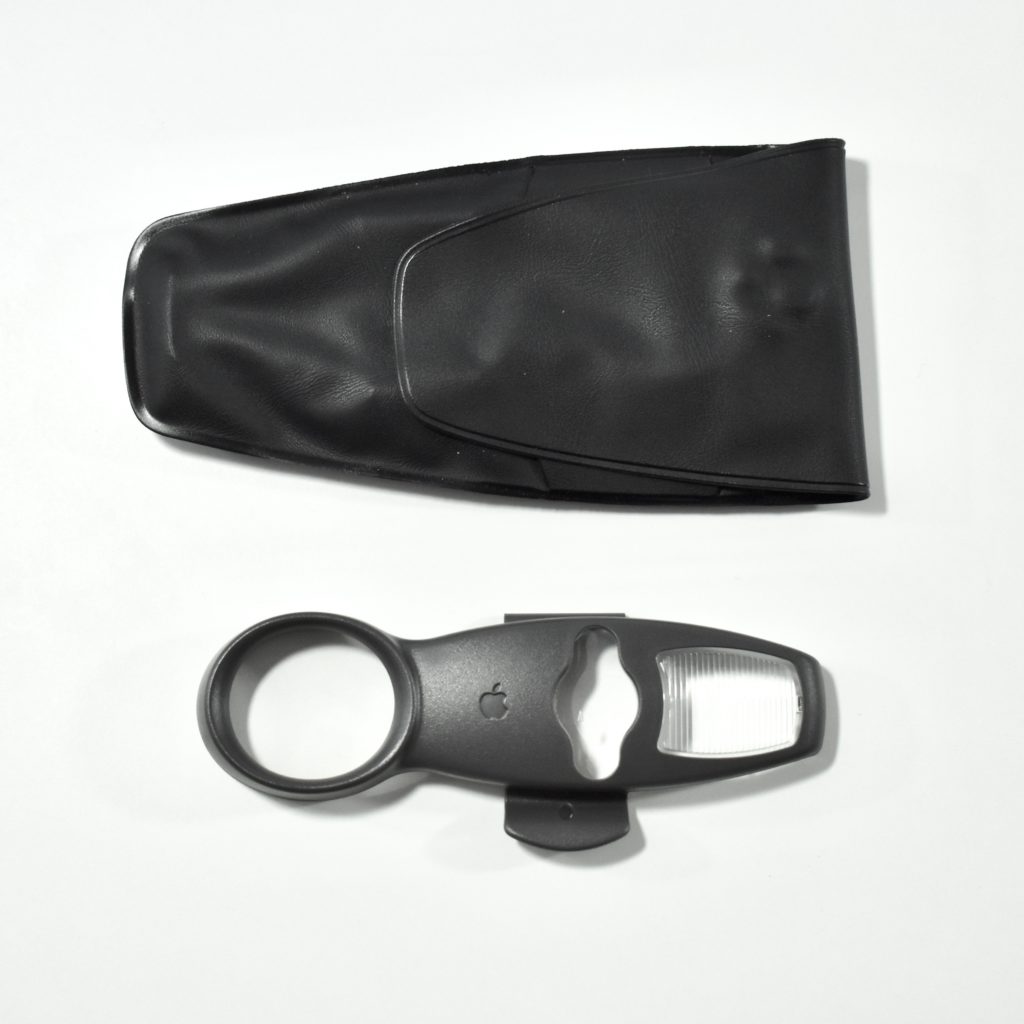
Compared to the QuickTake 100 before it, the QuickTake 150 could store 16 full-resolution images (instead of 8) and could connect to a Windows computer. Further, the QuickTake 150 included a clip-on close-up lens.

In my experience as a school Technology Director, we used QuickTake 100, 150, and 200 digital cameras extensively for class projects. They were relatively easy to use and connected to a Mac serial port for quick transfer to the Mac. Although the QuickTake line was not the first digital camera, it was among the first successful consumer cameras available.

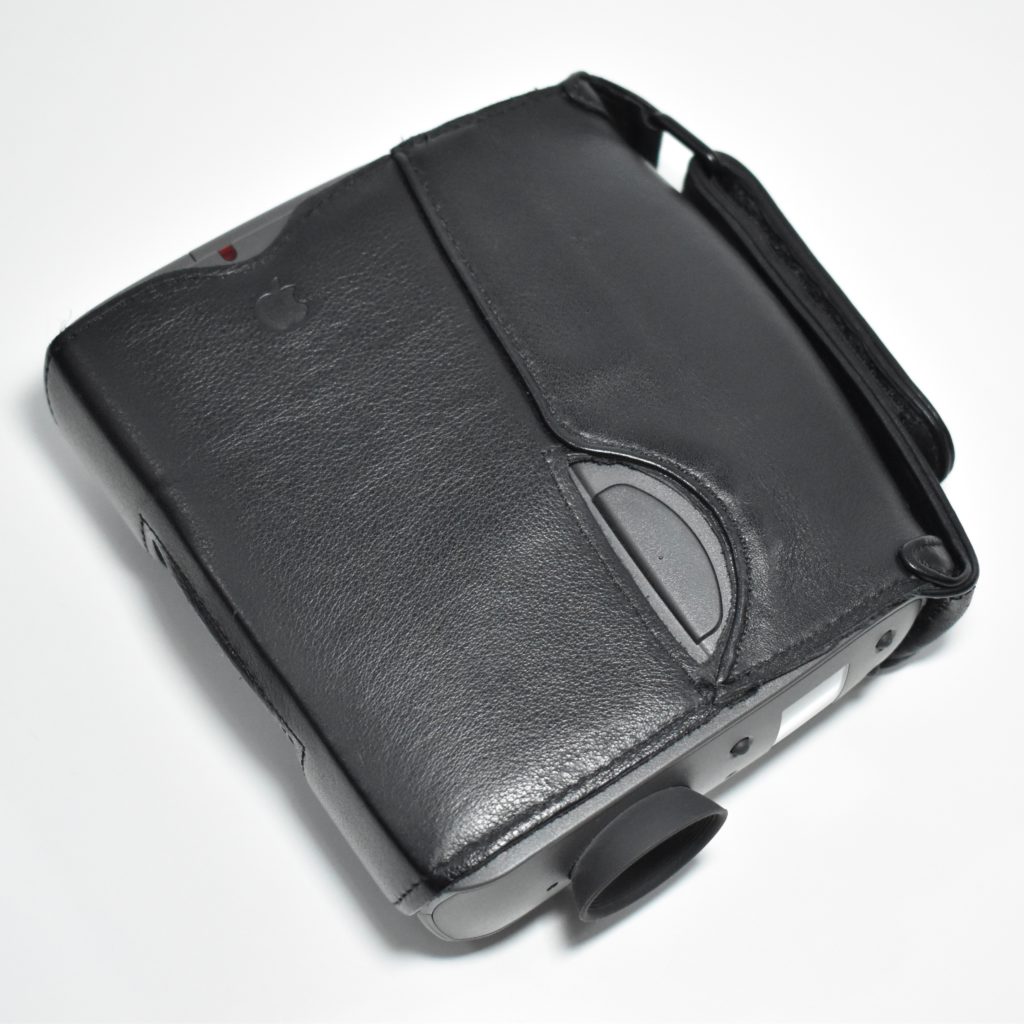
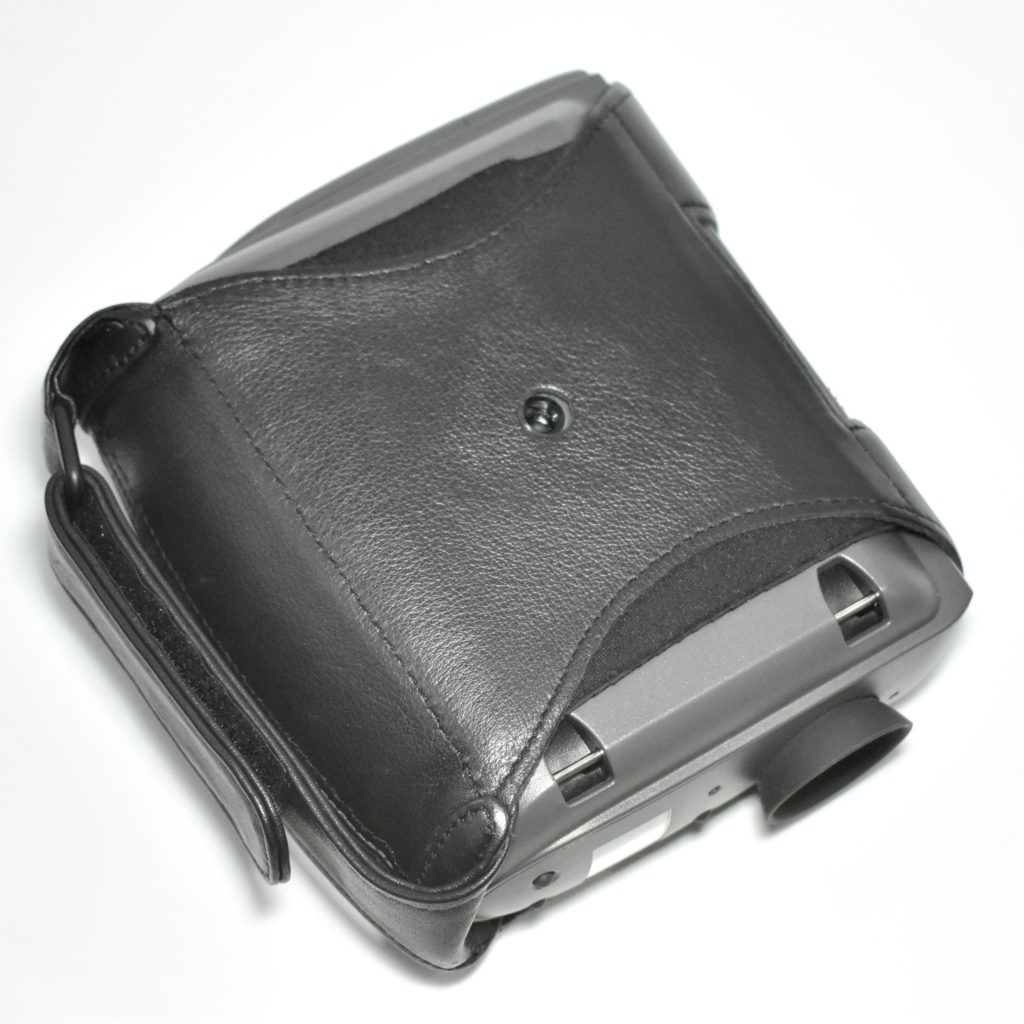
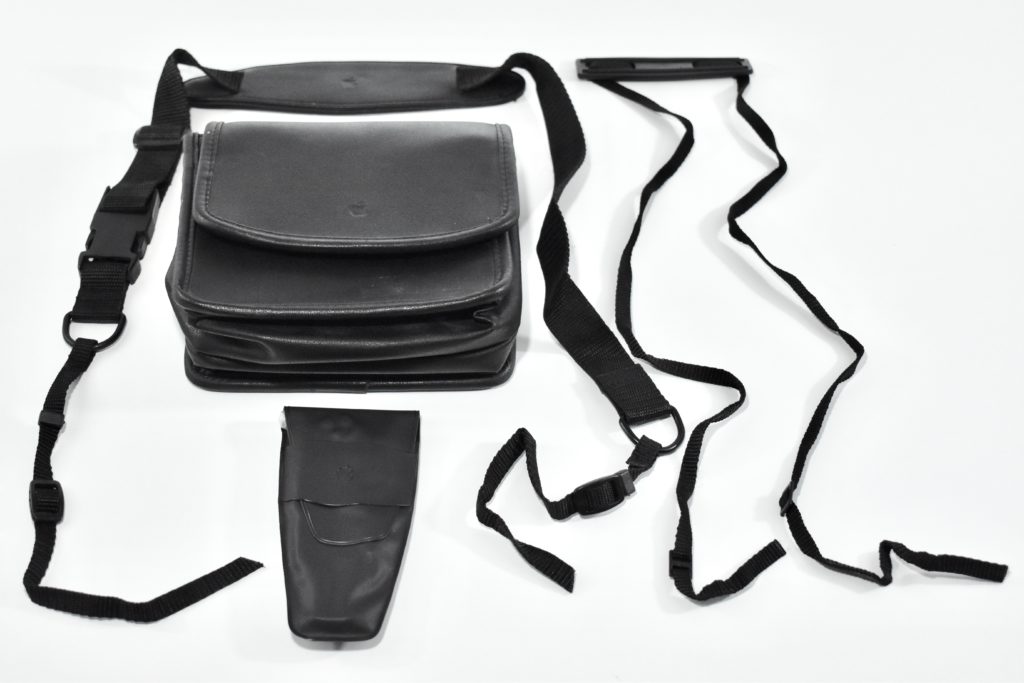
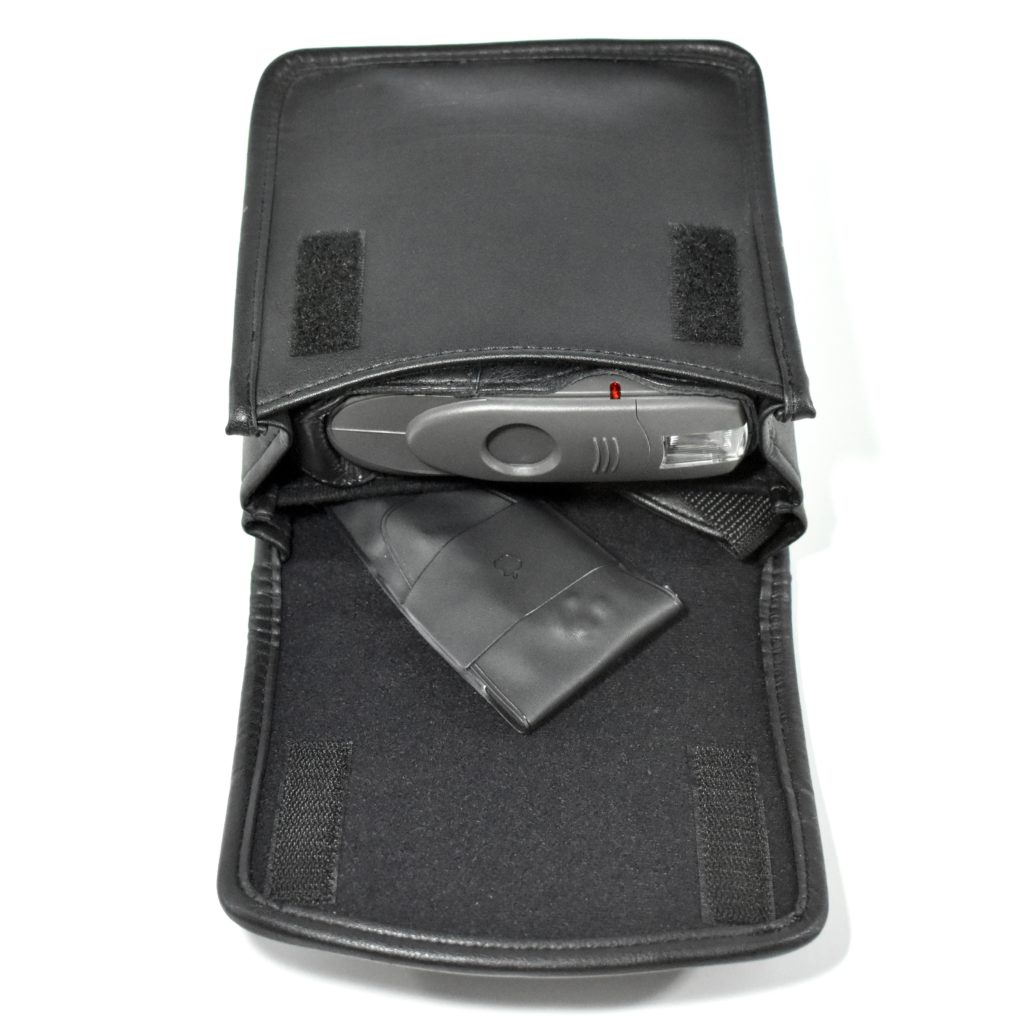
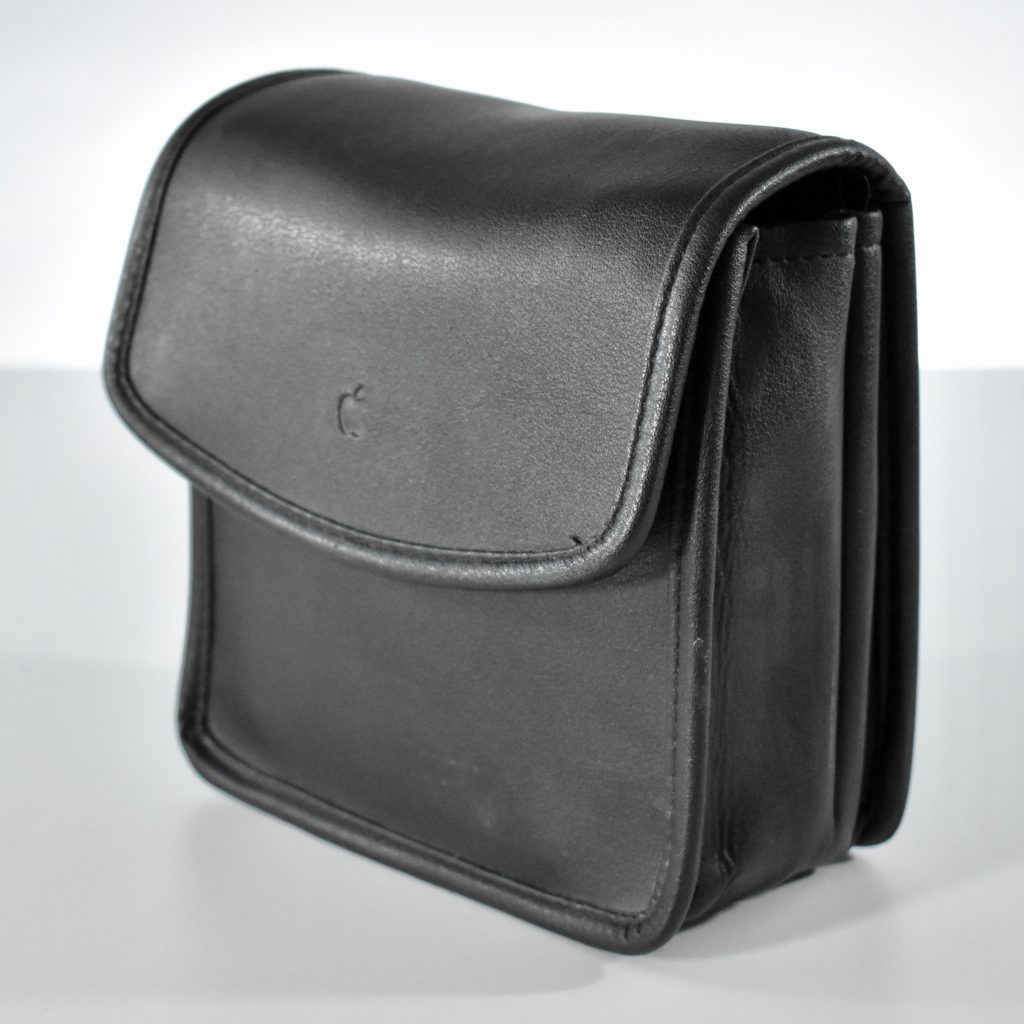
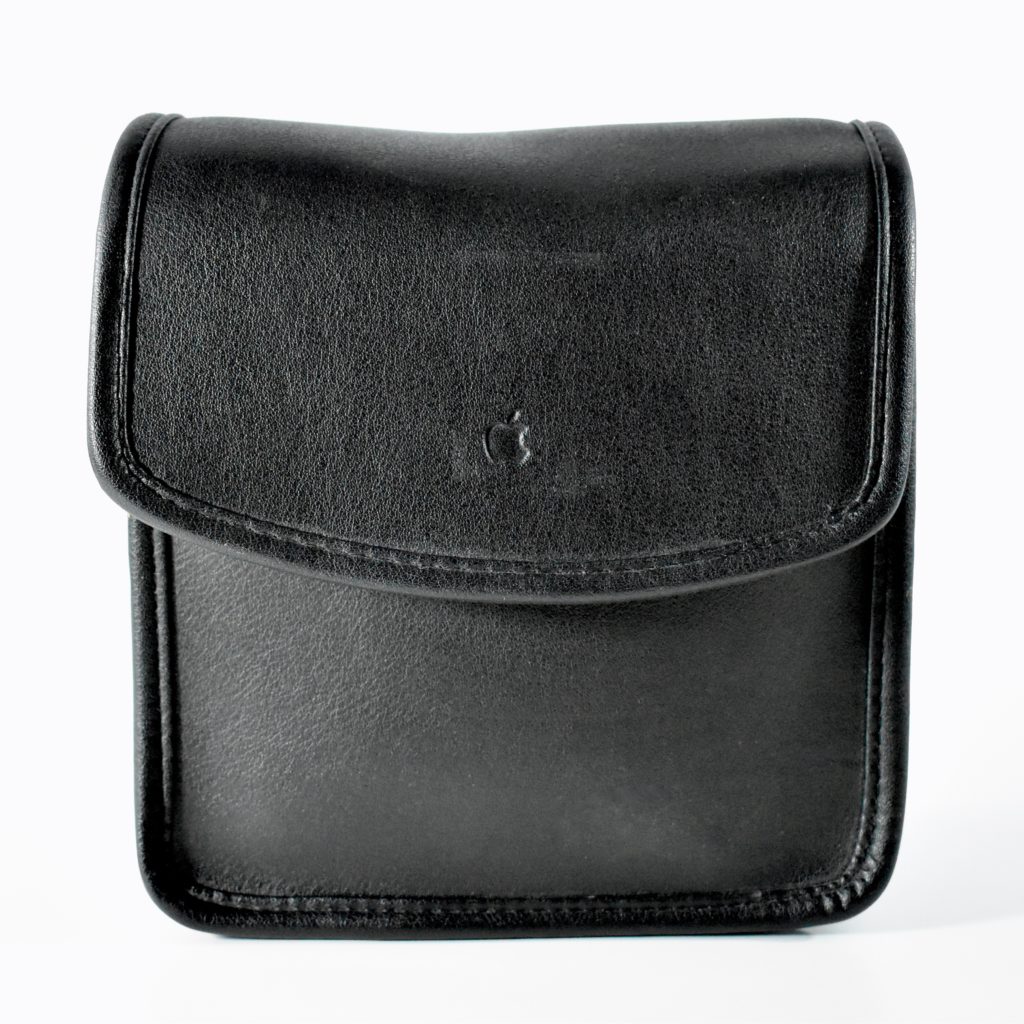
This QuickTake 150 camera is shown both with and without its protective black leather case. The case was very comfortable and made the camera difficult to drop with its Velcro strap.

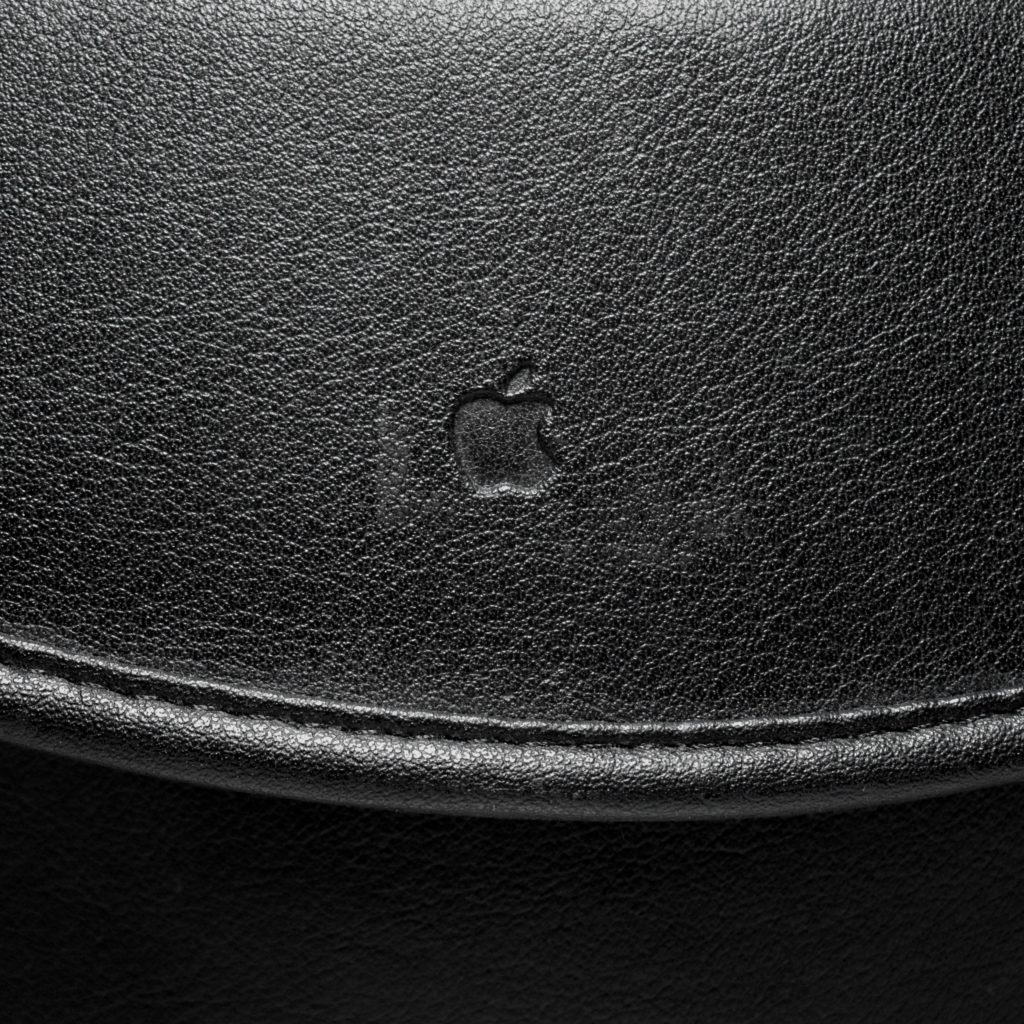
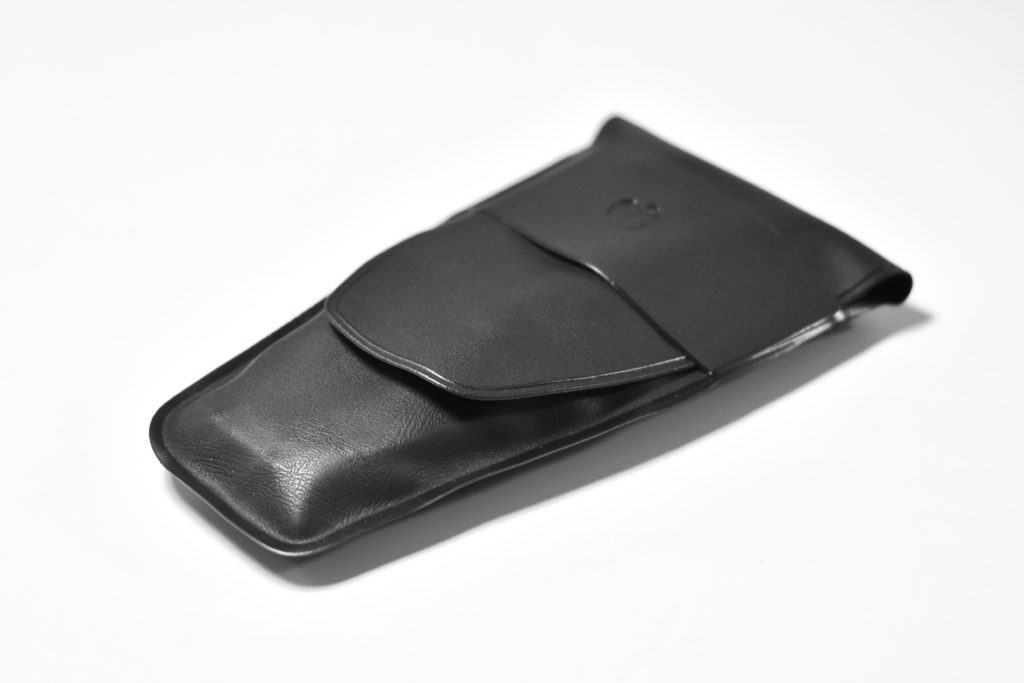
Several other accessories were also available for the QuickTake 150. These included a black leather case with an embossed Apple logo, a shoulder strap for the leather case, a neck strap for the QuickTake 150, and a wide-angle lens for the QuickTake 150 in its original protective wrap inside its vinyl case.

Source: Wikipedia.com
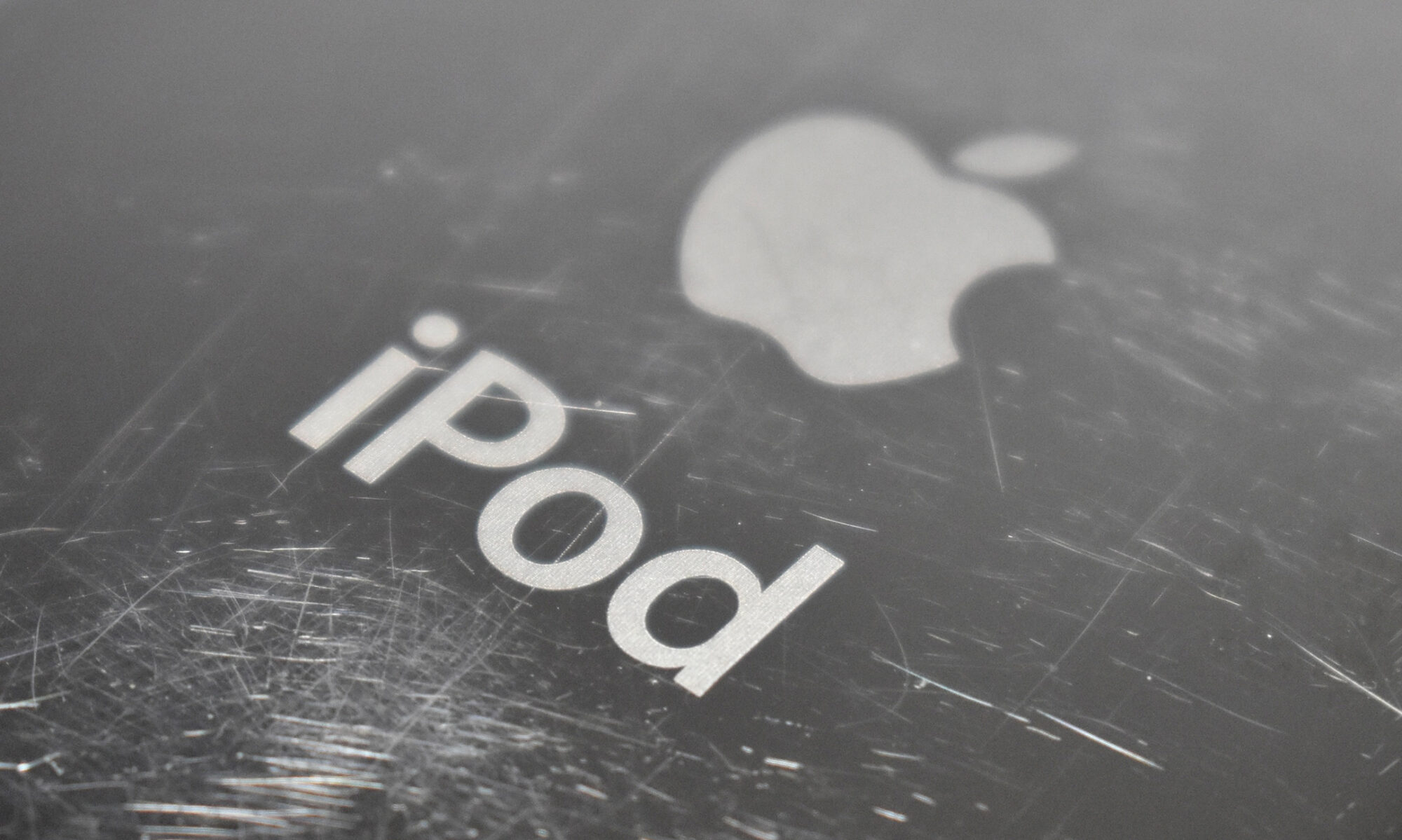
iPod Socks (2004)

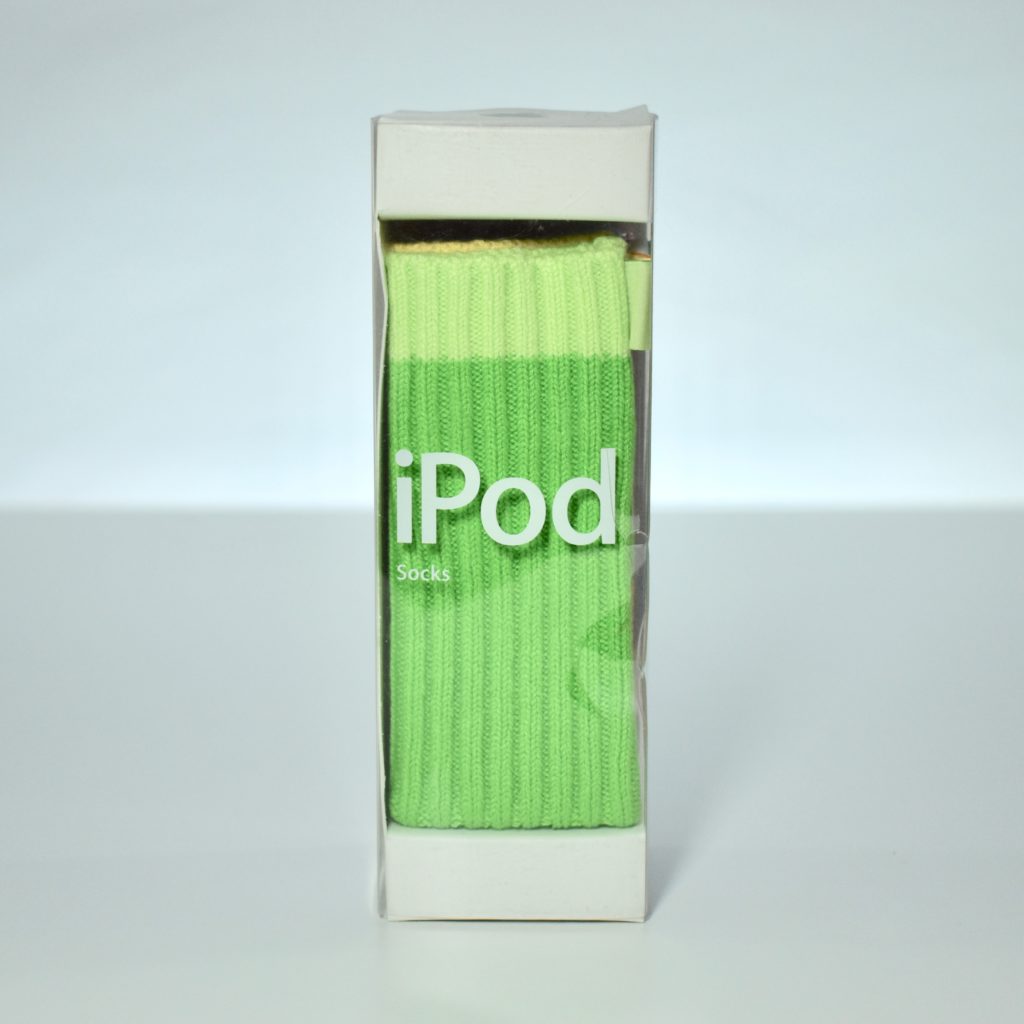
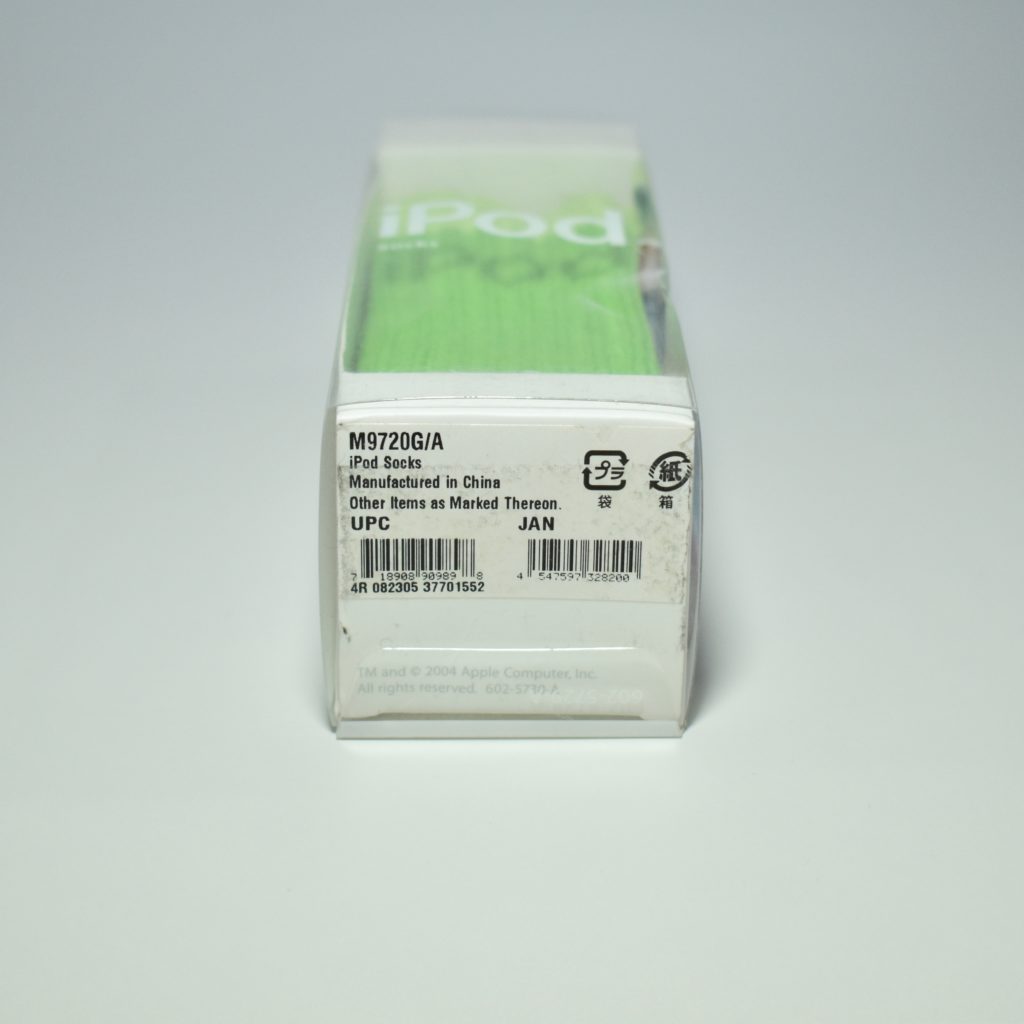
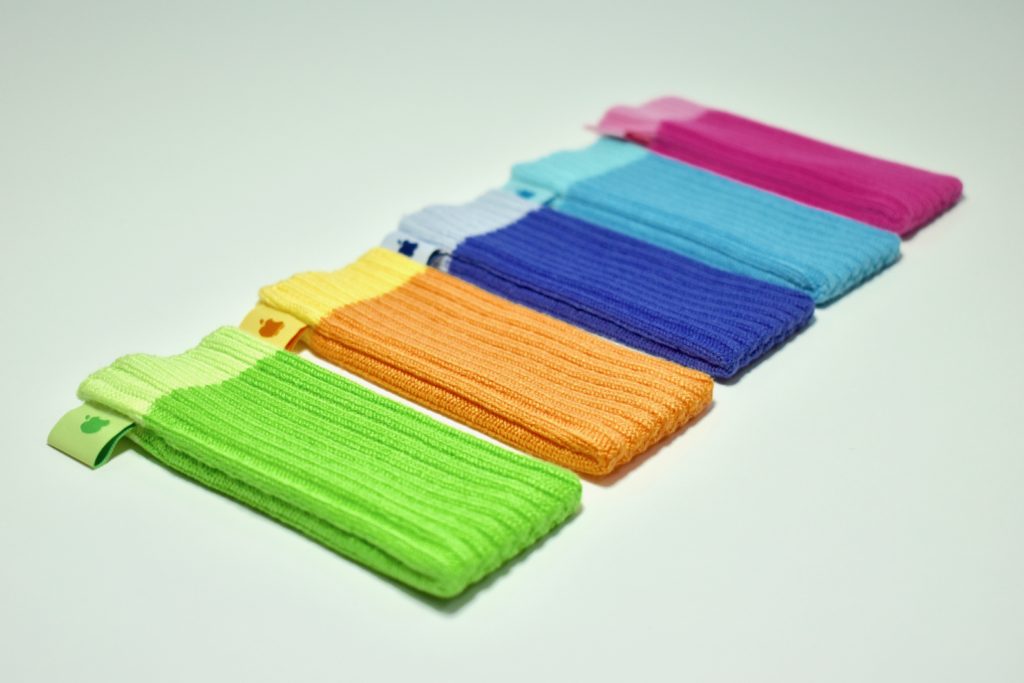
iPod Socks were arguably among the most unusual accessories created and sold by Apple. While visually interesting, their functionality and user interface are questionable because they provide limited protection and allow no access to iPod controls. 

When Steve Jobs introduced iPod Socks in 2004, even he seemed unconvinced, saying tongue-in-cheek that Apple was introducing “a revolutionary new product for your iPod.” Among other descriptions, Jobs noted that iPod Socks “keep your iPod warm on cold days,” all while the audience laughed along with his description of the product. 

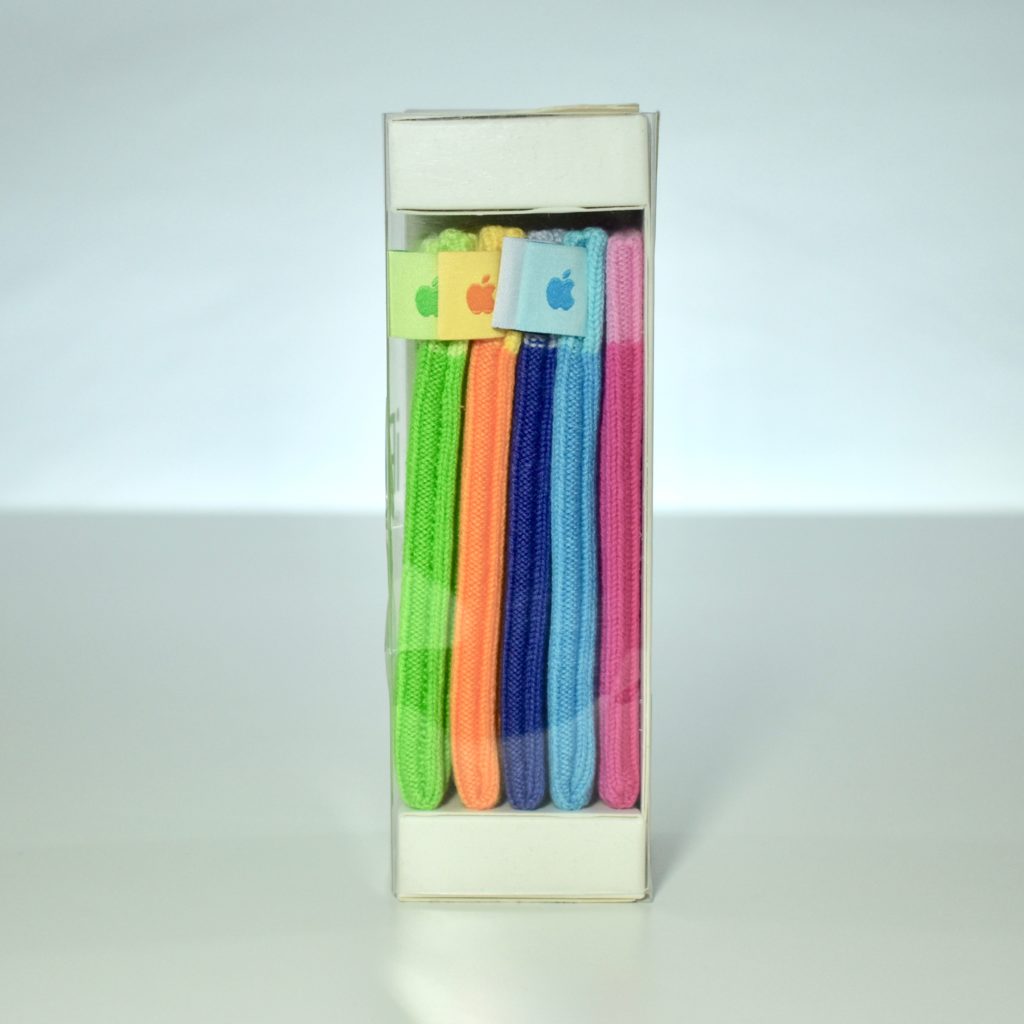
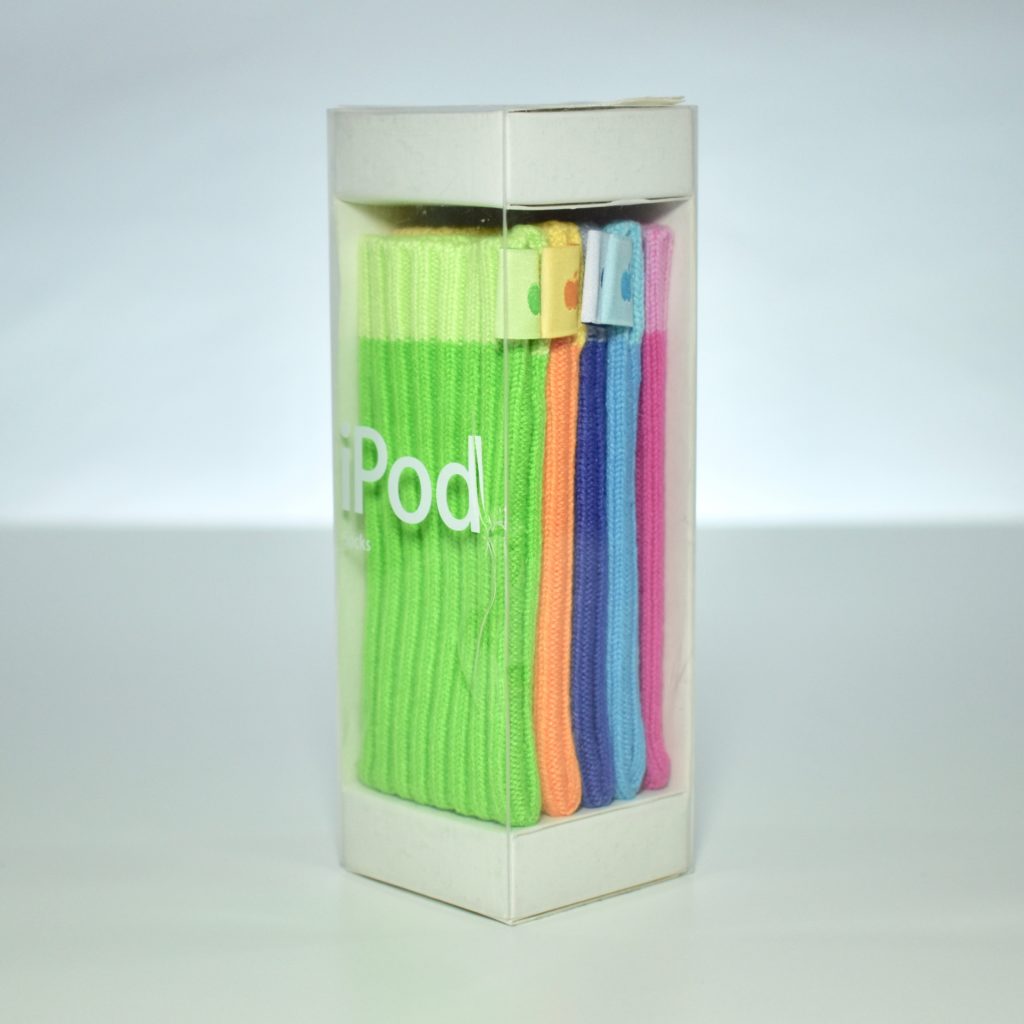
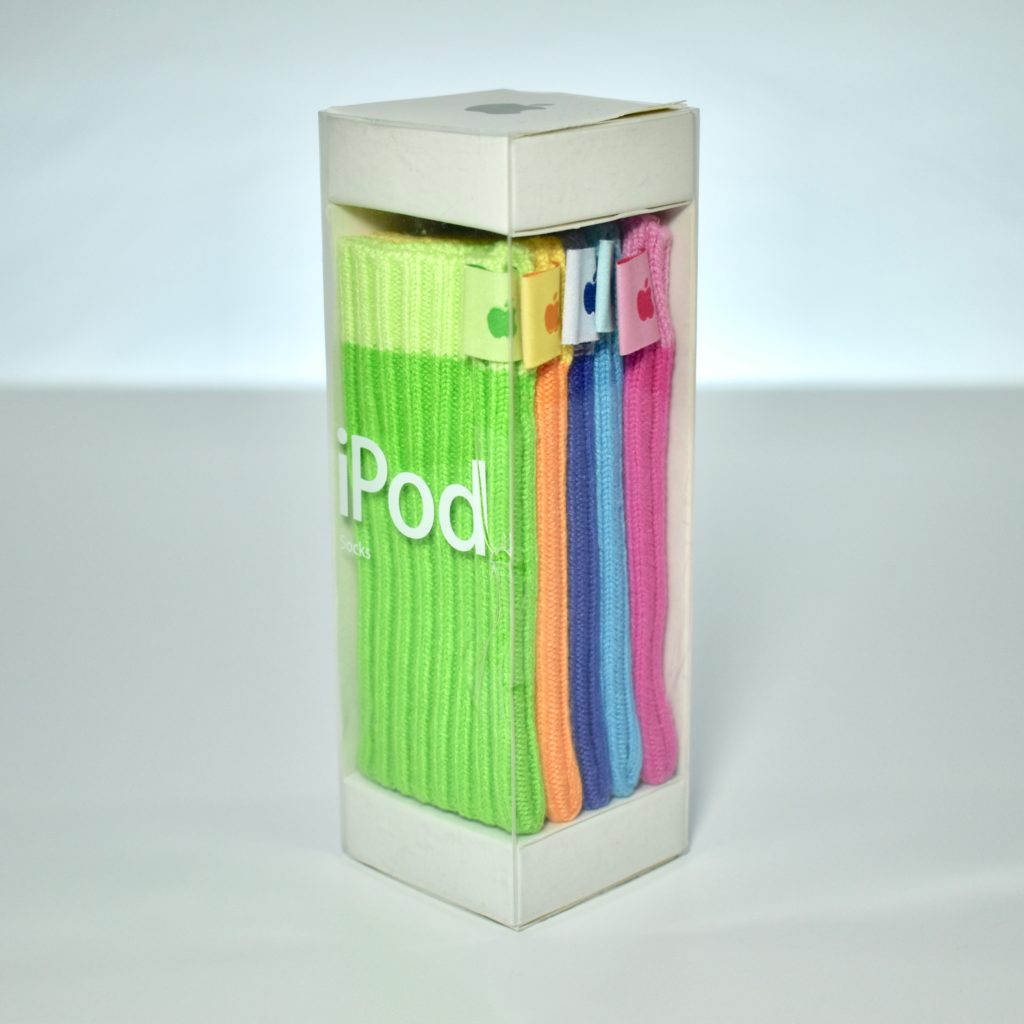
Six Socks were released in November 2004 (in time for the holidays) in six colors: gray, pink, blue, green, purple, and orange. They retailed for $29.

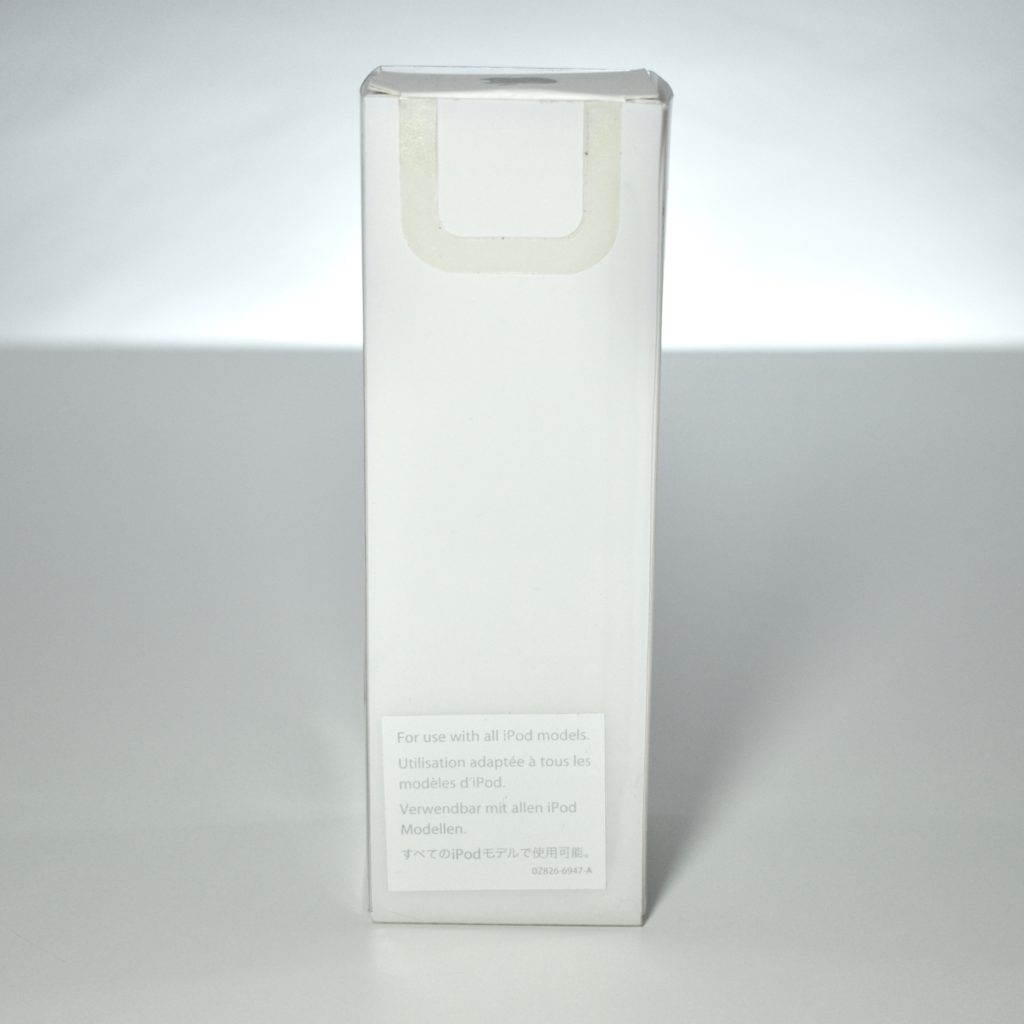
The Socks were knit from cotton and each had a two-sided logo tag with an Apple icon on one side and an iPod logo on the other. When they were released, the box specified that they were compatible with all iPods. At the time, that included iPod Generation 1–4, iPod mini, iPod photo, and iPod shuffle.

These were so unusual that I wanted an example for my collection. Unfortunately, my iPod socks shipped incomplete from an Amazon third party, missing the gray sock.

Source: iLounge.com
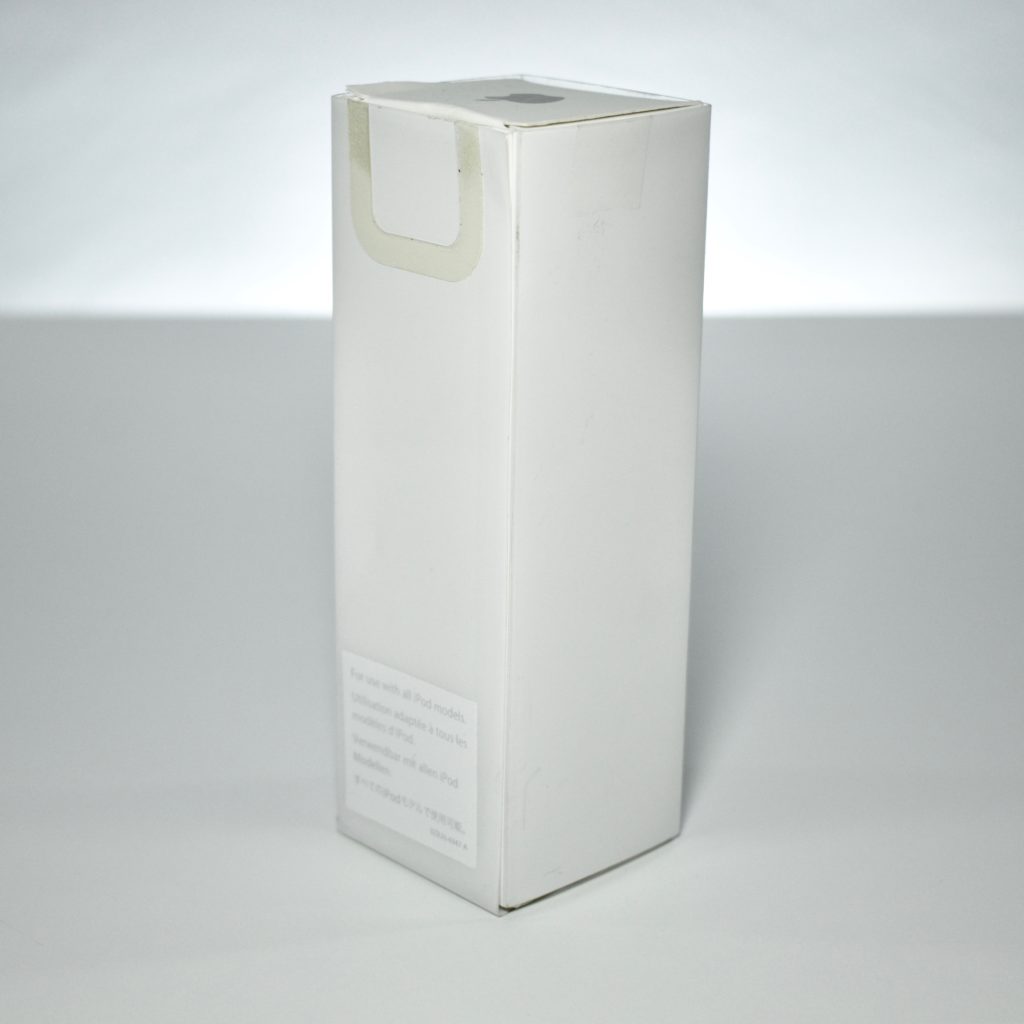
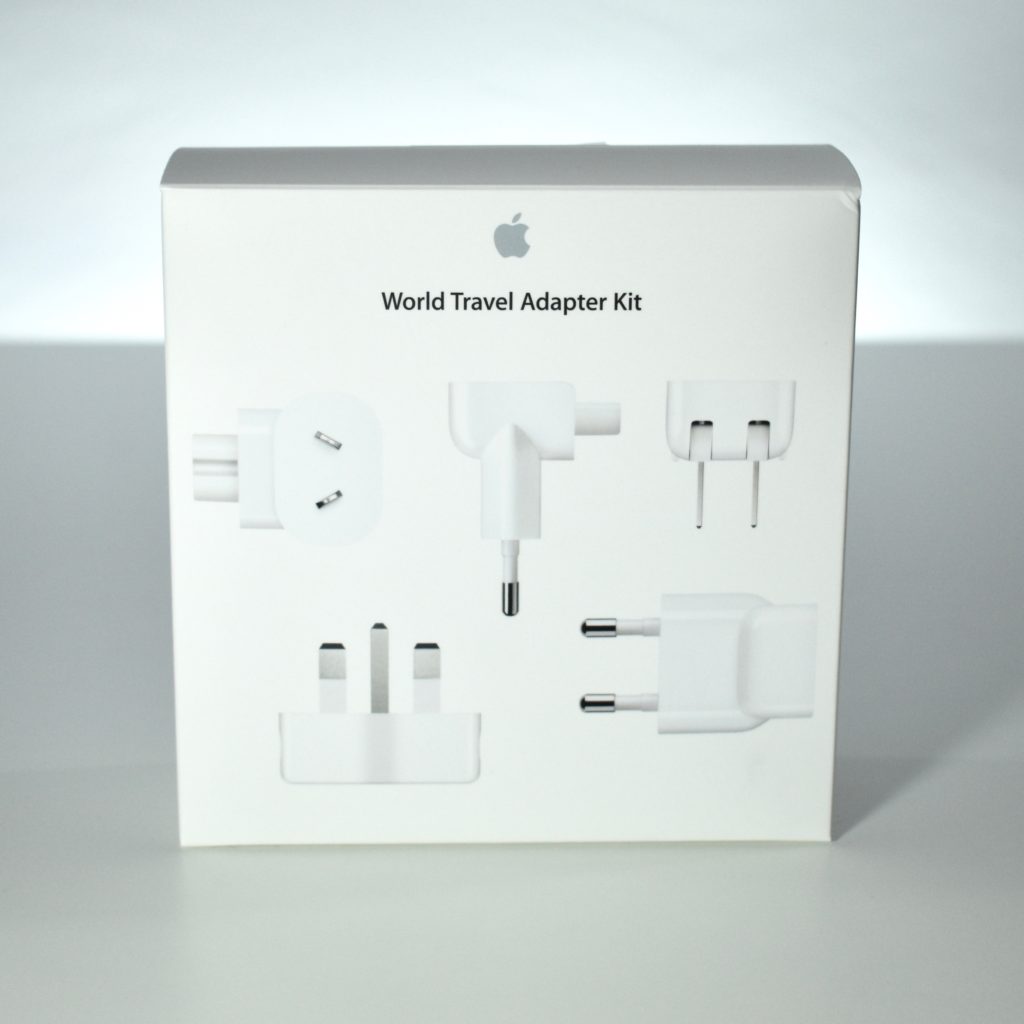
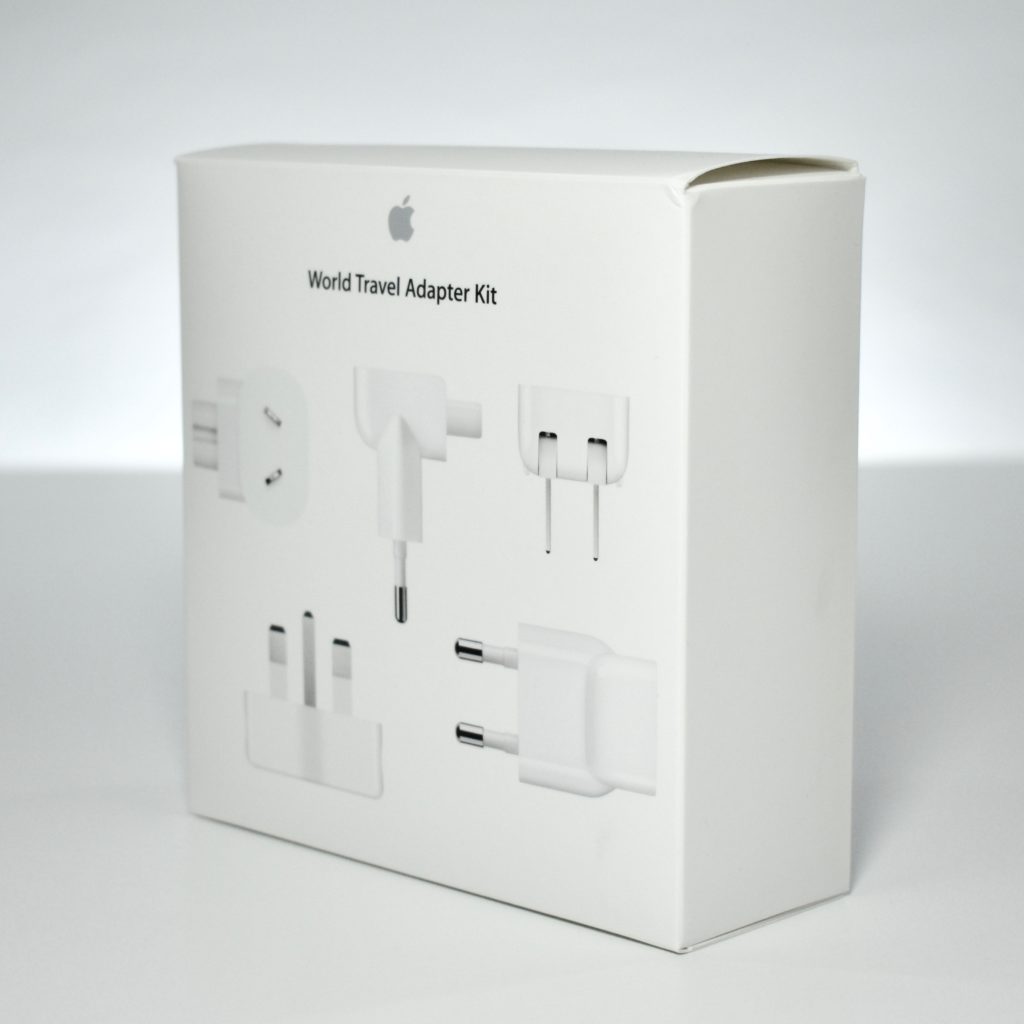
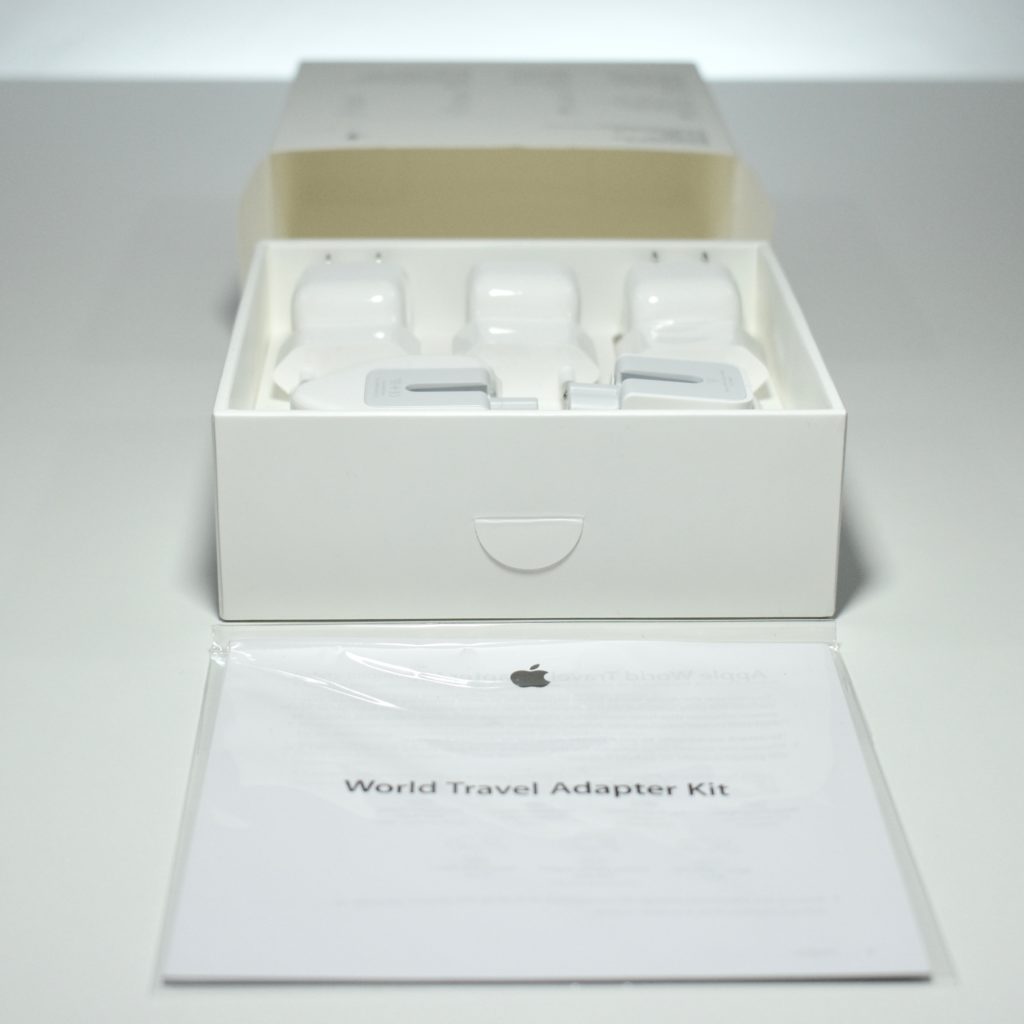
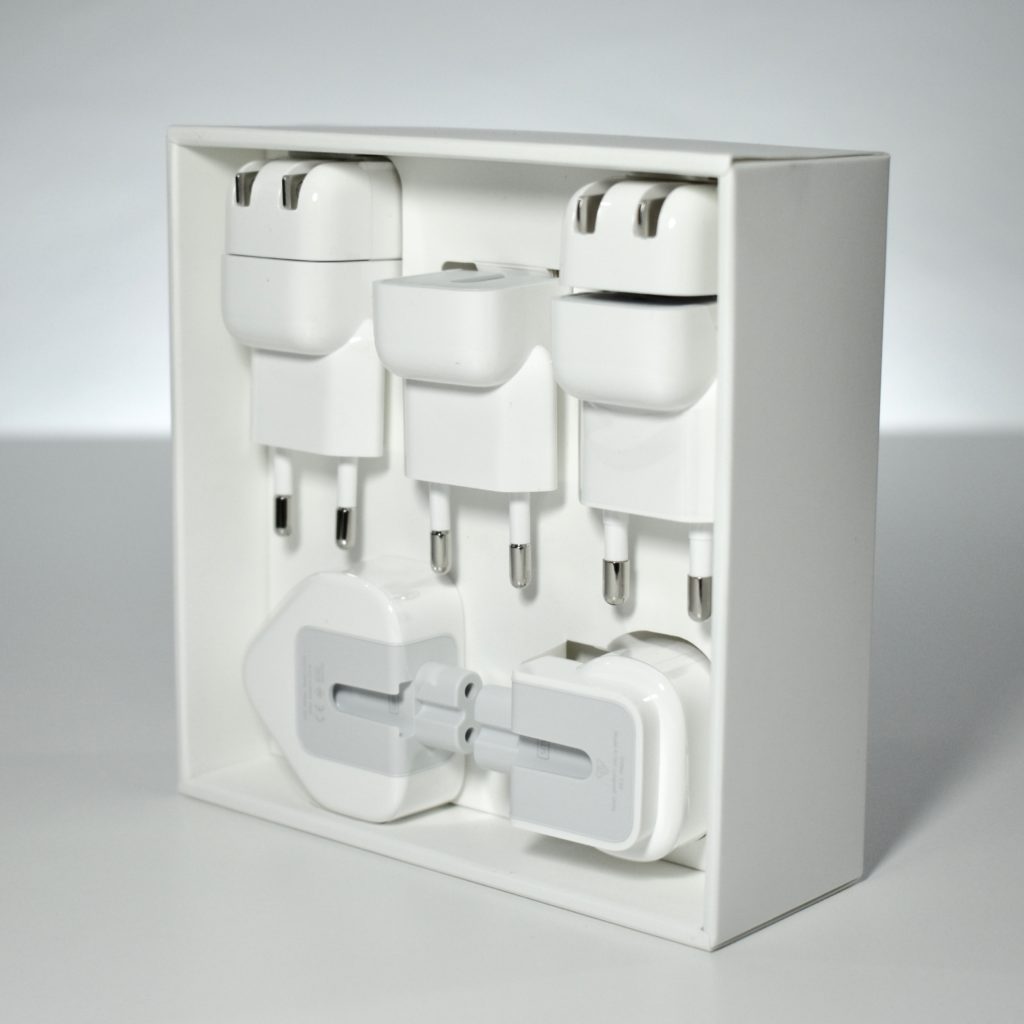
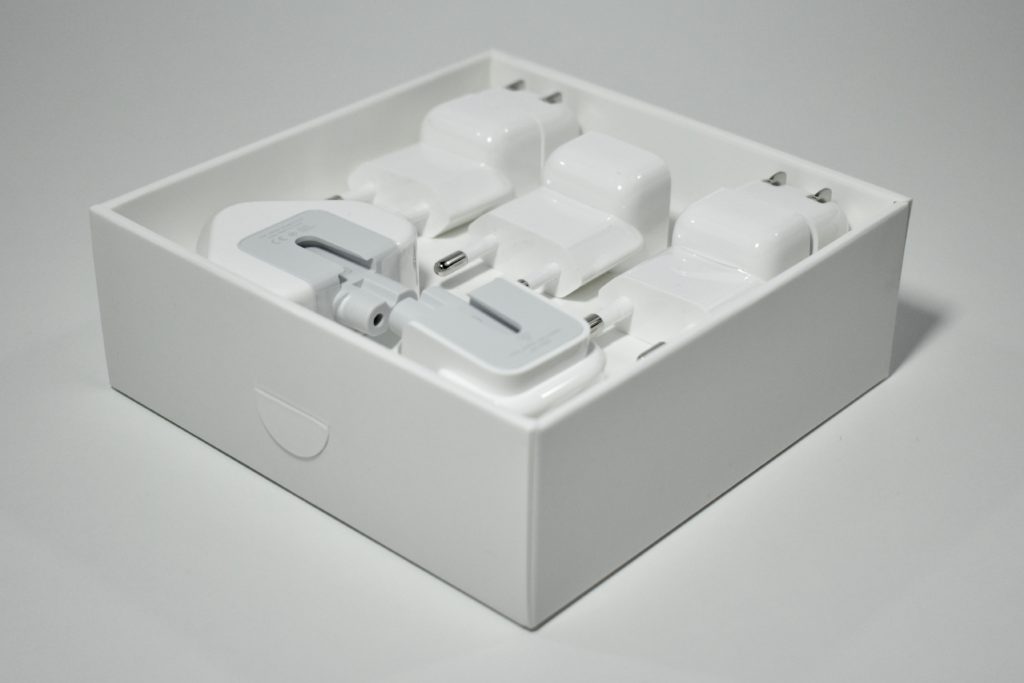
World Travel Adapter Kit (2015)

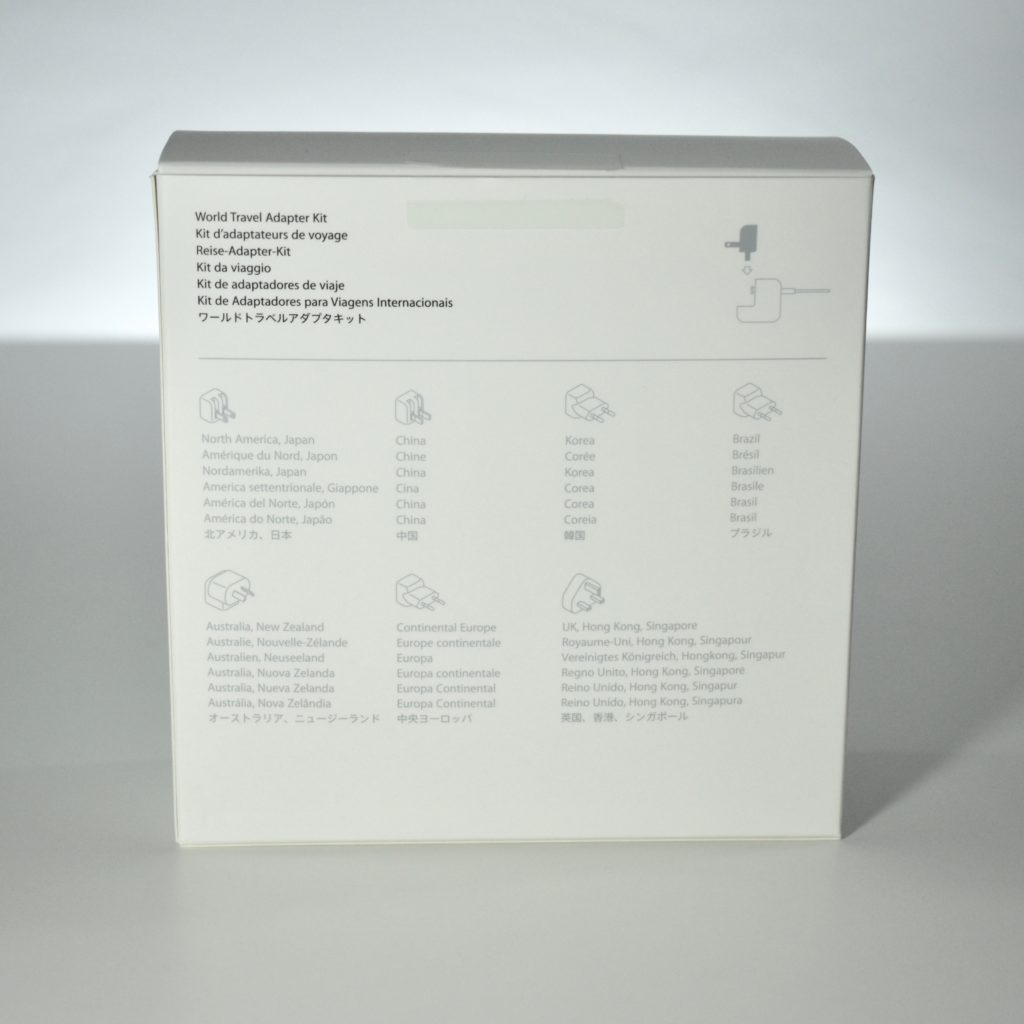
The World Travel Adapter Kit includes seven plugs with prongs that fit the different electrical outlet types found around the world. The plugs work with iPod, iPhone, iPad, and Mac laptops using Apple USB-C Power Adapters; MagSafe/MagSafe 2 Power Adapters; 10W and 12W USB Power Adapters; and Portable Power Adapters.

AC power outlets supported include: North America, Japan, China, United Kingdom, Continental Europe, Korea, Australia, Hong Kong, and Brazil.

This version of the World Travel Adapter Kit was released in 2015 and revised from the previous version by removing the iOS cable. According to MacRumors.com, “The new kit that Apple’s selling no longer includes a 30-pin to USB cable, and rather than adding a Lightning to USB cable, Apple has instead opted to ship the kit with no cable and drop the price by $10. ” The price for this kit was $29.

Source: Apple, MacRumors.com

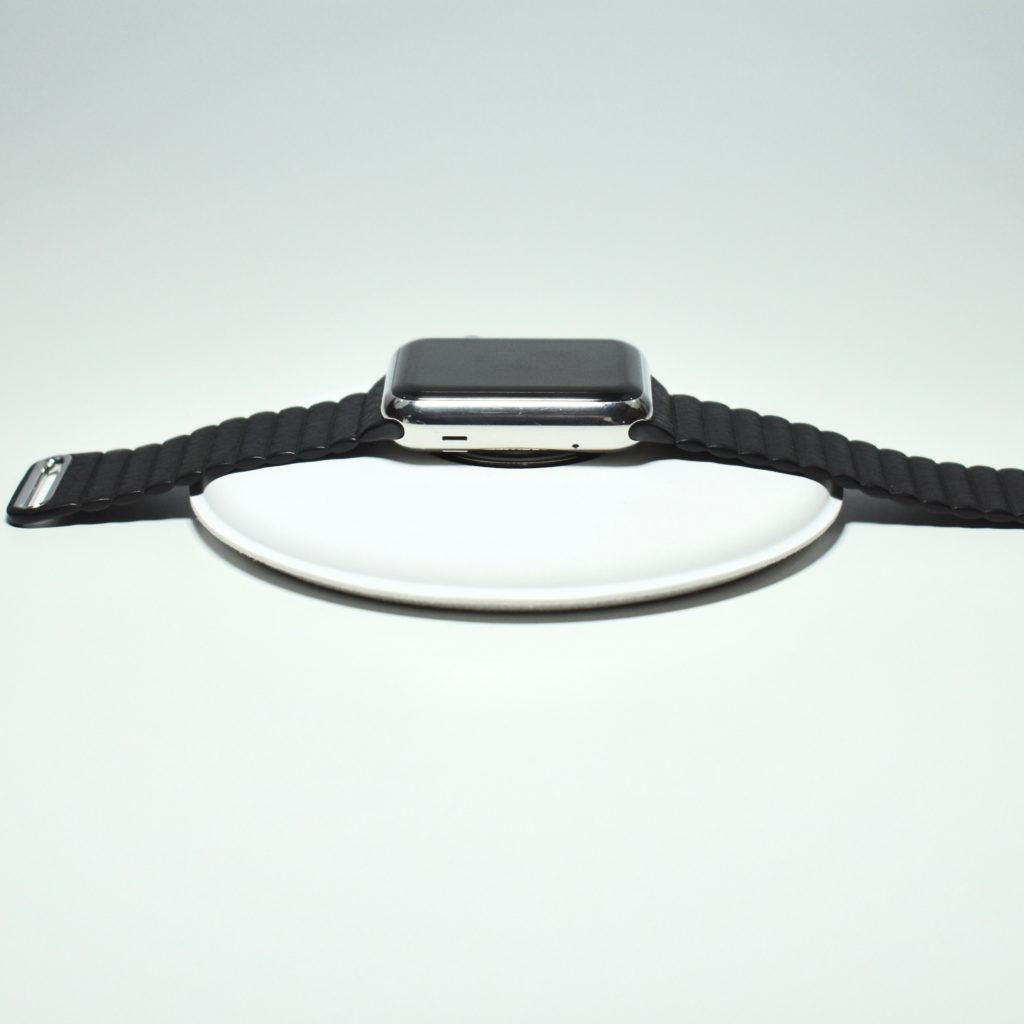
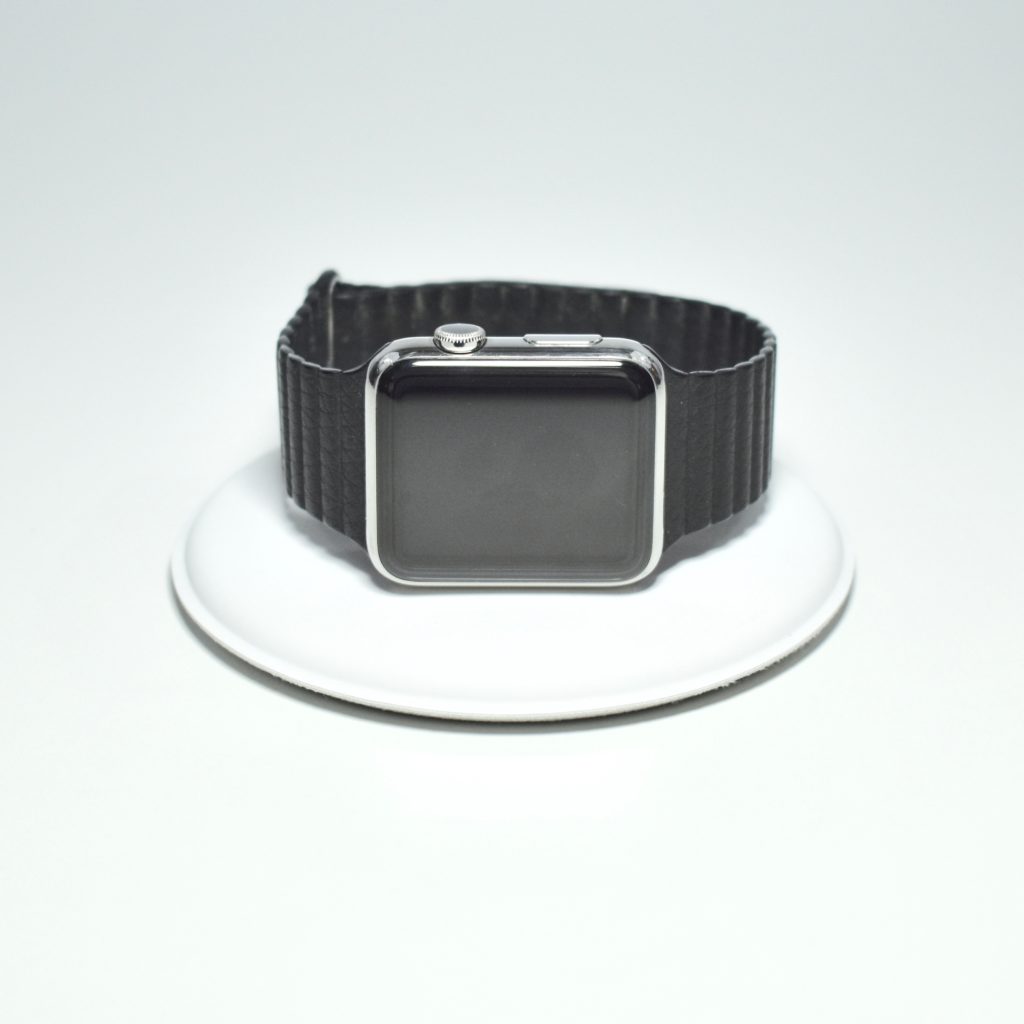
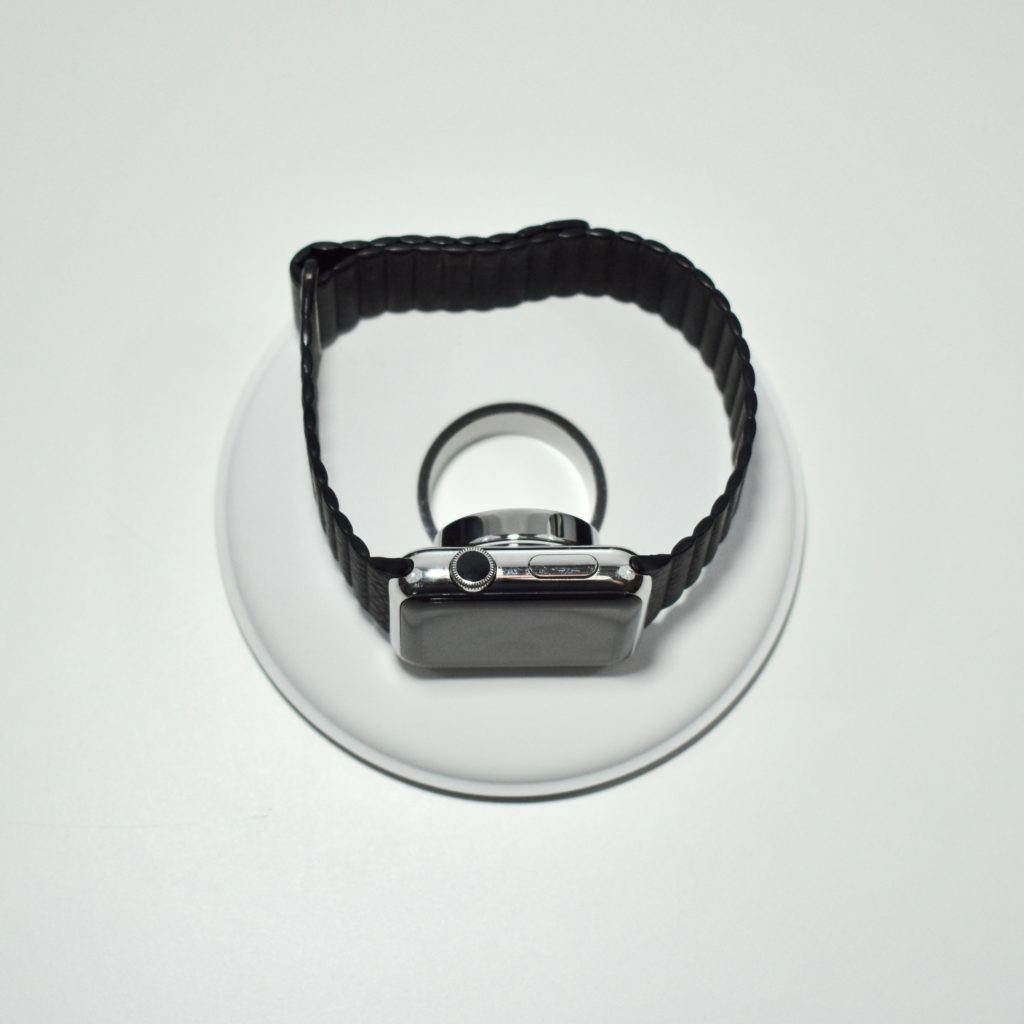
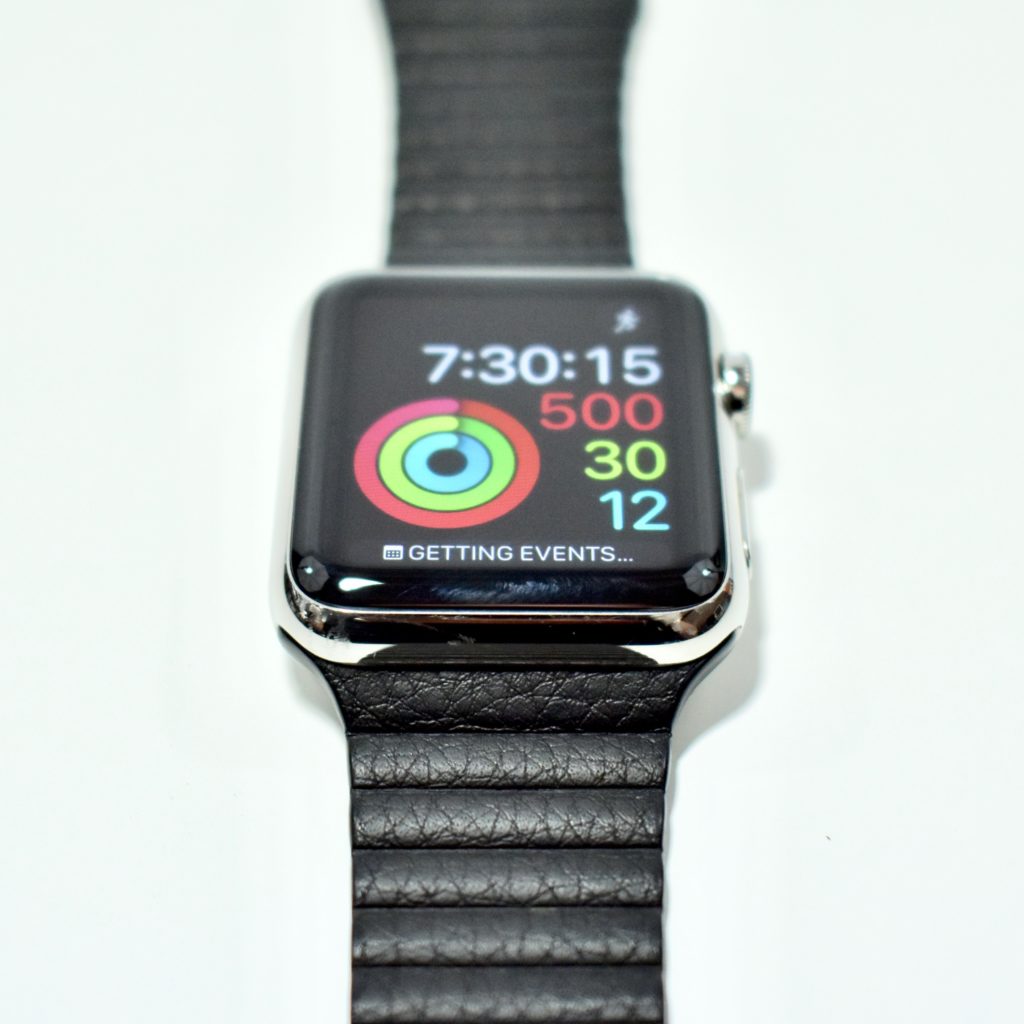
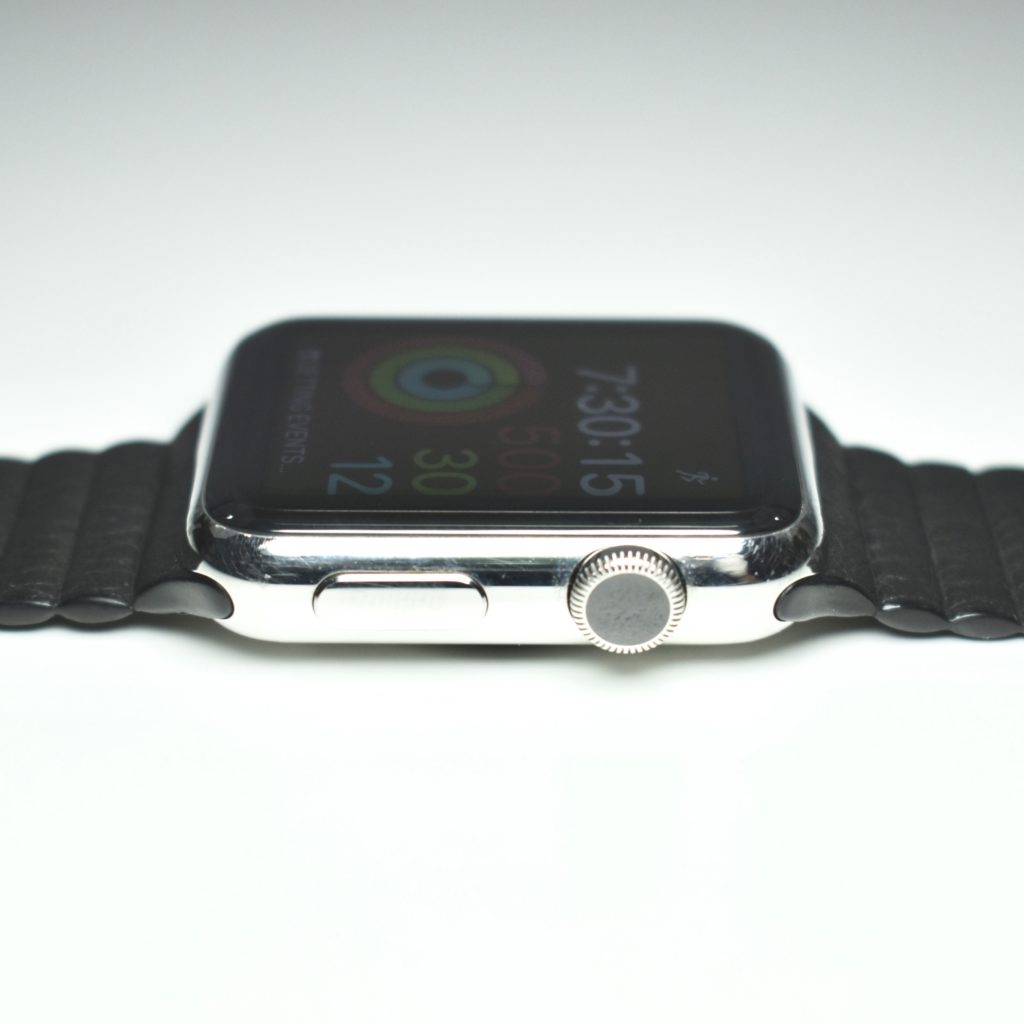
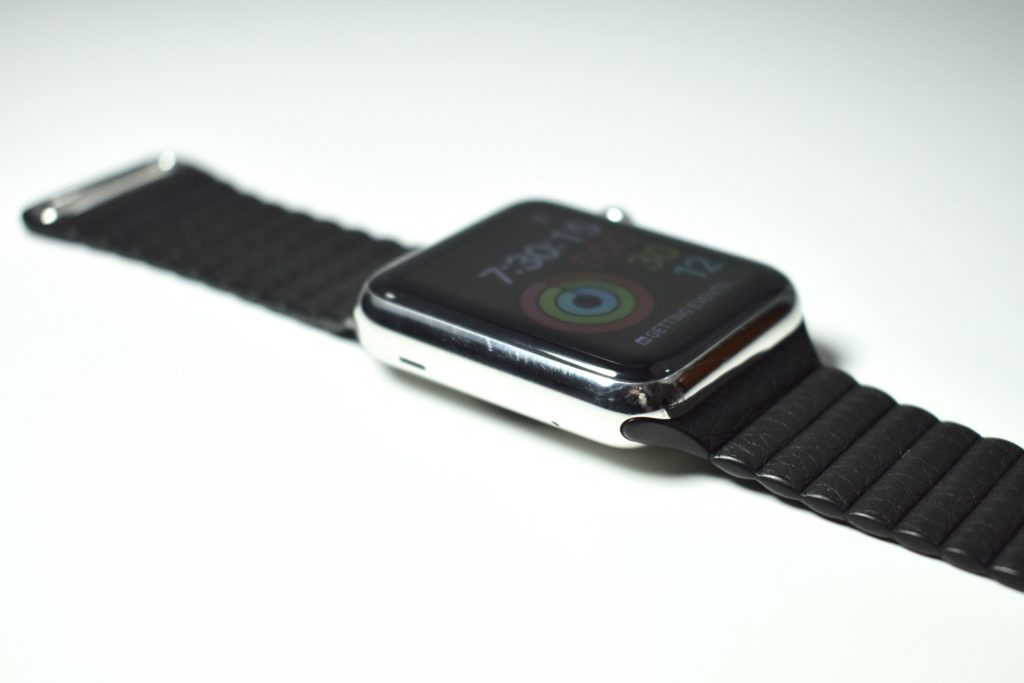
Apple Watch (original, 42 mm, silver stainless steel with black leather loop, 2015) and Apple Watch Magnetic Charging Dock

On September 9, 2014, Apple announced the Apple Watch and called it its “most personal device ever—featuring revolutionary new technologies and a pioneering user interface with a beautiful design.” The Watch debuted the Digital Crown that Apple described as the “most revolutionary navigation tool since the iPod Click Wheel and iPhone Multi-Touch.”

The original Apple Watch required that the user pair it with an iPhone 5 or later and carry the iPhone 5 to access all of the Watch’s functions.

The original stainless steel Apple Watch models were sold in ten configurations:

  • silver stainless steel body with white Sport Band
  • silver stainless steel body with black Sport Band
  • silver stainless steel body with black classic buckle leather band
  • silver stainless steel body with Milanese loop
  • silver stainless steel body with black leather loop
  • silver stainless steel body with bright blue leather Loop
  • silver stainless steel body with stone leather loop
  • silver stainless steel body with light brown leather loop
  • silver stainless steel body with stainless steel link bracelet
  • space black stainless steel body with space black stainless steel link bracelet

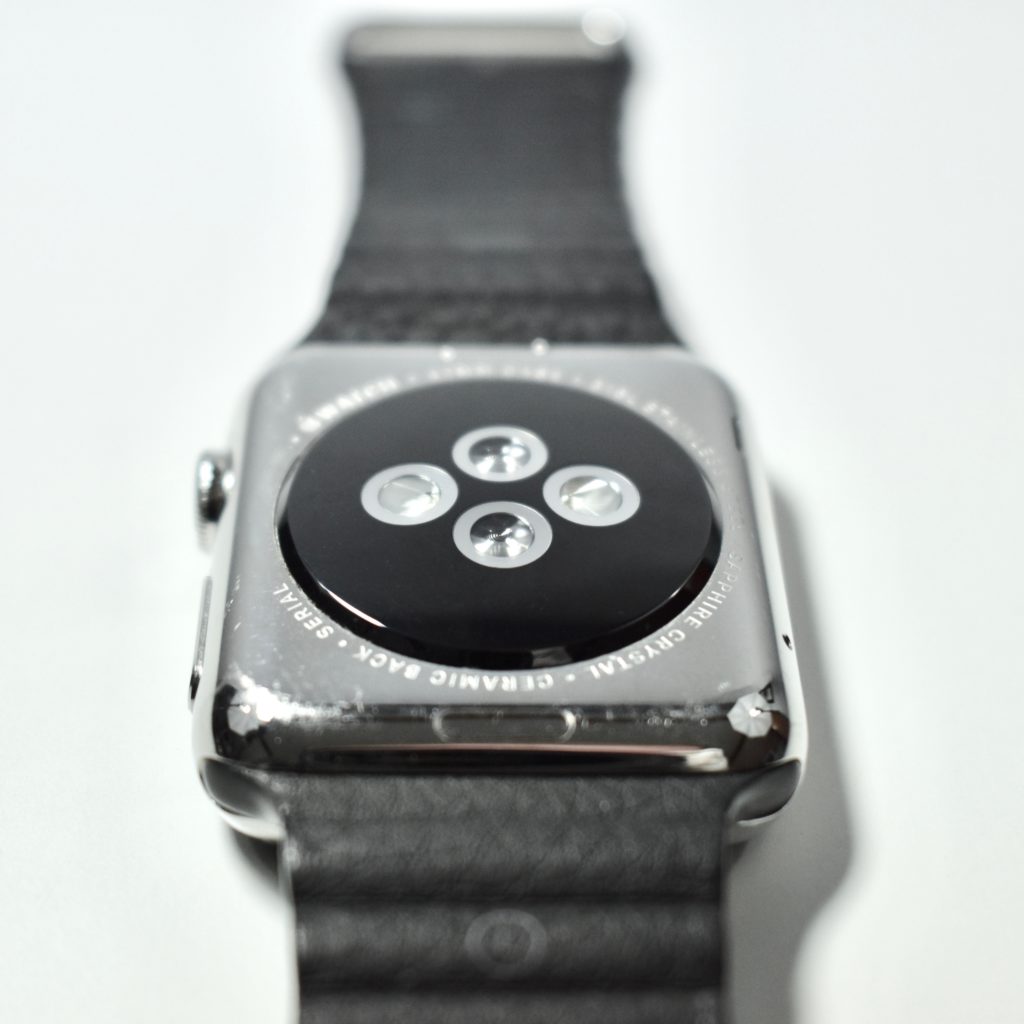
In addition to the Digital Crown, the original Apple Watch had a Retina display with Force Touch capability. The 42 mm Apple Watch featured a 312×390 display with a protective sapphire crystal layer with a zirconia ceramic back and sapphire crystal lenses that connected to the wireless charger.

My original stainless steel Apple Watch was boxed with a black classic buckle leather band, but the Apple Store allowed me to swap the band for a black leather loop band because the classic buckle did not fit my wrist.

Also pictured is the Apple Watch Magnetic Charging Dock, a 4.1-inch diameter charging pad for the Apple Watch that uses the same inductive charging connector that comes with Apple Watch. According to Apple, “you can charge your Apple Watch in a flat position with its band open, or on its side. When docked on its side, your watch automatically goes into Nightstand mode, so you can also use it as your alarm clock.”

Sources: EveryMac.com, Apple.com (announcement, charging dock)