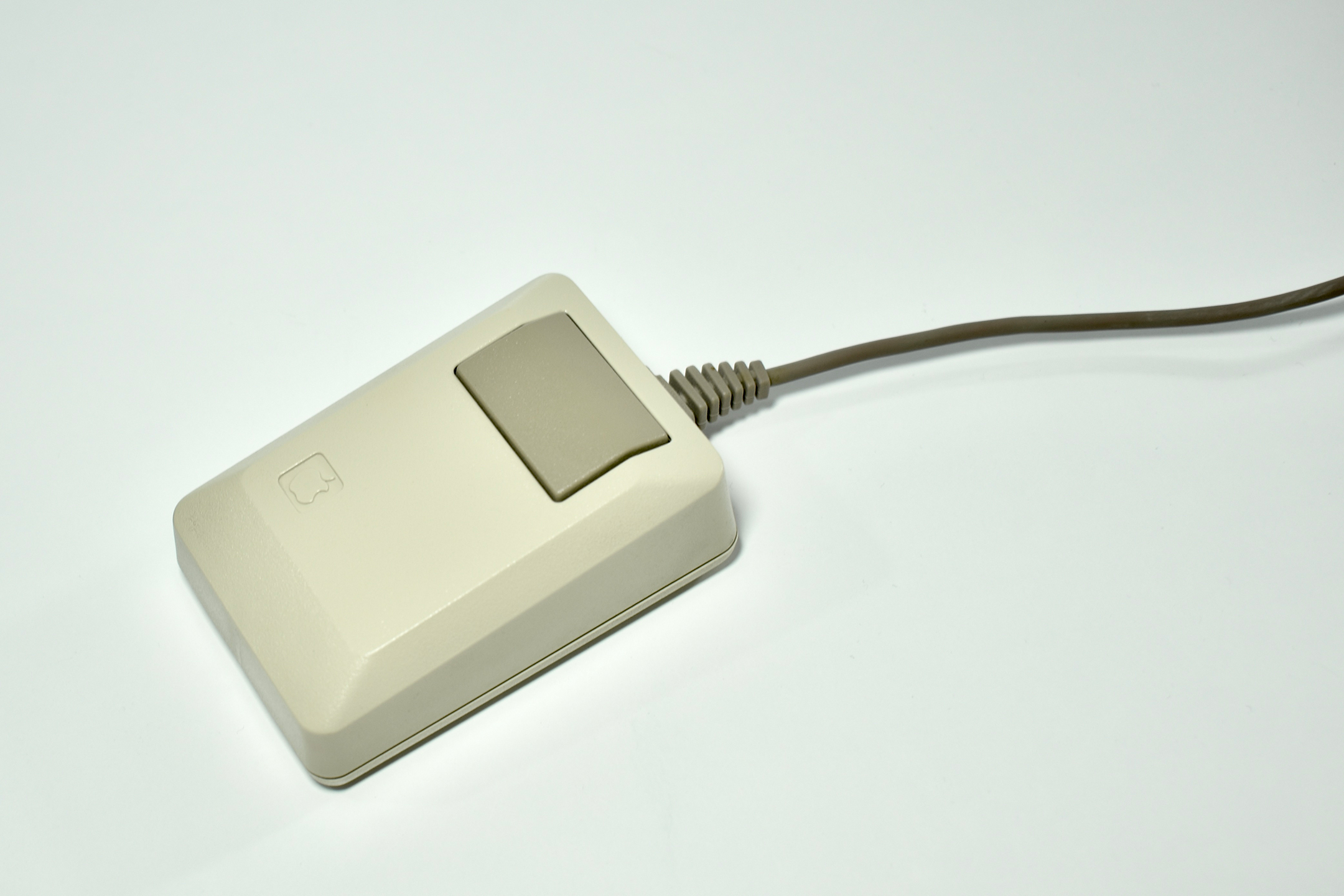
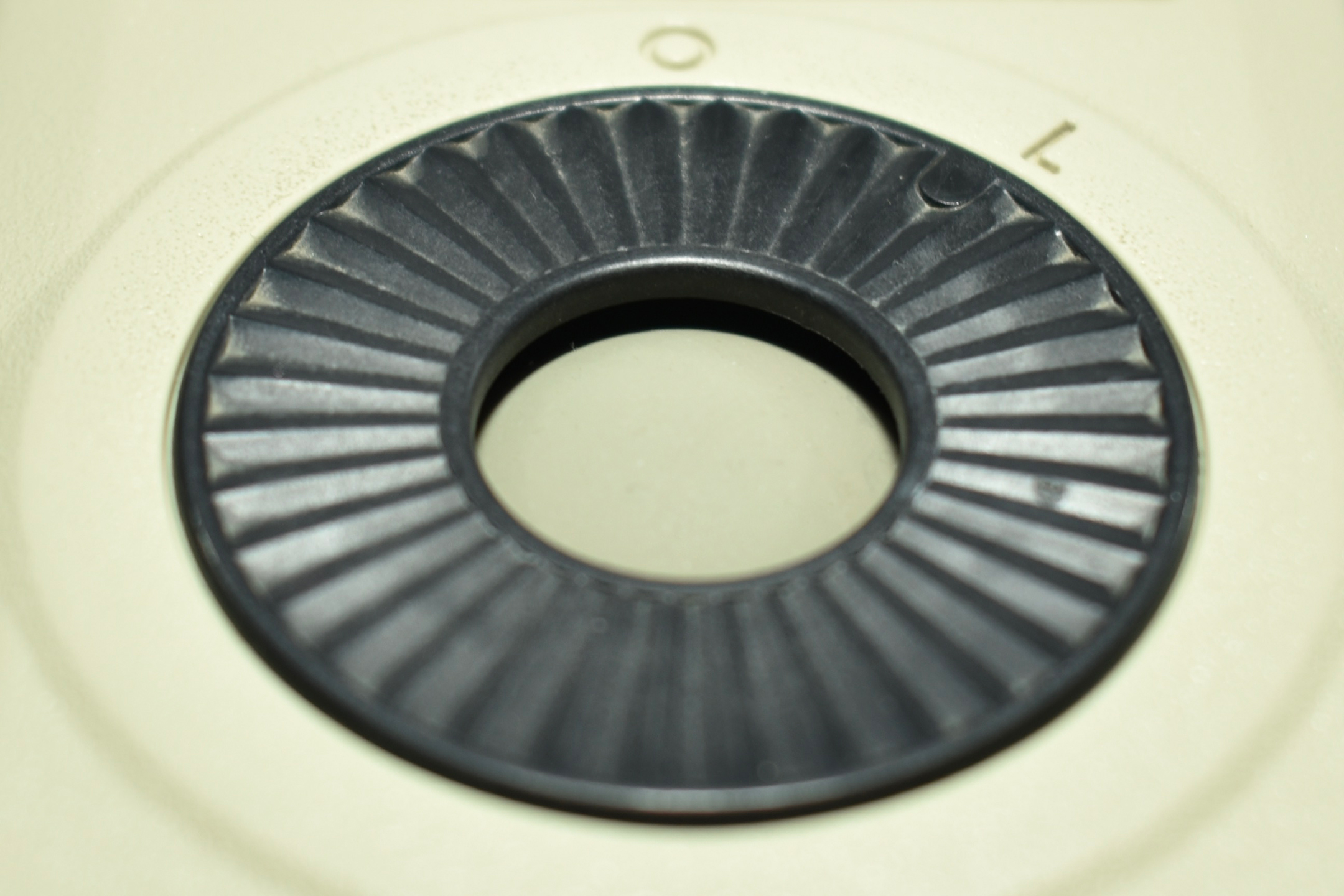
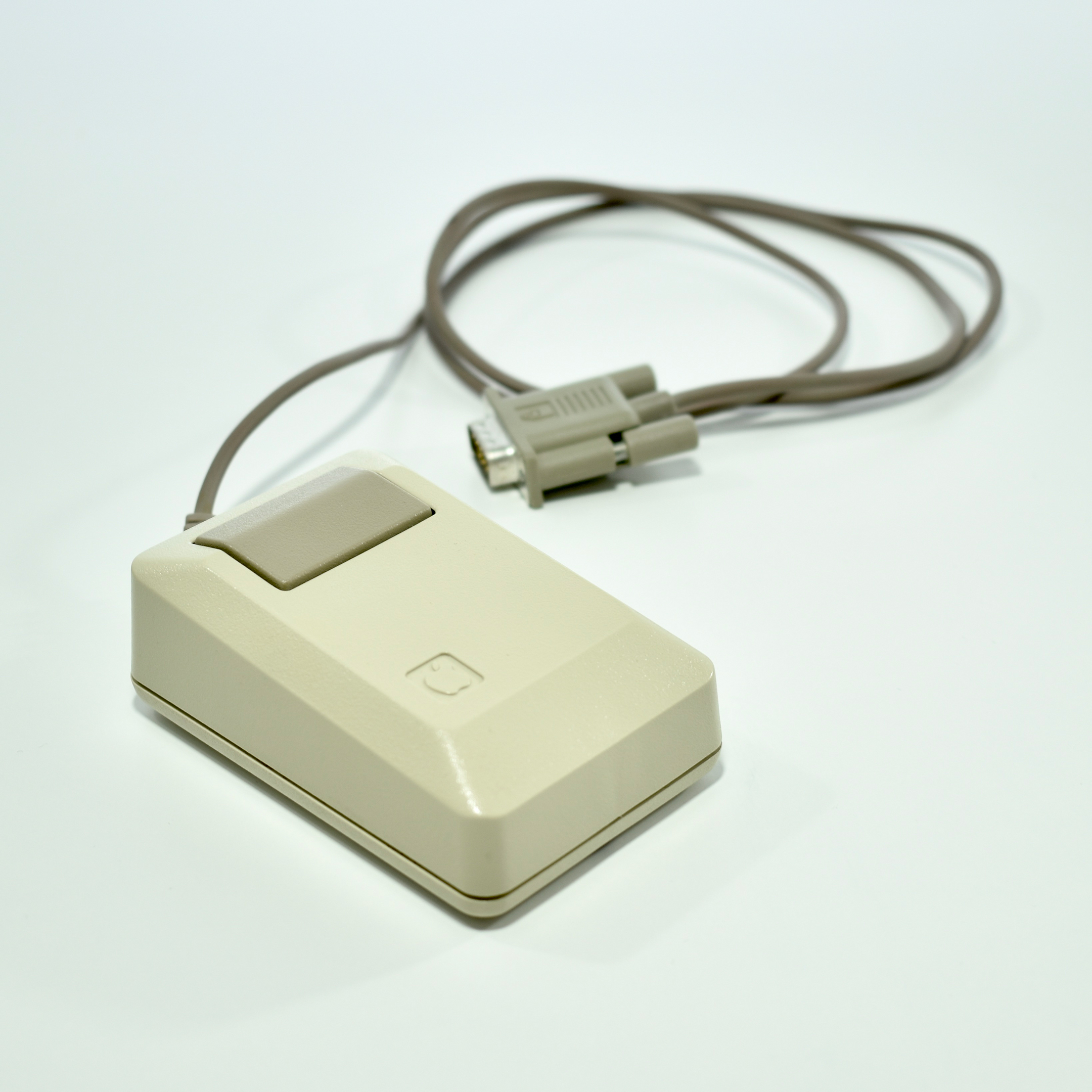
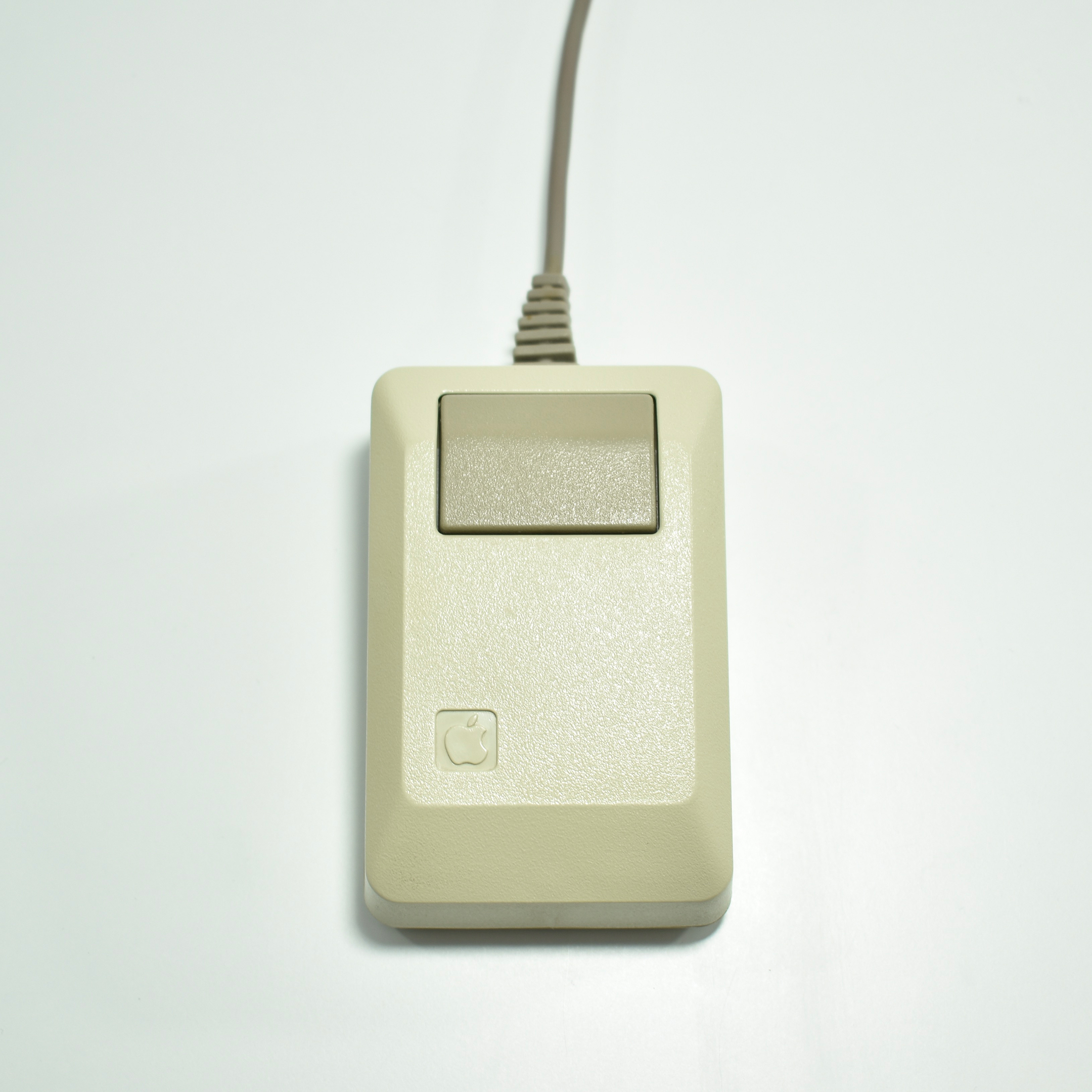
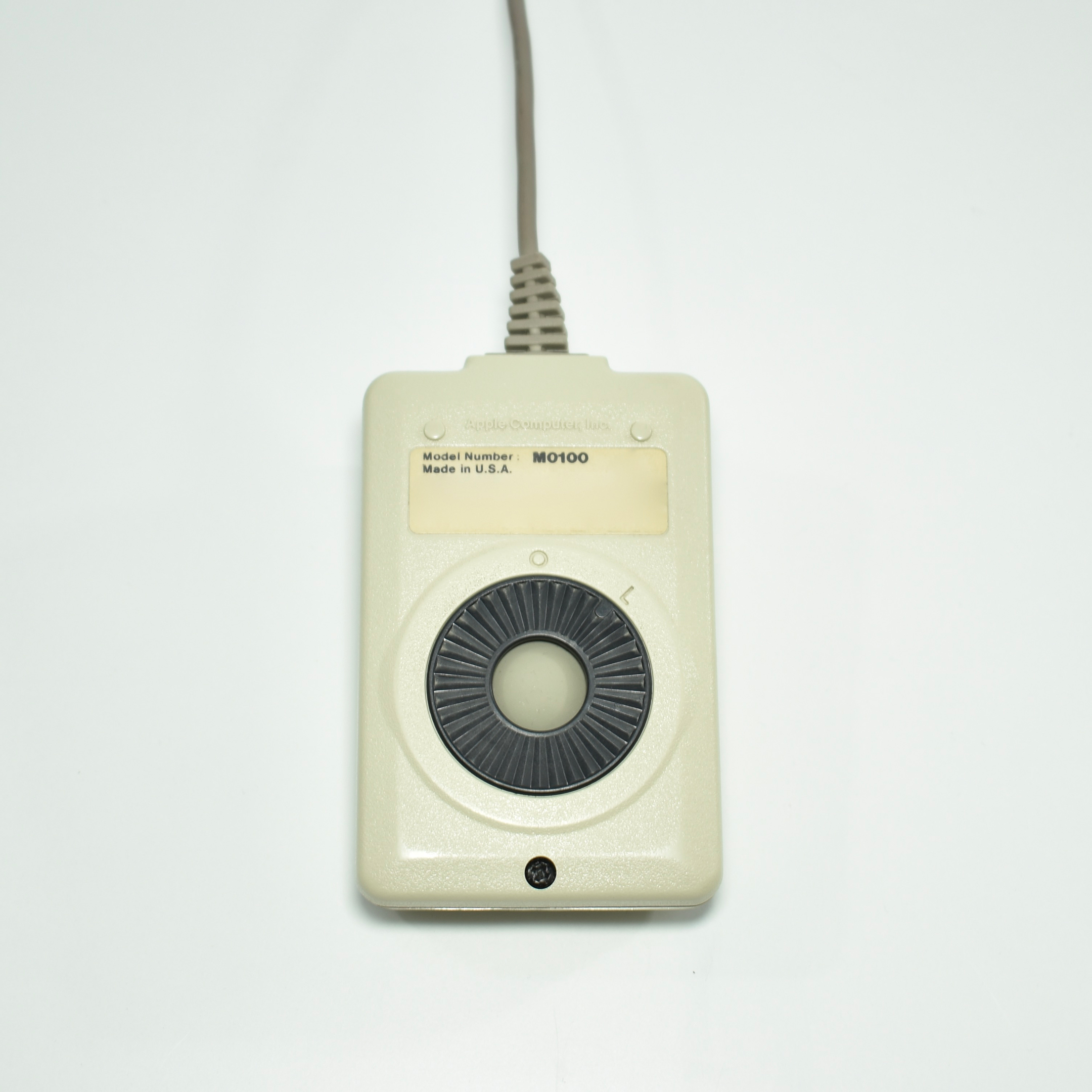
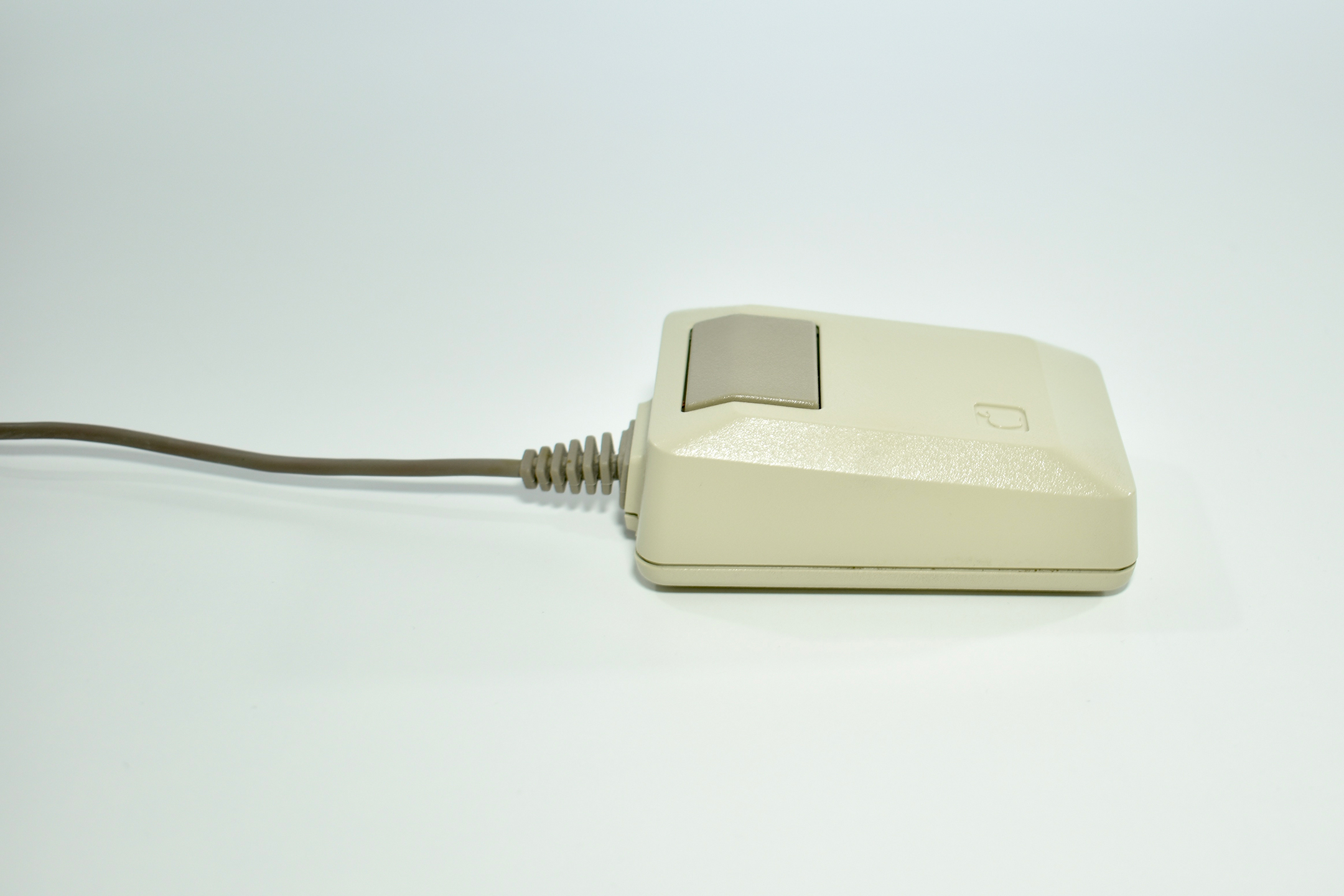
This original Macintosh Mouse, Model M0100, shipped with a Macintosh 512K. This mouse was compatible with the Apple Lisa and was the same mouse that shipped with the original Macintosh.
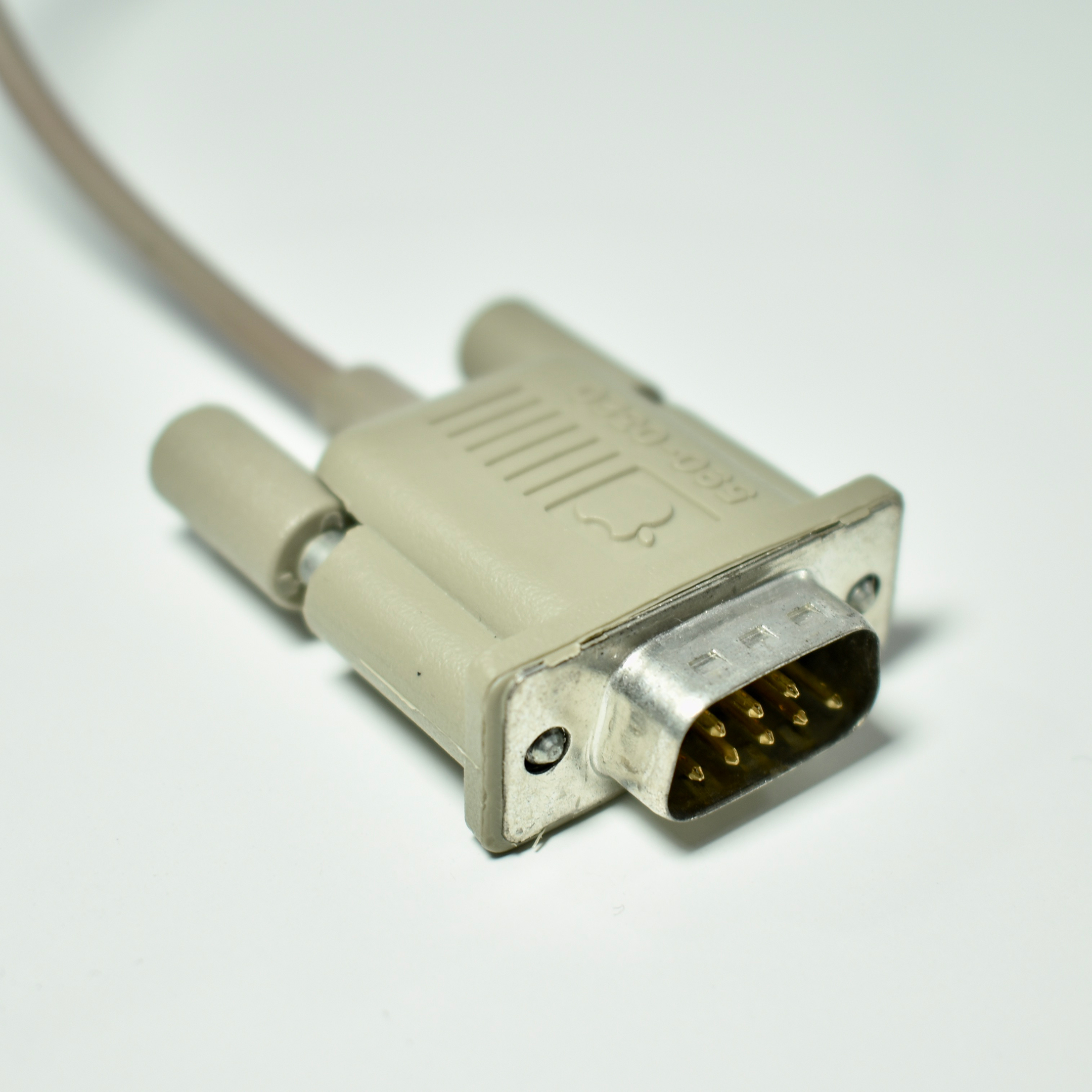
The original Macintosh Mouse used a DE-9 connector and remained unchanged until 1987 when its color was altered to Platinium (with Smoke accents) to match the Macintosh Plus. Like all early Macintosh mouse designs, it used only one button to control the famously easy-to-use Macintosh operating systems of the time.
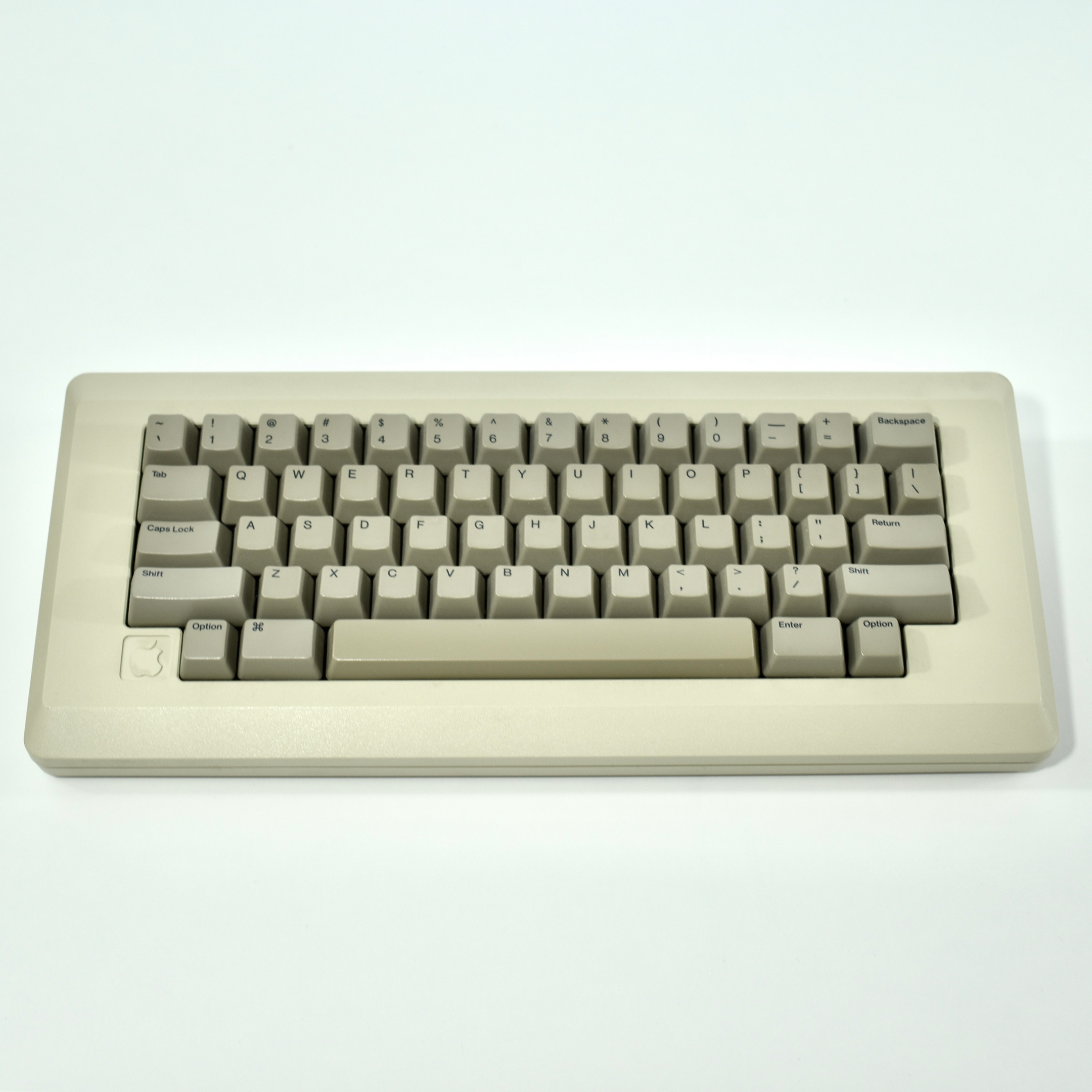
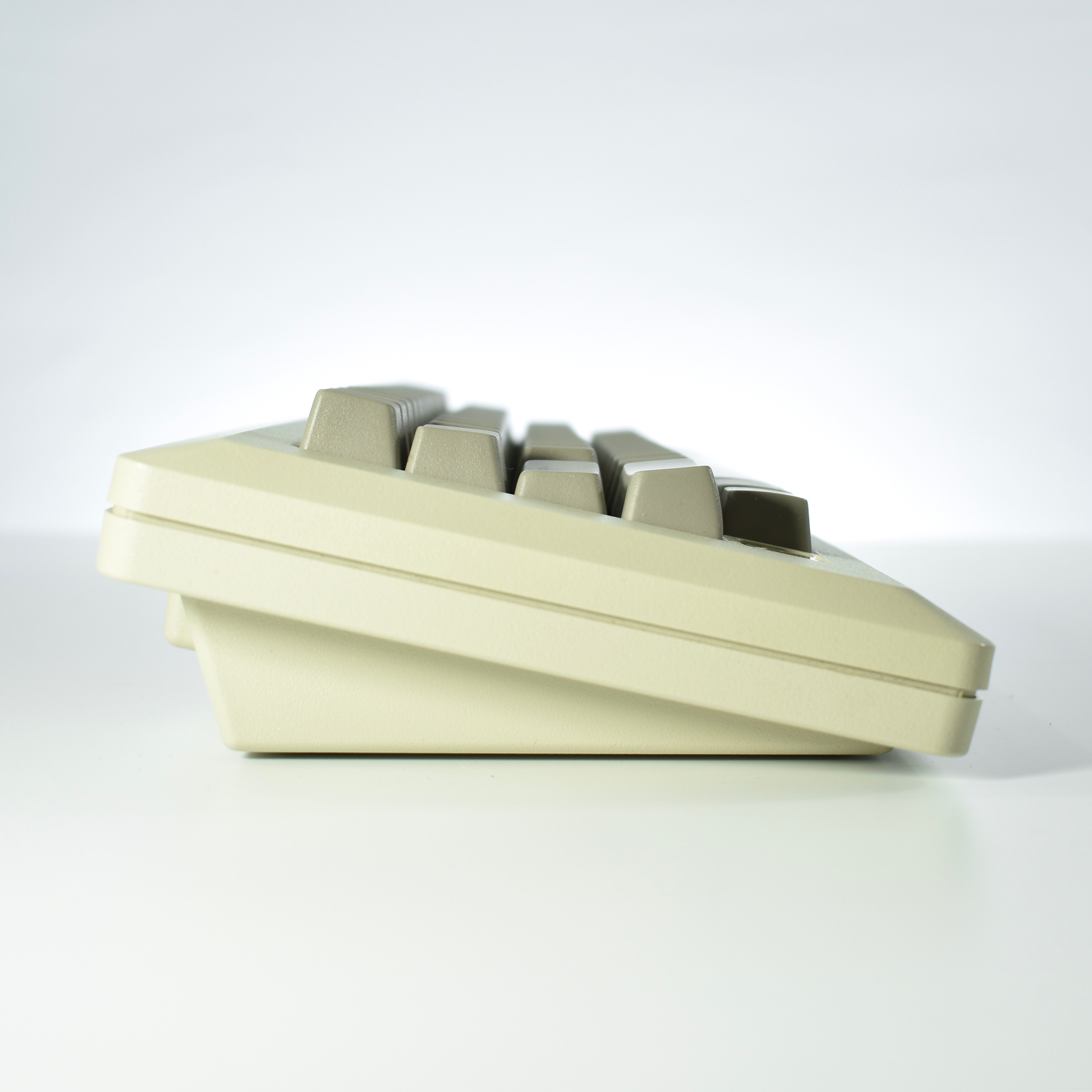
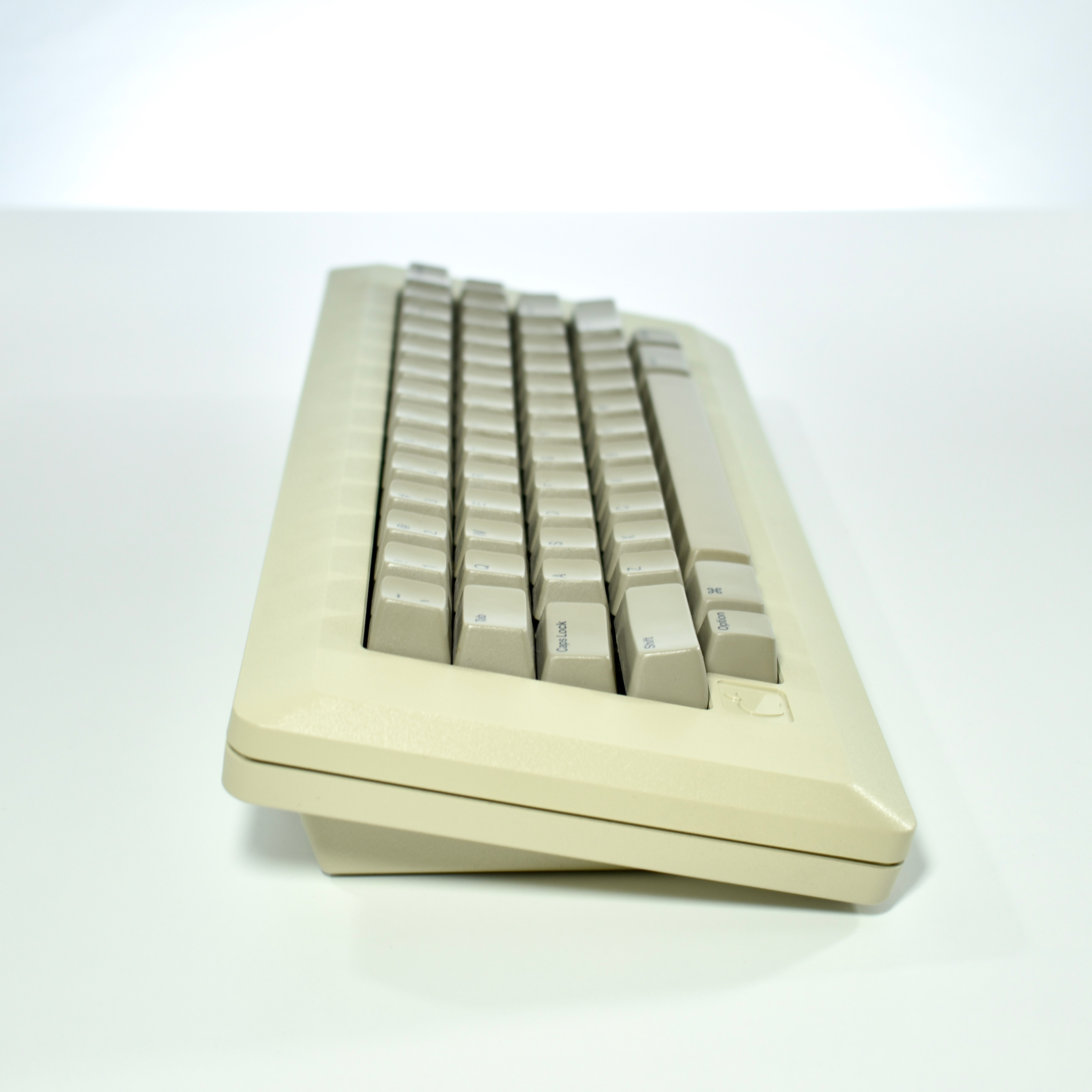
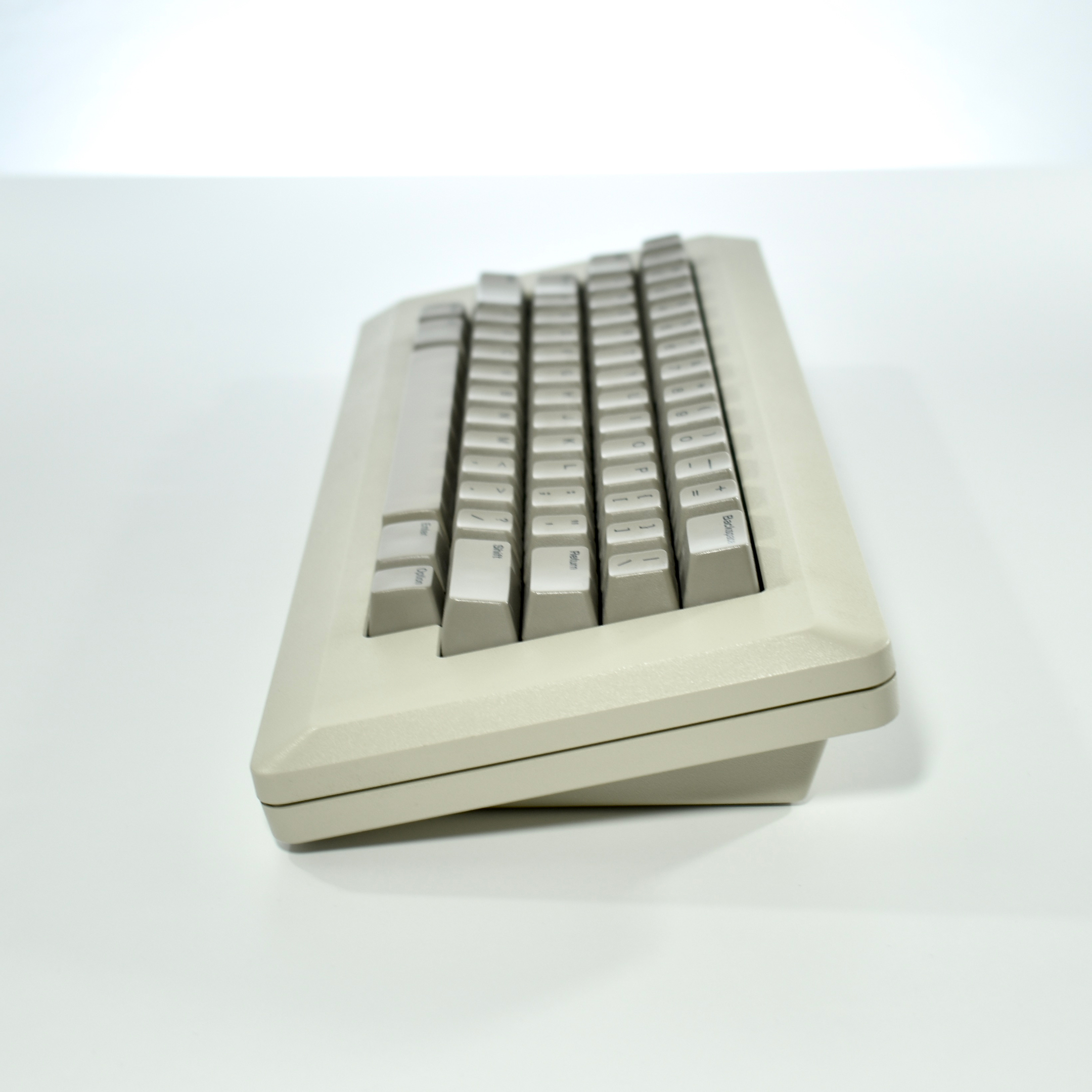
The Macintosh Keyboard, Model M0110, was included with the original Macintosh. This keyboard was also shipped with the Macintosh 512K.
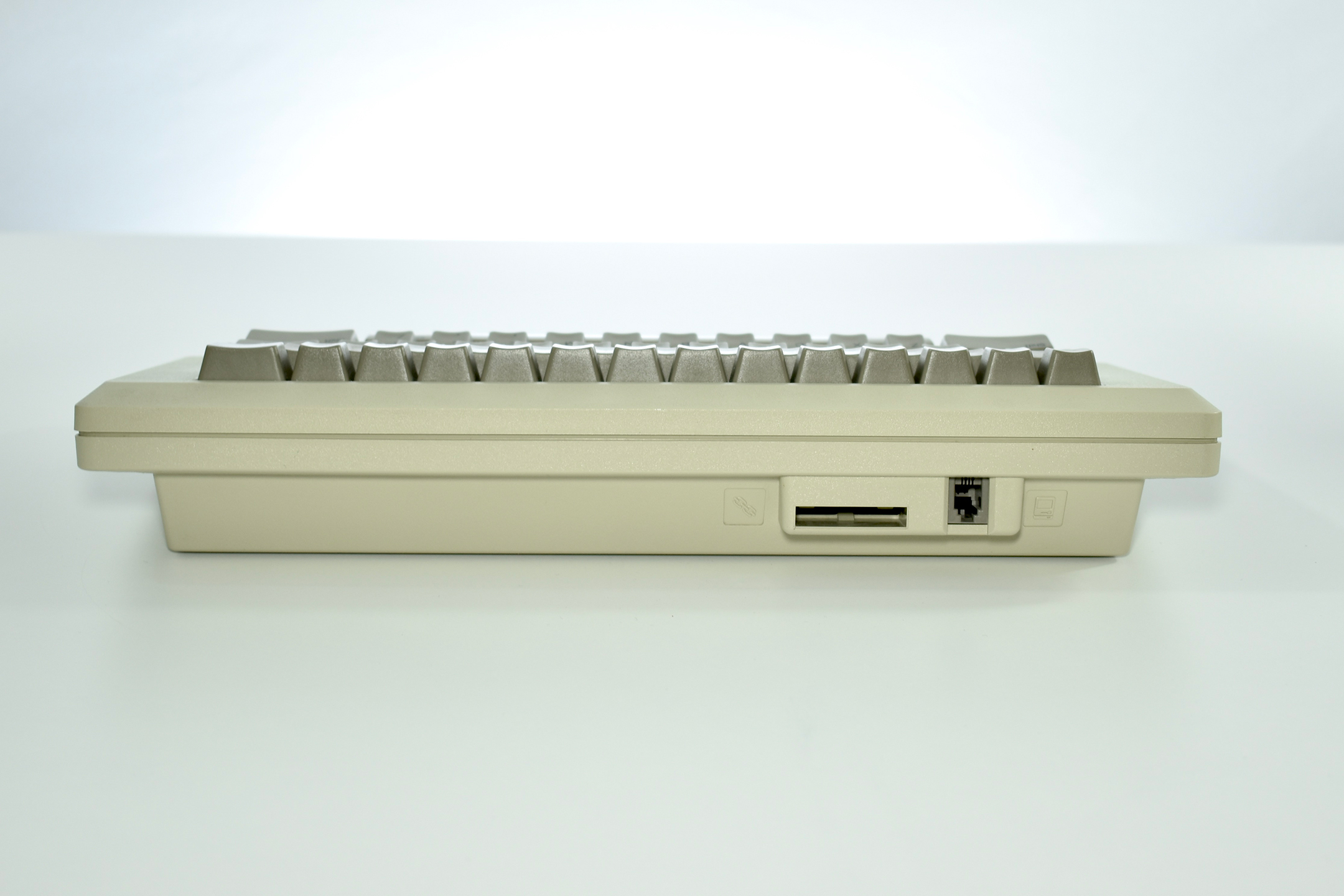
This keyboard may be the simplest of all Apple keyboards because it lacks arrow keys and a numeric keypad. It used a telephone-style connector (RJ-10) to connect to the Macintosh, but the cable was wired differently than a standard telephone cord (a telephone cord is not interchangeable and will result in device damage).
This keyboard also introduced the “Command” key and symbol to the world. Apple II computers were in wide use at the time and included the “open Apple” key (a key with the outline of the Apple logo) and a “closed Apple” key (a key with a solid Apple logo), both used for shortcut and other functions before the Macintosh. (The Open- and Closed-Apple keys were also used on the Apple Lisa.) The “Command” key and symbol were used on this original Macintosh Keyboard and functioned similarly to the “Open Apple” key on the IIe. The keyboard that replaced this original Macintosh Keyboard design, the Apple Desktop Bus Keyboard, continued the tradition of the “Open-Apple” symbol by printing the Open-Apple on the same key as the Command symbol.
For years, users (especially teachers, including me) referred to keyboard shortcuts using the “Open-Apple” terminology, such as “Open-Apple-C” (for Edit > Copy) or “Open-Apple-P” (for File > Print), instead of using the arguably more elegant, and now standard term, “Command.”
At the time the original Macintosh was released, the computer was considered portable, due to its relatively small size (compared to its competitors) and the fact that the laptop computer was not yet widely available. (Apple would not release their first laptop, the Macintosh Portable, until 1989—a machine that was barely portable and cost over $7,000 at the time.) The original Macintosh design included a built-in handle and similarly sized models were offered from 1984 until the Color Classic II was discontinued in 1995.
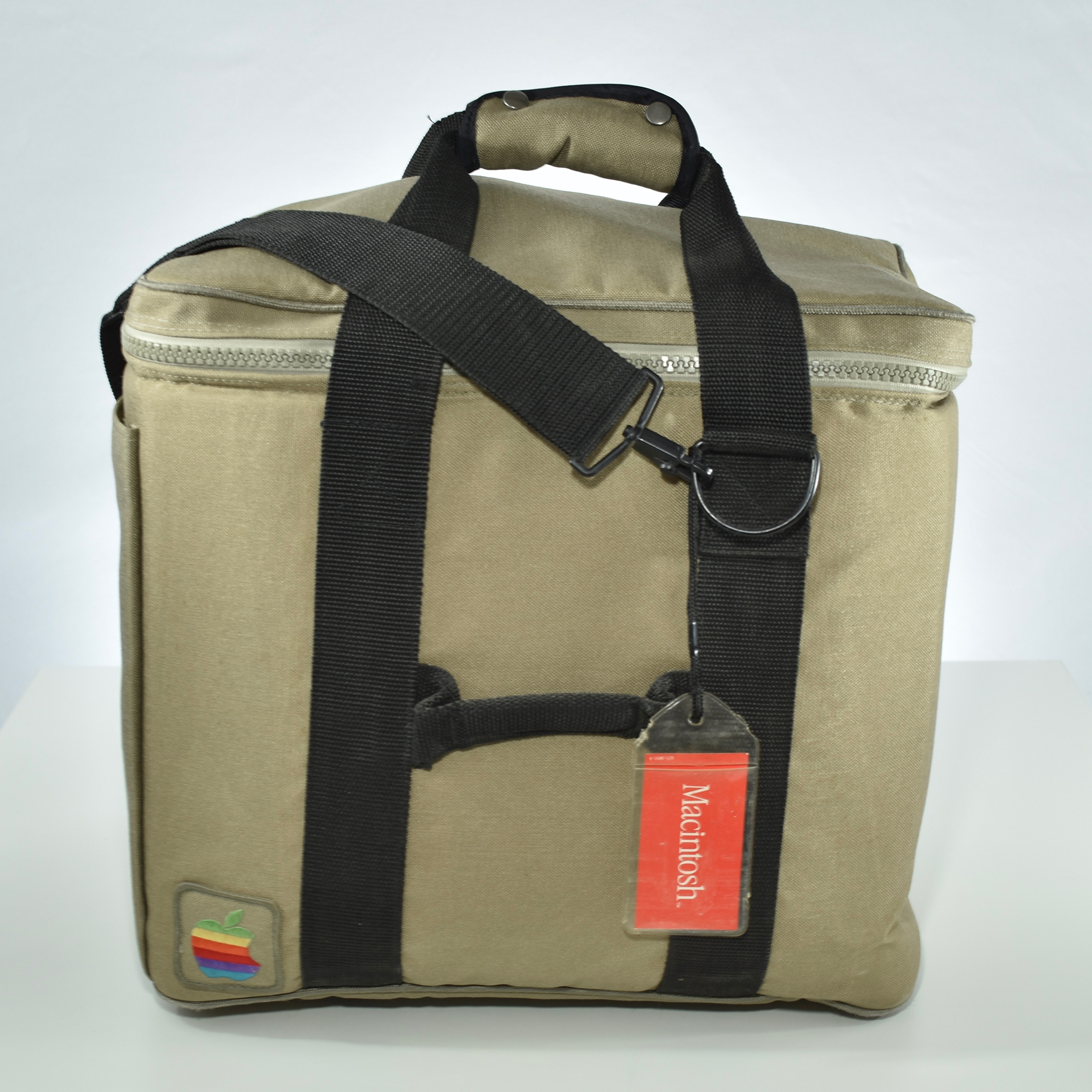
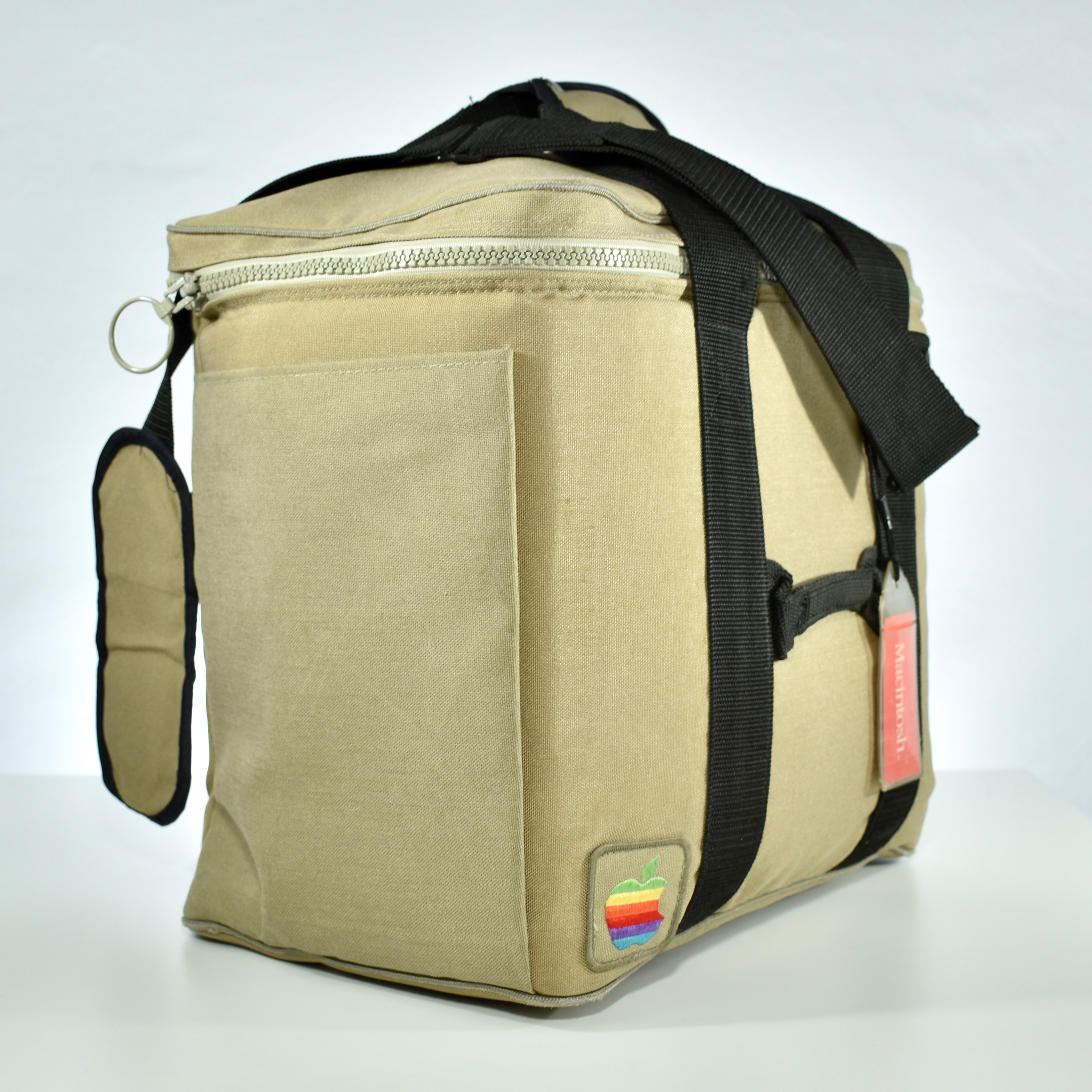
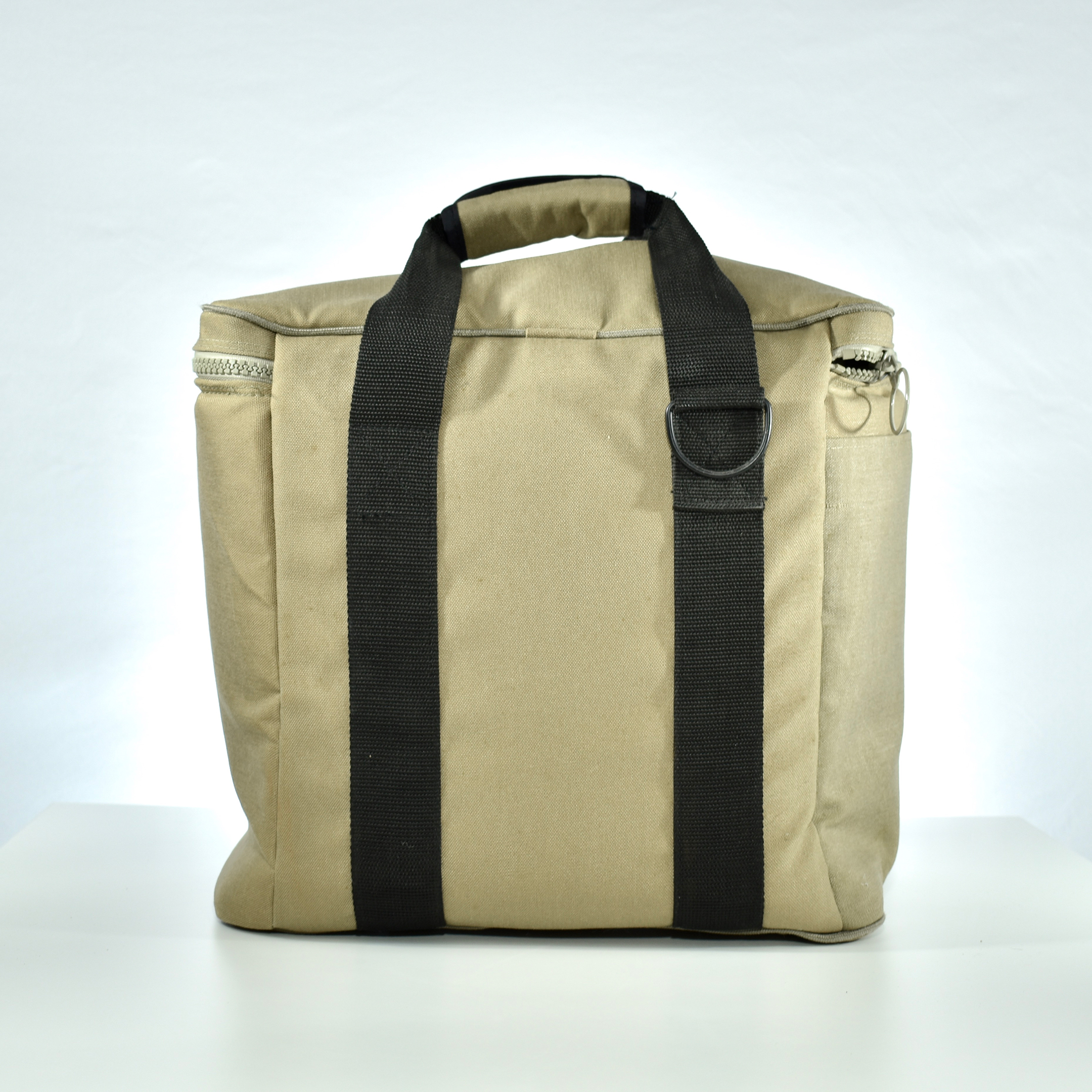
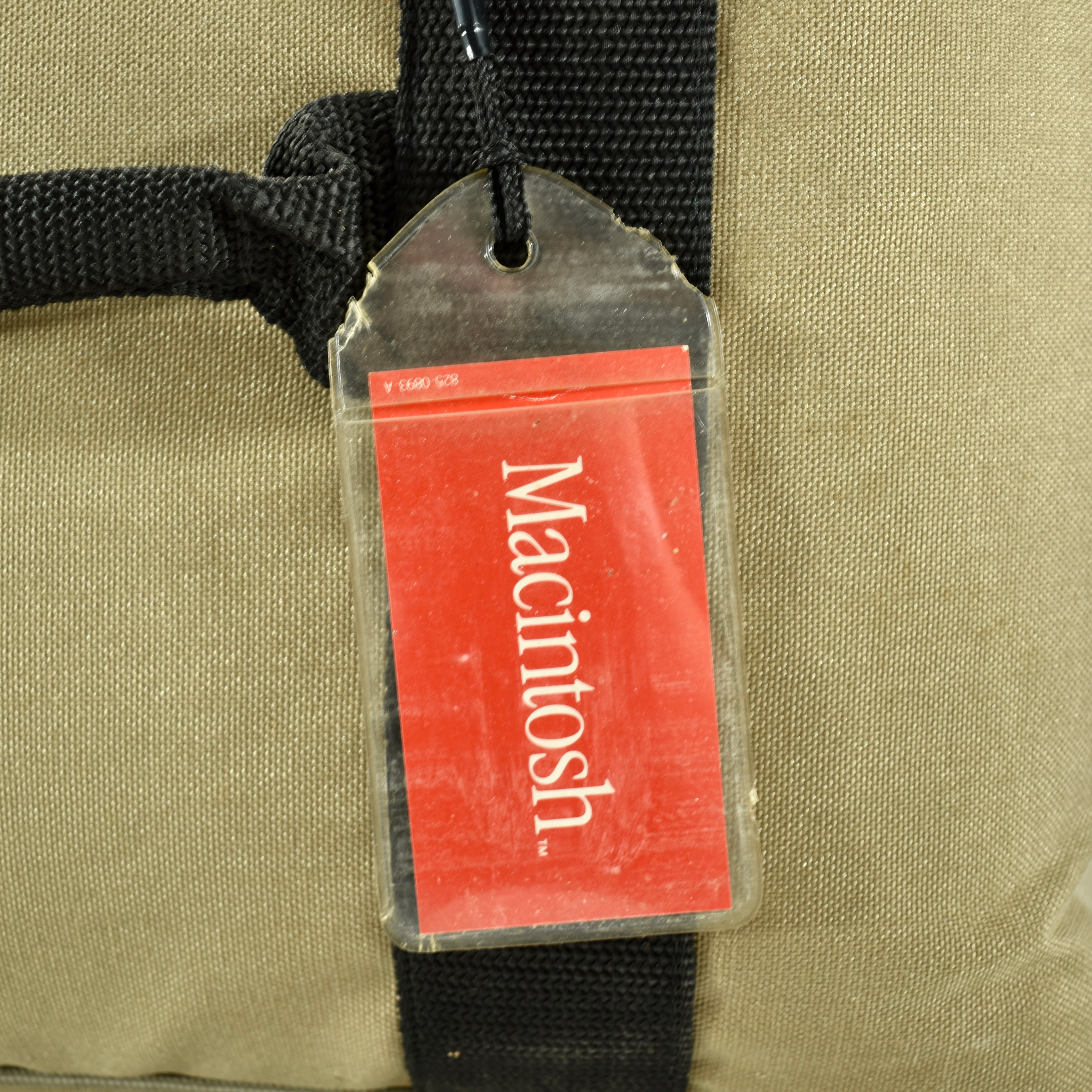
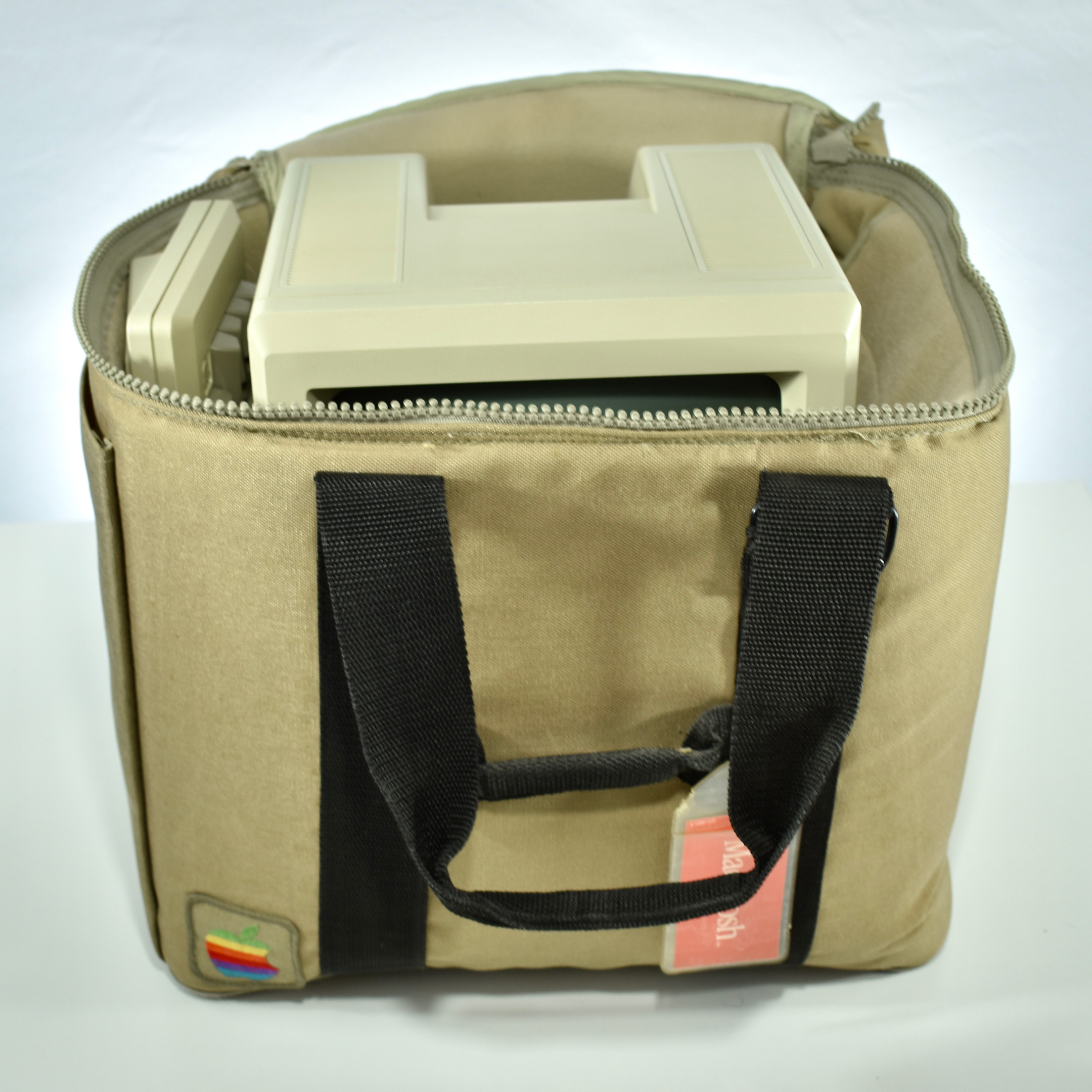
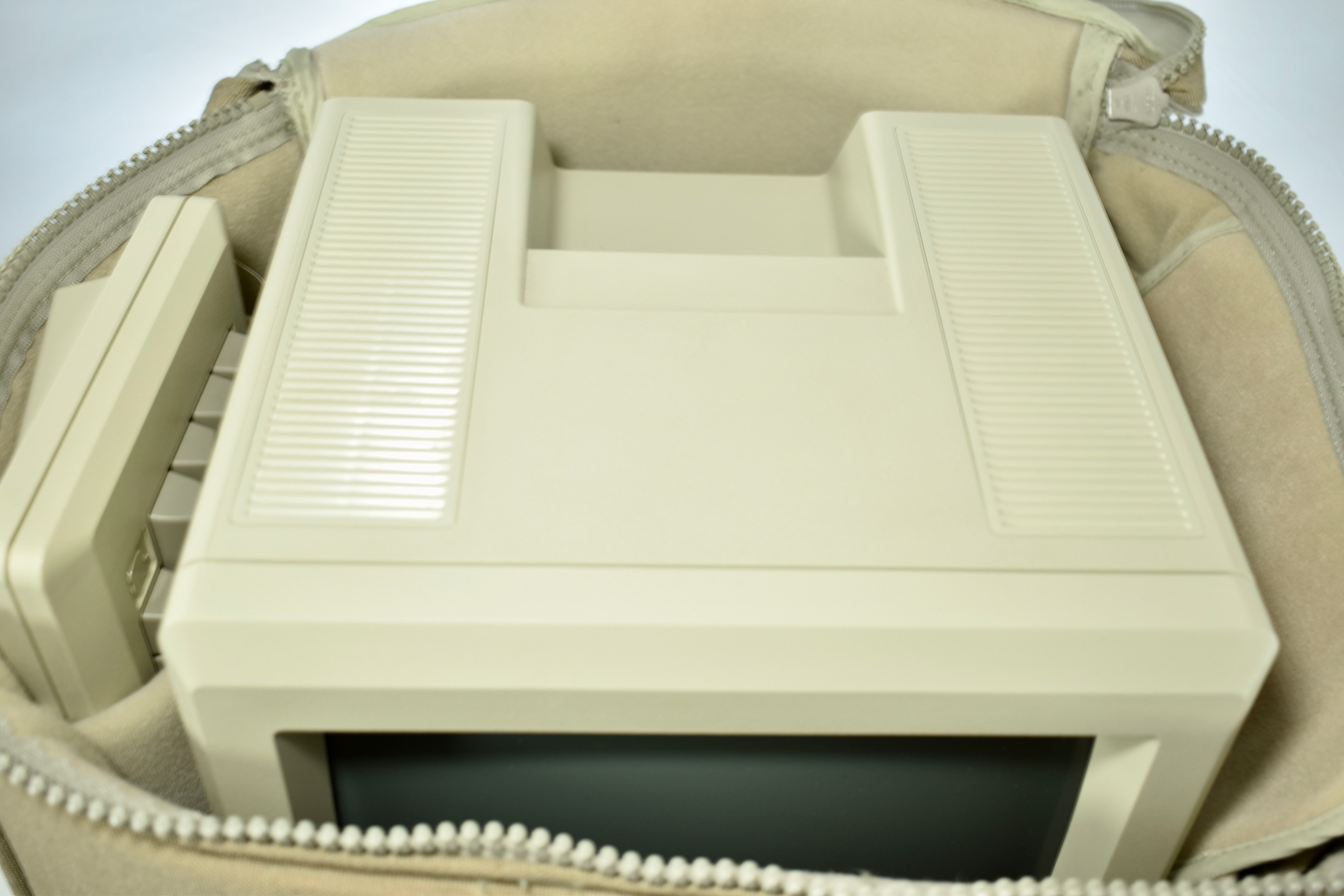
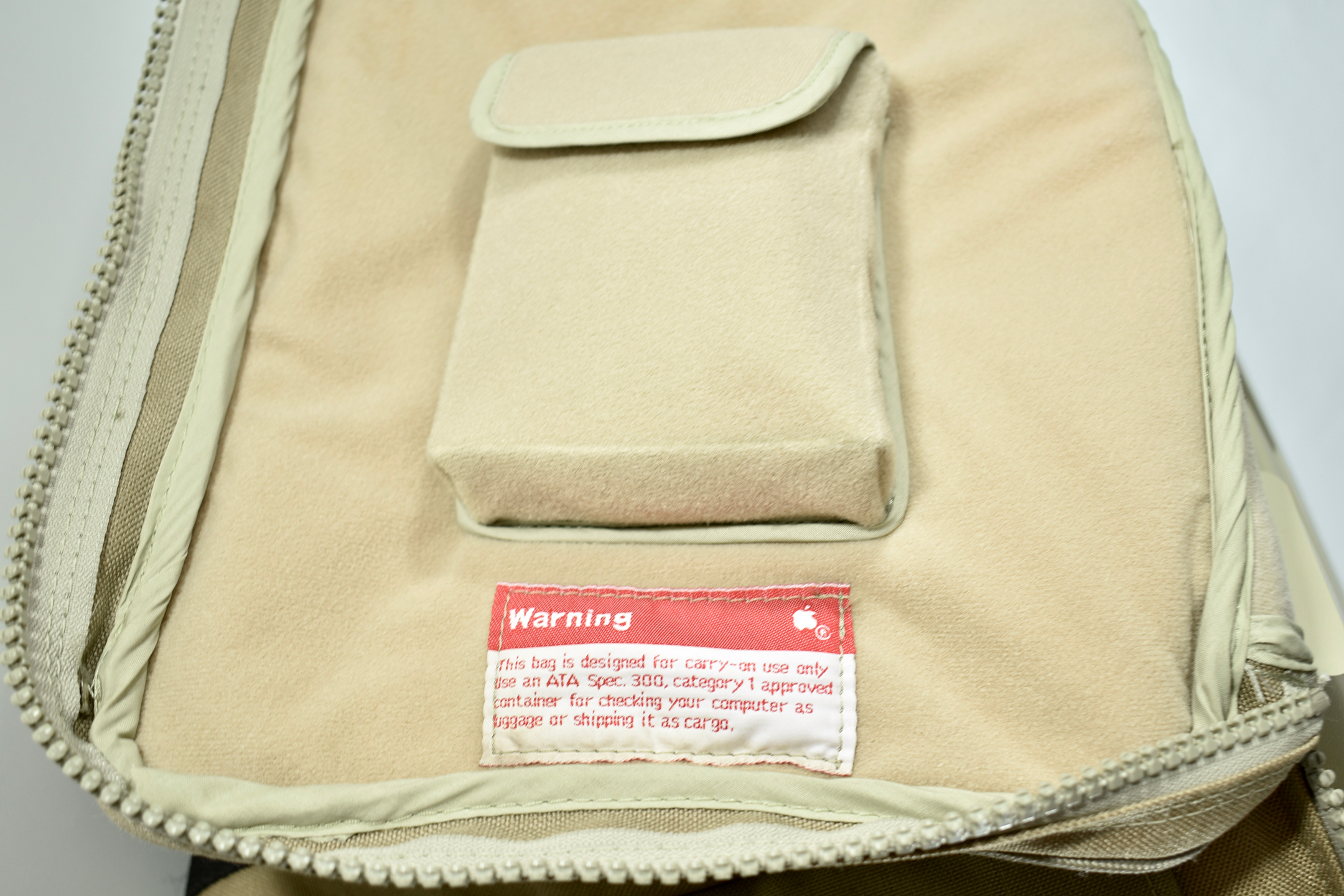
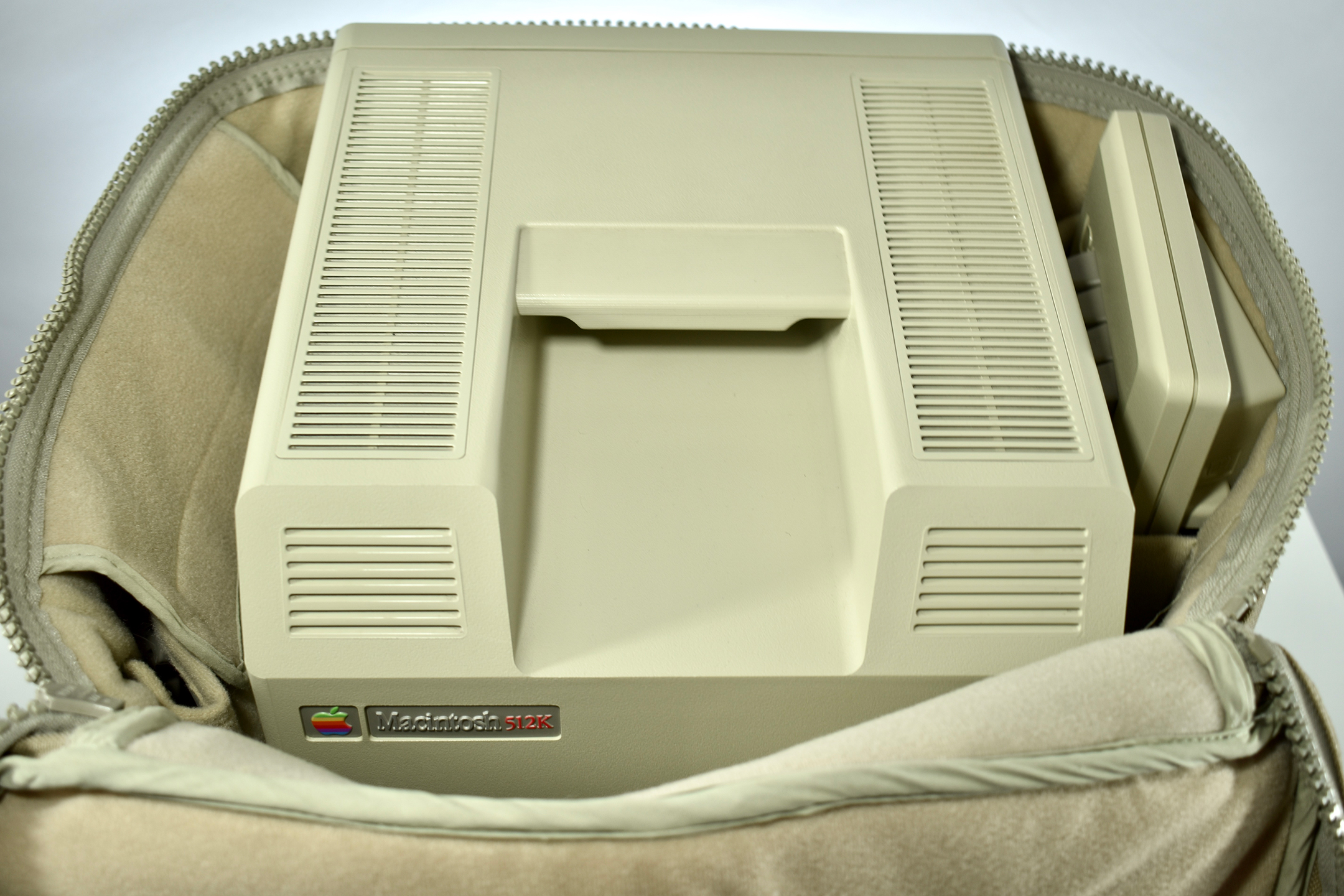
Apple captured this opportunity to release the Soft Carrying Case that would fit all the “classic” Macintosh computers. The Soft Carrying Case was dark beige with black straps. Internally, the Soft Carrying Case has a soft, beige, fleece-like lining with compartments for the mouse, keyboard, manual/disks/cables, and a large central space for the Macintosh. Since the original Macintosh models had no internal hard drives, 3.5-inch floppy disks were required to run the operating system and programs.
The case could be used as a carry-on for air travel, but contains a Warning tag: “This bag is designed for carry-on use only. Use an ATA Spec. 300, category 1 approved container for checking your computer as luggage or shipping it as cargo.”
My collection currently includes two Soft Carrying Cases. One was a gift, and this example was included with the purchase of my Macintosh 512K. Verifying the exact name of of this product required some research. I finally located an Apple-based source in a 19-page brochure released in 1983 before the original Macintosh release. The brochure touts, “At less than 20 pounds in weight, Macintosh is easily carried from here to there. But handles always help. This durable, water-resistant carrying case is thickly padded so the Macintosh main unit, keyboard, mouse, manual and disks fit snugly inside.”
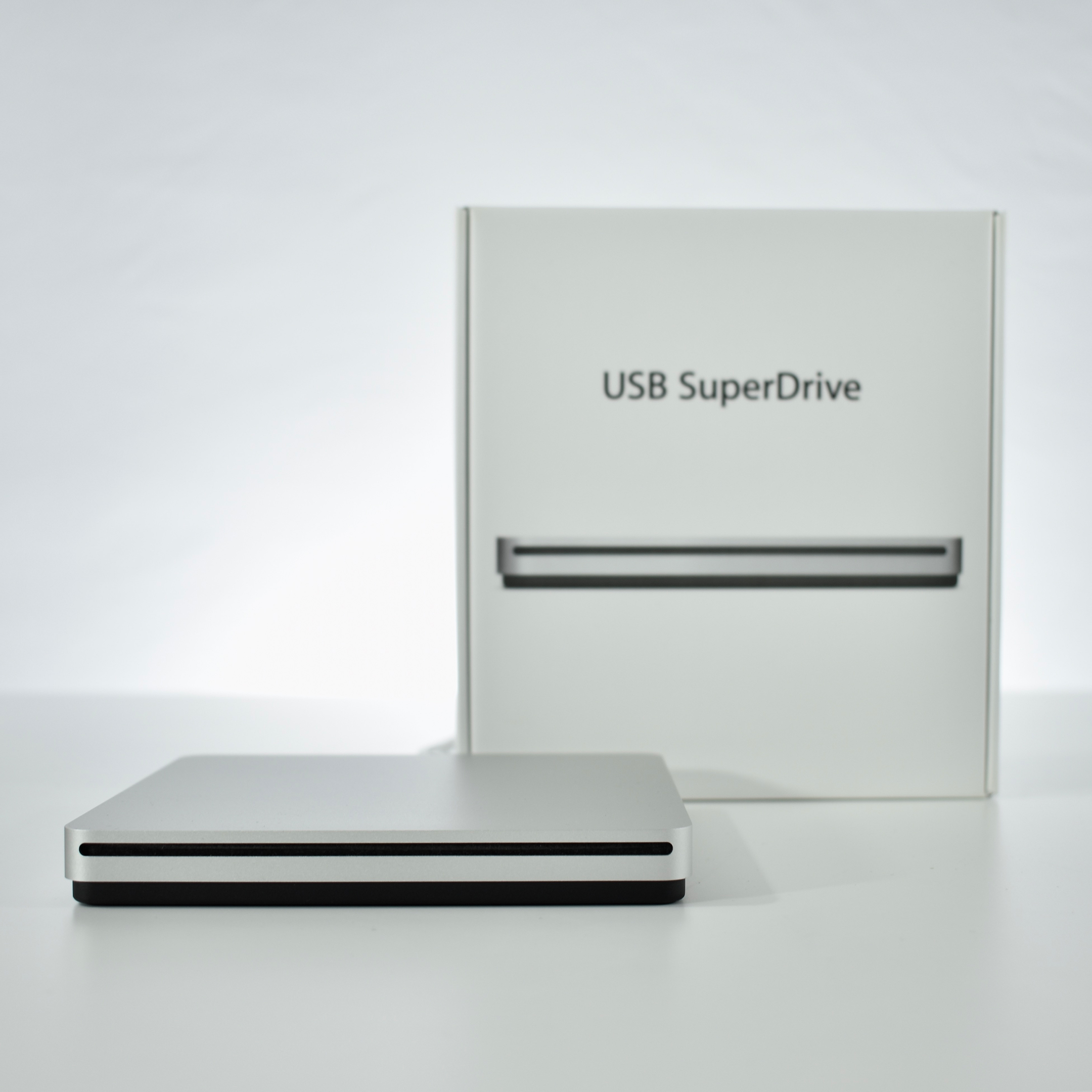
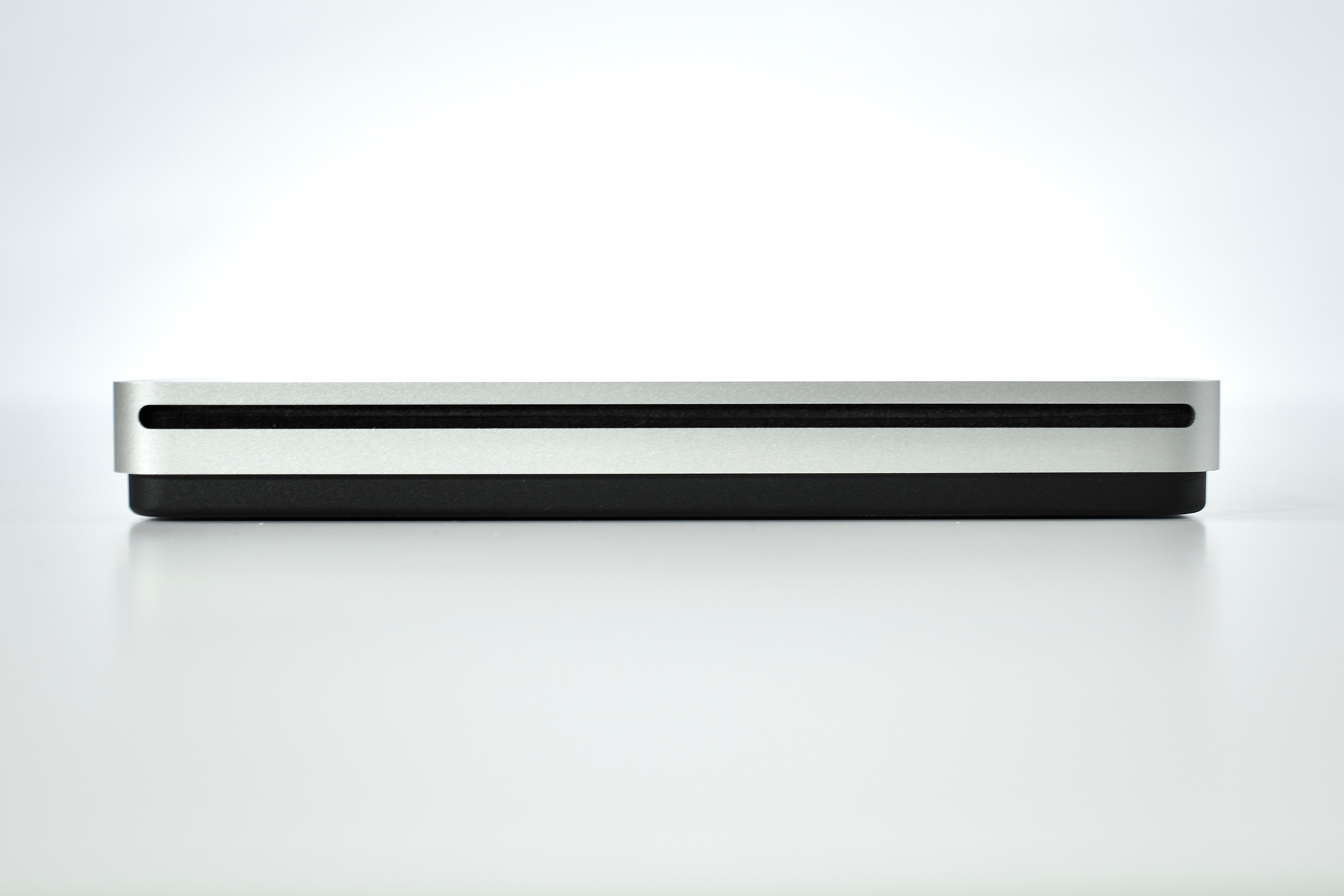
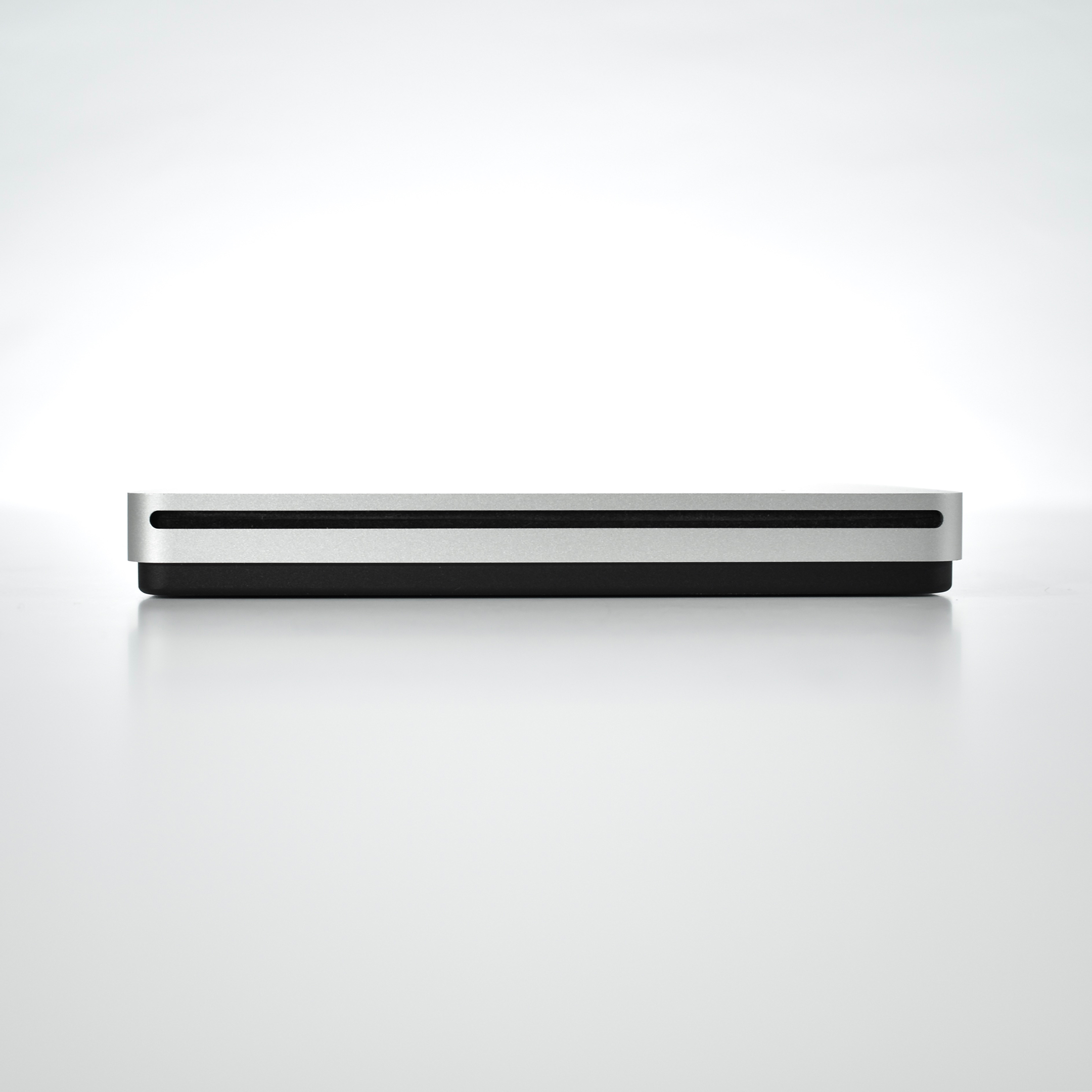
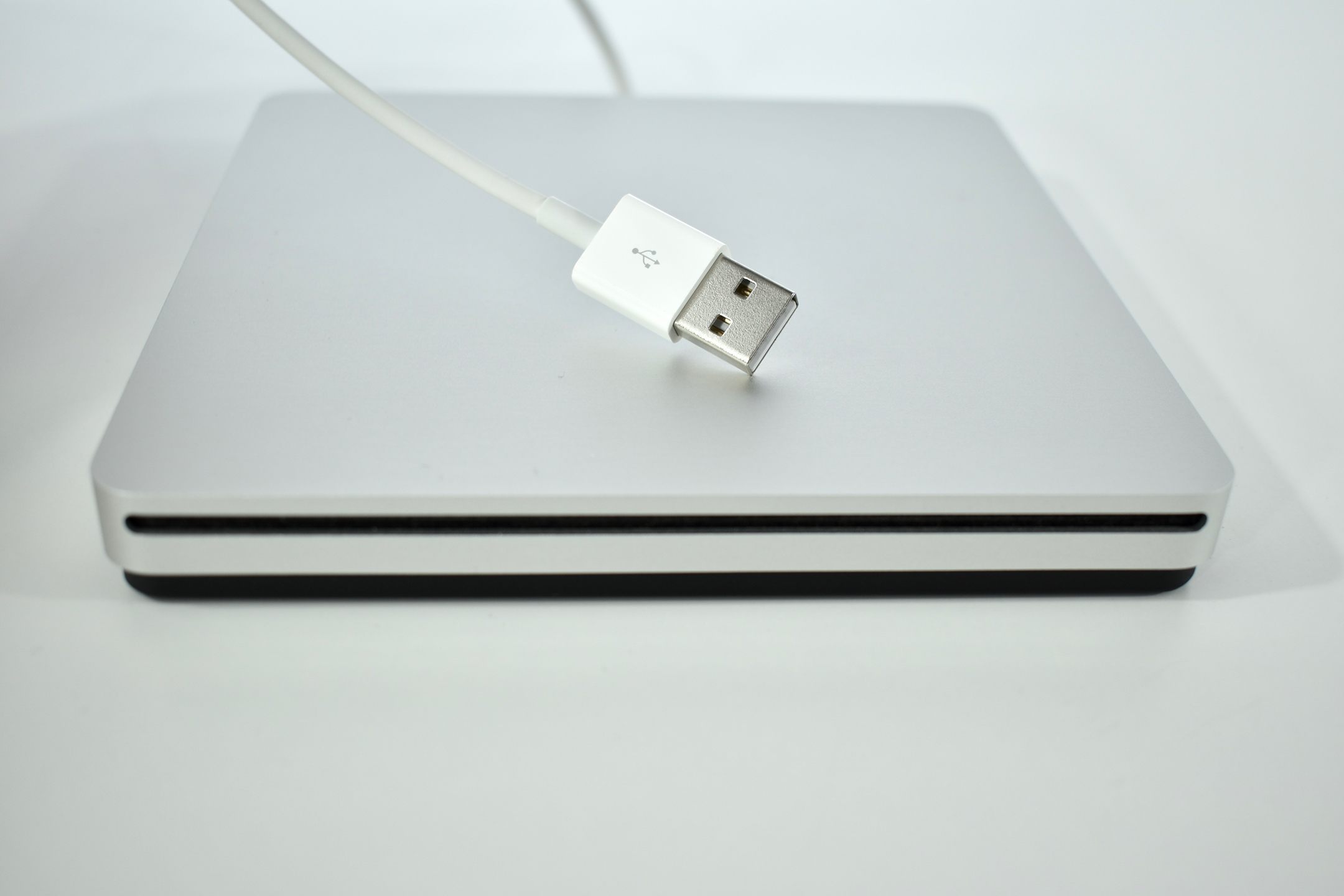
According to Apple, “The Apple USB SuperDrive is compatible with Mac models from 2008 and later that don’t have a built-in optical drive.” This includes MacBook, MacBook Air with Retina display, MacBook Pro with Retina display, MacBook Air, iMac (late 2012) and later, Mac mini (late 2009) and later, and Mac Pro (late 2013).
The drive is compact at 0.67 inches by 5.47 inches by 5.47 inches, and weighs 0.74 pounds. The drive includes a USB-A port, making an adapter necessary to use it with newer Macs that only include USB-C ports; however, no separate power adapter is required.
Apple proclaims that this drive is “Everything you need in an optical drive. Whether you’re at the office or on the road, you can play and burn both CDs and DVDs with the Apple USB SuperDrive. It’s perfect when you want to watch a DVD movie, install software, create backup discs, and more.”
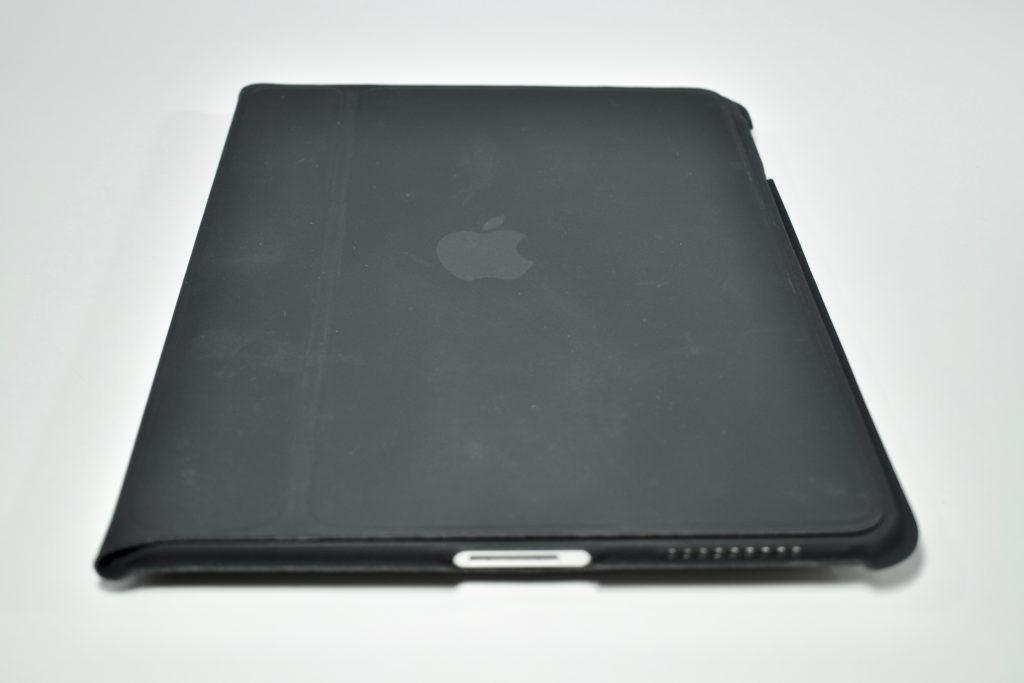
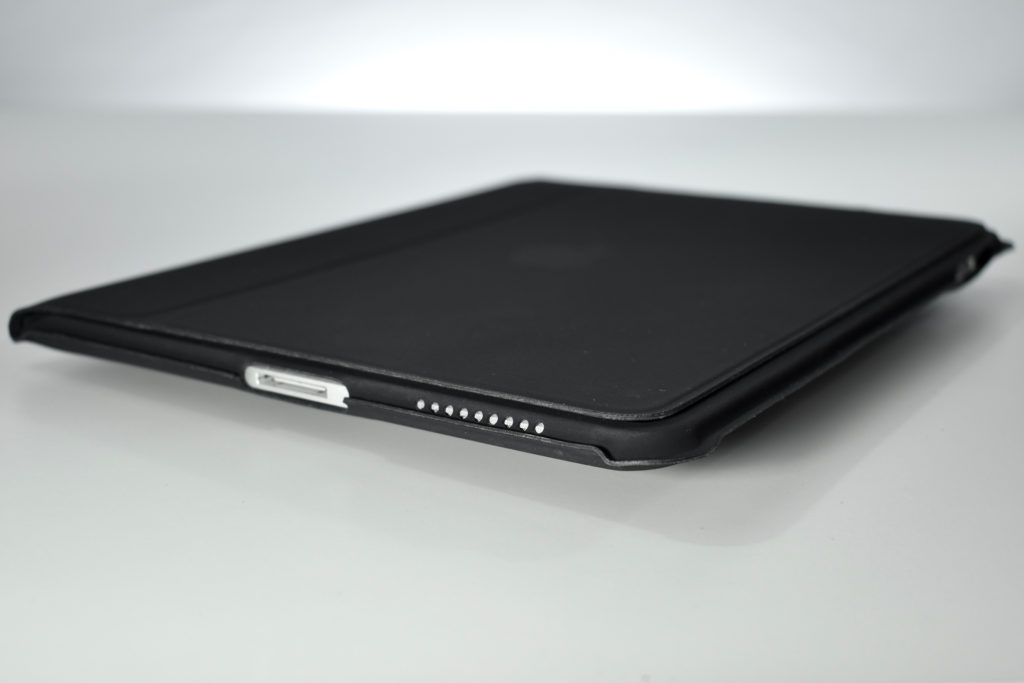
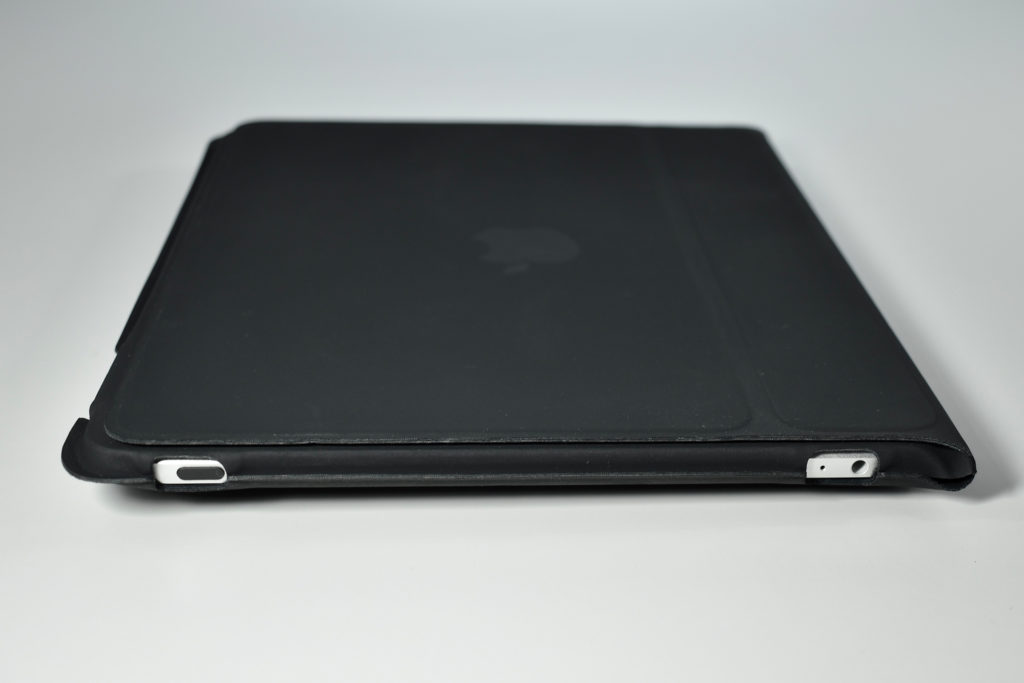
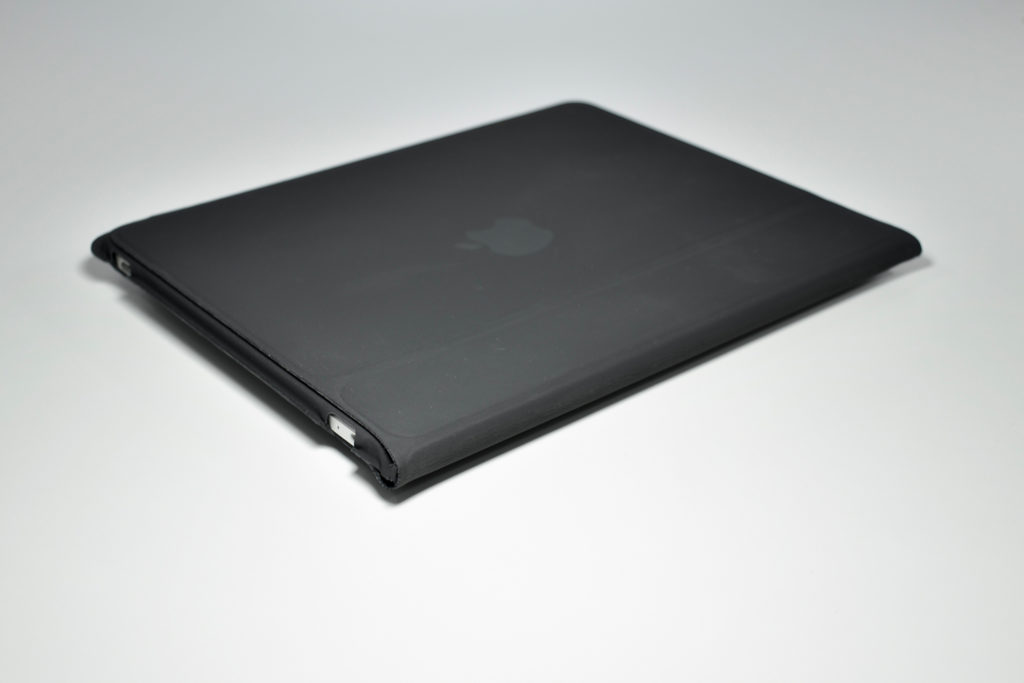
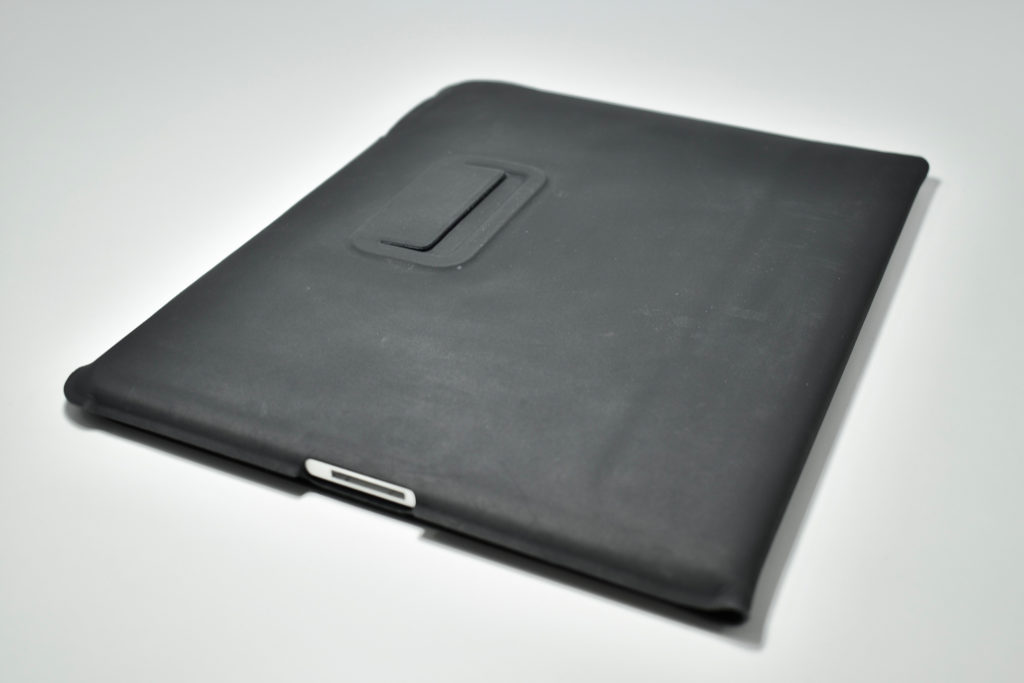
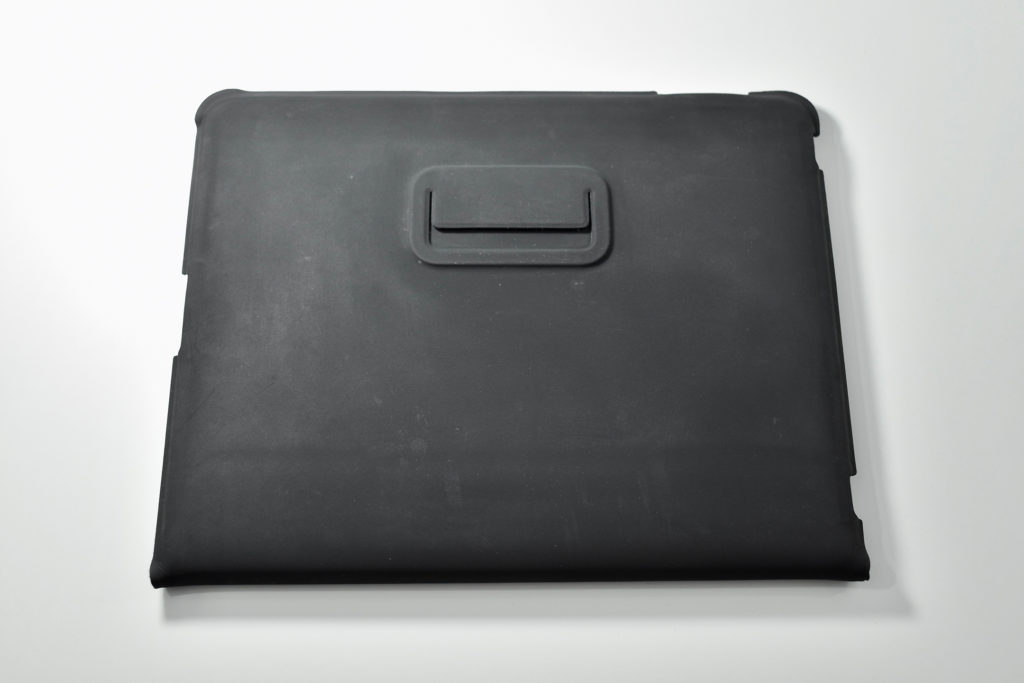
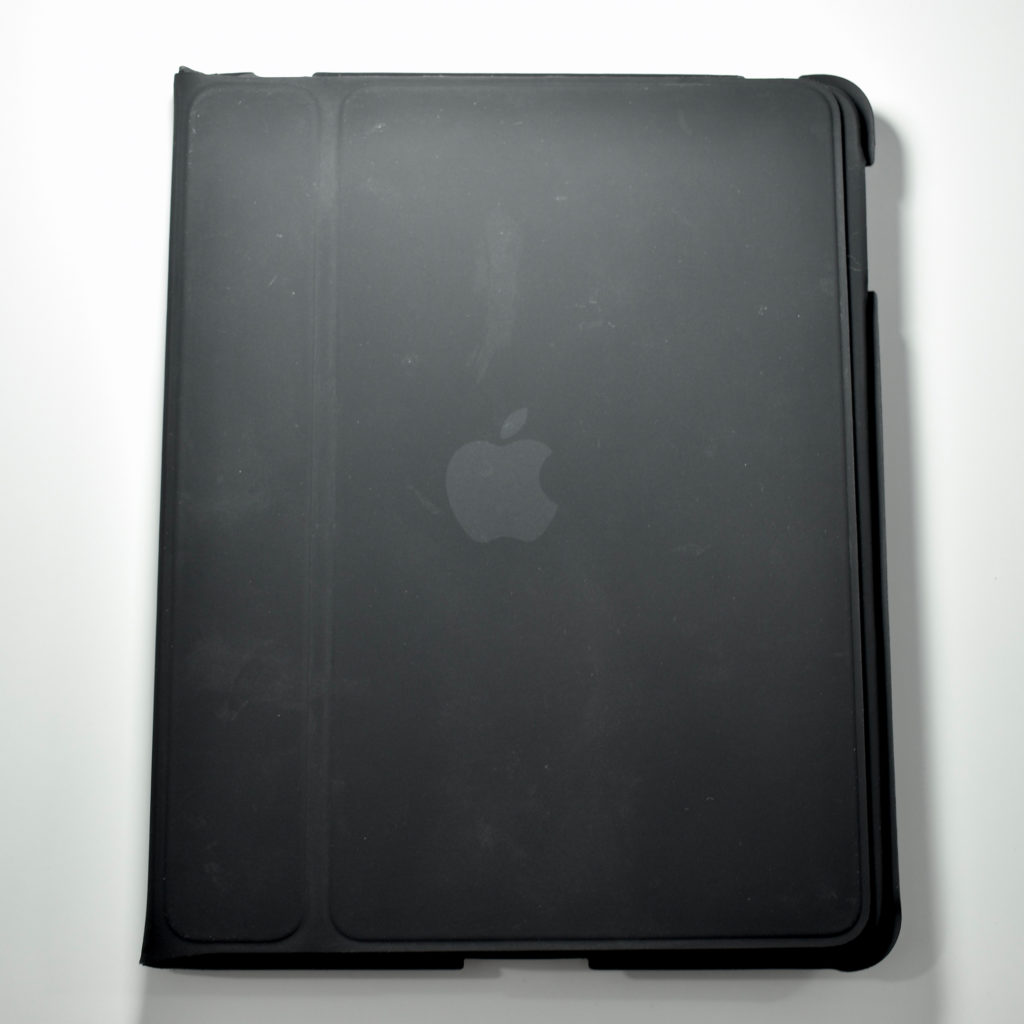
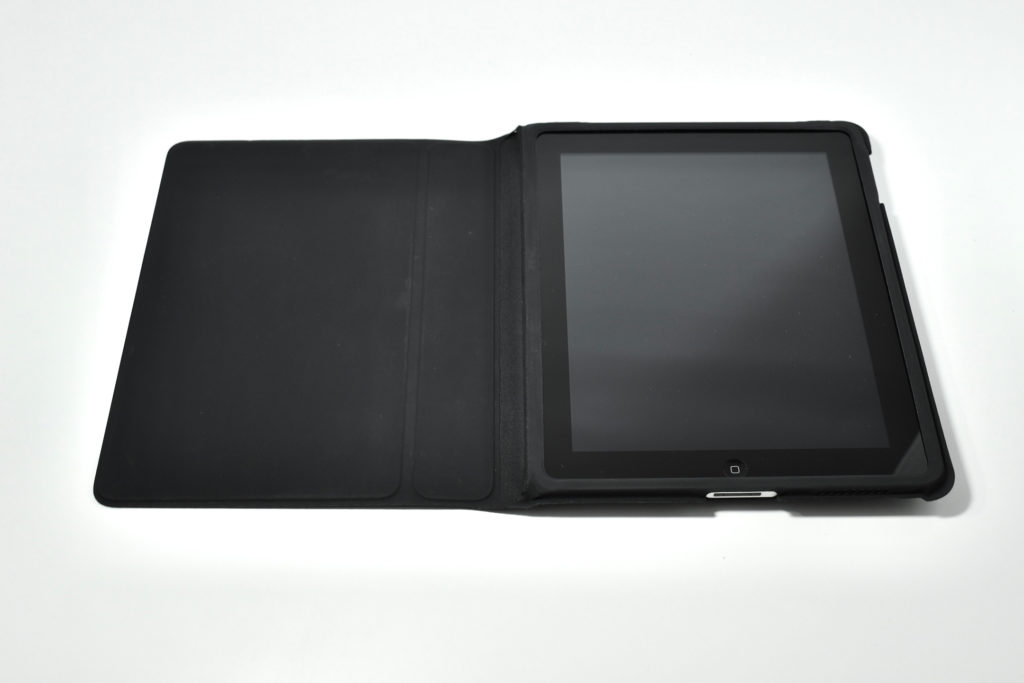
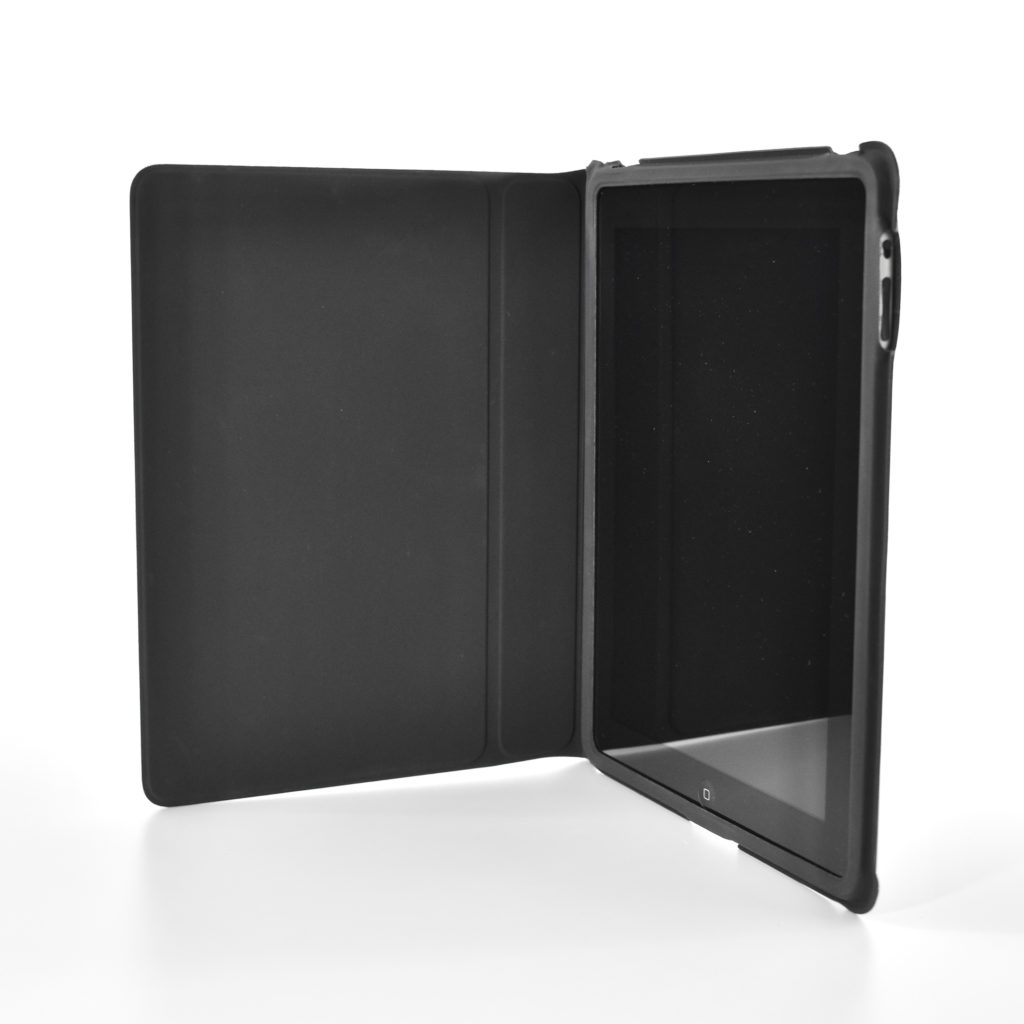
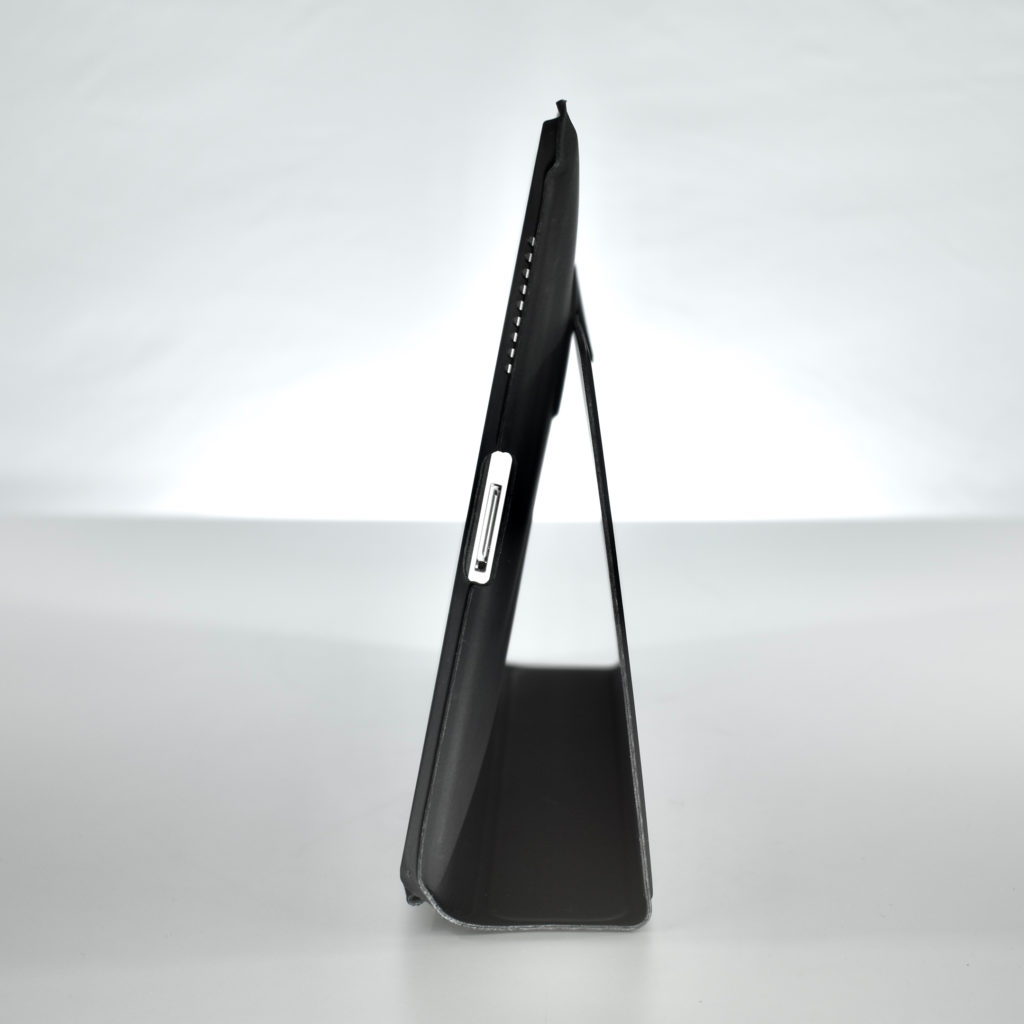
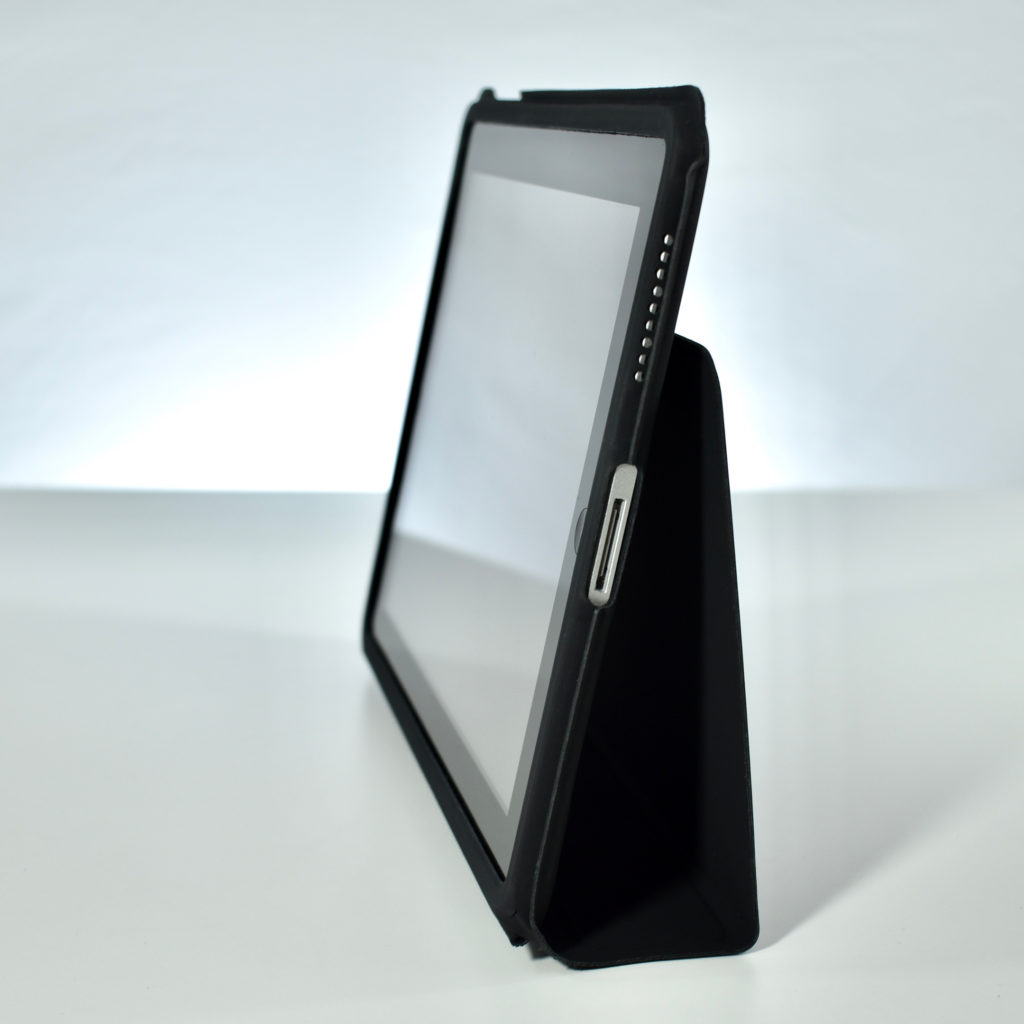
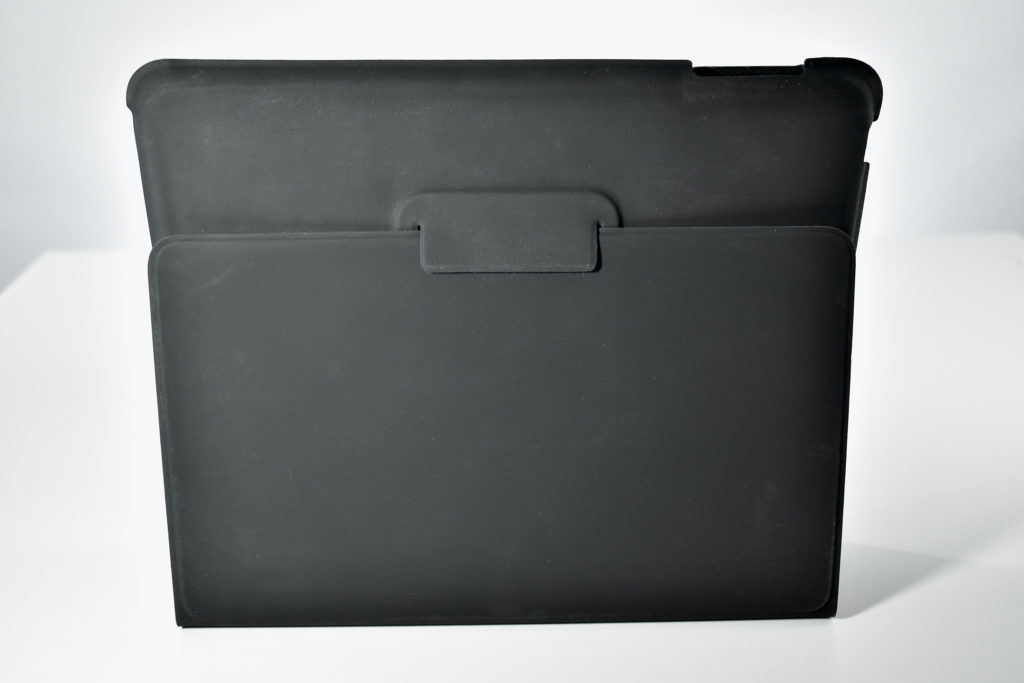
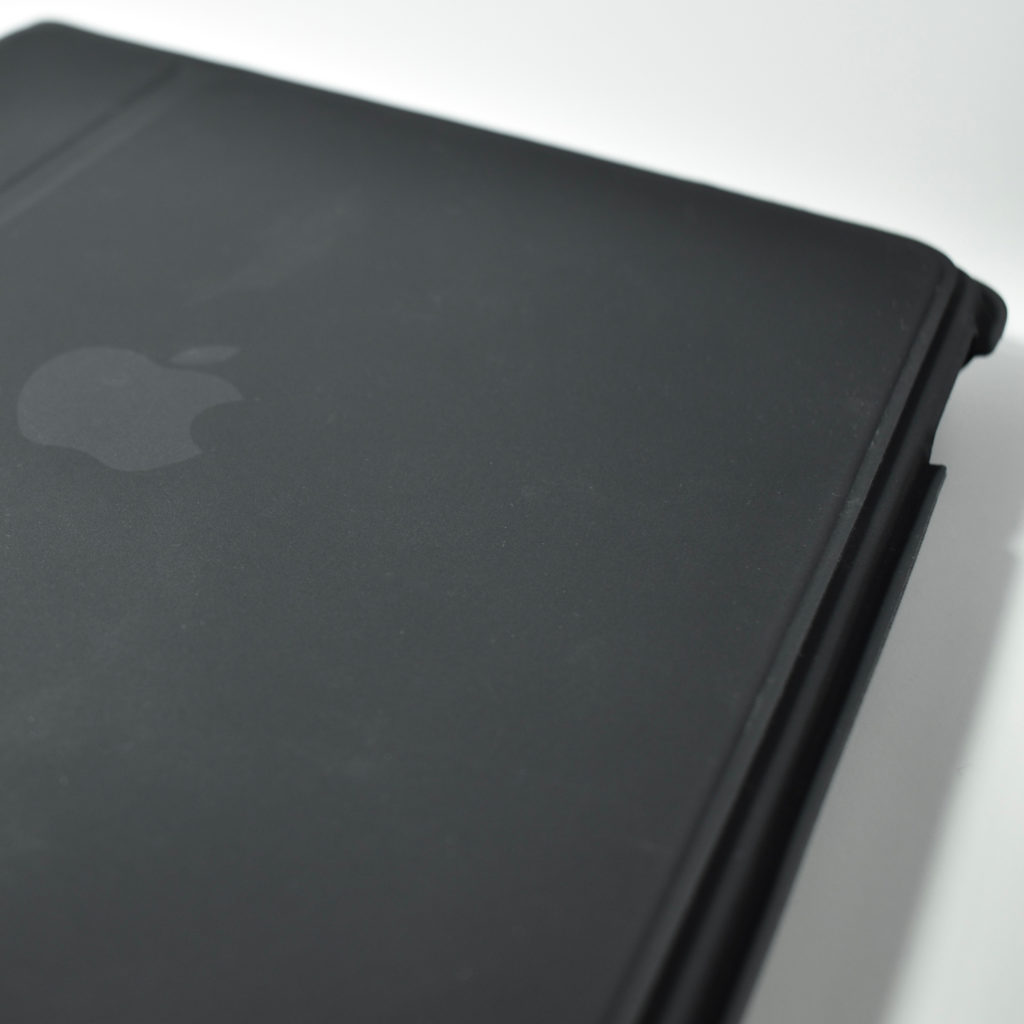
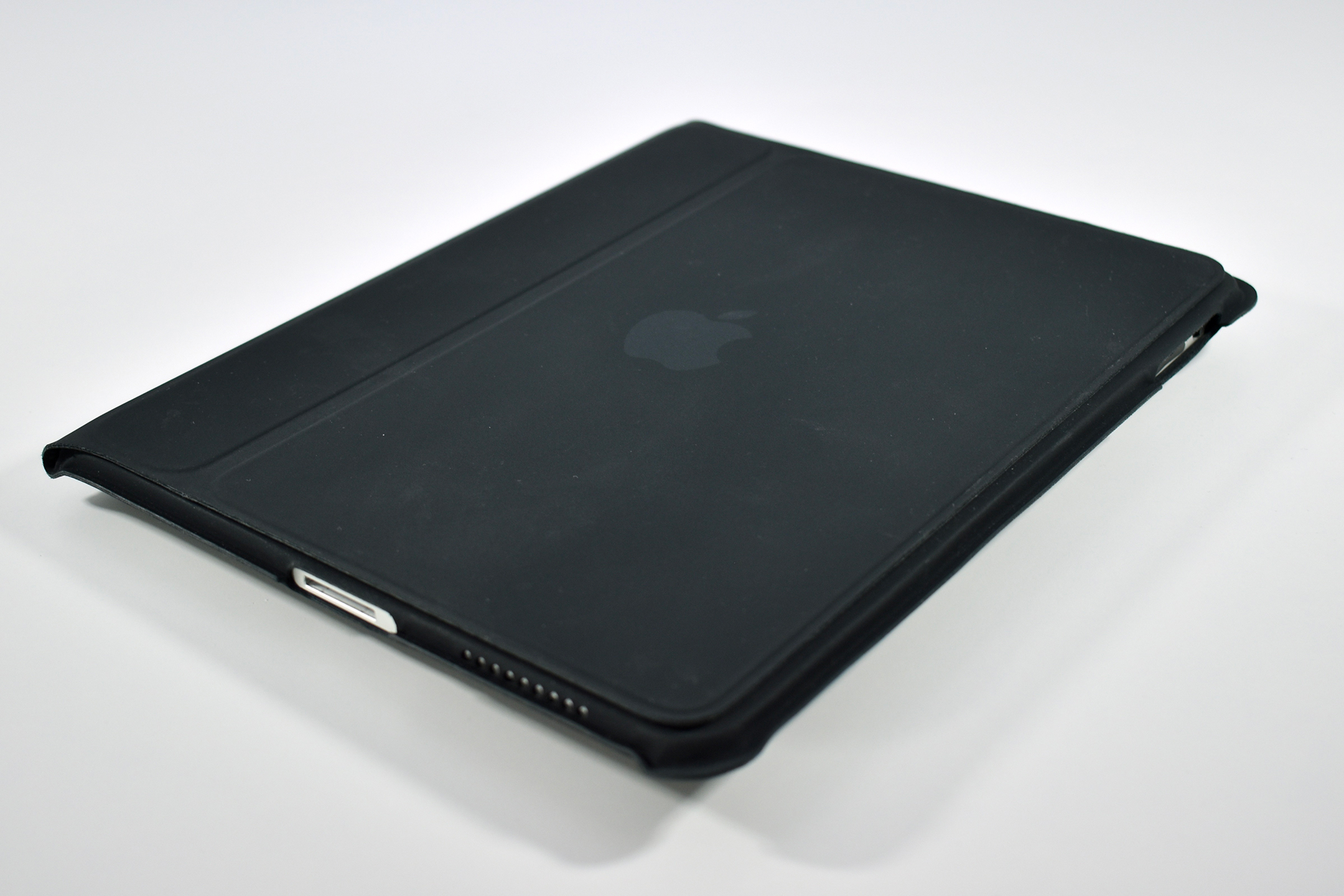
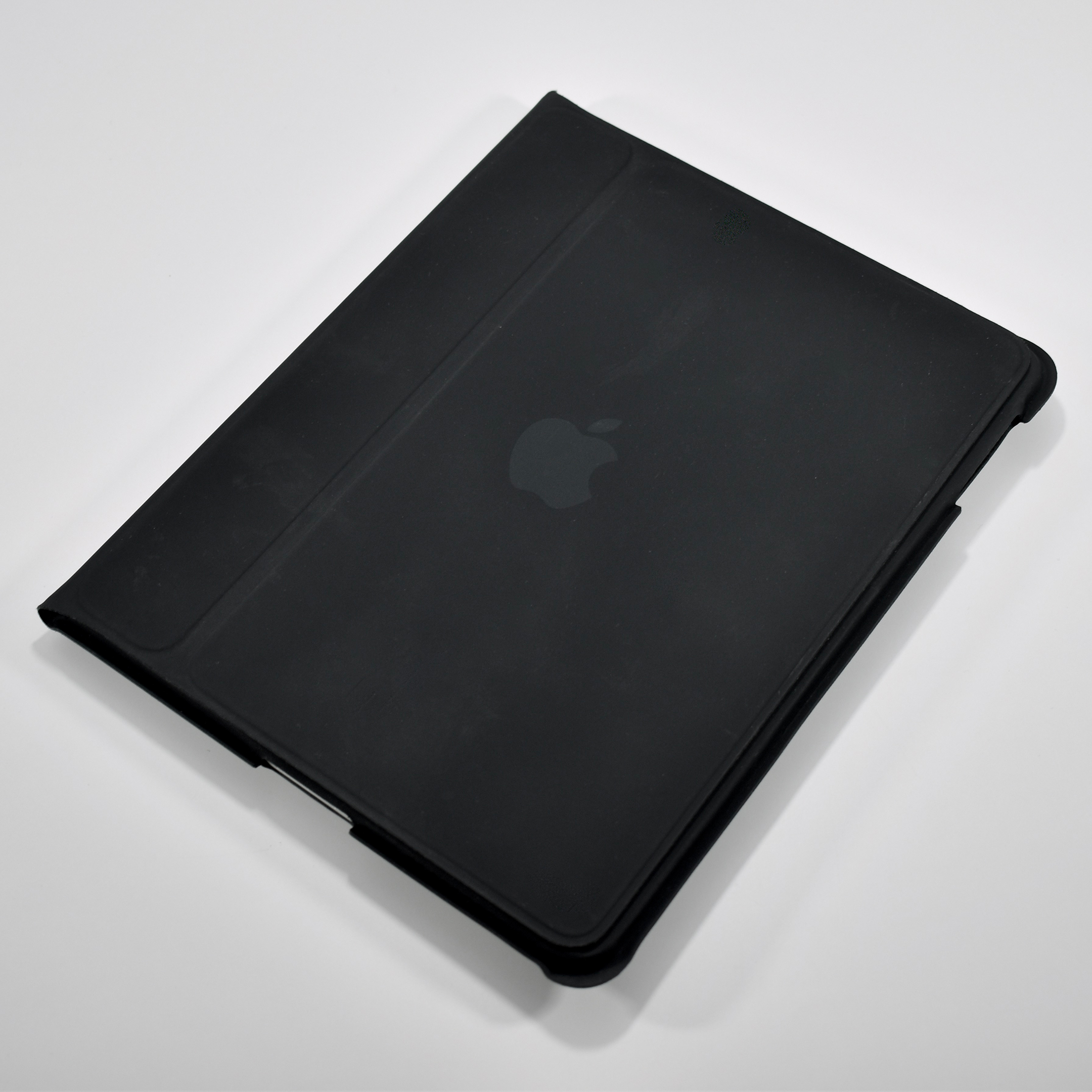
This iPad Case was the only case made by Apple upon release of the original iPad in 2010. Like the iPhone case market, iPad cases became—and continue to be—a major business for both Apple and third-party manufacturers. Then and now, Apple’s case offerings vary in reviewer reception.
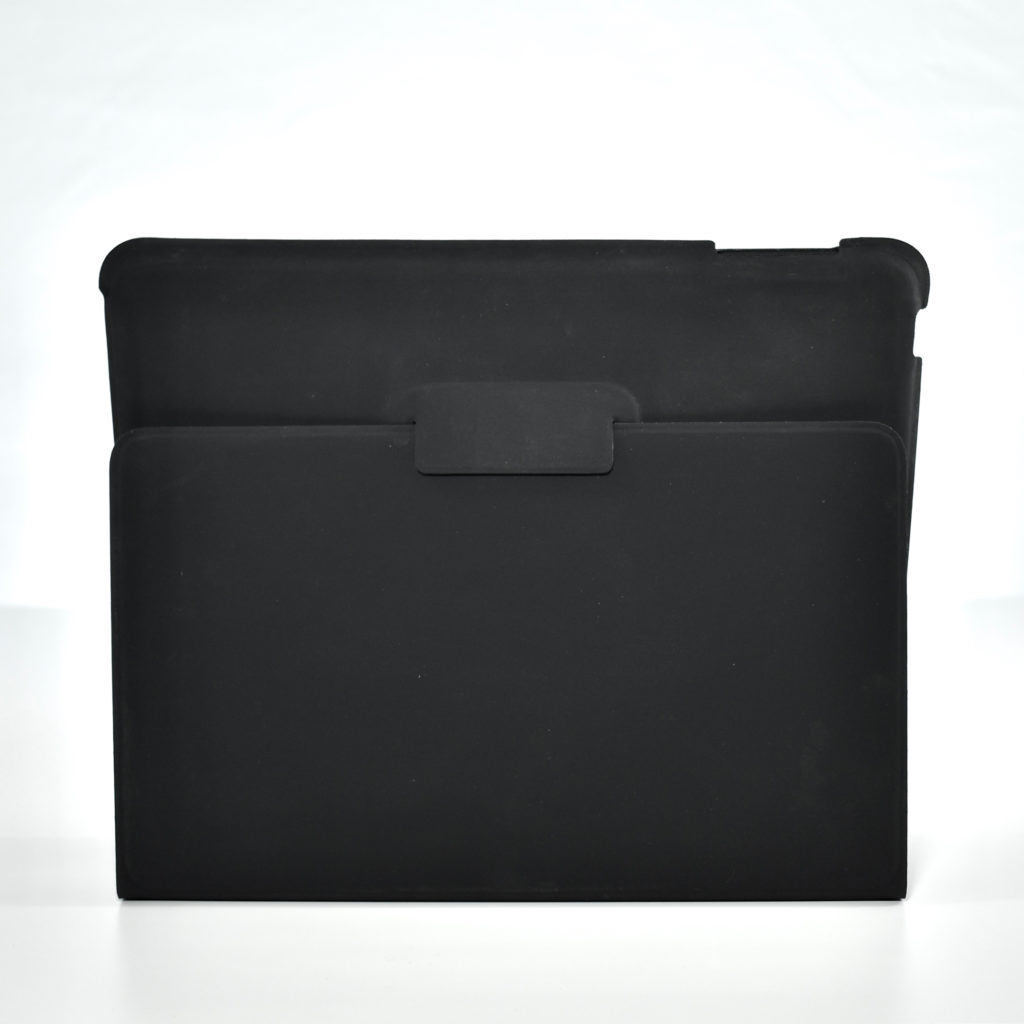
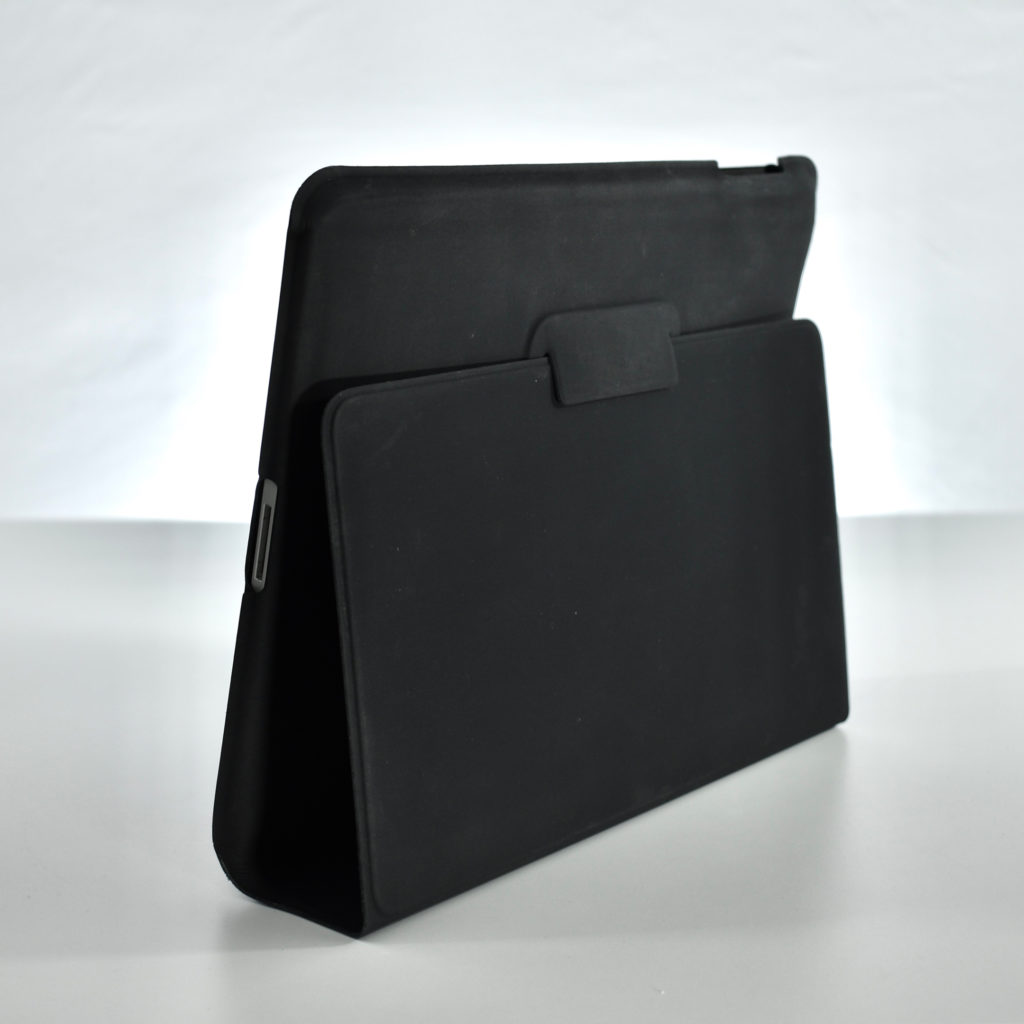
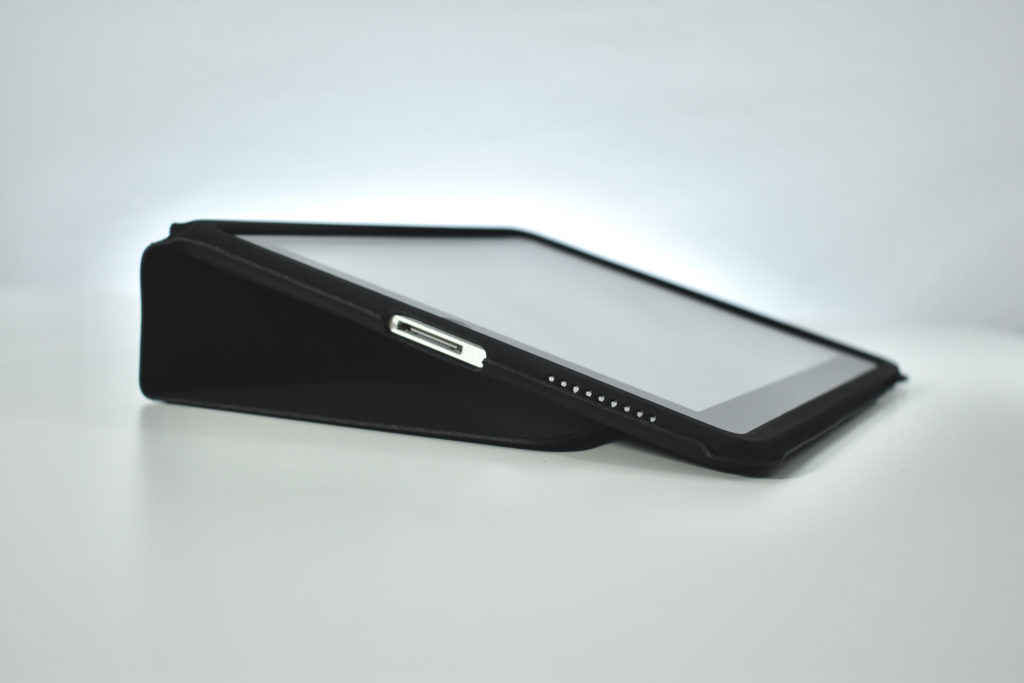
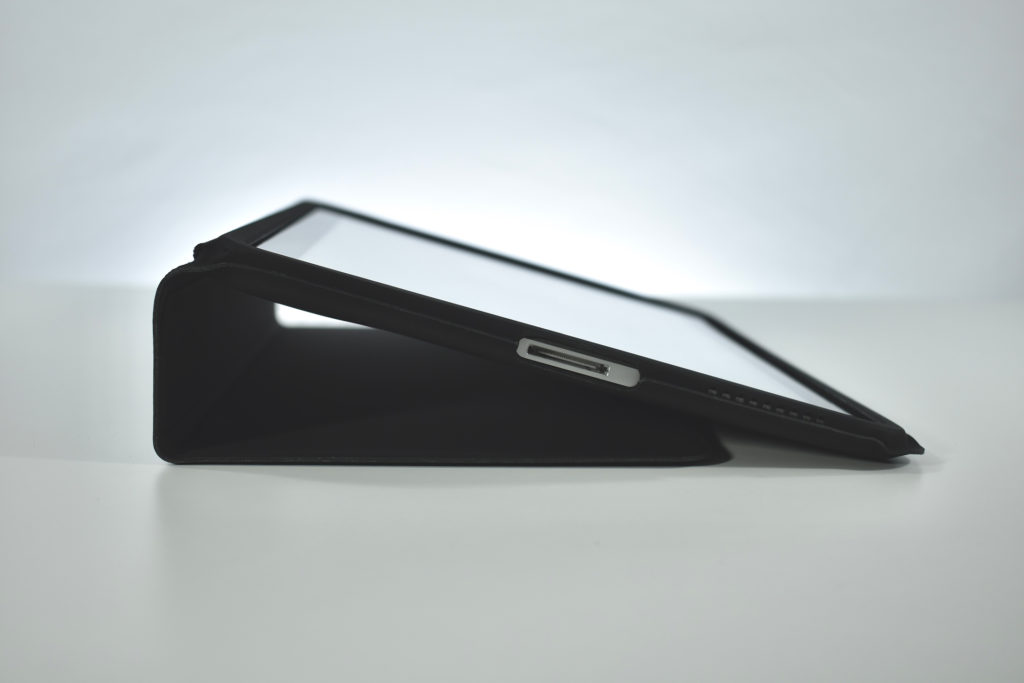
This original iPad Case was described by iLounge as a design in the middle of the pack. Specifically they state, “Using a protective lid…that folds around the back to become a prop-up video stand, the case is made from vinyl-like PVC plastic and has a microfiber interior. It’s designed to provide access to the device’s side buttons, headphone port…exposing the screen when you want to flip the lid open.” iLounge also correctly points out that the material “gathers marks and dirt in ways that no other case does, and the flip-closed front isn’t secured to the rest of the case in any way.”
This case, despite my best efforts at cleaning it, indeed suffers from marks that could not be removed. However, the original iPad that it was protecting was in perfect condition, thus speaking to its effectiveness at protecting the device.
The iLounge reviewer likes the case’s ability to fold and become a stand for viewing video. Interestingly, the reviewer overlooks the case’s ability to be flipped and set at a lower angle to make typing easier. This oversight is not unusual for 2010 when the iPad was often viewed only as a content consumption device, rather than acknowledging that it could also be used effectively for content creation.
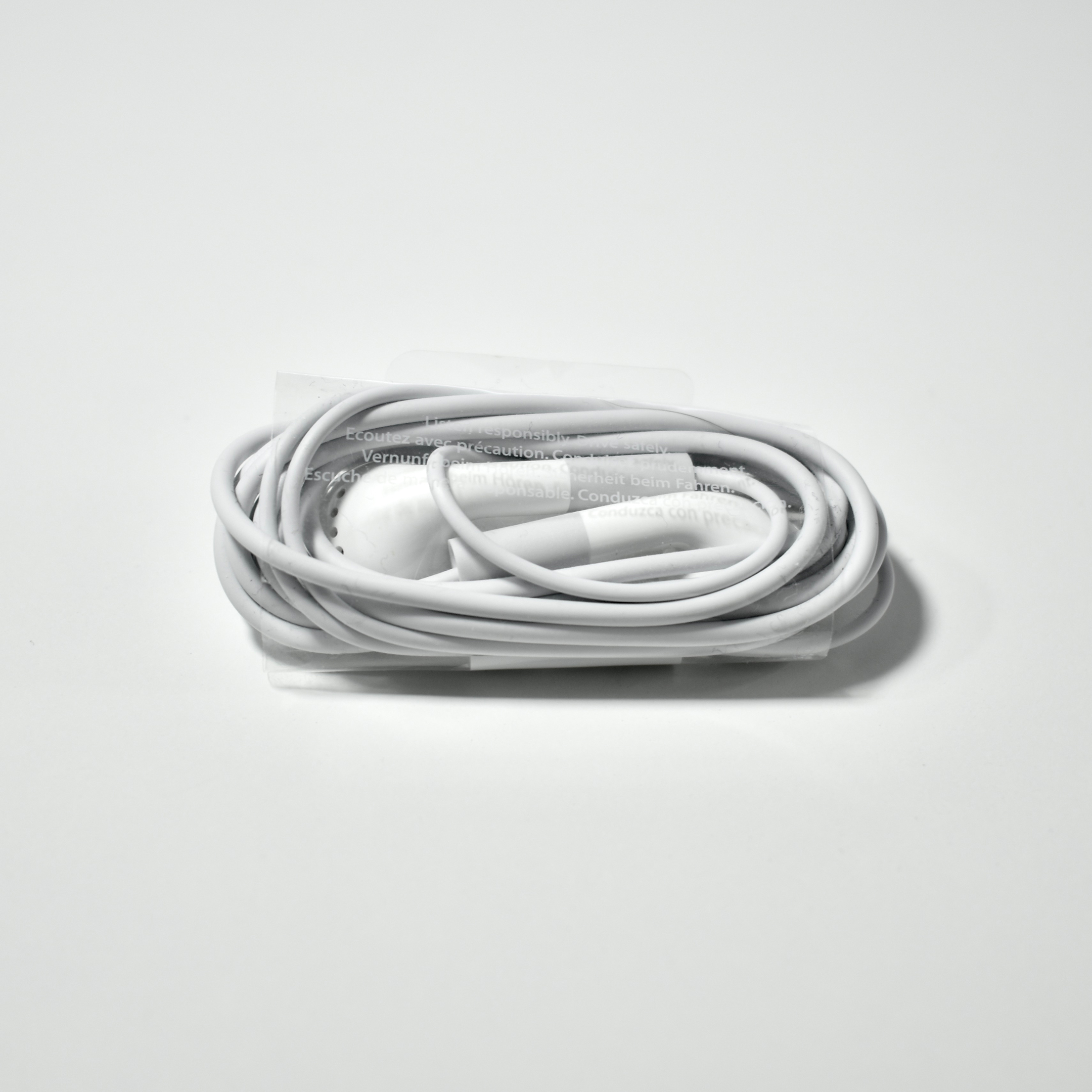
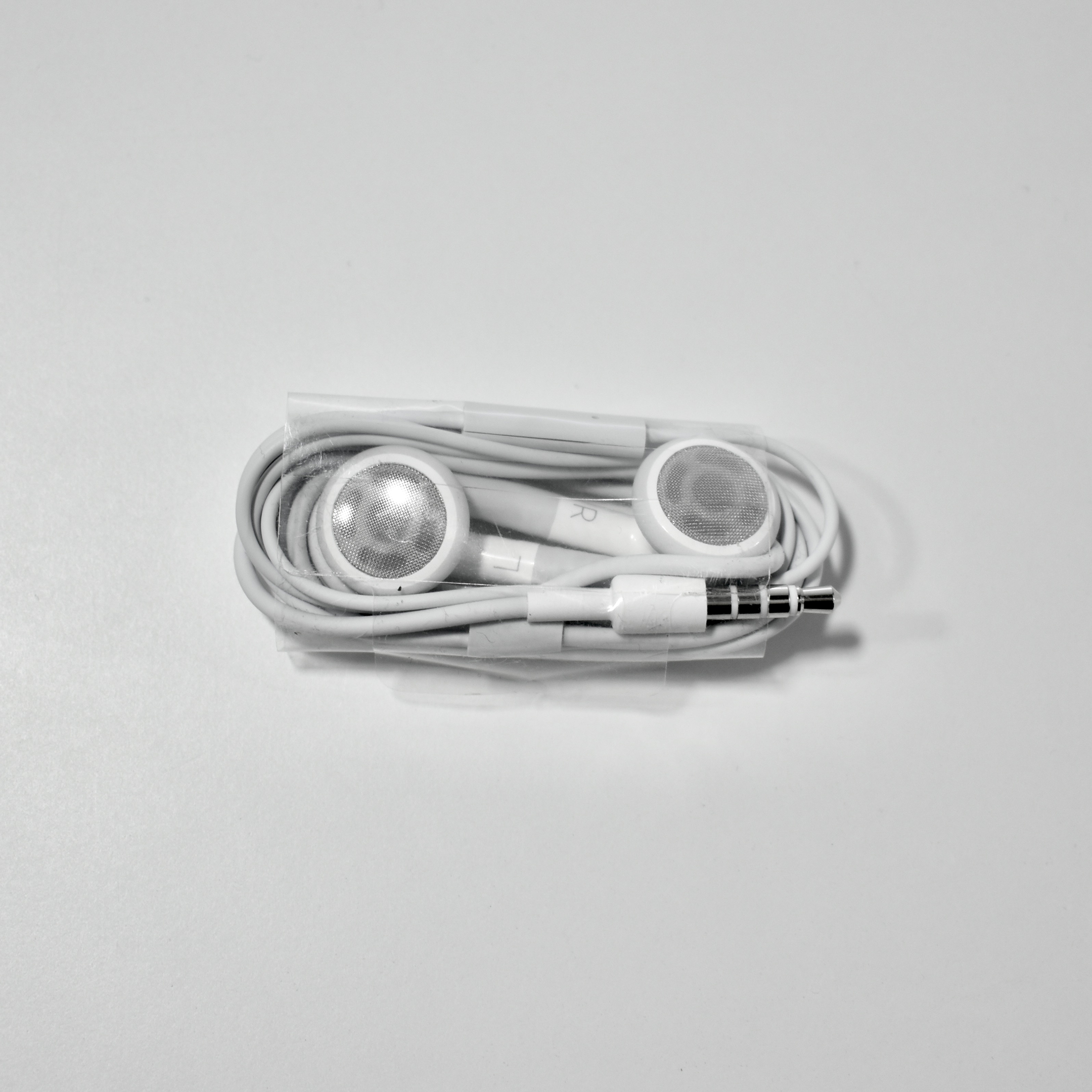
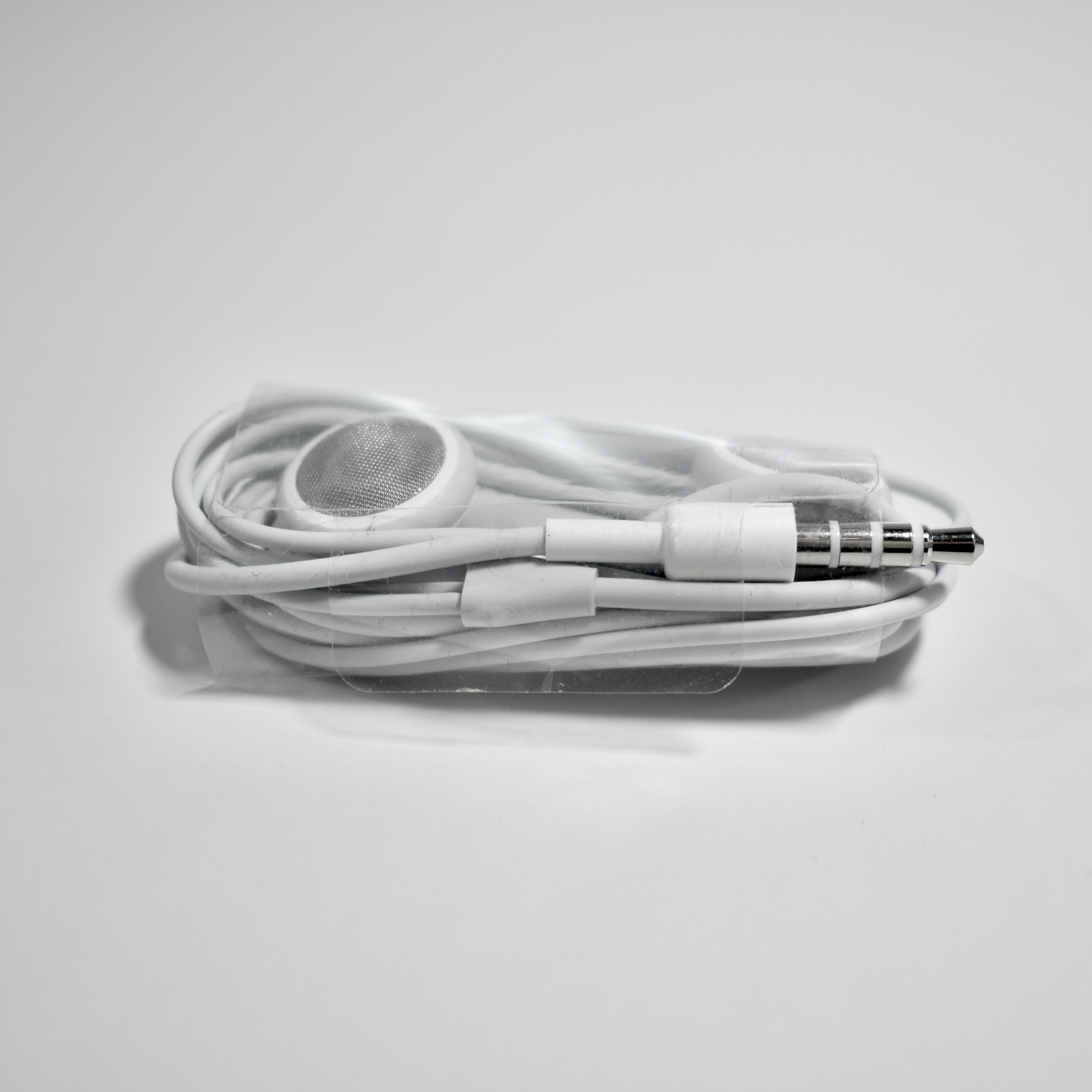
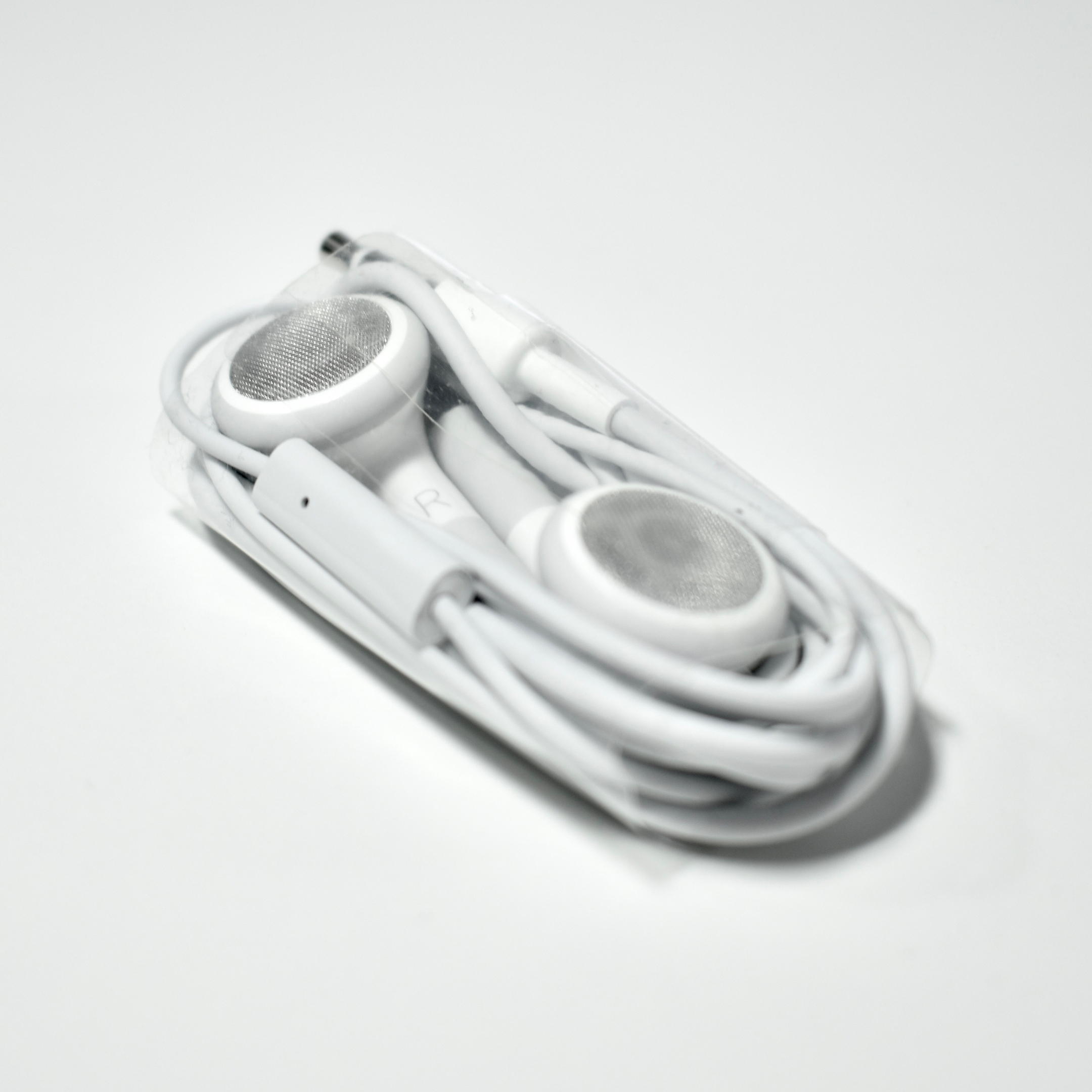
The iPhone Stereo Headset were the headphones that shipped with the first two iPhone models, the original iPhone (2007–2008) and the iPhone 3G (2008–2010). The headphones used a similar enclosed design as the later EarPods, and the right earbud included a control button with a microphone on the wire. The button is controlled by a squeeze and it can be set for a variety of tasks: answer/end calls, advance presentation slides, play/pause music/video, or capture photos. A double-press also allowed the user to skip to the next music track.
Note that the controller did not include the + and – option for volume and/or other controls, a feature now taken for granted in many headphone designs.
iLounge described these headphones as, “familiar and inexpensive, with very good earbud and microphone quality.” They also praised the bass response, warm sound, and the quality of the microphone.
This example is in Apple’s bulk packaging. I remember receiving the headphones when I attended an Apple Education professional development opportunity that required attendees to have a microphone. These were never unpackaged because I had brought and used my personal headphones.
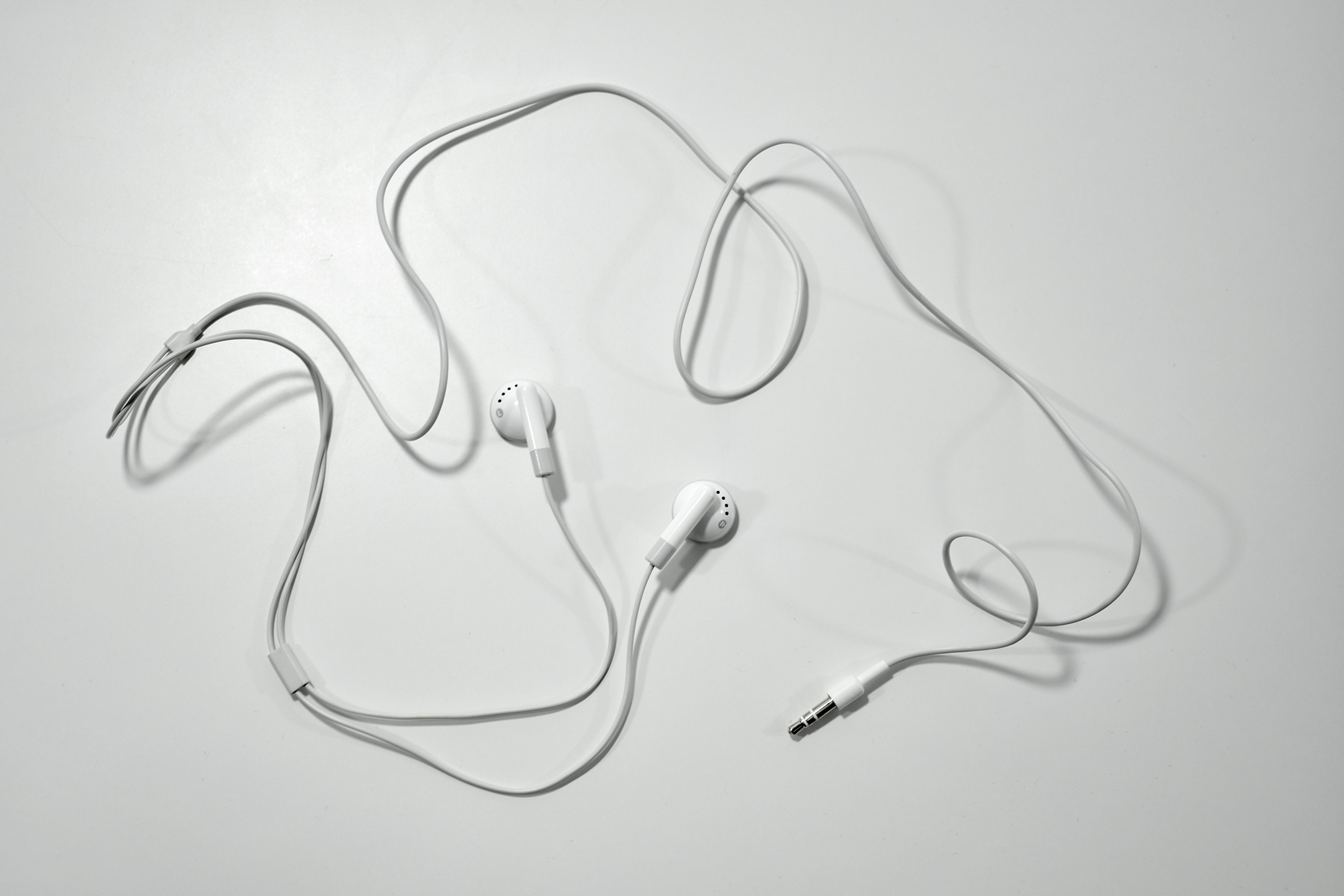
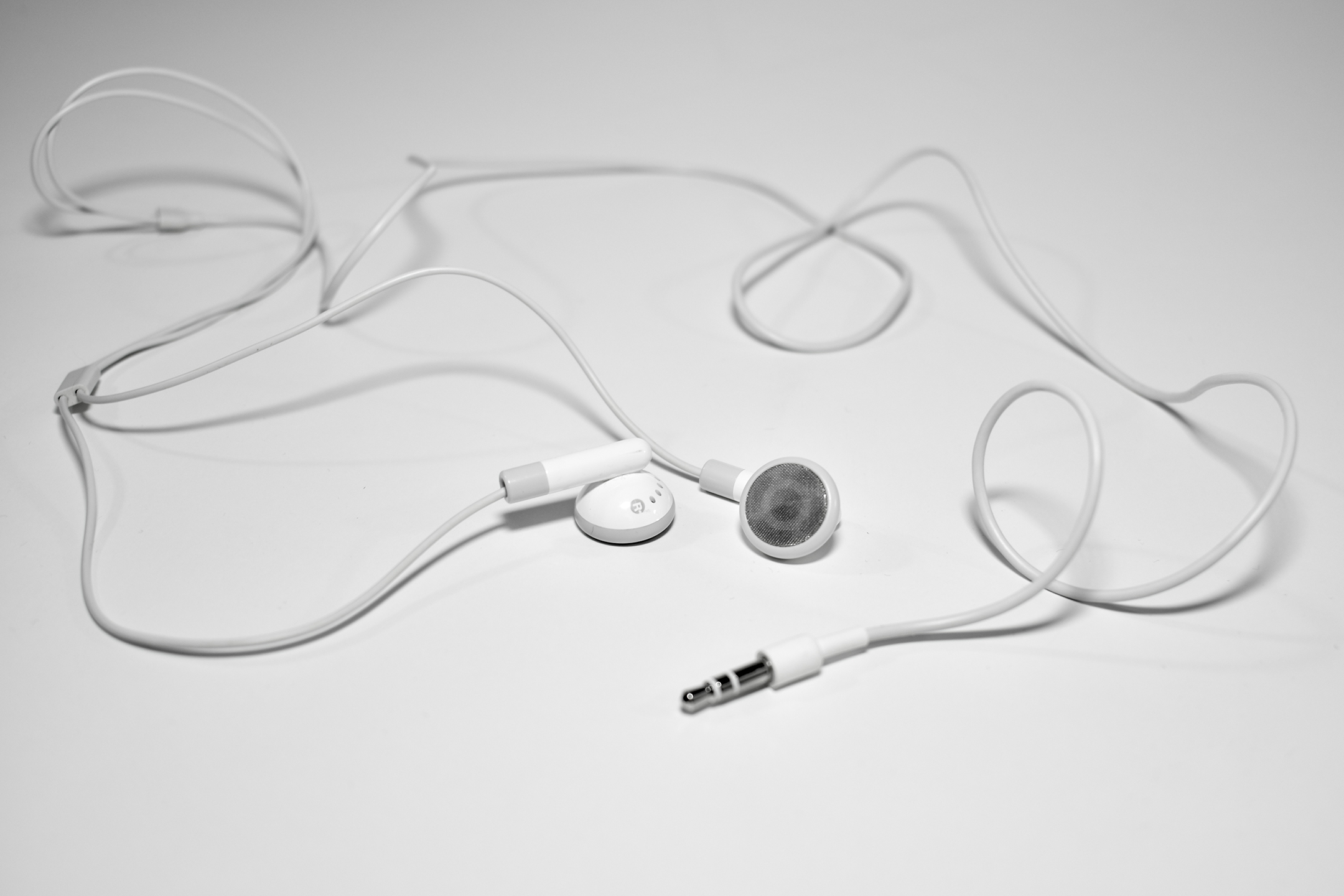
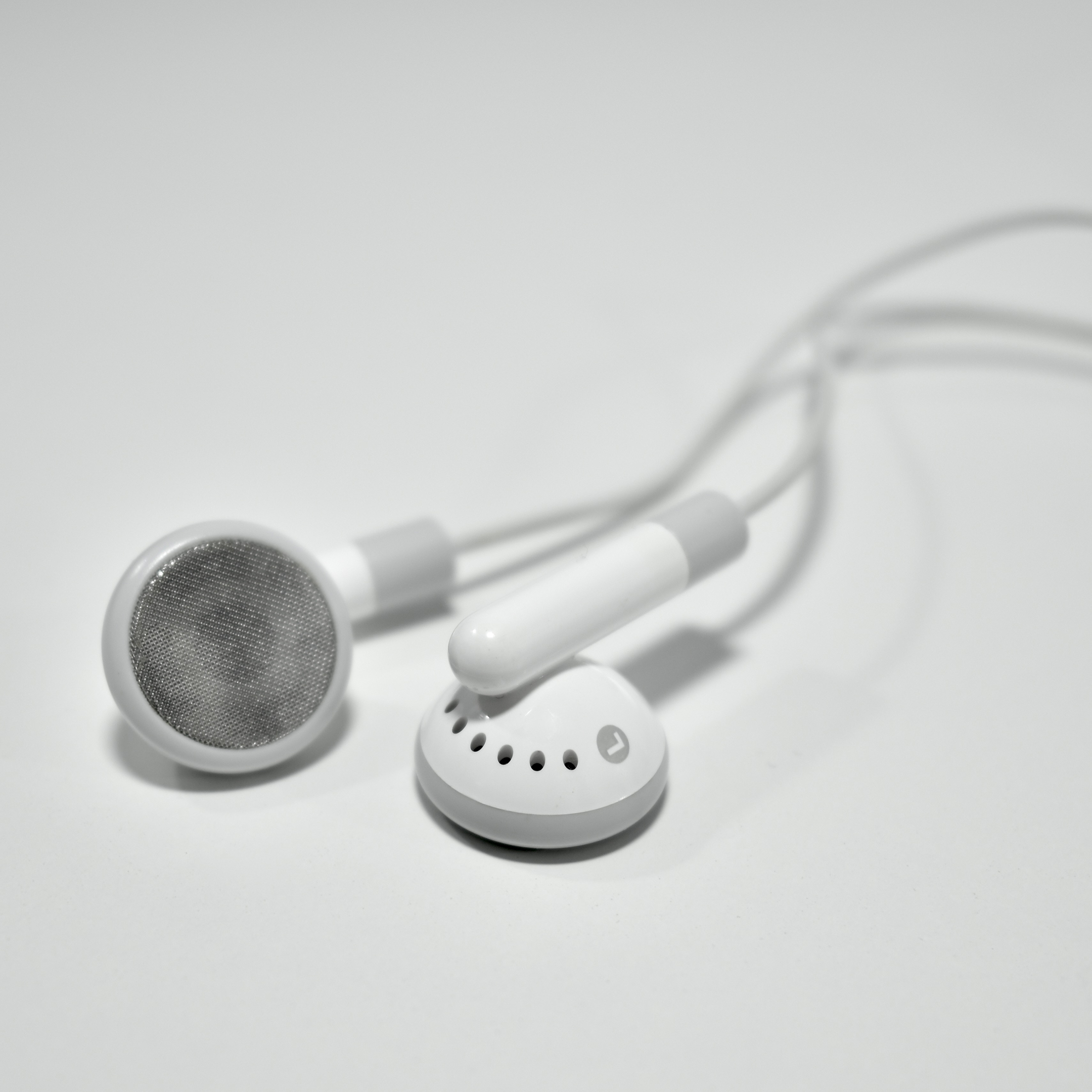
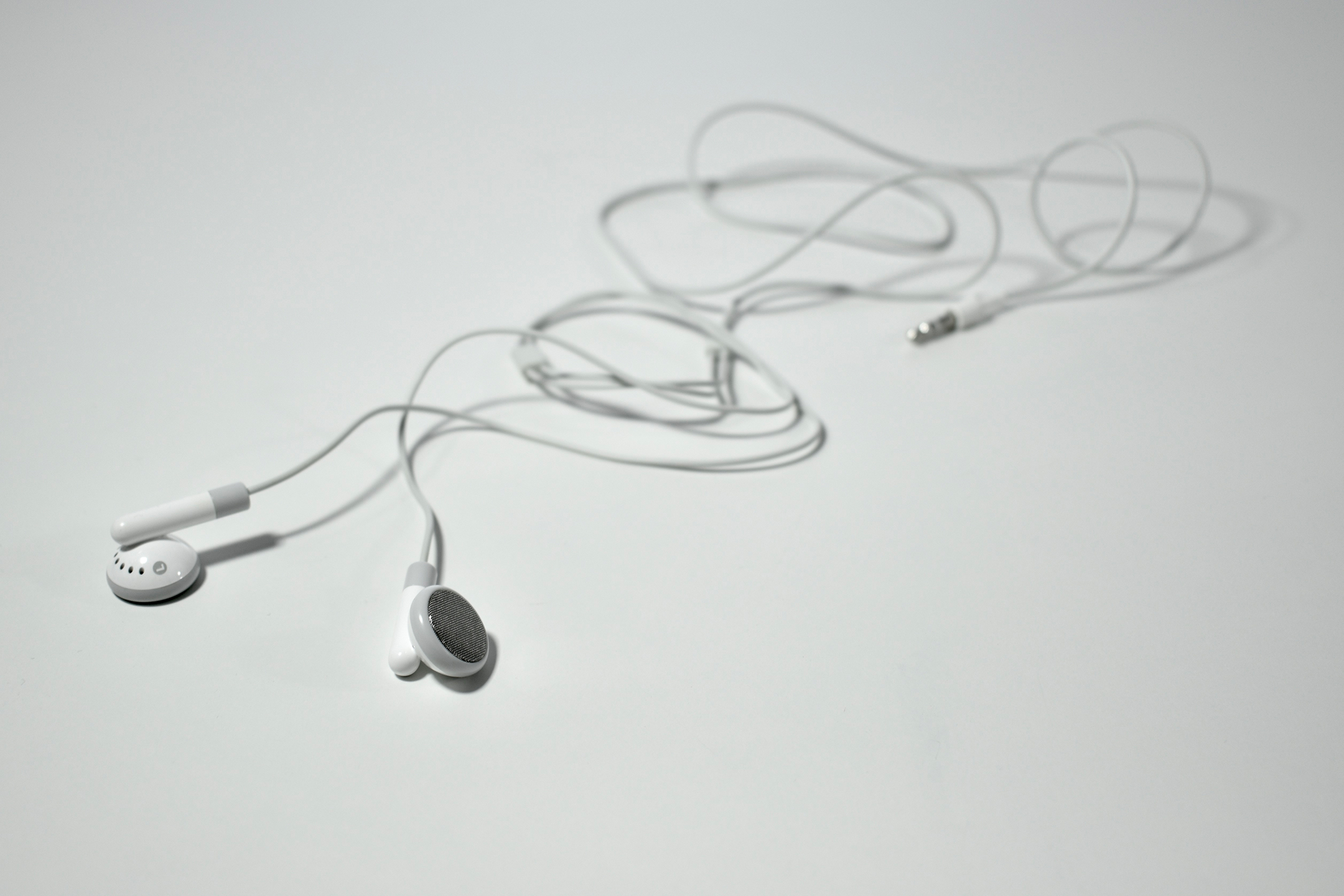
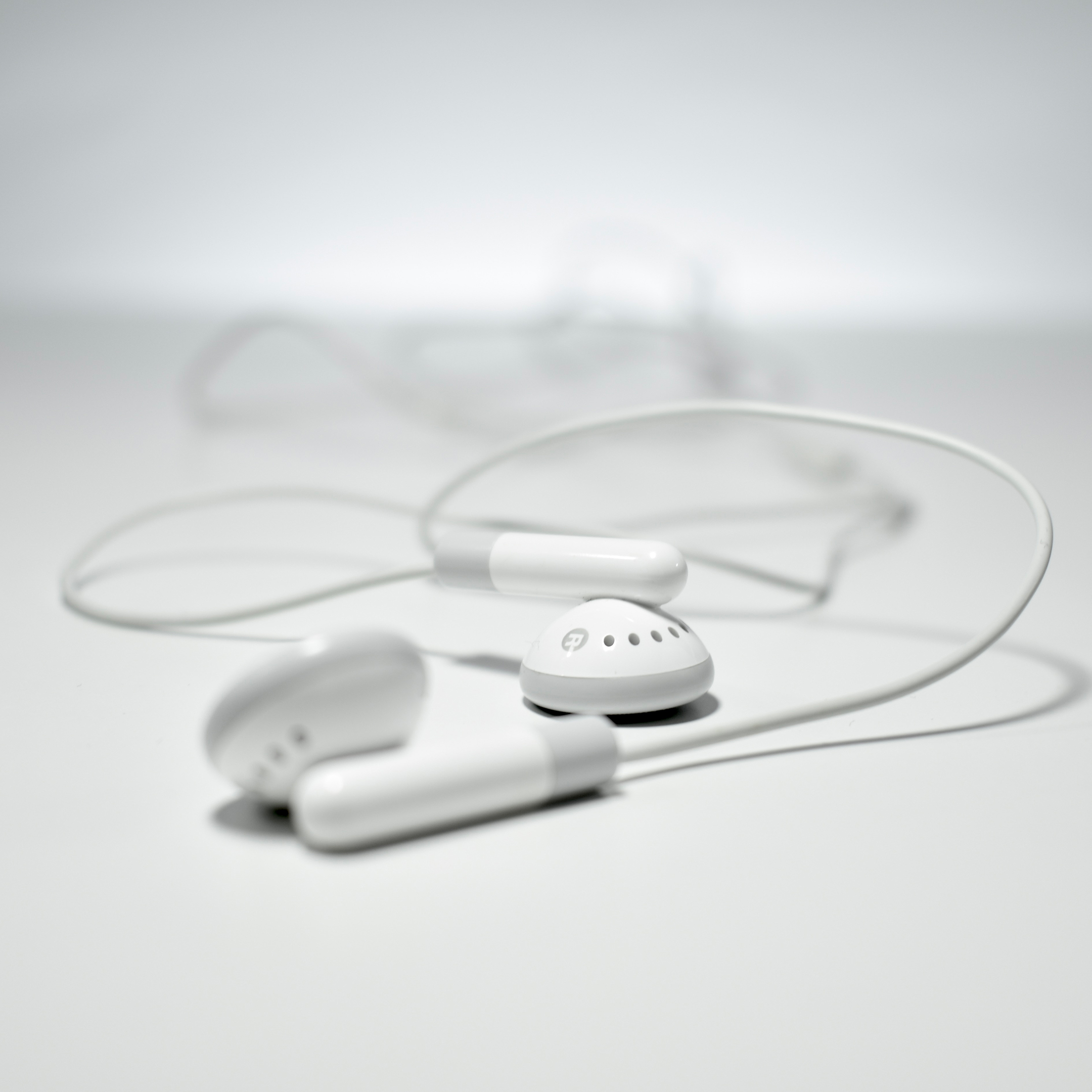
The Original iPod headphones were the earbuds that shipped with the original iPod. They sounded quite good, shipped with two sets of black foam ear covers, were sometimes panned for not fitting some people’s ears, and came with the iPod at no additional cost so most iPod users used them.
Perhaps the most important, and in my opinion overlooked, feature of these headphones was not the specs, but the color. Soon after the iPod was introduced in 2001, an iconic ad campaign was released in 2003 referred to as “silhouettes,” created by the company Chiat\Day. In each commercial, poster, print ad, or billboard, the all-black silhouette of a dancer moved over a brightly colored background (hot pink, lime green, yellow, or bright blue) while the highly-contrasted bright white headphone wire and iPod moved along with the dancer. The effect was striking and the white cord color effectively called attention to the product nearly screaming, “I’m using an iPod!”
The white earbud design not only became permanently associated with “cool” Apple gear, but 20 years later is still being used as the only color choice for Apple-branded headphones, EarPods, AirPods, and likely future Apple headphone iterations. (Apple-owned brand Beats, however, does produce many headphone styles in multiple colors.)
According to my research, this particular example of the original iPod headphone design is a Generation 2 release, identified as such due to the addition of a plastic slider to adjust the gap between the headphone wires.
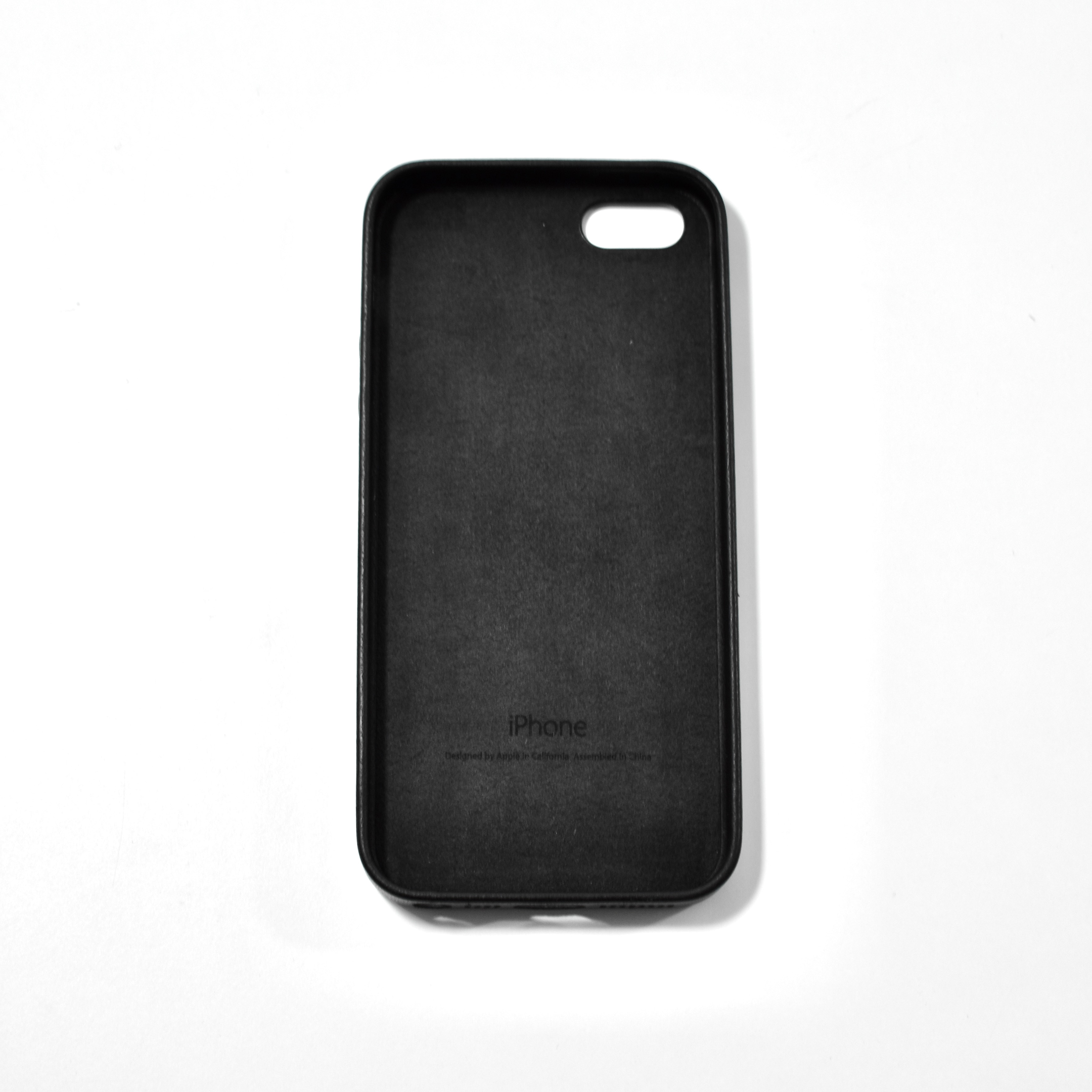
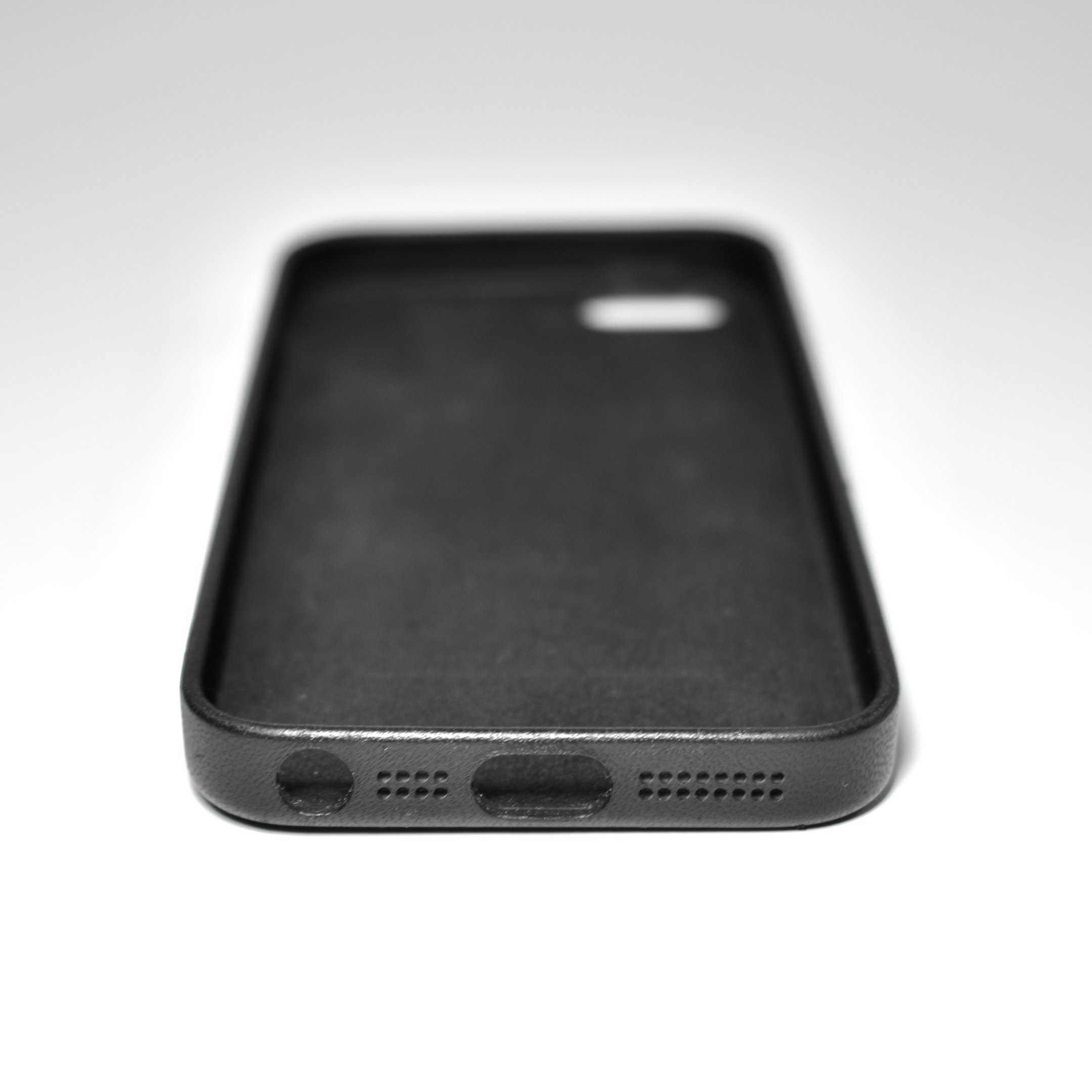
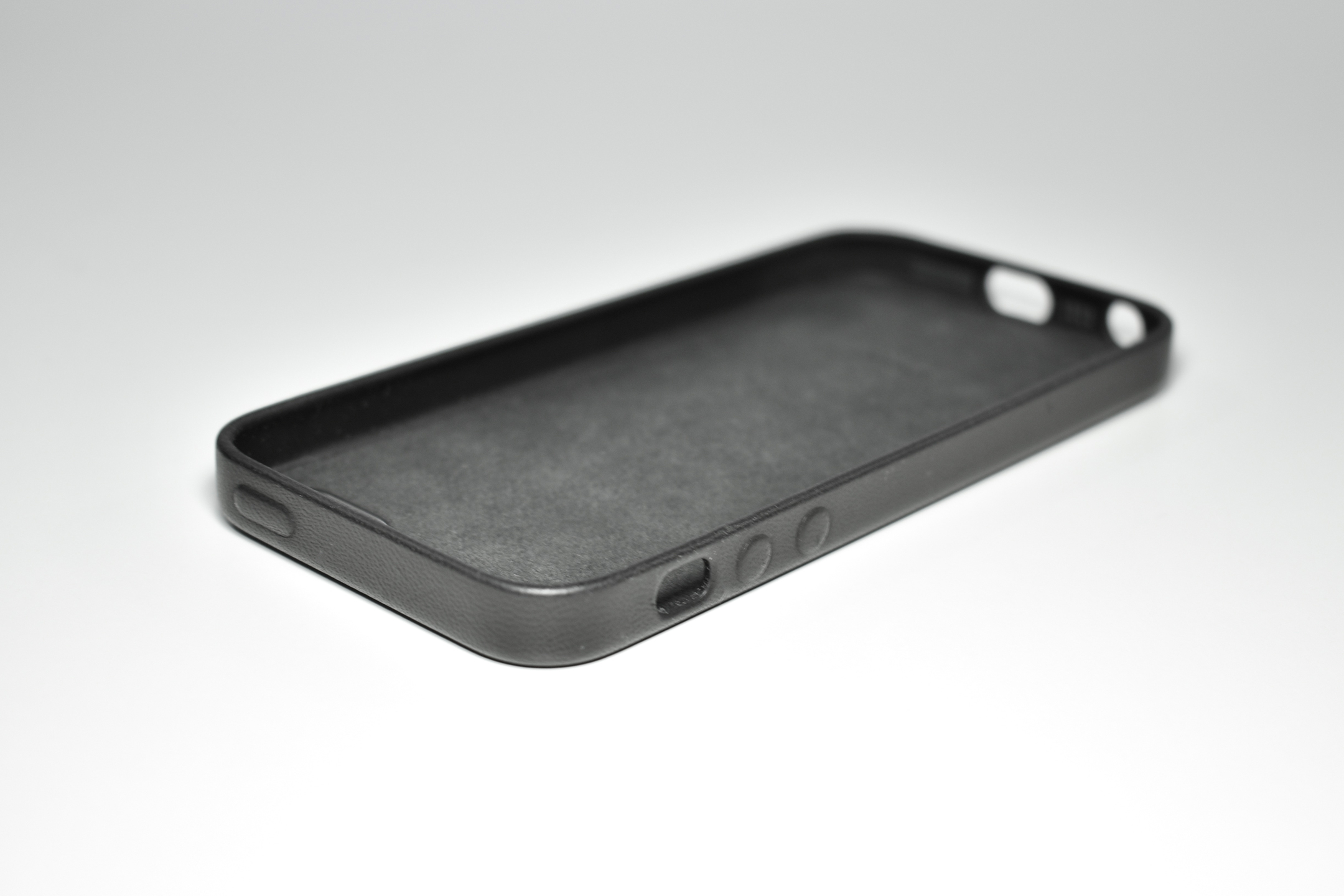
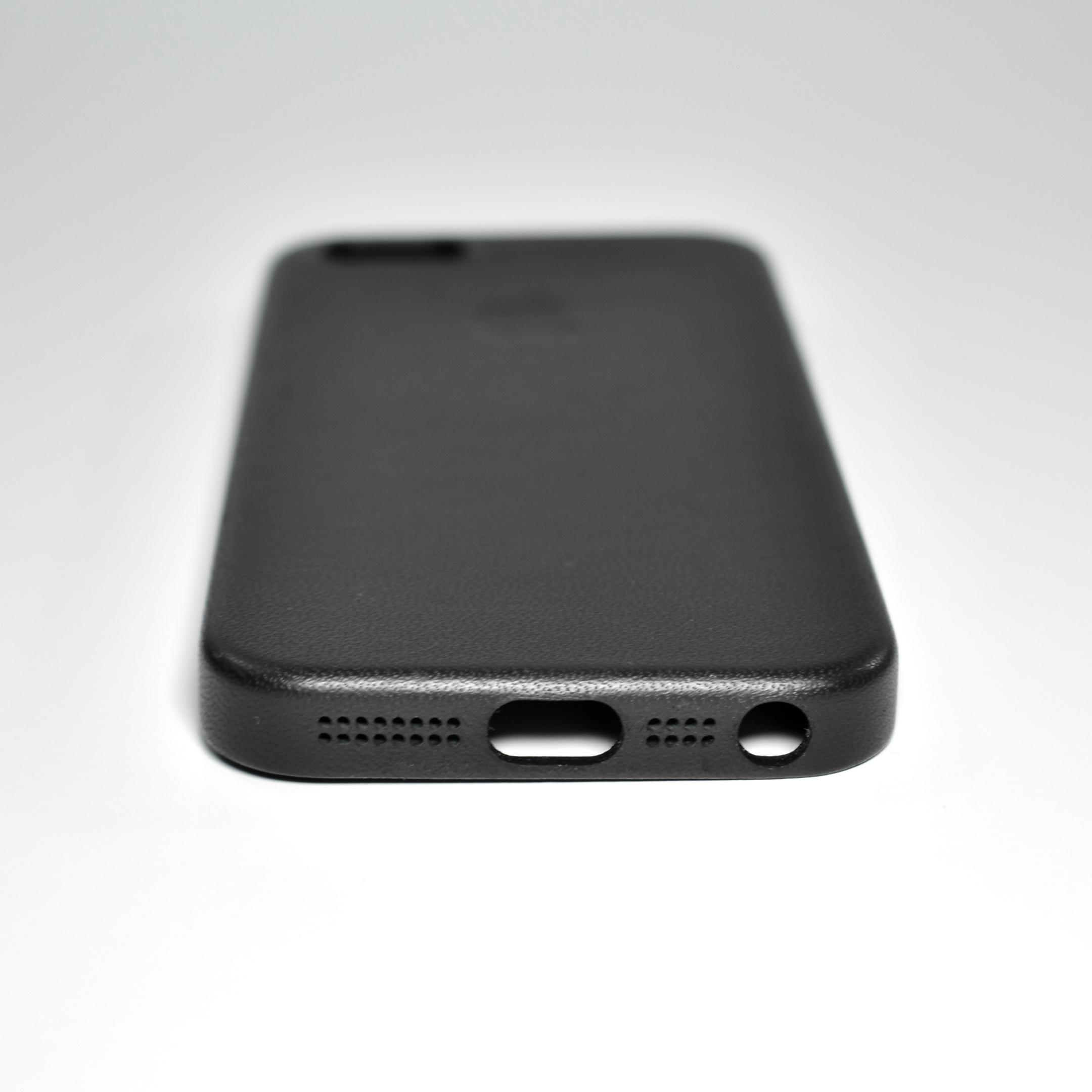
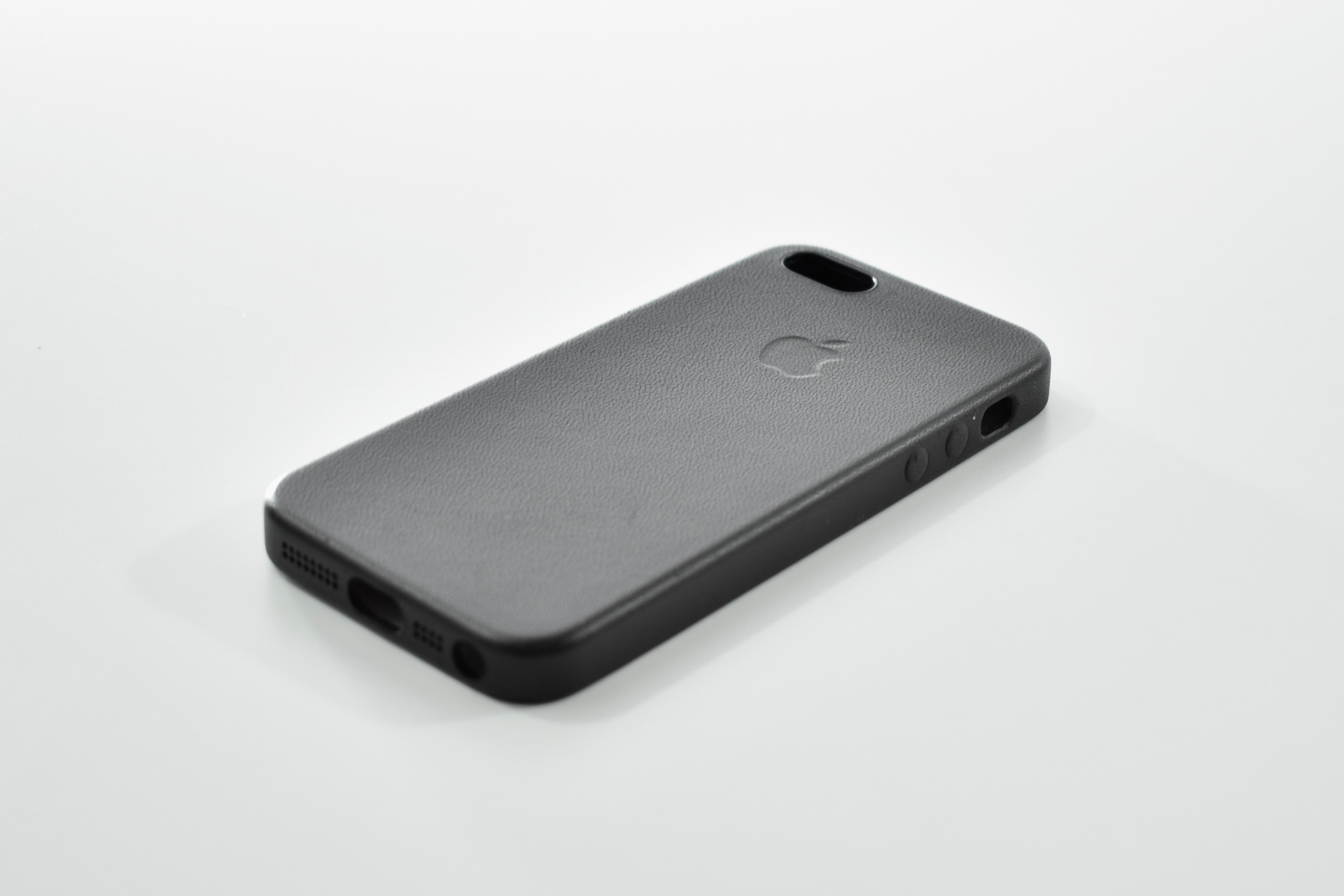
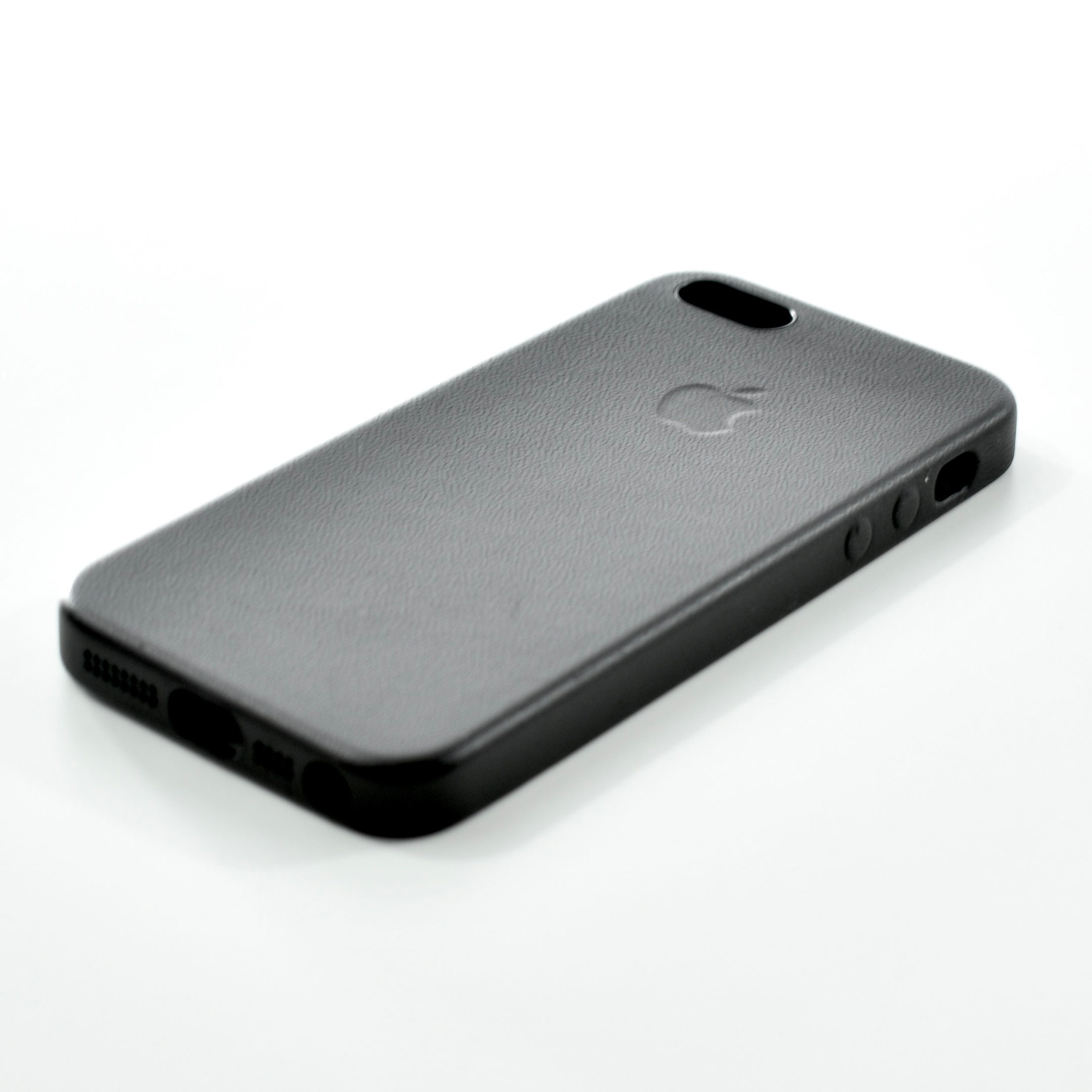
Apple’s Leather Case for iPhone 5s also fits the earlier iPhone 5. Although no official Apple cases were released with the iPhone 5, this case was backward-compatible and came in six leather colors: black, light beige, brown, (PRODUCT)RED, blue (light blue), and yellow (with a somewhat lime green tone).
Reviews of the case were generally positive, noting that the cutouts were precise and the buttons were accurately placed, if a bit squishy. MacWorld reported, “The case covers the iPhone’s Sleep/Wake button and volume buttons with custom-molded overlays. These overlays are subtle, but they’re prominent enough to locate by feel.” The light beige color was described as quickly discoloring, even though Apple’s packaging specifies that the leather will develop a patina over time. Further, the cutouts for the audio port and Lighting connector are very close, allowing Apple cables, but not some larger third-party options.
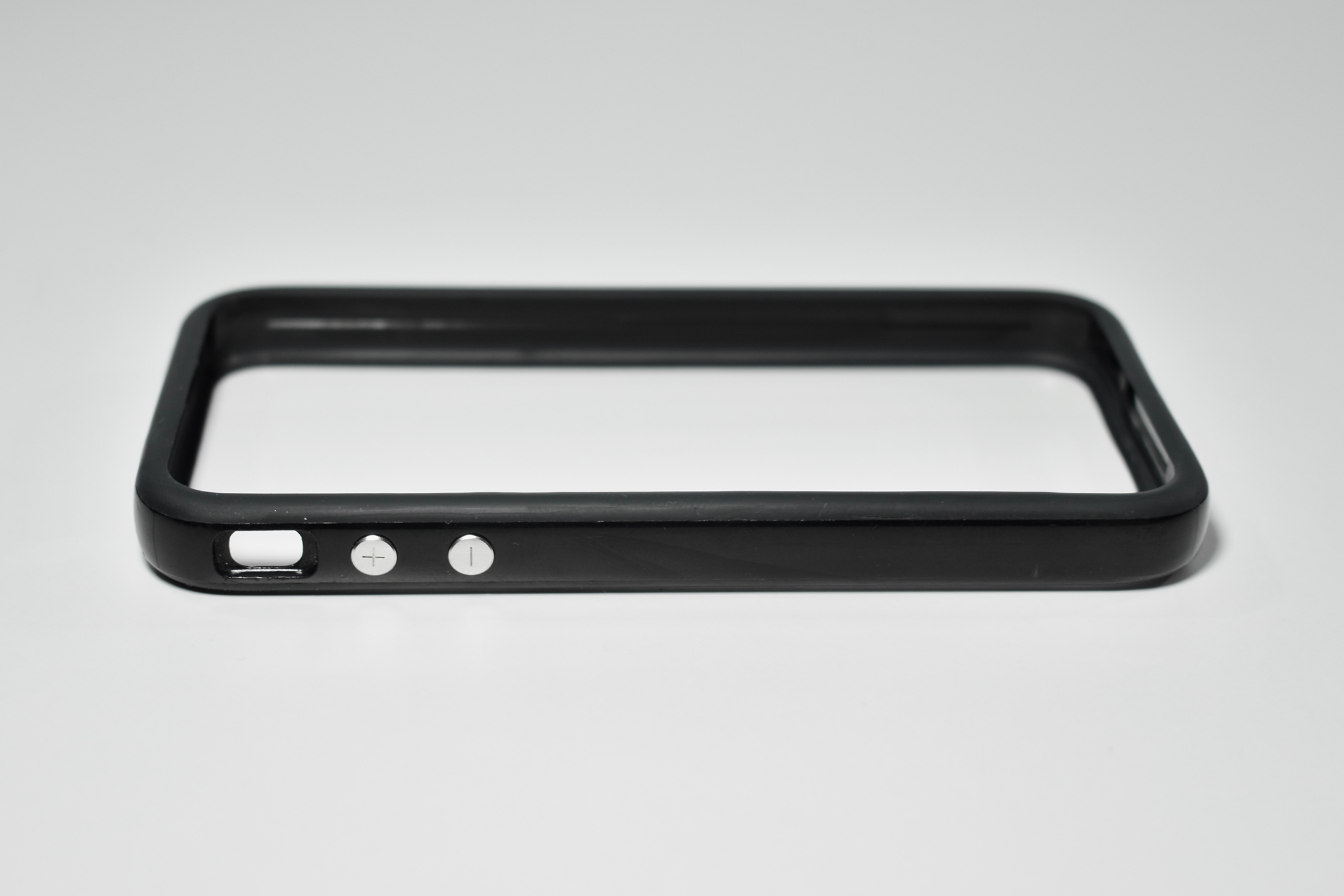
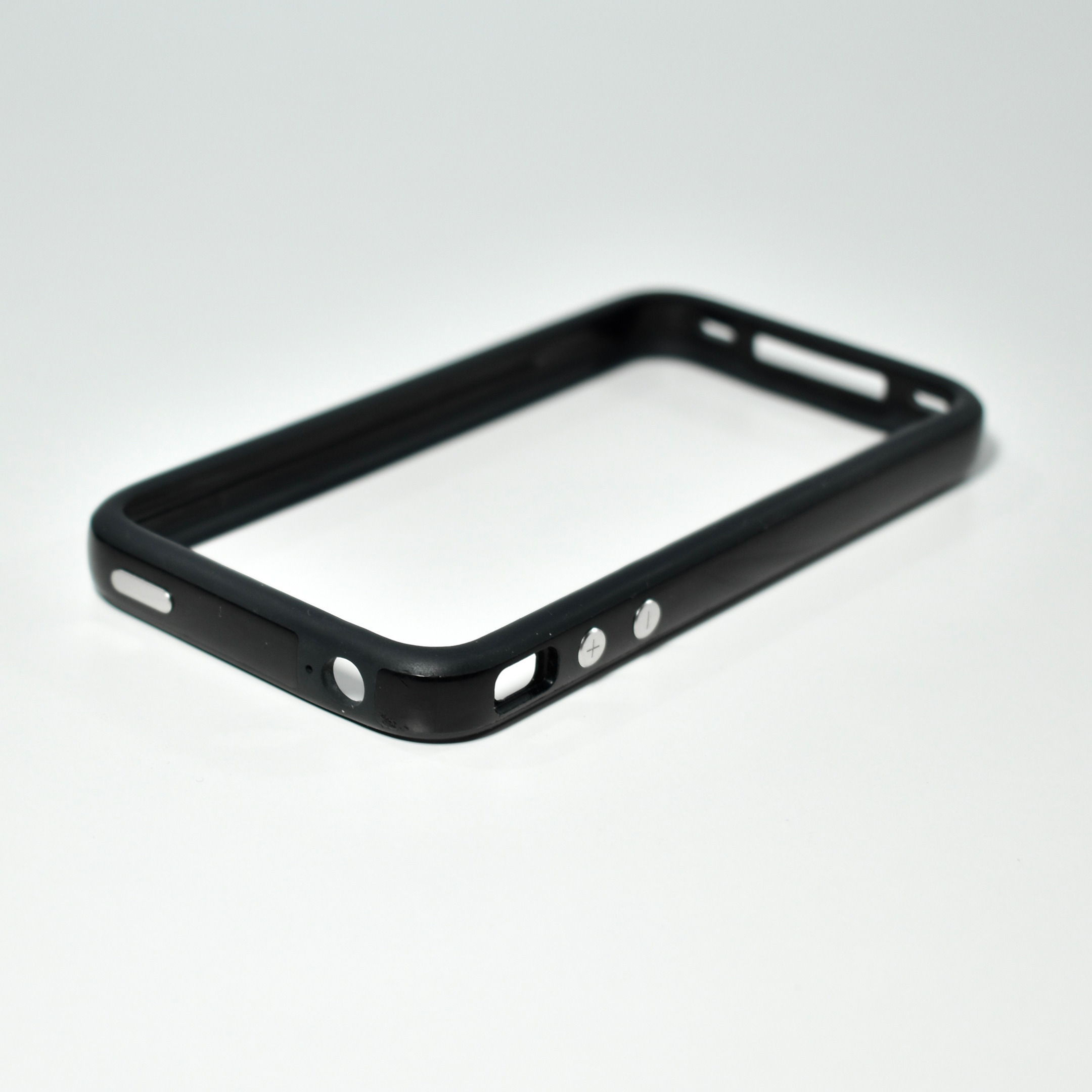
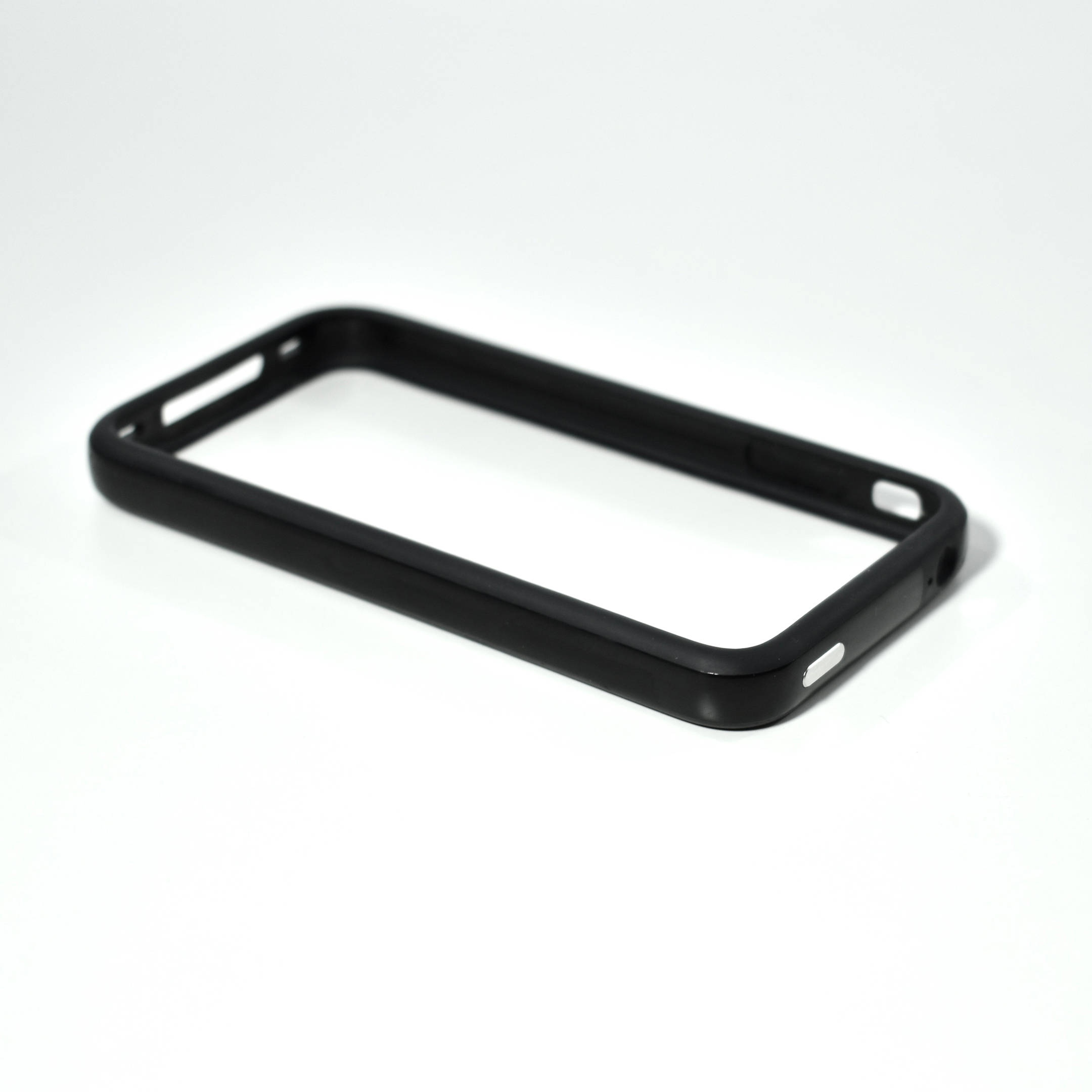
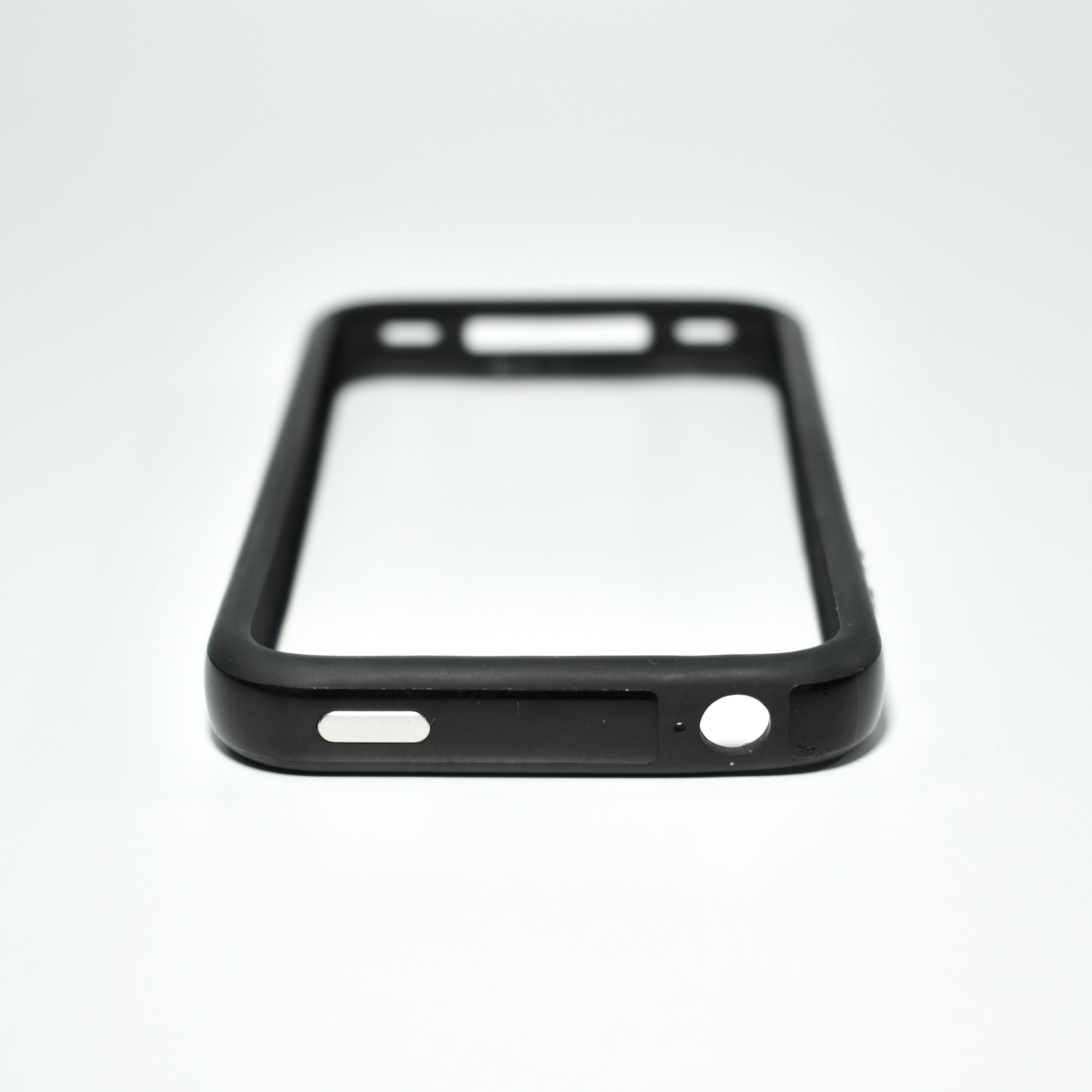
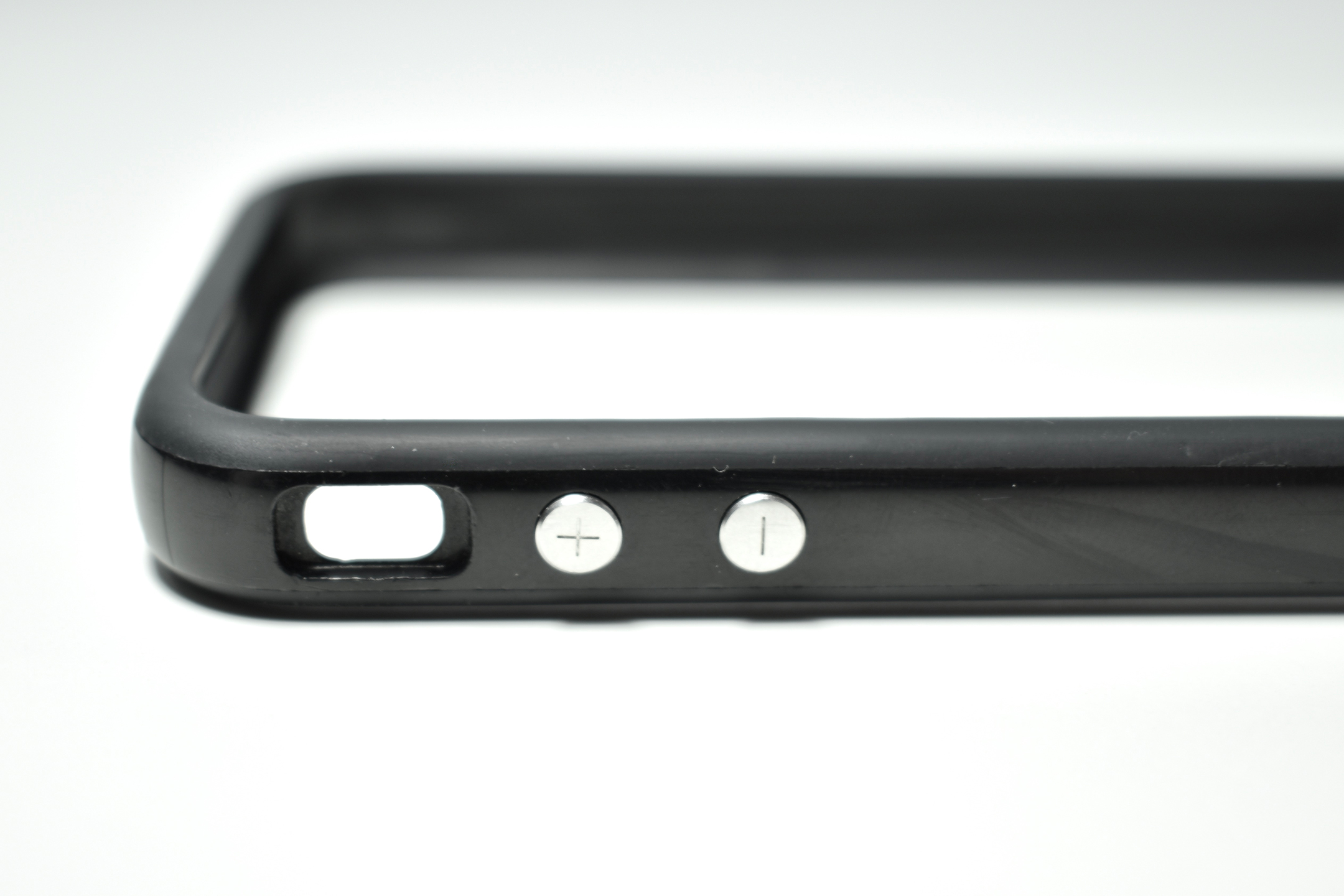
The iPhone 4 Bumper Case was released in 2010 along with the iPhone 4. Unfortunately, this case was placed in the middle of a famous and rare Apple public relations issue, “Antennagate.” The design of this case is very simple, a plastic and rubber bumper that surrounds the outer edges of the iPhone 4 providing drop protection, a gripping-rubber lip that prevents the front and back of the iPhone 4 from making contact with a surface when placed flat, and a barrier that prevents holding the phone in a manner that may affect antenna performance.
MacWorld described the bumper case: “It consists of a stiff, plastic band that covers the entire metal edge of the iPhone 4, combined with relatively tough rubber around the front and rear edges to hold the Bumper in place. ”
Antennagate was a name given by the media to a phenomenon that was reported soon after the iPhone 4 release on June 24, 2010, where the cell phone signal would drop if the phone was gripped in a way that covered the integrated antenna. Apple’s reaction was to hold a press conference 22 days after the iPhone release, hosted by Steve Jobs, who confirmed the iPhone 4 issue (and mentioned the same issue was present on competitor phones), presented several customer purchasing and phone performance statistics, and then offered this iPhone 4 bumper case (in black) to customers for free via an app. The press conference was held on July 16, 2010, and cases began shipping in 3 weeks. Customers who had already purchased the iPhone 4 Bumper Case via credit card were given a refund.
In addition to black, Apple offered this case in orange, blue, pink, green, white, dark gray, and later, (PRODUCT)RED.
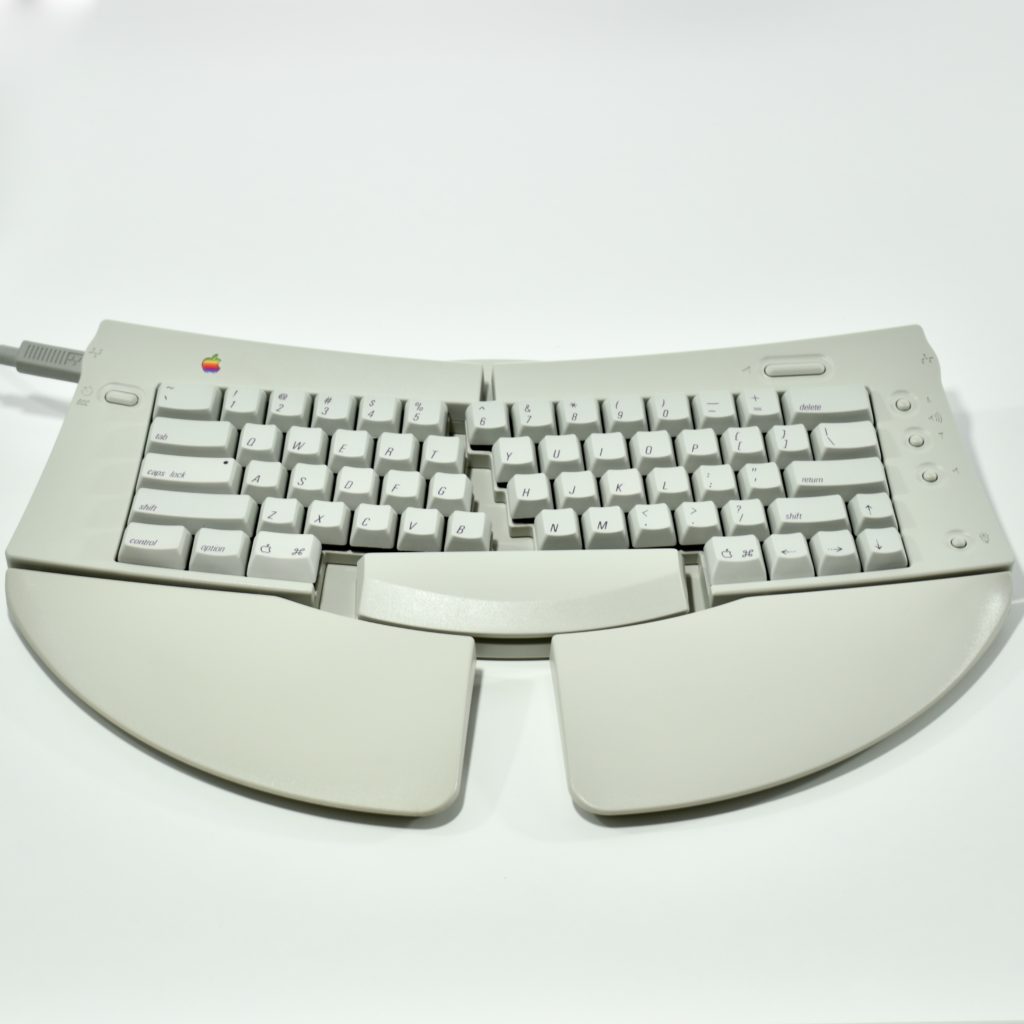
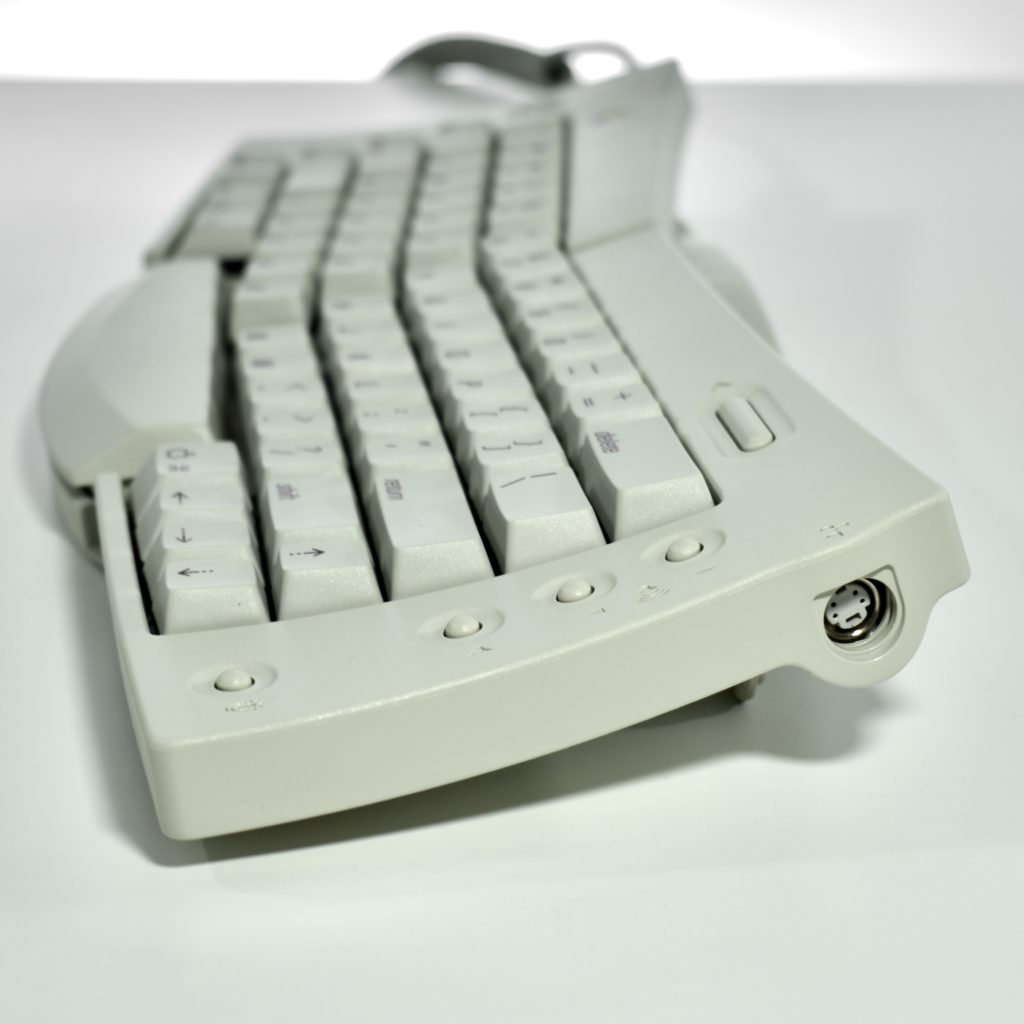
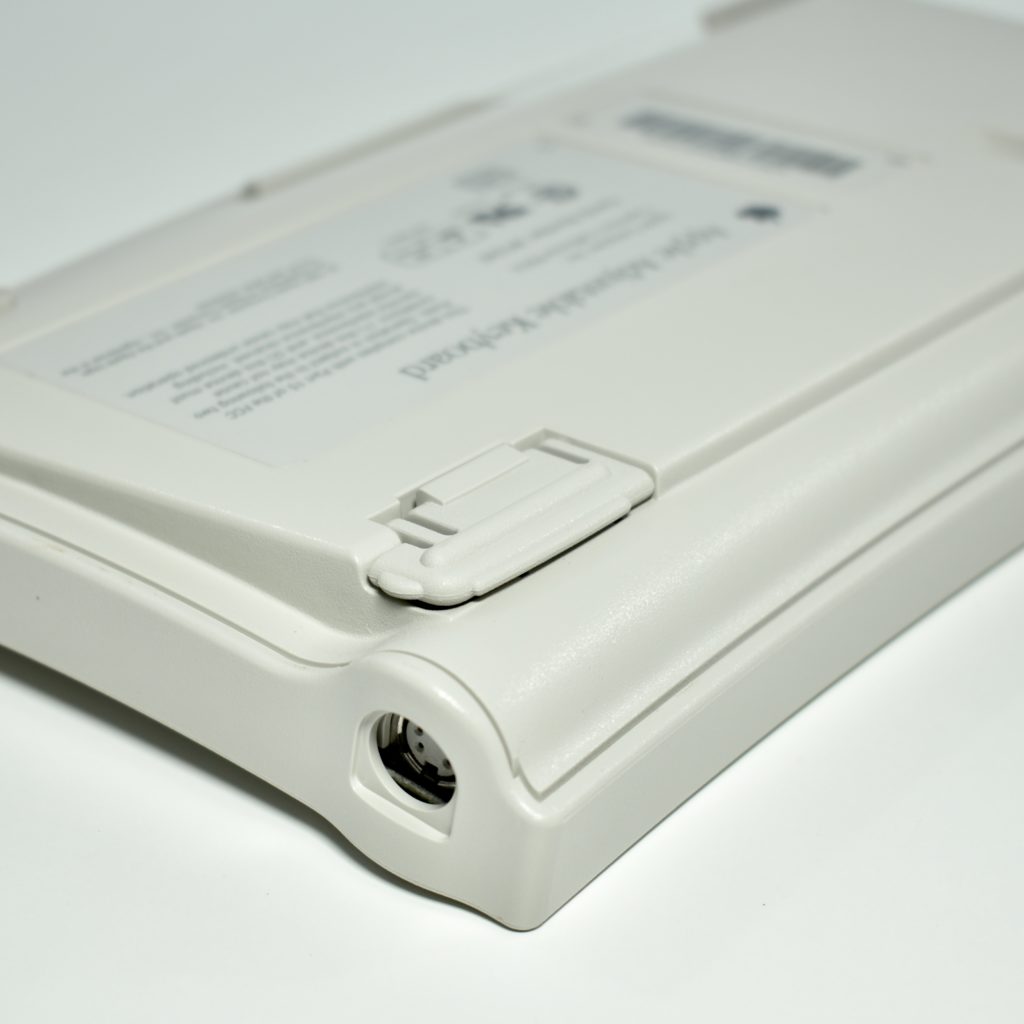
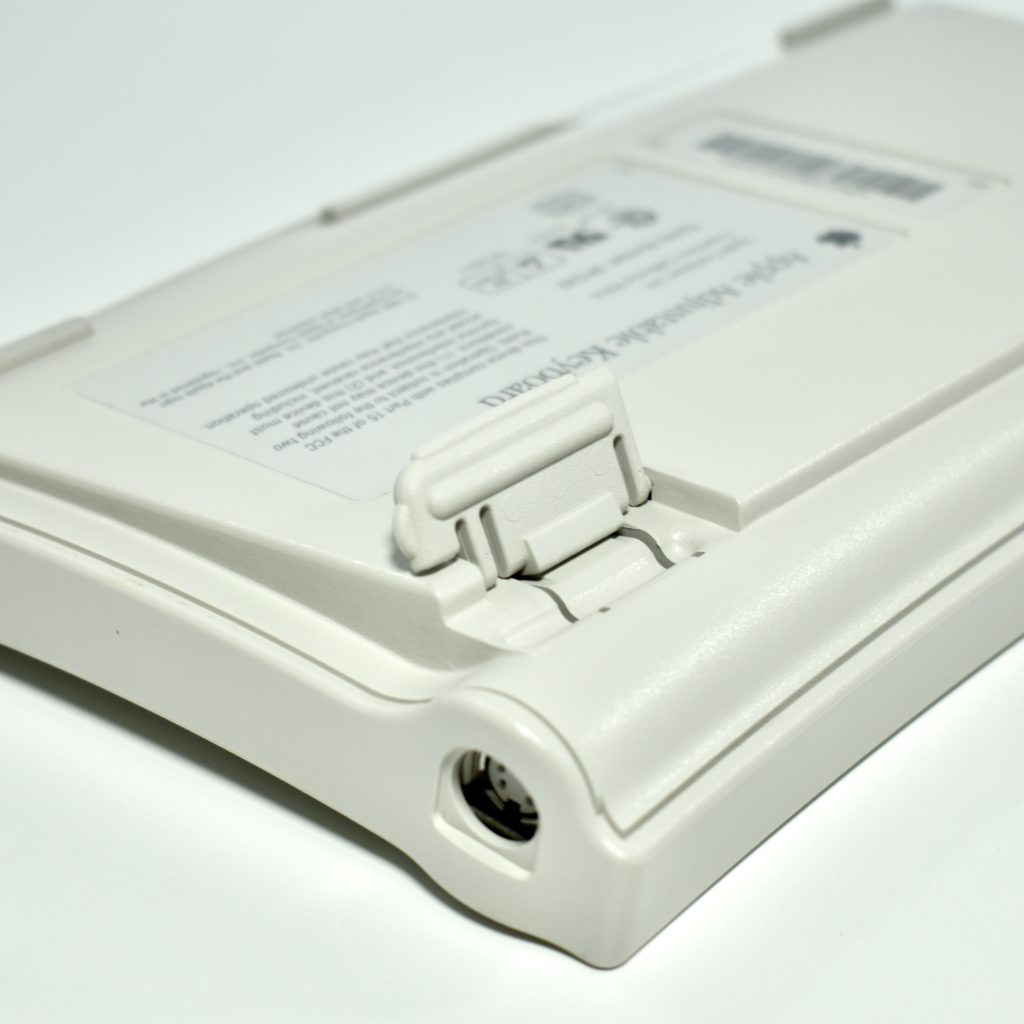
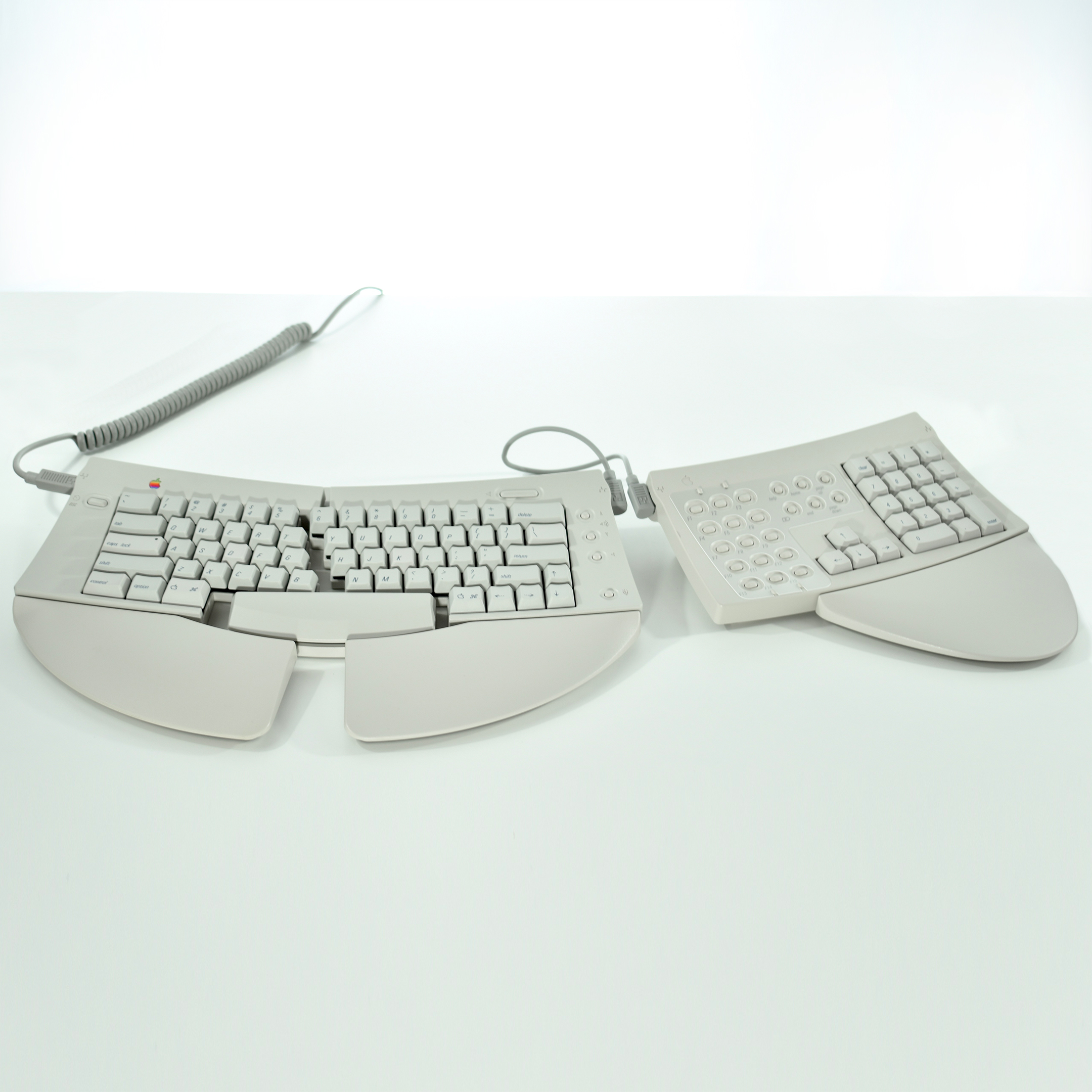
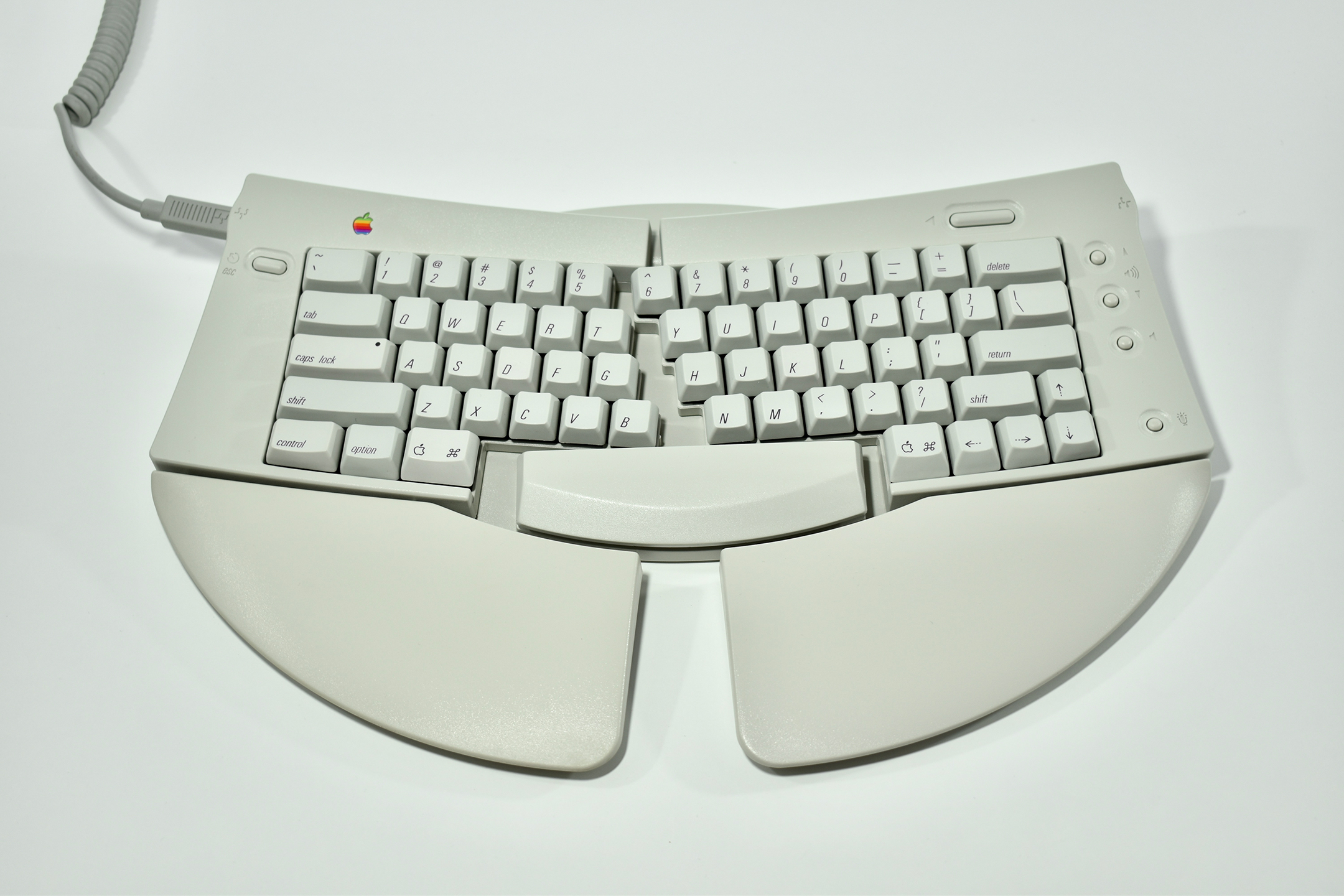
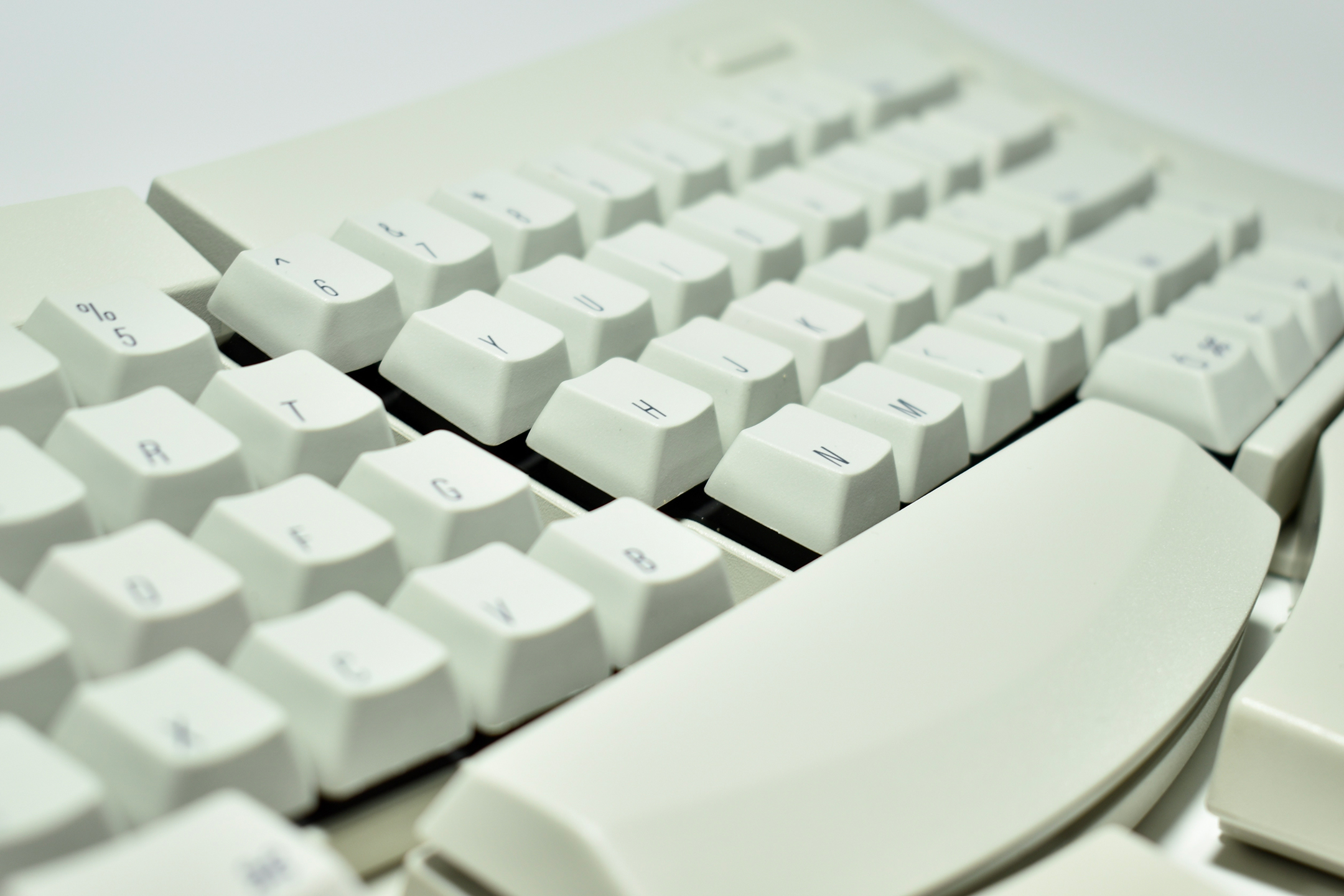
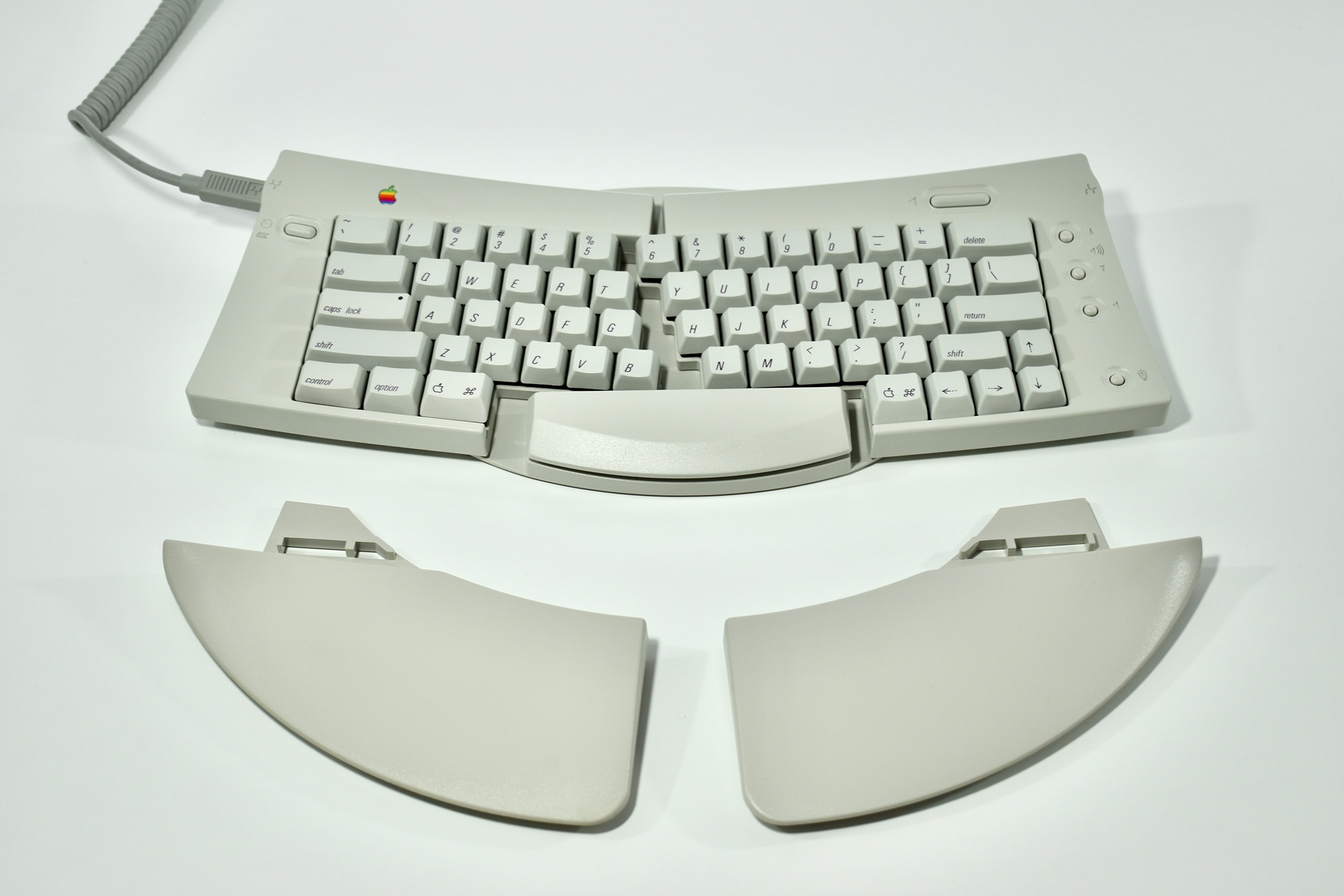
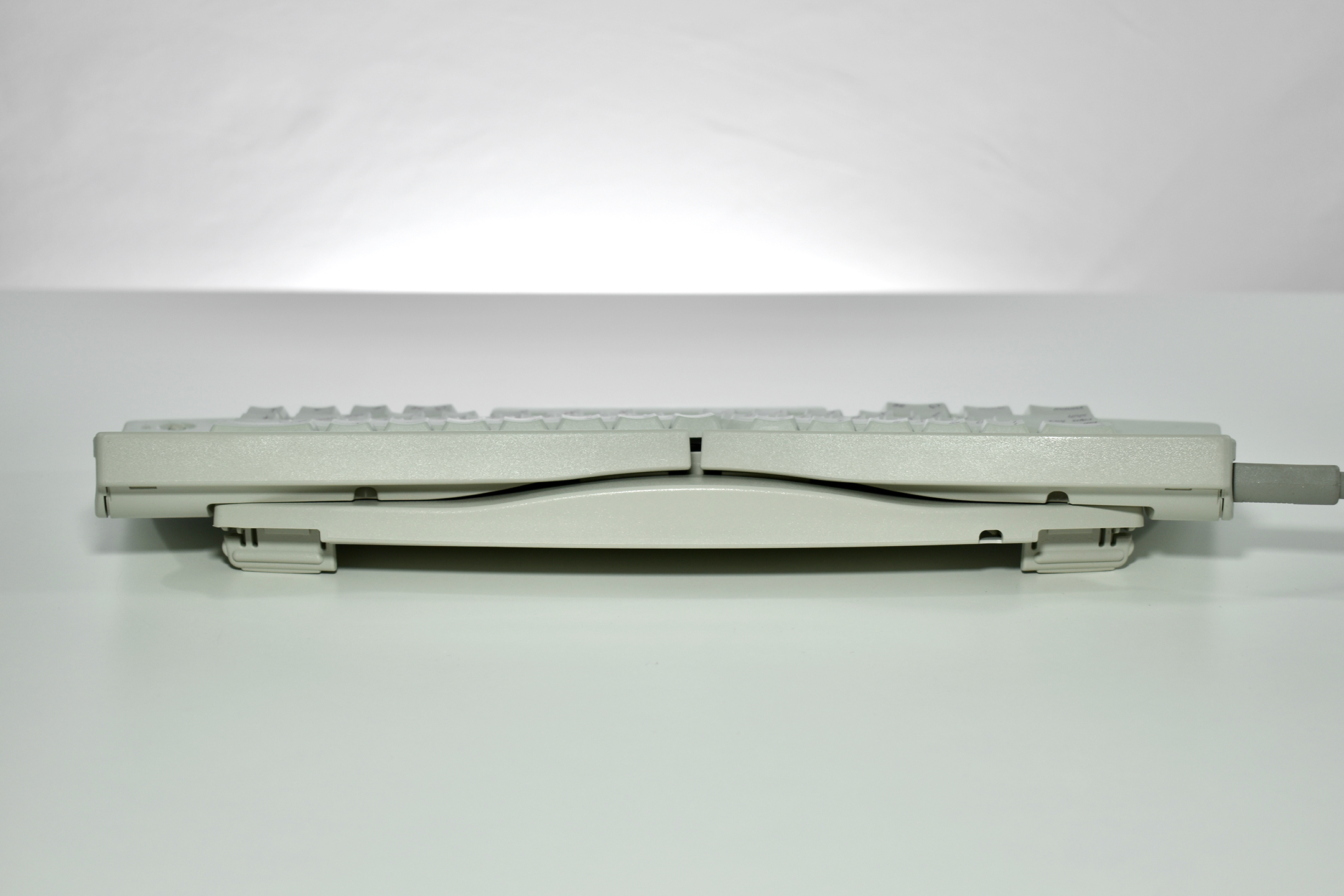
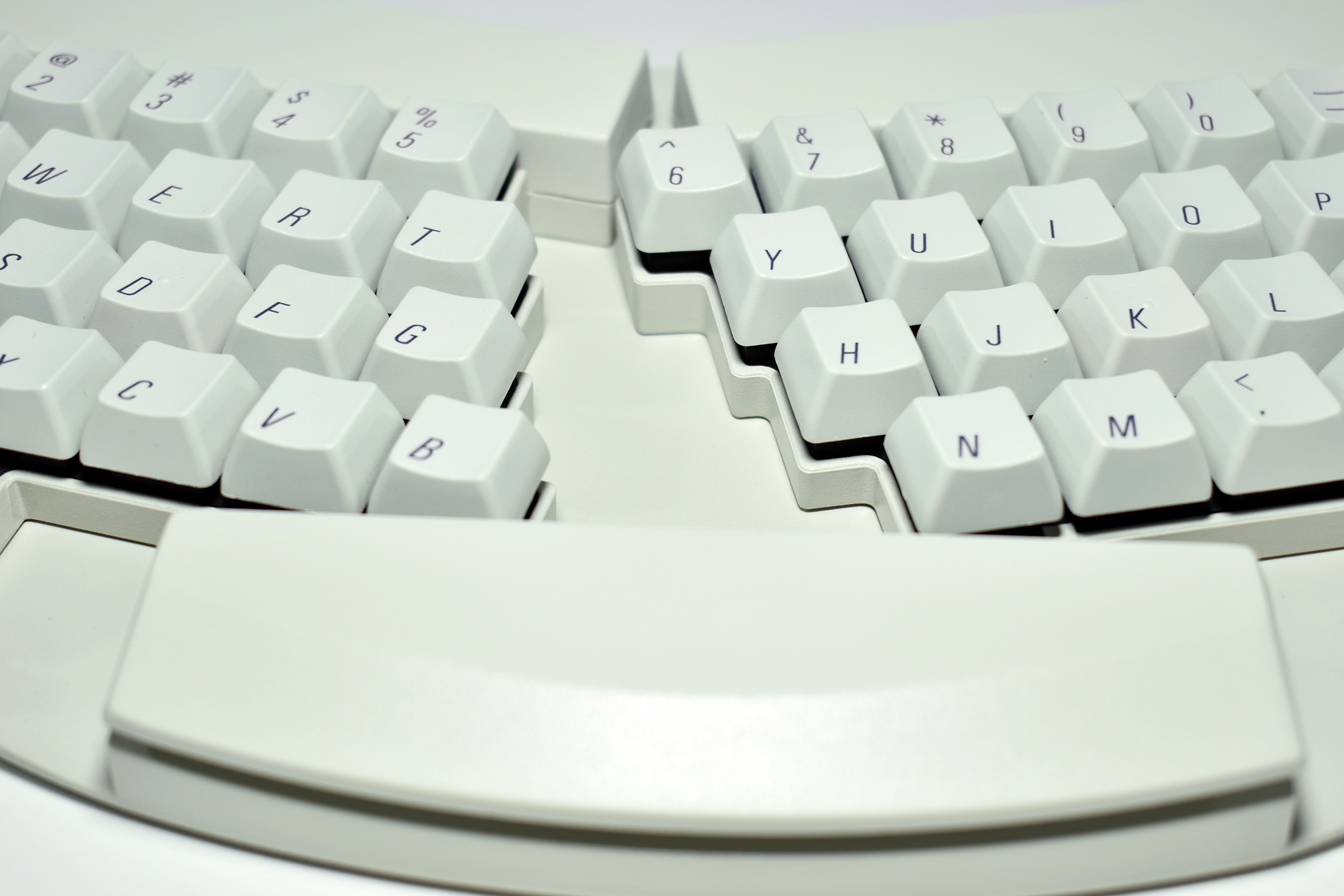
The Apple Adjustable Keyboard is Apple’s only ergonomic adjustable keyboard. This keyboard was released in 1993 and used the then-standard ADB (Apple Desktop Bus) port to connect to Macintosh computers. The QWERTY keyboard is split down the center between the 5/6, T/Y, G/H, and B/N keys, while a large space bar remains fixed in the center. The keyboard can be split up to 30 degrees, and palm rests are included to support the wrists while typing.
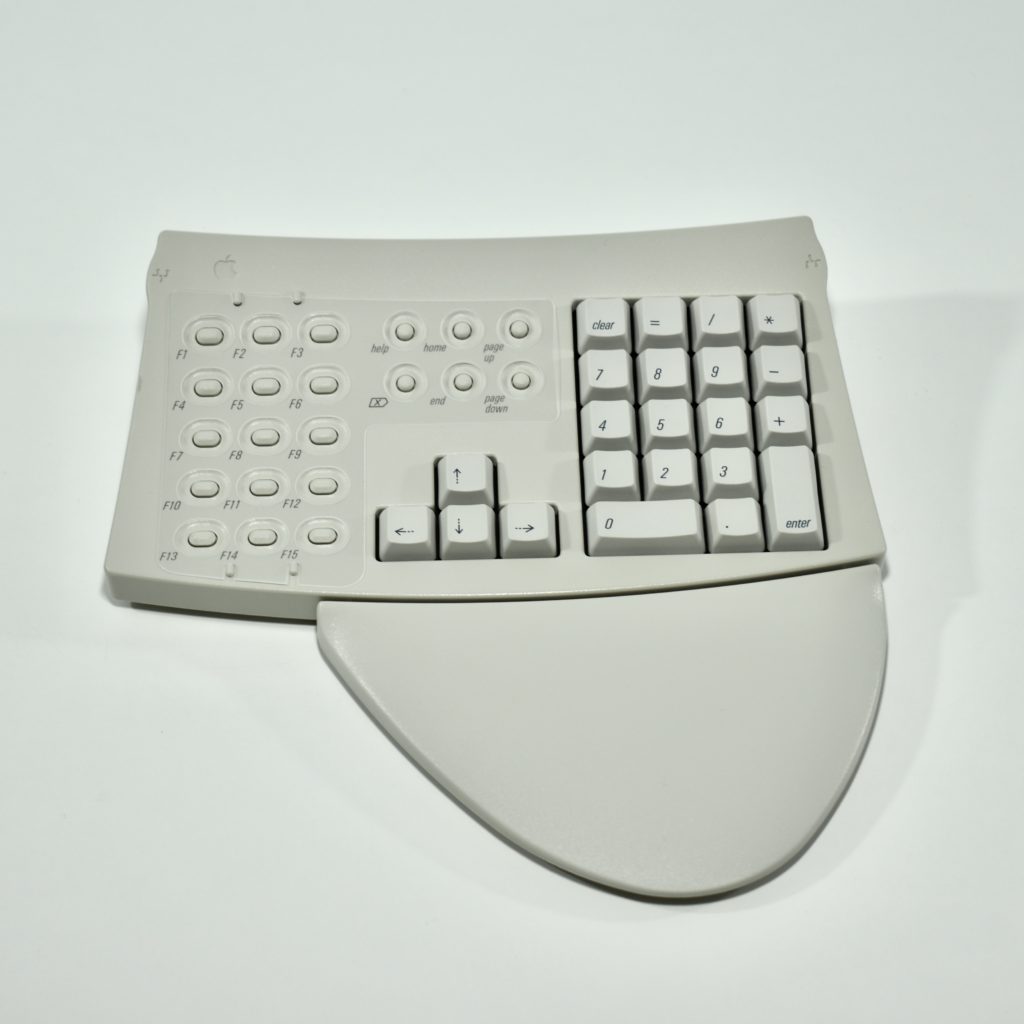
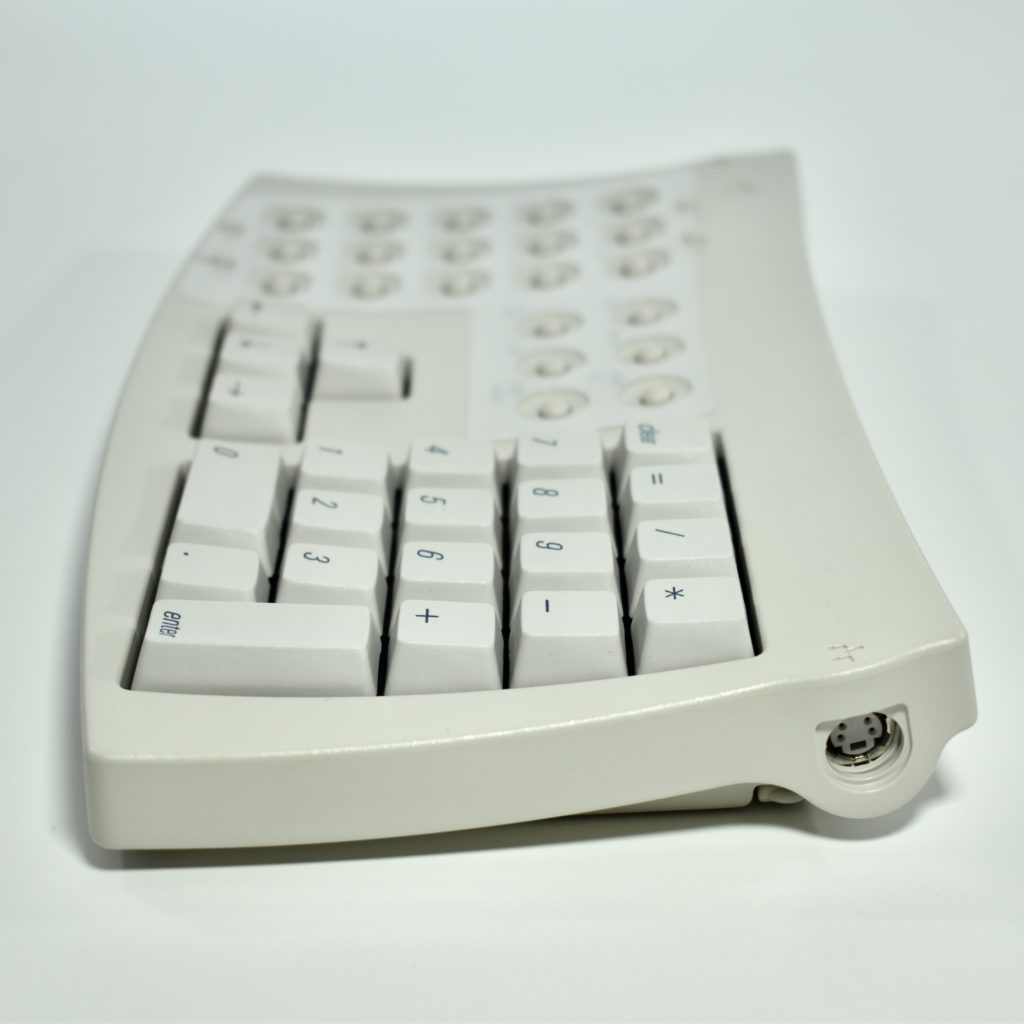
The keyboard shipped with a separate, ADB-connected numeric keypad, also with a palm rest. The keyboard and numeric keypad each have feet to raise the keyboard to a steeper angle.
The purpose of this ergonomic design was to resolve repetitive stress injuries that could lead to carpal tunnel syndrome. The primary problem with this keyboard is the vast amount of desk space that is required to use it.
The Keyboard packaging provides the following information:
The Apple Adjustable Keyboard has been ergonomically designed to make typing more comfortable. Its features include:
A split alphanumeric section that can be adjusted from a standard typewriter-style configuration to an open-angle configuration.
An adjustable keyboard slope and optional palm rests (included), which help your forearms and hands assume a neutral, more comfortable position.
A separate extended keypad (included in this package) with 15 function keys, 6 special keys, 4 cursor-control keys in a standard inverted-T layout, and an 18-key numeric keypad.
Please read the manual that comes with this keyboard to find out how to best use this product. Be sure to read the “Health Concerns Associated with Computer Use” section.
This keyboard is compatible with all Macintosh computers equipped with an Apple Desktop Bus connector and system software version 6.0.7 or later.
The keyboard uses two types of switches/buttons: ALPS SKFS switches for the keyboard keys (providing “clicky” tactile feedback) and recessed buttons for the function keys, volume, power, and other non-typing controls.
I have two of these keyboards in my collection. One includes the original box.