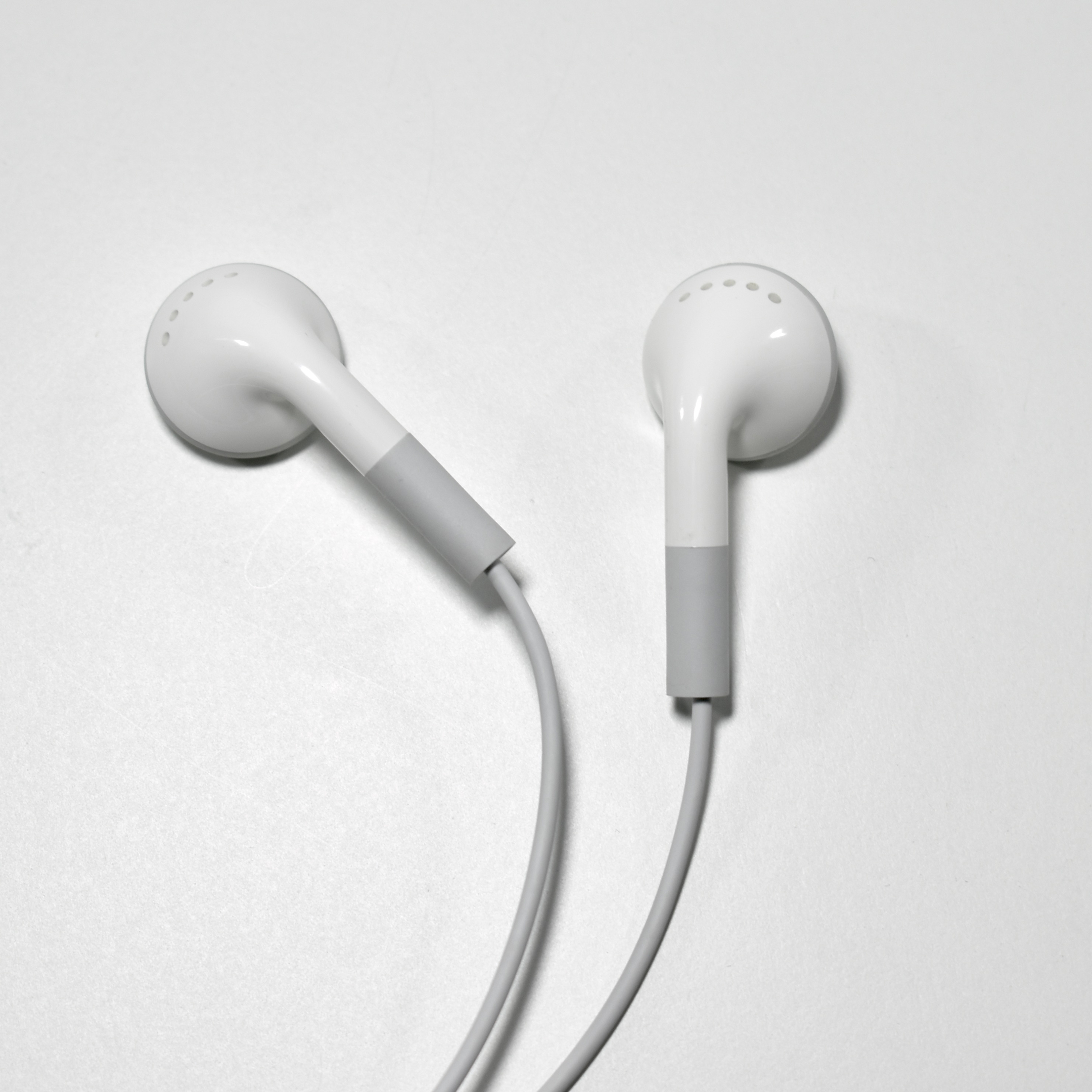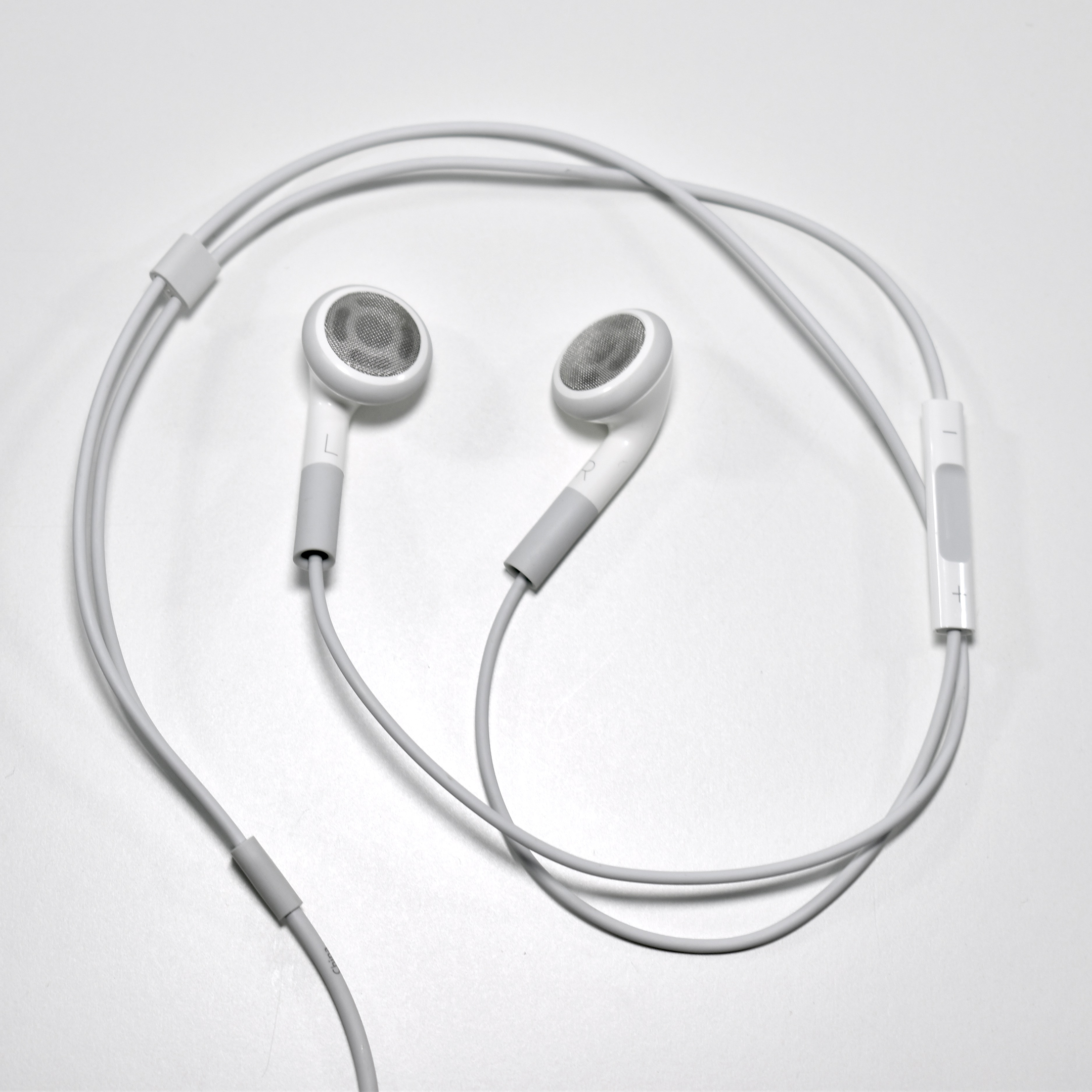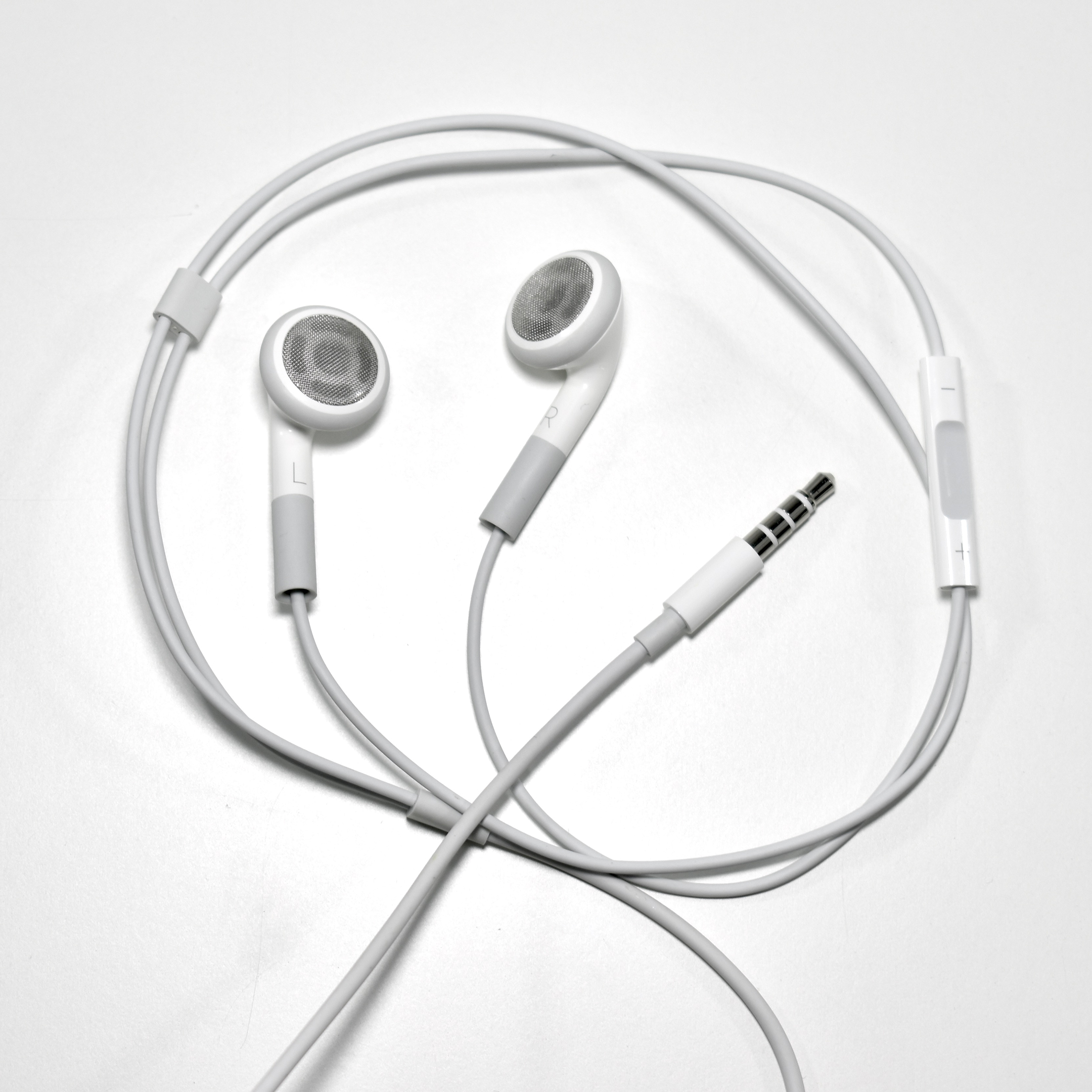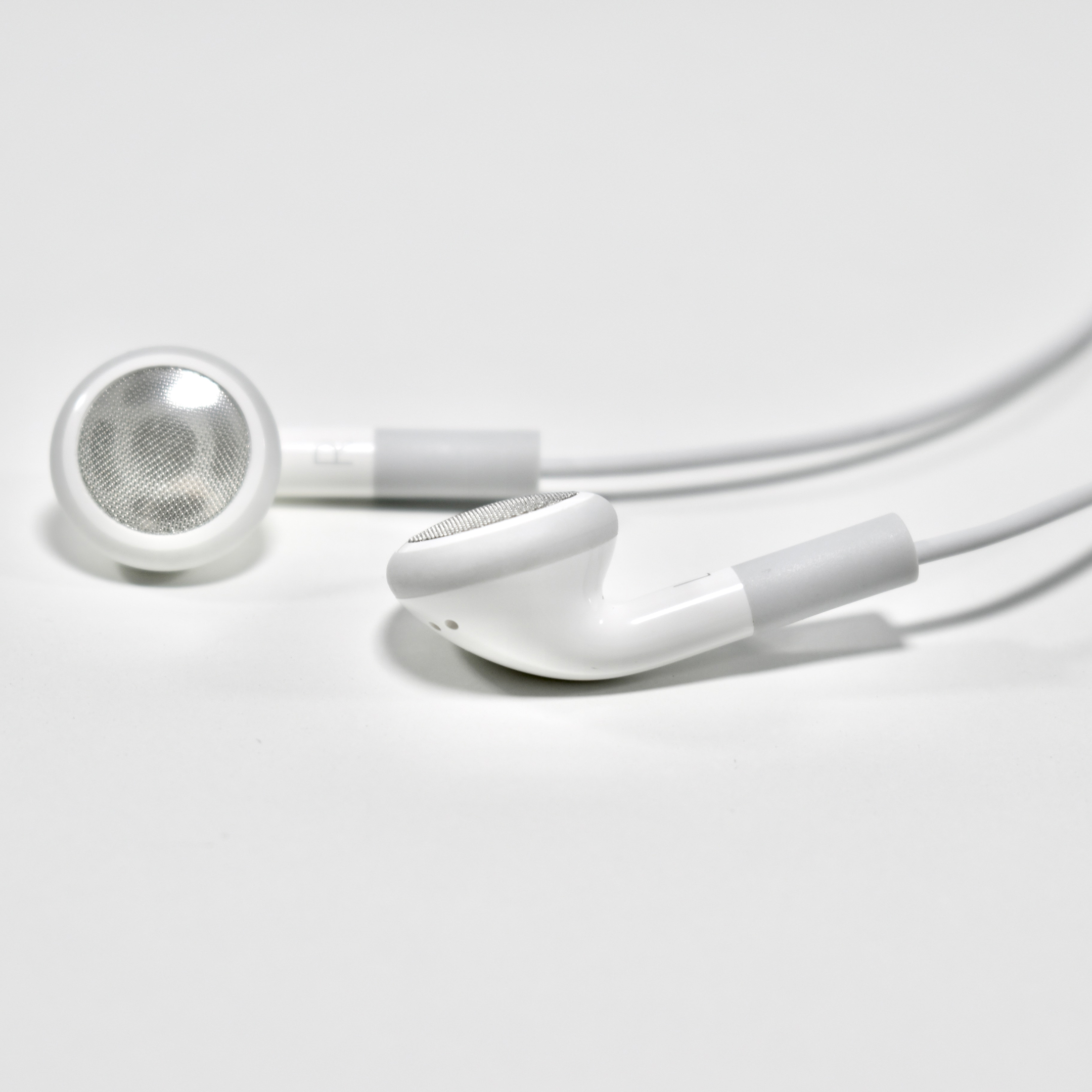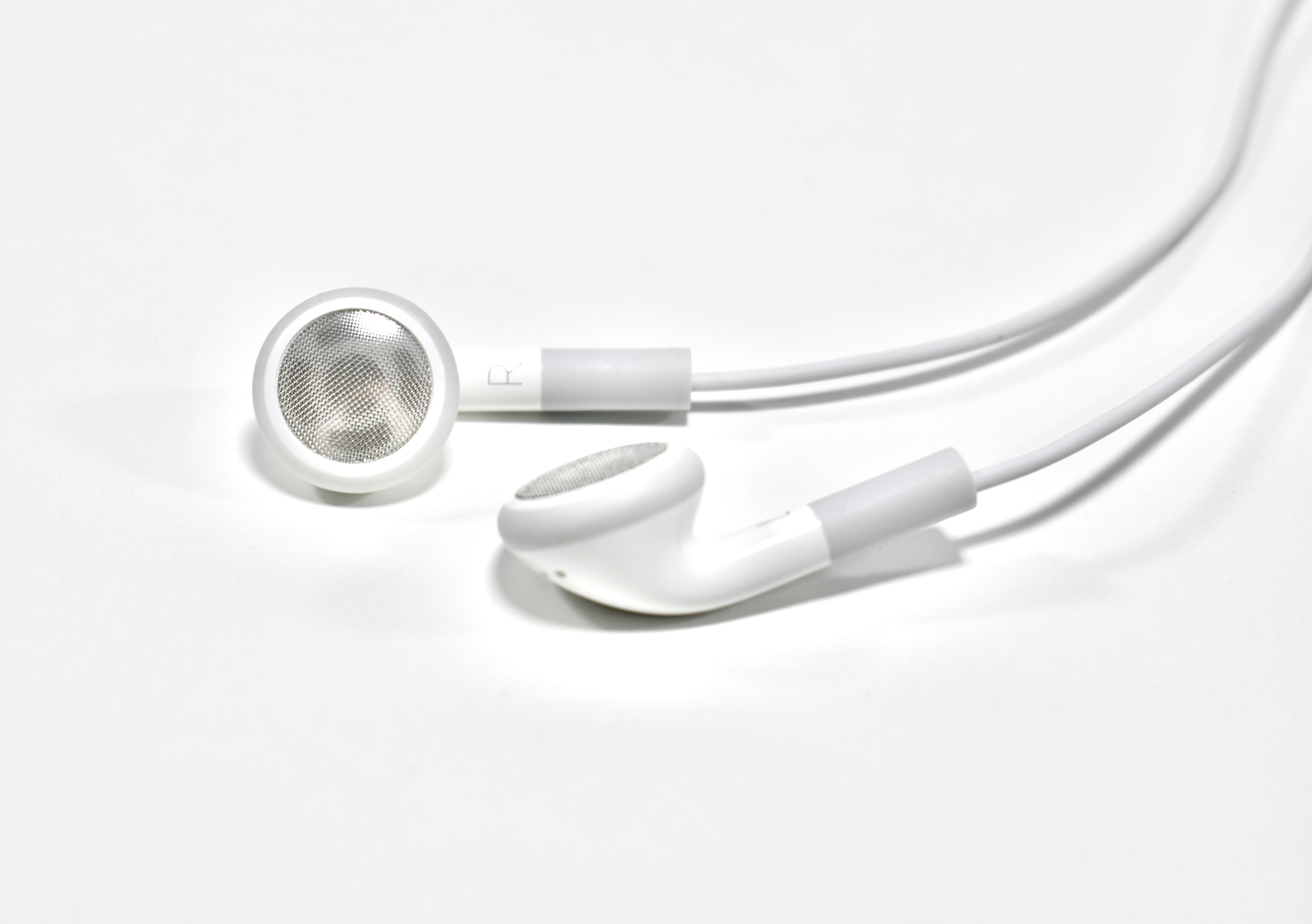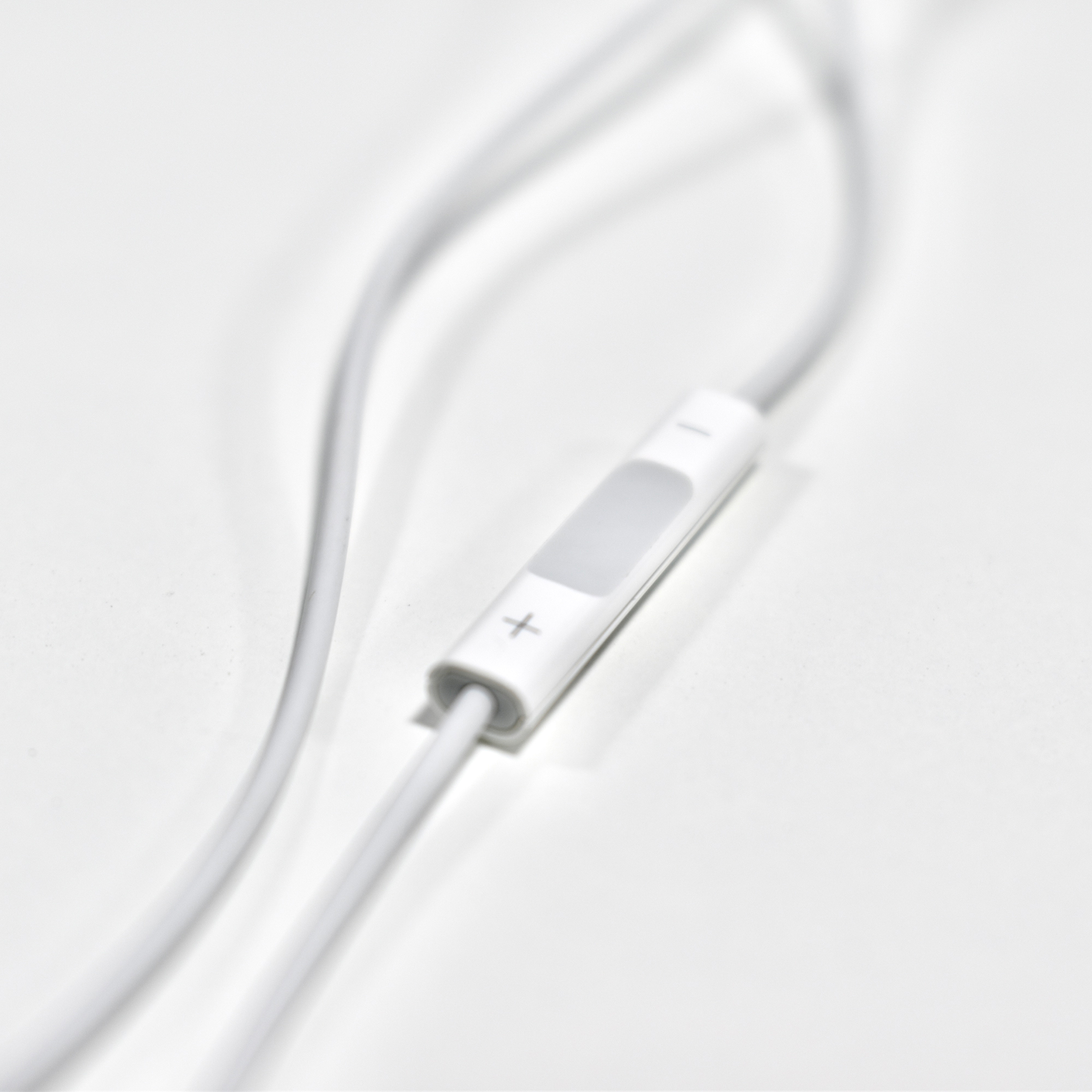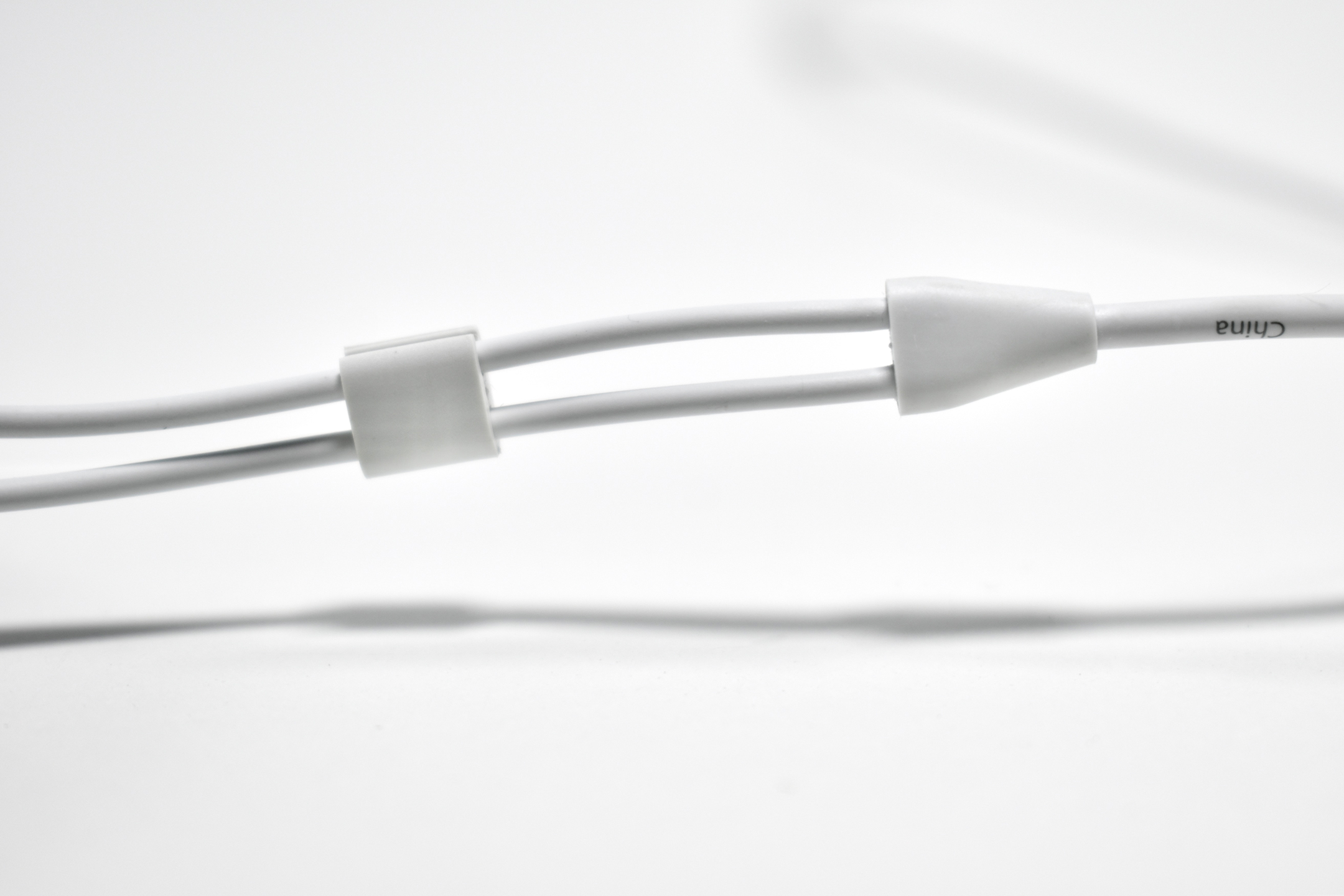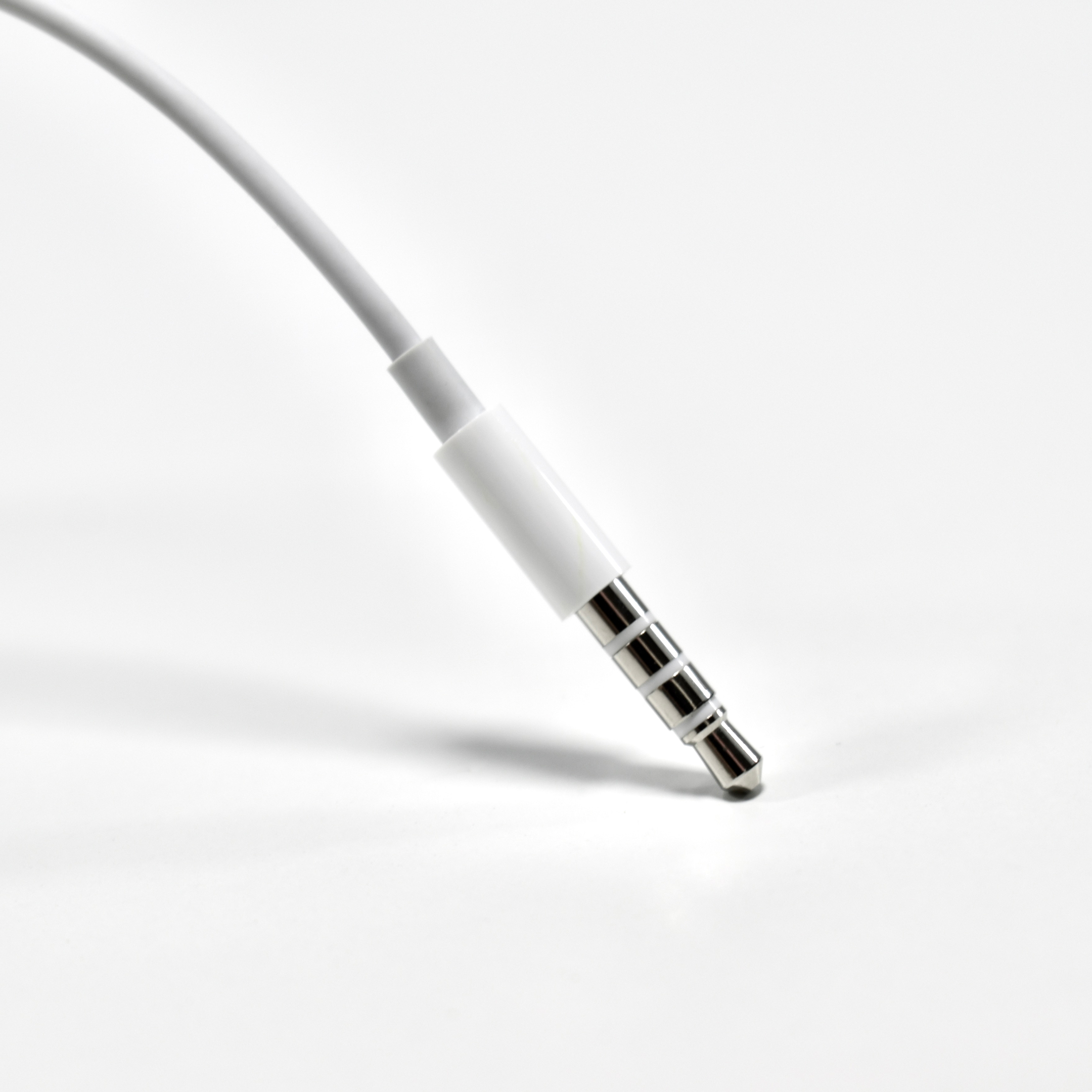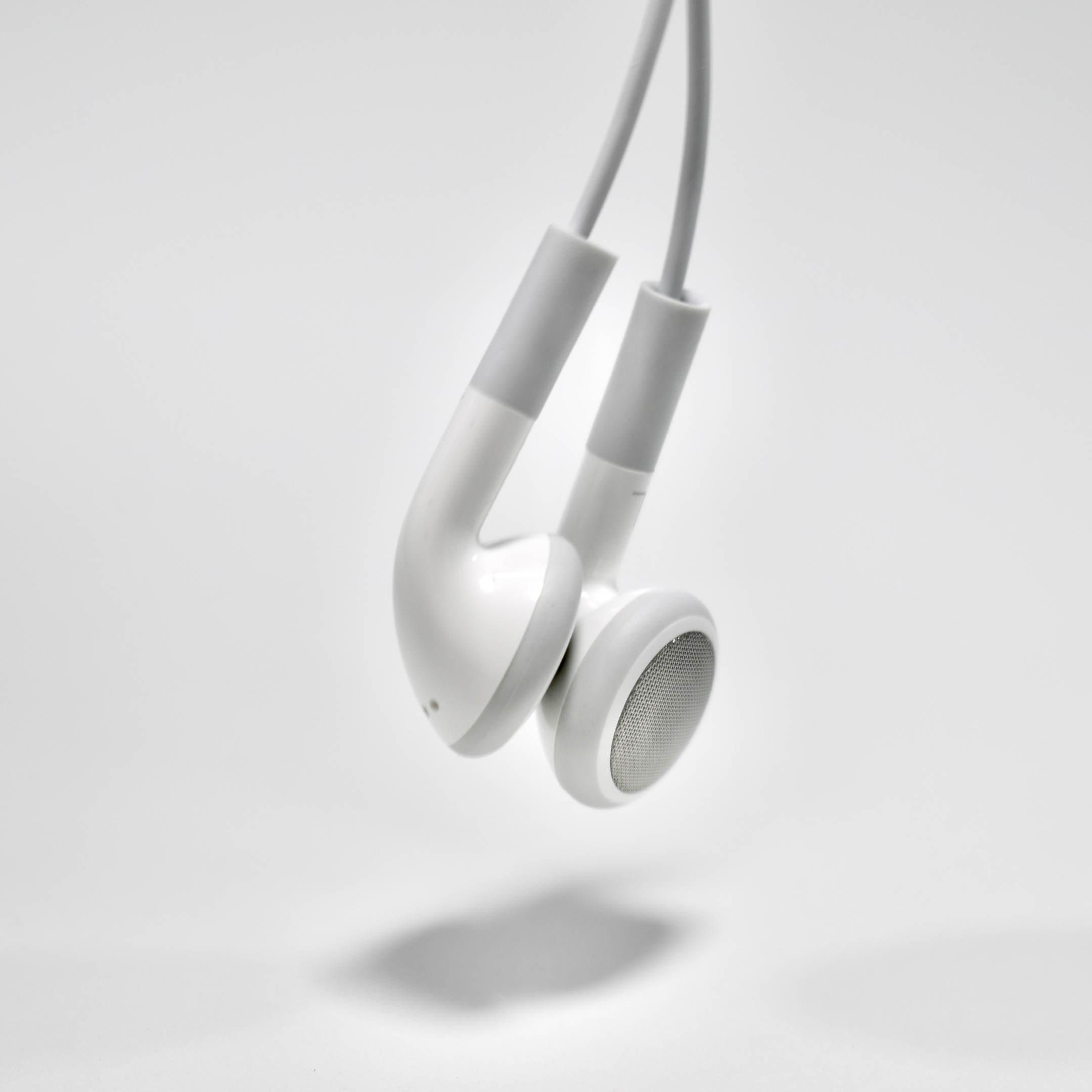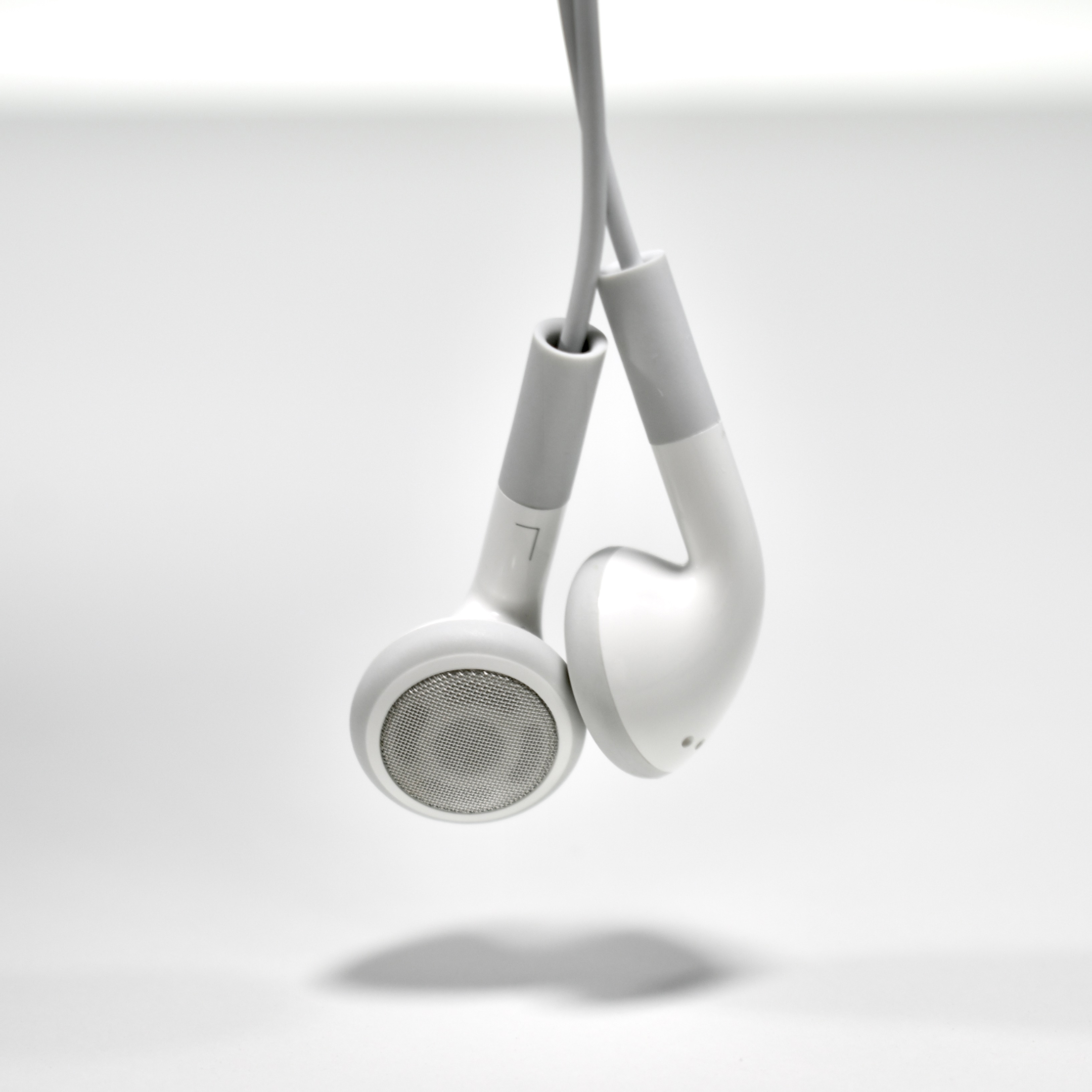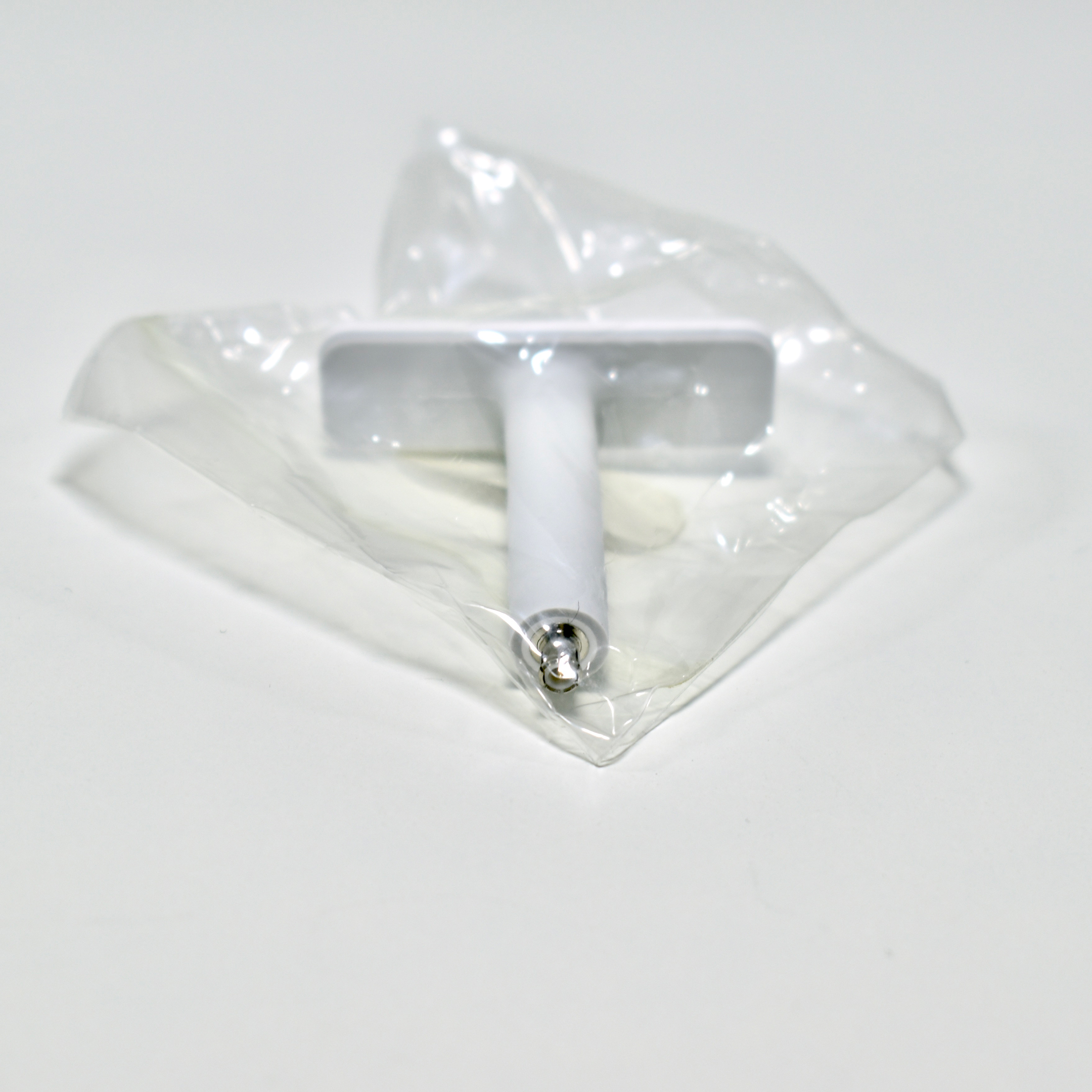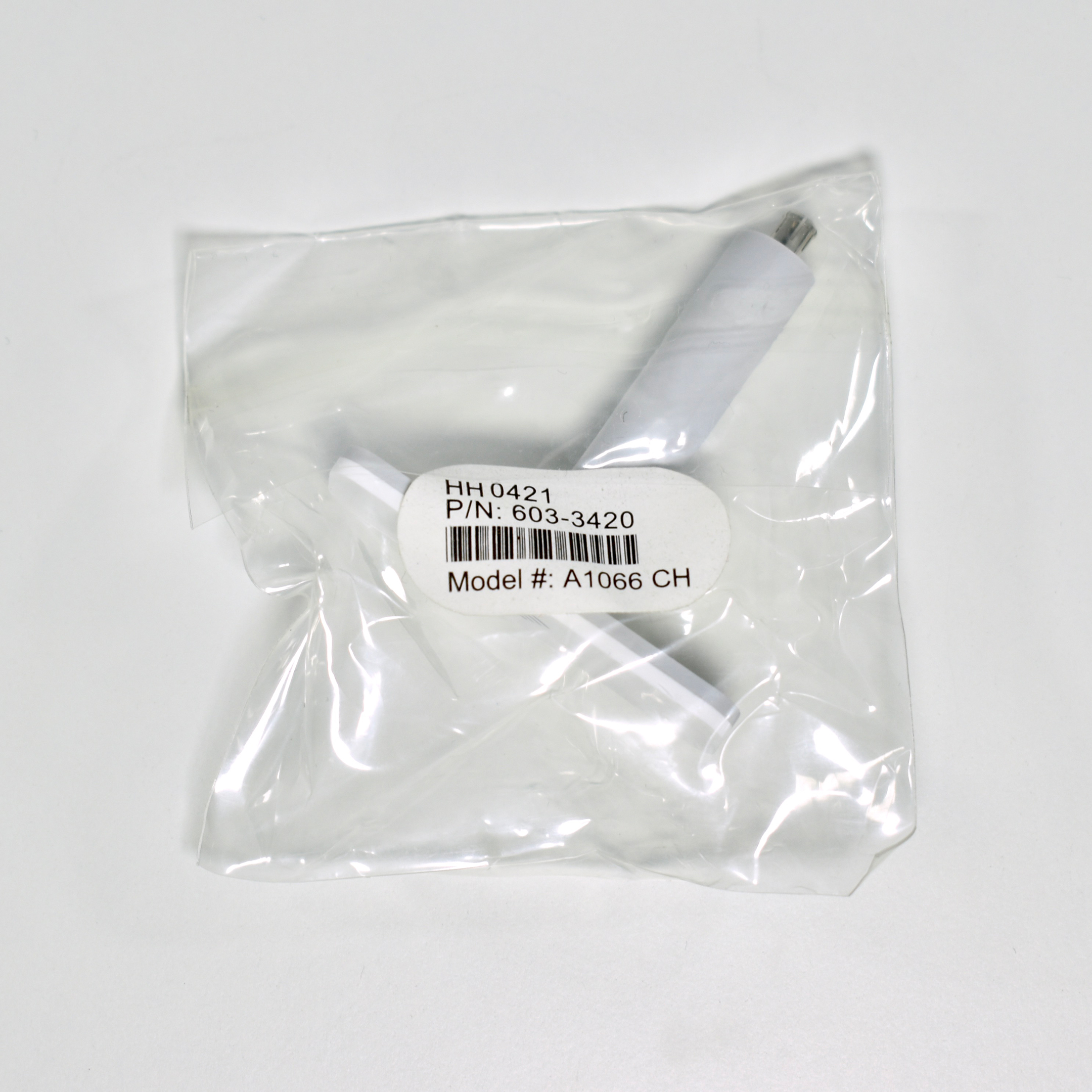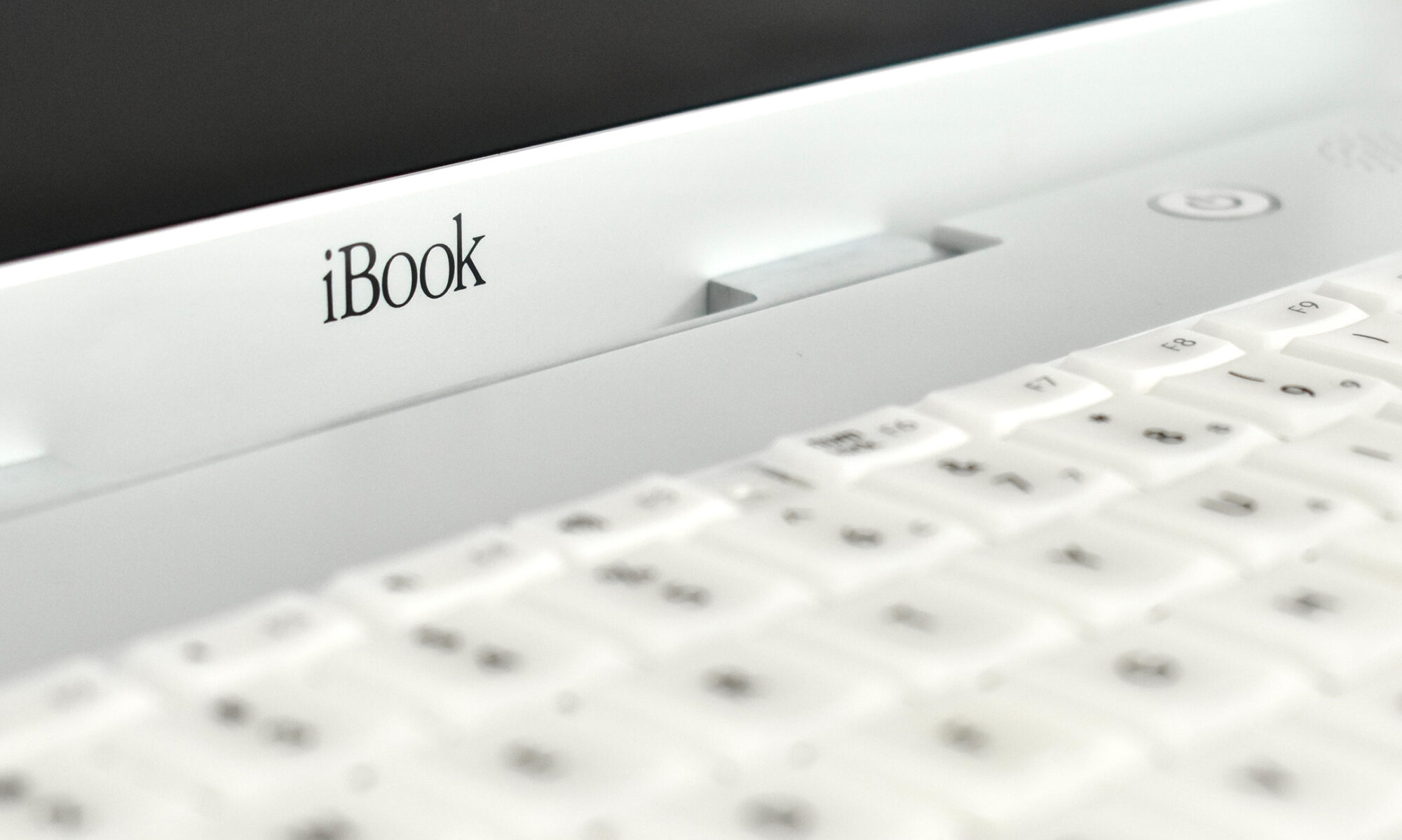
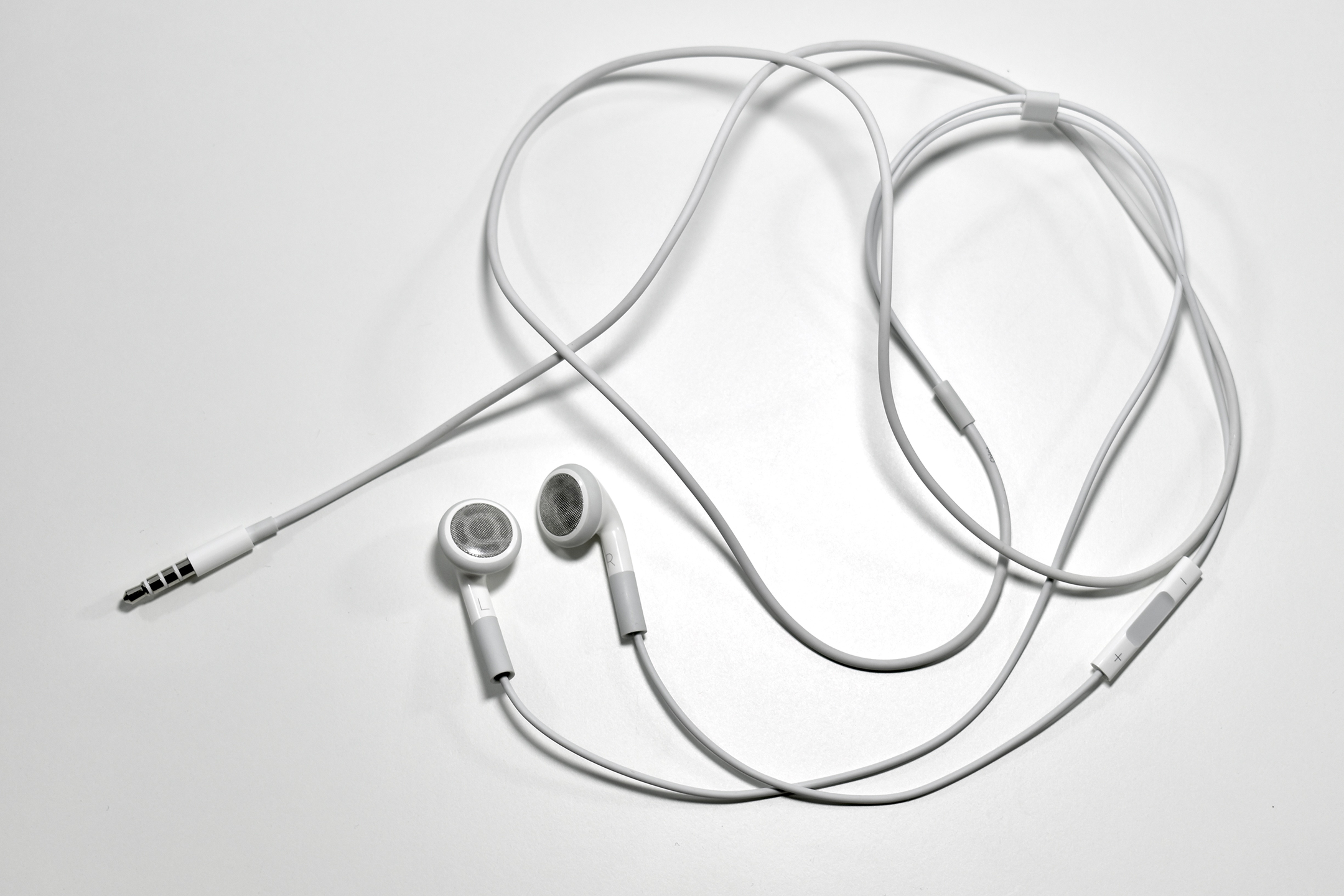
Apple Earphones with Remote and Mic (without Mic for the iPod Shuffle Generation 3, 2009)

These Apple earphones are a bit of an anomaly. The design is based upon its Apple Earphones with Remote and Mic that was sold independently and also included with the iPhone 3GS, iPhone 4, iPhone 4s, and iPod touch (Generation 3). Each of those devices used a microphone. At the same time, Apple released the iPod Shuffle Generation 3 that did not have microphone compatibility. Instead of using an old earphones design, they instead produced the same design without a microphone.

This version of the Apple Earphones with Remote and Mic without a Mic lacks the small Mic hole in the housing on the right-ear wire. Previous Apple Earphone designs lacked the + and – volume controls and the microphone on models that included the Mic.

Of course, I would love to tear these apart or X-ray them to see if Apple left out the microphone, or simply covered the microphone hole in this version of the earphones.

Sources: Apple, Apple (via webarchive)
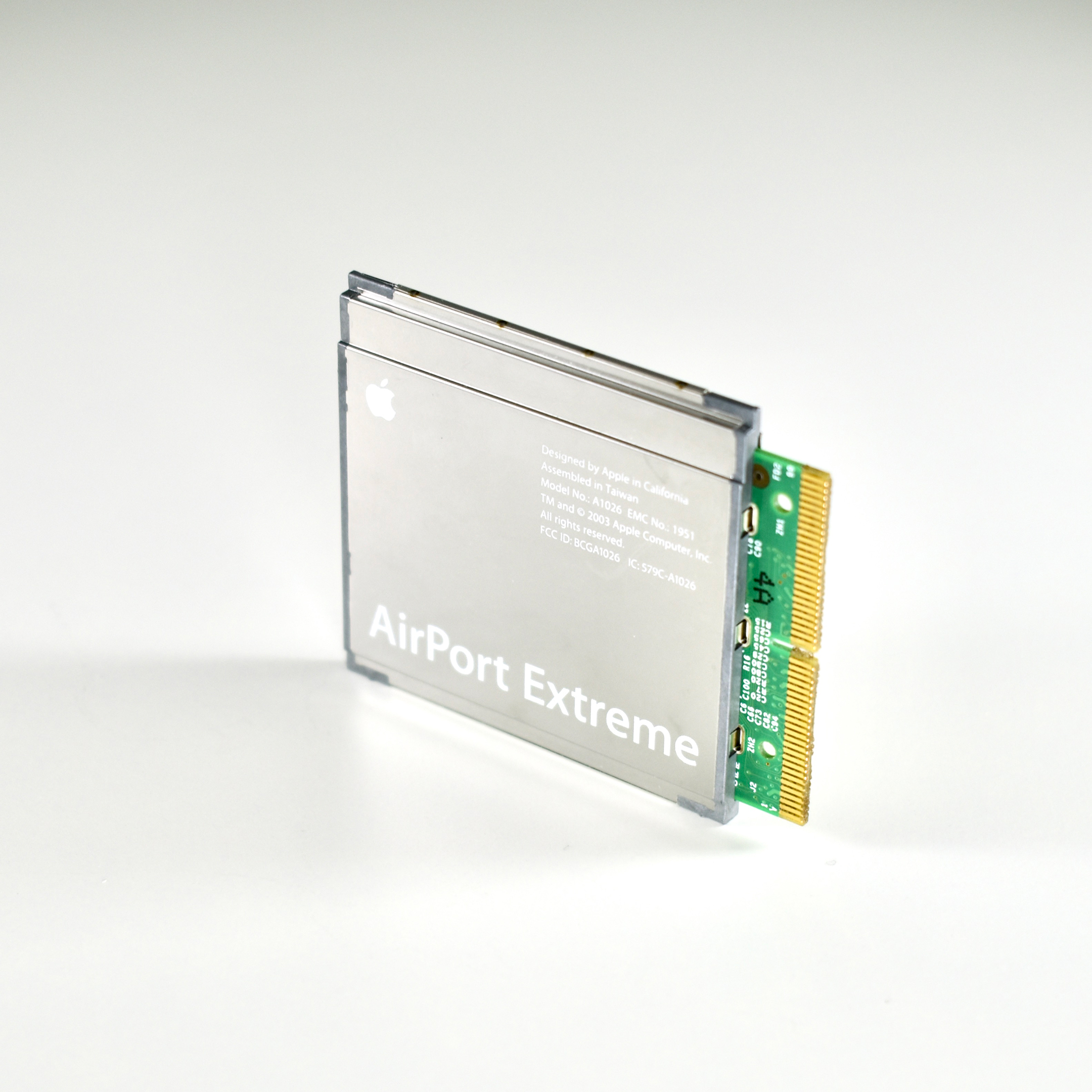
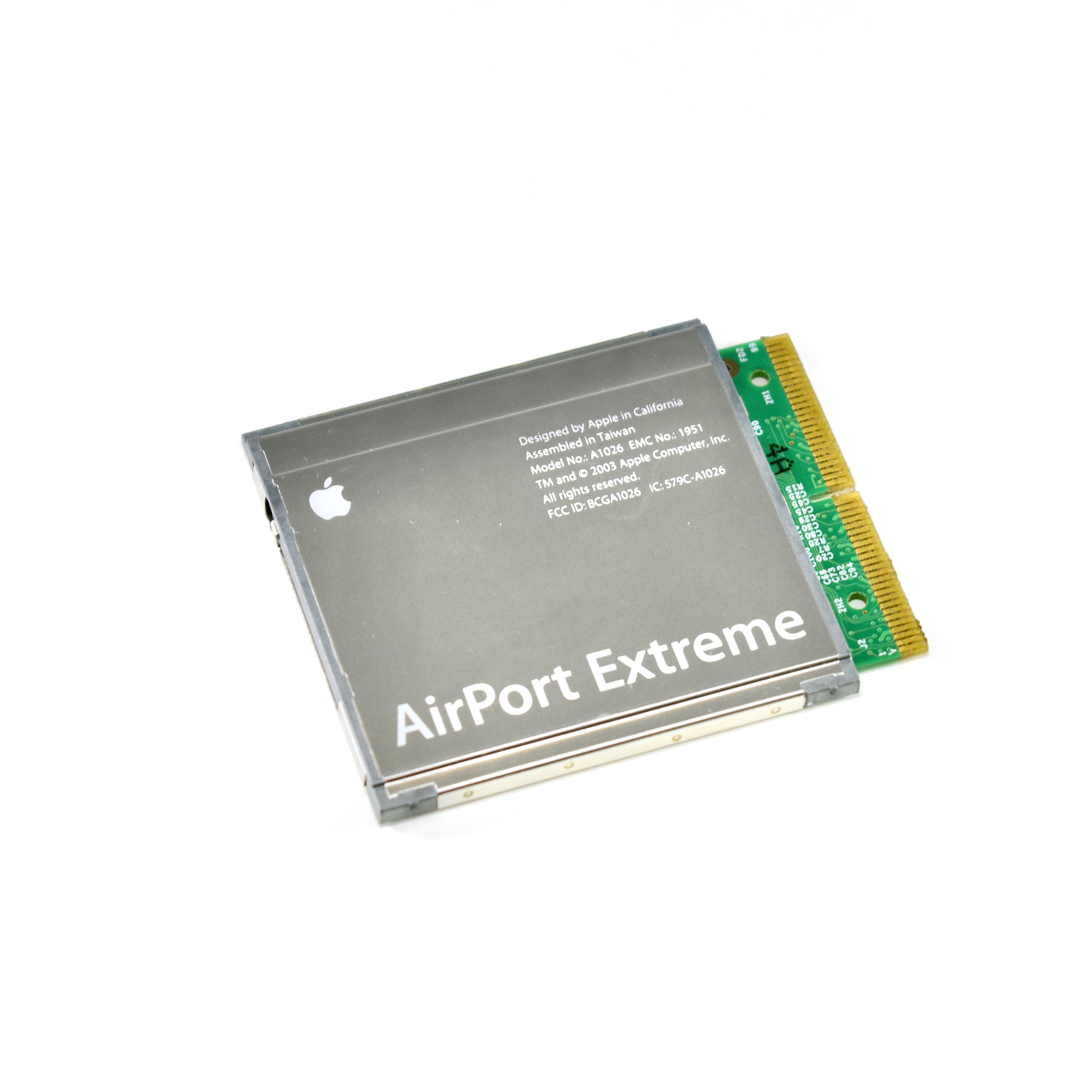
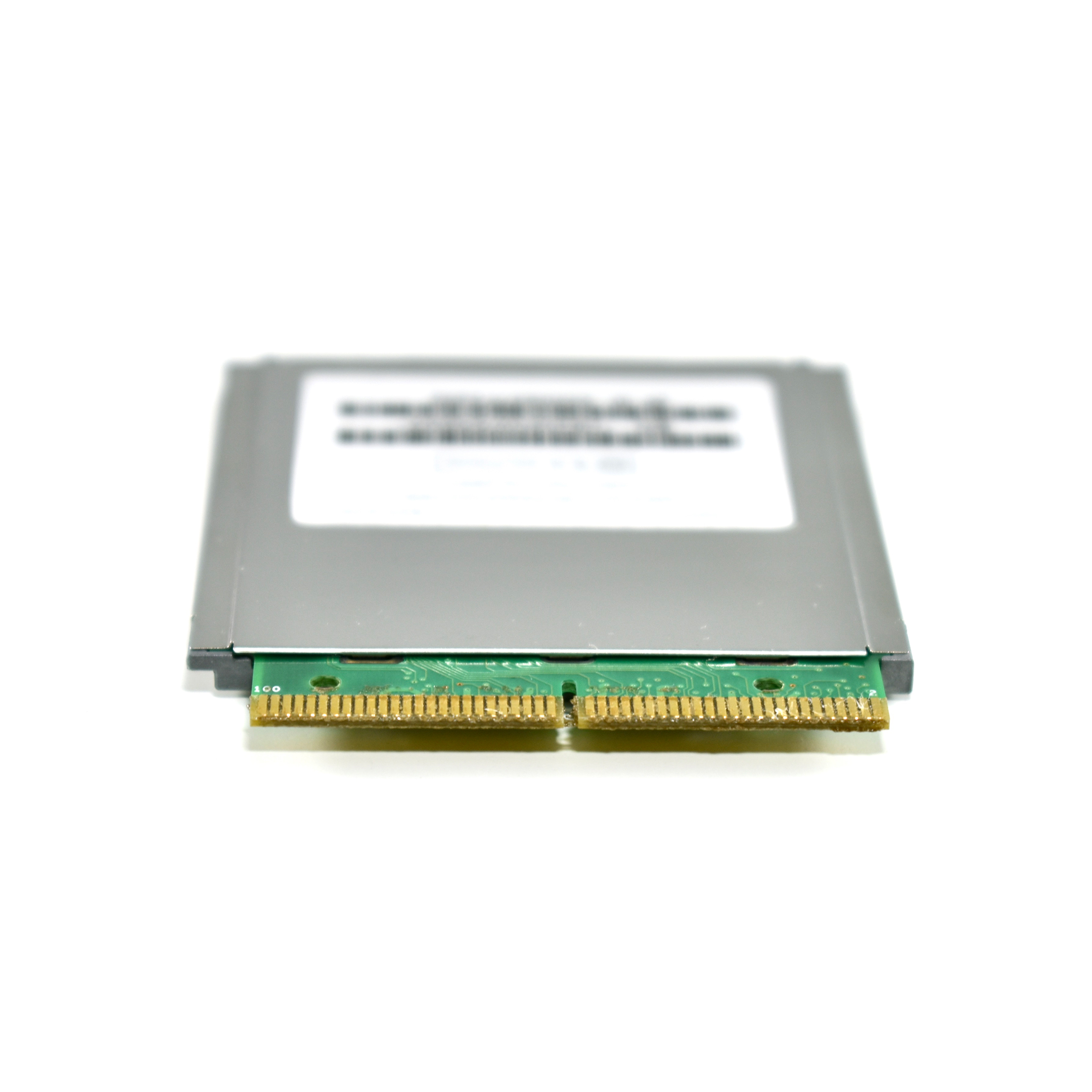
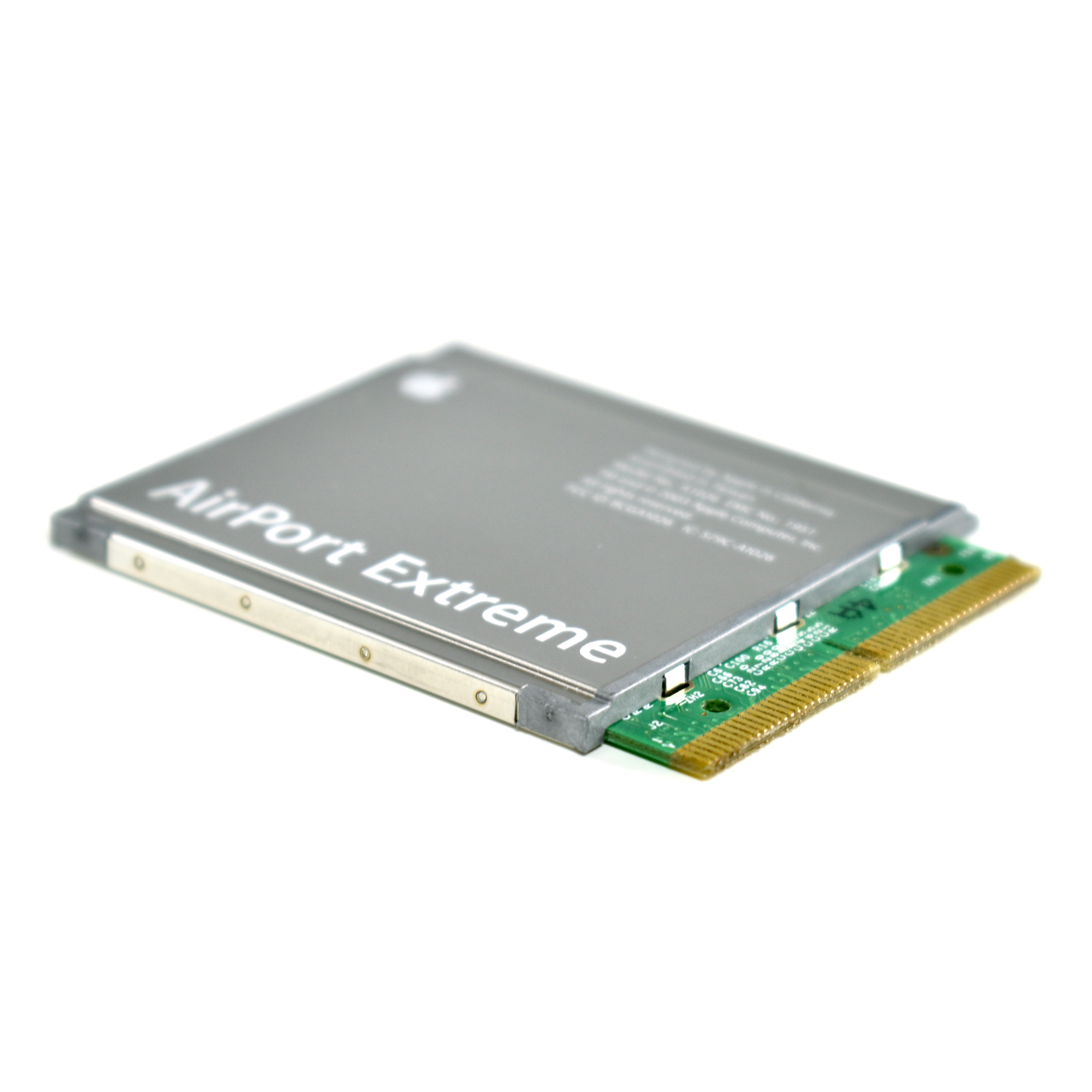
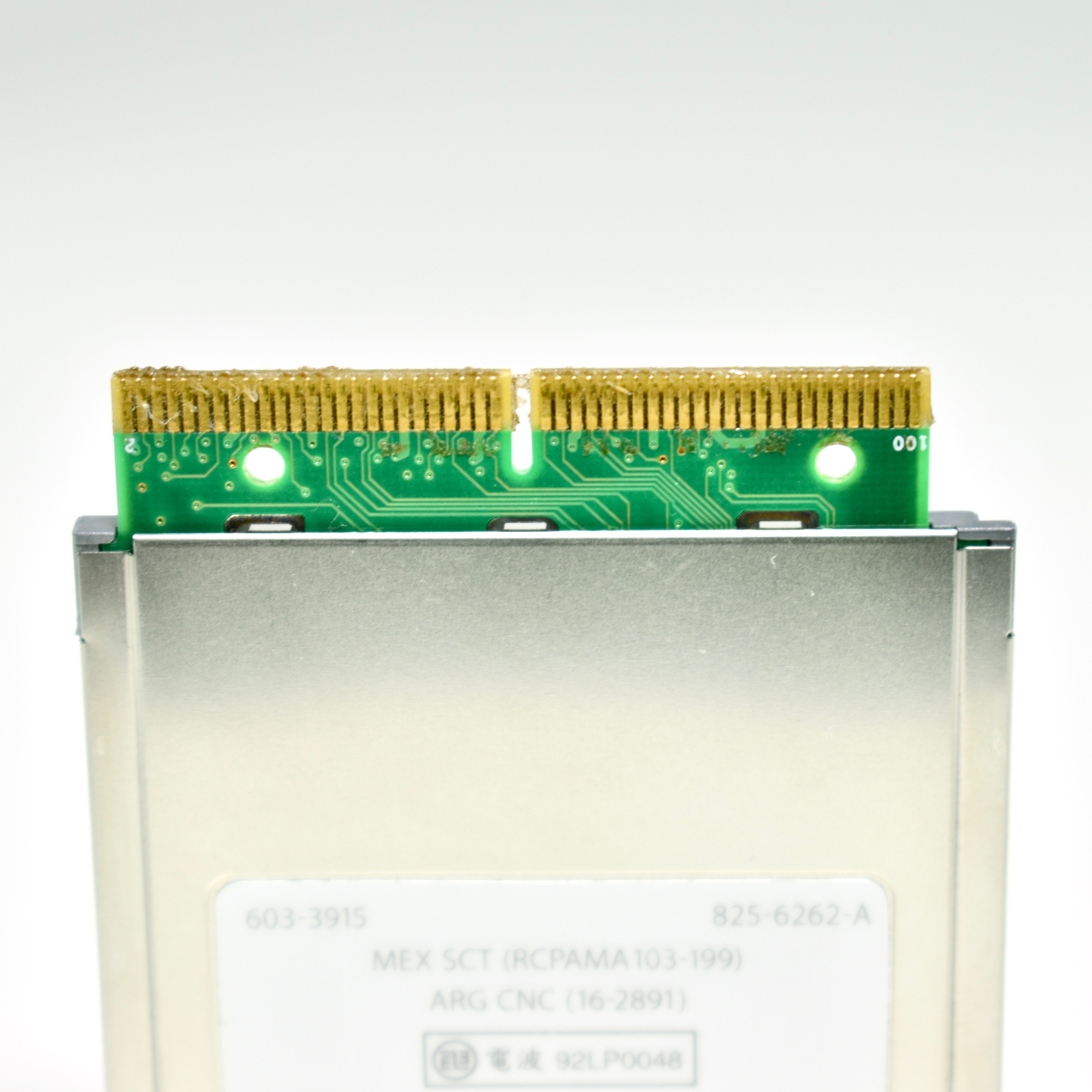
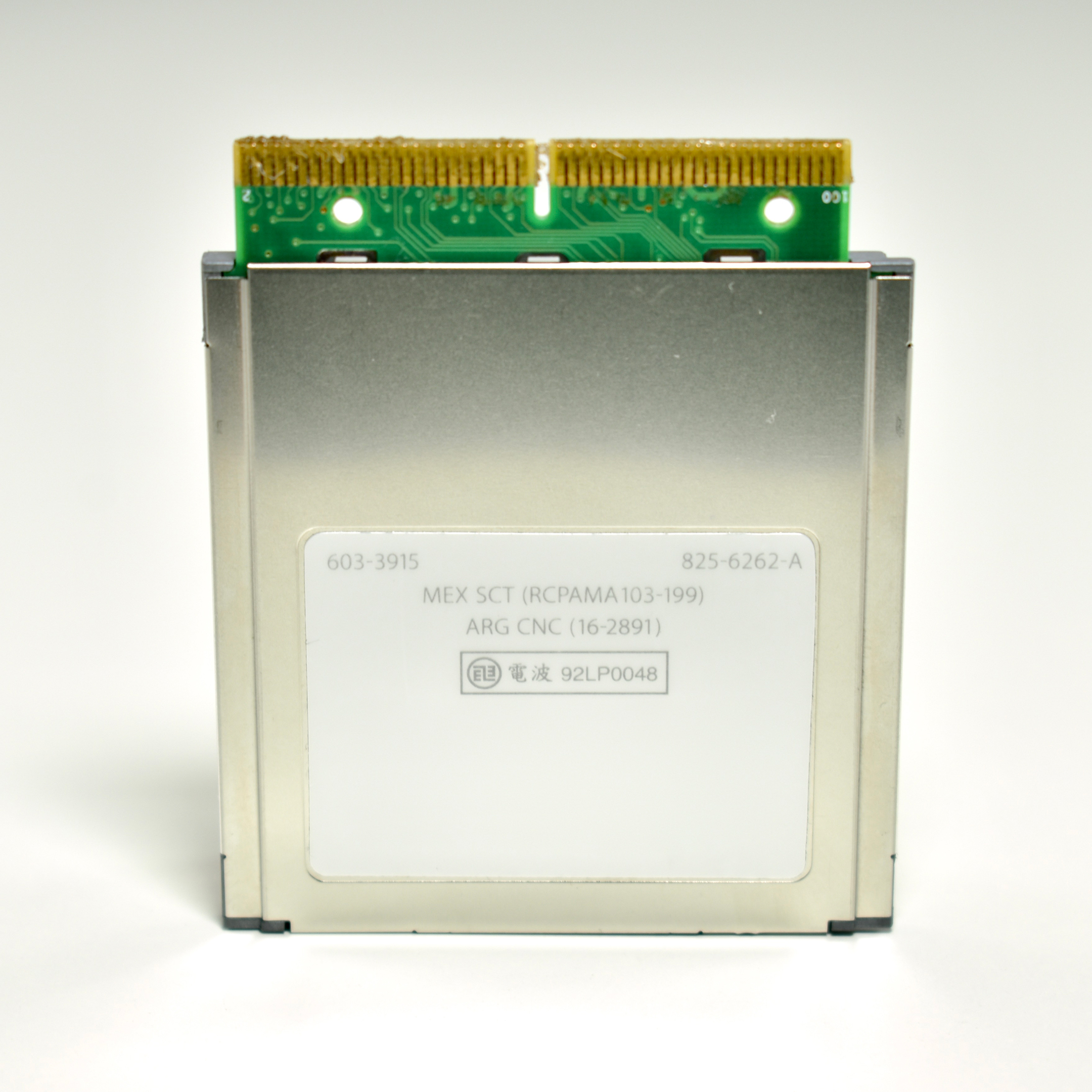
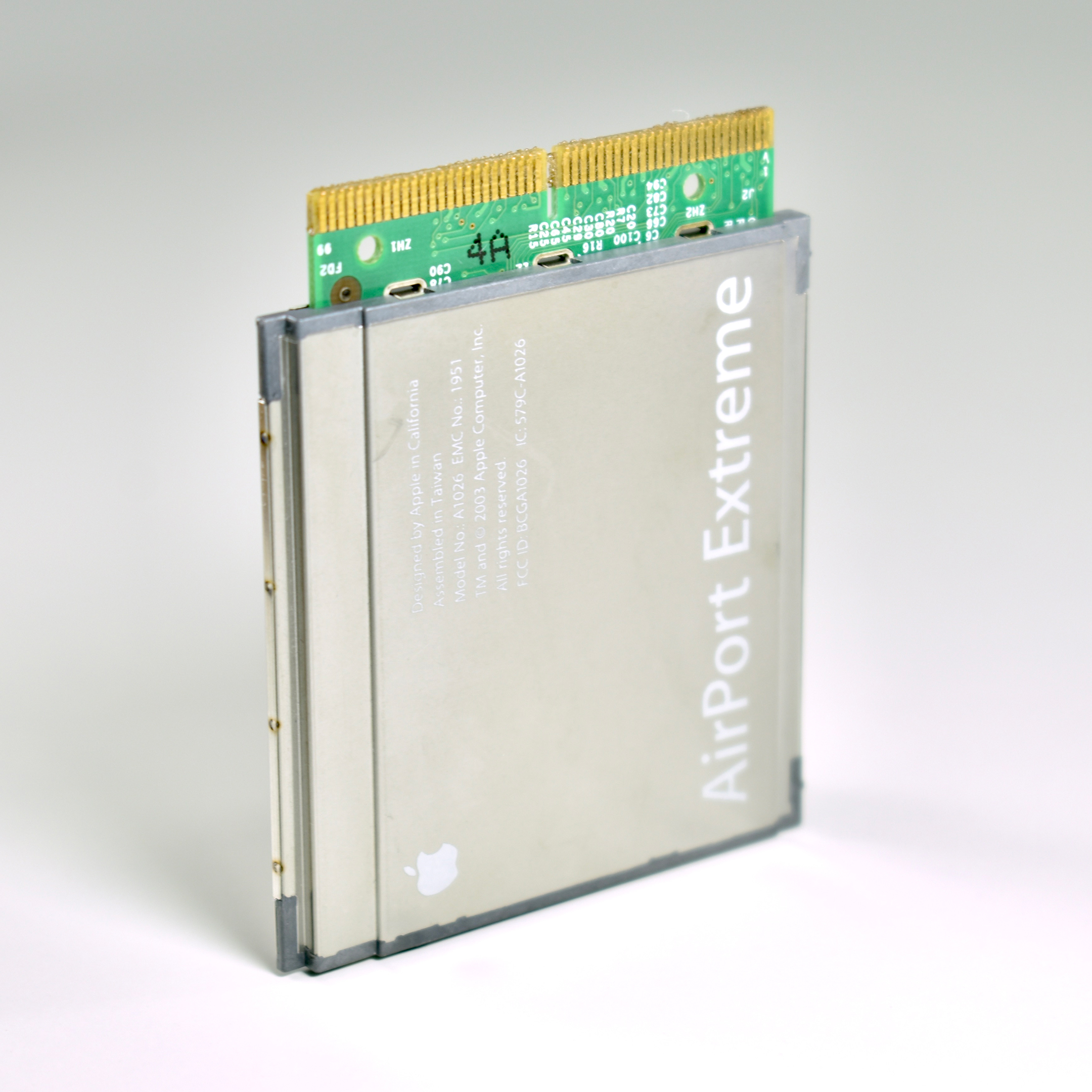
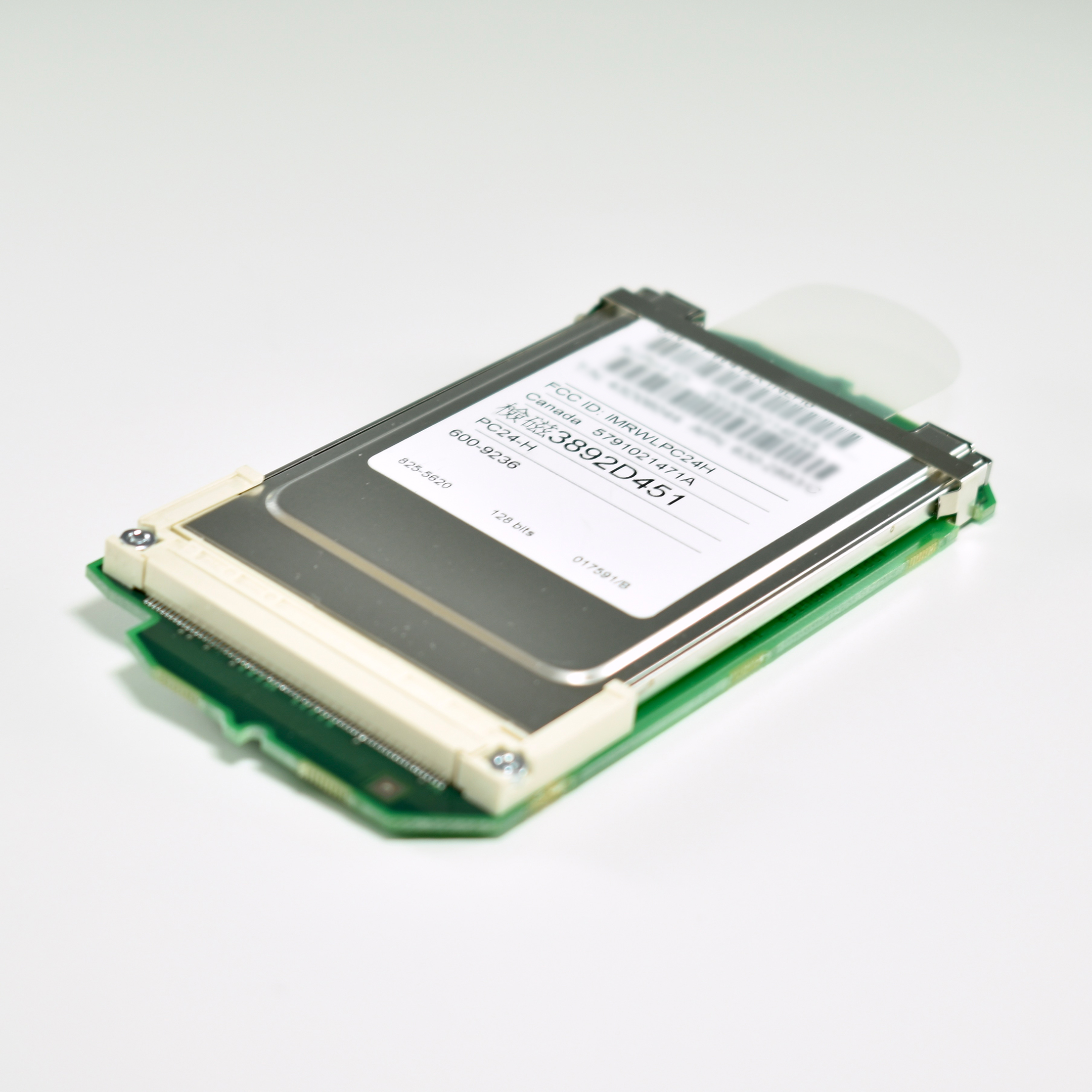
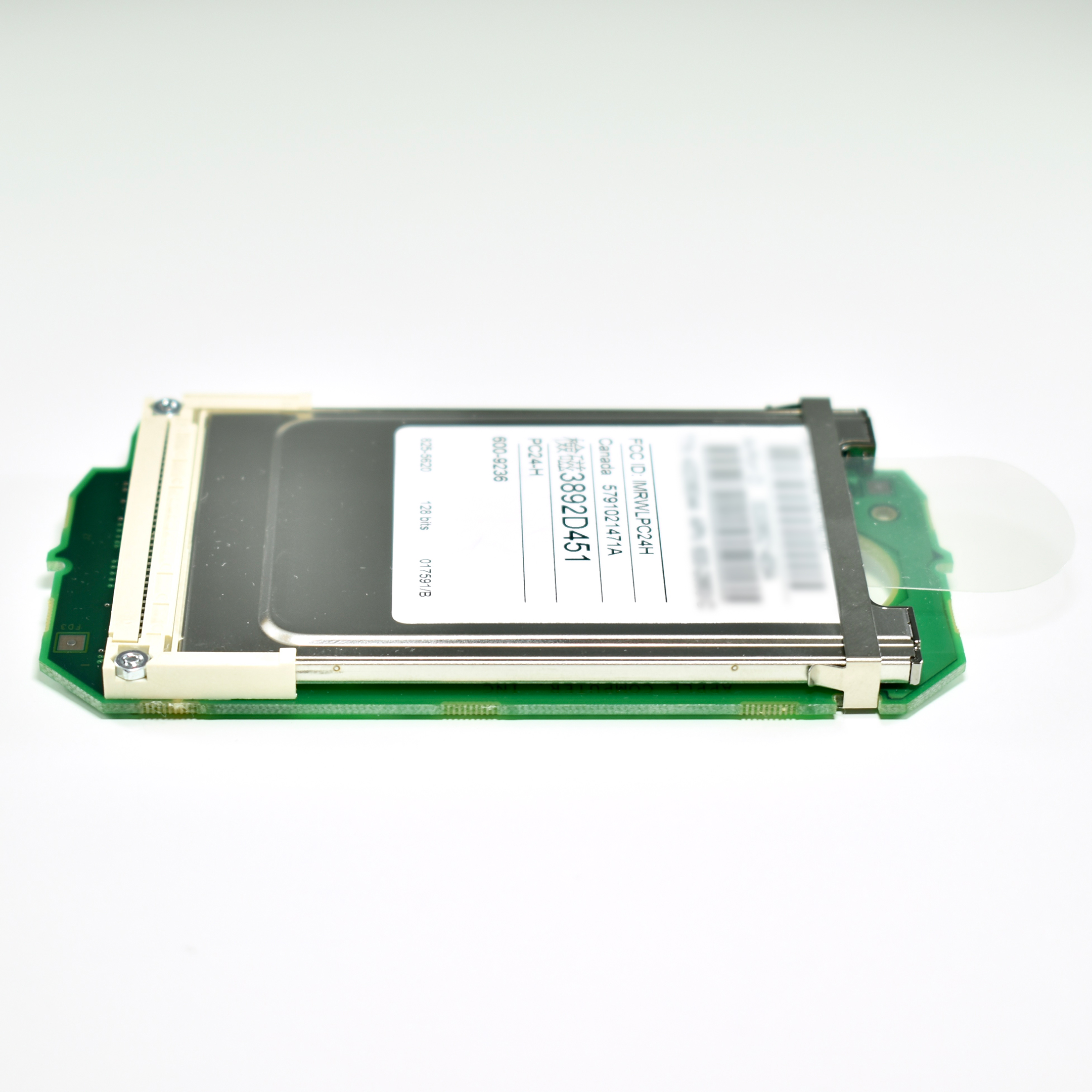
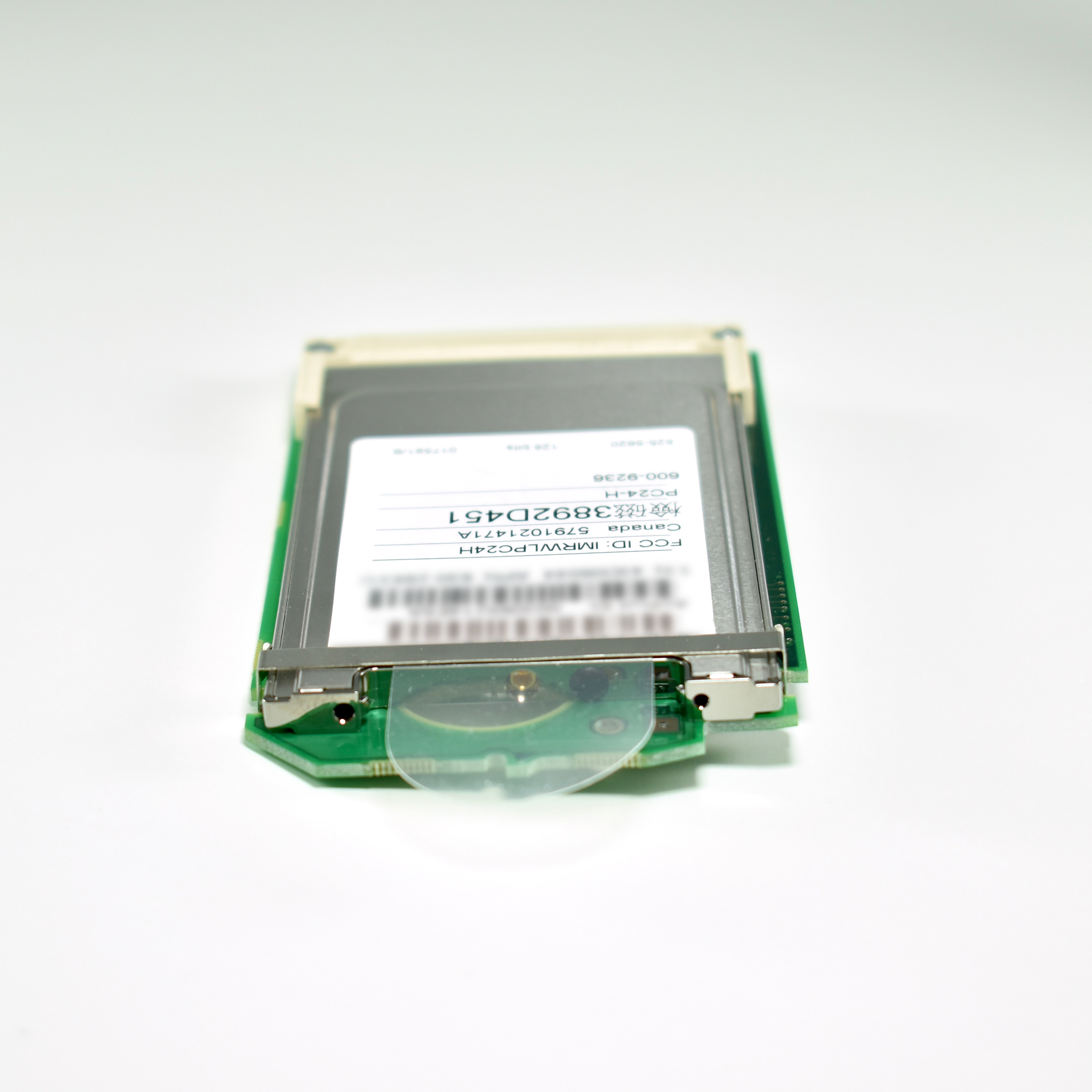
AirPort Extreme Card (2003)
The AirPort Extreme Card card replaced Apple’s original AirPort card in 2003. The first computers designed to use this card were the iBook G4/800 12-inch (original) and the iMac G4 1.0 17-inch (flat panel).

Apple devices with wireless capabilities after the AirPort Extreme Card had Wi-Fi as a standard feature built in to the architecture beginning in mid-2005. Beginning in 2006 with the Intel-based MacBook Pro, Apple used non-Apple-branded internal wireless cards (e.g., Atheros, Broadcom).

According to Apple’s AirPort Extreme Card User’s Guide:

AirPort Extreme Card Specifications
• Wireless Data Rate: Up to 54 megabits per second (Mbps)
• Range: Up to 150 feet (45 meters) from the base station in typical indoor use
(varies with building)
• Frequency Band: 2.4 gigahertz (GHz)
• Radio Output Power: 15 dBm (nominal)
• Standards: Compliant with 802.11 HR Direct Sequence Spread Spectrum (DSSS)
11 Mbps standard, 802.11 DSSS 1 and 2 Mbps standard, and 802.11g specification

Sources: EveryMac, Wikipedia, Apple

Apple AirPort Carrier Card Adapter (1999)

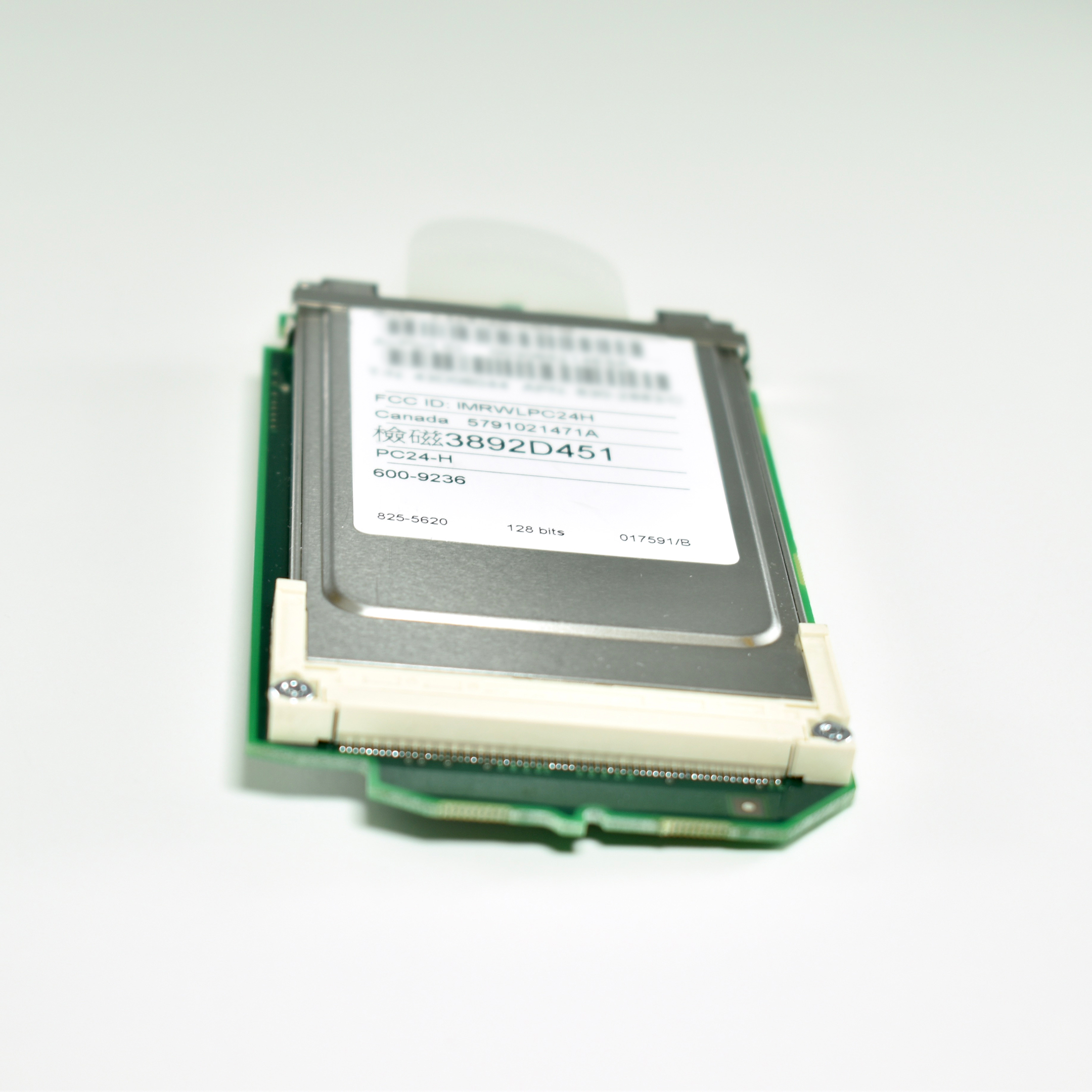
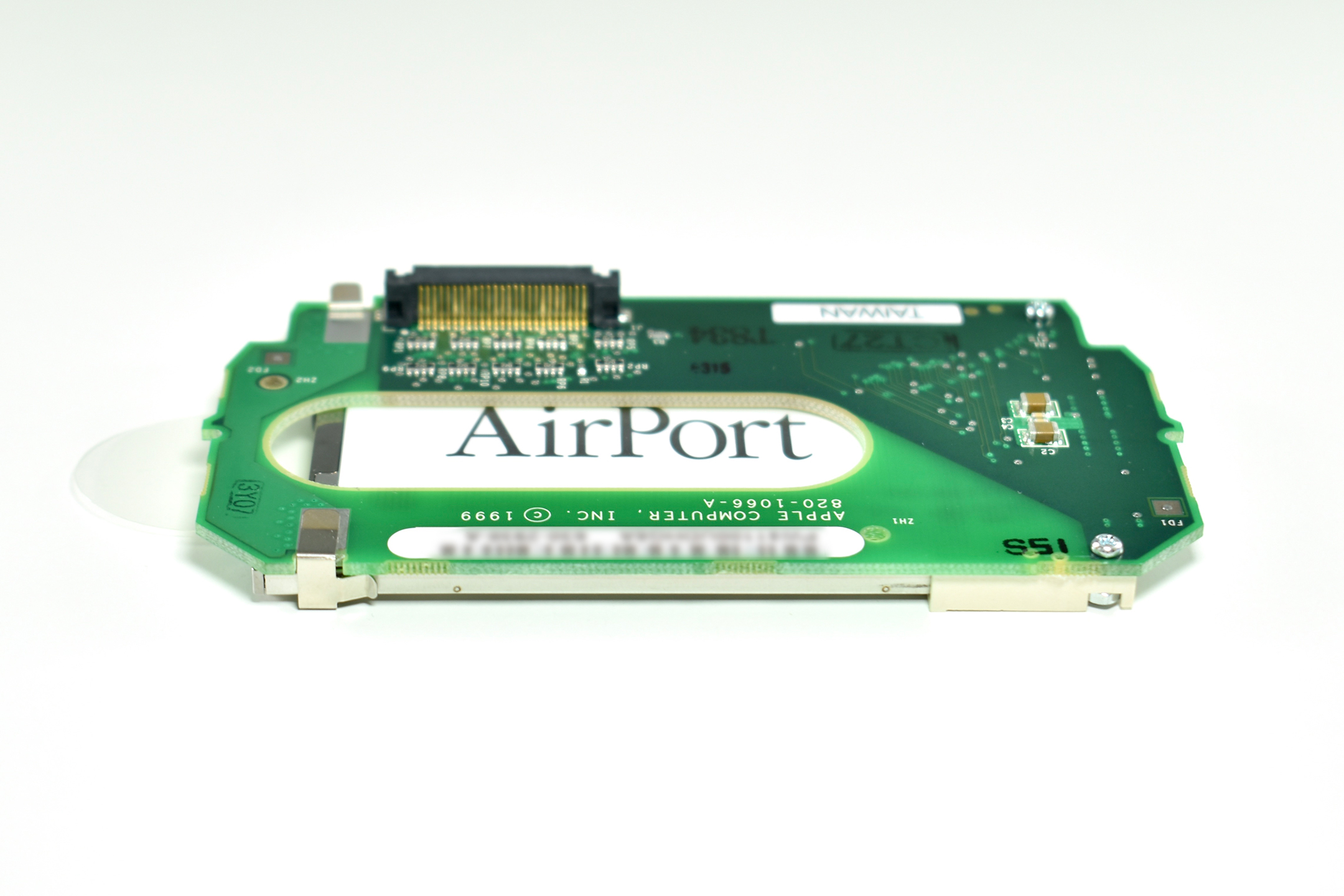
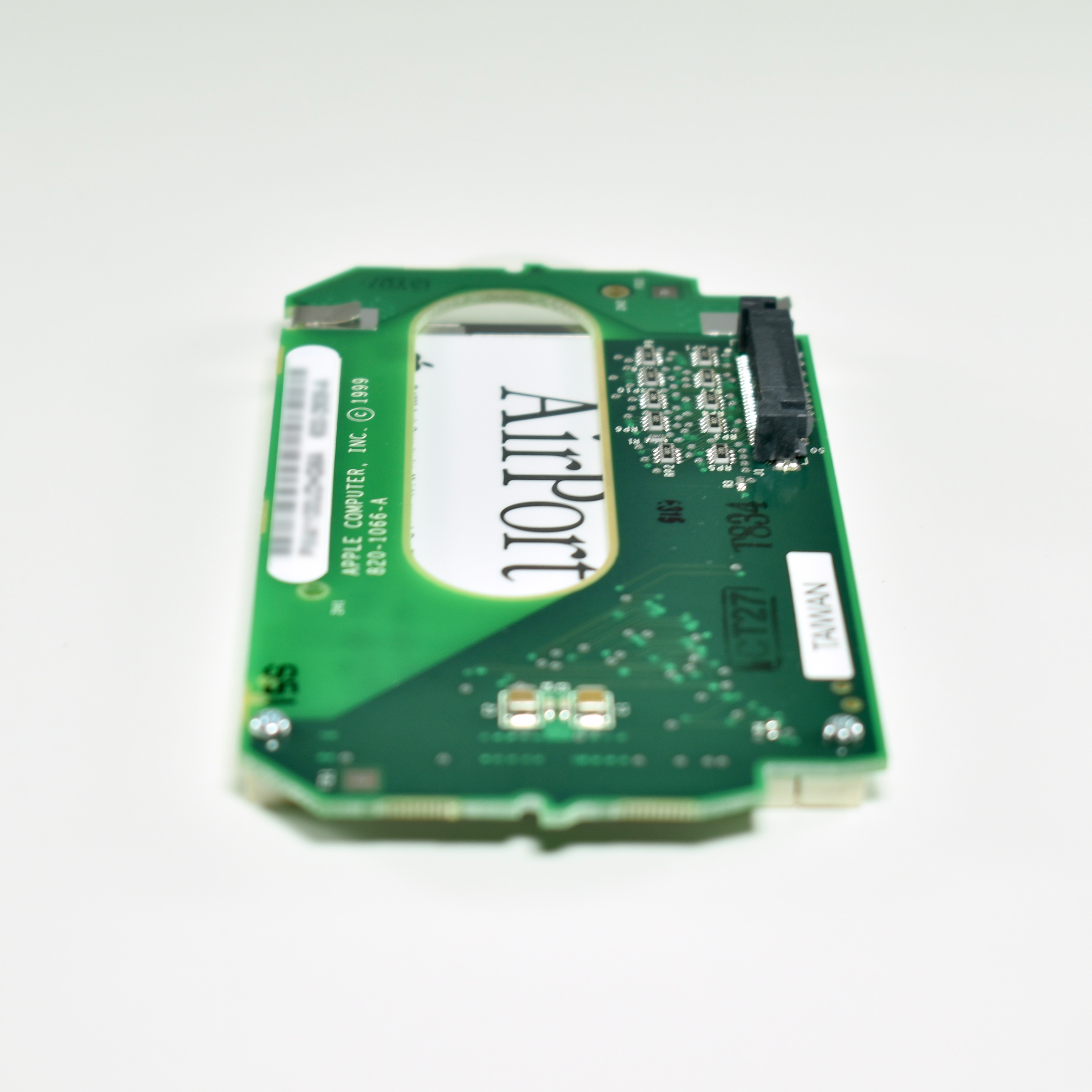
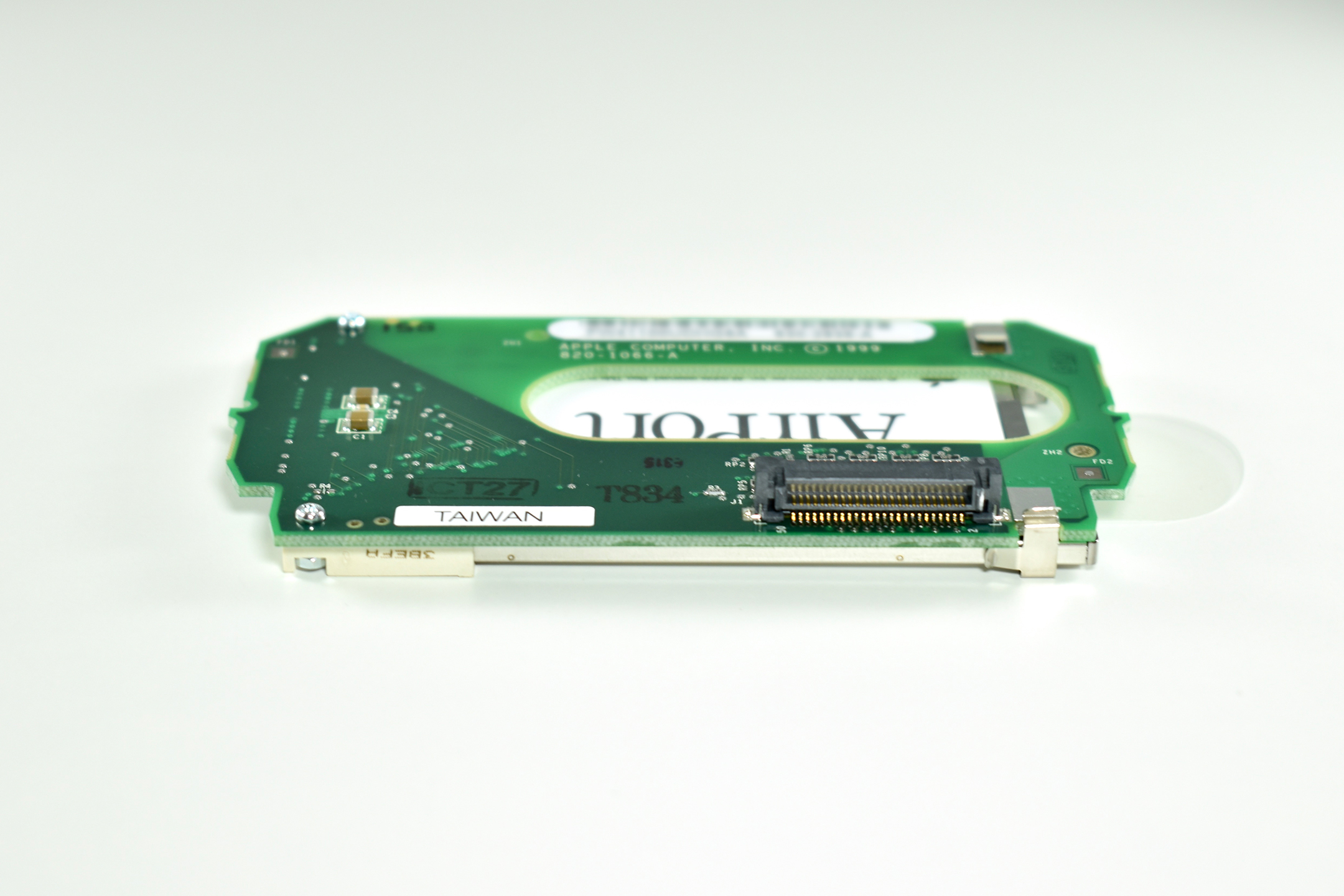
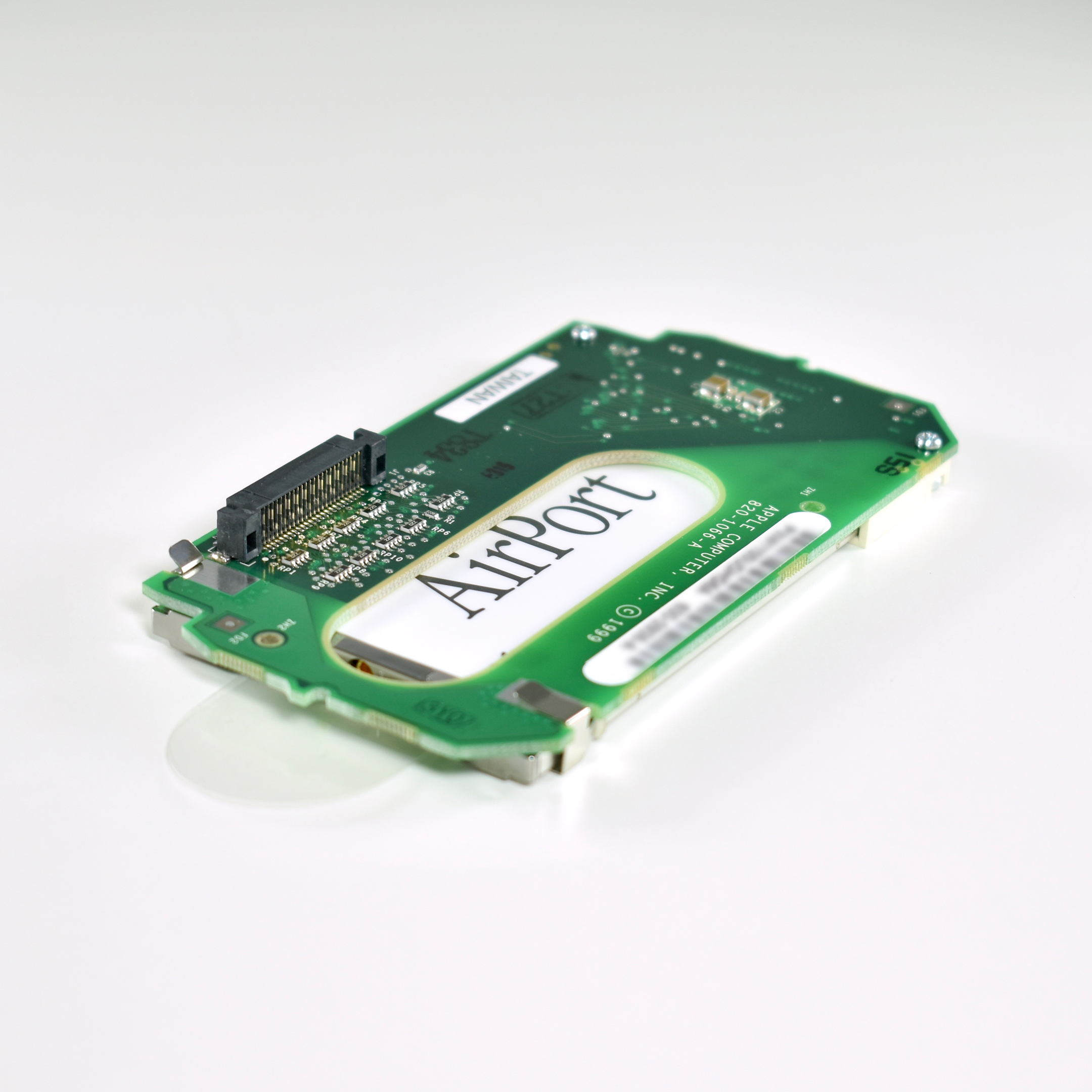
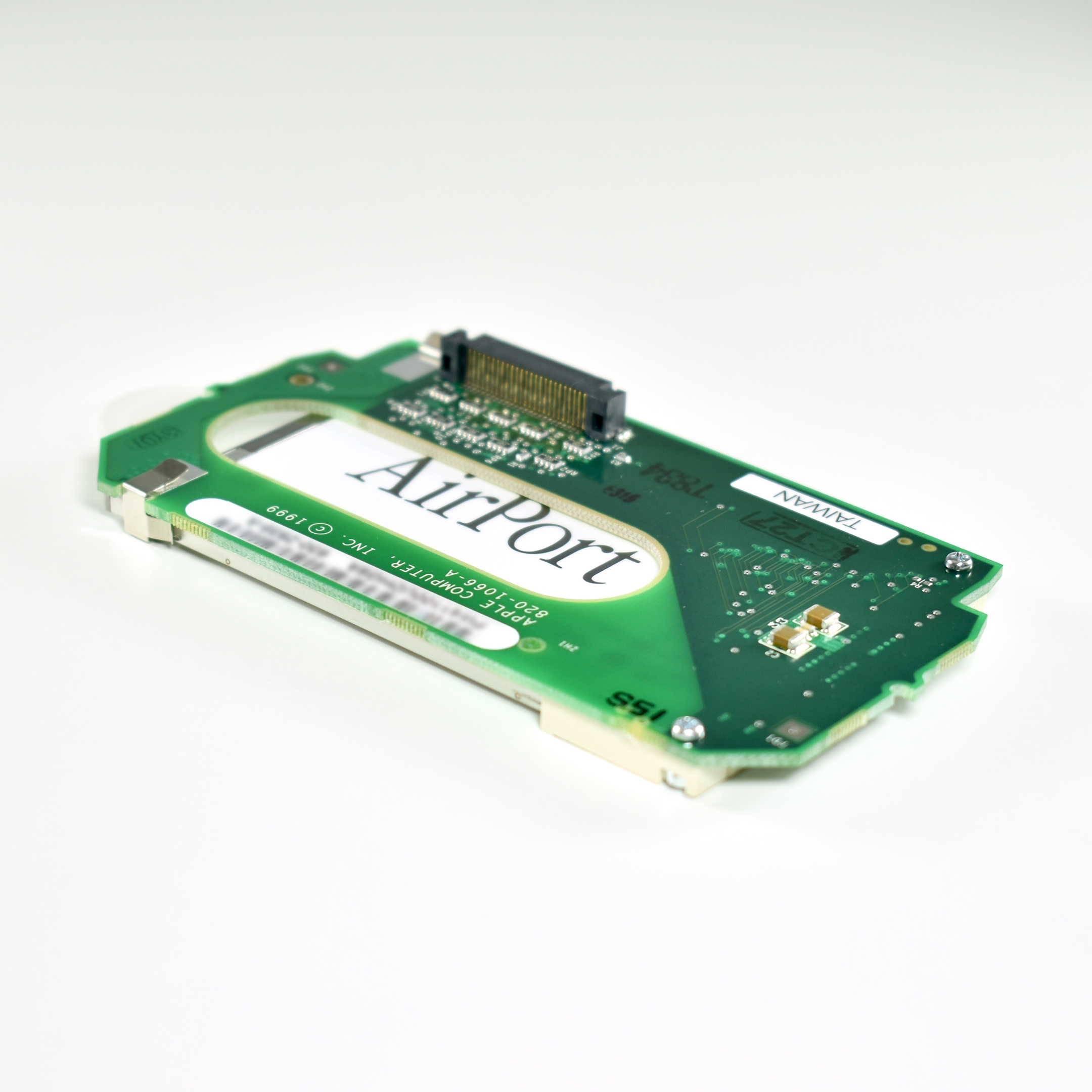
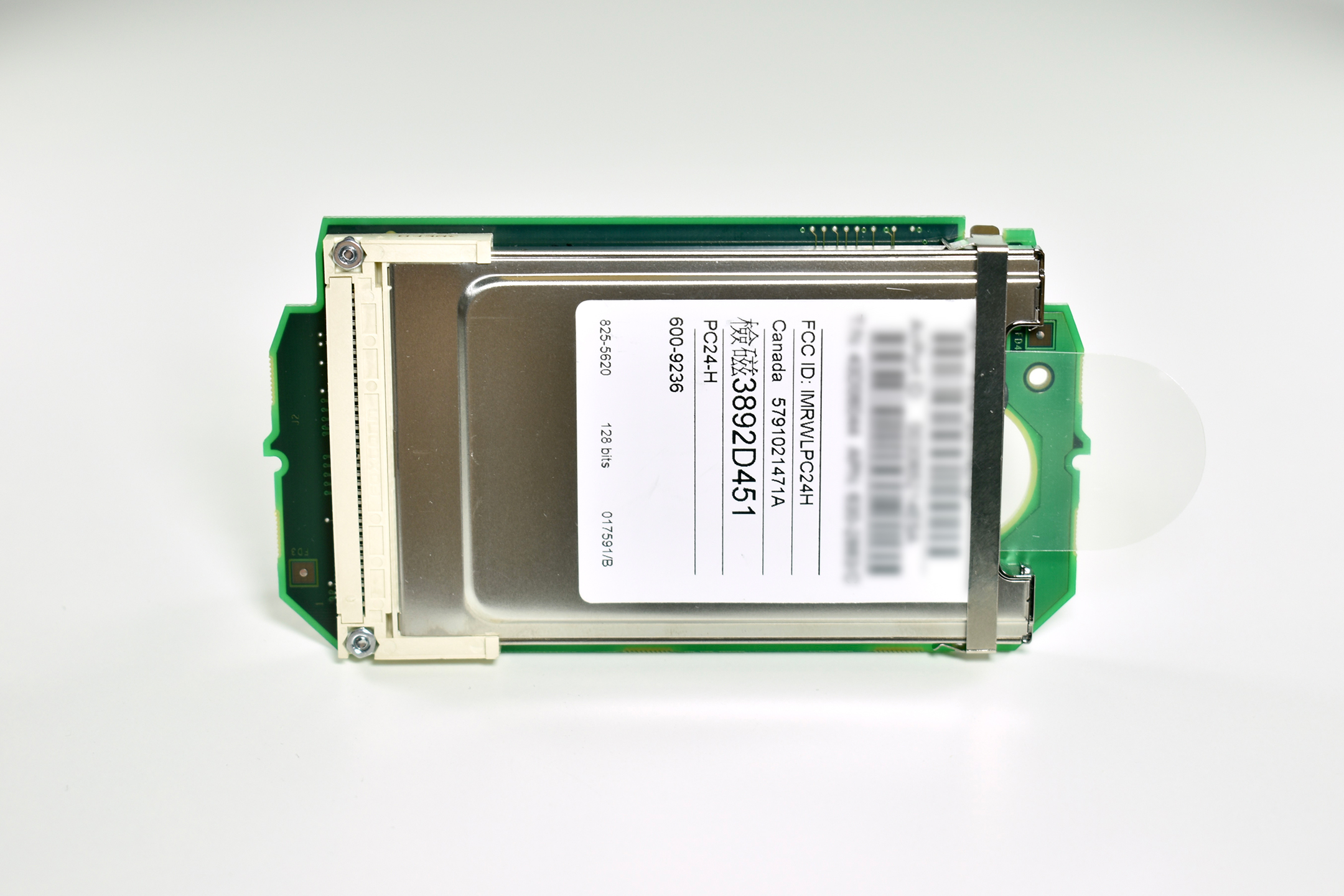
The Apple AirPort Carrier Card Adapter (M8753G/A, 820-1066-A) is for the slot-loading G3 iMac (400MHz or faster). The “carrier card” allows a standard original Apple AirPort wireless card to be installed in an iMac.

At the time, wireless capability was not considered a standard computer feature so the iMac G3 not only did not include an AirPort Card, but it also lacked the internal port to accept it. Instead, Apple required this carrier to allow an AirPort Card to be added. The 802.11b AirPort Card was not included.

Source: EveryMac

AirPort External Antenna (for Power Mac G5, 2005)

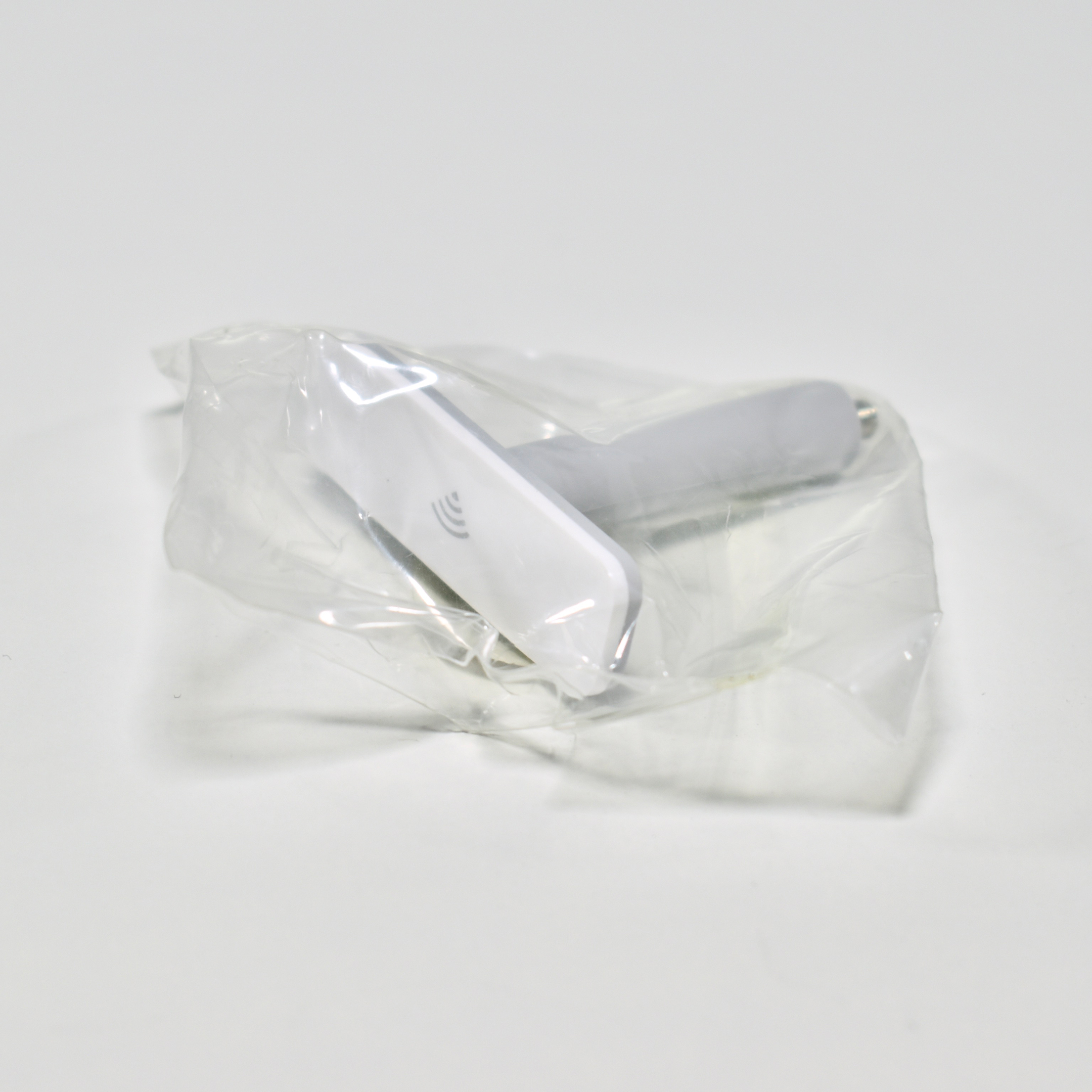
The Power Macintosh G5 from 2005 allowed a wireless network connection using an internal AirPort Extreme card. Since the Power Macintosh G5 had an external aluminum case, this external AirPort antenna was included.

The back of the Power Macintosh G5 included a proprietary port, the AirPort Extreme antenna port:

AirPort Extreme antenna port—Connect the AirPort Extreme antenna to this port if your Macintosh has an optional AirPort Extreme Card installed.”

This AirPort Extreme antenna port is unopened in its original packaging.

Source: Apple

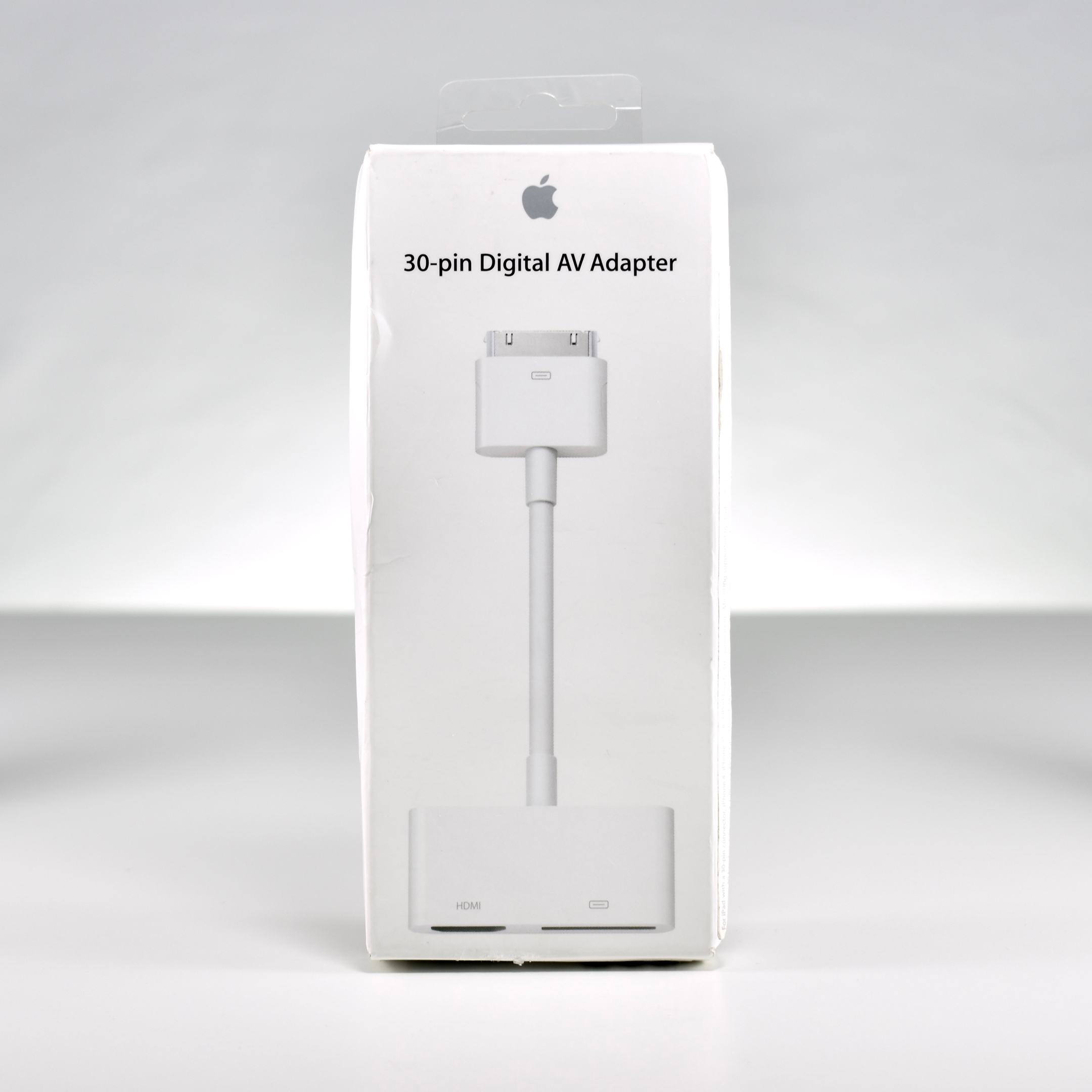
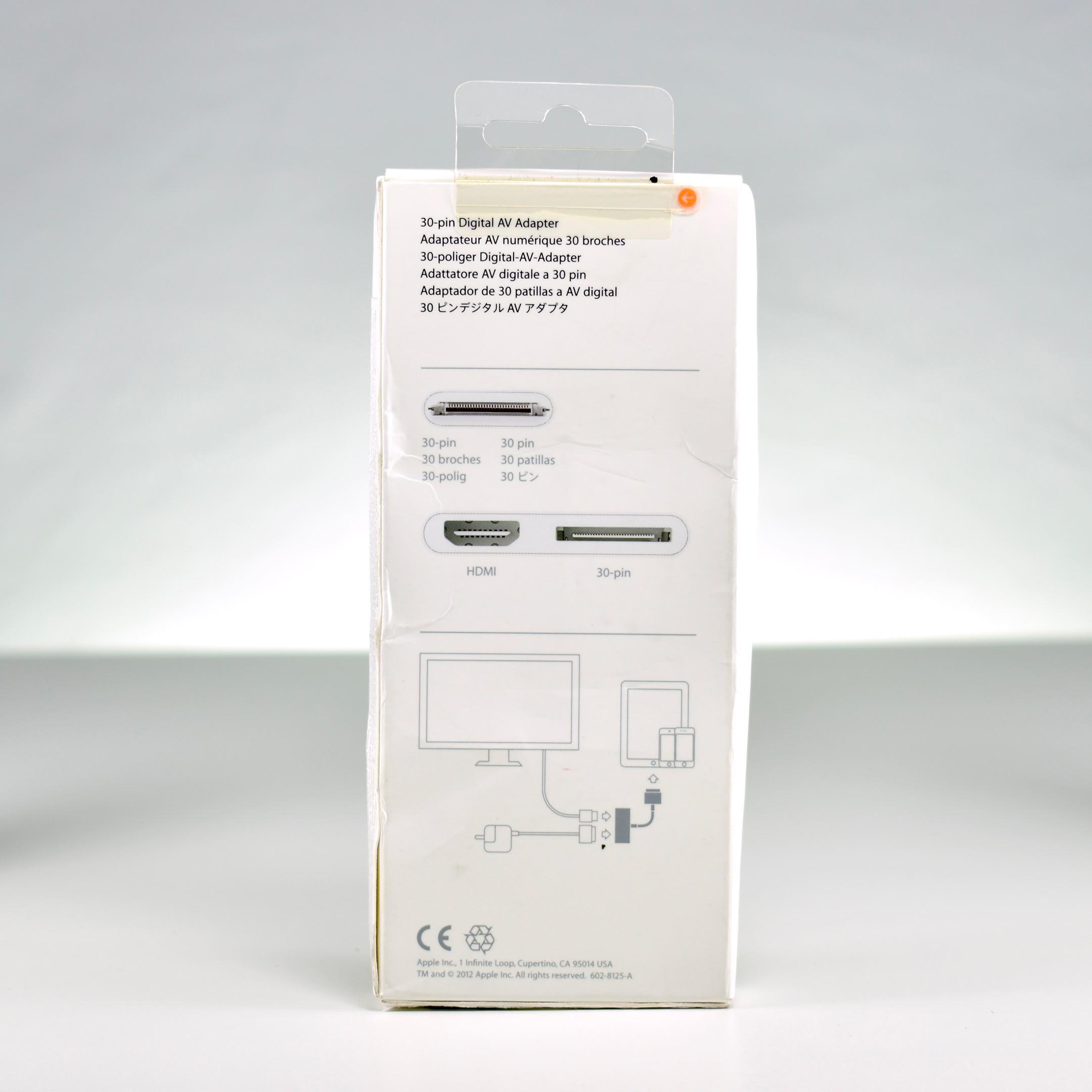
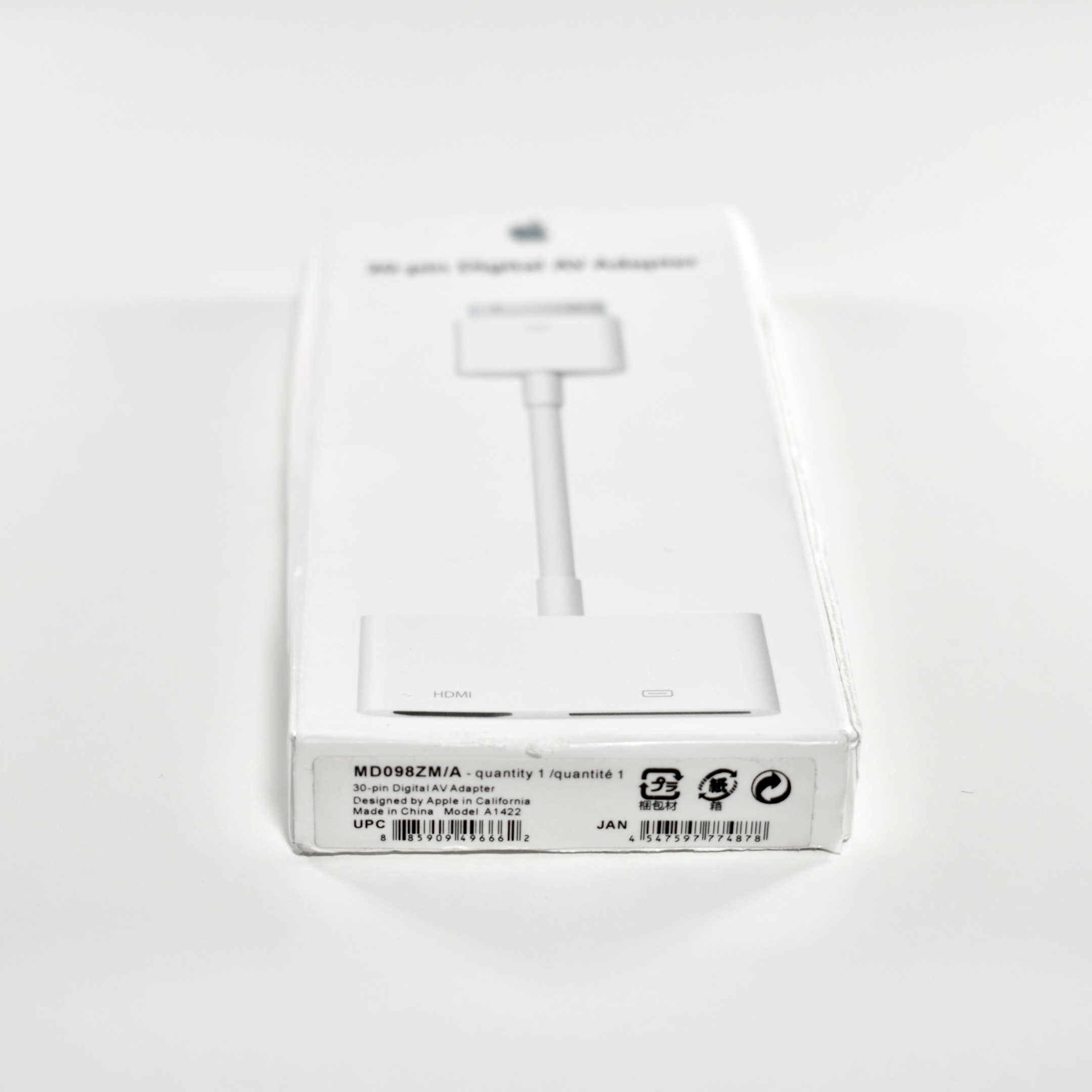
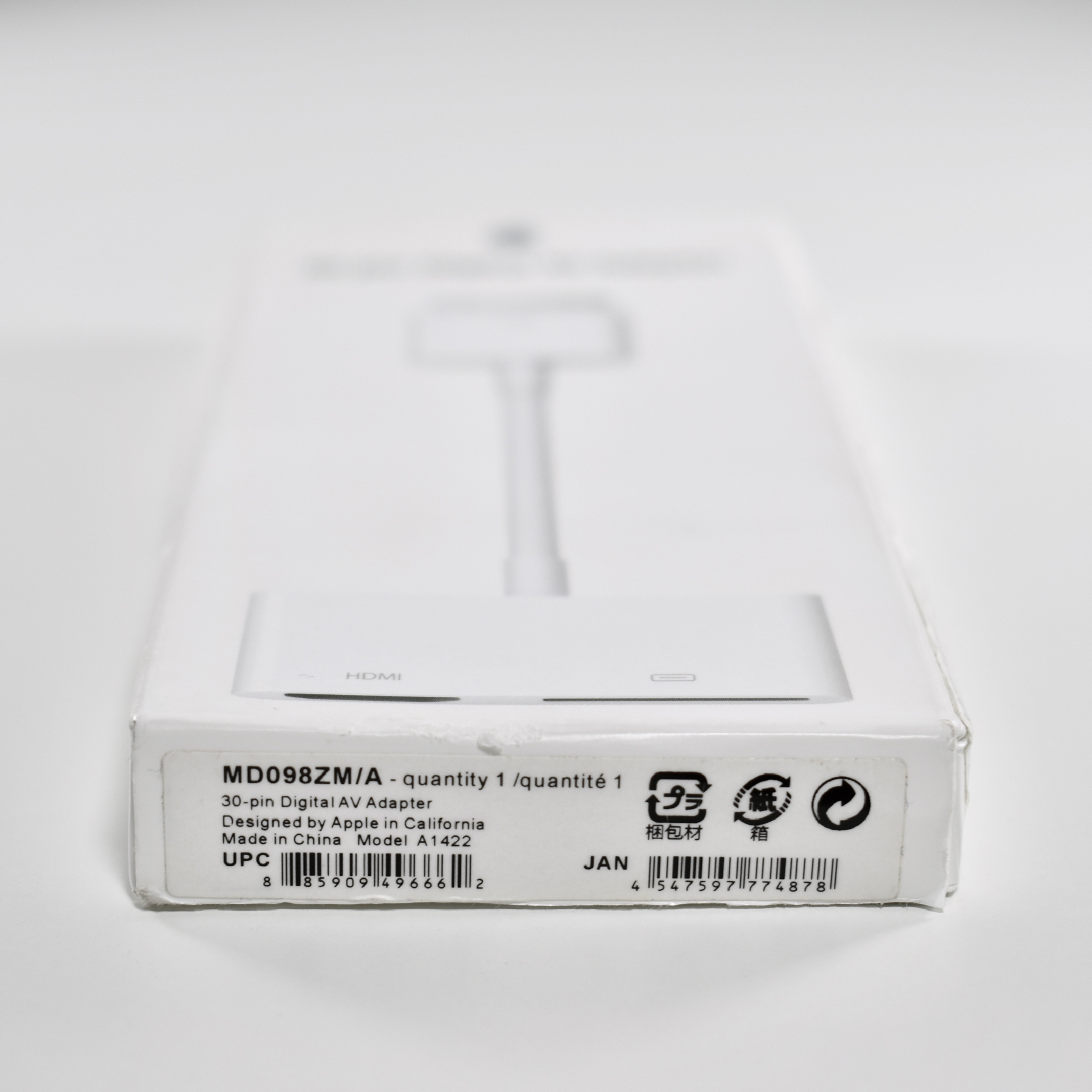
30-pin Digital AV Adapter (unopened, 2012)

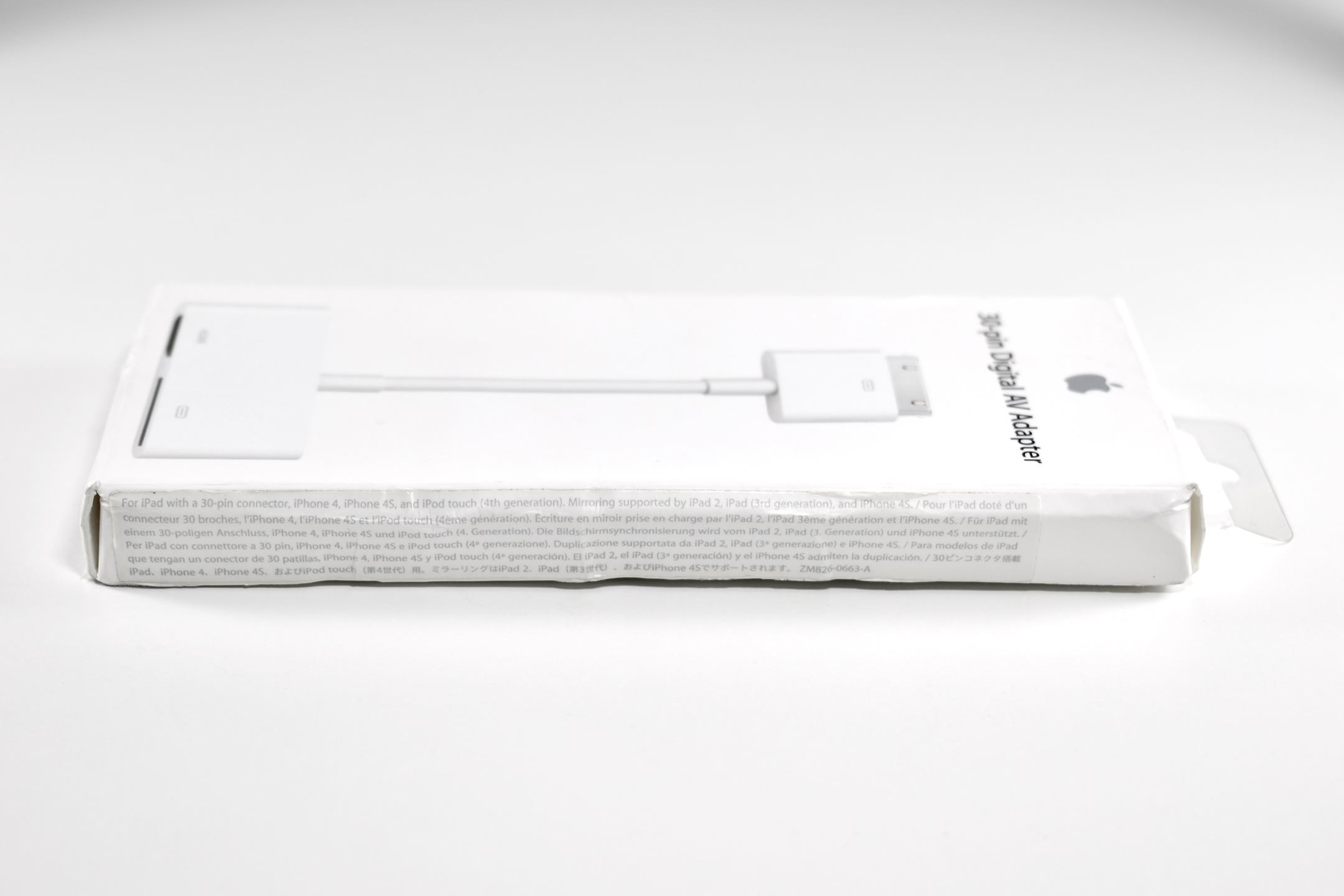
This adapter allows an iPad with the original 30-pin connector to be connected to an HDMI display and simultaneously charged. It is compatible with any iPad with a 30-pin connector, iPhone 4 (or later with a 30-pin connector), and iPod touch Generation 4 (or later with a 30-pin connector). Mirroring is supported only by iPad 2 (or later with a 30-pin connector) and iPhone 4s (or later with a 30-pin connector).

From my experience, the ability of an iPad to be mirrored on an HDMI screen is frequently misunderstood. Because an iPad screen is in the 4:3 aspect raitio, when it is mirrored on an HD display (16:9 aspect ratio or other wide format), some users are surprised that the entire external display is not “filled.” I have never been able to understand what the user is expecting—a ridiculously stretched version of the iPad display; a “zoomed” version of the iPad display with the top and bottom cut off; or that somehow the iPad will magically rearrange itself to fill a widescreen display, thus making it a completely new display and, therefore, not mirrored. Instead, the iPad works as expected and appears centered in the middle of a larger display with black bars on both sides (this is called “letterboxing”). If a user launches an app that uses the full screen, such as a presentation designed in HD format or an HD movie, the iPad fills the entire screen.

This 30-pin Digital AV Adapter is unopened in its original, somewhat beat up, packaging.

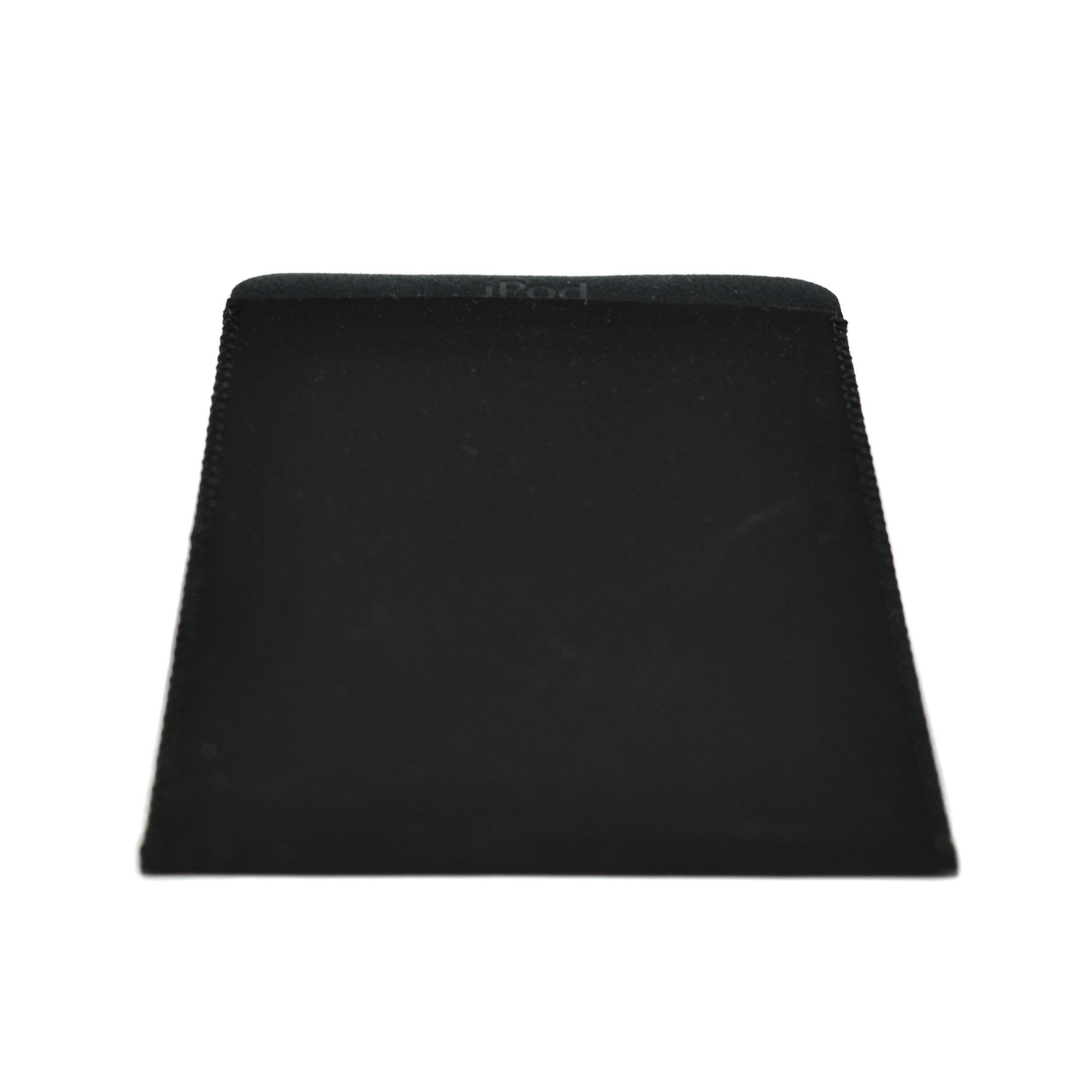
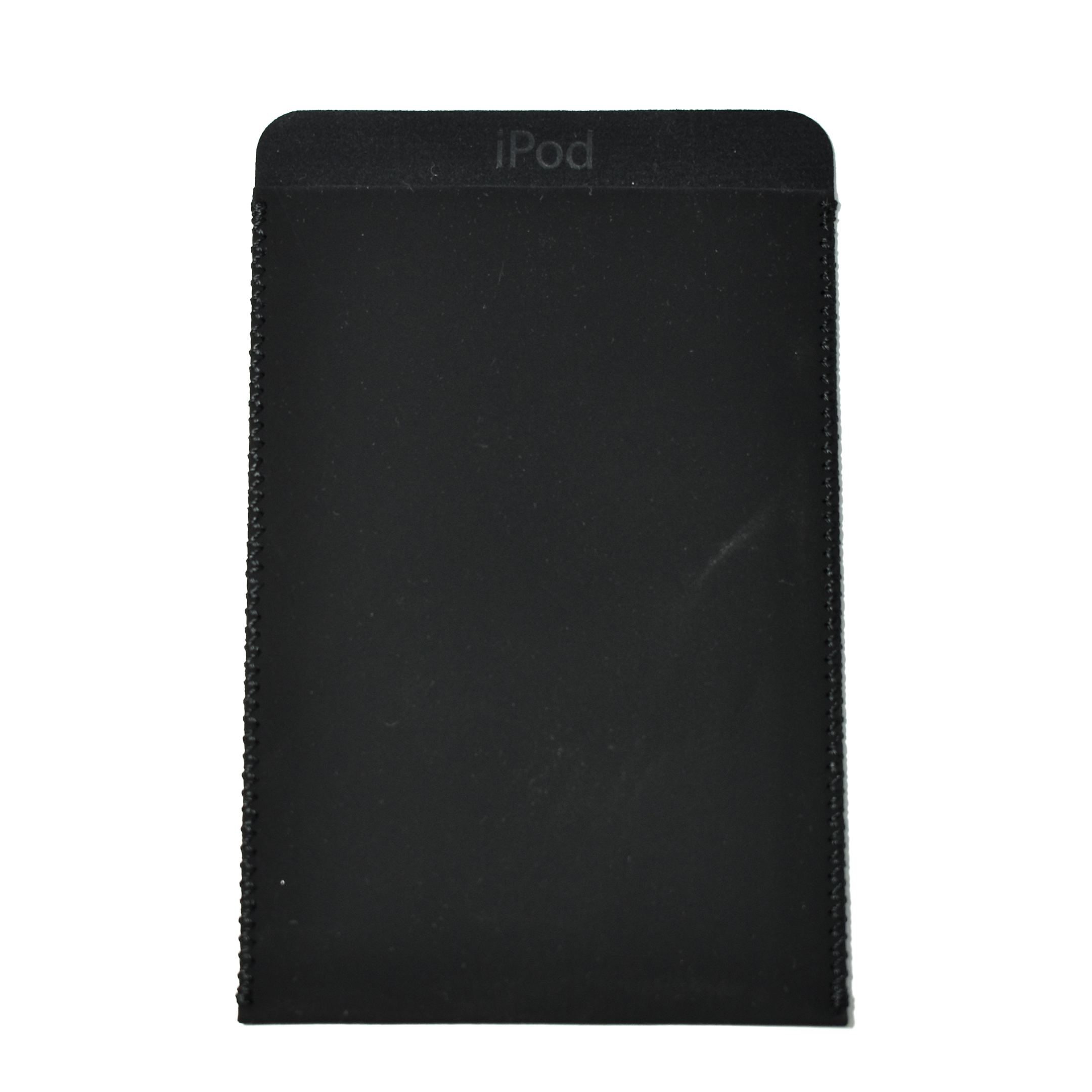
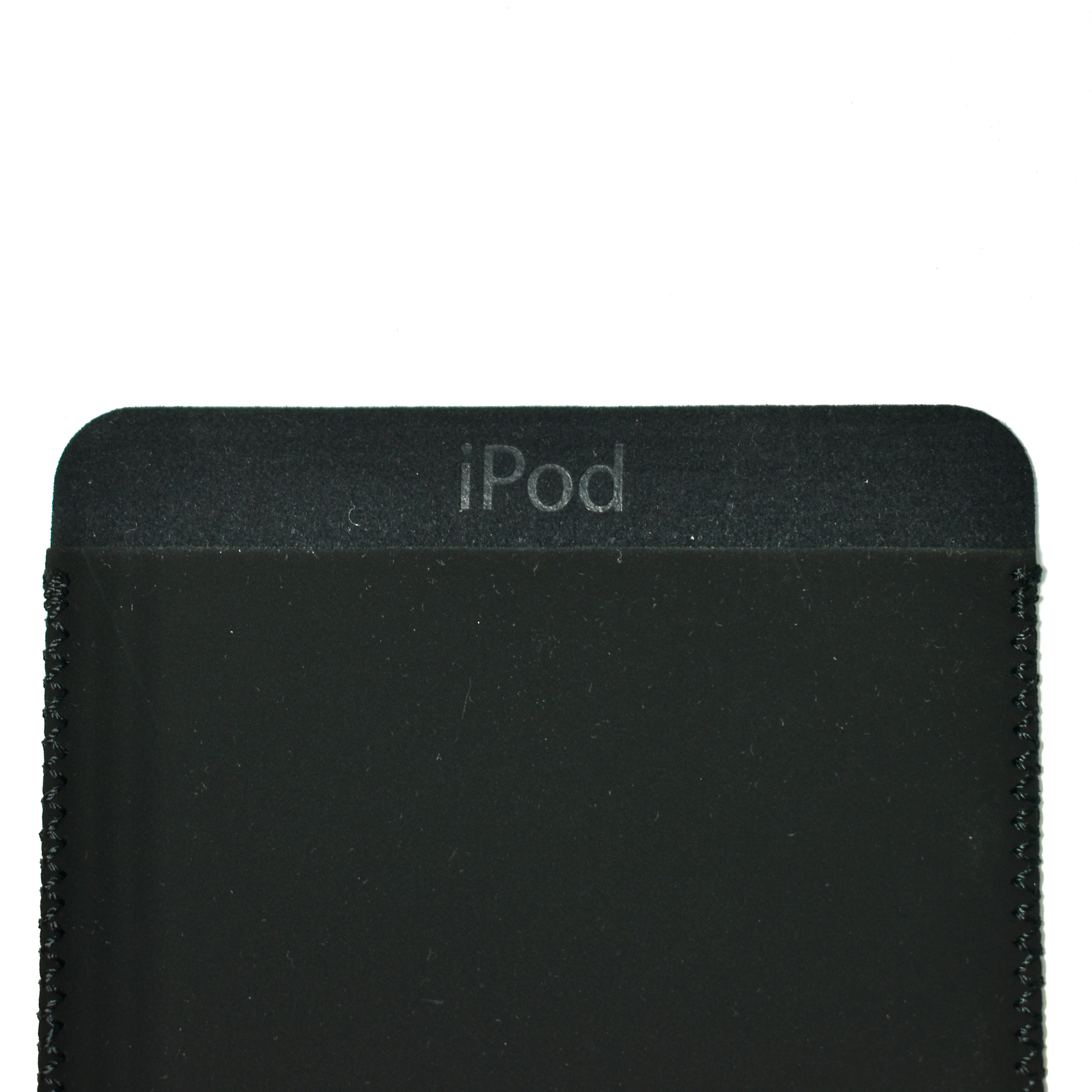
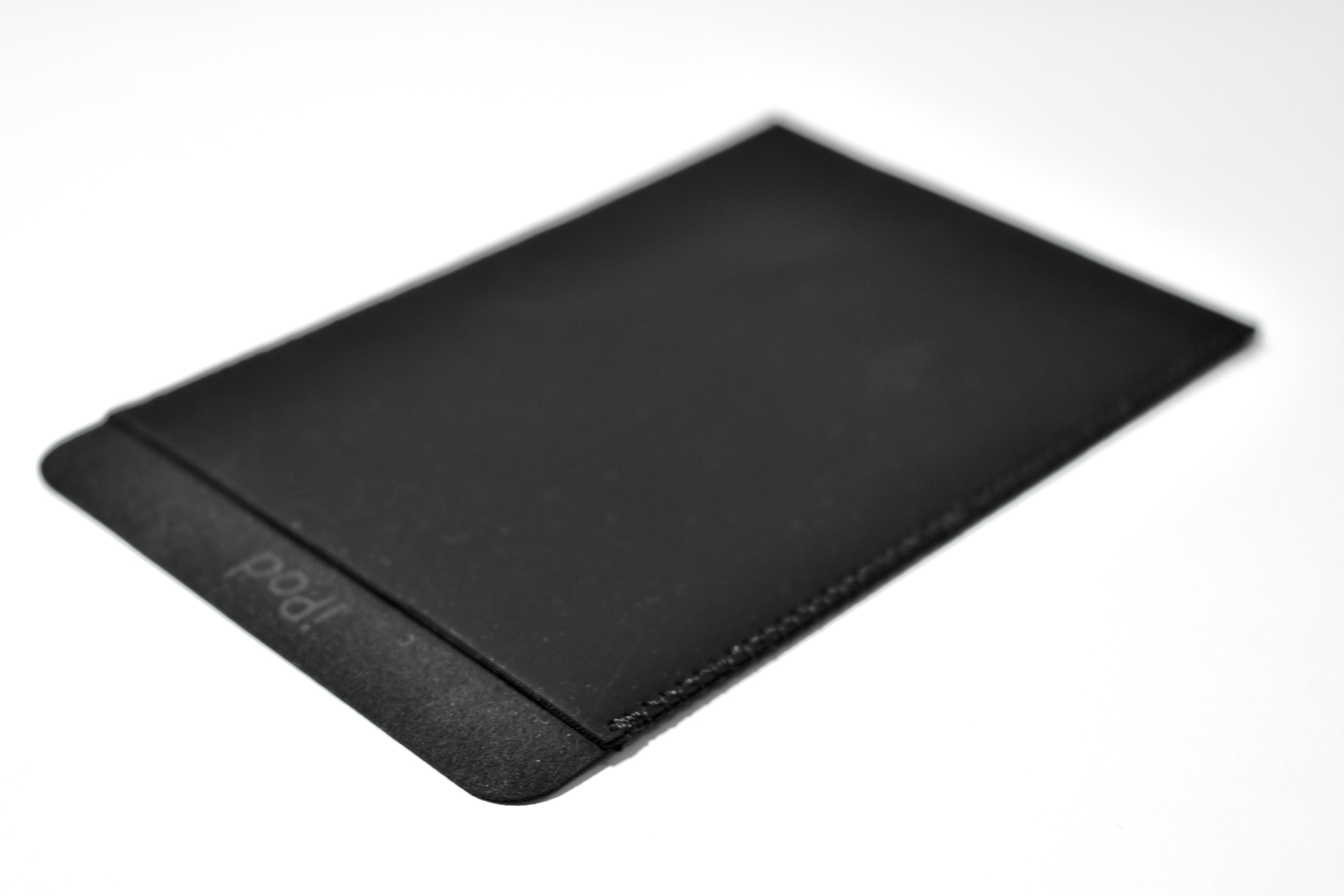
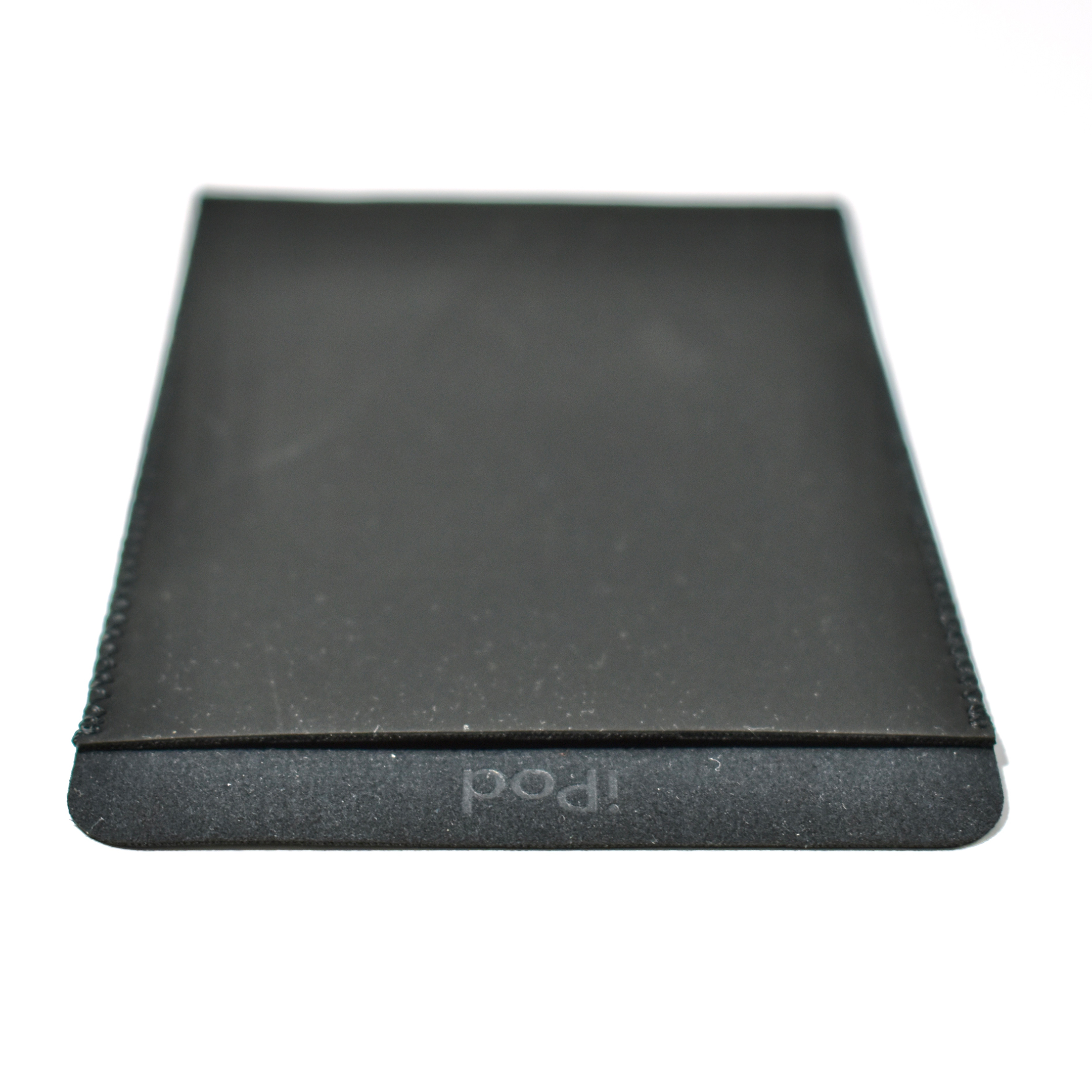
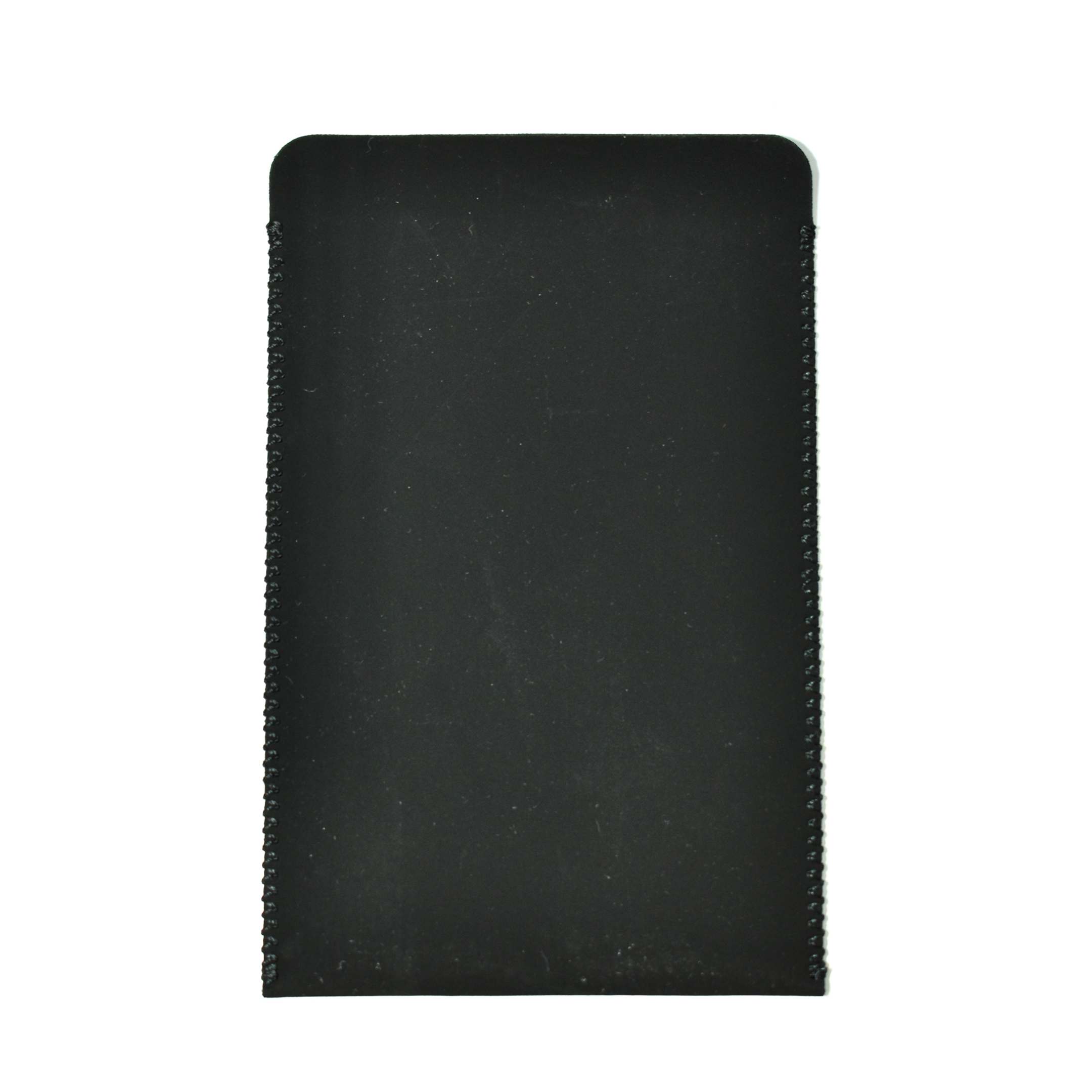
Microfiber Case for iPod

This iPod microfiber case shipped with one of the iPod models. The case is a microfiber-lined sleeve with stitched sides and the iPod logotype embossed on the top edge in the Myriad Apple font. The case measures 118×76 mm.

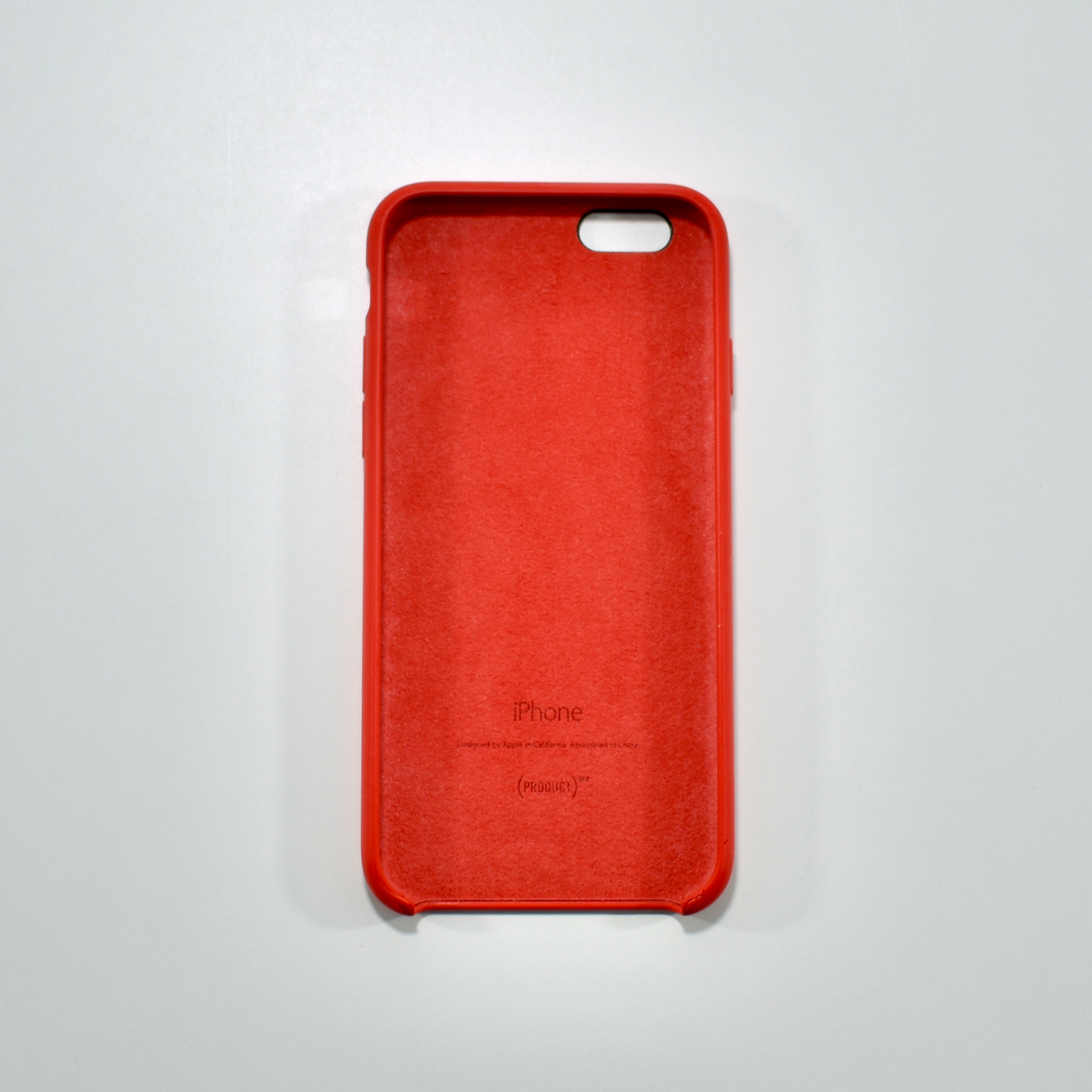
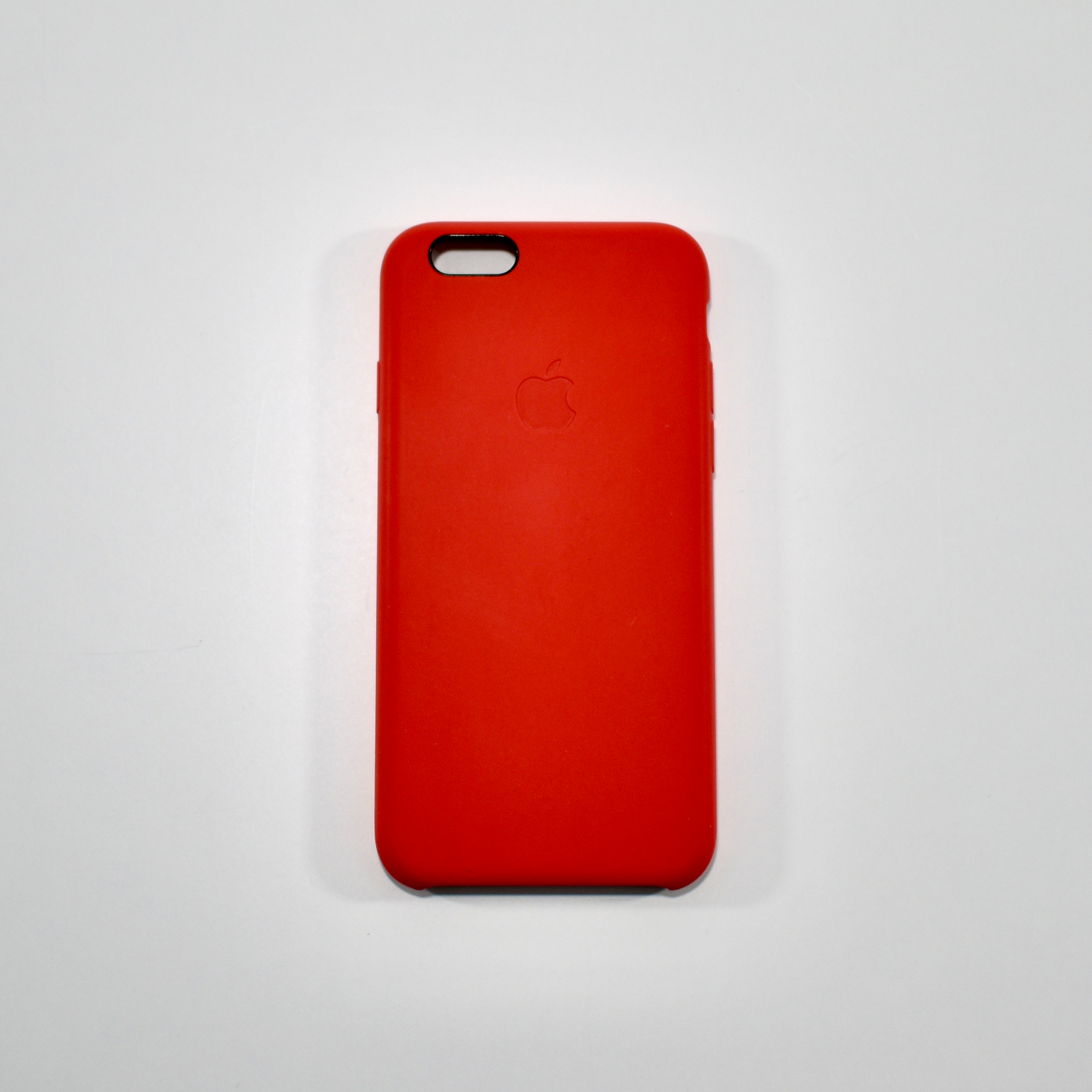
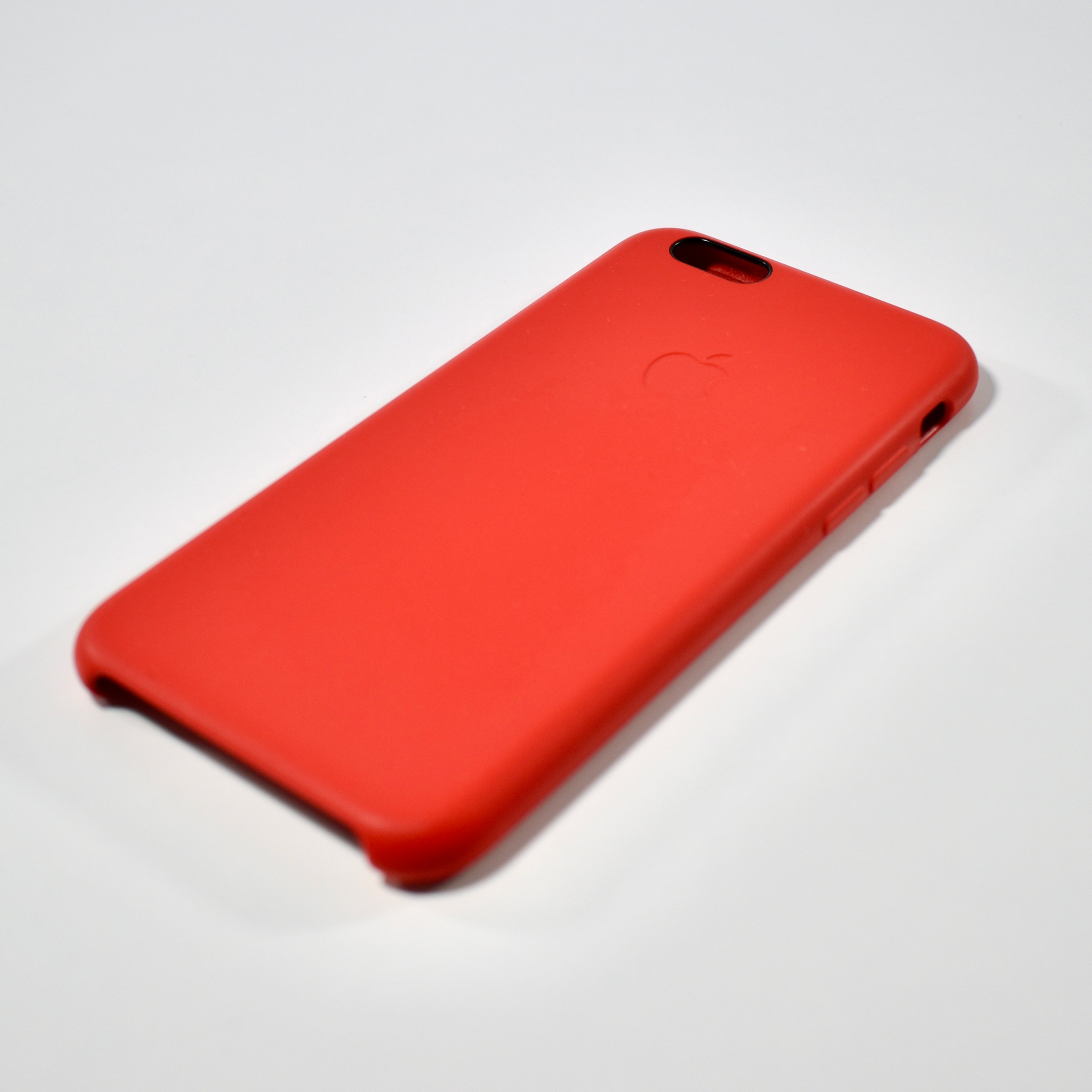
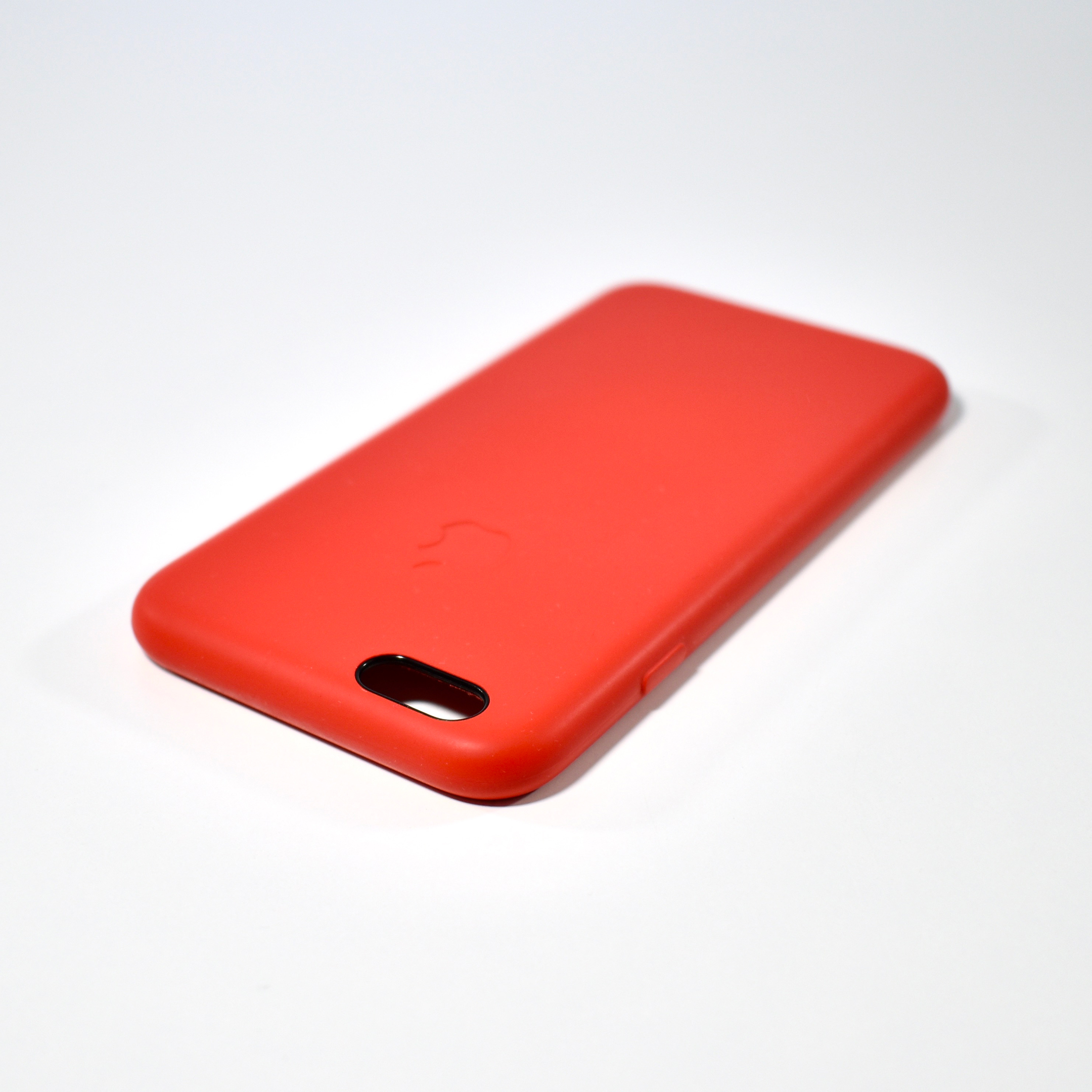
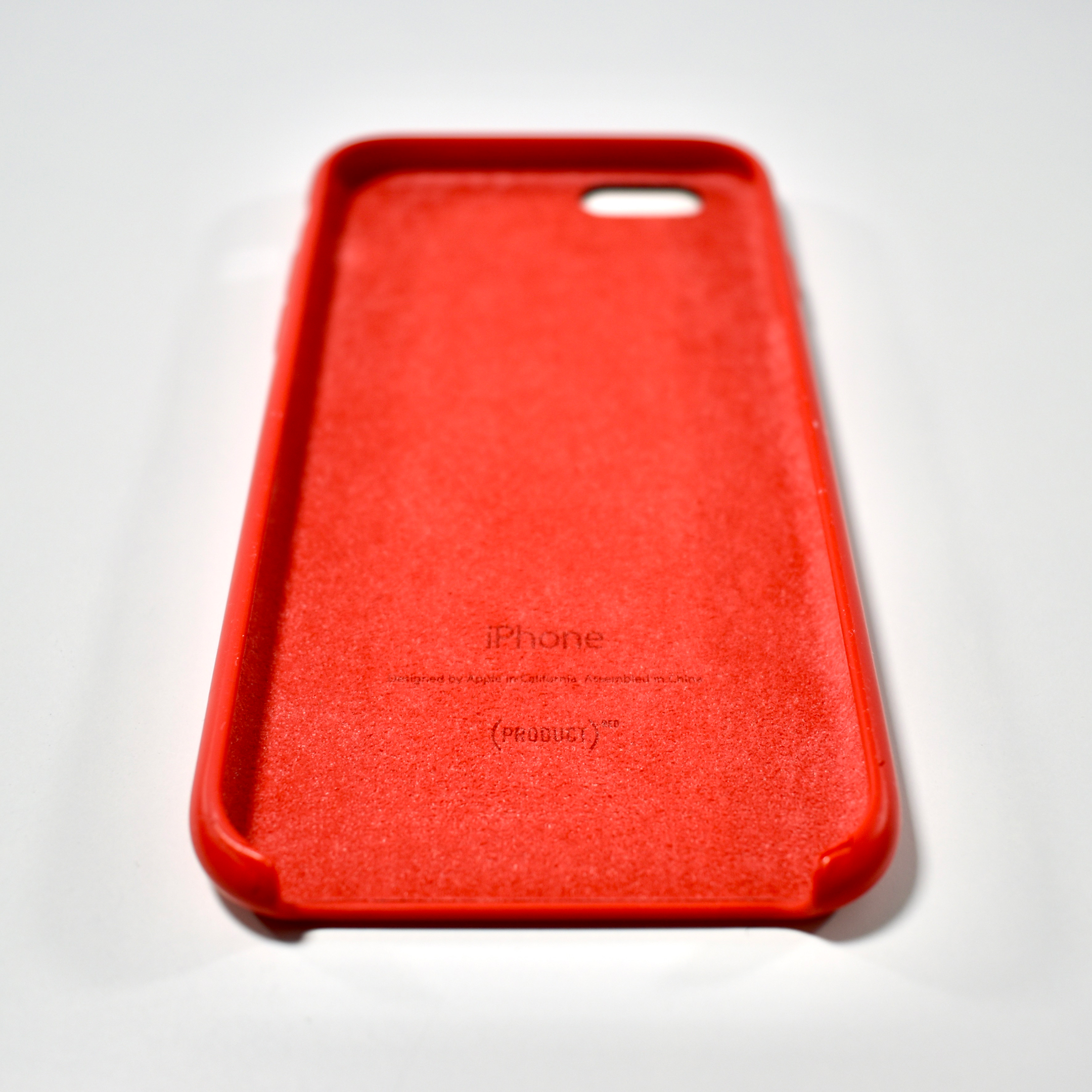
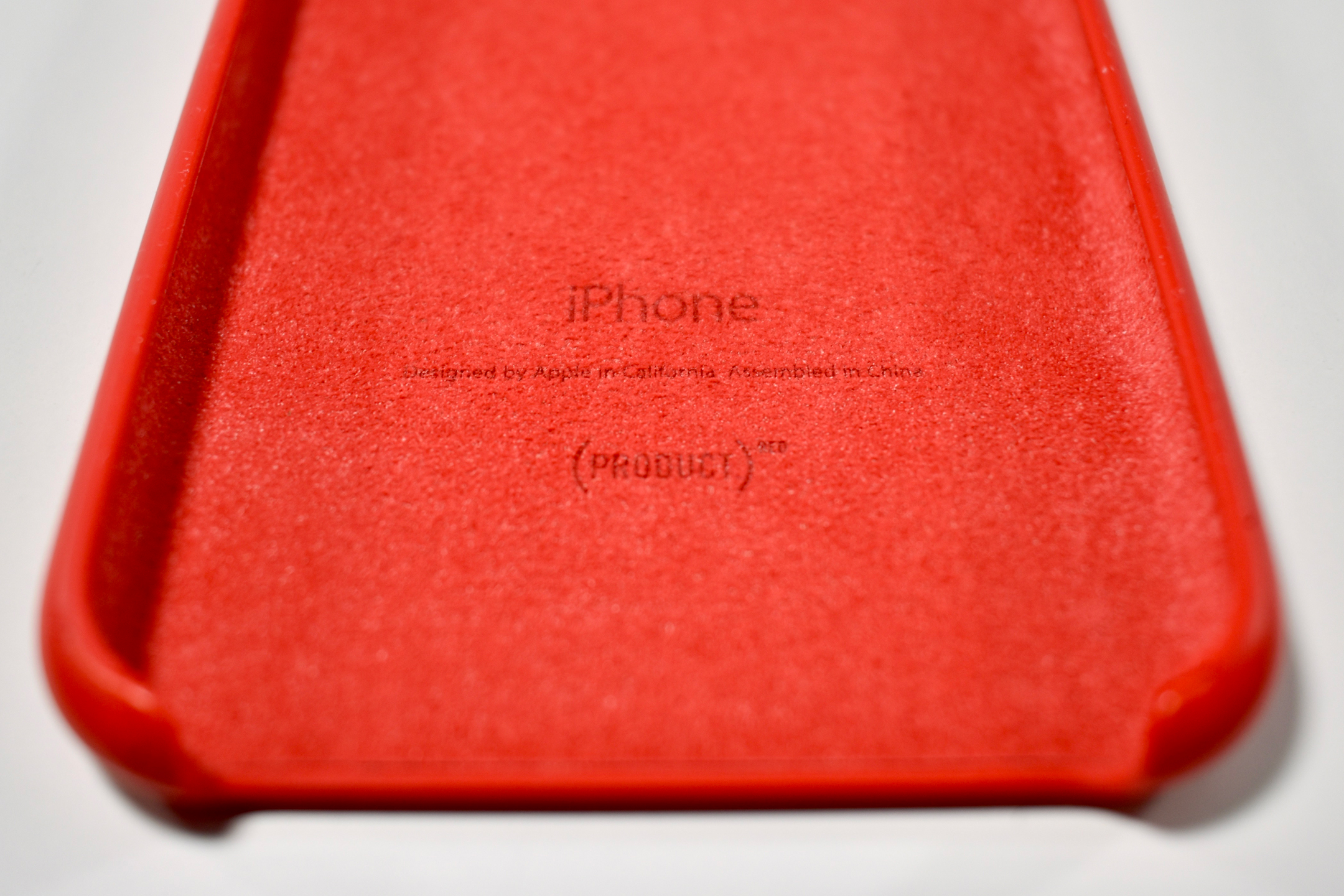
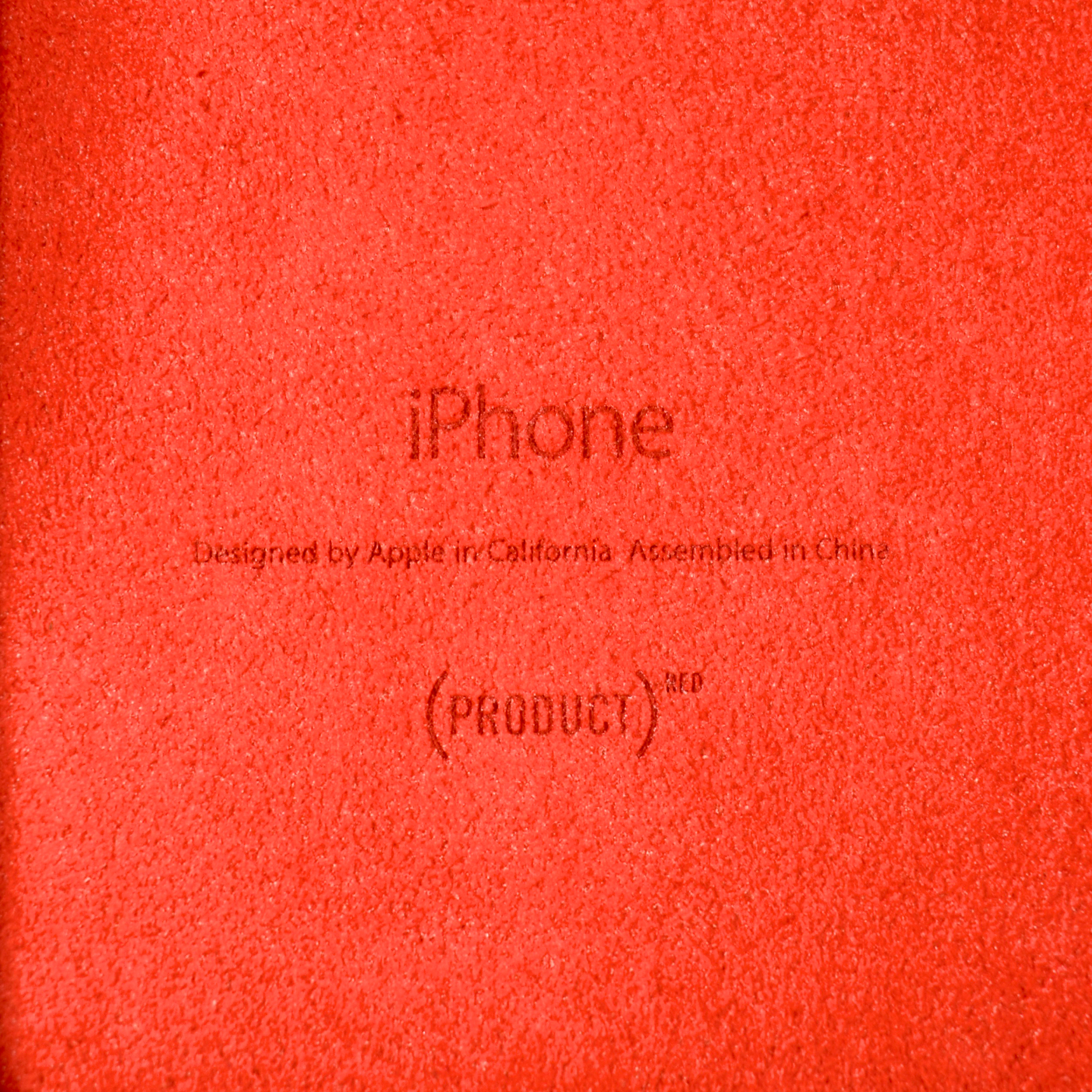
iPhone 6/6s Silicone Case [(PRODUCT)RED, 2014]

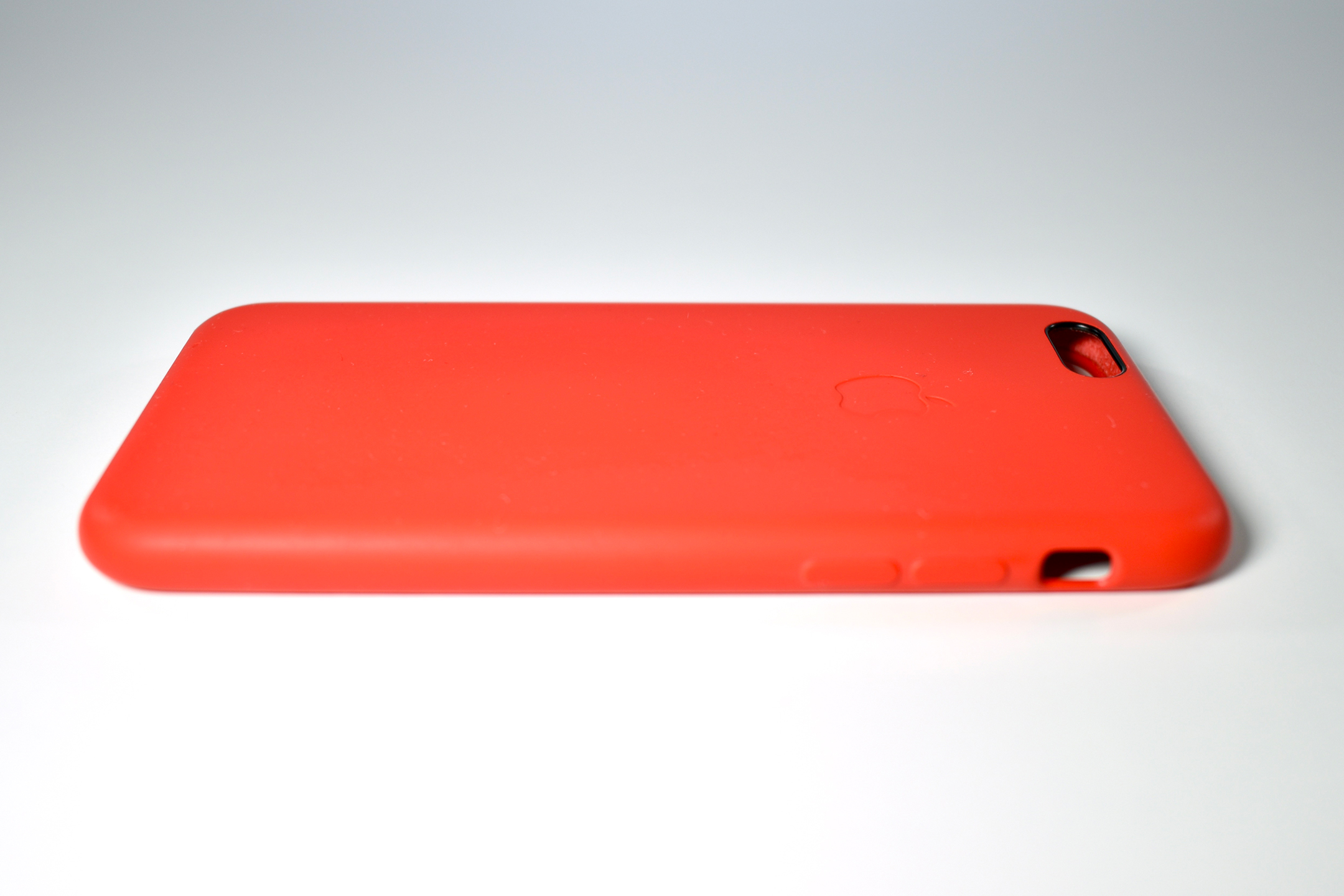
The iPhone 6 Silicone Case fit both the iPhone 6 and 6s, it featured contoured silicone buttons over the volume and Sleep/Wake buttons, and a microfiber lining.

This case was available in a variety of colors, including Mint, Lavender, Turquoise, Antique White, Roal Blue, Apricot, Light Pink, Midnight Blue, Charcoal Gray, Stone, Orange, Blue, Pink Sand, White, Yellow, and (PRODUCT)RED.

This example is in (PRODUCT)RED. As of 2020, Apple reports, “For 13 years, supporters of our partnership with (RED) have raised more than $220 million in funding for HIV/AIDS programs. Every (PRODUCT)RED purchase gets us closer to ending AIDS.”

Source: Apple

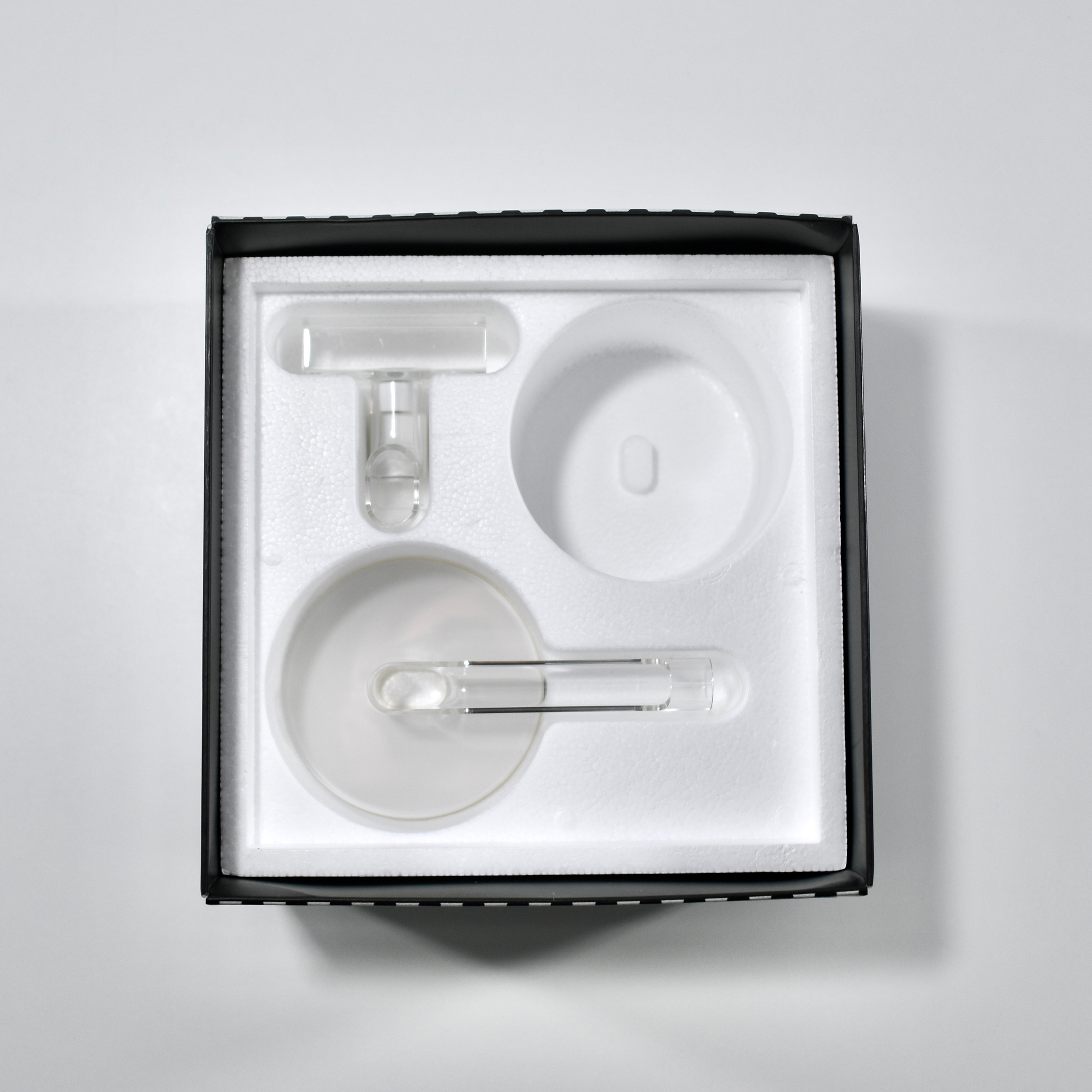
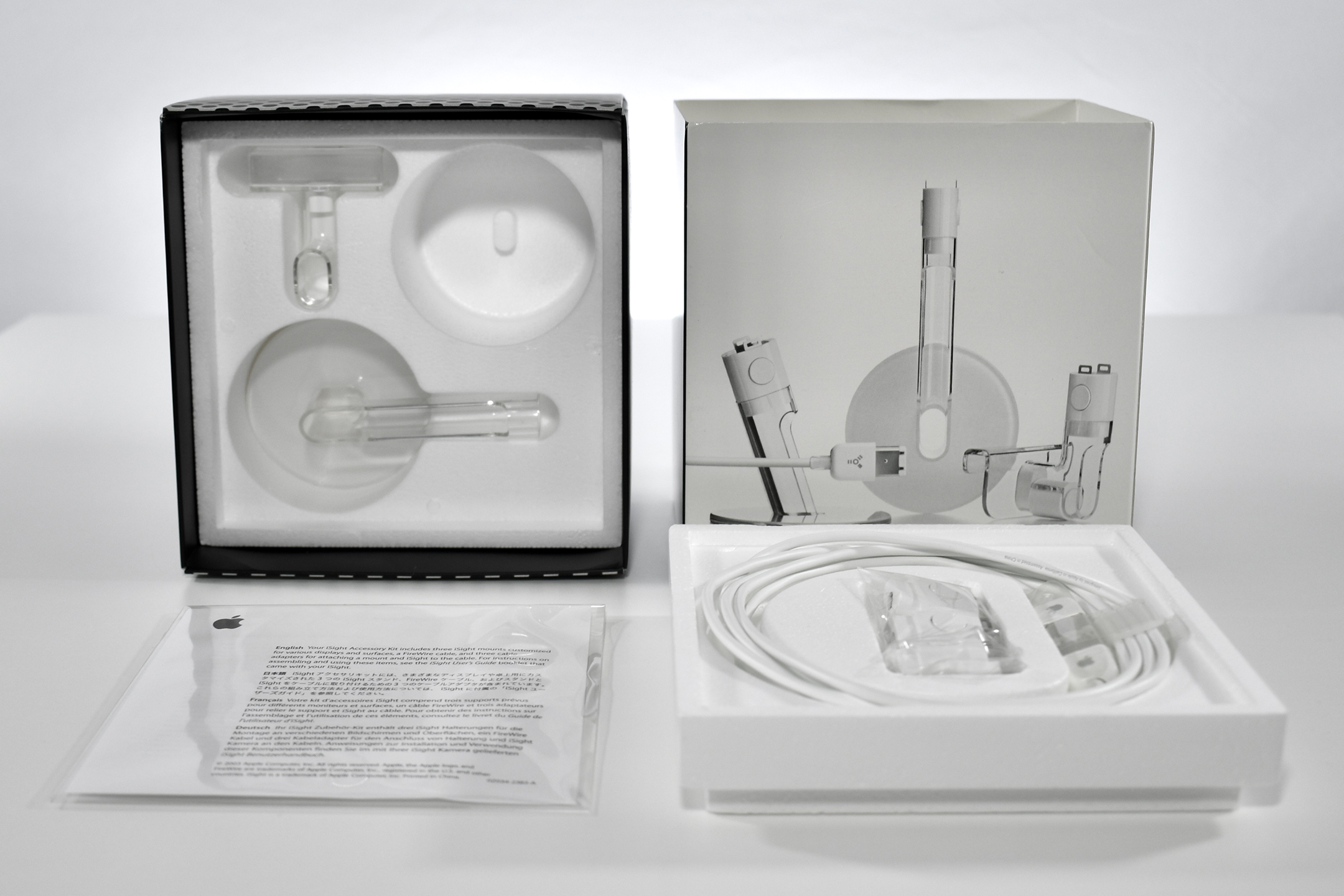
iSight Accessory Kit (2003)

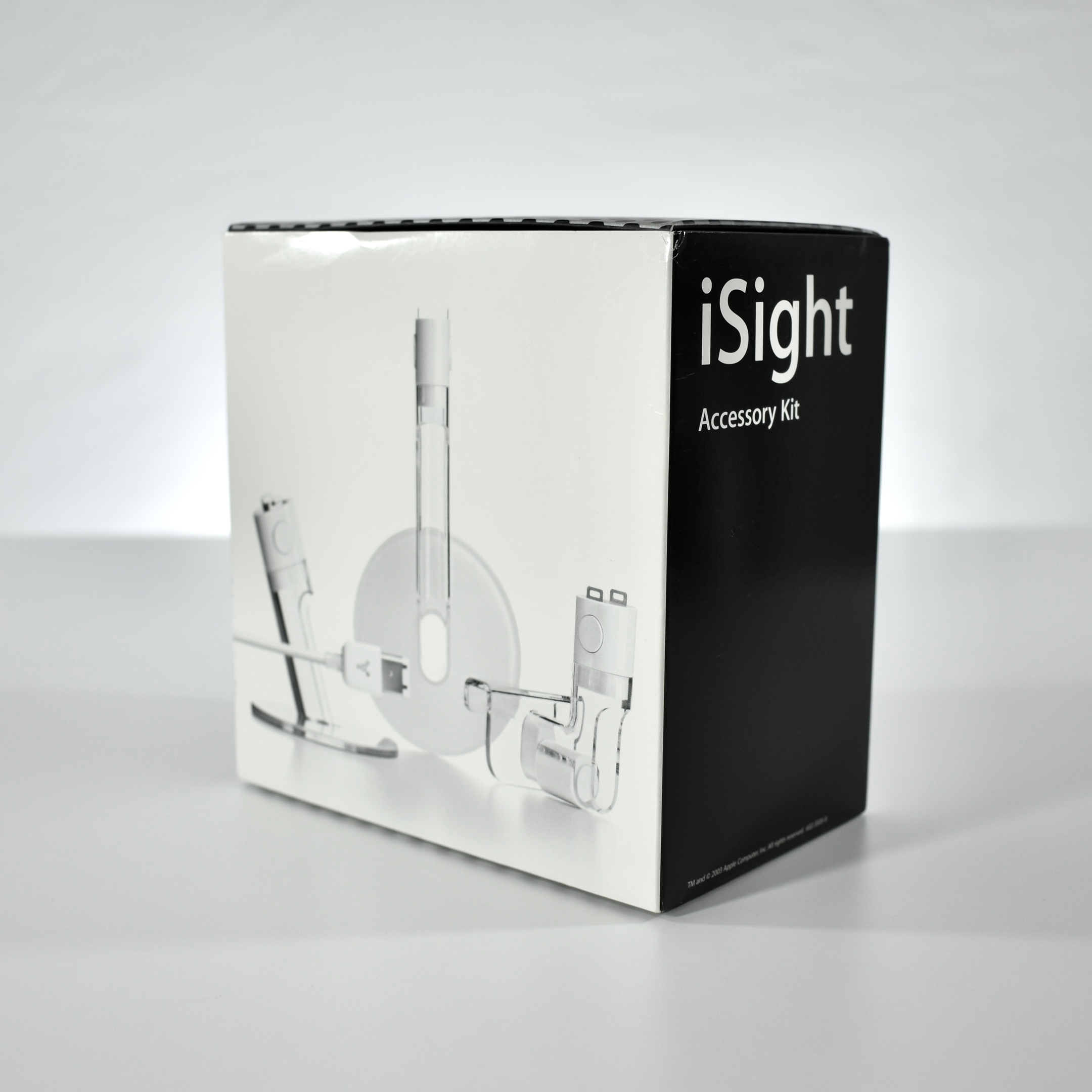
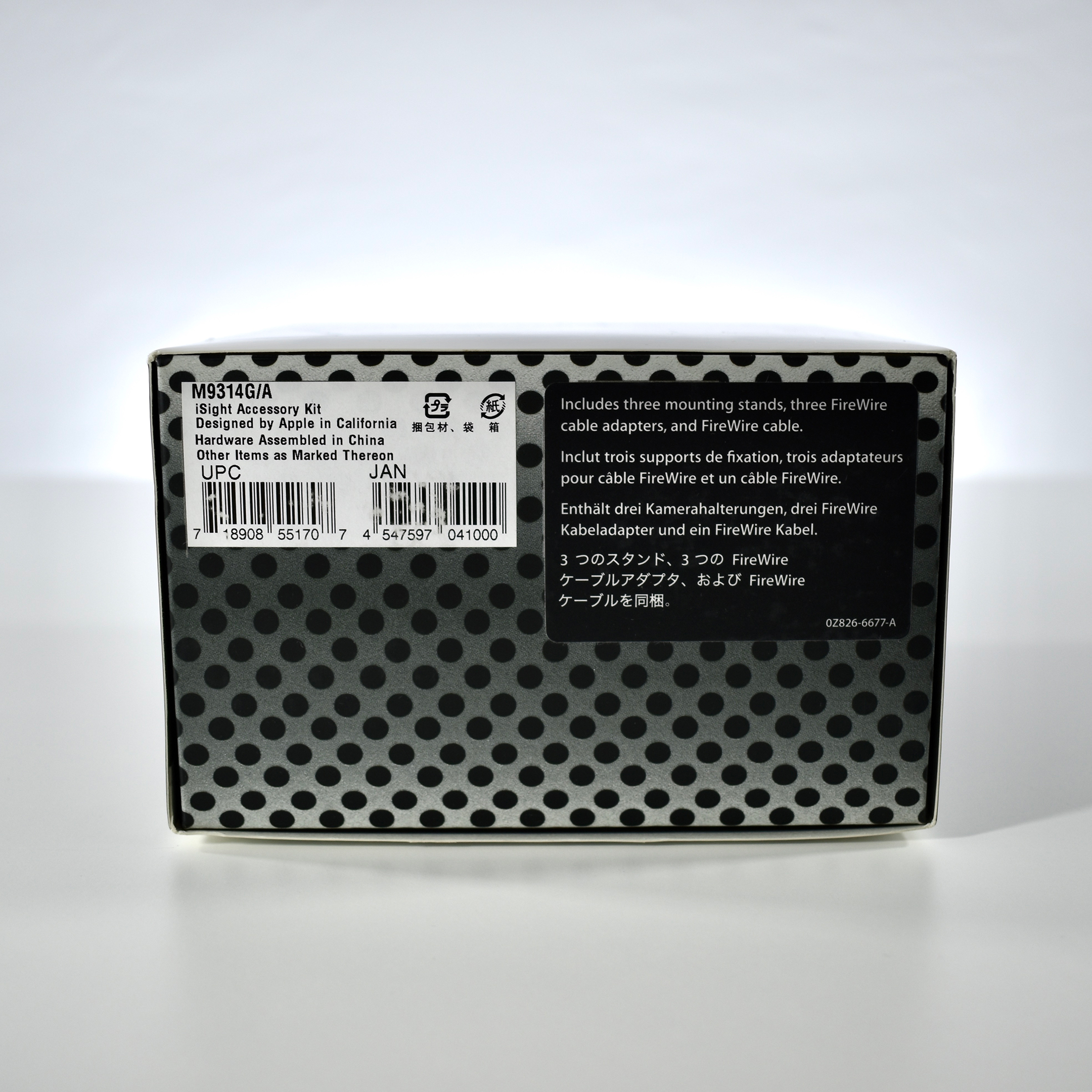
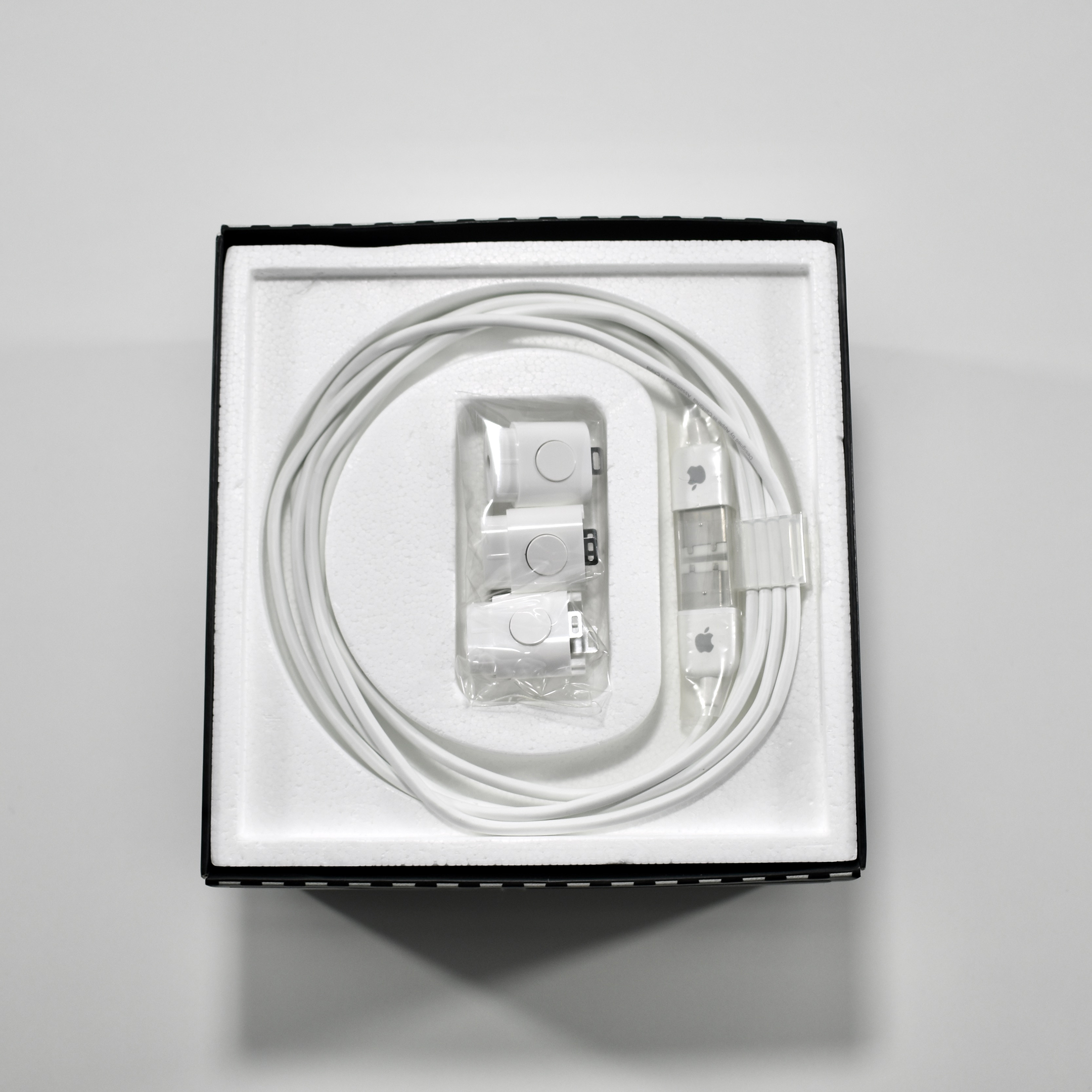
The iSight Accessory Kit included three mounting stands, three FireWire cable adapters, and a FireWire cable. This model number, M9314G/A, was the first version of the kit. A similar kit with different packaging was introduced later with model number M9314G/B.

Each of the three mounting stands were designed for different purposes and included a laptop clip and two bases with adhesive bottoms—one mounted horizontally and the other mounted vertically. The three FireWire cable adapters were identical and used a base with a very strong magnet that was designed to sit on top the iMac display at the time. (The iMac included a metal plate under the top center of the display to accept the magnet.)

The additional thin FireWire cable allowed an accessory base to remain attached while the iSight Camera could be unplugged and transported in a clear plastic cylinder that shipped with the iSight Camera.

Source: Apple

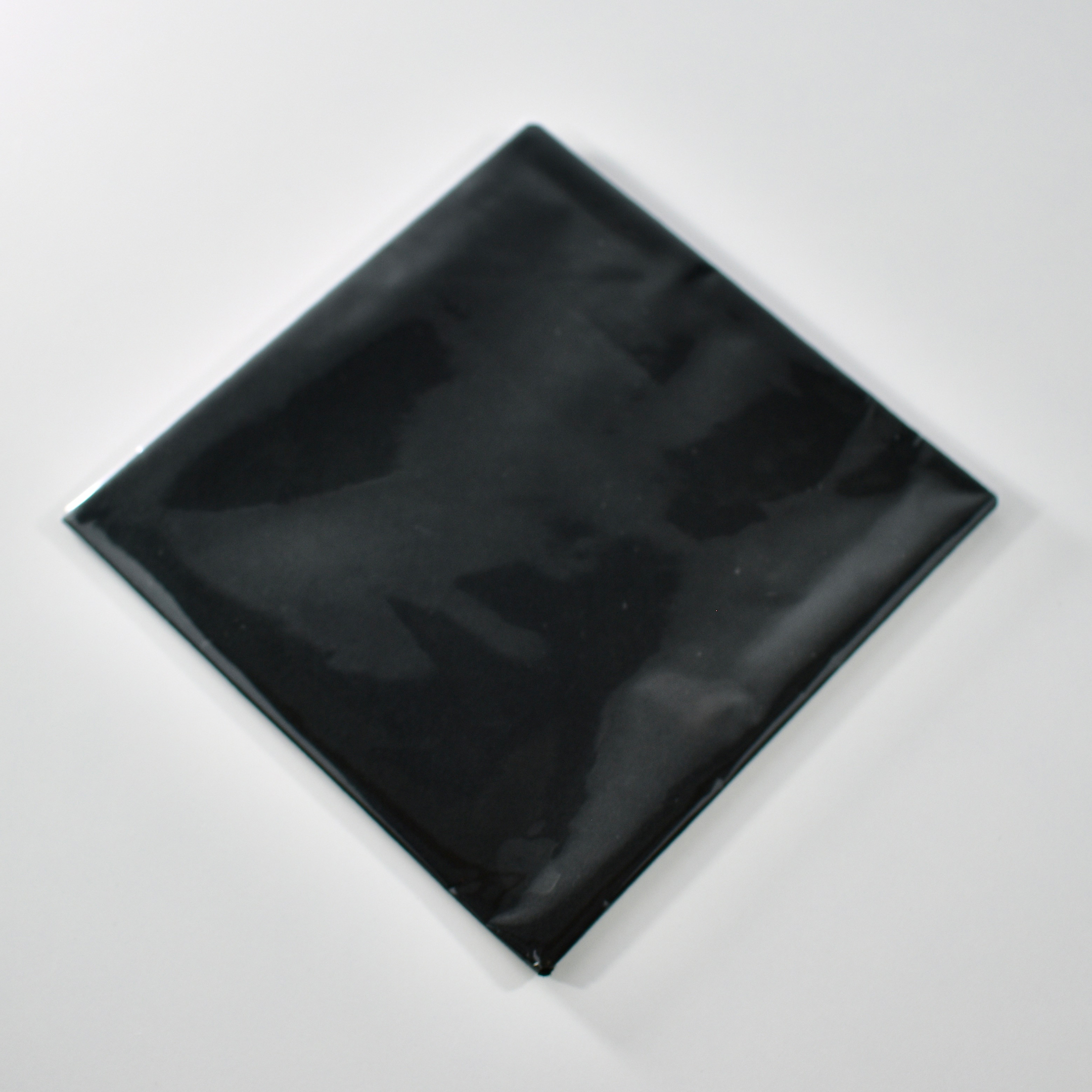
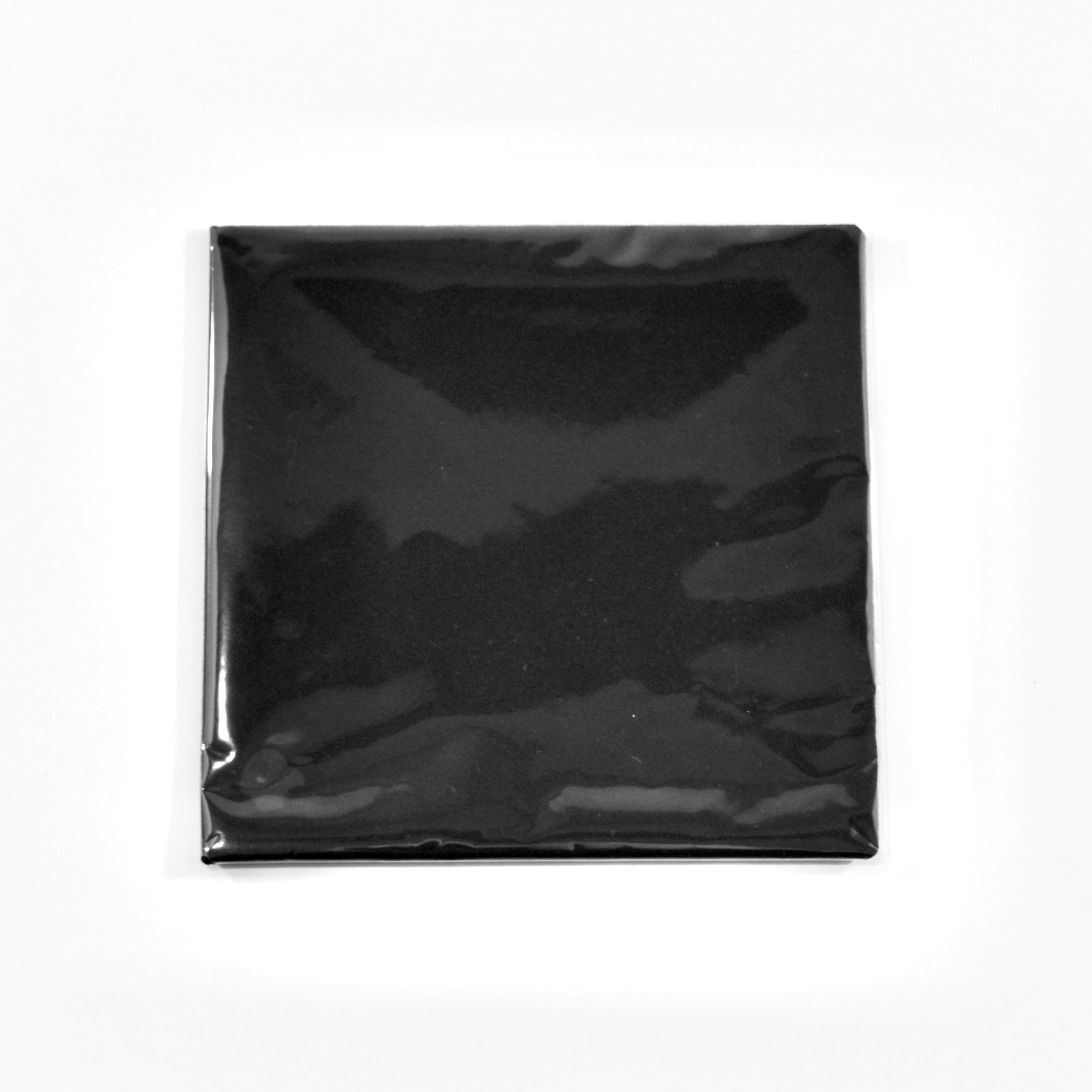
Cloth (for iMac Core 2 Duo, 2007)

Beginning in the mid-2000s, some iMac models shipped with an “official” cleaning cloth that was referenced in the iMac manual:

“Cleaning Your iMac Display. Use the cloth that came with your iMac to clean the display… Dampen the cloth that came with your iMac, or another clean, soft, lint-free cloth, with water only and wipe the screen. Do not spray liquid directly on the screen.”

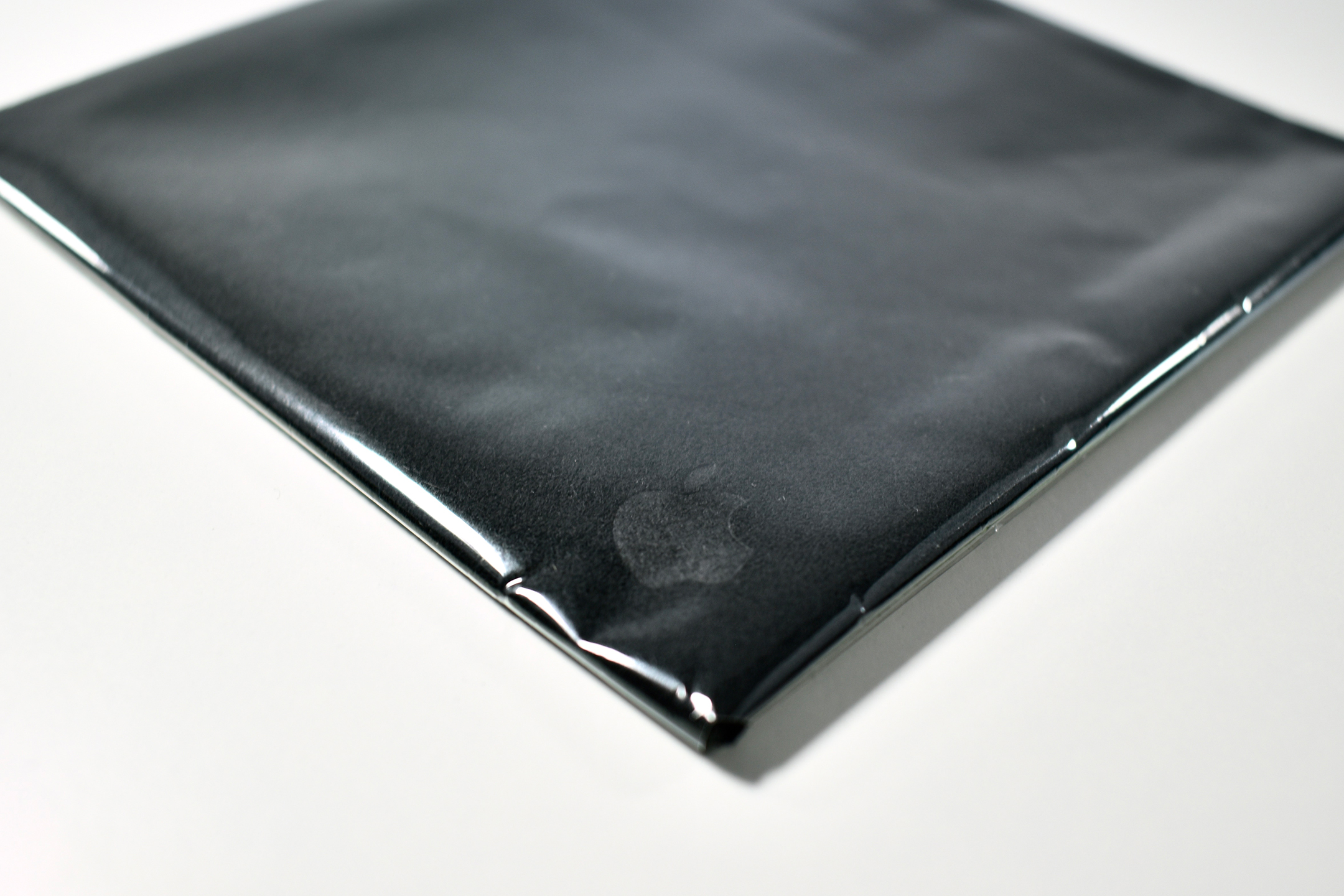
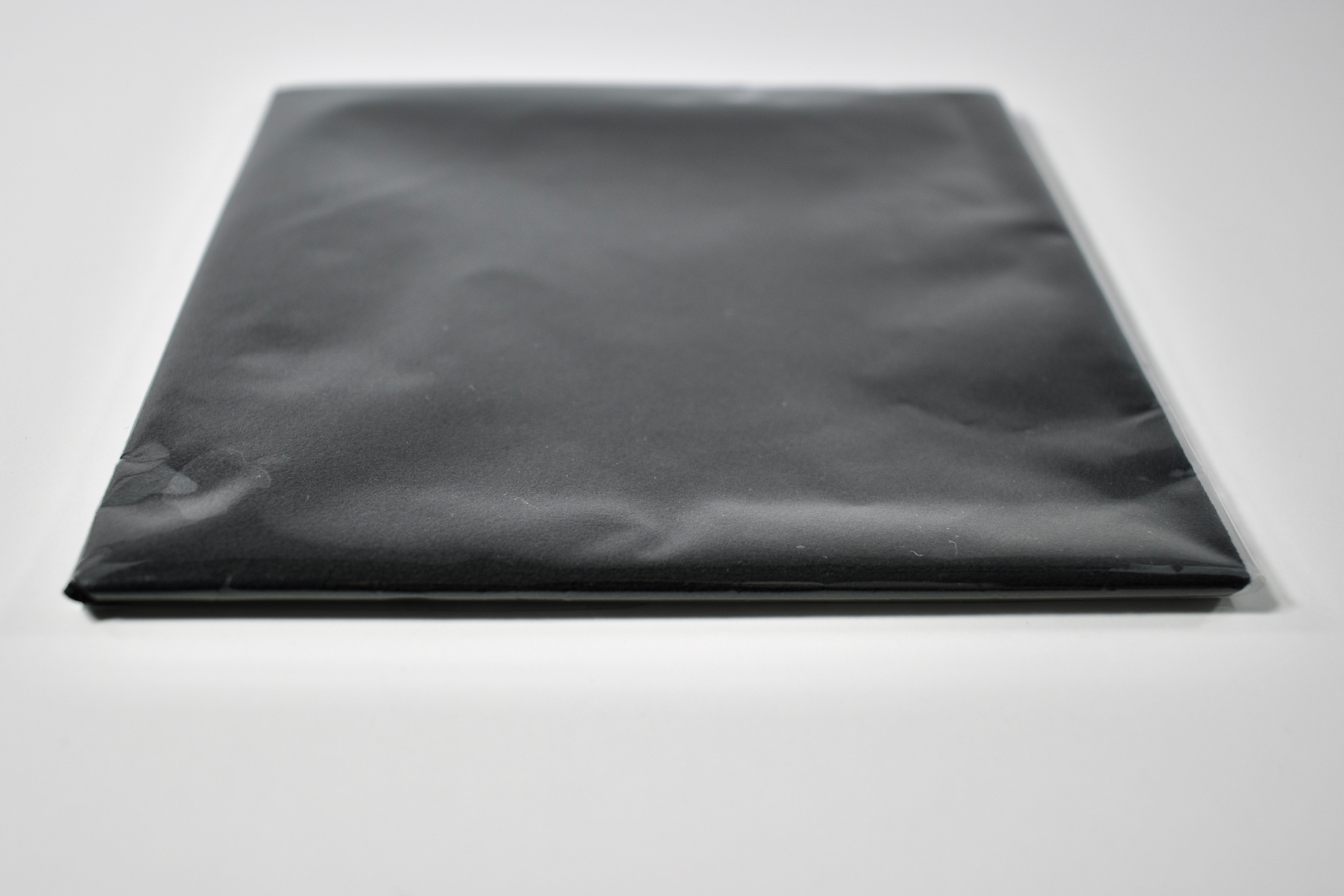
This version of the cleaning cloth is black microfiber with an Apple logo embossed in the center edge of one side. The packaging places the embossed Apple logo in the corner due to the manner in which the cloth is folded in its clear envelope-style package.

Source: Apple

iPhone Bluetooth Headset cable (A1221, 2007)

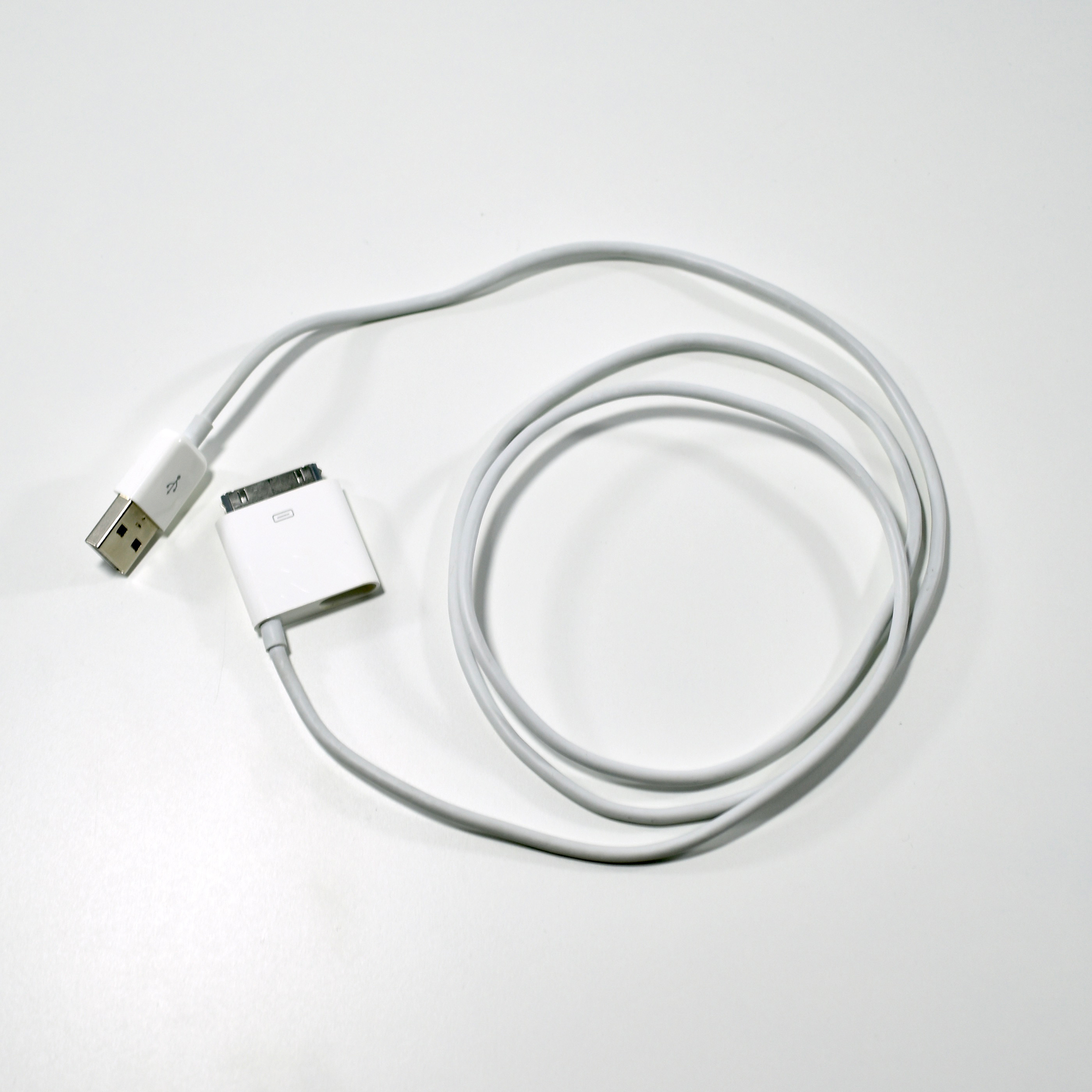
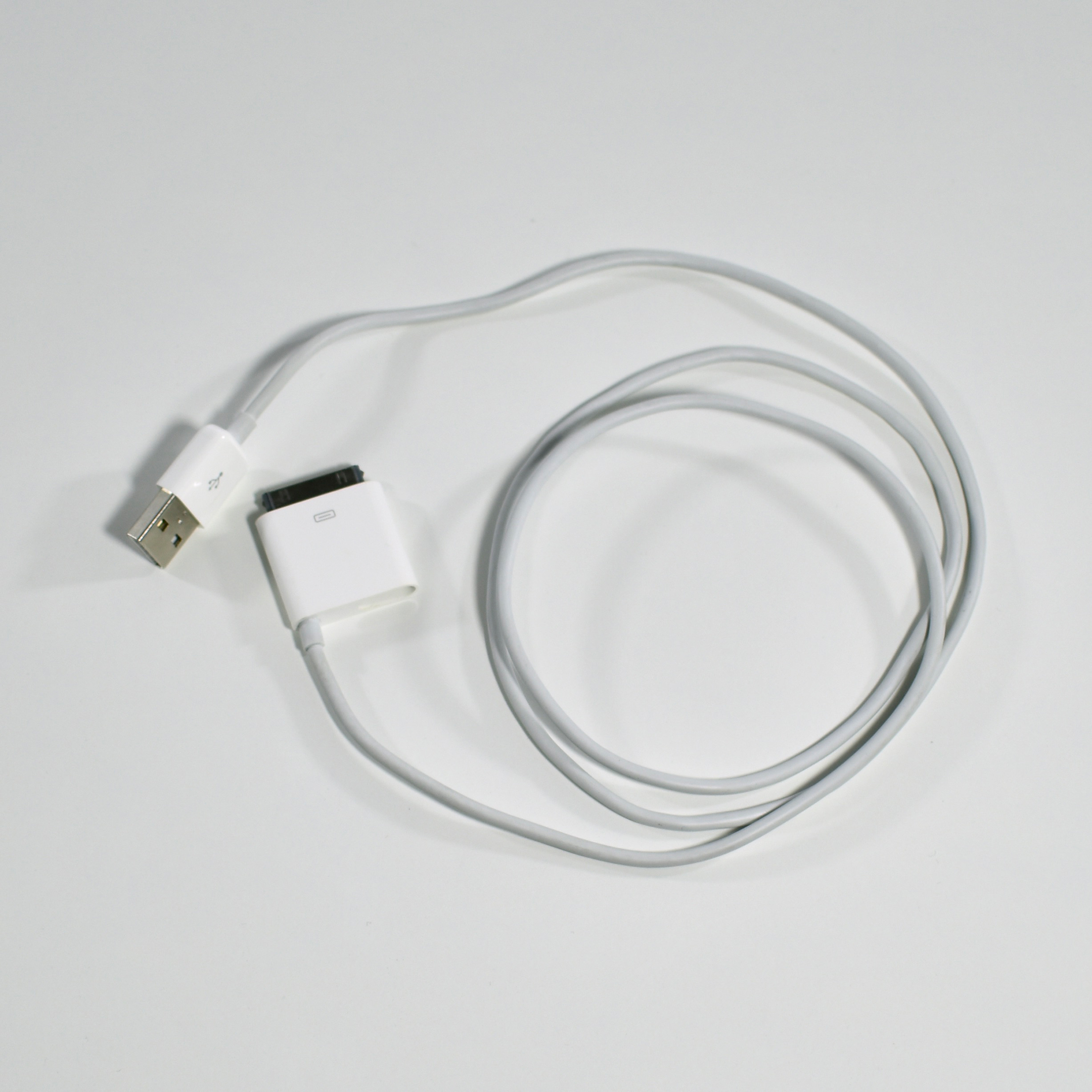
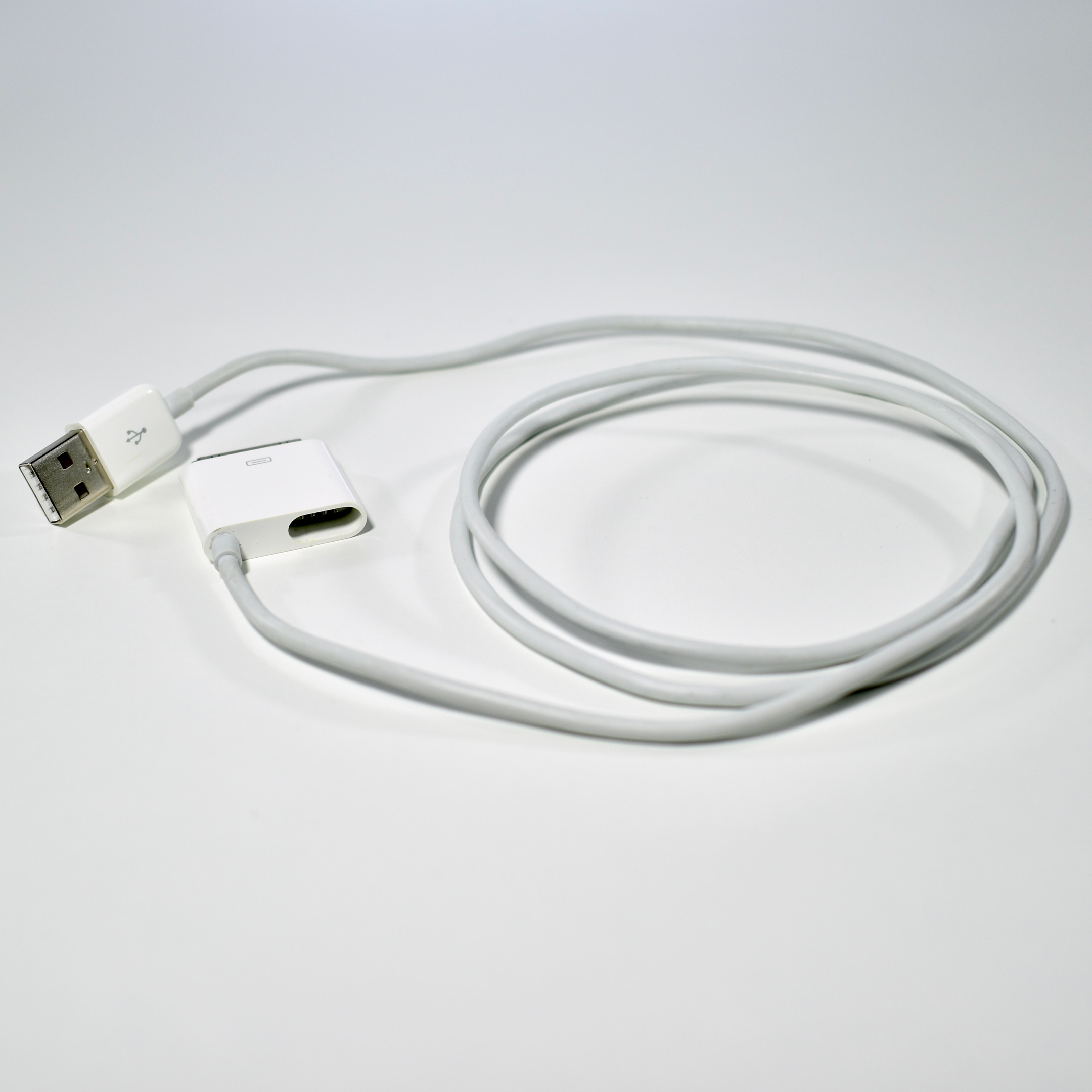
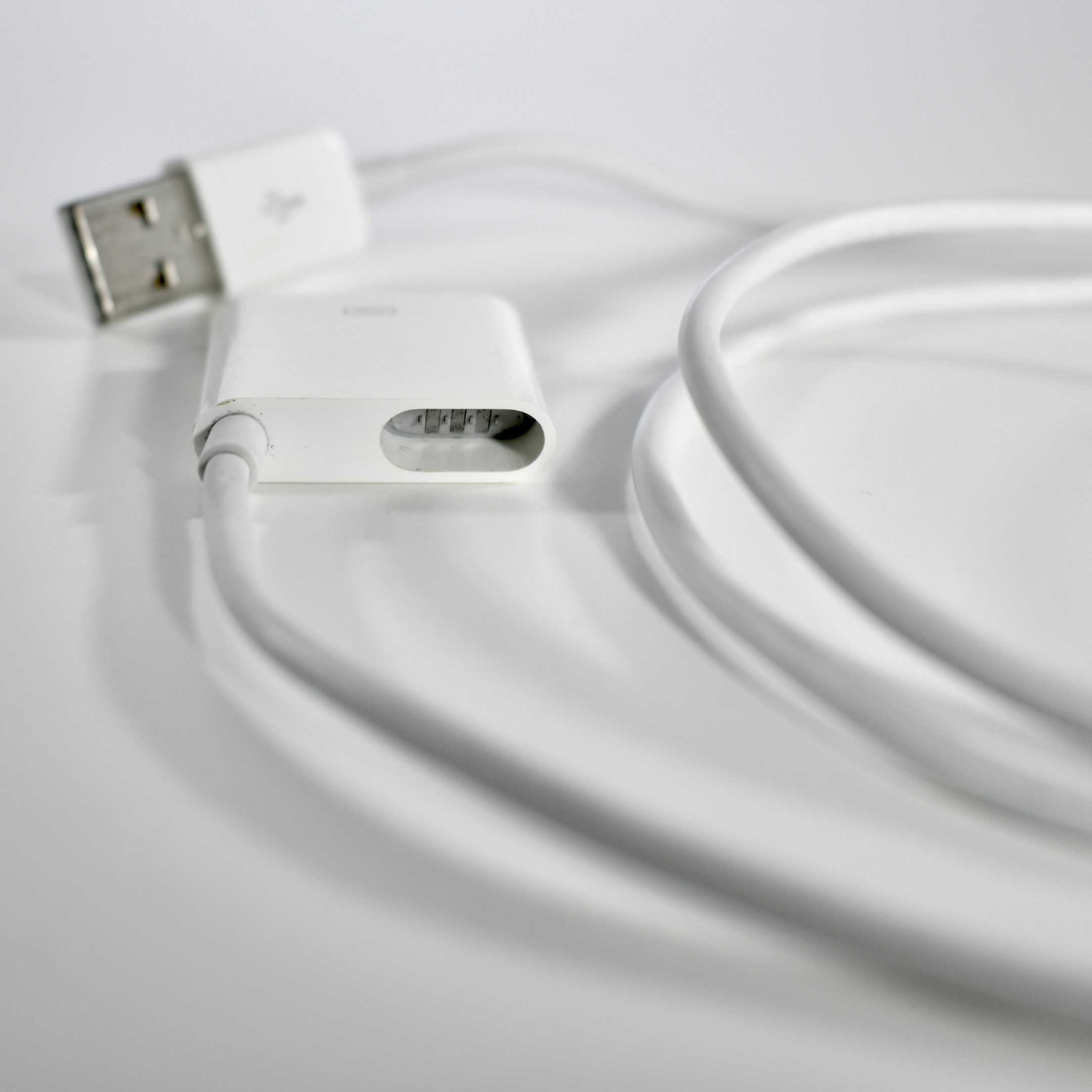
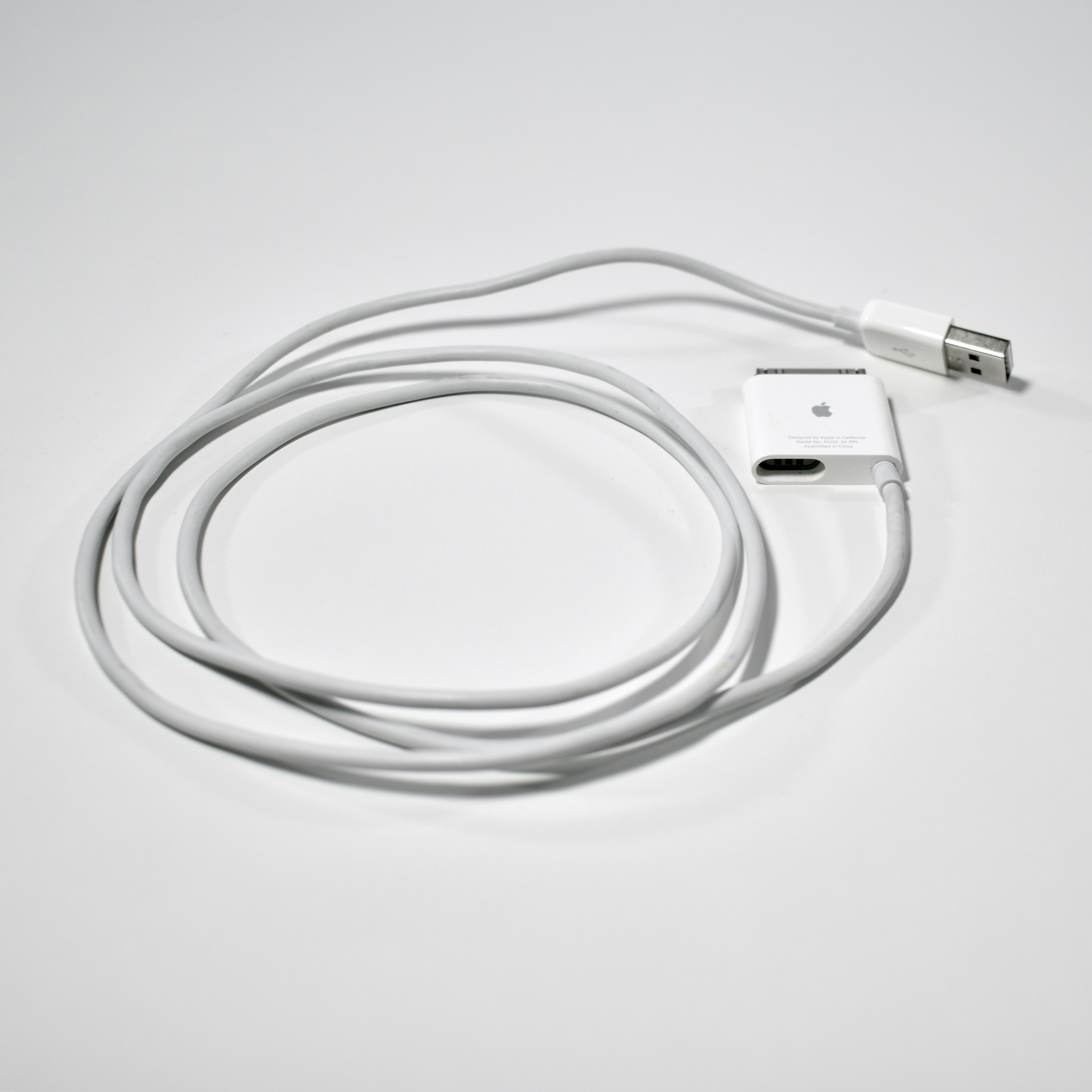
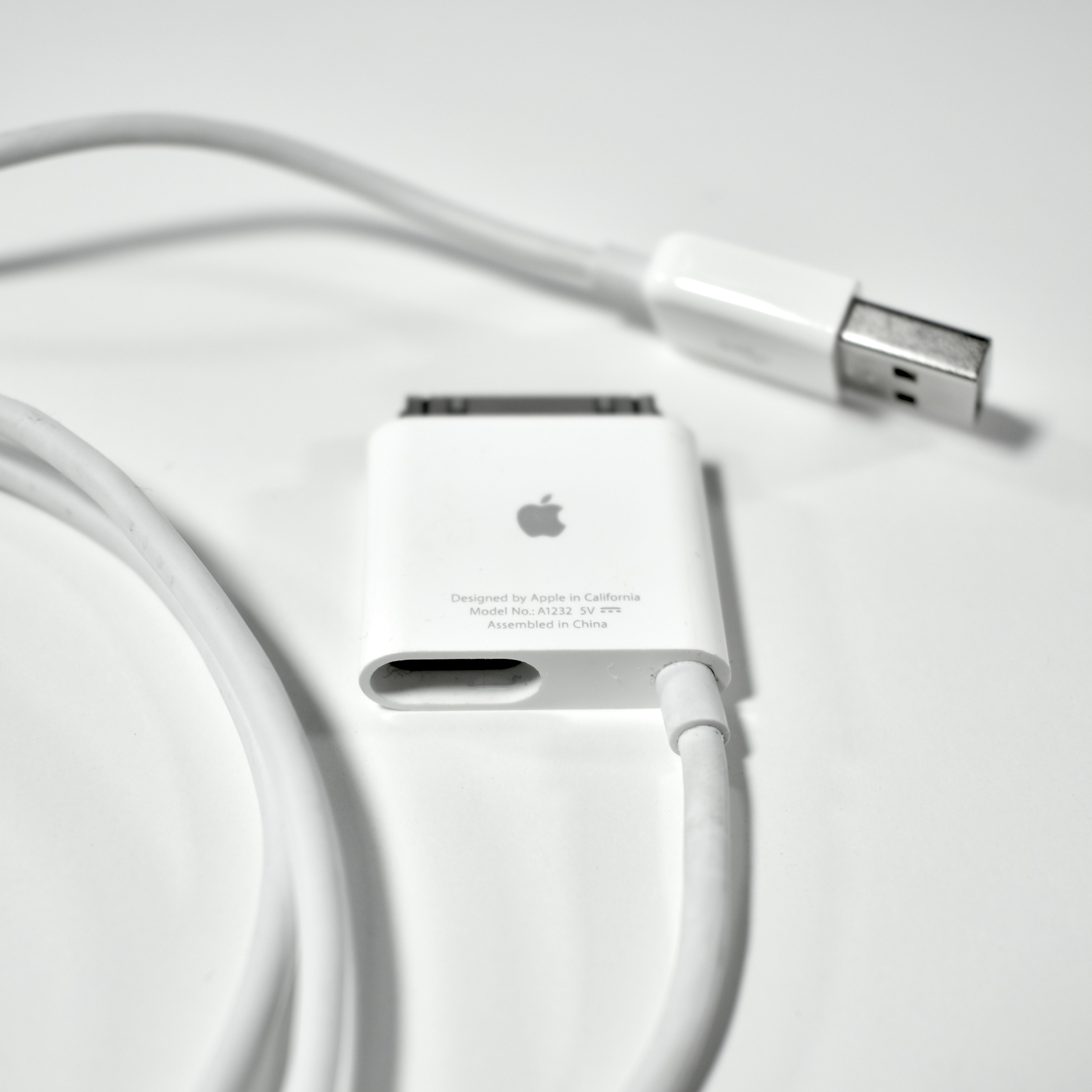
The iPhone Bluetooth Headset cable is a unique 30-pin USB charging cable with an additional, offset magnetic charging port to accommodate the iPhone Bluetooth Headset. This allowed iPhone Bluetooth Headset users to charge both the original iPhone and the iPhone Bluetooth Headset from the same cable at the same time.

Source: Apple