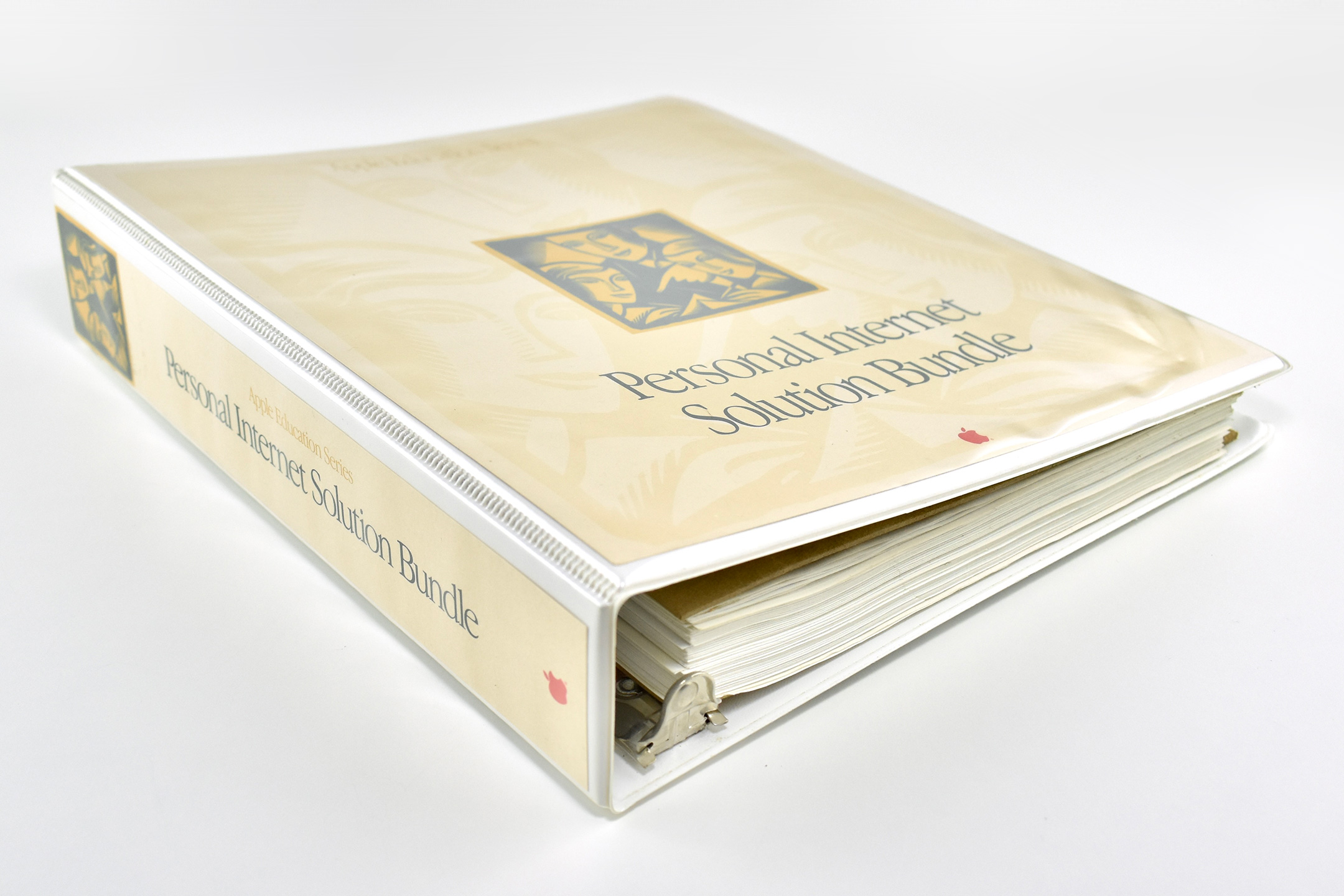
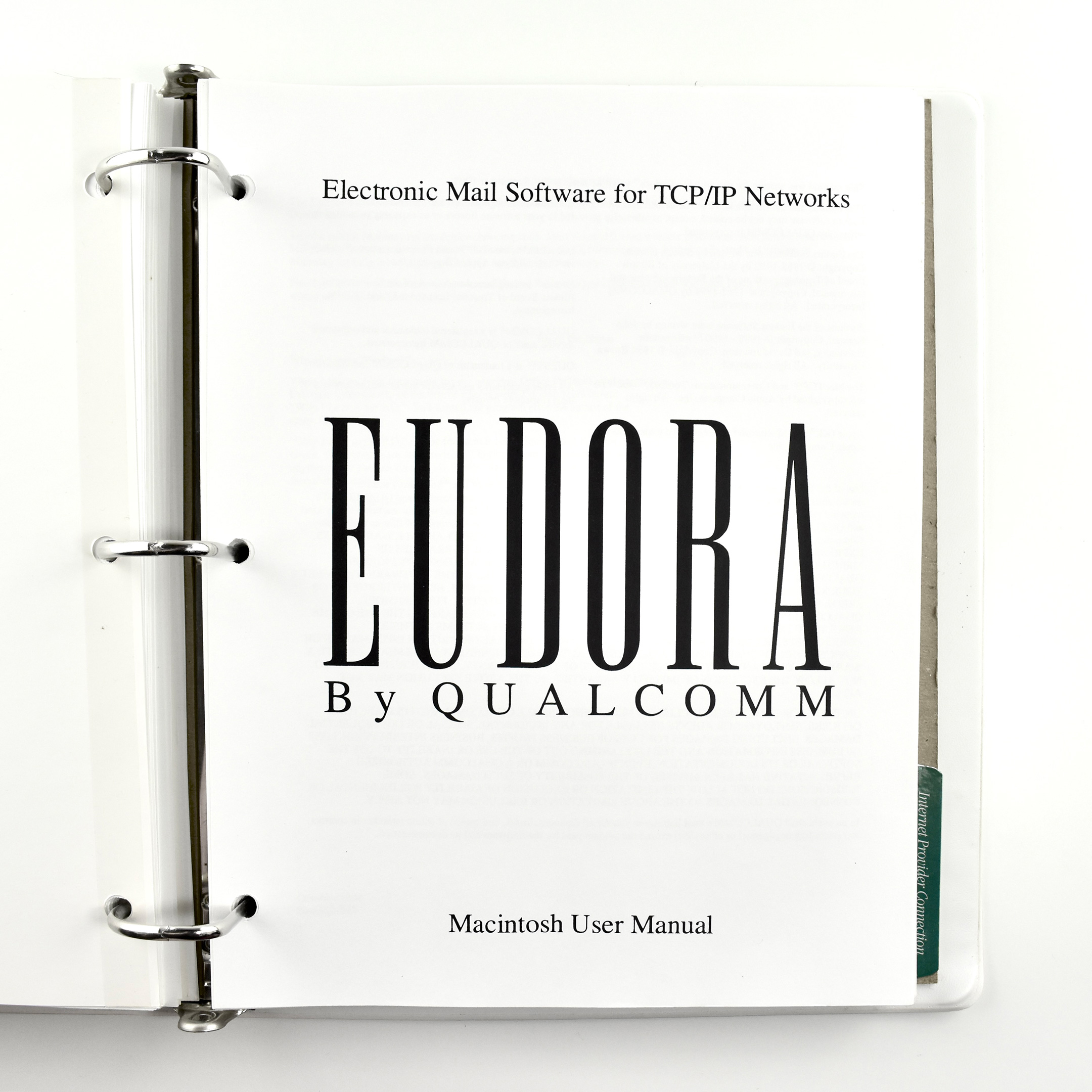
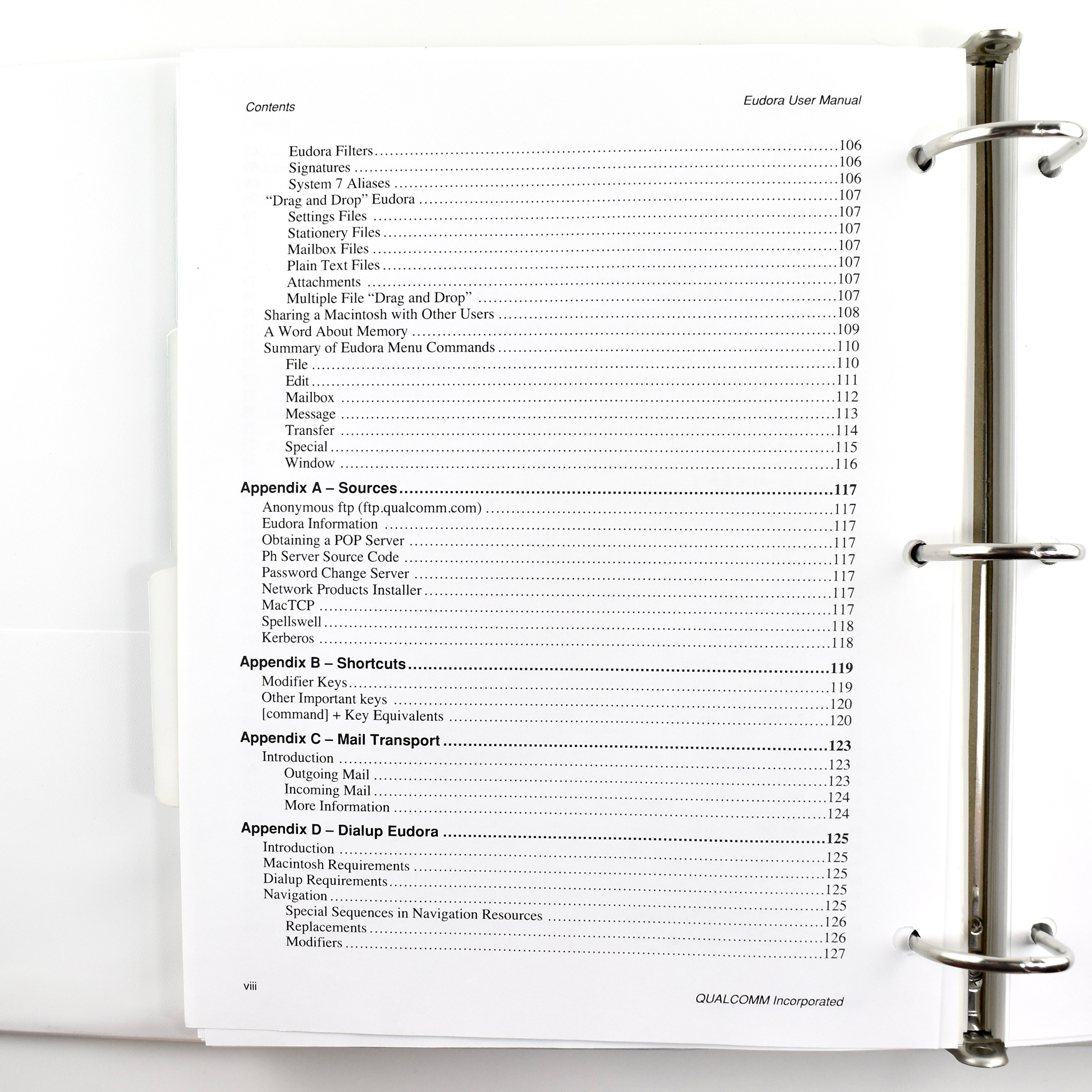
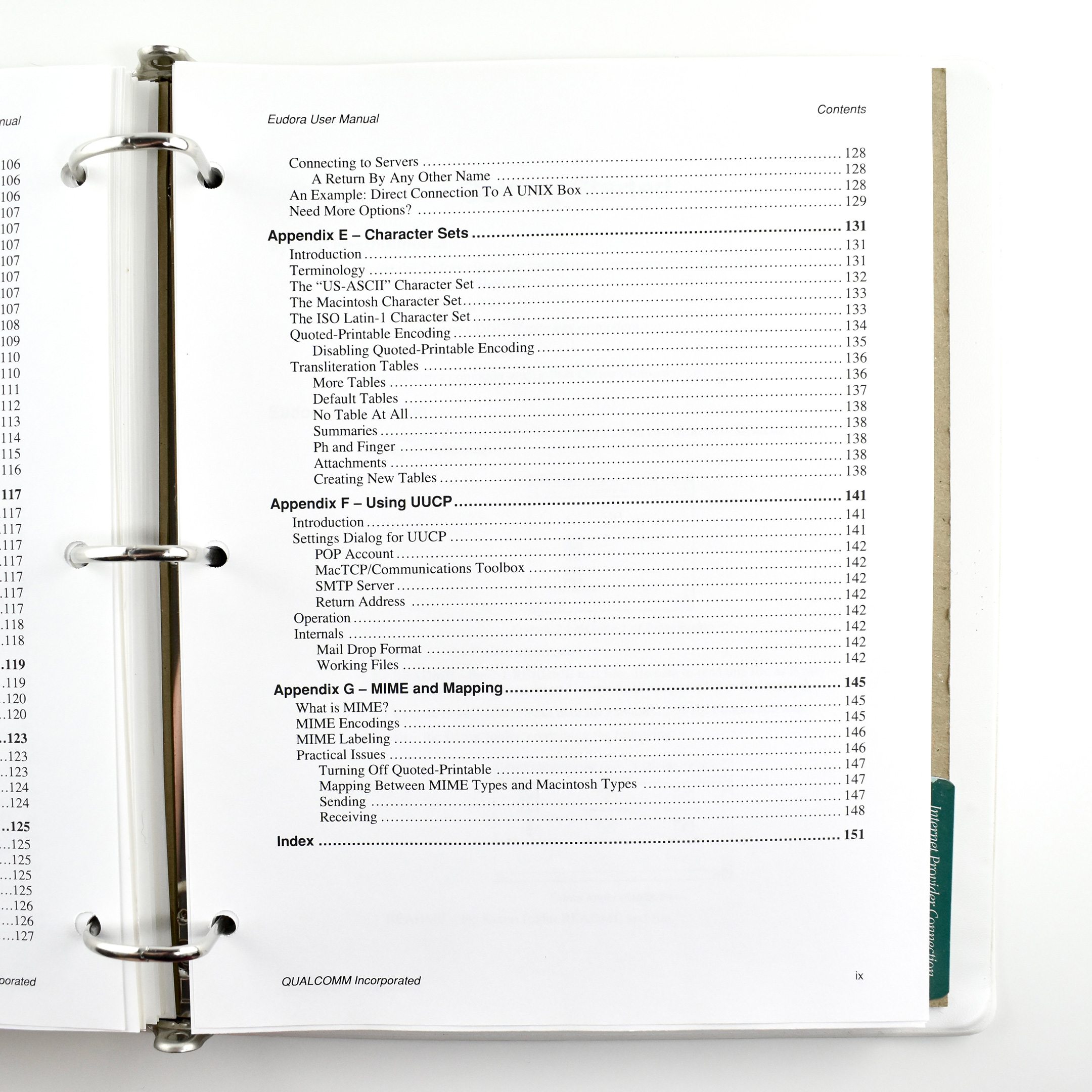
Apple’s Personal Internet Solution Bundle is a 3-ring binder containing 3-hole-punched, 8.5 x 11-inch pages and is part of the Apple Education Series from 1995.
The design of the binder uses a beige-on-beige background accented with gold and teal graphics—all using a woodcut-style design. This design was used throughout the mid- to late-1990s for Apple Education products.
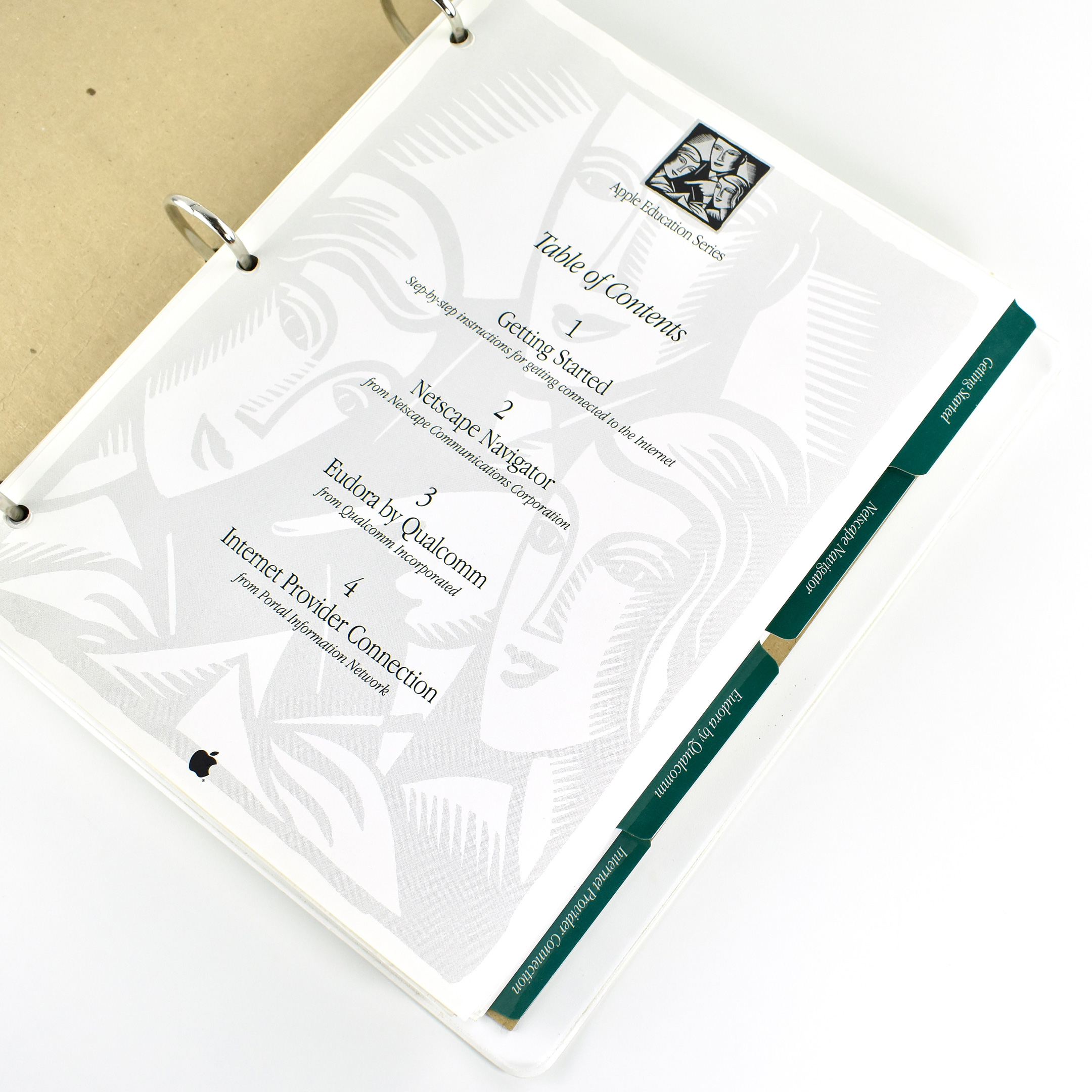
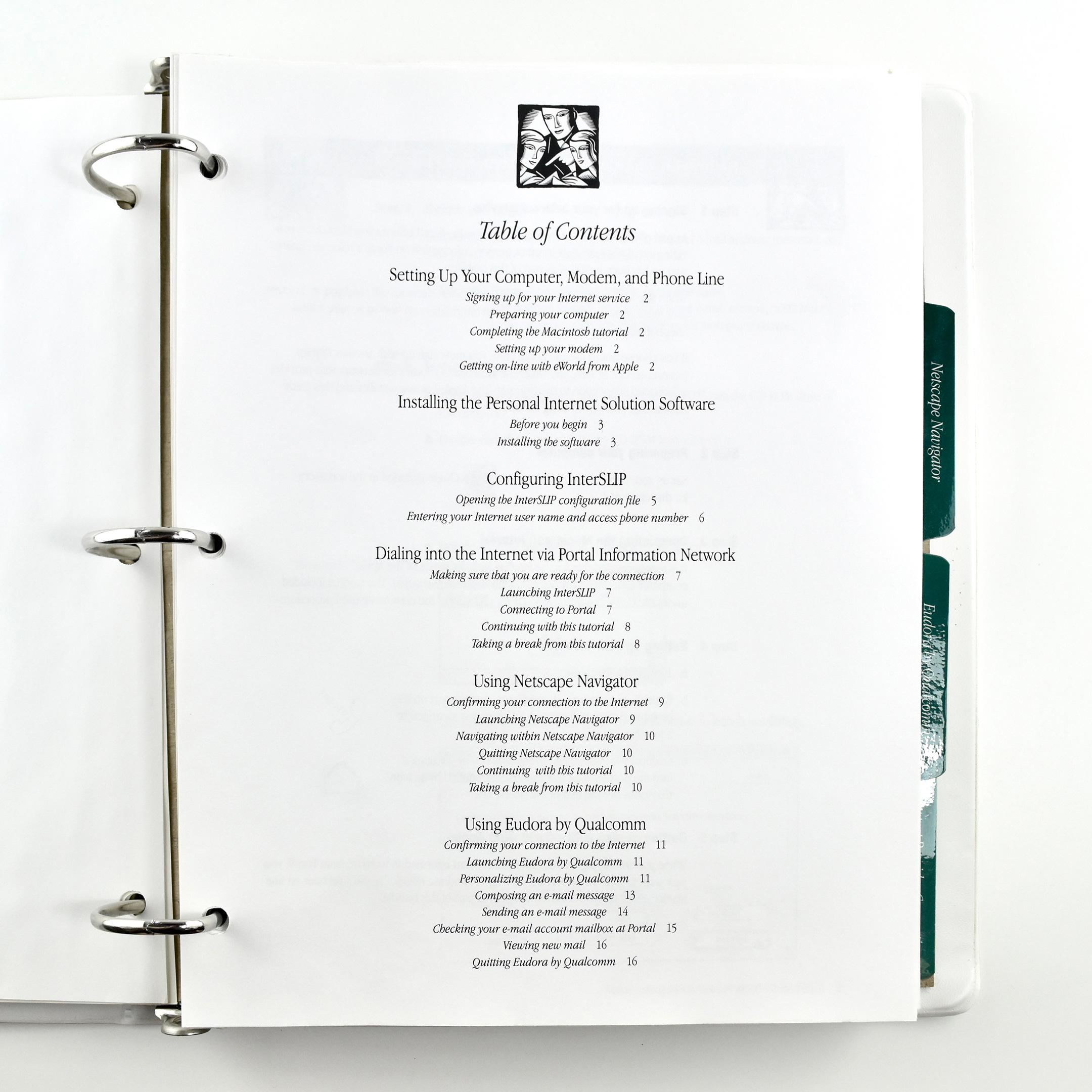
The binder is a professional learning resource for educators to teach them the basics of using tools on the World Wide Web. The four major sections include:
Getting Started—Step-by-step instructions for getting connected to the Internet
Internet Provider Connection—from Portal Information Network
Each printed section in the binder is separated by dark green tabs for easy navigation.
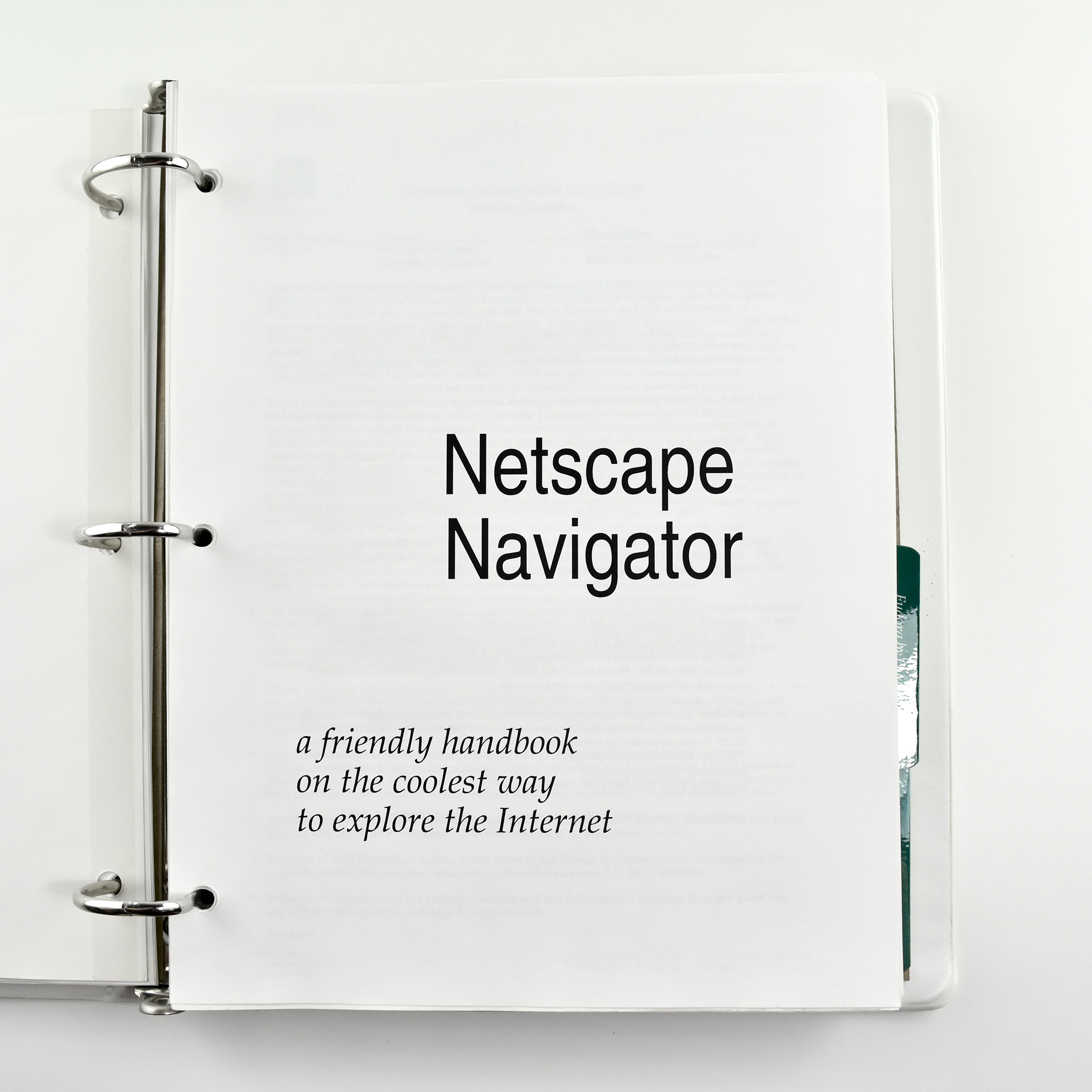
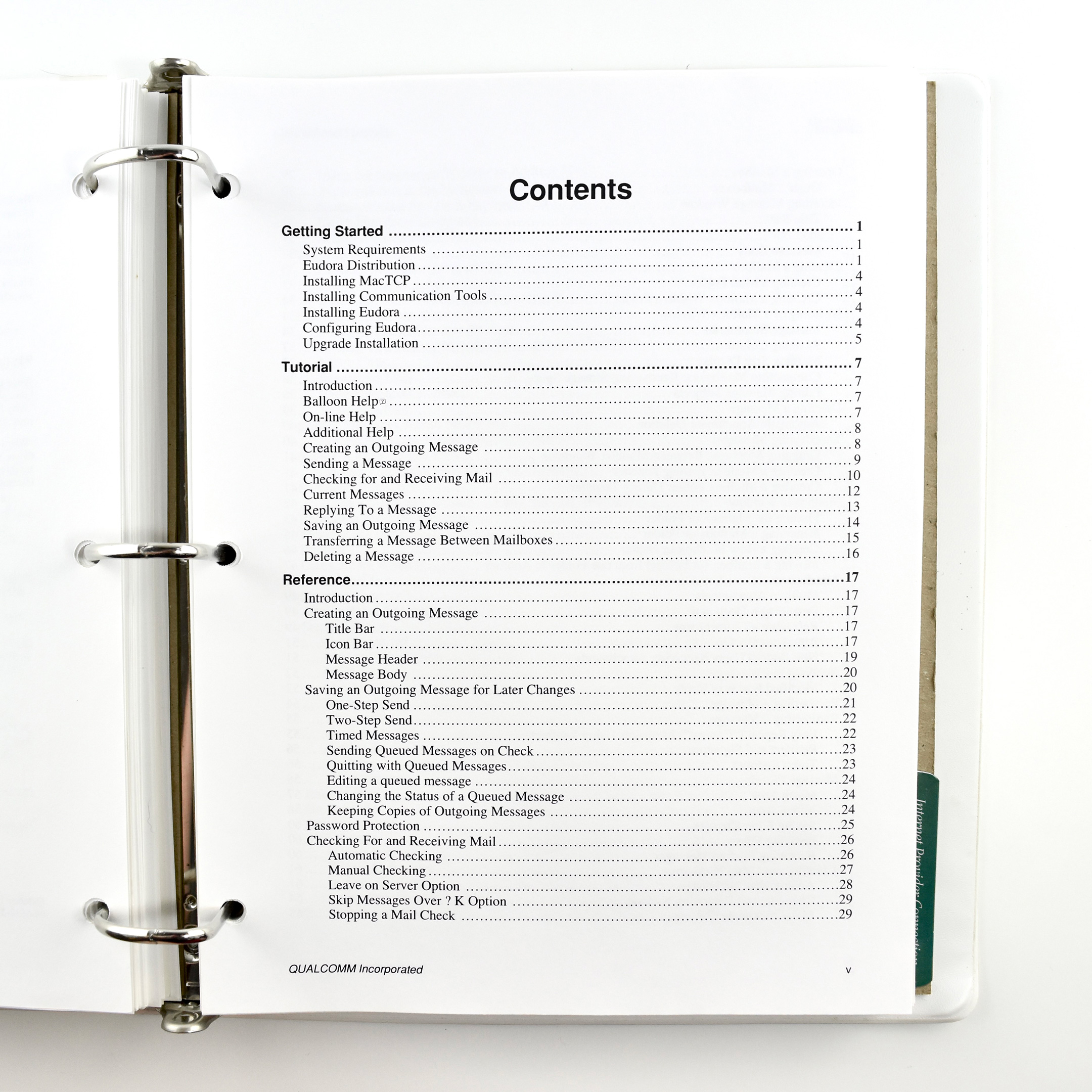
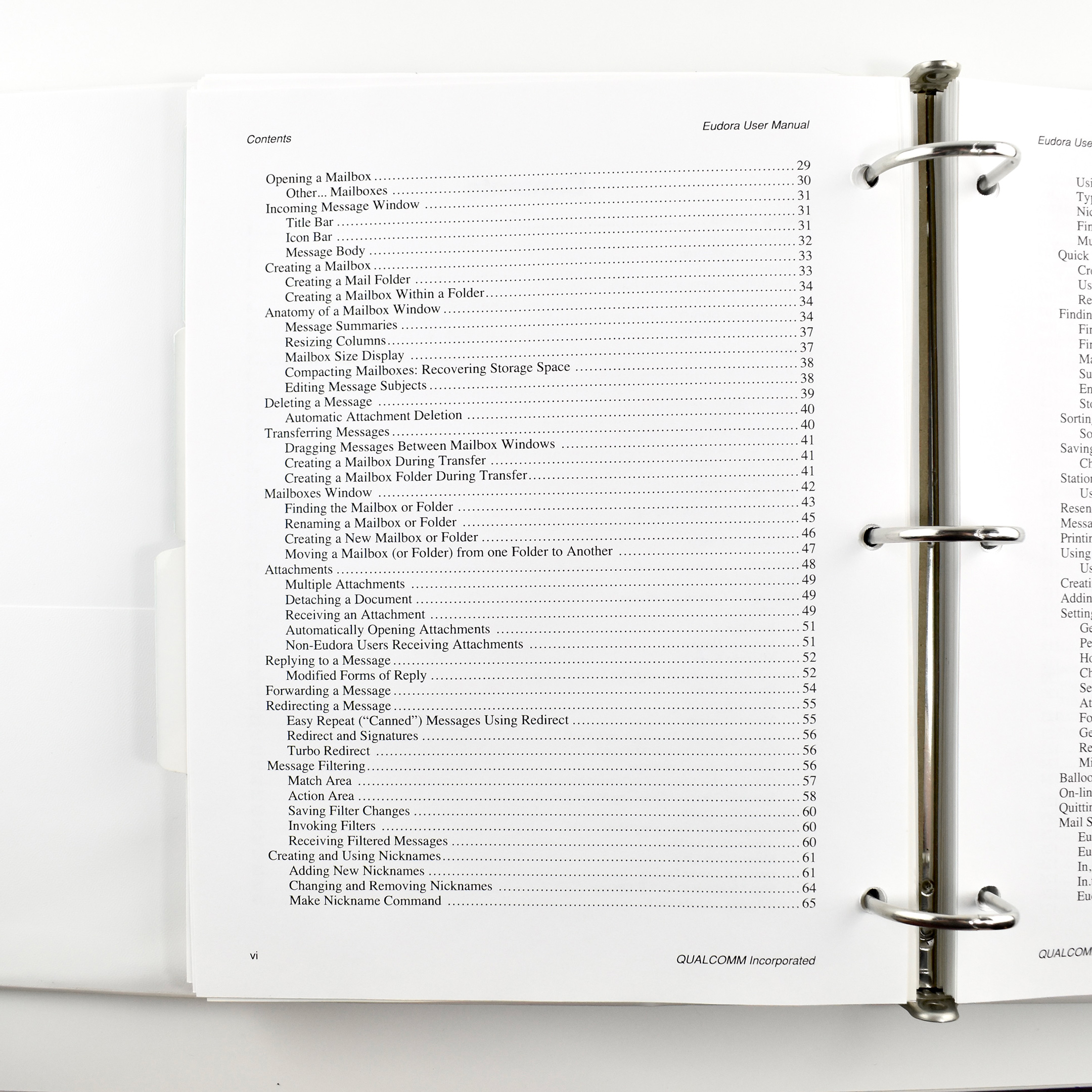
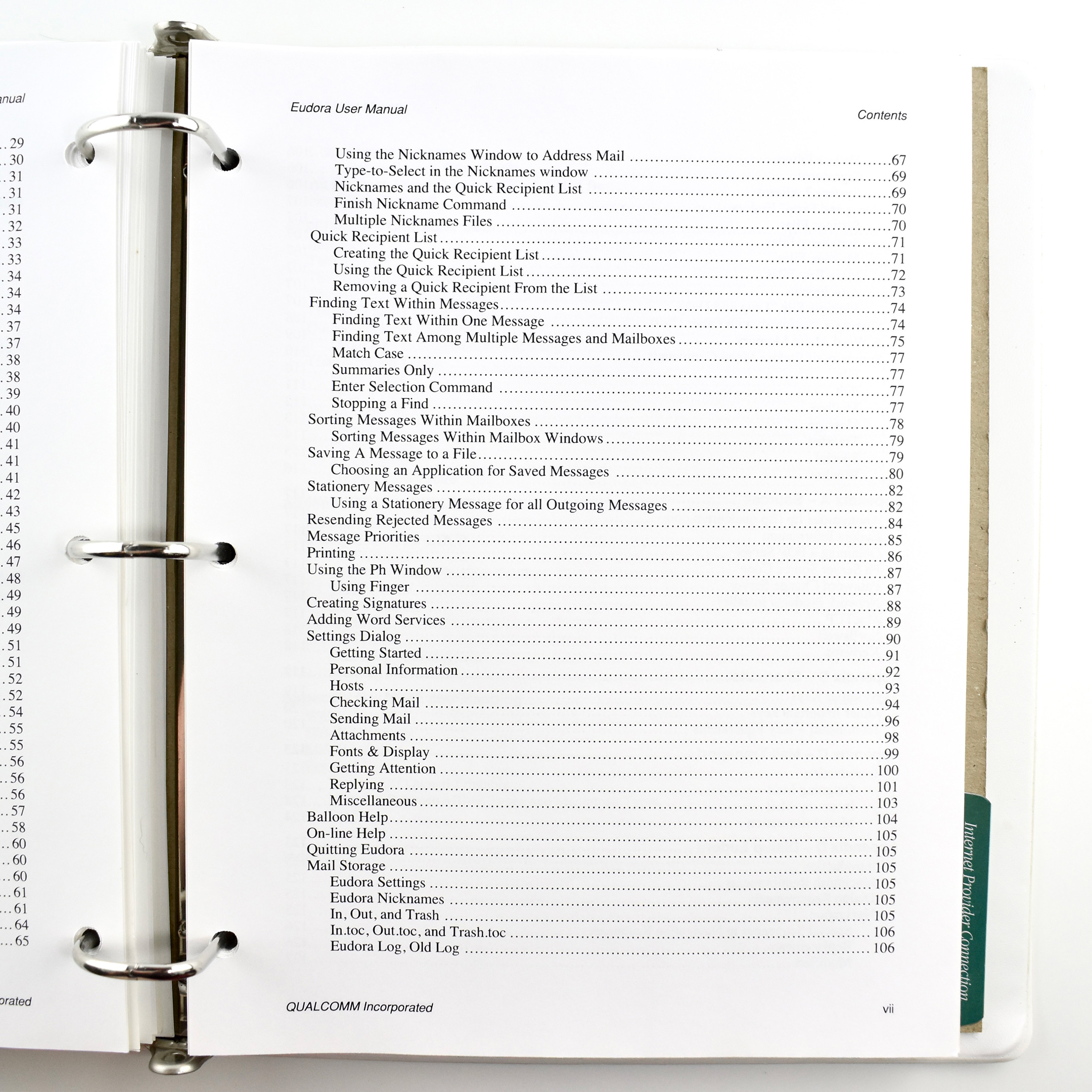
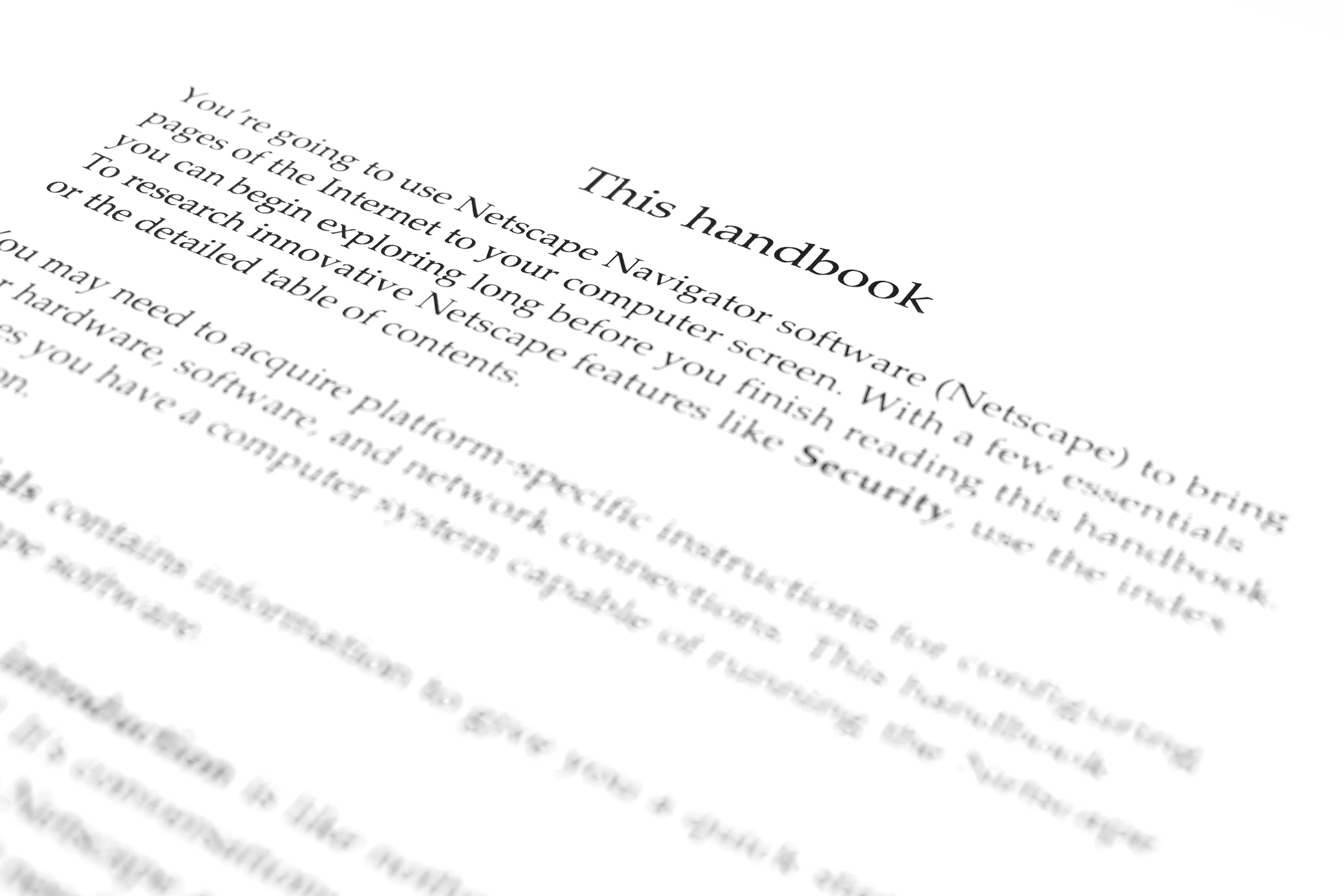
Some of the highlights of this resource include the title of the Netscape Navigator section, “a friendly handbook on the coolest way to explore the Internet,” and the 151-page manual about how to use email!
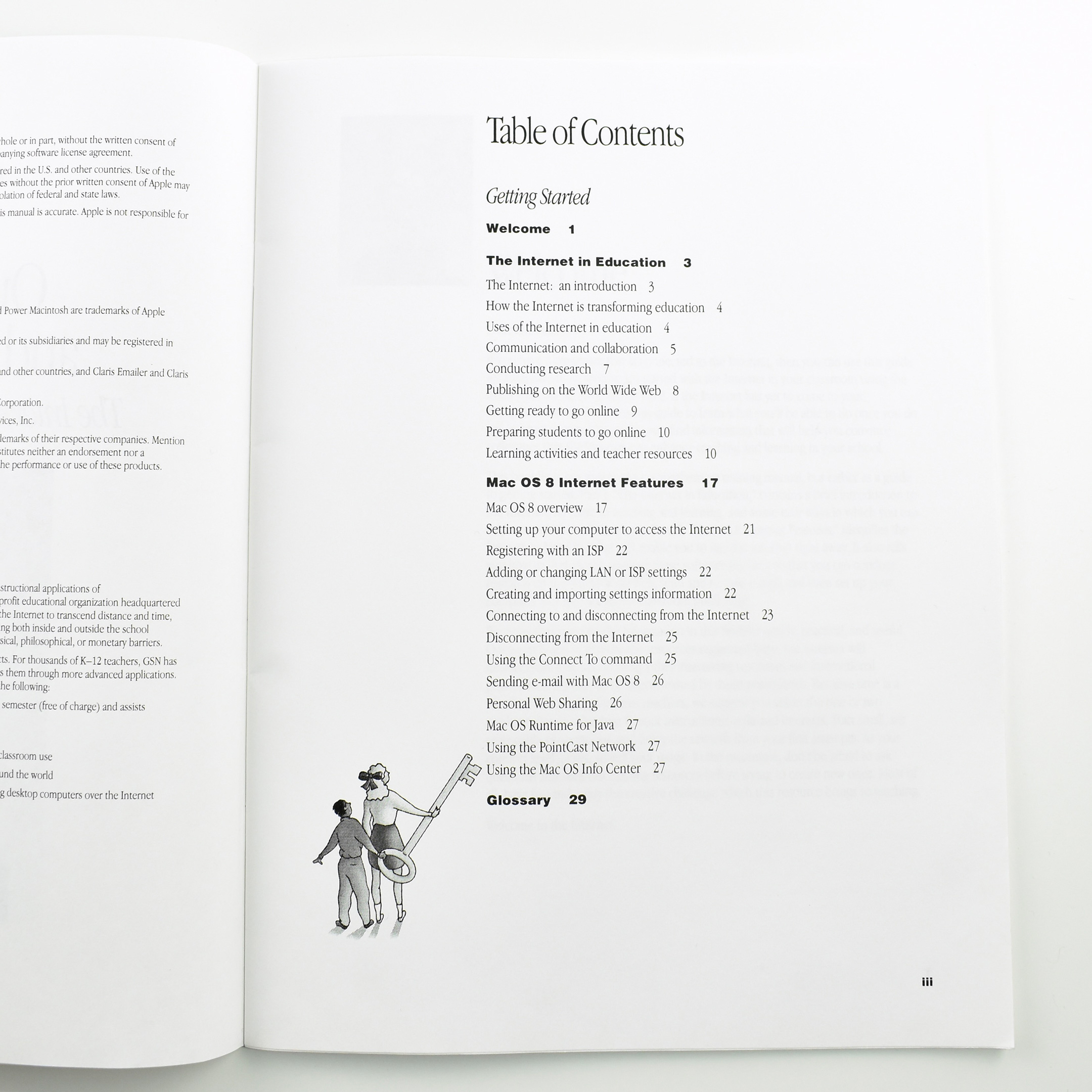
This Apple Education Series booklet, titled Out of the Box and Onto the ’Net: The Internet, Teaching, and Mac OS 8 was written to explain to educators how to use Internet in school with the Mac OS 8 operating system.
The Table of Contents included the following sections:
Welcome
The Internet in Education
The Internet: an introduction
How the Internet is transforming education
Uses of the Internet in education
Communication and collaboration
Conducting research
Publishing on the World Wide Web
Getting ready to go online
Preparing students to go online
Learning activities and teacher resources
Mac OS 8 Internet Features
Mac OS 8 overview
Setting up your computer to access the Internet
Registering with an ISP
Adding or changing LAN or ISP settings
Creating and importing settings information
Connecting to and disconnecting from the Internet
Disconnecting from the Internet
Using the Connect To command
Sending e-mail with Mac OS 8
Personal Web Sharing
Mac OS Runtime for Java
Using the PointCast Network
Using the Mac OS Info Center
The book measures 8.5 x 11 inches with a full-color cover. The interior is printed in black.
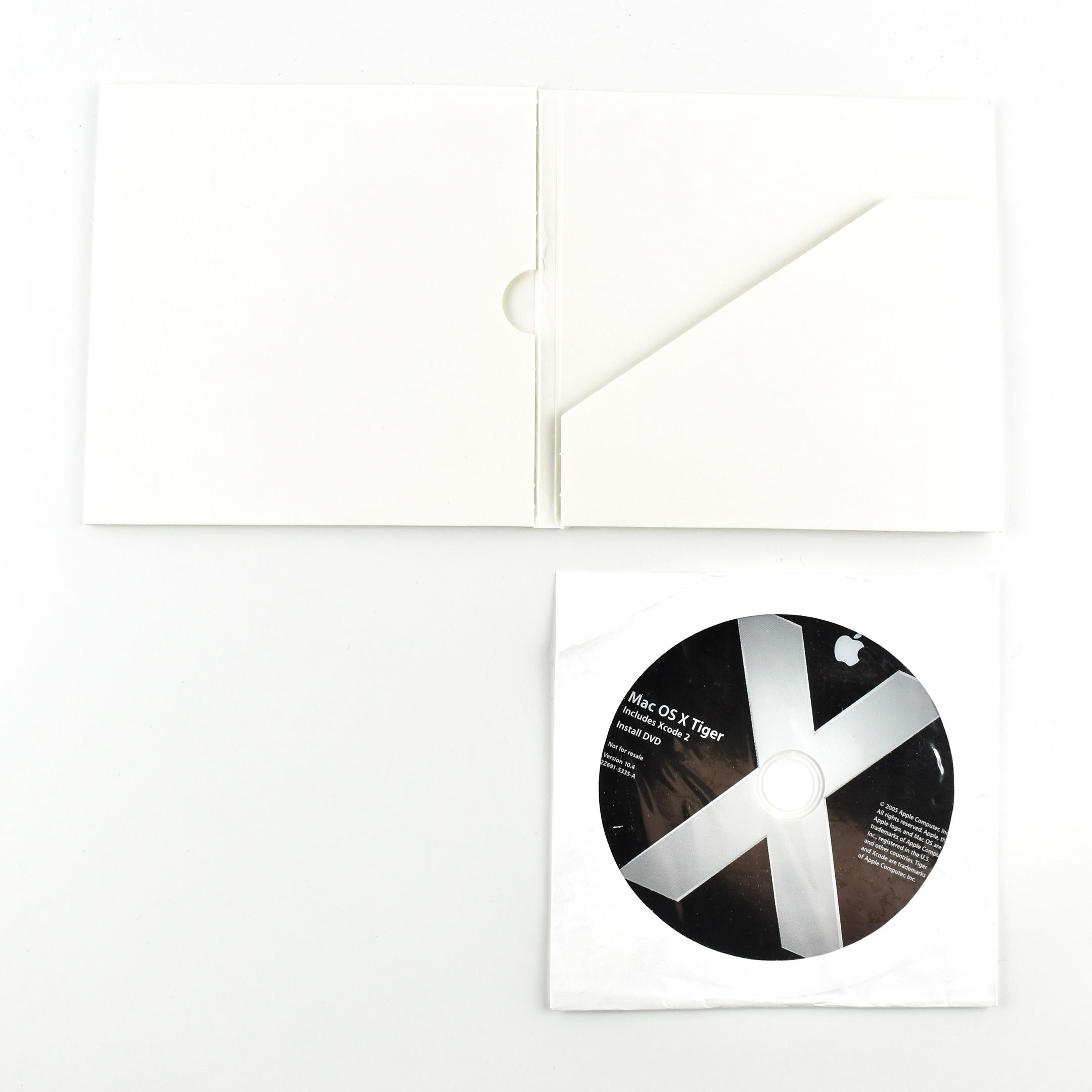
Mac OS X, Version 10.4, was the fifth major release of the Mac OS X [ten] operating system. It was referred to by its codename, “Tiger,” in its product marketing. Previous versions were codenamed “Cheetah” (Version 10.0) and “Puma” (Version 10.1), but they were referred to only by their version numbers. Version 10.2 was announced as “Jaguar,” 10.3 was named “Panther,” and this version, 10.4, was called “Tiger.”
According to Apple, “Tiger delivers more than 200 new features and innovations including Spotlight, a revolutionary desktop search technology that lets users instantly find anything stored on their Mac, including documents, emails, contacts and images; and Dashboard, a new way to instantly access important information like weather forecasts and stock quotes, using a dazzling new class of applications called widgets.”
This Not for Resale DVD is unopened.
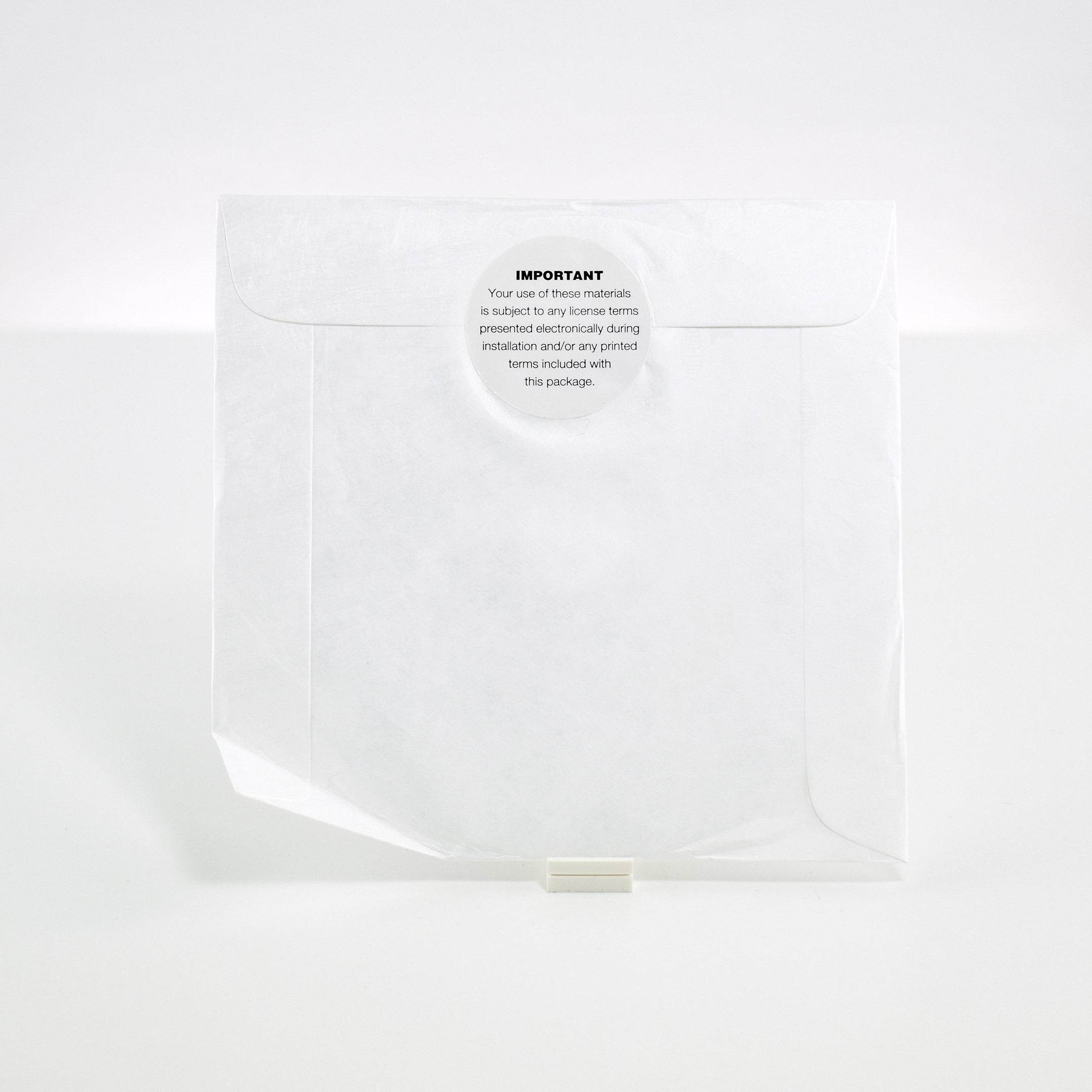
When it was released on April 29, 2005, this Mac OS X upgrade cost US$129. Likely because this DVD is “Not for Resale,” it is packaged in a plain white cardboard envelope.
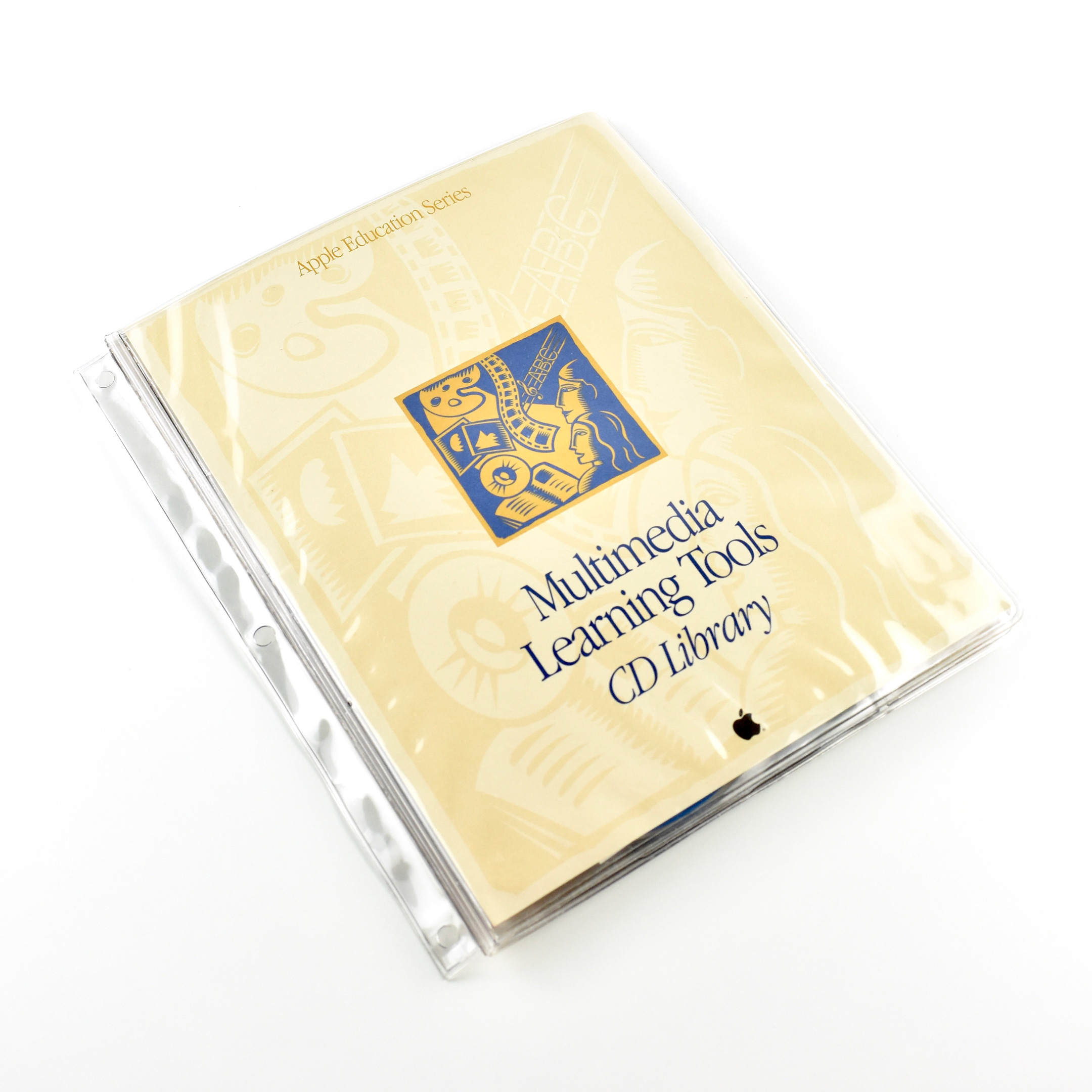
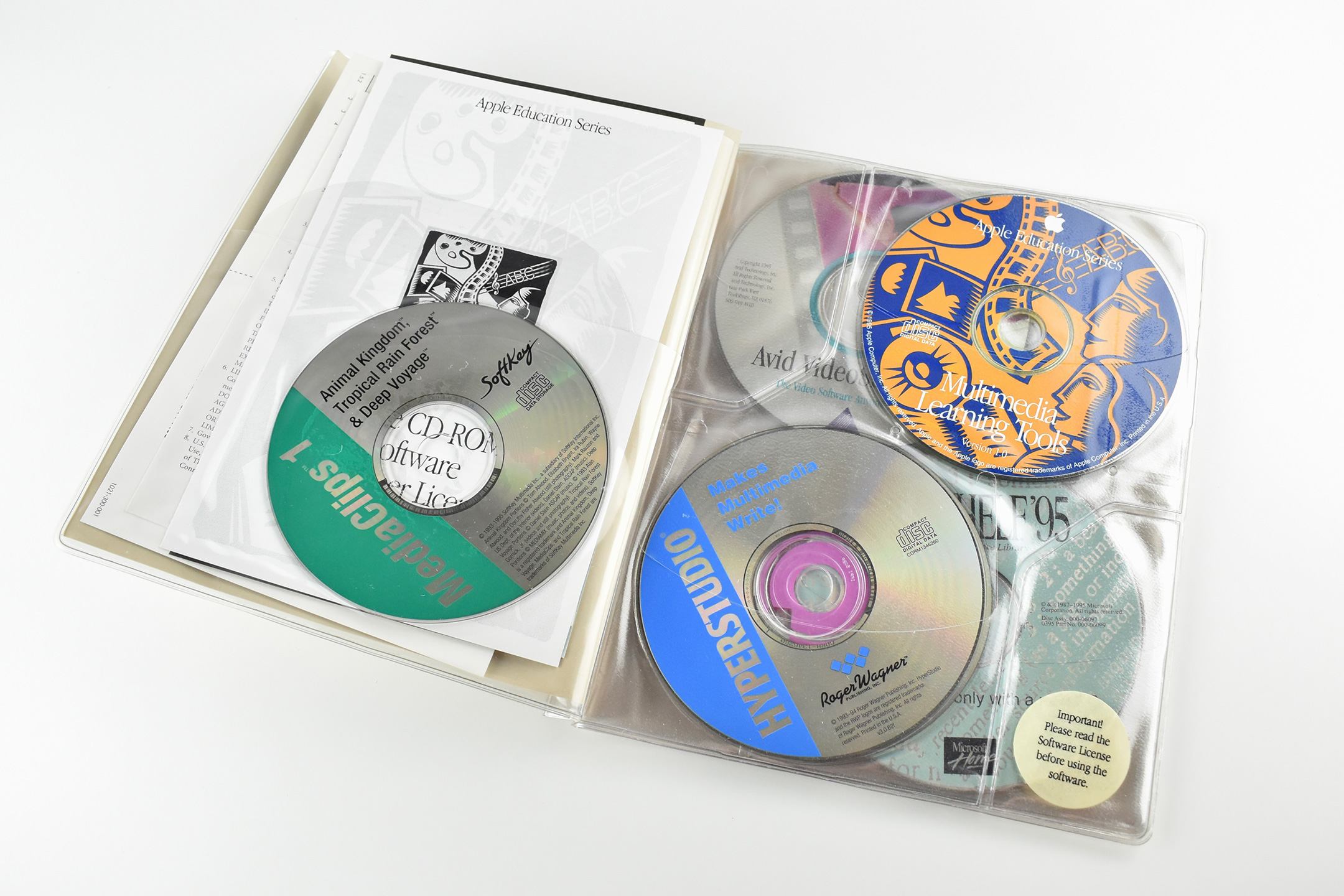
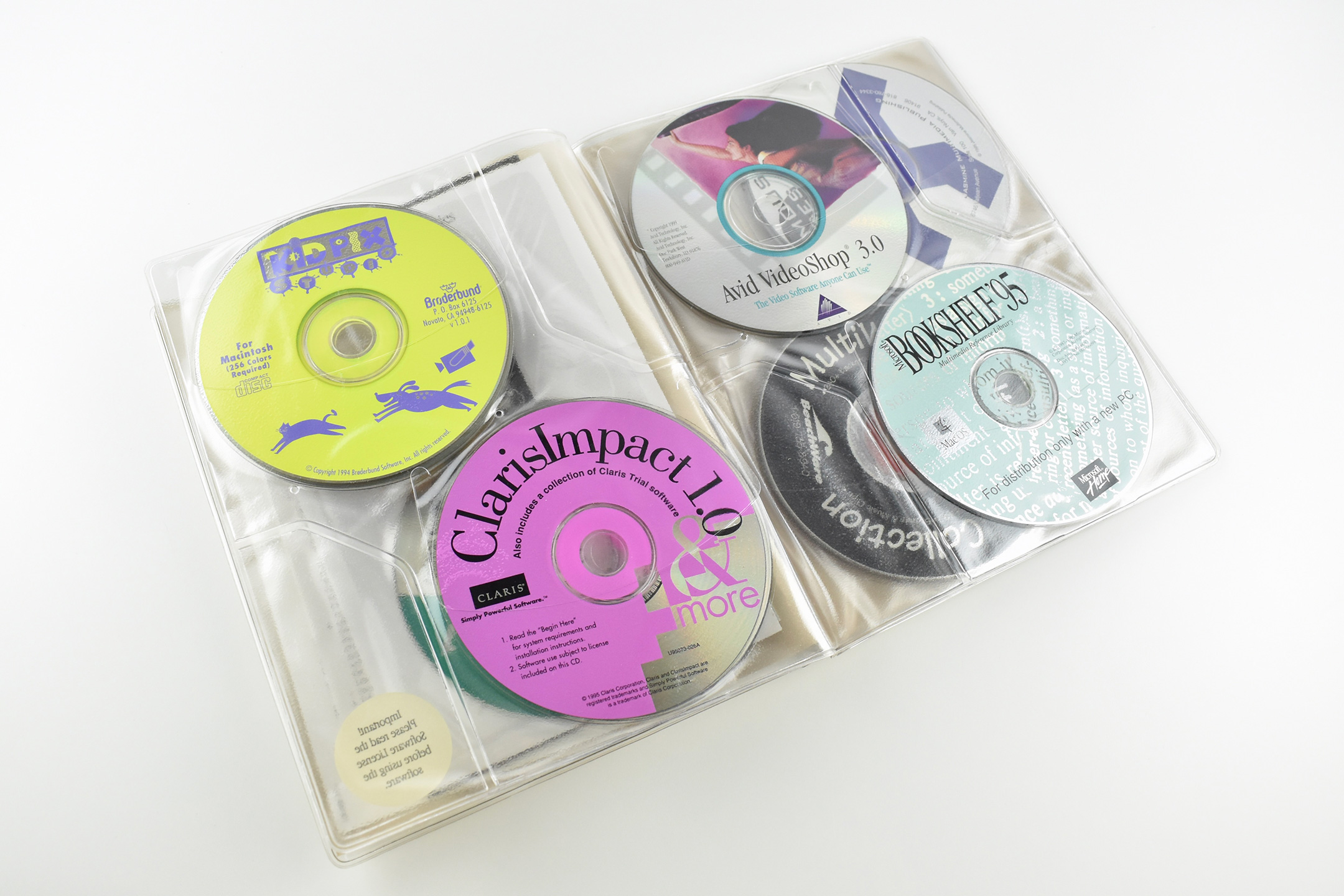
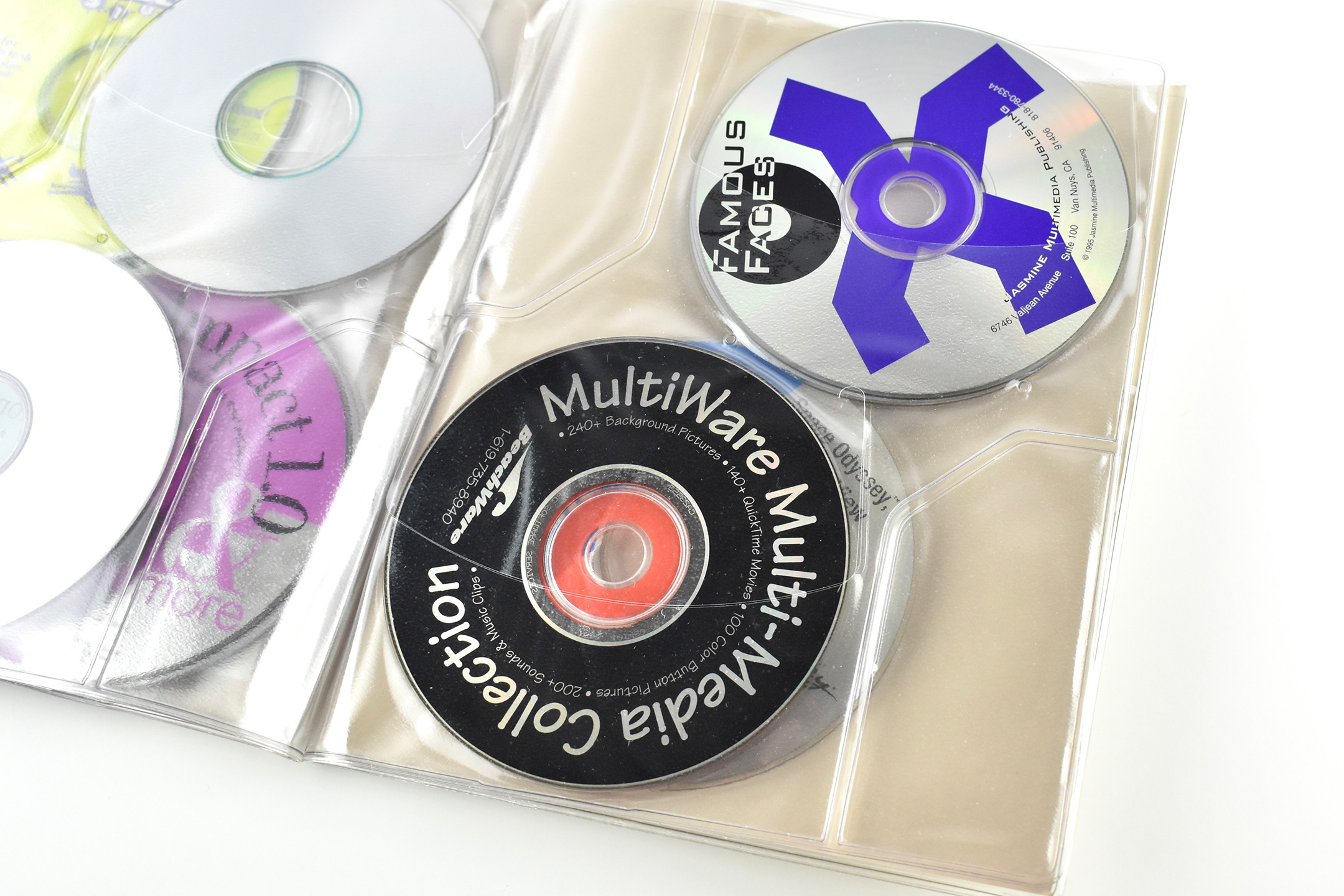
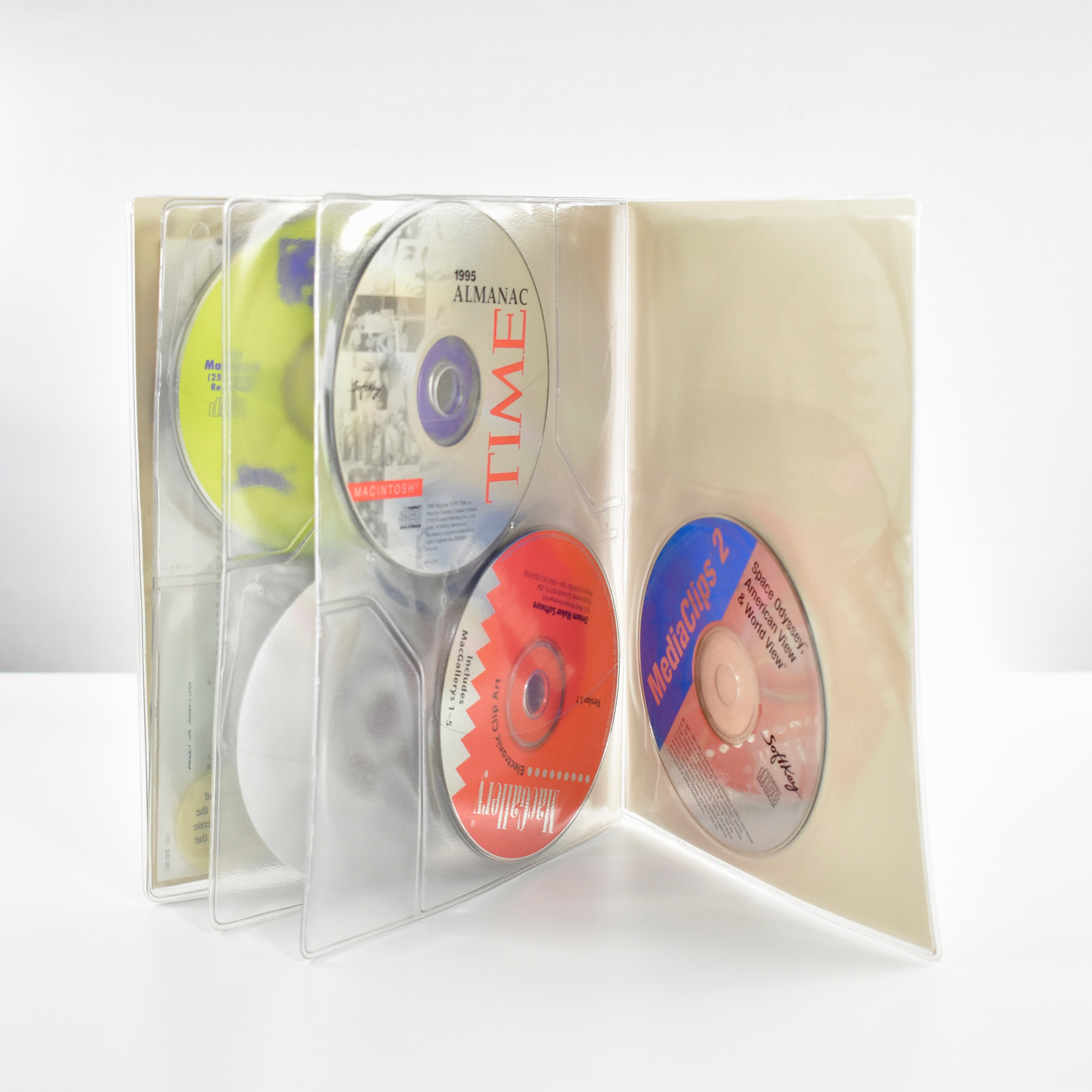
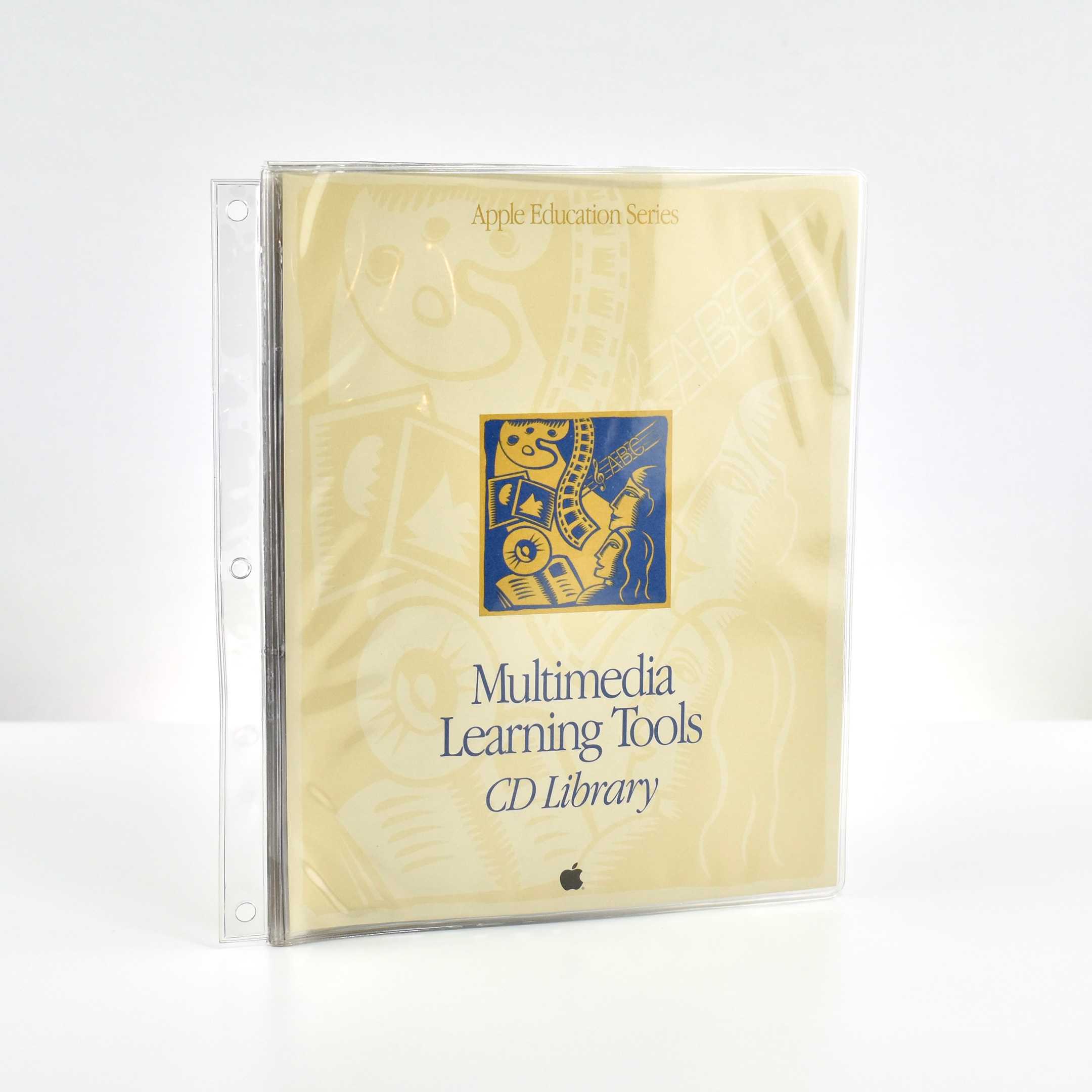
This collection of CD-ROMs is part of the Apple Education Series and is titled “Multimedia Learning Tools CD Library.” The CD booklet measures 7.5 x 9.25 inches and is made of clear vinyl. It has a side attachment that allows the book to be bound in a 3-ring binder. The booklet’s front and back cover design use a beige-on-beige woodcut pattern design with a bold rectangle woodcut image in the center depicting stylized characters and multimedia icon images.
The interior front and back flap have internal pockets for paperwork. Three inside pages contain pockets that can hold 4 CDs each (2 in front and 2 in back).
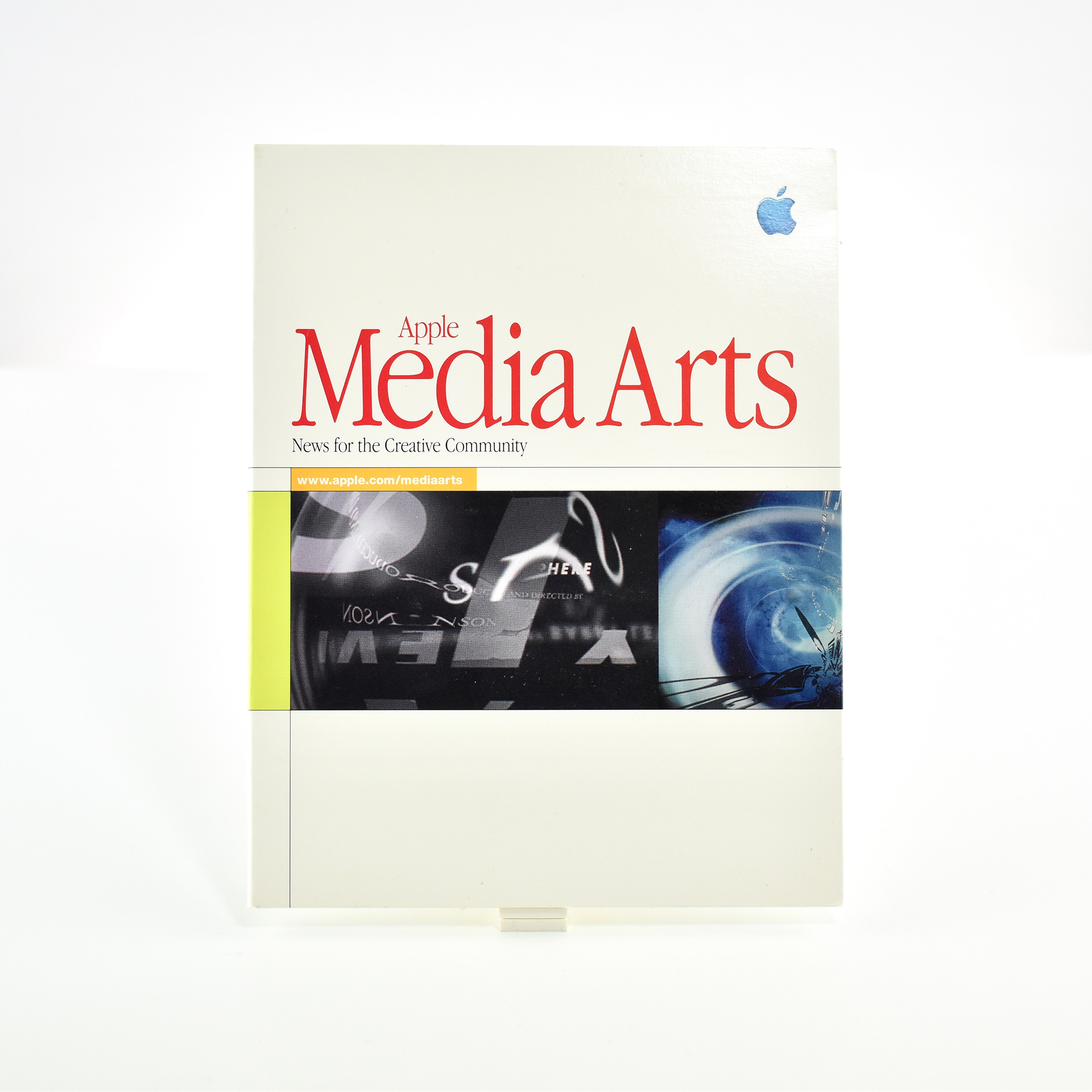
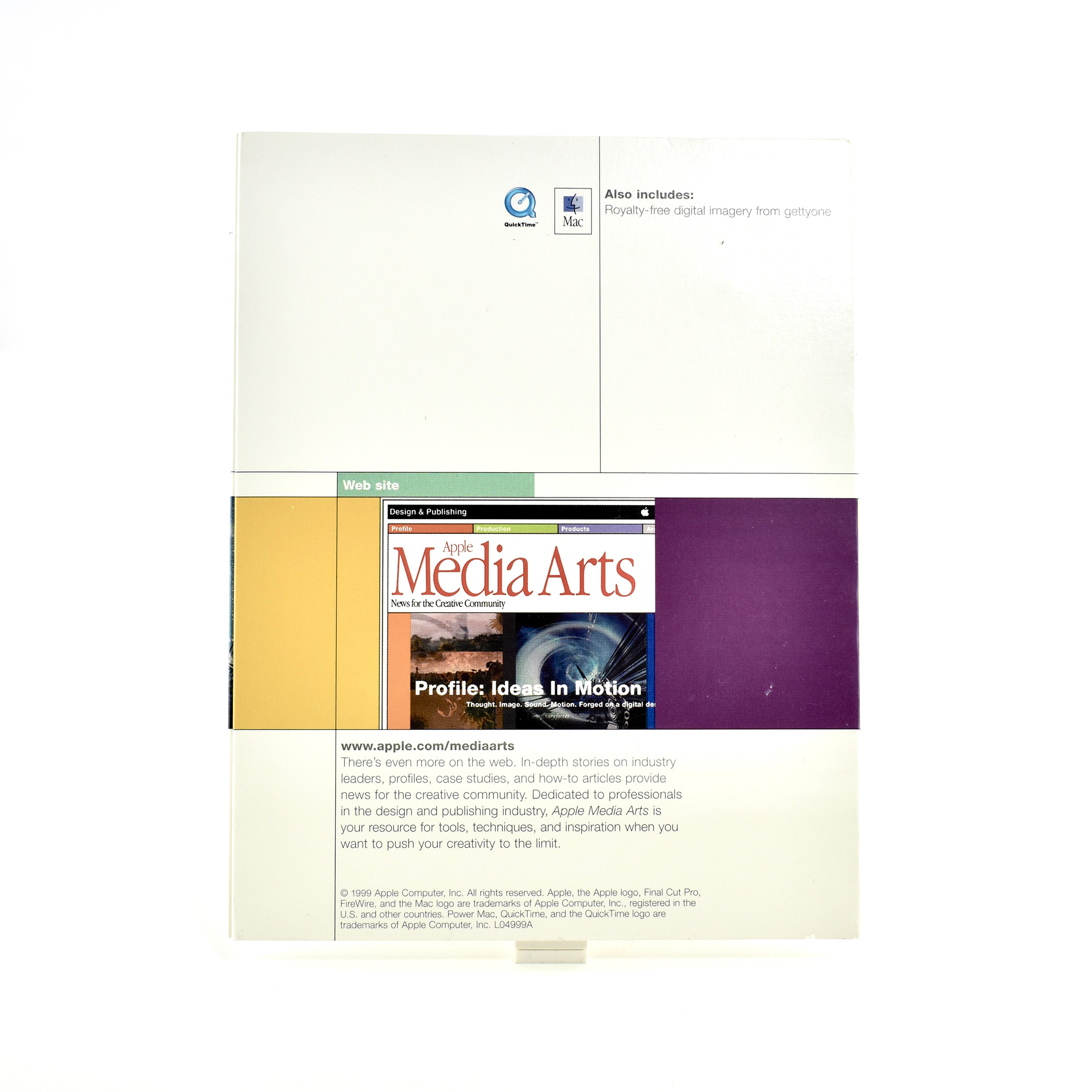
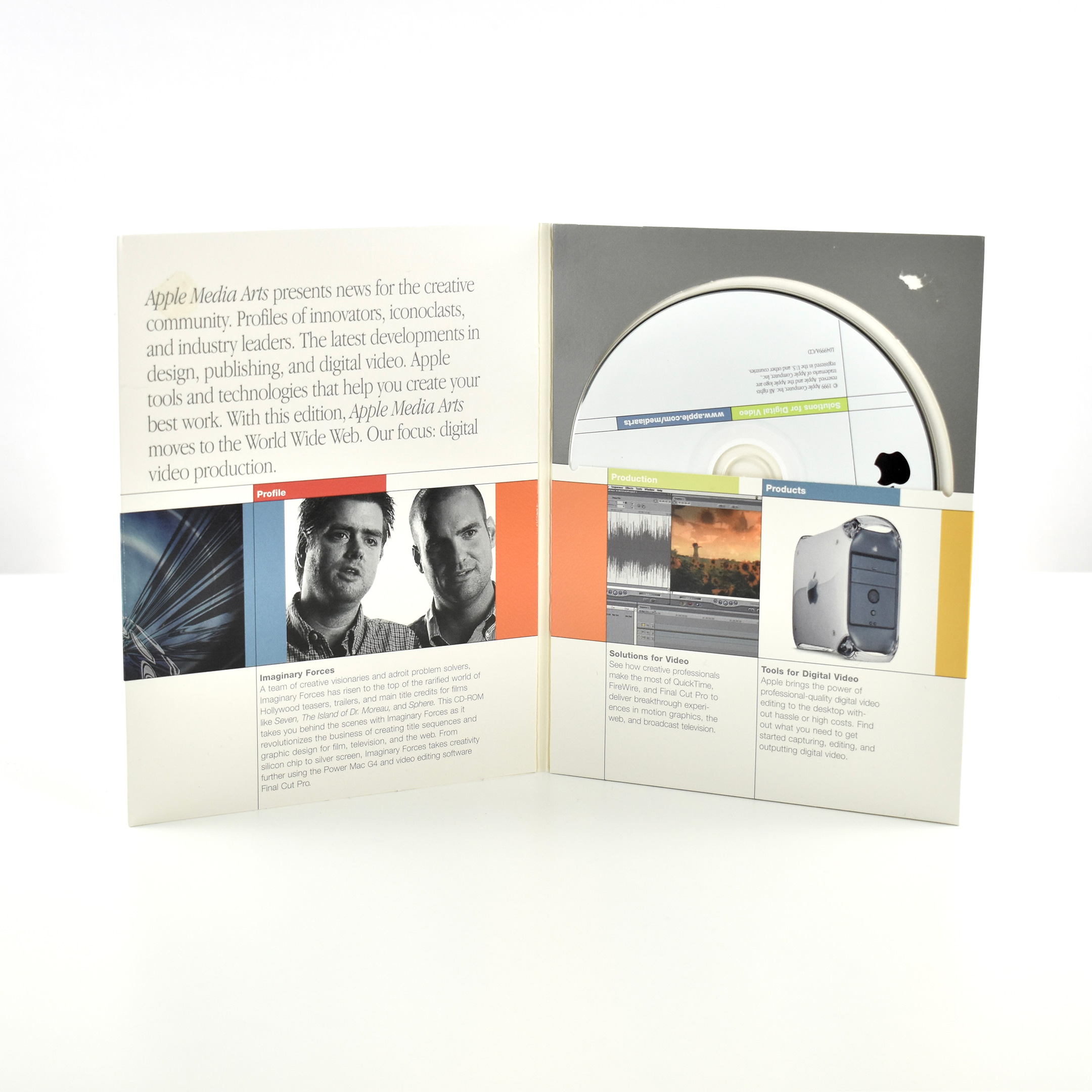
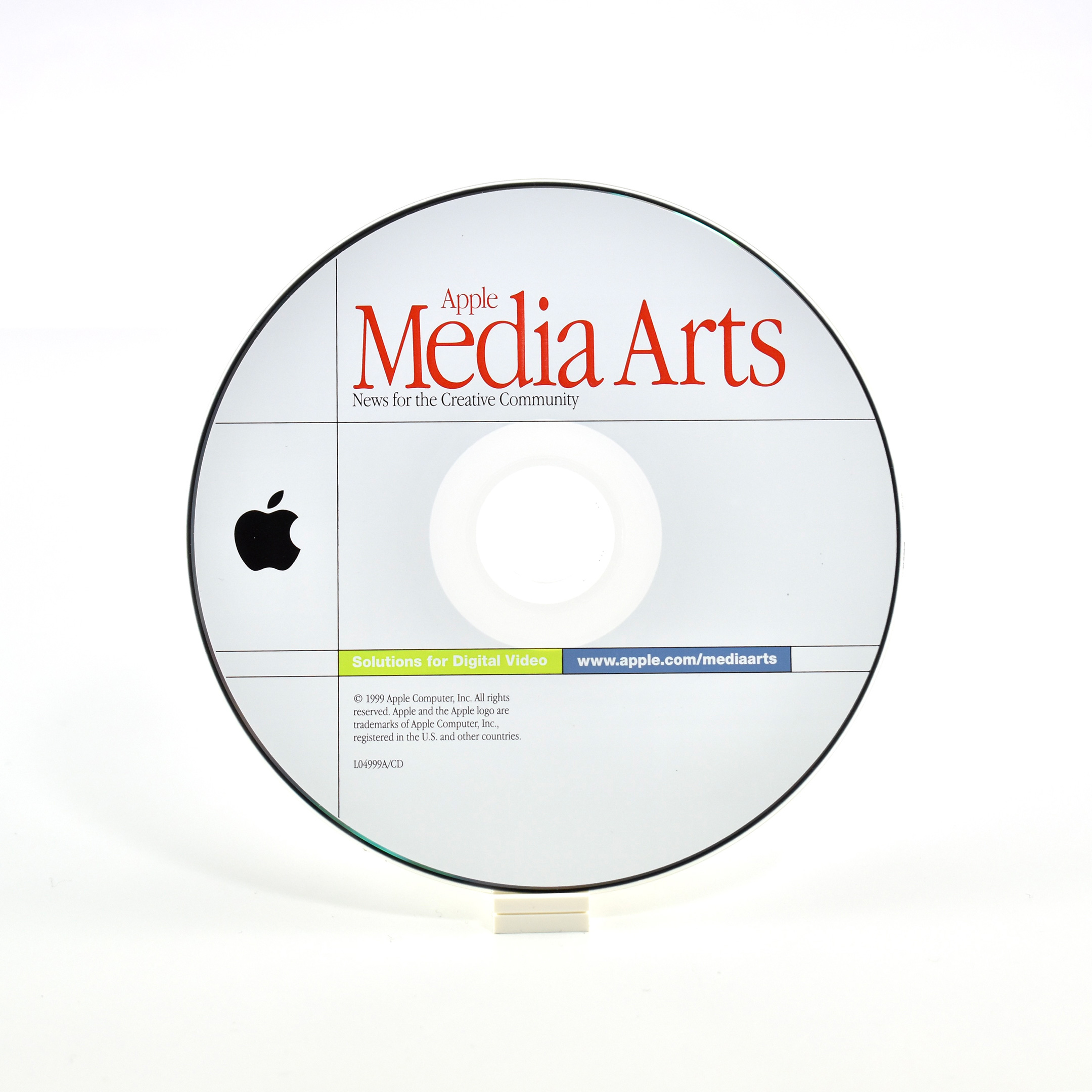
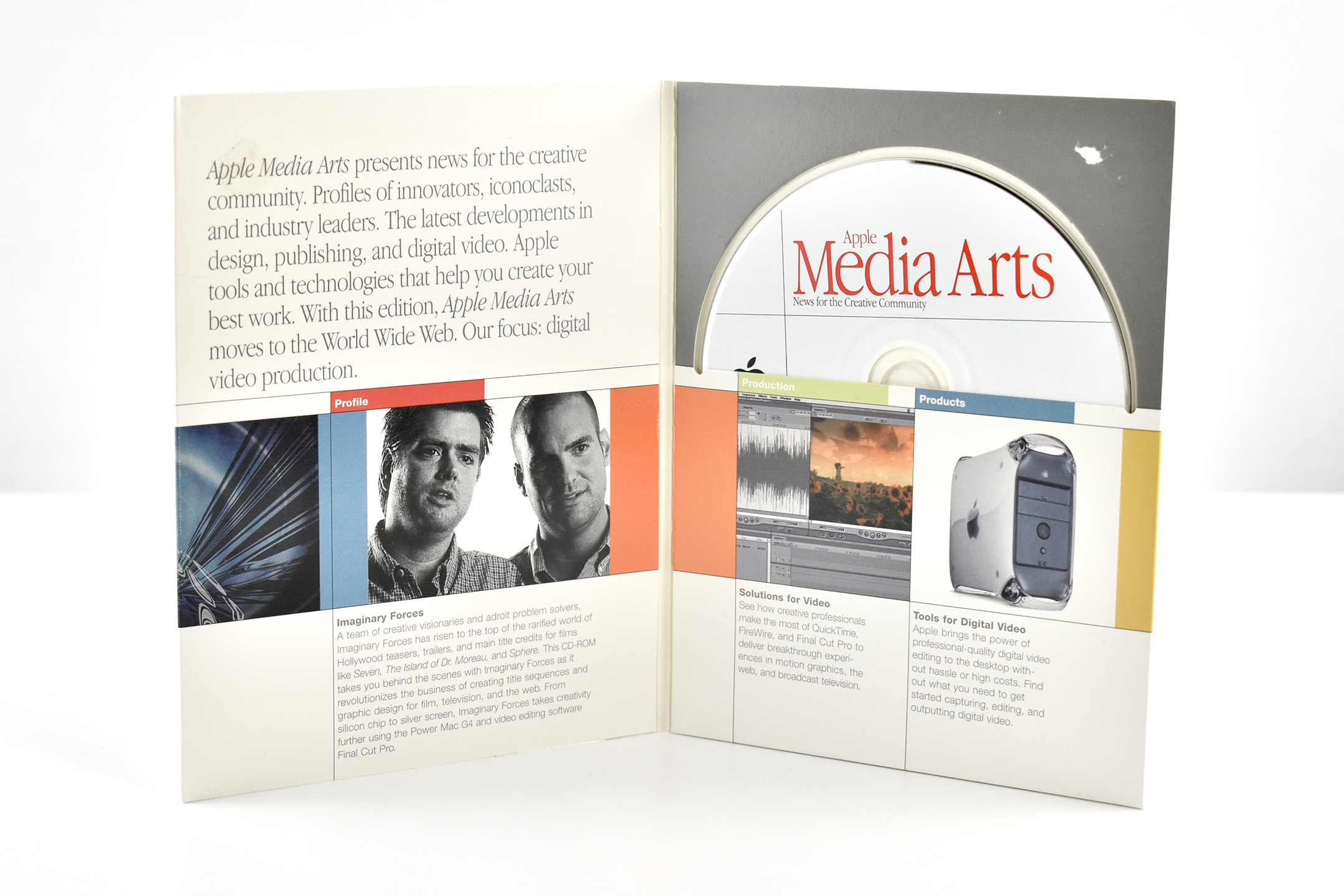
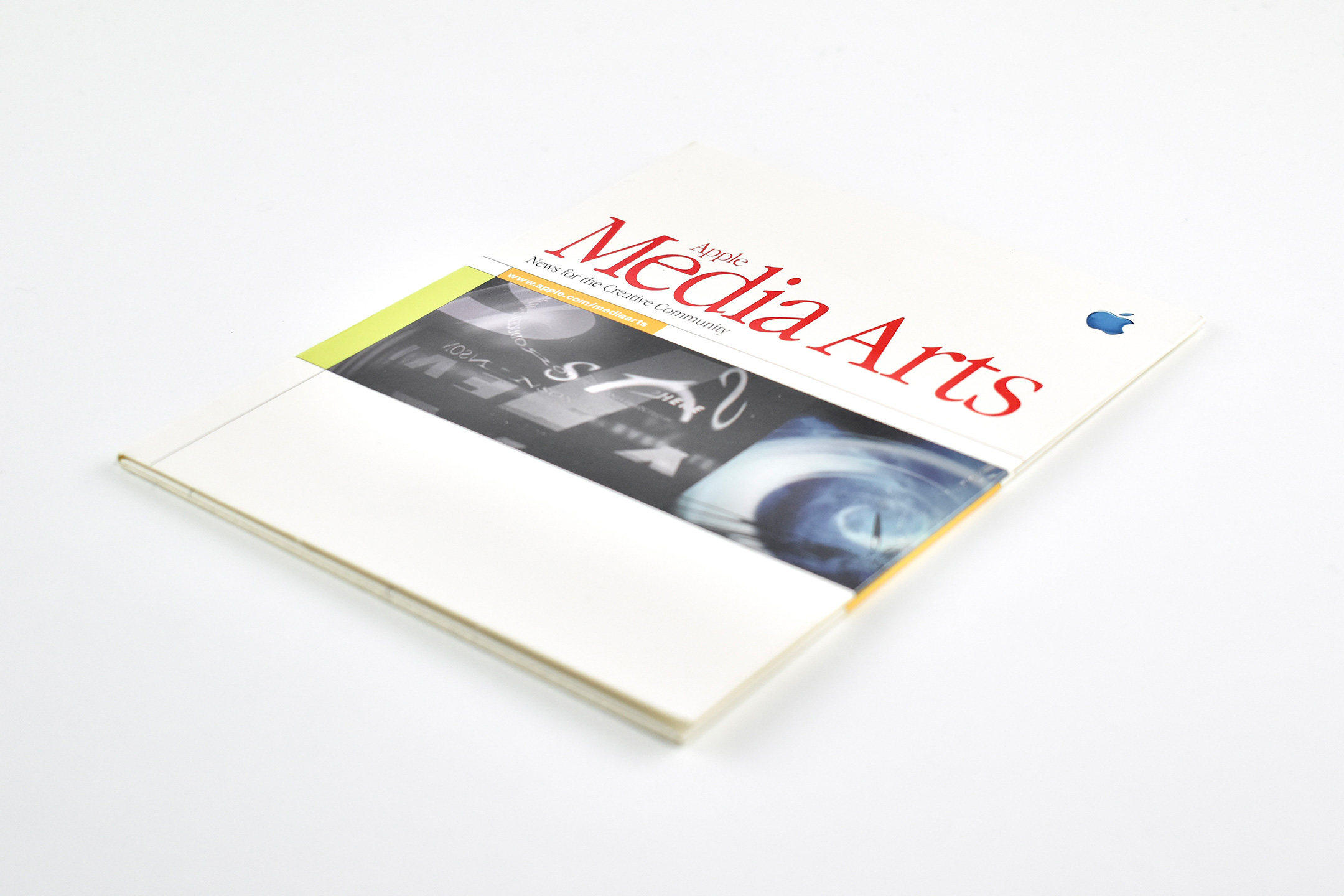
This Media Arts CD is presented as a digital magazine. The cardboard folder serves both as printed content overview and as packaging for the CD. The folder measures 5.5 x 7 inches and contains a CD-ROM. The interior and exterior of the folder and the CD use a matching design. The package is clearly branded using the Apple Garamond font and a translucent blue Apple logo.
The full title of the package is Apple Media Arts News for the Creative Community, and the interior text conveys:
“Apple Media Arts presents news for the creative community. Profiles of innovators, iconoclasts, and industry leaders. The latest developments in design, publishing, and digital video. Apple tools and technologies that help you create your best work. With this edition, Apple Media Arts moves to the World Wide Web. Our focus: digital video production.”
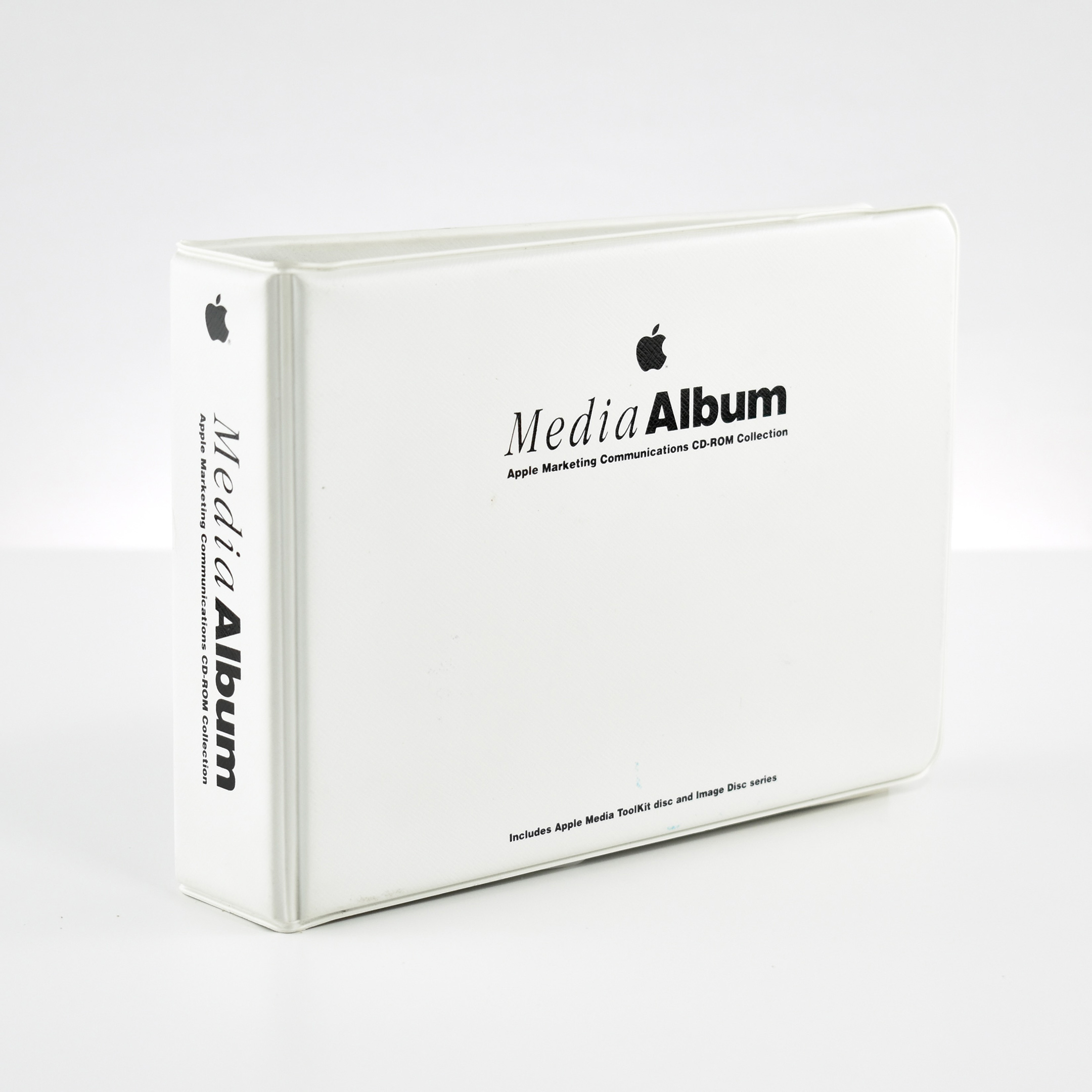
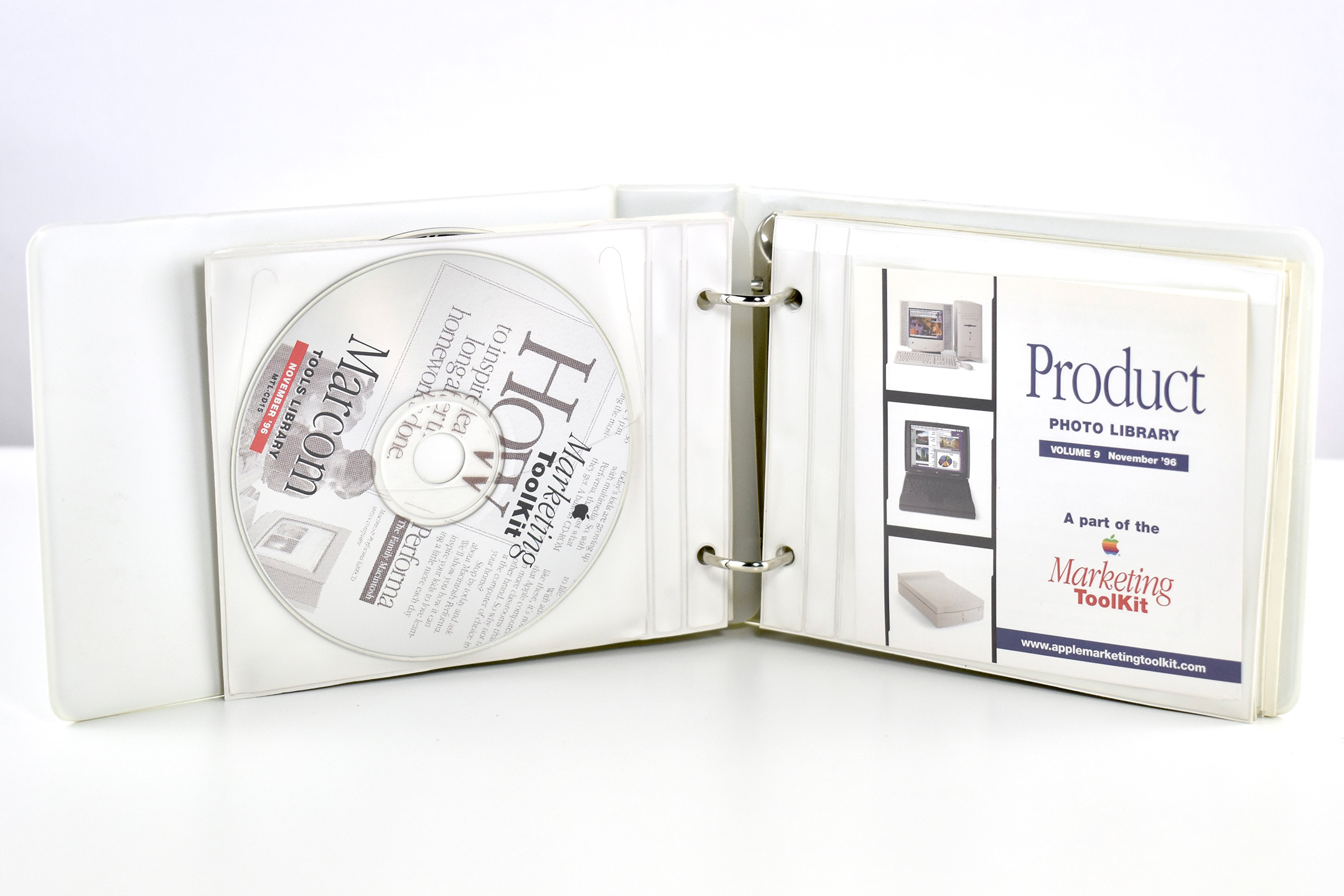
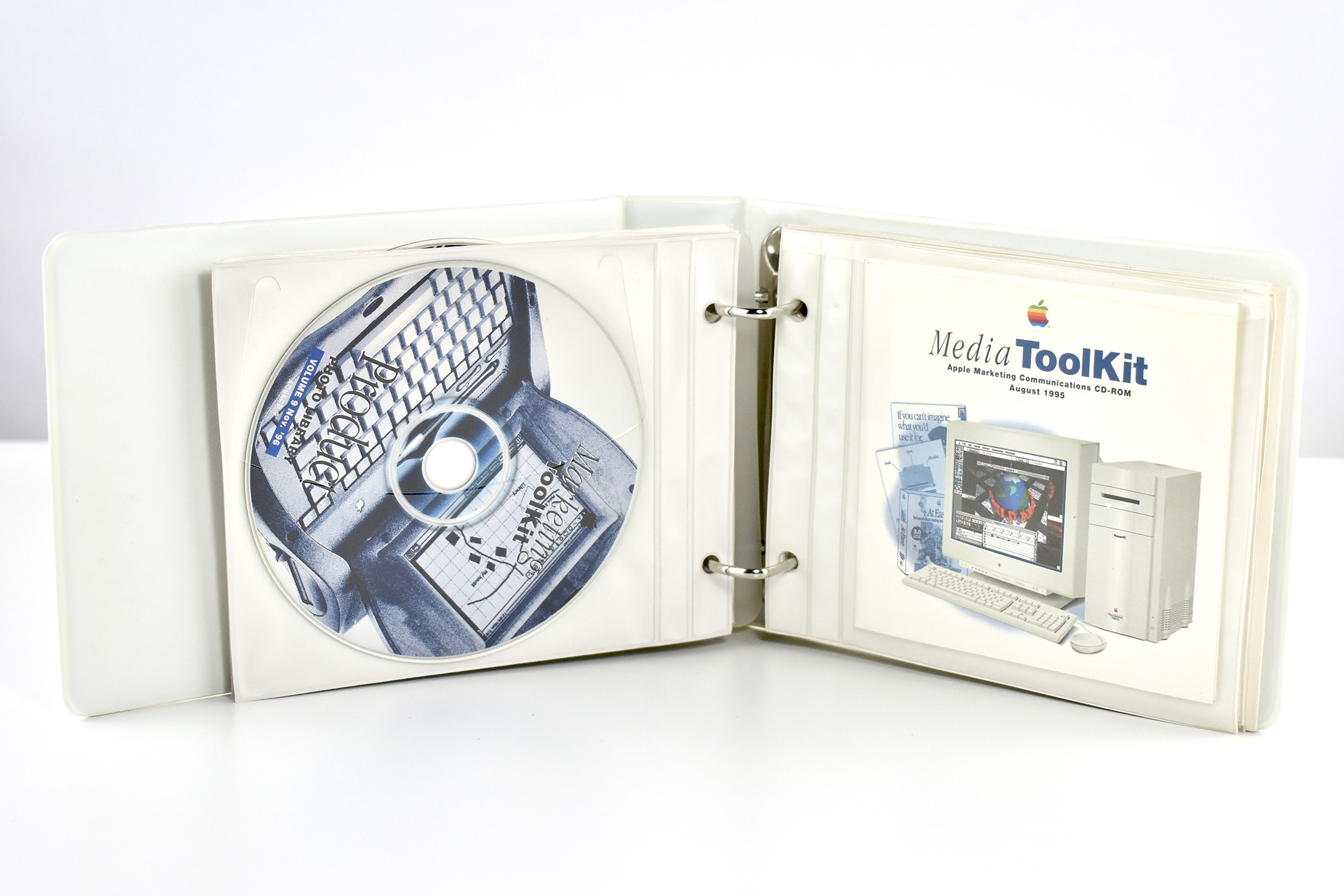
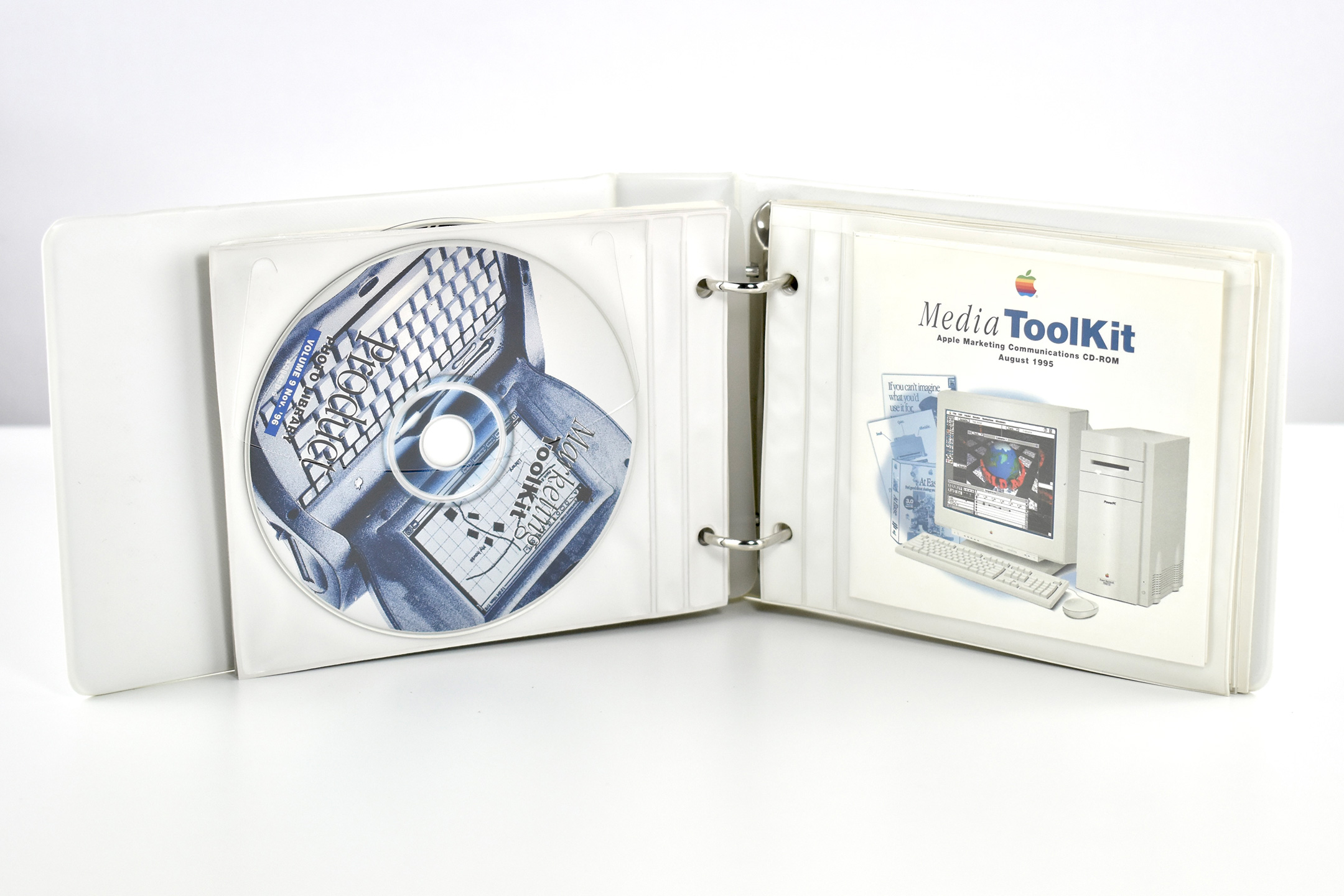
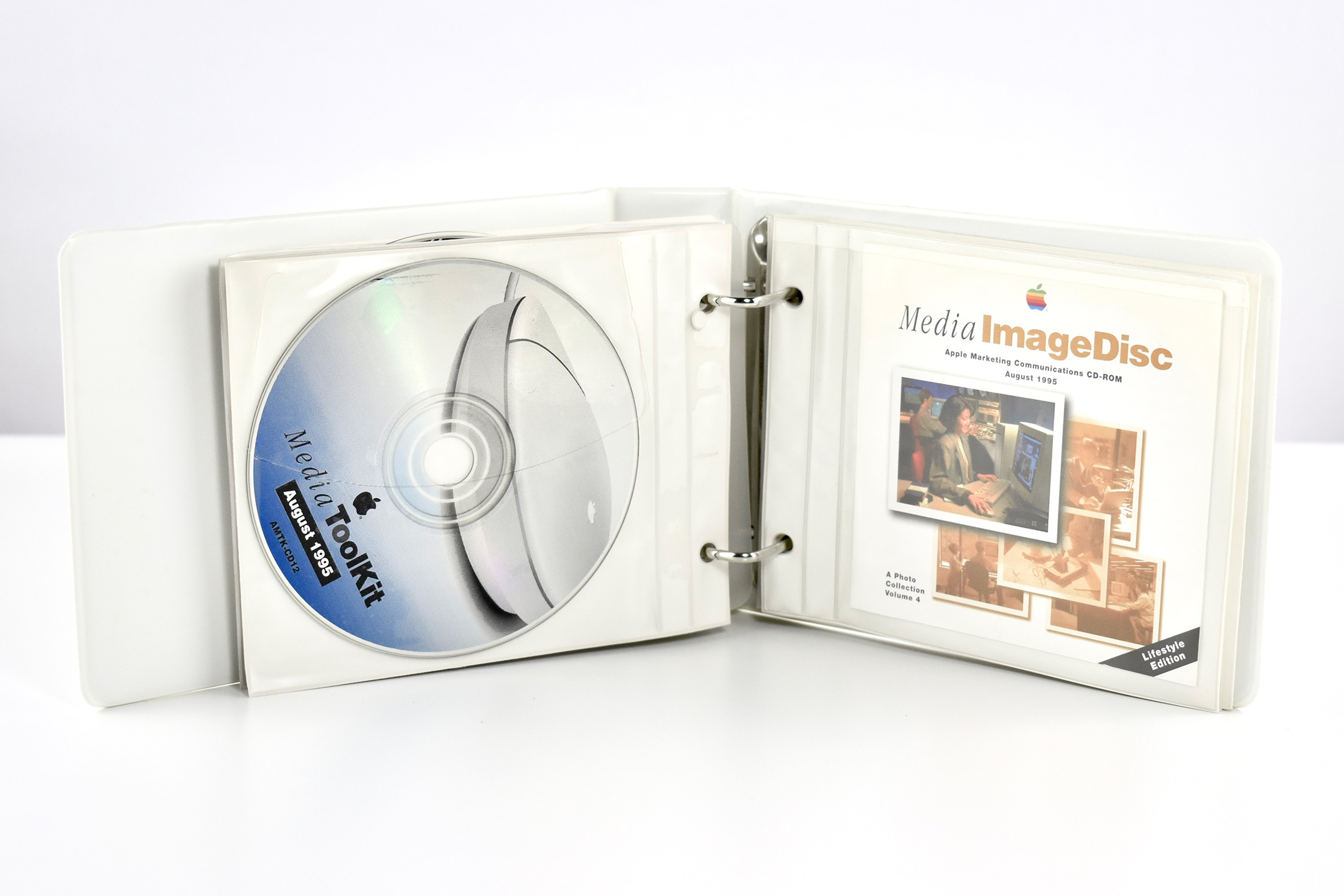
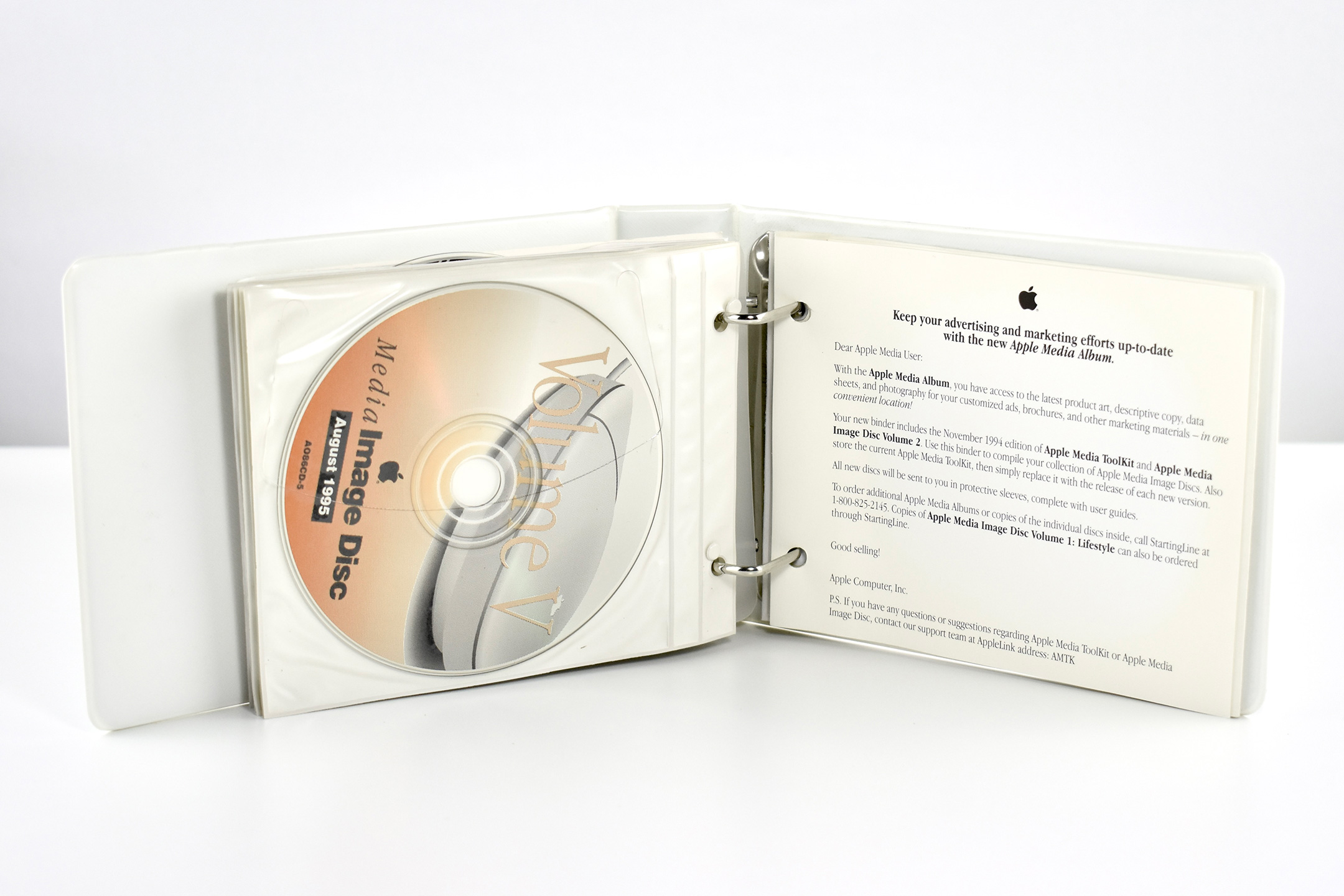
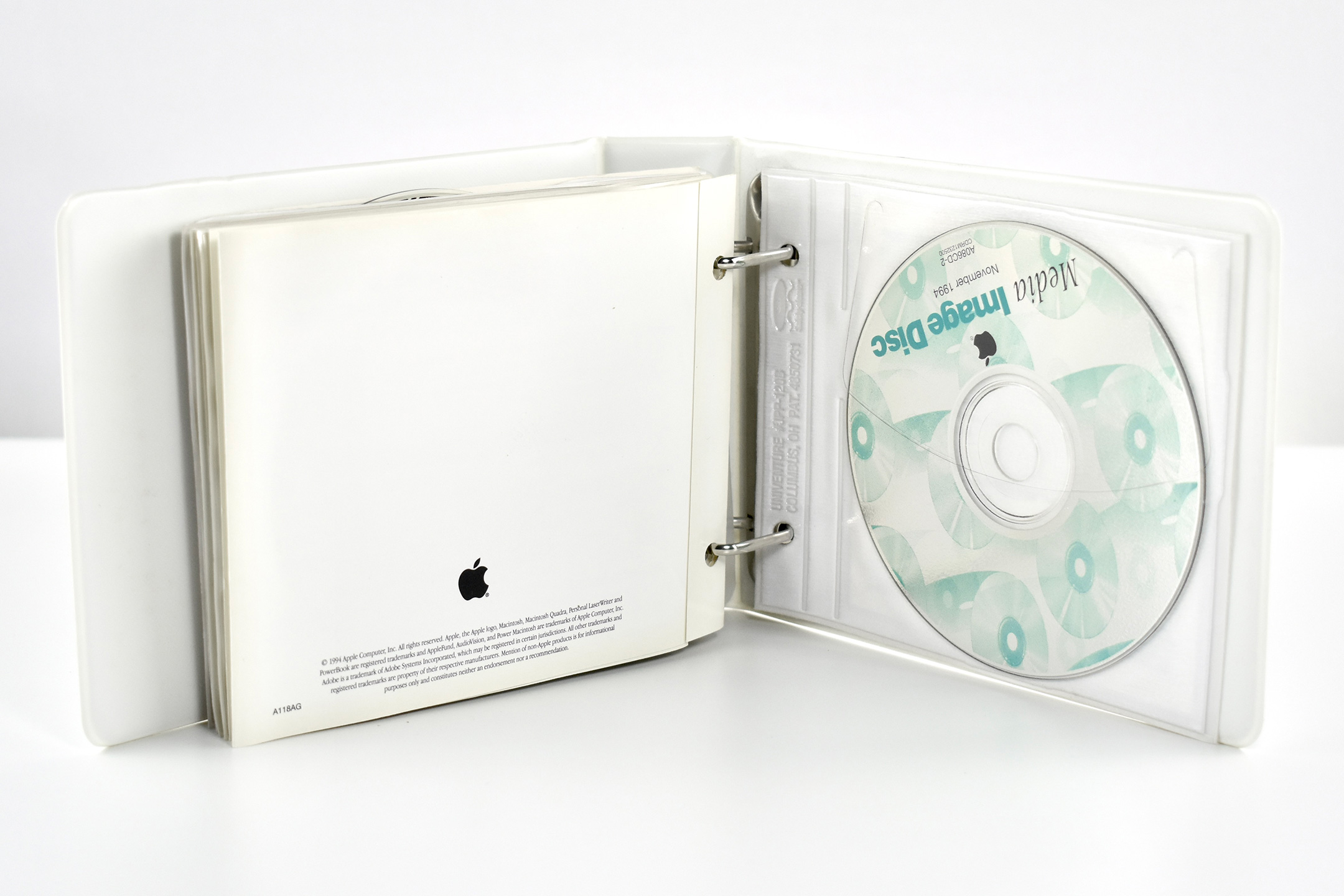
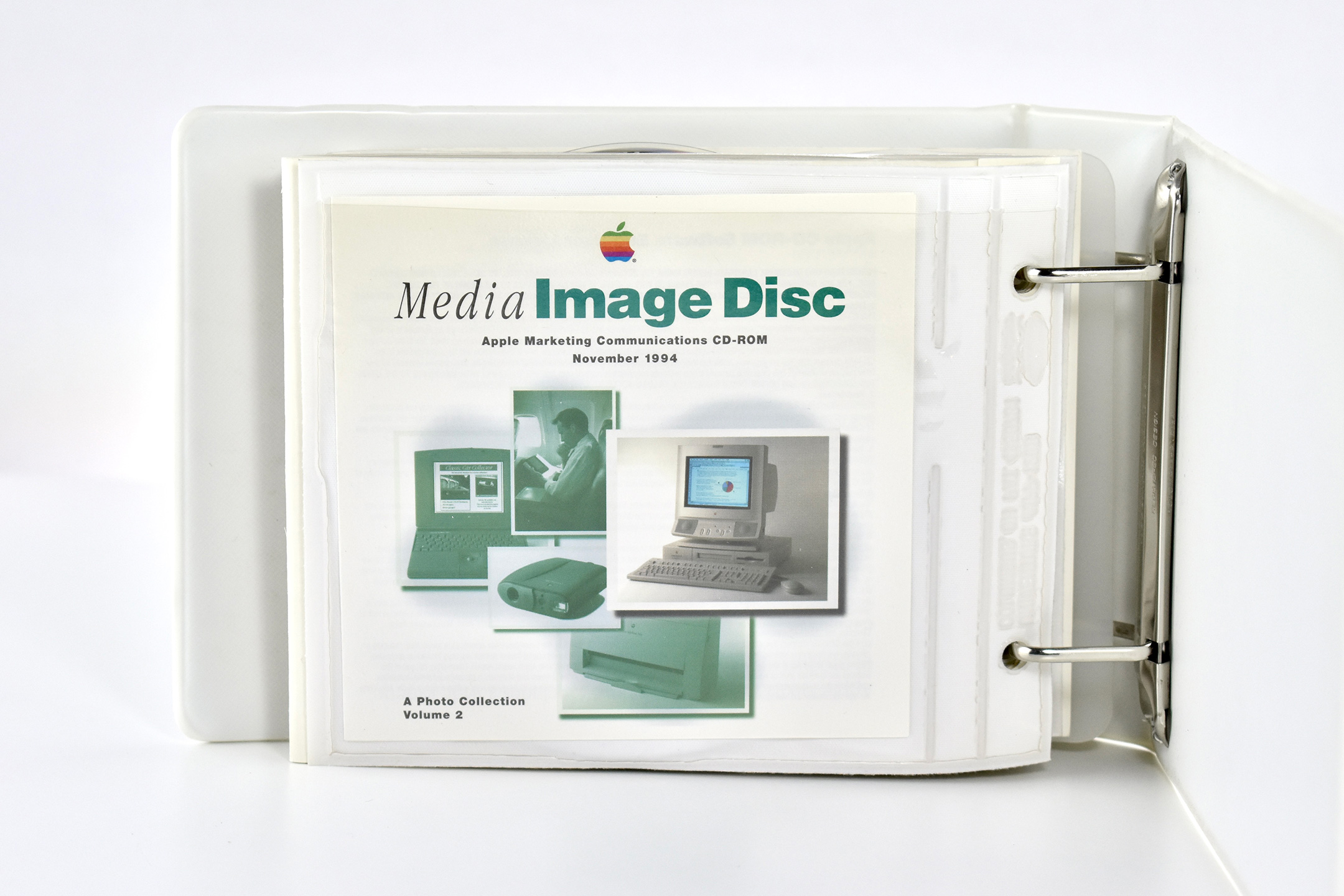
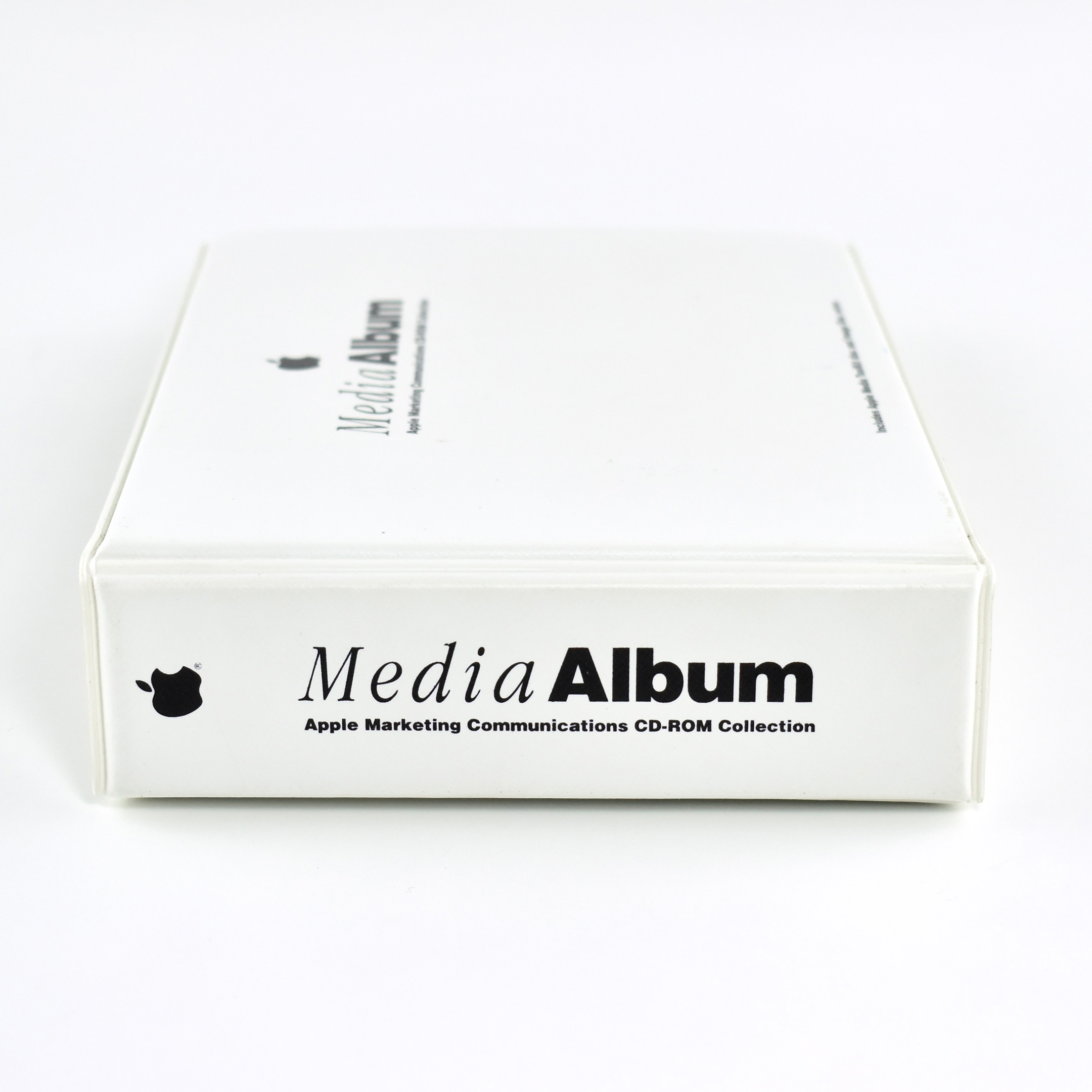
This Media Album is a white vinyl 2-ring binder that measures 135mm x 185mm x 40mm. It contains 7 plastic CD pages, CD-ROMs, and 2 card stock inserts (1 folds out into 3 panels).
The interior card stock page includes the welcome message:
“Check out all of the cost-saving, high-impact Apple marketing materials on your three new CDs-especially the new lifestyle images!”
Each of the plastic CD pages contains a CD-ROM on one side and a paper insert on the other side that describes the contents of the CD. CDs include a Marketing Toolkit for the Performa line of Macintosh computers, Product Photo Libraries, Media Toolkits, and 3 Media Image Discs. All CD-ROMs are from 1994 and 1995.
The CD-ROMs contain a variety of file formats and applications designed to run on Macintosh Systems of the time (many do not open or run on modern macOS computers). Several of the images are compressed with now-defunct file concatenation formats (e.g., Stuffit). Other images appear to be in a now-unreadable Kodak PhotoCD format. However, a few folders contain JPEG images that can be opened (in 2023)—after manually appending each file name with “.jpg” so it can be recognized.
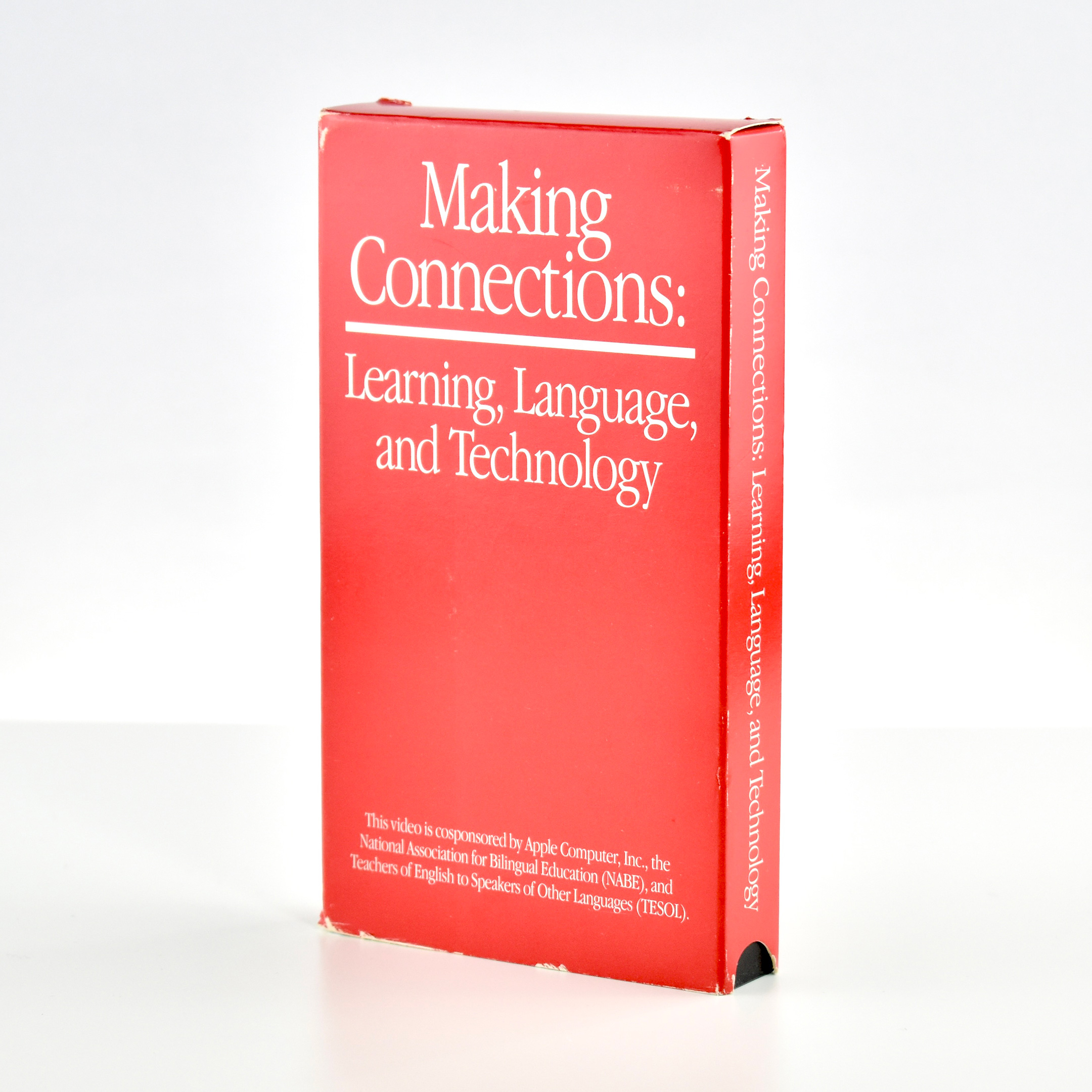
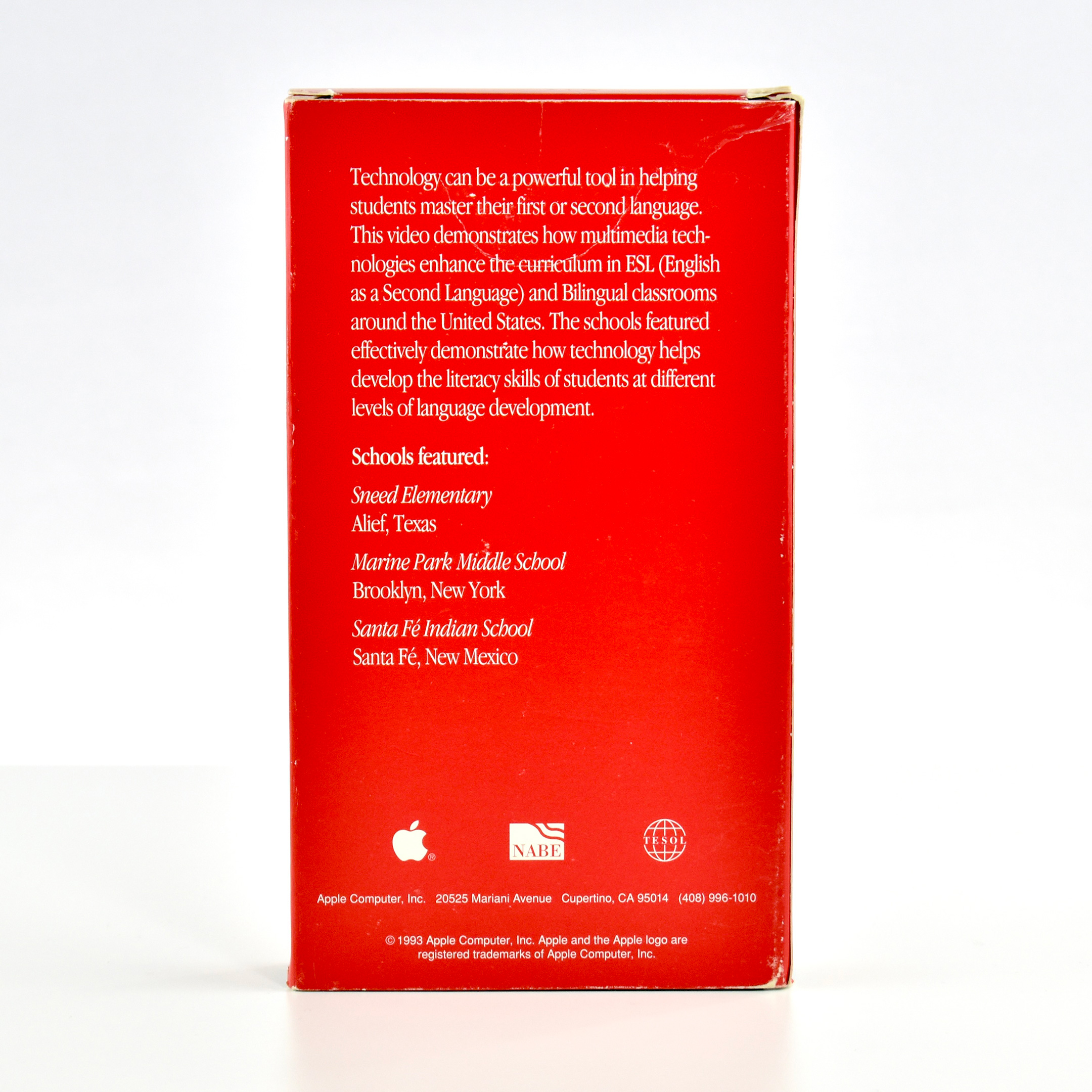
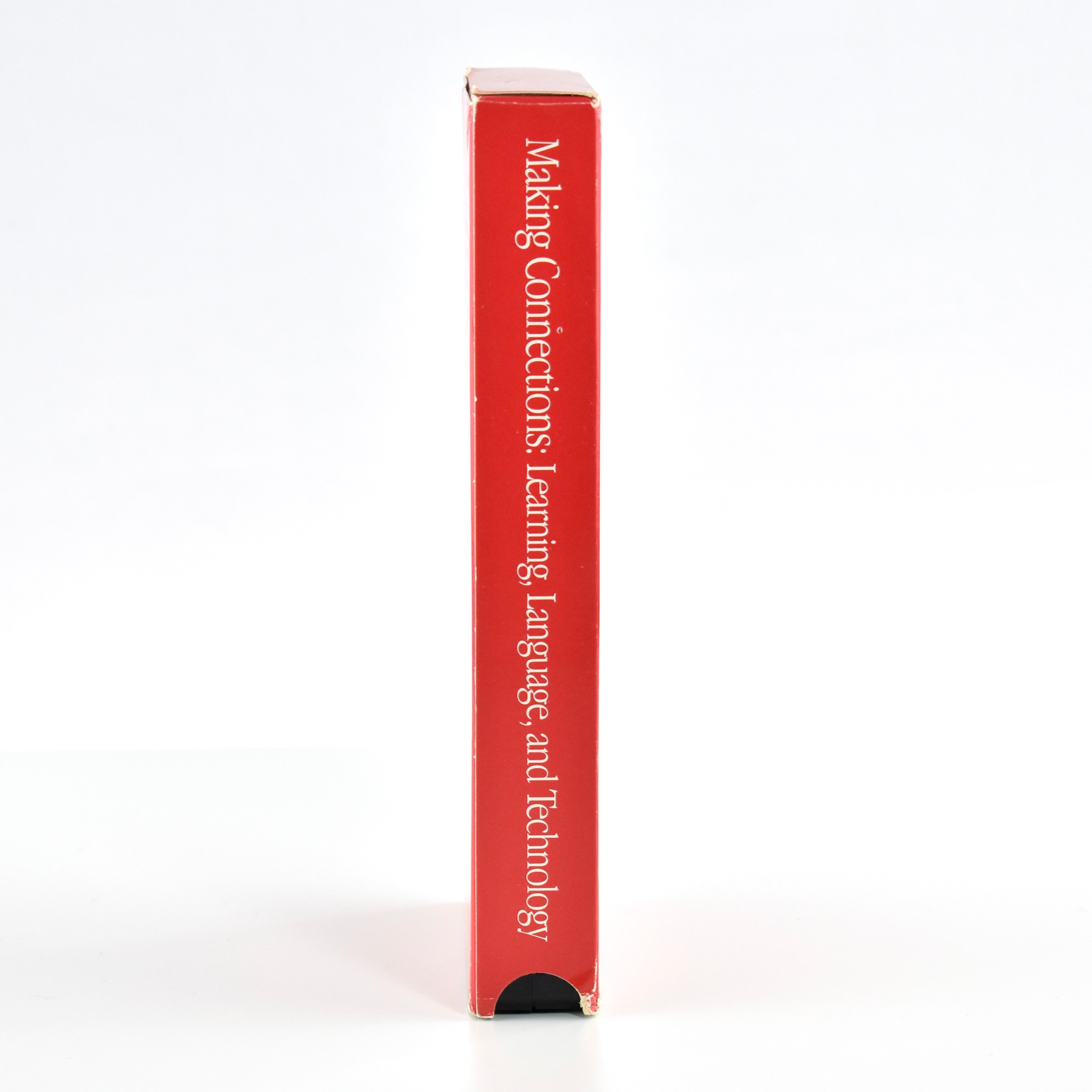
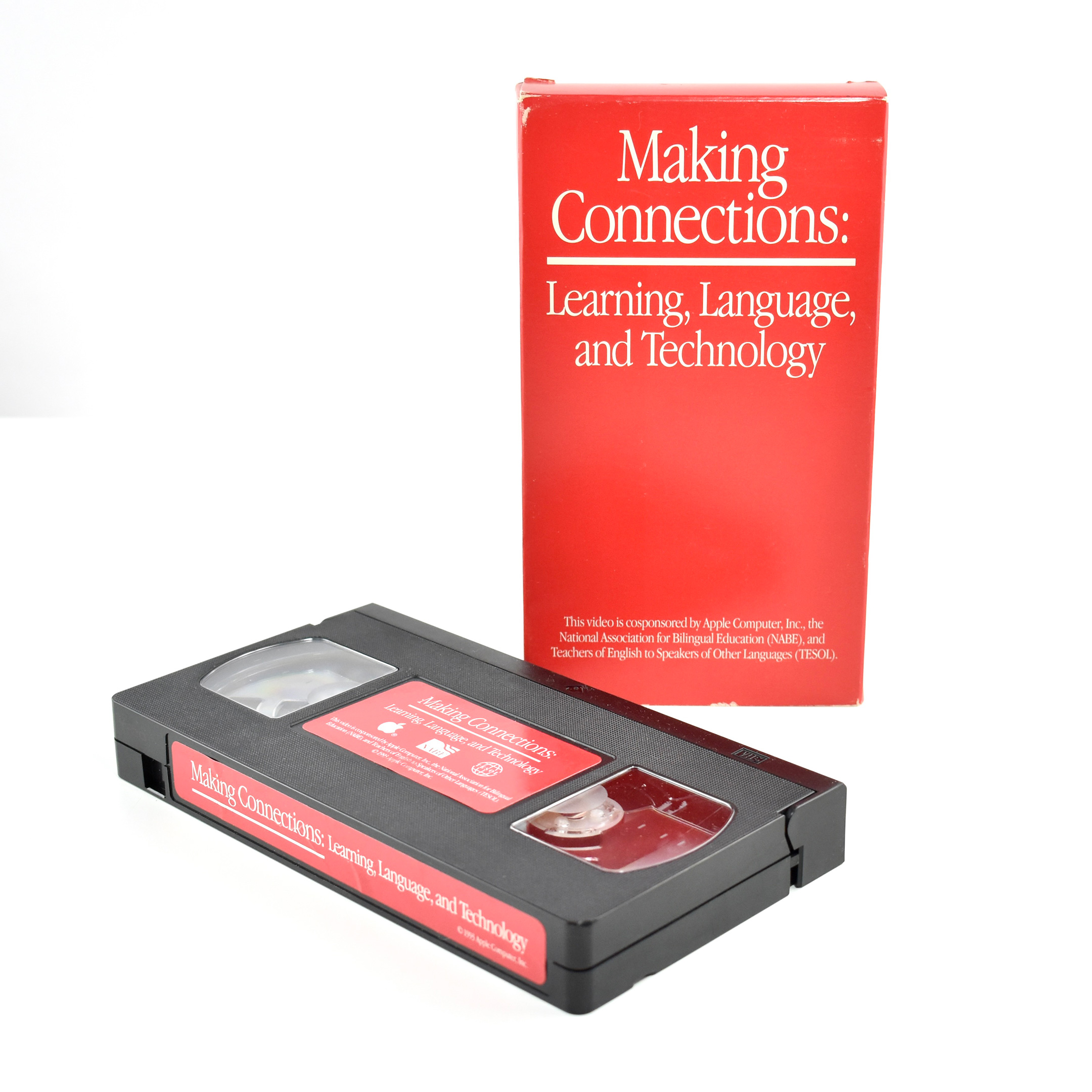
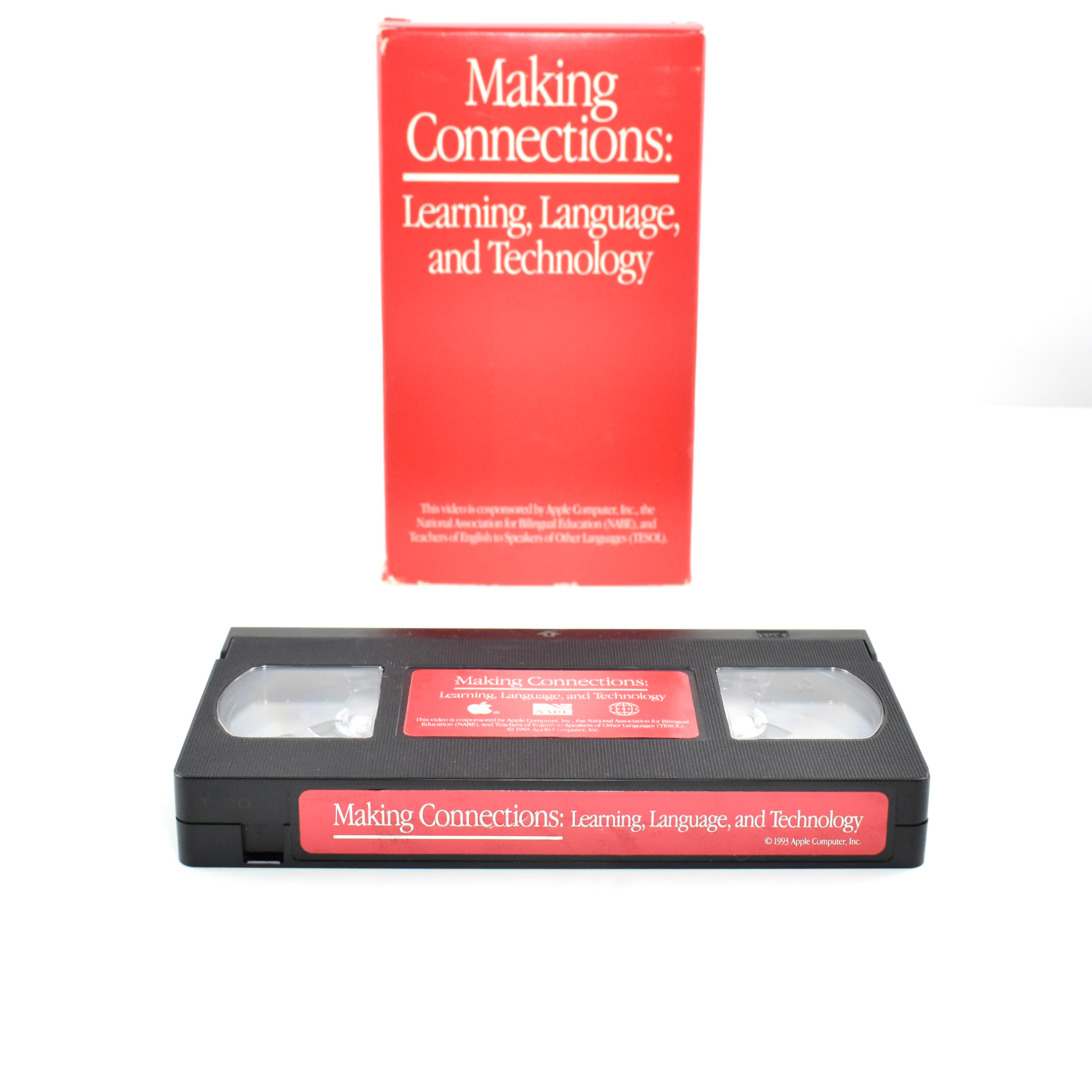
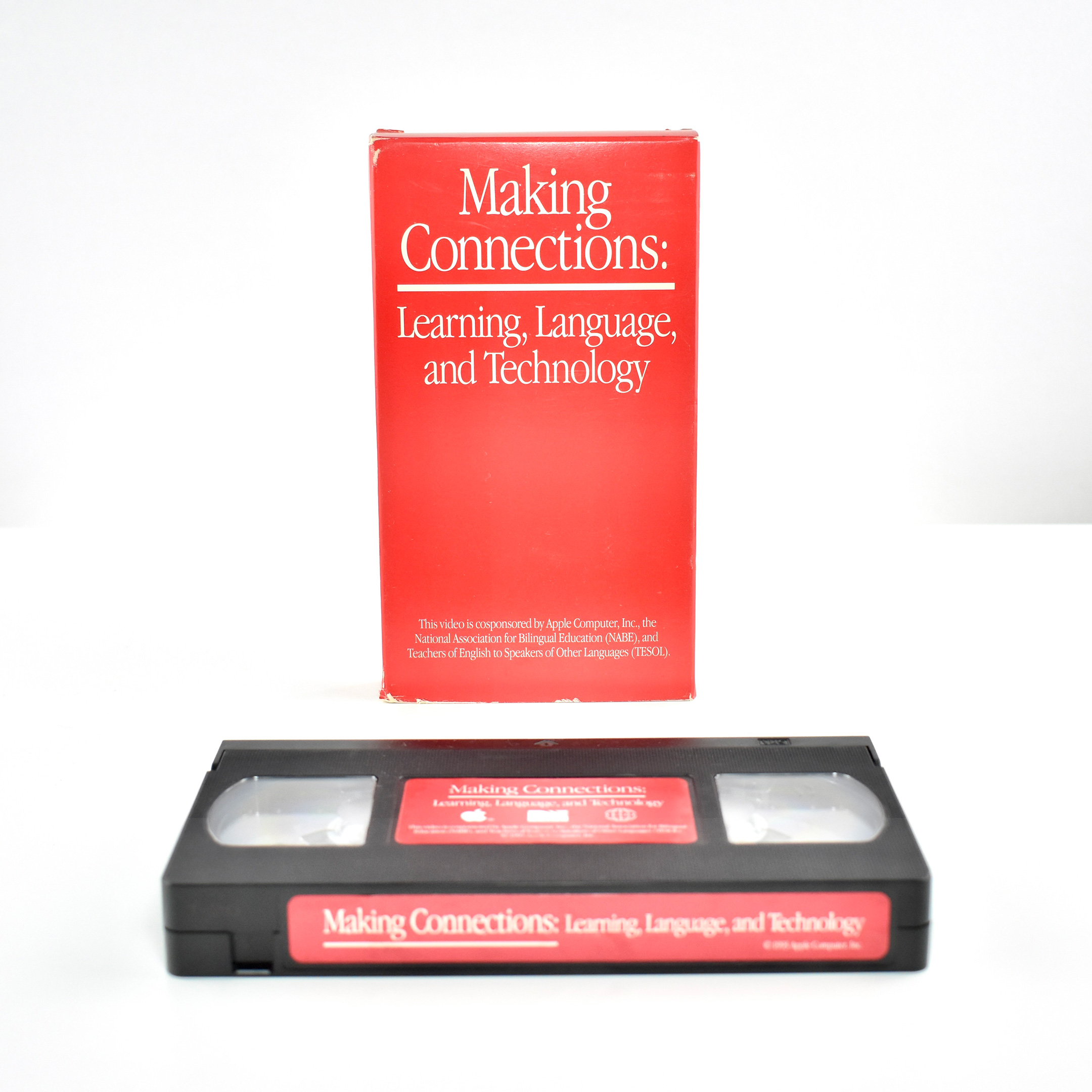
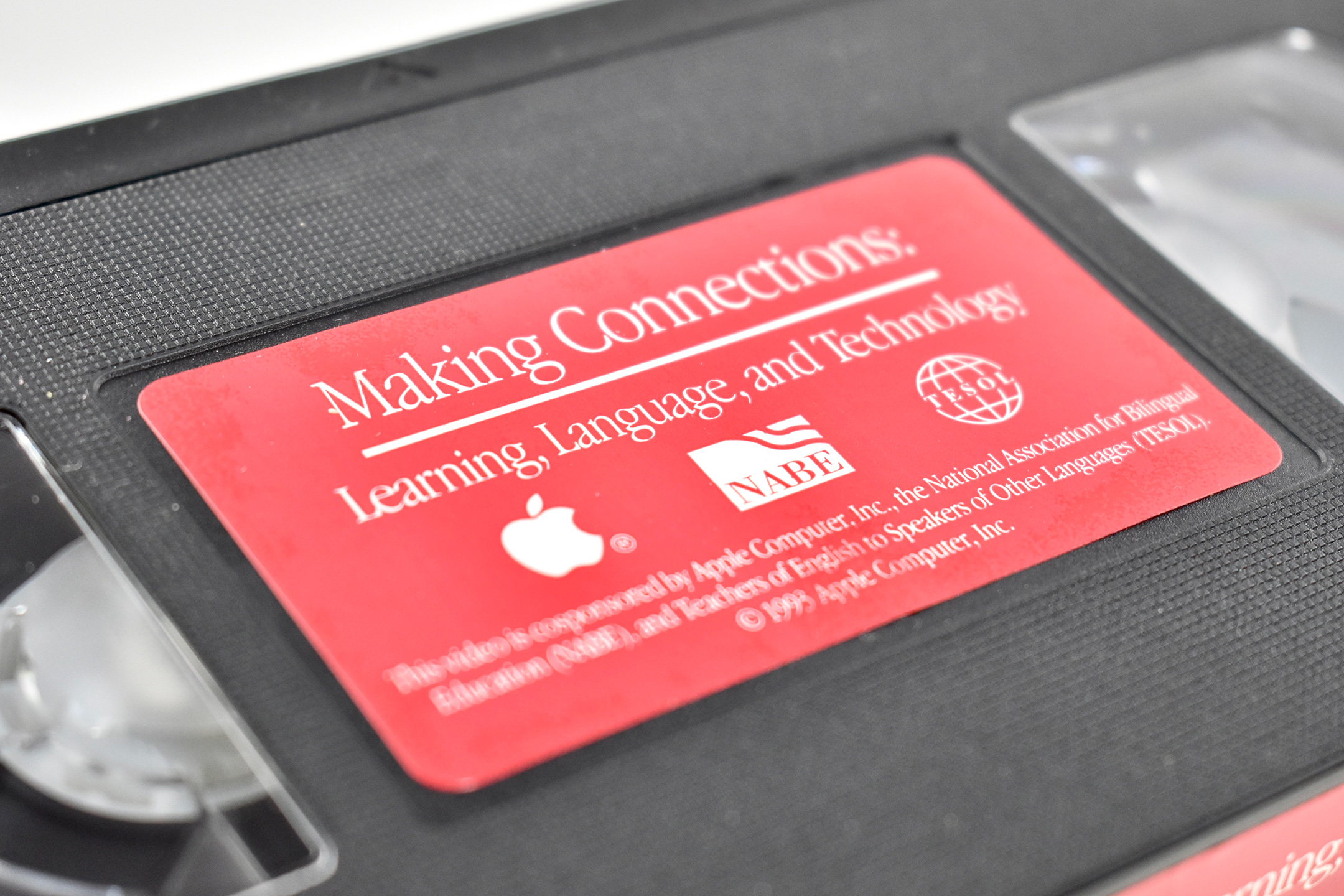
This VHS tape is in a bright red cardboard case and is titled, Making Connections: Learning, Language, and Technology. The cover of the VHS tape indicates that:
“This video is cosponsored by Apple Computer, Inc., the National Association for Bilingual Education (NABE), and Teachers of English to Speakers of Other Languages (TESOL).”
Three schools are featured in this video, Sneed Elementary (Alief, Texas); Marine Park Middle School (Brooklyn, New York), and Santa Fé Indian School (Santa Fé, New Mexico). The box provides a description of the program:
“Technology can be a powerful tool in helping students master their first or second language. This video demonstrates how multimedia technologies enhance the eurriculum in ESL (English as a Second language) and Bilingual classrooms around the United States. The schools featured effectively demonstrate how technology helps develop the literacy skills of students at different levels of language development.”
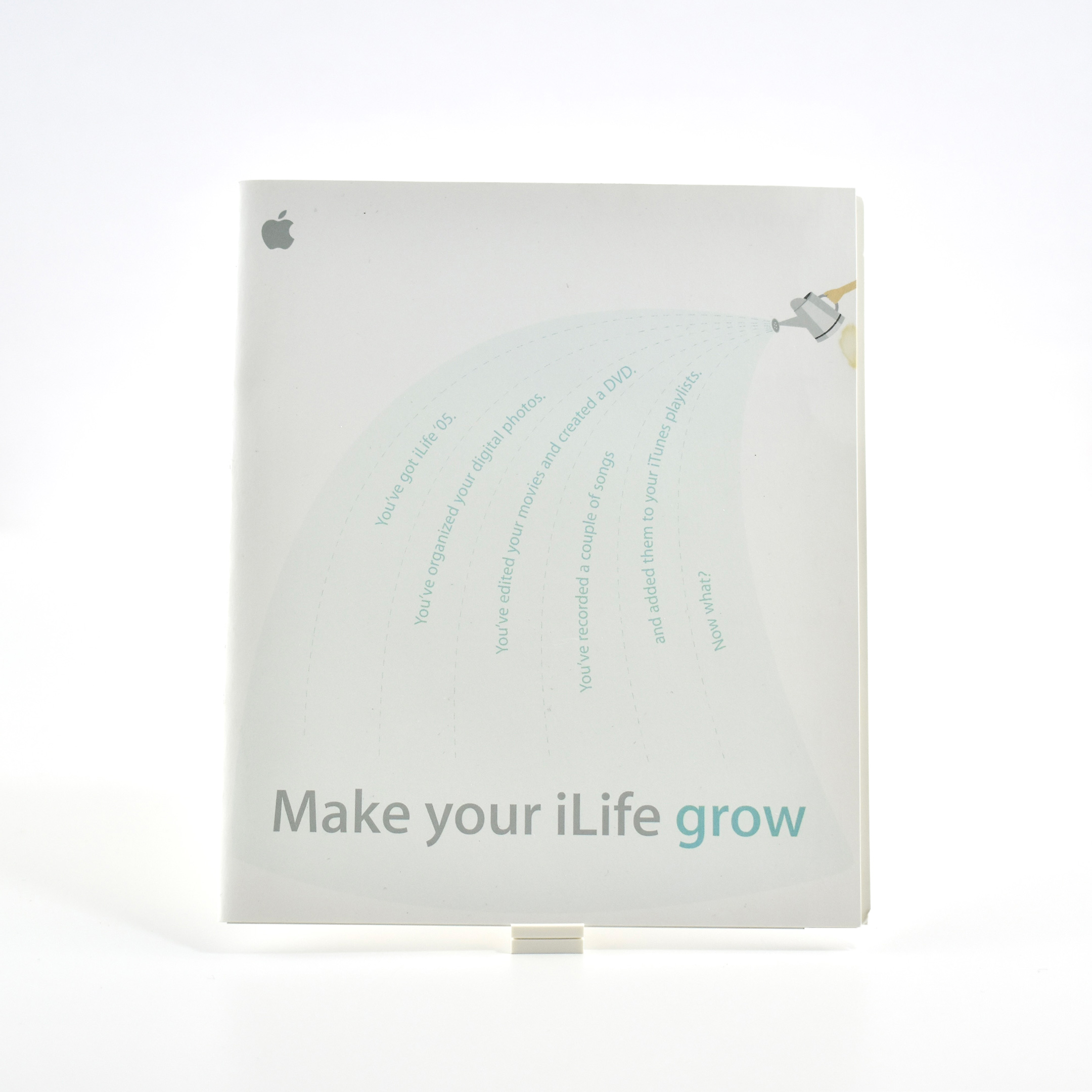
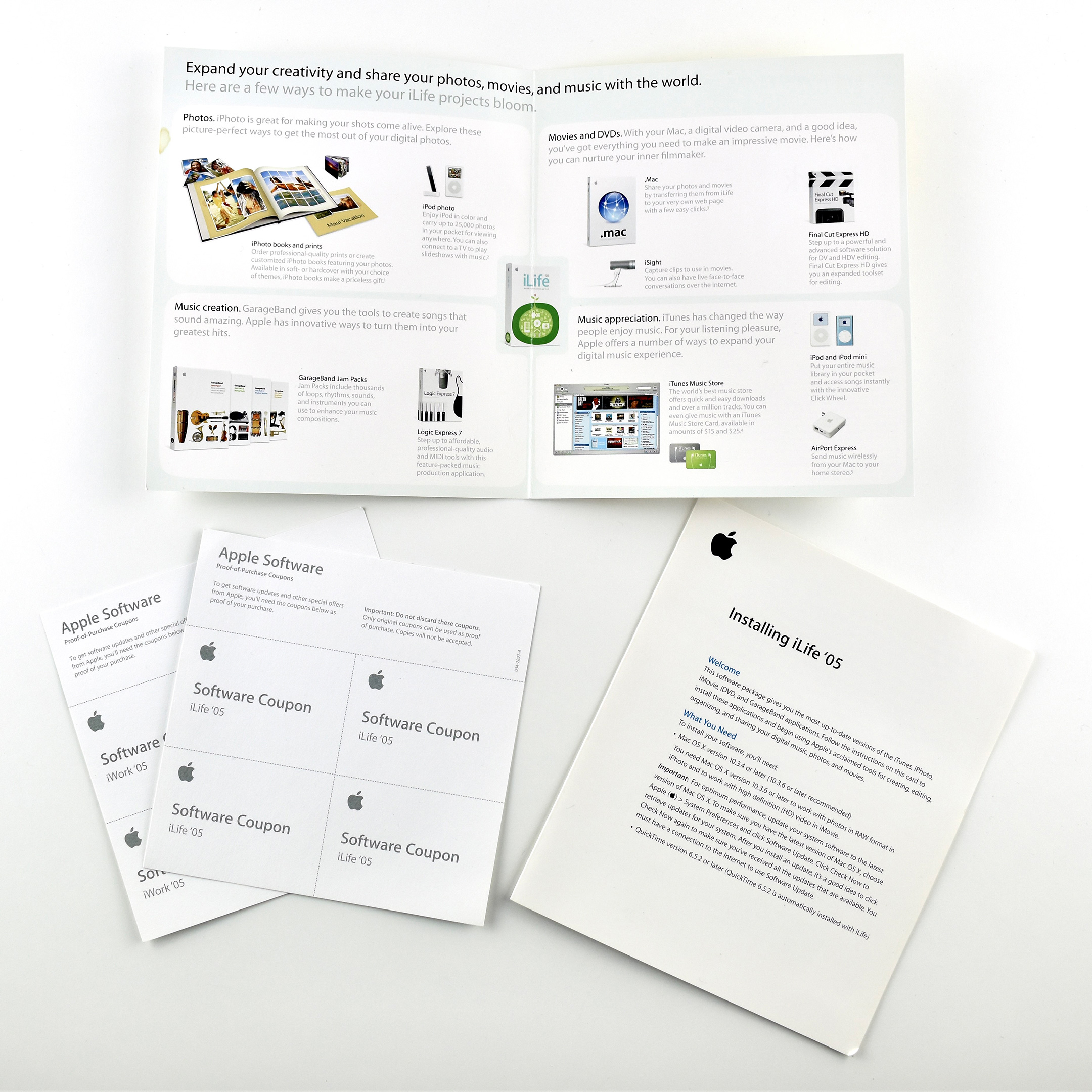
This 4-page brochure measures 5.5 x 6.5 inches and is printed on heavy, matte-finish paper. The brochure describes how to use iLife ’05 apps to “make your iLife projects bloom” and “Expand your creativity and share your photos, movies, and music with the world.”
The “grow” concept is presumably an extension of the artwork on the iLife ’05 packaging—a bright red flower blooming from a bright green root system of stylized graphics of music and video creation imagery.
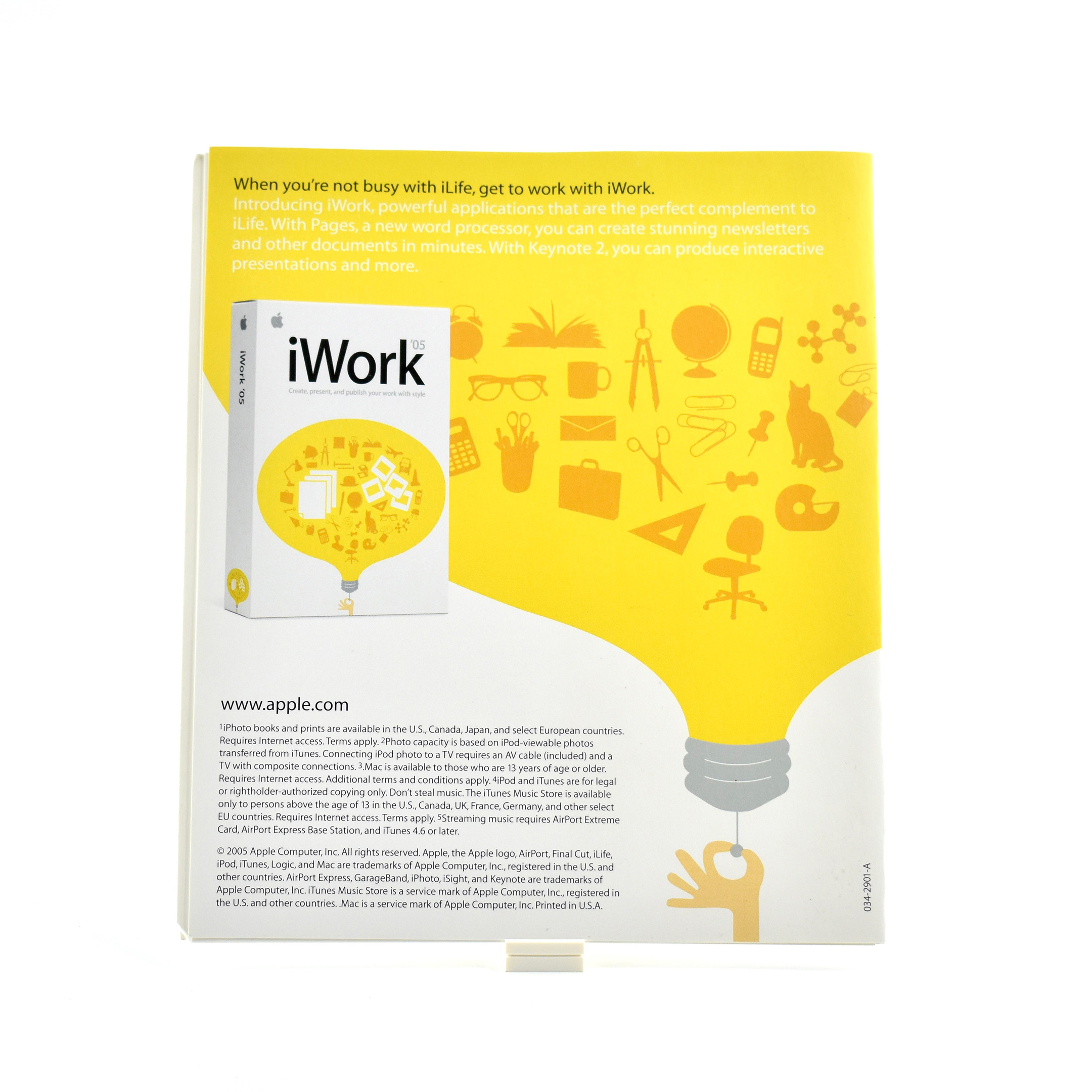
The back of the brochure is an advertisement for iWork ’05. The brochure also includes a separate installation guide and a set of “Software Coupons” that served as Proof of Purchase for the iLife suite.
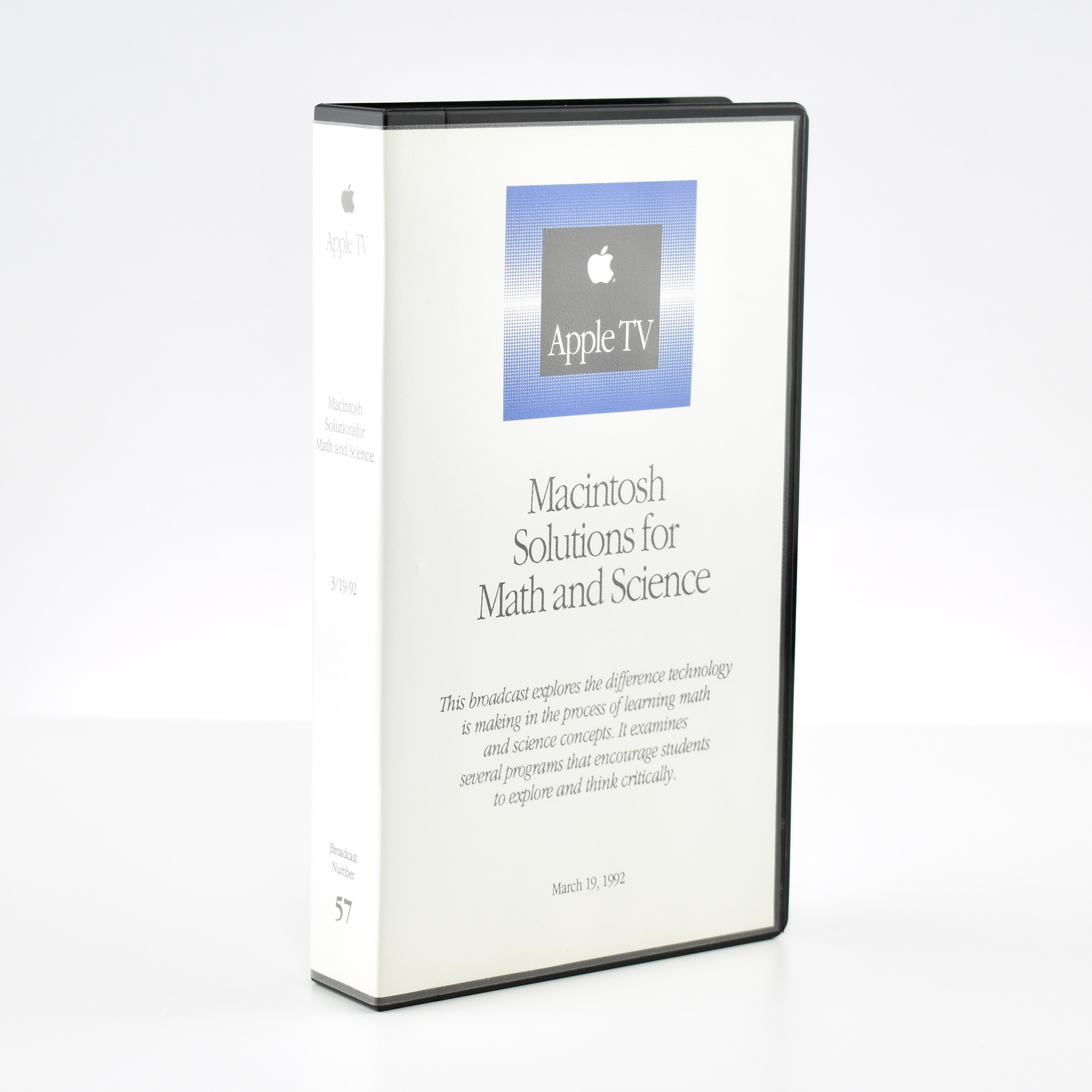
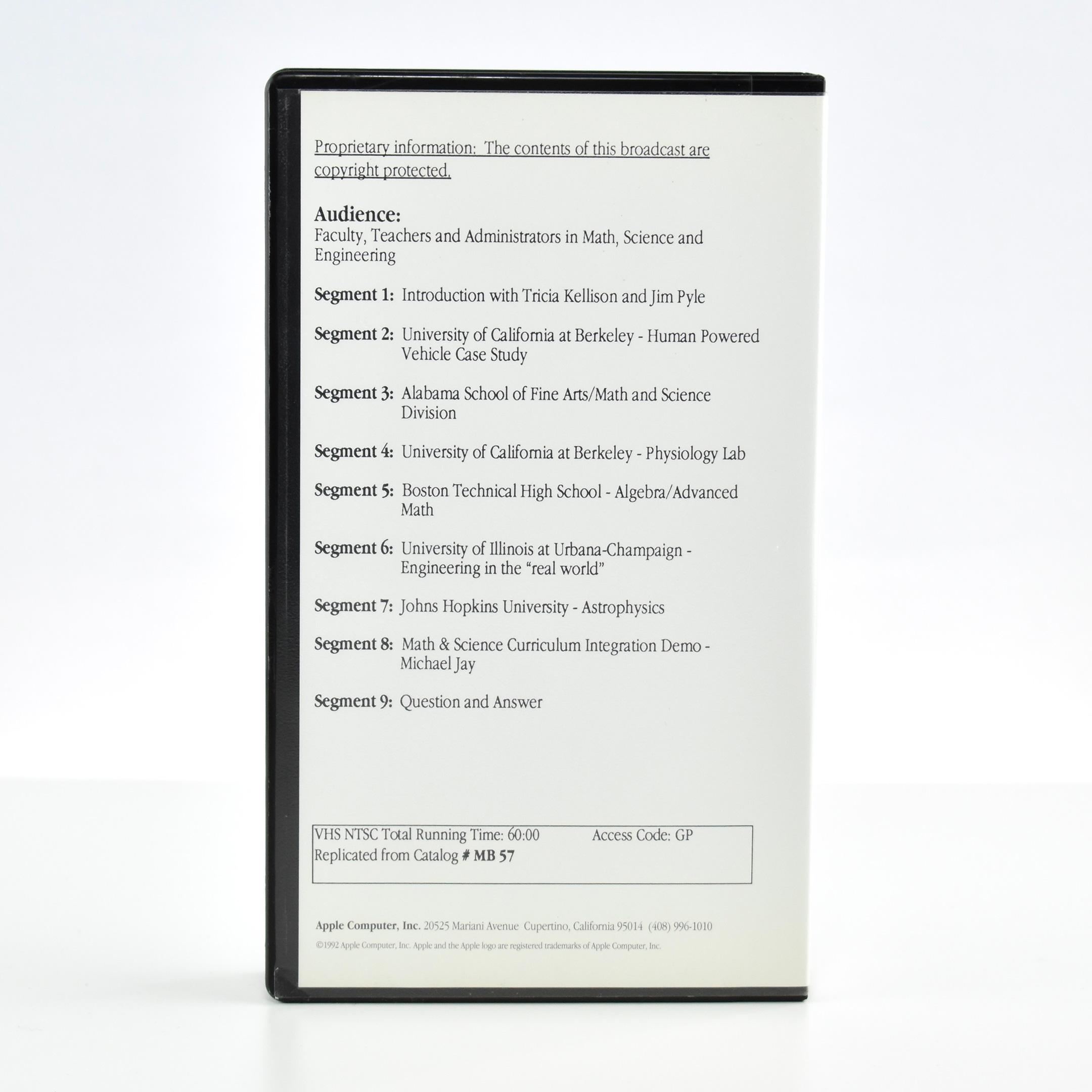
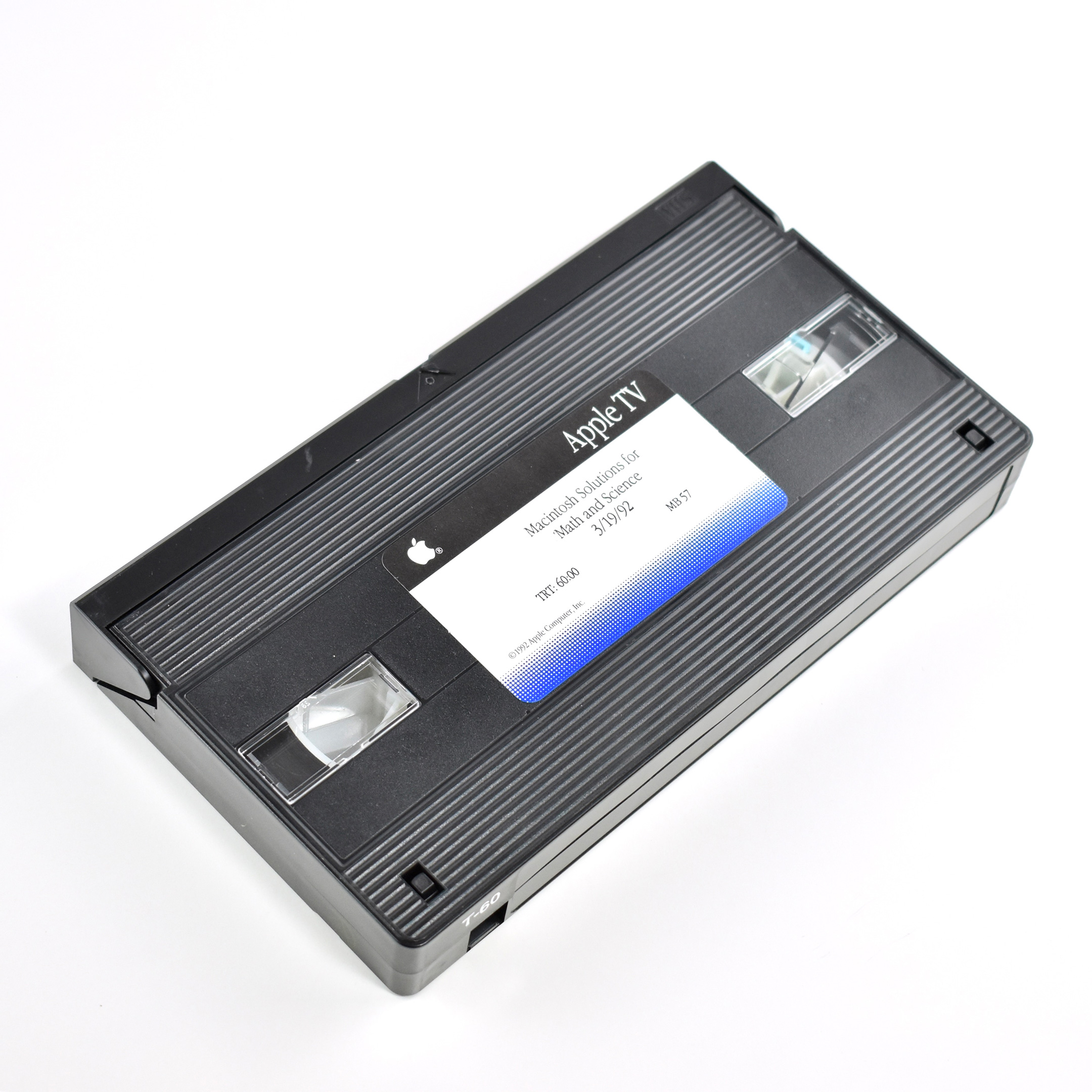
With many thanks to the online records of Stanford University’s Green Library, I was able to locate an excellent description of this VHS tape in my collection that is also in their “Guide to the Apple Computer, Inc. Records M1007” collection in the Department of Special Collections and University Archives.
Stanford describes the segments of this 60-minute video:
Segment 1: Introduction with Tricia Kellison and Jim Pyle
Segment 2: University of California at Berkeley – Human Powered Vehicle case study
Segment 3: Alabama School of Fine Arts/Math and Science Division
Segment 4: University of California at Berkeley – Physiology Lab
Segment 5: Boston Technical High School – Algebra/Advanced Math
Segment 6: University of Illinois at Urbana-Champaign – Engineering in the “real world”
Segment 7: Johns Hopkins University – Astrophysics
Segment 8: Math & Science Curriculum Integration demo / Michael Jay
One of my Apple collection entries includes a set of books I titled the “Macintosh Advantage Collection (1996)” that contains the following materials:
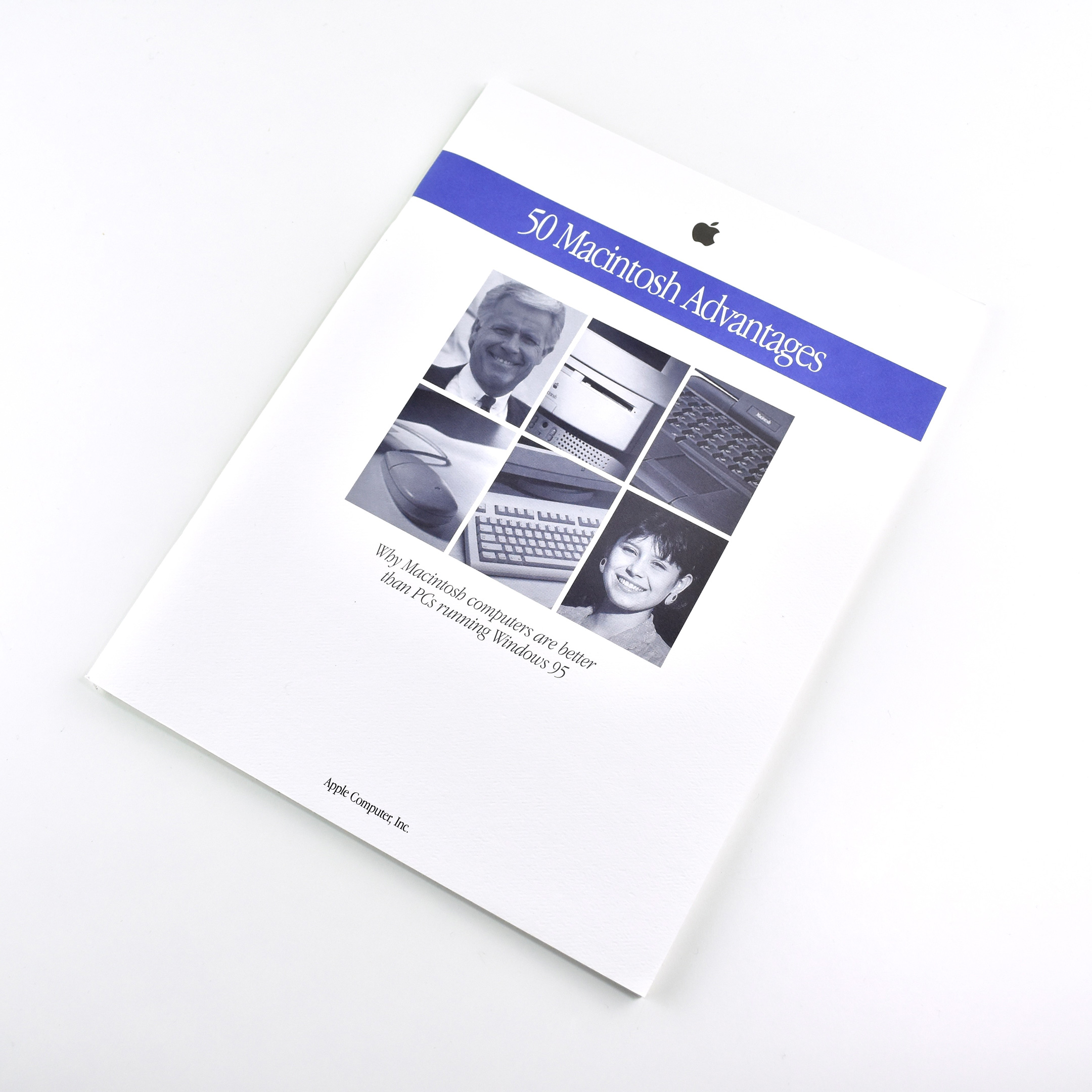
50 Macintosh Advantages book (1996)
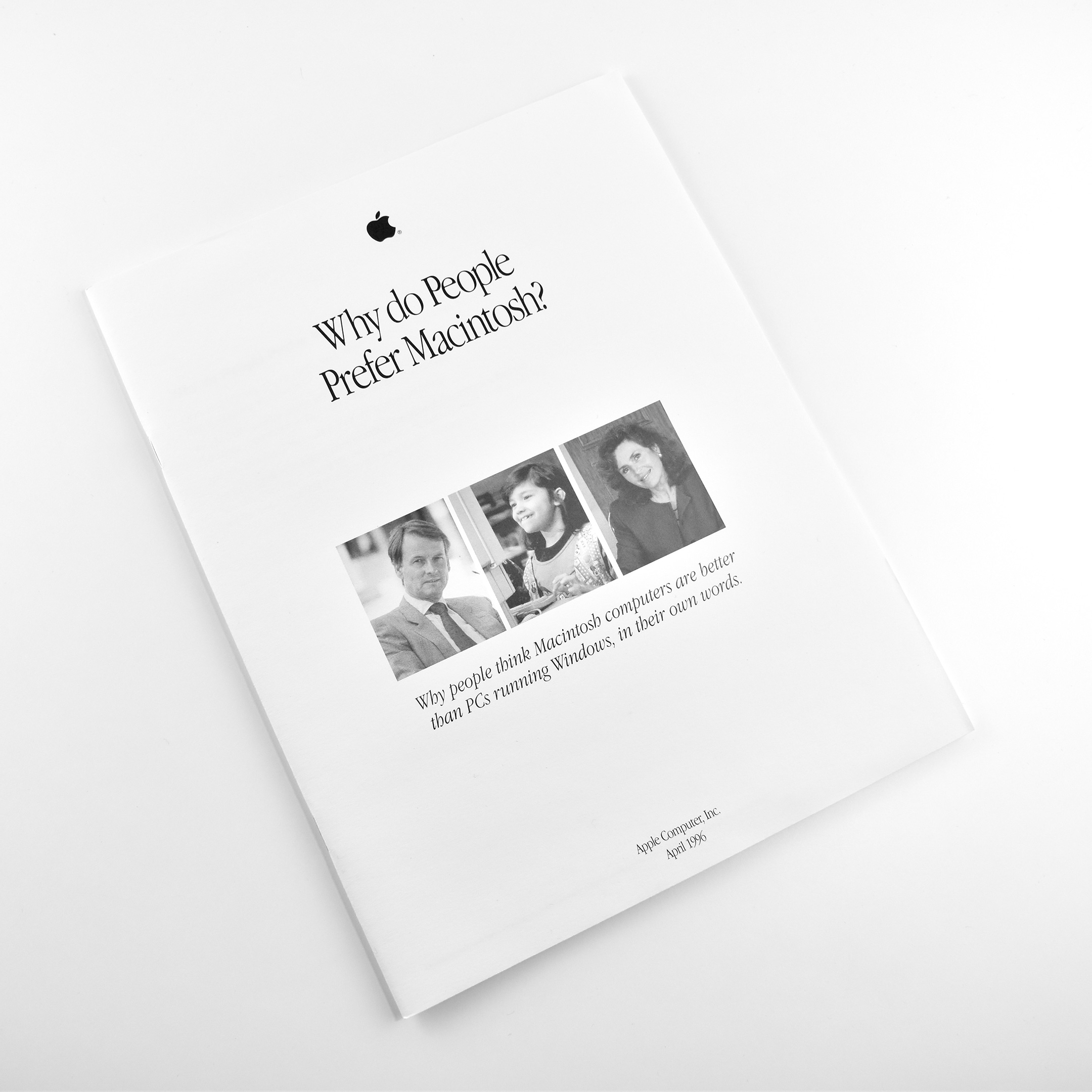
Why do People Prefer Macintosh? brochure (1996)
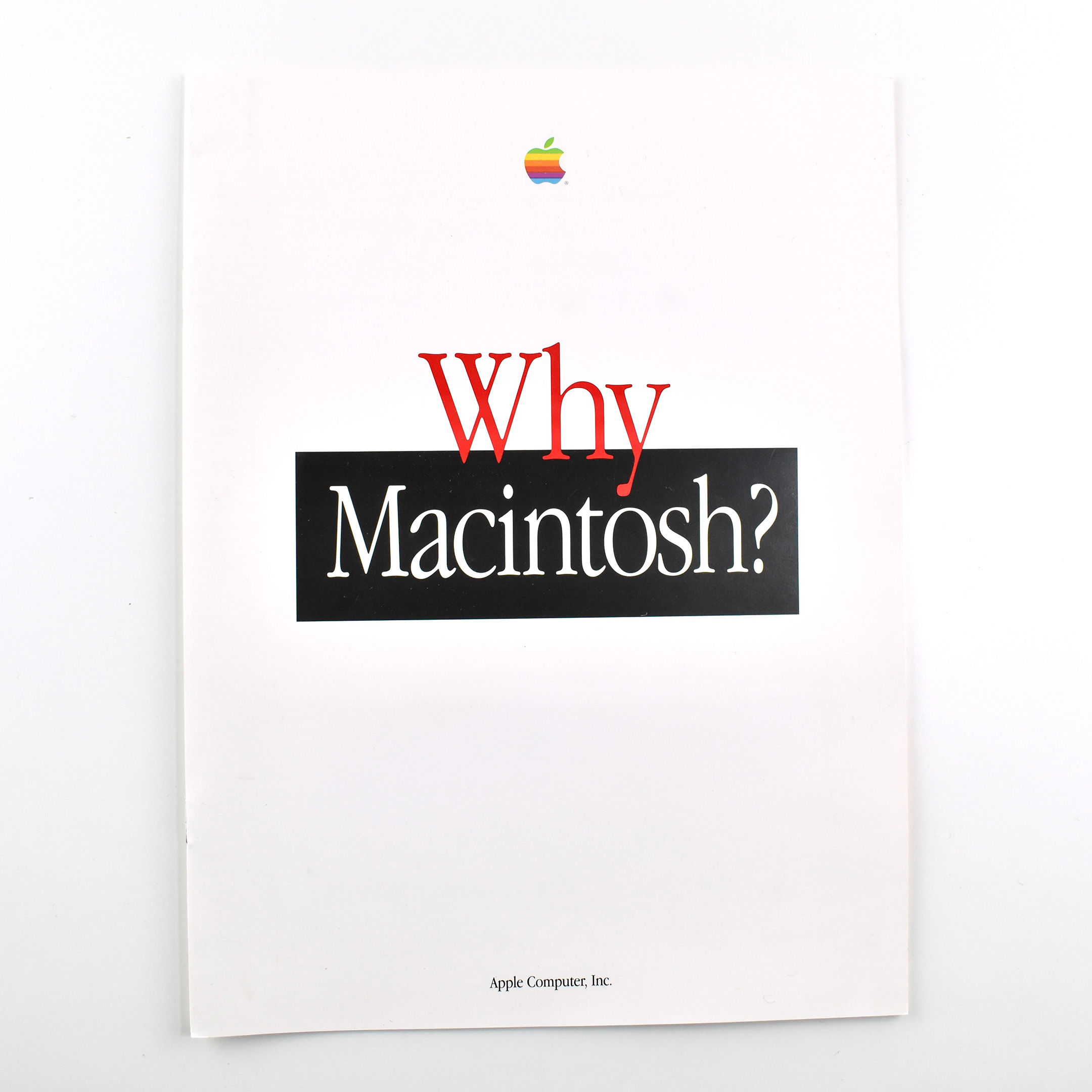
Why Macintosh? brochure (1996)
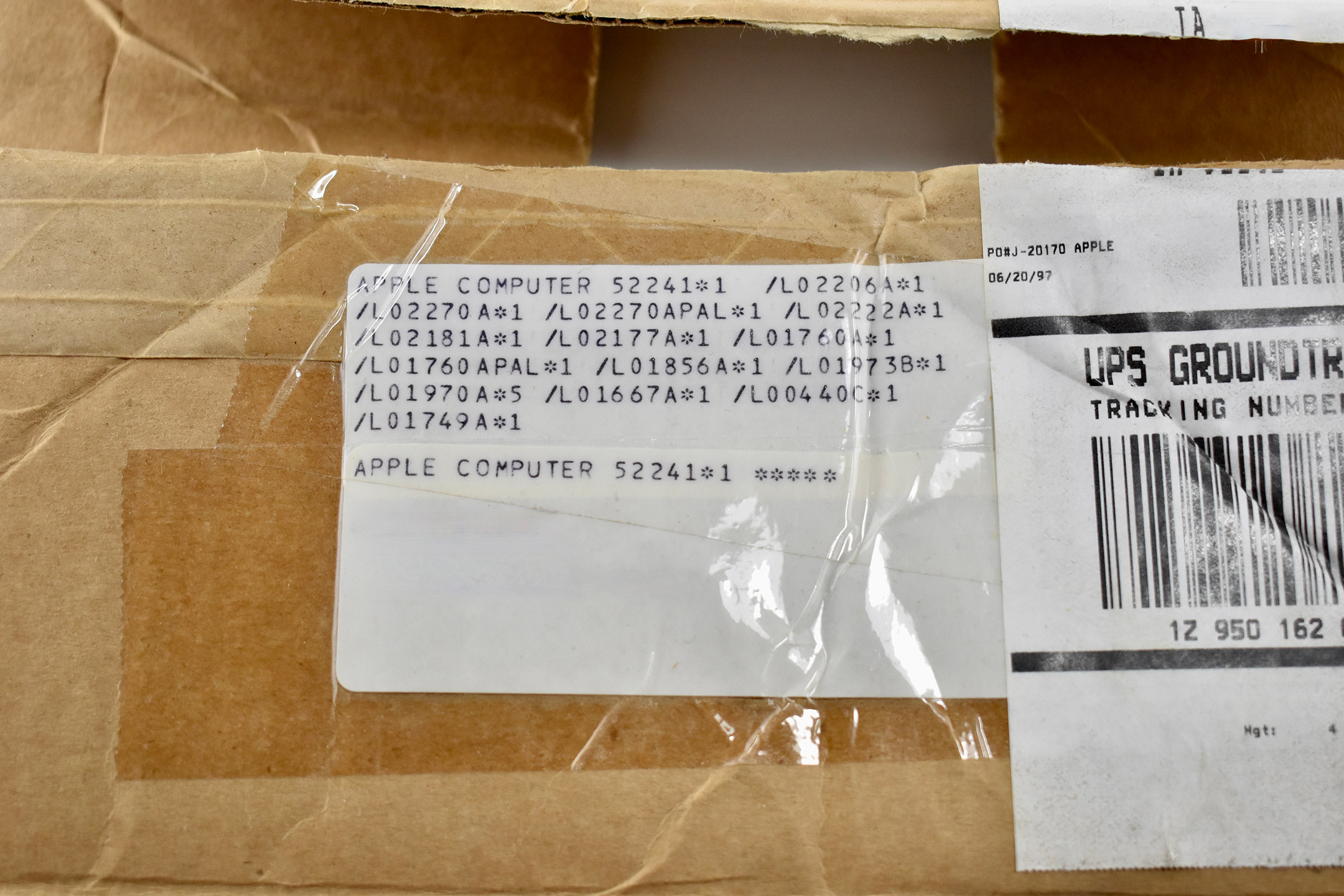
I recently acquired a brown cardboard shipping box measuring 11.5 x 8.75 x 6.5 inches, complete with its original shipping label to its original recipient—a former Apple sales rep. Apparently, the three items I cataloged above are a part of a larger collection for potential Apple customers that was used in late 1990s.
The shipping label refers to this box as Apple part 52241, and based upon the part numbers that follow, this box contains all its original contents. I have listed the part numbers below and matched them to their items. At the end of each part number an asterisk is followed by a number, likely indicating the quantity of each item (all quantities are “1” in this box, except for the 5 Apple logo window clings).
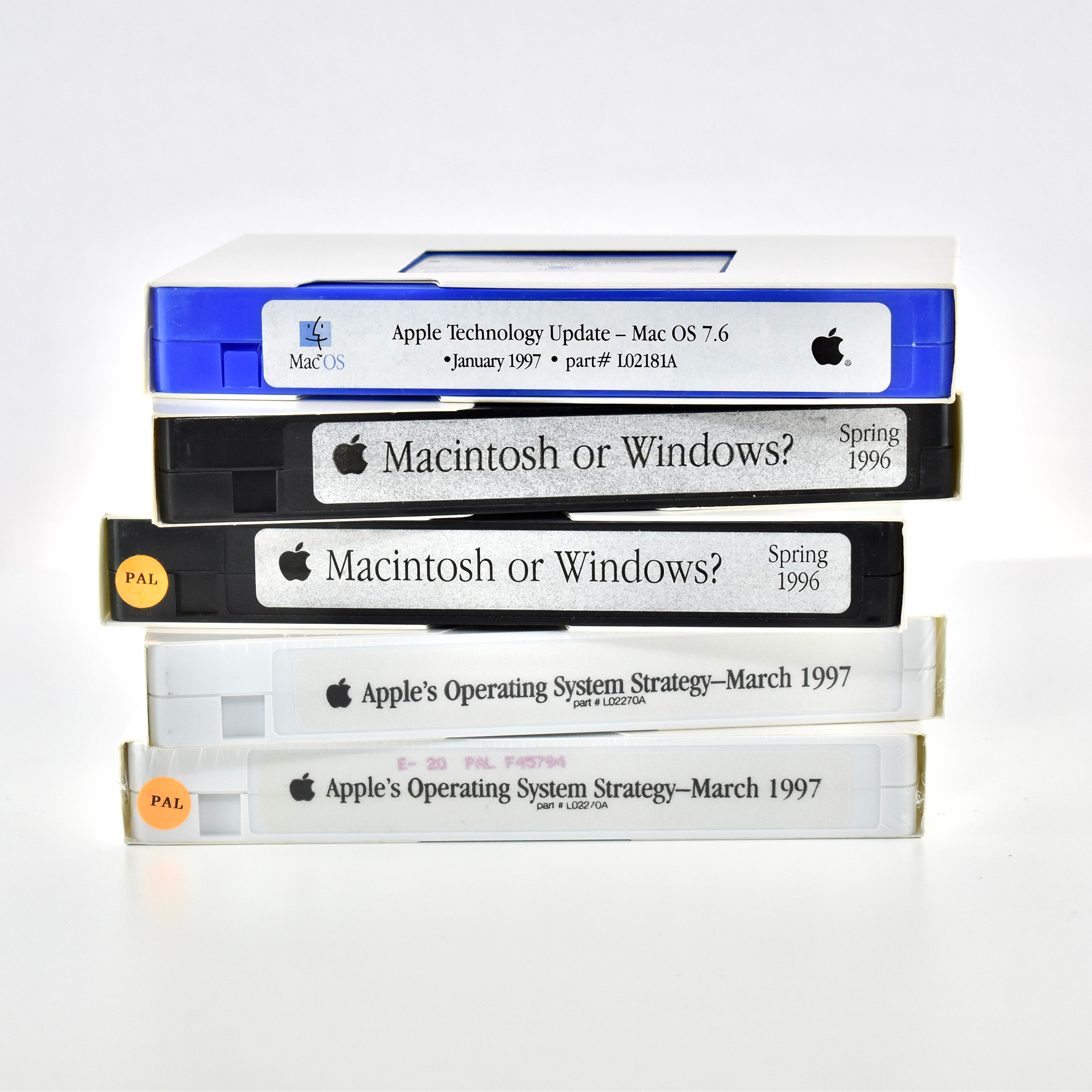
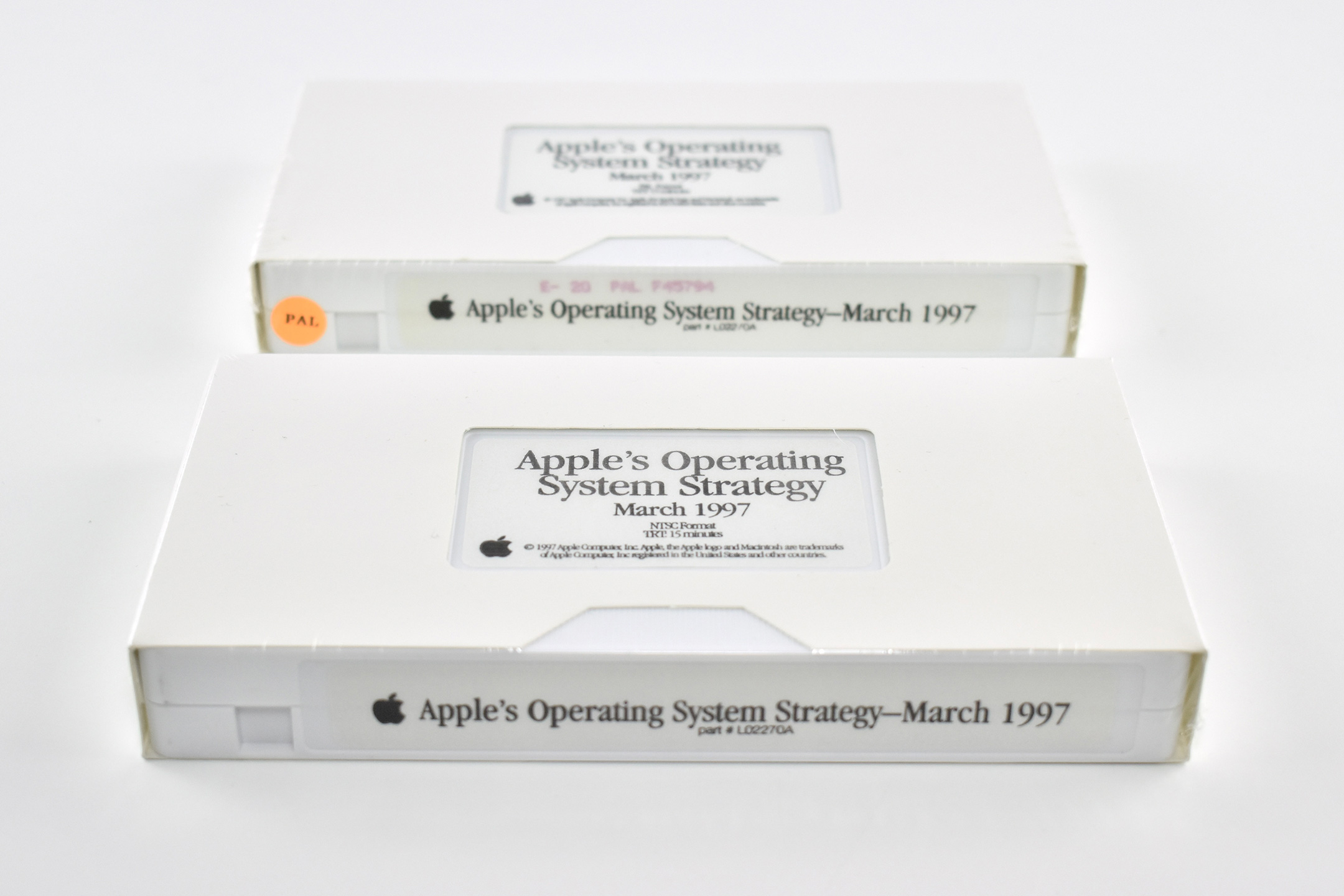
Curiously, two of the VHS video tapes in the box include both the NTSC and PAL formats—an odd choice since, generally, only NTSC was used in the United States.
Part number list and box contents:
52241—Part number for entire box
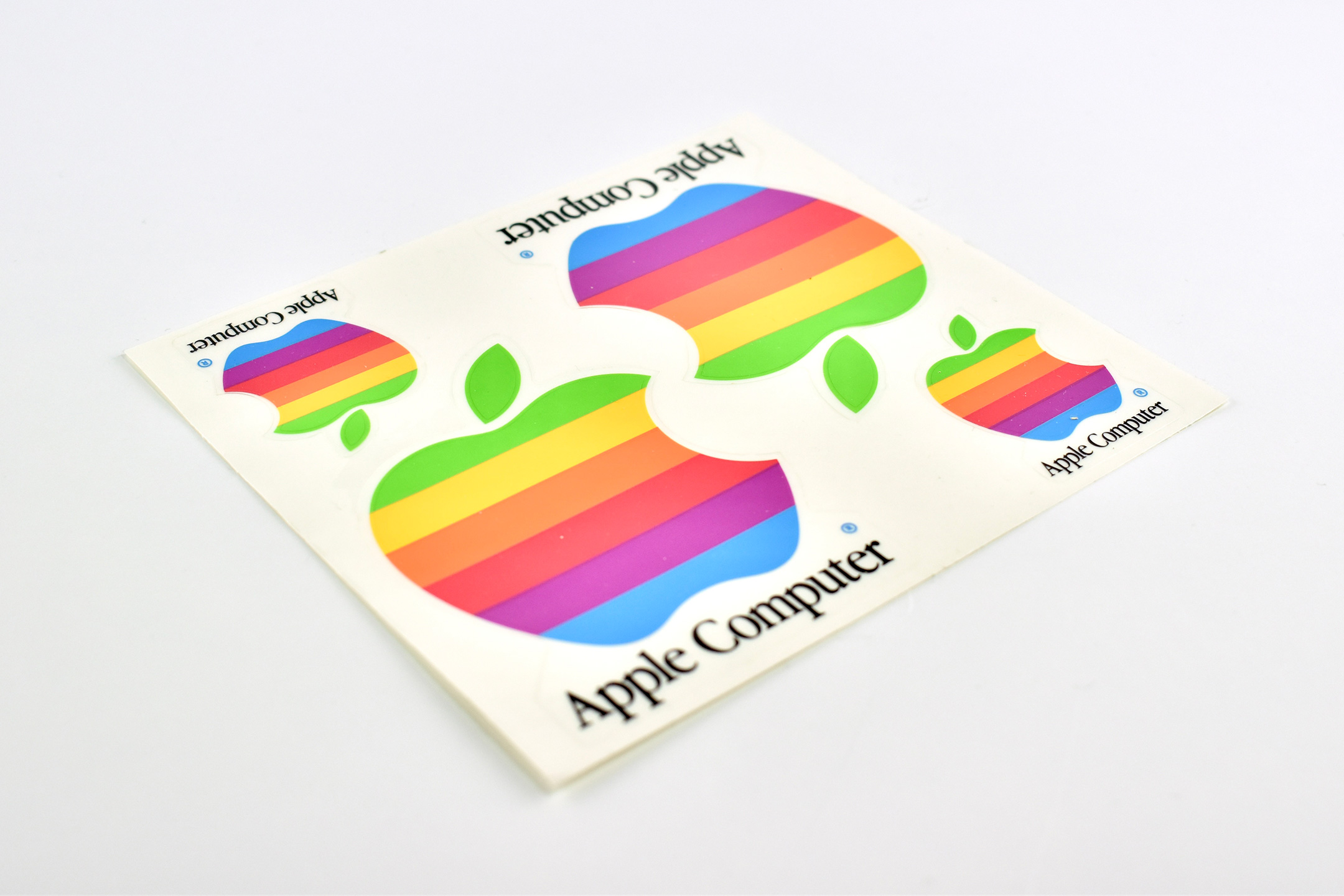
L02206A—6-color Apple logo sticker set
L02270A—Apple’s Operating System Strategy, March 1997, VHS tape (NTSC format) L02270APAL—Apple’s Operating System Strategy, March 1997, VHS tape (PAL format)
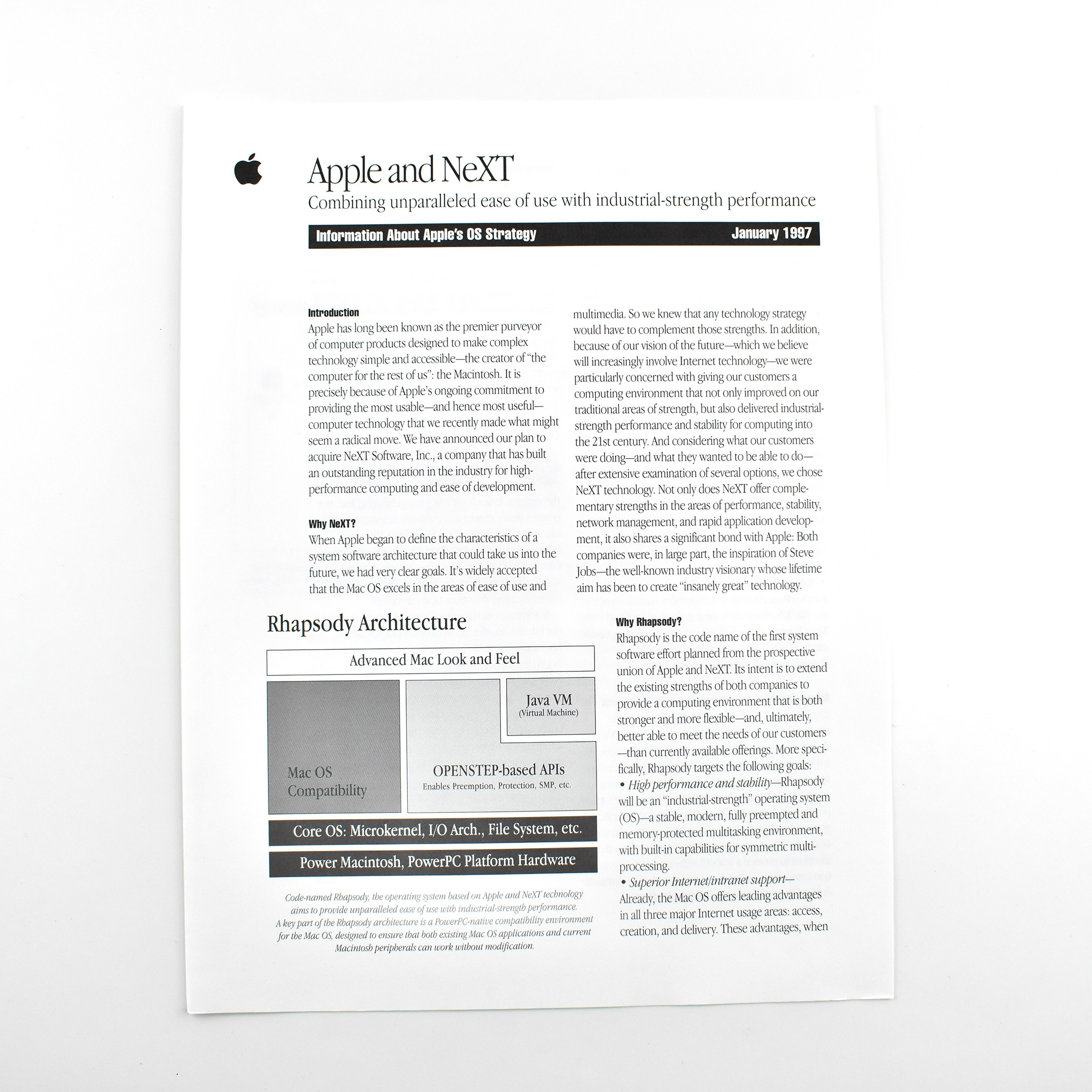
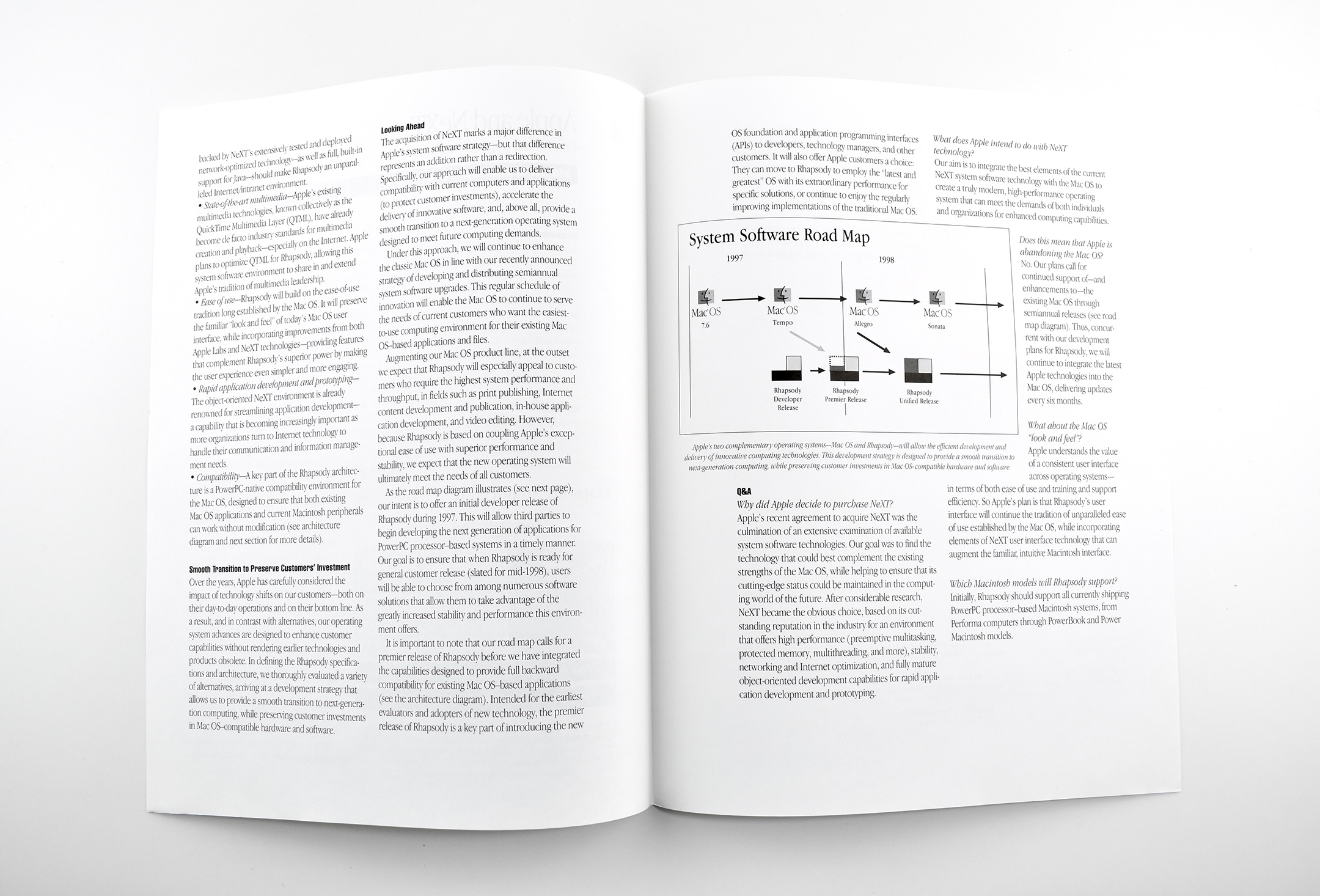
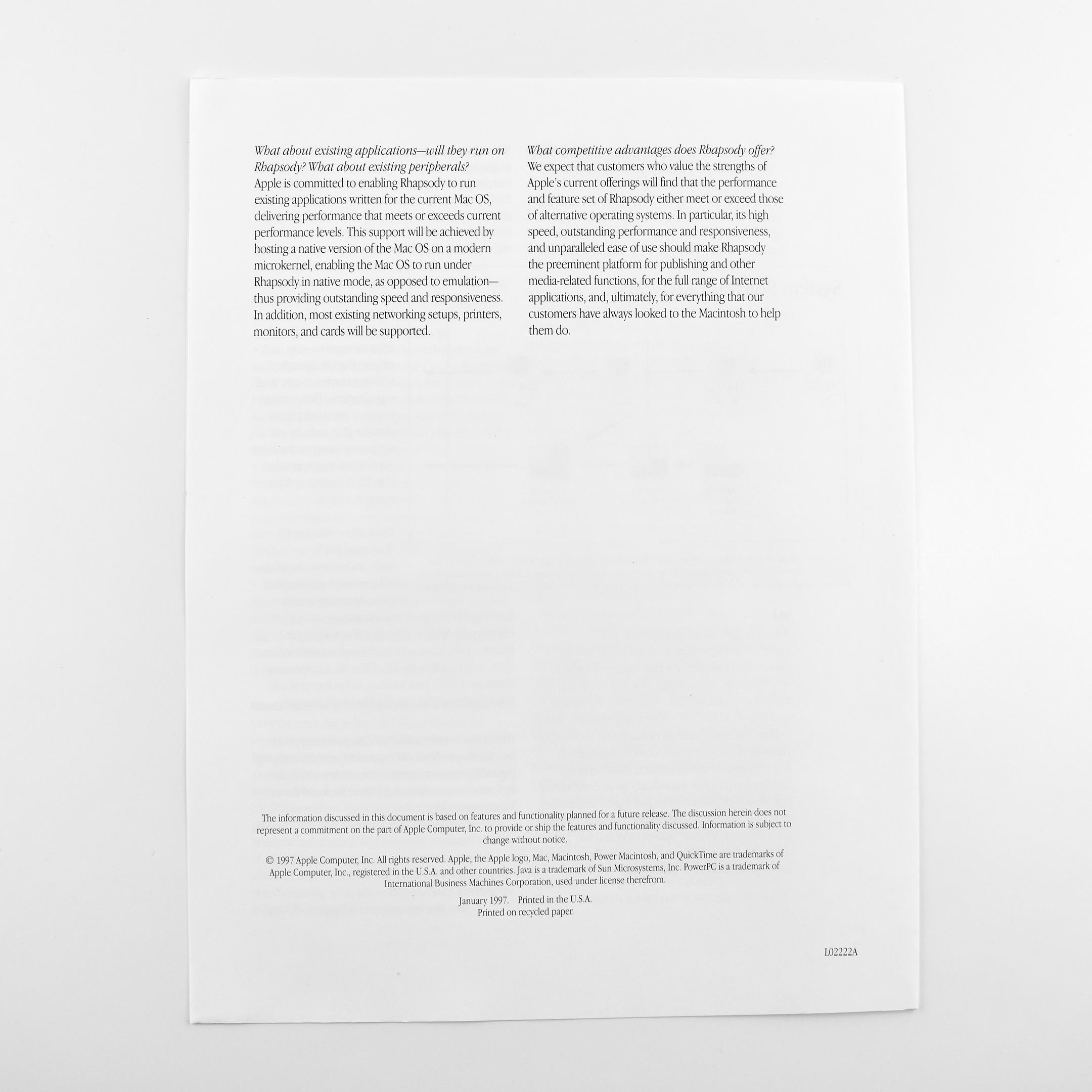
L02222A—Apple and NeXT: Combining unparalleled ease of use with industrial-strength performance, Information About Apple’s OS Strategy, January 1997, 8.5 x 11-inch whitepaper, 4 pages
L02181A—Apple Technology Update—Mac OS 7.6, January 1997 VHS tape (NTSC format)
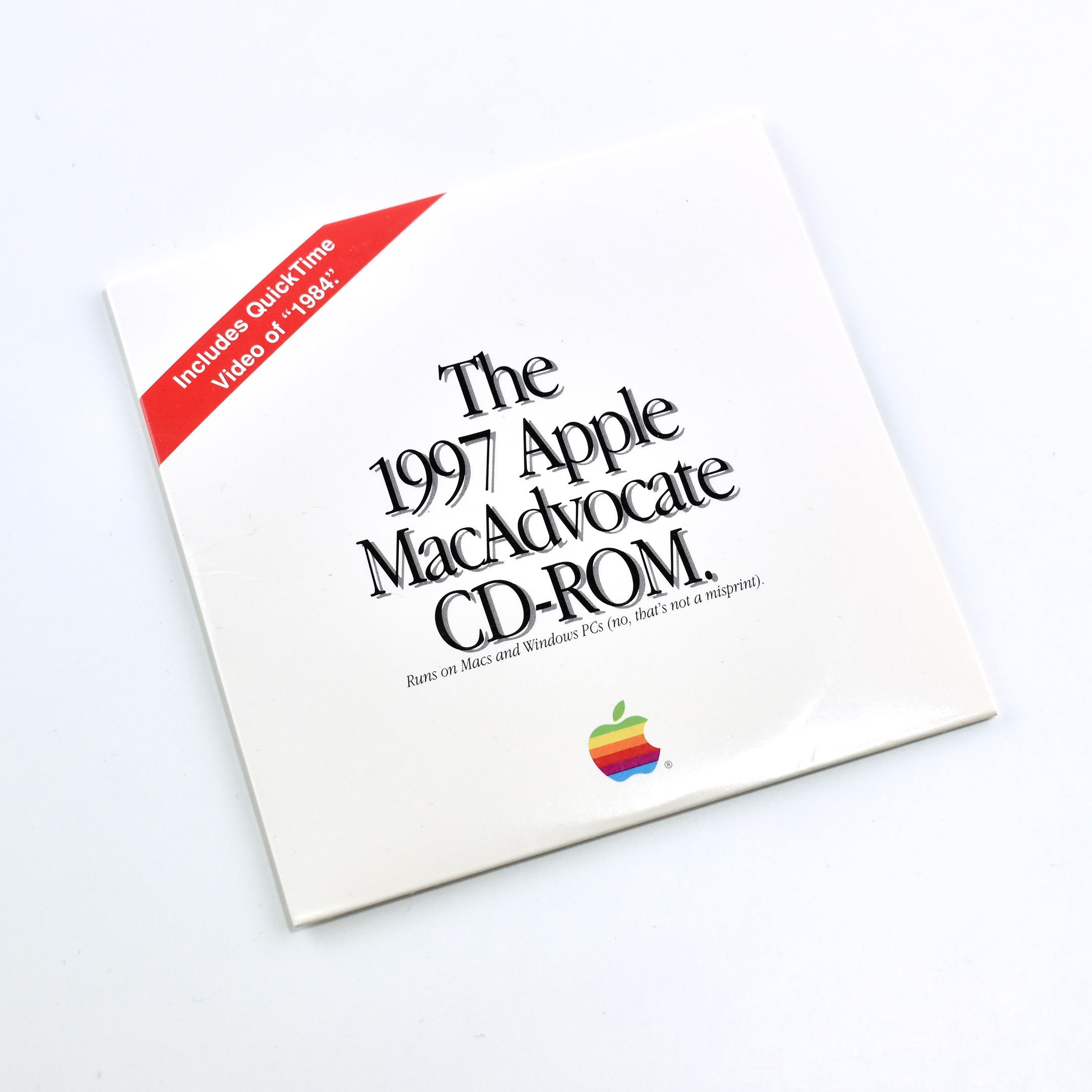
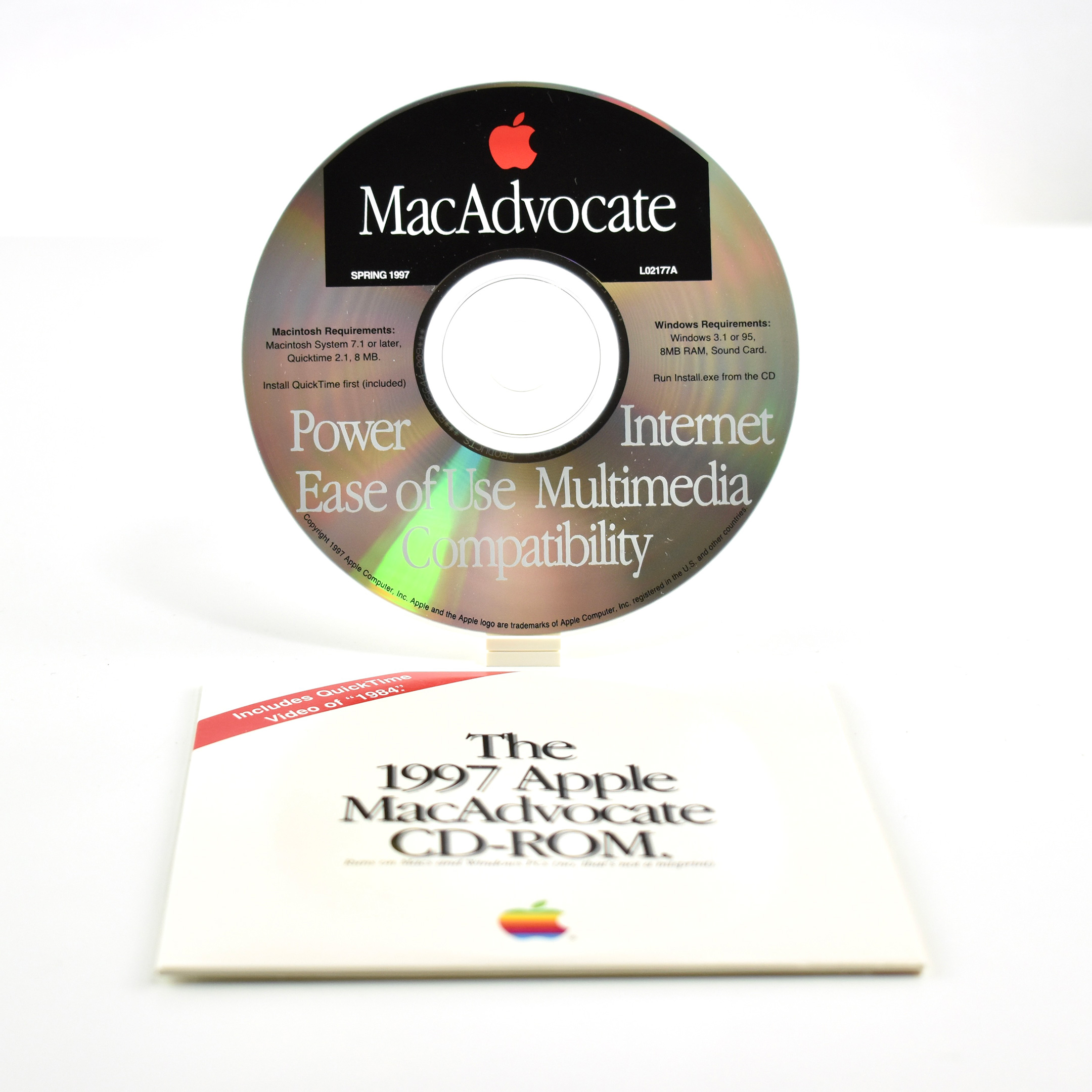
L02177A—The 1997 Apple MacAdvocate CD-ROM. (Spring 1997)
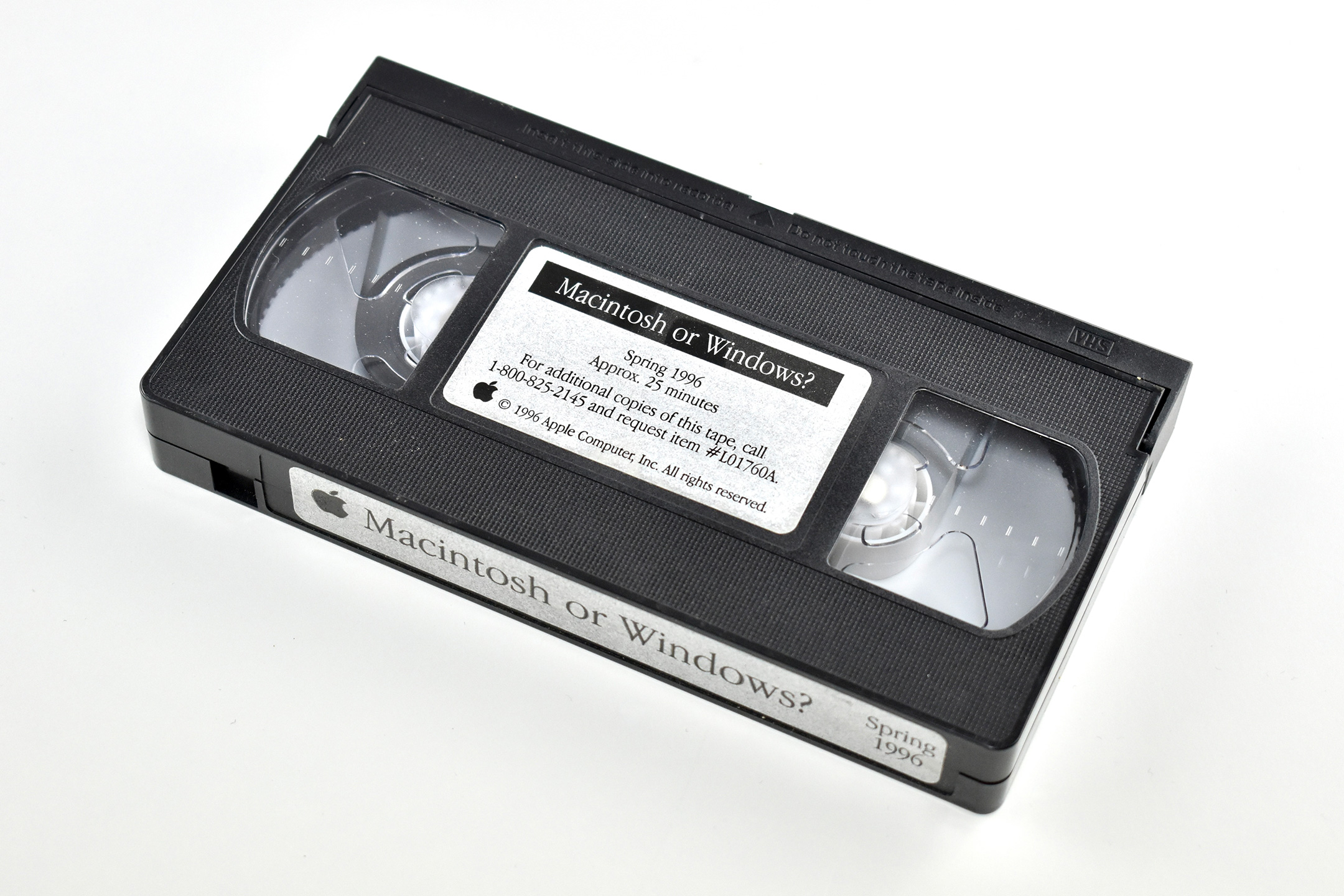
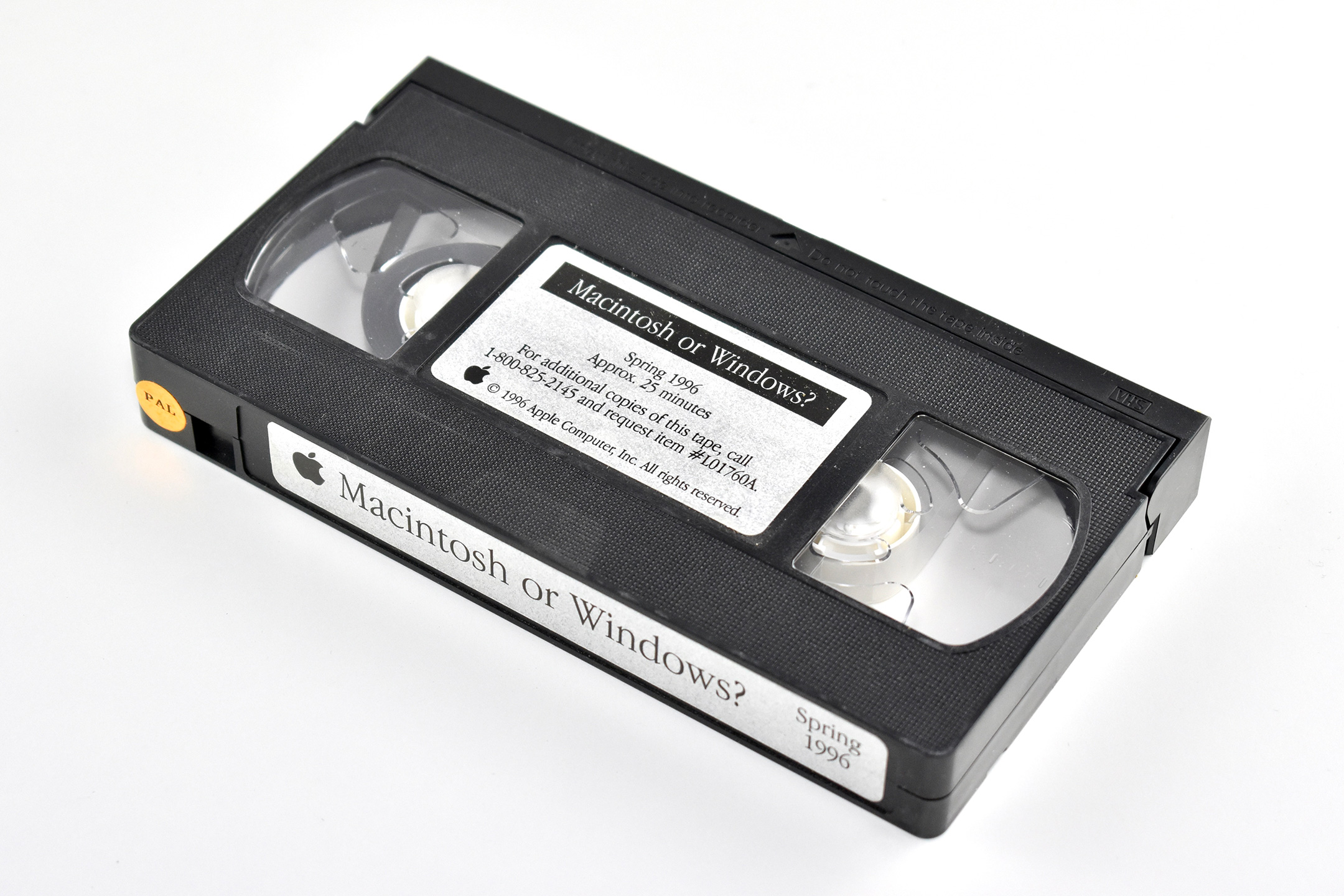
L01760A—Macintosh or Windows? Spring 1996 VHS tape (NTSC format)
L01760APAL—Macintosh or Windows? Spring 1996 VHS tape (PAL format)
L01856A—Personal Computer Satisfaction: An Independent Study of People Who use Both Macintosh and Windows 95 Computers (Evans Research Associates) (1996)
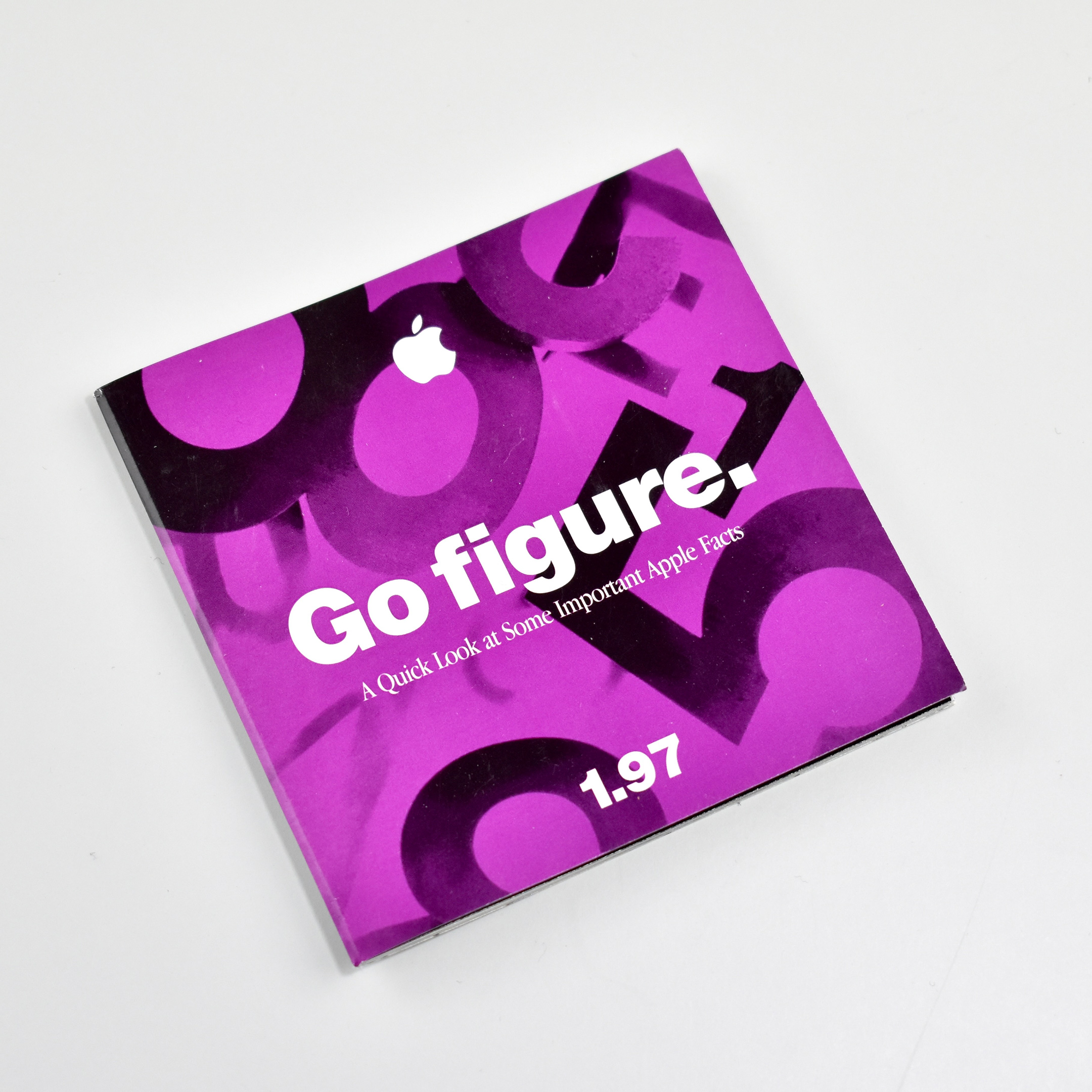
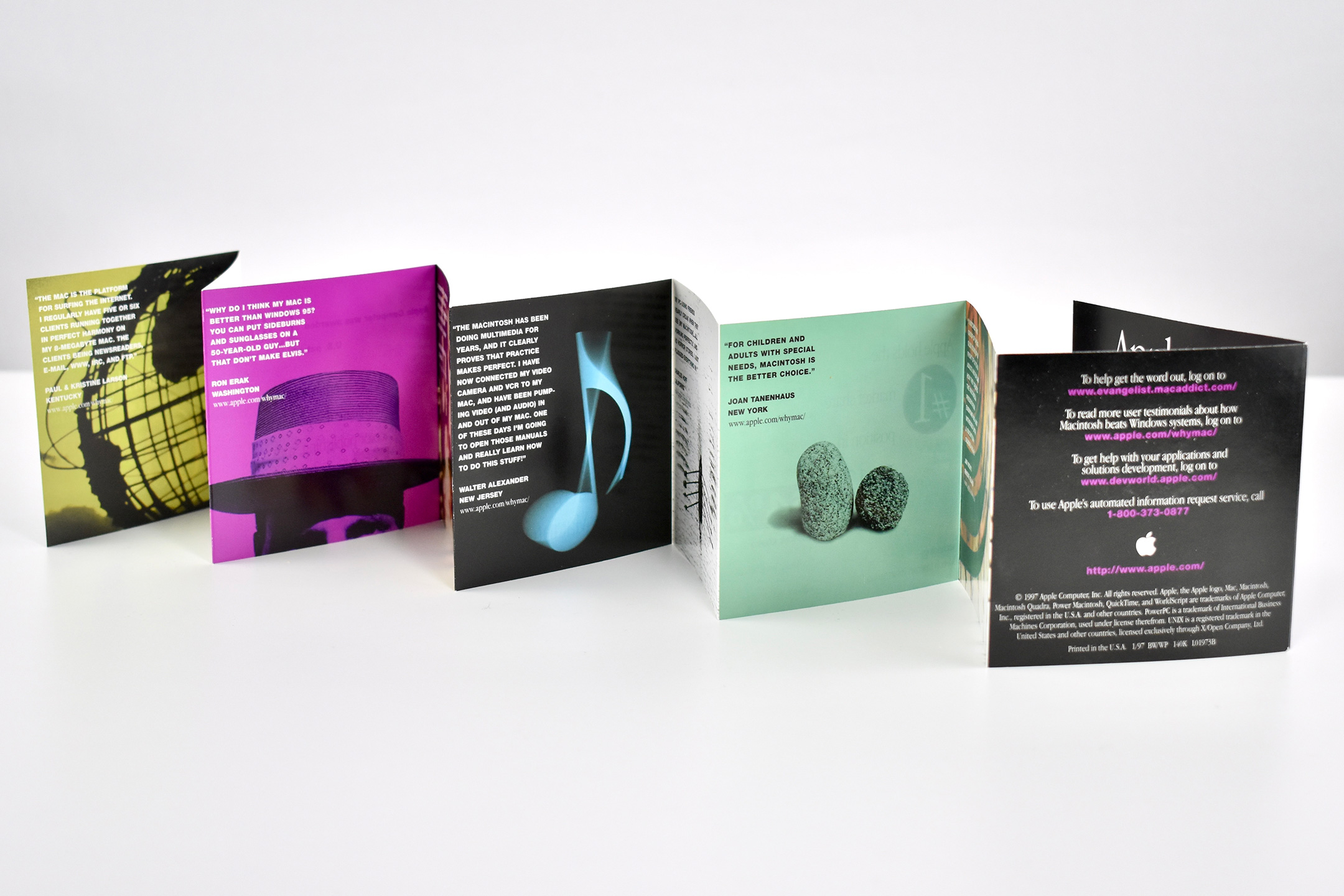
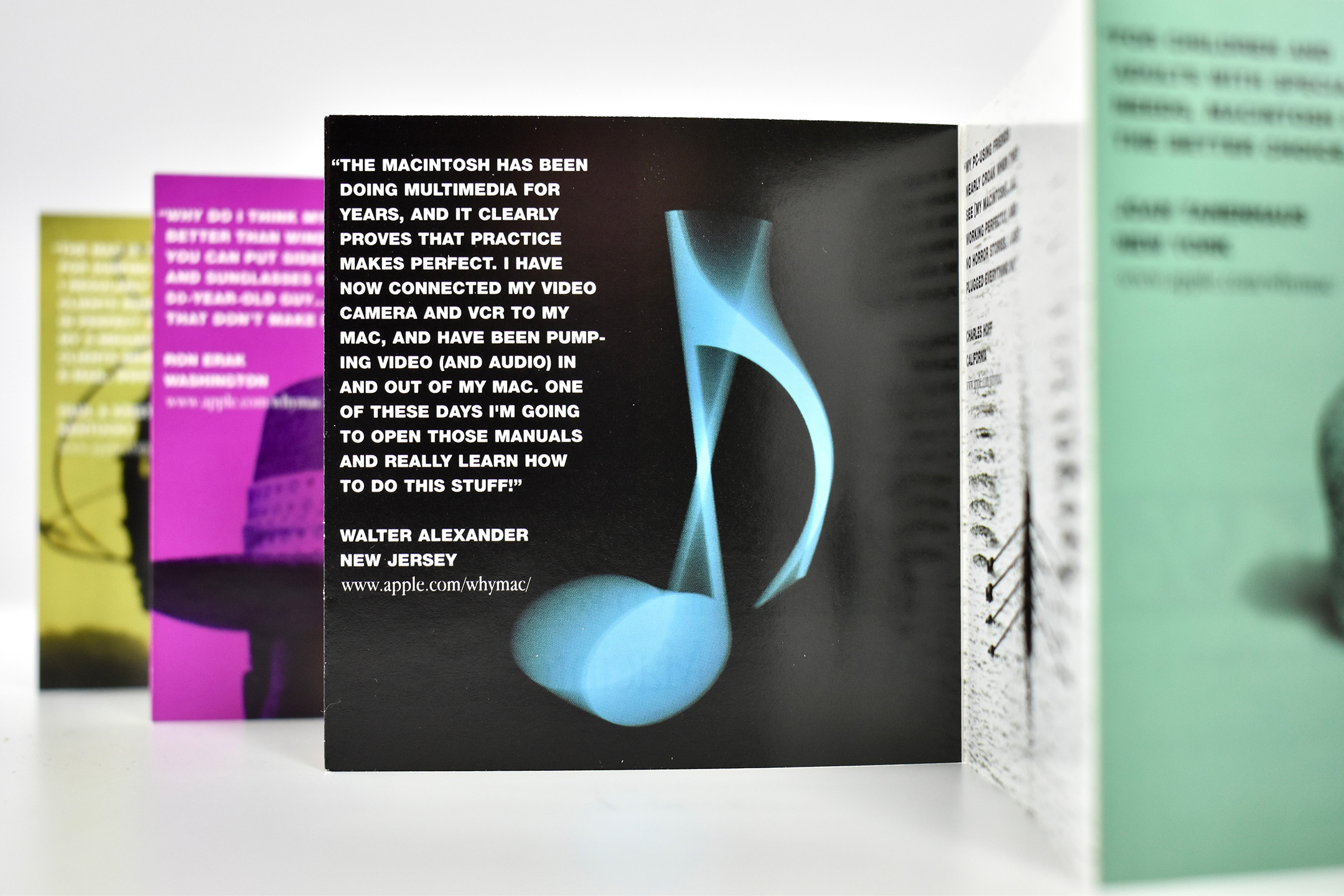
L01973B—Go figure: A Quick Look at Some Important Apple Facts, 1.97 10-panel, full-color brochure (1997)
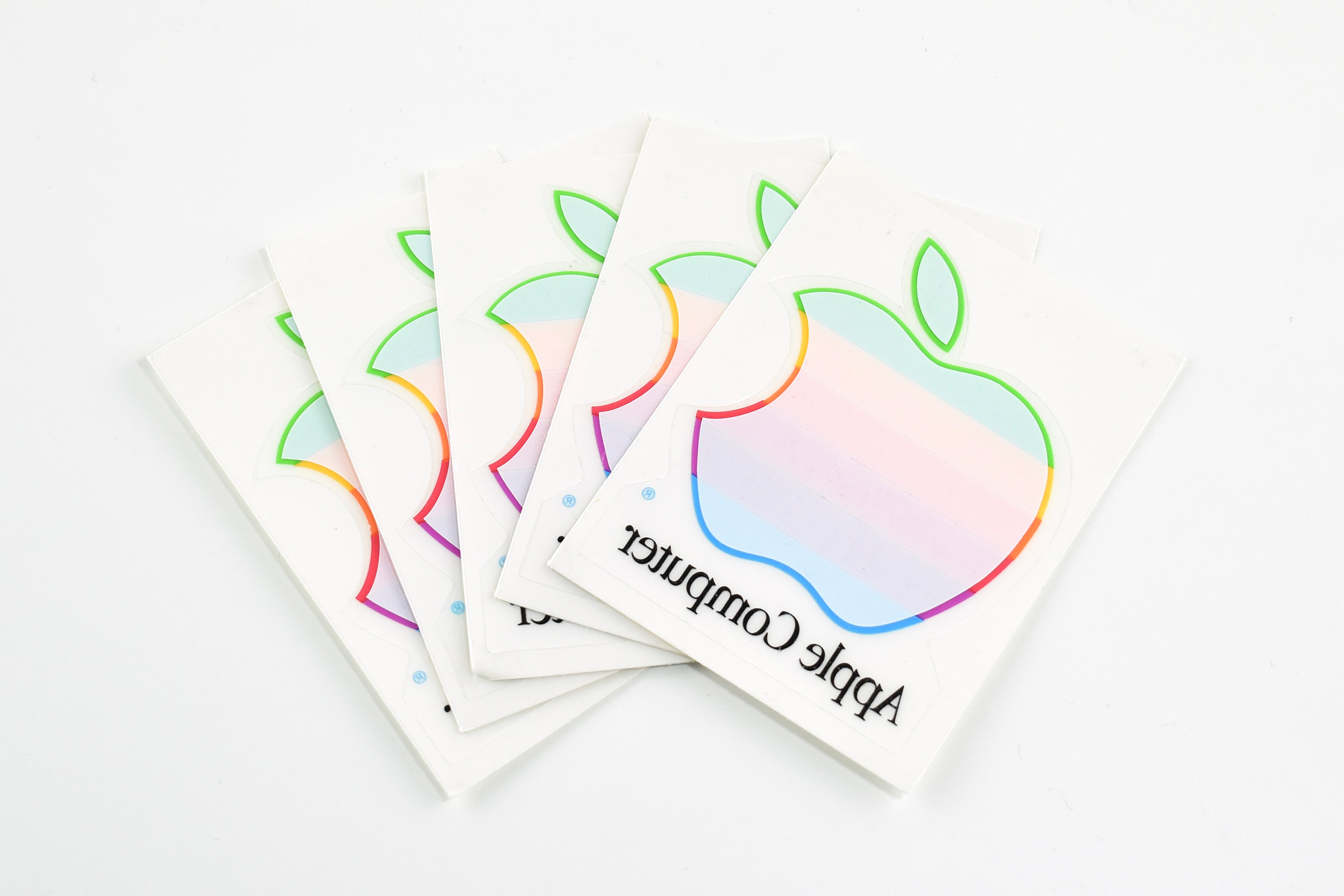
L01970A—Apple logo window clings (quantity 5)
L01667A—Why Macintosh? booklet (1996)
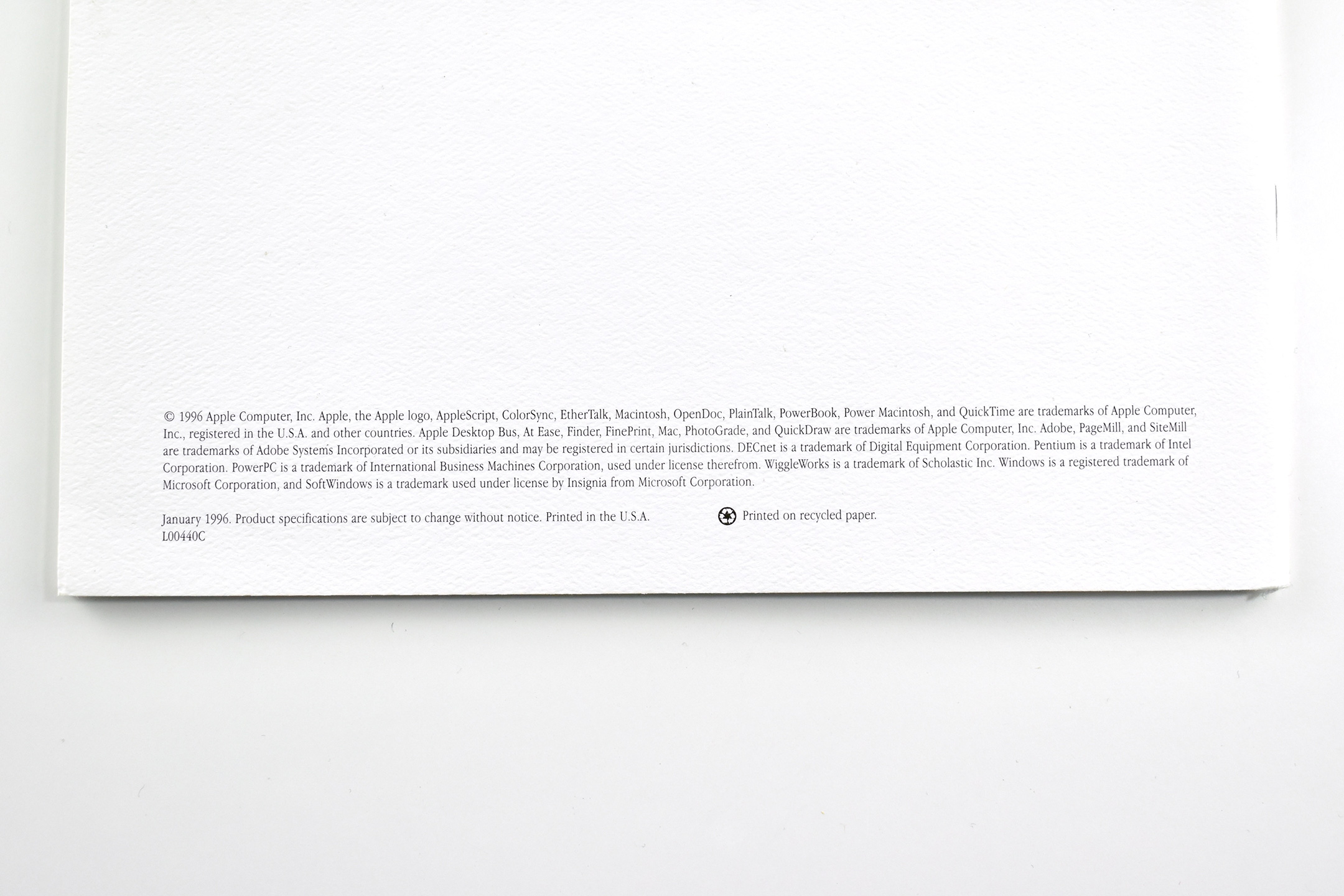
L00440C—50 Macintosh Advantages, Why Macintosh computers are better than PCs running Windows 95. 1996, 8.5 x 11-inch booklet
L01749A—Why do People Prefer Macintosh? (Why people think Macintosh computers are better than PCs running Windows, in their own words.) April 1996, 8.5 x 11-inch booklet
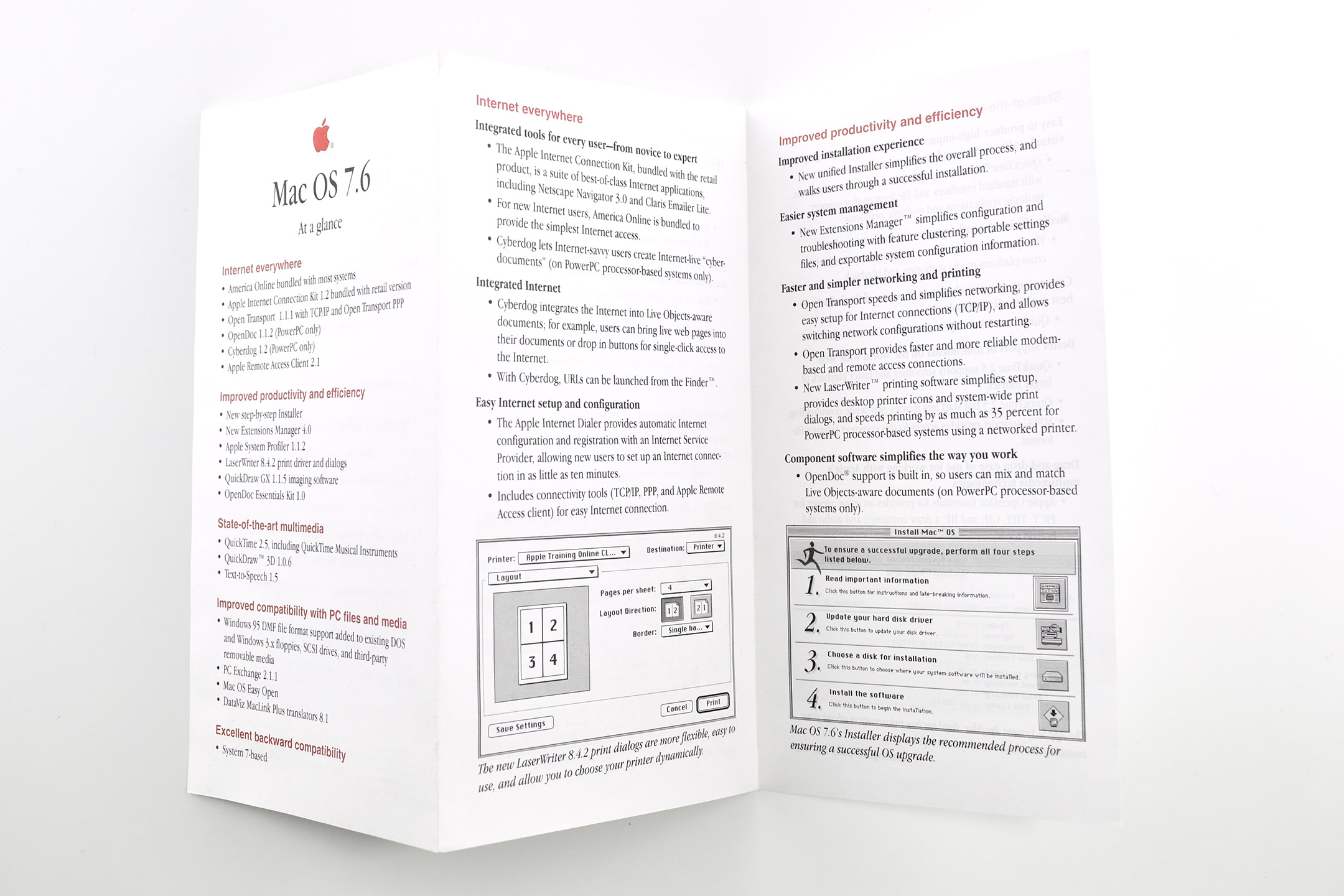
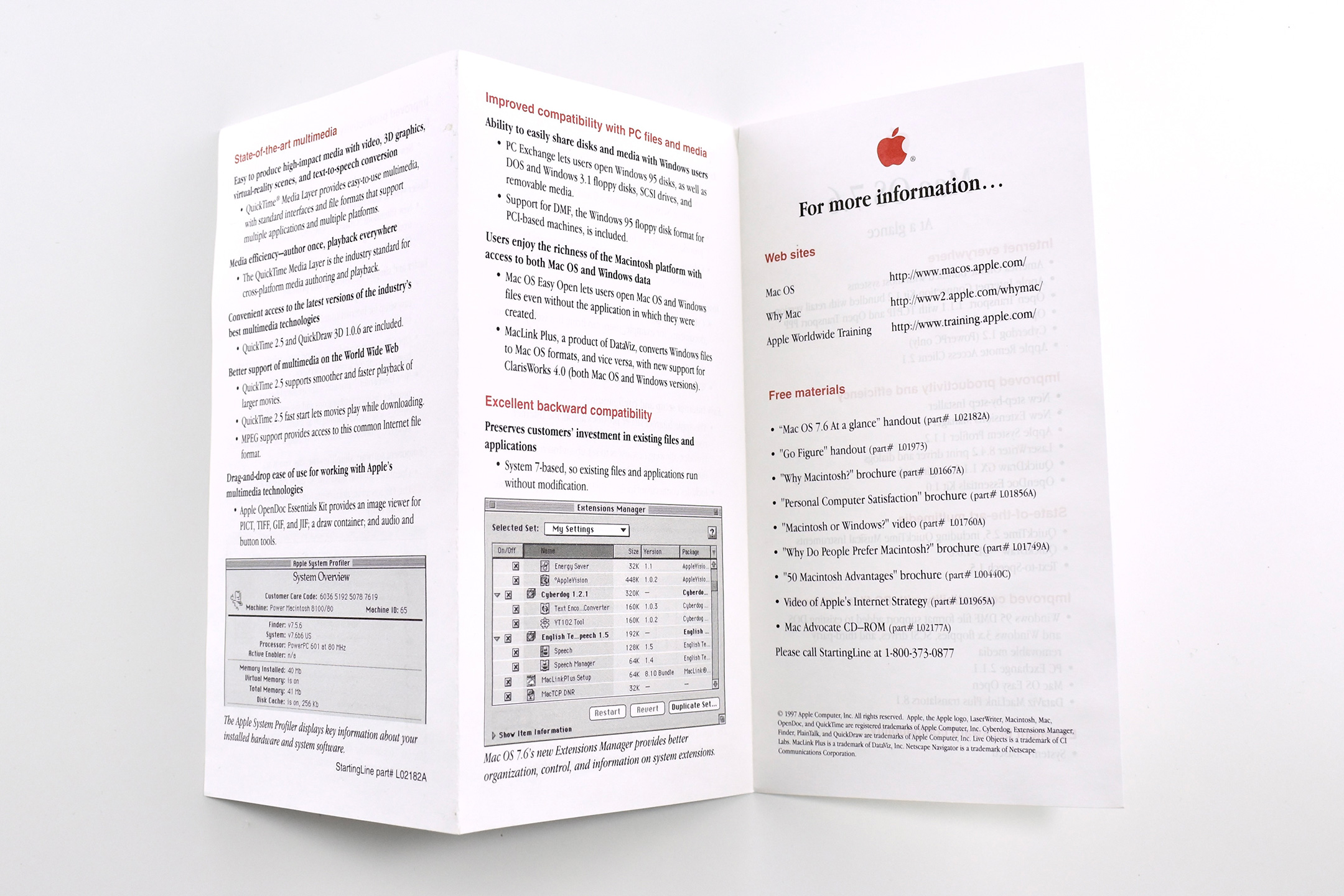
Not listed on box, likely sent with Mac OS 7.6 VHS tape: L02182A—Mac OS 7.6 At a glance tri-fold brochure (2-color)
While the above books are detailed in my previous post, a fascinating new addition to my collection is the seemingly innocuous Apple and NeXT whitepaper. The 4-page document is the first printed source I have seen that describes Apple’s plan to proceed after their acquisition of NeXT. The whitepaper describes the “Rhapsody” project—the operating system that eventually becomes Mac OS X—the basis for the macOS we use today, over 25 years later. The whitepaper includes this description:
“Rhapsody is the code name of the first system software effort planned from the prospective union of Apple and NeXT. Its intent is to extend the existing strengths of both companies to provide a computing environment that is both stronger and more flexible—and, ultimately, better able to meet the needs of our customers.”
This Why Macintosh? complete box set is a fascinating glimpse into Apple’s pre-Internet communications plan with customers at a pivotal time in their history—just after Steve Jobs returned to the company.