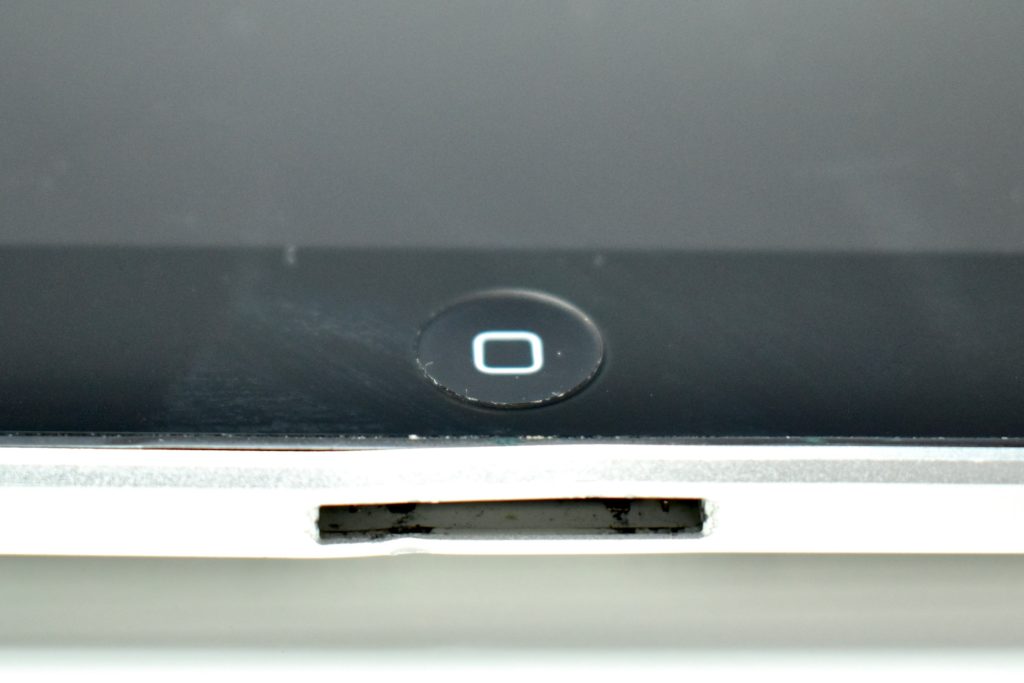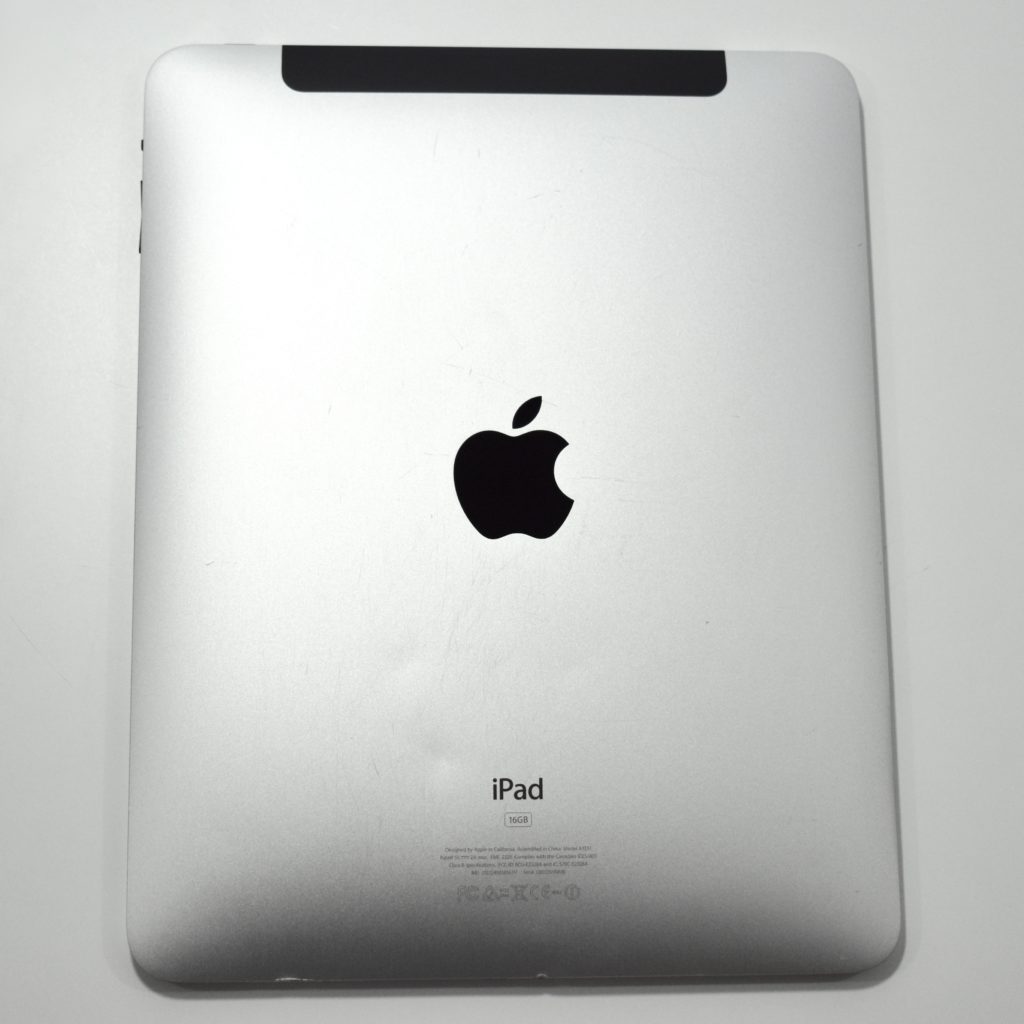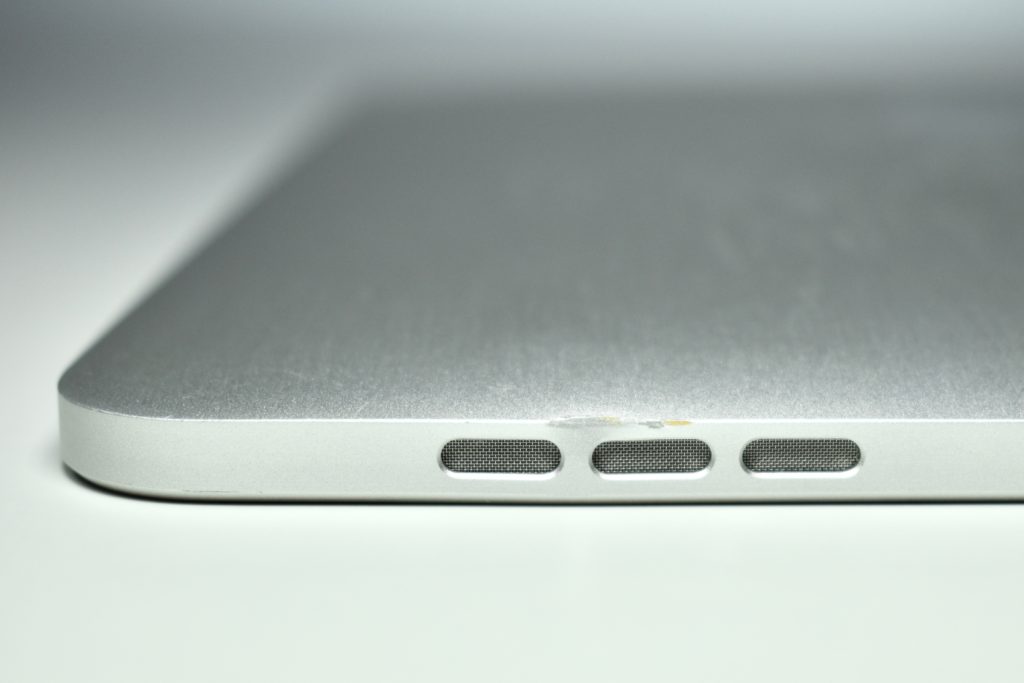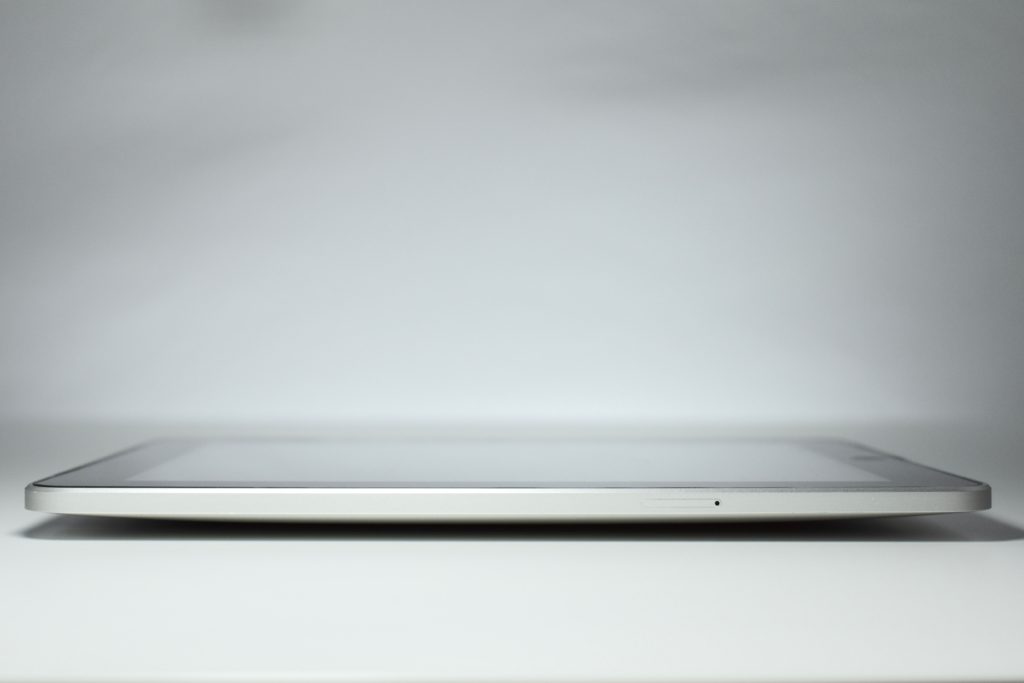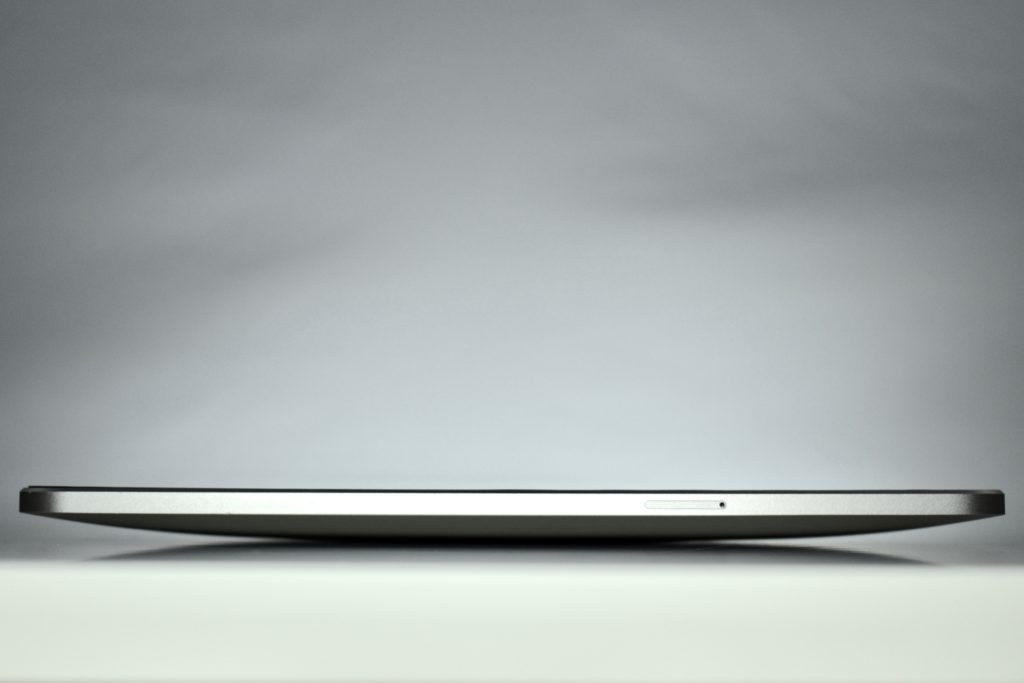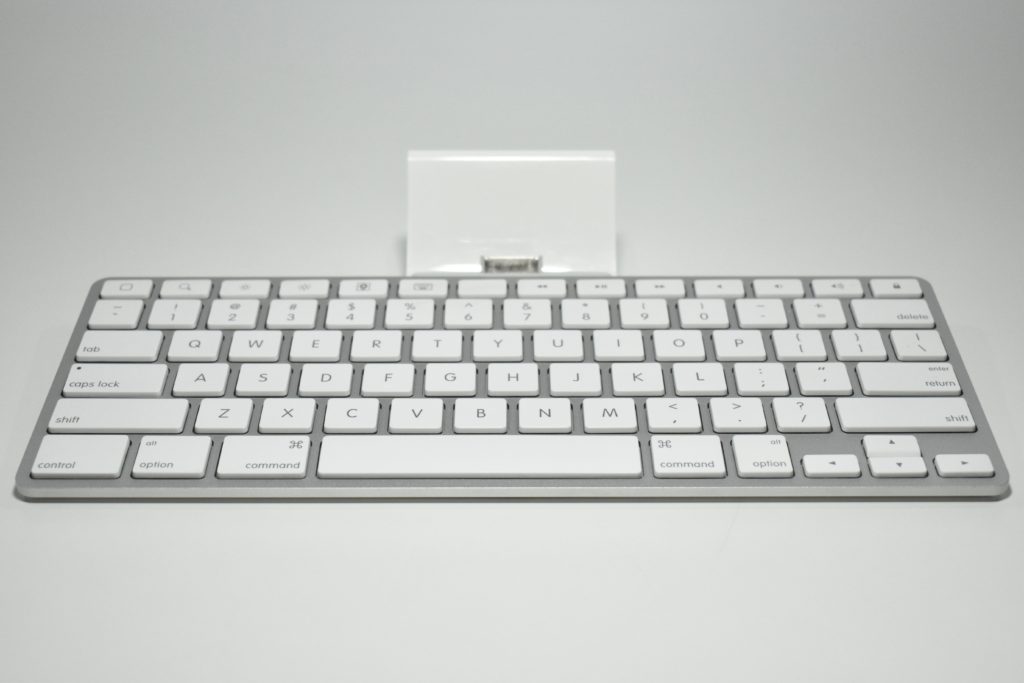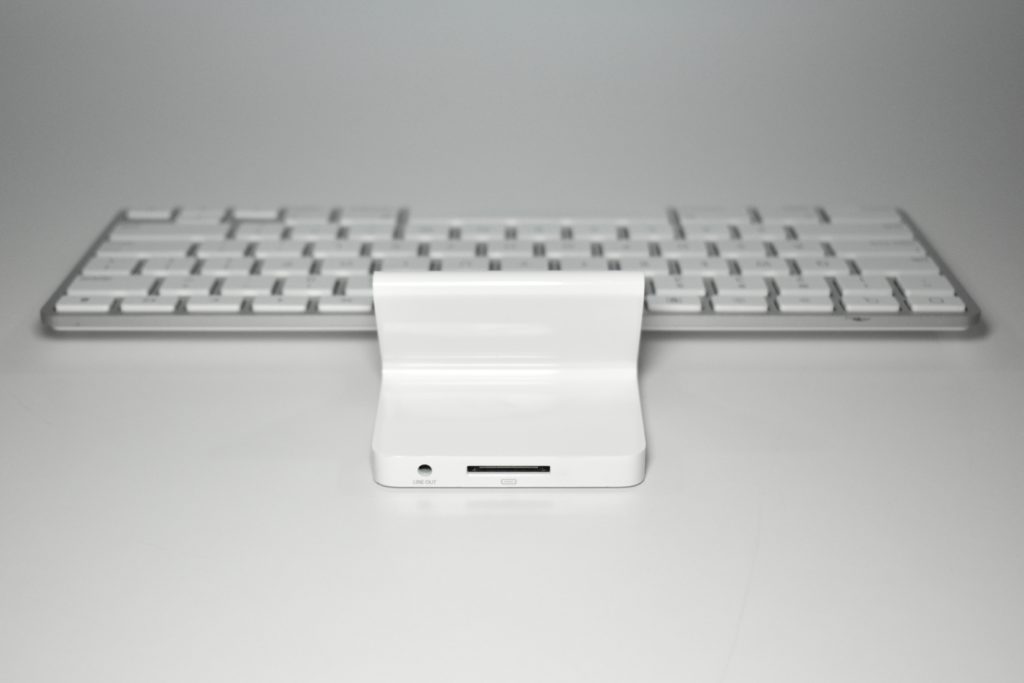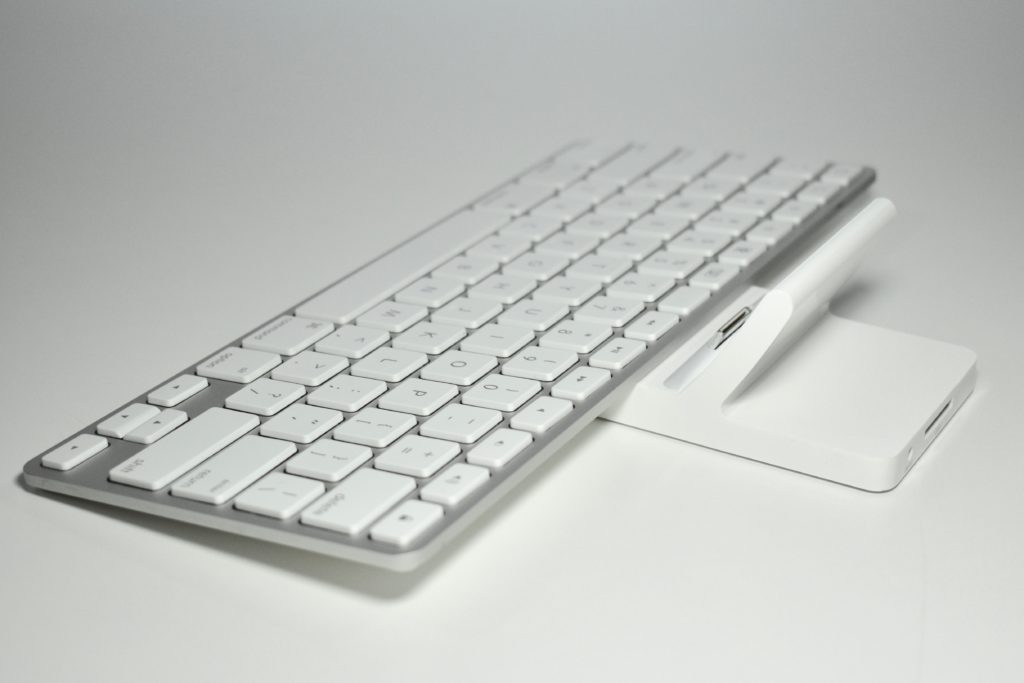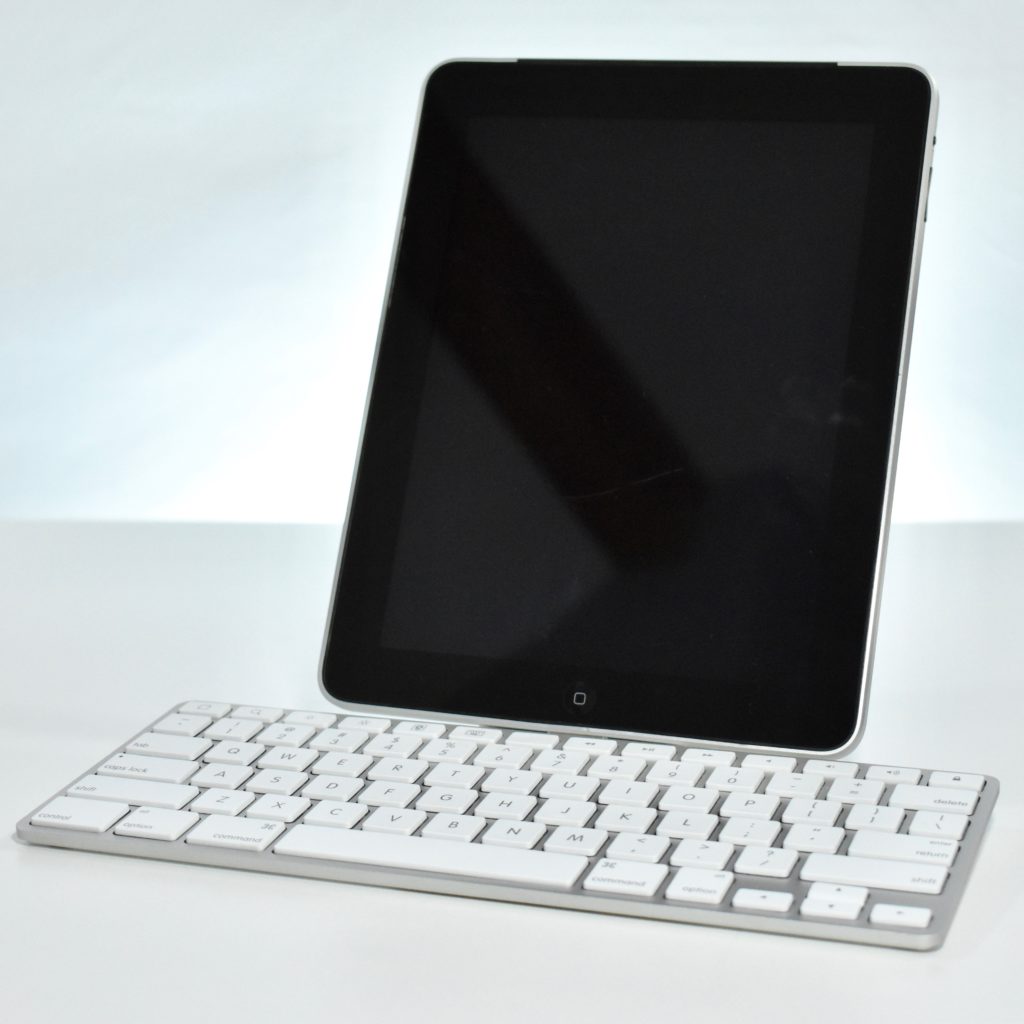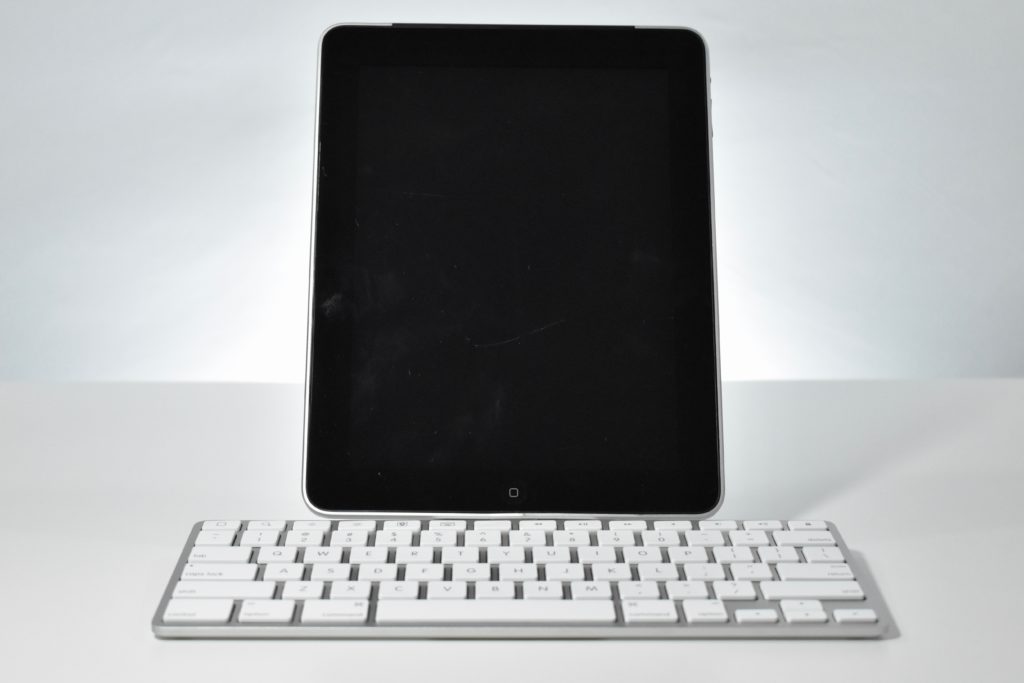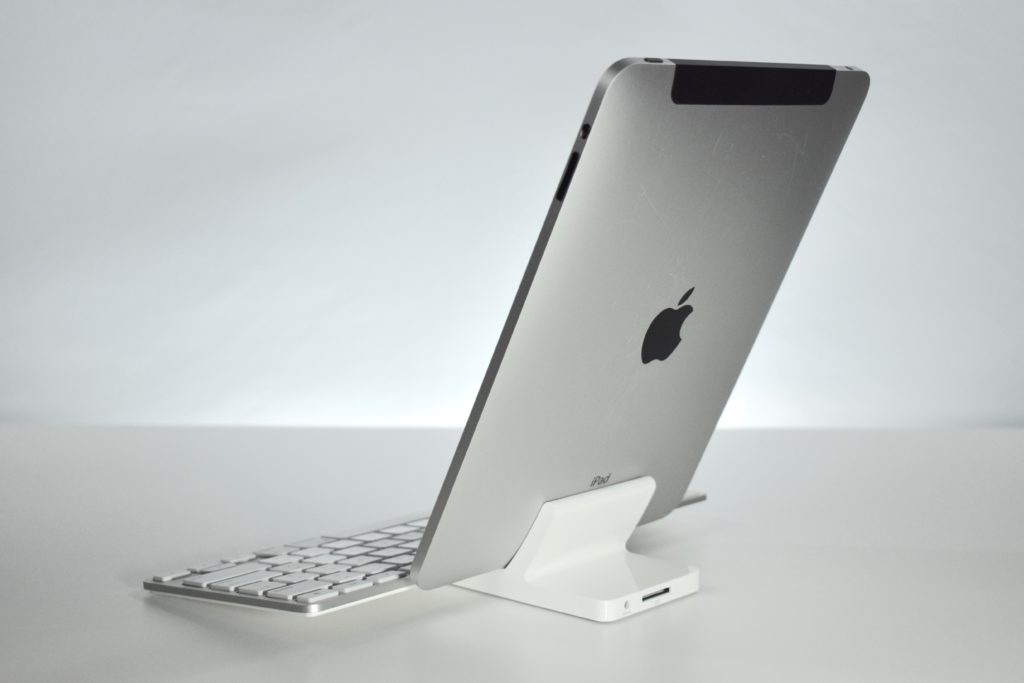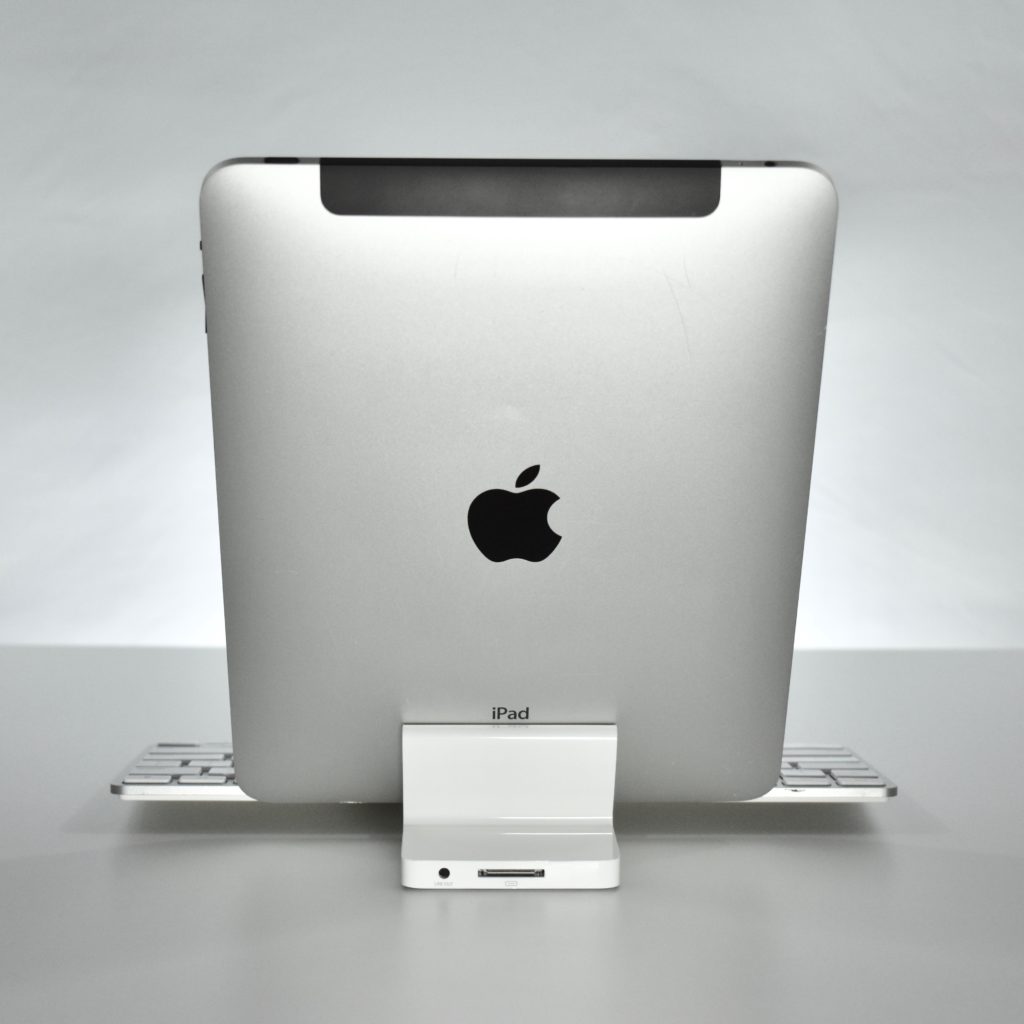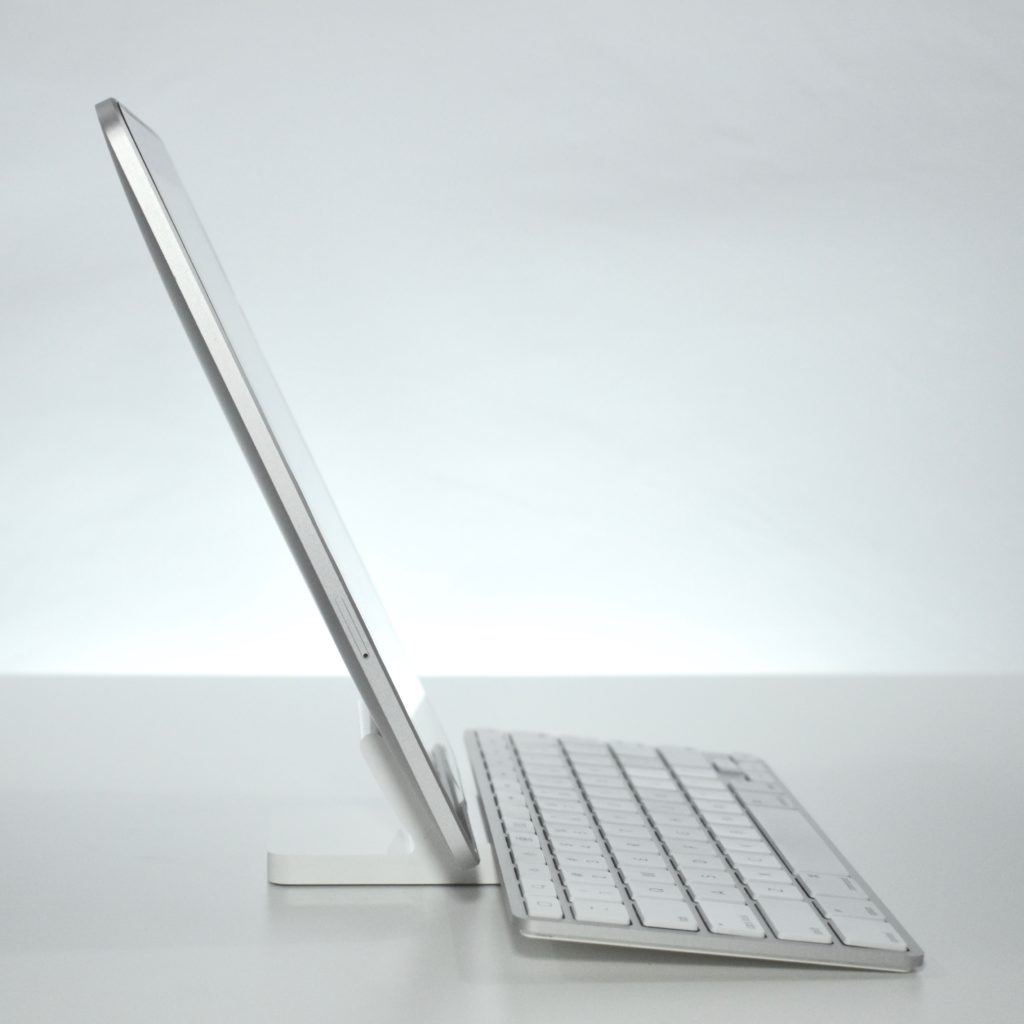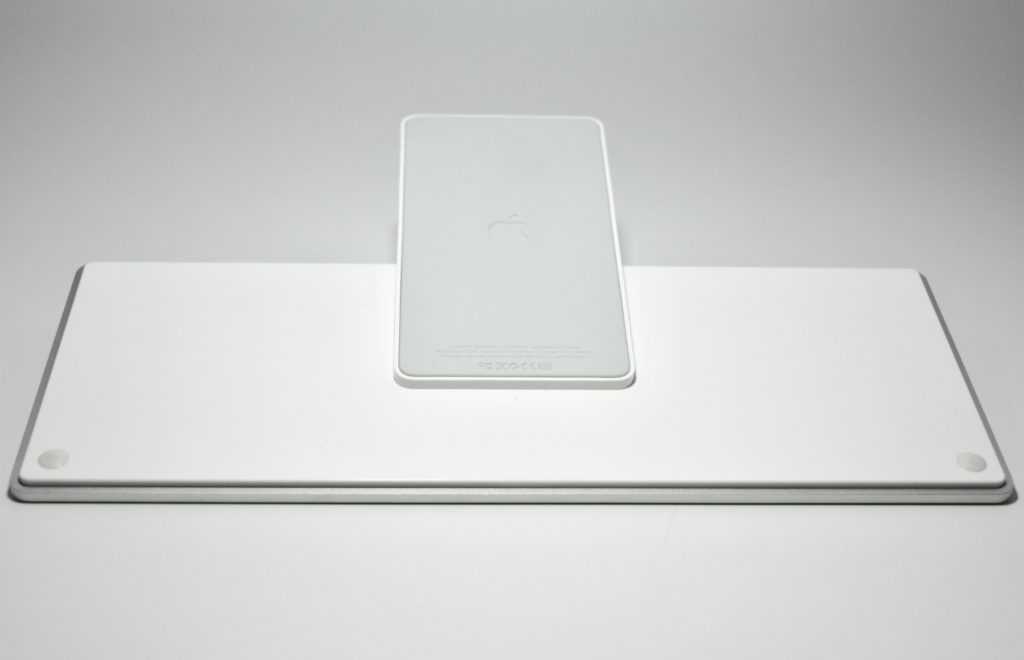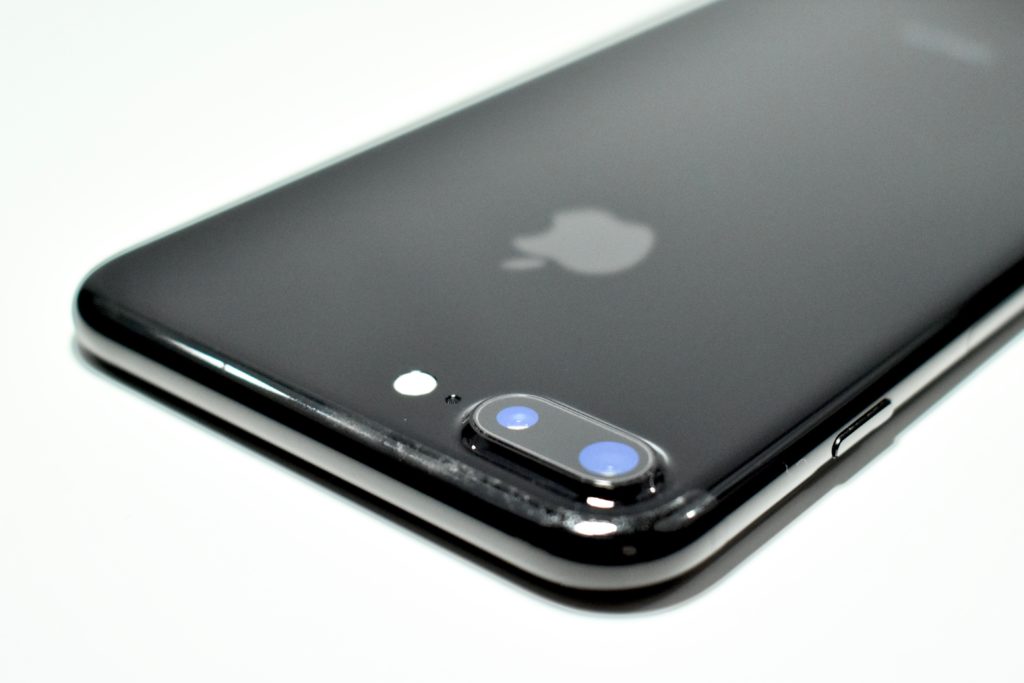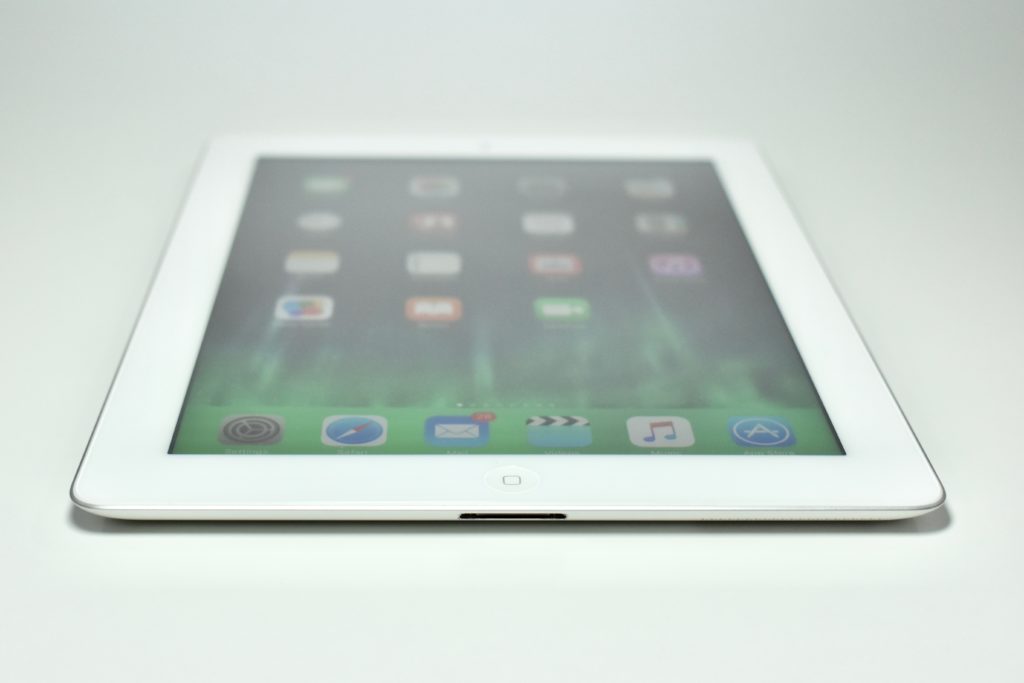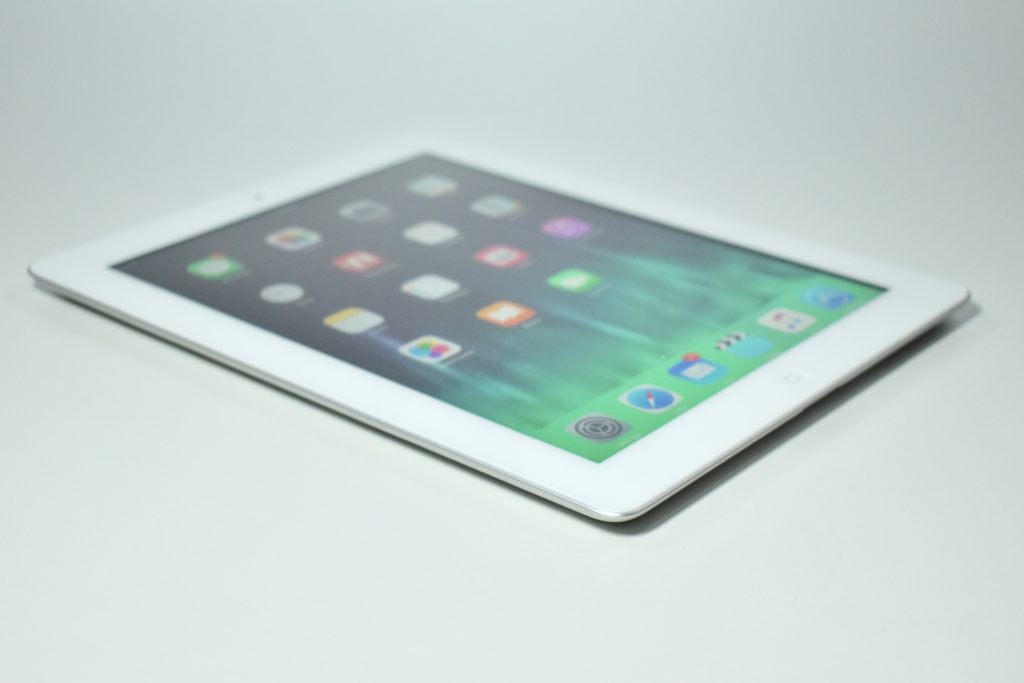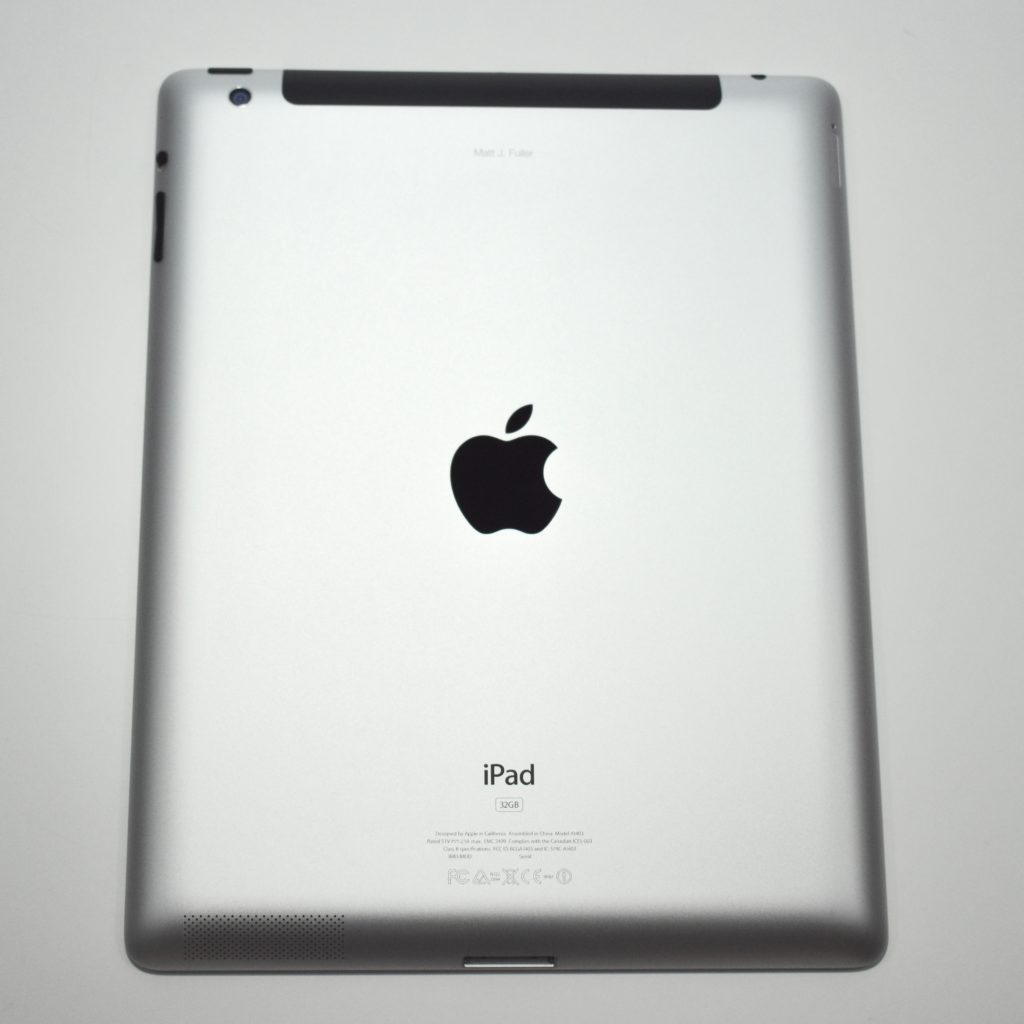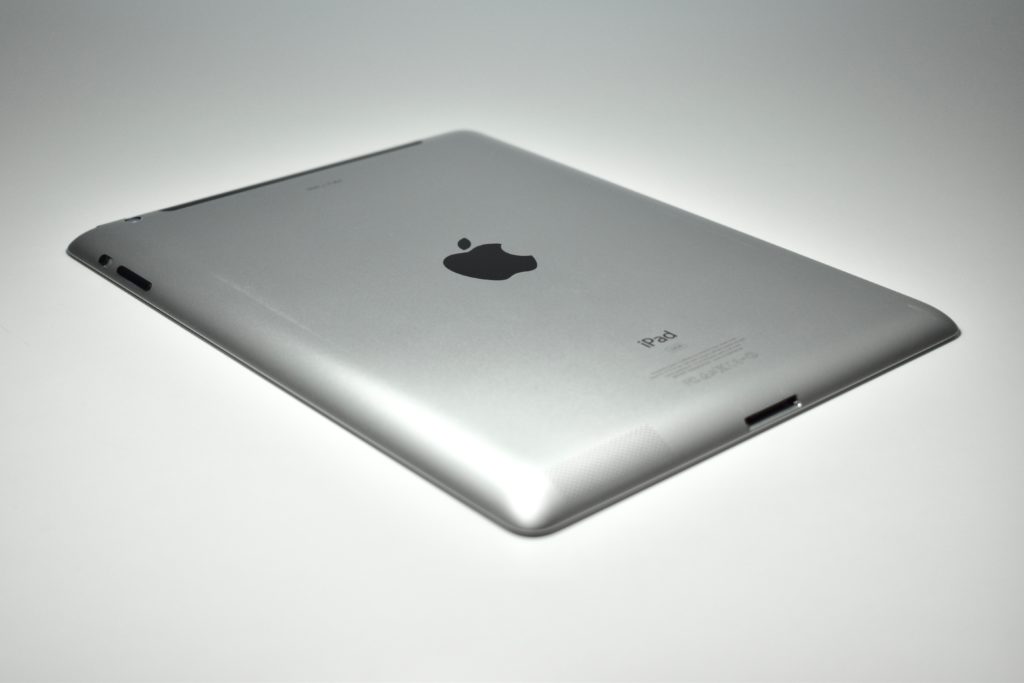
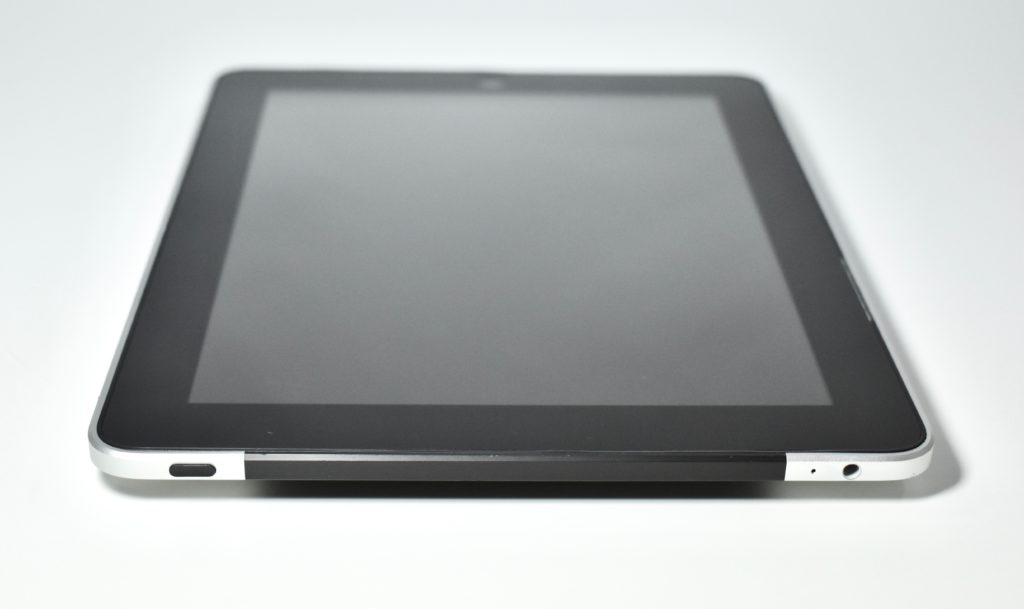
iPad (original, 3G, 16 GB, 2010) and iPad Keyboard Dock

In a January 27, 2010 press release issued by Apple, the company announced the iPad and described it as, “a revolutionary device for browsing the web, reading and sending email, enjoying photos, watching videos, listening to music, playing games, reading e-books and much more.” It was described by Steve Jobs as, “a magical and revolutionary device at an unbelievable price” that “defines an entirely new category of devices that will connect users with their apps and content in a much more intimate, intuitive and fun way than ever before.”

At the time of its release, the iPad could run the 140,000 apps on the App Store and iTunes content including 11 million songs, 50,000 TV episodes, and over 8,000 films. Apple had also recently announced the iBookstore (now called Apple Books) and a new version of iWork for iPad (including Pages, Keynote, and Numbers).

The original iPad used a 9.7-inch multitouch display (1024×768 at 132 ppi) and ran the same operating system as iPhone, which at the time was referred to as iPhone OS 3.2.

Internally, the original iPad had a 1 GHz Apple A4 processor; 16, 32, or 64 GB of storage; 802.11a/b/g/n Wi-Fi; an accelerometer; an ambient light sensor; a digital compass; GPS; two mono speakers; and a built-in microphone. The iPad was 0.5 inches thick and weighed 1.6 pounds.

This iPad model also had 3G wireless data support. The Wi-Fi version of the iPad was released in March 2010, and this 3G wireless data version was released a month later in April 2010.

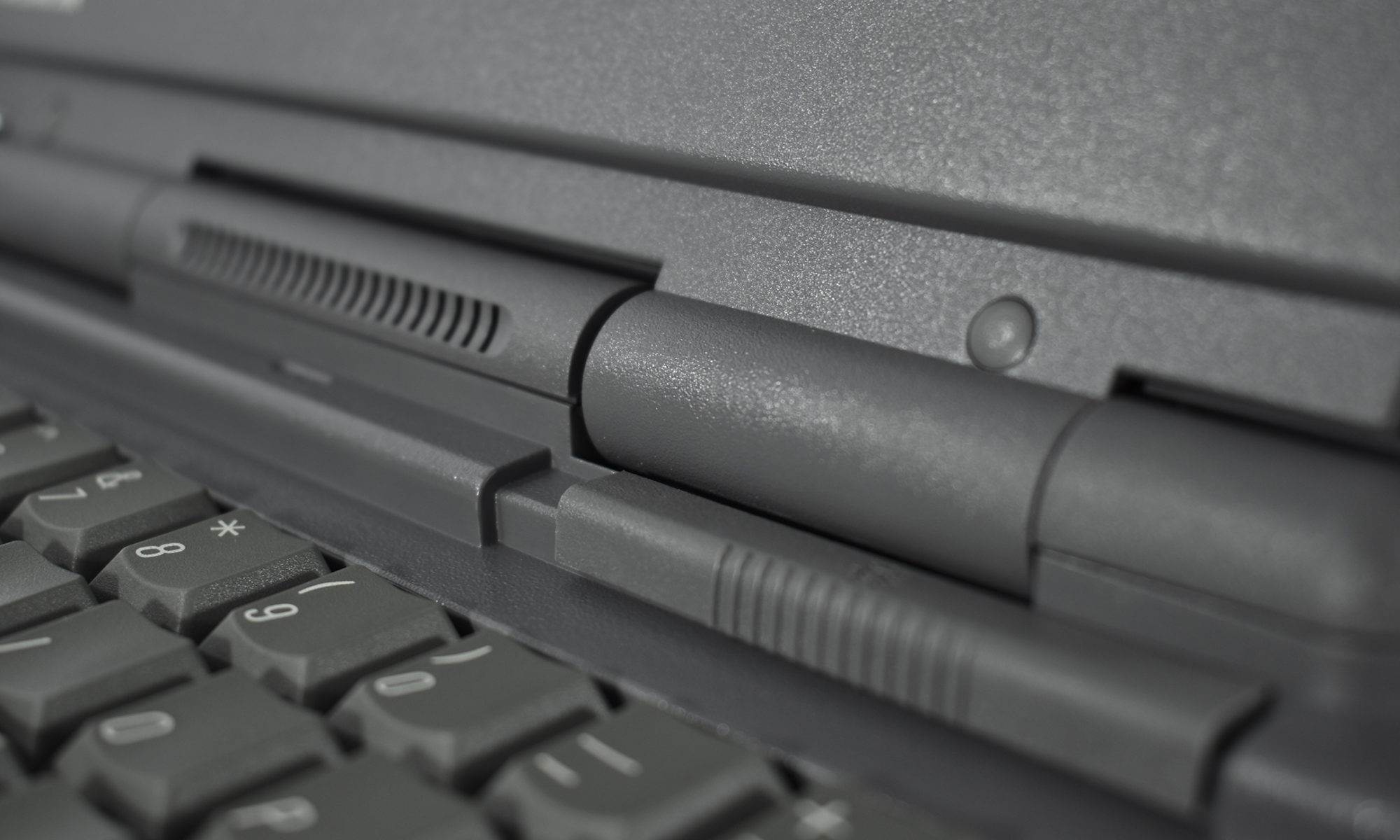
The keyboard on the iPad Keyboard Dock measures 11 inches wide, 4.5 inches deep, and stands 0.65 inch tall toward the back, sloping to 0.25 inch at the spacebar. A white plastic dock is fused to the back of the keyboard making the device a total depth of 7.25 inches and 2 inches tall. The dock weighs 1.4 pounds.

Although the keyboard resembles the Mac keyboards of the time, the escape and function buttons found at the top of a Mac keyboard were replaced with 13 keys that control iPad-specific features, including: home screen, search, brightness, picture frame, onscreen keyboard toggle, music track control, volume, and screen lock. Each function is represented by an icon.

Sources: EveryMac.com, Apple.com, Cnet.com
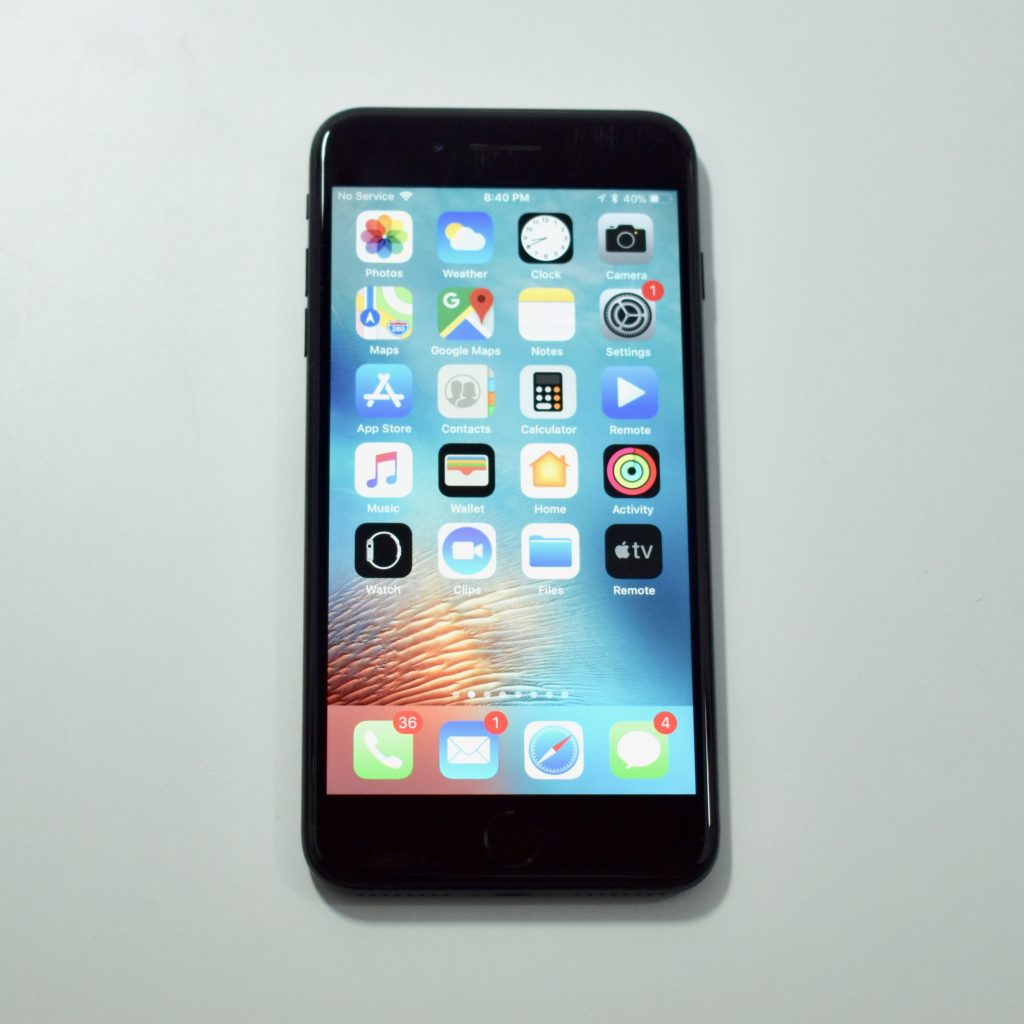
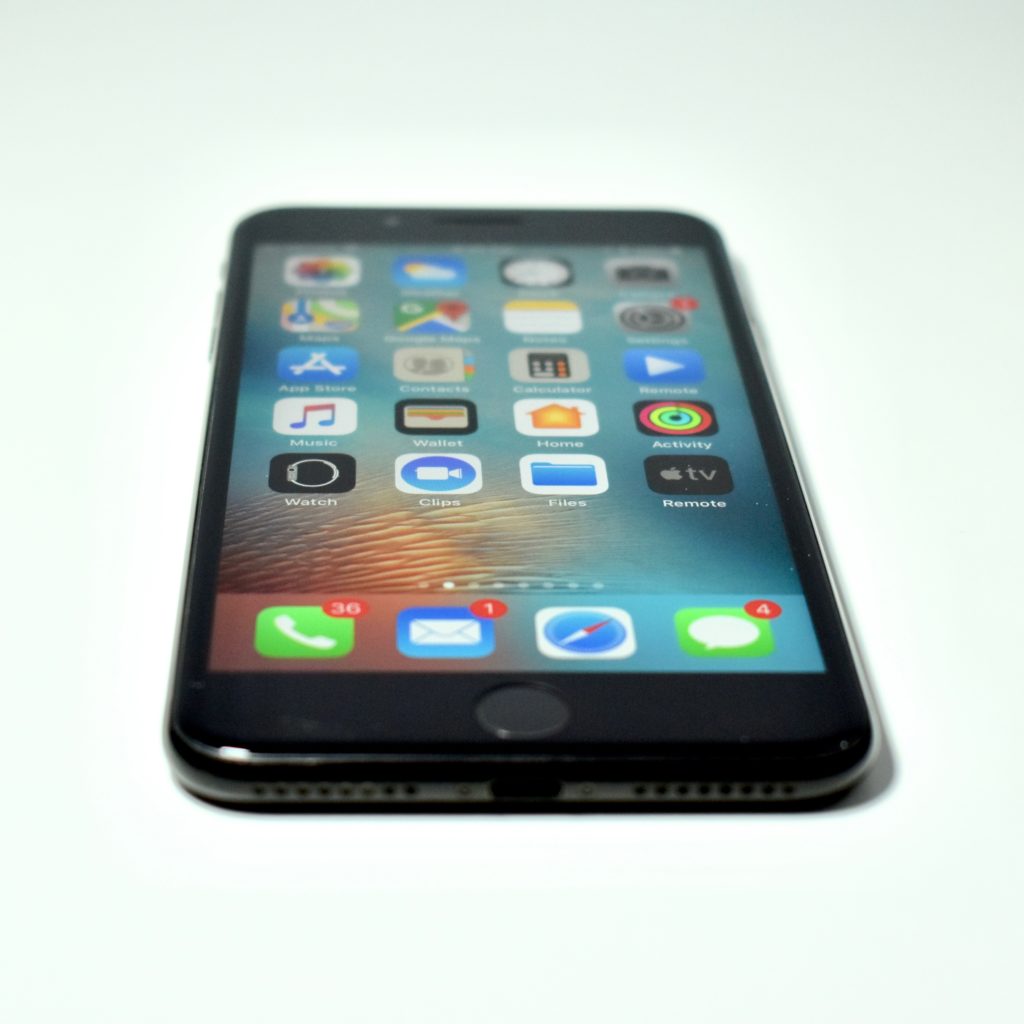
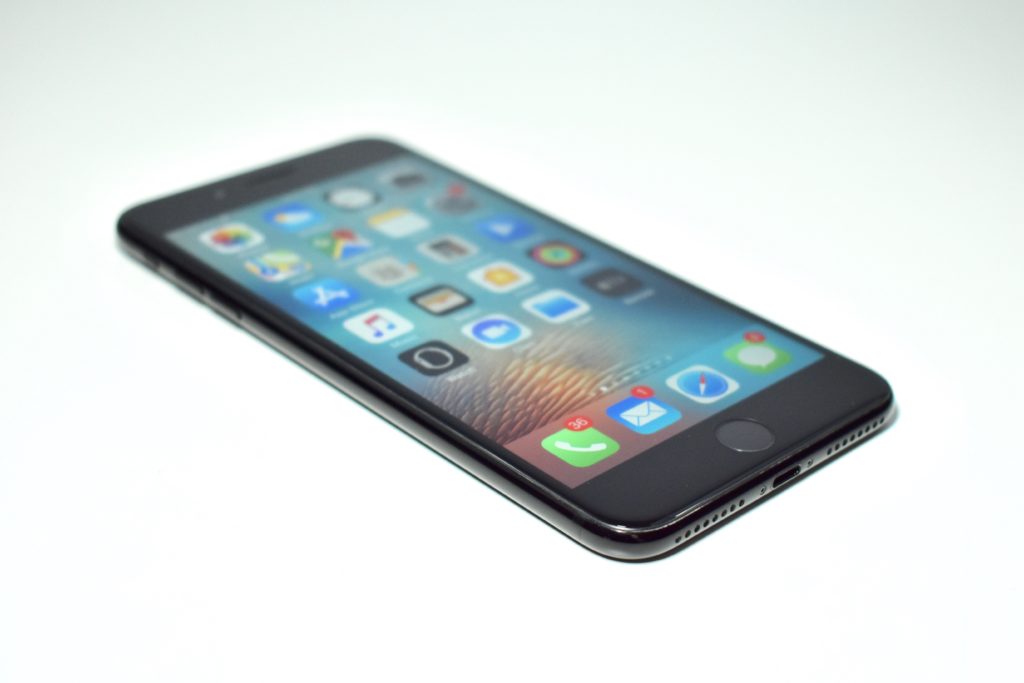
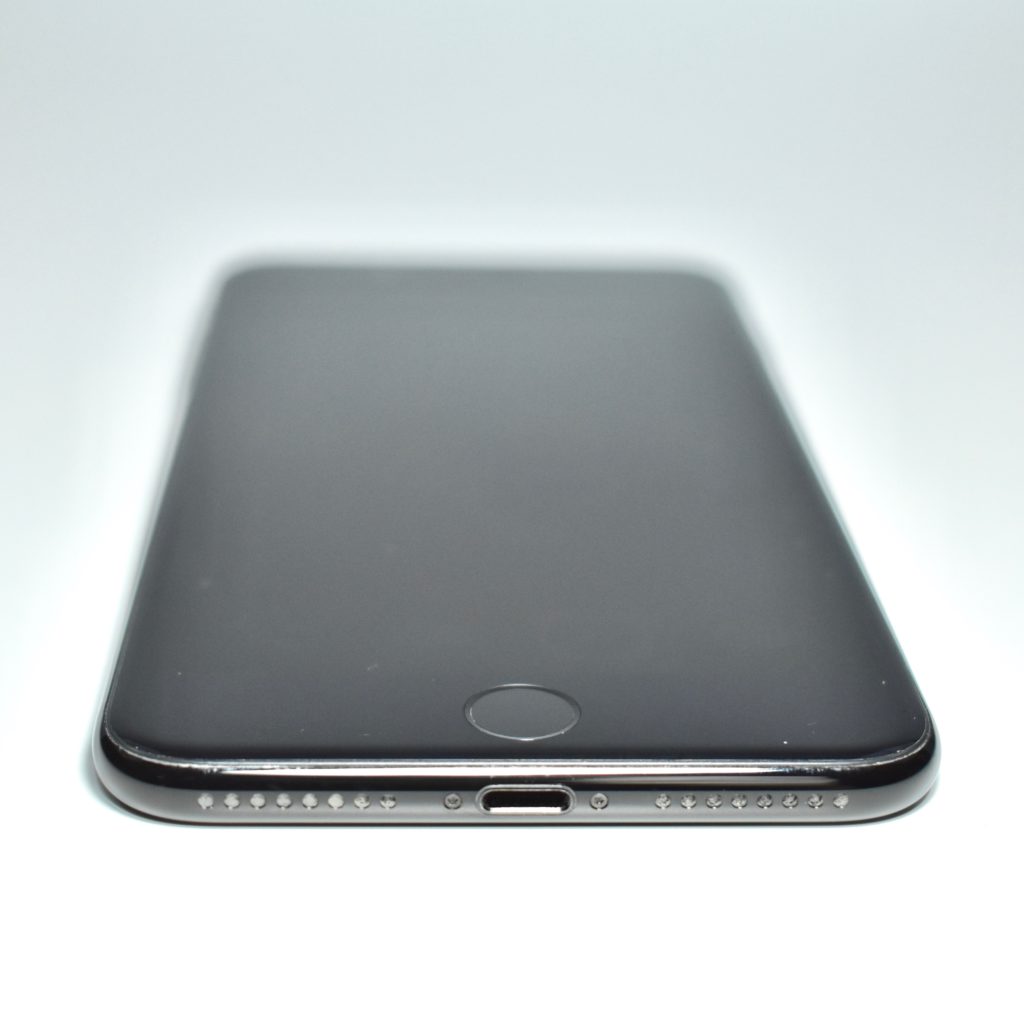
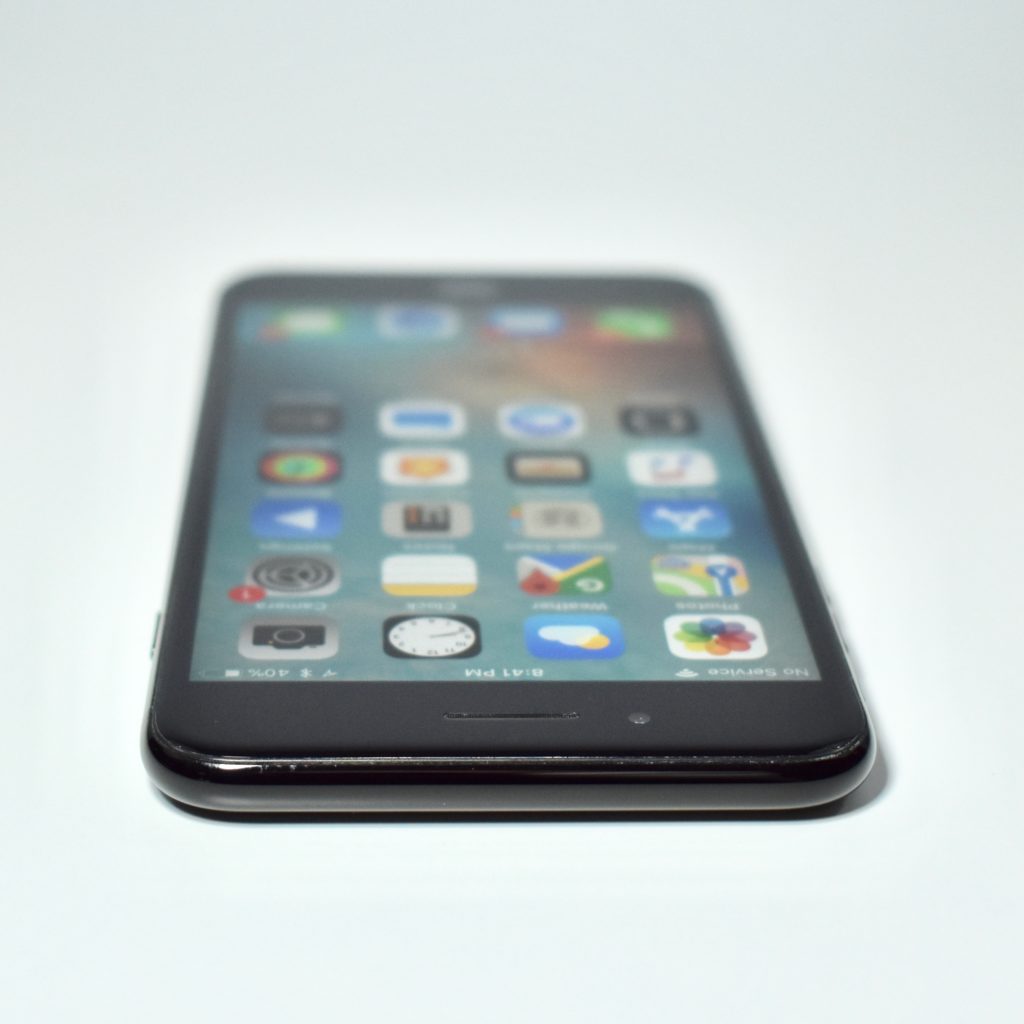
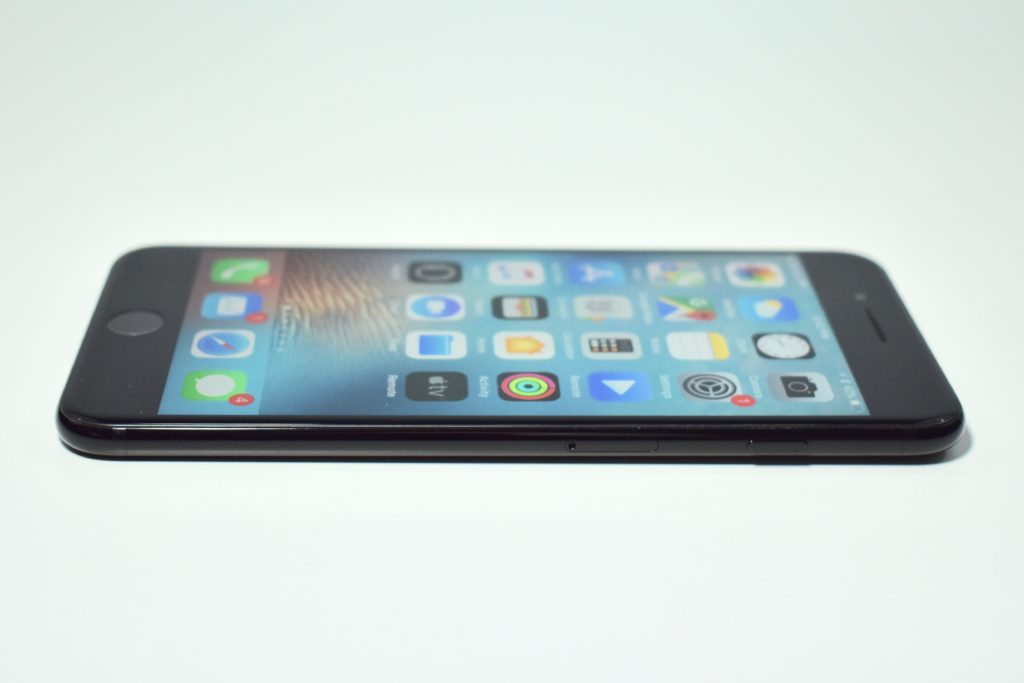
iPhone 7 Plus (128 GB, jet black, 2016)

This particular iPhone 7 Plus model was used with an AT&T network in the United States. All iPhone 7 Plus models used a 5.5-inch widescreen multitouch Retina HD display at 1920×1080 (401 ppi). It used a taptic-engine that provided a clickless Home button. The iPhone 7 Plus used three cameras: two rear 12-megapixel cameras (one with a wide-angle and one with a 2x telephoto lens) and a front FaceTime HD camera (7 megapixels and 1080p).

The iPhone 7 Plus was originally available in five color options: silver (white glass front and a silver back), gold (white glass front and a gold back), rose gold (white glass front and a pink-tinted gold back), black (black glass front and a matte black back), and jet black (black glass front and a high-gloss anodized and polished black aluminum back). On March 21, 2017, Apple added a (PRODUCT) RED Special Edition with a white glass front and a red aluminum back.

The iPhone 7 Plus was splash, water, and dust-resistant (but not waterproof). It had a Lightning port, but lacked a headphone jack.

Internally, the iPhone 7 Plus used a 64-bit Apple A10 Fusion processor with four cores; 3 GB of RAM; and 32, 128, or 256 GB of storage. It supported 802.11a/b/g/n/ac Wi-Fi, Bluetooth 4.2, LTE (4G), and NFC for Apple Pay.

Source: EveryMac.com

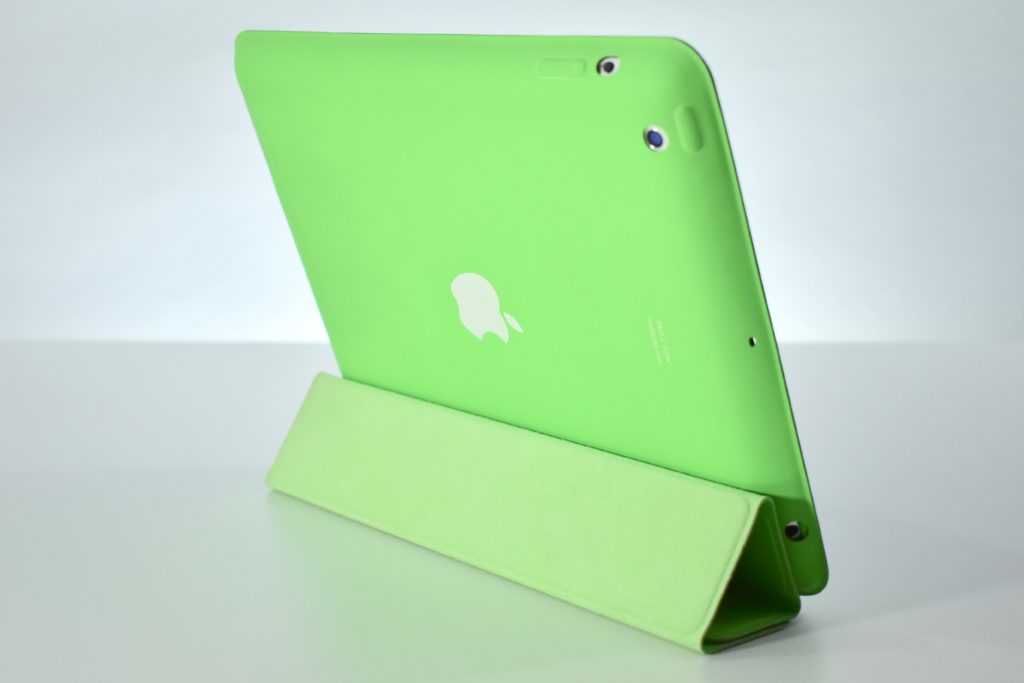
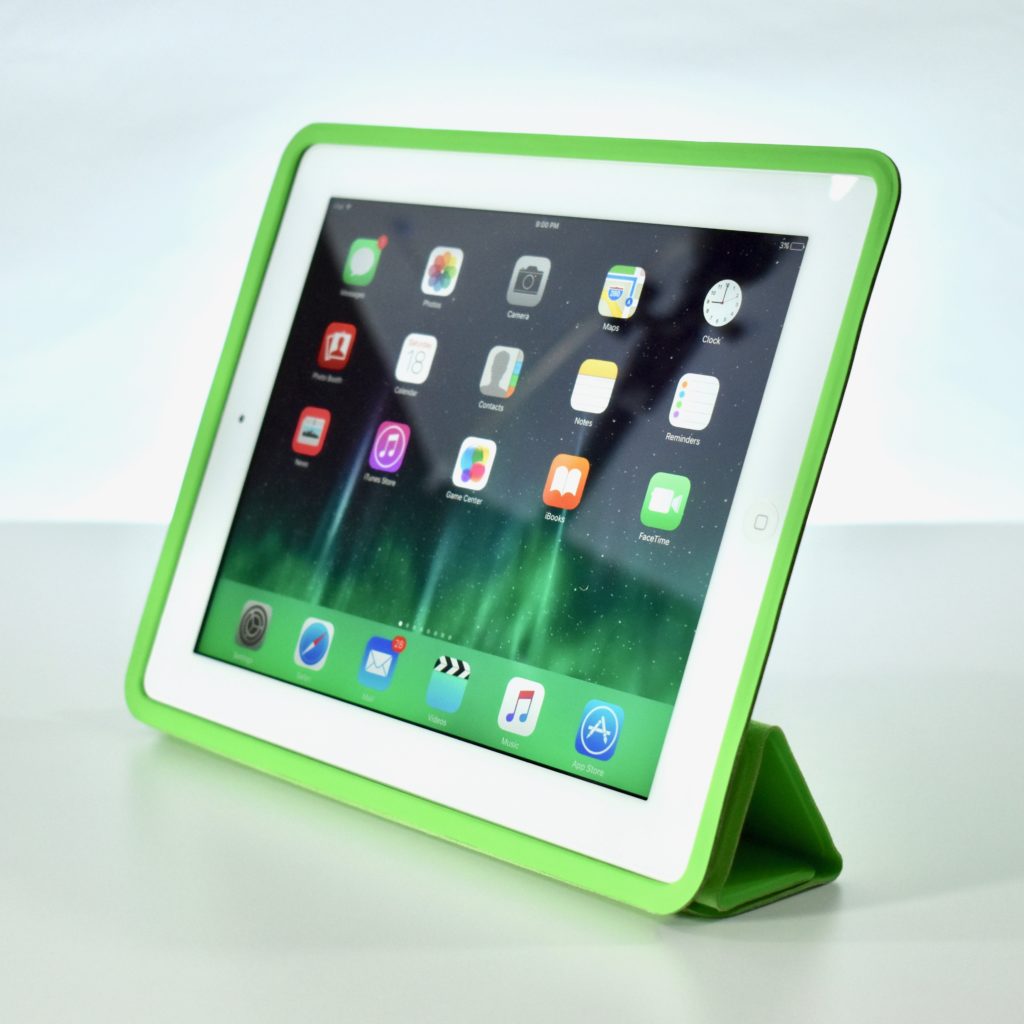
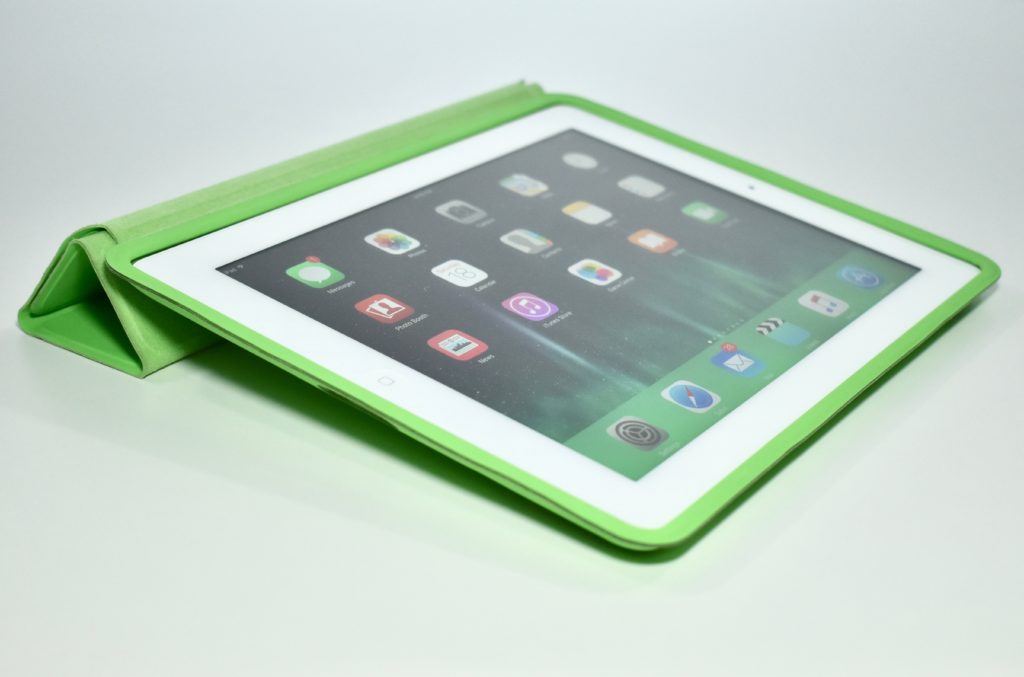
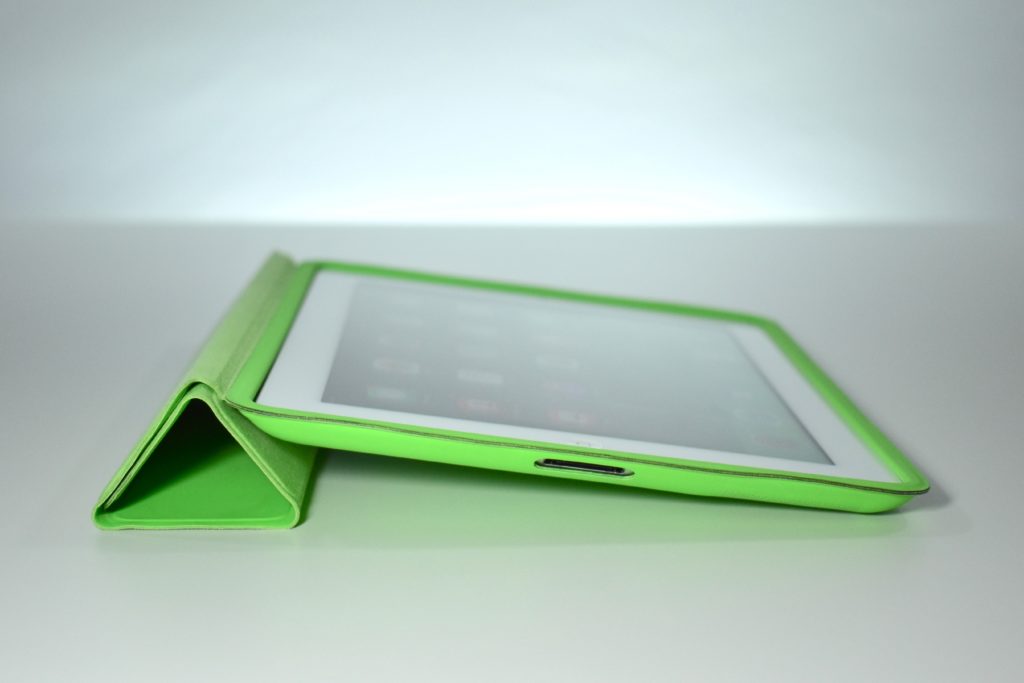
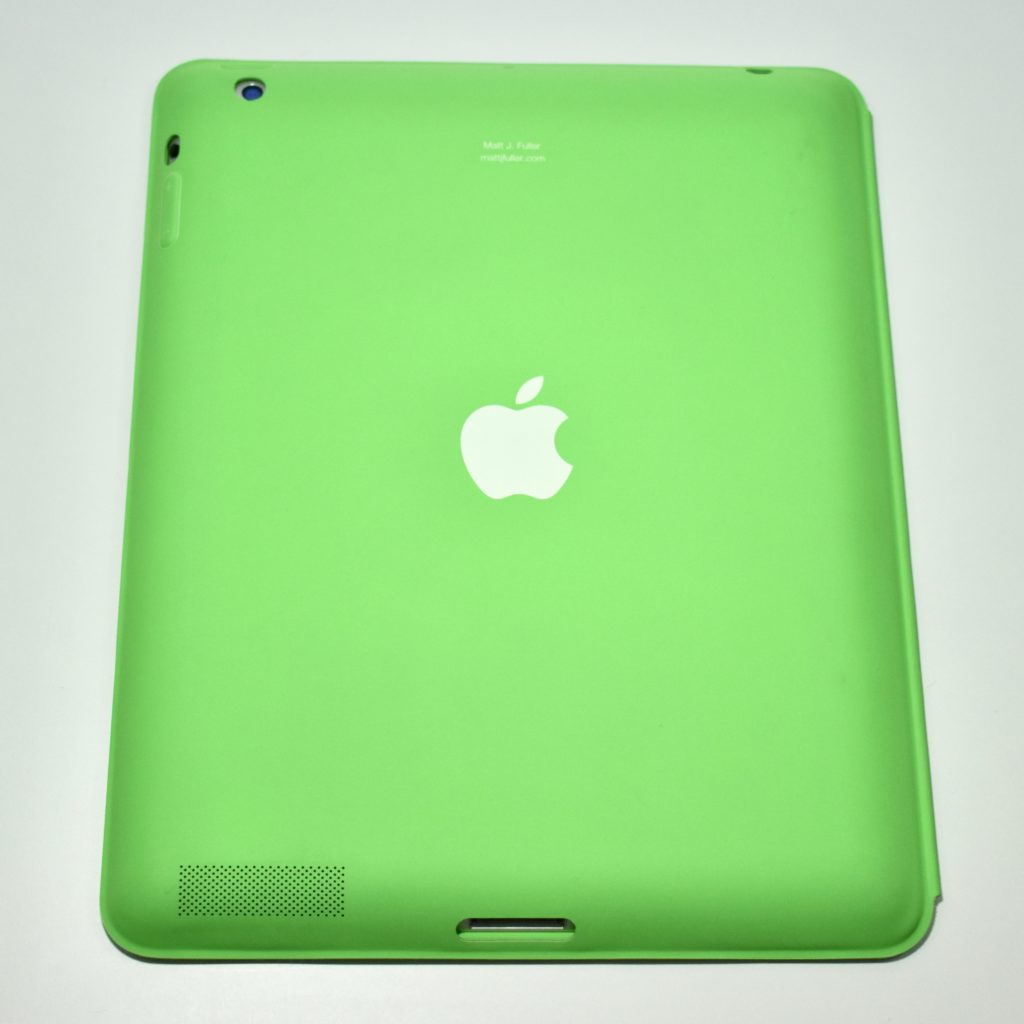
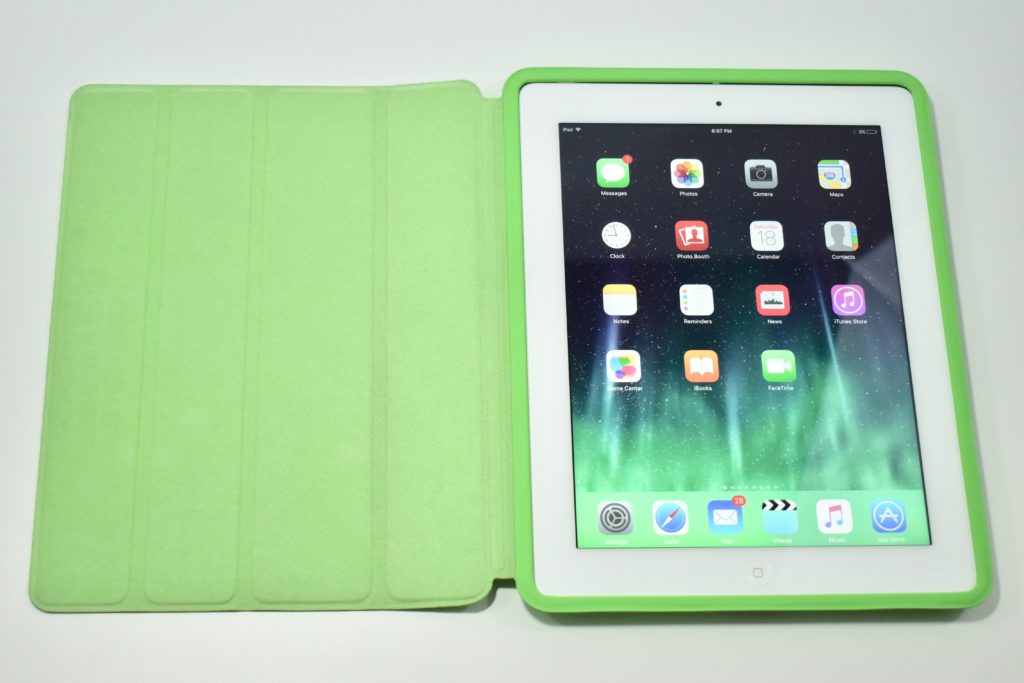
iPad (Generation 3, cellular, 32 GB, white, 2012) with iPad Smart Case (green)

The iPad Generation 3 was significantly more powerful than the two previous iPad models and introduced the “Retina” display, a 9.7-inch multitouch screen at 2048×1536 (264 ppi). Internally it used a dual-core 1 GHz Apple A5X processor with quad core graphics; 1 GB of RAM; 16, 32, or 64 GB of storage; a rear-mounted 5 megapixel iSight camera (1080p); a front-mounted FaceTime camera; 802.11n Wi-Fi, and Bluetooth 4.0.

This specific iPad model supported 4G LTE connectivity on Verizon’s network in the US.

According to Cult of Mac, the iPad Generation 3 had the “shortest lifespan of any iPad in history. Apple debuted the fourth-gen model just 221 days after the iPad 3 went on sale. The iPad 4 added the Lightning connector, making the iPad 3 the last iPad to support the old 30-pin dock connector.”

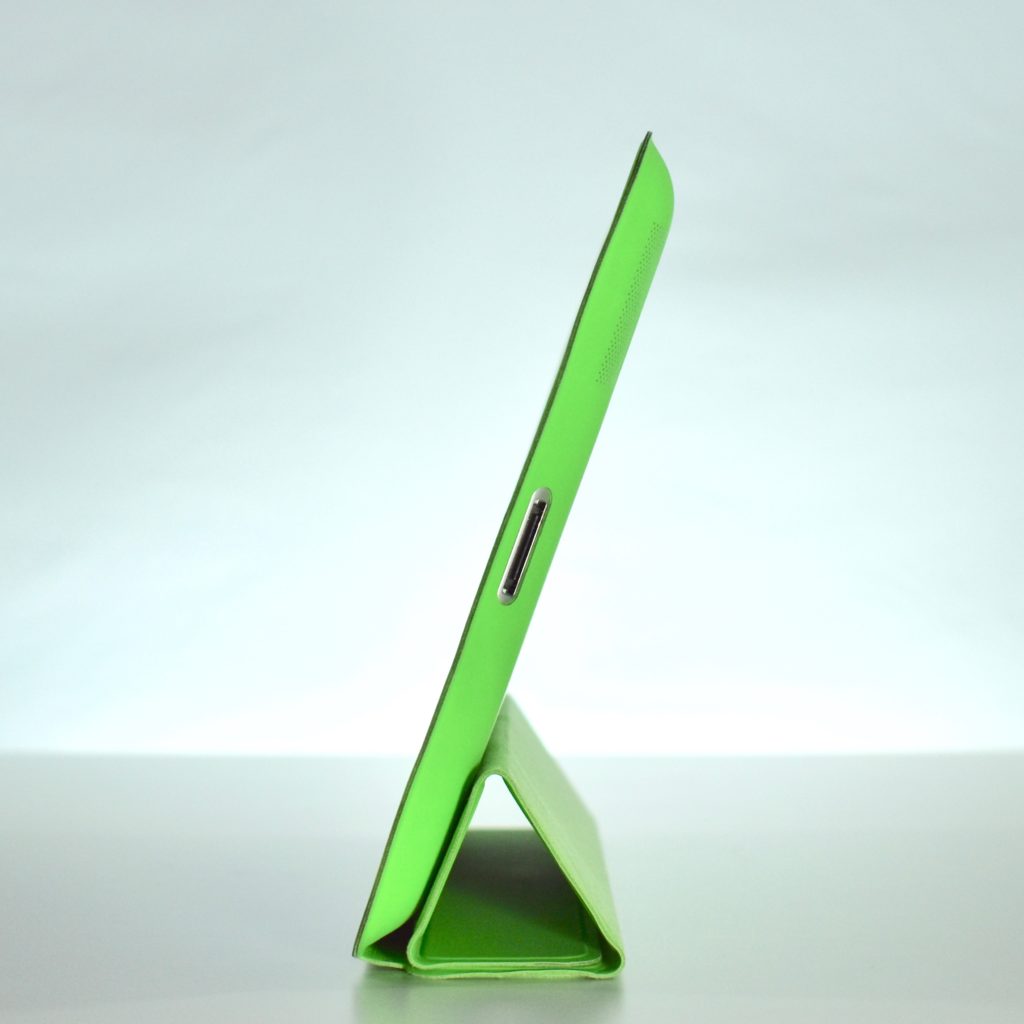
The Smart Case for was made of polyurethane and fit several iPad models including iPad 2 (2nd generation), iPad (3rd generation), and iPad with retina display. The Smart Case offered full protection and the cover was magnetic so when the case was open the iPad woke up and automatically went to sleep when closed.

The interior of the case was made of a soft, color-matched microfiber lining that helped keep the display clean. By folding the cover into a triangle, Apple advertised the case positions as a “FaceTime and movie stand” while upright and a keyboard stand to “tilt iPad into a comfortable typing position” when flat.

Sources: EveryMac.com, Cult of Mac

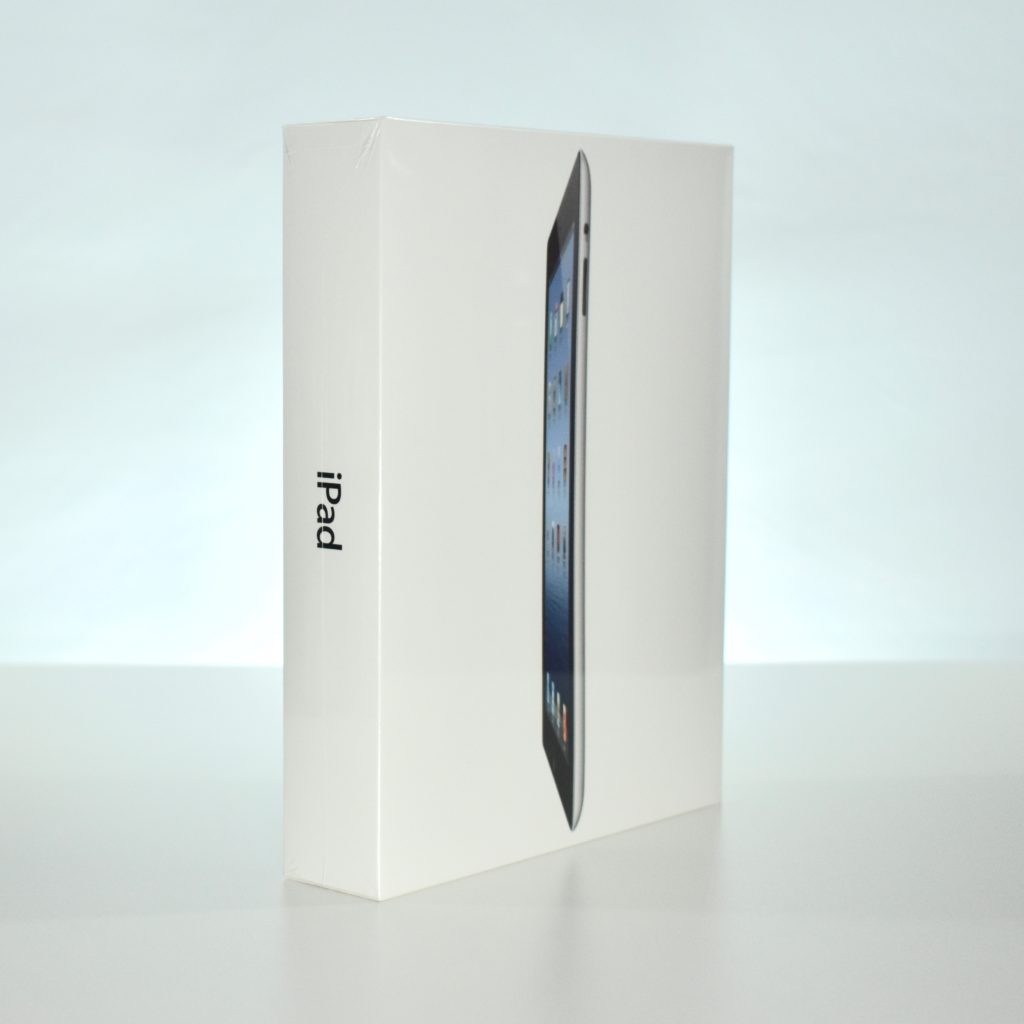
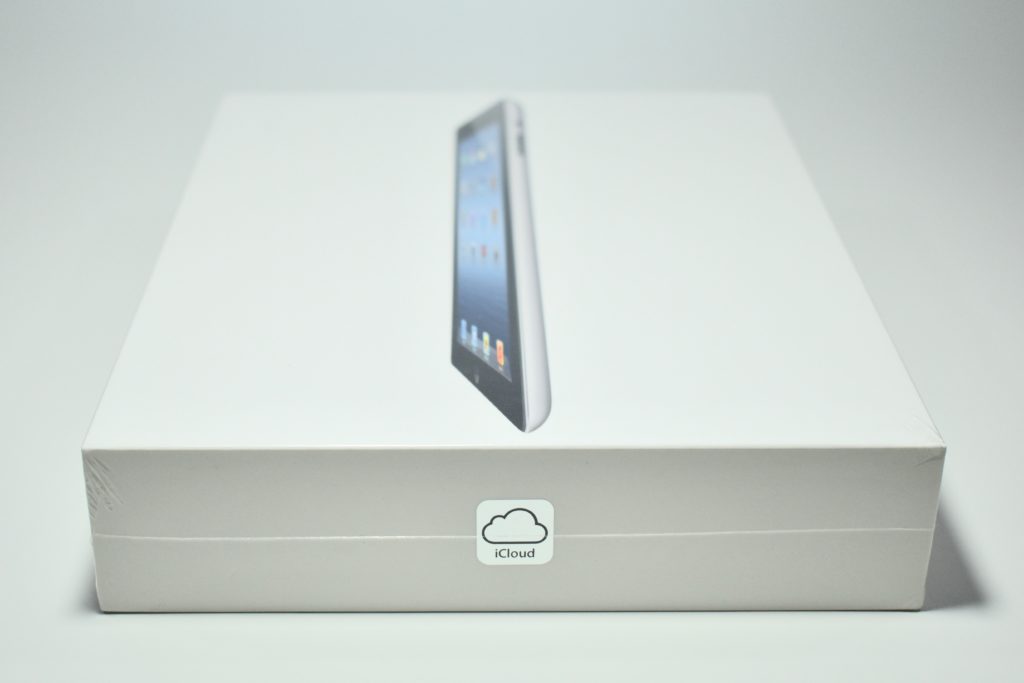
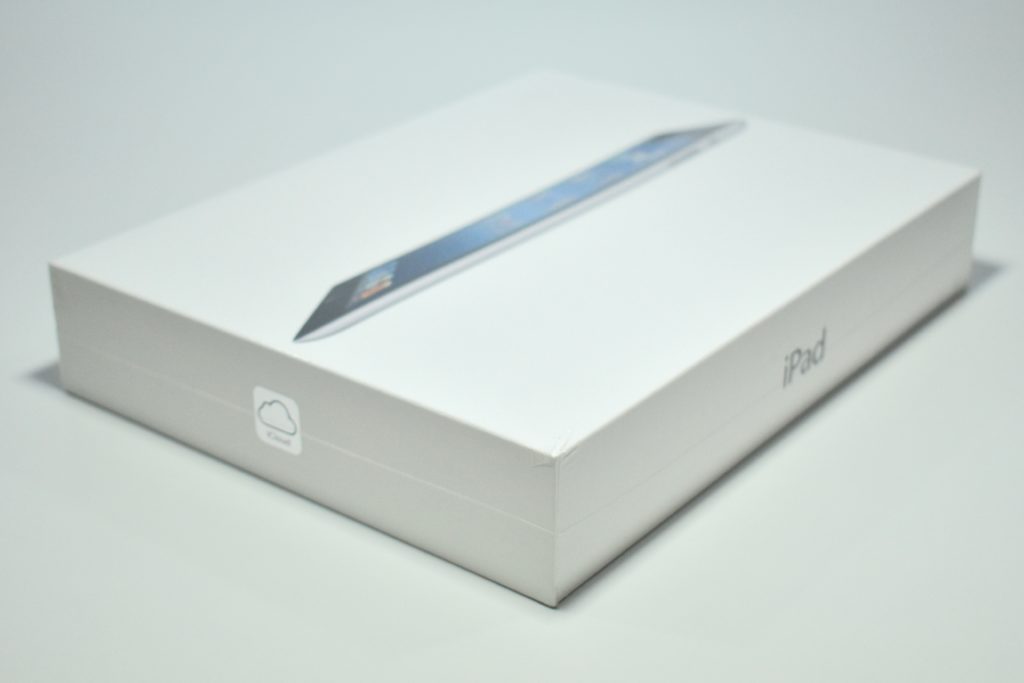
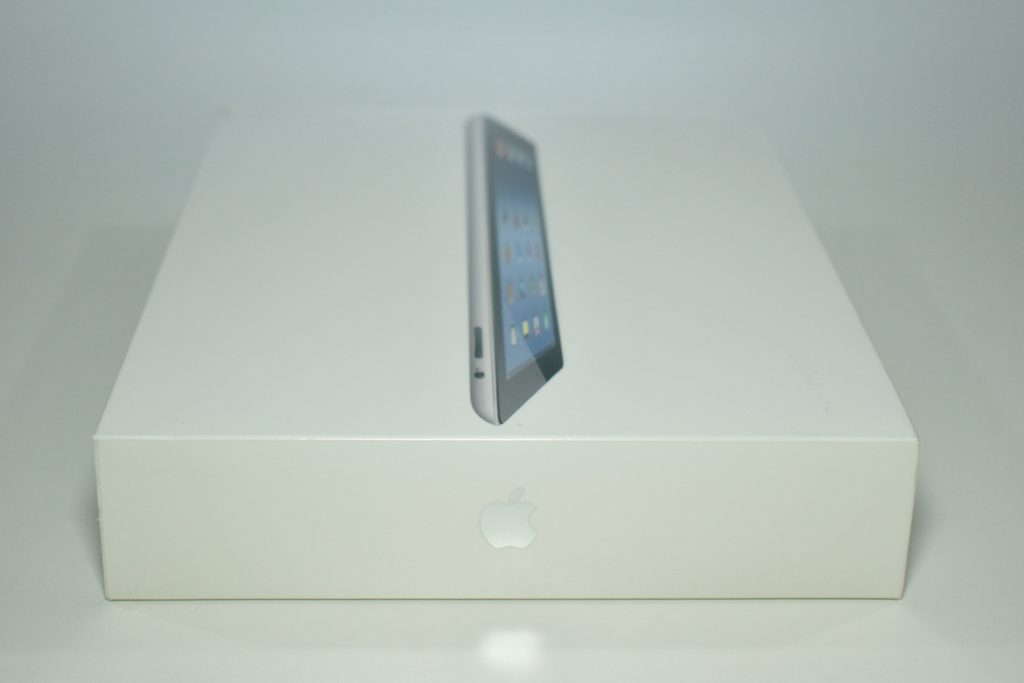
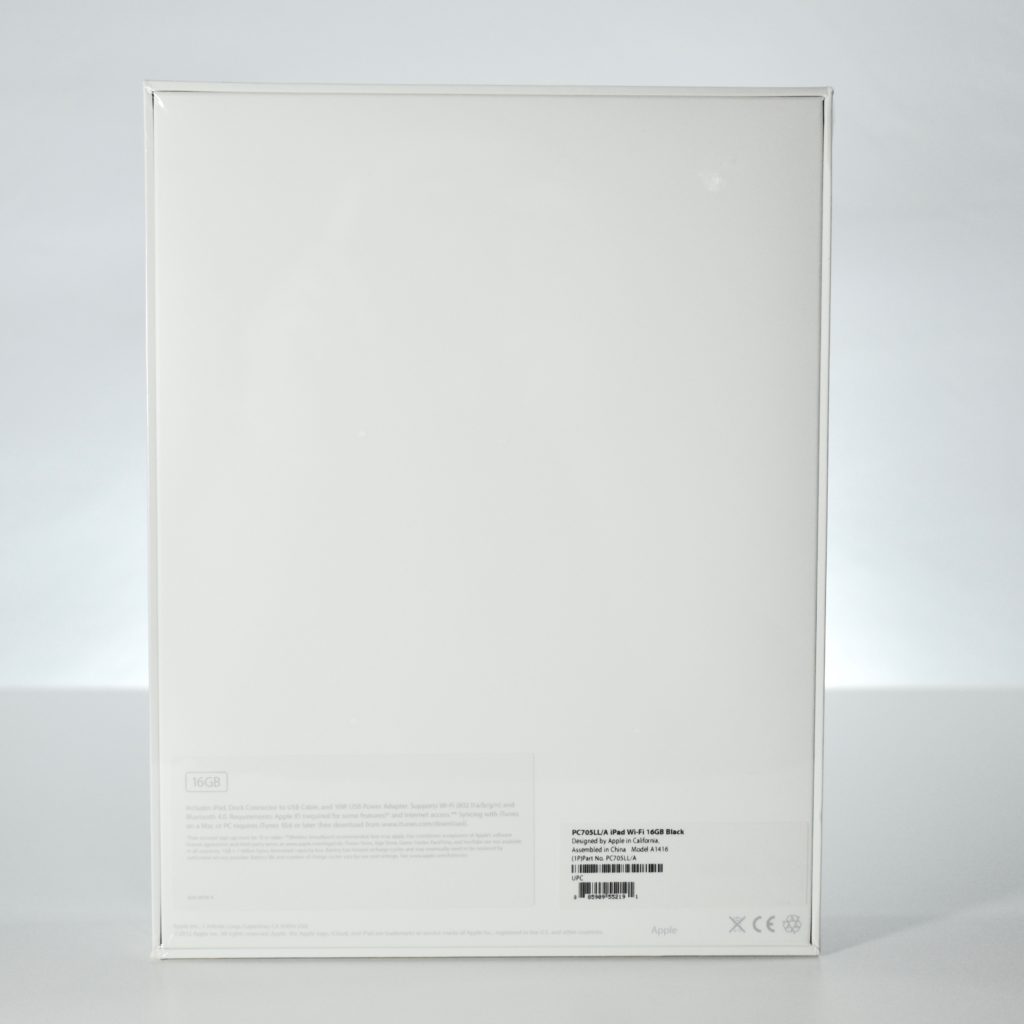
iPad (Generation 3, Wi-Fi, 16 GB, black, 2012, unopened)

The iPad Generation 3 was significantly more powerful than the two previous iPad models and introduced the “Retina” display, a 9.7-inch multitouch screen at 2048×1536 (264 ppi). Internally it used a dual-core 1 GHz Apple A5X processor with quad core graphics; 1 GB of RAM; 16, 32, or 64 GB of storage; a rear-mounted 5 megapixel iSight camera (1080p); a front-mounted FaceTime camera; 802.11n Wi-Fi, and Bluetooth 4.0.

In my experience as a school Technology Director, the iPad Generation 3 began a shift in thinking that the iPad was not just a content-consumption device, but also a content-creation device. The iPad Generation 3 built upon the iWork apps introduced with he original iPad and camera introduced with the iPad Generation 2 by adding a considerably faster processor and better screen. Soon after the release of the iPad Generation 3, many schools began implementing multiple iPad devices eventually leading to 1:1 initiatives where each student is issued an iPad for learning.

According to Cult of Mac, the iPad Generation 3 had the “shortest lifespan of any iPad in history. Apple debuted the fourth-gen model just 221 days after the iPad 3 went on sale. The iPad 4 added the Lightning connector, making the iPad 3 the last iPad to support the old 30-pin dock connector.”

Source: EveryMac.com, Cult of Mac

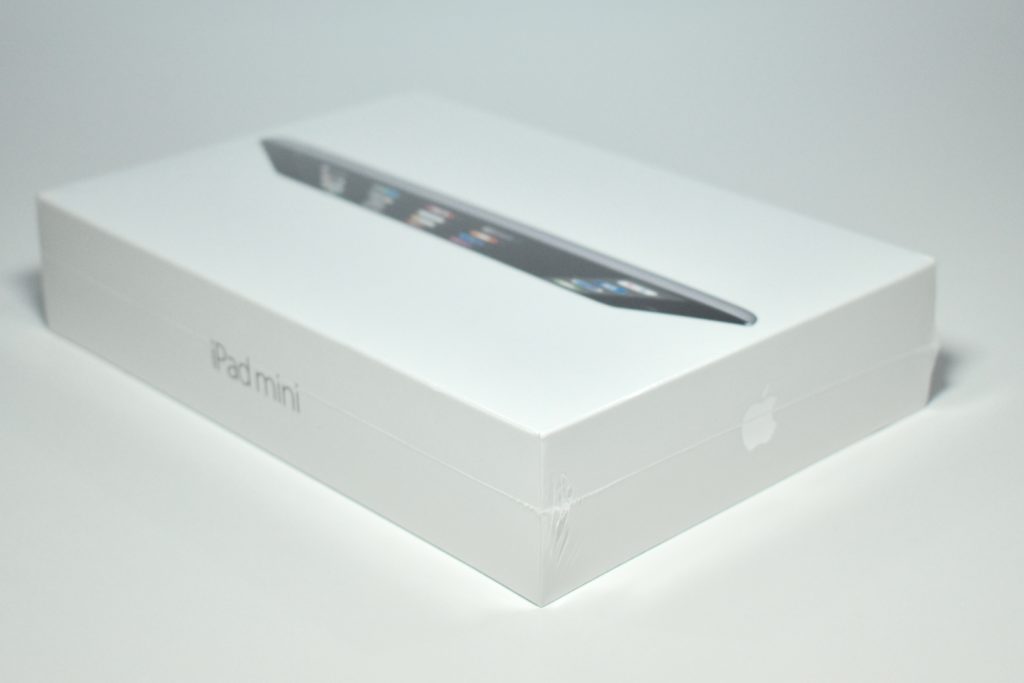
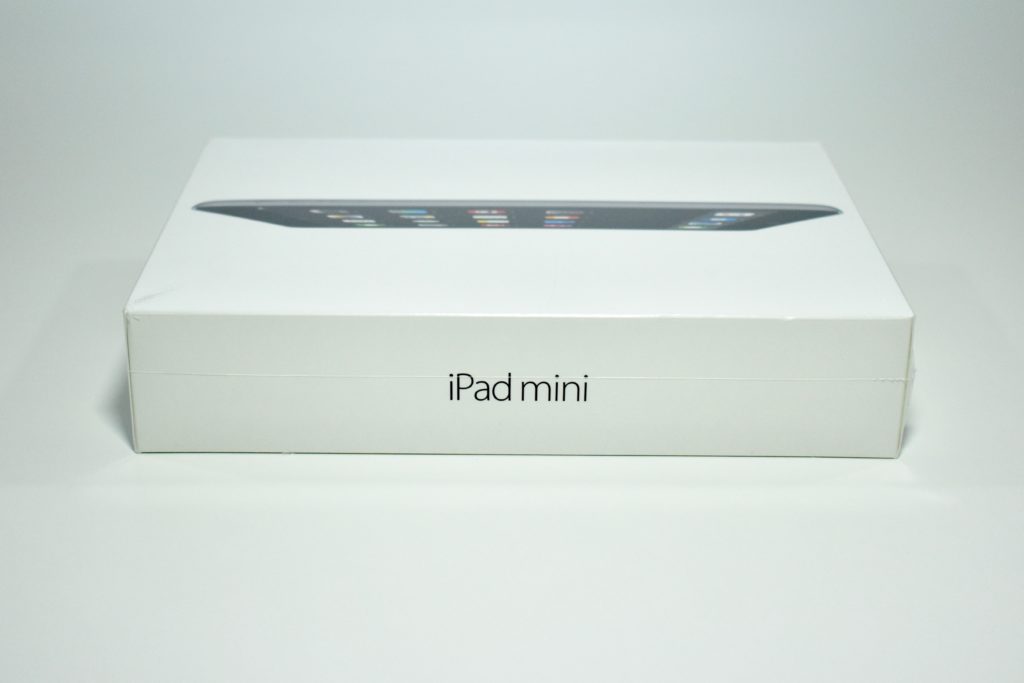
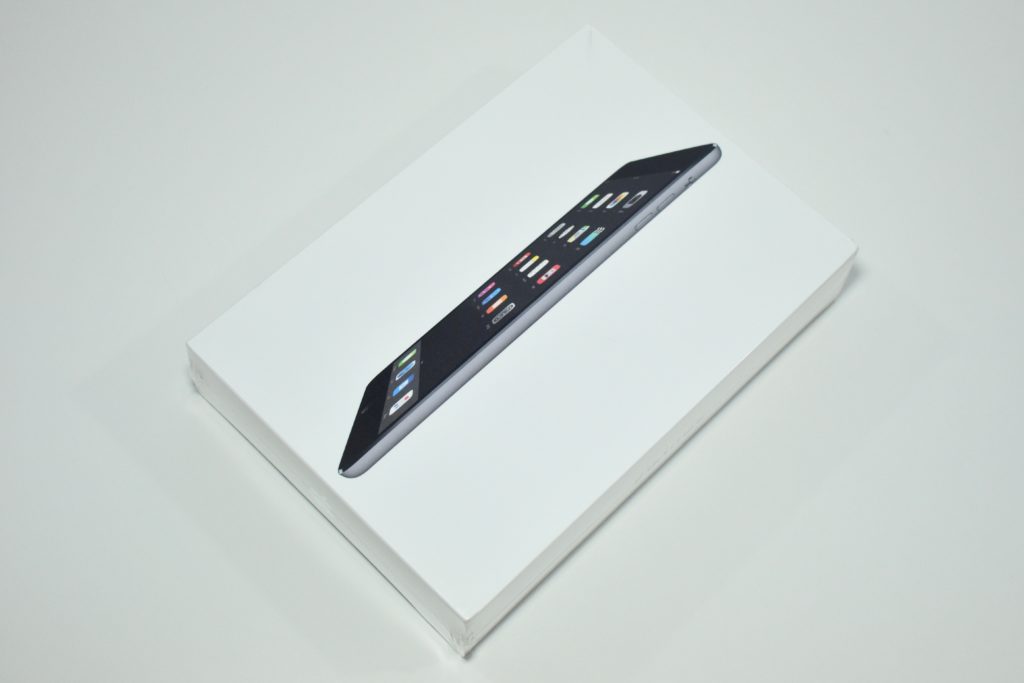
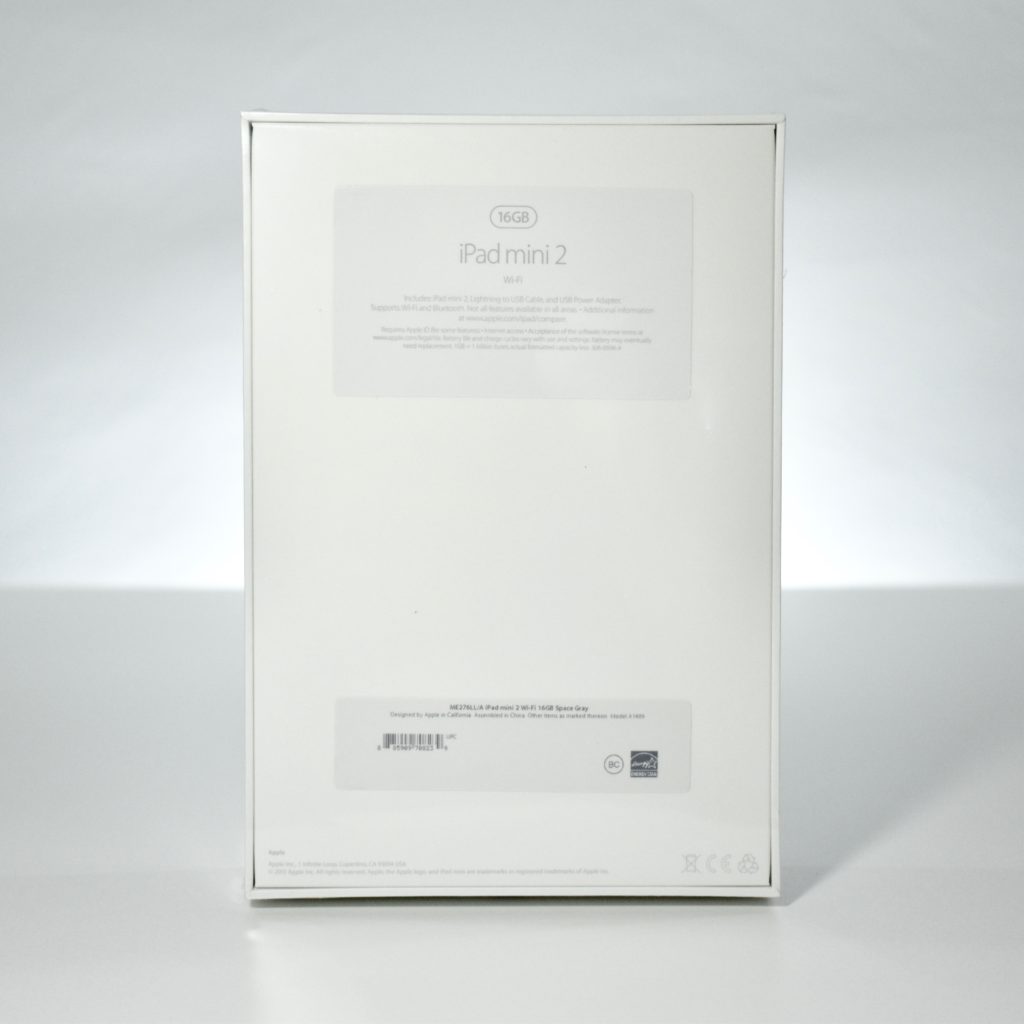
iPad mini (Generation 2, 16 GB, black, 2013, unopened)

The iPad mini 2 was originally referred to as “iPad mini with Retina Display.” It featured a 7.9-inch 2048×1536 (326 ppi) display; a dual core 1.3 GHz Apple A7 processor; 1 GB of RAM; and 16, 32, 64, or 128 GB of storage. The iPad mini 2 was available in white (with a silver back) or black (with a medium gray gunmetal back).

The iPad mini 2 included two cameras: a rear-mounted 5 megapixel iSight camera (1080p) and a front-mounted 1.2 megapixel FaceTime HD camera (720p), dual-band 802.11a/b/g/n Wi-Fi, Bluetooth 4.0, two microphones, and two speakers. This iPad used a Lightning port and included a headphone jack.

Source: EveryMac.com
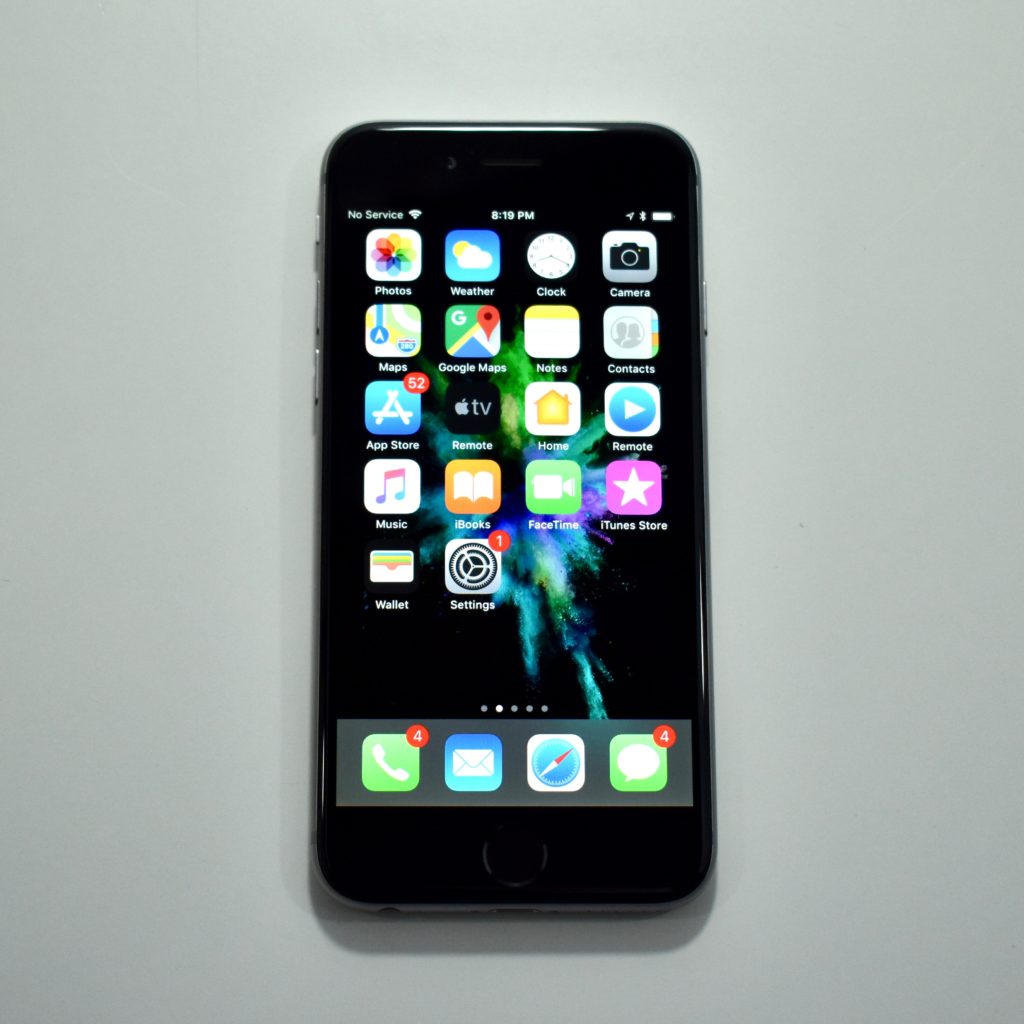
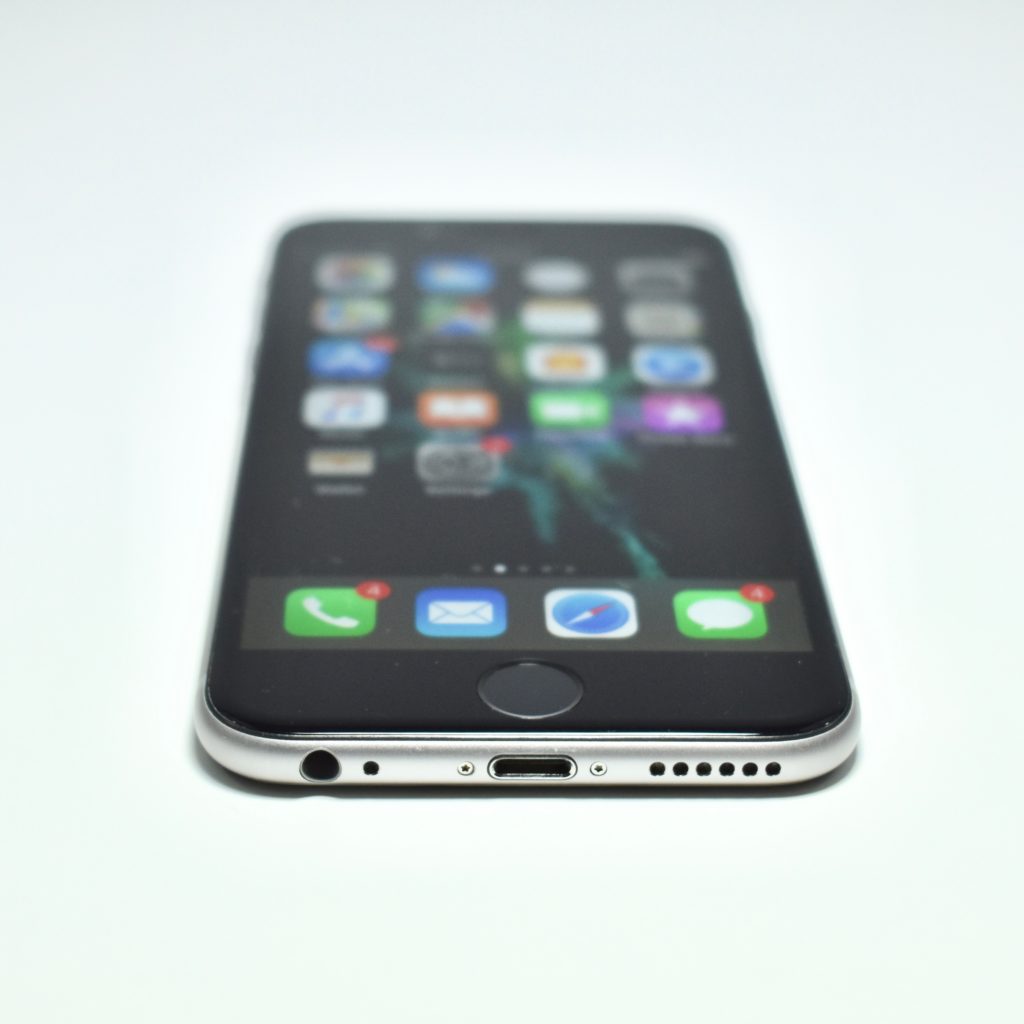
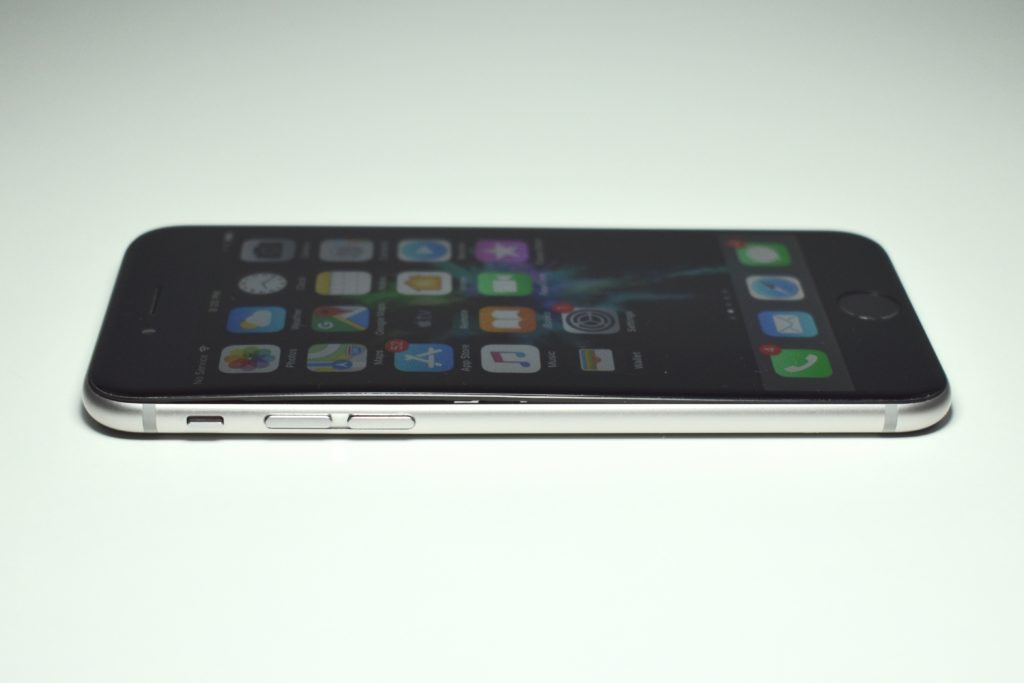
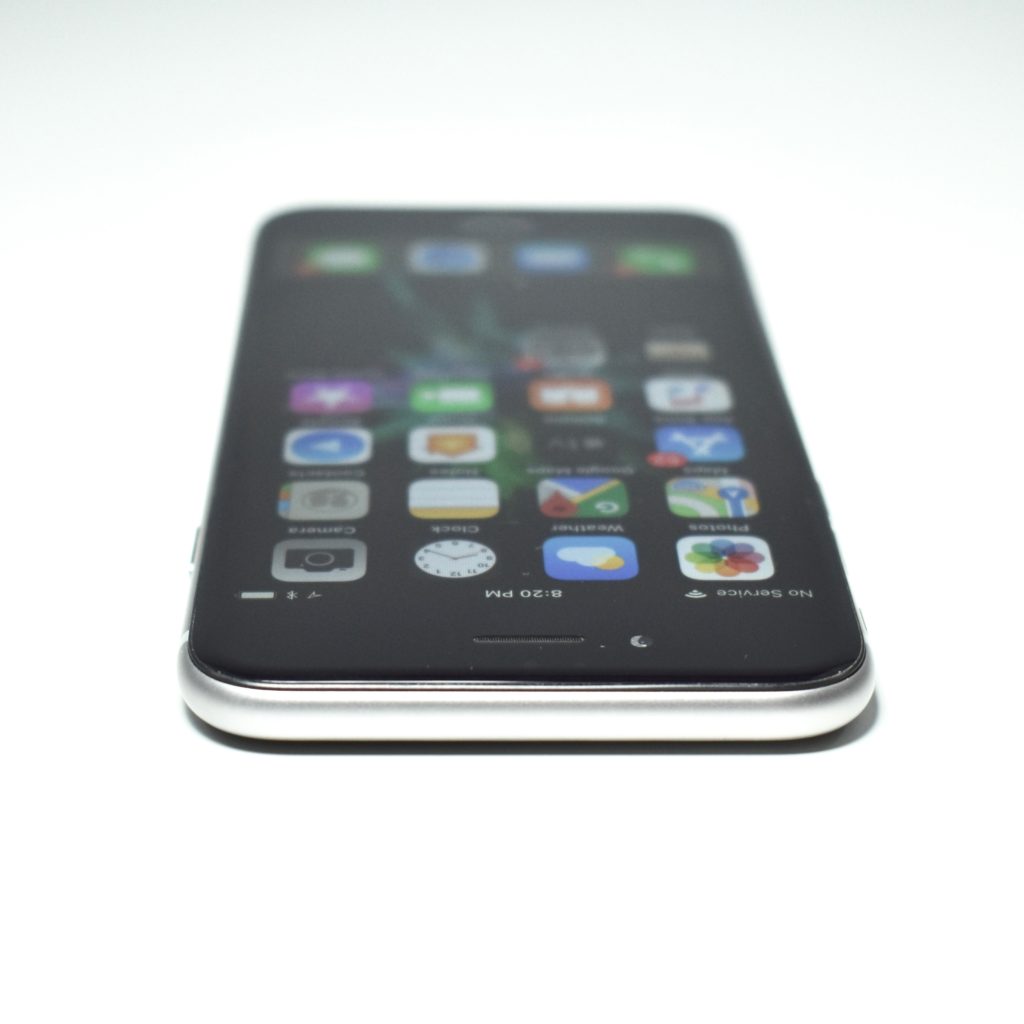
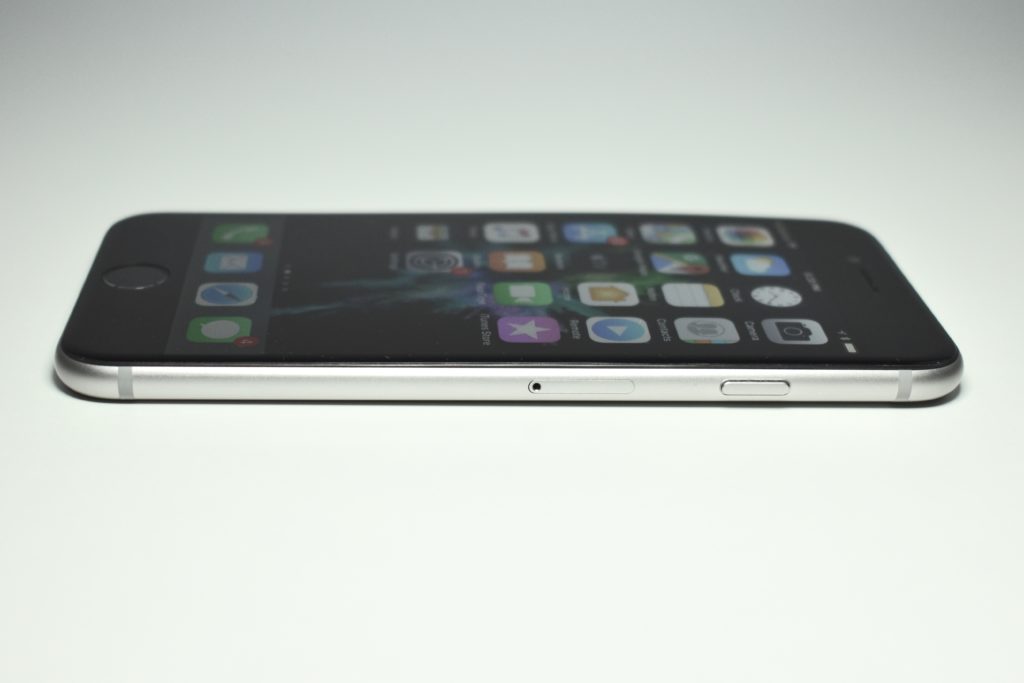
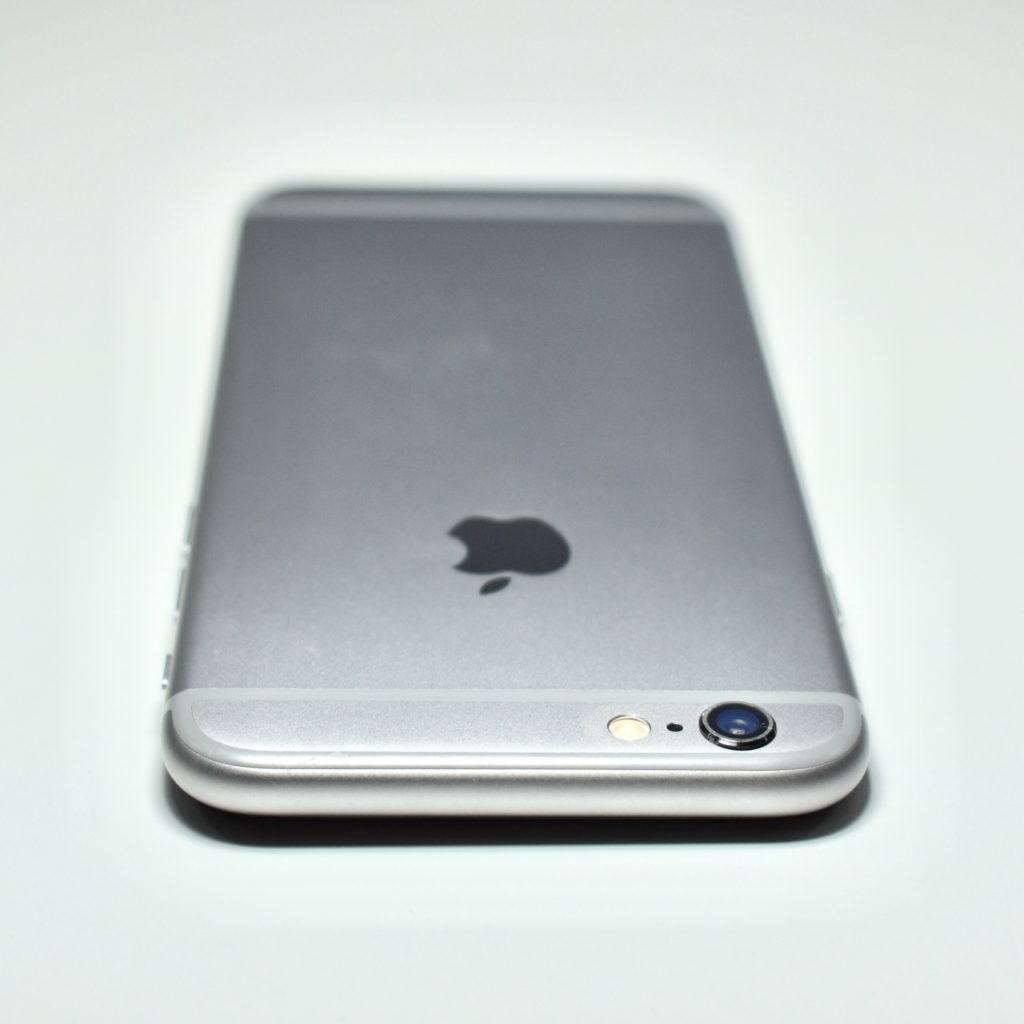
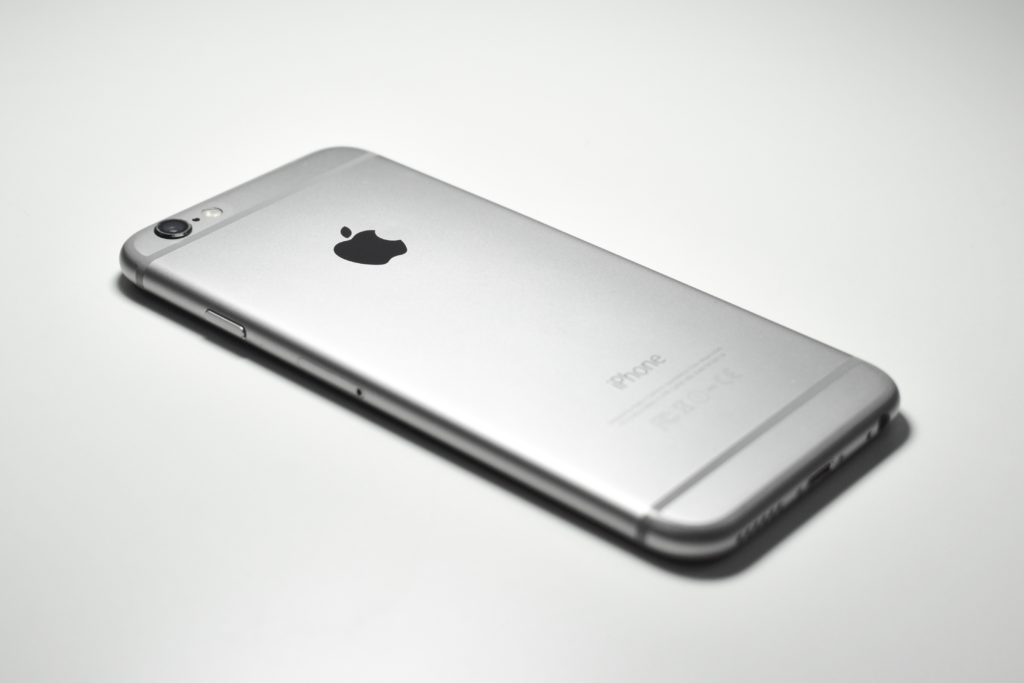
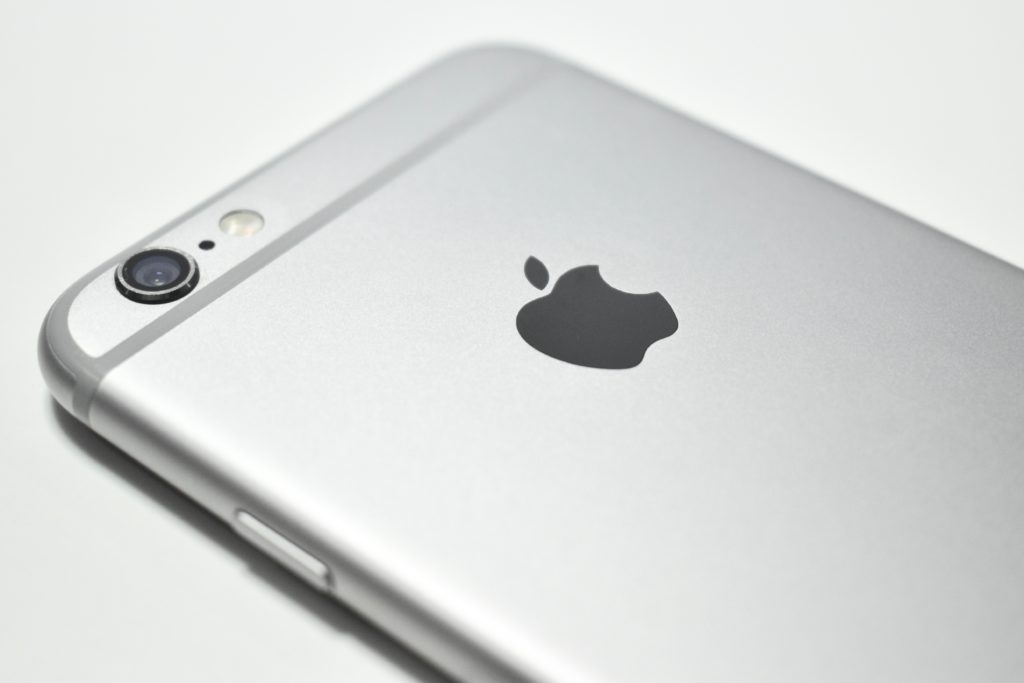
iPhone 6 (64 GB, space gray, 2014)

This particular iPhone 6 model was used an AT&T network (and functioned throughout North America). All iPhone 6 models had a 4.7-inch multi-touch screen at 1334×750 (326 ppi, Retina HD display). It had two cameras: a rear 8 megapixel iSight camera (1080p) and a front 1.2 megapixel FaceTime camera (720p).

The iPhone 6 was originally available in three color options: silver (white glass front and a silver aluminum back), gold (white glass front and a gold aluminum back), and space gray (black glass front and a medium-gray aluminum back). The iPhone used a unibody design with rounded sides (similar to the iPod touch Generation 5). The glass screen curved slightly at the edges. It also included a Touch ID fingerprint sensor.

The iPhone 6 used a 1.4 GHz 64-bit Apple A8 processor with 1 GB of RAM and 16, 32, 64, or 128 GB of storage. In addition to 802.11a/b/g/n/ac Wi-Fi, Bluetooth 4.0/4.2, and LTE (4G), it included NFC for Apple Pay transactions. It had both a bottom-mounted headphone jack and a Lightning port.

Source: EveryMac.com
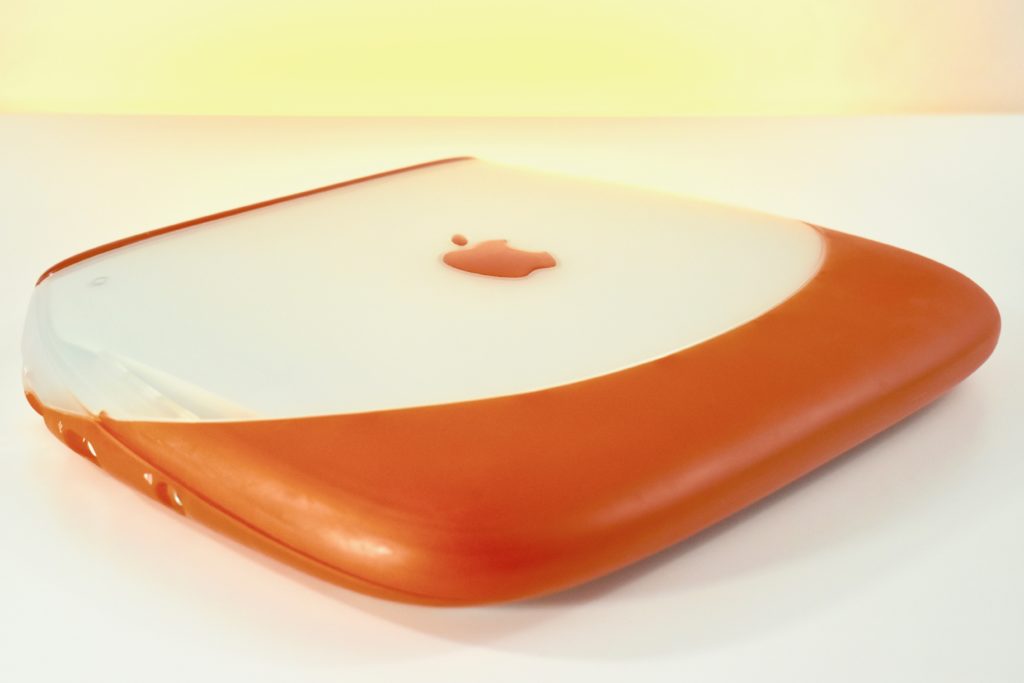
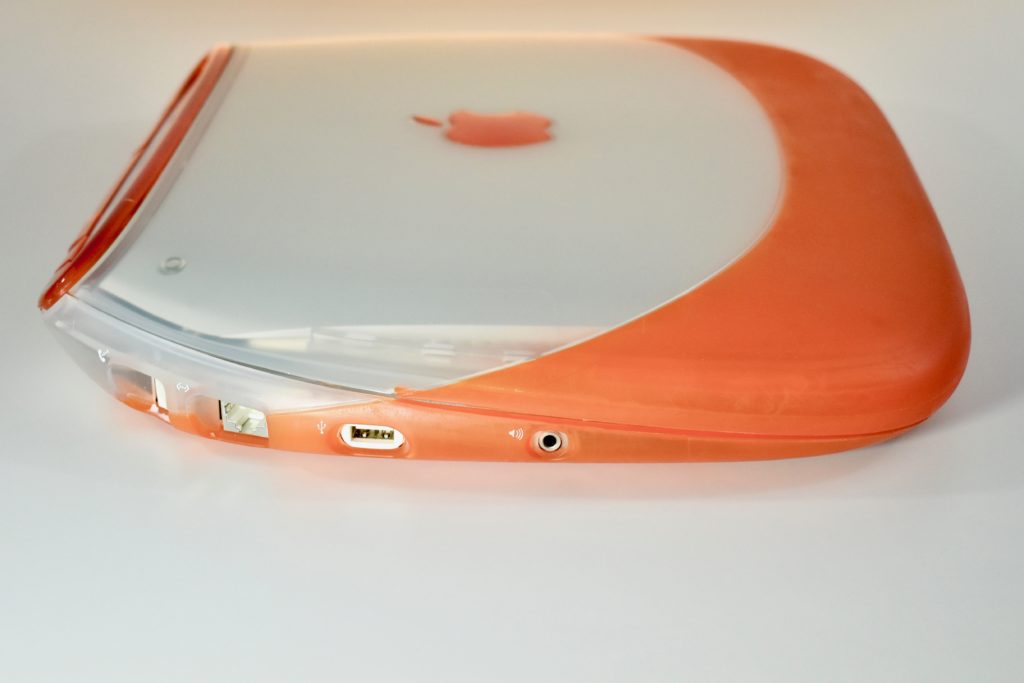
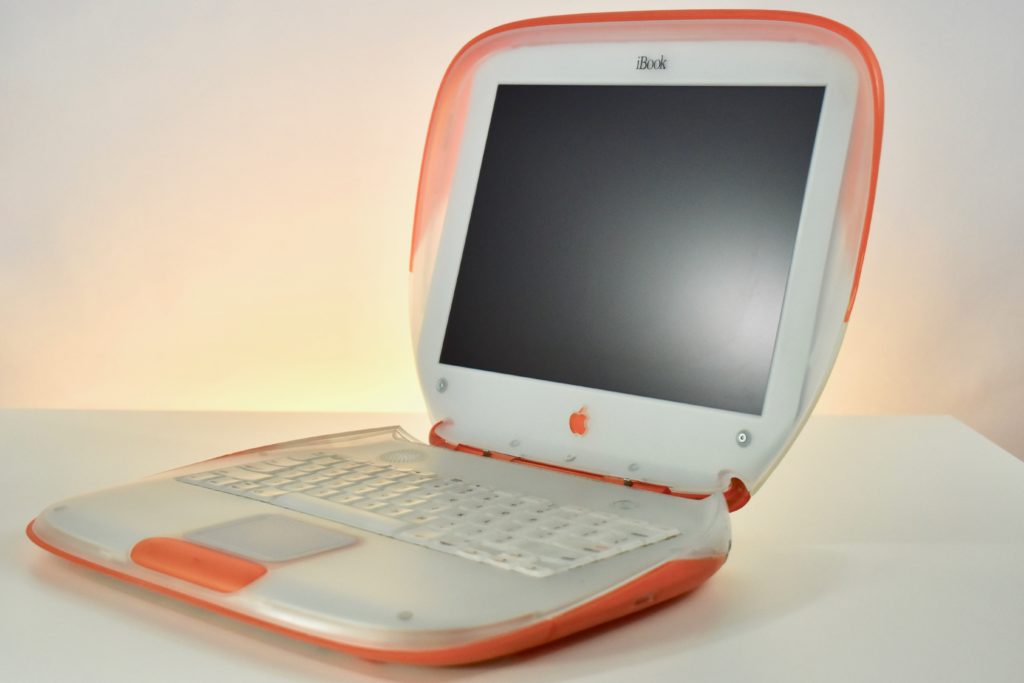
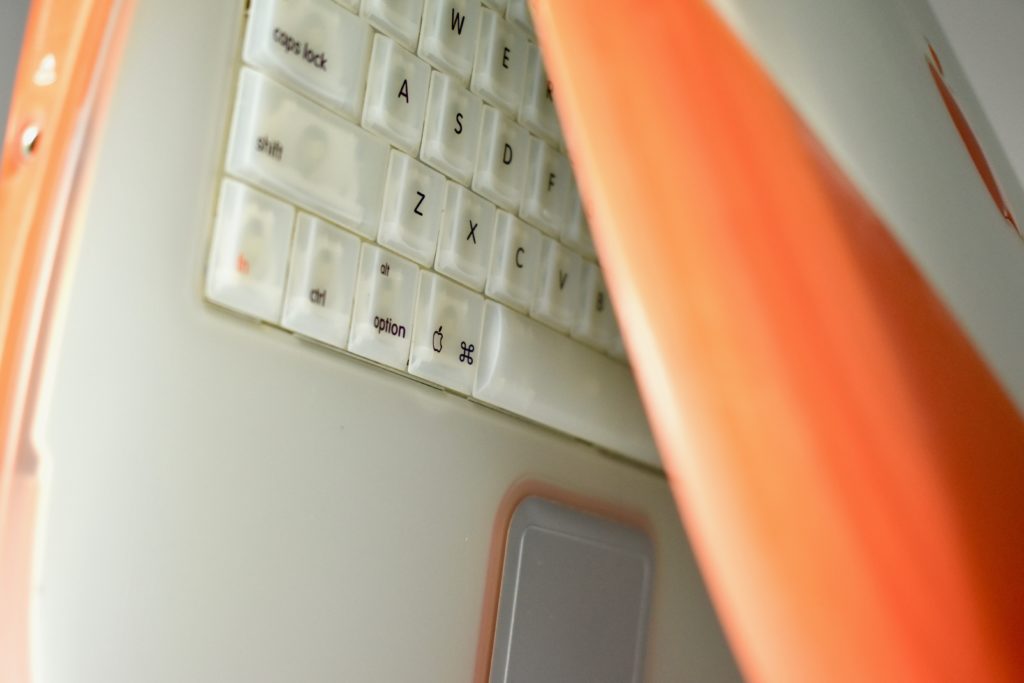
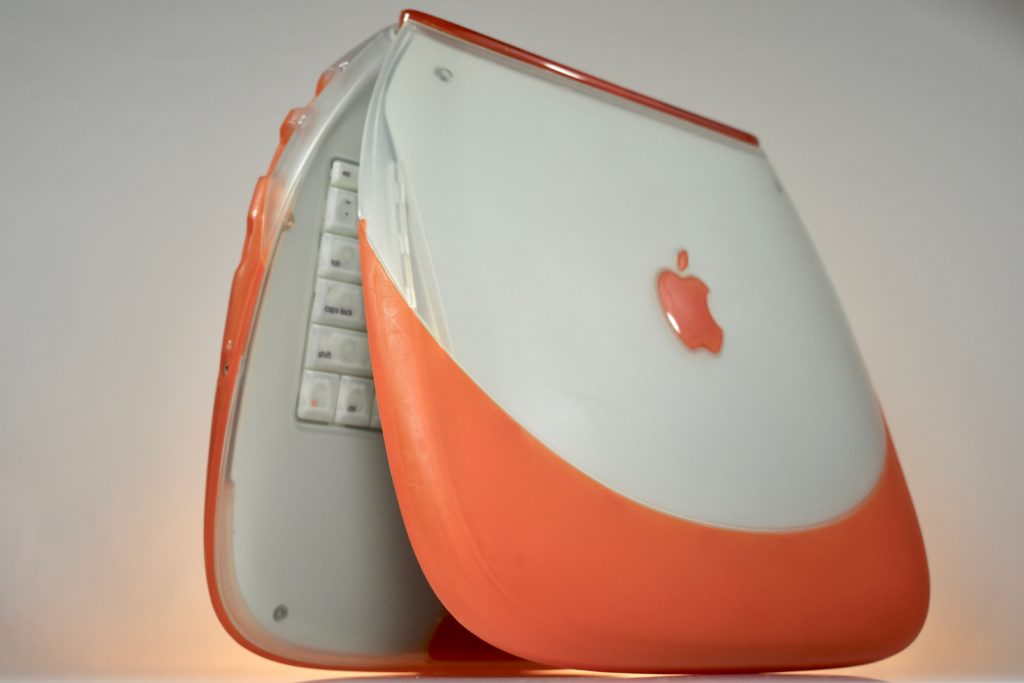
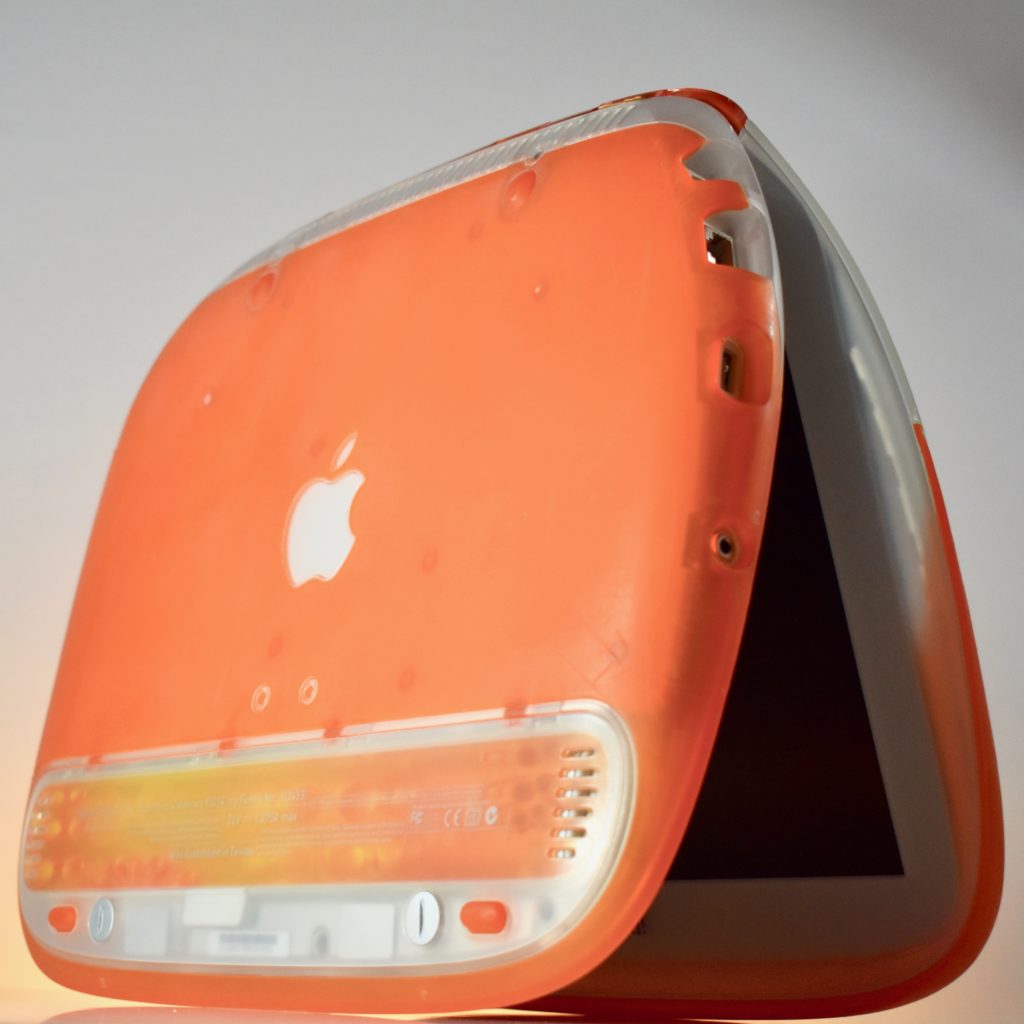
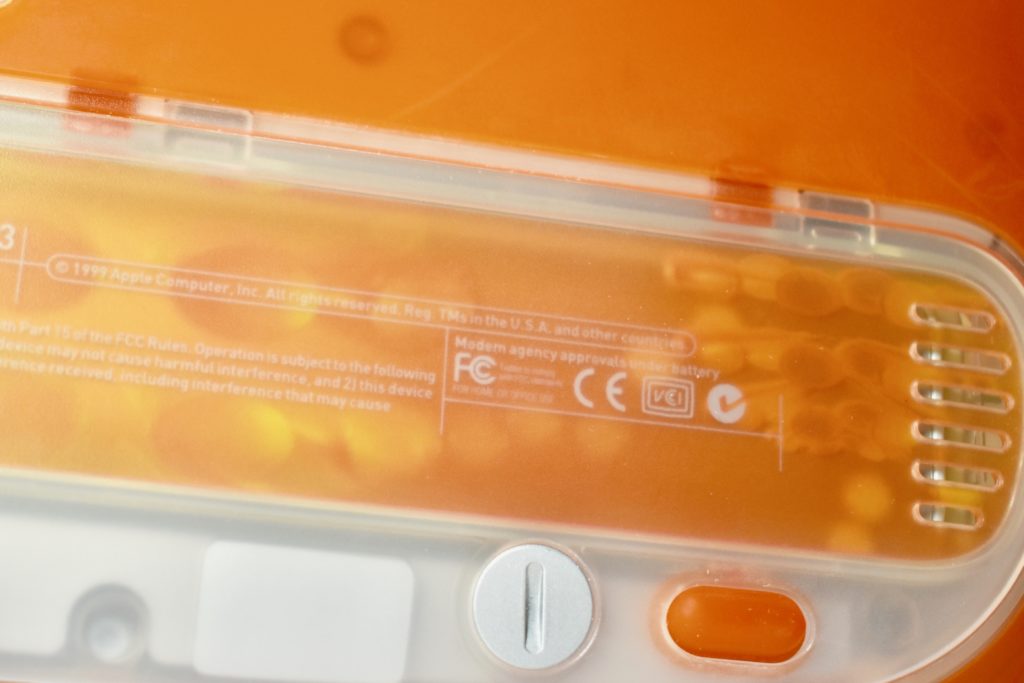
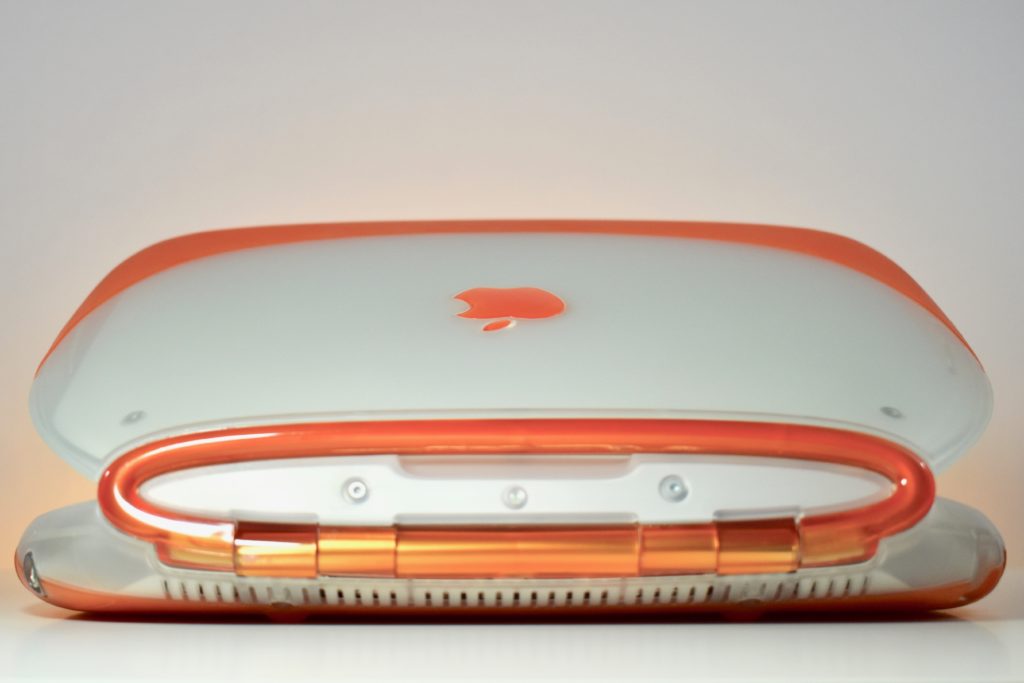
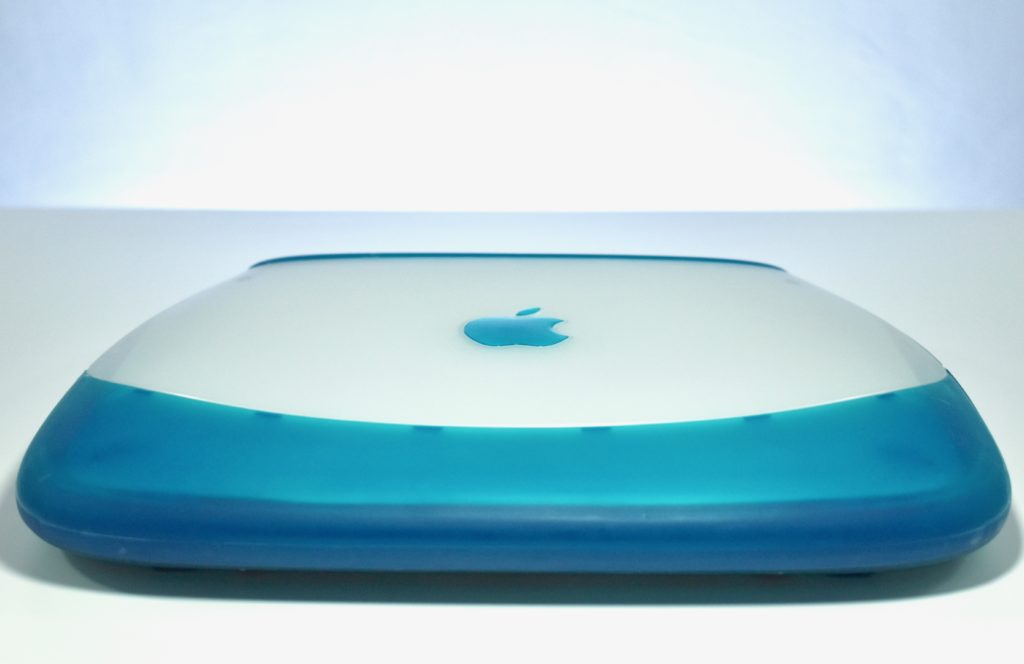
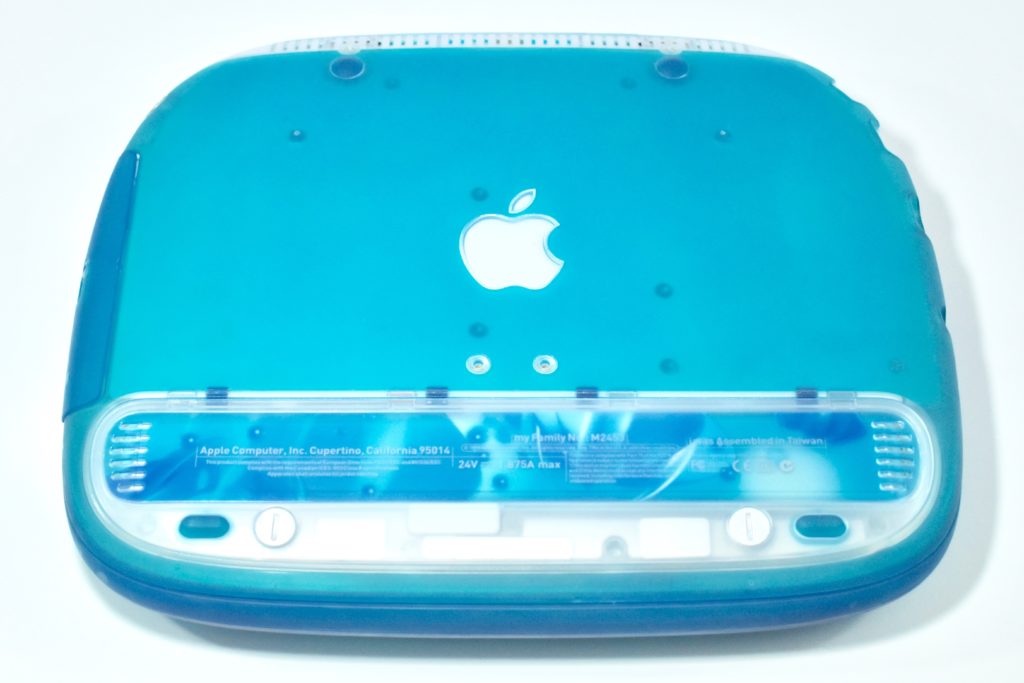
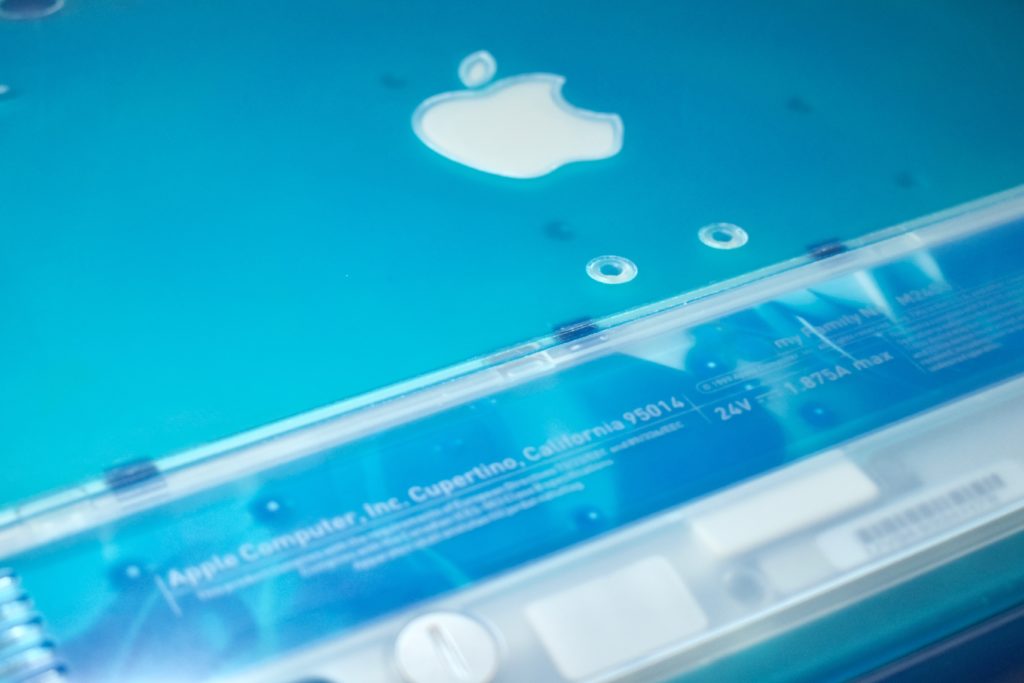
iBook G3/300 (original, tangerine, 1999)

The iBook G3/300 was released as a relatively low-cost portable Mac for consumers. Its radical design was available in blueberry and tangerine, two of the five colors available for iMac at the time. The design is sometimes referred to as the “clamshell.”

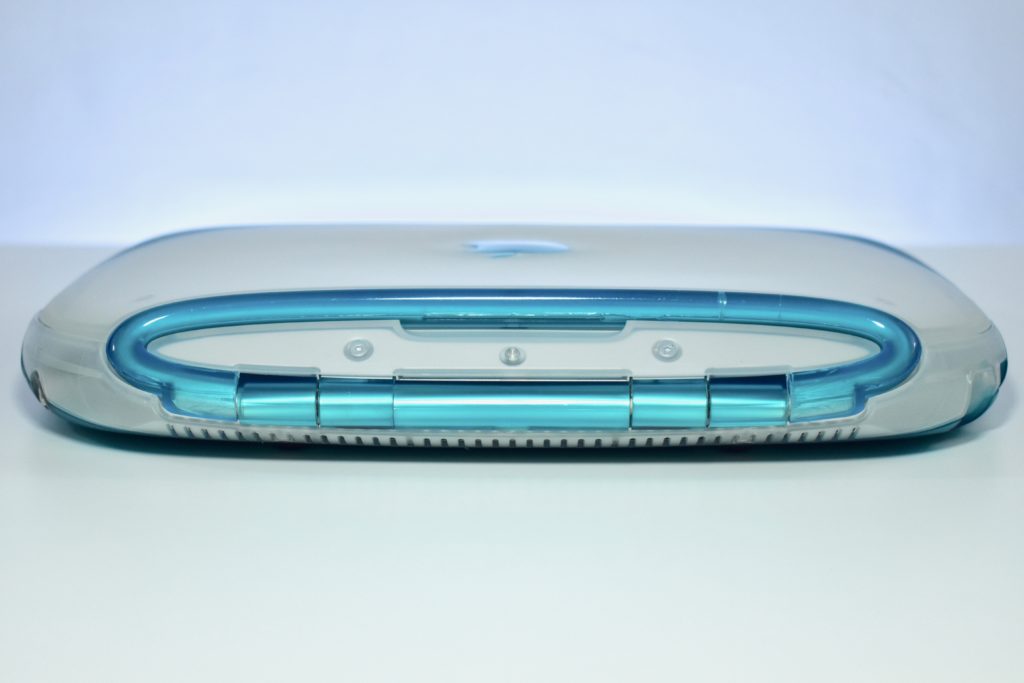
The iBook shipped with 32 MB or 64 MB of RAM, a 3.2 GB or 6.0 GB hard drive, and a 12.1-inch TFT active matrix display at 800×600. The case featured a handle on the back that folded out when in use and sprang back into place.

Although portable Mac options were not new at the time with years of PowerBook models that preceded the iBook, Wi-Fi was still not common in 1999. The iBook was available with an optional AirPort wireless networking card. Many consumers who purchased an iBook also likely needed an AirPort Base Station to plug into their modem to set up their first home wireless network.
This example is a tangerine iBook, complete with an internal AirPort wireless networking card.

Source: EveryMac.com

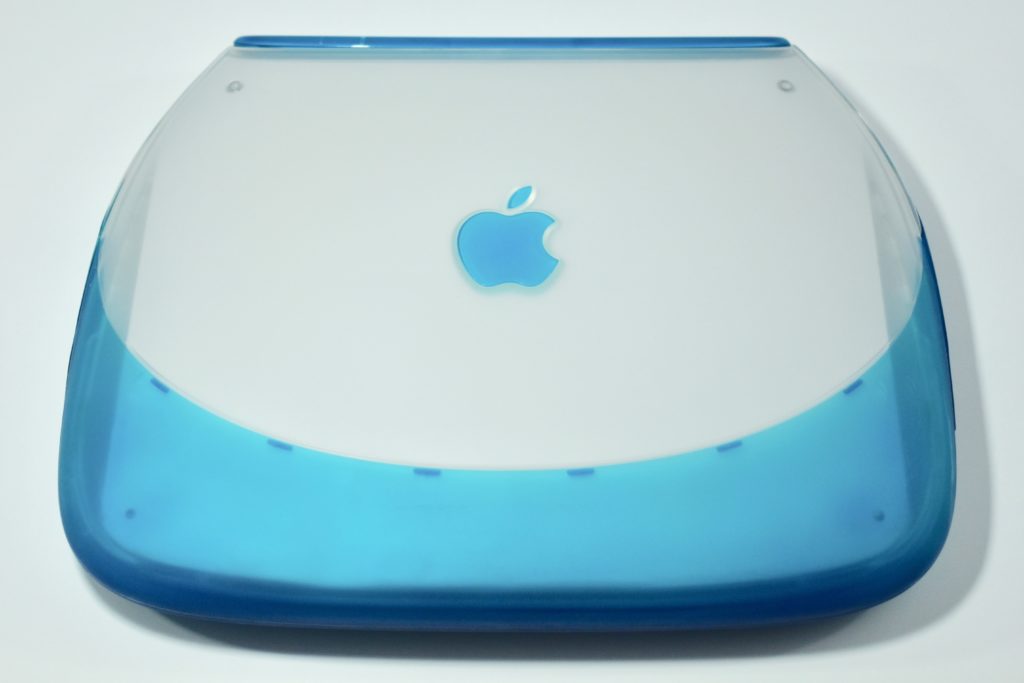
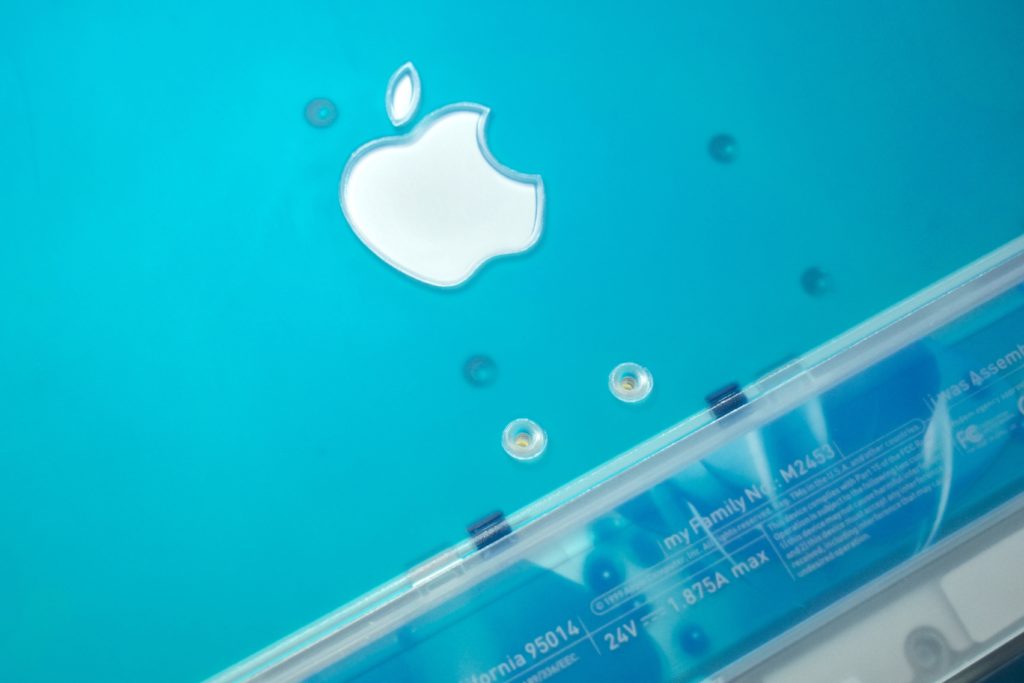
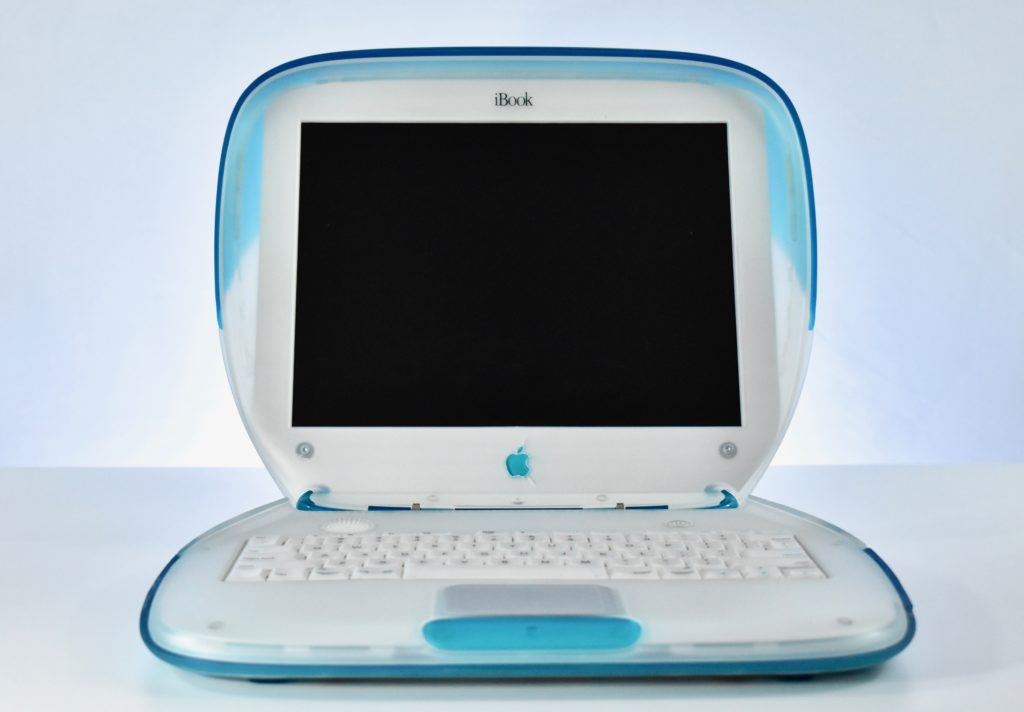
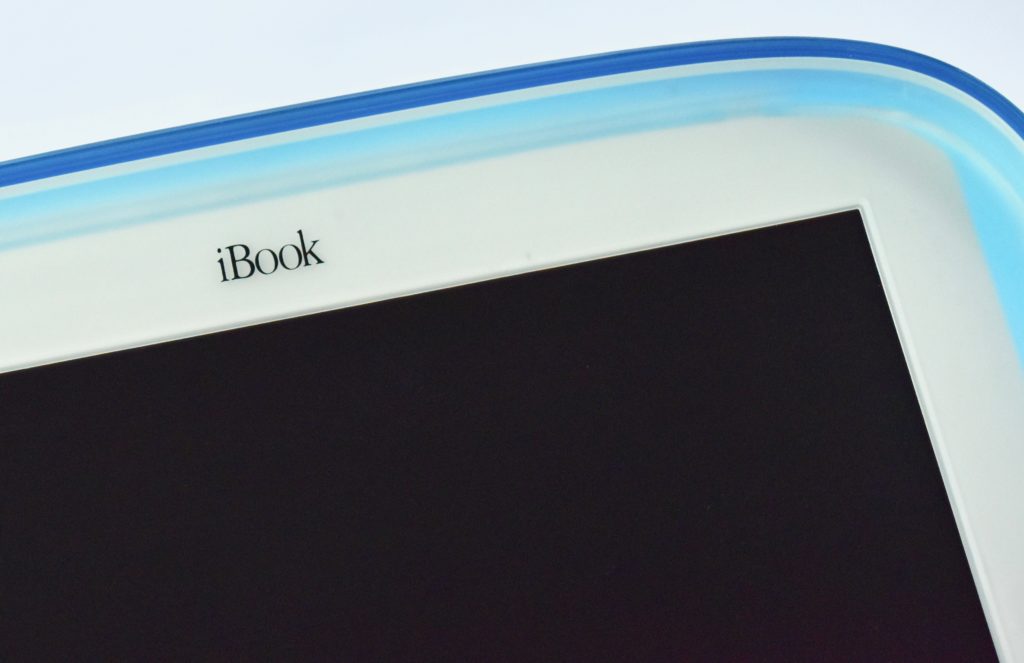
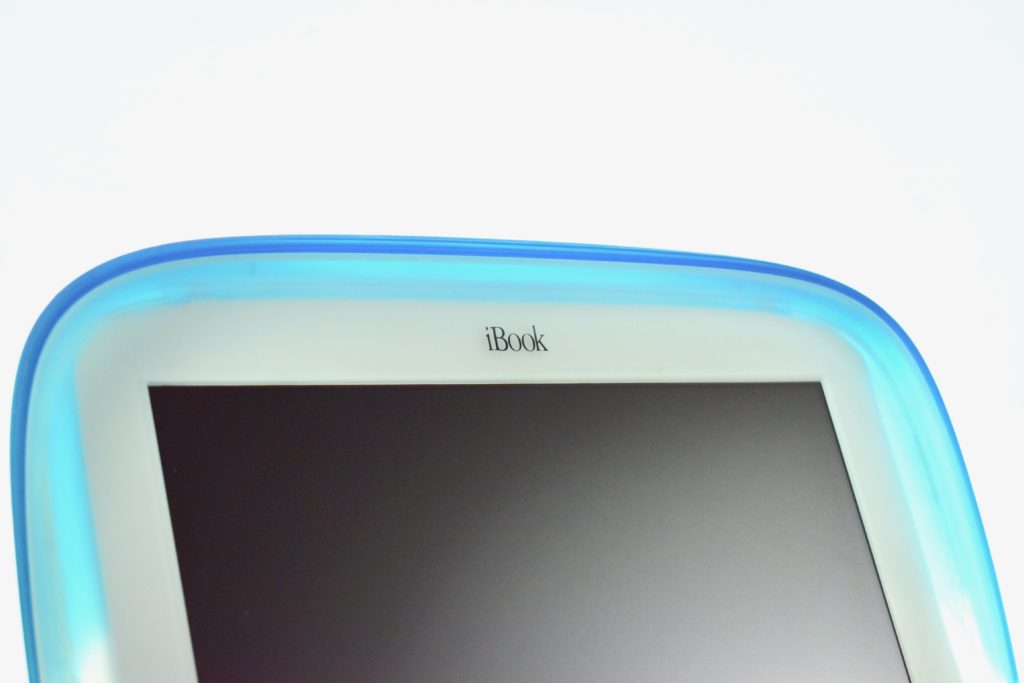
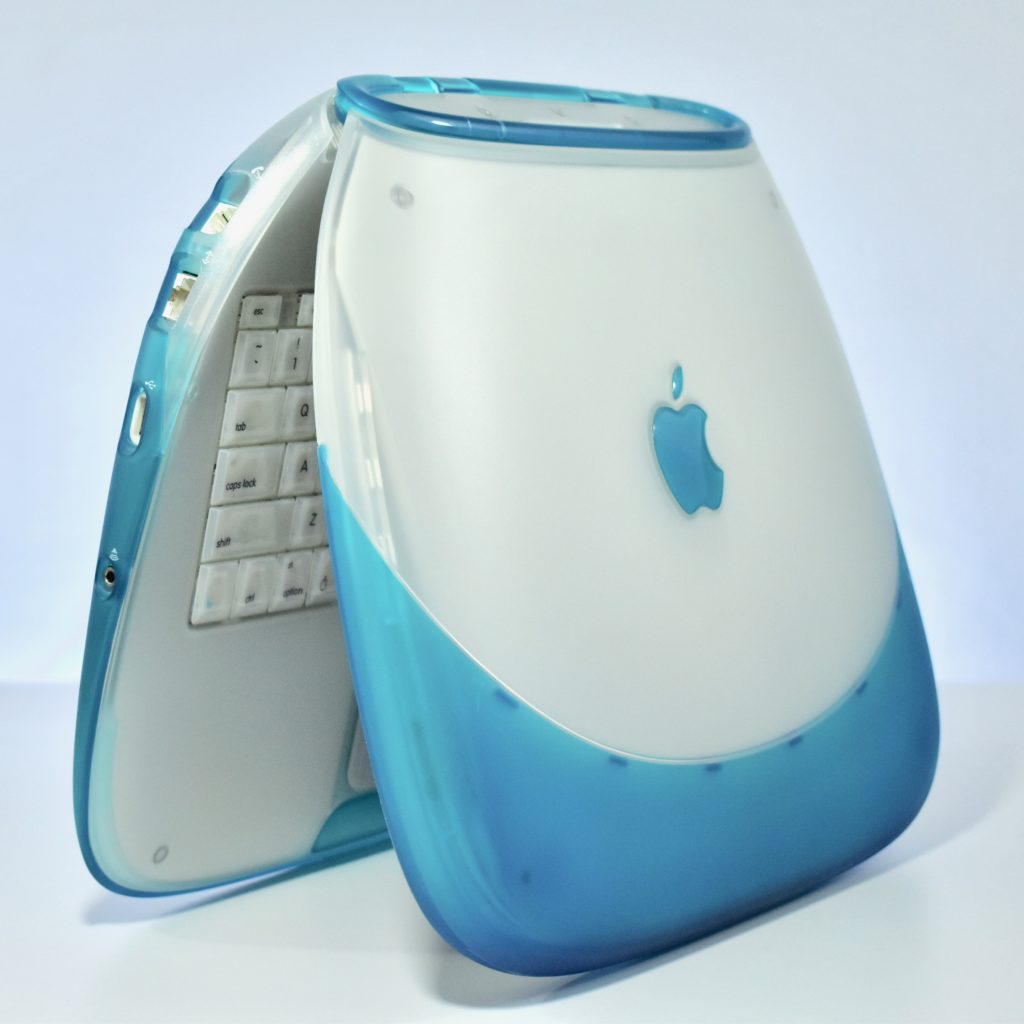
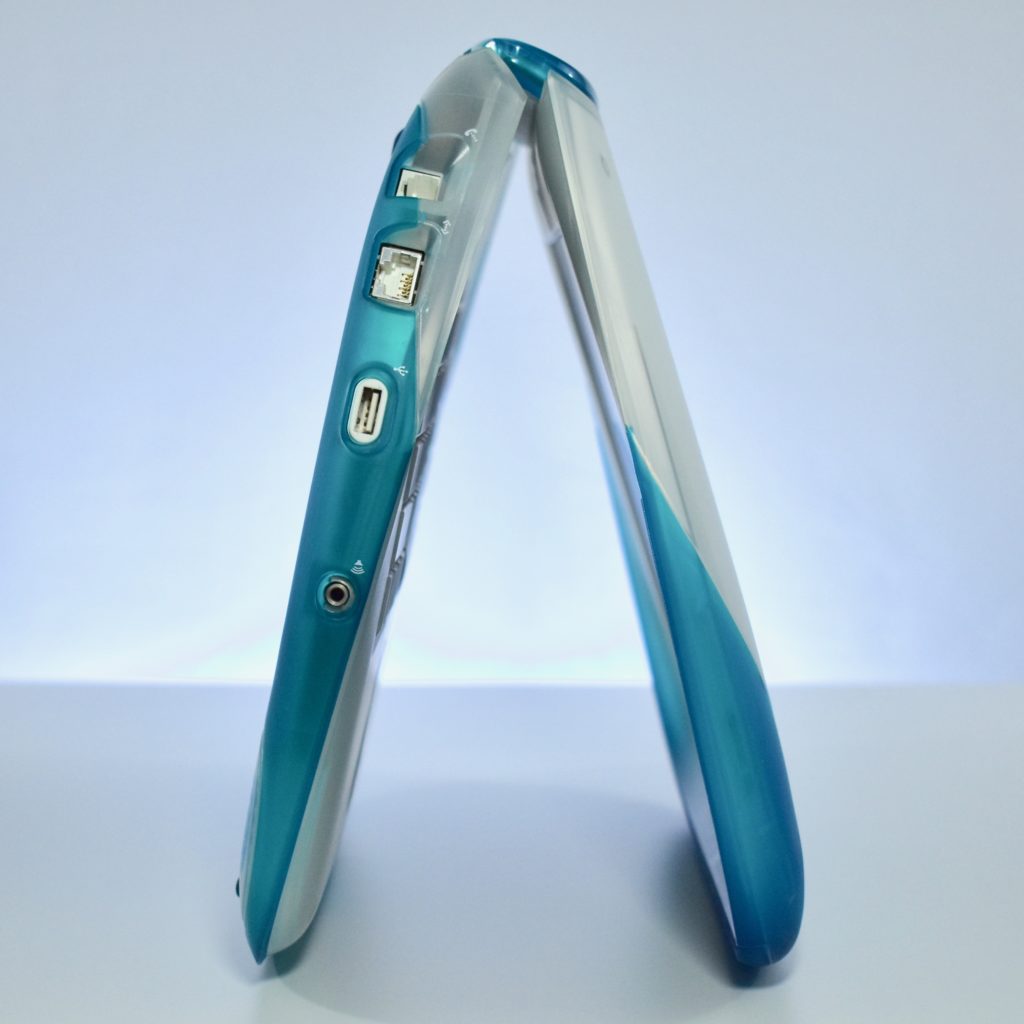
iBook G3/300 (original, blueberry, 1999)

Following the success of the original iMac, the iBook G3/300 was released as portable Mac for consumers with a radical design. The original iBook was available in blueberry and tangerine, two of the five colors available for iMac at the time. The design is sometimes referred to as the “clamshell.”

The iBook shipped with 32 MB or 64 MB of RAM, a 3.2 GB or 6.0 GB hard drive, and a 12.1-inch TFT active matrix display at 800×600. The case featured a handle on the back that folded out when in use and sprang back into place.

Although portable Mac options were not new at the time with years of PowerBook models that preceded the iBook, Wi-Fi was still not common in 1999. The iBook was available with an optional AirPort wireless networking card. Many consumers who purchased an iBook also likely needed an AirPort Base Station to plug into their modem to set up their first home wireless network.

My first full-time technology director position in a school district is where I first encountered the iBook and AirPort Base Station. The Director of Special Education had purchased an iBook for each Special Education teacher to assist in supporting students with Individualized Educational Plans and deal with the extensive paperwork that is required. Although it is fairly commonplace now for teacher and students to have a technology device assigned to them, in 1999–2000 this practice was considered quite innovative.

This example is a blueberry iBook, complete with an internal AirPort wireless networking card. In my experience, schools in my area tended to purchase the blueberry iBook over the tangerine option.

Source: EveryMac.com
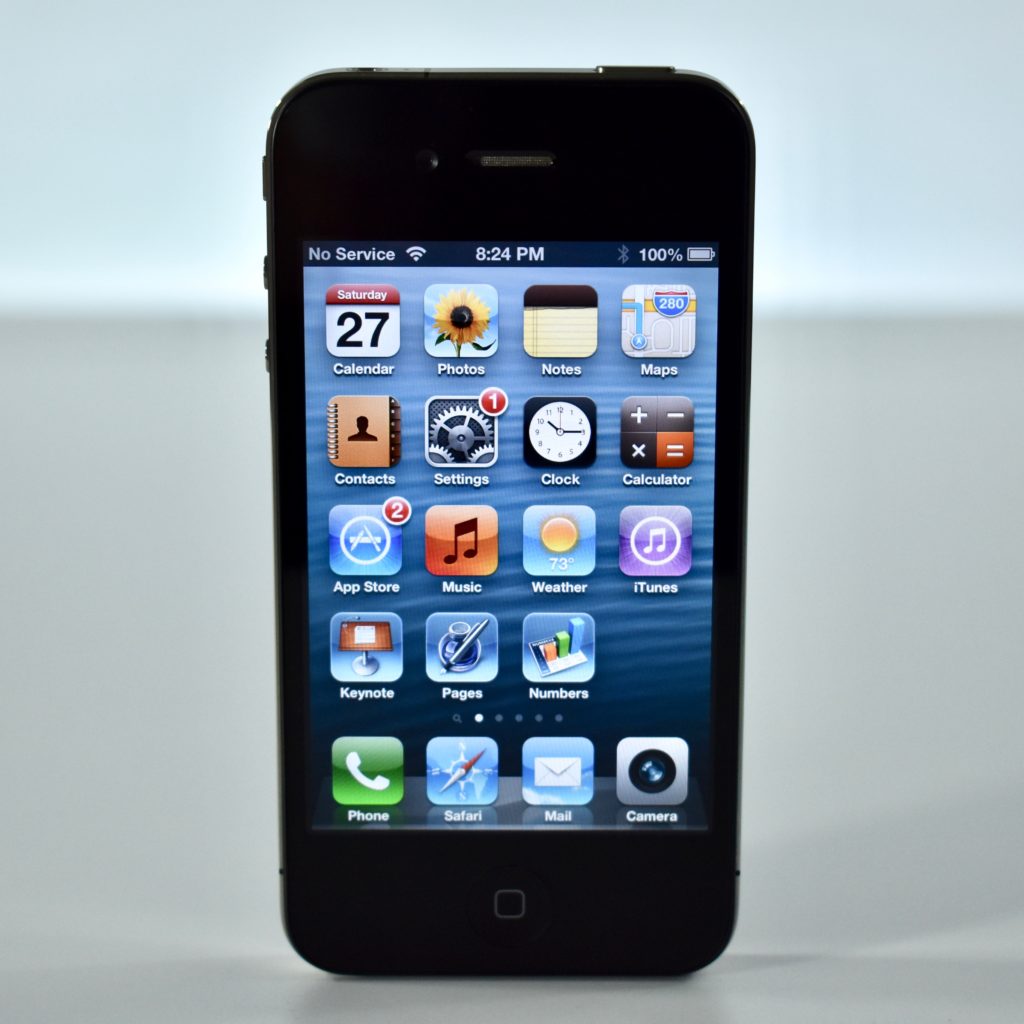
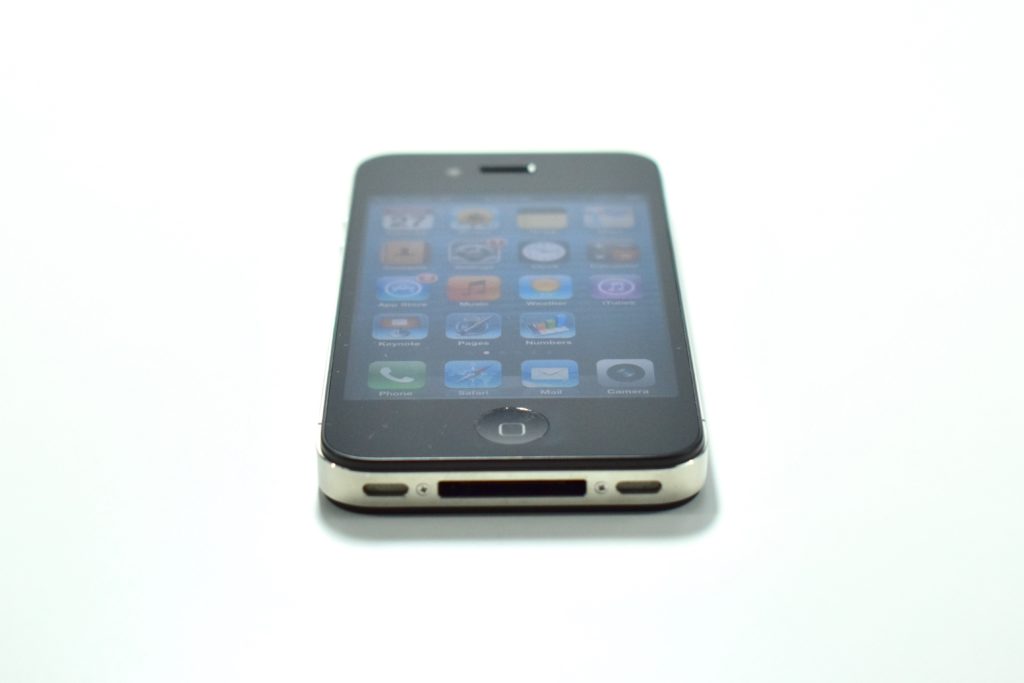
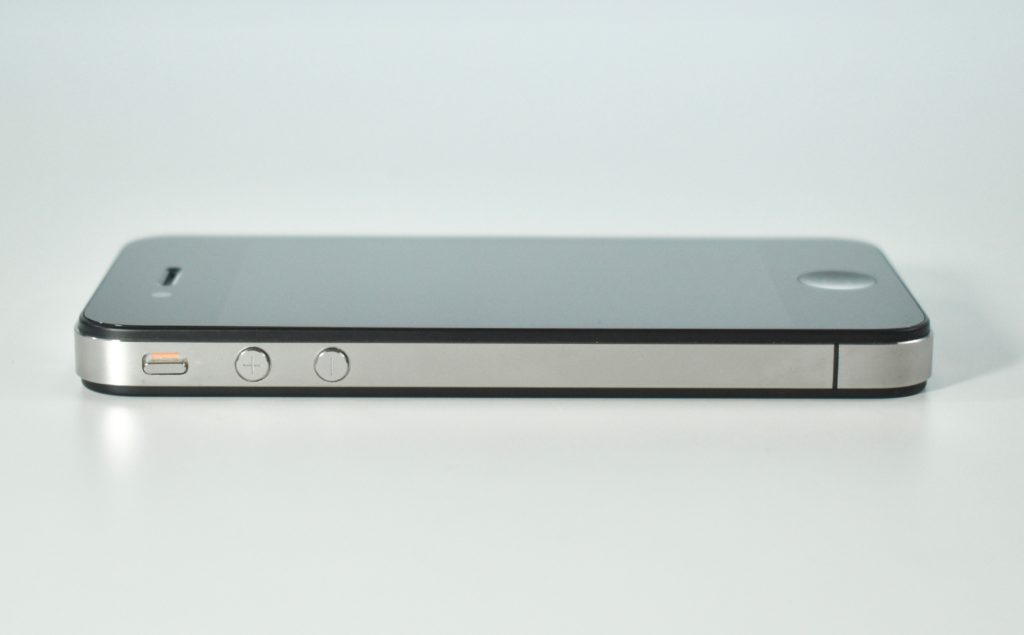
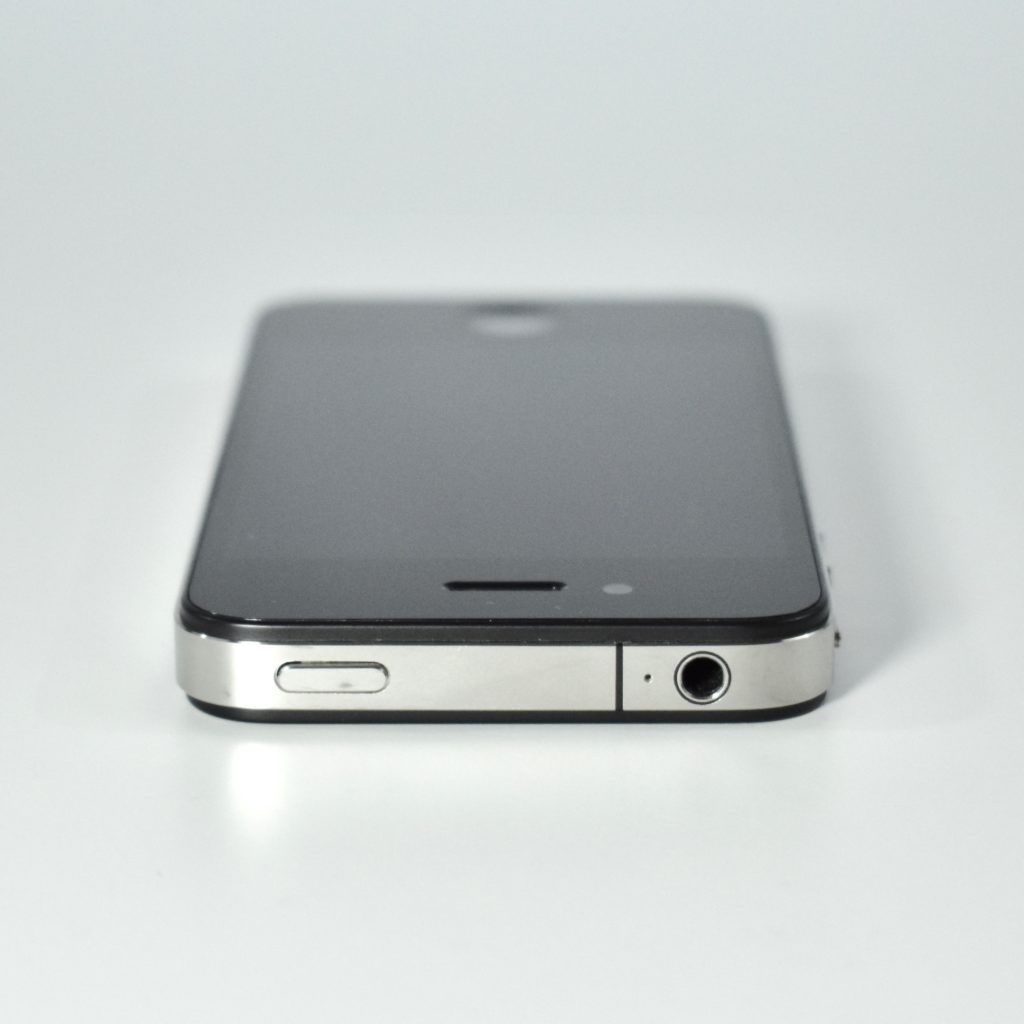
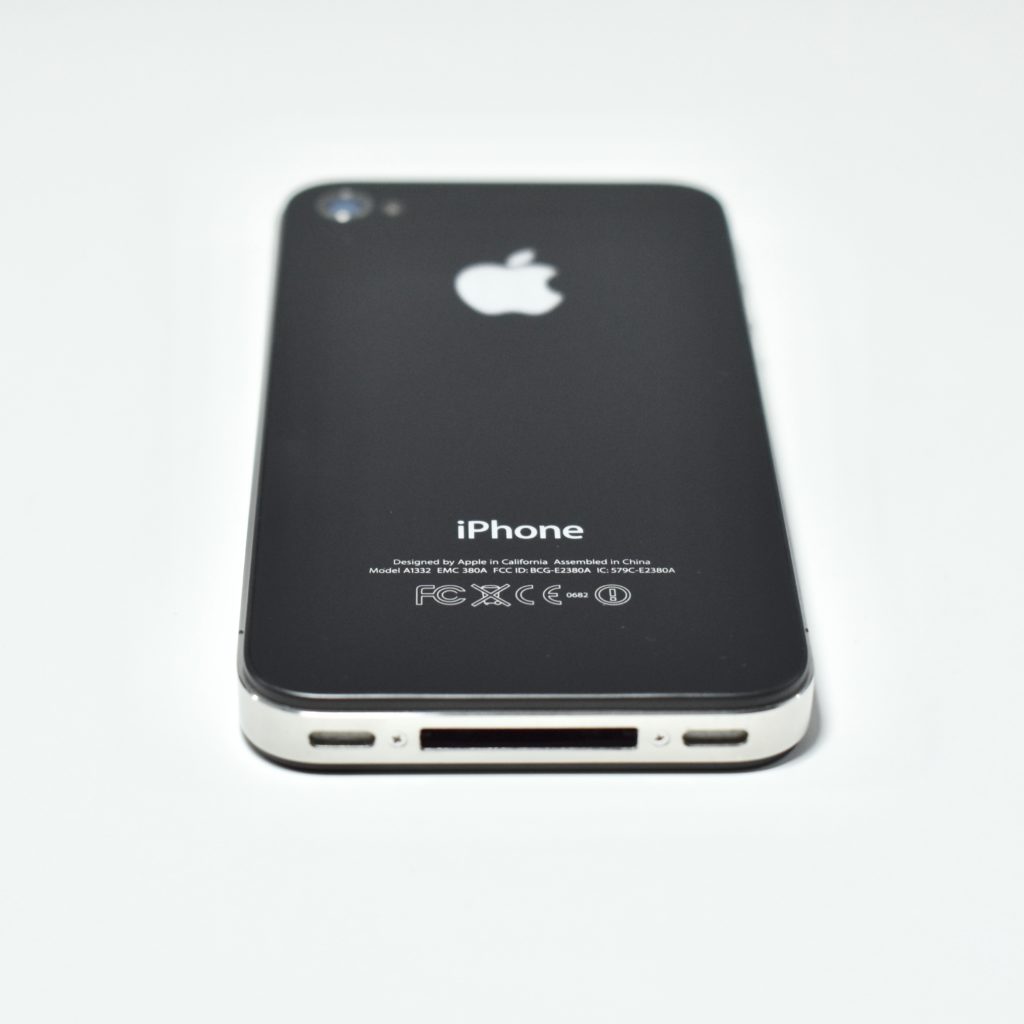
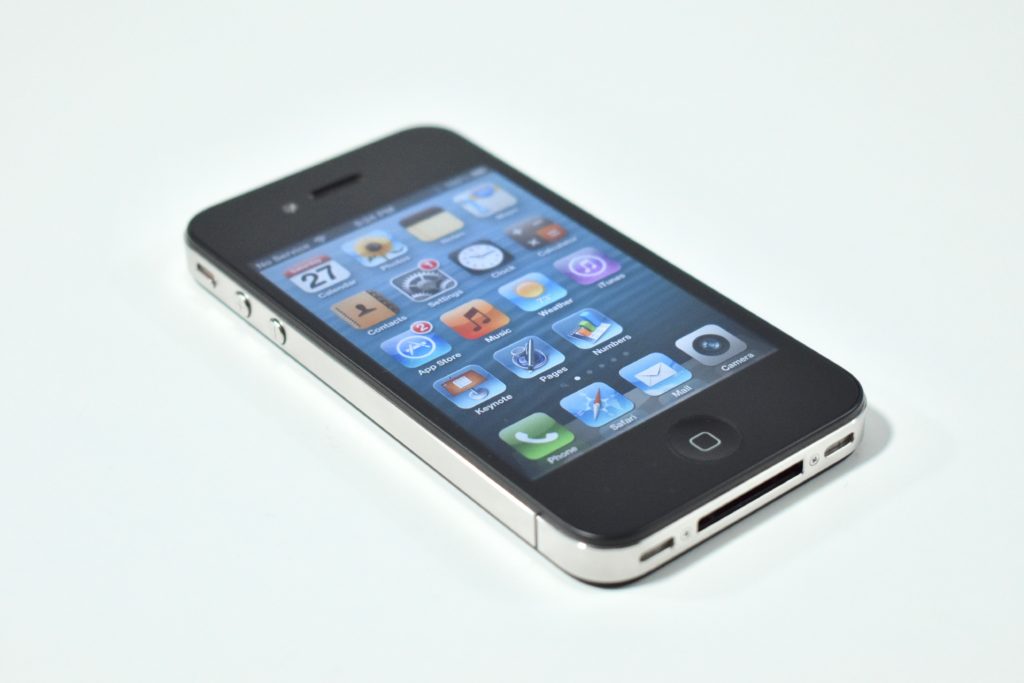
iPhone 4 (2010)

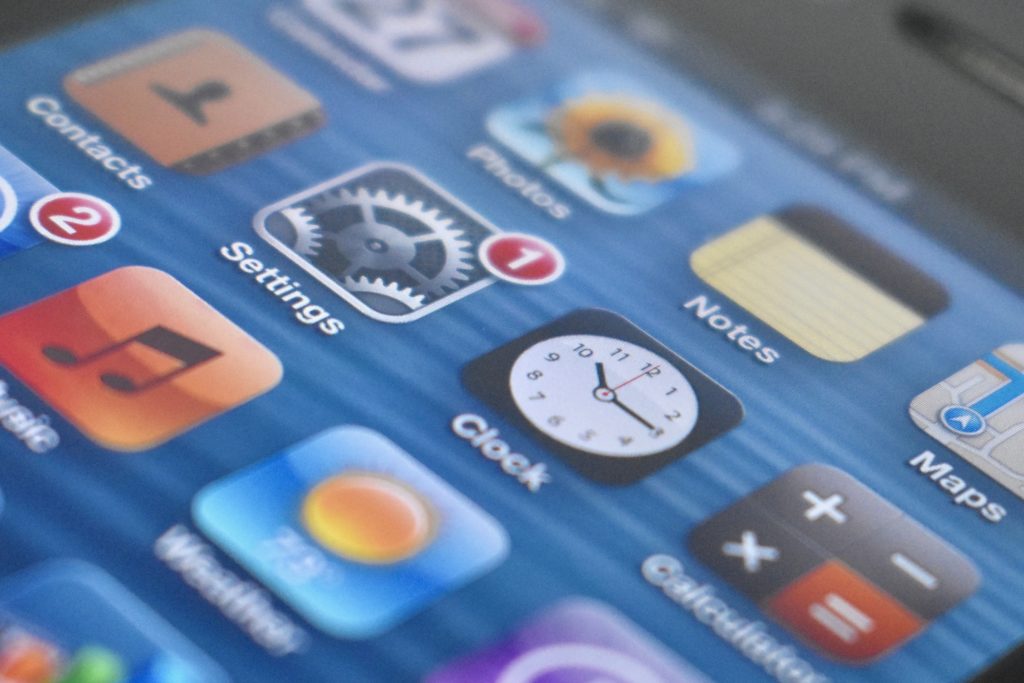
The iPhone 4 represented a major design leap from the previous models with an all stainless steel body, a 3.5-inch Retina display at 960×640 (326 ppi), a chemically hardened “aluminosilcate” over the front display, and the chemically hardened black glass back. A white option was announced, but did not ship for over a year after the announcement.
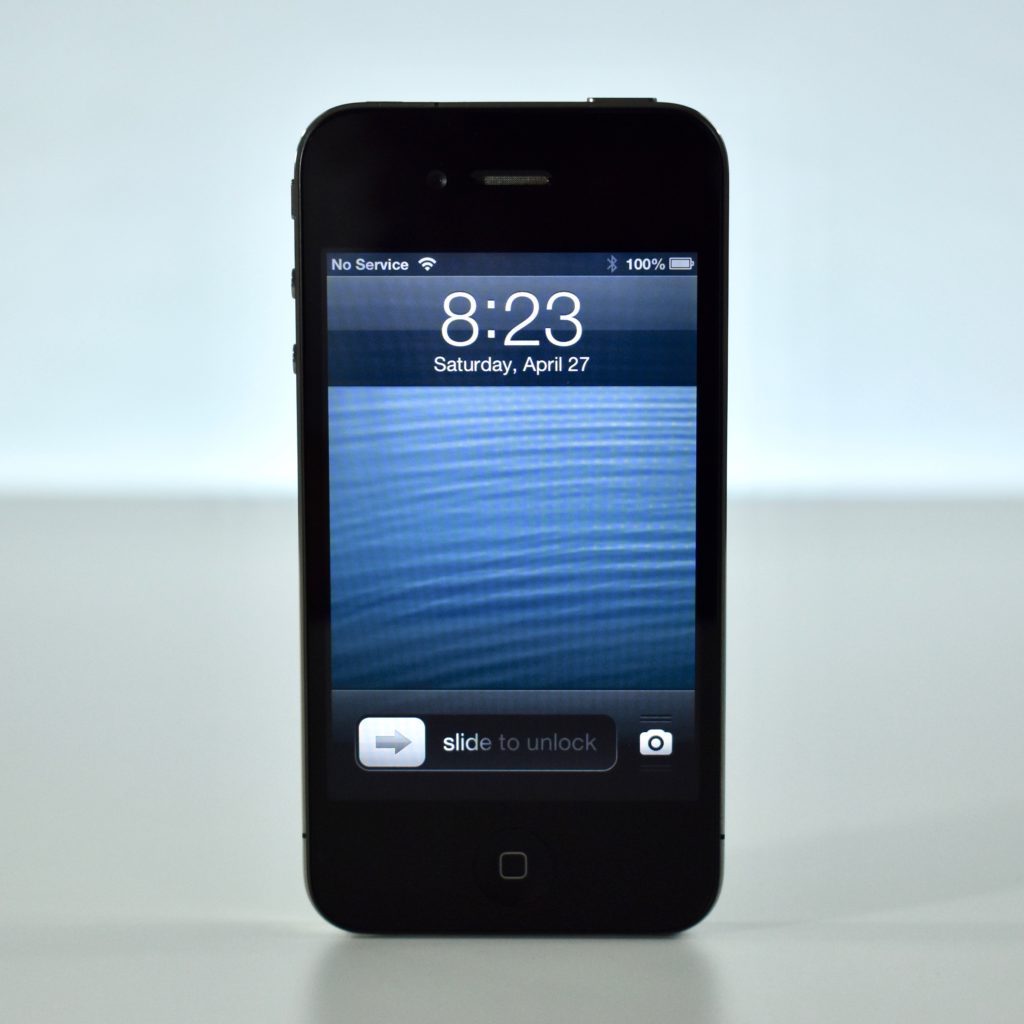
The iPhone 4 was the first iPhone with dual front and back cameras: a 5 megapixel HD video/still camera (720p at 30 FPS), a 5X digital zoom, and an LED flash on the rear; and a VGA-quality video/still camera on the front designed for video conferencing over Wi-Fi using FaceTime. Both cameras used noise-cancelling microphones.

The iPhone 4 was powered by an A4 processor and added additional mobile network support. It included a digital compass, GPS, an accelerometer, and a new 3-axis gyroscope.

Source: EveryMac.com
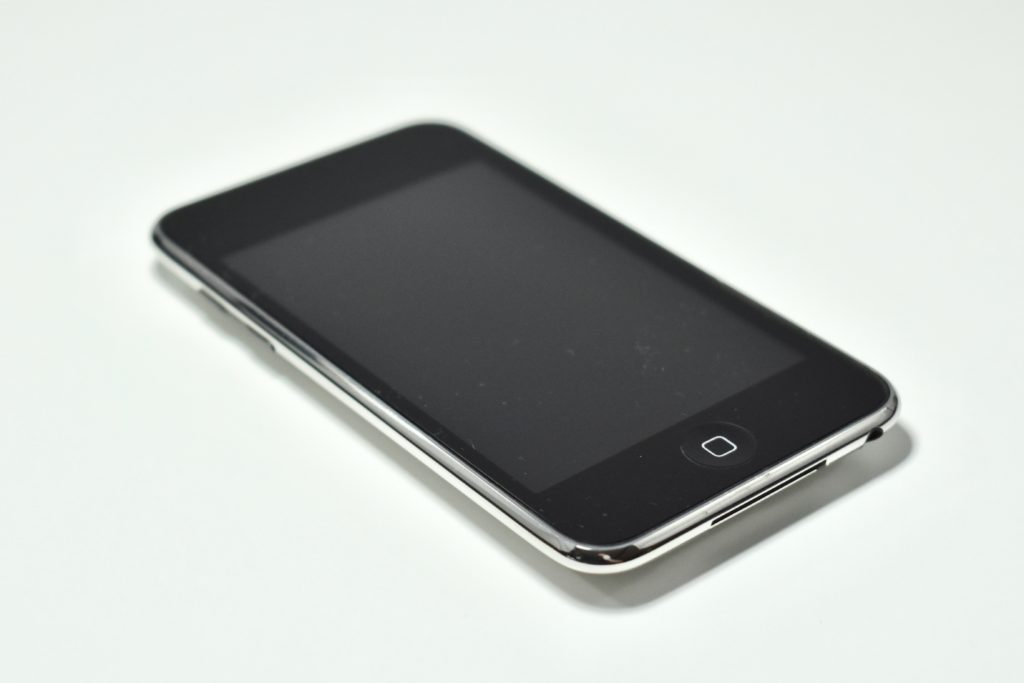
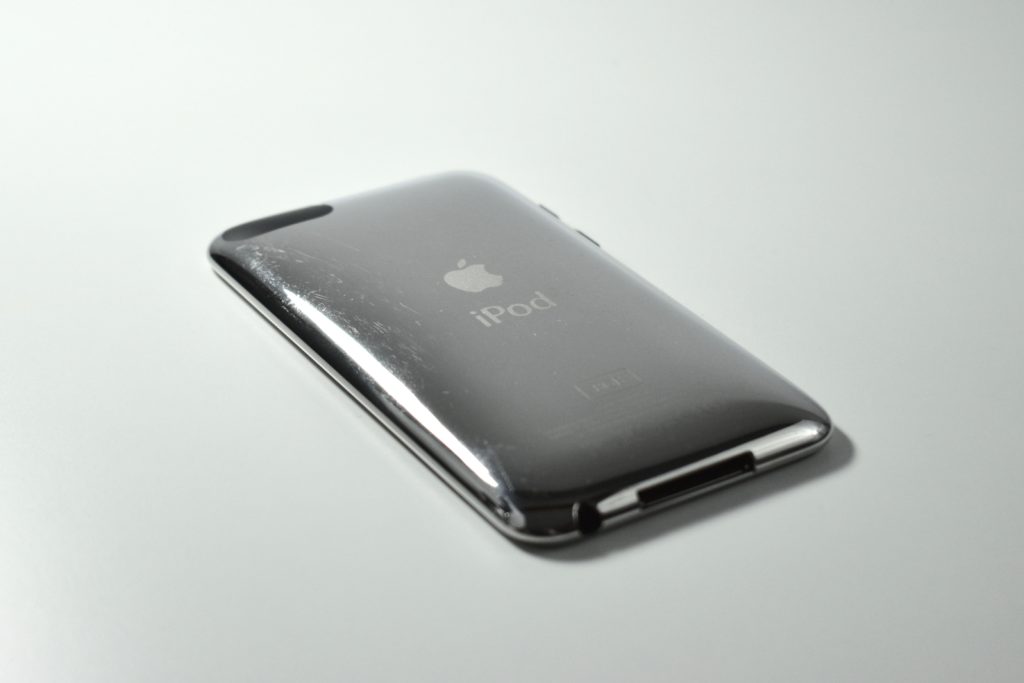
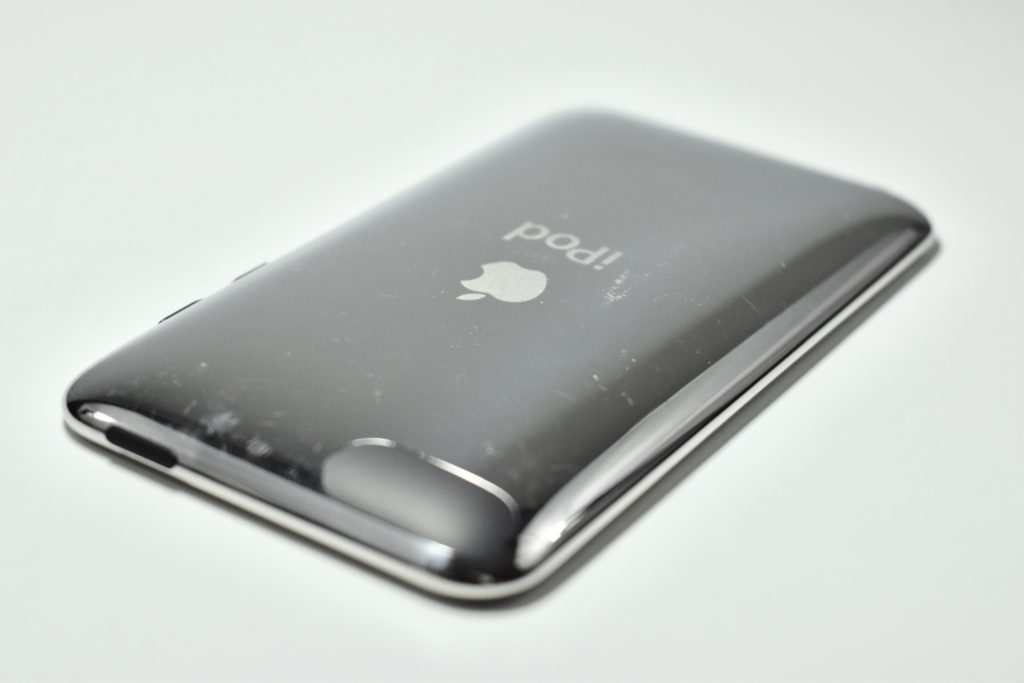
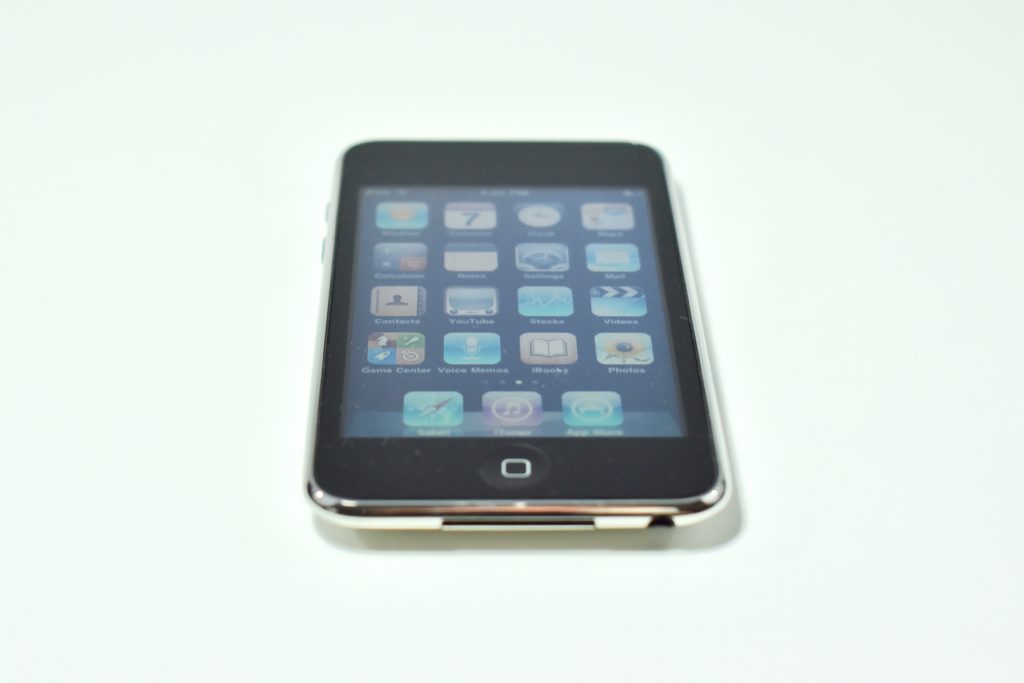
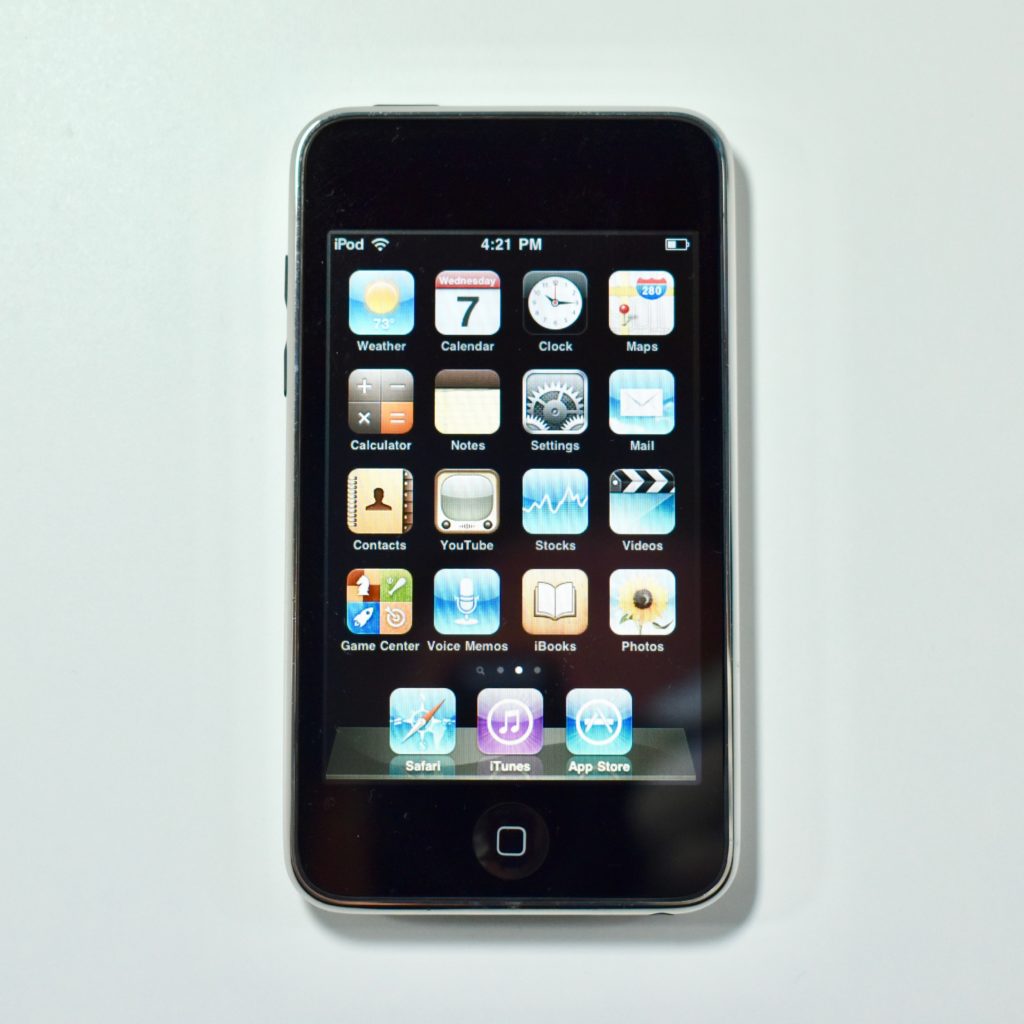
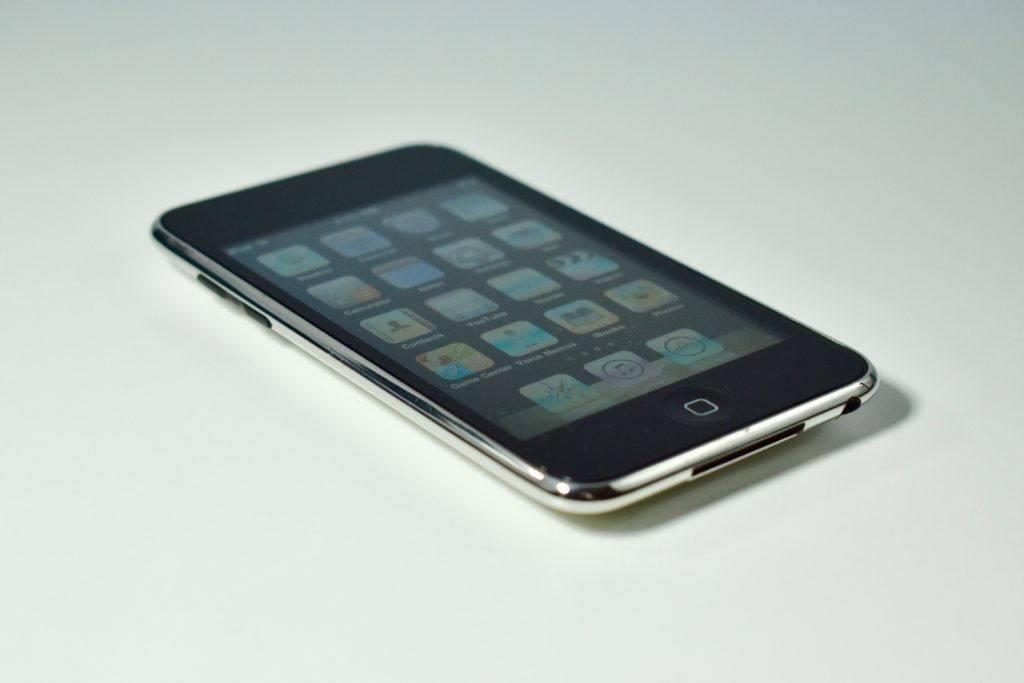
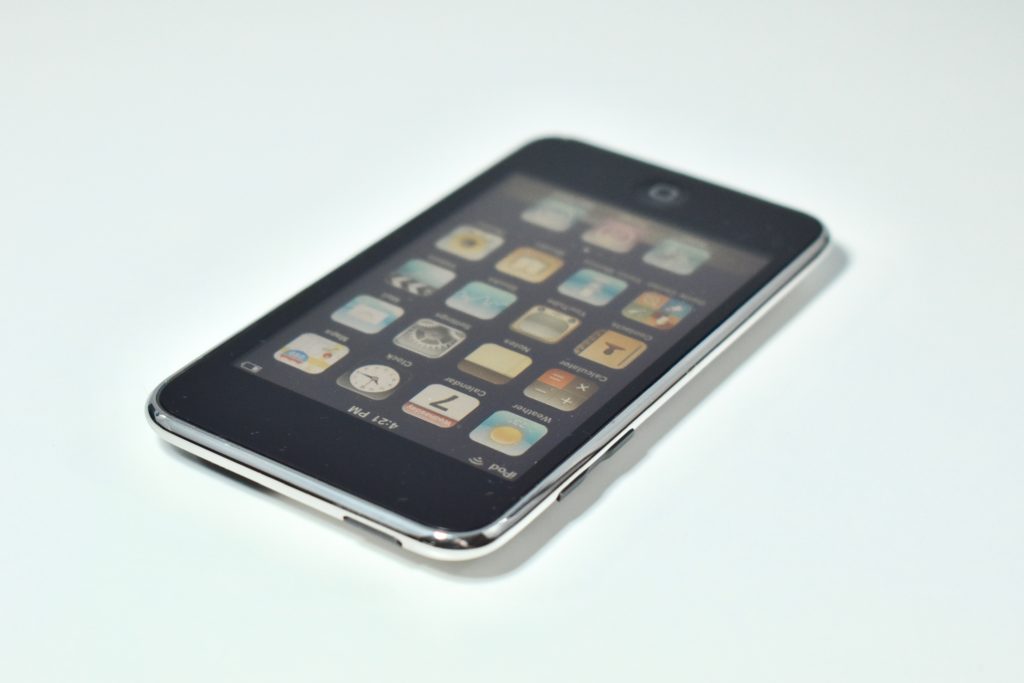
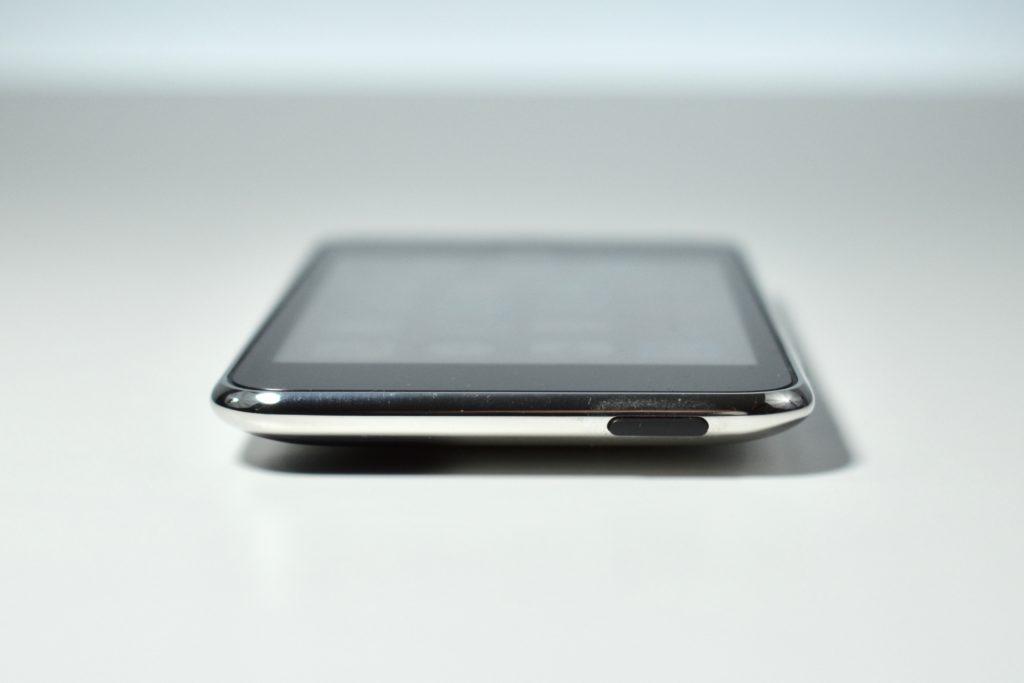
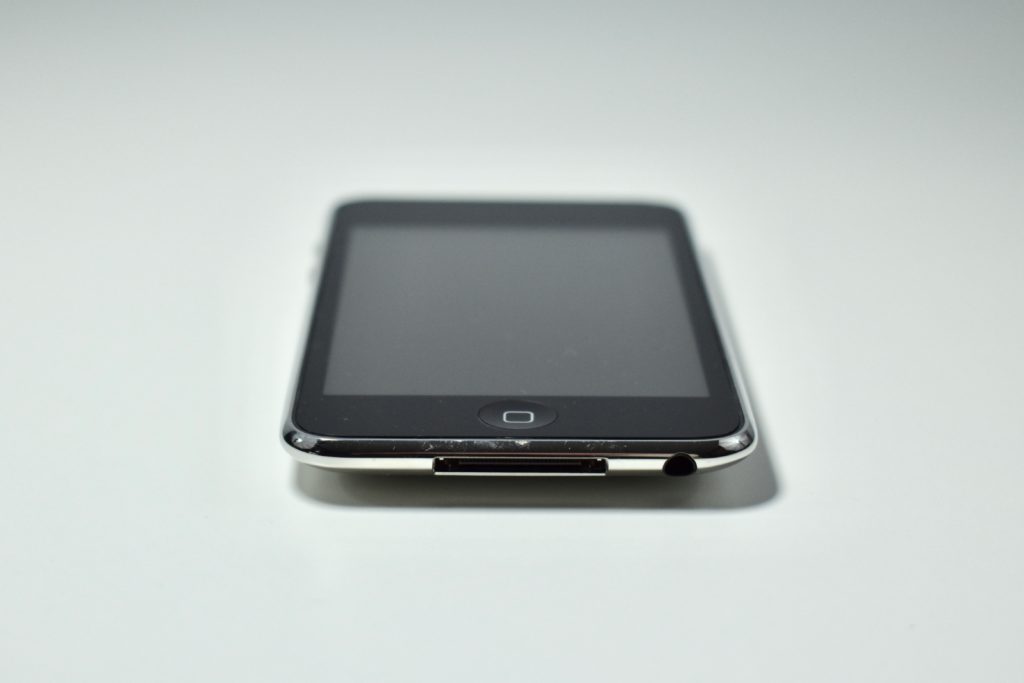
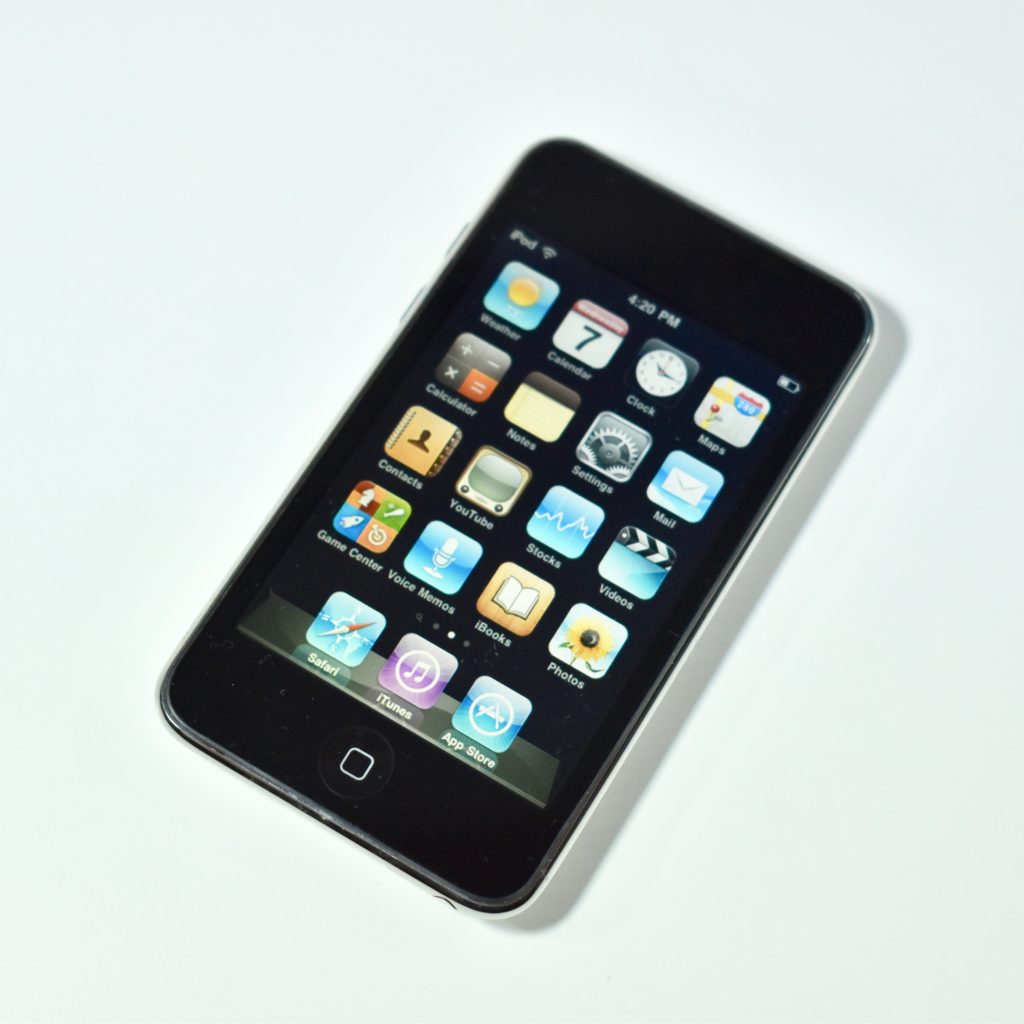
iPod touch Generation 2 (8 GB, 2008)

The iPod touch Generation 2 is similar in features to the iPhone 3G, but lacks phone features, mobile phone networking, GPS, and a camera. While the back of the iPod touch Generation 2 is made of stainless steel (instead of plastic), its shape is similar to the iPhone 3G.

The iPod touch Generation 2 featured a multi-touch 3.5-inch display with 320×480 resolution, an accelerometer, ambient light sensor, Wi-Fi (802.11b/g), and 8, 16, or 32 GB of flash memory.

Compared to the original iPod touch, the Generation 2 model adds external volume controls on the left side of the device, an integrated speaker, external microphone (supported via the Apple Earphones with Remote and Mic), support for the Nike+iPod Sport Kit, a Genius feature to dynamically create playlists, and shaking the device to shuffle songs.

Source: EveryMac.com