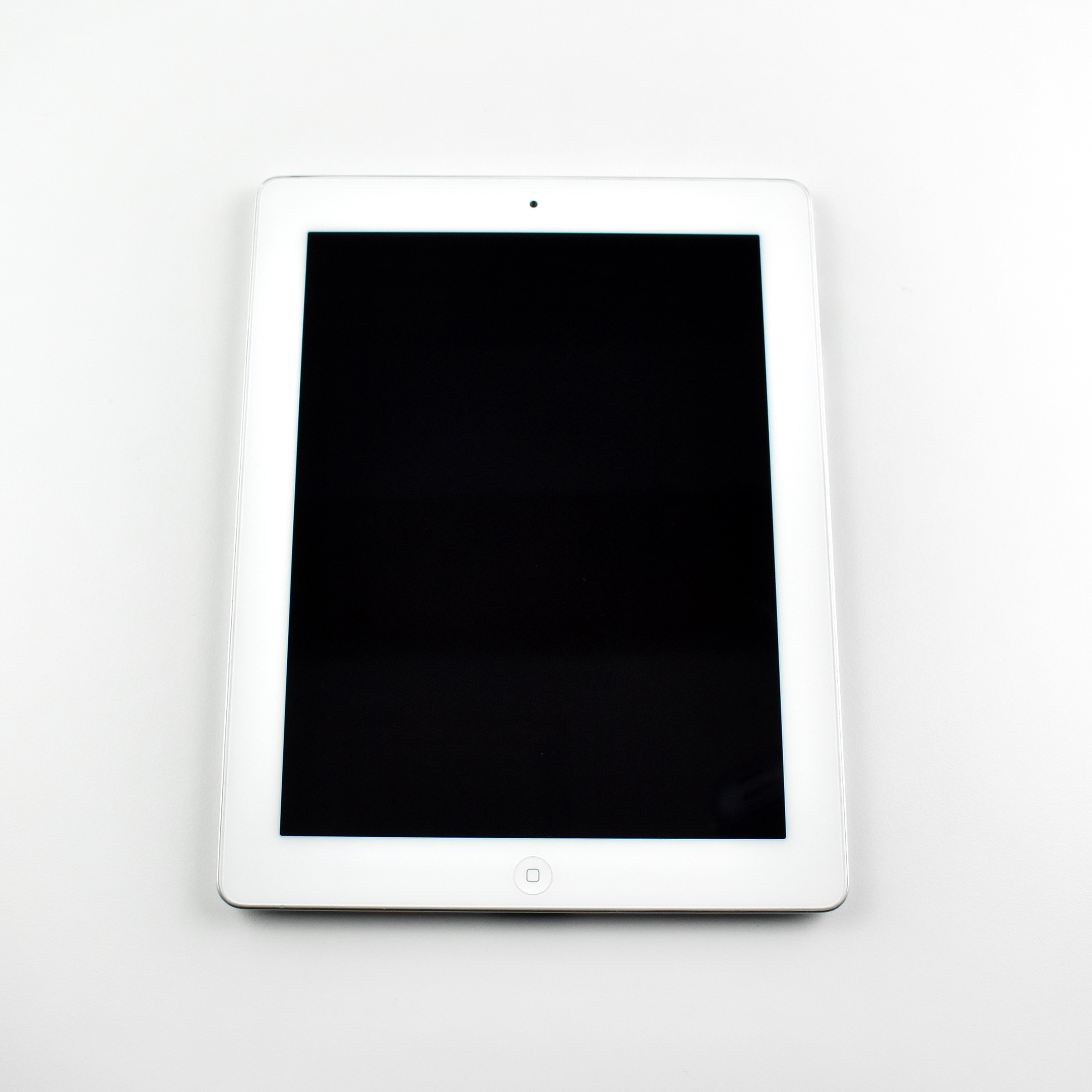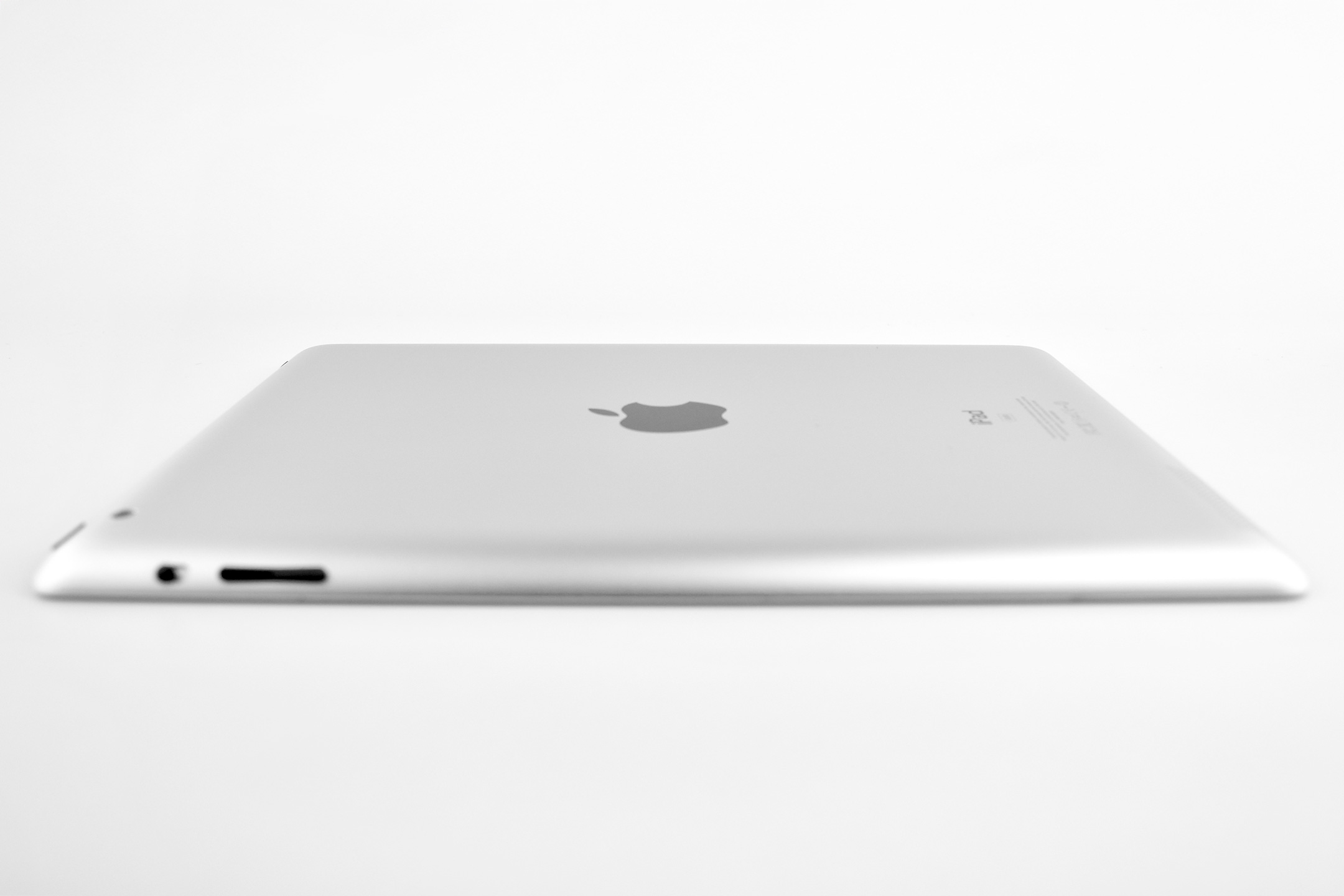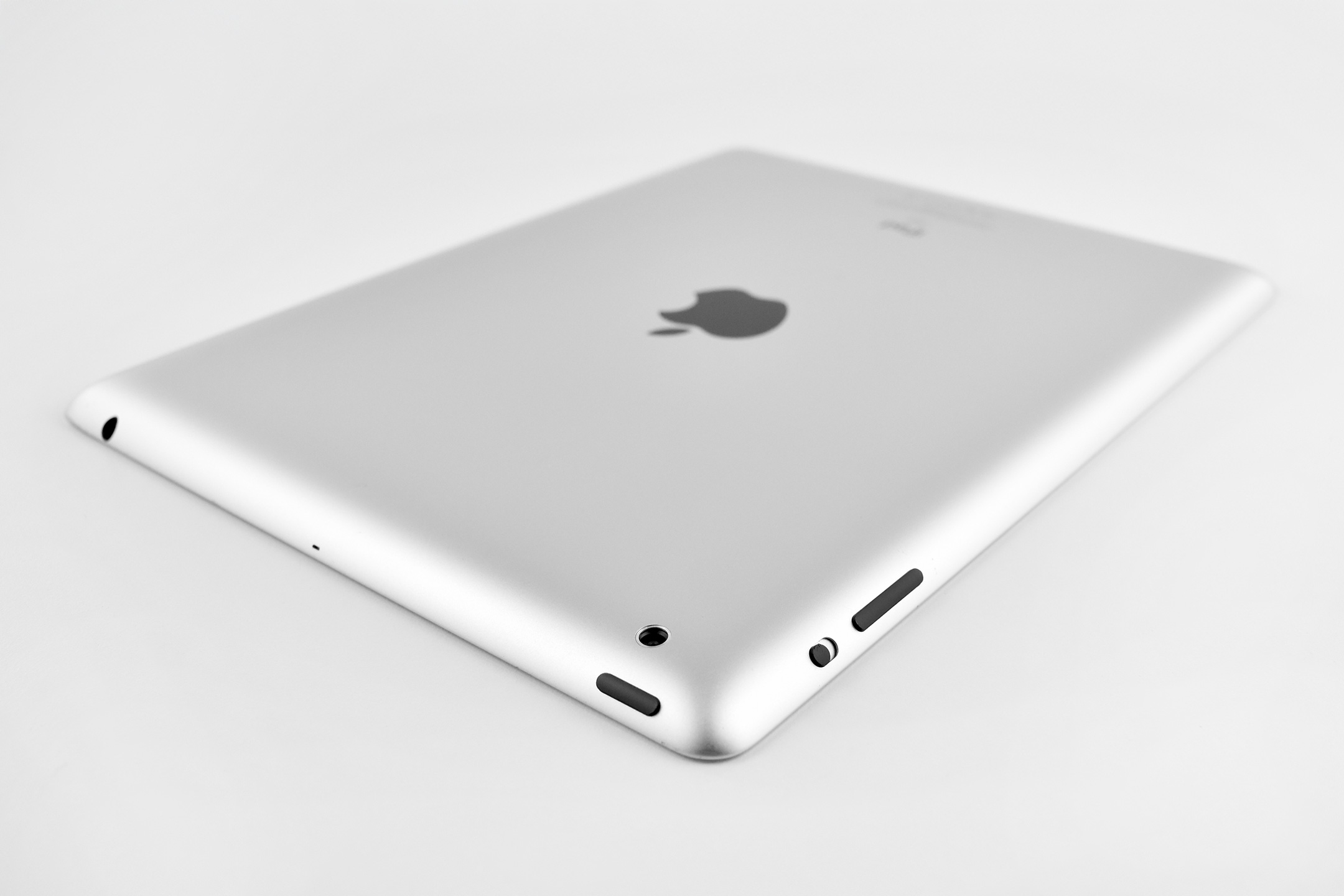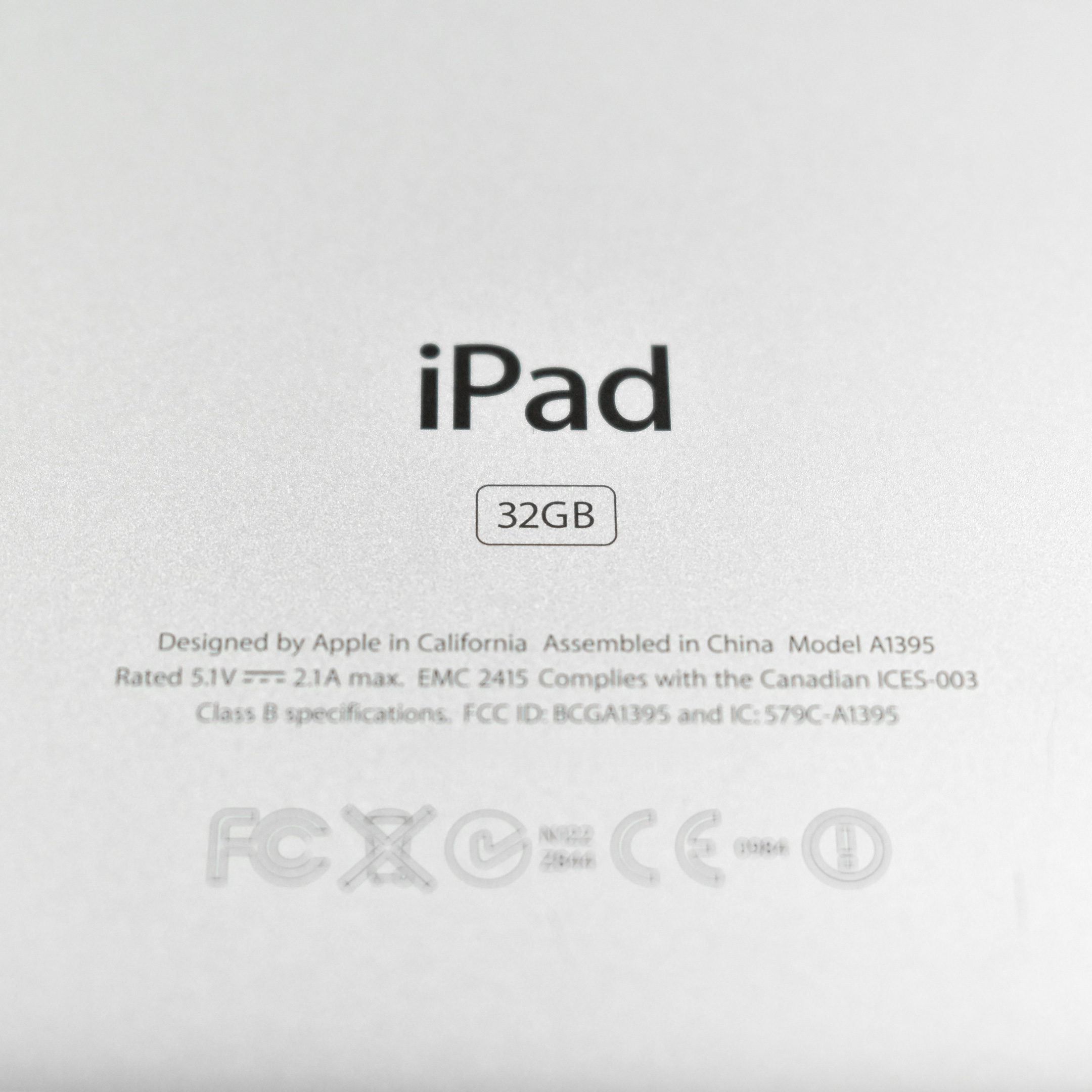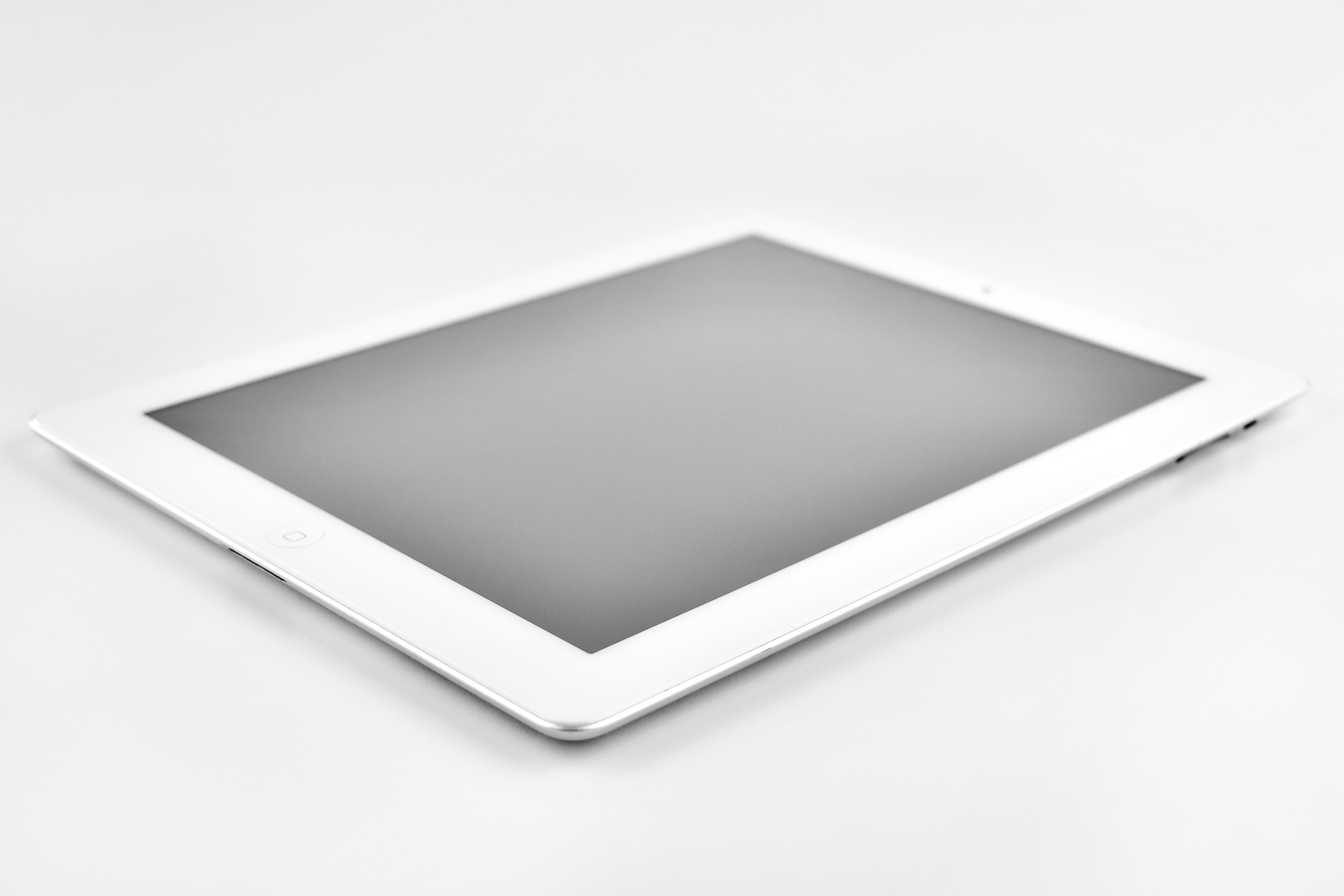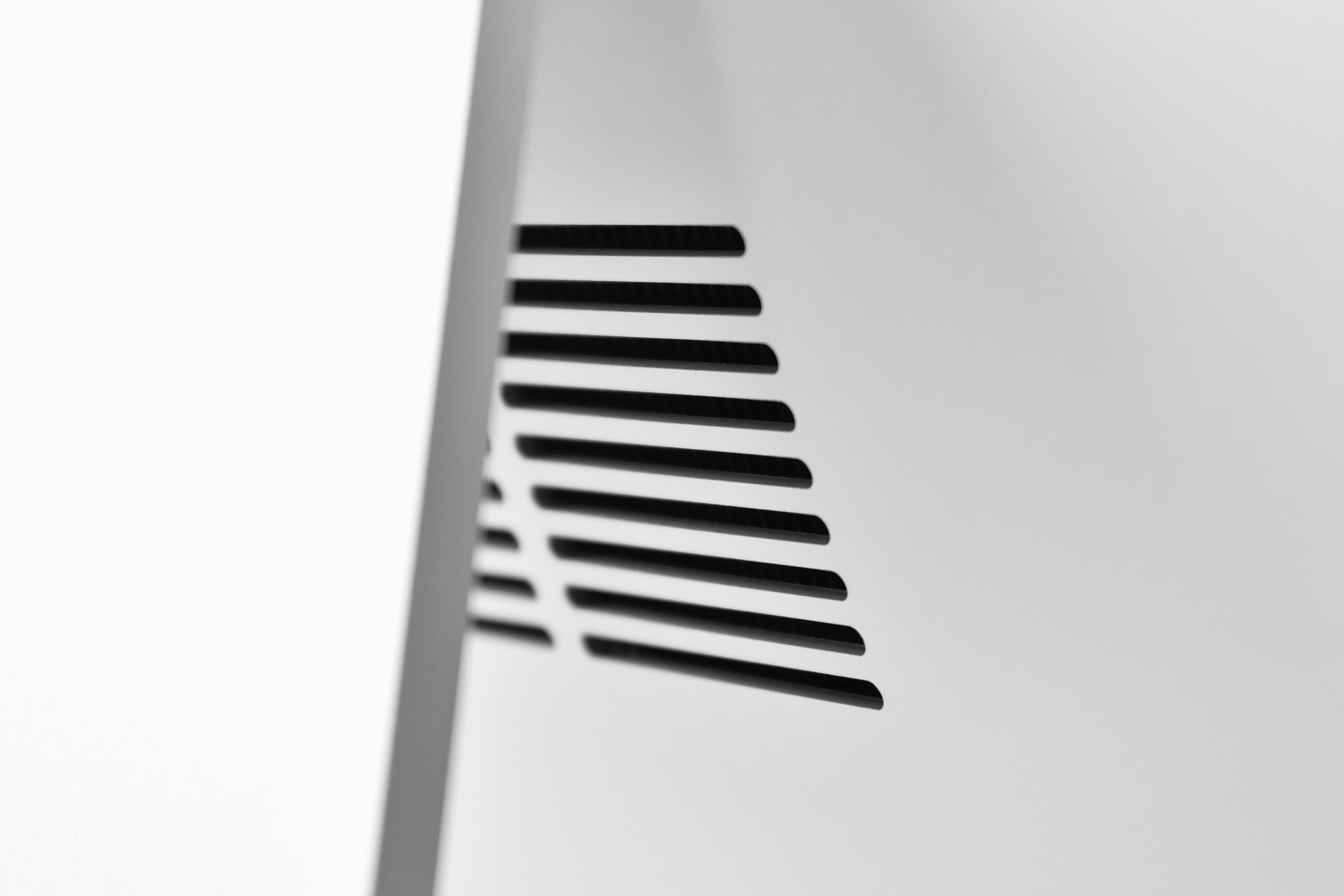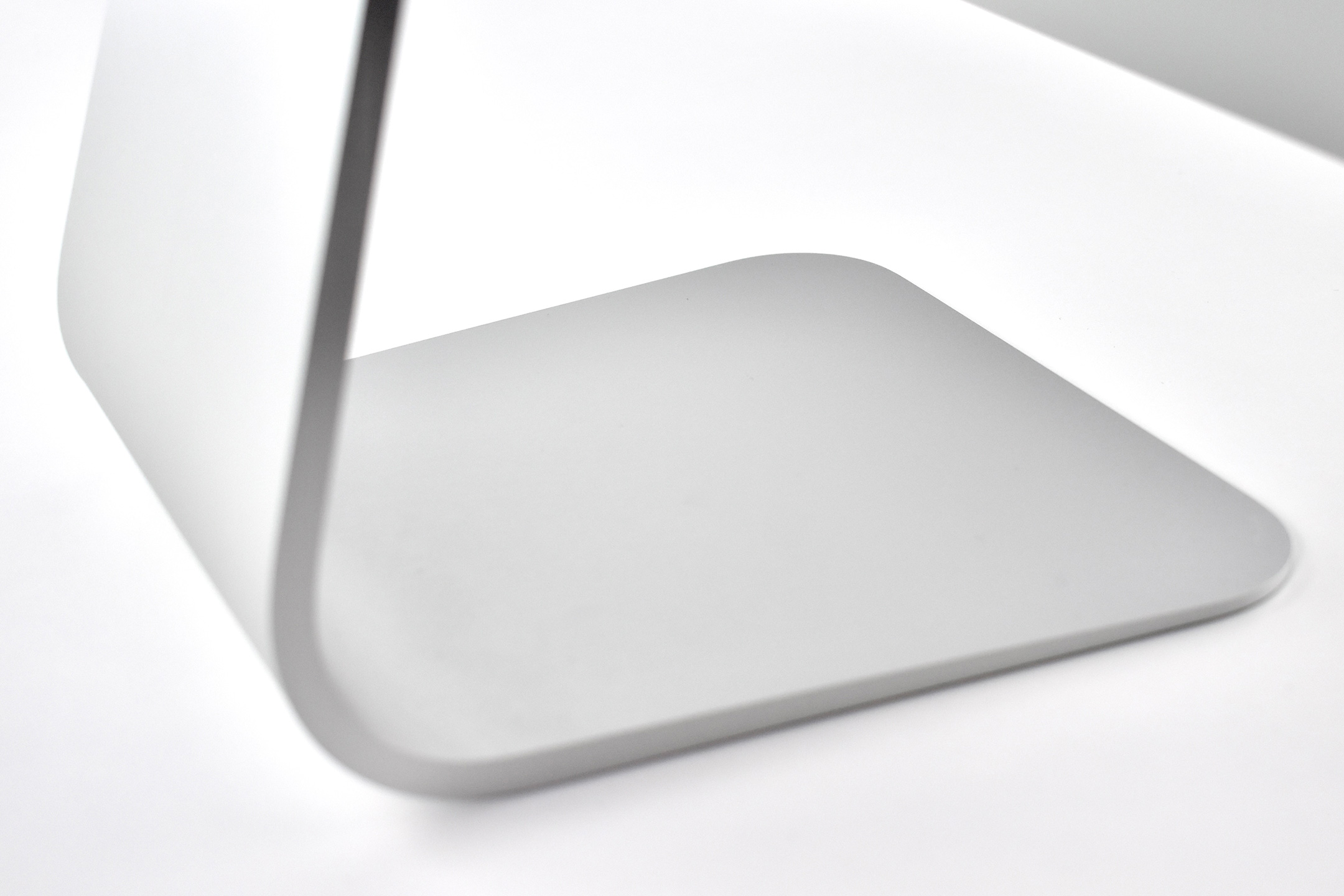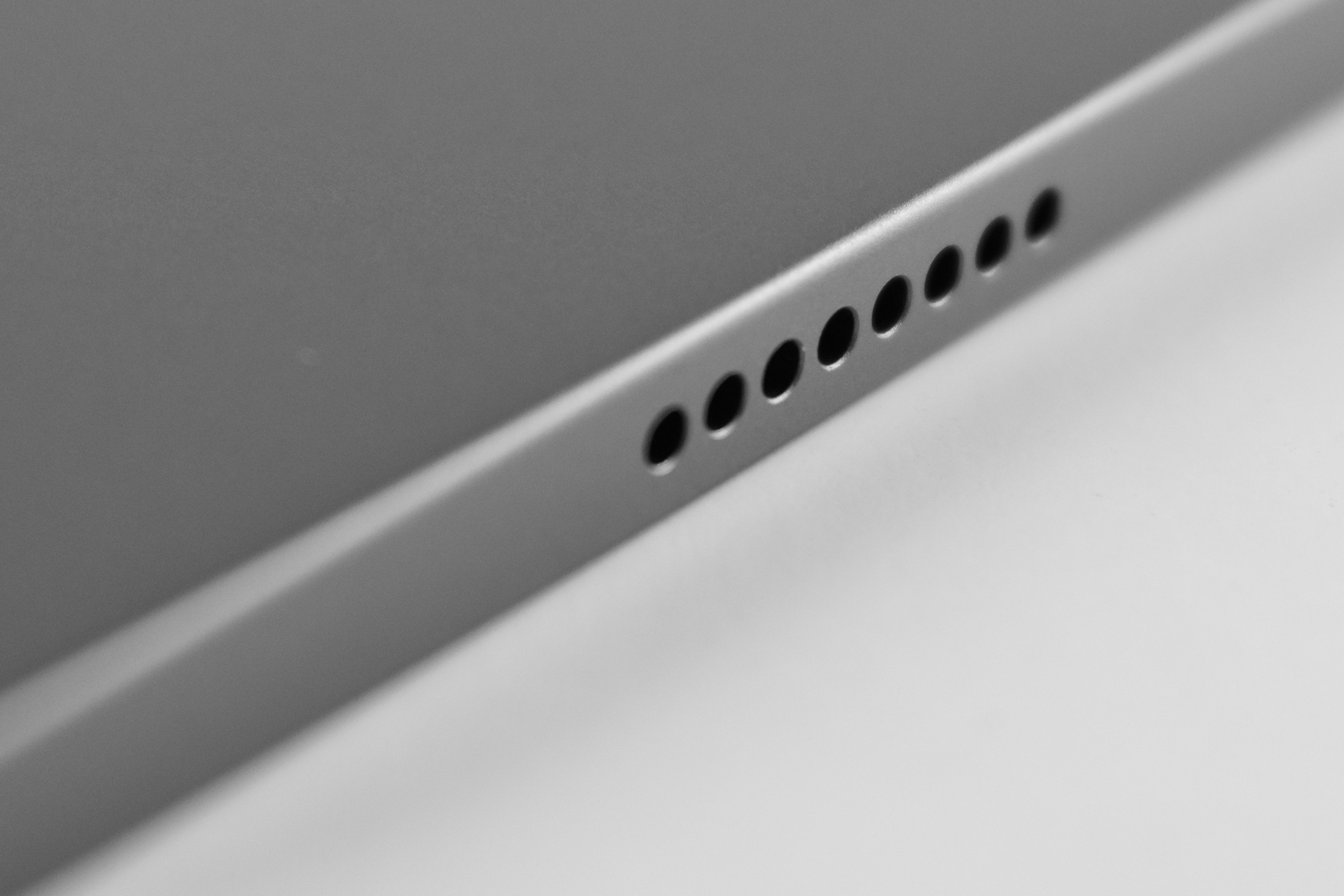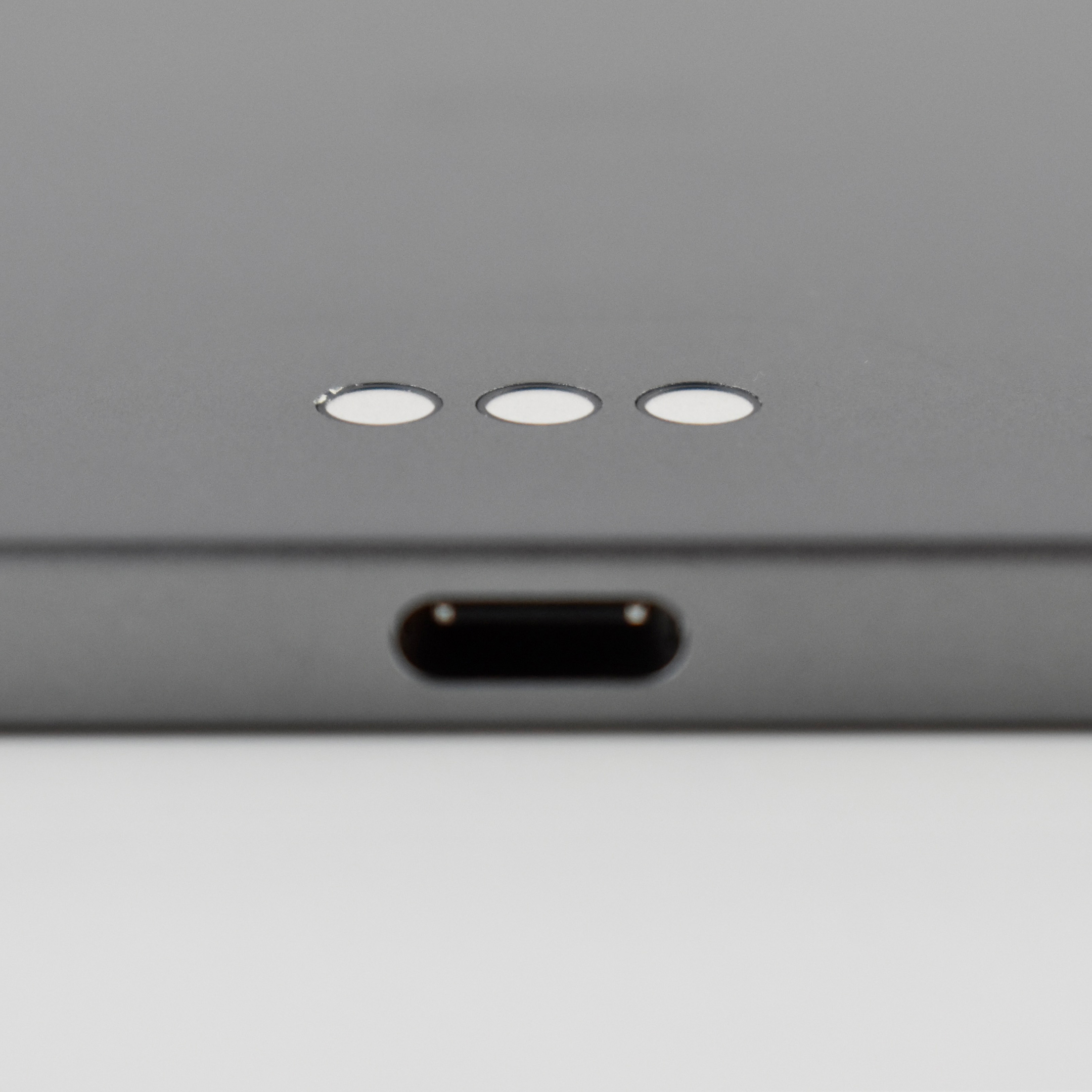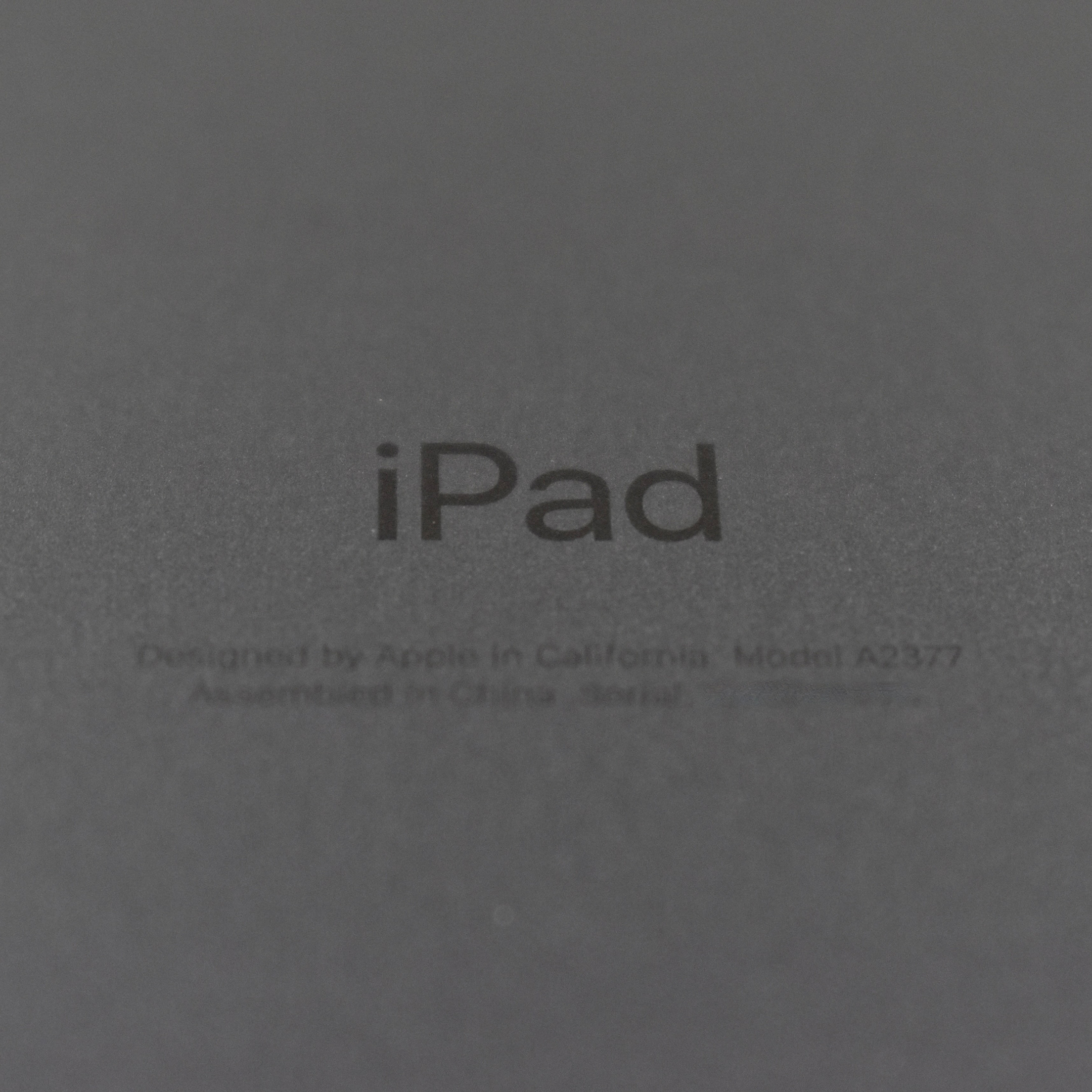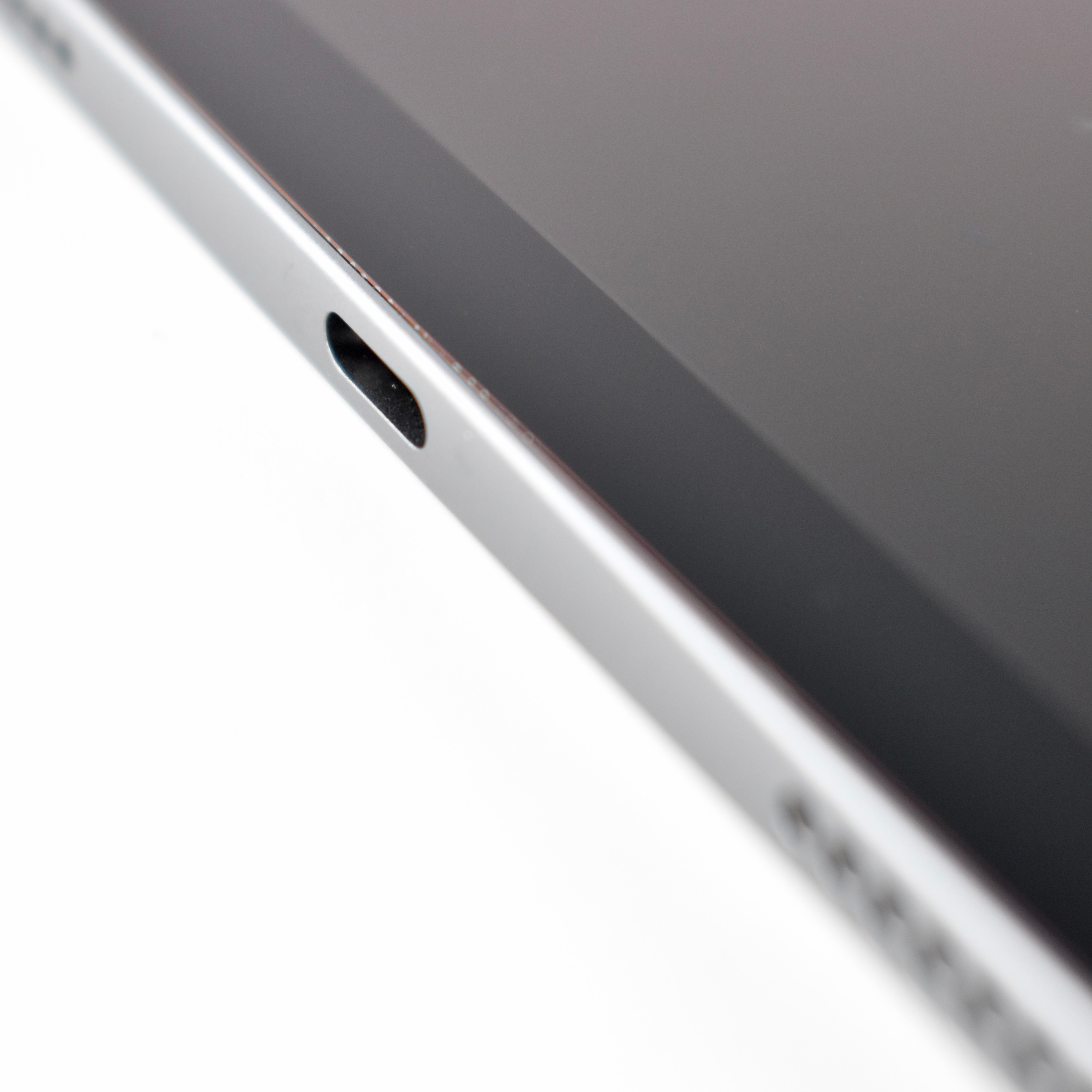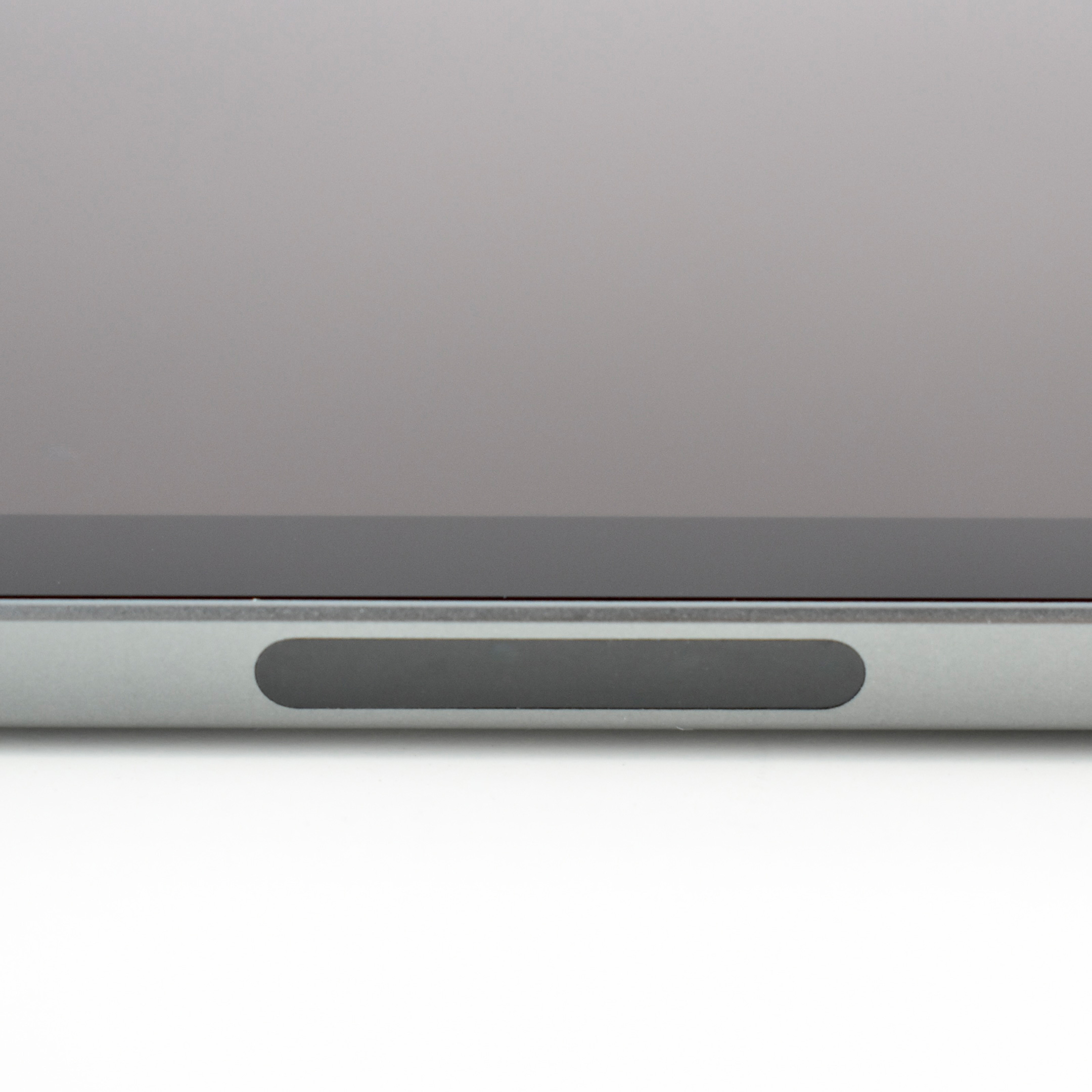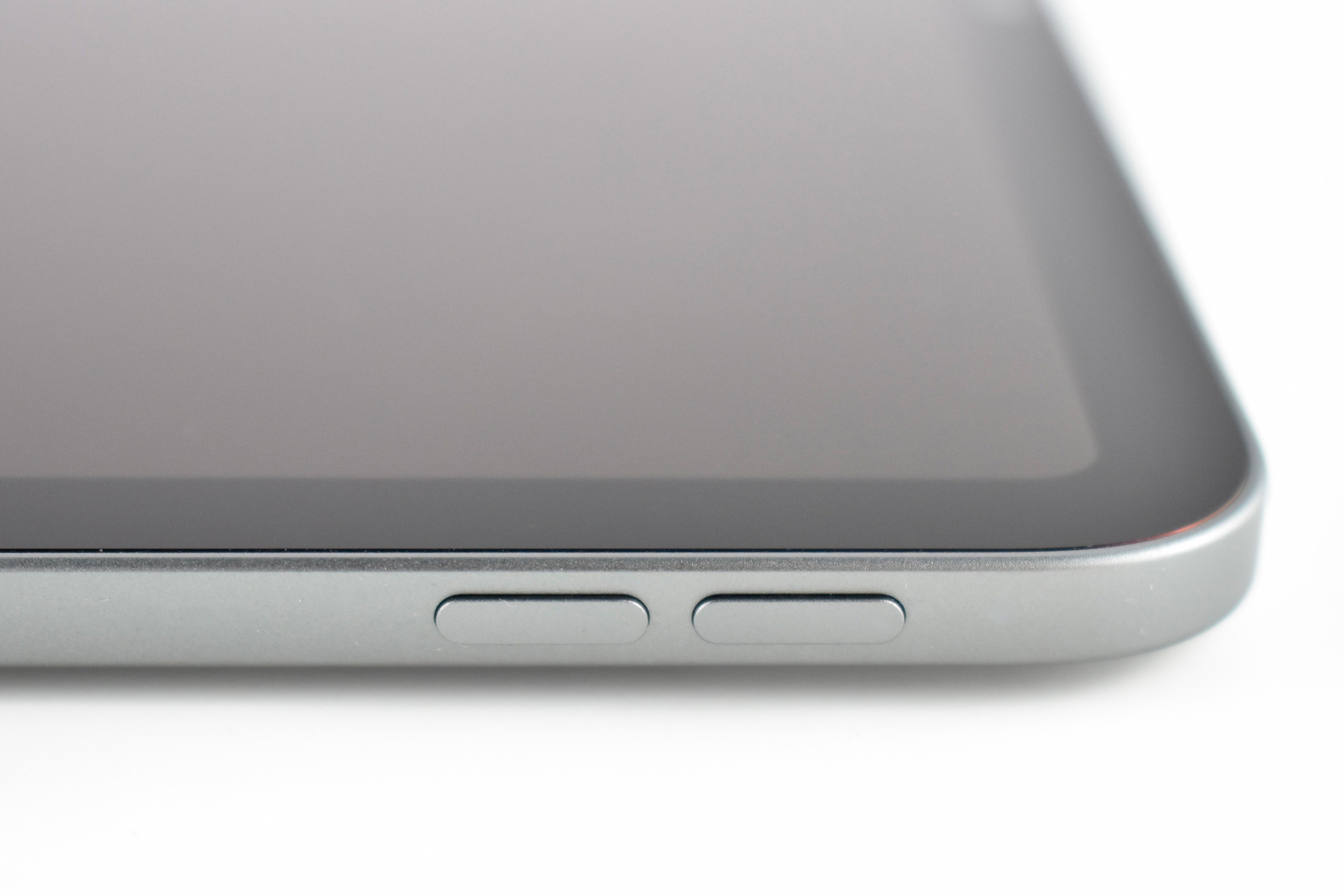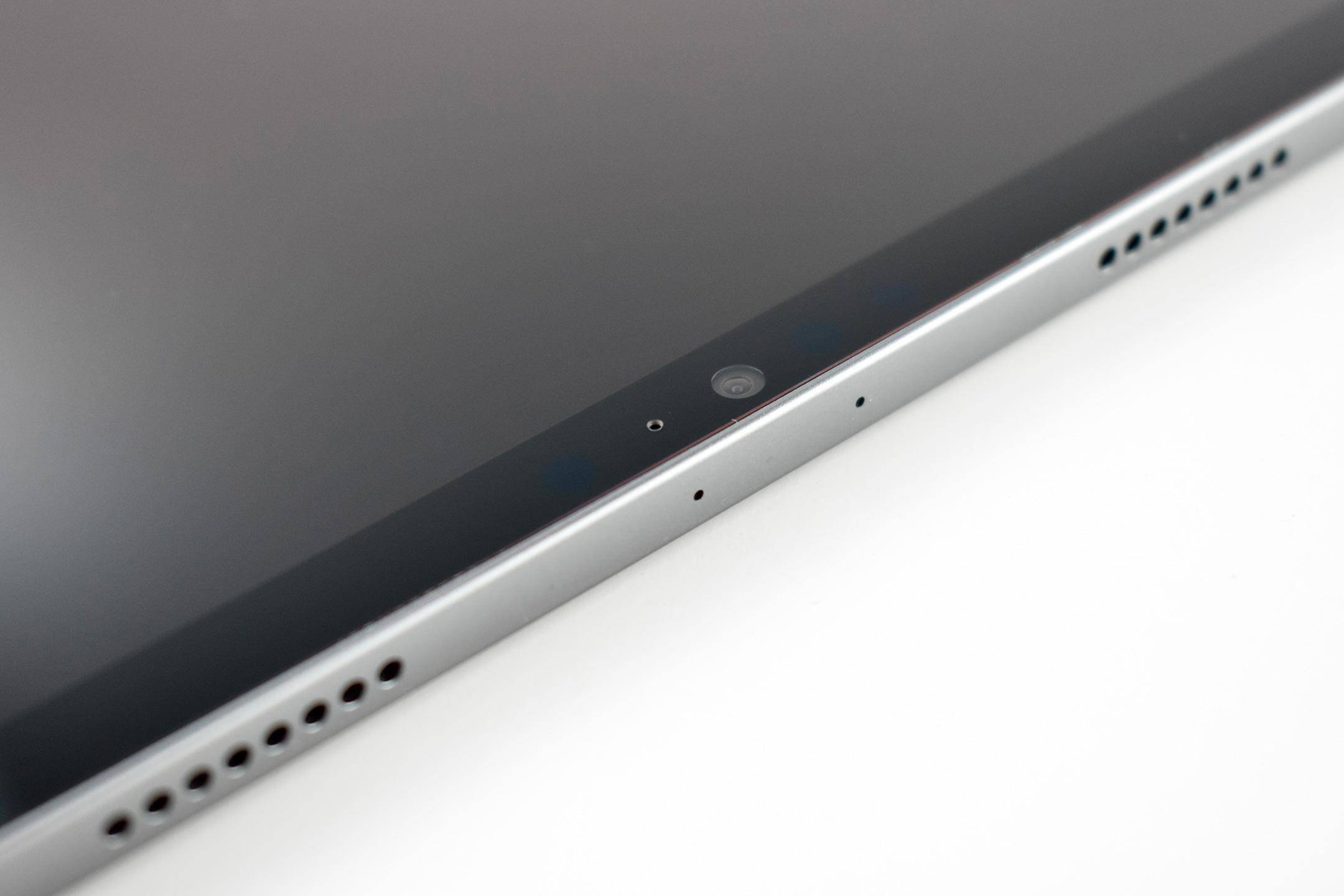
iPad (Generation 2, Wi-Fi, 32 GB, white, 2011)

The iPad 2 represented a major update to the original iPad by allowing the iPad to begin its move from a content-consumption device to a content-creation device, mostly due to the addition of front and back cameras. Apple’s press release led with its subhead, “All New Design is Thinner, Lighter & Faster with FaceTime, Smart Covers & 10 Hour Battery.”

Like the original iPad, the iPad 2 was described as a “magical device for browsing the web, reading and sending email, enjoying photos, watching videos, listening to music, playing games, reading ebooks and much more.” The iPad 2 added “two cameras, a front-facing VGA camera for FaceTime and Photo Booth, and a rear-facing camera that captures 720p HD video, bringing the innovative FaceTime feature to iPad users for the first time.”

The iPad 2 had a silver aluminum back and was available with a white or black front. This example is white.

The iPad 2 had a 9.7-inch glossy LED backlit display (1024×768 at 132 ppi) and could run both iPhone and iPad-specific apps. It shipped with the A5 processor with storage options including 16, 32, or 64 GB. In addition to its front and rear cameras, it had 802.11a/b/g/n Wi-Fi support, an accelerometer, a three-axis gyroscope, an ambient light sensor, digital compass, a speaker and a built-in microphone. The iPad 2 was 33% thinner than the original iPad and weighed 1.33 pounds.

The iPad 2 was also released with the Smart Cover. The Smart Cover used magnets to attach and, when closed, automatically put the iPad 2 into Sleep mode, and would wake the iPad when opened.

Source: EveryMac, Apple

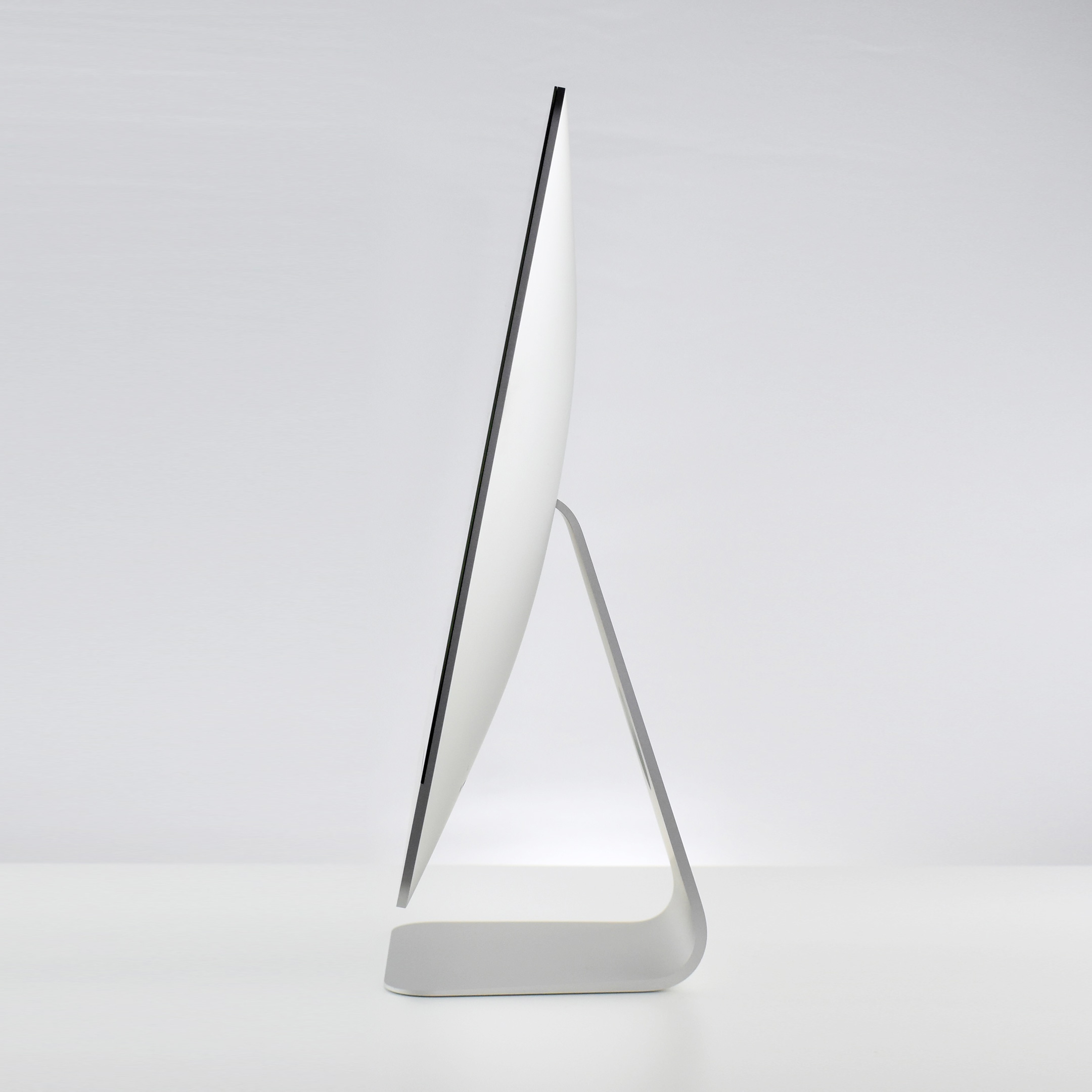
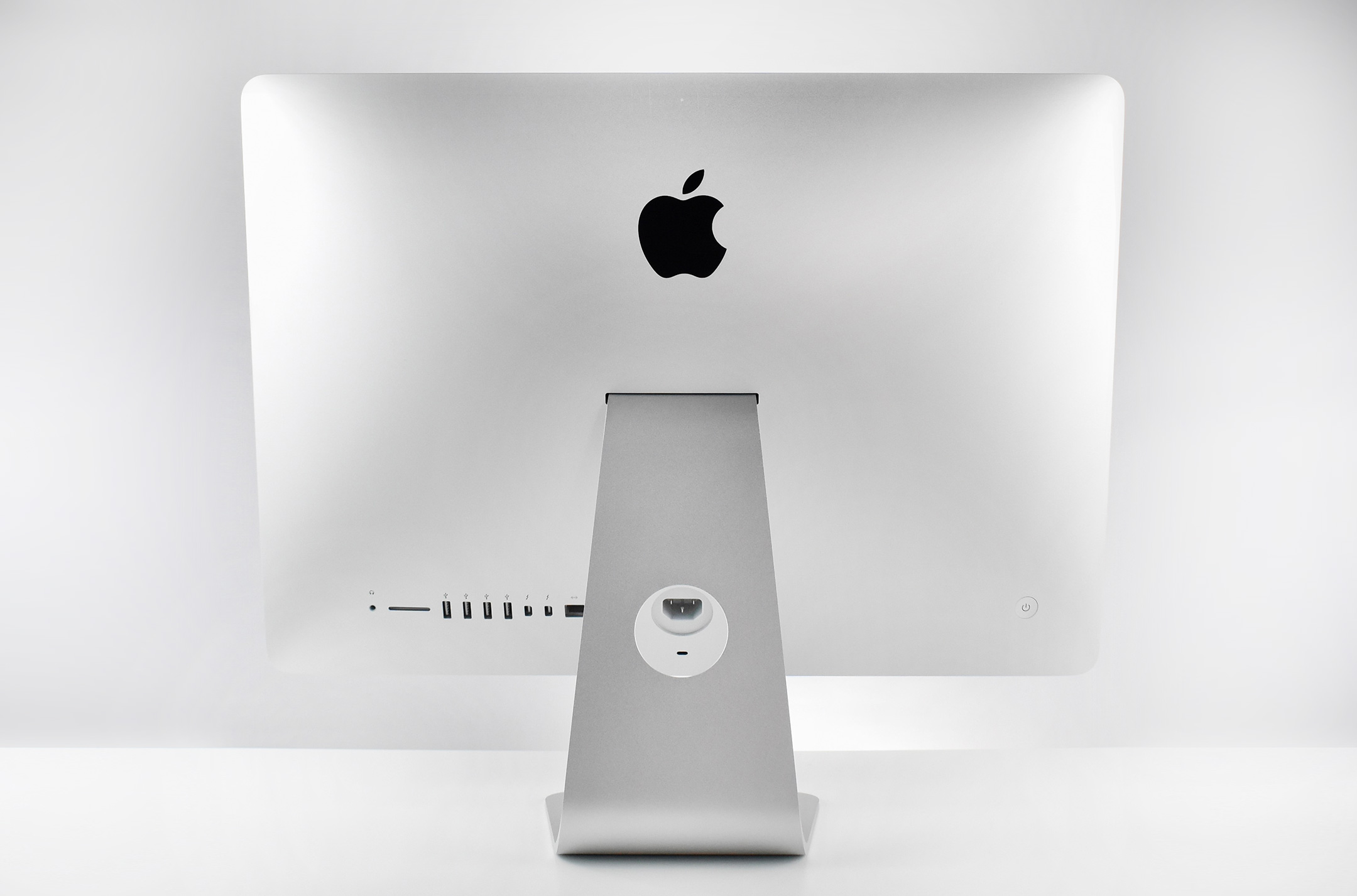
iMac 21.5-inch (Core i5, Late 2013)

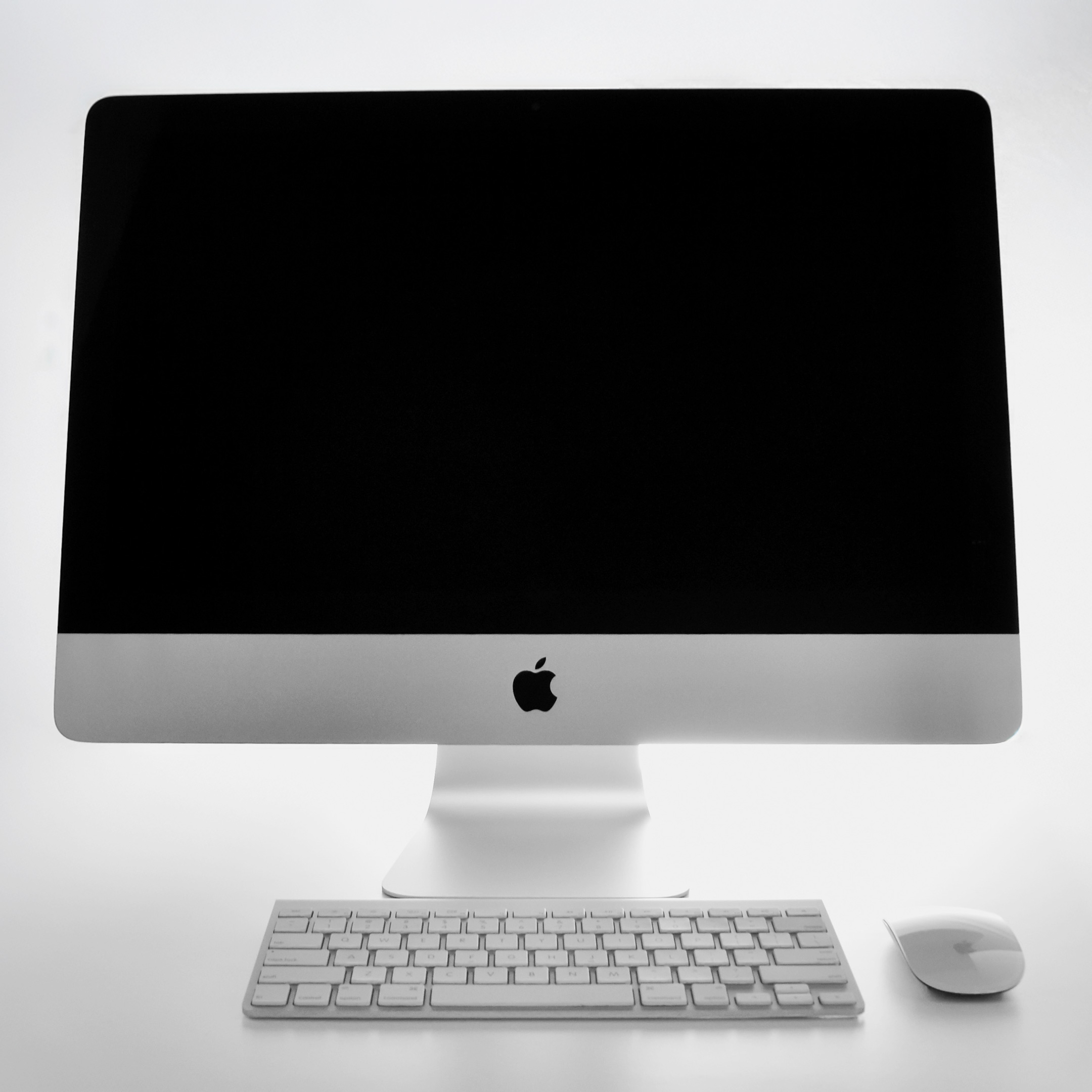
This 21.5-inch iMac (Model A1418) ran a Core i5 “Haswell/Crystalwell” Intel processor with 4 2.7 GHz cores on a single chip. It used 8 GB of 1600 MHz DDR3 SDRAM and housed a 1 TB (5400 RPM) hard drive.

In a press release from September 24, 2013, Apple announced that they had “updated iMac with fourth generation Intel quad-core processors, new graphics, next generation Wi-Fi and faster PCIe flash storage options. The updated iMac brings the latest technology to the stunningly thin design and gorgeous display of the world’s leading all-in-one desktop.”

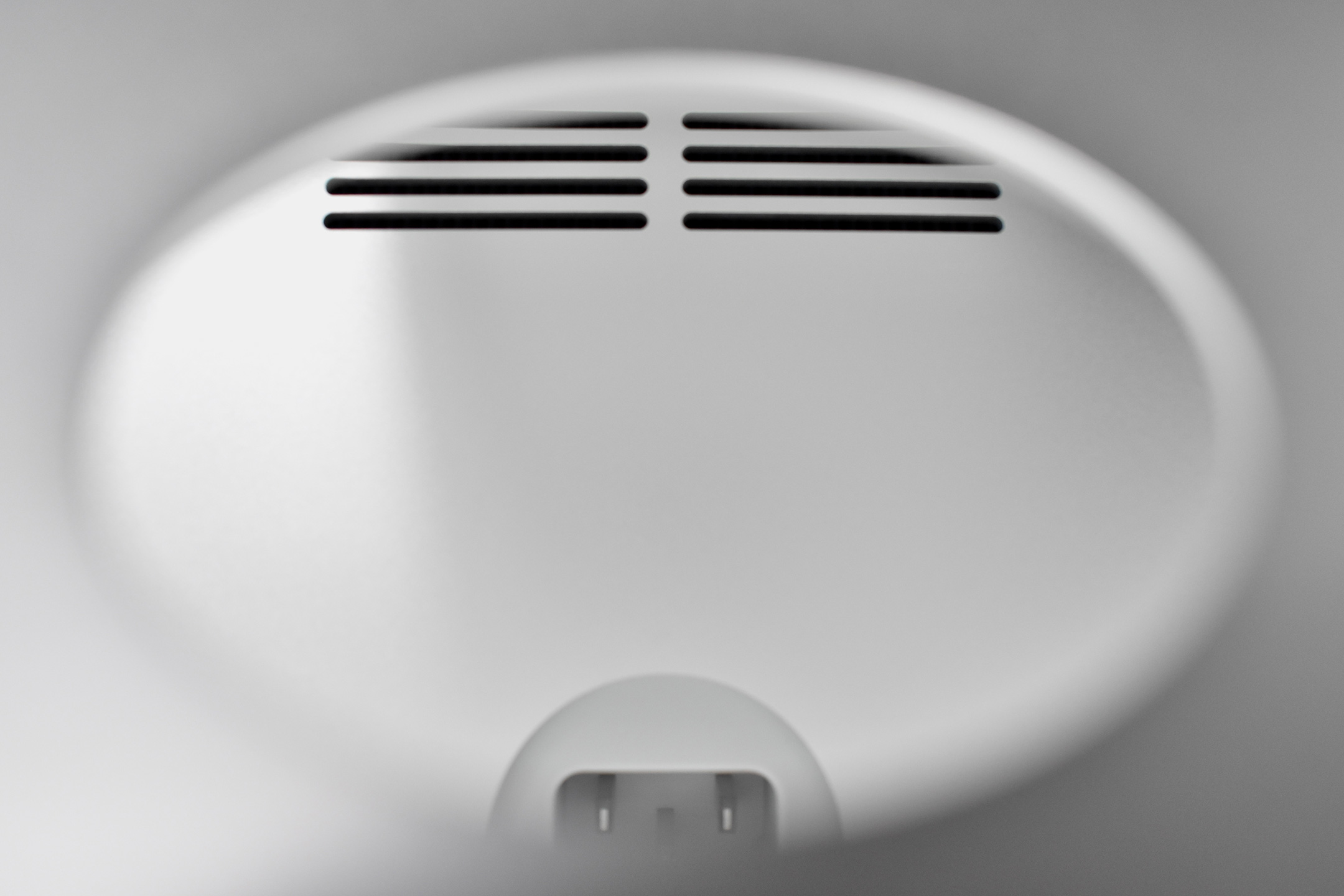
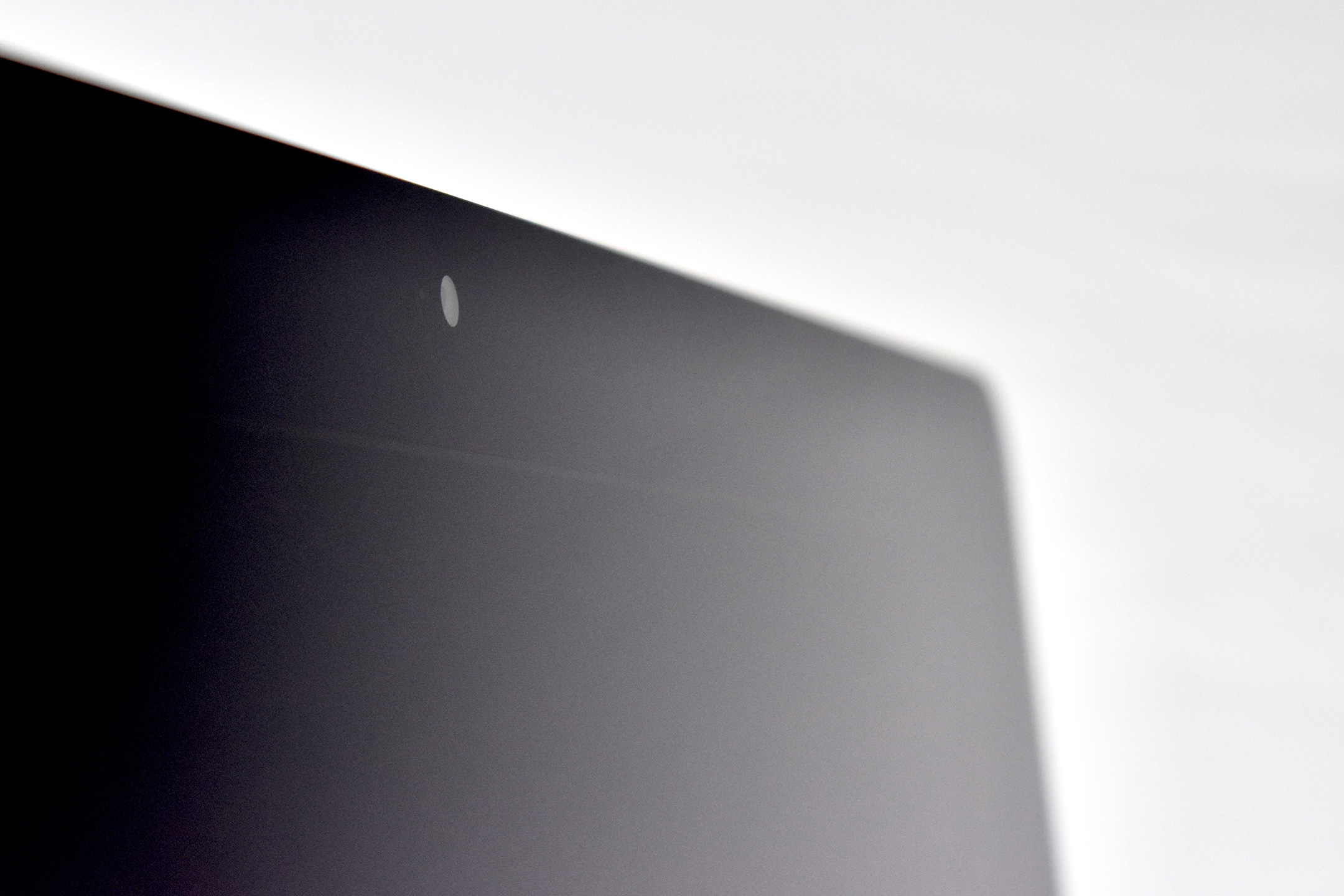
The 21.5-inch display was a 1920 x 1080 LED-backlit 16:9 widescreen IPS display. Its cover glass was fully laminated to the LCD and anti-reflective coating. The design of the rear case was aluminum and is thicker in the middle and tapers to a razor thin 5 mm at the edges. This iMac had a FaceTime HD front webcam, stereo speakers, but lacked an optical drive.

This iMac shipped with OS X Mountain Lion. This Mac OS featured “Messages, Notification Center, system-wide Sharing, AirPlay Mirroring, Dictation, Game Center and the enhanced security of Gatekeeper to your Mac. With iCloud built into the foundation of OS X, Mountain Lion makes it easier than ever to keep your content up to date across your Mac, iPhone®, iPad and iPod touch.”

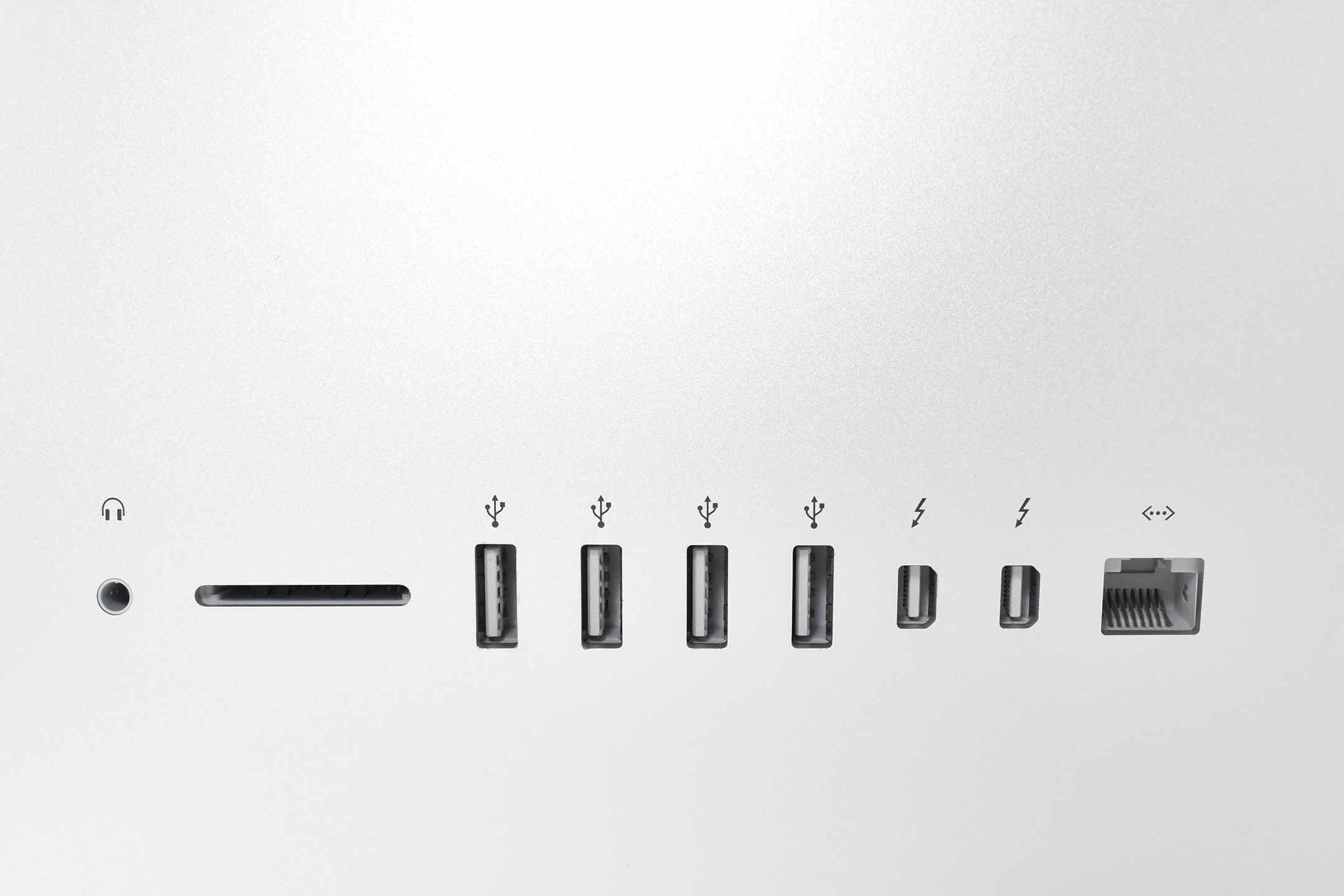
Connectivity included four USB 3.0 ports, dual Thunderbolt ports, Gigabit Ethernet, 802.11ac Wi-Fi (802.11a/b/g/n compatible), and Bluetooth 4.0.

This iMac model shipped with a compact aluminum Apple Wireless Keyboard and either a Magic Mouse, a Magic Trackpad, or a traditional wired Apple mouse.

Sources: Apple, EveryMac

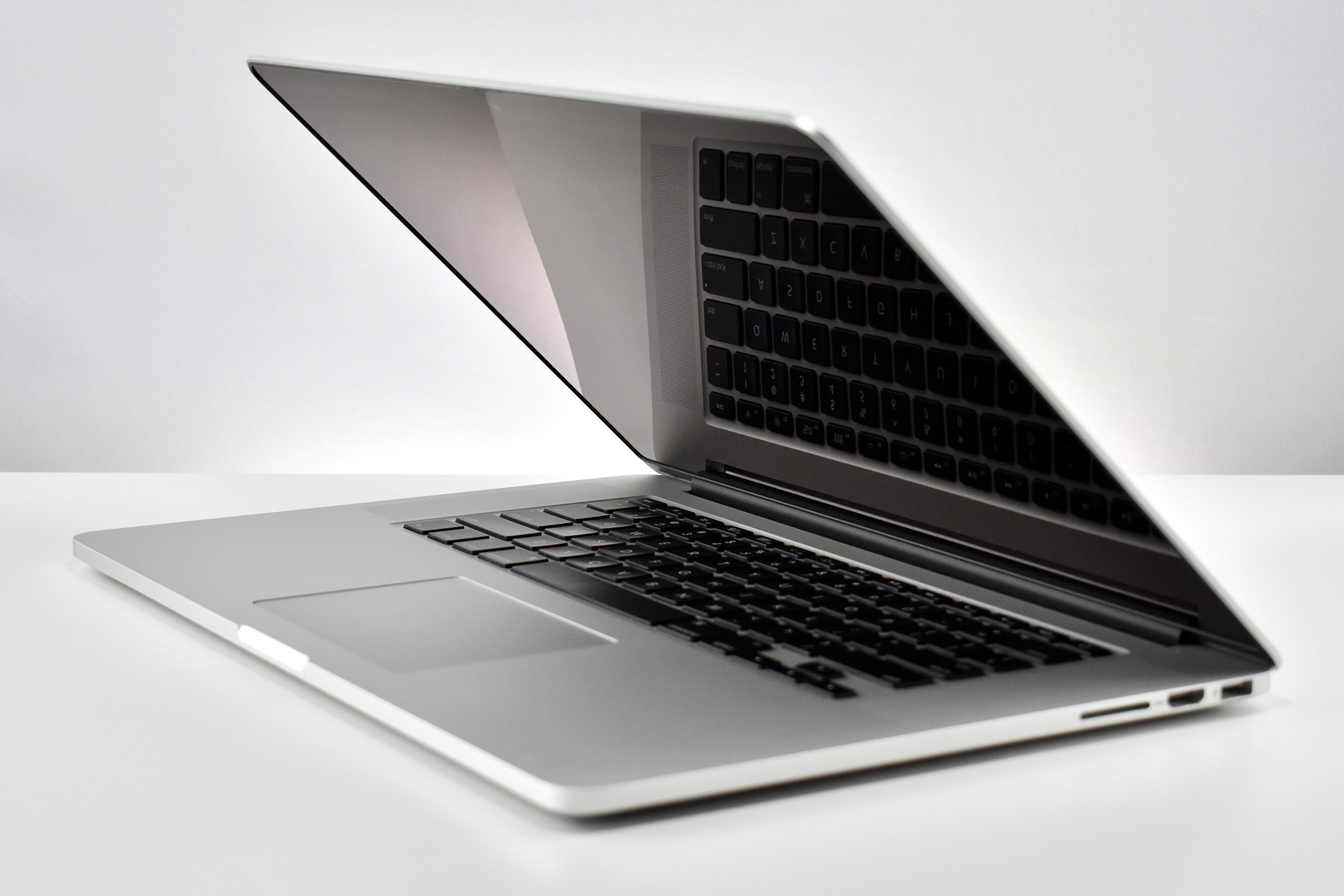
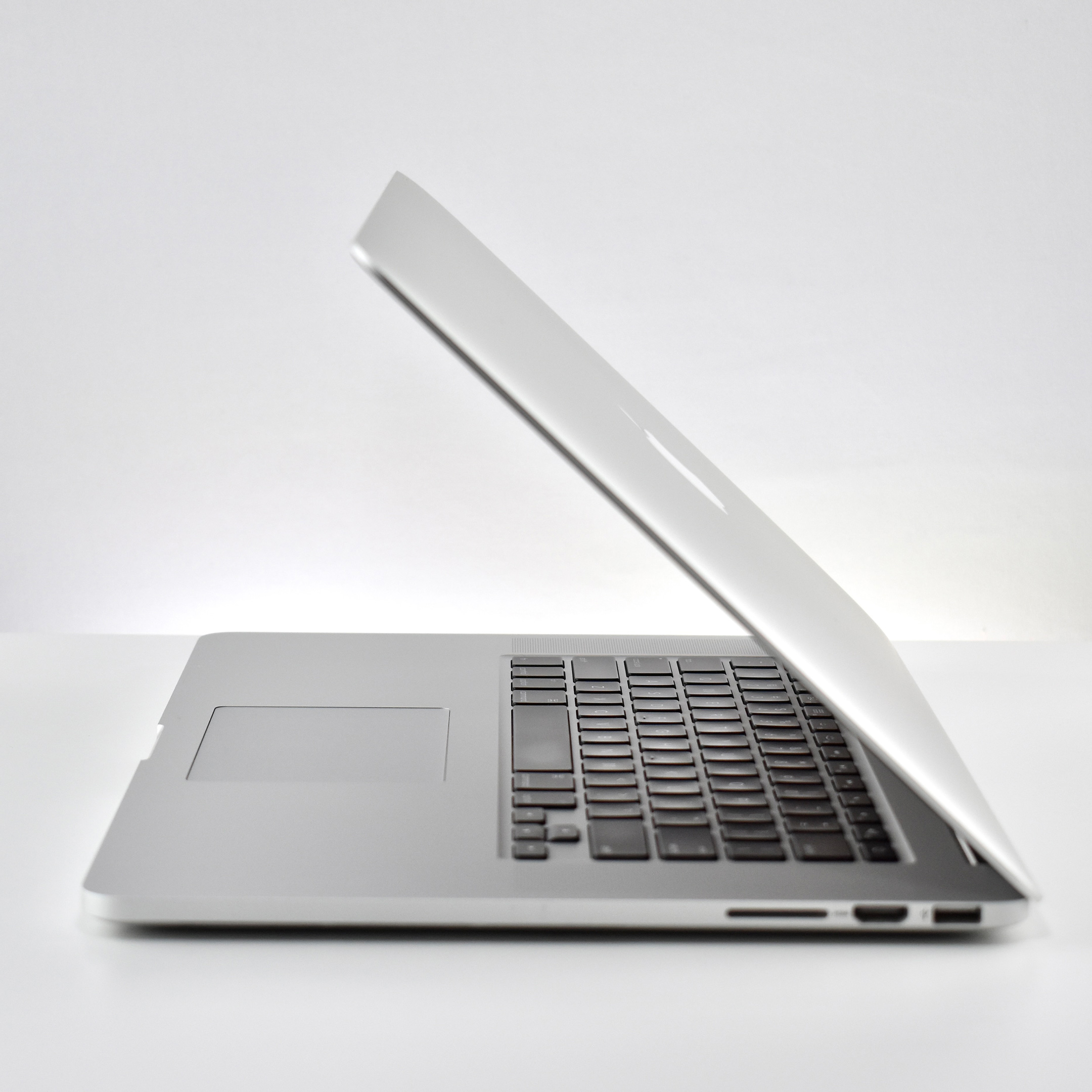
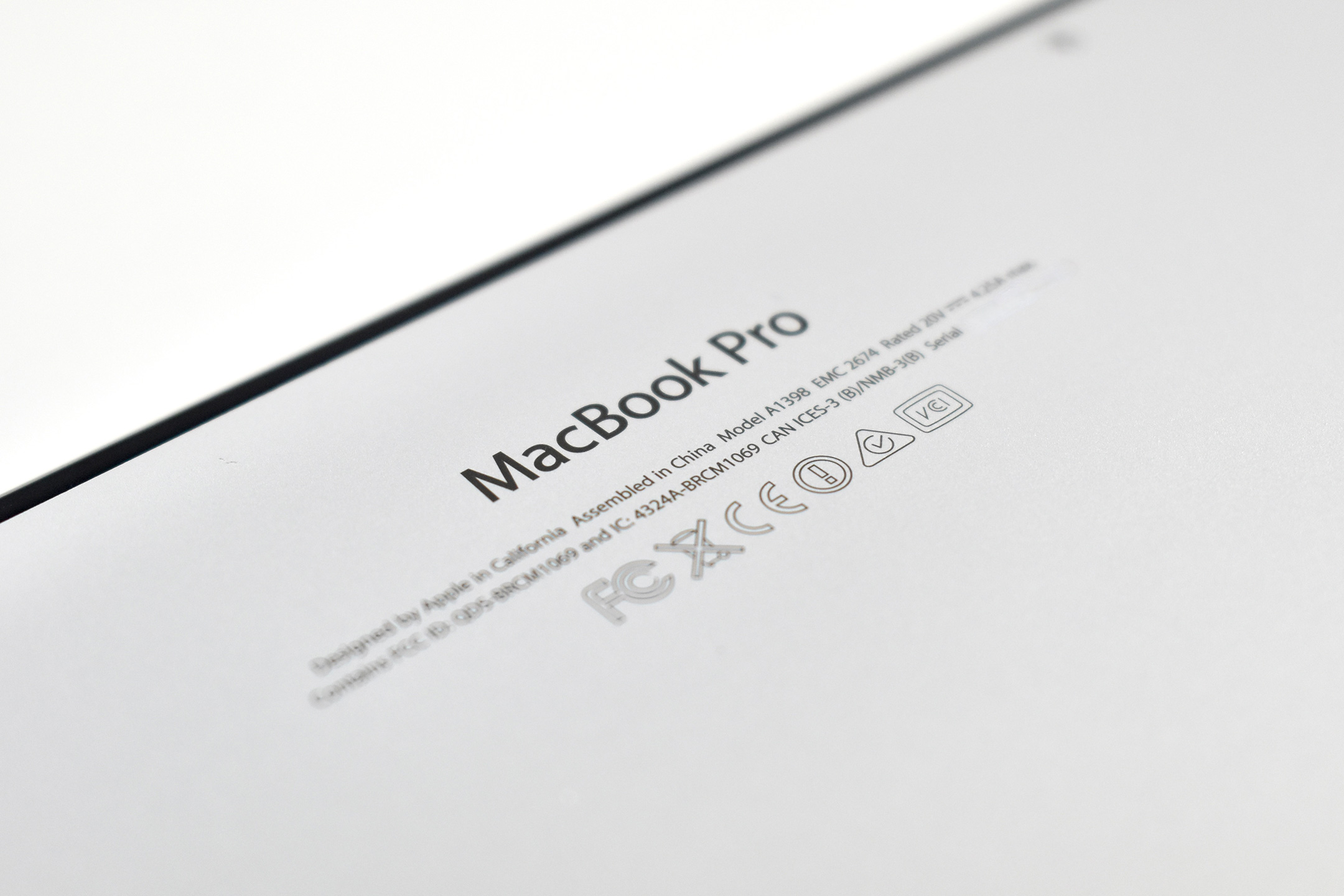
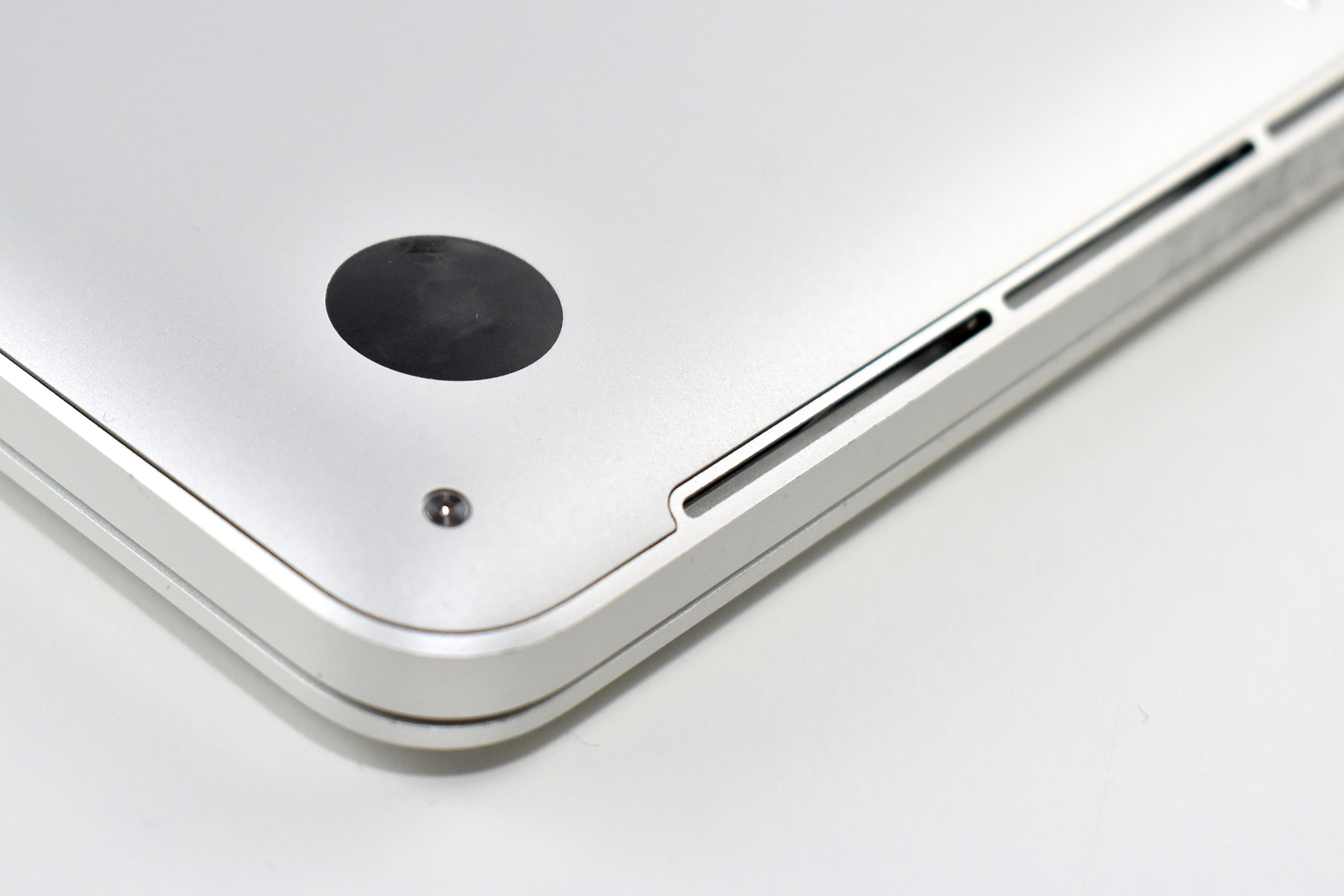
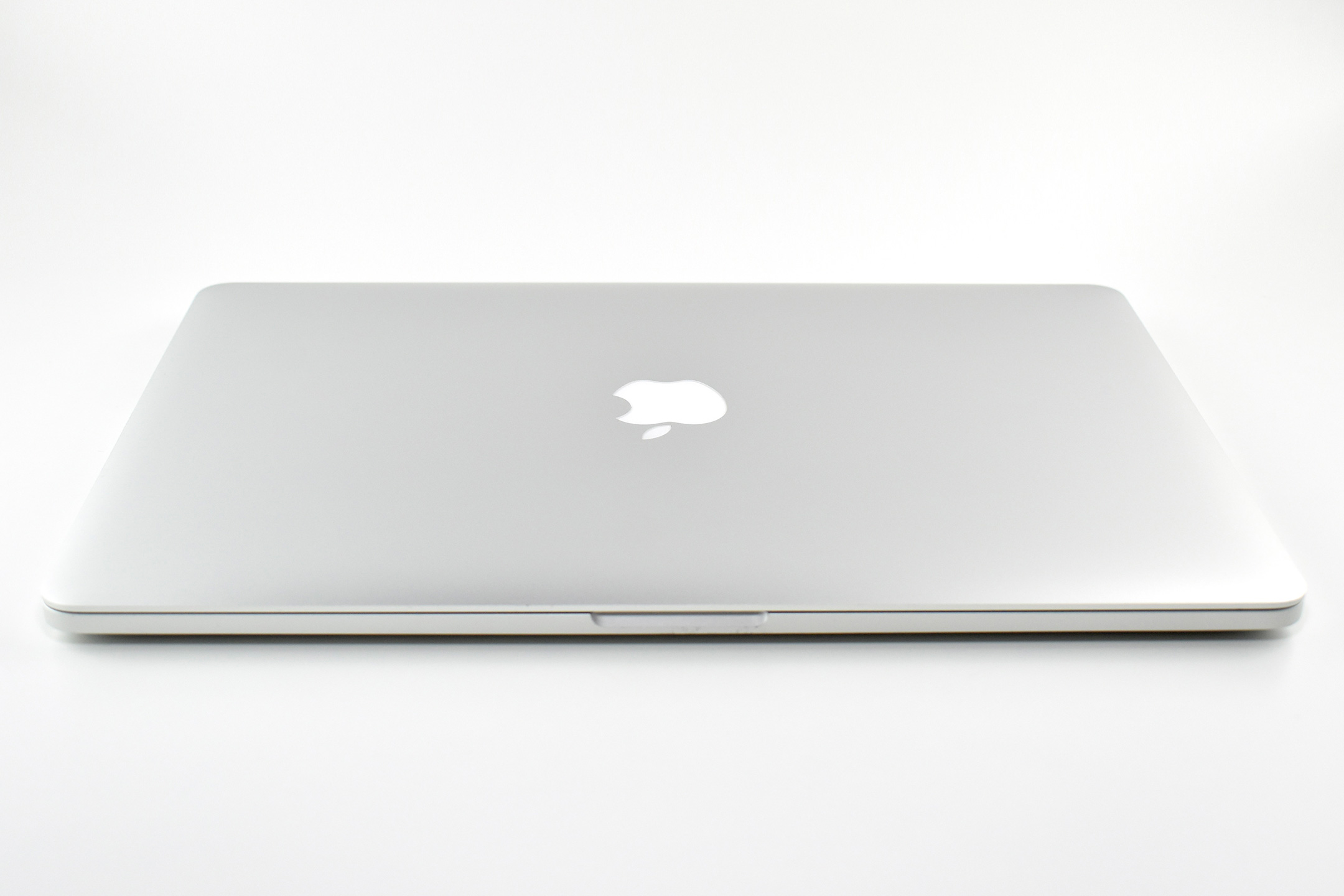
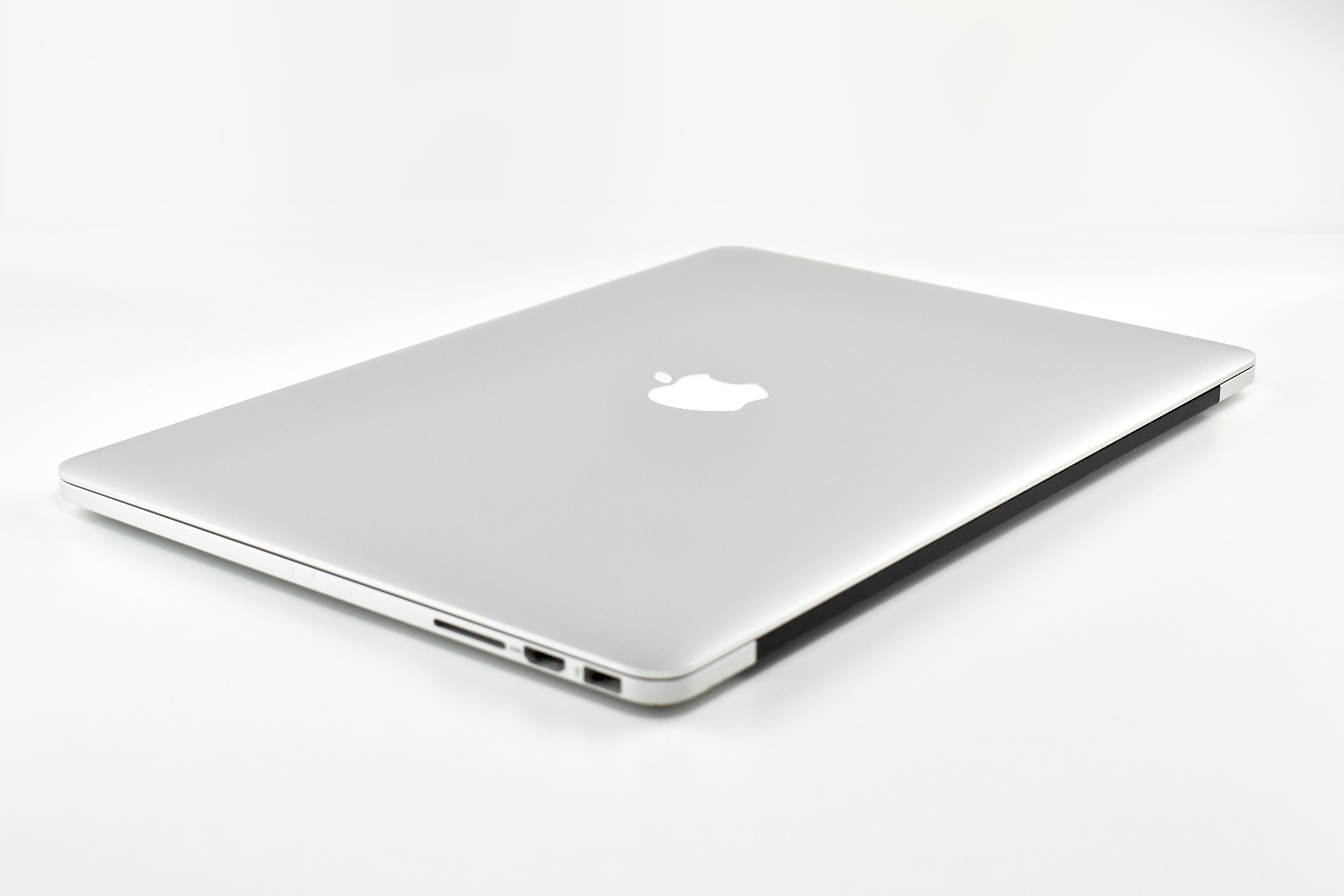
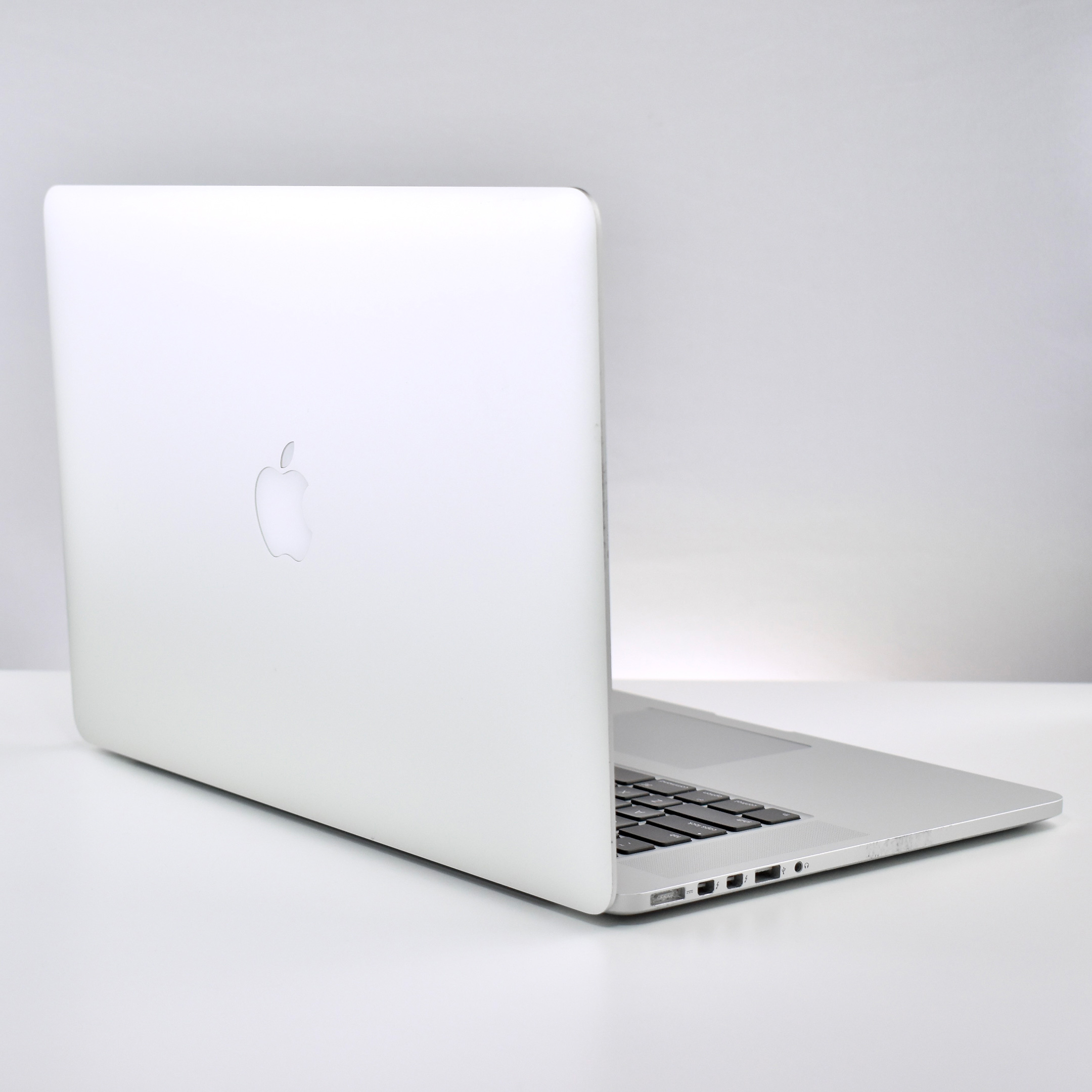
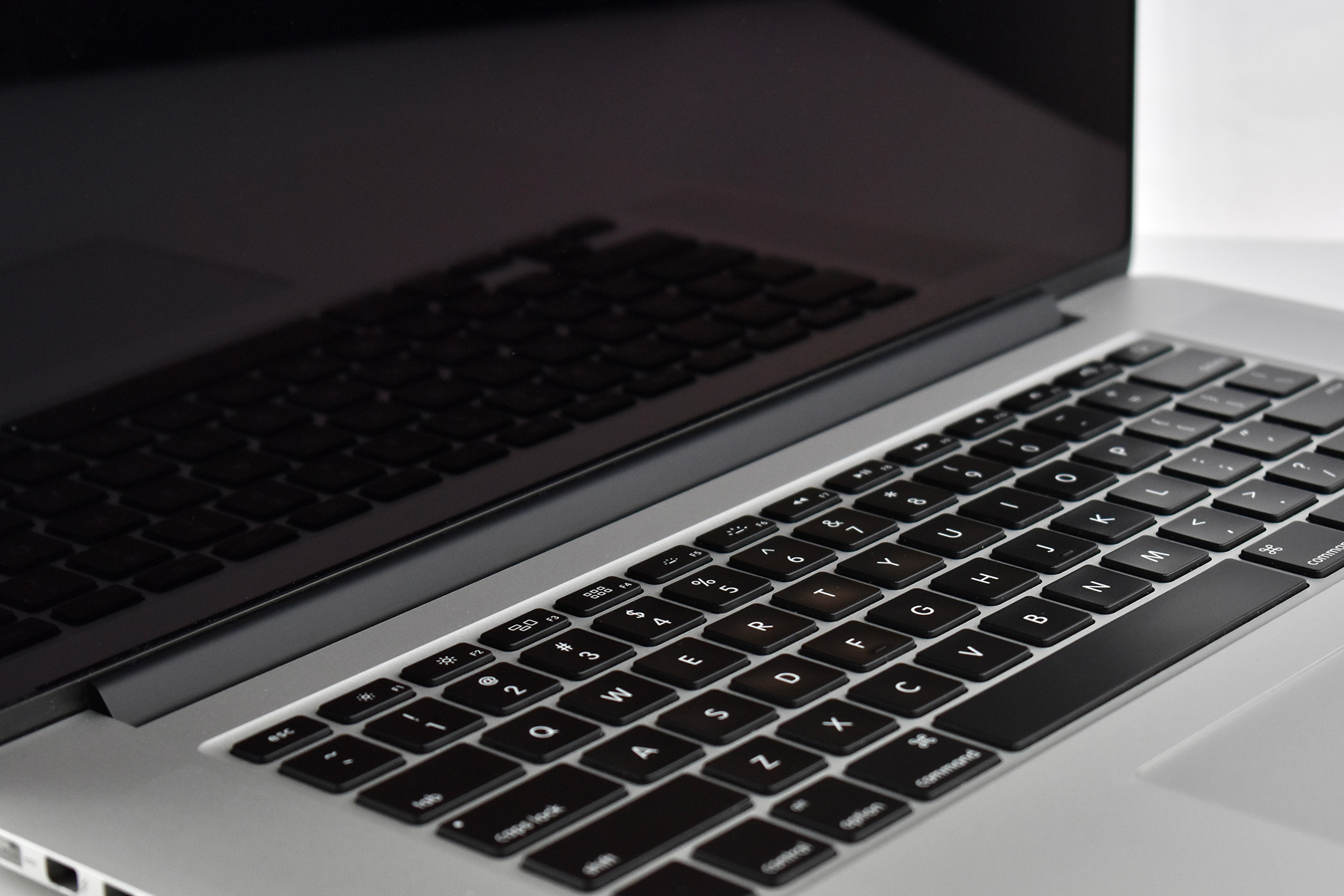
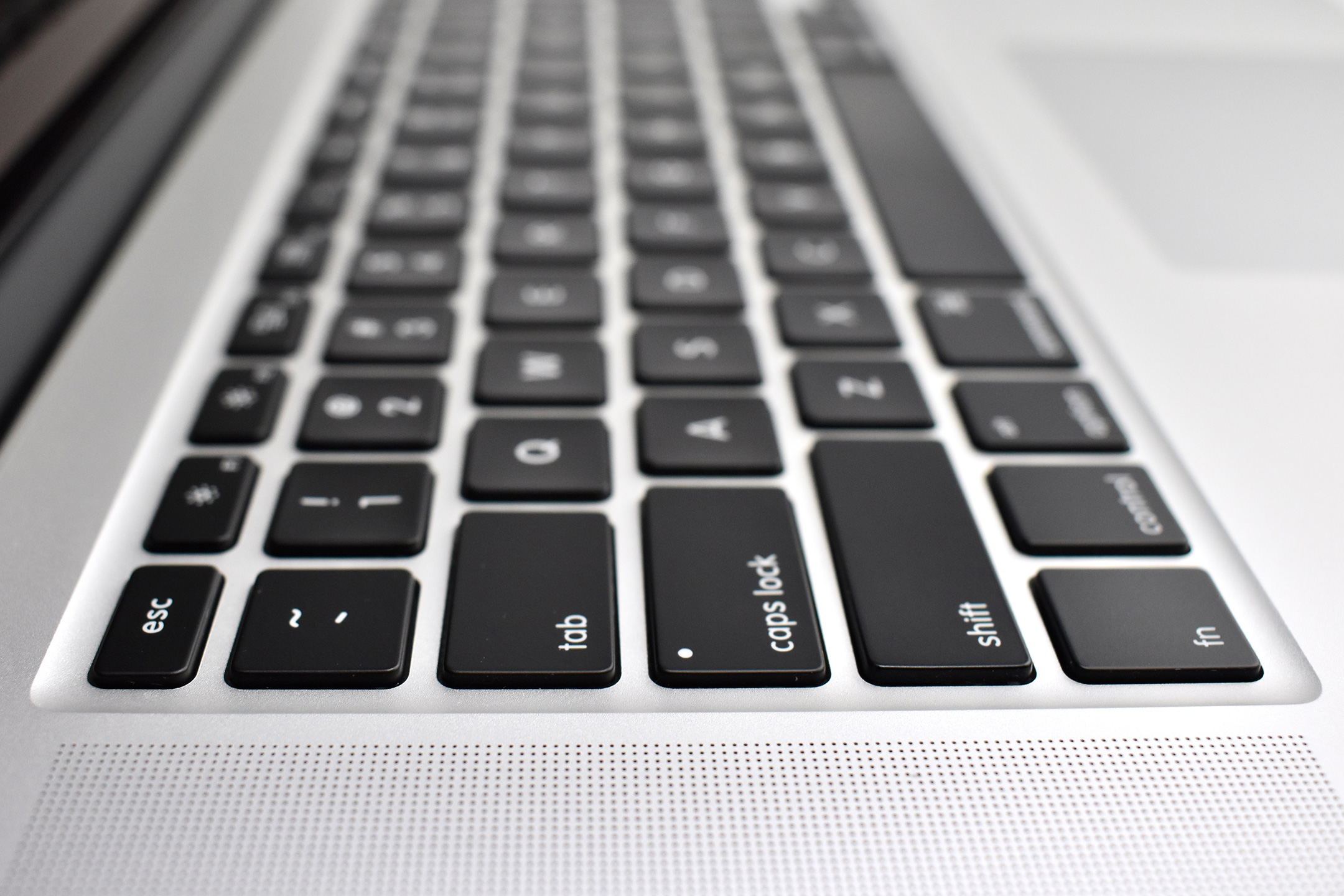
MacBook Pro (Retina, 15-inch, Late 2013)

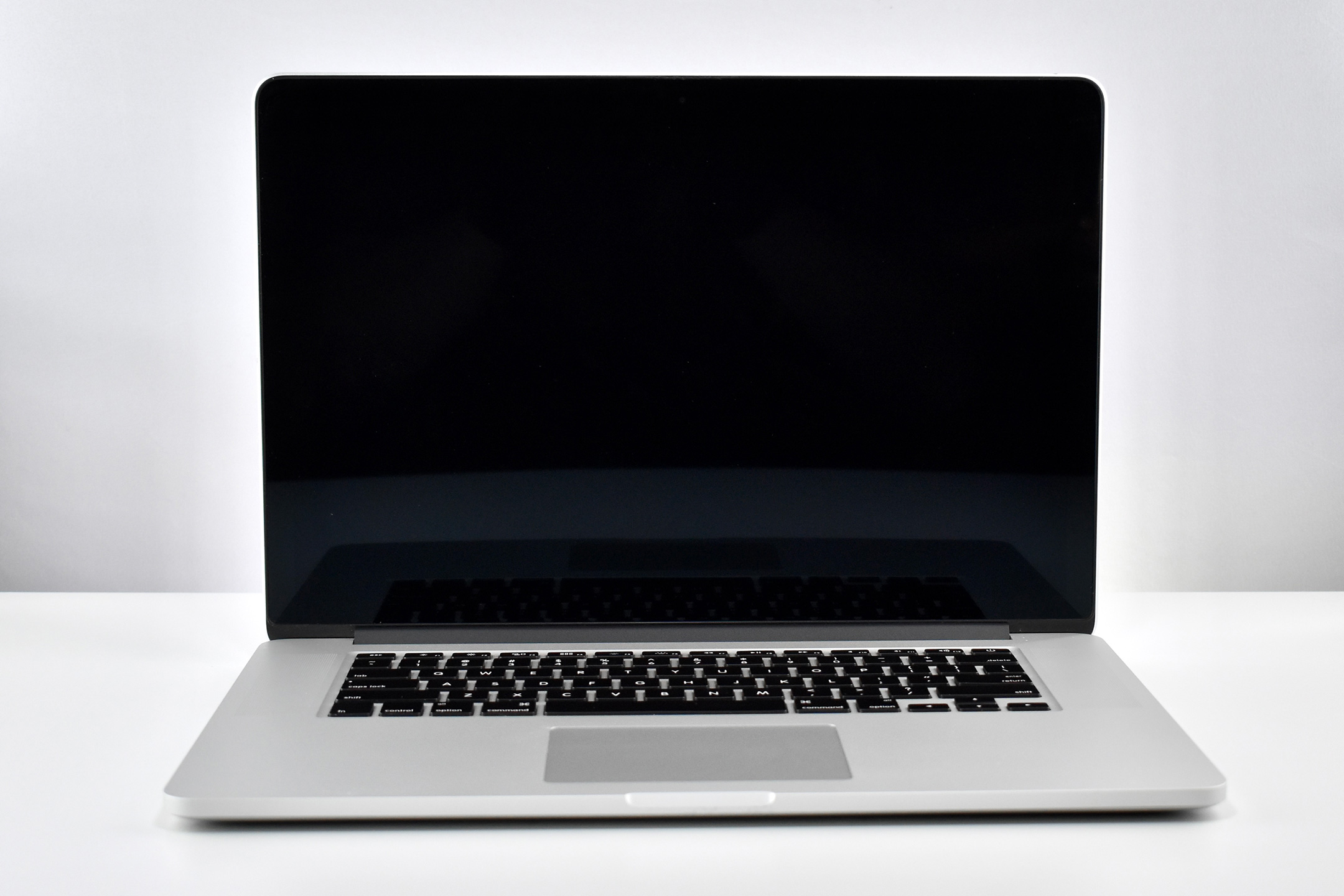
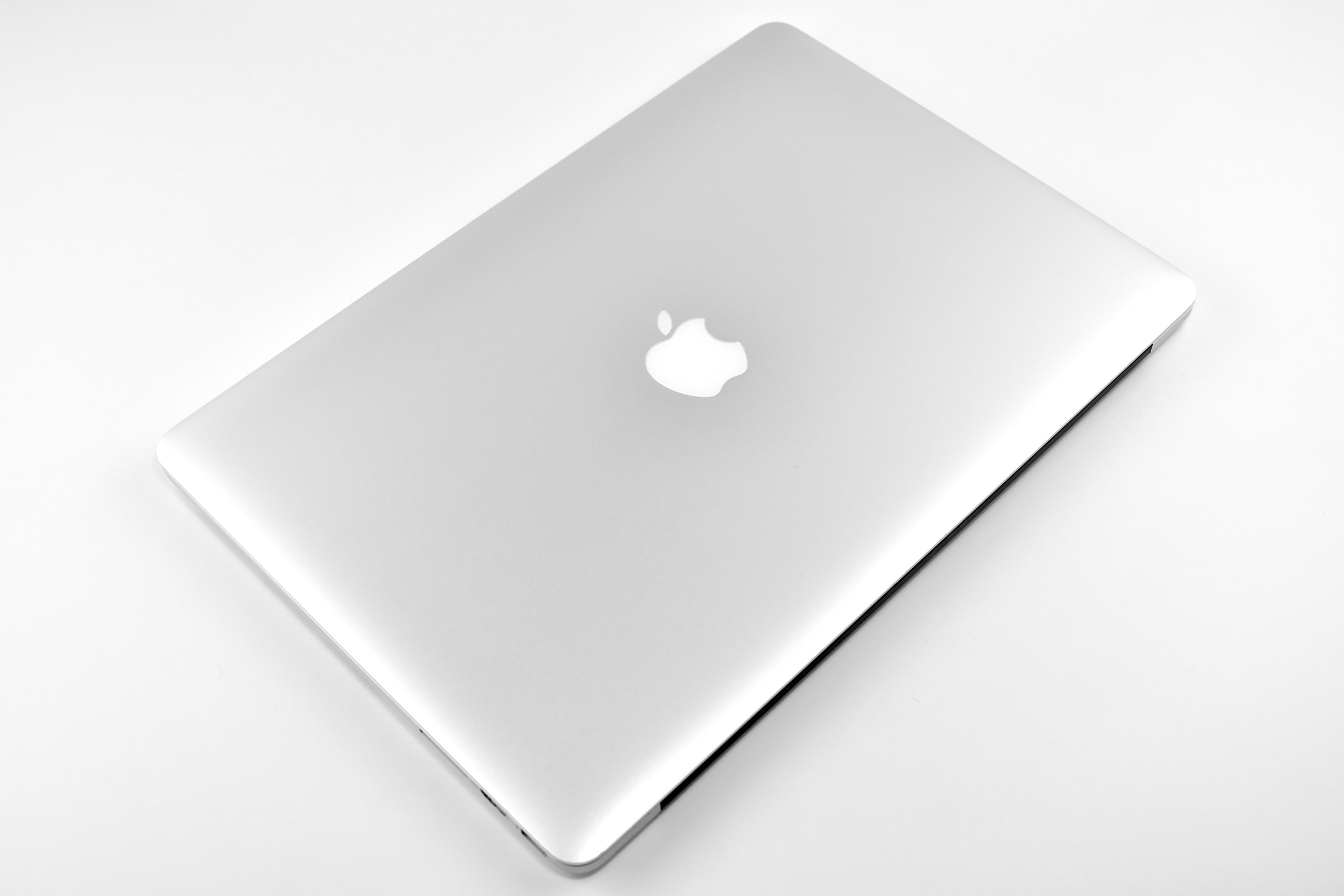
At the time of its release, the MacBook Pro 15-inch with Retina Display was a solid “Pro” choice, but an iterative update from its predecessor with no new design elements, major features, or new technologies. This MacBook Pro used Intel’s Core i7 “Haswell/Crystalwell” processor with four cores. This example is the 2.0GHz model, and a 2.3GHz was also available.

The 15.4-inch Retina Display was LED-backlit display with 2880 x 1800 resolution (220ppi). The laptop measured 0.71 inch (1.8 cm) thick, and 14.13 inches (35.89 cm) wide x 9.73 inches (24.71 cm) tall. It weighed 4.46 pounds (2.02 kg).

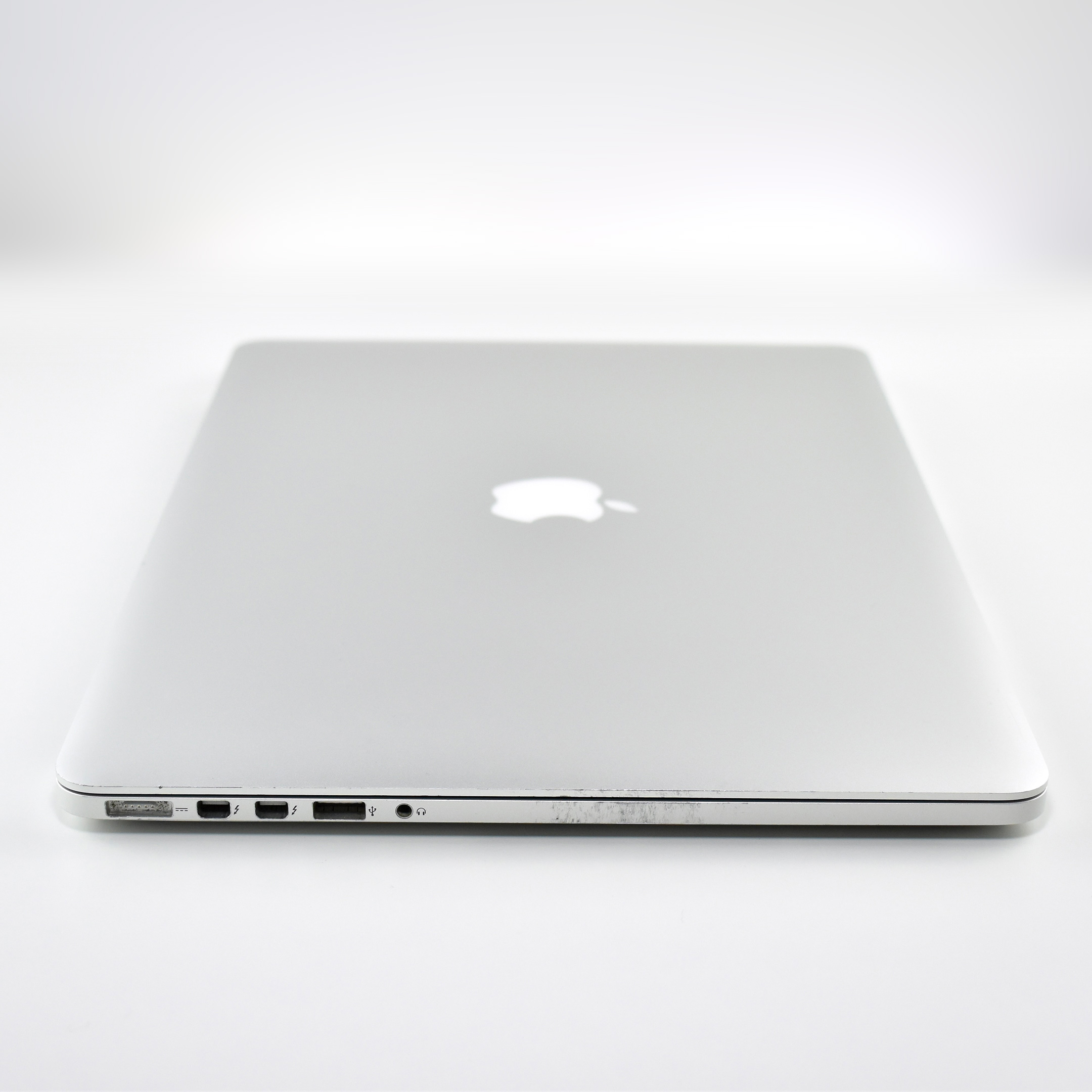
According to Apple, the physical ports included:

  • MagSafe 2 power port
  • 2 Thunderbolt 2 ports (up to 20 Gbps)
  • 2 USB 3 ports (up to 5 Gbps)
  • HDMI port
  • Headphone port
  • SDXC card slot

Wireless technologies included 802.11ac and Bluetooth 4.0.

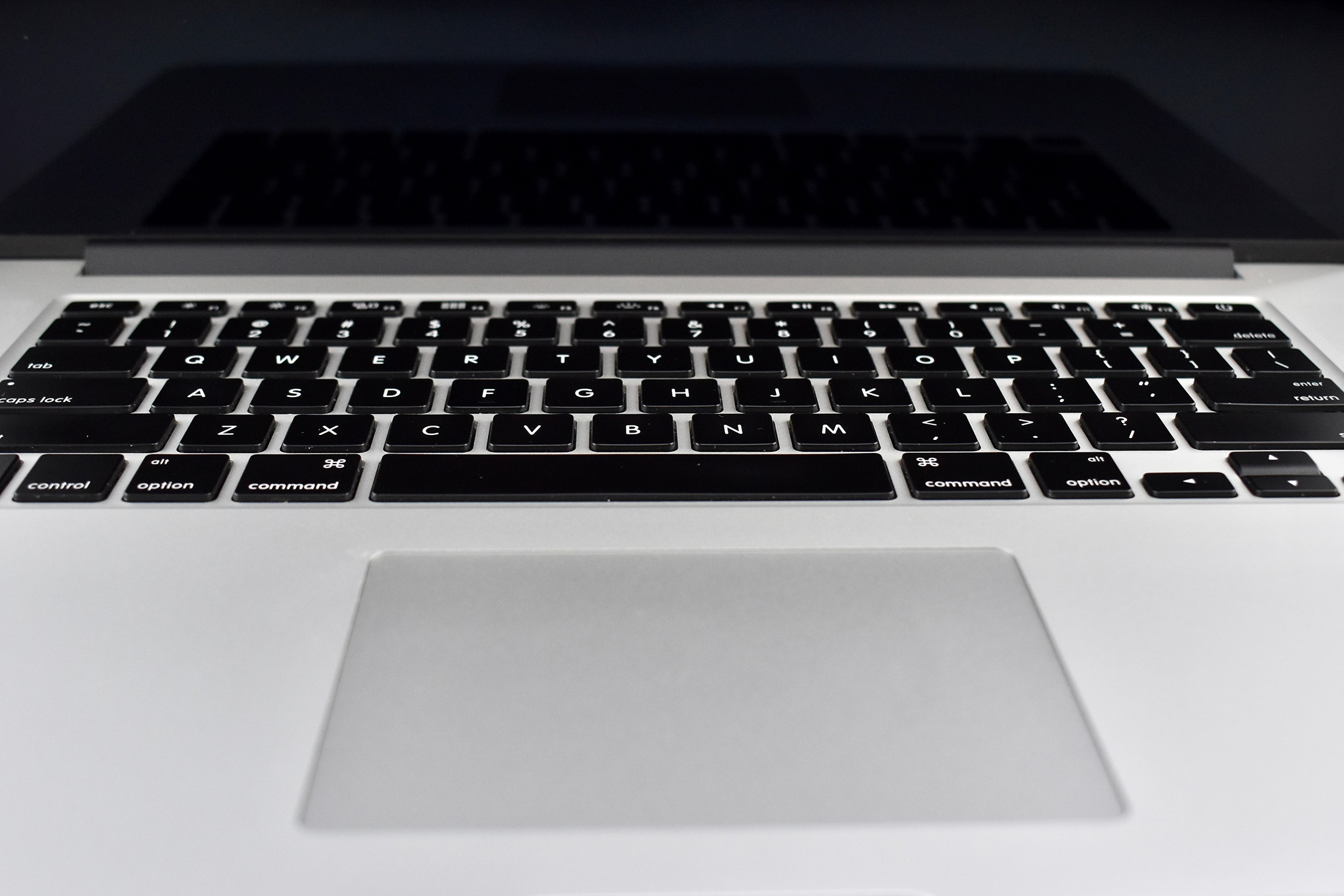
The full-size keyboard was backlit and used an ambient light sensor. Apple advertised the battery life as 8 hours, and it charged using an 85W MagSafe 2 Power Adapter.

Sources: Apple, EveryMac

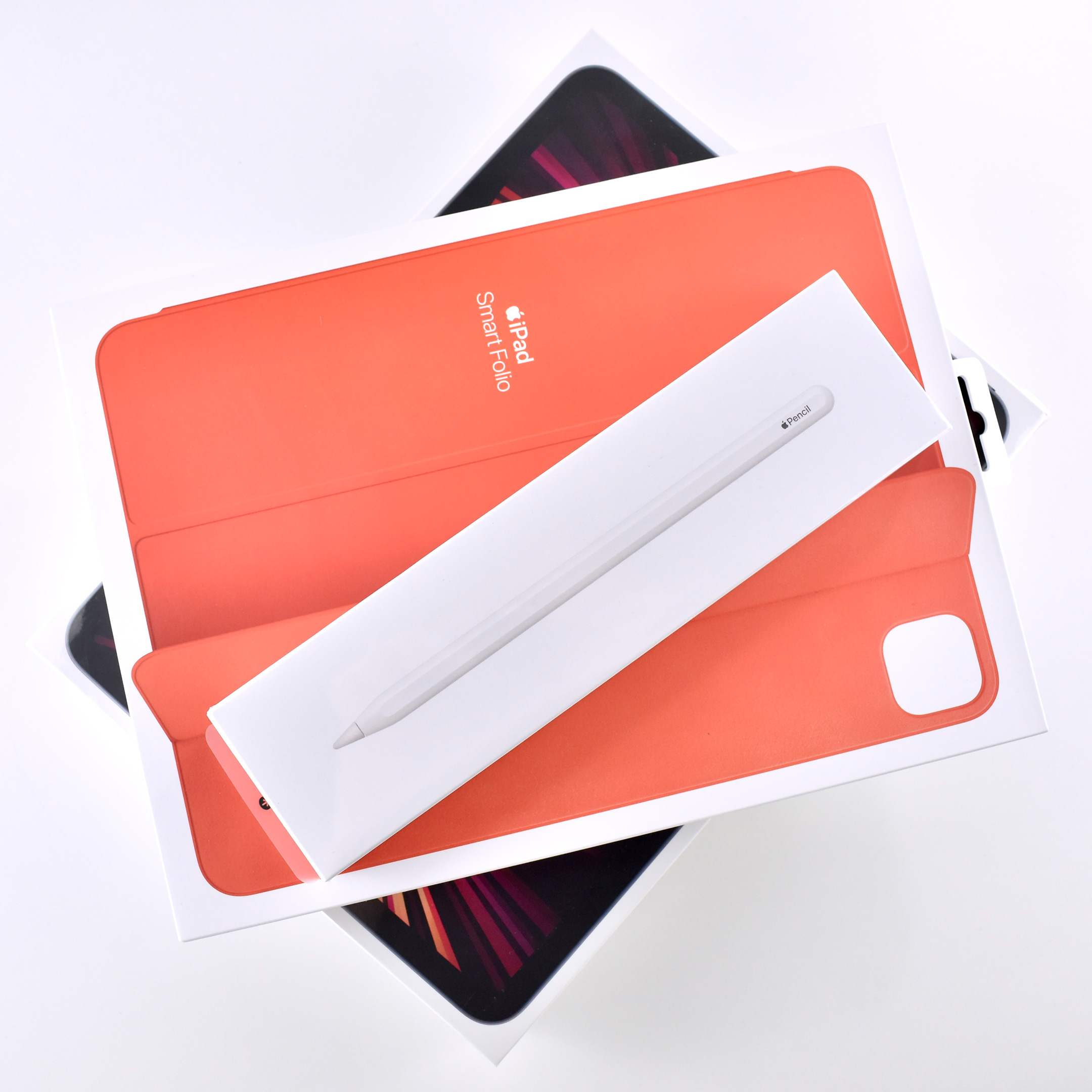
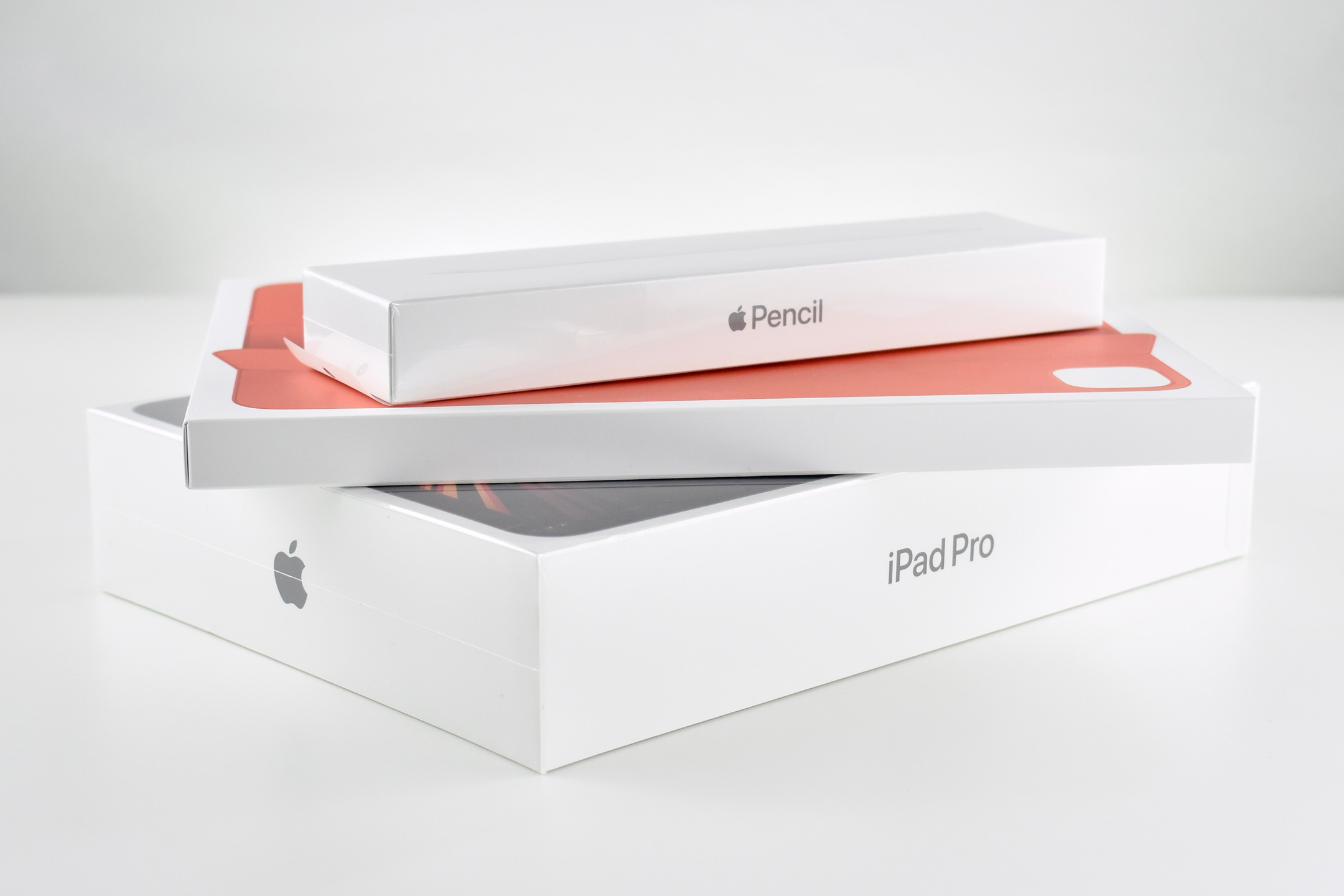
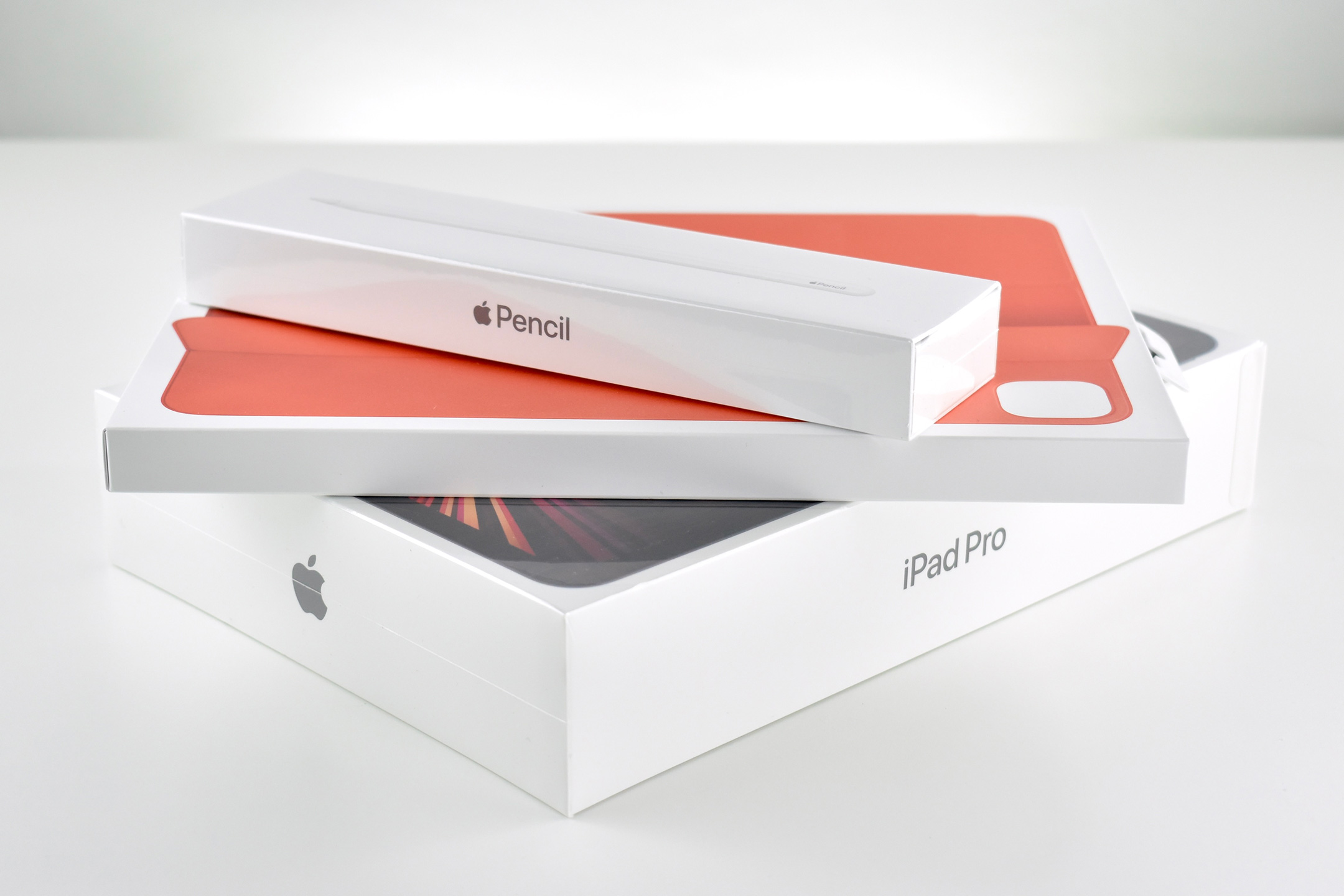
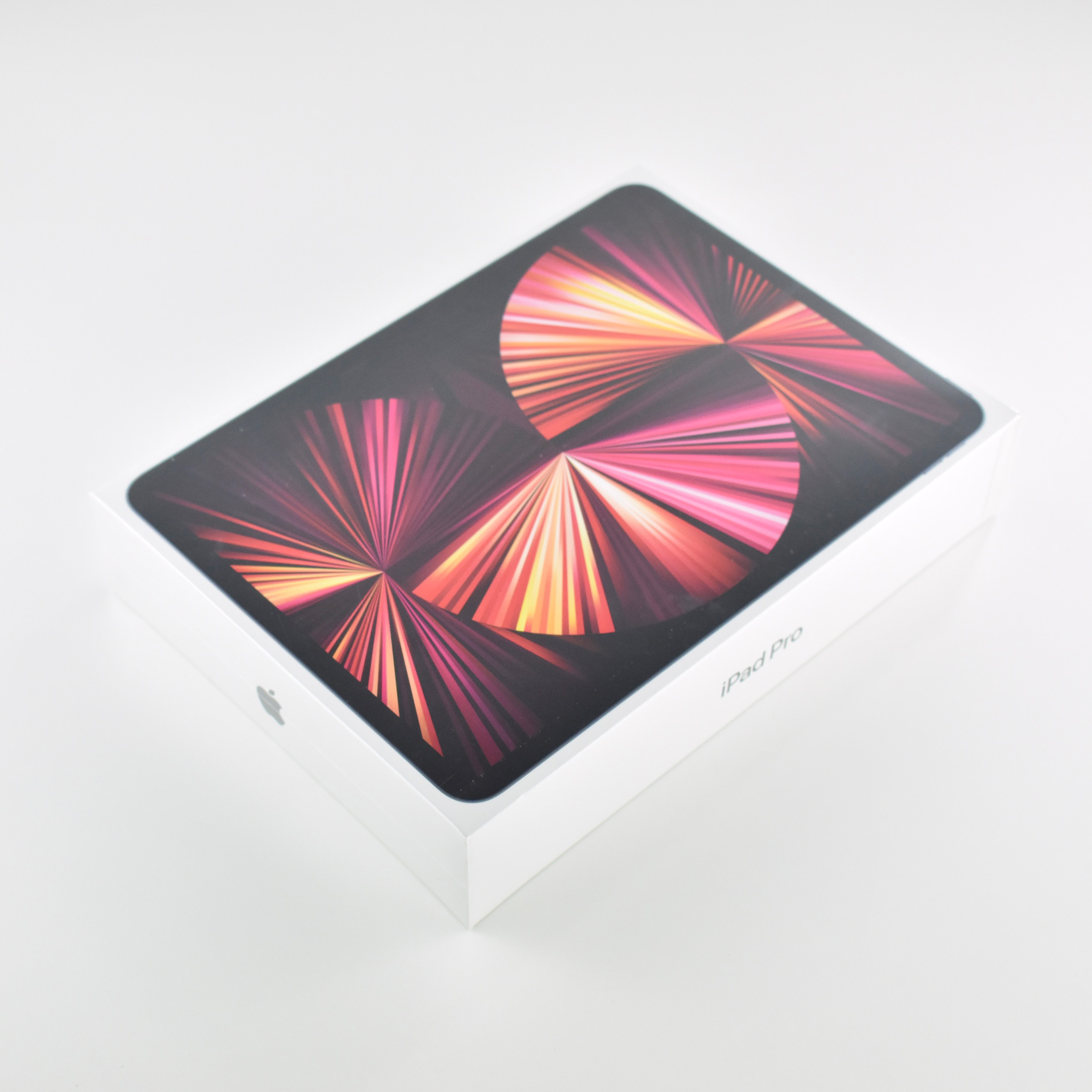
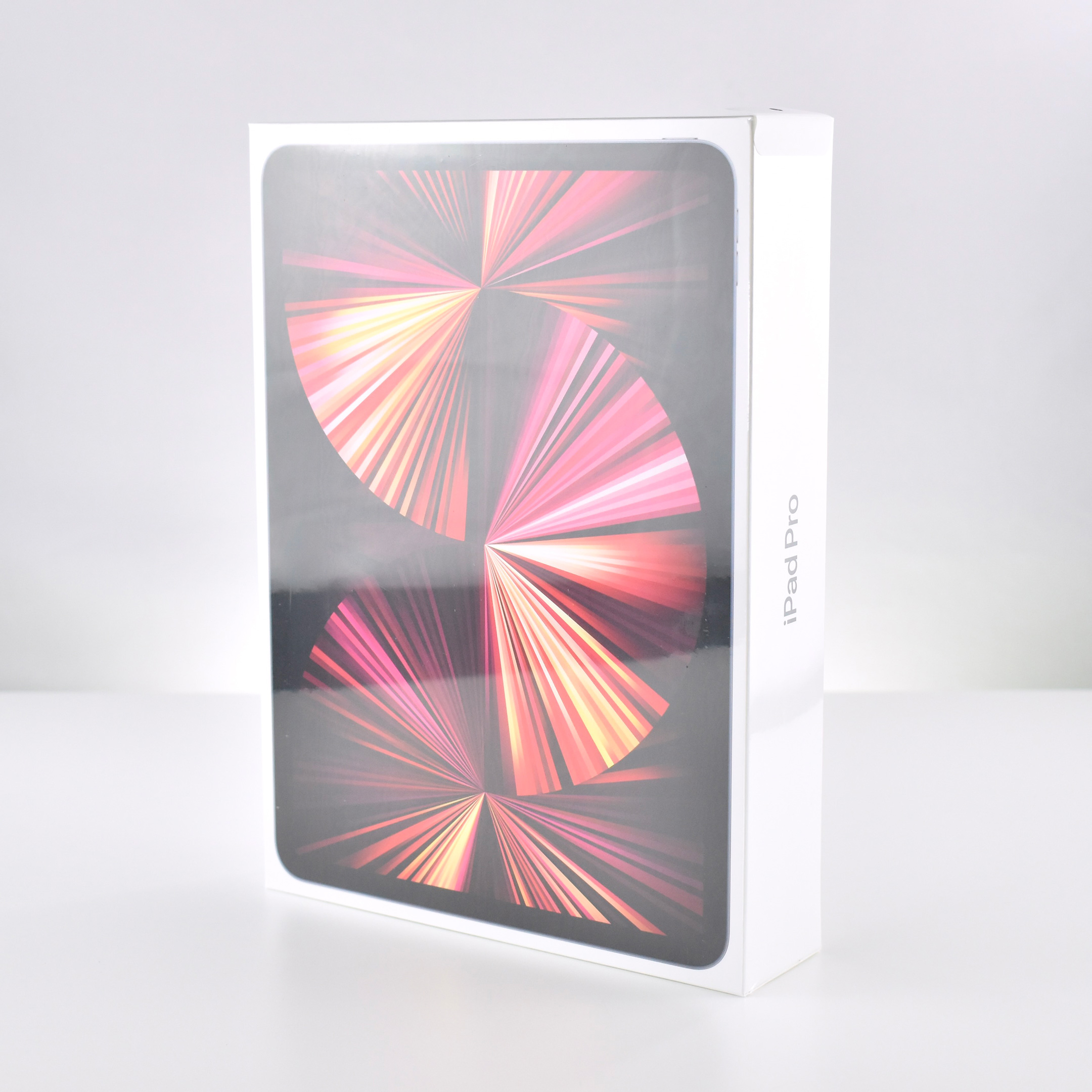
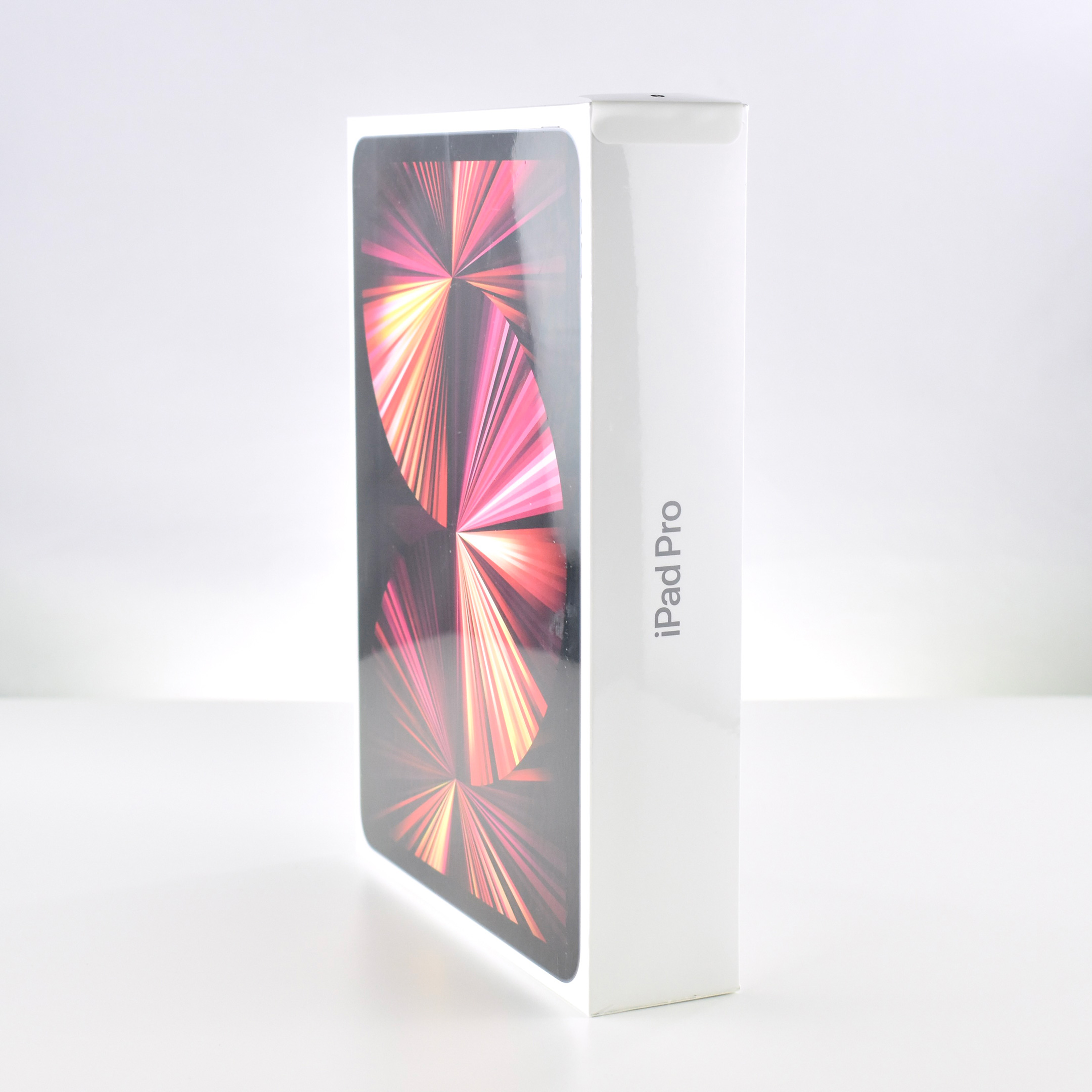
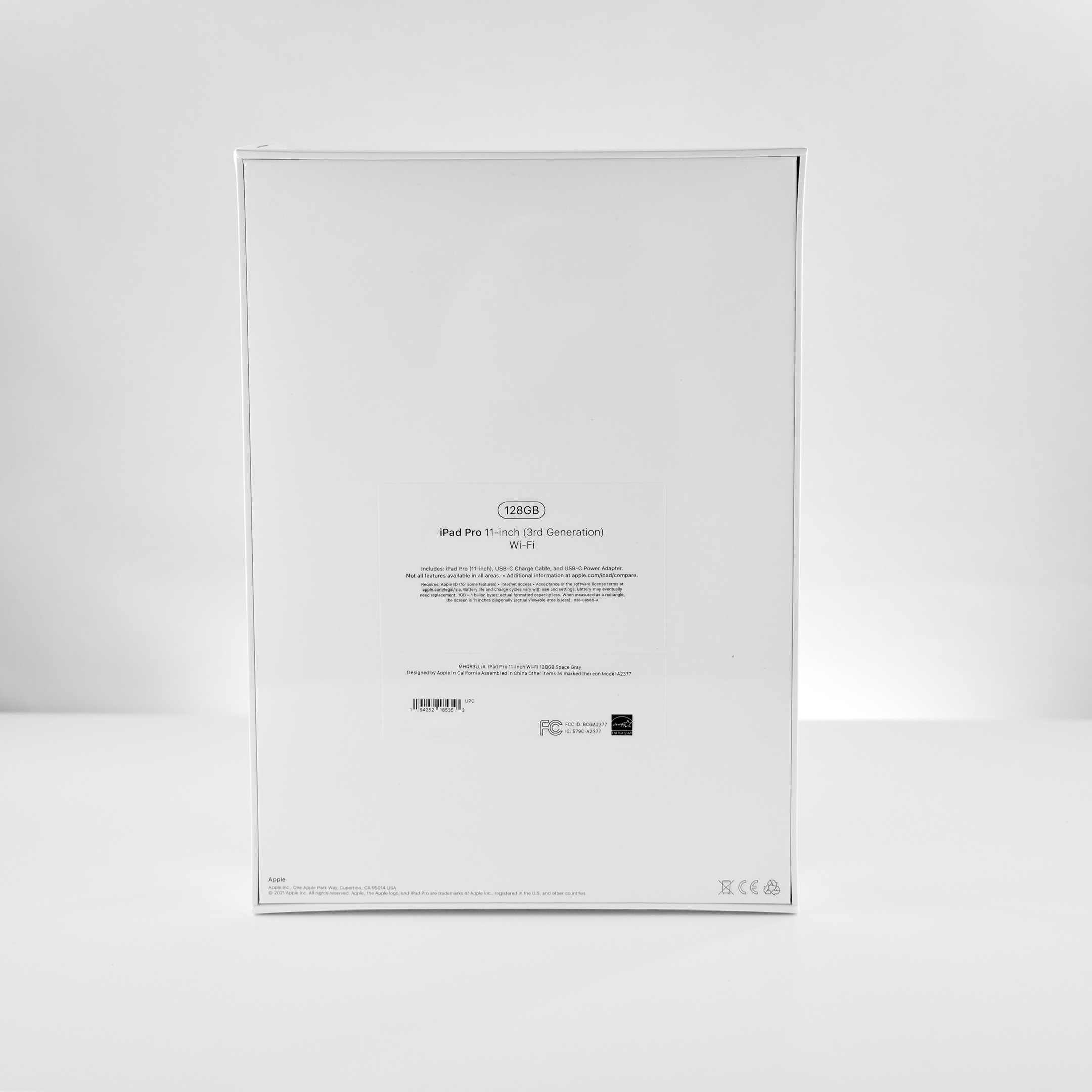
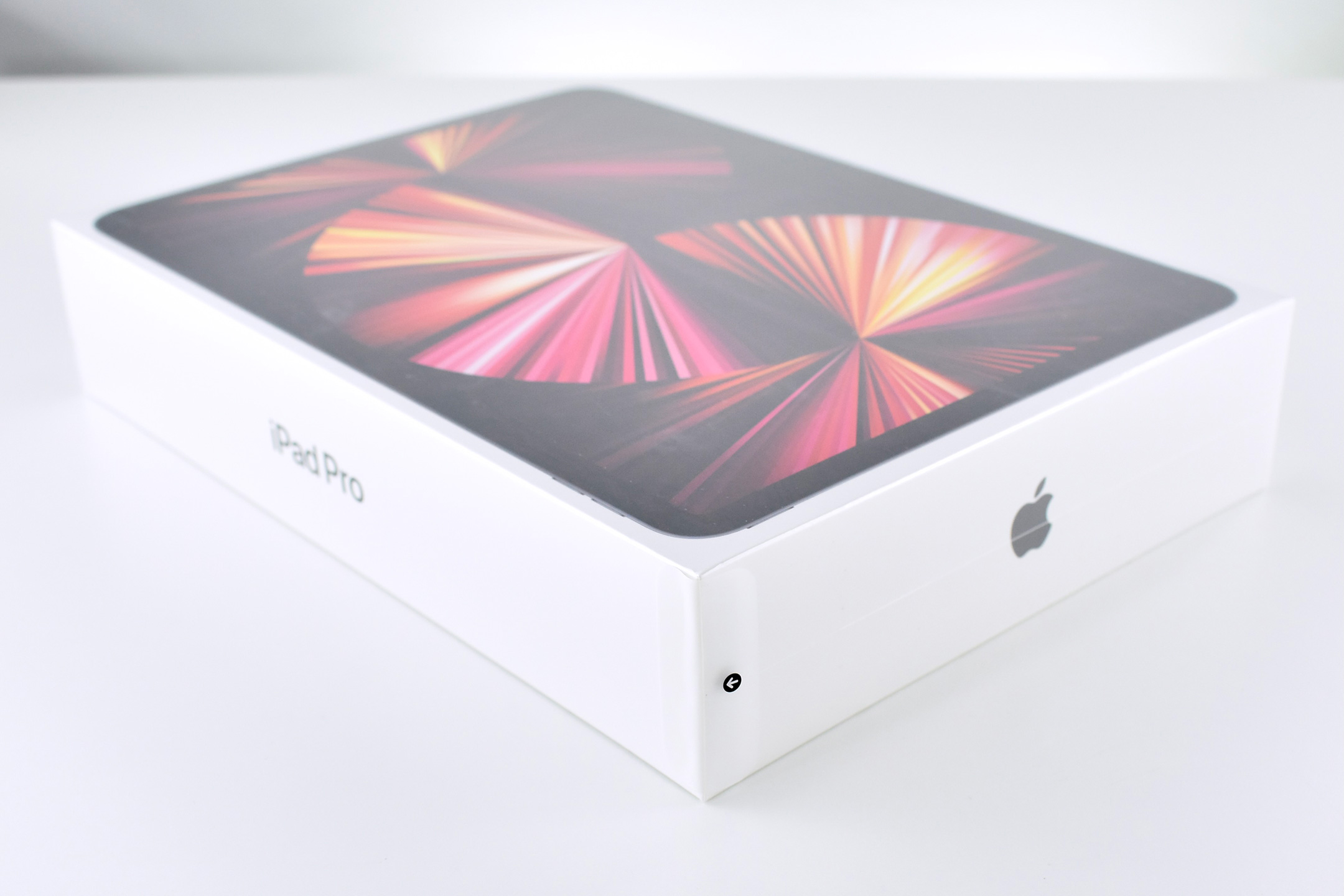
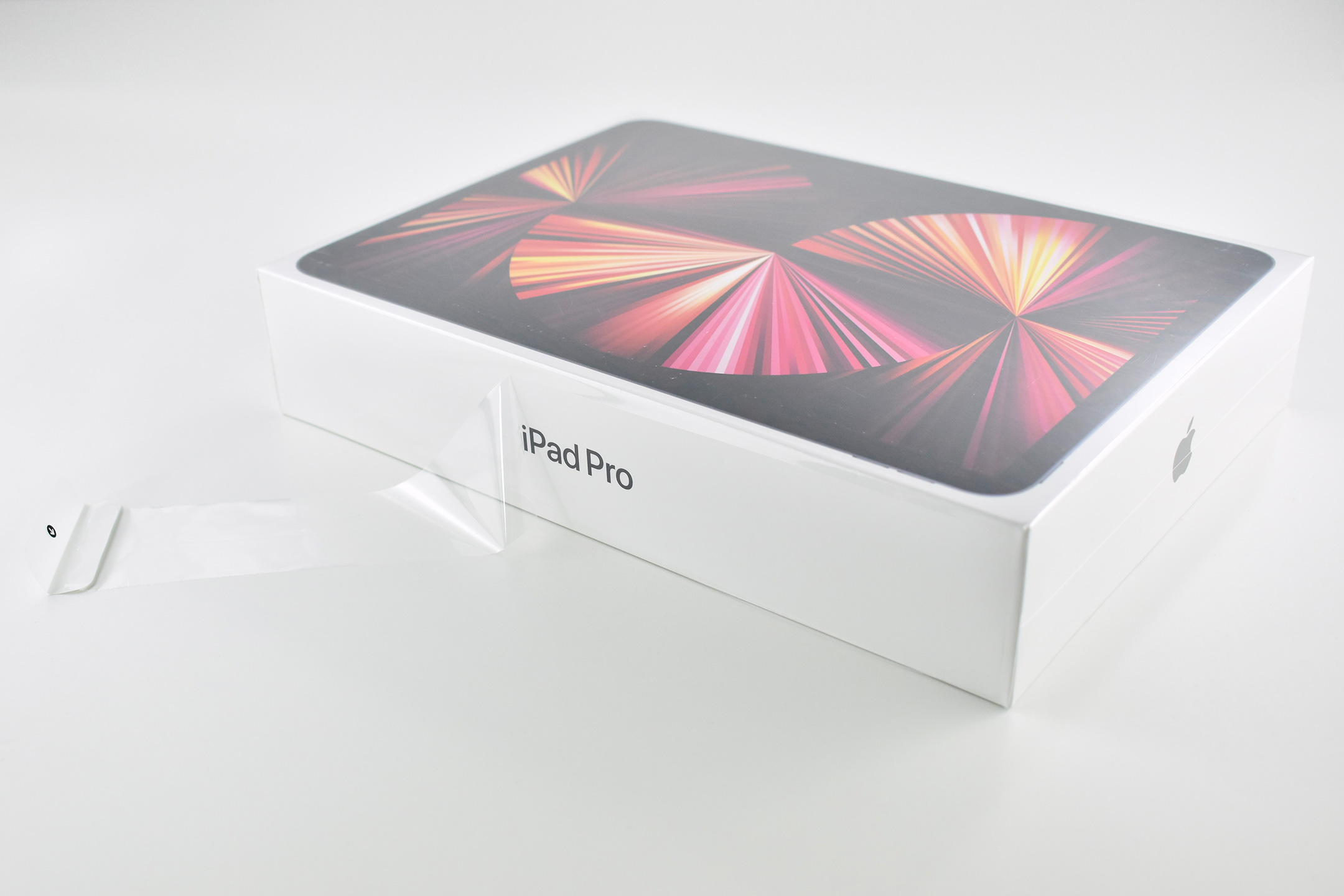
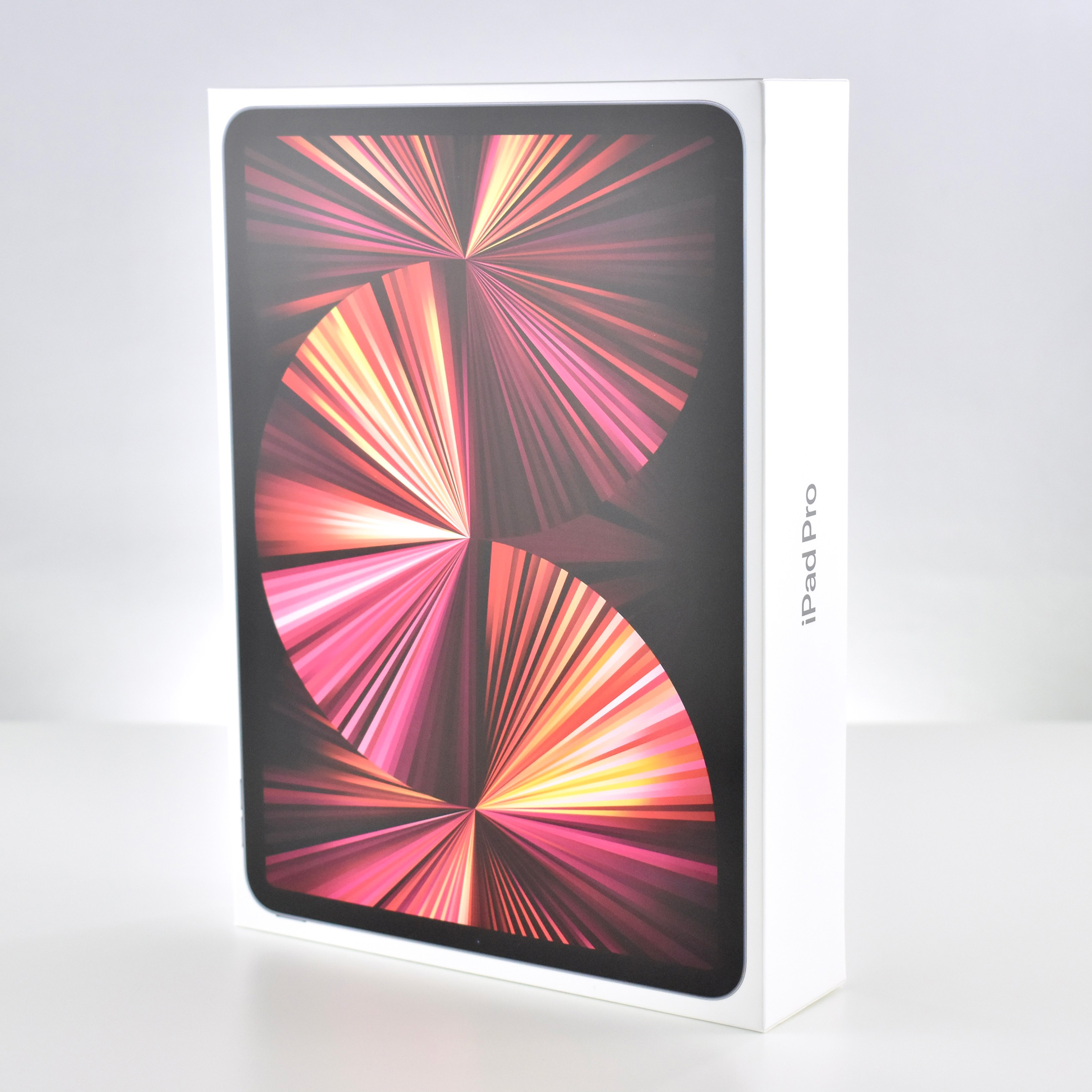
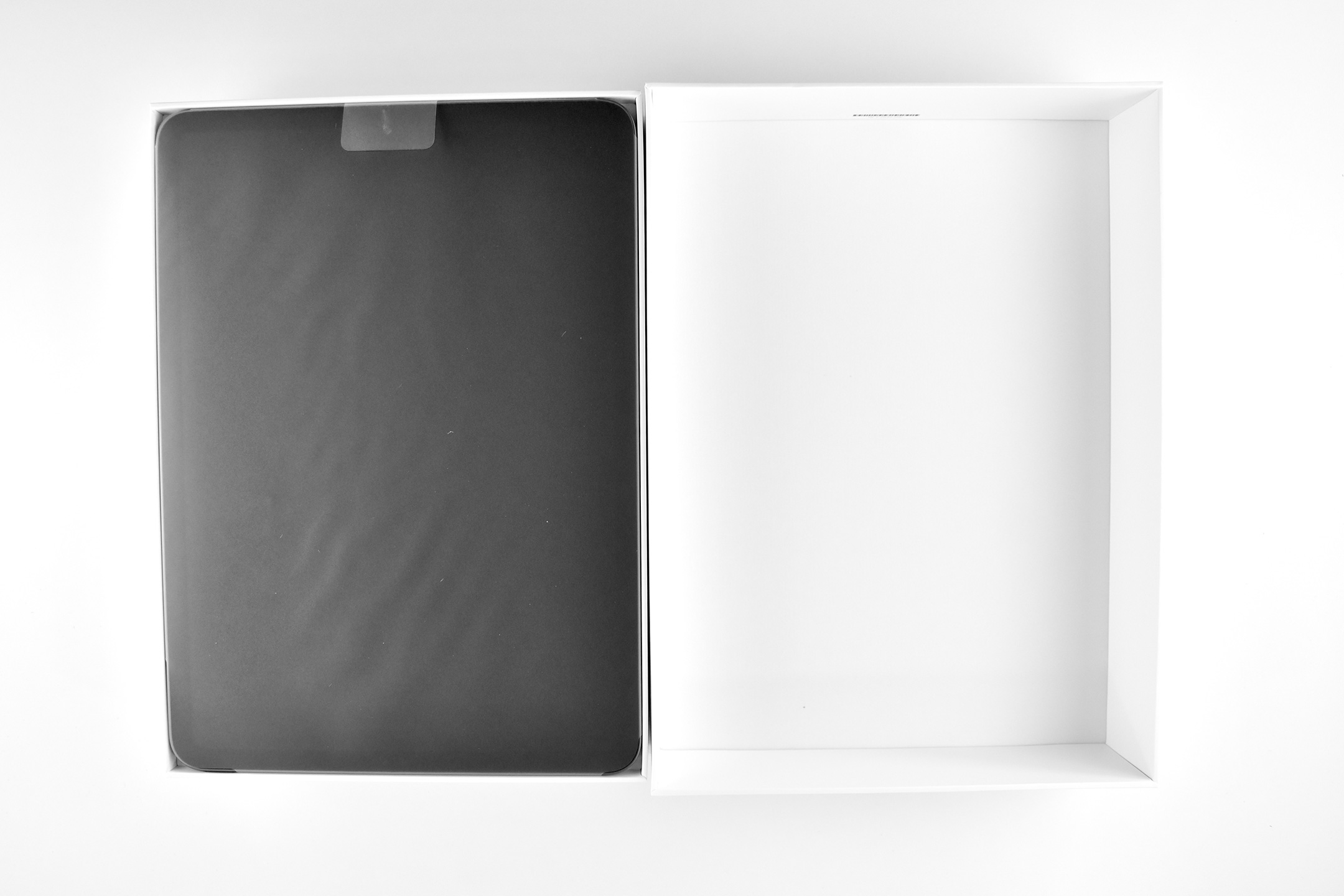
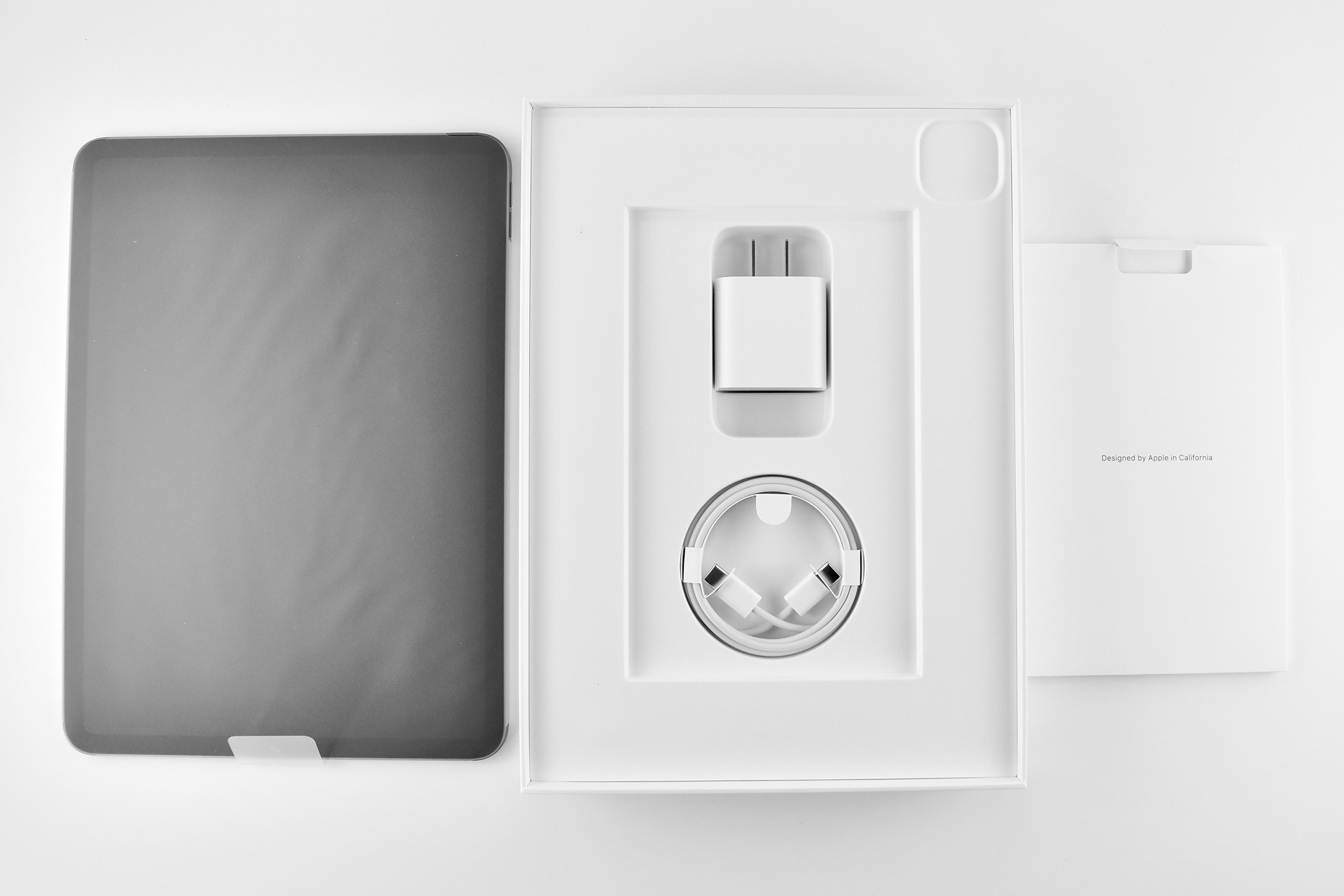
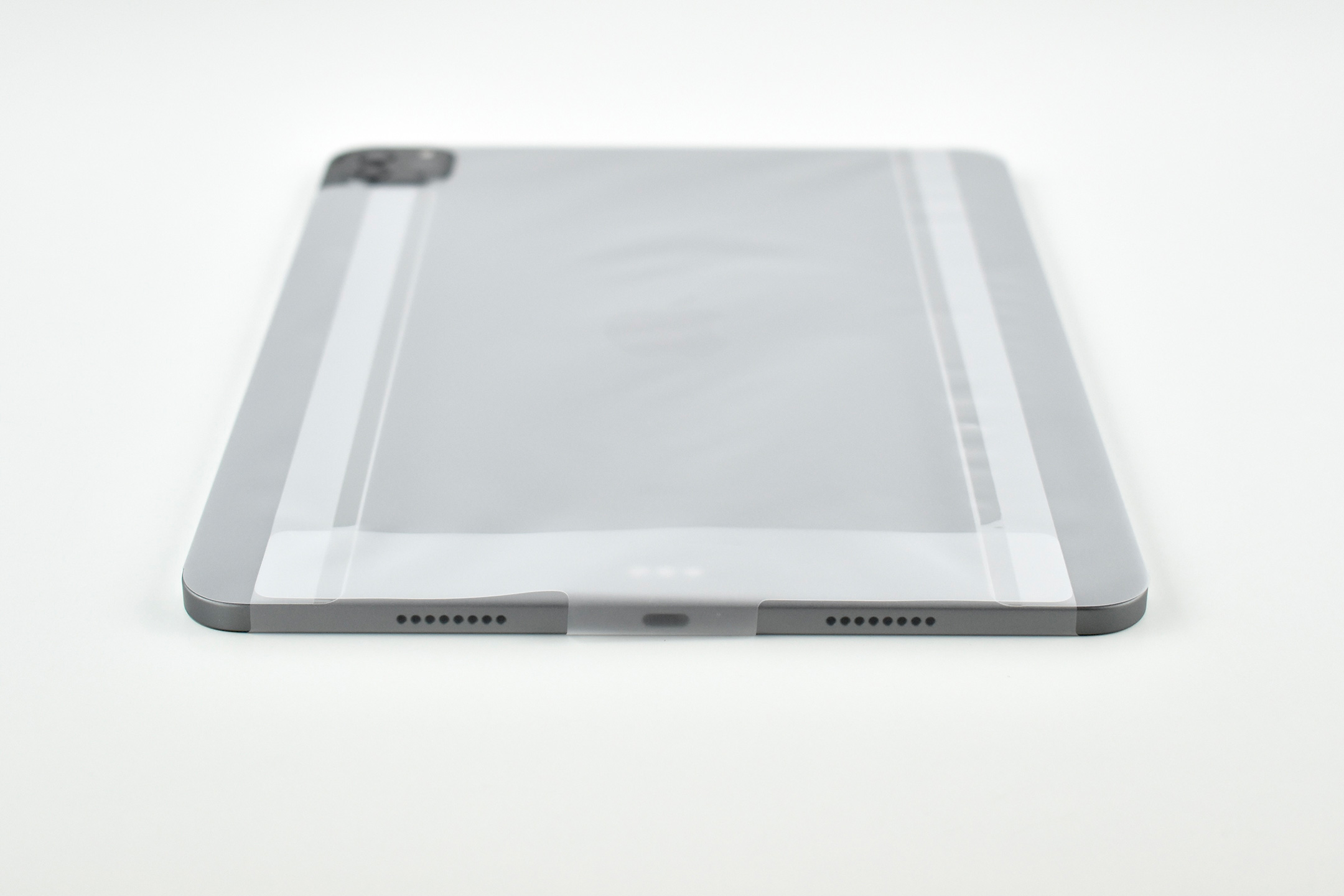
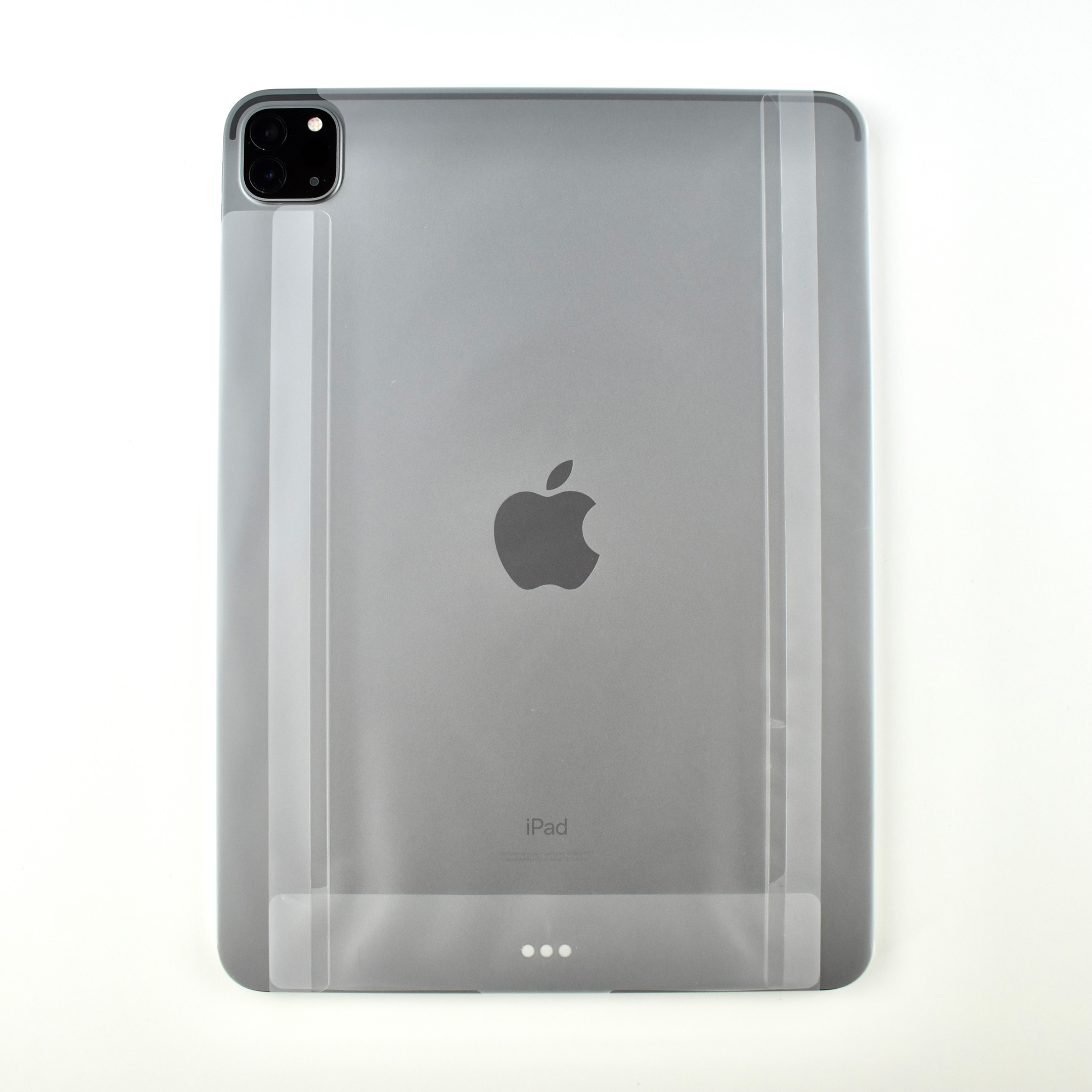
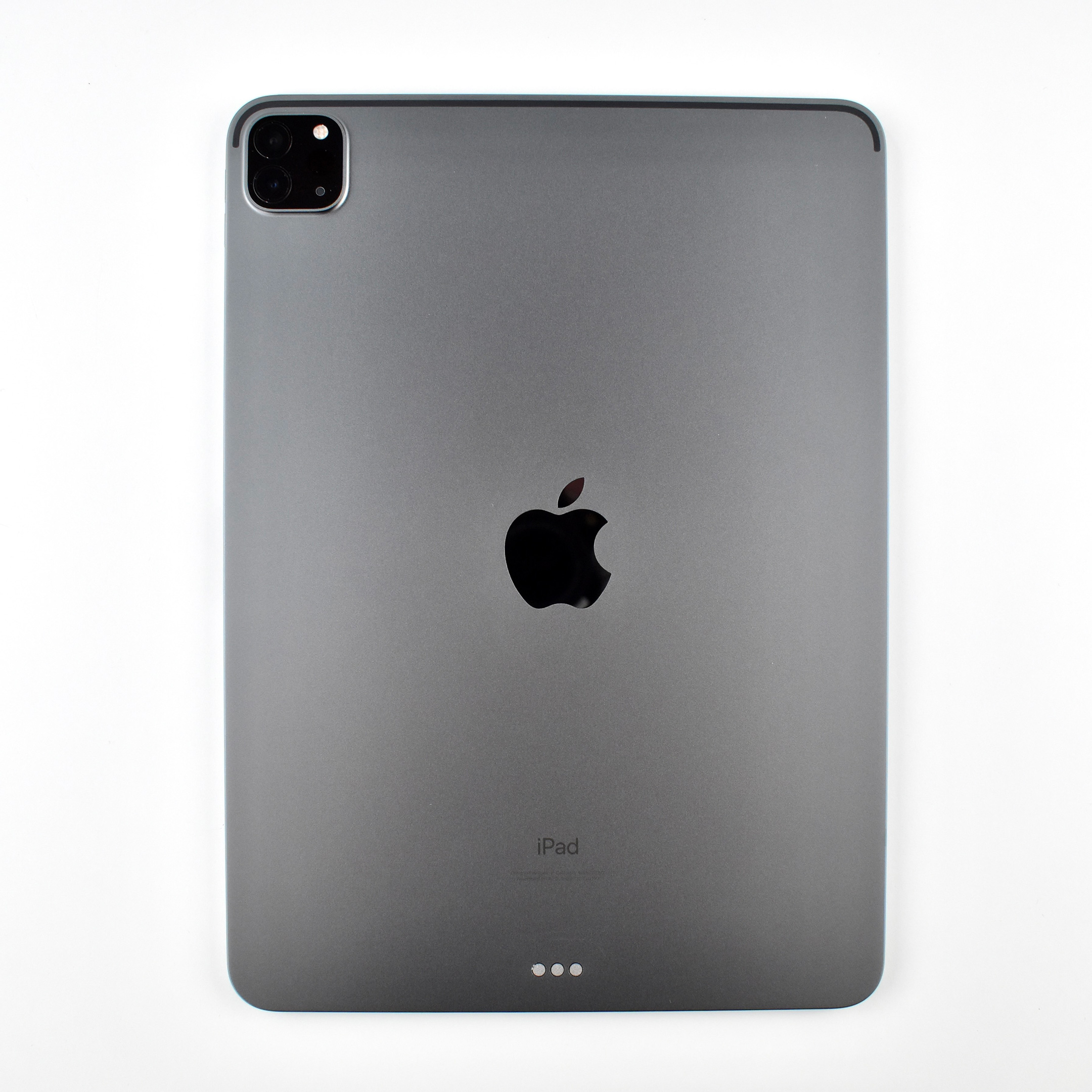
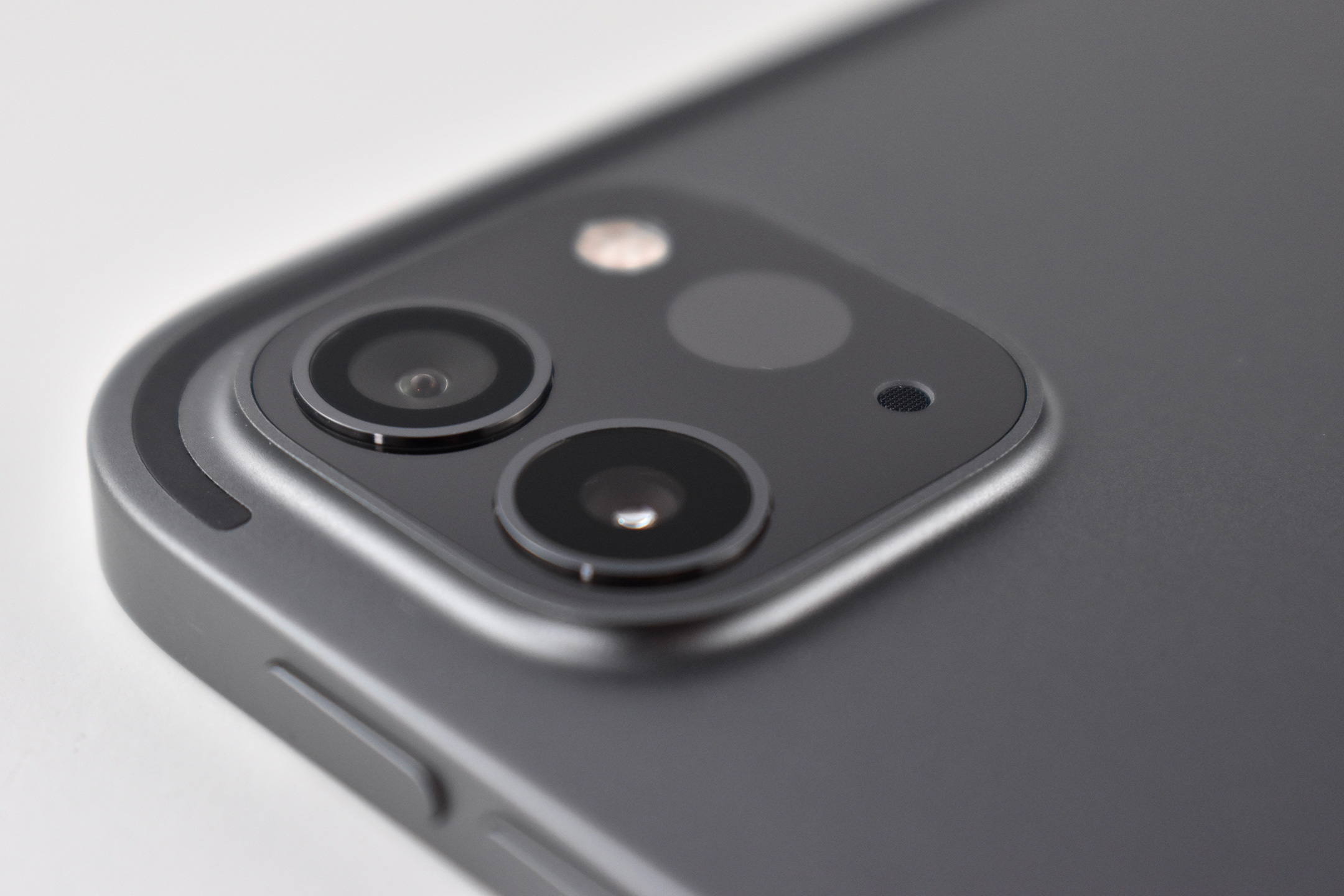
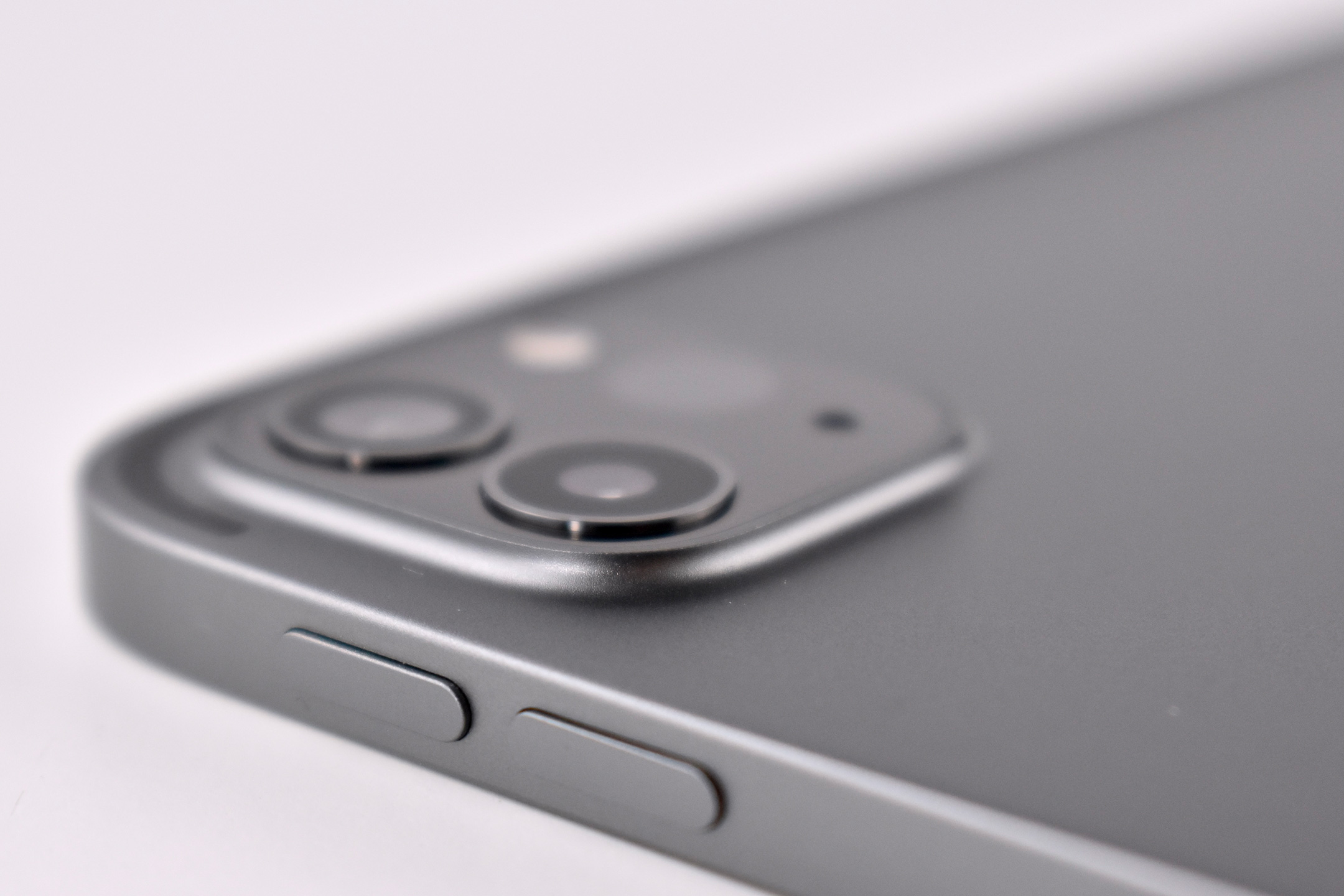
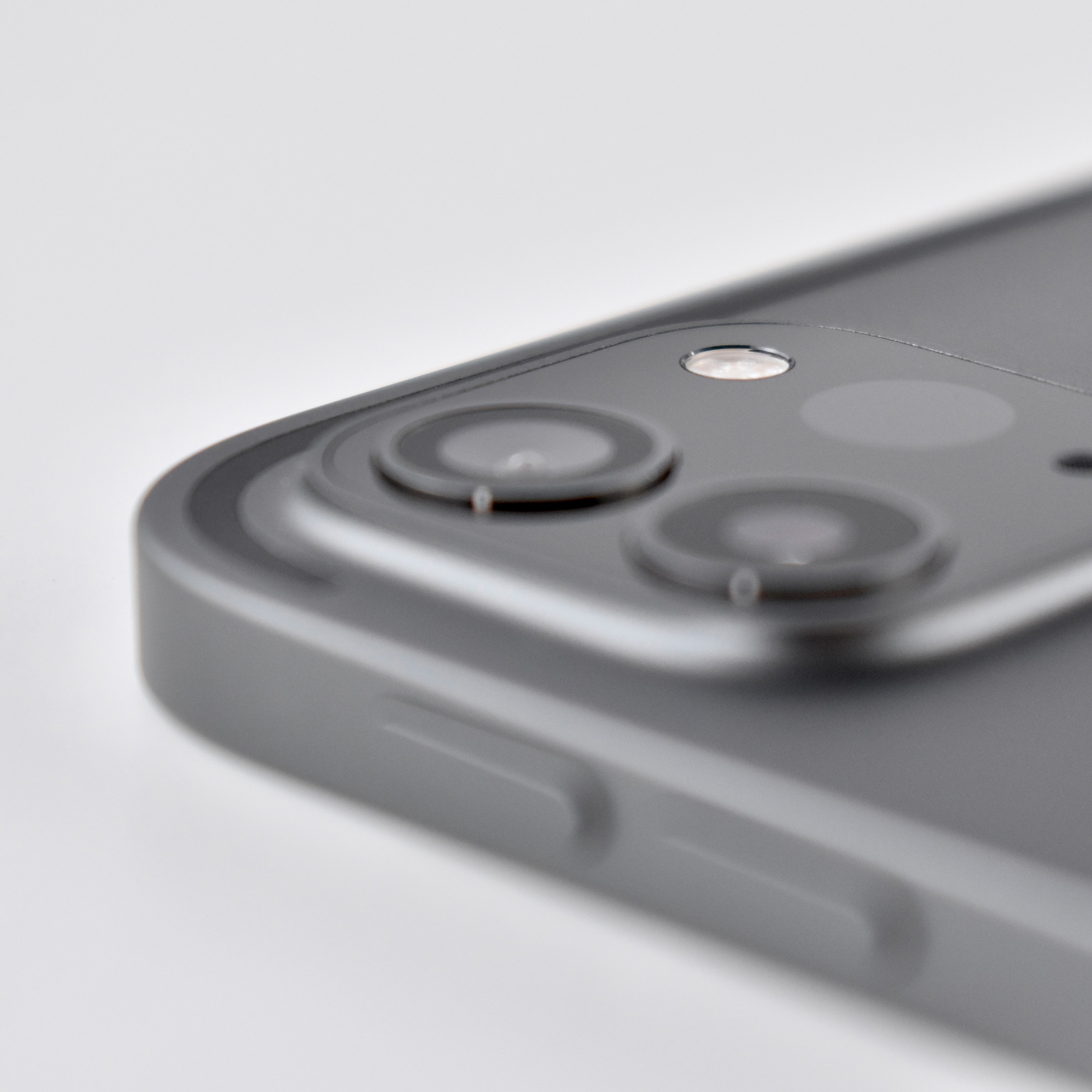
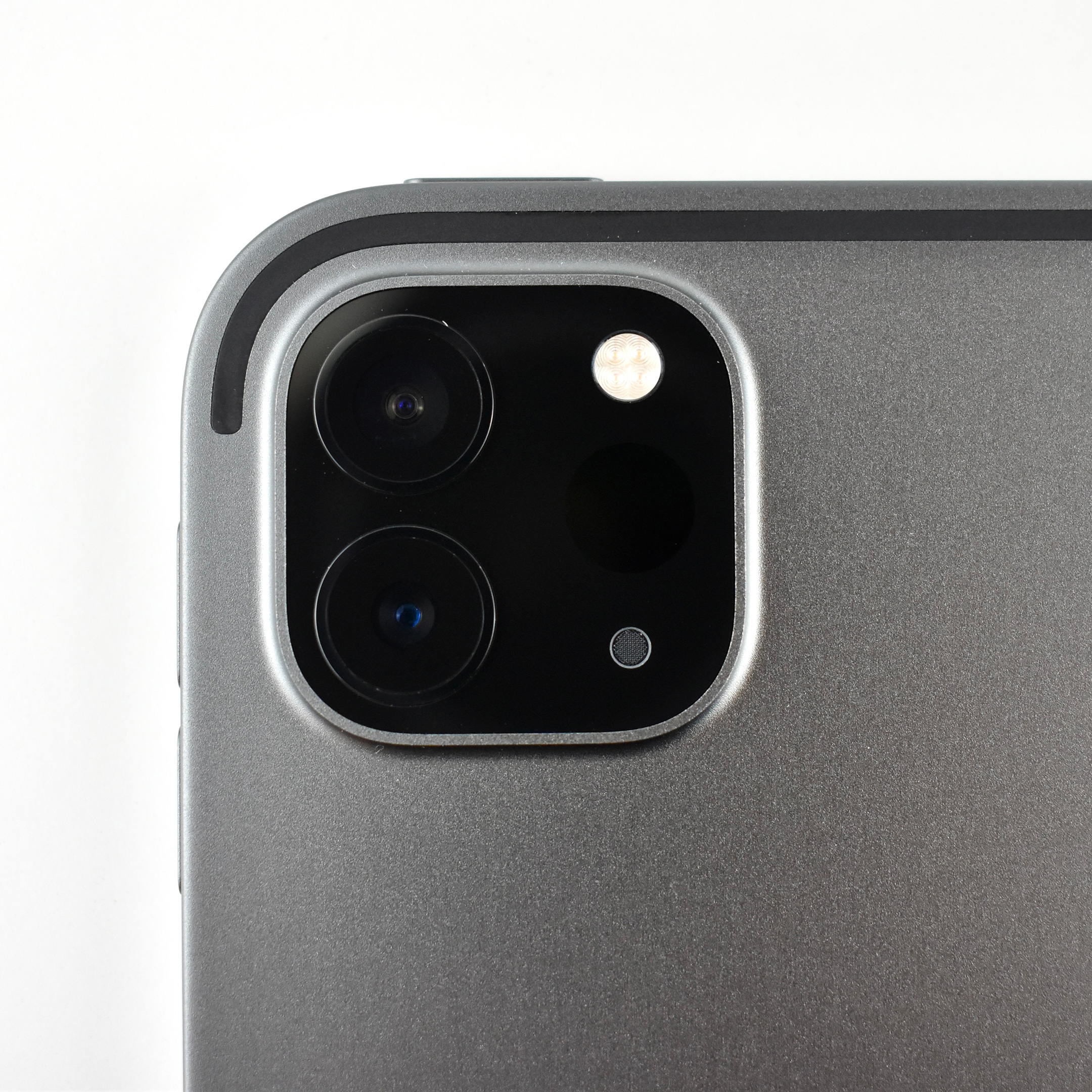
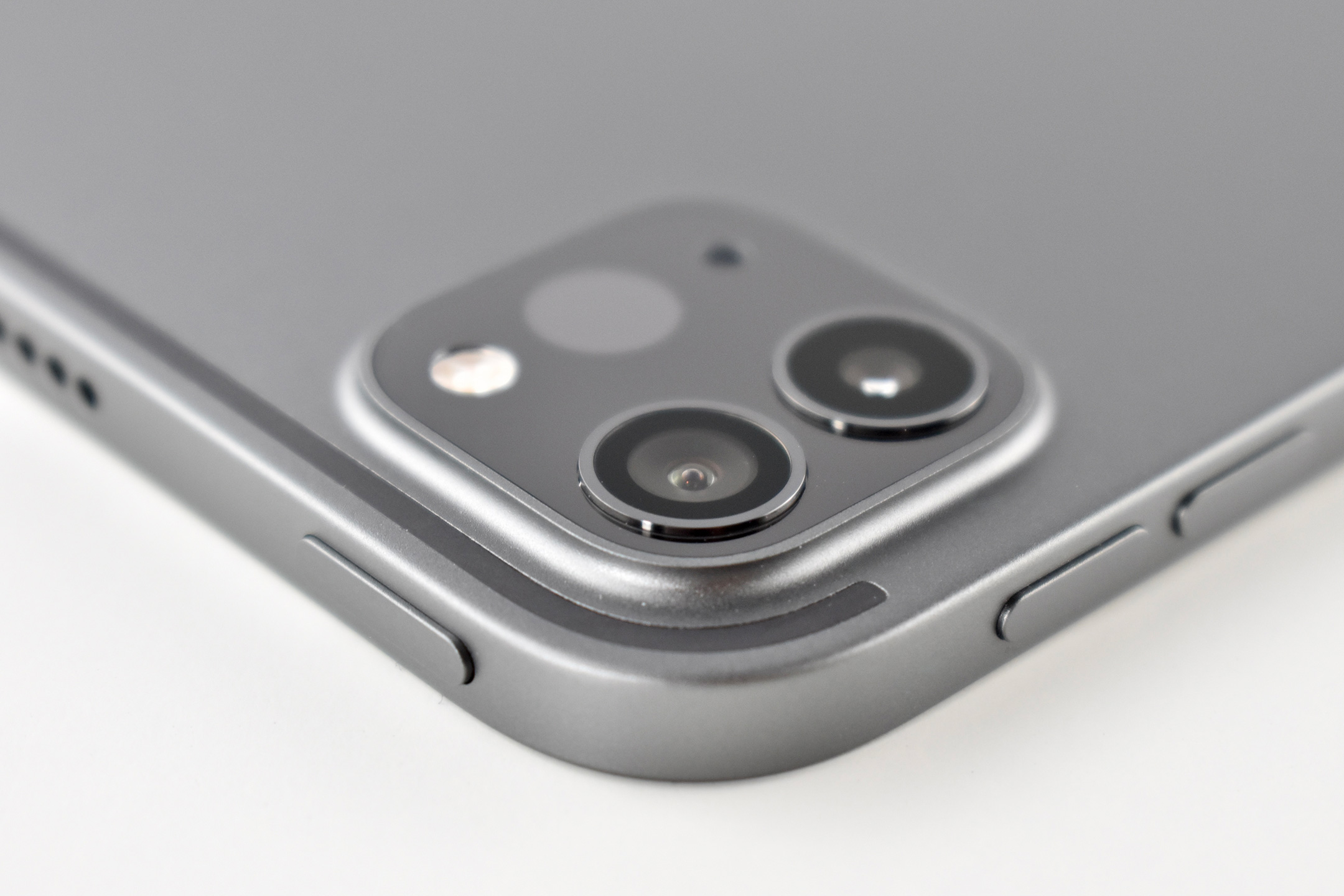
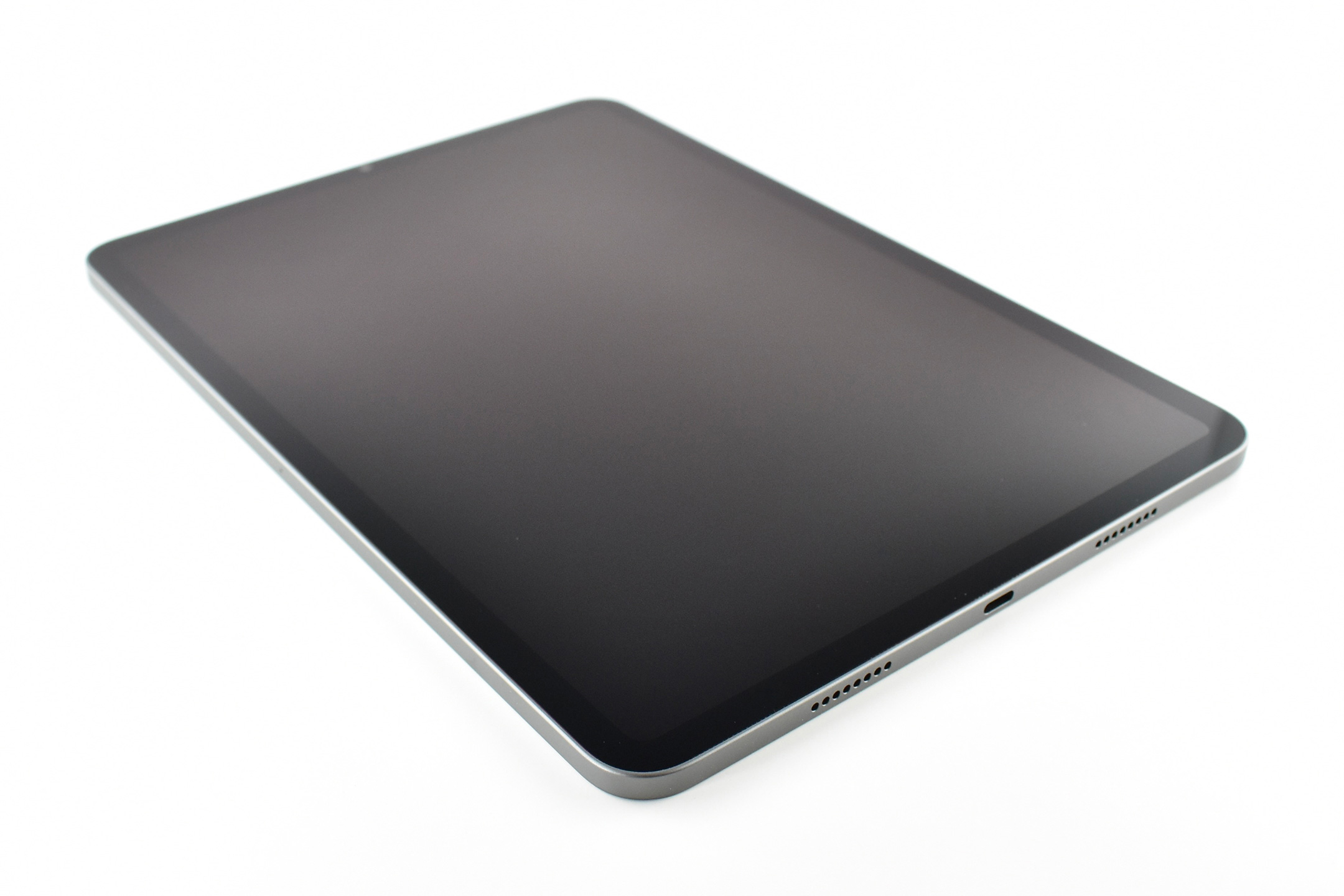
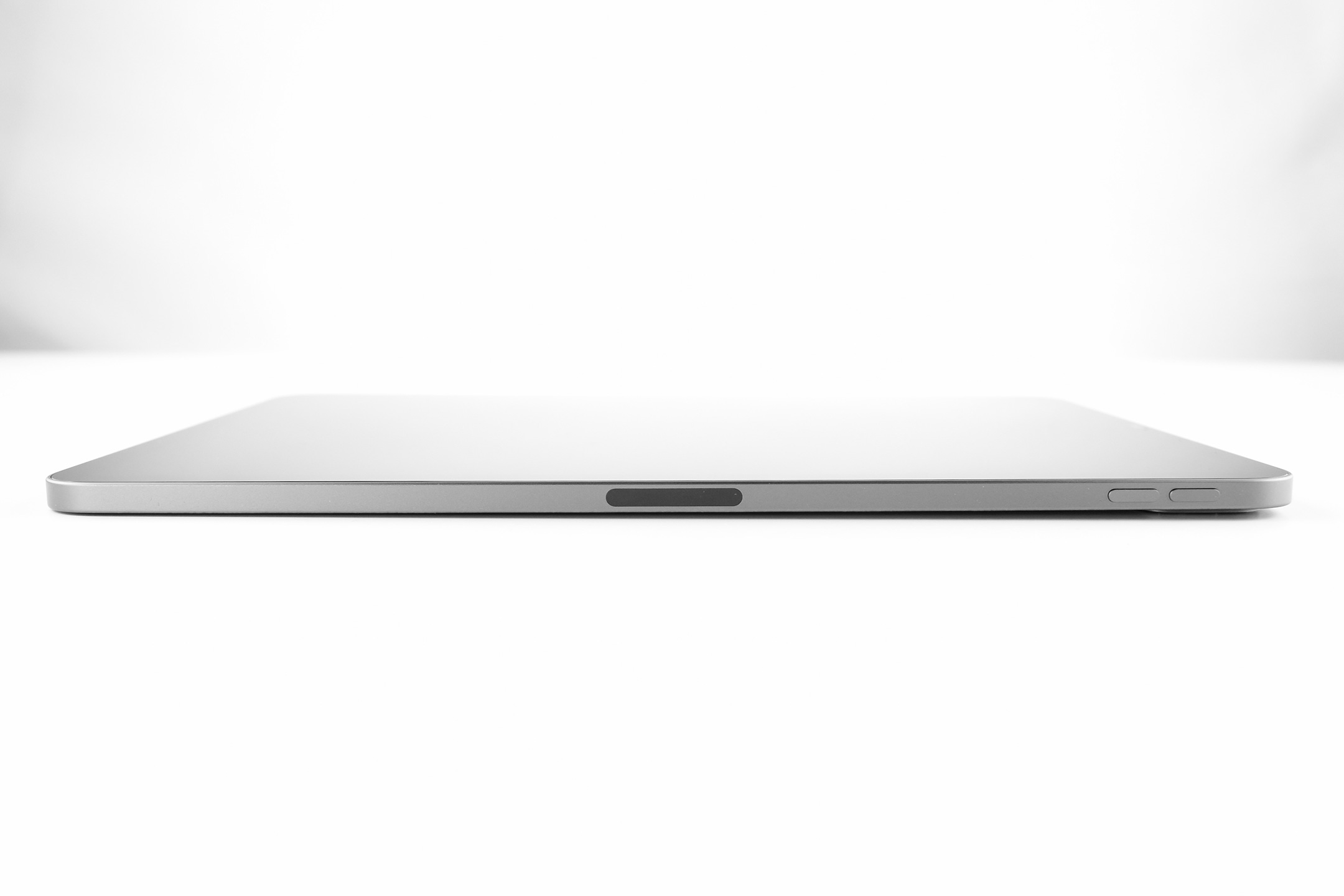
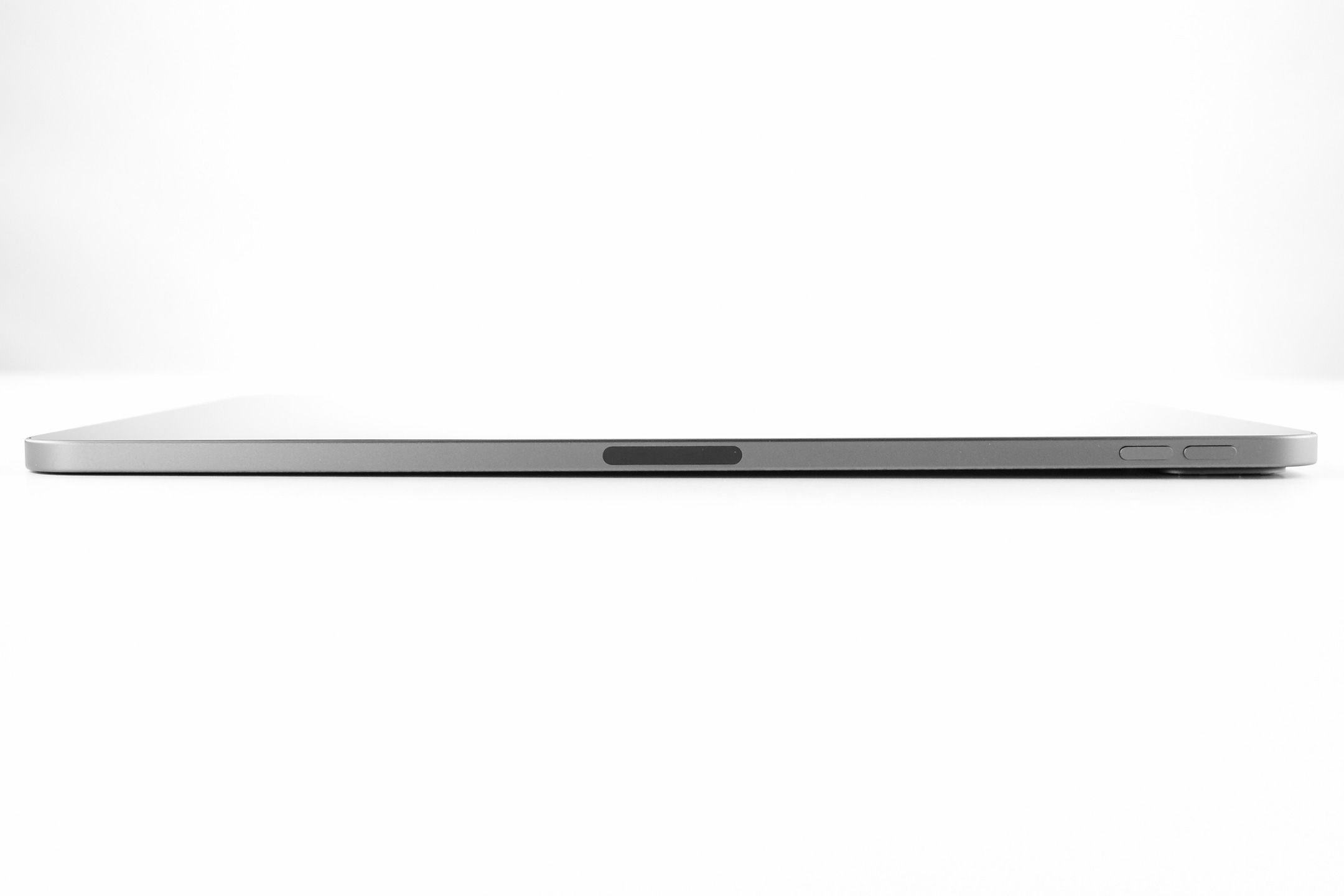
iPad Pro 11-inch (Generation 3, Wi-Fi, 128GB, 2021)

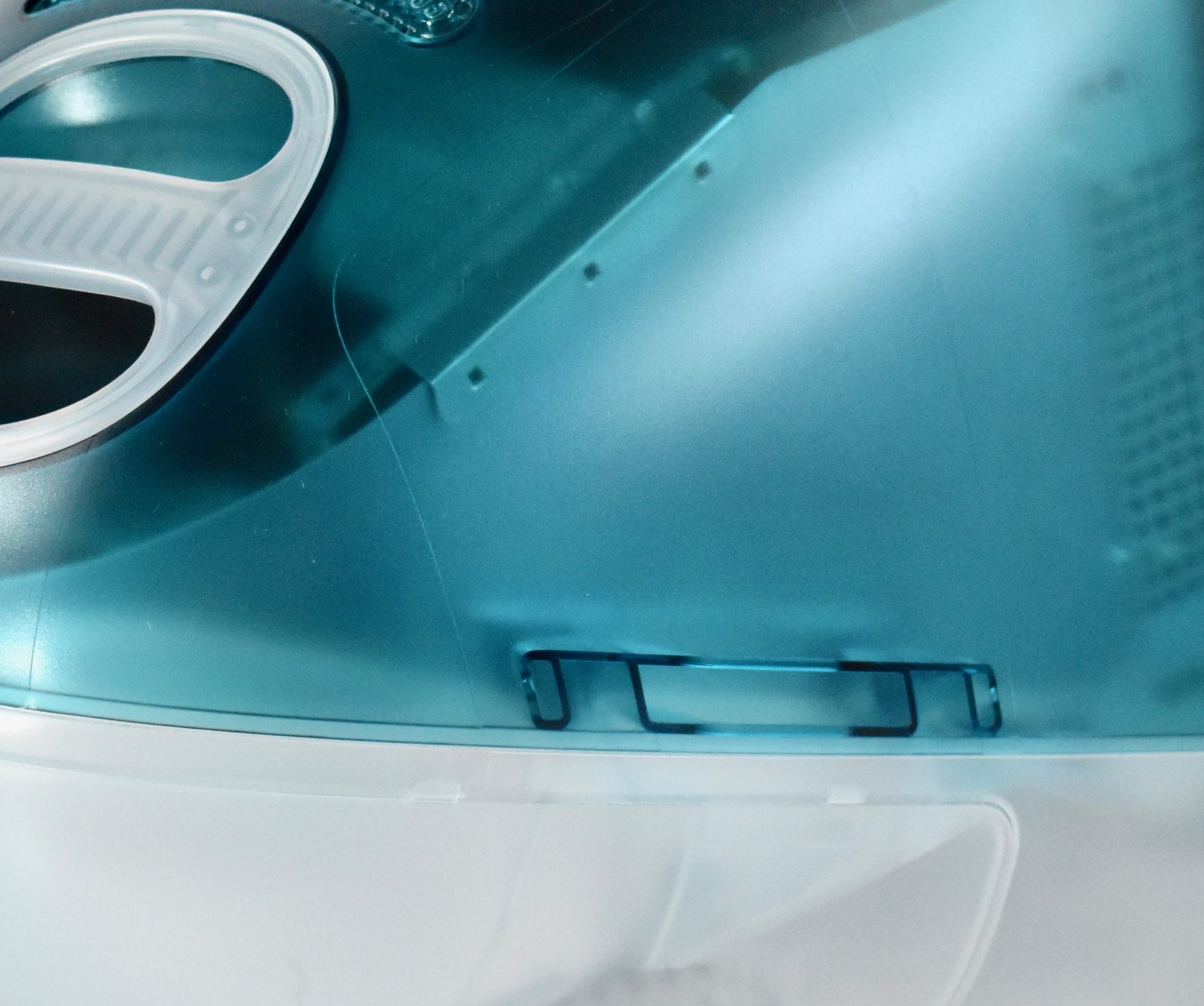
The Generation 3, 11-inch iPad Pro appears the same externally as its two predecessors, but uses Apple’s significantly faster M1 chip and adds an enhanced front camera. This iPad Pro featured an Apple M1 chip with an 8-core CPU with 4 performance cores and 4 efficiency cores along with a 16-core Neural Engine. The iPad Pro website boasts that this model is “Supercharged by the Apple M1 chip” with “Mind-blowing performance.”

Apple adds:

“With M1, iPad Pro is the fastest device of its kind. It’s designed to take full advantage of next‑level performance and custom technologies like the advanced image signal processor and unified memory architecture of M1. And with the incredible power efficiency of M1, iPad Pro is still thin and light with all‑day battery life, making it as portable as it is powerful.”

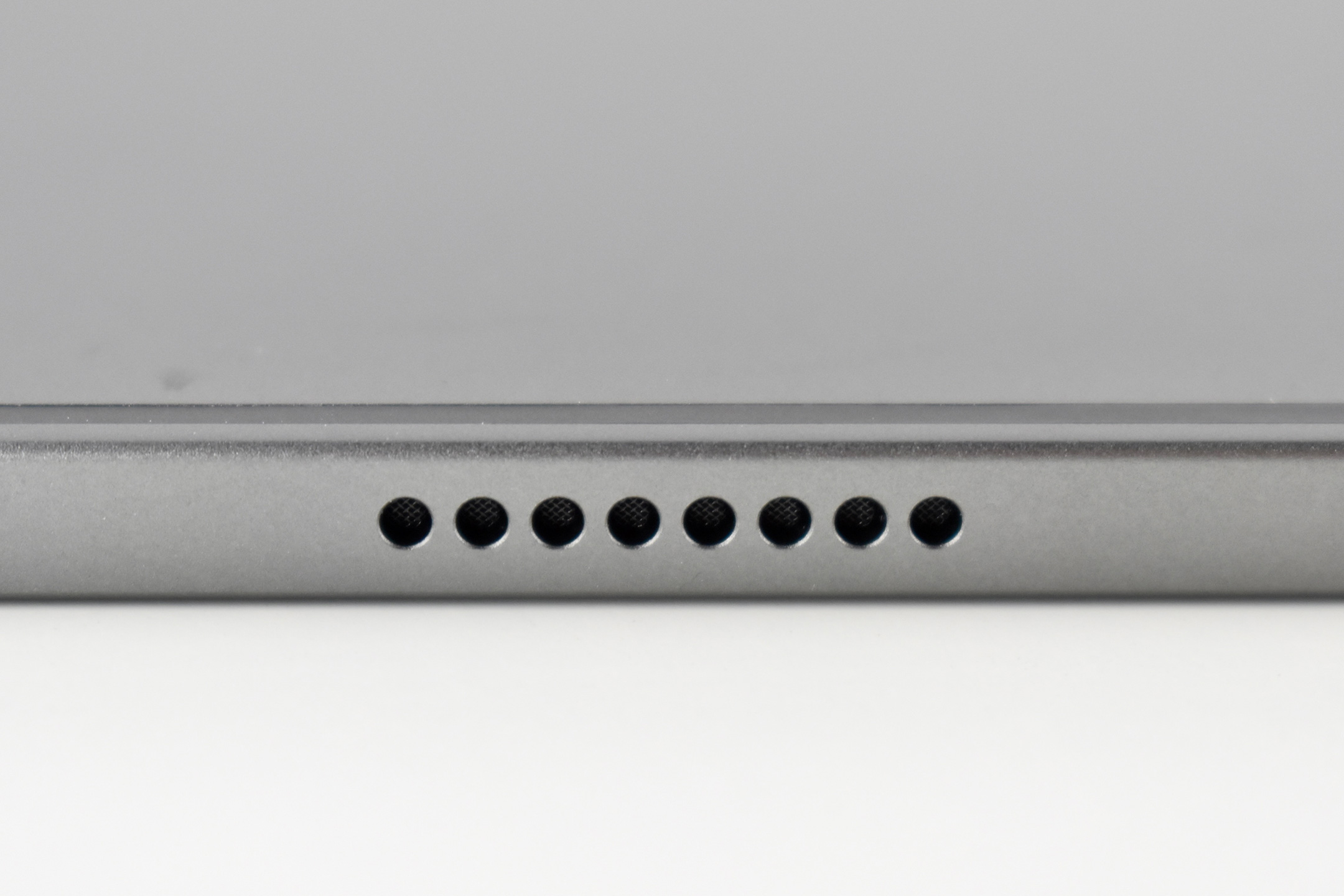
This iPad Pro 11-inch uses an LED-backlit 2388×1668 Liquid Retina display (264 ppi, 600 nits) with a thin black bezel with rounded corners and flat sides. This iPad is Space Gray, and it was also available in Silver. This 128GB models used 8GB RAM (as did the 256 and 512 GB options, while the 1 and 2 TB models used 16 GB of RAM).

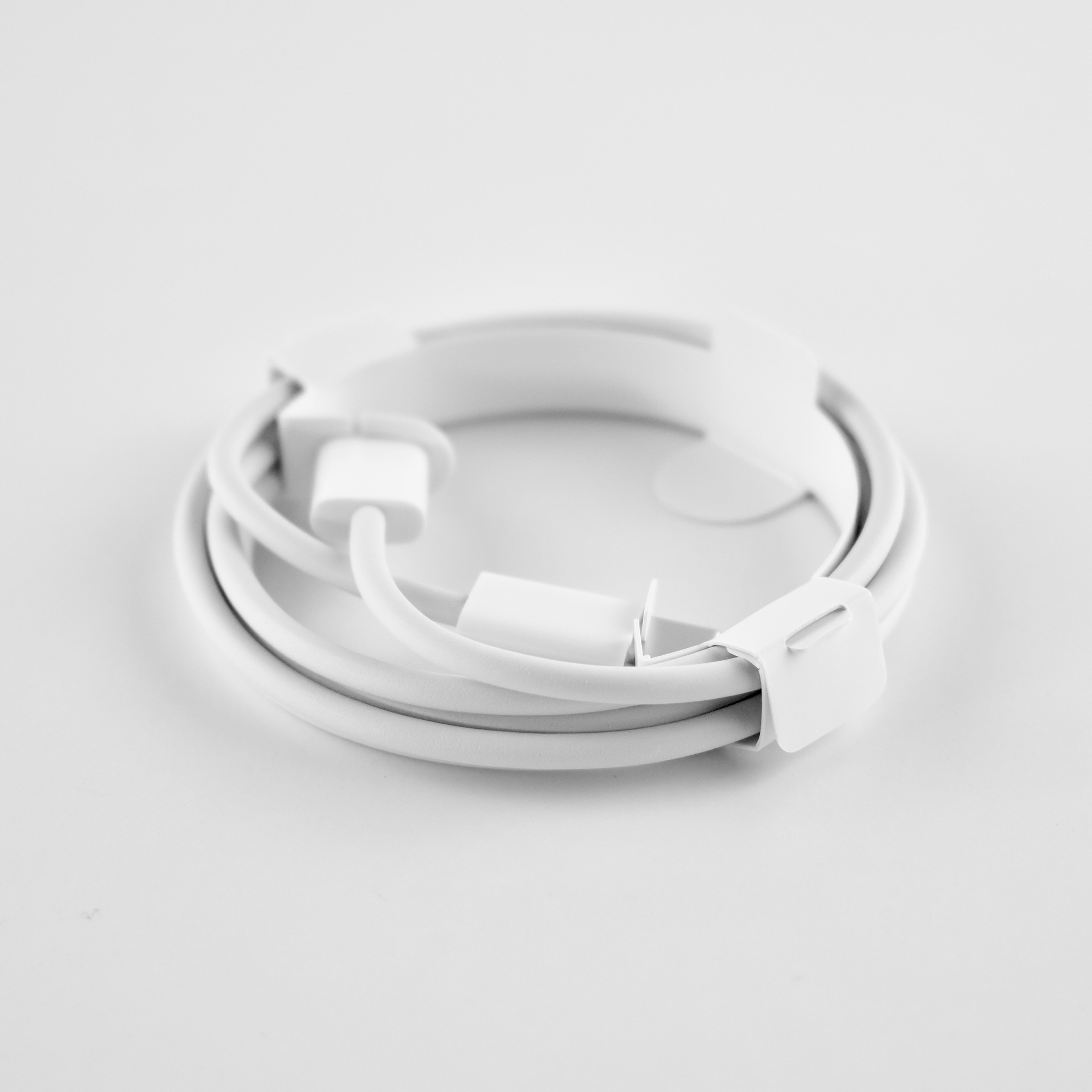
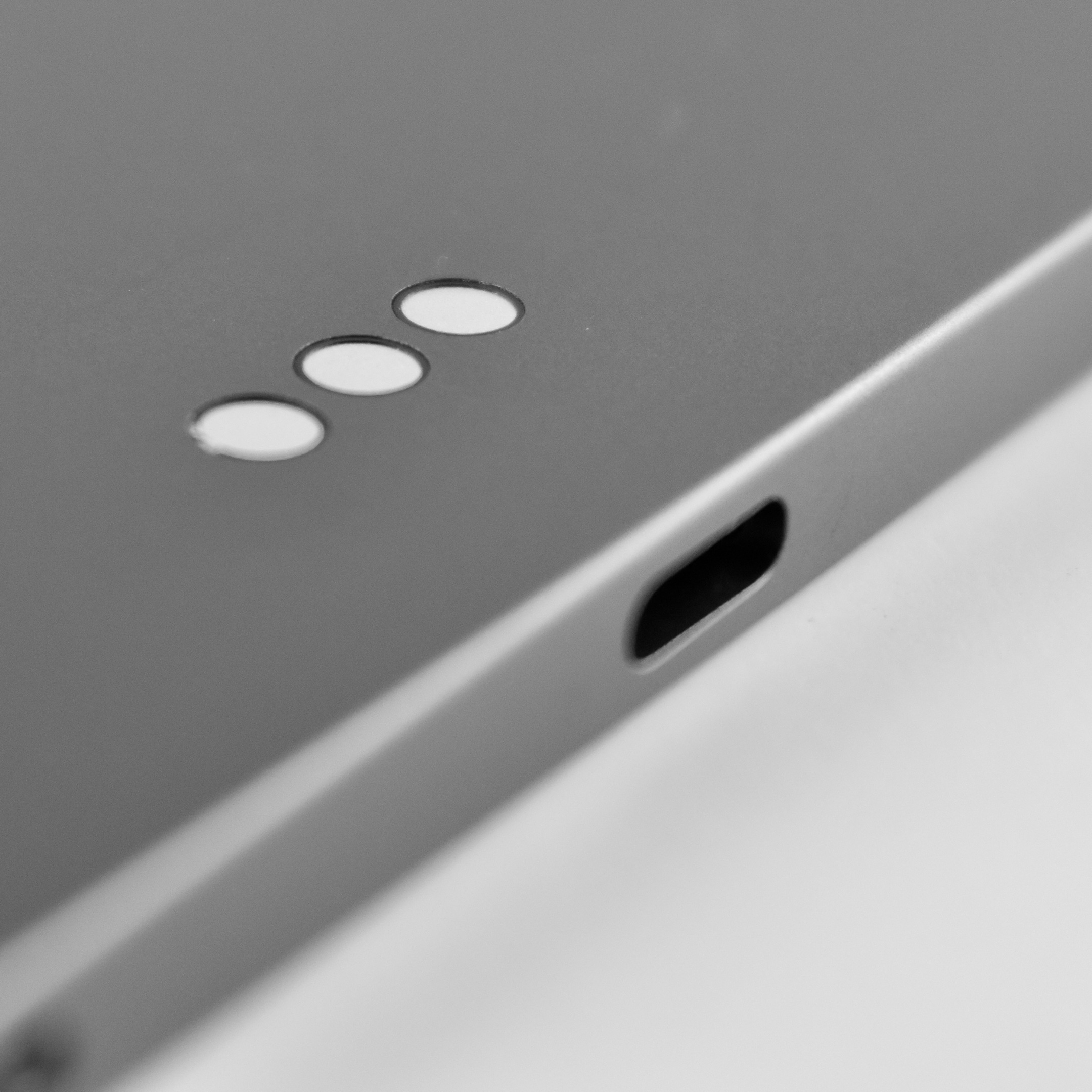
This iPad Pro included a USB-C port (Thunderbolt/USB 4) for charging and wired connectivity. Wireless connectivity included 802.11ax Wi-Fi 6 and Bluetooth 5.0. Cellular models were also available.

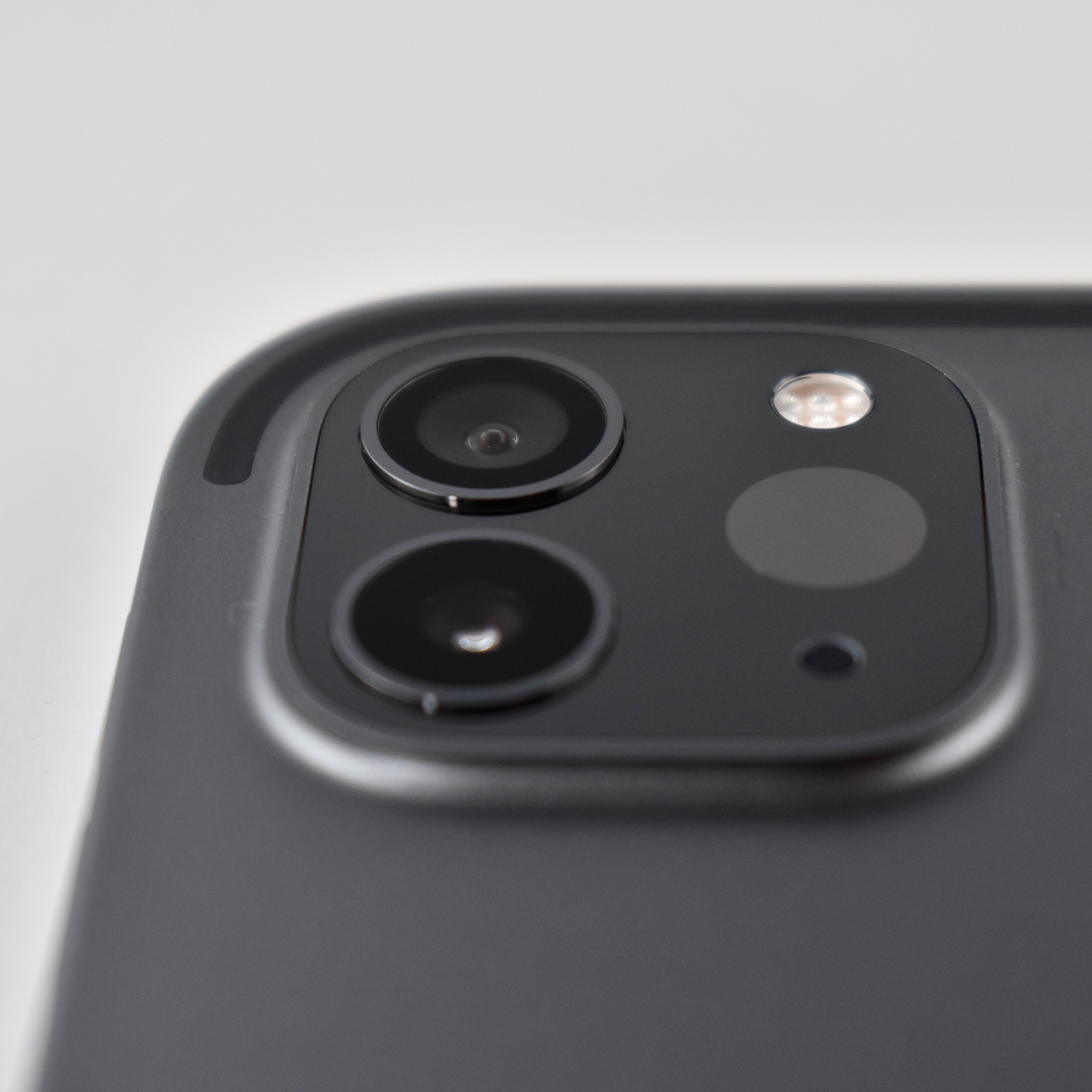
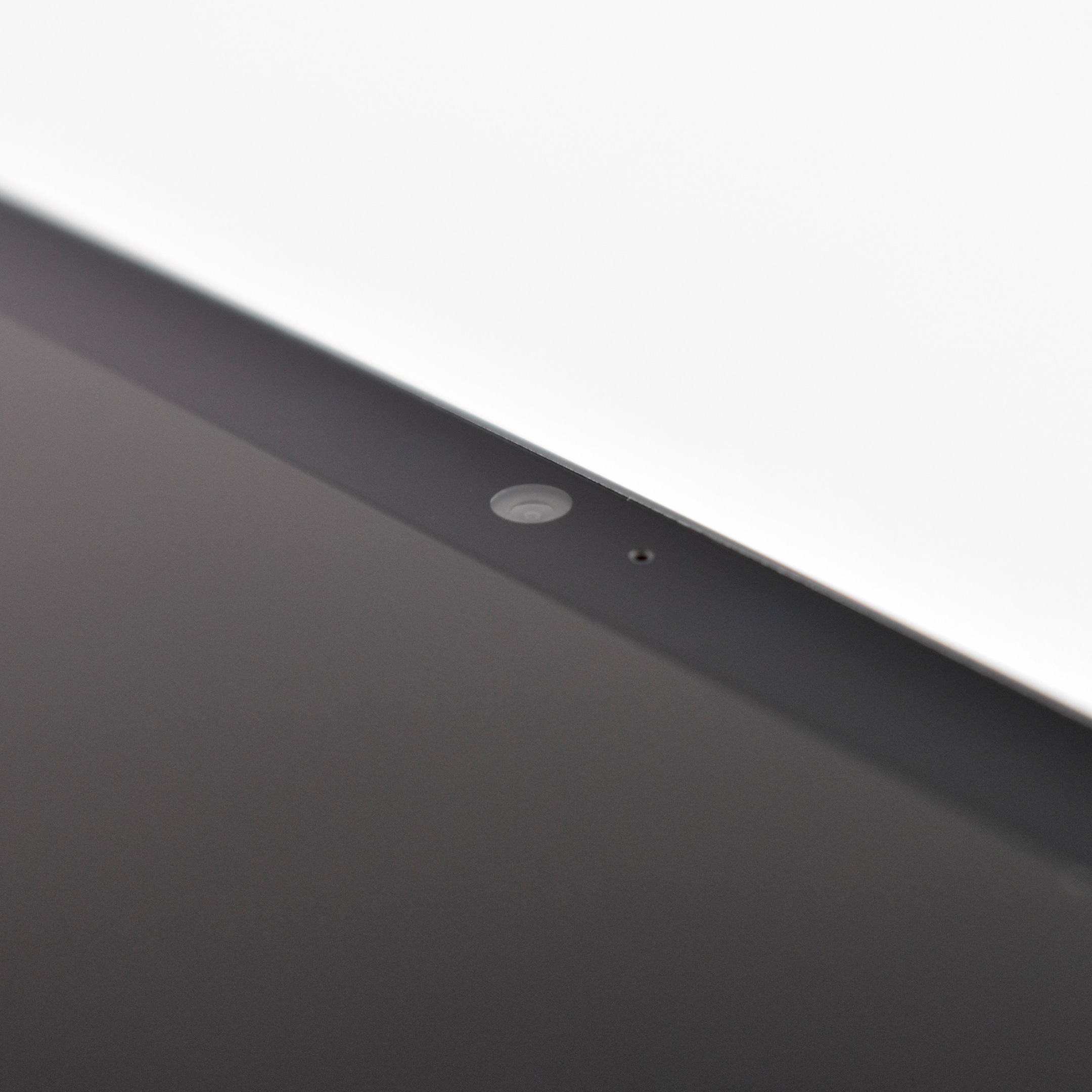
The 12-megapixel Ultra Wide front camera was the first iPad camera to offer the Center Stage feature that automatically keeps people in the camera frame by zooming and panning. Its two rear cameras included a 12-megapixel wide angle and a 10-megapixel ultra-wide angle lens.

Like iPhone Pro models of the time, this iPad Pro also included LiDAR and Face ID. It could also use a Generation 2 Apple Pencil that charged using a magnetic connection on the side of the iPad. A similar iPad Pro with a 12.9-inch screen was sold at the same time as this 11-inch model.

Sources: Apple, EveryMac

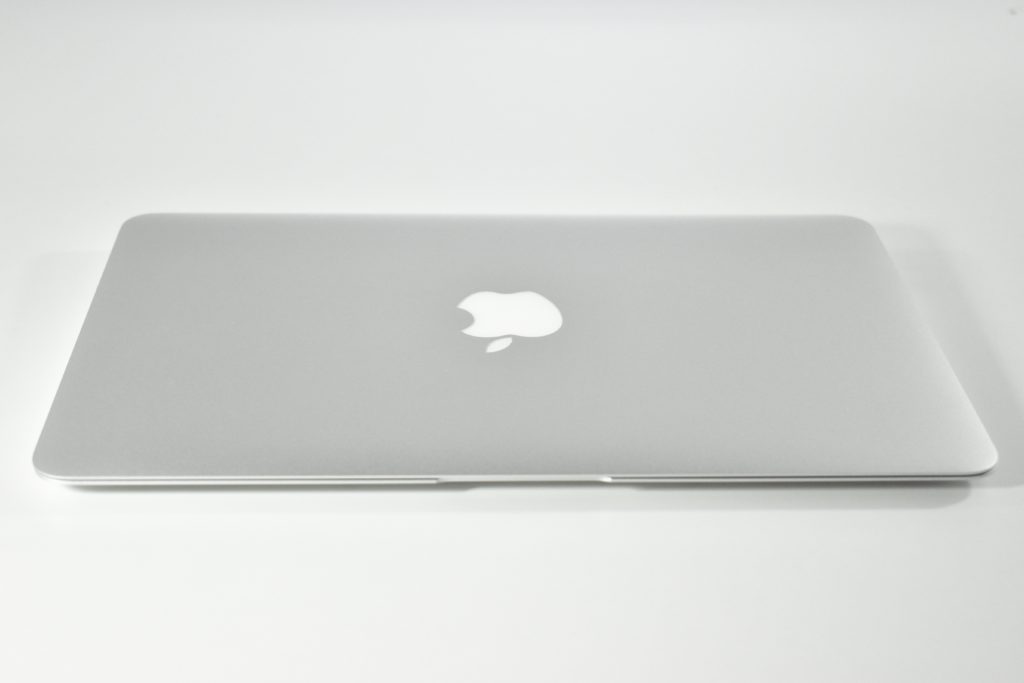
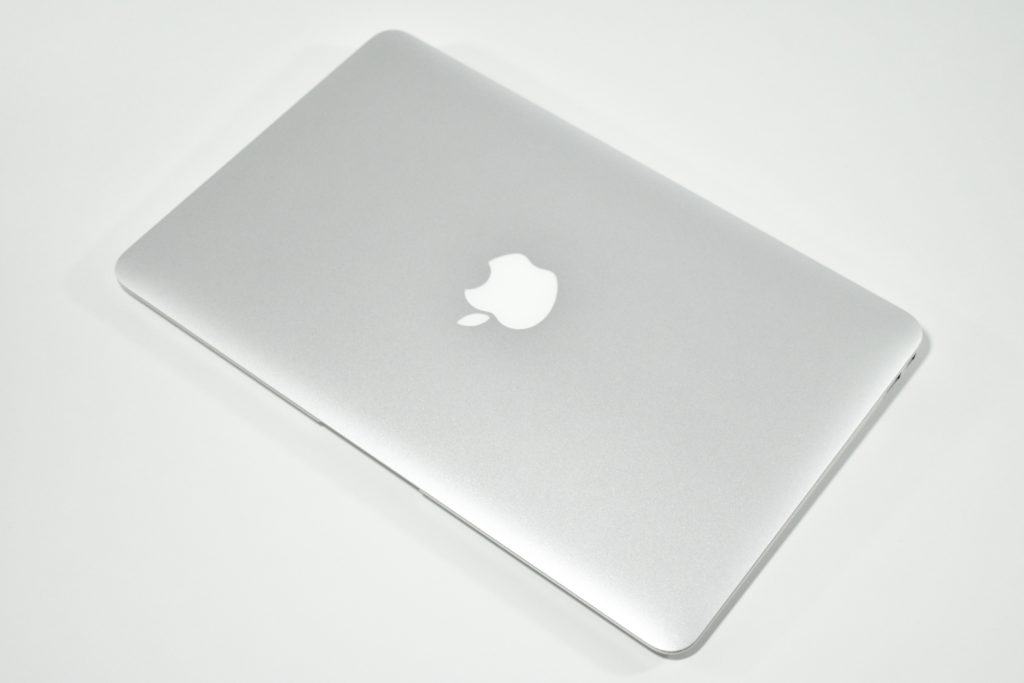
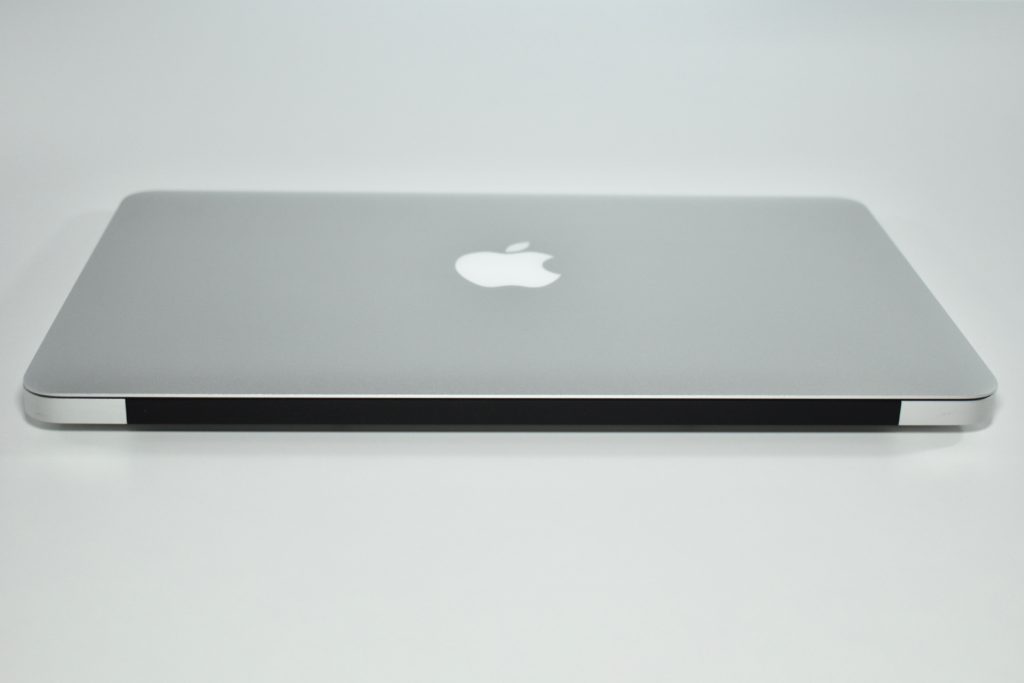
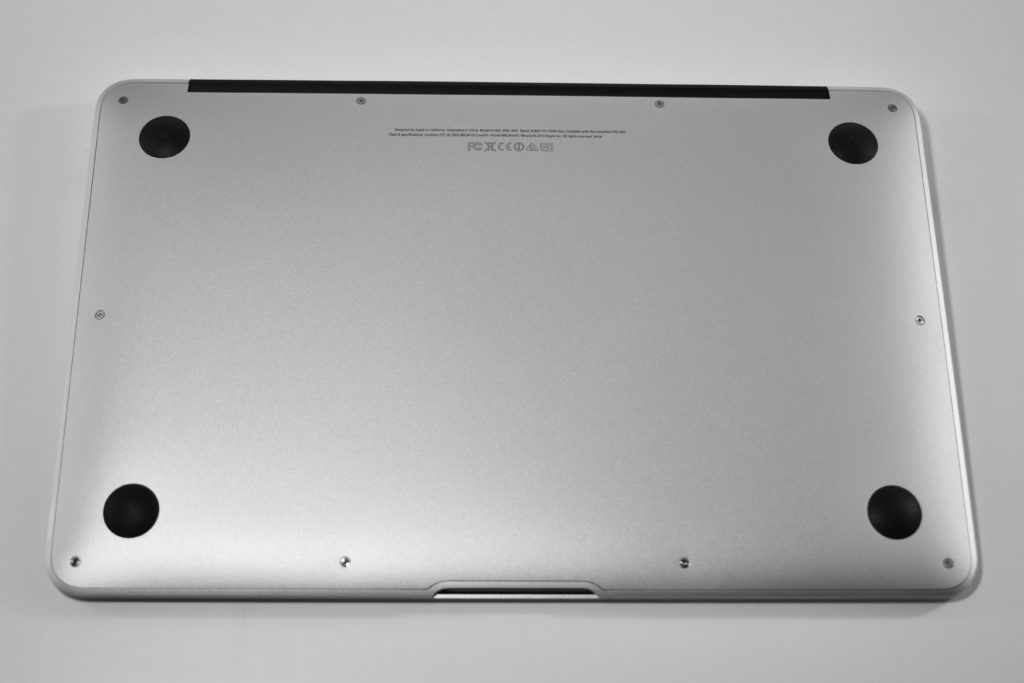
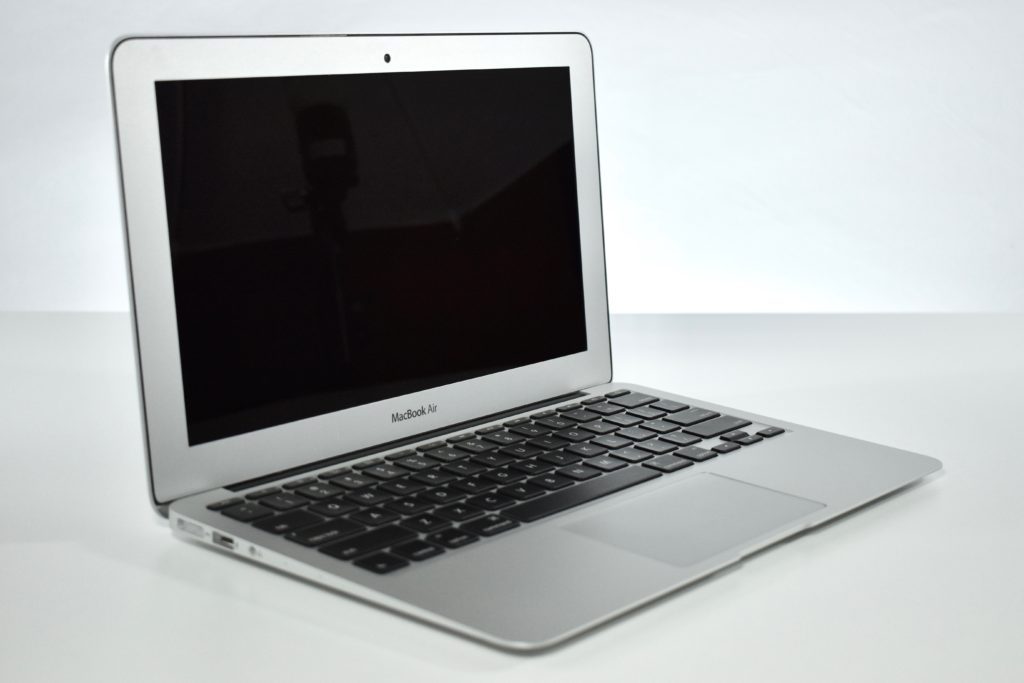
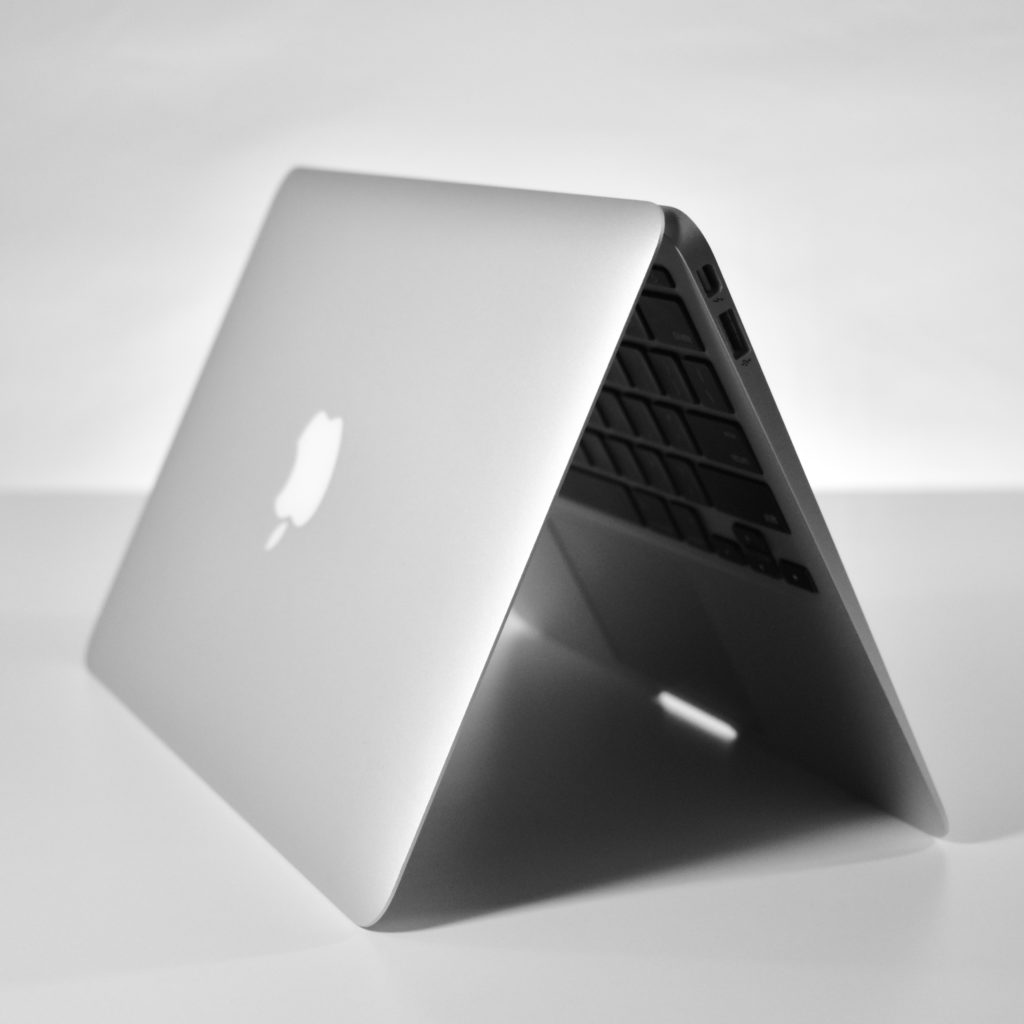
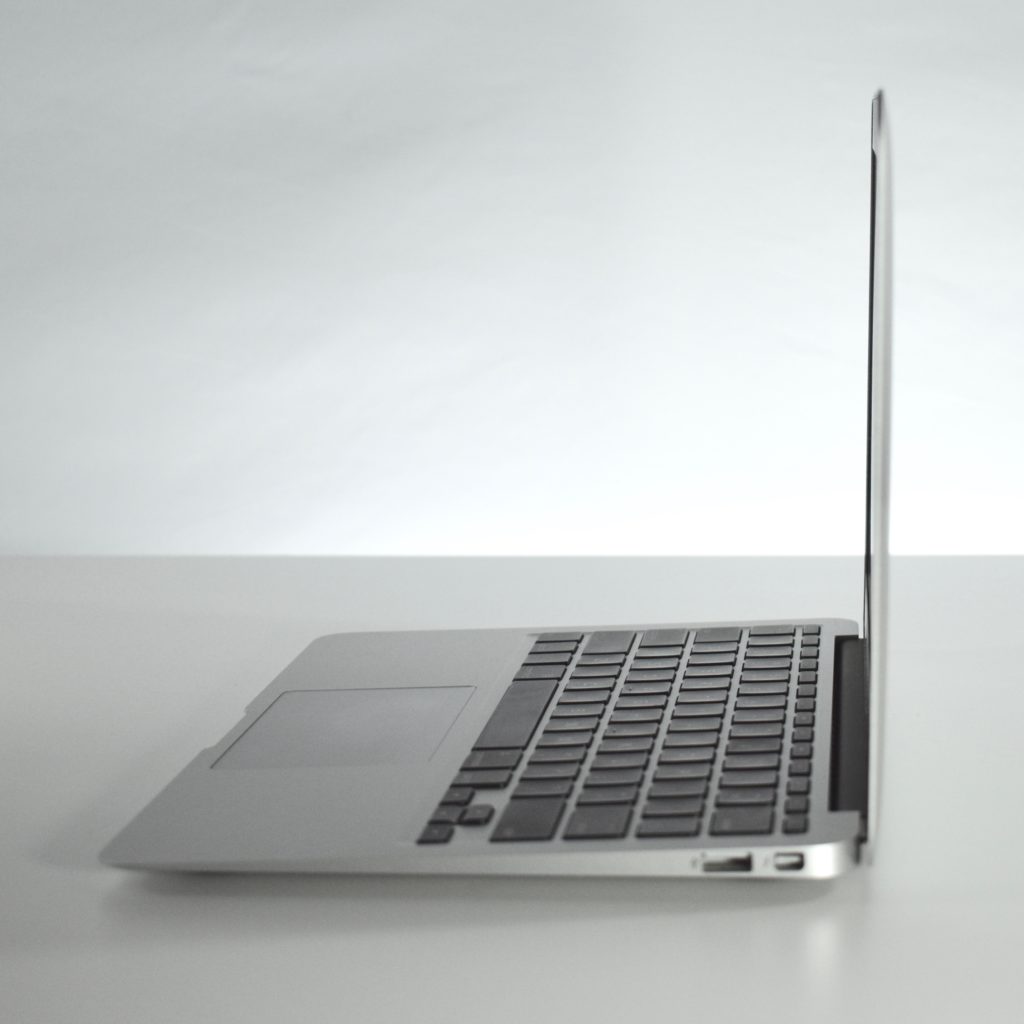
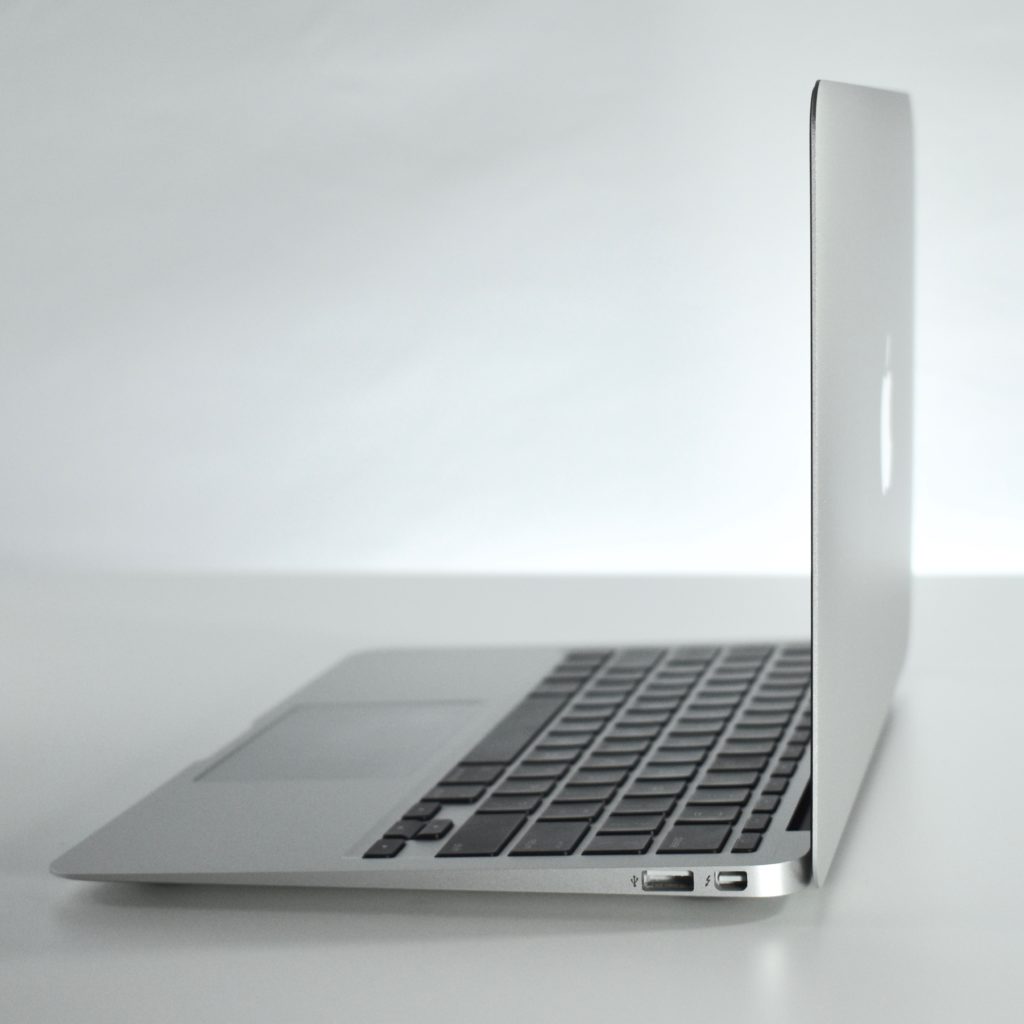
MacBook Air 11-inch (2014)

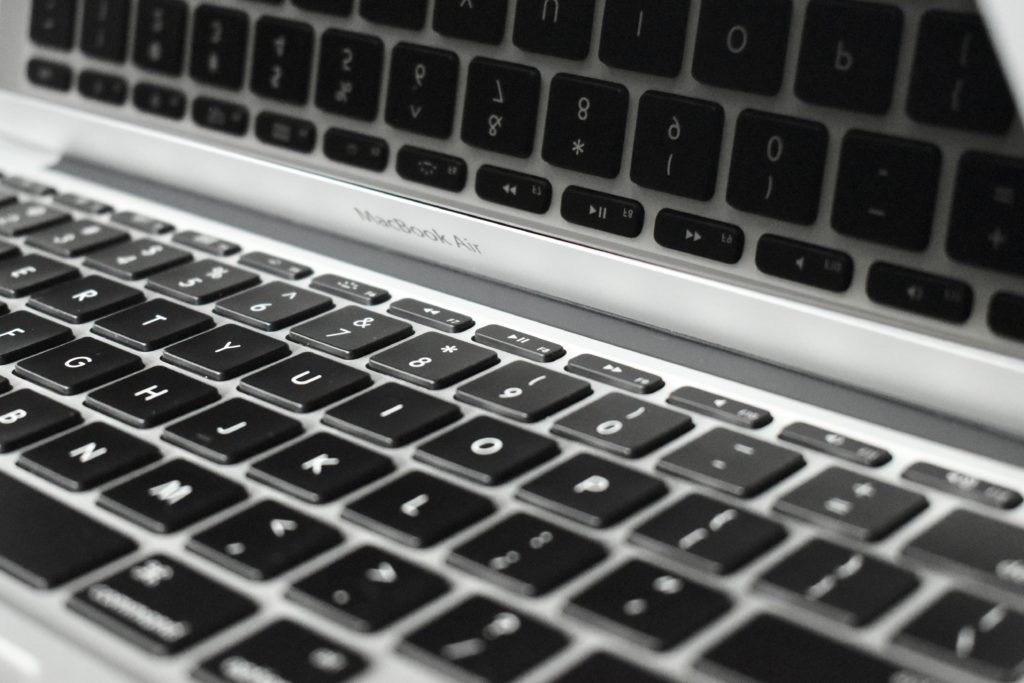
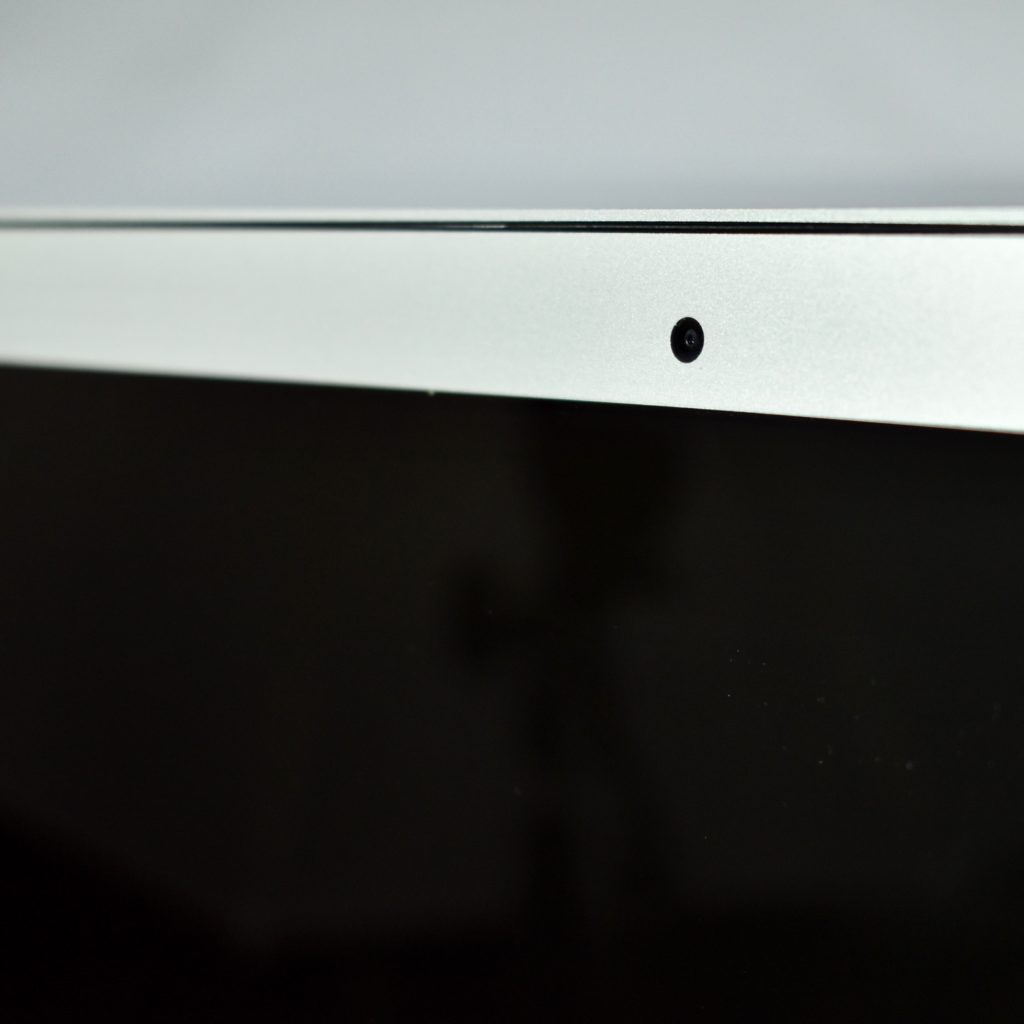
This MacBook Air 11-inch featured a 22-nm Haswell 1.4 GHz Intel Core i5 processor. It included 4 GB or 8 GB of memory and 128 GB or 256 GB of flash storage. This was the smallest of Apple’s MacBook Air line of laptops measuring 0.11 to 0.68 inches and weighed 2.3 pounds. It included a 720p FaceTime HD webcam, a backlit full-size keyboard, and an 11.6-inch widescreen TFT LED backlit active-matrix glossy display (1366×768).

Wireless connectivity included 802.11ac Wi-Fi and Bluetooth 4.0, while ports included analog audio out, one Thunderbolt port, and two USB 3.0 ports.

A previous version of the MacBook Air 11-inch nearly identical except for a slower processor and less available RAM and flash storage.

In my role as Assistant Superintendent for Technology & Innovation, I led the teams that managed nearly 4,500 of these laptops over a five-year period (2014–19). At the time, all high school students in the school district were issued a MacBook Air 11-inch and students used the same model for their 4-year high school career. Apple stopped manufacturing this laptop in 2018 and the high school switched to the iPad Generation 6.

Source: EveryMac.com

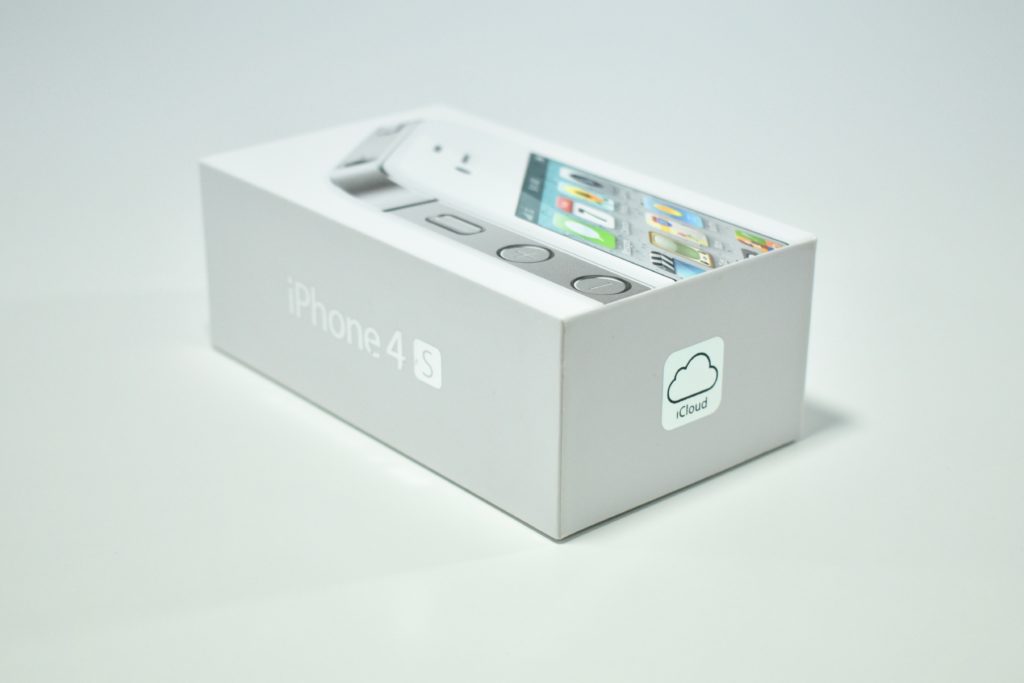
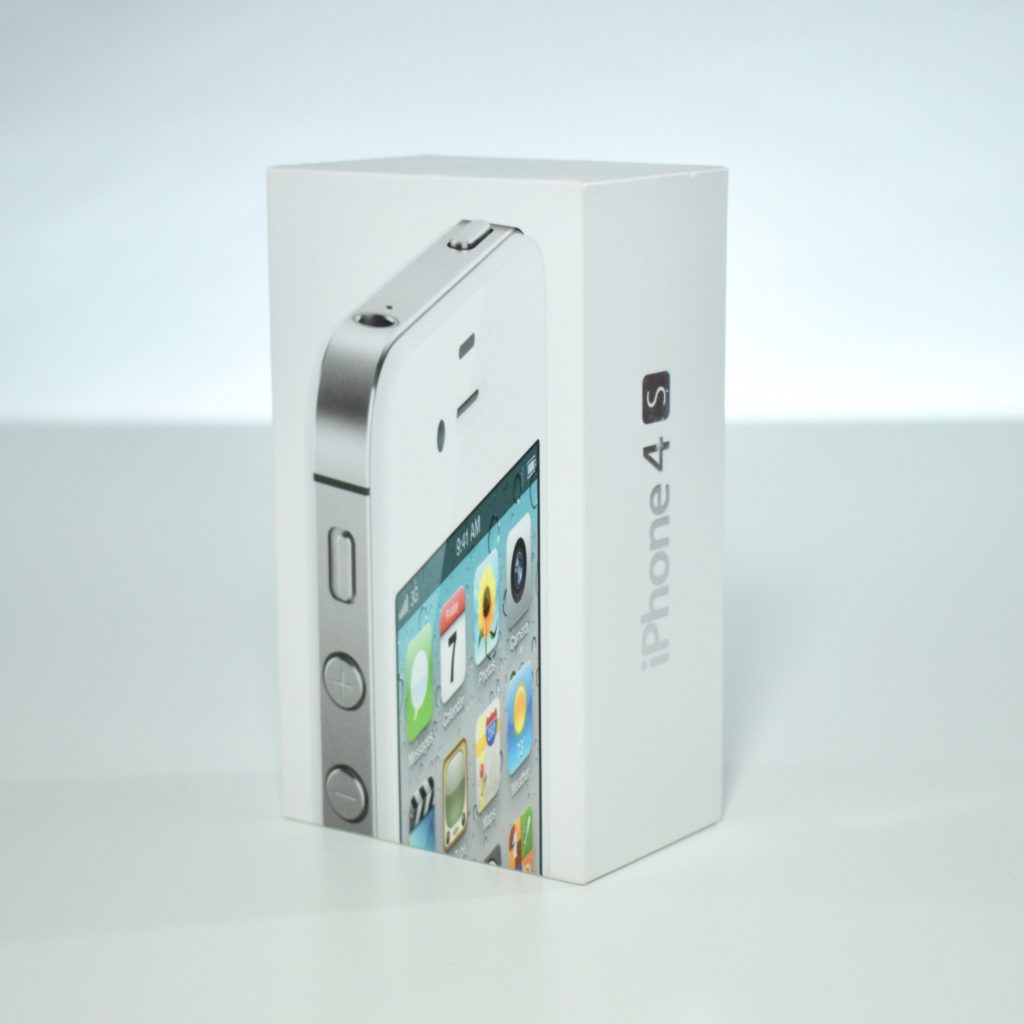
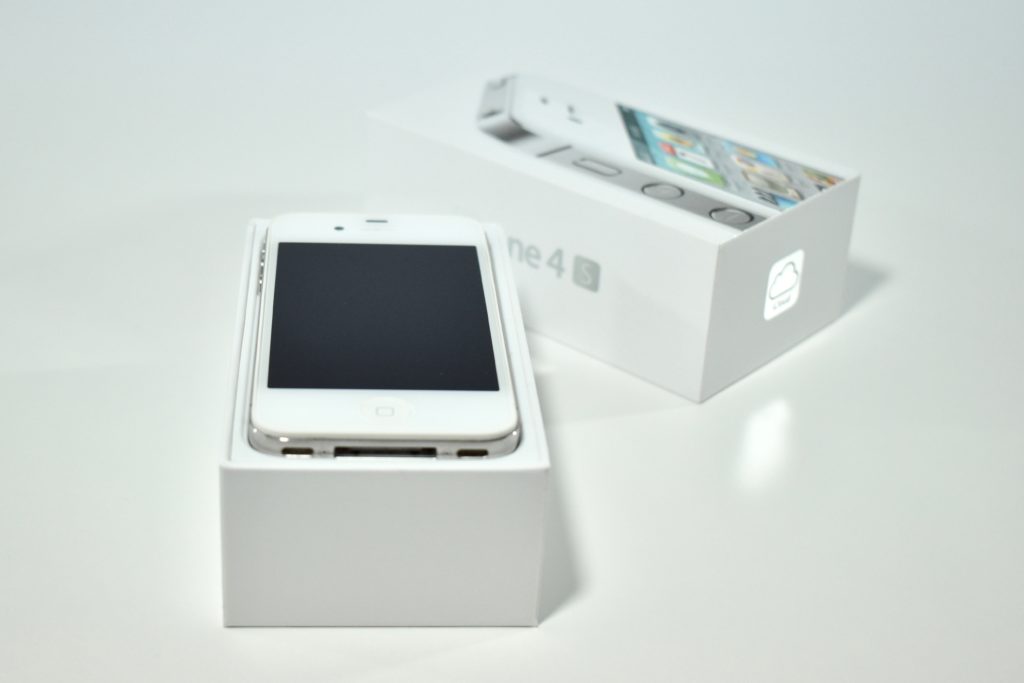
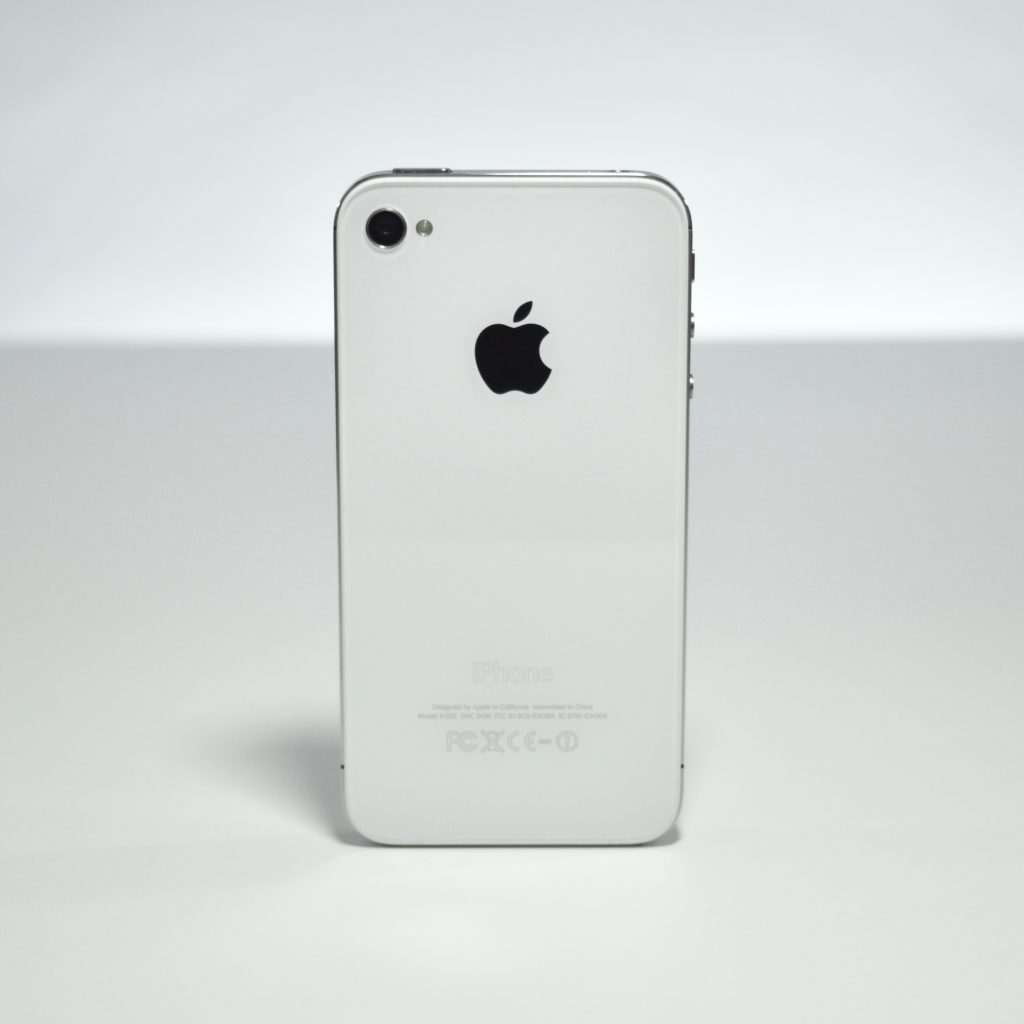
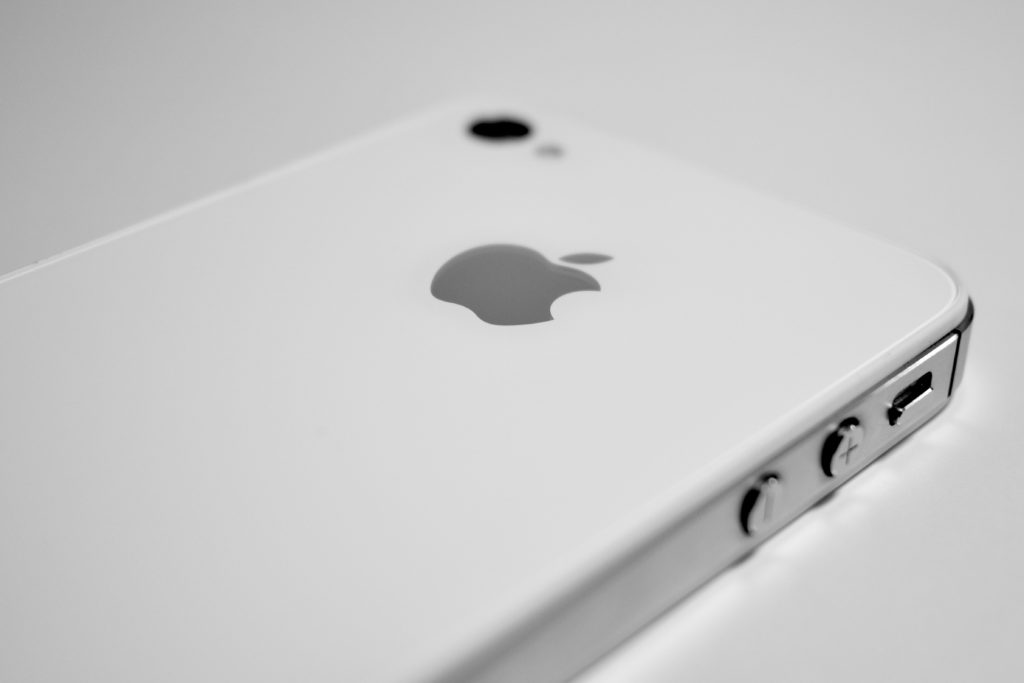
iPhone 4S (2011)

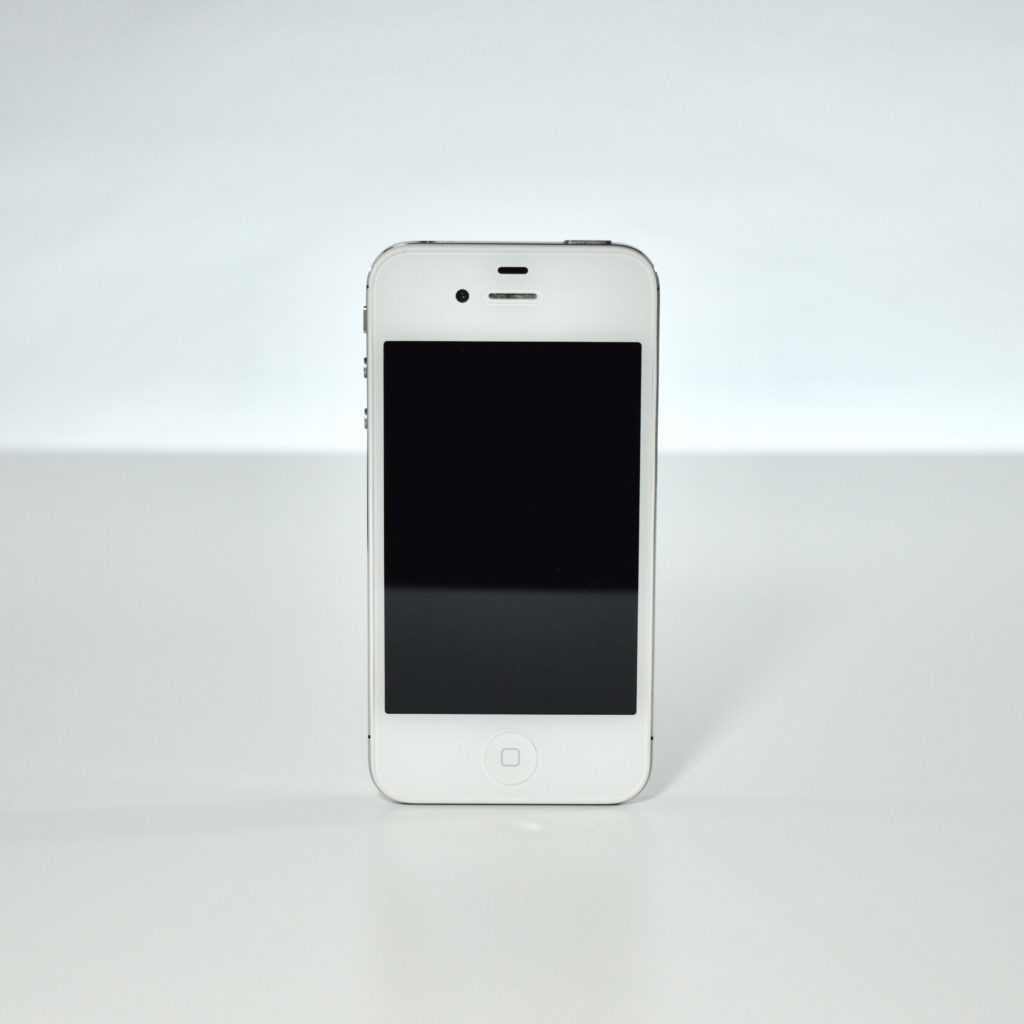
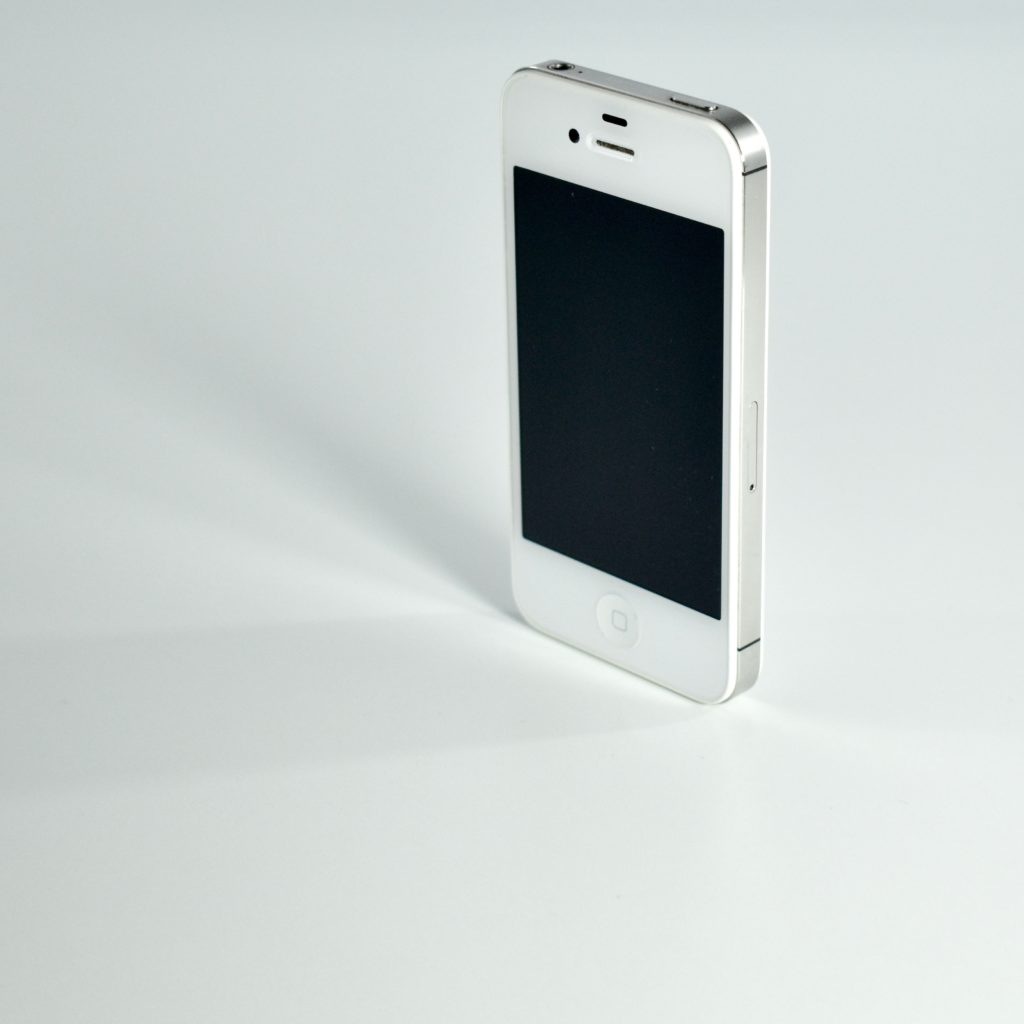
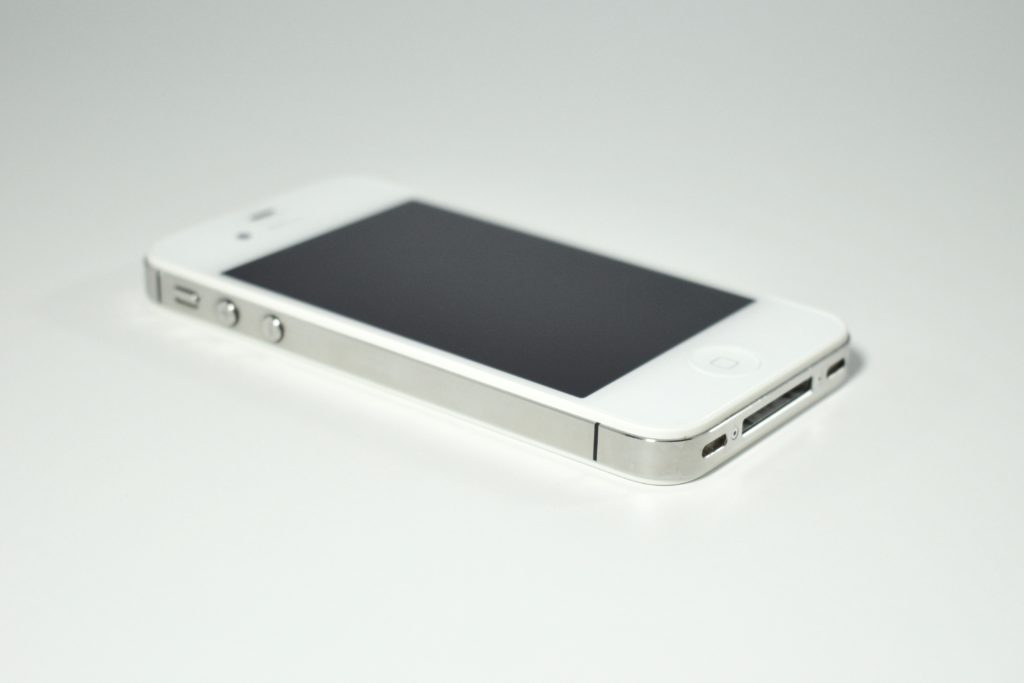
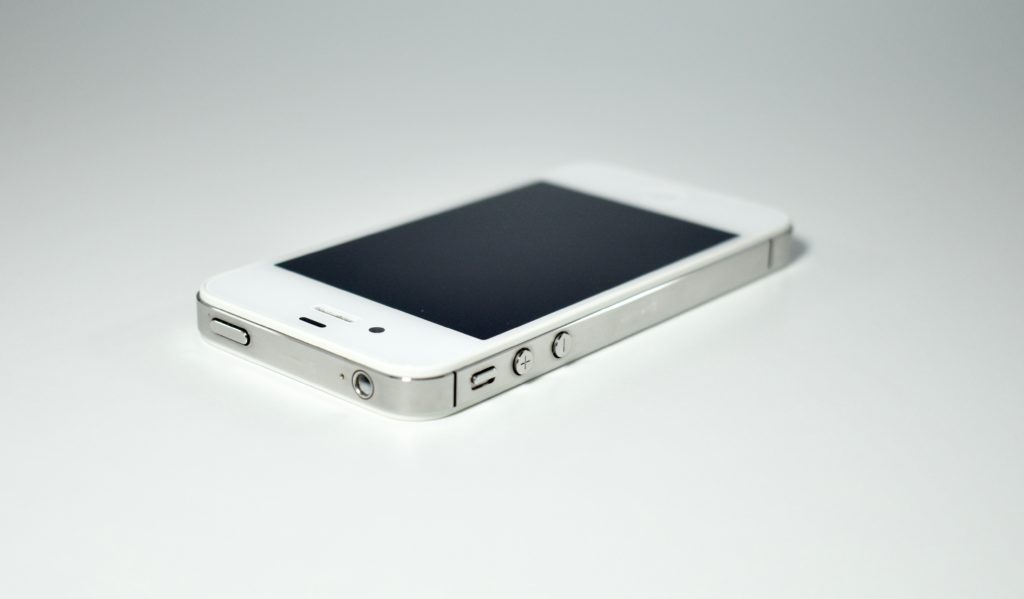
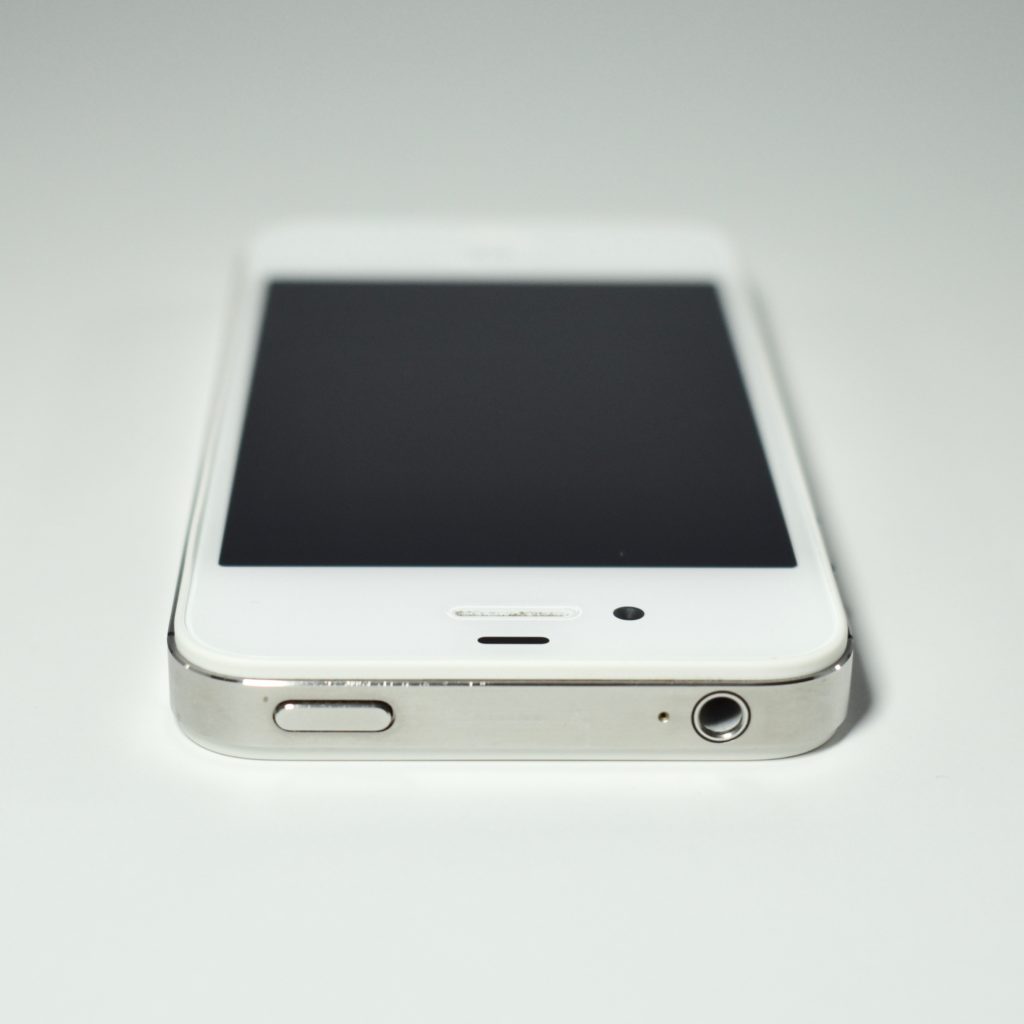
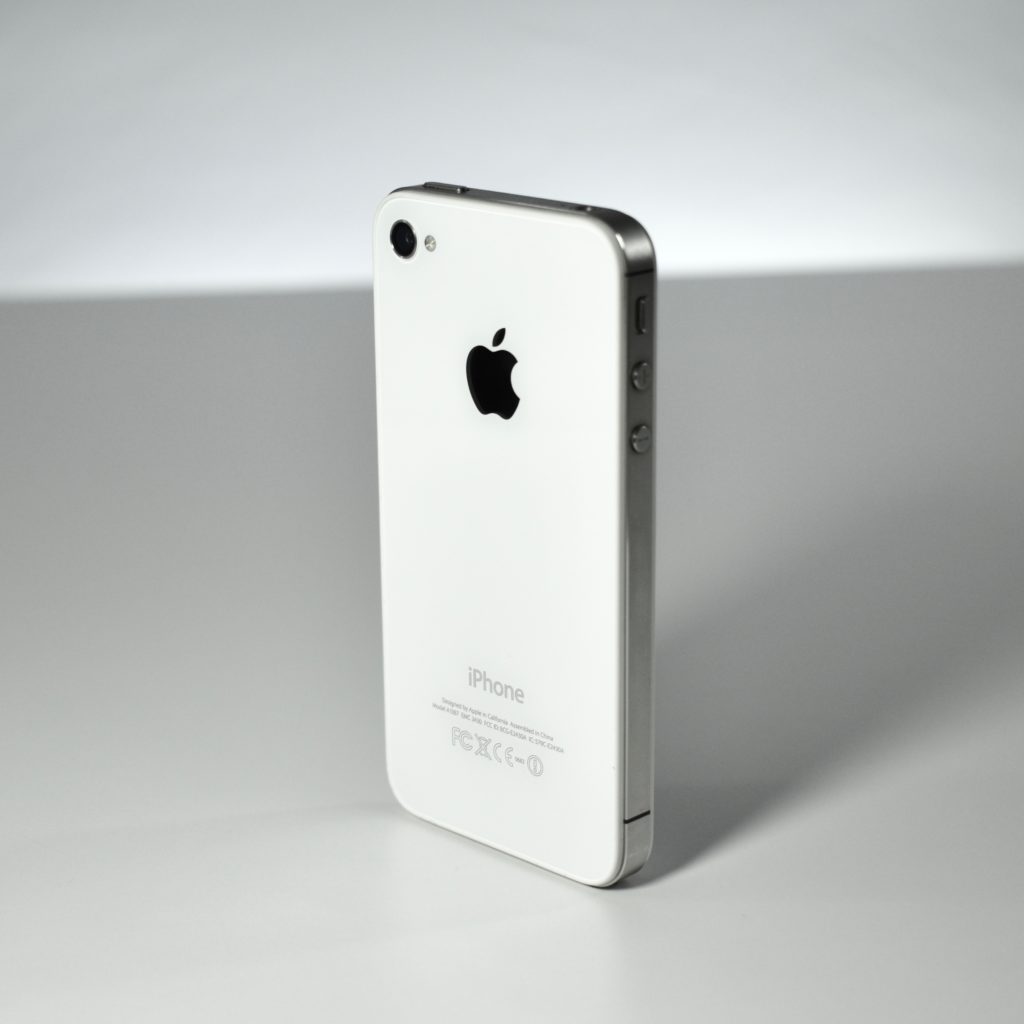
The iPhone 4S was the product that first introduced the Siri voice assistant. The iPhone 4S was designed around a stainless-steel body with a glass front and back. It had a 3.5-inch LED-backlit 960×640 326 ppi multi-touch Retina display and included two noise-cancelling microphones. It was available in black or white.

The iPhone 4S supported both GSM and CDMA networks and included 802.11b/g/n and Bluetooth 4.0. It used a dual-core Apple A5 processor; 512 MB of RAM; and 8 GB, 16 GB, 32 GB, or 64 GB of internal storage. It had two cameras: an 8 megapixel HD camera (1080p at 30 FPS) with an LED flash on the rear and FaceTime camera on the front that allowed FaceTime video calls over Wi-Fi.

Source: EveryMac.com

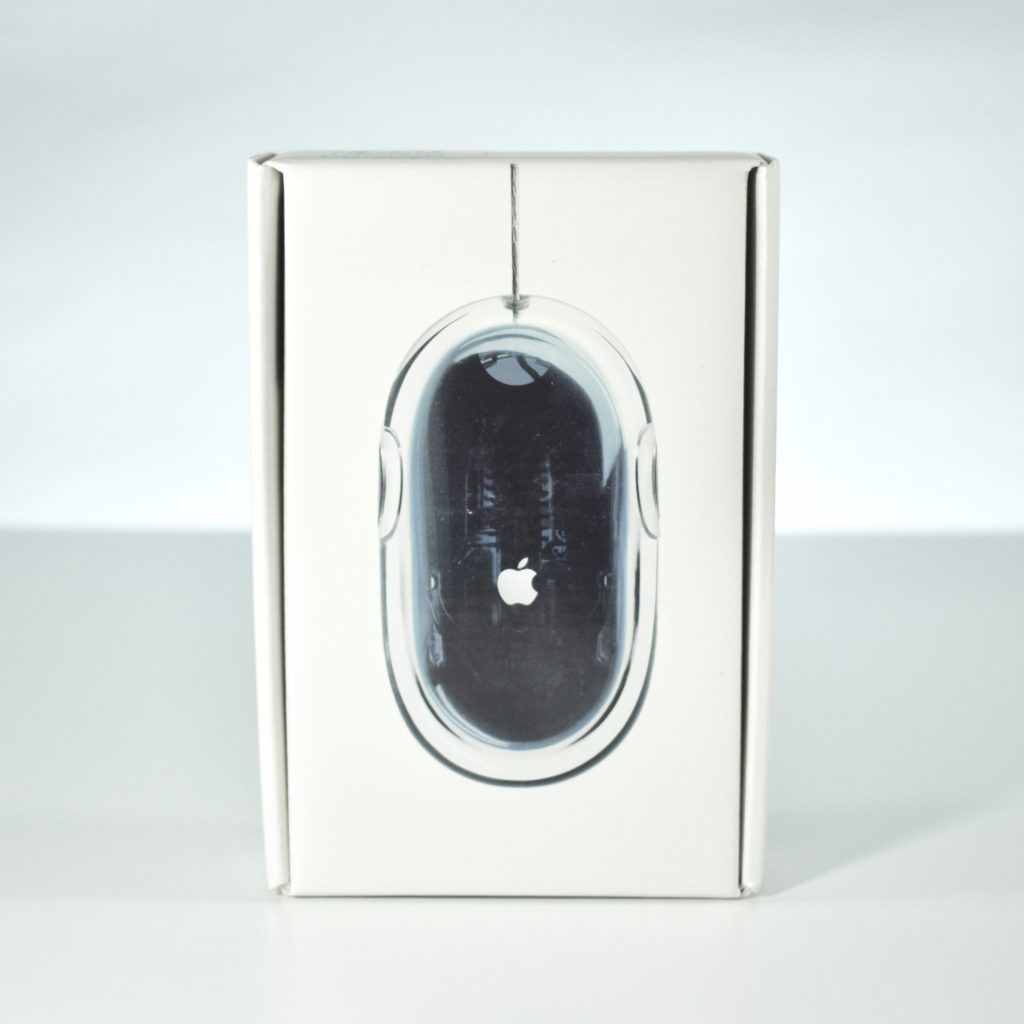
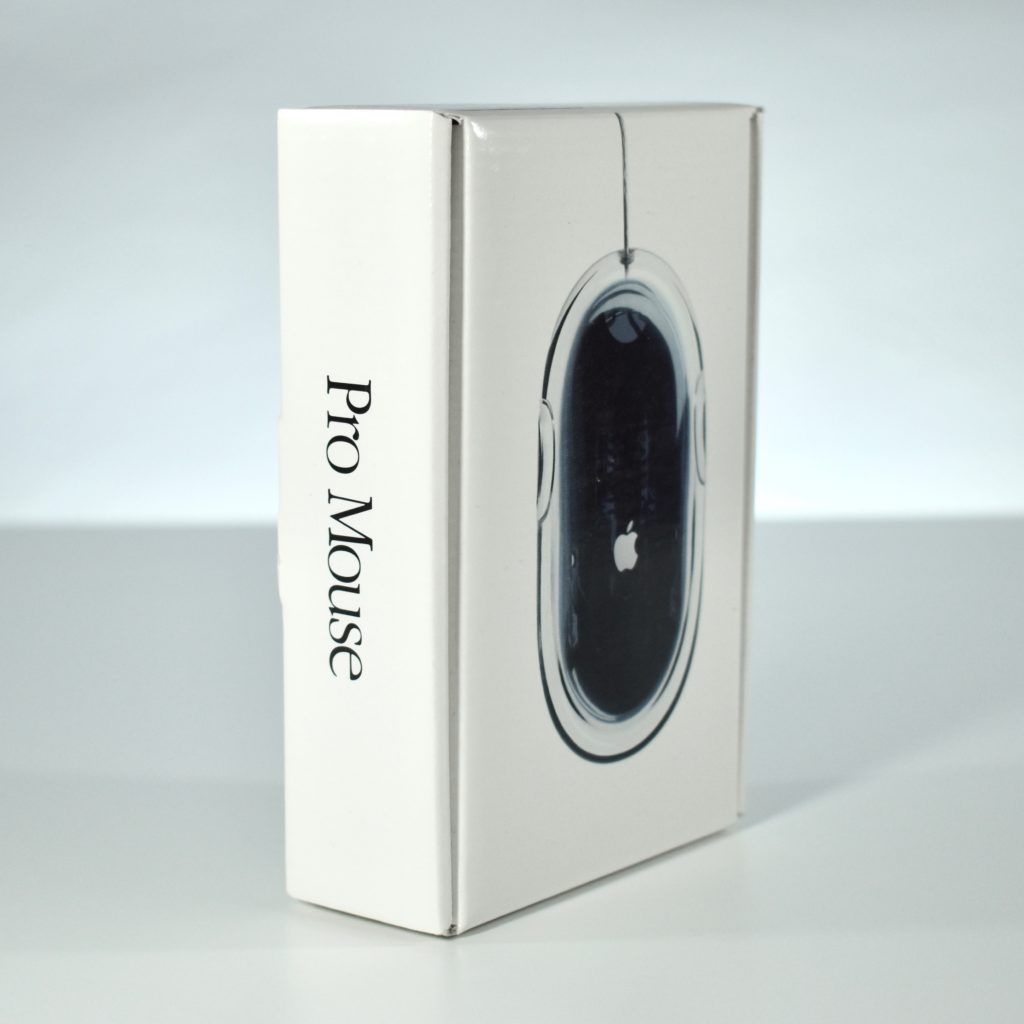
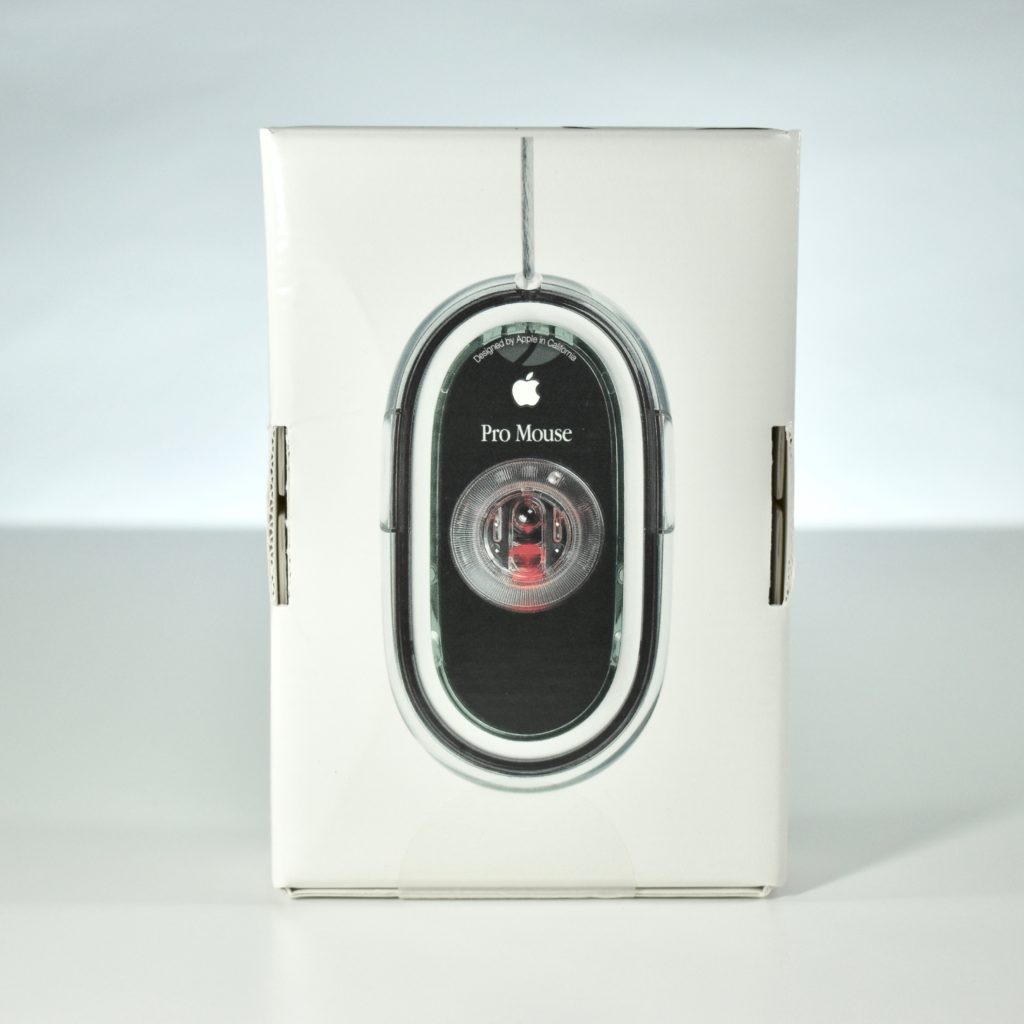
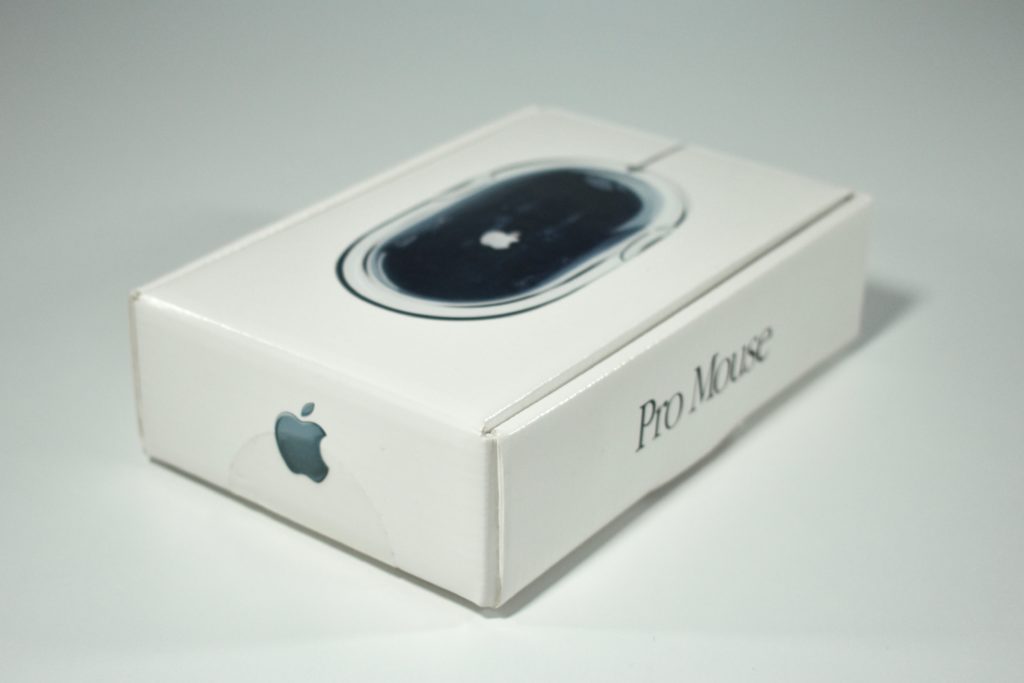
Apple Pro Mouse (original, unopened, M5769, 2000)

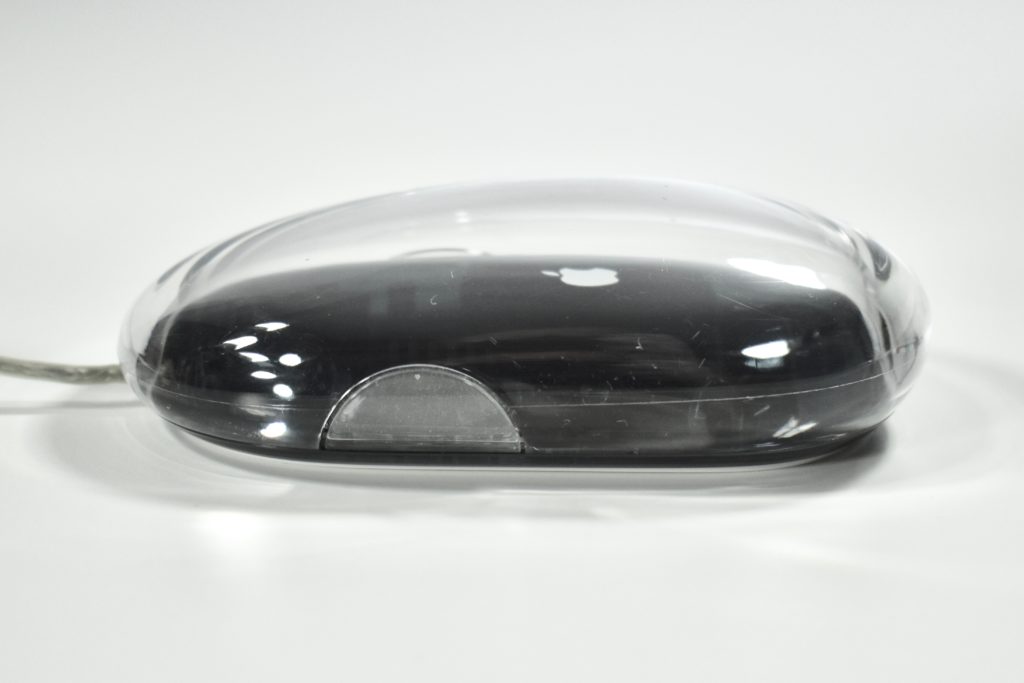
The Apple Pro Mouse was introduced in 2000 along with the G4 Cube. This mouse dropped the rubber ball used for tracking in all previous Apple mouse designs and replaced it with a solid-state LED optical sensor. The design of the mouse appeared to have no buttons, but the entire mouse surface allowed for a single click. The shape of the mouse was an an elongated rectangle with two round sides (replacing the previous round design).

The surface of this mouse was crystal clear acrylic with a base insert in black that matched the keyboard that shipped with it.

The Apple Pro Mouse also included a ring to allow for three different click force settings on the underside of the mouse.

Source: Wikipedia.com

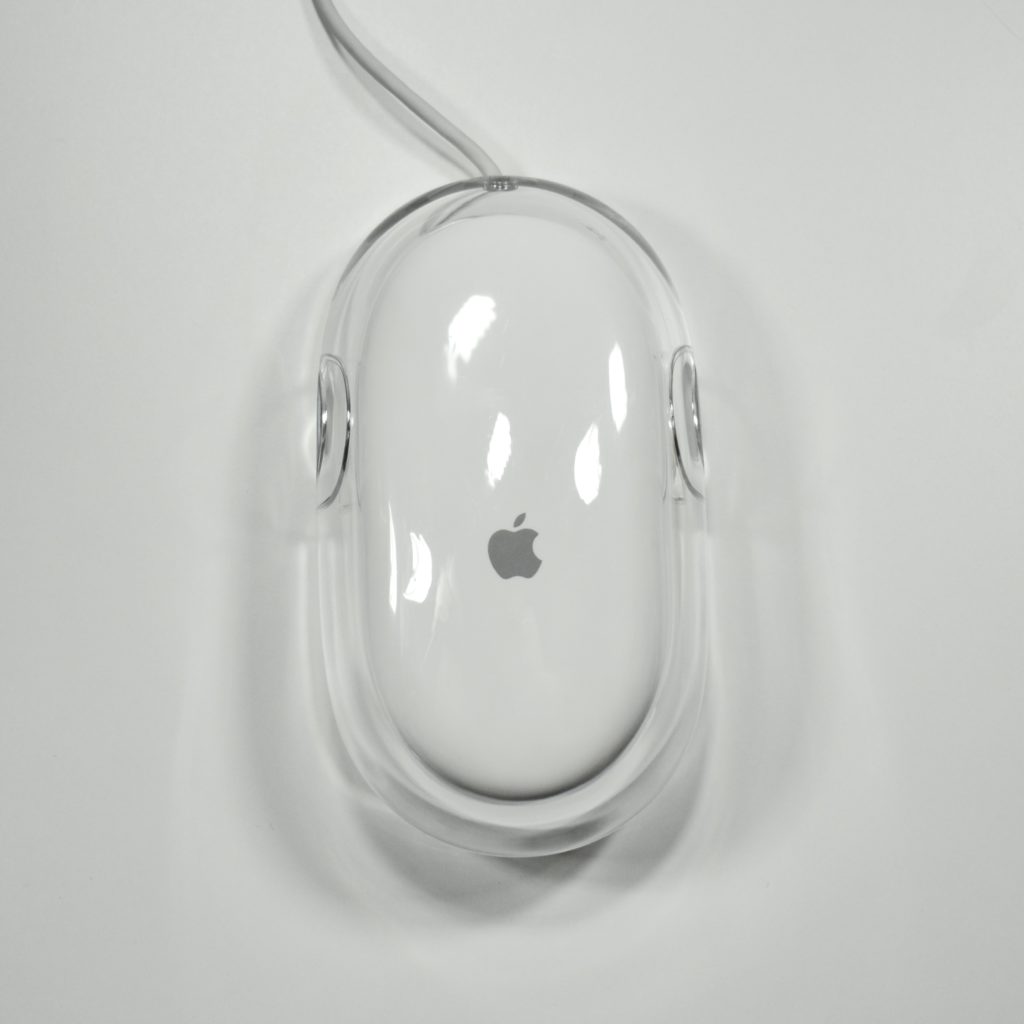
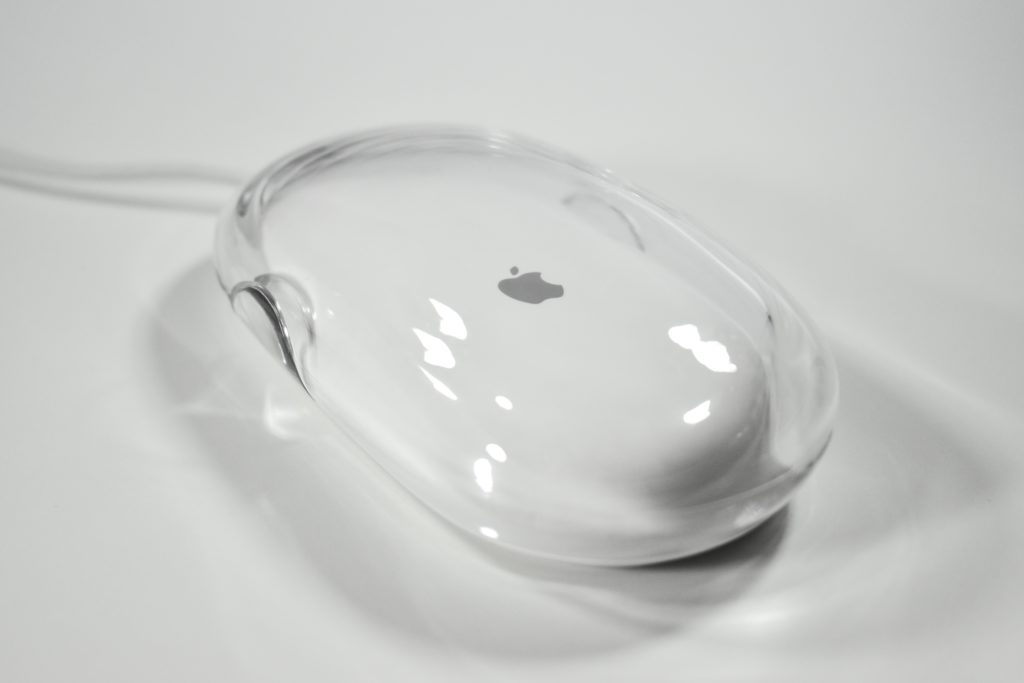
Apple Pro Mouse (white, M5769, 2000)

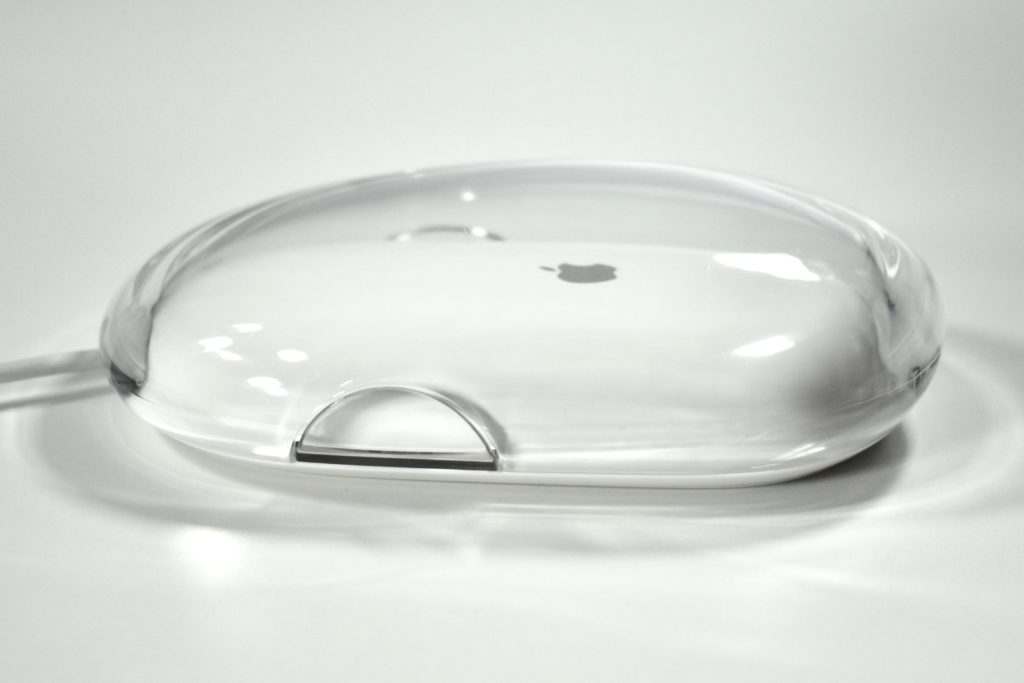
The Apple Pro Mouse was introduced in 2000 along with the G4 Cube. This mouse dropped the rubber ball used for tracking in all previous Apple mouse designs and replaced it with a solid-state LED optical sensor. The design of the mouse appeared to feature no buttons, but the entire mouse surface allowed for a single click. The shape of the mouse was an an elongated rectangle with two round sides (replacing the previous round design).

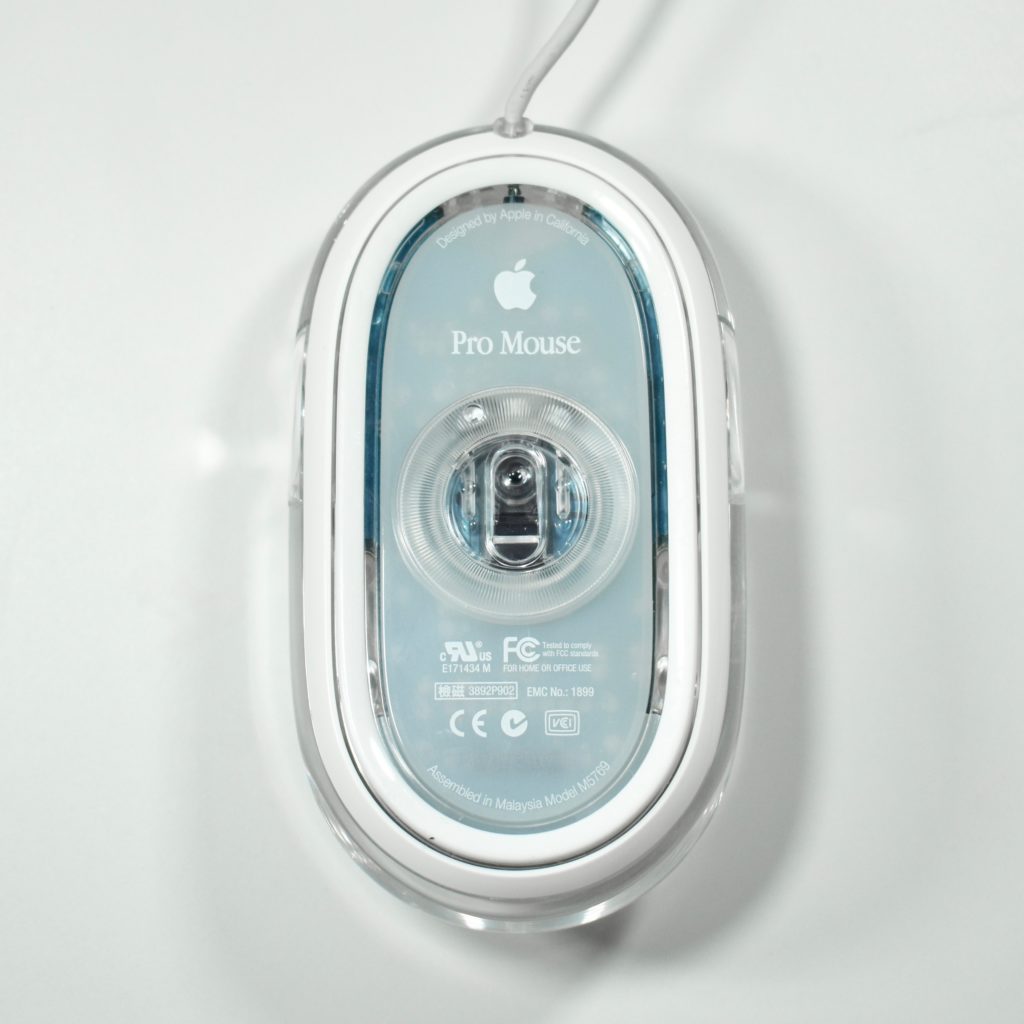
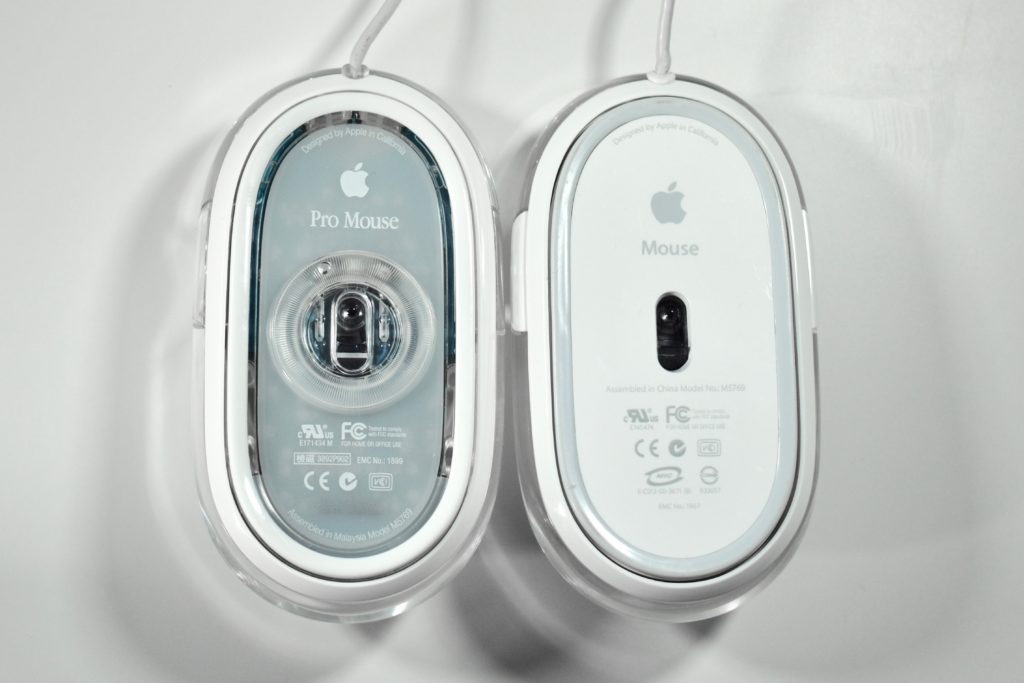
The surface of the original version of this mouse was crystal clear acrylic with a base insert in black that matched the keyboard that shipped with it. This version replaced the black insert with a white insert, and the bottom of the mouse used a translucent white screen.

The Apple Pro Mouse also included a ring to allow for three different click force settings on the underside of the mouse.

The successor to the Apple Pro Mouse was called the Apple Mouse and the ring on the underside that controlled the click settings was removed. The bottom of the mouse was replaced with opaque white plastic and a light gray gliding surface (shown below).
Source: Wikipedia.com

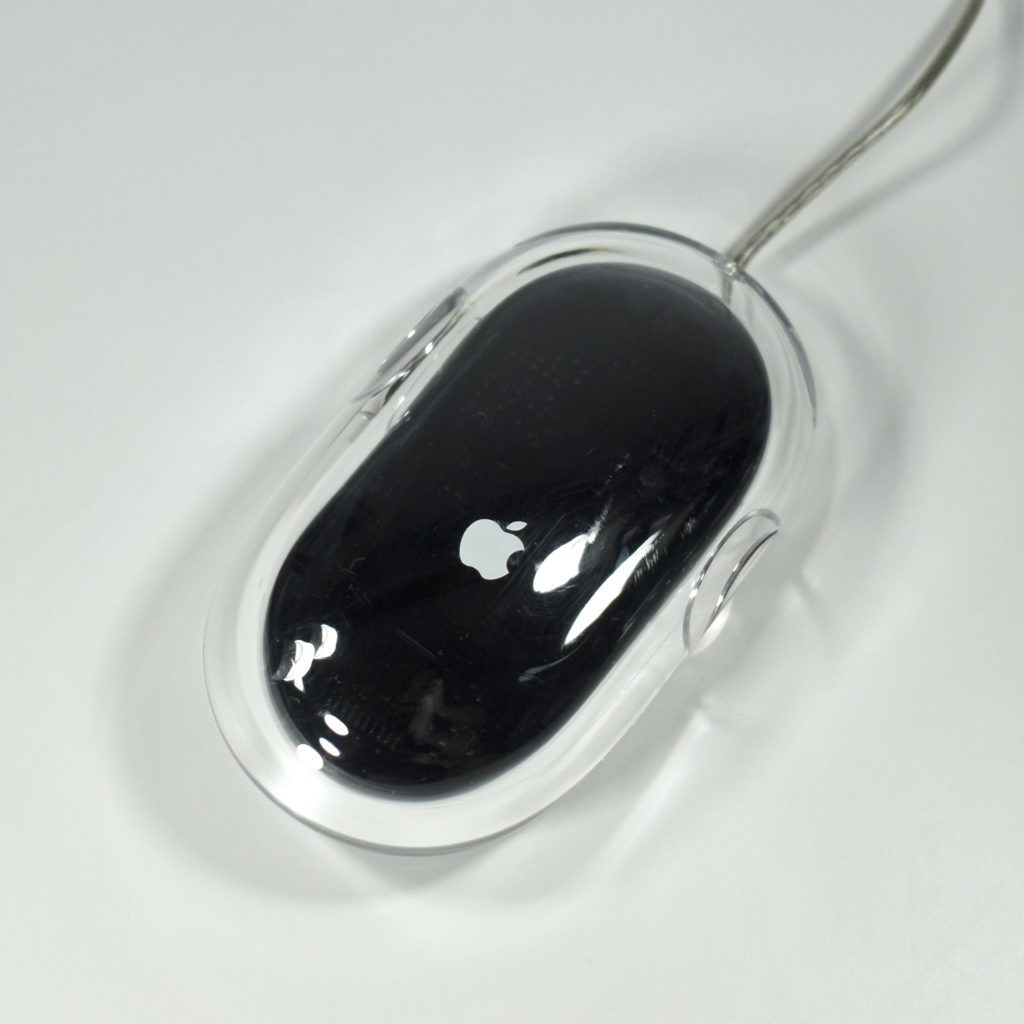
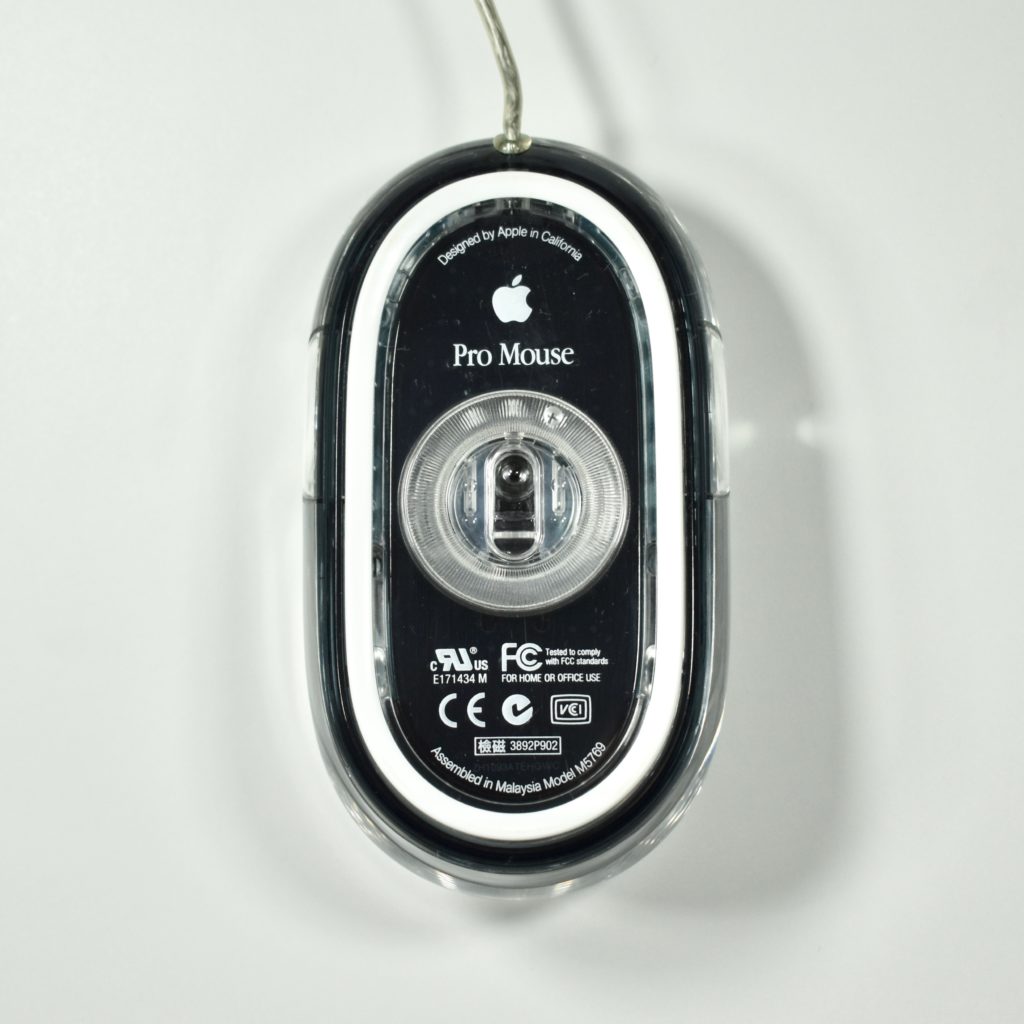
Apple Pro Mouse (original, M5769, 2000)

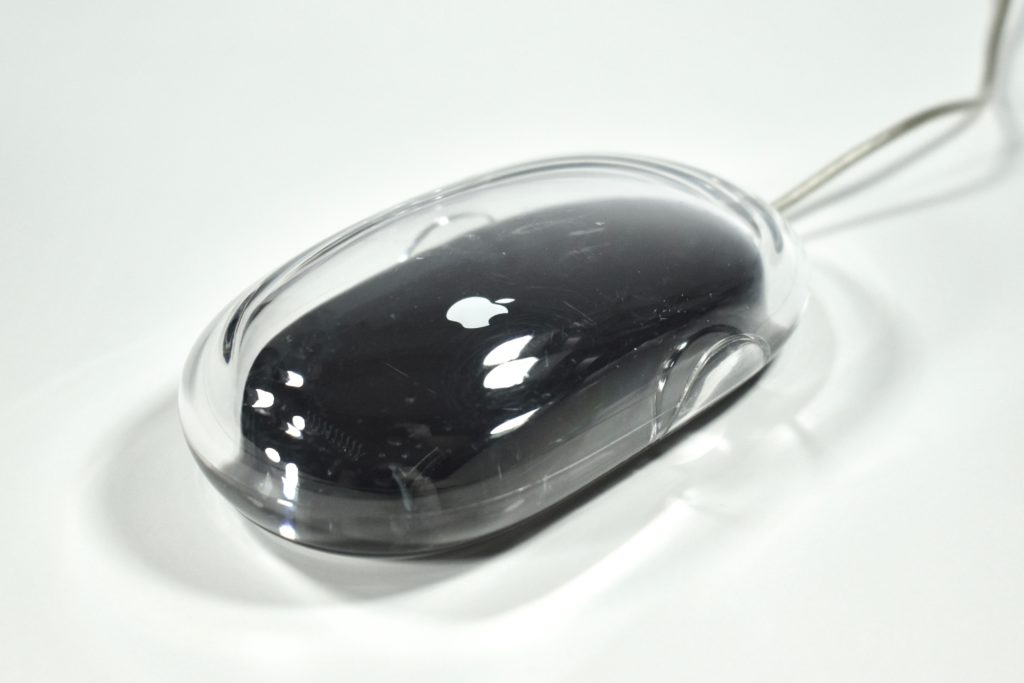
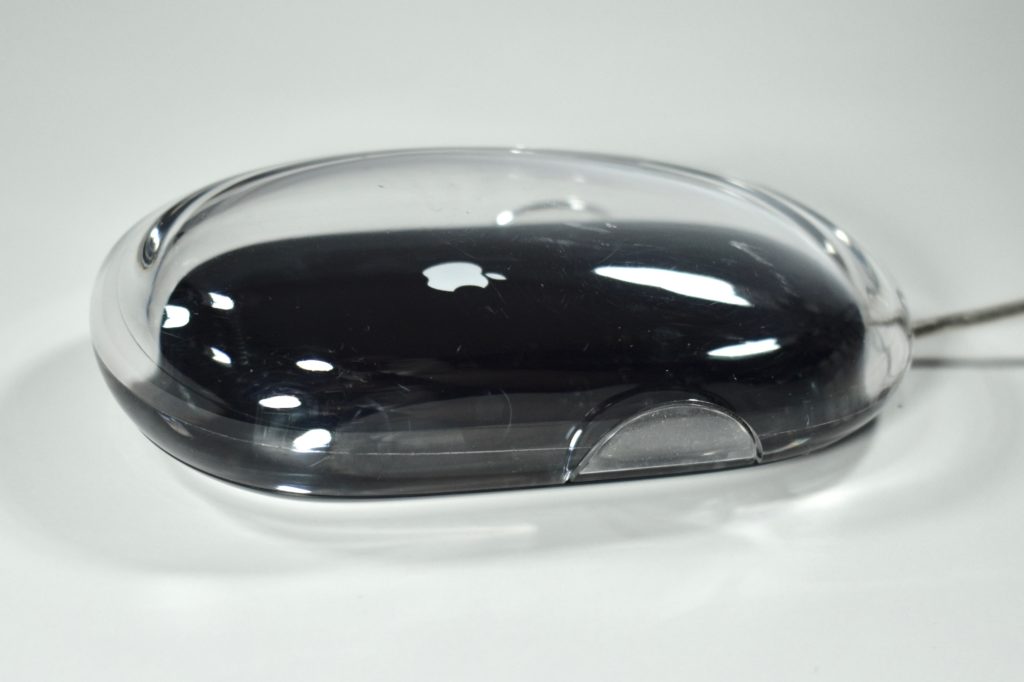
The Apple Pro Mouse was introduced in 2000 along with the G4 Cube. This mouse dropped the rubber ball used for tracking in all previous Apple mouse designs and replaced it with a solid-state LED optical sensor. The design of the mouse appeared to feature no buttons, but the entire mouse surface allowed for a single click. The shape of the mouse was an an elongated rectangle with two round sides (replacing the previous round design).
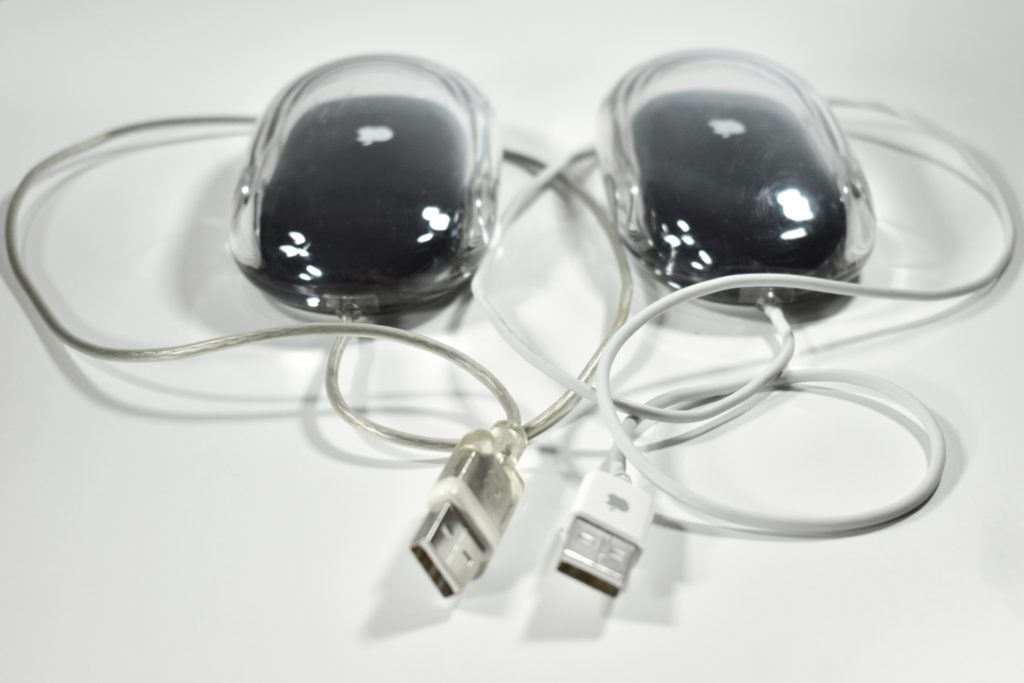
The surface of this mouse was crystal clear acrylic with a base insert in black that matched the keyboard that shipped with it. The original translucent gray/silver cable was less rugged than the mouse with a white cable that replaced it in 2003. Both examples are shown below.

The Apple Pro Mouse also included a ring to allow for three different click force settings on the underside of the mouse.

Source: Wikipedia.com