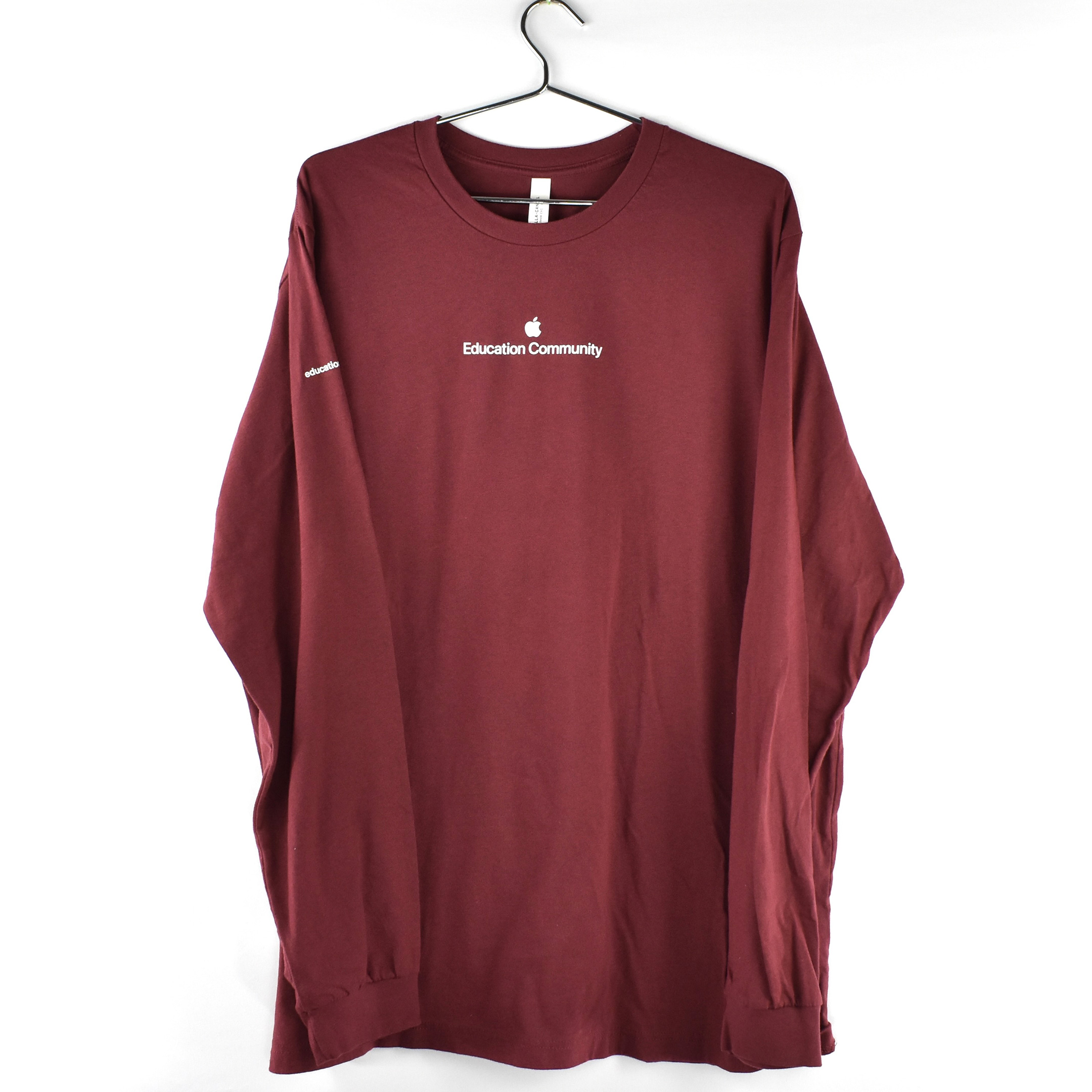
This long-sleeve t-shirt is a burgundy-heather color and features the Apple Education Community logotype across the front. The words are printed in white in the San Francisco font, Apple’s official corporate font since 2017.
On the right sleeve of the shirt is printed education.apple.com. The back of the shirt has no printing.
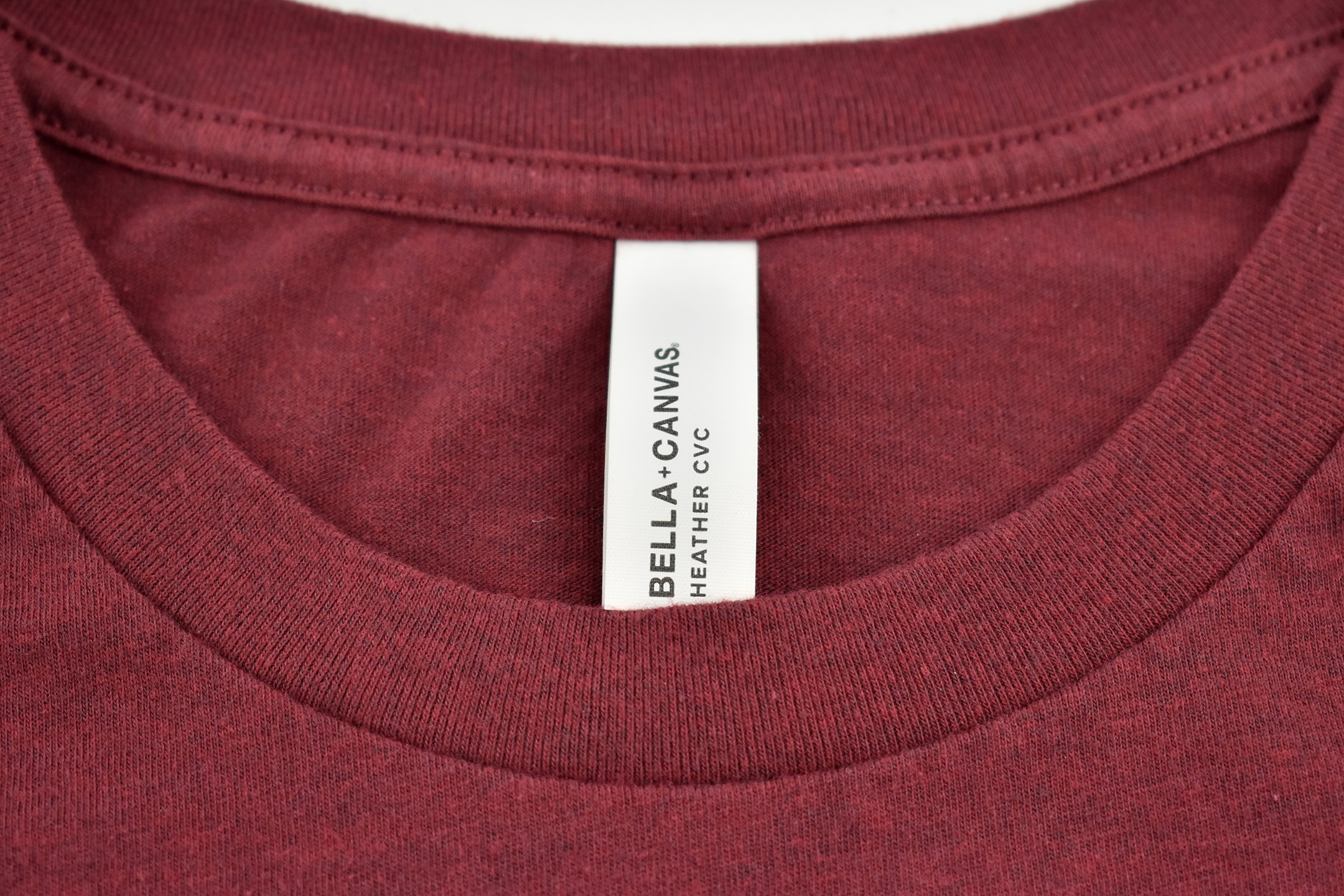
The shirt was made by BELLA+CANVAS and its tag reads “HEATHER CVC.” Its size is 3XL.
Several Apple Distinguished Educators (ADEs) wore these shirts when presenting at the Apple Michigan Avenue flagship store on November 4, 2023. We presented several Showcase presentations about innovative educational programs and uses of Apple technology in schools in Illinois and Wisconsin using the Apple Store’s iconic Video Wall. I have included a group photo from the event below. Notice that a few different colors of this shirt were worn by the ADEs.
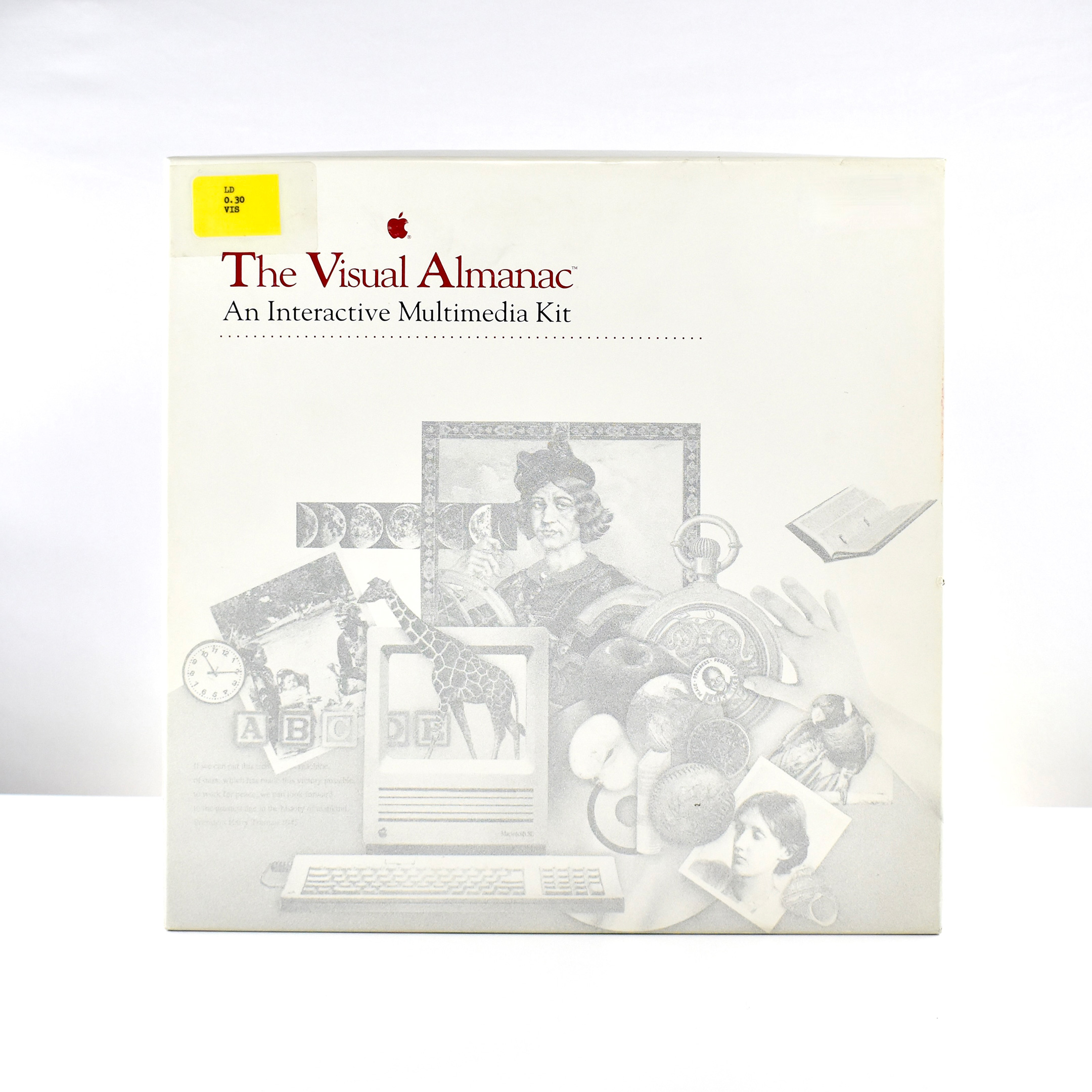
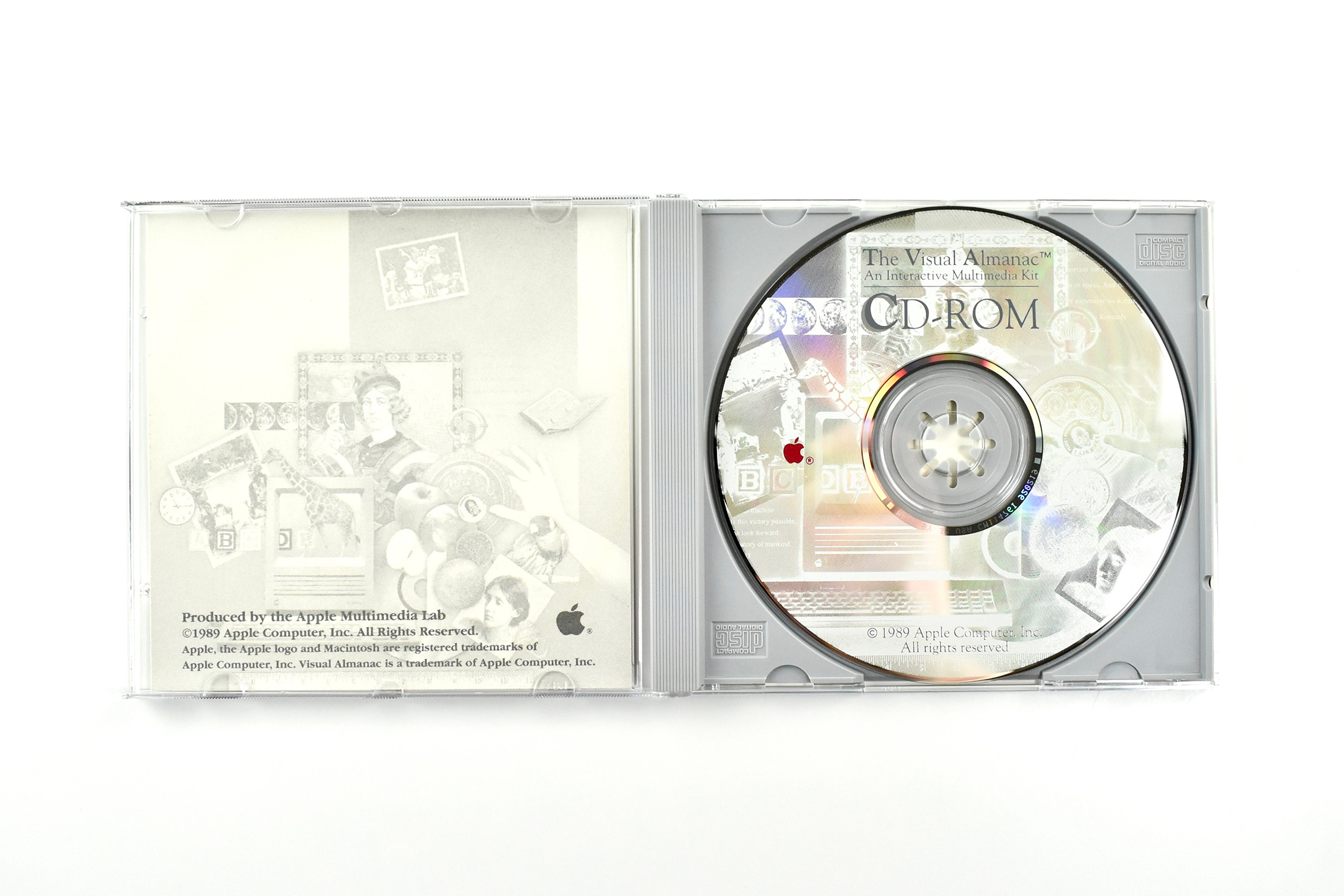
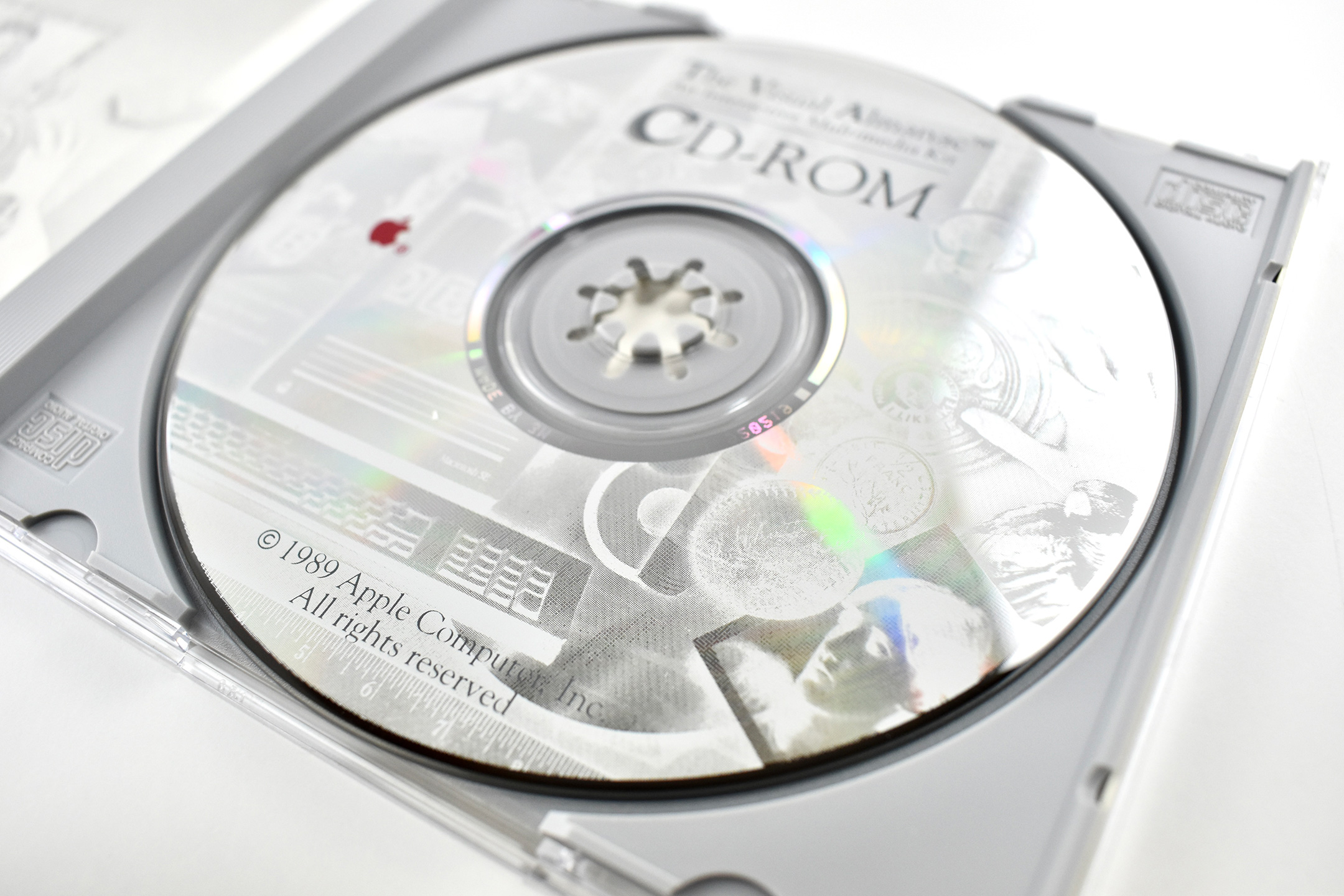
The Visual Almanac is the earliest Apple Education multimedia product in my collection. According to the kit’s Laser Disc, pictured on the Domesday86 website:
“The Visual Almanac is composed of 3 parts: the Visual Almanac Videodisc, the Visual Almanac software, and the Visual Almanac Companion (a book). This two-sided videodisc contains an Introduction, over 7000 images and 2 channels of sound organized into 12 collections. It is designed to be used under control of a Macintosh computer.”
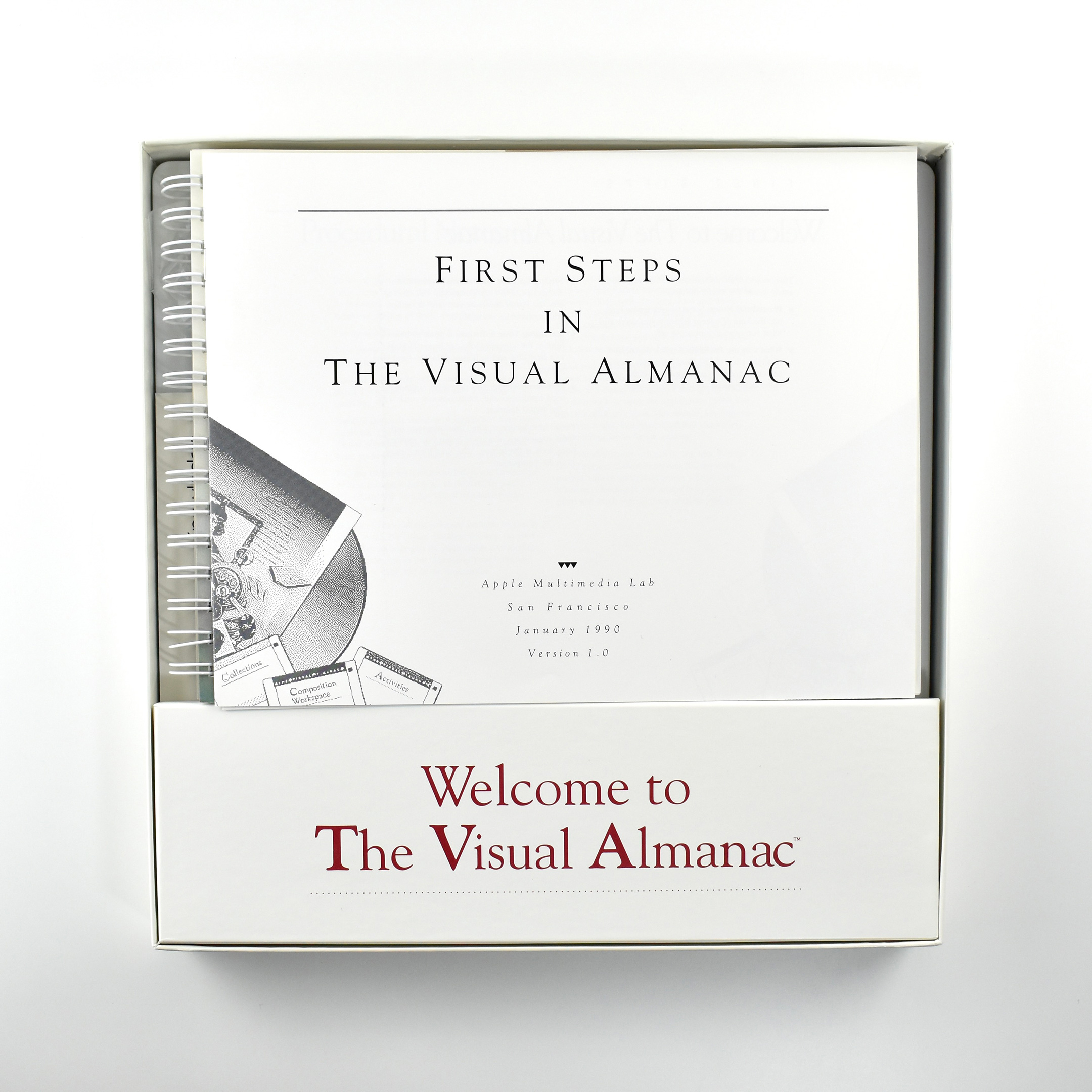
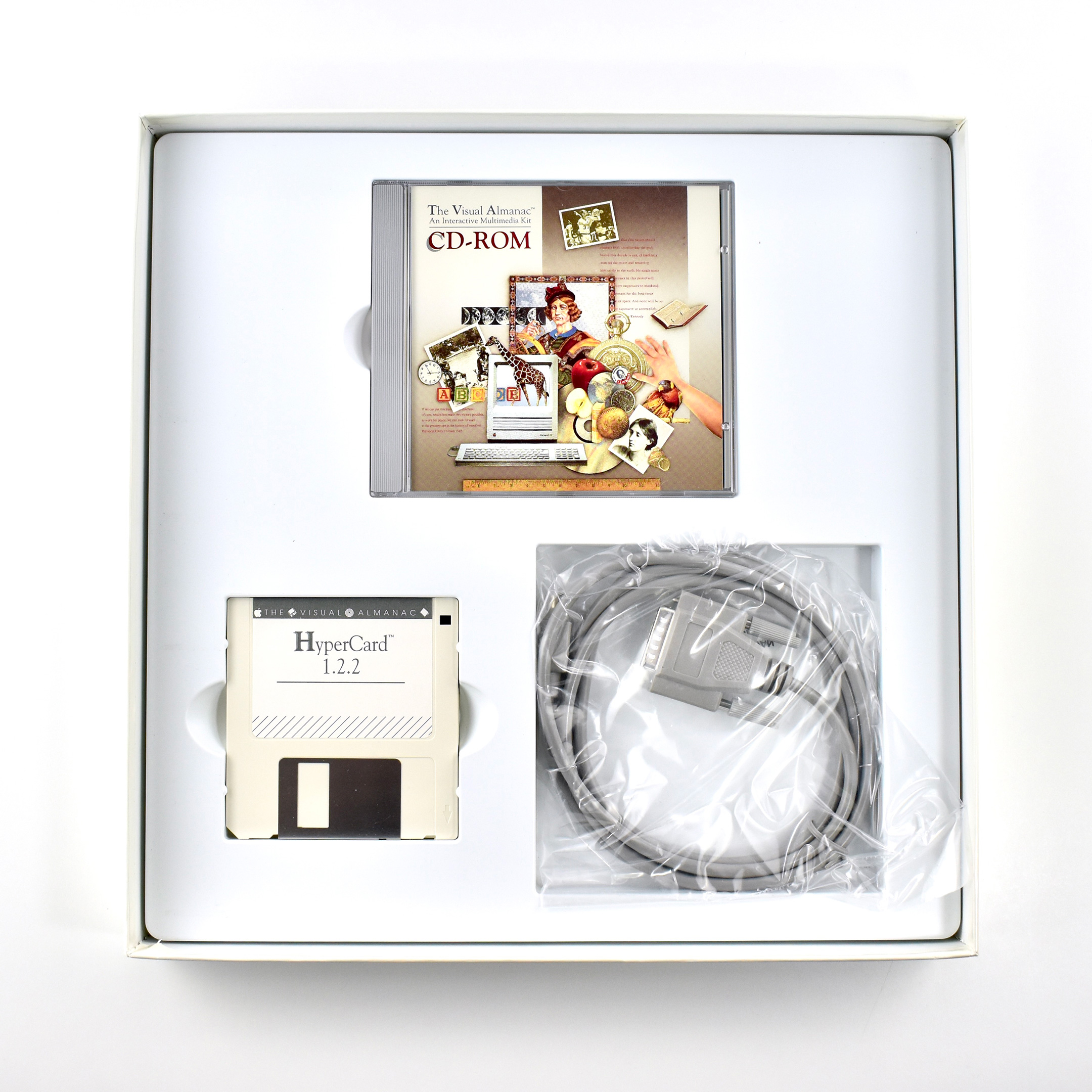
The printed materials include a guide (First Steps in the Visual Almanac) and a spiral-bound book. Media includes three 3.5-inch disks: HyperCard 1.2.2; Visual Almanac Home (home HyperCard stack; Collections Directory (pre-made collections), and a CD-ROM. The kit also includes a cable.
The cable is described as a “LaserDisc Player Serial Lead,” designed to “connect a Pioneer player (with a 15 pin D-Sub connector) to the Apple Macintosh mini-DIN serial port.”
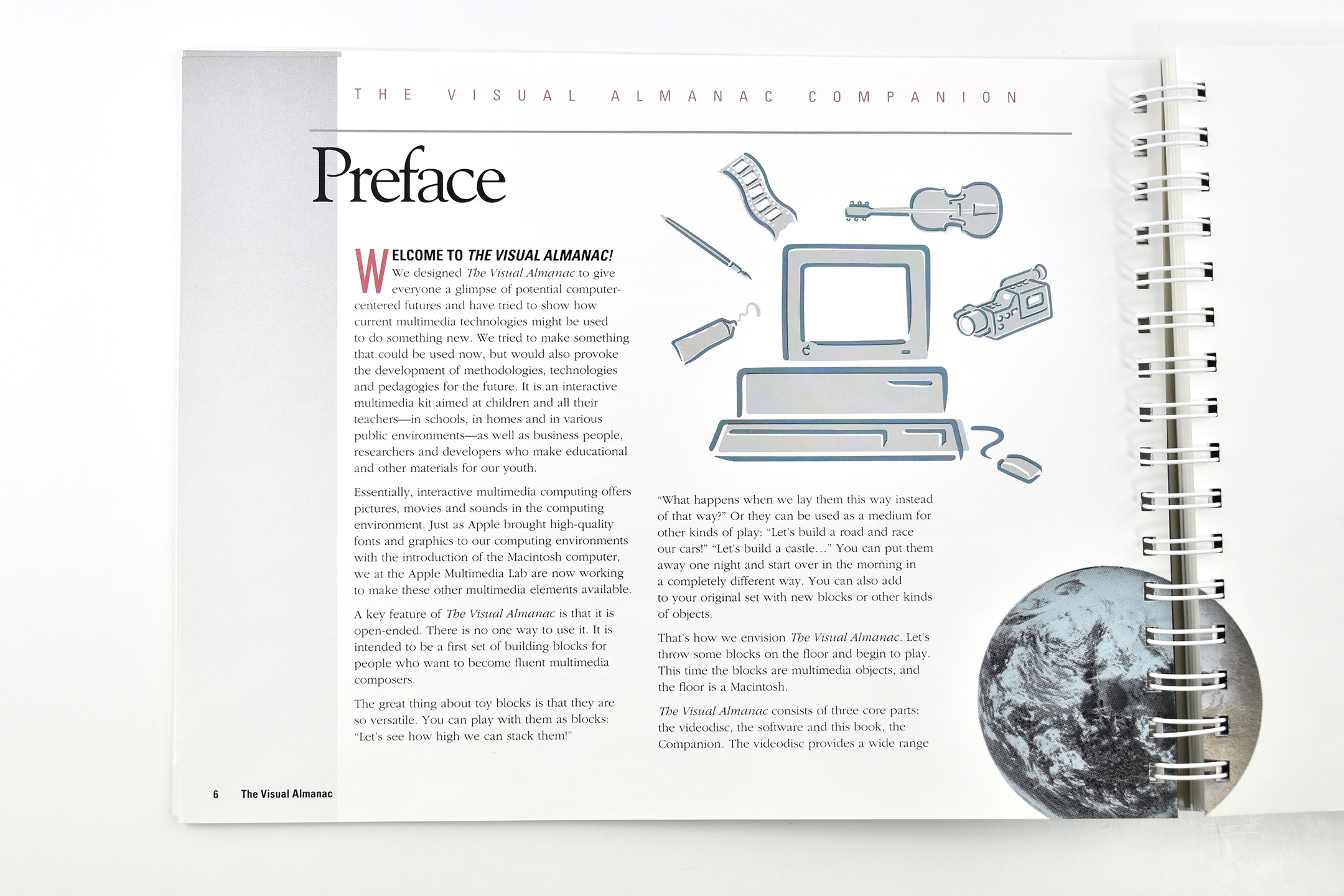
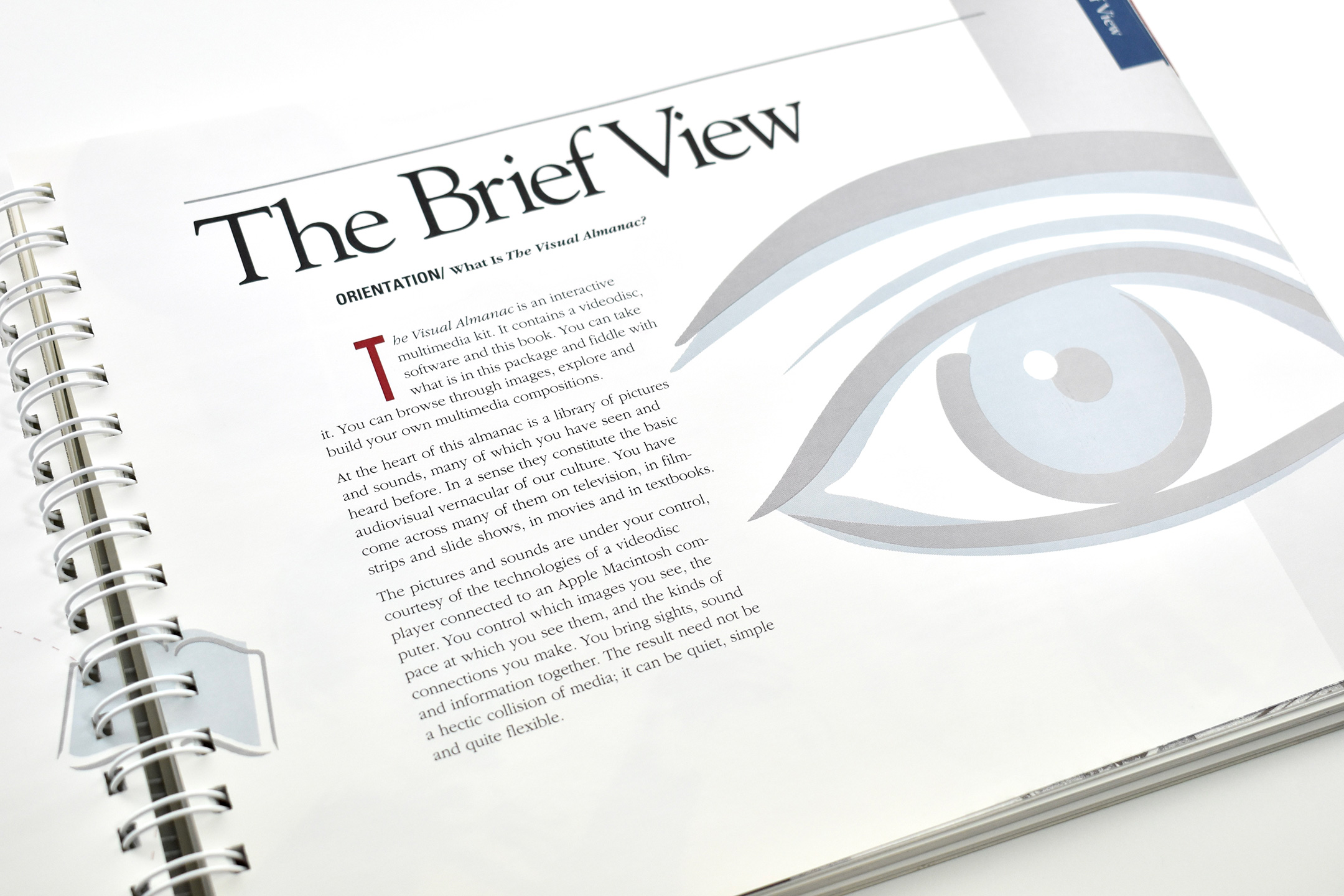
The box containing all the items in the kit measures 12.75 inches square and is 1.5 inches deep. The accompanying spiral-bound book is titled The Visual Almanac: An Interactive Multimedia Kit Companion, measures 11 x 8.5 inches, and contains 216 pages, printed in full color.
The Preface of the book contains a welcome message that states the resource’s intent:
“Welcome to The Visual Almanac! We designed the The Visual Almanac to give everyone a glimpse of potential computer-centered futures and have tried to show how current multimedia technologies might be used to do something new. We tried to make something that could be used now, but would also provoke the development of methodologies, technologies and pedagogies for the future. It is an interactive multimedia kit aimed at children and all their teachers—in schools, in homes and in various public environments—as well as business people, researchers and developers who make educational and other materials for our youth.”
Although the full package is dated January 1990, the accompanying CD-ROM is dated 1989 and the CD (as well as the Laser Disc) specifies that it was “Produced by the Apple Multimedia Lab.”
The box in my collection is missing the accompanying 2-sided LaserDisc that contains the primary content in 78 “collections” for the kit:
Side A Collections Animals and Plants Earth View Everyday Physics Solar System Sounds Side A
Side B Collections American History Around the World History of Daily Life Everyday Objects Historical Portraits Sounds Side B Studies in Time
Special thanks to the Domesday86 website for providing an excellent, detailed entry about this kit that allowed me to better describe this early educational multimedia example.
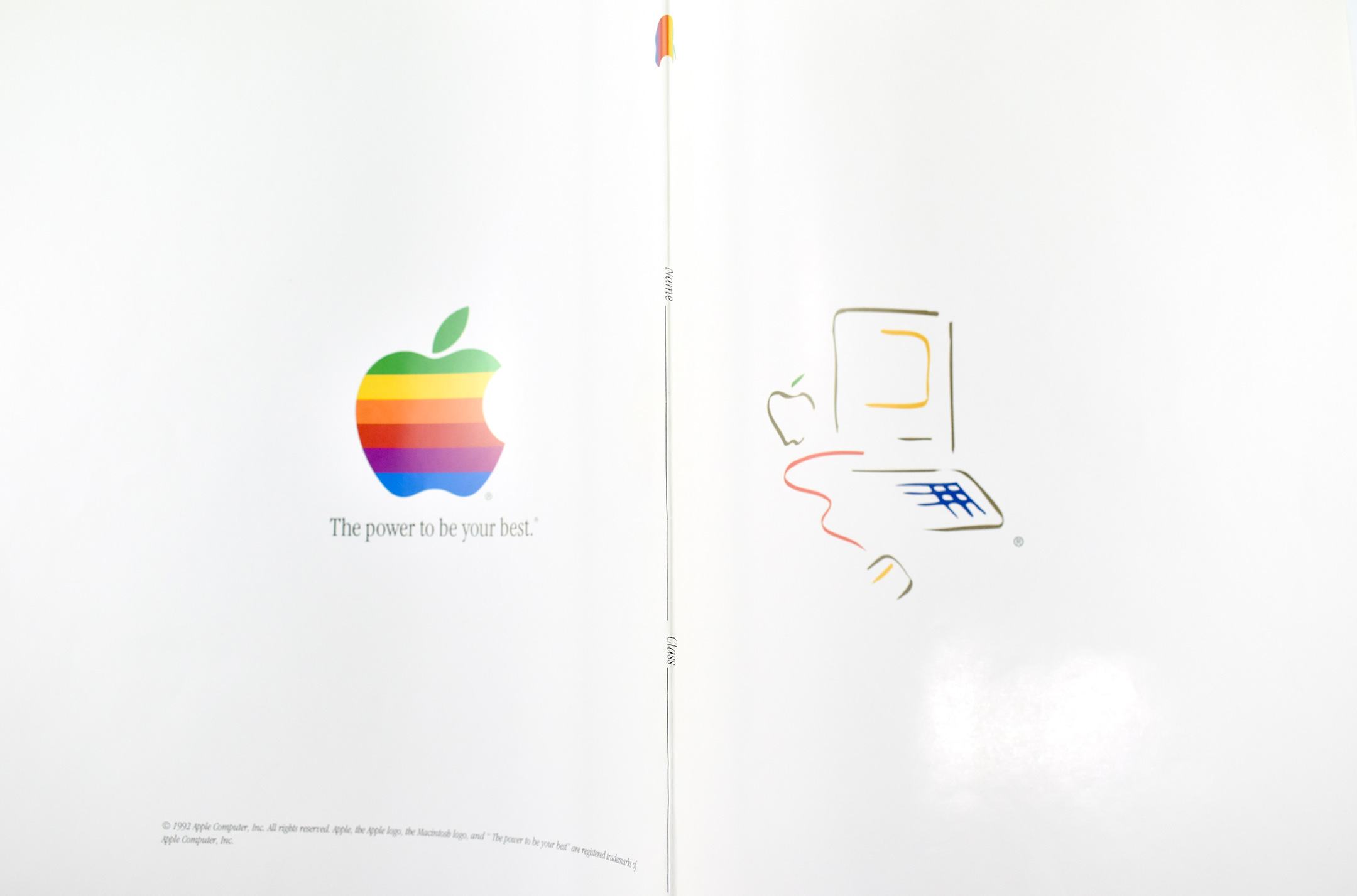
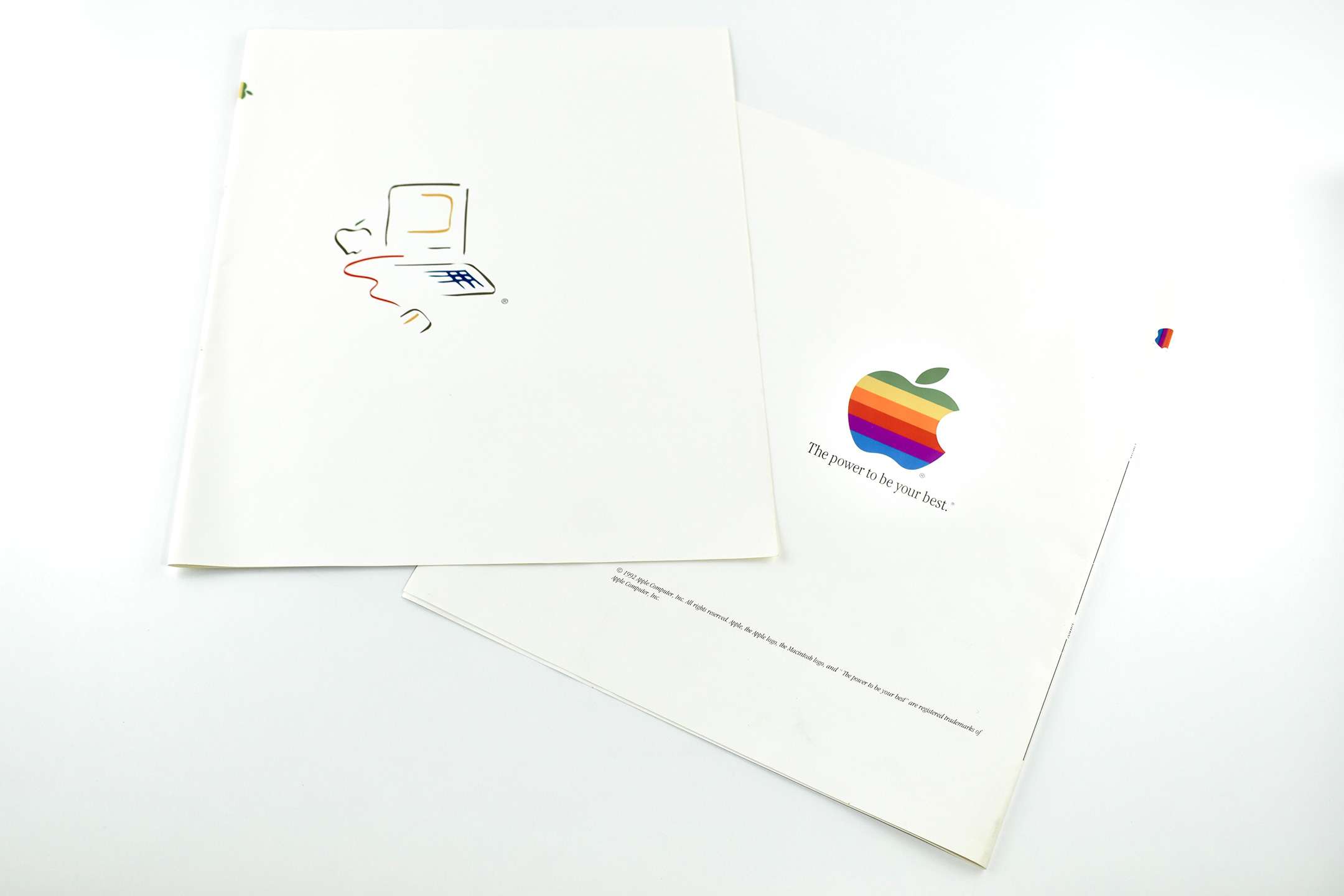
This set of two book covers were presumably created for the education market for students to use to cover their textbooks (of the heavy, printed variety).
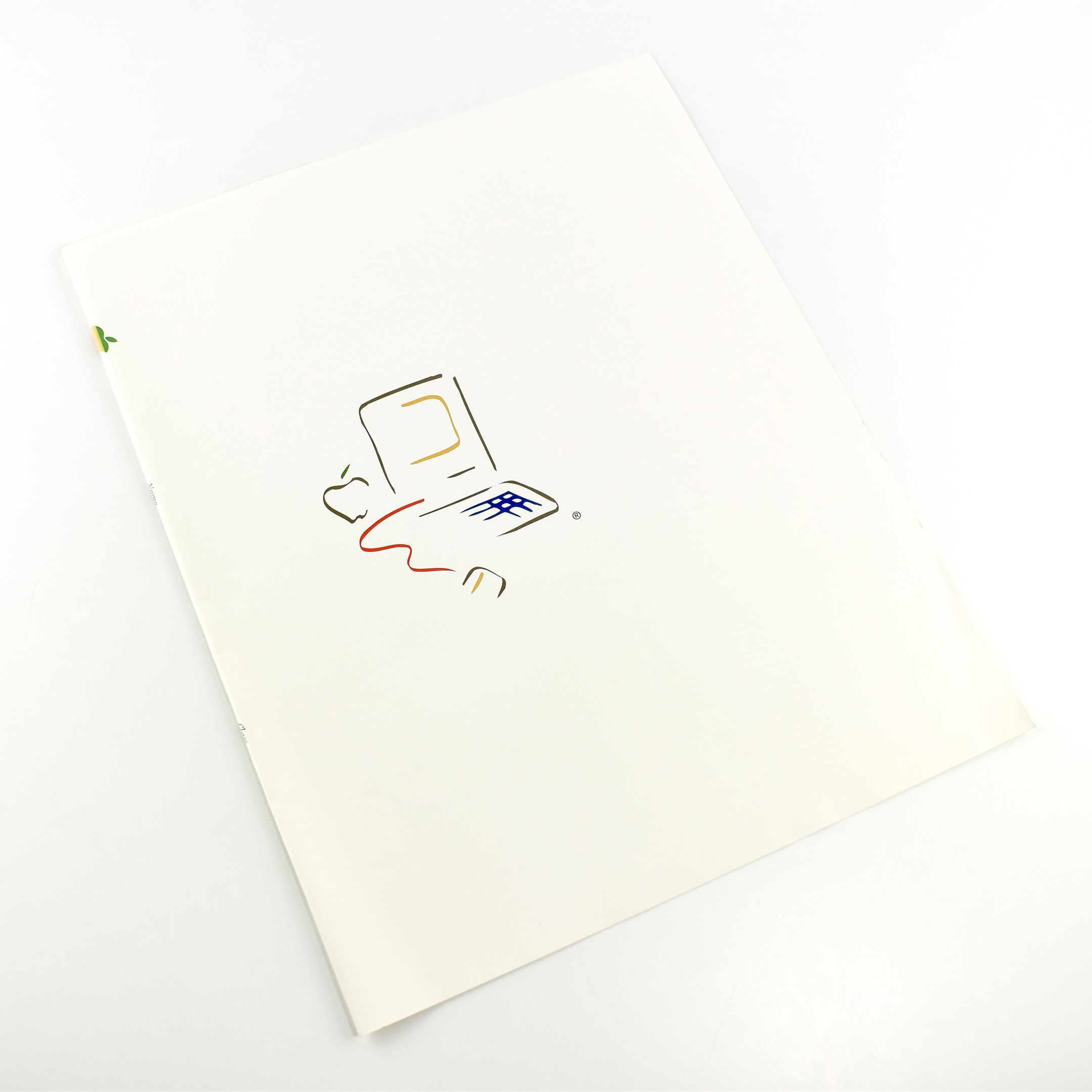
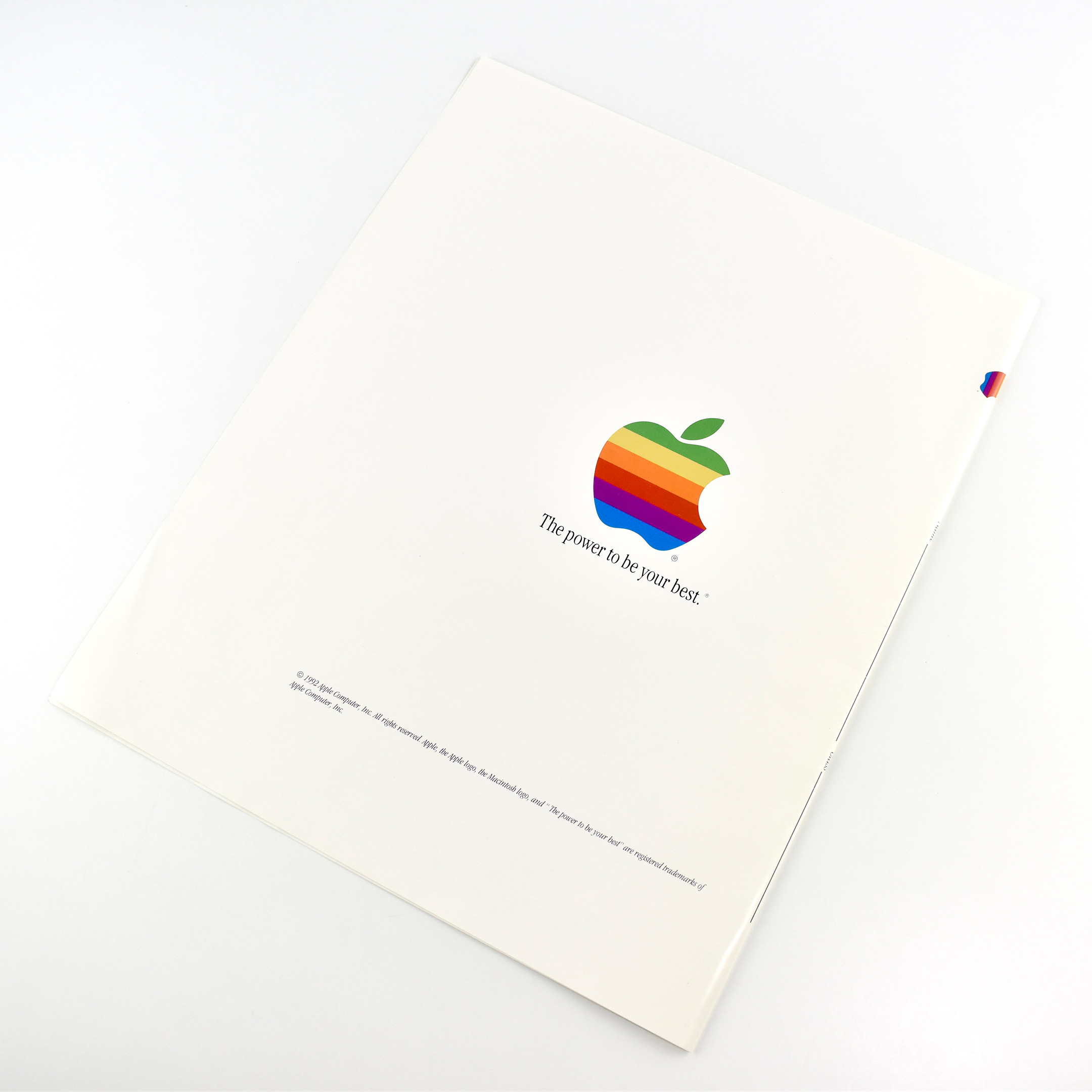
The book covers measure 10.75 x 26.25 inches and feature the original Macintosh “Picasso” logo on the front side, and the 6-color Apple logo on the back with the tagline “The power to be your best.”
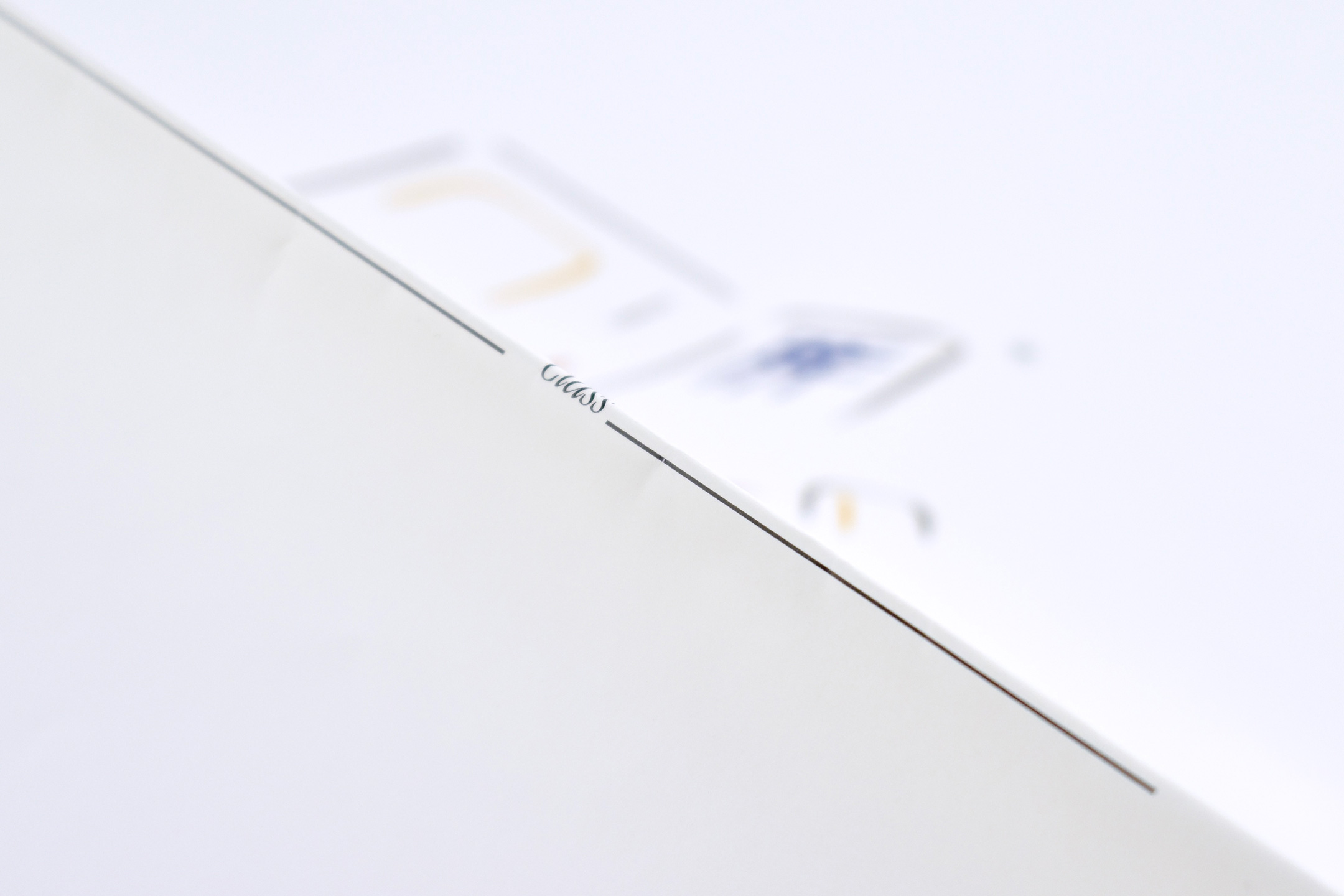
The center of these book covers that would fall along the spine of the textbook have an Apple logo printed sideways and labels for “Name” and “Class” (with lines on which to write). All text is printed in the Apple Garamond font, Apple’s corporate font used between 1984 and 1993.
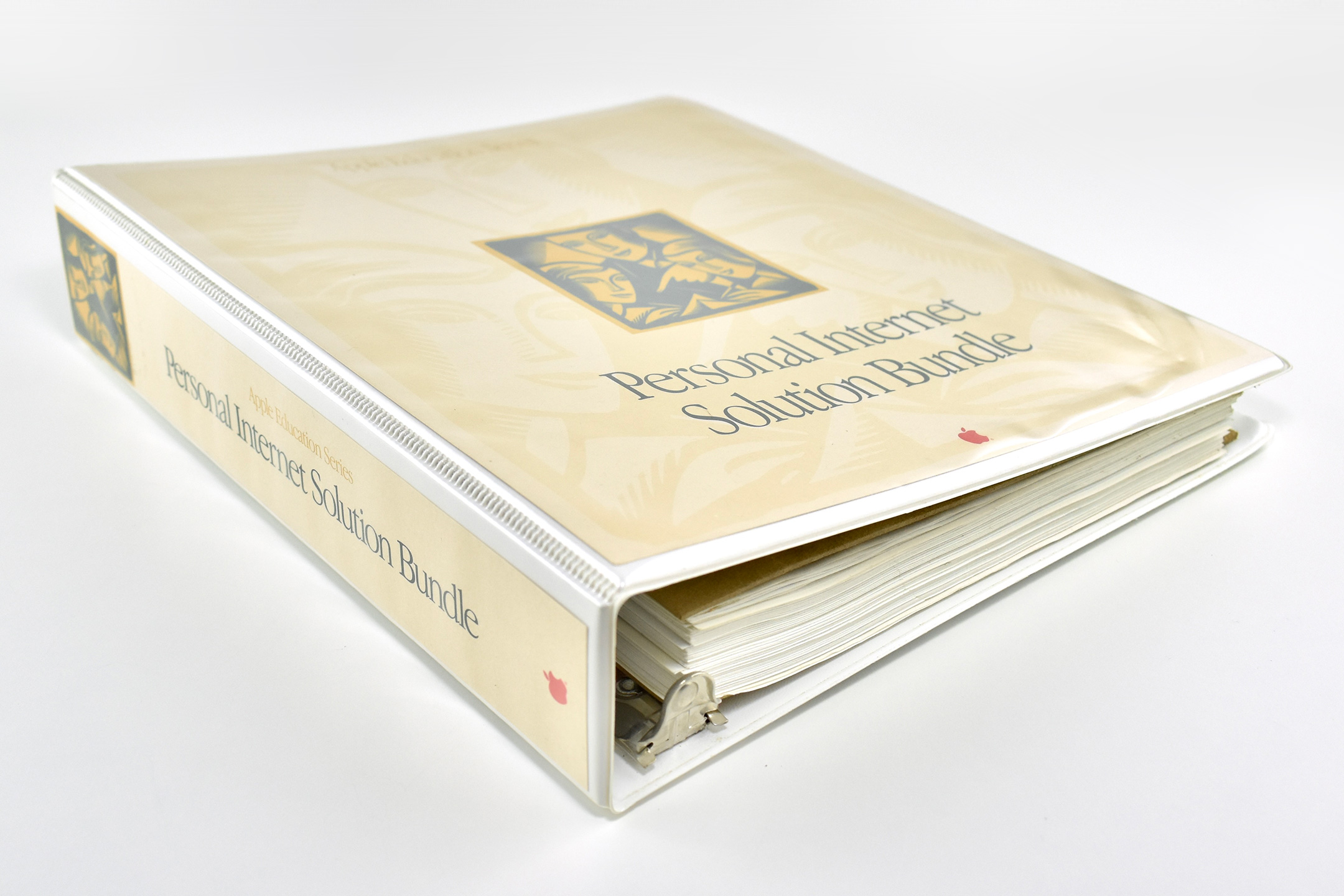
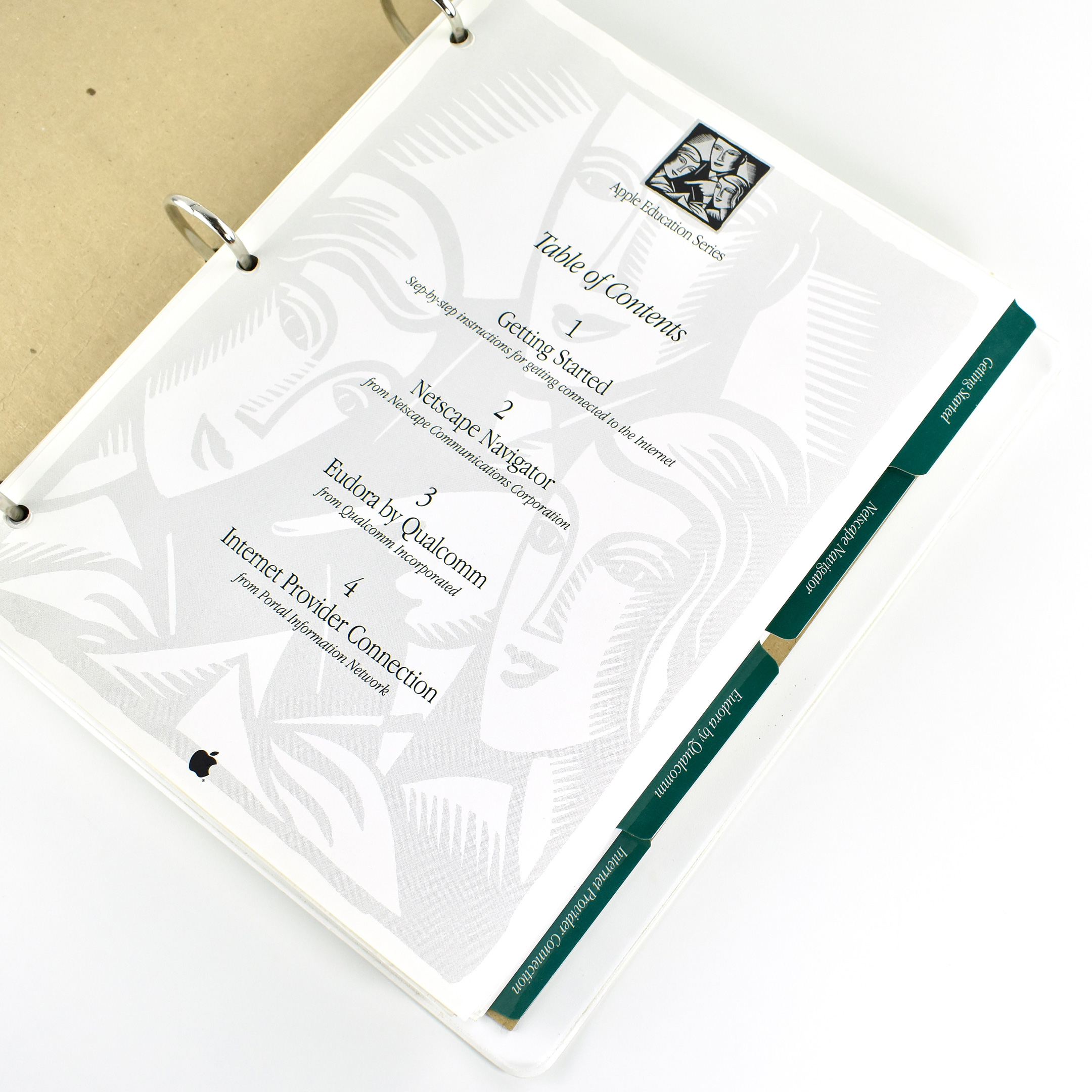
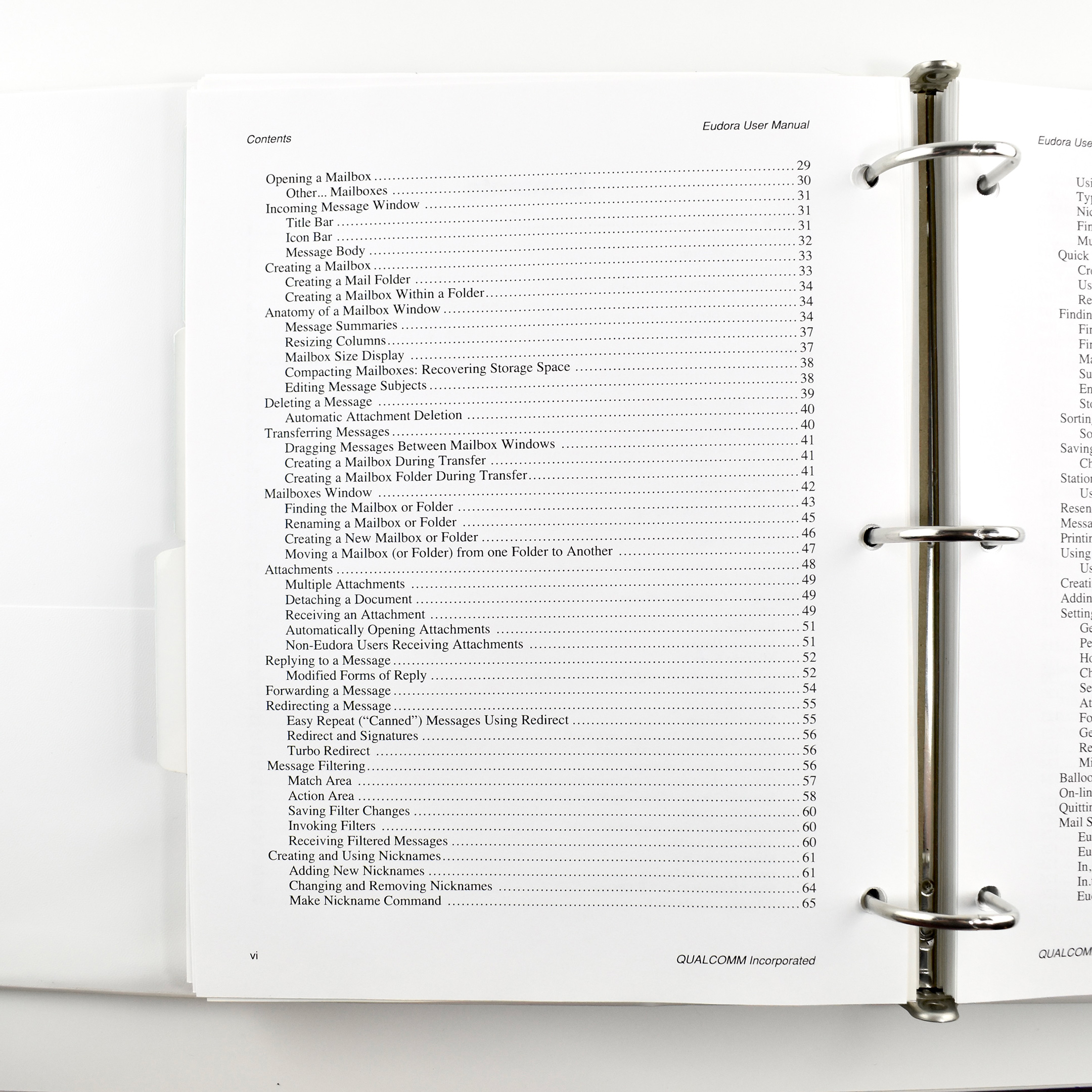
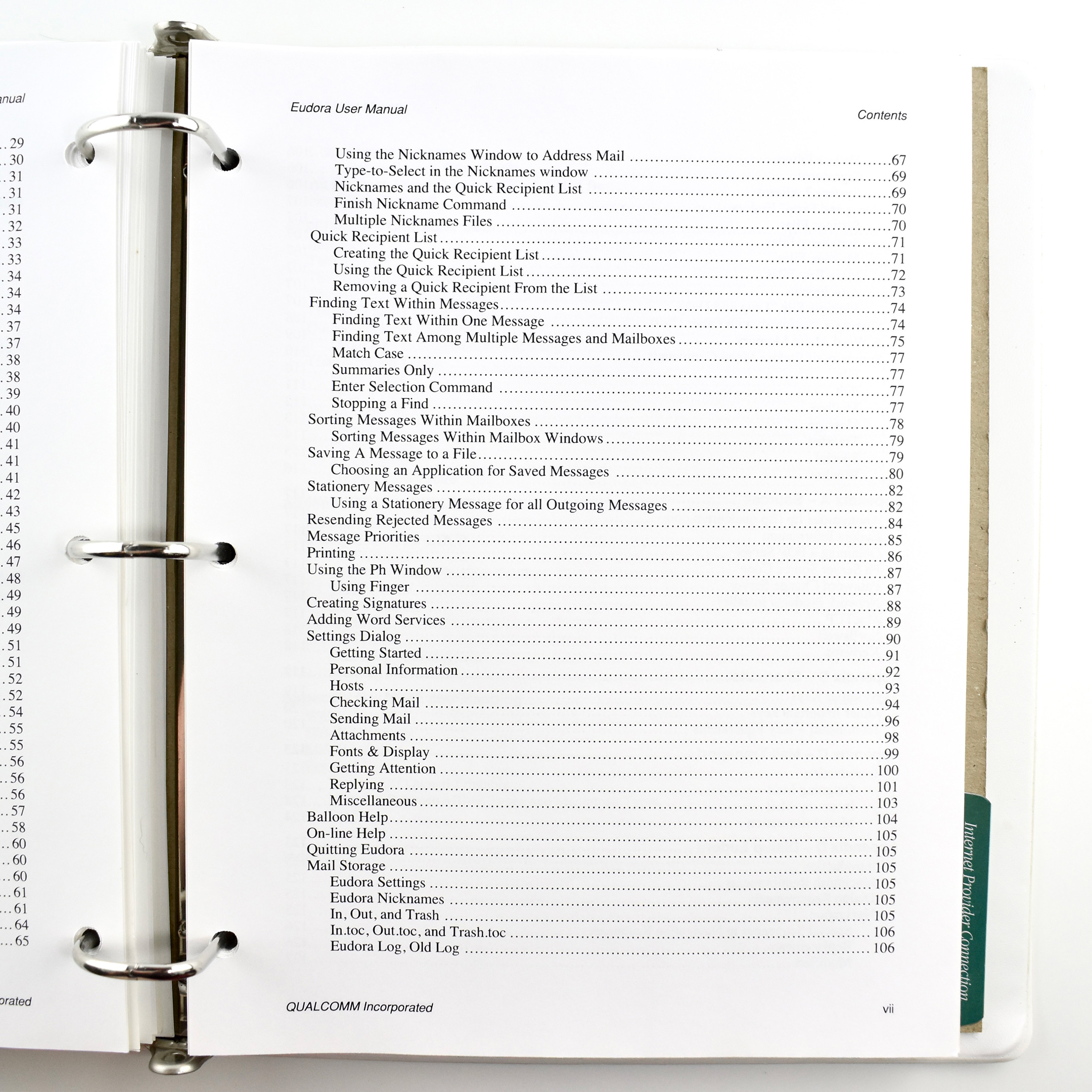
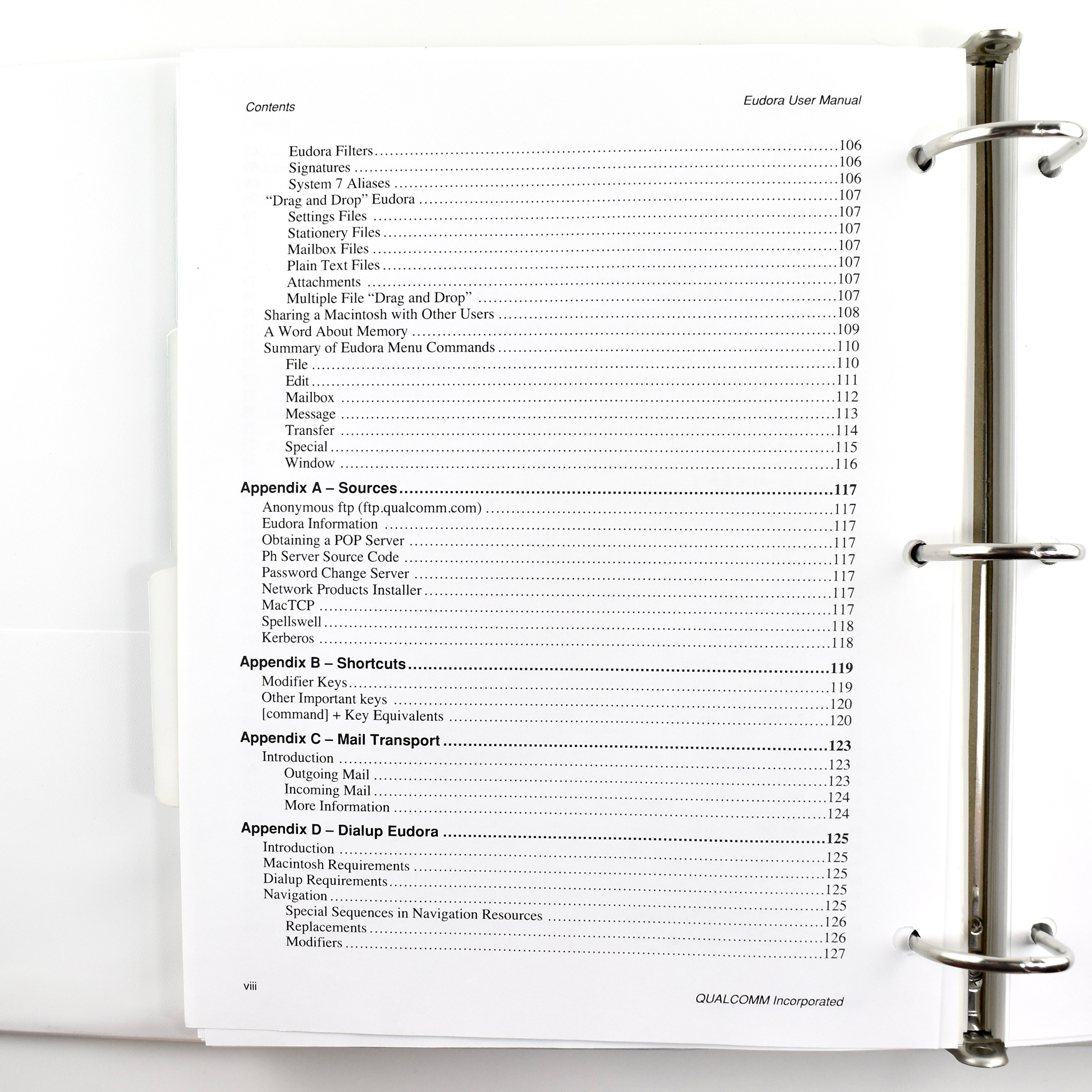
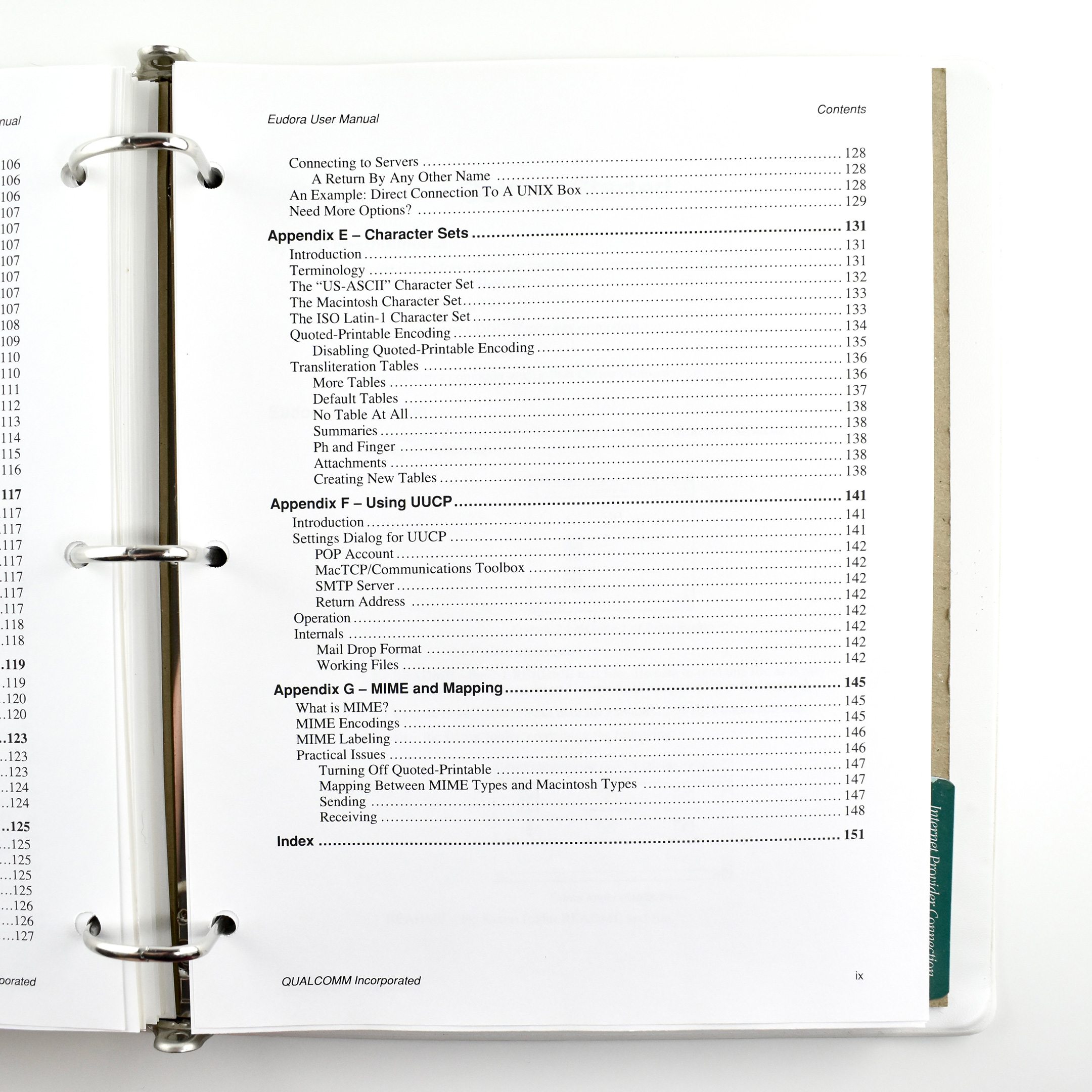
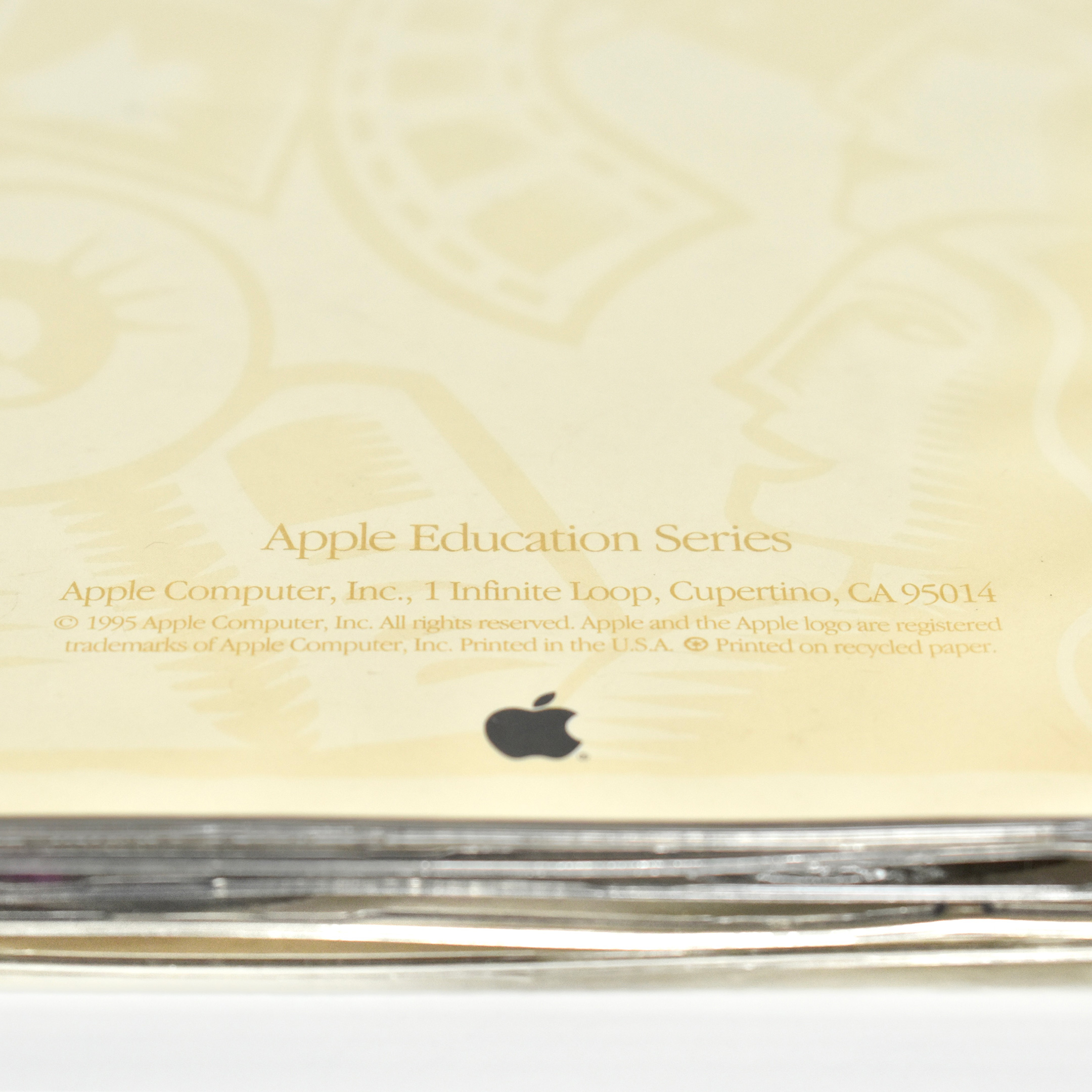
Apple’s Personal Internet Solution Bundle is a 3-ring binder containing 3-hole-punched, 8.5 x 11-inch pages and is part of the Apple Education Series from 1995.
The design of the binder uses a beige-on-beige background accented with gold and teal graphics—all using a woodcut-style design. This design was used throughout the mid- to late-1990s for Apple Education products.
The binder is a professional learning resource for educators to teach them the basics of using tools on the World Wide Web. The four major sections include:
Getting Started—Step-by-step instructions for getting connected to the Internet
Internet Provider Connection—from Portal Information Network
Each printed section in the binder is separated by dark green tabs for easy navigation.
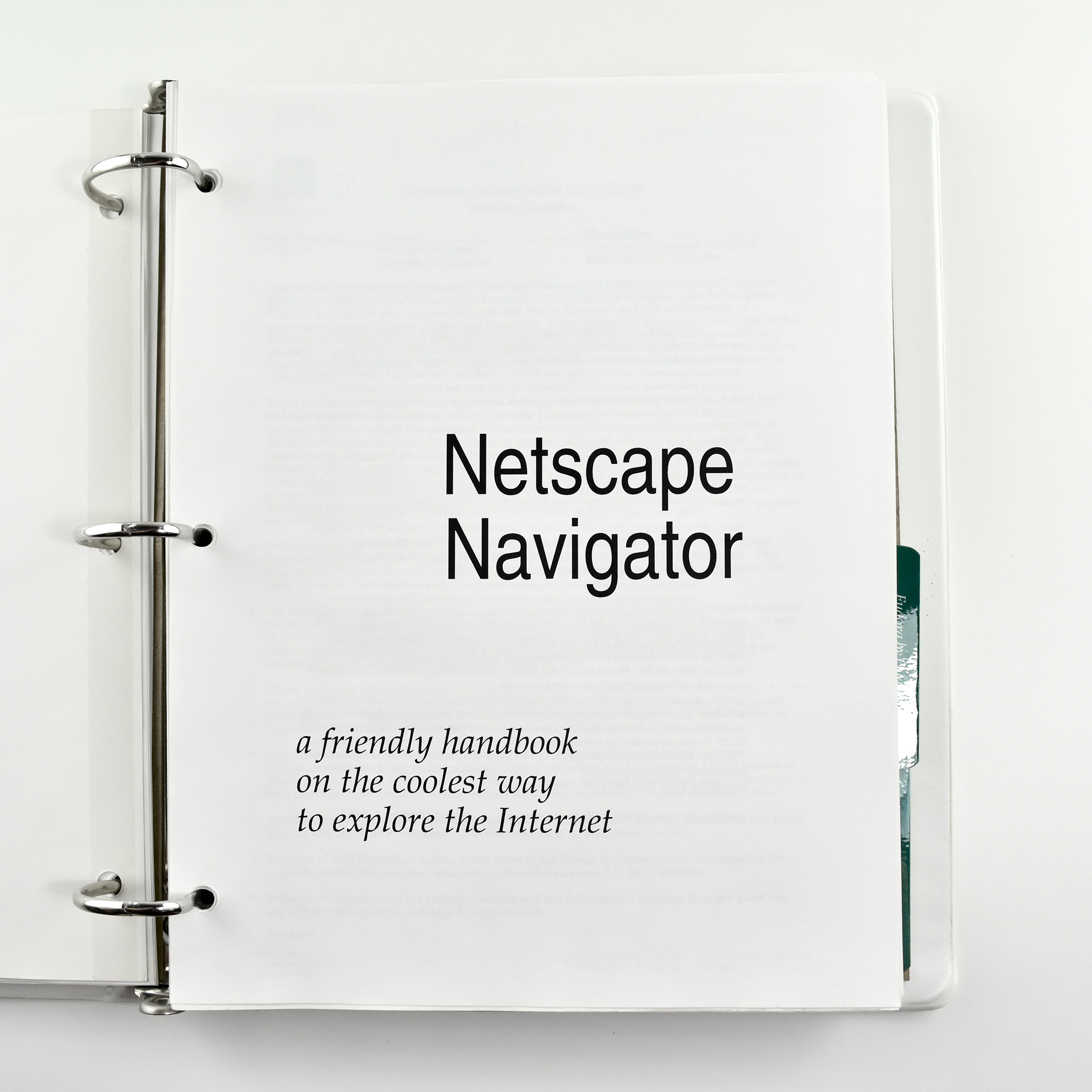
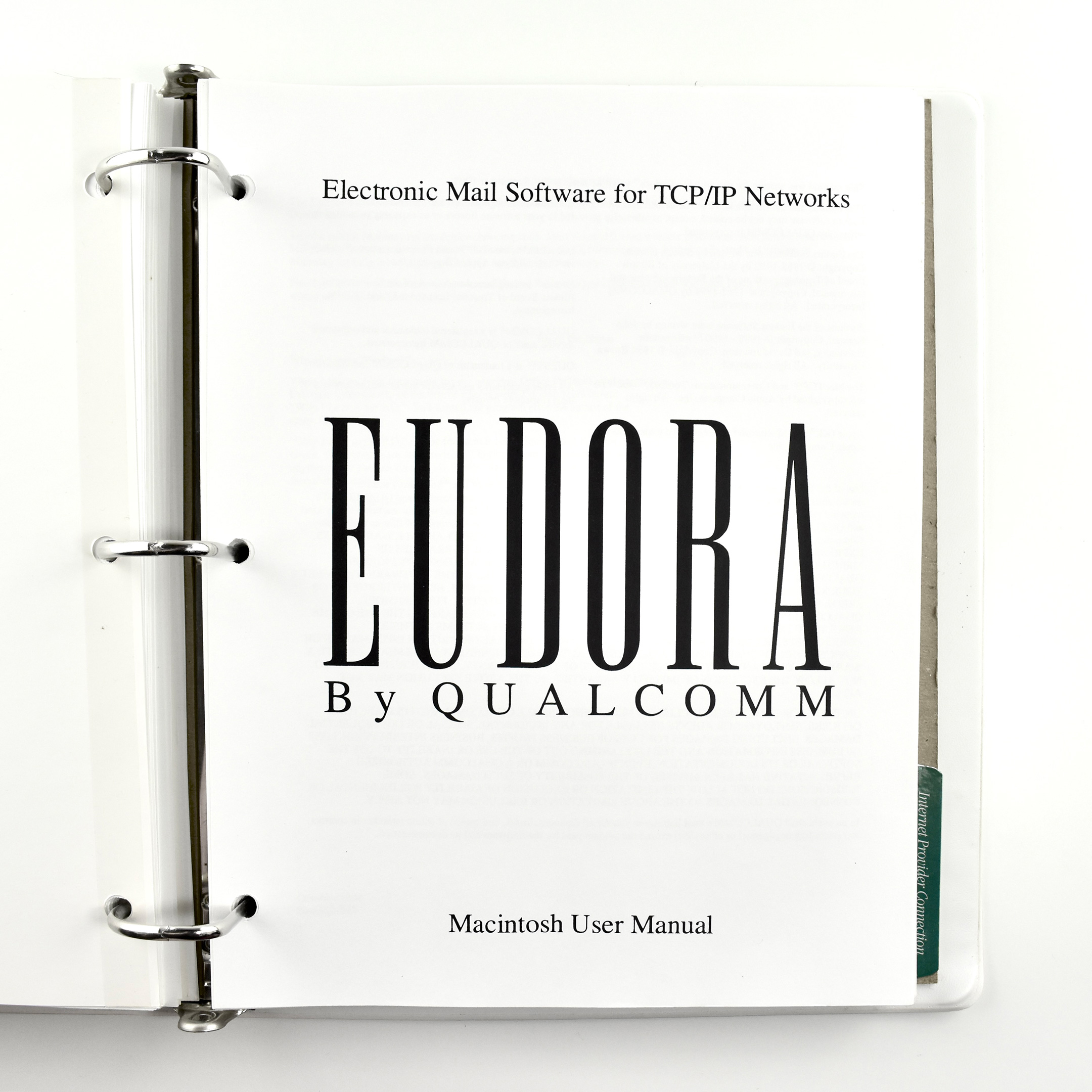
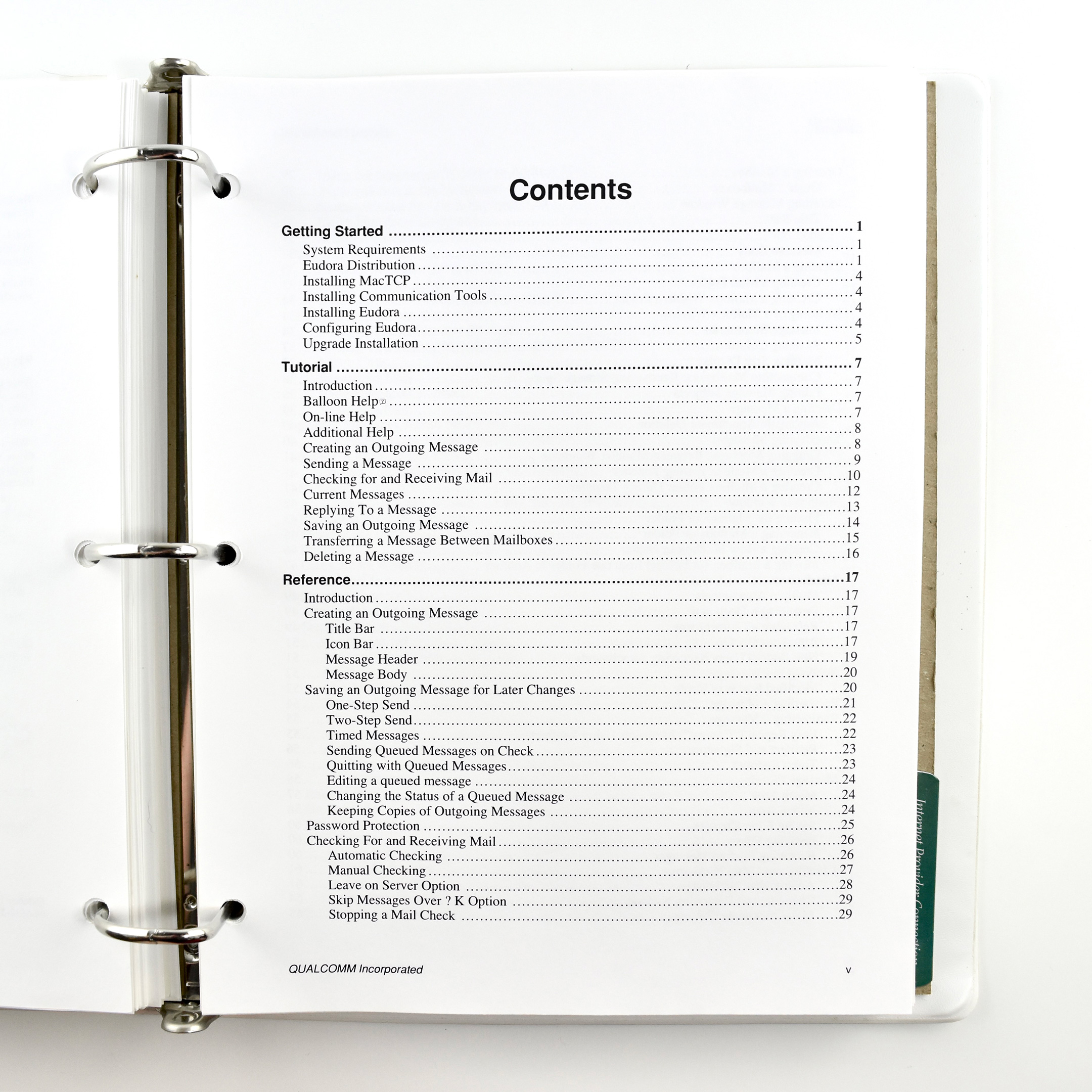
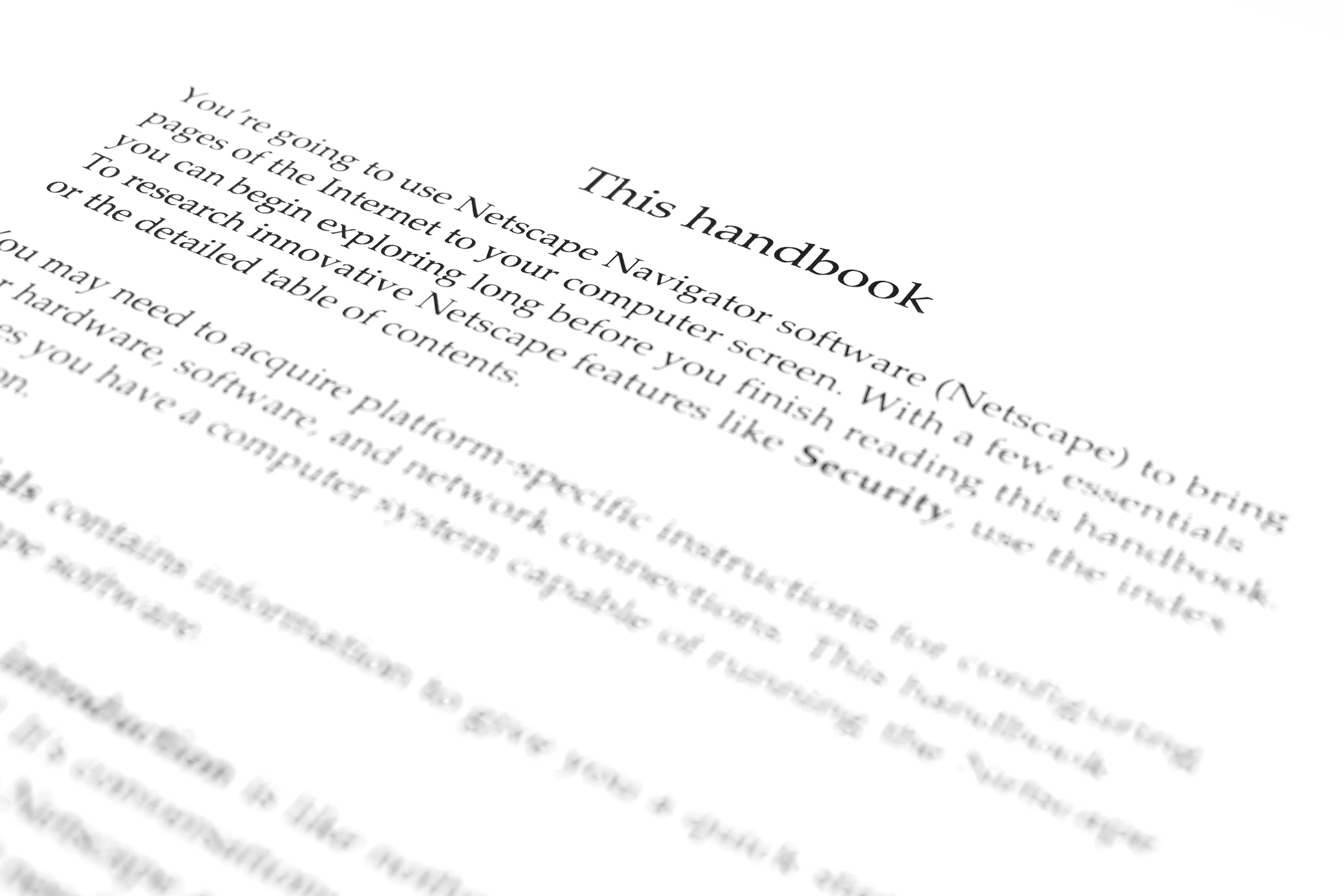
Some of the highlights of this resource include the title of the Netscape Navigator section, “a friendly handbook on the coolest way to explore the Internet,” and the 151-page manual about how to use email!
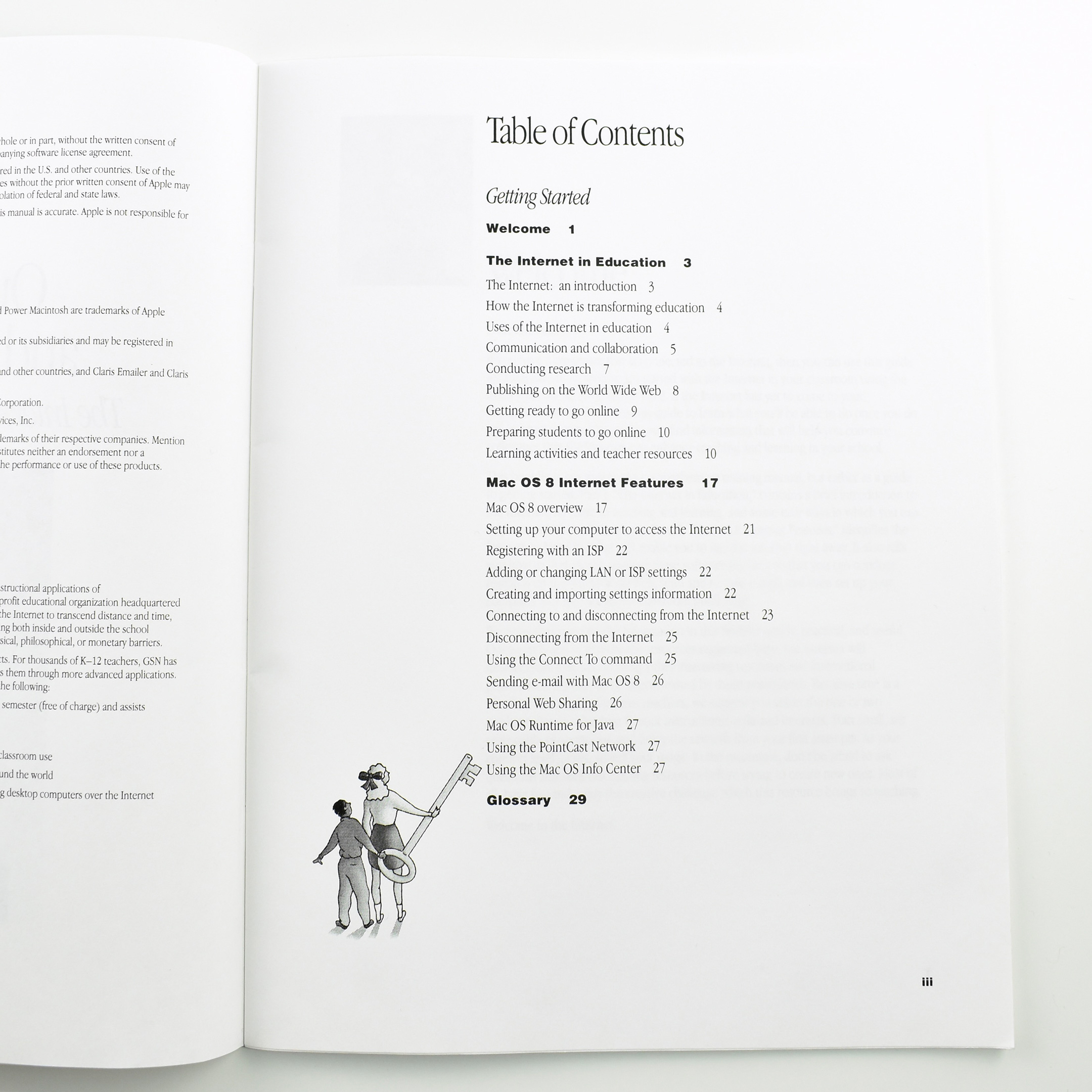
This Apple Education Series booklet, titled Out of the Box and Onto the ’Net: The Internet, Teaching, and Mac OS 8 was written to explain to educators how to use Internet in school with the Mac OS 8 operating system.
The Table of Contents included the following sections:
Welcome
The Internet in Education
The Internet: an introduction
How the Internet is transforming education
Uses of the Internet in education
Communication and collaboration
Conducting research
Publishing on the World Wide Web
Getting ready to go online
Preparing students to go online
Learning activities and teacher resources
Mac OS 8 Internet Features
Mac OS 8 overview
Setting up your computer to access the Internet
Registering with an ISP
Adding or changing LAN or ISP settings
Creating and importing settings information
Connecting to and disconnecting from the Internet
Disconnecting from the Internet
Using the Connect To command
Sending e-mail with Mac OS 8
Personal Web Sharing
Mac OS Runtime for Java
Using the PointCast Network
Using the Mac OS Info Center
The book measures 8.5 x 11 inches with a full-color cover. The interior is printed in black.
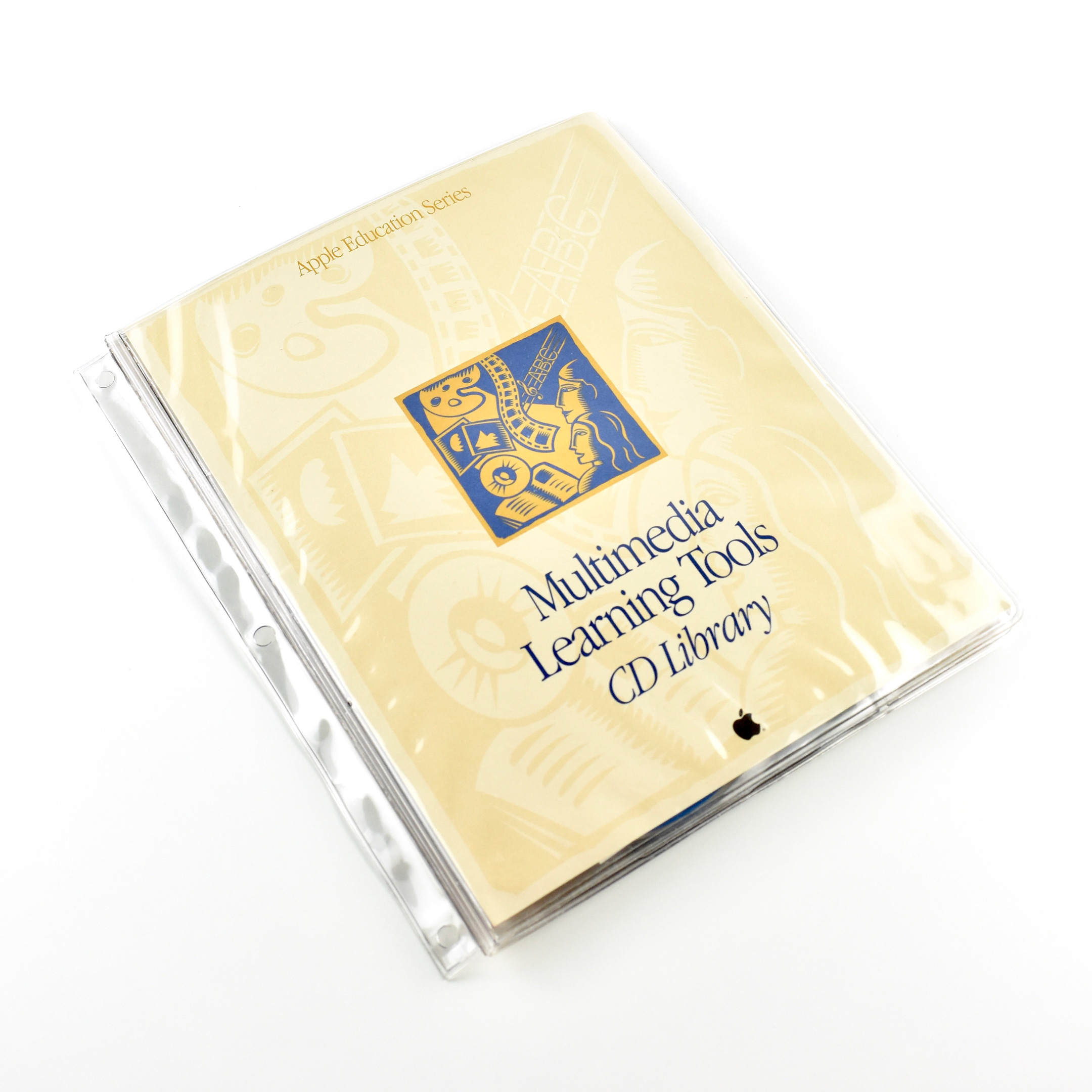
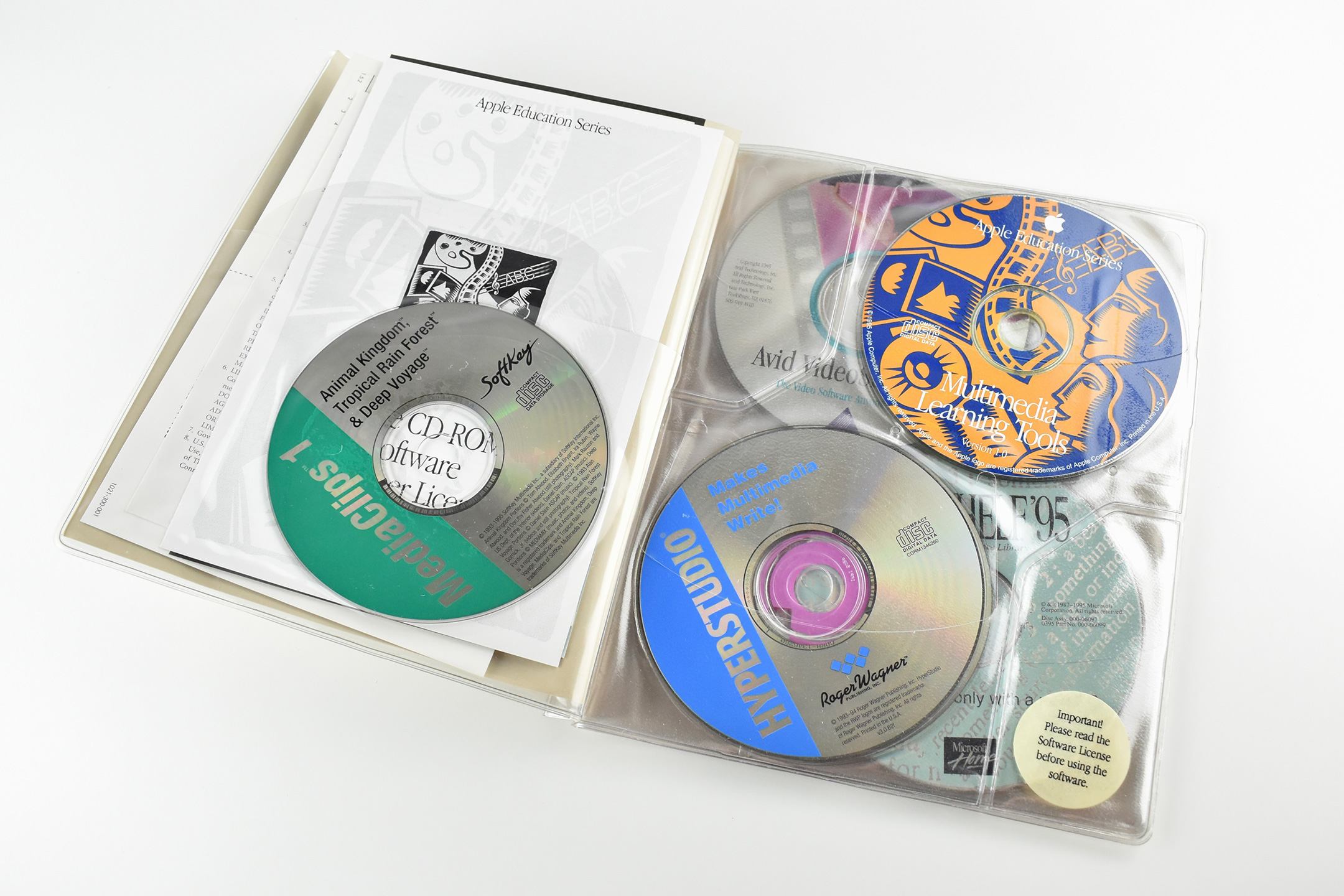
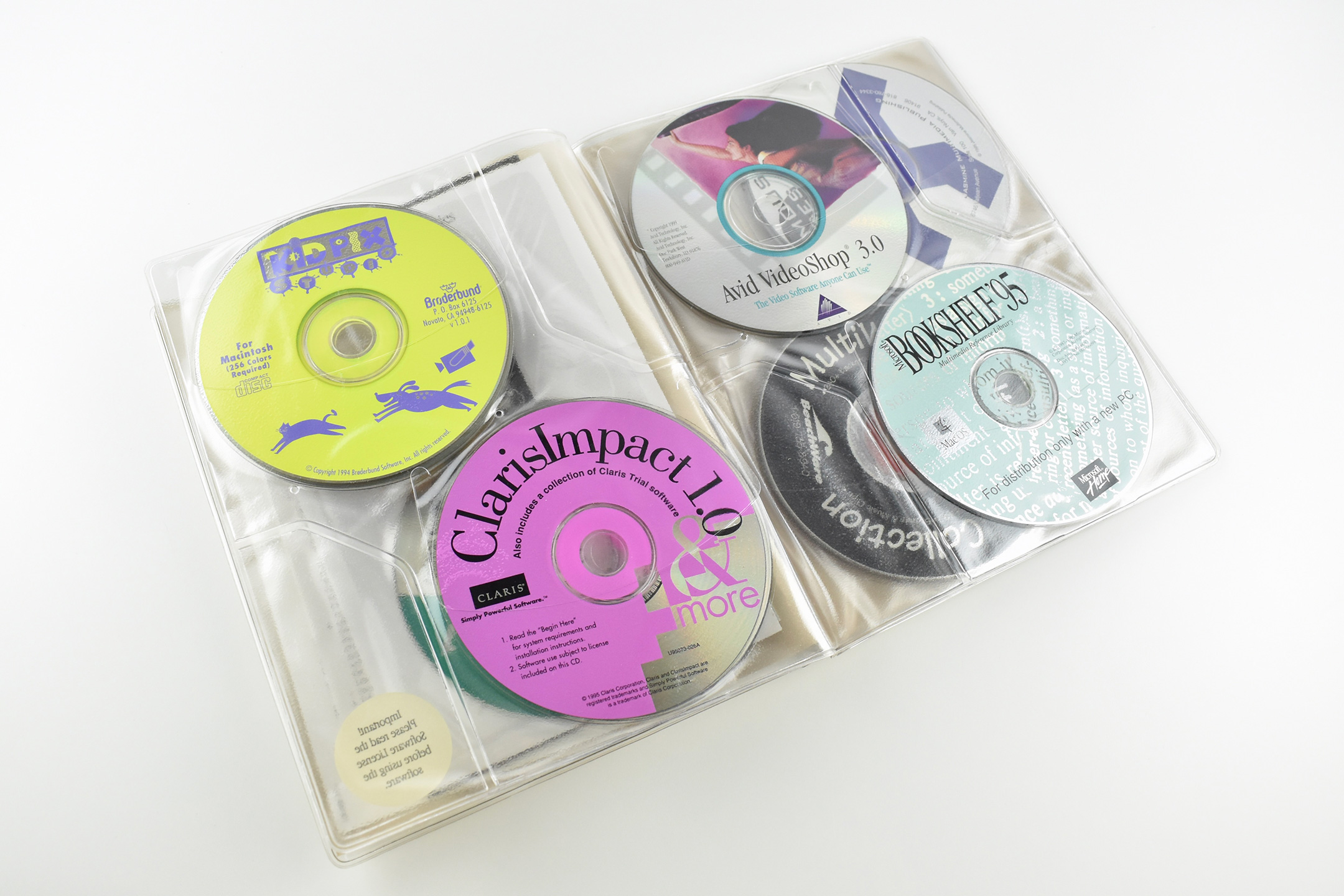
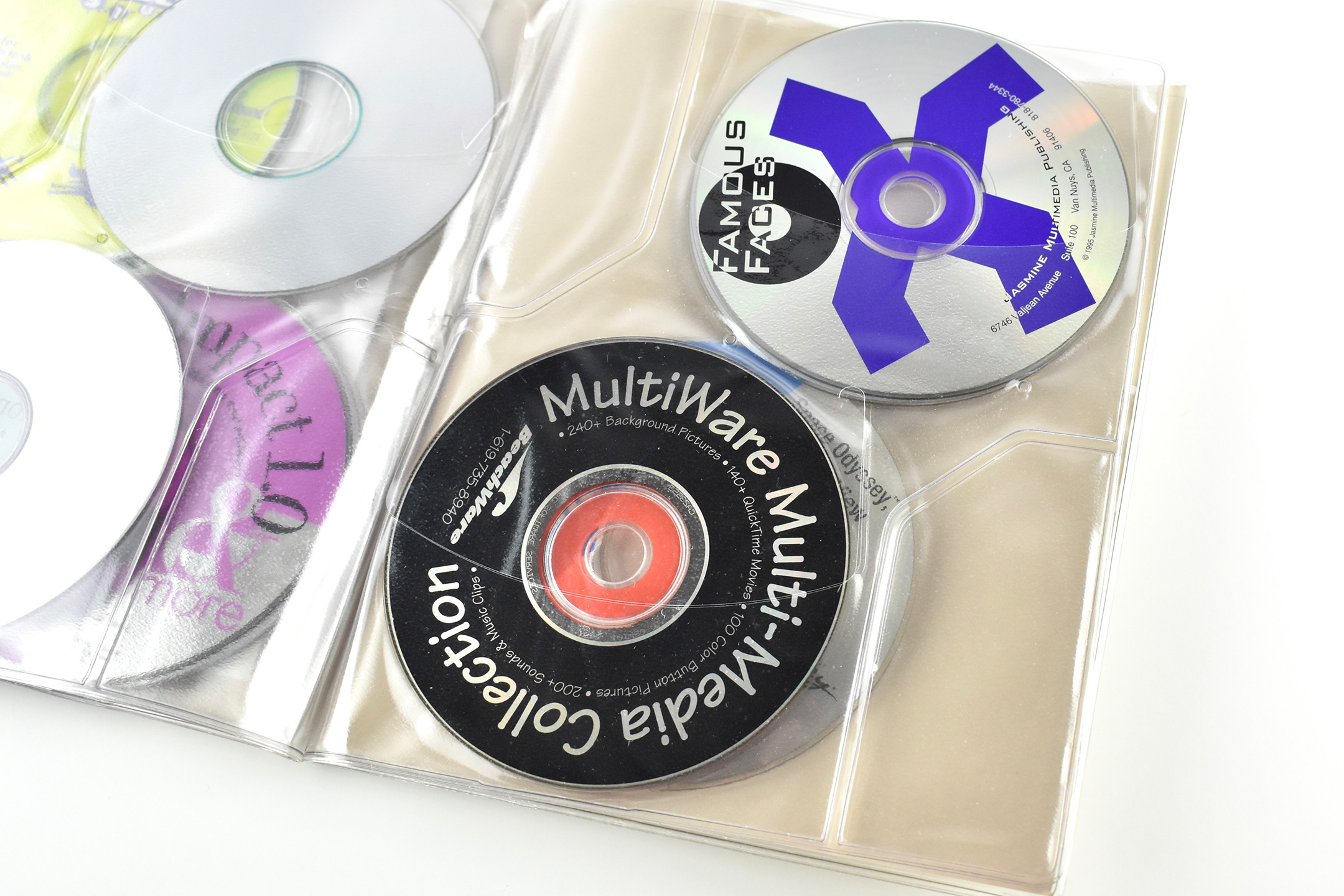
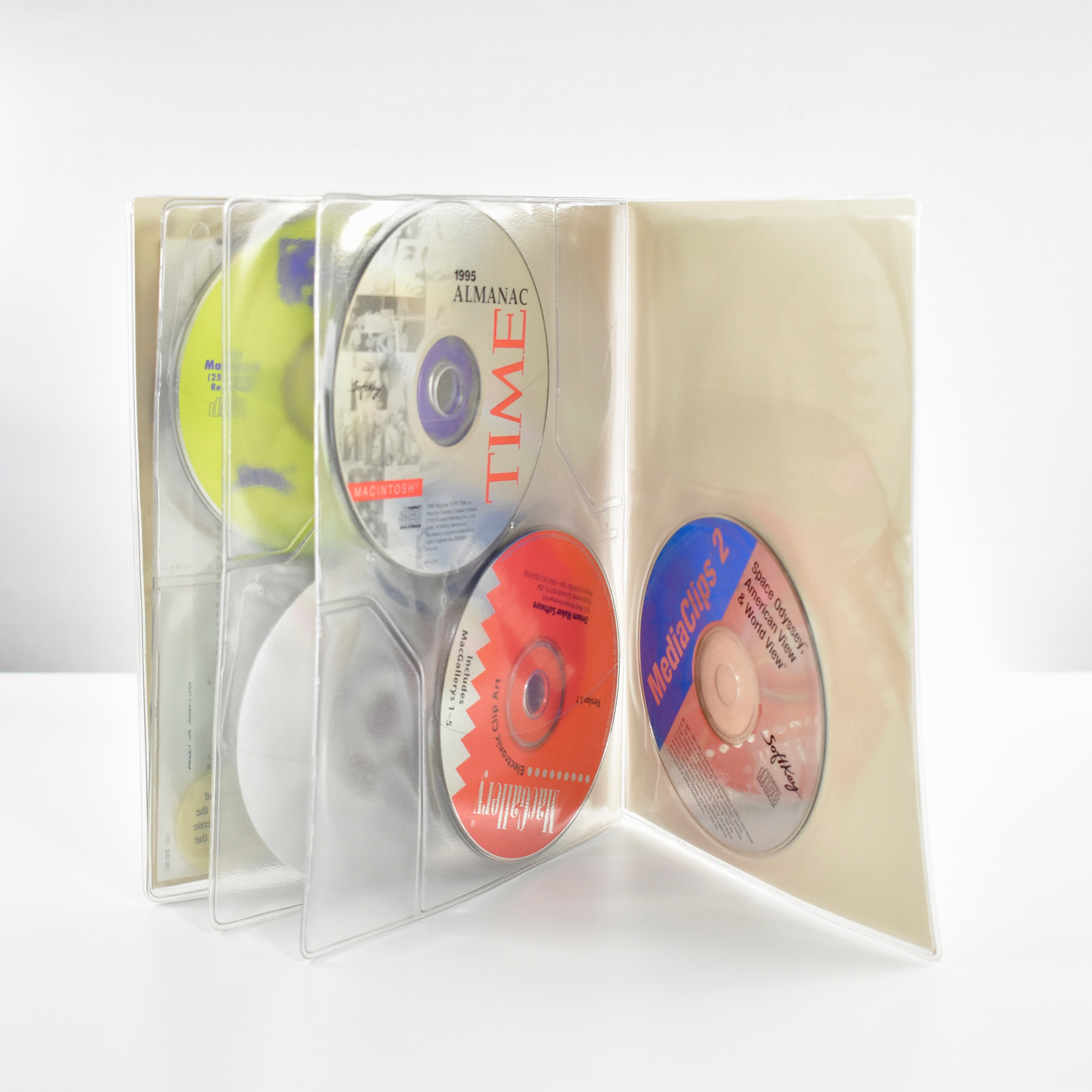
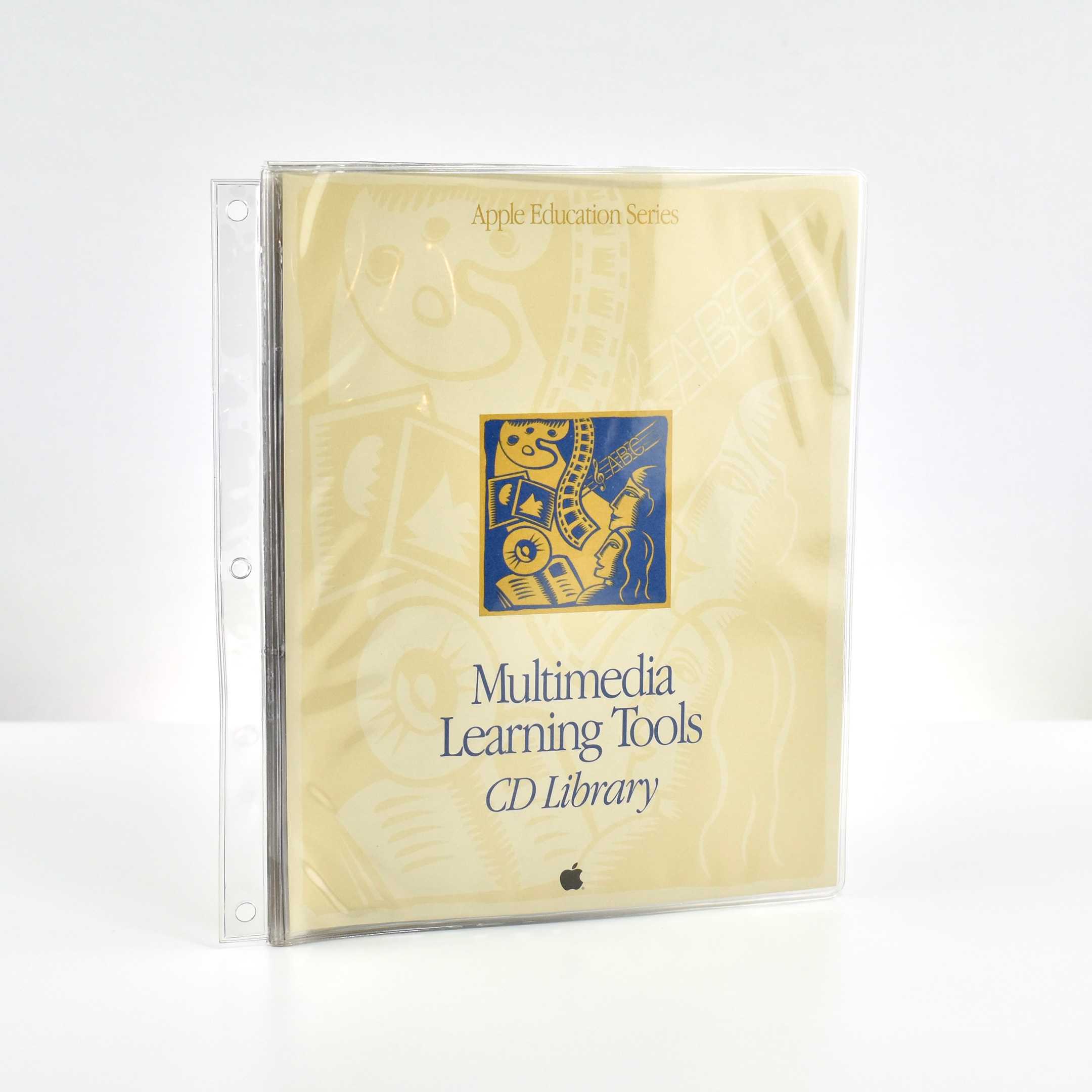
This collection of CD-ROMs is part of the Apple Education Series and is titled “Multimedia Learning Tools CD Library.” The CD booklet measures 7.5 x 9.25 inches and is made of clear vinyl. It has a side attachment that allows the book to be bound in a 3-ring binder. The booklet’s front and back cover design use a beige-on-beige woodcut pattern design with a bold rectangle woodcut image in the center depicting stylized characters and multimedia icon images.
The interior front and back flap have internal pockets for paperwork. Three inside pages contain pockets that can hold 4 CDs each (2 in front and 2 in back).
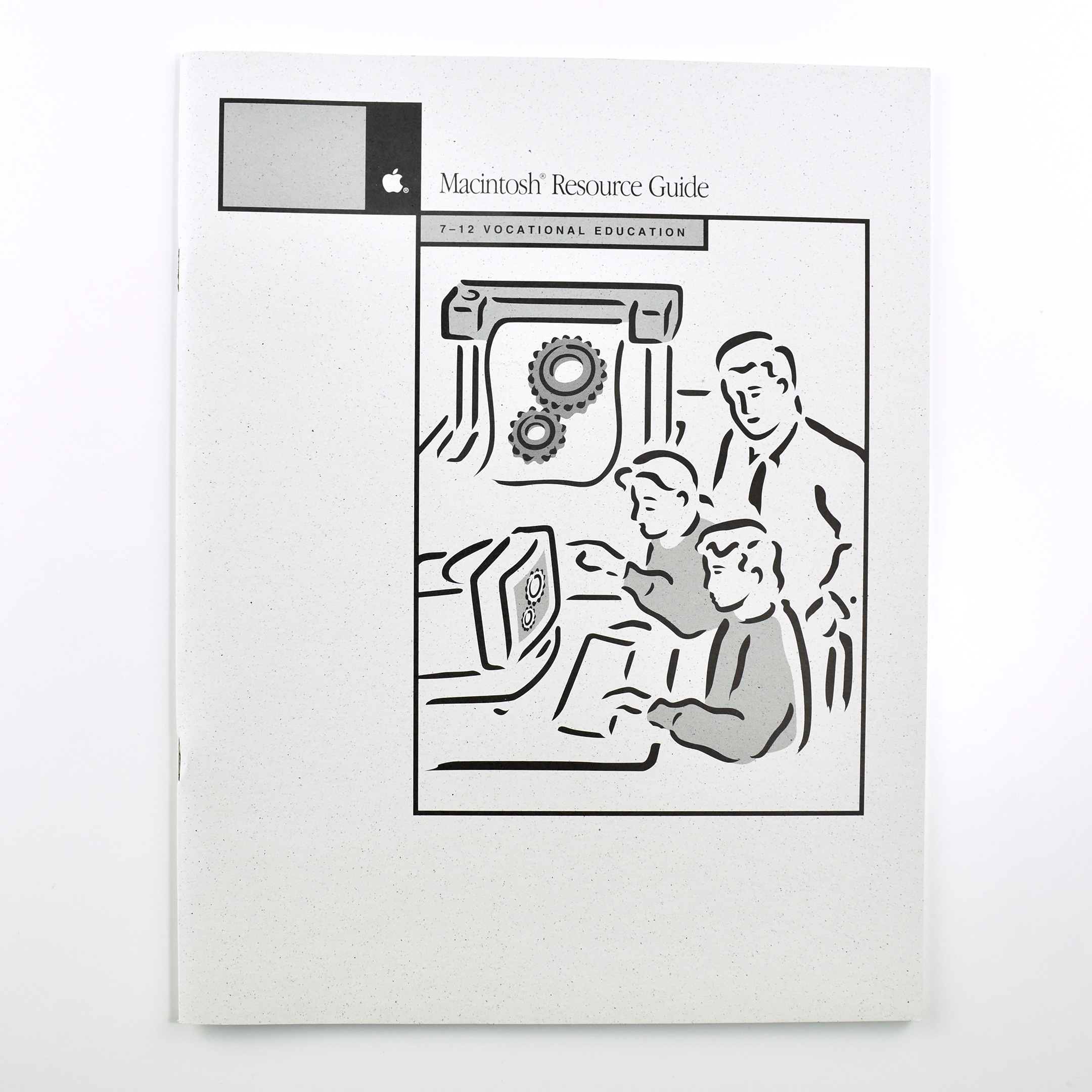
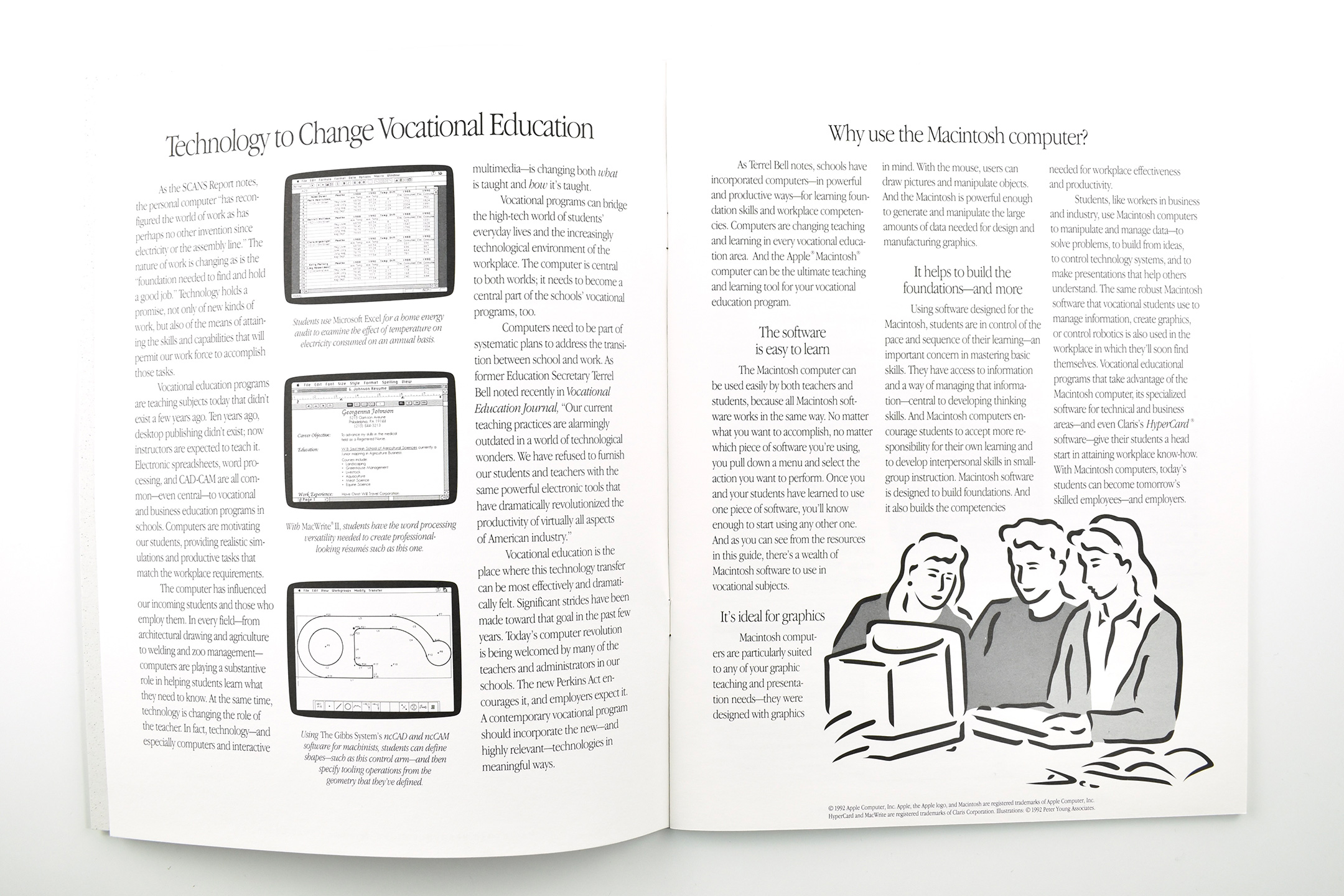
This Apple Resource Guide booklet focused upon K–12 Vocational Education. The book opens with Apple’s case for using “Technology to Change Vocational Education:”
“As the SCANS Report notes, the personal computer ‘has reconfigured the world of work as has perhaps no other invention since electricity or the assembly line.’ The nature of work is changing as is the ‘foundation needed to find and hold a good job.’ Technology holds a promise, not only of new kinds of work, but also of the means of attaining the skills and capabilities that will permit our work force to accomplish those tasks.”
Released in 1991, “The Secretary’s Commission on Achieving Necessary Skills (SCANS) examined the demands of the workplace and whether young people were capable of meeting those demands. Specifically, SCANS determined the level of skills required to enter employment” (United States Department of Labor).
In the next section of Apple’s booklet, the section titled “Why use the Macintosh computer?” lays out a use case for Macintosh in Vocational Programs. Three reasons include: “The software is easy to learn,” “It’s idea for graphics,” and “It helps build the foundations—and more.”
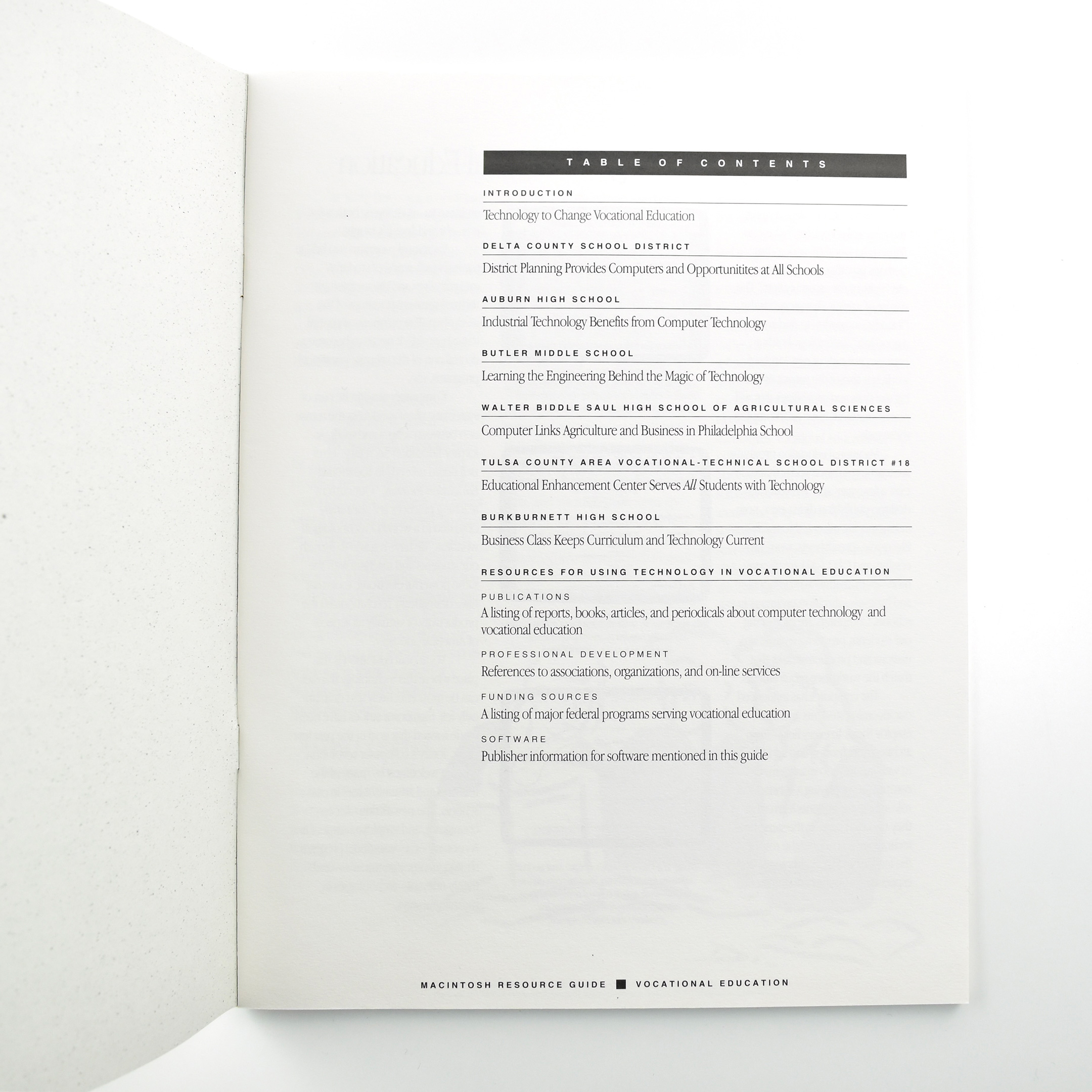
The book is primarily comprised of six case studies about vocational education programs across the United States that use Macintosh. Schools that are profiled include:
Delta County School District—District Planning Provides Computers and Opportunitites at All Schools
Auburn High School—Industrial Technology Benefits from Computer Technology
Butler Middle School—Learning the Engineering Behind the Magic of Technology
Walter Biddle Saul High School of Agricultural Sciences—Computer Links Agriculture and Business in Philadelphia School
Tulsa County Area Vocational-Technical School District #18—Educational Enhancement Center Serves All Students with Technology
Burkburnett High School—Business Class Keeps Curriculum and Technology Current
The booklet concludes with a series of Resources for Using Technology in Vocational Education.
The booklet measures 8.5 x 11 inches and is printed in black.
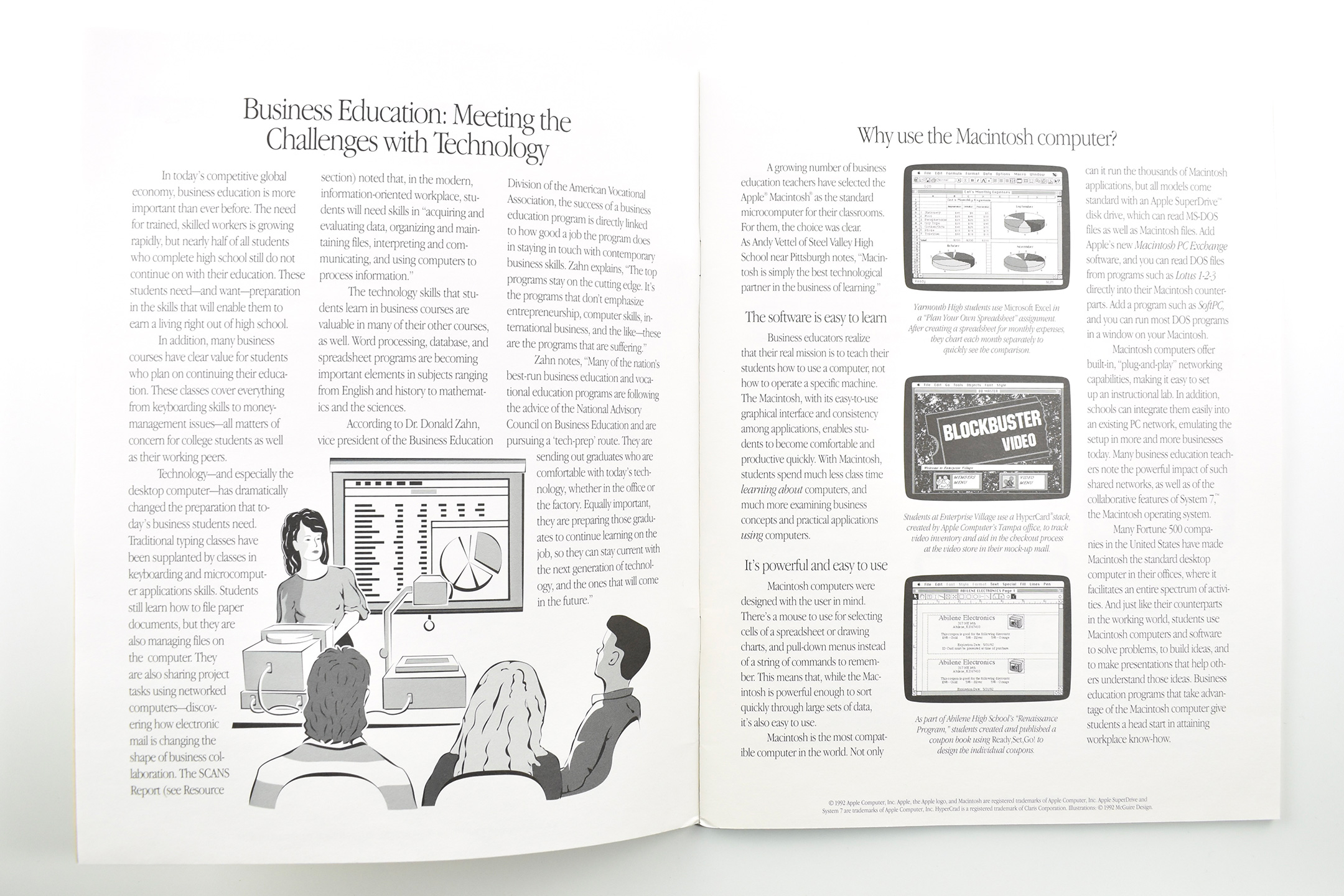
This Apple Resource Guide booklet focused upon K–12 Business Education. The book opens with Apple’s case for using Macintosh in Business Education programs for “Meeting the Challenges with Technology.” It reads:
“In today’s competitive global economy, business education is more important than ever before. The need for trained, skilled workers is growing rapidly, but nearly half of all students who complete high school still do not continue on with their education. These students need—and want—preparation in the skills that will enable them to earn a living right out of high school.”
The next section, Why use the Macintosh computer?, lays out a use case for Macintosh in business education.
“A growing number of business education teachers have selected the Apple Macintosh as the standard microcomputer for their classrooms. For them, the choice was clear… The software is easy to learn… It’s powerful and easy to use.”
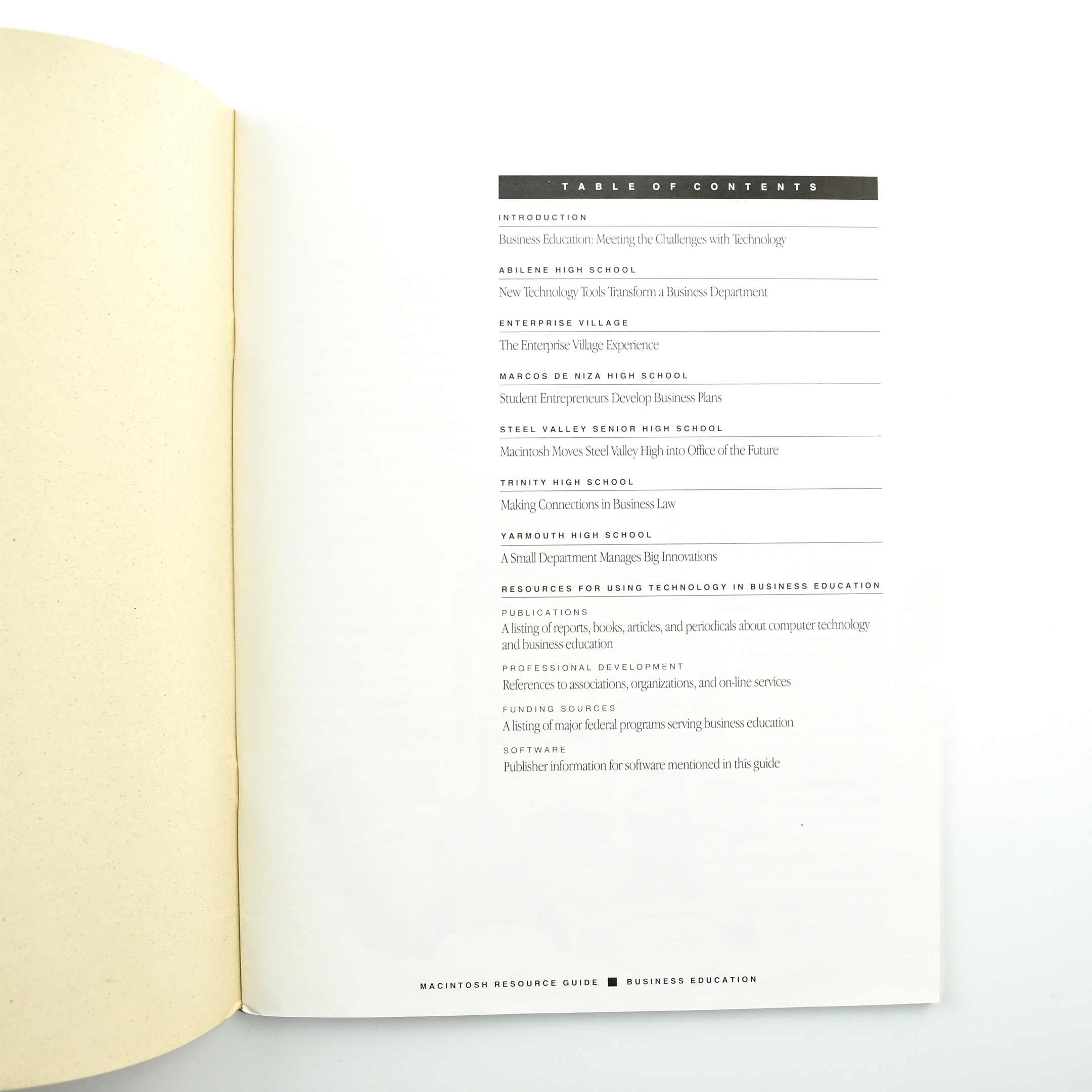
The book is primarily comprised of six case studies about business education programs across the United States that use Macintosh. Schools that are profiled include:
Abilene High School—New Technology Tools Transform a Business Department
Enterprise Village—The Enterprise Village Experience
Marcos De Niza High School—Student Entrepreneurs Develop Business Plans
Steel Valley Senior High School—Macintosh Moves Steel Valley High Into Office of the Future
Trinity High School—Making Connections in Business Law
Yarmouth High School—A Small Department Manages Big Innovations
The booklet concludes with a series of Resources for Using Technology in Business Education.
The booklet measures 8.5 x 11 inches and is printed in black.
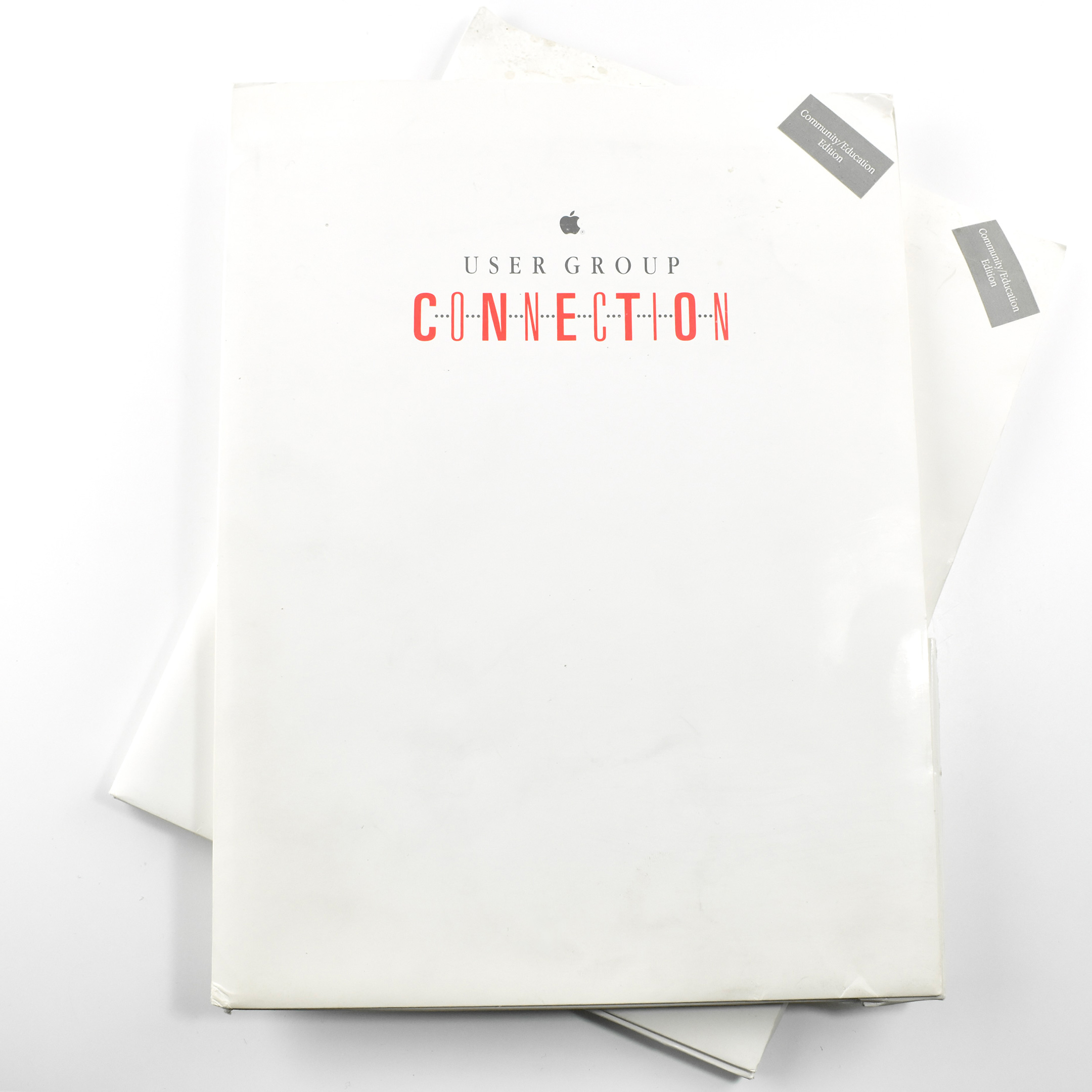
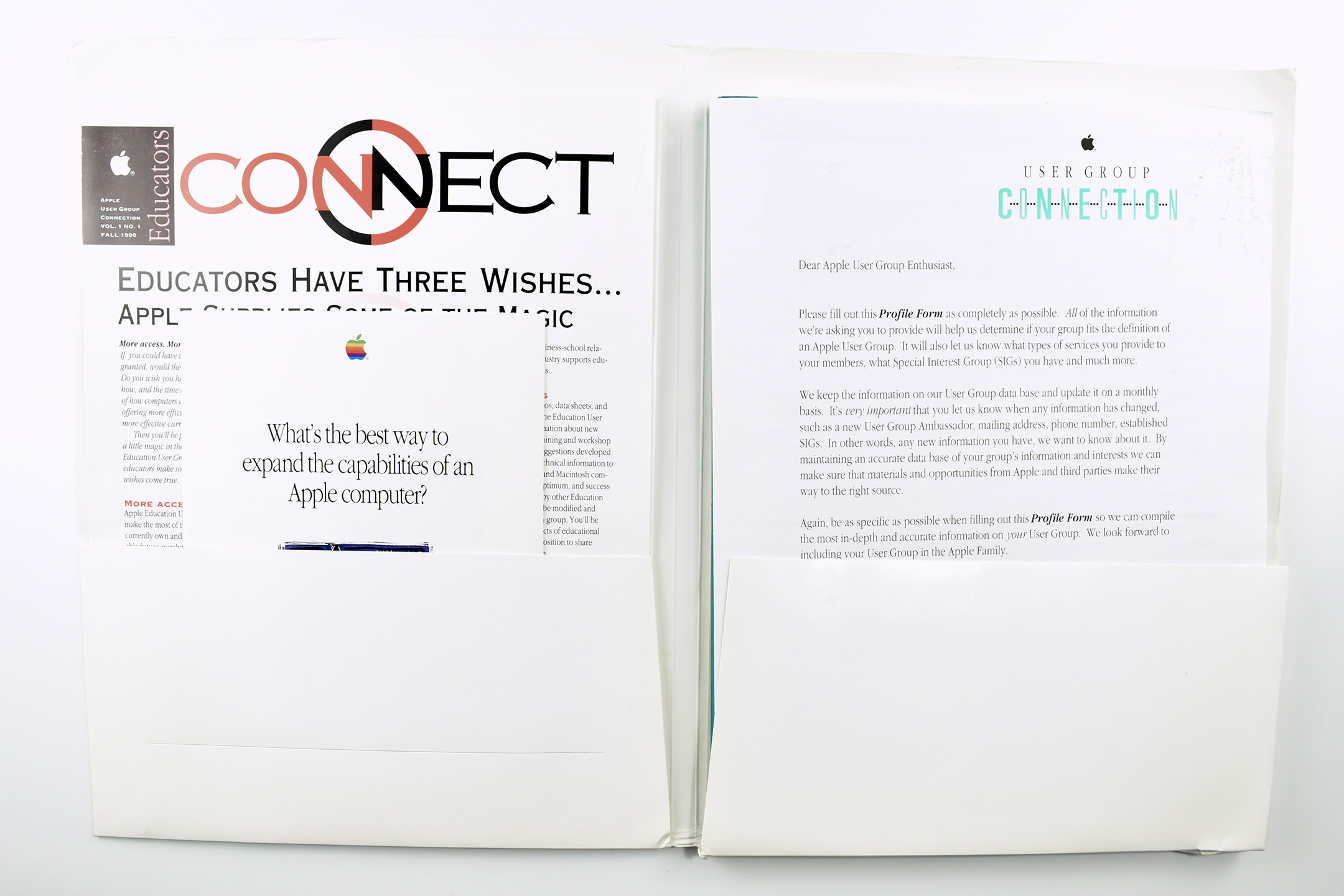
These two folders are printed with a logotype for the Apple User Group Connection program. Both include stickers that indicate they are for the Community/Education Edition of the program.
The folders are made of heavy white card stock with a matte finish, measure 9 x 12 inches, and the unique design of the inside back pocket allowed the pocket to expand to about 3/8 inch.
The interior of the folders are filled with 8.5 x 11-inch printed materials, brochures, and a book. Both folders included letters from the Apple User Group Connection instructing groups leaders to participate in some aspect of the program.
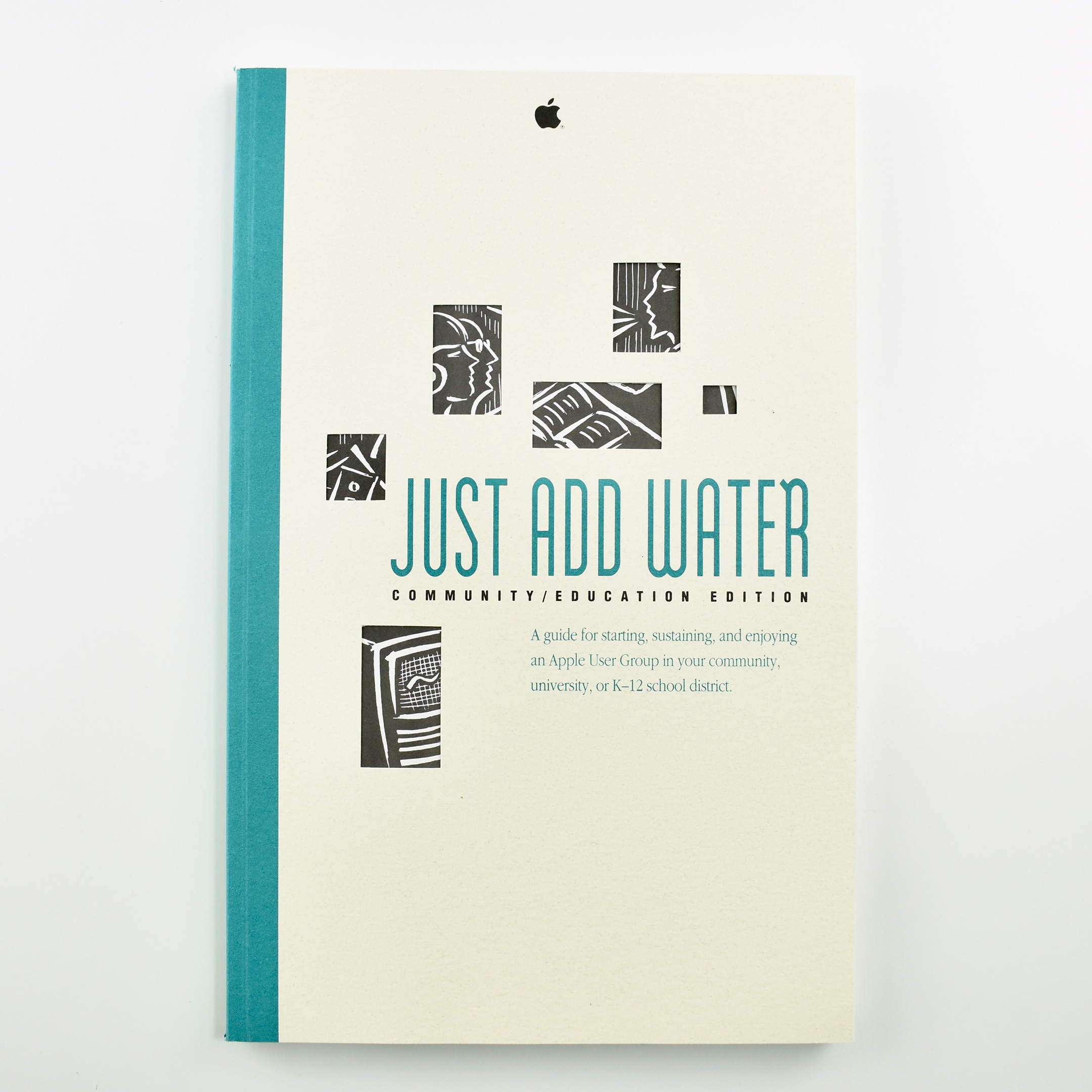
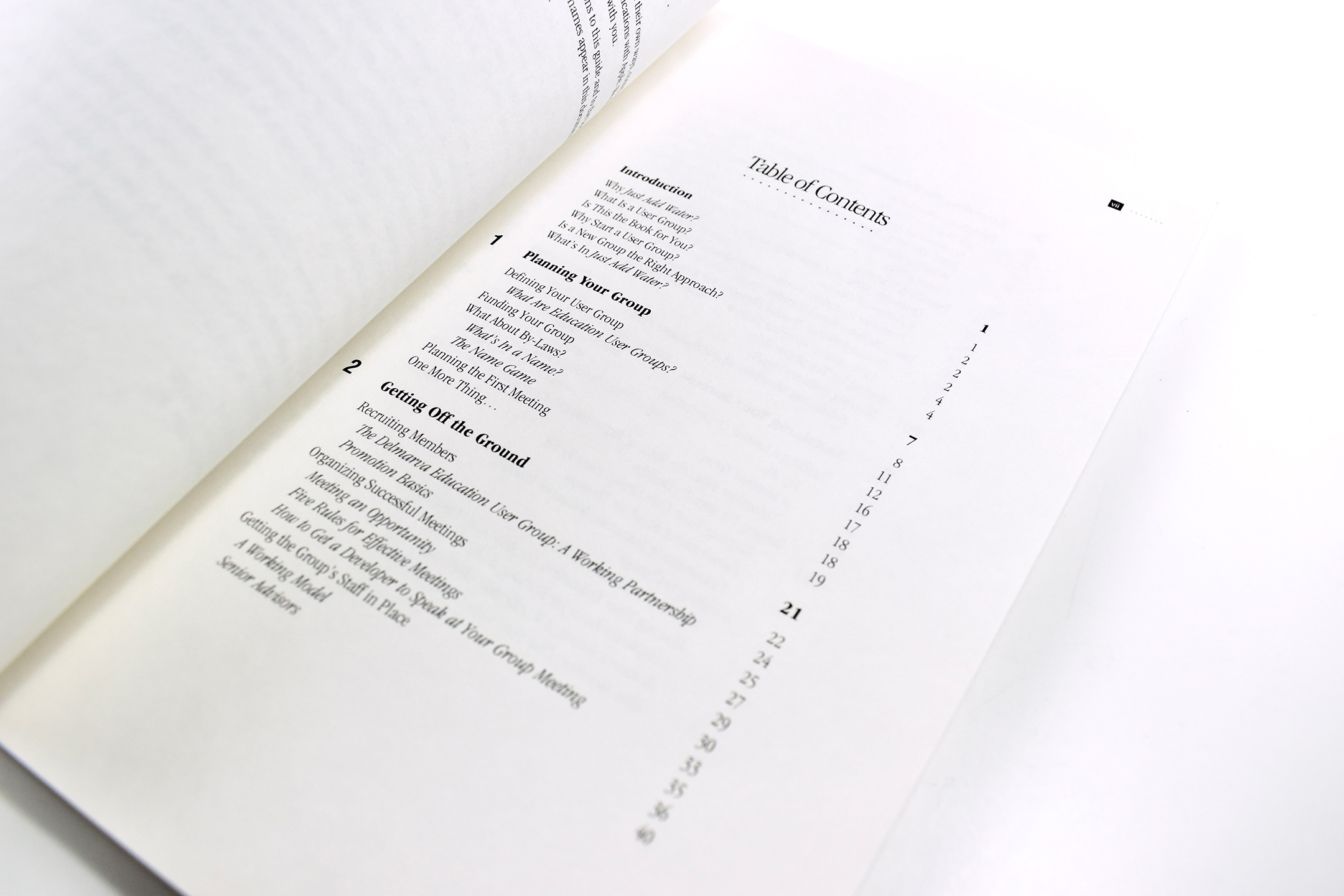
The included paperback book is titled Just Add Water: Community/Education Edition. The book describes itself on the cover as “A guide for starting, sustaining, and enjoying an Apple User Group in your community, university, or K-12 school district.” The back cover includes, “Inside you will find insights and proven tips on developing and maintaining programs that successfully serve members’ needs. Just Add Water, Community/Education Edition draws on the experiences of many successful User Groups.”
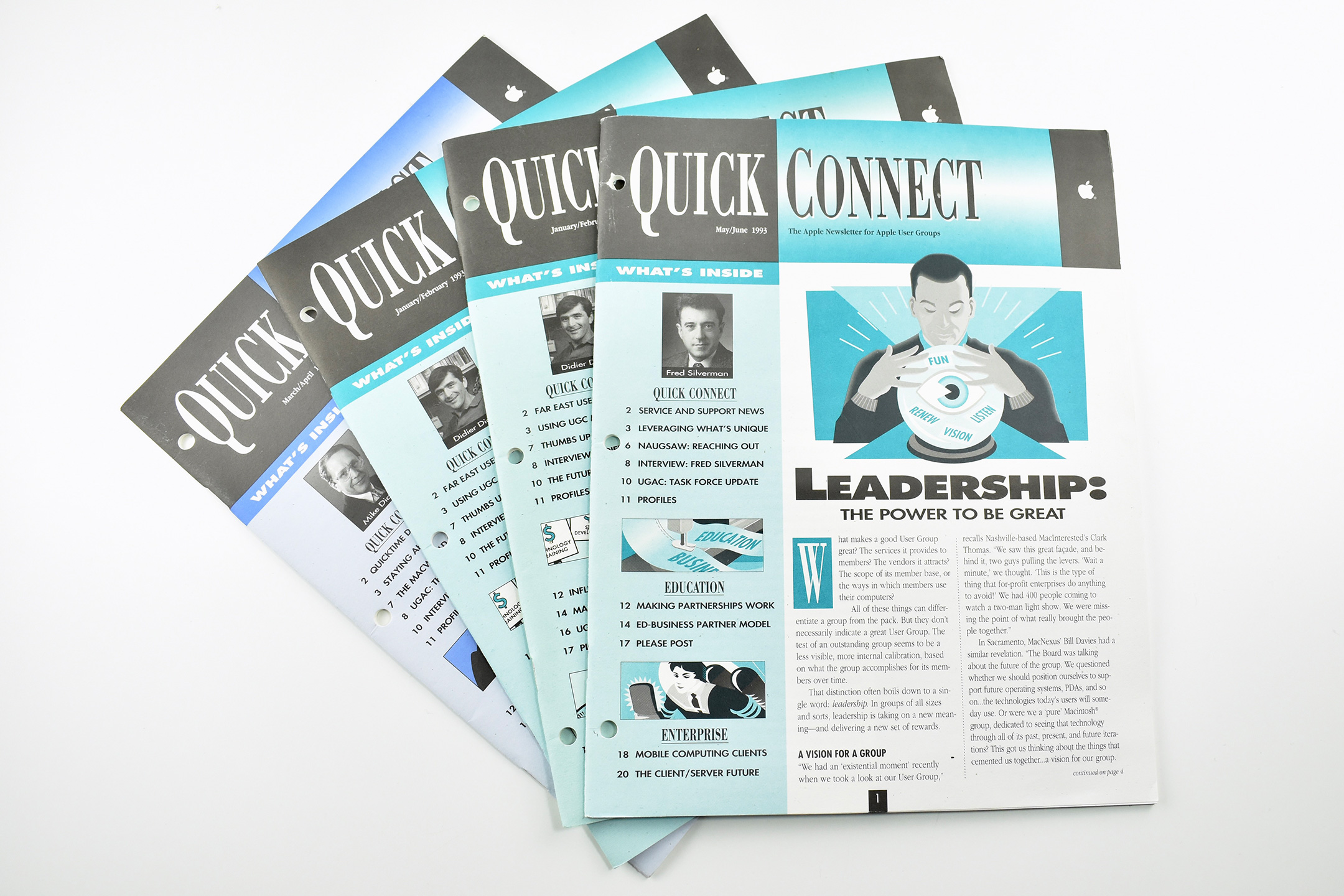
The folders also include three different issues of Quick Connect: The Apple Newsletter for Apple User Groups. The issues contain articles on Apple products, Apple leadership, education, and enterprise. The three issues in this collection are from May/June 1993, January/February 1993, and March/April 1993.
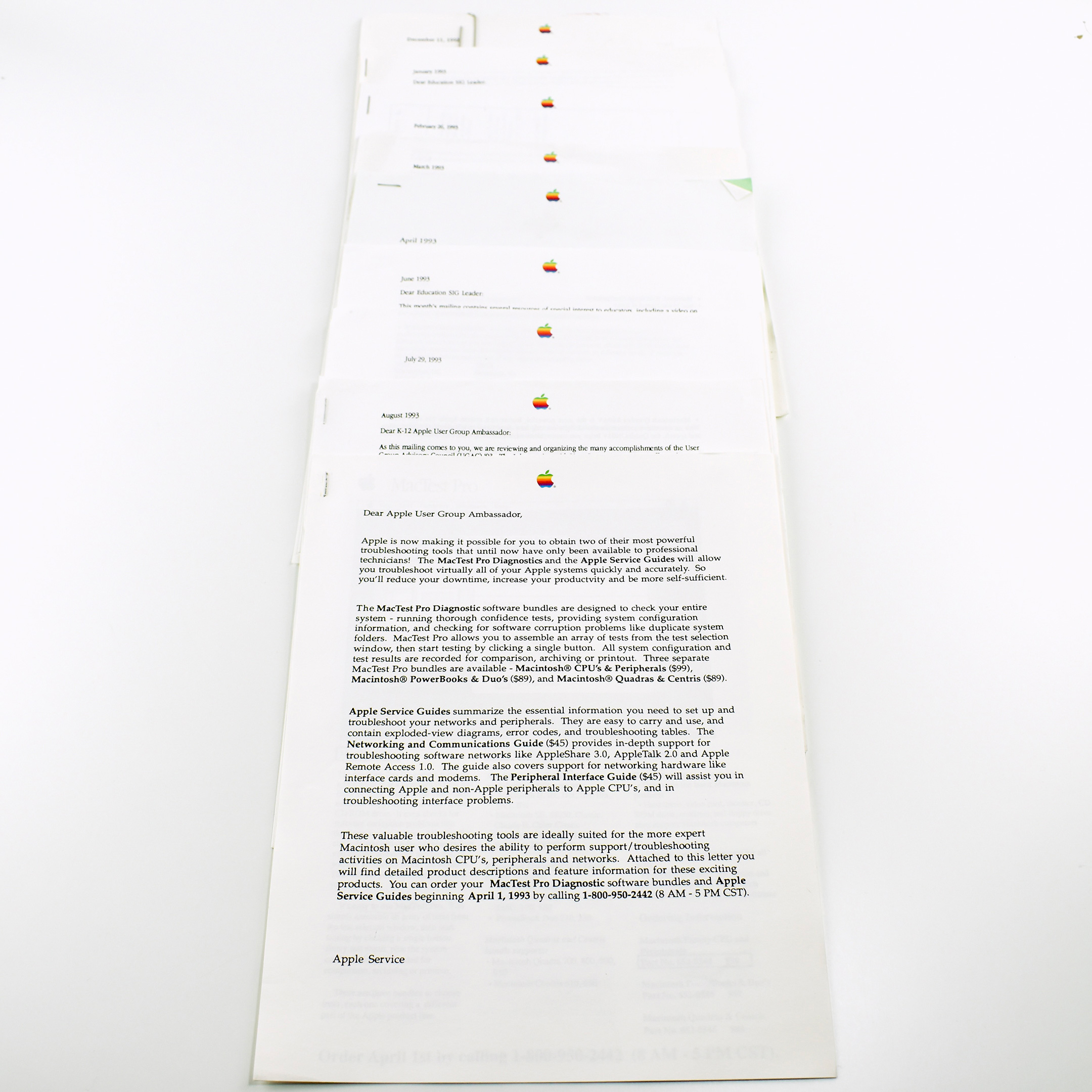
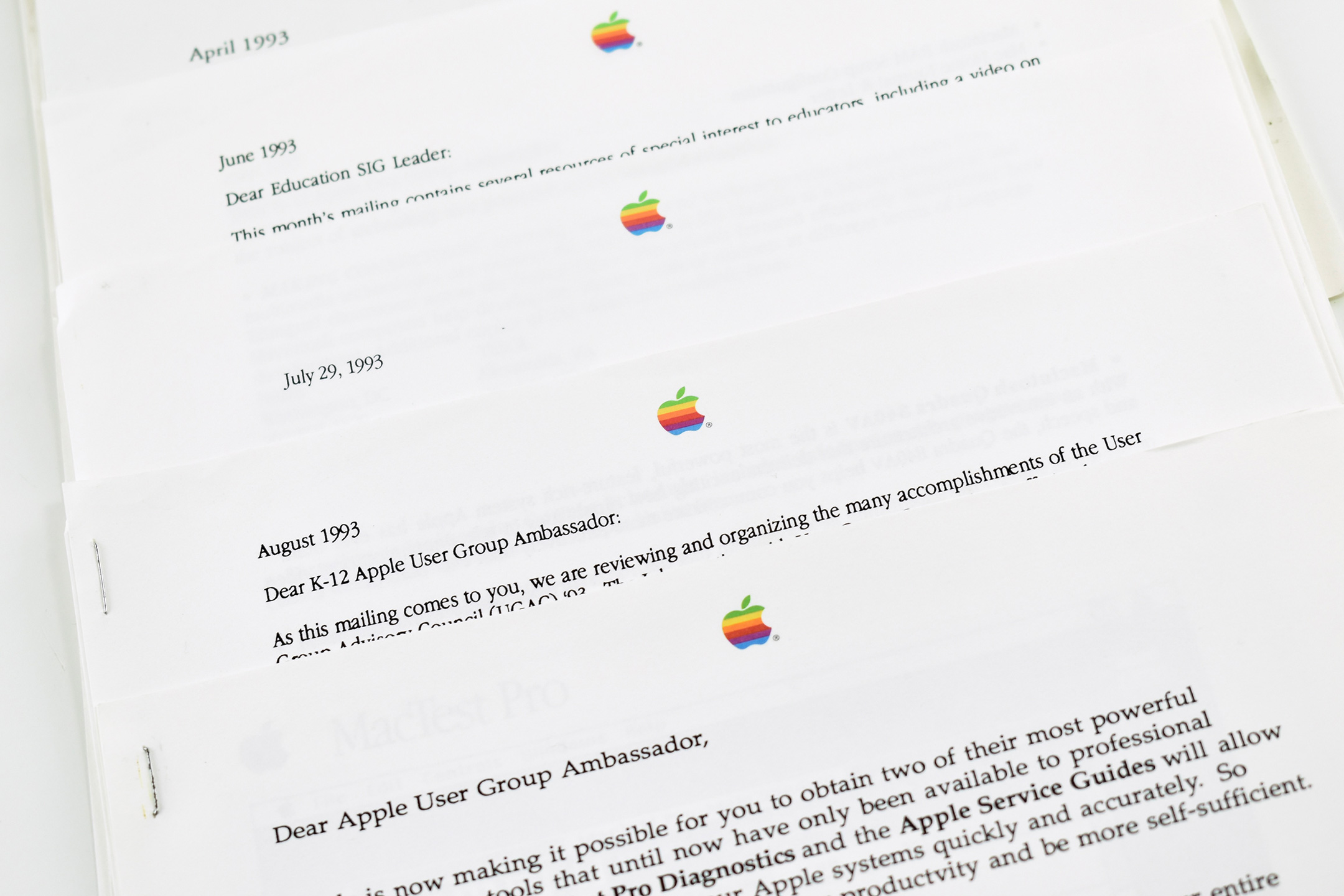
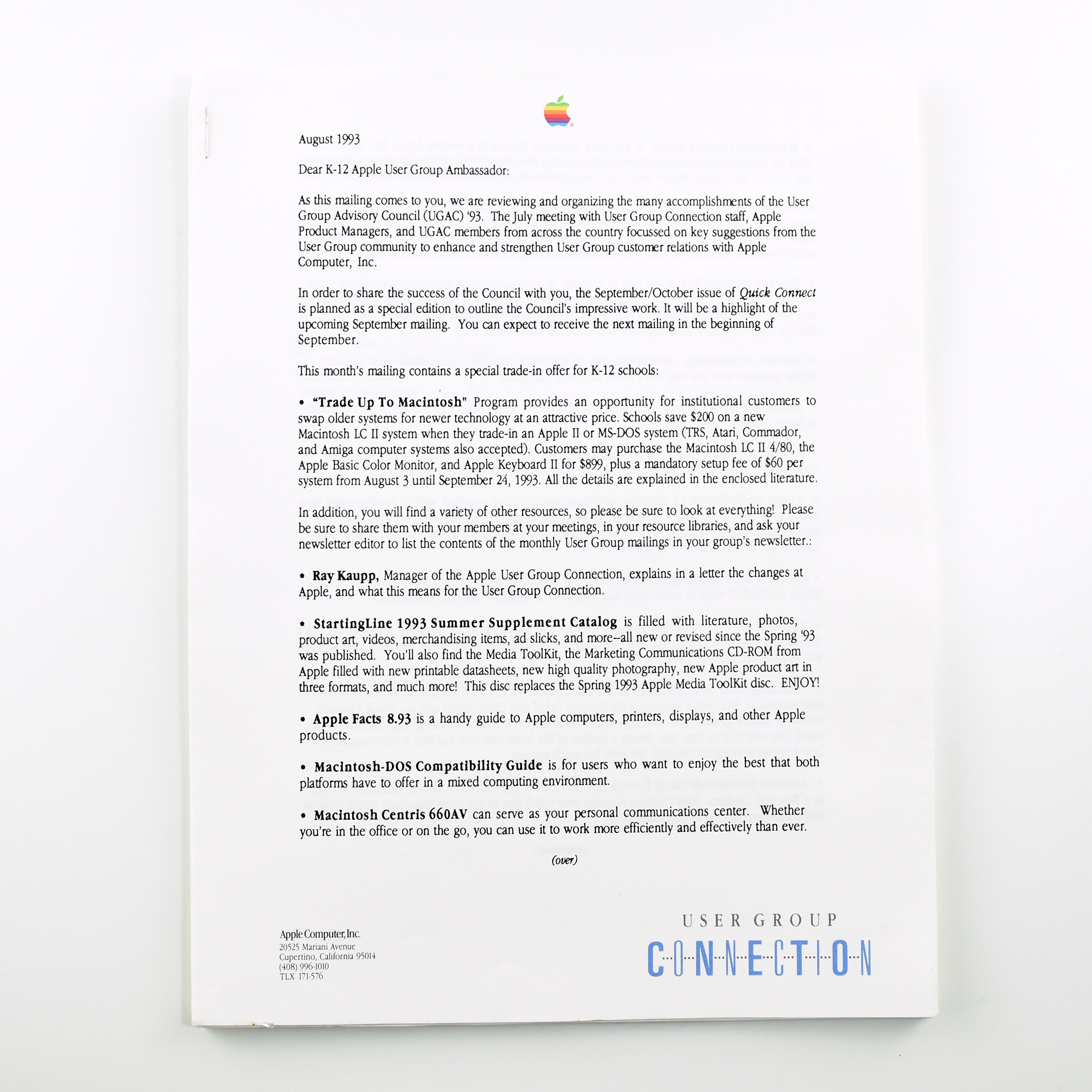
In addition to the folders and their contents, this User Group Connection collection also includes nine letters addressed to user group leaders using various salutations (e.g., Dear Apple User Group Ambassador, Dear K–12 Apple User Group Ambassador, Dear Education SIG Leader, etc.) [SIG = Special Interest Group]. The letters describe new programs, features, products, and other information pertaining to the User Groups. This collection is dated between 1992–1993.