Mini-brochures collection (2001)

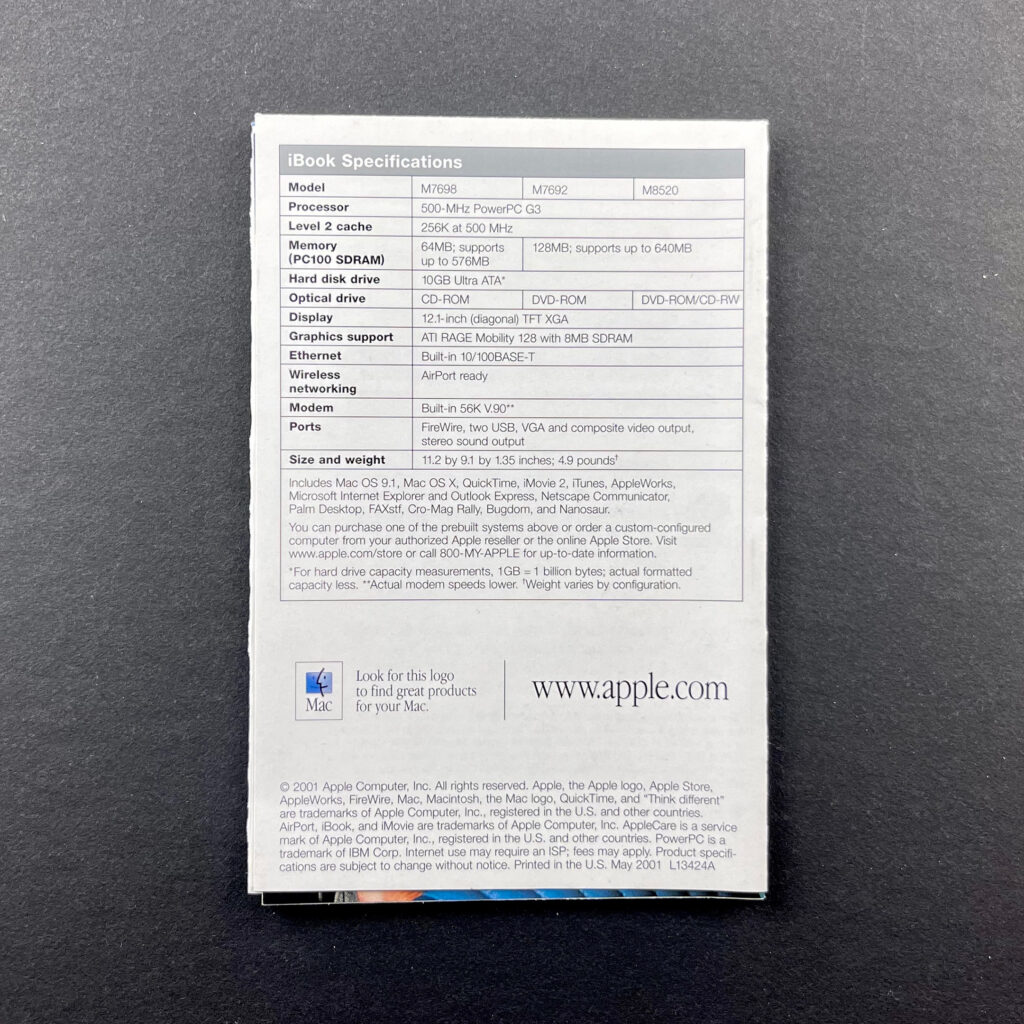
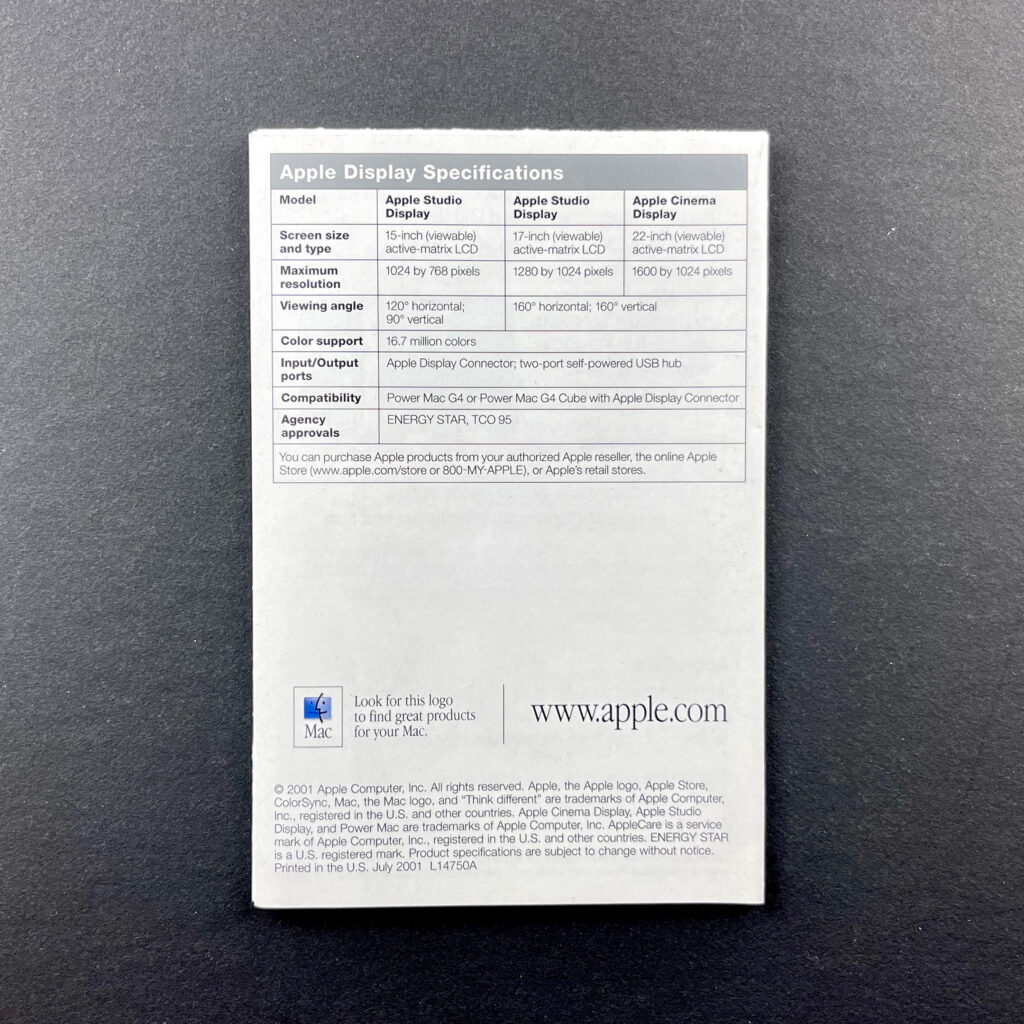
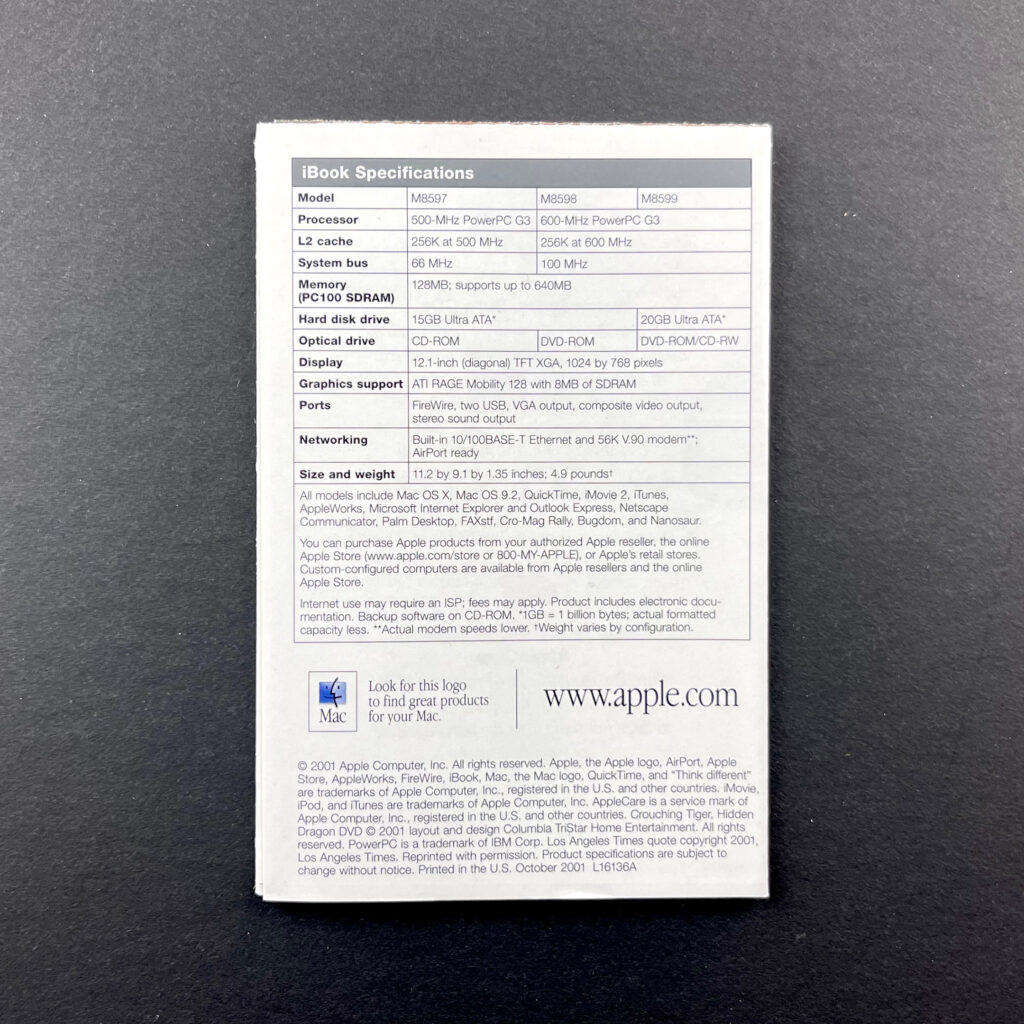
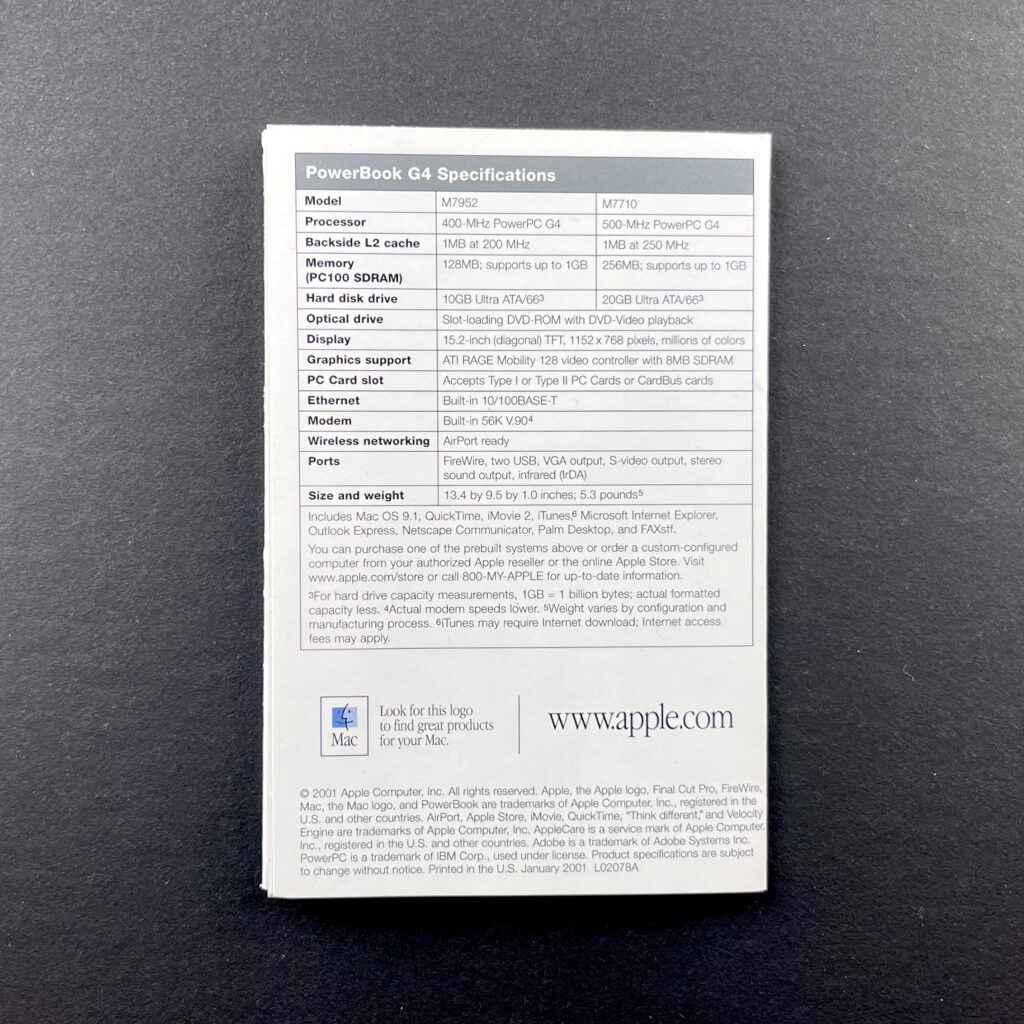
These product mini-brochures were available in Apple Stores and elsewhere in the early 2000s. They measured 3 x 4.5 inches folded, and designs unfolded into different configurations. All of these mini-brochures feature a photo of the product on the front panel, information inside, and specifications on the back panel.

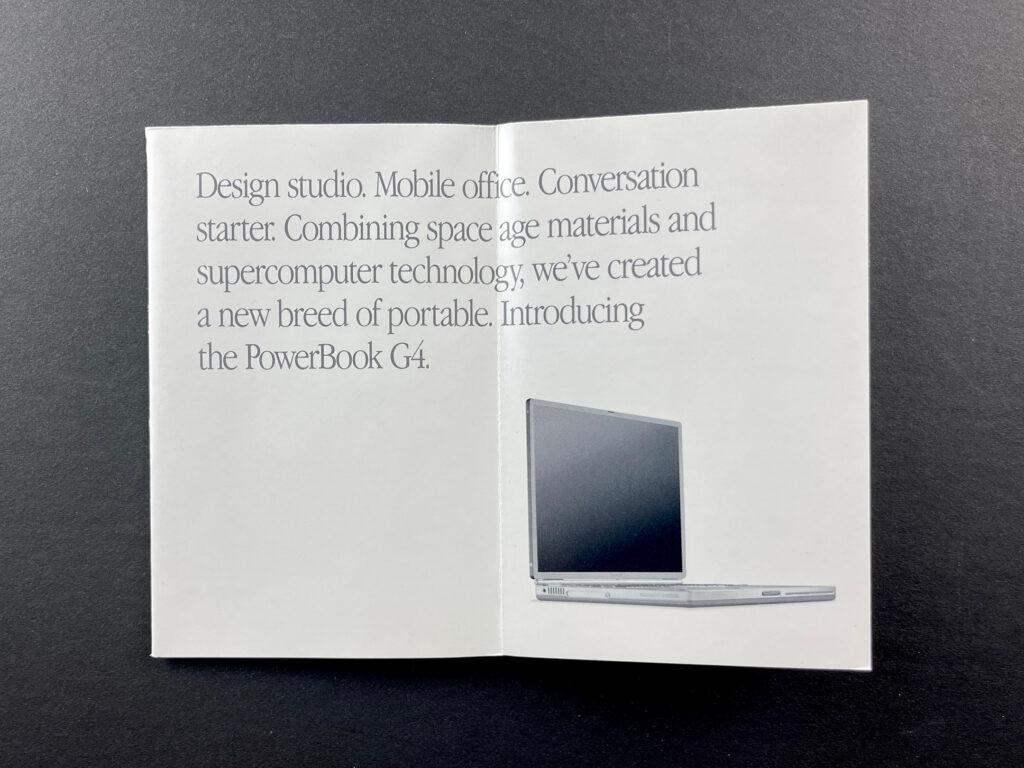
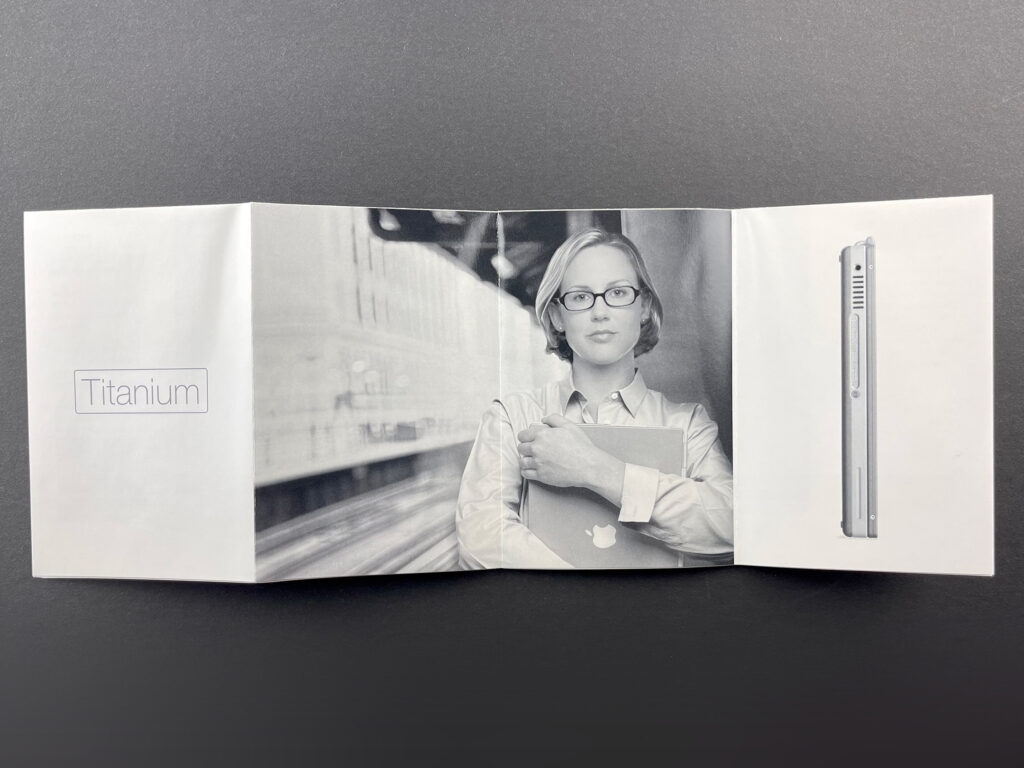
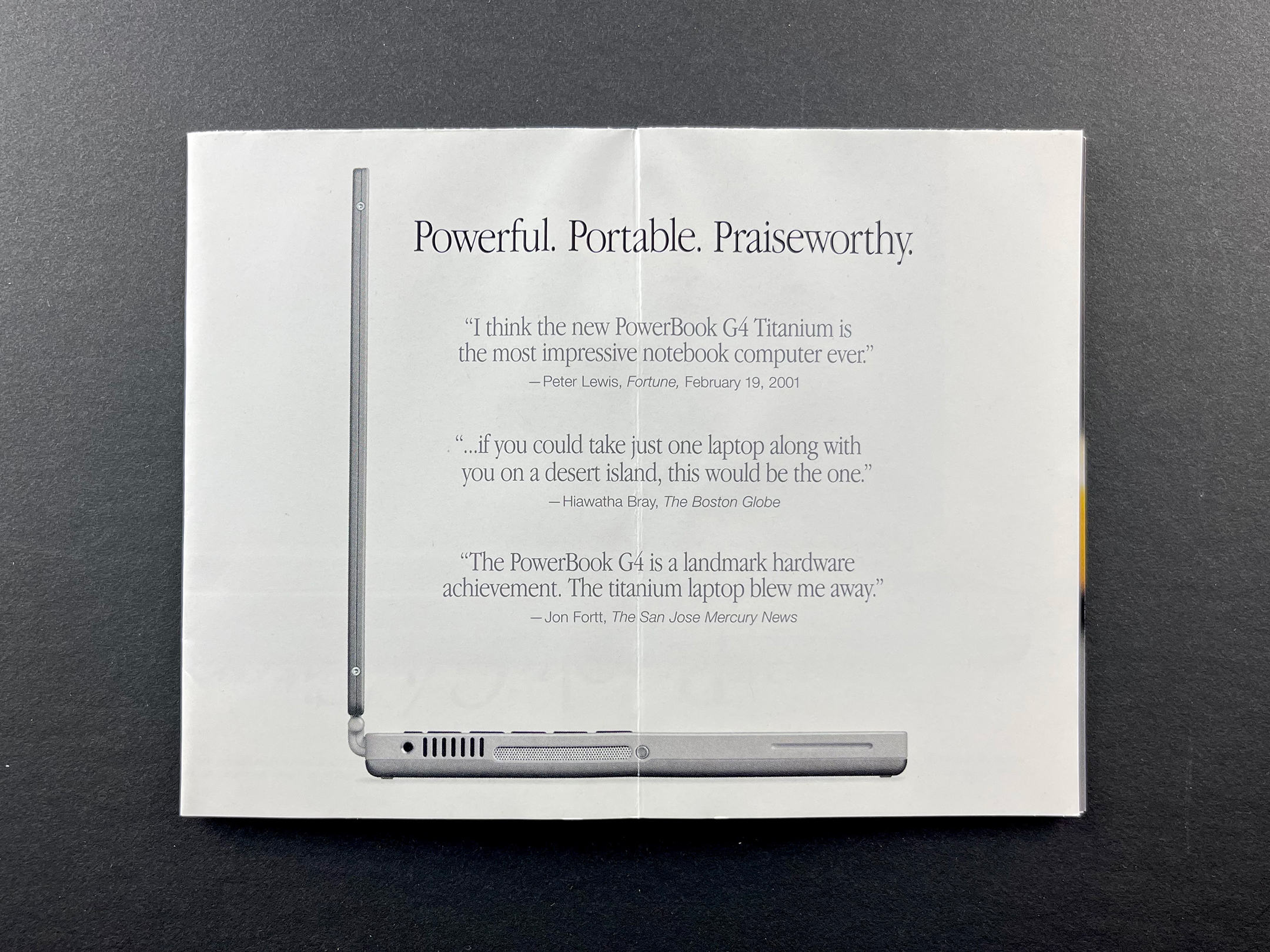
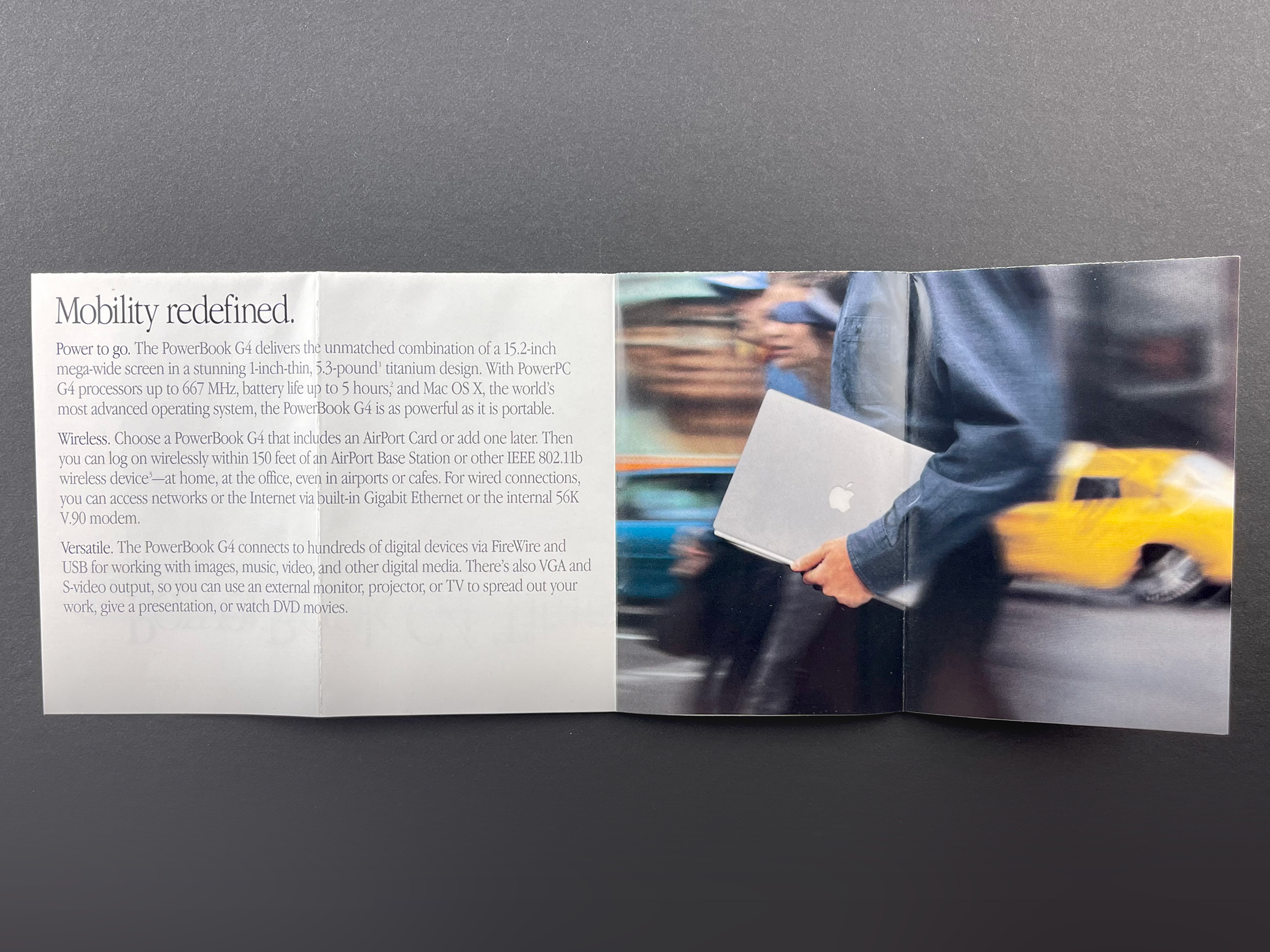
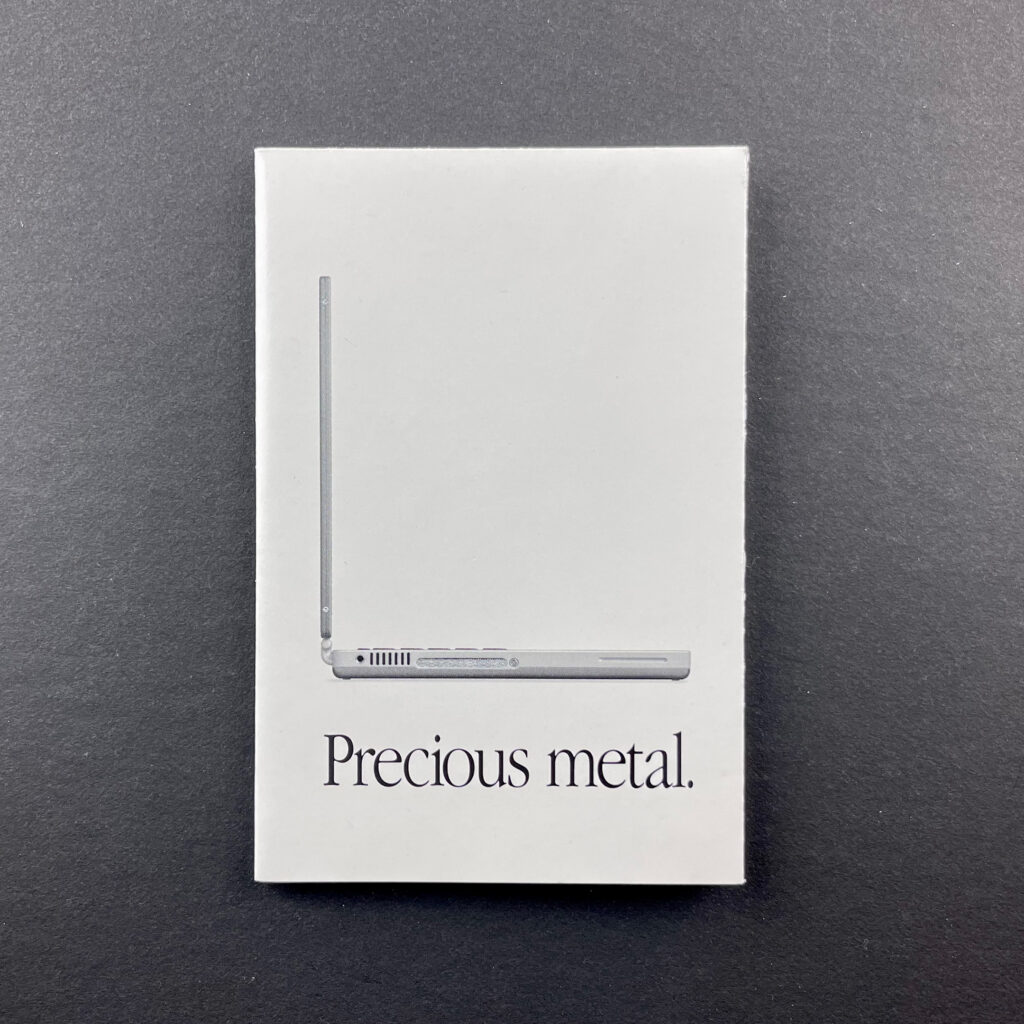
Precious metal. (PowerBook G4 Titanium) (January 2001)
This mini-brochure folds out into an 8-up landscape-orientation mini poster featuring the Titanium PowerBook G4.

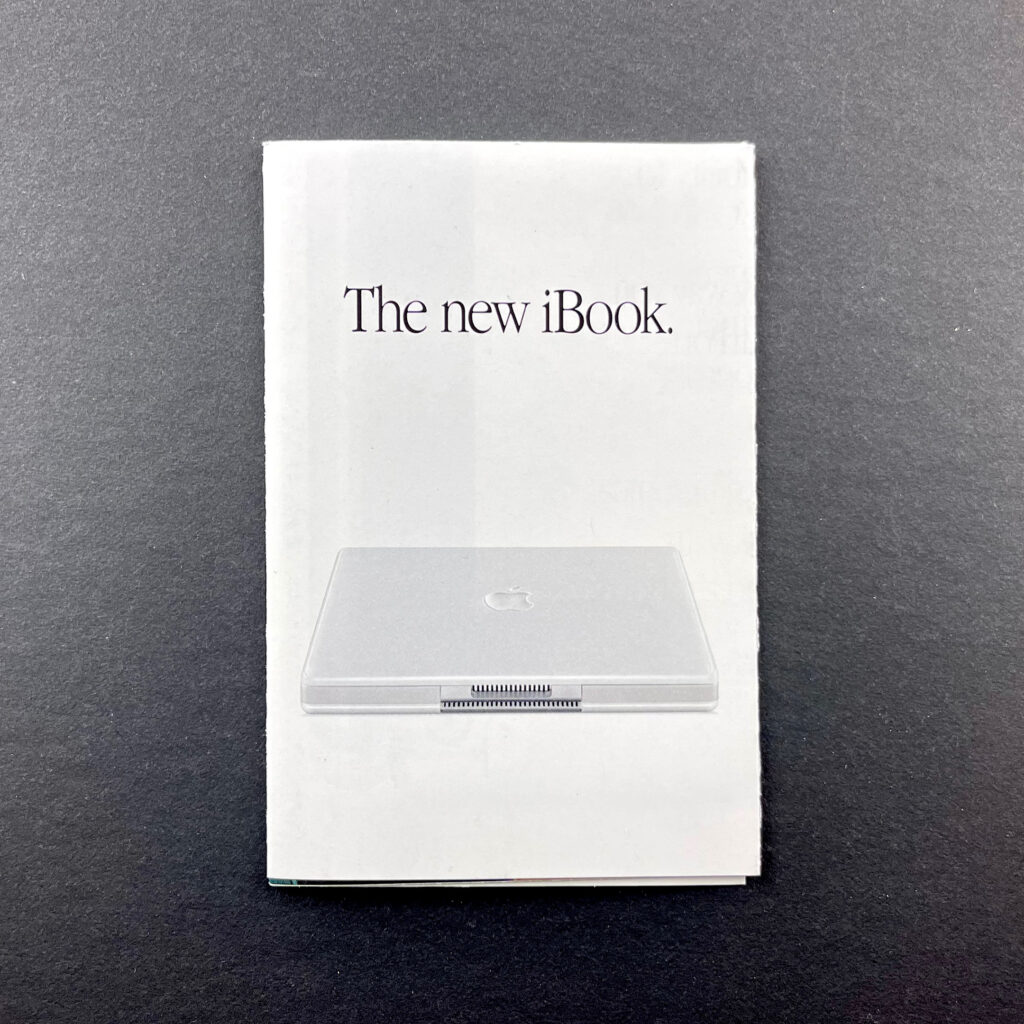
The New iBook. (May 2001)
This iBook mini-brochure unfolds into an 8-up landscape-orientation mini poster featuring the white iBook and the words “Your life. To go.”

Power Mac G4 (Quicksilver) (July 2001)
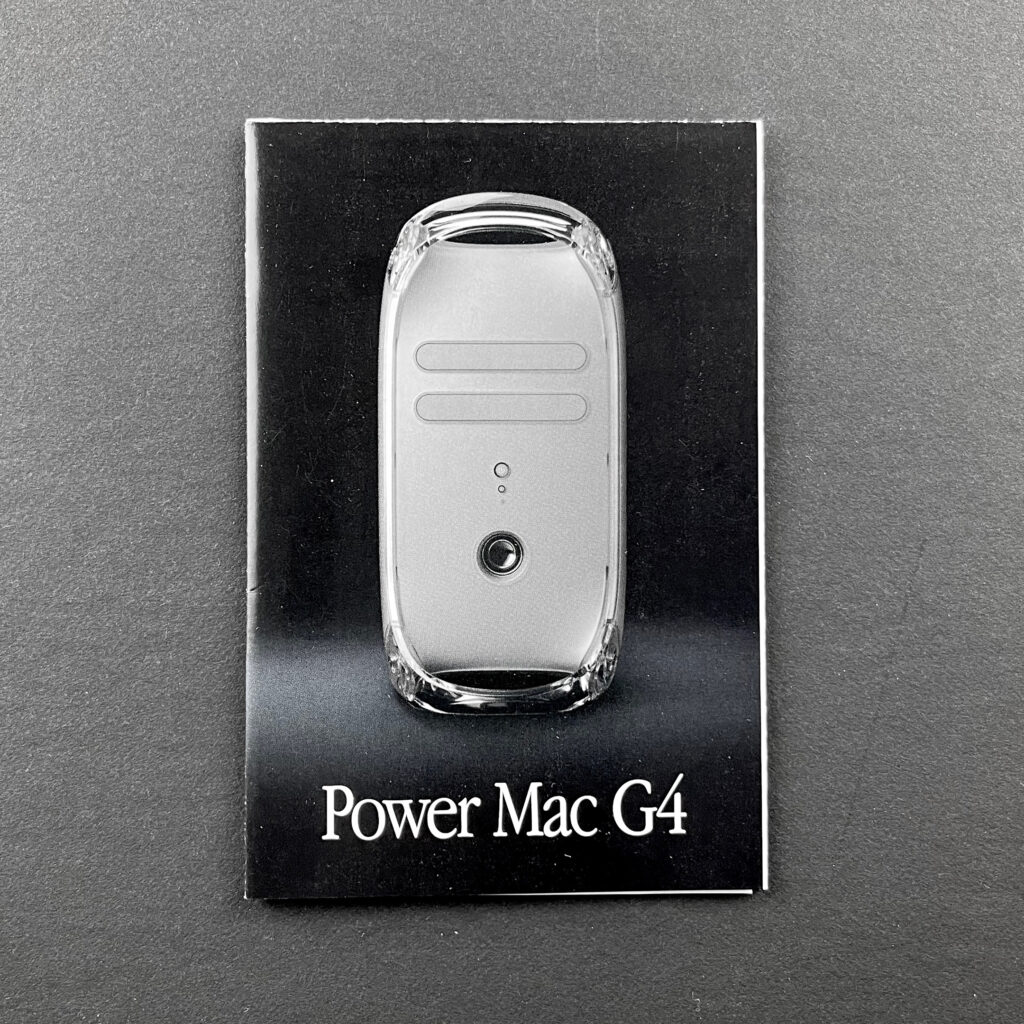
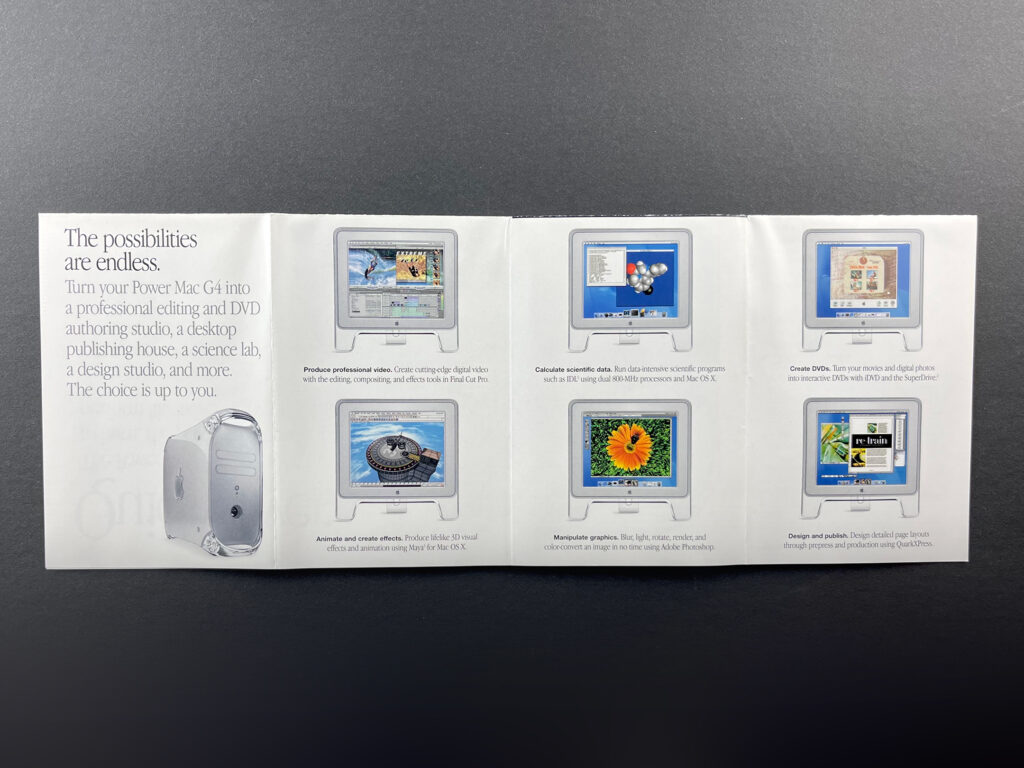
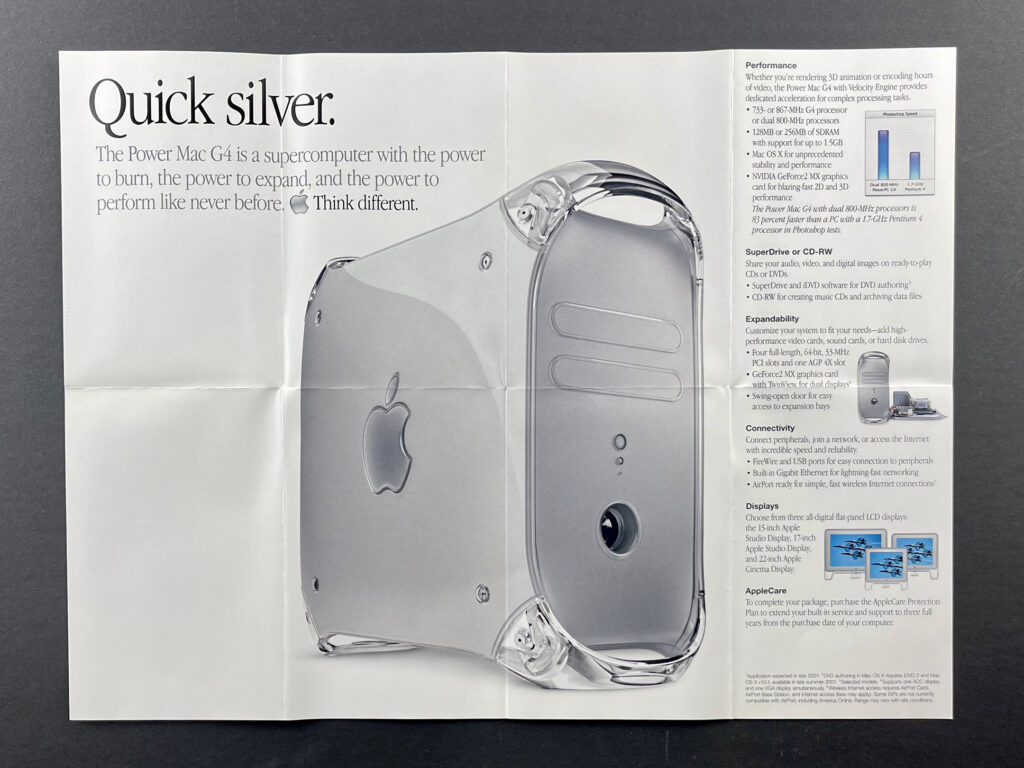
This Power Mac G4 mini-brochure unfolds into a 2-up layout touting the SuperDrive: “SuperDrive. Superfast.”—then a horizontal 4-up display featuring various tasks that can be performed on the Power Mac G4—and finally an 8-up landscape-orientation mini-poster featuring a “hero” photo describing the “Quick silver” Power Mac G4 as a supercomputer.

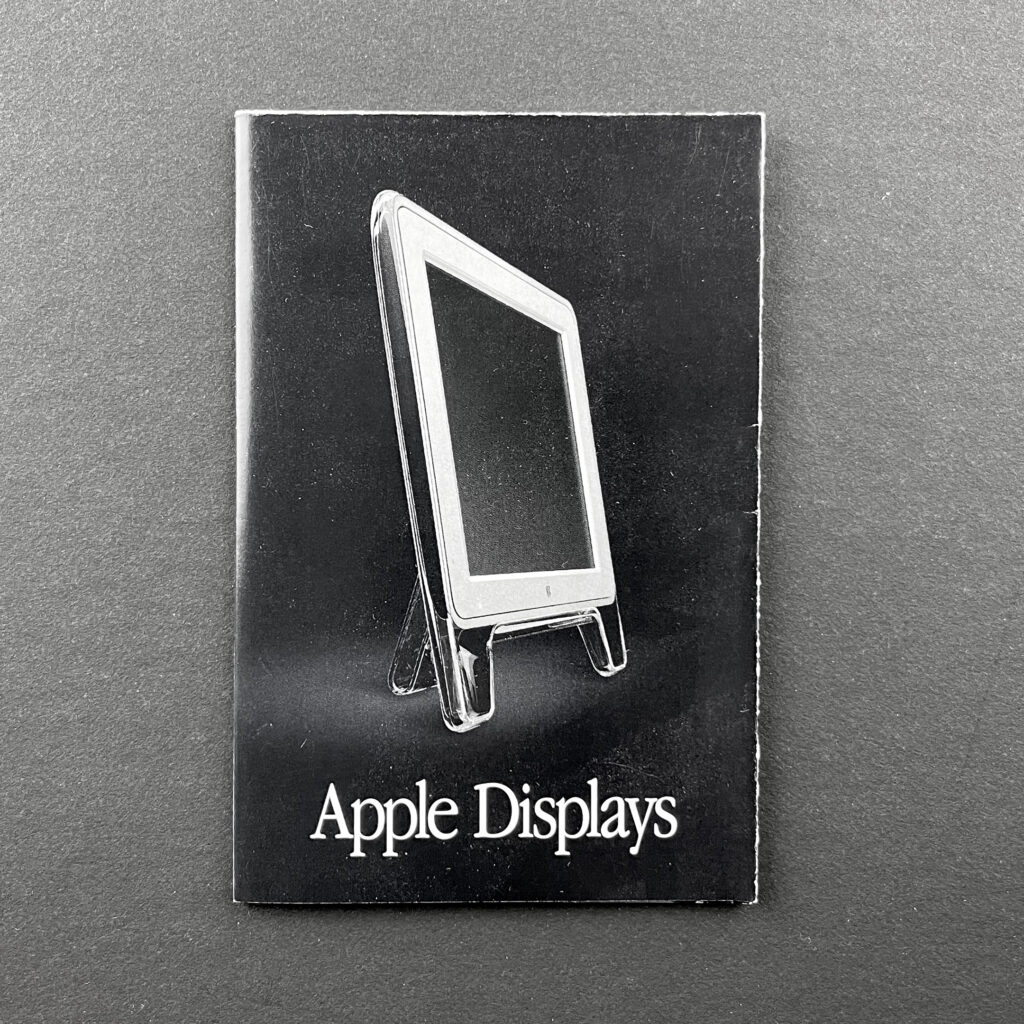
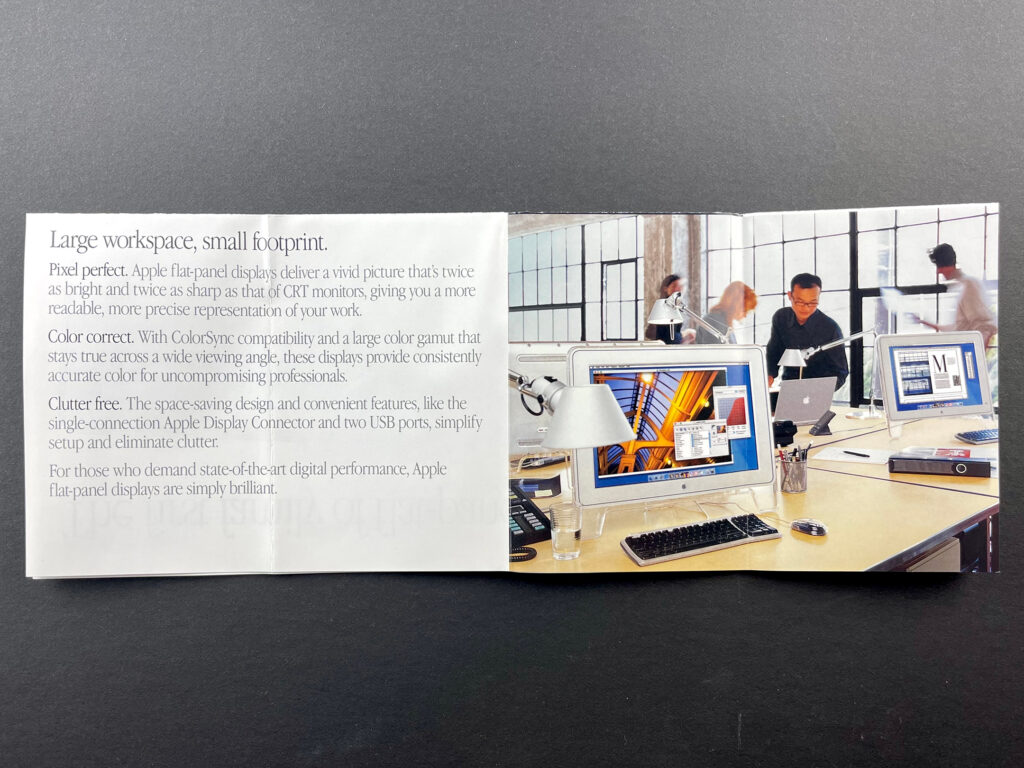
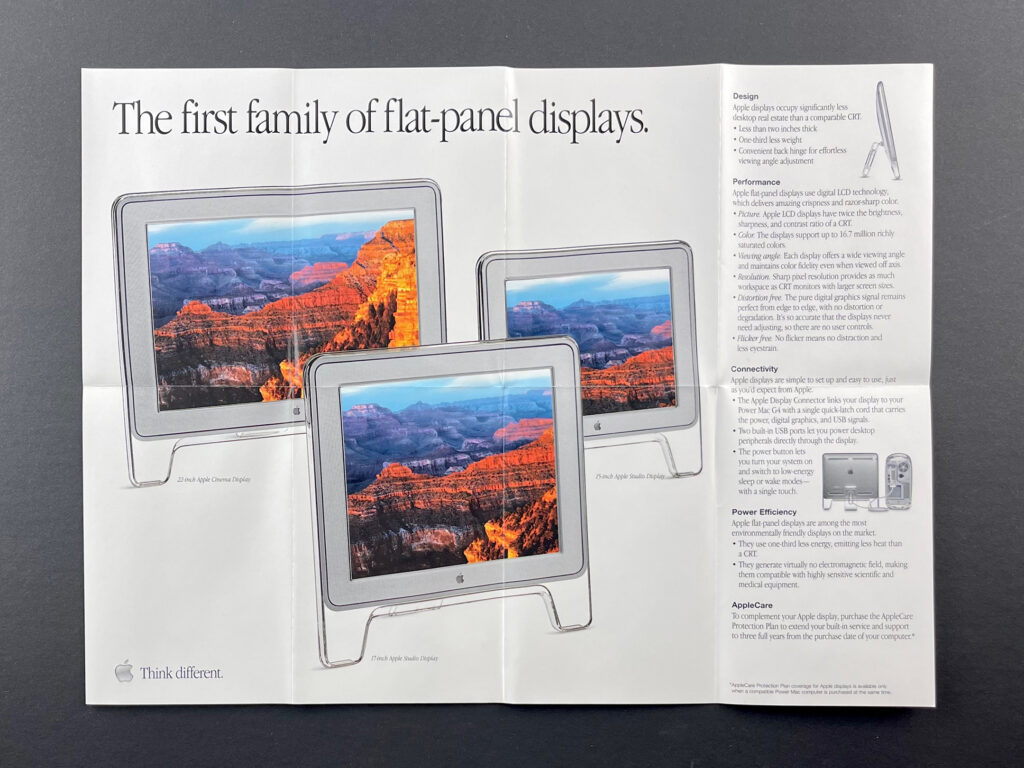
Apple Displays (July 2001)
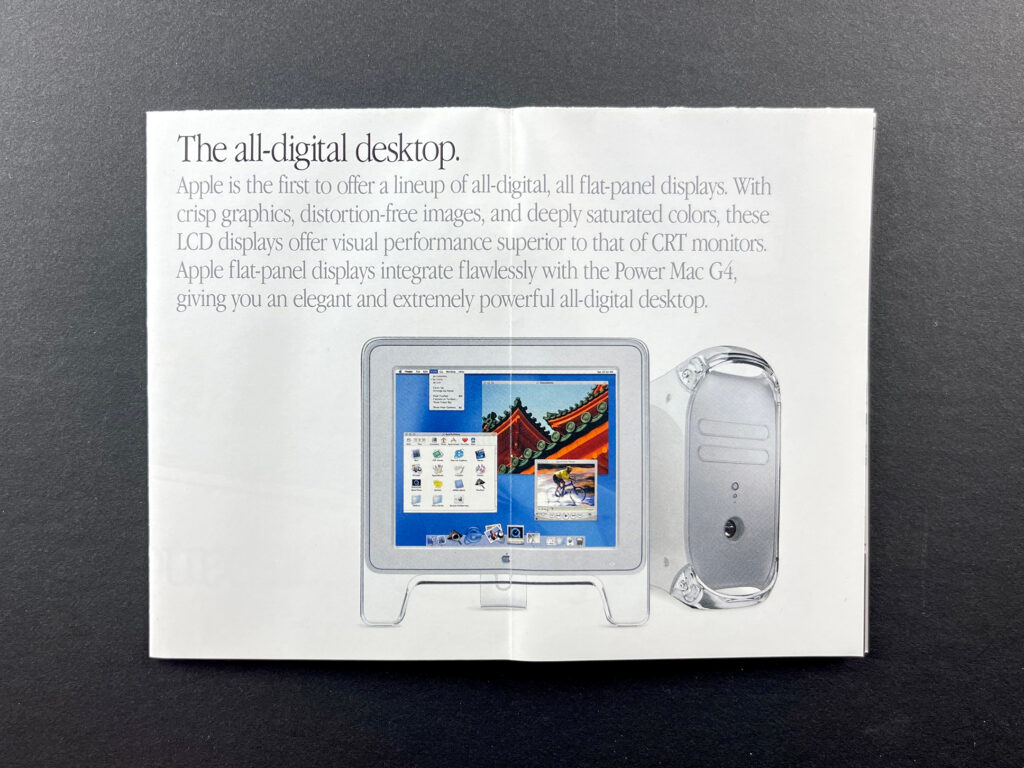
This mini-brochure unfolds into an 8-up landscape-orientation mini poster featuring Apple’s three LCD displays (15-, 17-, and 22-inch models) with the tagline, “The first family of flat-panel displays.”

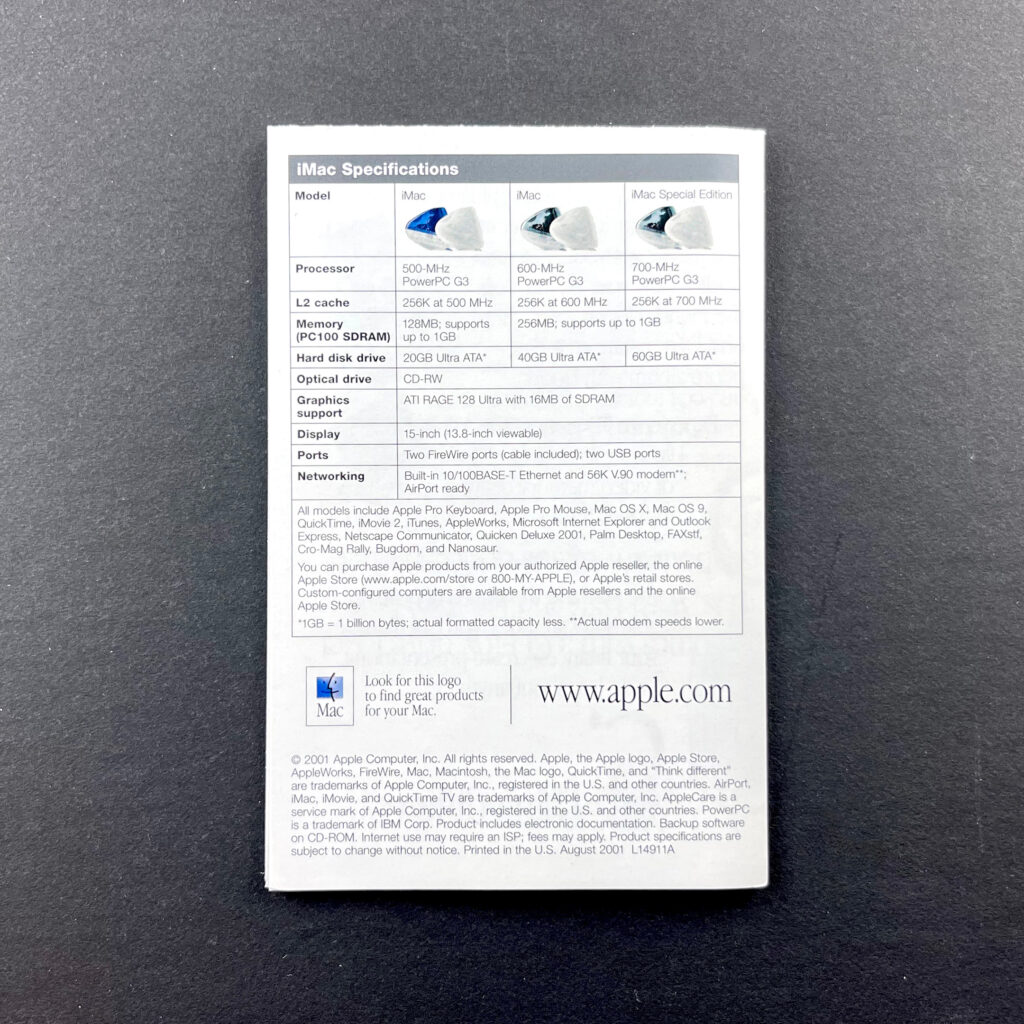
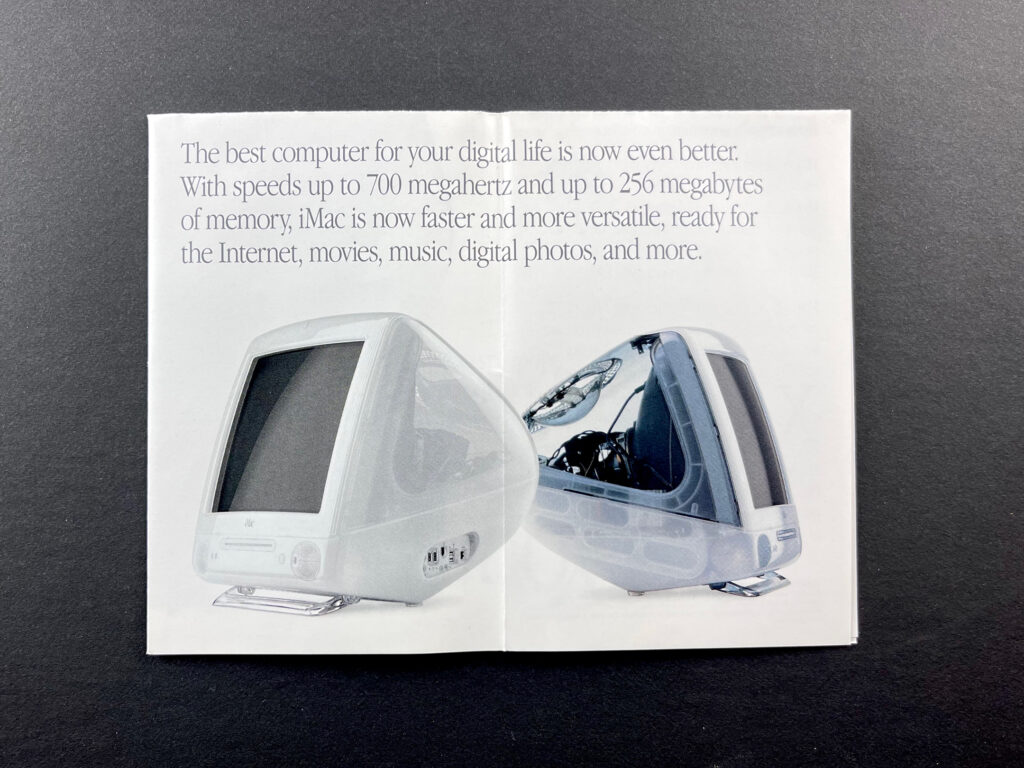
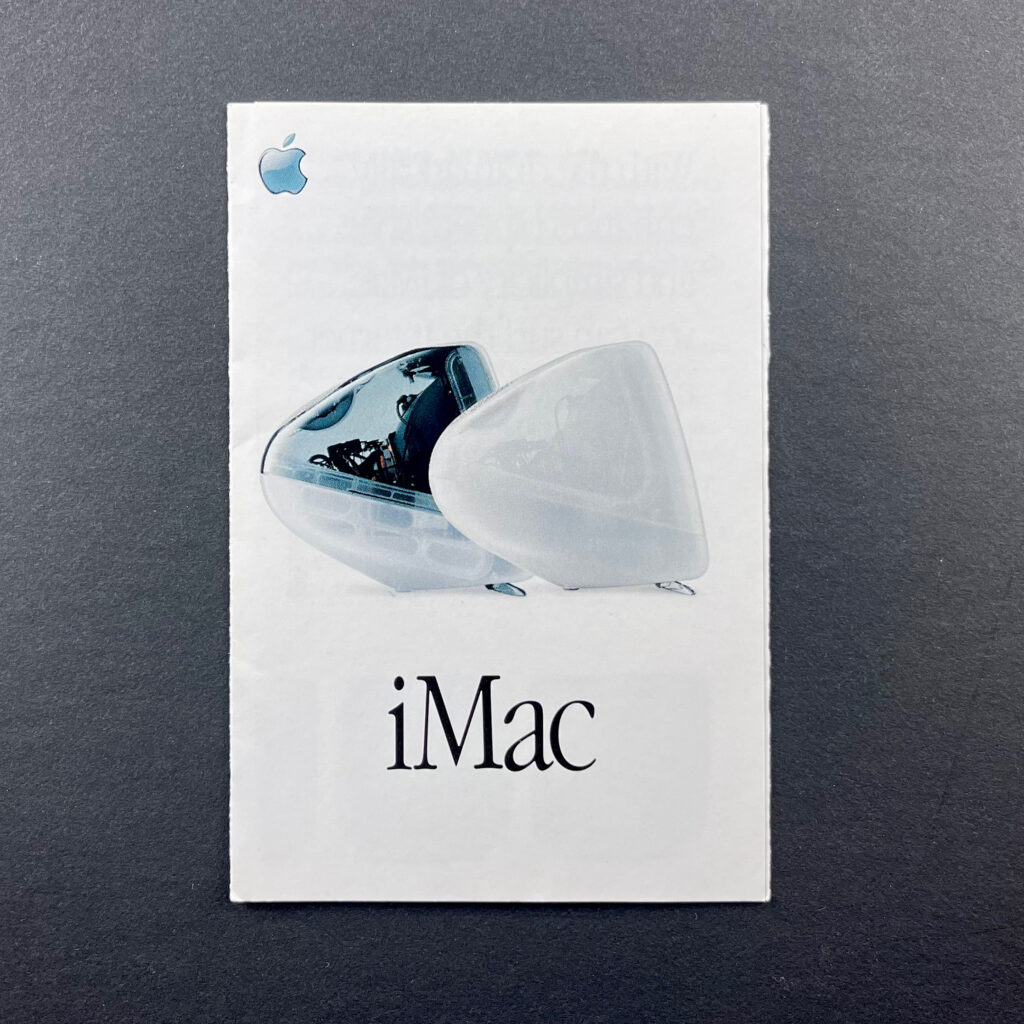
iMac (August 2001)
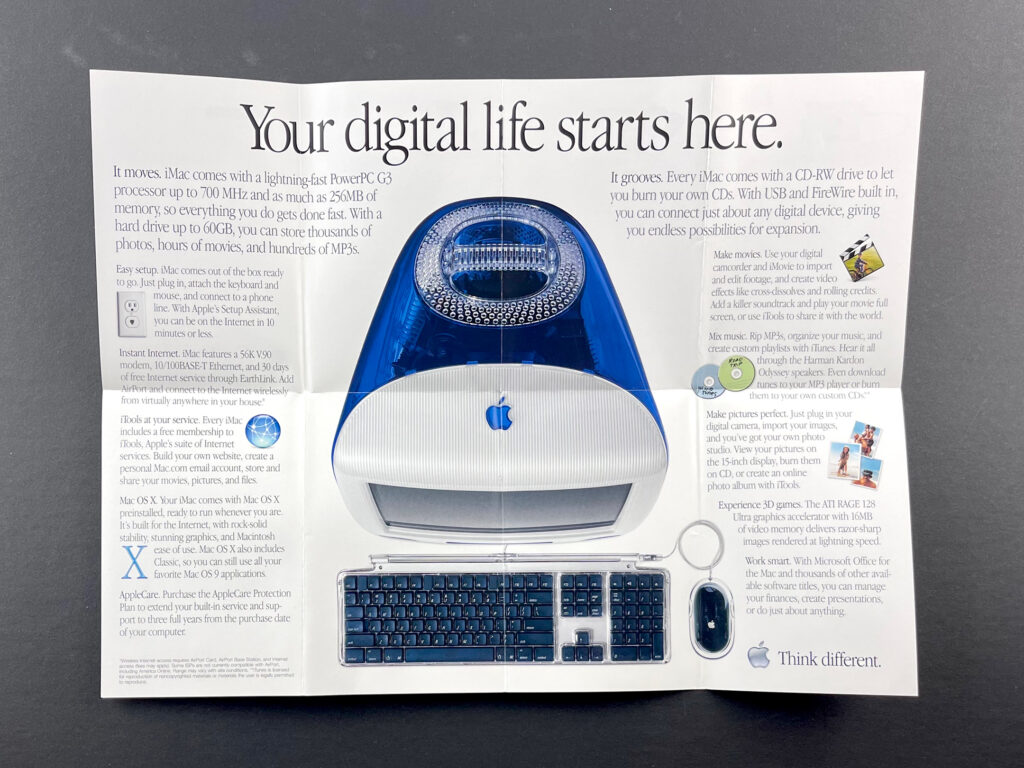
This iMac mini-brochure features an uncharacteristic shot of a snow iMac in a room—instead of on a white background. The horizontal 4-up layout features several tasks that can be completed on an iMac with four photos and the headlines “Surf the Internet,” “Make movies,” “Mix music,” and “Make a photo album.” The fully unfolded 8-up poster features a birds-eye view of an indigo iMac with the headline, “Your digital life starts here.”

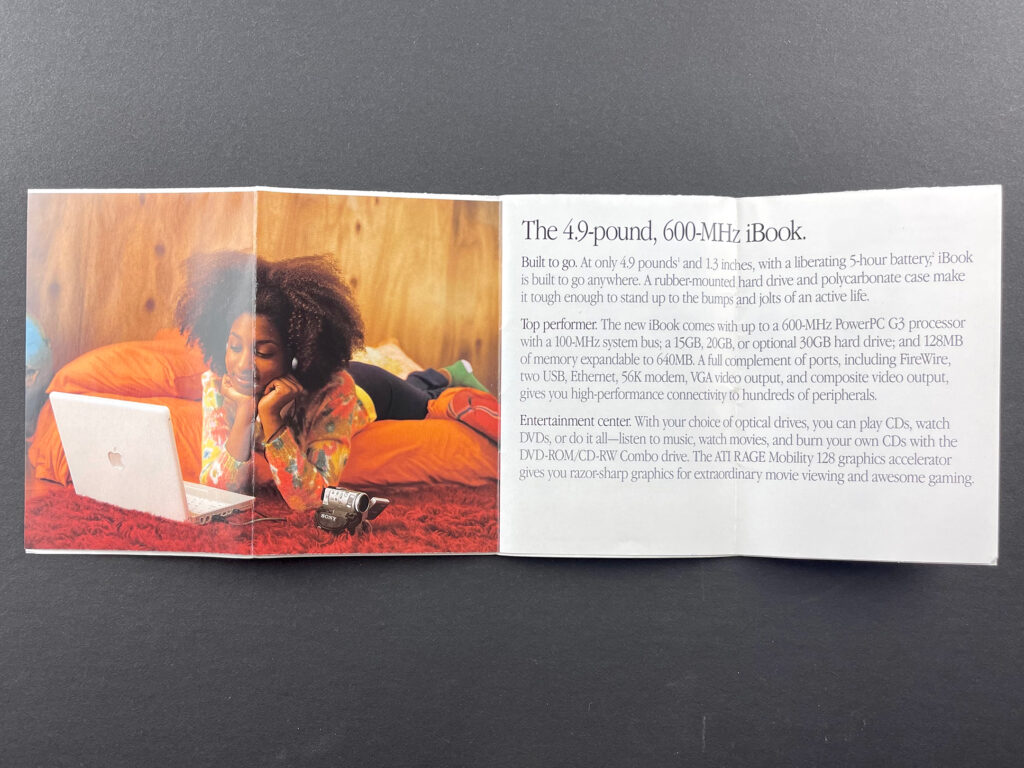
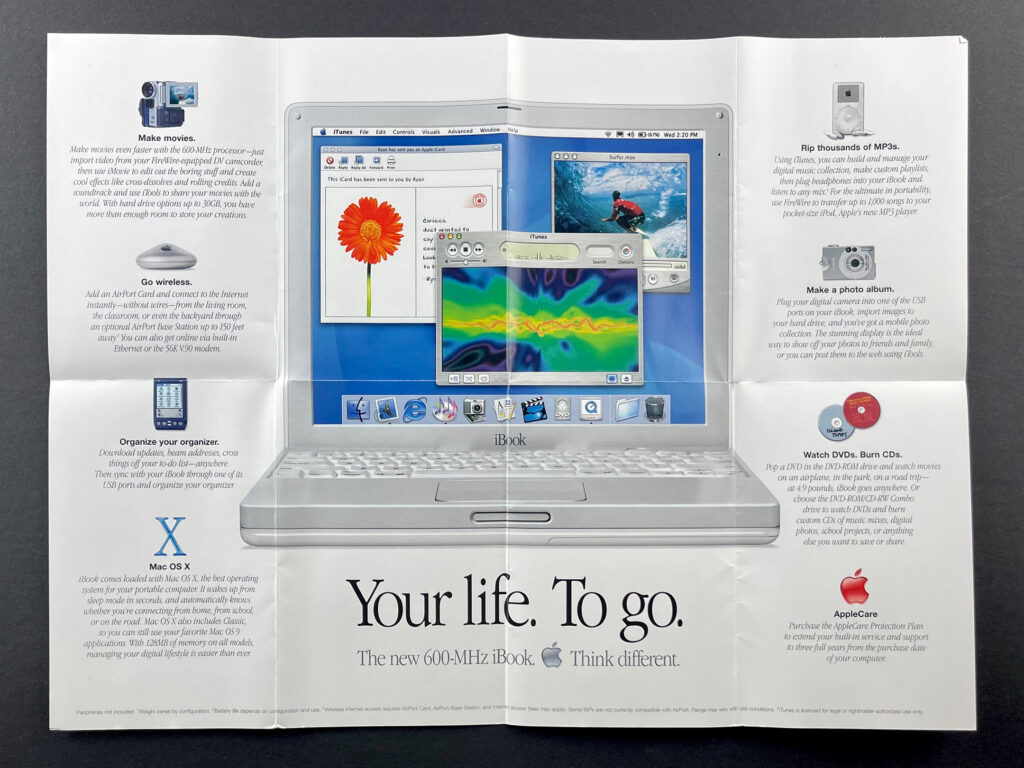
iBook (October 2001)
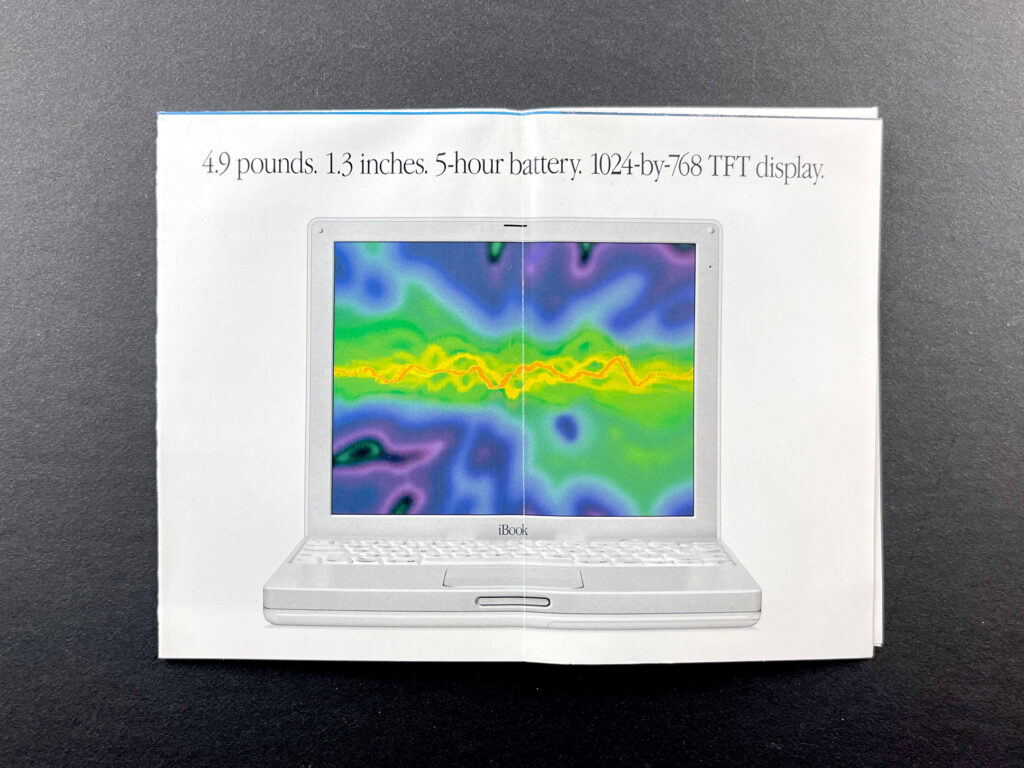
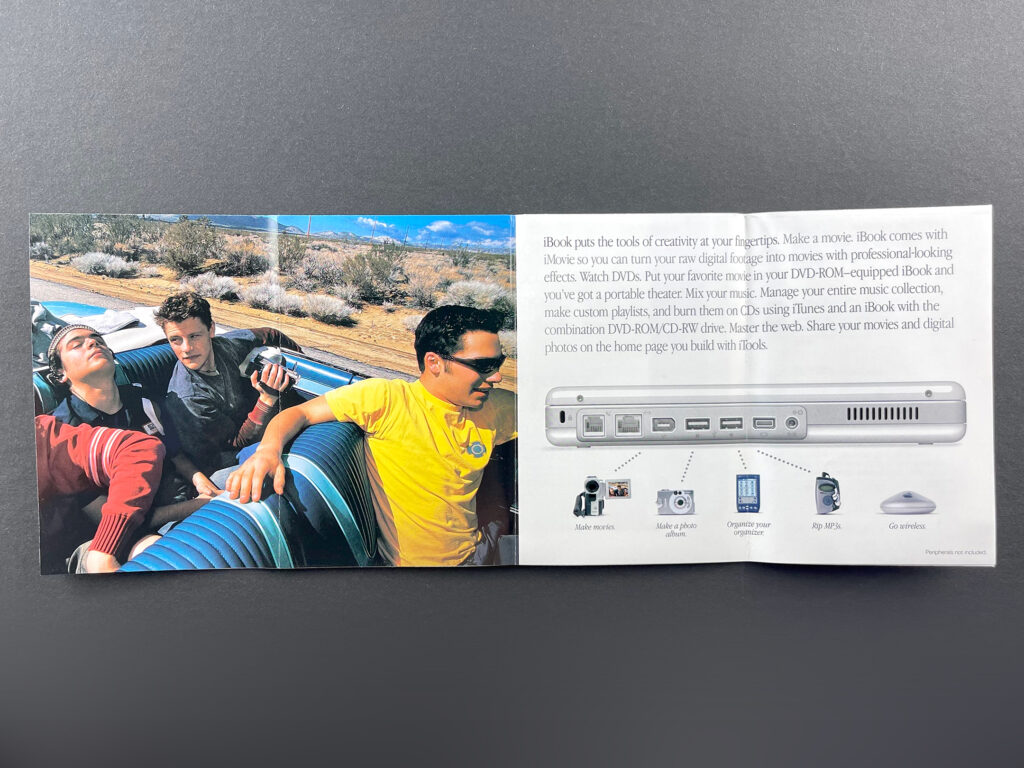
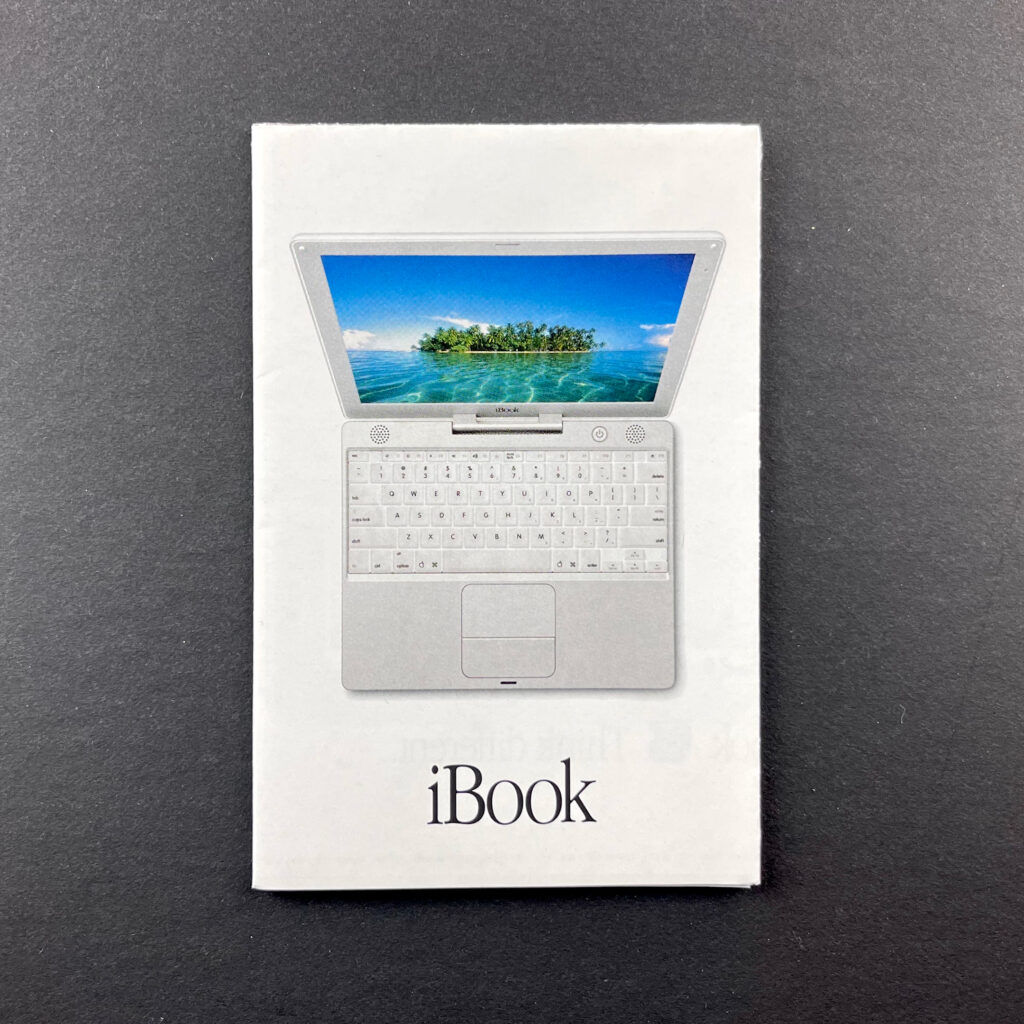
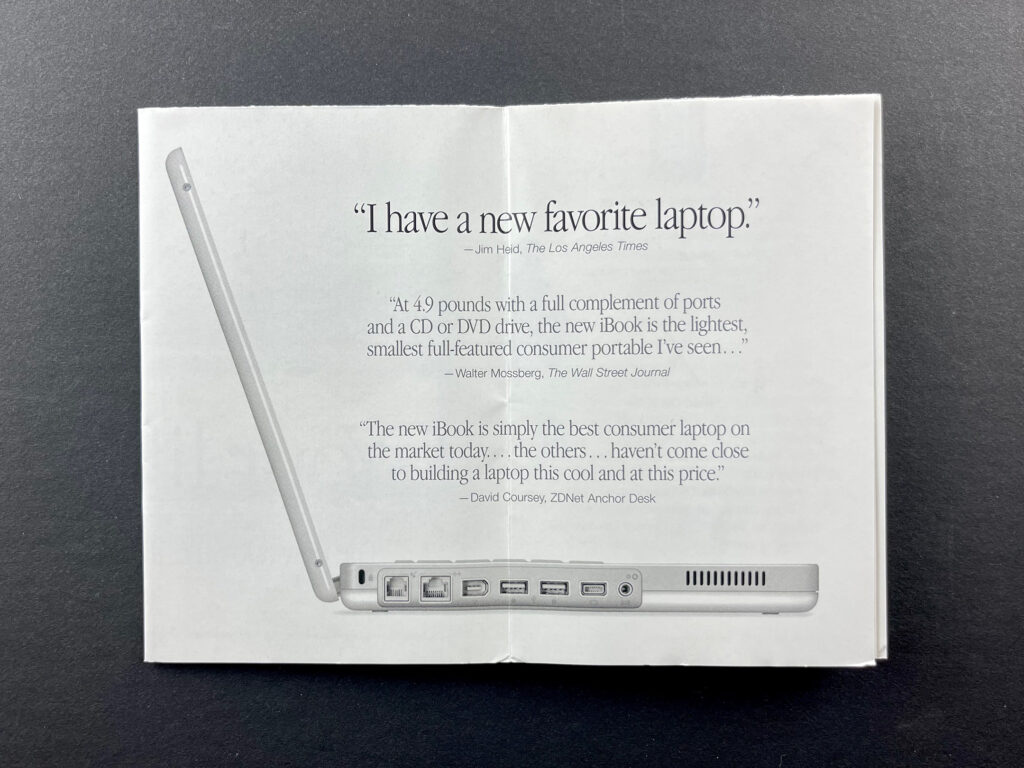
This iBook mini-brochure unfolds into an 8-up landscape-orientation mini-poster listing several features (make movies, go wireless, organize your organizer, Mac OS X, rip thousands of MP3s, make a photo album, watch DVDs, burn DVDs, AppleCare) and the tagline “Your life. To go. The new 600MHz iBook.”

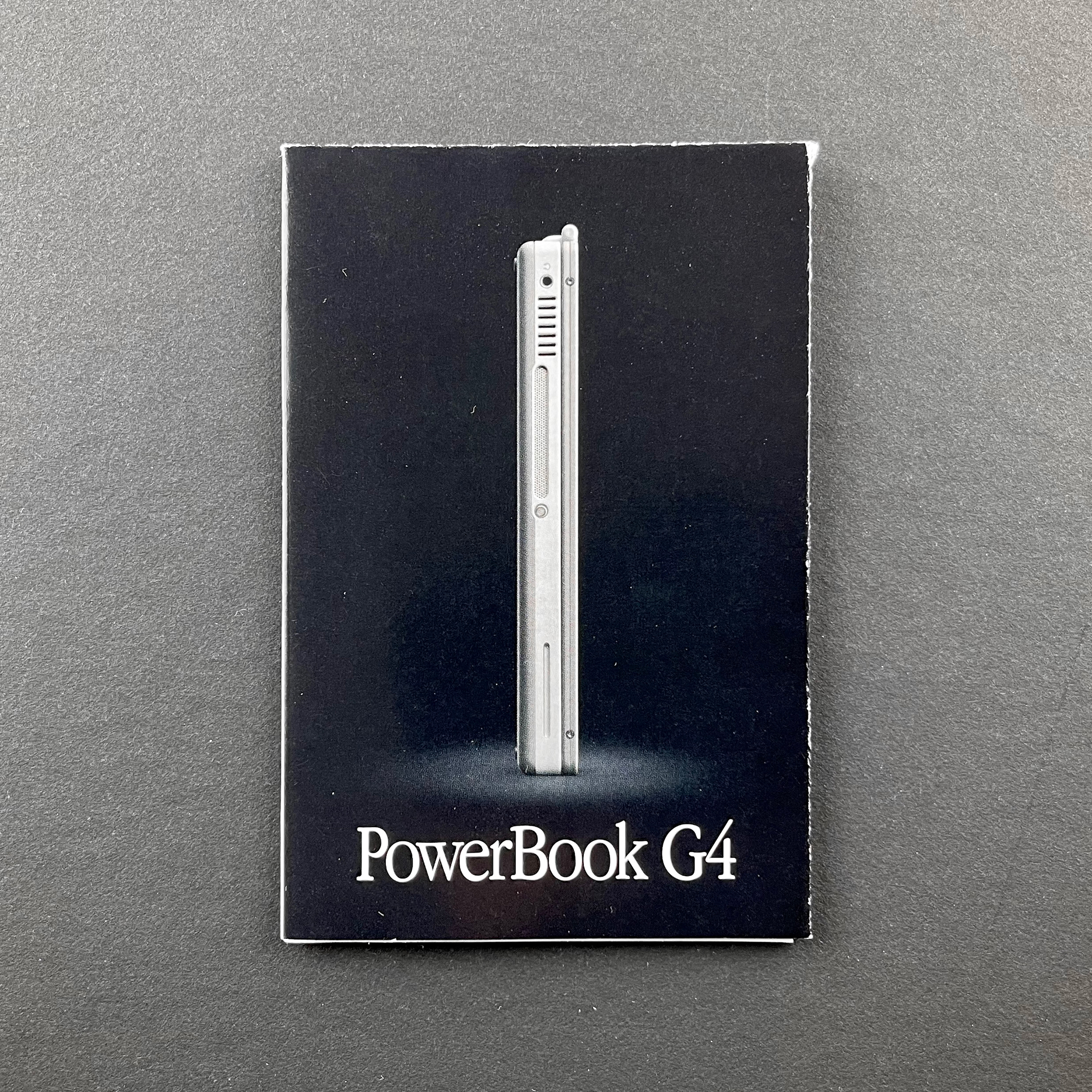
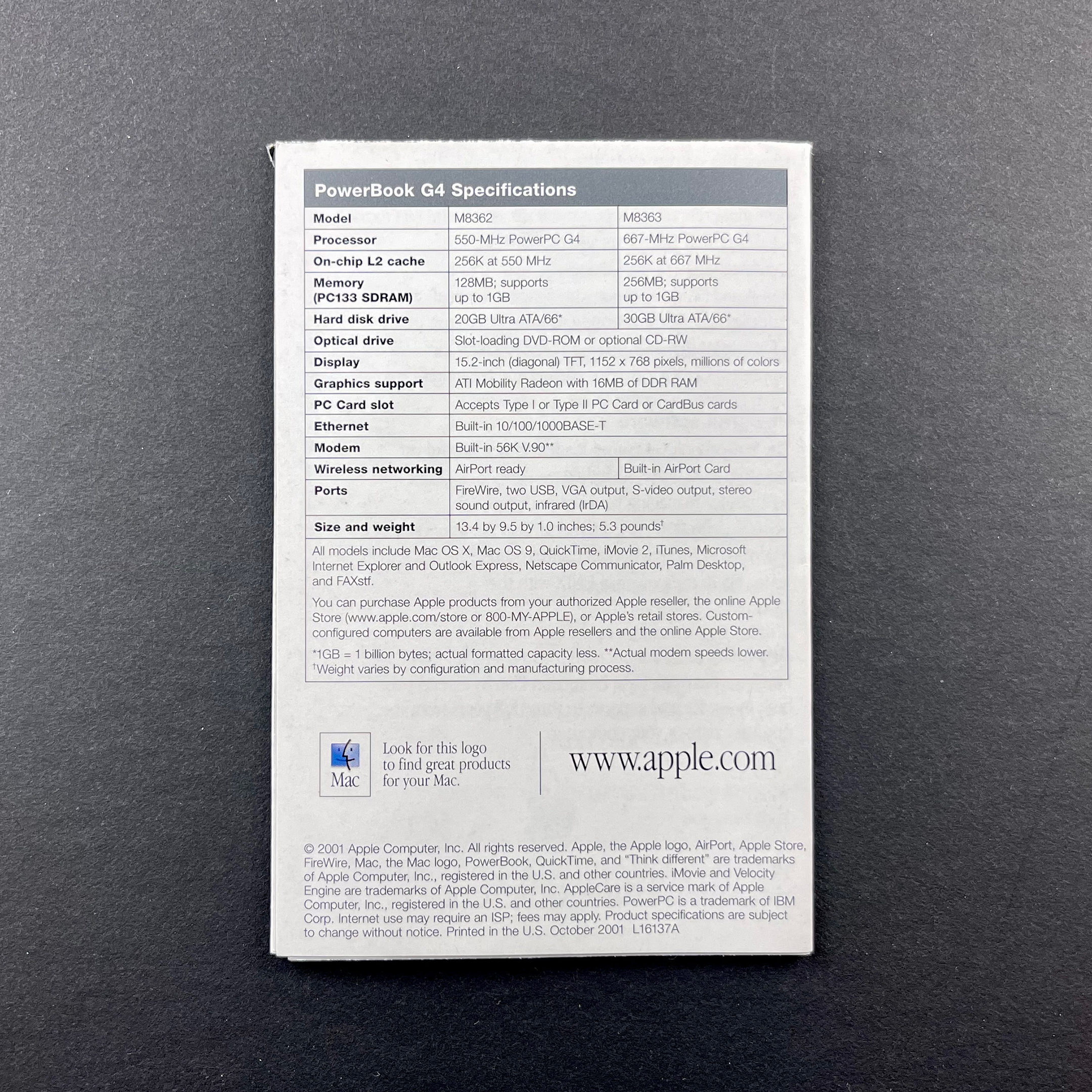
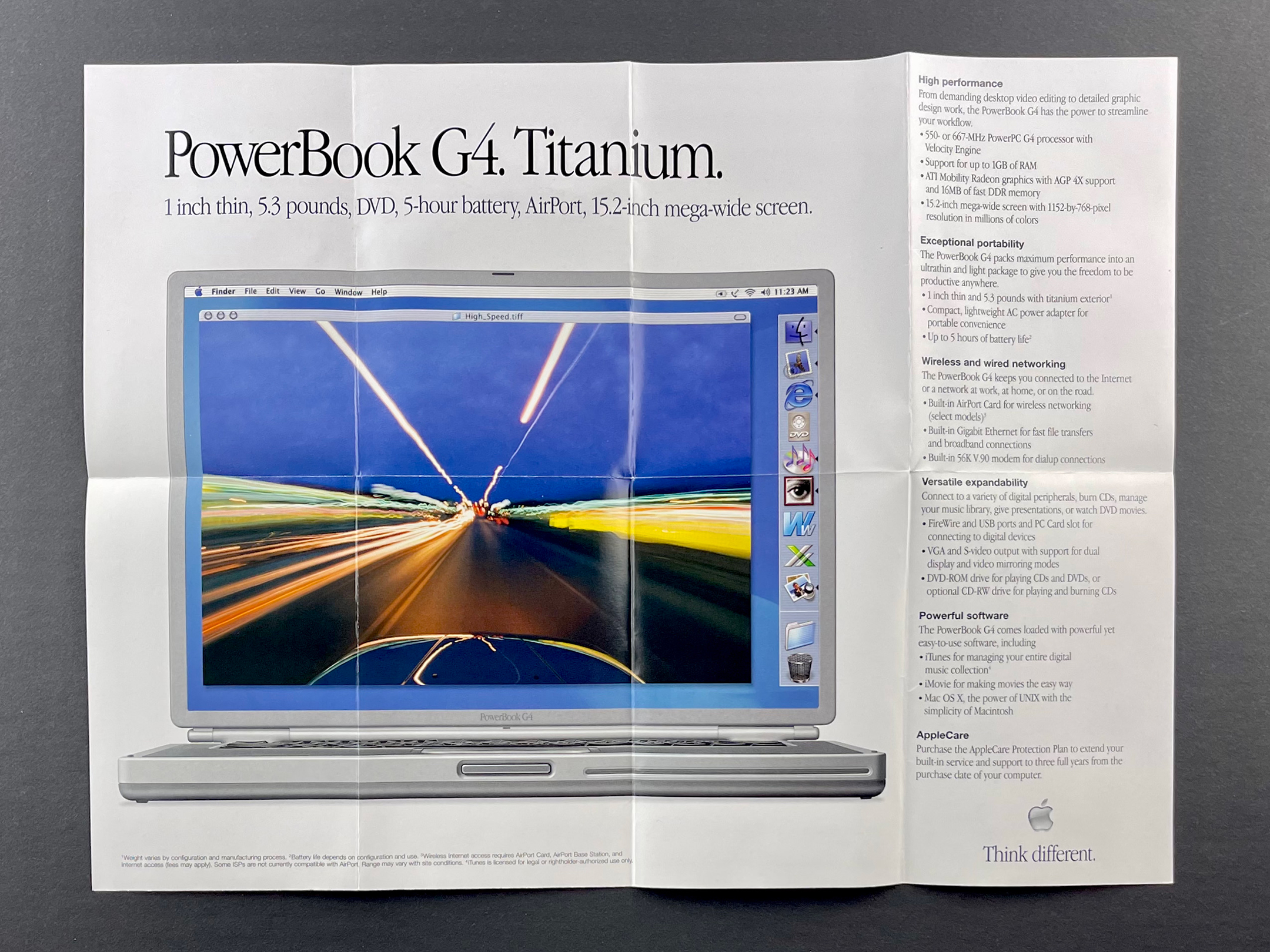
PowerBook G4 (October 2001)
This PowerBook G4 mini-brochure unfolds into an 8-up landscape-orientation mini-poster featuring the Titanium PowerBook G4 and the tagline “1 inch thin, 5.3 pounds, DVD, 5-hour battery, AirPort, 15.2-inch mega-wide screen.”
Mini-brochures collection (2000)

These product mini-brochures were available in Apple Stores and elsewhere in the early 2000s. They measured 3 x 4.5 inches folded, and designs unfolded into different configurations. All of these mini-brochures feature a photo of the product on the front panel, information inside, and specifications on the back panel.

iMac (July 2000)
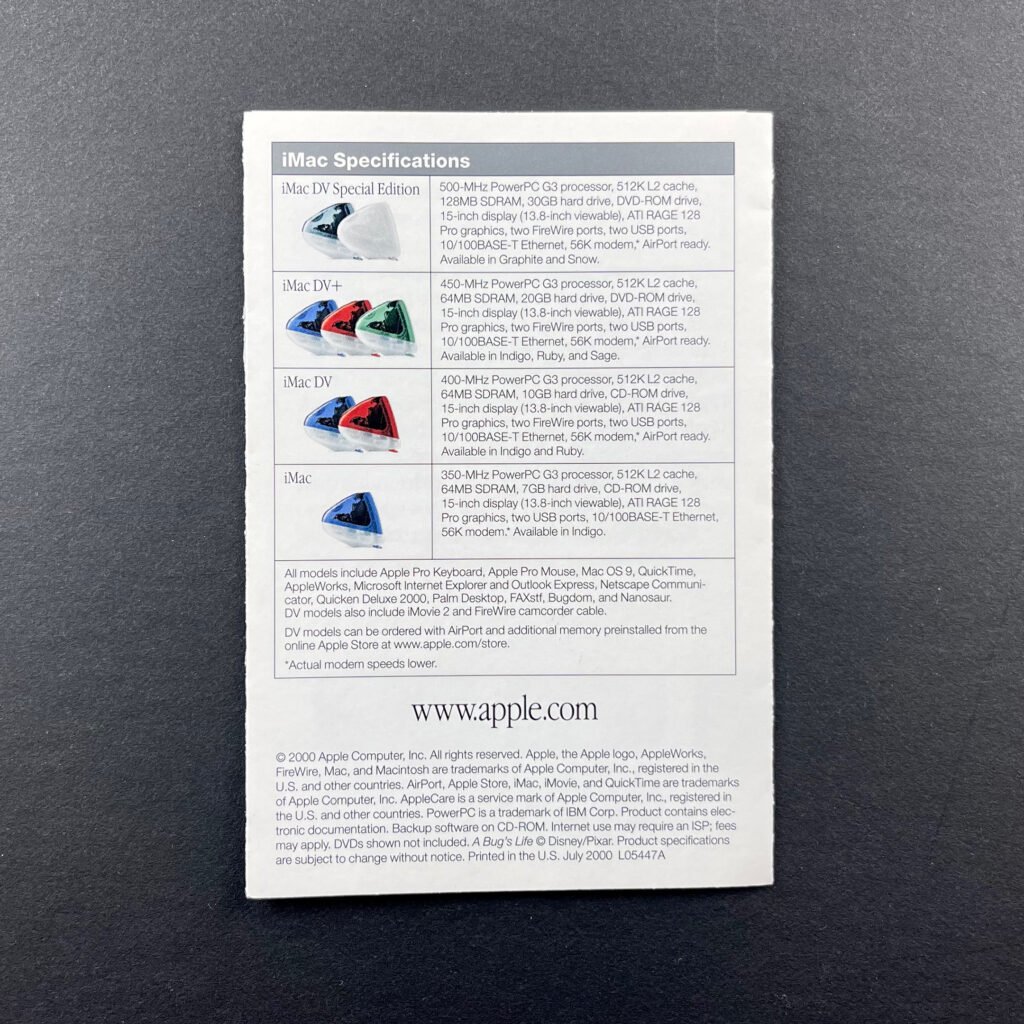
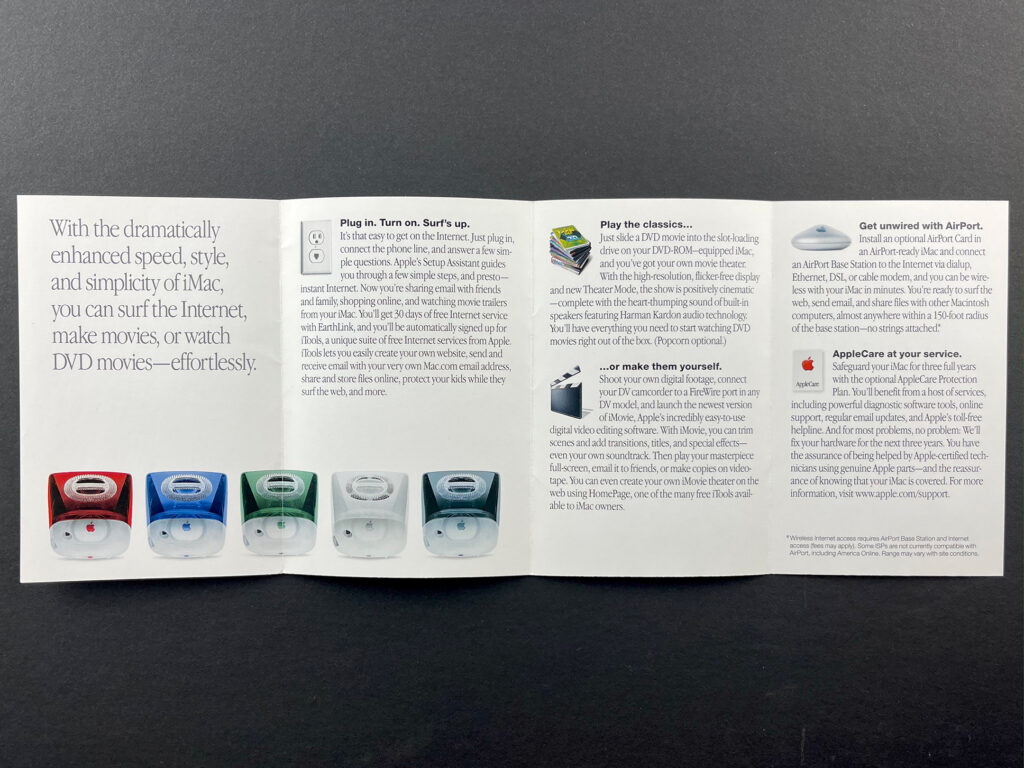
This iMac mini-brochure featured the graphite and snow iMac DV Special Edition models. It opened to four horizontal panels and featured all iMac colors of the time—ruby, indigo, sage, snow, and graphite. Features described included Internet, playing DVDs, digital video editing with iMovie, optional AirPort wireless capabilities, and AppleCare. iMac Specifications on the back outlined the four available configurations: iMac DV Special Edition, iMac DV+, iMac DV, and iMac.

AirPort (original, July 2000)
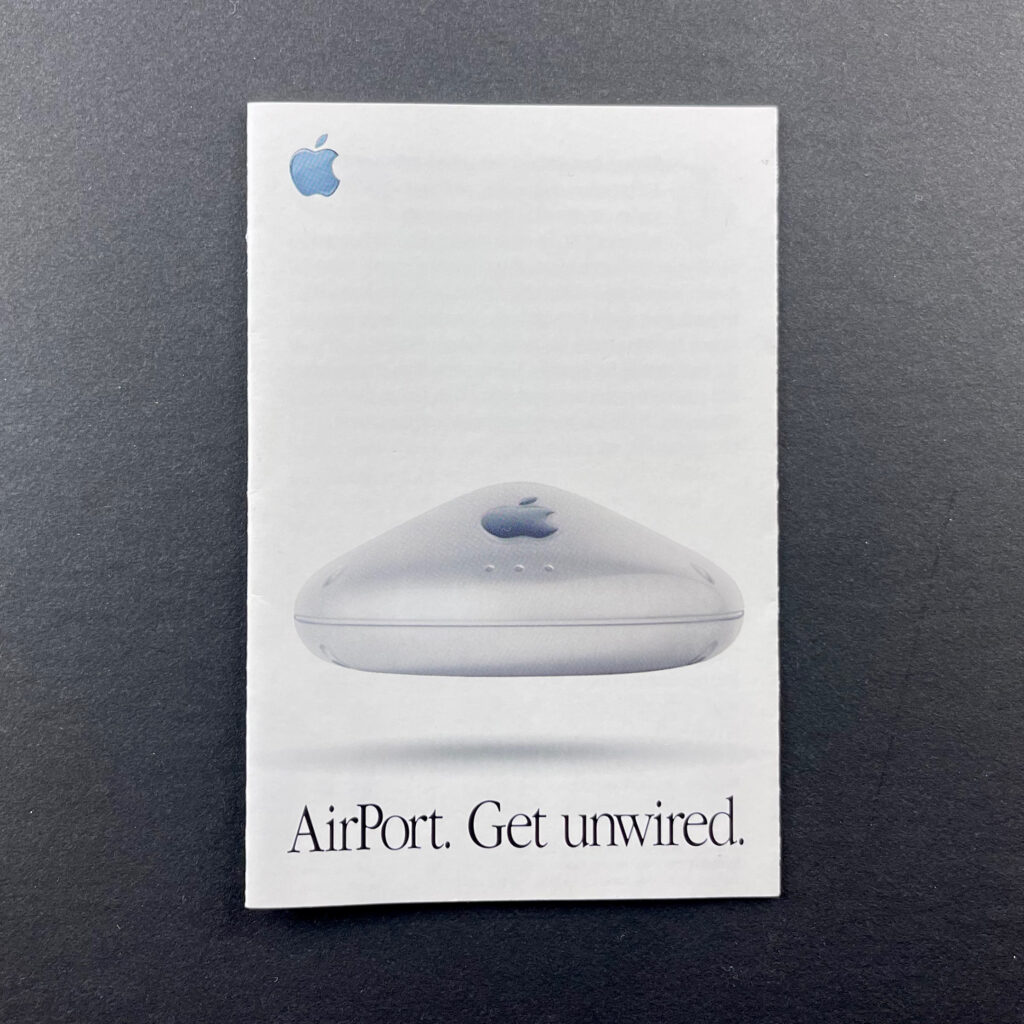
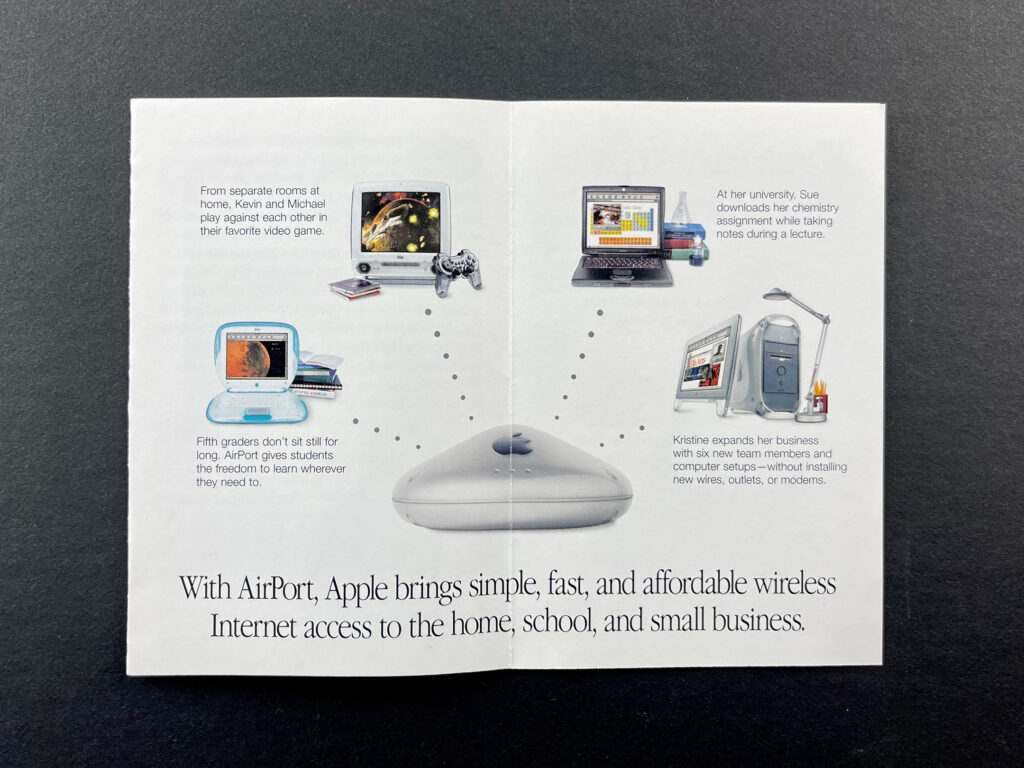
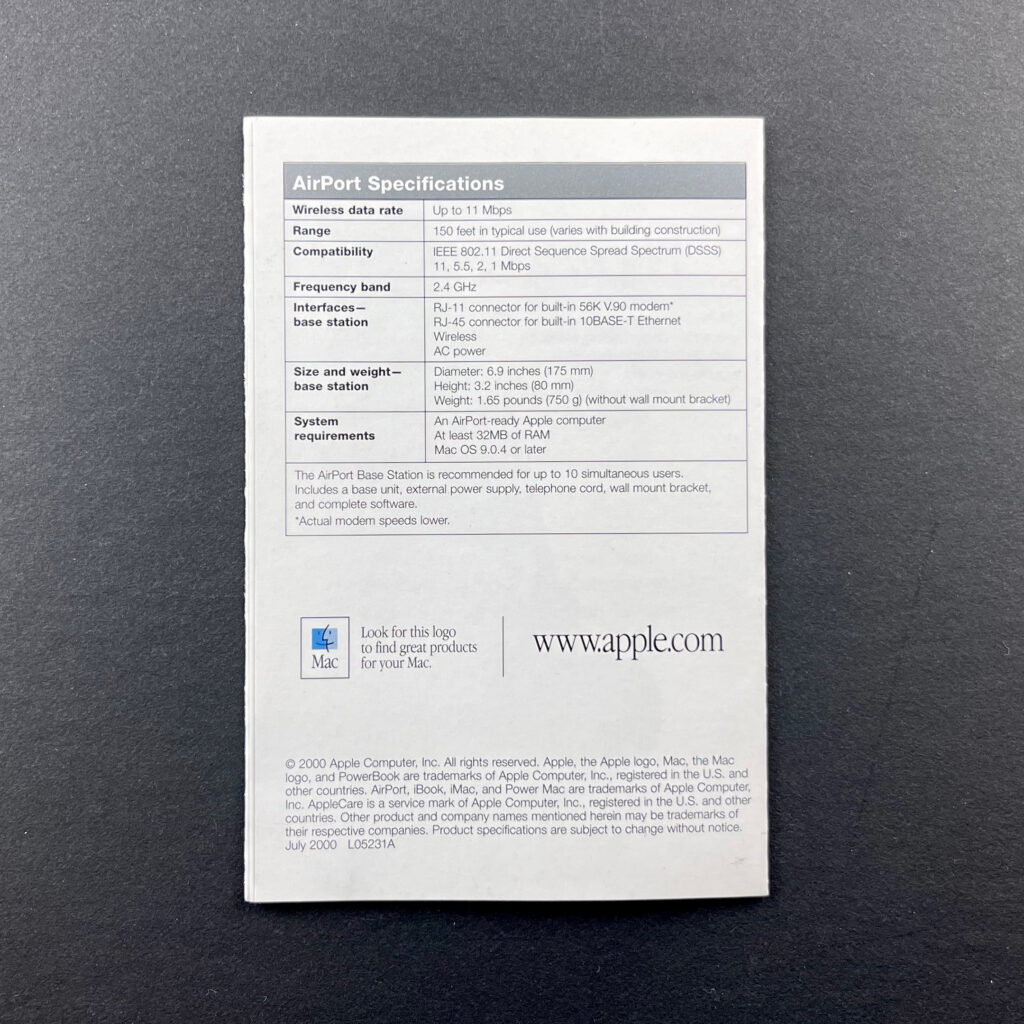
The AirPort mini-brochure opens first to a 2-up layout showing Apple’s Wi-Fi-capable devices at the time (iBook, iMac, PowerBook G3, and graphite Power Mac G4 tower). The brochure then opens to a 4-up horizontal layout showing “Three easy steps to a wireless world.”

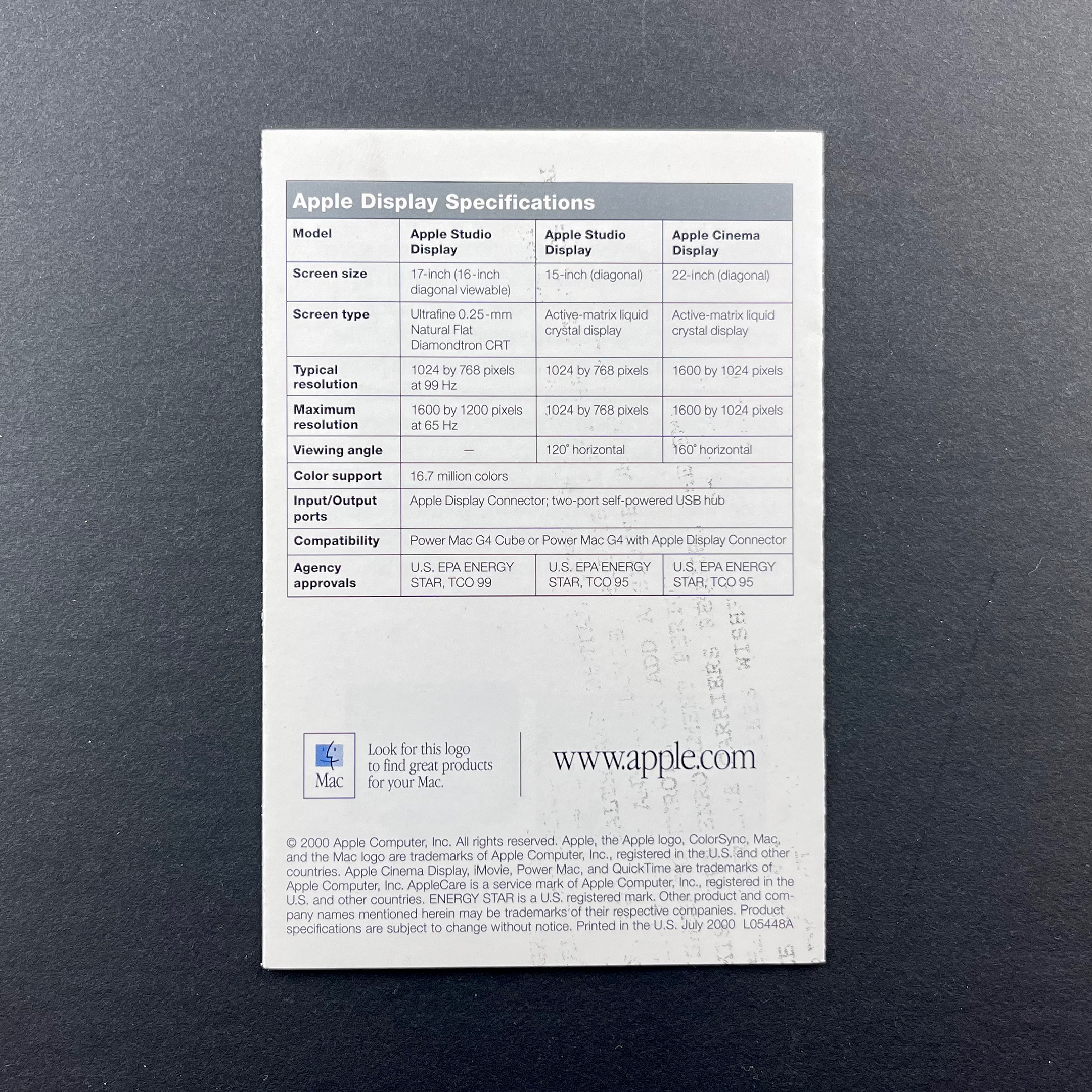
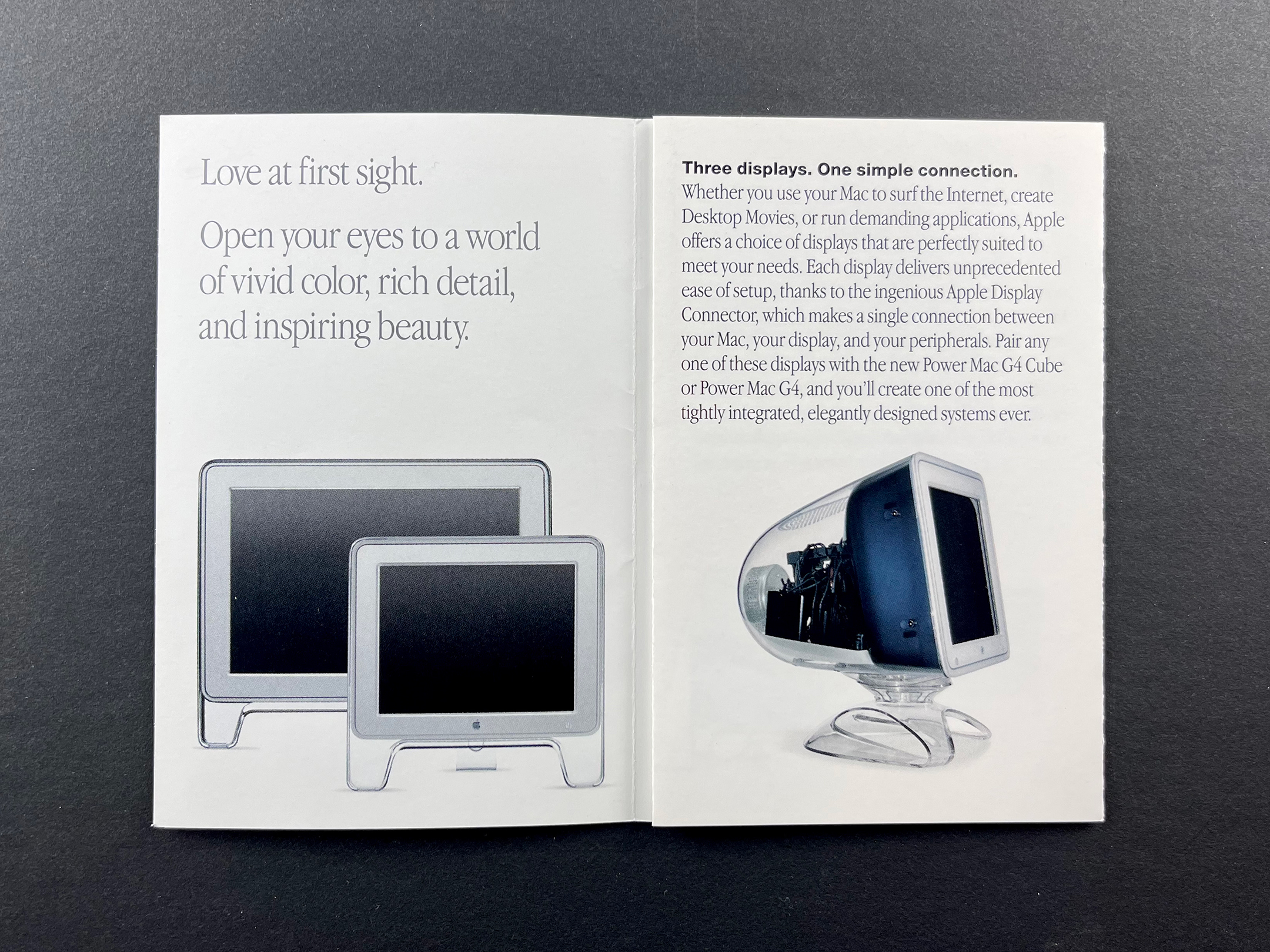
Apple Displays (July 2000)
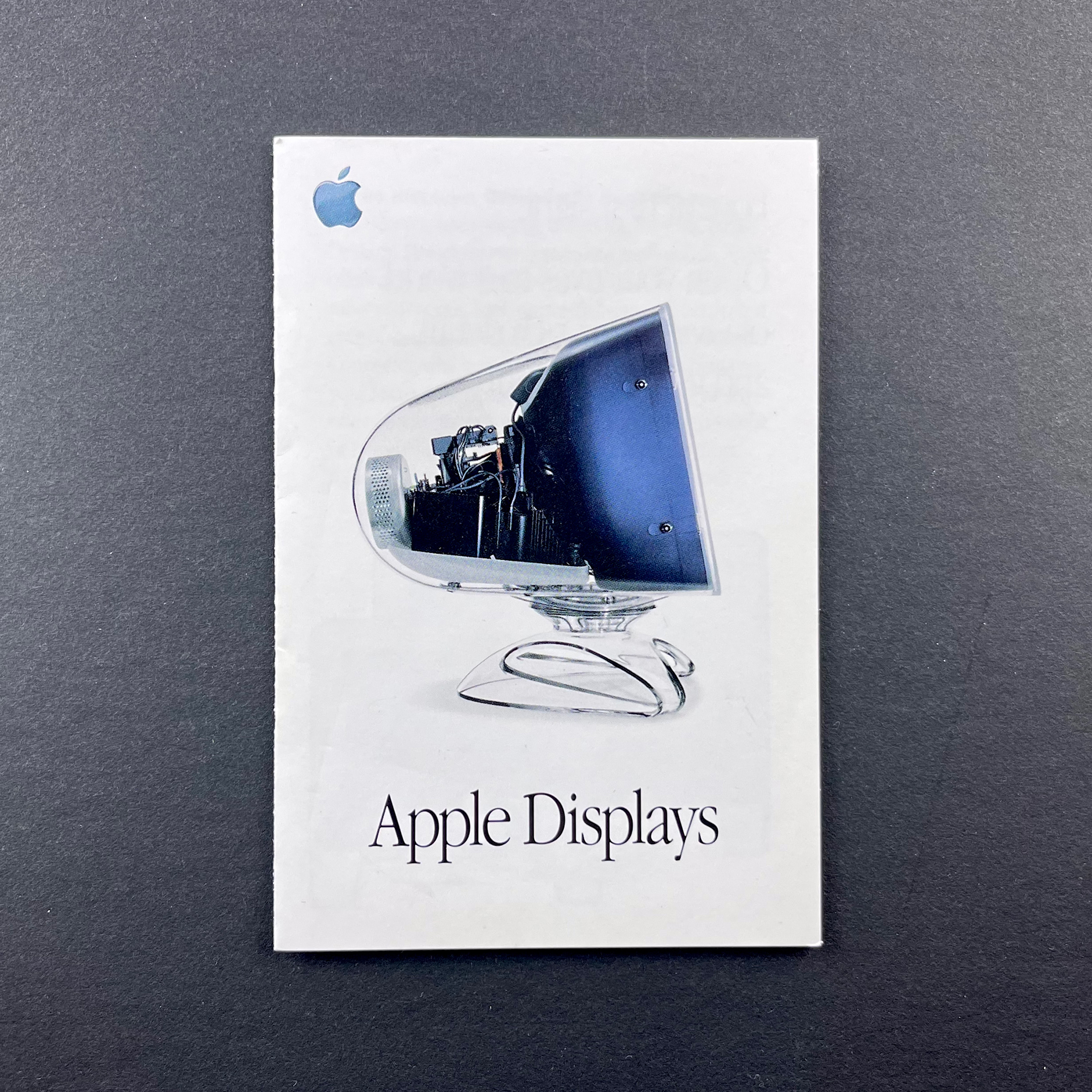
The Apple Displays brochure pictures an Apple Studio Display on the cover (17-inch CRT model). The brochure folds into a horizontal 4-up layout that shows all three available display models at the time along with features—Apple Studio Display (17-inch CRT), Apple Studio Display (15-inch LCD), and Apple Cinema Display (22-inch LCD).

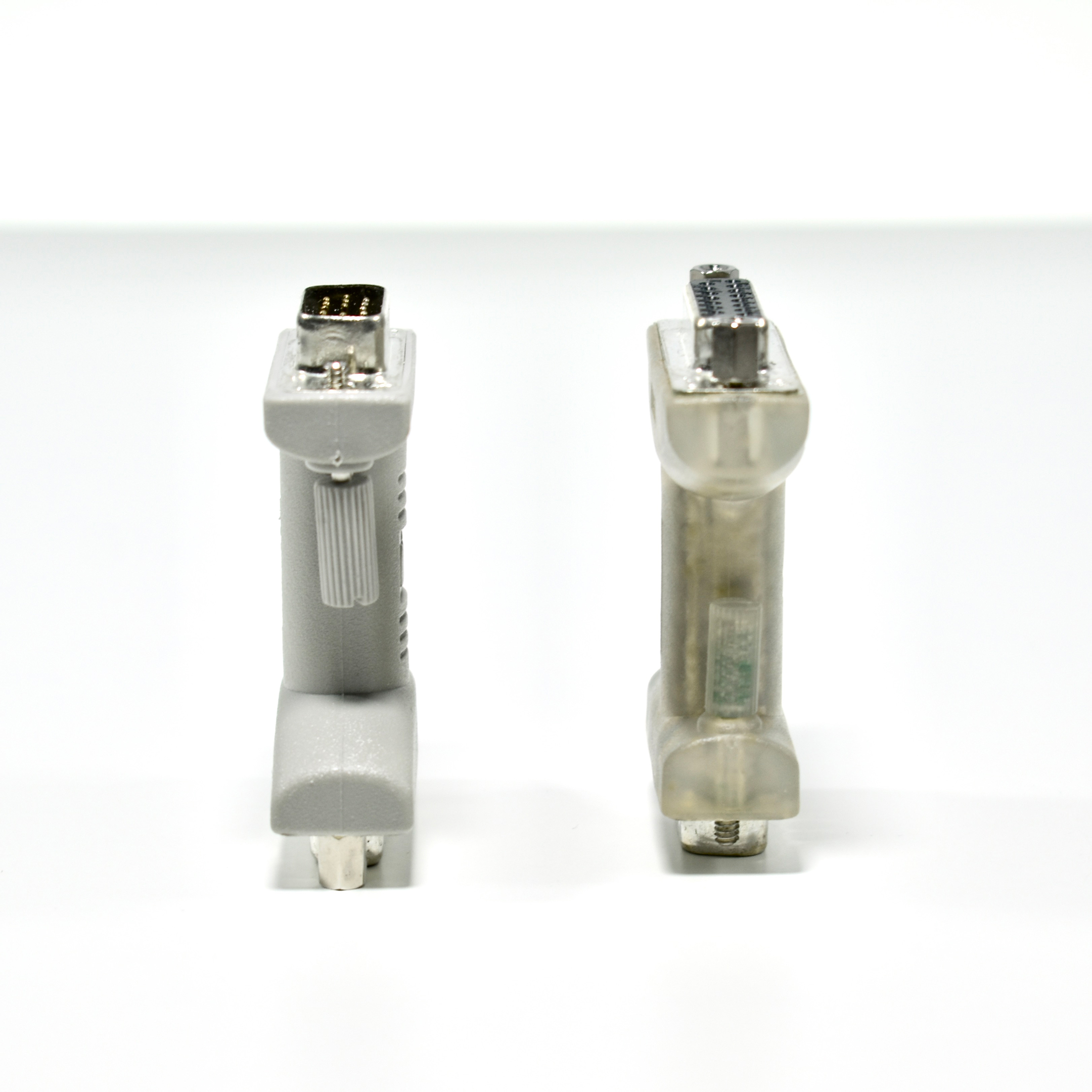
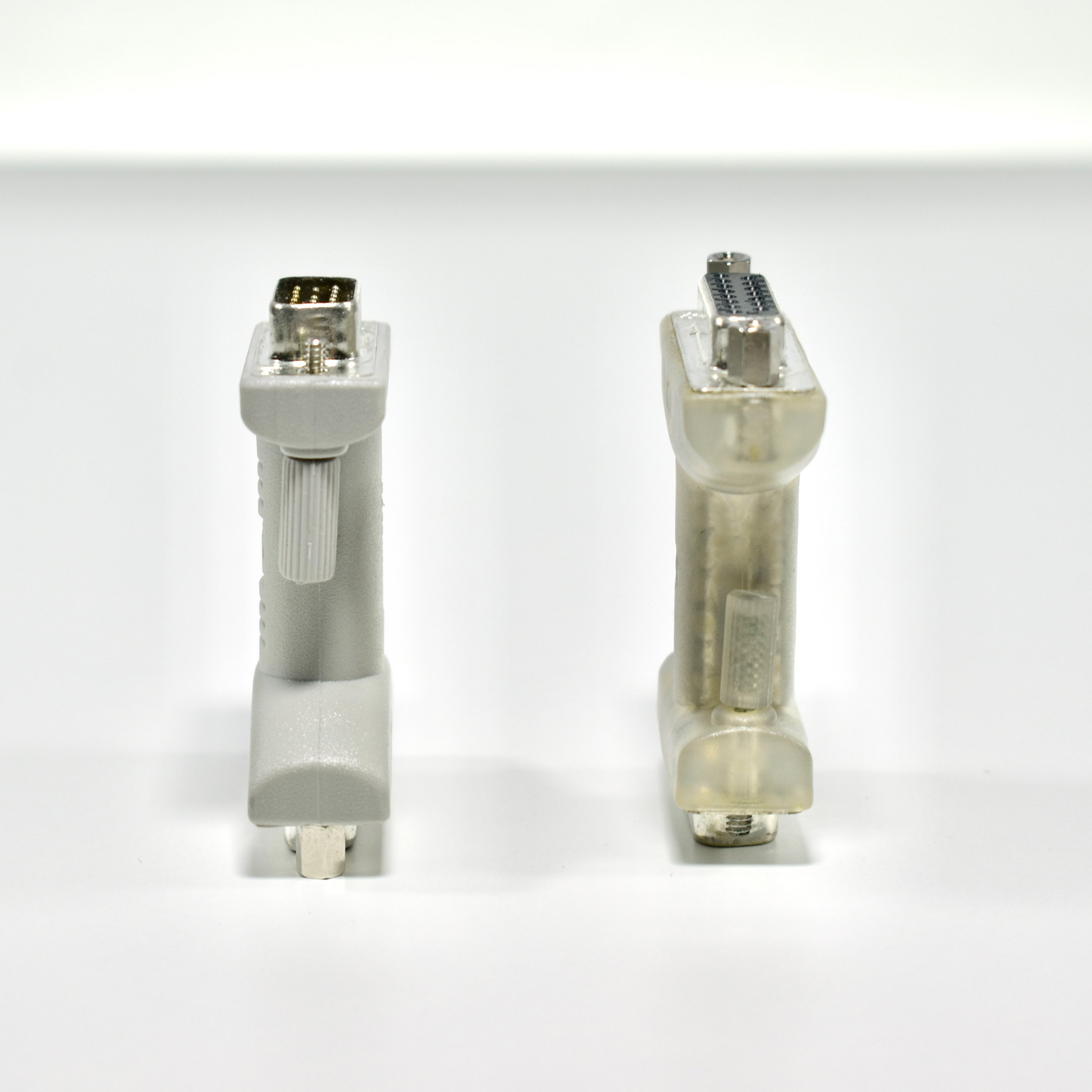
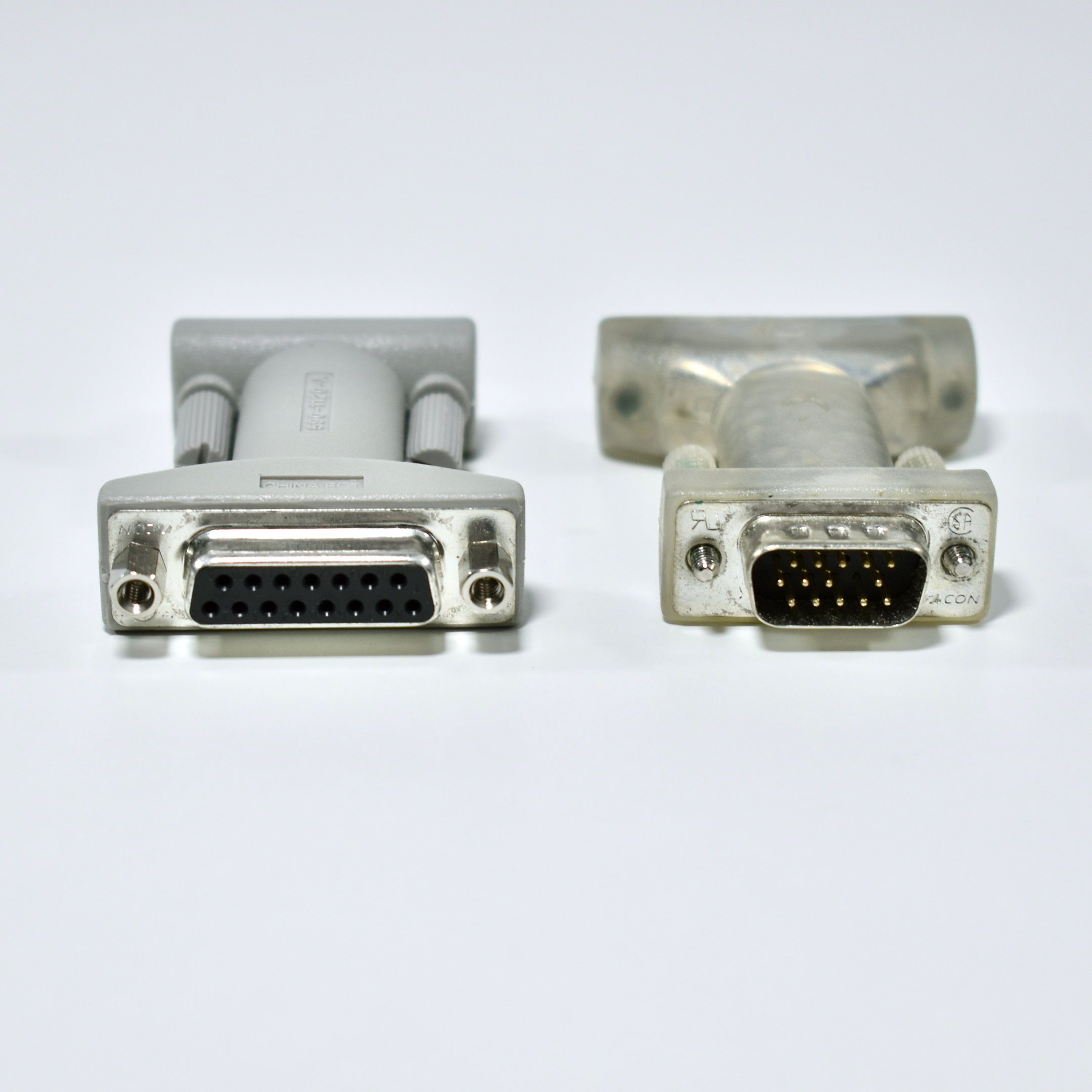
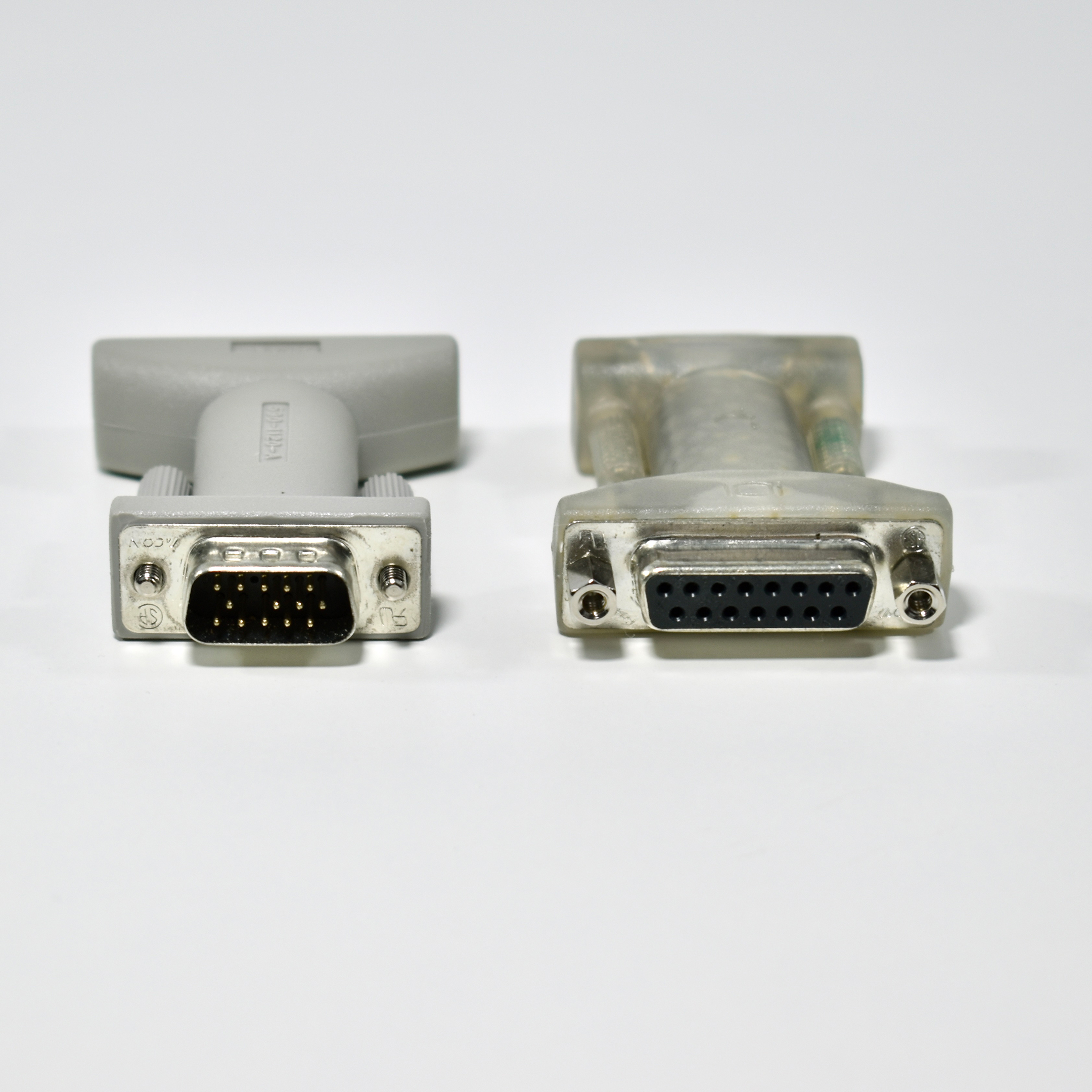
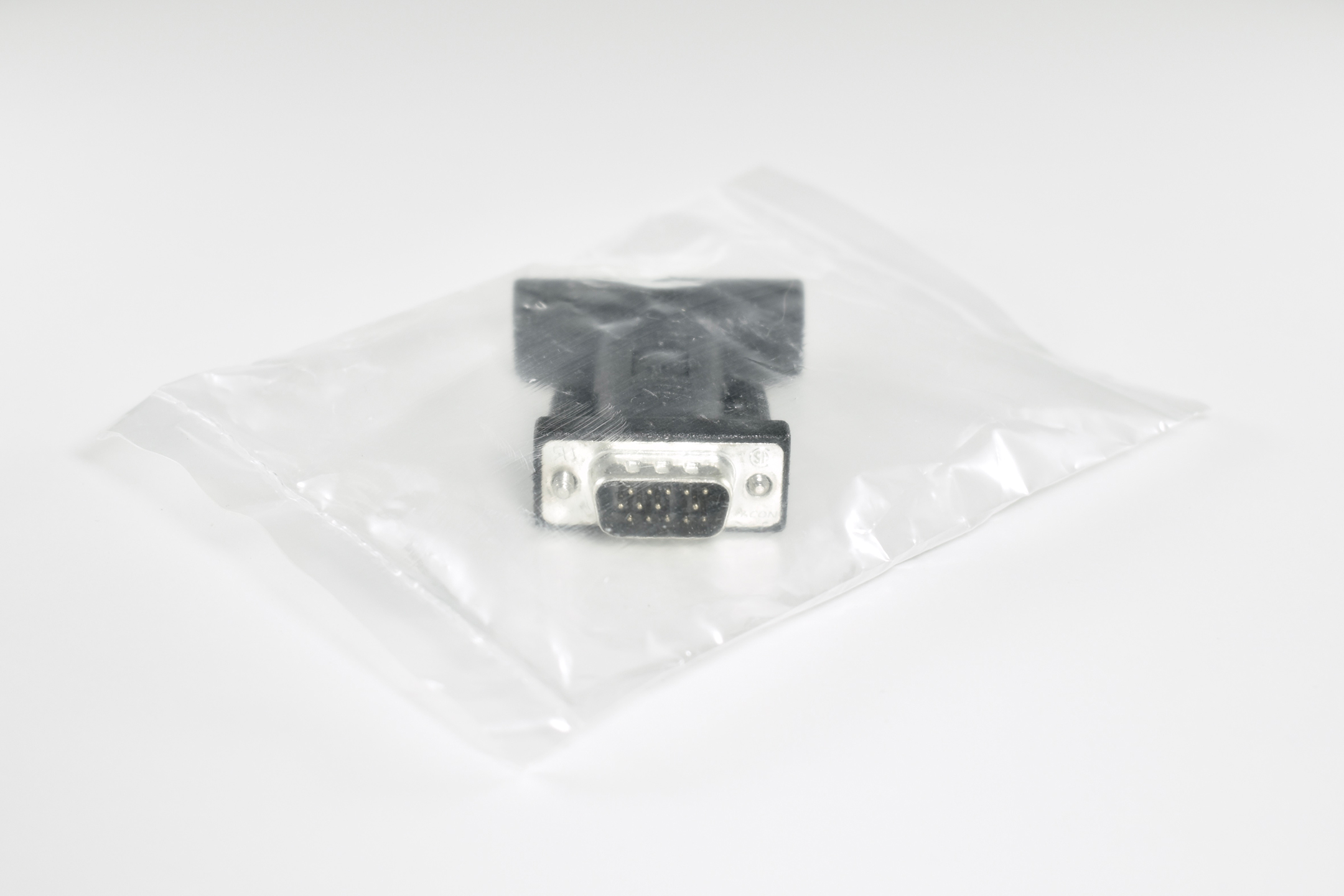
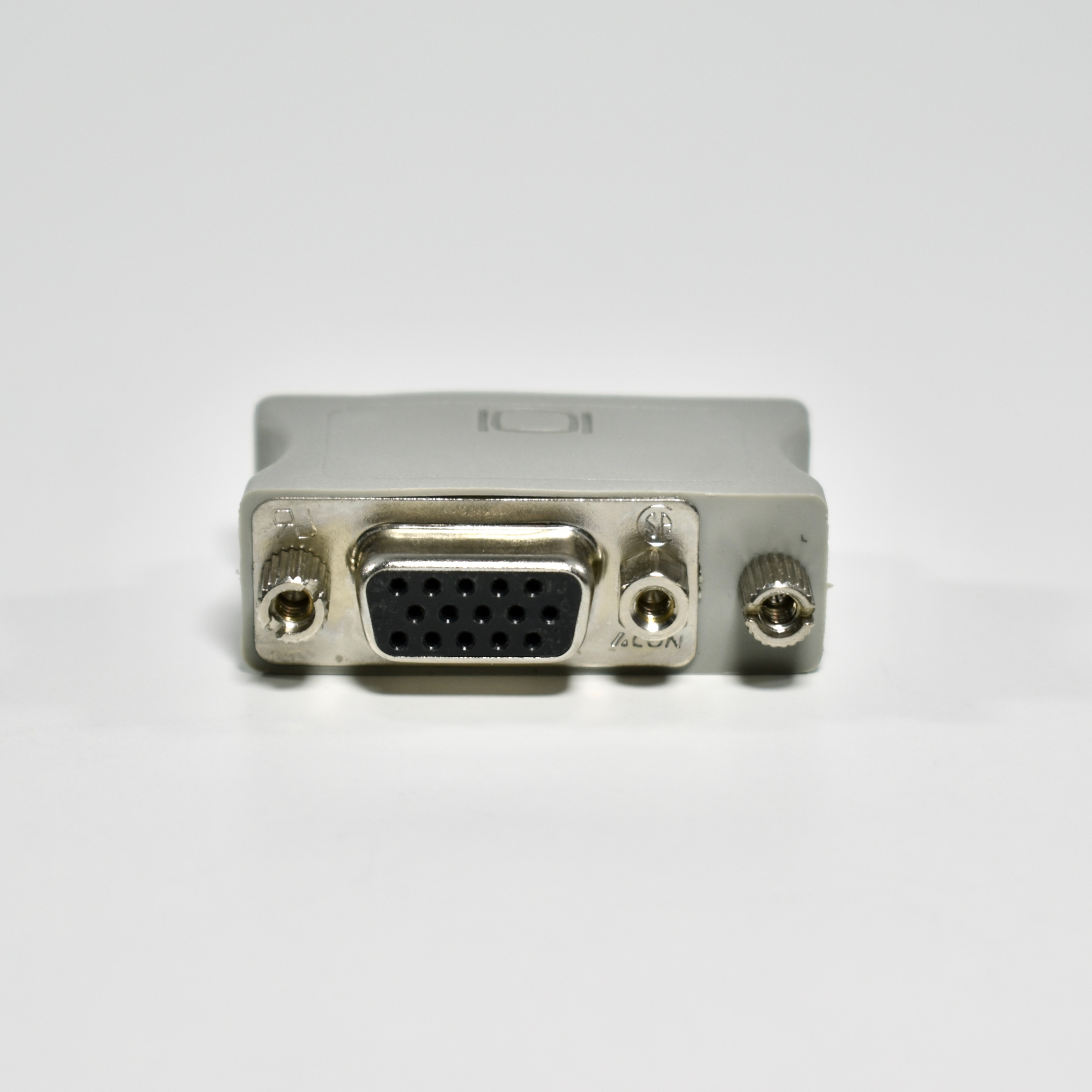
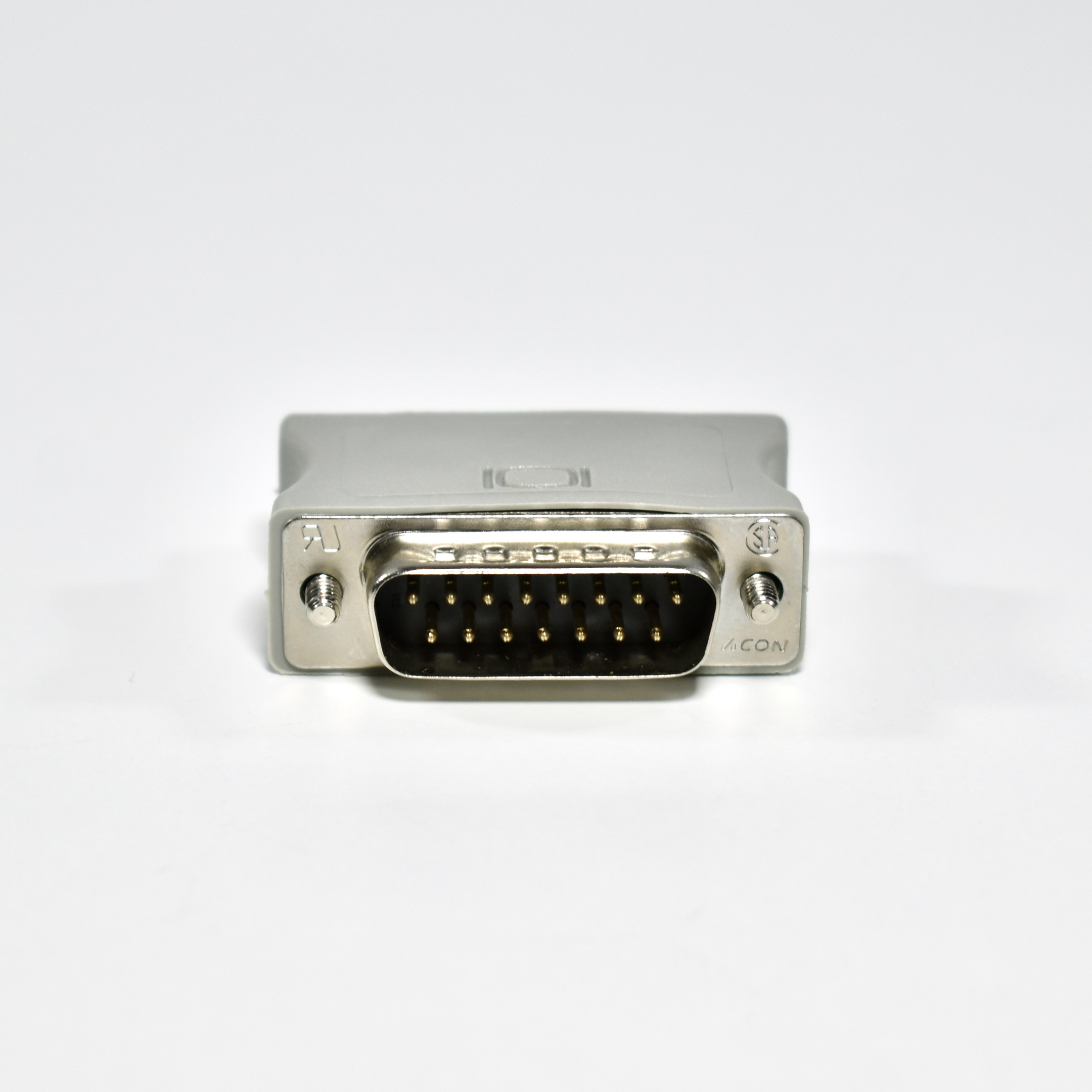
Macintosh Display (DA-15) to VGA Adapters (platinum, clear, and black)

During the 1990s when Apple produced external CRT displays, they built DB-15 video ports into Macintosh computers. Product manuals of the time referred to the port as the “Macintosh video port” and in the later 1990s, the “Monitor port.”

An Apple Service Source document for the Power Macintosh/Server G3 Minitower shows the port in a diagram labeled as the “Monitor Port.”

I have three different versions of this adapter that allows a Macintosh with this DB-15 monitor port to be used with a “standard” VGA monitor. The three versions I have are platinum, clear, and black. The black example is unopened. All three designs have the Apple logo.

Source: Apple

Apple Video Card Accessory (DA-15)

During the 1990s when Apple first entered the external display market, they used the DB-15 video port. Product manuals of the time referred to the port as the “Macintosh video port” or later, the “Monitor port.”

An Apple Service Source document for the Macintosh LC Series/Quadra 605 (Macintosh LC, Macintosh LC II, Macintosh LC III, Macintosh LC 475, Macintosh Quadra 605) specifies the video standard as: “DB-15 monitor port for built-in video; DA-15 connector.”

This Apple Video Card Accessory (part number 513-0091-A) allowed “standard” VGA monitor to be used with a Macintosh computer.

Source: Apple

Starbucks+iTunes Counter Display (2007)

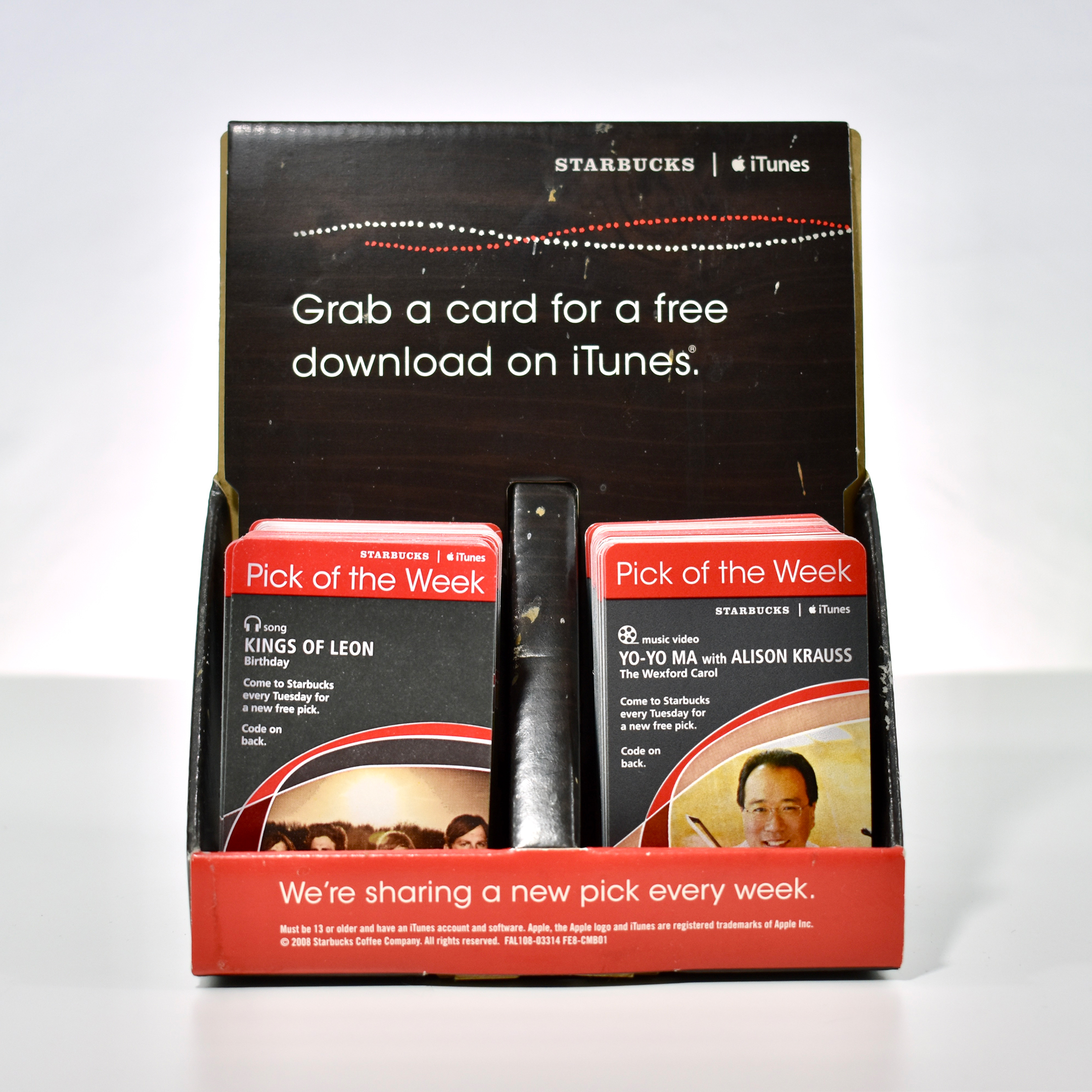
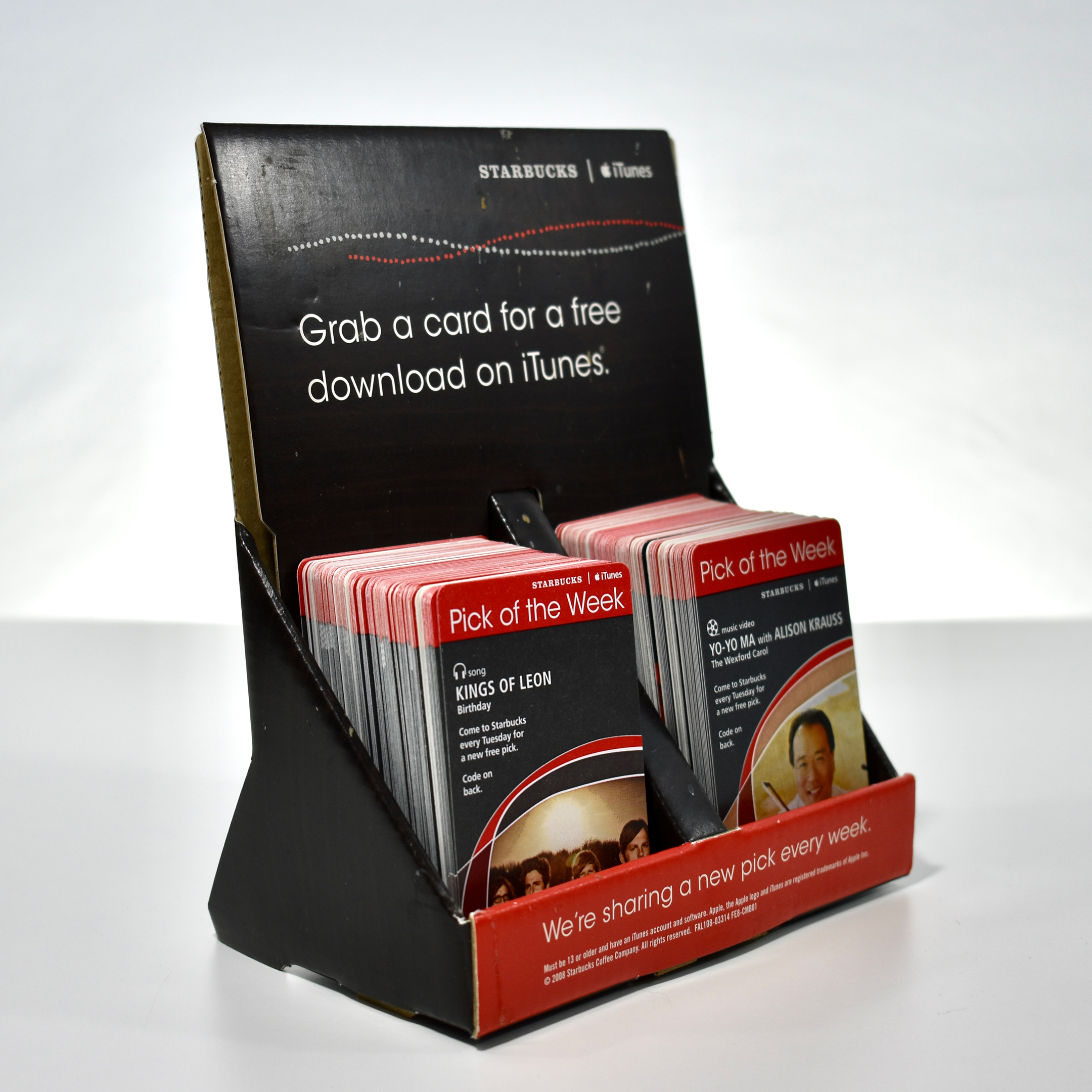
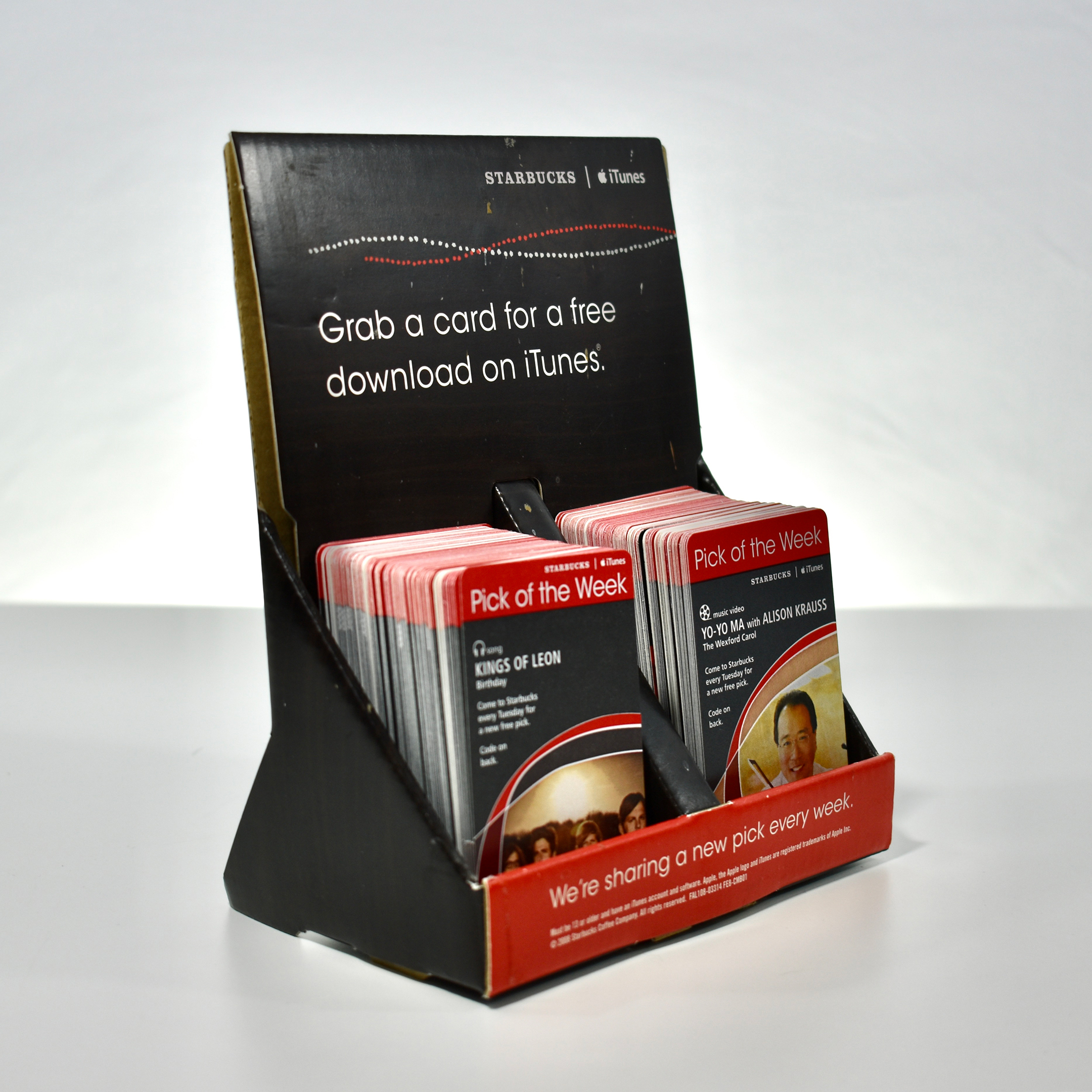
This Starbucks+iTunes counter display was used in a suburban Chicago Starbucks during the second iteration of the “Pick of the Week” promotion. The display matches the cards that are red with white accents.

The original promotion began on October 2, 2007, with the Starbucks and Apple partnership to give away “Song of the Day” cards on the iTunes Music Store. The partnership continued for several years with a few variations.

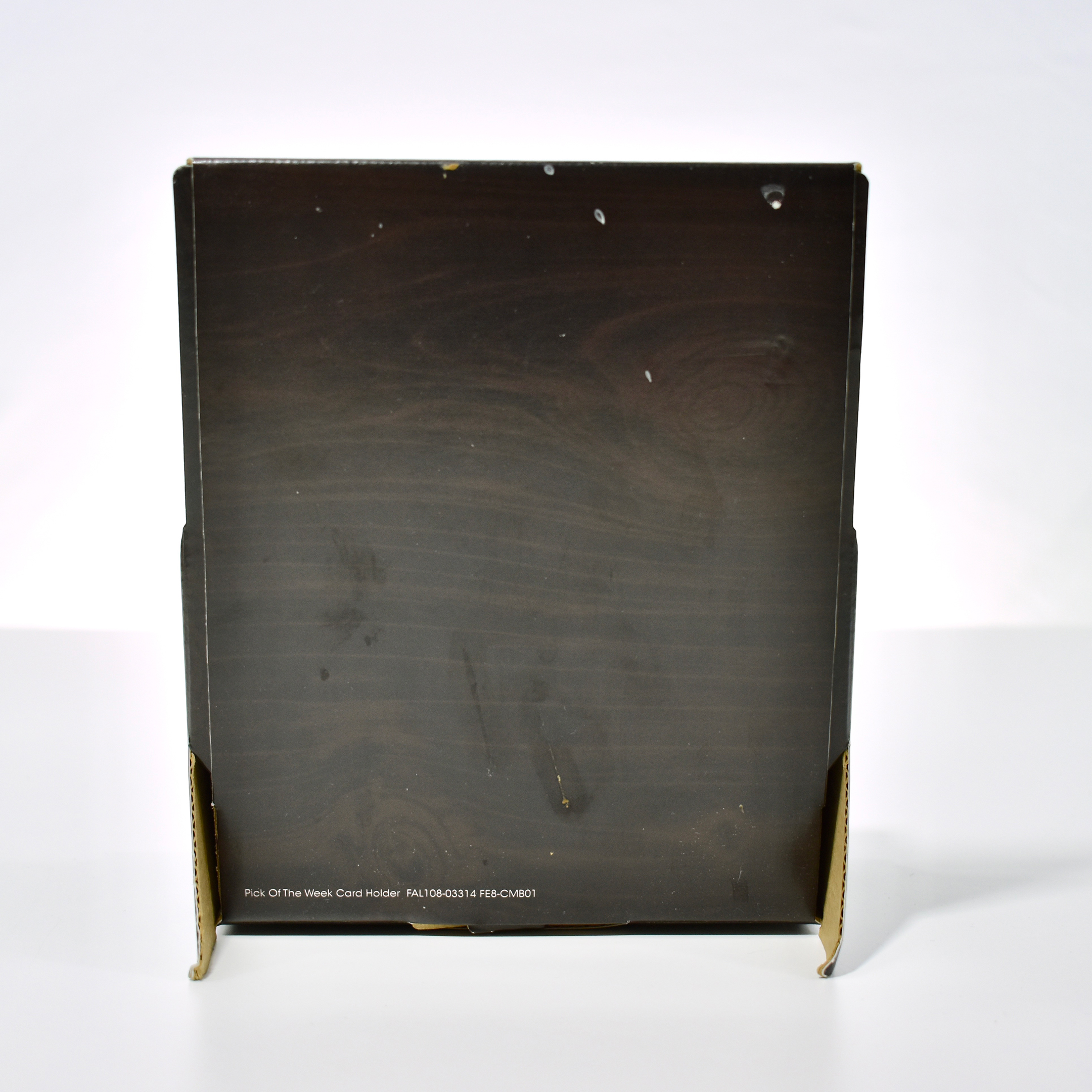
Because this counter display was well-used, it definitely shows signs of wear. I happened to be at the Starbucks sitting at the counter the evening when a new display was delivered. The barista on duty allowed me to have this retired display instead of disposing of it.

Source: Wired

Starbucks+iTunes Free Song/App Cards (2007)

Beginning on October 2, 2007, Starbucks began a partnership with Apple to give away “Song of the Day” cards in collaboration with the iTunes Music Store. The first Song of the Day was Bob Dylan’s “Joker Man.”
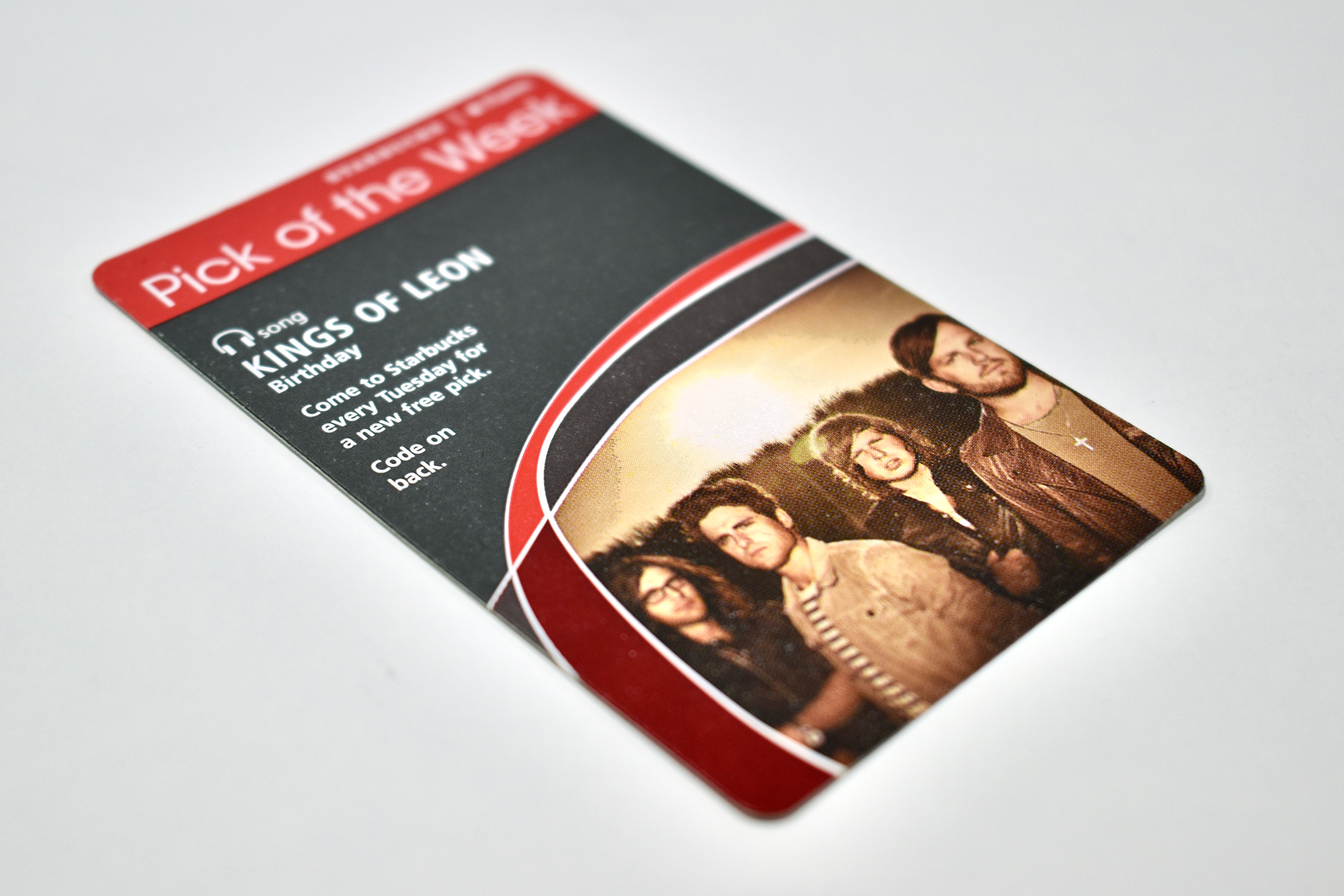
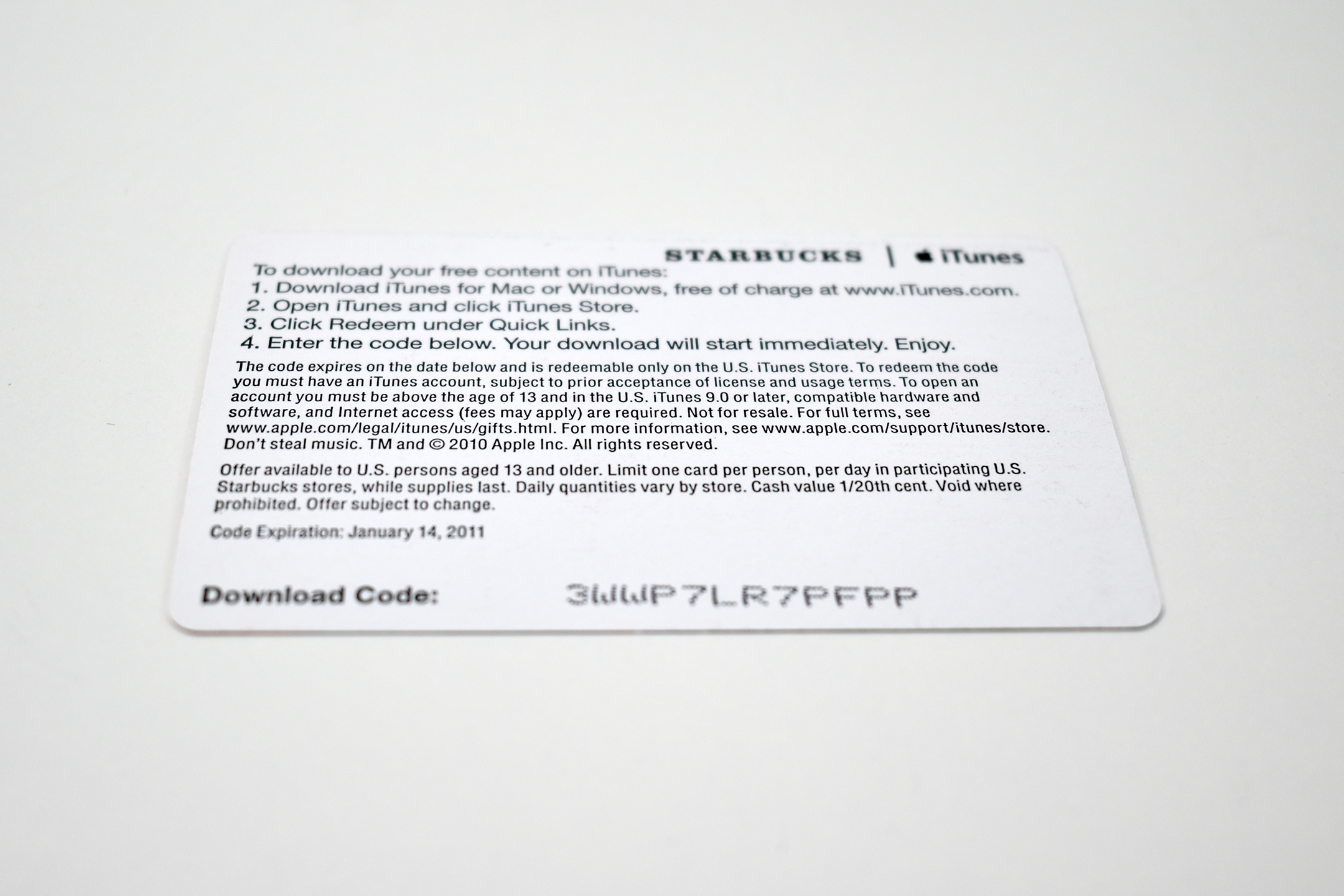
Each card was printed in color on two sides. The front of the card featured the artist and/or band, and the back listed the terms and conditions of the promotion and included a 16-character code to redeem the free song on the iTunes Music Store.

After the first iteration of this promotion, a few other versions were offered, all with the same size card, but with different designs. Later versions of the promotion turned into weekly offerings. Special collections were also added such as music festival tie-ins (e.g., Lollapalooza) and music-related TV shows (e.g., The Voice). Also, Apple Books titles and free Apps from the App Store were added to later cards.

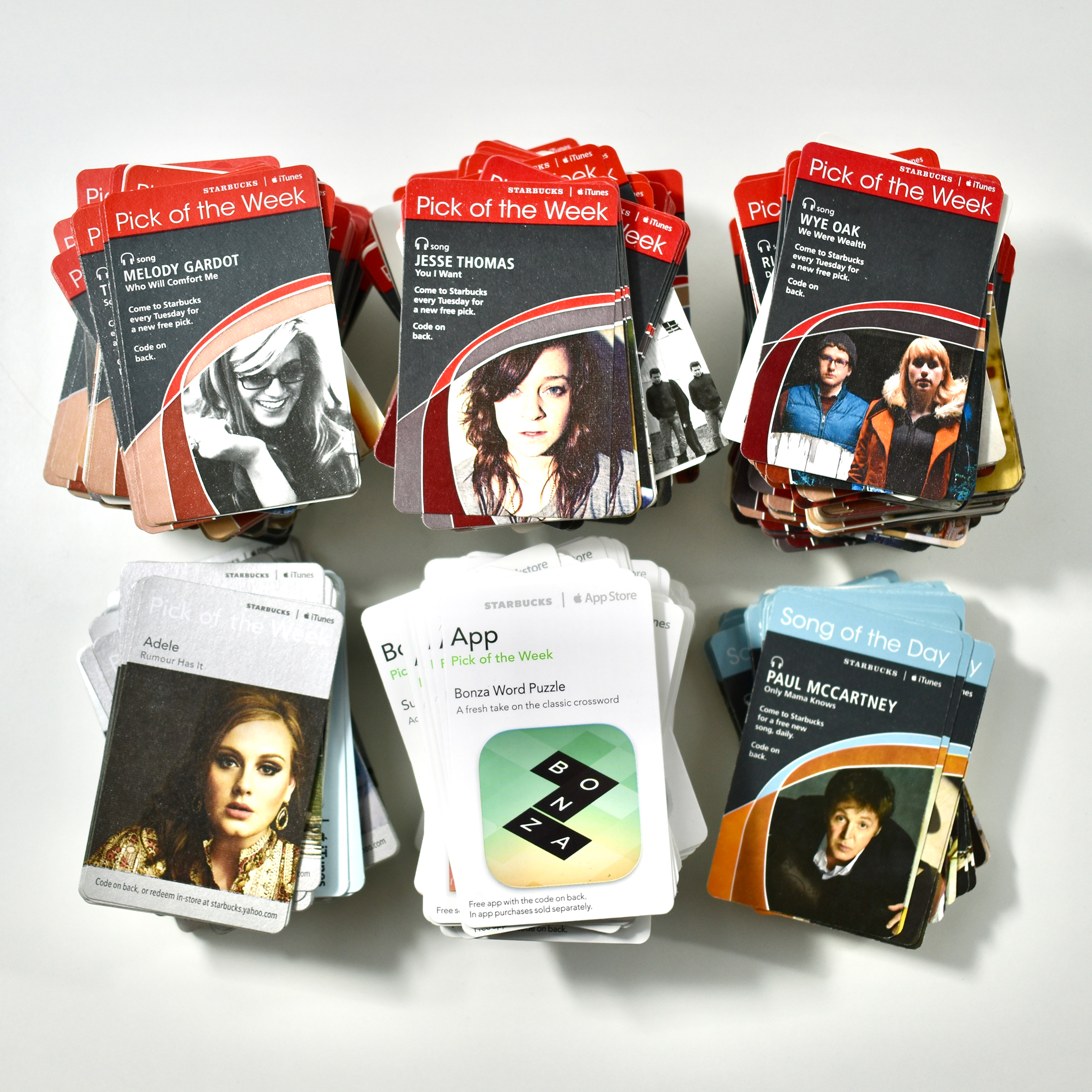
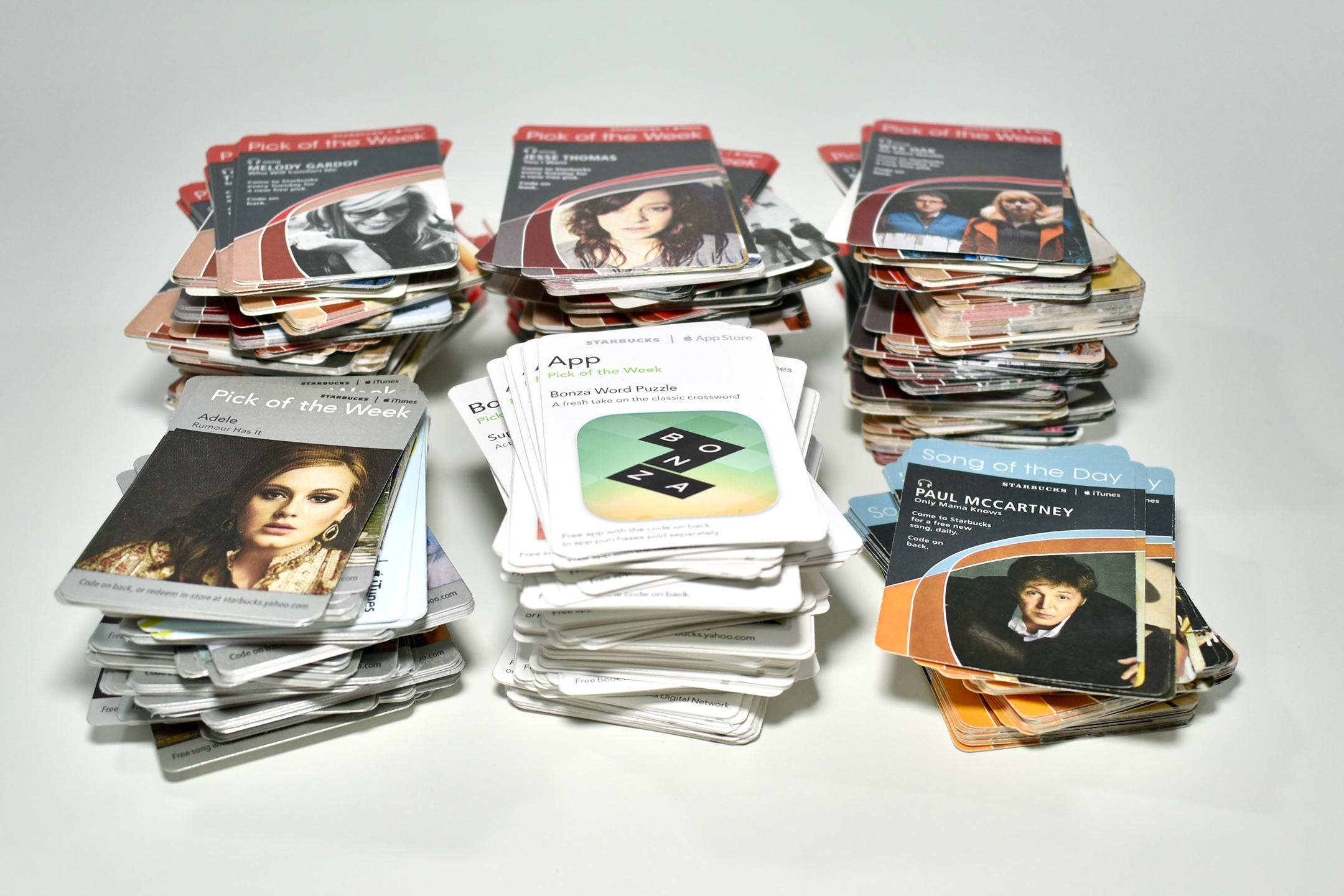
My collection includes hundreds of these cards from all the versions of these promotions: Song of the Day (light blue/gold accent card design); Pick of the Week (red/white accent card design); Pick of the Week (metallic silver/white accent card design); and Pick of the Week (white card design including song, book, and app options).

I collected these cards personally during my frequent trips to Starbucks. When available, I grabbed the white “divider” cards that were used by store personnel to show the promotion dates for each offer.
Source: Wired

iPhone 4S (2011)

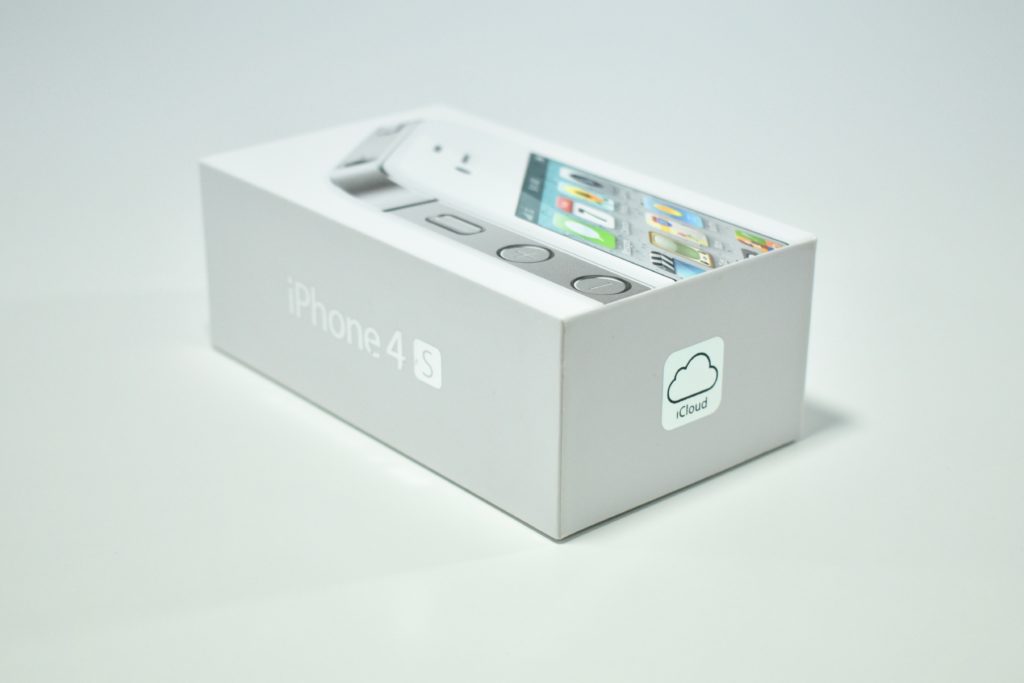
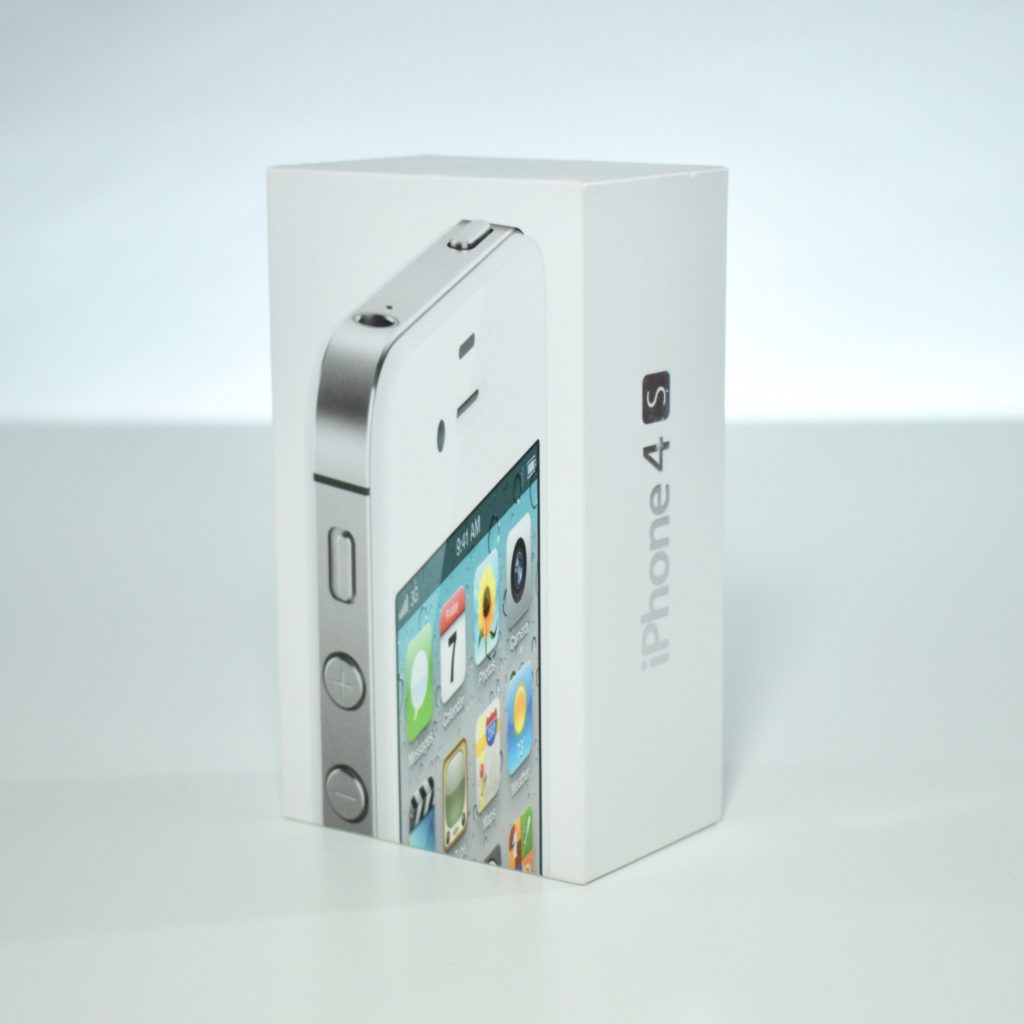
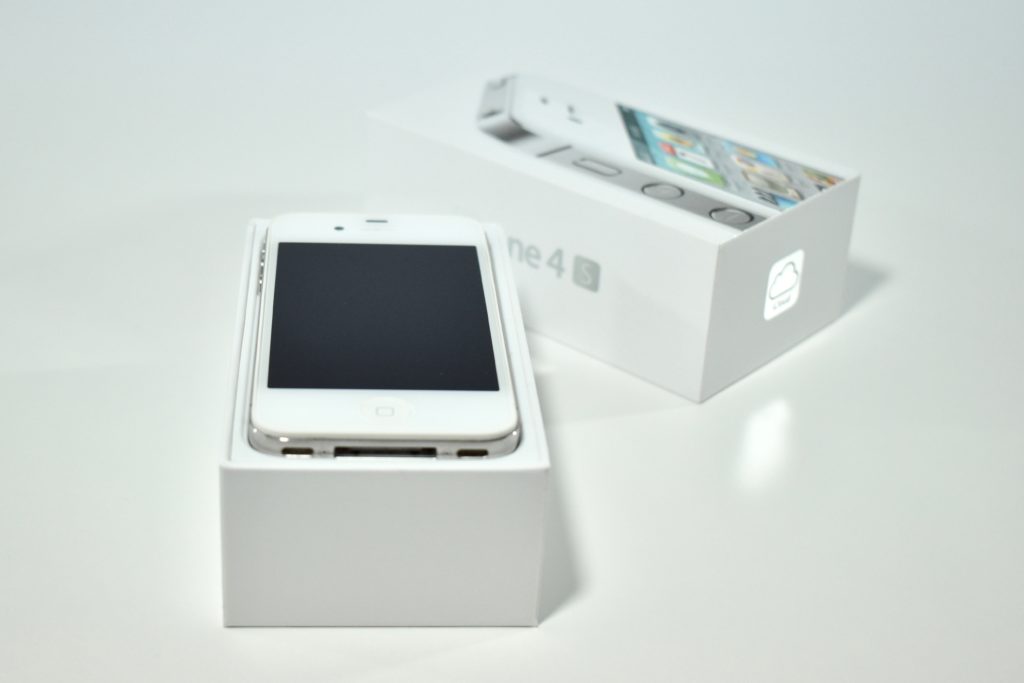
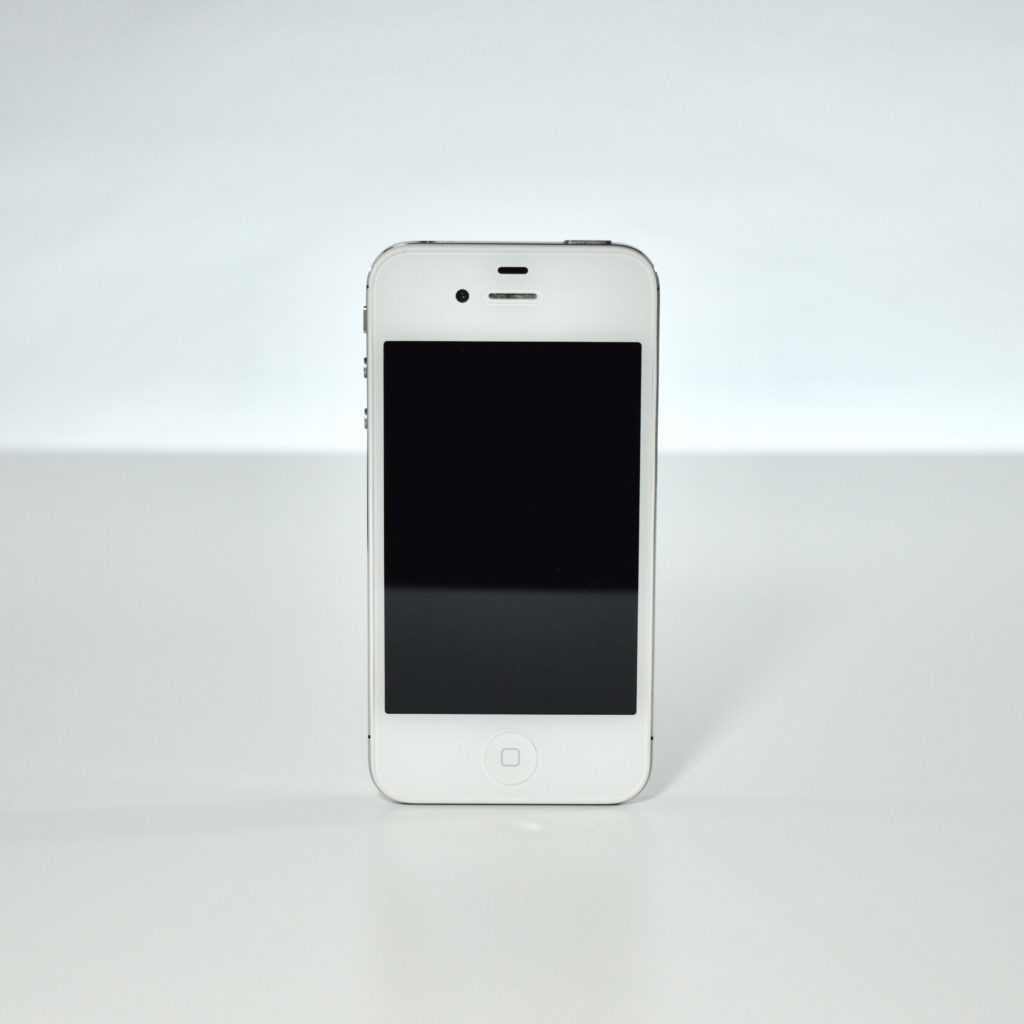
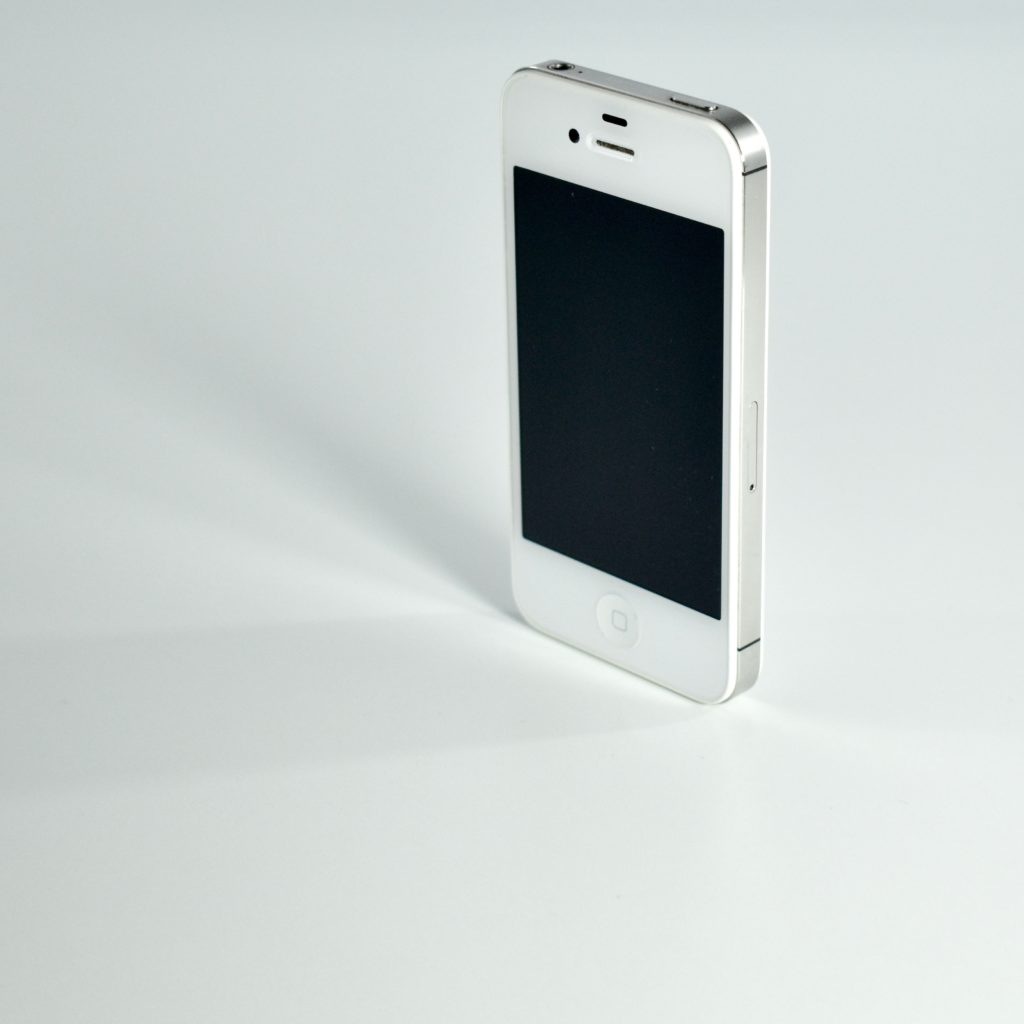
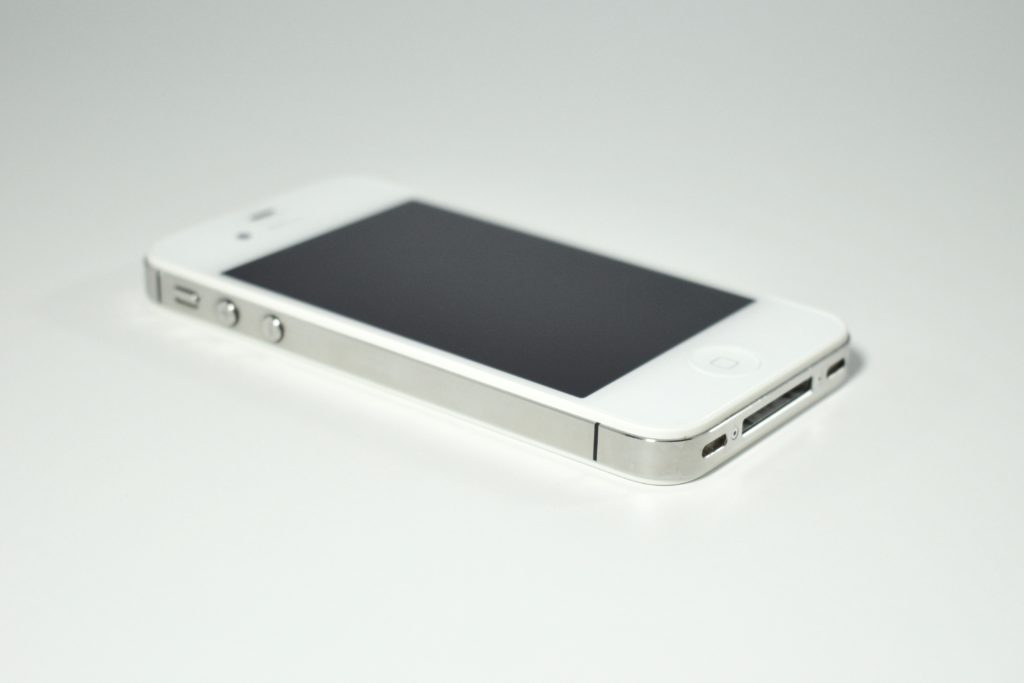
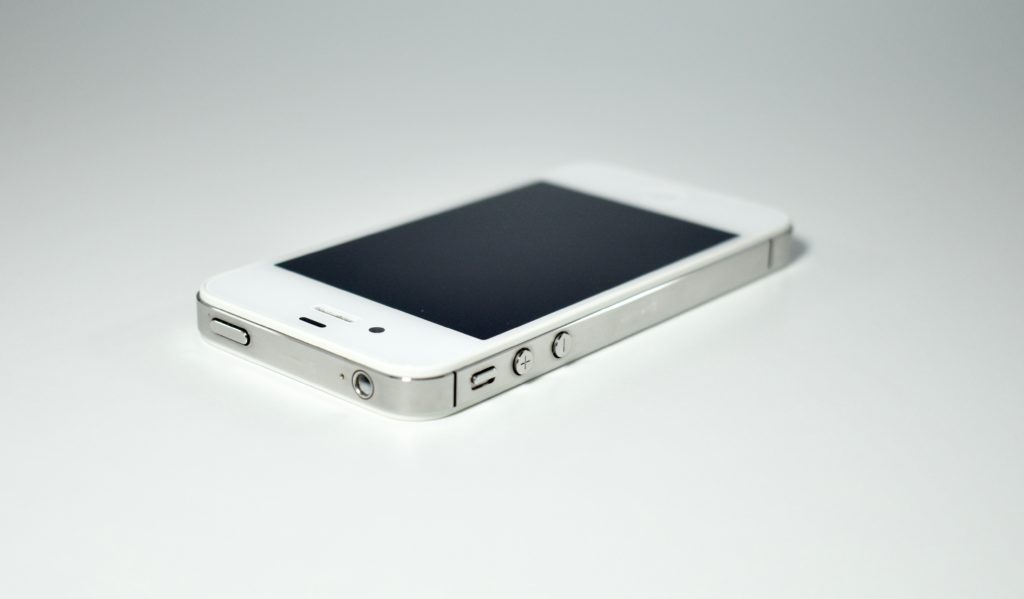
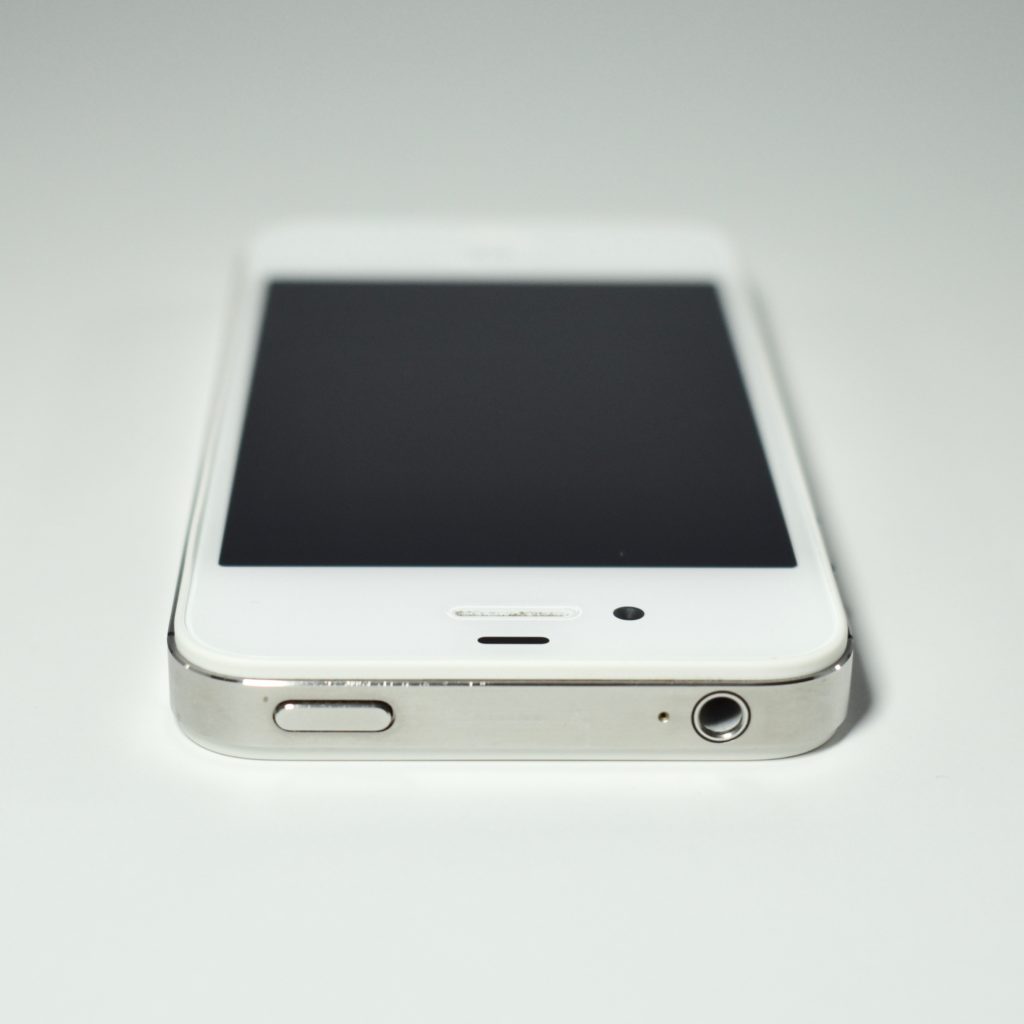
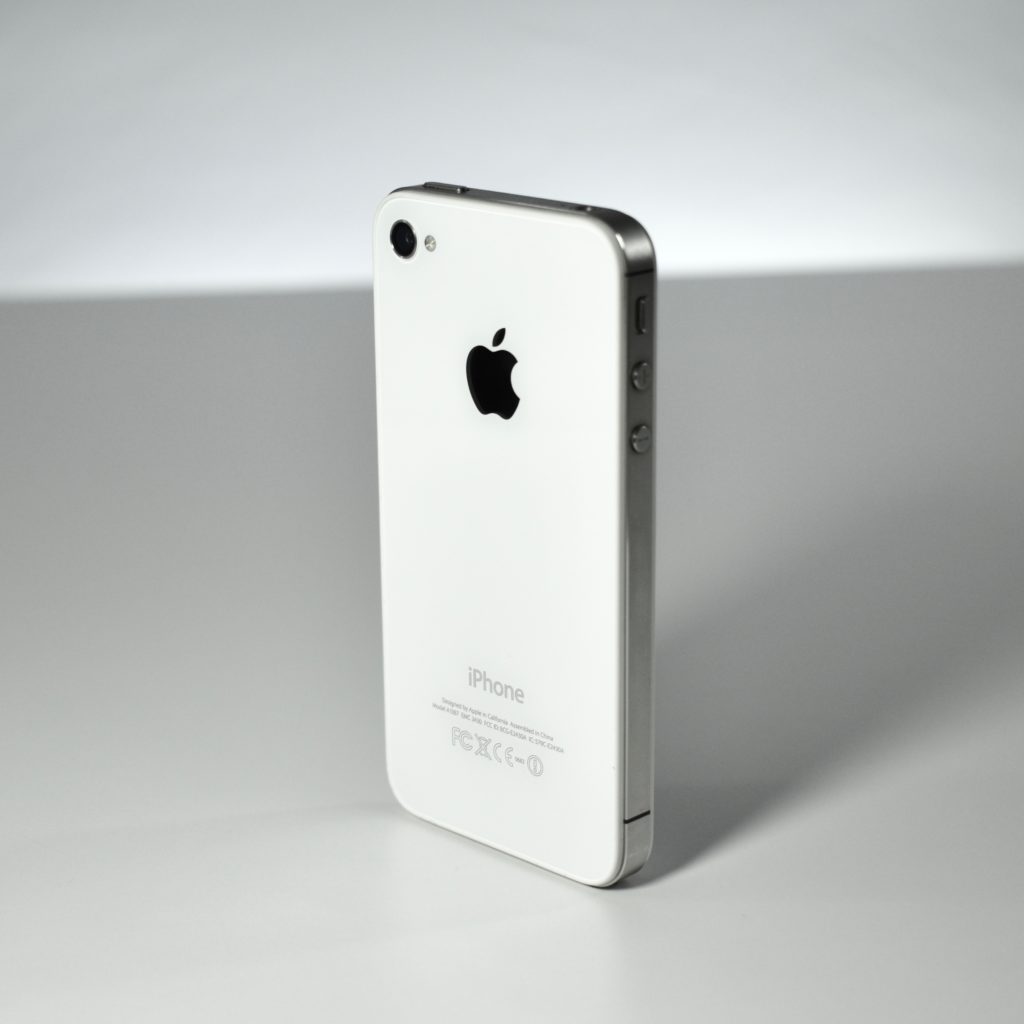
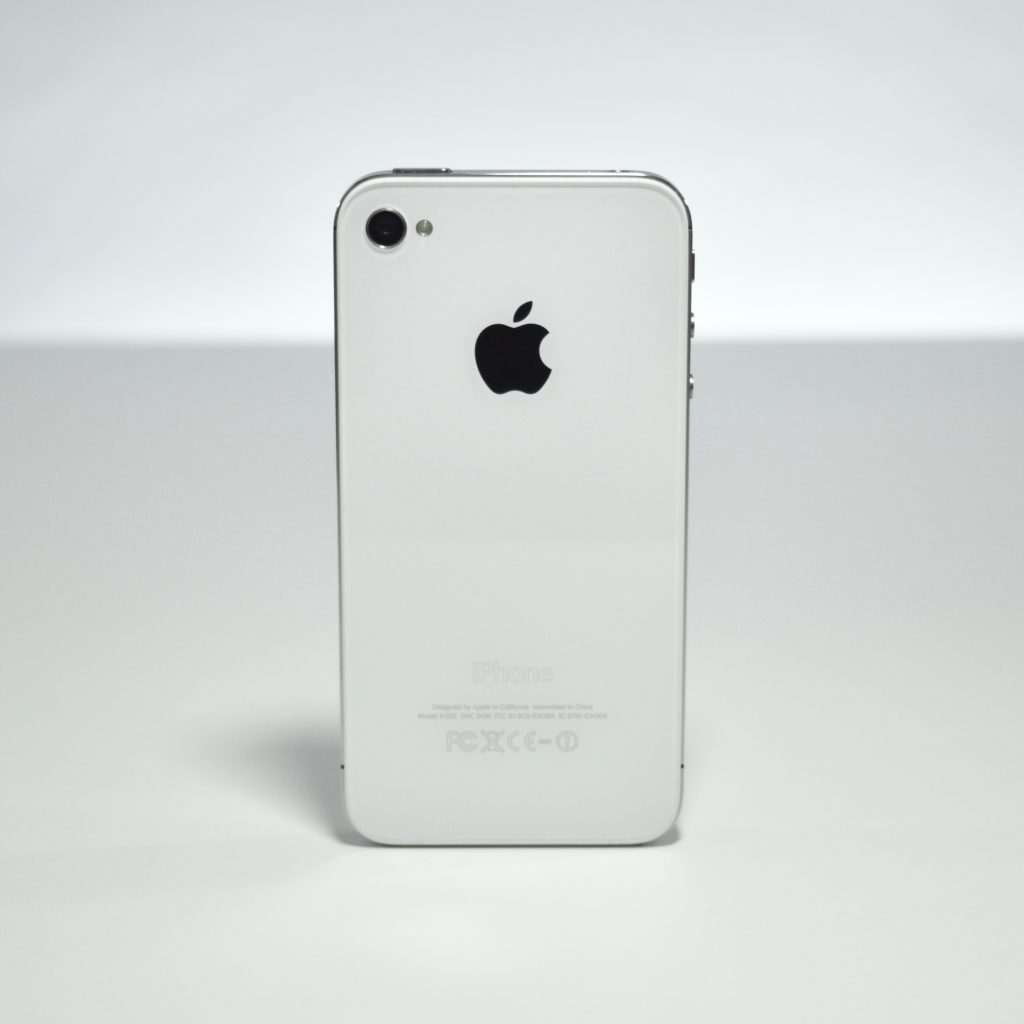
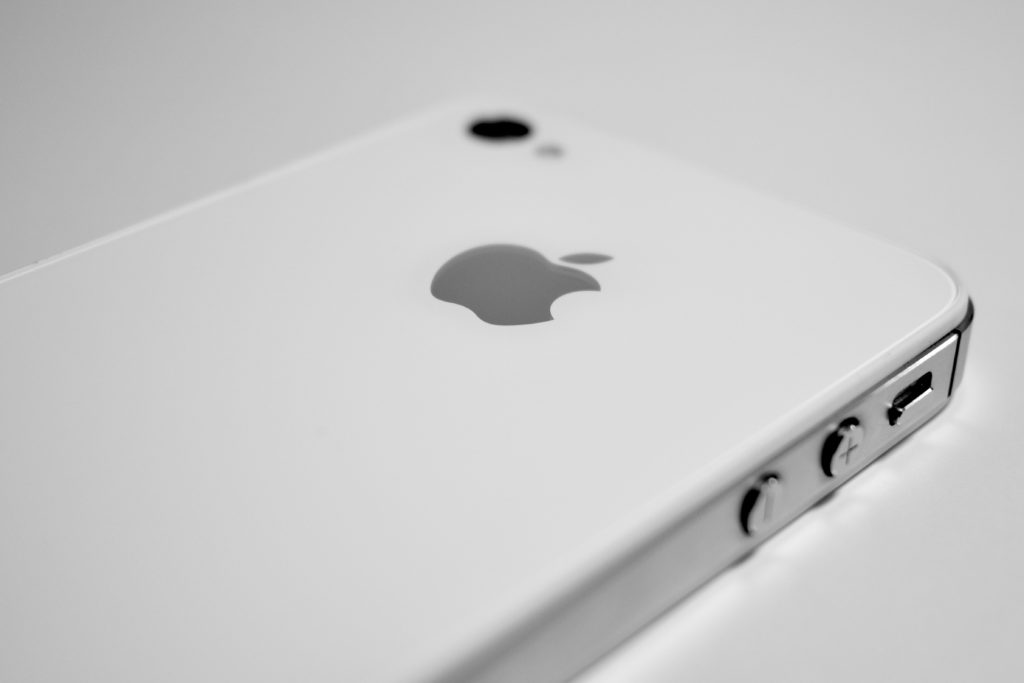
The iPhone 4S was the product that first introduced the Siri voice assistant. The iPhone 4S was designed around a stainless-steel body with a glass front and back. It had a 3.5-inch LED-backlit 960×640 326 ppi multi-touch Retina display and included two noise-cancelling microphones. It was available in black or white.

The iPhone 4S supported both GSM and CDMA networks and included 802.11b/g/n and Bluetooth 4.0. It used a dual-core Apple A5 processor; 512 MB of RAM; and 8 GB, 16 GB, 32 GB, or 64 GB of internal storage. It had two cameras: an 8 megapixel HD camera (1080p at 30 FPS) with an LED flash on the rear and FaceTime camera on the front that allowed FaceTime video calls over Wi-Fi.

Source: EveryMac.com