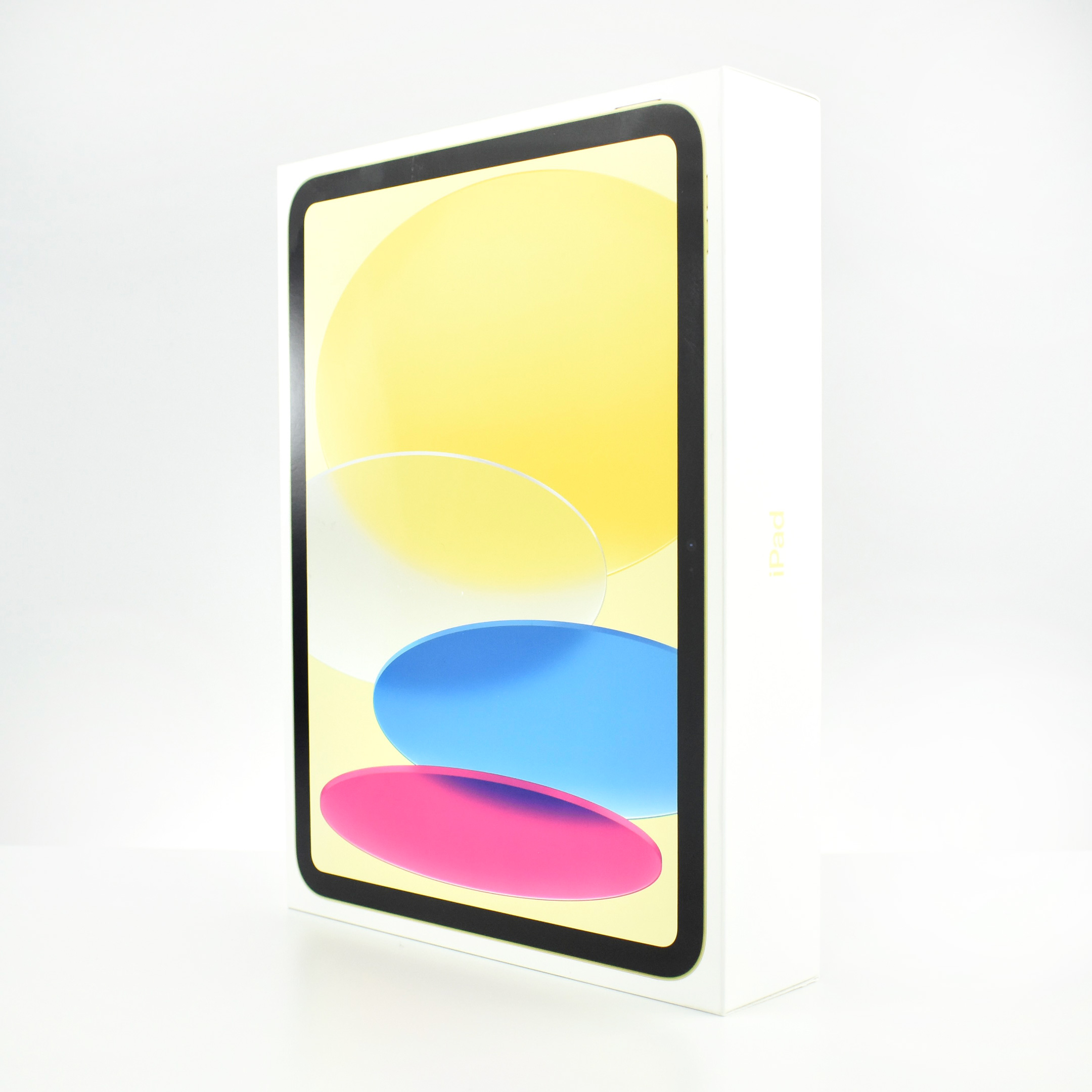
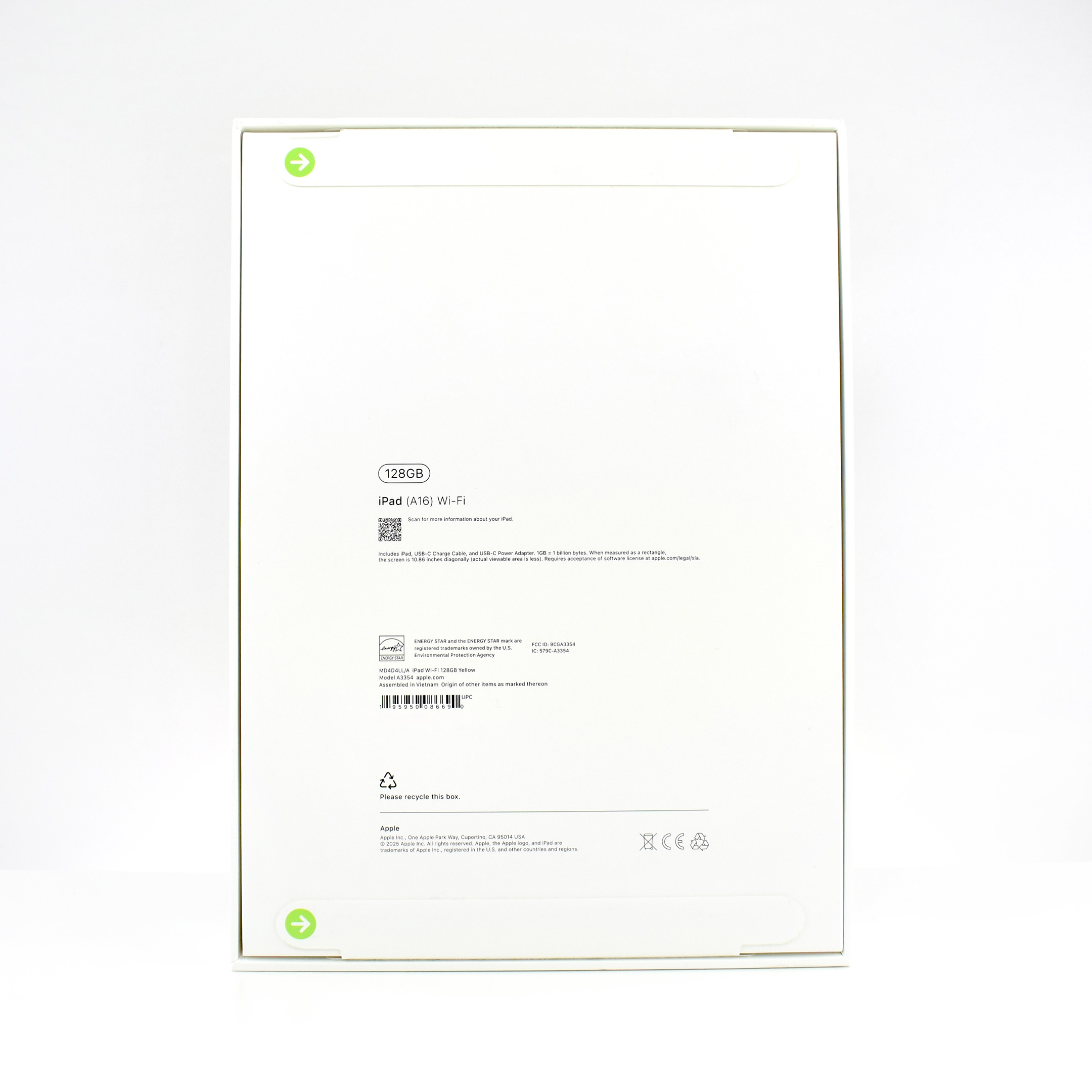
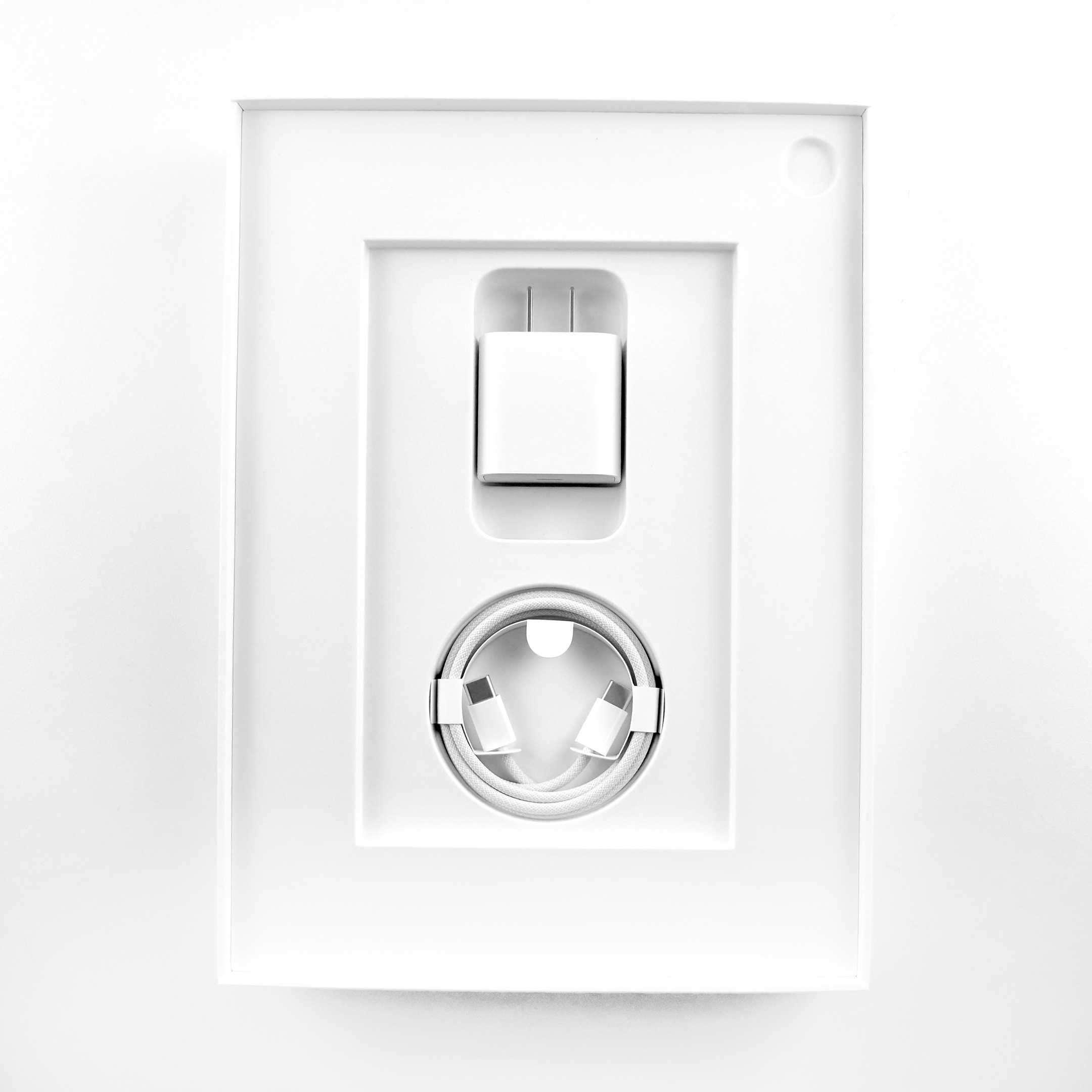
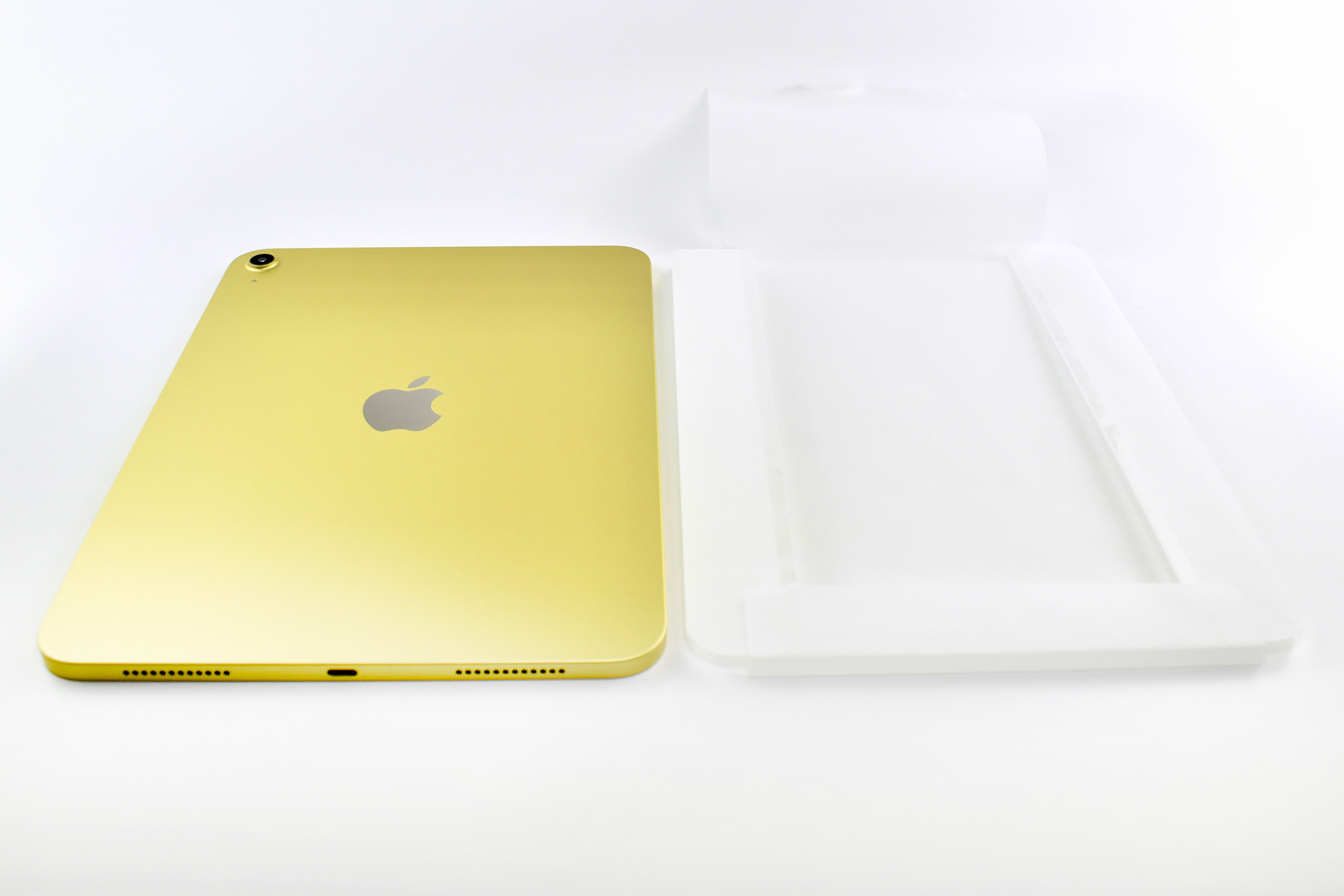
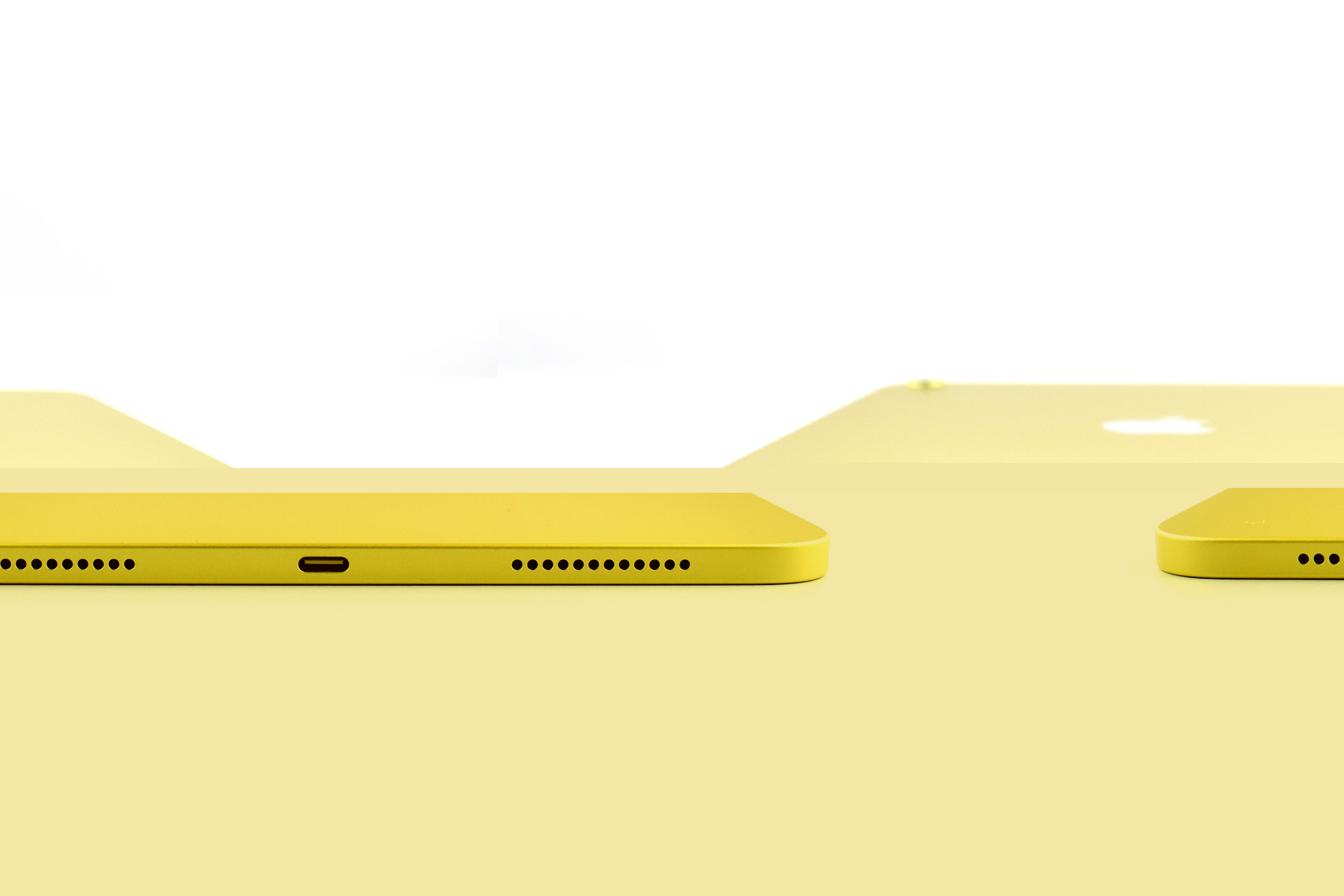
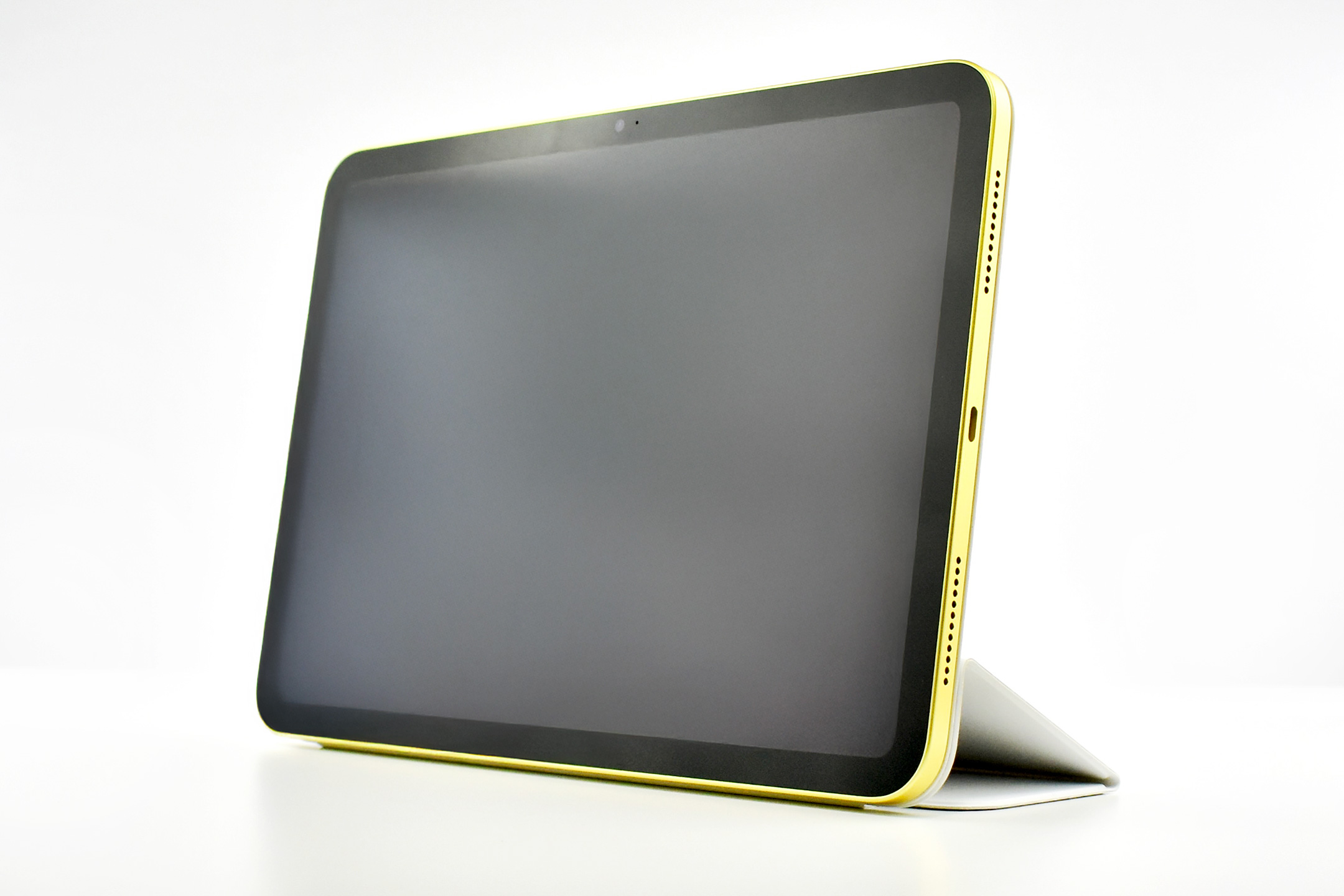
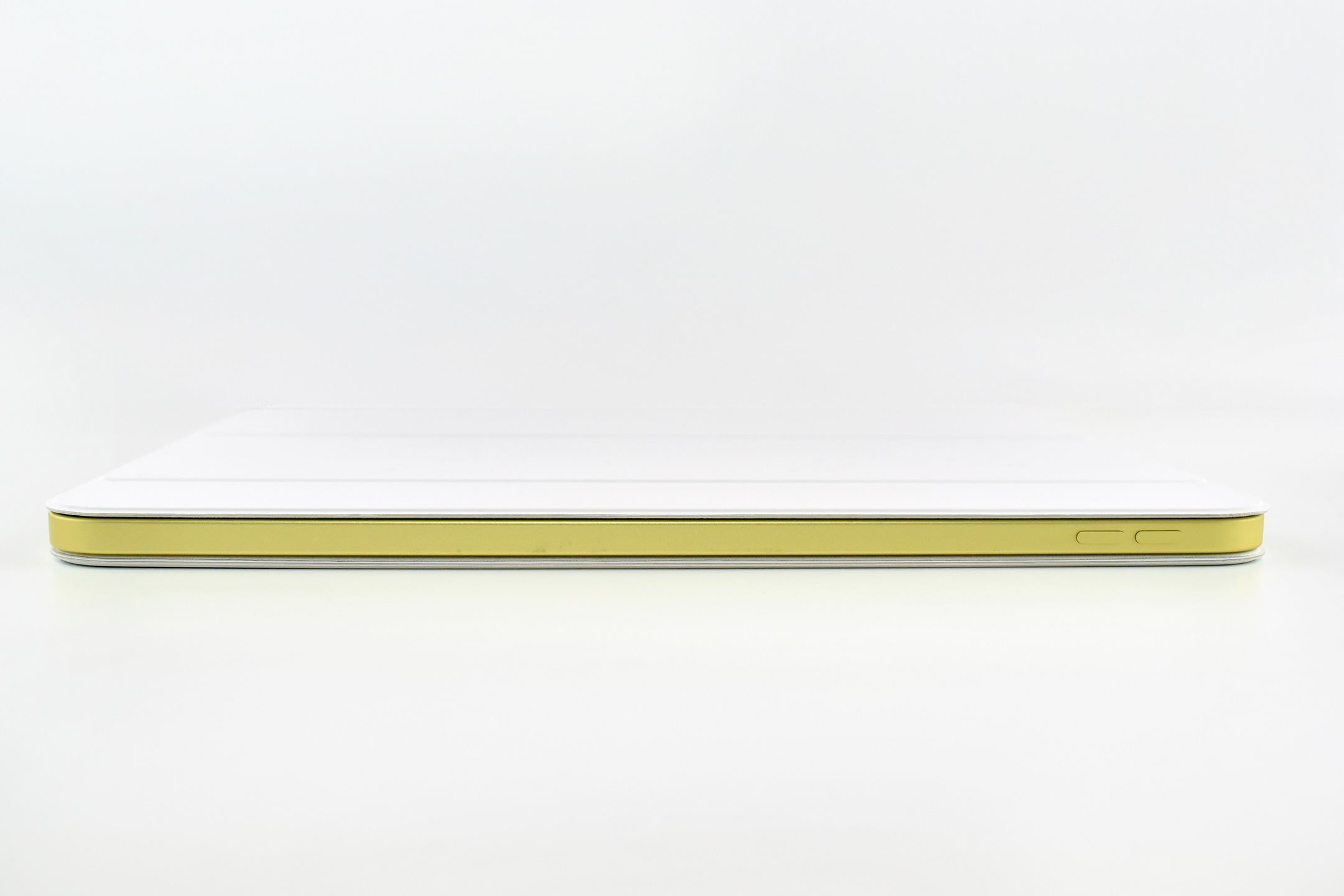
On March 4, 2025, when Apple introduced the iPad Air with the M3 chip, they also announced the iPad Generation 11 with an A16 chip. The entire press release for this iPad device release amounted to one paragraph:
“Apple today also updated iPad with double the starting storage and the A16 chip, bringing even more value to customers. The A16 chip provides a jump in performance for everyday tasks and experiences in iPadOS, while still providing all-day battery life. Compared to the previous generation, the updated iPad with A16 is nearly 30 percent faster. In fact, compared to iPad with A13 Bionic, users will see up to a 50 percent improvement in overall performance, and A16 makes the updated iPad up to 6x faster than the best-selling Android tablet.”
This iPad update was released soon after the announcement of Apple Intelligence. While Apple was touting Apple Intelligence and updating its devices to take advantage of the new features, the iPad Generation 11 was given a chip that did not allow Apple Intelligence. While this updated iPad is faster than the previous Generation 10 model, it does not meet the minimum specification of the A17 Pro chip to allow Apple Intelligence compatibility. Apple provided no explanation for this omission.
One notable upgrade was in storage on the A16 iPad. The iPad Generation 11 doubled its base storage from 64 to 128GB and was also available in 256 and 512GB configurations.
Except for the A16 chip and upgraded storage, this iPad was nearly identical to the iPad Generation 10.
The iPad Generation 11 measured 9.79 x 7.07 inches, and was 0.28 inch thick. It weighed 1.05 pounds (Wi-Fi model). It had stereo speakers, a front camera and microphone centered on the “long”landscape” (long) side to enhance the FaceTime experience, and included both USB-C and a Smart Connector.
Its Liquid Retina display was 2360 x 1640 pixels at 264 ppi and delivered up to 500 nits brightness. It supported the Apple Pencil (USB-C) and also the Apple Pencil Generation 1 (although clumsily since the original Apple Pencil used a Lightning connector for charging).
The back camera was 12MP with digital zoom up to 5x supporting Smart HDR 4, geotagging, auto image stabilization, and burst mode. It could capture video up to 4K. The similar front camera was also 12MP and supported Center Stage in Landscape mode. It supported Smart HDR 4, but only could record 1080p HD video.
The iPad Generation 11 had 5 sensors, including Touch ID, 3‐axis gyro, accelerometer, barometer, and an ambient light sensor.
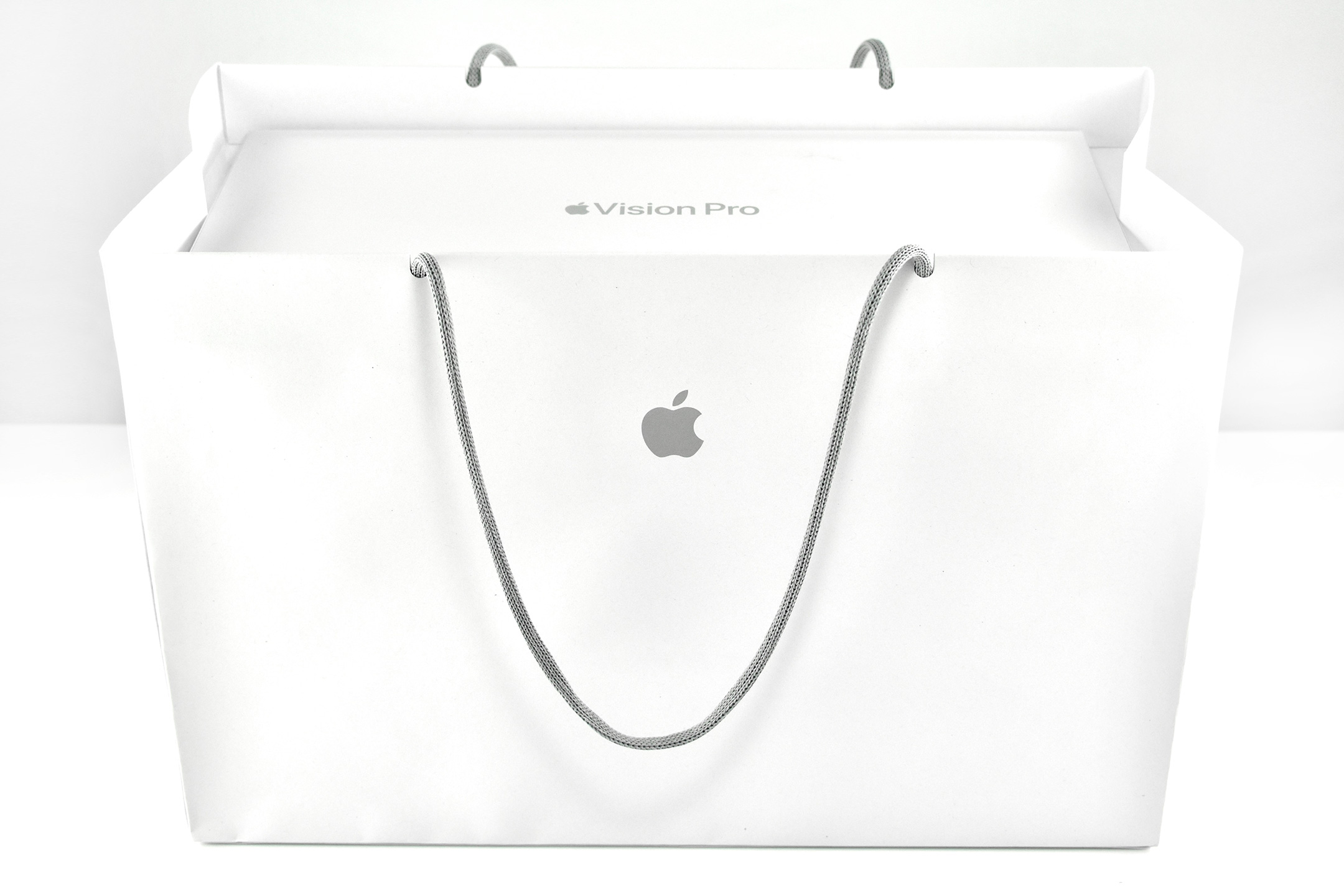
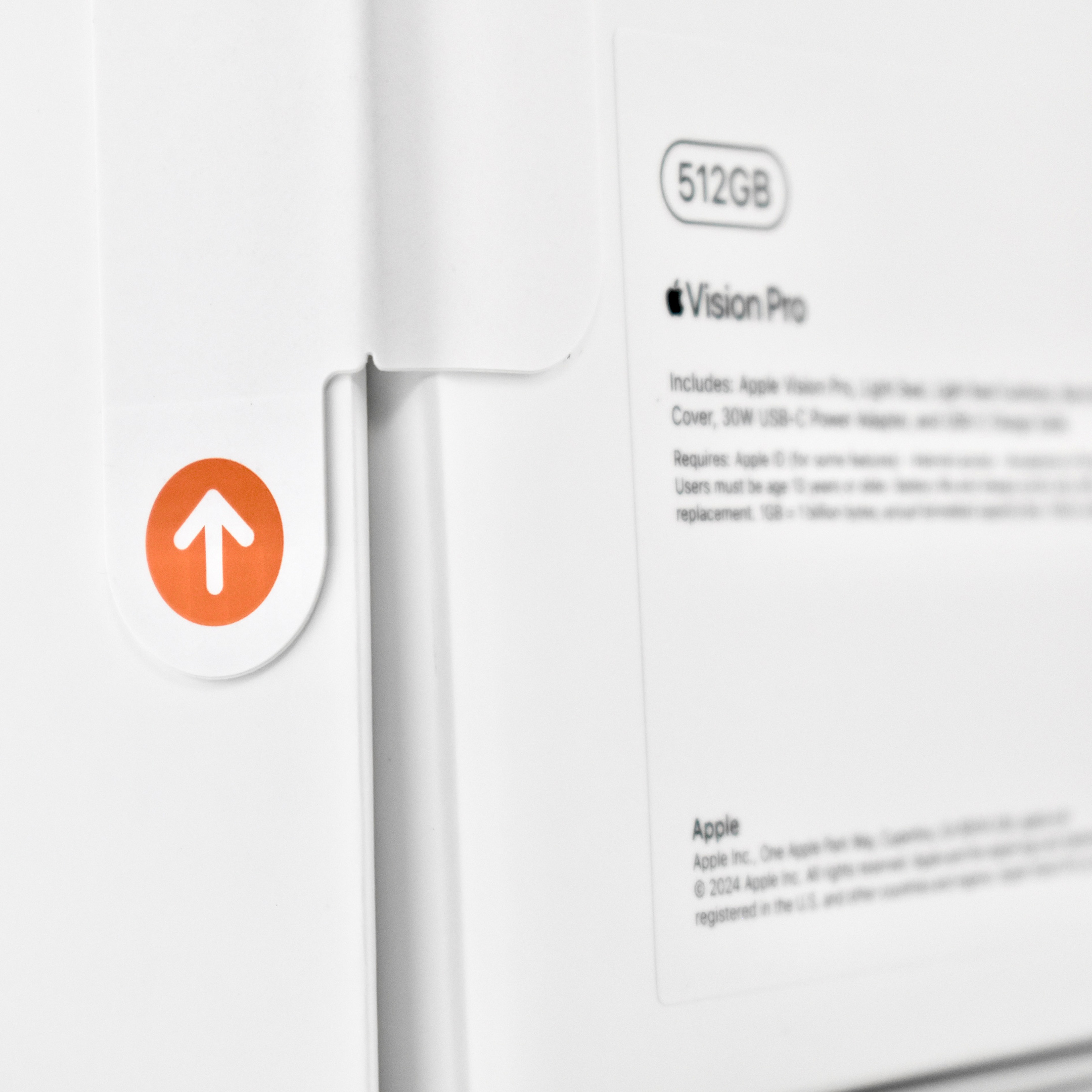
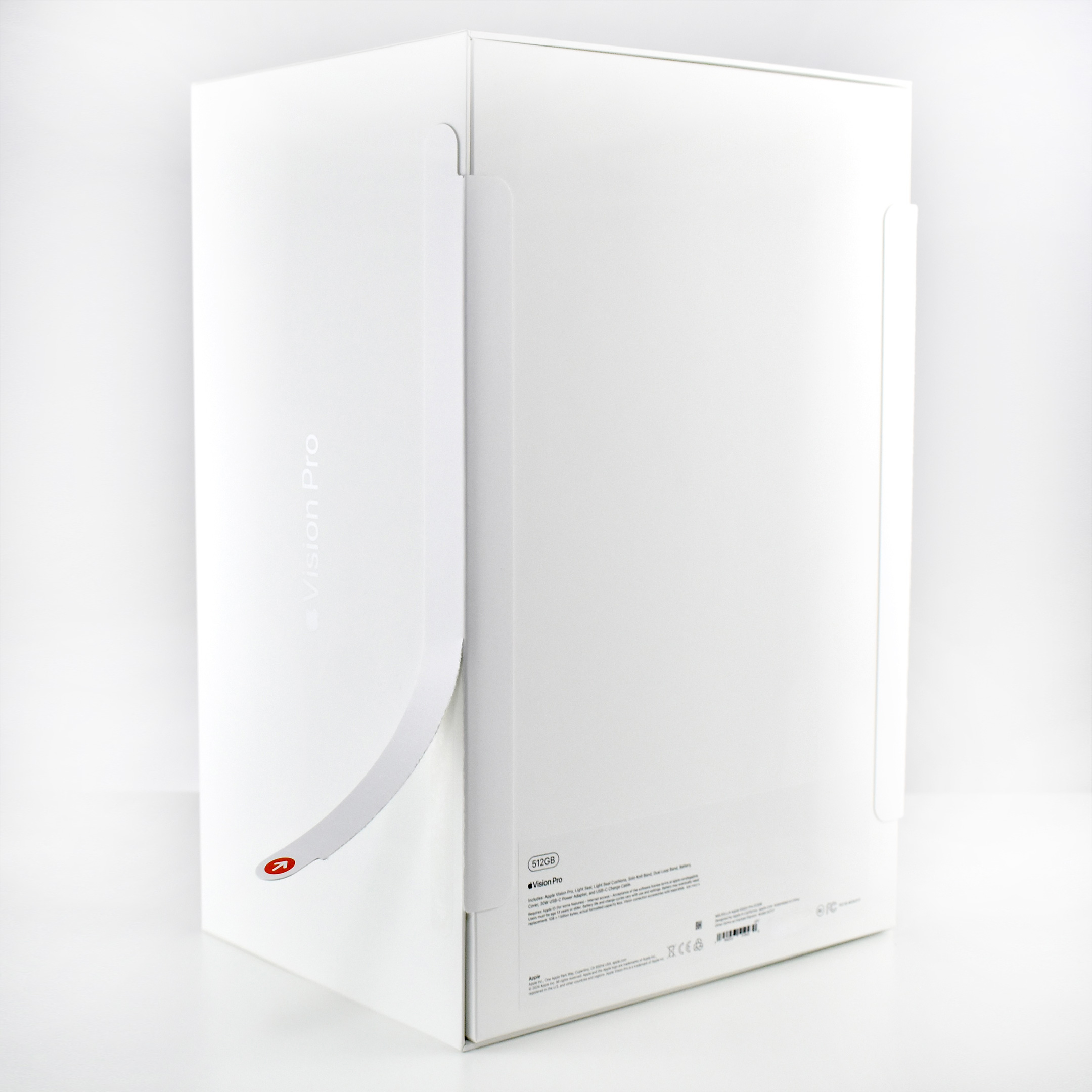
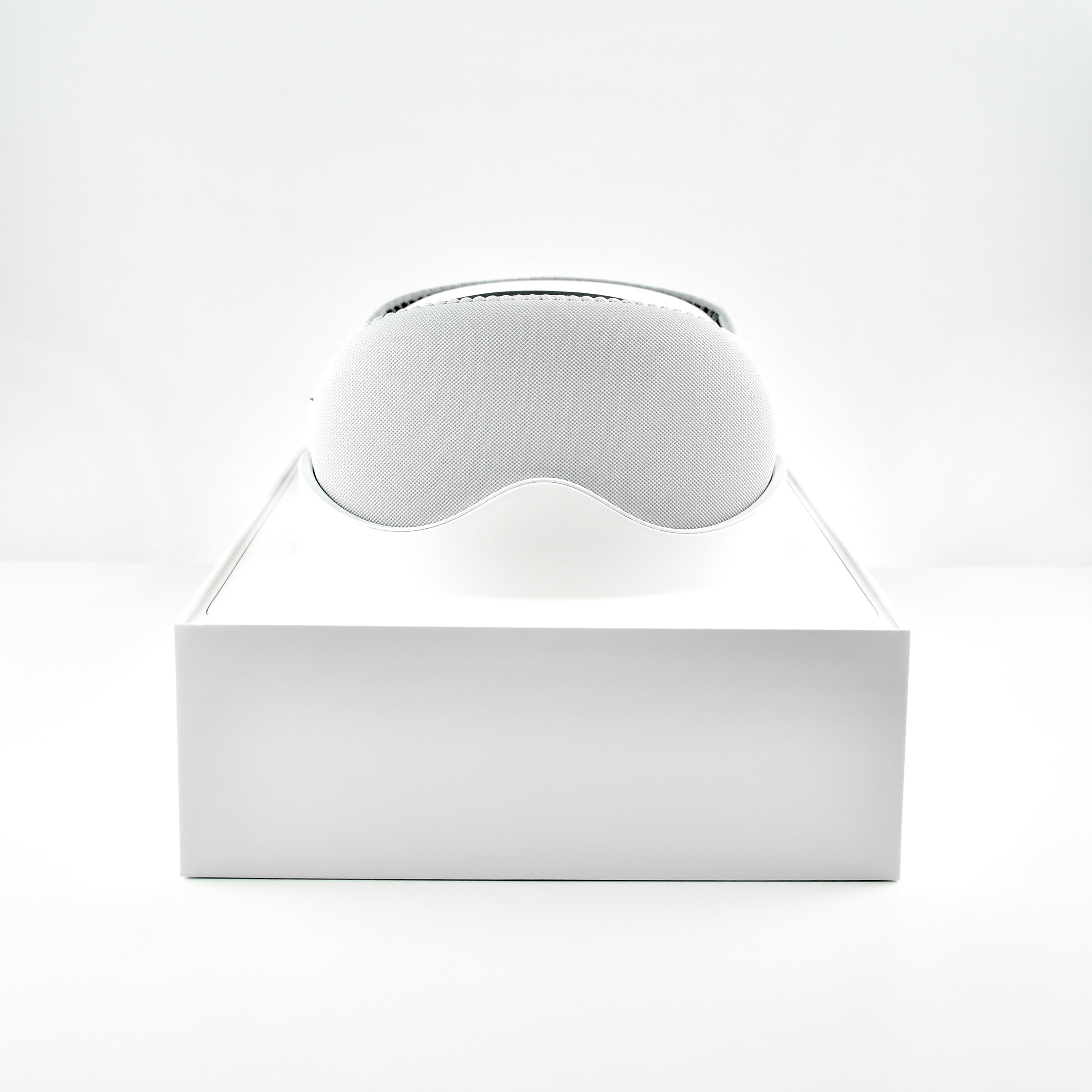
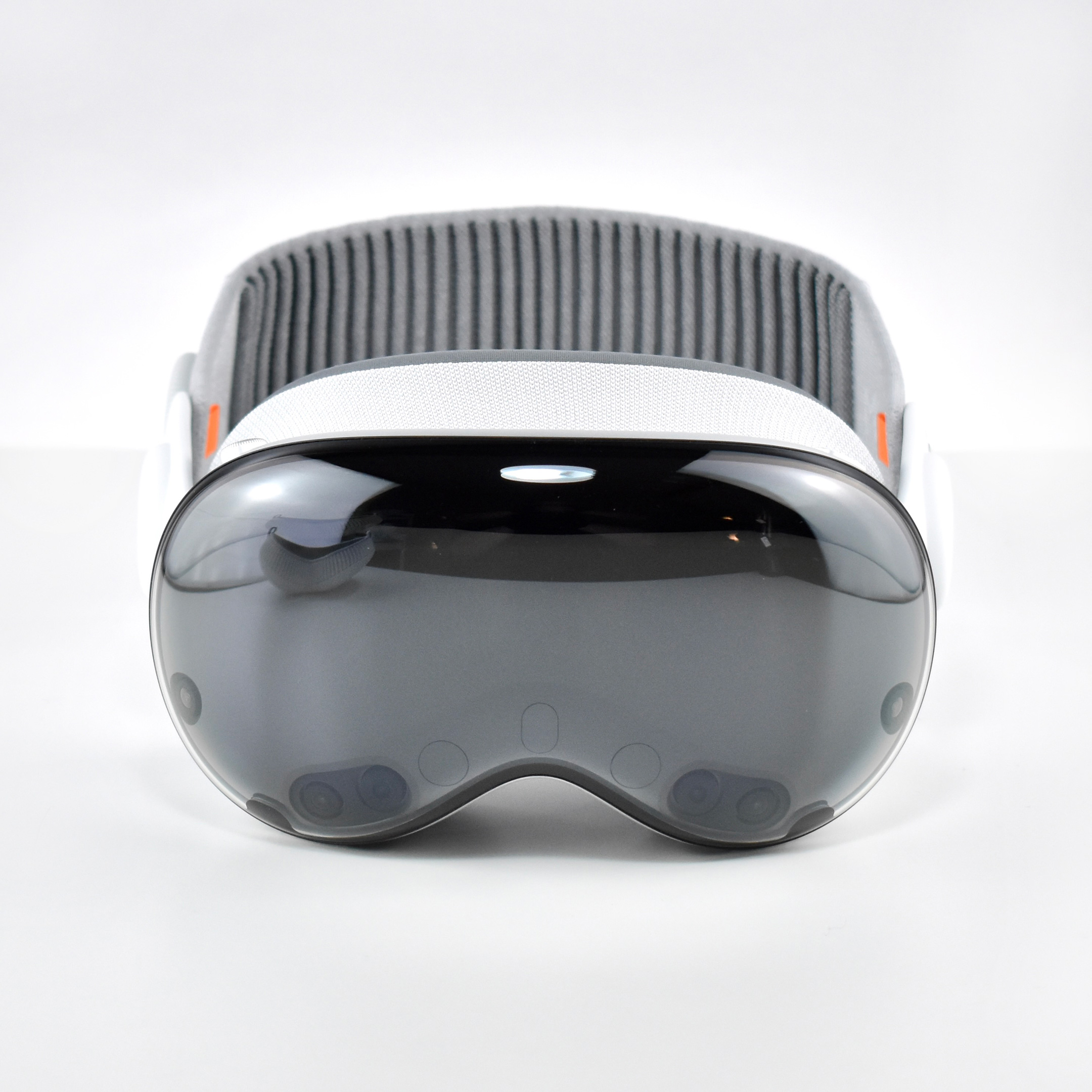
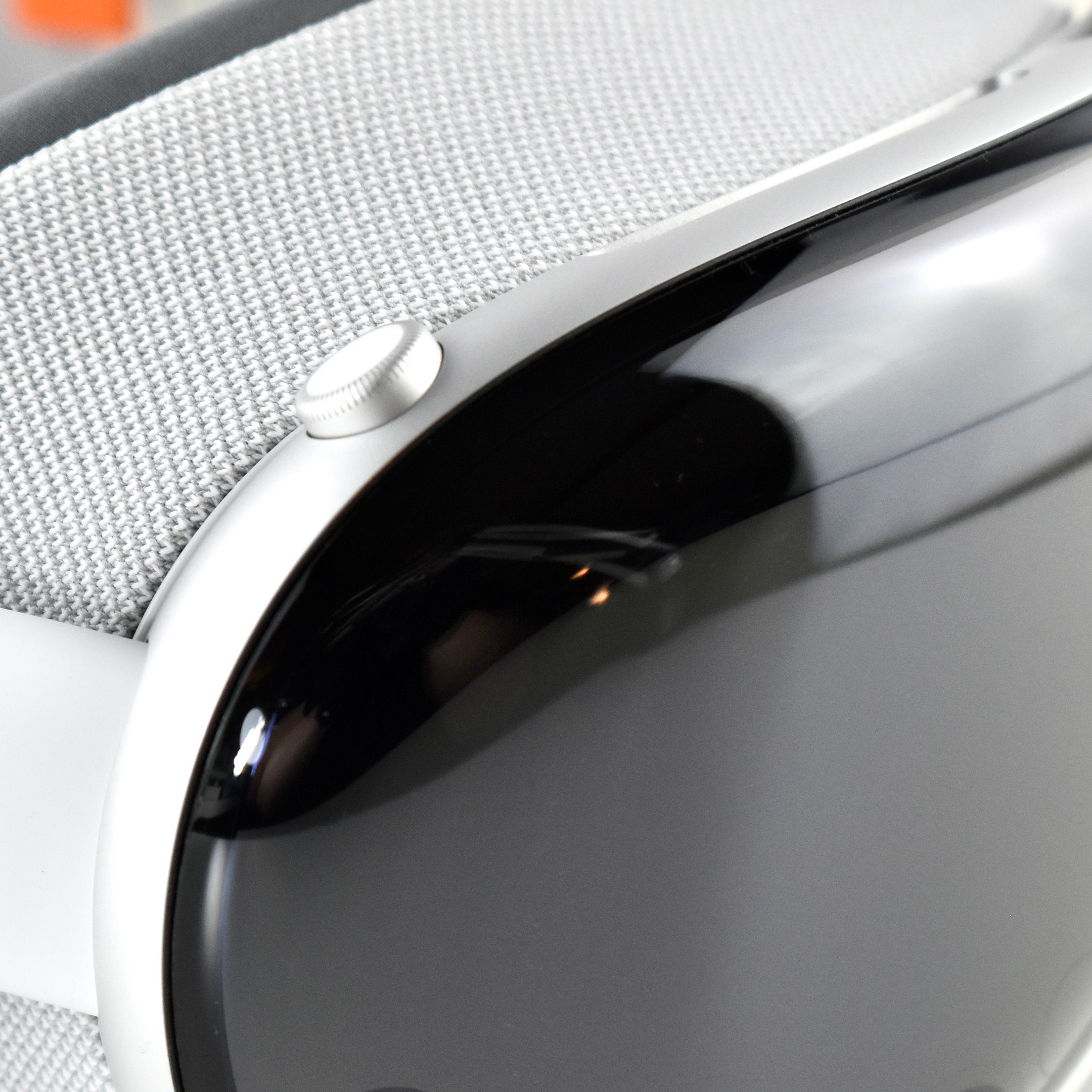
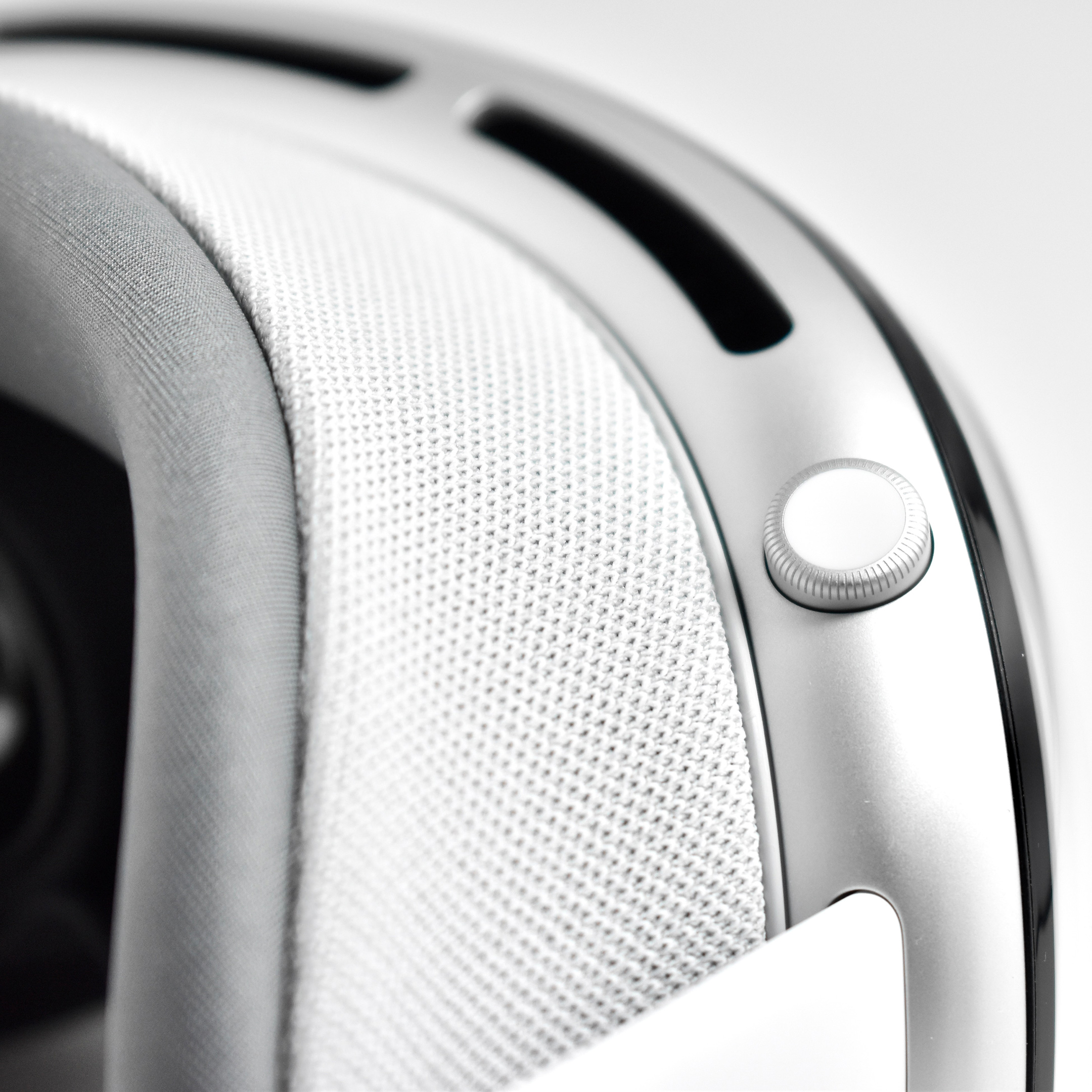
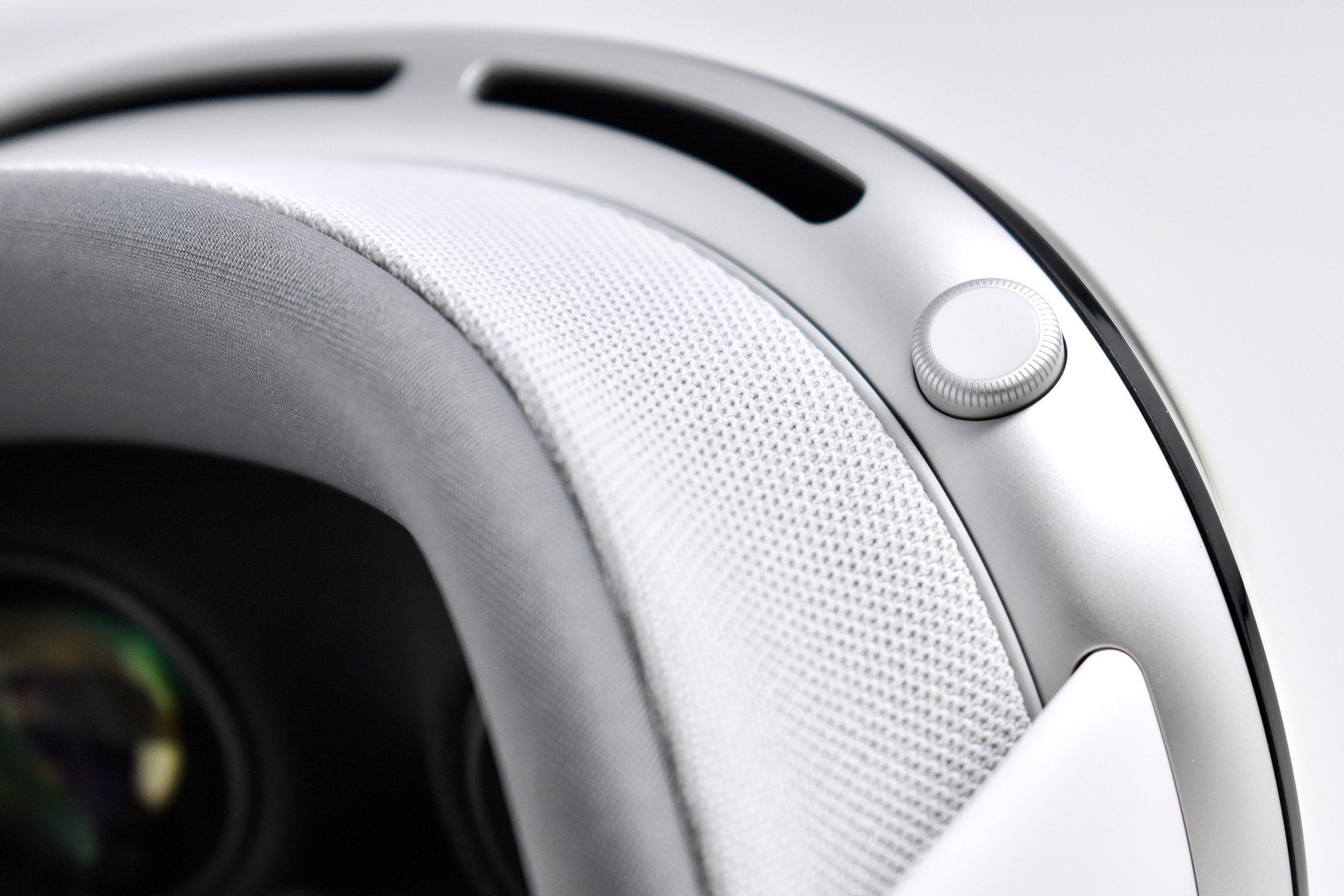
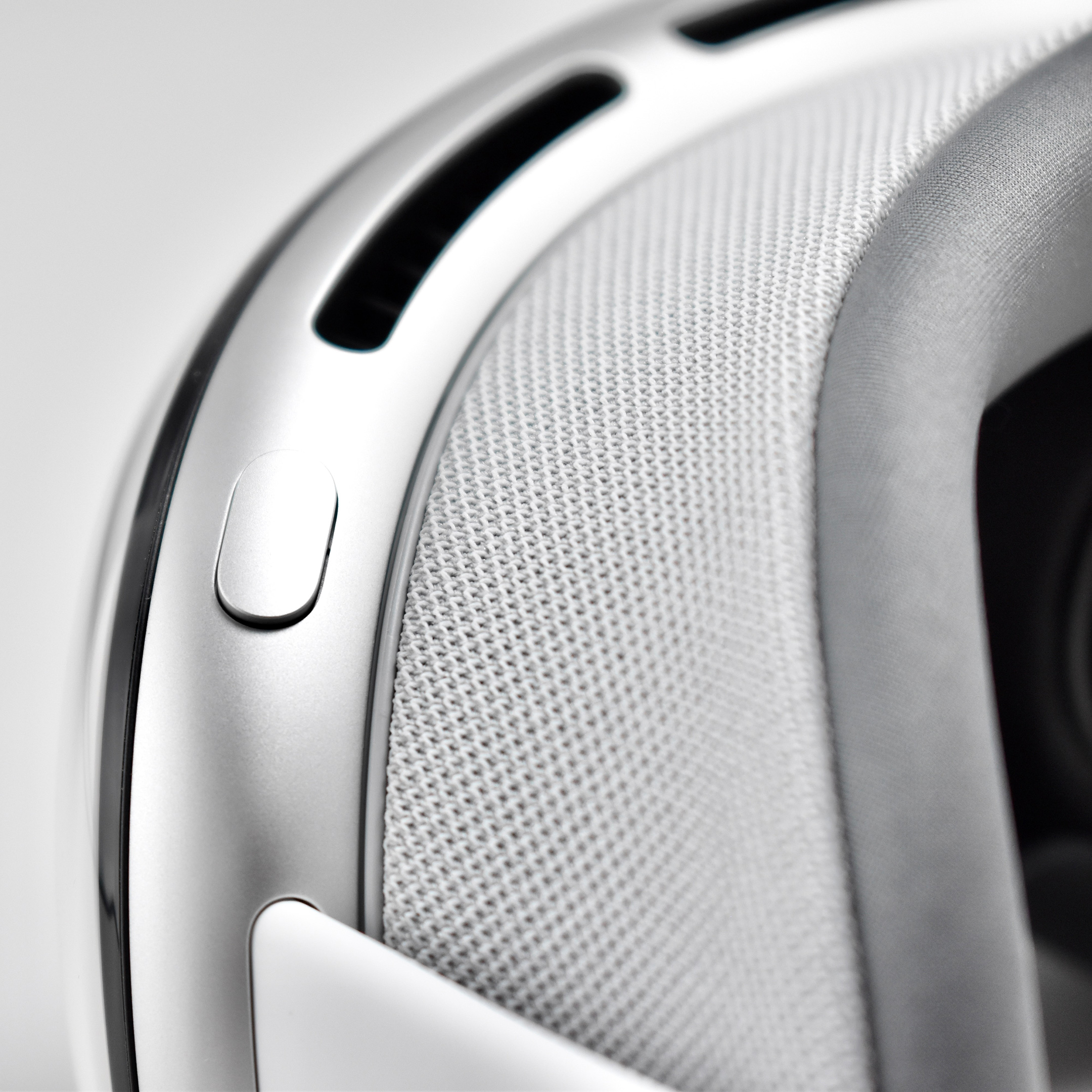
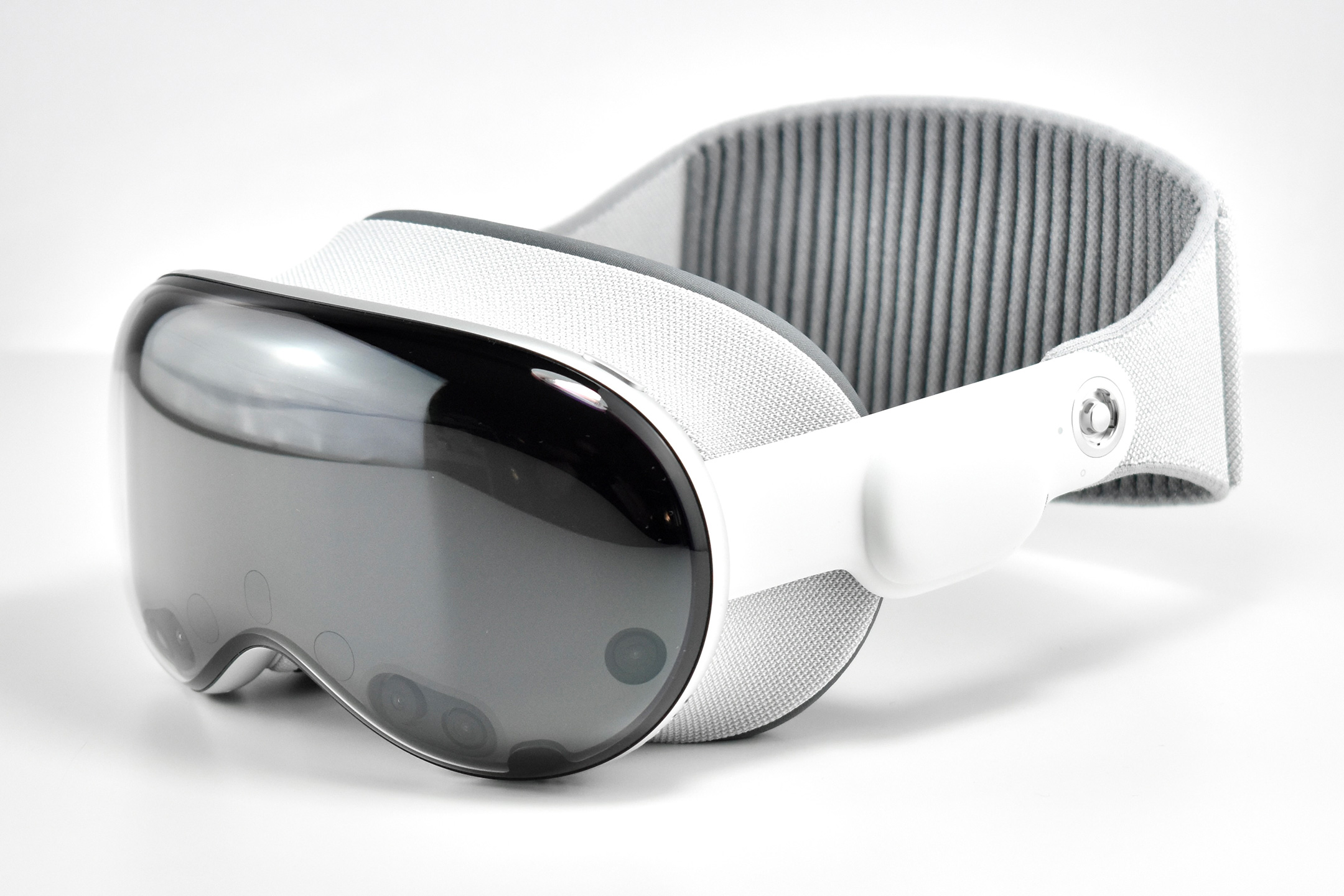
Apple described the original Apple Vision Pro as “a revolutionary spatial computer that seamlessly blends digital content with the physical world, while allowing users to stay present and connected to others.” While other companies at the time were producing “Augmented Reality” and “Virtual Reality” headsets and glasses, Apple chose to forego the AR/VR descriptions completely use the term “Spatial Computing.”
Apple did not invent the term or concept of spatial computing. The term “Spatial Computing” in the context used by Apple Vision Pro is attributed to MIT researcher Simon Greenwold and is the title of a paper he wrote on 2003. Greenwold’s paper defined the term as “human interaction with a machine in which the machine retains and manipulates referents to real objects and spaces.” He added, “Ideally, these real objects and spaces have prior significance to the user.”
Apple does, however, claim that they created the world’s first spatial operating system, visionOS. Apple Vision Pro works with visionOS to allow “users interact with digital content in a way that feels like it is physically present in their space.” A FastCompany article explains the differences among AR, VR, and spatial computing by noting that the Vision Pro has:
“12 cameras and five sensors that help the device know everything from the level of light in a physical space to where objects are in relation to each other, to where your eyes are looking, and how your hands move… In spatial computing, you can interact with those virtual objects by simply using your hands in the physical space in front of you.”
By contrast, in virtual reality “you are completely immersed in a virtual world and can see none of the real world around you,” while augmented reality “displays virtual elements on top of the real world.” The three terms are related because spatial computing uses elements from both AR and VR.
Apple described the “breakthrough design” of the Vision Pro as featuring “an ultra-high-resolution display system that packs 23 million pixels across two displays, and custom Apple silicon in a unique dual-chip design to ensure every experience feels like it’s taking place in front of the user’s eyes in real time.” Mike Rockwell, Apple’s Vice President of the Technology Development Group said that “through a tight integration of hardware and software, we designed a standalone spatial computer in a compact wearable form factor that is the most advanced personal electronics device ever.”
The Apple Vision Pro “can transform any space into a personal movie theater with a screen that feels 100 feet wide.” Internally, the seamless display is accomplished by delivering “more pixels than a 4K display” to each eye.
To add to the visual realism, a new Spatial Audio system is also part of the Apple Vision Pro that Apple called “audio pods.” Apple describes the sound system:
“Dual-driver audio pods positioned next to each ear deliver personalized sound while letting you hear what’s around you. Spatial Audio makes sounds feel like they’re coming from your surroundings. Audio ray tracing analyzes your room’s acoustic properties to adapt and match sound to your space.” I have observed that first-time Vision Pro users are often surprised by the audio experience delivered by the audio pods and ask if others around them can hear the audio. (Others in the room can faintly hear the audio at a low volume level, even if the Vision Pro user has the volume at maximum.)
The Apple Vision Pro is also packed with cameras and sensors that all work together to deliver the overall experience, including:
2 high‑resolution main cameras
6 world‑facing tracking cameras
4 internal eye‑tracking cameras
TrueDepth camera
LiDAR Scanner
4 inertial measurement units (IMUs)
Flicker sensor
Ambient light sensor
Apple described the sensor functionality: “high-resolution cameras transmit over one billion pixels per second to the displays so you can see the world around you clearly. The system also helps deliver precise head and hand tracking and real‑time 3D mapping, all while understanding your hand gestures from a wide range of positions.” Similar to an augmented reality experience, Vision Pro users see the world through live “passthrough” video, and not through a transparent lens.
The original Apple Vision Pro was powered by two chips. Apple’s M2 chip provided an 8‑core CPU with 4 performance cores and 4 efficiency cores, a 10‑core GPU, a 16‑core Neural Engine, and 16 GB unified memory. The Apple R1 chip allowed 12‑millisecond photon‑to‑photon latency using 256 GB/s memory bandwidth.
In addition to the sensor cameras, the Apple Vision Pro could capture Spatial photos and video using the company’s first stereoscopic 3D main camera system. The 18 mm cameras used a ƒ/2.00 aperture and could capture 6.5 stereo megapixels. Upon release of the Apple Vision Pro, the iPhone 15 Pro, iPhone 15 Pro Max, and all iPhone 16 models could capture Spatial video using two cameras on each of those iPhone models (single-camera iPhones cannot capture Spatial video).
Inputs built in to the Apple Vision Pro included hand, eye, and voice. In addition, supported input accessories included keyboards, trackpads, game controllers, Bluetooth mouse support, and other third-party accessories such as the Logitech Muse pen (not released until 2025).
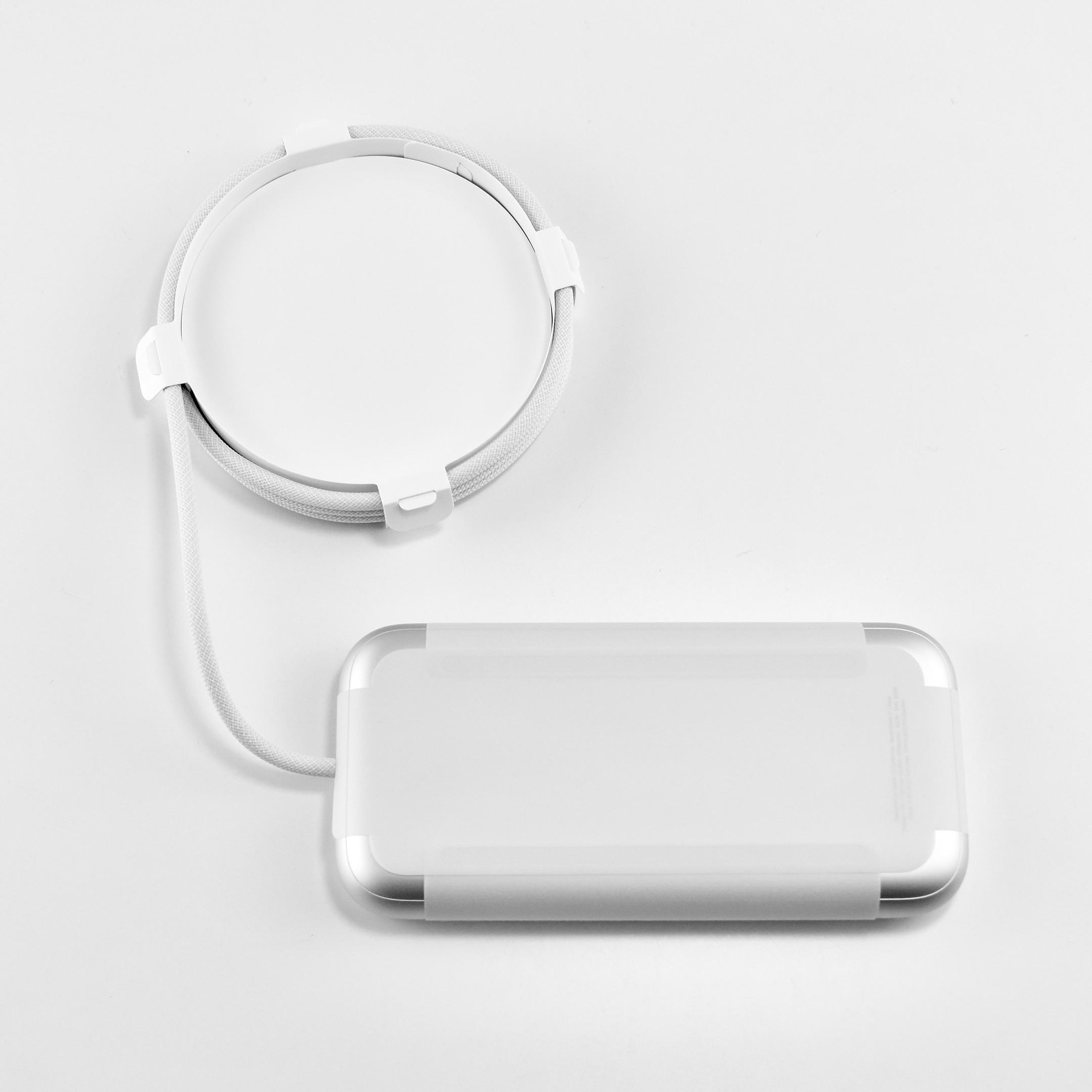
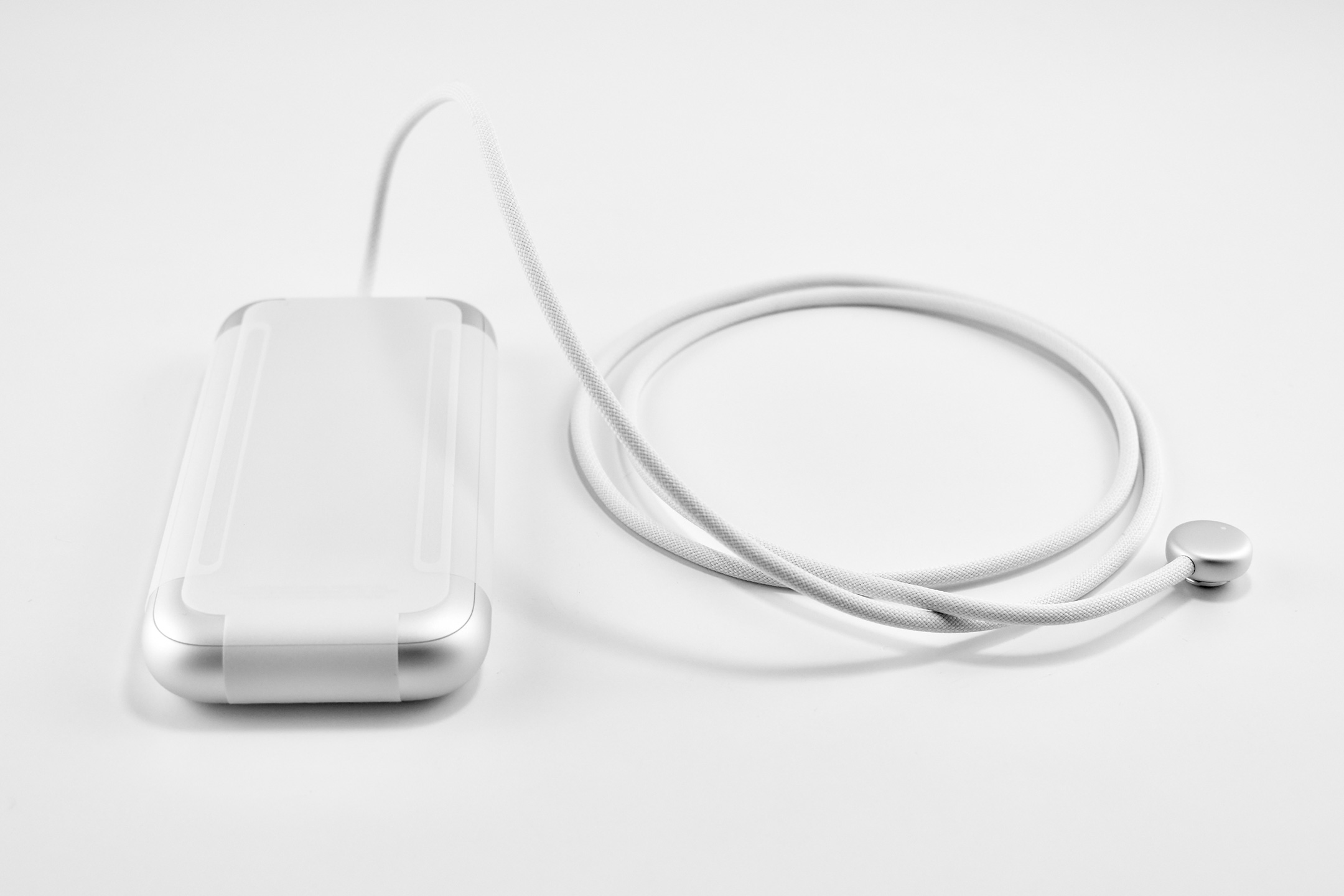
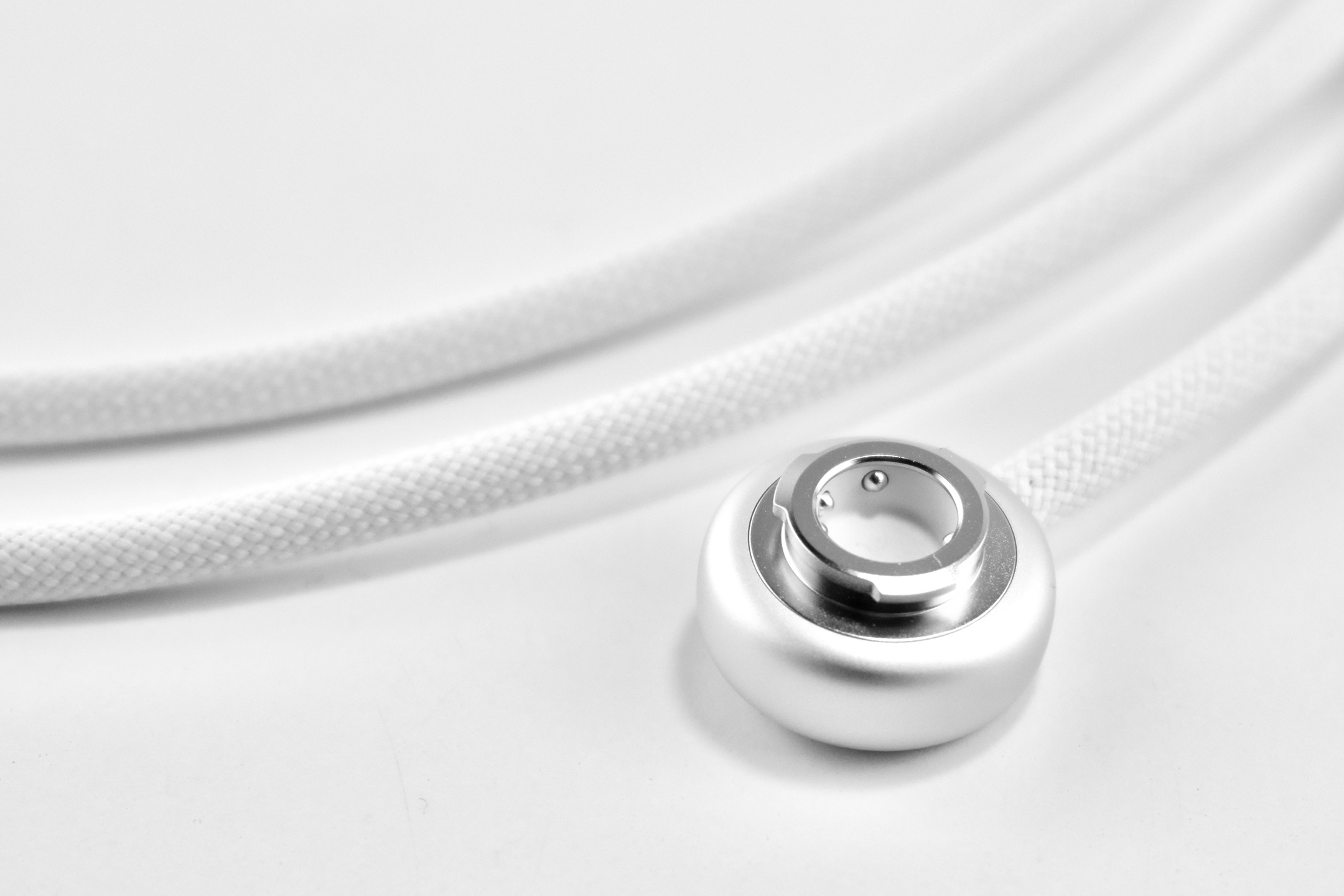
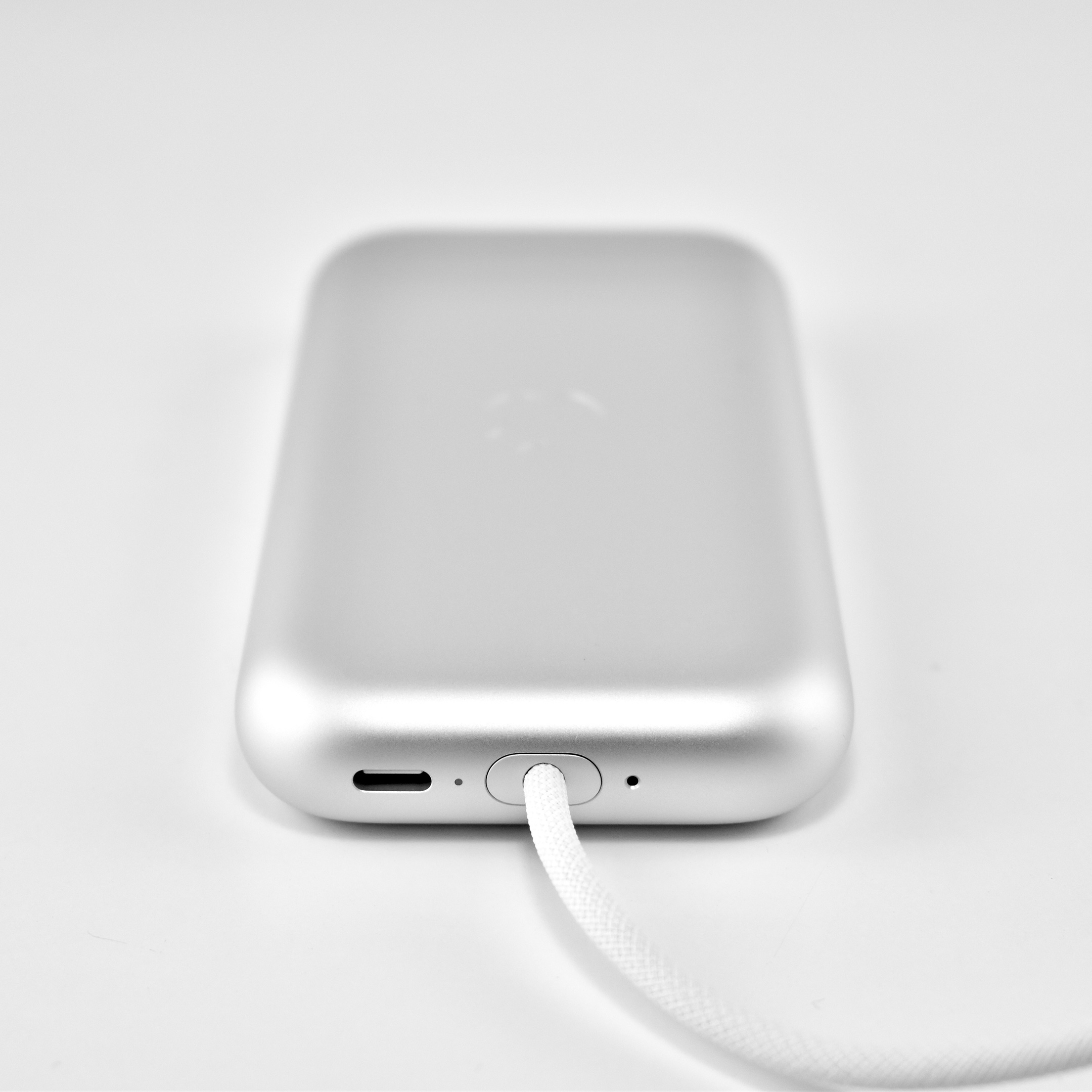
The Apple Vision Pro used a battery pack that delivered “up to 2 hours of general use” or up to 2.5 hours while watching videos. However, the device could also be used with the USB-C port plugged into power while charging the battery.
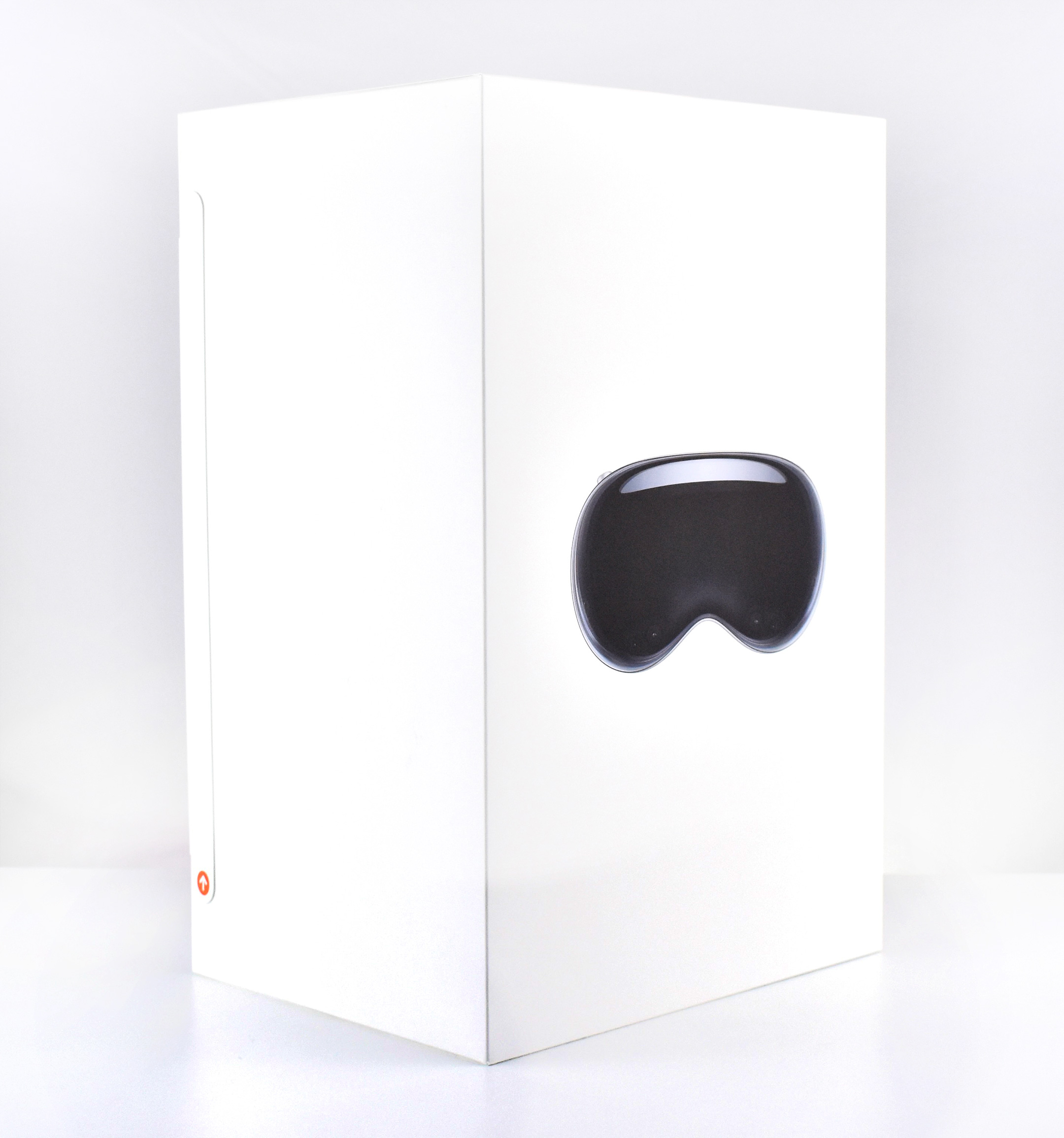
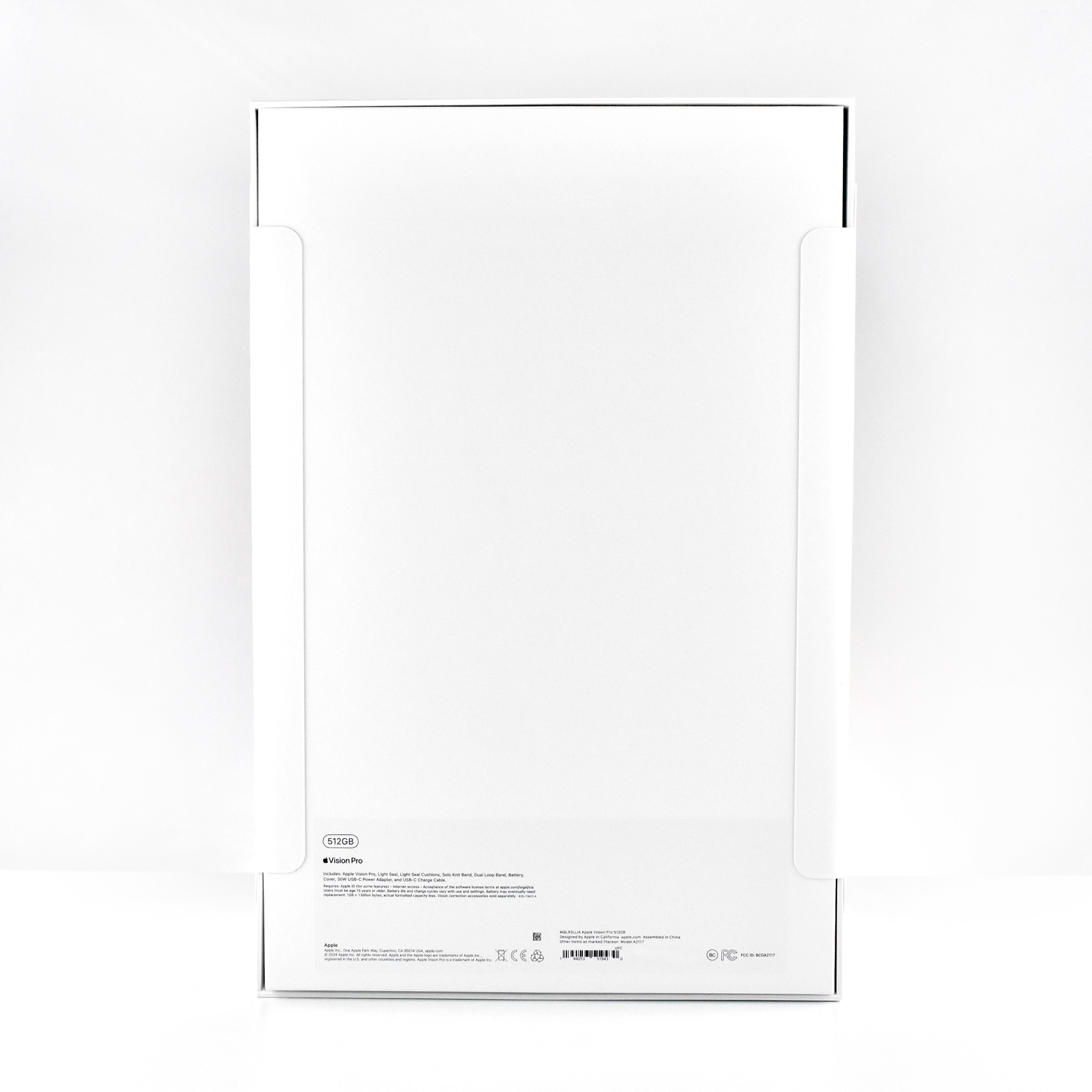
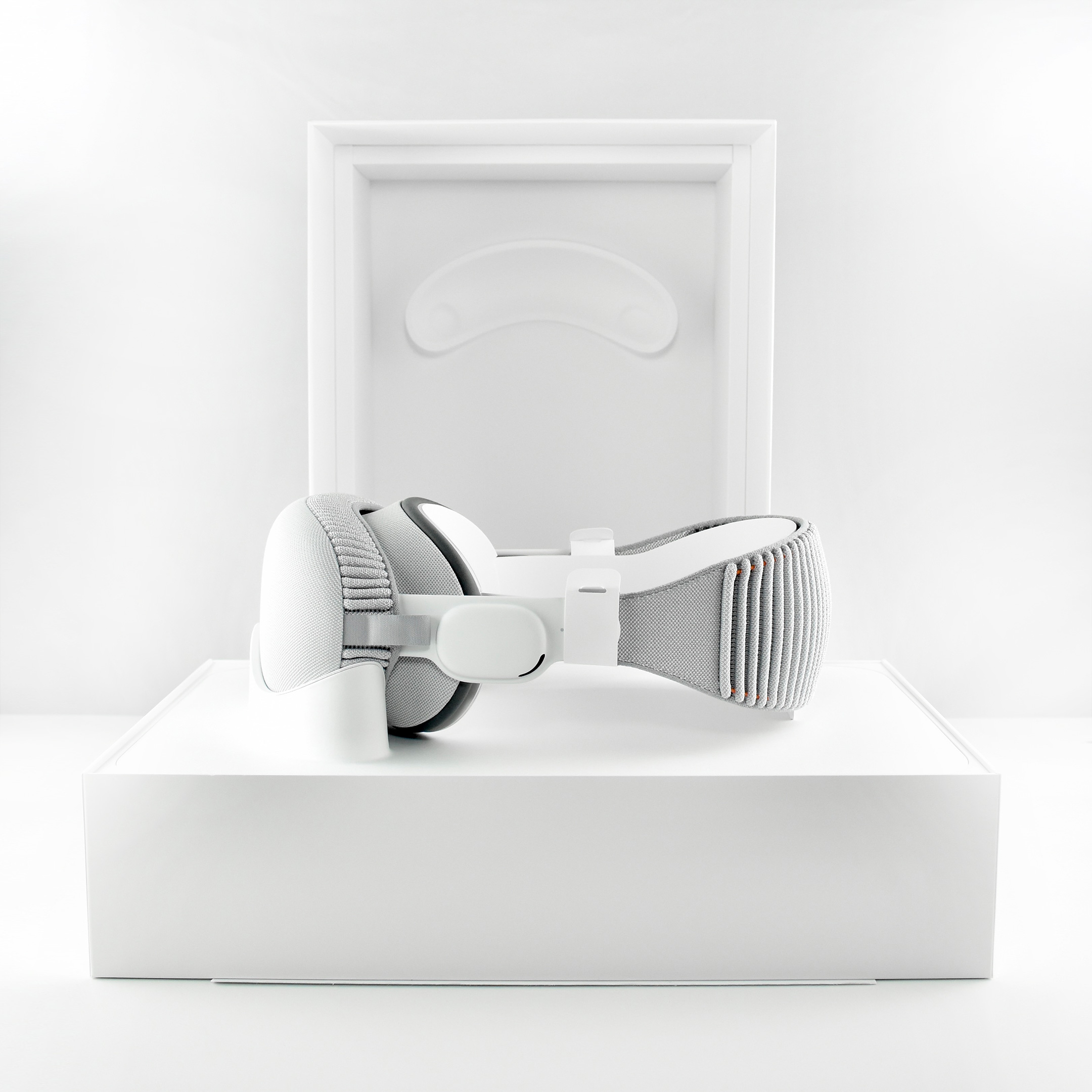
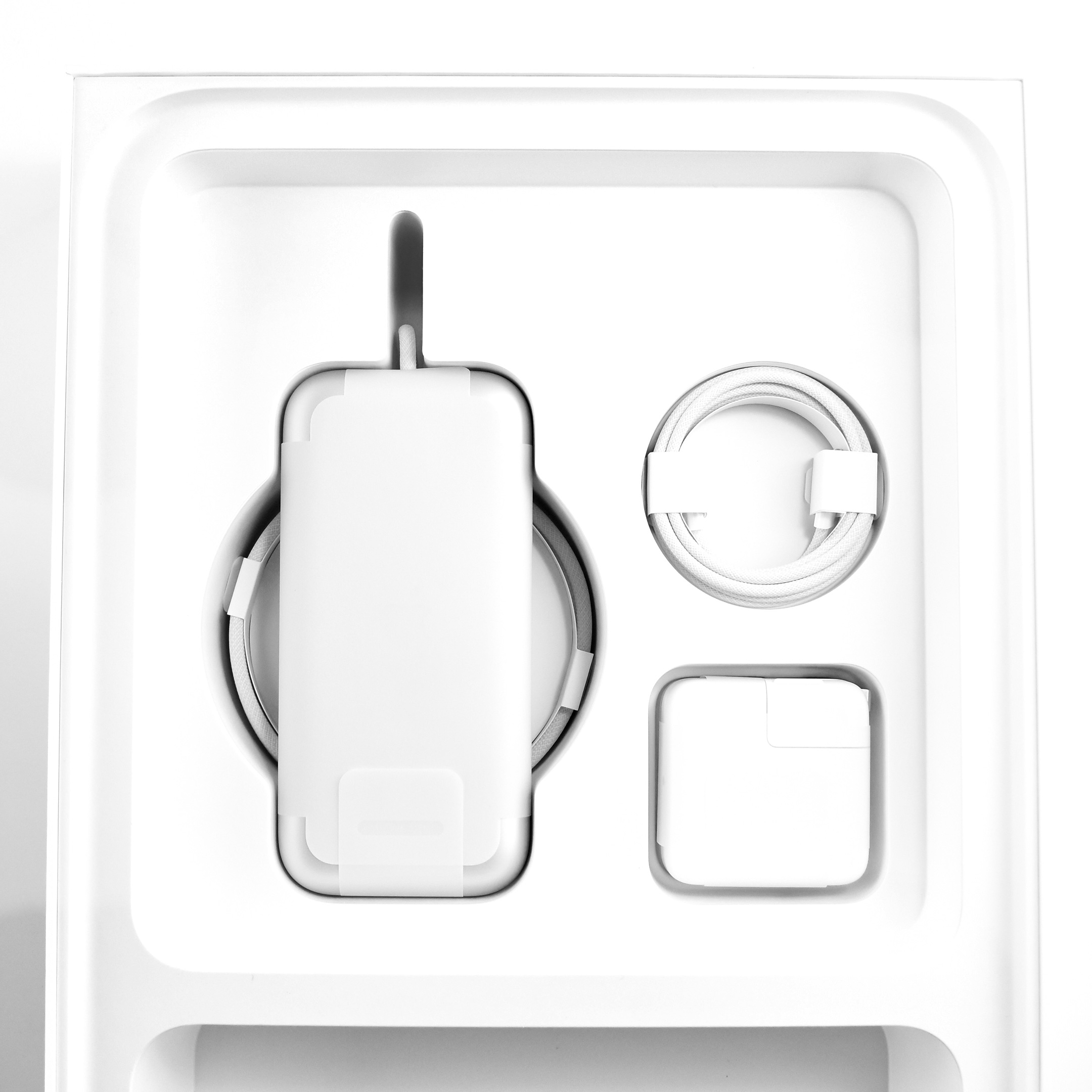
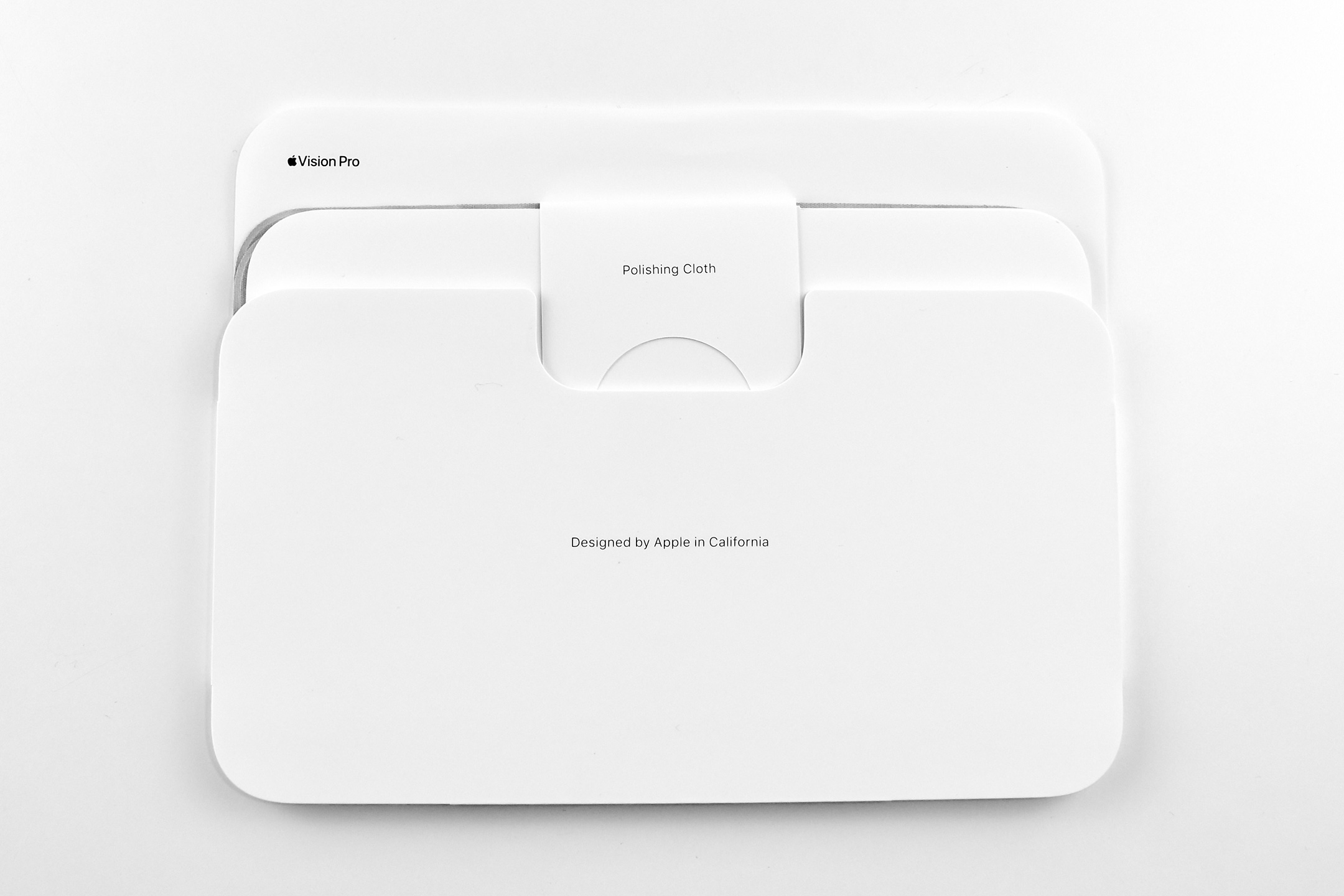
The Apple Vision Pro shipped with many accessories and custom-sized parts compared to Apple’s other devices. The following accessories were included with each Apple Vision Pro:
Light Seal
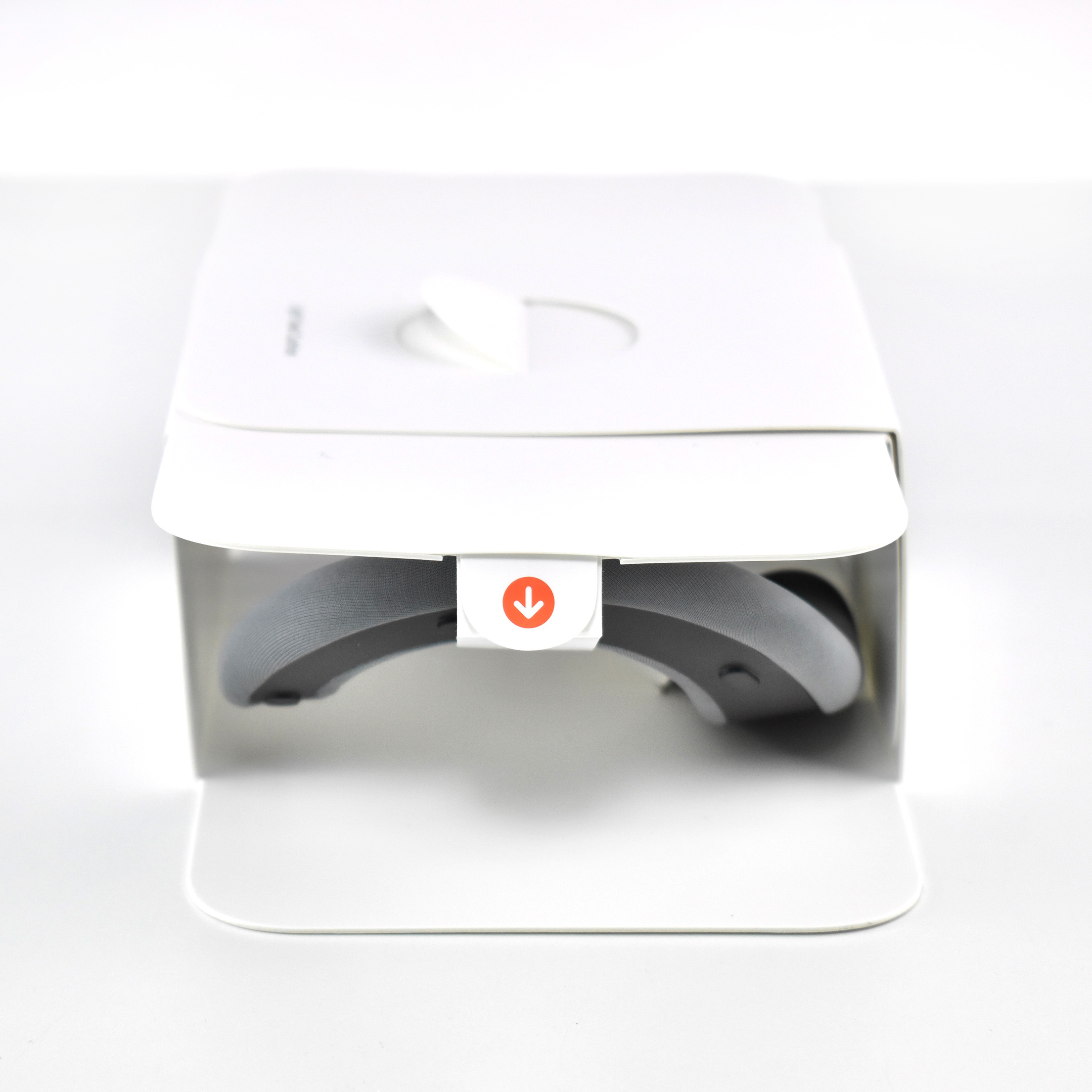
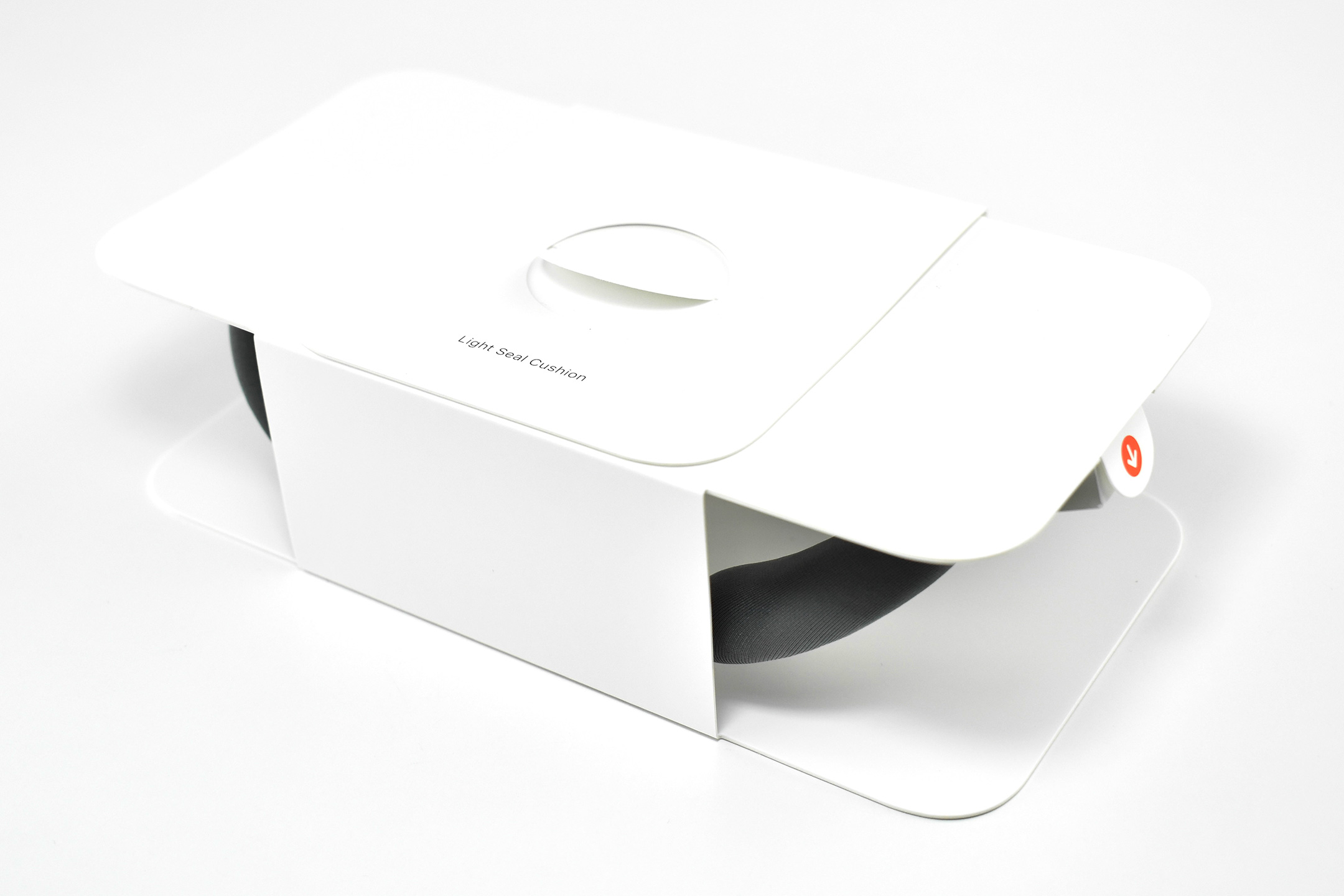
Light Seal Cushions (2 sizes)
Solo Knit Band
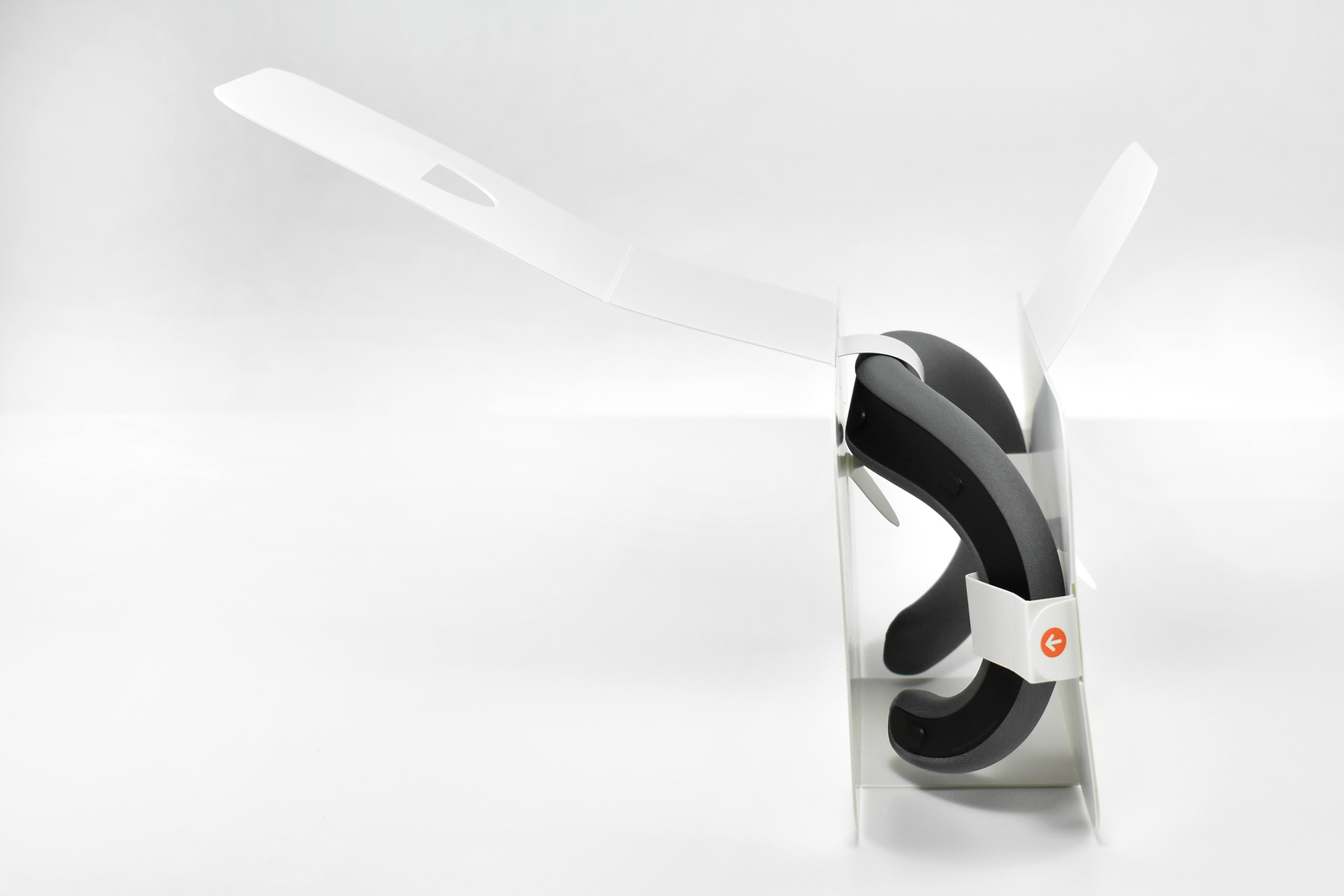
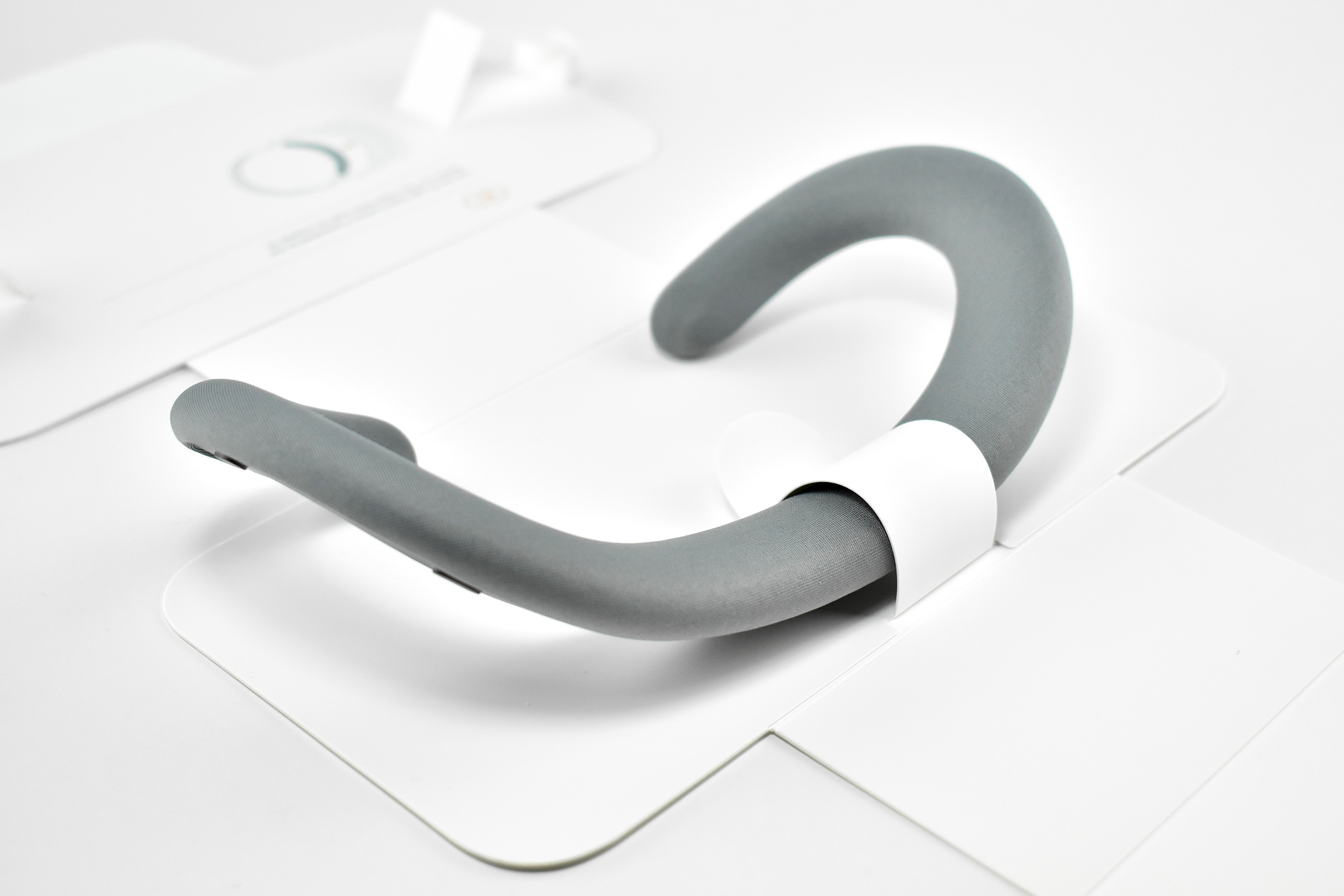
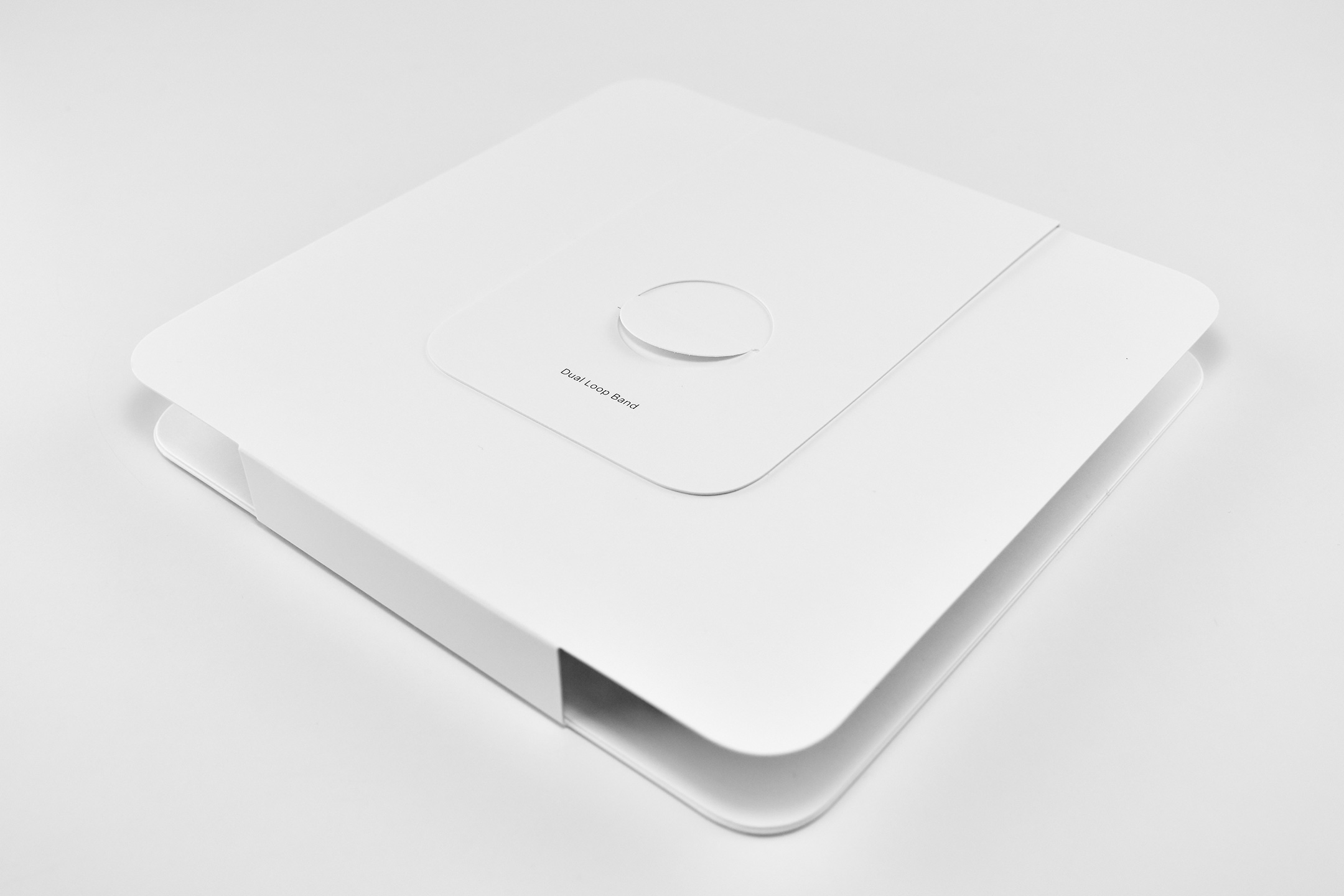
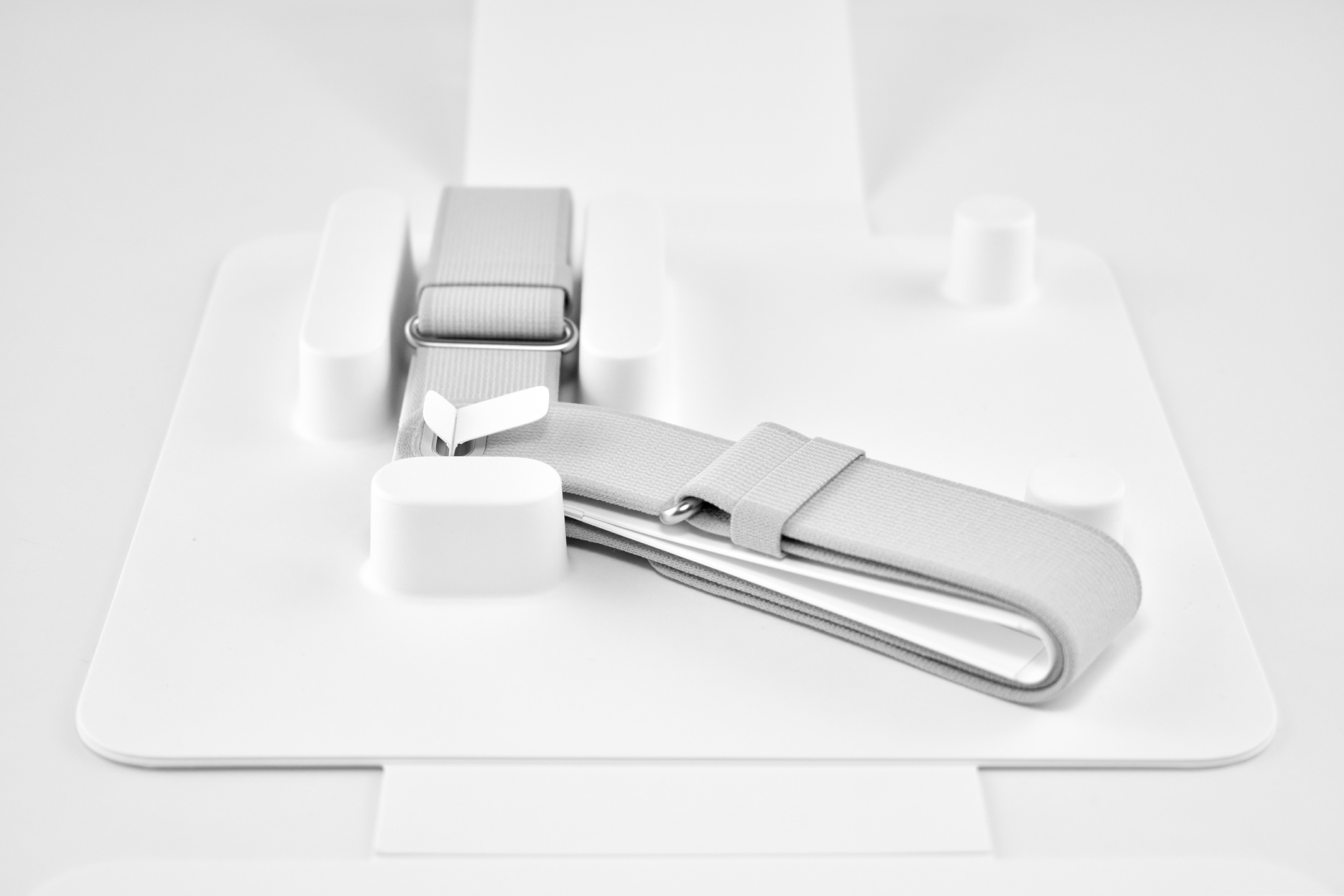
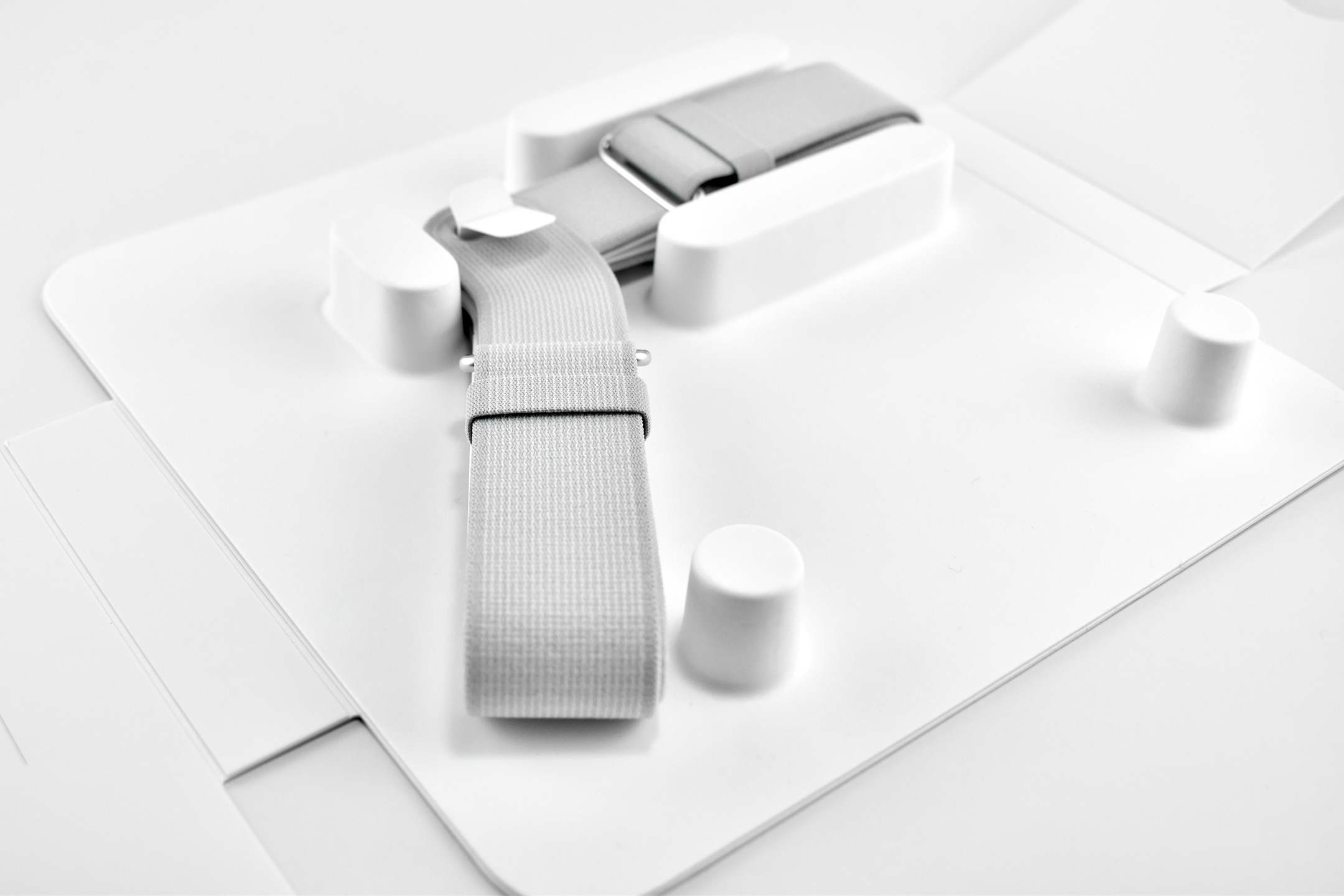
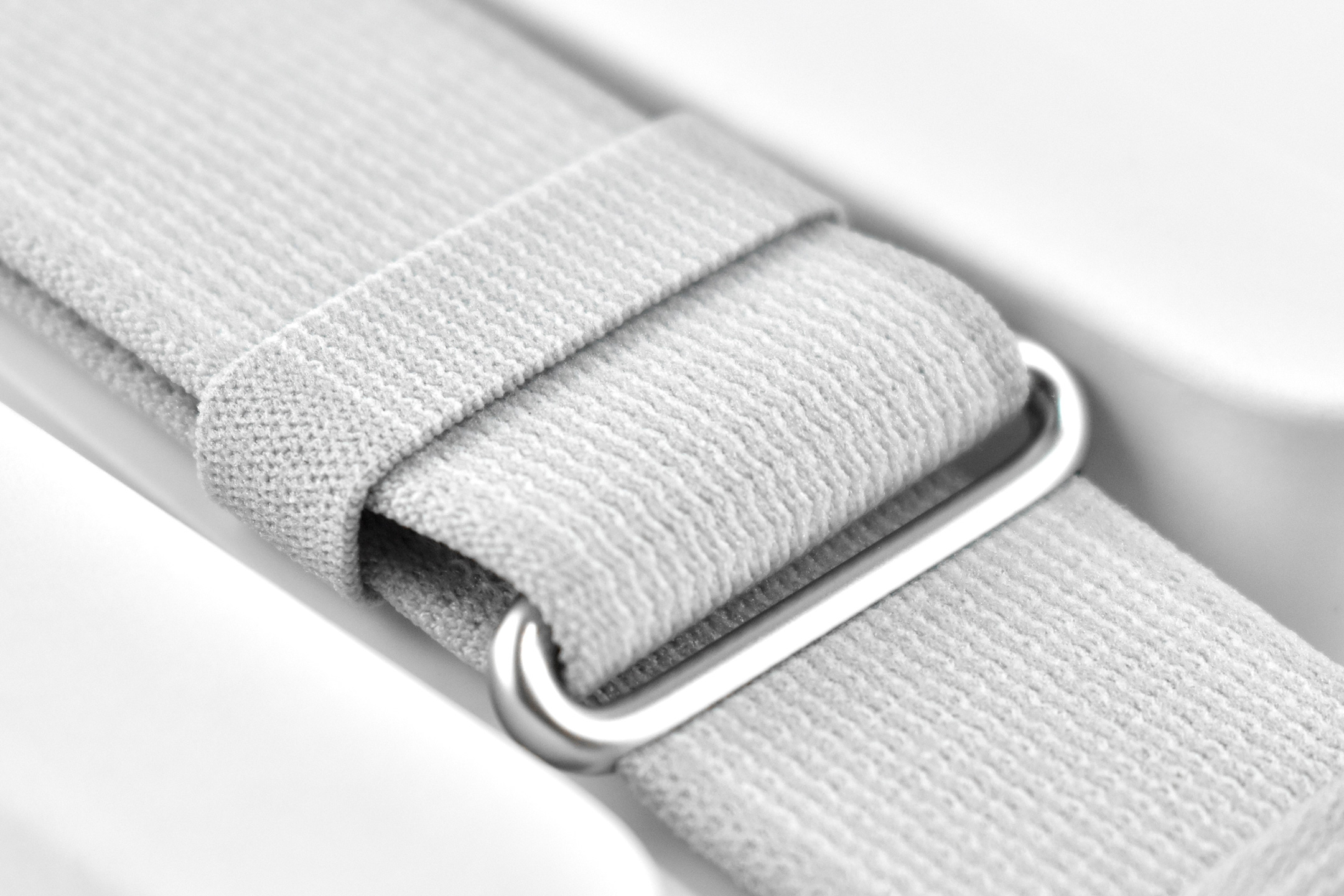
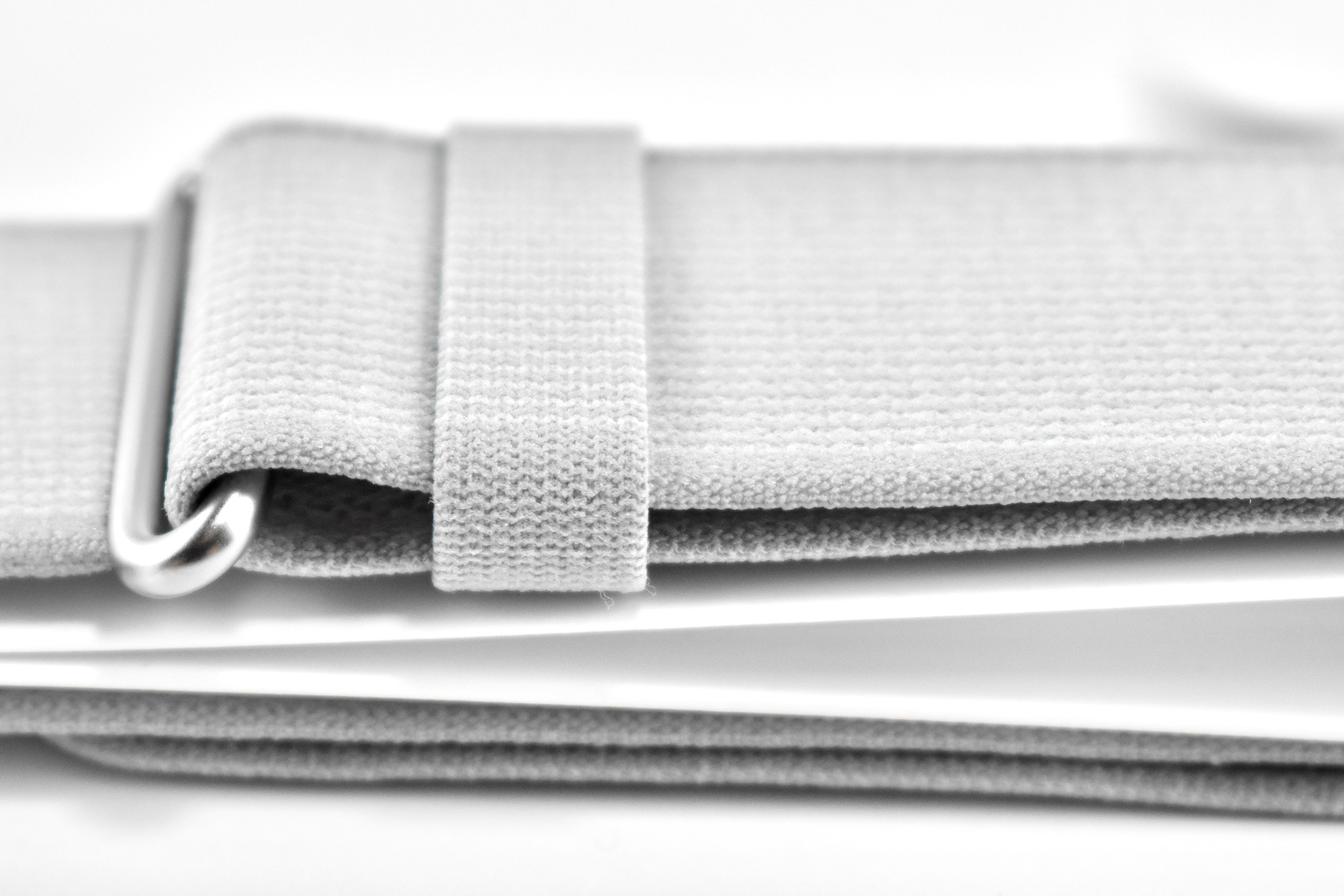
Dual Loop Band
Battery pack
Cover
30W USB-C Power Adapter
USB-C Charge Cable
Several of the parts and accessories that shipped with the Apple Vision Pro were impressive design innovations on their own, even if they were not often mentioned in reviews—or even by Apple. Some examples from my perspective included:
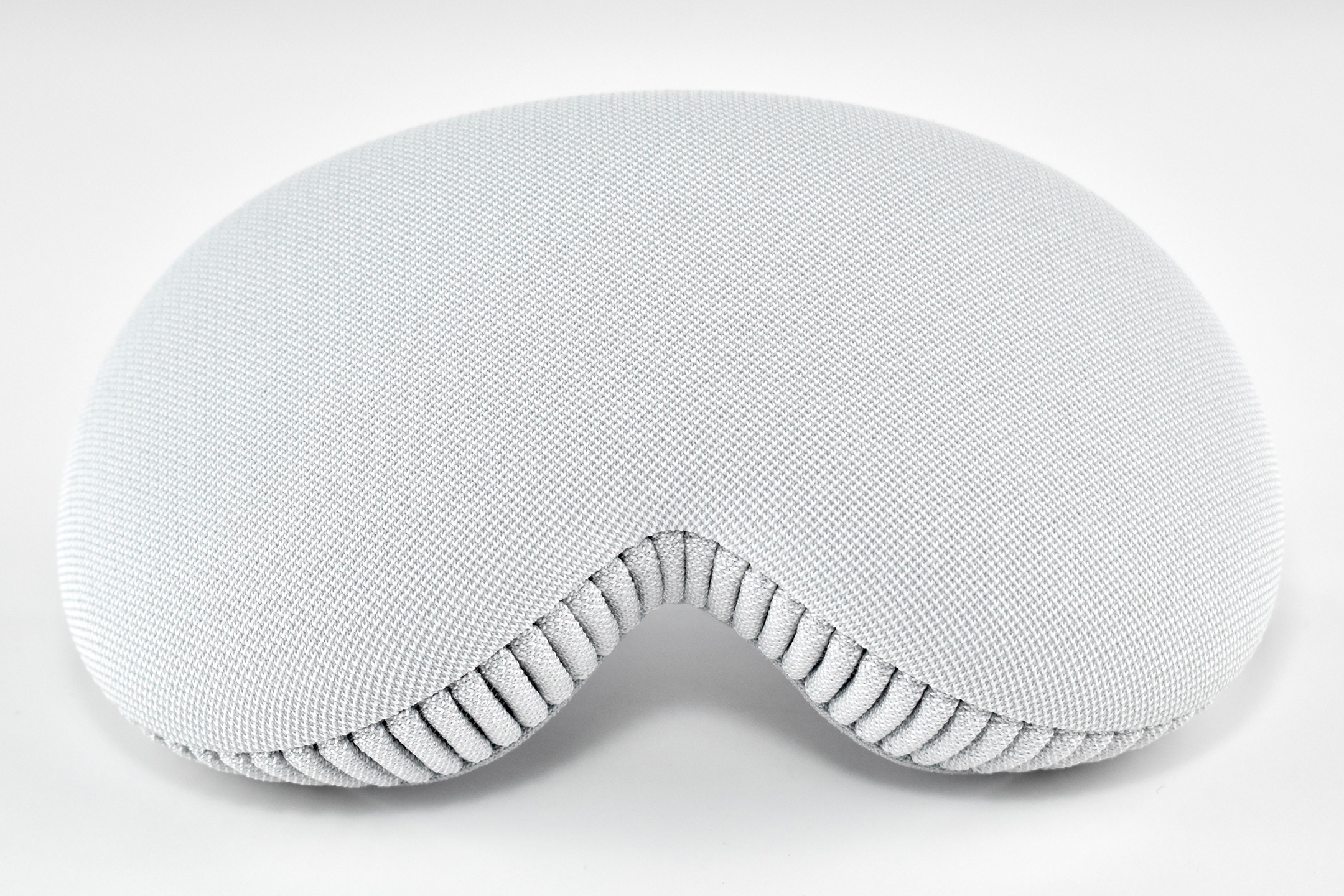
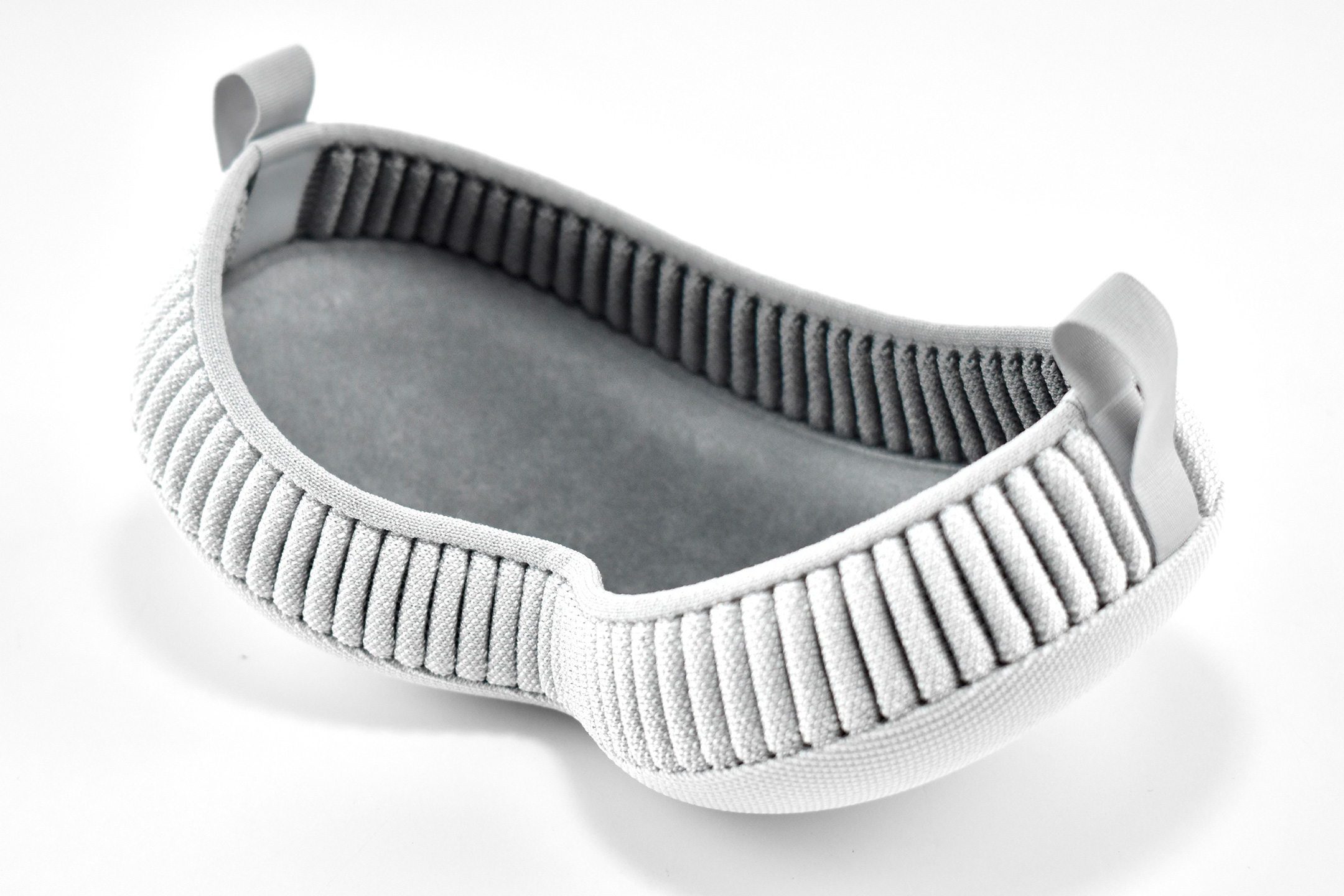
Light Seal—The light seal came in multiple sizes that were matched to the user through a custom app that scanned a user’s face to calculate the appropriate size. The light seal attached magnetically to the main body of the Apple Vision Pro.
Light Seal Cushions—The light seal cushion was also sized for the user and attached with magnets to the light seal to provide a custom fit so light would not “leak” into the space around the eyes.
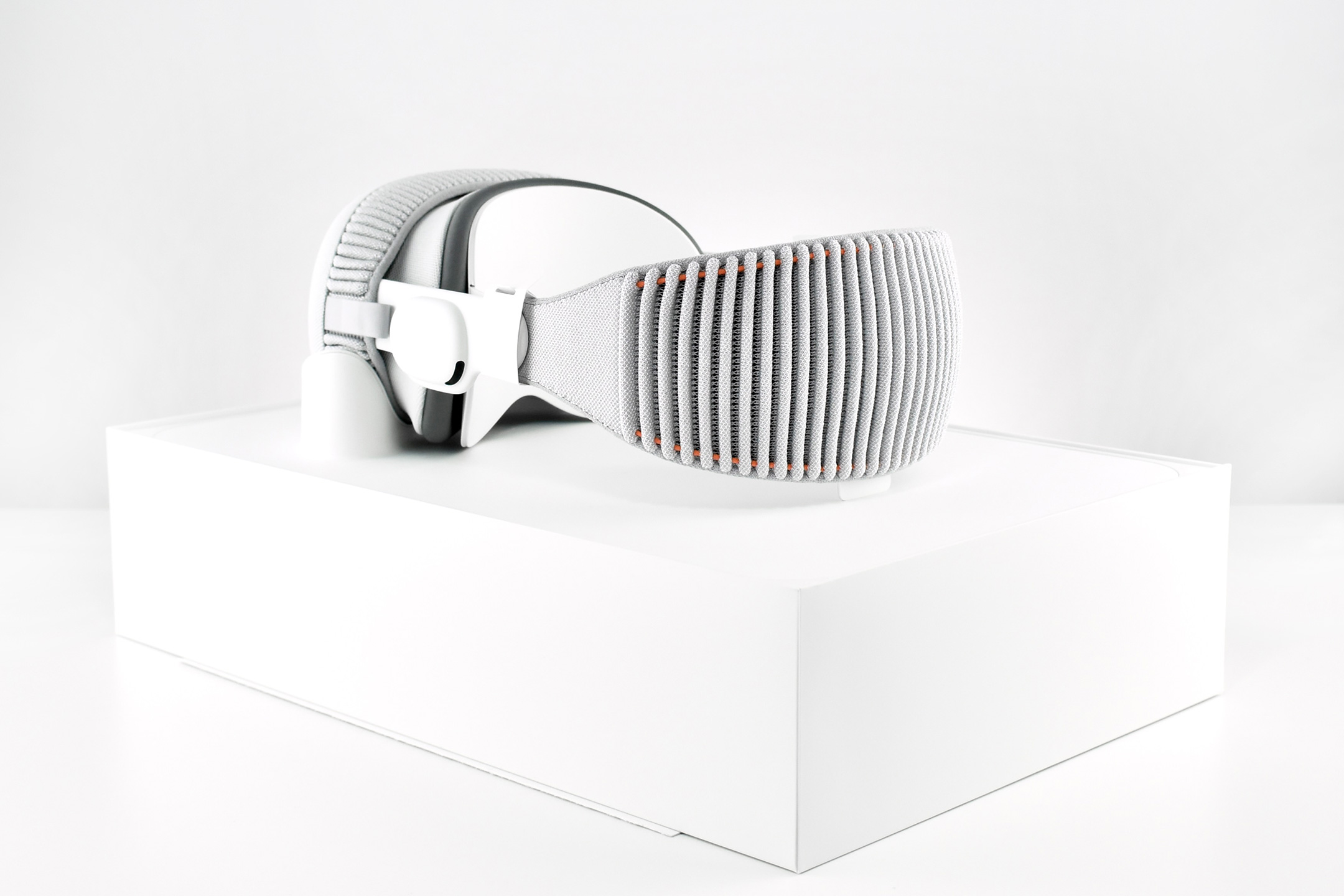
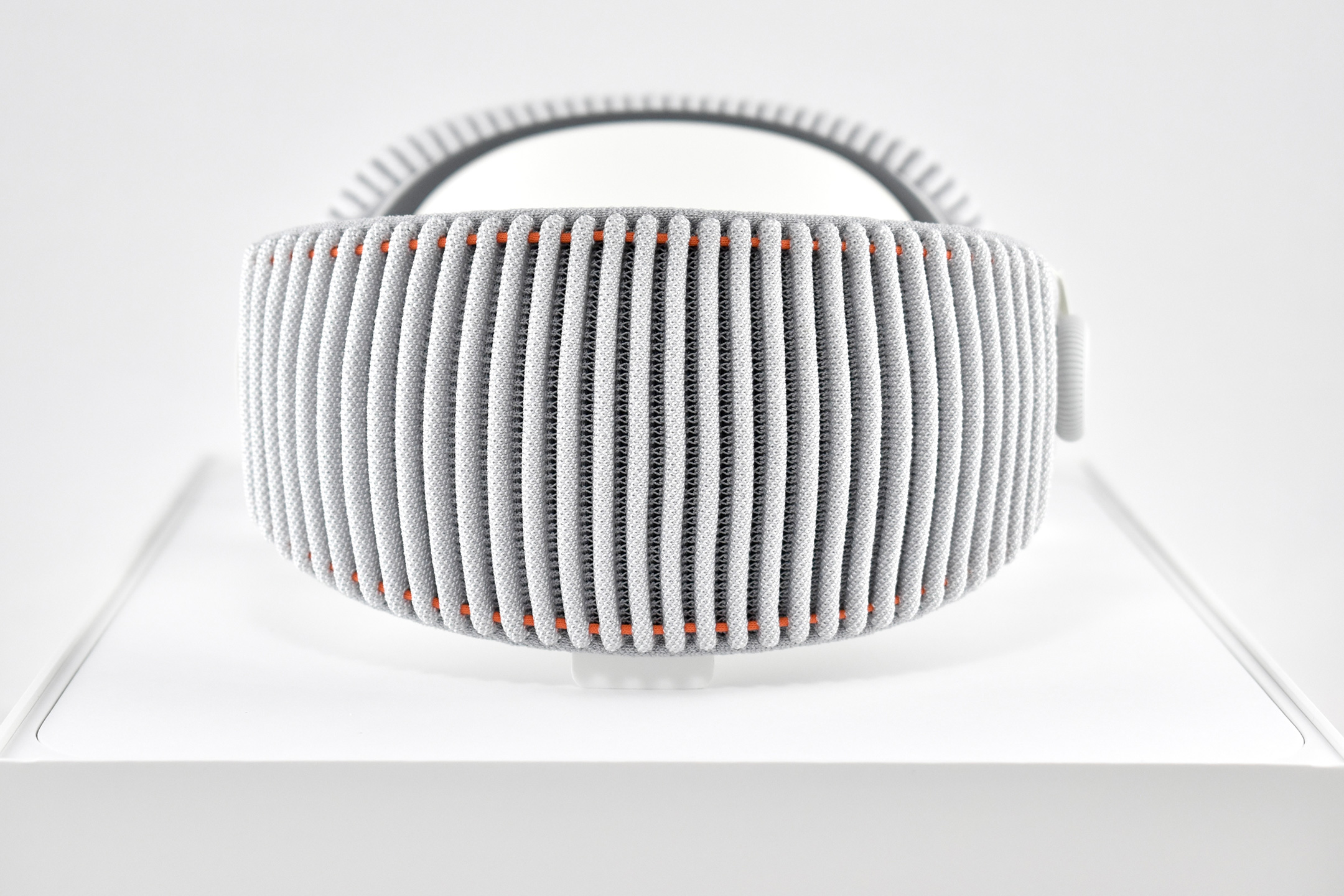
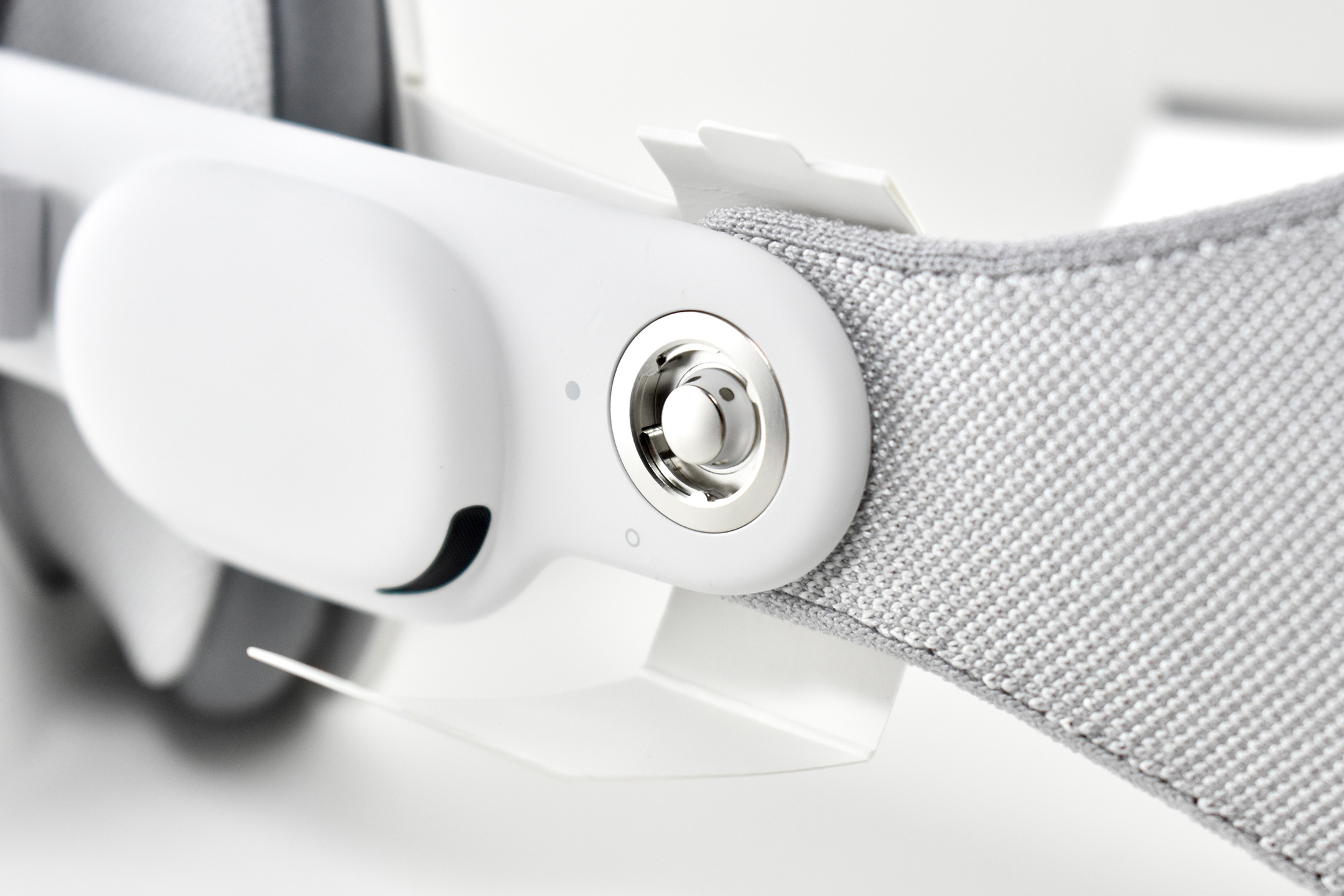
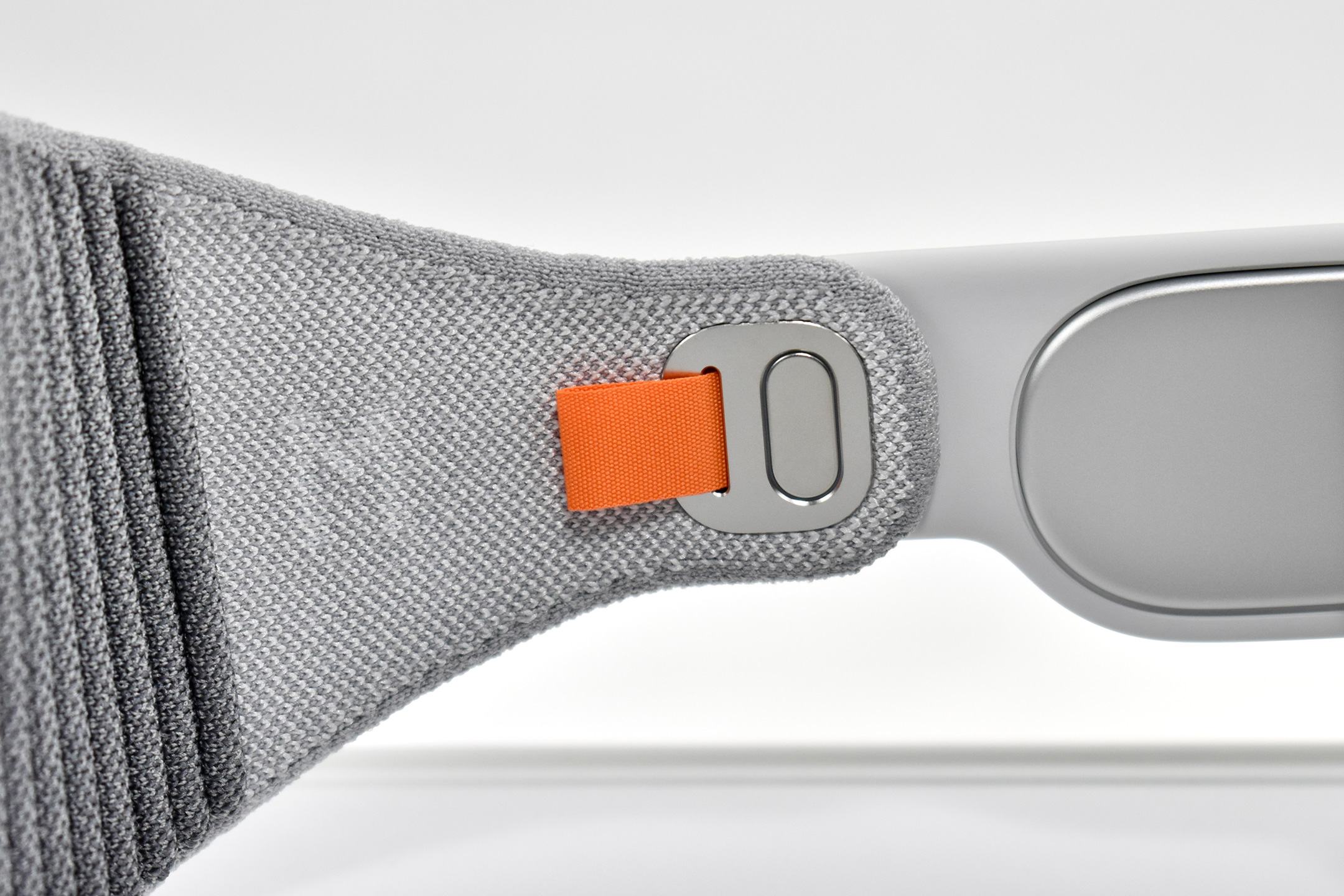
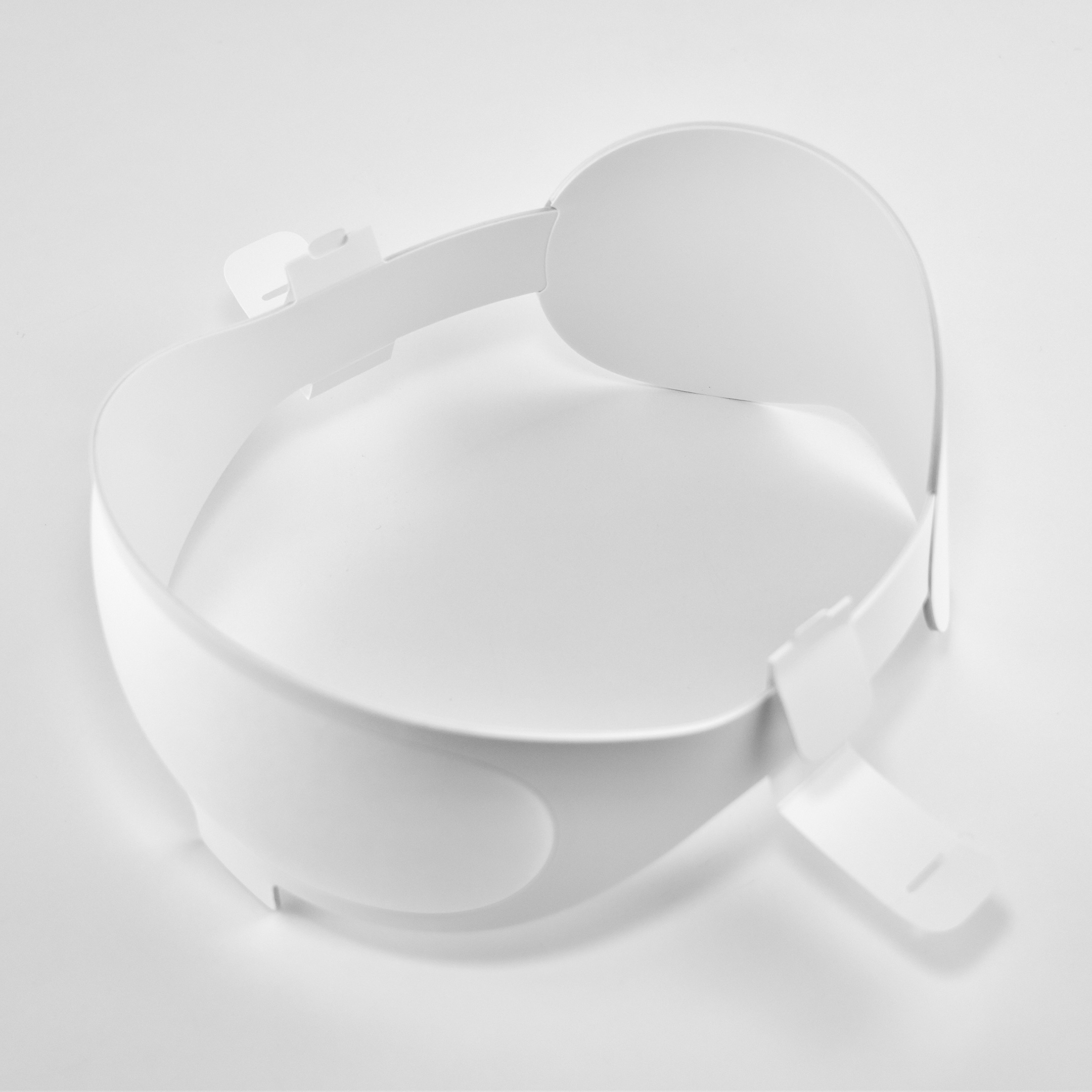
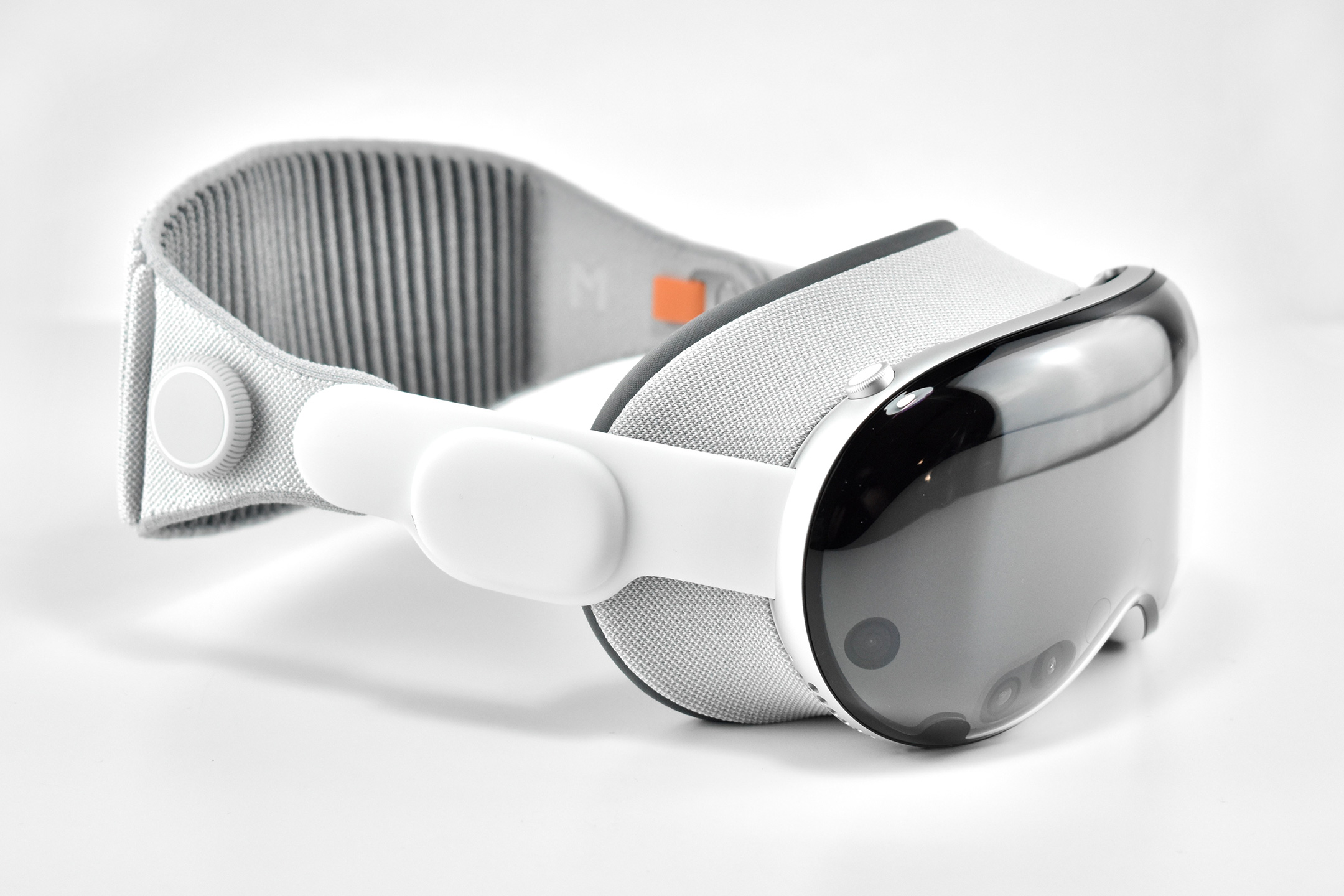
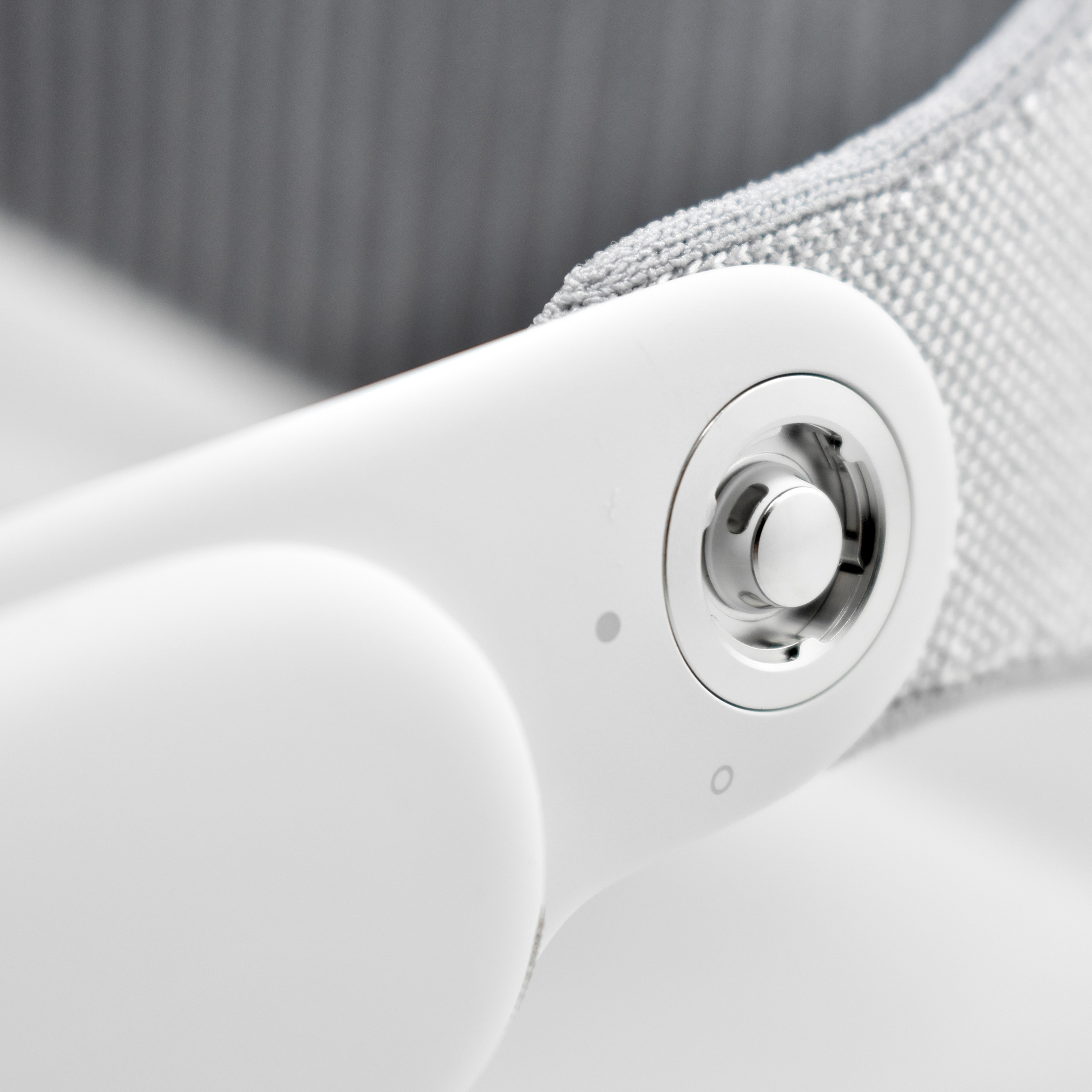
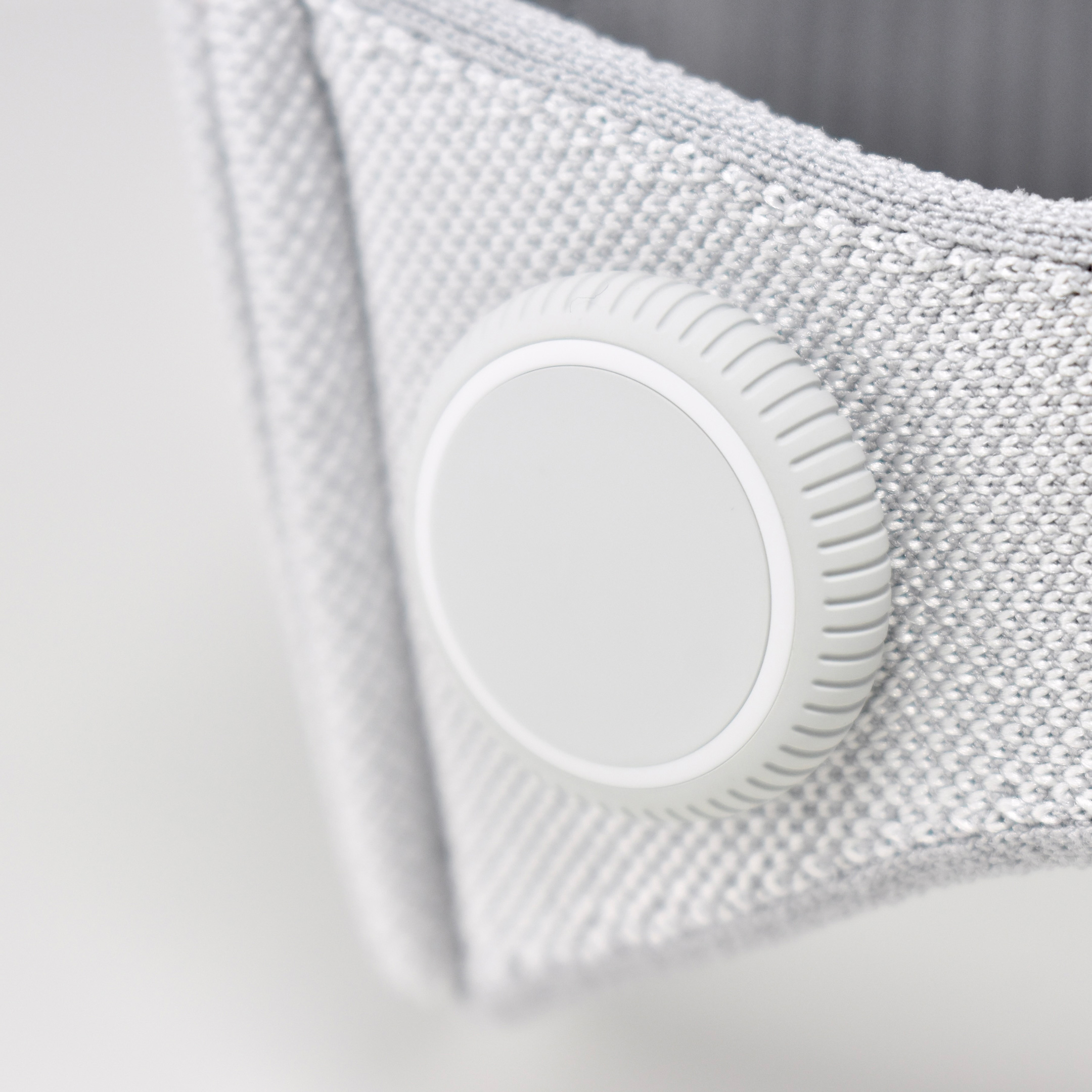
Dual Loop Band and Solo Knit Band—The two bands that shipped each represented impressive engineering and design to fit the 22.9 ounce (1.43 pounds) device to the head and provide relative comfort and support during use. The Dual Loop Band provided a 2-strap system that supported the device around the back and over the top of the head with adjustable velcro closures. The Solo Knit Band was a single thicker band that was “3D knitted as a single piece to create a unique rib structure that provides cushioning, breathability, and stretch. It has an easy-to-reach Fit Dial to let you adjust Apple Vision Pro to your head and enables microadjustments during use.” I personally prefer the Solo Knit Band.
Further, the Solo Knit Band was noted by journalists and reviewers as looking fashionable, especially compared to the utilitarian straps provided by other AR/VR headsets. One 9to5Mac author noted, “I just think the Solo Knit Band looks cooler, and comfort just hasn’t been an issue for me.”
Cover—Even the lowly knit cover was an impressive piece of design in my opinion. The cover itself had knit edges, but allowed the Apple Vision Pro device to be effortlessly lowered into the accessory with a perfect fit that fully protected the glass front. Tabs on the edges also allowed it to be easily removed.
ZEISS Optical Inserts—For those of us who require vision correction and do not wear contact lenses, Prescription ZEISS Optical Inserts were available to be custom-made to an exact prescription. The inserts easily snapped in with magnets and were “recognized” by an Apple Vision Pro device by selecting the user’s account settings.
Although this entry is not intended as a review of the Apple Vision Pro, as a user I can attest that the device is extremely difficult to describe to someone who has not used it first-hand. In my experiences, the device and visionOS functioned seamlessly from the original visionOS through visionOS 2. In my Apple-user-experience lifetime (since the early-1980s), I have never experienced a more mature operating system for a brand new device—especially one with so many brand new user interface elements.
After a lifetime of keyboard typing, mouse clicking, and most recently touch-based interfaces, the Apple Vision Pro required a user to make the leap to looking at virtual interface elements (through eye tracking) and interacting though hand gestures (pinches, pulls, and a 2-hand pinch/pull motions). Having coached about 50 first-time users through using the Apple Vision Pro as of this writing, I have observed that every user was able to understand these UI paradigms within the first 5–10 minutes of using the device (most adapted more quickly).
Finally, I wrote a series of education-focused articles about my first impressions of the Apple Vision Pro after the device was first released. They are available on a separate blog at Blogger:
Shortly after Steve Jobs was ousted from Apple in 1985, he founded the company NExT, Inc. With headquarters in Redwood City, California, NeXT created computer workstations and software that was originally intended for education markets. Notably, a NeXT computer was used by Tim Berners-Lee and Robert Cailliau at CERN to develop the world’s first web server and web browser on the then-new World Wide Web. When NeXT was purchased by Apple in 1996 its core technologies were later used in future Apple products, including as a foundation for Mac OS X.
During its 11-years, NExT only developed a few hardware products, including the NExT Computer (later renamed the NExTcube), the Next Workstation, and several peripheral devices including the following:
NeXT Color Printer
NeXT External CD-ROM Drive
NeXT Keyboard
NeXT Laser Printer
NeXT MegaPixel Display
NeXT MegaPixel Color Display
NeXT Mouse
NeXTdimension color board
Sources report that NeXT only sold a total of 50,000 units among all its products combined. Thus, working NeXT computers are considered somewhat rare.
The story of the distinctive NeXT logo is intriguing. Steve Jobs asked well known designer Paul Rand to create options for him. Rand reportedly told Jobs “no,” and said “I will solve your problem for you and you will pay me.” Rand presented Jobs with a 20-page book that detailed the logo (tilted at 28º), branding, and the new stylized spelling, “NeXT.”
This NeXT MegaPixel Display 17-inch monitor shipped with a NeXTstation. It has built-in speakers to power the built-in audio support that was designed for the computer and NeXTSTEP operating system. Its industrial design includes an innovative metal tilting base and two rubber-coated rollers that allow it to easily move back and forth on a desktop or on the NeXTstation, despite the monitor’s 50-pound weight.
This display gets its signal from the NeXTstation’s 256 KB VRAM and can display 4 colors—black, white, and two shades of gray. It is 16 inches wide, by 17.3 inches tall, by 14 inches deep.
The NeXT MegaPixel Display 17-inch monitor has multiple ports. Inputs include a keyboard jack; 8-bit, 8012.8 Hz analog-to-digital (via mono microphone miniphone jack; and 16-bit, 44.1 kHz stereo digital-to-analog converter. Outputs include a stereo headphone miniphone jack; gold-plated stereo RCA line-out jacks, and an integrated mono speaker.
Wikipedia reports:
“A severe problem with this setup was that the monitor could not be switched off completely while the computer was powered on. The screen could be switched black but the cathode heater always remained on. This led to extreme screen dimming after some years of use, especially when the computer was not turned off overnight as in a server setup or in a busy software lab.”
This monitor, in fact, suffers from the dimming problem described above. Although it is still functional, the monitor needs to be repaired for the CRT to work properly again.
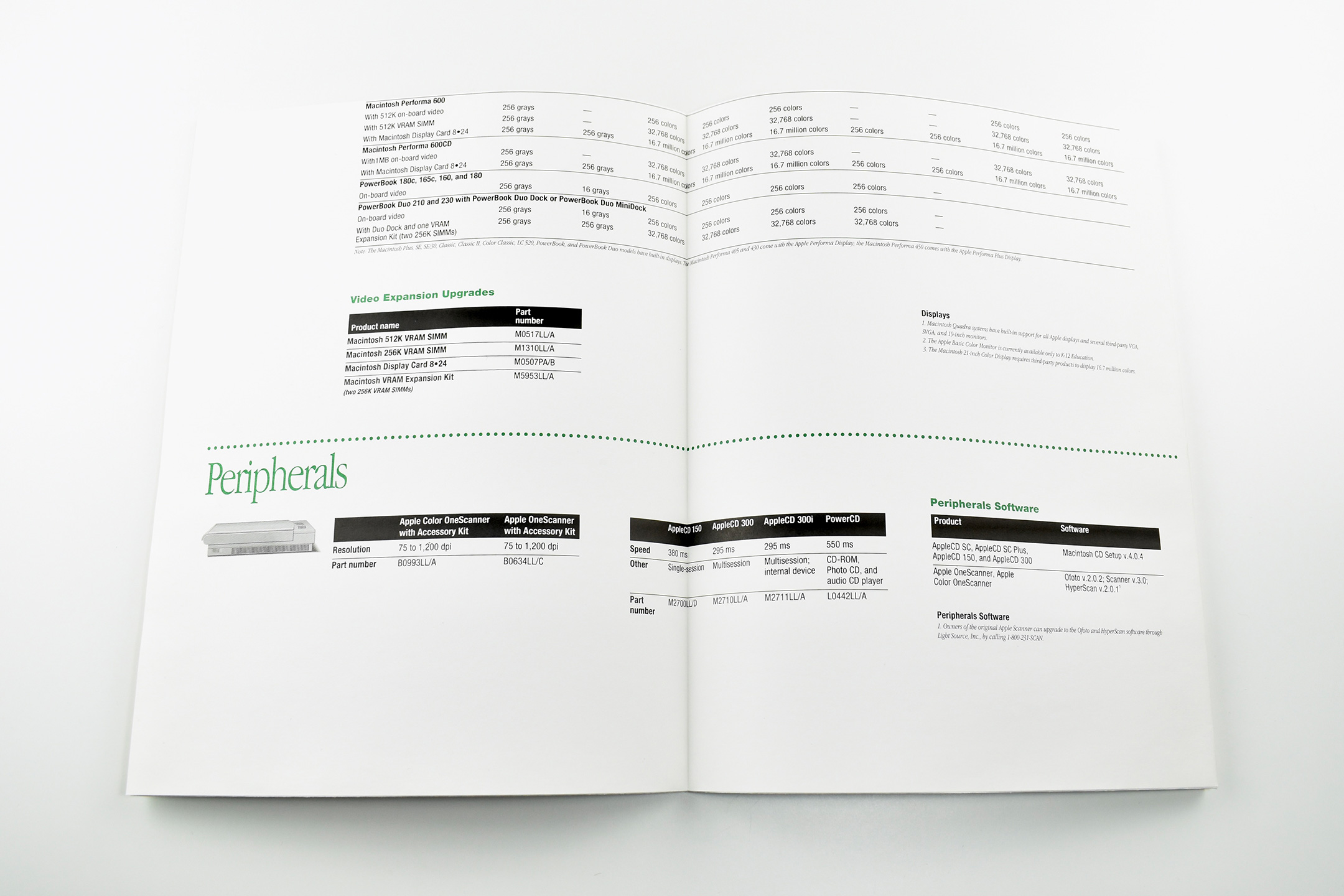
The AppleColor High-Resolution RGB Monitor is a CRT (Cathode Ray Tube) computer display introduced in 1987 and discontinued in 1992. This monitor has the distinction of being Apple’s first color display for the Macintosh. It was introduced along with the Mac II.
The tube size is 13 inches with a viewable size of 12.8 inches. The display uses Sony Trinitron technology.
The monitor is capable of displaying 640 x 480 resolution at 69 dots per inch and supports 24-bit color. It measures 11 inches high, by 13.5 inches wide, is 16 inches deep, and weighs 44 pounds. The monitor uses Apple’s proprietary DA-15 video connector.
Surprisingly, this monitor’s specifications are still available on Apple’s Documentation website as of June 2024.
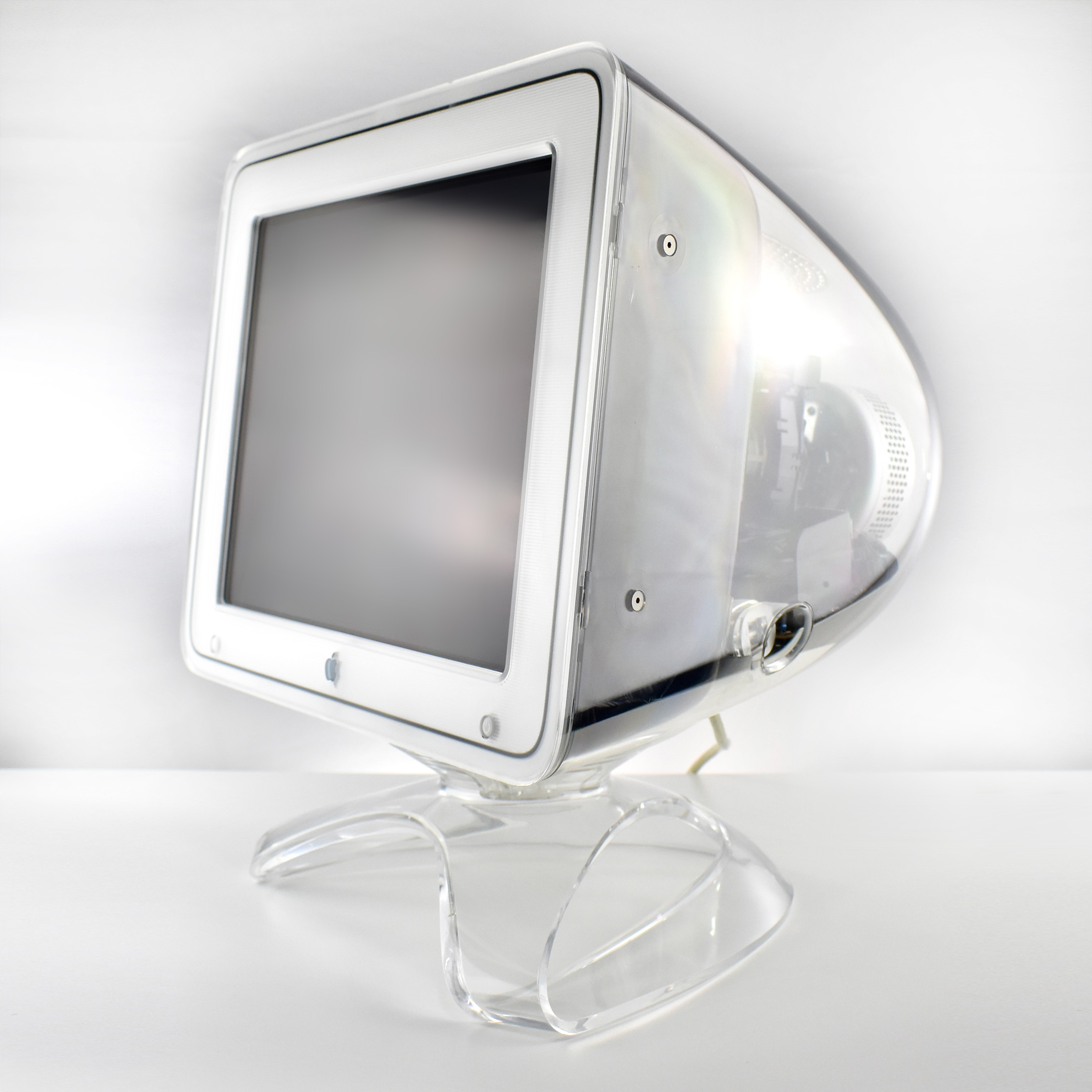
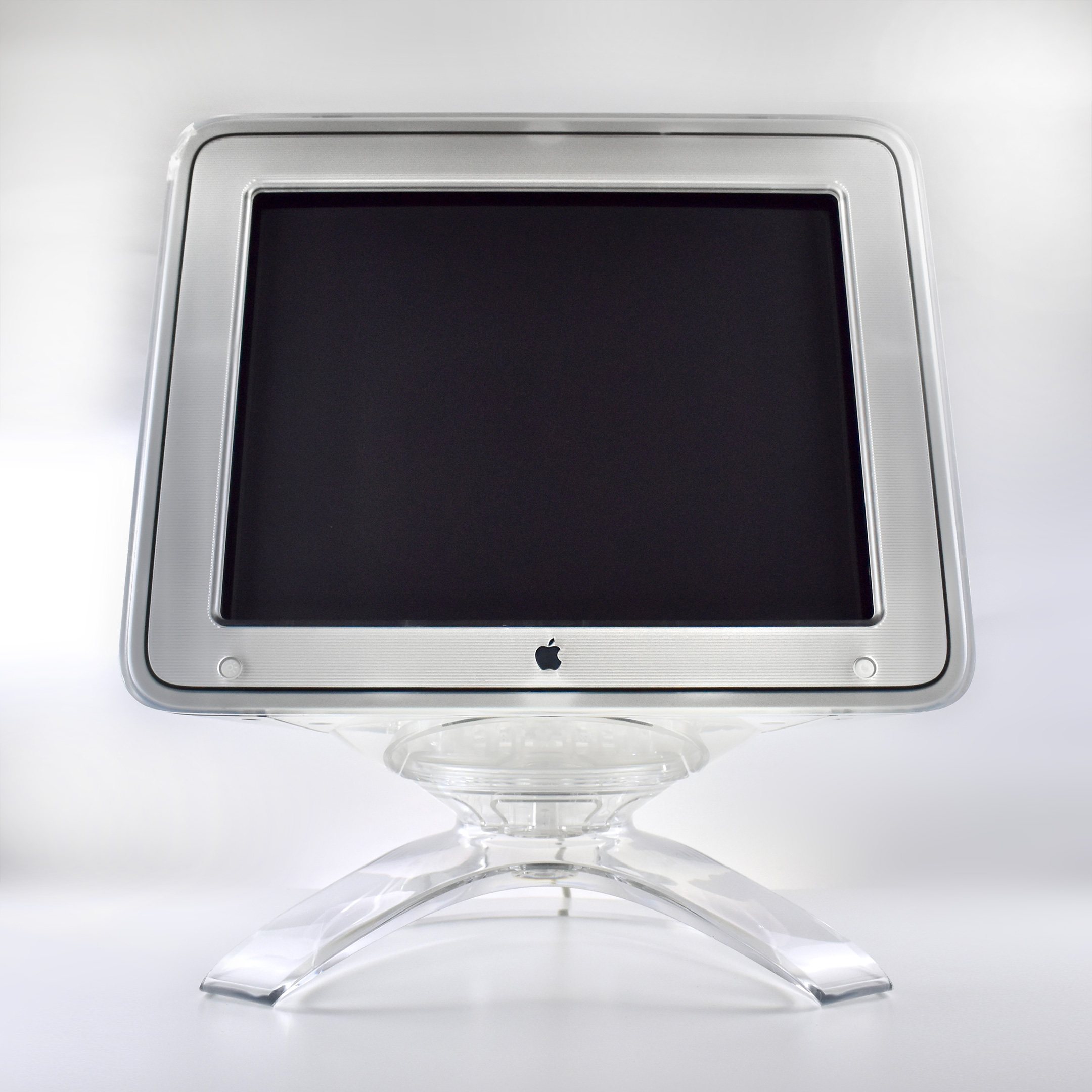
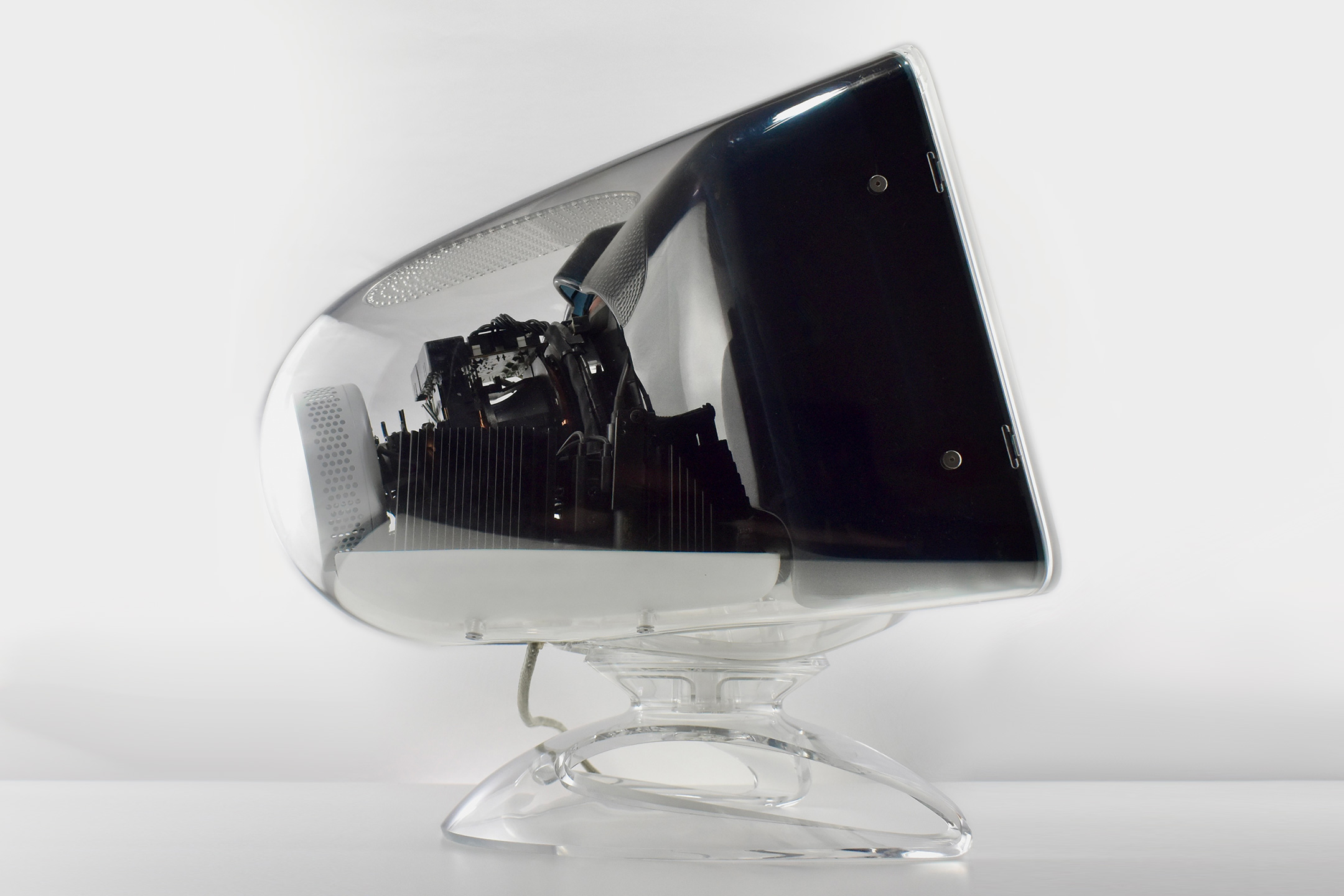
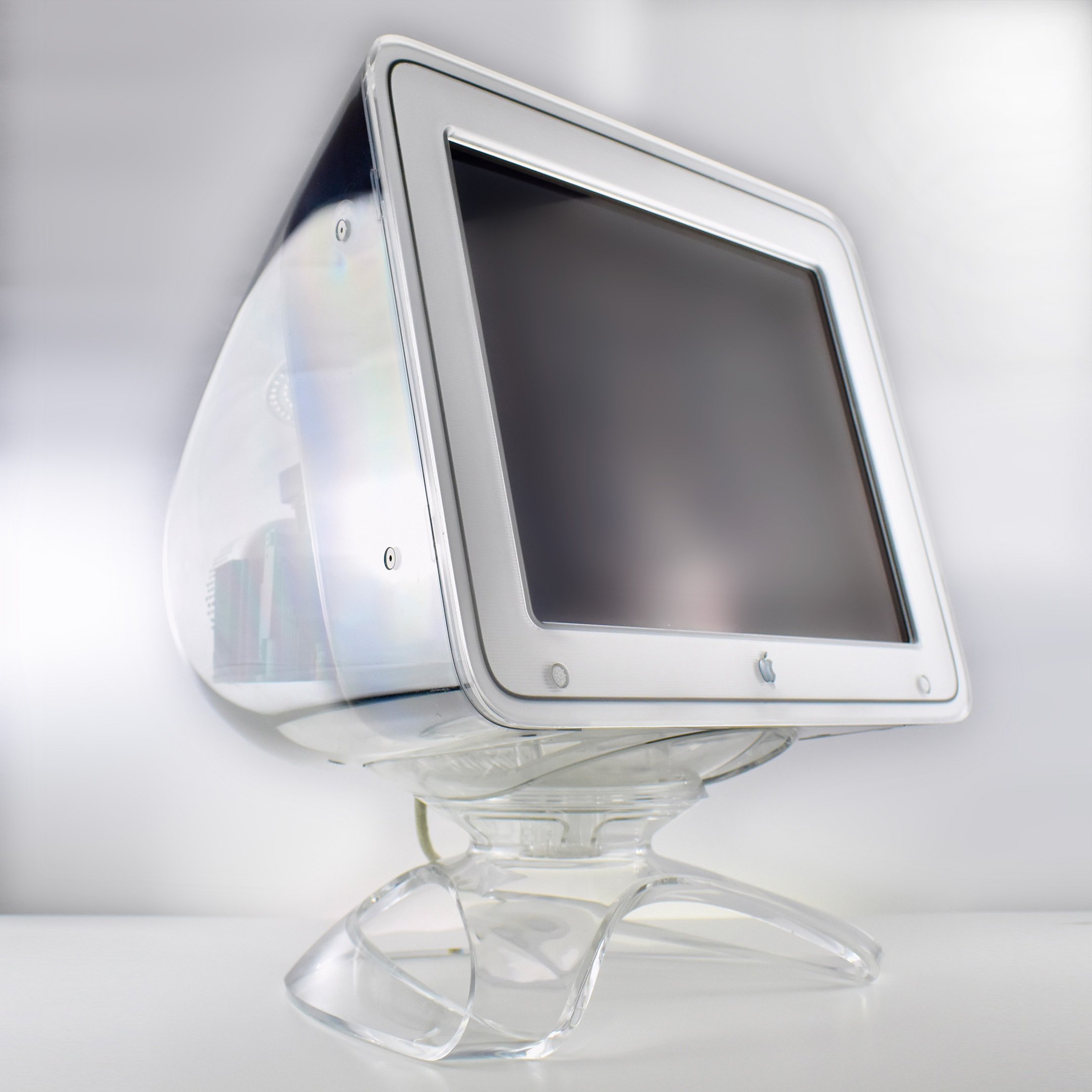
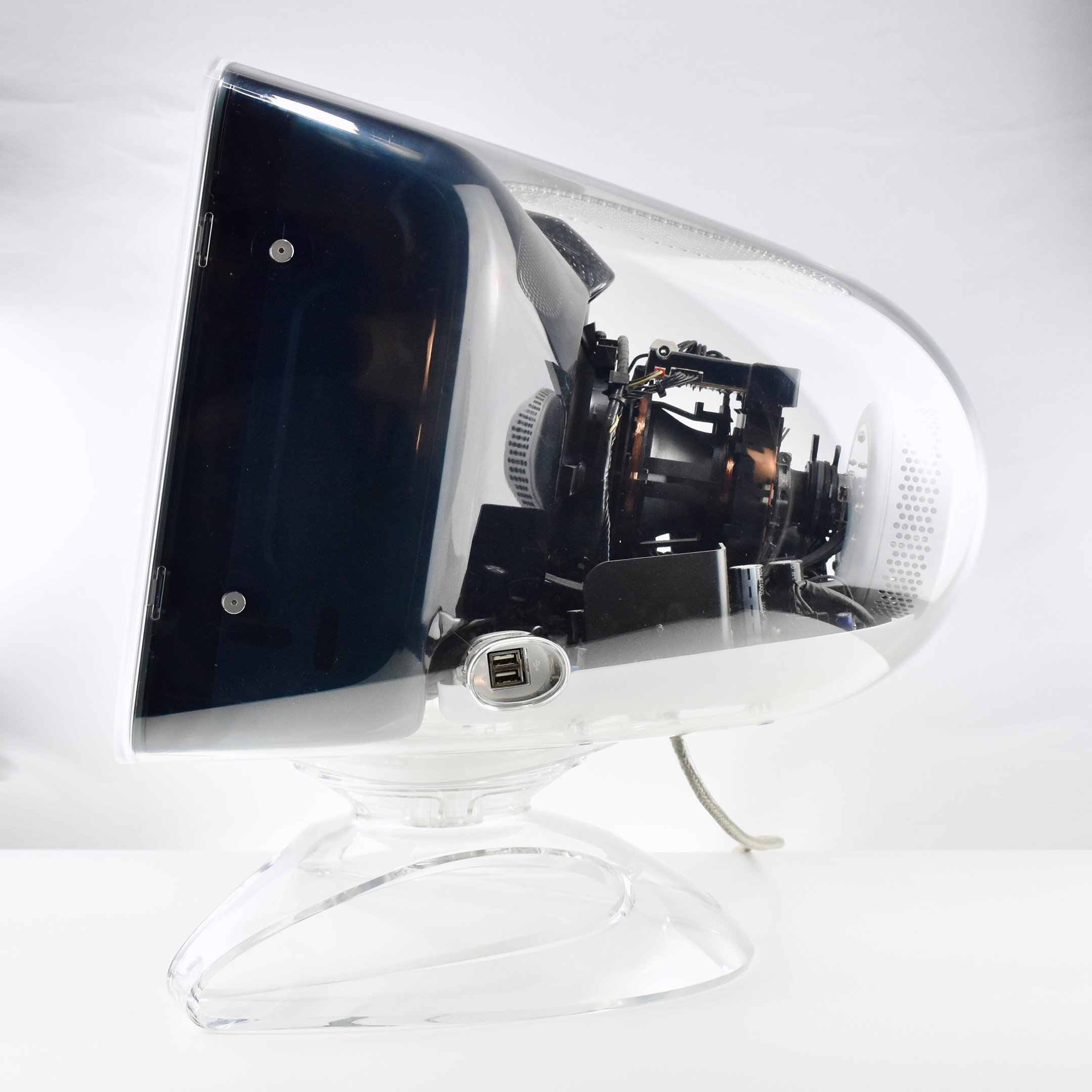
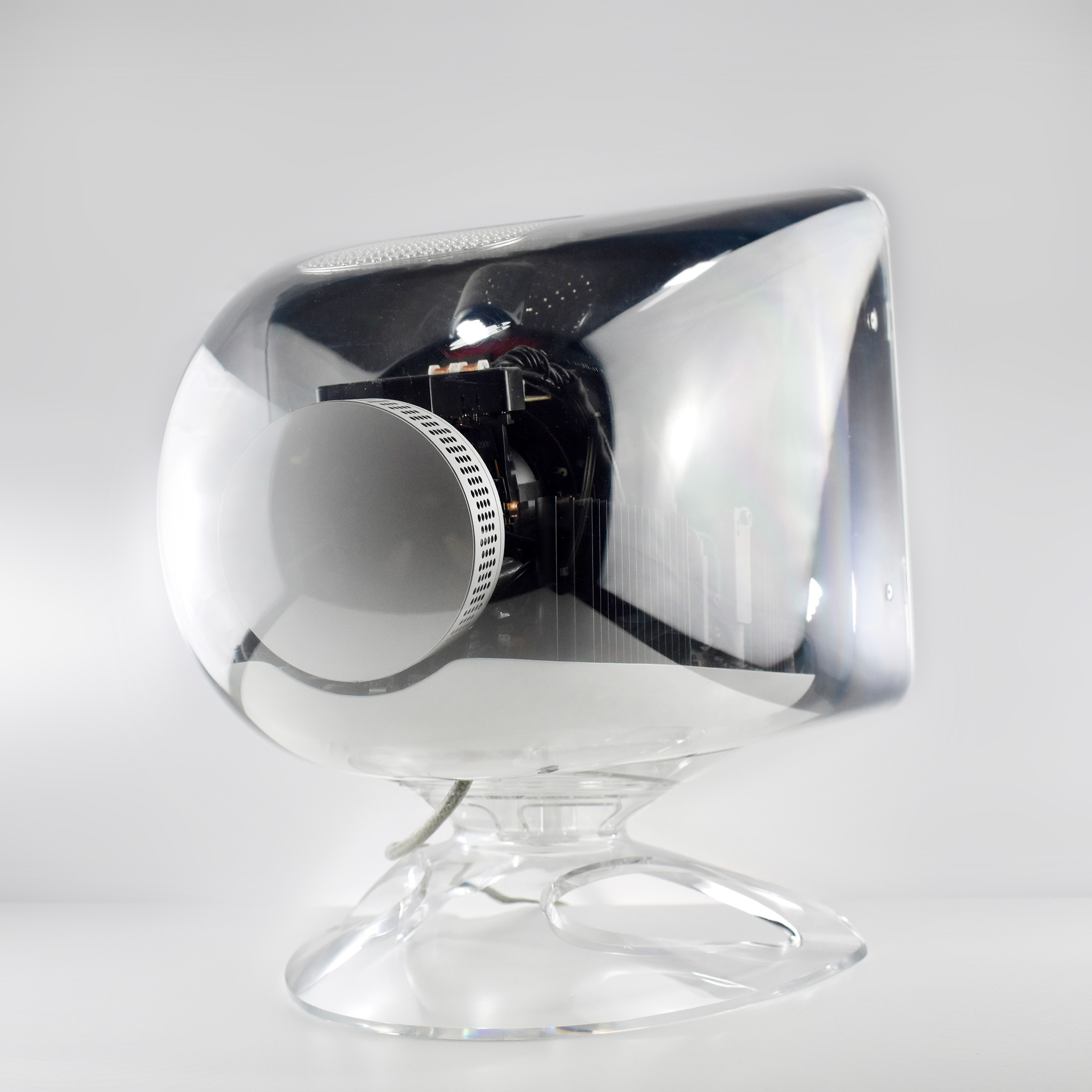
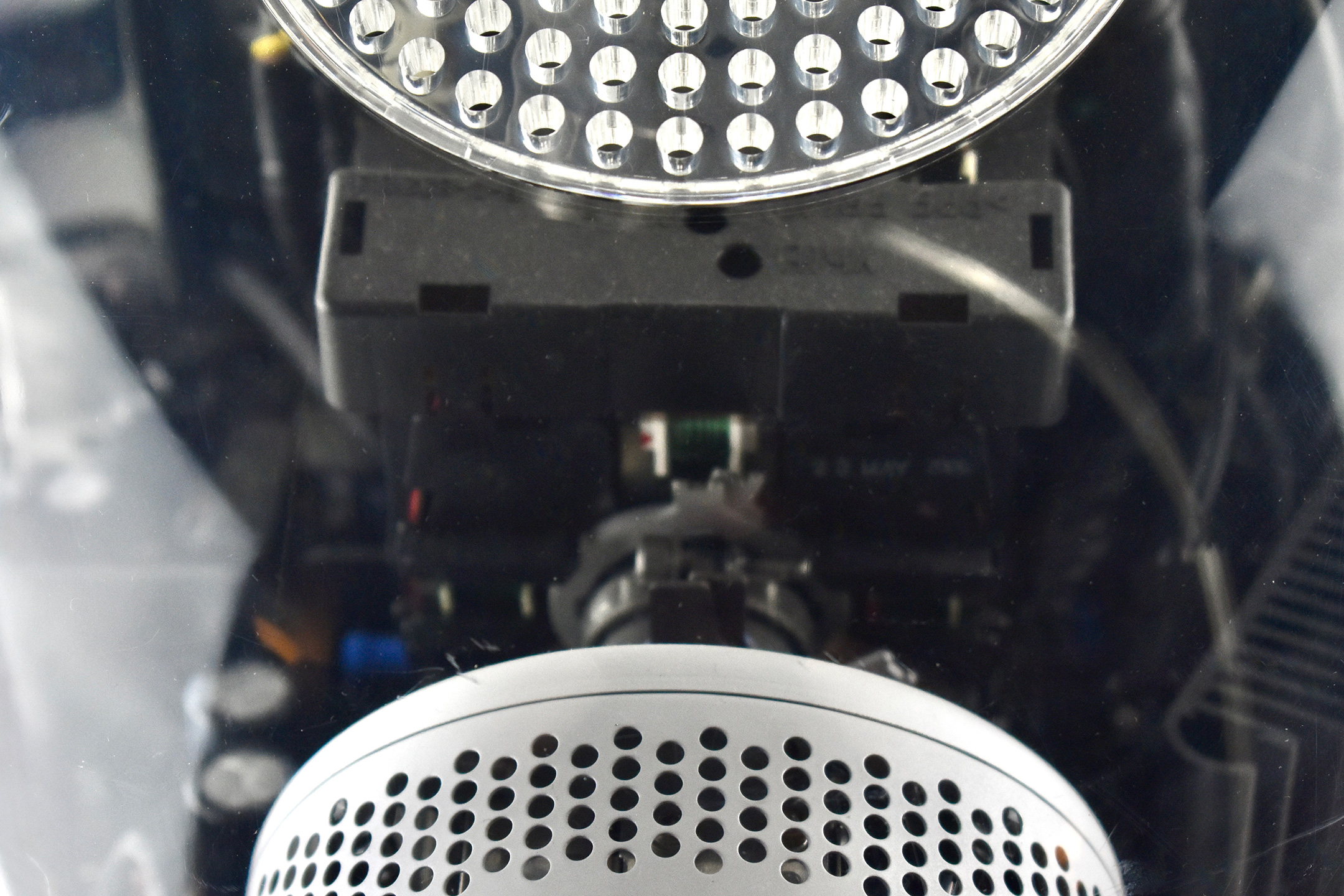
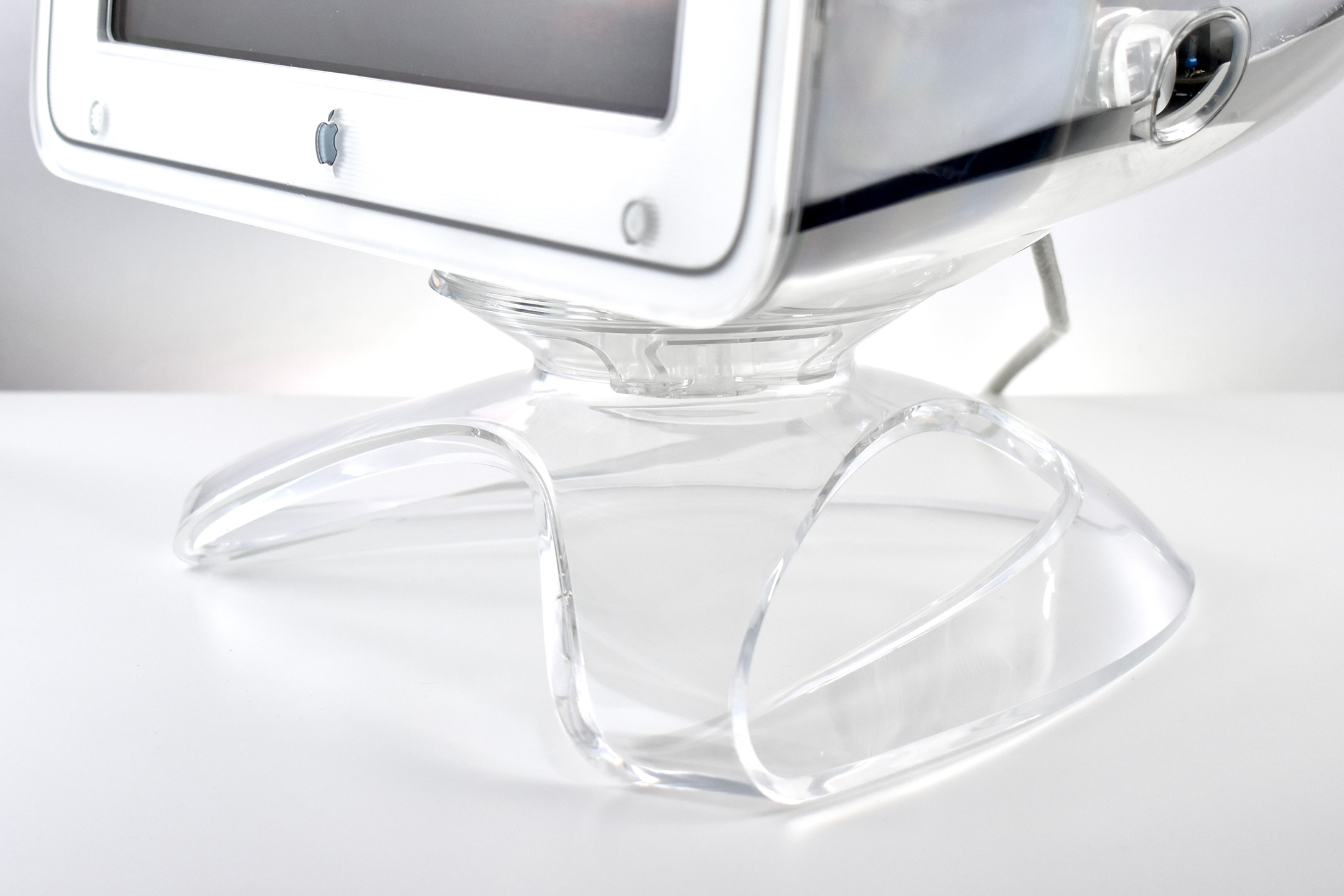
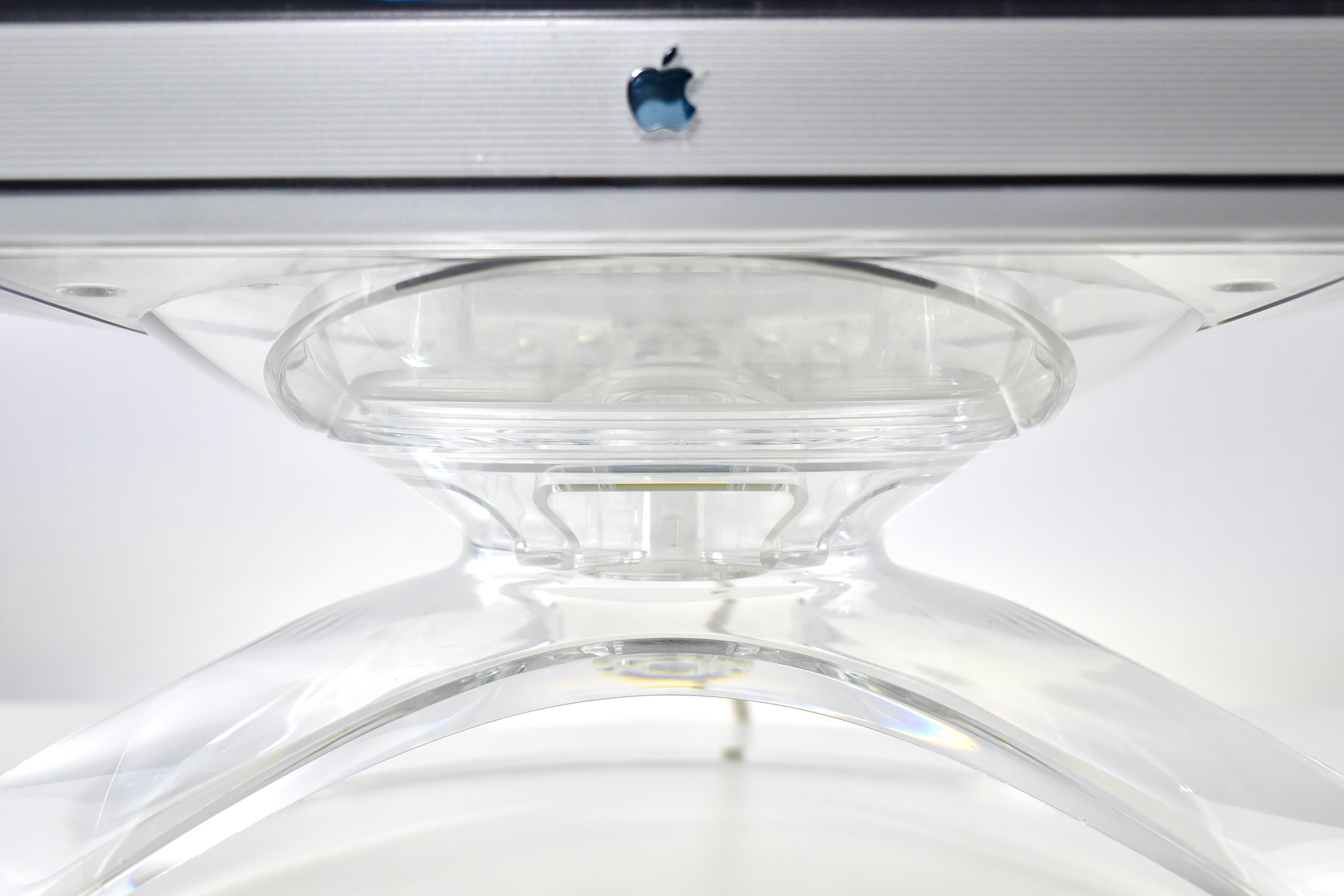
At the Macworld Expo in New York CIty on July 19, 2000, Apple announced three new Studio Display designs “in stunning crystal-clear enclosures”—two flat panel displays and this CRT (Cathode Ray Tube) Apple Studio Display.
The displays, designed to complement Apple’s Power Mac G4 Cube and Power Mac G4 professional desktops, shared three distinct features:
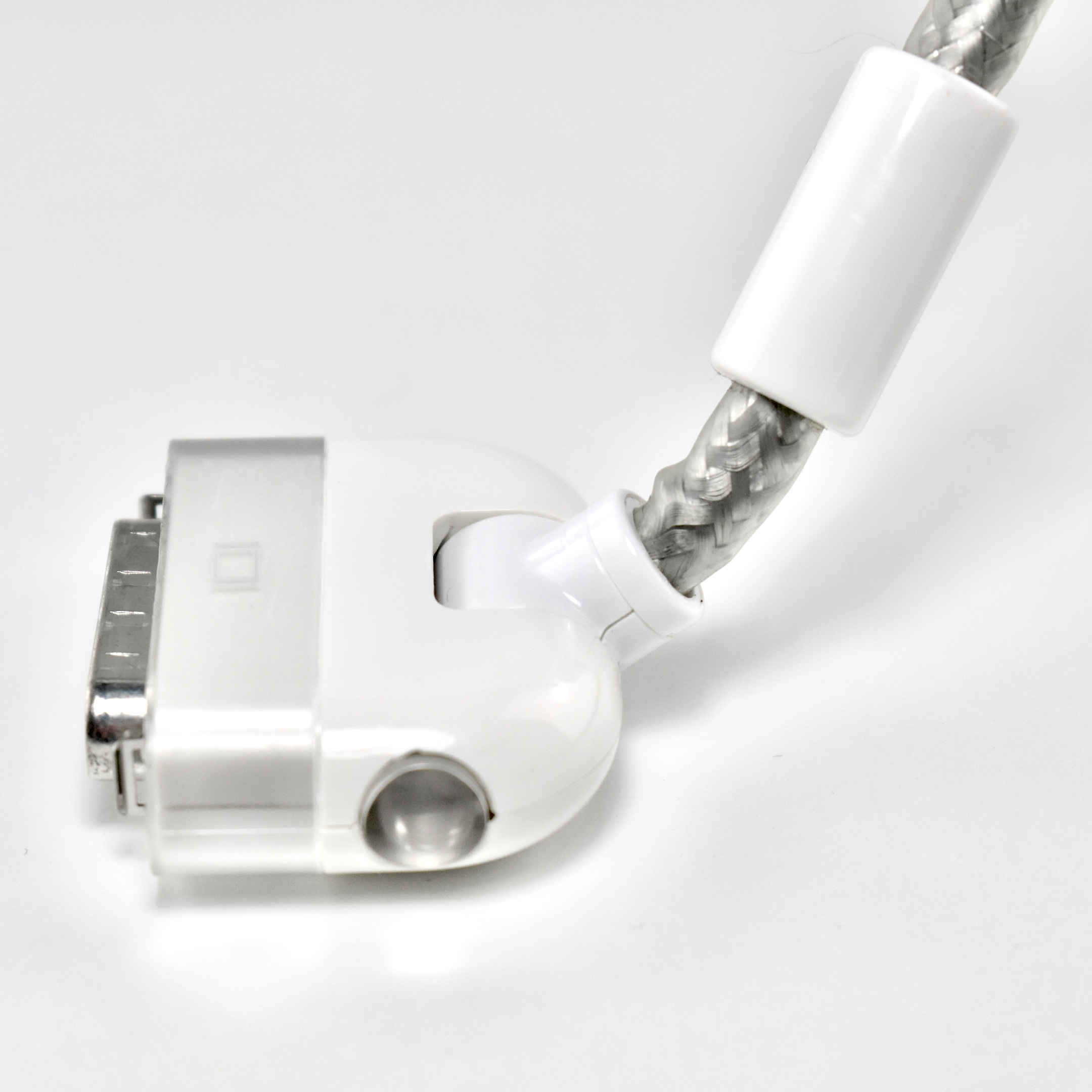
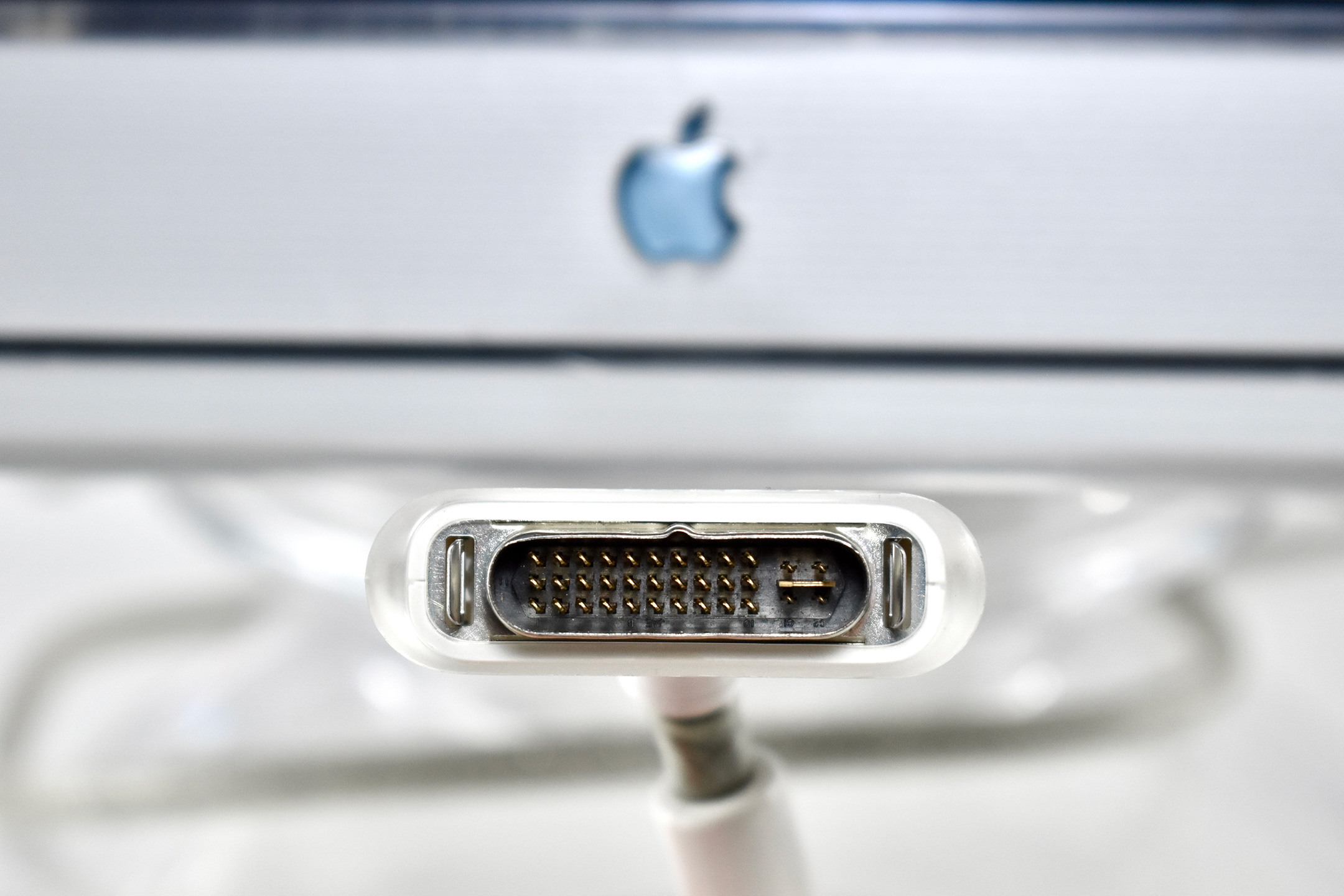
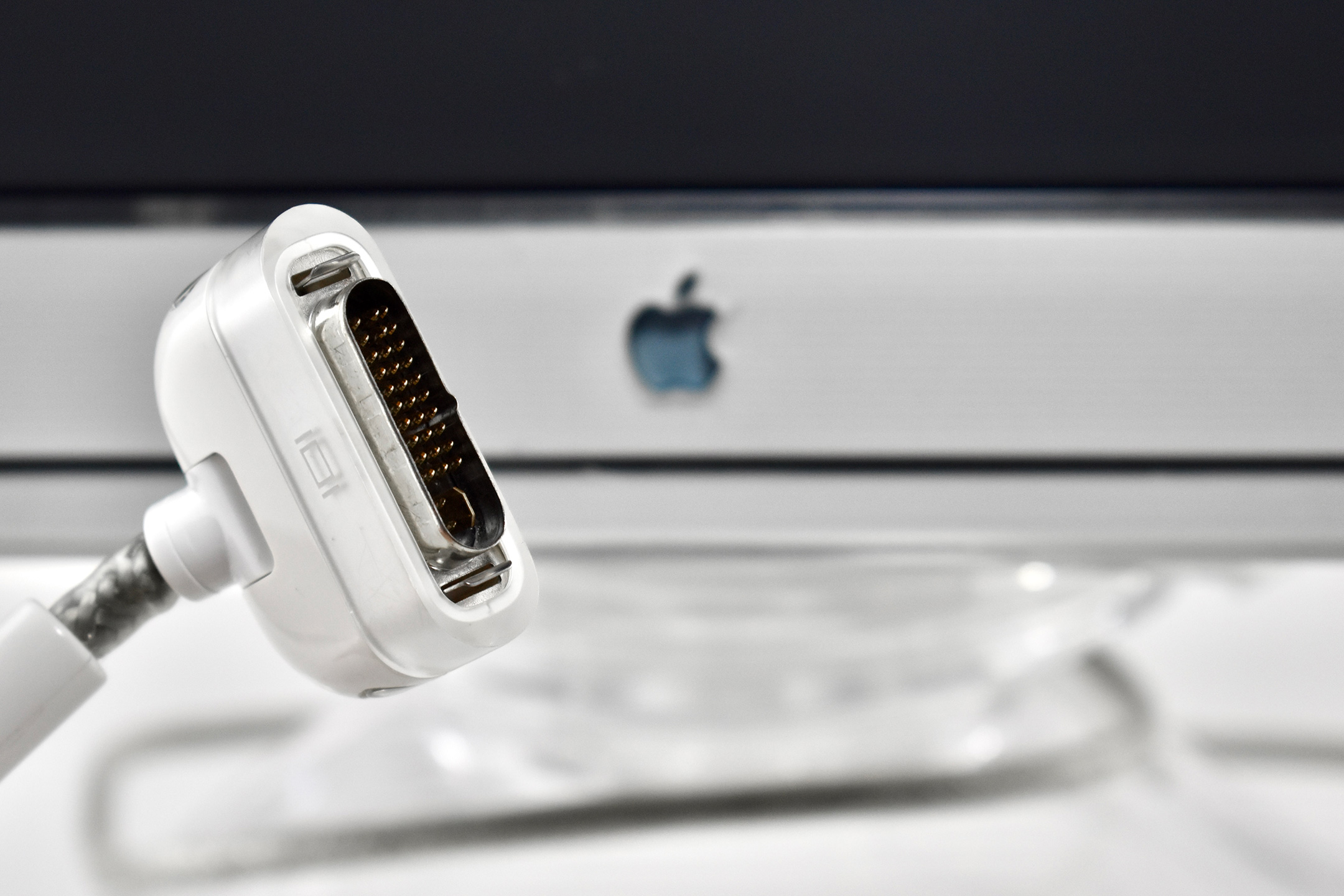
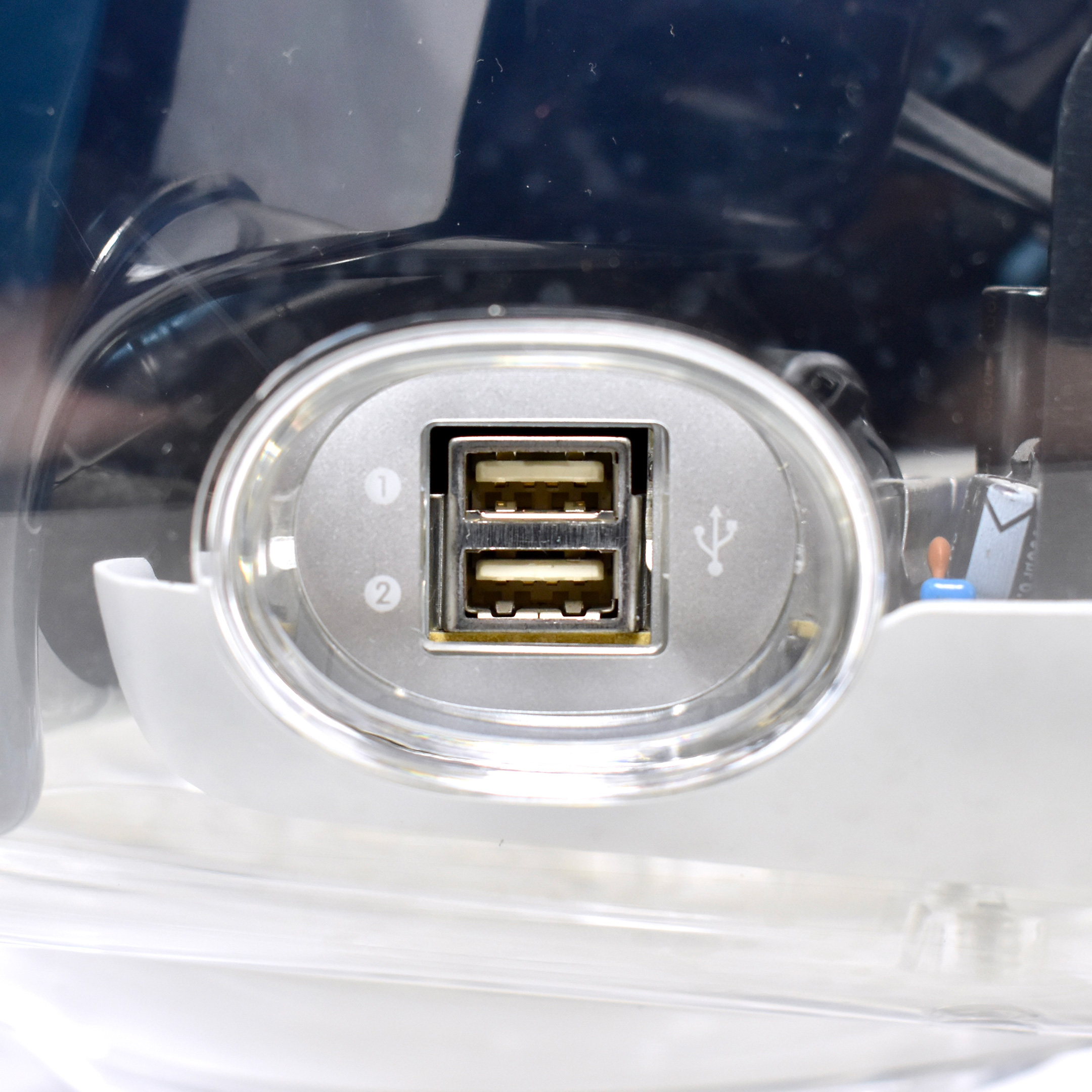
“each is powered from the computer, eliminating the need for a separate power cord; each has a two port powered USB hub for convenient connection to desktop USB devices, such as keyboards, USB speakers and digital cameras; and each utilizes the Apple Display Connector, a revolutionary new cable that carries analog and digital video signals, USB data and power over a single cable and features a quick latch connector.”
Steve Jobs noted that “These new beautiful displays perfectly complement our new extraordinary computers. Their innovative design helps clean up desktop cable clutter, and makes set-up a breeze.”
According to Apple’s press release, “The 17 inch (16 inch viewable) Apple Studio Display features a Natural Flat Diamondtron CRT, extraordinarily sharp text and ColorSync internal calibration to keep colors accurate over time. [The] Display…features both futuristic styling and a unique electrical design that supports multiple resolutions at over 100Hz vertical refresh rate.”
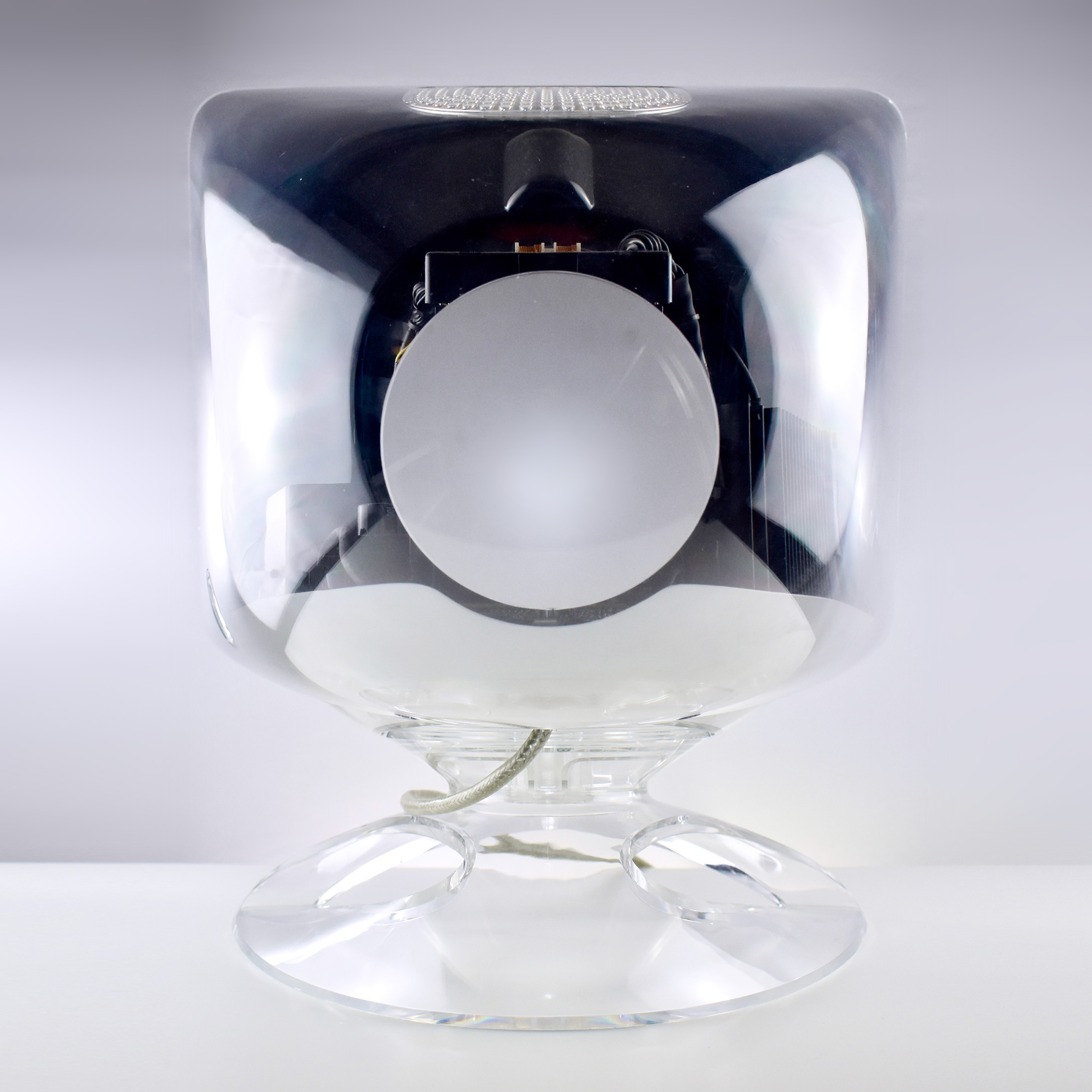
The site 512 Pixels provided several additional comments, writing that the “Studio Display (17-inch ADC) was the last standalone Apple display to feature a CRT. At 17.4 inches it was deeper than it was wide. At 45.8 pounds, it was heavier than a iMac G3.” They also comment on the industrial design of the display:
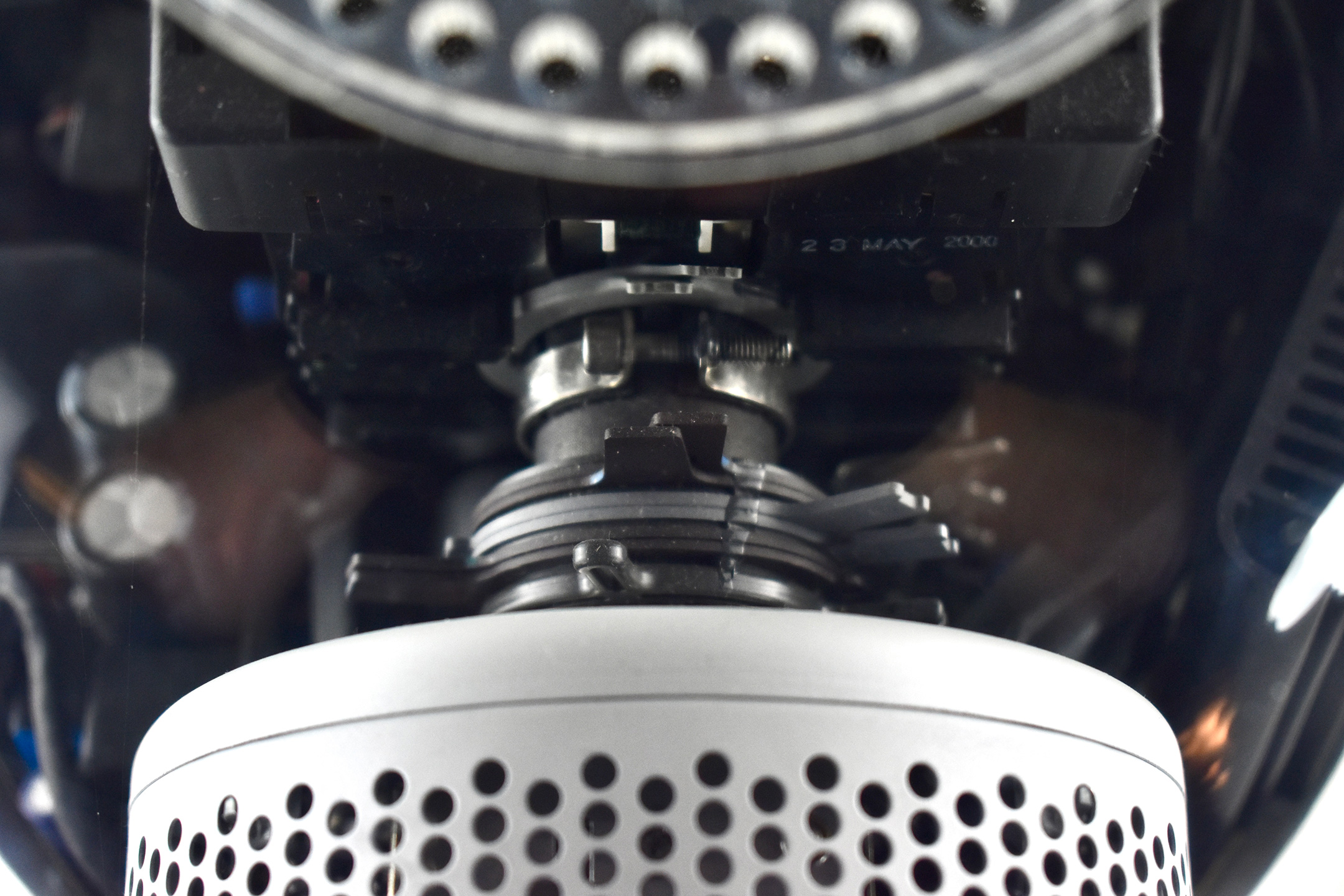
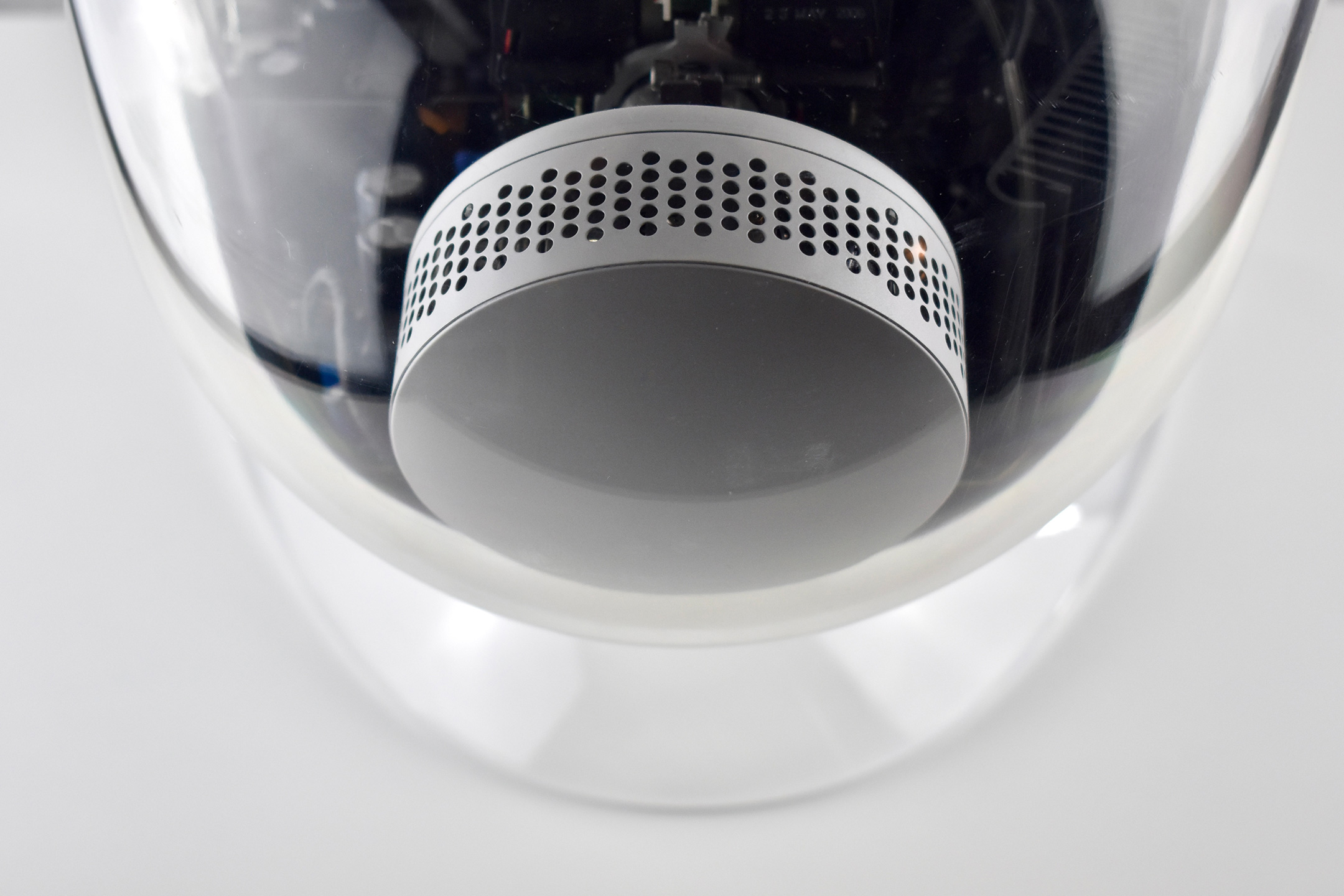
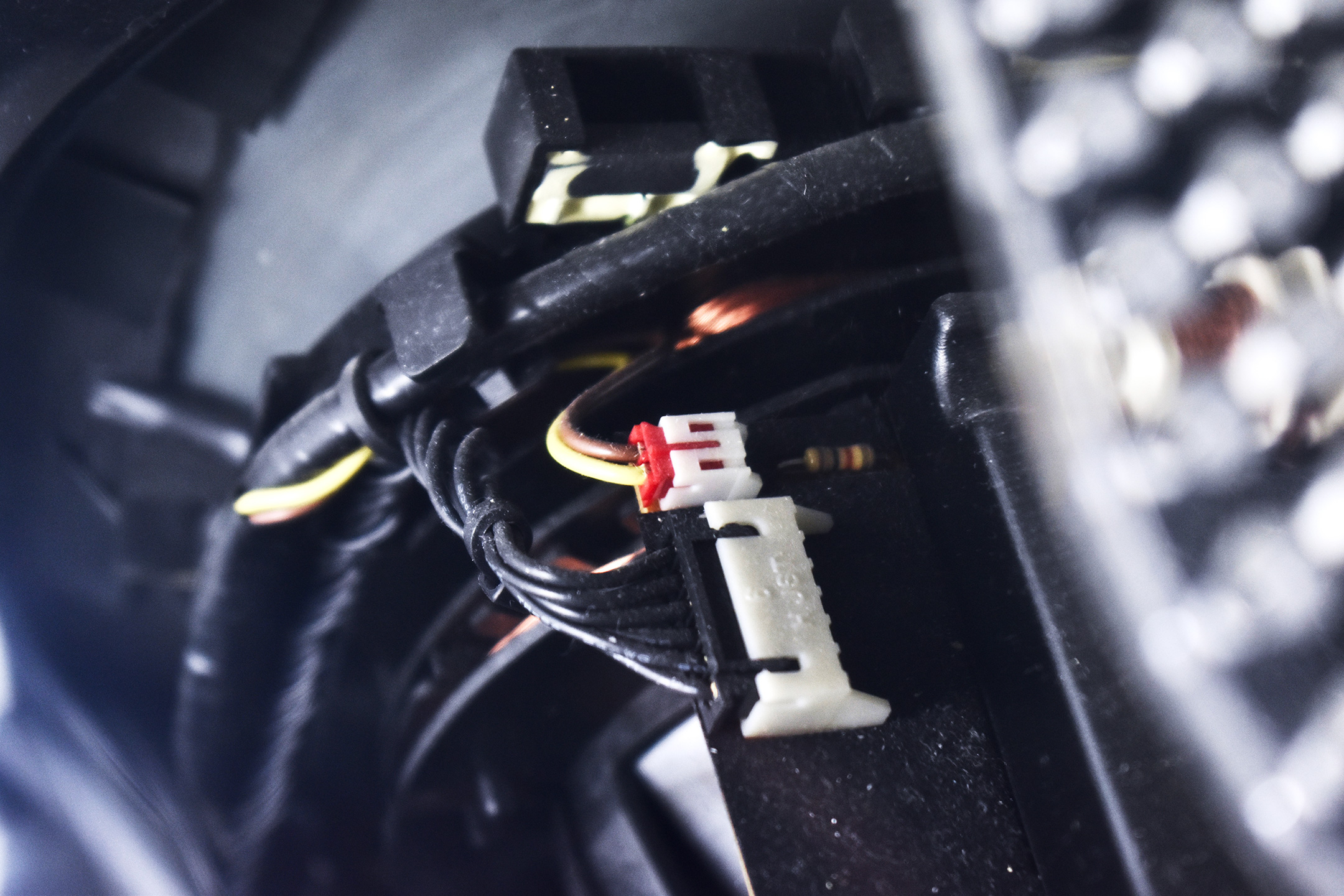
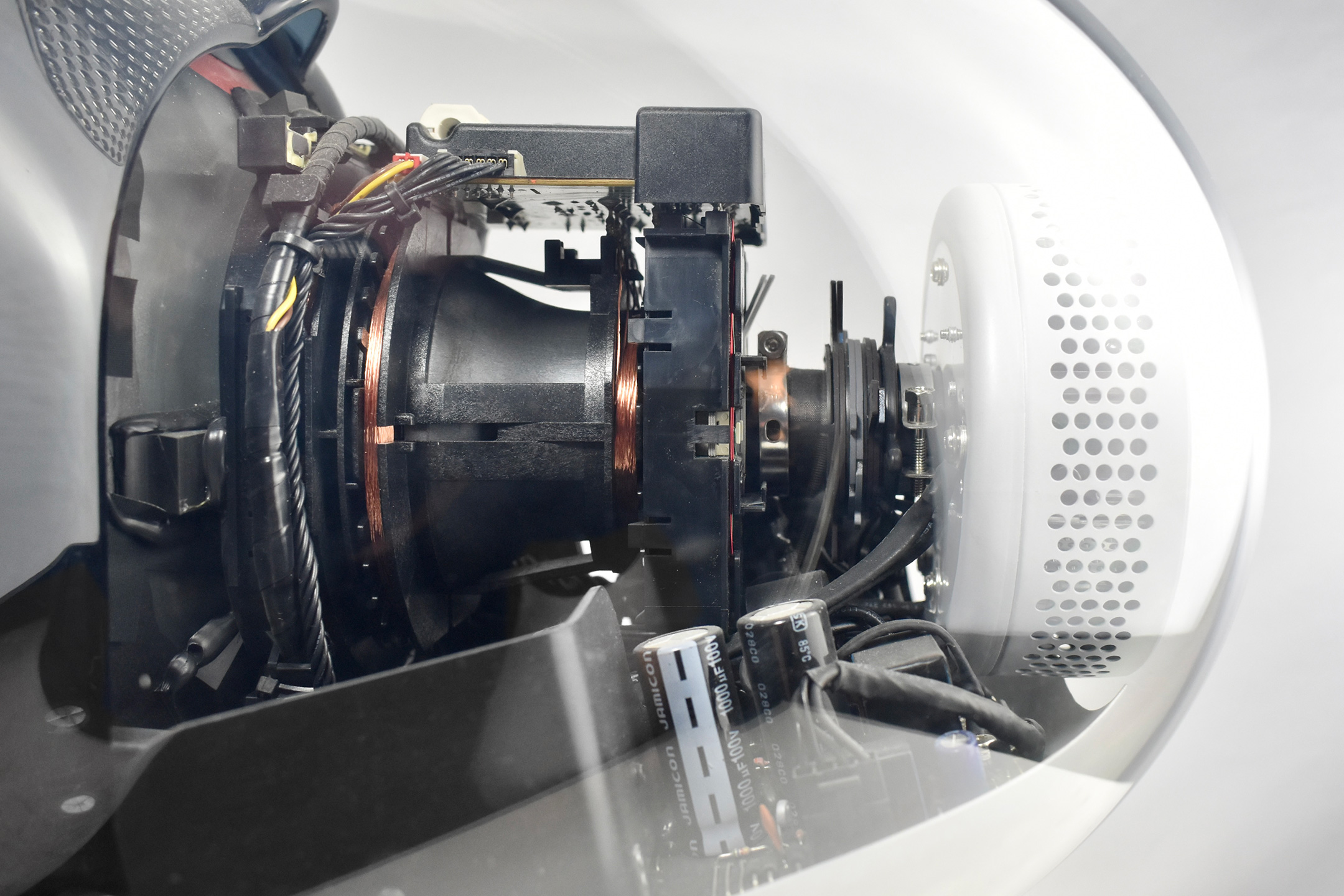
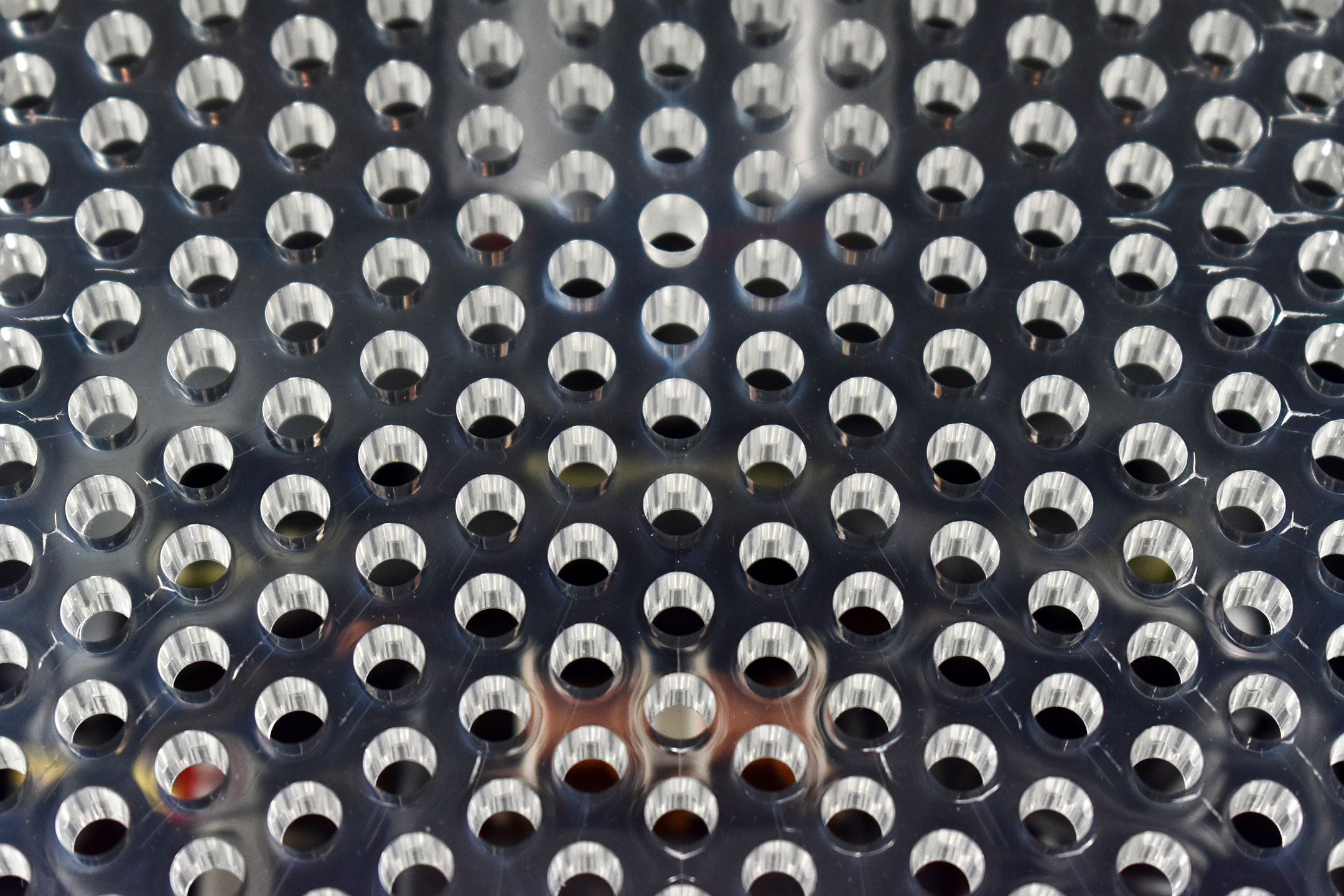
“Instead of hiding the display’s guts inside opaque plastics and metal shield, the 17-inch ADC has a crystal clear case that allows anyone to see the internal workings of the Naturally Flat Diamondtron CRT suspended inside. By revealing all, the Studio Display (17-inch ADC) has nothing to hide. Its transparency and minimalism is pure Apple.”
According LowEndMac, the Apple Display Connector (ADC) used in this display is a proprietary display and data connector developed by Apple. It is a modification of the DVI (Digital Visual Interface) connector that combines analog and digital video signals, USB, and power all in one cable. This connector was used by Apple between 2000–2004.
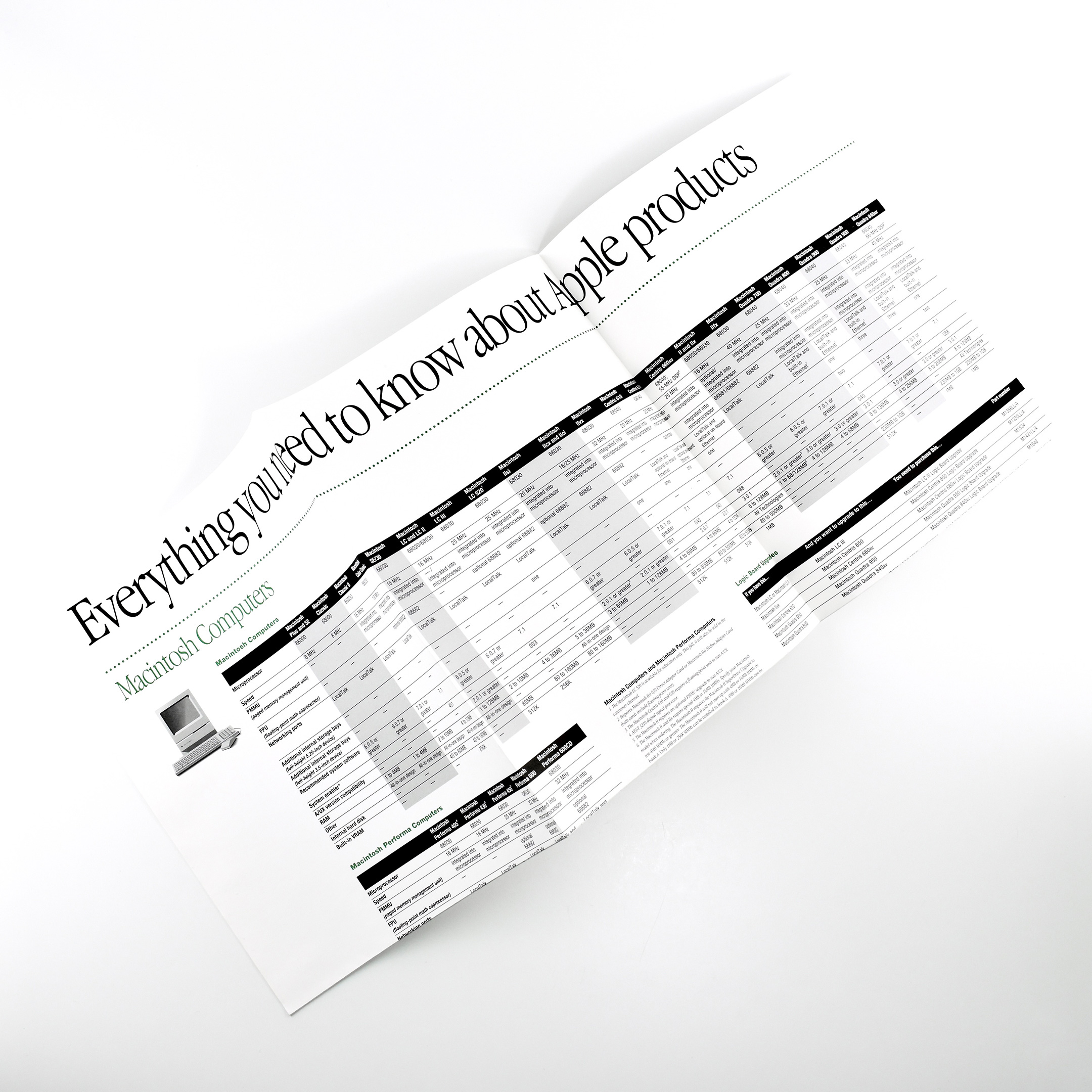
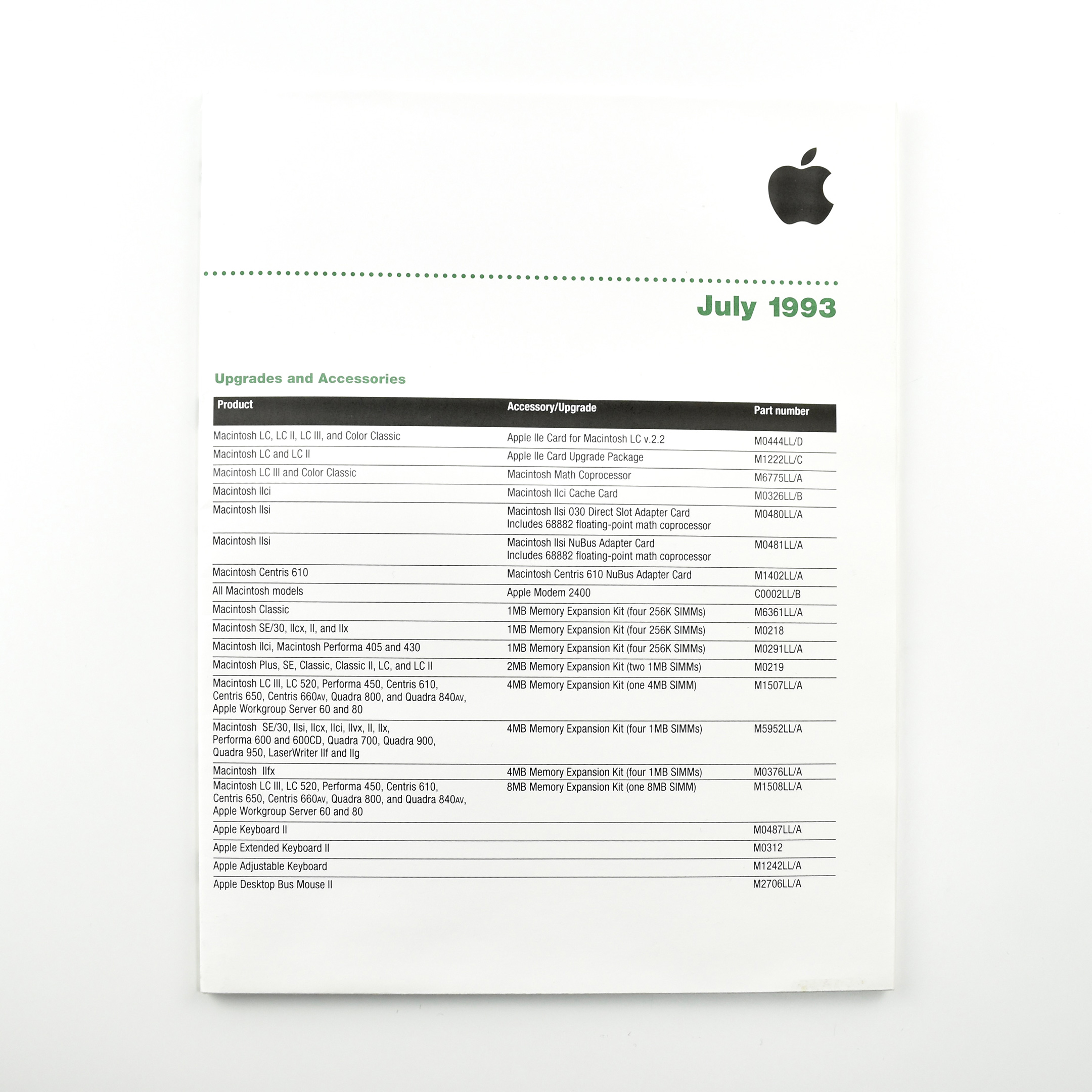
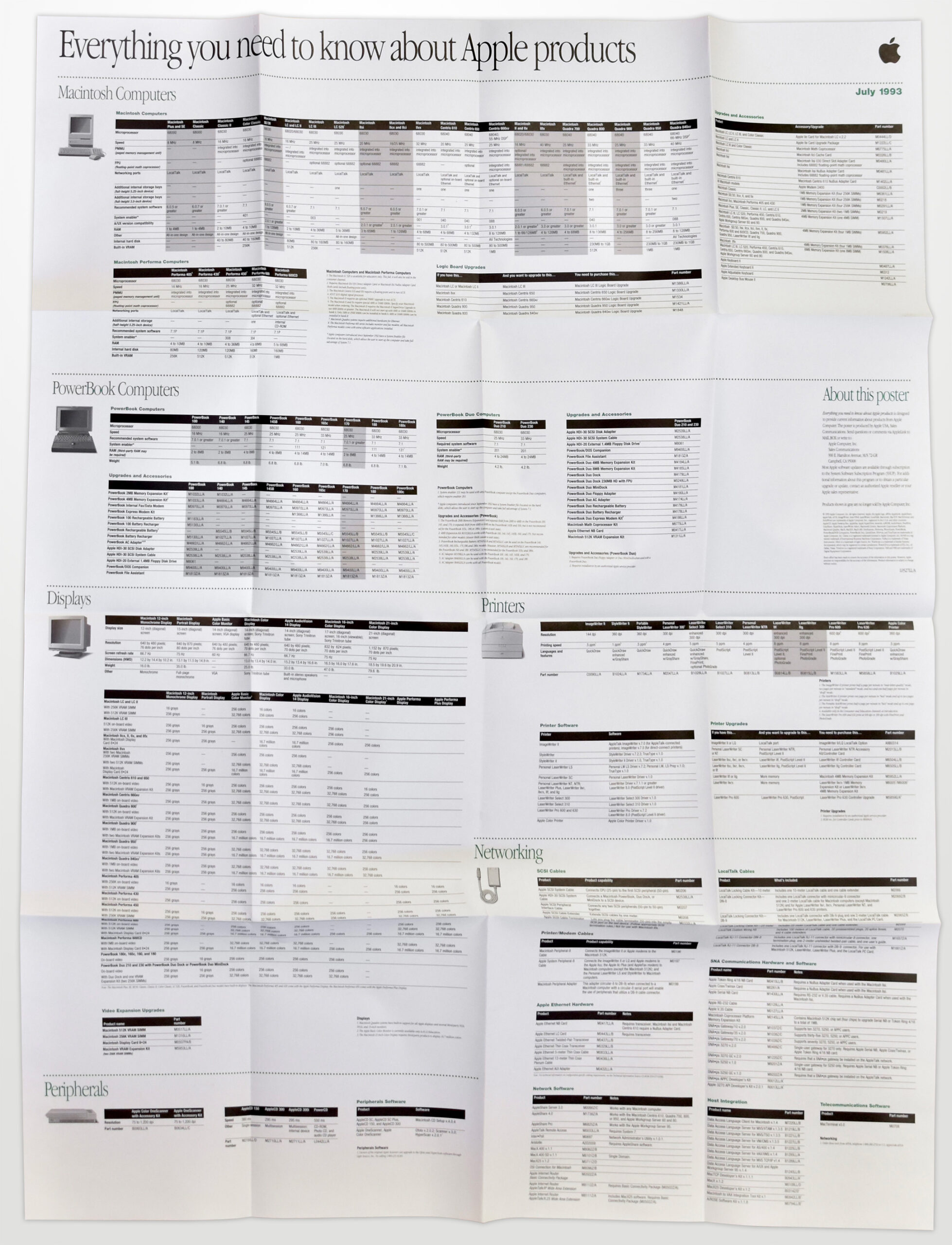
This fold-out poster is from July 1993 and lists product names and feature grids of every Apple product available at the time. Its headline reads “Everything you need to know about Apple products” in Apple Garamond, Apple’s corporate font used between 1984 and 2003. Folded, the poster measures 8.5 x 11 inches—but it unfolds into 16 panels to reveal a 34-inch wide x 44-inch long poster (nearly 3 x 4 feet).
The poster is printed on one side and includes the following product categories:
Macintosh Computers (25 options)
PowerBook Computers (11 options)
Displays (9 options)
Printers (12 options)
Networking
Peripherals
The list of devices offered included separate devices with different names and configurations—creating a dizzying array of options for consumers.
I was able to unfold this poster, perhaps for the first time, carefully enough to provide a photo from above that offers high enough resolution to read most of the grids.
The poster is printed on heavy white paper (yellowing slightly with age), primarily with black ink and dark green accents.
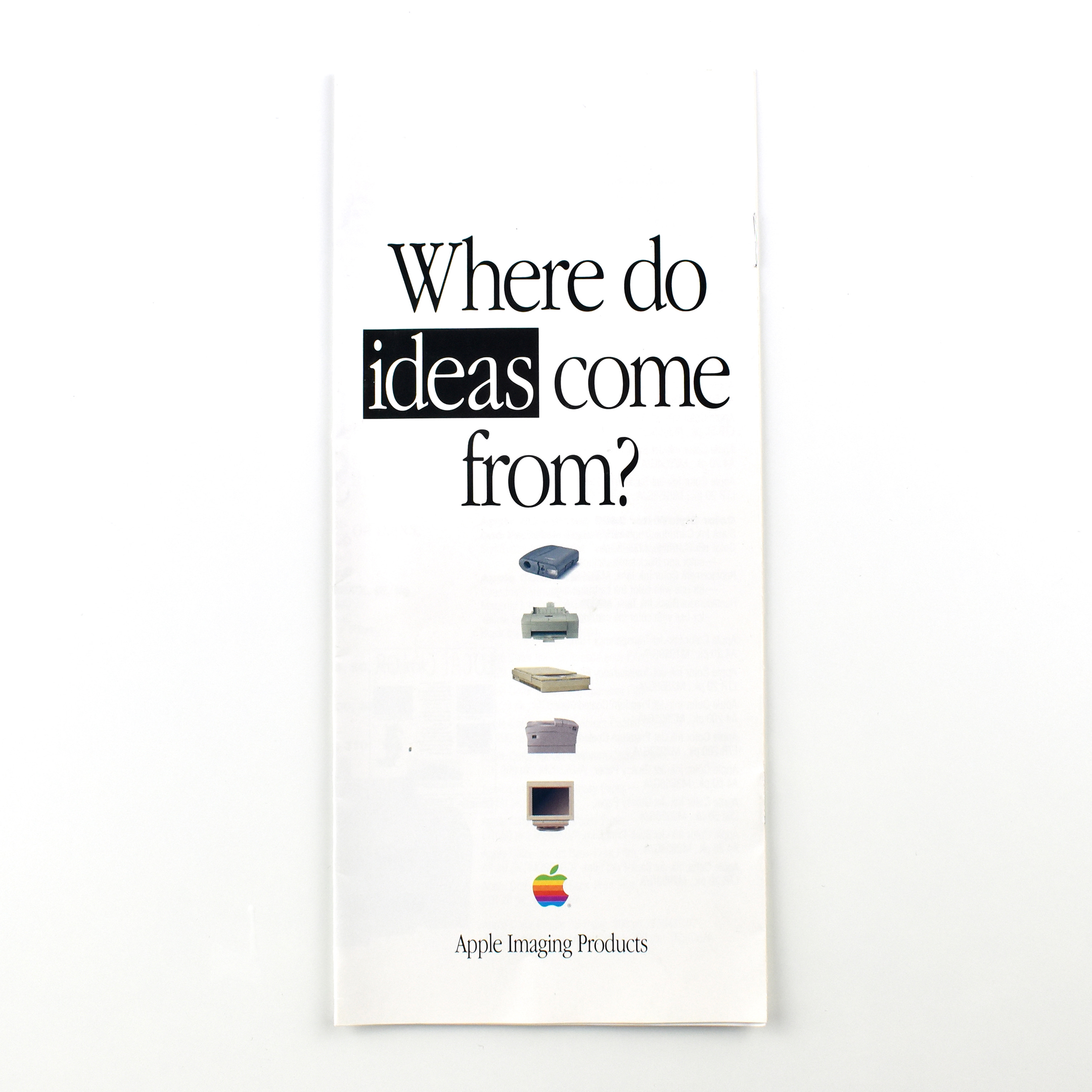
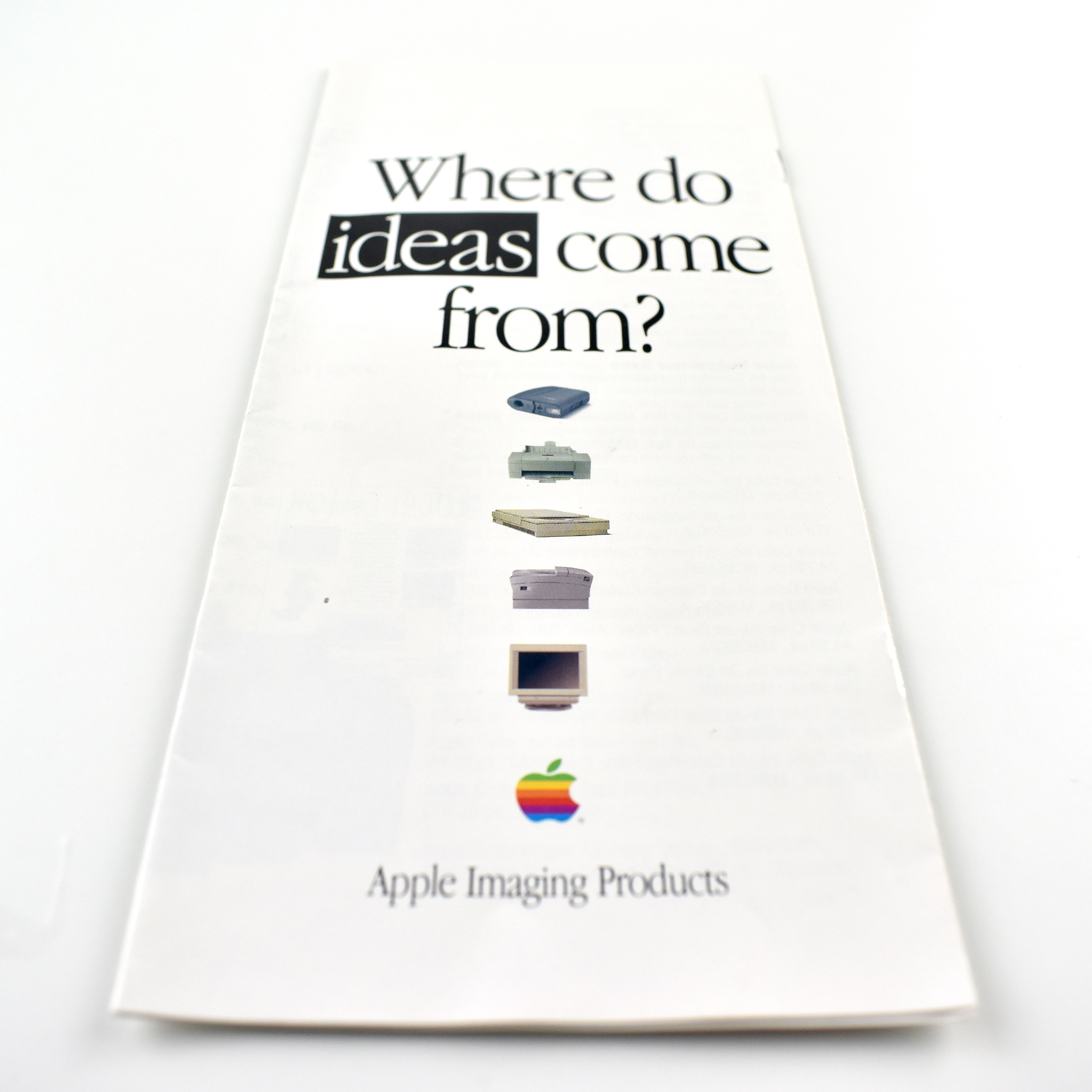
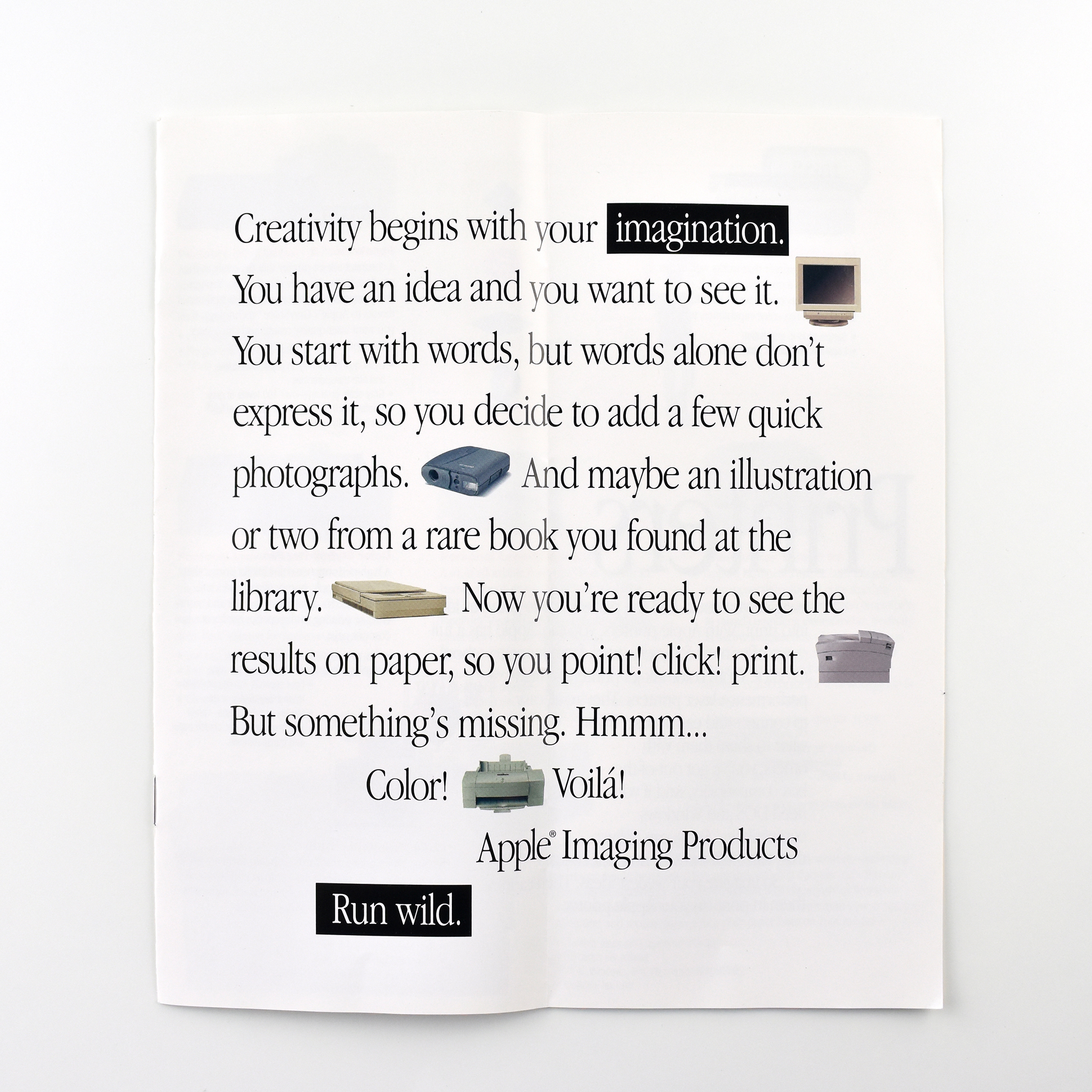
This brochure is titled “Where do ideas come from?” and the cover features icon-size images of a QuickTake digital camera, an Apple inkjet printer, an Apple scanner, an Apple laser printer, and an Apple display. The first 2-panel spread reveals a statement about creativity interspersed with the same icons. The copy reads:
“Creativity begins with your imagination. You have an idea and you want to see it. You start with words, but words alone don’t express it, so you decide to add a few quick photographs. And maybe an illustration or two from a rare book you found at the library. Now you’re ready to see the results on paper, so you point! click! print. But something’s missing. Hmmm… Color! Voilà! Apple Imaging Products. Run wild.”
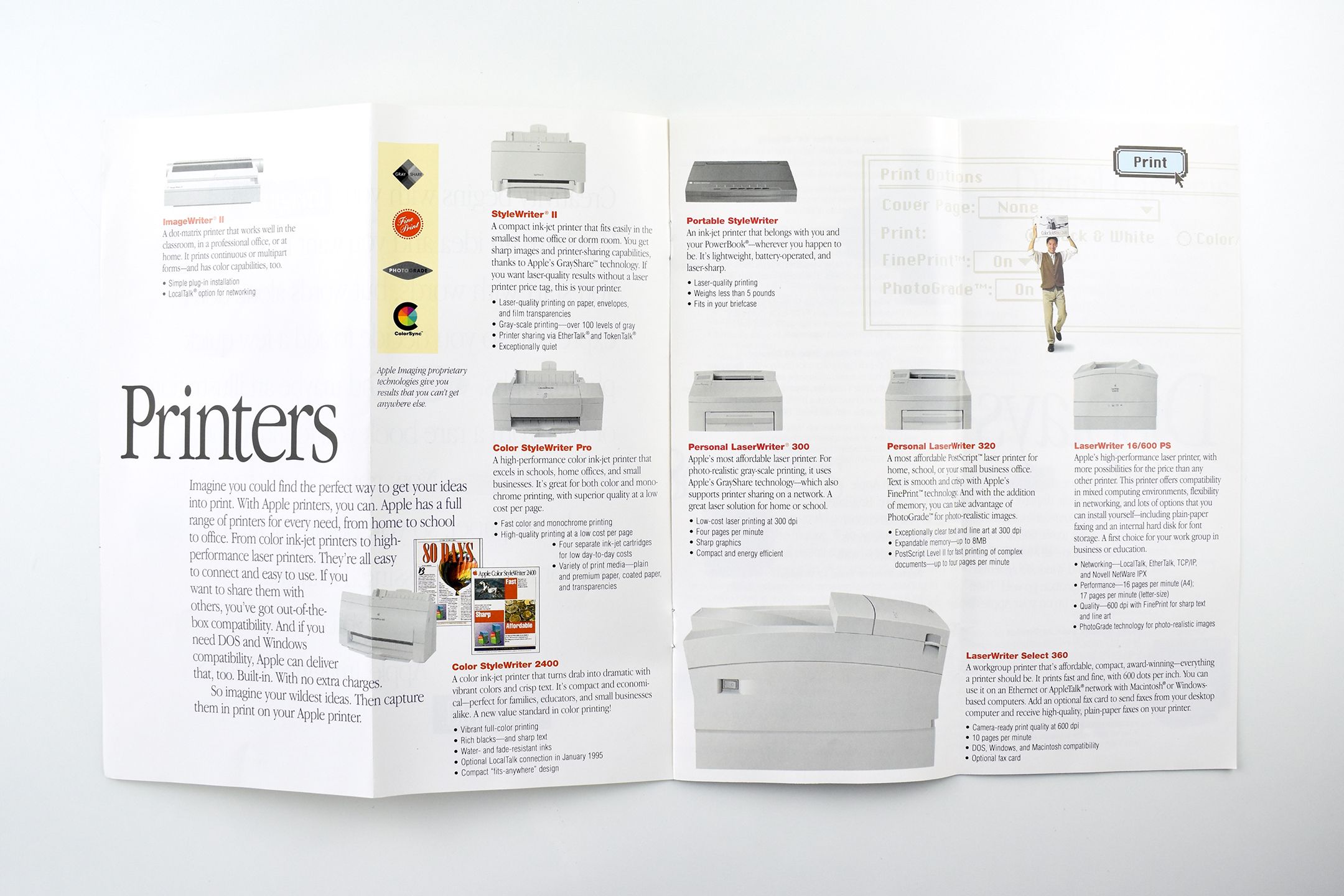
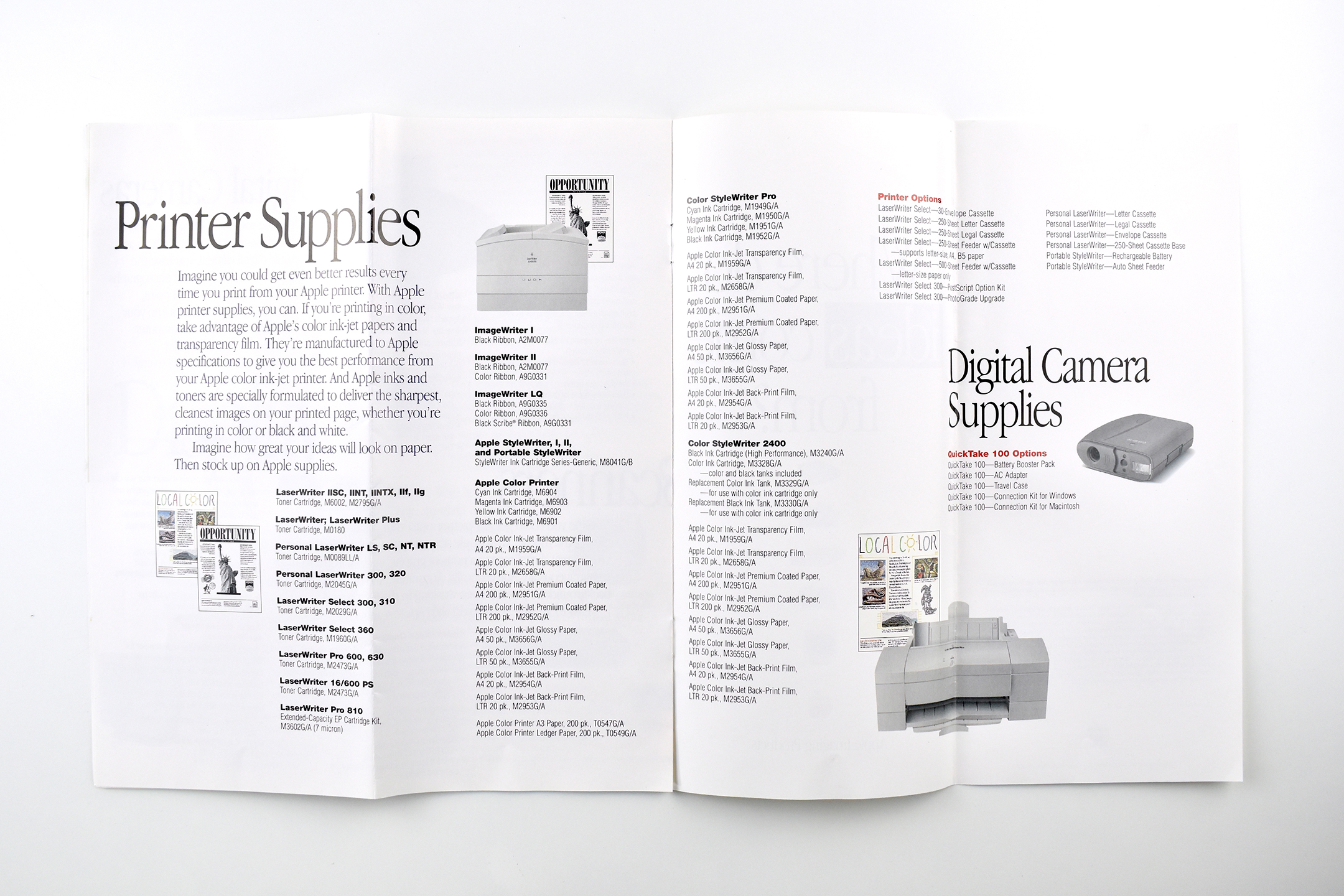
The brochure opens into 4-panel horizontal spreads that outline Apple product lines including printers, displays, scanners, digital cameras, printer supplies, and digital camera supplies.
Folded, this brochure measures 3.875 x 8.75 inches.
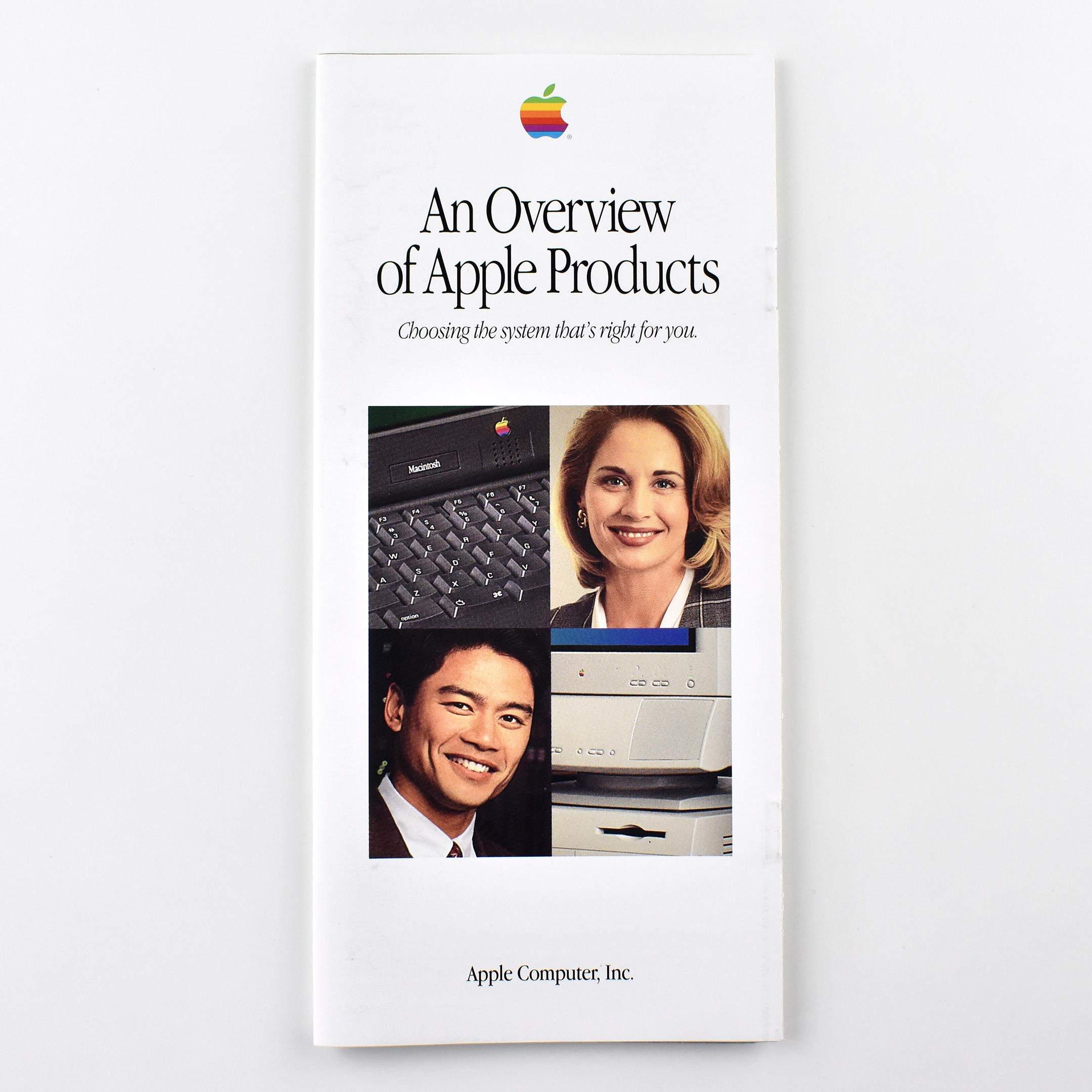
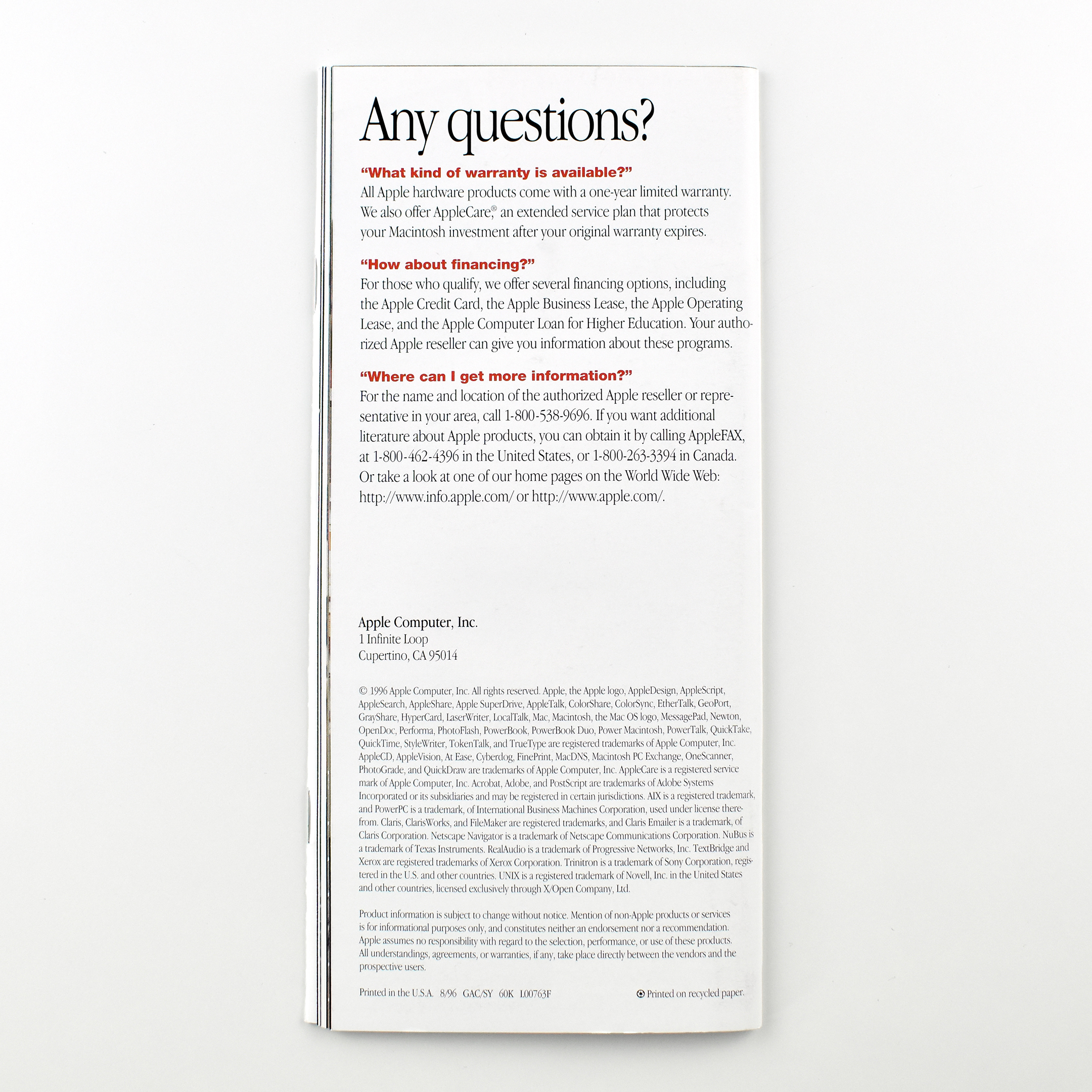
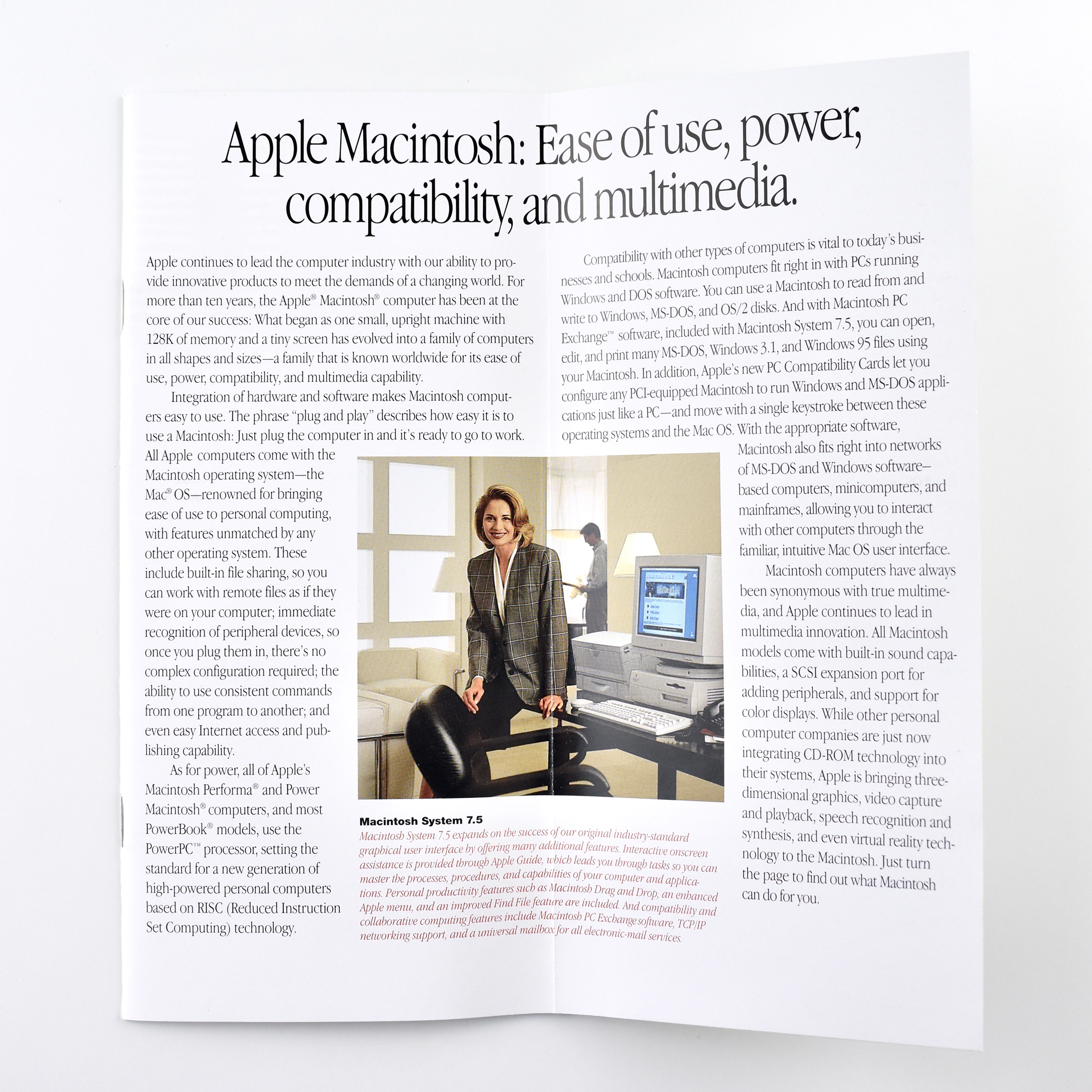
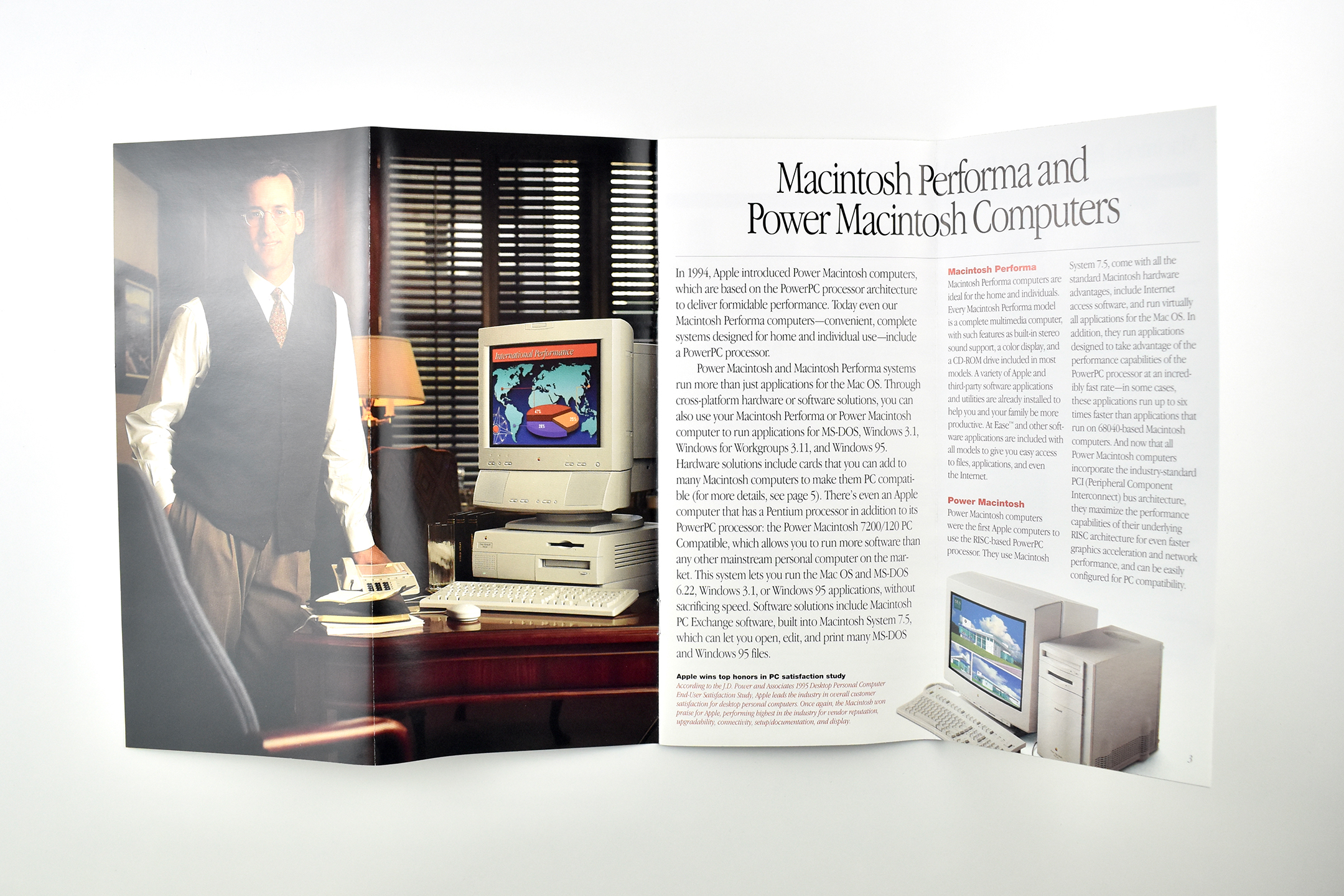
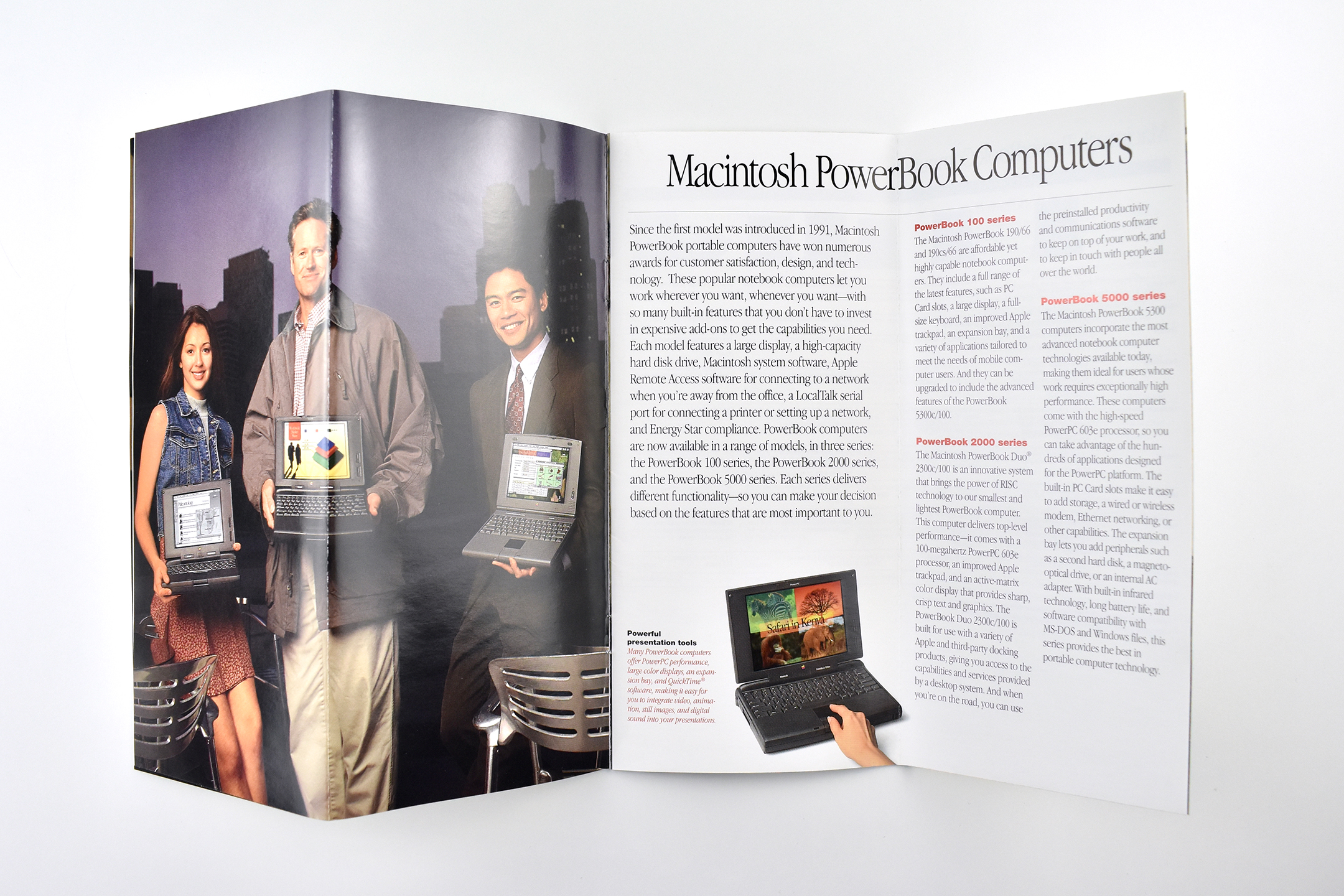
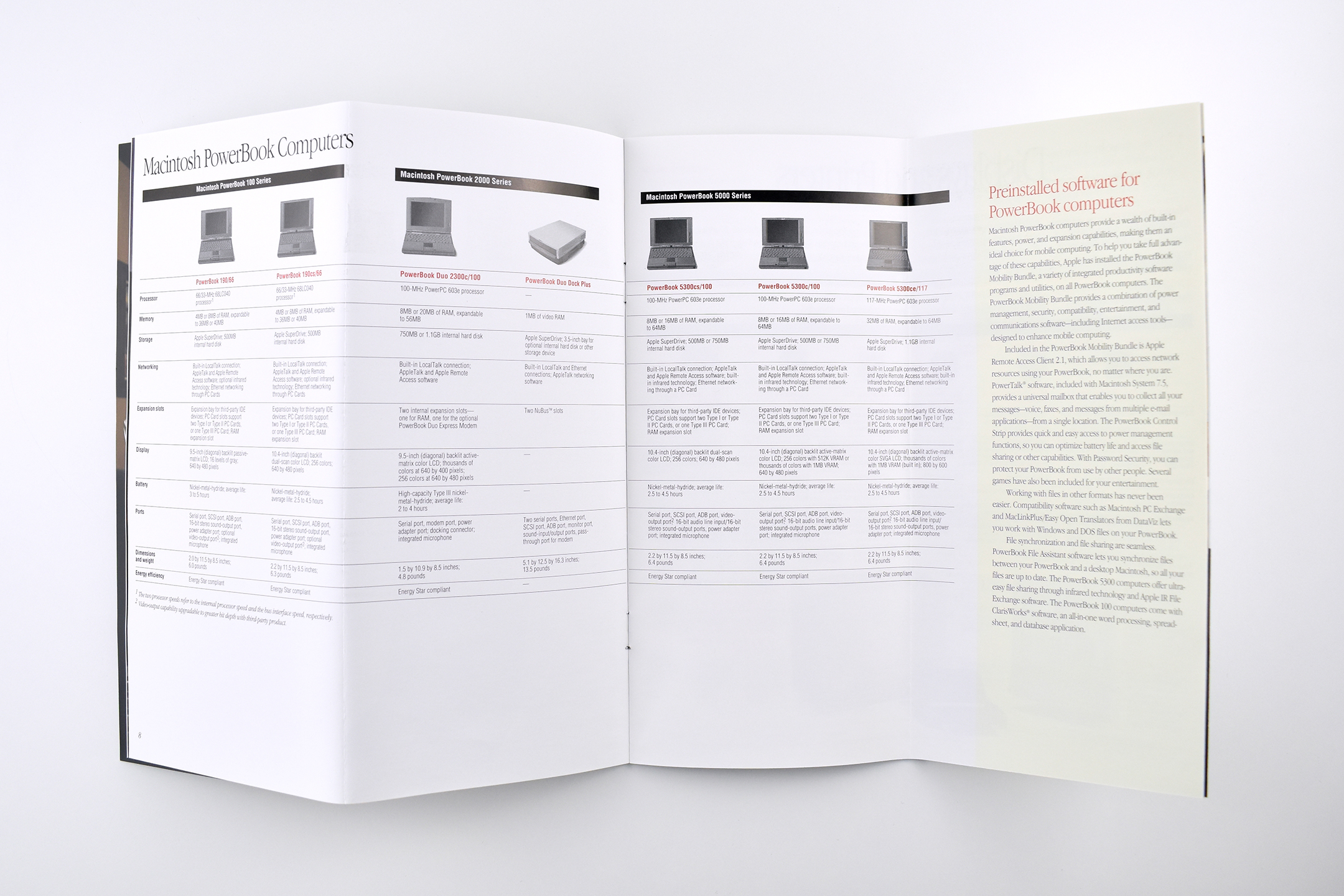
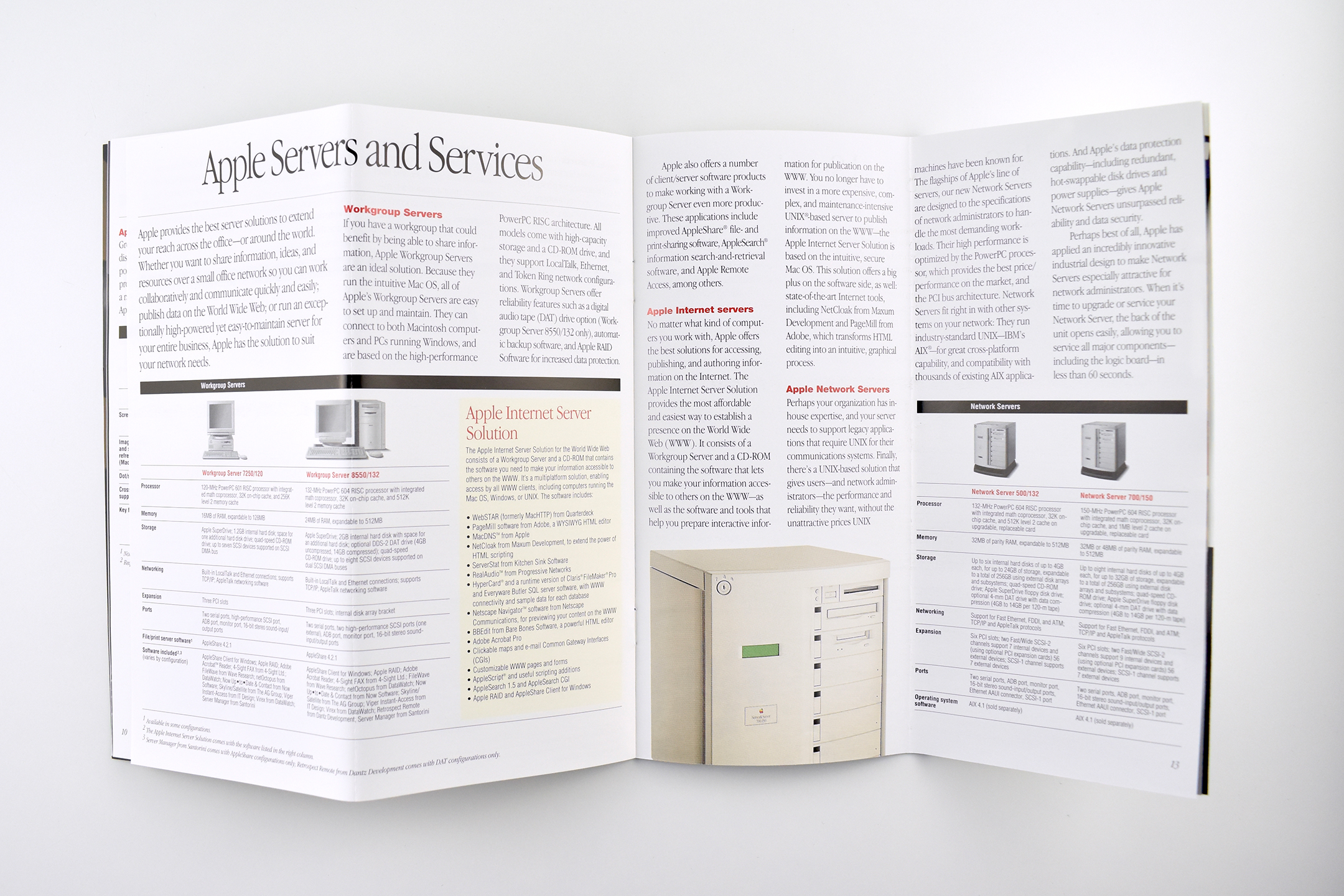
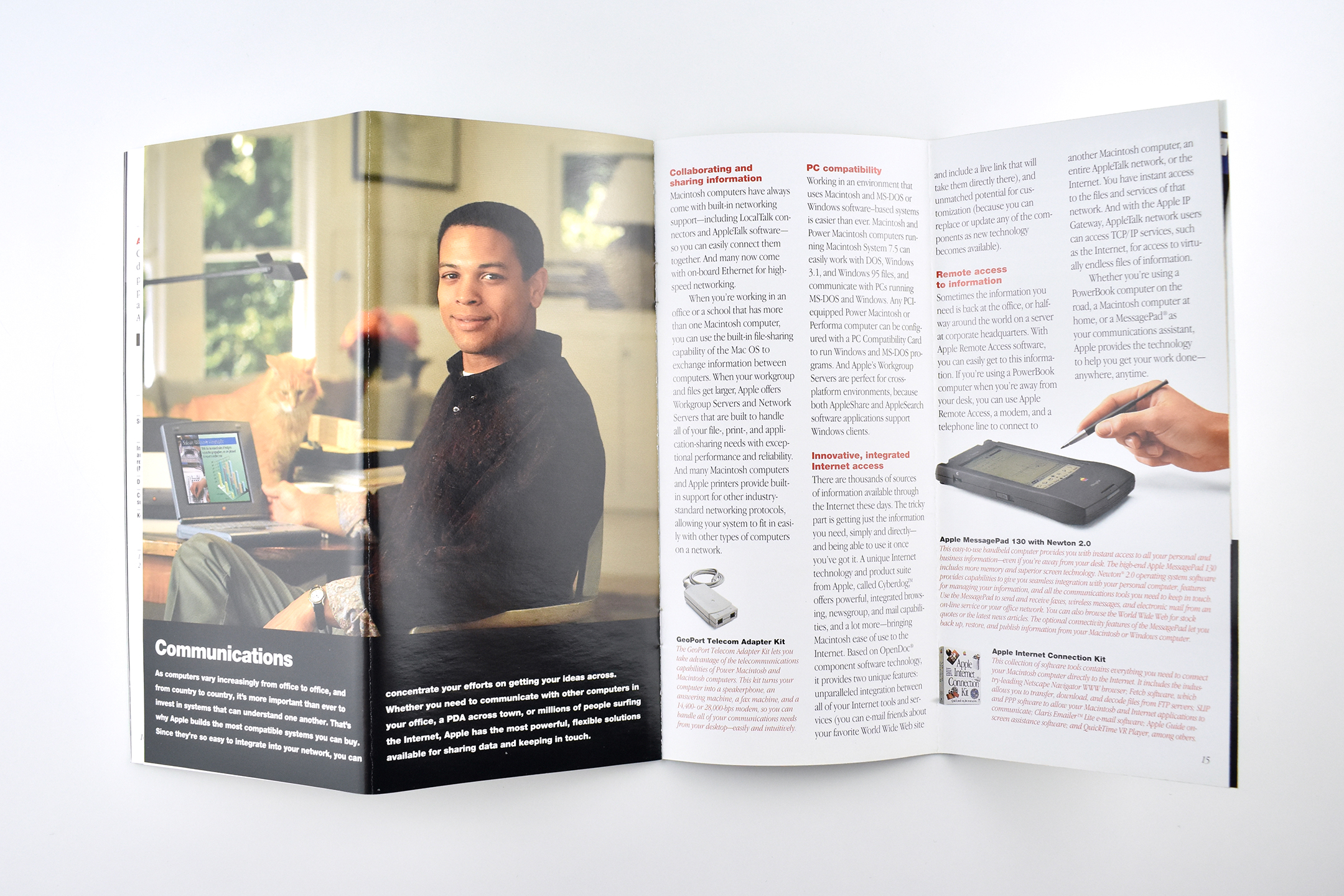
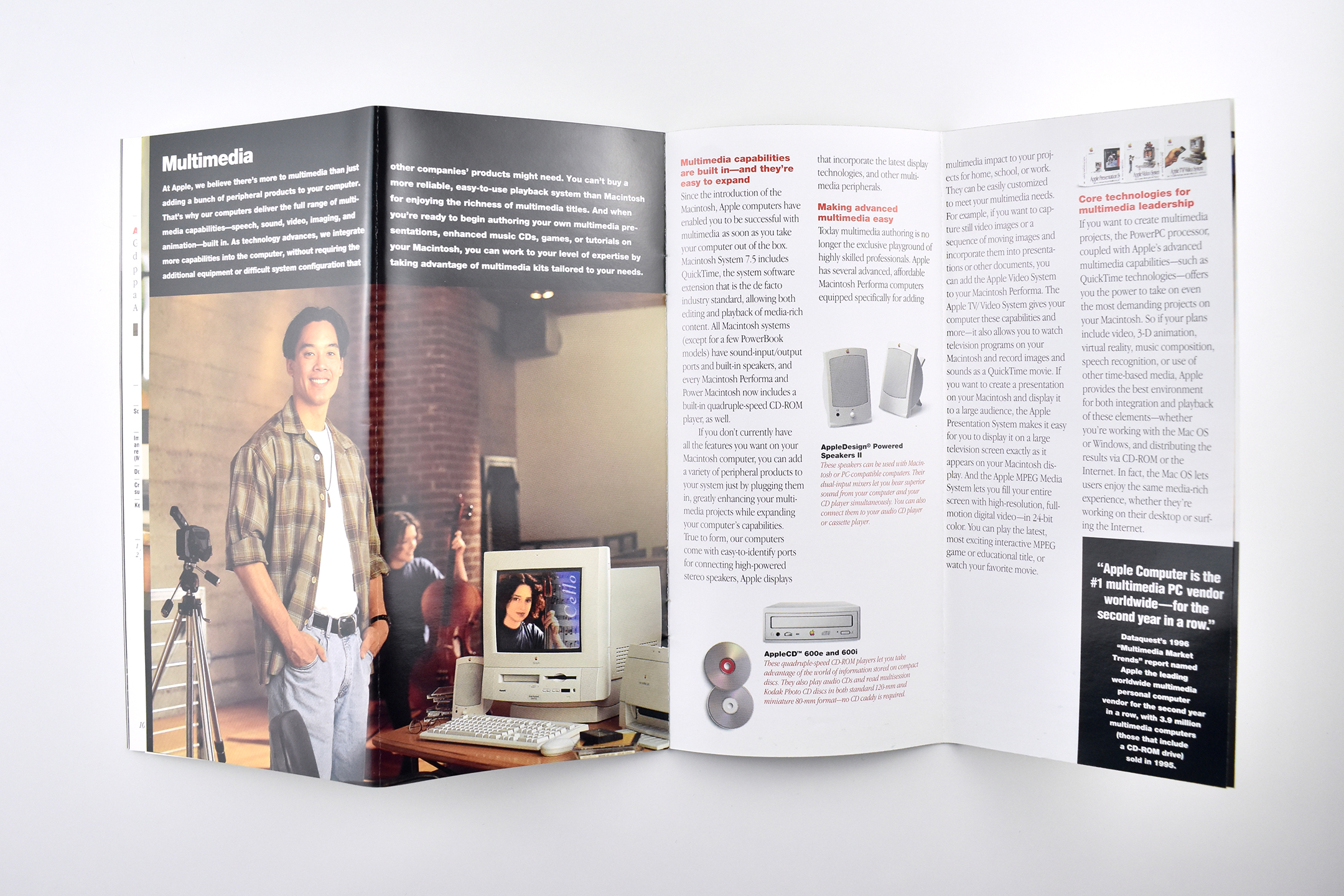
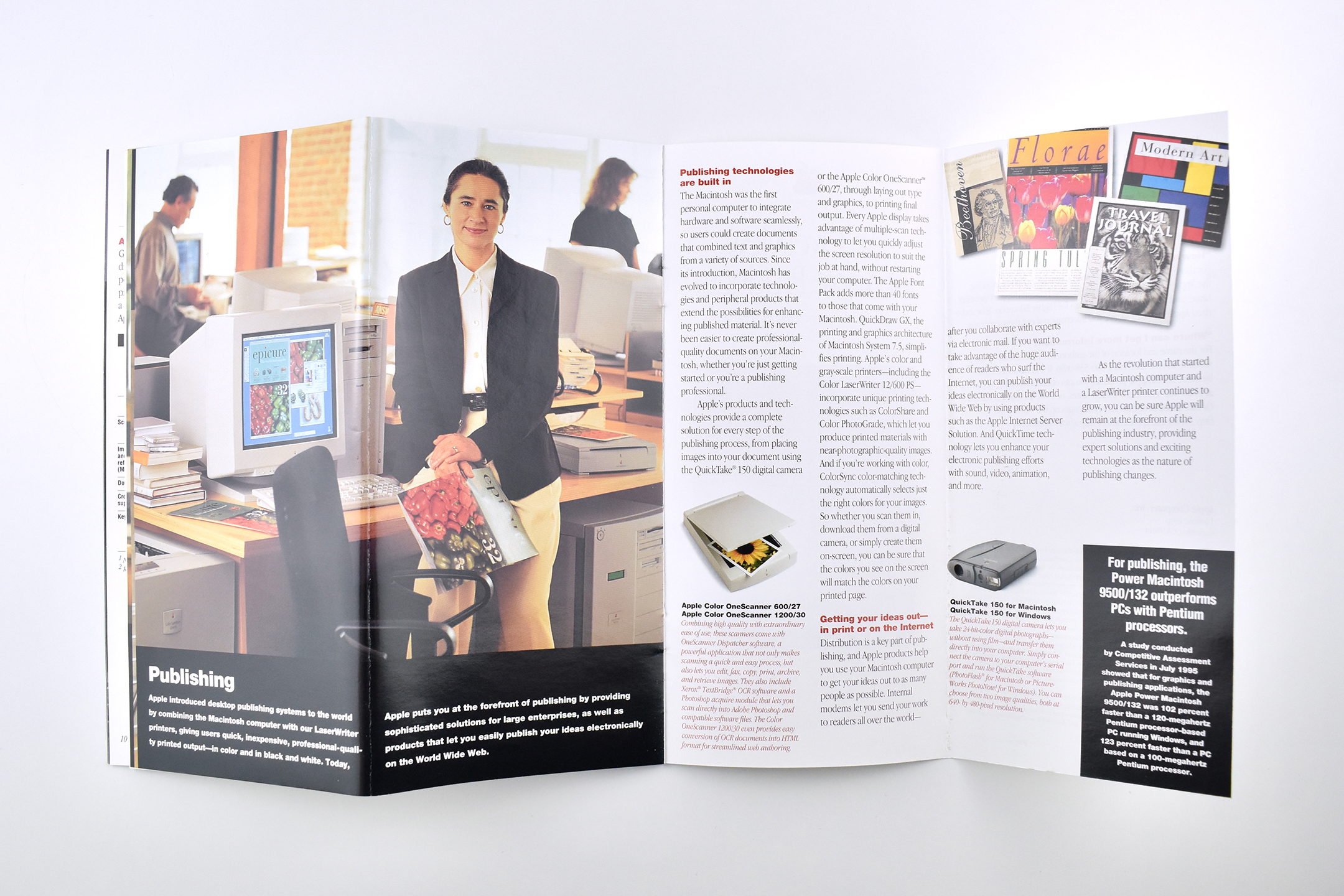
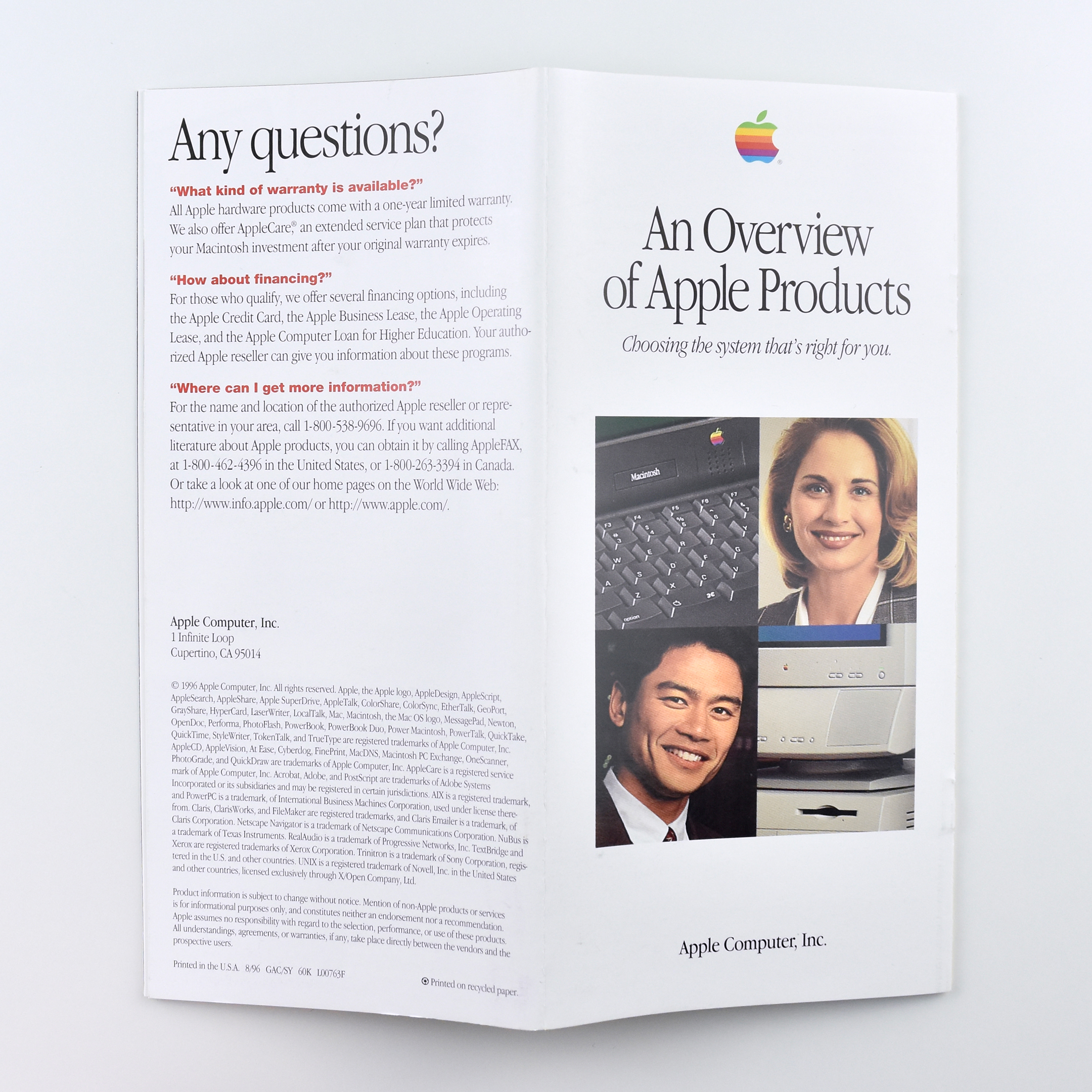
This quad-fold brochure from 1996 is titled “An Overview of Apple Products” with the subtitle “Choosing the system that’s right for you.” The opening 2-panel spread is an overview of the brochure with the headline “Apple Macintosh: Ease-of-use, power, compatibility, and multimedia.”
Fully unfolded, the brochure reveals 4-panel spreads that alternate between a photo featuring a product and overview, followed by a spread with a product specifications grid. The sections include: Macintosh Performa and Power Macintosh Computers, Macintosh PowerBook Computers, Displays and Printers, and Apple Servers and Services.
The end pages of the brochure shift focus to discuss ways to use Apple products. Each category uses a four-panel spread and includes Communications, Multimedia, and Publishing. These last three sections include several Apple peripherals from the time, including the GeoPort Telecom Adapter Kit, the Newton MessagePad 130, AppleCD 600e/600i drives, AppleDesign Powered Speakers II, Apple ColorOne Scanners, and QuickTake 150 digital cameras.
Folded, this brochure measures 3.875 x 8.25 inches. I also have a similar version of this brochure from 1995 with product specifications from that year.
These product brochures were available in Apple Stores and elsewhere in the early 2000s. They measured 4.25 x 6.5 inches folded, and designs were sometimes stapled and folded out into different layouts. All of these brochures feature a photo of the product on the front panel, information inside, and specifications on the back panel.
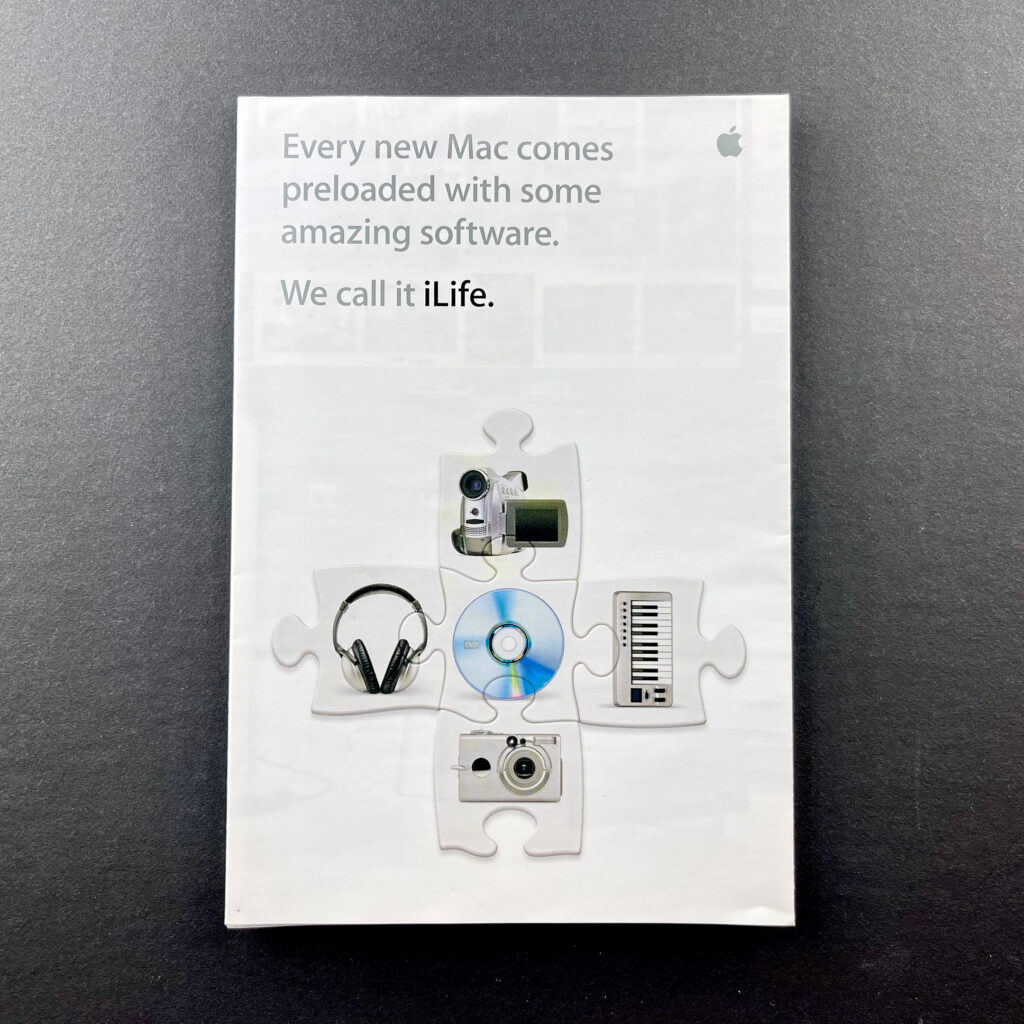
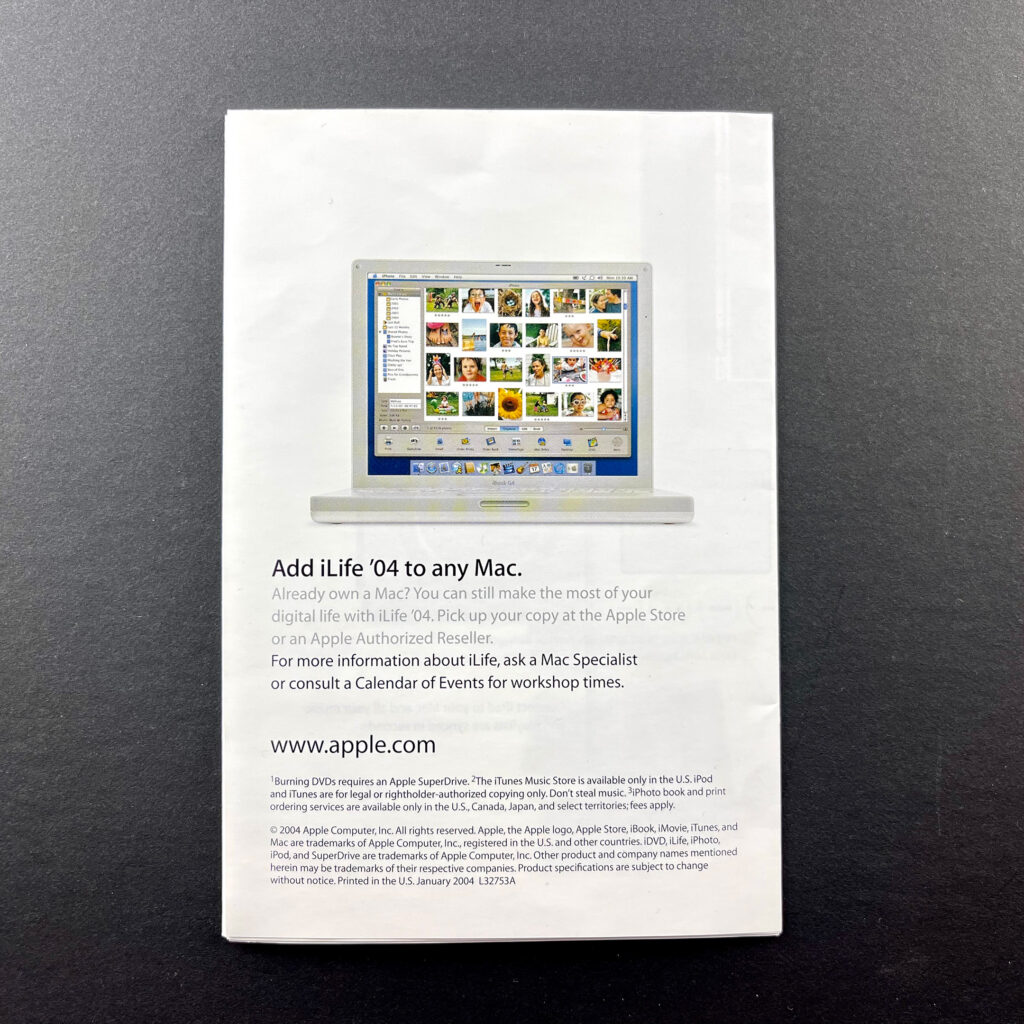
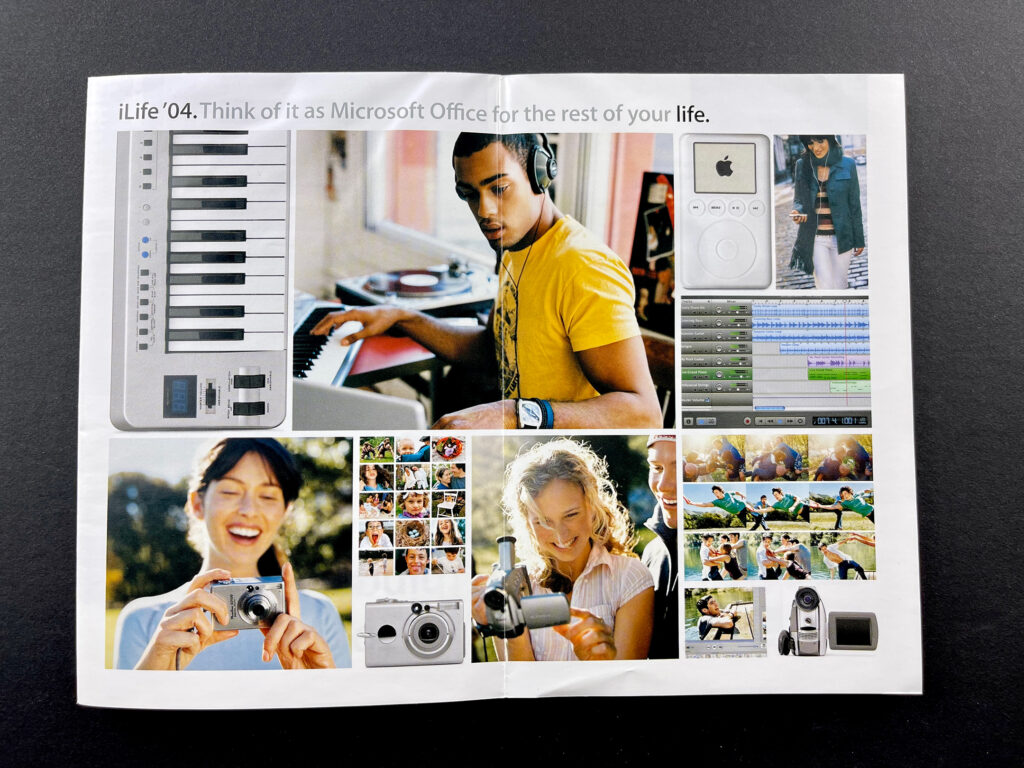
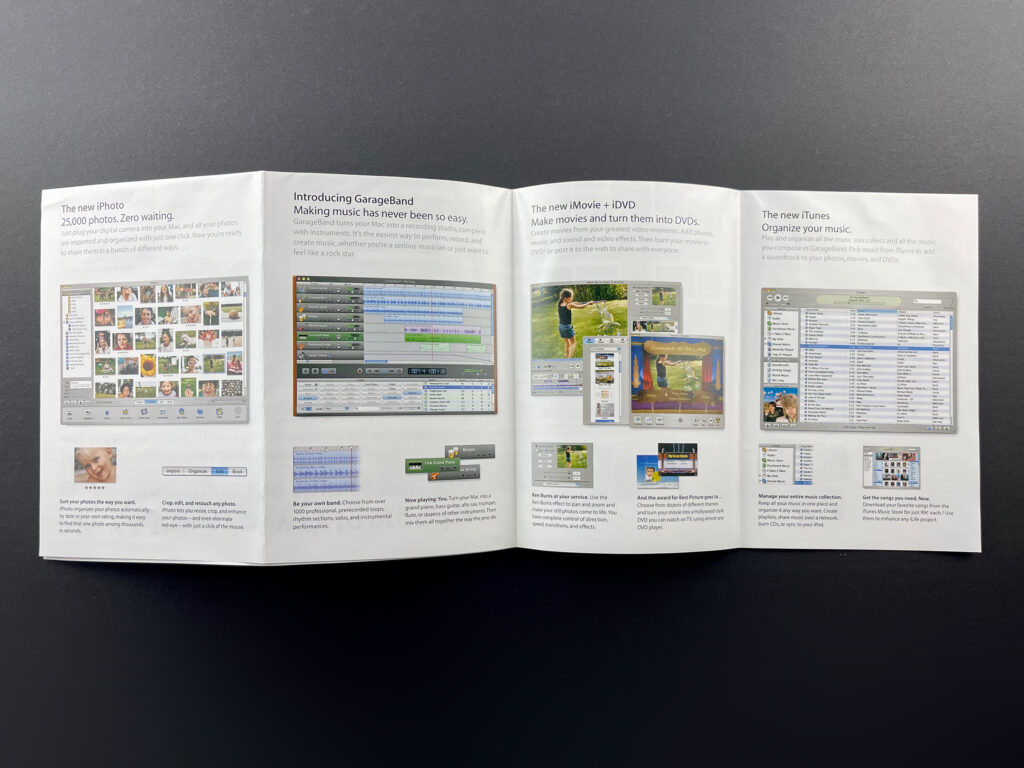
iLife ’04 (2004) This brochure’s cover features five interlocking puzzle pieces—picturing a video camera, headphones, digital camera, MIDI keyboard, and DVD—that represent the iLife suite along with the headline, “Every new Mac comes preloaded with some amazing software. We call it iLife.” The brochure folds out into an 8-up mini-poster that shows an iBook G4 surrounded by items that work with iLife, including a MIDI keyboard, a digital video camera, a digital camera, an iPod, and a stack of DVDs. The headline reads, “iLife ’04. The easiest way to organize, create, and share the things you love.”
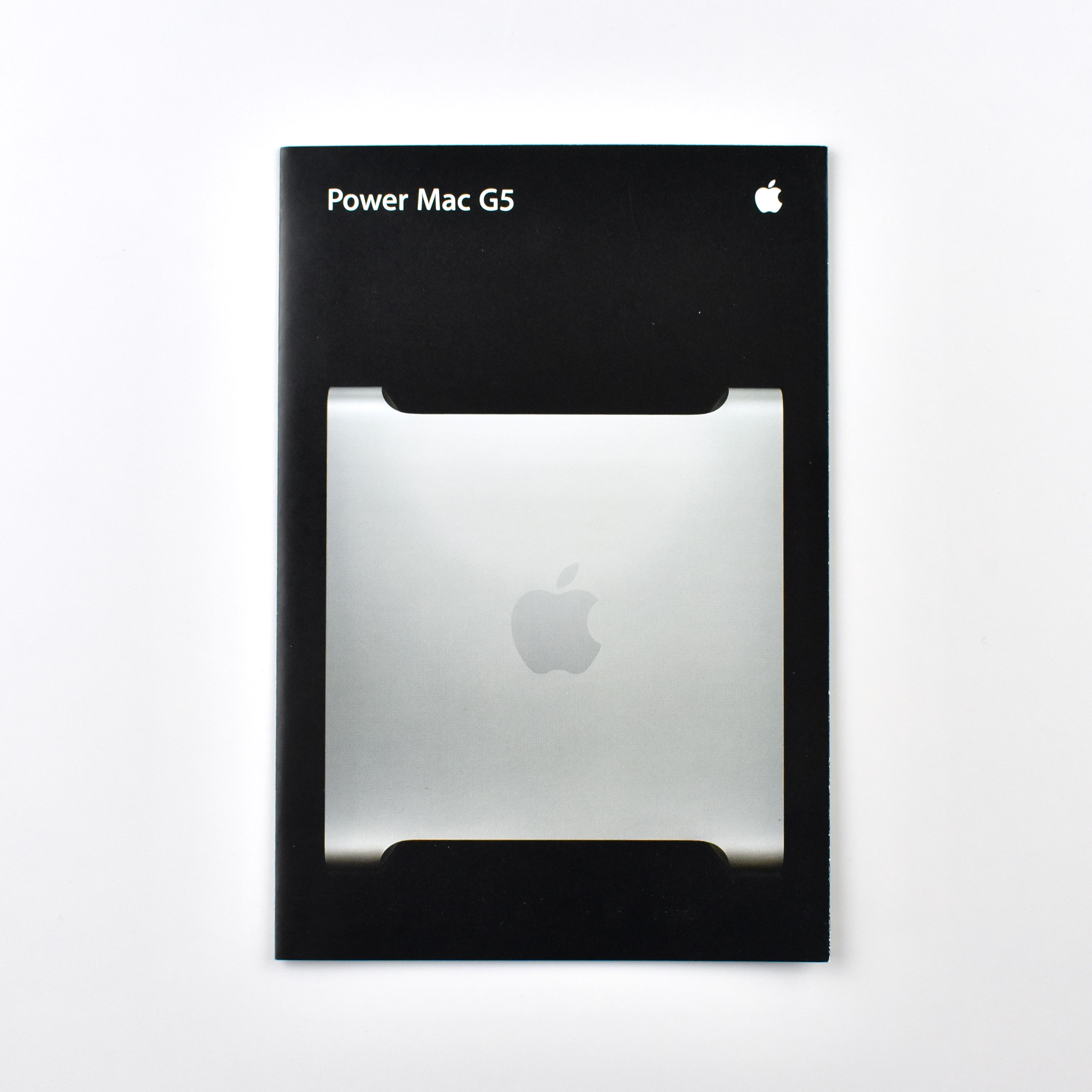
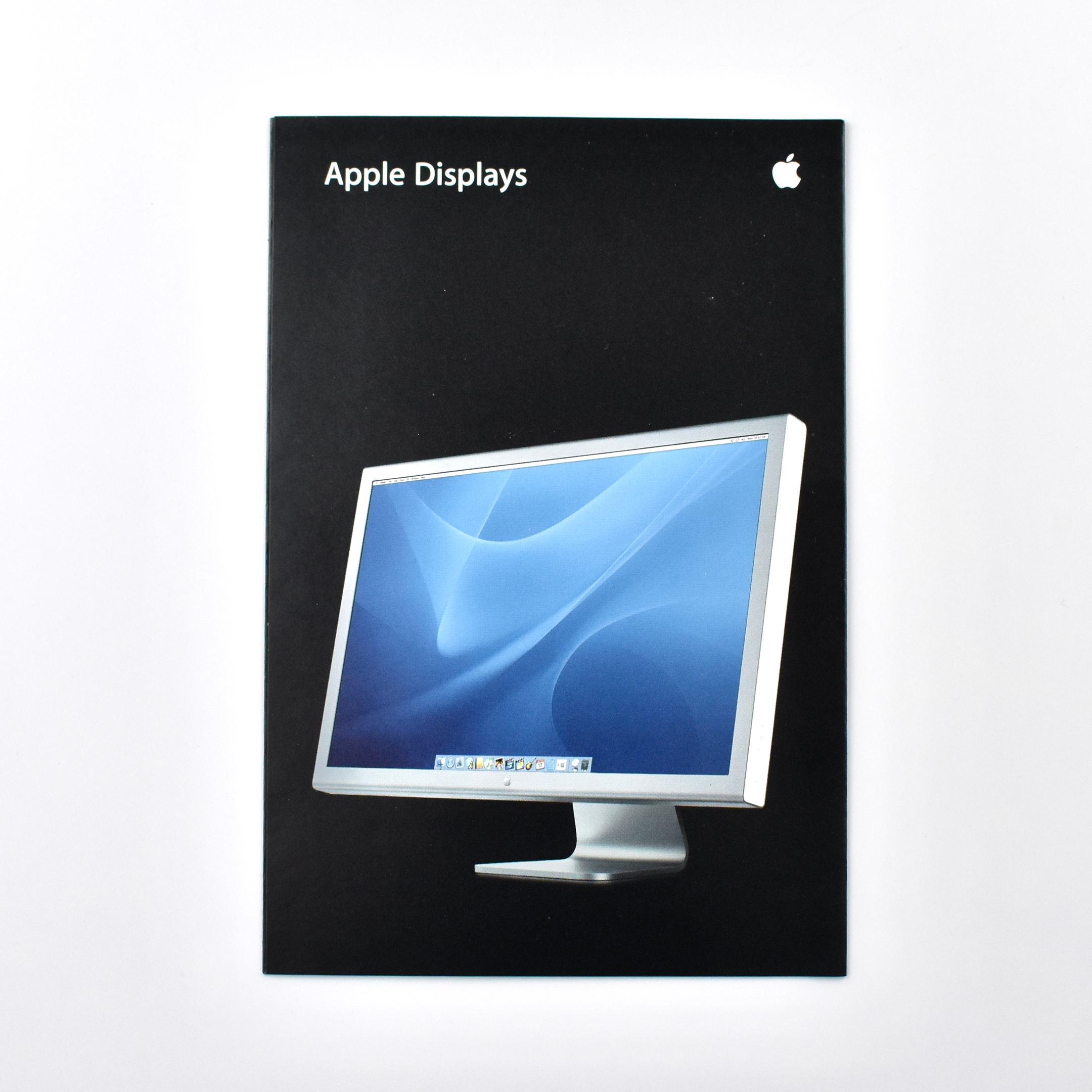
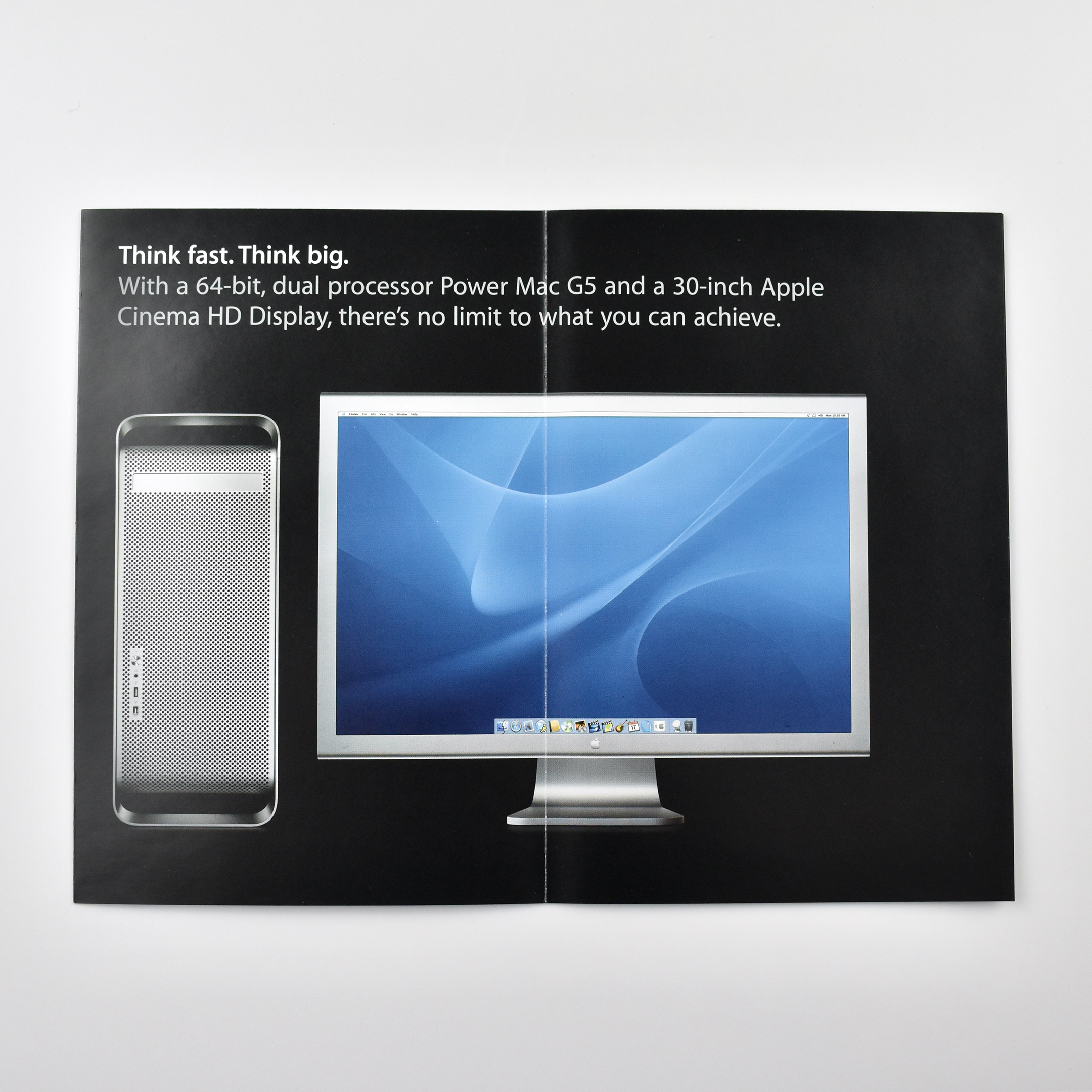
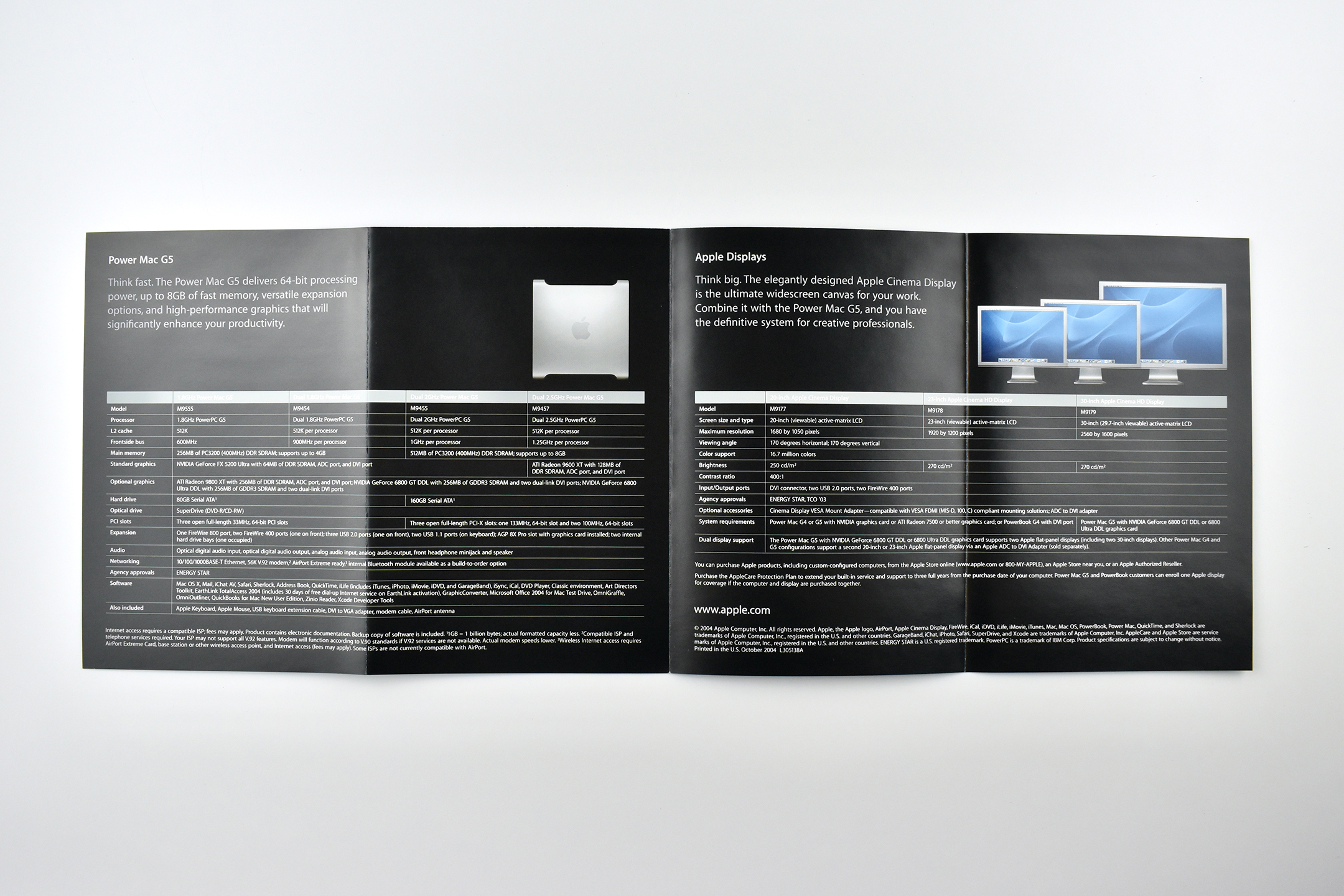
Power Mac G5/Apple Displays (2004) This brochure is two-sided. One side features the Power Mac G5 and the other side features Apple Displays. When opened, the 2-up layout headline reads, “Think fast. Think big.” and a Power Mac G5 is pictured along side a 23-inch Apple Cinema HD Display. Inside, the 4-up horizontal layout shows all available default configurations of Power Mac G5 computers and Apple Cinema Displays.
These product brochures were available in Apple Stores and elsewhere in the early 2000s. They measured 4.25 x 6.5 inches folded, and designs were sometimes stapled and folded out into different layouts. All of these brochures feature a photo of the product on the front panel and specifications on the back panel.
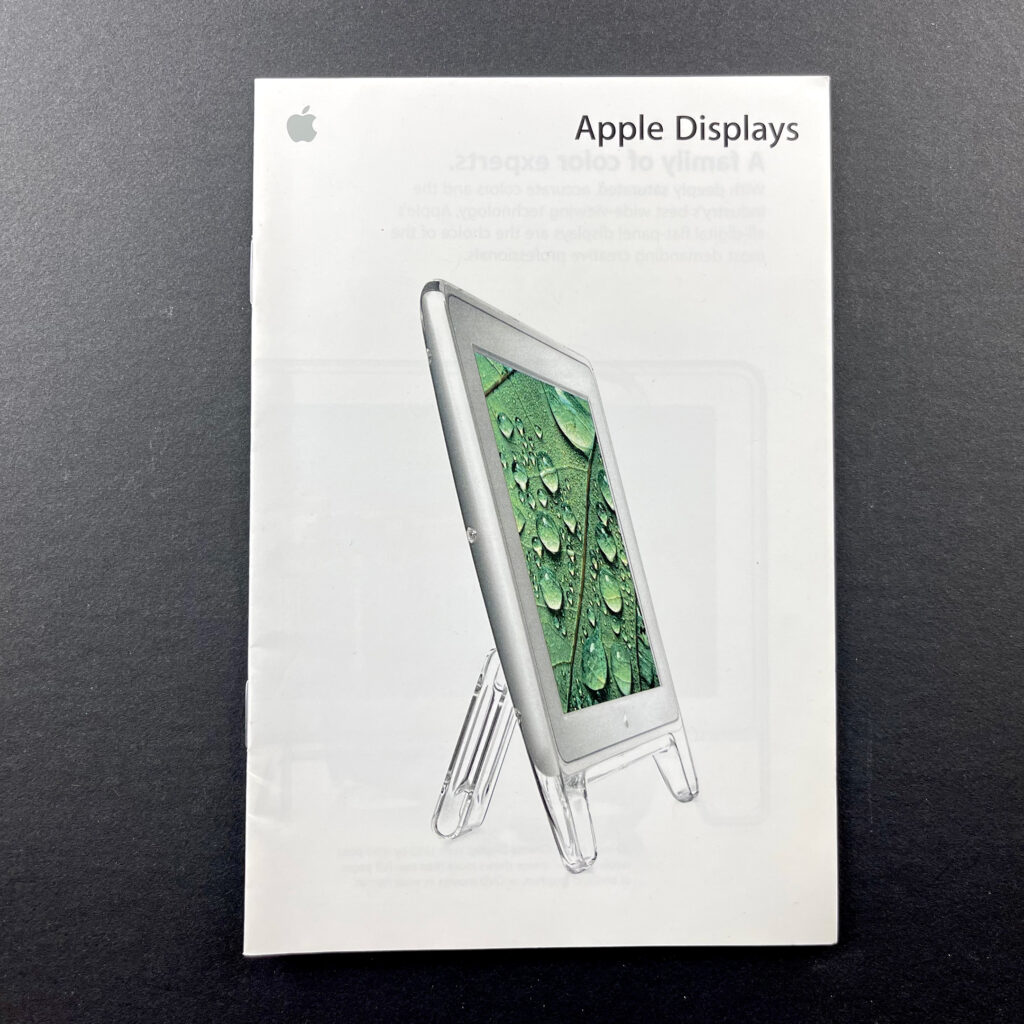
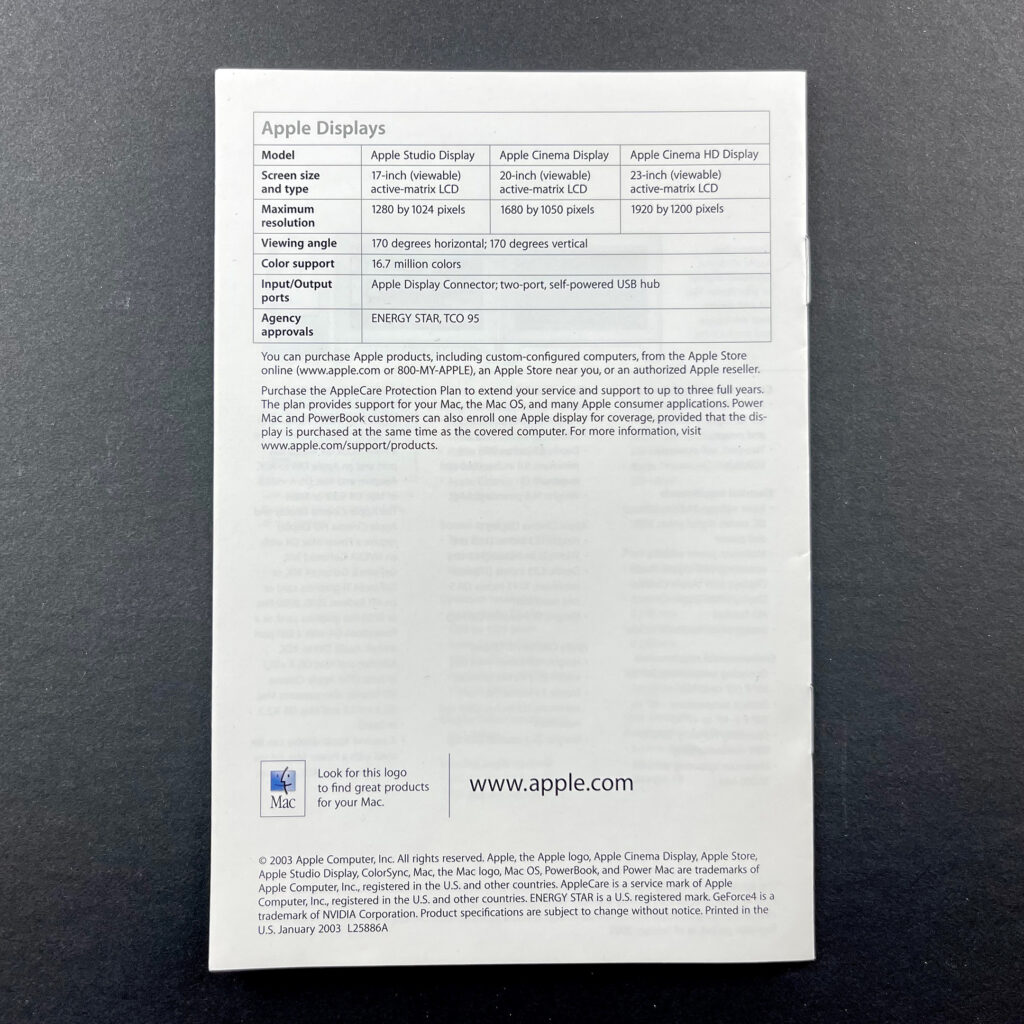
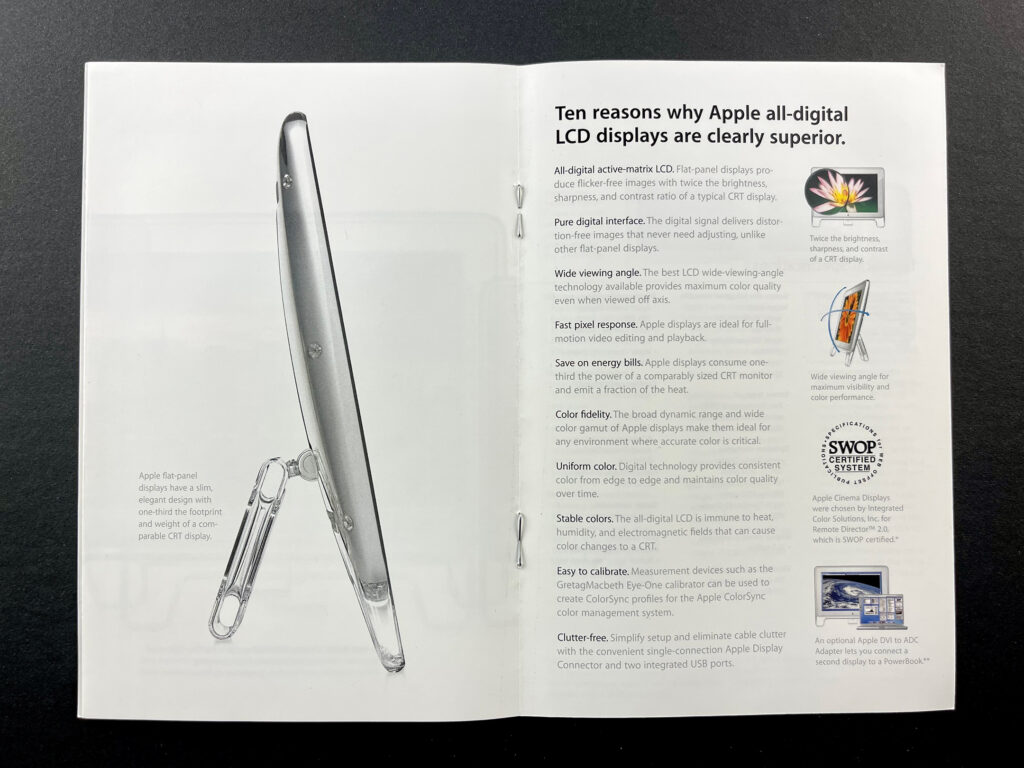
Apple Displays (January 2003) This stapled Apple Displays brochure features a 3-up fold out section showing three models: 20-inch Apple Cinema Display, 23-inch Apple Cinema HD Display, and 17-inch Apple Studio Display. The next 2-up layout includes: 10 reasons why Apple all-digital LCD displays are clearly superior. All-digital active-matrix LCD. Pure digital interface. Wide viewing angle. Fast pixel response. Save on energy bills. Color fidelity. Uniform color. Stable colors. Easy to calibrate. Clutter-free. The final pages include product specifications.
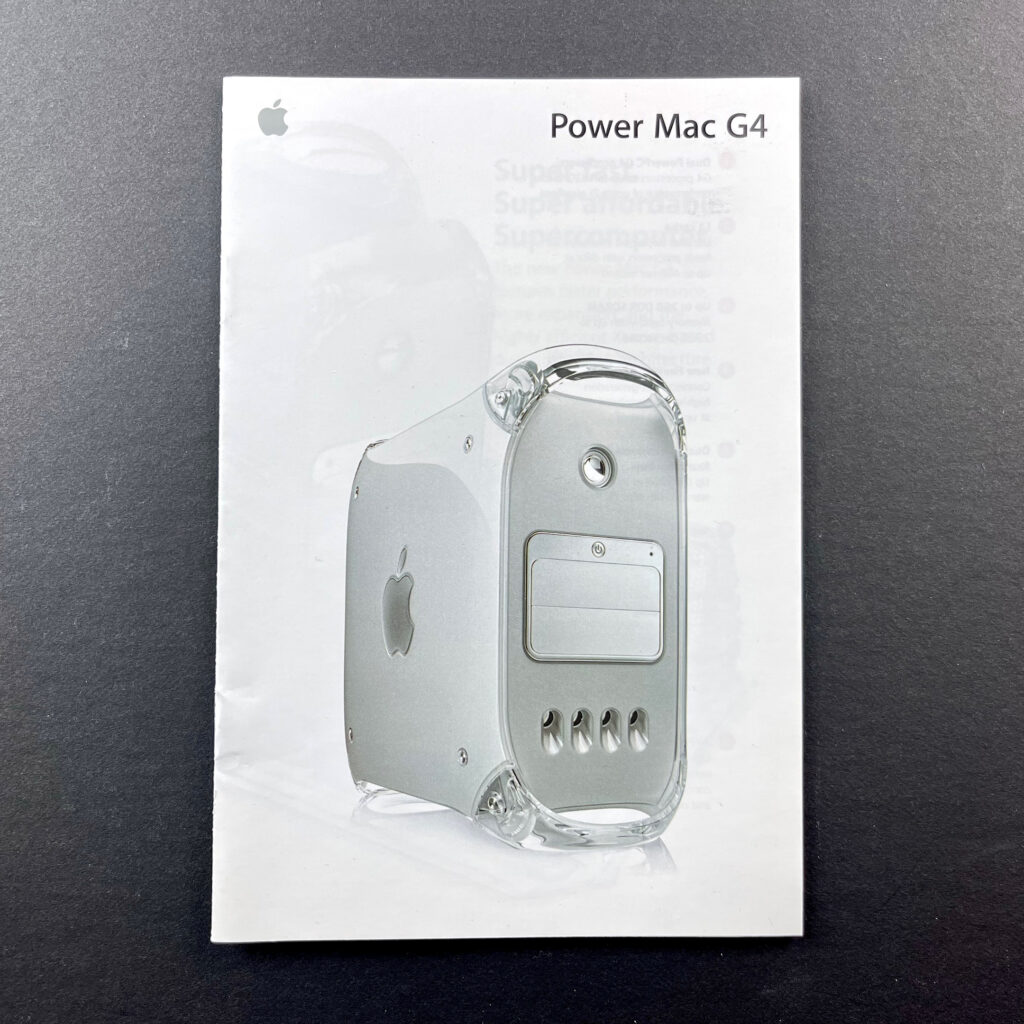
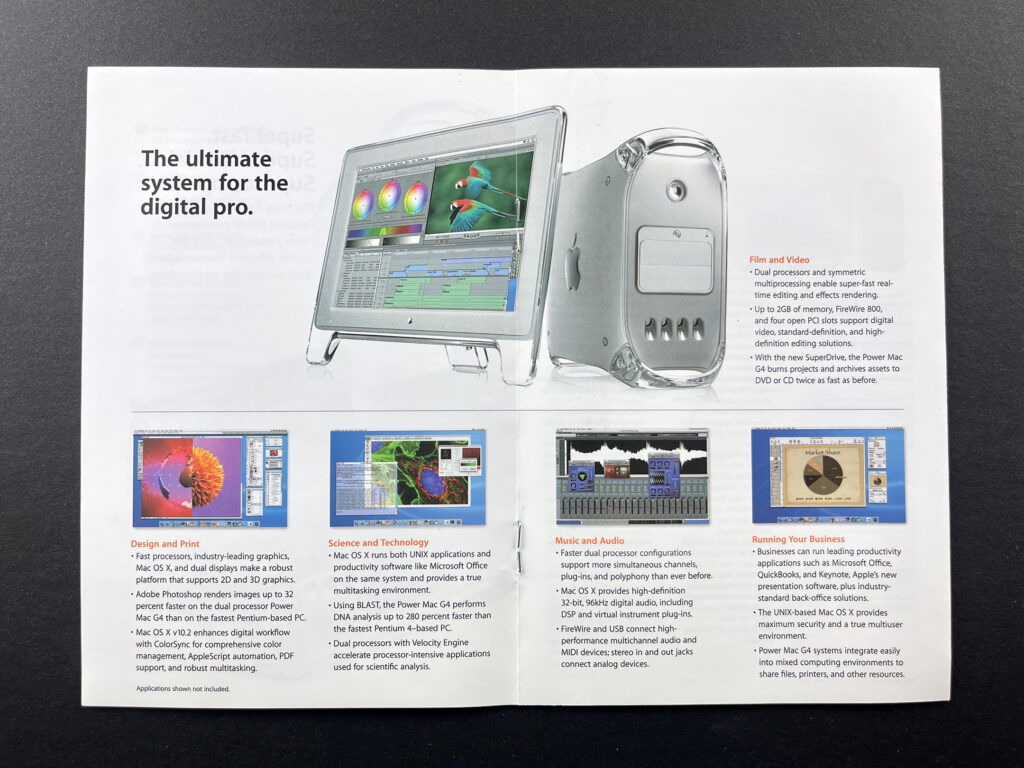
Power Mac G4 (January 2003) This stapled 8-page brochure features a Power Mac G4 (mirrored drive door) on the cover. The next 2-page spread shows the Power Mac G4 with the door open and the copy: “Power Mac G4. Super fast. Super affordable. Supercomputer. The new Power Mac G4 features faster performance, more expansion, and the highly efficient Xserve-based dual processing architecture.” The center spread features the headline, “The ultimate system for the digital pro.” The last pages contain Technical Specifications and Power Mac G4 configurations.
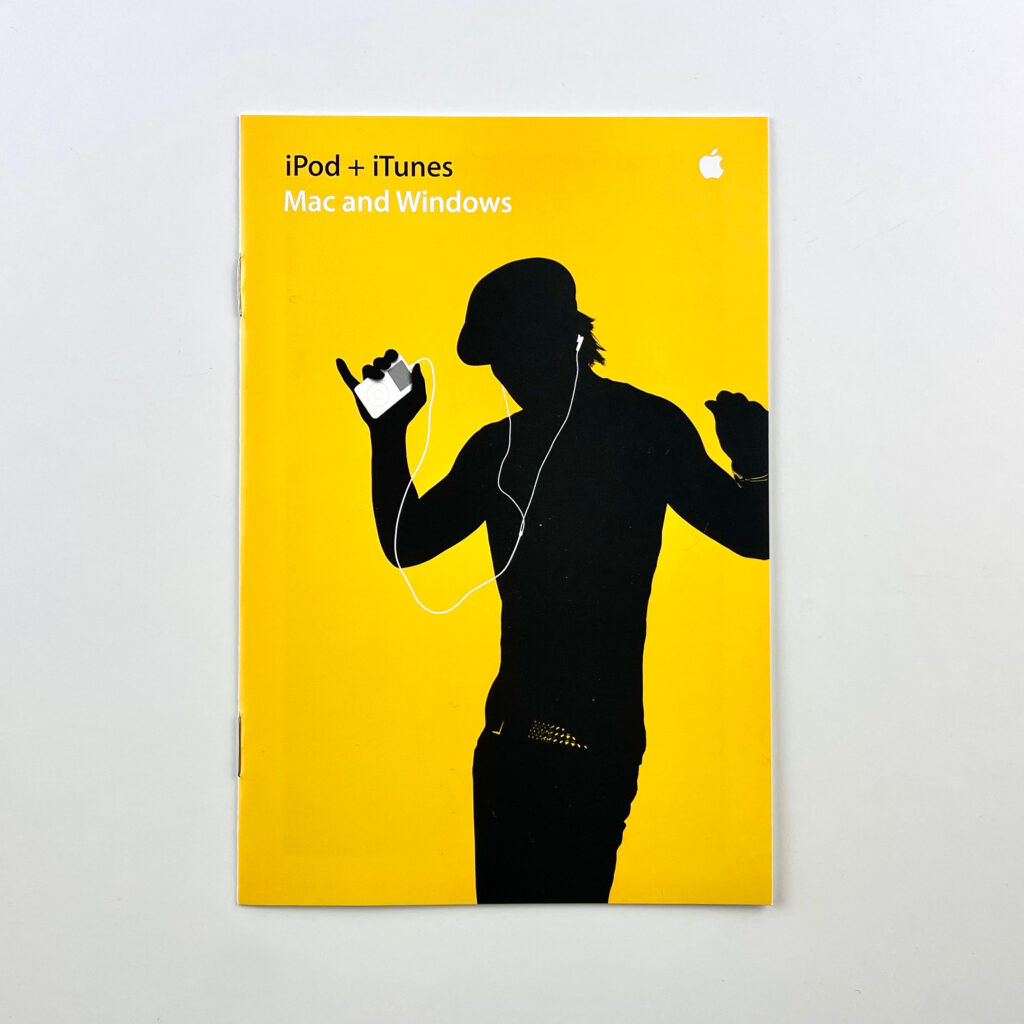
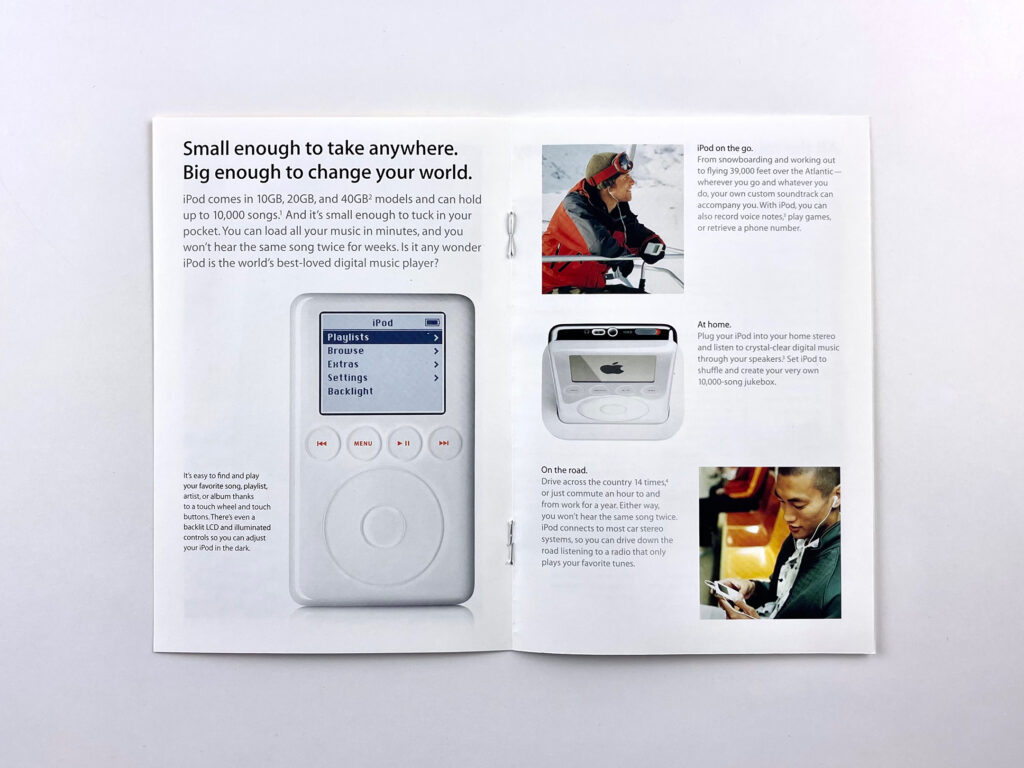
iPod+iTunes Mac and Windows (October 2003) The cover of this brochure is bright yellow and features the iconic “silhouette” iPod imagery—a black silhouette of a person holding a white iPod wearing white earbuds connected by white wires. The opening copy reads: “iPod and iTunes. Perfect harmony. Together, iPod and iTunes changed the way Mac users listen to music. Now everyone can join the digital music revolution, because iTunes now works on Windows PCs—the same way it does on a Mac. So no matter what computer you use, you can enjoy the most acclaimed portable digital music player and jukebox software ever created. And go anywhere with up to 10,000 songs in your pocket.” The remainder of the brochure features iPod and iTunes features and specifications.
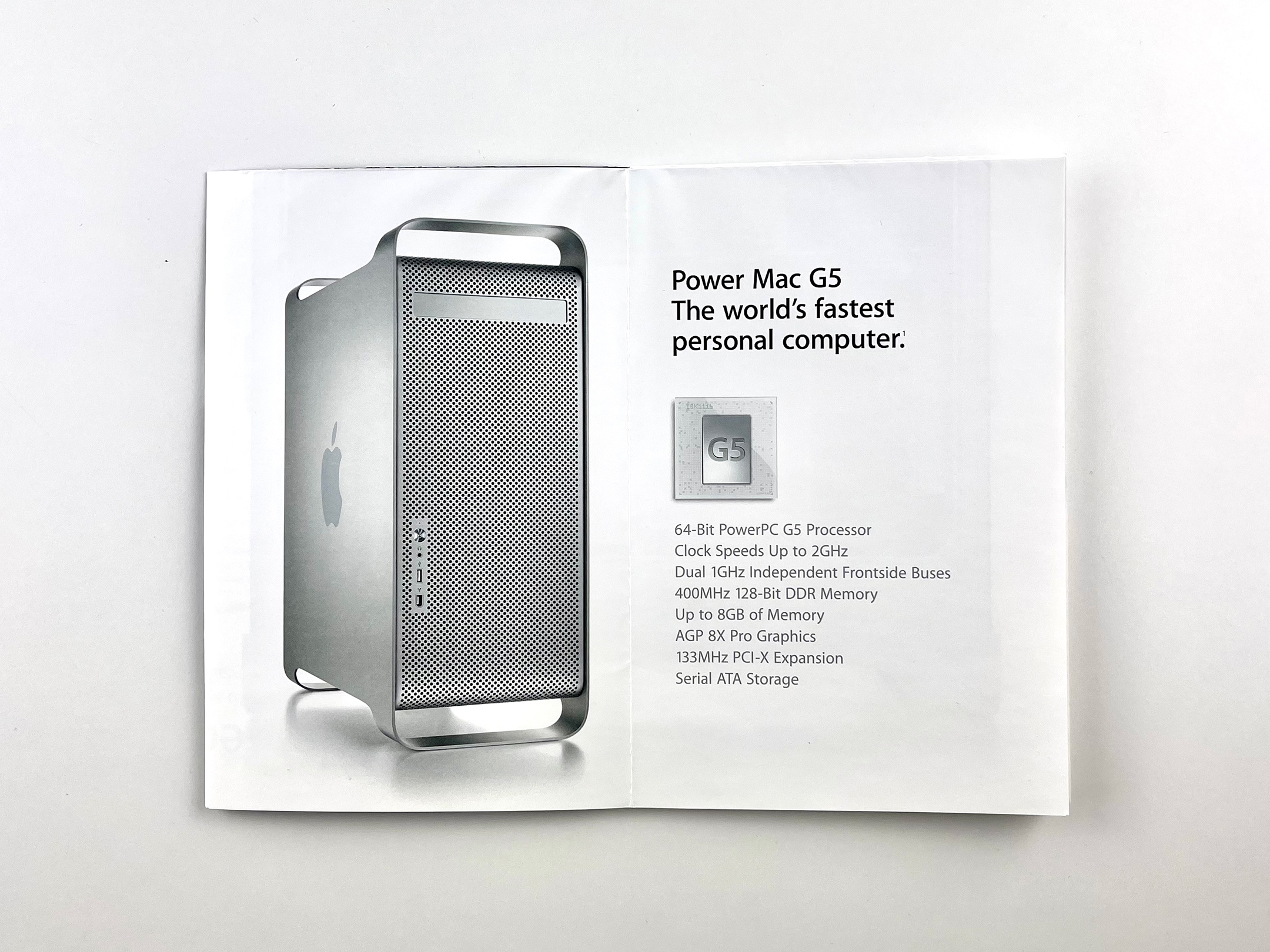
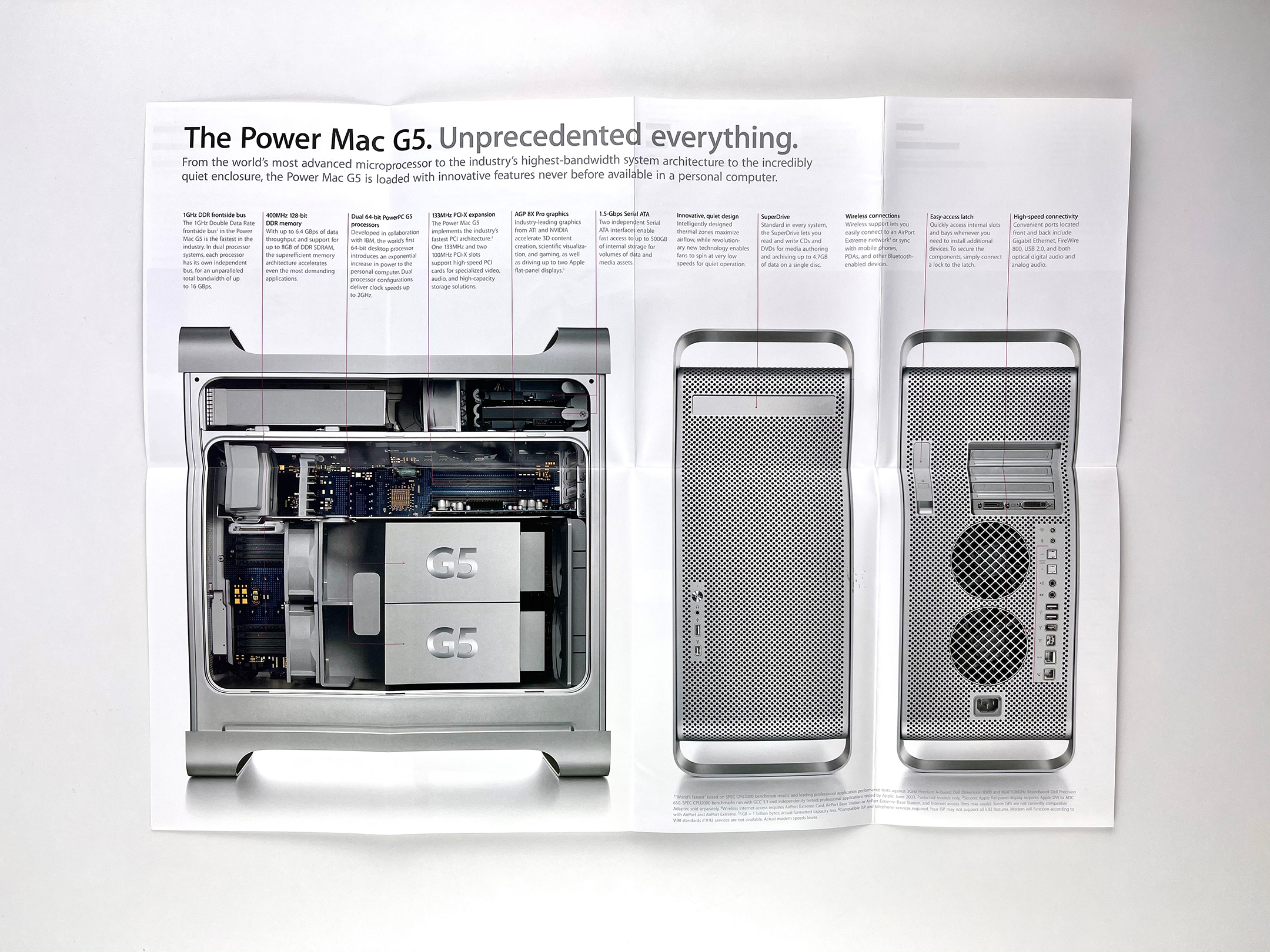
Power Mac G5 (July 2003) The Power Mac G5 brochure opens to a 2-up layout with the headline “Power Mac G5 The worlds fastest personal computer.” along with a “hero” photo of the product. The next 4-up horizontal layout features four stunning photographs, each representing one of four disciplines: color graphics, video production, scientific research, and music production. It fully opens to an 8-up mini poster with the headline, “The Power Mac G5. Unprecedented everything.”