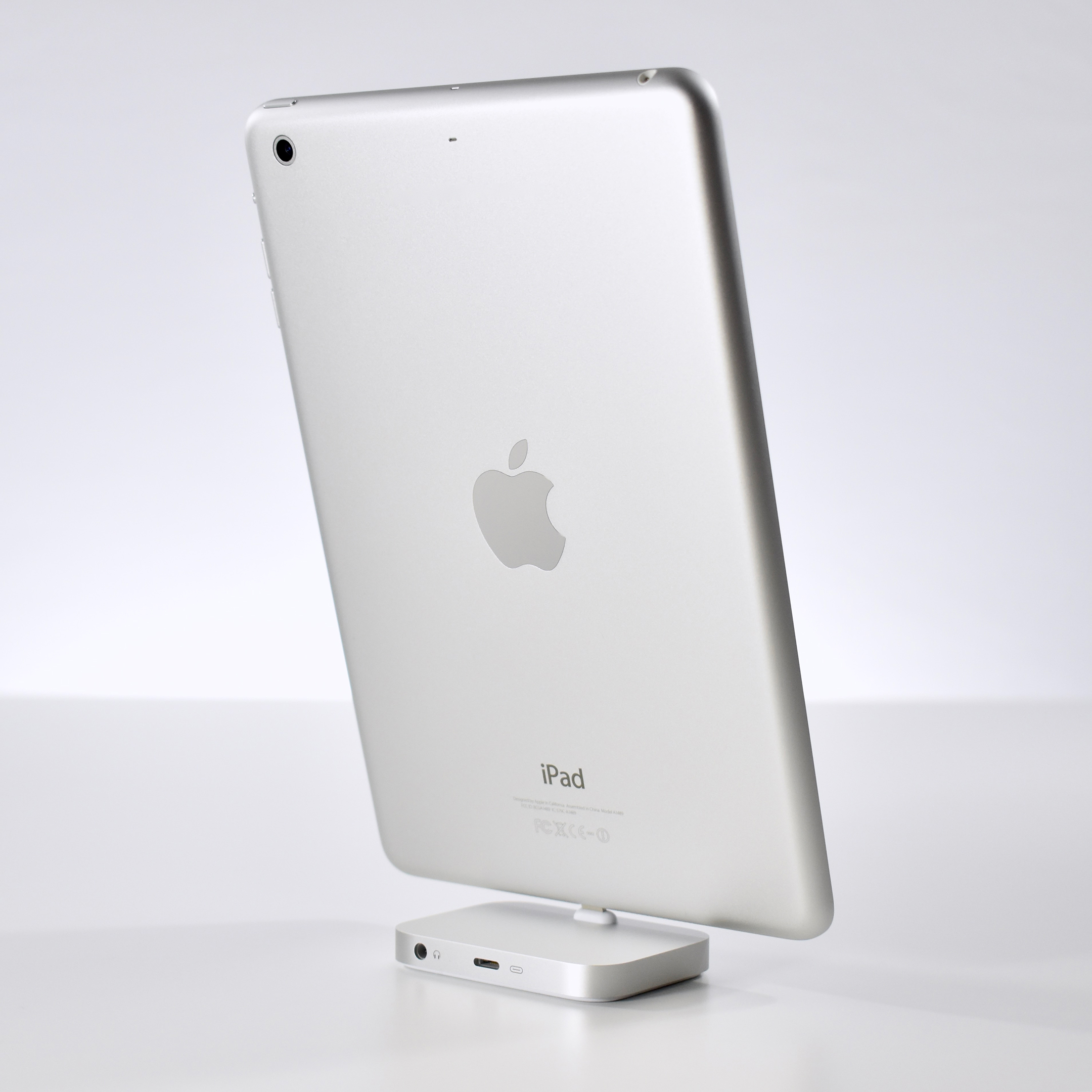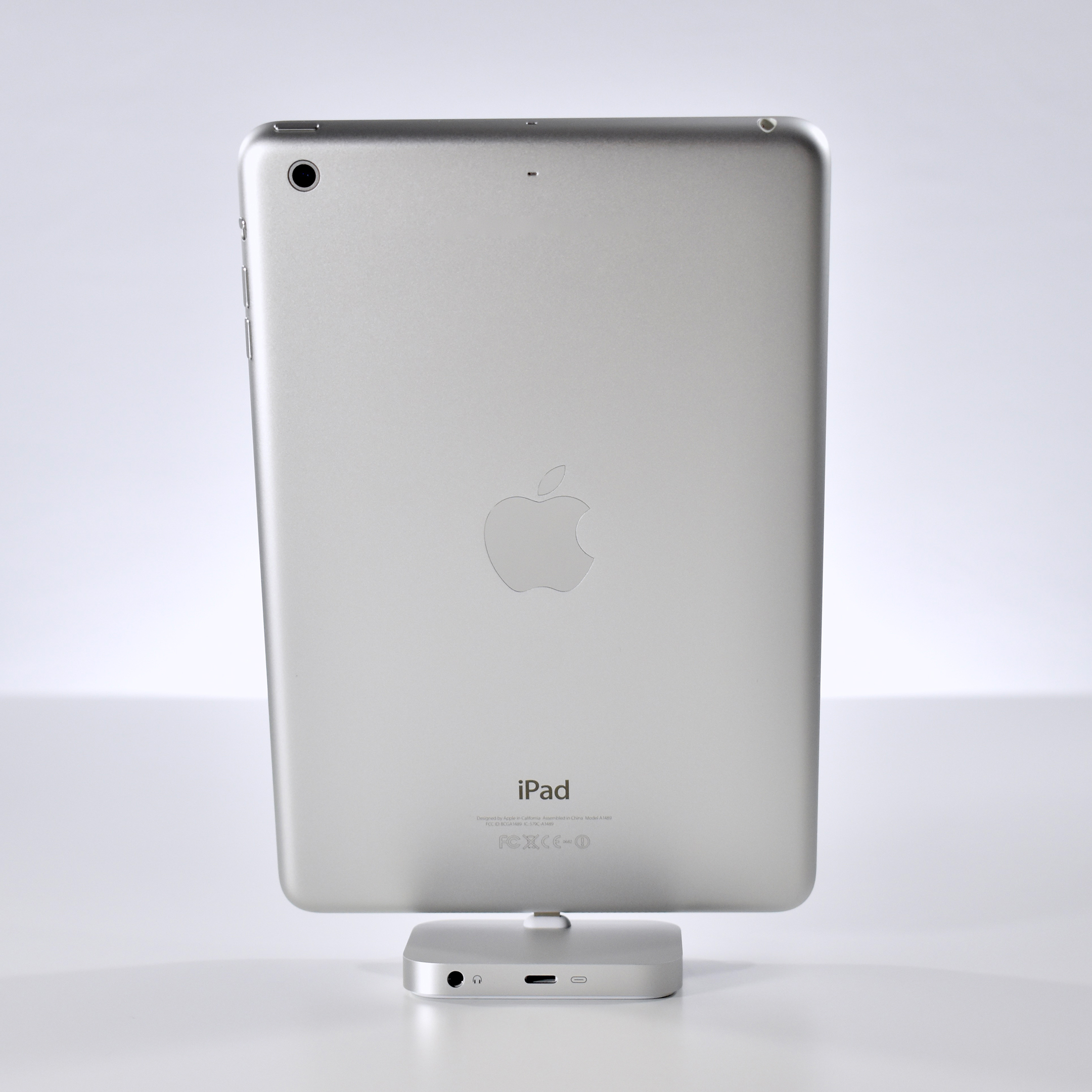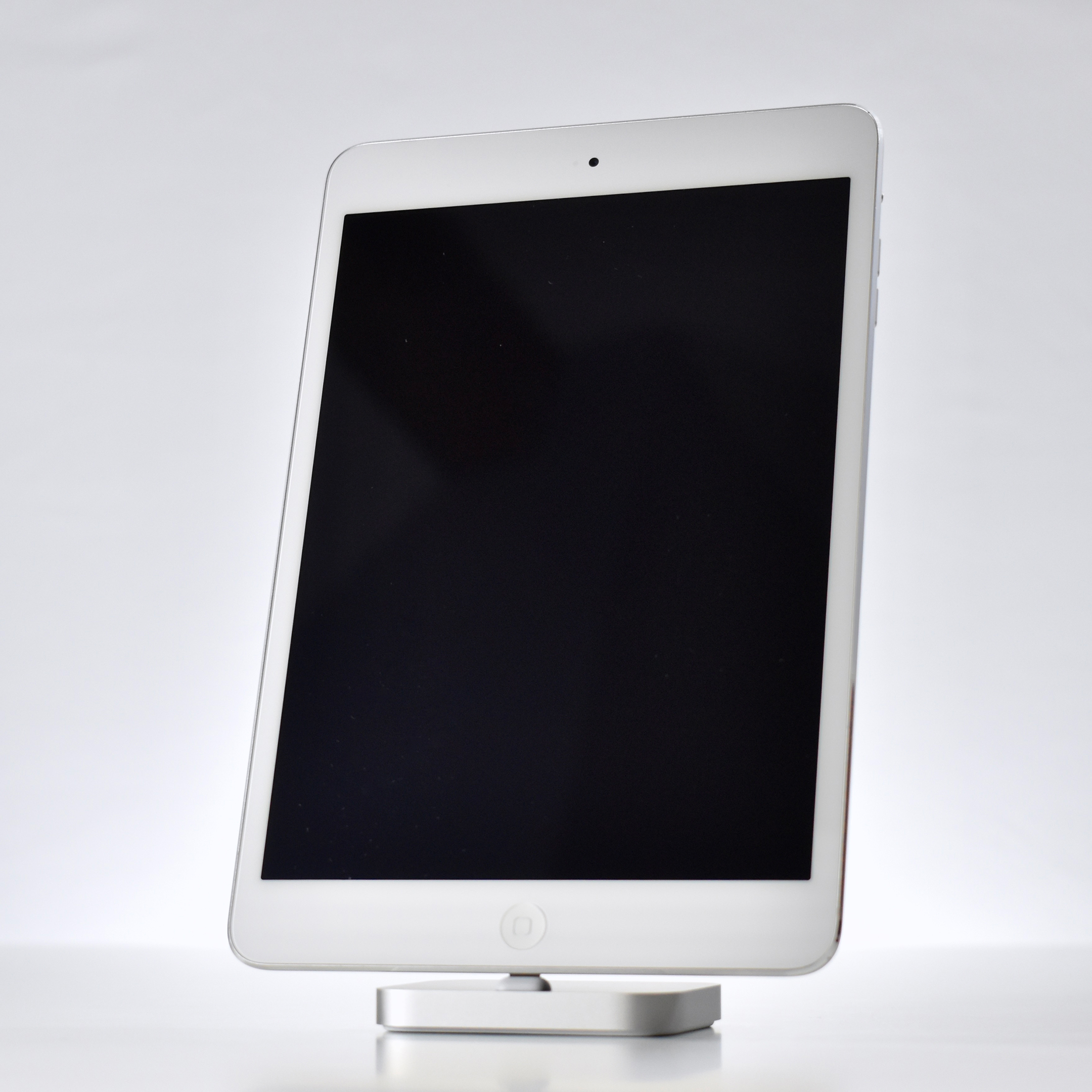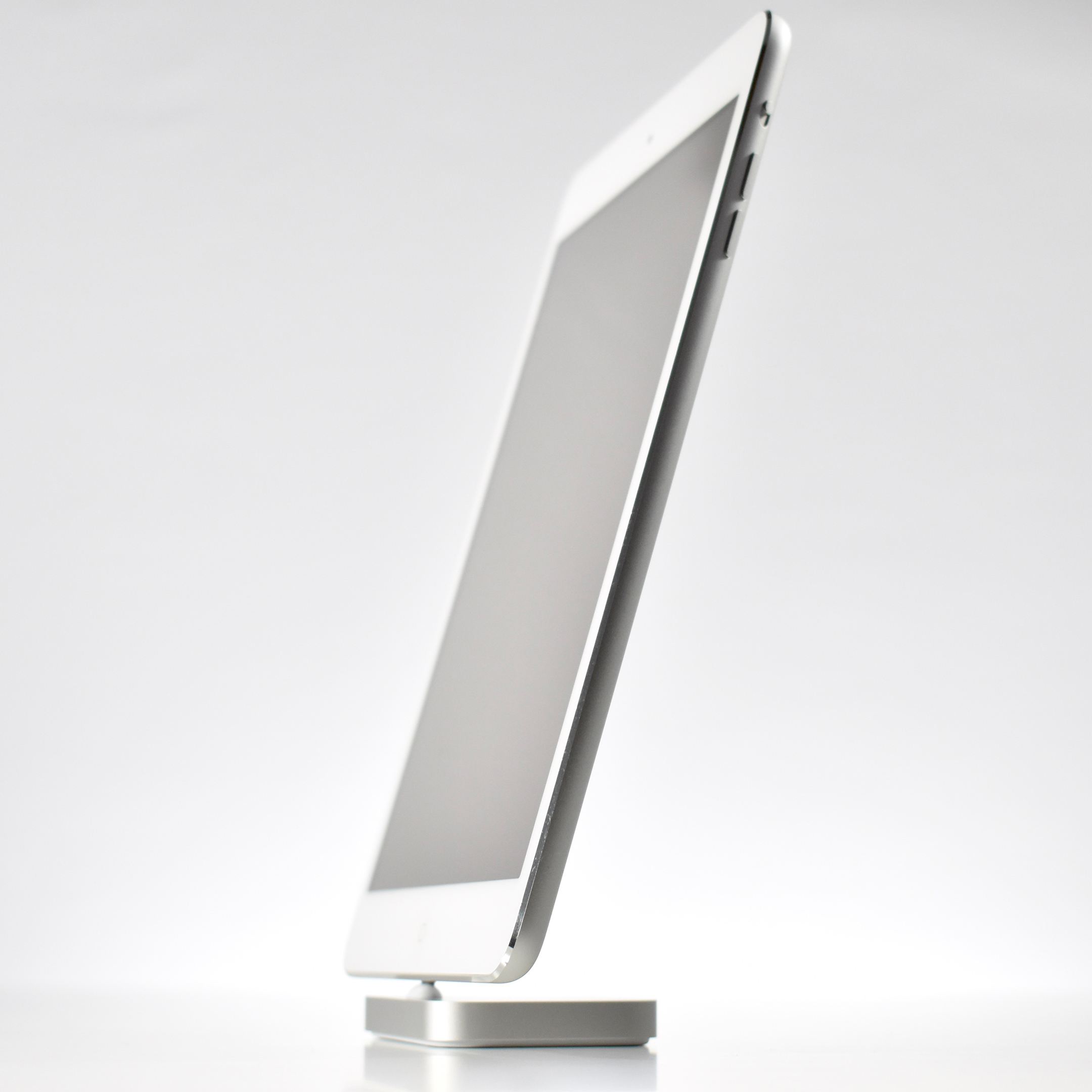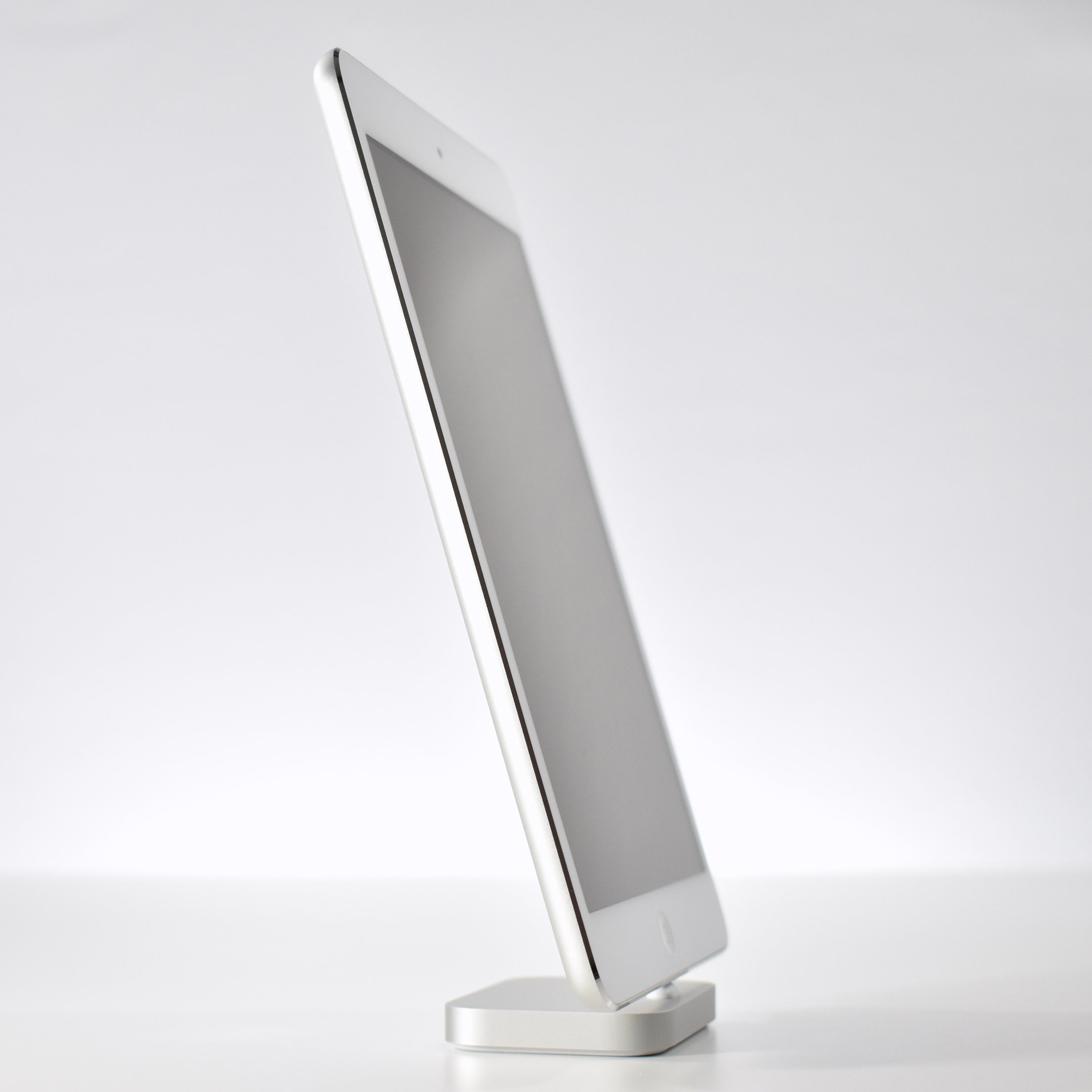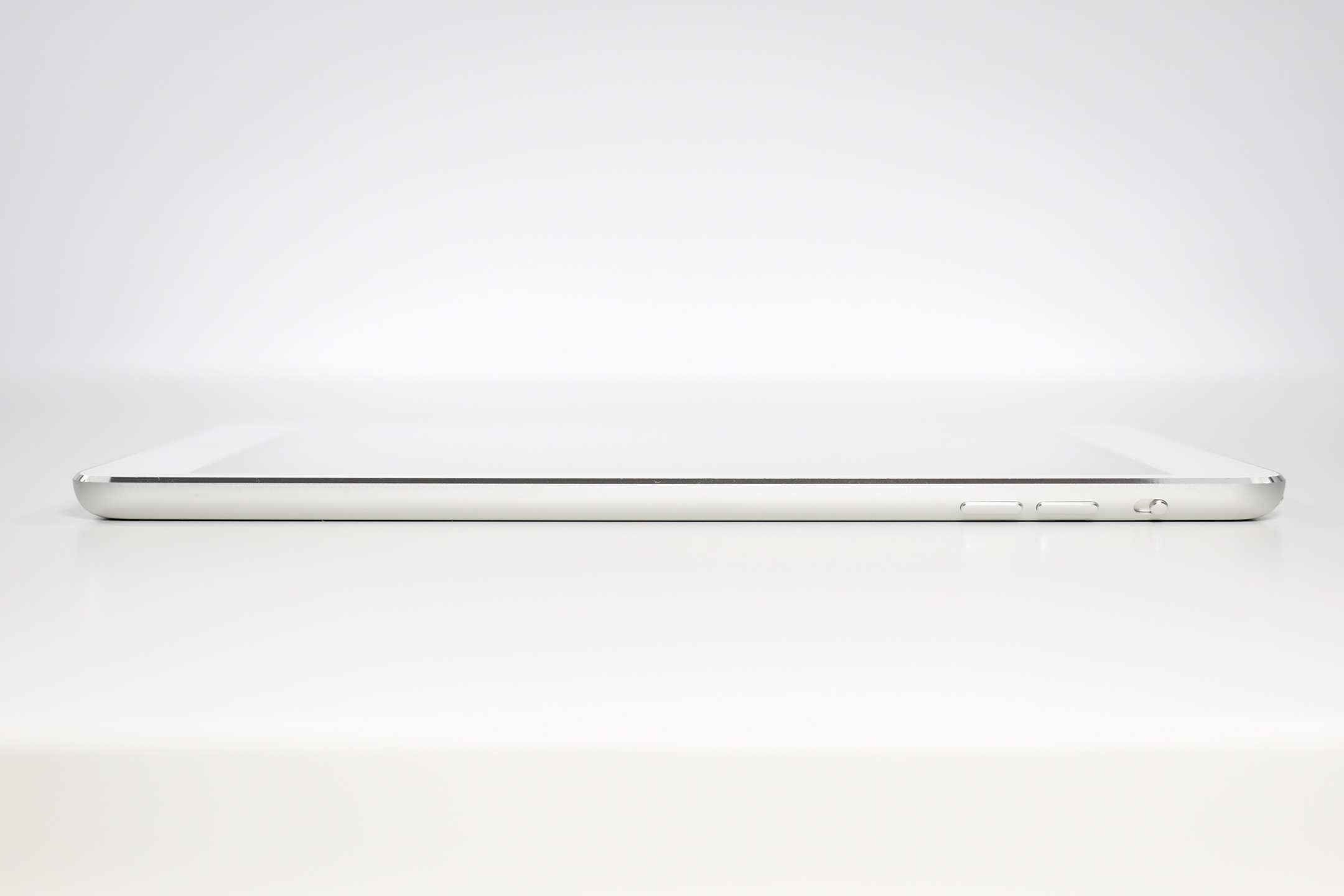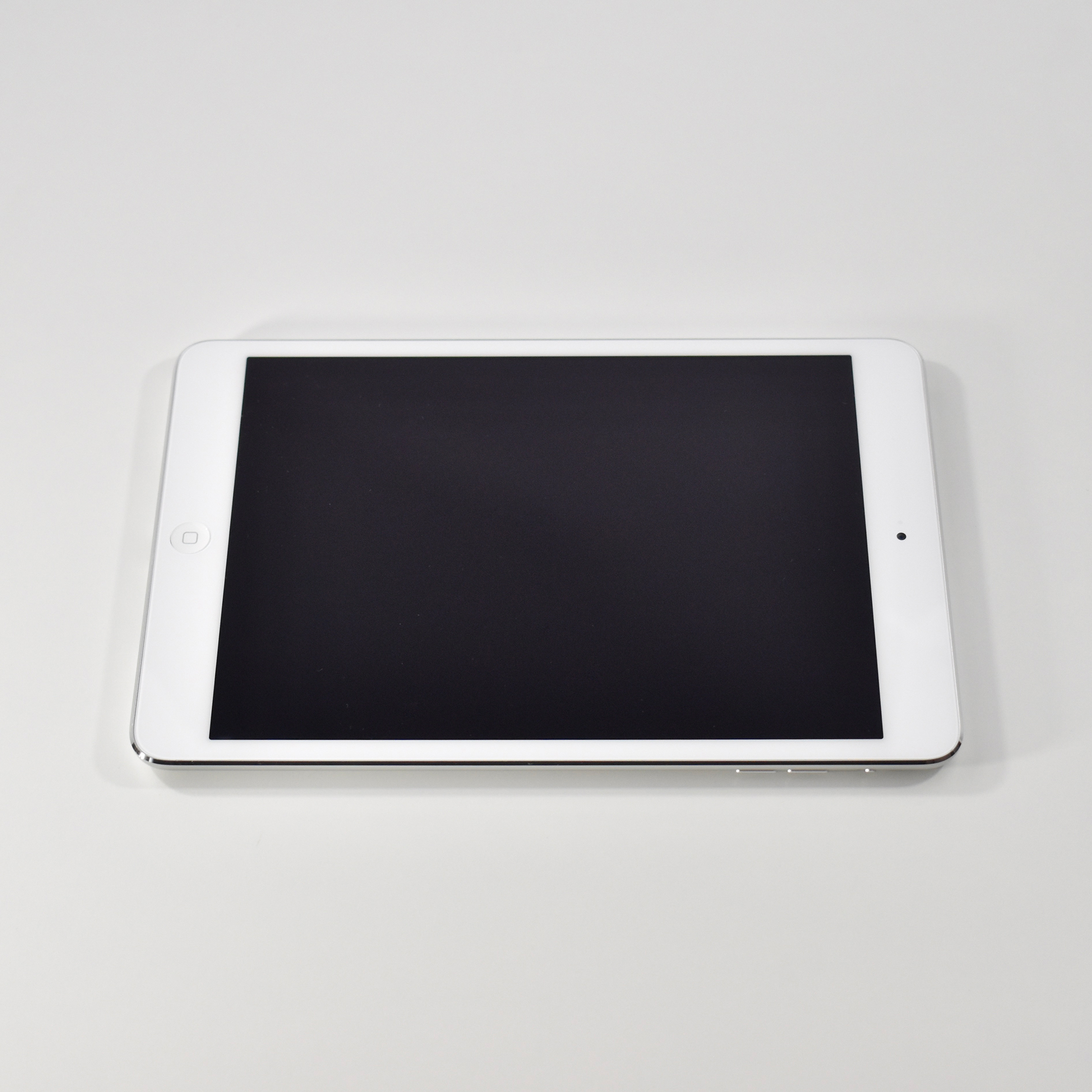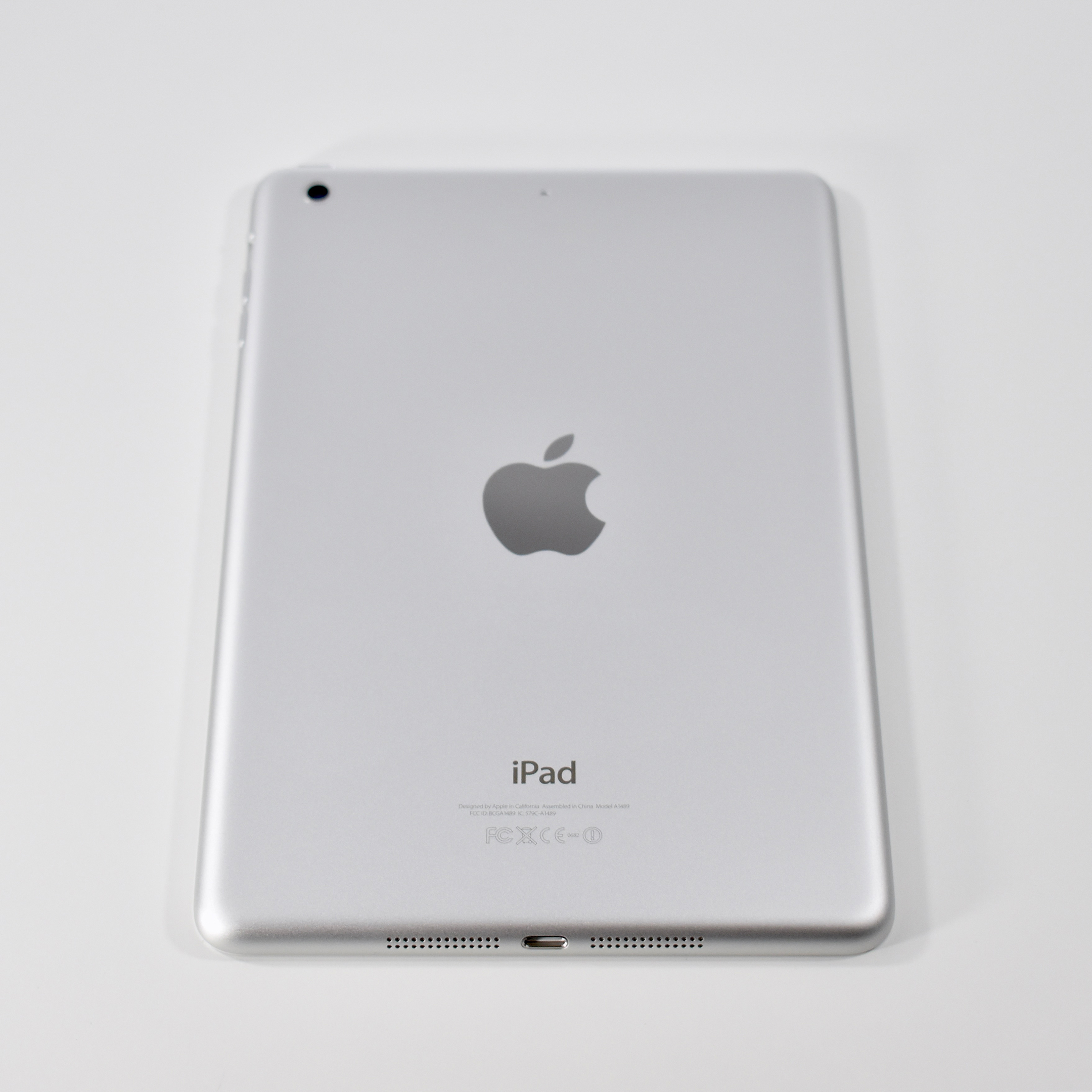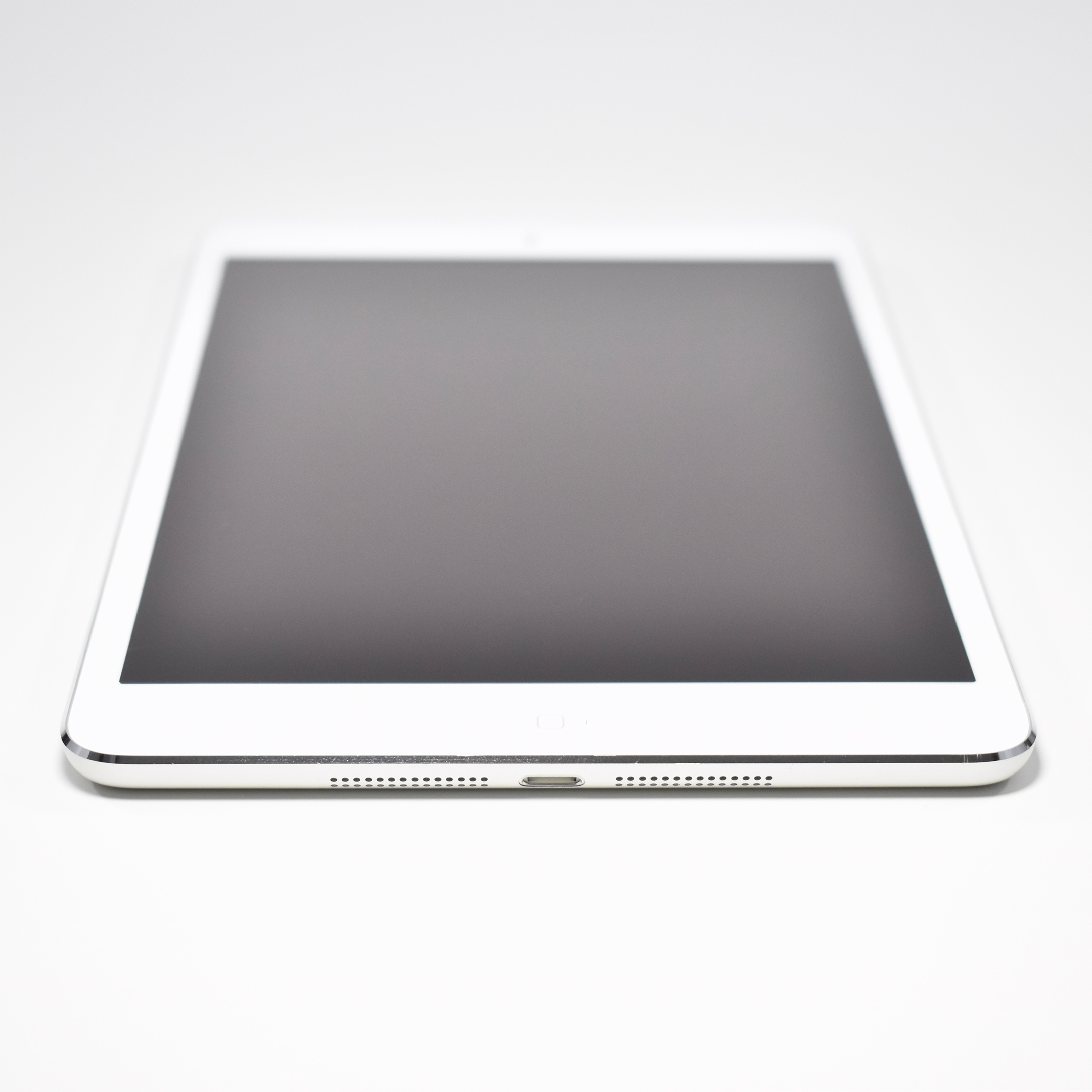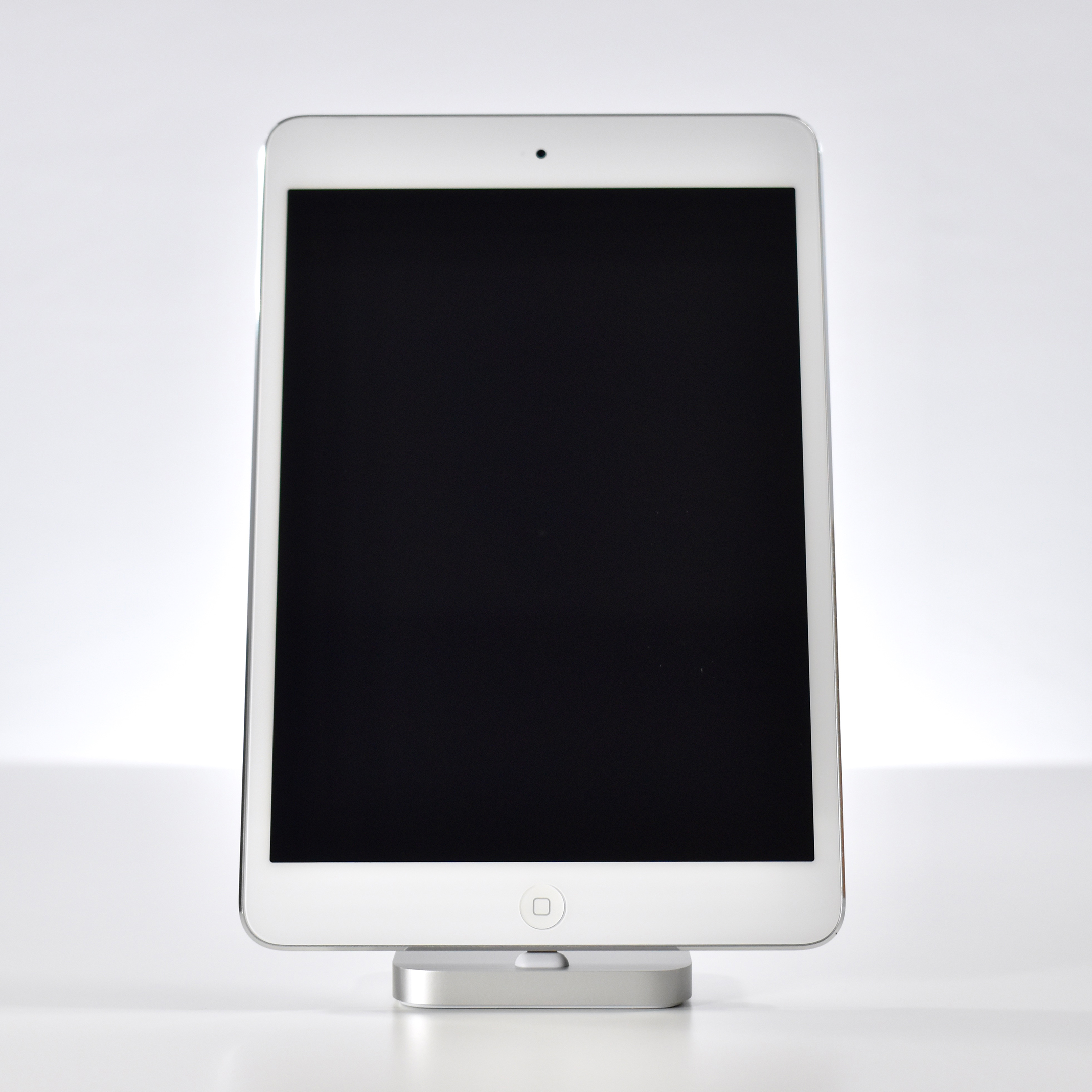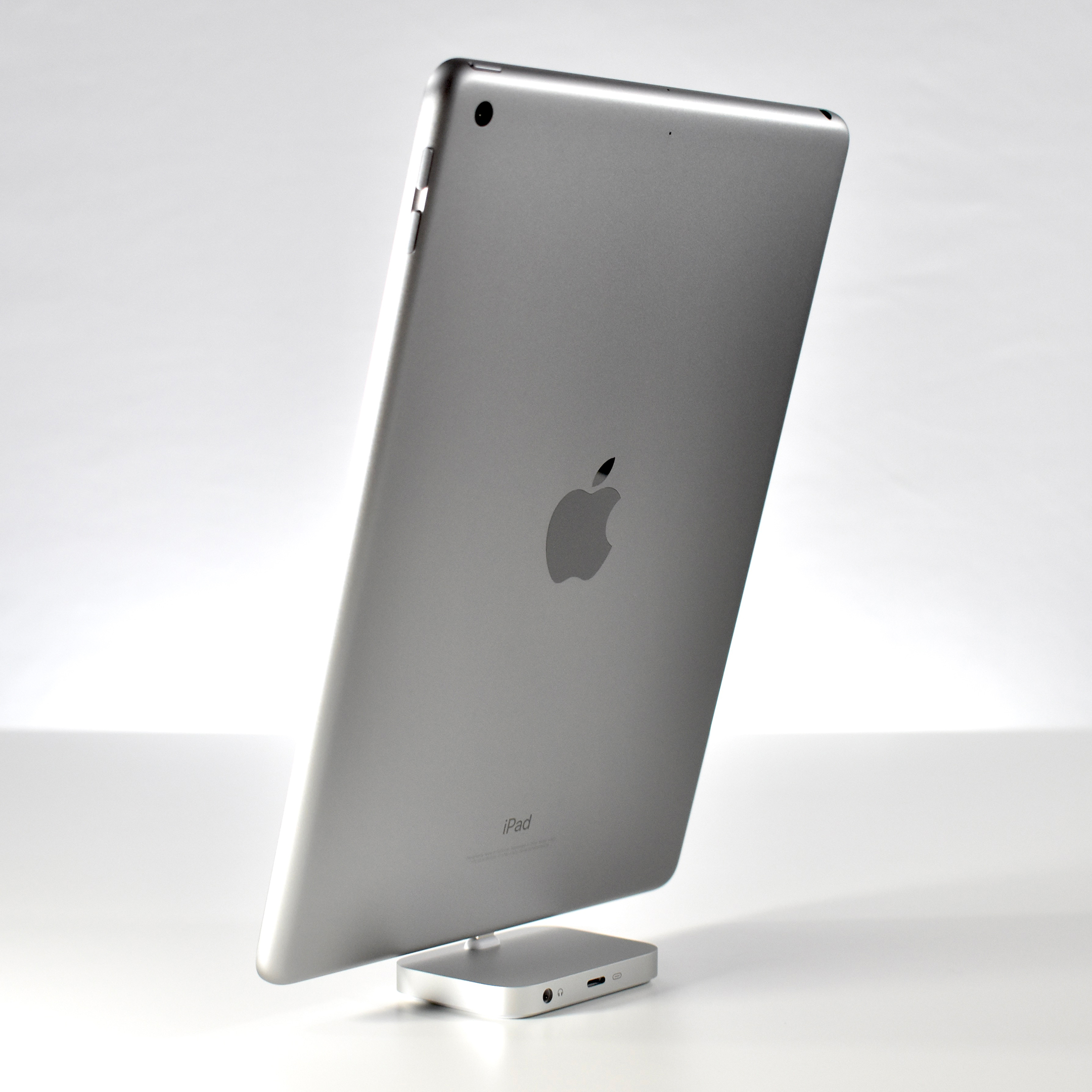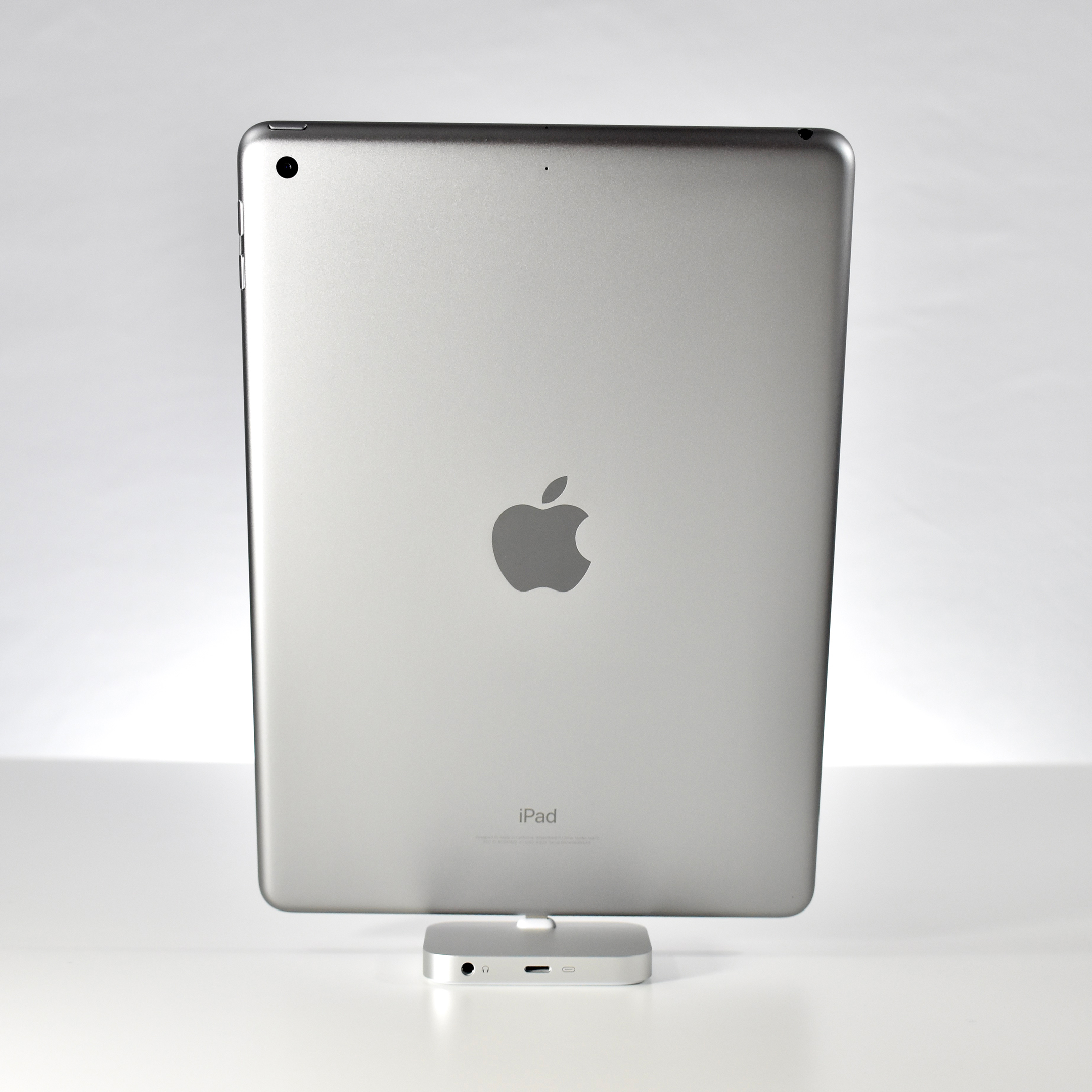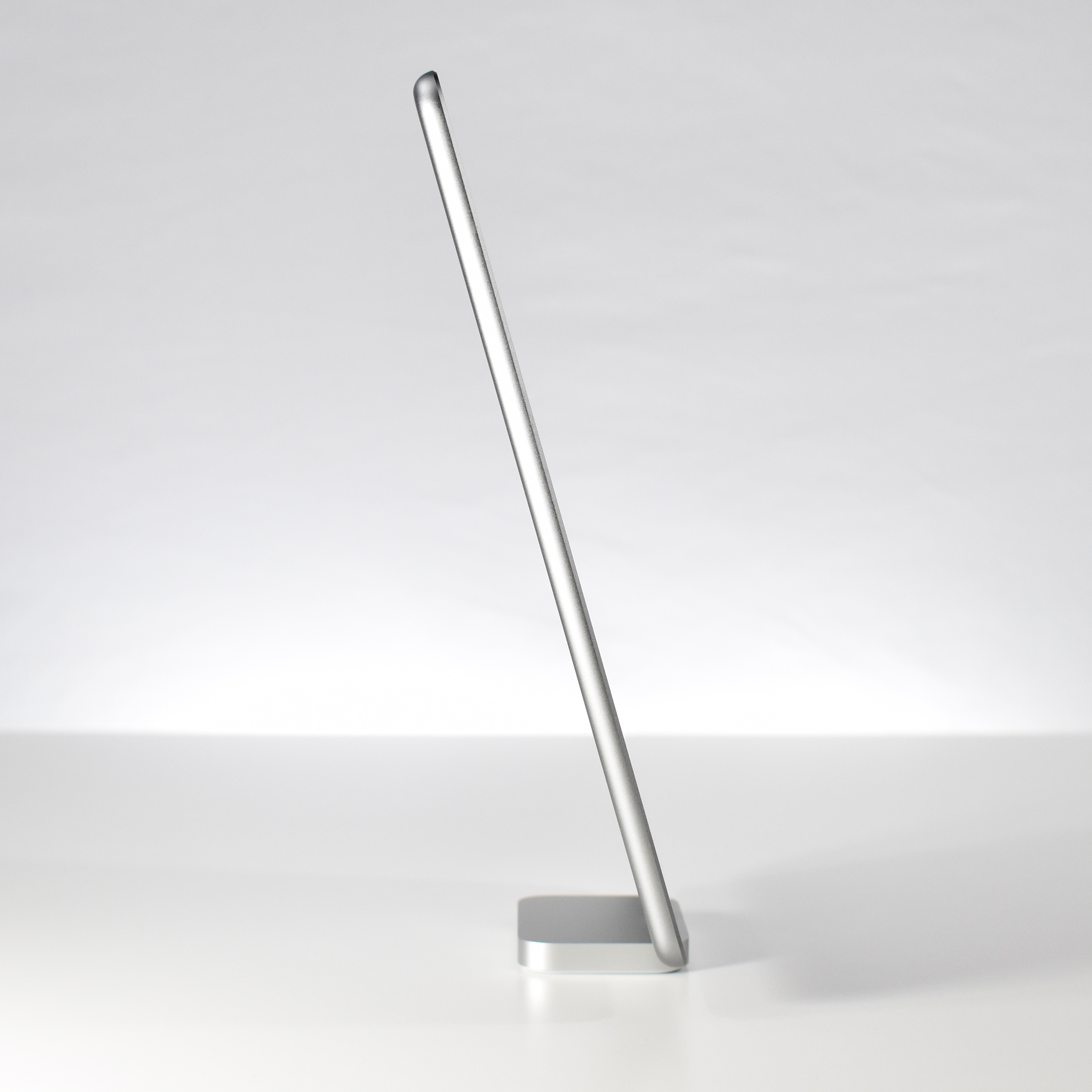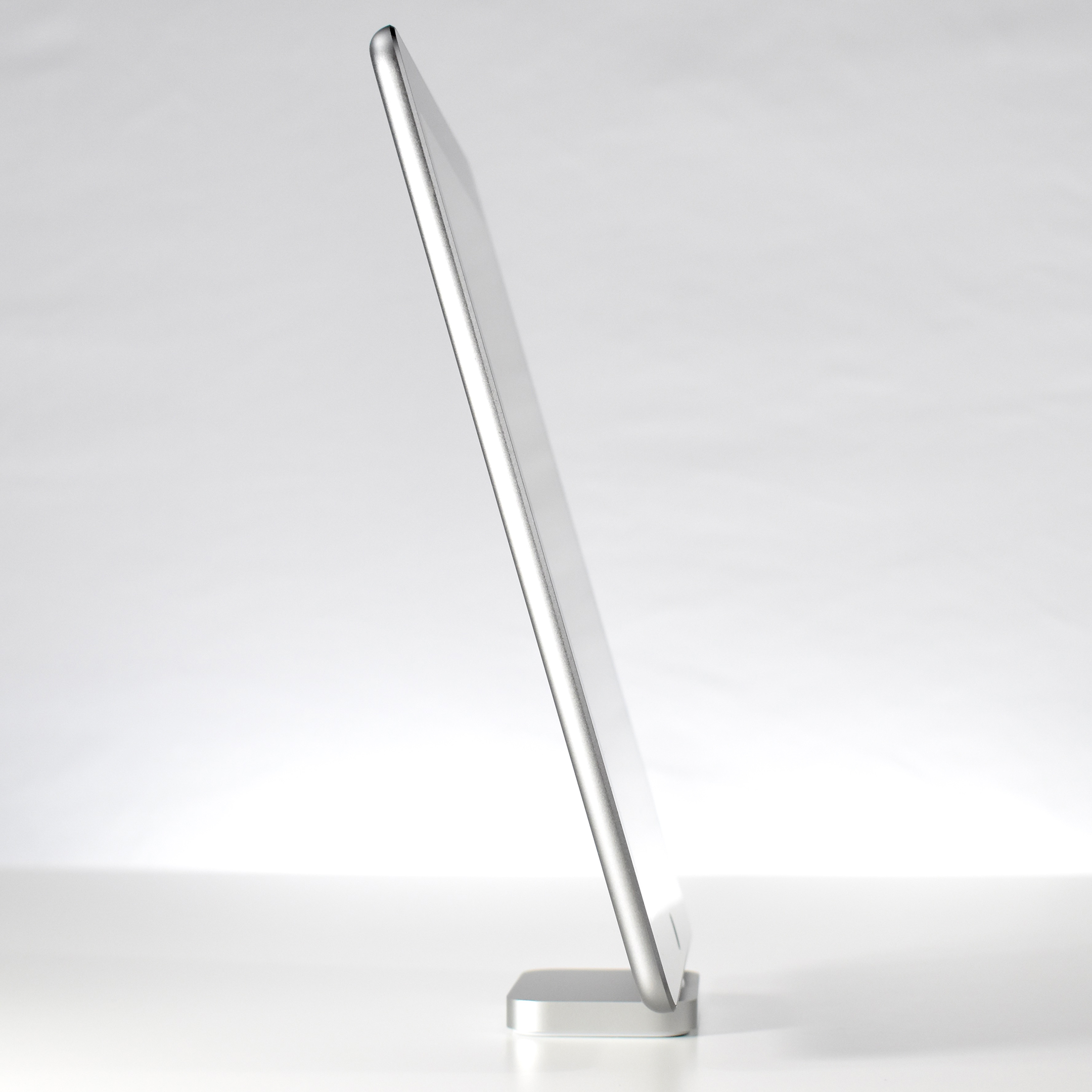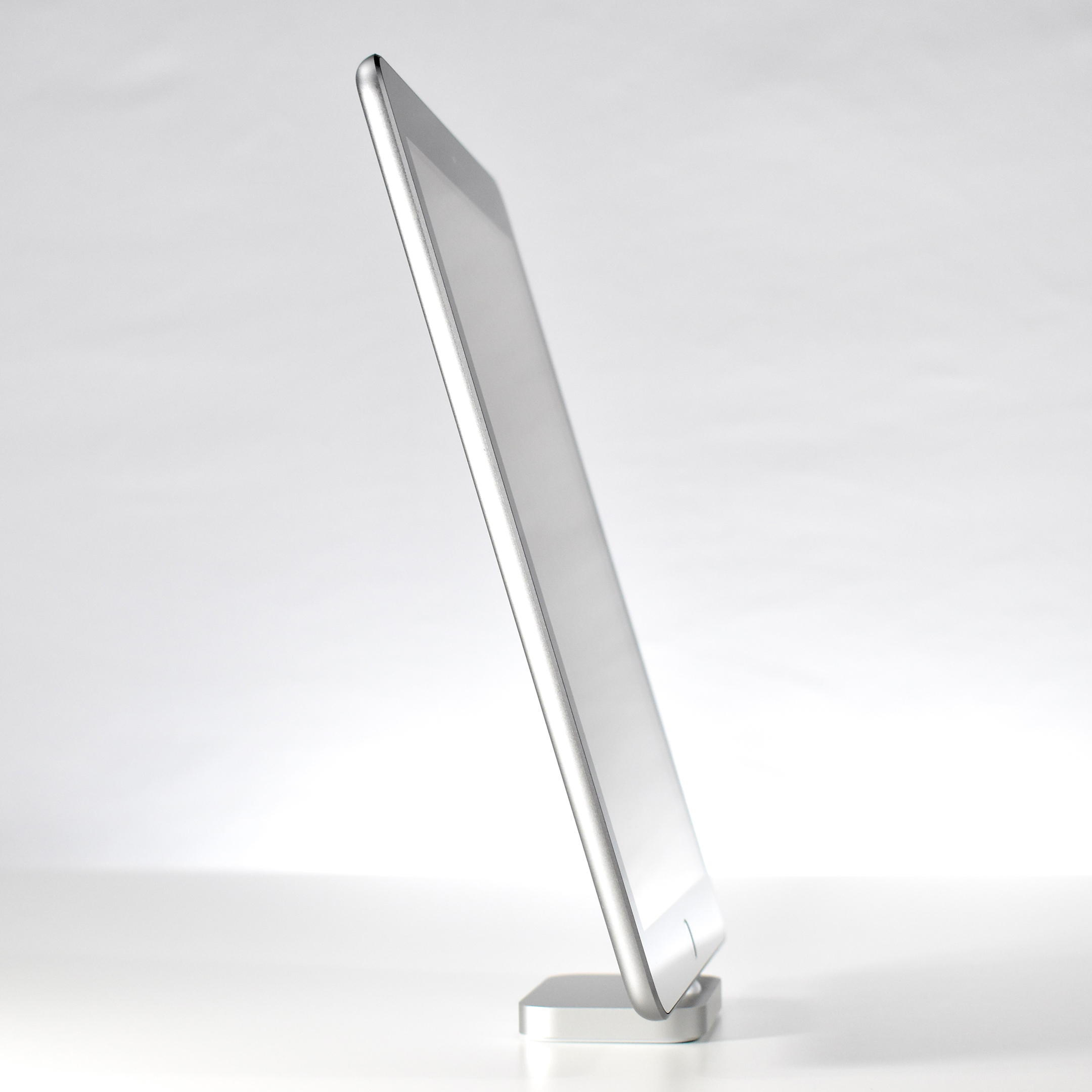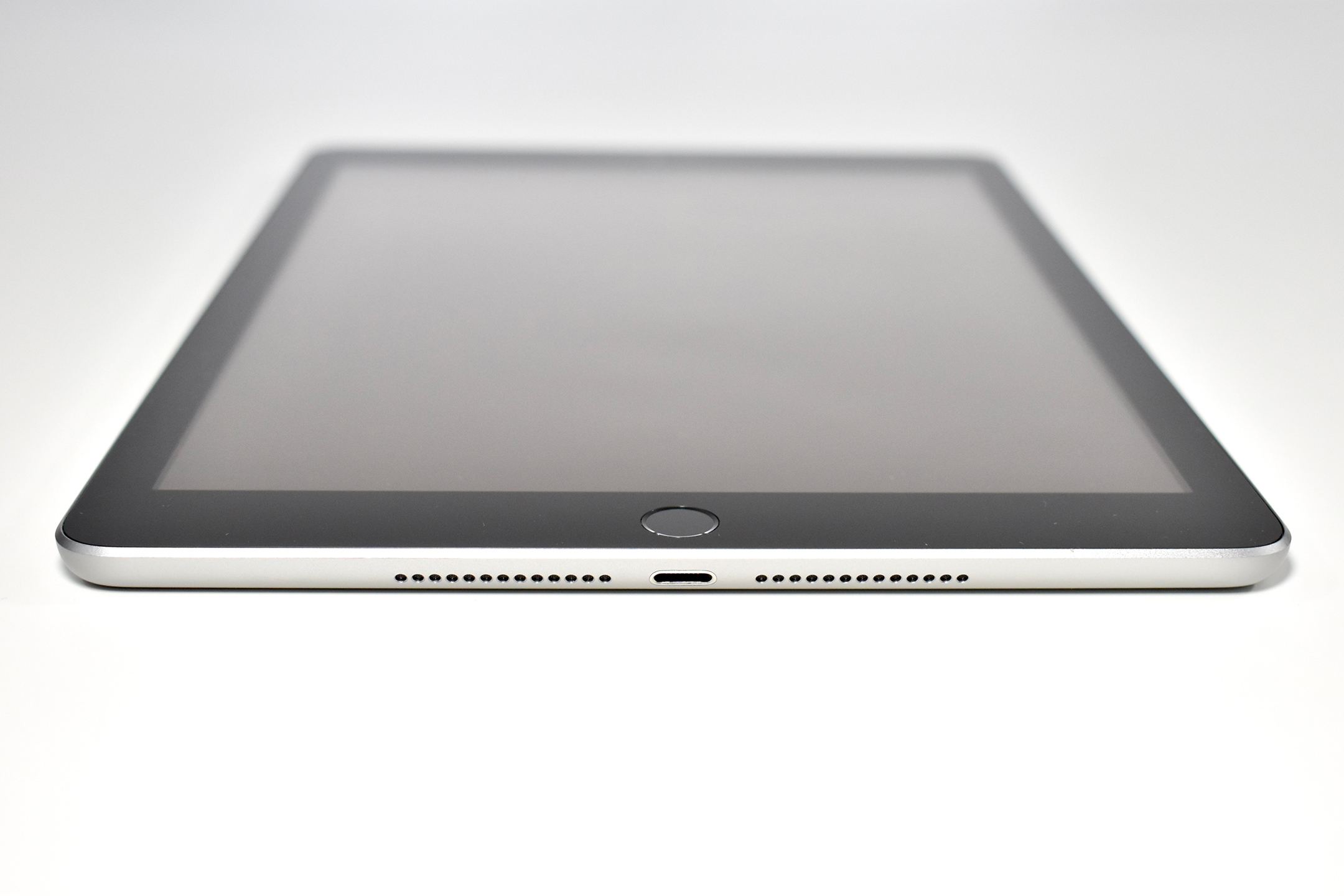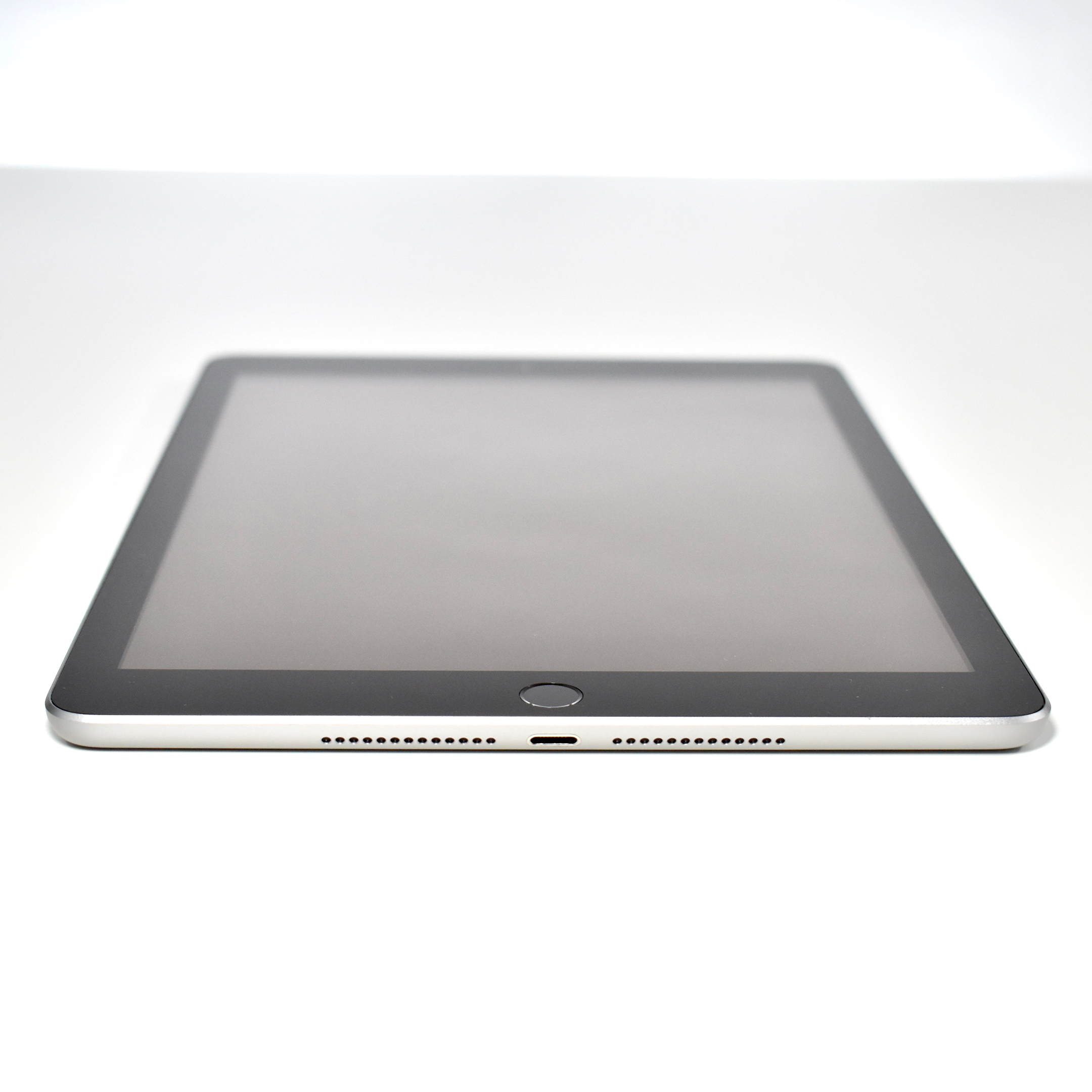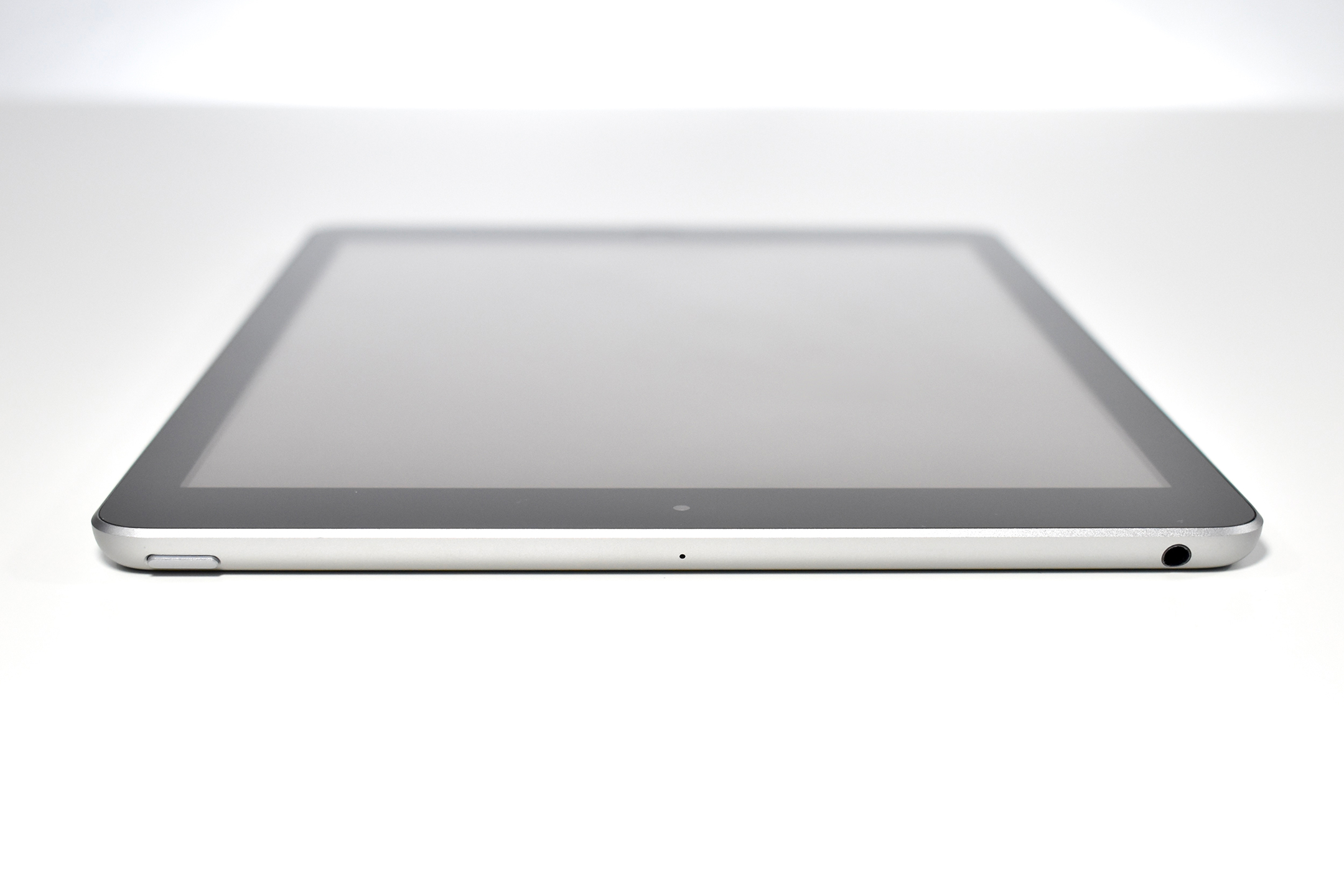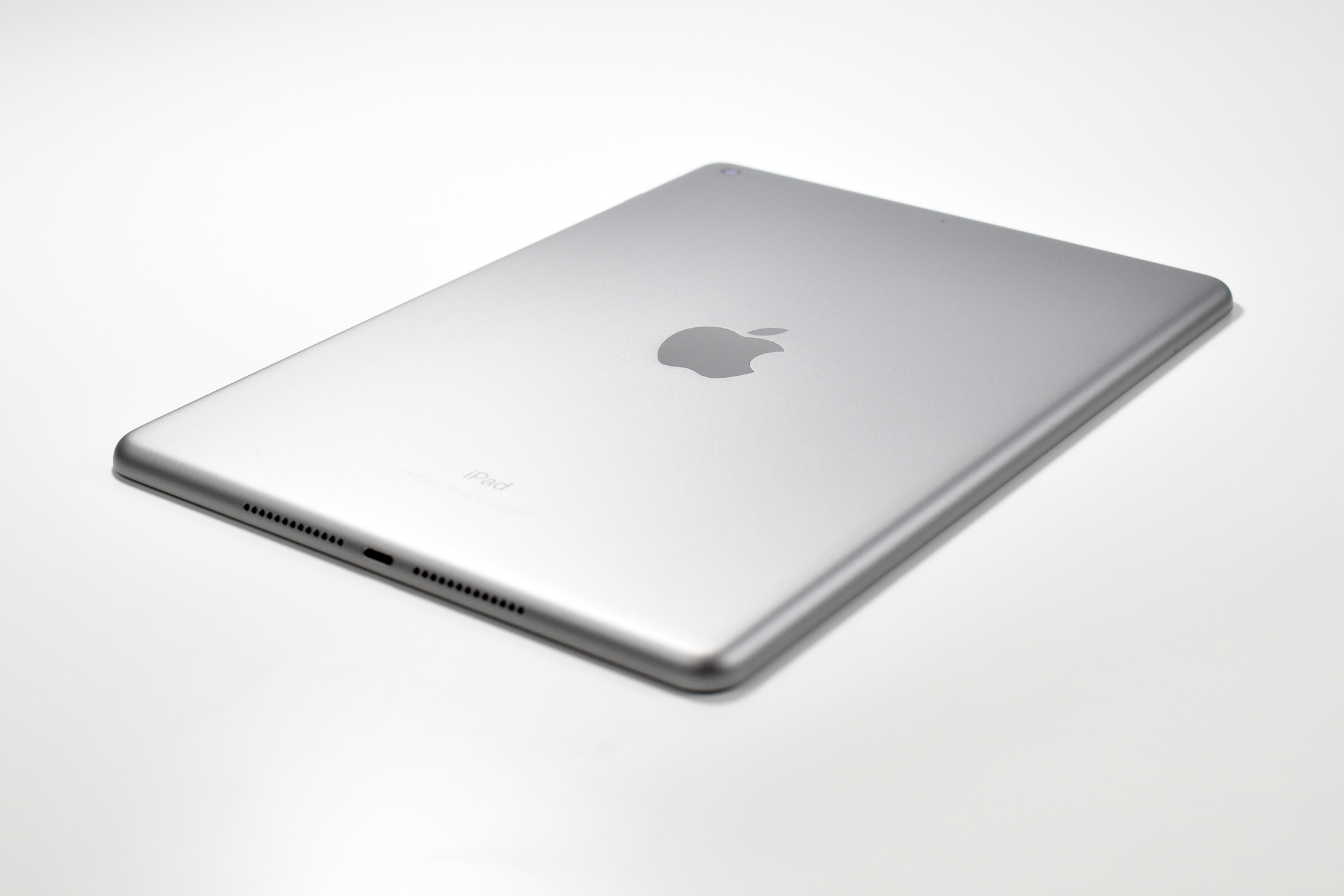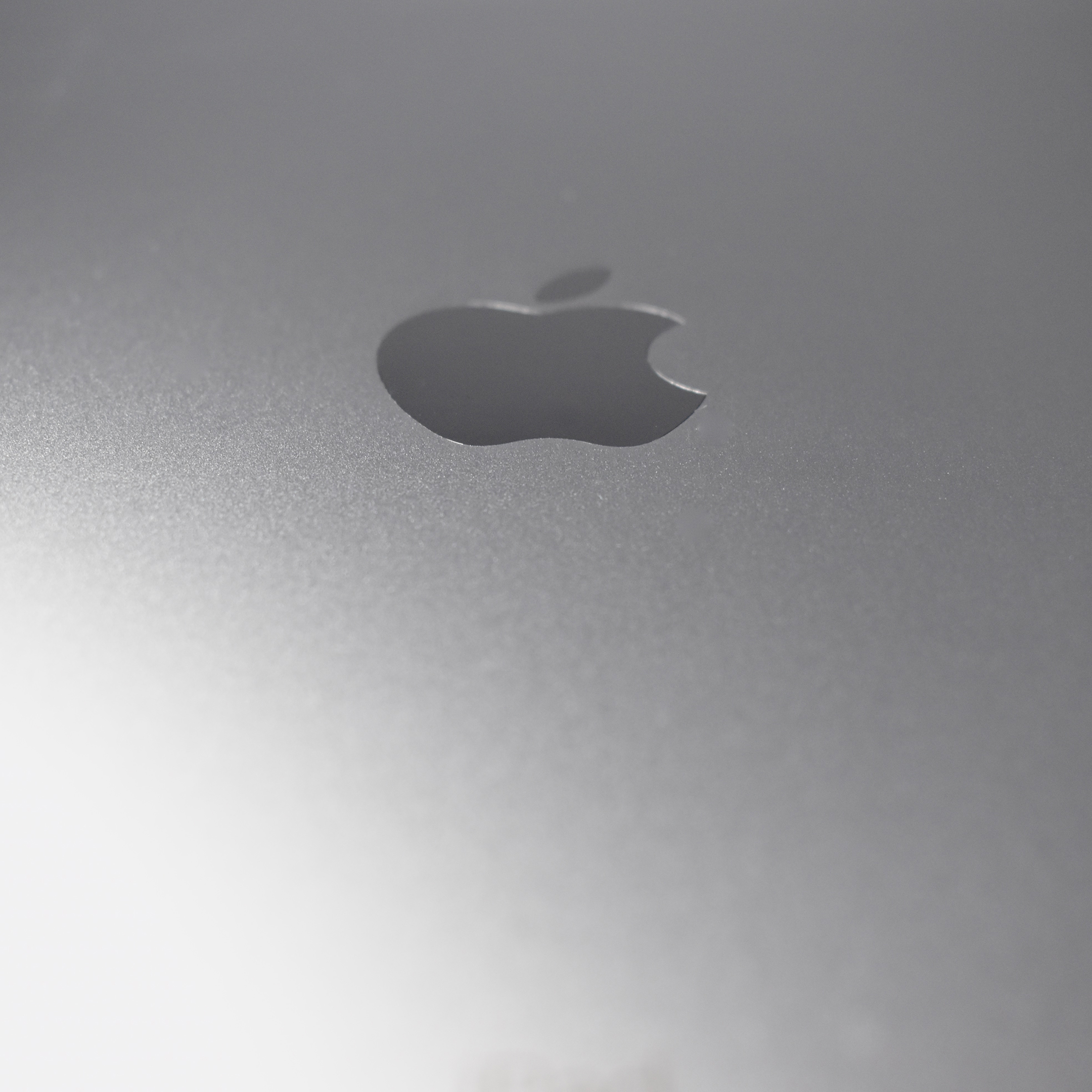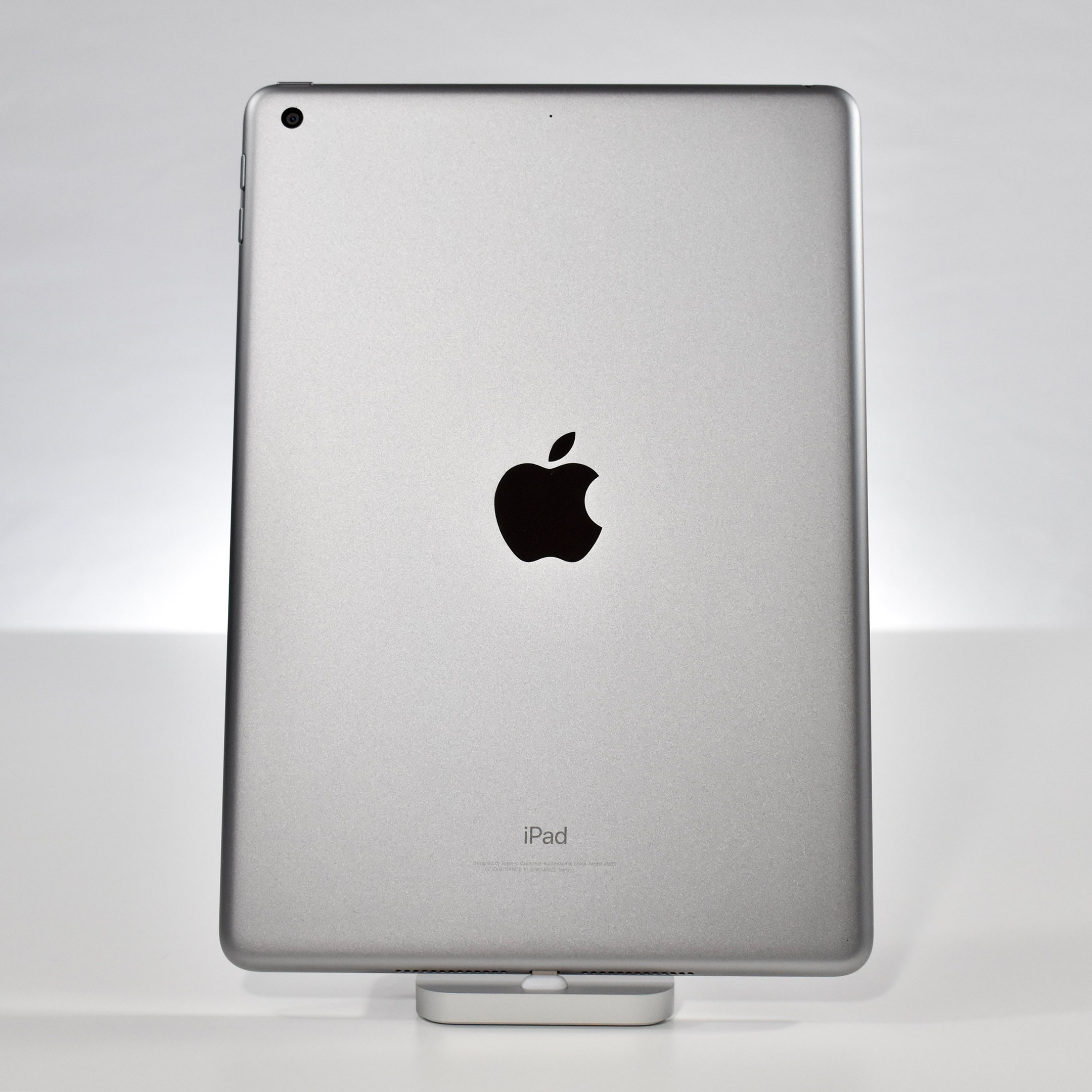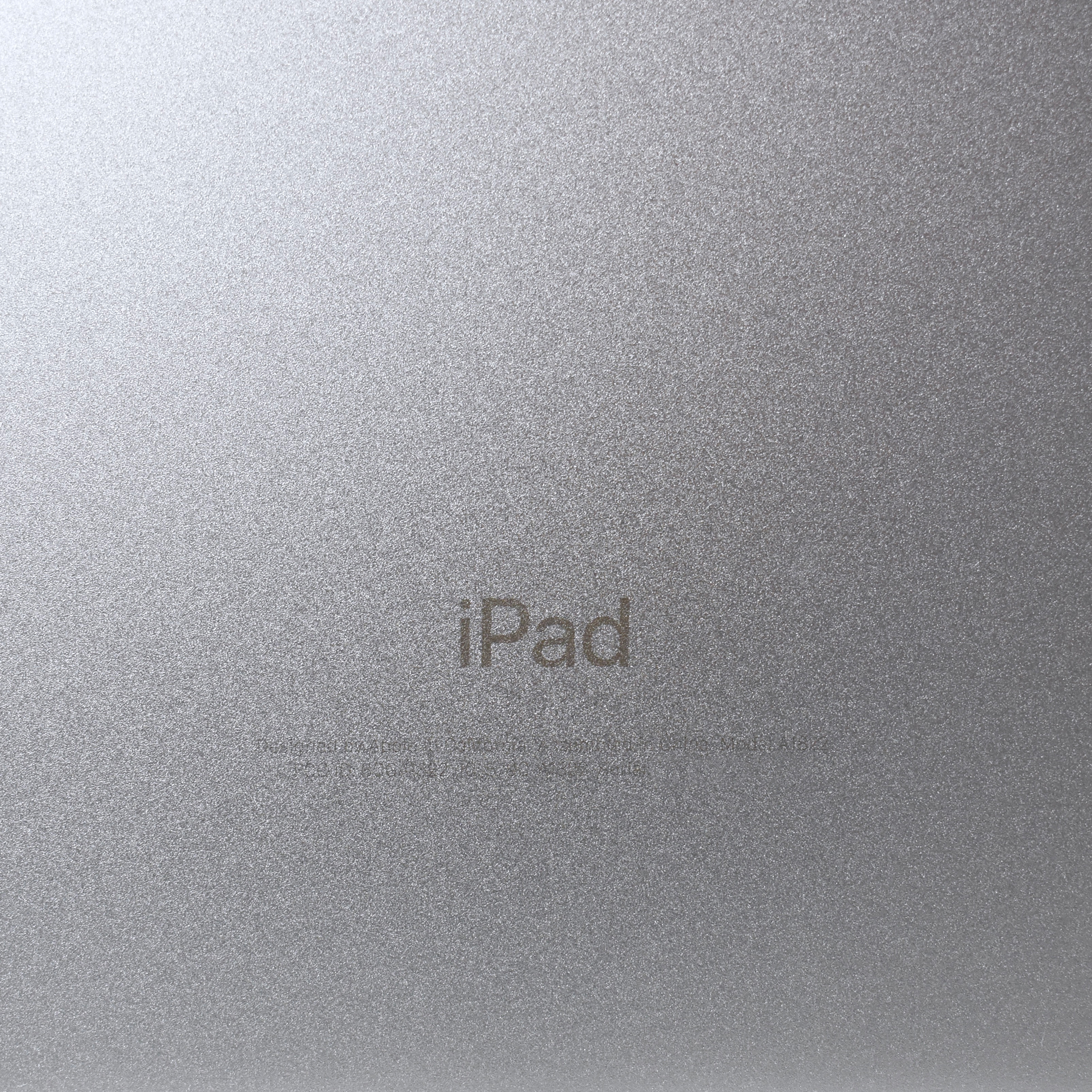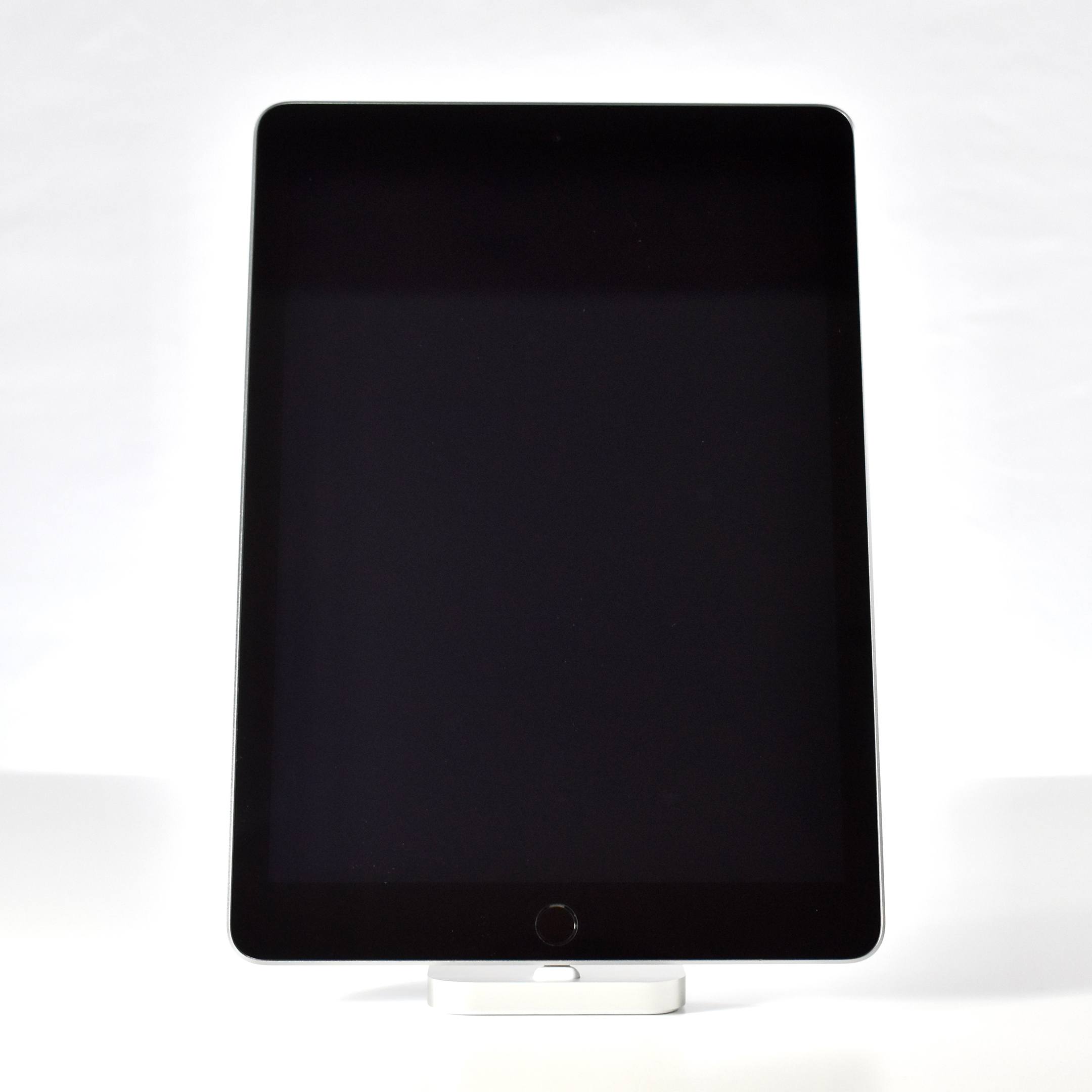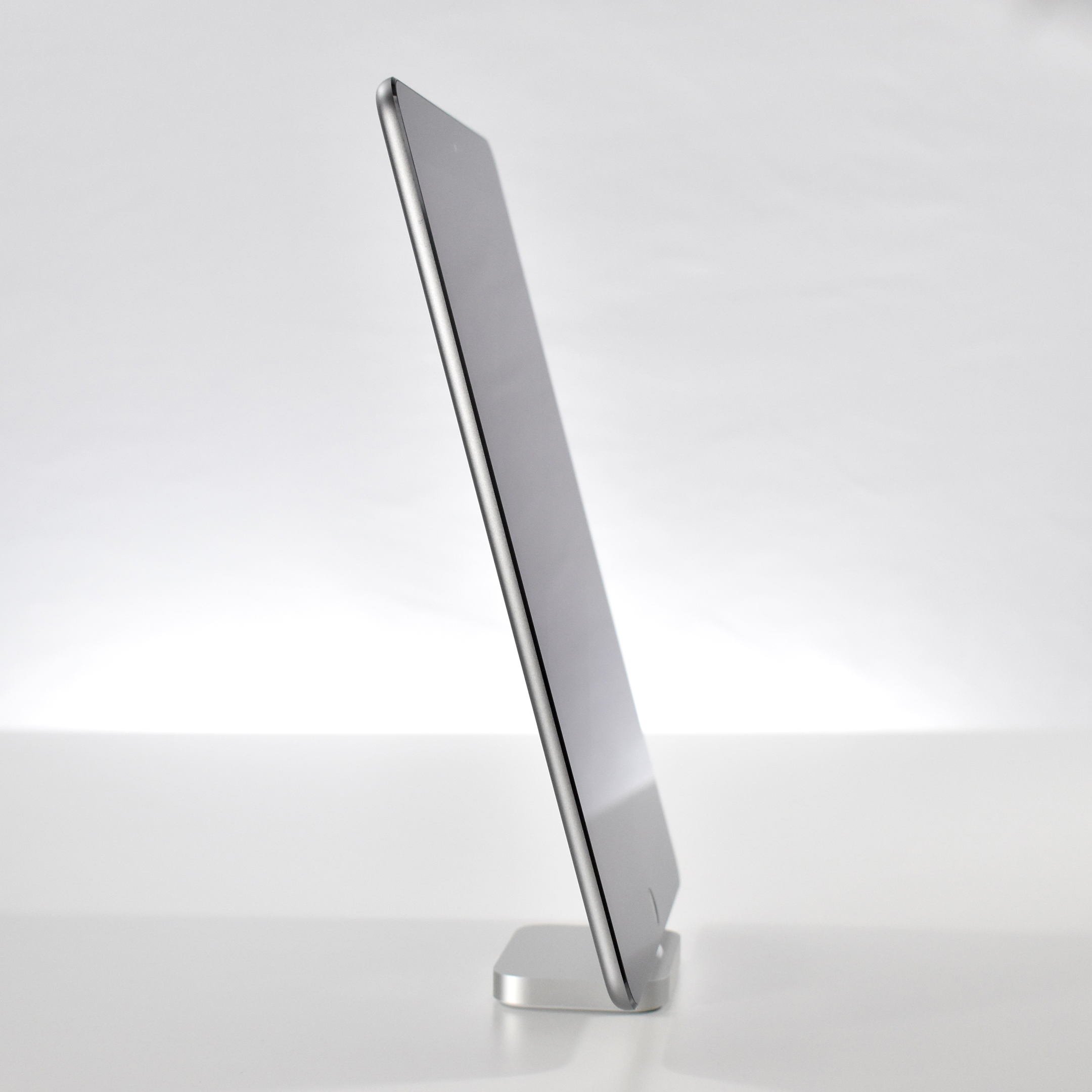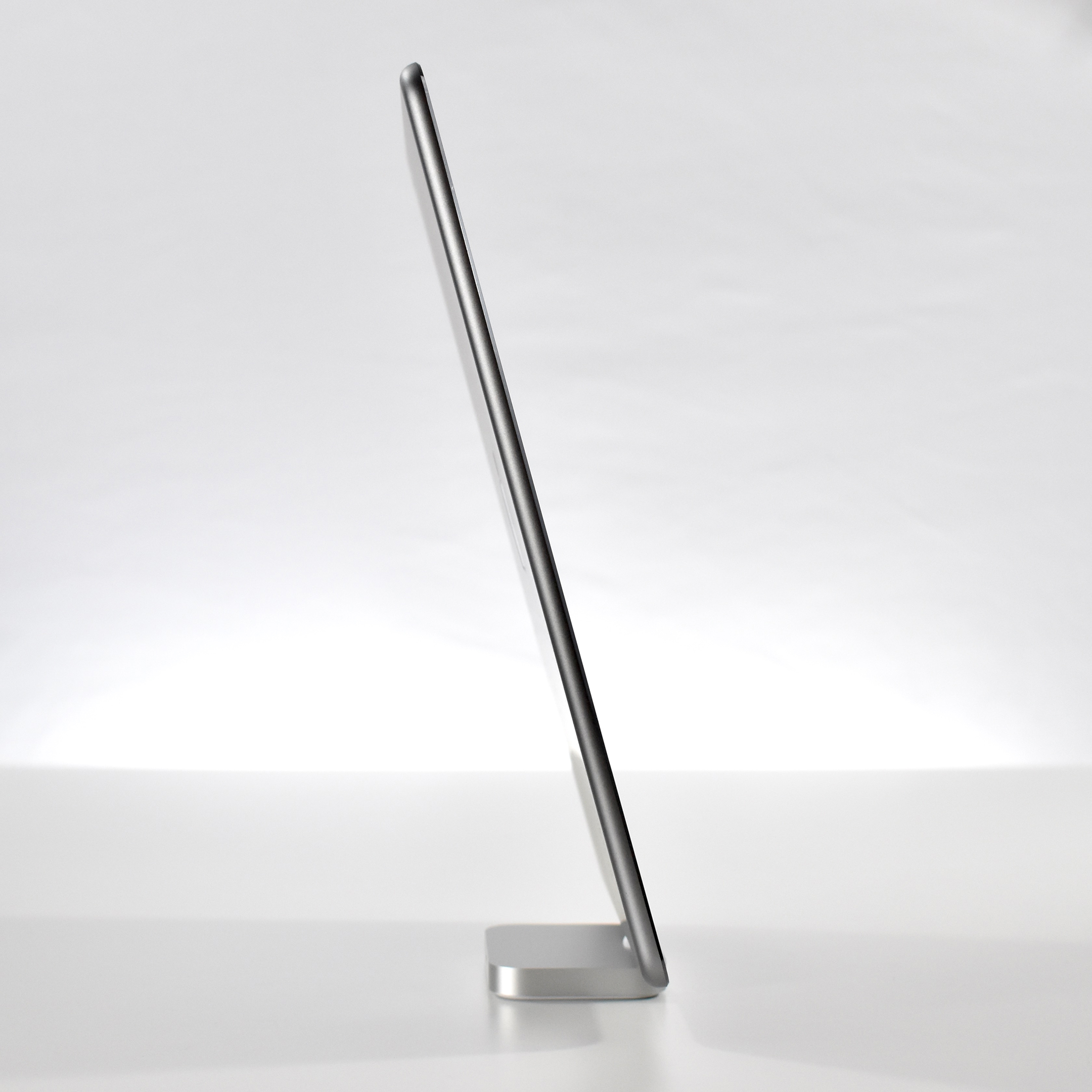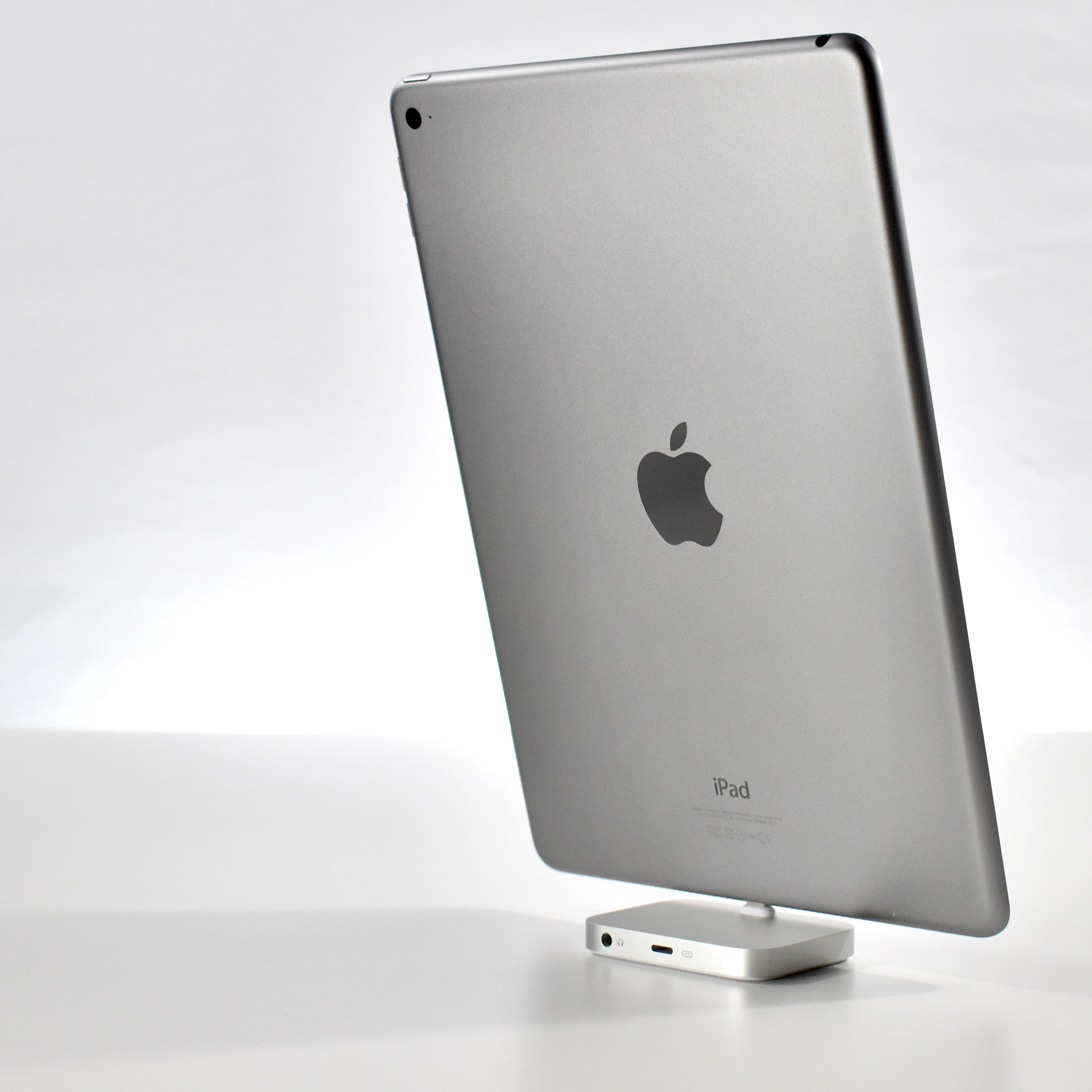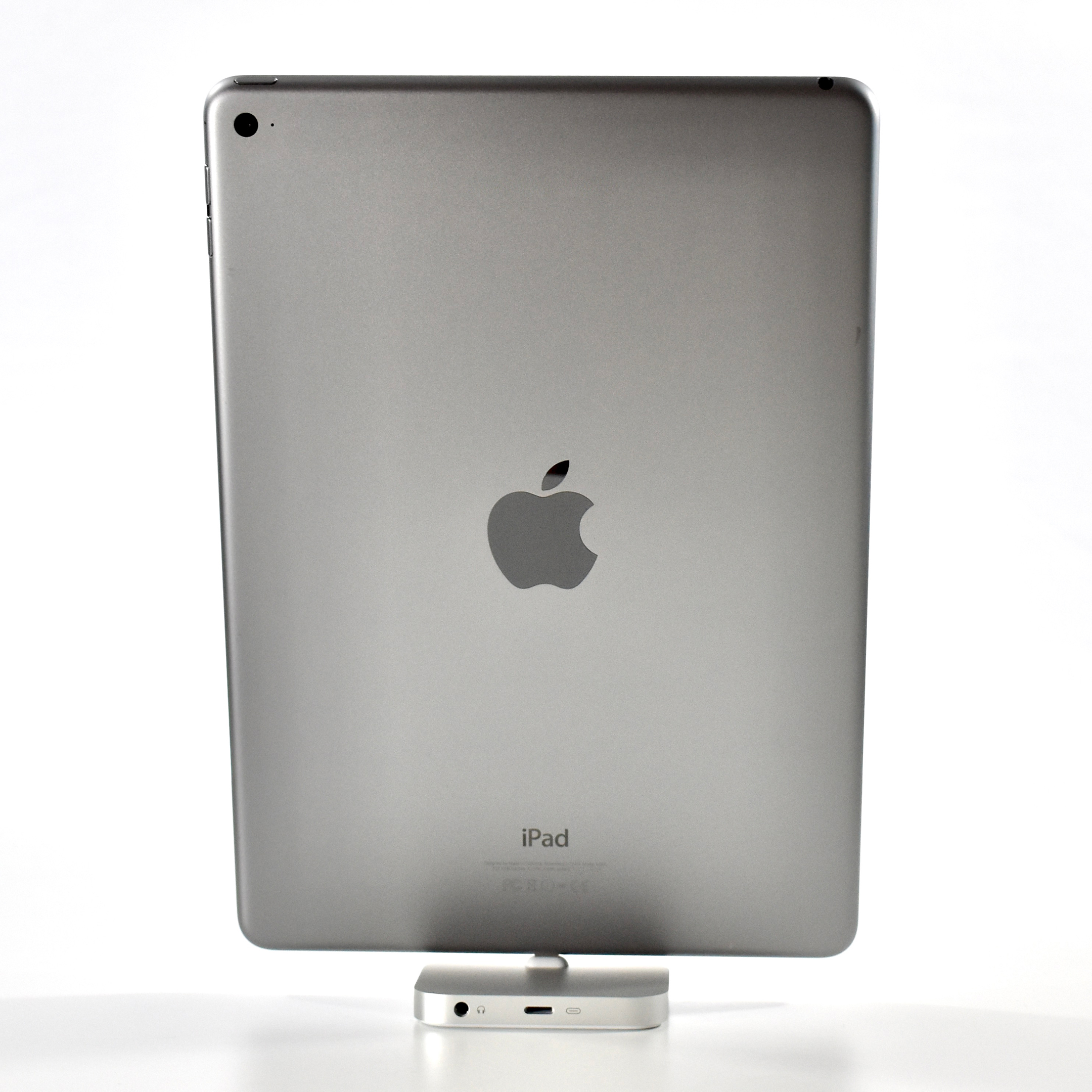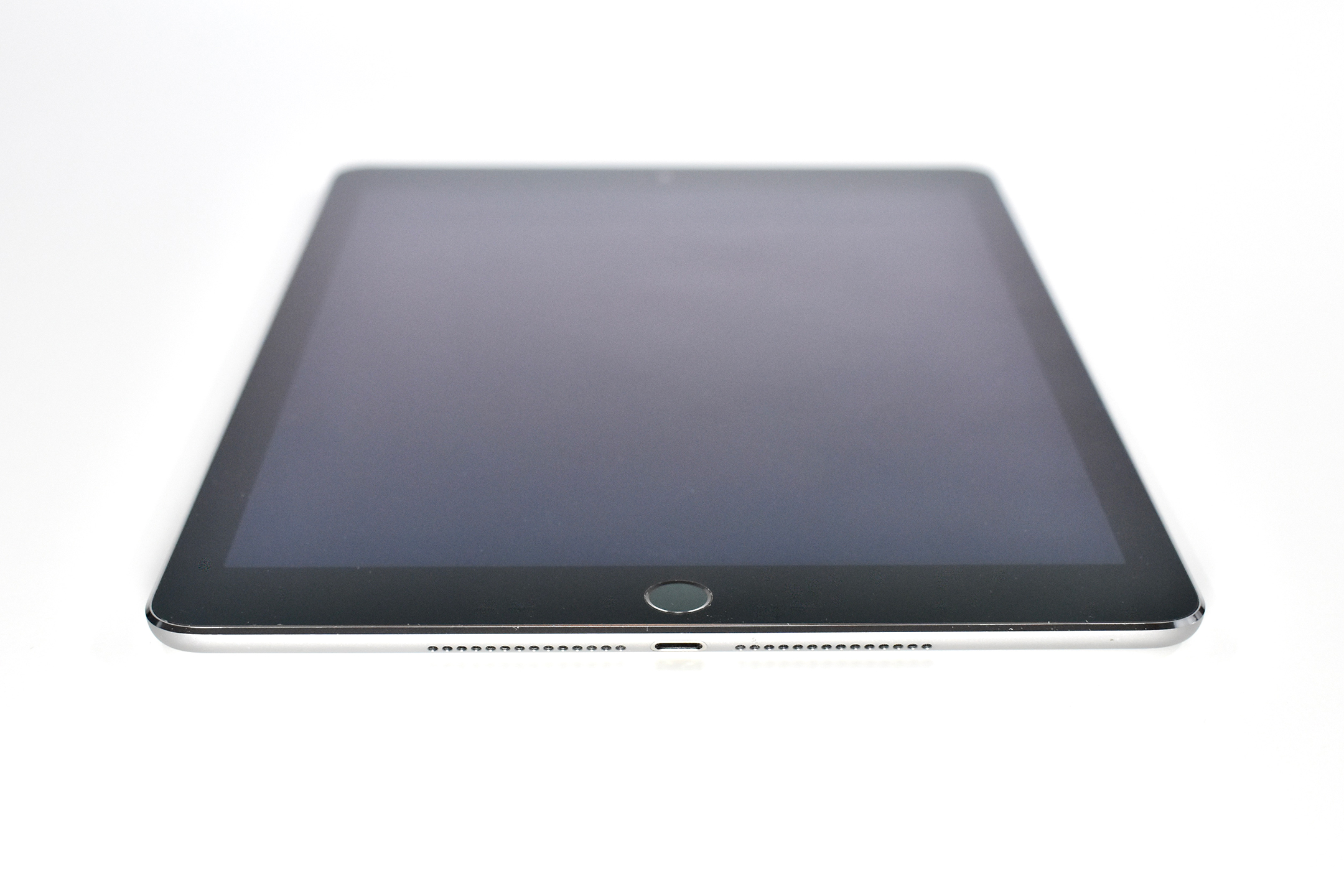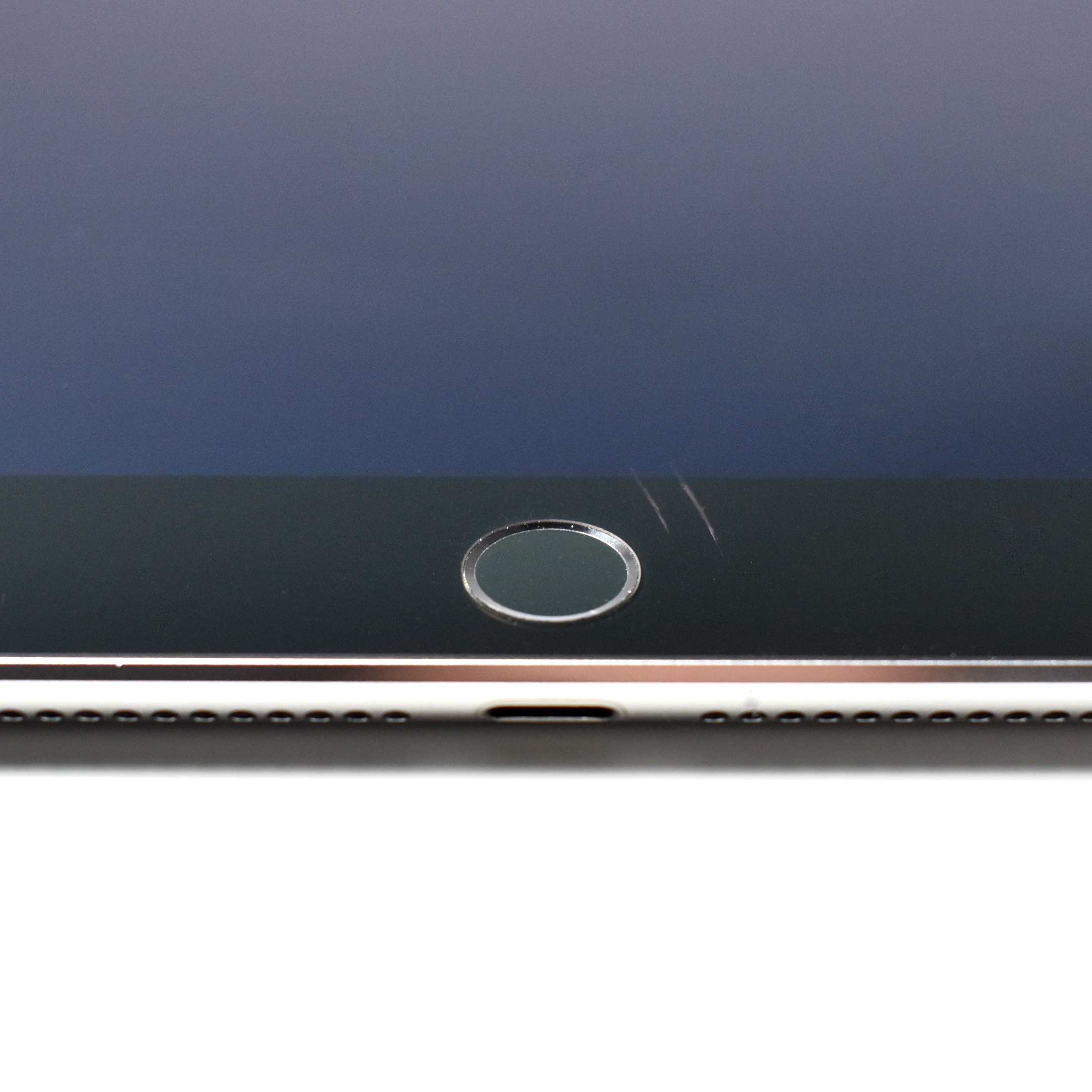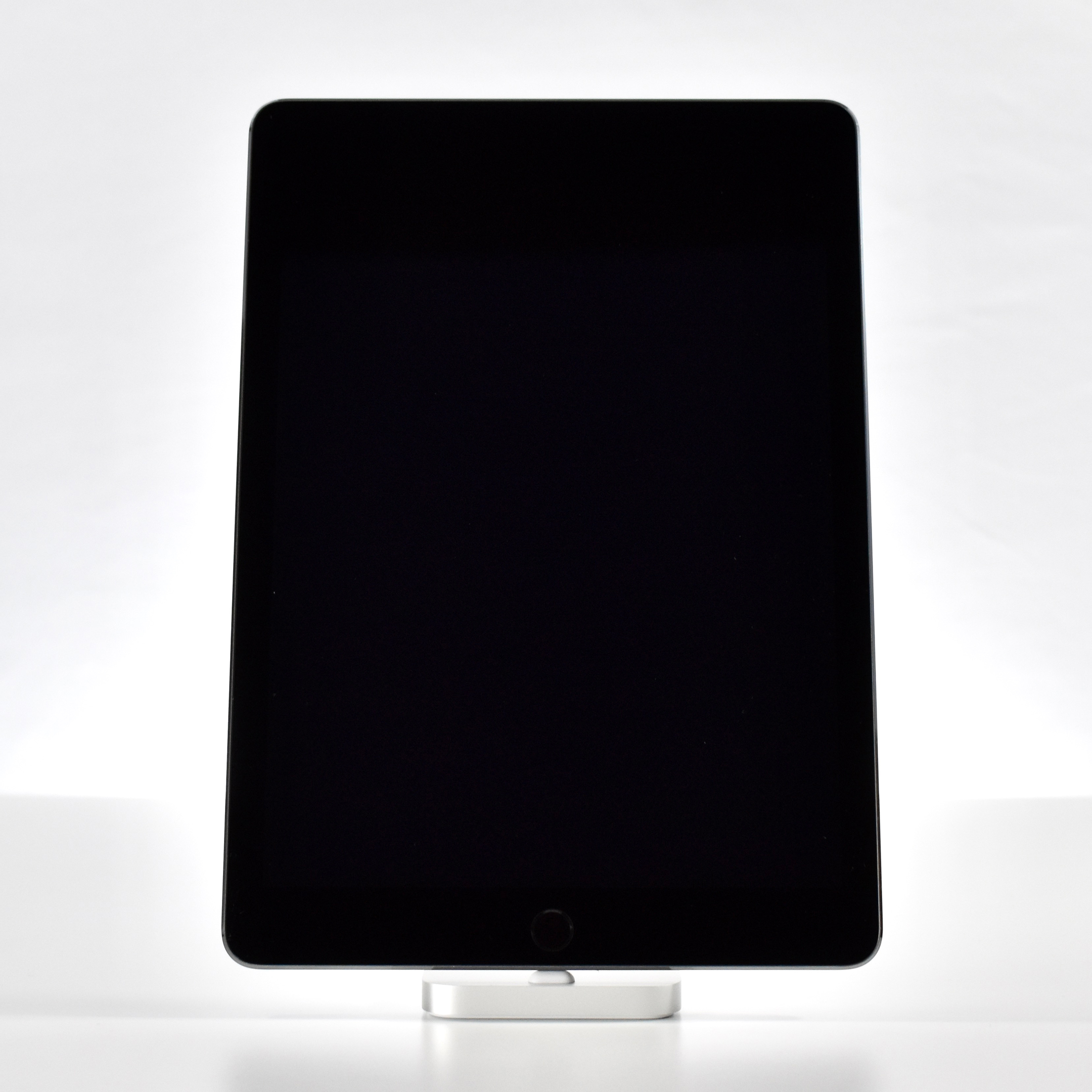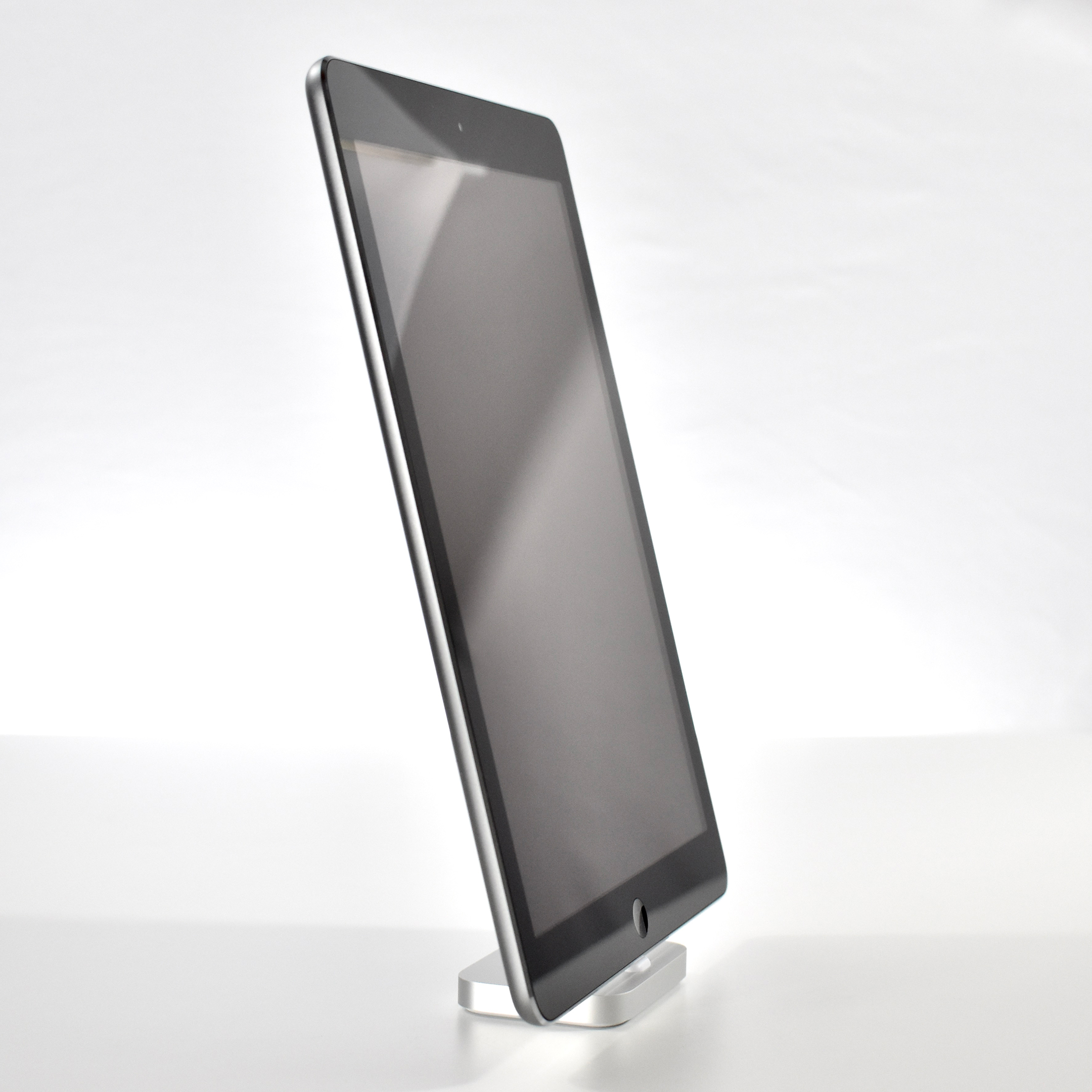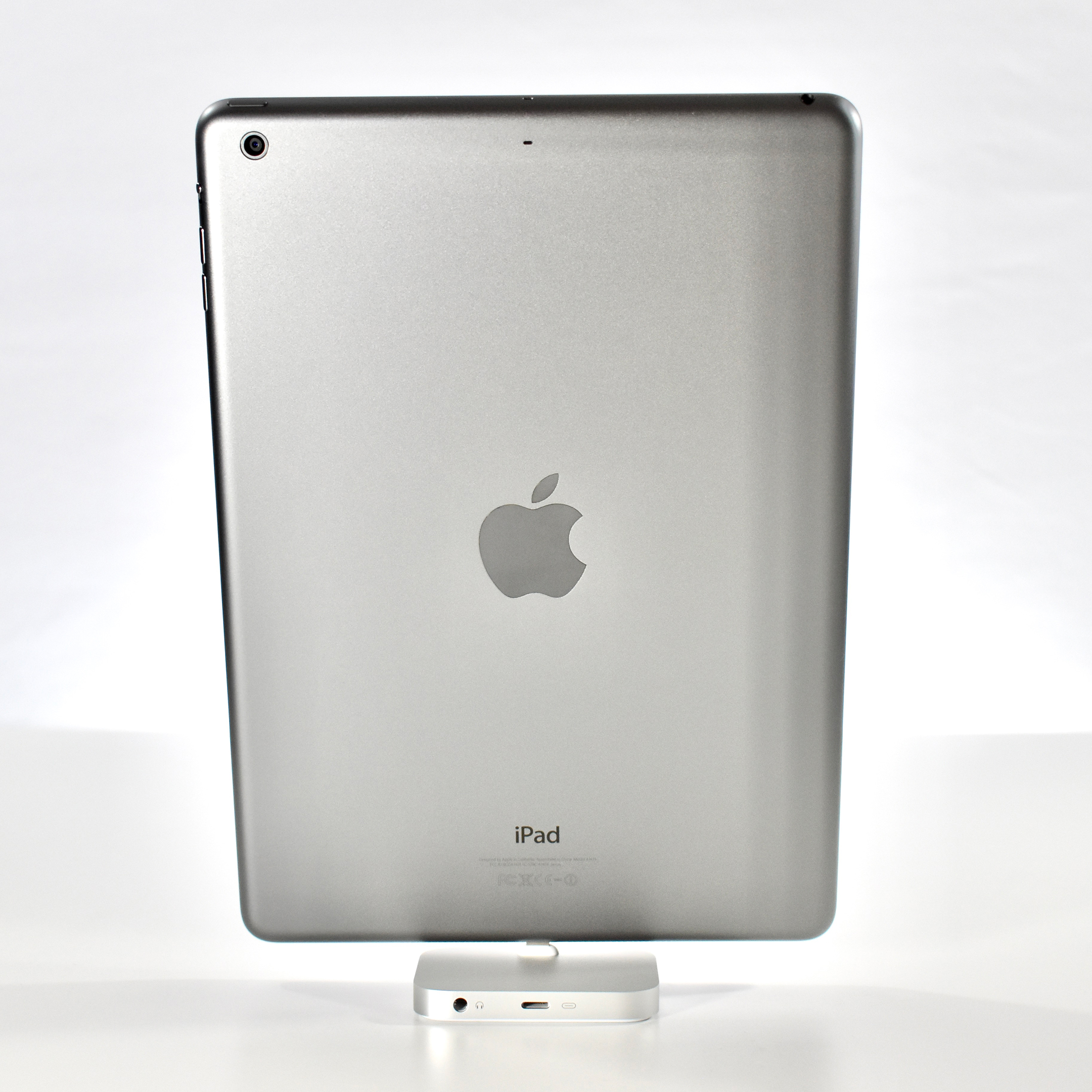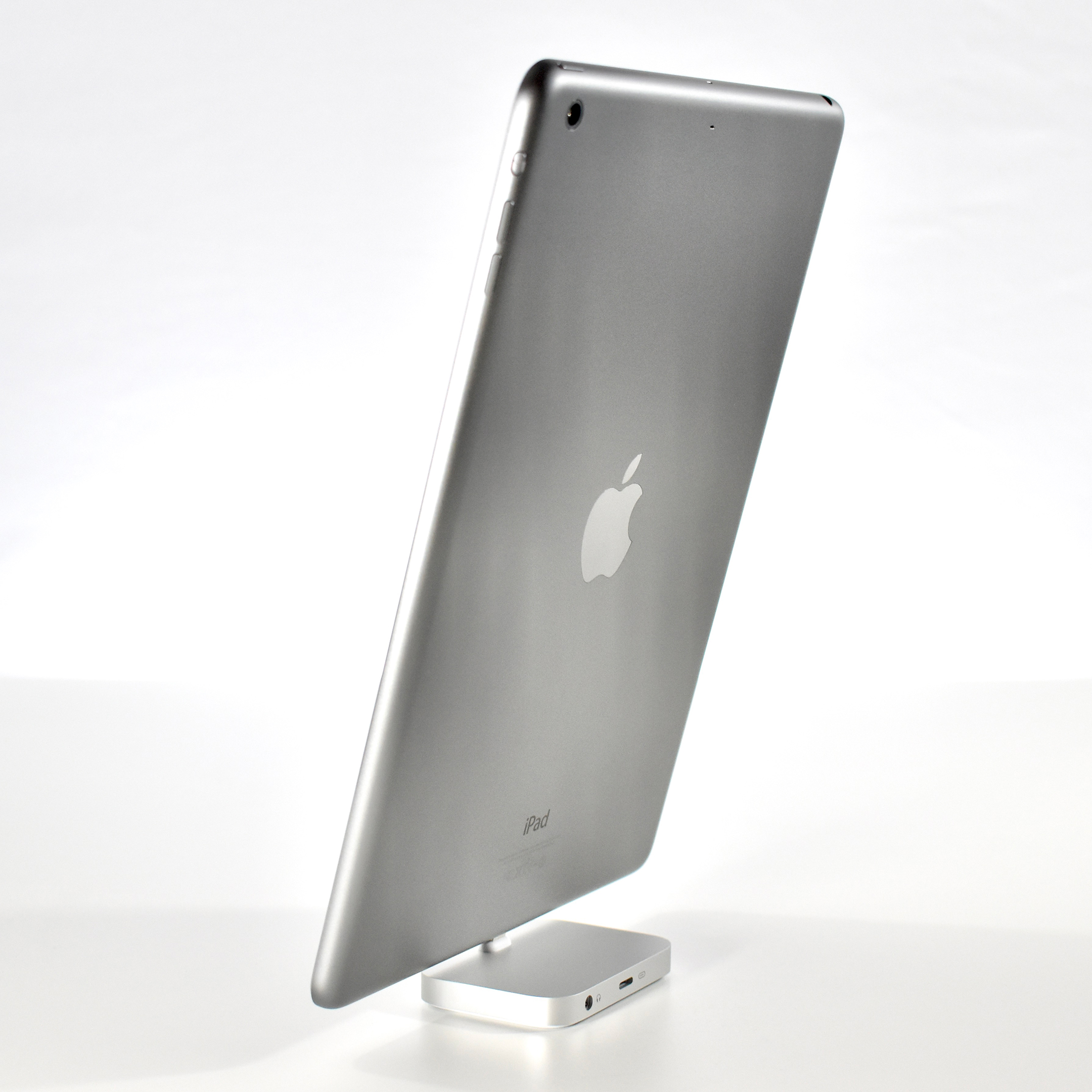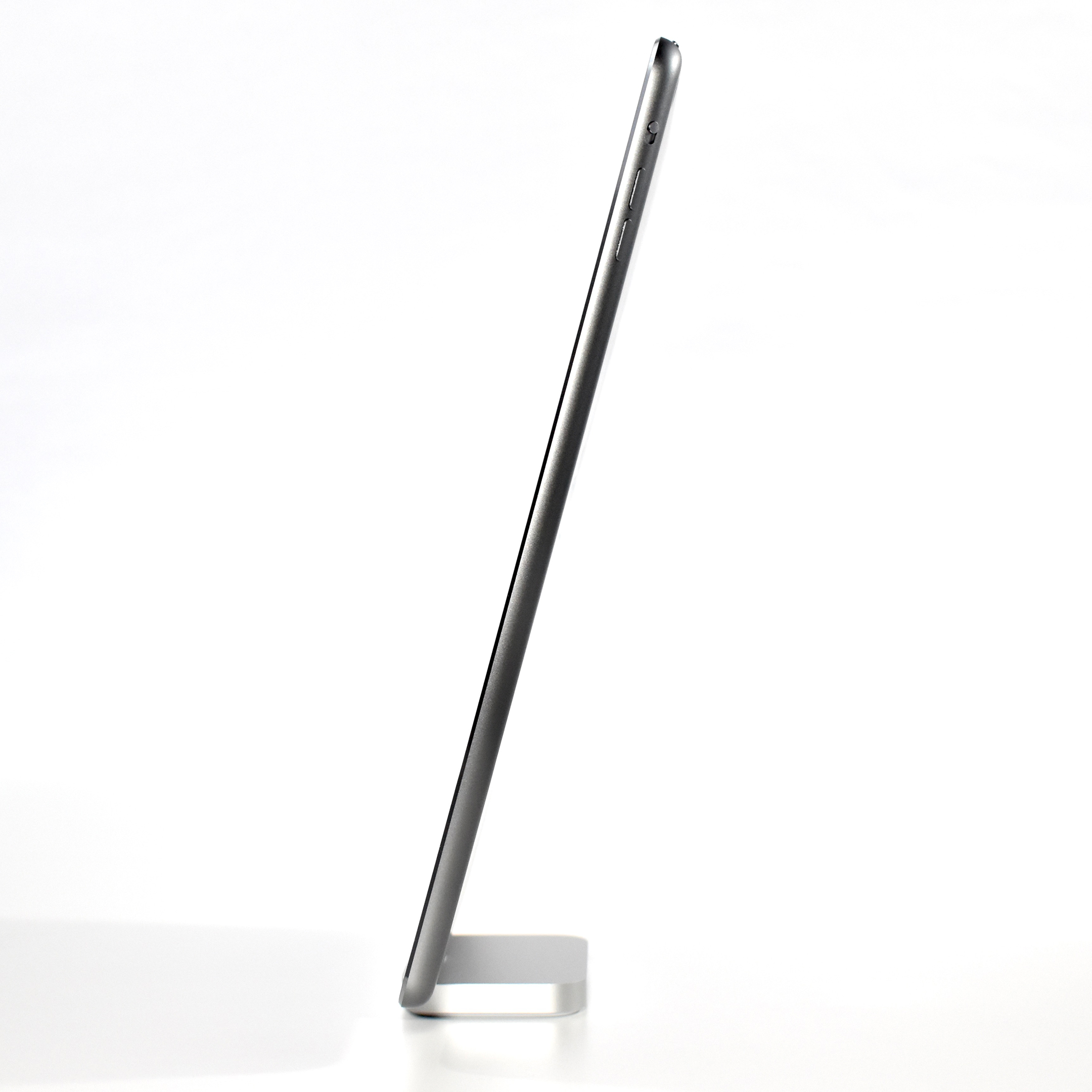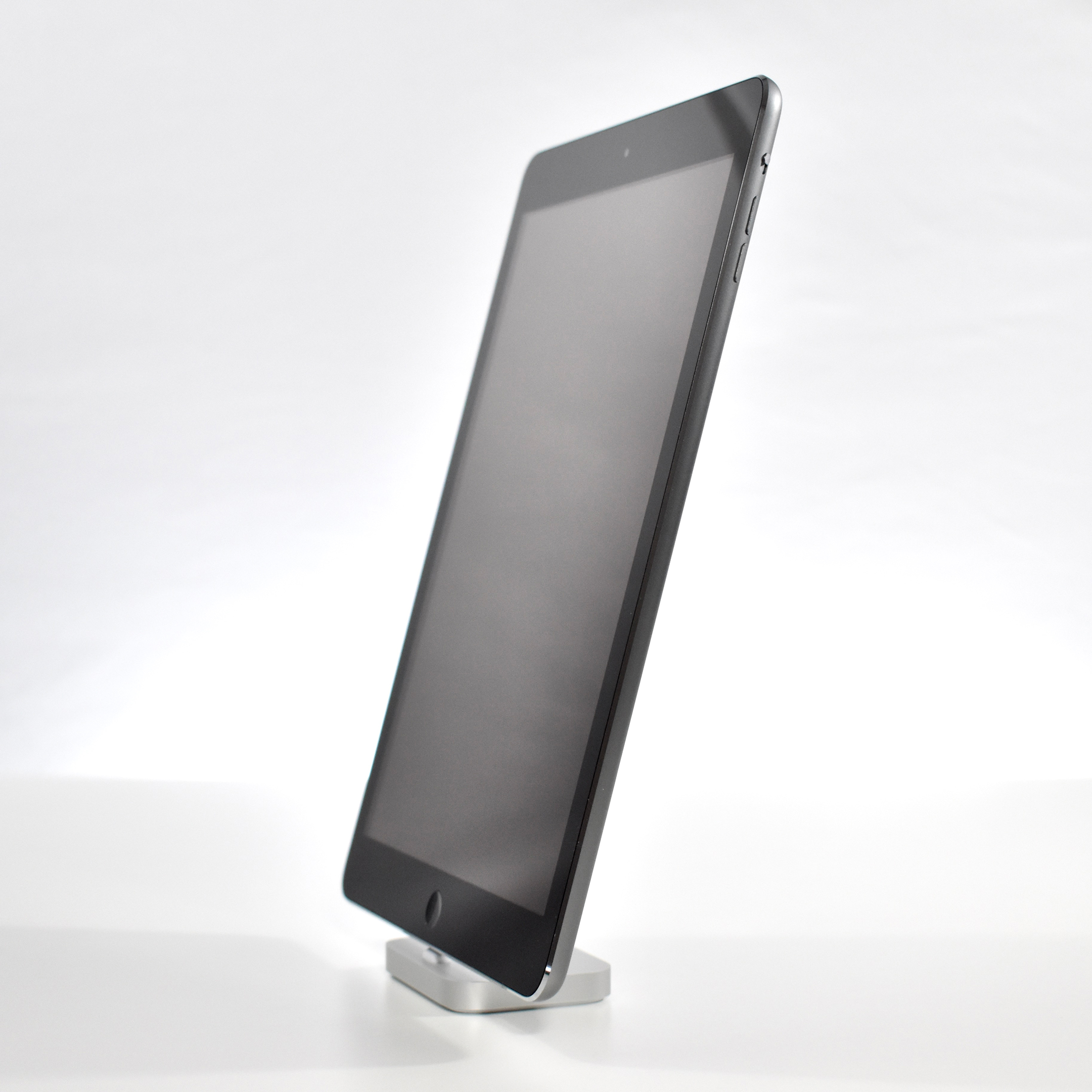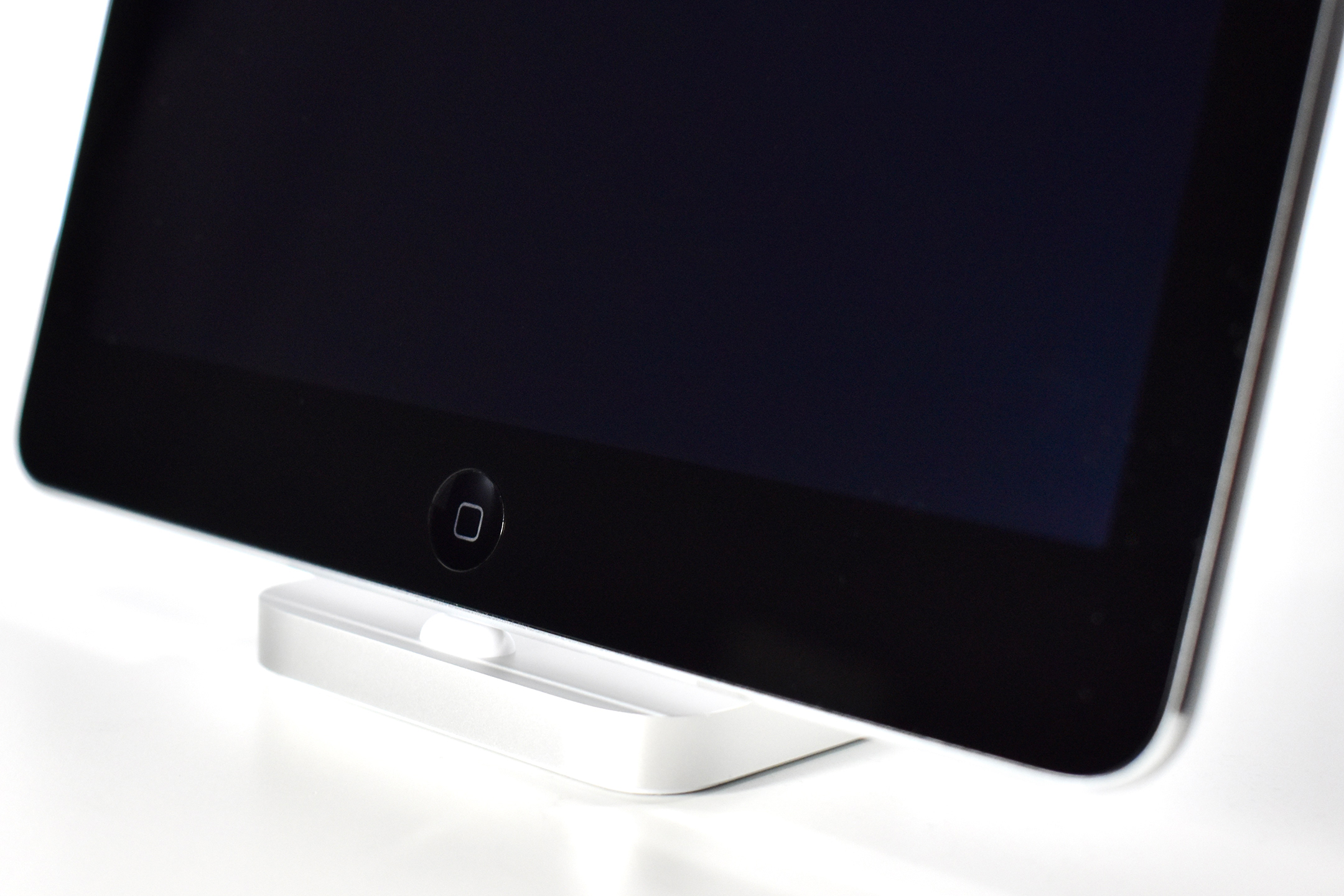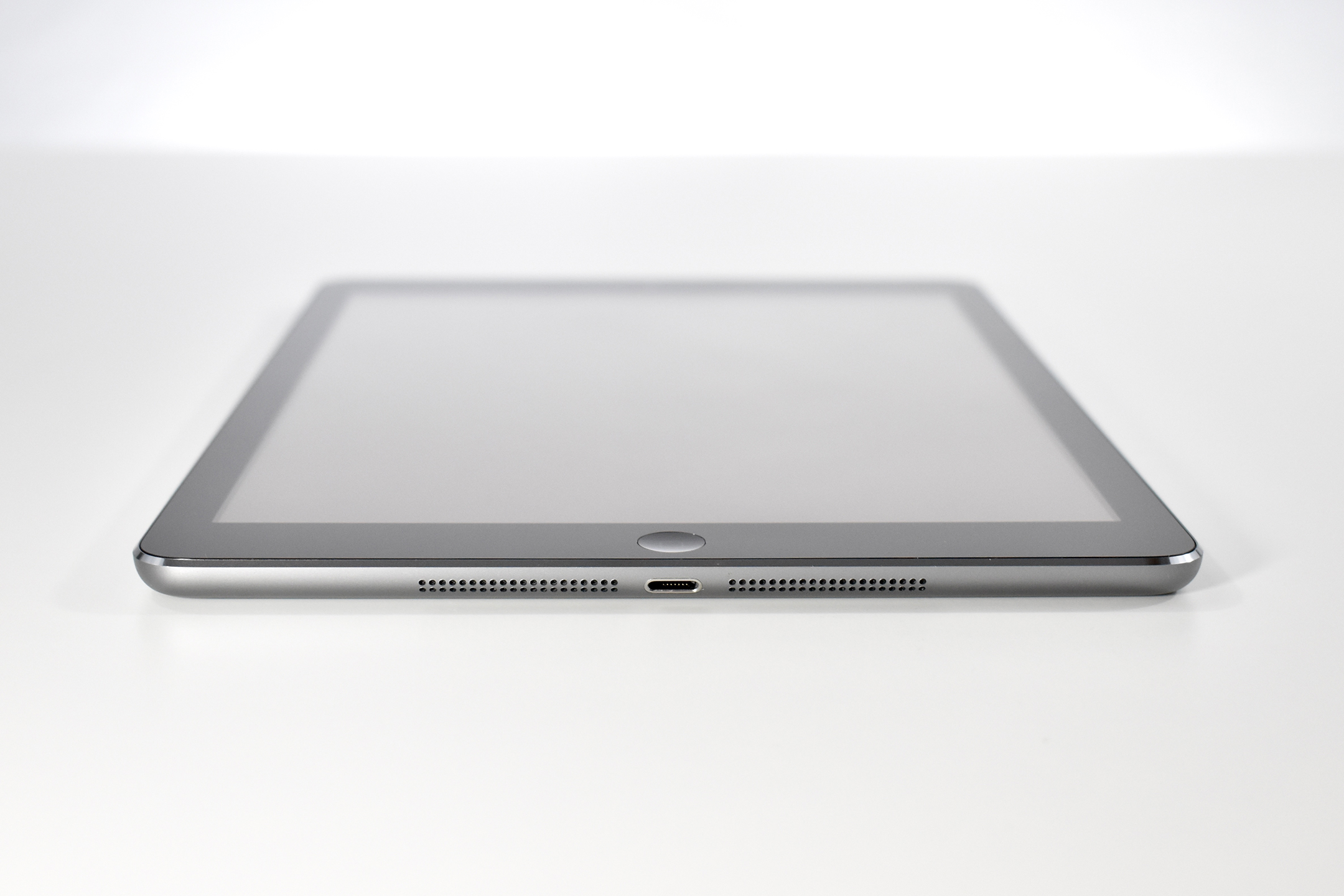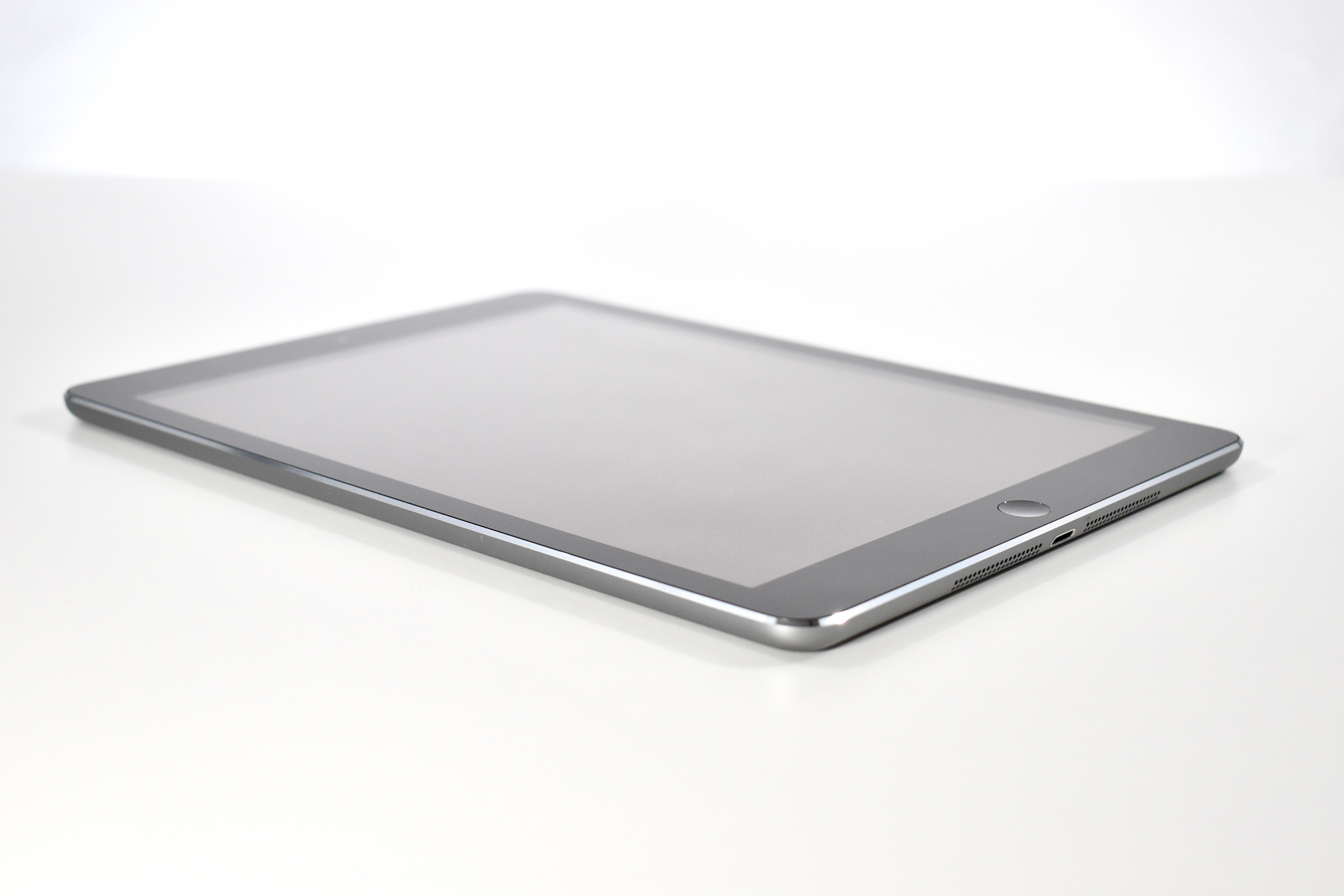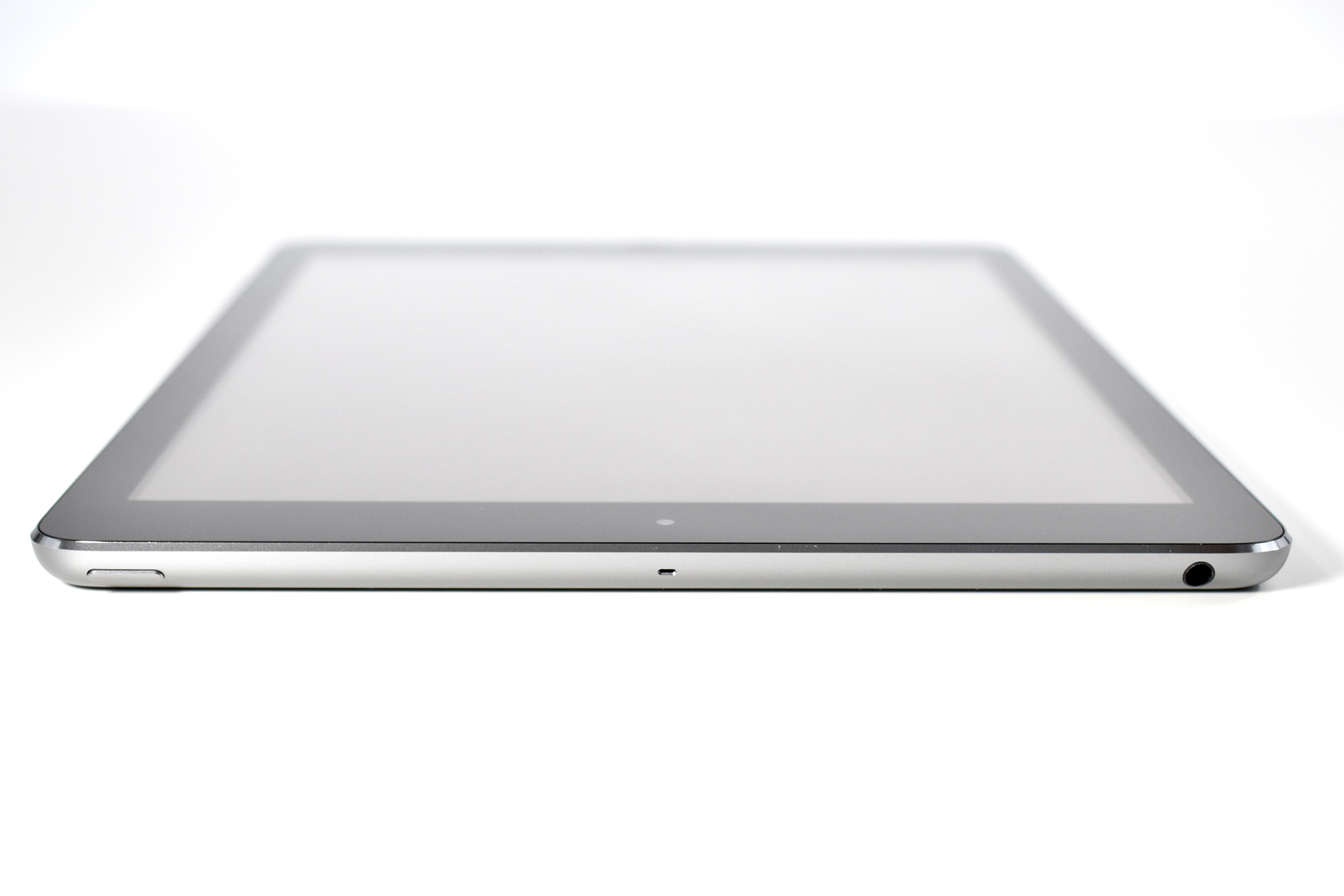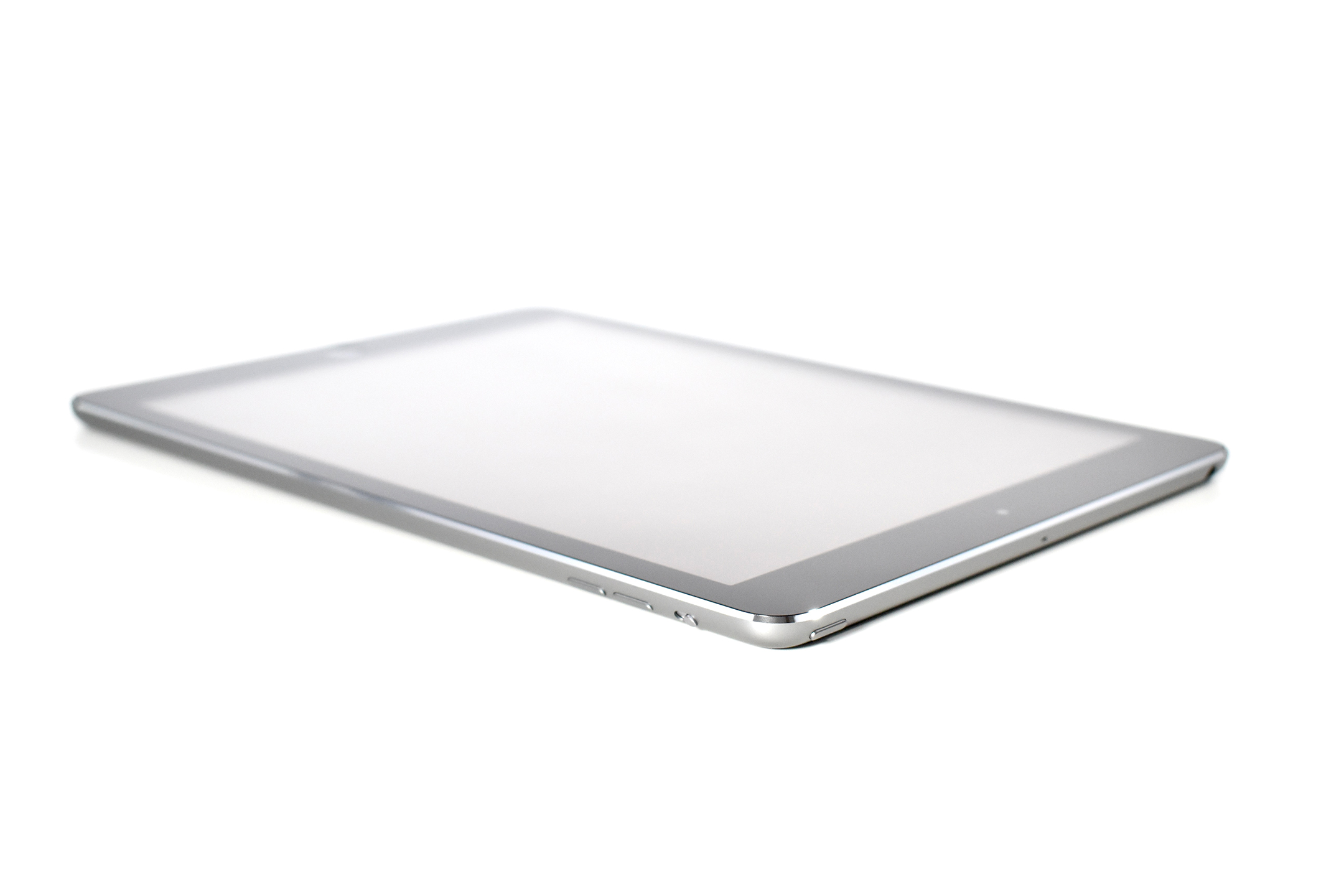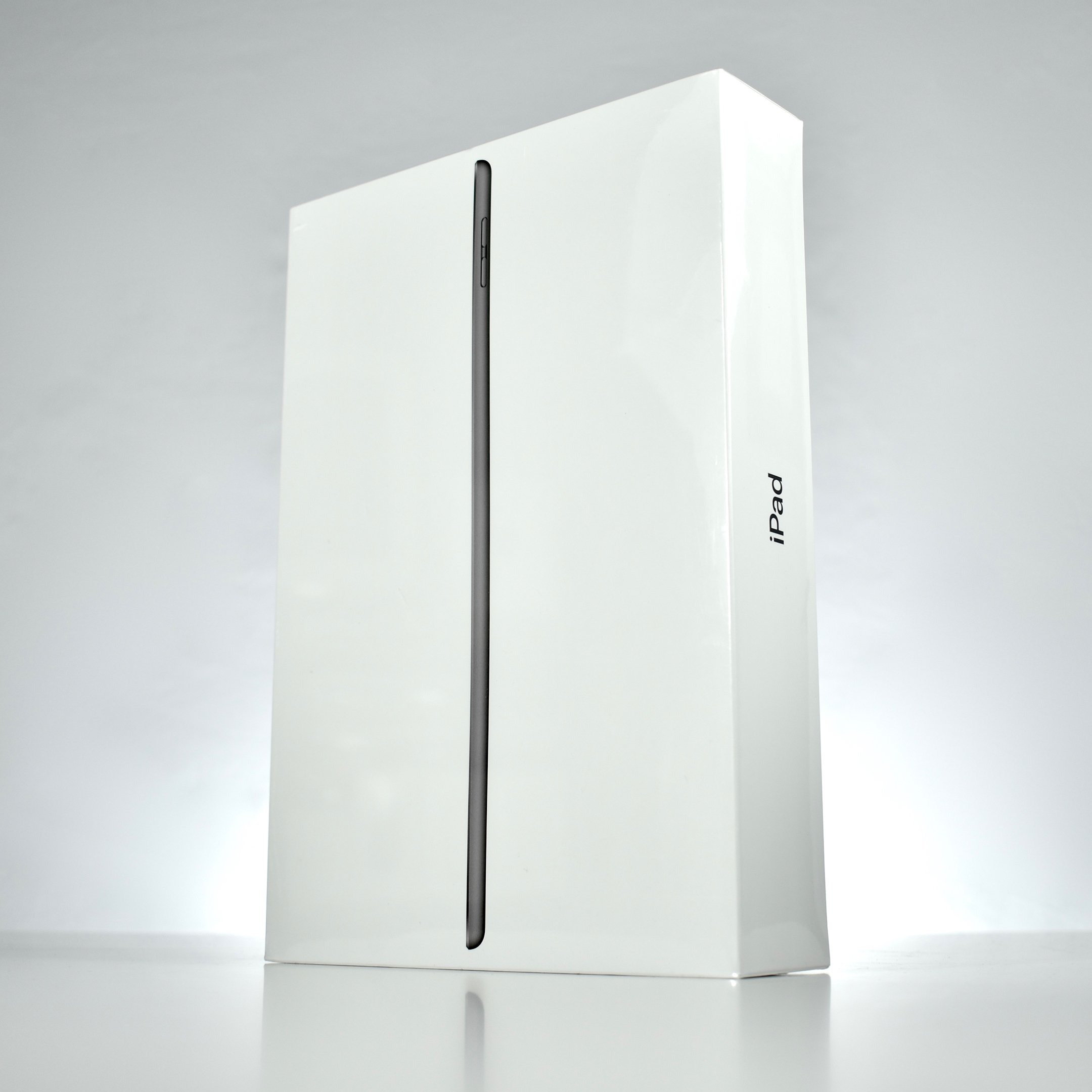
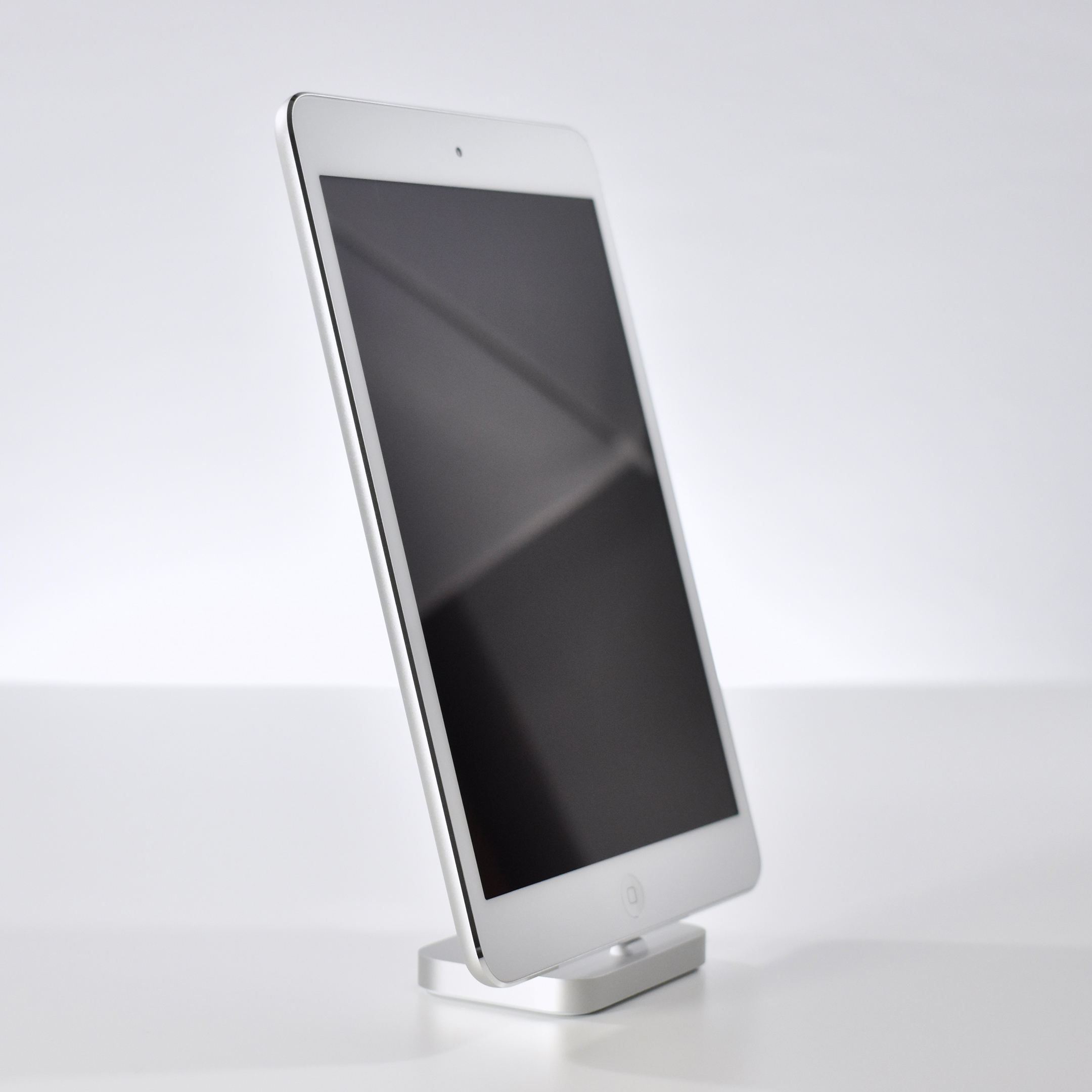
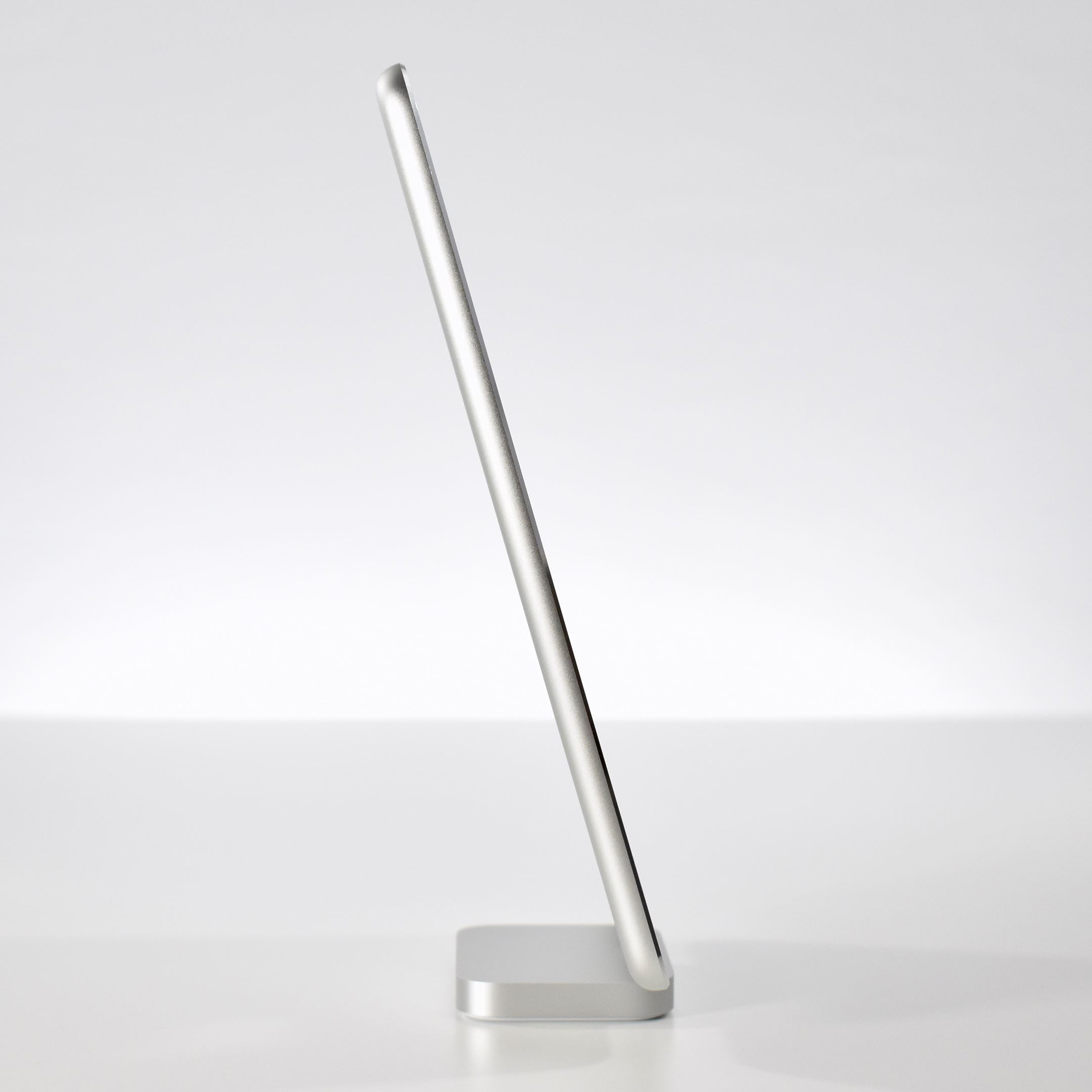
iPad mini (Generation 2, Wi-Fi, silver, 2013)

Originally, Apple referred to the iPad mini Generation 2 as the “iPad mini with Retina Display” when Apple increased the touchscreen resolution of the 7.9-inch screen to 2048×1536 (at 326 ppi). In addition, the iPad mini Generation 2 gained a faster processor and upgraded Wi-Fi.

Internally, the iPad mini Generation 2 used a dual-core 1.3 GHz A7 processor, 1 GB of RAM, and was available with 16, 32, 64, or 128 GB of storage. The rear camera was a 5-megapixel iSight camera that recorded video at 1080p video. The front camera was a 1.2-megapixel FaceTime HD camera that recorded 720p video. Wireless connectivity included 802.11a/b/g/n Wi-Fi and Bluetooth 4.0. It included two microphones, speakers, and a Lightning port. It could run up to iOS 7.0.

The iPad mini was available in silver (white front with metallic silver aluminum back) and space gray (black front with metallic dark gray aluminum back). This example is silver.
Source: Everymac, Wikipedia

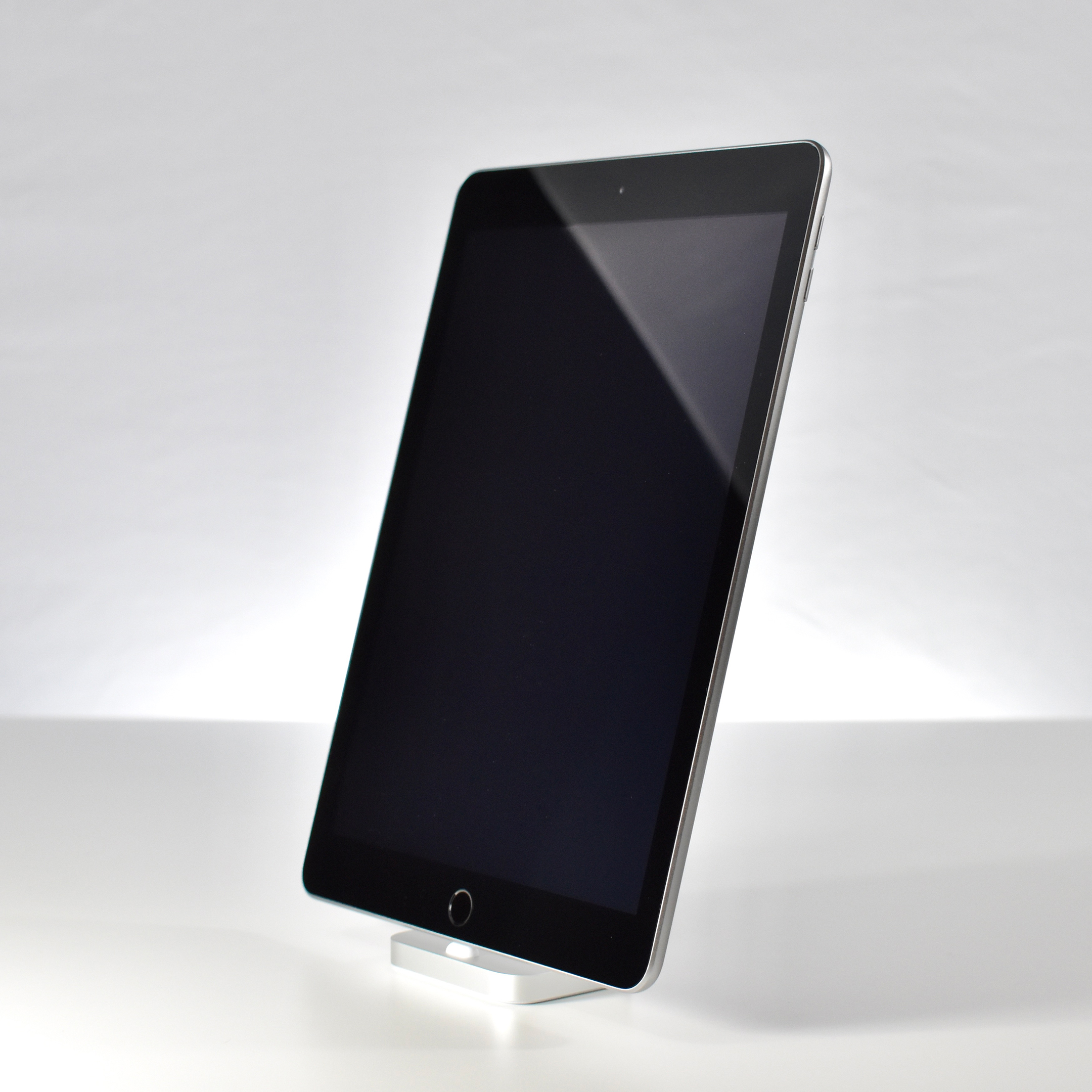
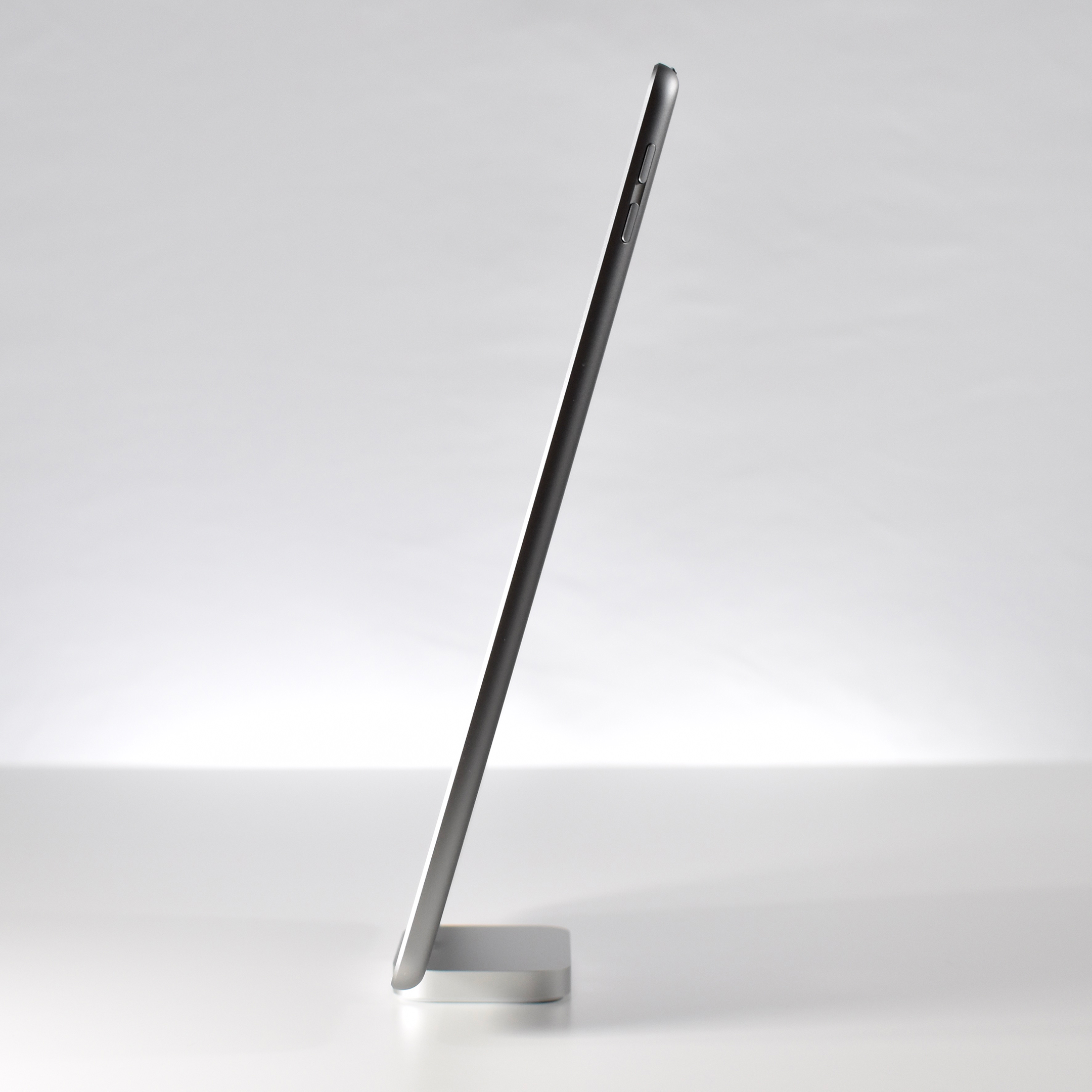
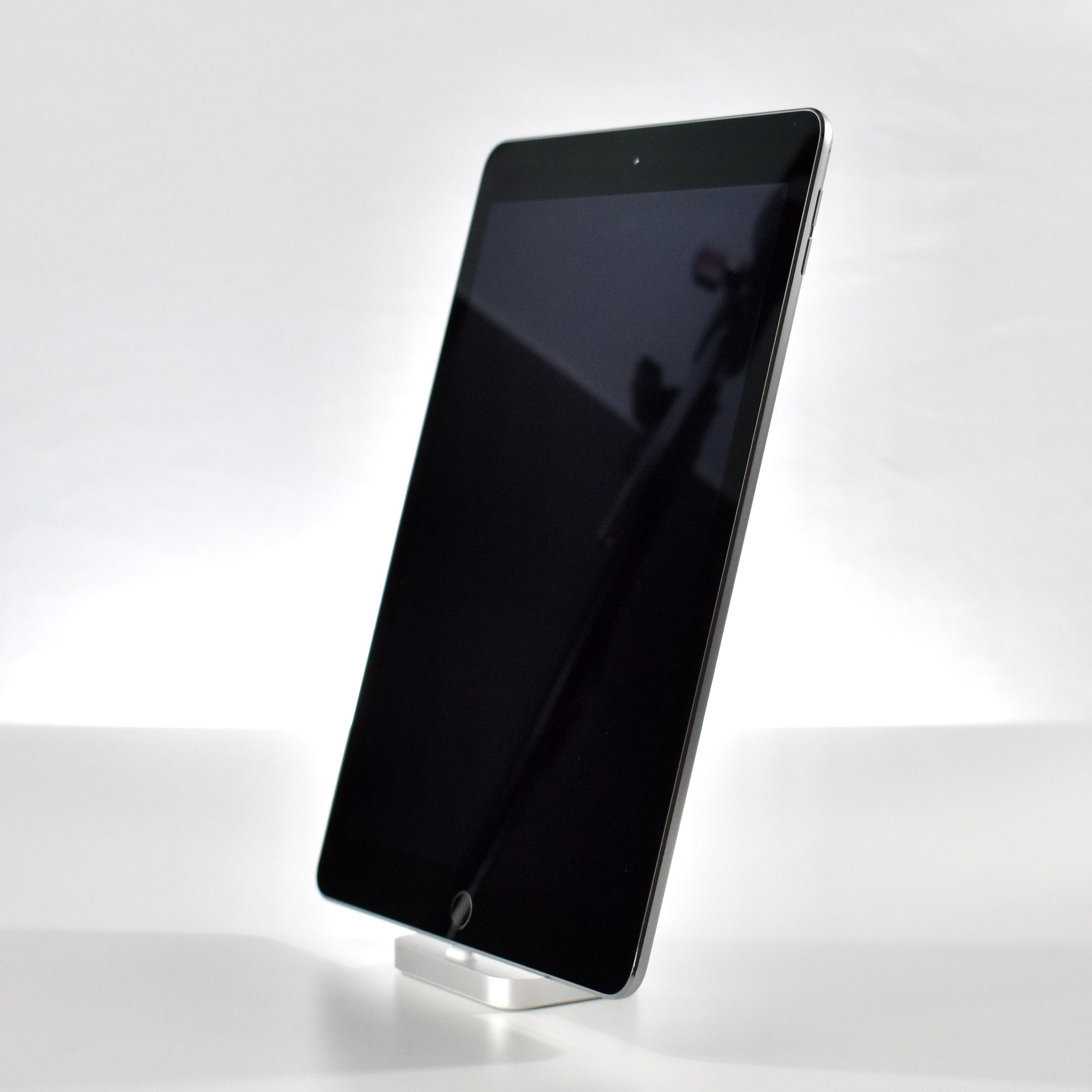
iPad (Generation 5, Wi-Fi, 32 GB, space gray, 2017)

The iPad Generation 5 was introduced in early 2017 and was referred to by Apple as the “9.7-inch iPad.”

This was the first “regular,” or base model, iPad available in colors other than back or white. The iPad Generation 5 was available in gold (gold aluminum back and white glass front), silver (silver aluminum back and white glass front), and space gray (dark gray aluminum back and black glass front).

This iPad had a 9.7-inch Retina Display touchscreen (2048×1536 at 264 ppi) and a Touch ID fingerprint sensor. Internally it used a two-core 1.8 GHz A9 processor, 2 GB of RAM, and was available with 32 or 128 GB on internal storage.

Its rear camera was an 8-megapixel iSight camera that could record video at 1080p (at 30 fps). Its front camera was a FaceTime HD camera that could record video at 720p. Wireless connections included 802.11ac Wi-Fi and Bluetooth 4.2, and wired connections included a Lightning connector and audio port.

Source: Everymac

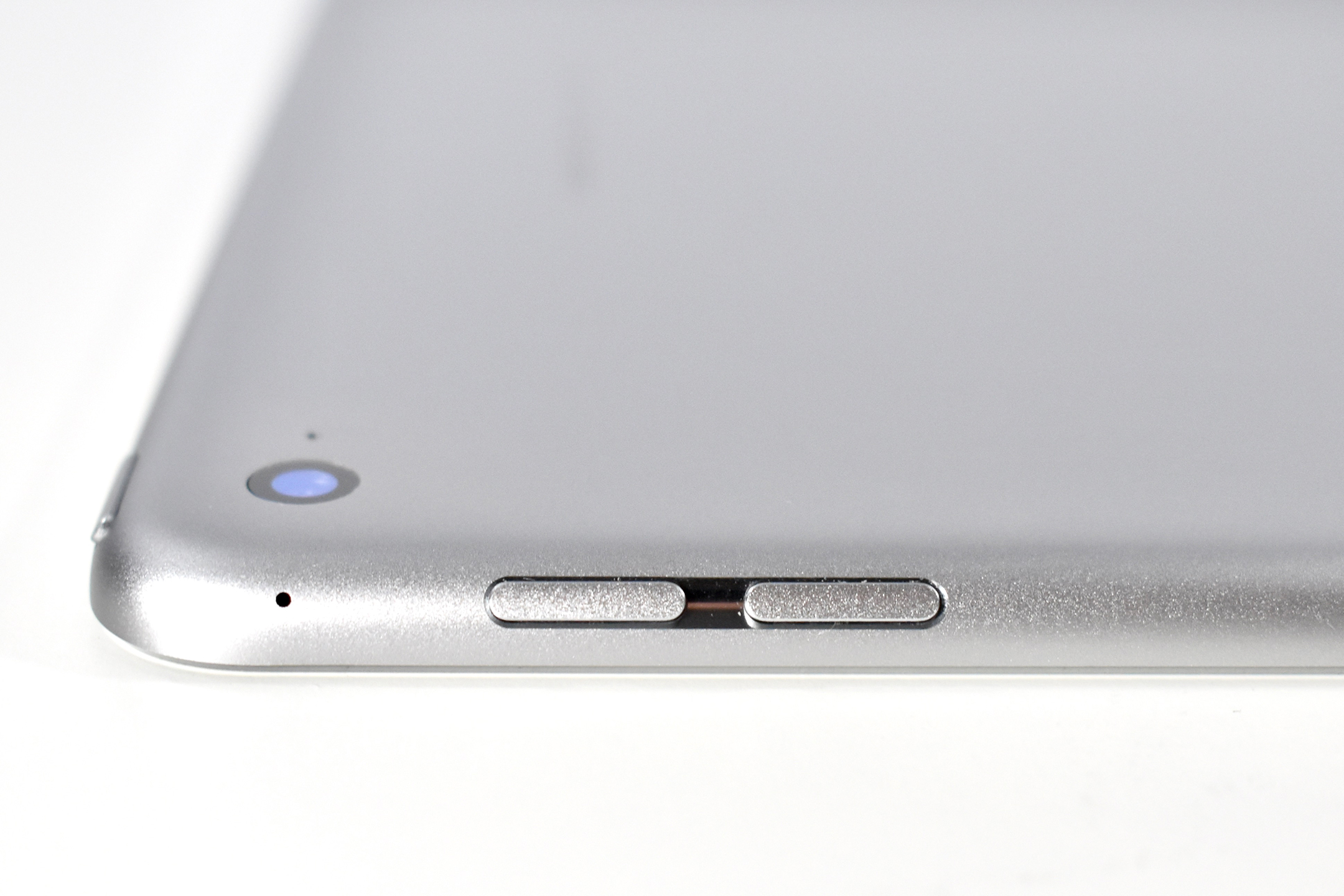
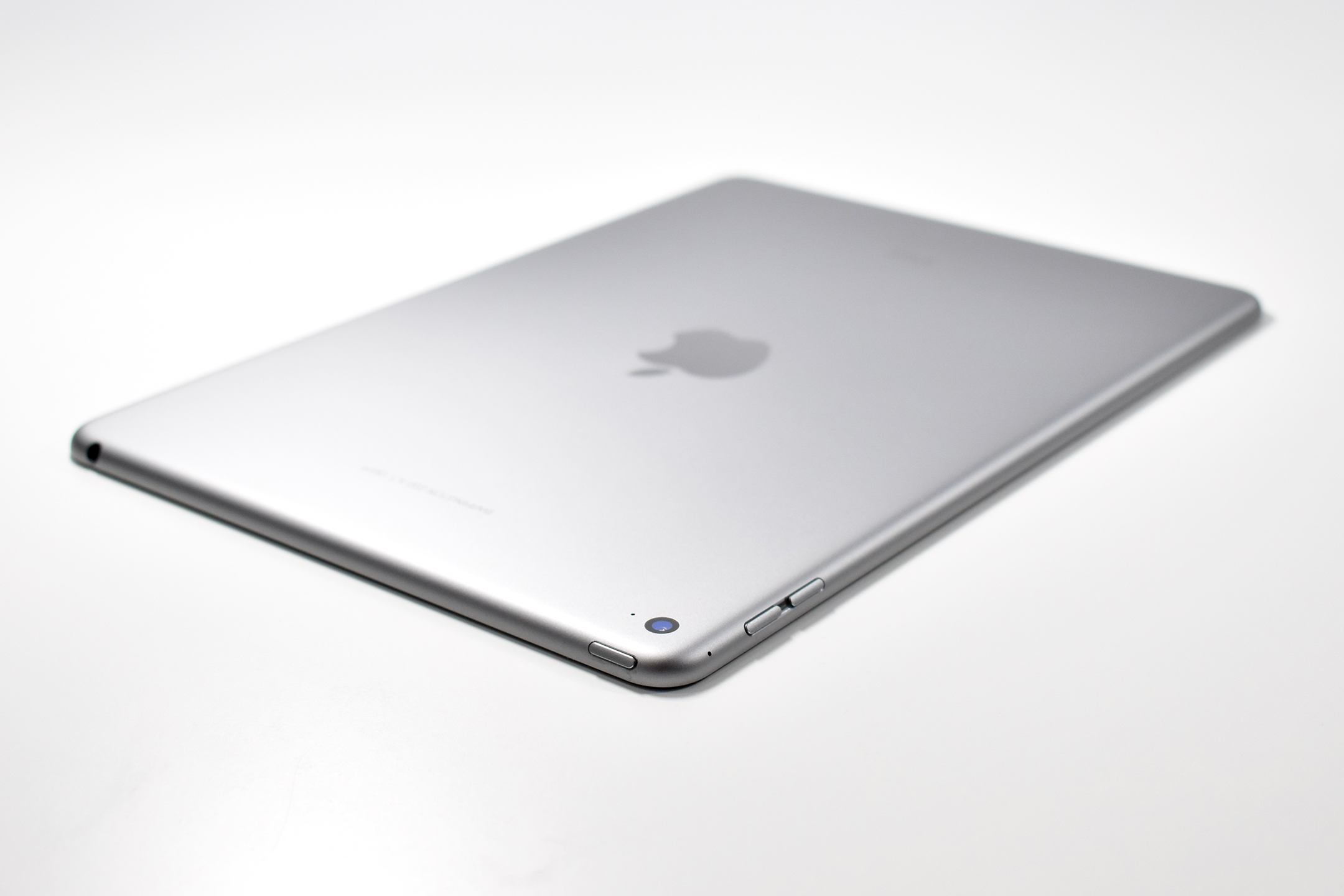
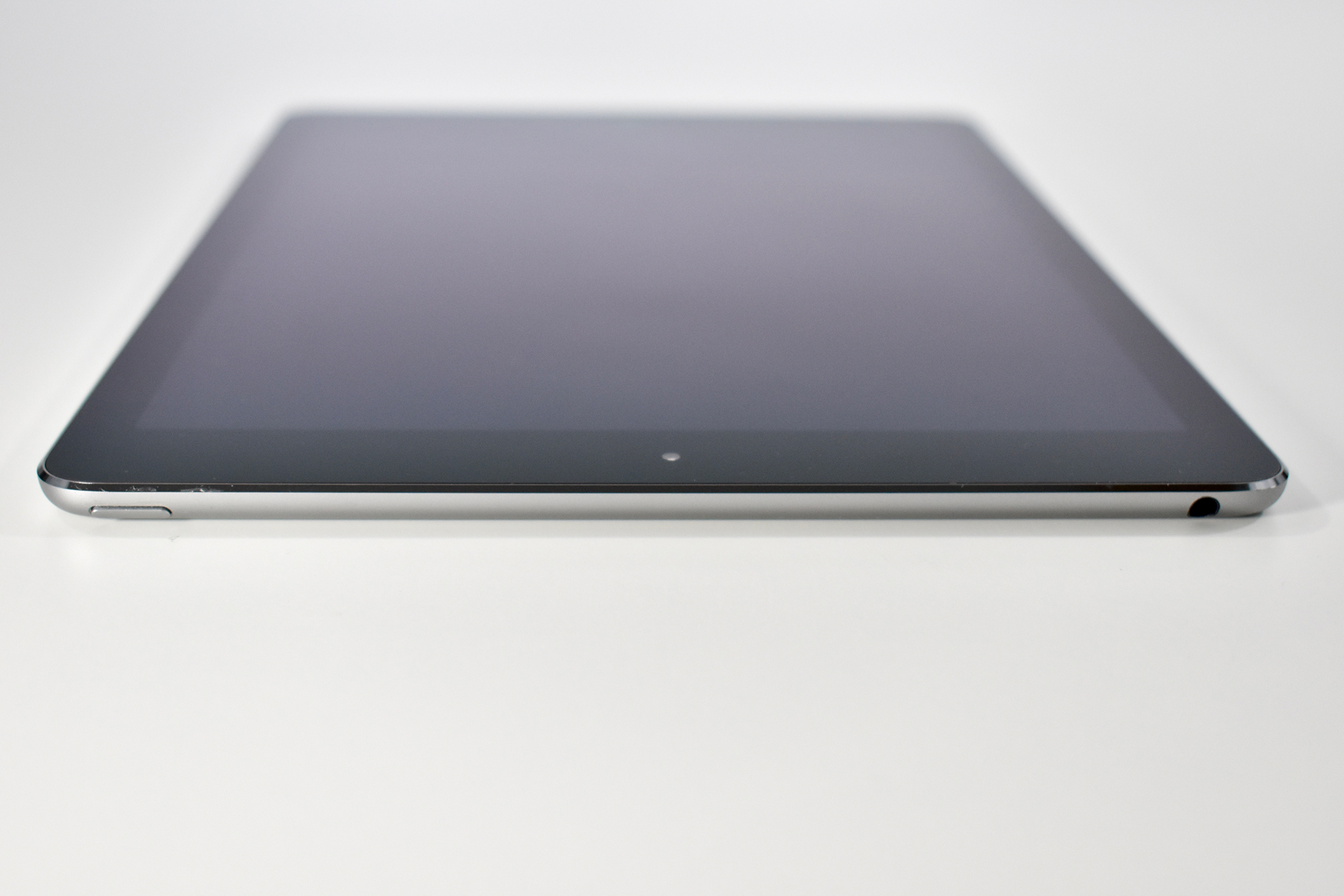
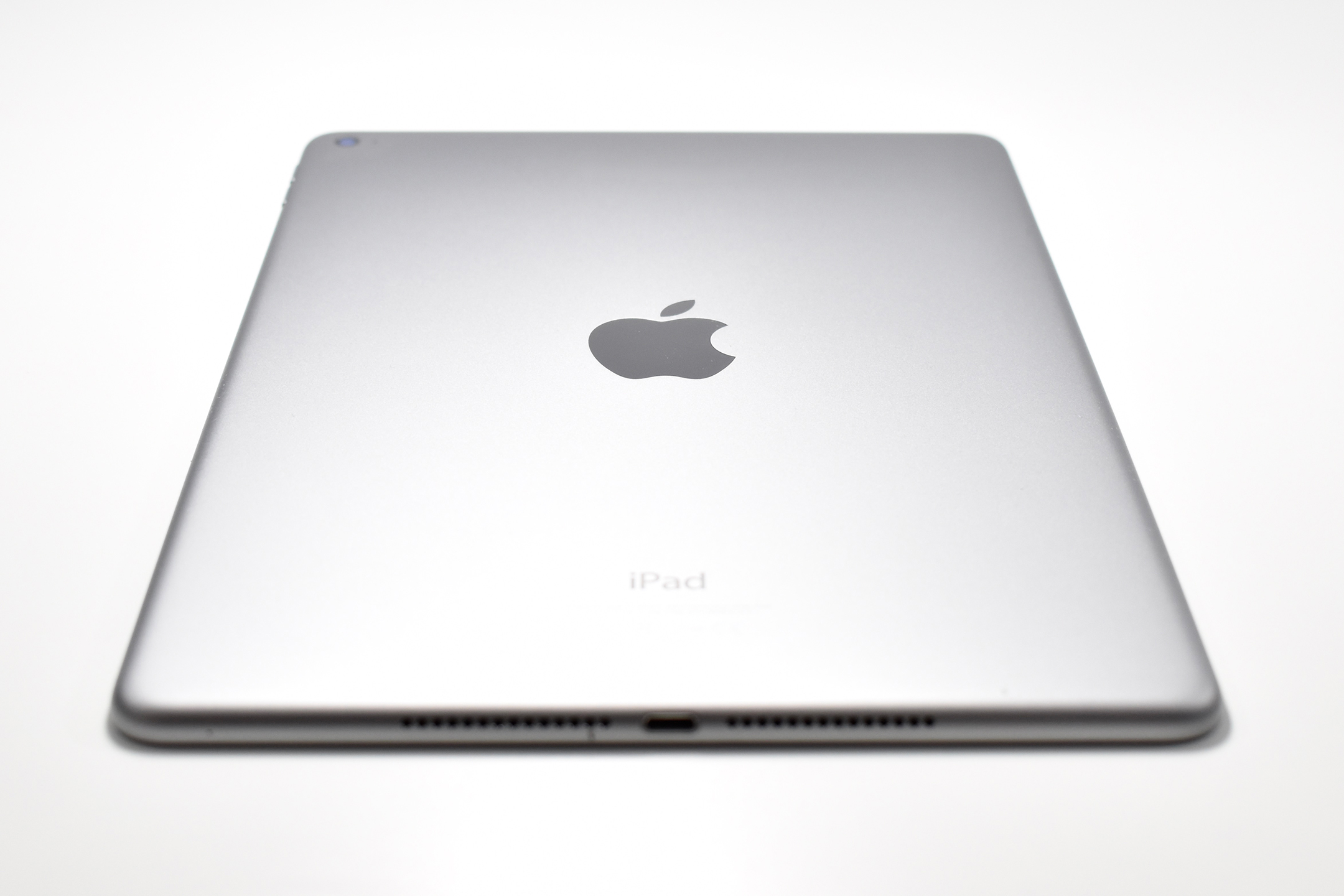
iPad Air (Generation 2, Wi-Fi, space gray, 2014)

The iPad Air 2 was the first iPad to use Touch ID. It was announced at an October 2014 Apple event titled, “Change Is in the Air.” This iPad was available in three colors: gold (gold aluminum back with a white glass front), silver (silver aluminum back with a white glass front), and space gray (dark gray aluminum back with a black glass front).

The 9.7-inch touchscreen Retina Display was 2048×1536 (at 264 ppi) and featured an antireflective coating. Internally, it used a three-core 1.5 GHz A8X processor, 2 GB of RAM, and was available with 16, 32, 64, or 128 GB of storage.

Its rear 8-megapixel iSight camera recorded video at 1080p (30 fps), and its front 1.2-megapixel FaceTime HD camera recoded video at 720p.

Sources: Everymac, Apple

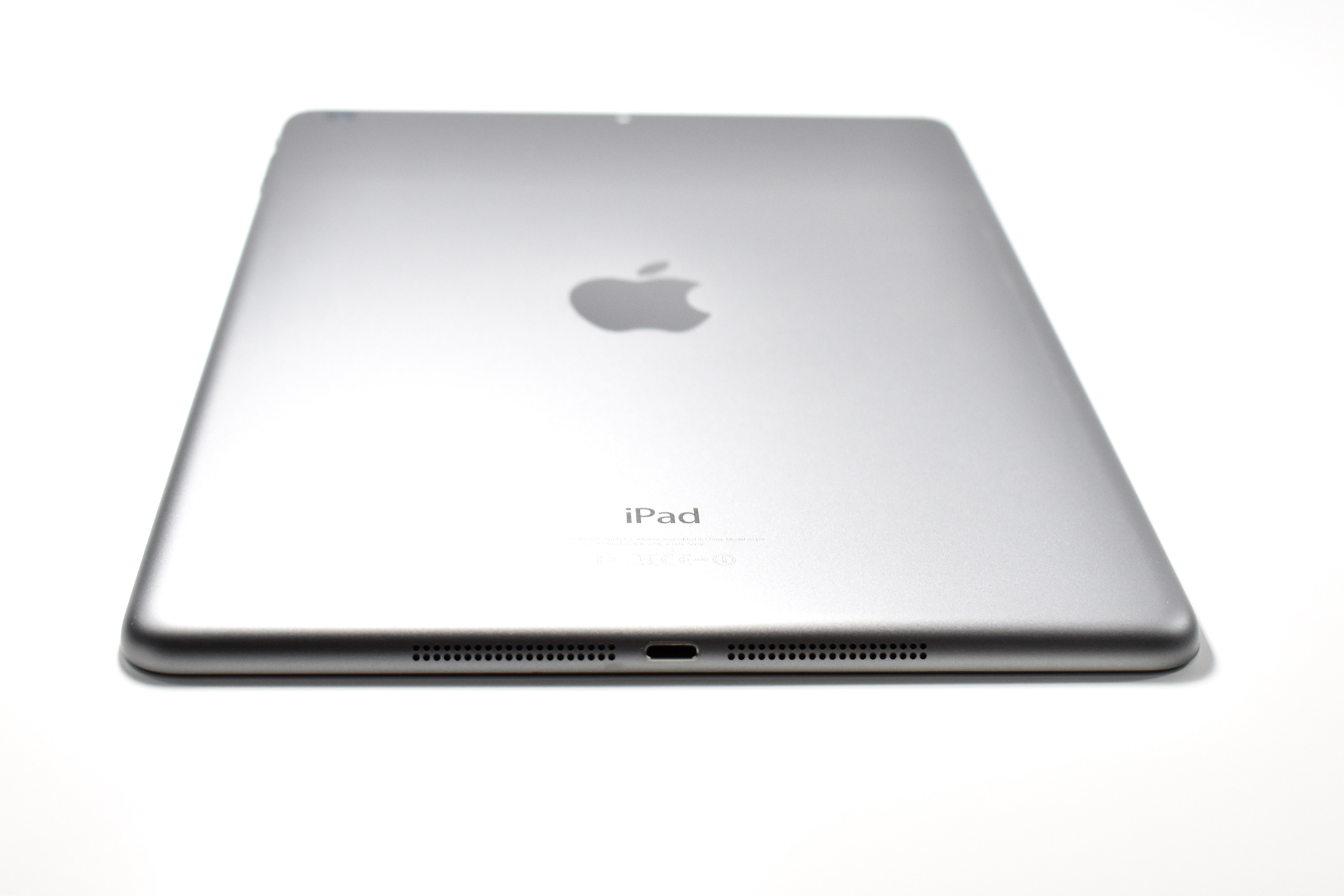
iPad Air (original, Wi-Fi, 32 GB, space gray, 2013)

The original iPad Air used a 9.7-inch Retina display. According to Apple’s press release at the time, the iPad Air was “20 percent thinner and 28 percent lighter than the fourth generation iPad, and with a narrower bezel the borders of iPad Air are dramatically thinner.”

The original iPad Air’s display was 2048×1536 (at 264 ppi). Internally, it used a dual-core 1.4 GHz A7 processor, 1 GB of RAM, and was available with 16, 32, 64, or 128 GB of internal storage. Wireless connectivity included 802.11a/b/g/n Wi-Fi and Bluetooth 4.0.

Its rear 5-megapixel iSight camera recorded video at 1080p, and its front 1.2-megapixel FaceTime HD camera recorded video at 720p.

The original iPad Air was available in silver (silver back with white front) and space gray (dark gray back with black front).

Sources: Everymac, Apple

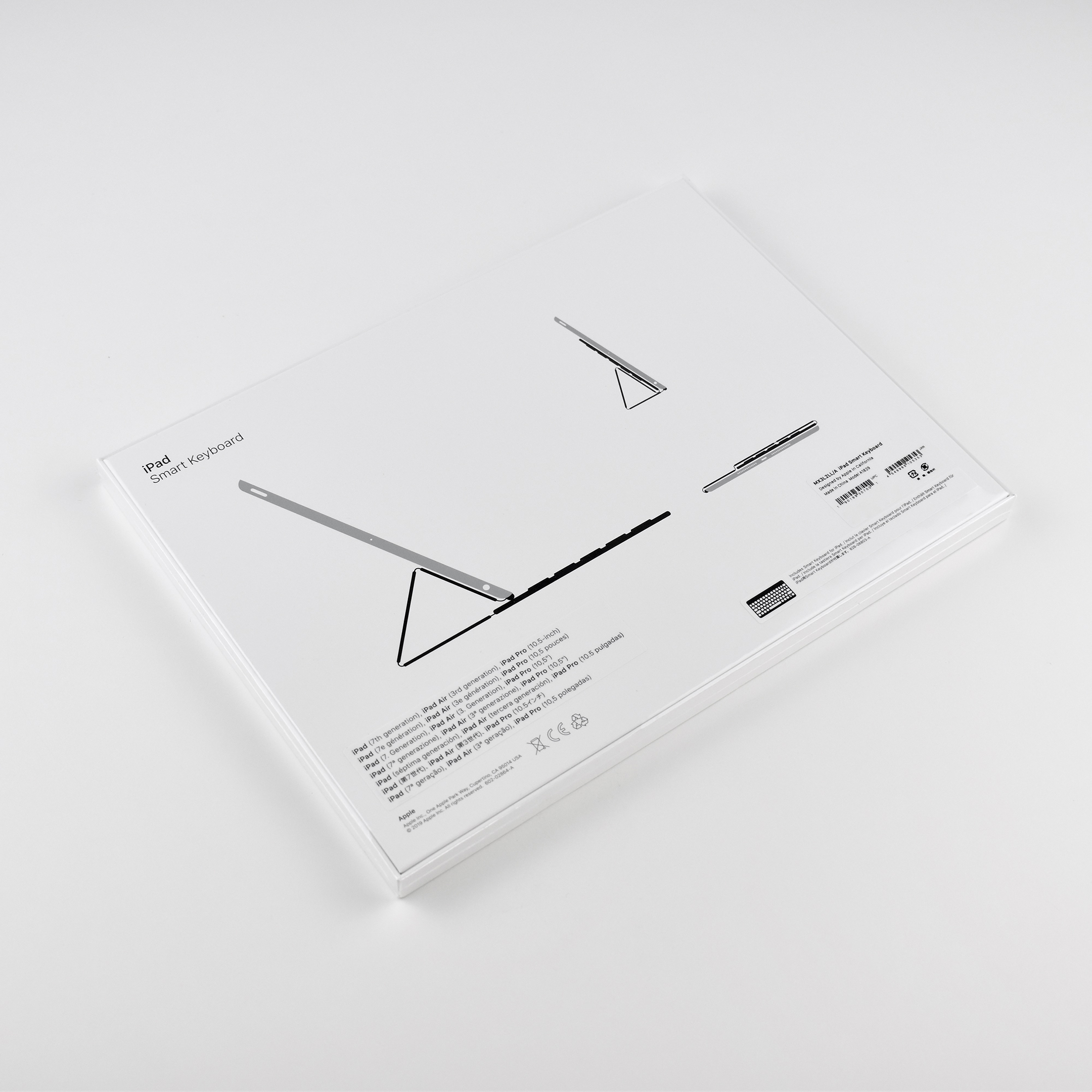
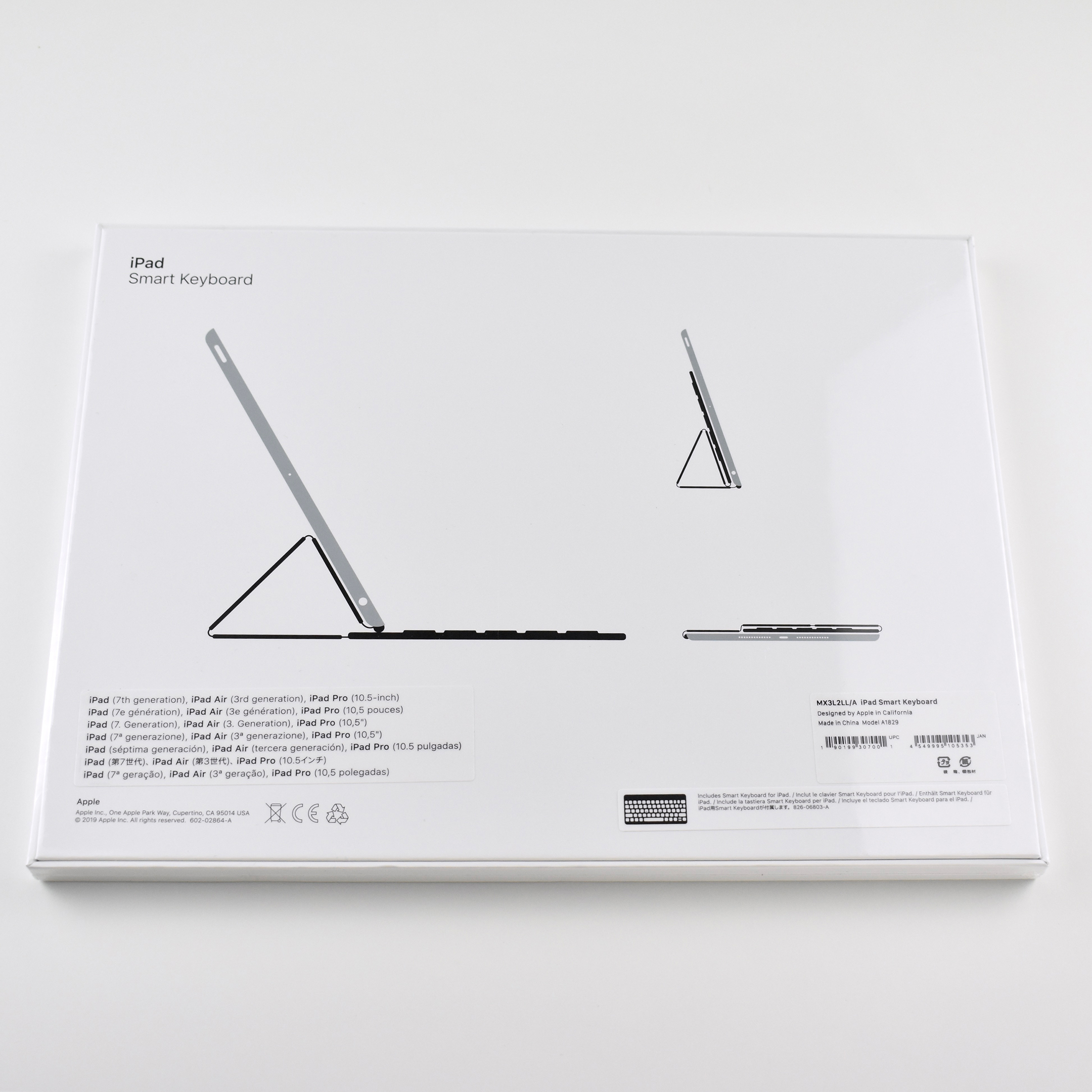
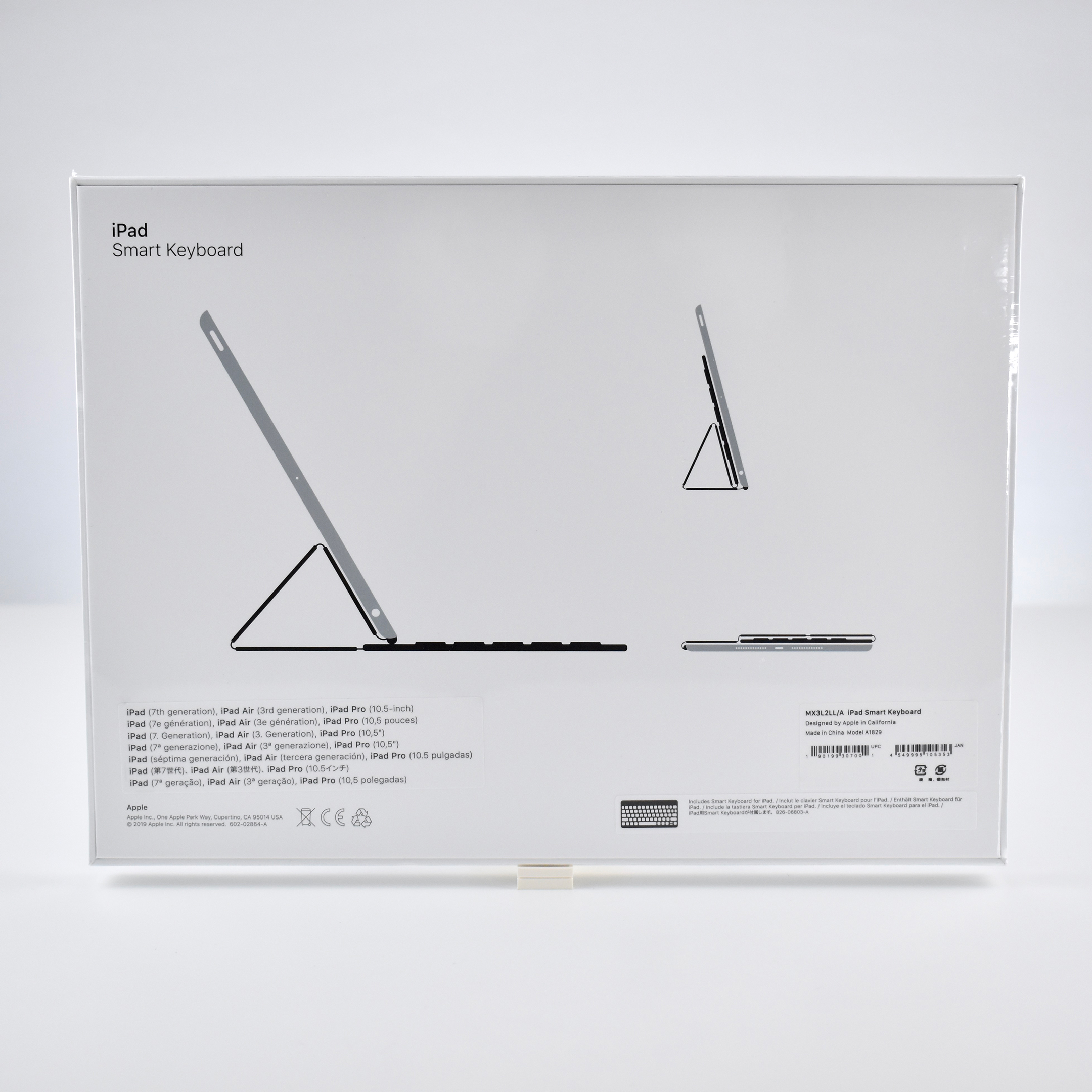
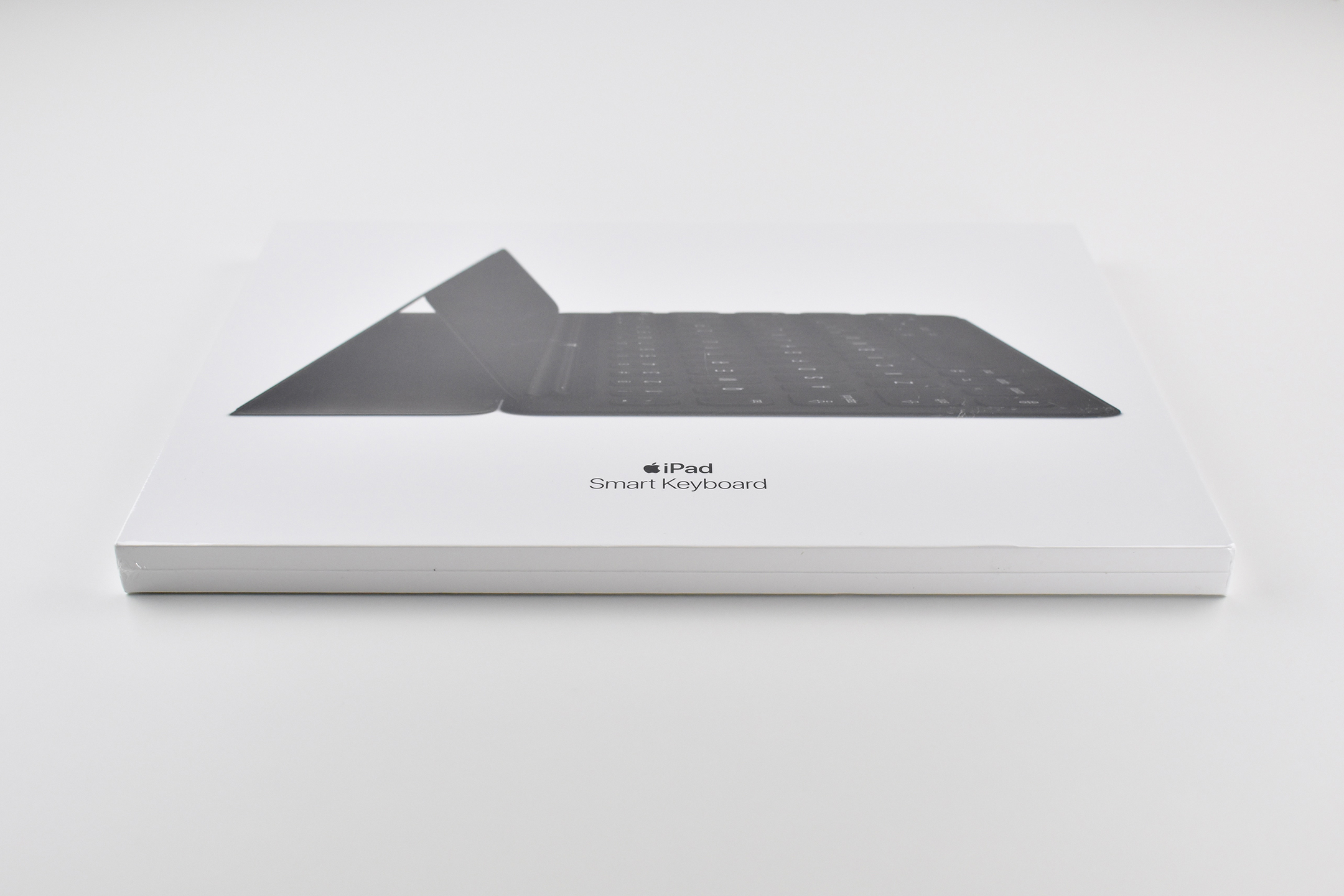
iPad Smart Keyboard (for iPad Generation 7/8, unopened, 2019)

According to Apple’s website, “The Smart Keyboard is a full‑size keyboard made for iPad. It delivers a comfortable typing experience wherever you are and converts into a slim, durable front cover when you’re on the go.”

This keyboard uses Apple’s proprietary Smart connector so the keyboard does not require its own power. “Just attach the full-size Smart Keyboard to your iPad and start typing — no charging or pairing required. And when you’re finished, it folds up to become a slim, lightweight cover.”

The iPad Smart Keyboard is Apple’s first case-integrated keyboard for the base-model iPad. It is compatible with iPad (Generation 7 and 8), iPad Air (Generation 3), and iPad Pro 10.5‑inch.

Source: Apple (iPad Keyboards, iPad)

iPad 2 Dock (2011)

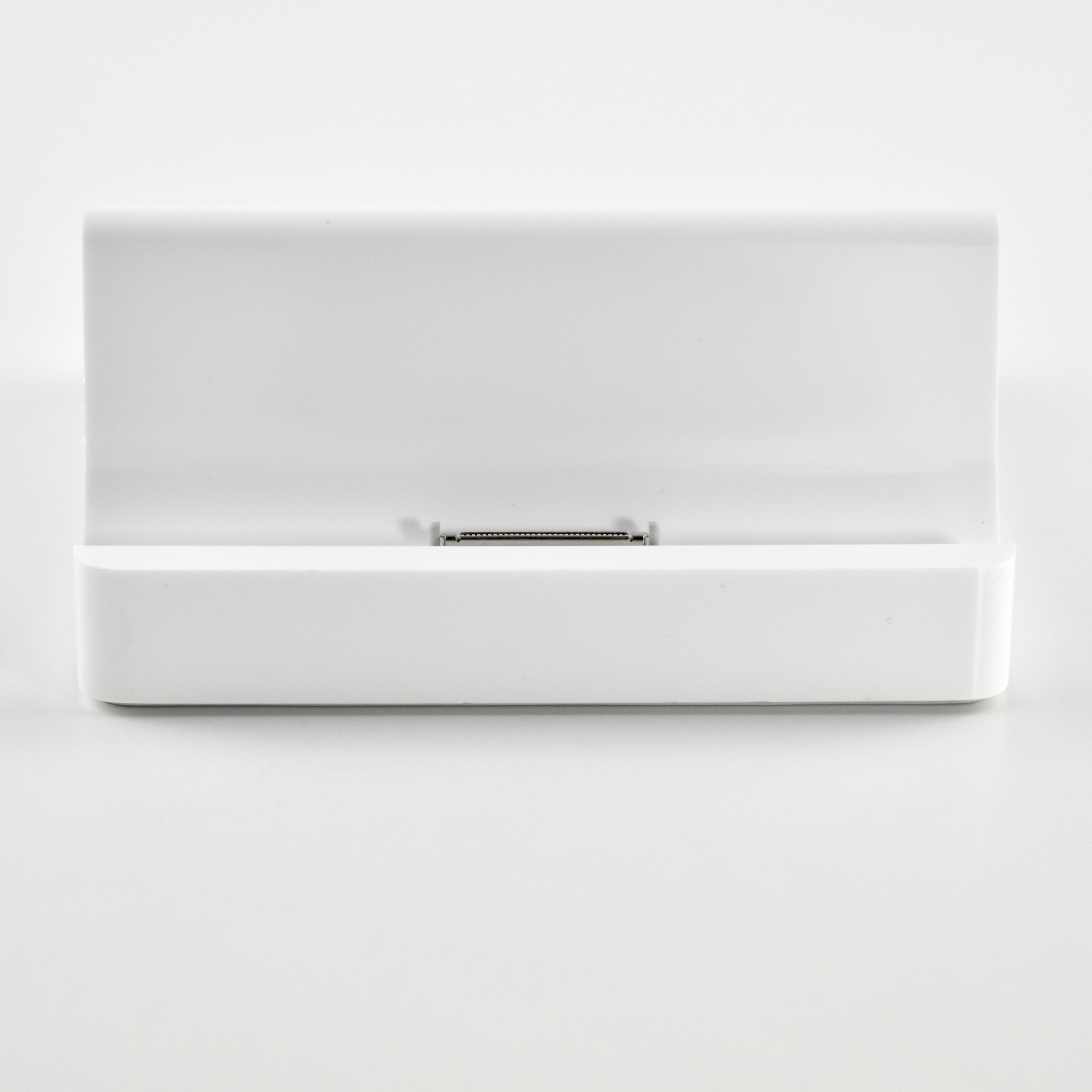
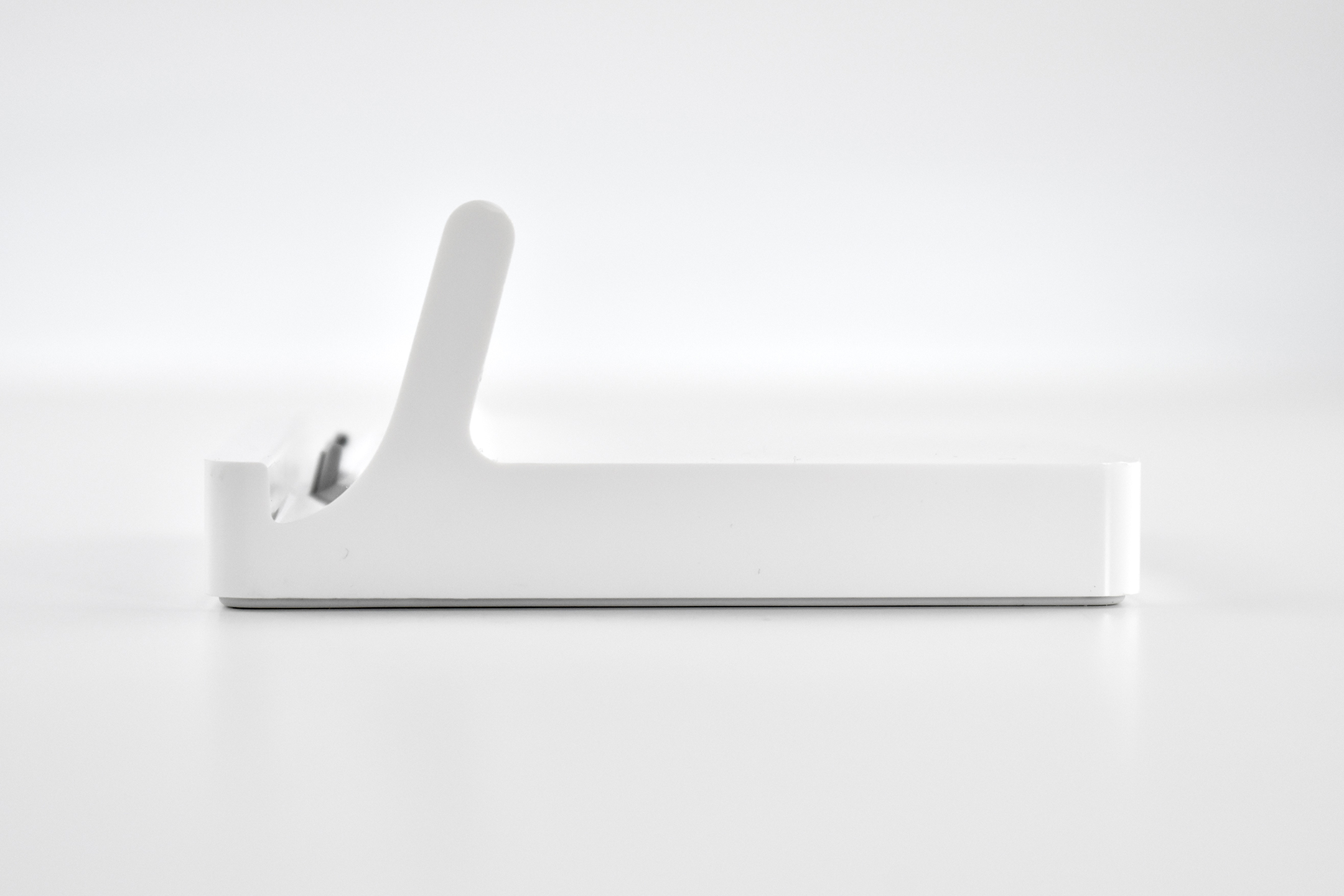
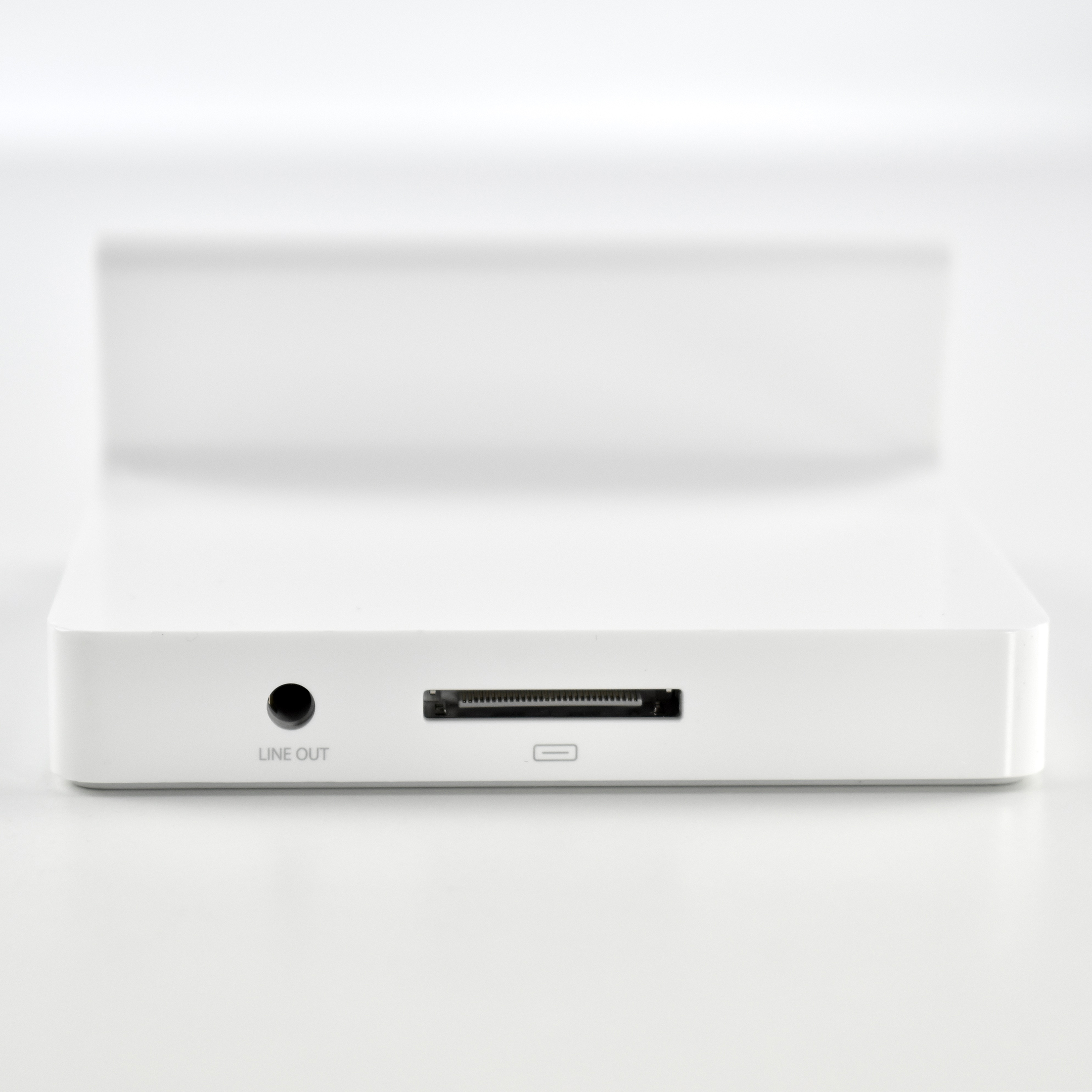
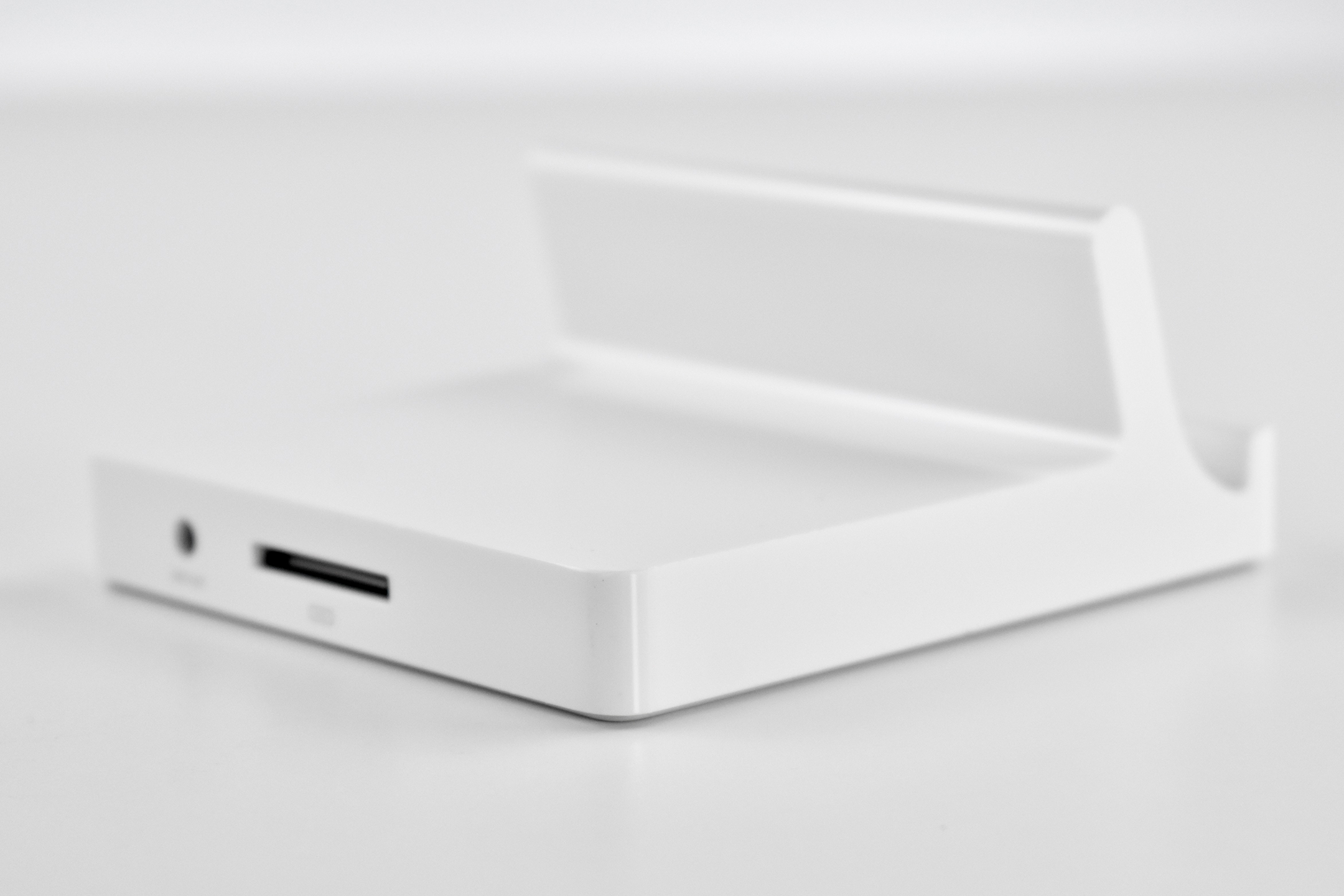
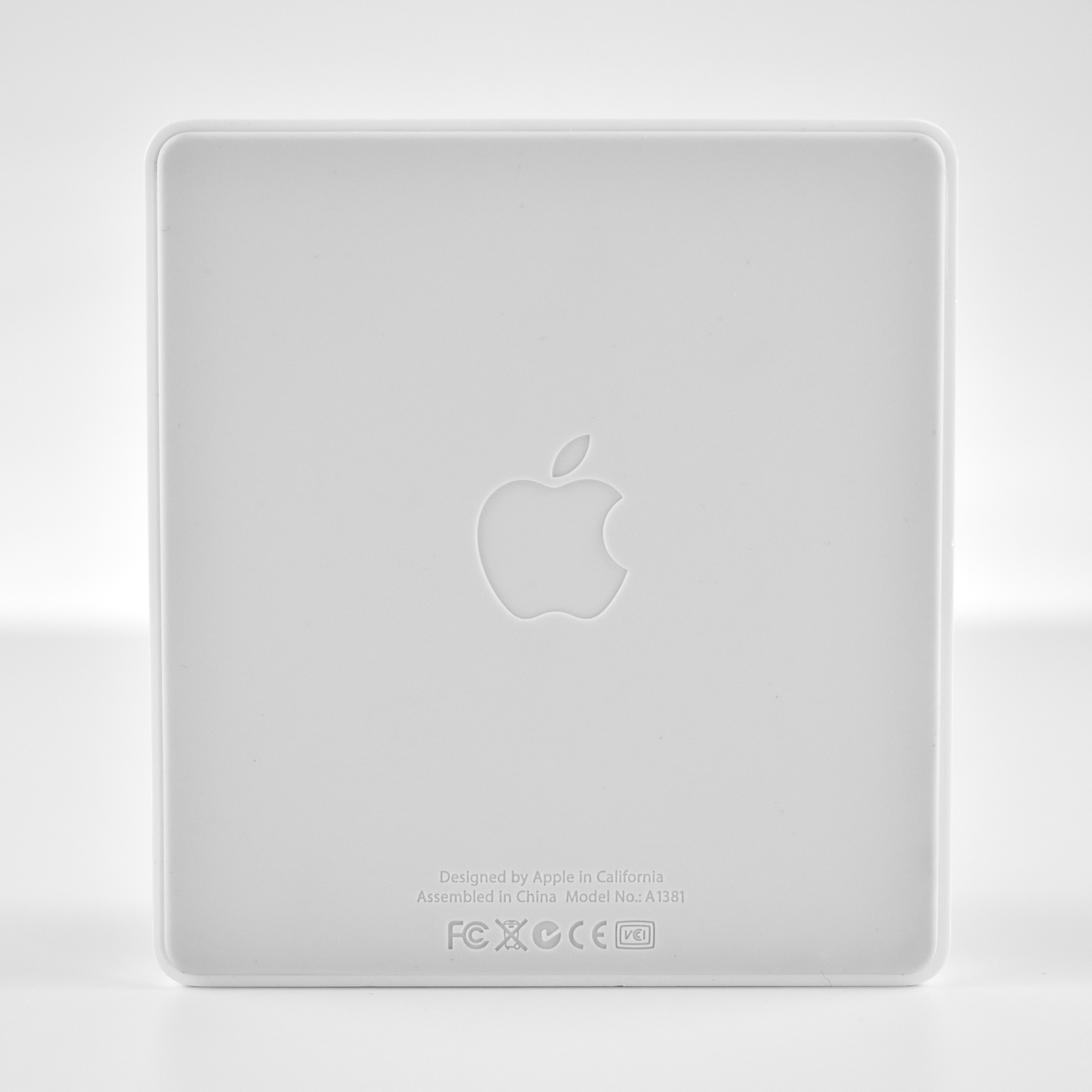
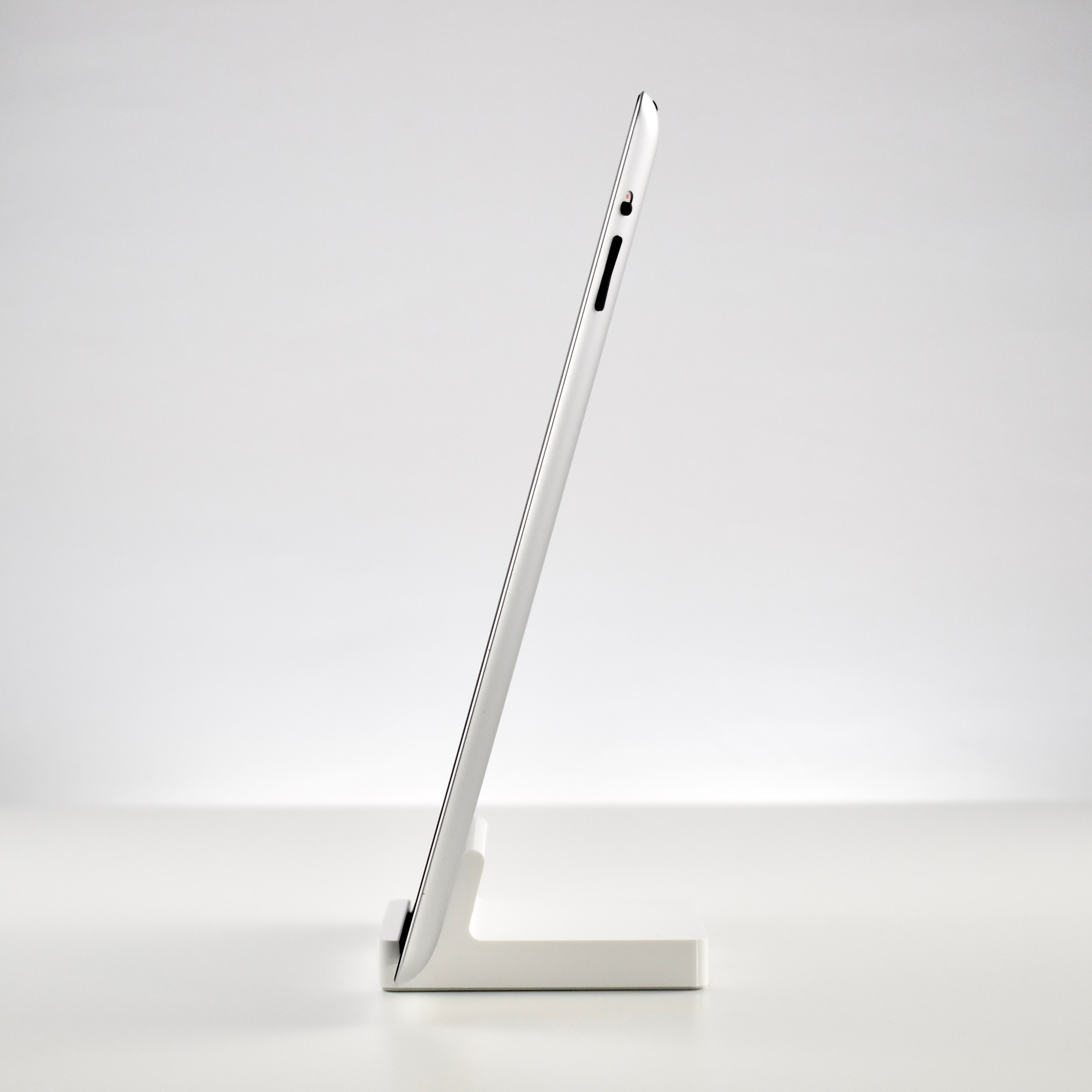
The iPad 2 Dock was released in 2011 along with the iPad 2 as a 30-pin charging option. In addition to charging, it also has a line-out audio port.

The iPad 2 Dock box somewhat confusingly designated the product as “iPad Dock.” However, the dock is a significantly larger design than the original iPad Dock, measuring 3.3 inches wide, 1.5 inches tall, and 3.6 inches deep. The sticker on the bottom of the box was printed as “iPad 2 Dock,” while the front of the box was printed with “iPad Dock.”

This dock included a front lip that made using it with an iPad in a case impossible.

Source: iLounge

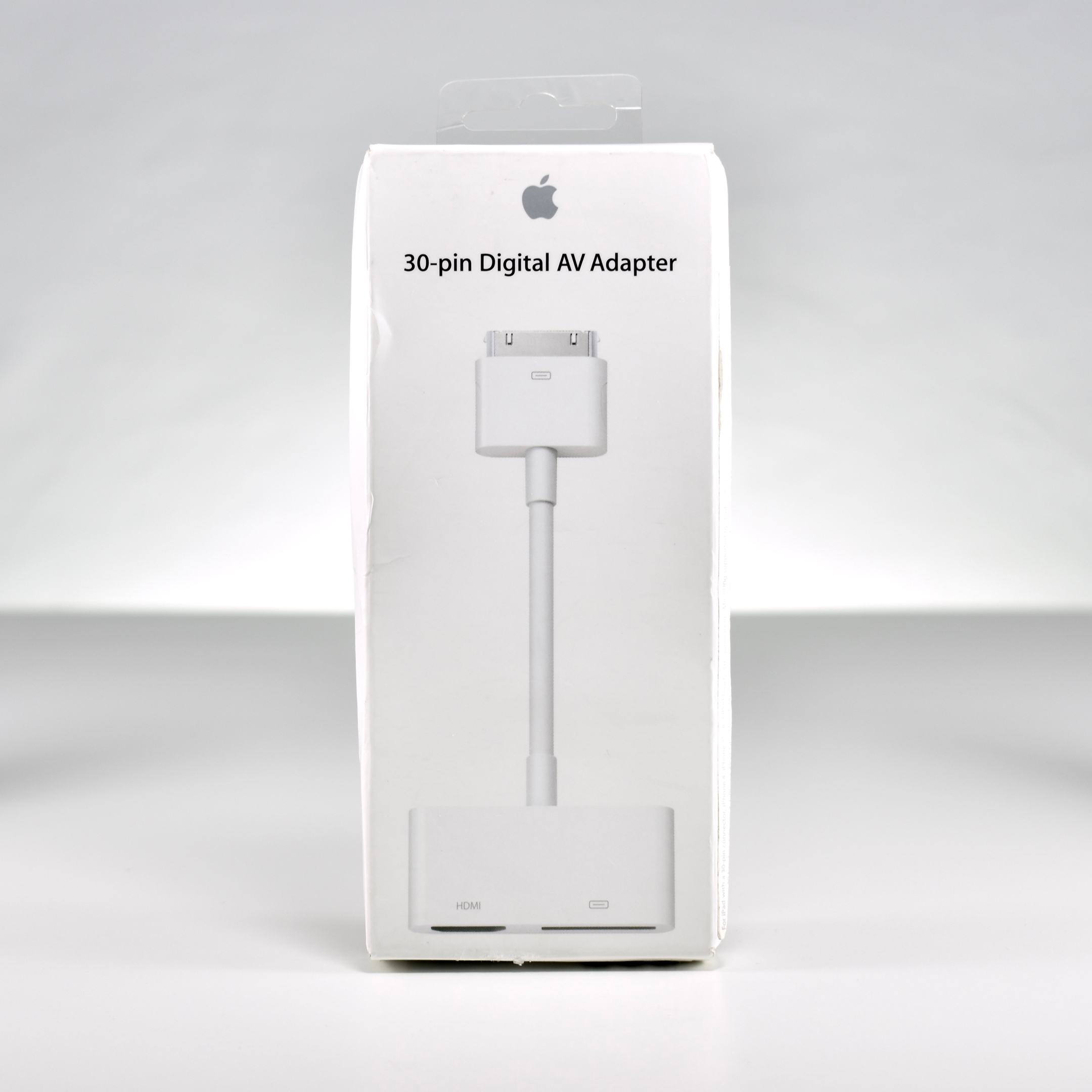
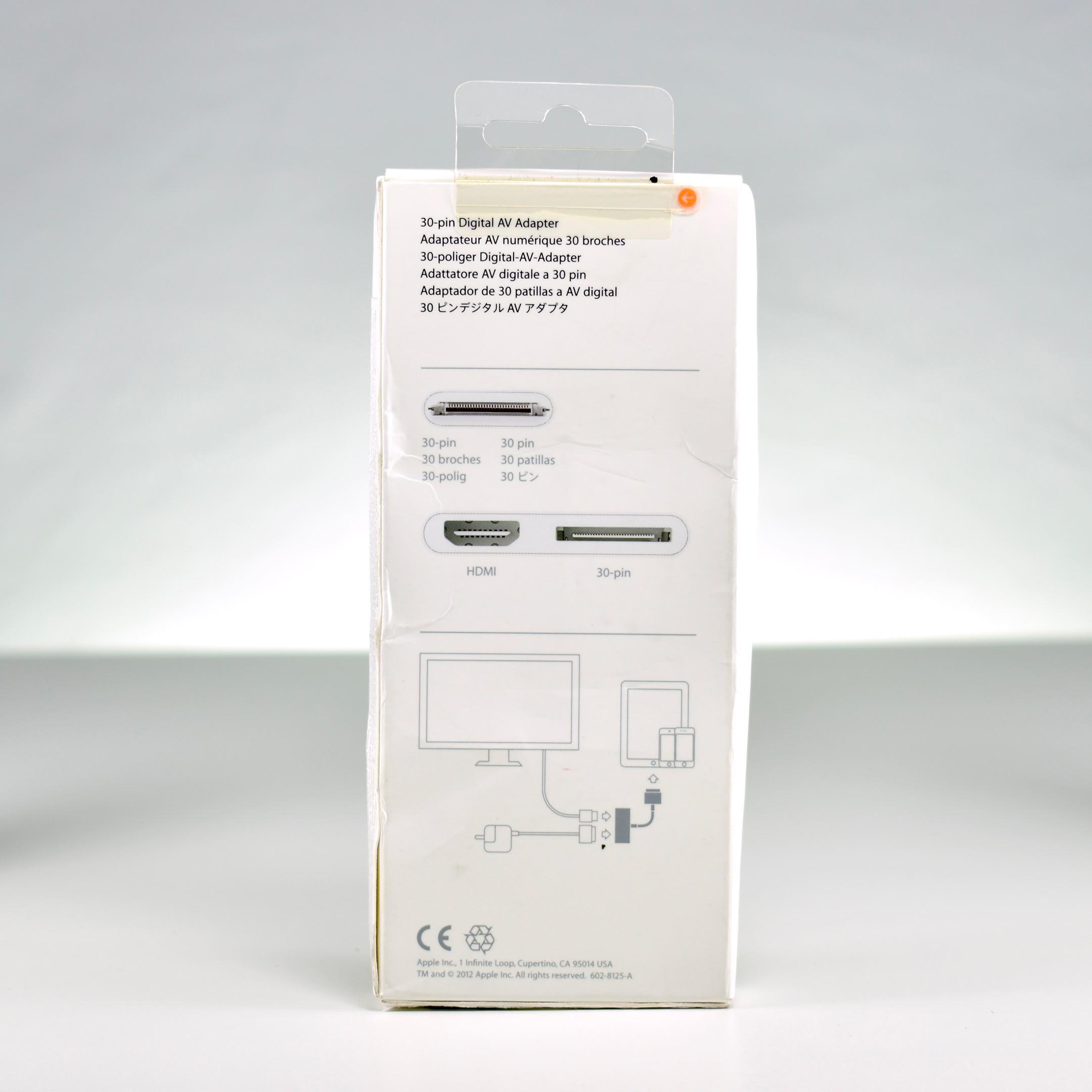
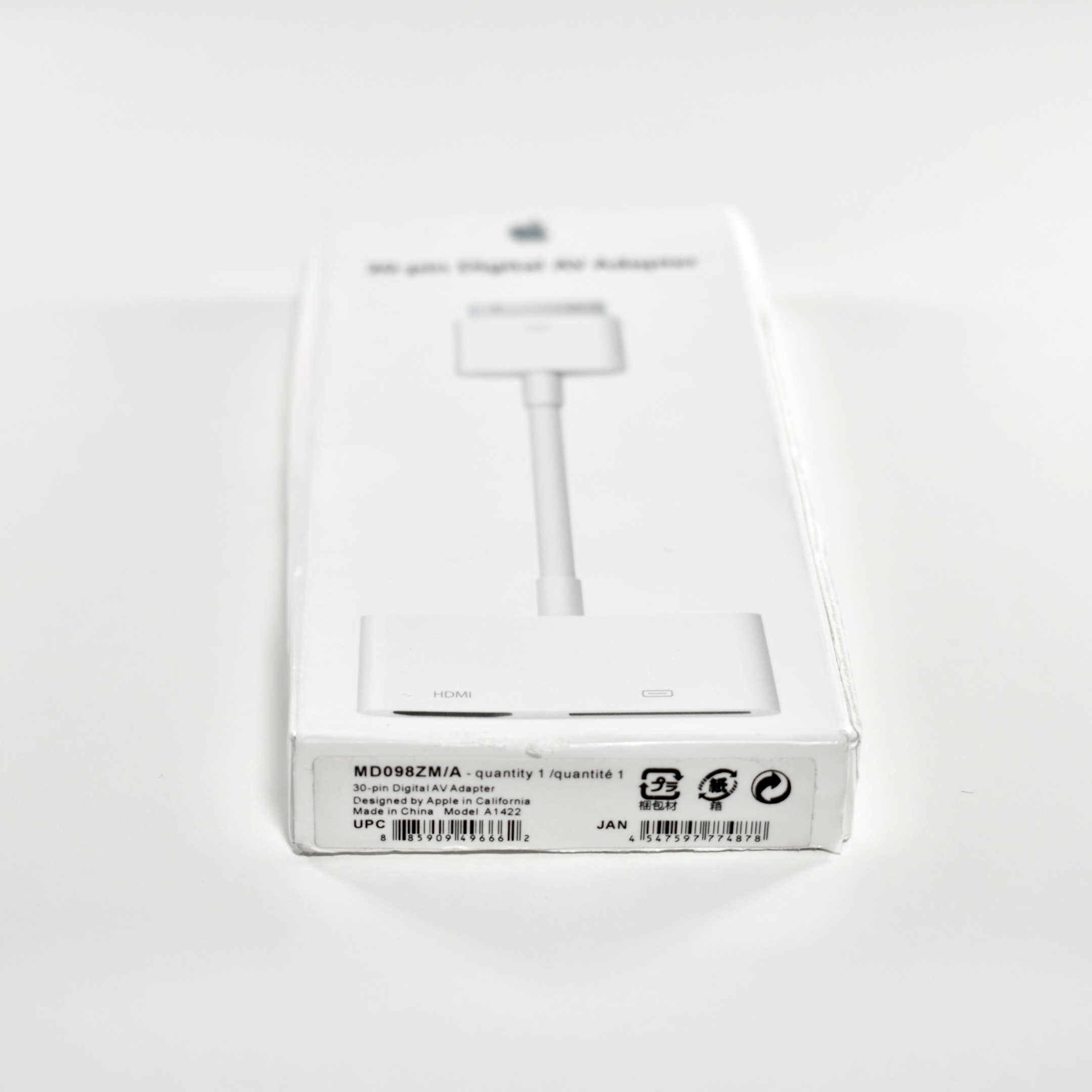
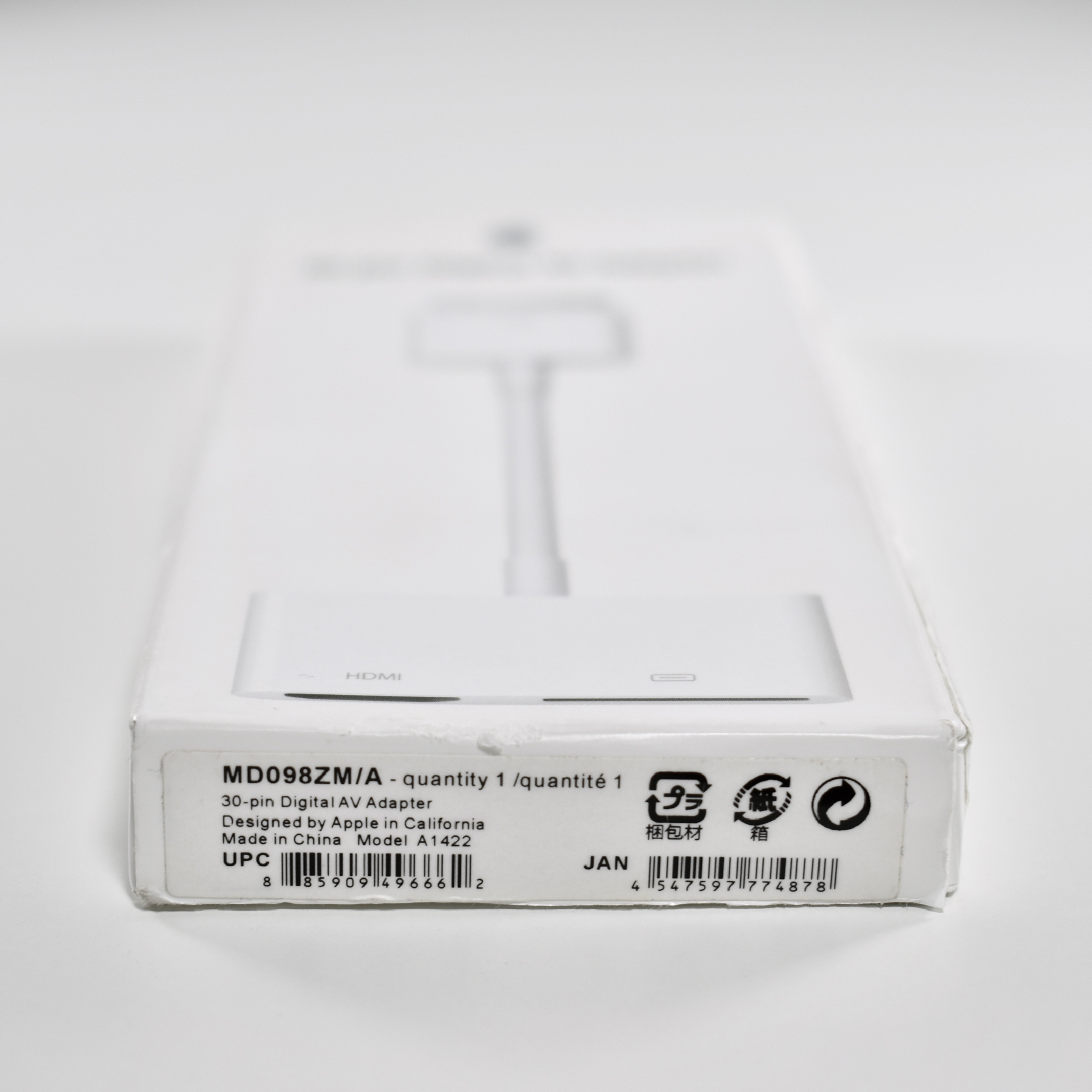
30-pin Digital AV Adapter (unopened, 2012)

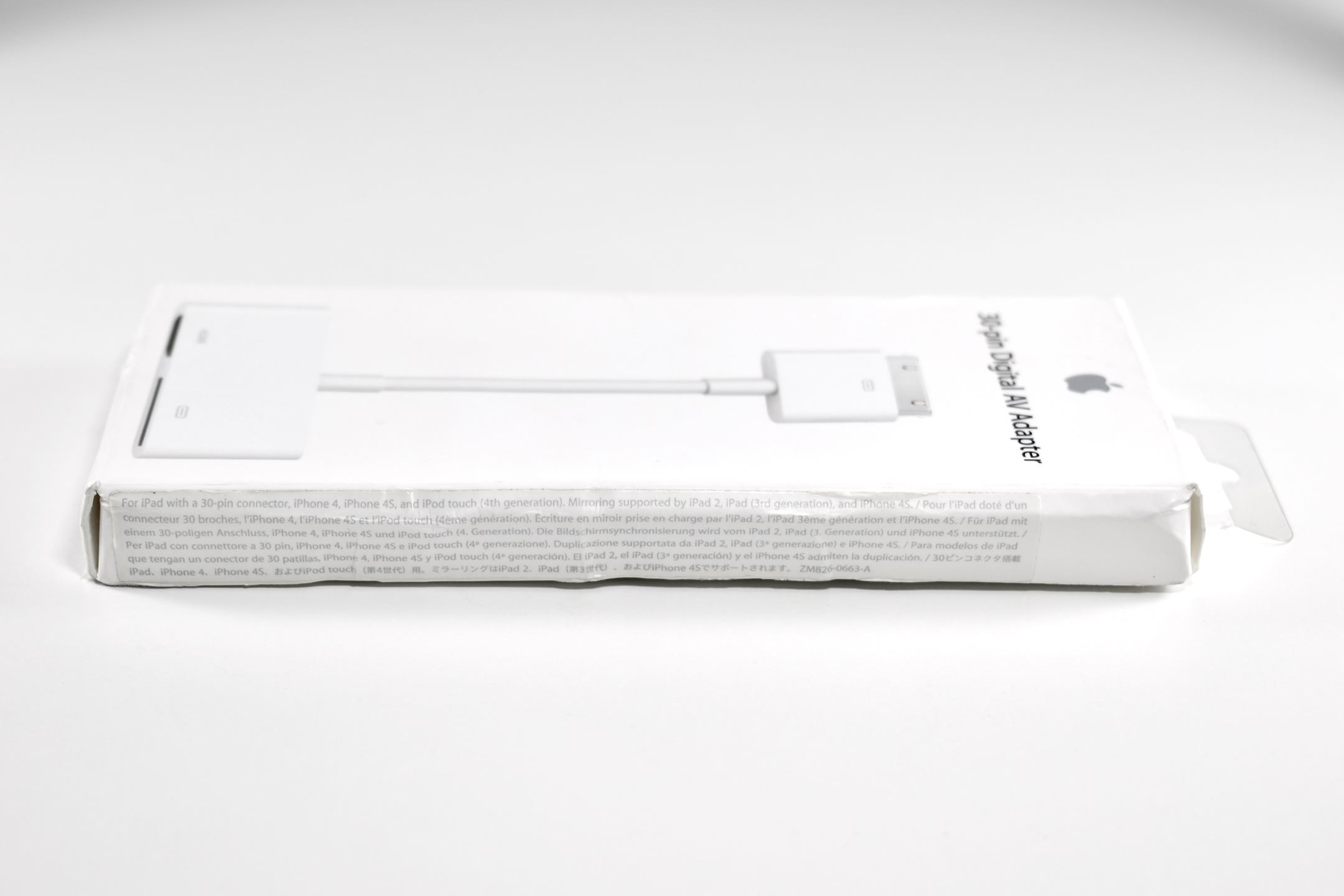
This adapter allows an iPad with the original 30-pin connector to be connected to an HDMI display and simultaneously charged. It is compatible with any iPad with a 30-pin connector, iPhone 4 (or later with a 30-pin connector), and iPod touch Generation 4 (or later with a 30-pin connector). Mirroring is supported only by iPad 2 (or later with a 30-pin connector) and iPhone 4s (or later with a 30-pin connector).

From my experience, the ability of an iPad to be mirrored on an HDMI screen is frequently misunderstood. Because an iPad screen is in the 4:3 aspect raitio, when it is mirrored on an HD display (16:9 aspect ratio or other wide format), some users are surprised that the entire external display is not “filled.” I have never been able to understand what the user is expecting—a ridiculously stretched version of the iPad display; a “zoomed” version of the iPad display with the top and bottom cut off; or that somehow the iPad will magically rearrange itself to fill a widescreen display, thus making it a completely new display and, therefore, not mirrored. Instead, the iPad works as expected and appears centered in the middle of a larger display with black bars on both sides (this is called “letterboxing”). If a user launches an app that uses the full screen, such as a presentation designed in HD format or an HD movie, the iPad fills the entire screen.

This 30-pin Digital AV Adapter is unopened in its original, somewhat beat up, packaging.

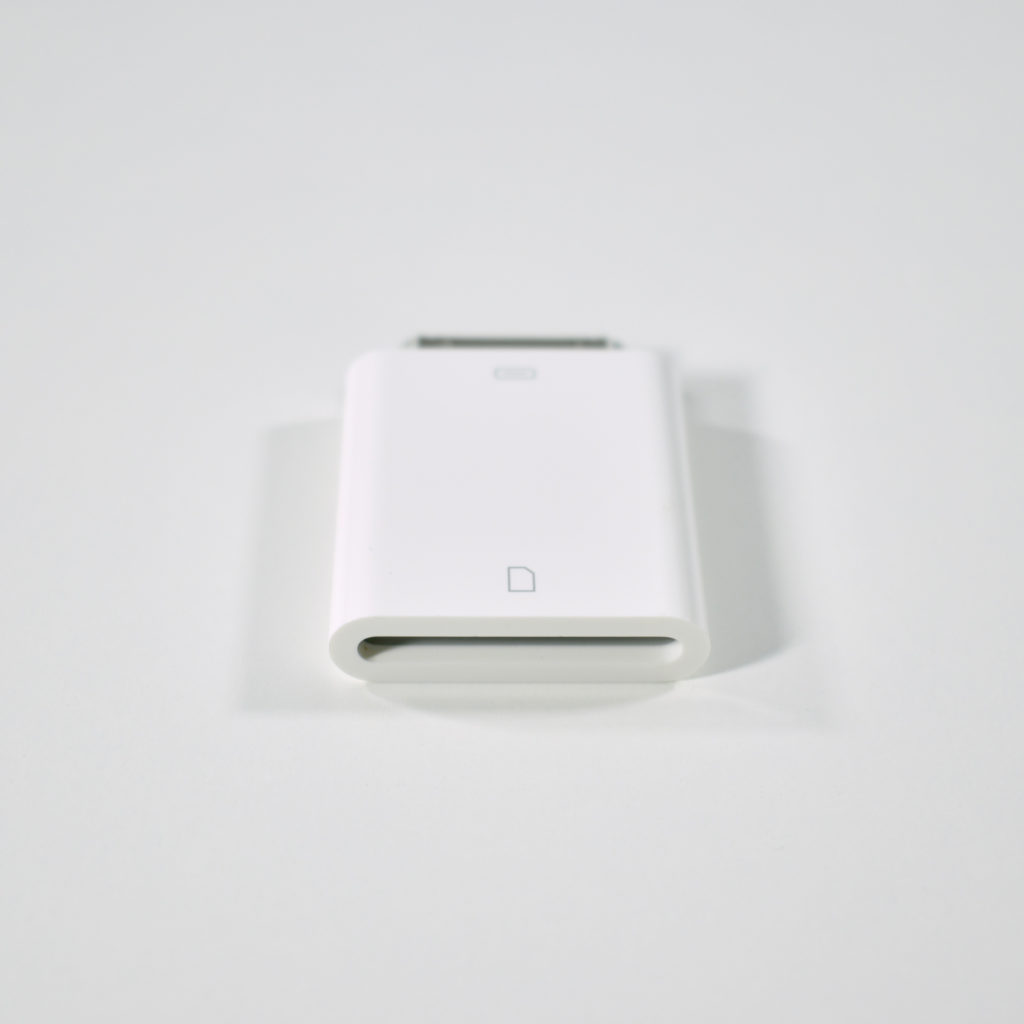
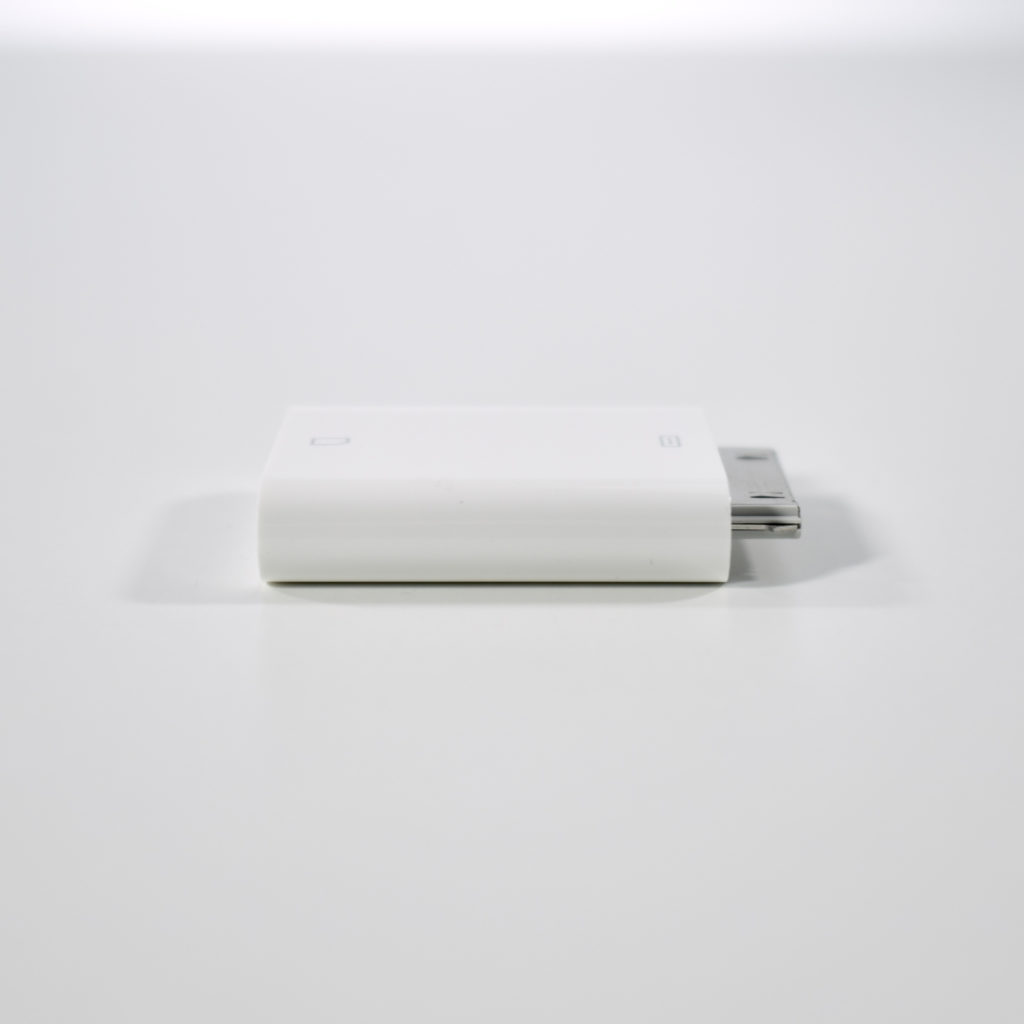
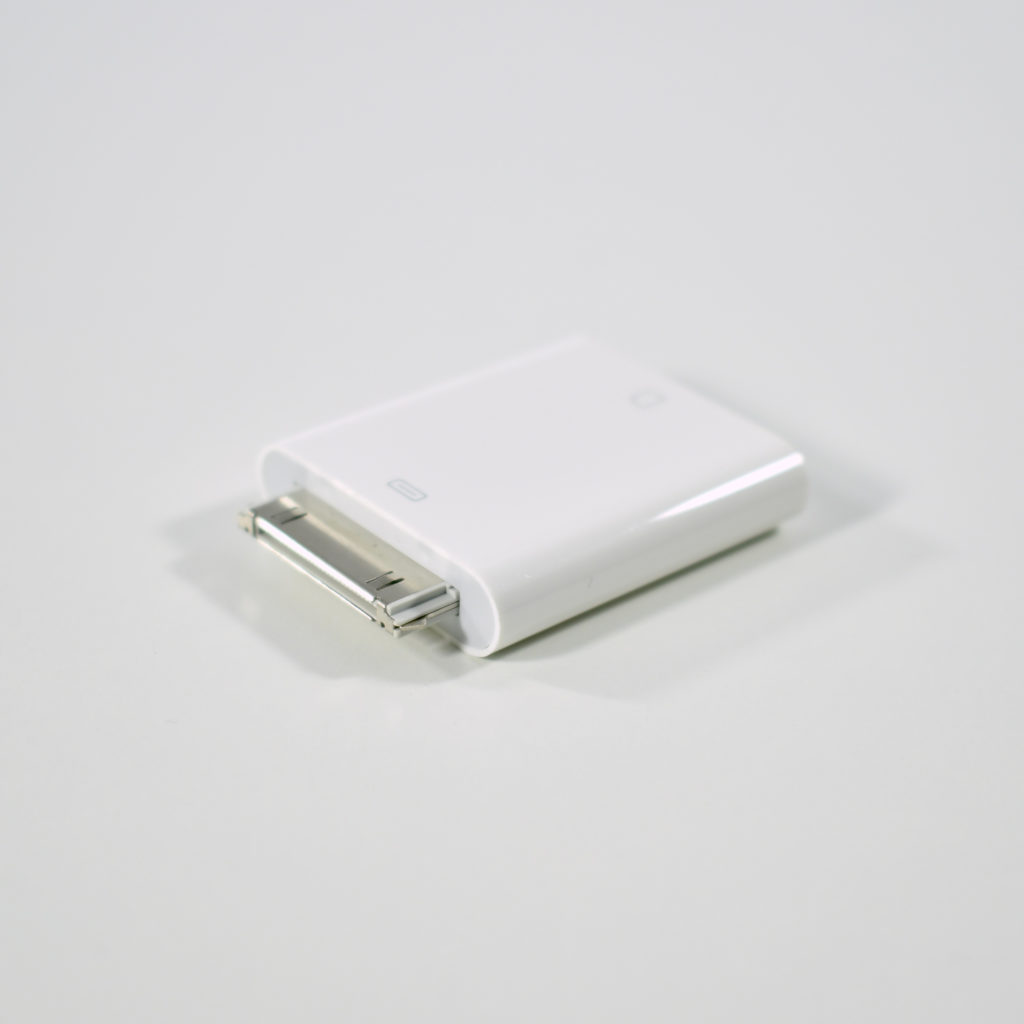
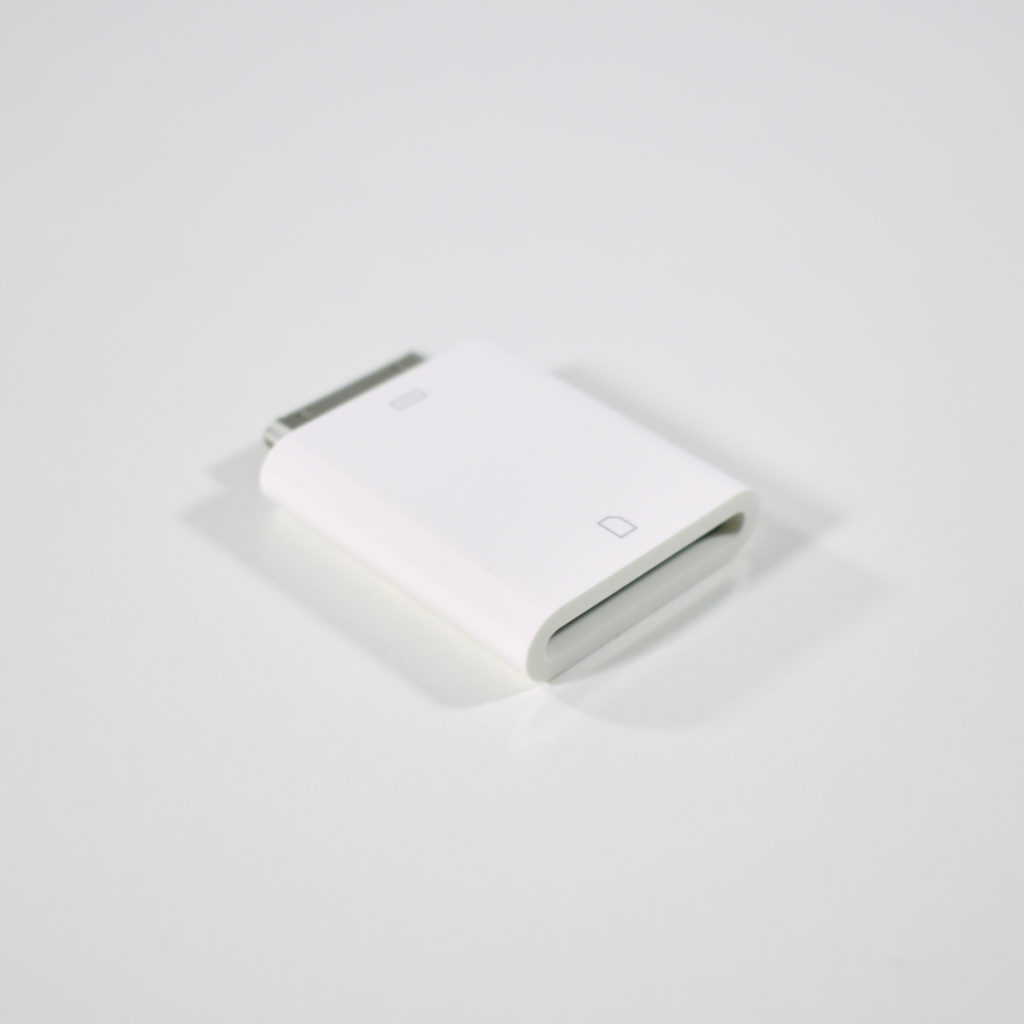
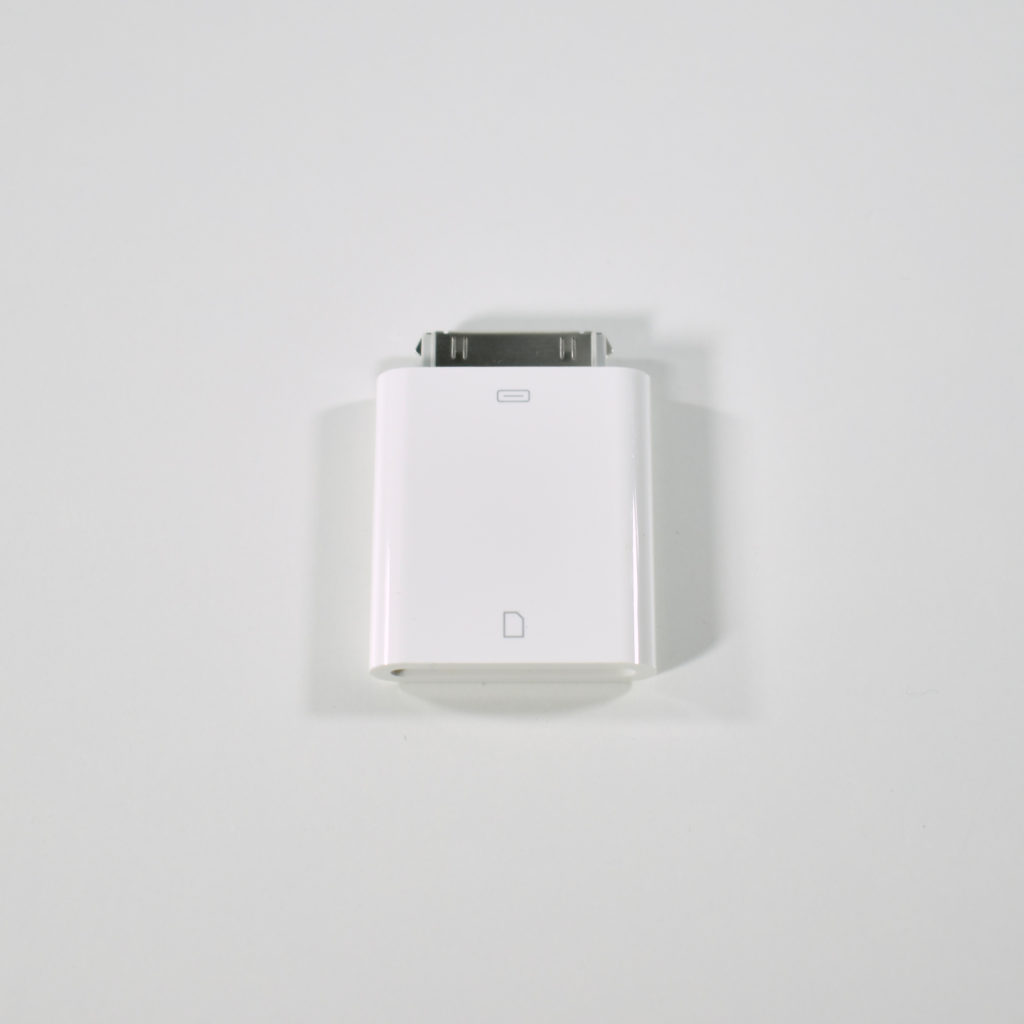
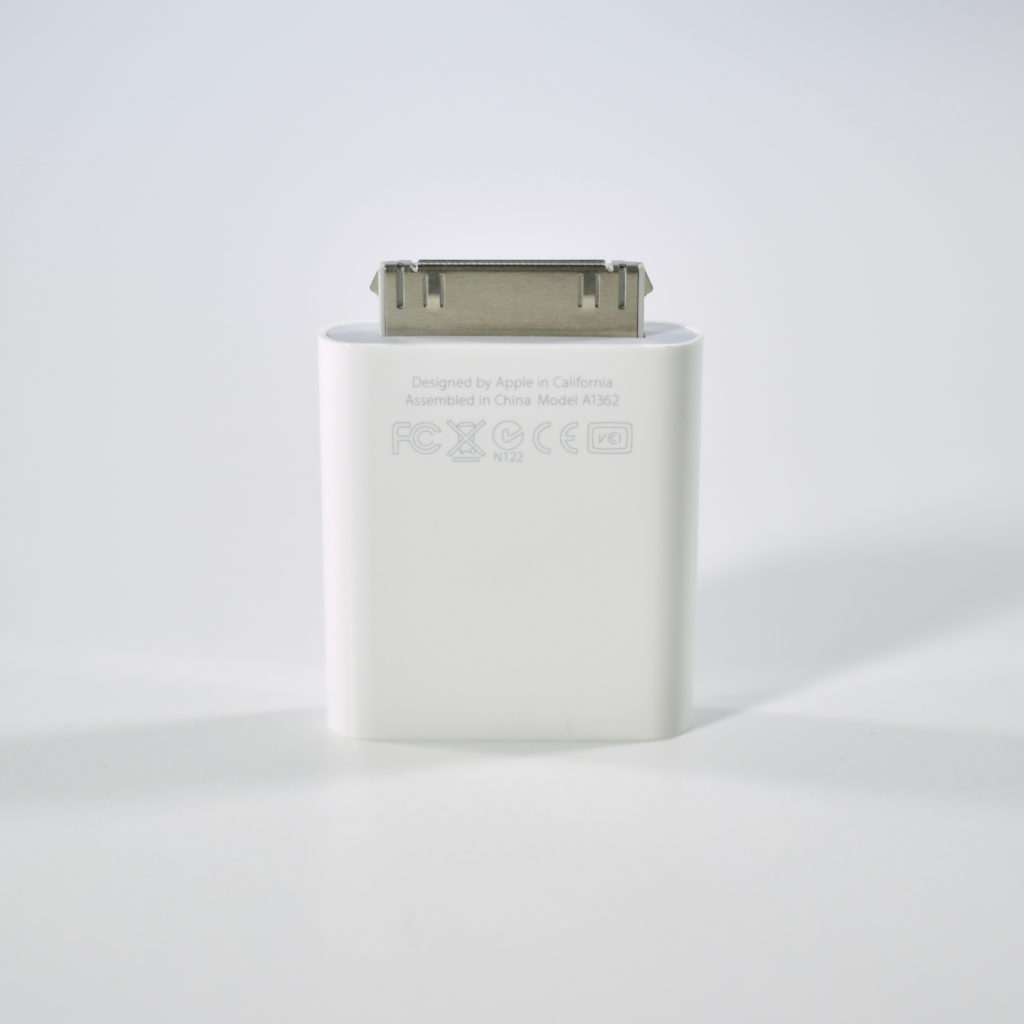
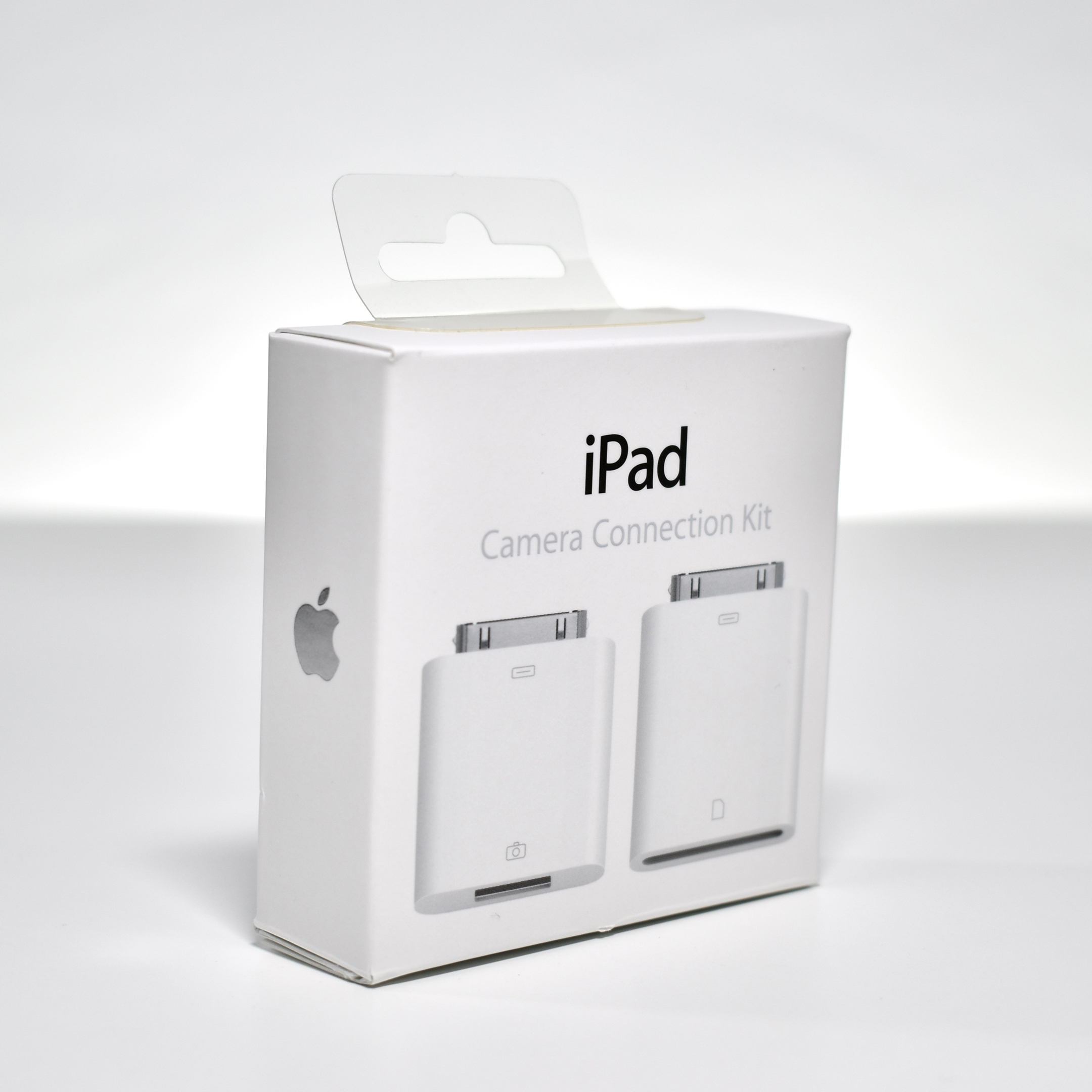
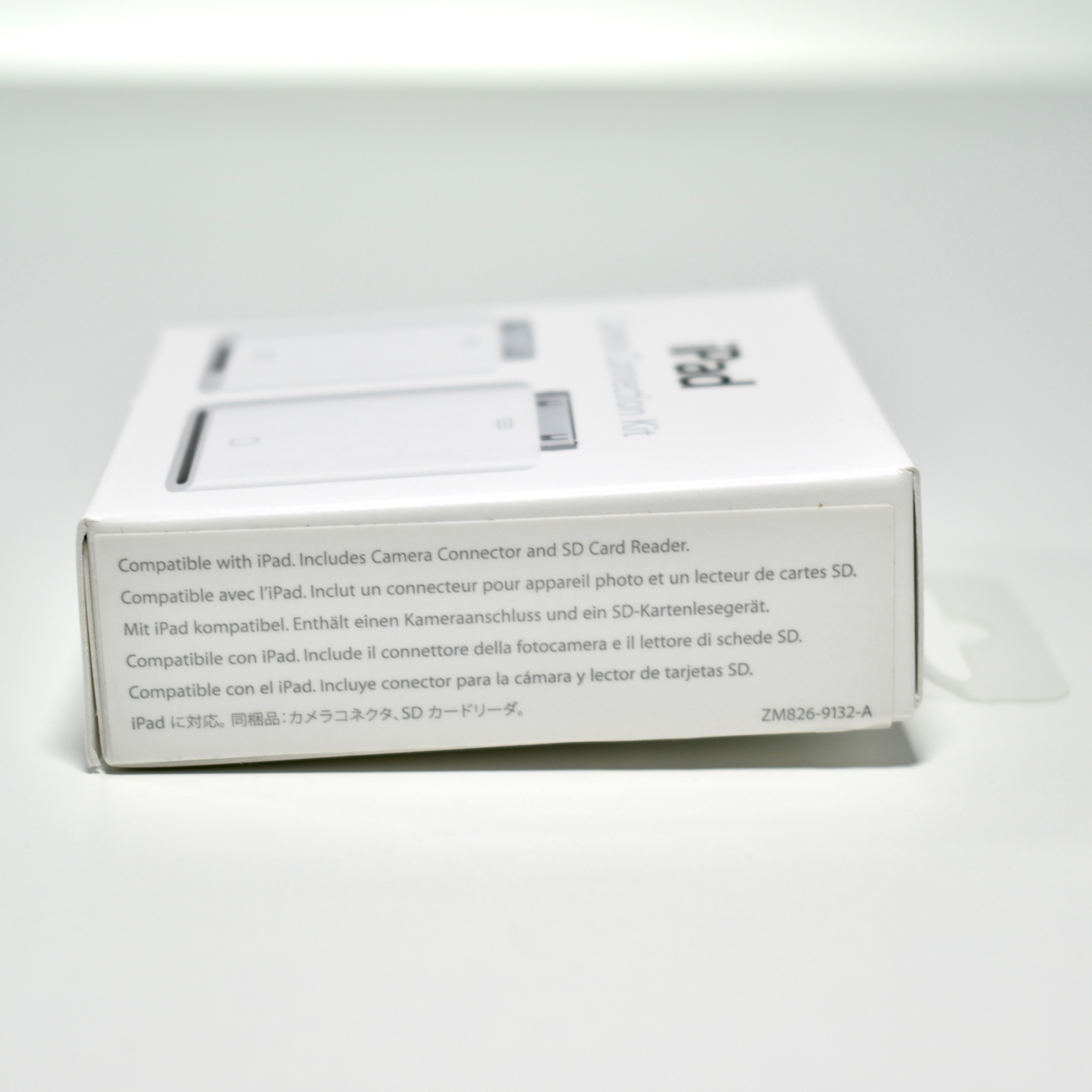
iPad Camera Connection Kit (2010)

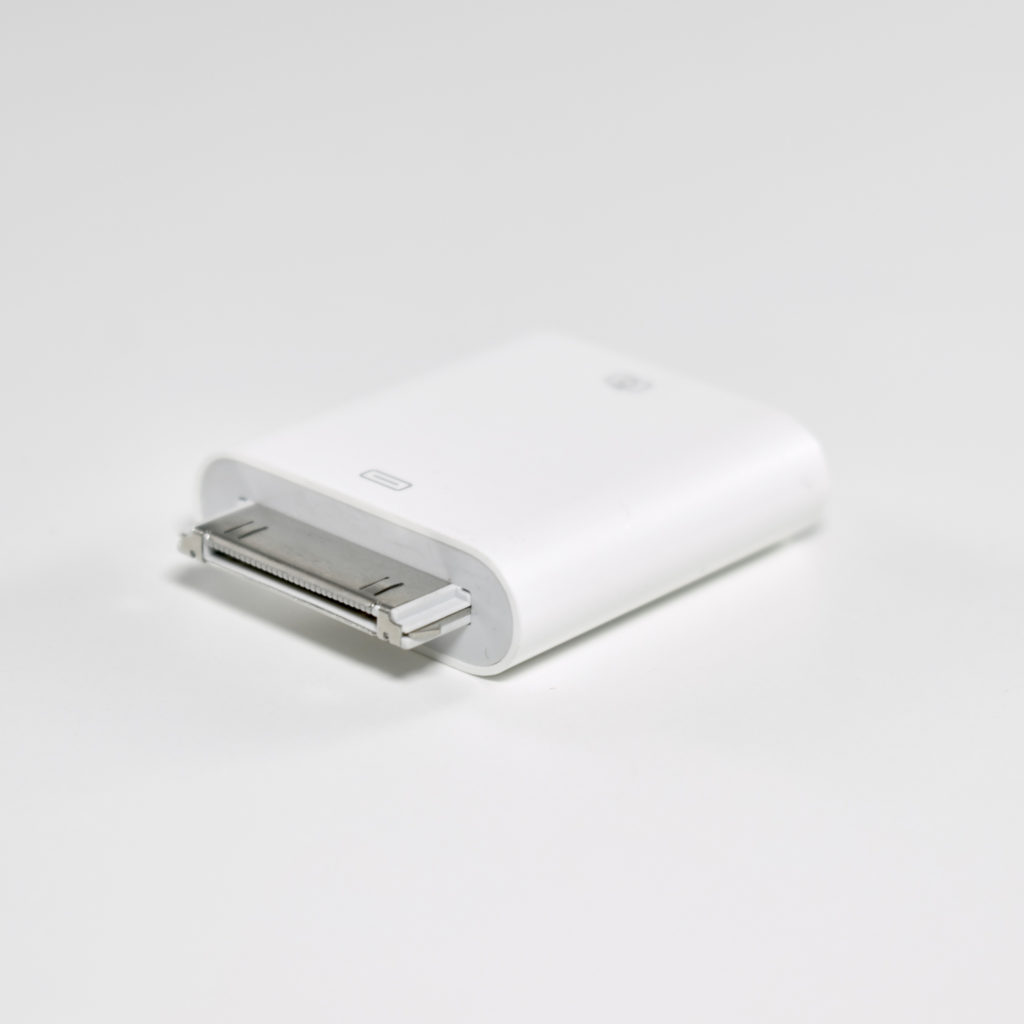
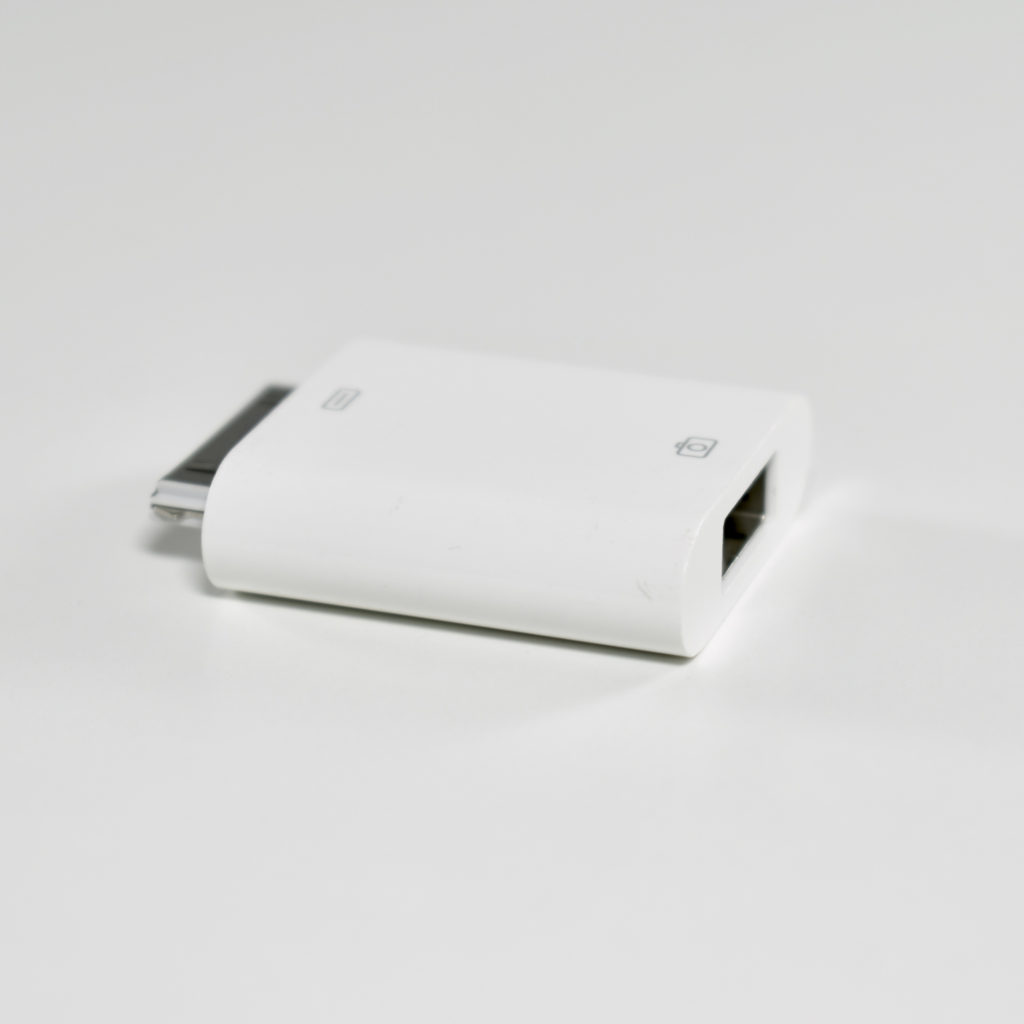
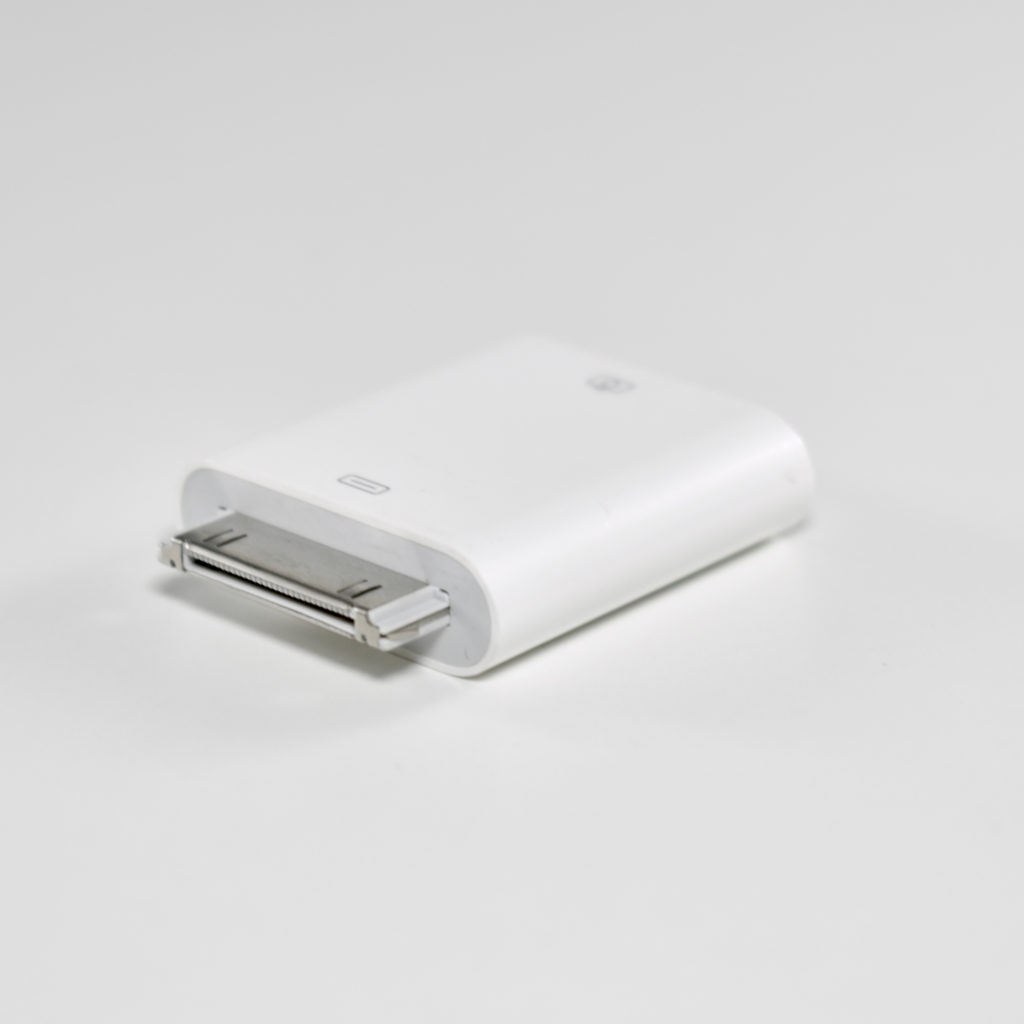
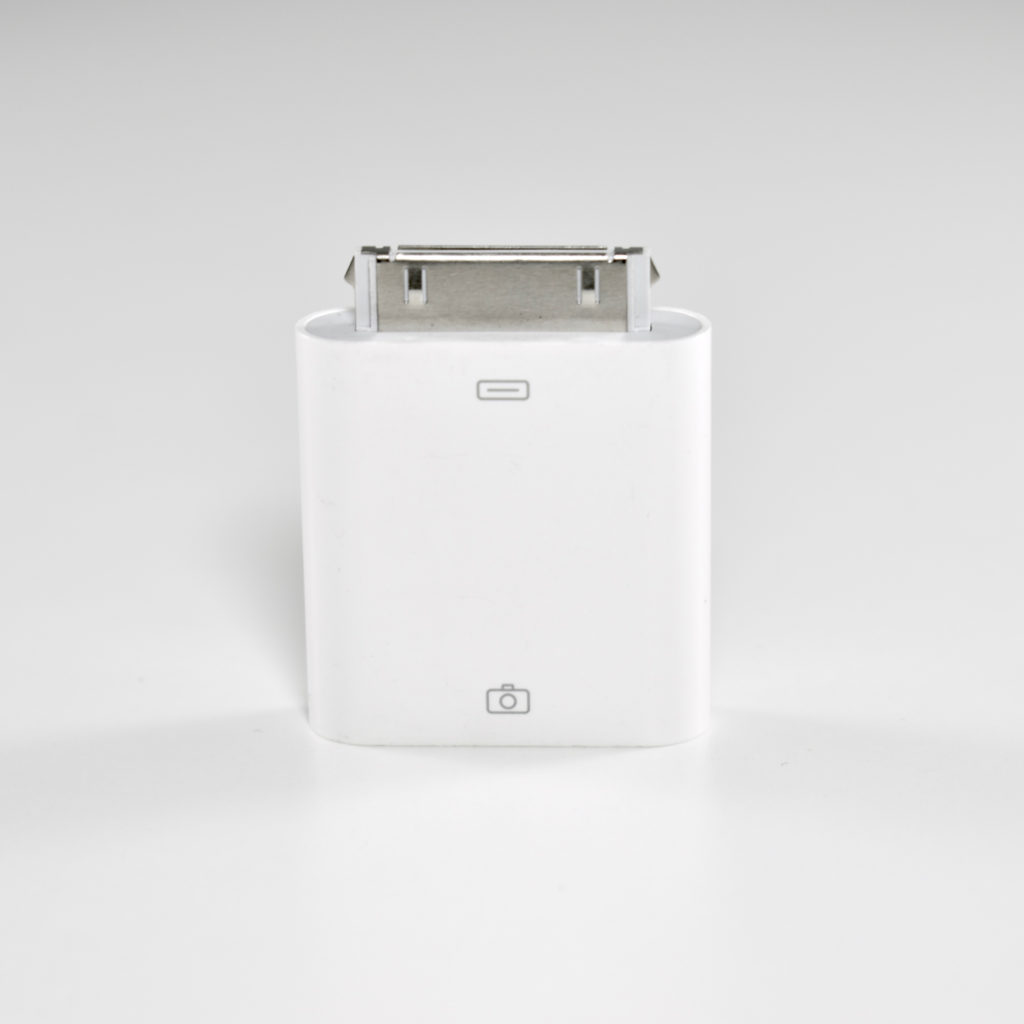
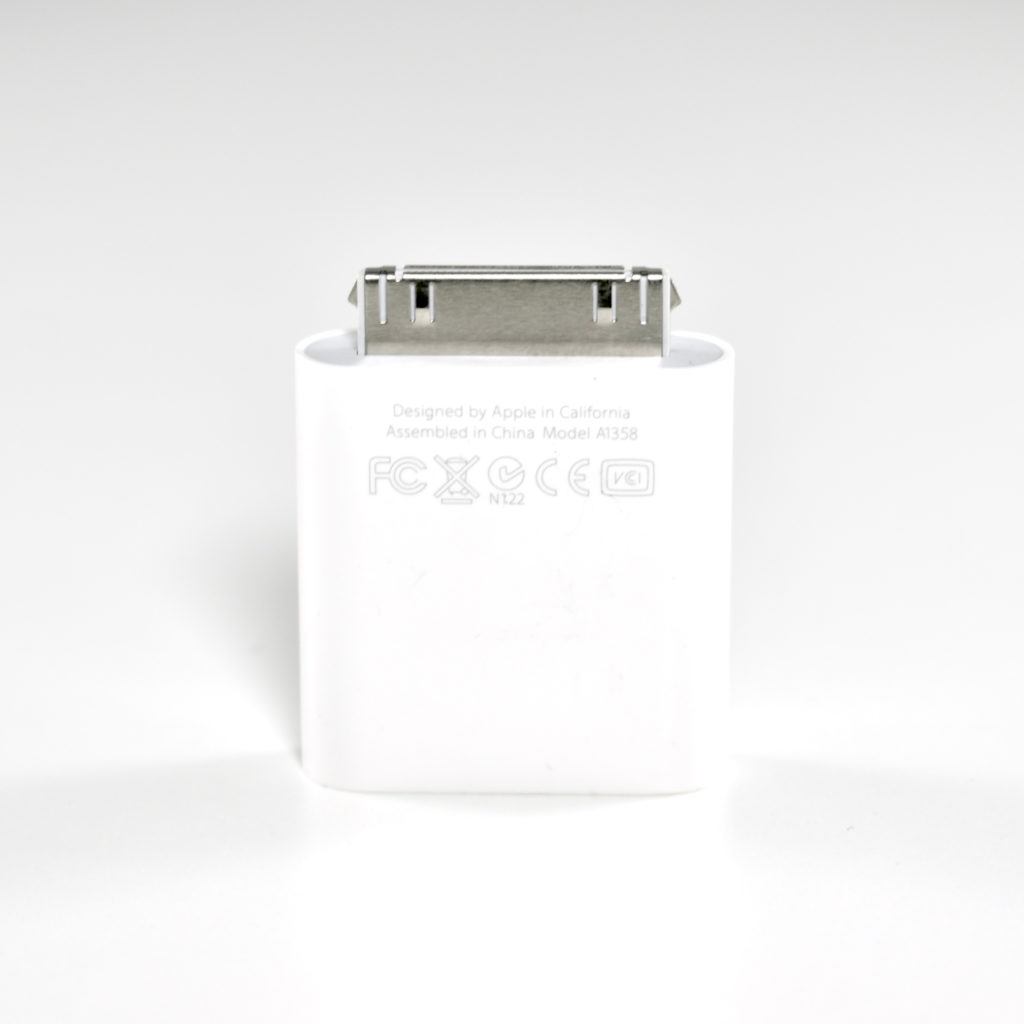
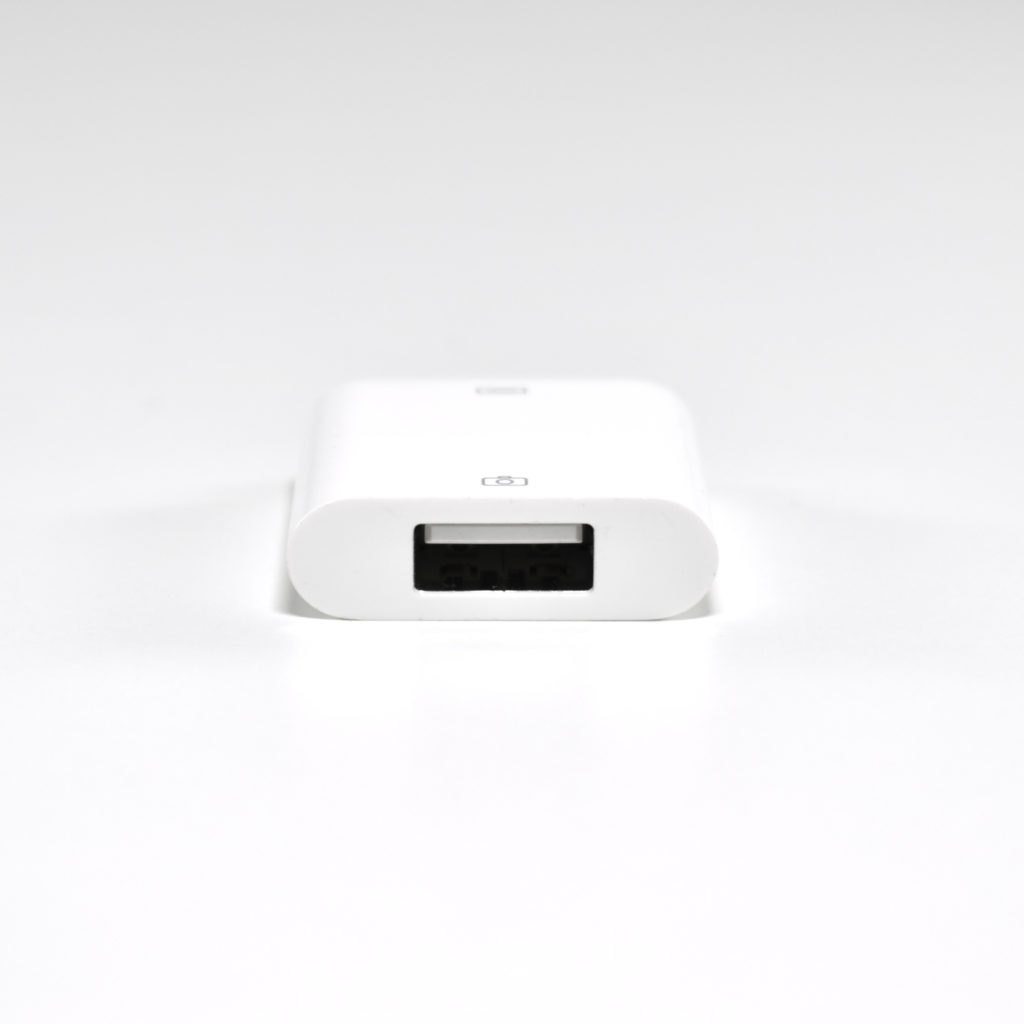
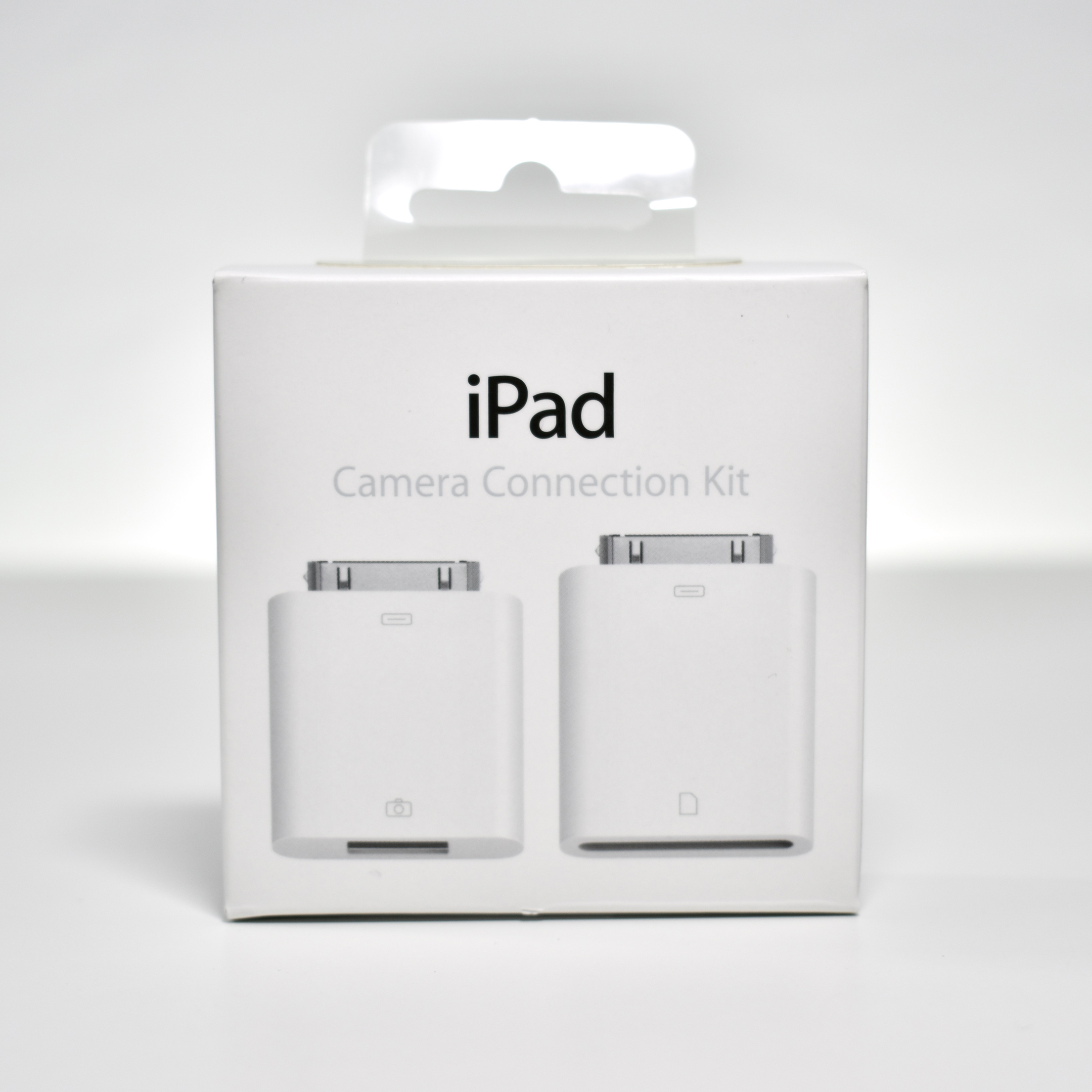
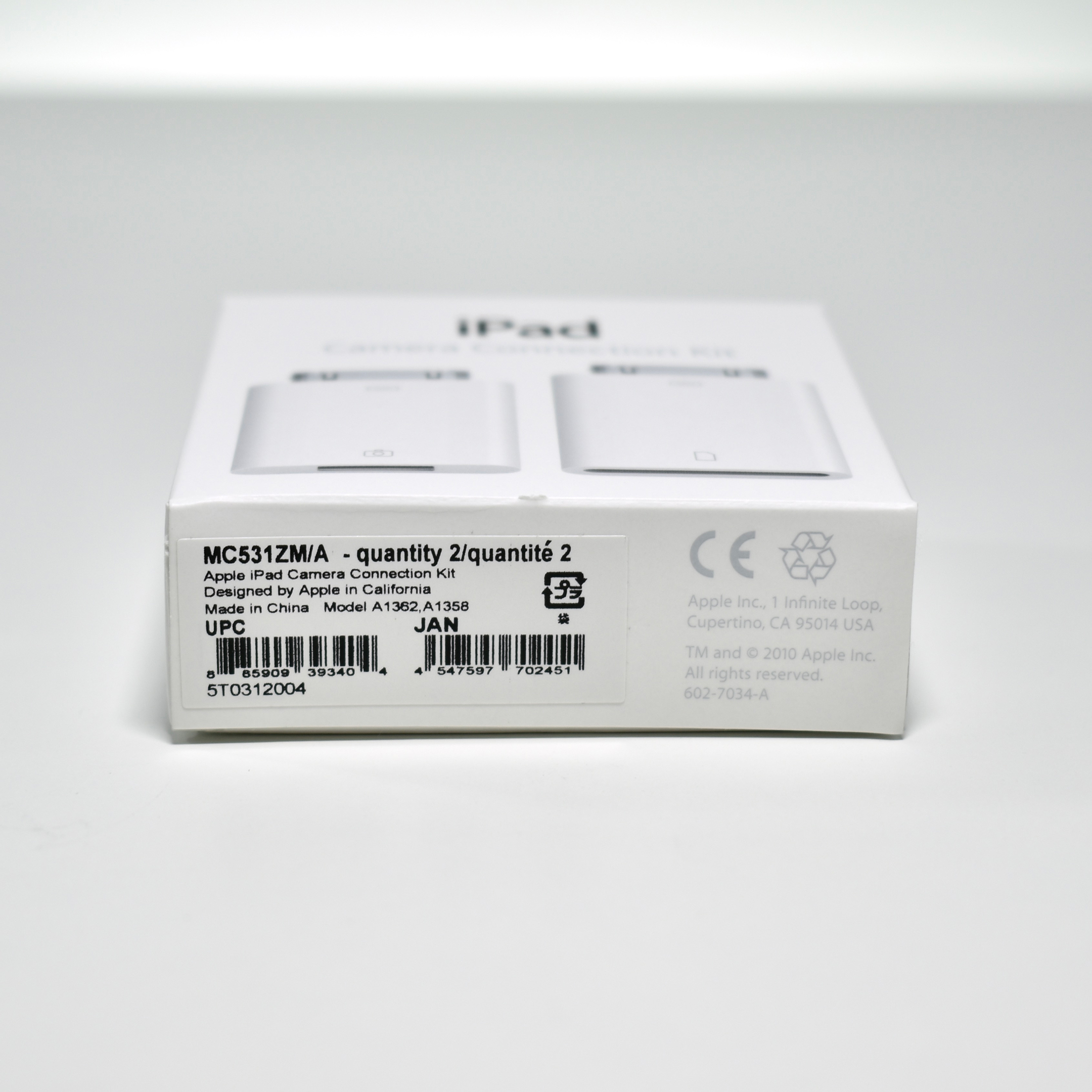
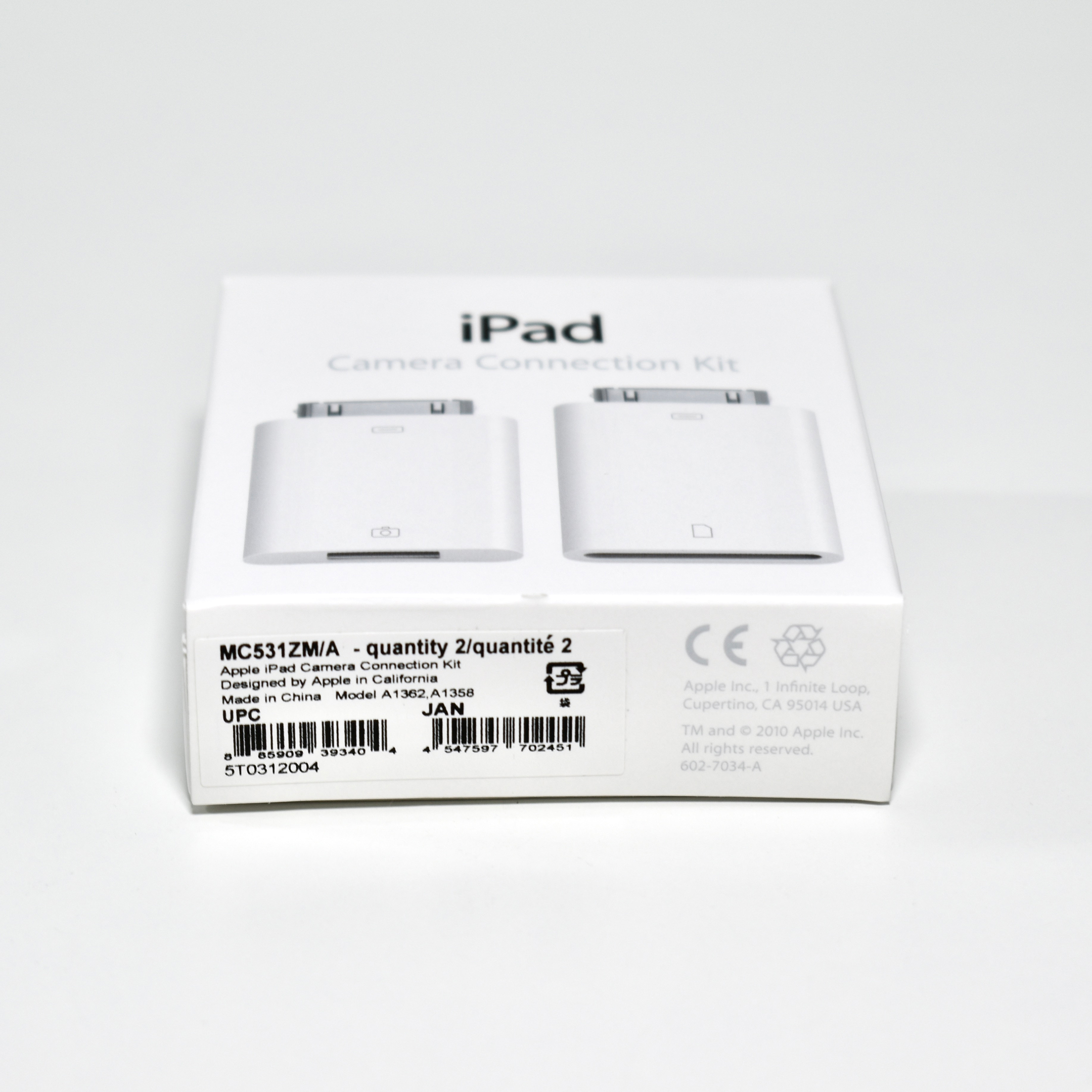
According to Apple, the Apple iPad Camera Connection Kit supports “standard photo formats, including JPEG and RAW, along with SD and HD video formats, including H.264 and MPEG-4.” This connection kit is compatible with iPad Generations 1 –3 (using the 30-pin connector).

The kit consists of two adapters, the Camera Connector USB interface (plug it into the dock connector port on your iPad, then attach your digital camera or iPhone using a USB cable); and the SD Card Reader (import photos and videos directly from your camera’s SD card, connect it to your iPad, then insert your digital camera’s SD card into the slot).

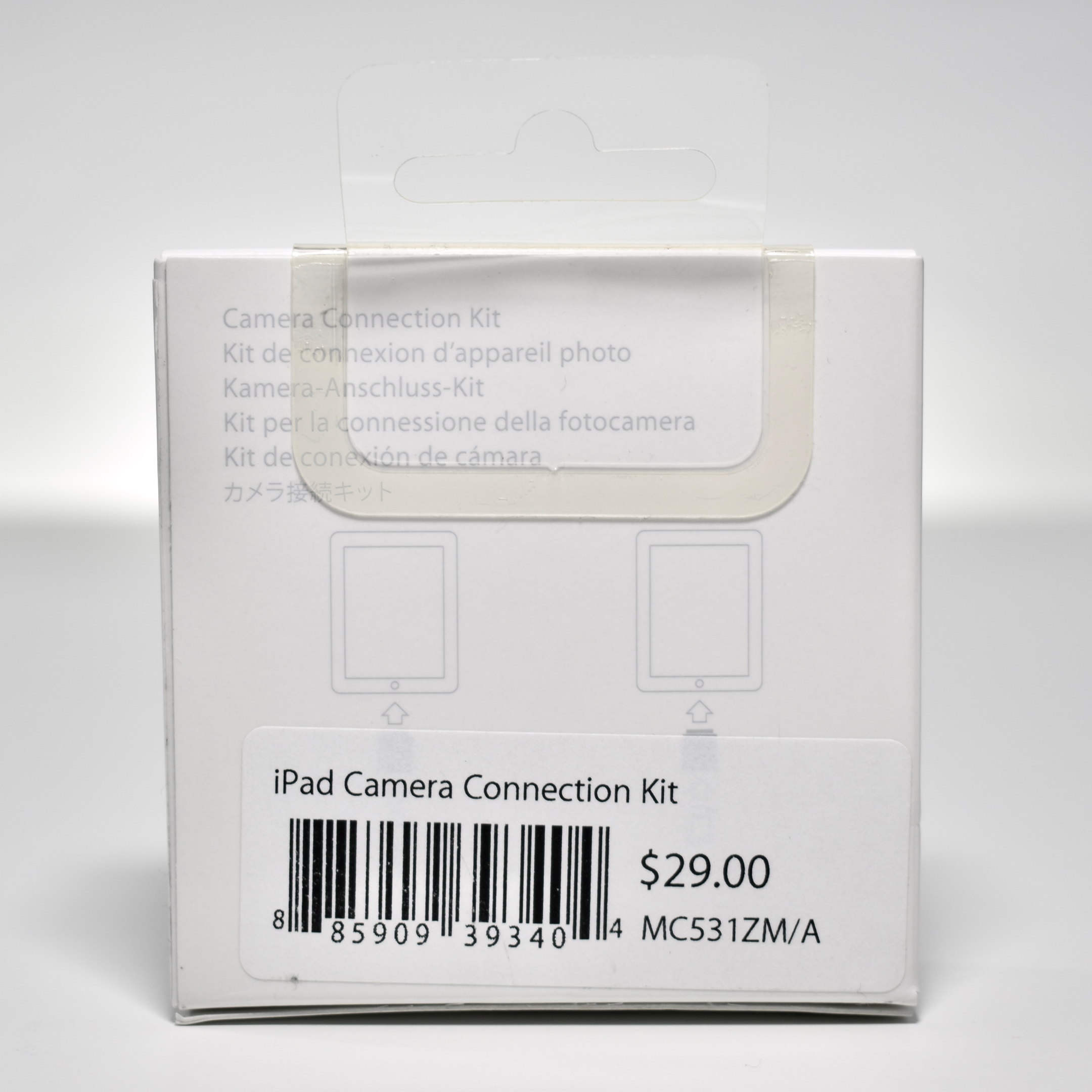
I have both adapters and the original packaging in my collection.

Source: Apple (Australia), Wikipedia

Apple Pencil (original, 2015)

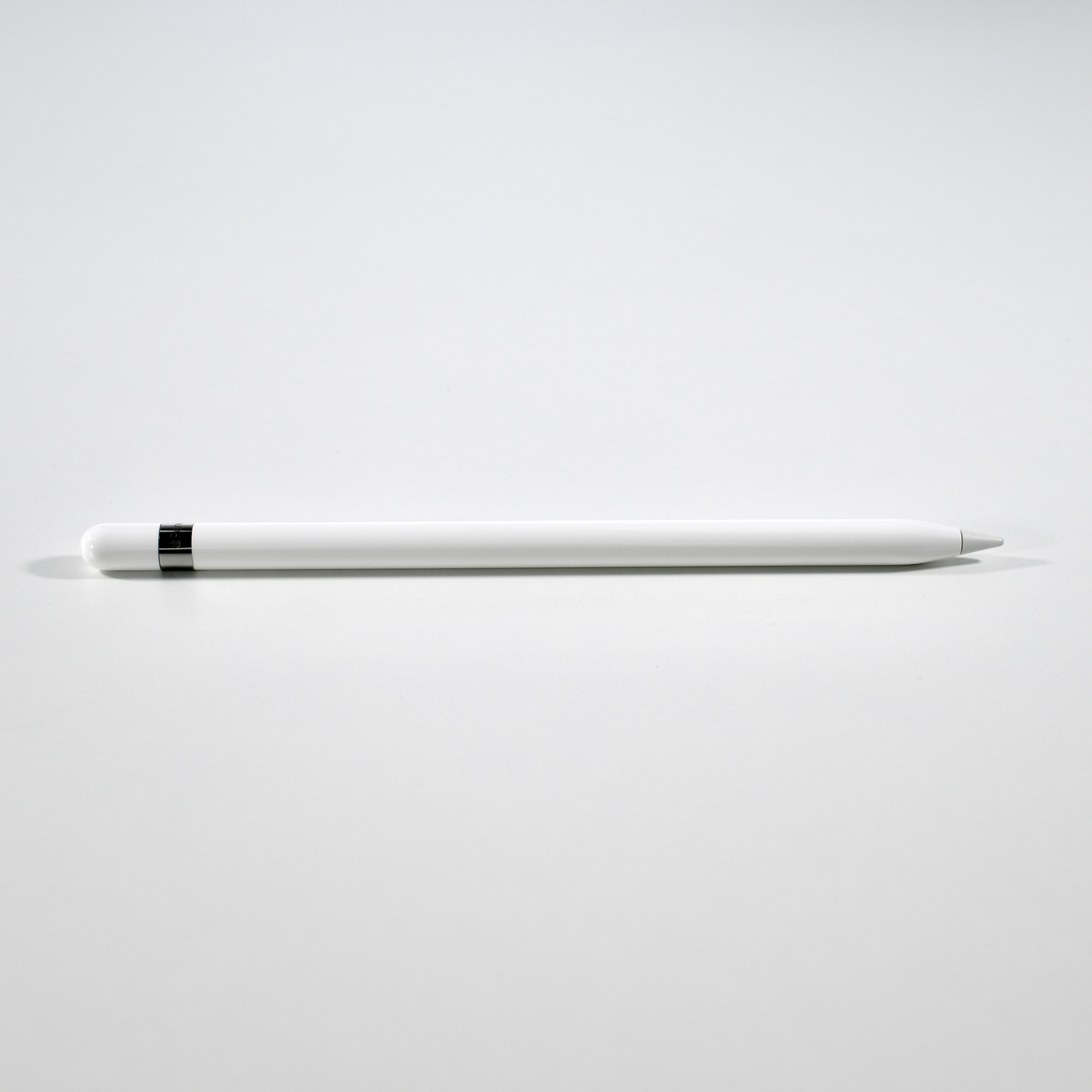
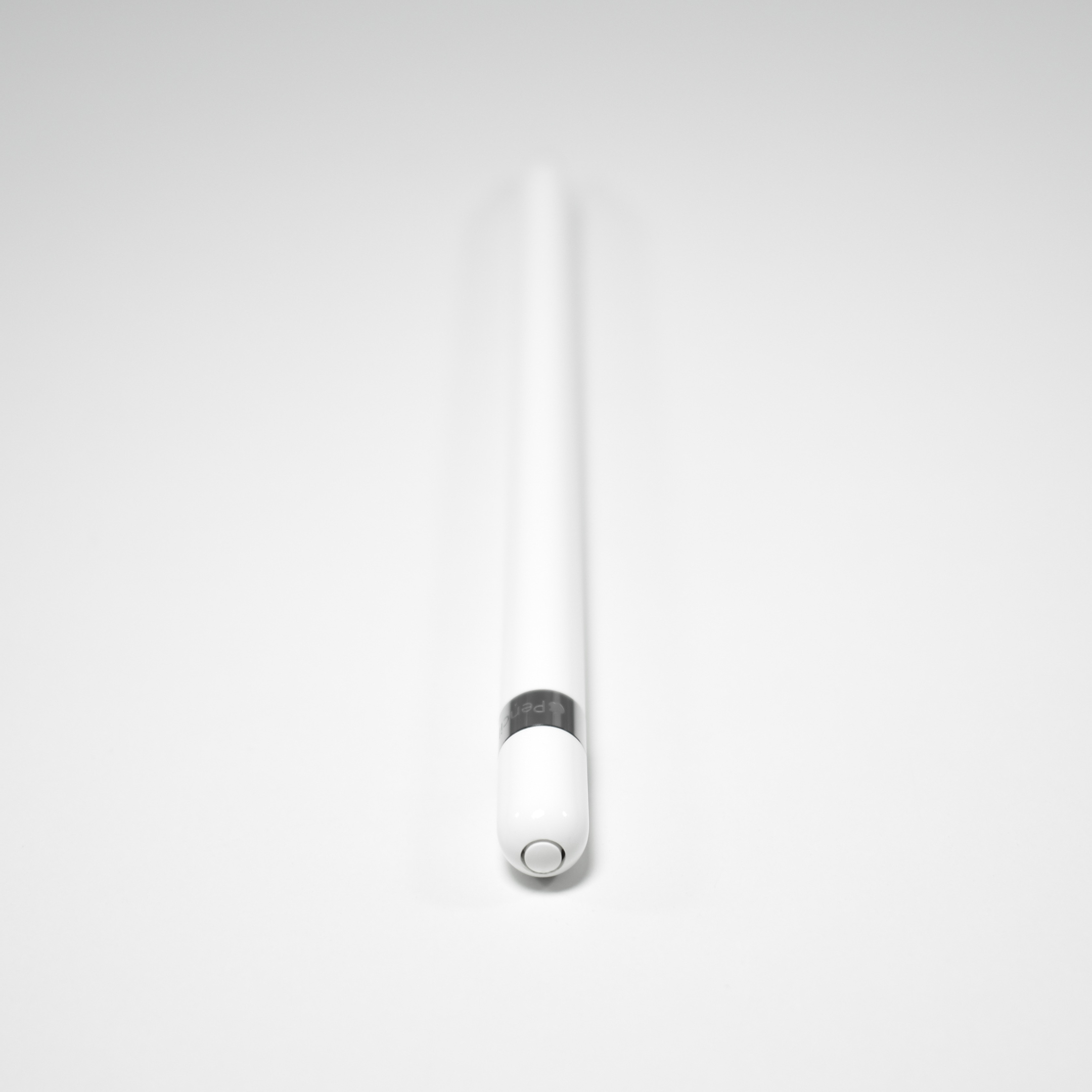
The original Apple Pencil was released along with the original iPad Pro in September 2015. The Apple Pencil can be used by the iPad Air (Generation 3), iPad mini (Generation 5), iPad Pro 10.5-inch, iPad (Generation 6 and 7), iPad Pro 12.9-inch (Generation 1 and 2), and iPad Pro 9.7-inch. It pairs to an iPad device using Bluetooth, and has a removable magnetically attached cap hiding a Lightning connector.
The original Apple Pencil somewhat awkwardly charges by plugging it into the lightning port of an Apple device; however, it also includes a female-to-female adapter that allows charging with a Lightning cable. While a full charge can last up to 12 hours, a 15-second charge provides about 30 minutes of use.
The Apple Pencil can be used for writing, drawing, or annotating in a wide variety of apps. Apple describes its features as having “pixel-perfect precision, tilt and pressure sensitivity, and imperceptible lag.”

Source: Wikipedia, Apple (description, specifications)

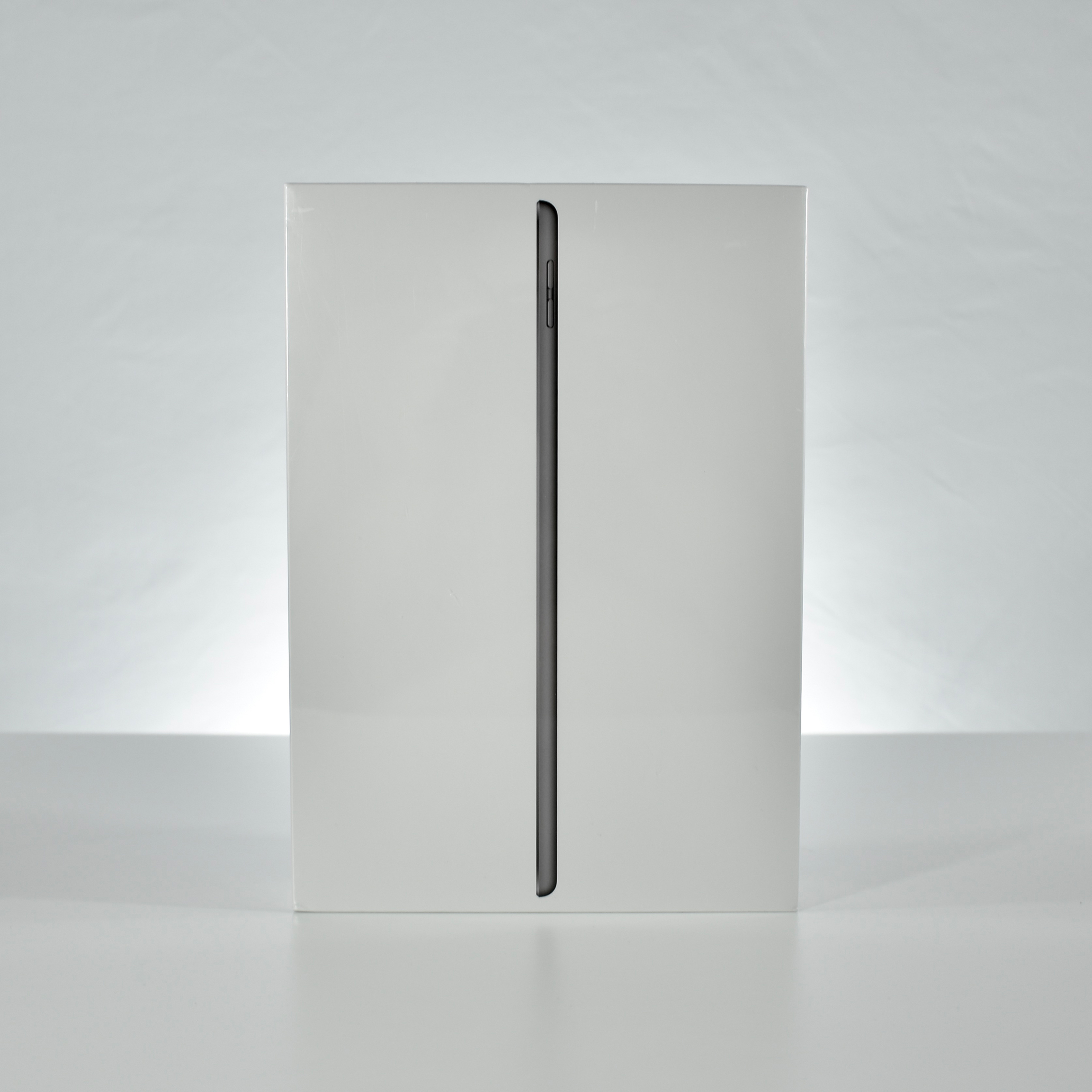
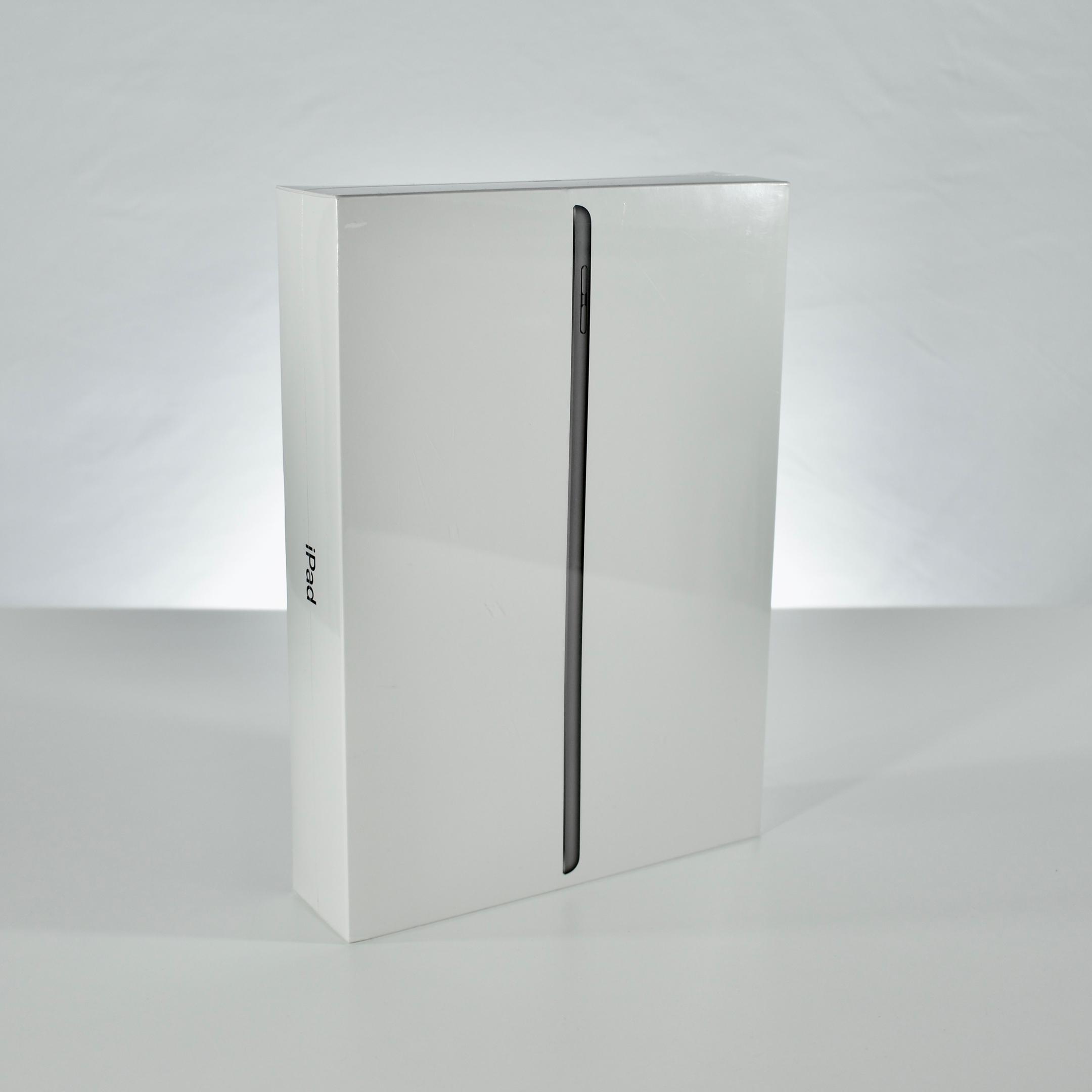
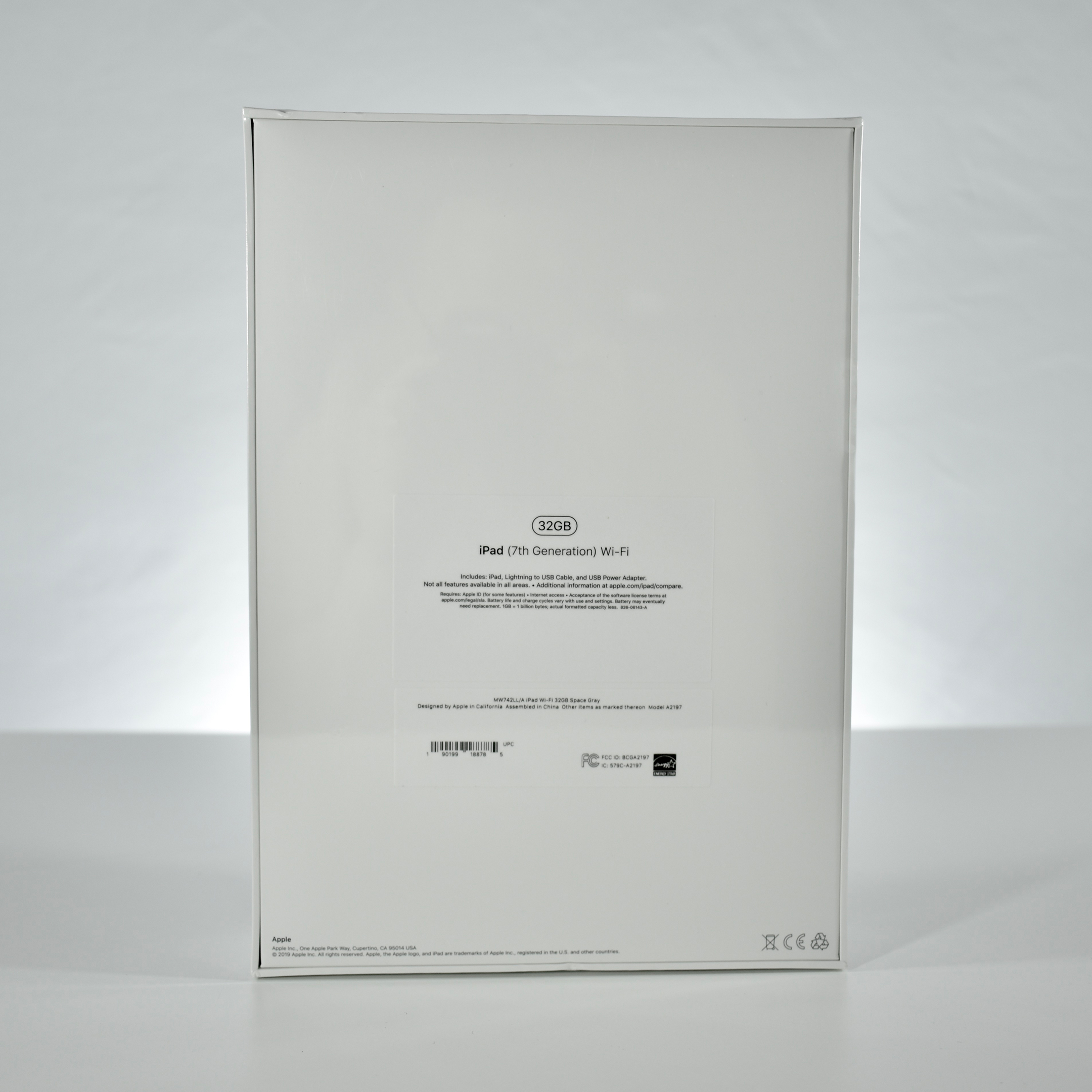
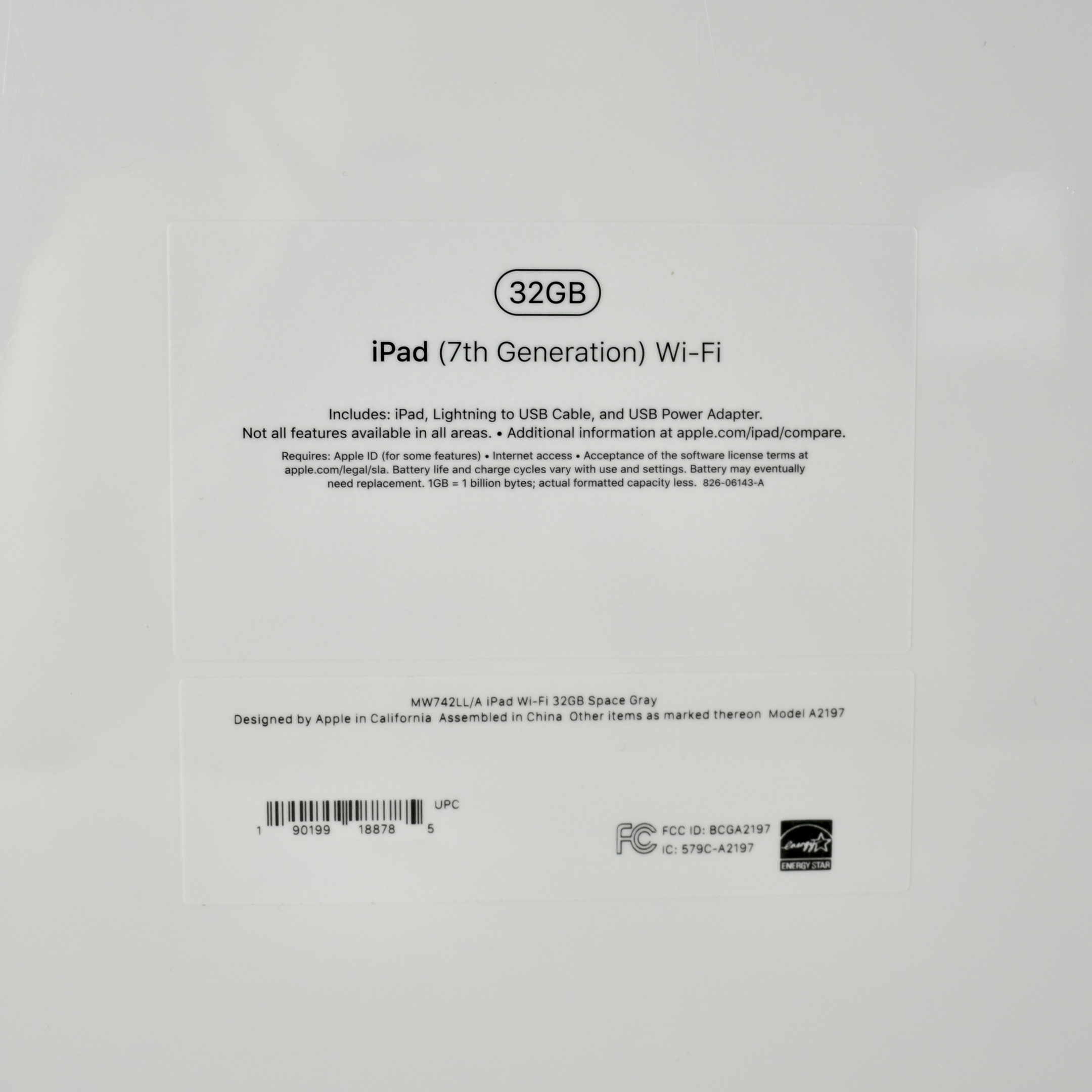
iPad (Generation 7, Wi-Fi, 32 GB, unopened, 2019)

The Generation 7 iPad differs from previous base iPad models with its larger 10.2-inch screen at 2160×1620 (264 ppi) (the Generation 6 iPad had a 9.7-inch screen) and the addition of the Smart Connector. The Smart Connector allows this iPad to use an Apple Smart Keyboard. This iPad was available in three colors: white front with a gold back, white front with silver back, and black front with a Space Gray back. This example is Space Gray.

The Generation 7 iPad uses the Apple A10 Fusion processor with 3 GB of RAM, and has 32 GB or 128 GB of internal storage. It also has an 8 Megapixel iSight camera on the back (1080p) and a 1.2 Megapixel FaceTime camera (720p) on the front. Wireless connectivity includes 802.11ac Wi-Fi and Bluetooth 4.2,. Its two wired ports are the Lightning port and a 3.5mm audio port. Internal sensors include accelerometer, gyroscope, ambient light sensor, compass, and barometer.
Aside from this Wi-Fi model, three Wi-Fi/Cellular models are available (US/CA, Global, and China).
Source: EveryMac