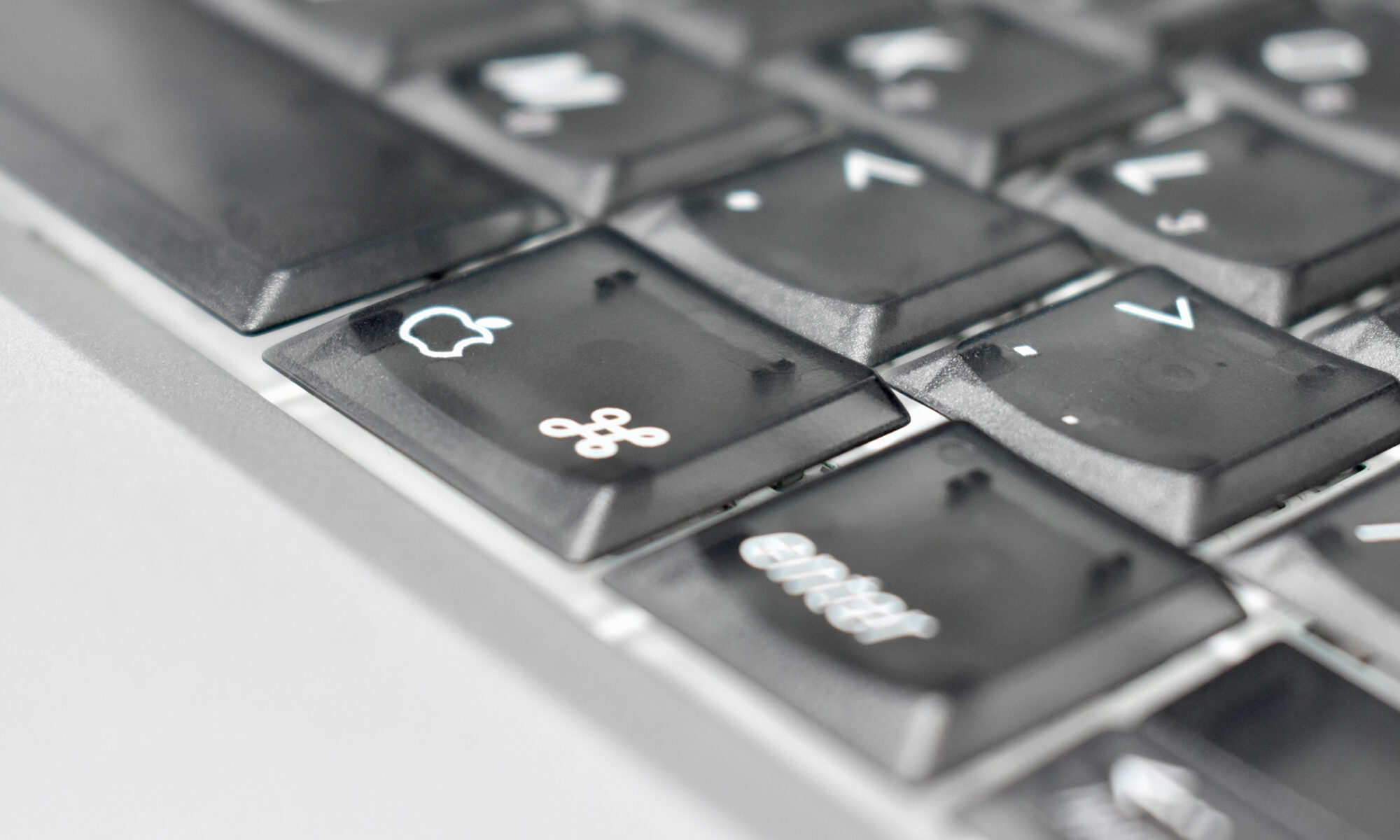
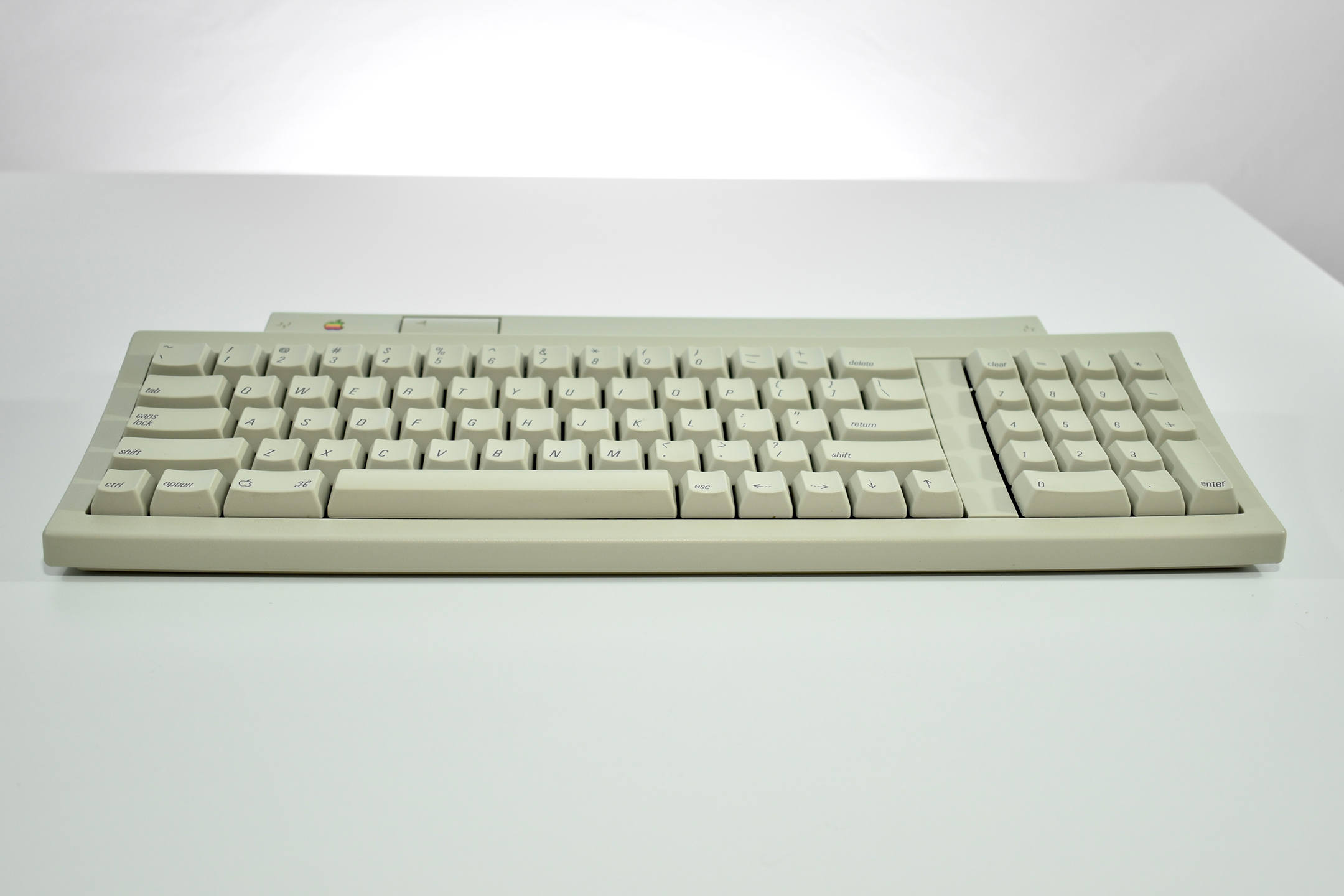
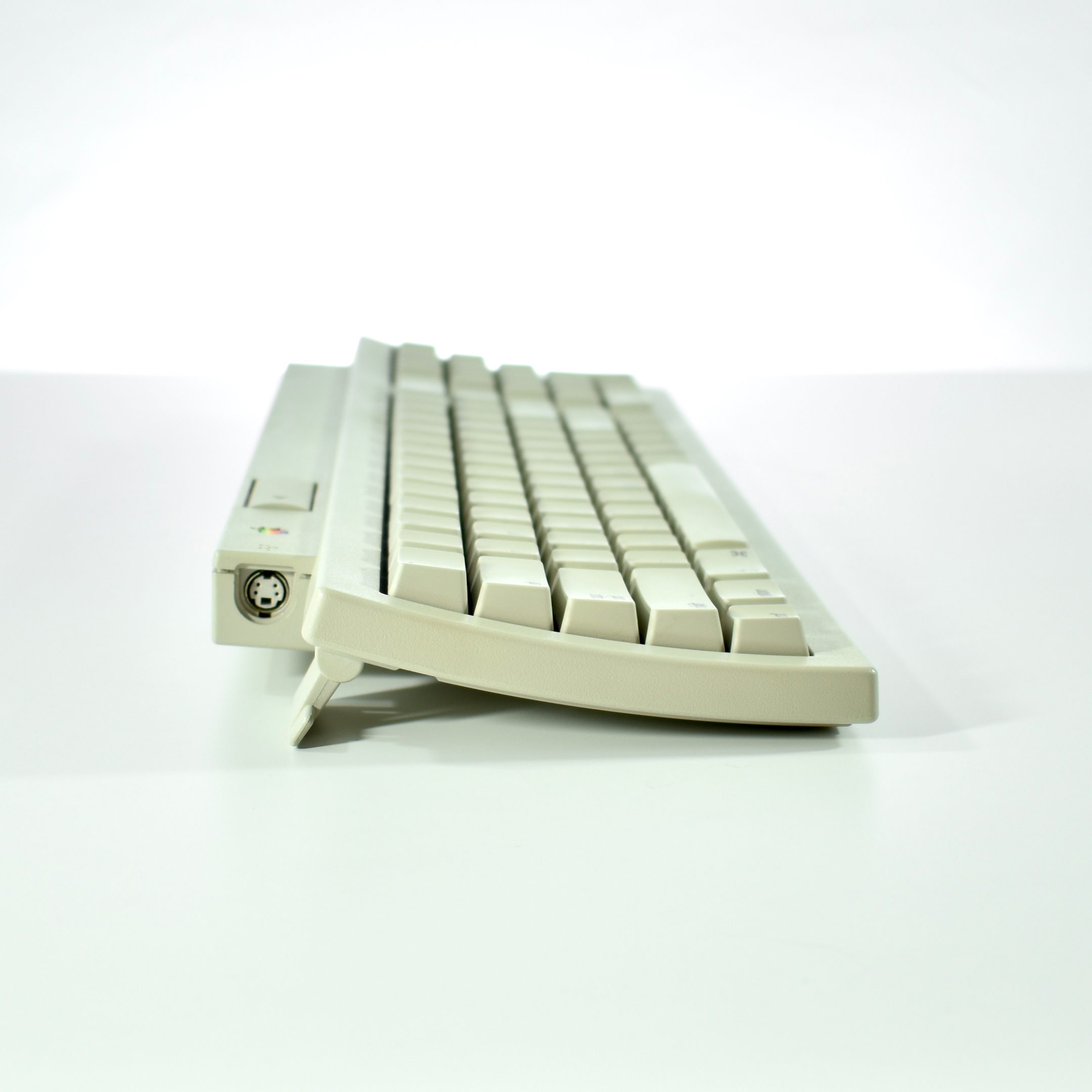
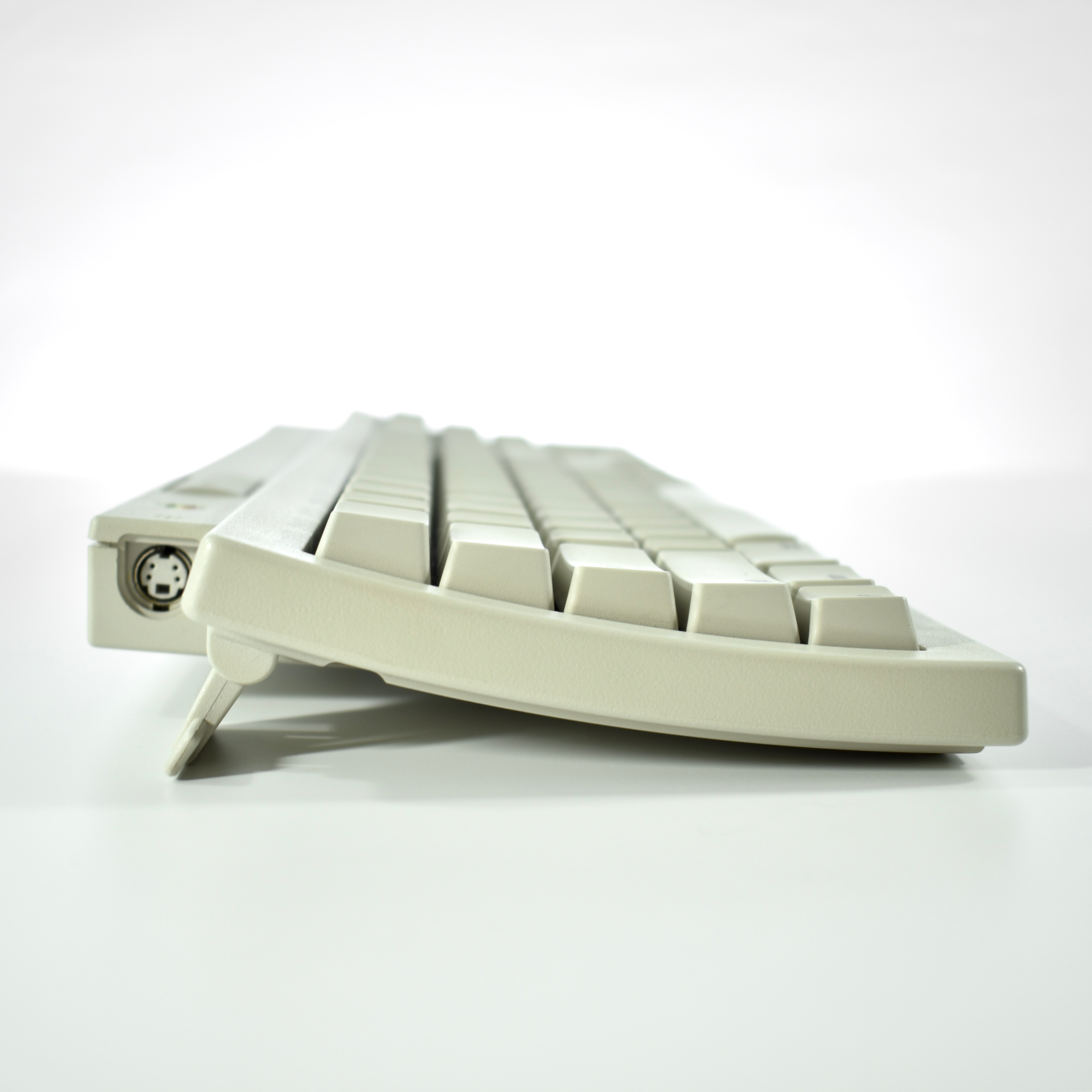
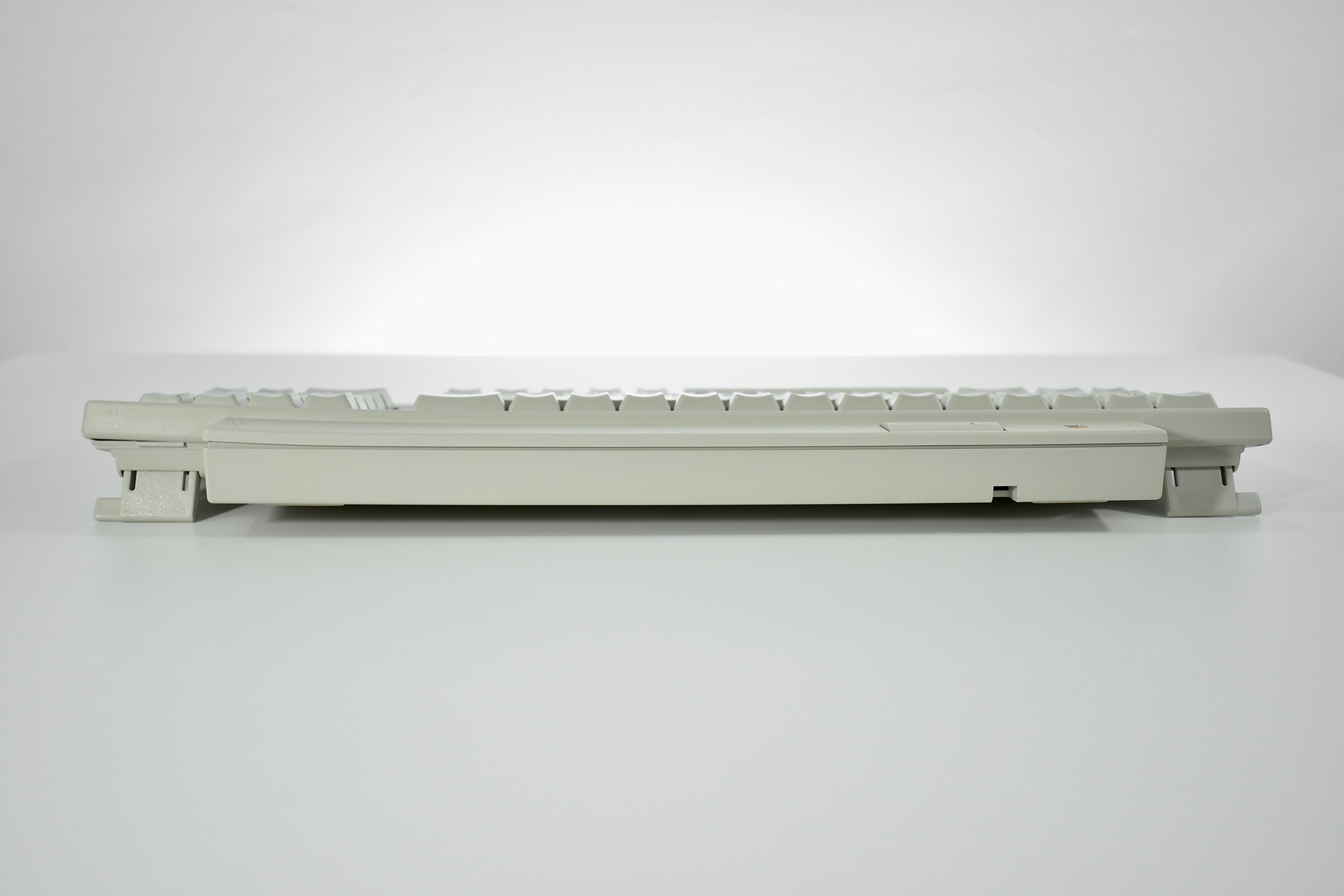
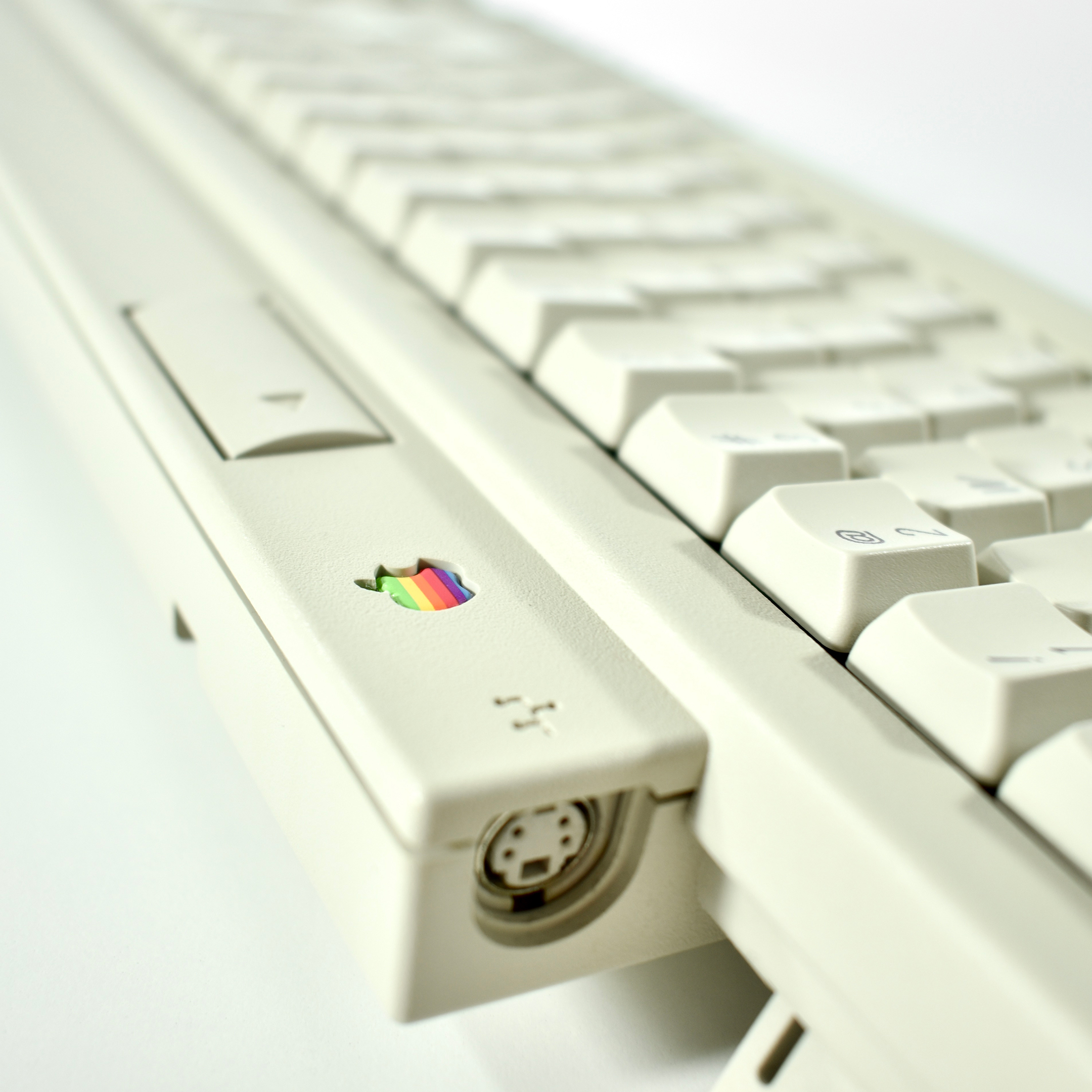
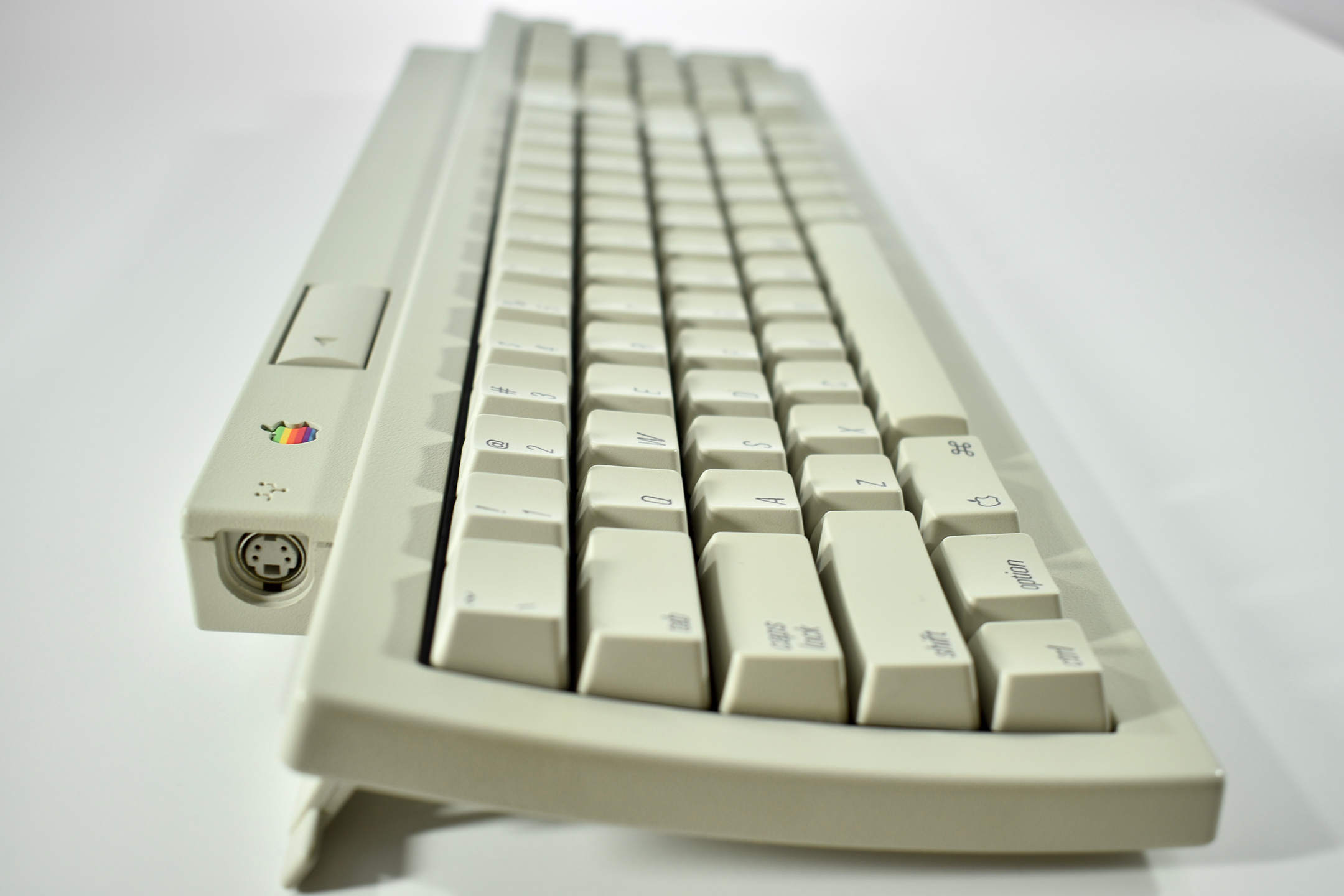
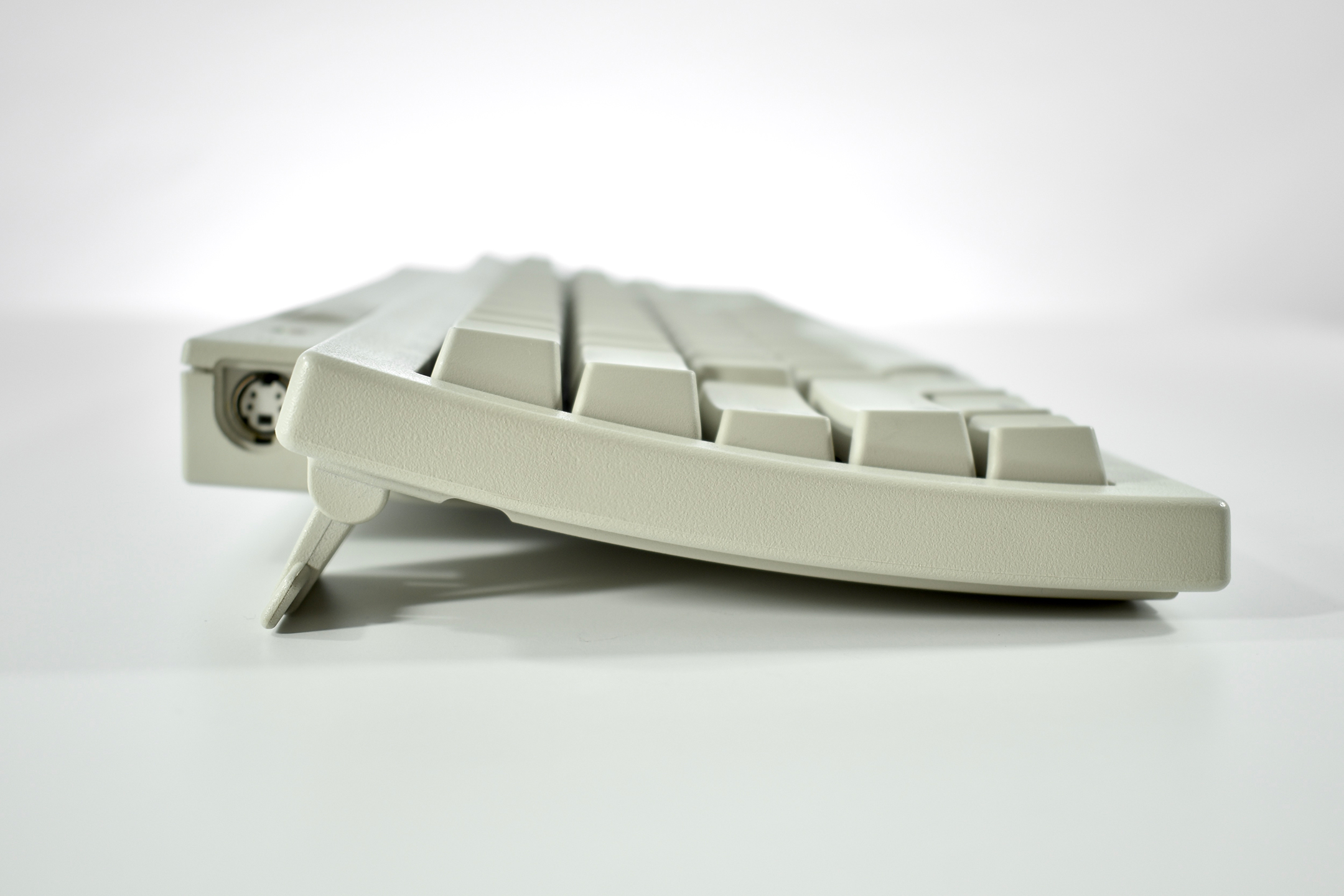
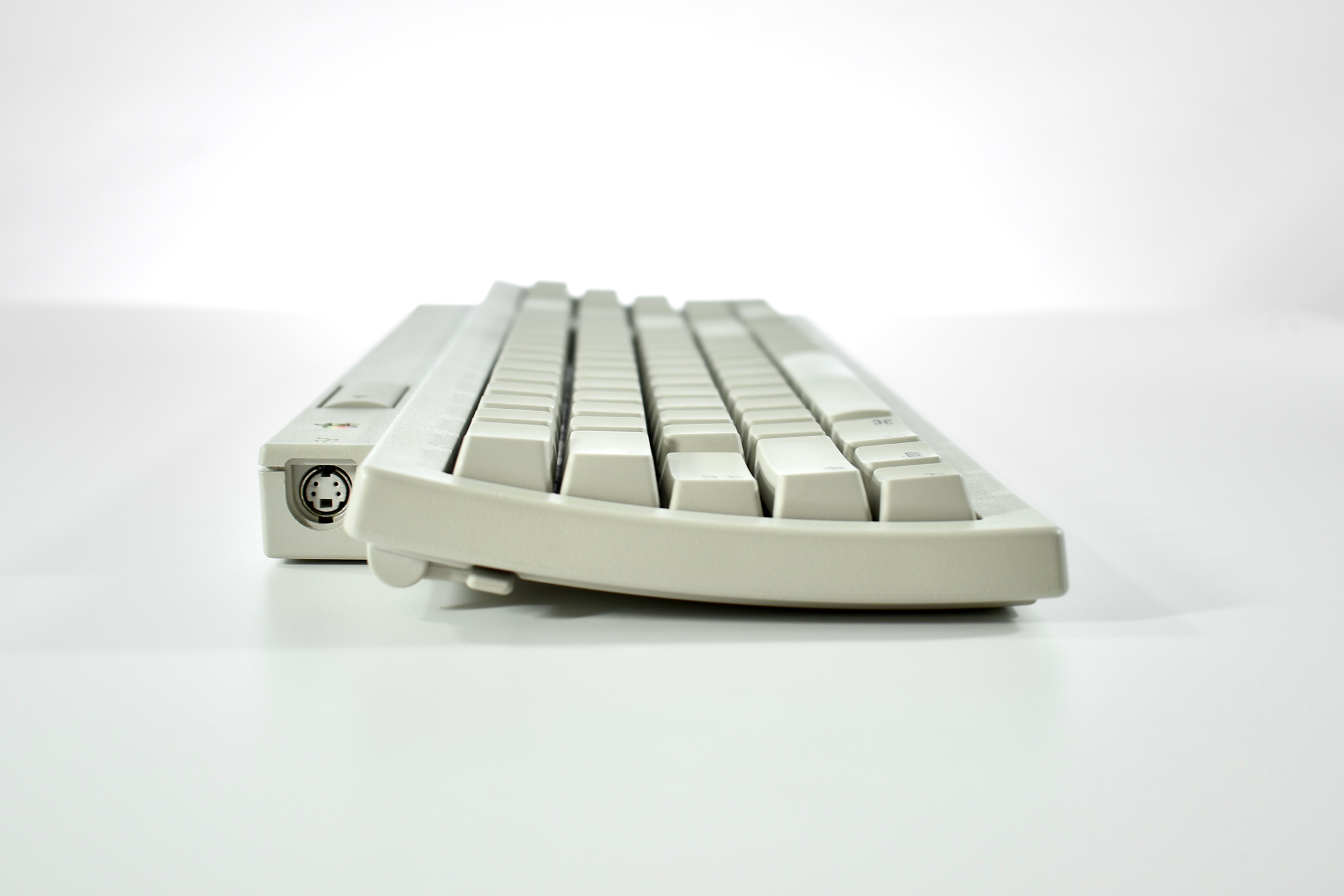
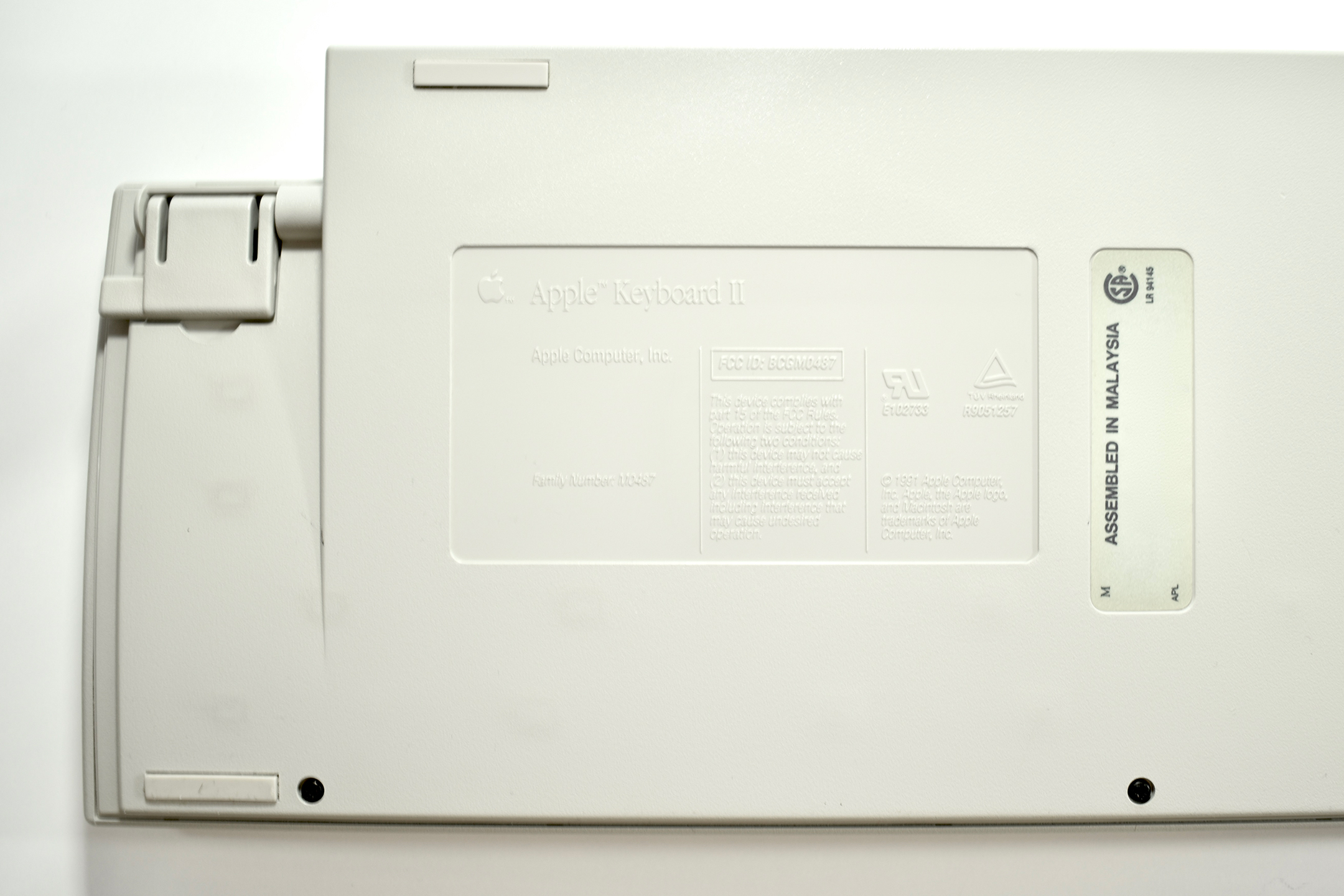
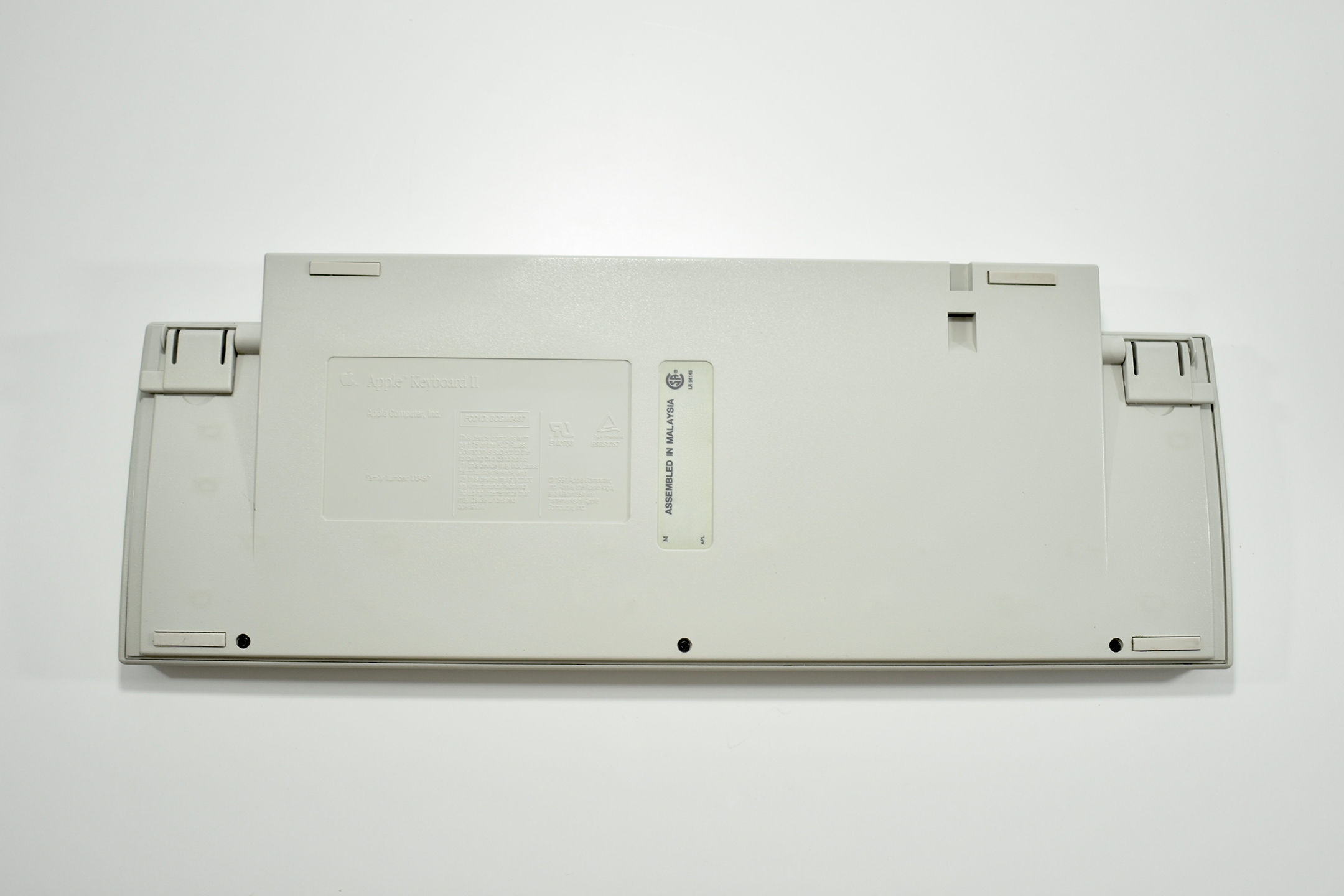
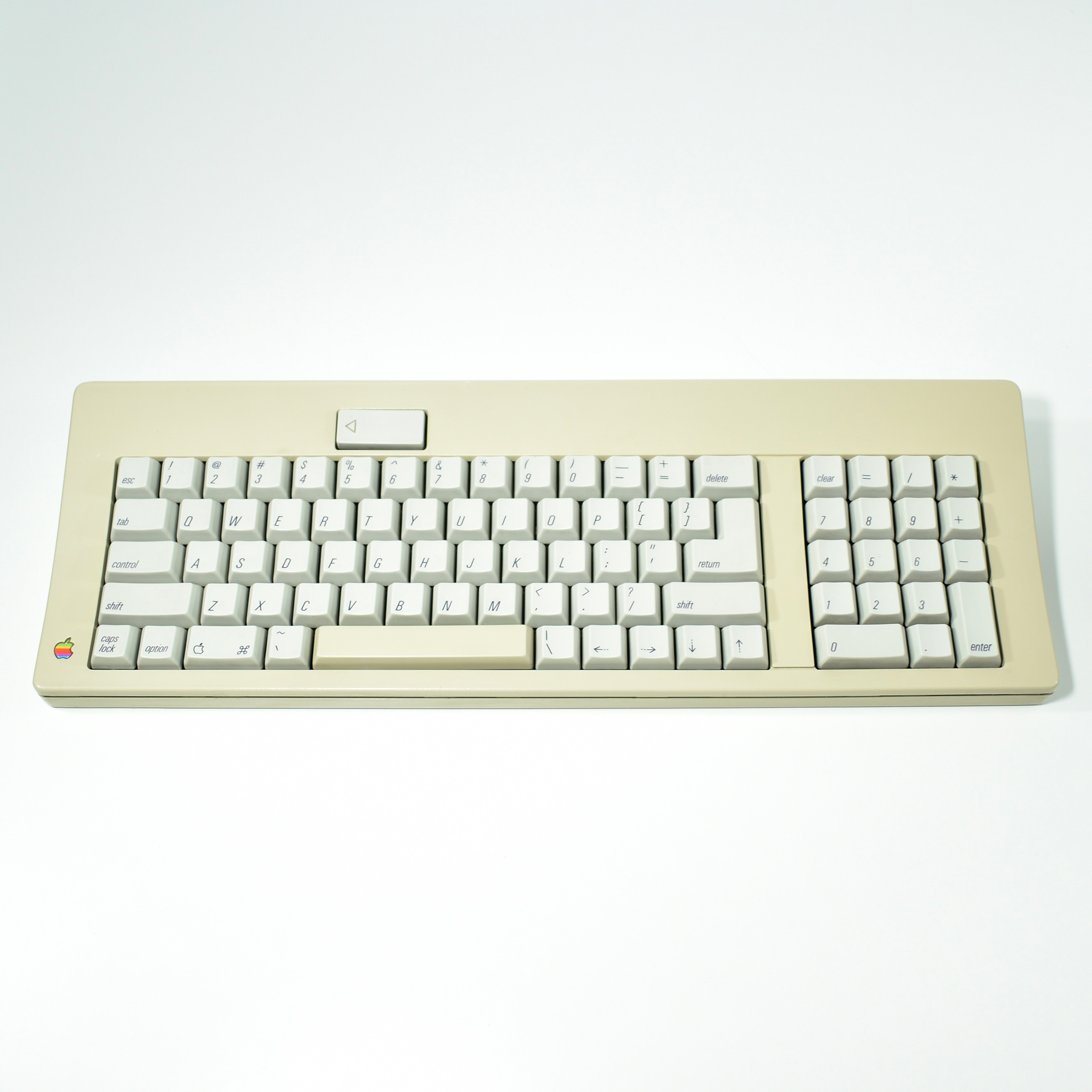
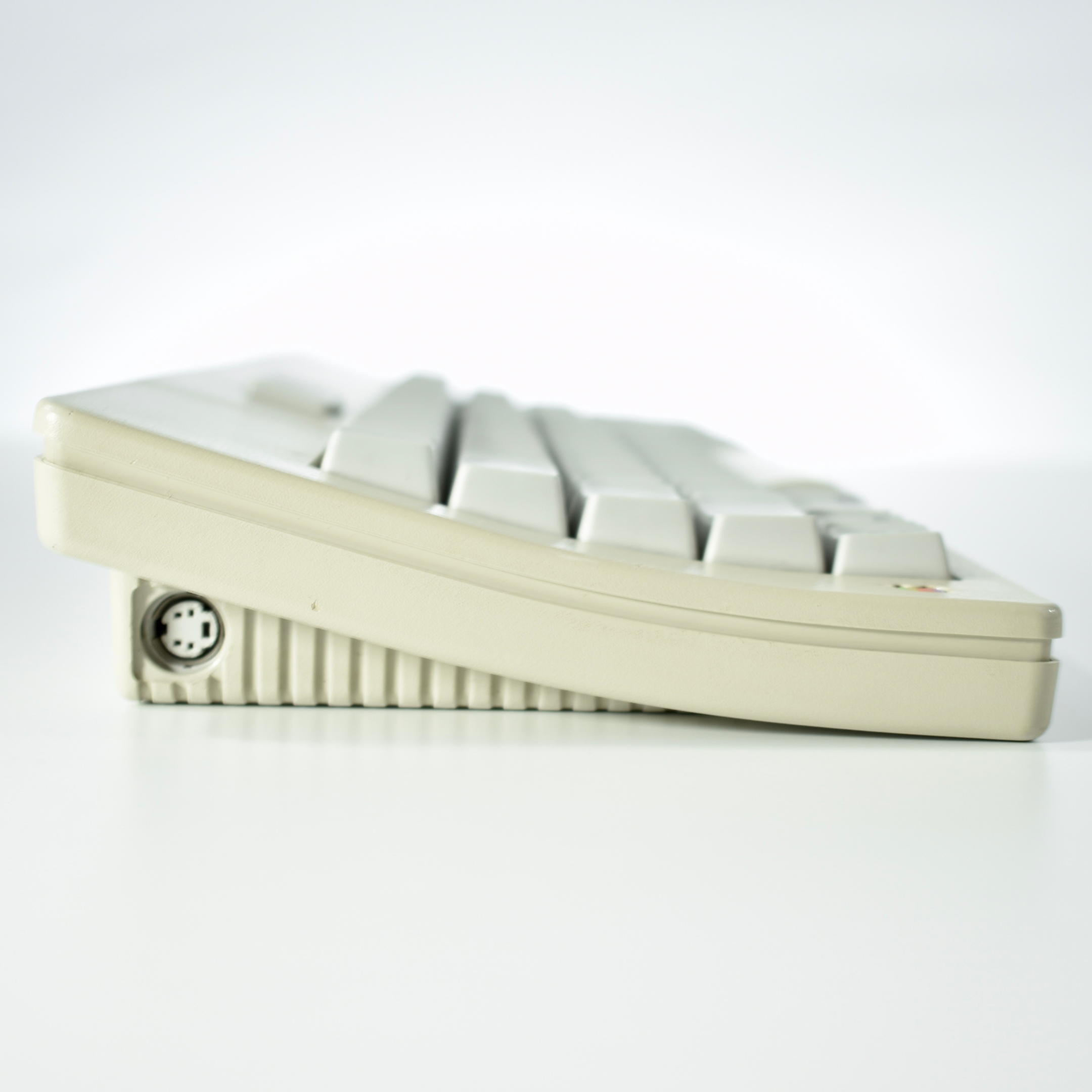
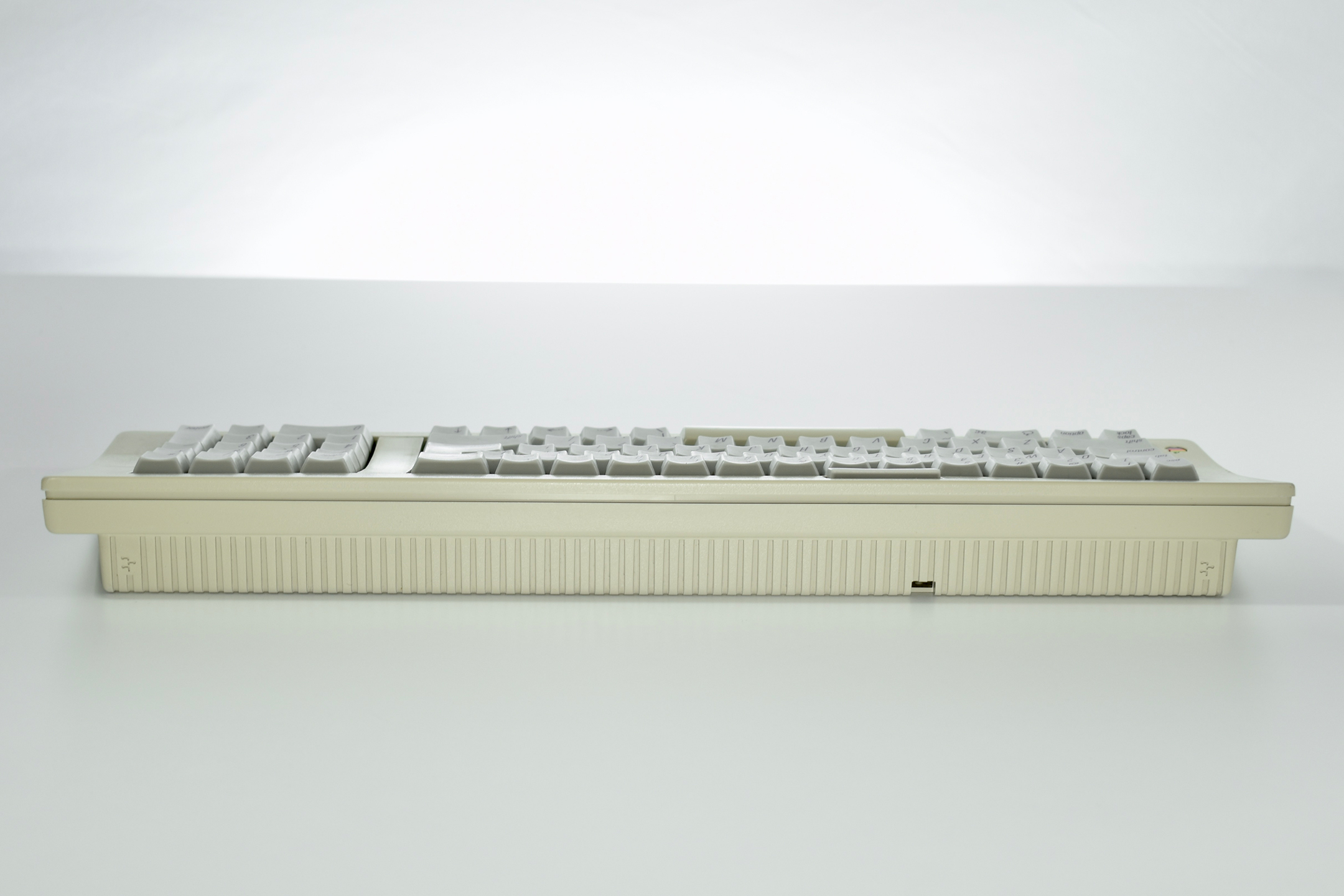
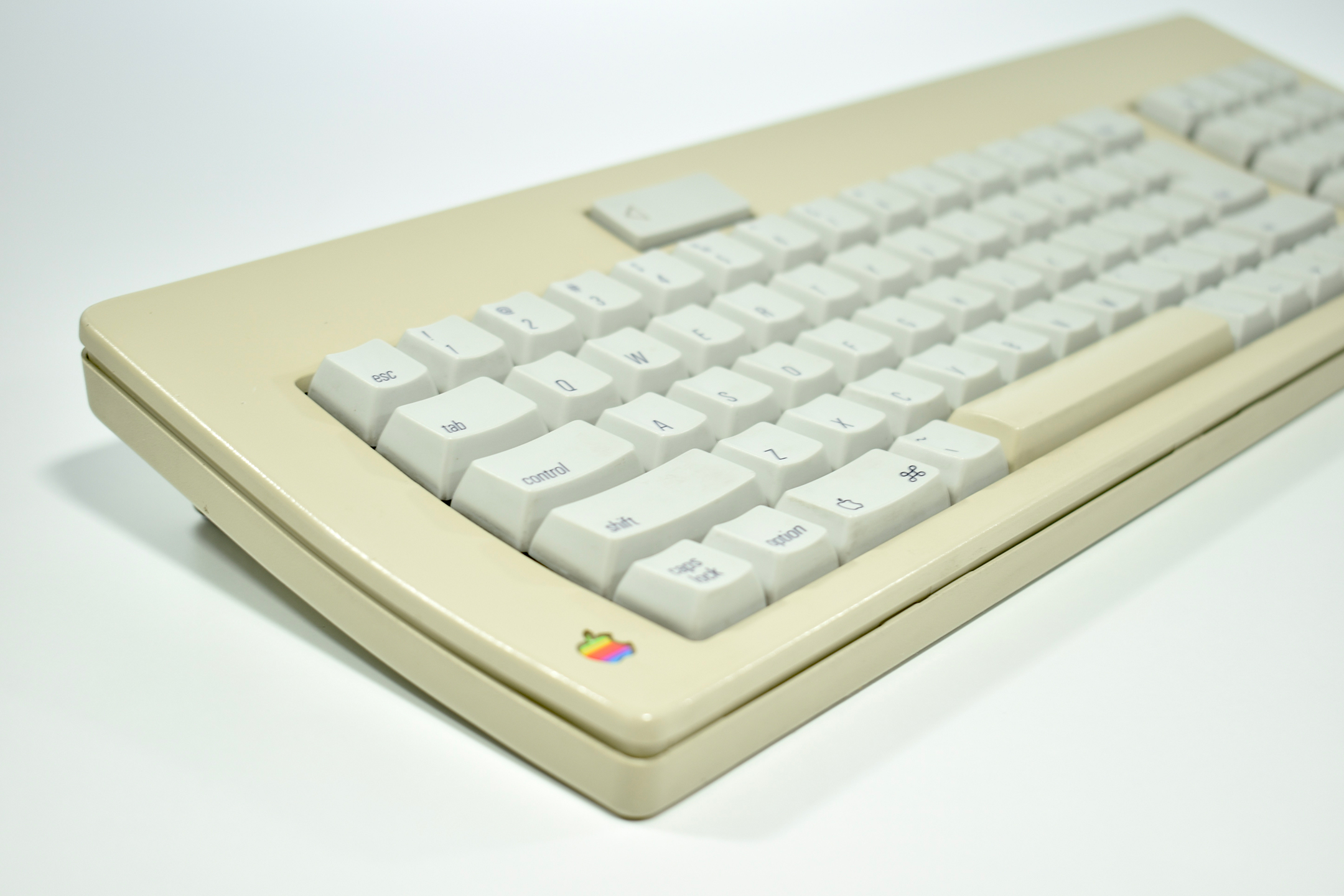
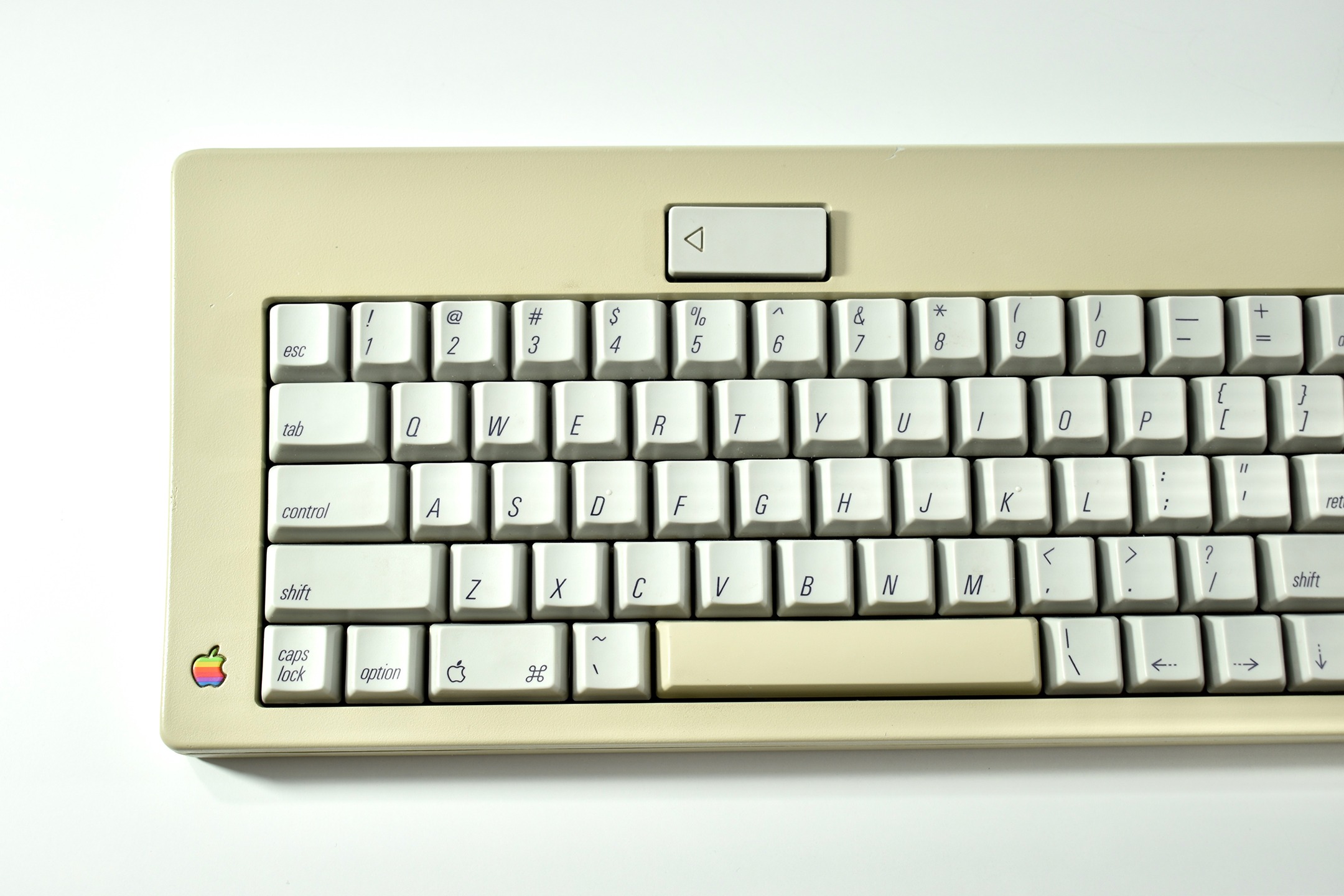
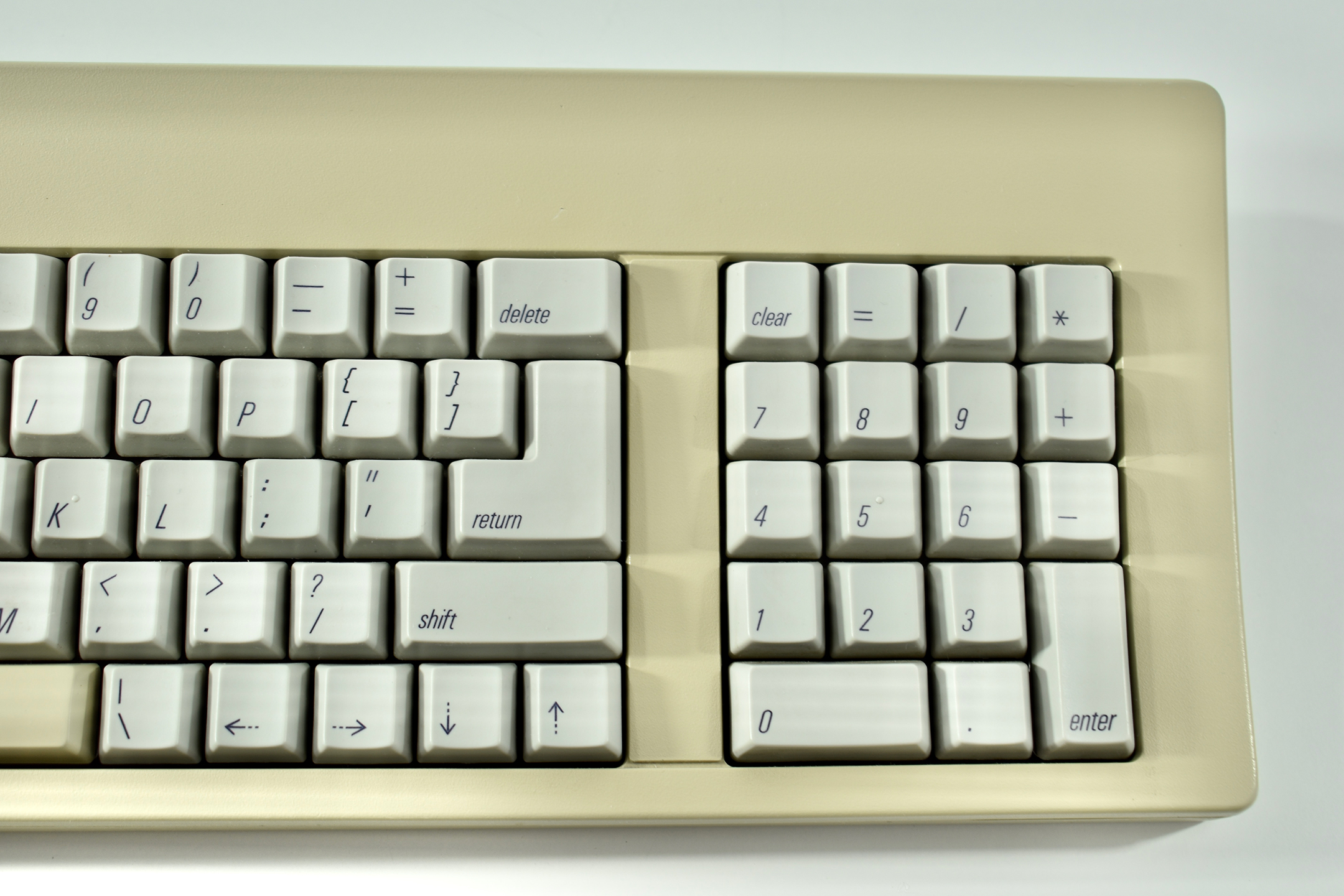
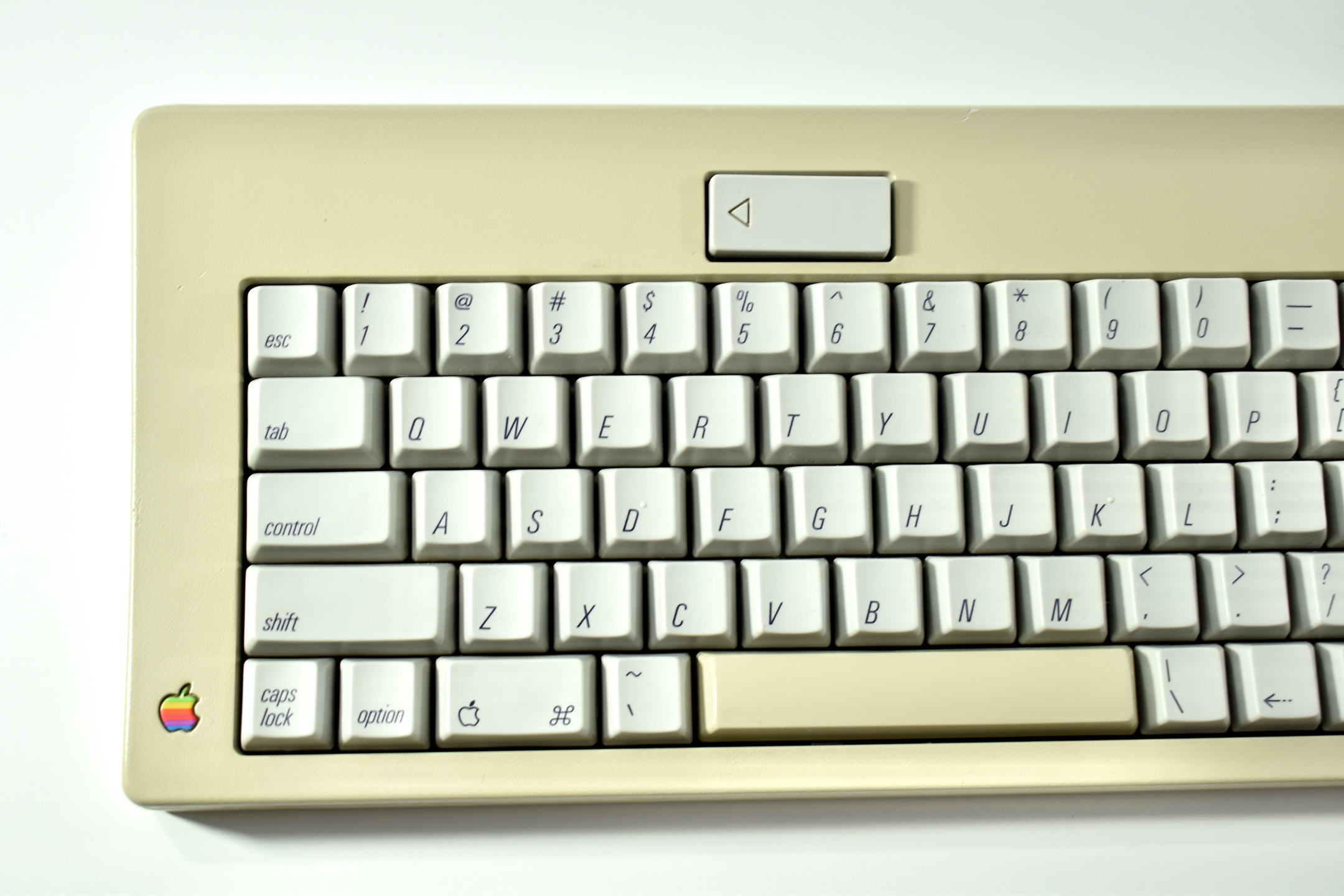
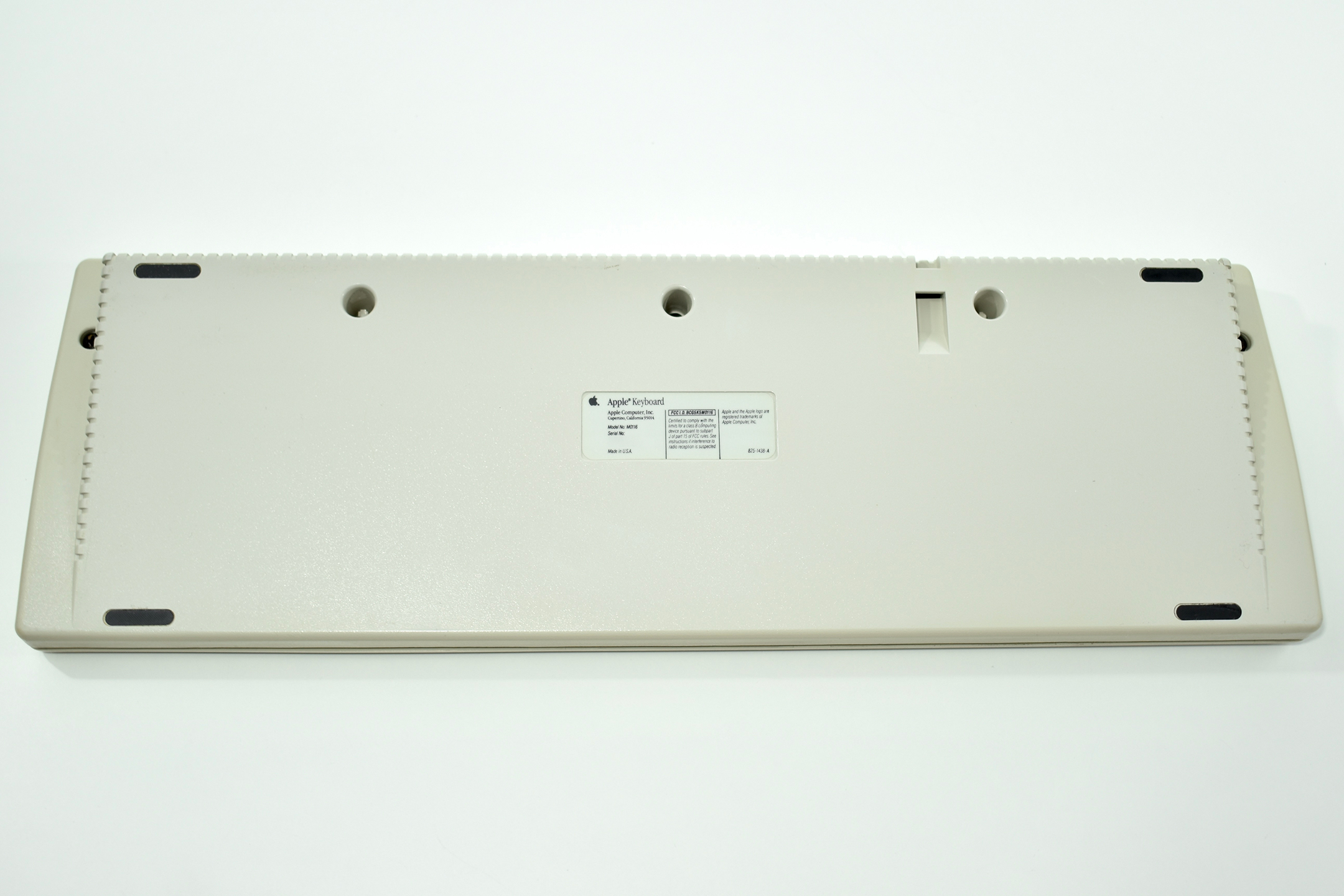
The Apple Keyboard II was first released in 1990 with the Macintosh Classic and LC. This keyboard included flip-down feet in the back to increase the angle of the keyboard for more comfortable typing. This keyboard used the ADB (Apple Desktop Bus) connector.
While this keyboard used the same color of Platinum gray as Macintosh computers at the time, it was also included with the Macintosh TV in all black (using the same model number).
As of 2020 Apple has released approximately 20 external keyboard designs. In general, Apple Macintosh keyboards are different from standard keyboards because they include a Command key (⌘) for shortcuts; an Option key (⌥) for entering diacritical marks and special characters; and a Help or fn (function) key. Earlier Apple keyboards also included a power key (◁), while newer keyboards include eject (⏏).
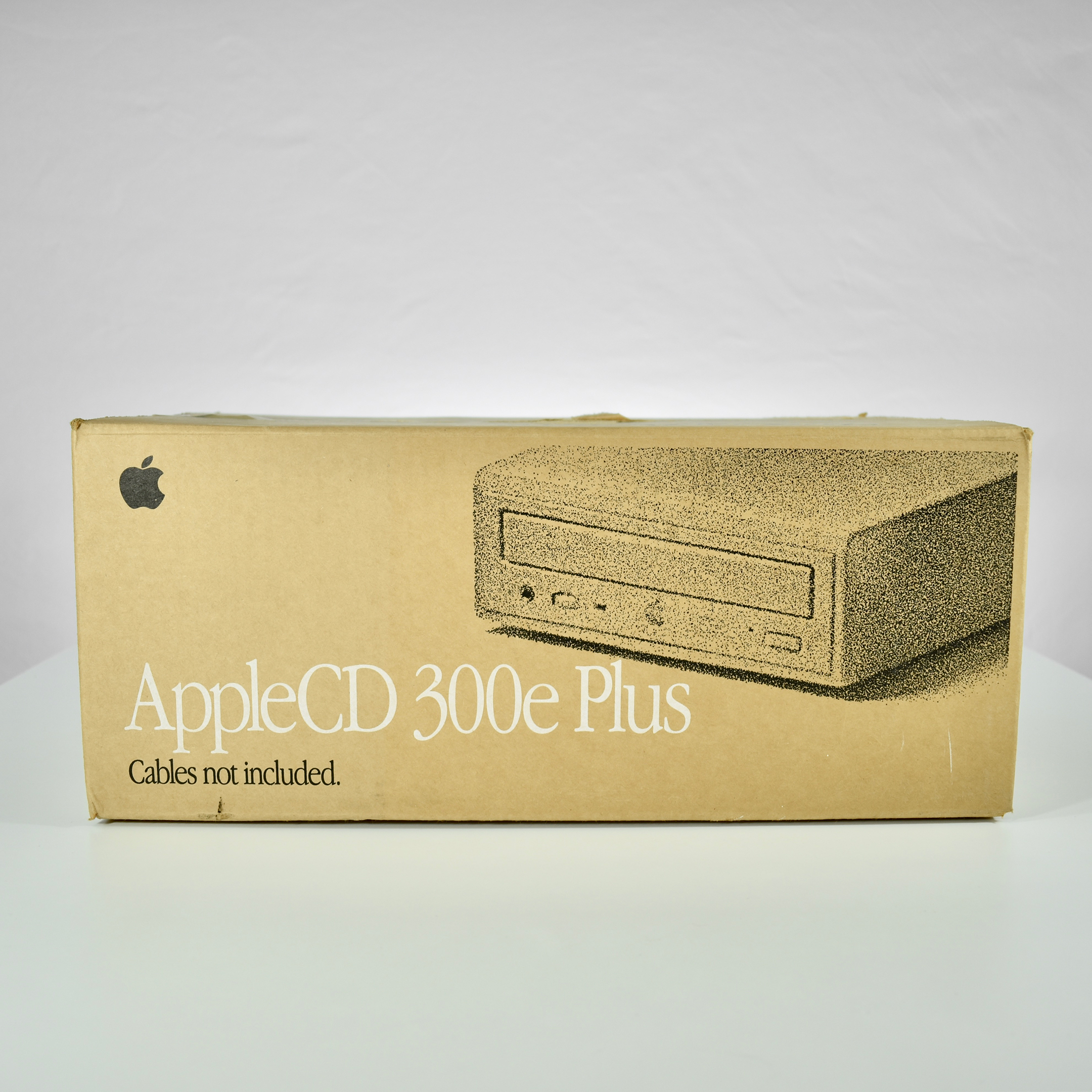
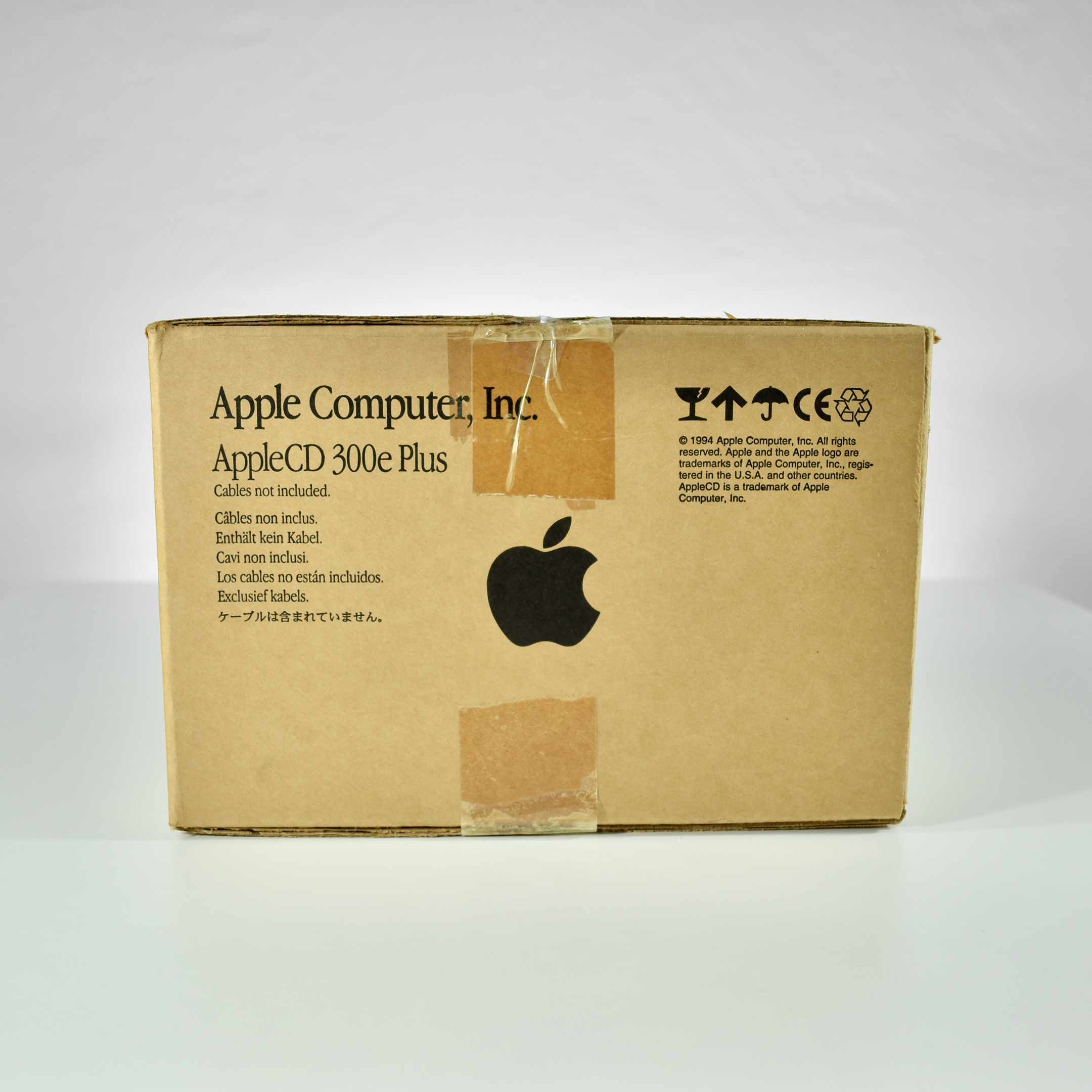
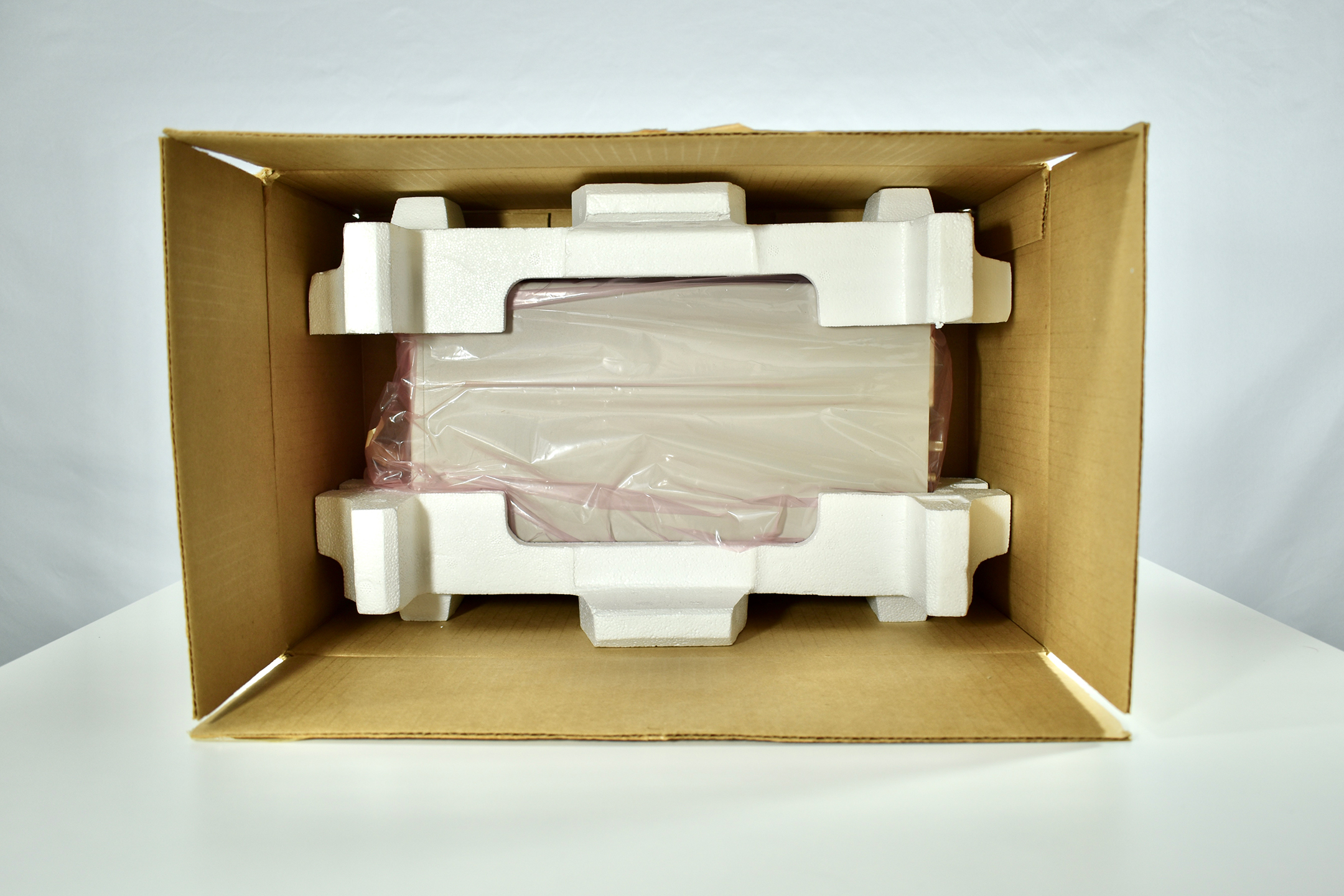
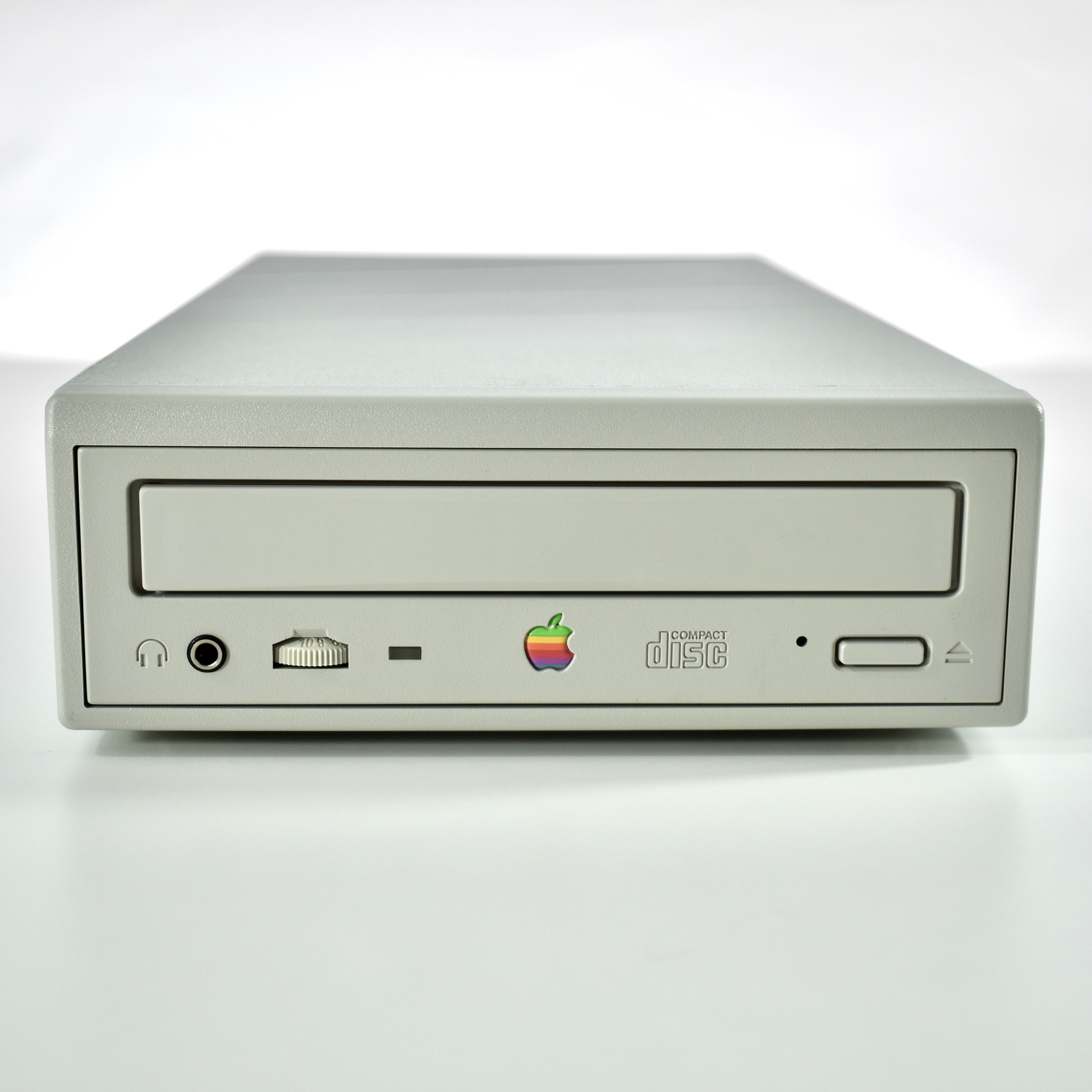
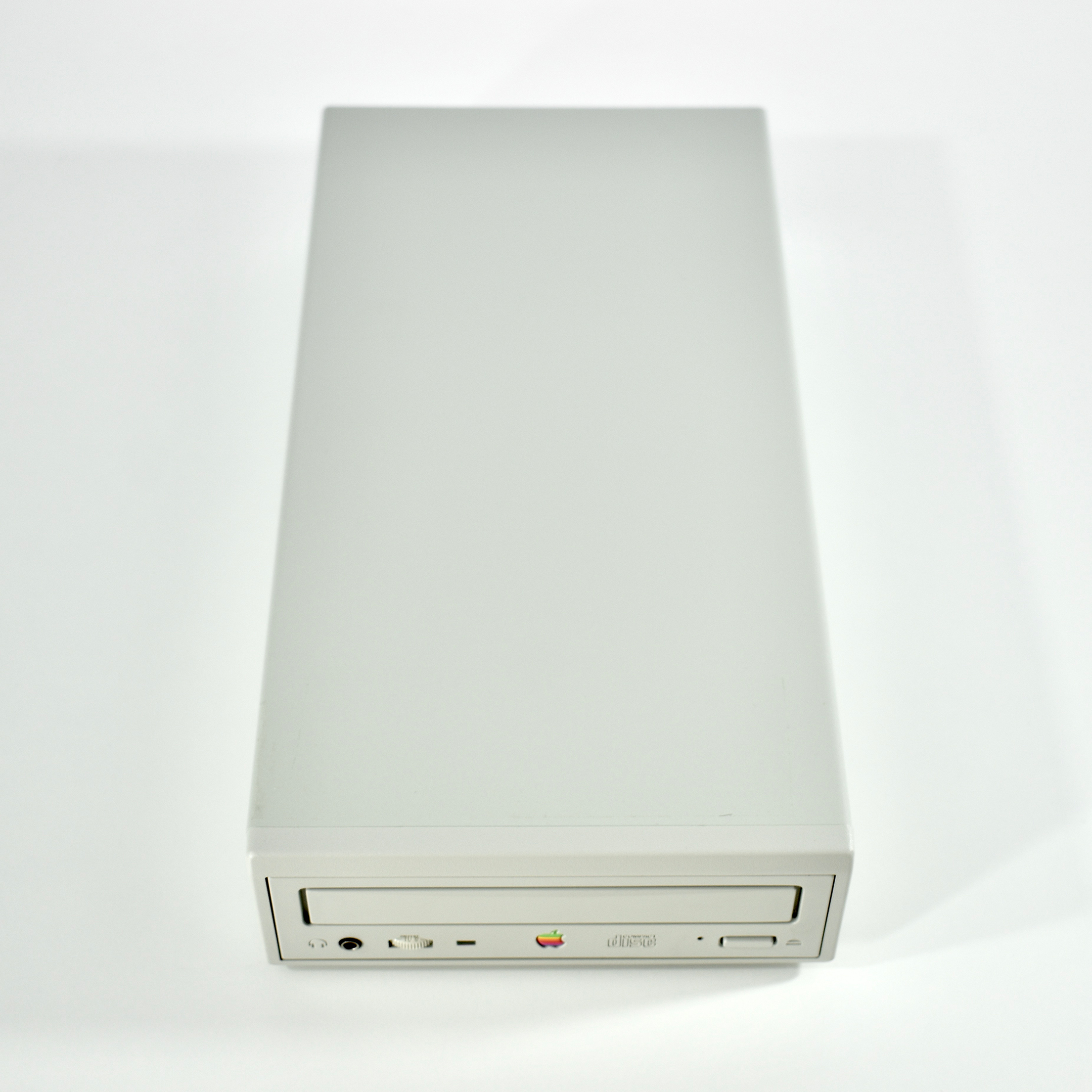
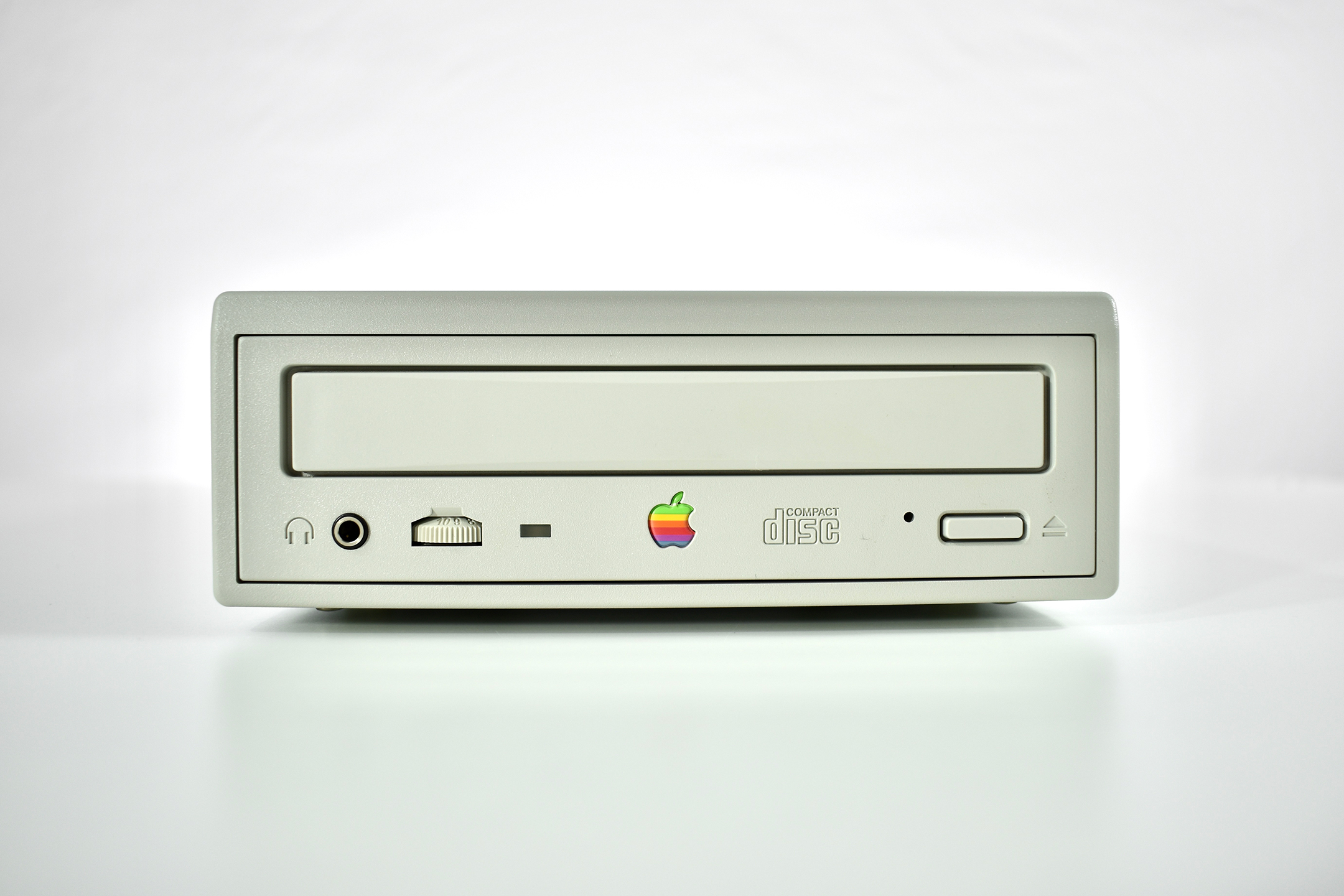
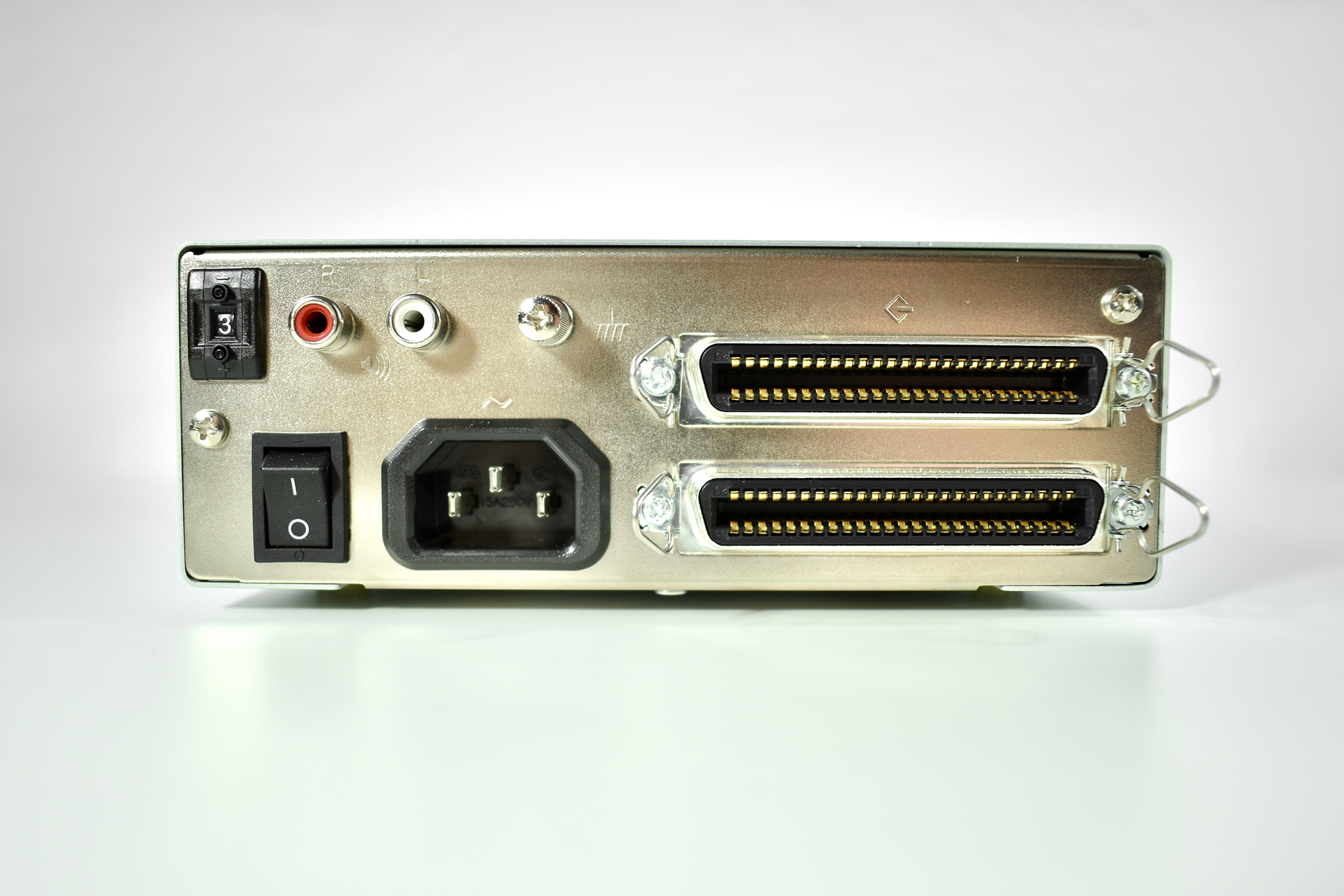
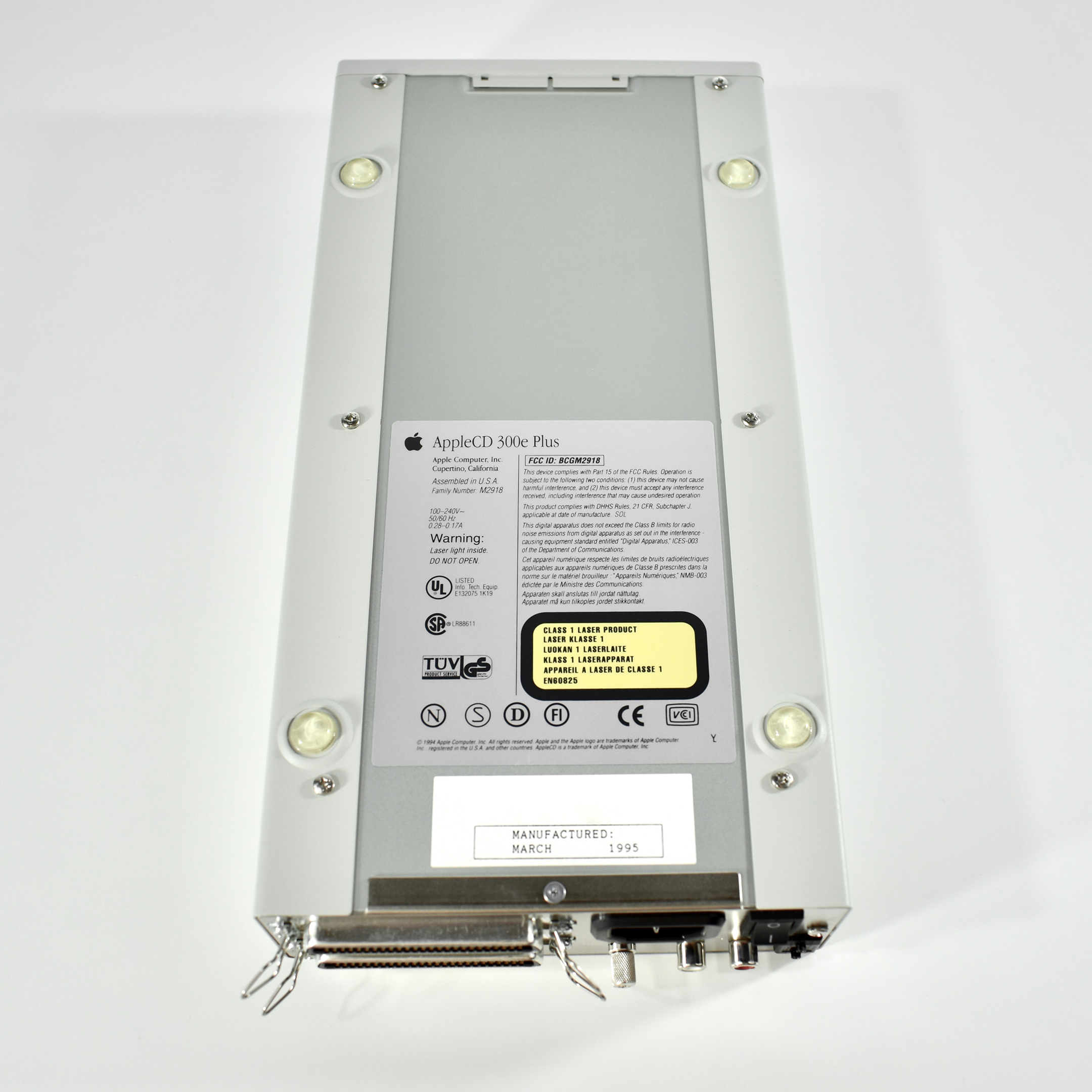
The AppleCD 300e Plus was among a few nearly identical SCSI-connected external CD-ROM drives manufactured by Apple. All AppleCD models used a SCSI (Small Computer System Interface, pronounced “scuzzy”) connection. According to PC Magazine, SCSI was “used in mainframes, servers and storage arrays in the late 1980s and 1990s… The SCSI bus connects up to 15 devices in a daisy chain topology, and any two can communicate at one time: host-to-peripheral and peripheral-to-peripheral.”
The AppleCD had a 1x Read-Only CD-ROM that could read CDs with with up to 750 MB of data. Ports on the back of the device included two 50-pin Centronics SCSI connectors, red and white audio RCA connectors, and device power input. A front input included a mini-headphone audio jack. The AppleCD could read five CD formats: CD-Audio, CD-ROM, HFS, ProDOS, and High Sierra.
Several models of the AppleCD drive were made, including the SC, SC Plus, 150, 300, 300e, 300i plus, 600i, 600e plus, and 1200i. The “e” designates external devices using the same design as this AppleCD 300e Plus.
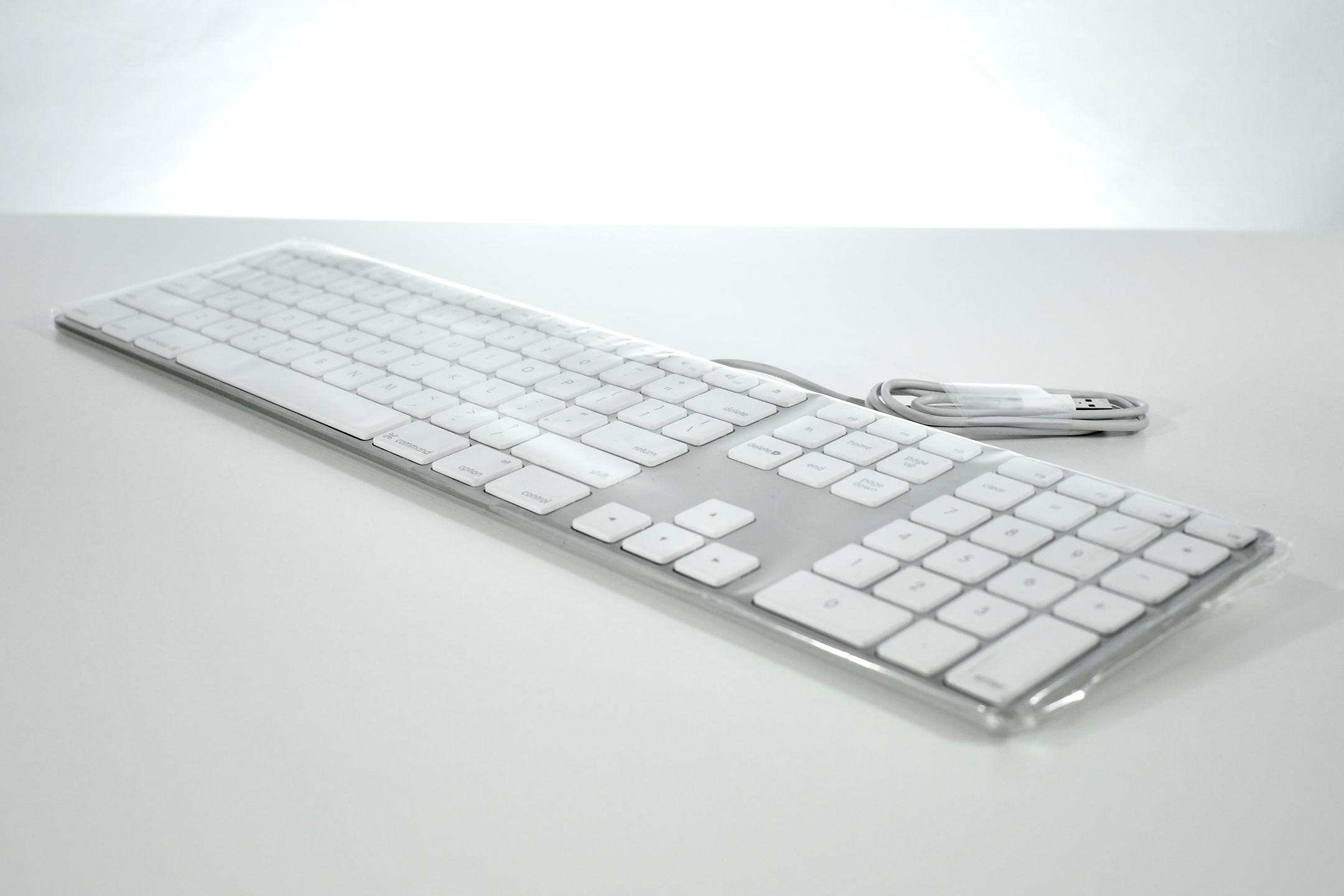
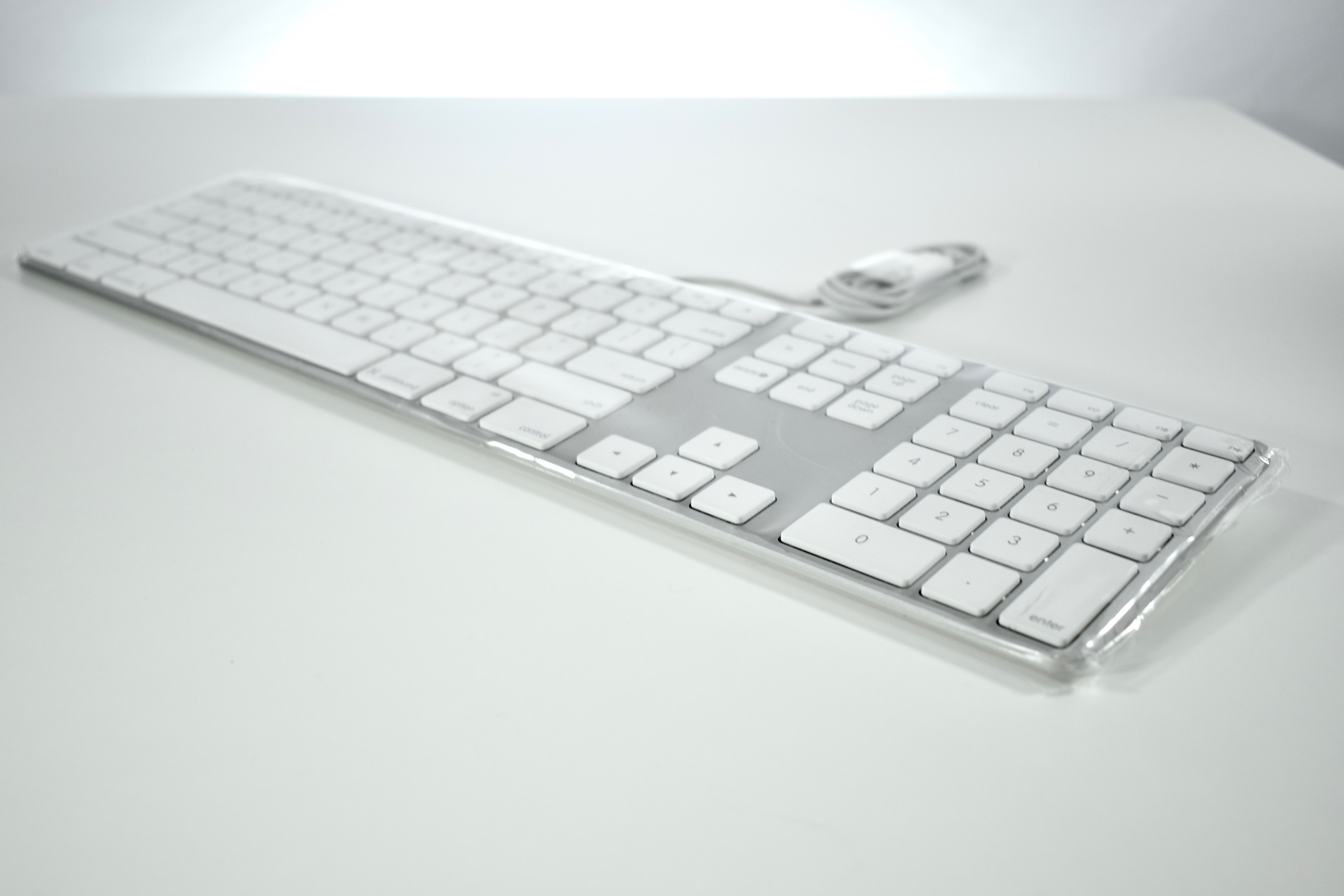
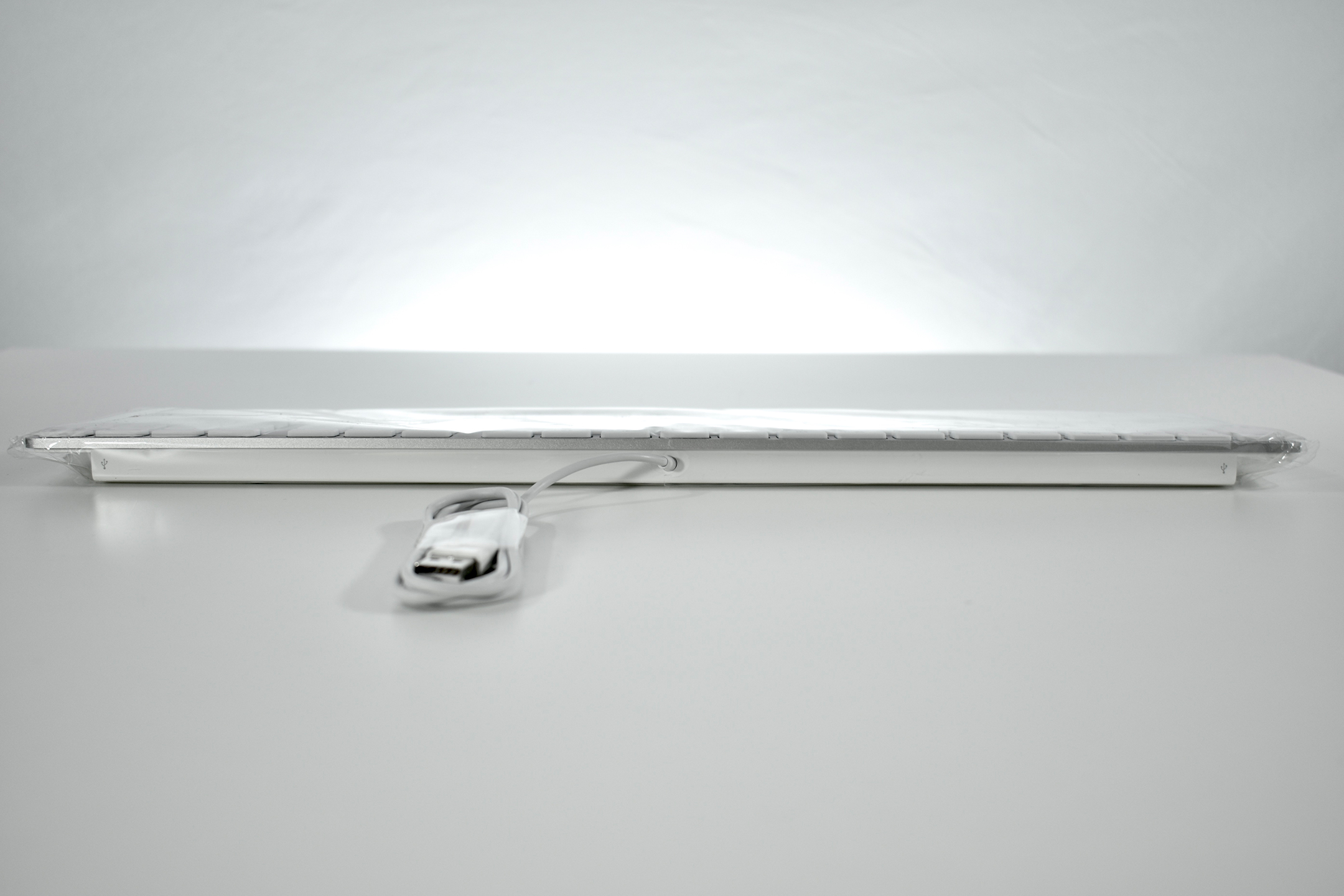
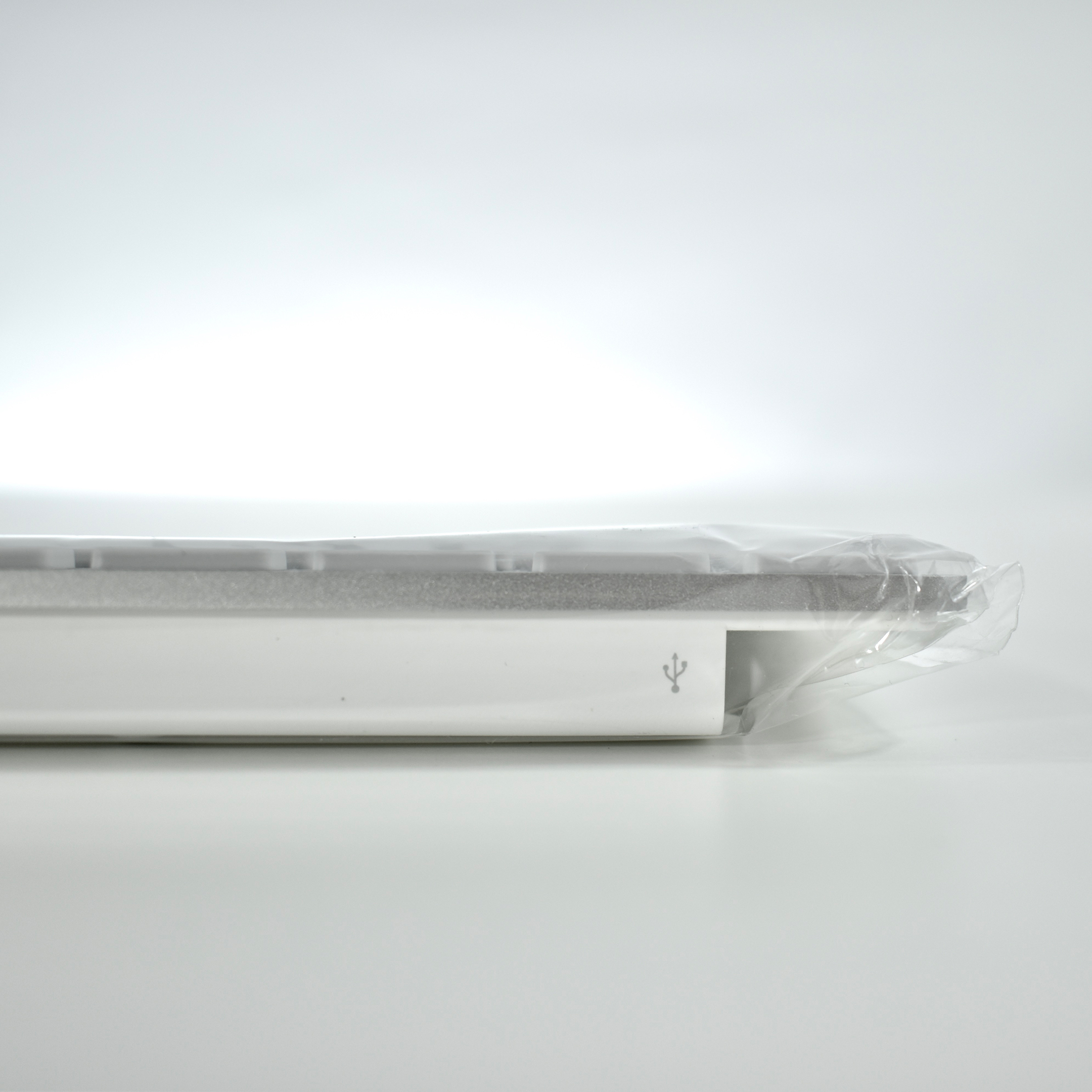
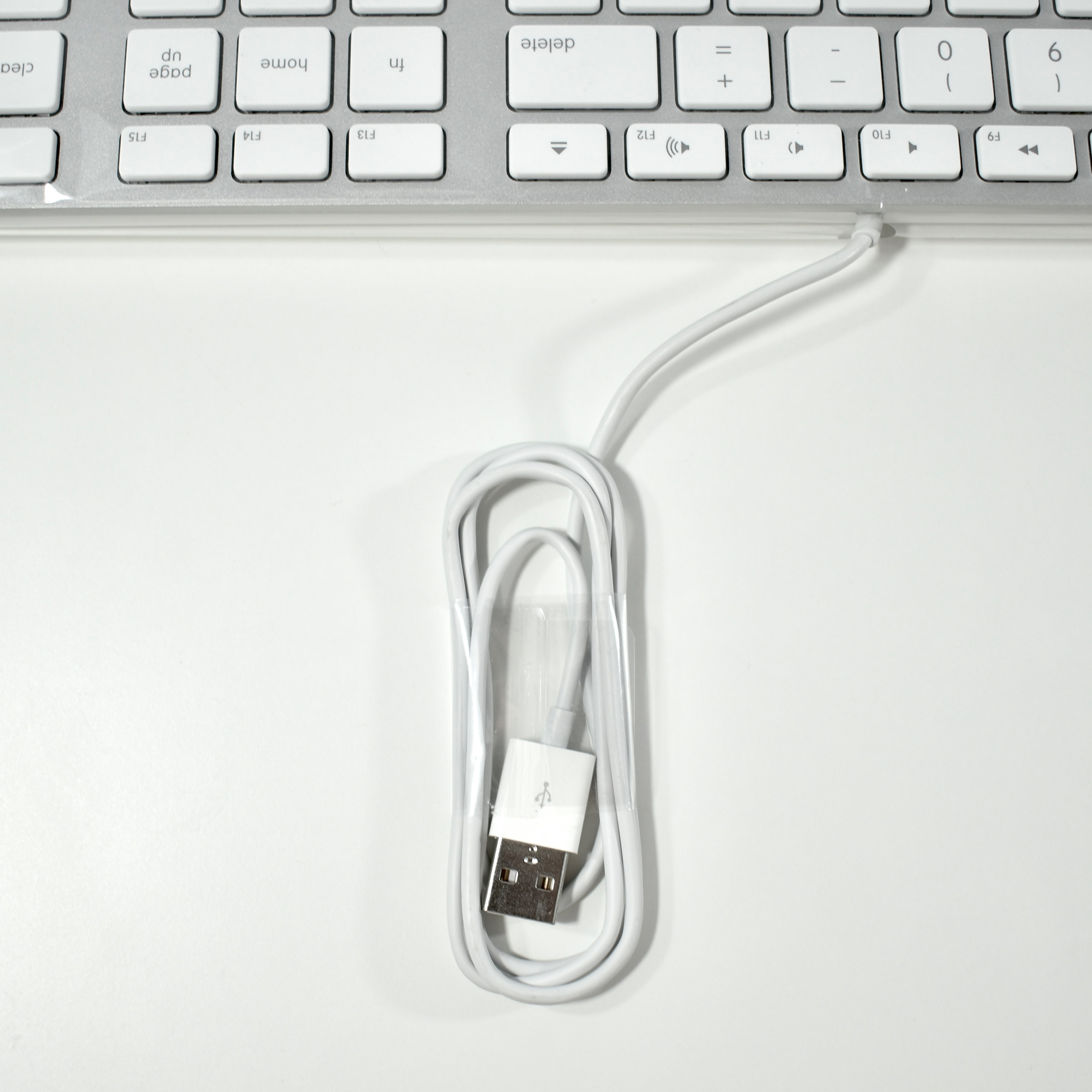
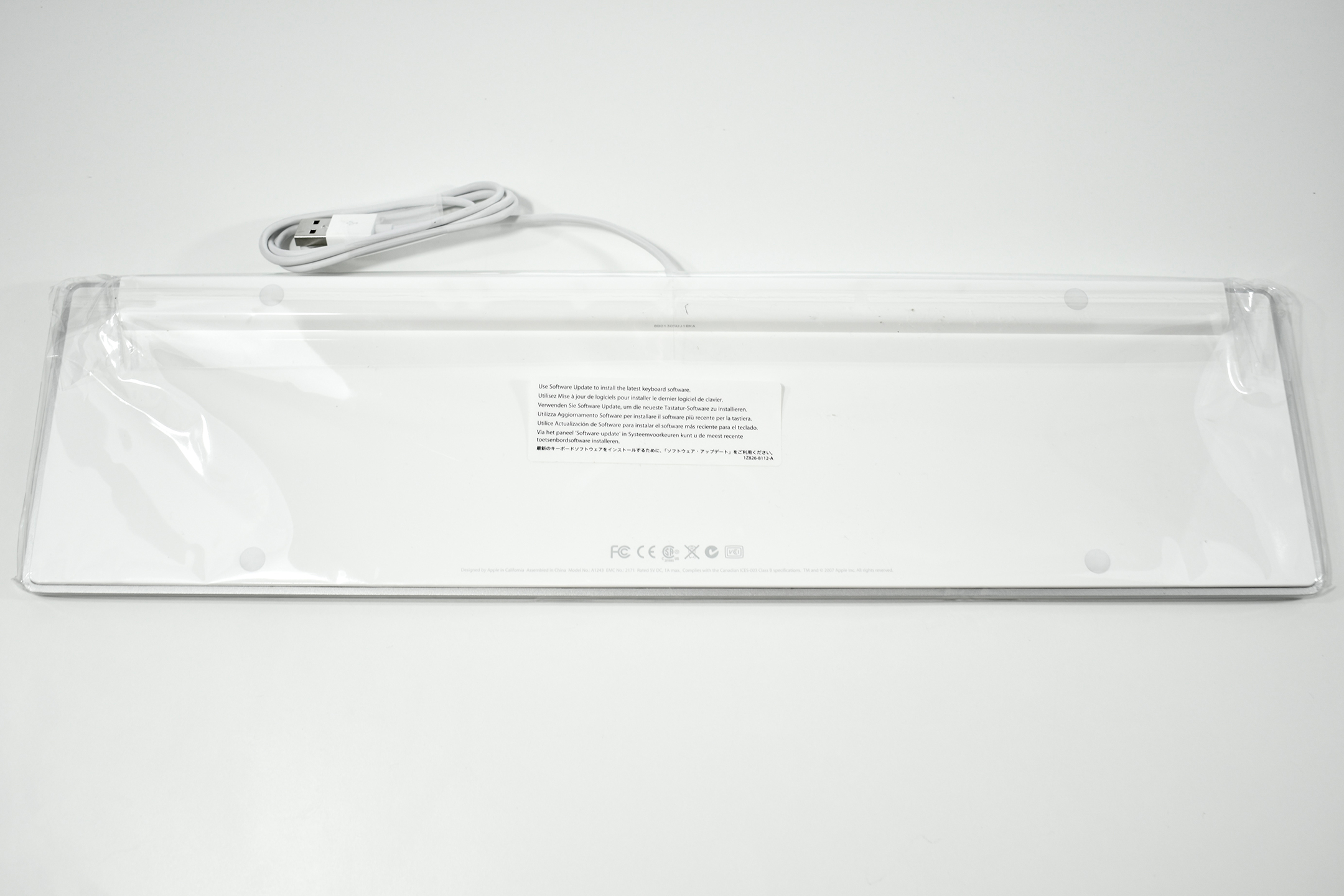
This Apple Keyboard was introduced in 2007 and featured an all-aluminum enclosure with flat white keys, similar to laptop keys of the time. The keyboard includes two USB 2.0 ports on the right and left back of the keyboard. This same keyboard was later renamed the Apple Keyboard with Numeric Keypad in 2009.
There are two versions of this keyboard (MB110LL/A and MB110LL/B). The difference between the versions is due to the icons printed on the F3 and F4 keys to correspond with the release of Mac OS X Lion when the F3 key icon changed from Exposé to Mission Control, and the F4 key icon changed from Dashboard to Launchpad. This keyboard is the original MB110LL/A version.
This was the first Apple keyboard in nearly 30 years to remove the Apple logo that had been previously printed on the Command key (⌘).
As of 2020 Apple has released approximately 20 external keyboard designs. In general, Apple Macintosh keyboards are different from standard keyboards because they include a Command key (⌘) for shortcuts; an Option key (⌥) for entering diacritical marks and special characters; and a Help or fn (function) key. Earlier Apple keyboards also included a power key (◁), while newer keyboards include eject (⏏).
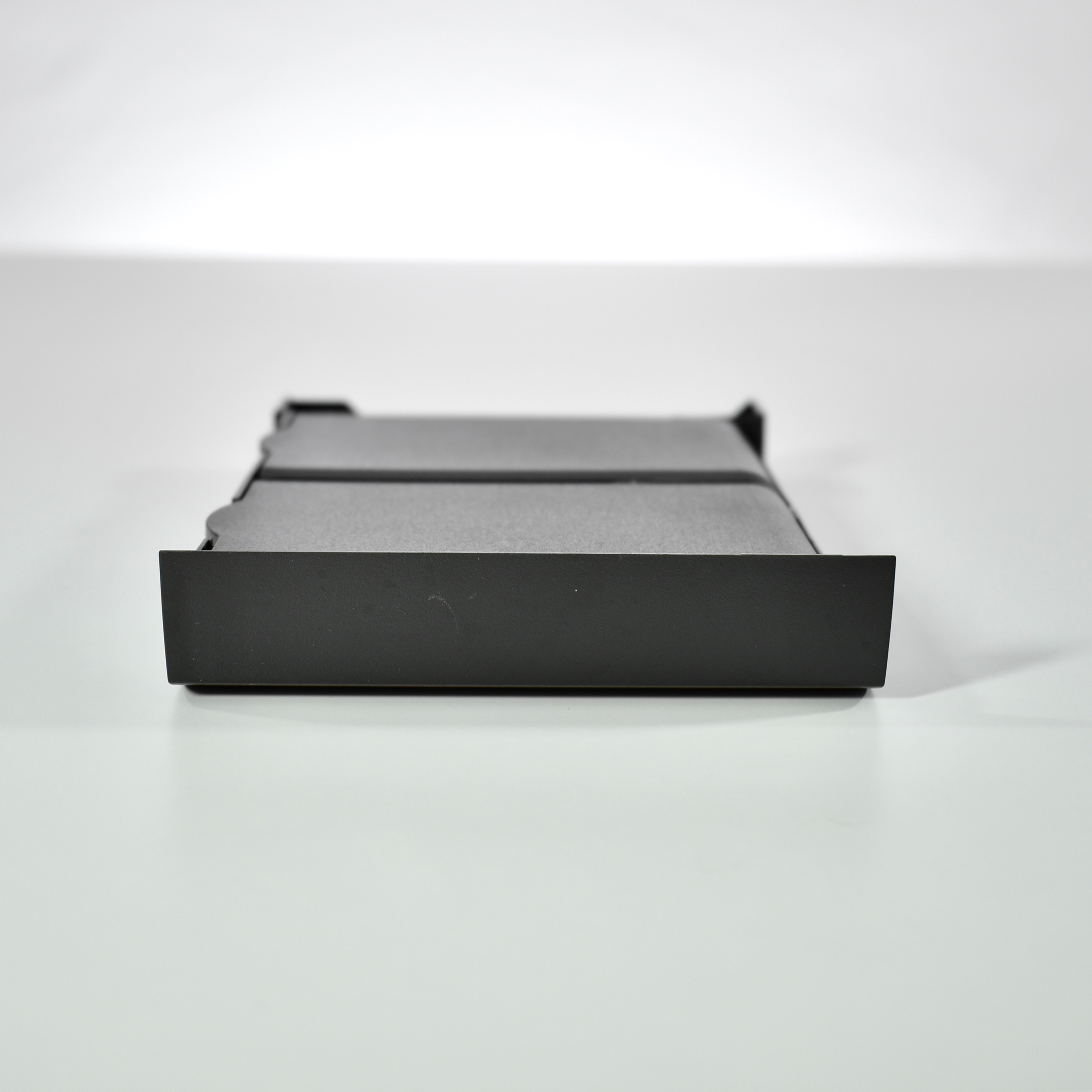
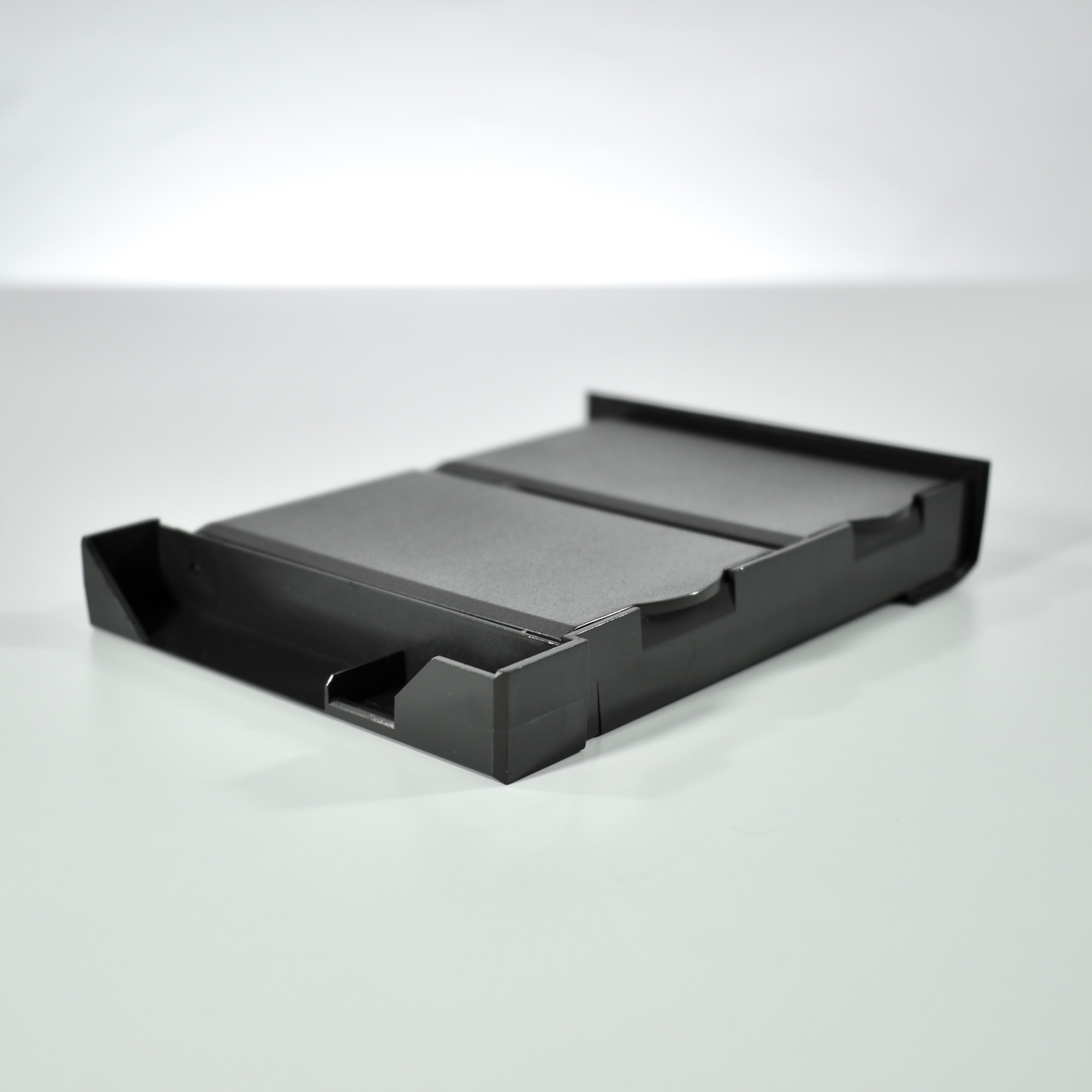
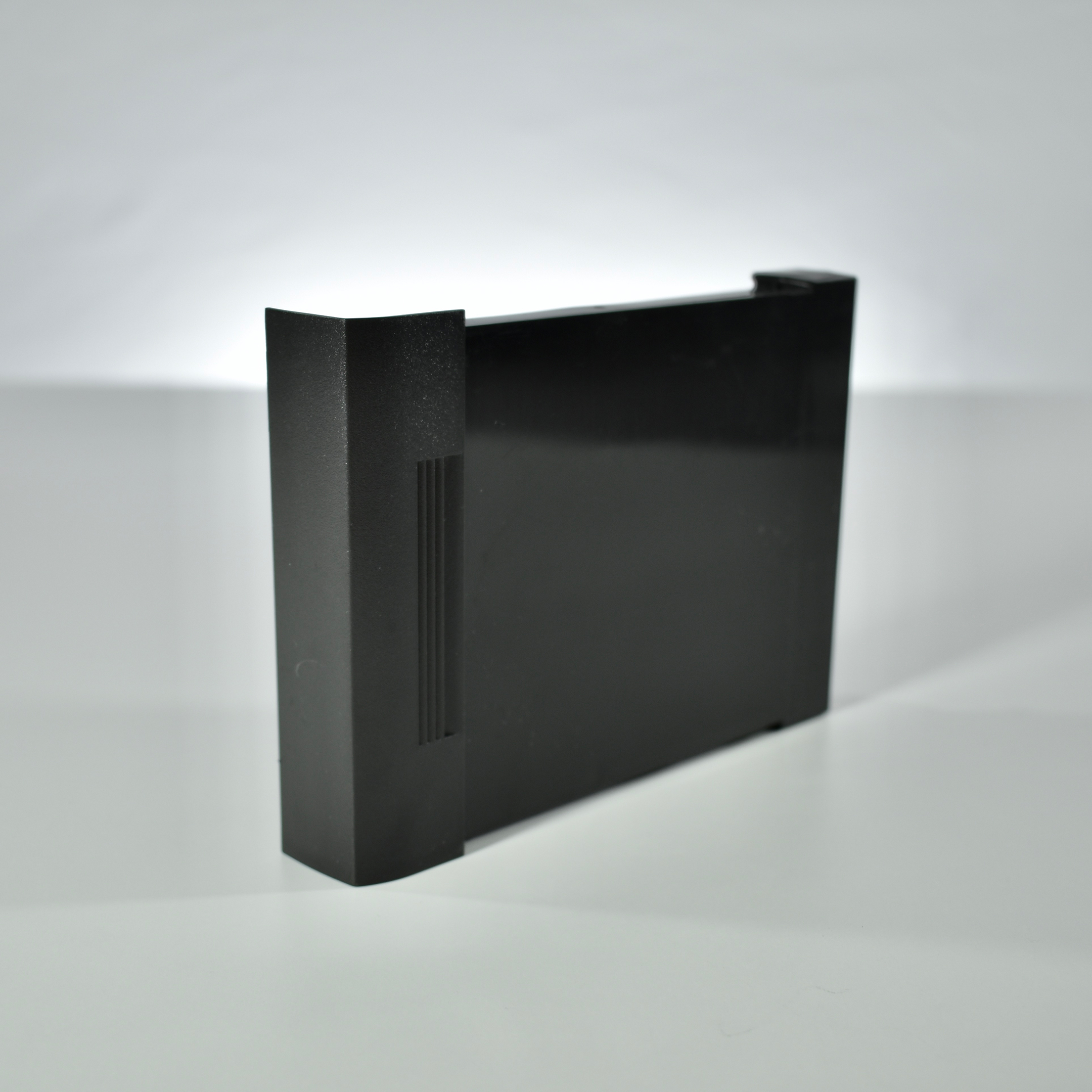
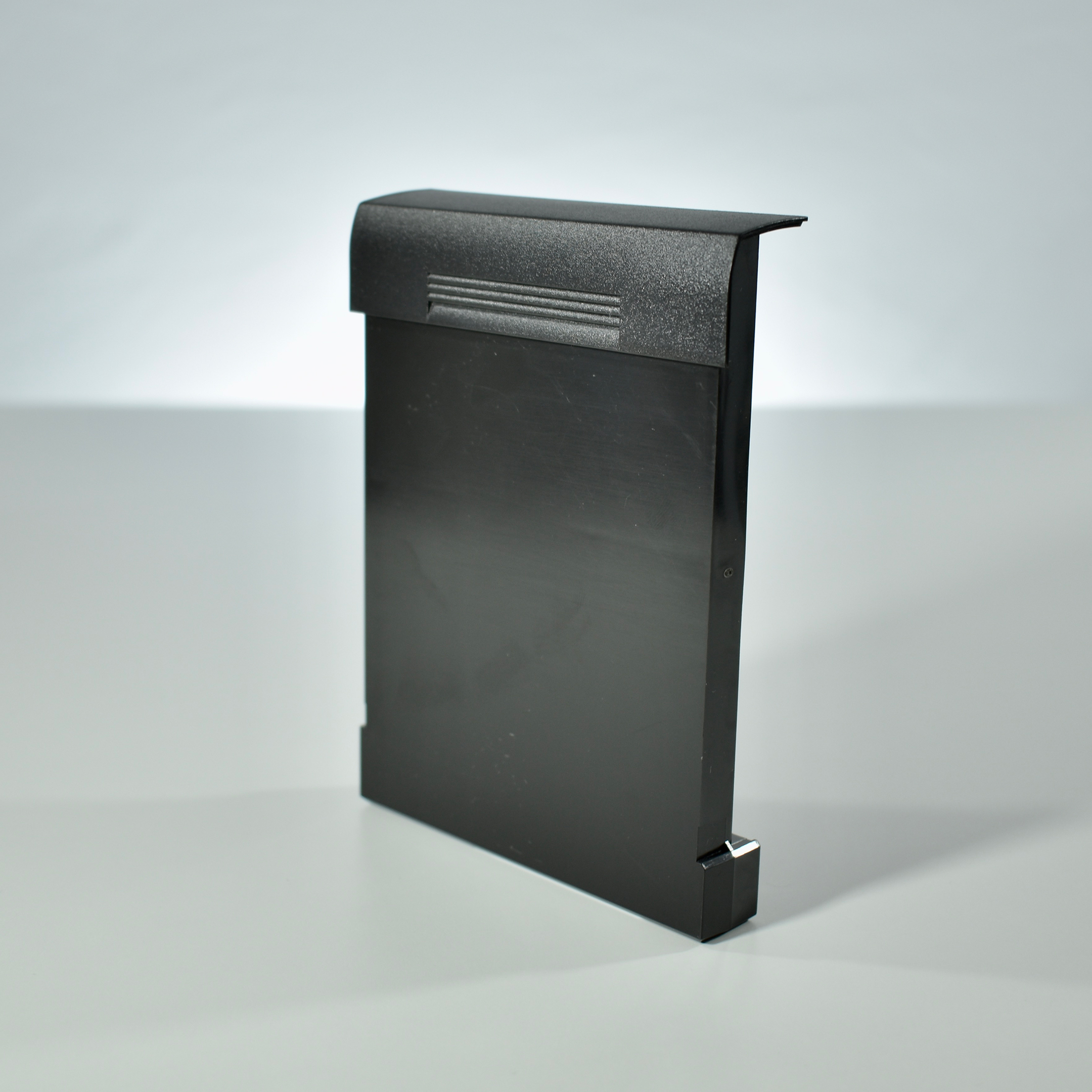
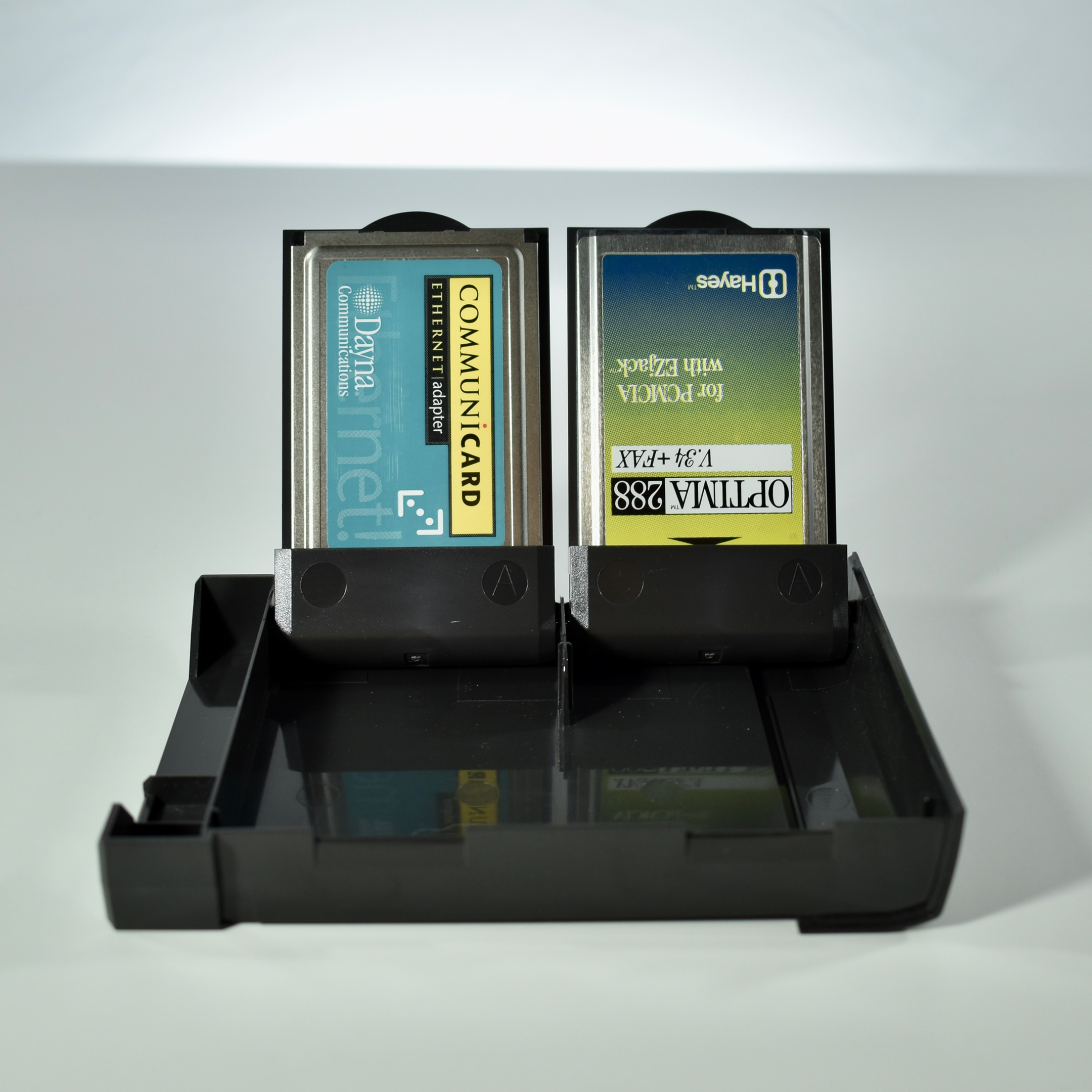
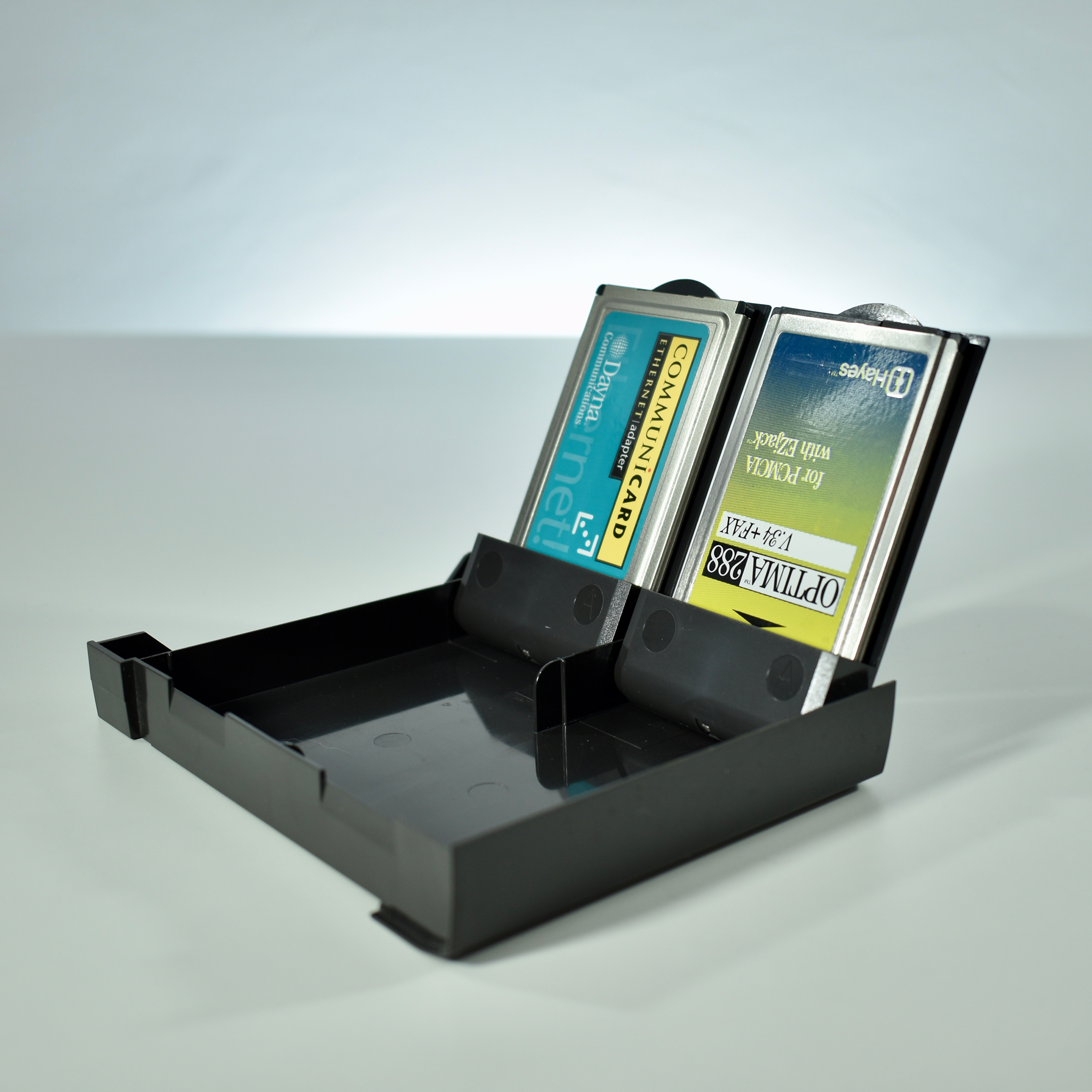
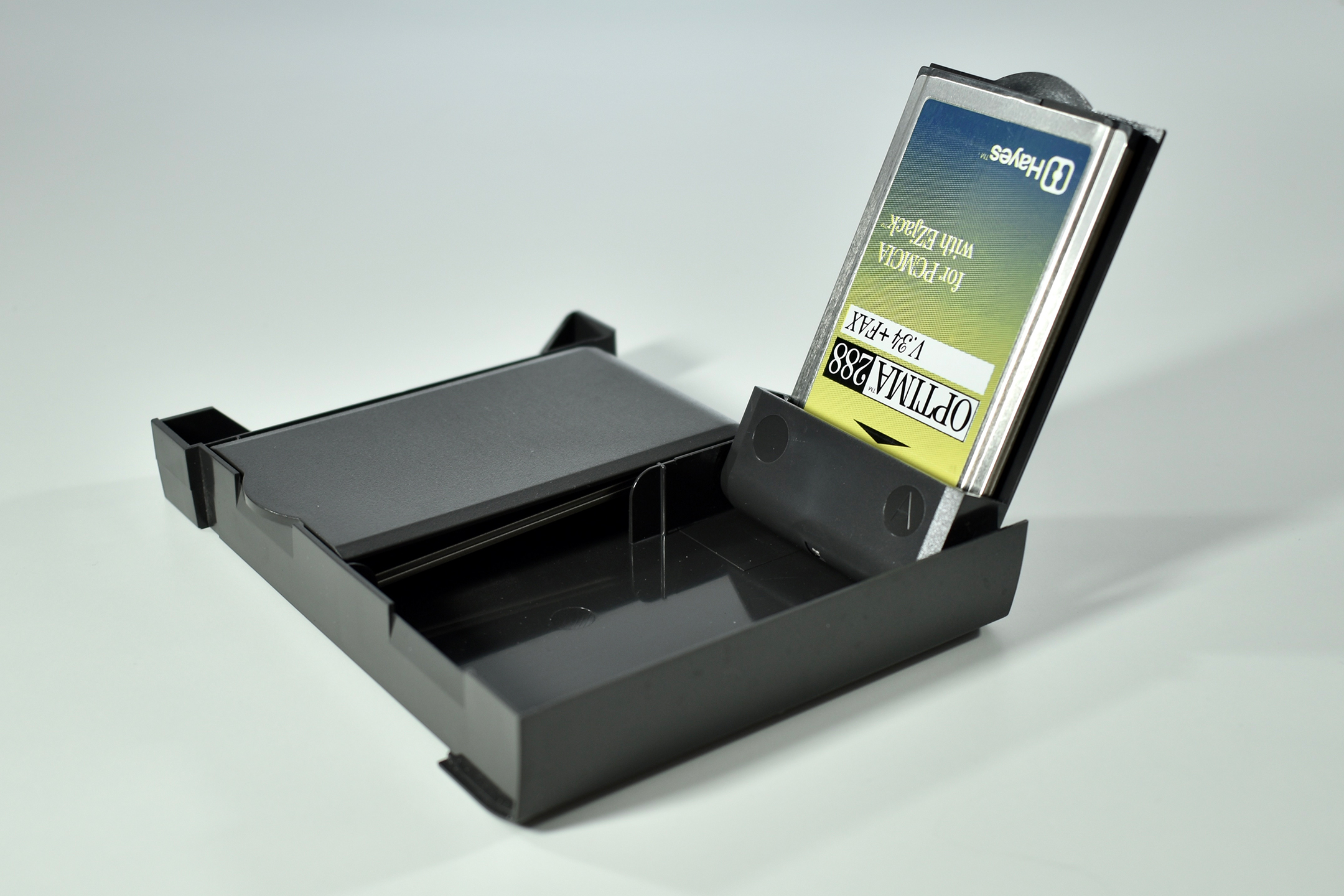
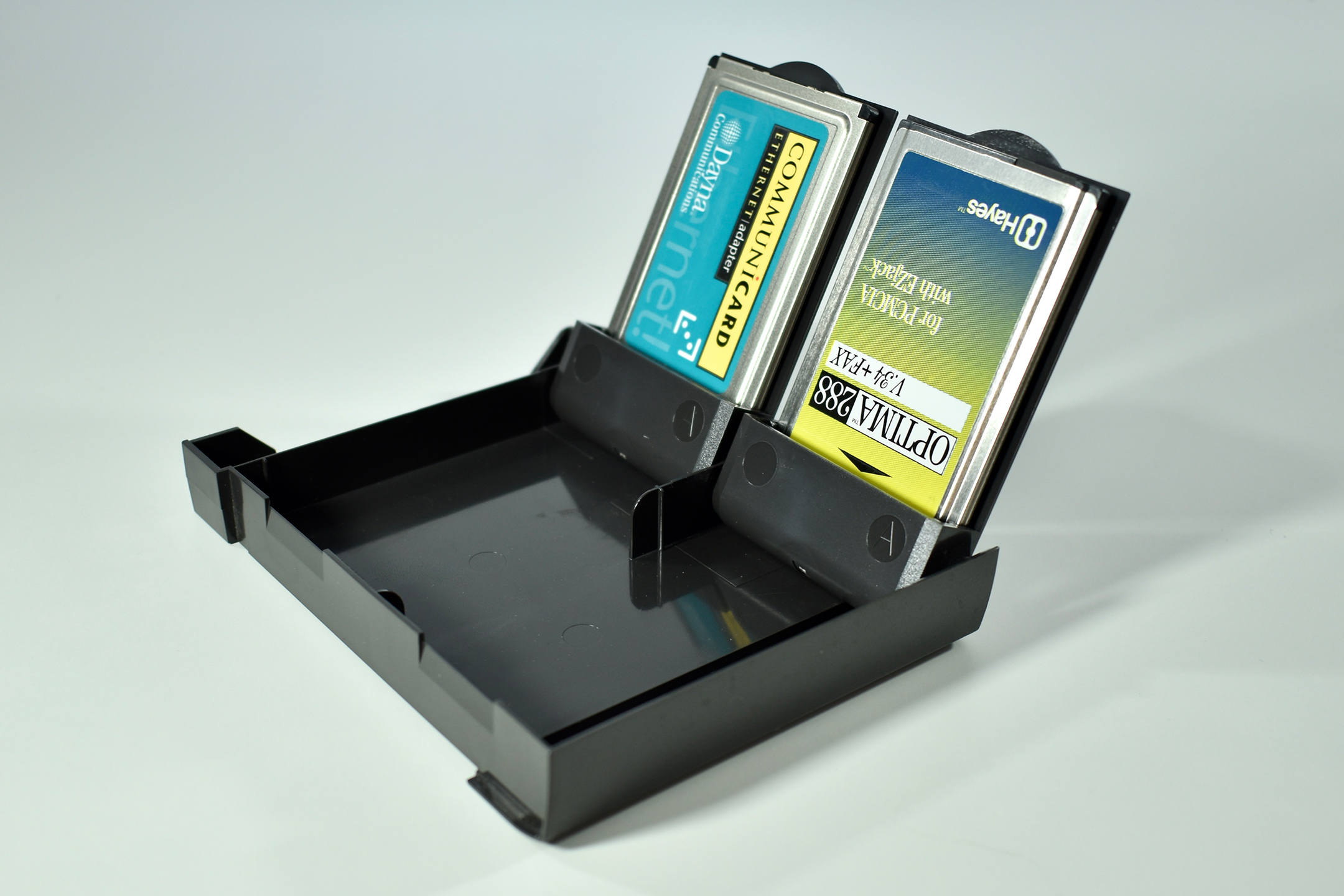
According to the Macintosh PowerBook User’s Guide for PowerBook 5300 series computers, this storage solution is called a “PC Card storage module.” This module is shown on page 2 of the manual in one of the labels of an annotated drawing of the PowerBook 5300.
The manual states: “PC Cards (also known as PCMCIA cards) are about the size of a thick credit card and have a 68-pin connector at one end. They come in many varieties, such as fax/modem cards, mass-storage cards, Ethernet connection cards, and wireless communication cards. You can use PC Cards to expand your Macintosh PowerBook’s capabilities.”
Later, the three types of PC Cards are explained: “There are three types of PC Cards. The different types refer to the thickness of the card. A Type I card is 3.3 millimeters (mm) thick, a Type II card is 5 mm thick, and a Type III card is 10.5 mm thick.”
The manual also provides details as to how to use a PC Card to connect to the three Apple online services available at the time when the Internet was just becoming widely used, AppleLink, Apple Remote Access (ARA), and eWorld. All three applications were available on the PowerBook 3400 Macintosh HD.
The PC Card storage module can store up to four Type I or Type II PC cards. It is used by sliding the module into the right or left module bay of the laptop.
The Apple Keyboard was also referred to as the Apple Standard Keyboard and was offered in addition to the lighter and slimmer Apple Desktop Bus Keyboard. The name Apple Keyboard would later be applied to different Apple keyboard designs, but this was the first use of this name.
This Apple Keyboard used Apple Desktop Bus (ADB) connections. The keyboard offered two ADB connections allowing the user to connect an Apple Desktop Bus Mouse to the keyboard (or directly to the back of the computer). This keyboard was both sold separately and included as an option with the Macintosh II and SE in 1987.
This keyboard also included a power button, a feature that would remain on Apple keyboards until the early 2000s. (The original Apple USB keyboard included with the original iMac was the last Apple keyboard to include a dedicated power button.)
This particular keyboard is damaged in the right side, but its performance is not affected.
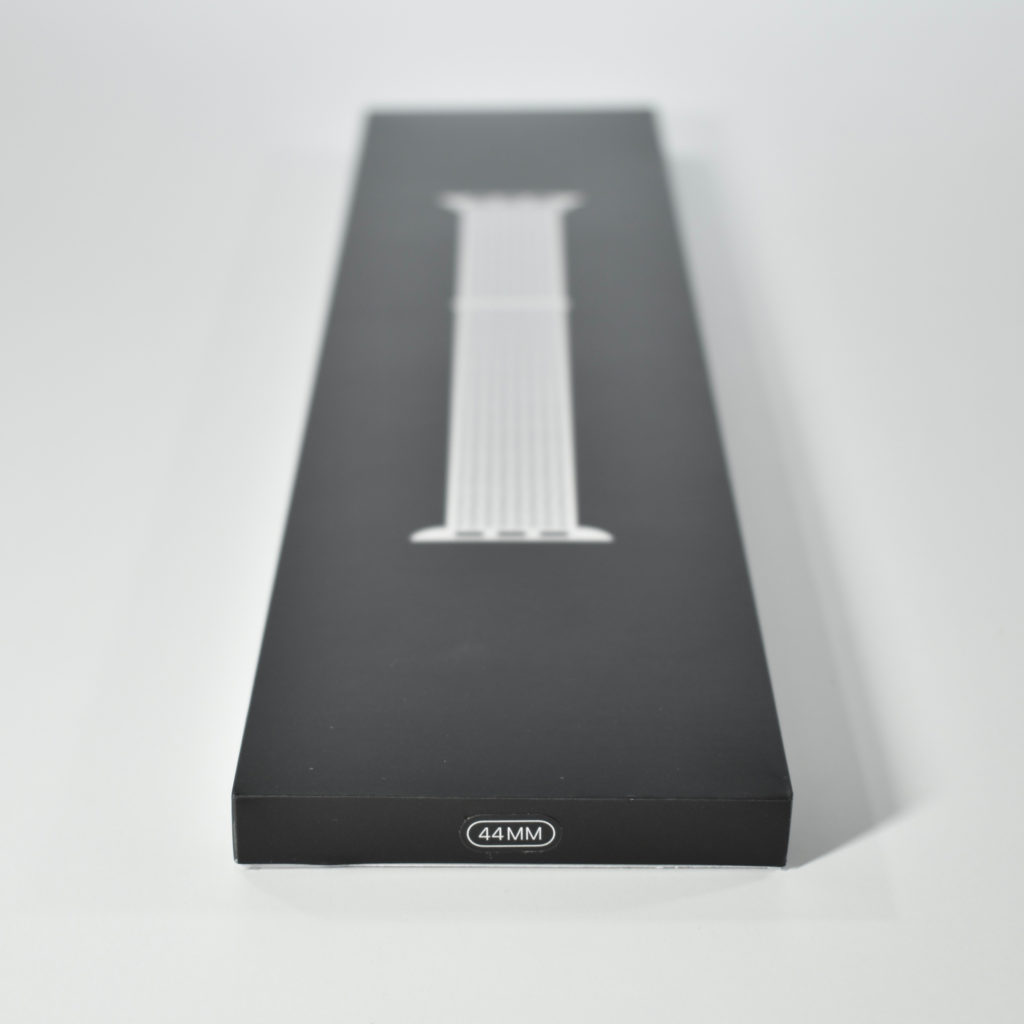
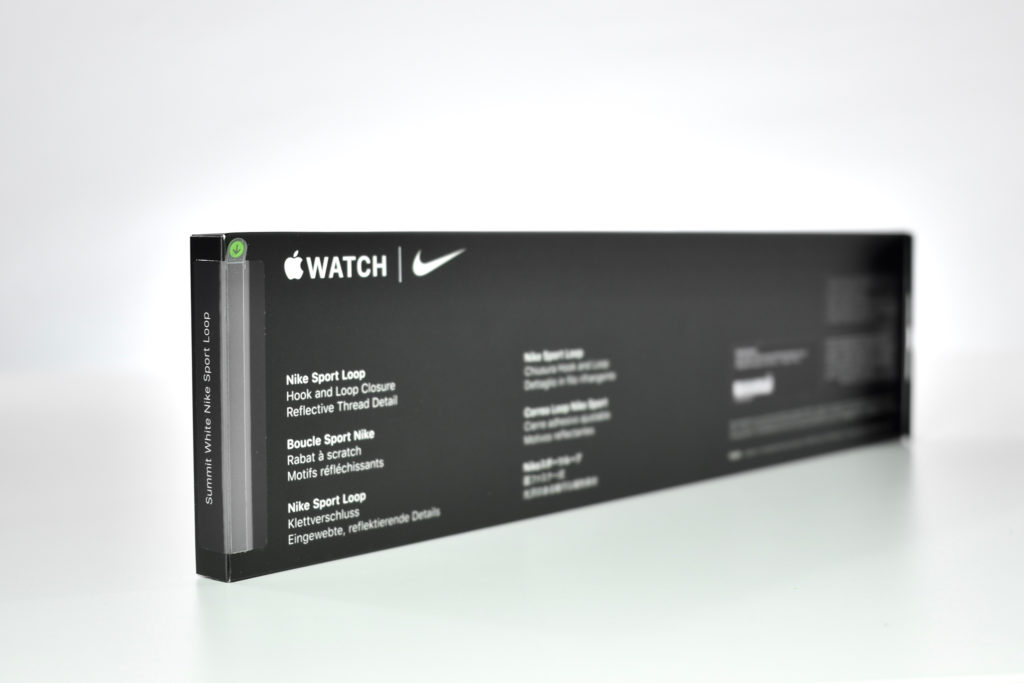
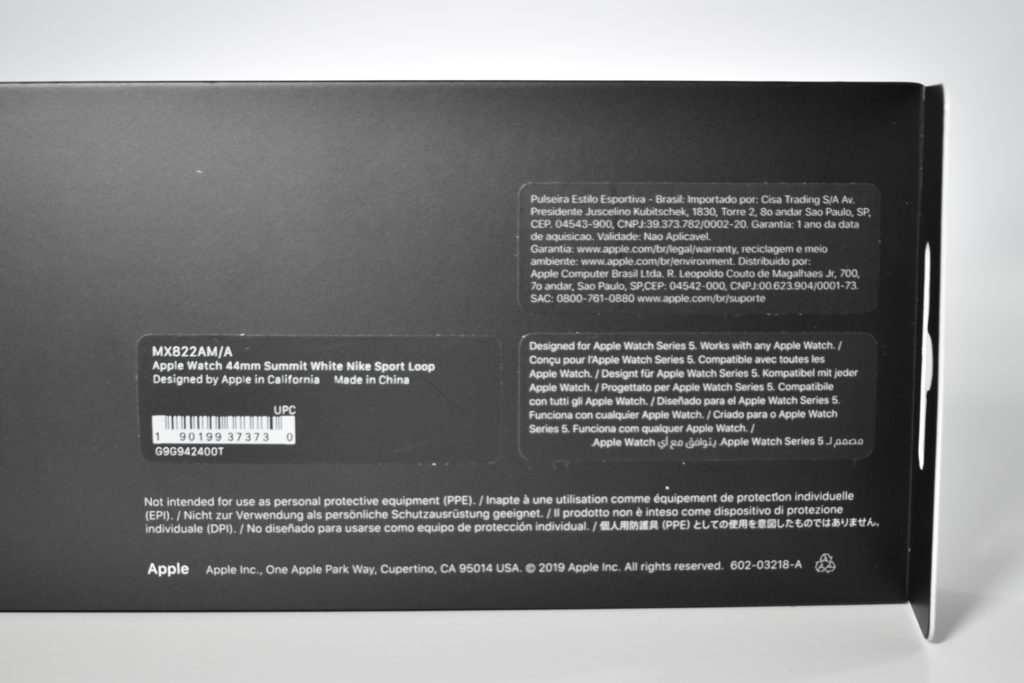
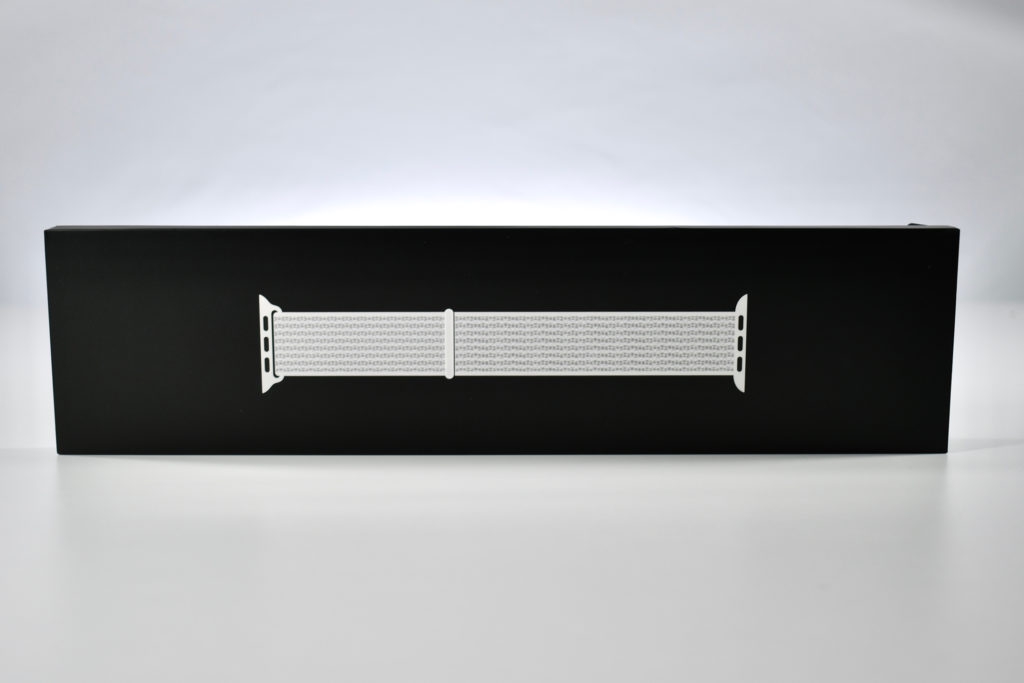
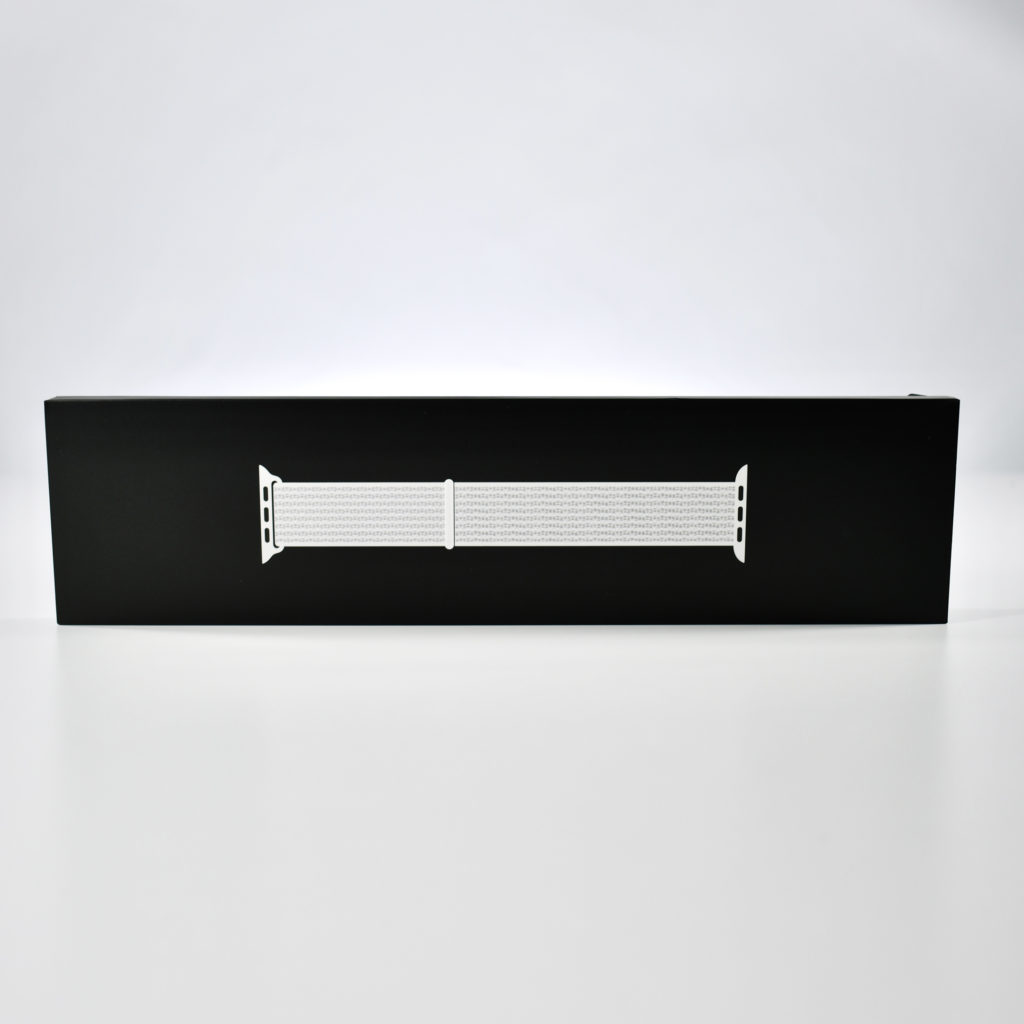
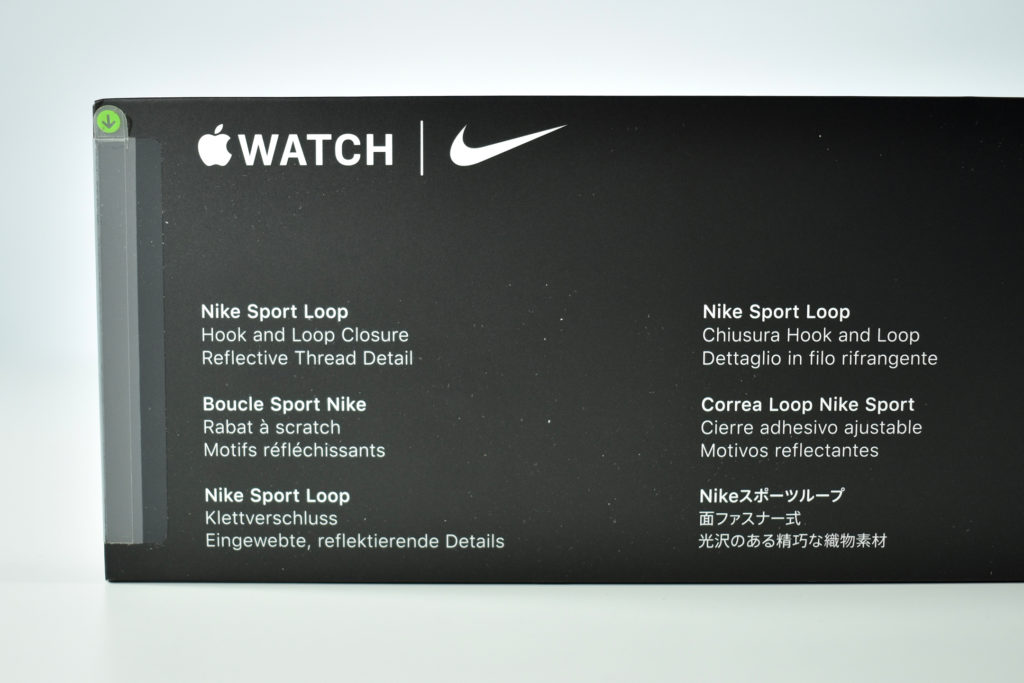
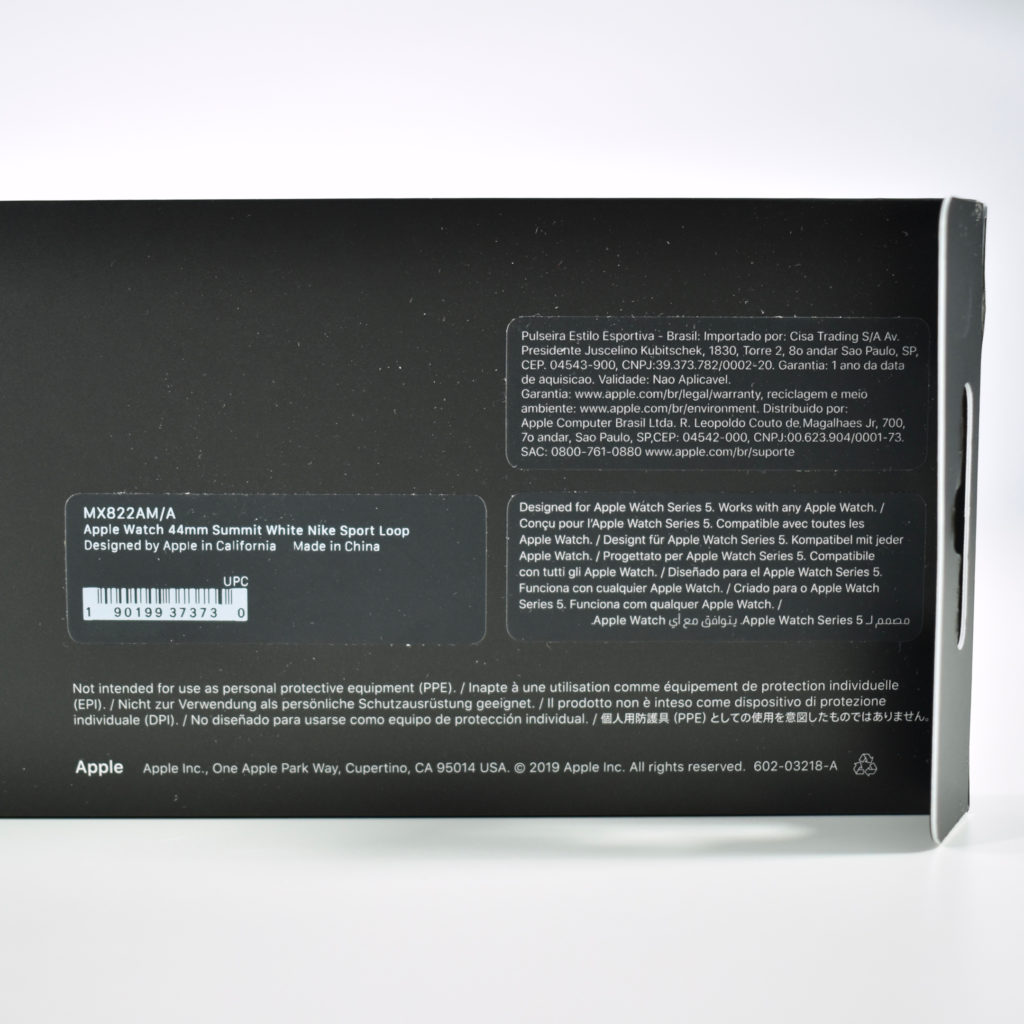
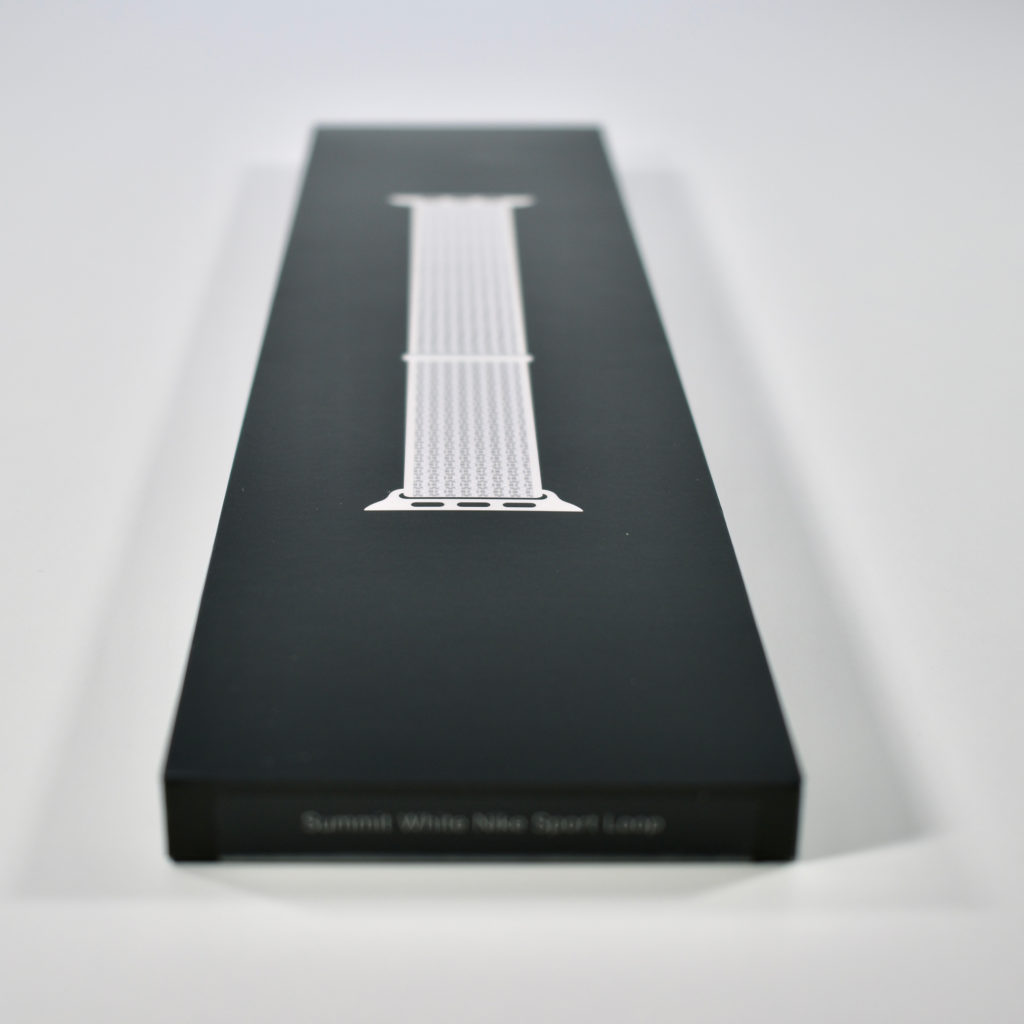
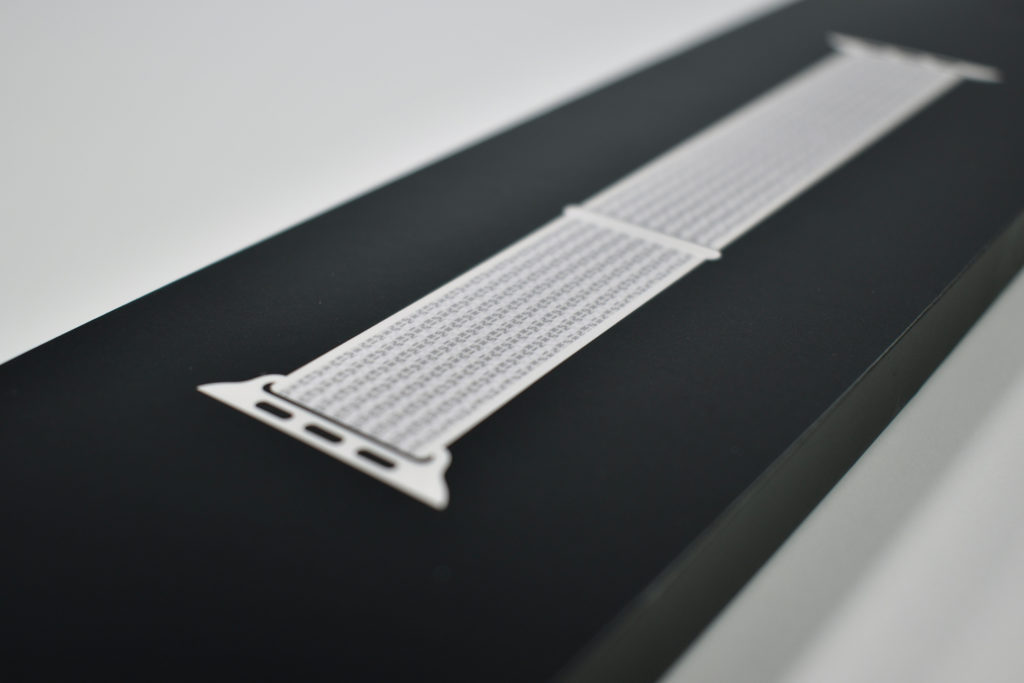
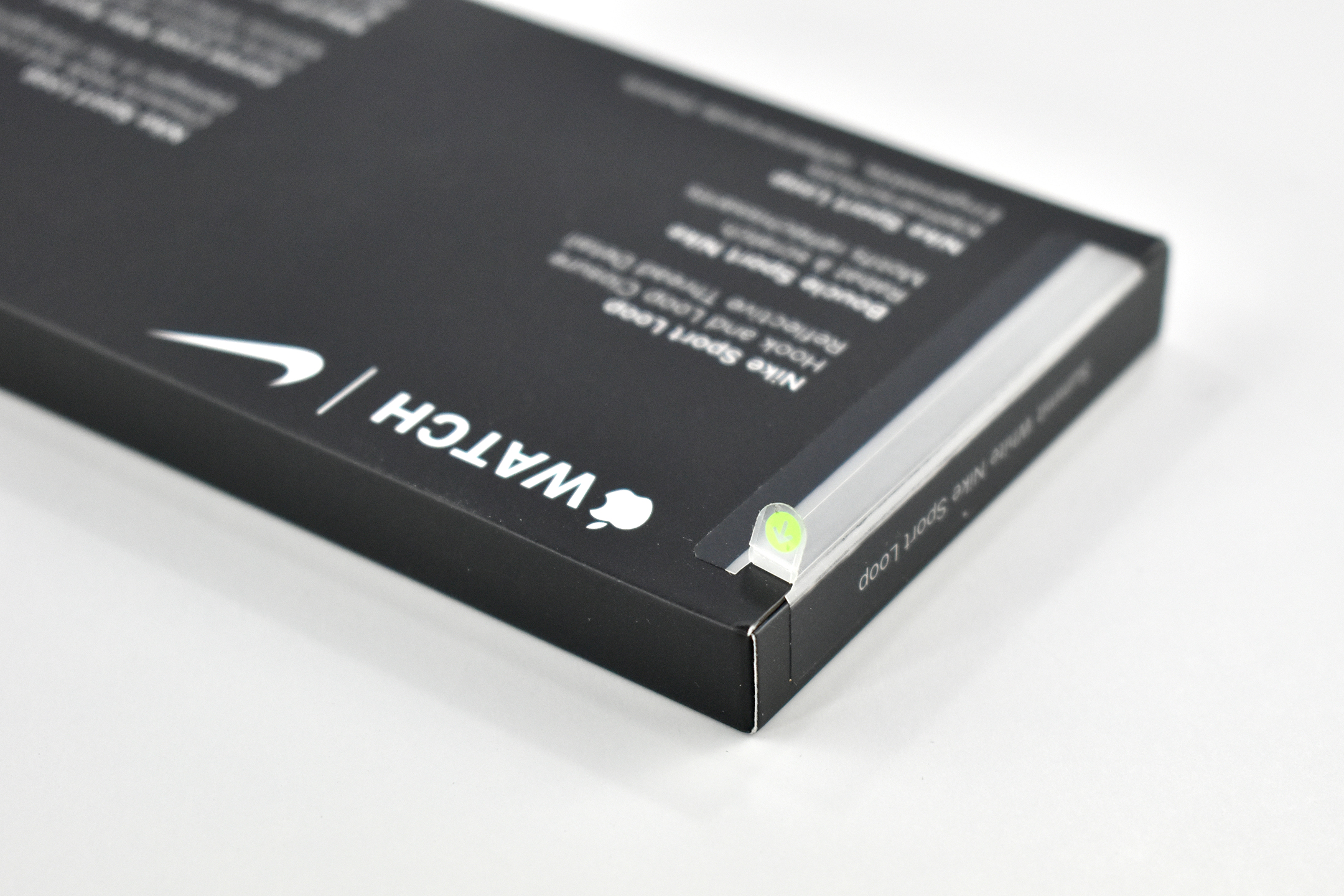
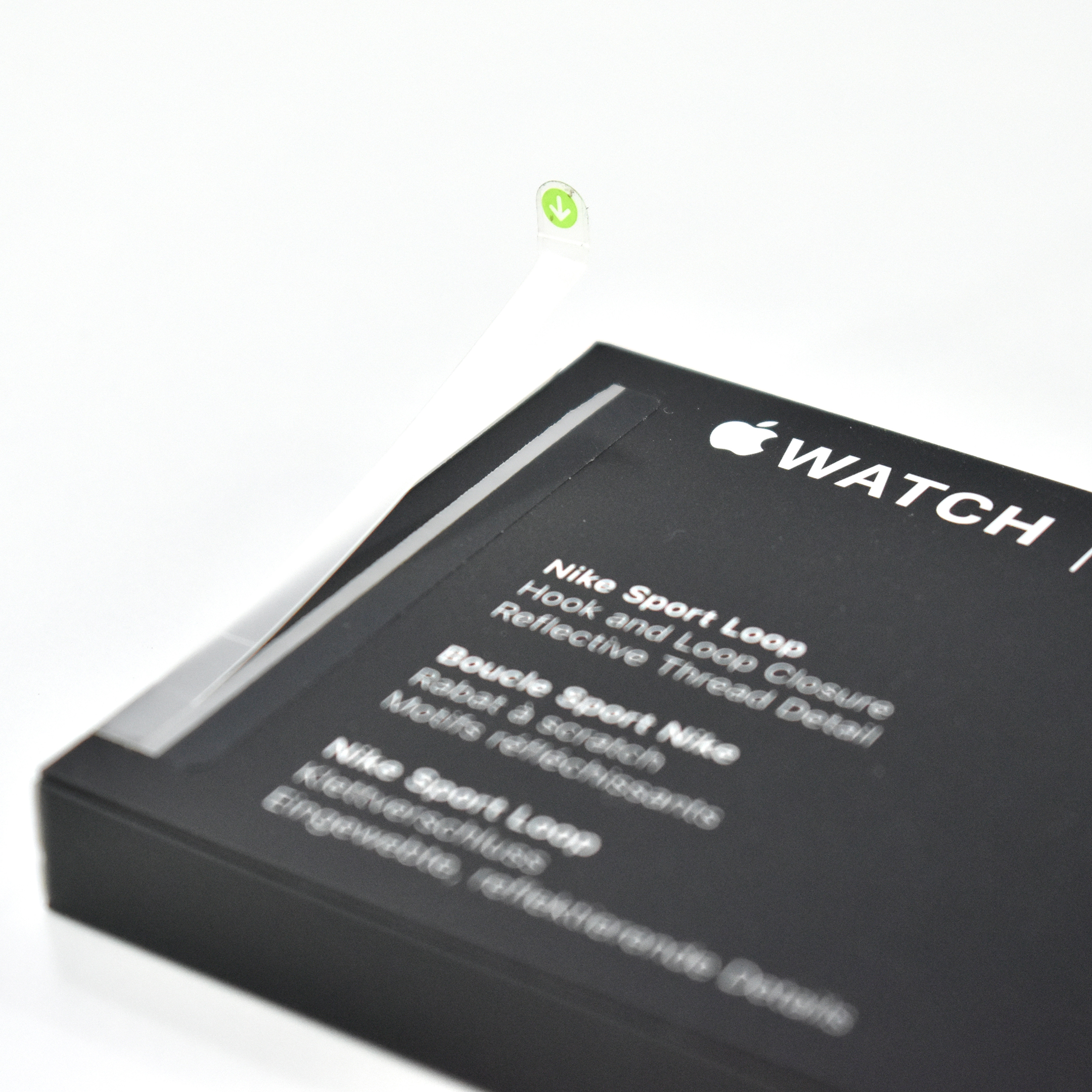
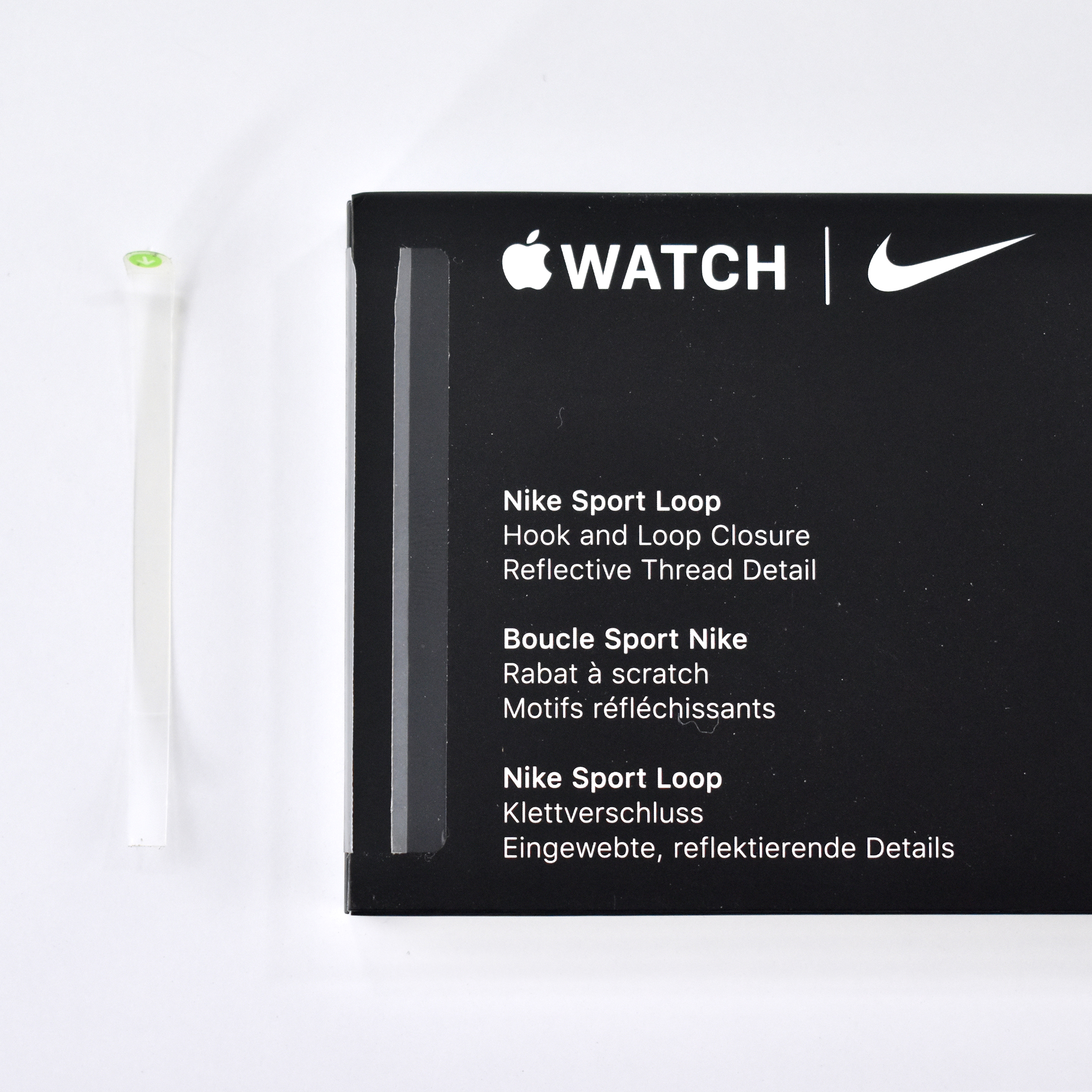
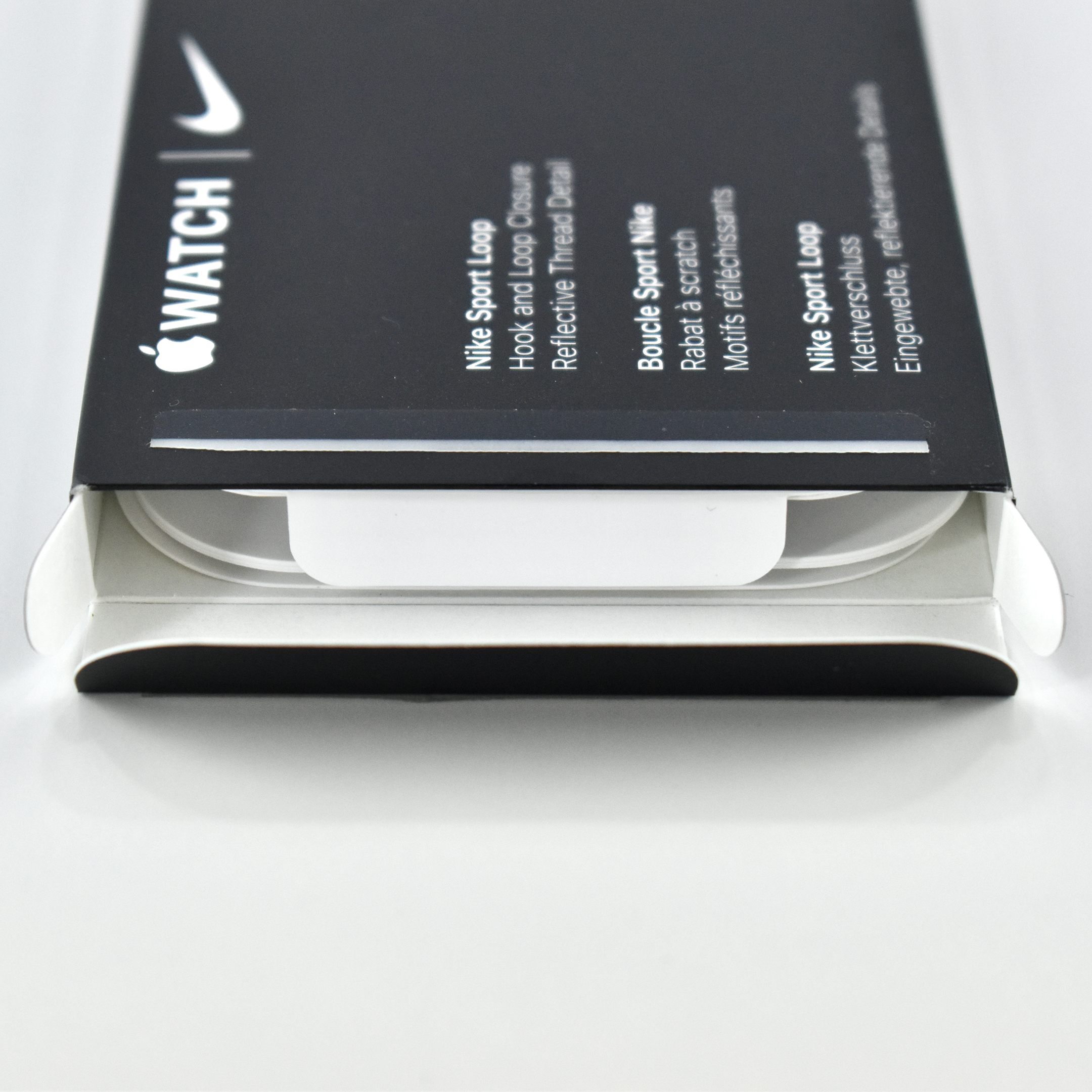
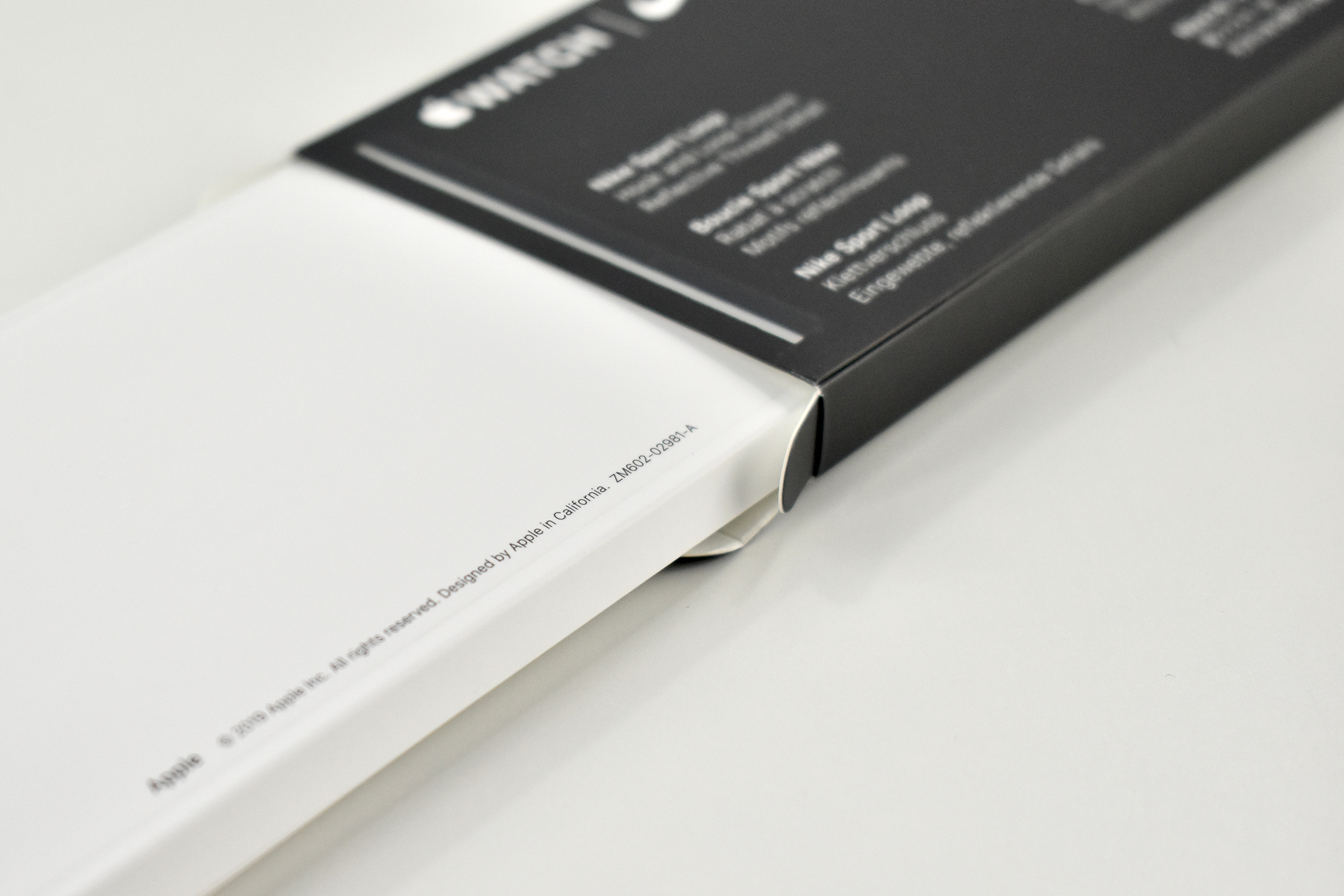
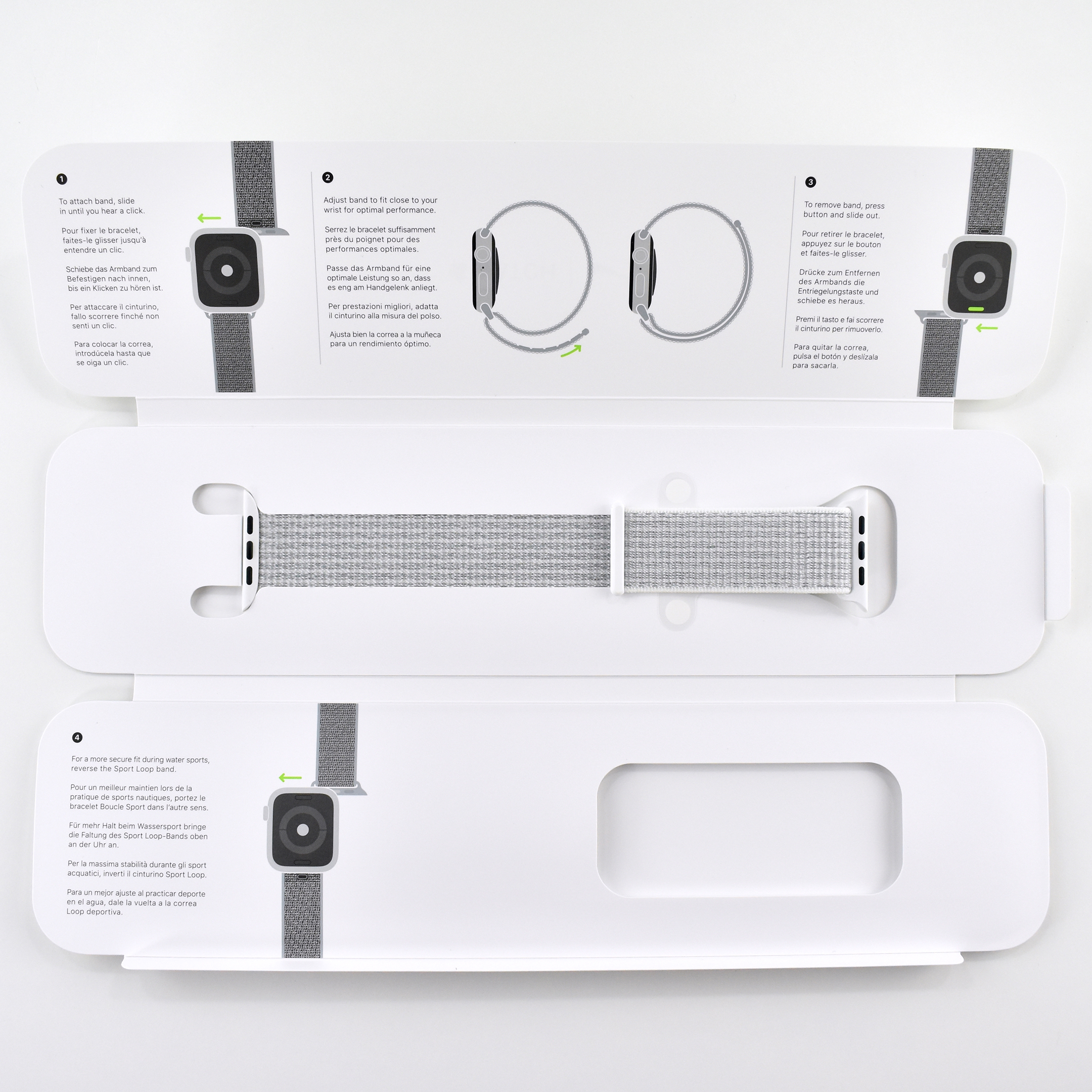
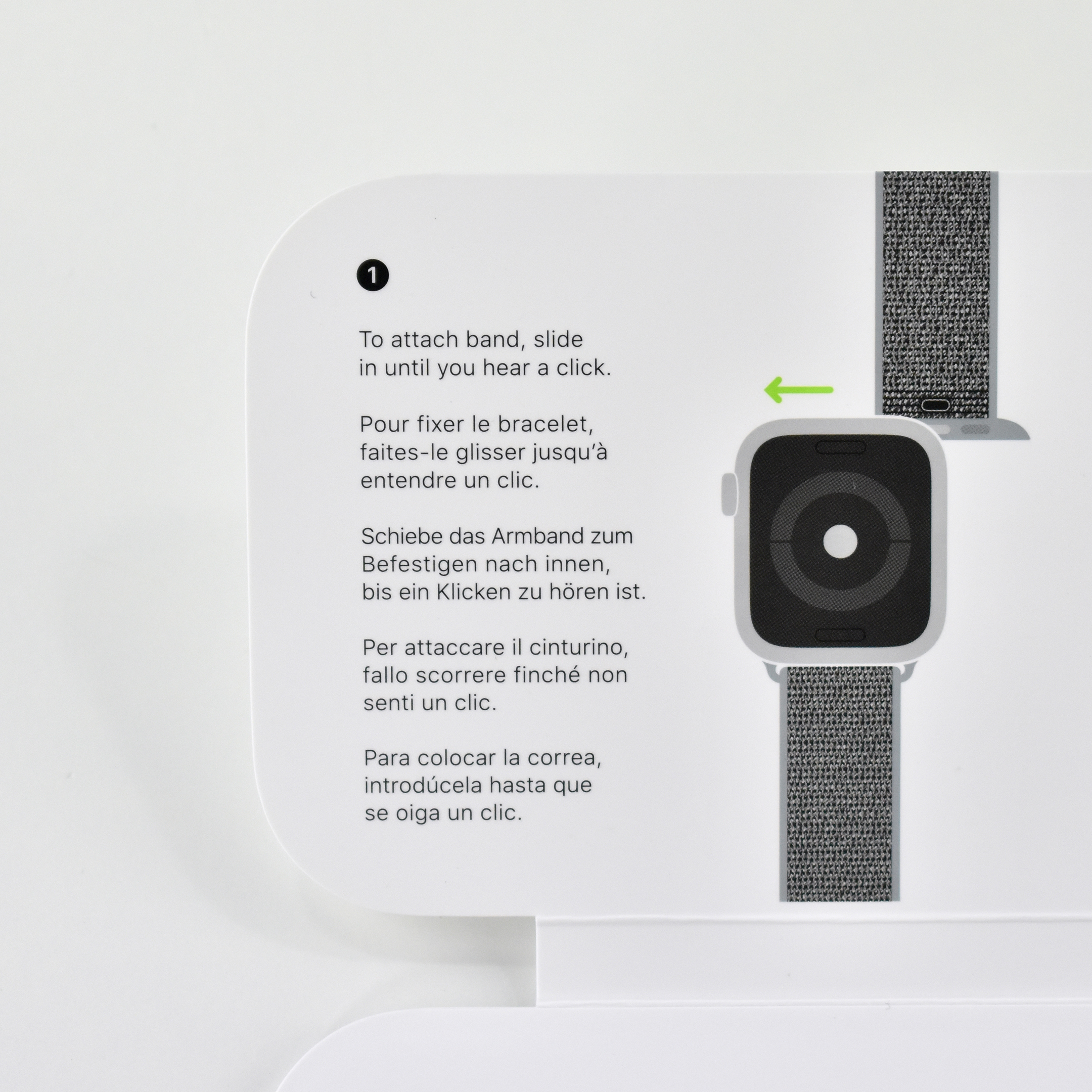
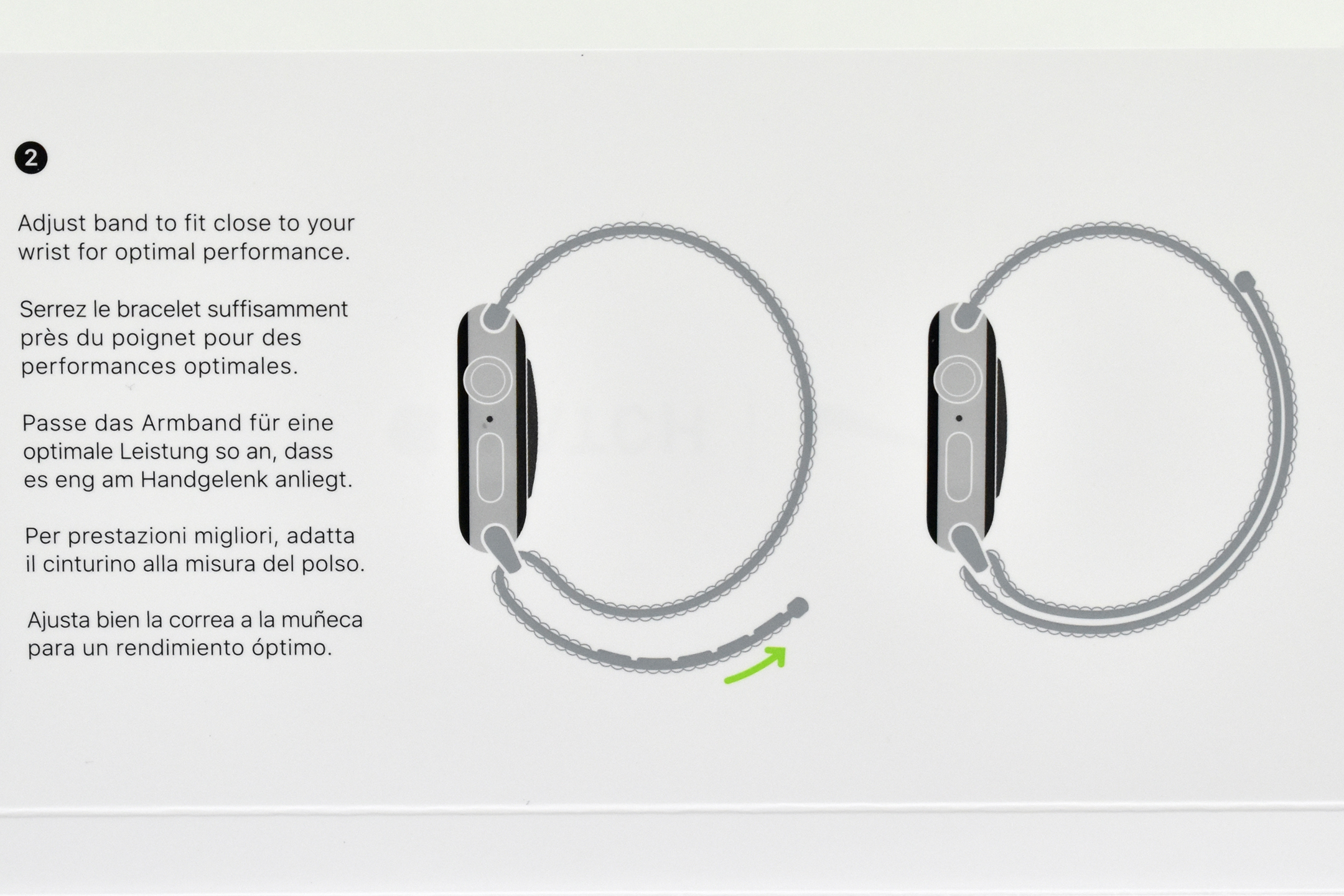
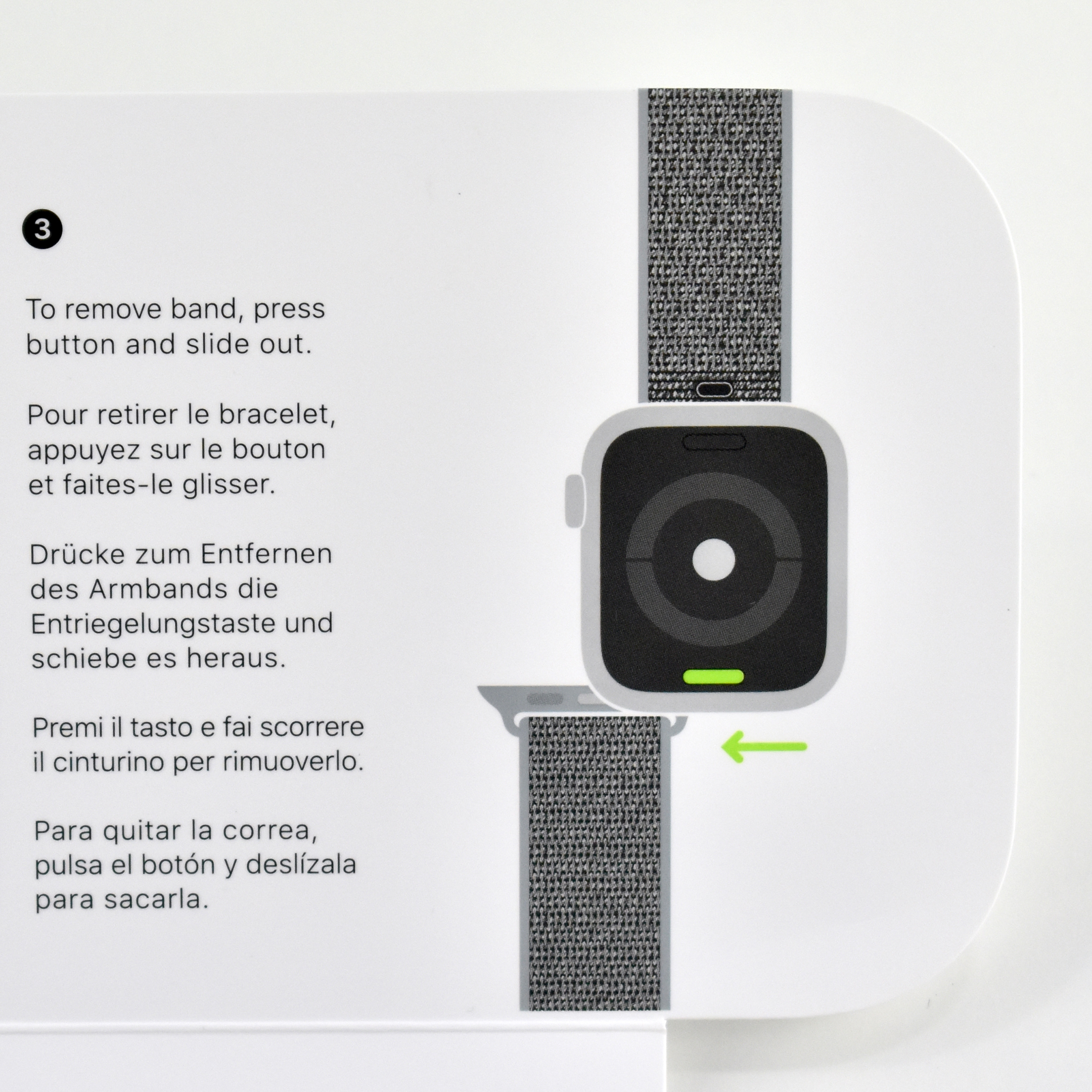
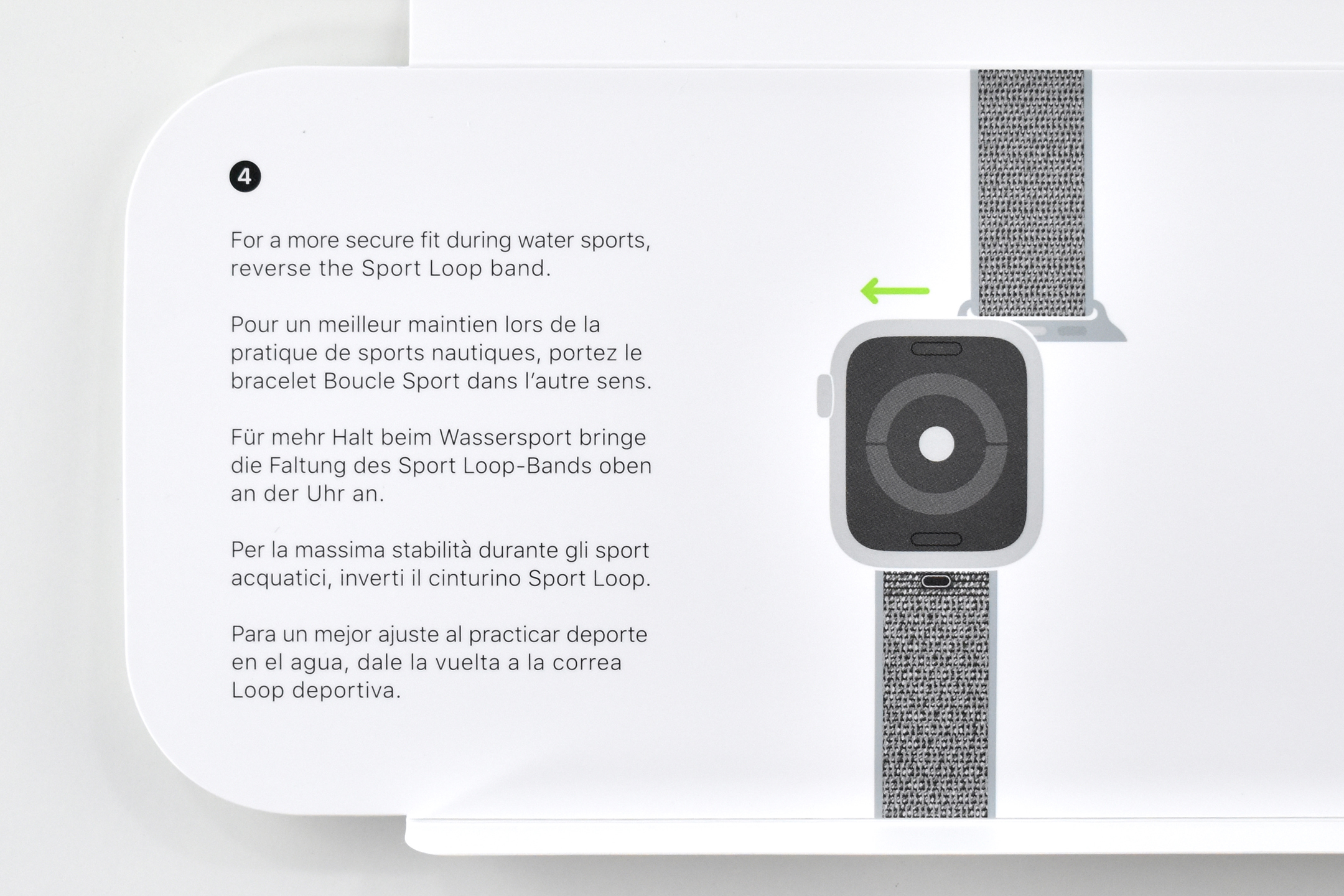
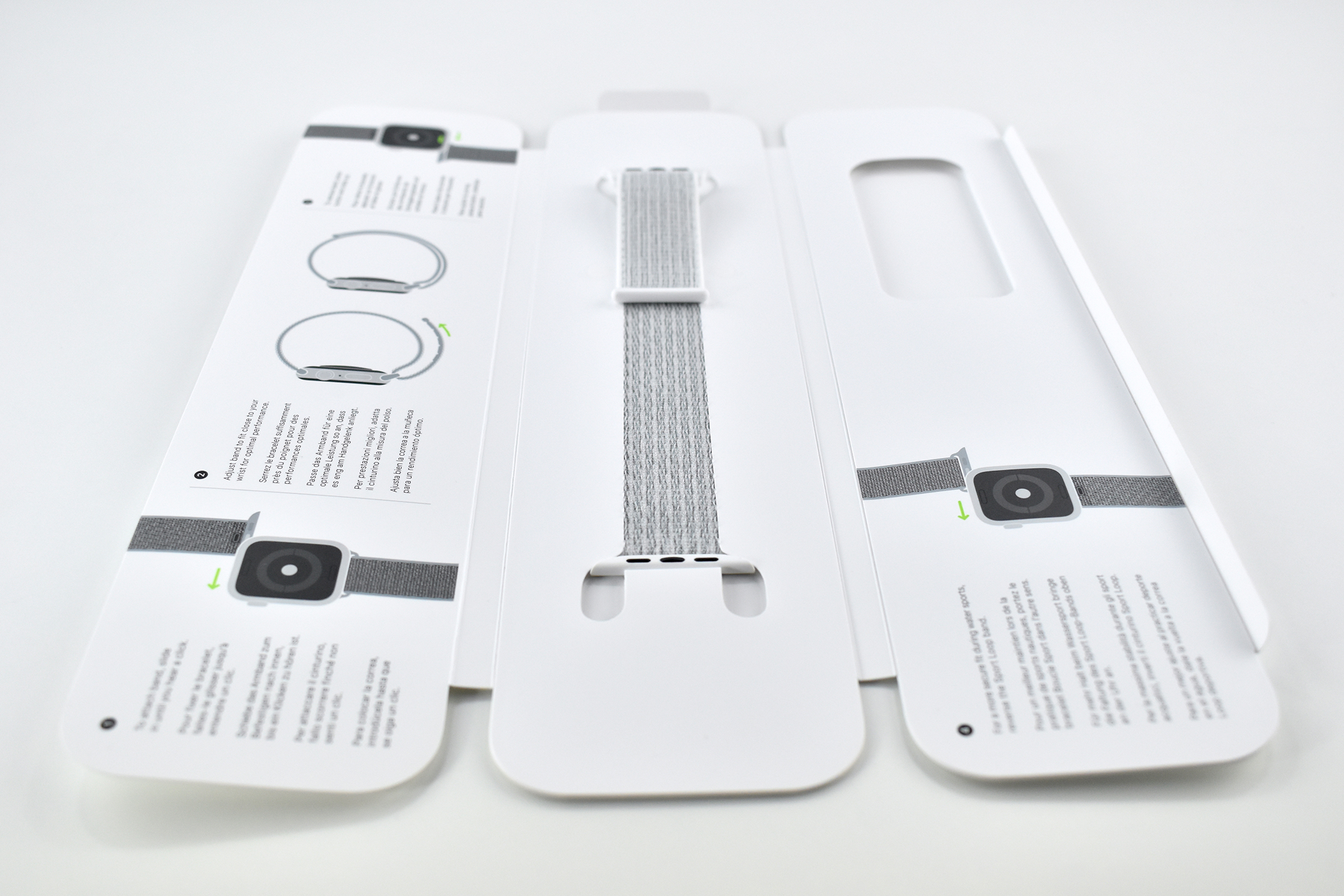
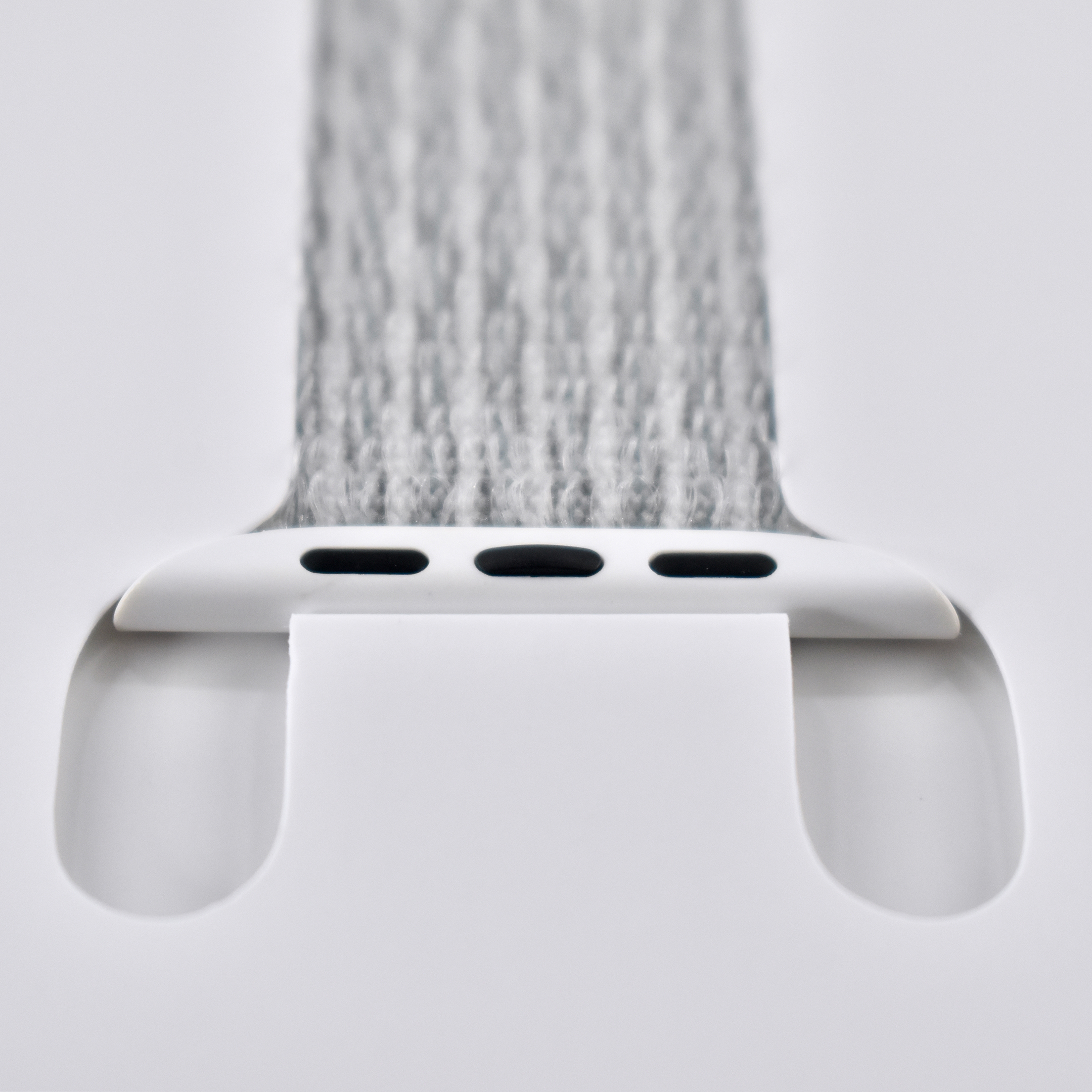
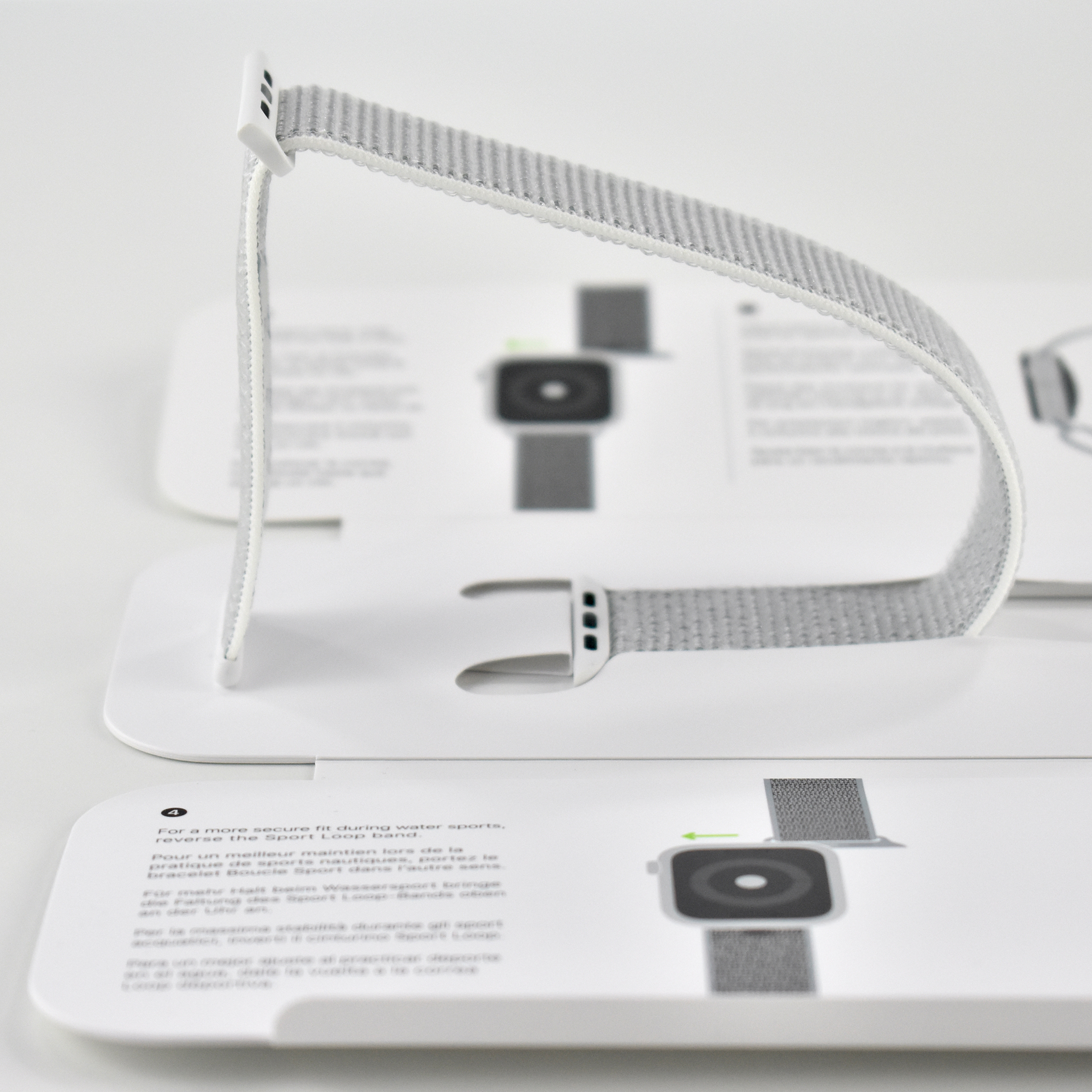
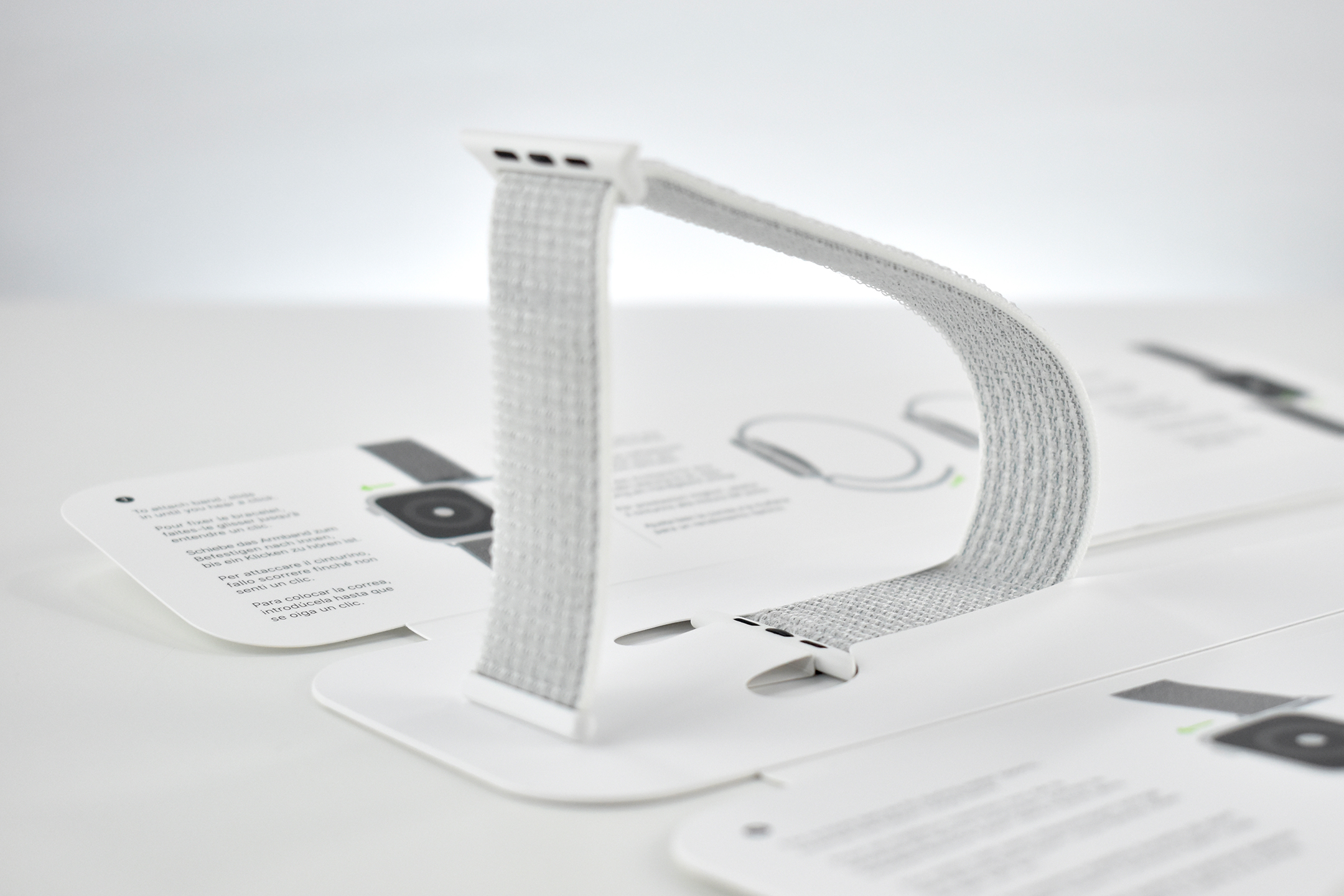
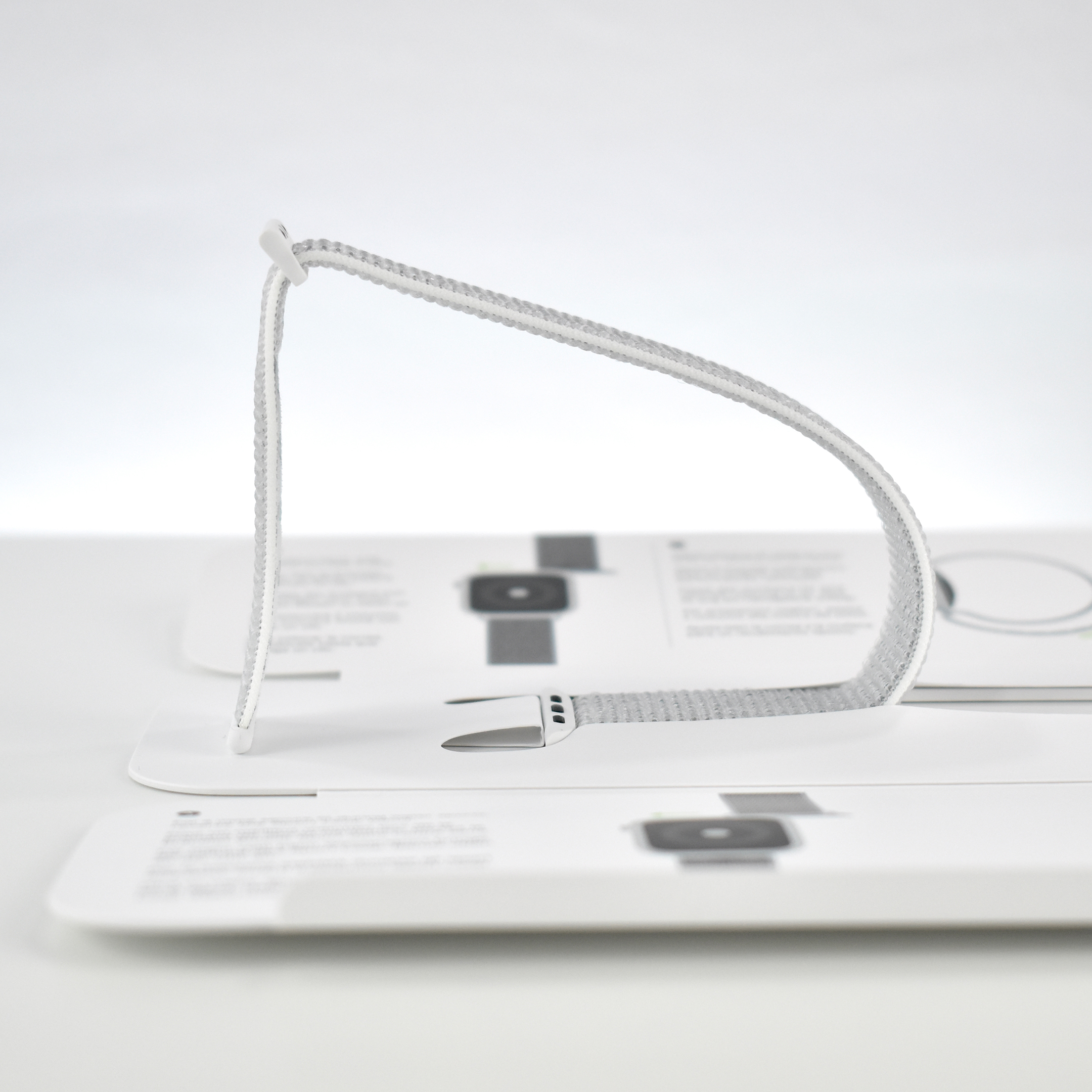
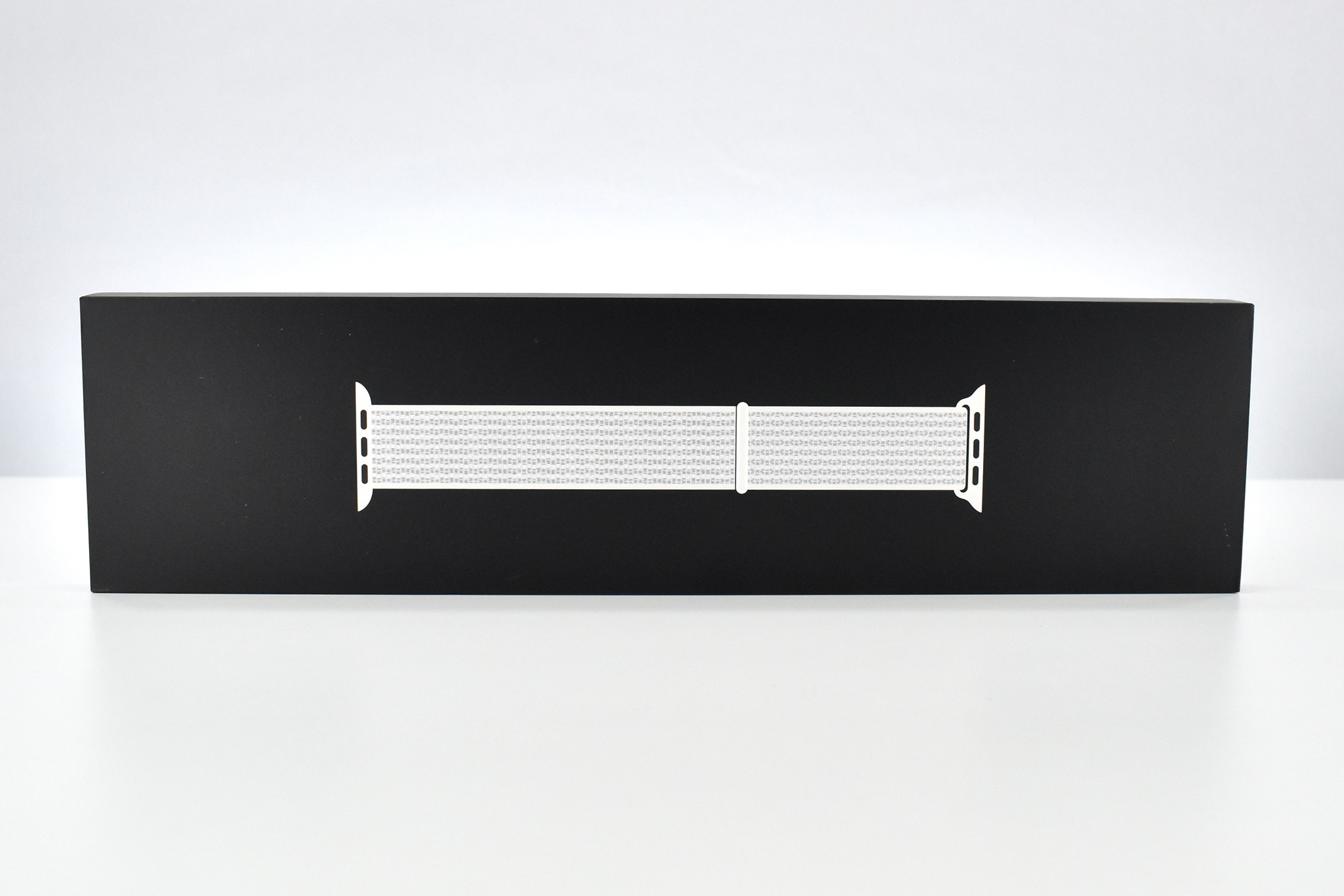
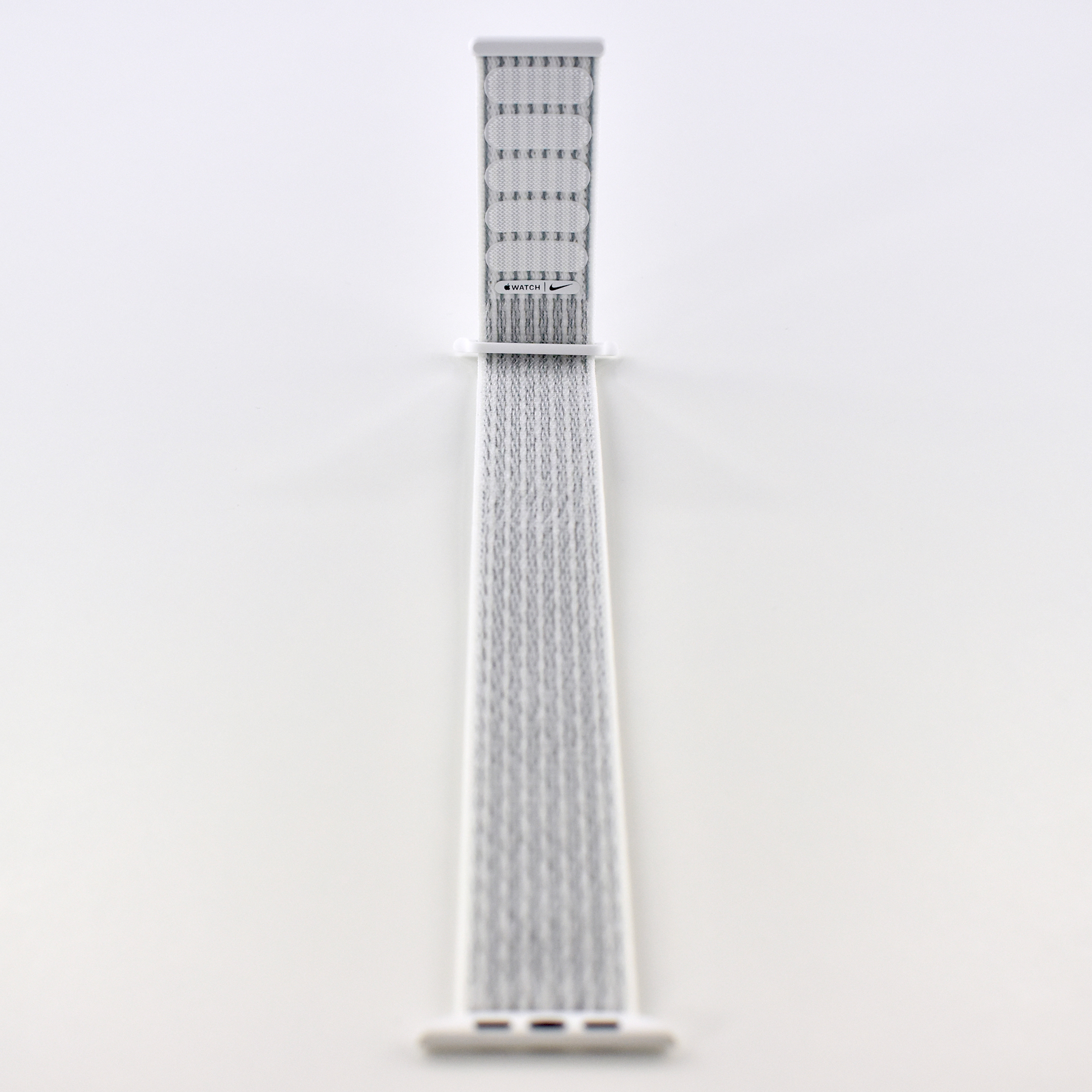
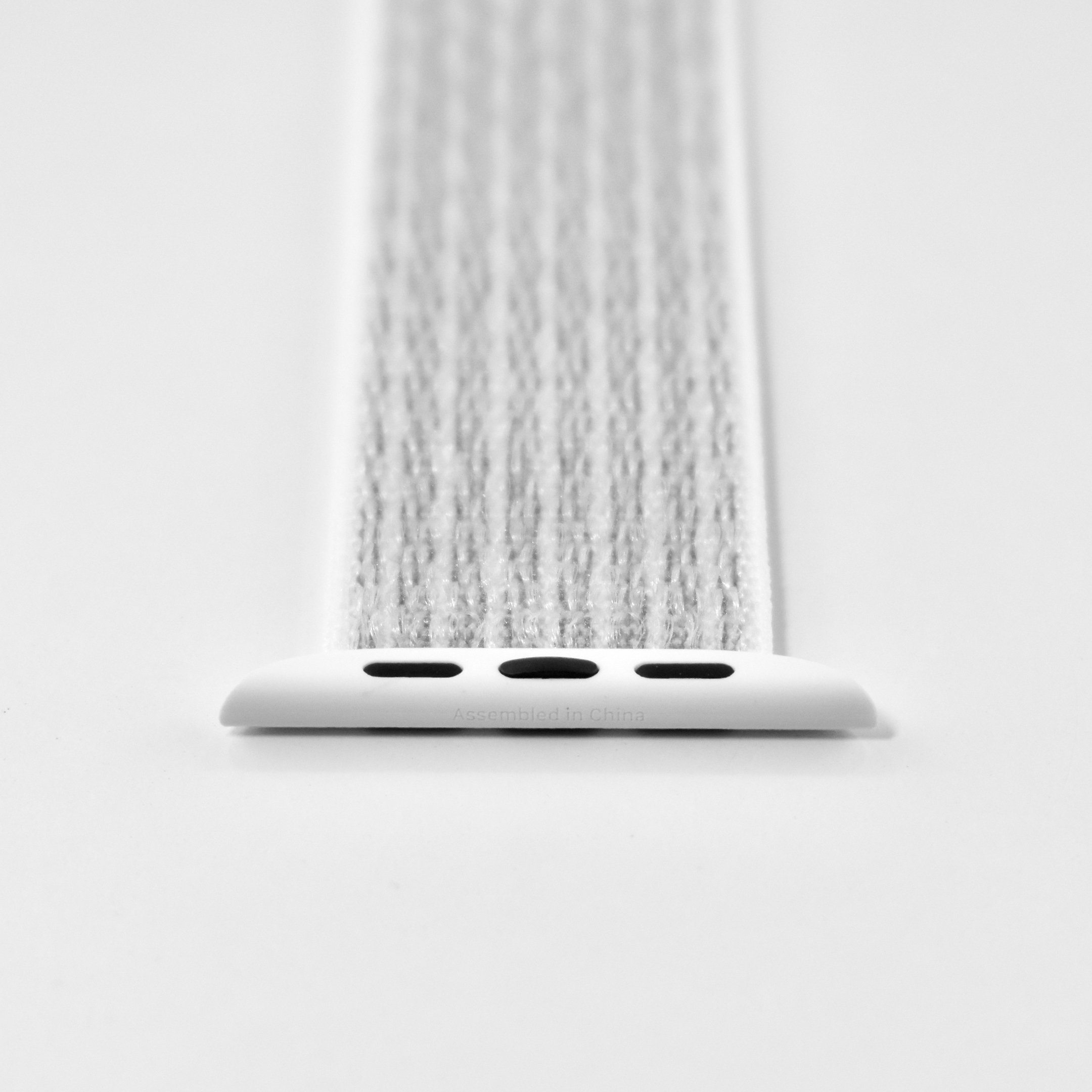
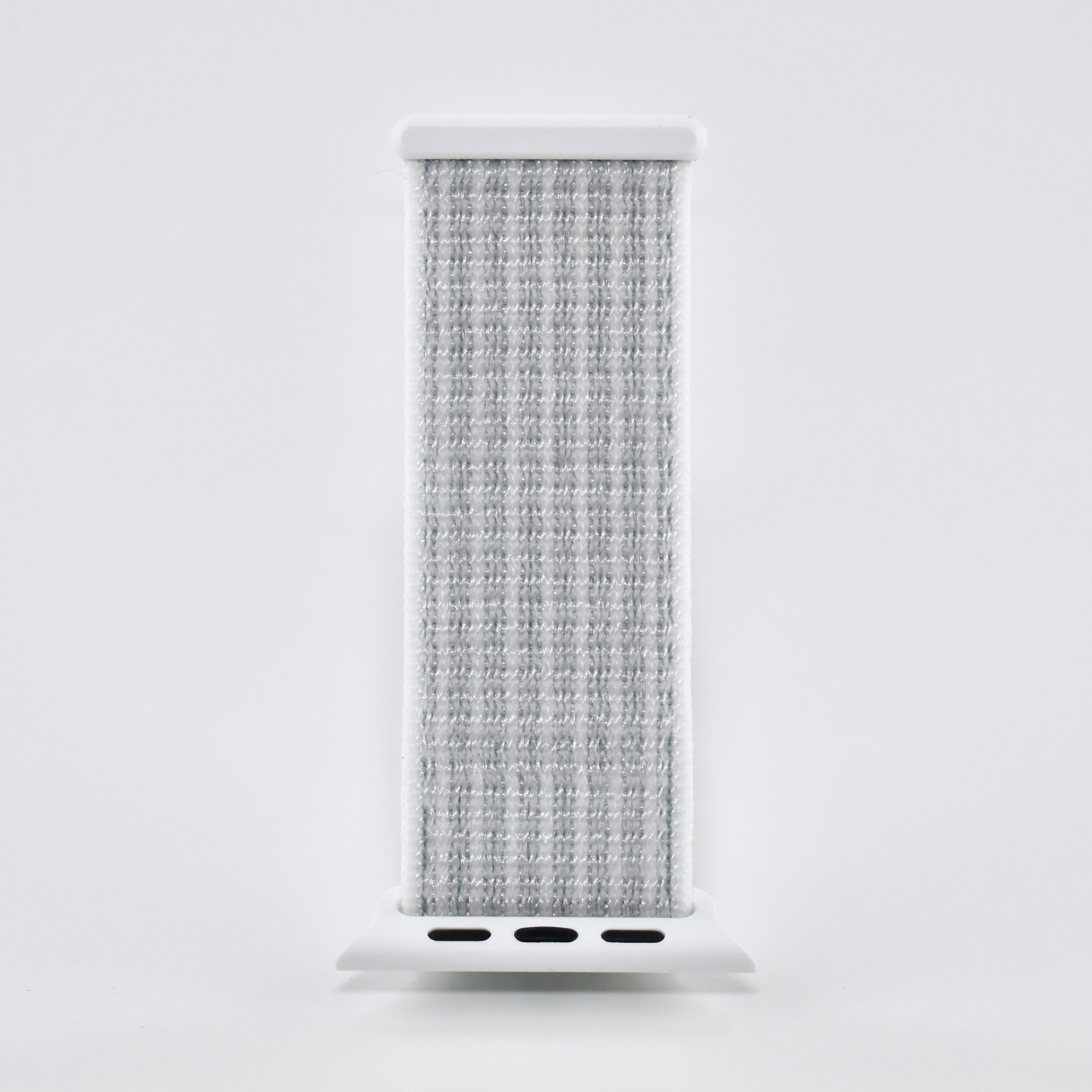
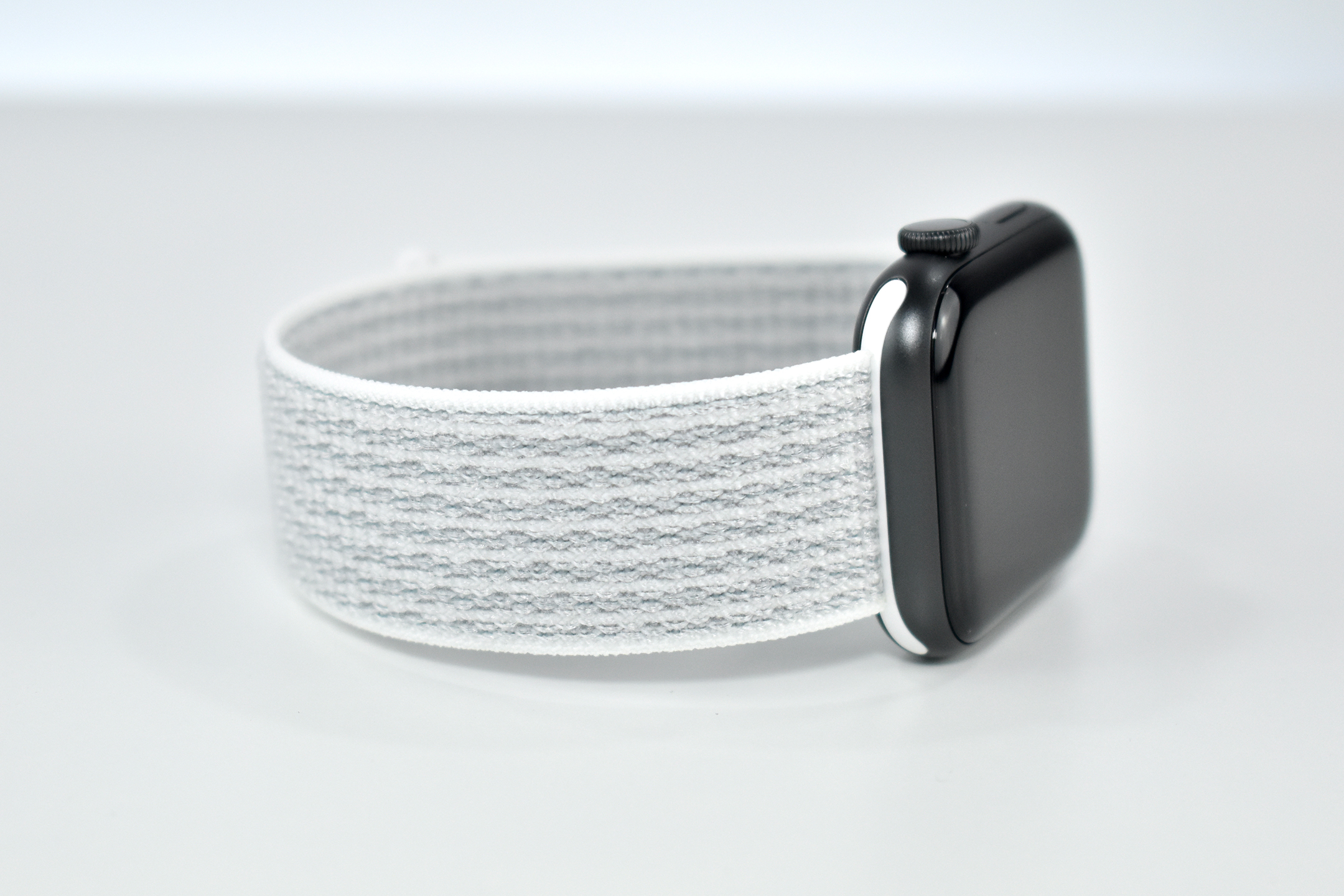
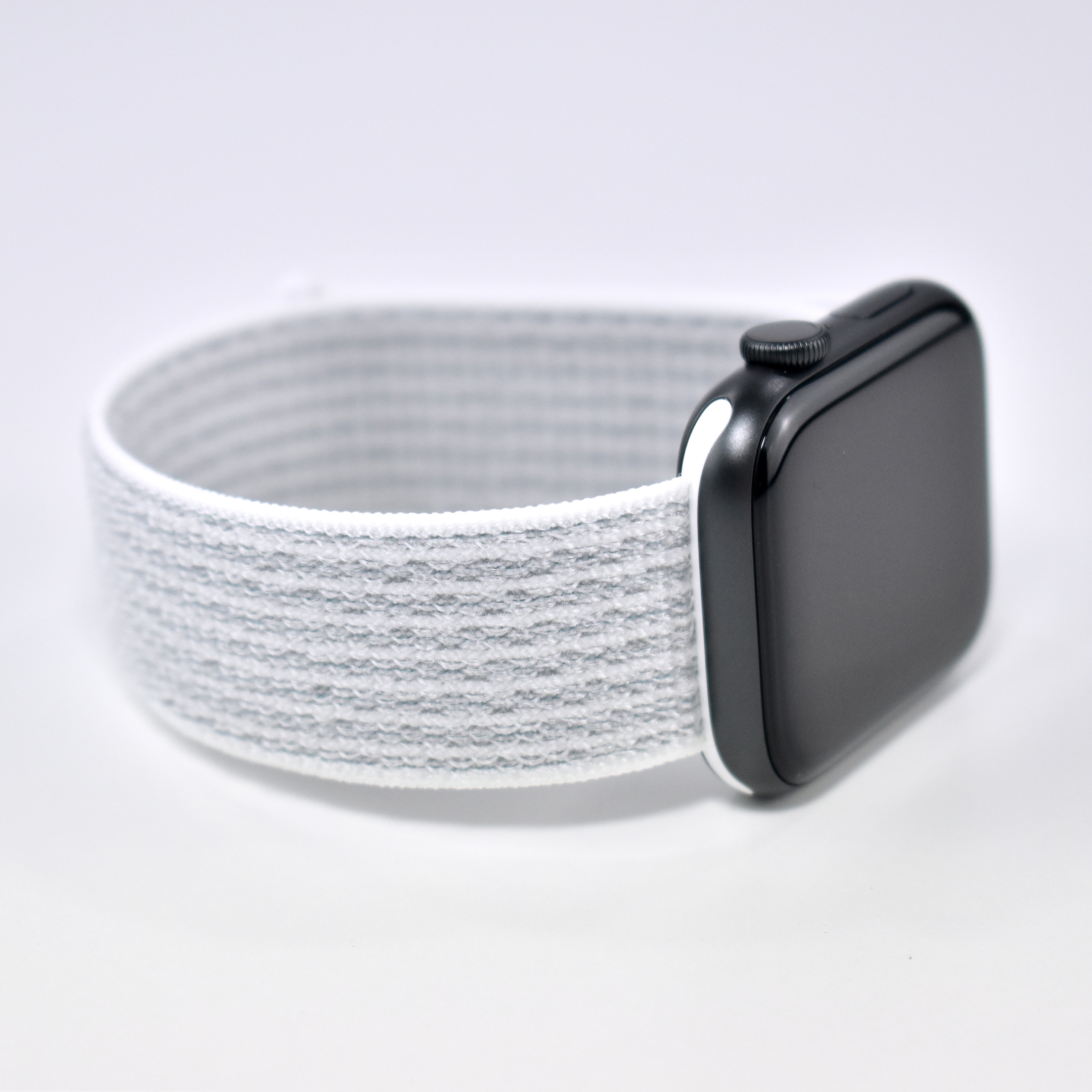
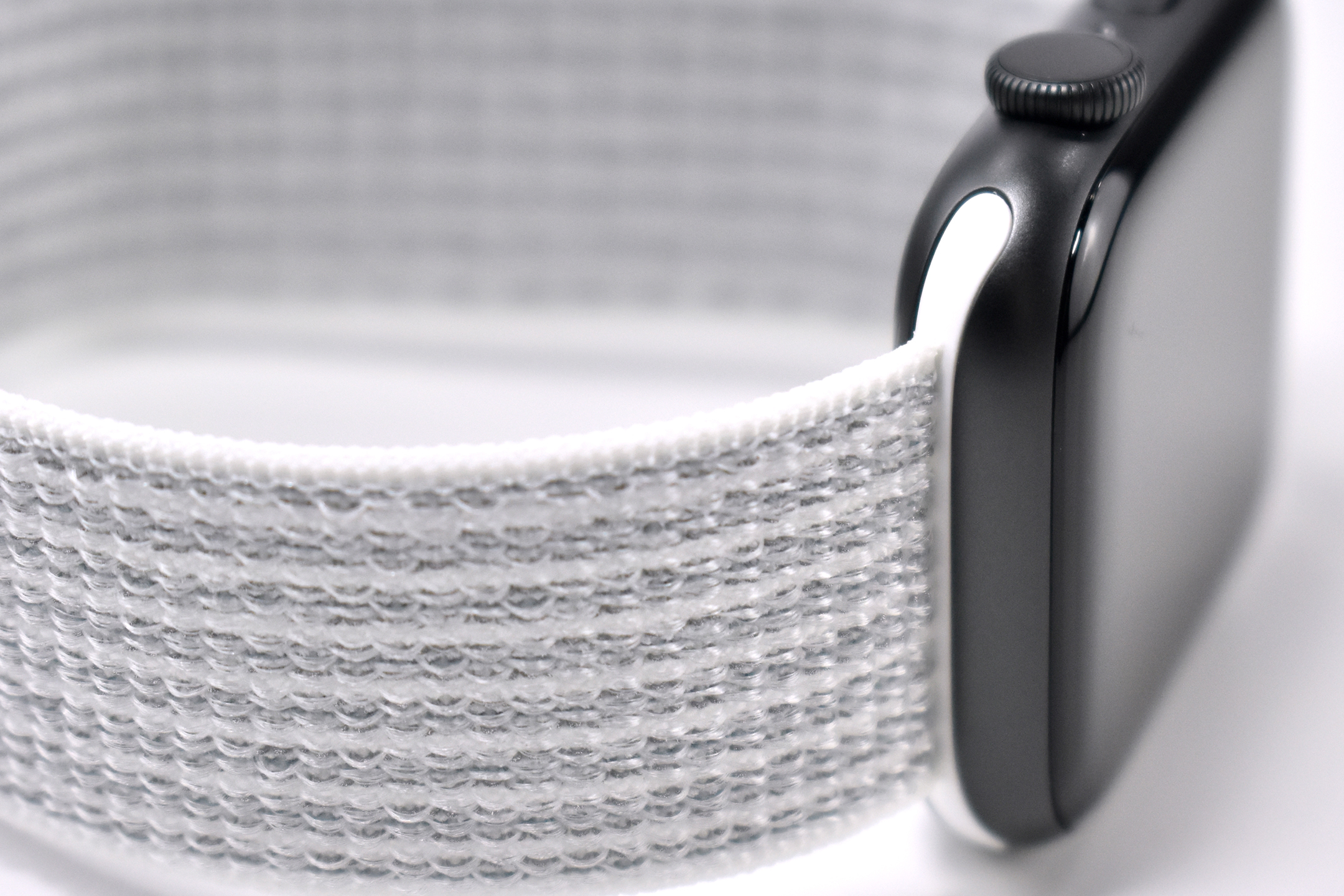
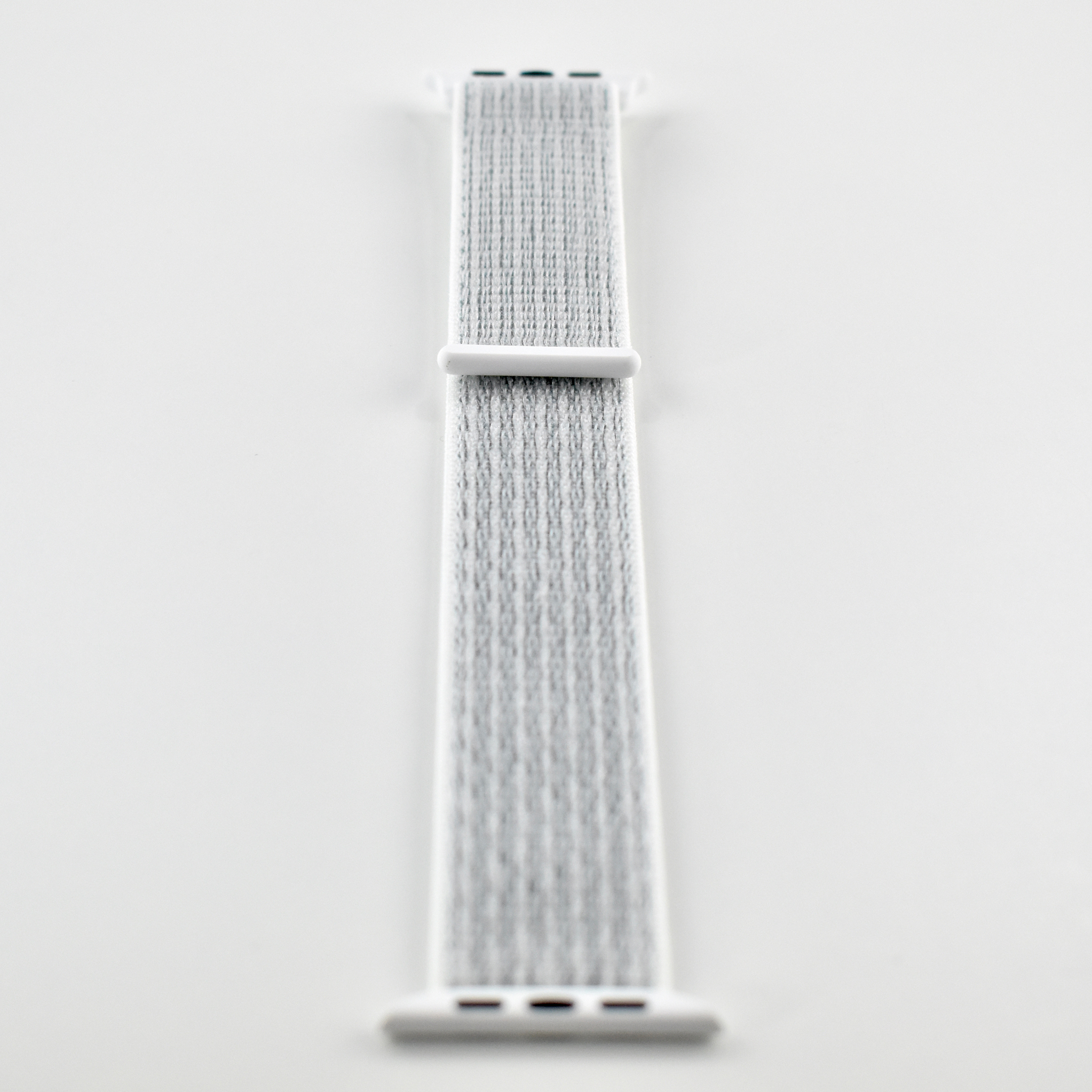
Nike Sport Loop Apple Watch bands are designed in partnership between Nike and Apple. The 44 mm Nike Sport Loop in Summit White is described by Apple as:
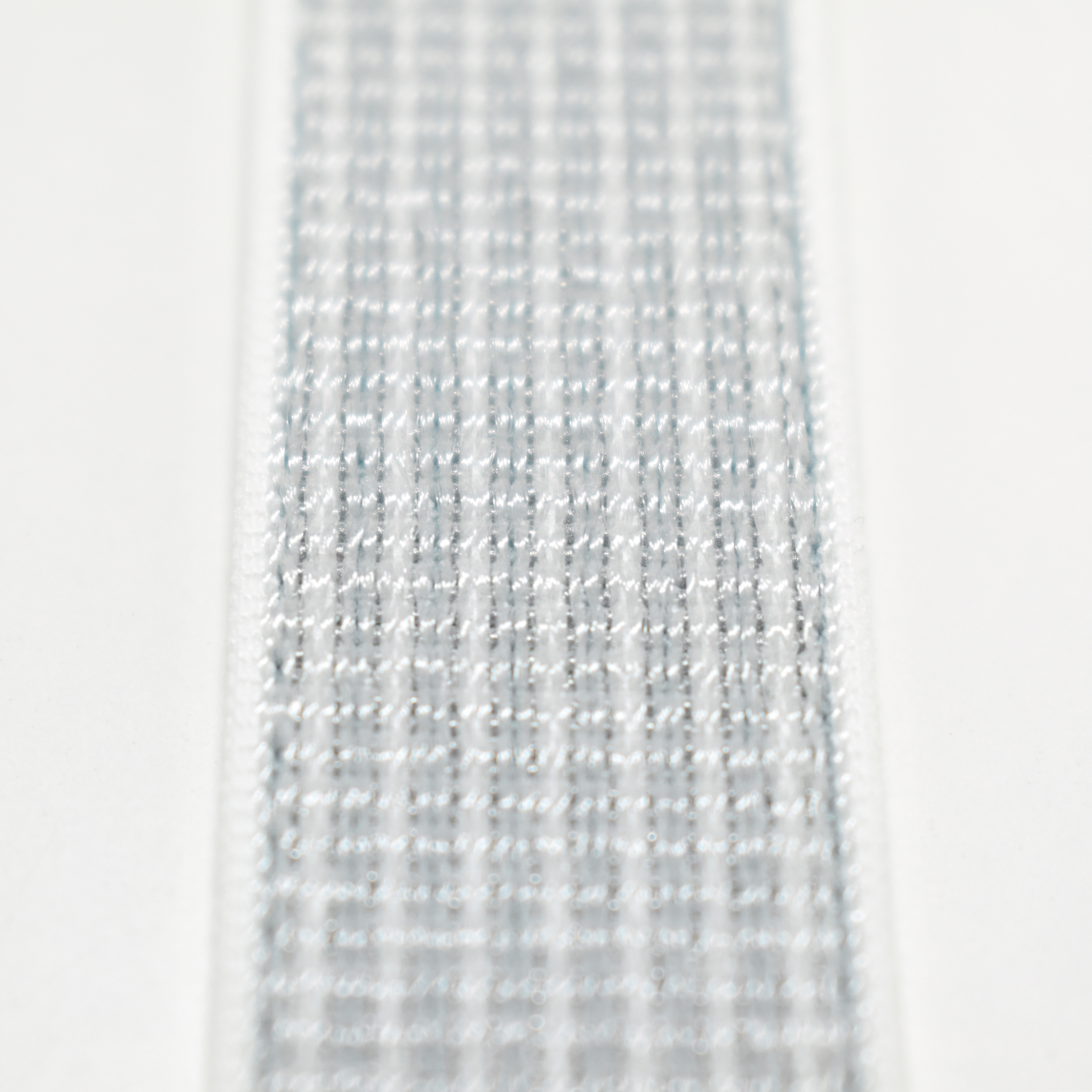
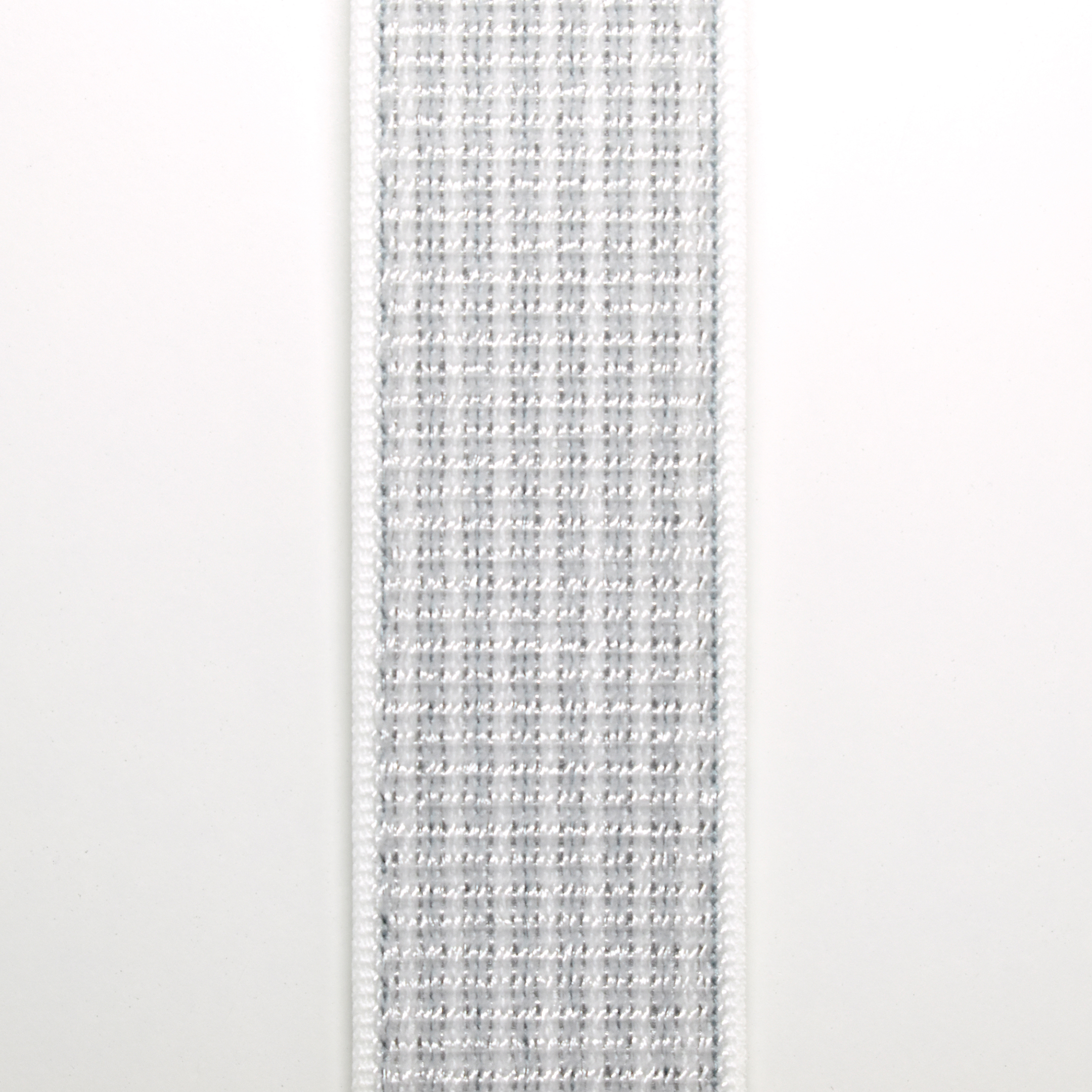
“Soft, breathable, and lightweight, the Nike Sport Loop is designed for fitness, with summit white color matched to the new line of Nike running shoes. It features a nylon weave with a reflective thread designed to shimmer when light strikes it. A hook-and-loop fastener makes for quick and easy adjustment, and dense loops on the skin side provide soft cushioning while allowing moisture to escape. On the reverse side, the attachment loops are securely anchored for superior durability.”
The Nike Sport Loop fits all 42 mm and 44 mm Apple Watch models, original through Series 5.
Since I tried my first Sport Loop Apple Watch band, I have found this style to be my favorite.
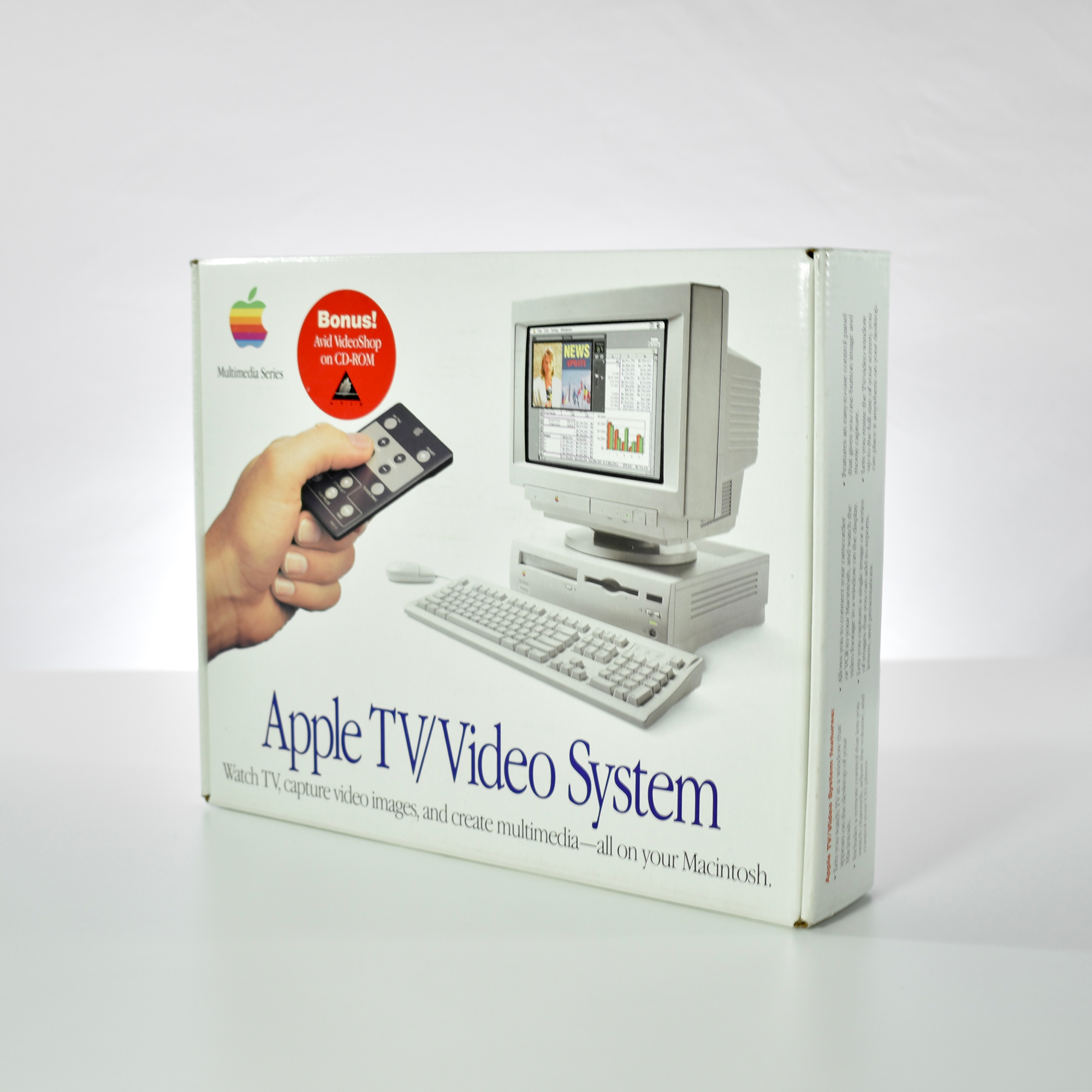
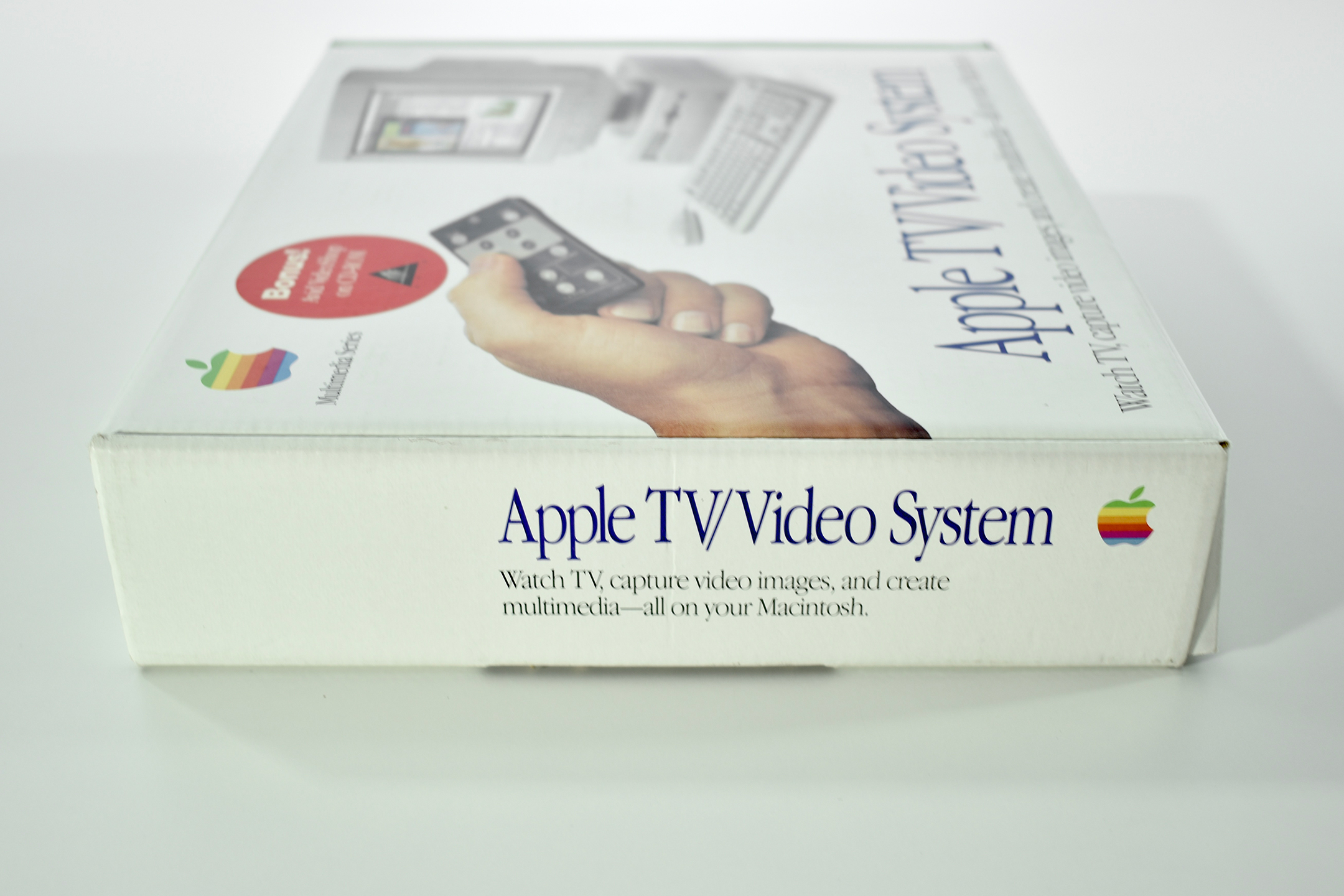
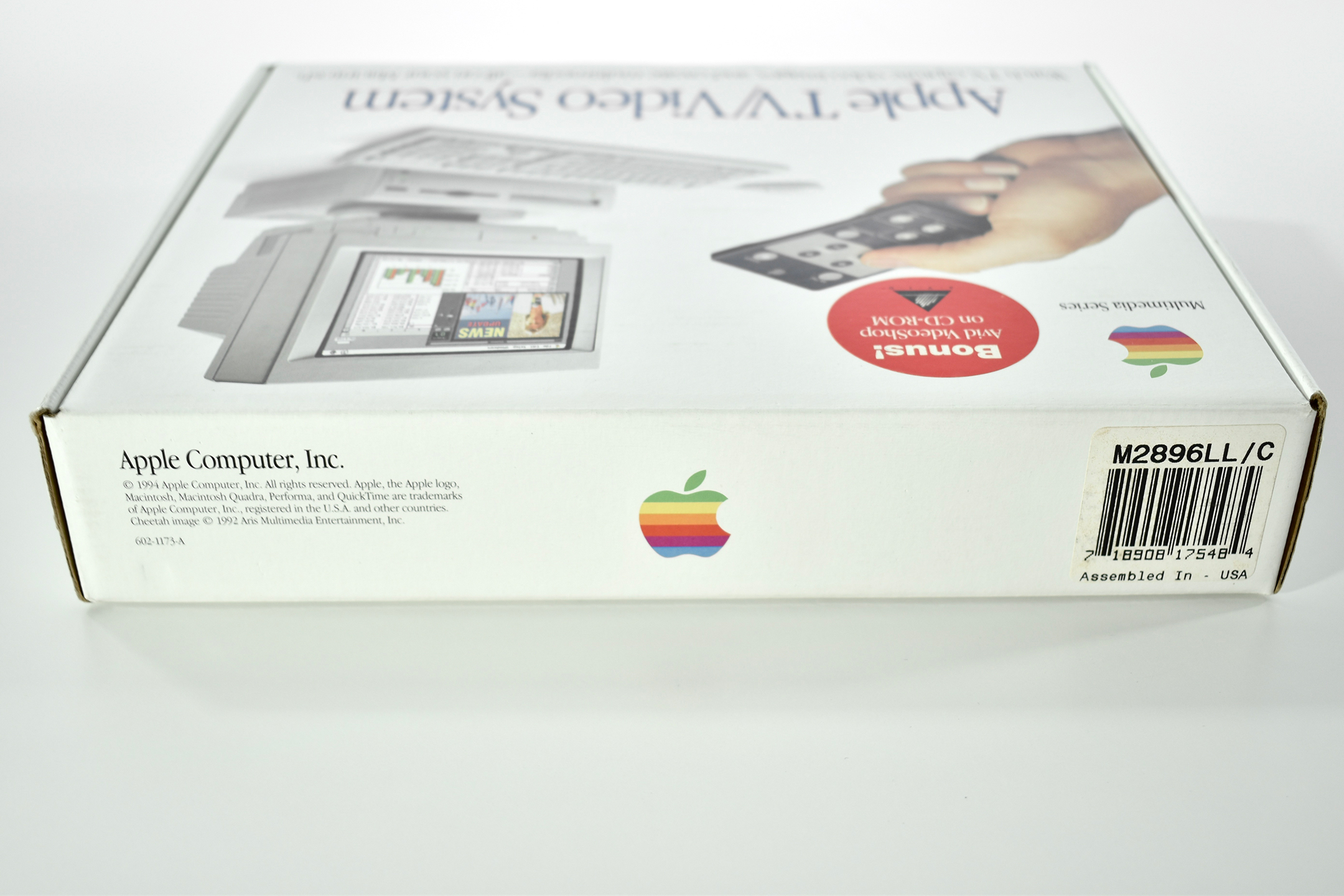
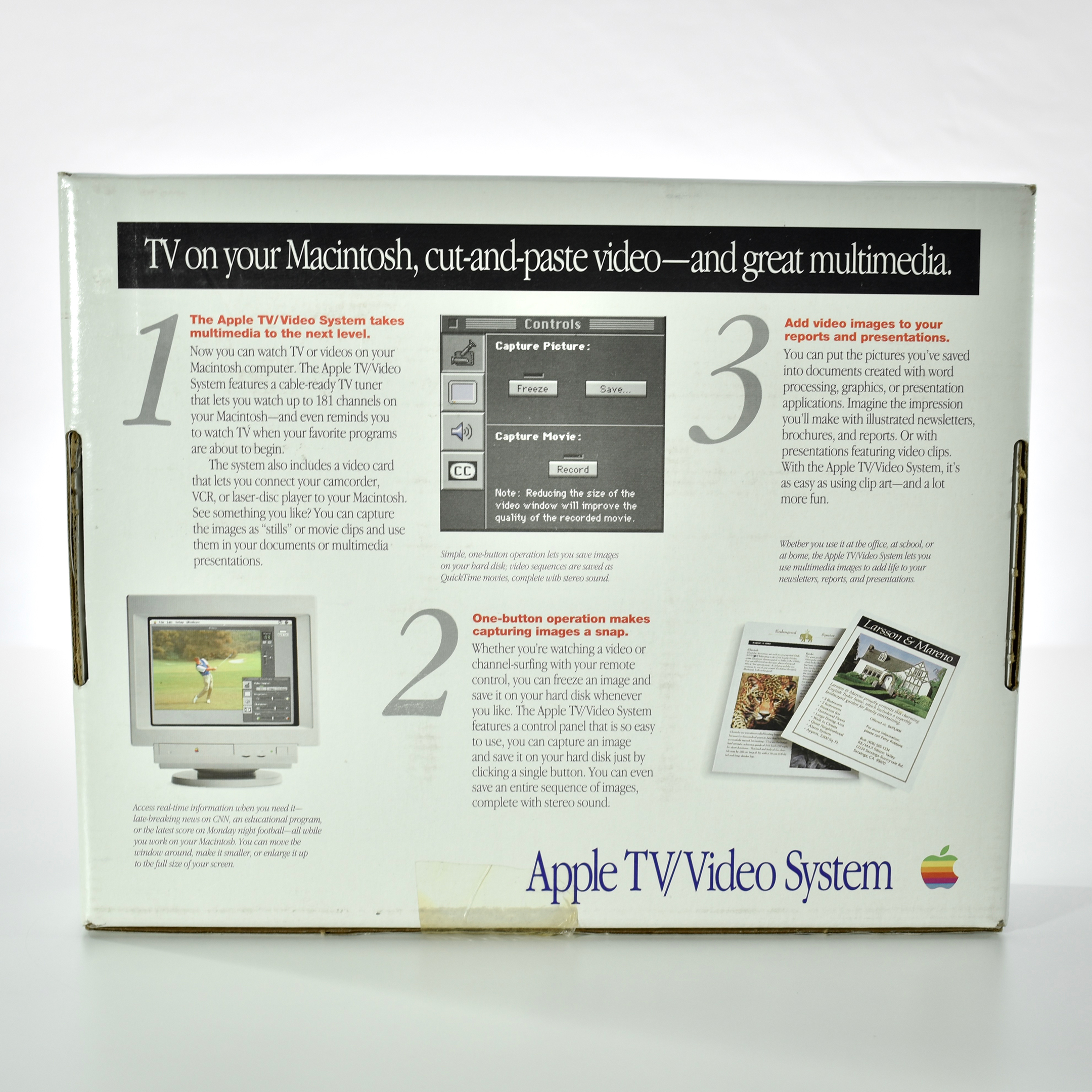
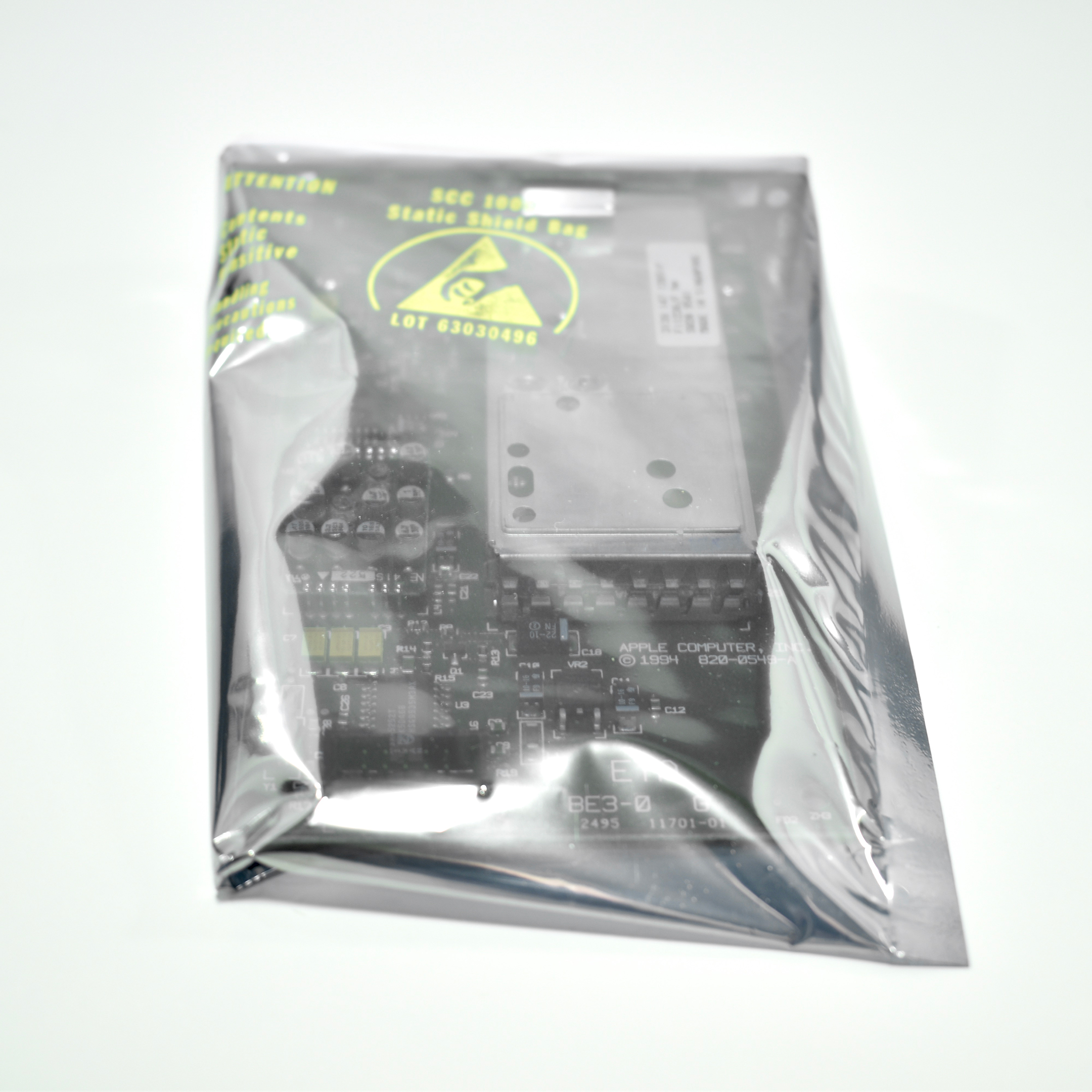
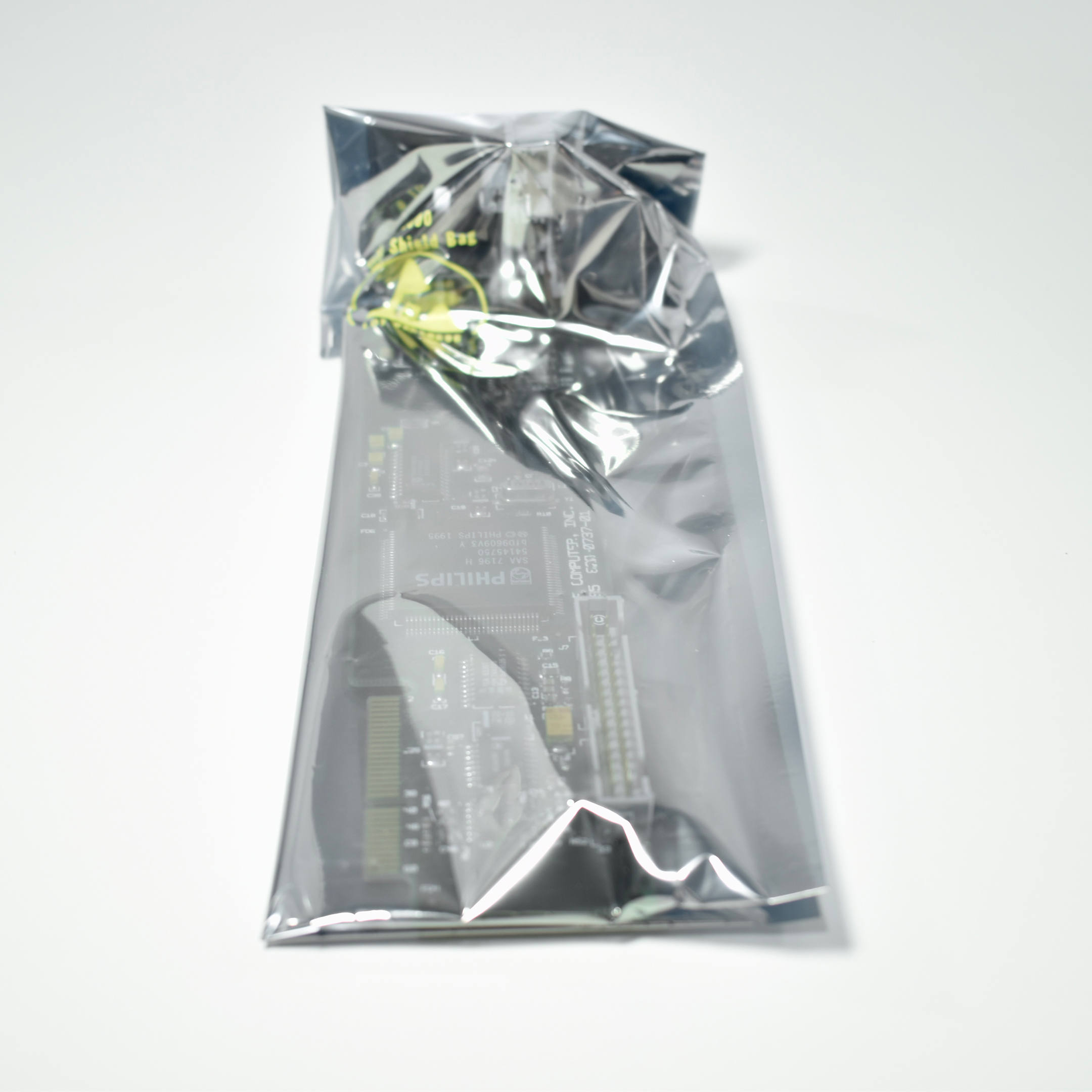
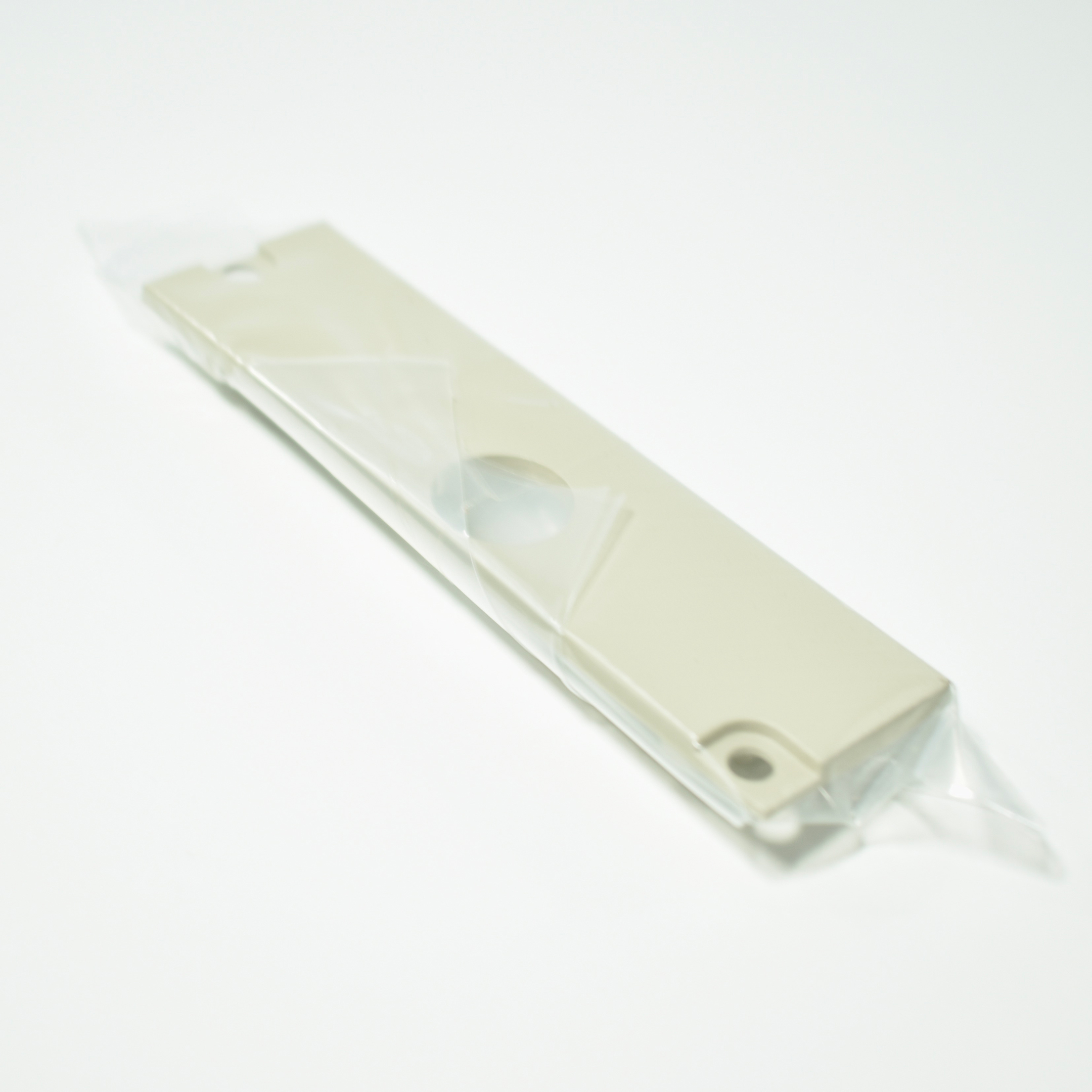
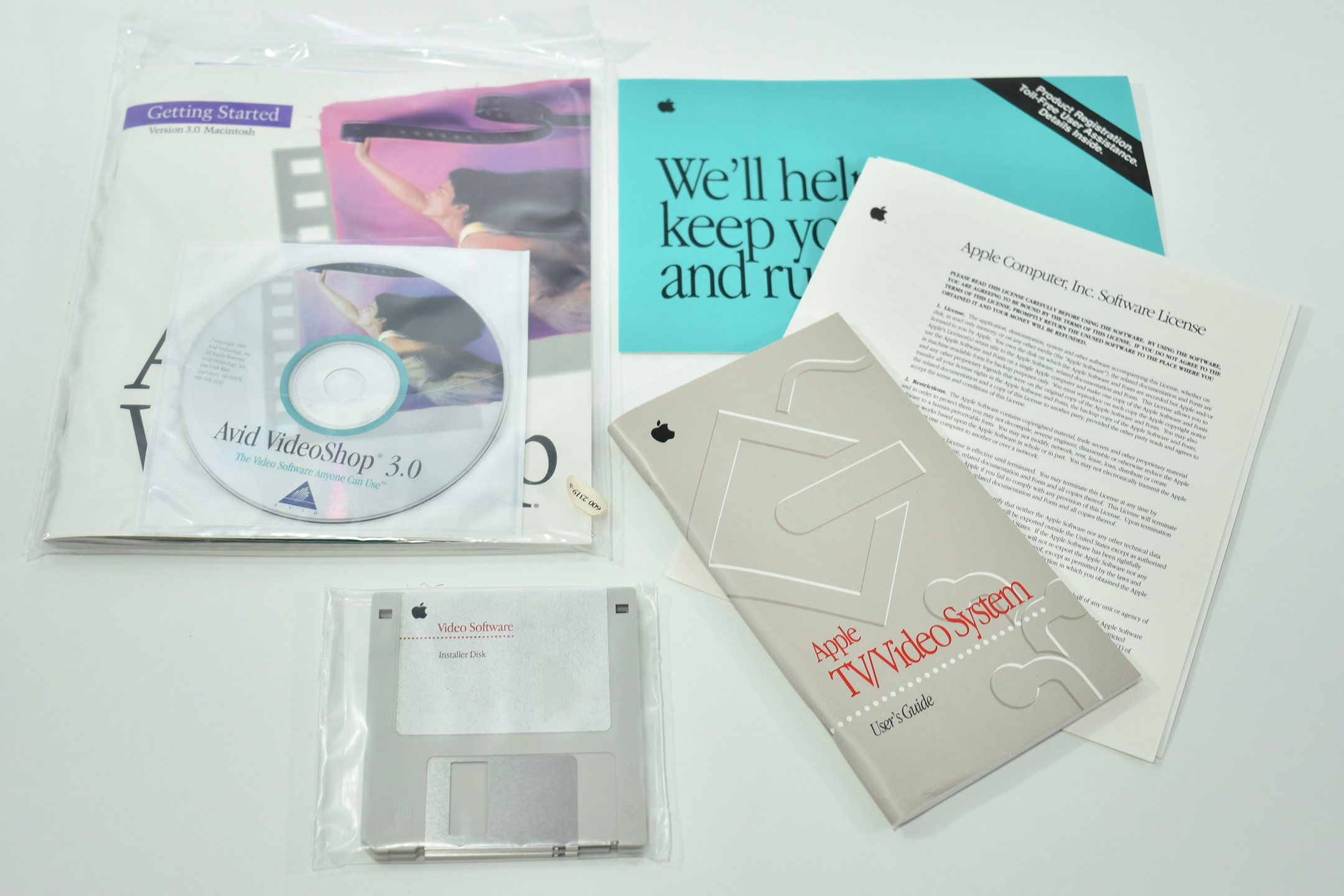
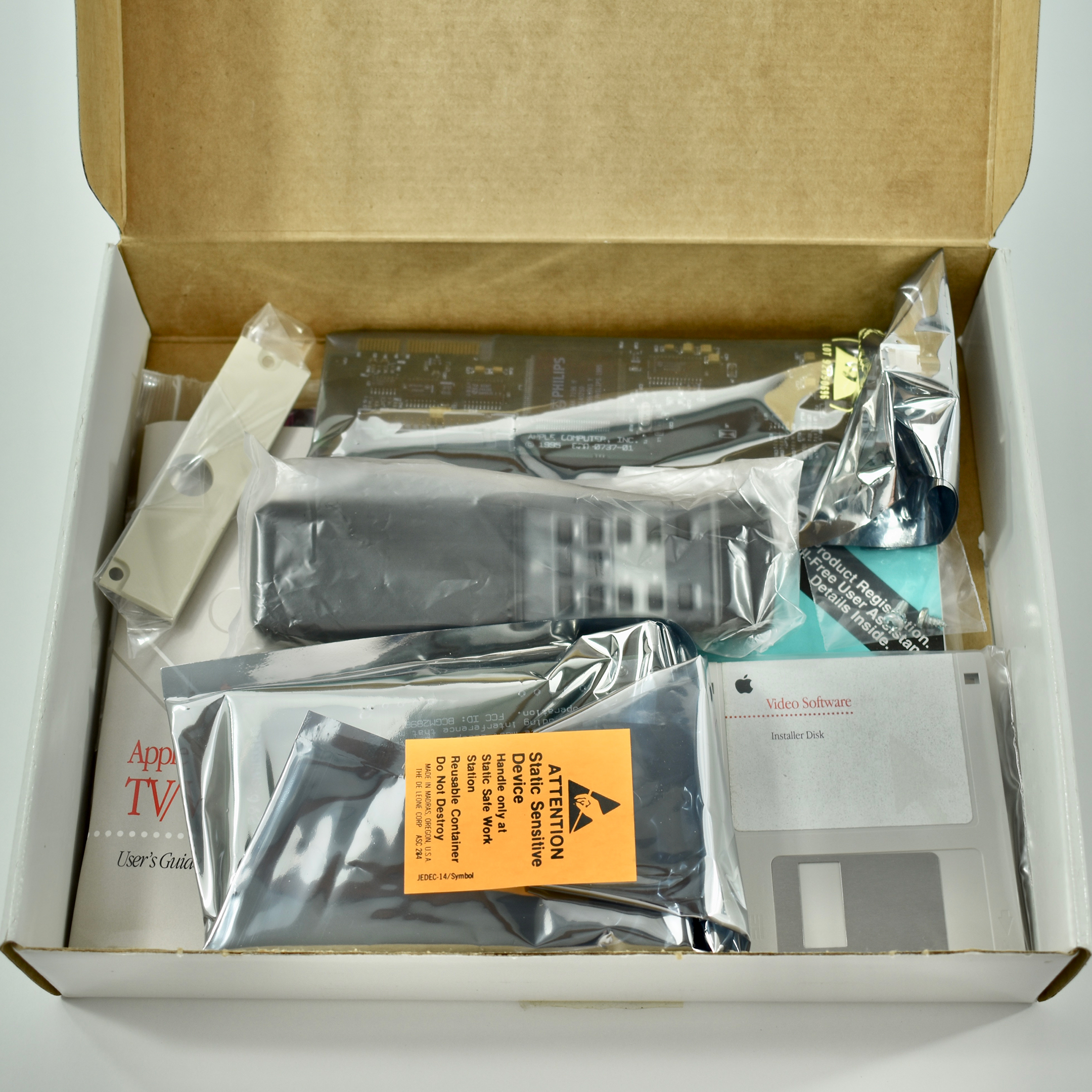
The Apple TV/Video System was a kit consisting of two hardware components, software, a handheld remote, and user manuals. The system allowed any Apple Power Macintosh, Macintosh Quadra, Macintosh LC, or Macintosh Performa to “Watch TV, capture video images, and create multimedia—all on your Macintosh.”
The specific components in the box included: Apple TV Tuner, Apple Video Player Card, Apple Video Player software, Remote control, and a User’s guide. The box also indicated that “your remote control might look different from the one shown here.” Indeed, the remote pictured on the box is not the one that shipped with any of the systems I have ever seen.
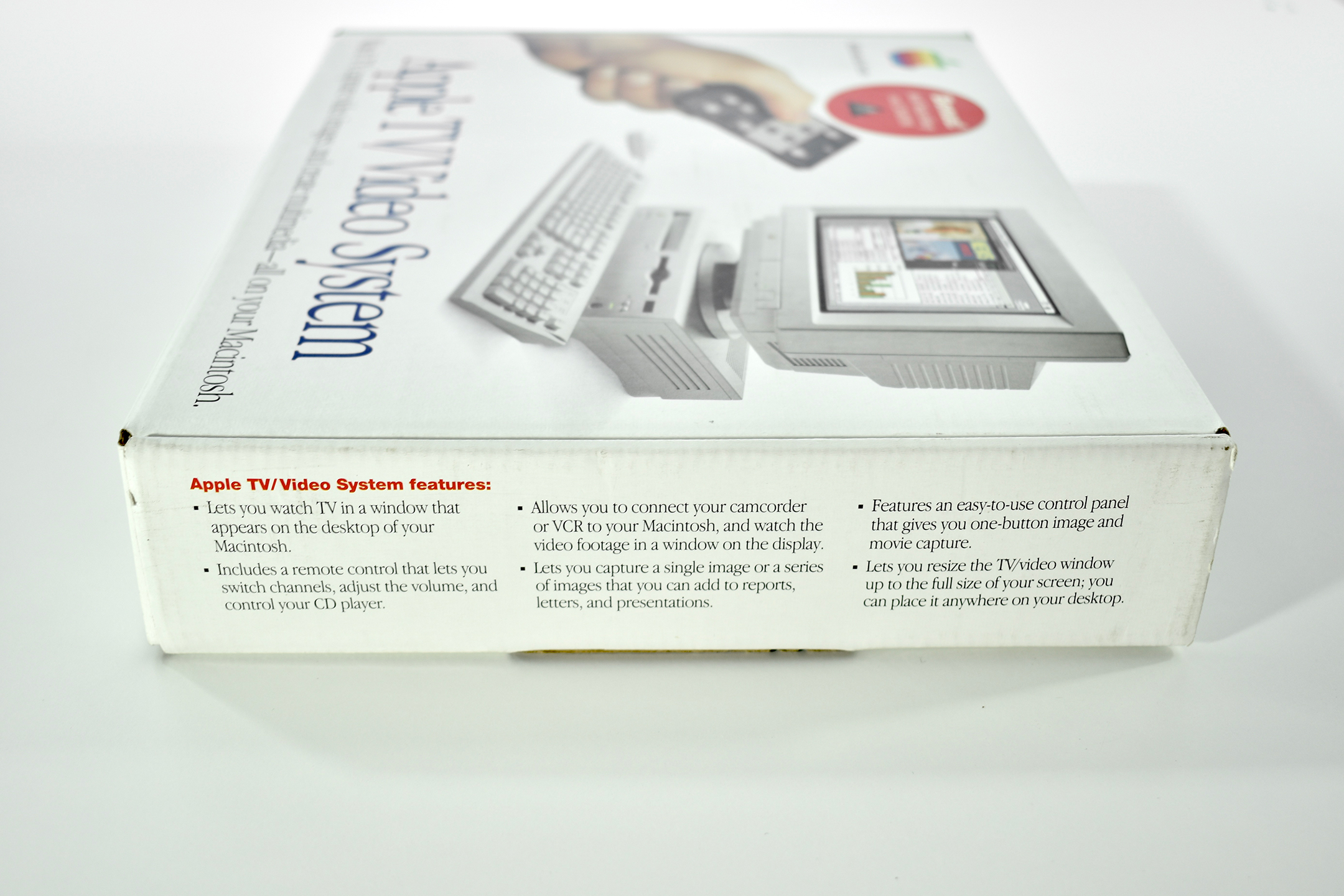
The box also lists the system’s features (in a bulleted list): “Lets you watch TV in a window that appears on the desktop of your Macintosh. Includes a remote control that lets you switch channels, adjust the volume, and control your CD player. Allows you to connect your camcorder or VCR to your Macintosh, and watch the video footage in a window on the display. Lets you capture a single image or a series of images that you can add to reports, letters, and presentations. Features an easy-to-use control panel that gives you one-button image and movie capture. Lets you resize the TV/video window up to the full size of your screen; you can place it anywhere on your desktop.”
Since this system was released before iMovie was created, it also included the Avid VideoShop 3.0 software on CD. At the time, this system was the easiest method for watching TV/video on a Macintosh, and it introduced a low-cost way to edit videos.
I remember that these systems were offered at no additional cost to education with certain Macintosh and Power Macintosh purchases.
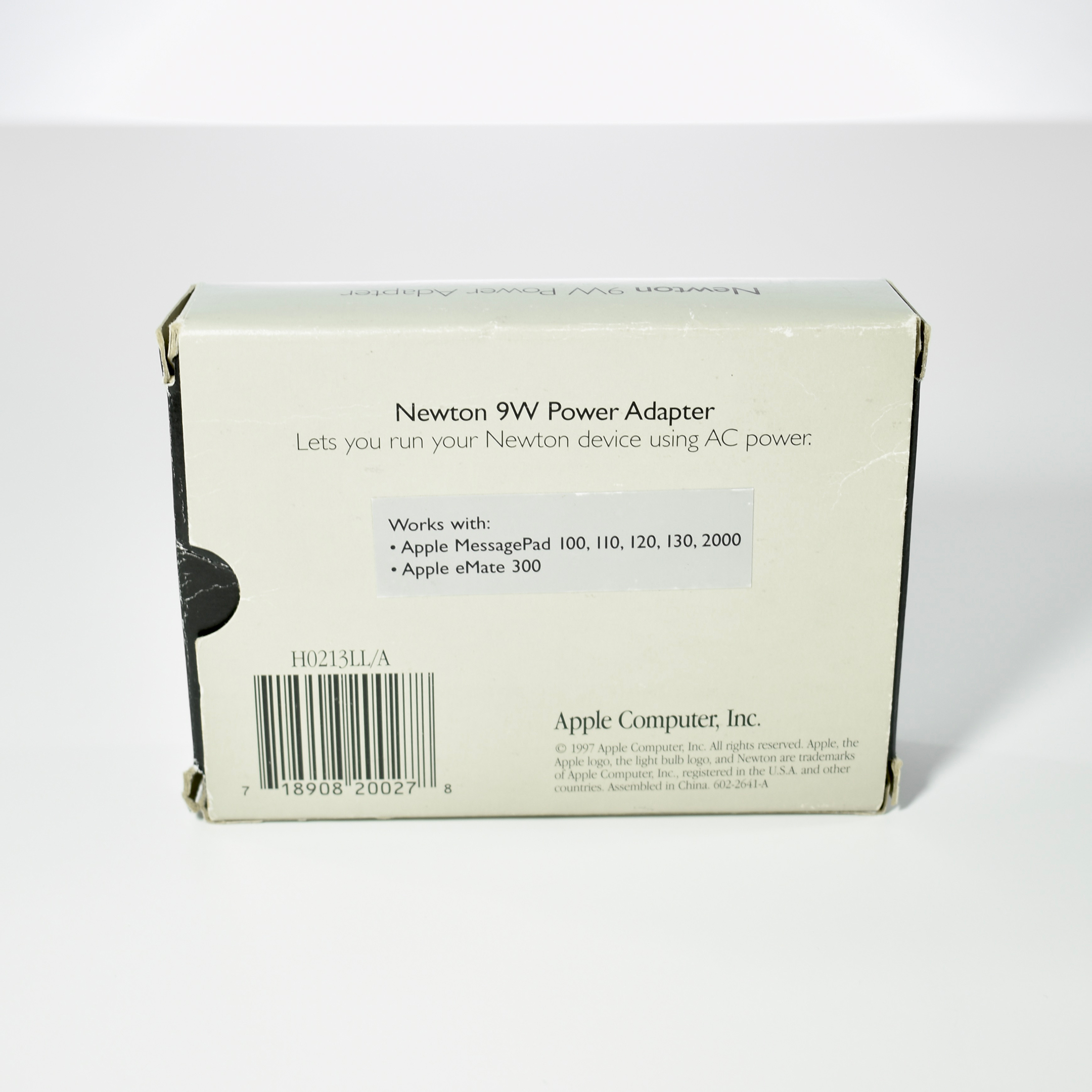
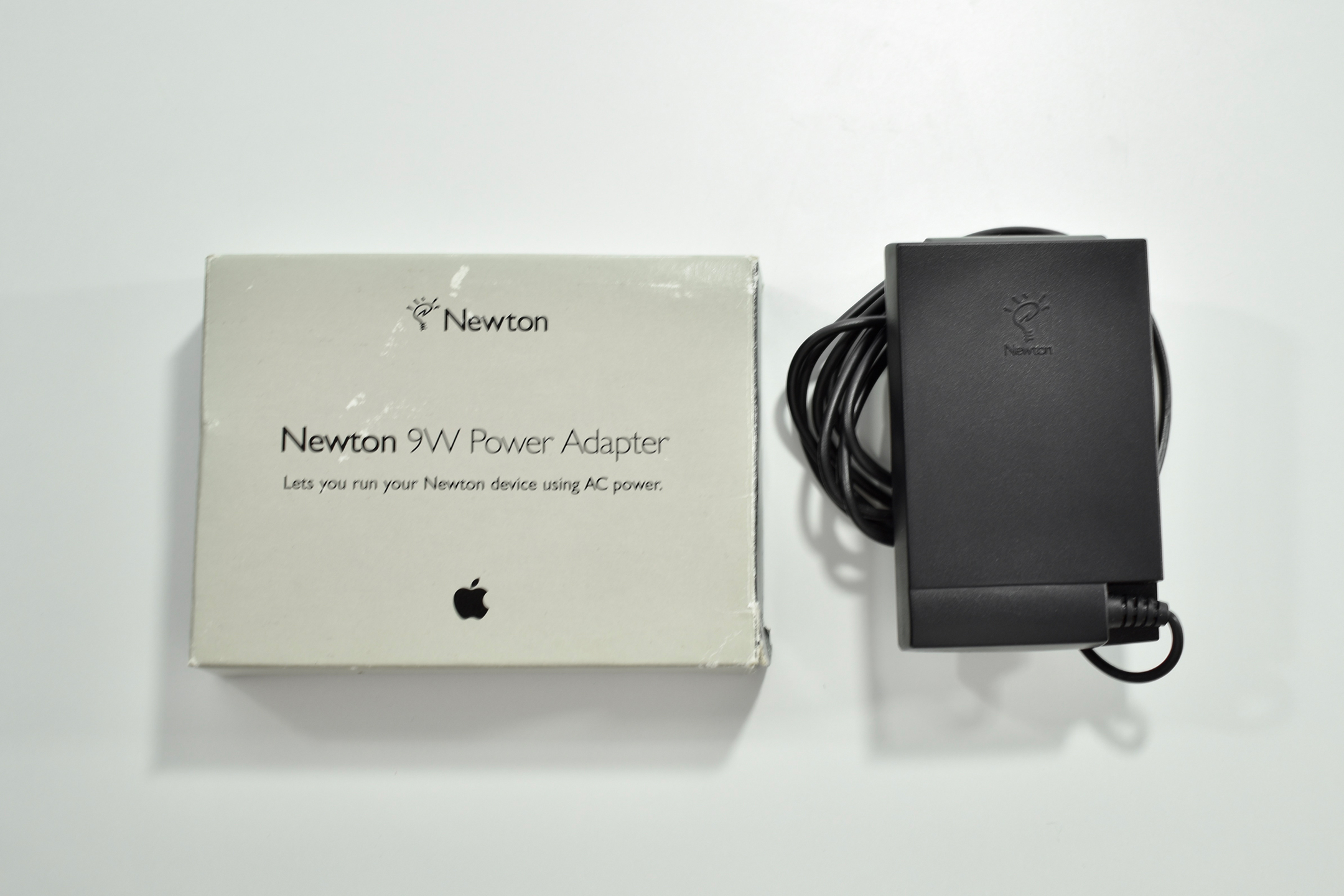
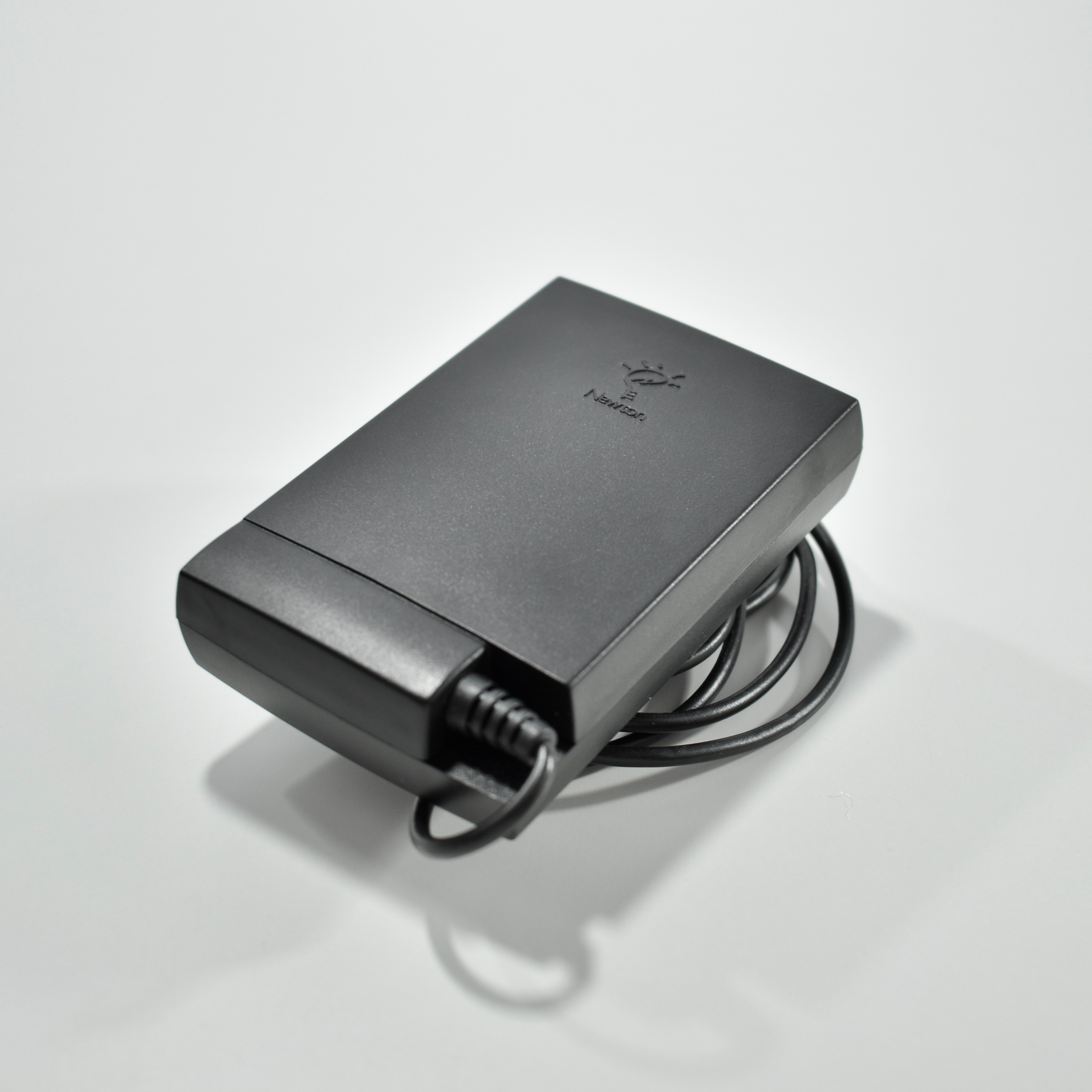
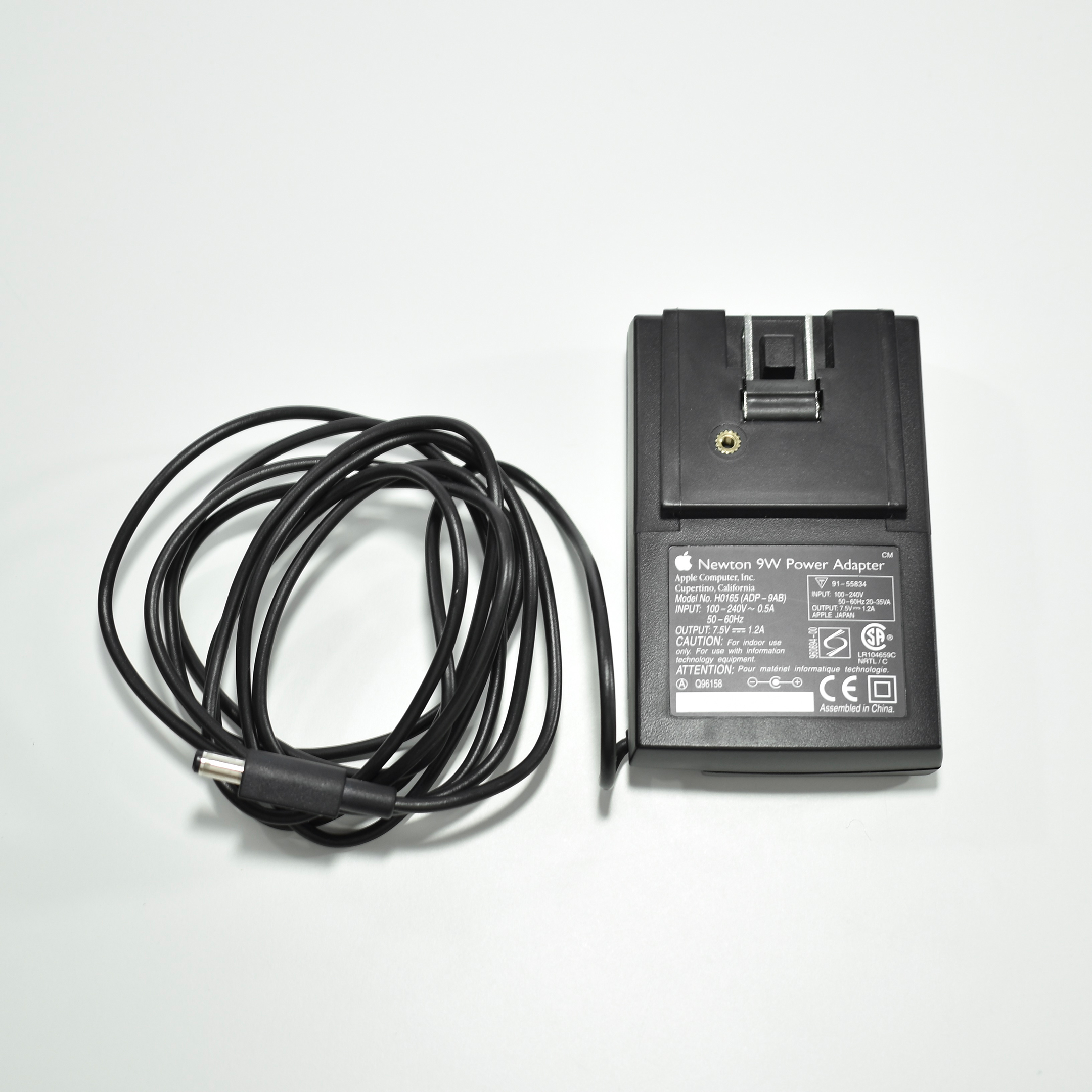
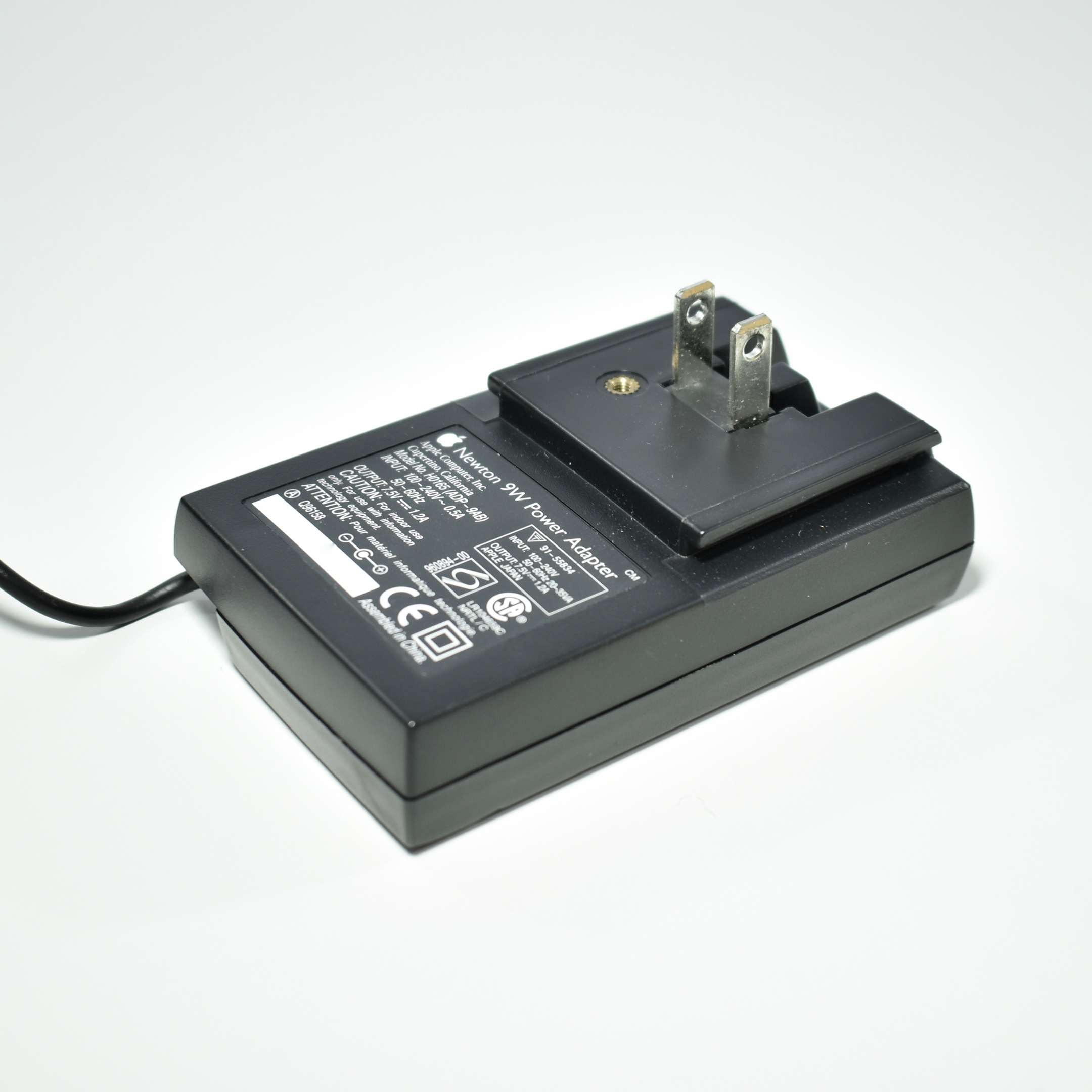
The Newton 9W Power Adapter could be used with all Newton MessagePad products in the United States, Canada, and Japan. An Apple price list also noted that this adapter could “recharge the NiCd Rechargeable Battery Pack for the MessagePad 120 and 130, and the NiMH Rechargeable Battery Pack for the MessagePad 2000 and 2100.”
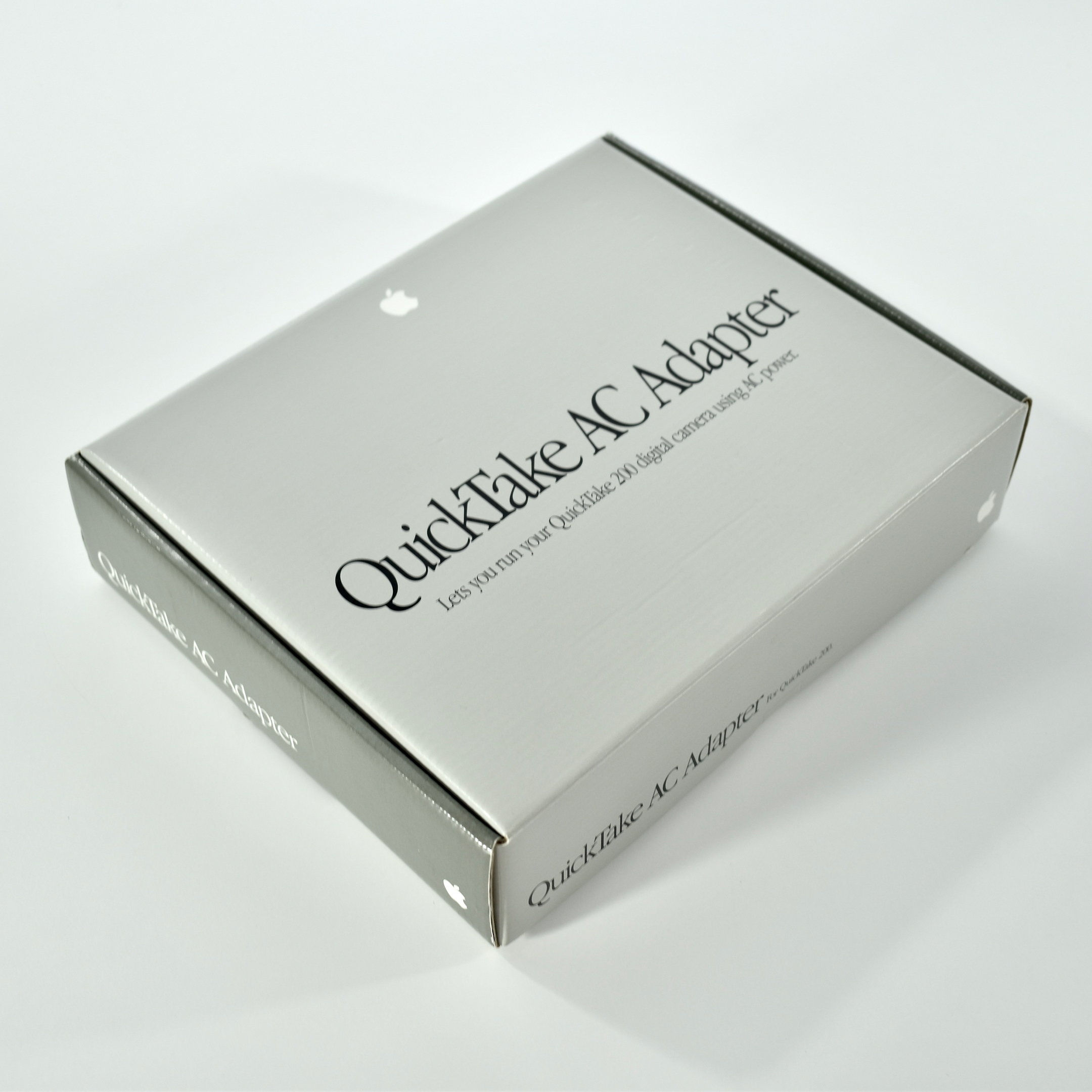
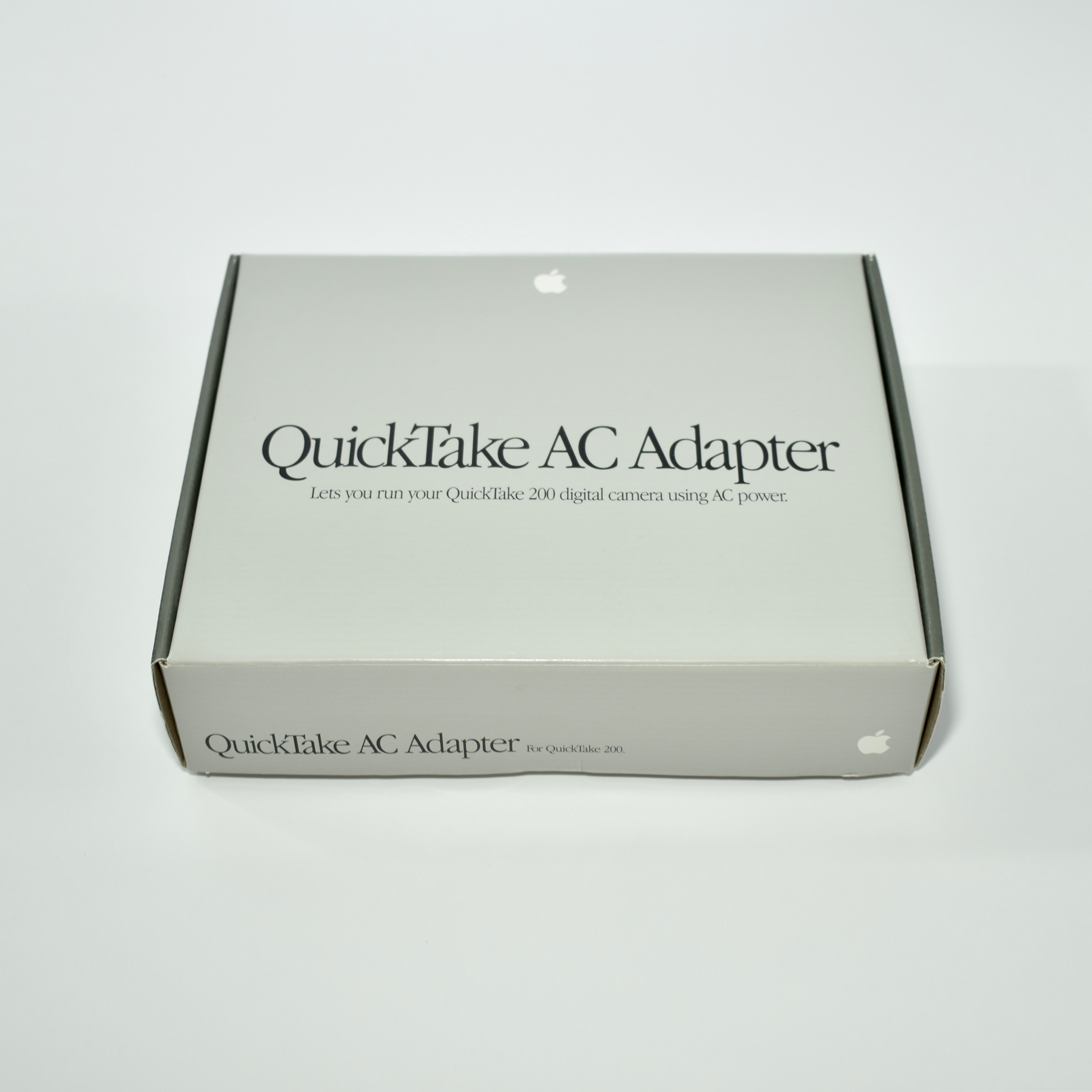
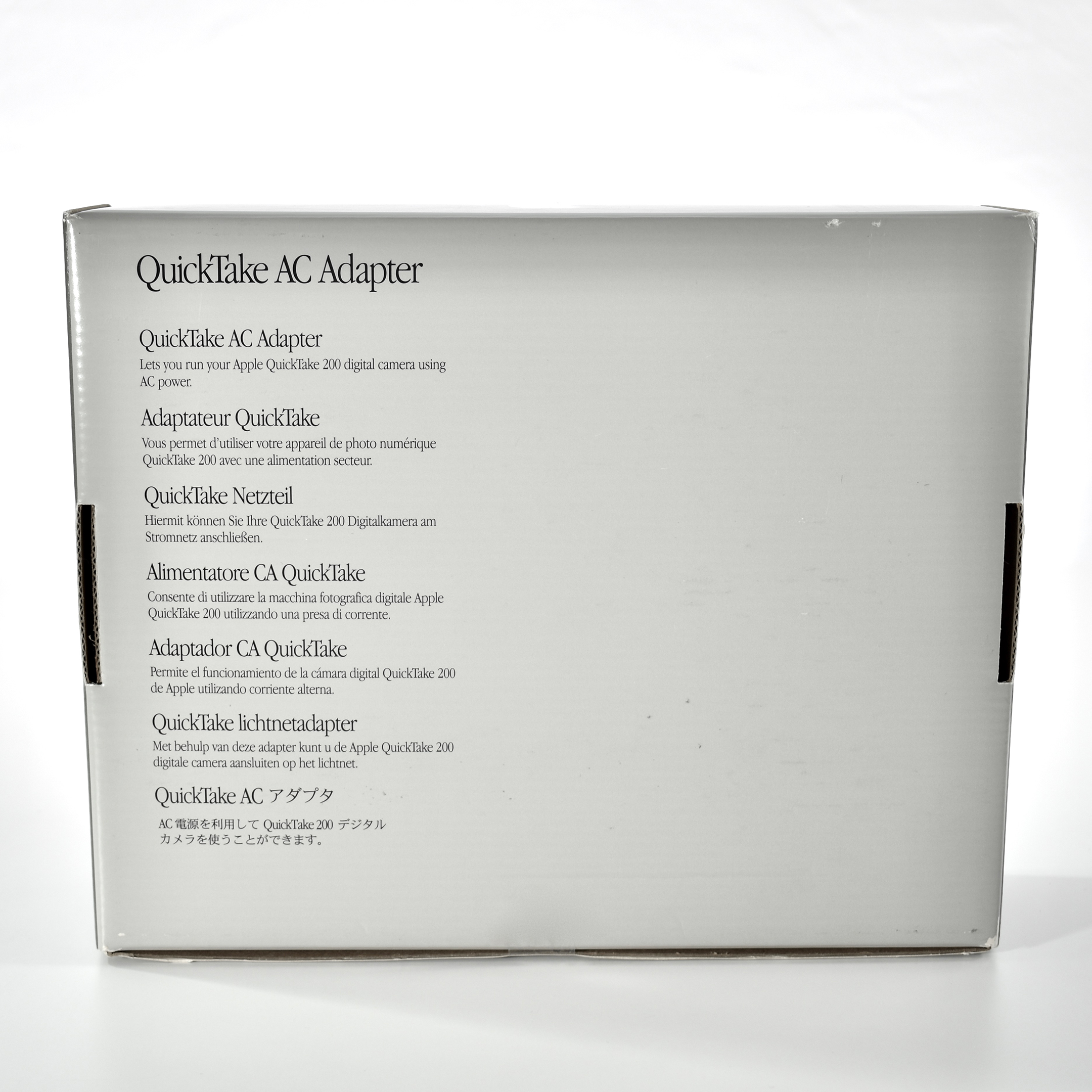
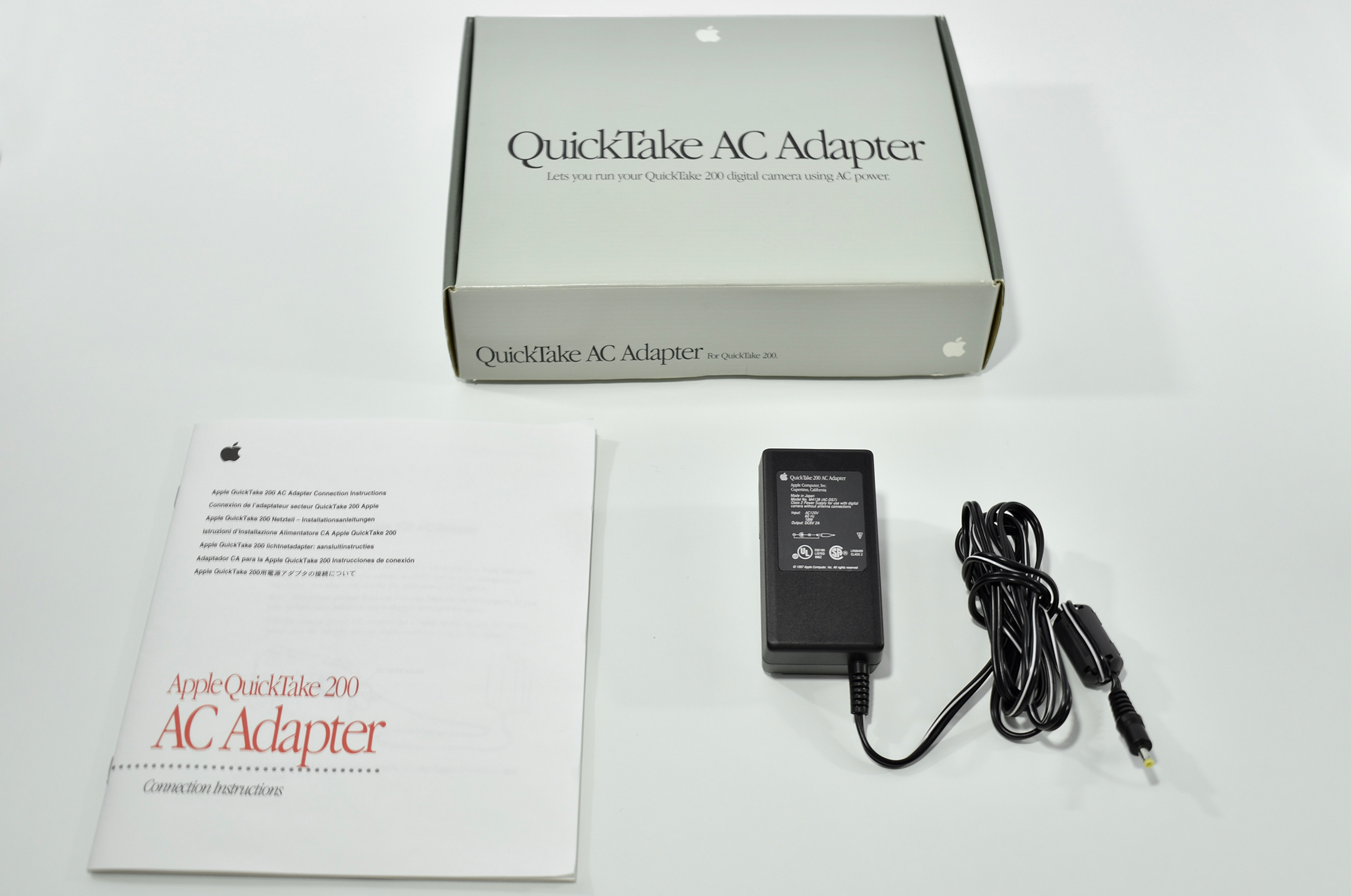
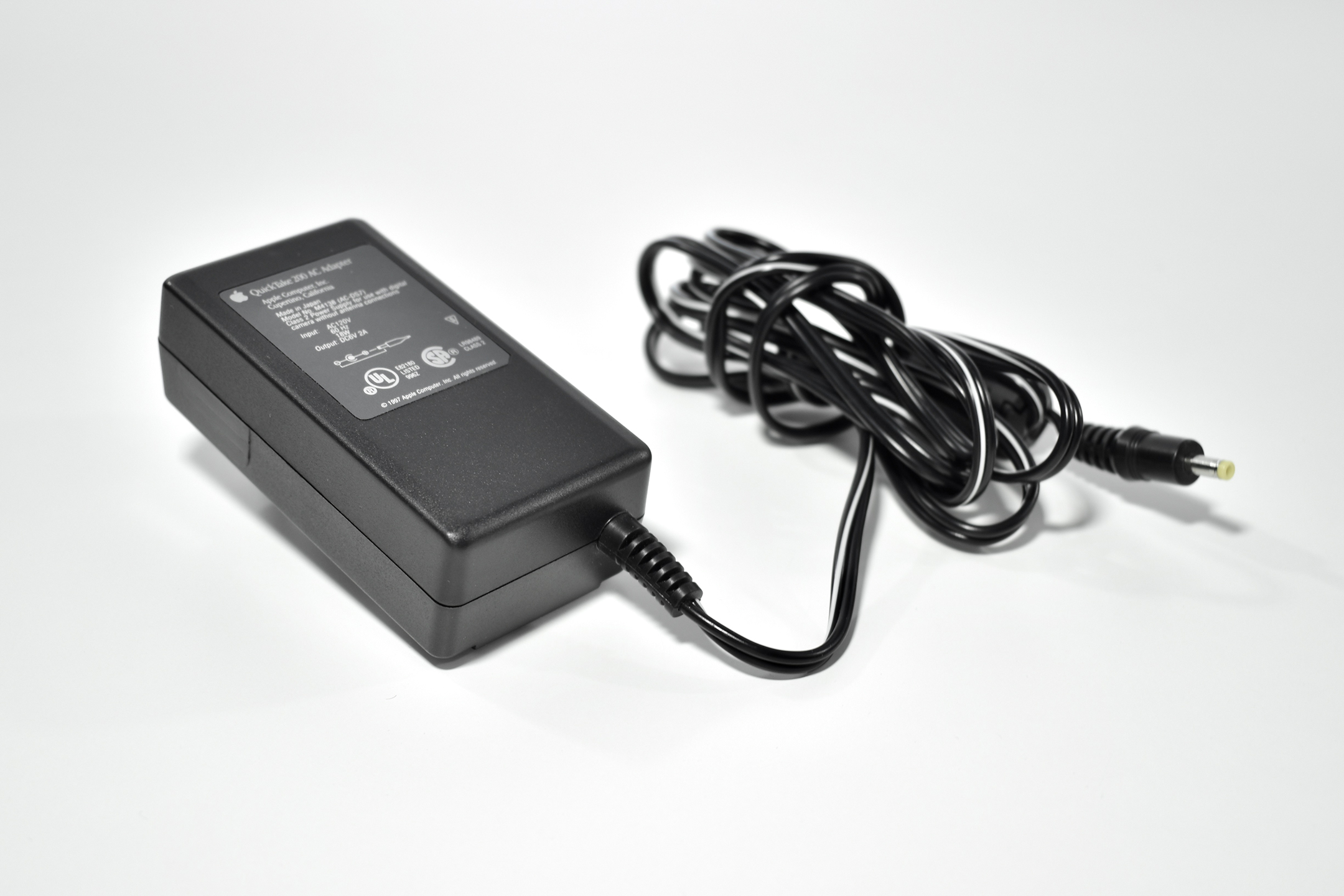
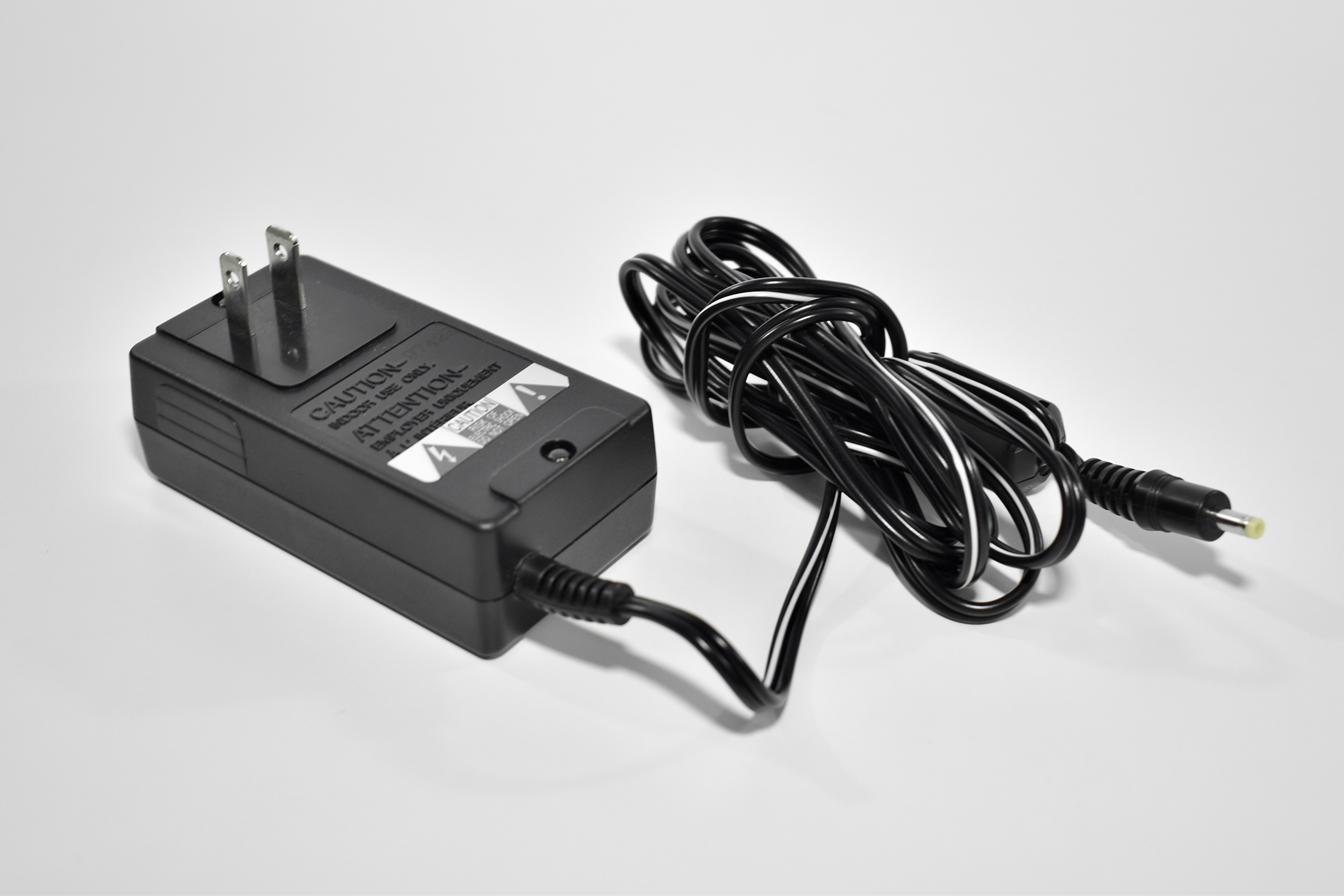
The QuickTake AC Adapter for QuickTake 200 was sold separately from the QuickTake 200. According to the product box, this adapter “Lets you run your QuickTake 200 digital camera using AC power.”
I remember using the QuickTake AC Adapter primarily for school projects that involved the QuickTake 200 on a tripod and taking photos of many students or student work examples in succession.
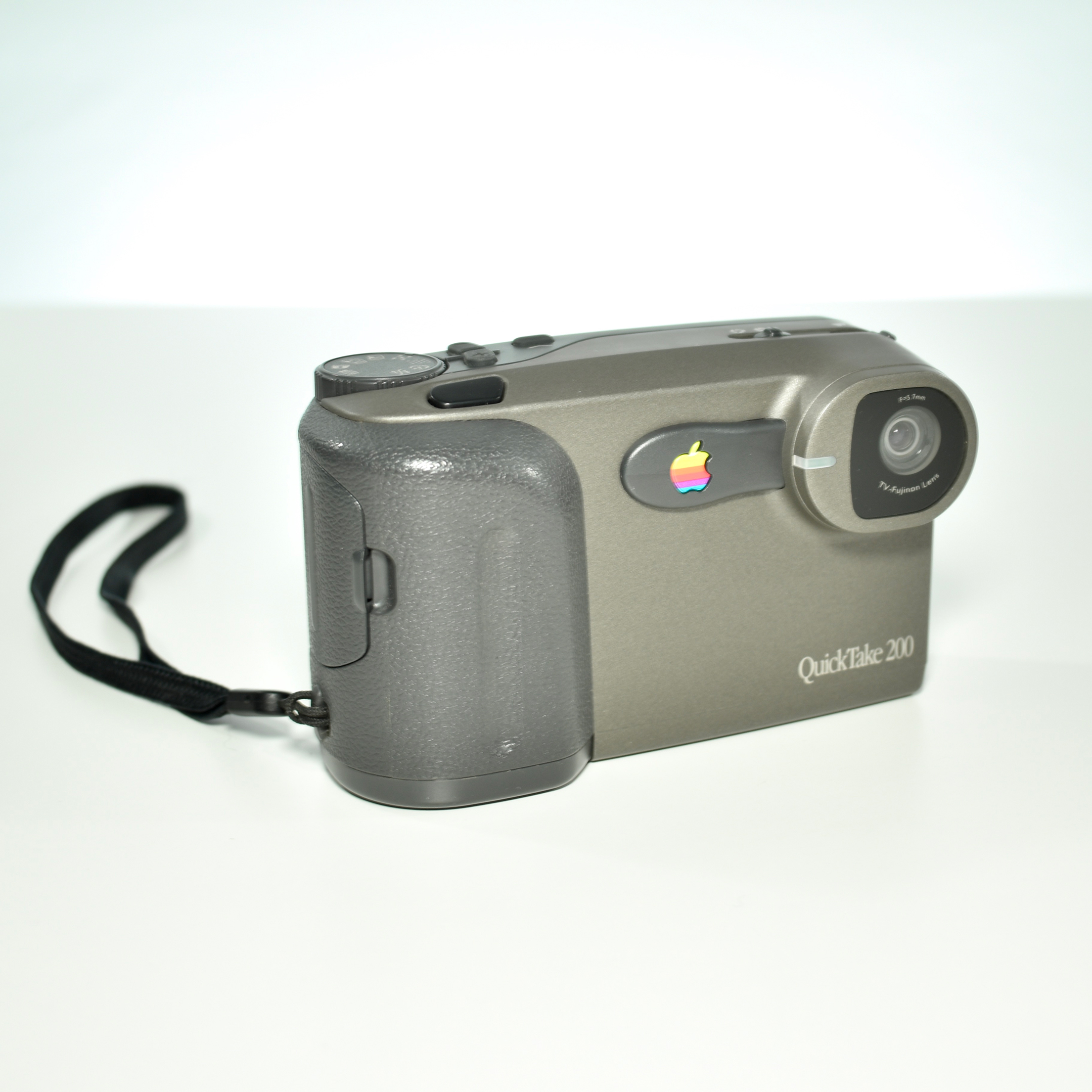
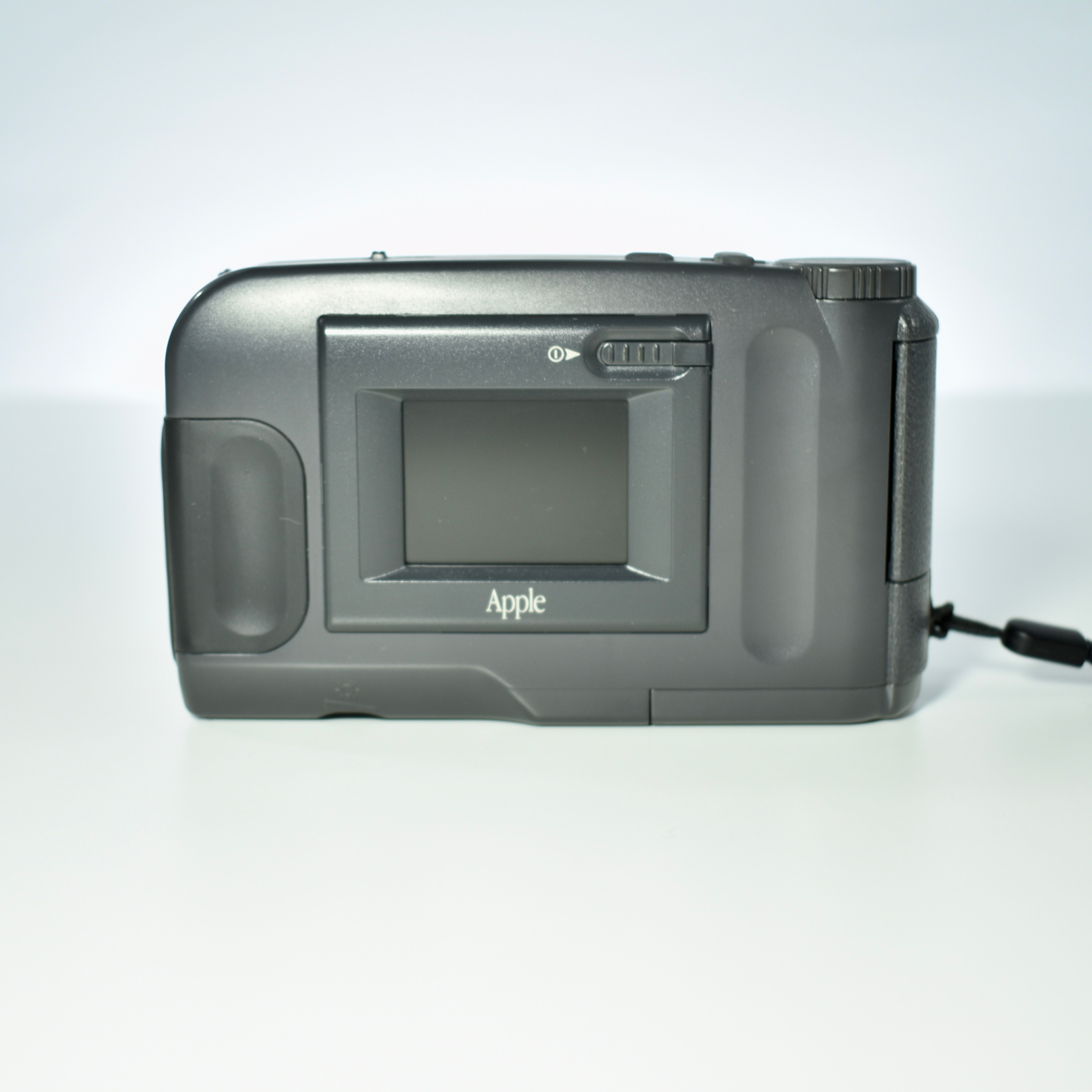
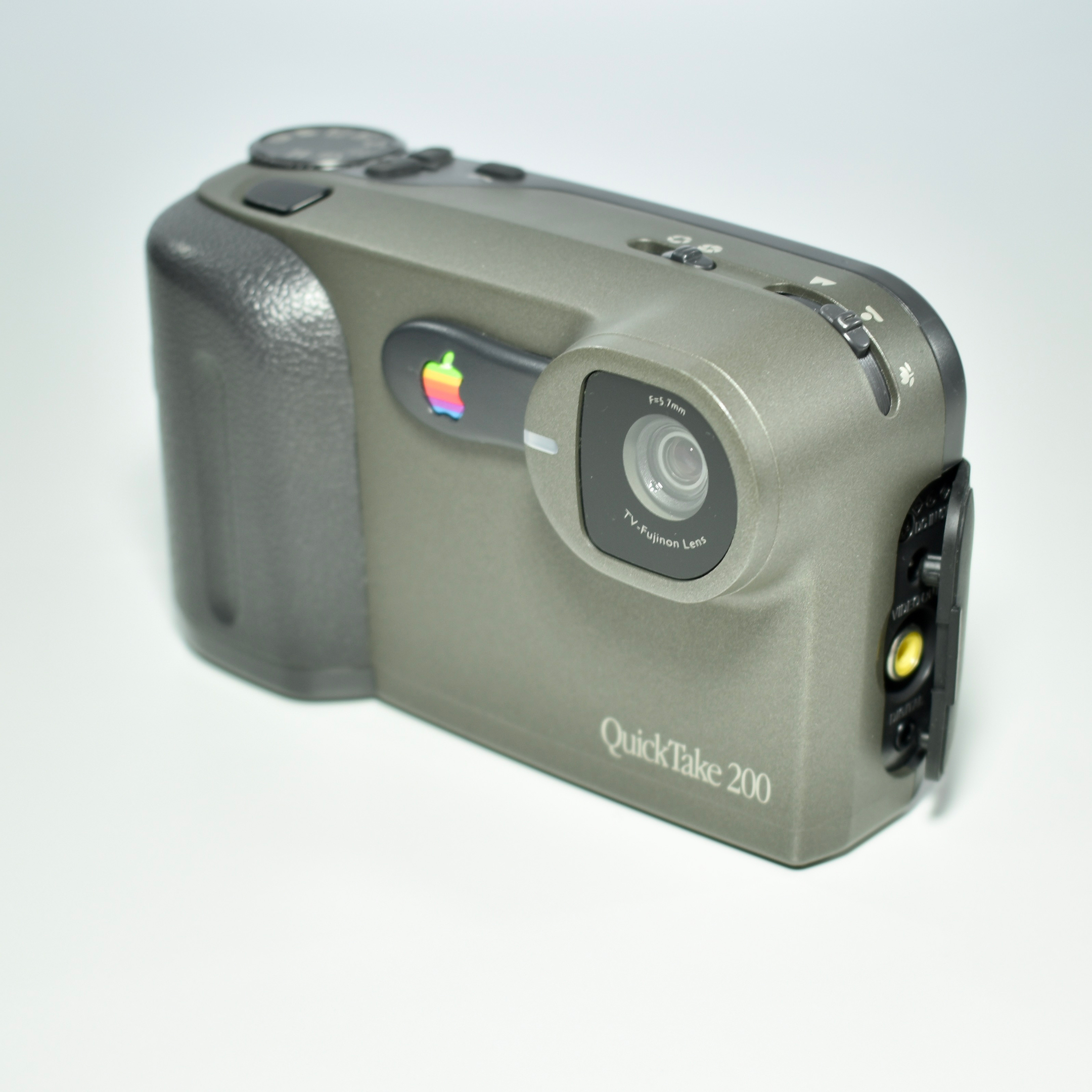
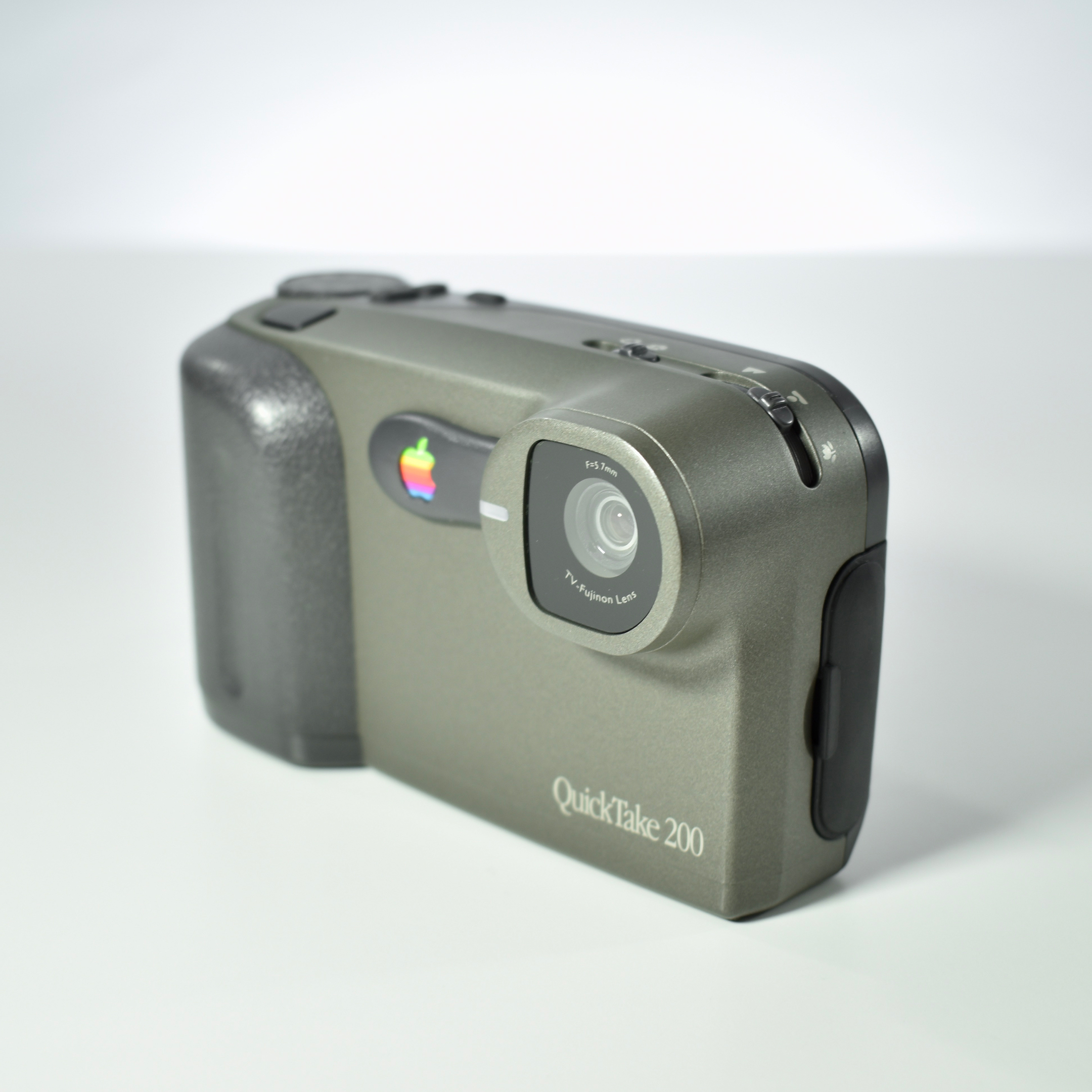
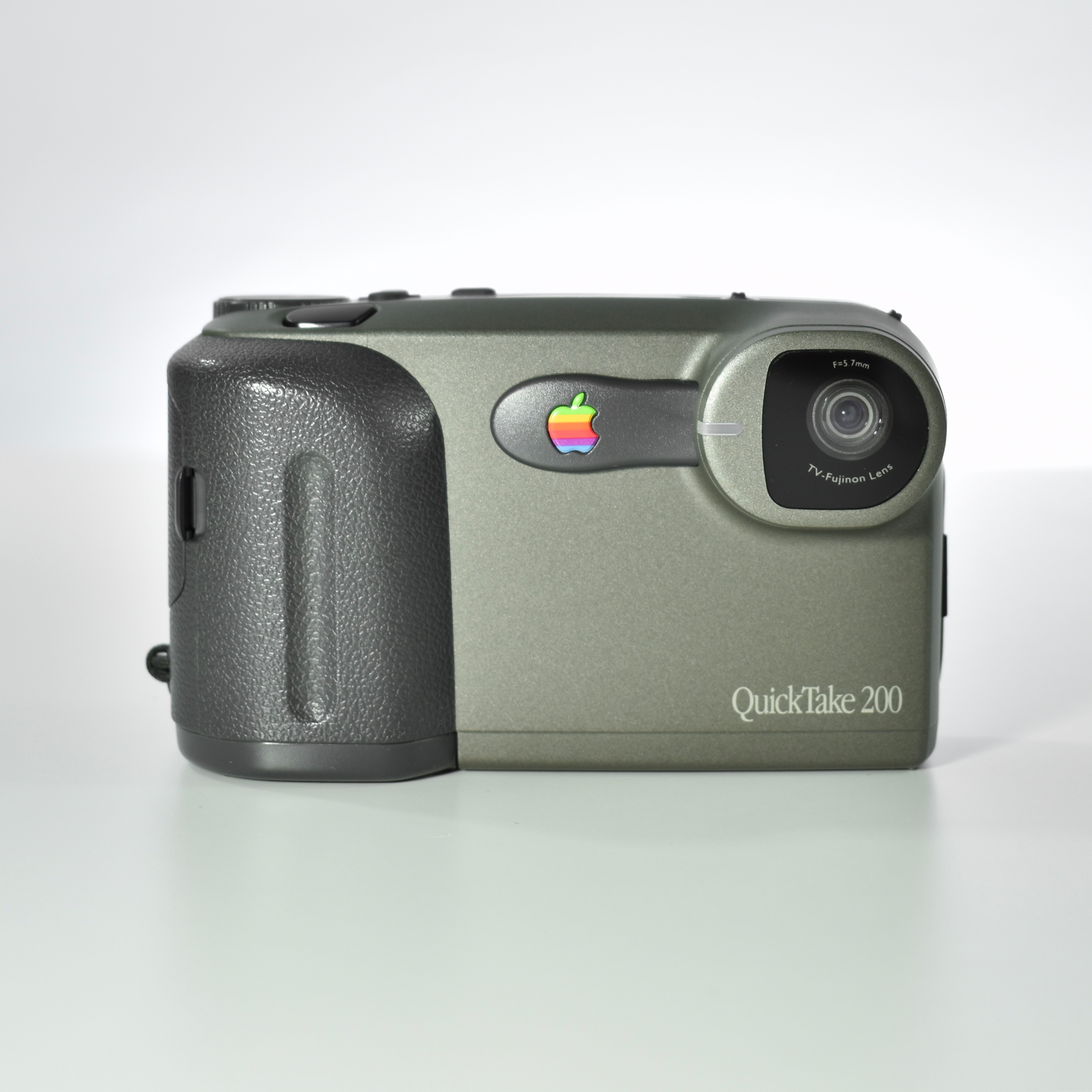
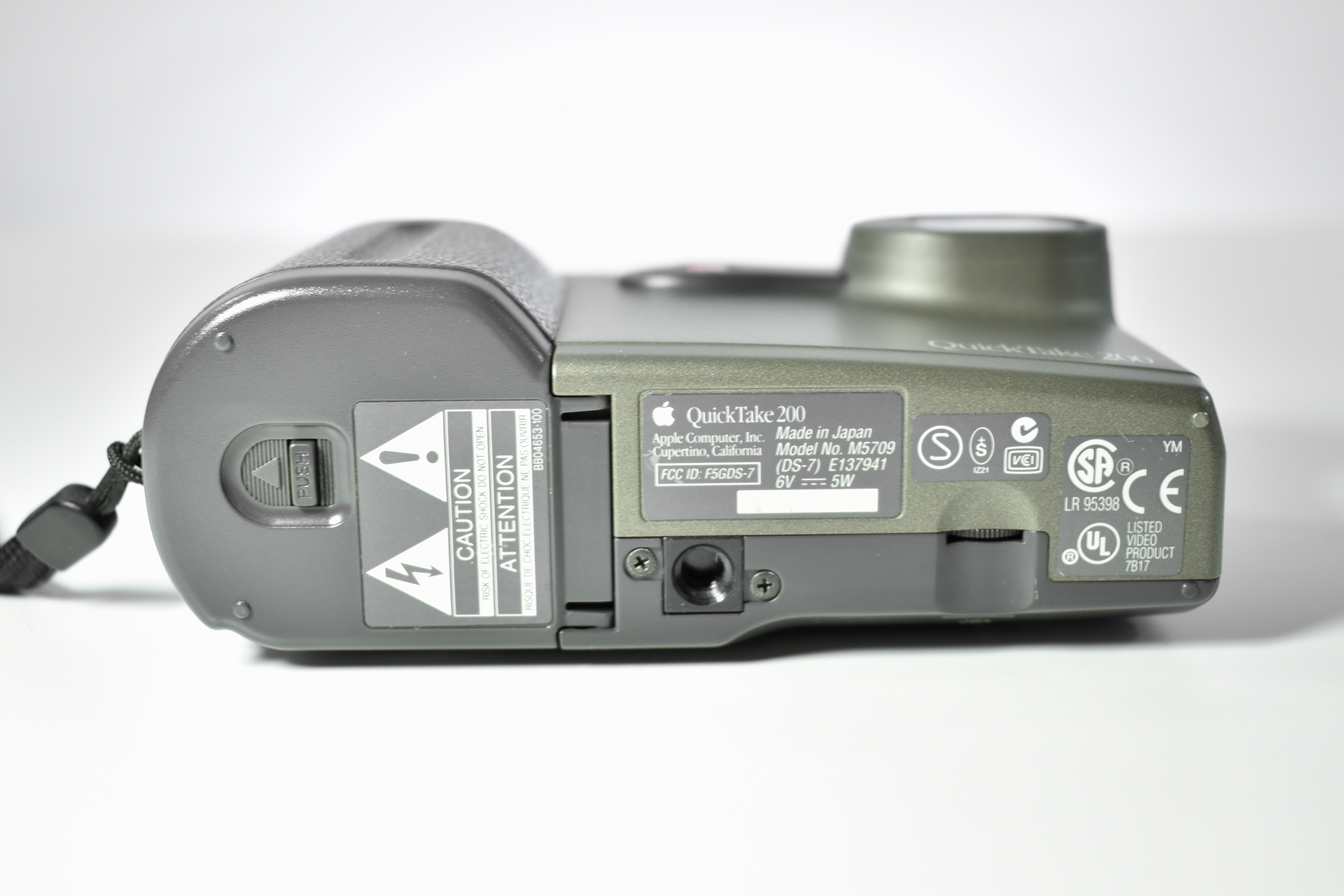
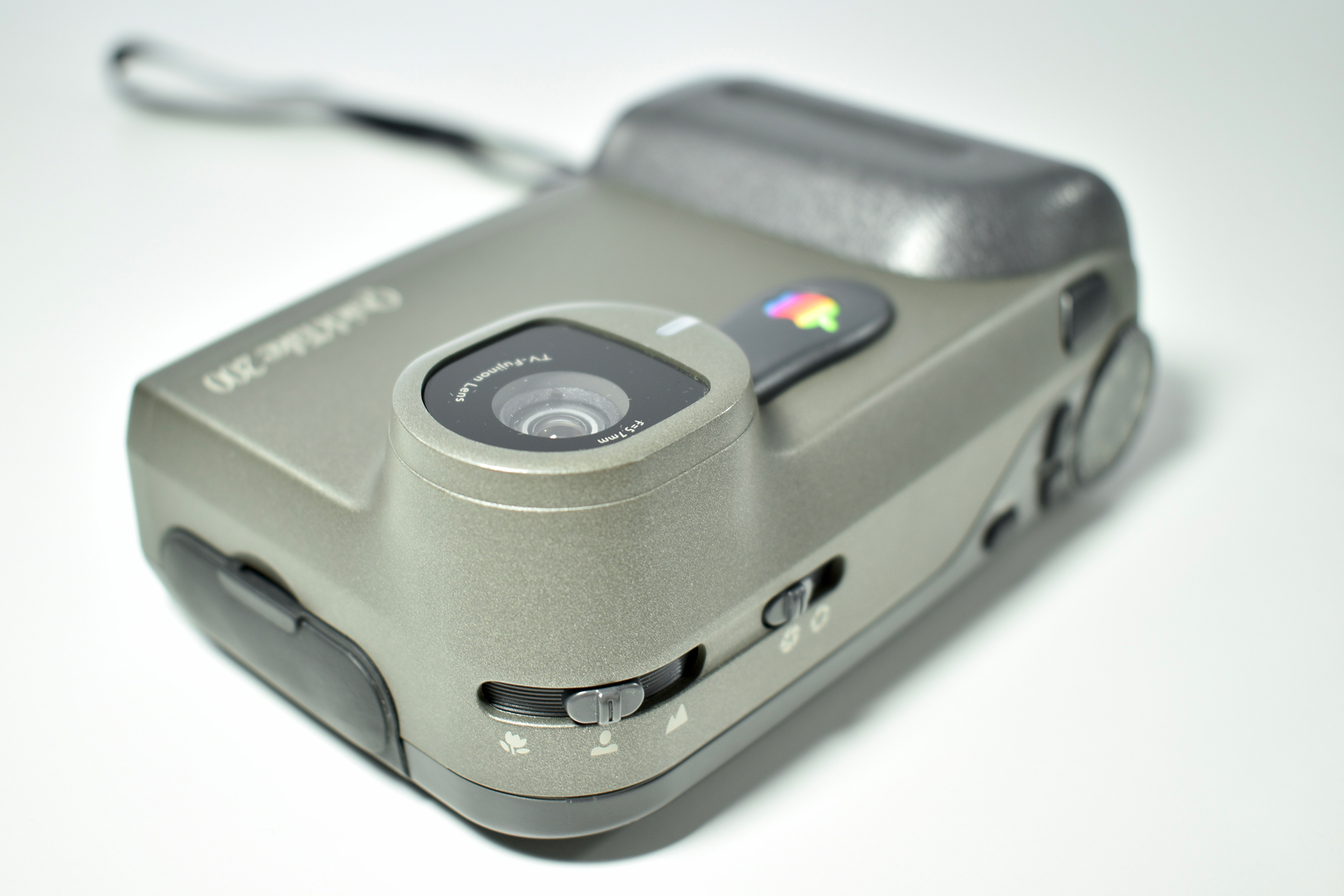
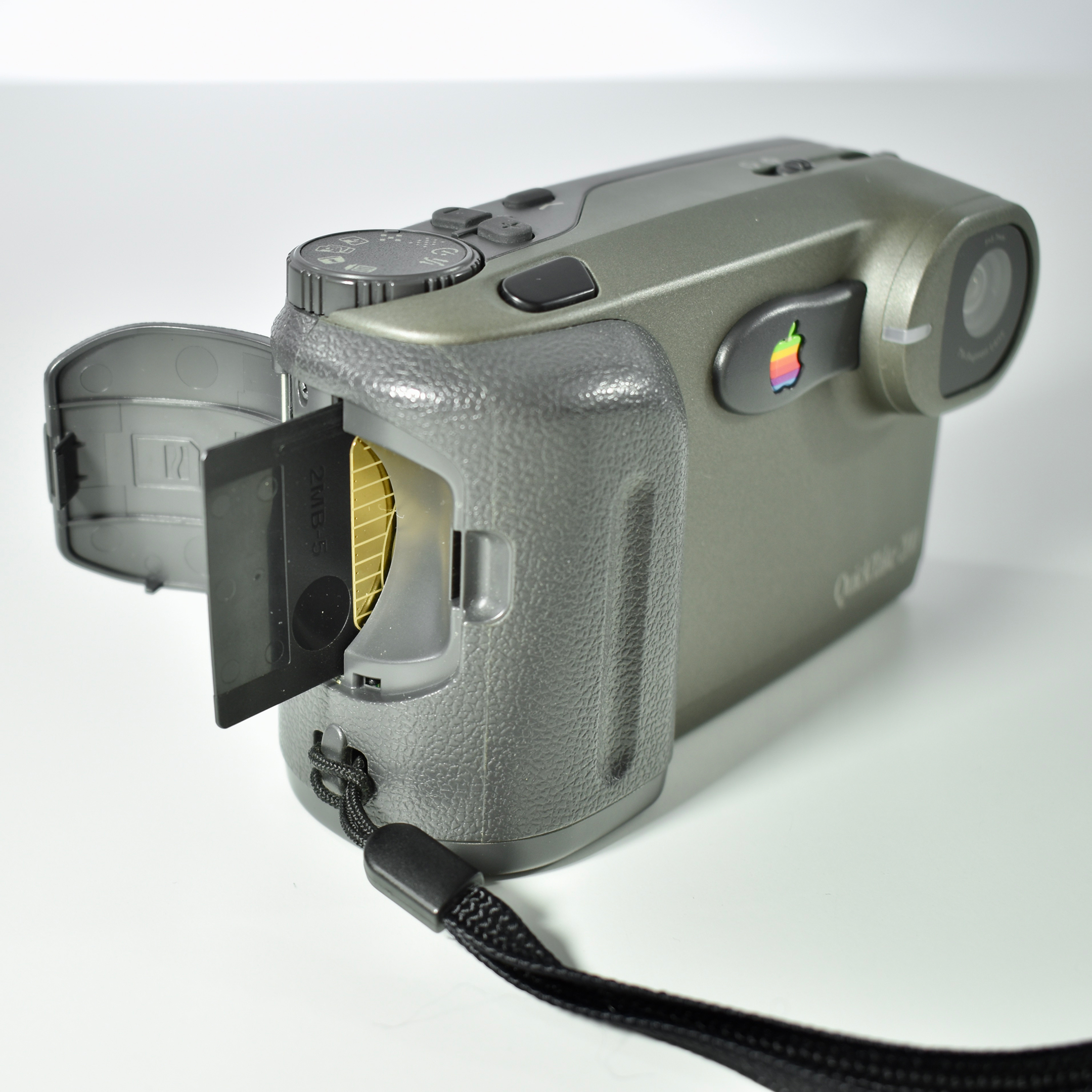
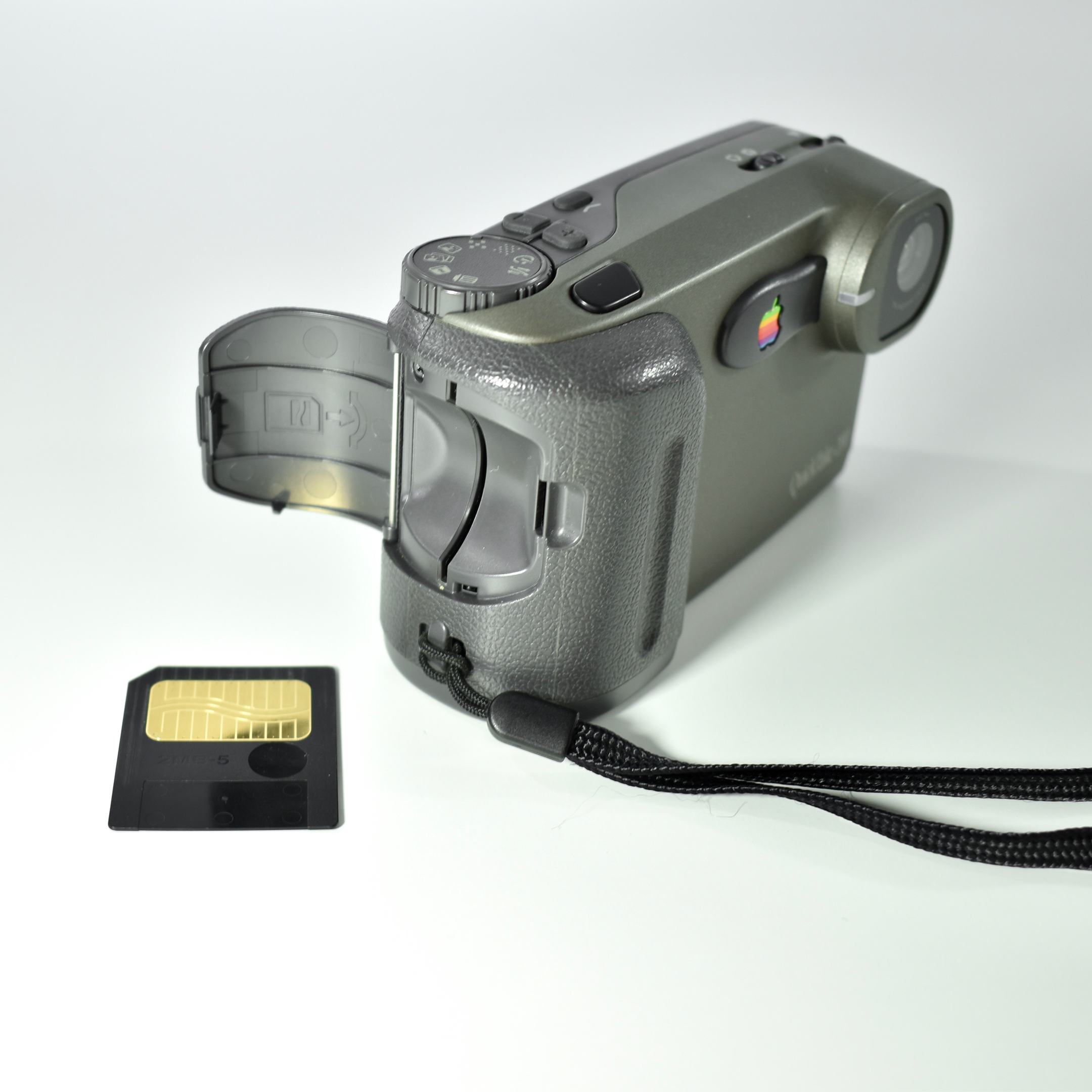
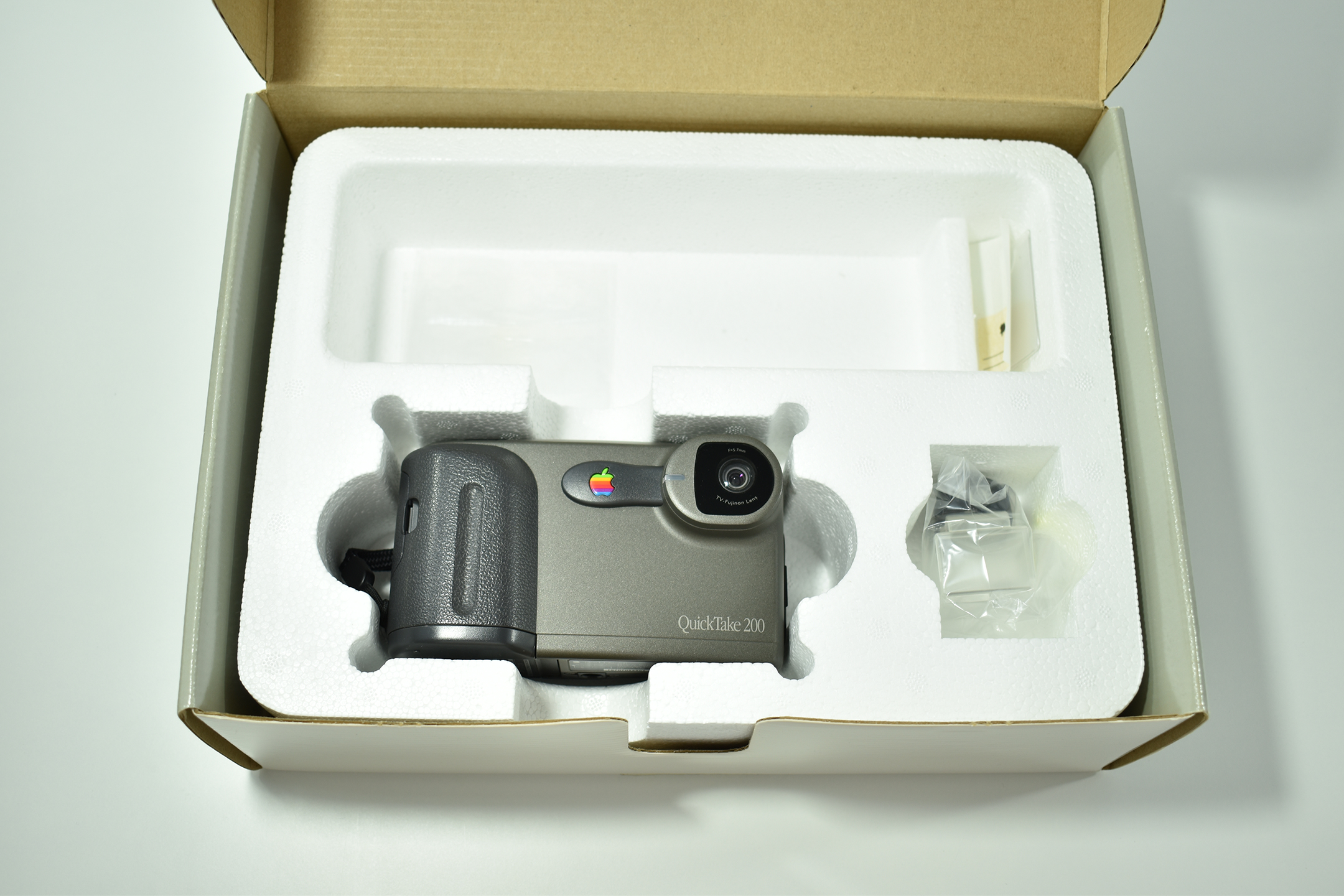
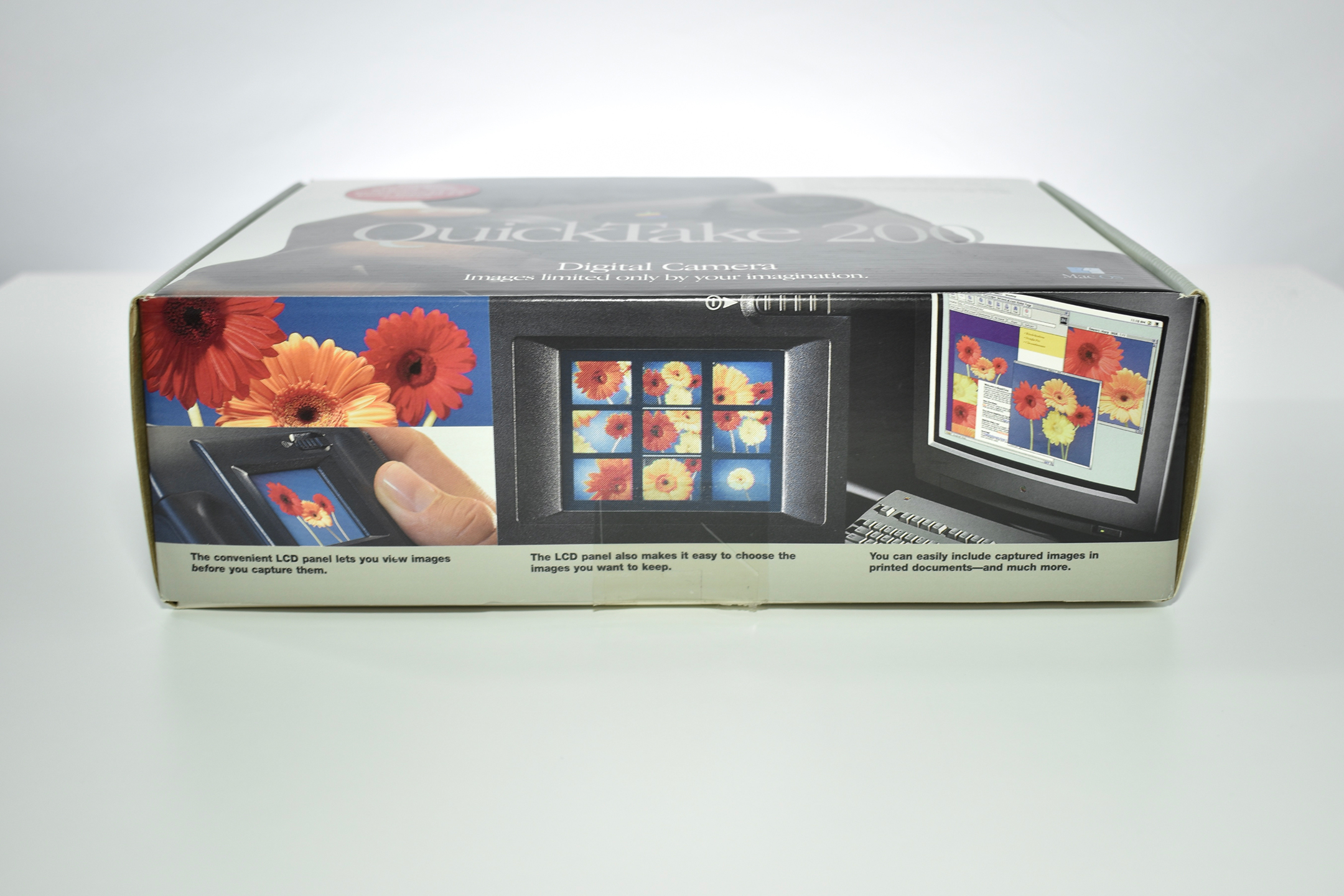
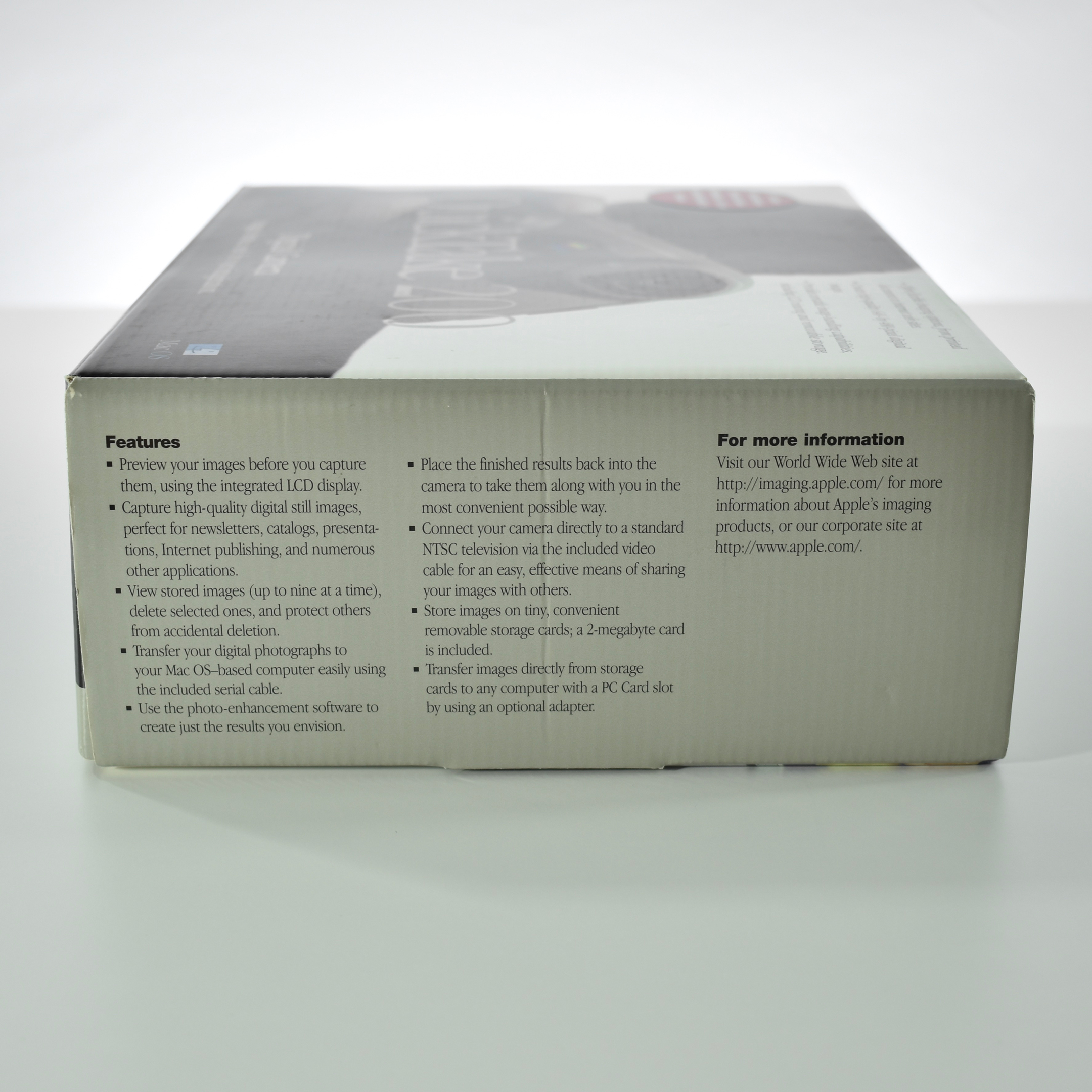
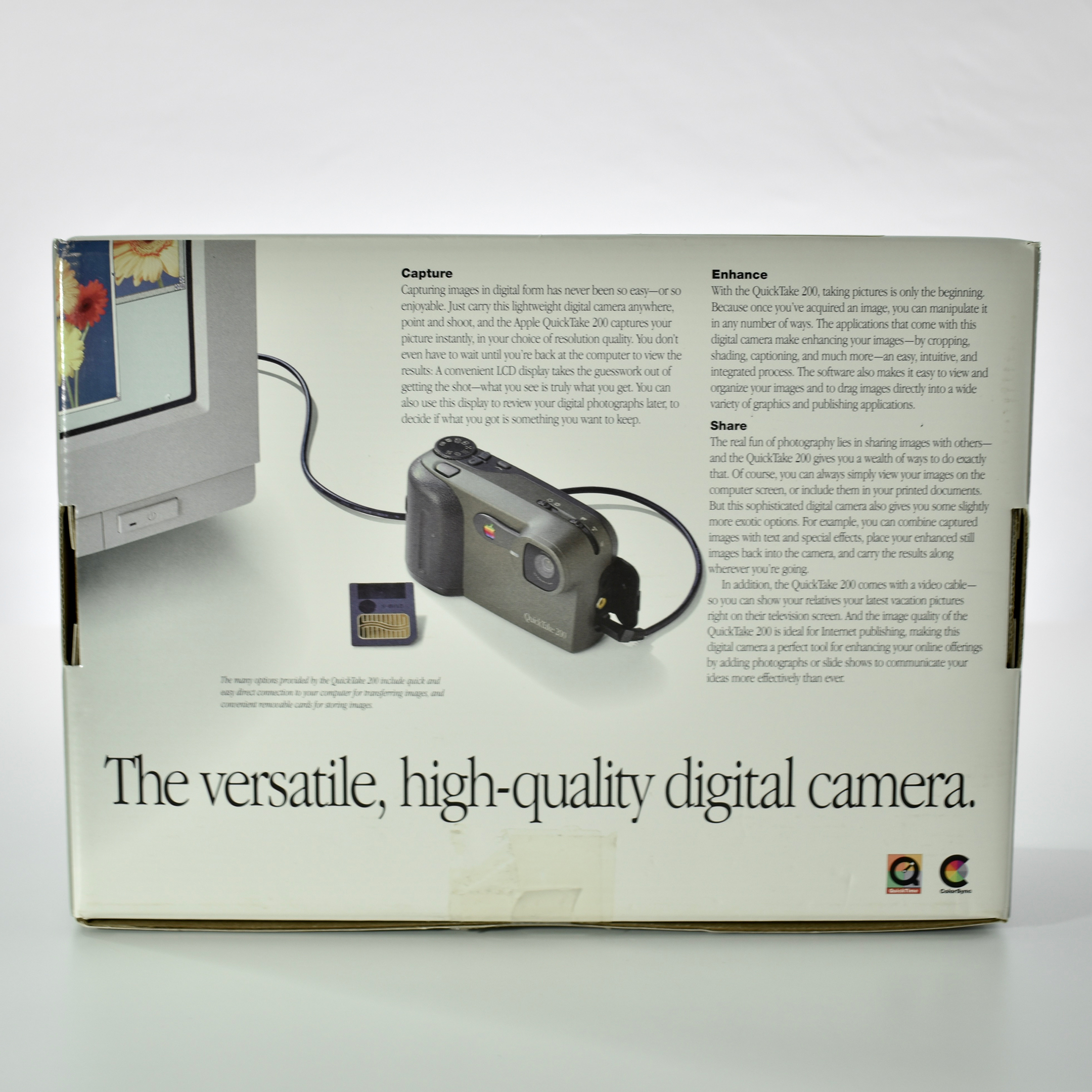
The QuickTake 200 was the third and final digital camera by Apple. It was released in 1997 and was built by Fuji. The QuickTake 200 was a major step ahead compared to the QuickTake 100 and 150 cameras that came before it, due to its 1.8-inch color LCD preview screen, removable memory cards, and additional controls. Further, the QuickTake 200 looked and functioned more like a traditional camera than its predecessors.
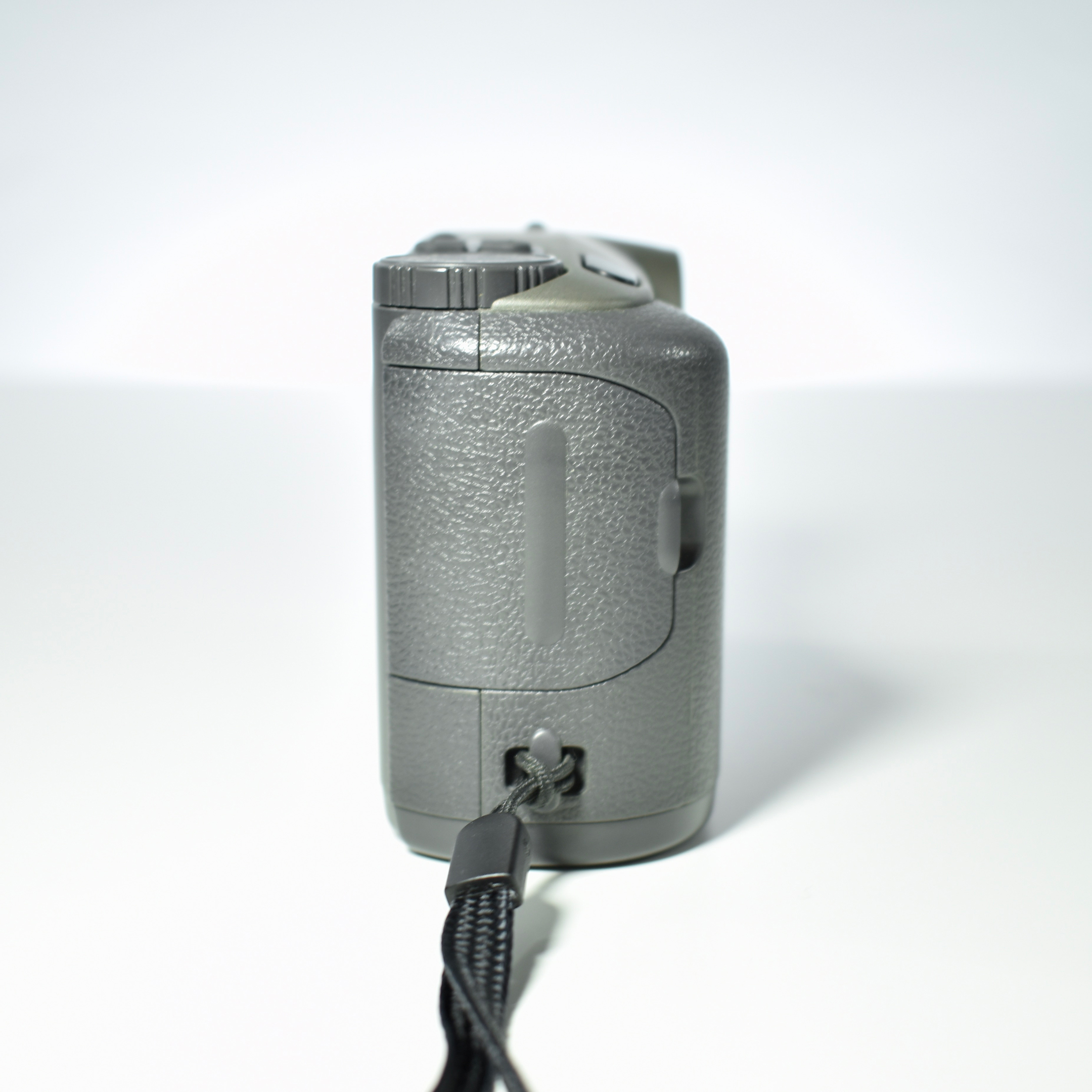
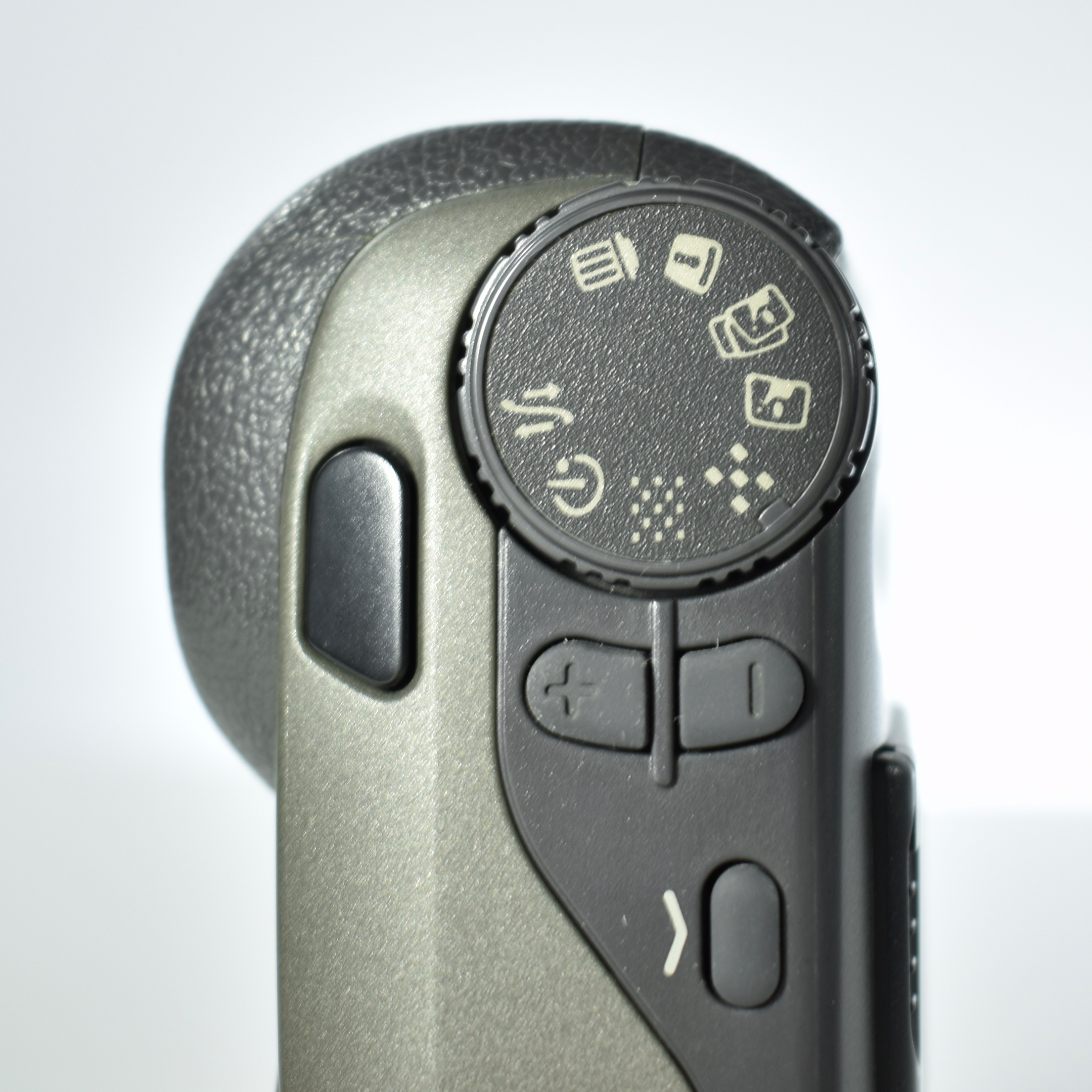
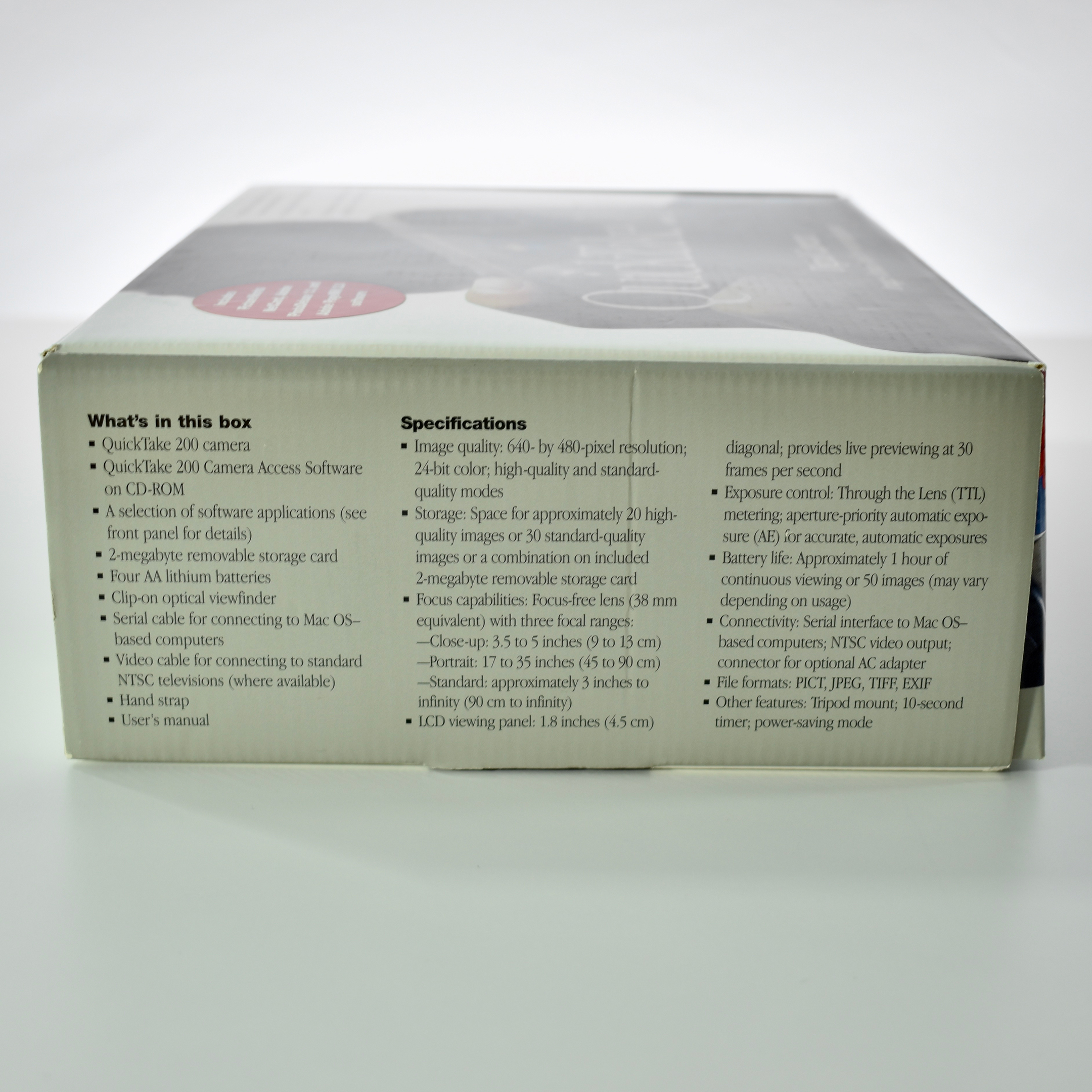
The QuickTake 200 shipped with a 2 MB SmartMedia card that allowed up to 20 high-quality or 40 standard-quality photos. The camera used four AA batteries and had controls for aperture and focus with three different modes: close-up (3.5–5 inch), portrait (17–35 inch), and standard (3 feet–infinity). It also shipped with a snap-on optical viewfinder to save battery. Unlike the previous QuickTake 100 and 150, the QuickTake 200 did not have a flash.
I used the QuickTake 200 digital camera extensively both as an educator and personally. In fact, I took my QuickTake 200 on my most memorable vacation to date on a trip to London in 1998. At the time, digital cameras were not well known and it allowed me capture many more photos than I’d taken in the past on film because of the removable SmartMedia cards. By no means was the experience similar to today’s virtually unlimited mobile phone camera photography, but it was my first indication of what was coming, years before everyone had a camera all the time.
As a fan of vintage Apple, I was intrigued to notice that Apple brought back the “QuickTake” name for a camera feature in the iPhone 11 and iPhone 11 Pro cameras in 2019. The Apple Support website states, “Grab a video with QuickTake. iPhone 11 and iPhone 11 Pro have QuickTake, a new feature that lets you record videos without switching out of photo mode.”