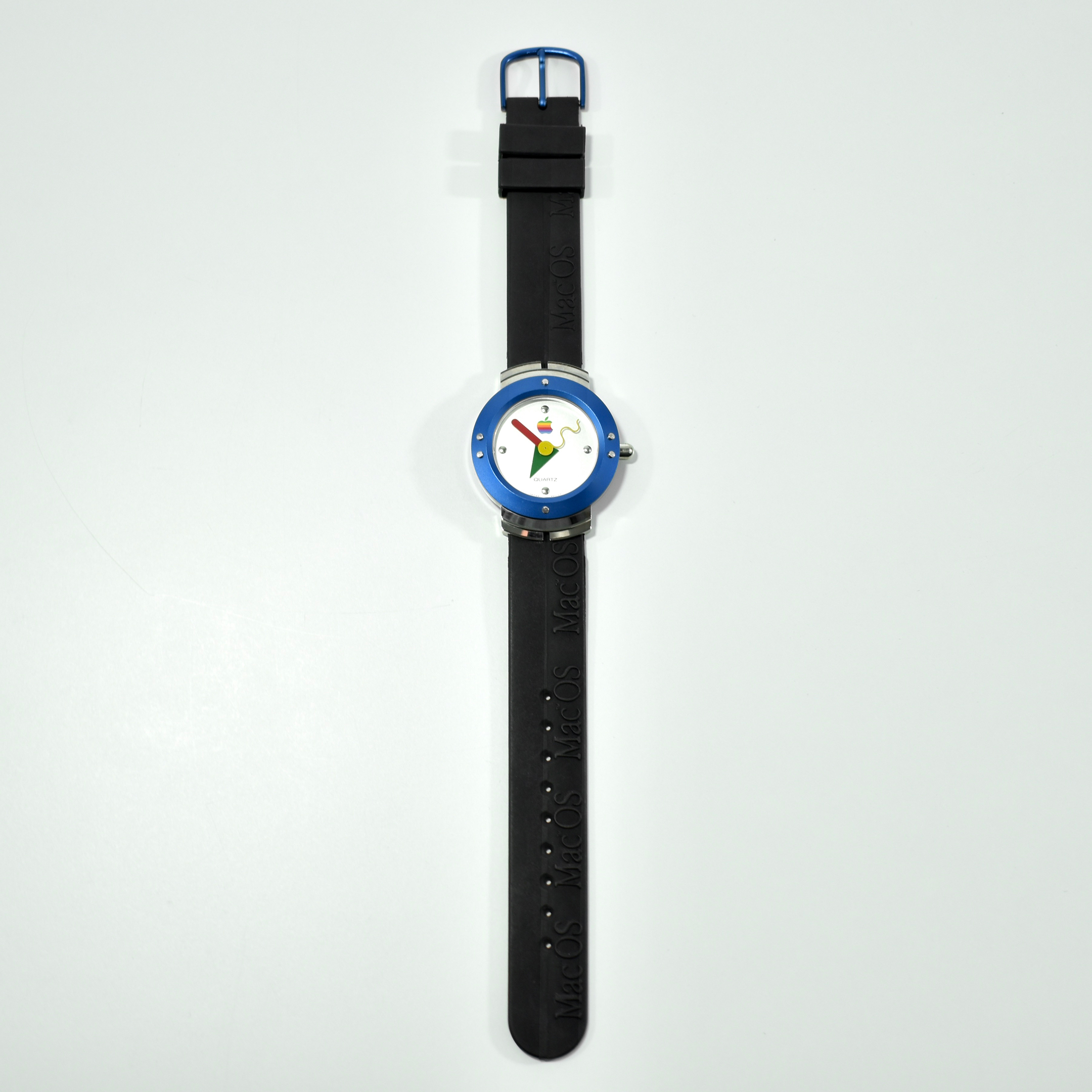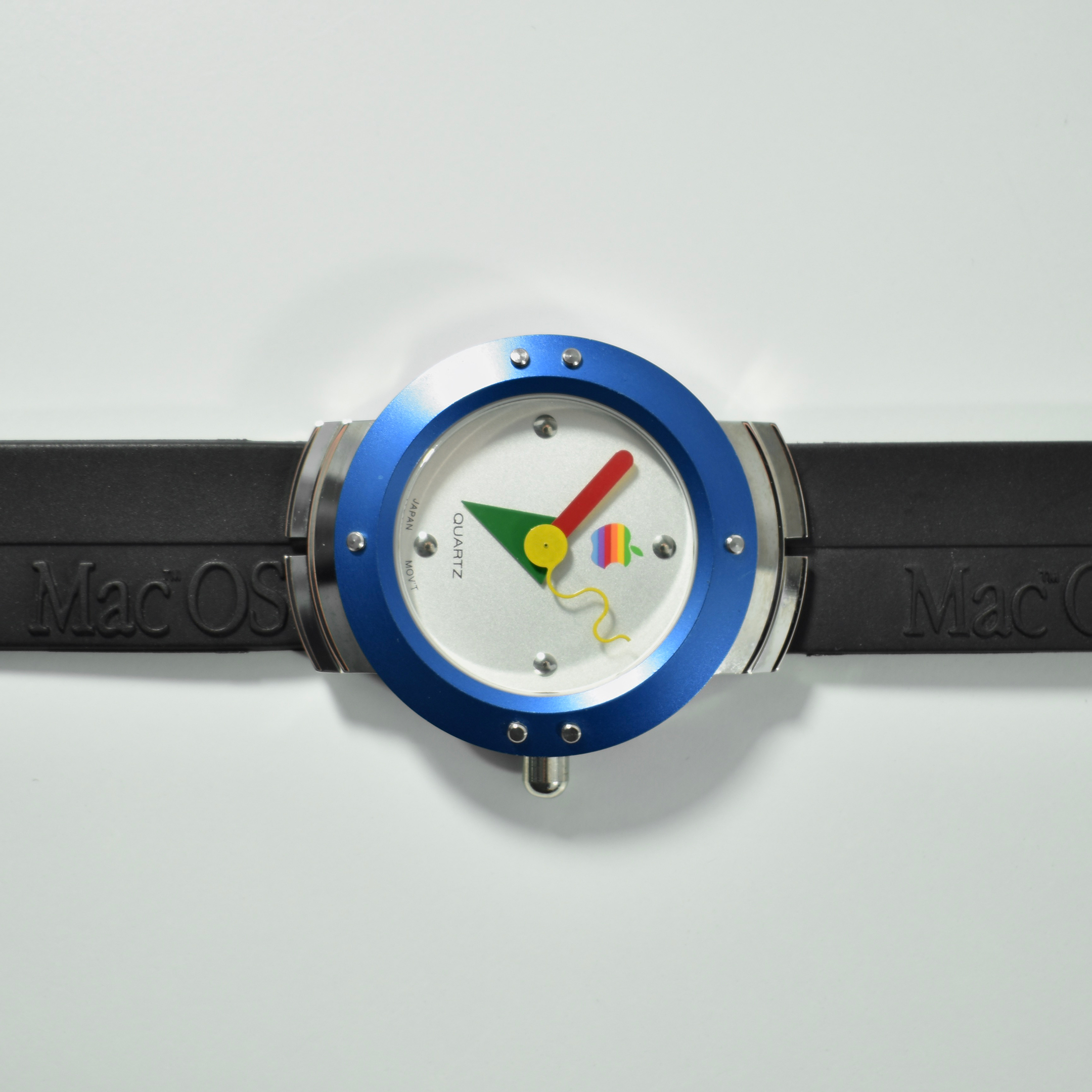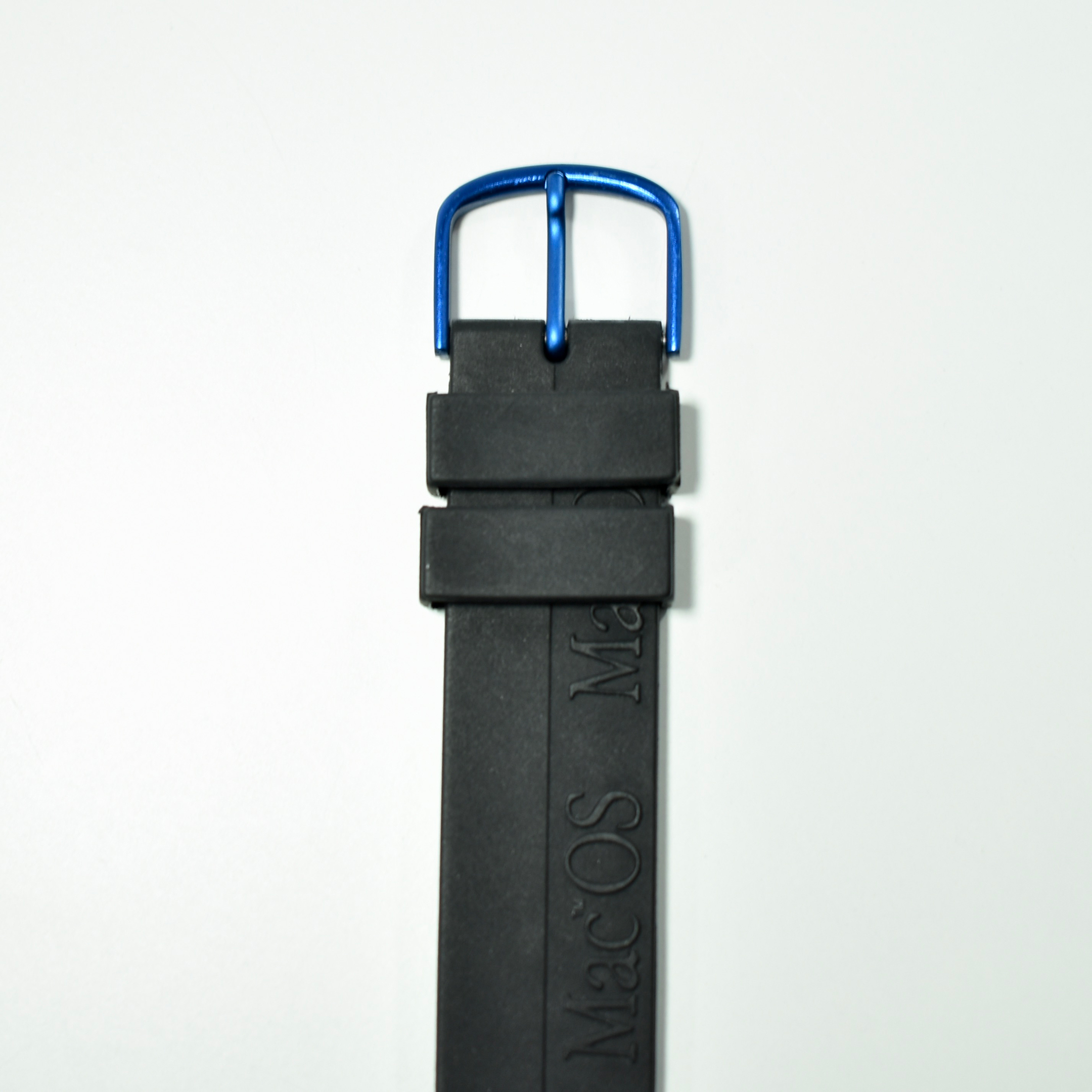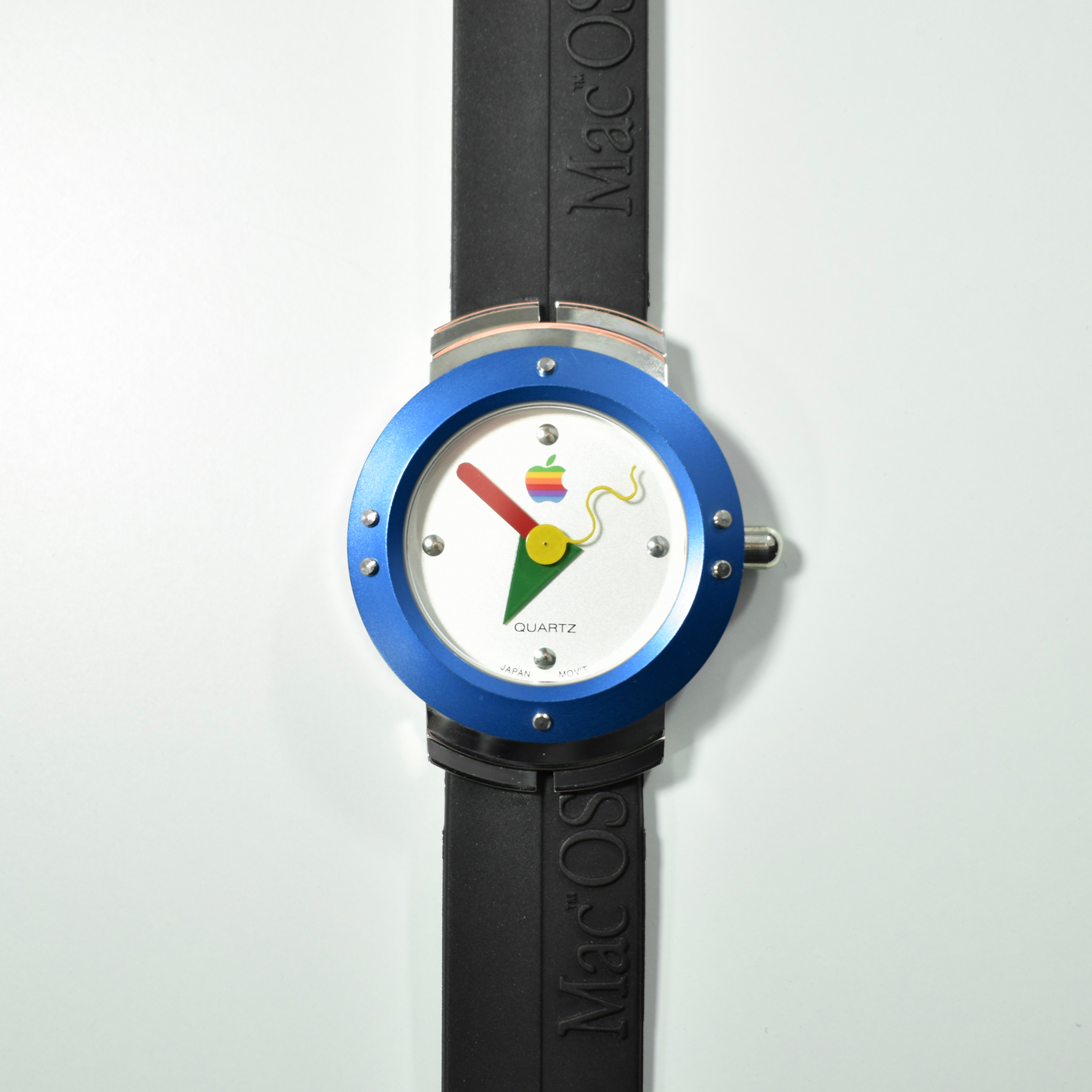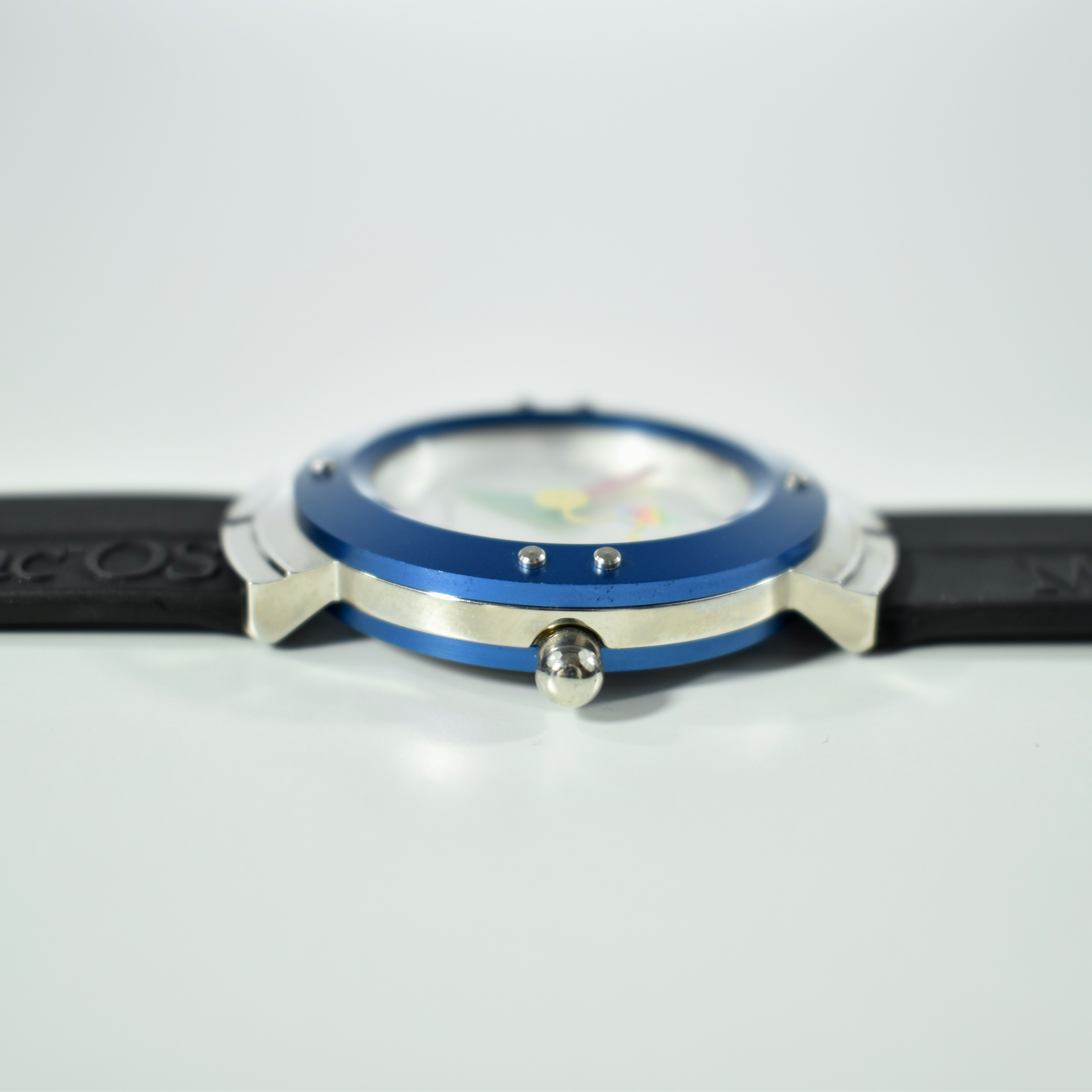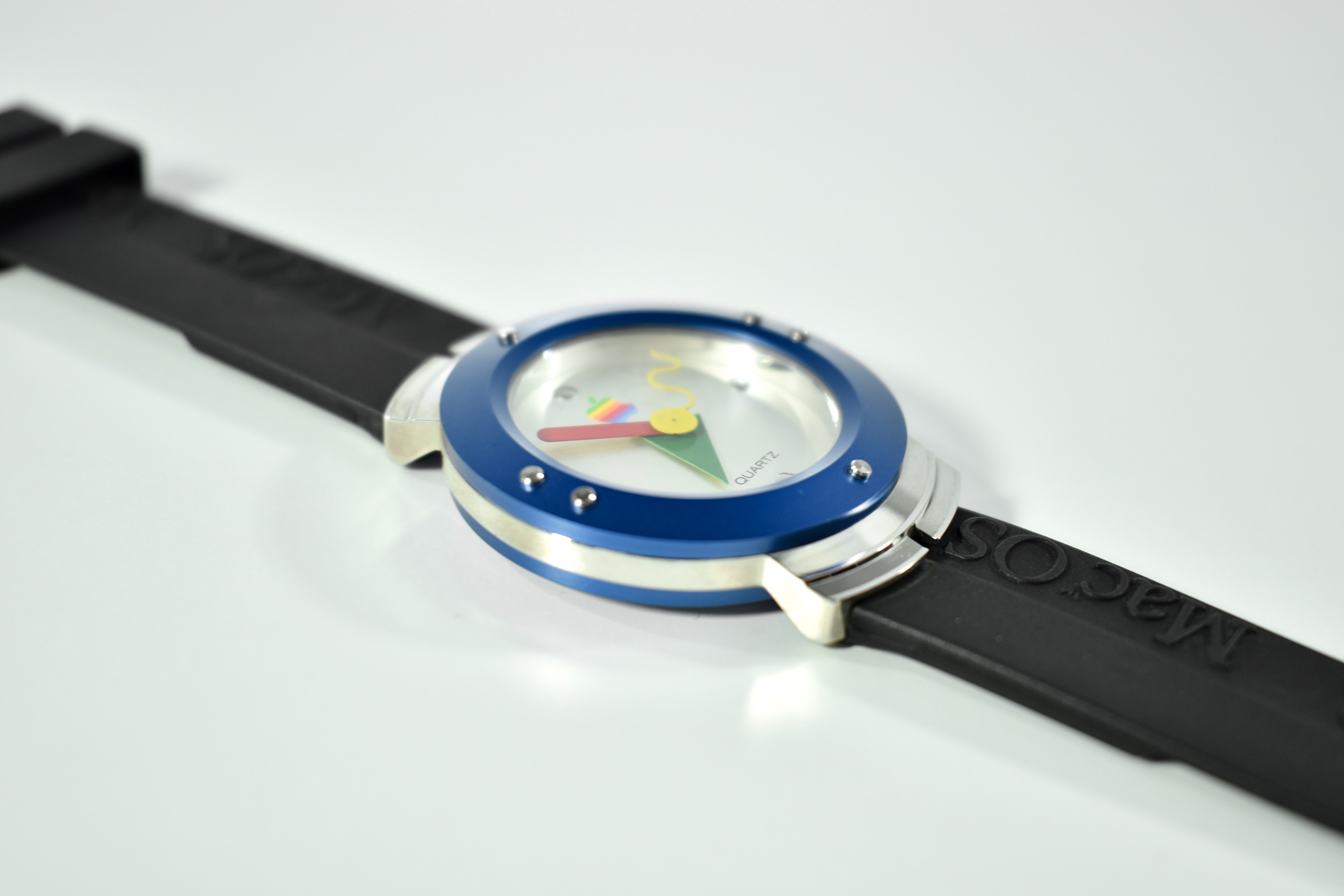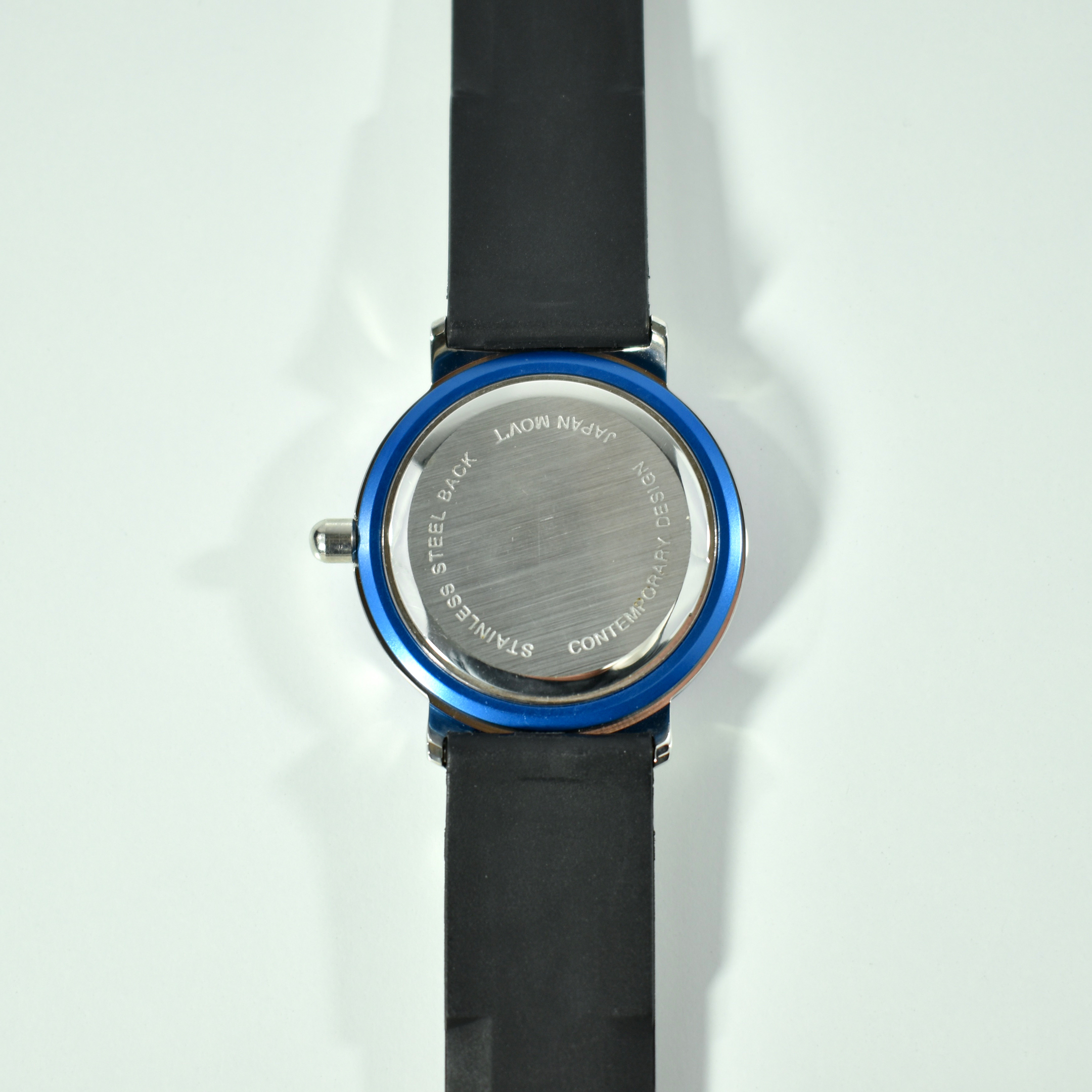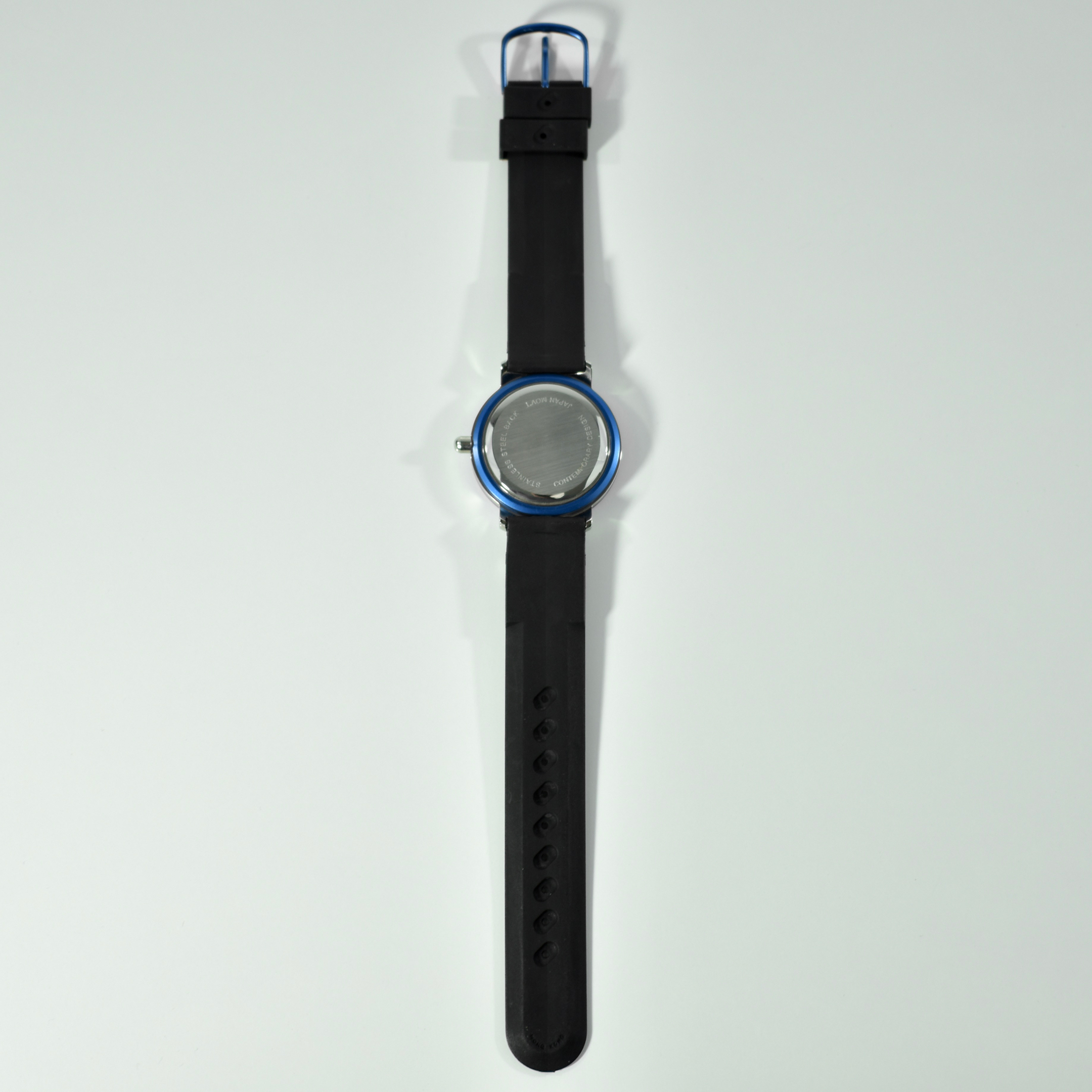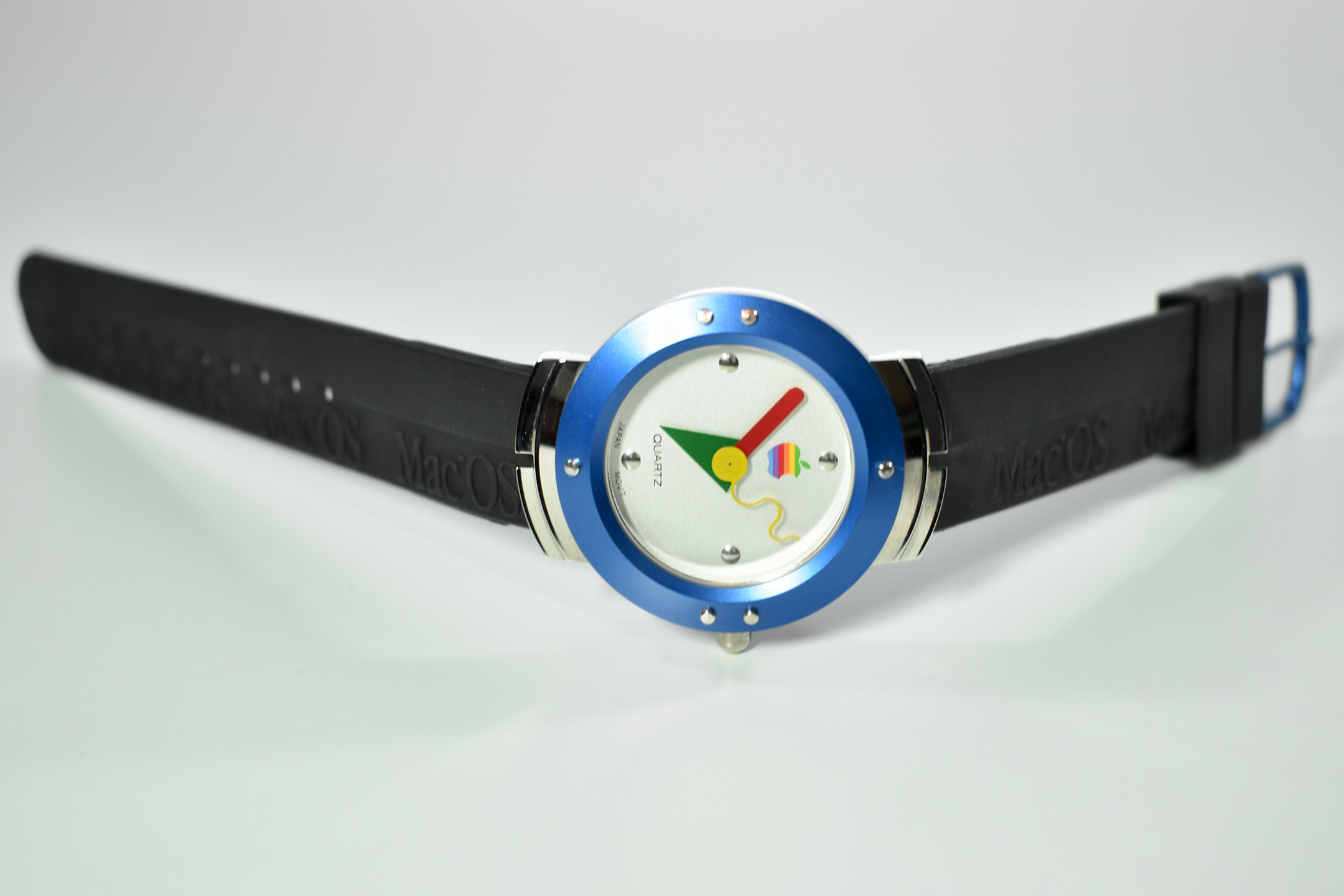
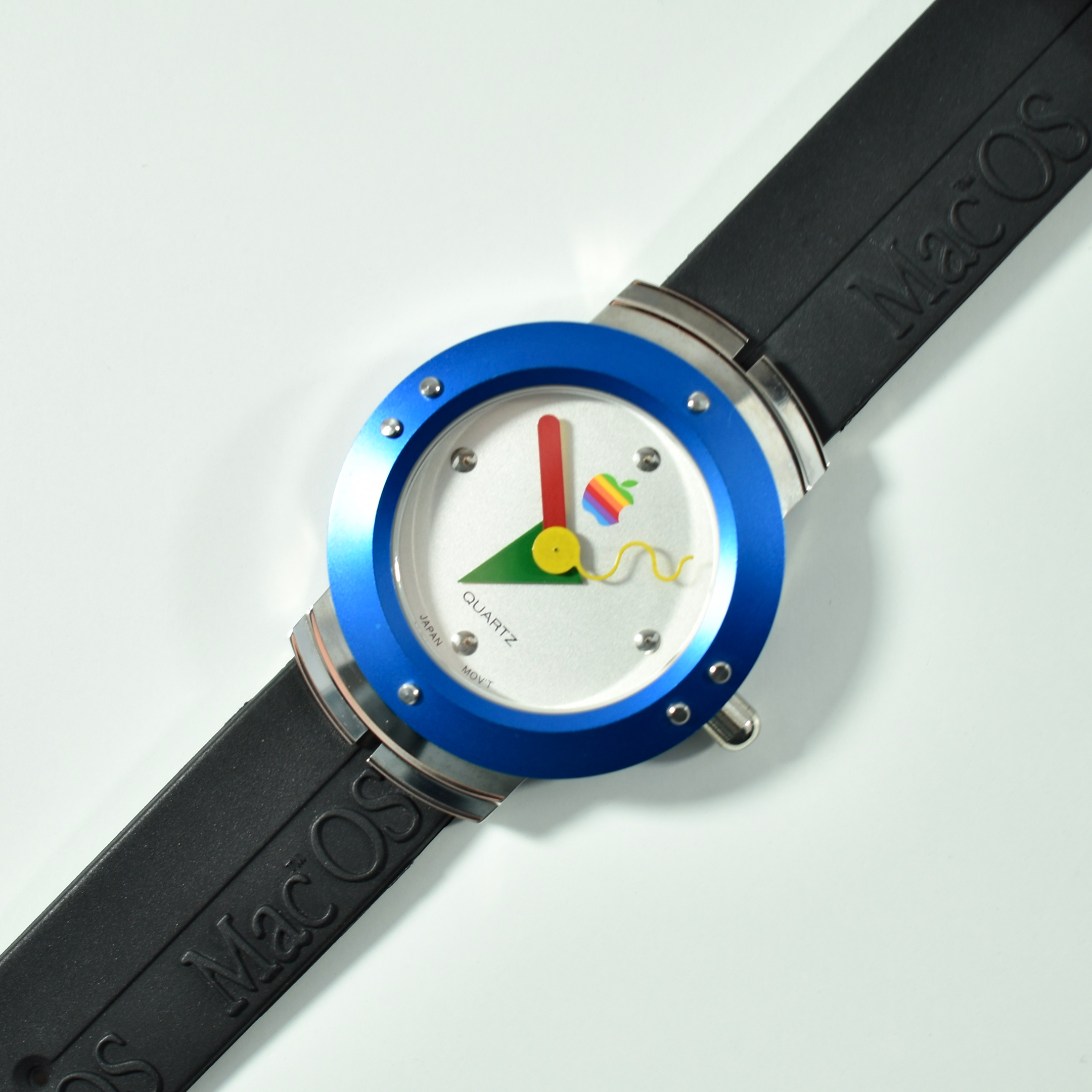
System 7.5 Apple Watch (1995)

The Apple Watch was released in 2015, right? Not exactly.

Twenty years before the (smart) Apple Watch, Apple offered a product they referred to as an Apple Watch as a “FREE gift” for customers who updated their operating system to System 7.5. From May 1 to July 31, 1995, Apple allowed customers who paid $134.99 for System 7.5 to select between two gifts, the software application Conflict Catcher 3 (by Norton to resolve Mac system extension problems) or this Apple Watch. An article written in 1994 that is (surprisingly) still available online (as of February 2020) outlined all the methods to upgrade to System 7.5.

The Apple Watch (1995) was not a smart watch, but it was high-style for the mid-1990s. The watch followed the “Memphis” design aesthetic that originated in Milan, Italy. In an article presenting ten iconic examples of Memphis design, the origin of the style is reported as, “The Memphis Group…a collaborative design group founded by Italian designer Ettore Sottsass” (Creative Bloq). This Apple Watch is included among ten designs in the article. The style itself is “characterized by ephemeral design featuring colorful and abstract decoration as well as asymmetrical shapes, sometimes arbitrarily alluding to exotic or earlier styles” (Wikipedia).

The Memphis Design group is still represented online at www.memphis-milano.com. Even a cursory look at the designs on the site reveals an unmistakable connection to the look of the 1995 Apple Watch.

As an Apple collector, I have been searching for this Apple Watch for many years. I was able to acquire an example from a friend of mine from Minnesota.

If you wish to see the original print advertisement for this Apple Watch offer, I found a version published in the June 1995 MacWorld magazine. The vintageapple.org website has digitized past MacWorld issues and a PDF is available here. Please see magazine page 82 for the full-page ad.

Sources: Cult of Mac, Creative Bloq, Wikipedia, TidBITS
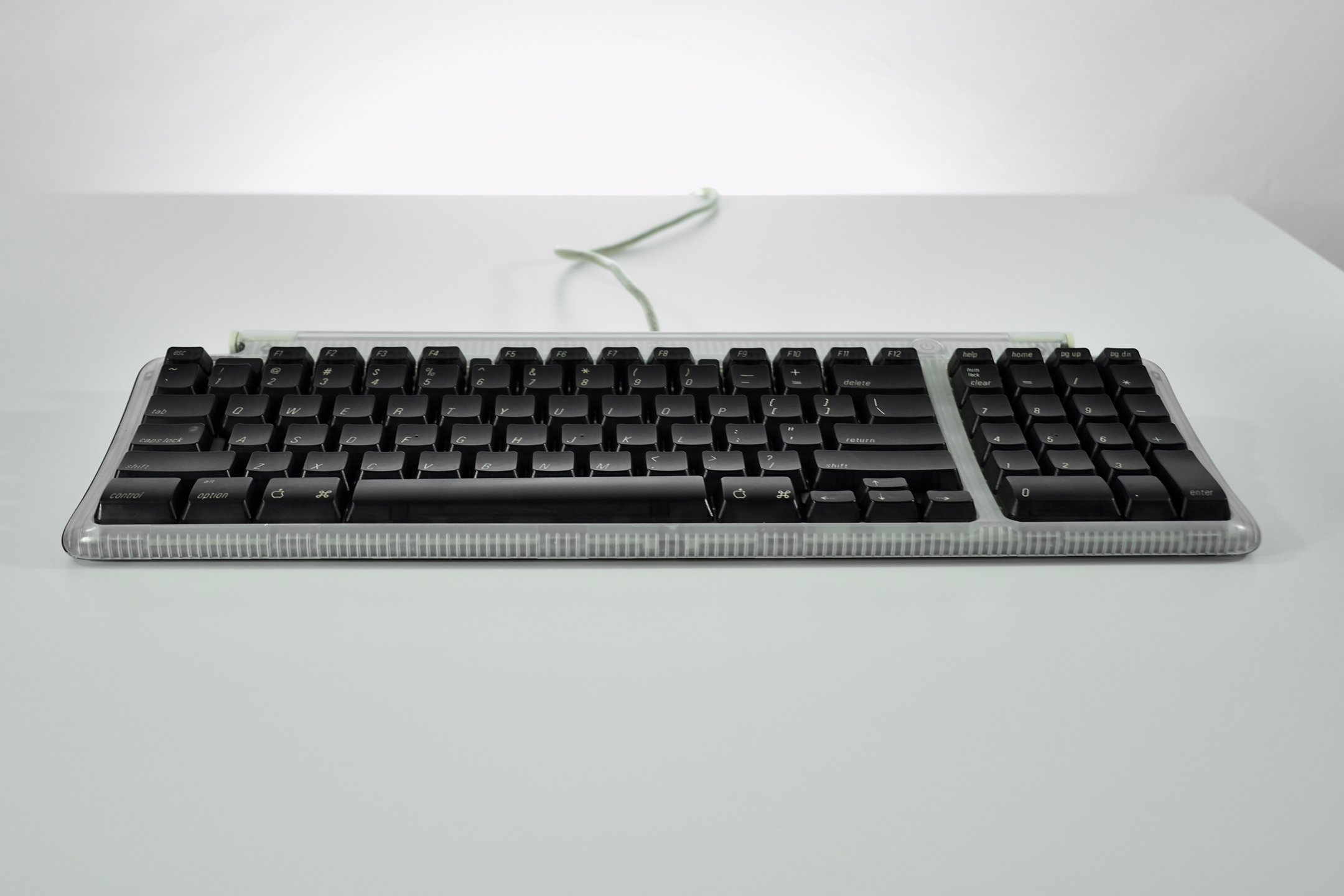
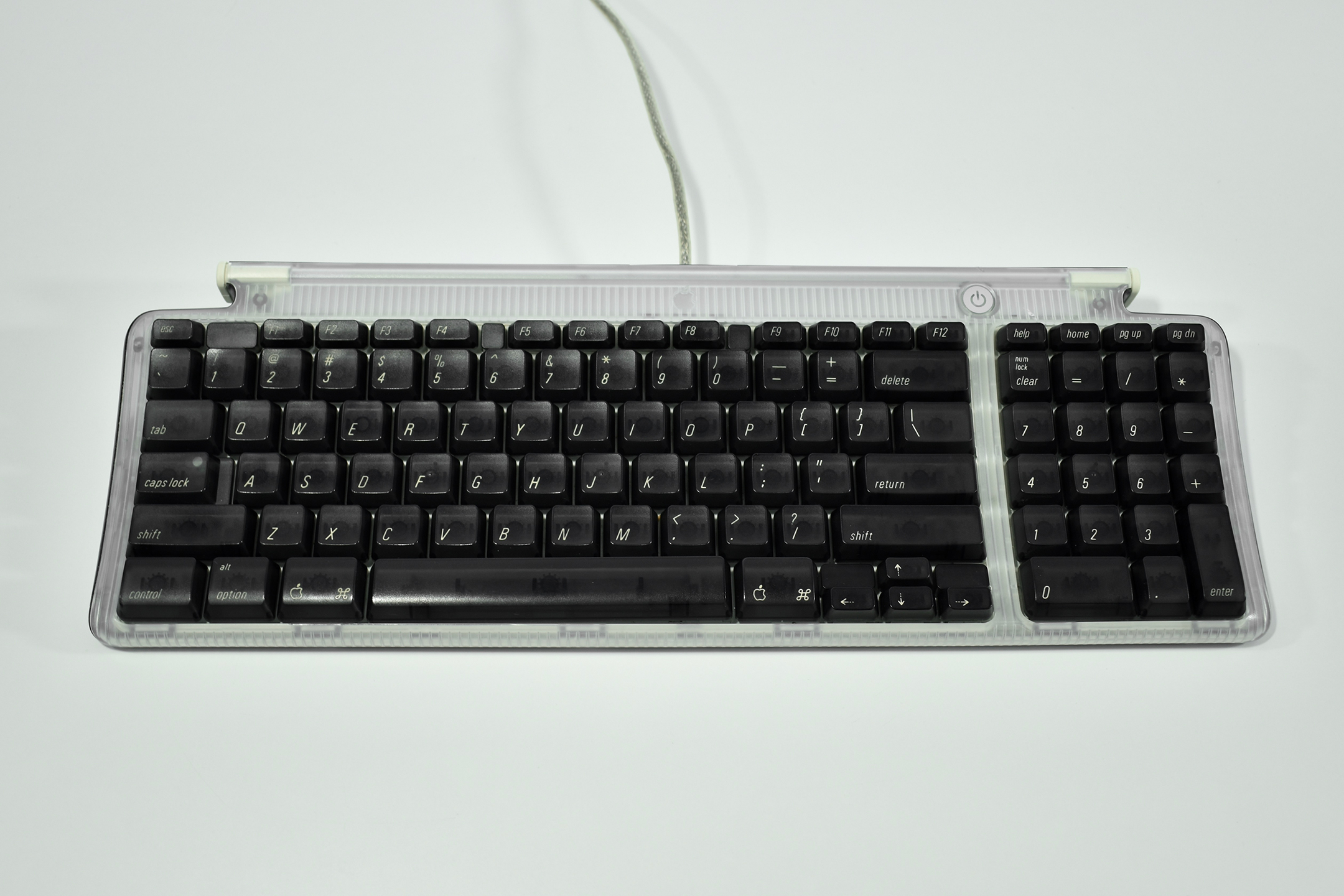
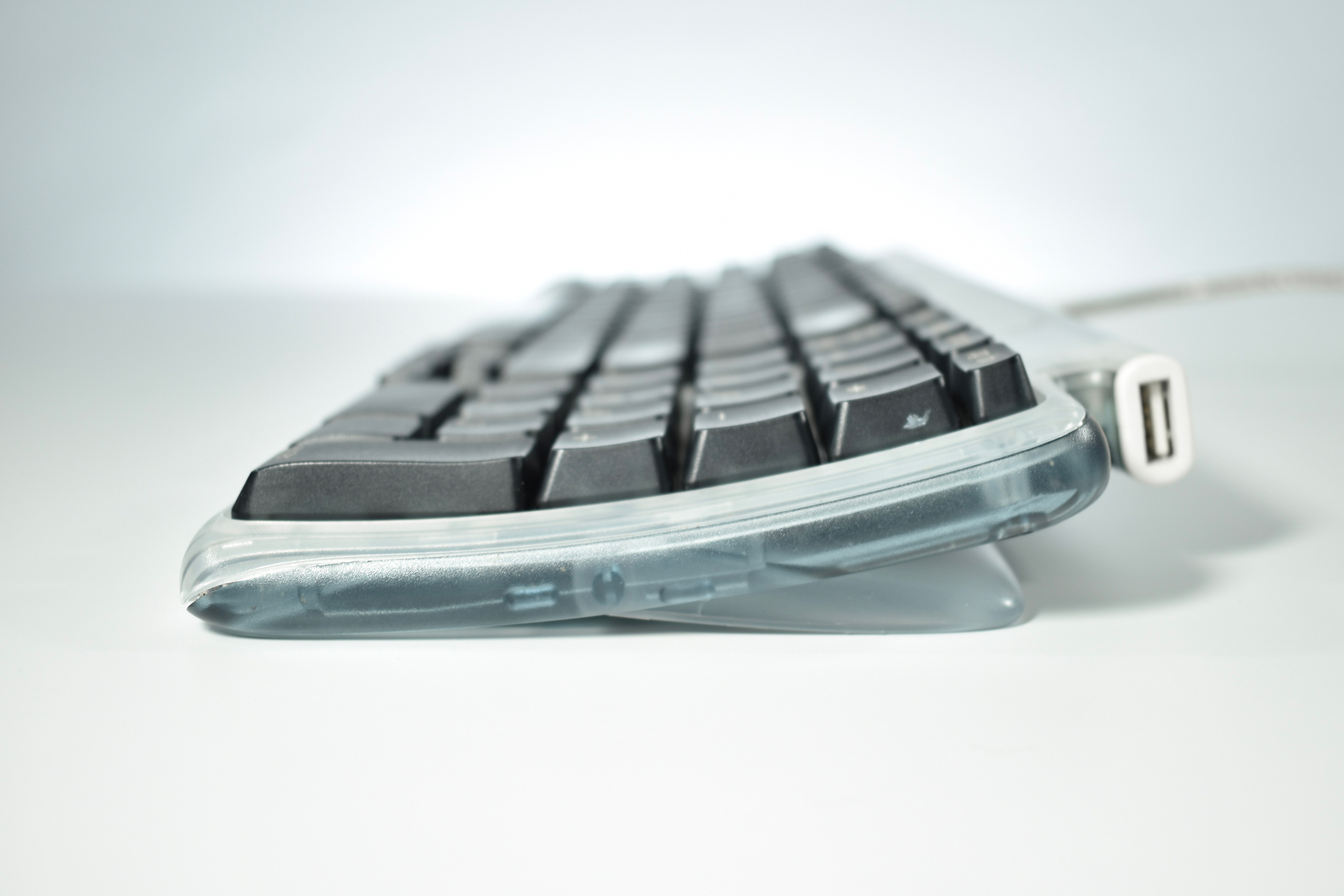
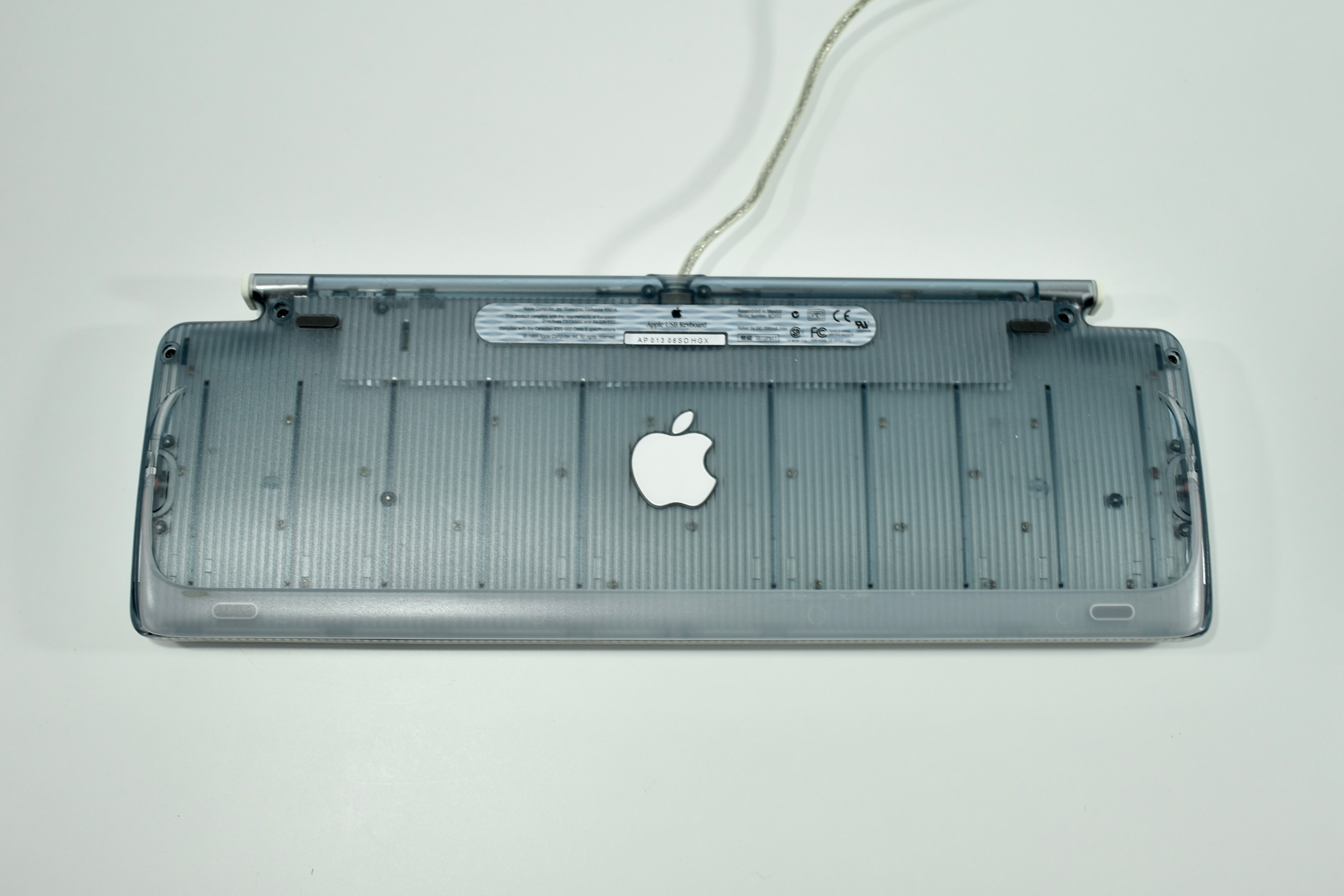
Apple USB Keyboard (graphite, 1999)

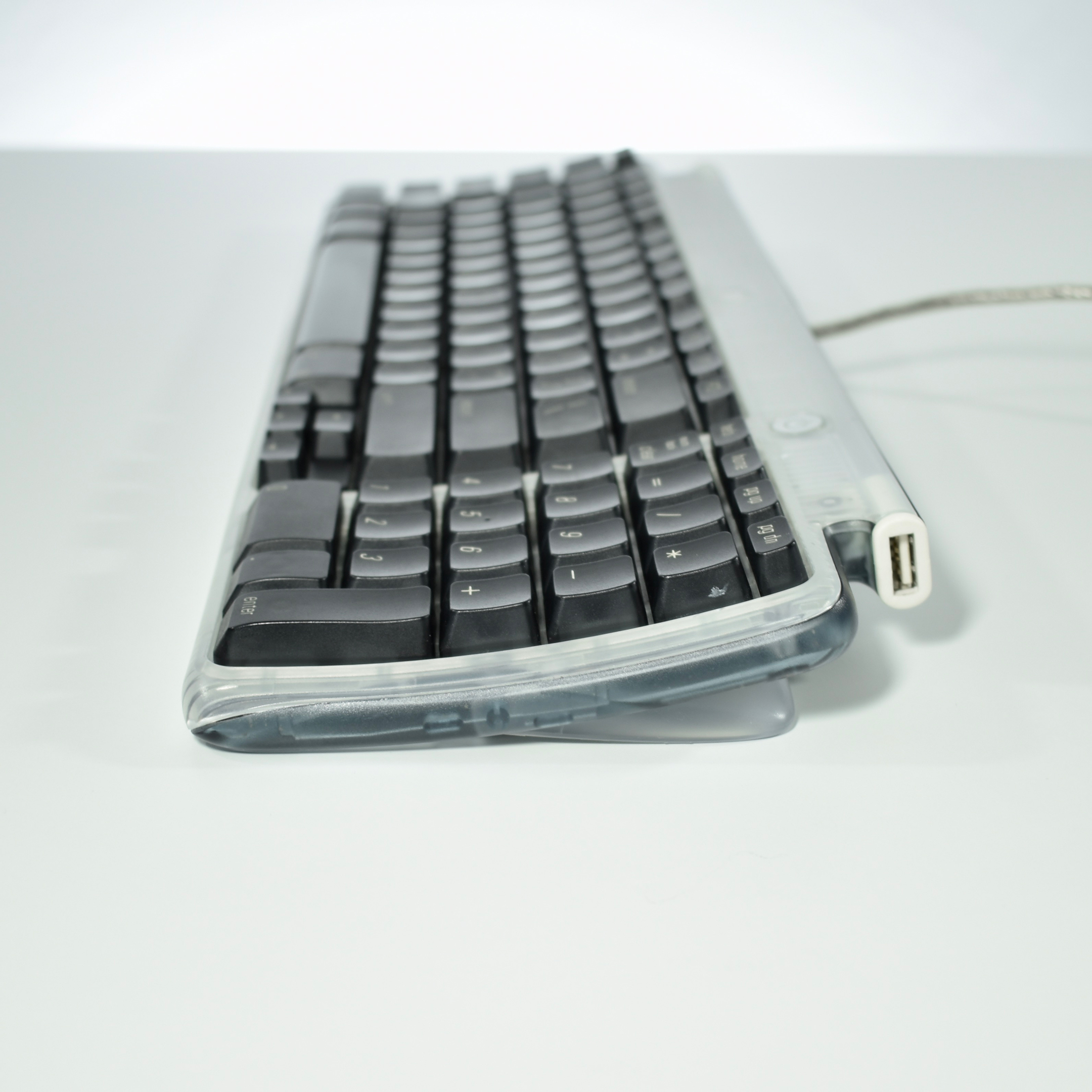
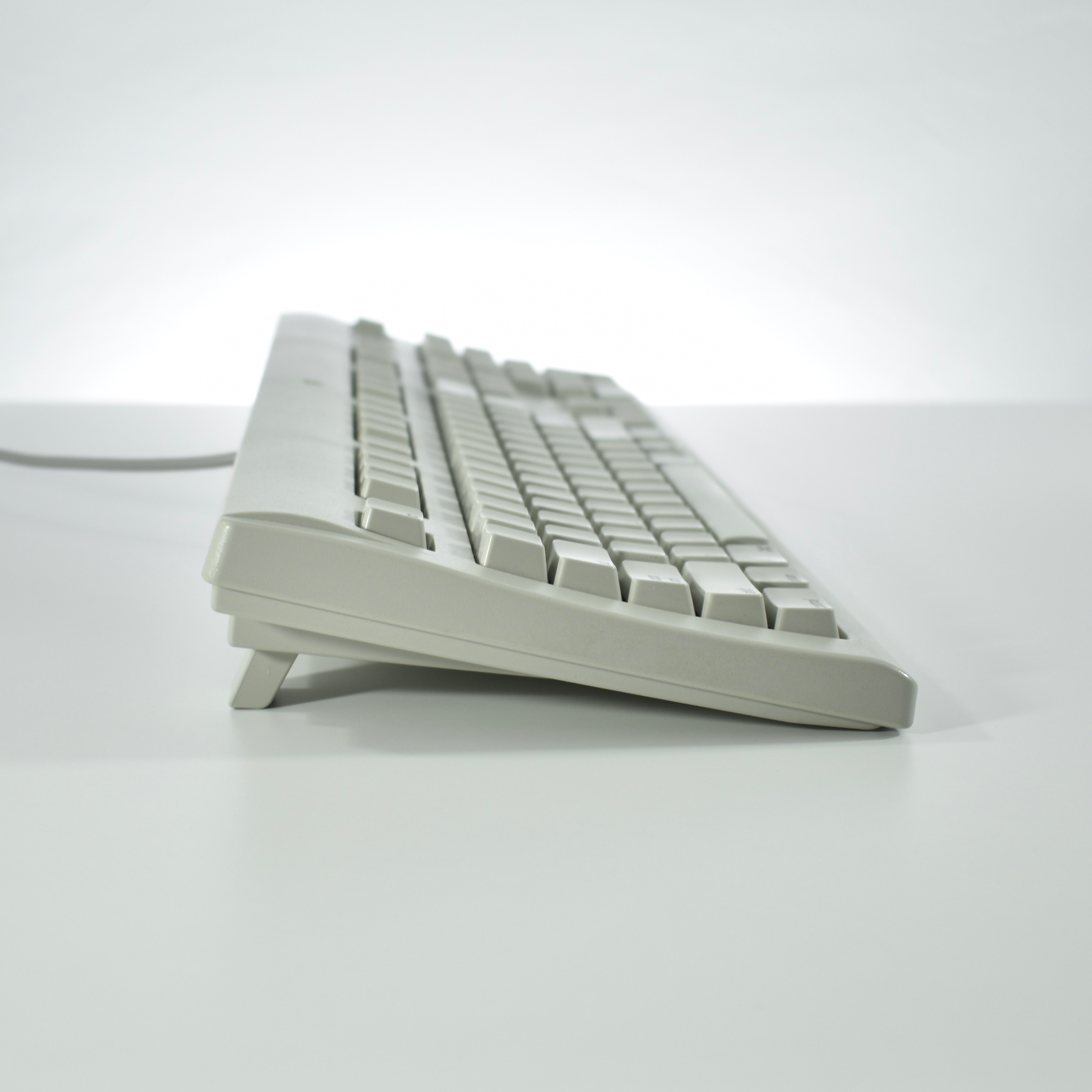
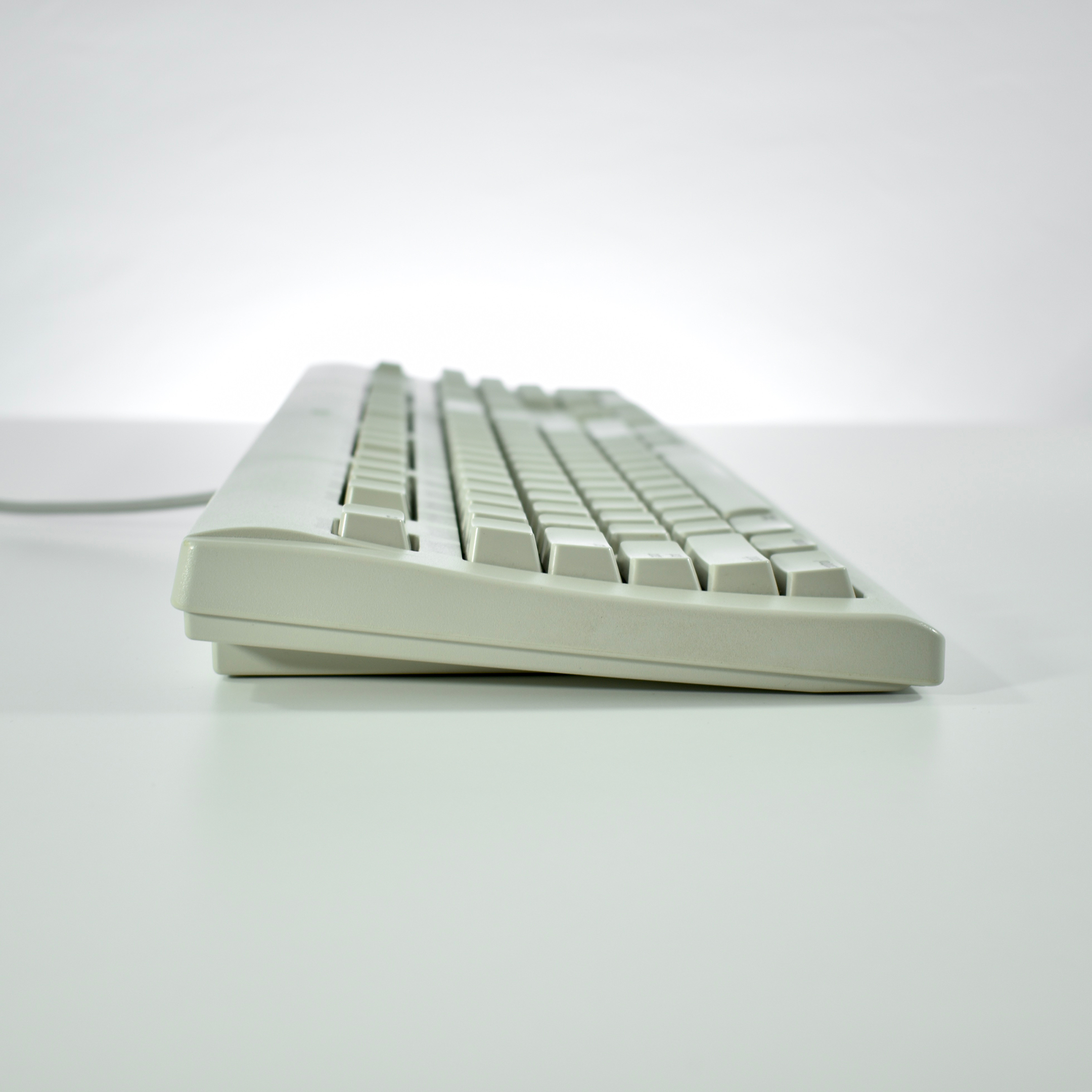
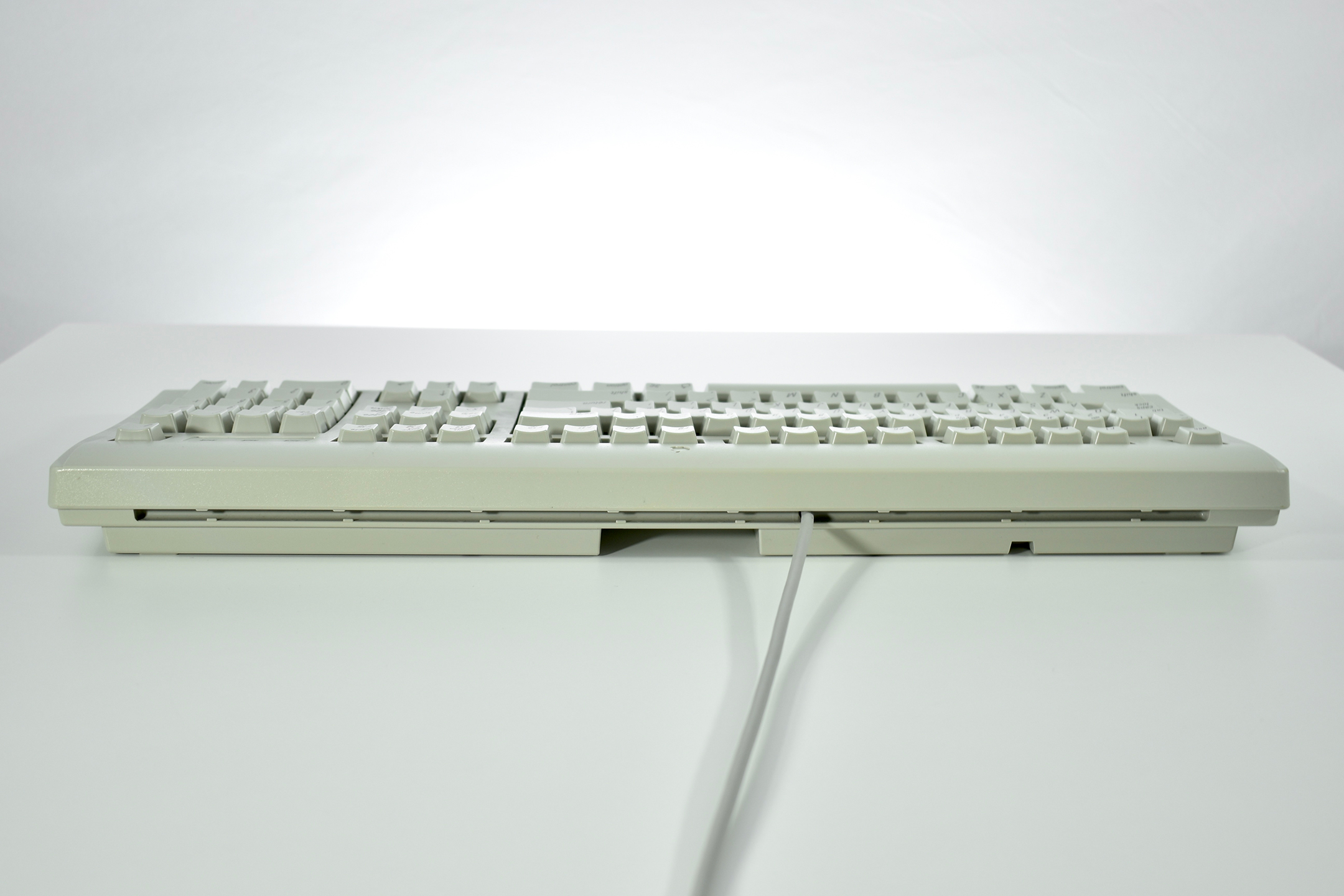
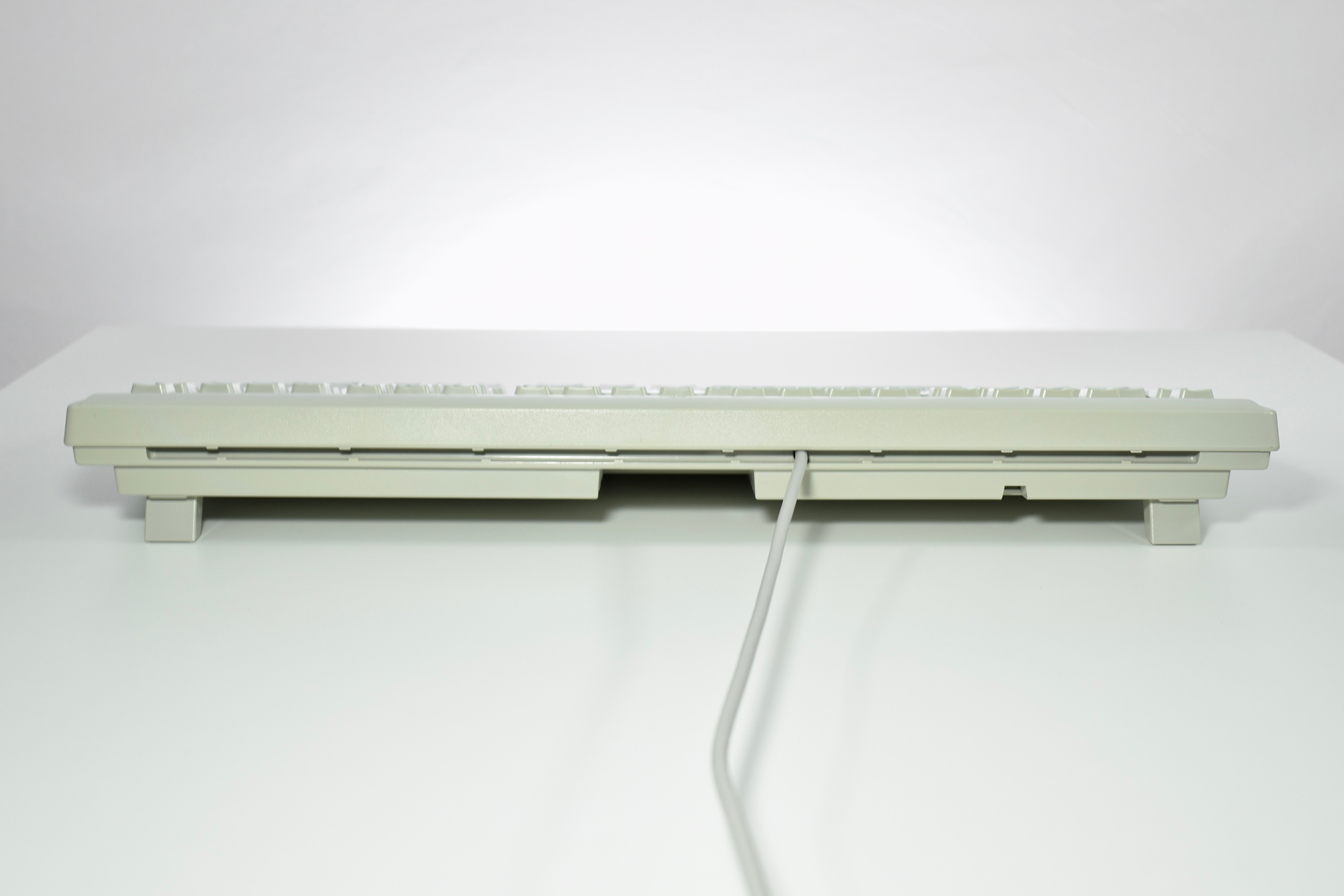
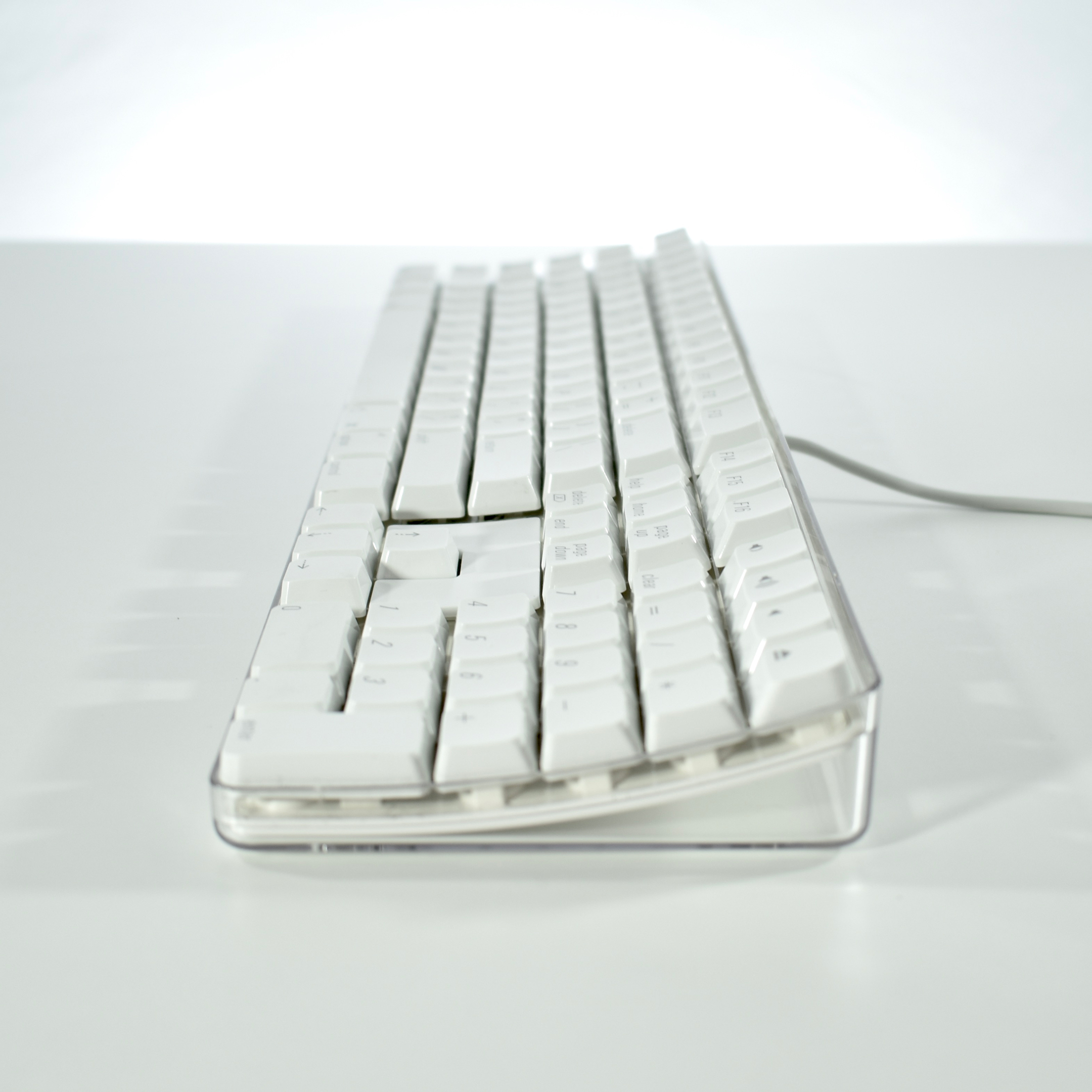
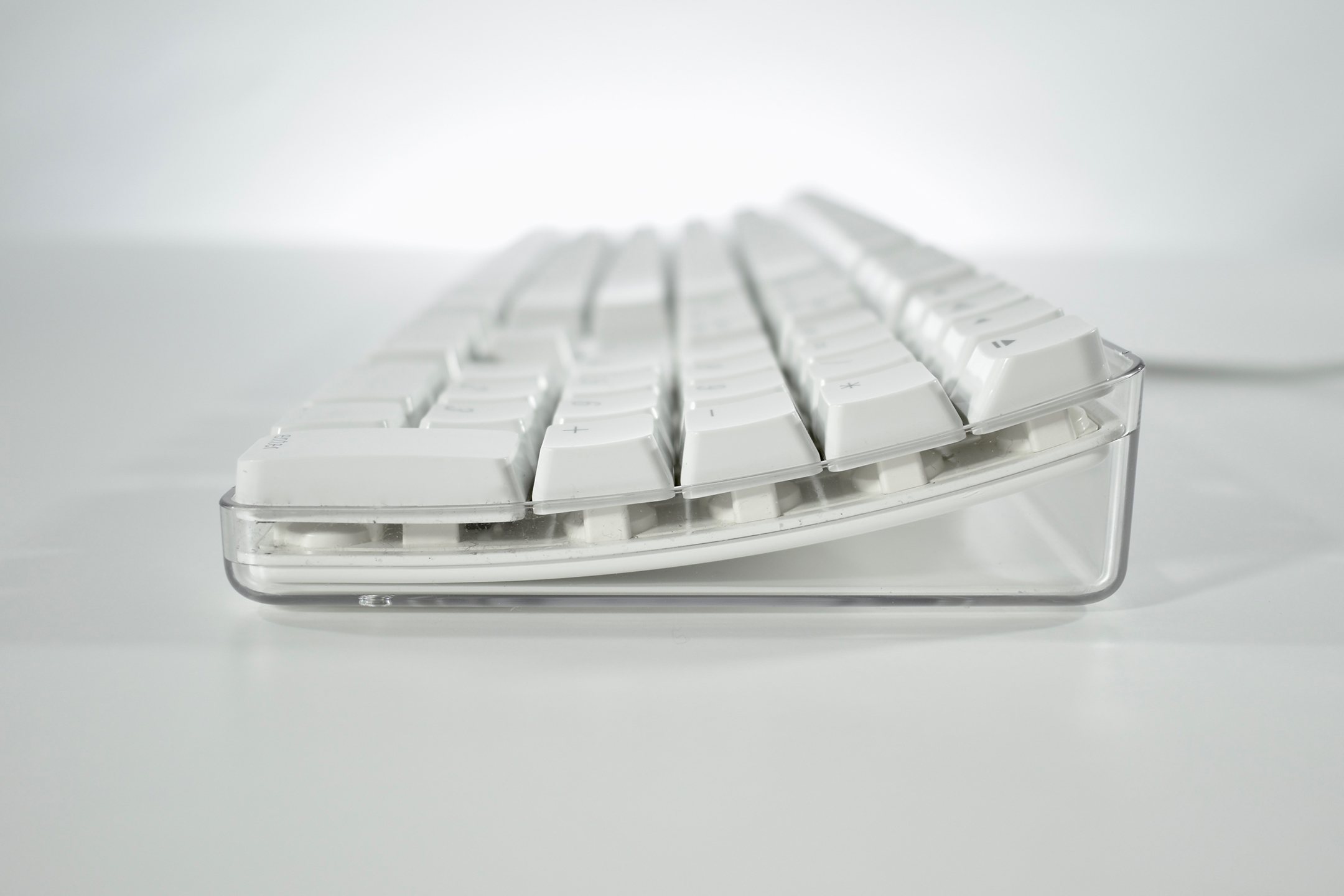
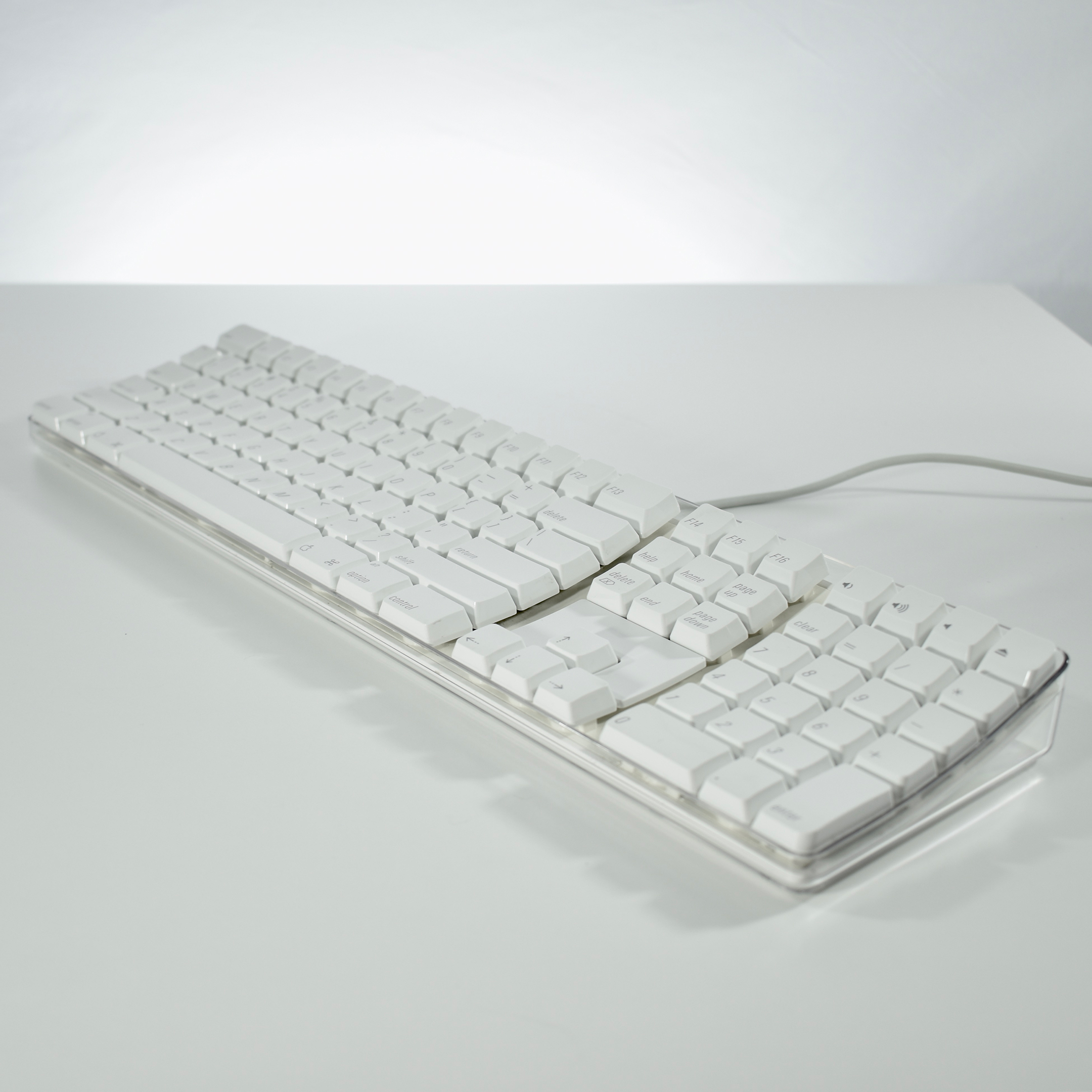
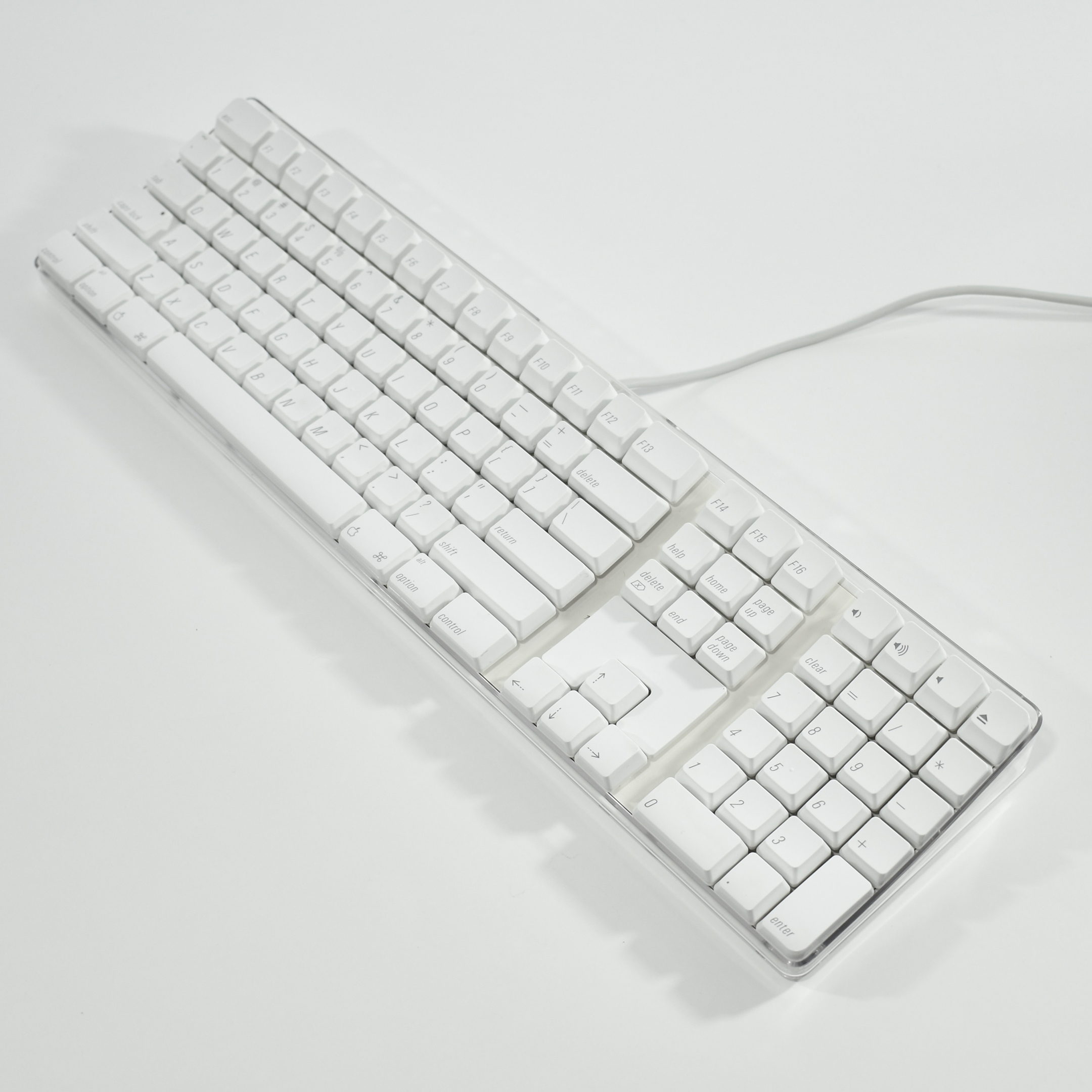
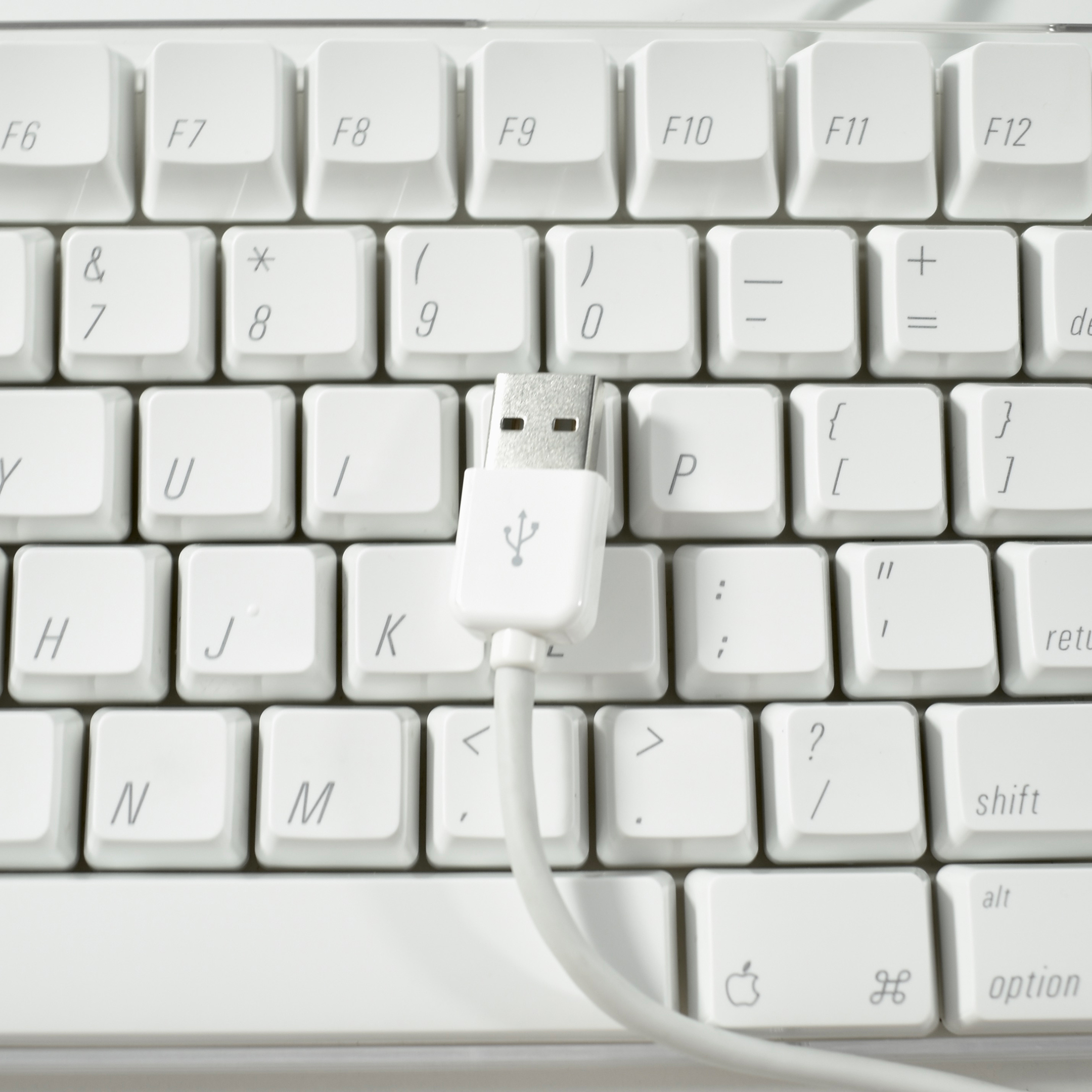
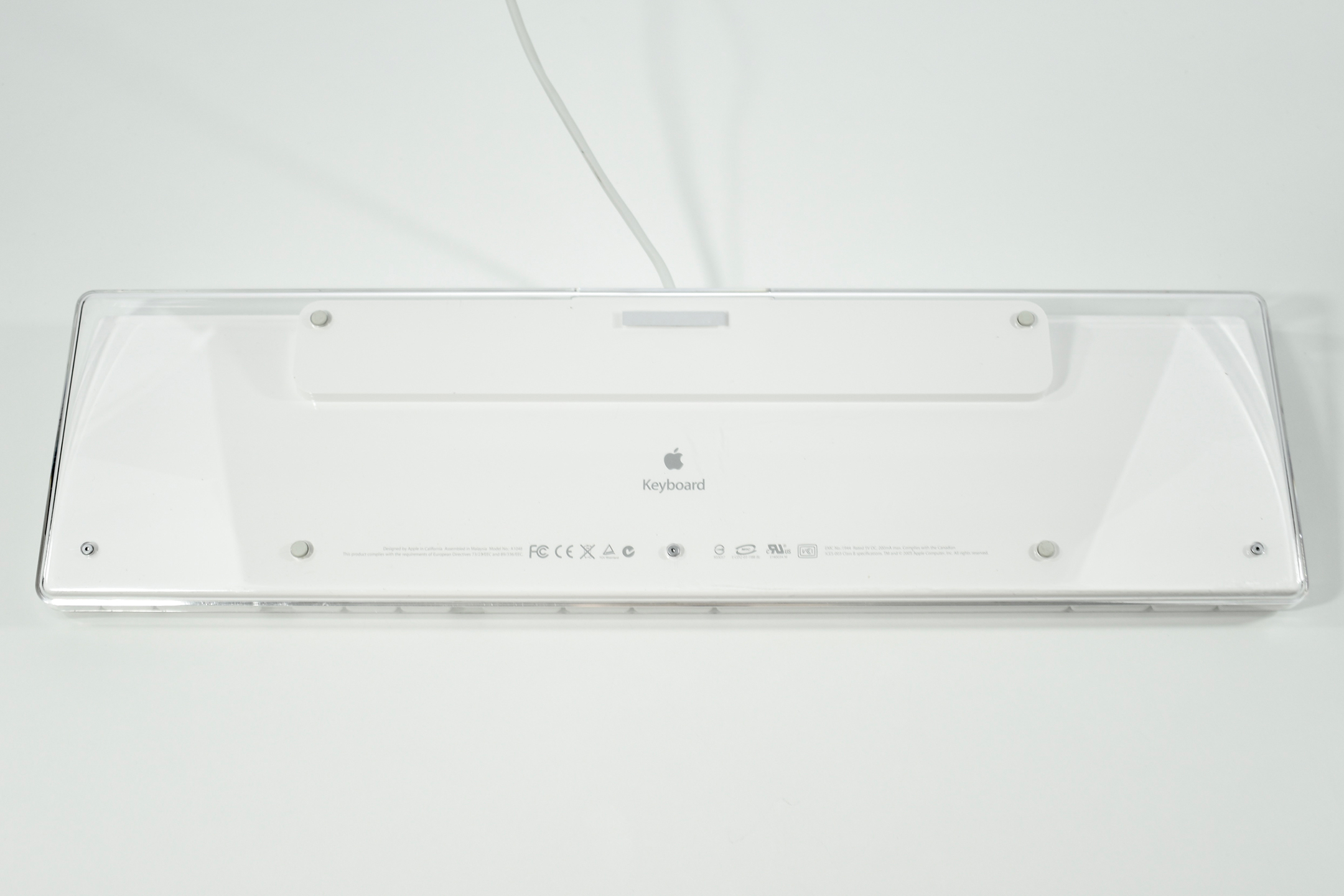
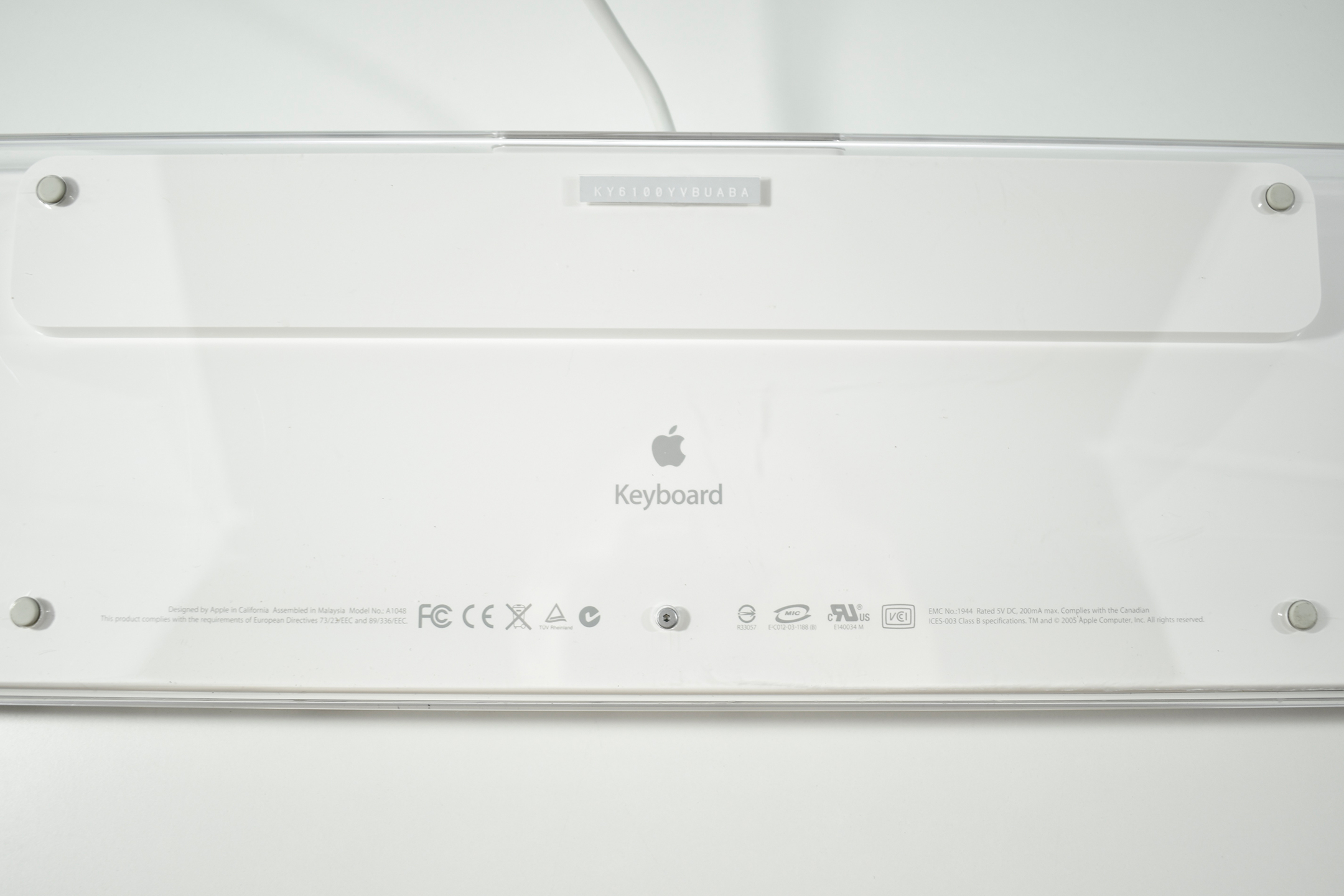
The Apple USB Keyboard design was the first Apple keyboard available in translucent plastic and was released with the original iMac in matching Bondi blue. As the name implies, it connected to the computer using USB and included two additional USB ports on the right and left rear of the keyboard. This keyboard removed the “extended” keys, but retained the right-side numeric keypad. The Apple USB Keyboard includes a single support leg spanning the entire width of the keyboard to slightly elevate the back of the keyboard. This was the last Apple keyboard design to include a power button.

This example is graphite (translucent gray). In addition to graphite, this keyboard was also available in Bondi blue, strawberry, tangerine, lime, blueberry, and grape.

As of 2020 Apple has released approximately 20 external keyboard designs. In general, Apple Macintosh keyboards are different from standard keyboards because they include a Command key (⌘) for shortcuts; an Option key (⌥) for entering diacritical marks and special characters; and a Help or fn (function) key. Earlier Apple keyboards also included a power key (◁), while newer keyboards include eject (⏏).

Source: Wikipedia

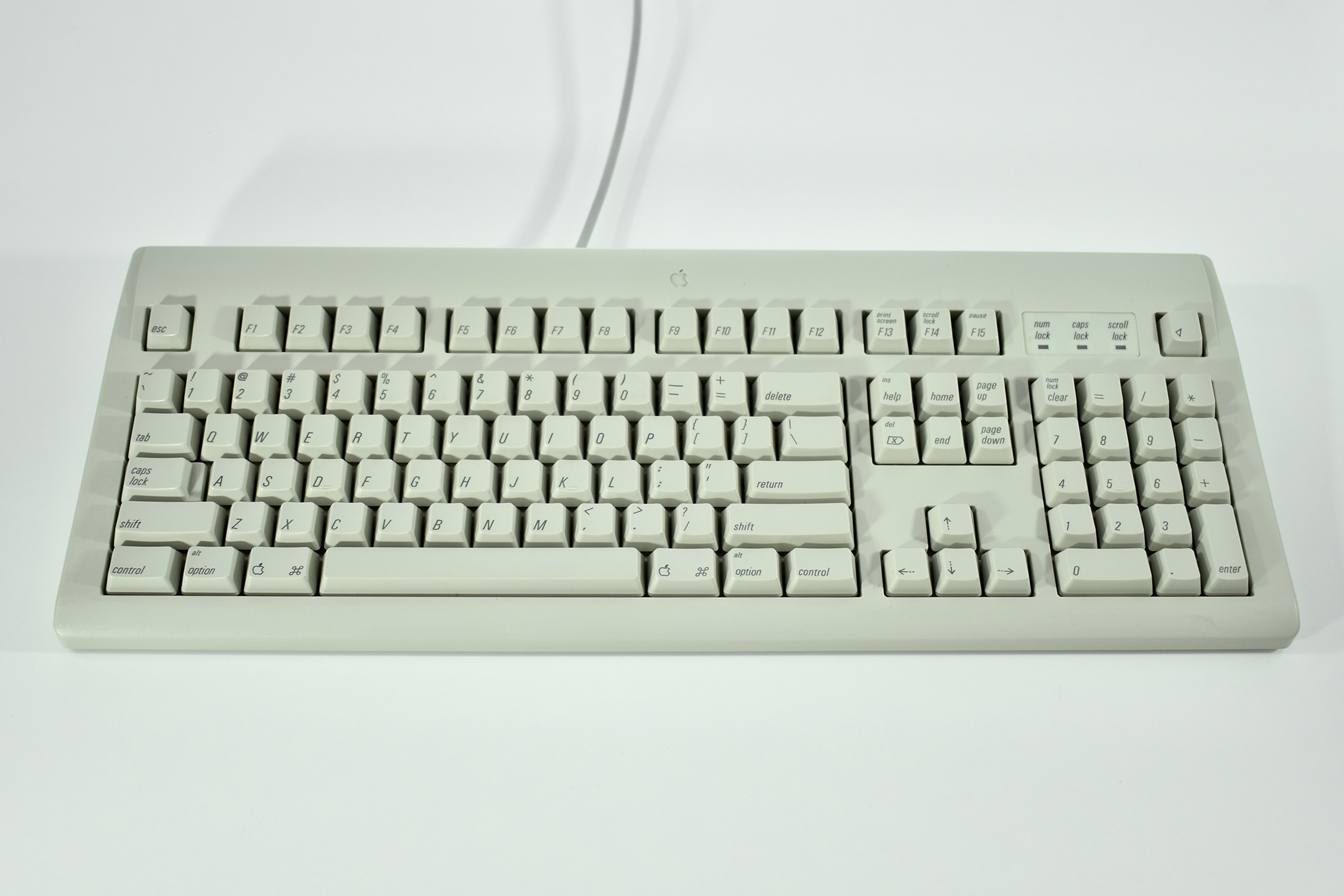
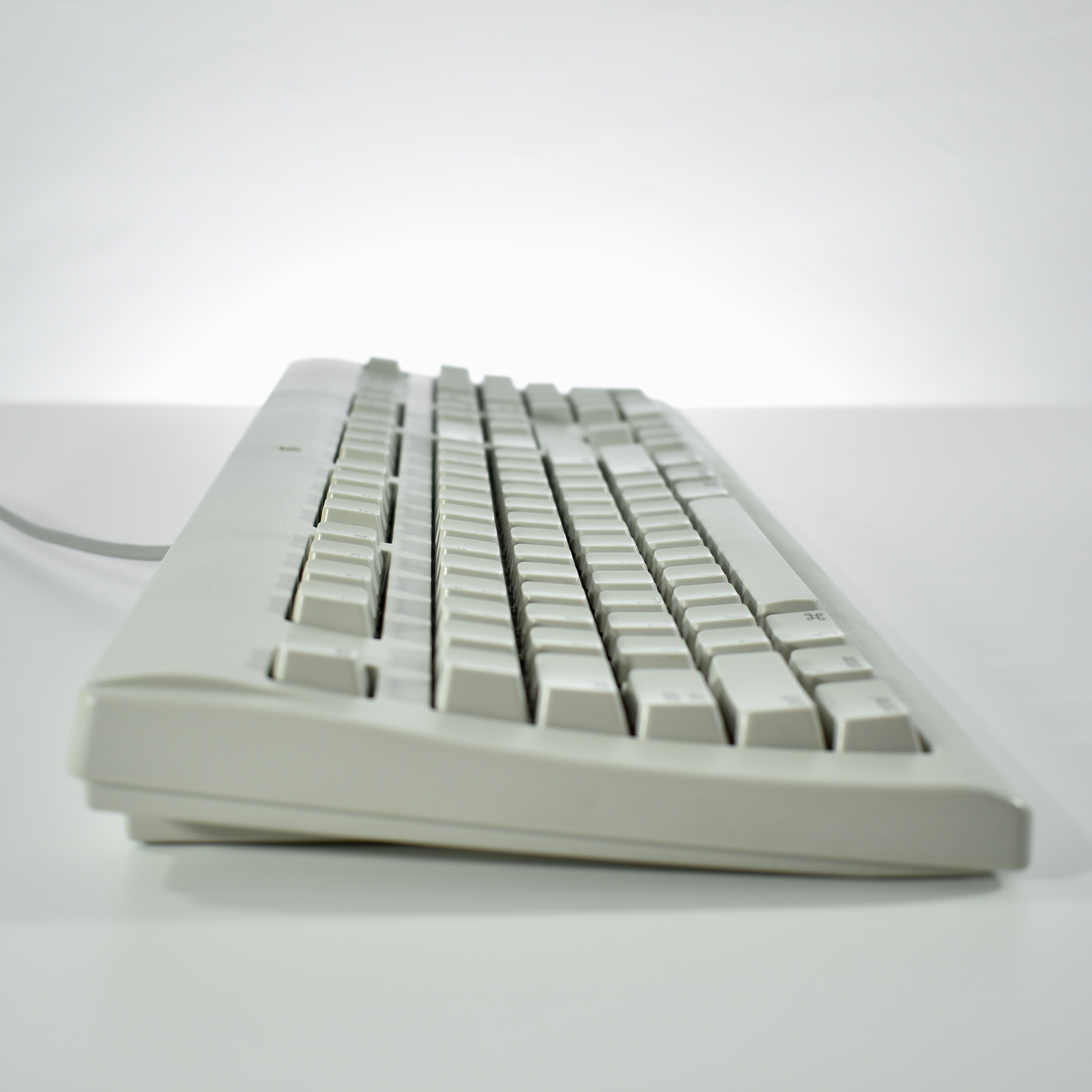
AppleDesign Keyboard (1996)

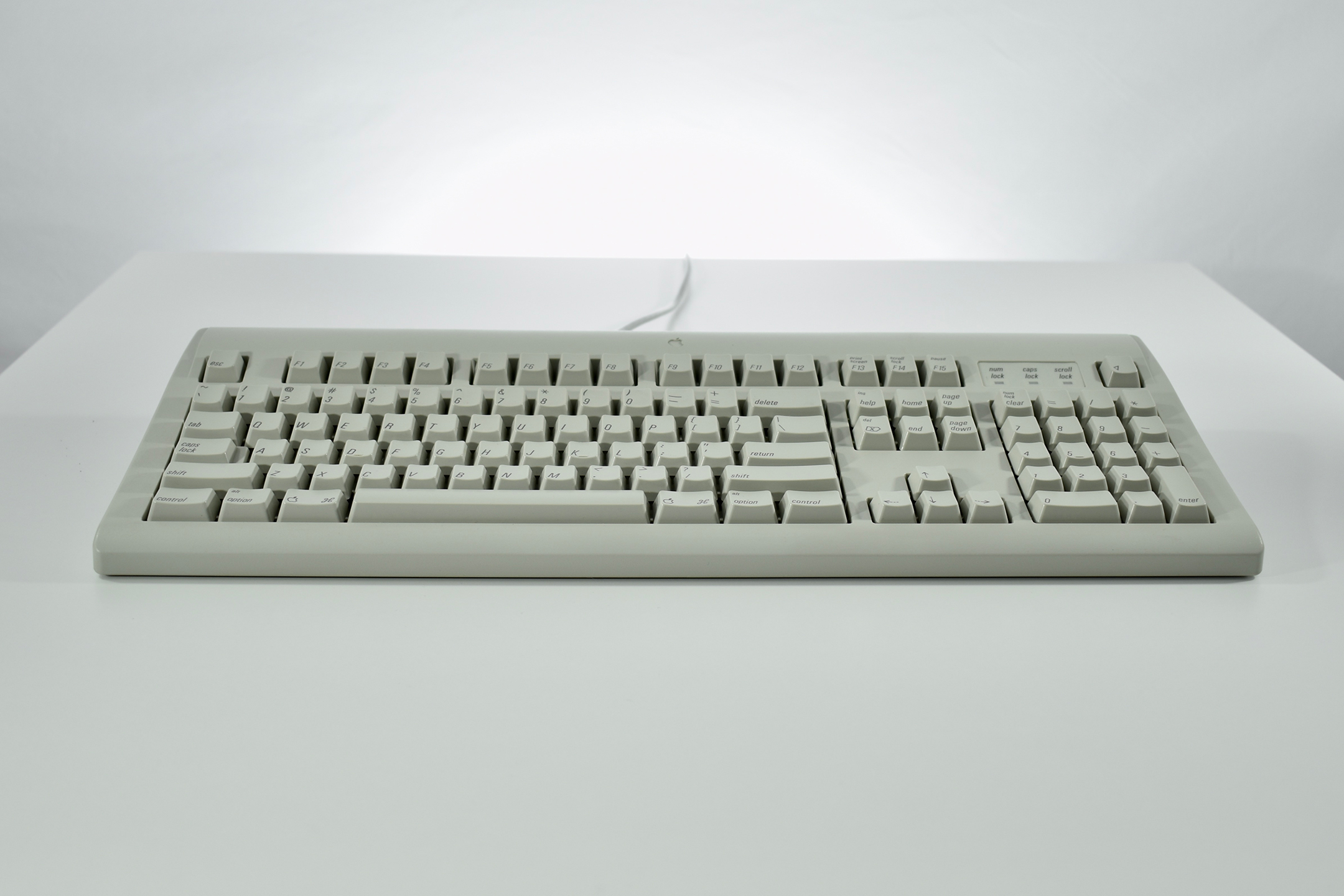
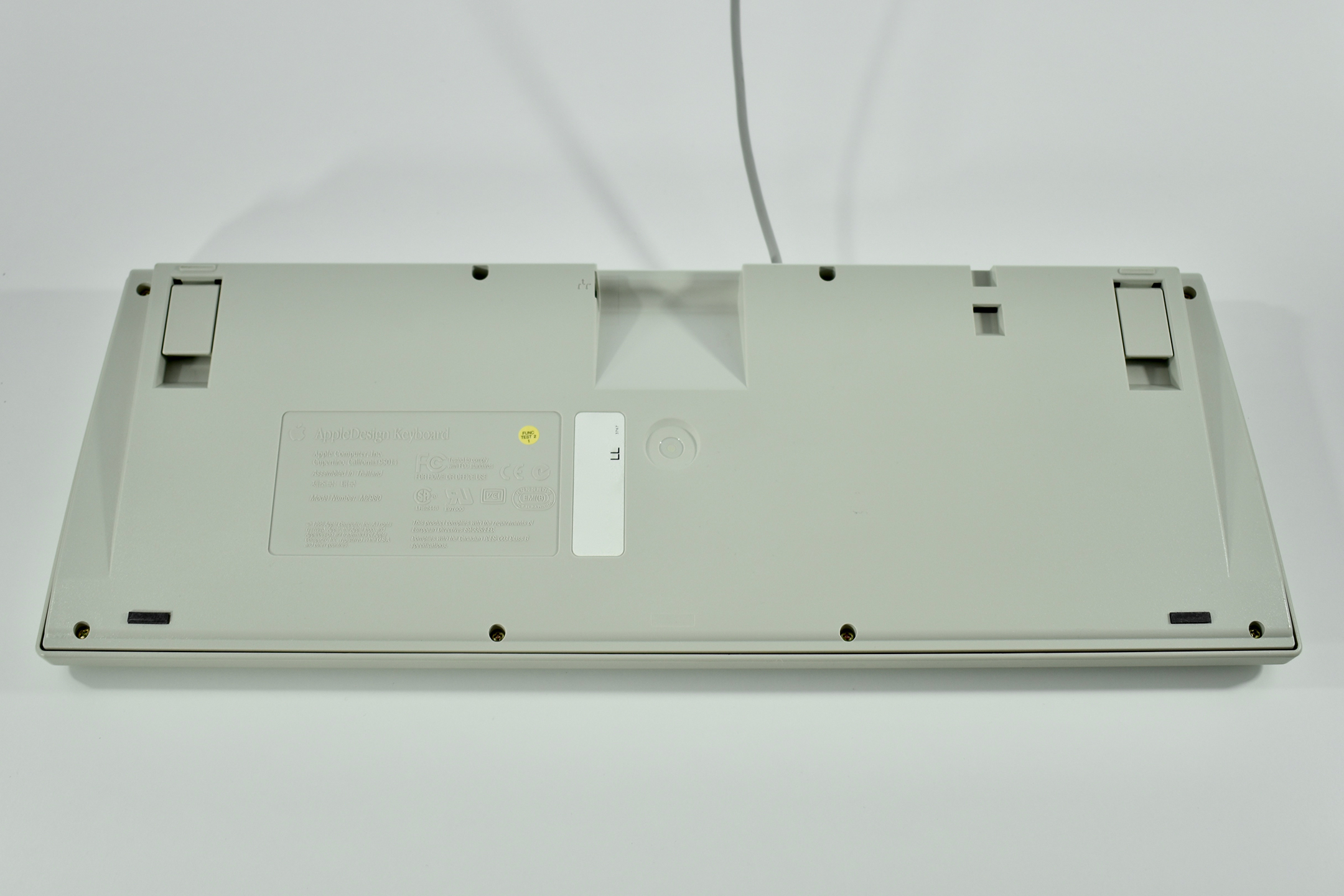
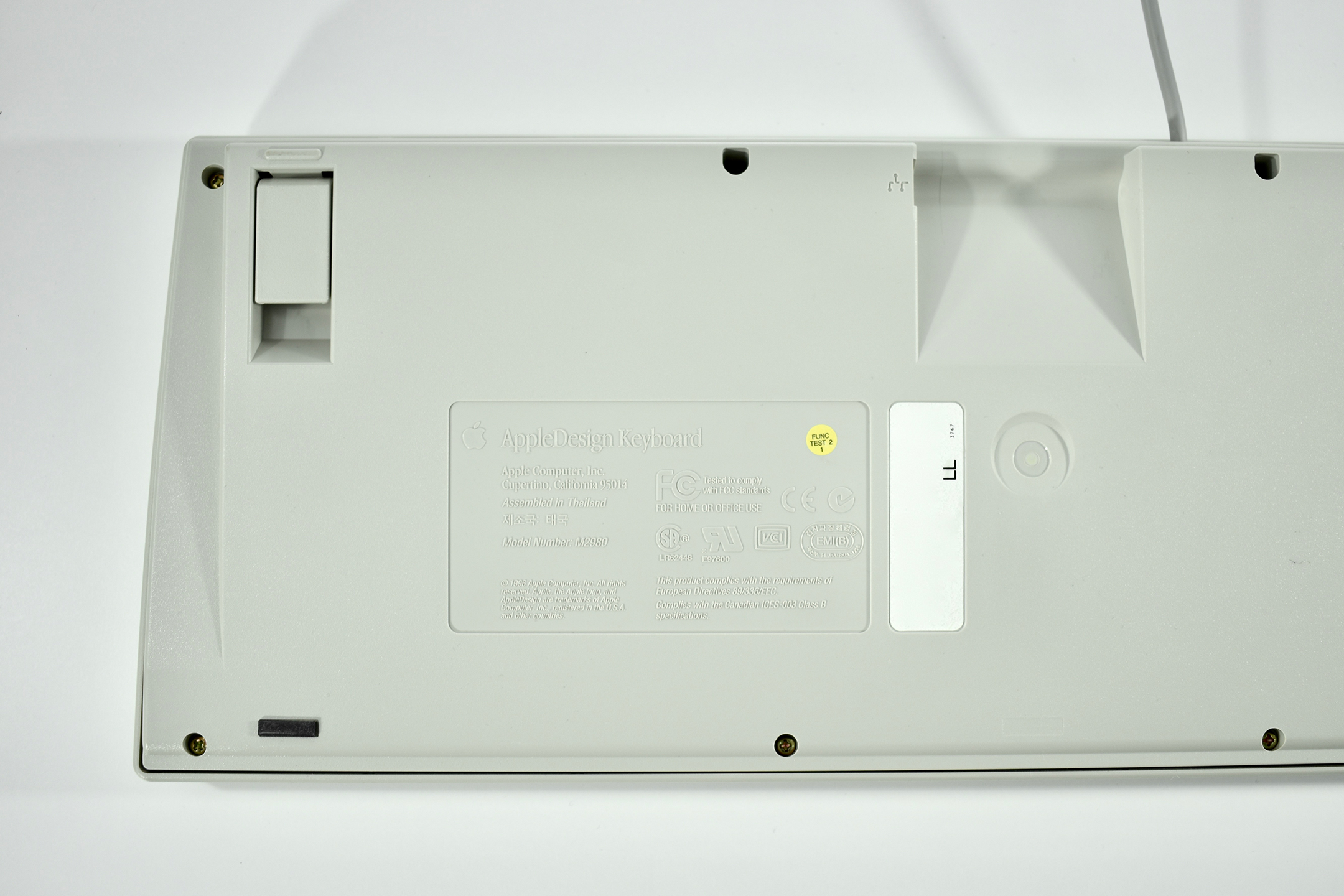
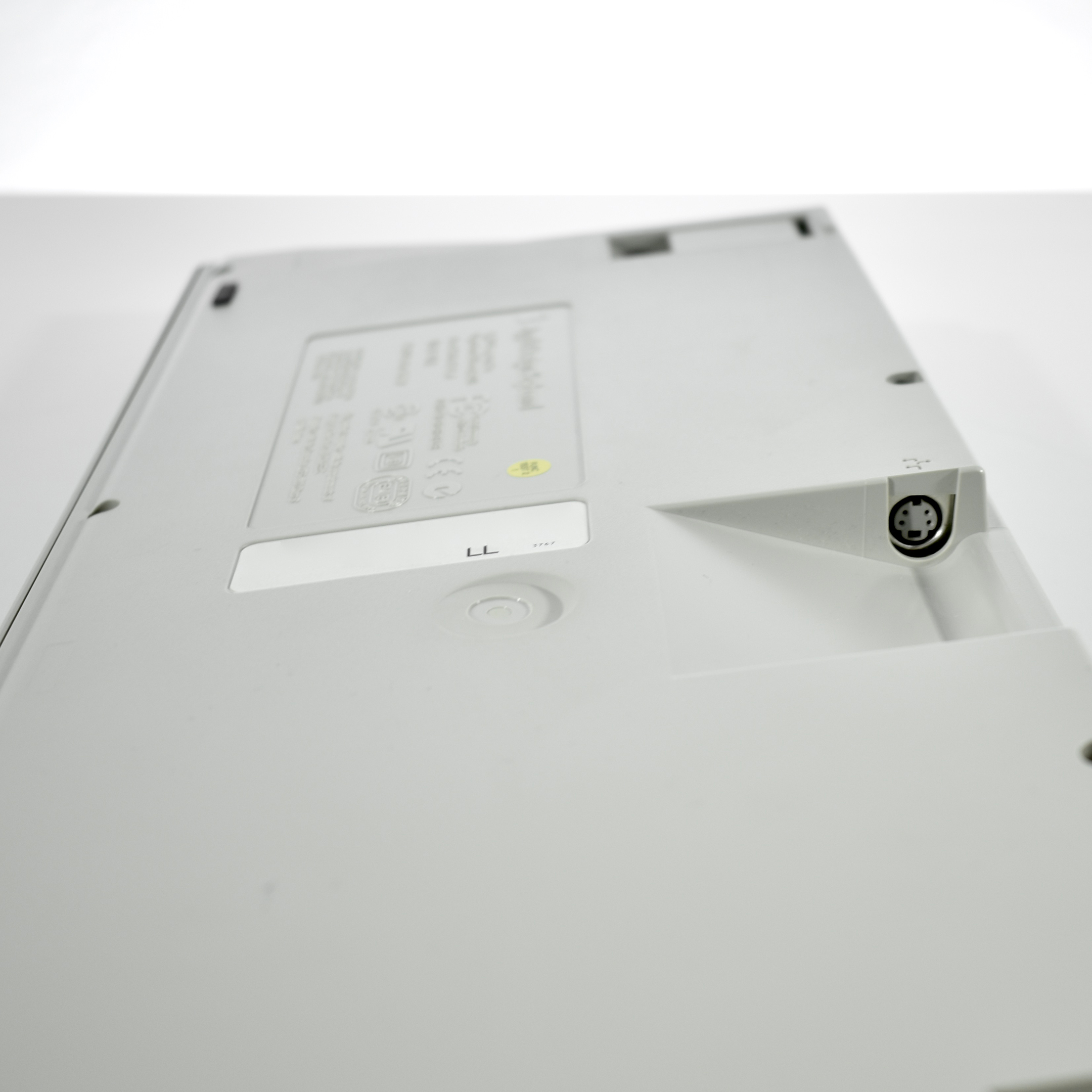
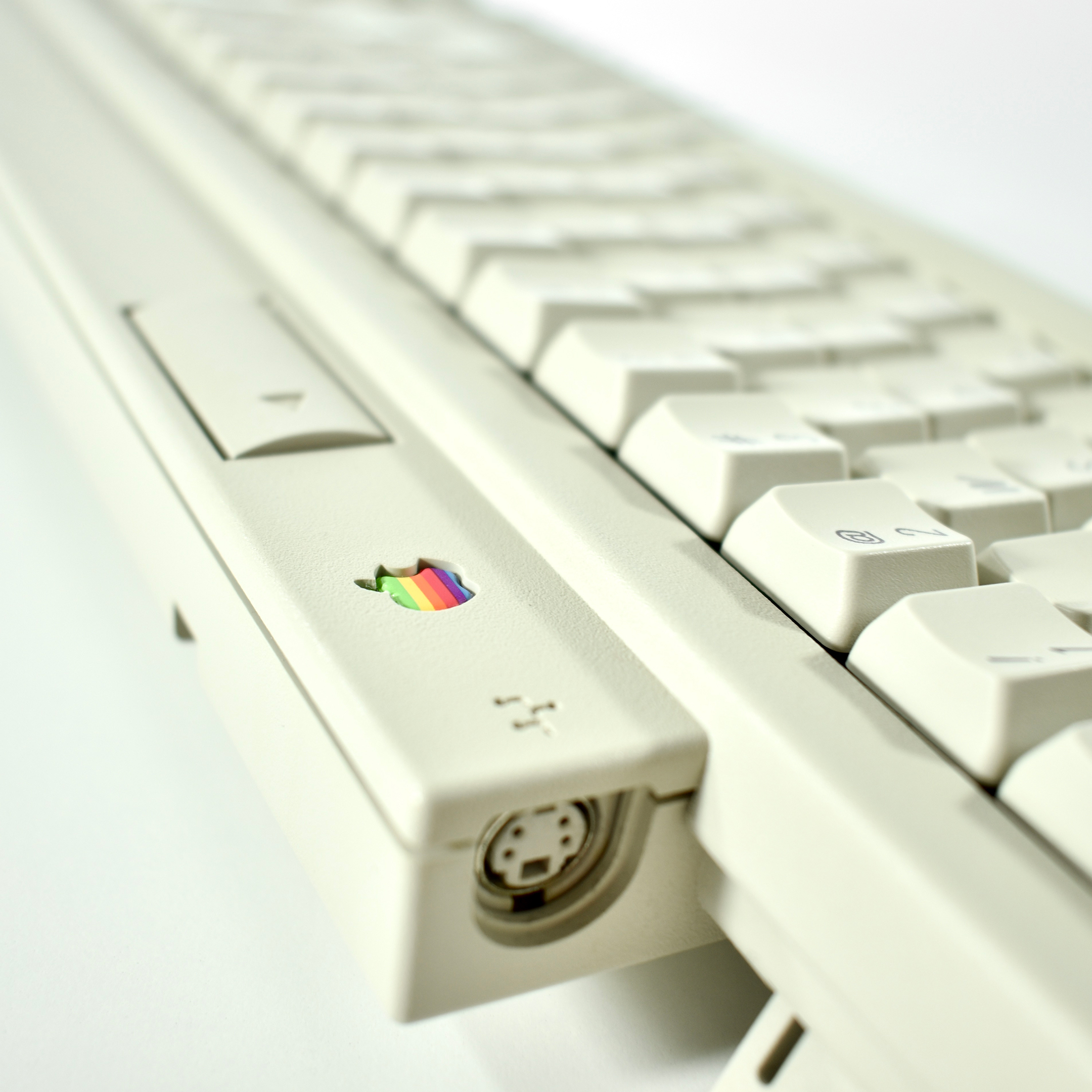
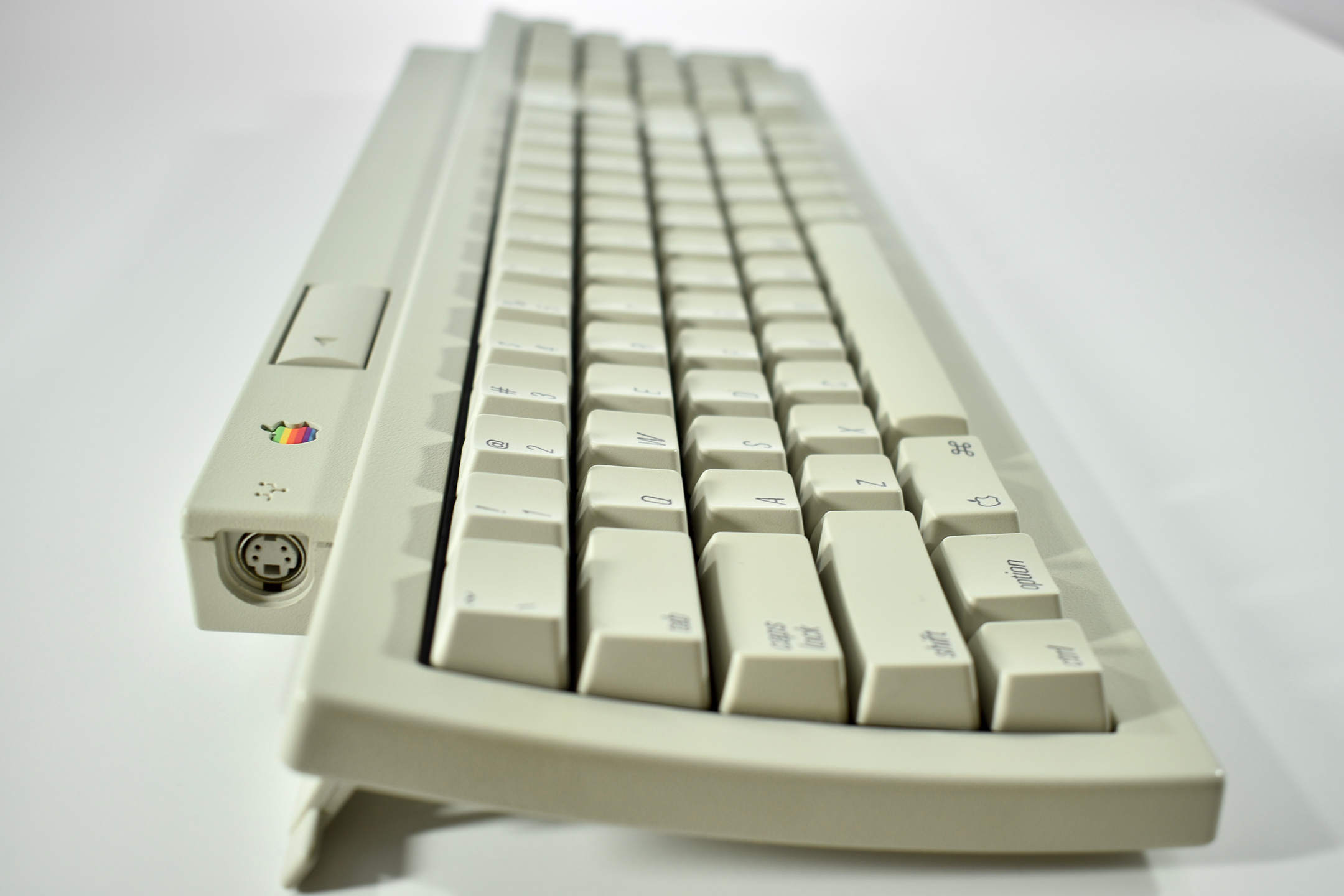
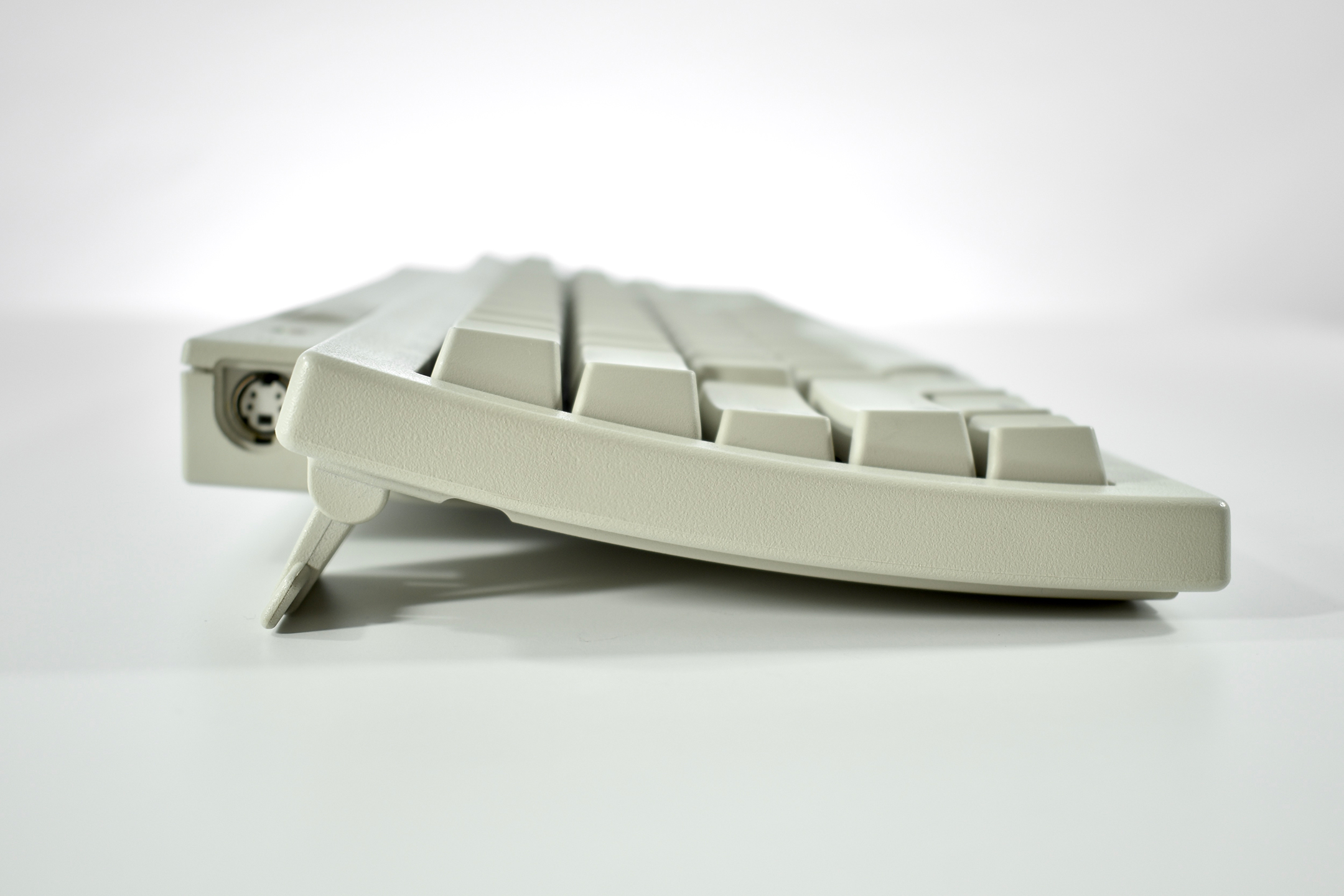
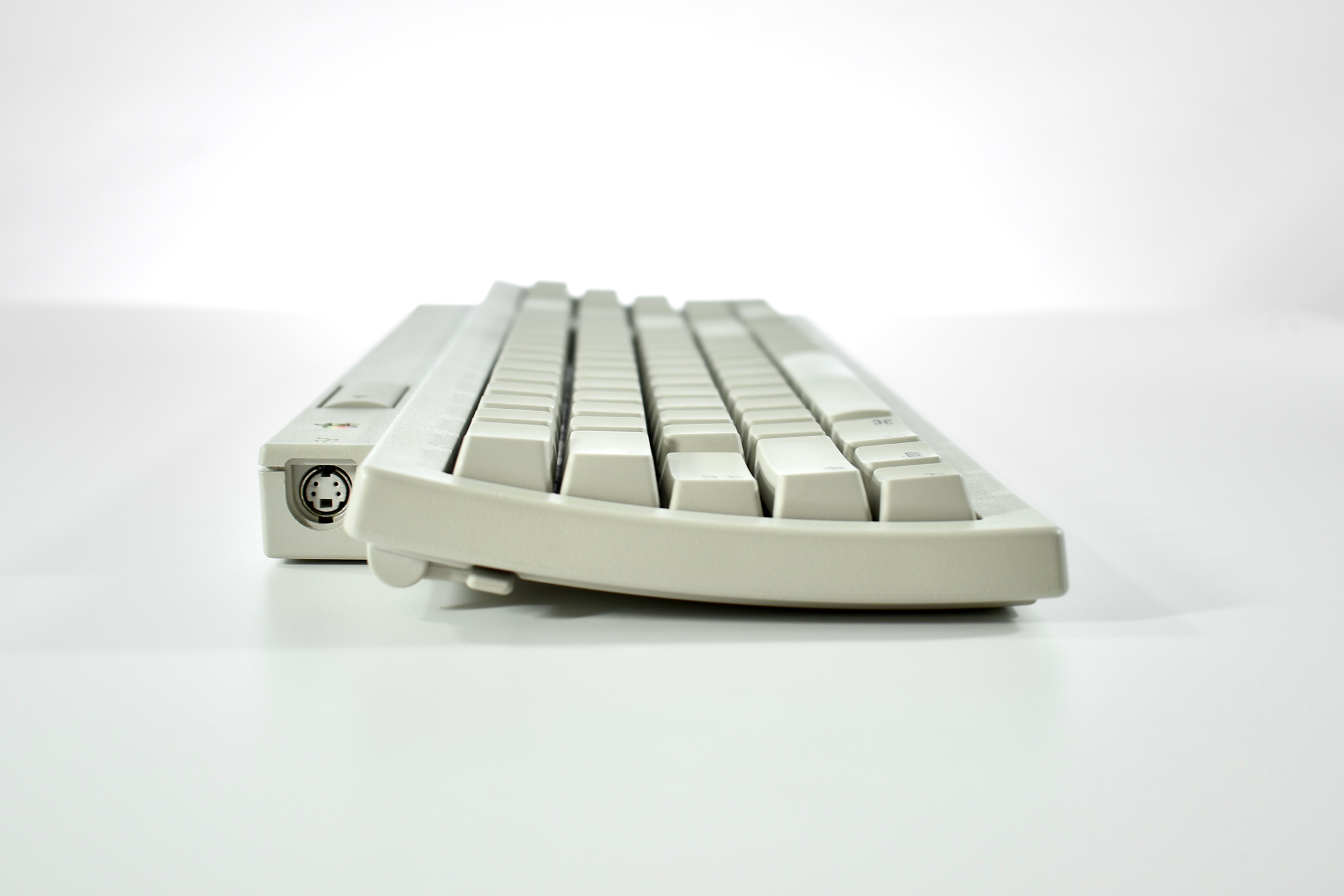
The AppleDesign Keyboard replaced the Apple Extended Keyboard II in 1994 and its design was meant to complement the design of Macintosh computers of the time. This keyboard included one additional ADB port (instead of two) that was somewhat hidden on the bottom of the keyboard. The ADB connector cable was permanently attached to the keyboard, while previous keyboard models used two ADB ports and shipped with an ADB cable that could be removed.

This keyboard was also released in black to match a black Performa 5420 (available in Europe), and a black Power Macintosh 5500 (available in Asia).

As of 2020 Apple has released approximately 20 external keyboard designs. In general, Apple Macintosh keyboards are different from standard keyboards because they include a Command key (⌘) for shortcuts; an Option key (⌥) for entering diacritical marks and special characters; and a Help or fn (function) key. Earlier Apple keyboards also included a power key (◁), while newer keyboards include eject (⏏).

Source: Wikipedia

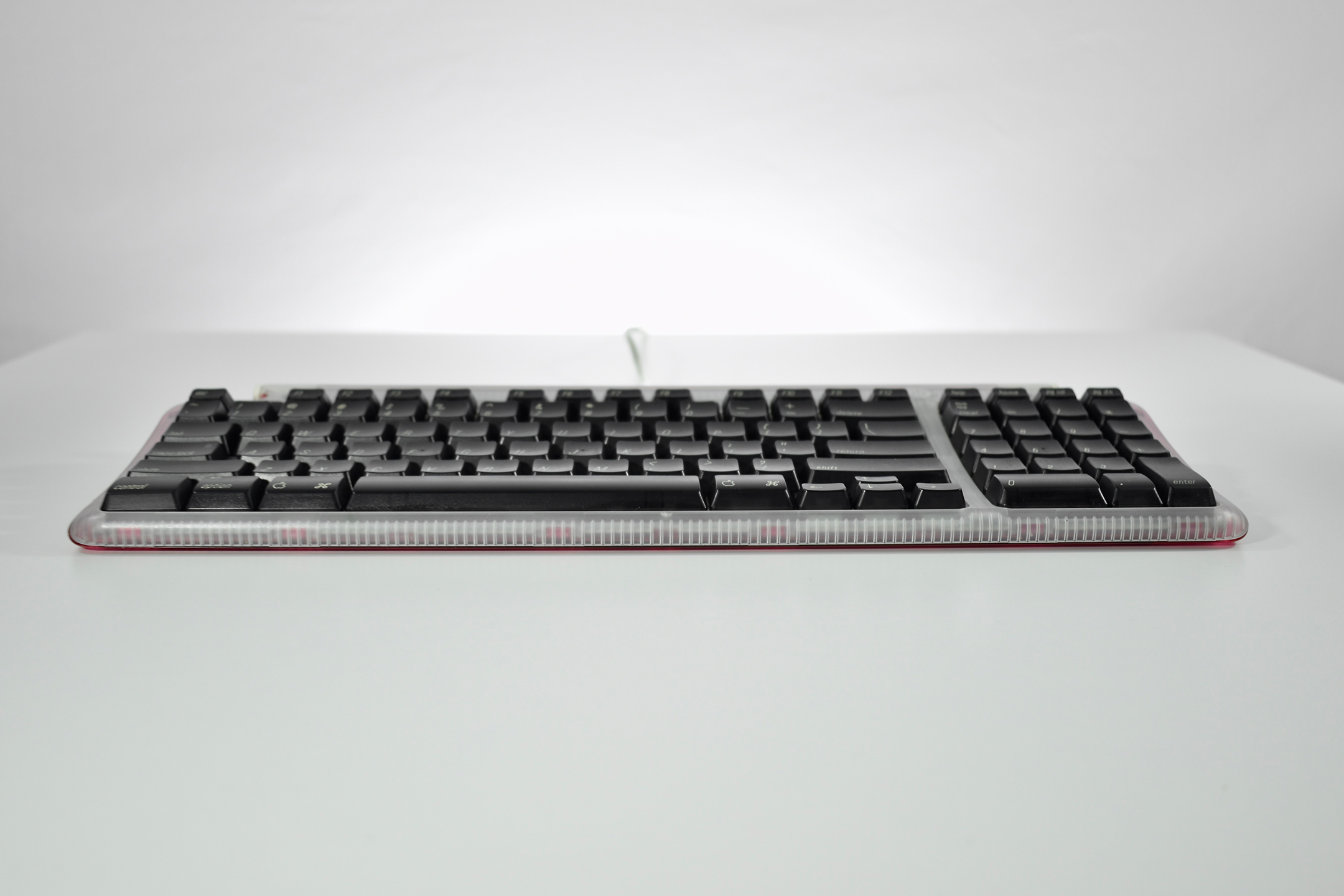
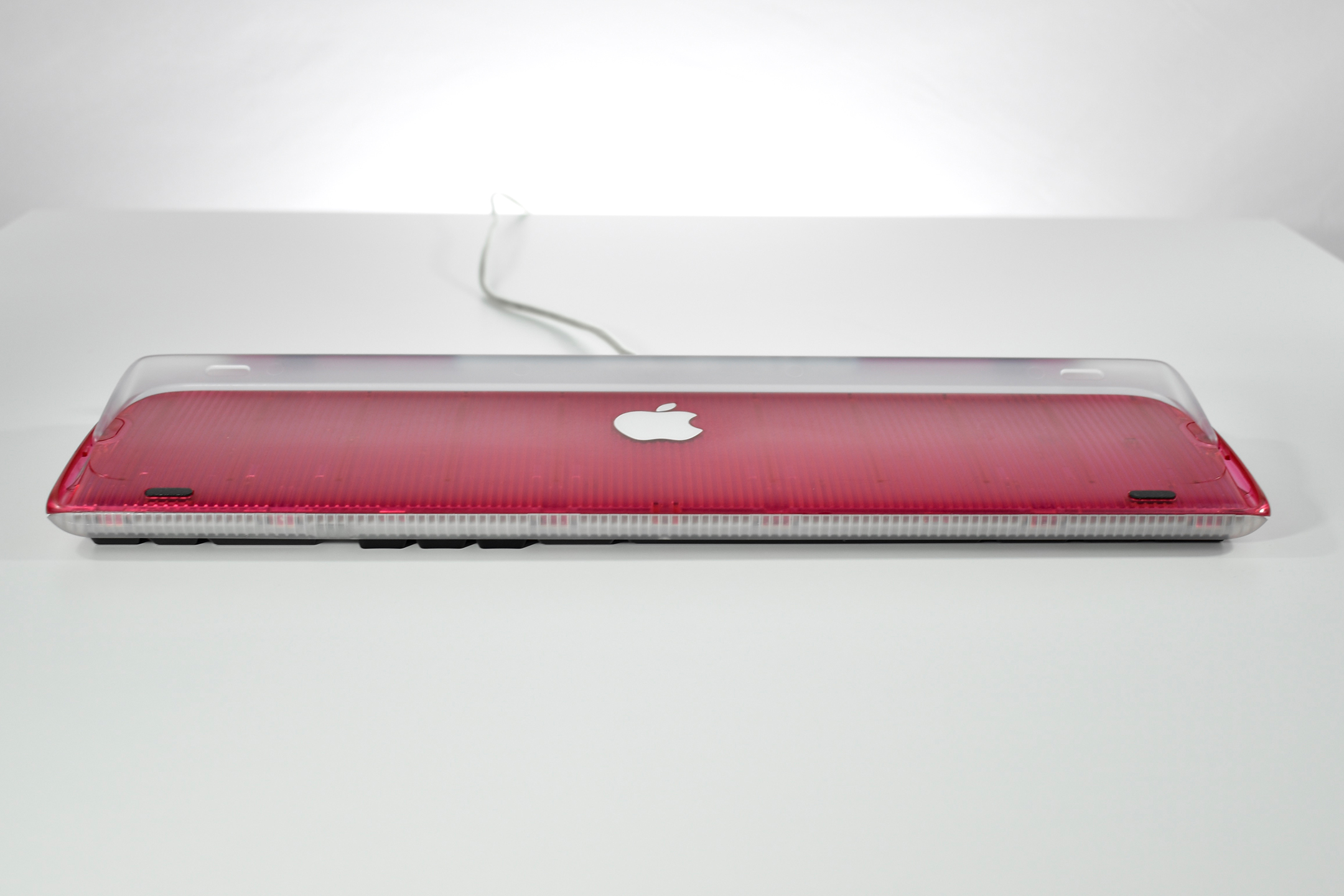
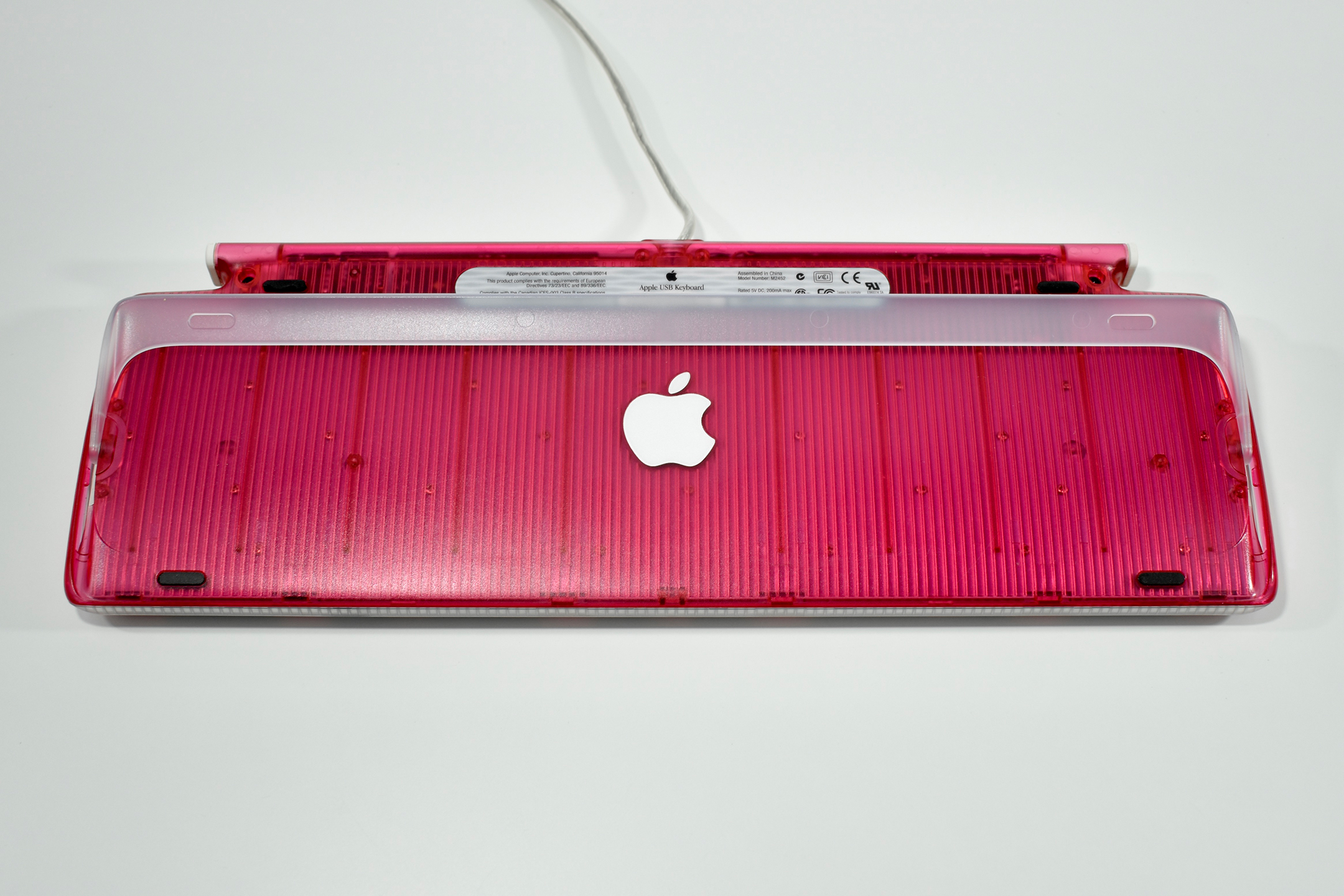
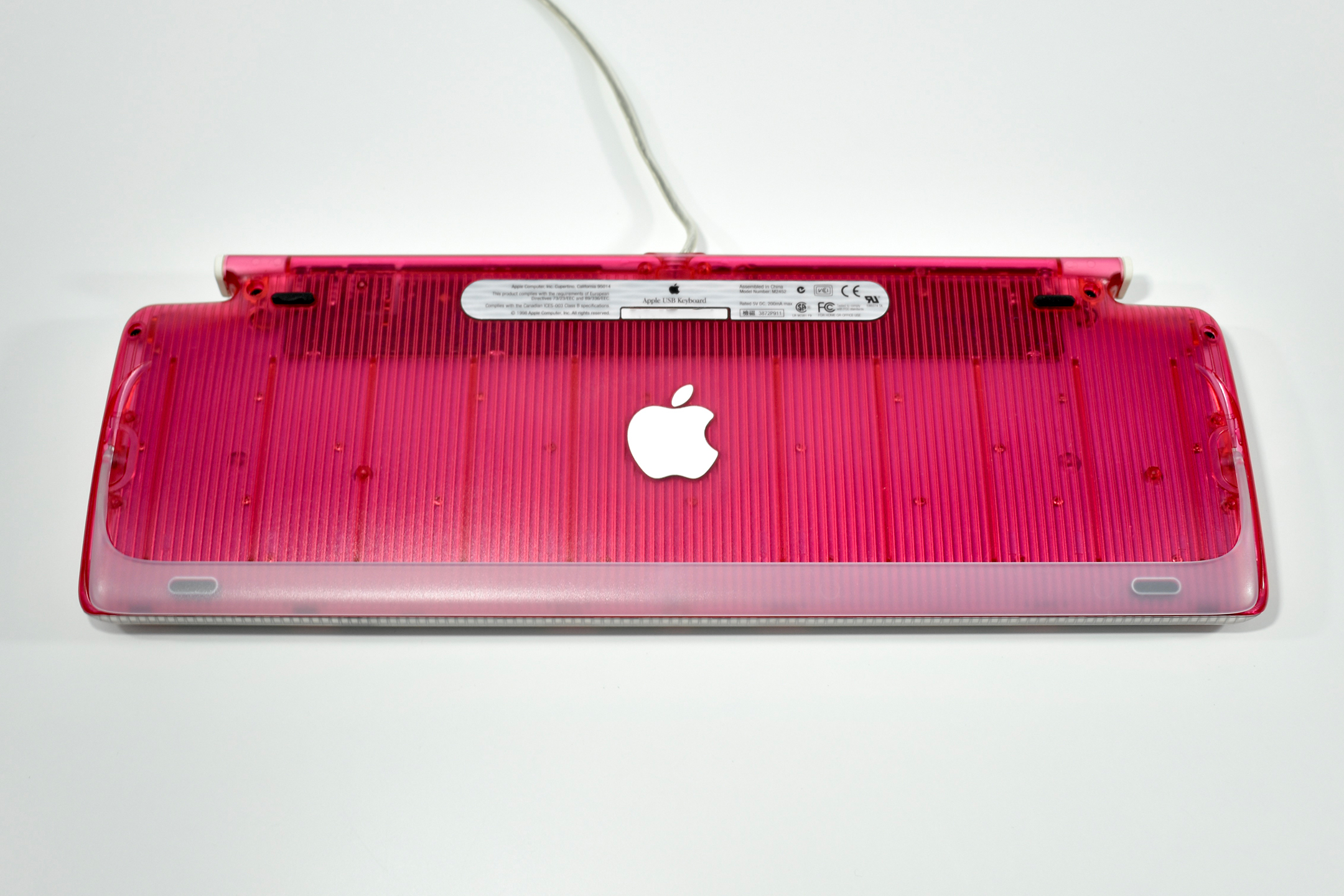
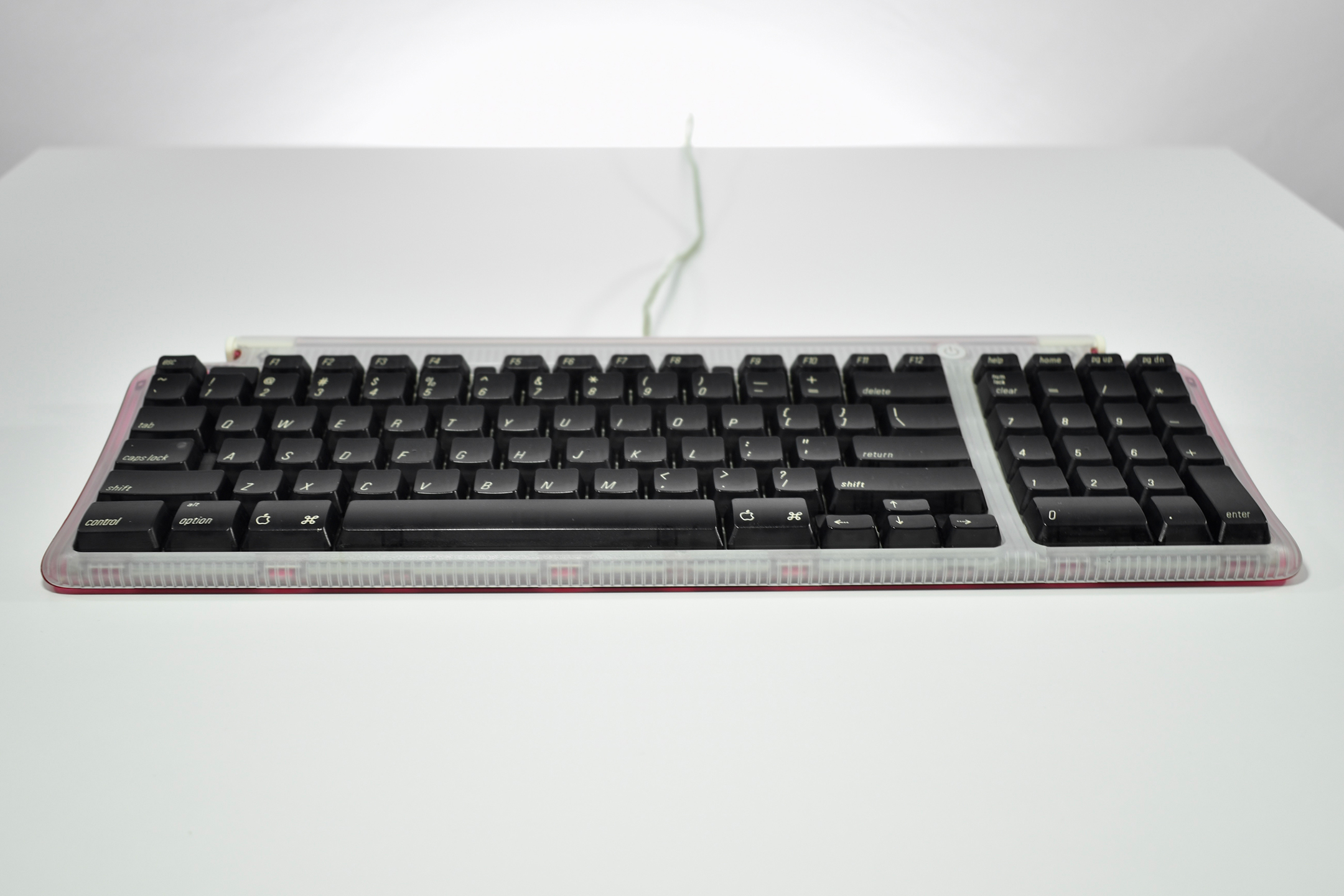
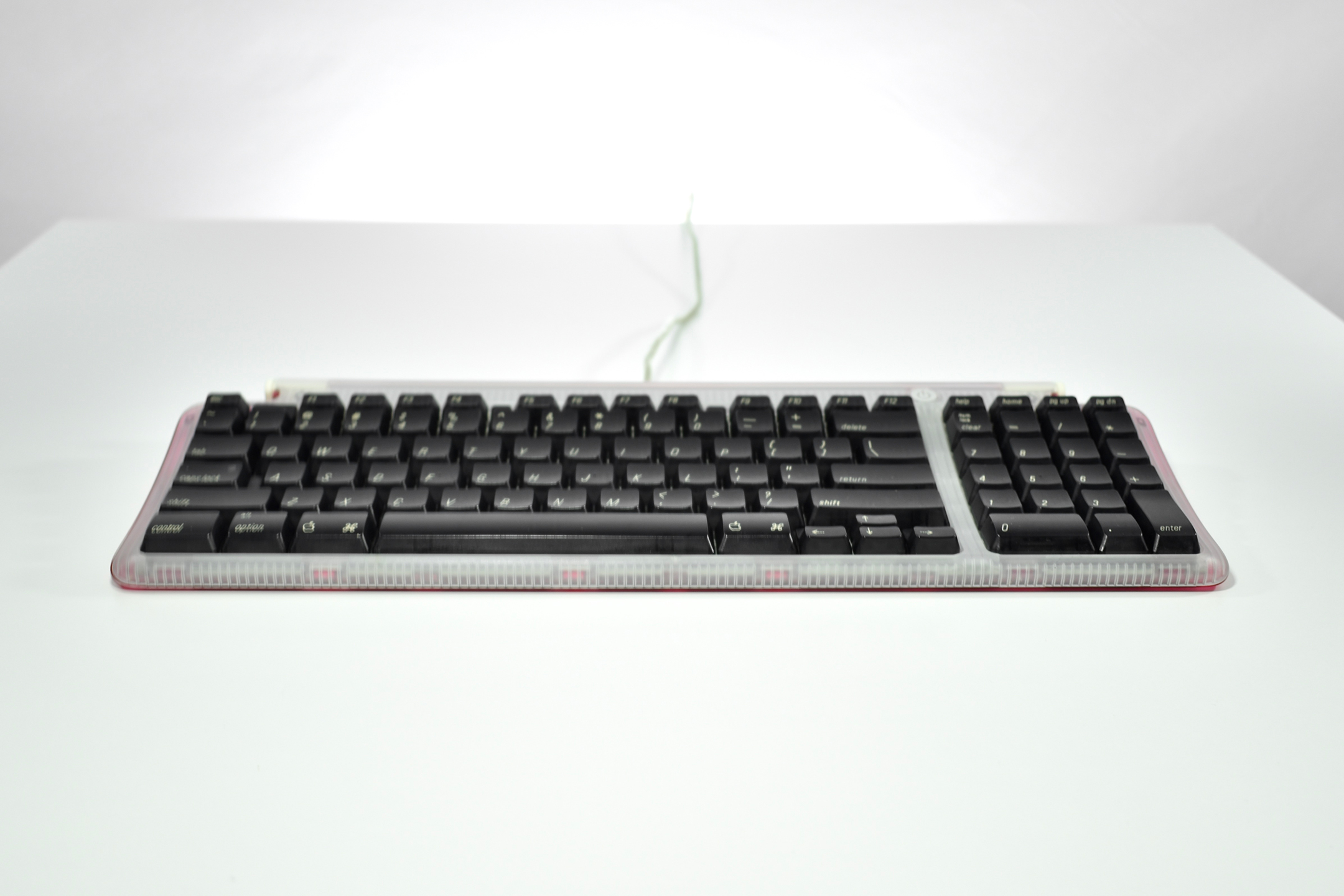
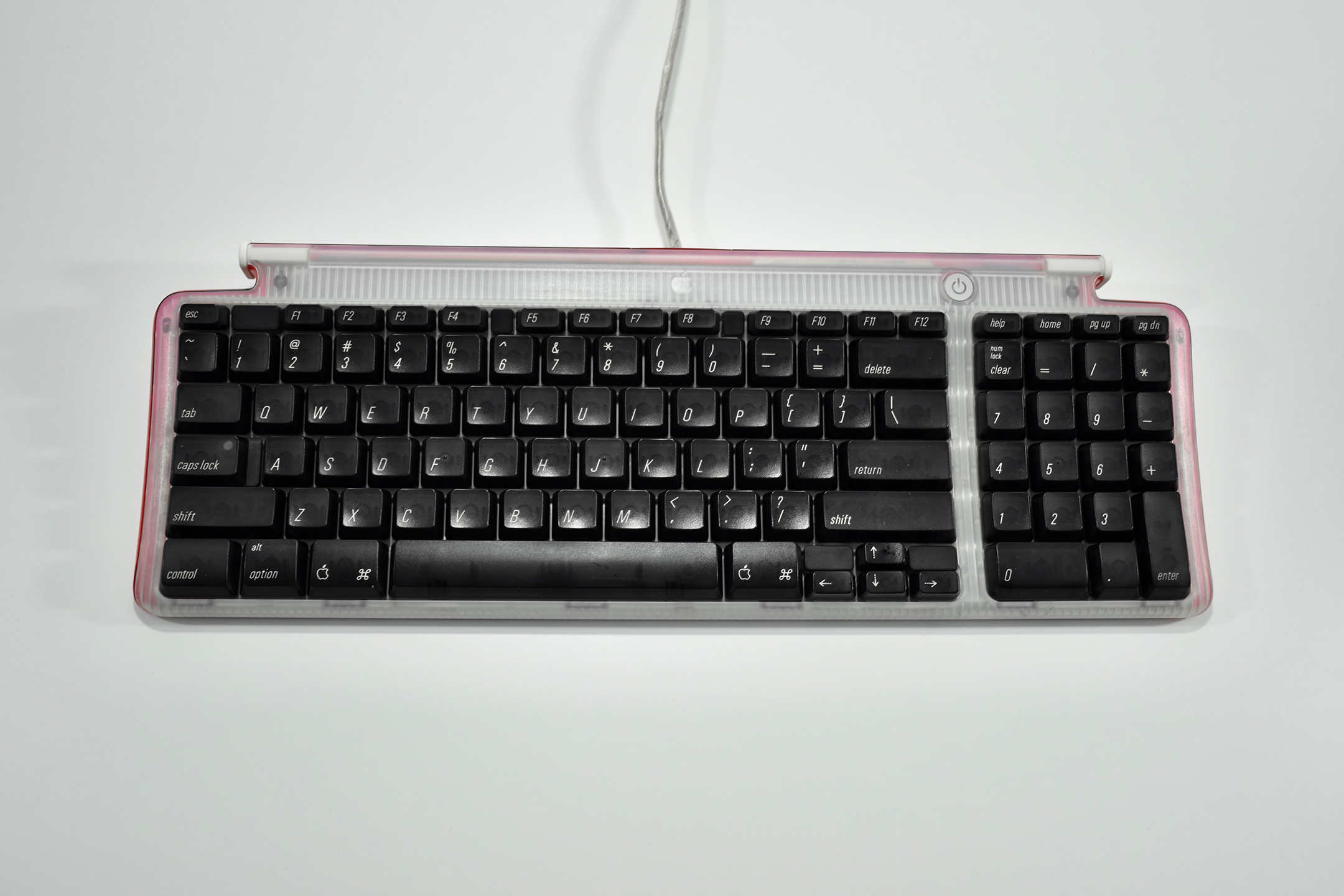
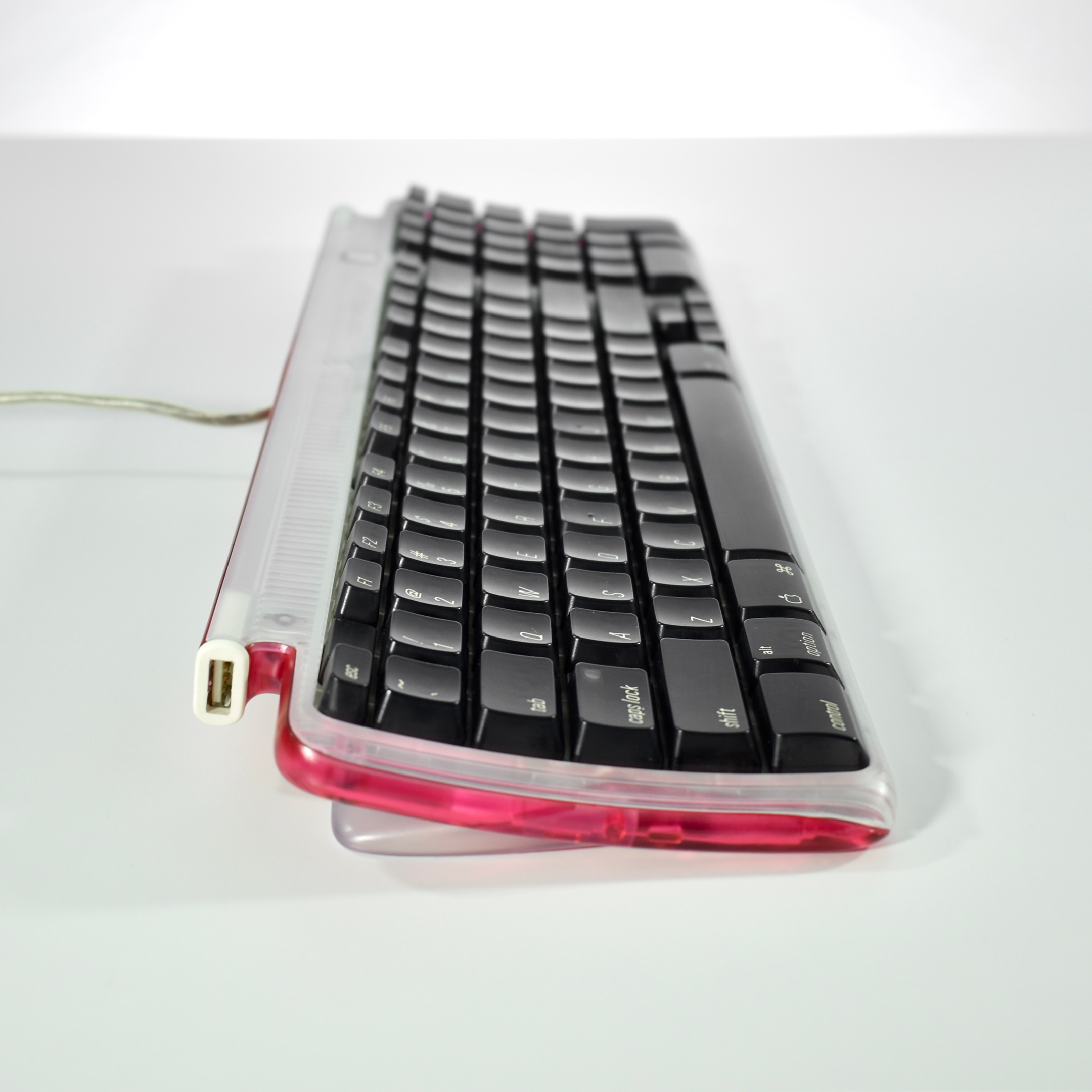
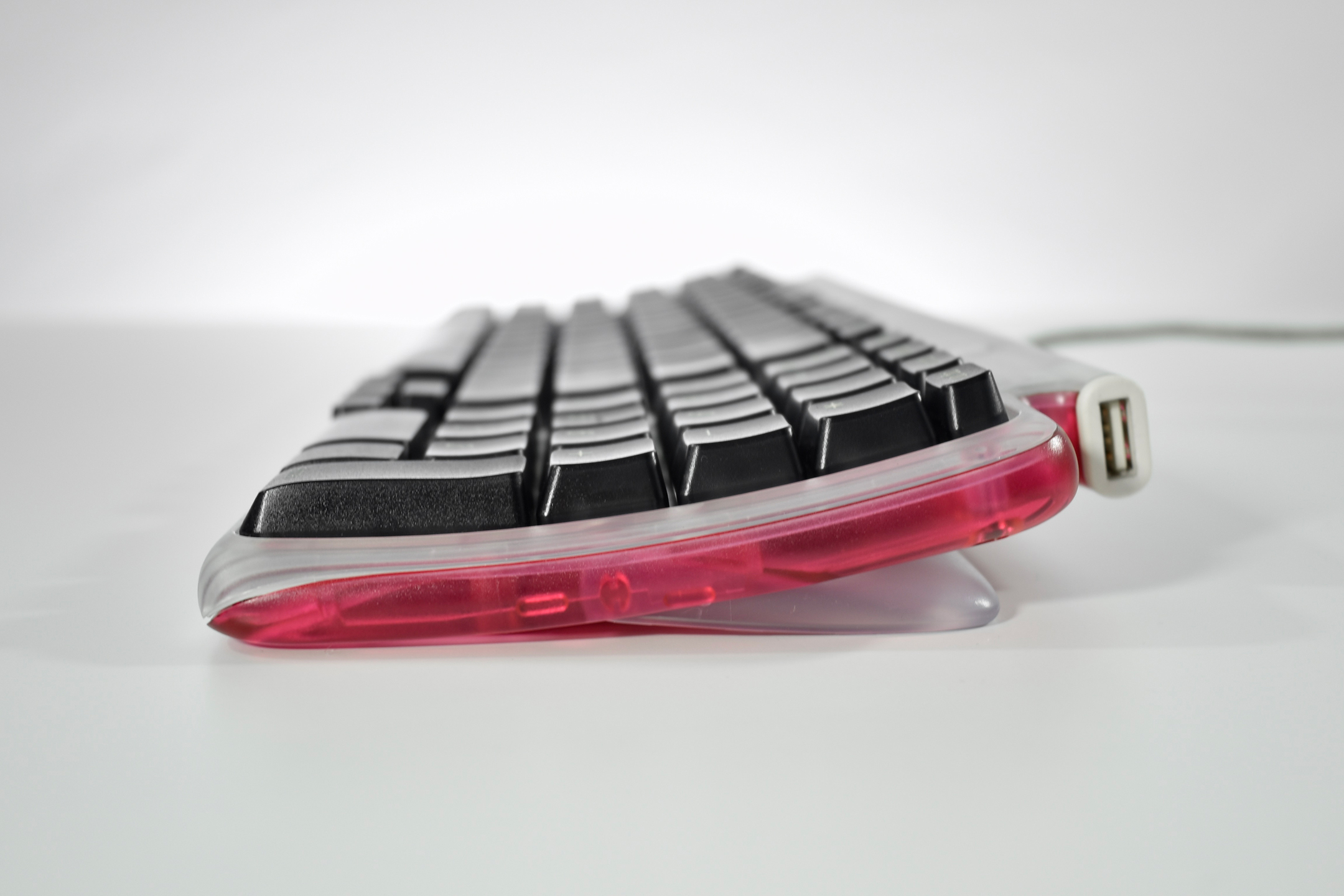
Apple USB Keyboard (strawberry, 1998)

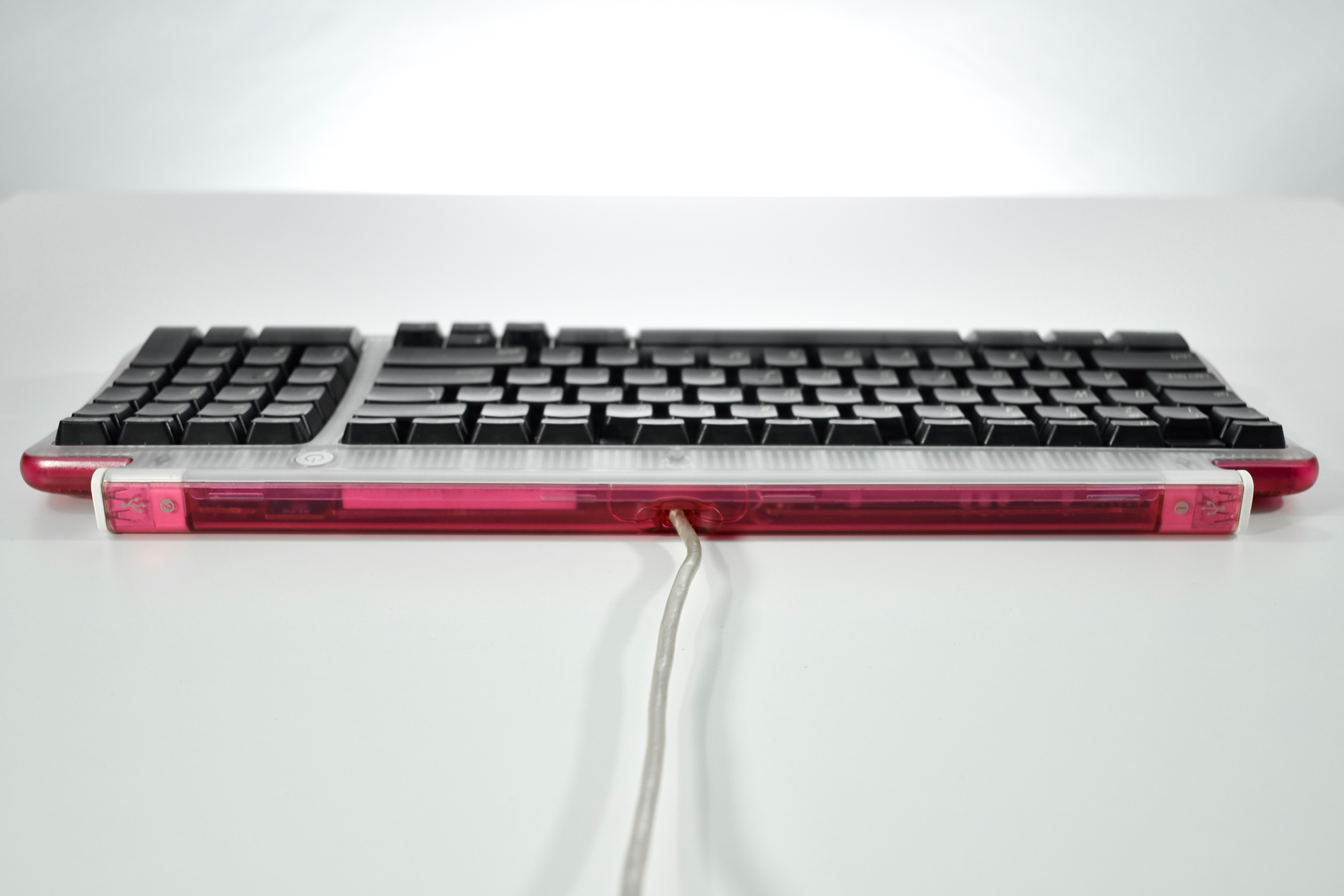
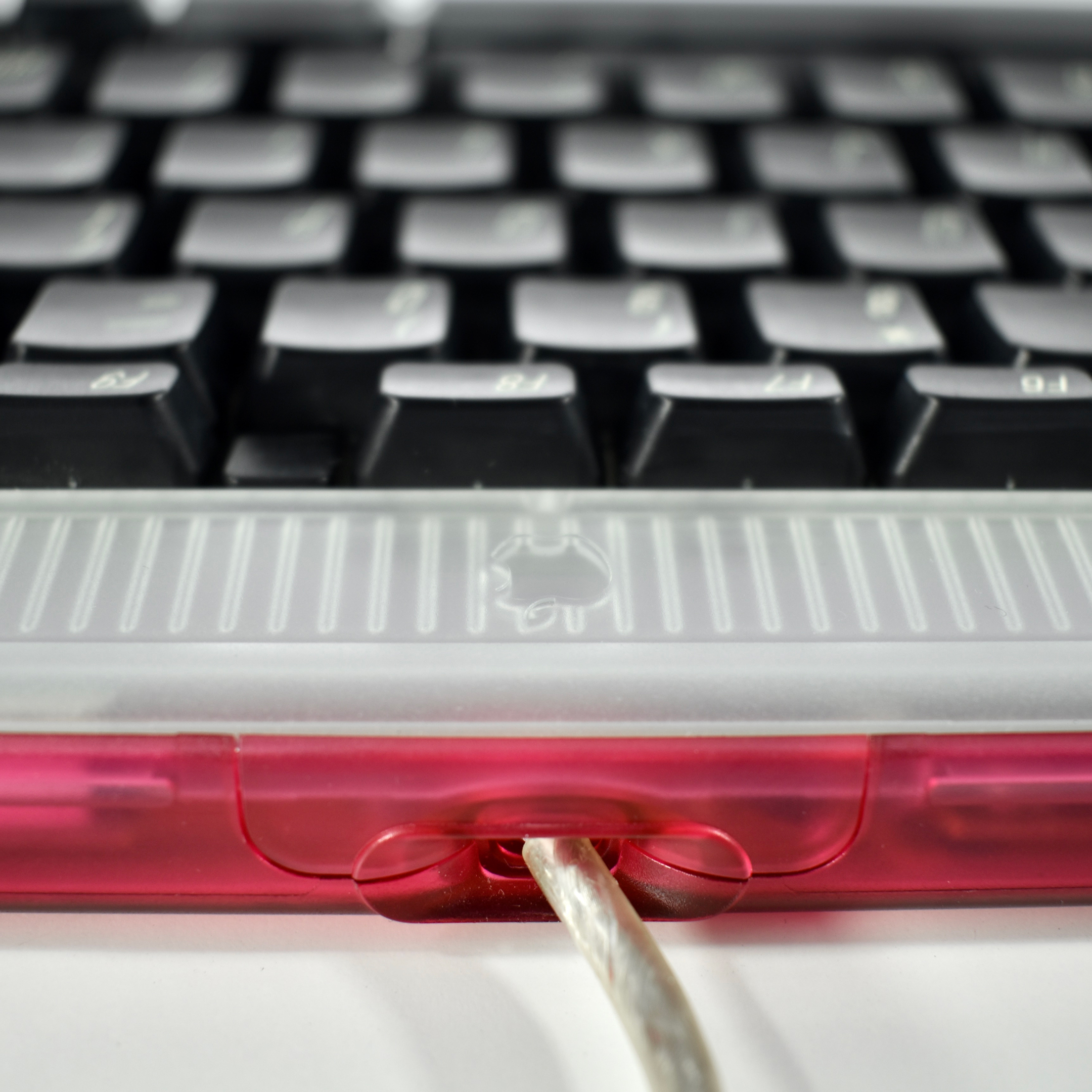
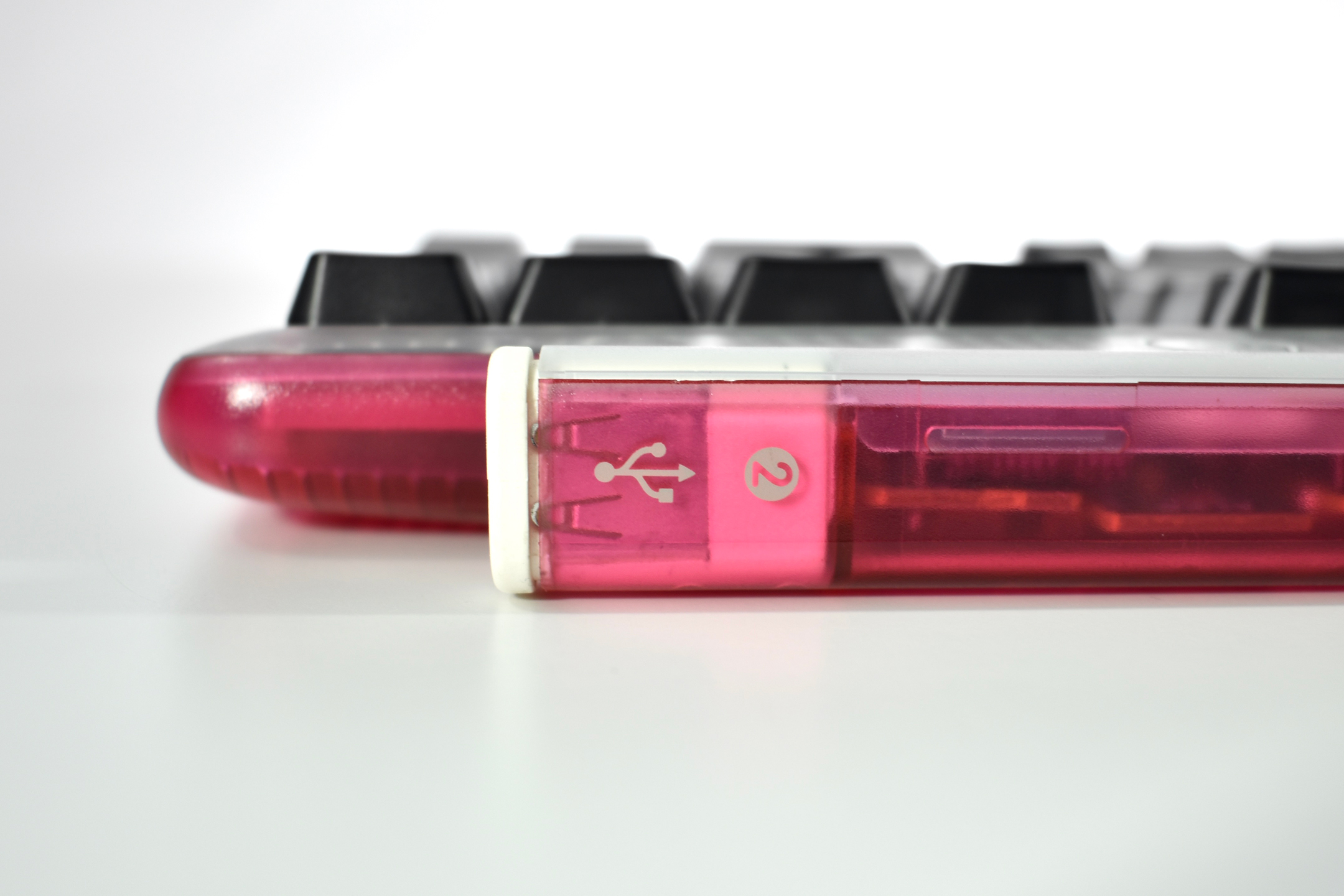
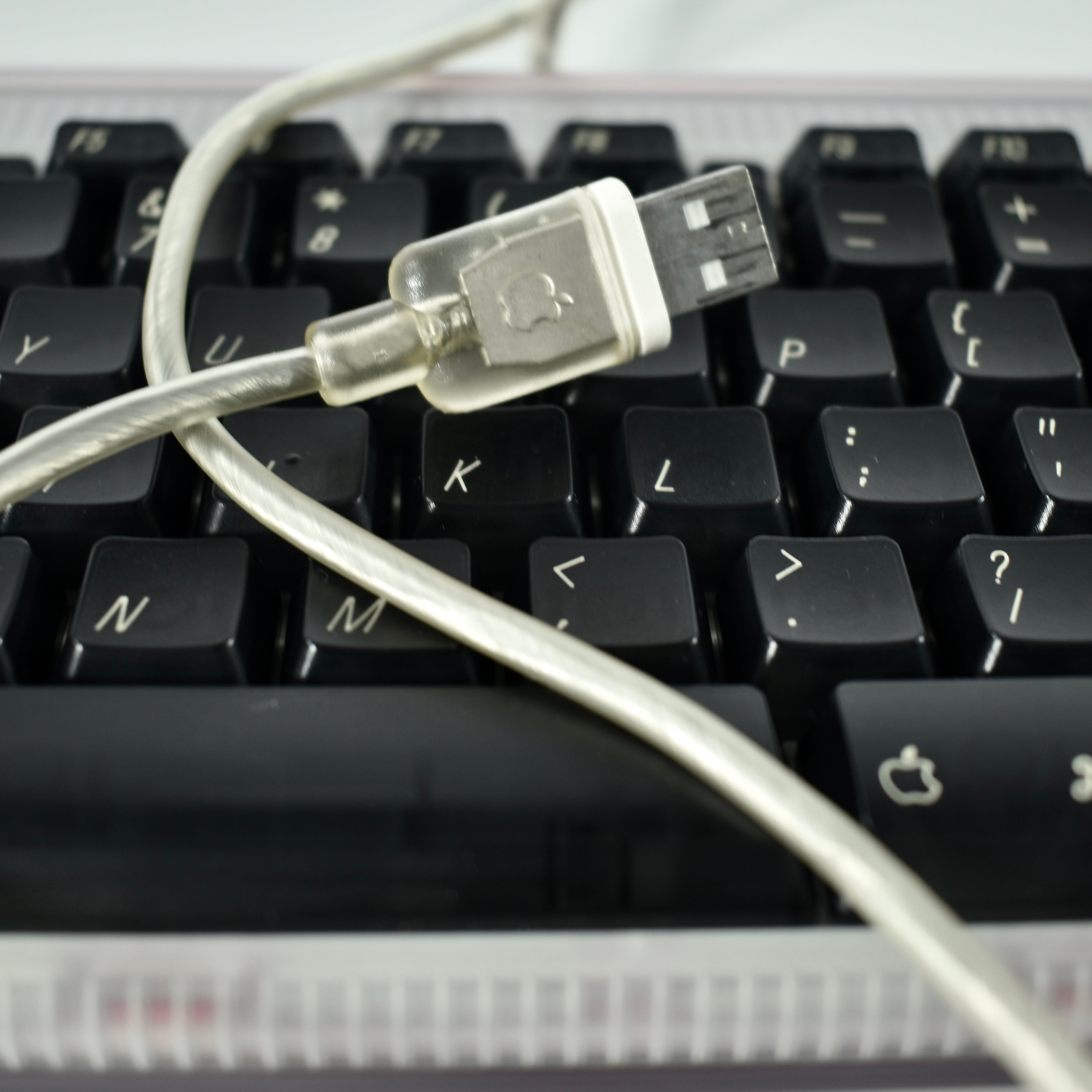
The Apple USB Keyboard design was the first Apple keyboard available in translucent plastic and was released with the original iMac in matching Bondi blue. As the name implies, it connected to the computer using USB and included two additional USB ports on the right and left rear of the keyboard. This keyboard removed the “extended” keys, but retained the right-side numeric keypad. The Apple USB Keyboard includes a single support leg spanning the entire width of the keyboard to slightly elevate the back of the keyboard. This was the last Apple keyboard design to include a power button.

This example is strawberry (dark pink) and was shipped with a strawberry iMac. In addition to strawberry, this keyboard was also available in Bondi blue, graphite, tangerine, lime, blueberry, and grape.

As of 2020 Apple has released approximately 20 external keyboard designs. In general, Apple Macintosh keyboards are different from standard keyboards because they include a Command key (⌘) for shortcuts; an Option key (⌥) for entering diacritical marks and special characters; and a Help or fn (function) key. Earlier Apple keyboards also included a power key (◁), while newer keyboards include eject (⏏).

Source: Wikipedia

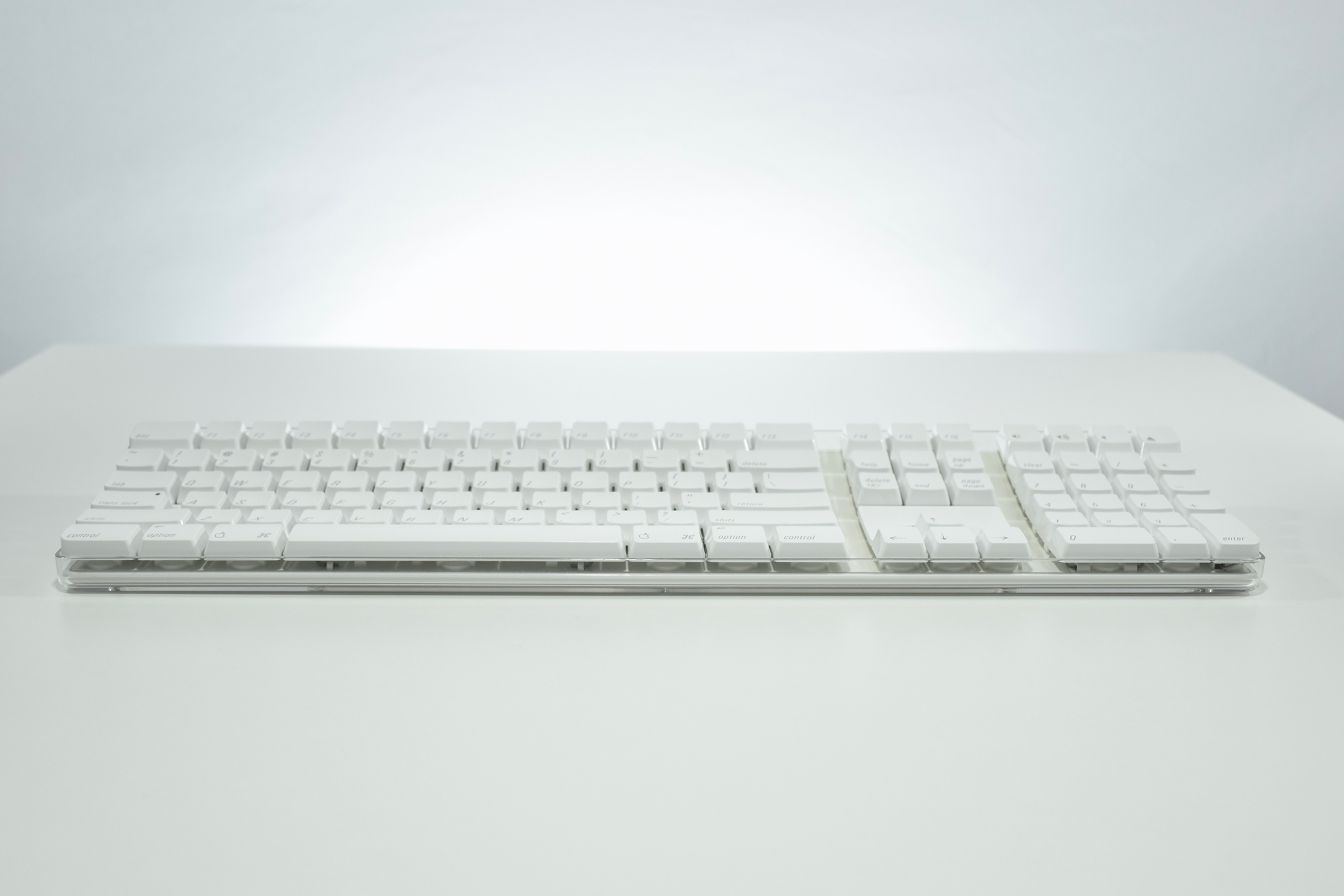
Apple Wireless Keyboard (2003)

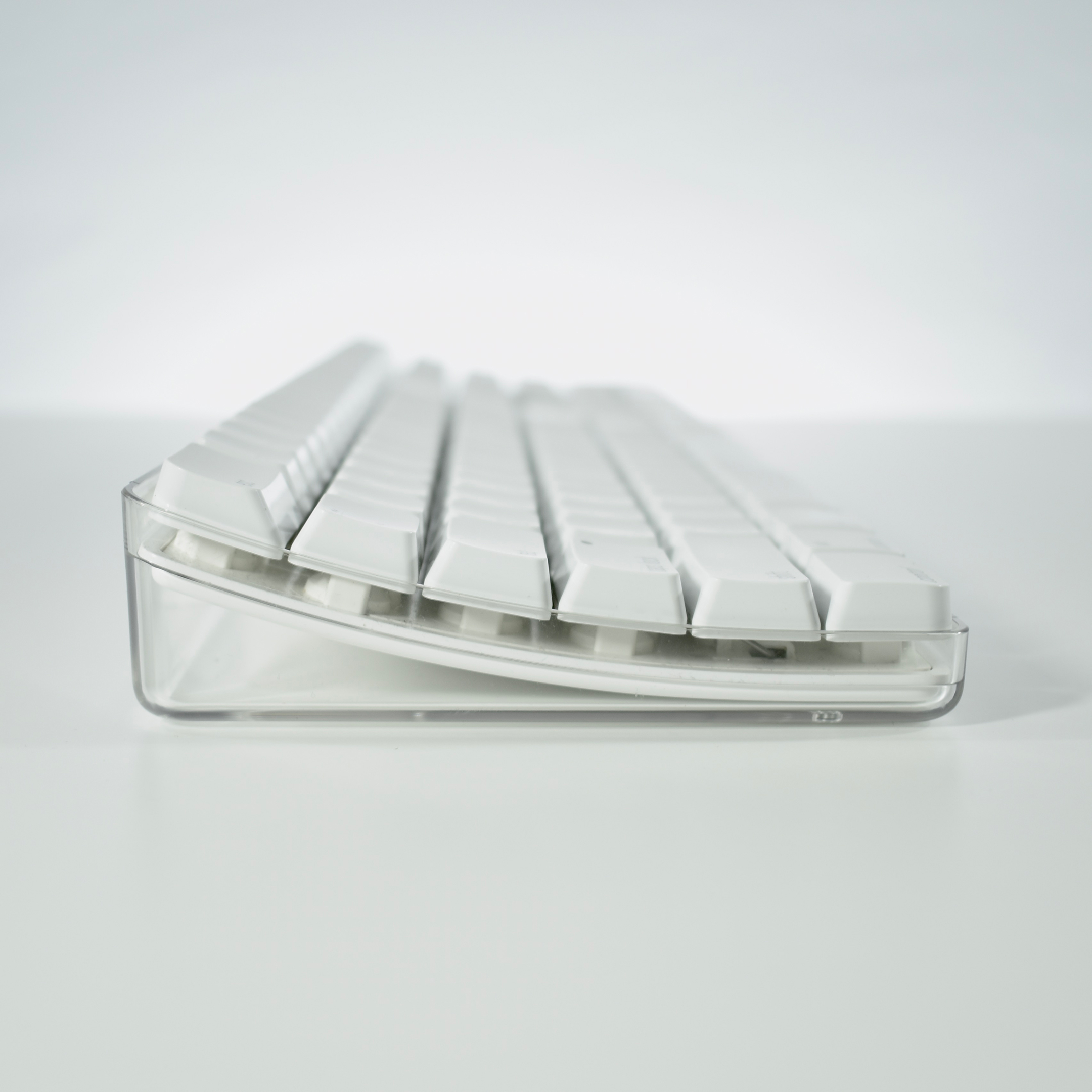
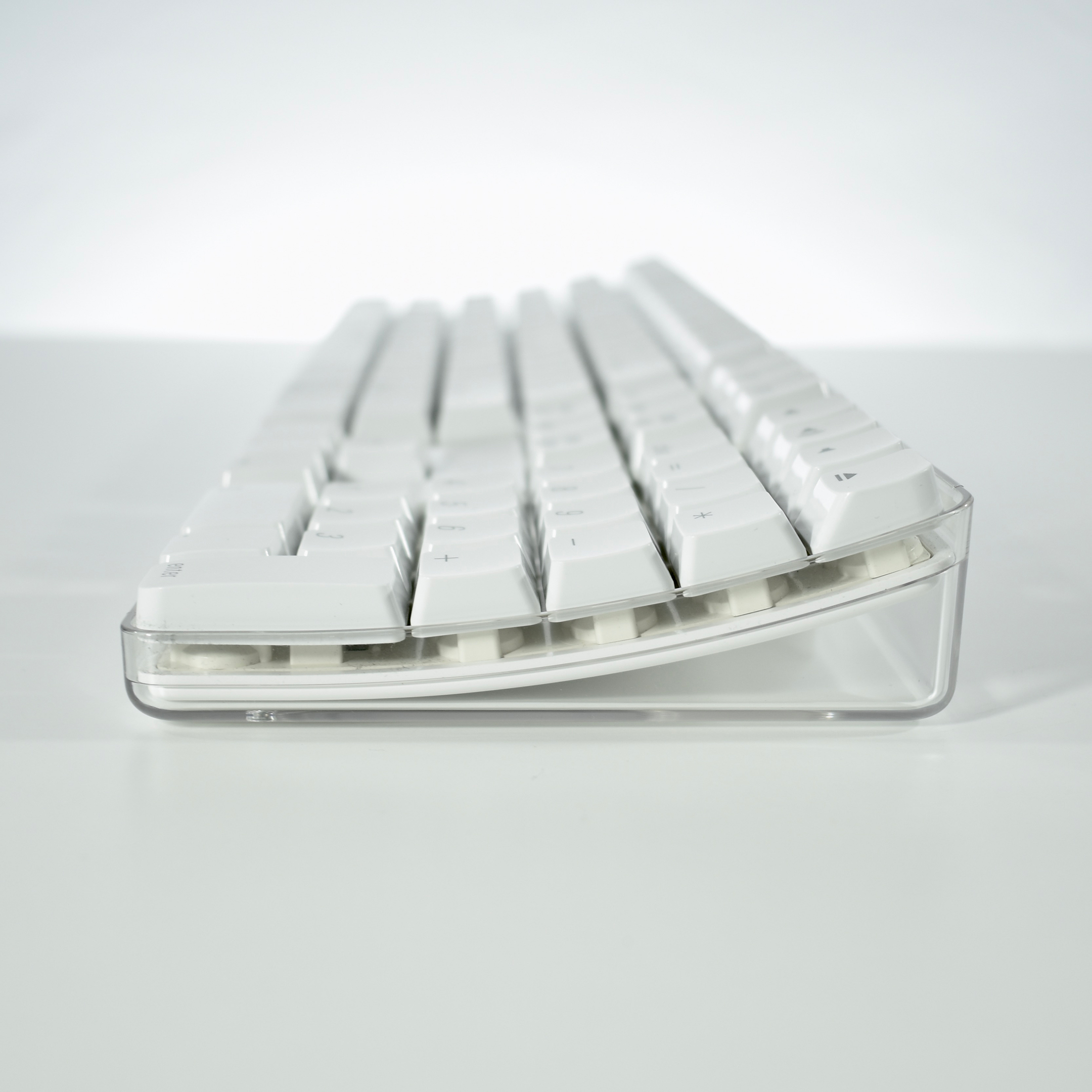
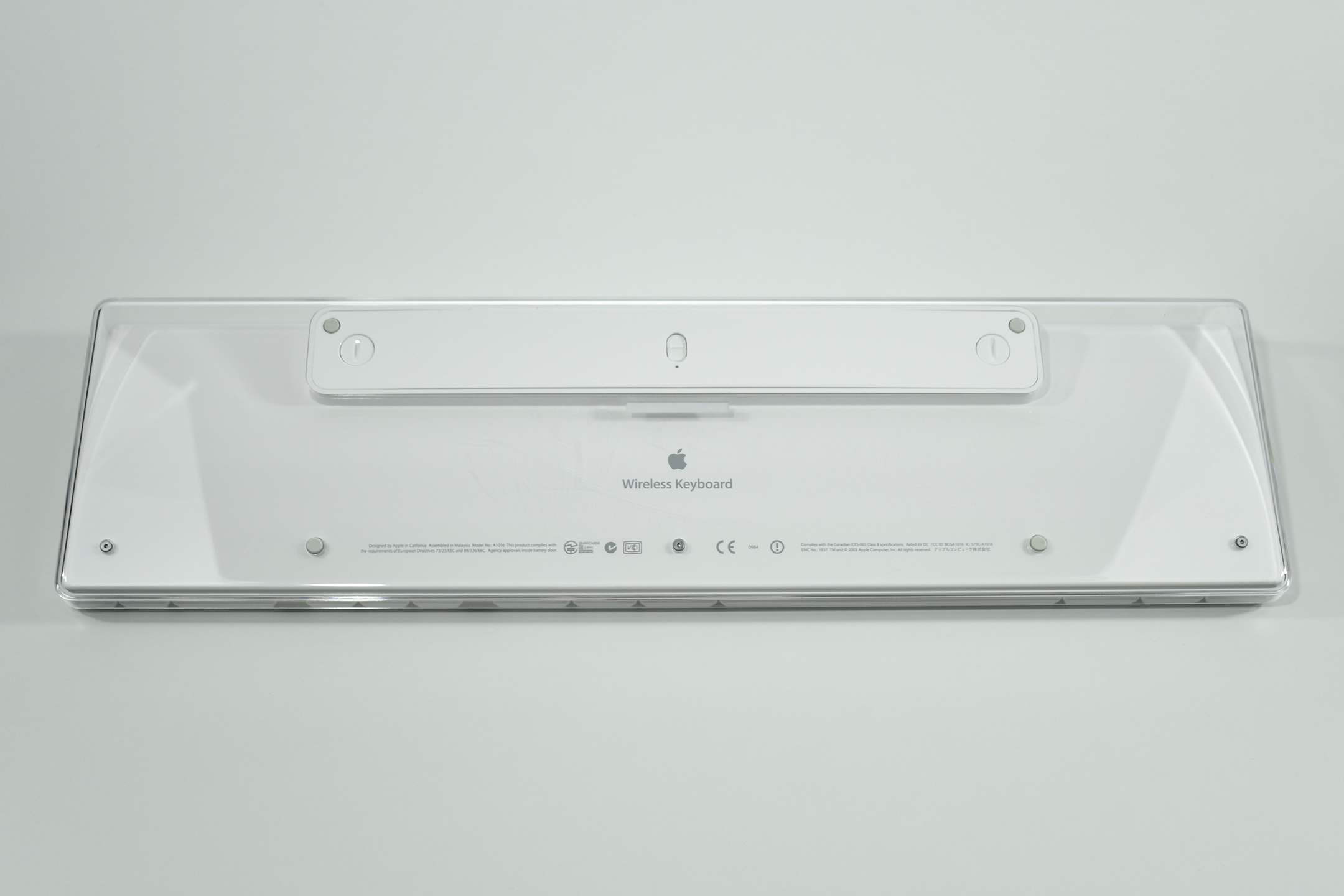
This Apple Wireless Keyboard was Apple’s first wireless keyboard and used Bluetooth connectivity. Its design closely resembled the Apple Keyboard released four months earlier—white plastic keys in a clear shell. However, the Apple Wireless Keyboard lacked USB ports in the rear. The Apple Wireless Keyboard was powered by 4 AA batteries. Unlike later wireless keyboards, this one is not compatible with iPad.

As of 2020, this wireless keyboard is the first of three wireless keyboard designs offered by Apple and is among approximately 20 external keyboard designs. In general, Apple Macintosh keyboards are different from standard keyboards because they include a Command key (⌘) for shortcuts; an Option key (⌥) for entering diacritical marks and special characters; and a Help or fn (function) key. Earlier Apple keyboards also included a power key (◁), while newer keyboards include eject (⏏).

Source: Wikipedia (Apple Keyboard, Apple Wireless Keyboard)

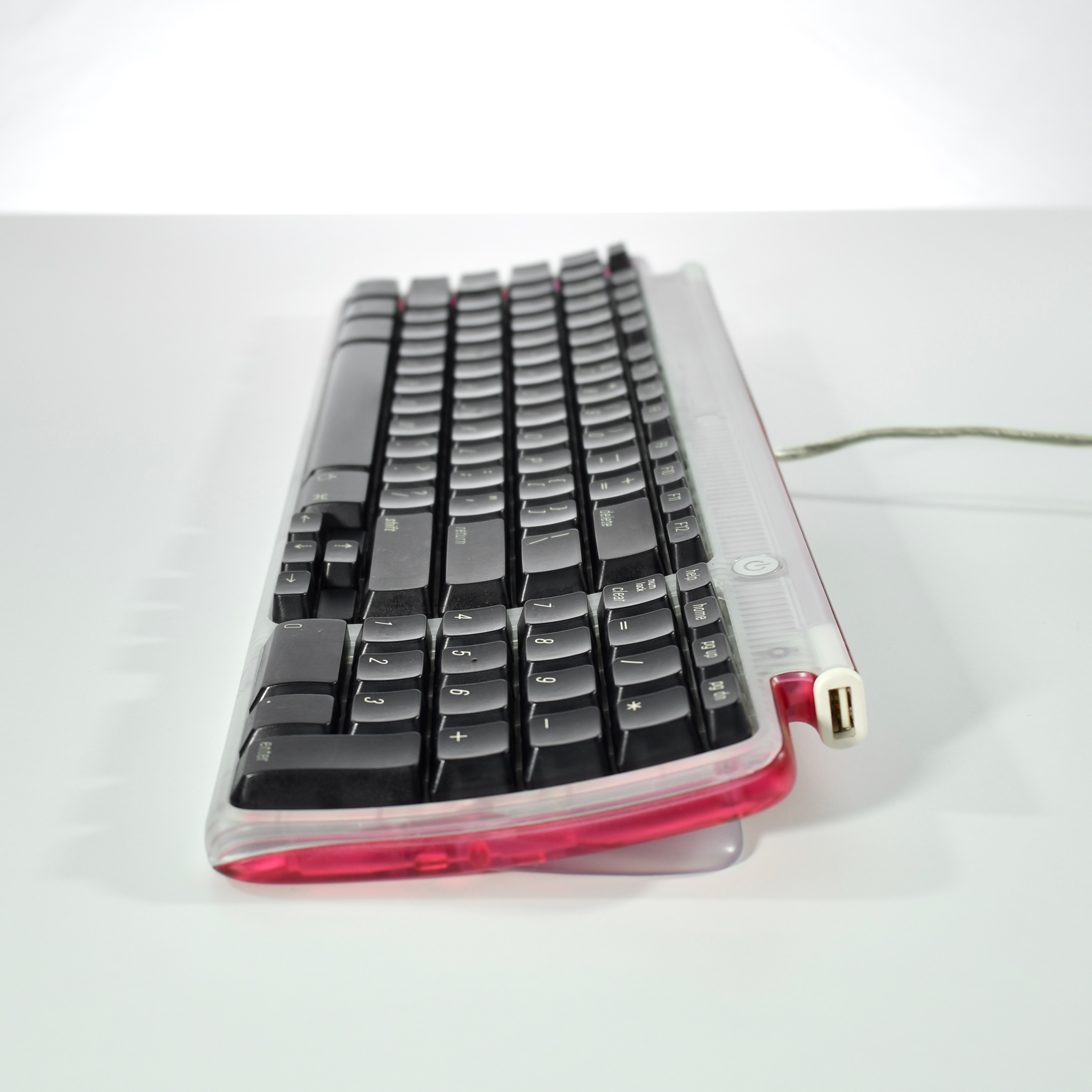
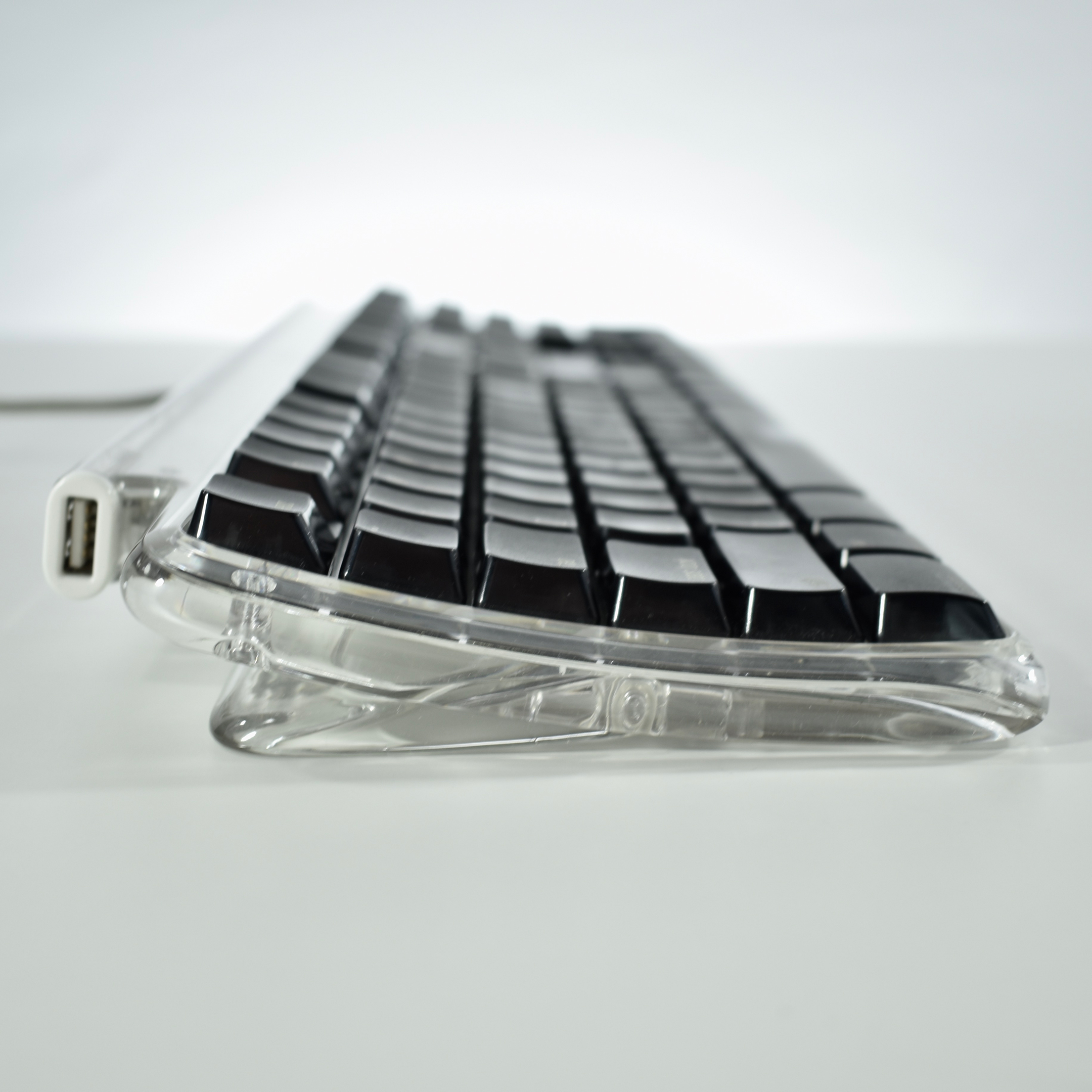
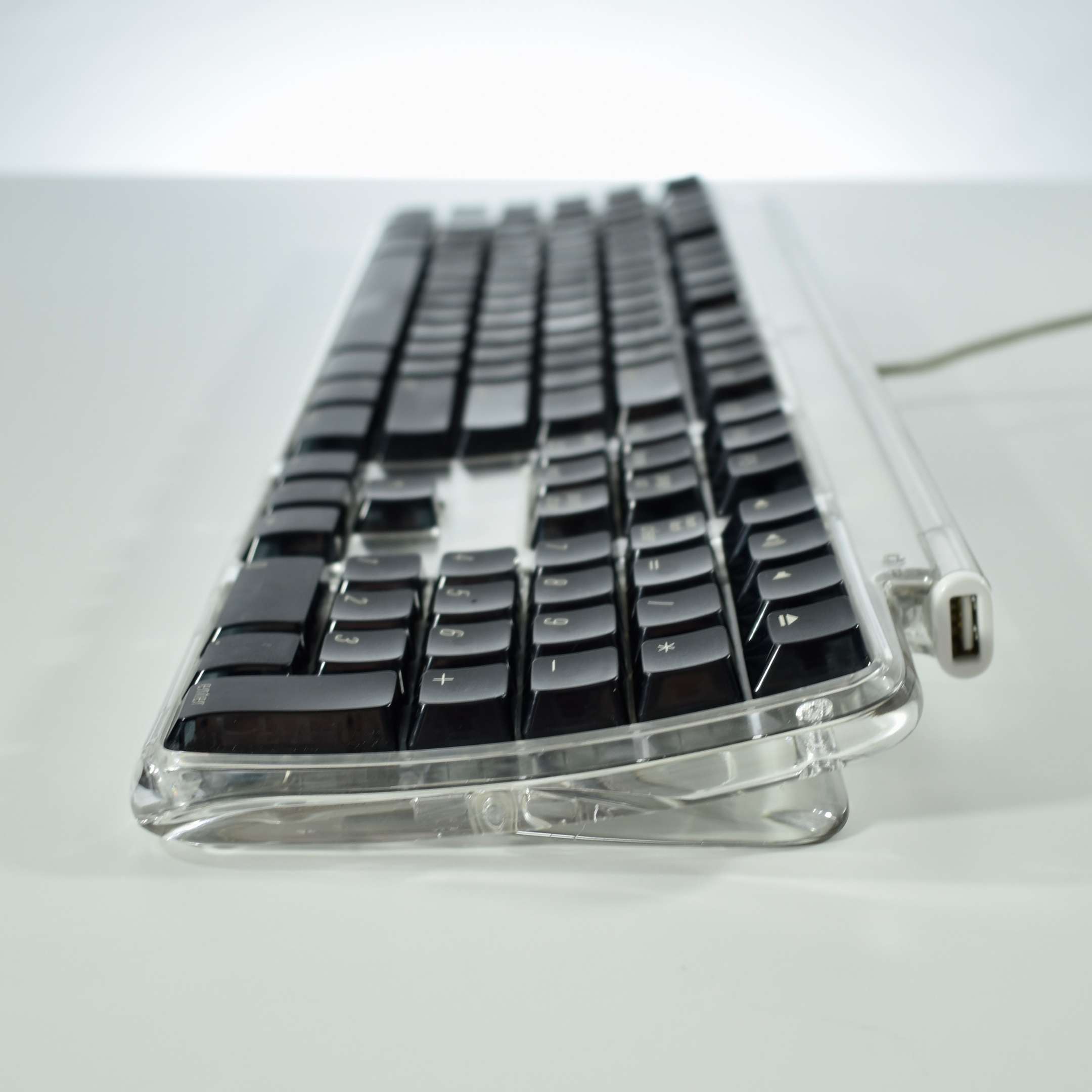
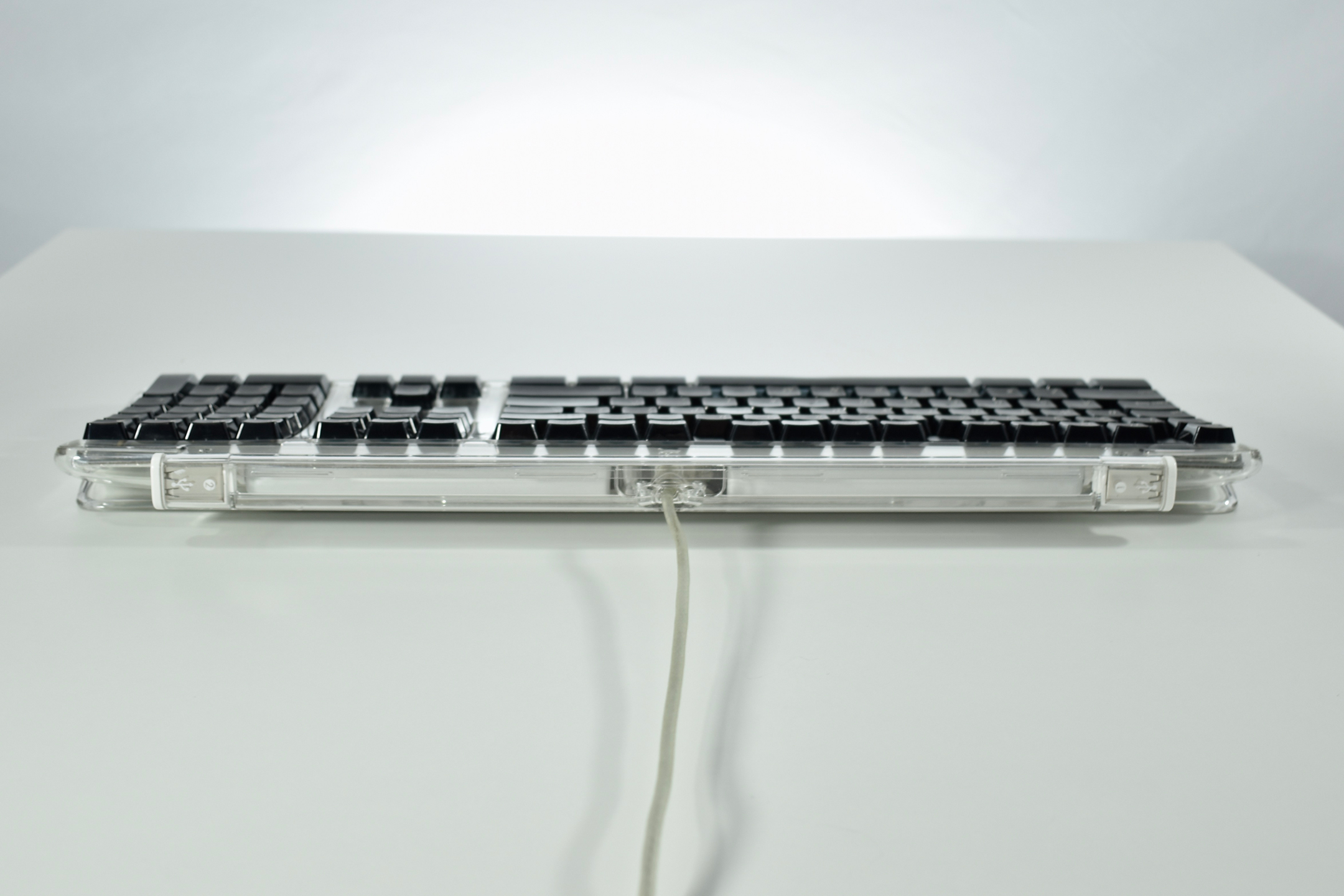
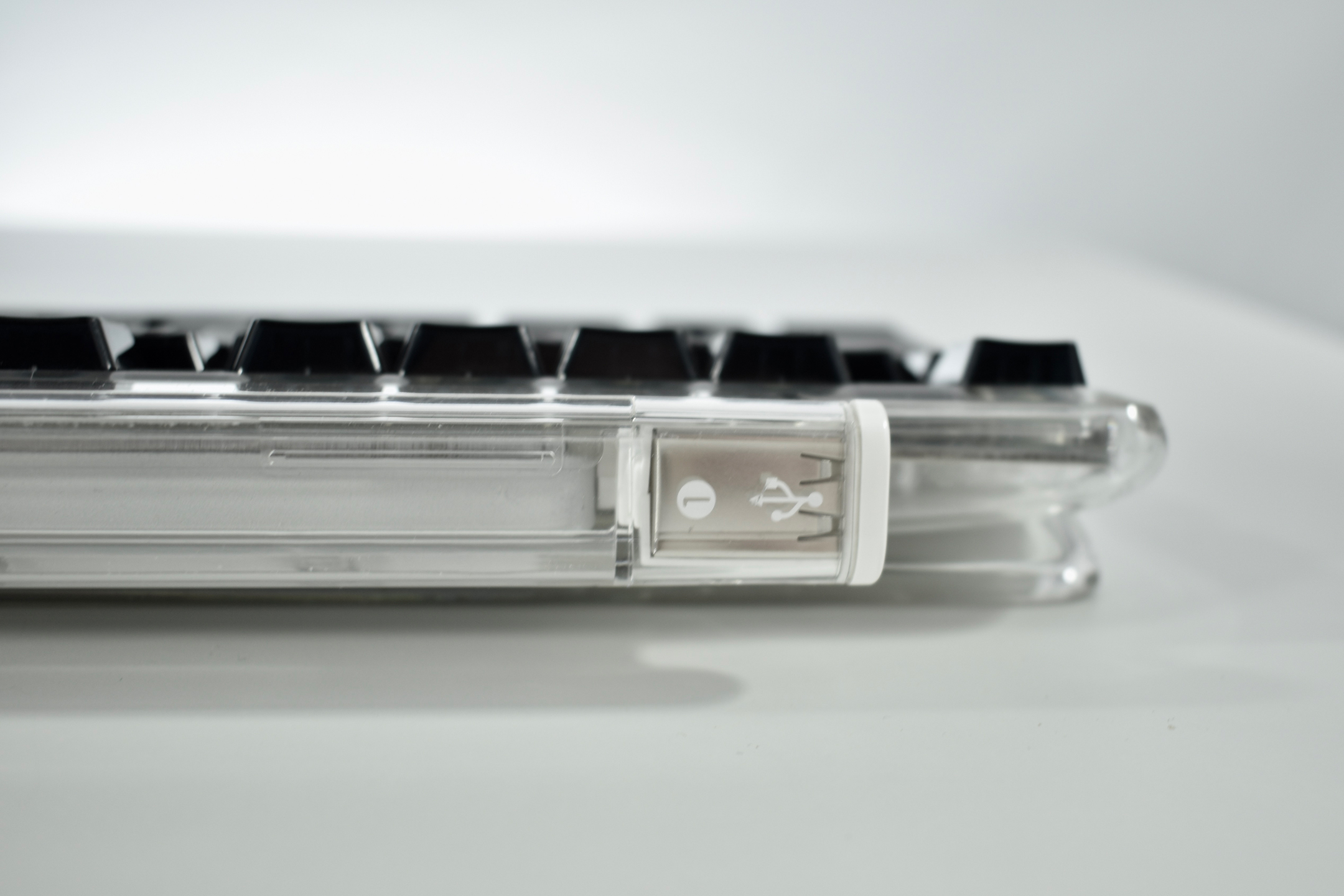
Apple Pro Keyboard (black, 2000)

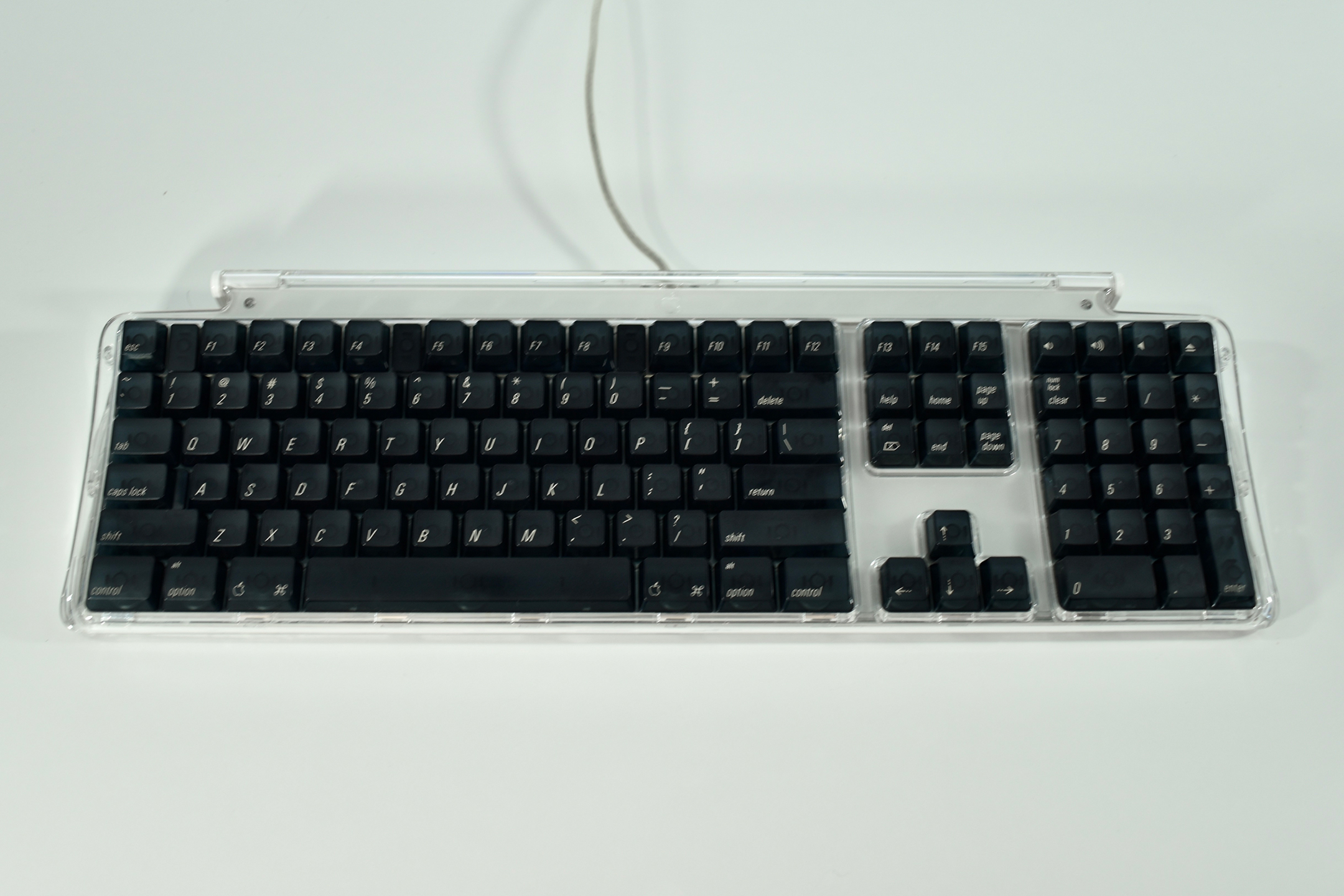
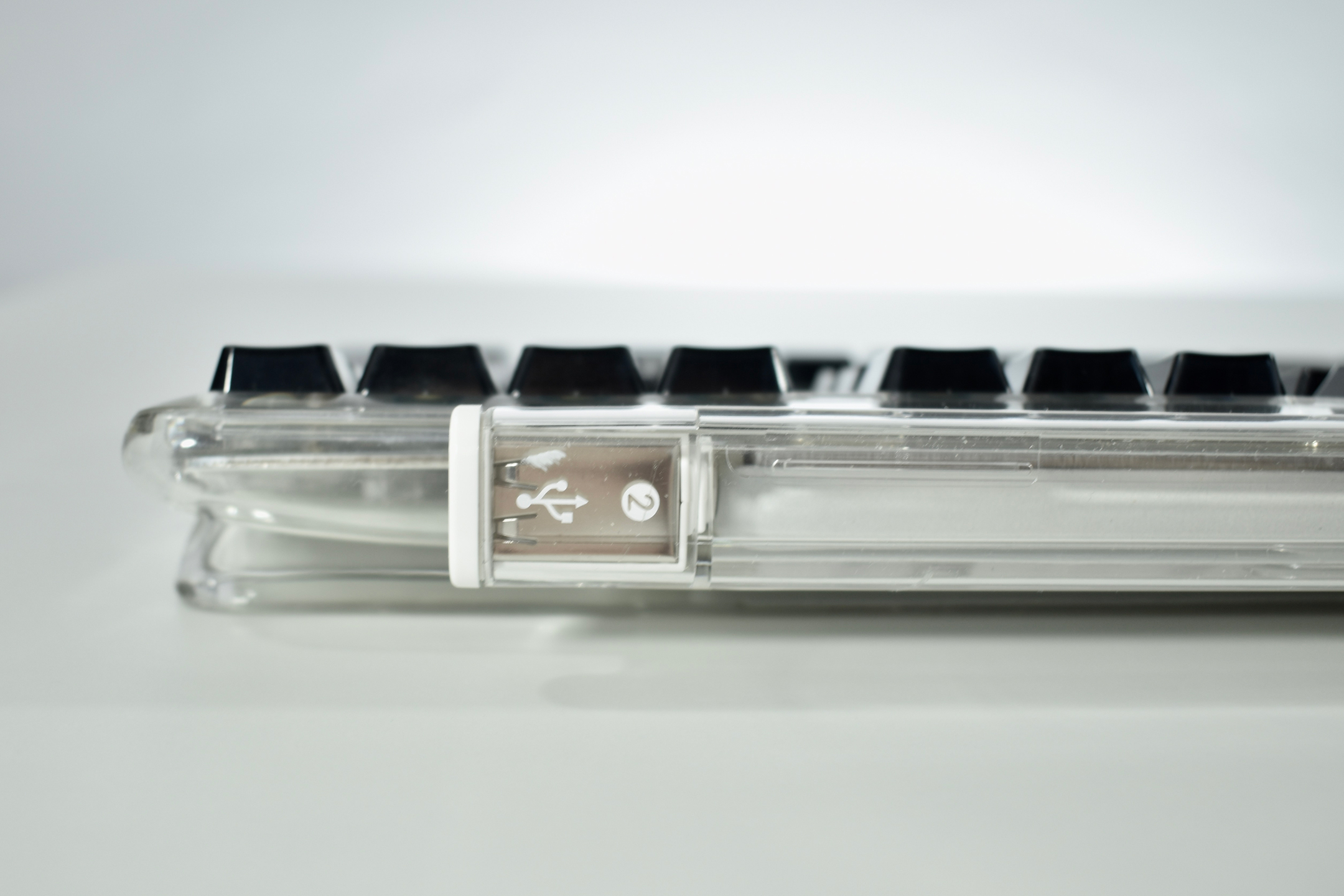
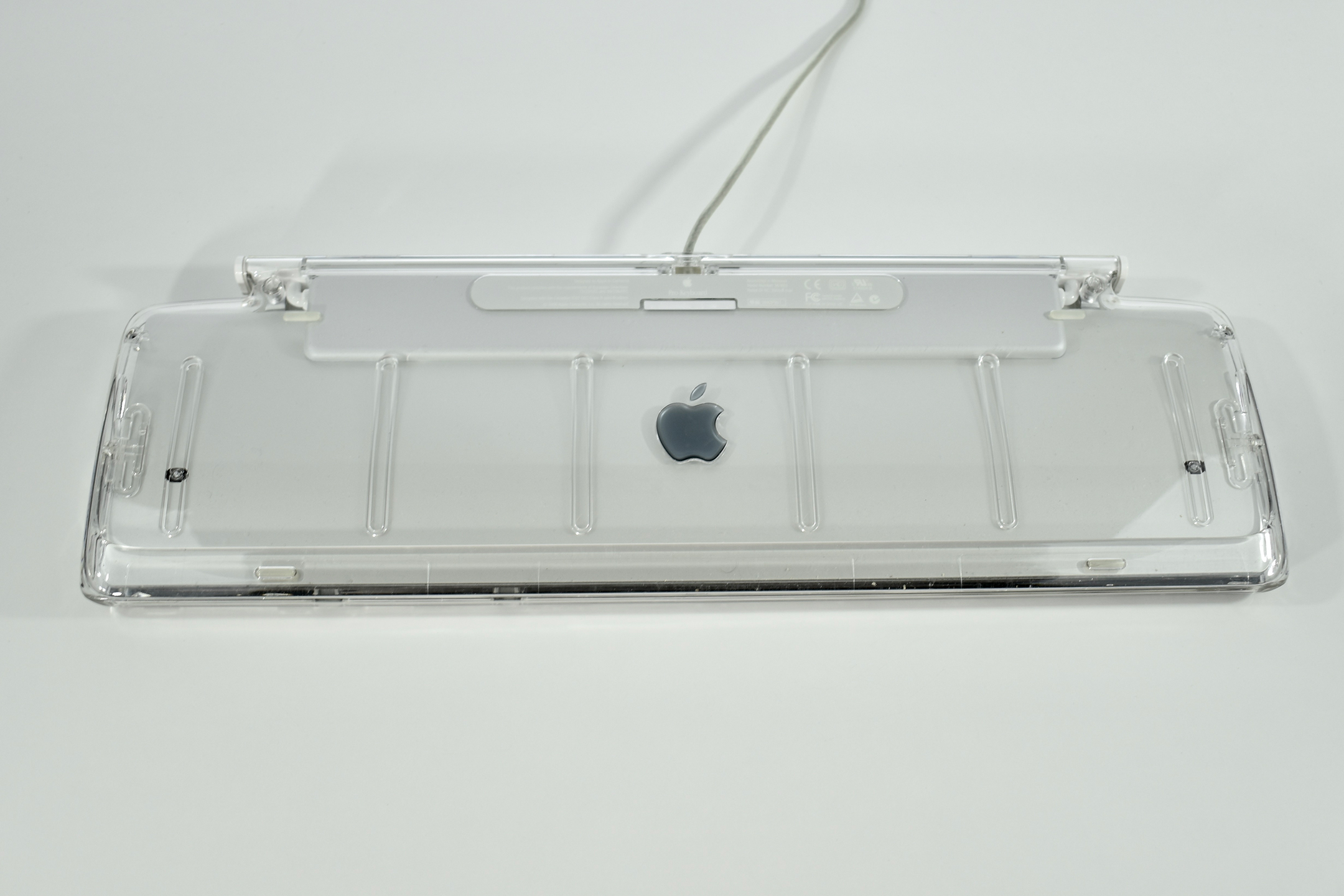
The Apple Pro Keyboard was released in 2000 and replaced the Apple USB keyboard that was first released with the original iMac. The 109-key Apple Pro Keyboard had a completely transparent case with dark gray translucent keys. Notably, this keyboard removed the power key which had been present on Macintosh keyboards since 1987.

The design of the keyboard returned to the earlier extended-keyboard design last used in the Apple Extended Keyboard II. Like its predecessor, the Apple Pro Keyboard used a single support leg spanning the entire width of the keyboard to slightly elevate the back of the keyboard. When the iMac G4 was released in 2002, an Apple Pro Keyboard with the same design was released with opaque white keys.

As of 2020 Apple has released approximately 20 external keyboard designs. In general, Apple Macintosh keyboards are different from standard keyboards because they include a Command key (⌘) for shortcuts; an Option key (⌥) for entering diacritical marks and special characters; and a Help or fn (function) key. Earlier Apple keyboards also included a power key (◁), while newer keyboards include eject (⏏).

Source: Wikipedia

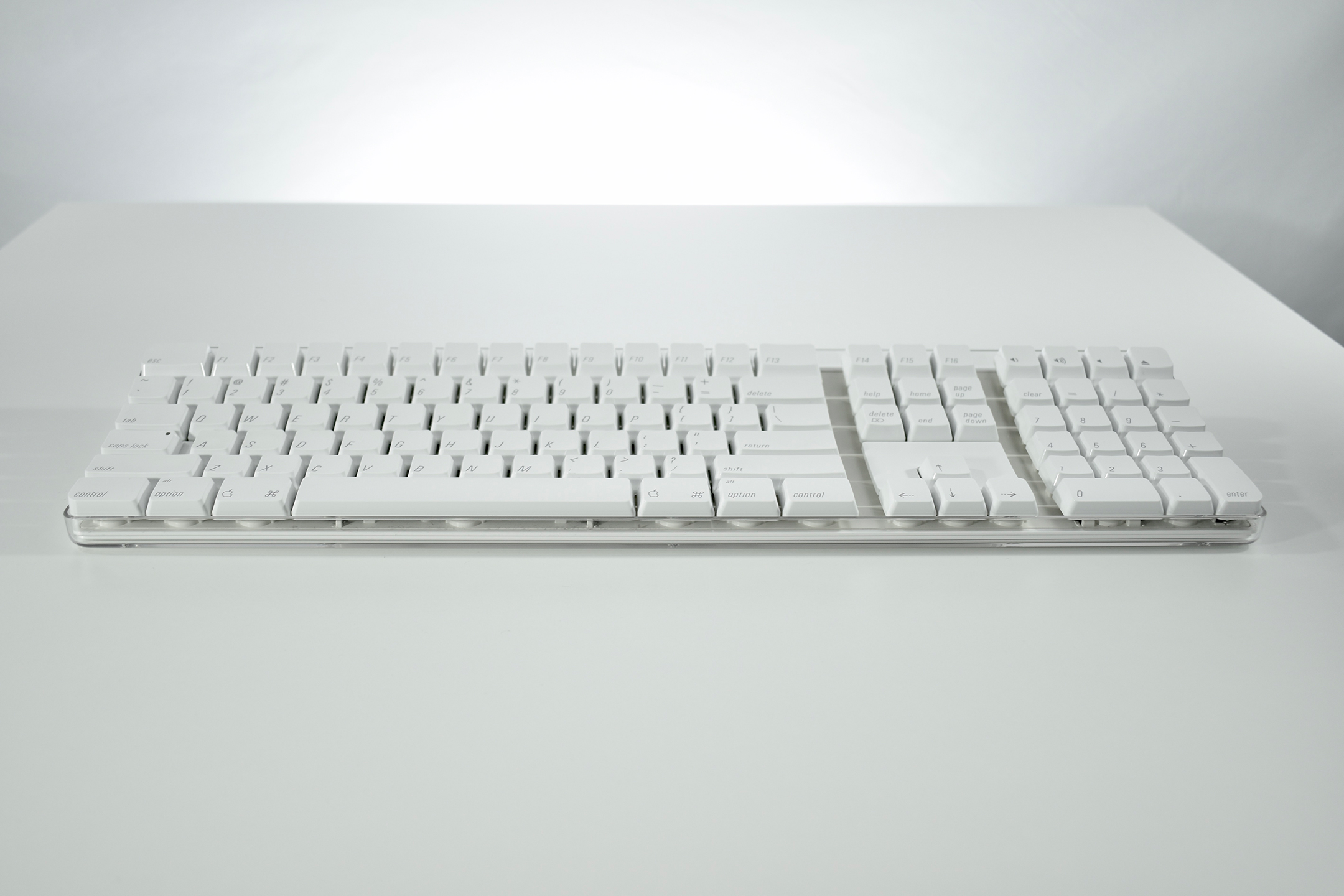
Apple Keyboard (2003)

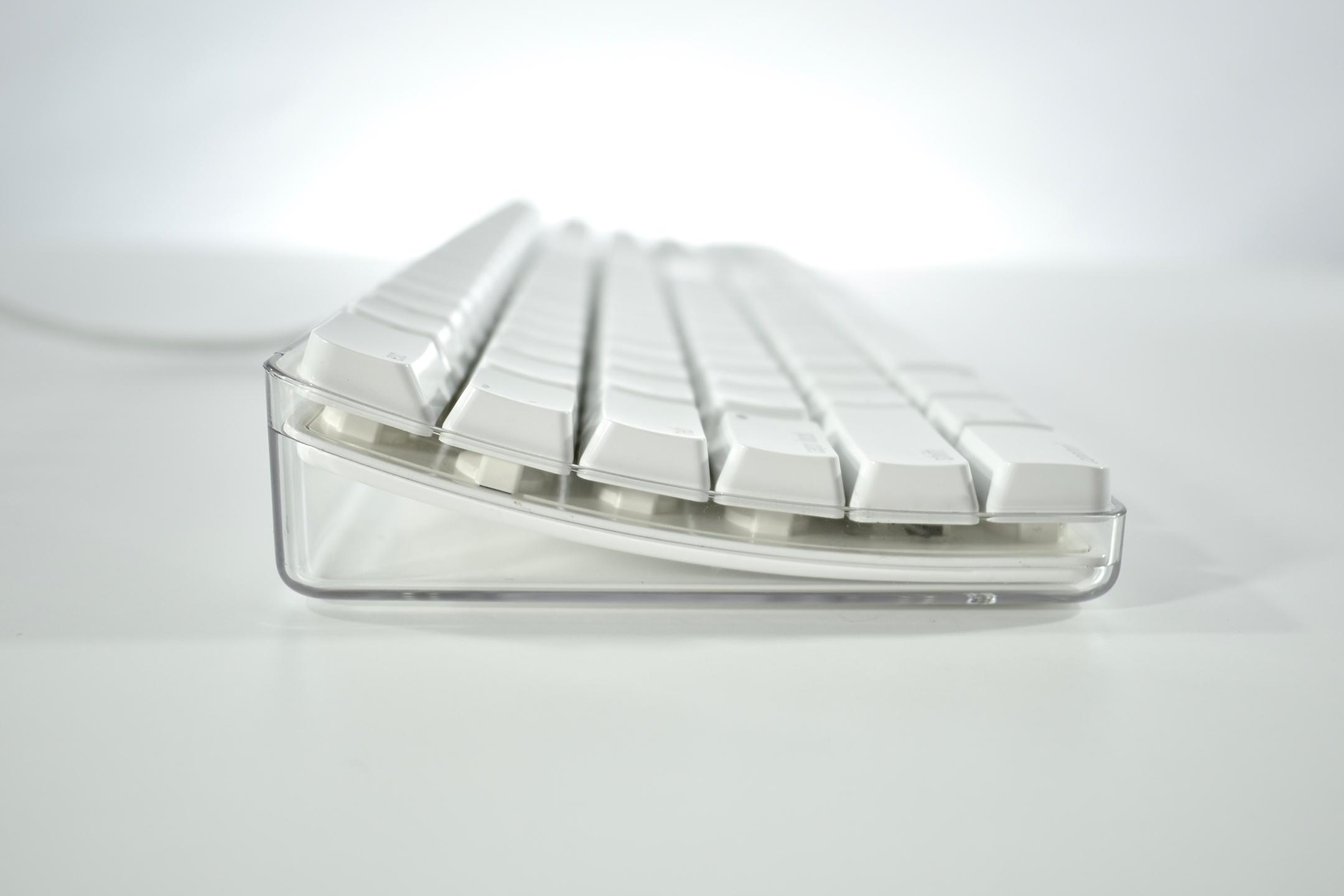
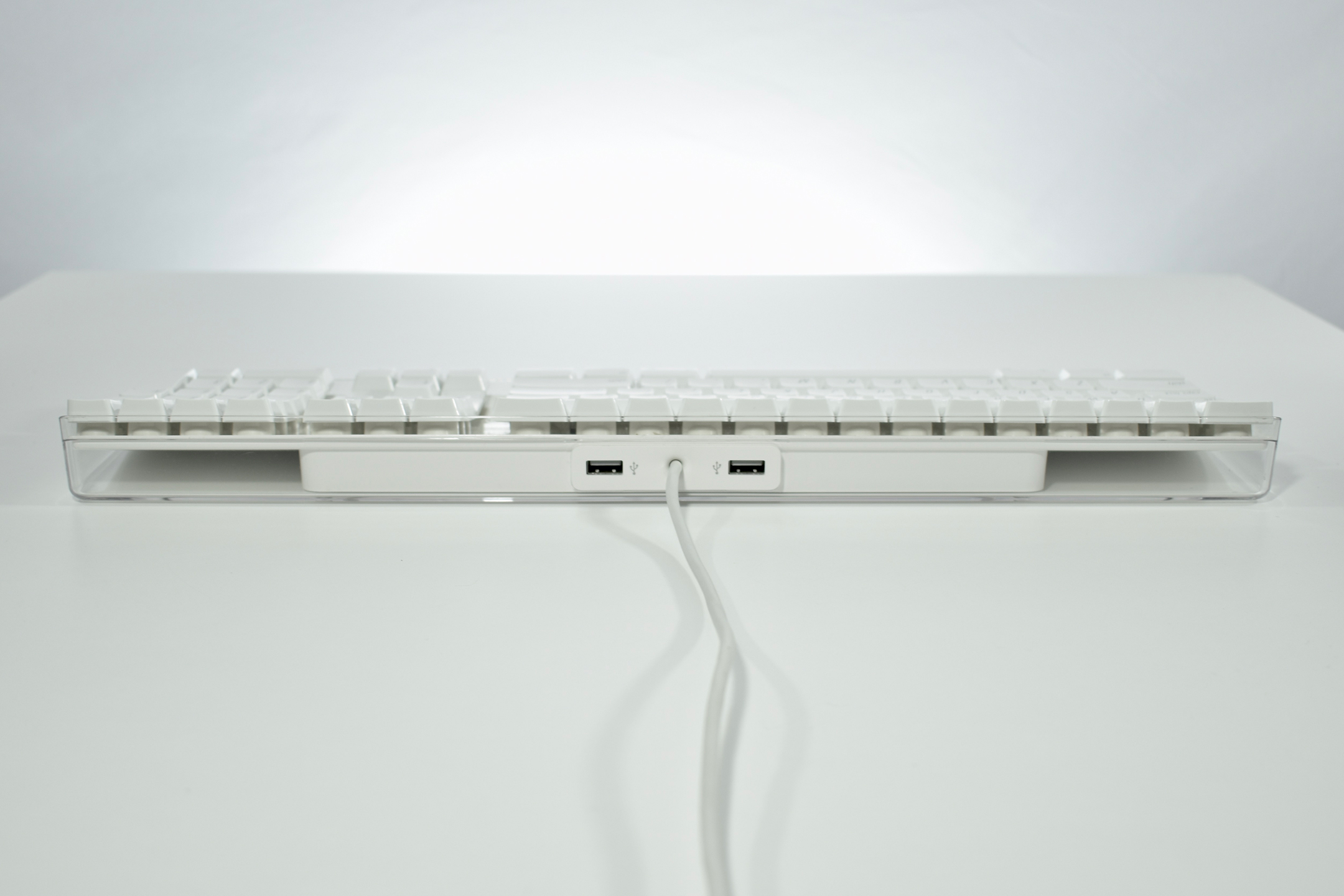
The Apple Keyboard released in 2003 was a major design change from the previous Apple Pro Keyboard. This keyboard design removed the clear enclosure surrounding the keys and moved the two USB ports to the back-center. Originally, the USB ports were USB 1.1, but the ports were upgraded to USB 2.0 in 2005. Unlike the previous Apple Pro Keyboard that came in black and white models, this Apple Keyboard was only available in white.

Apple’s first wireless keyboard, also released in 2003, closely resembles the design of this wired Keyboard.

As of 2020 Apple has released approximately 20 external keyboard designs. In general, Apple Macintosh keyboards are different from standard keyboards because they include a Command key (⌘) for shortcuts; an Option key (⌥) for entering diacritical marks and special characters; and a Help or fn (function) key. Earlier Apple keyboards also included a power key (◁), while newer keyboards include eject (⏏).

Source: Wikipedia

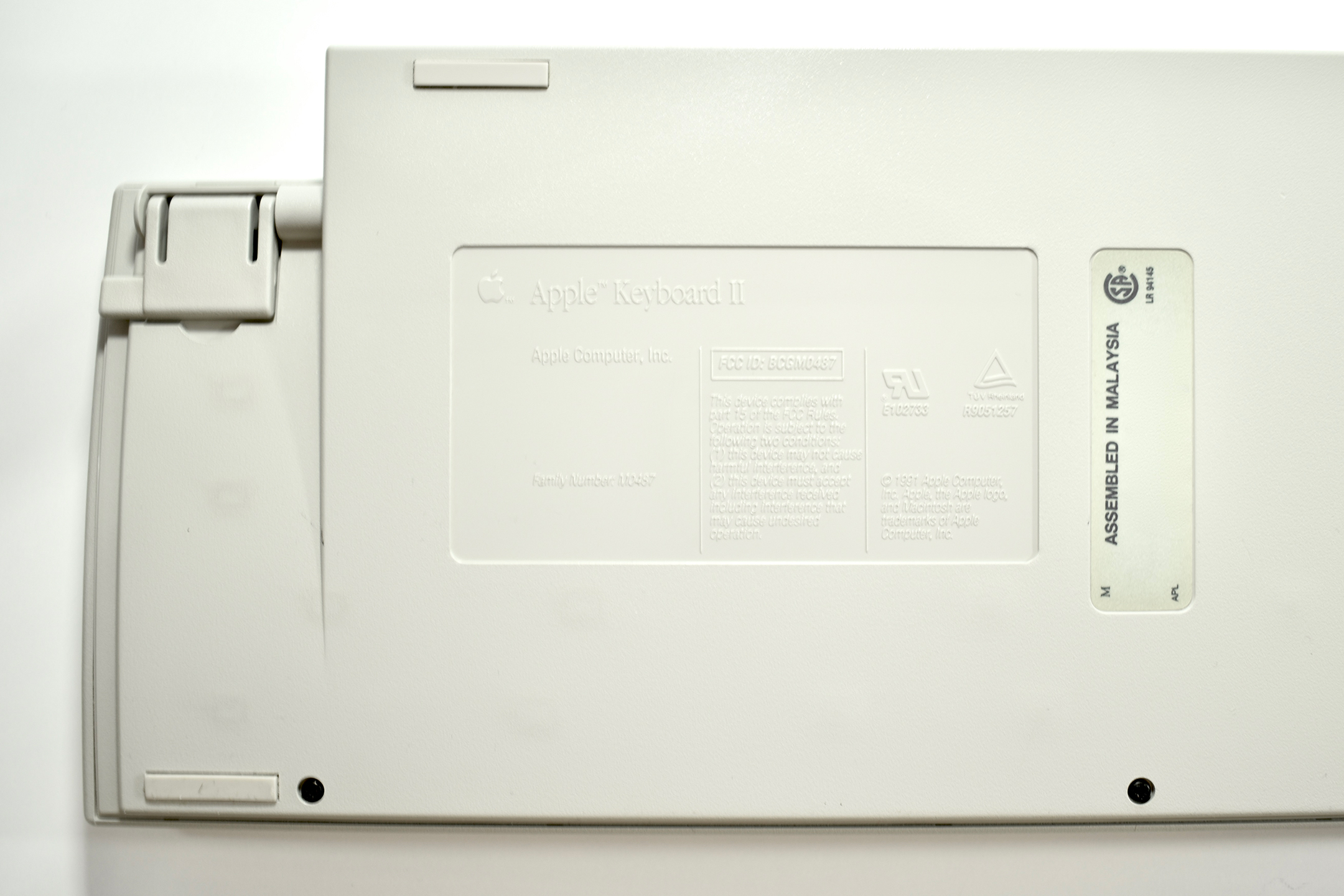
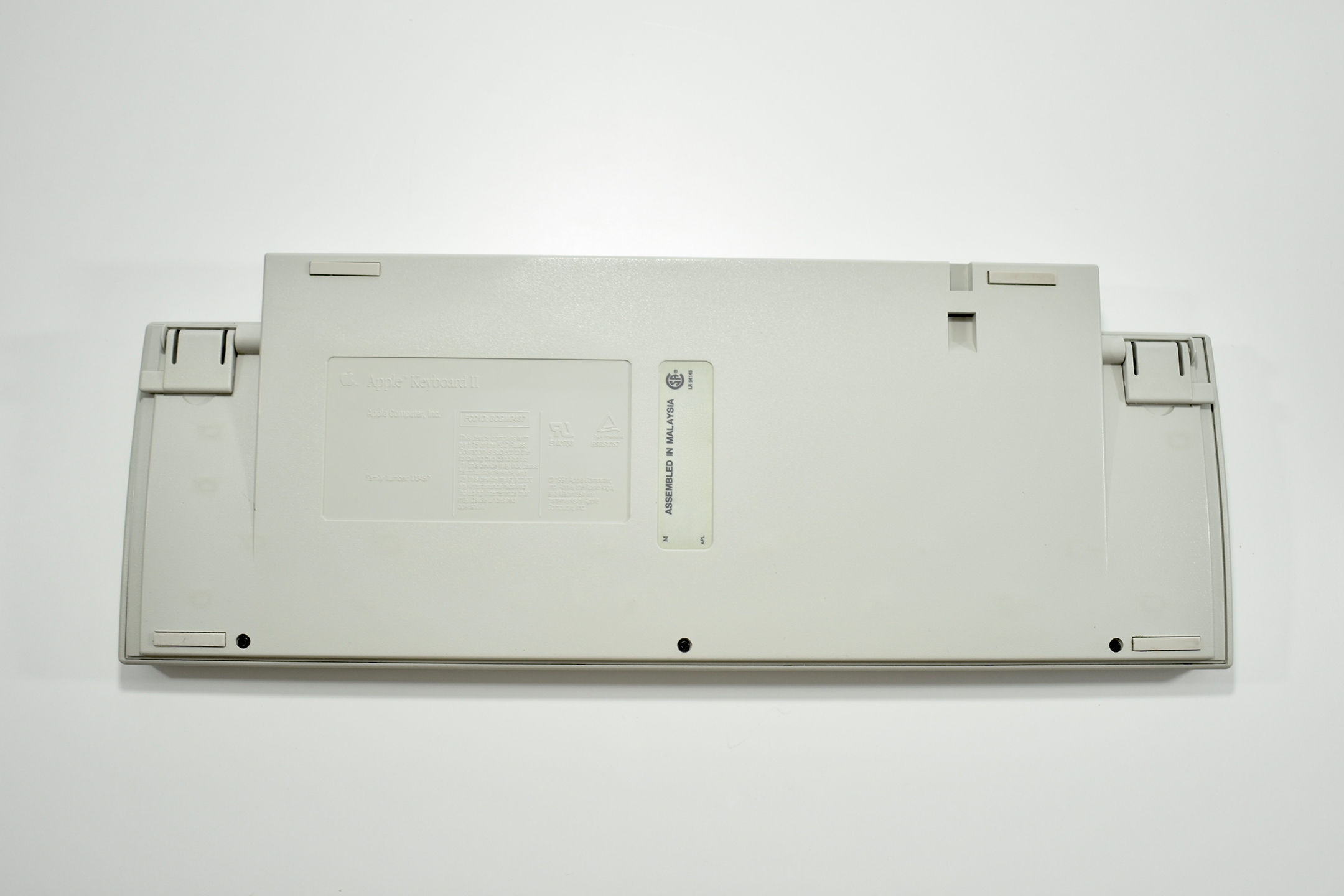
Apple Keyboard II (1991)

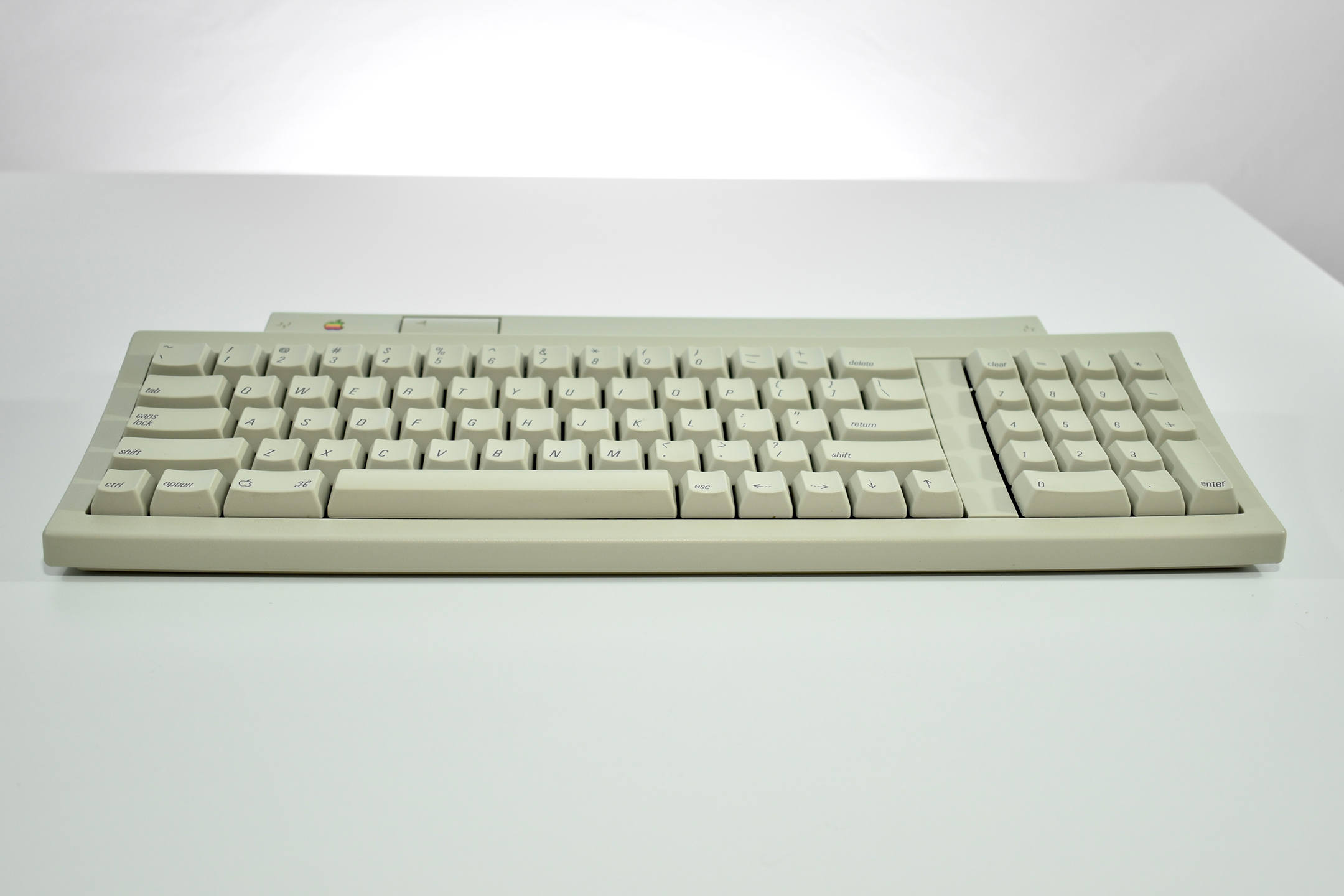
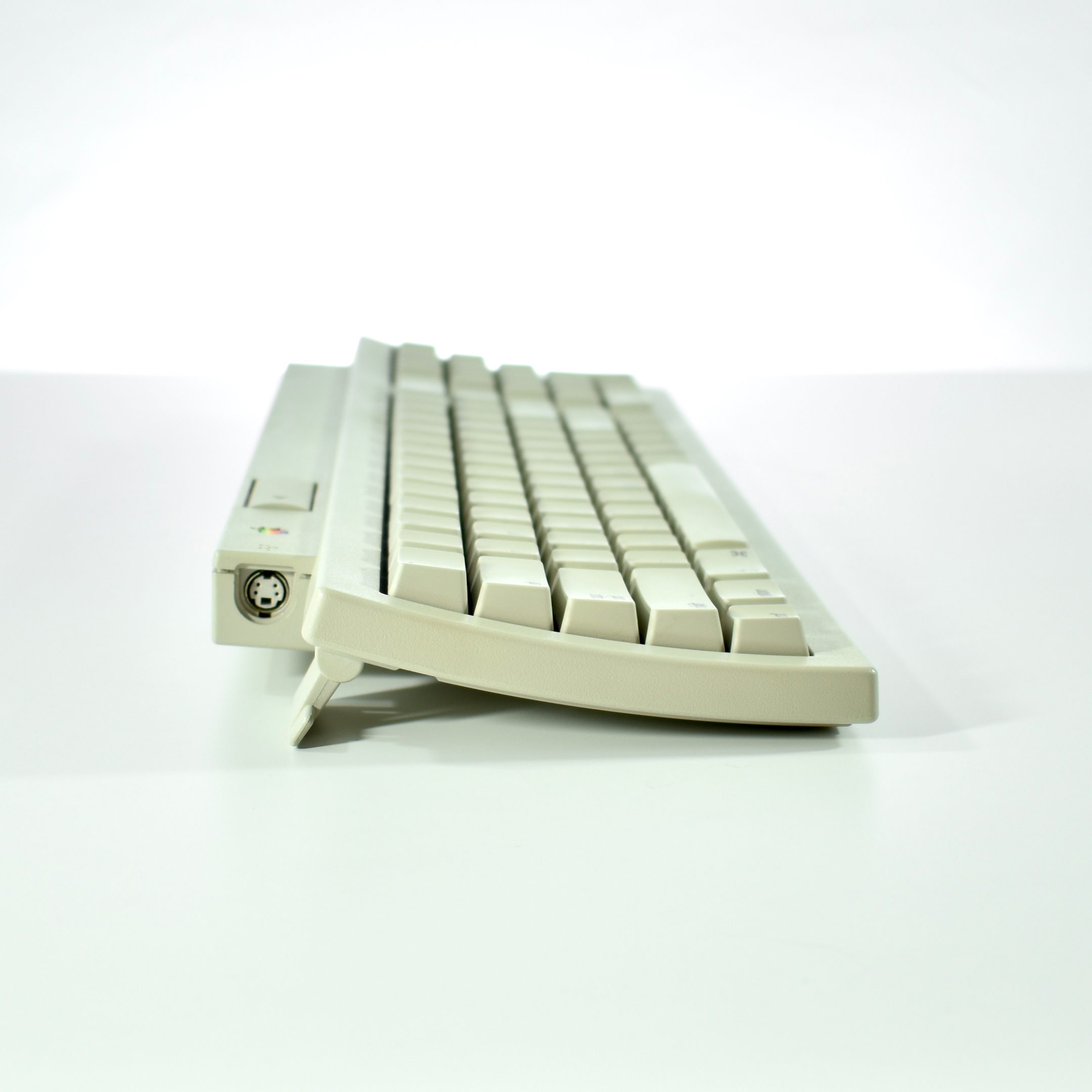
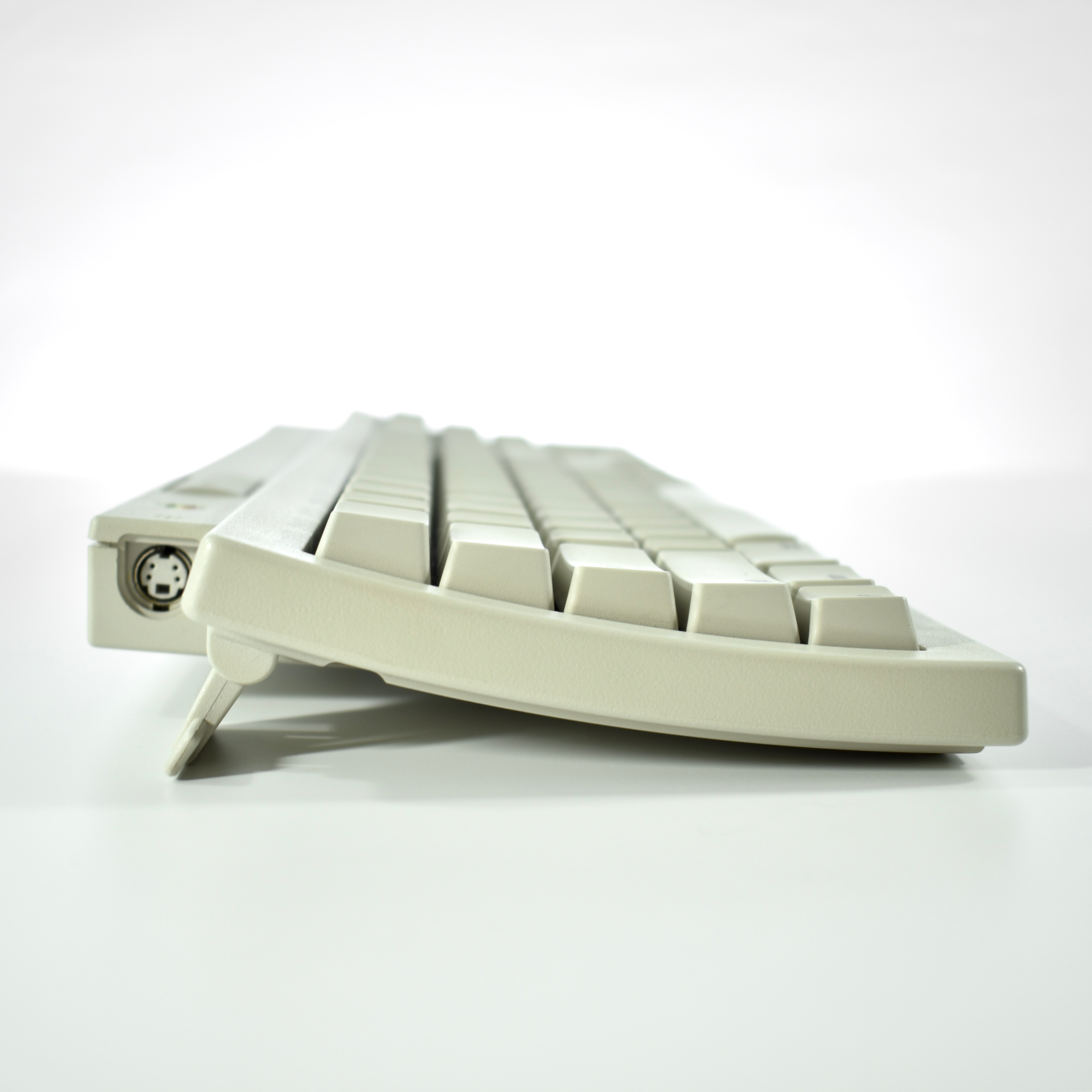
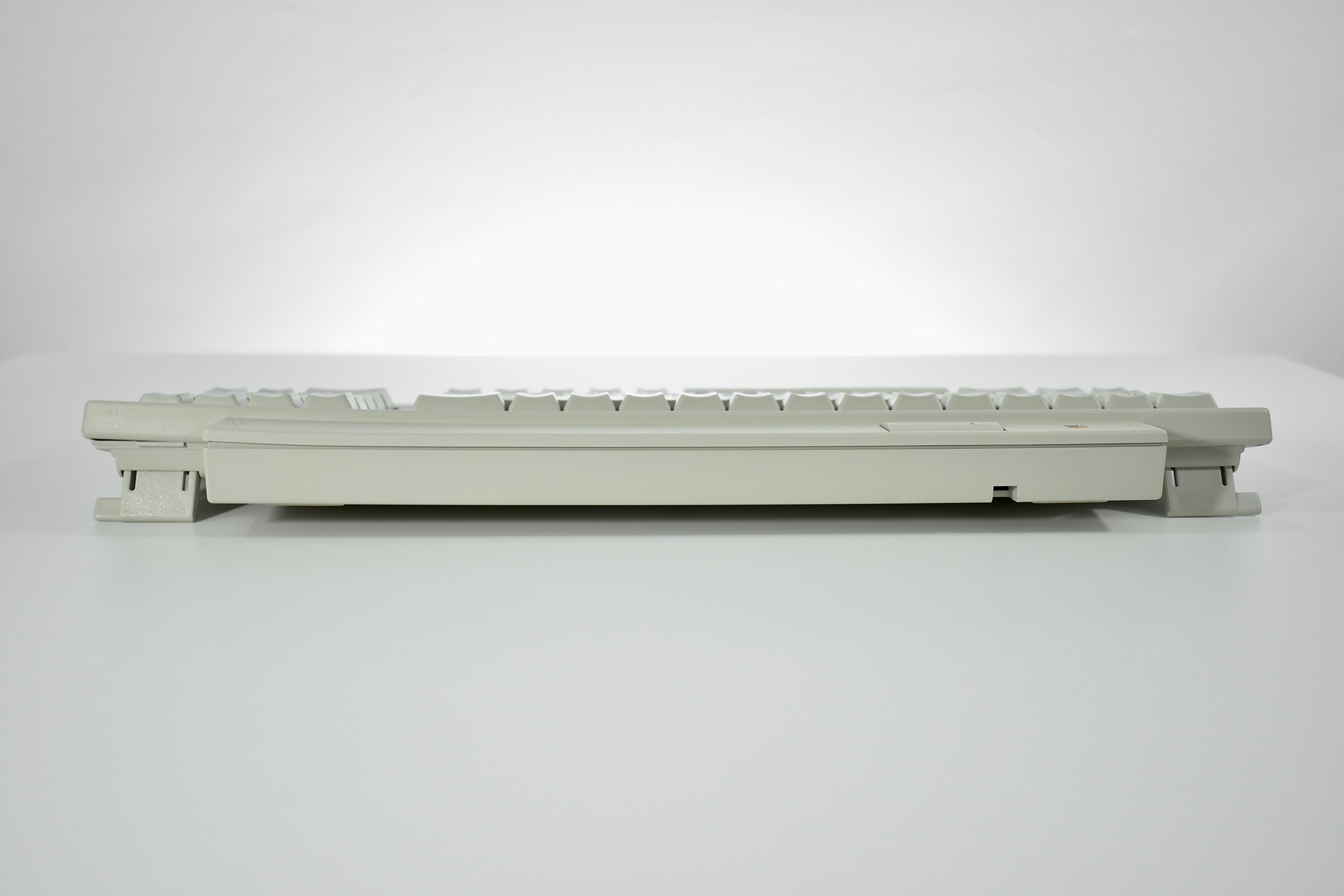
The Apple Keyboard II was first released in 1990 with the Macintosh Classic and LC. This keyboard included flip-down feet in the back to increase the angle of the keyboard for more comfortable typing. This keyboard used the ADB (Apple Desktop Bus) connector.

While this keyboard used the same color of Platinum gray as Macintosh computers at the time, it was also included with the Macintosh TV in all black (using the same model number).

As of 2020 Apple has released approximately 20 external keyboard designs. In general, Apple Macintosh keyboards are different from standard keyboards because they include a Command key (⌘) for shortcuts; an Option key (⌥) for entering diacritical marks and special characters; and a Help or fn (function) key. Earlier Apple keyboards also included a power key (◁), while newer keyboards include eject (⏏).

Source: Wikipedia

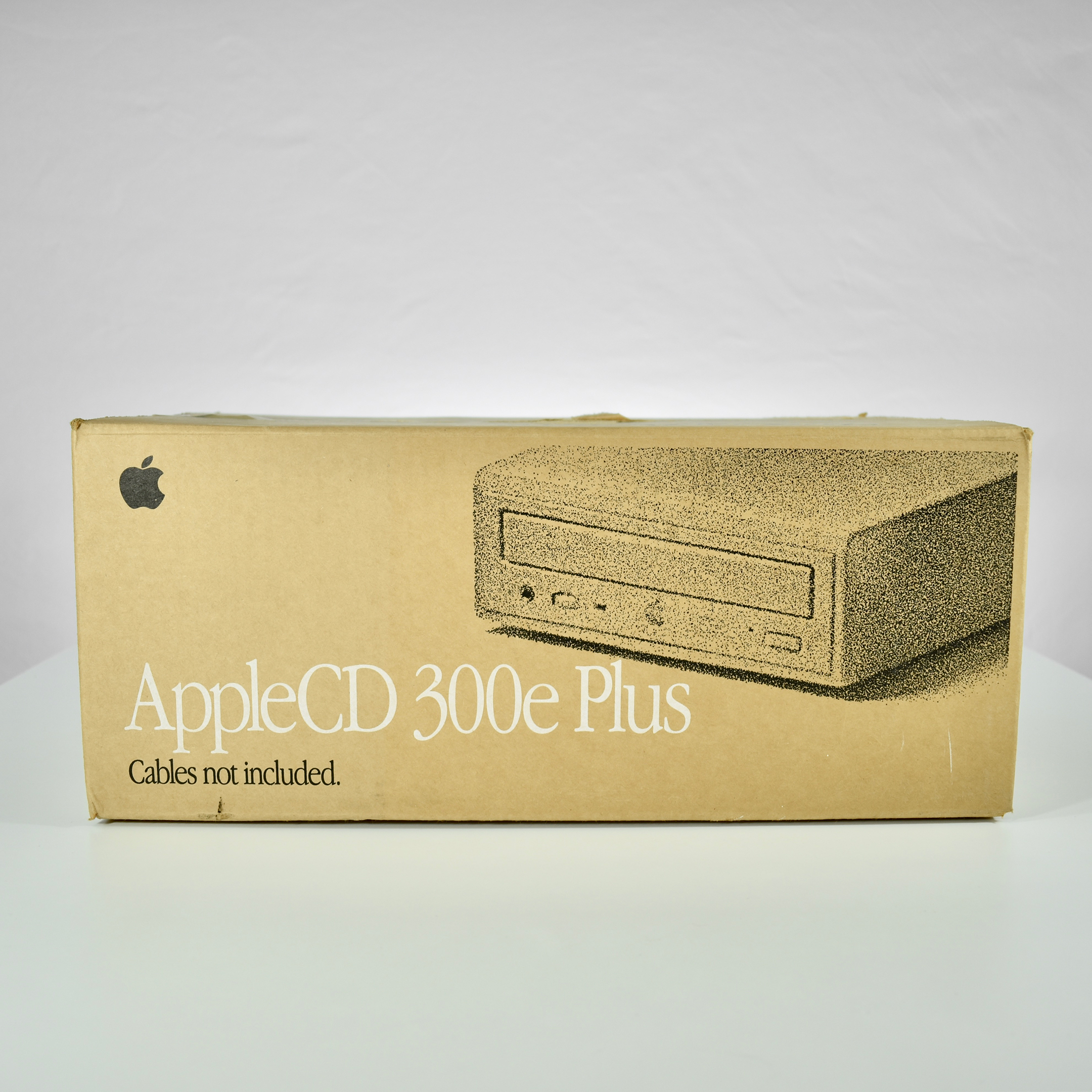
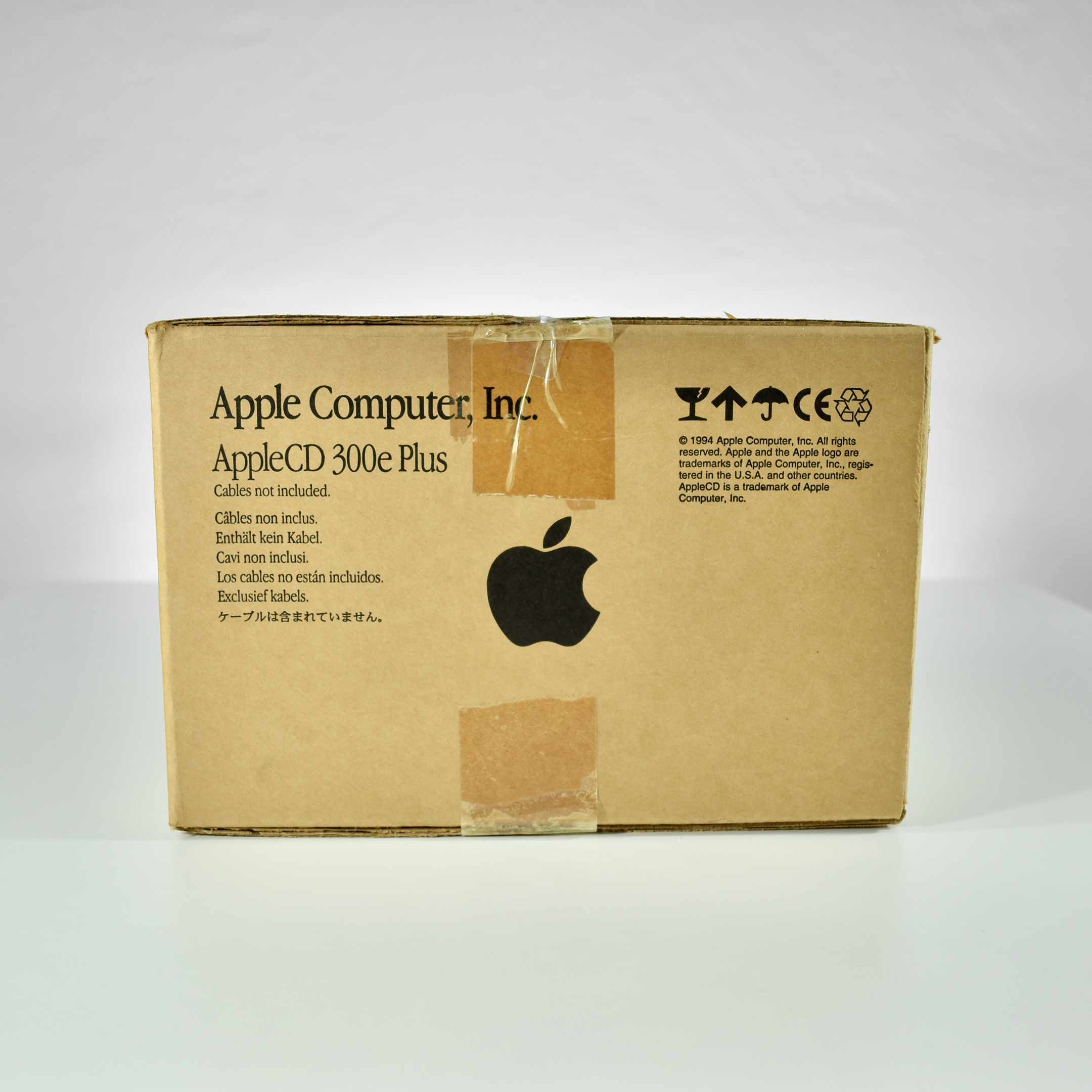
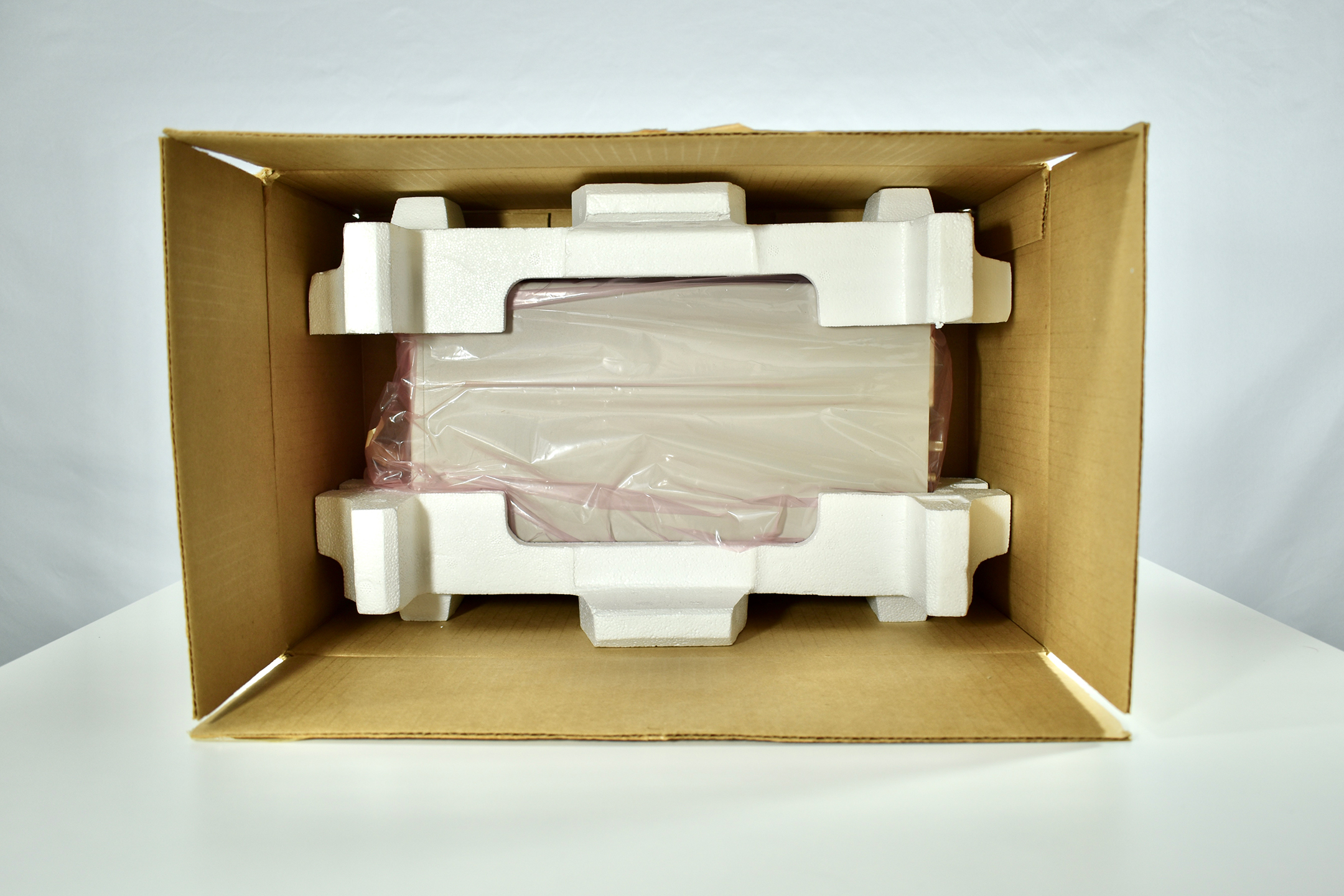
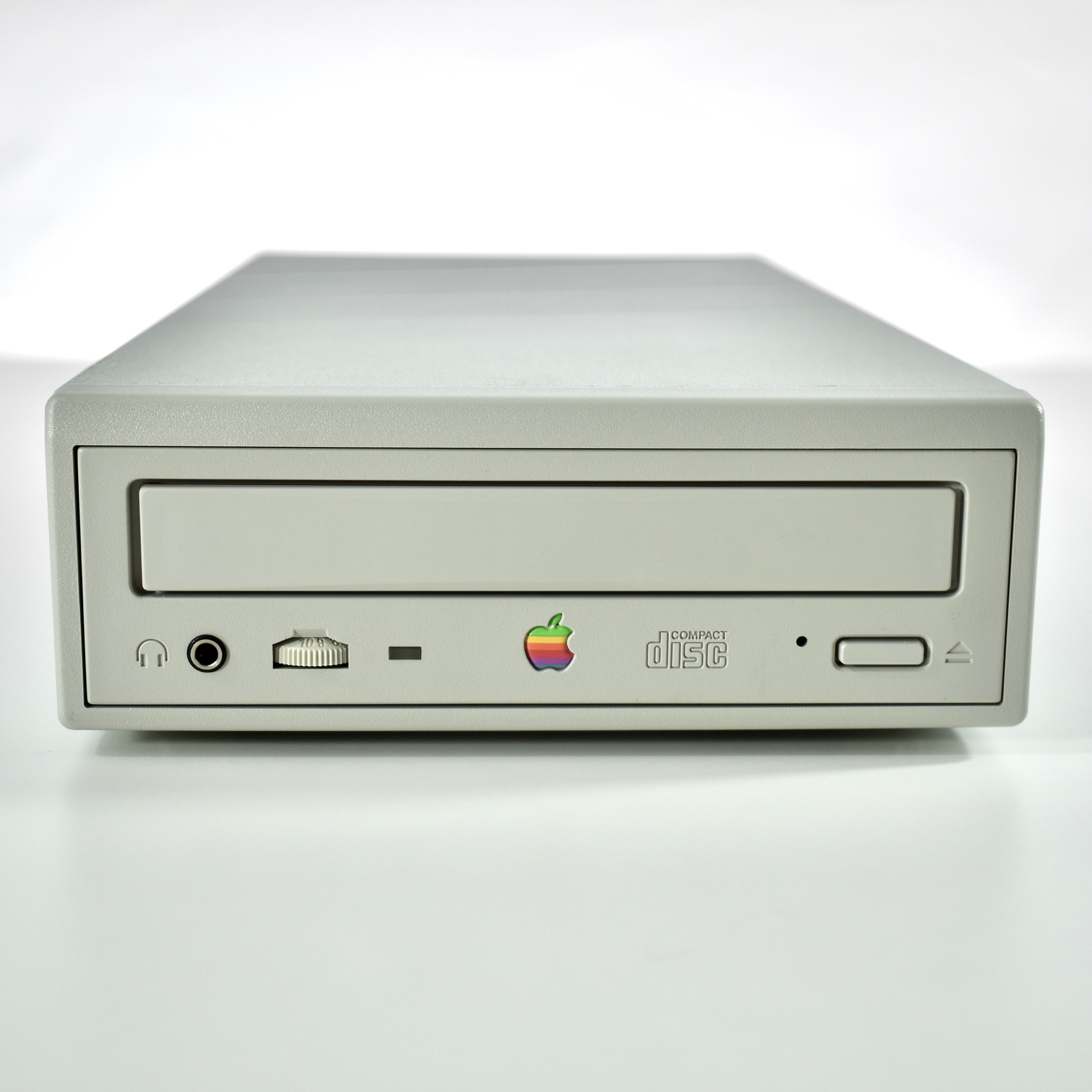
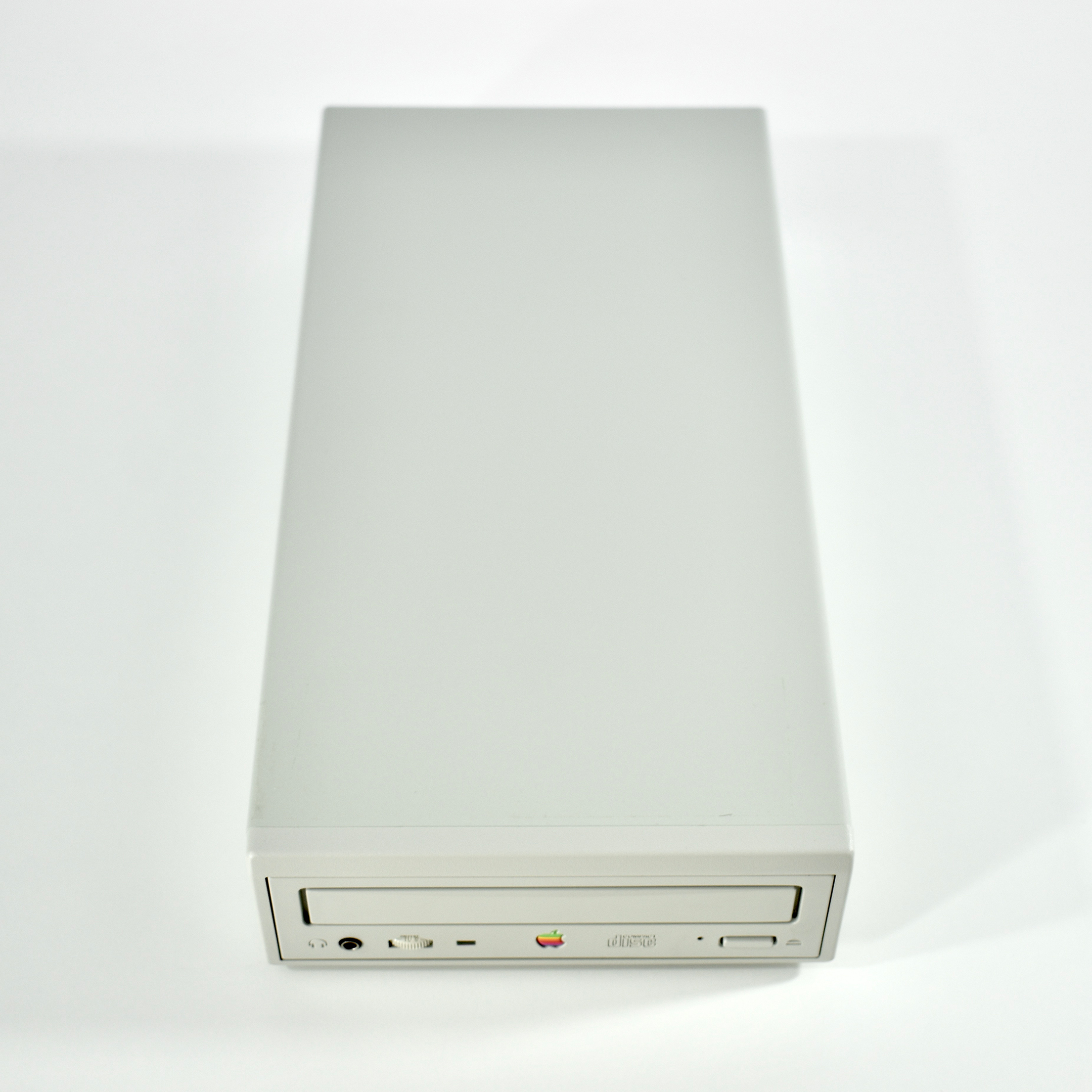
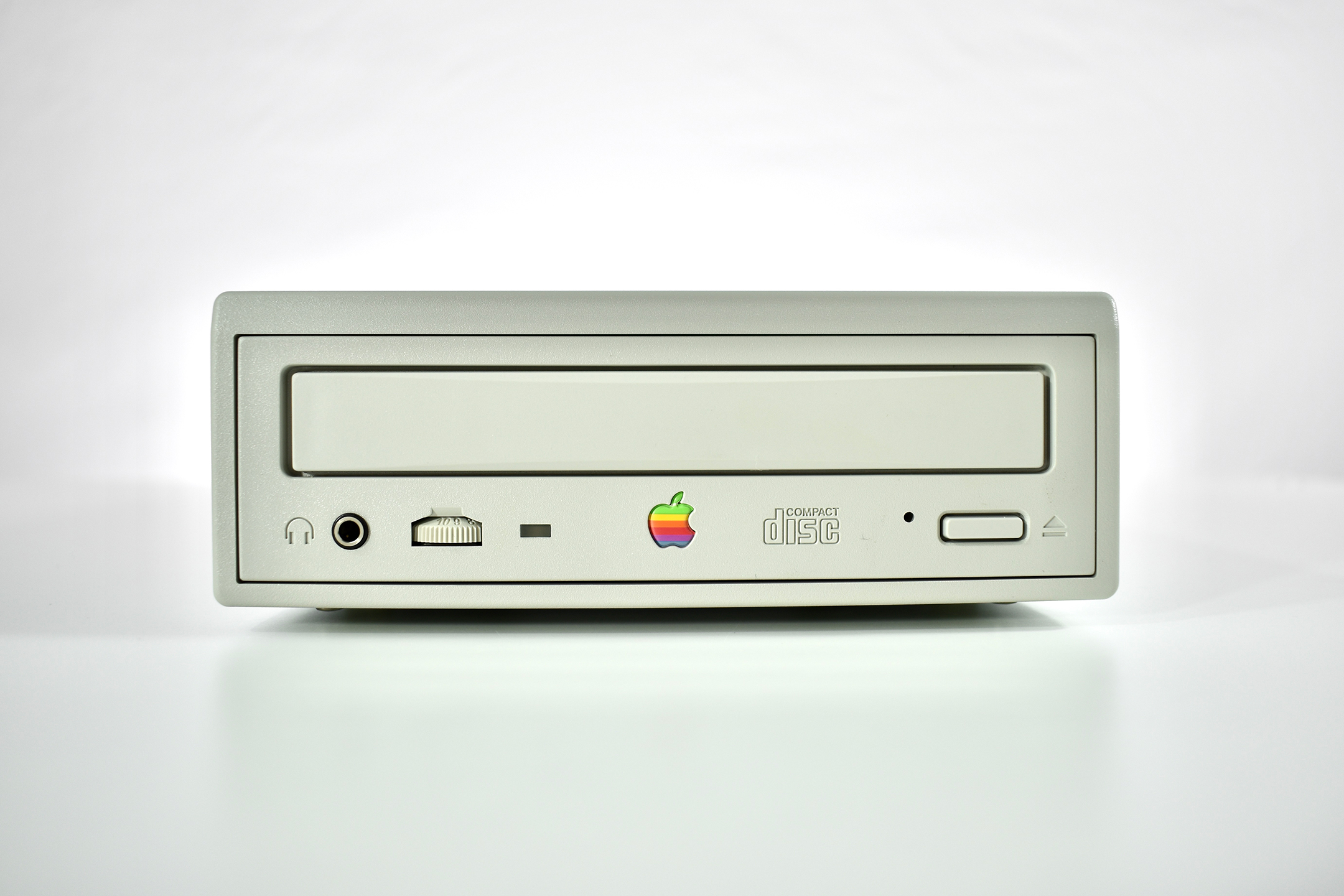
AppleCD 300e Plus (1995)

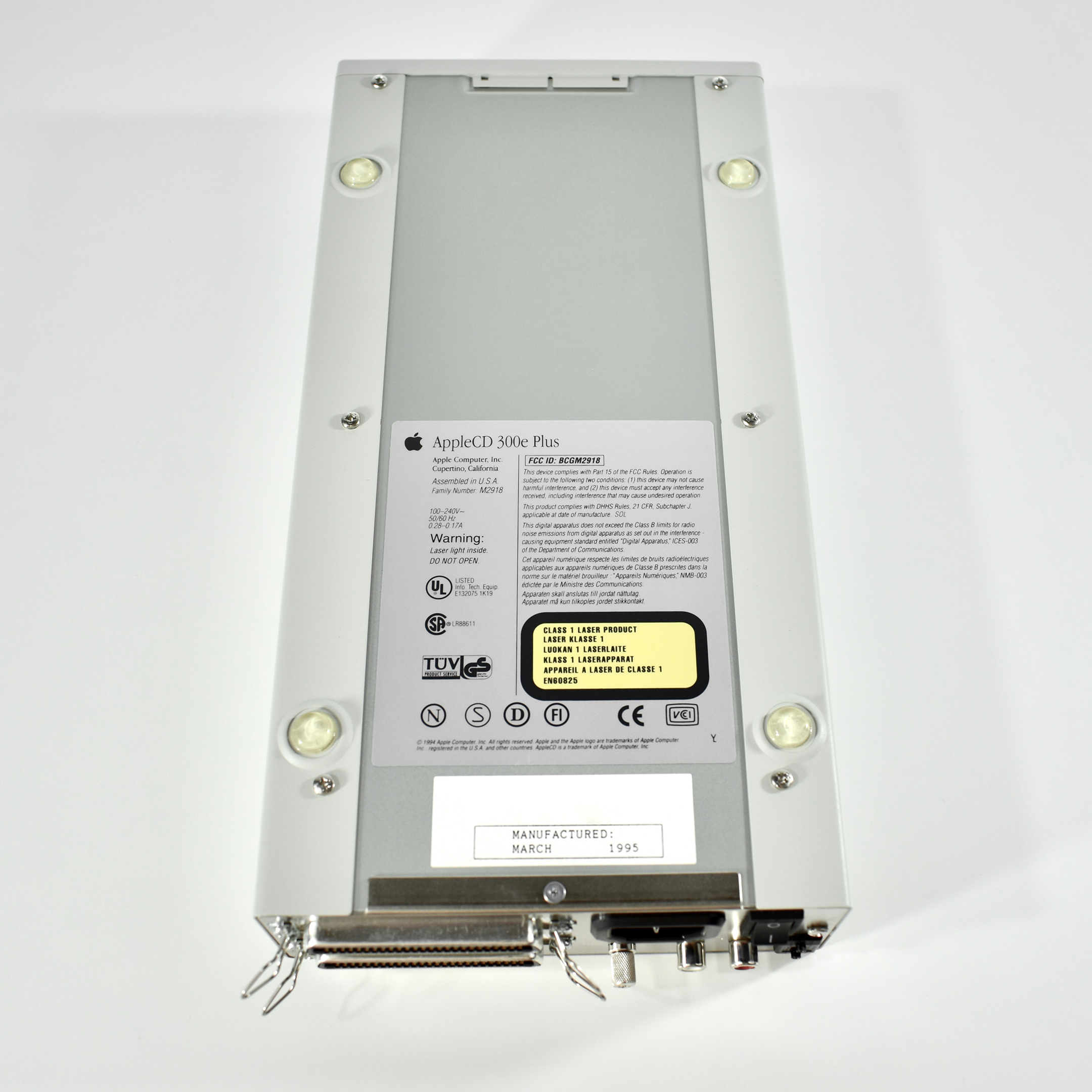
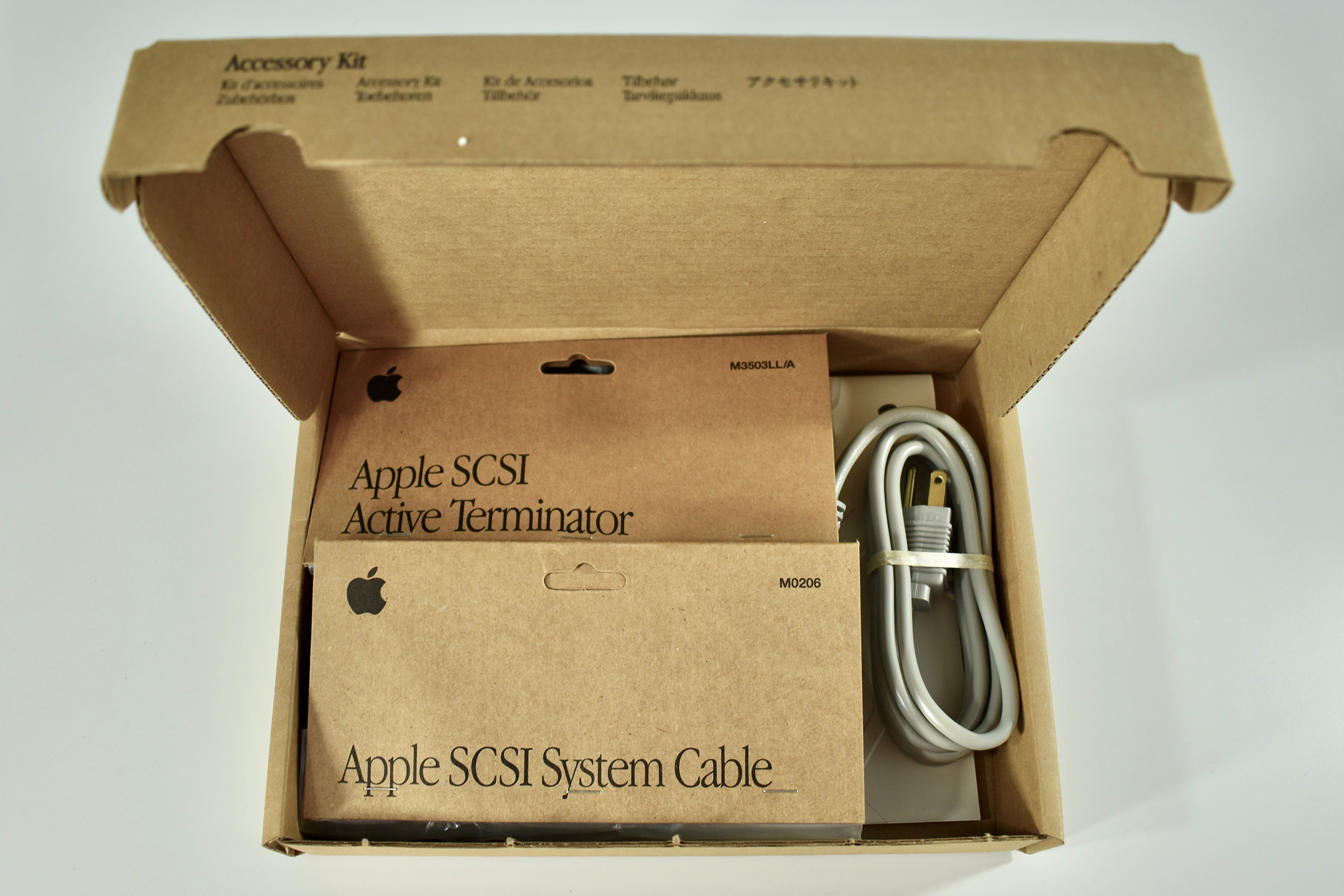
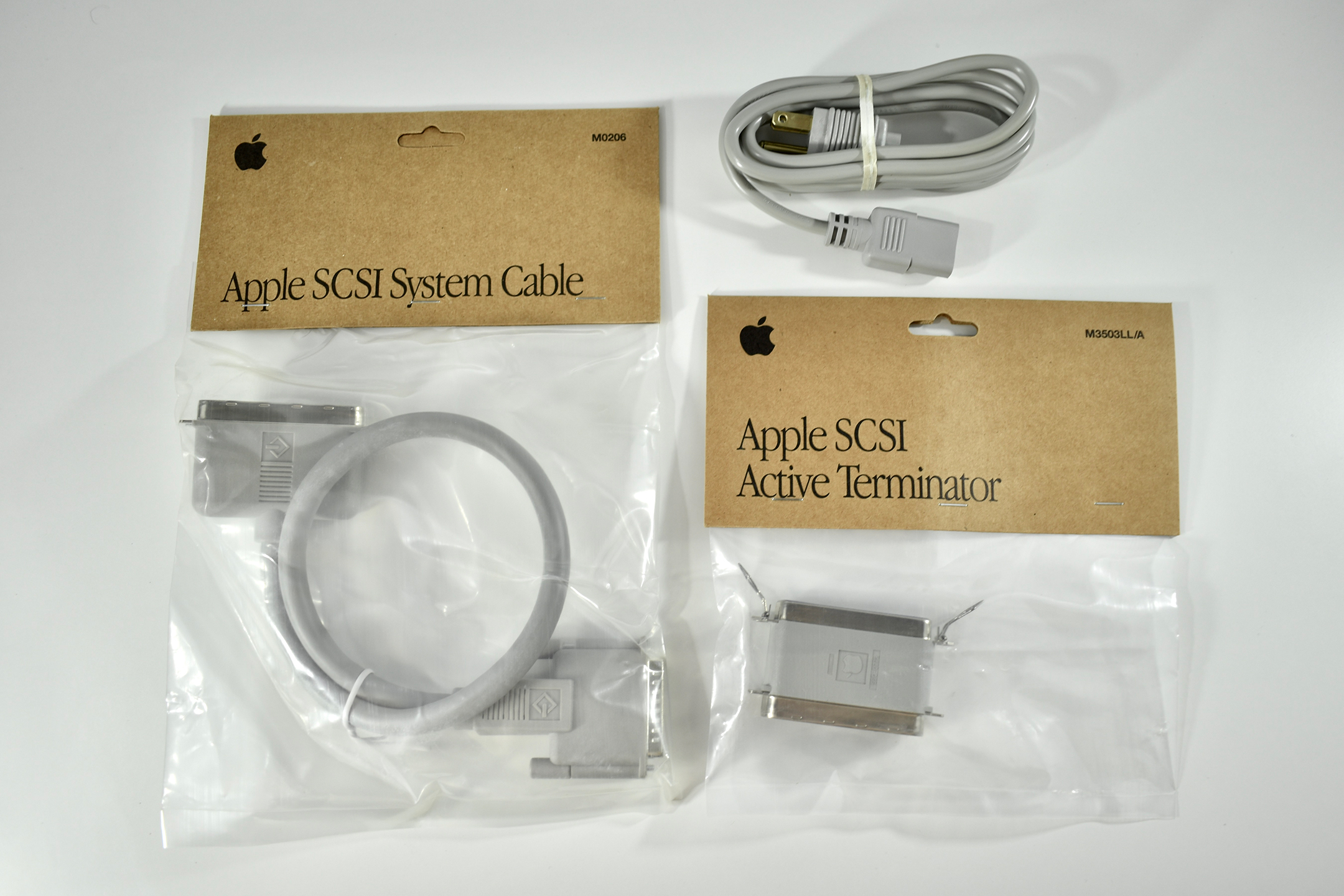
The AppleCD 300e Plus was among a few nearly identical SCSI-connected external CD-ROM drives manufactured by Apple. All AppleCD models used a SCSI (Small Computer System Interface, pronounced “scuzzy”) connection. According to PC Magazine, SCSI was “used in mainframes, servers and storage arrays in the late 1980s and 1990s… The SCSI bus connects up to 15 devices in a daisy chain topology, and any two can communicate at one time: host-to-peripheral and peripheral-to-peripheral.”

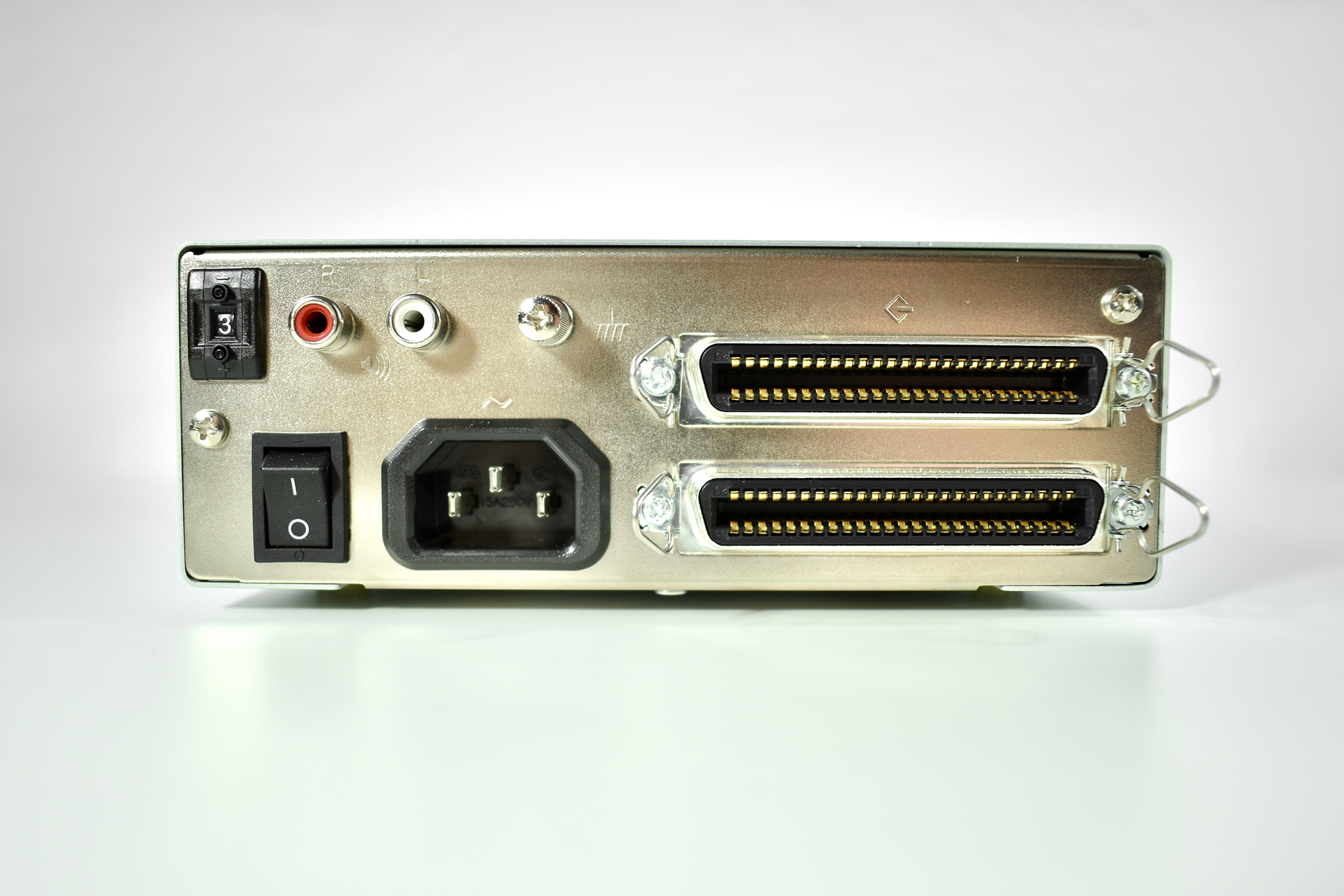
The AppleCD had a 1x Read-Only CD-ROM that could read CDs with with up to 750 MB of data. Ports on the back of the device included two 50-pin Centronics SCSI connectors, red and white audio RCA connectors, and device power input. A front input included a mini-headphone audio jack. The AppleCD could read five CD formats: CD-Audio, CD-ROM, HFS, ProDOS, and High Sierra.

Several models of the AppleCD drive were made, including the SC, SC Plus, 150, 300, 300e, 300i plus, 600i, 600e plus, and 1200i. The “e” designates external devices using the same design as this AppleCD 300e Plus.

Source: Wikipedia, PCMag

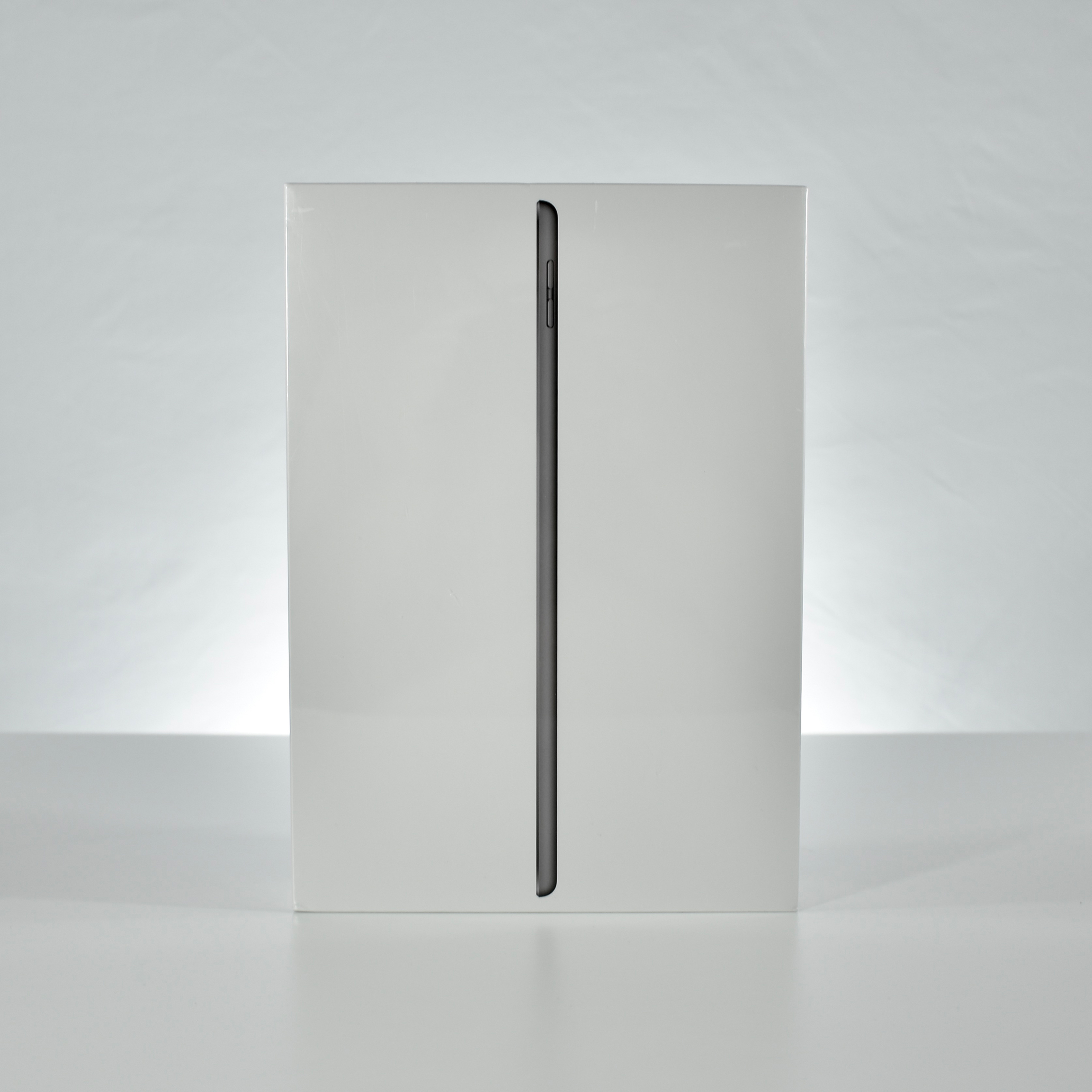
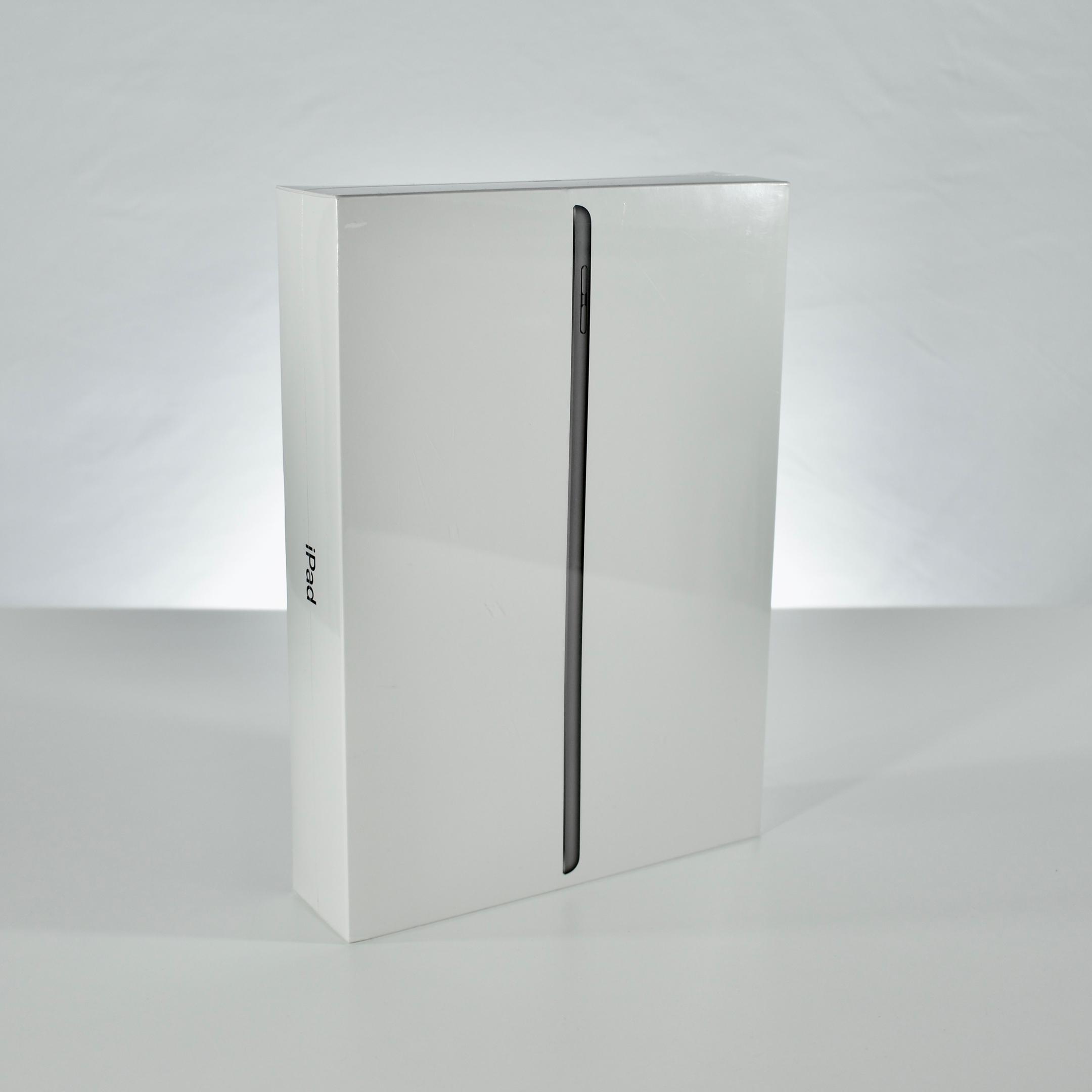
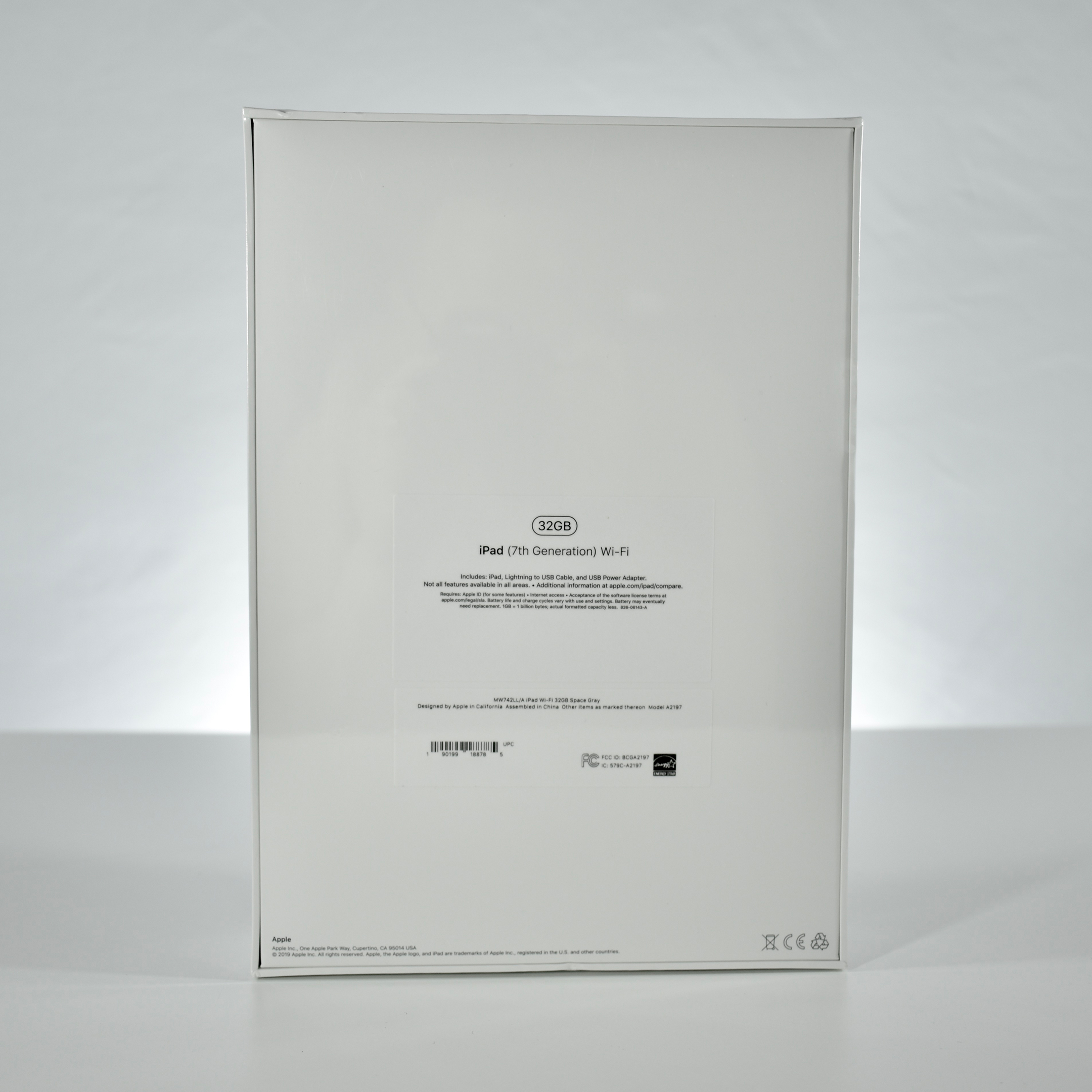
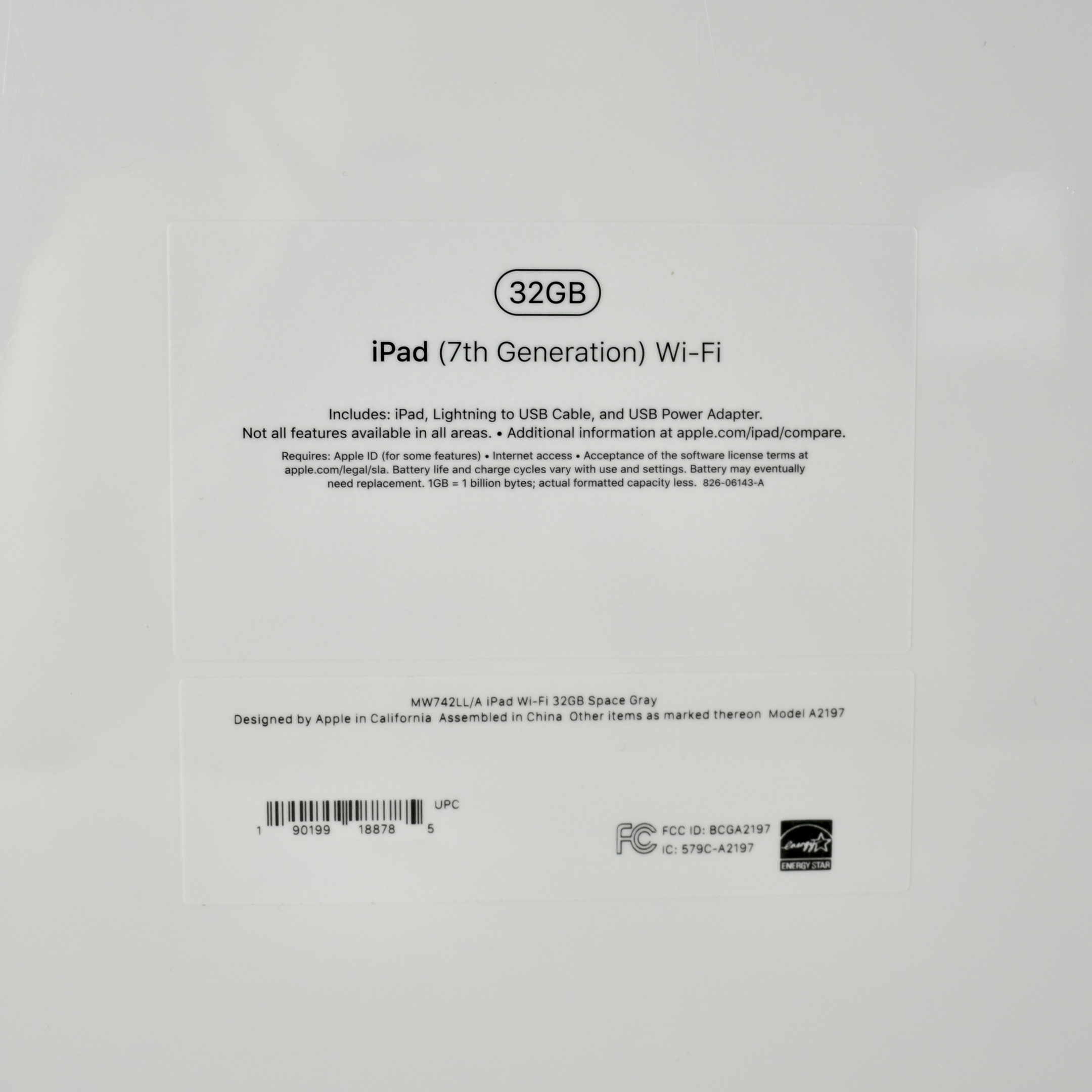
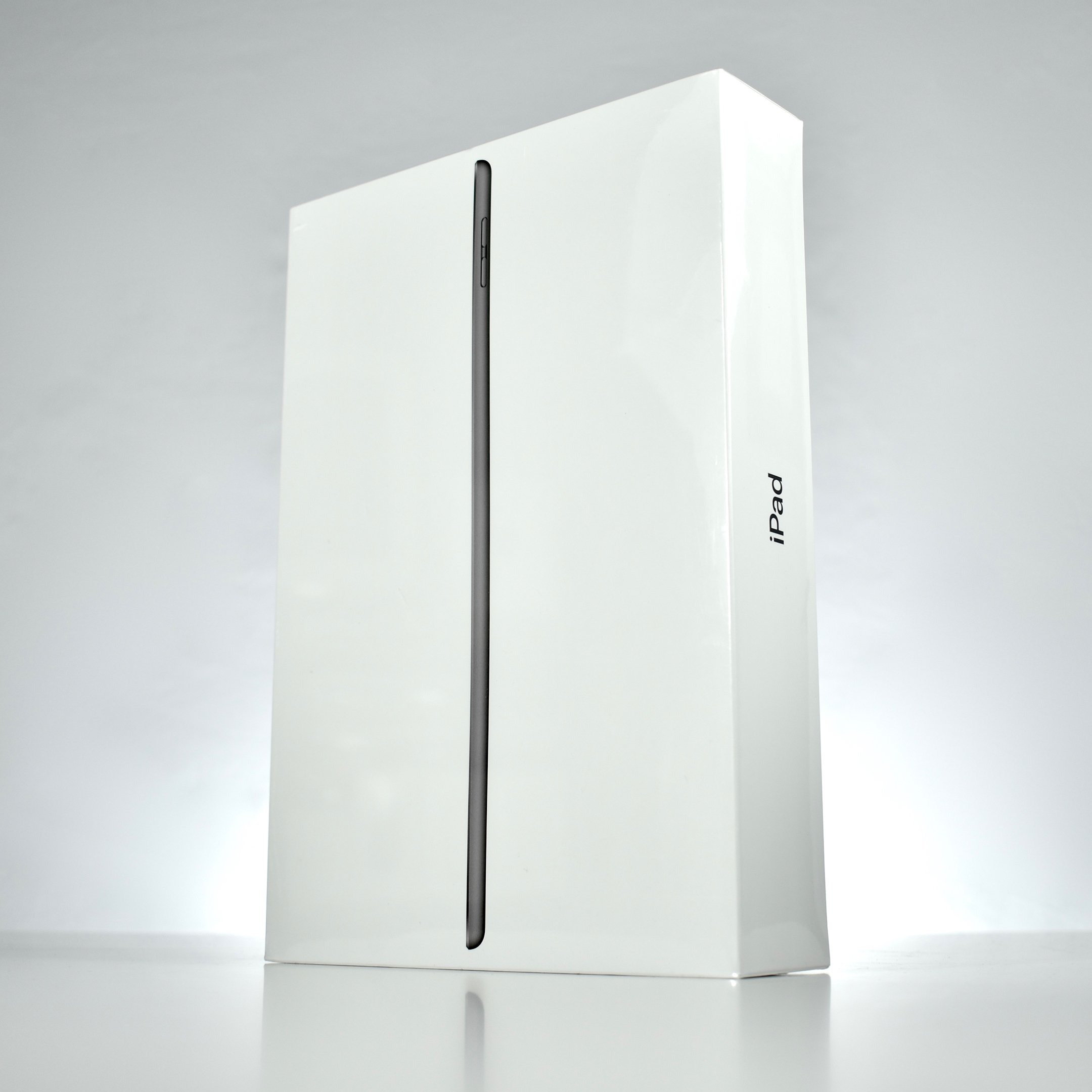
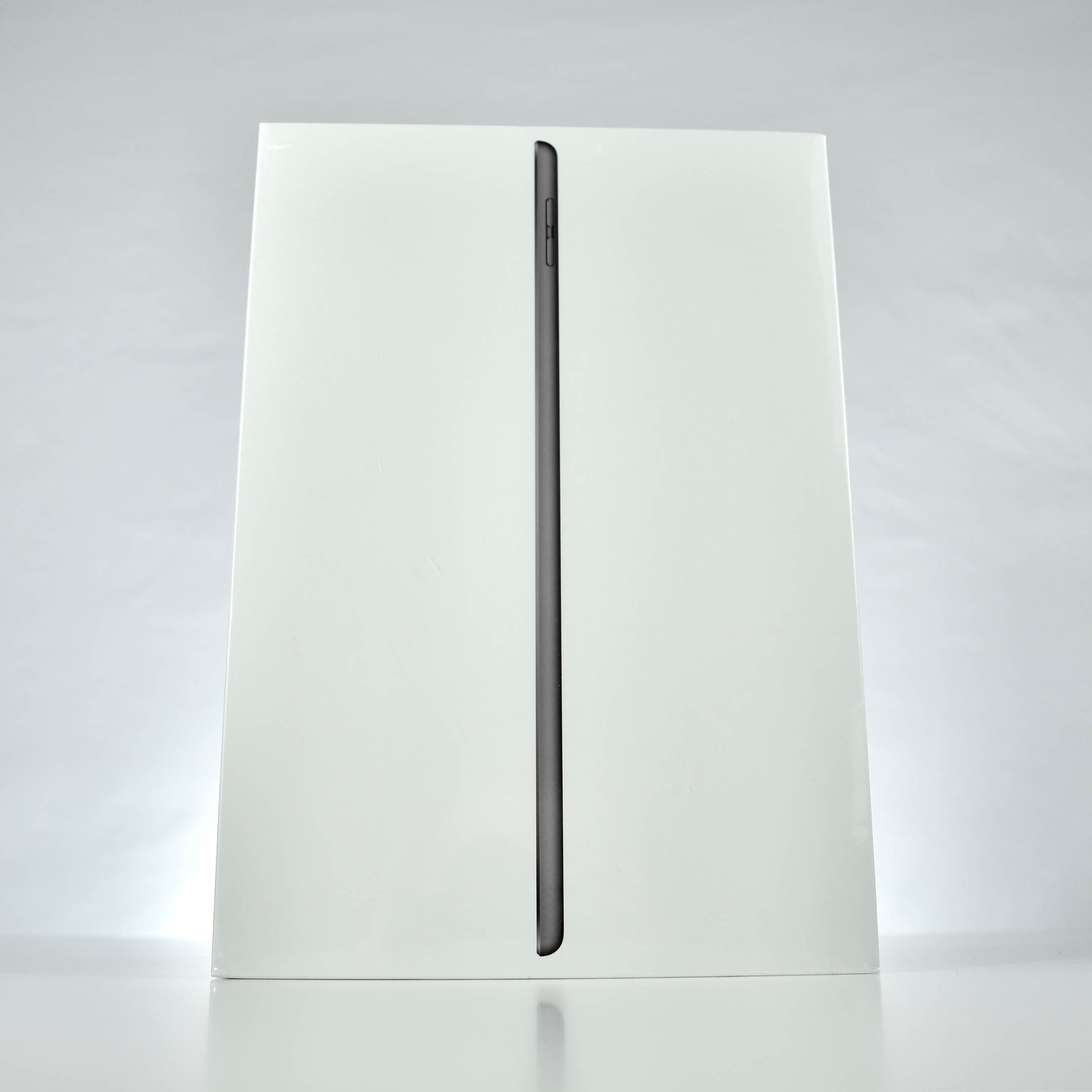
iPad (Generation 7, Wi-Fi, 32 GB, unopened, 2019)

The Generation 7 iPad differs from previous base iPad models with its larger 10.2-inch screen at 2160×1620 (264 ppi) (the Generation 6 iPad had a 9.7-inch screen) and the addition of the Smart Connector. The Smart Connector allows this iPad to use an Apple Smart Keyboard. This iPad was available in three colors: white front with a gold back, white front with silver back, and black front with a Space Gray back. This example is Space Gray.

The Generation 7 iPad uses the Apple A10 Fusion processor with 3 GB of RAM, and has 32 GB or 128 GB of internal storage. It also has an 8 Megapixel iSight camera on the back (1080p) and a 1.2 Megapixel FaceTime camera (720p) on the front. Wireless connectivity includes 802.11ac Wi-Fi and Bluetooth 4.2,. Its two wired ports are the Lightning port and a 3.5mm audio port. Internal sensors include accelerometer, gyroscope, ambient light sensor, compass, and barometer.

Aside from this Wi-Fi model, three Wi-Fi/Cellular models are available (US/CA, Global, and China).

Source: EveryMac