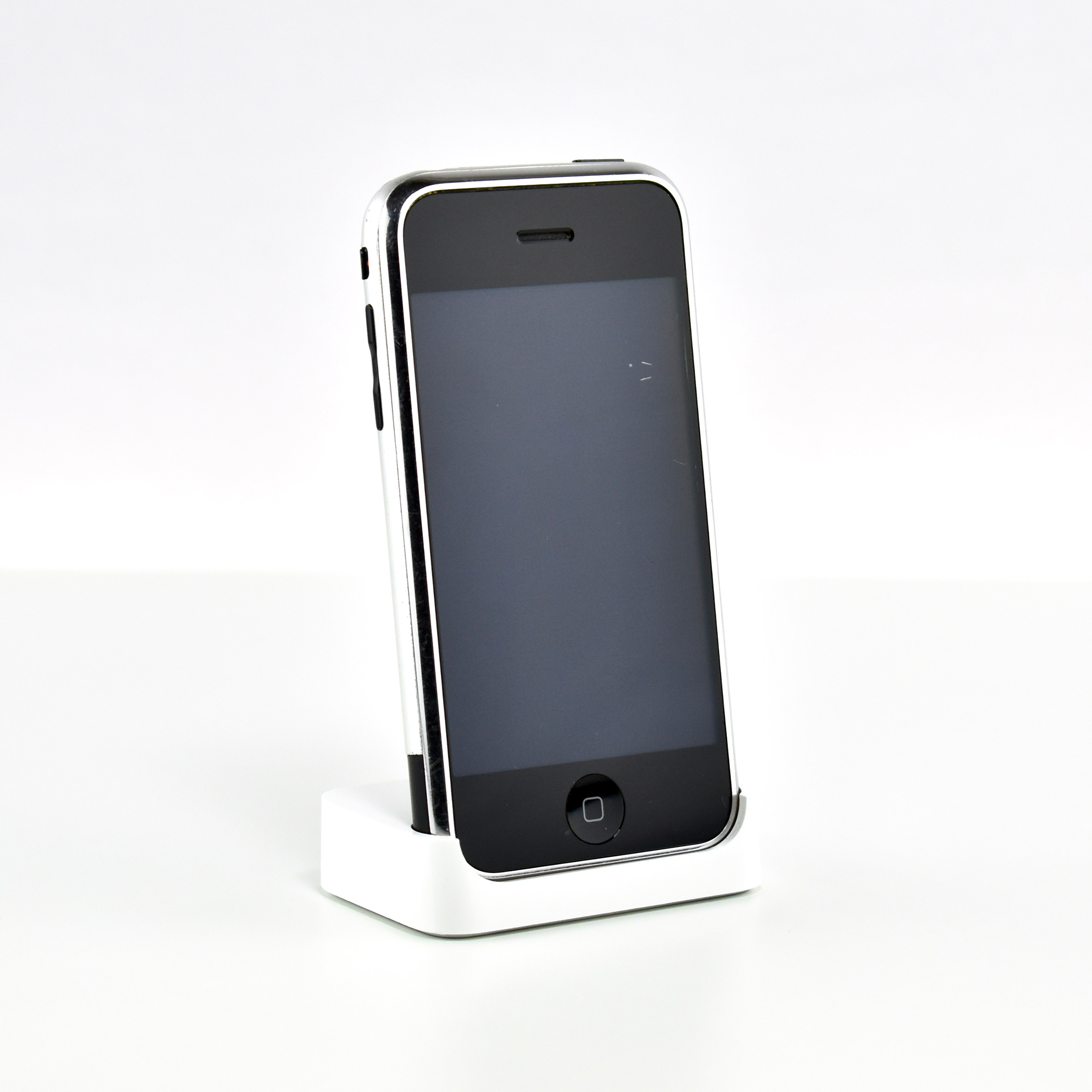
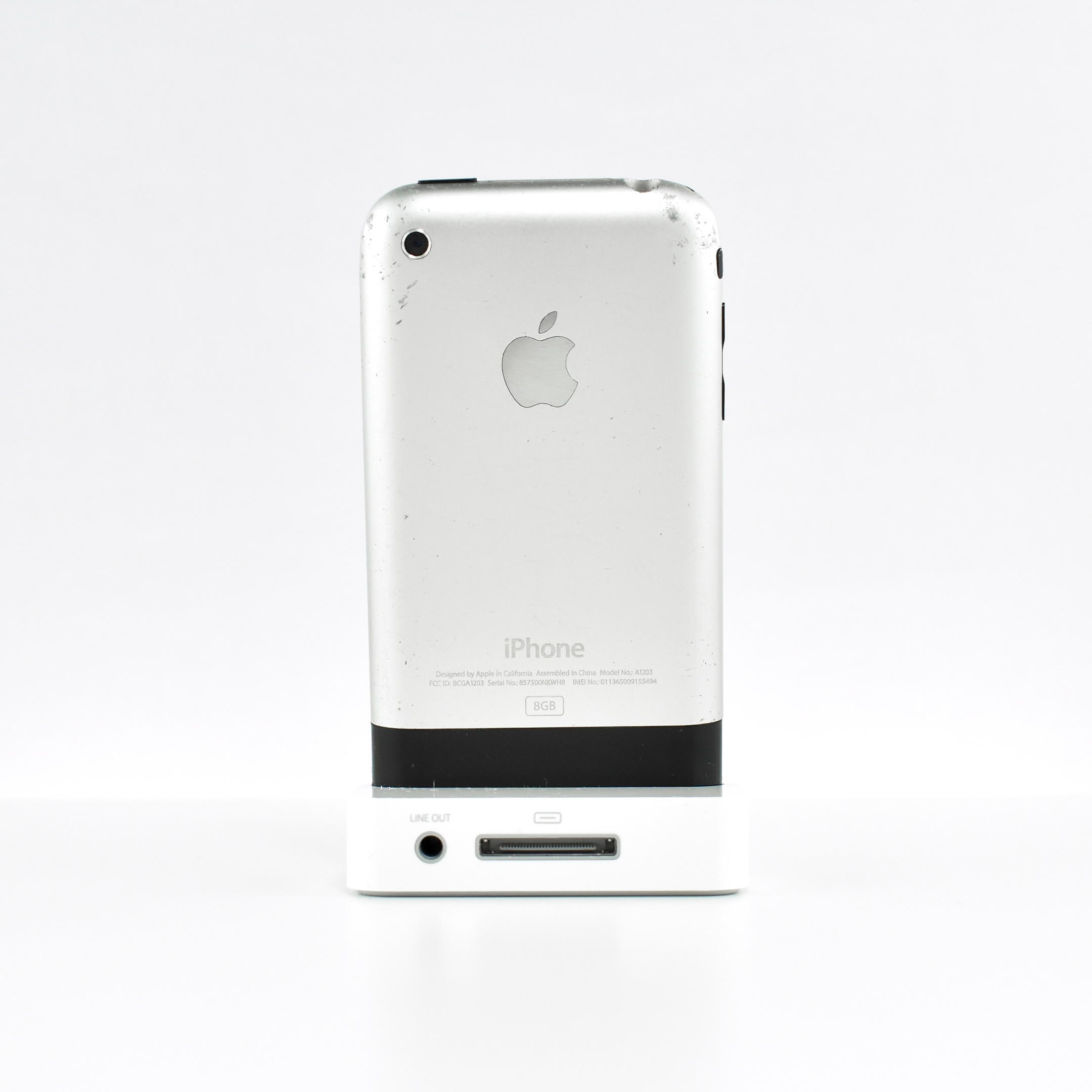
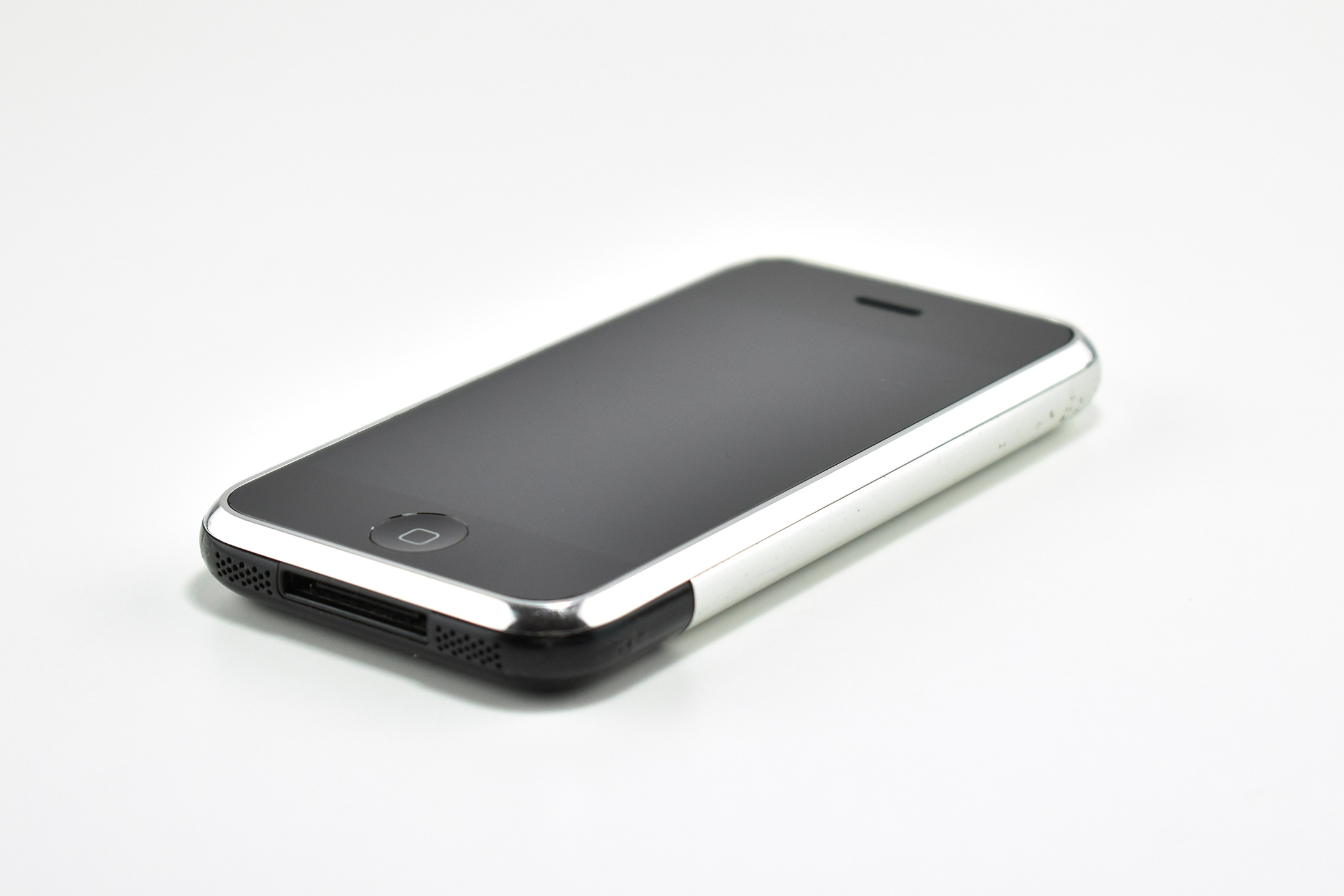
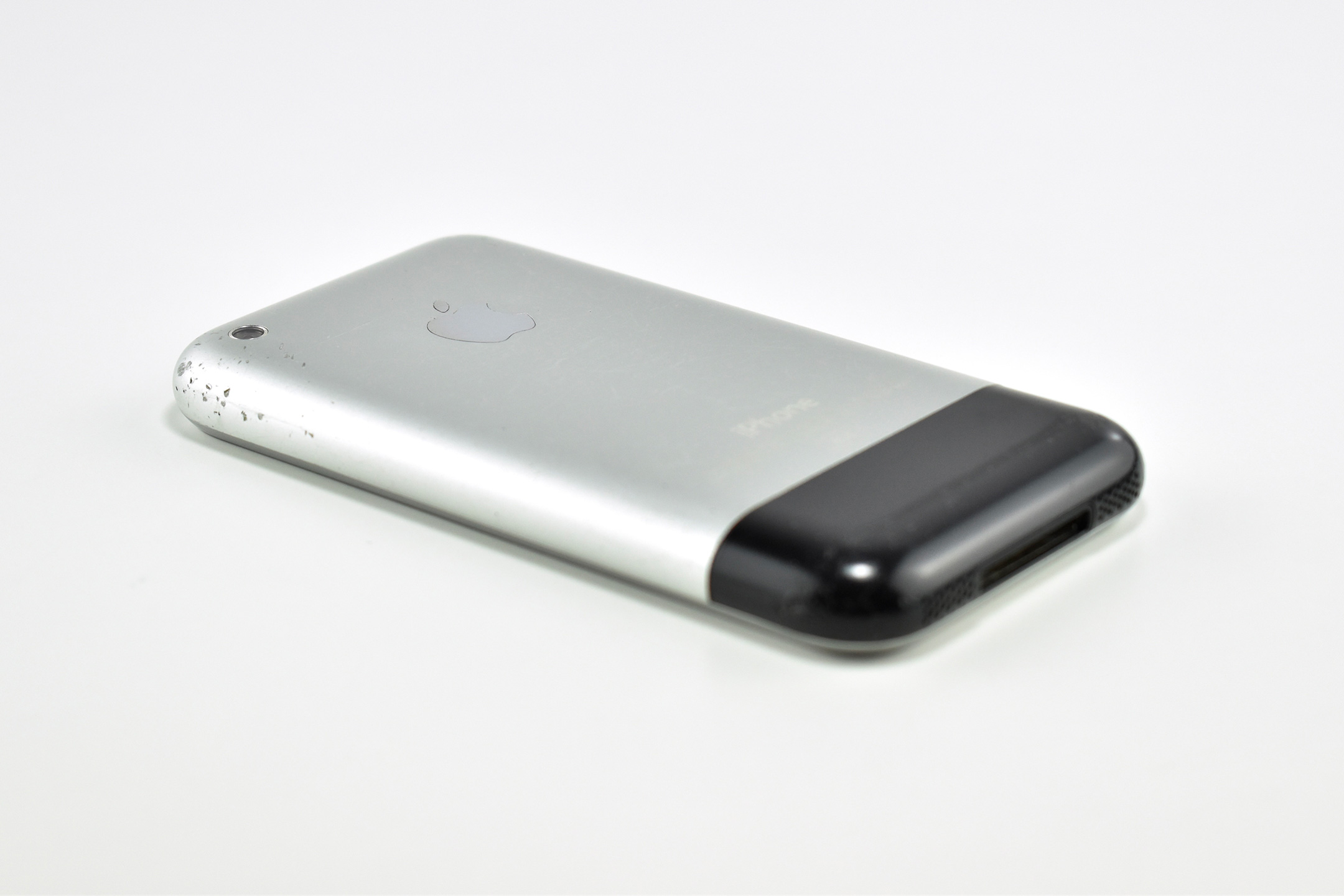
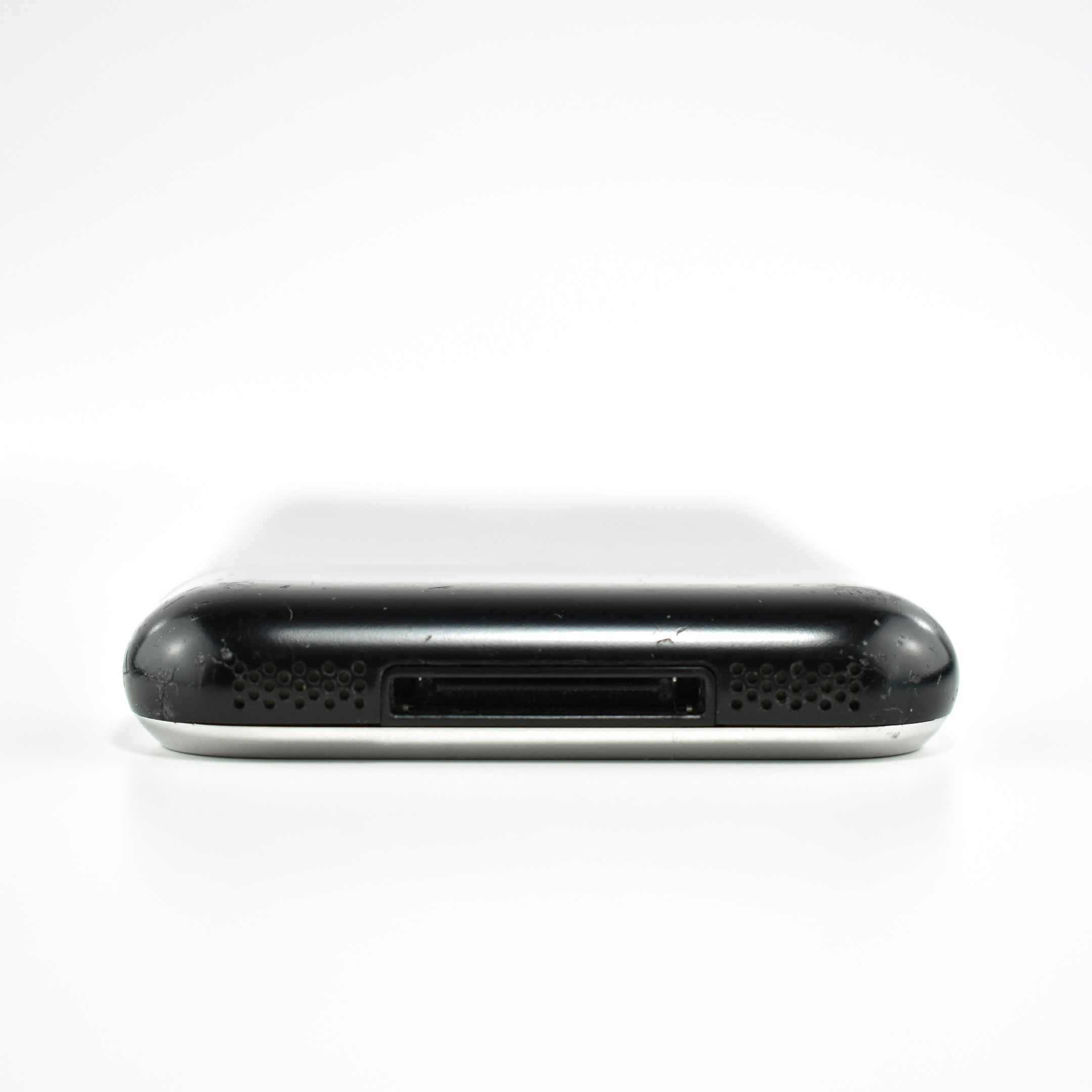
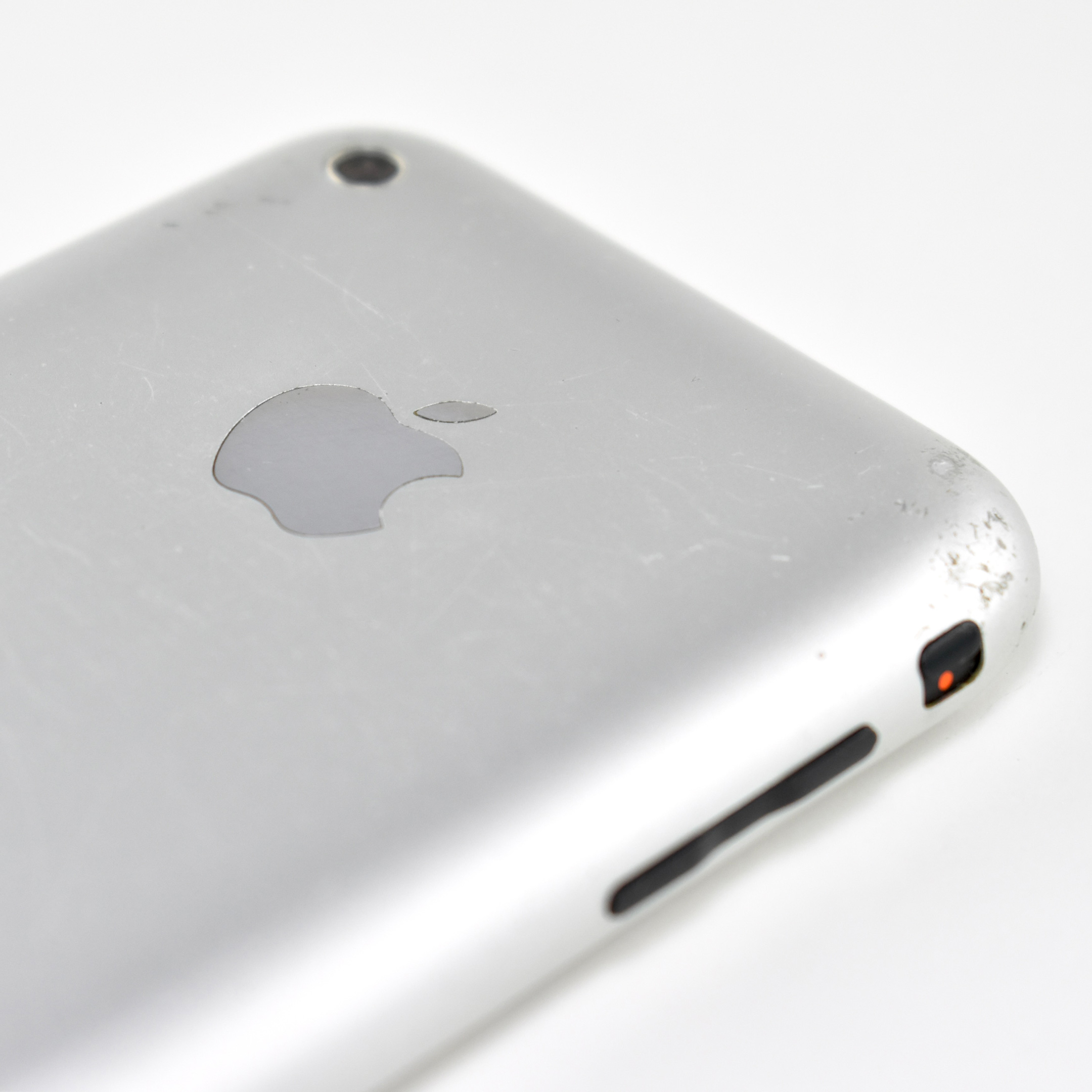
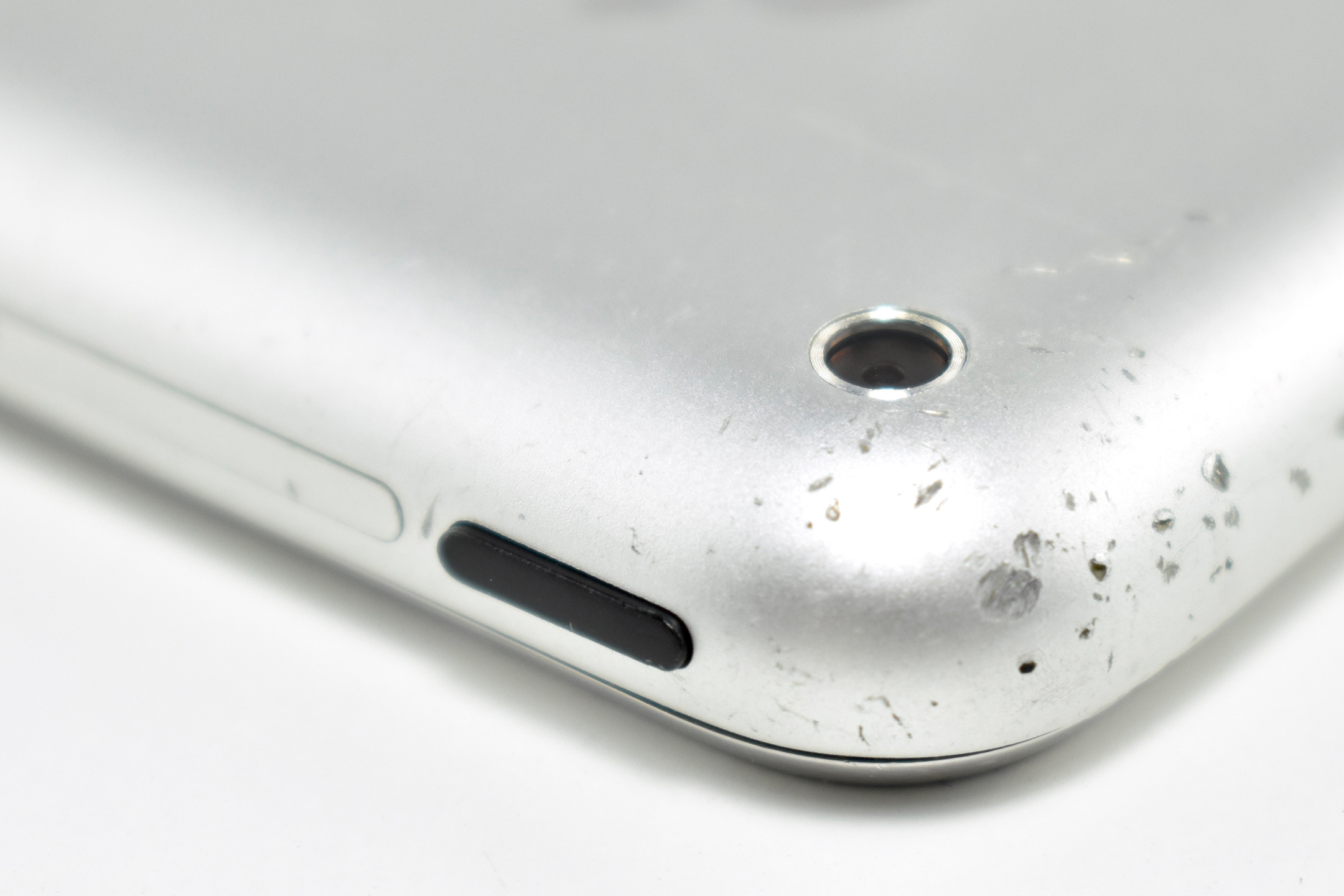
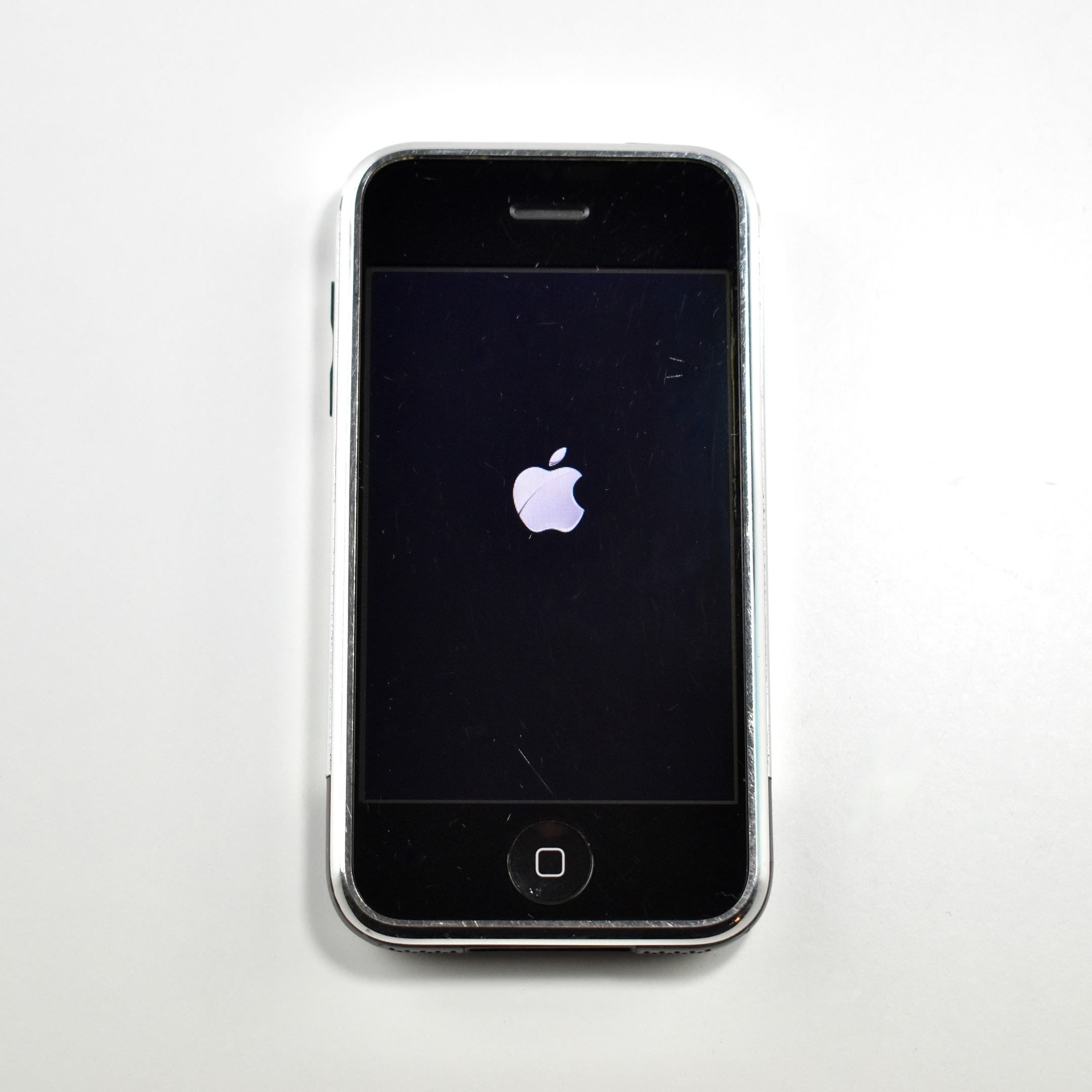
The original iPhone was officially announced on January 9, 2007, and was released on June 29, 2007. The original iPhone was available in 4, and 8 GB capacities, with a 16 GB capacity released on February 5, 2008.
The original iPhone introduced the “multi-touch” display that allowed control by dragging one or more fingers across the glass display, although no interface controls required multiple fingers in the iPhone OS 1.0. This iPhone has sensors including an accelerometer (to detect landscape or portrait orientation), an ambient light sensor (to control screen brightness), and a proximity sensor (to turn off the display when held to the ear).
Other features included Wi-Fi (802.11b/g), EDGE, Bluetooth 2.0, and a 2.0 megapixel camera. The case is 2.4 inches by 4.5 inches, is 0.46-inch thick, and weighs 4.8 ounces.
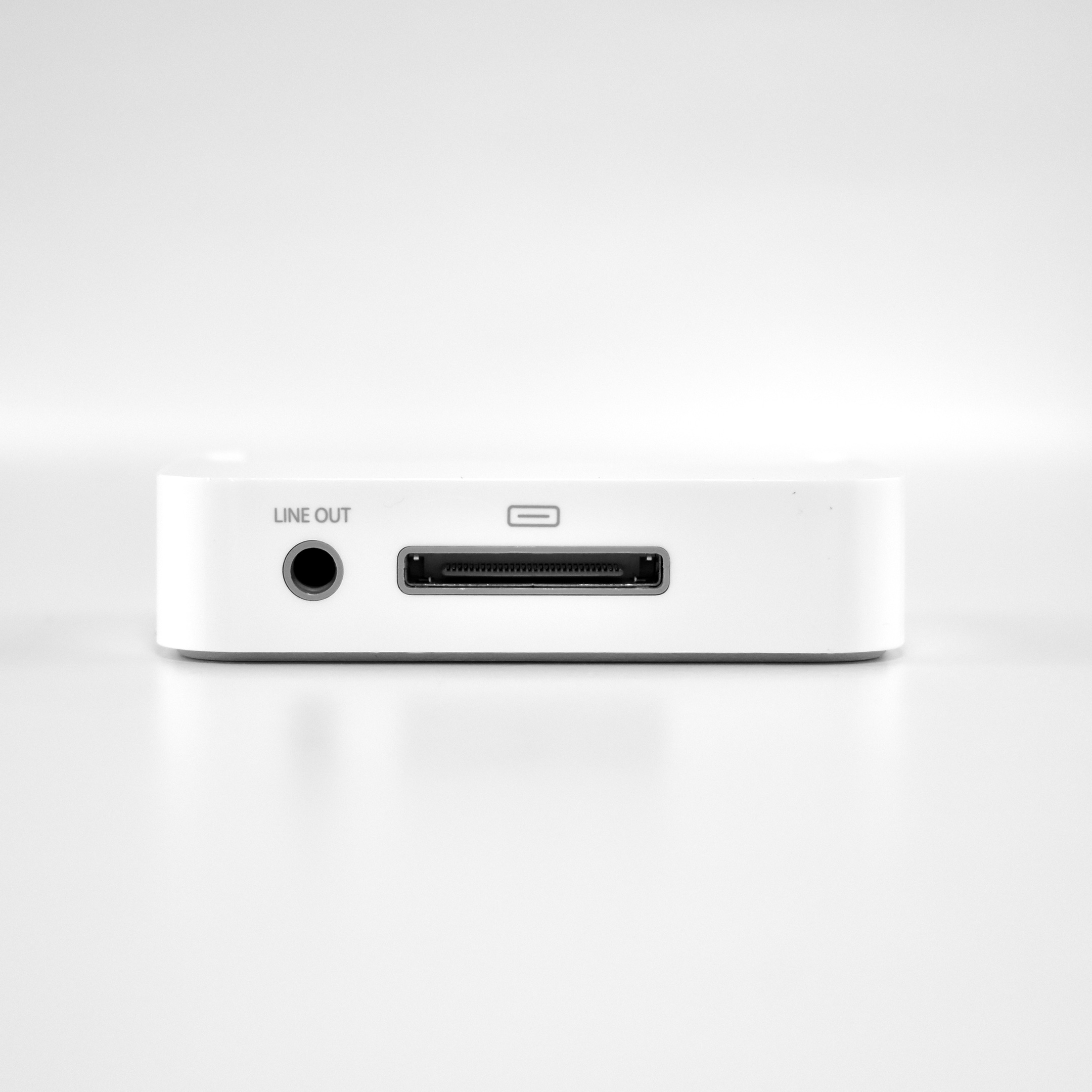
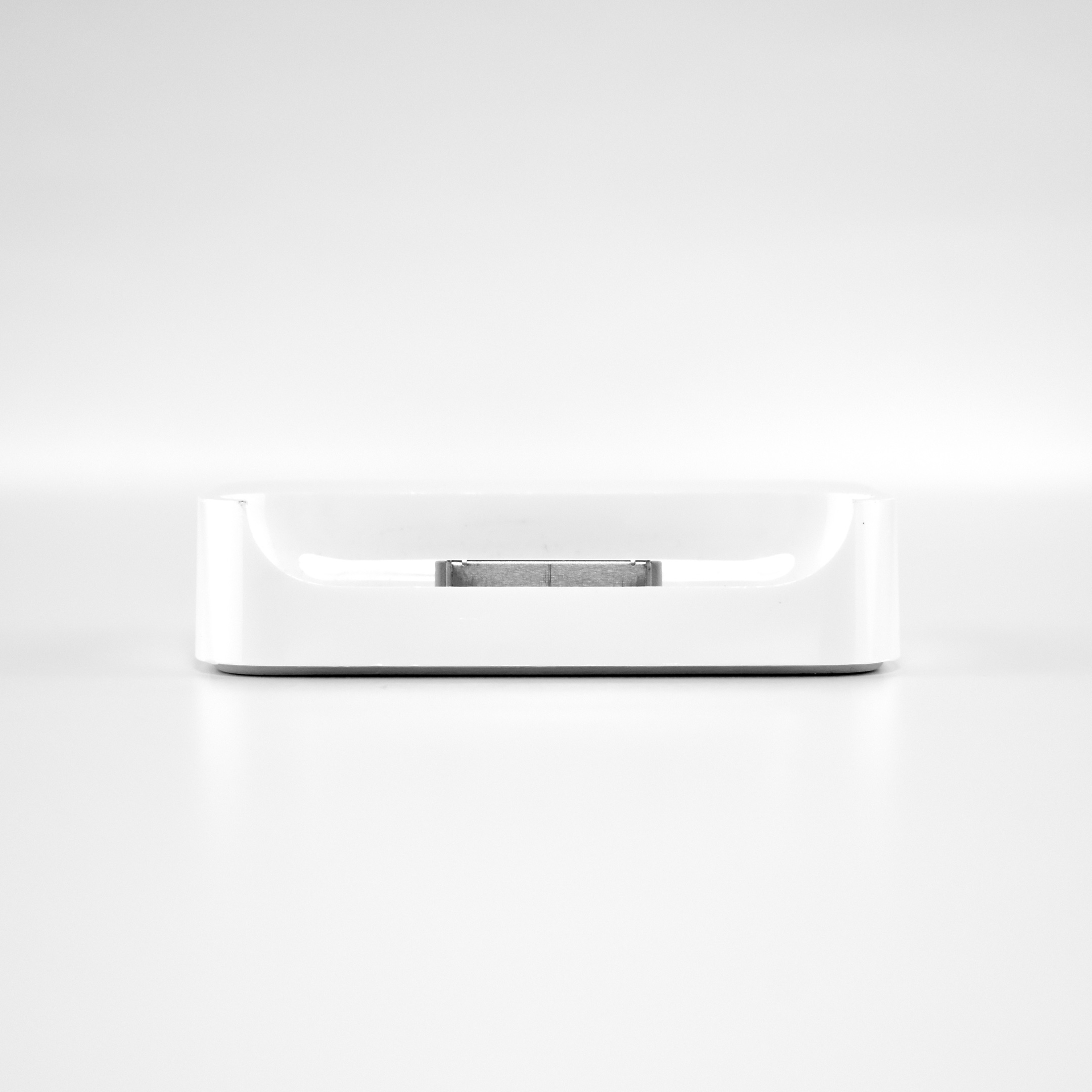
This example is in somewhat rough shape cosmetically, but still functions perfectly. It includes the charging base station that shipped with the original iPhone.
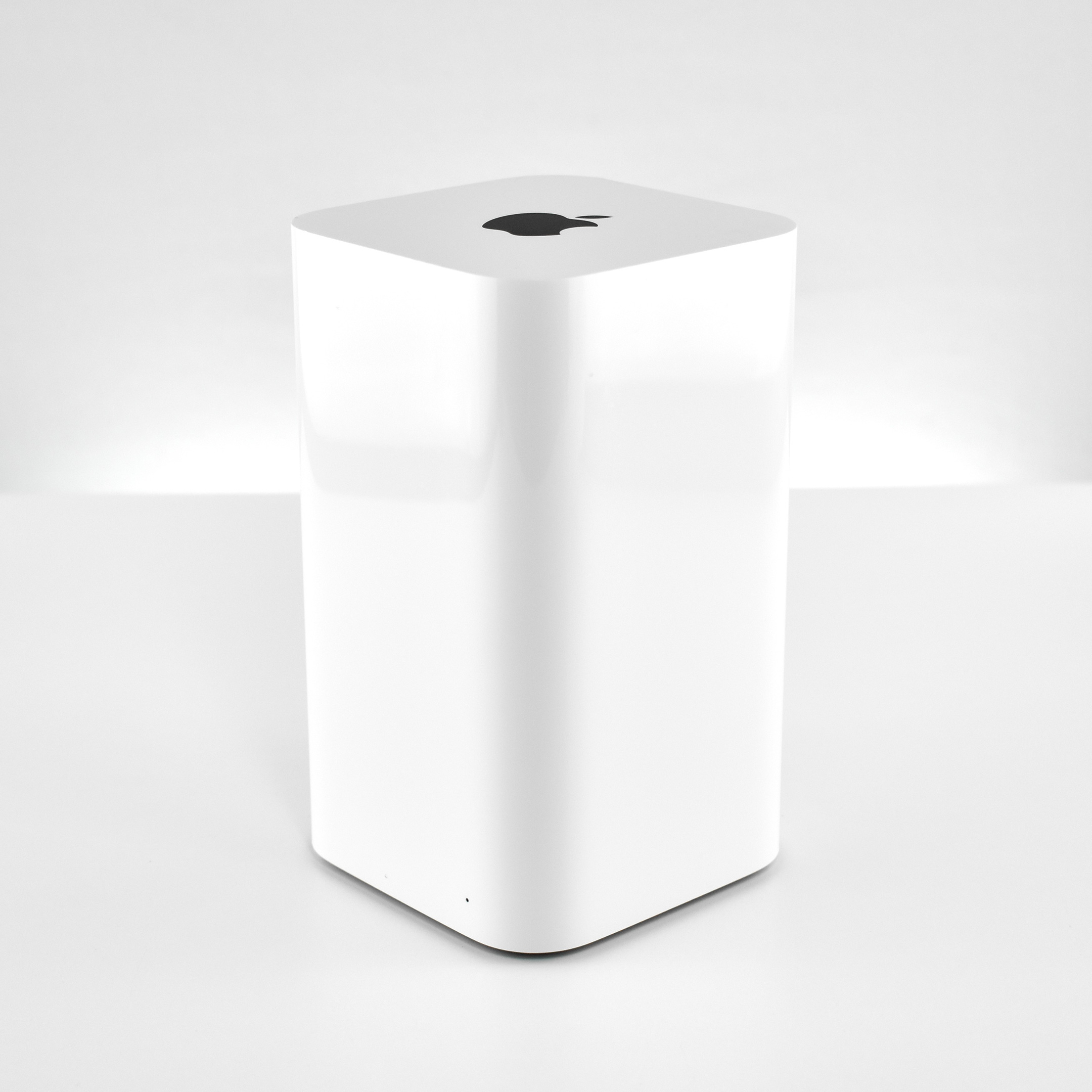
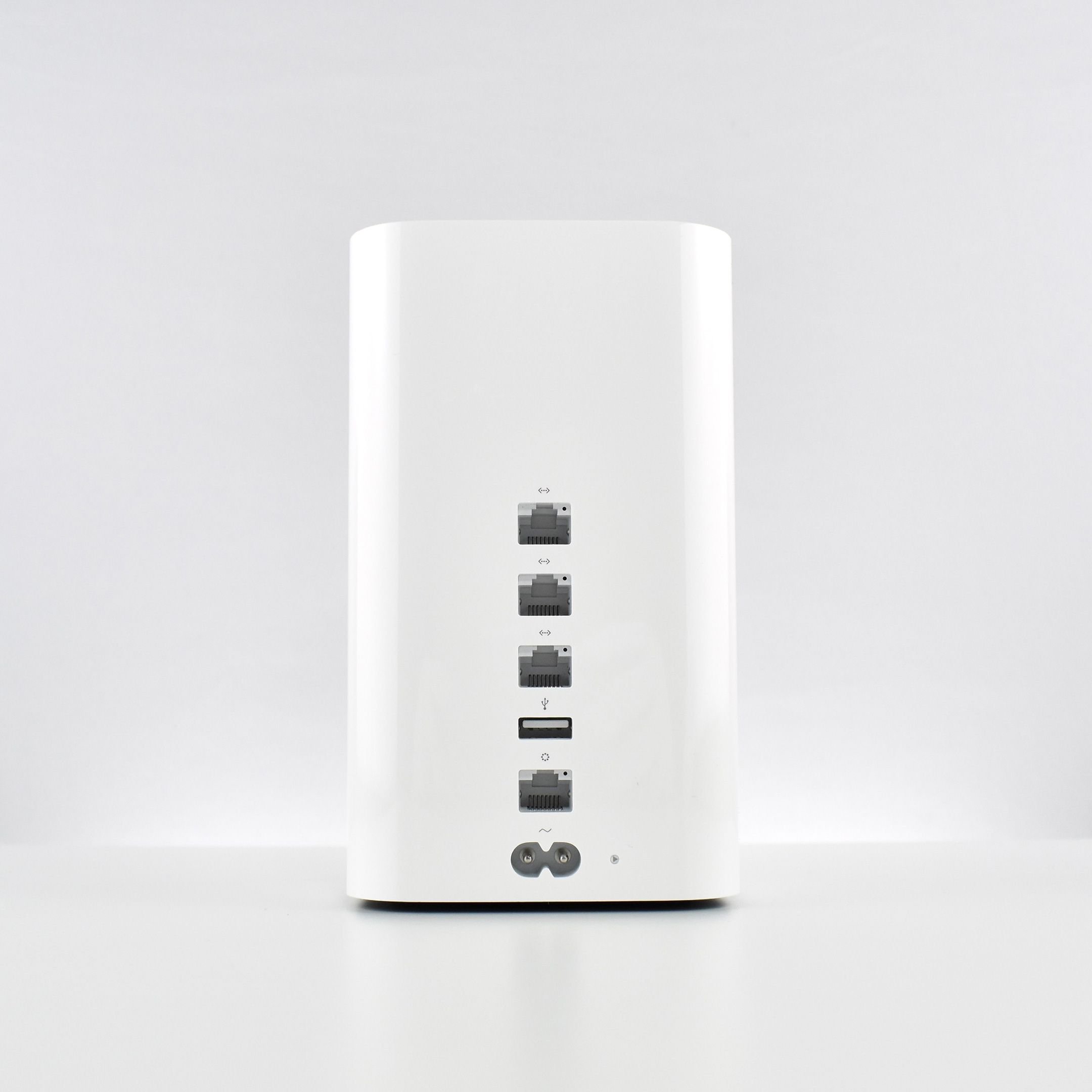
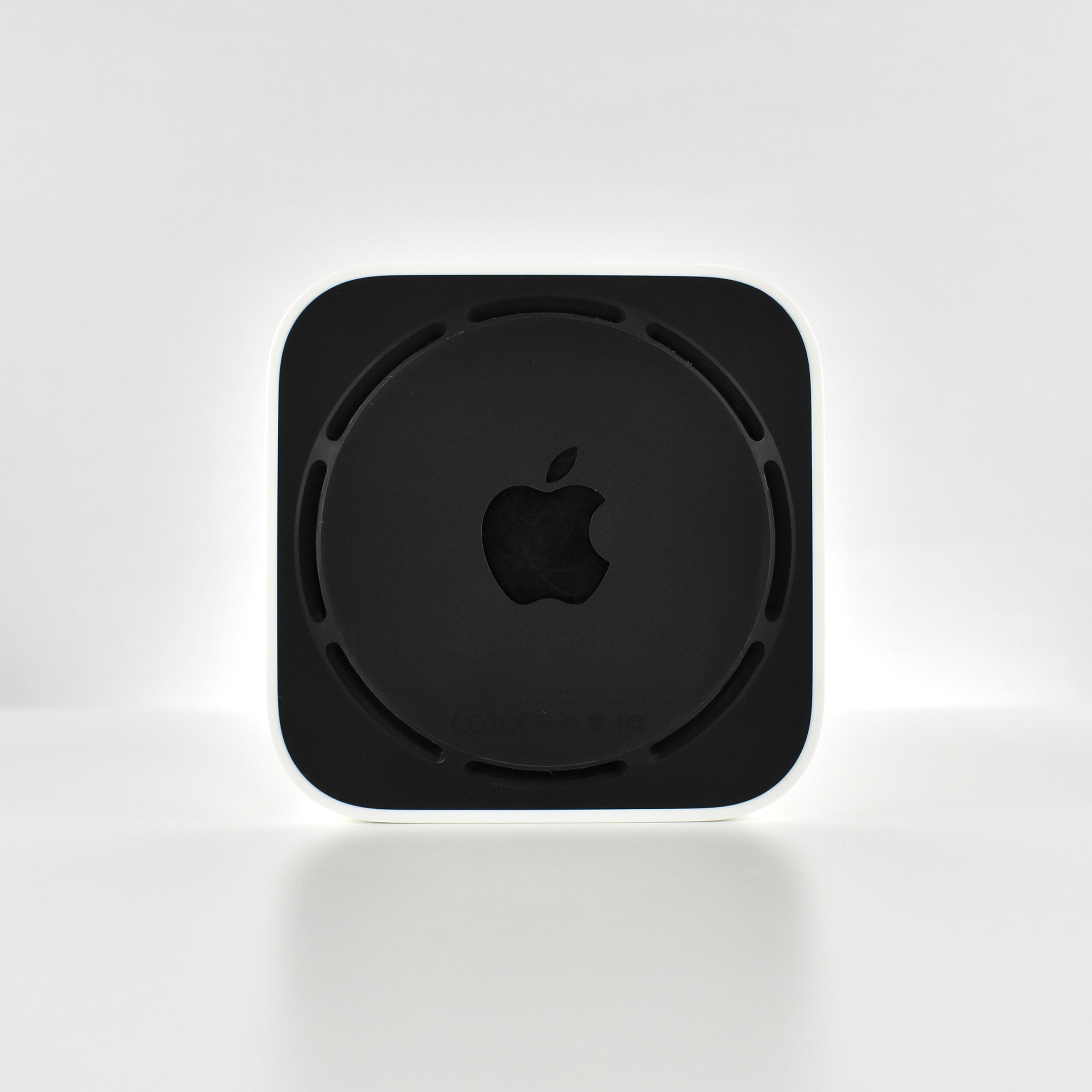
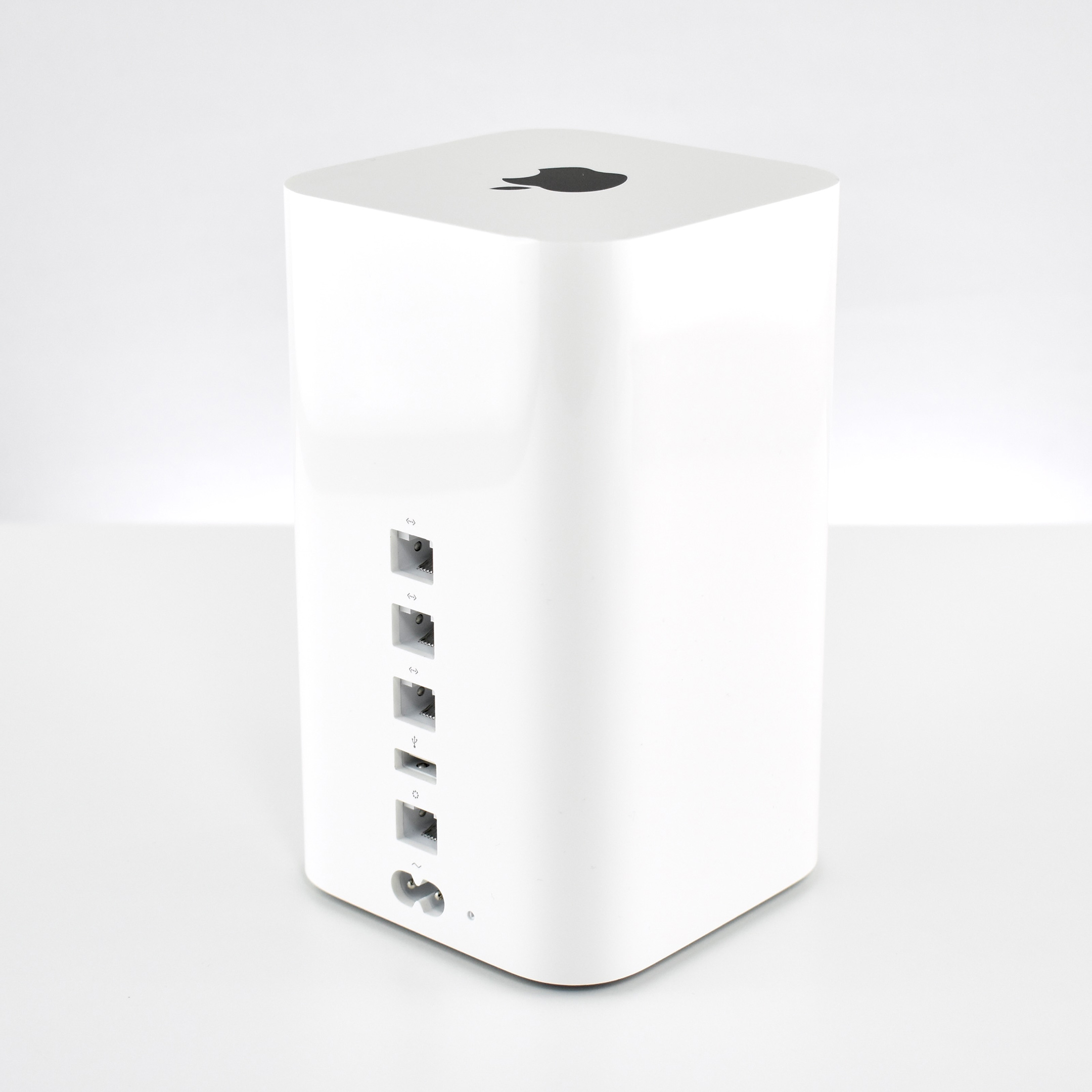
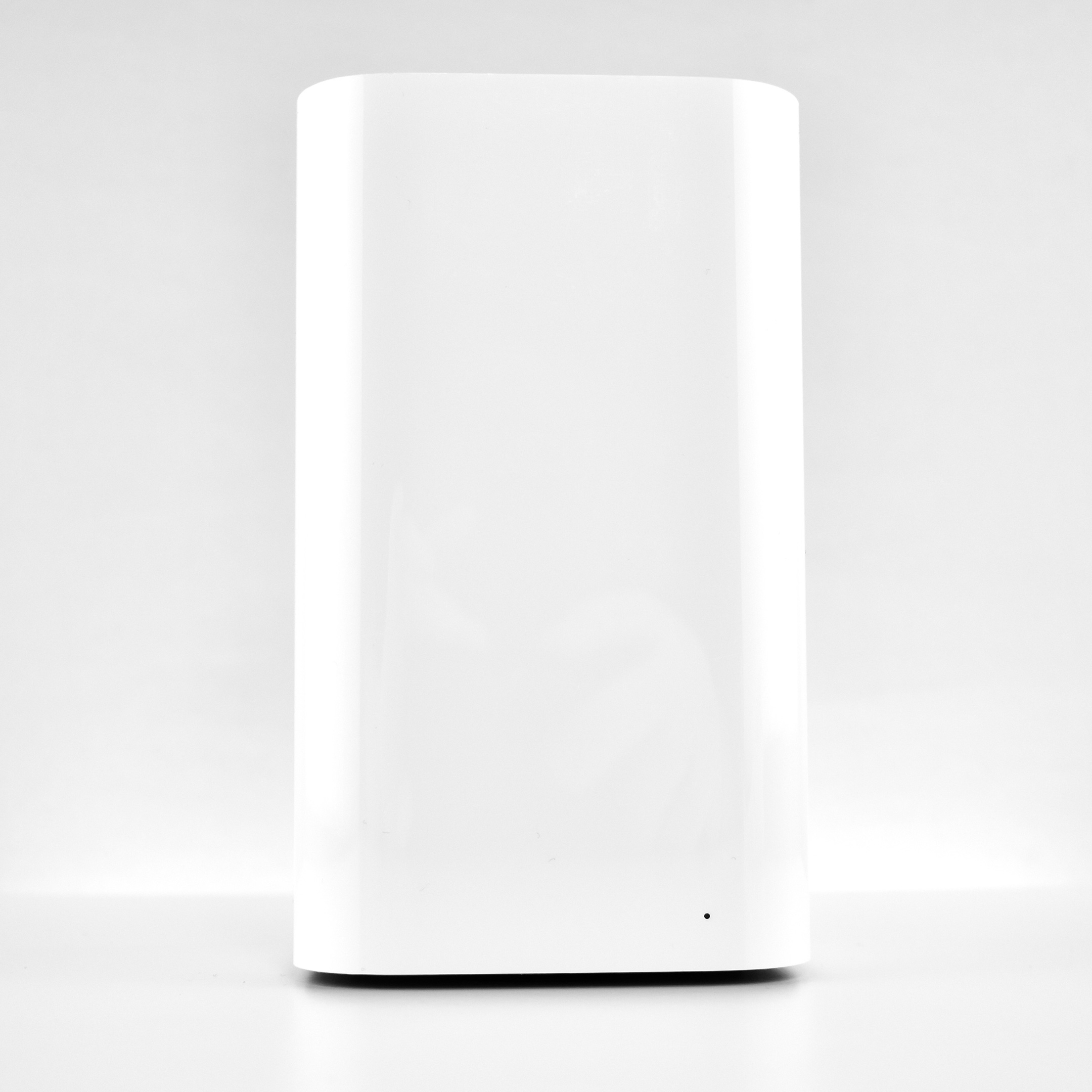
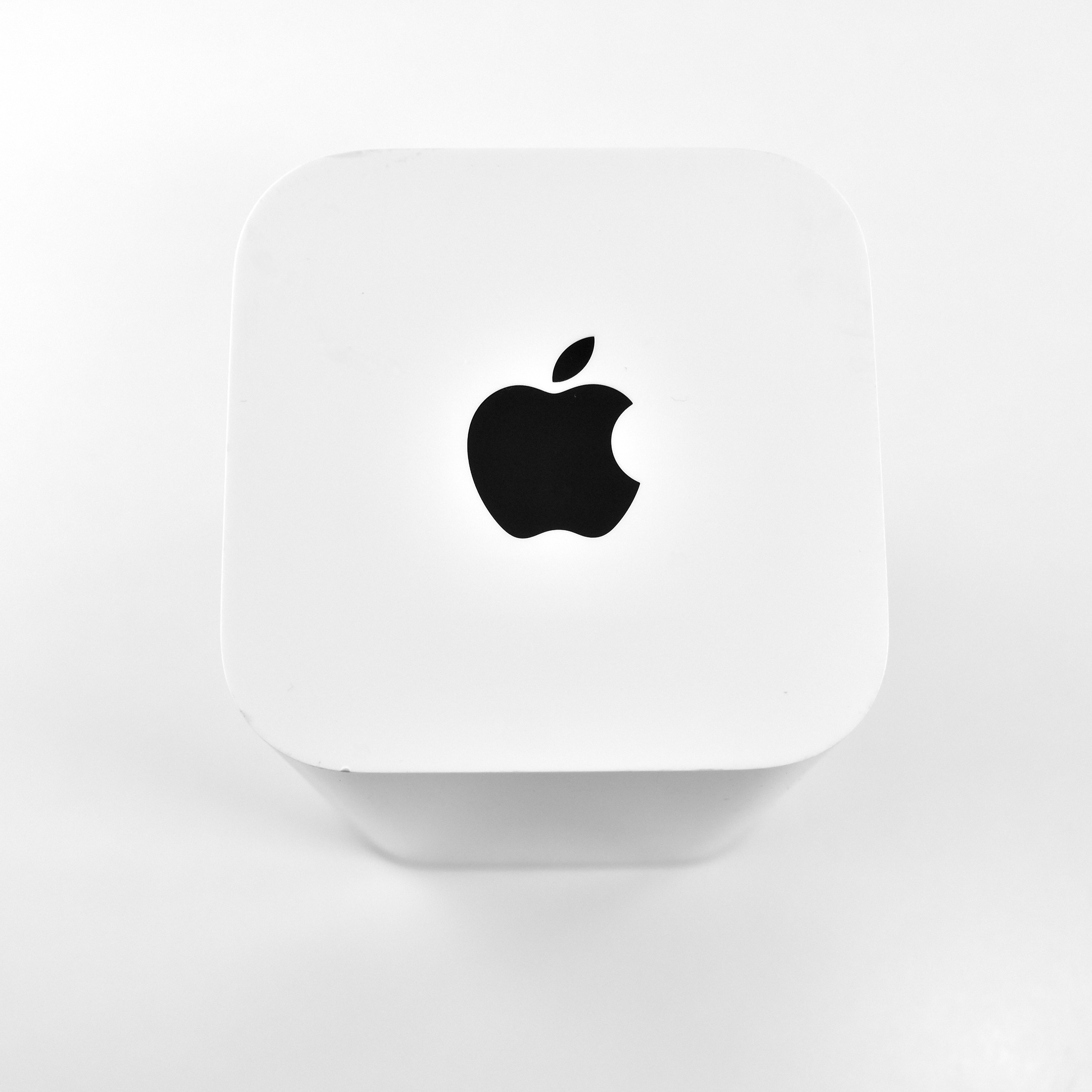
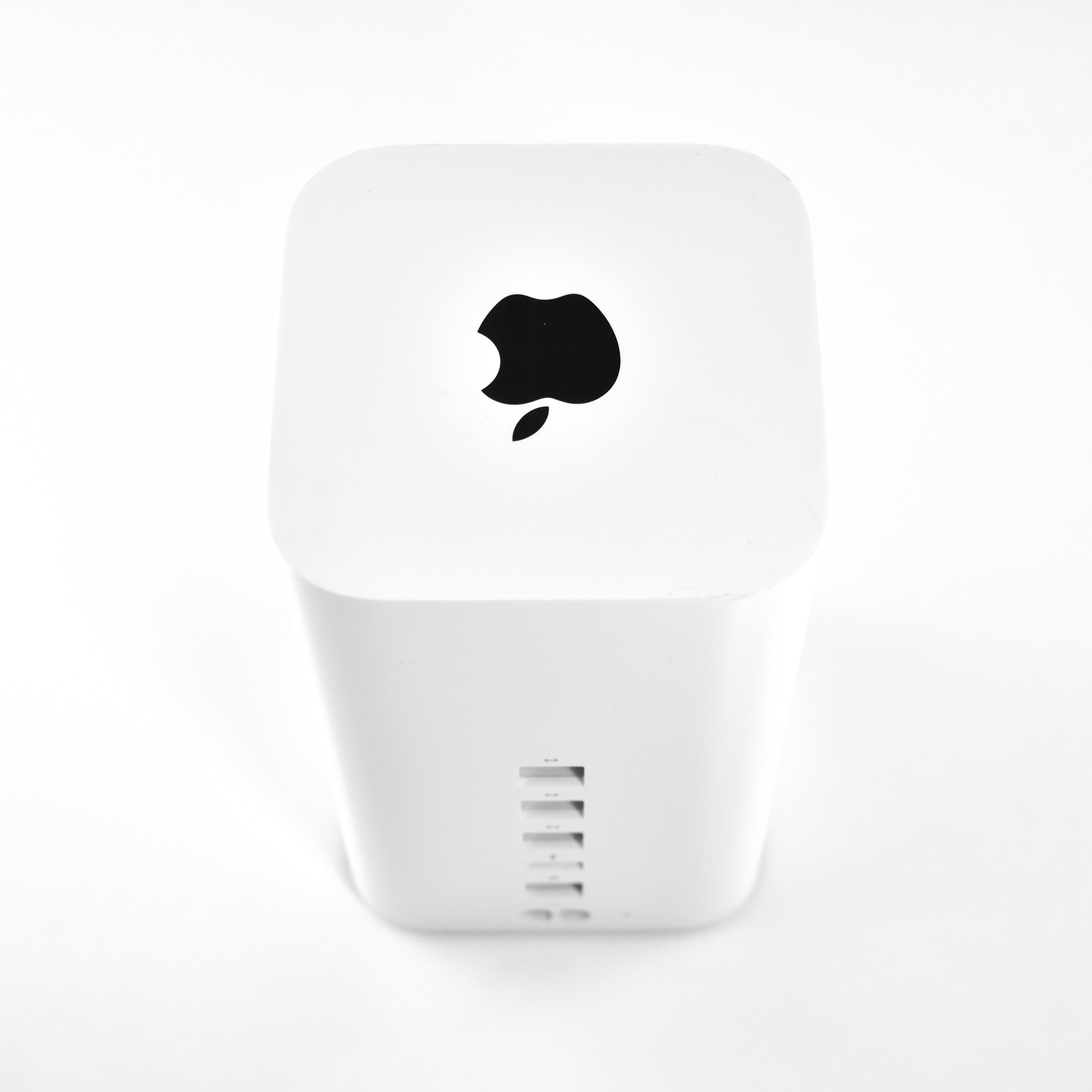
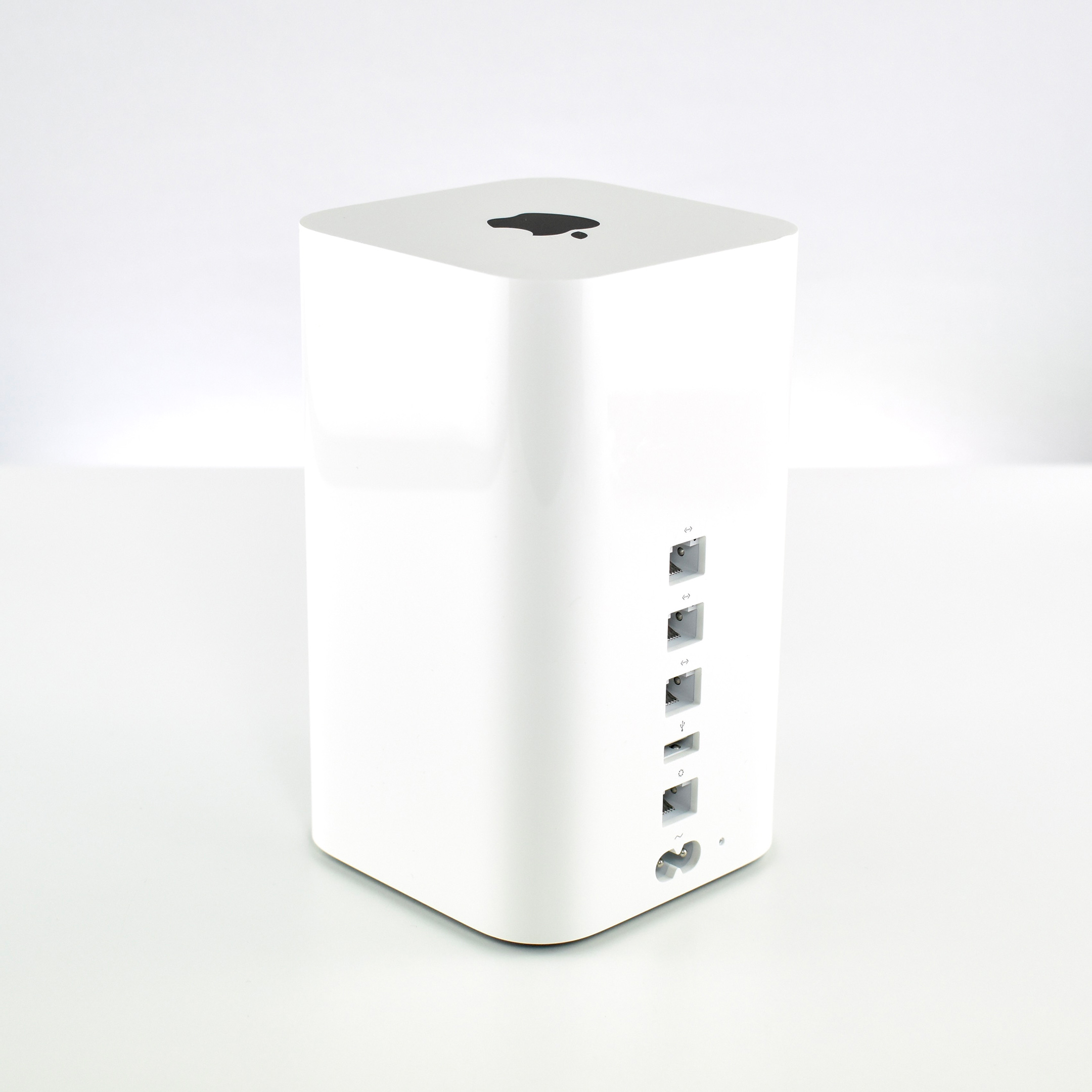
The AirPort Extreme was a wireless base station that combined the functions of a router, network switch, wireless access point, Network-Attached Storage (NAS), and other features. Apple released a total of seven AirPort Extreme Base Station models. This Generation 6 was the final model.
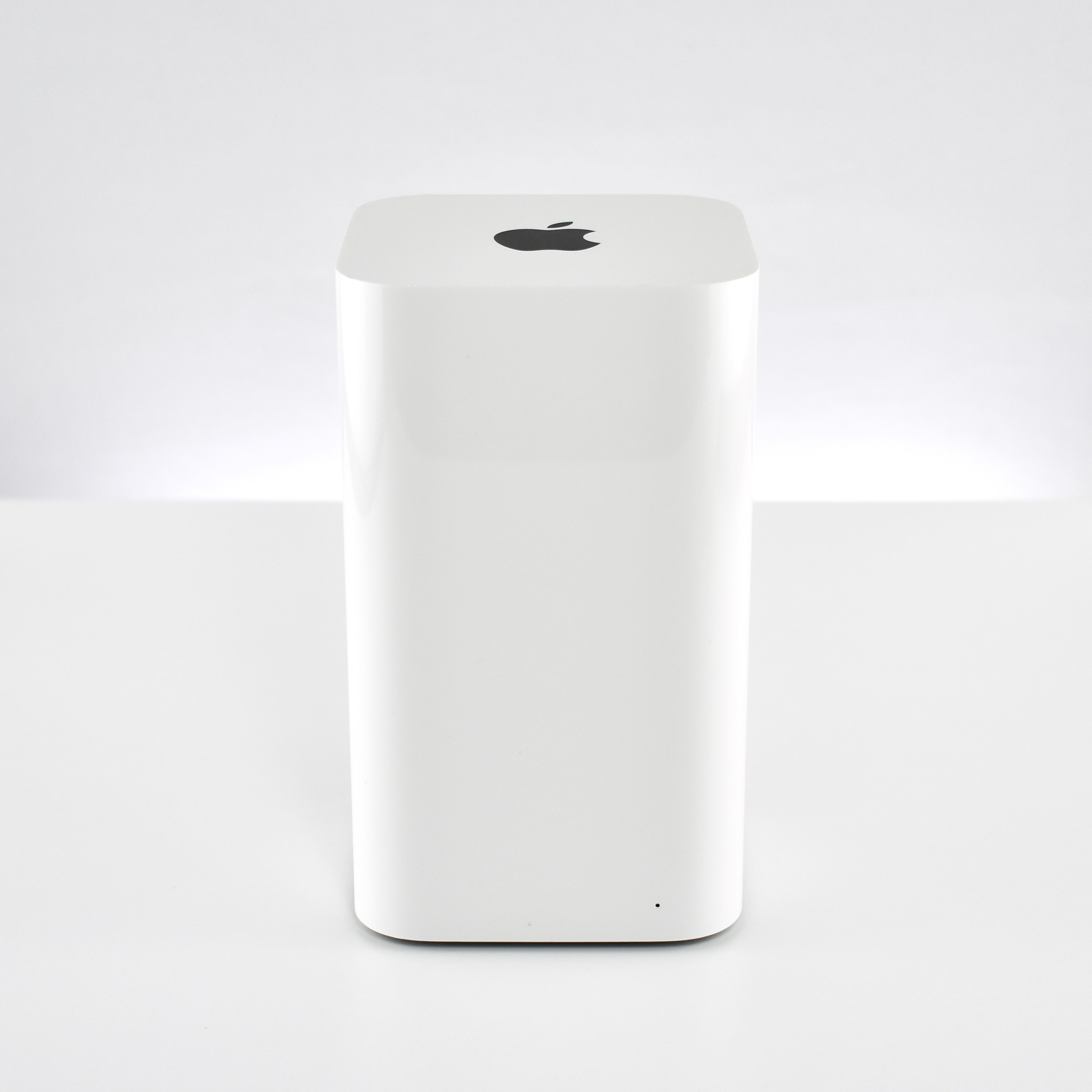
The original version of the AirPort Extreme Base Station used the “flying saucer” form factor. Generations 1–5 used a flat square form factor with rounded corners. The final Generation 6 model kept the concept of a square with rounded corners, but the base station used a tower design, measuring 3.85 inches x 3.85 inches and 6.6 inches tall.
The Generation 6 AirPort Extreme 802.11ac was announced on June 10, 2013. It offered three-stream 802.11ac Wi-Fi at 1.3Gbit/s (three times faster than 802.11n). Time Machine was supported in this model using an attached external USB hard drive.
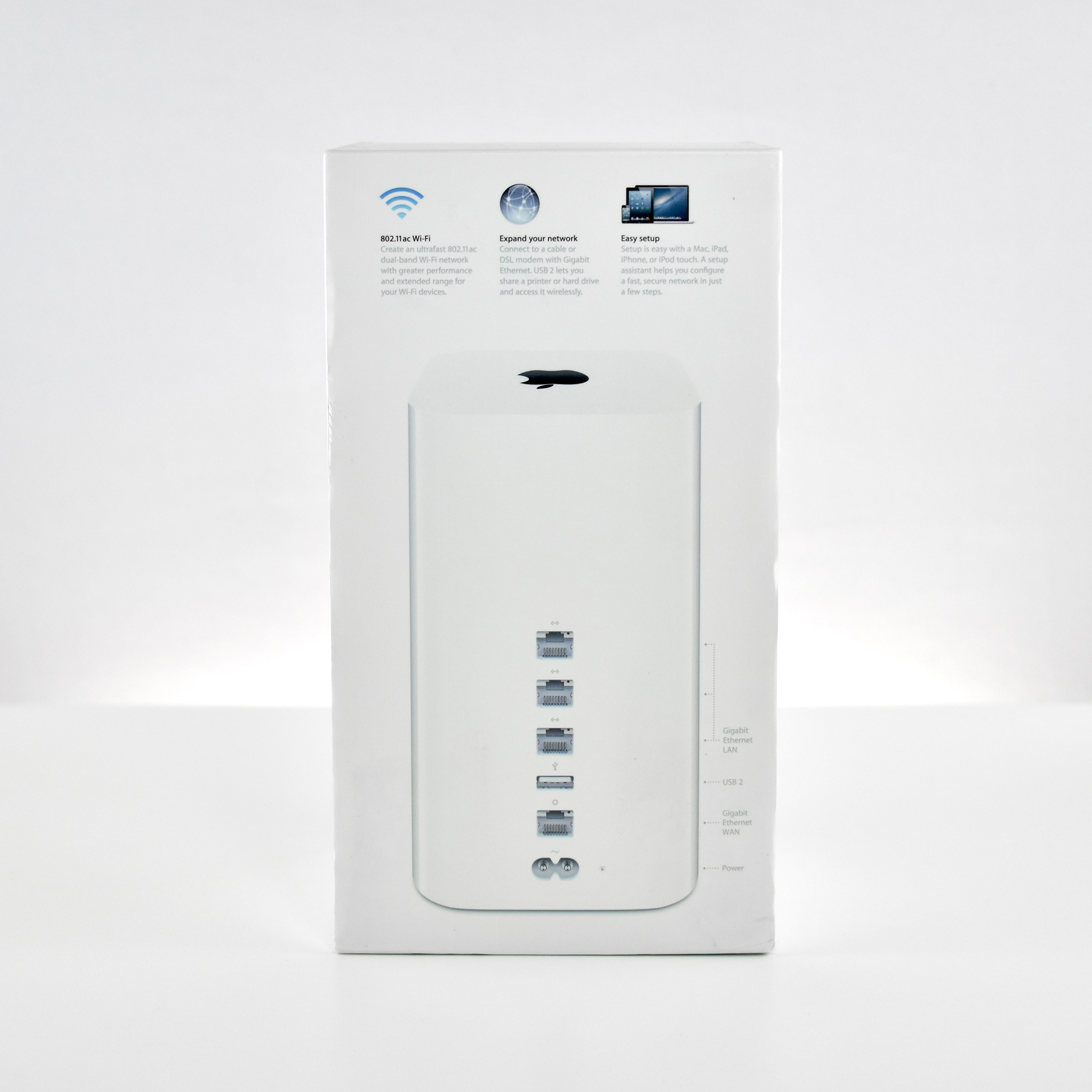
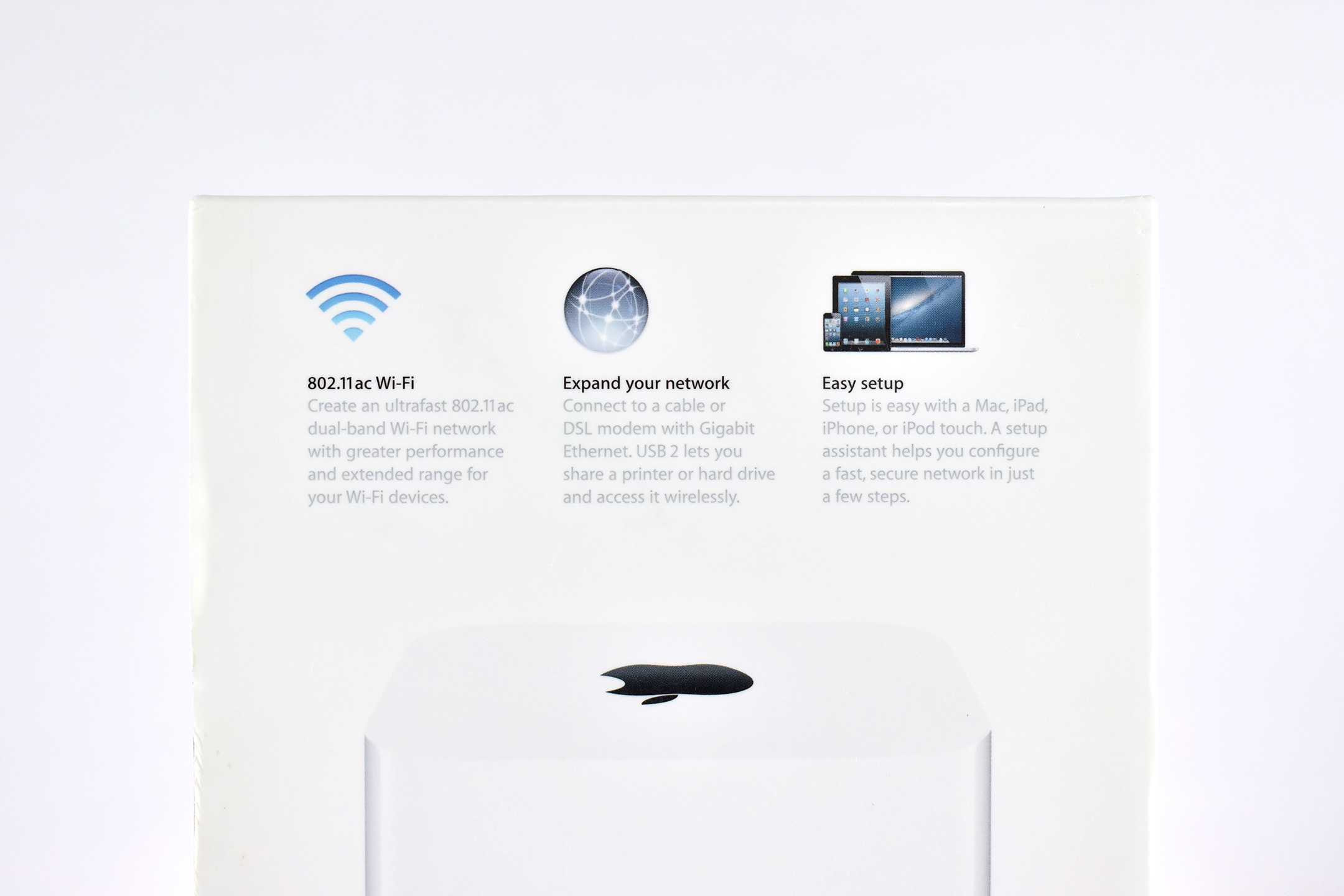
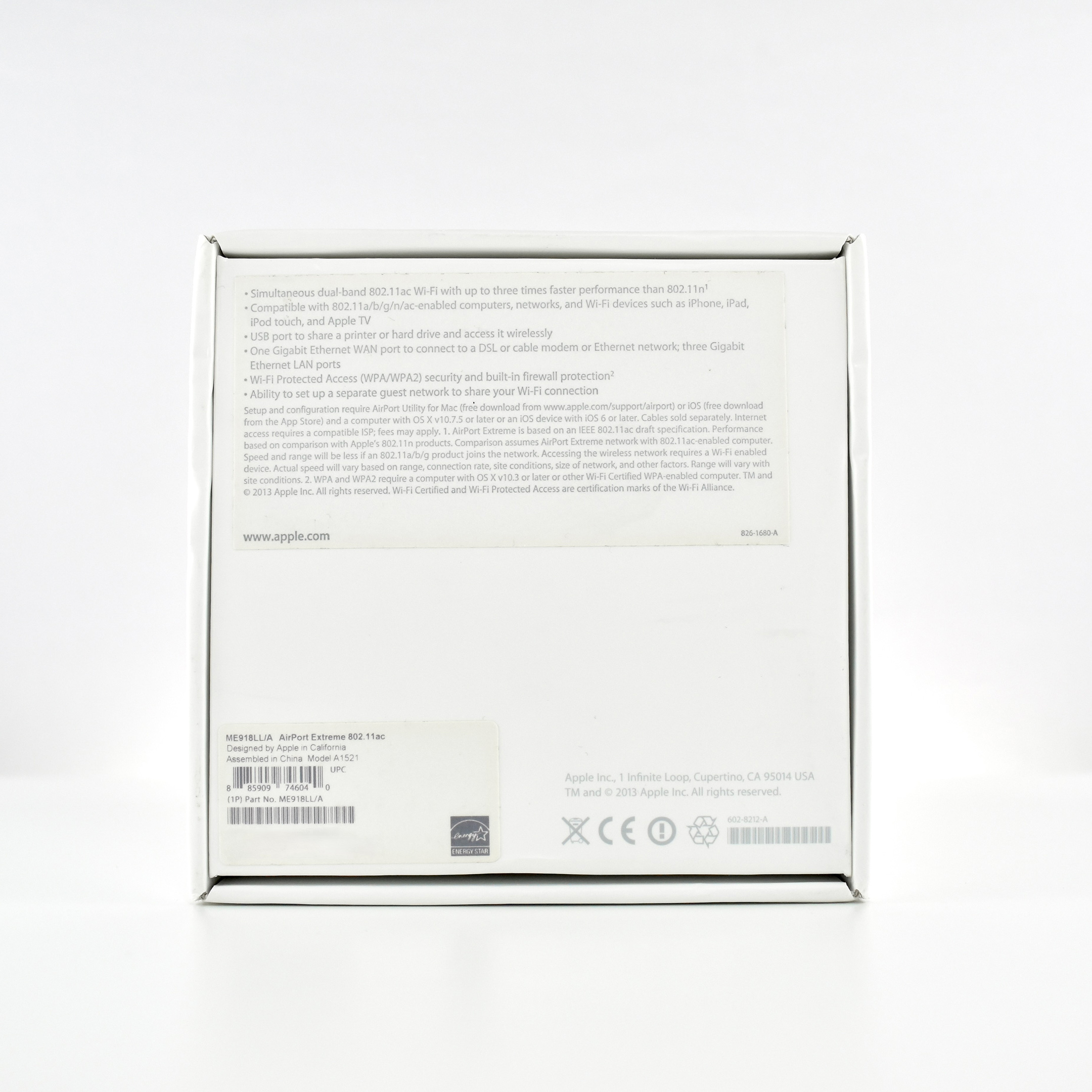
The packaging listed the following features:
Simultaneous dual-band 802.11ac Wi-Fi with up to three times faster performance than 802.11n
Compatible with 802,11a/b/g/n/ac-enabled computers, networks, and Wi-Fi devices such as iPhone, iPad, Pod touch, and Apple TV
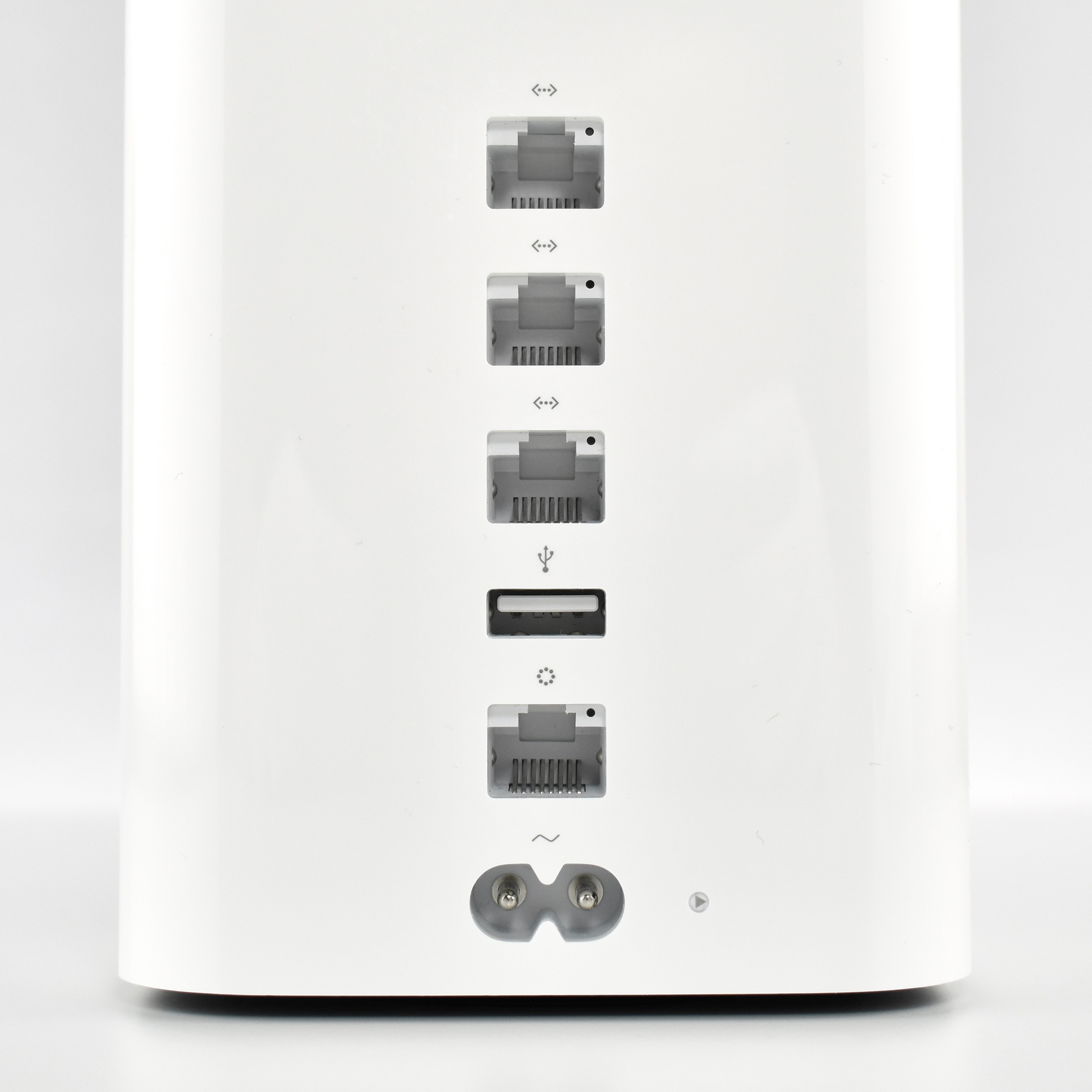
USB port to share a printer or hard drive and access it wirelessly
One Gigabit Ethernet WAN port to connect to a DSL or cable modem or Ethernet network; three Gigabit Ethernet LAN ports
Wi-Fi Protected Access (WPA/WPA2) security and built-in firewall protection
Ability to set up a separate guest network to share your Wi-Fi connection
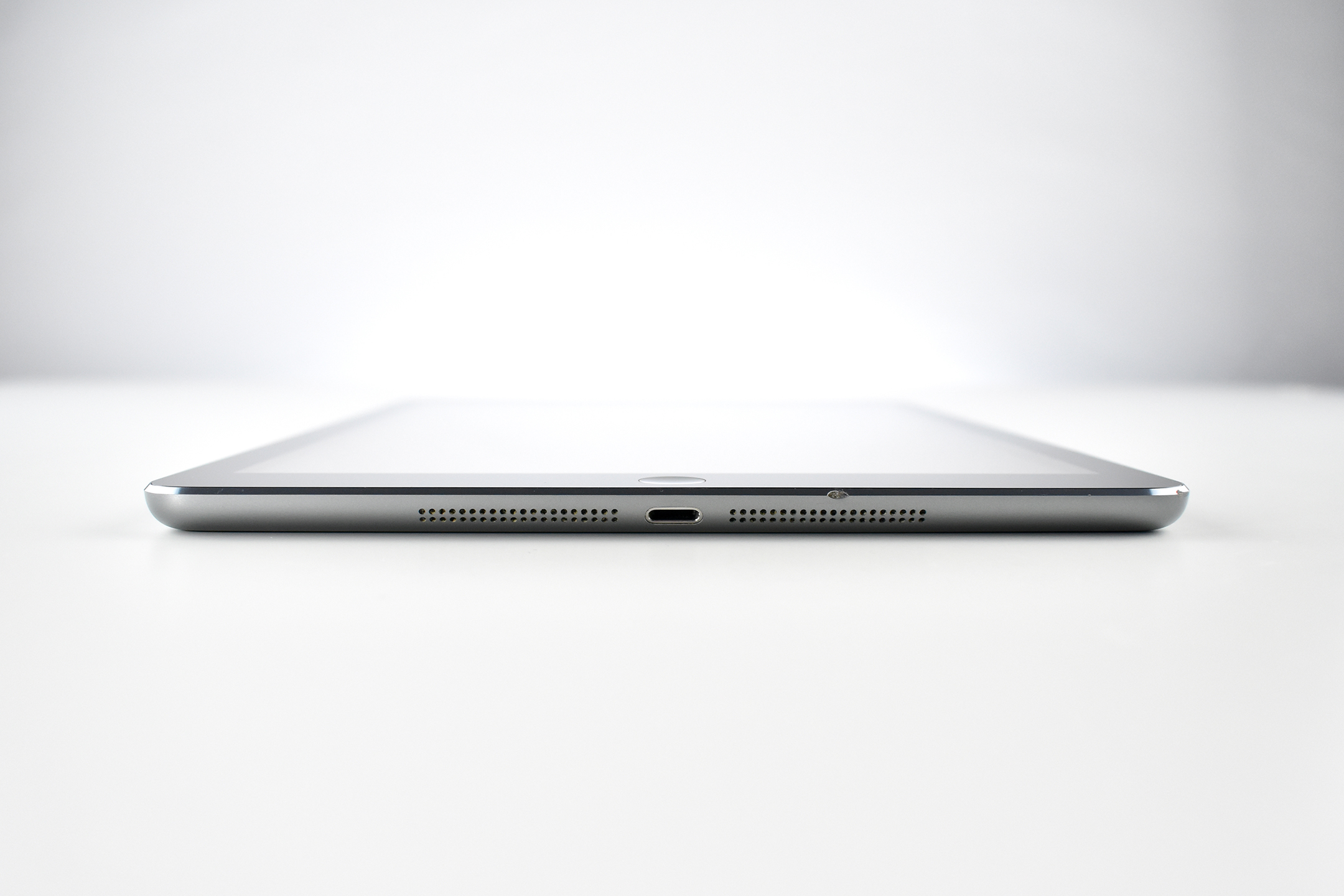
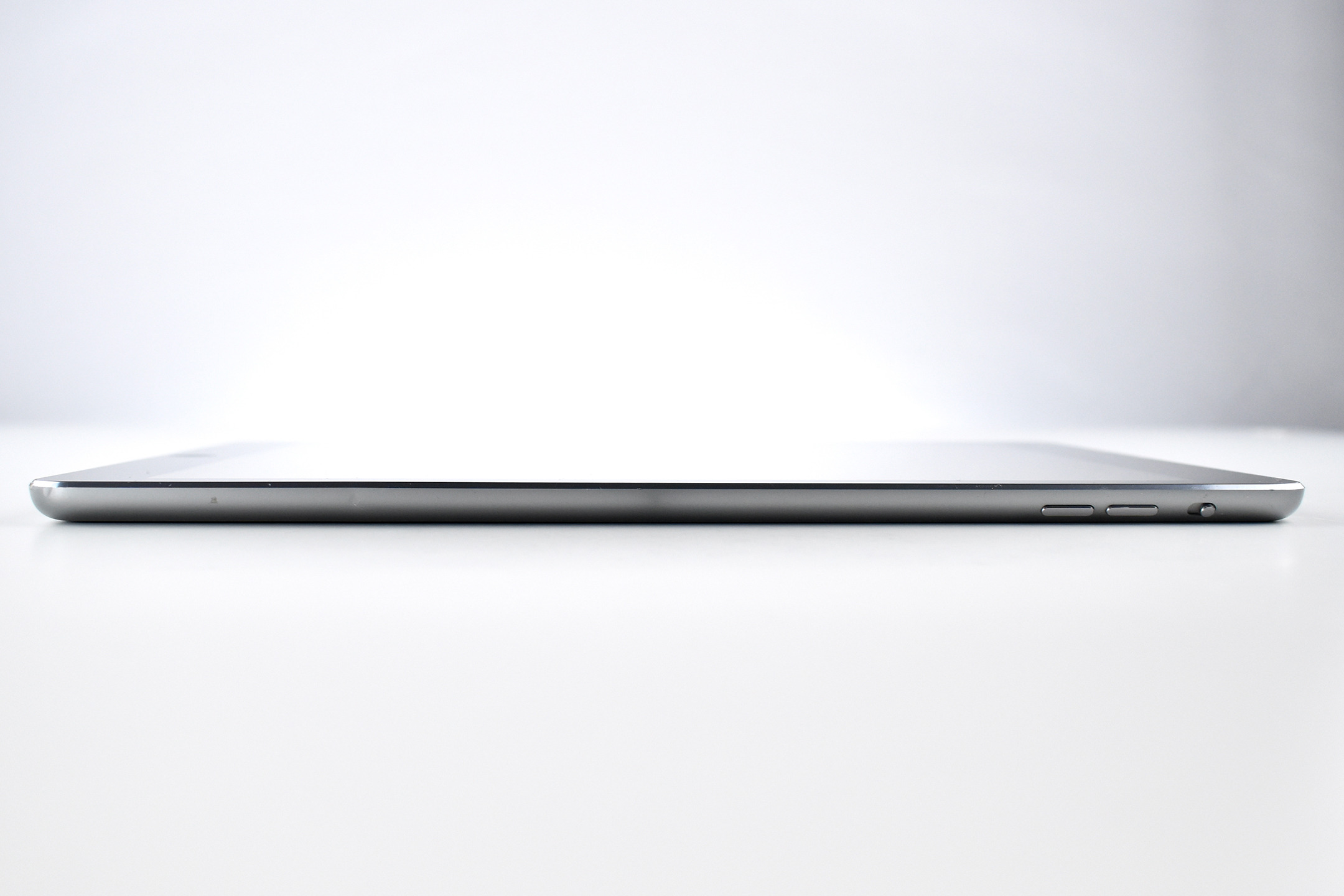
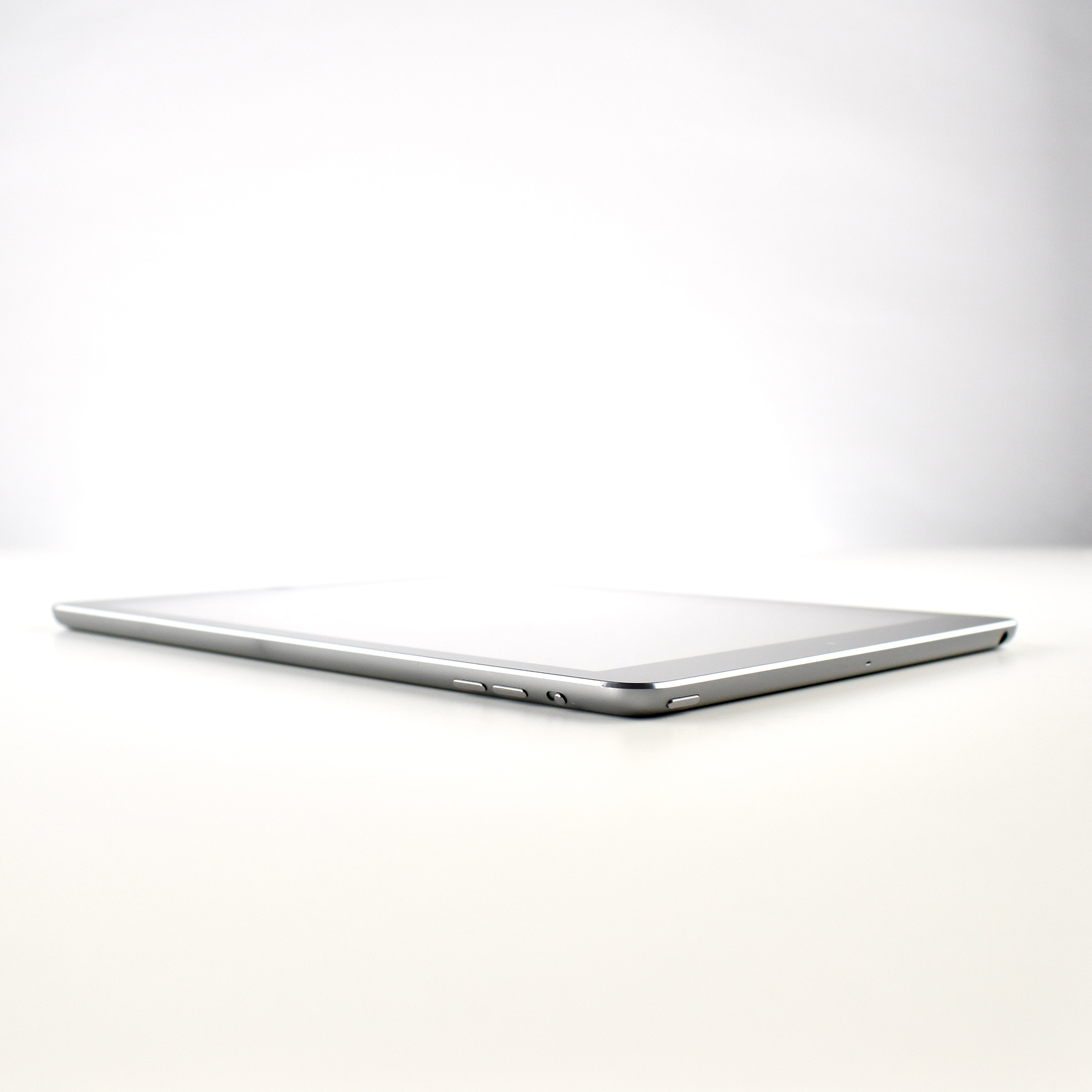
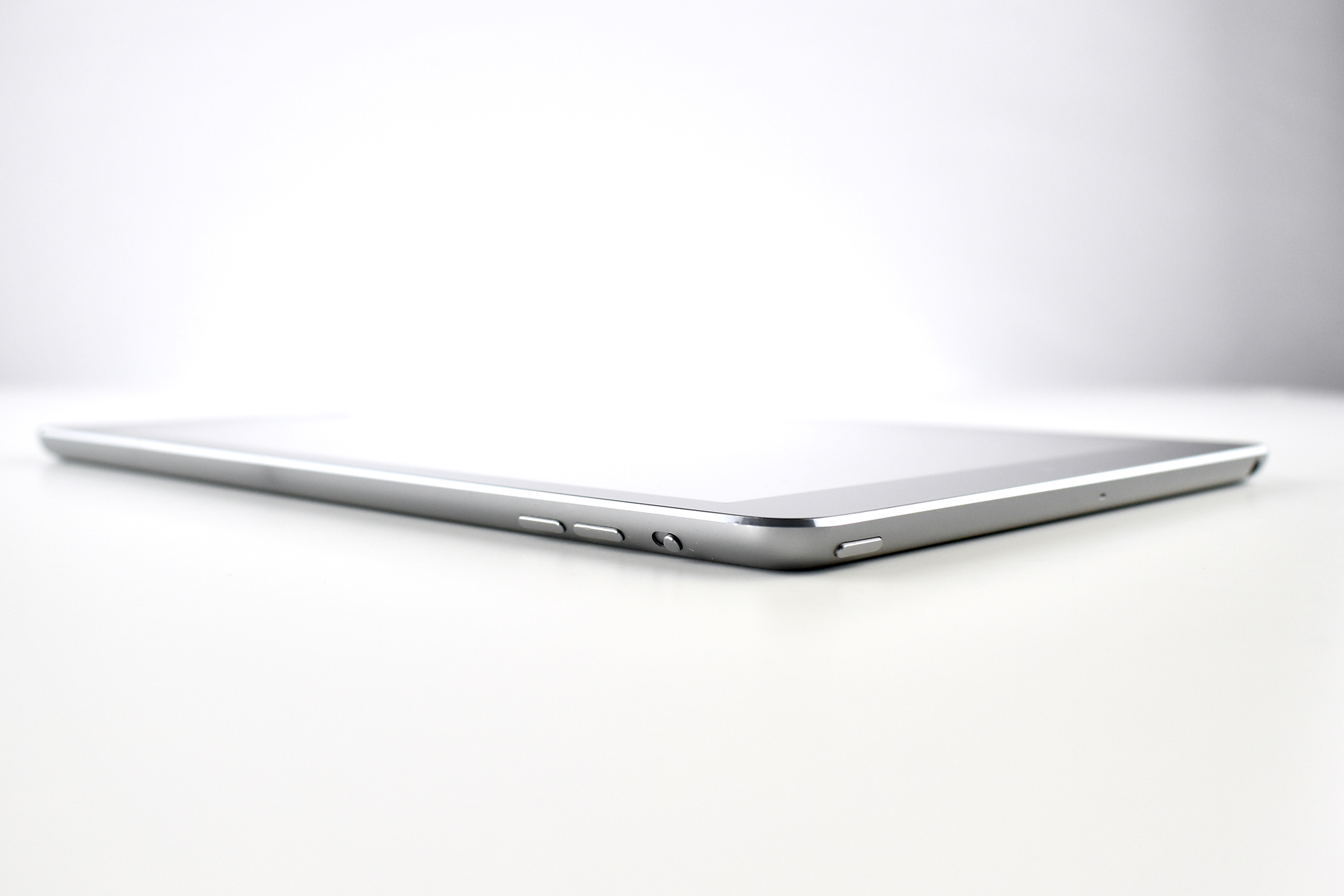
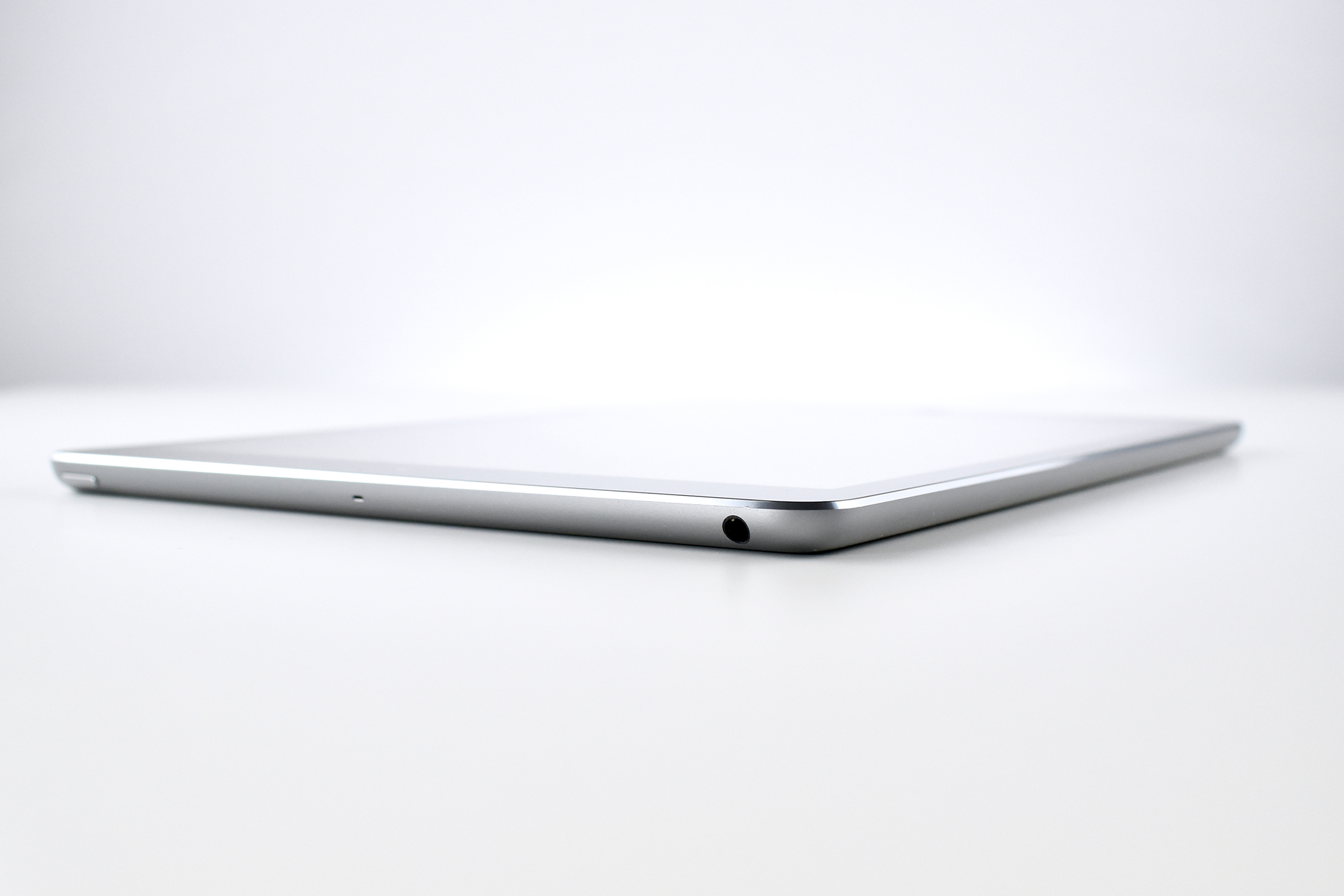
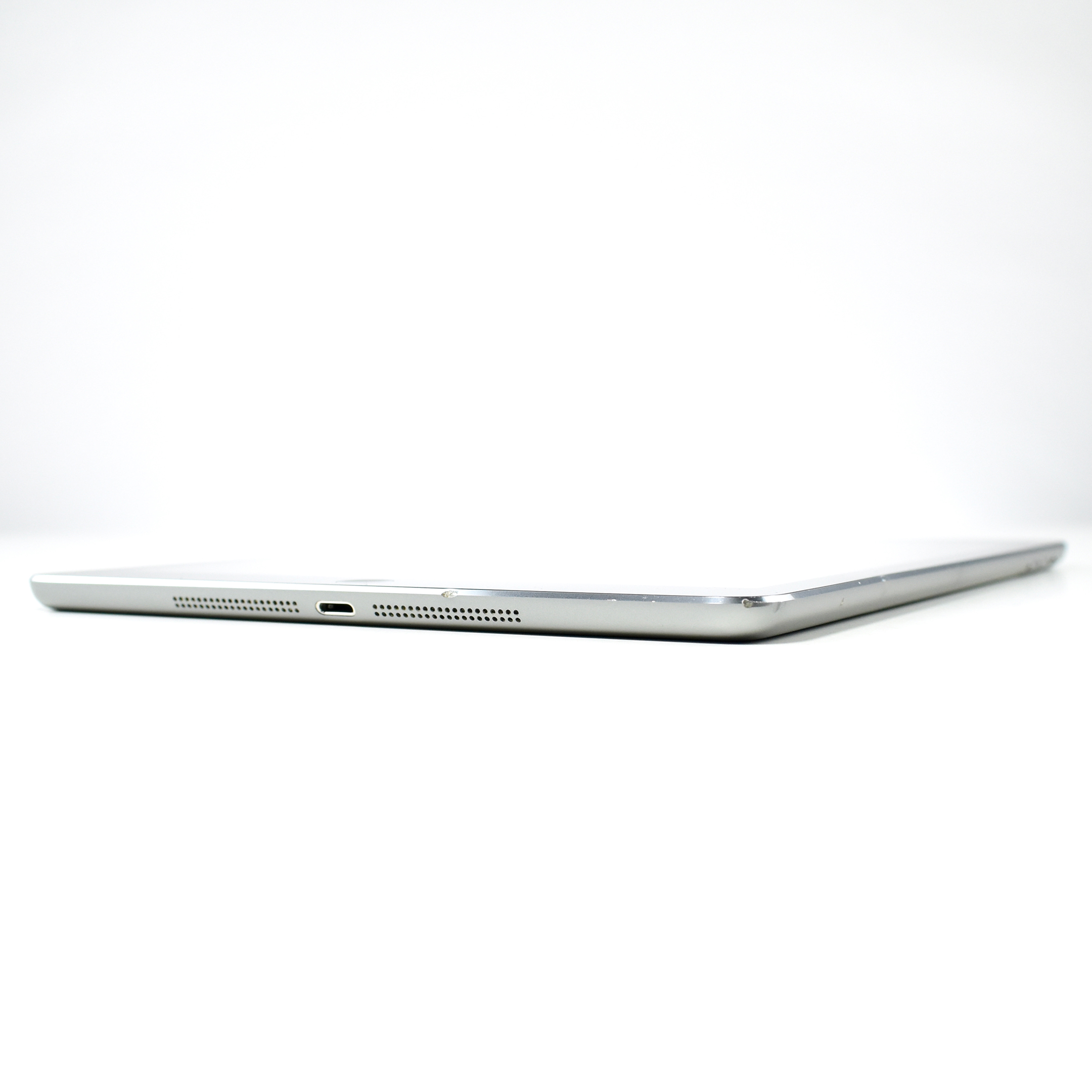
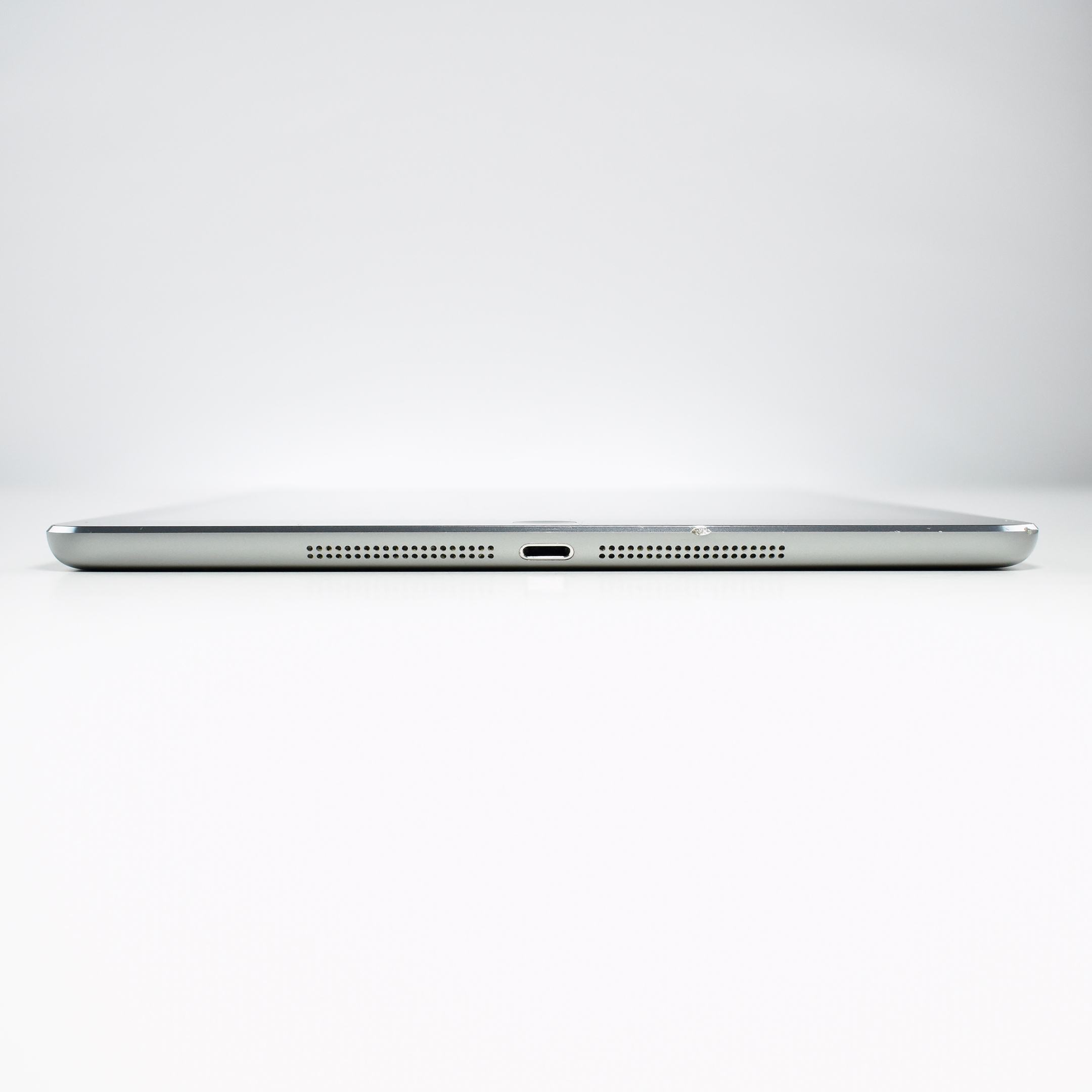
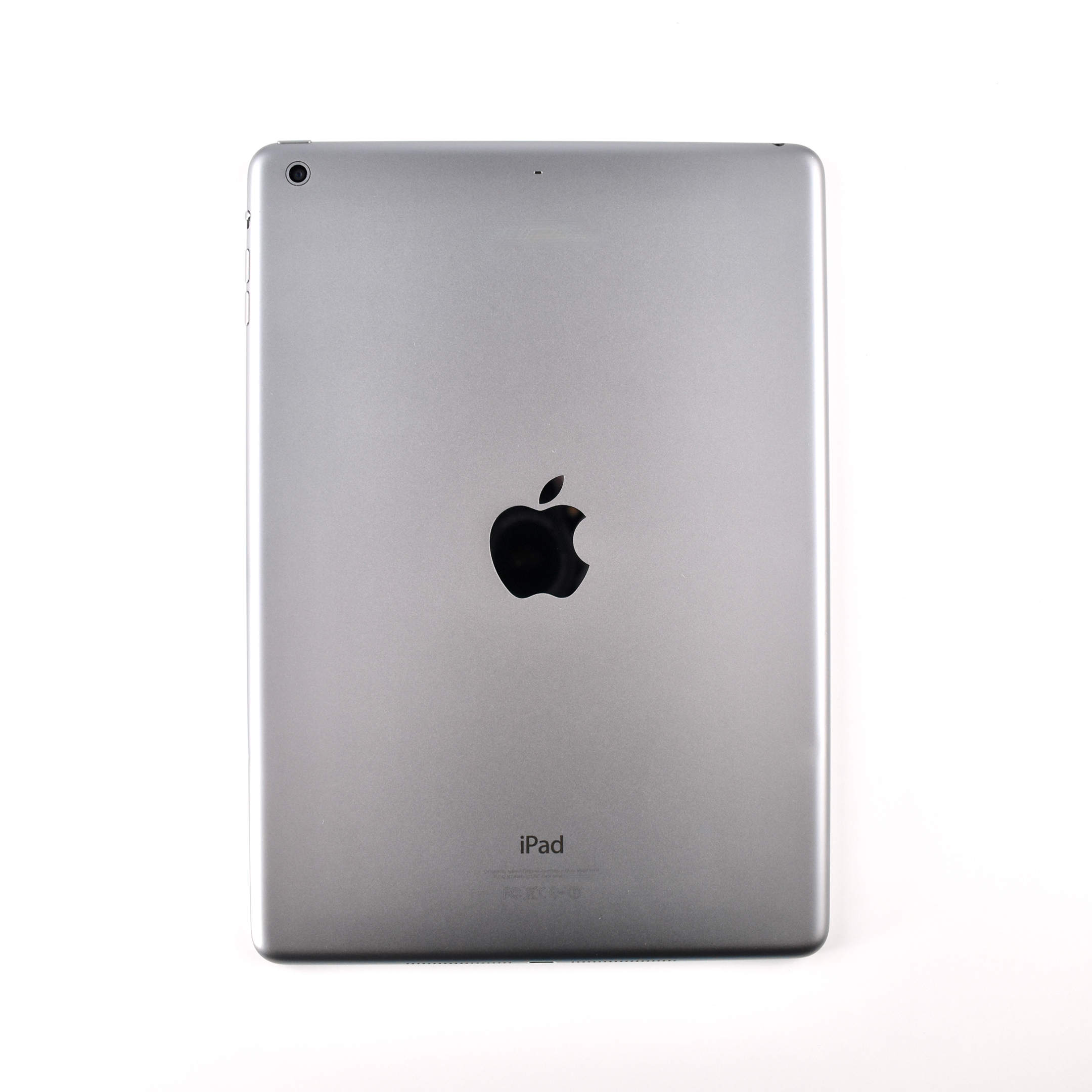
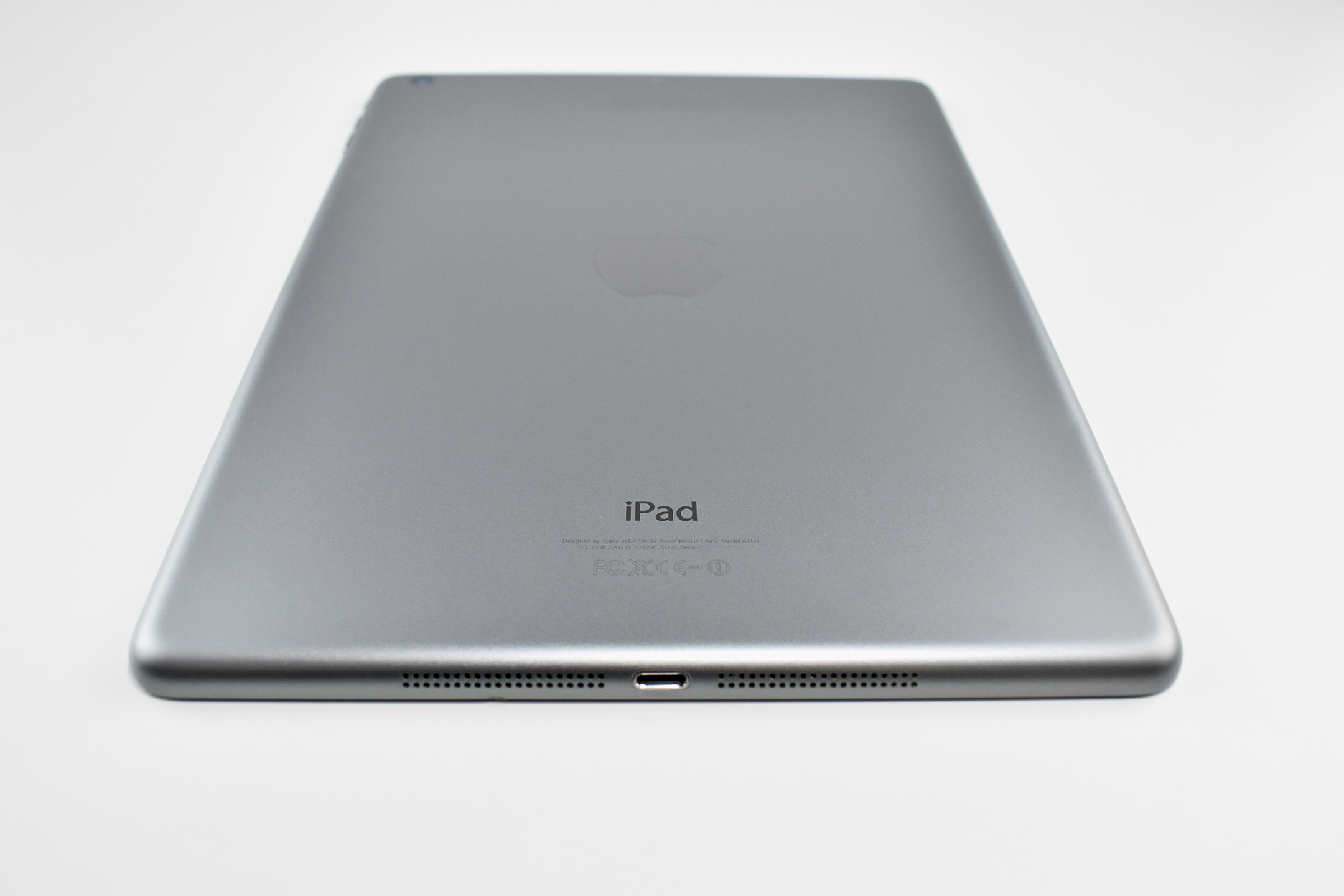
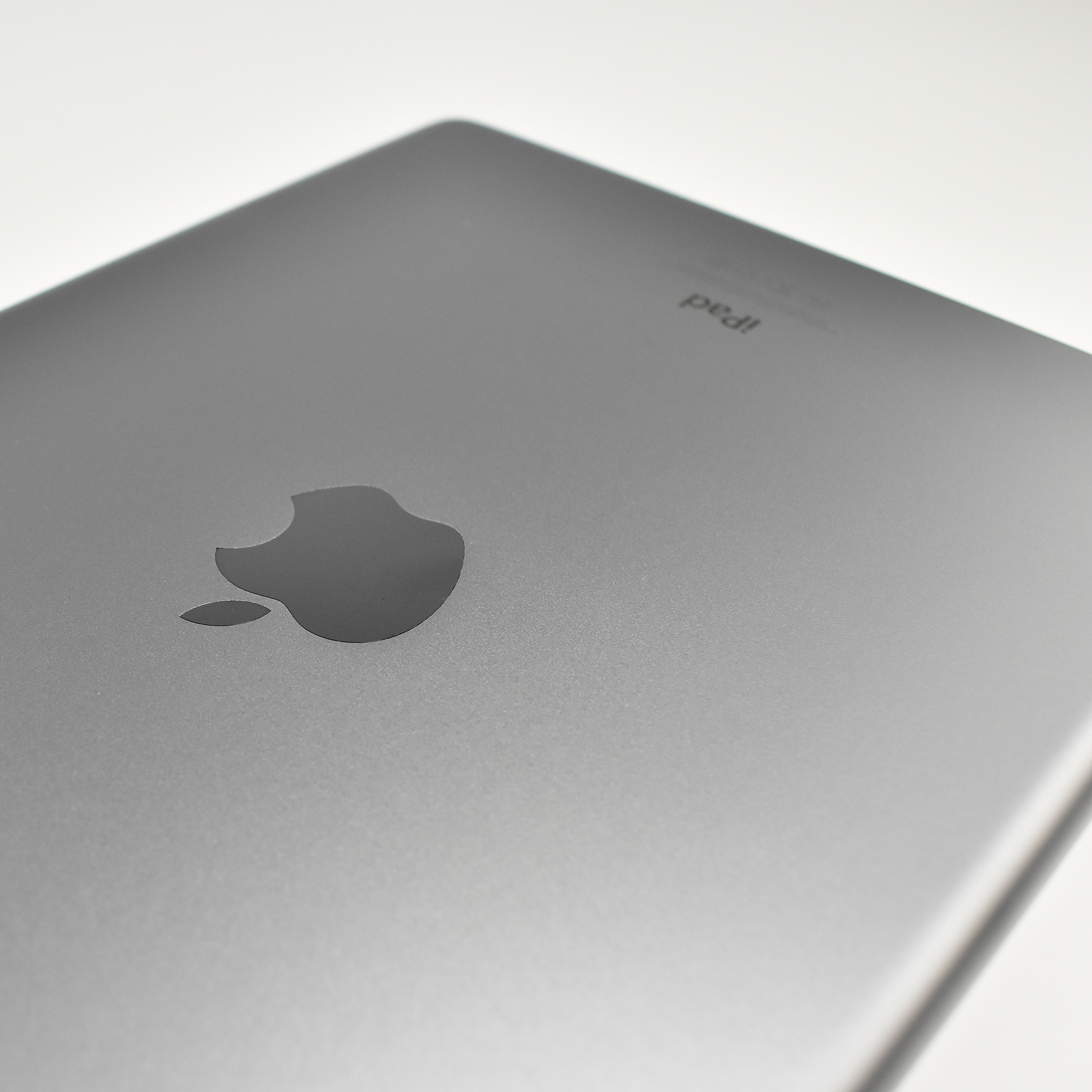
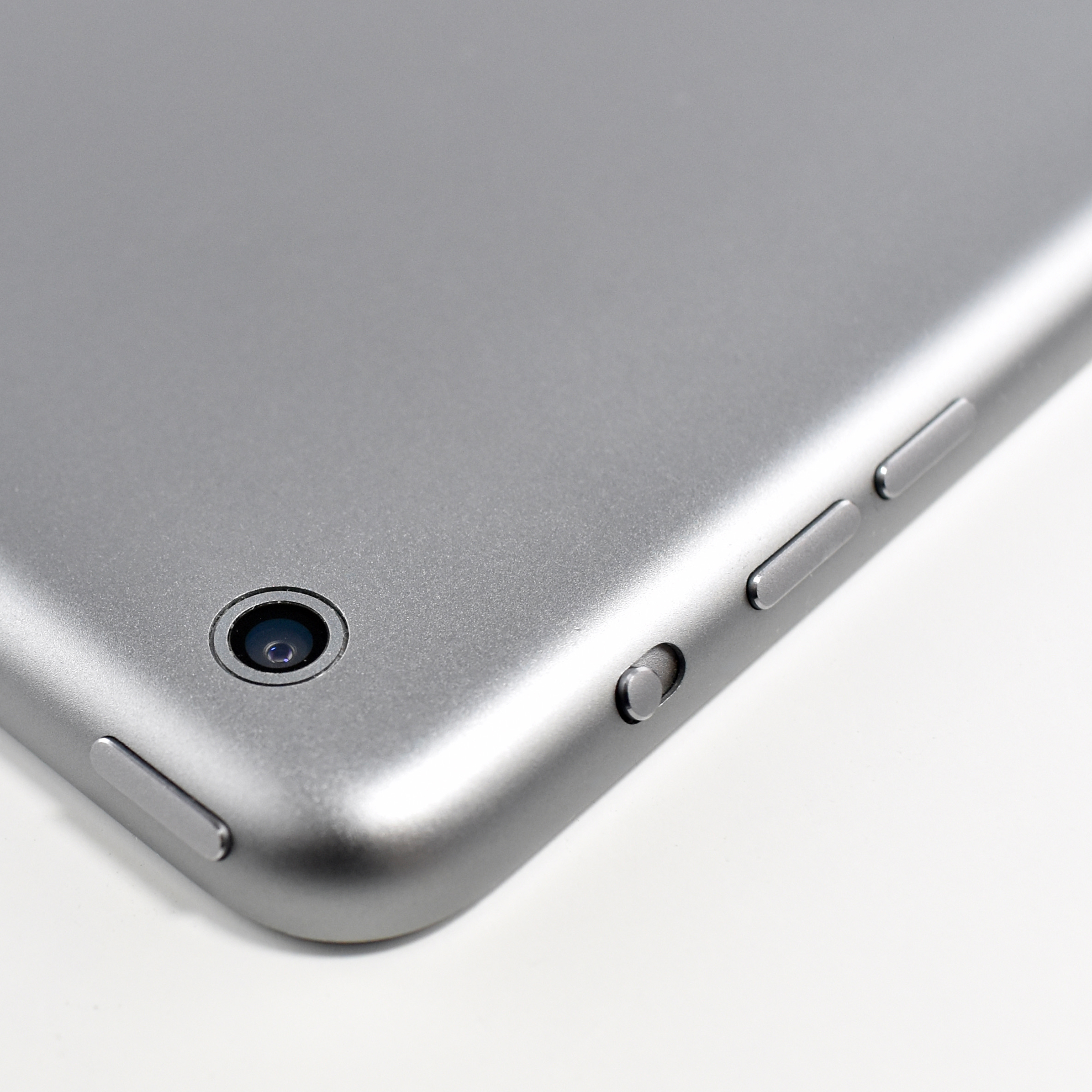
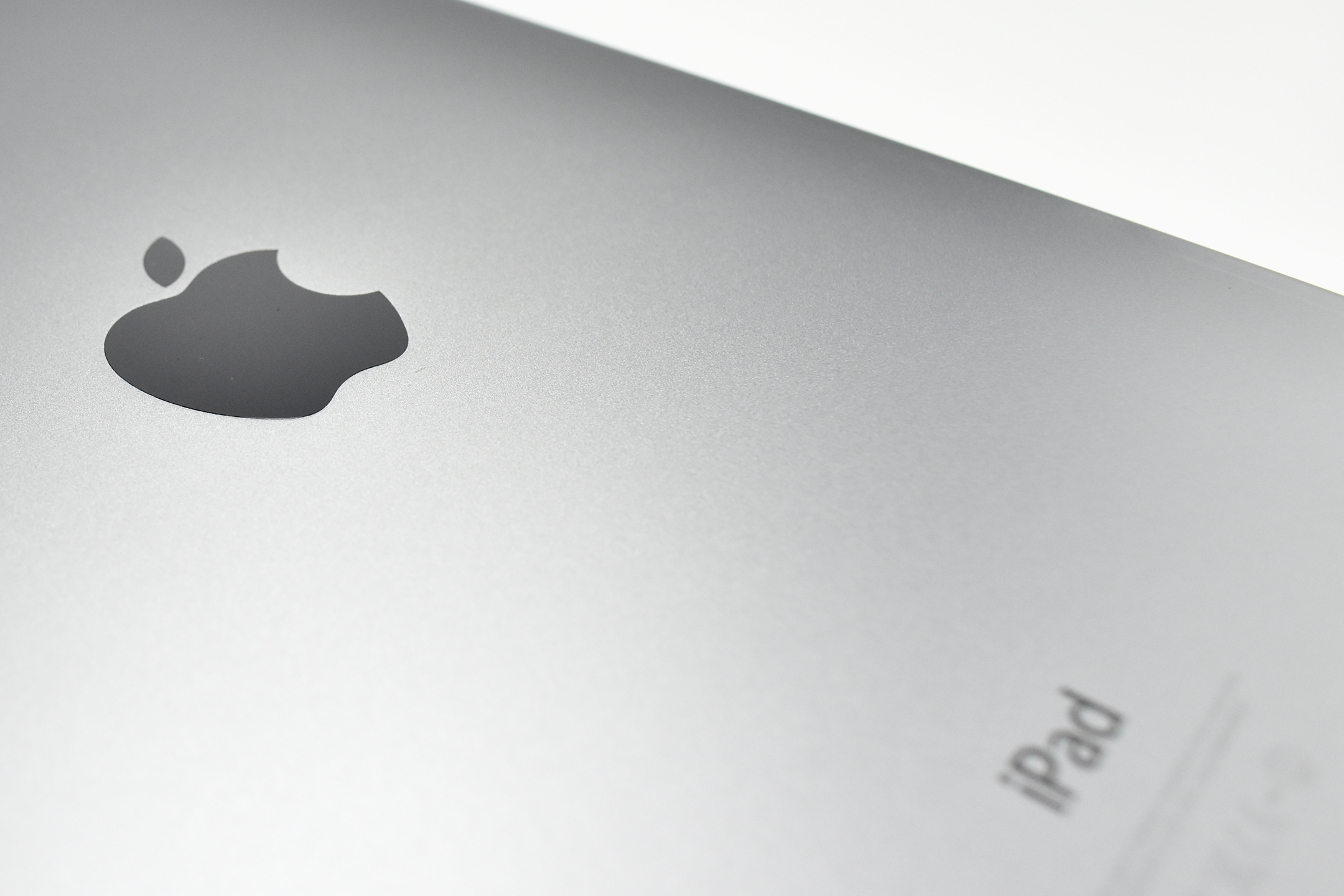
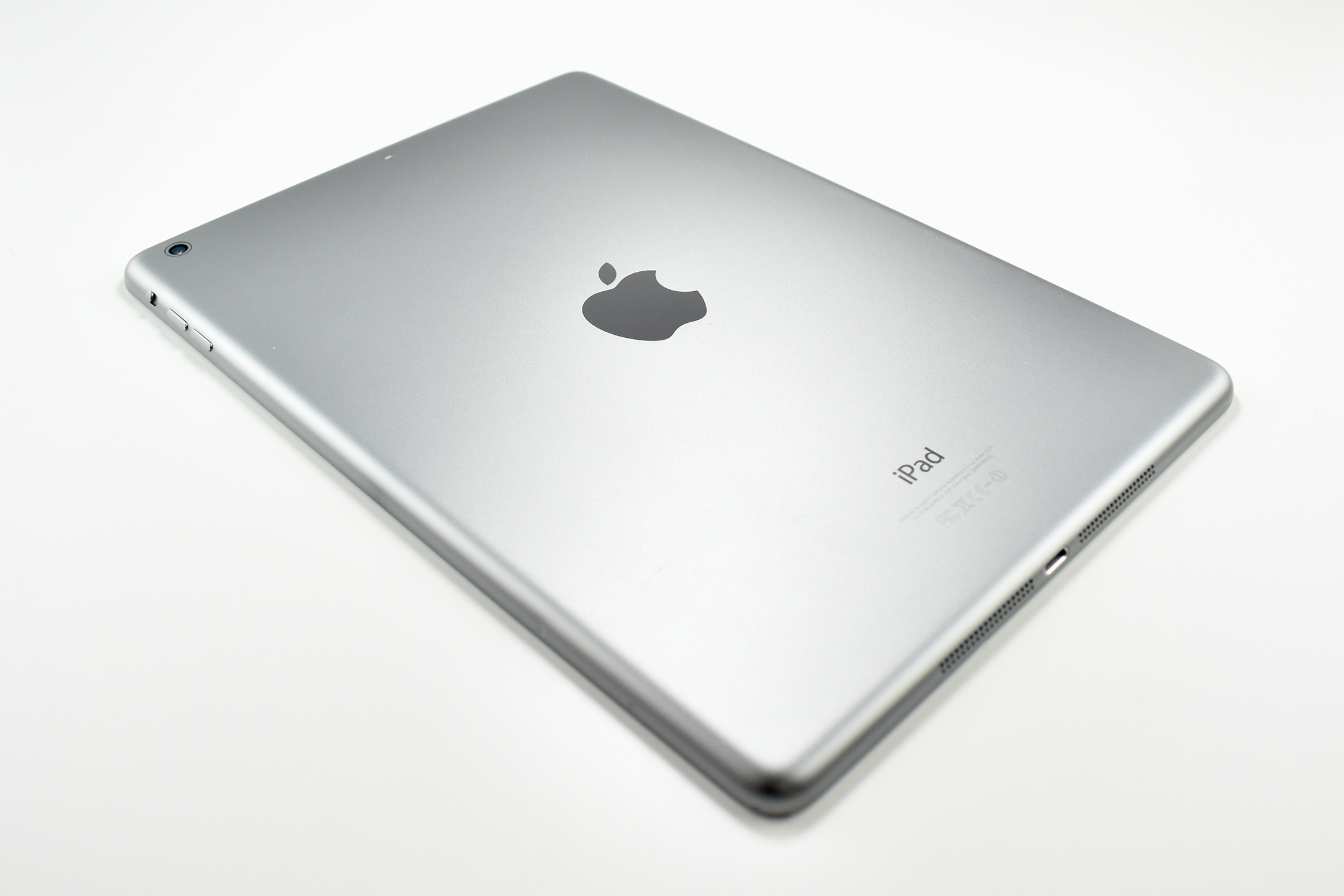
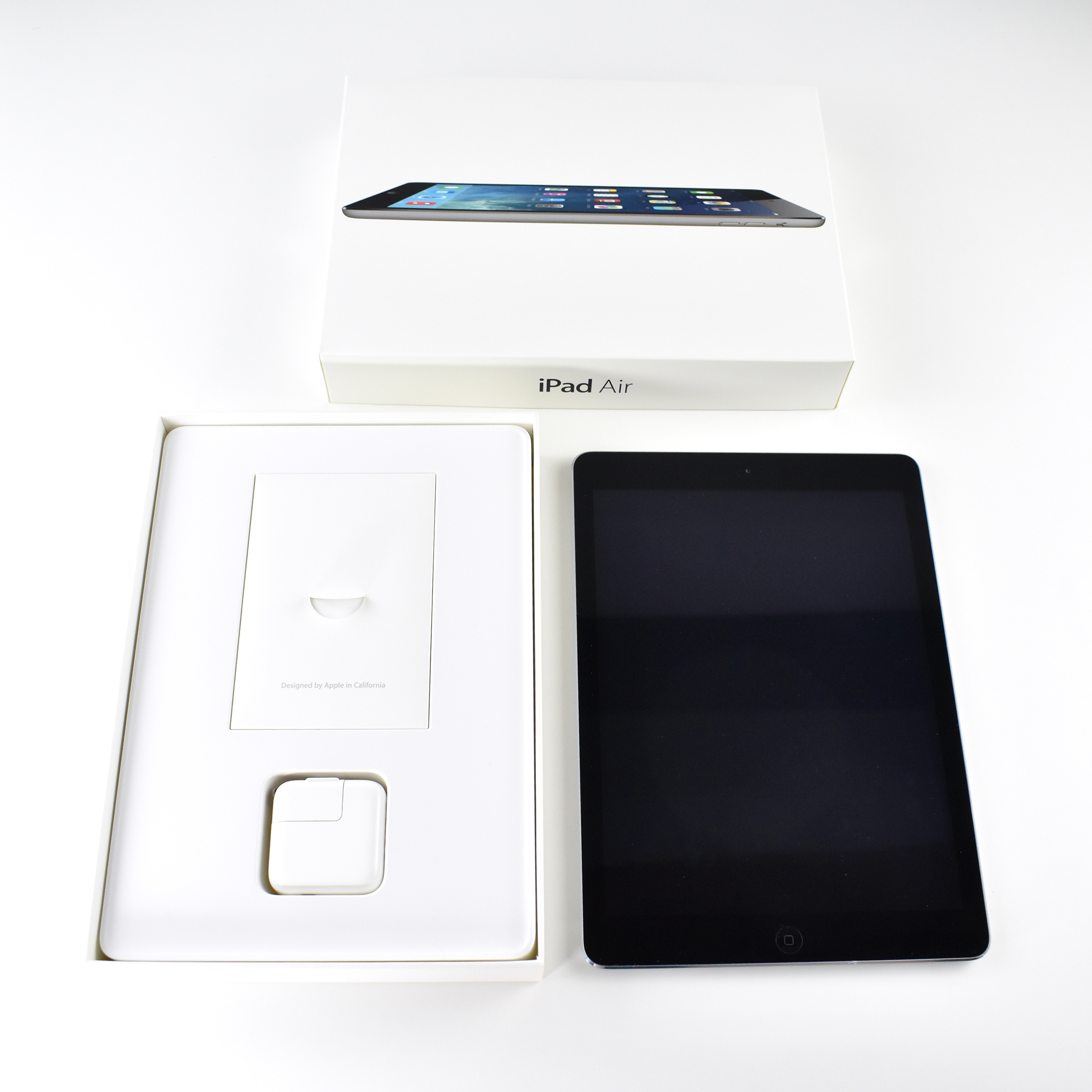
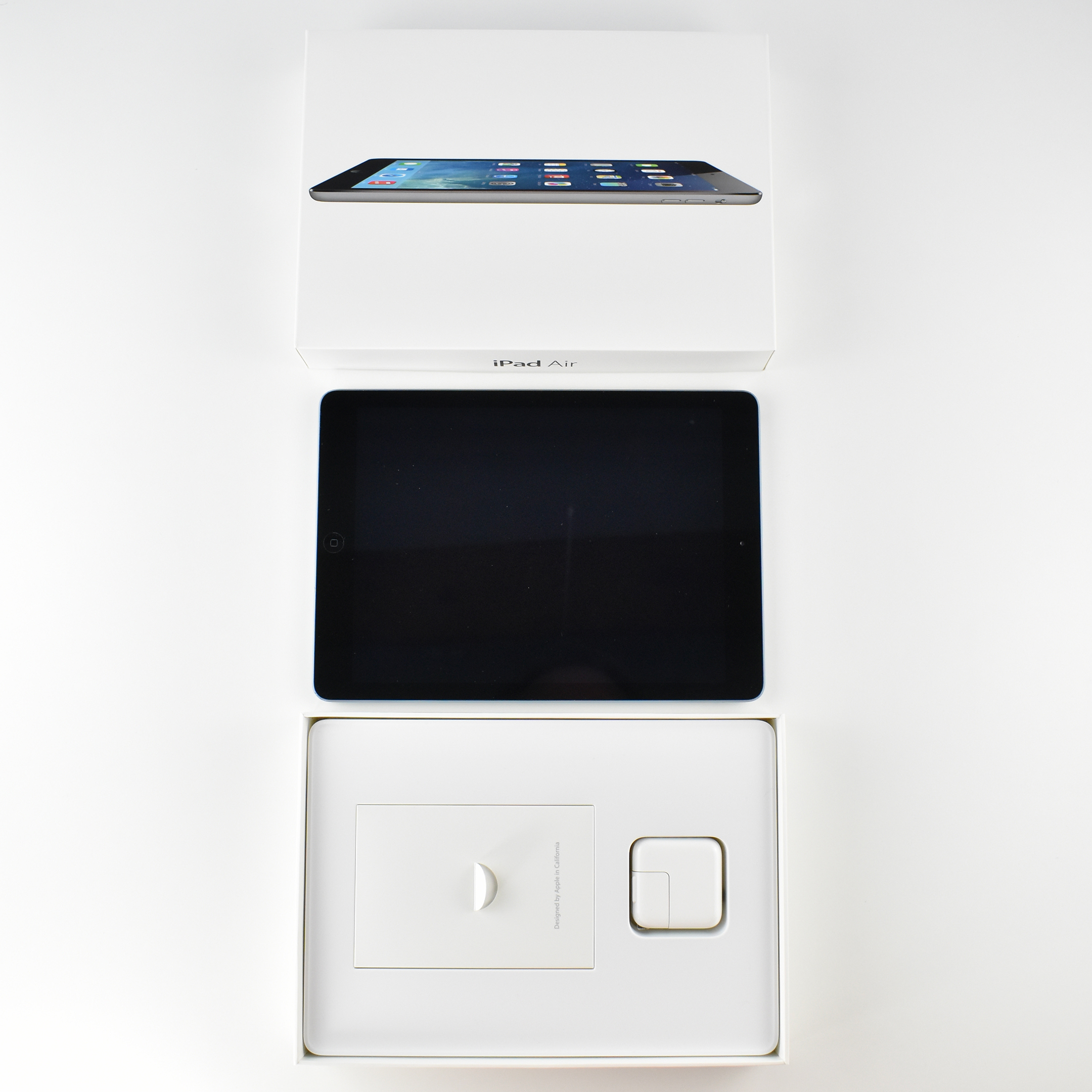
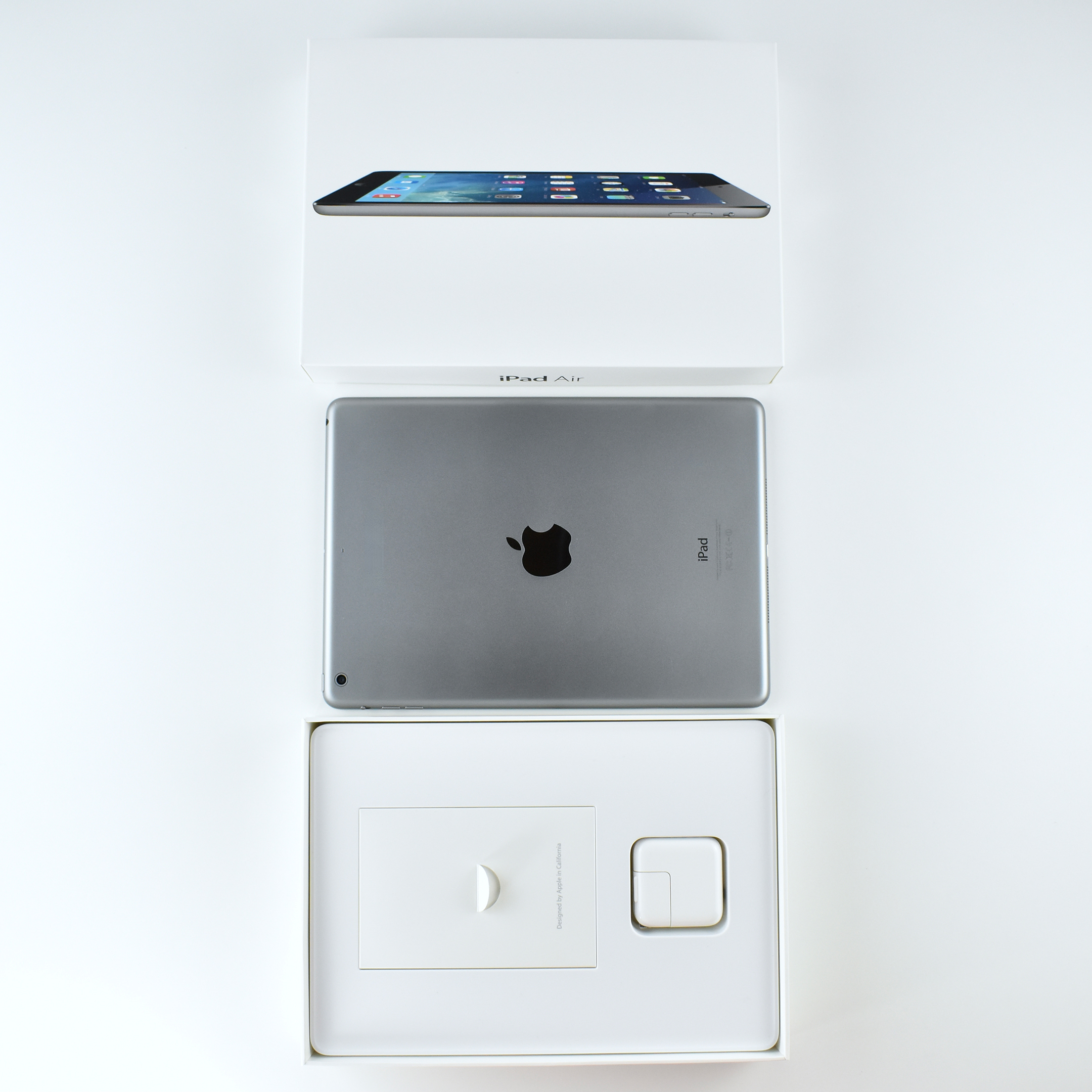
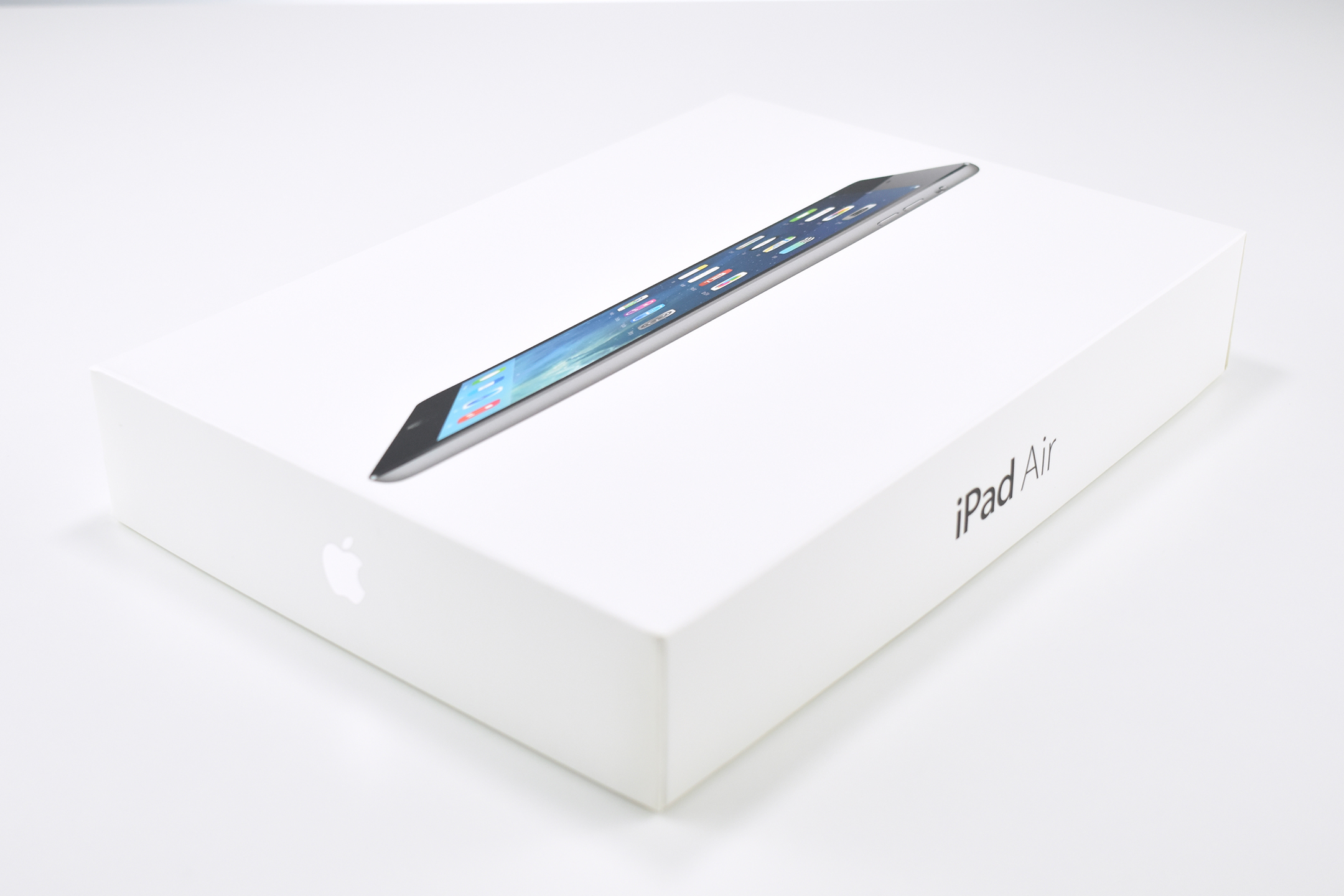
The original iPad Air used a 9.7-inch Retina display. According to Apple’s press release at the time, the iPad Air was “20 percent thinner and 28 percent lighter than the fourth generation iPad, and with a narrower bezel the borders of iPad Air are dramatically thinner.”
The original iPad Air’s display was 2048×1536 (at 264 ppi). Internally, it used a dual-core 1.4 GHz A7 processor, 1 GB of RAM, and was available with 16, 32, 64, or 128 GB of internal storage. Wireless connectivity included 802.11a/b/g/n Wi-Fi and Bluetooth 4.0.
Its rear 5-megapixel iSight camera recorded video at 1080p, and its front 1.2-megapixel FaceTime HD camera recorded video at 720p.
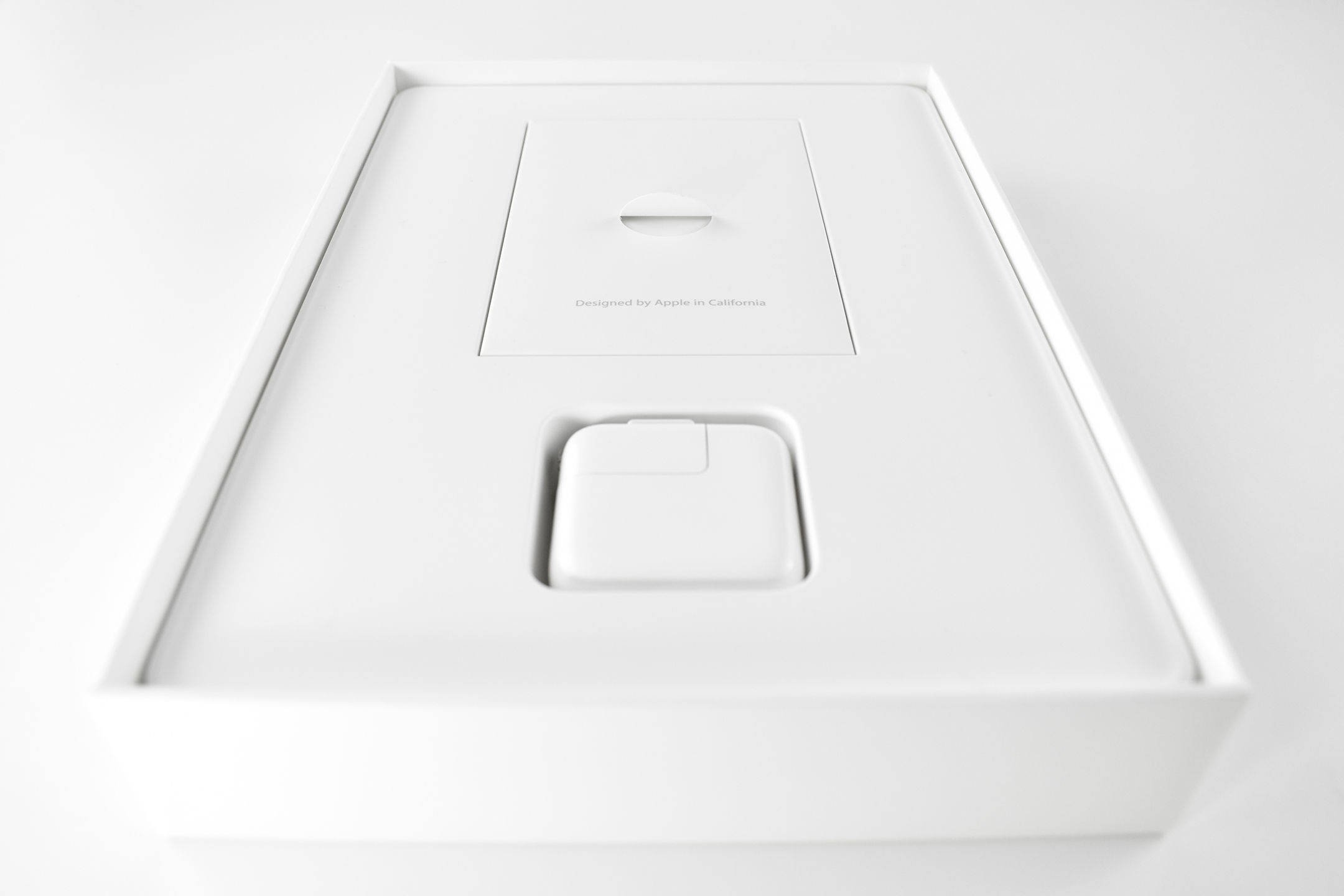
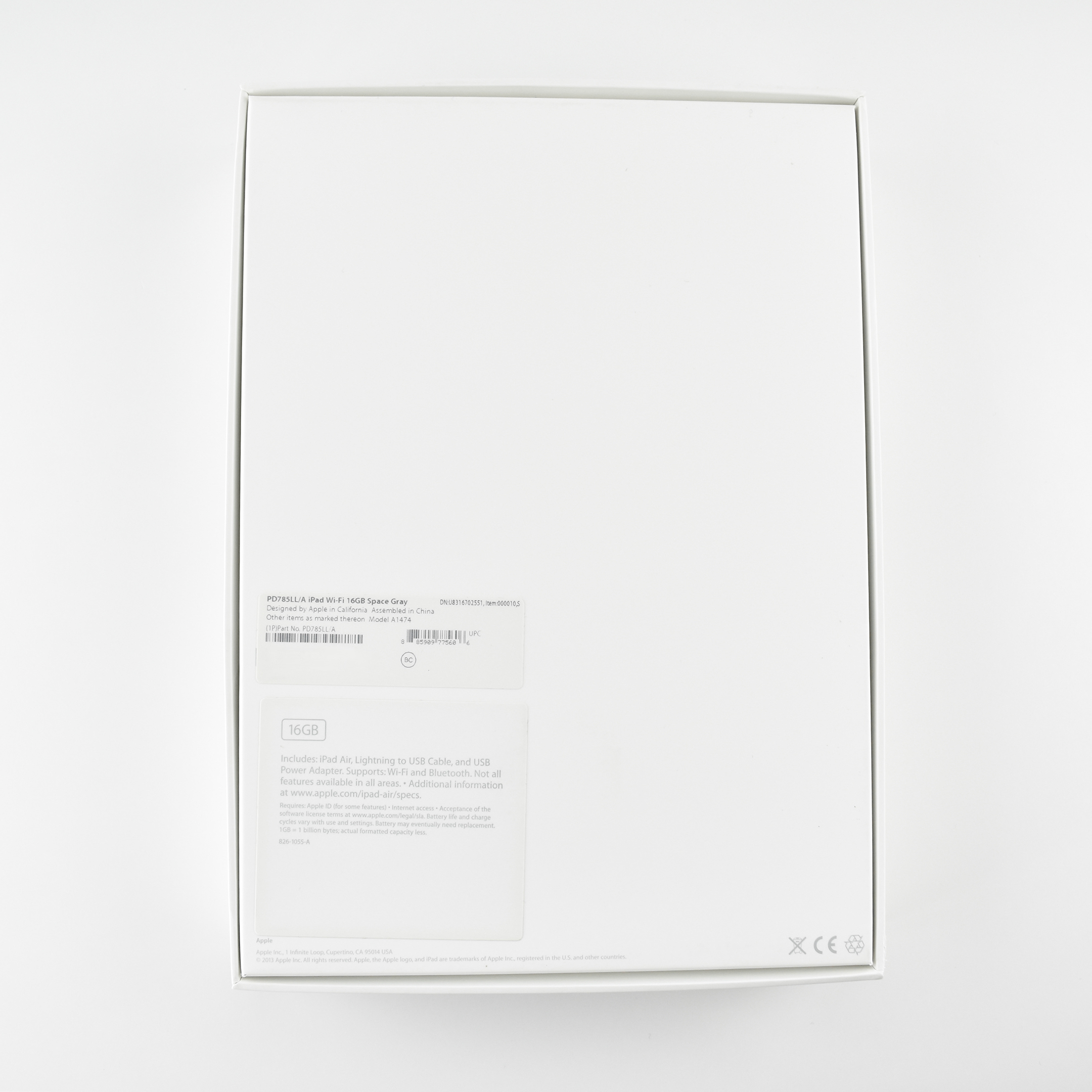
The original iPad Air was available in silver (silver back with white front) and space gray (dark gray back with black front). This is a 16GB space gray example that includes the original box.
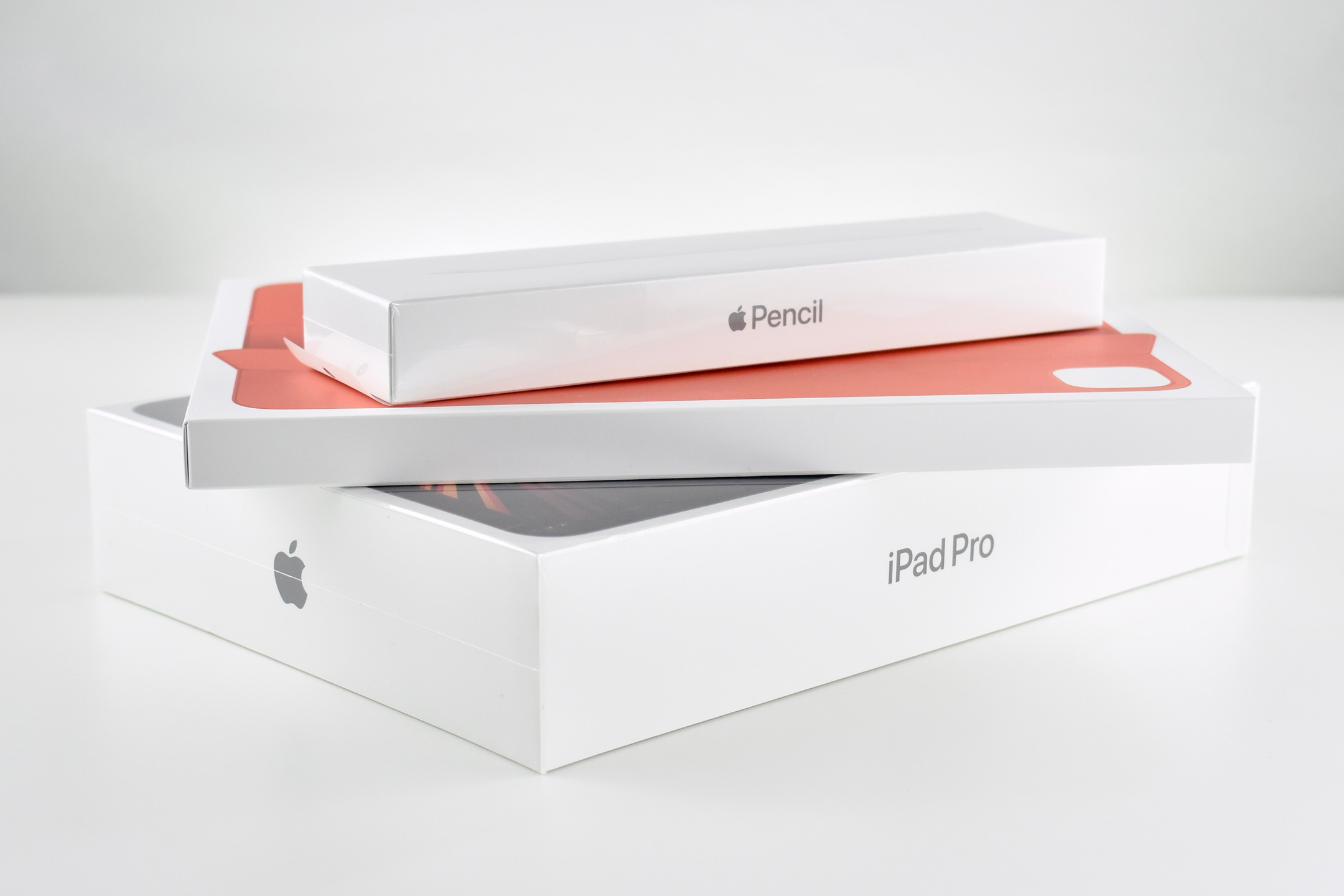
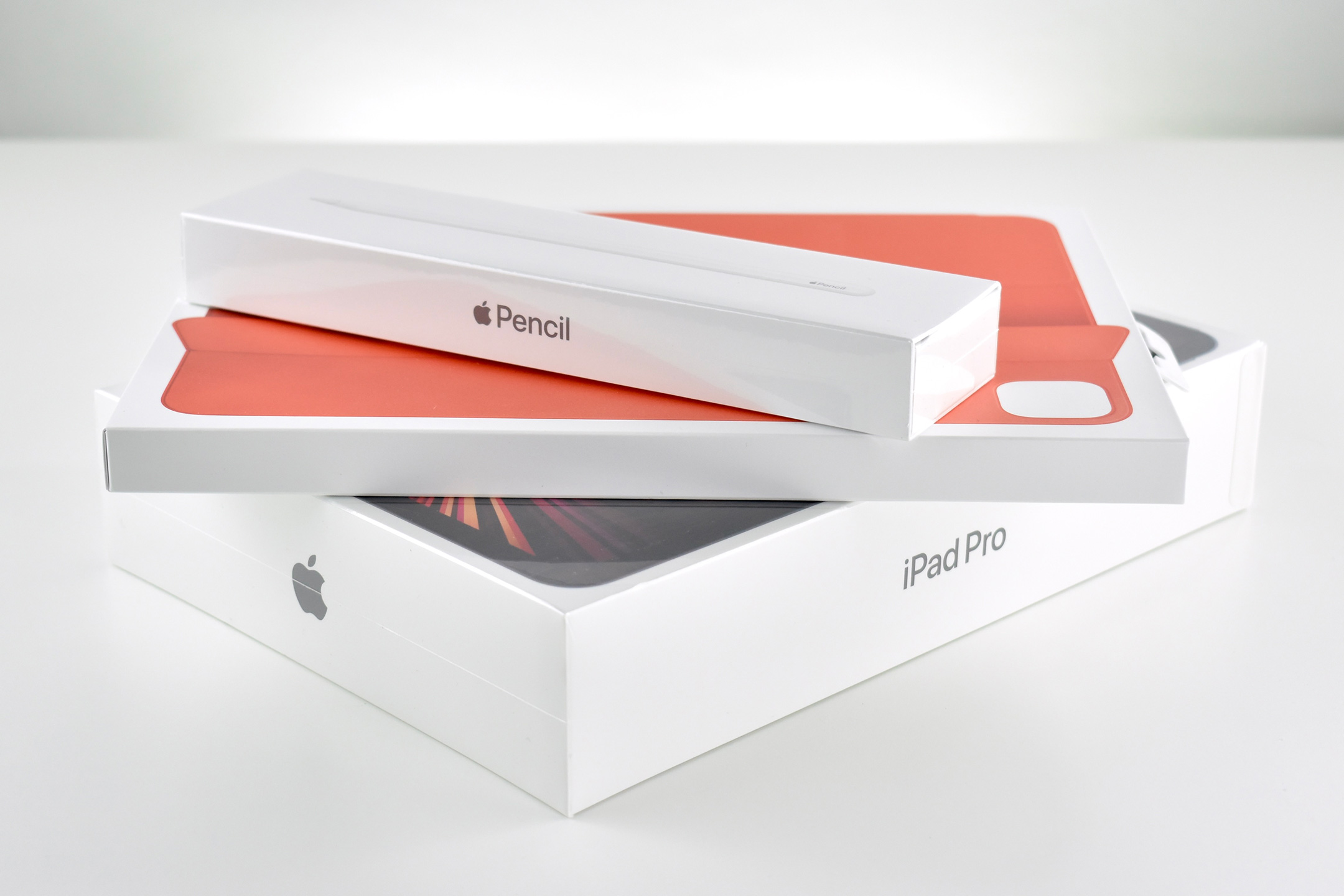
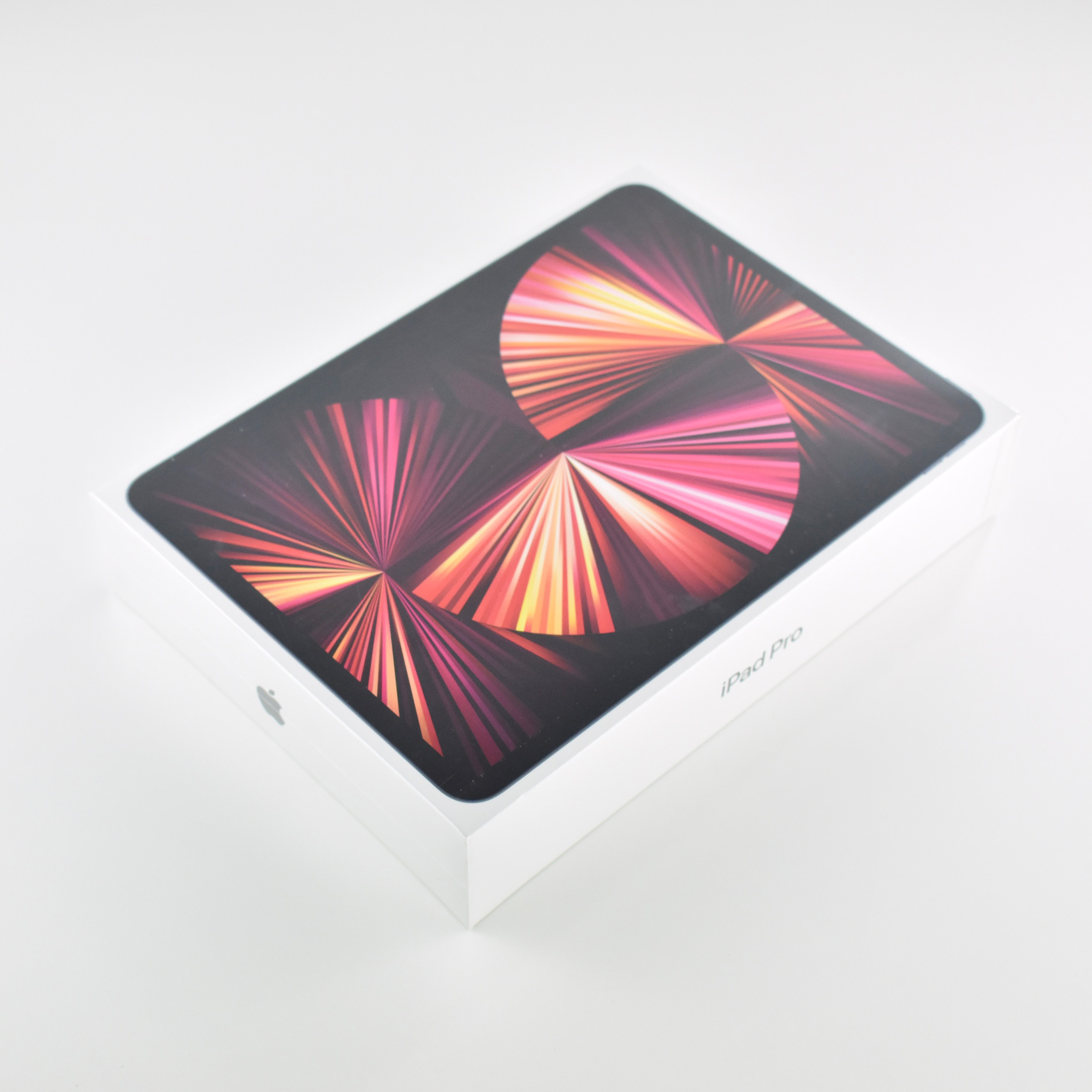
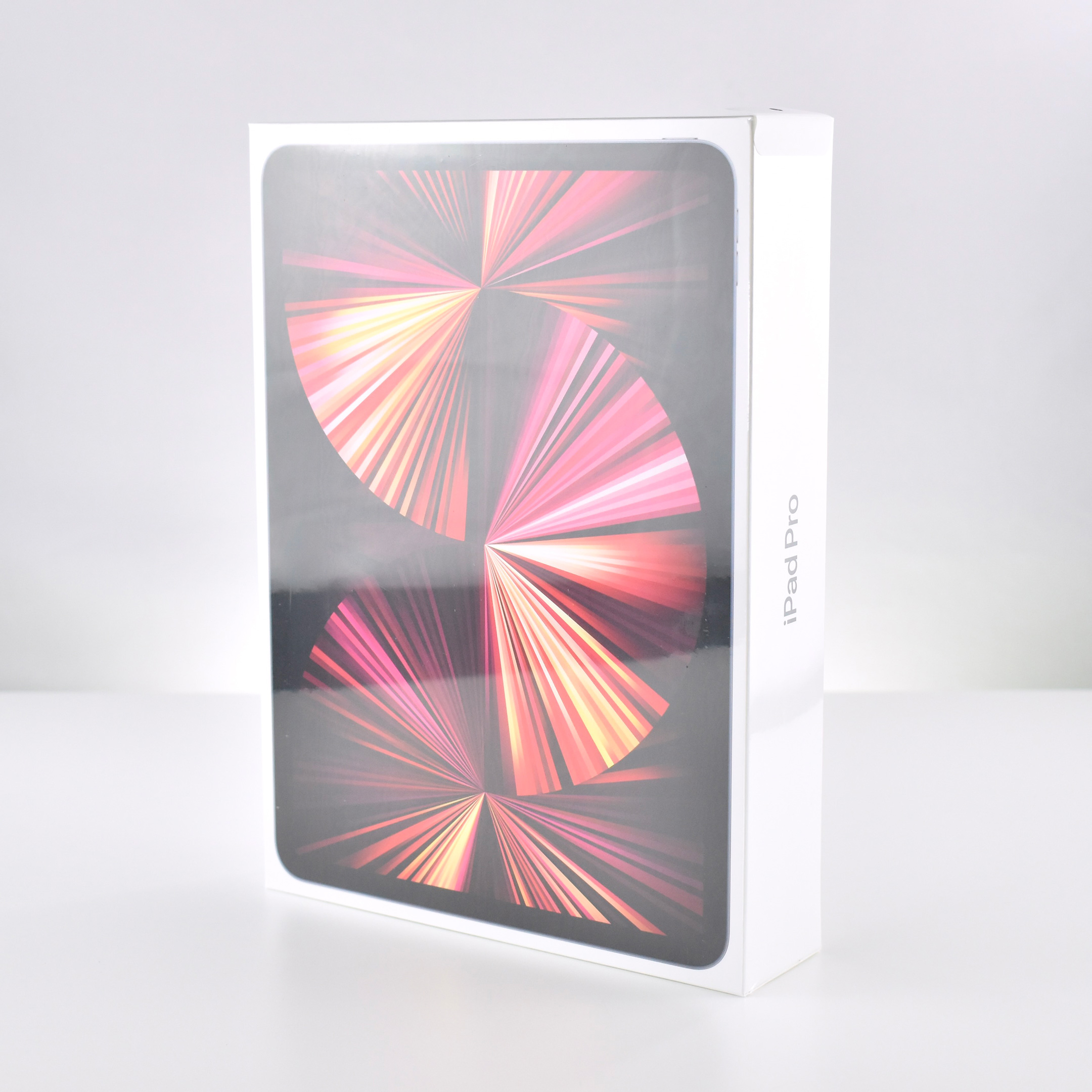
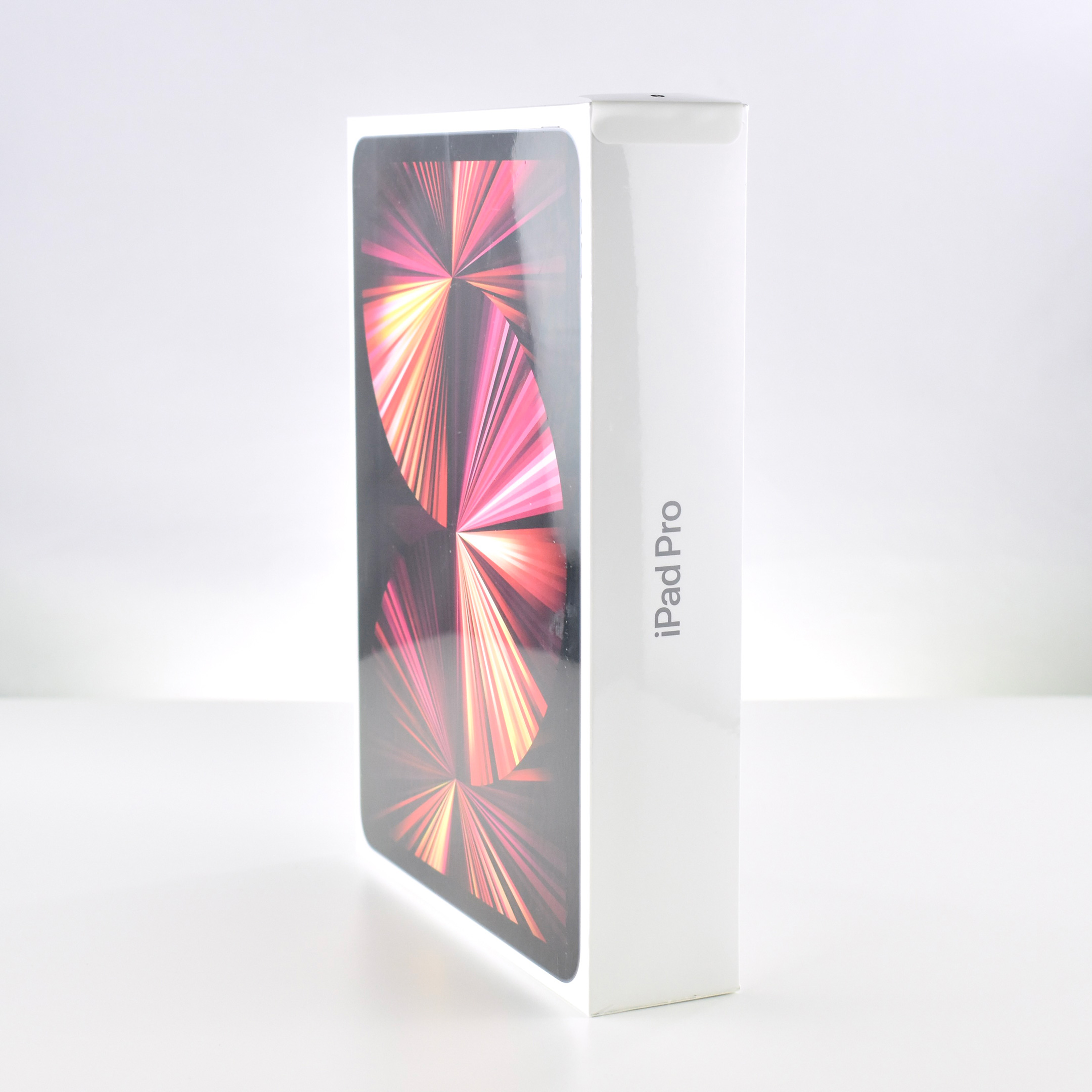
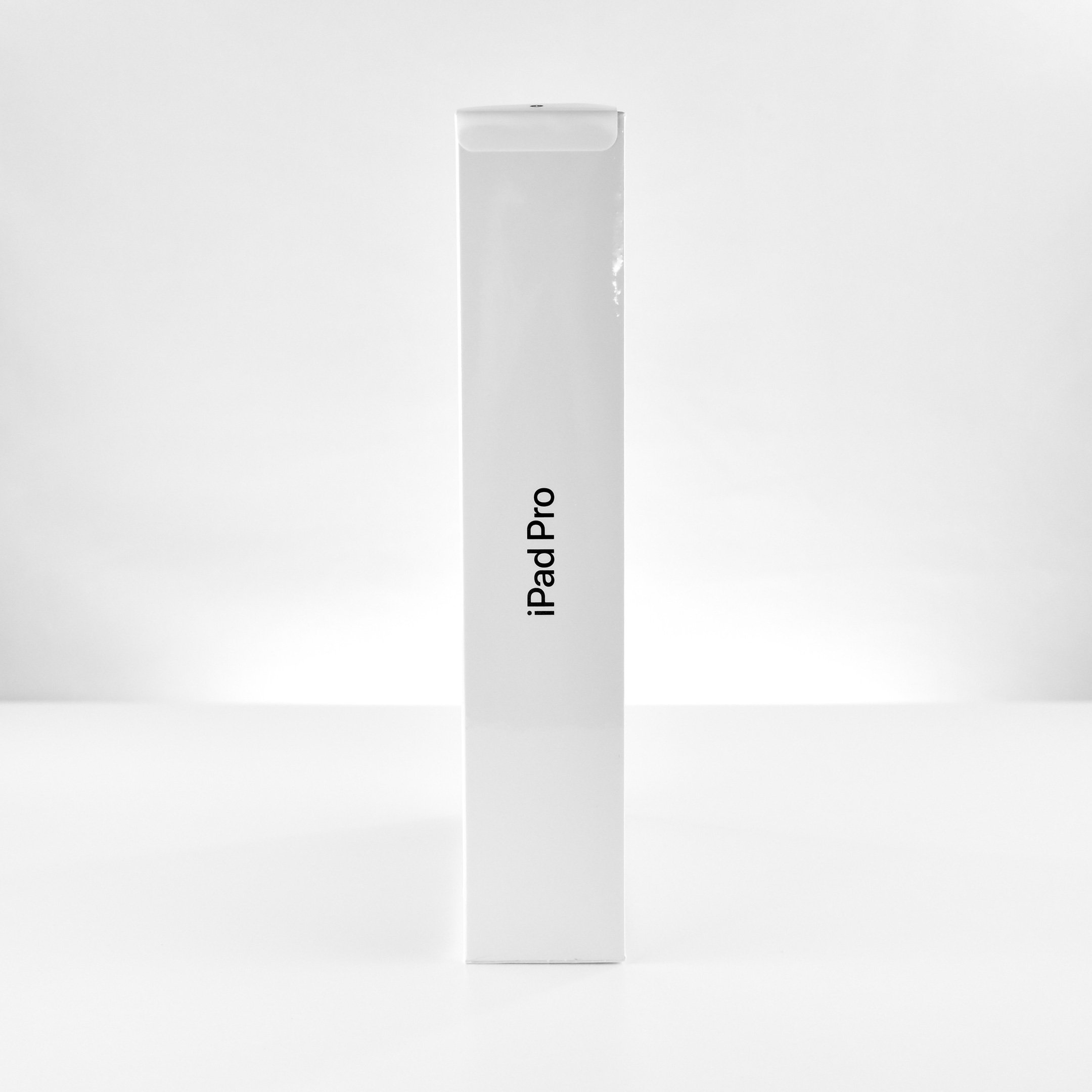
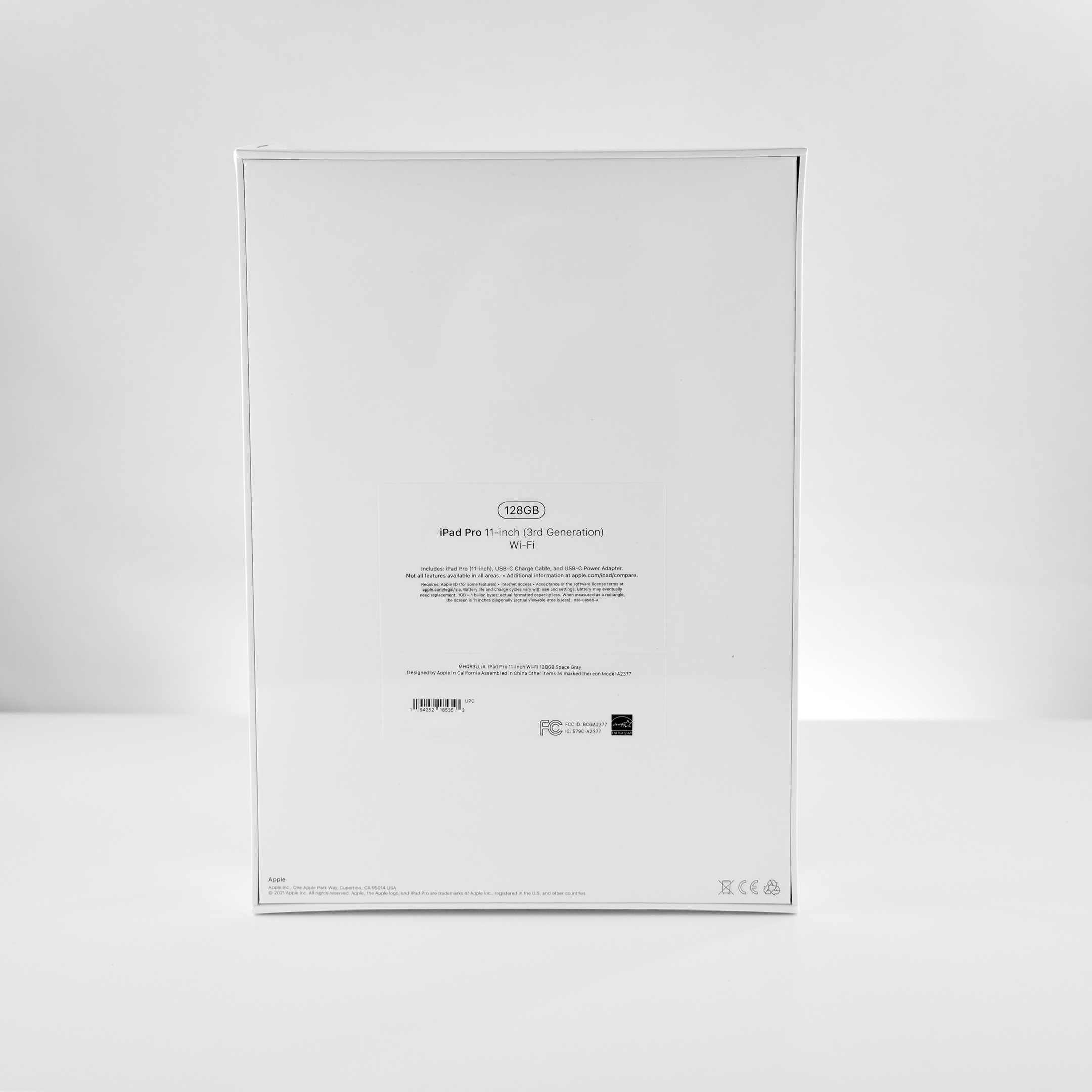
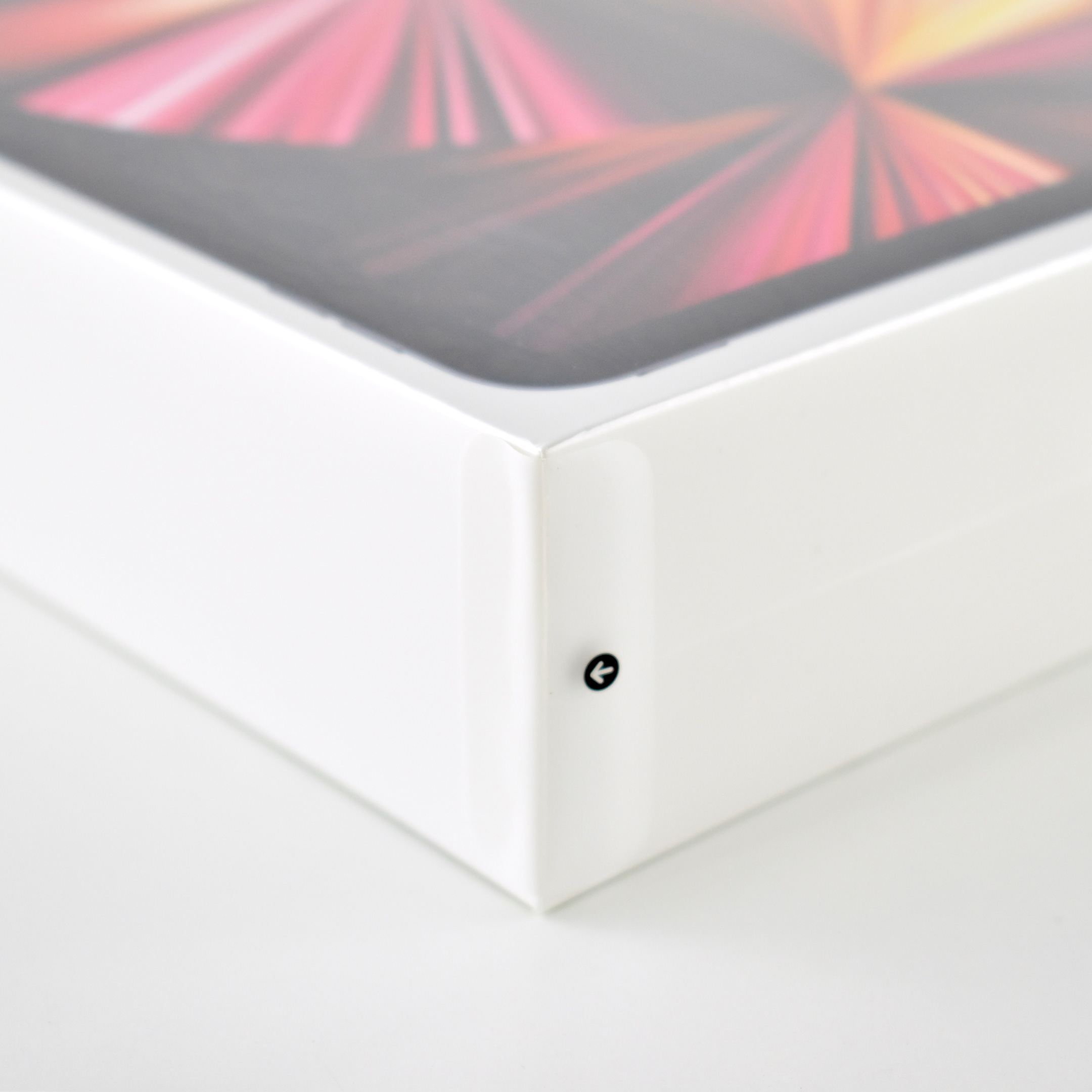
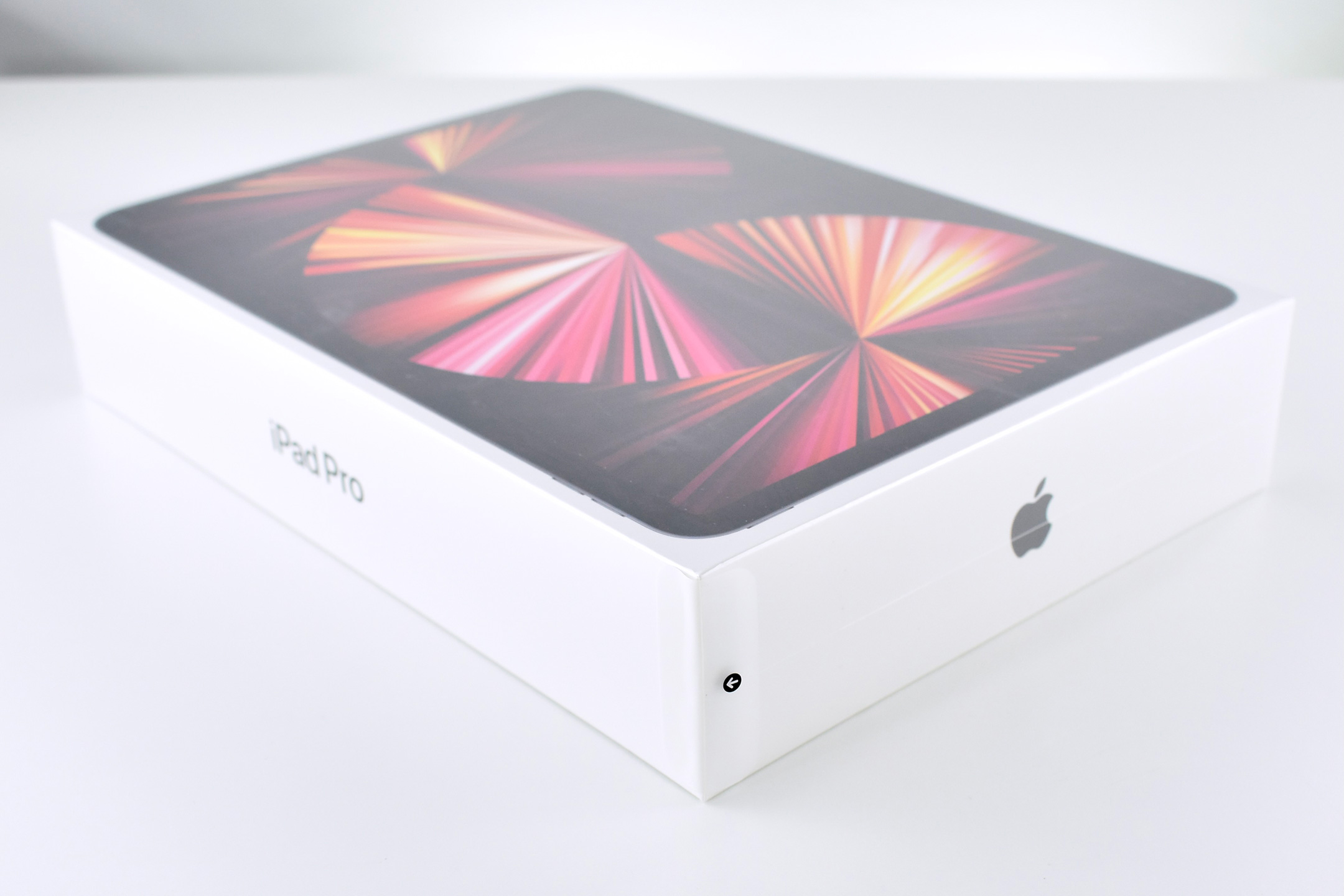
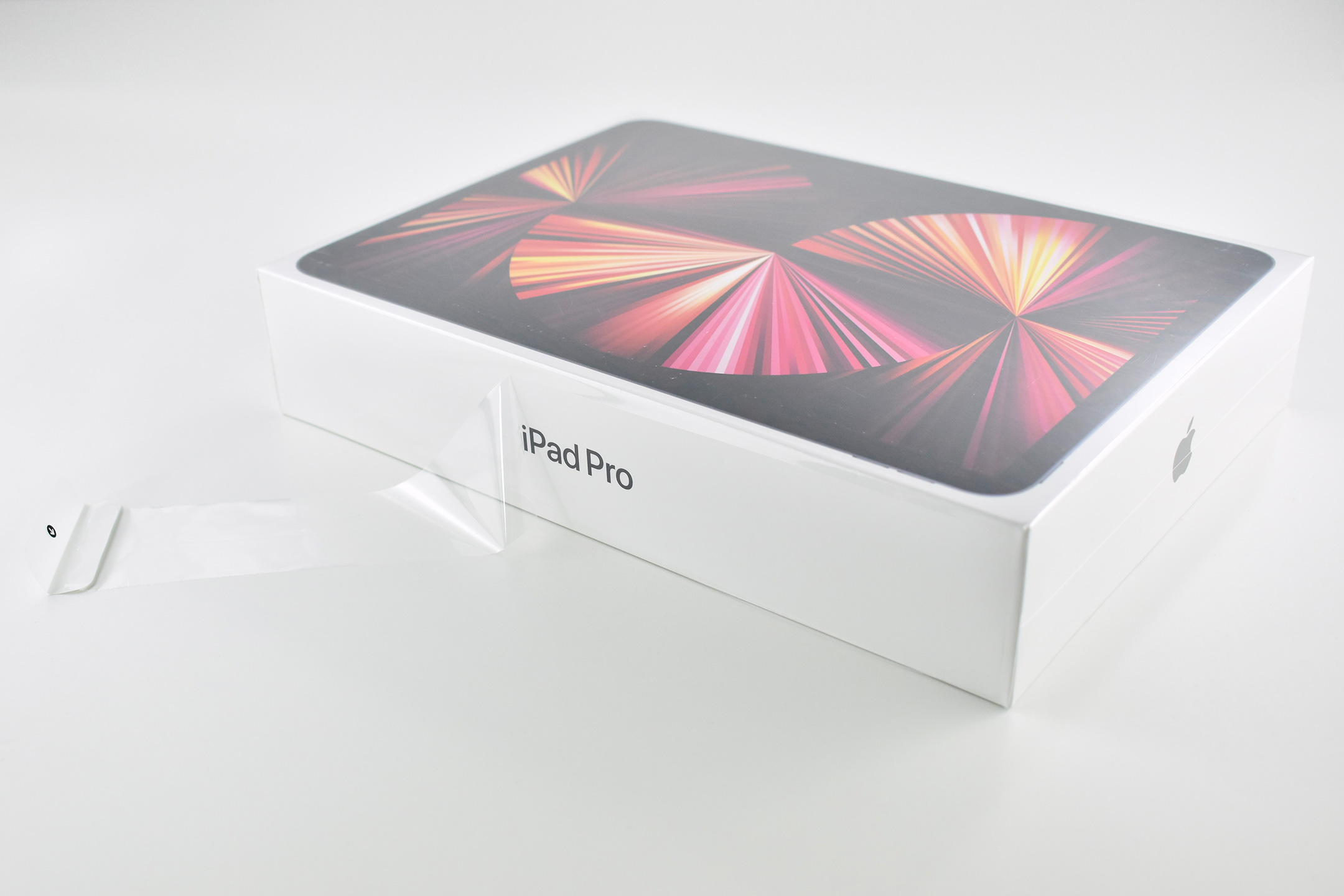
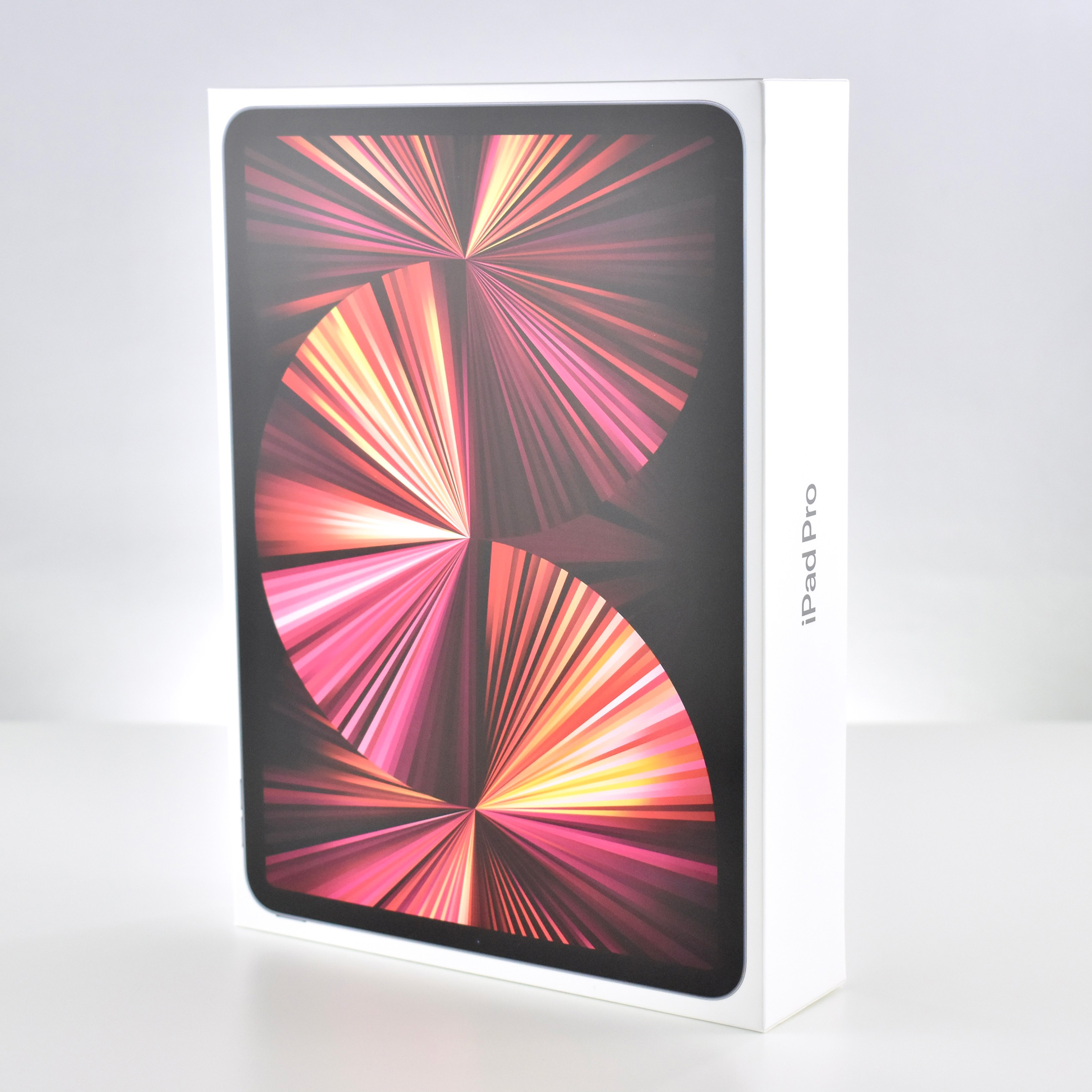
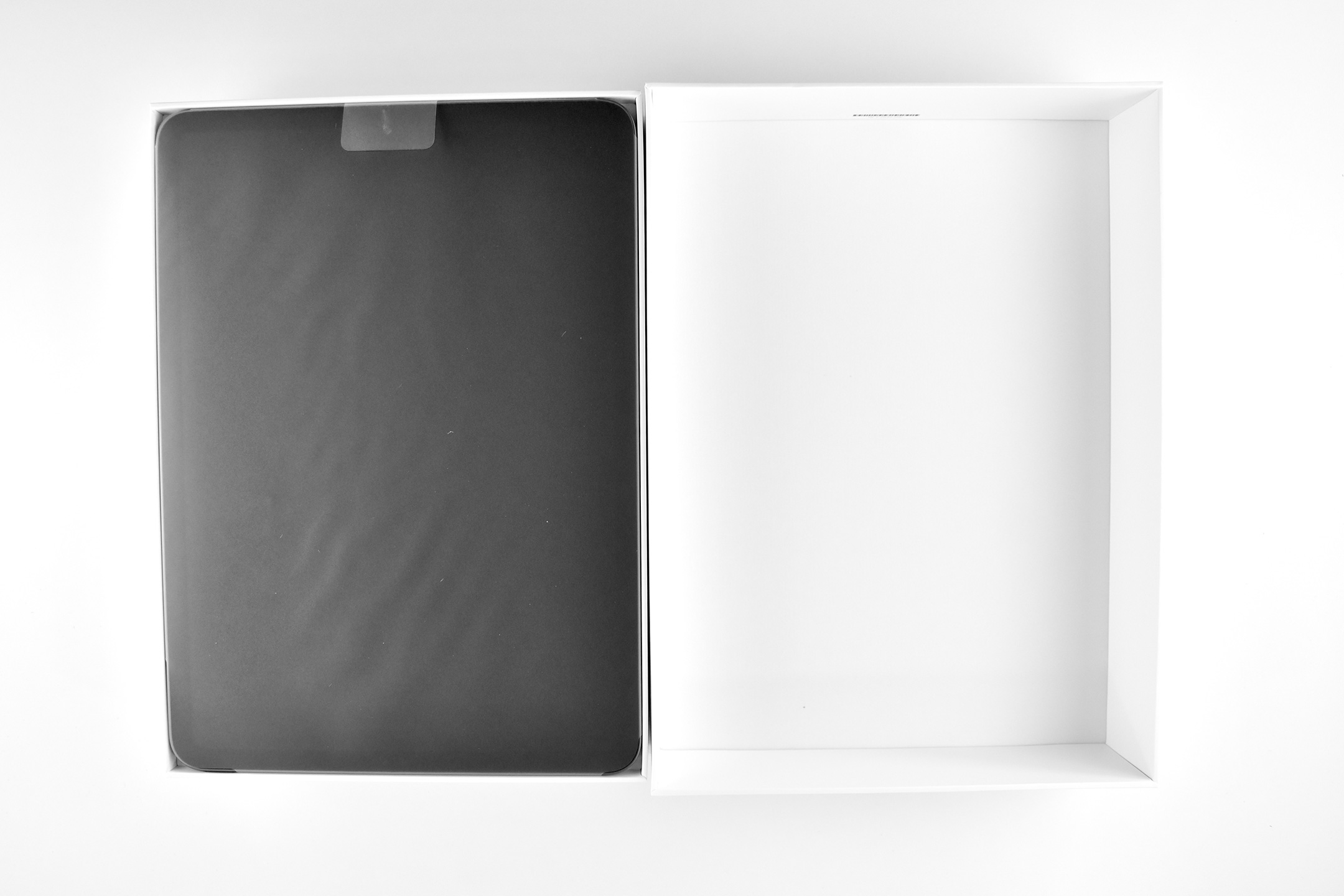
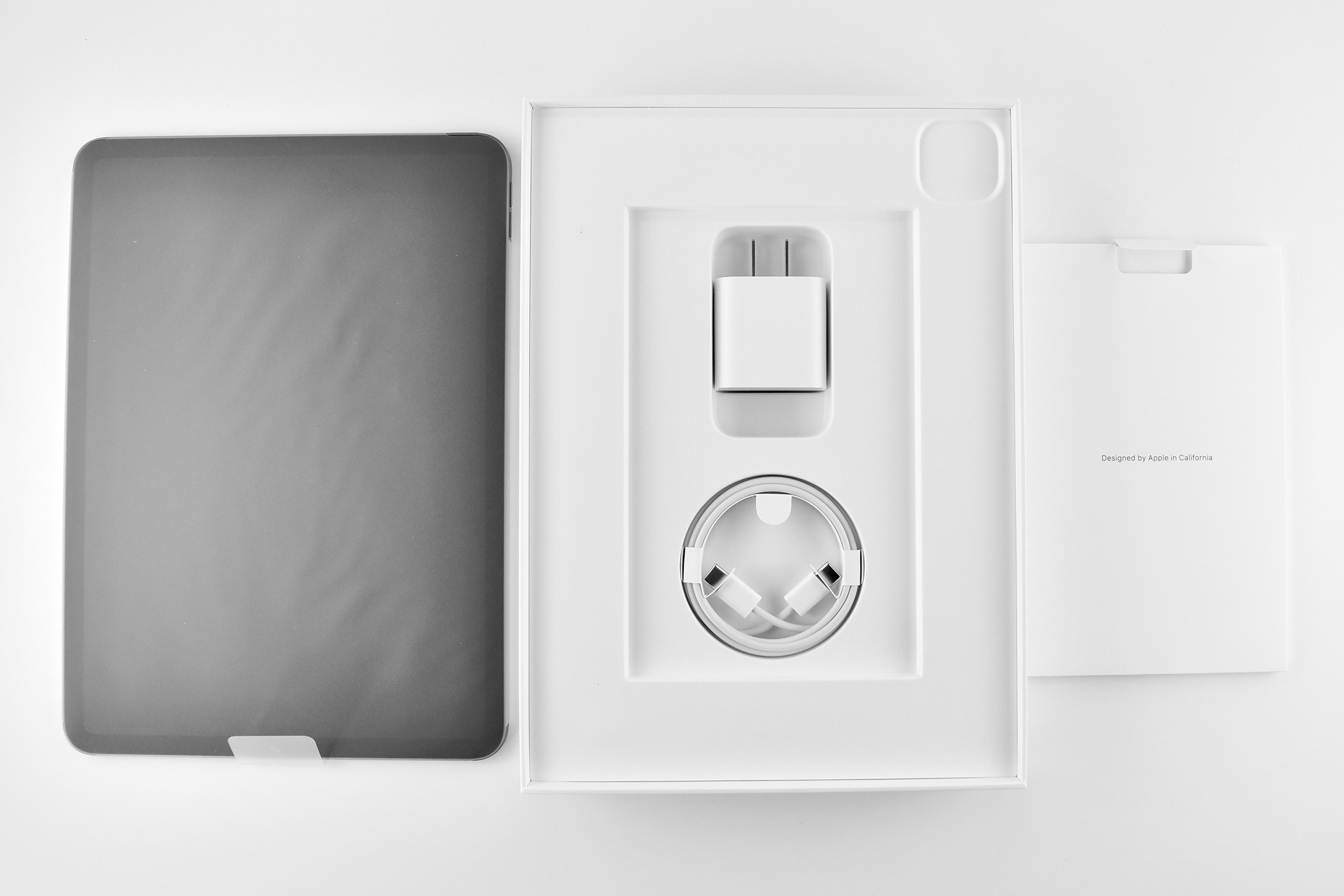
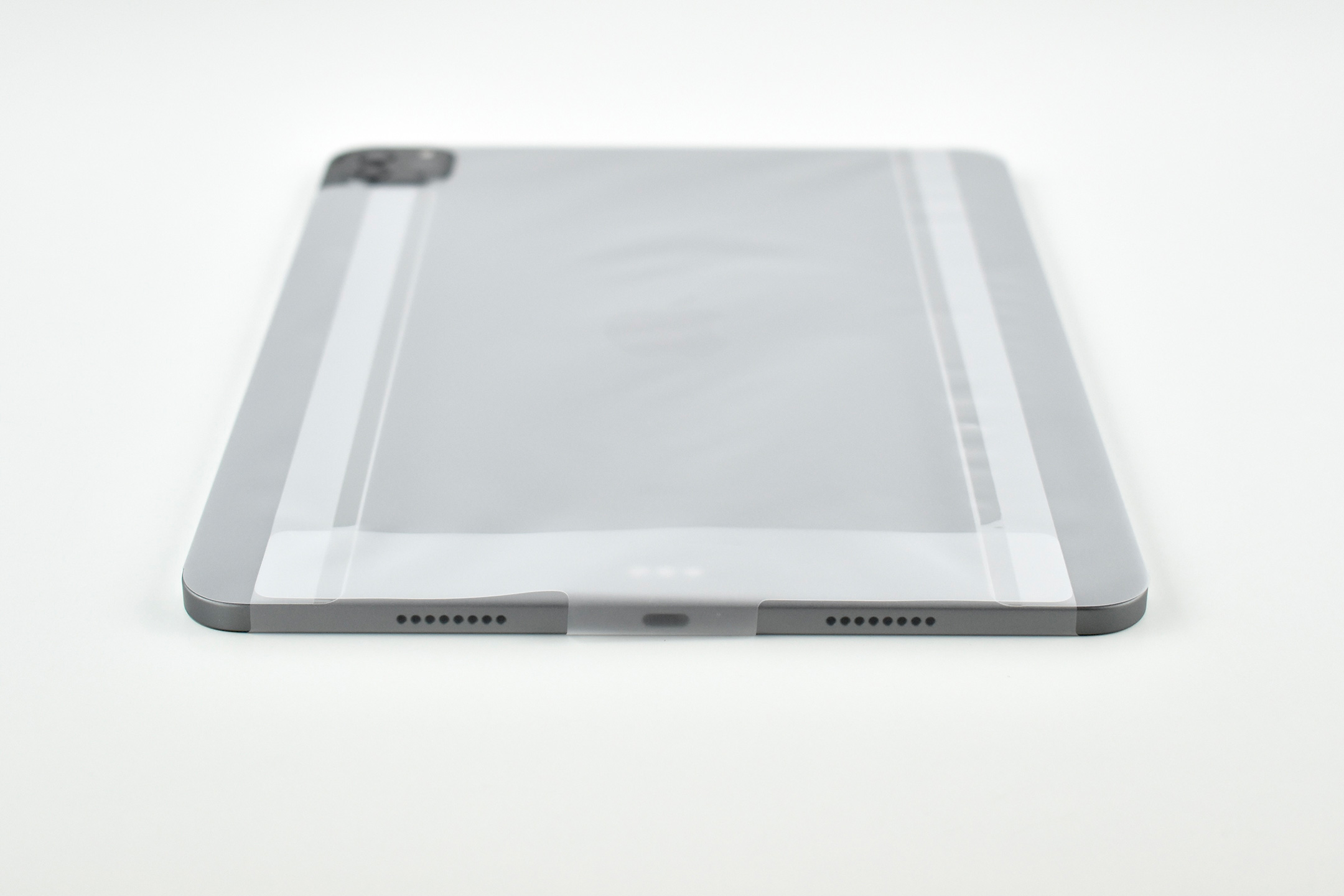
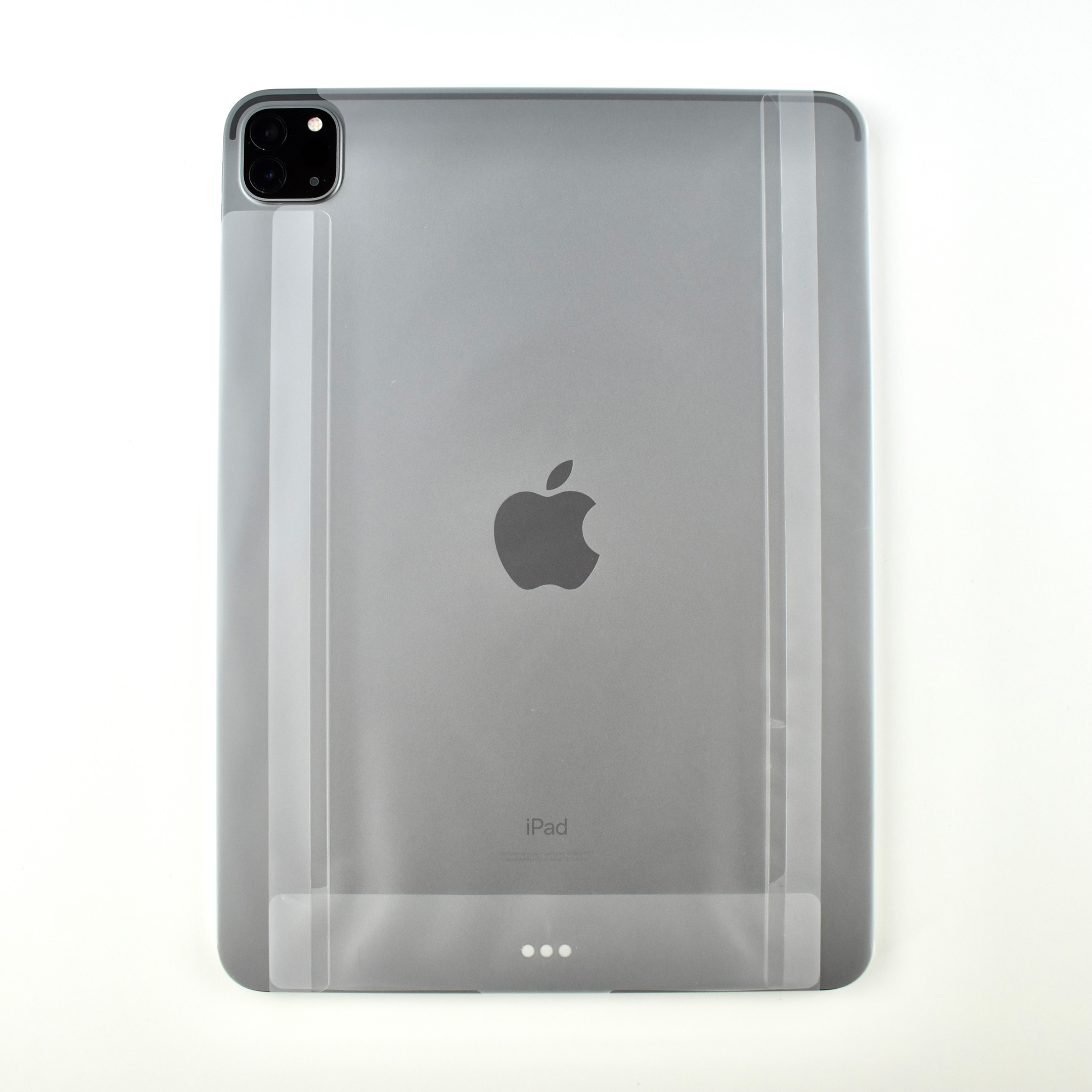
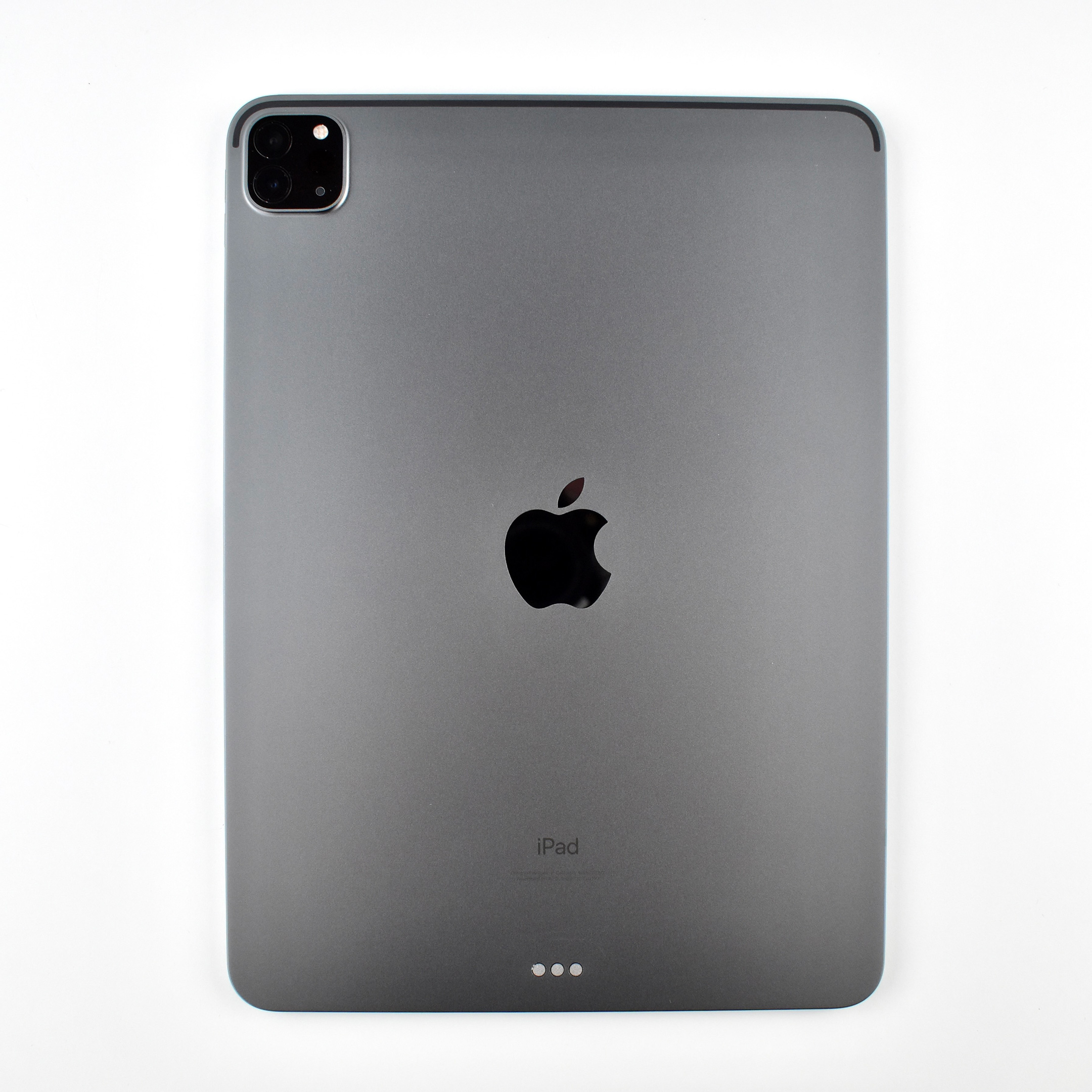
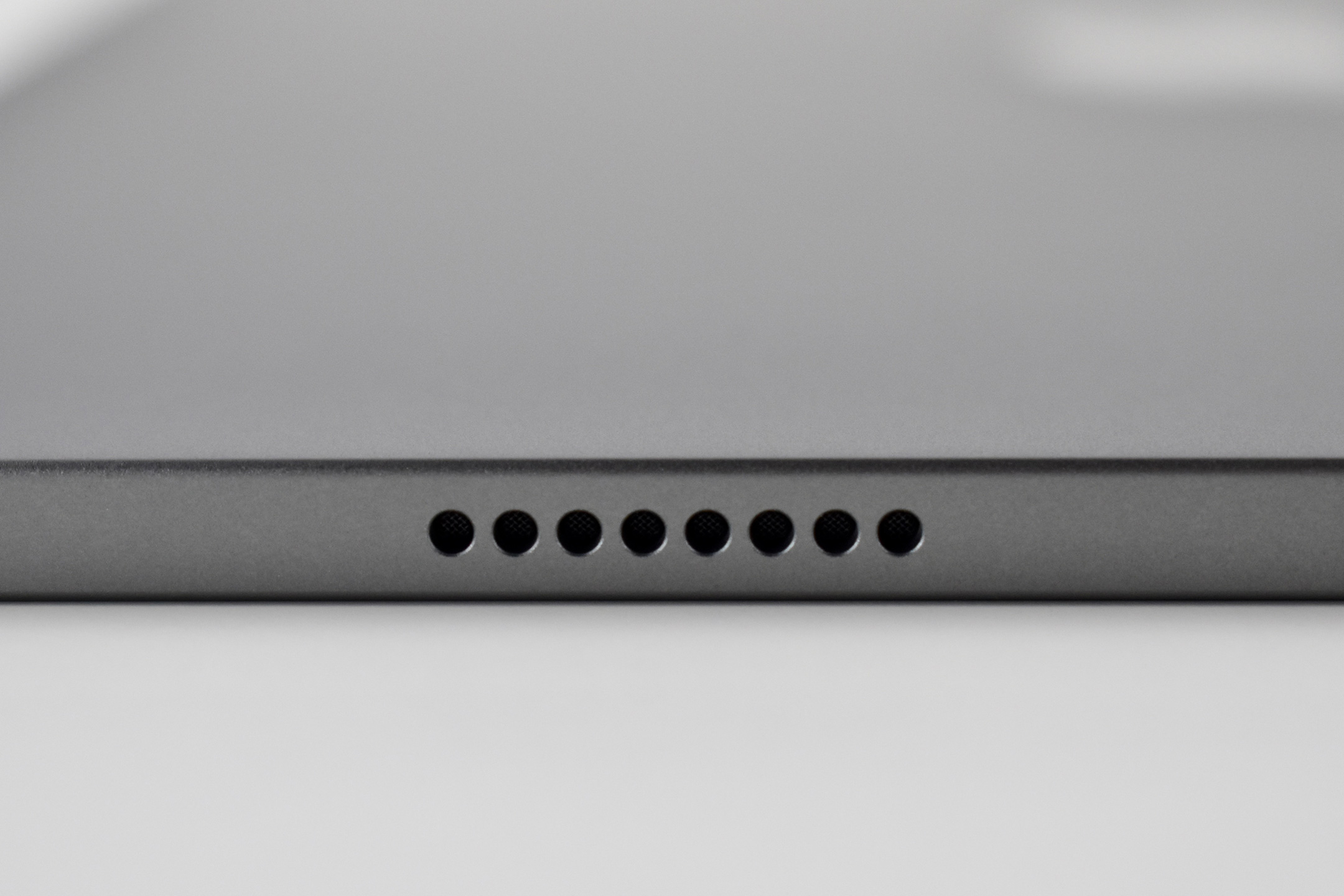
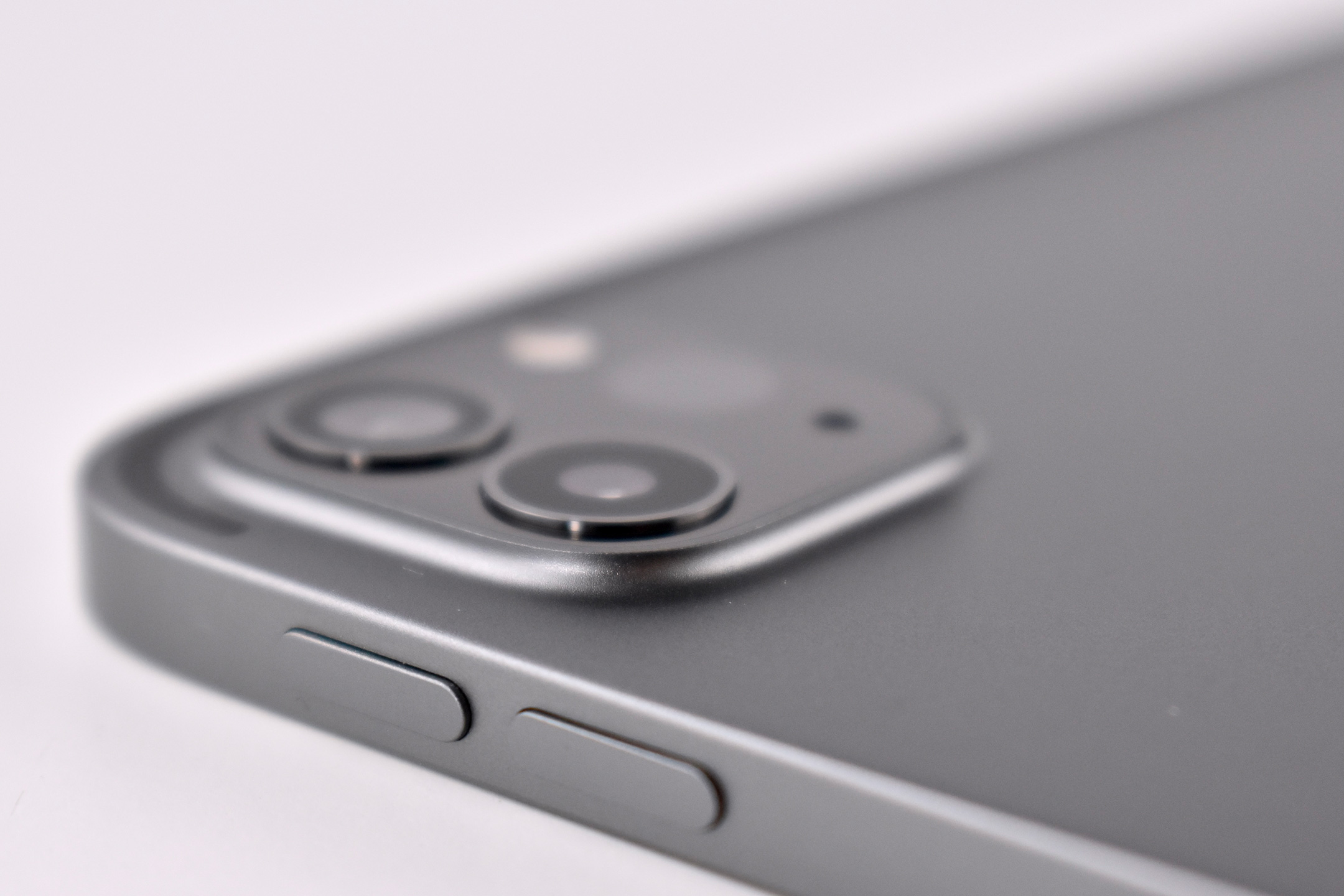
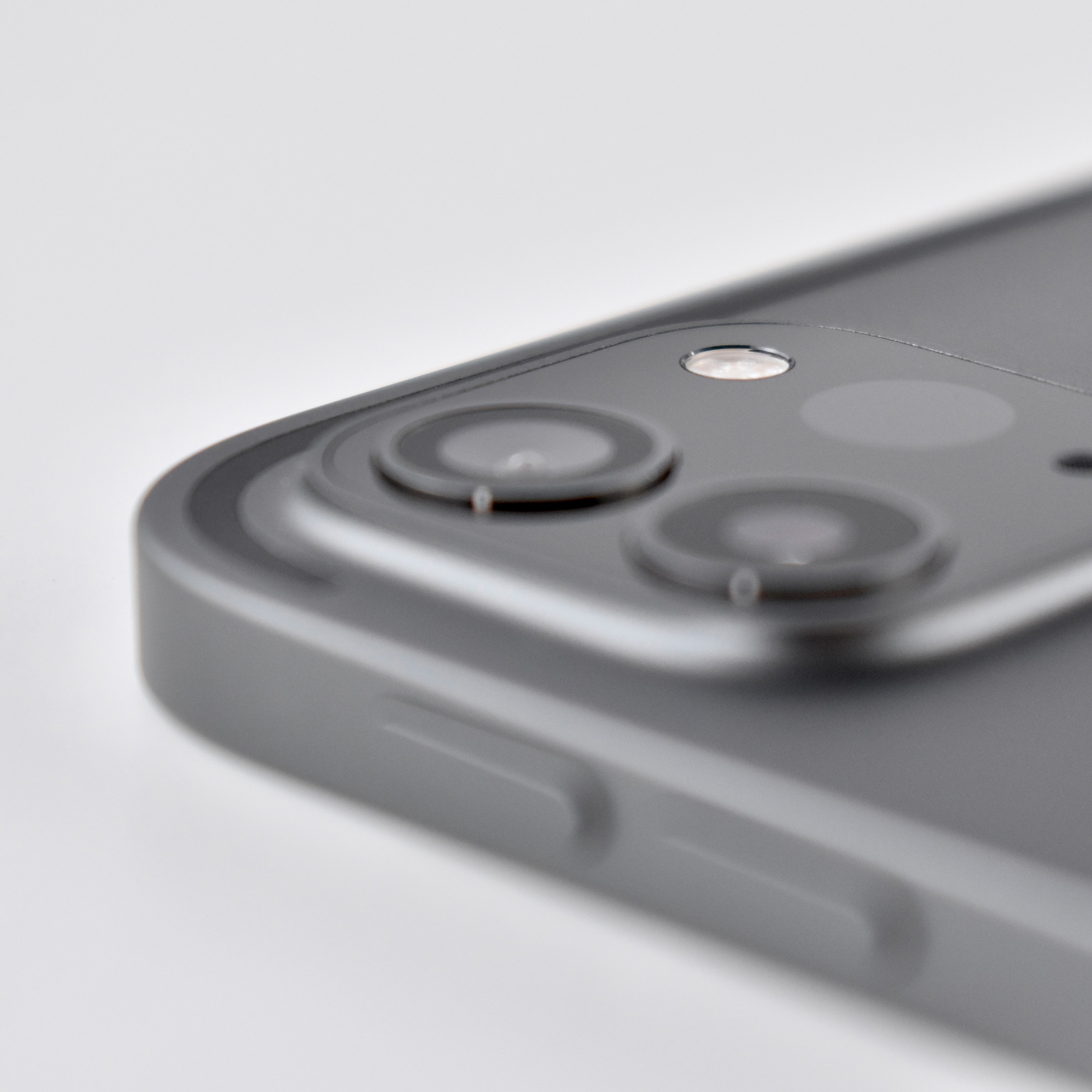
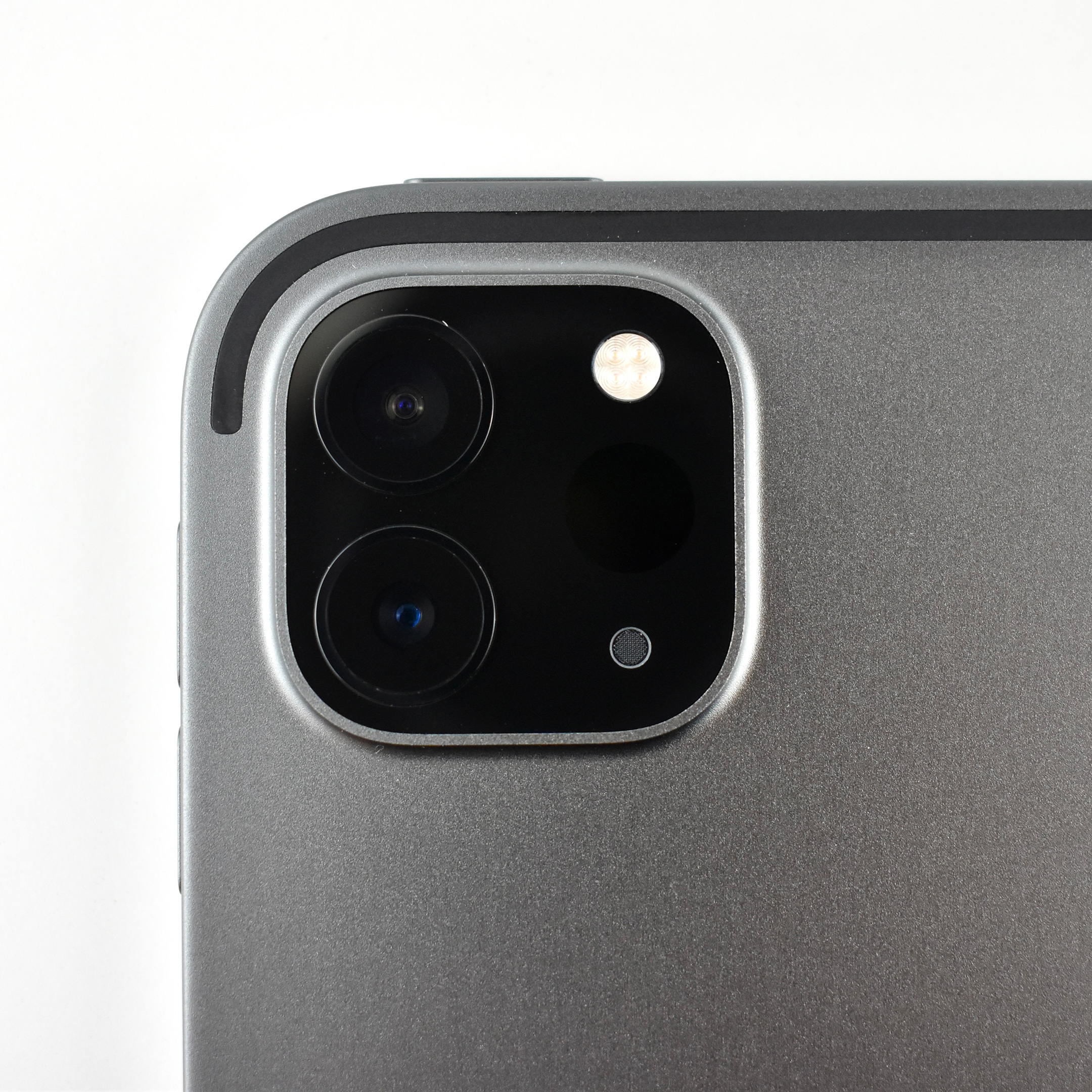
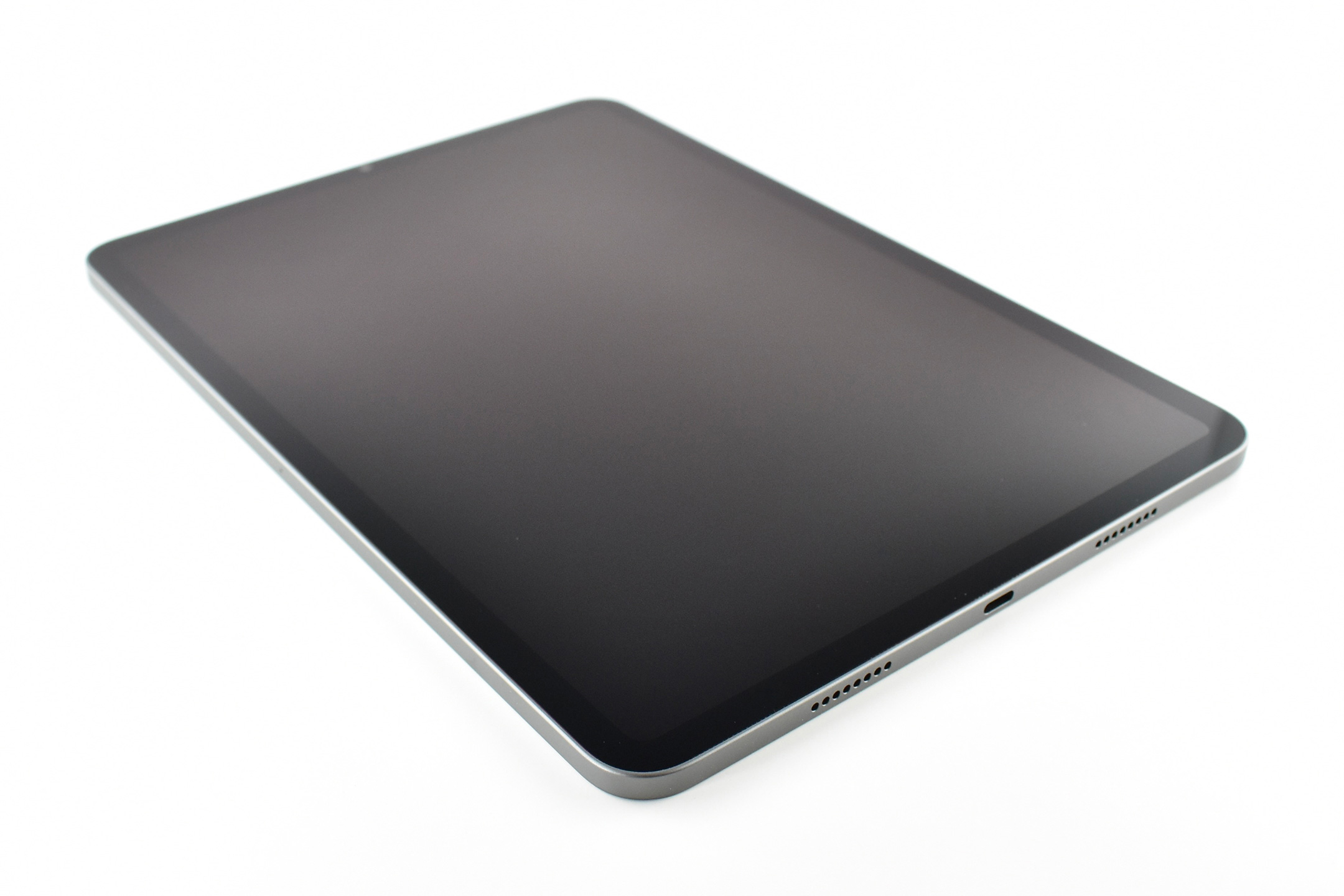
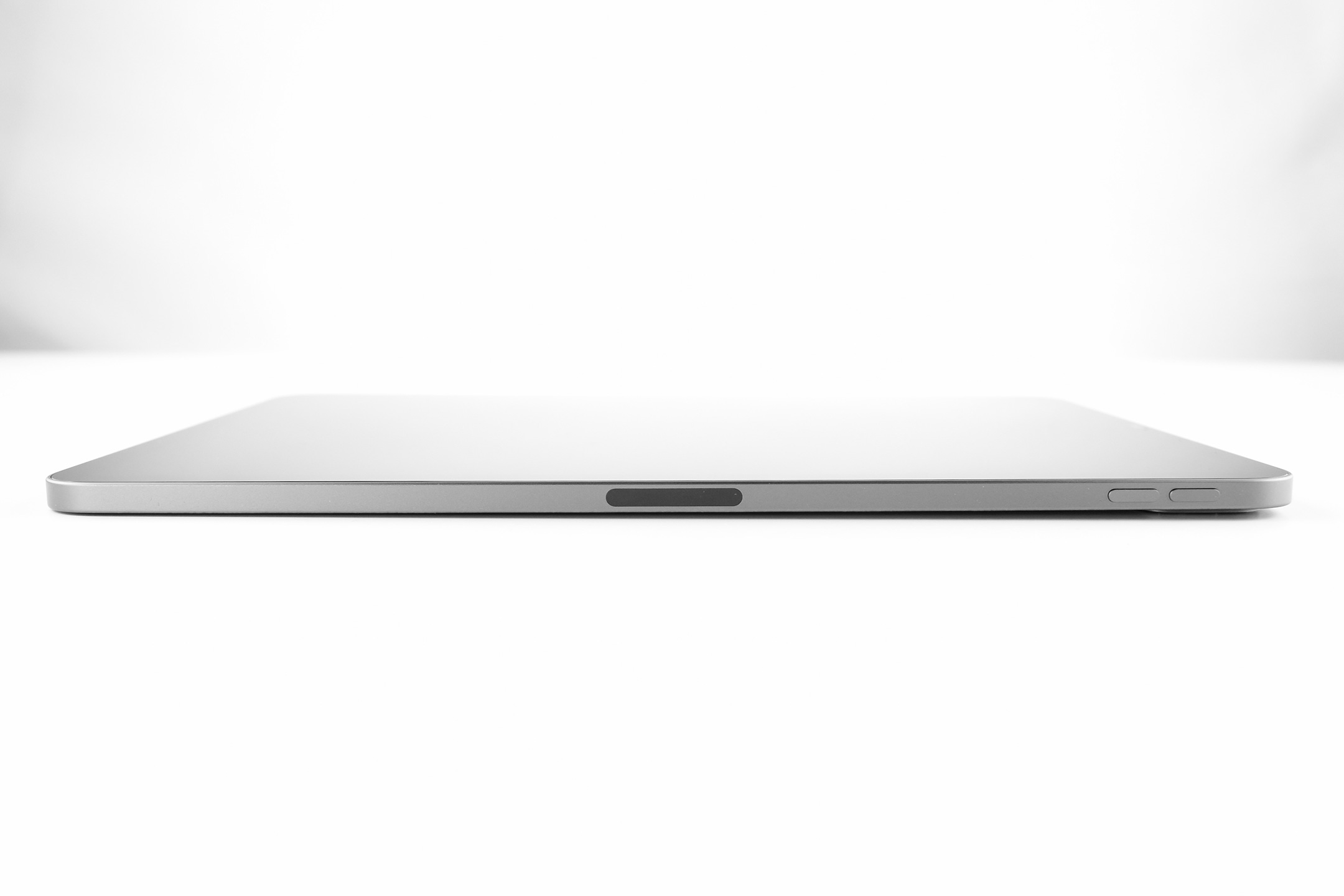
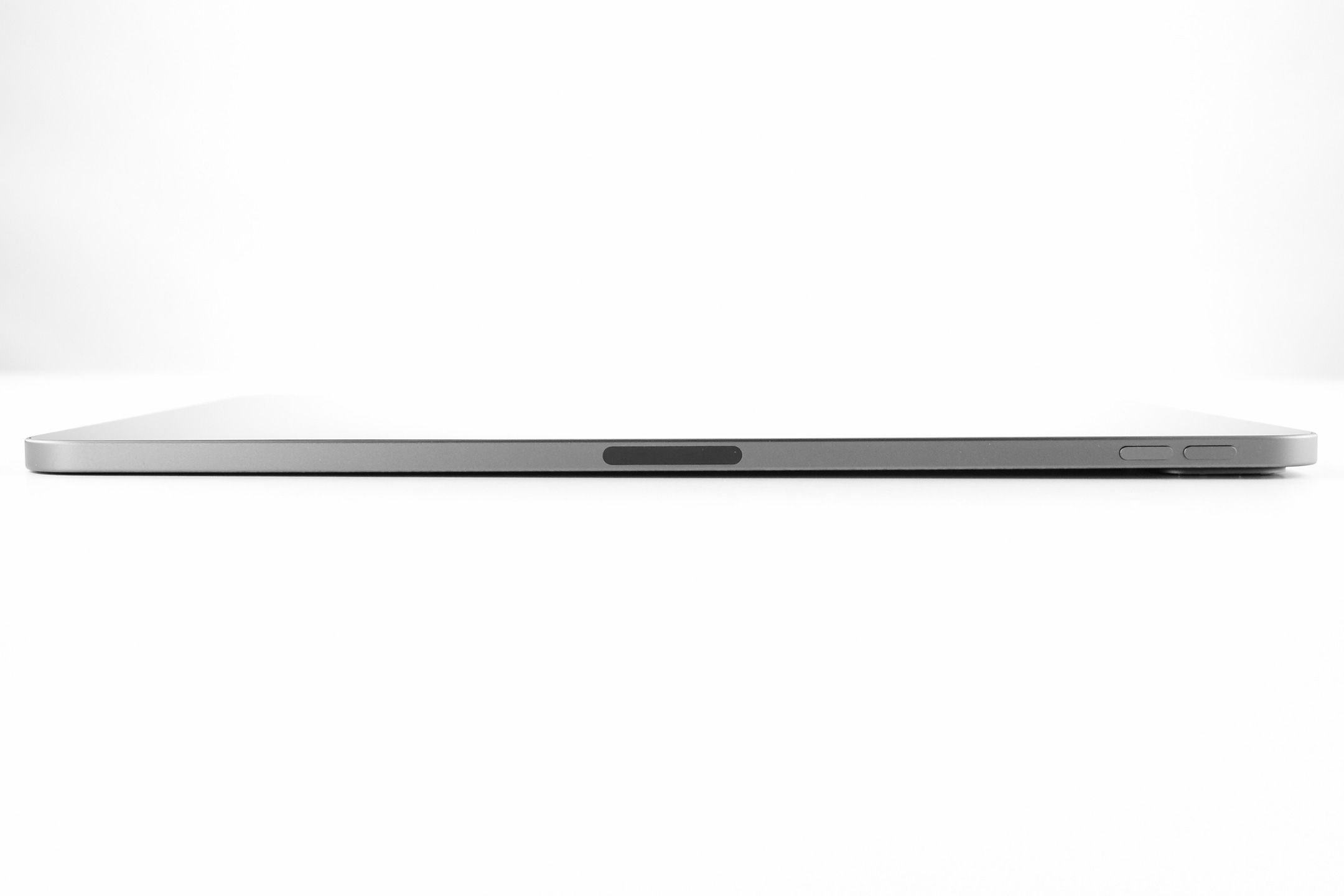
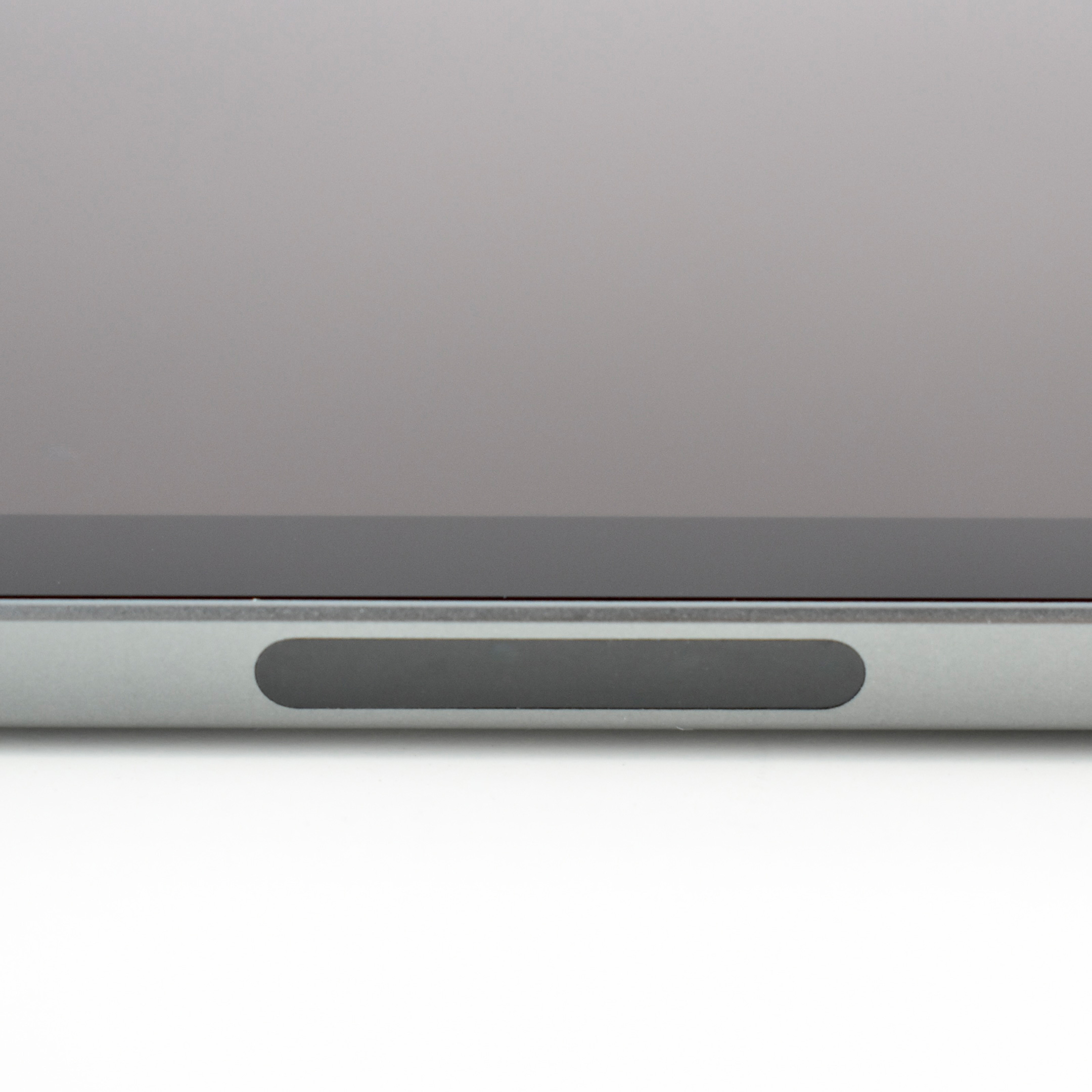
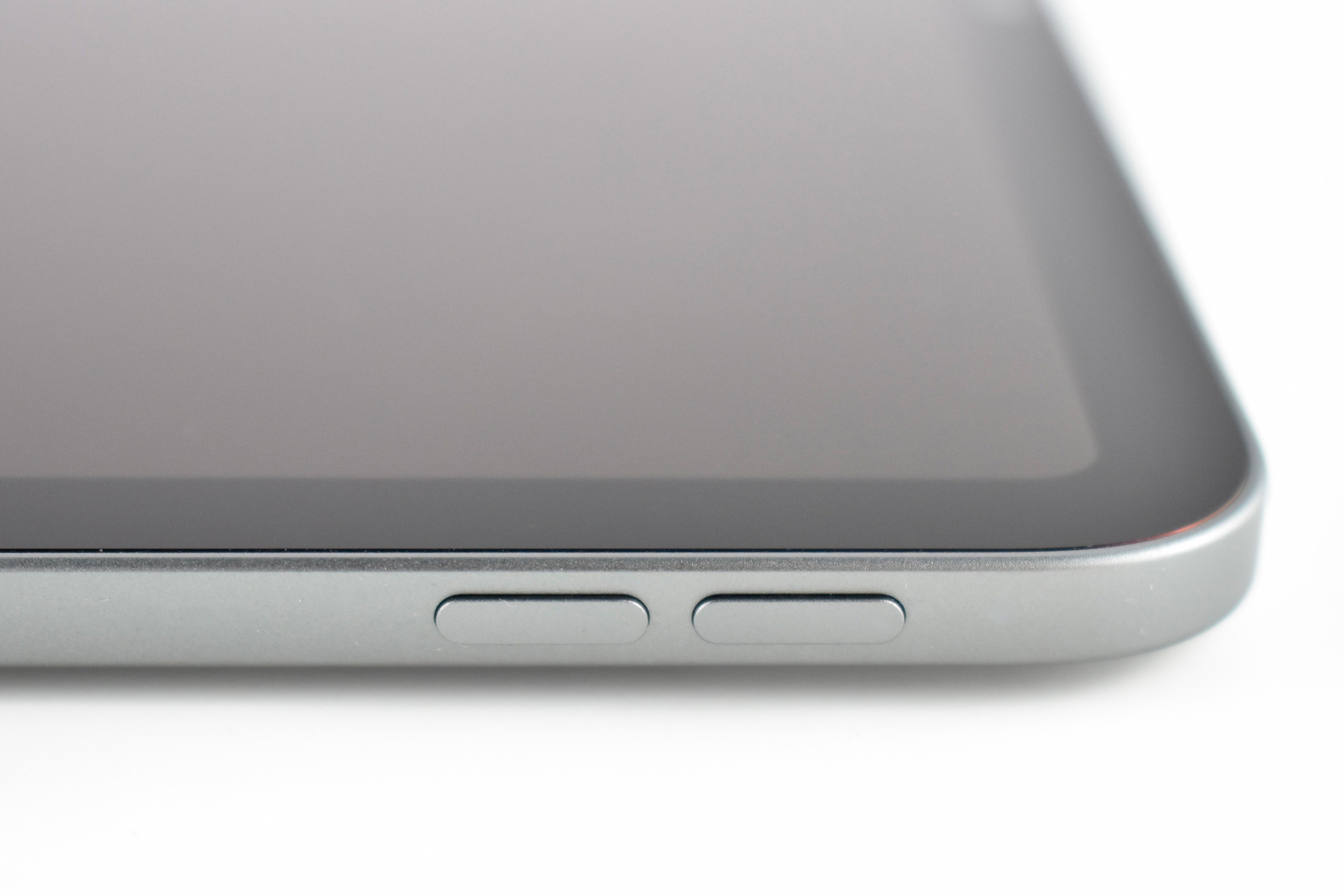
The Generation 3, 11-inch iPad Pro appears the same externally as its two predecessors, but uses Apple’s significantly faster M1 chip and adds an enhanced front camera. This iPad Pro featured an Apple M1 chip with an 8-core CPU with 4 performance cores and 4 efficiency cores along with a 16-core Neural Engine. The iPad Pro website boasts that this model is “Supercharged by the Apple M1 chip” with “Mind-blowing performance.”
Apple adds:
“With M1, iPad Pro is the fastest device of its kind. It’s designed to take full advantage of next‑level performance and custom technologies like the advanced image signal processor and unified memory architecture of M1. And with the incredible power efficiency of M1, iPad Pro is still thin and light with all‑day battery life, making it as portable as it is powerful.”
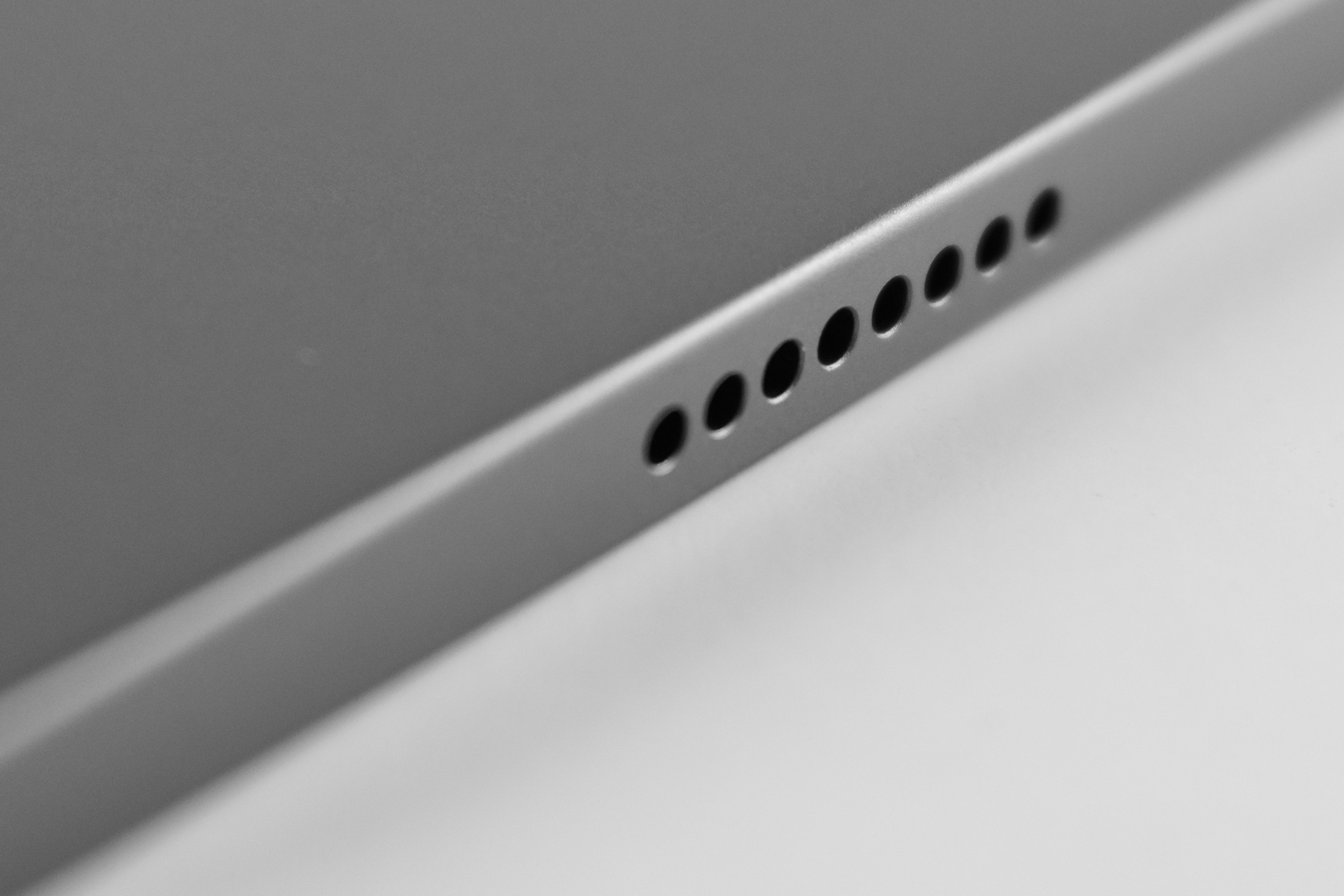
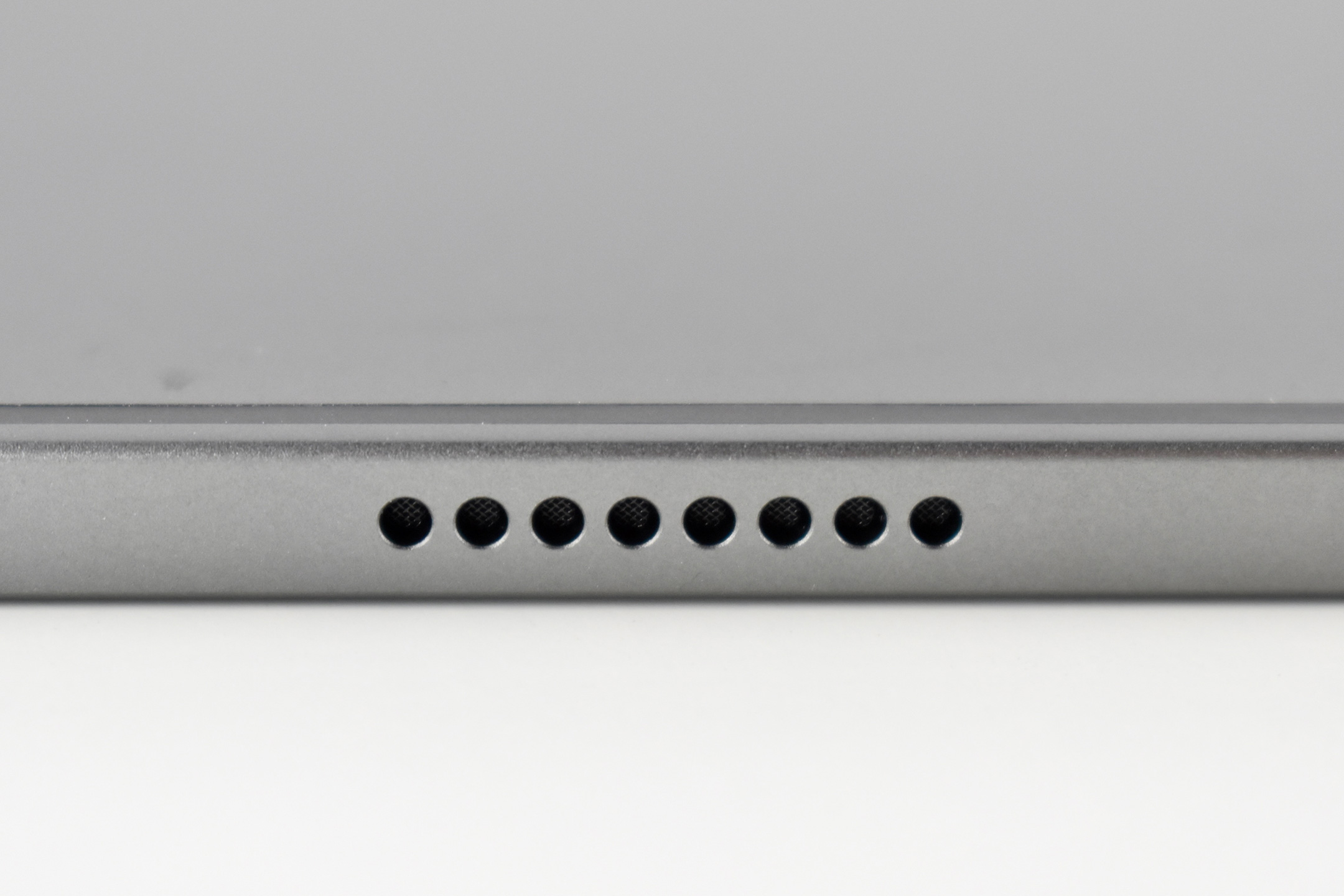
This iPad Pro 11-inch uses an LED-backlit 2388×1668 Liquid Retina display (264 ppi, 600 nits) with a thin black bezel with rounded corners and flat sides. This iPad is Space Gray, and it was also available in Silver. This 128GB models used 8GB RAM (as did the 256 and 512 GB options, while the 1 and 2 TB models used 16 GB of RAM).
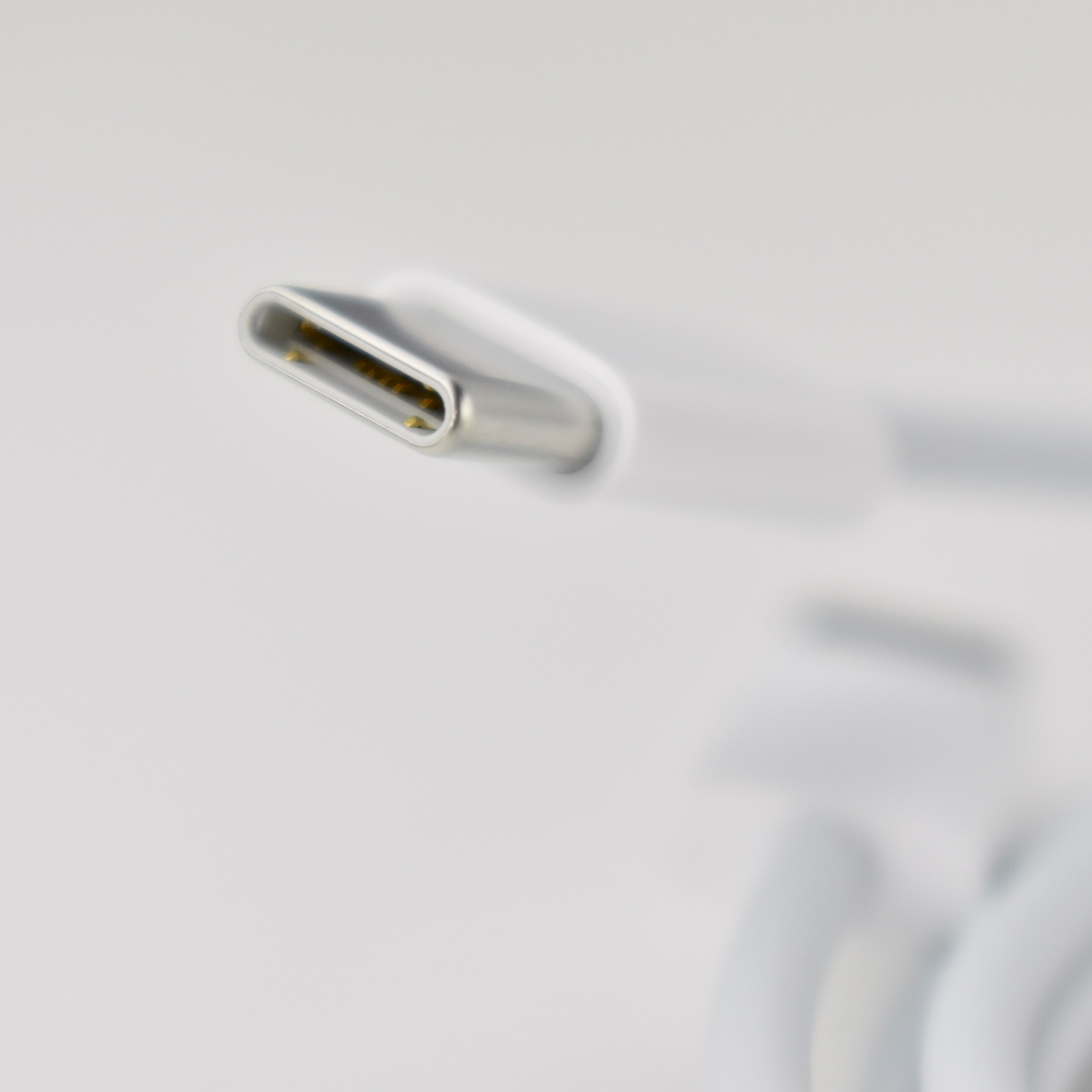
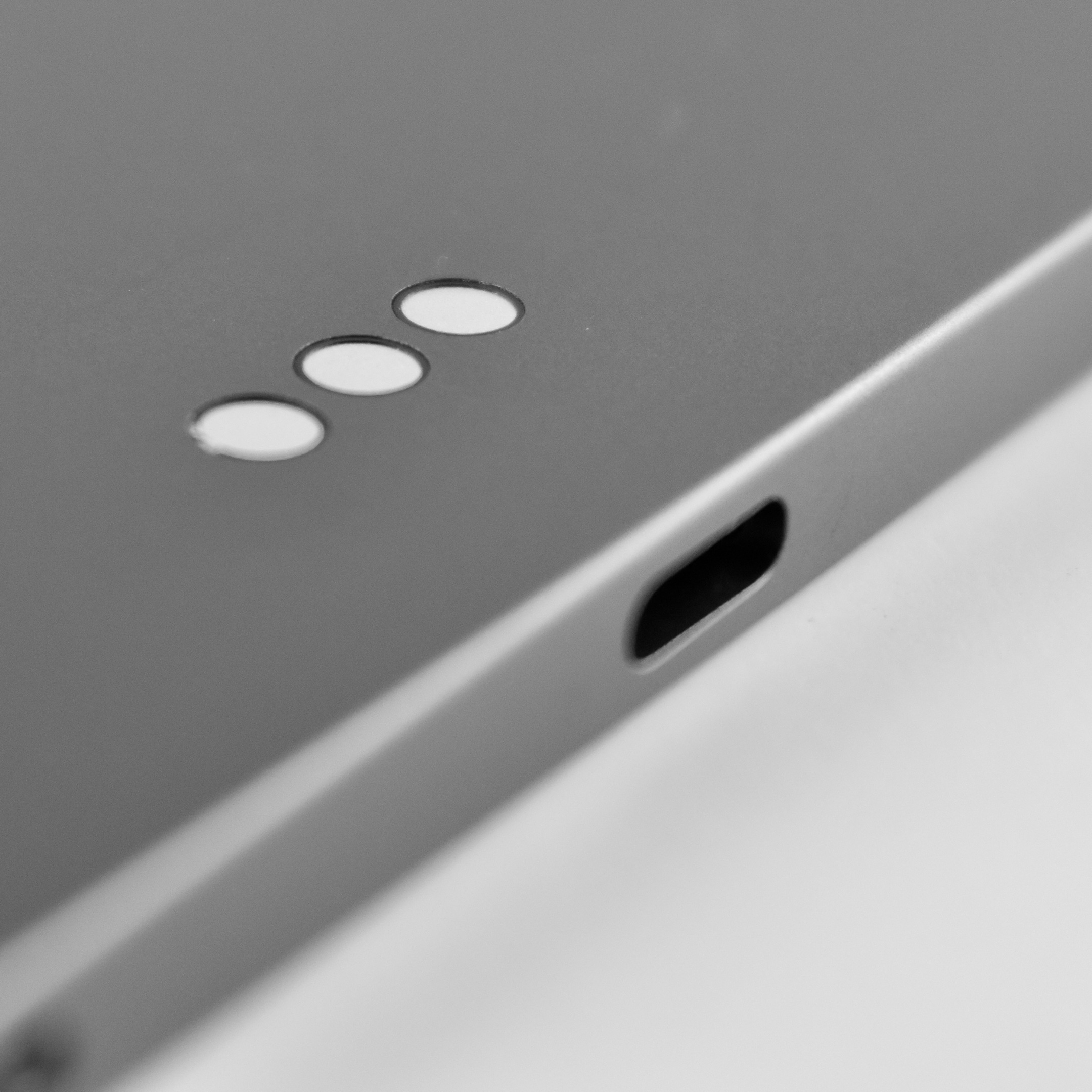
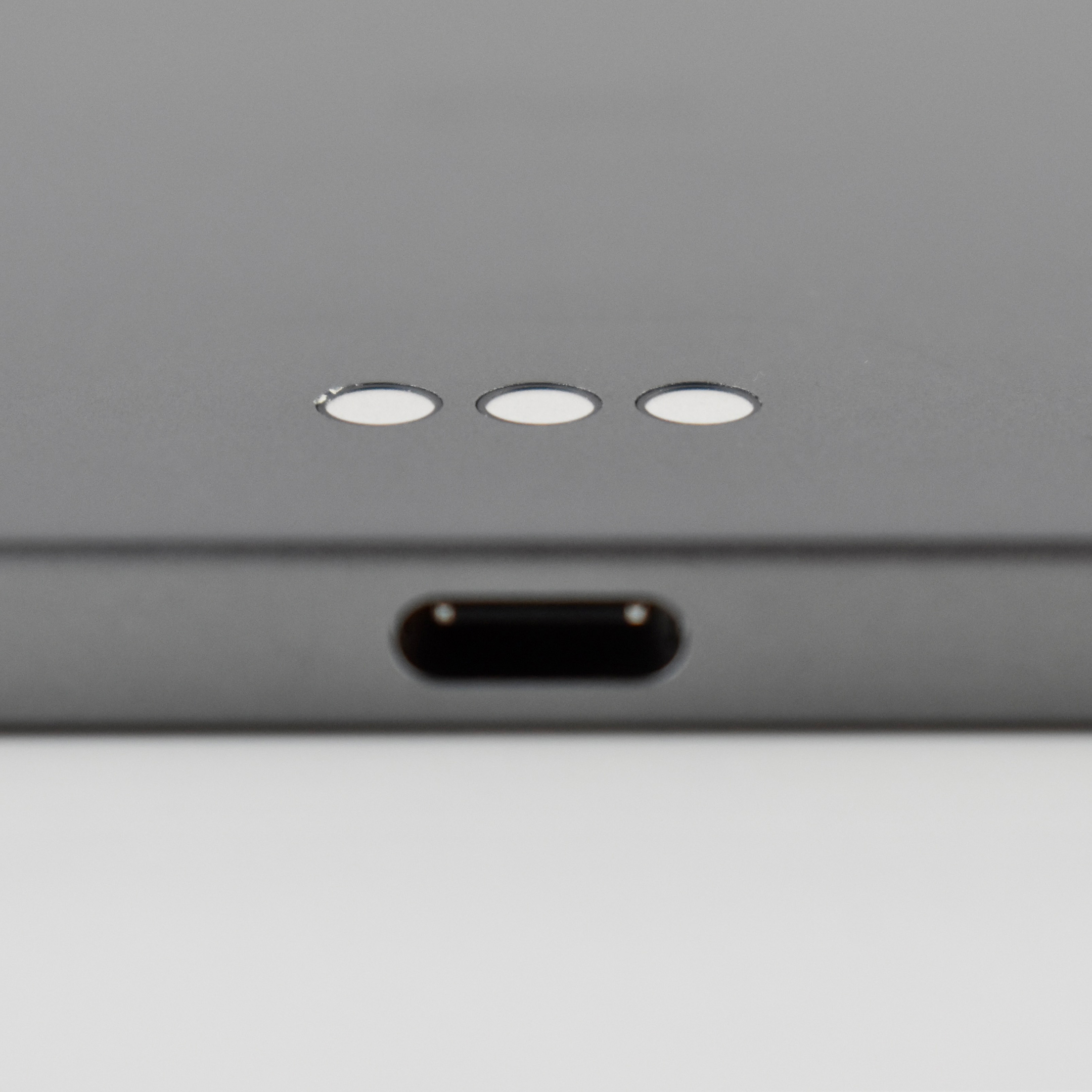
This iPad Pro included a USB-C port (Thunderbolt/USB 4) for charging and wired connectivity. Wireless connectivity included 802.11ax Wi-Fi 6 and Bluetooth 5.0. Cellular models were also available.
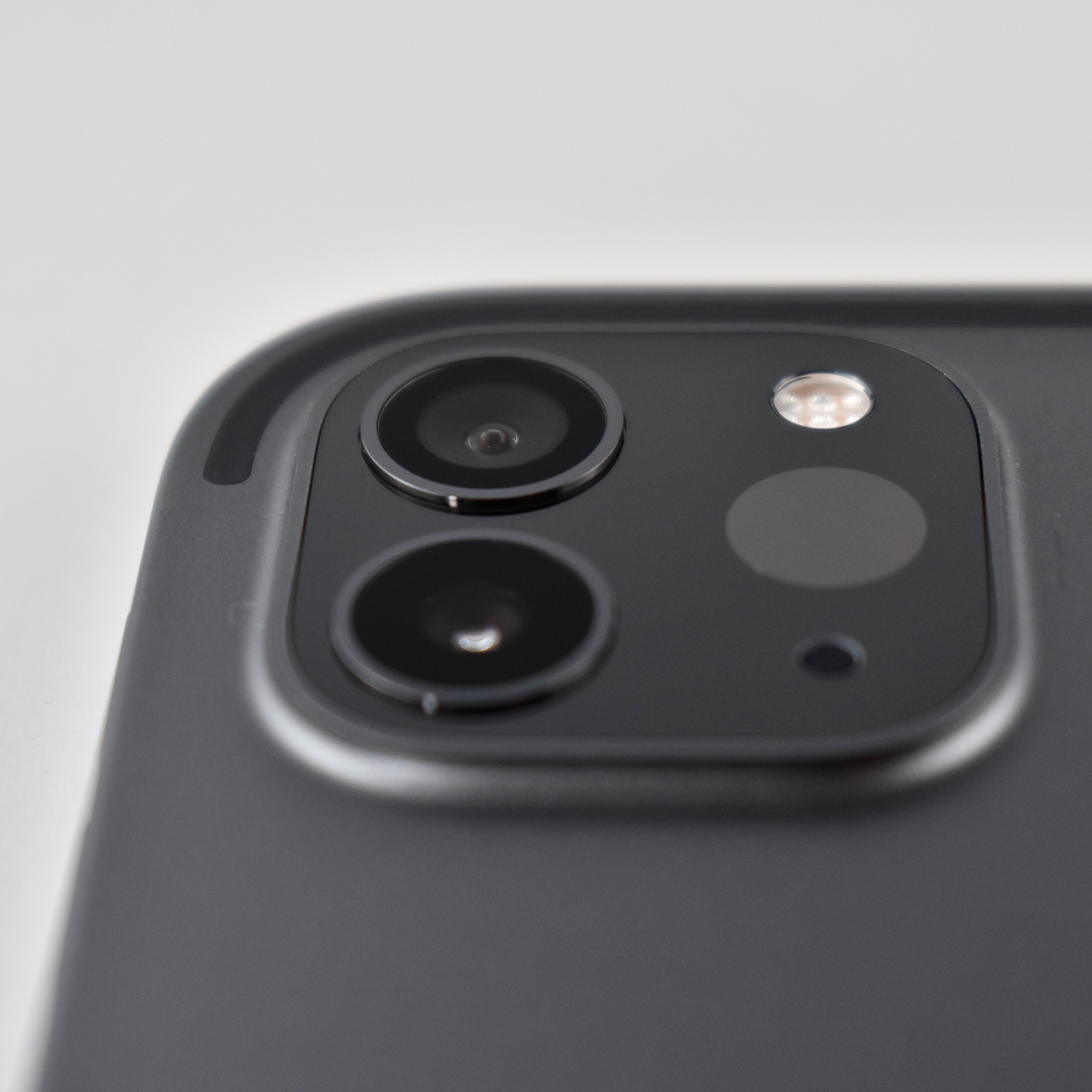
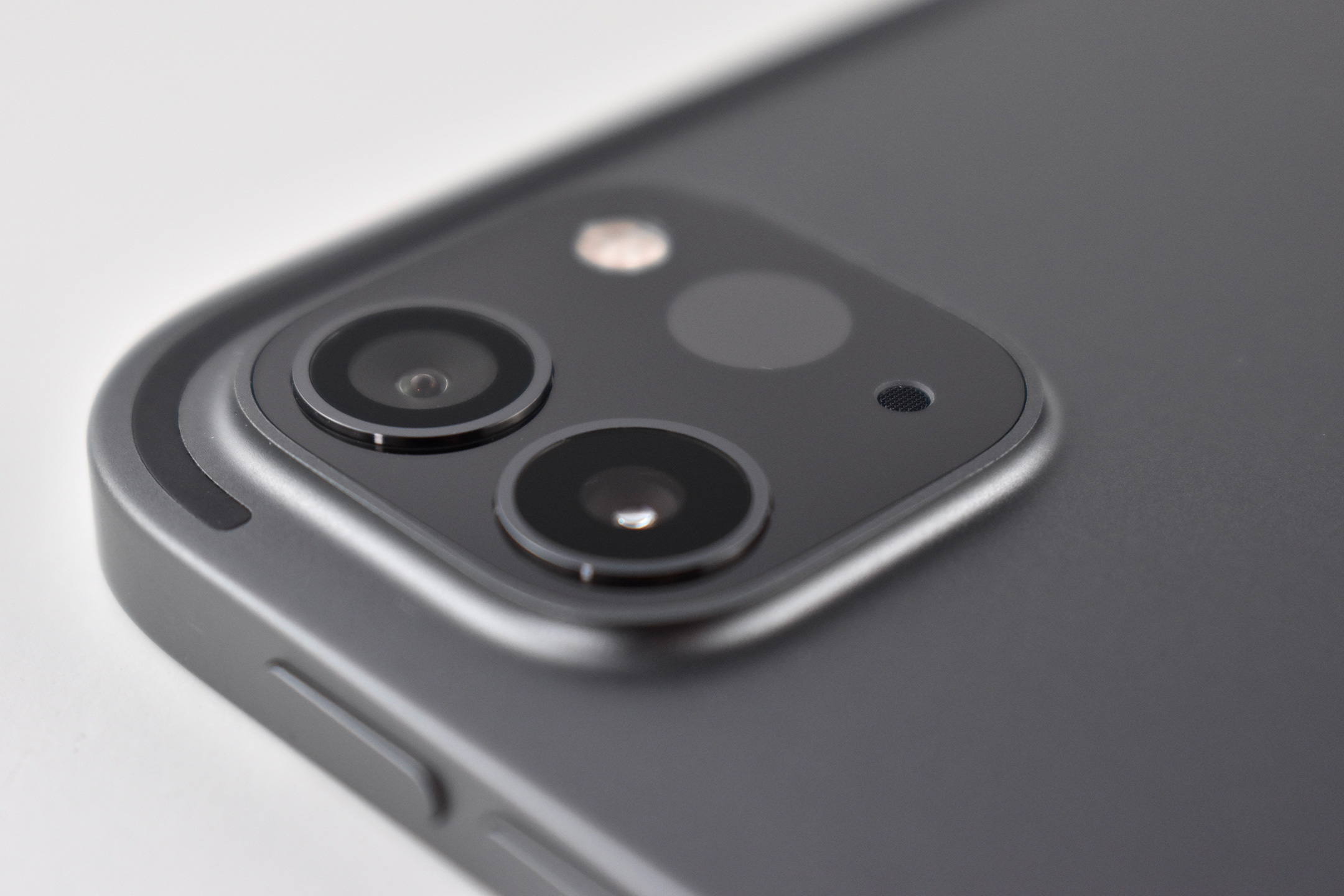
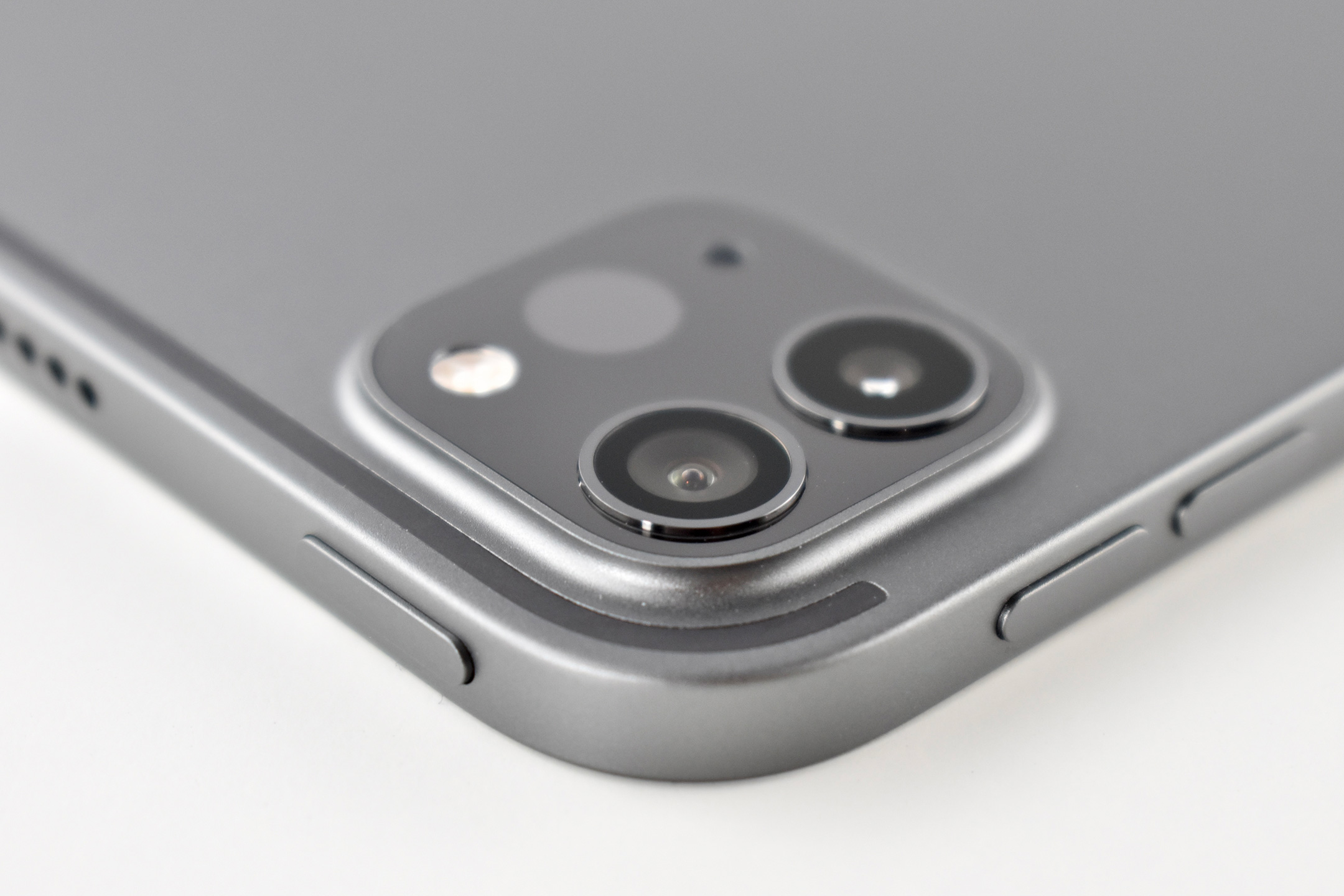
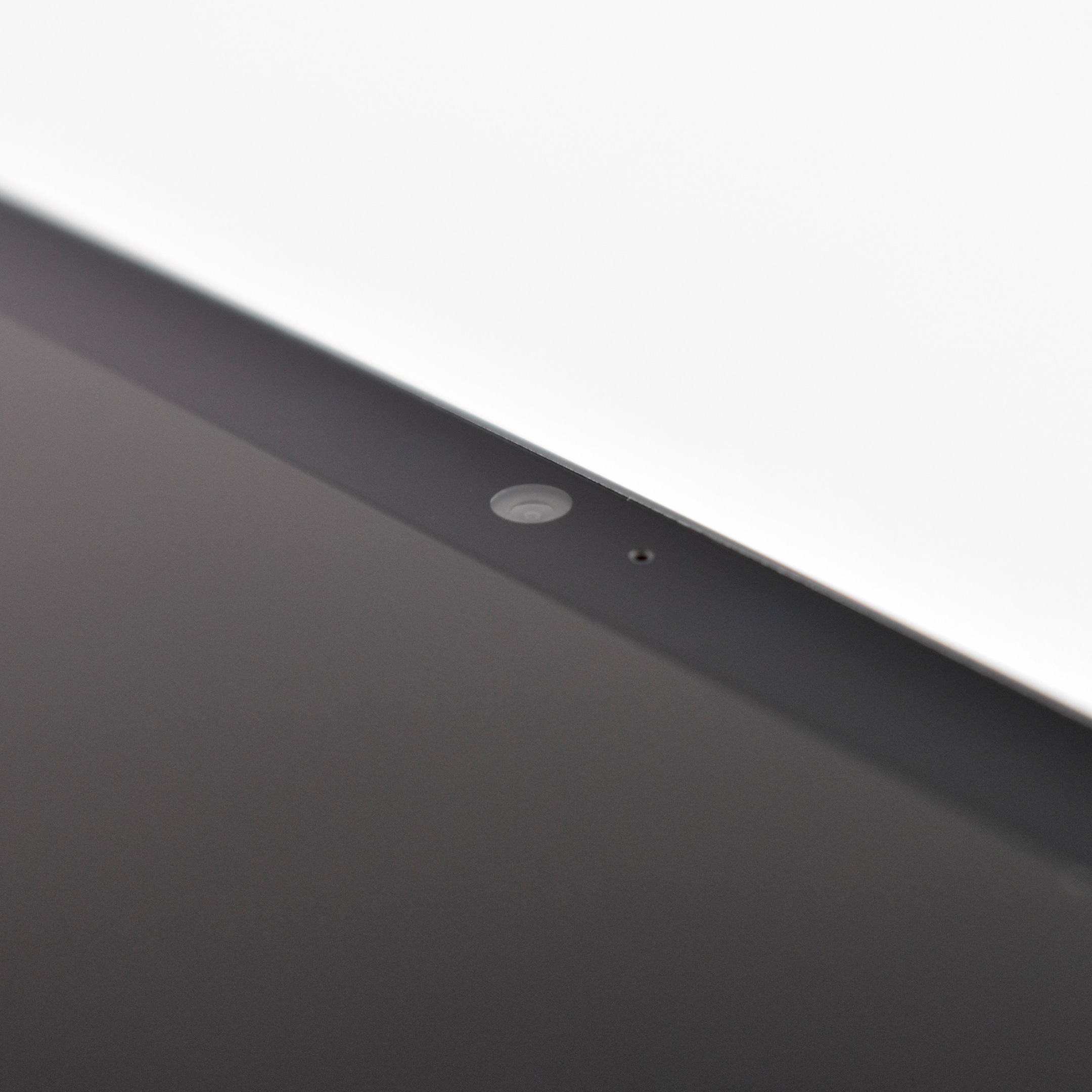
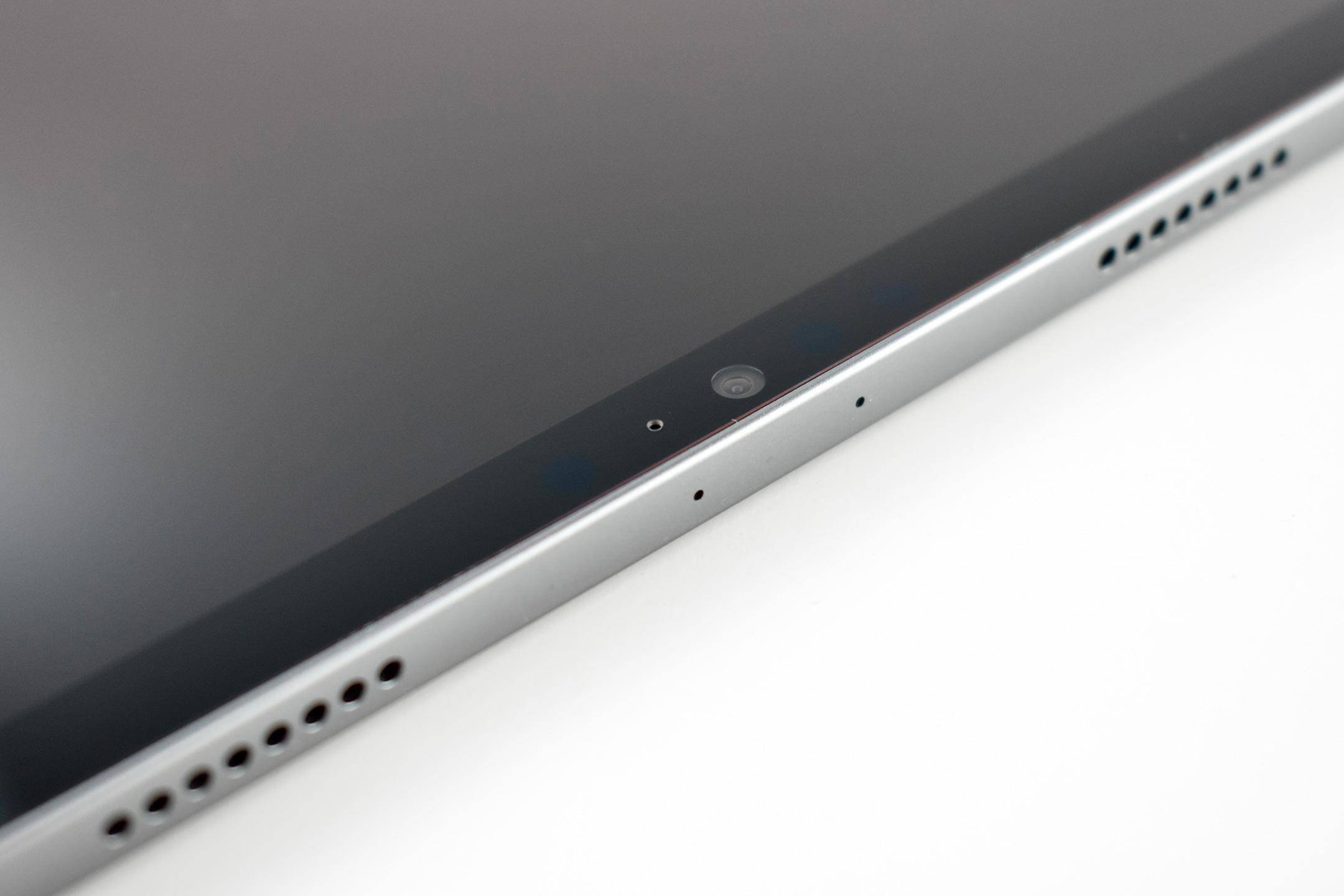
The 12-megapixel Ultra Wide front camera was the first iPad camera to offer the Center Stage feature that automatically keeps people in the camera frame by zooming and panning. Its two rear cameras included a 12-megapixel wide angle and a 10-megapixel ultra-wide angle lens.
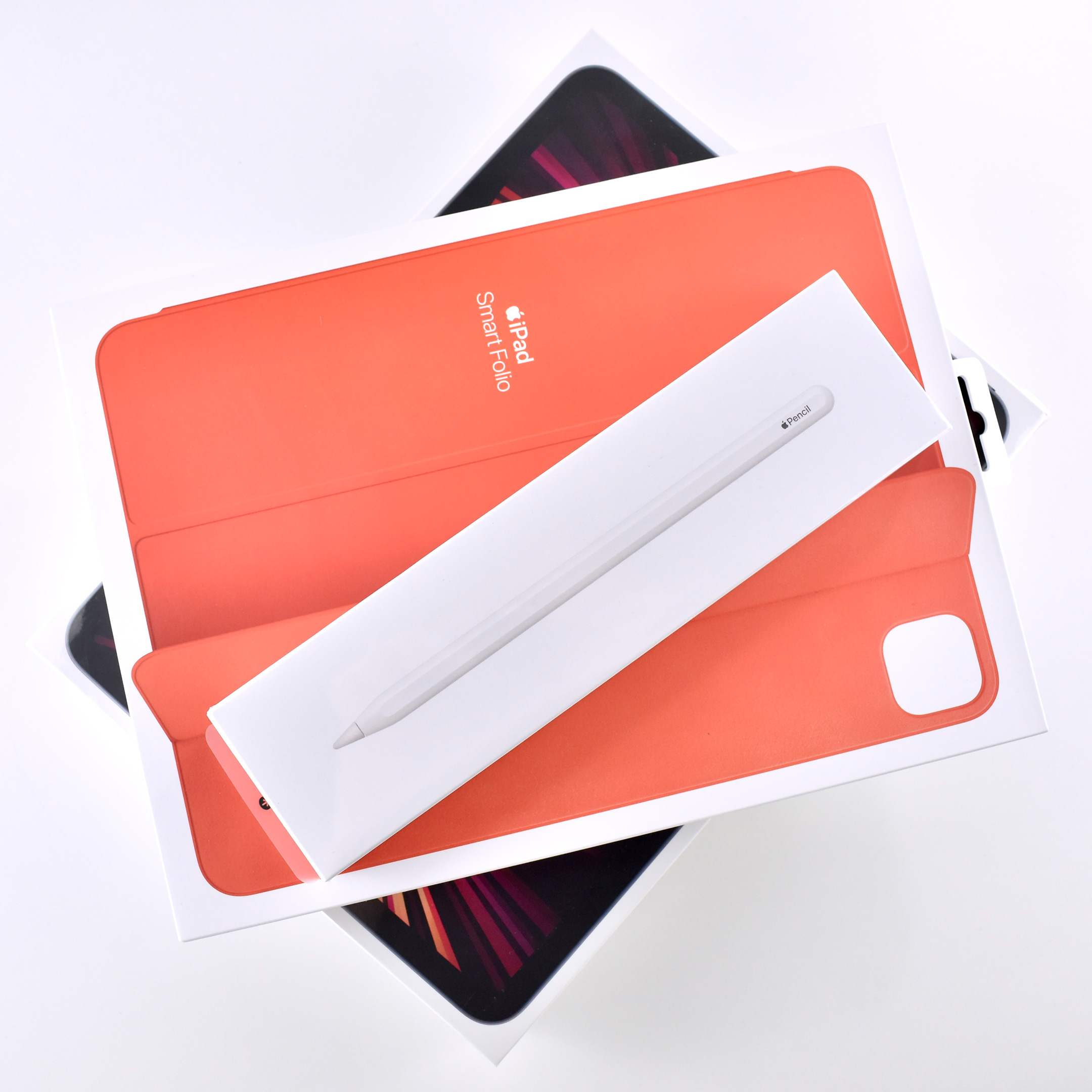
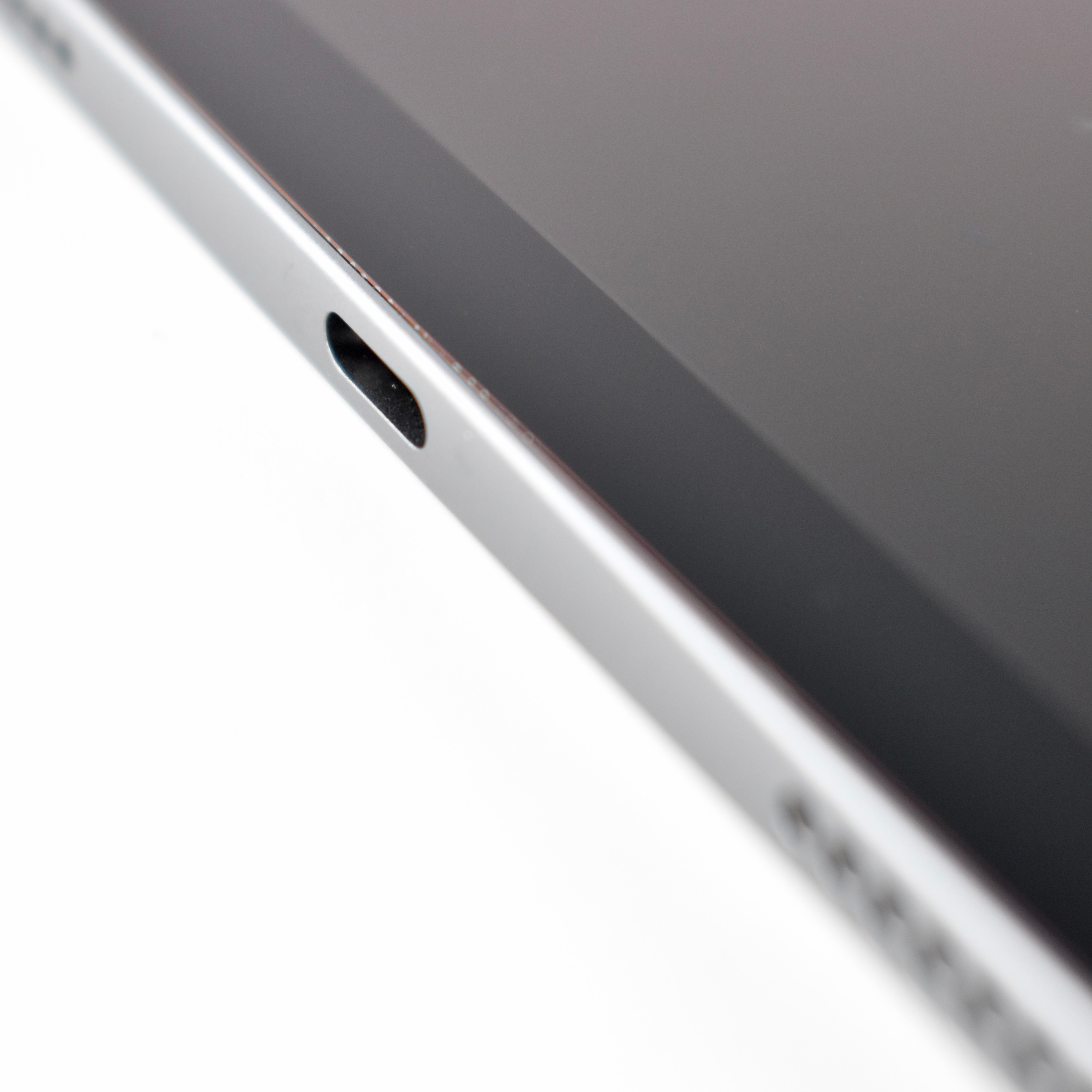
Like iPhone Pro models of the time, this iPad Pro also included LiDAR and Face ID. It could also use a Generation 2 Apple Pencil that charged using a magnetic connection on the side of the iPad. A similar iPad Pro with a 12.9-inch screen was sold at the same time as this 11-inch model.
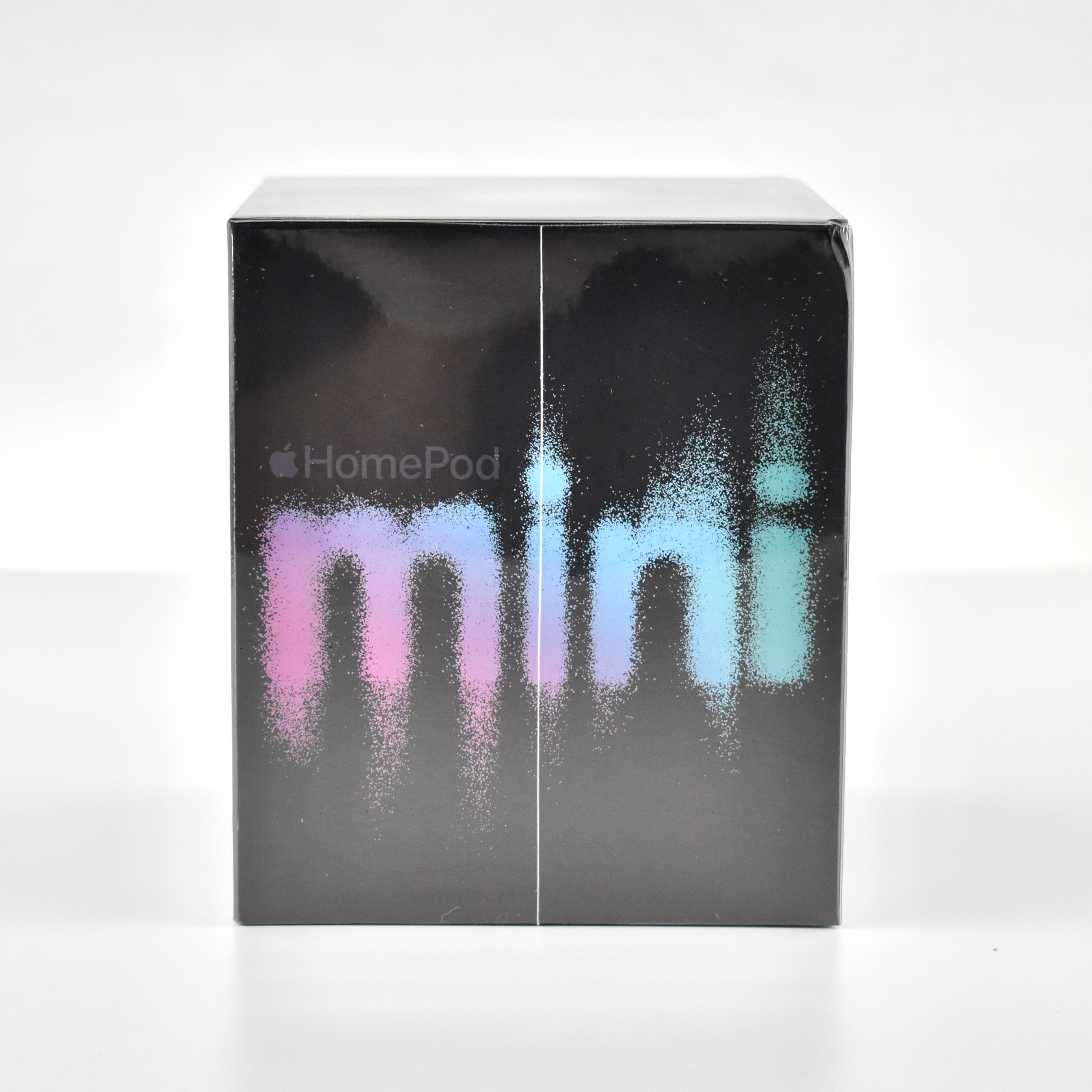
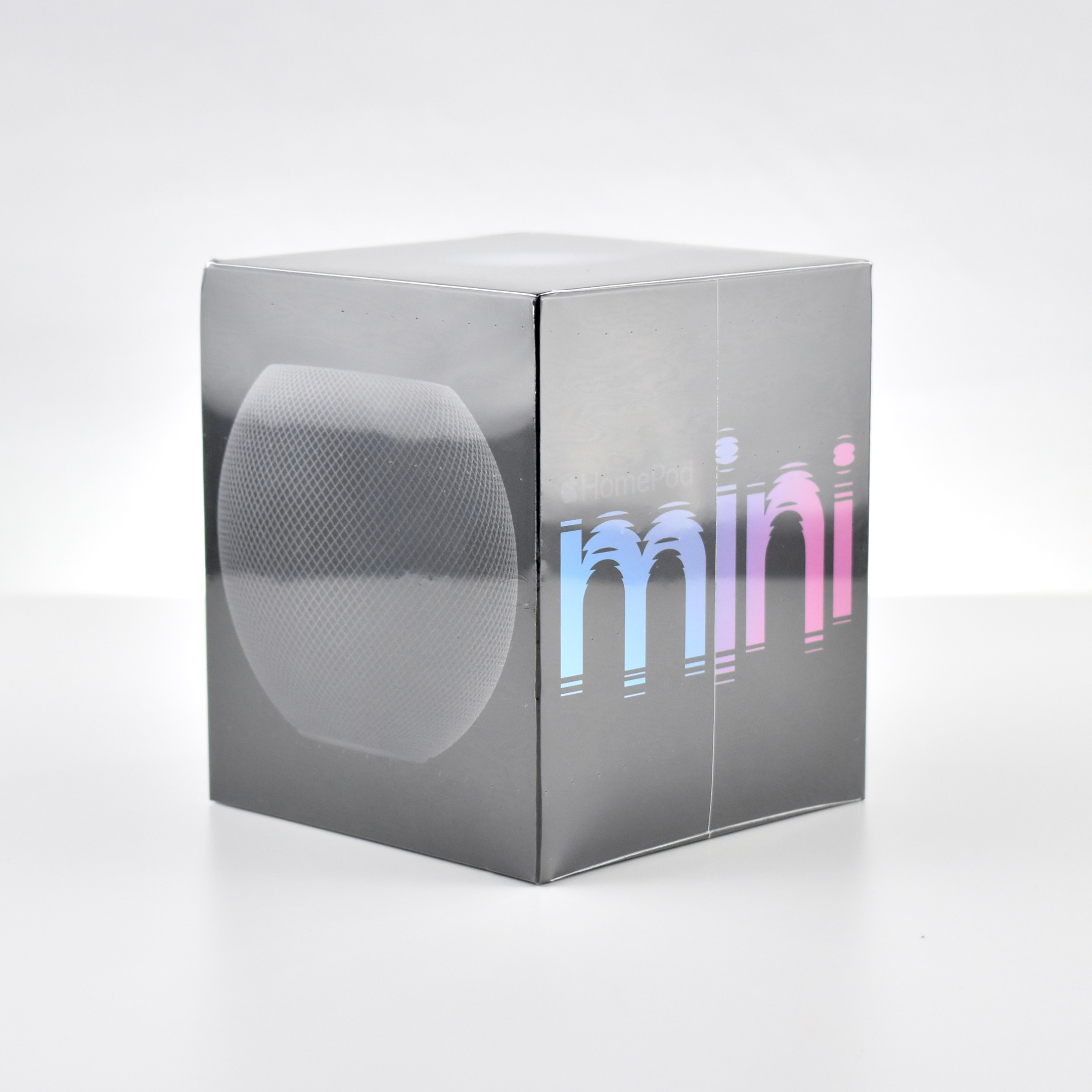
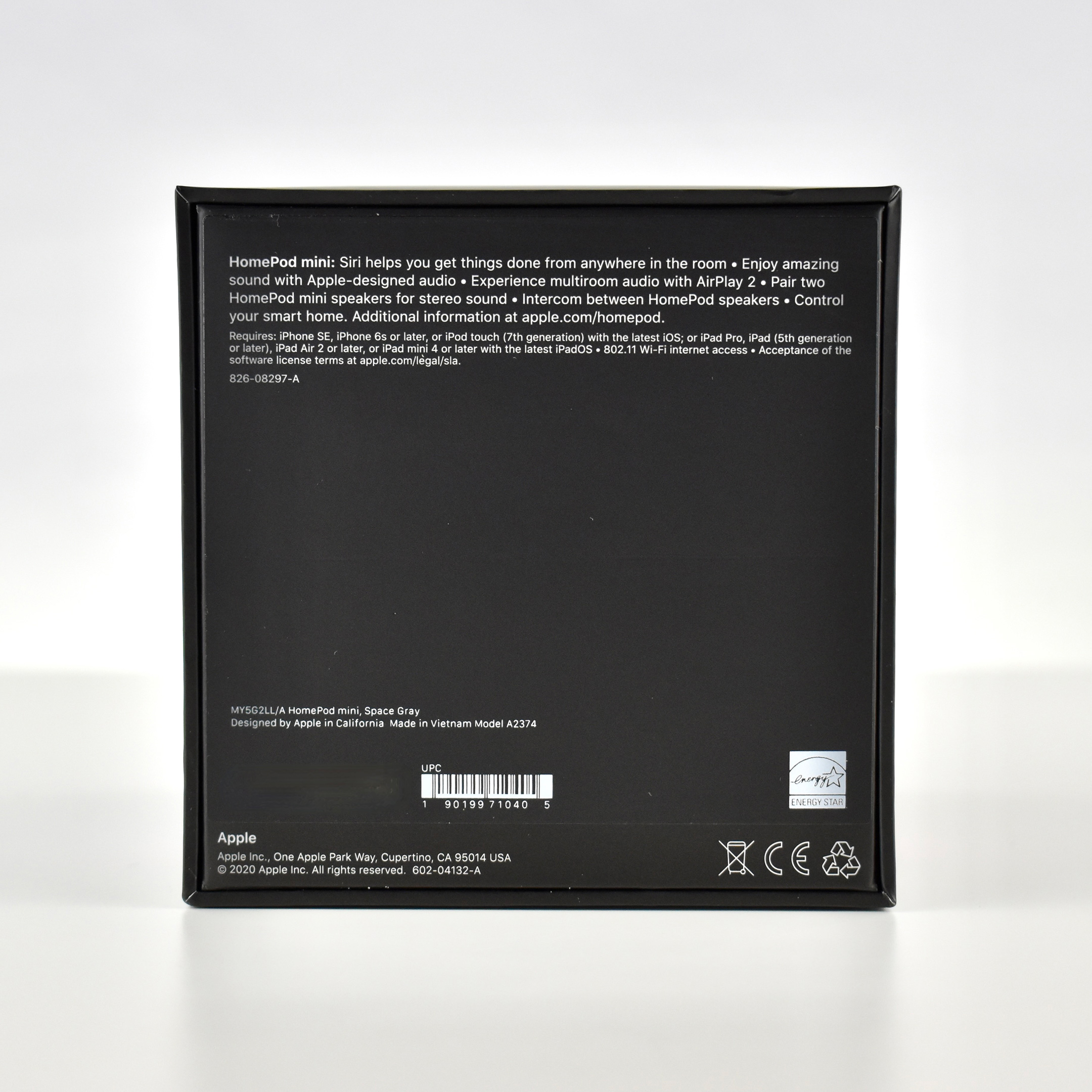
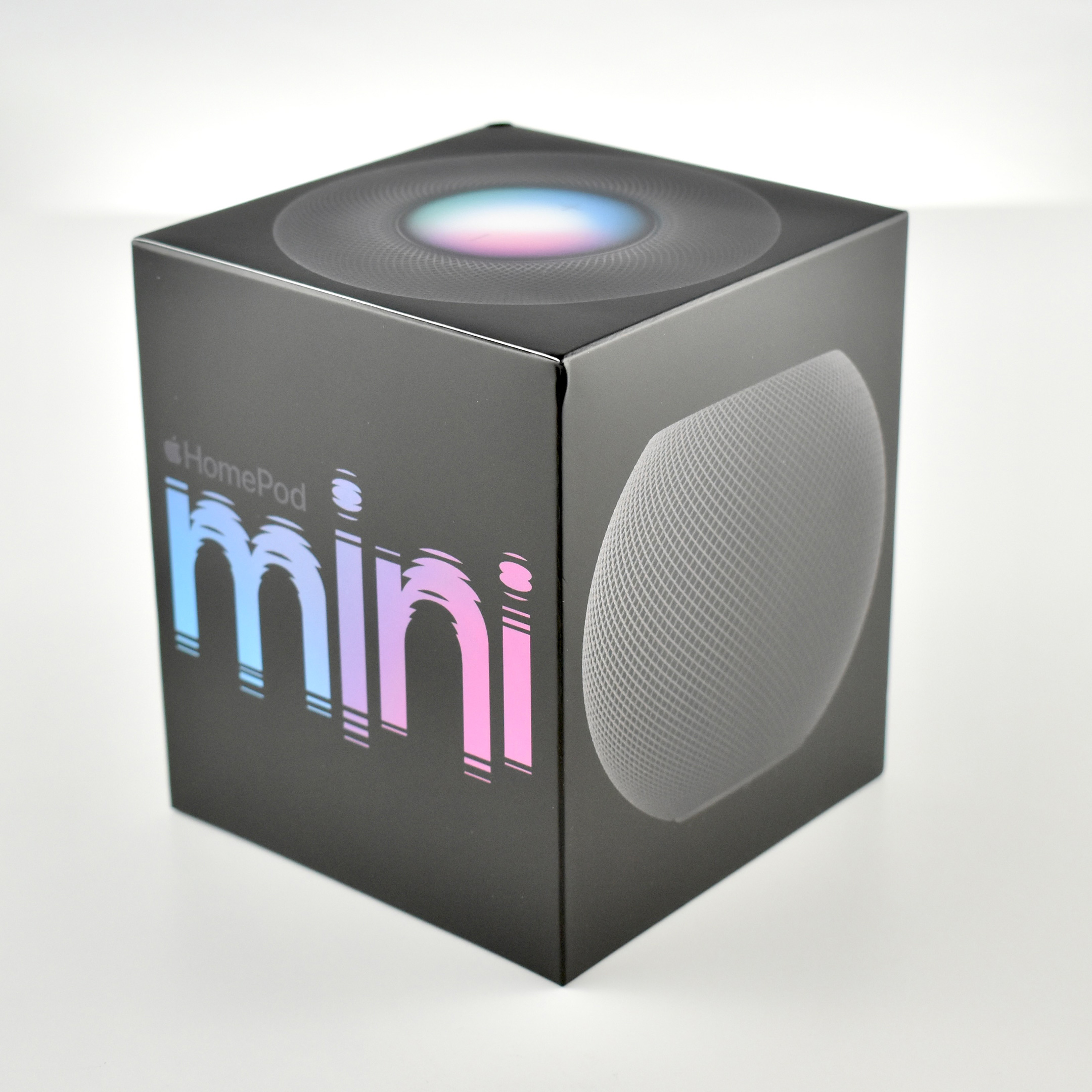
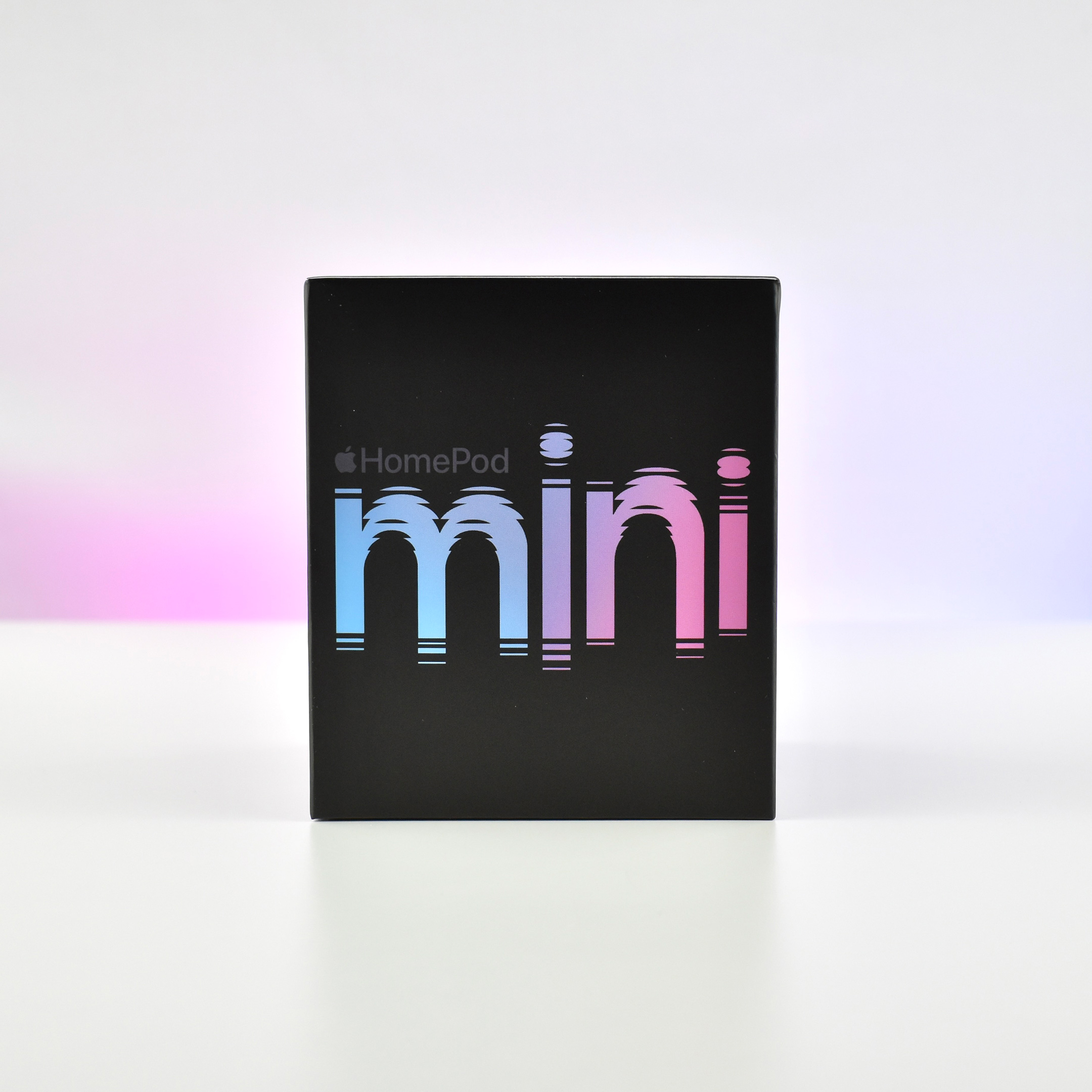
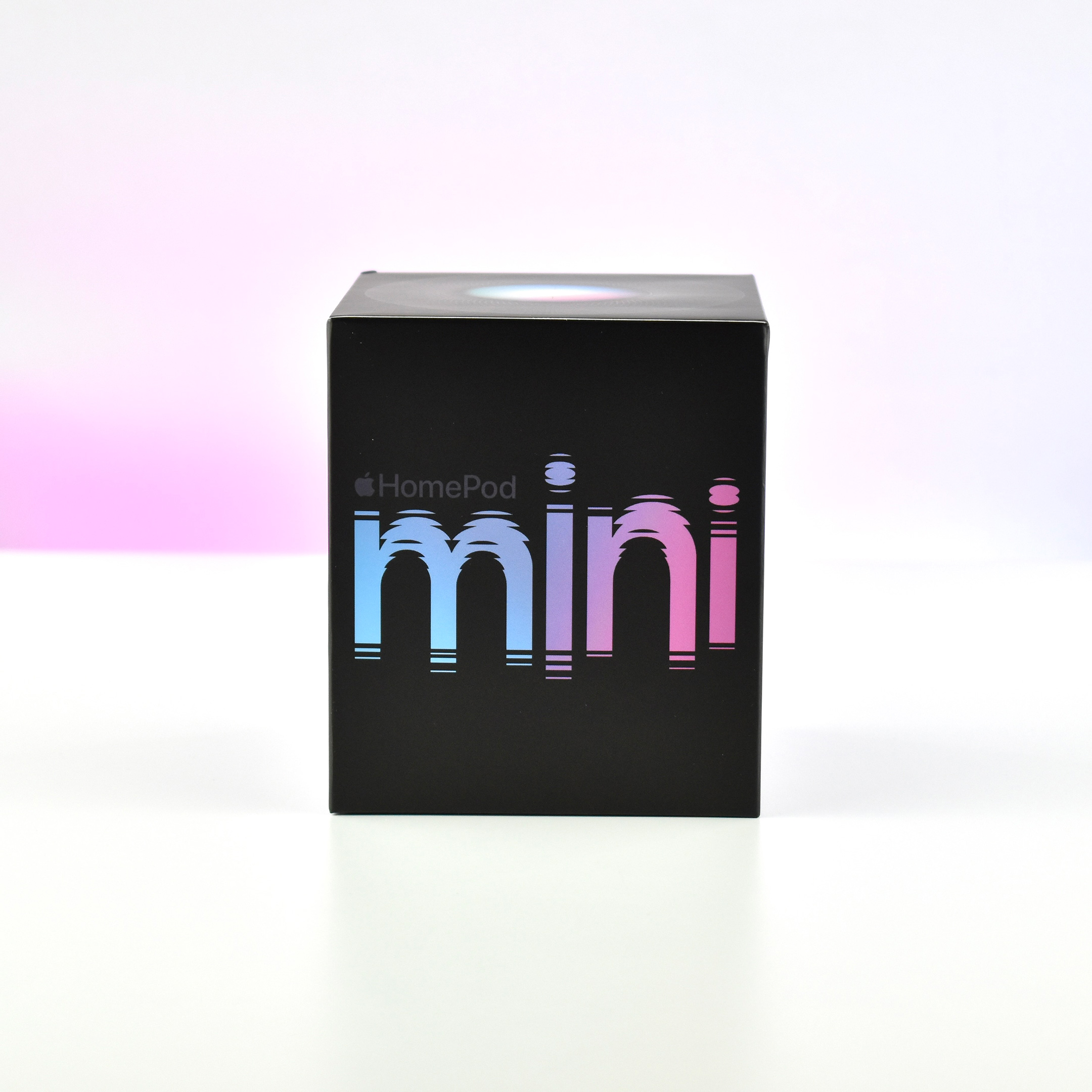
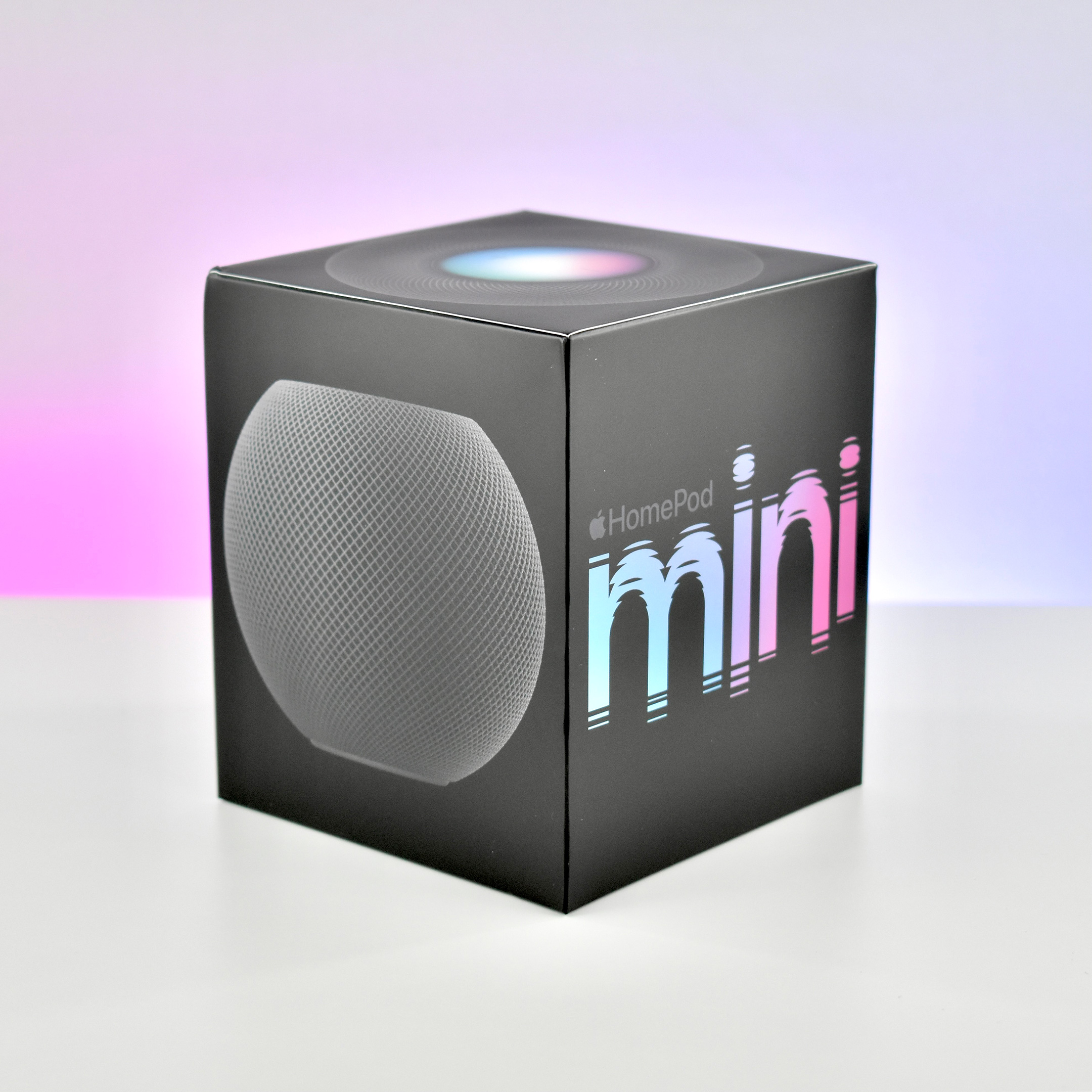
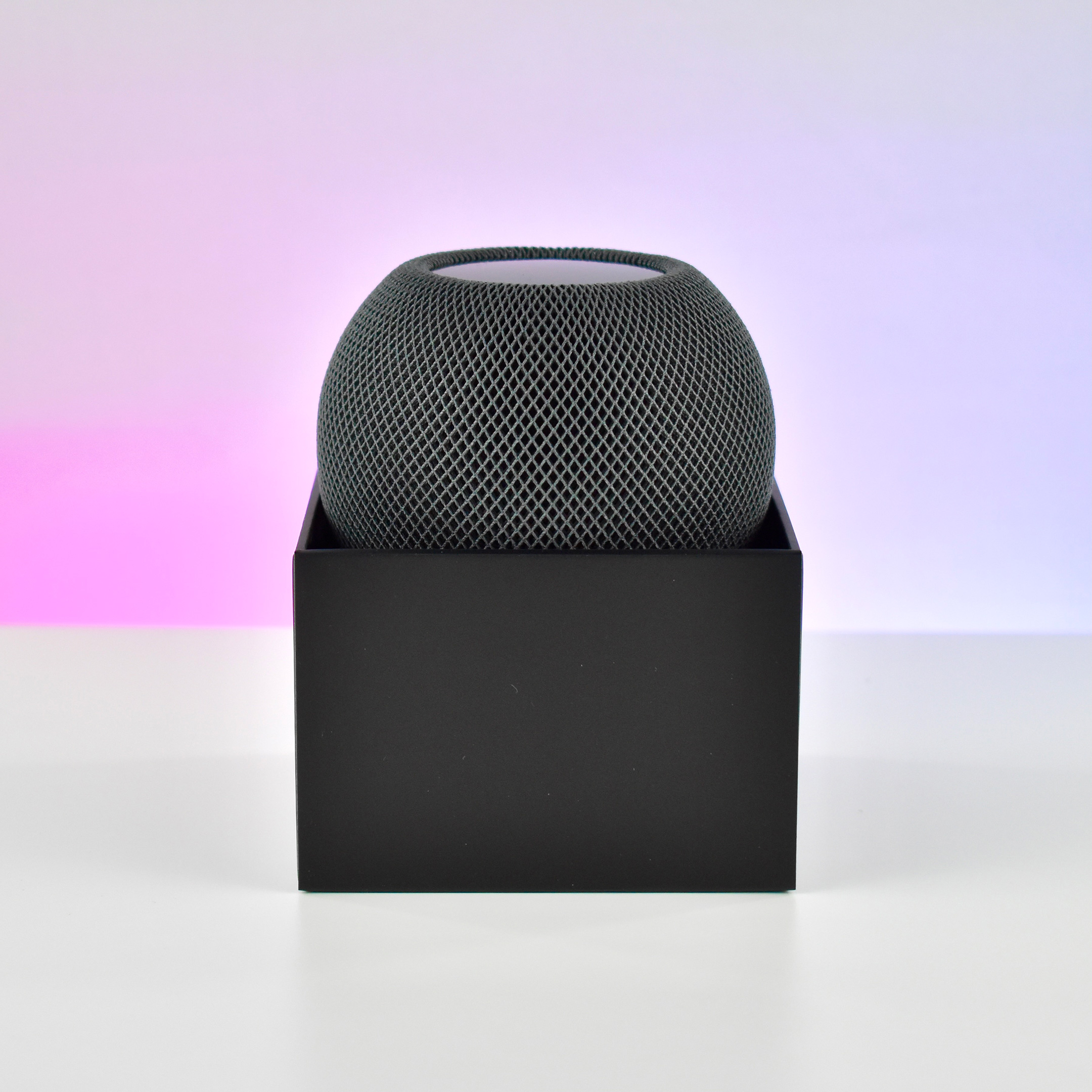
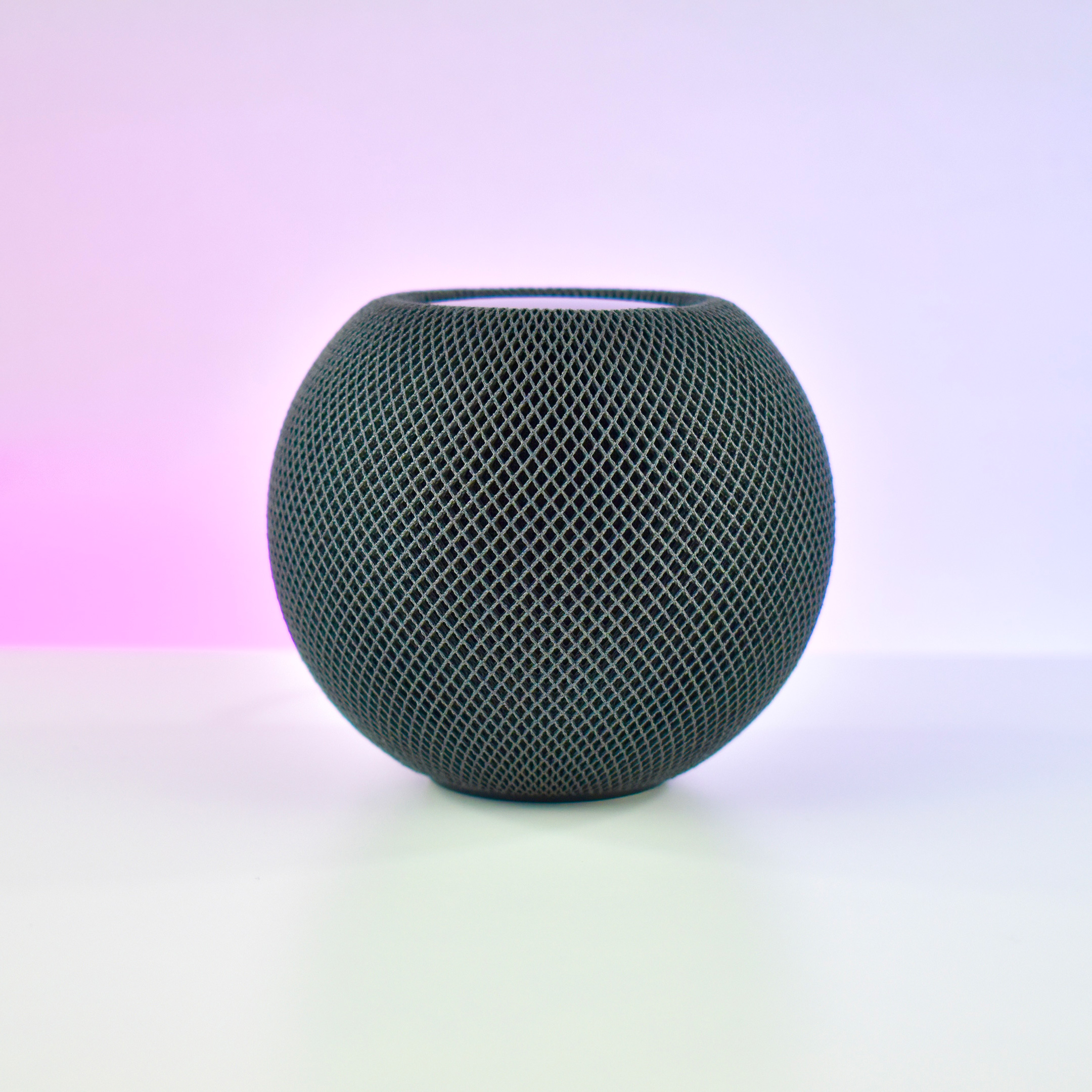
The HomePod mini was the second device in Apple’s HomePod line of intelligent, Siri-controlled speakers. Despite its small size and relatively low price, the HomePod mini offered impressive sound quality. Apple described the HomePod mini: “Jam-packed with innovation, HomePod mini delivers unexpectedly big sound for a speaker of its size. At just 3.3 inches tall, it takes up almost no space but fills the entire room with rich 360‑degree audio that sounds amazing from every angle.”
Apple designed the HomePod mini to allow homes to use multiple devices:
“With multiple HomePod mini speakers placed around the house, you can have a connected sound system for your whole home. Ask Siri to play one song everywhere or, just as easily, a different song in each room. And HomePod mini works with HomePod for multiroom audio and features like Intercom. If you want to take the amazing sound experience of HomePod mini even further, you can create a stereo pair. Two HomePod mini speakers paired in the same room create left and right channels for an immersive soundstage.”
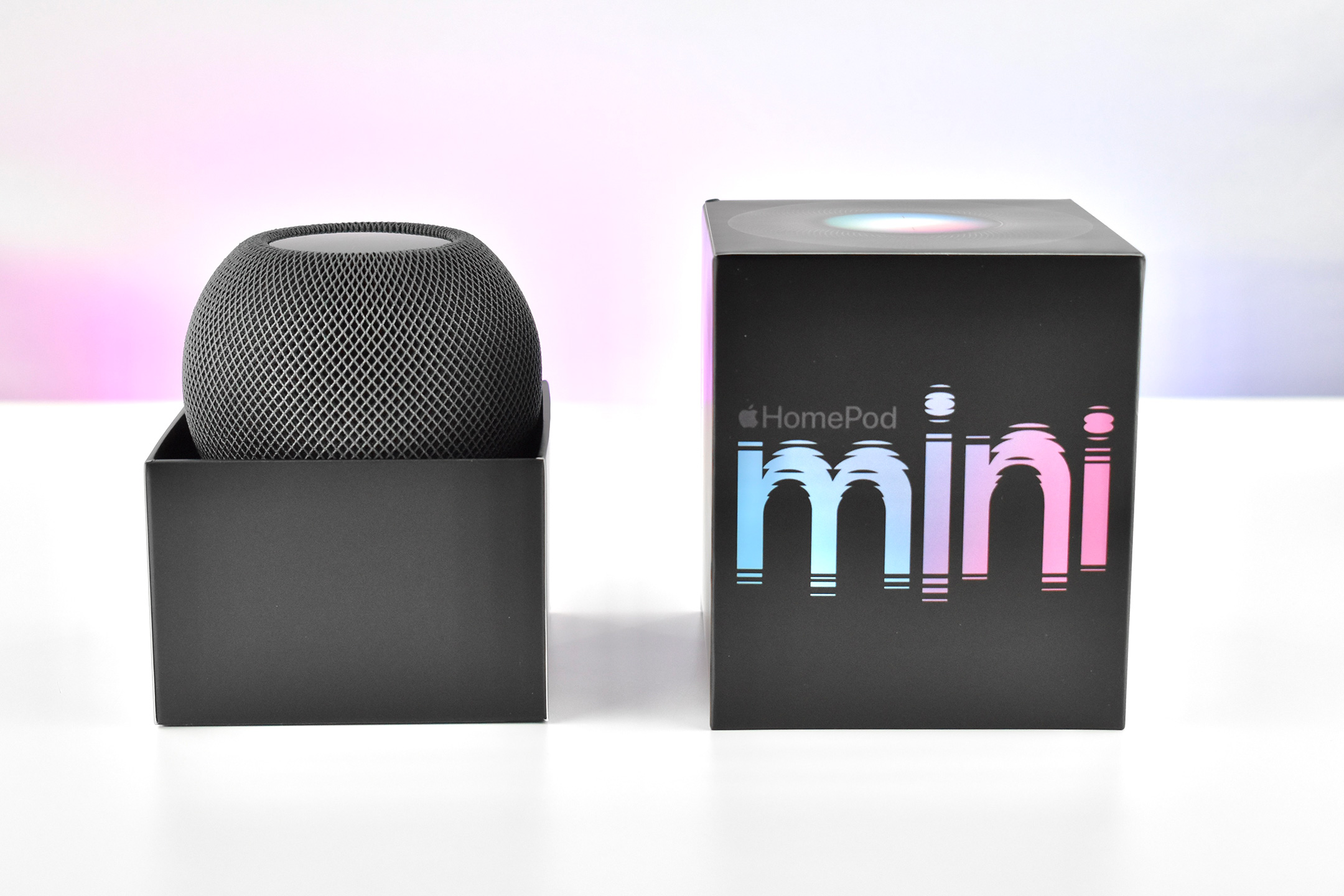
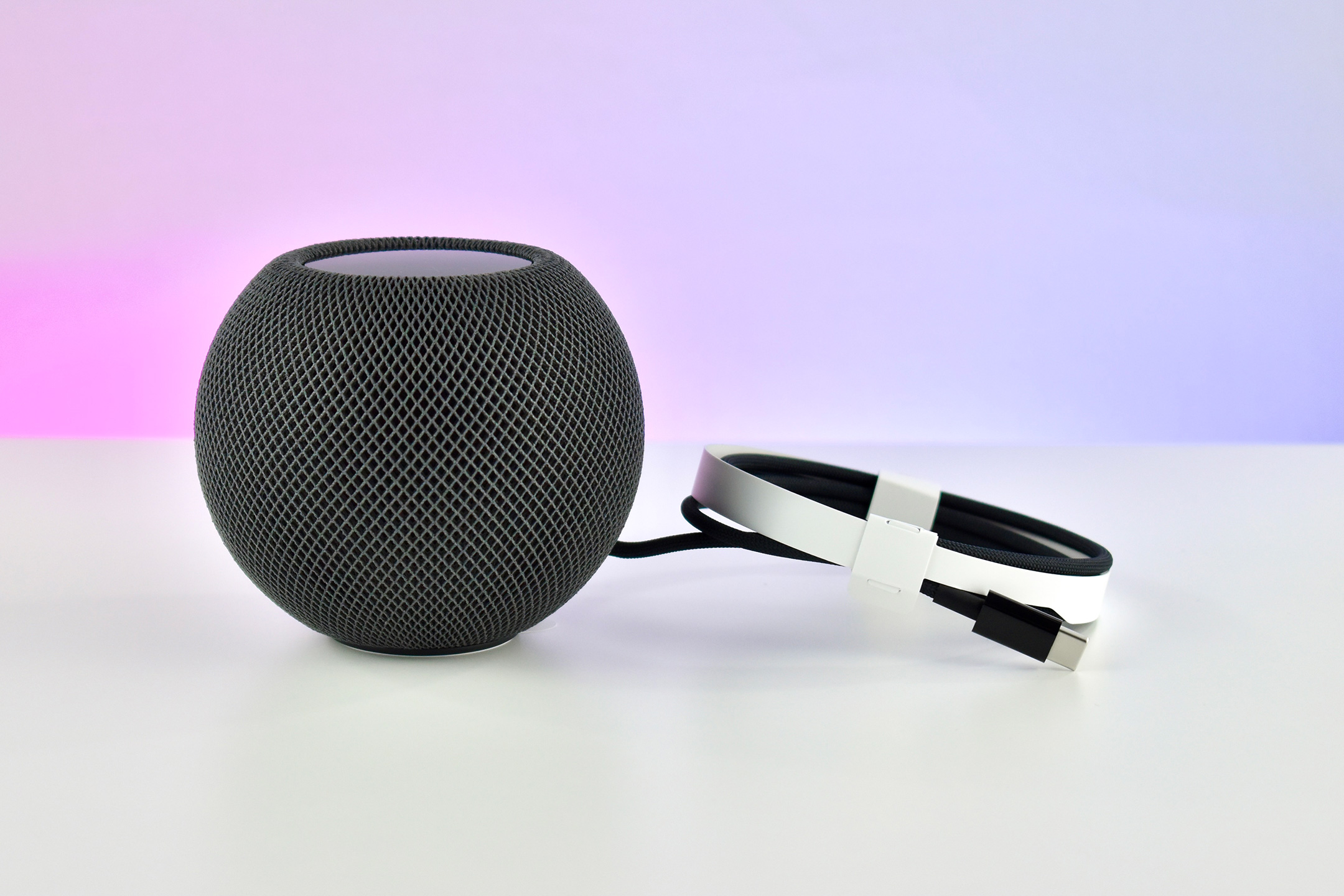
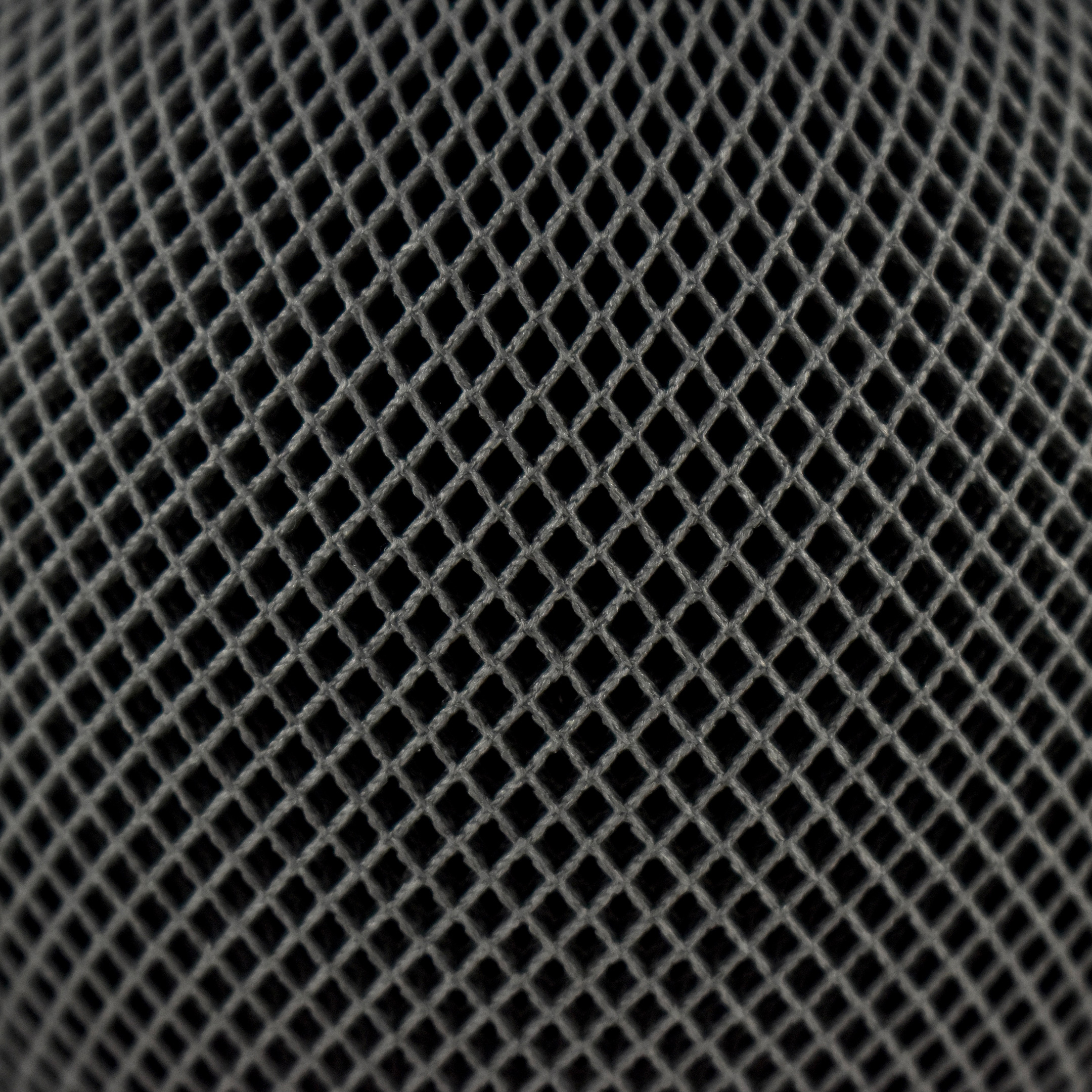
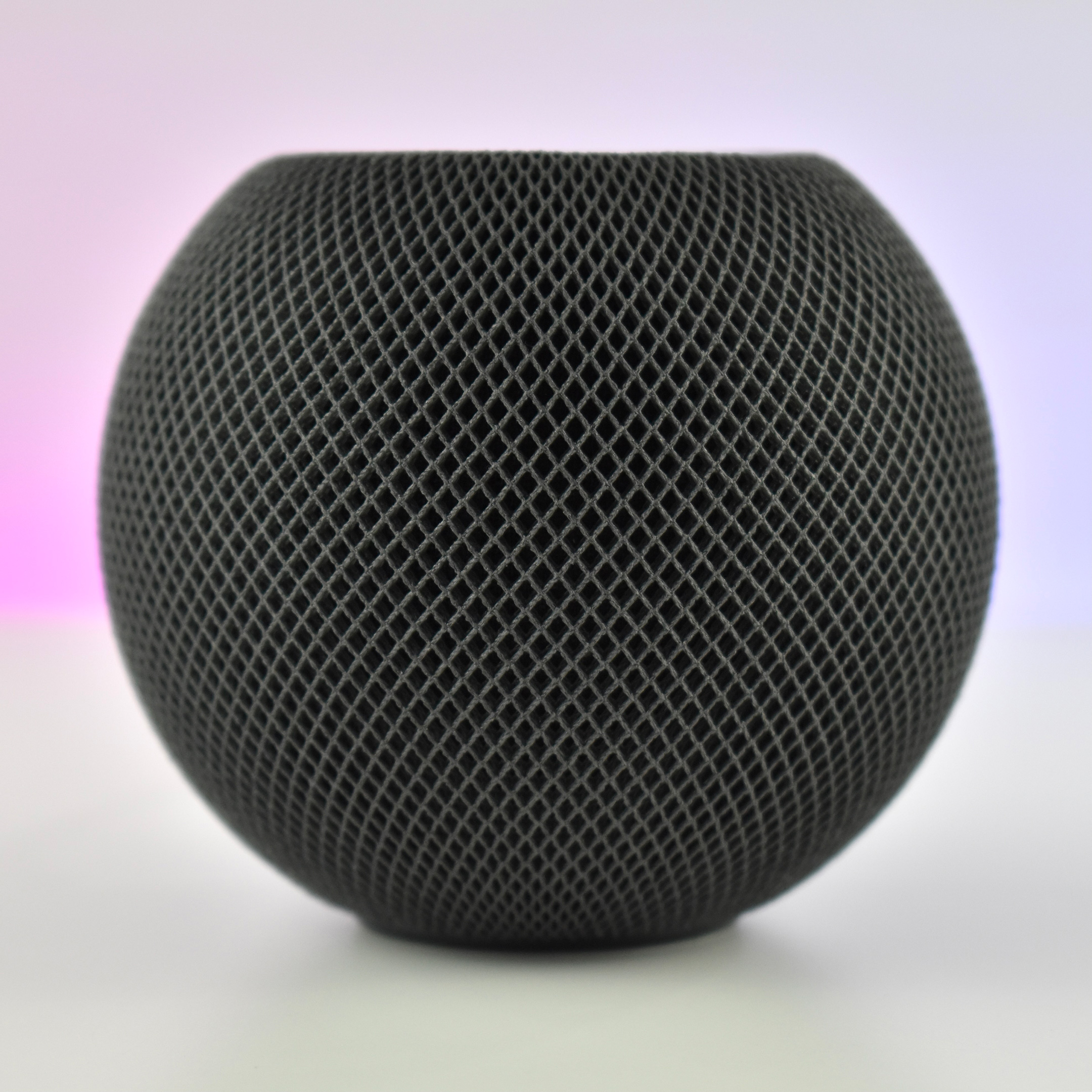
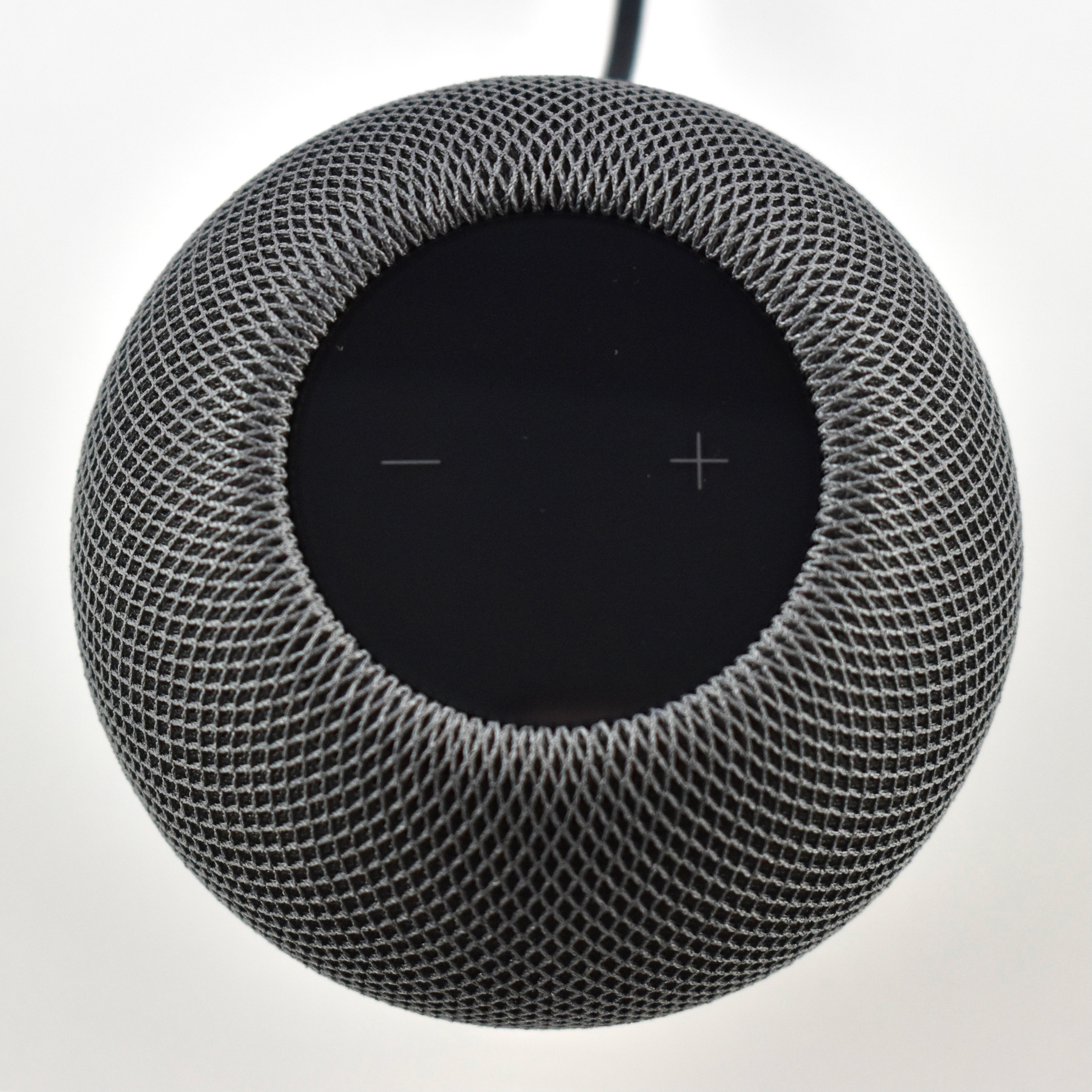
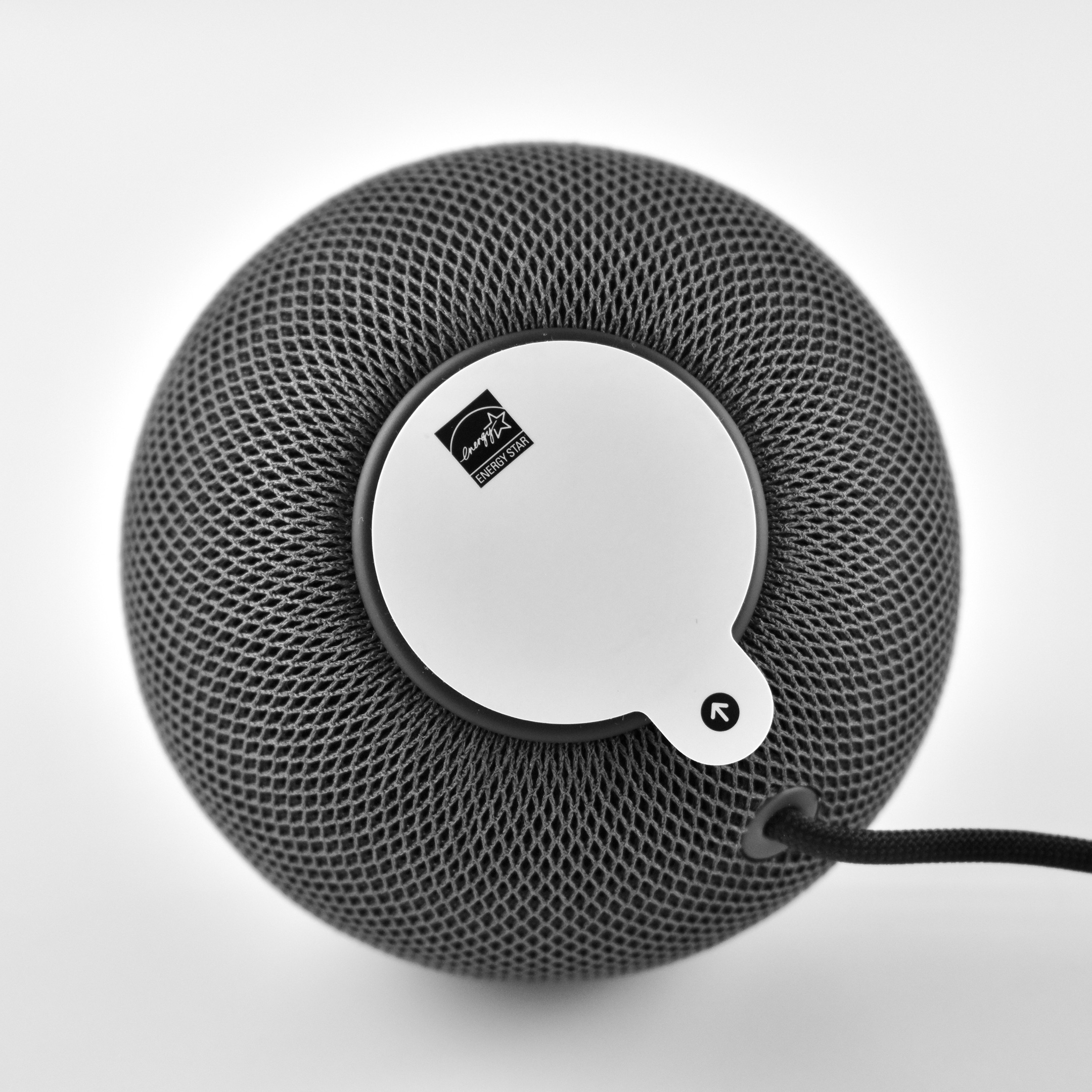
The HomePod mini was spherical with a flat top and bottom. It measured 3.3 inches high and 3.9 inches wide. Internally, it used four microphones and allowed real-time tuning through computational audio. The HomePod mini had no ports and connected wirelessly to audio sources including Apple Music, iTunes music purchases, iCloud Music Library with an Apple Music or iTunes Match subscription, and some third-party services. In addition, it could play content from any device that allowed AirPlay streaming (AirPlay 2). Wireless technology included 802.11n Wi-Fi and Bluetooth 5.0.
The top of the device provided a backlit touch surface for certain controls: tap to play/pause music or Siri; double-tap to skip; triple-tap to skip back; touch and hold to access Siri; and tap or hold + or – to control volume up/down.
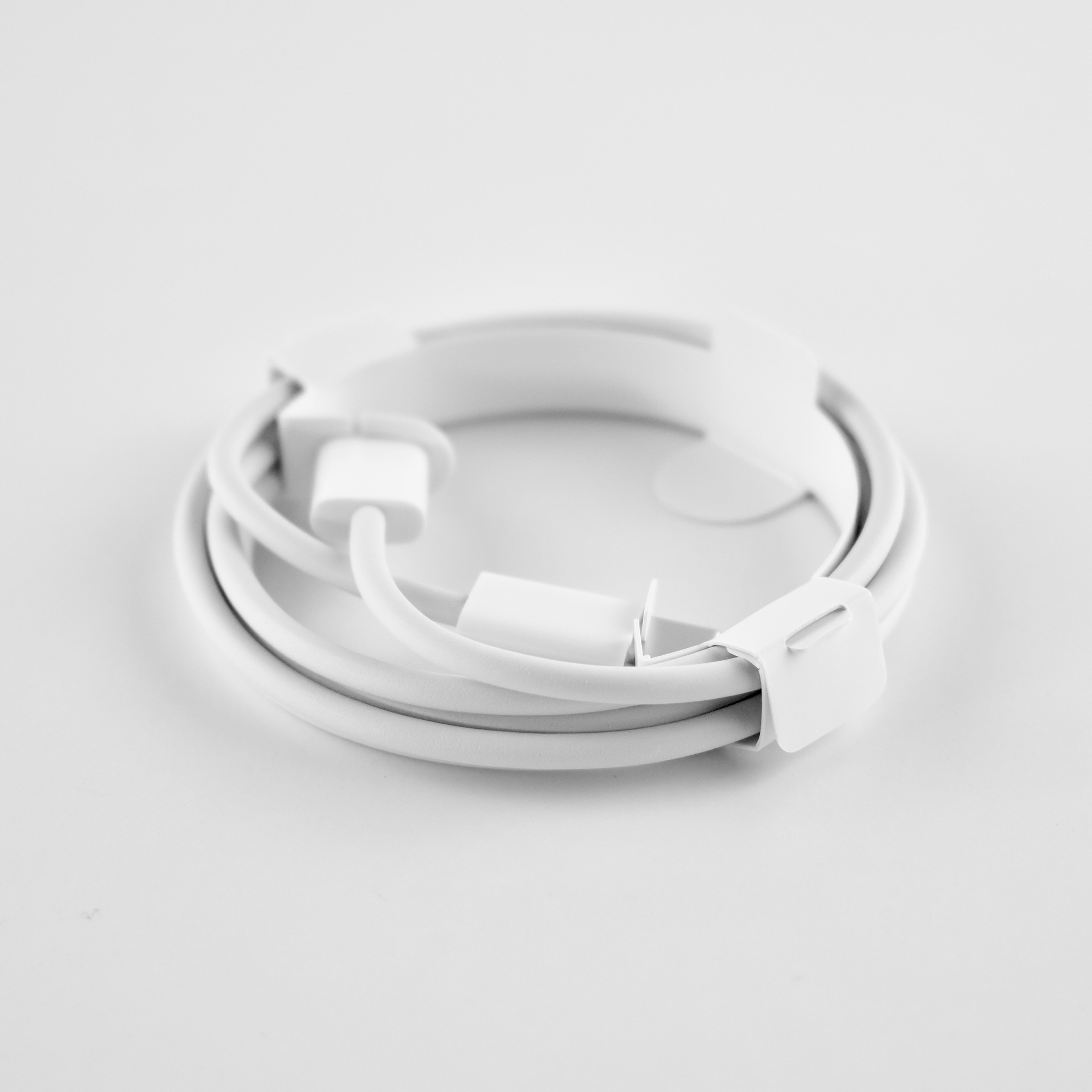
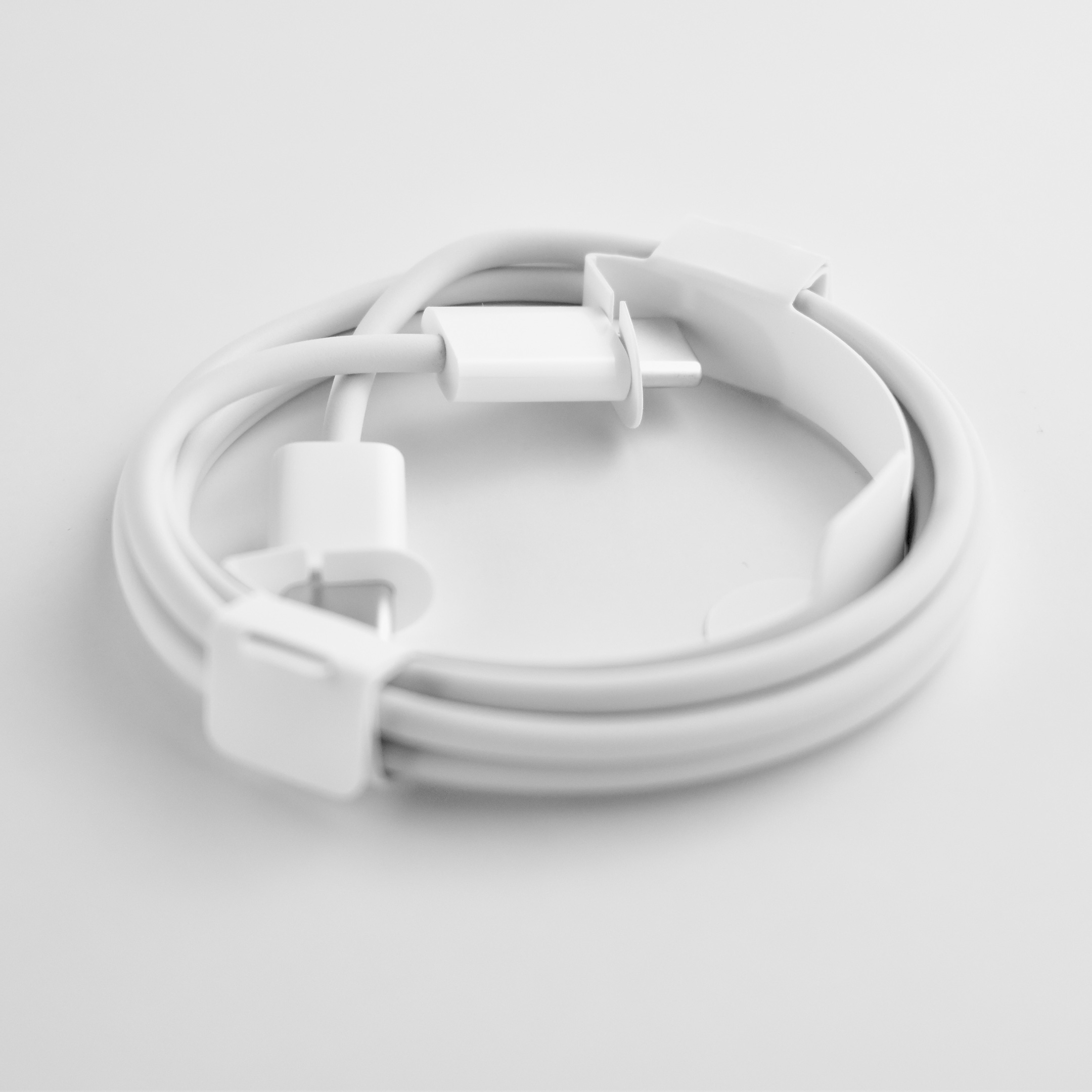
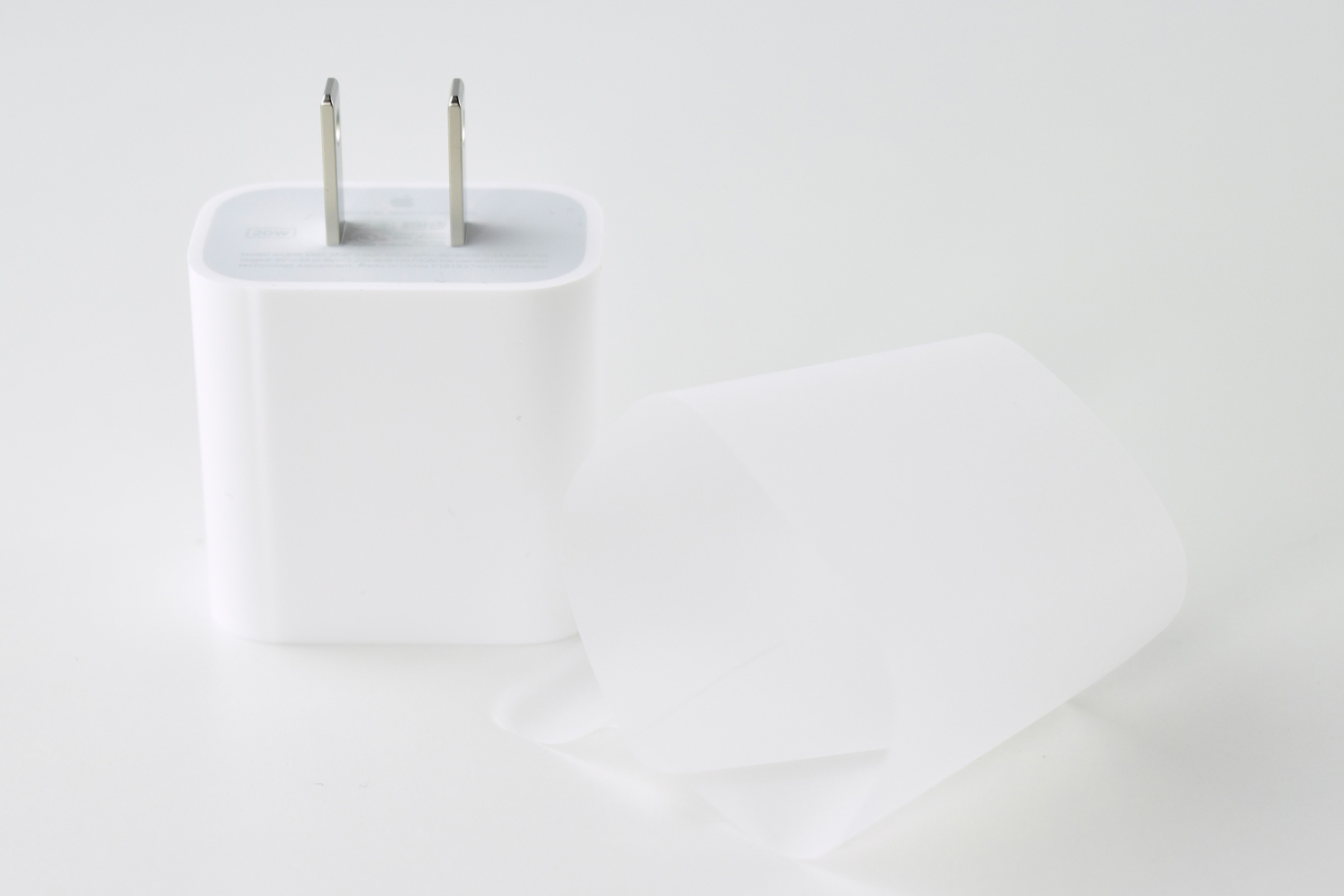
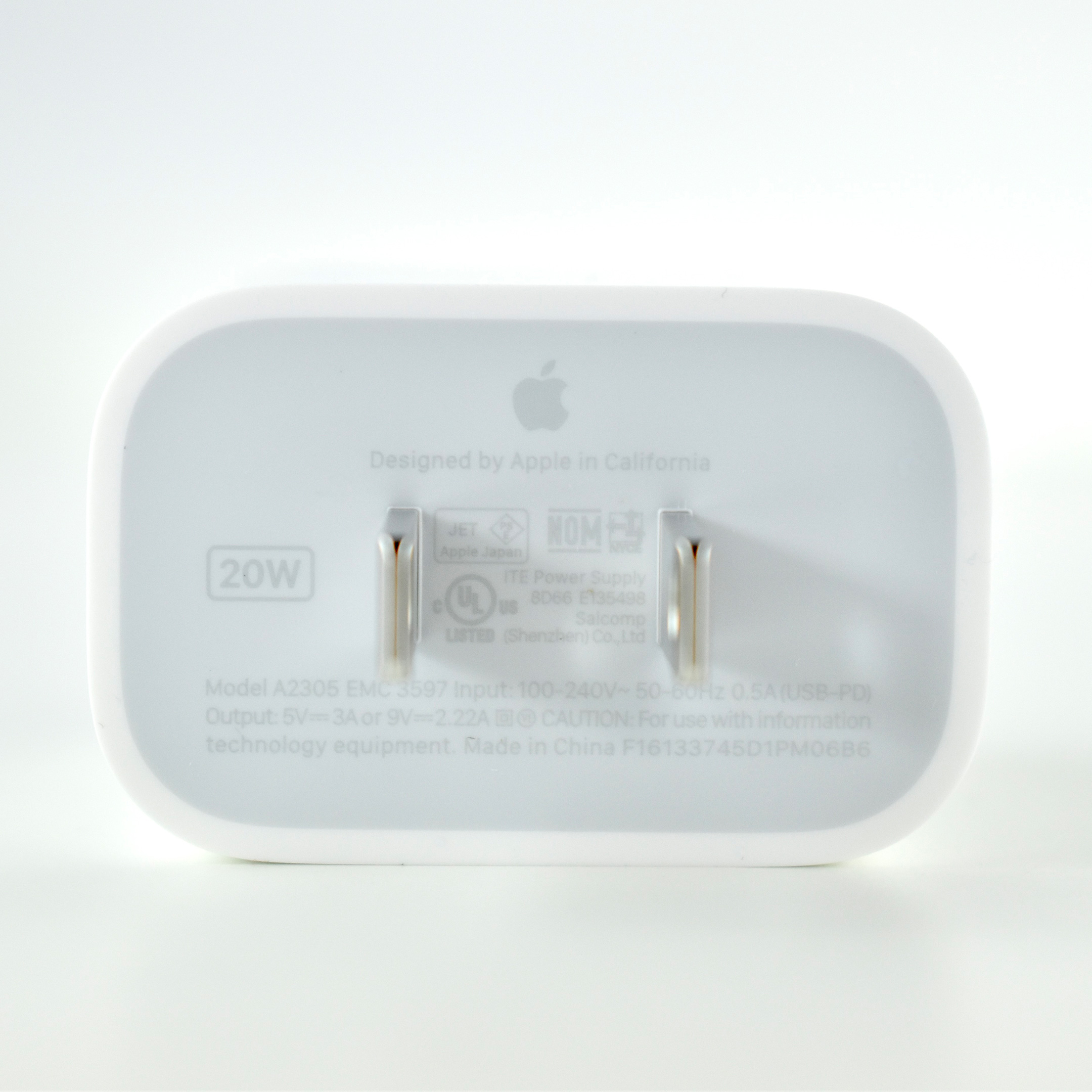
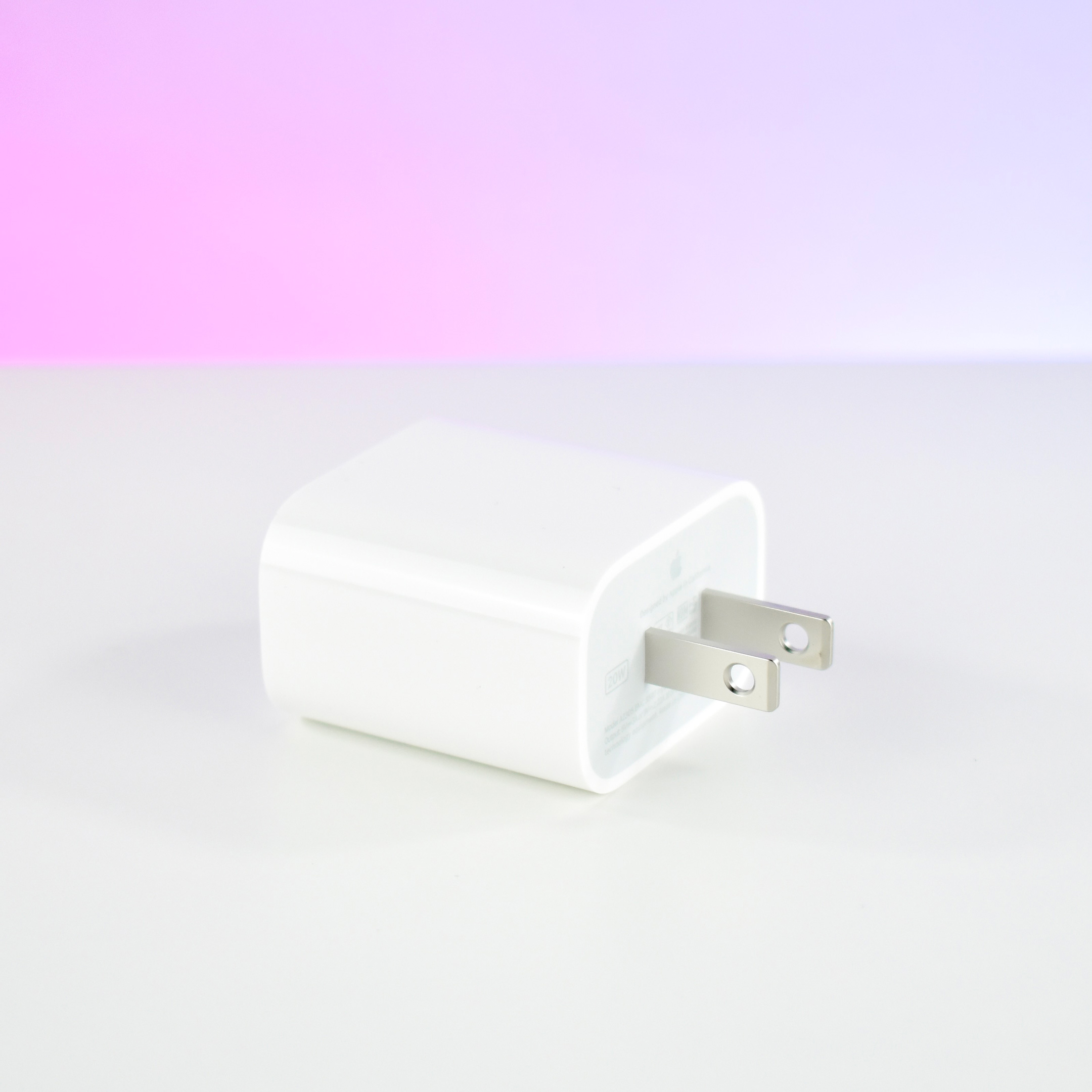
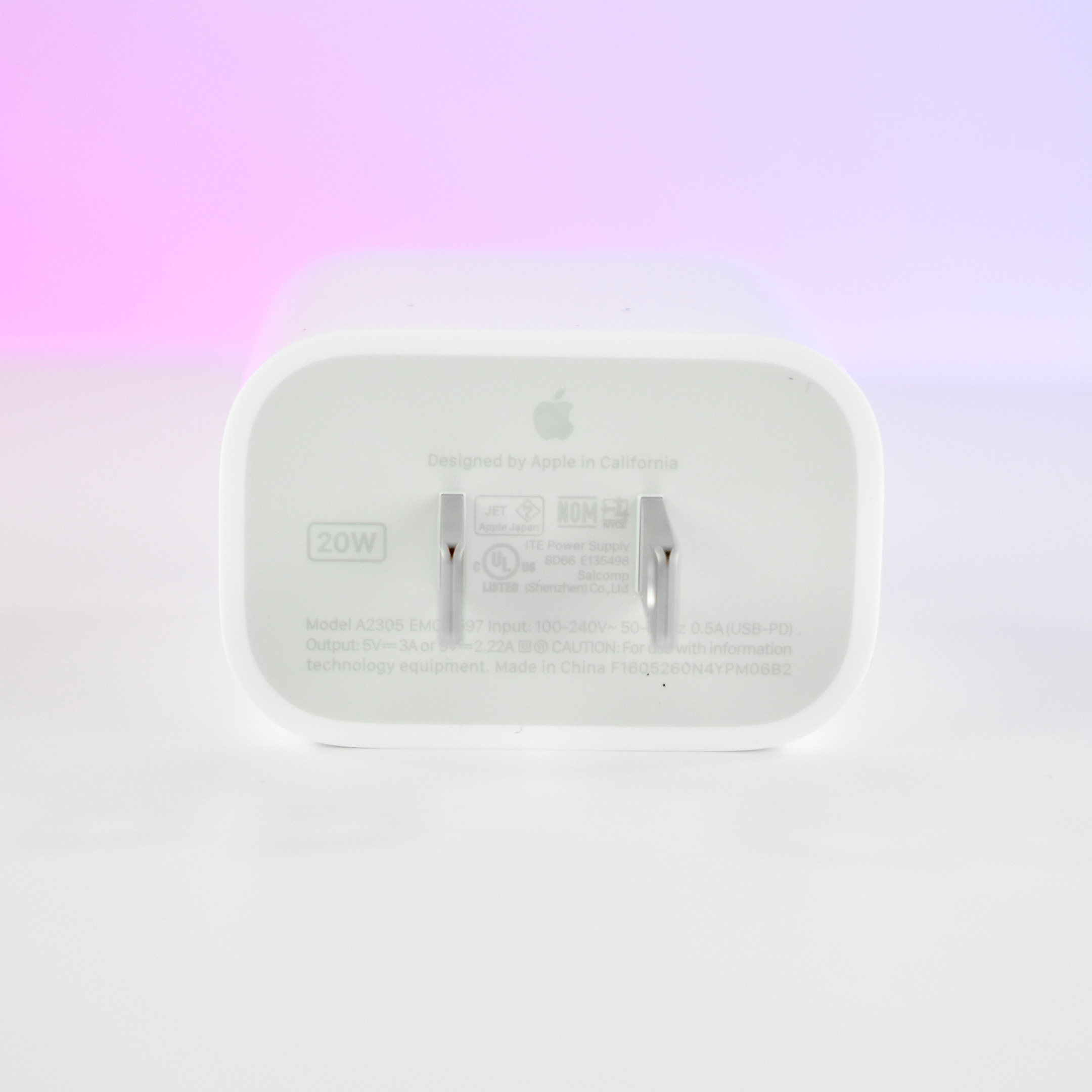
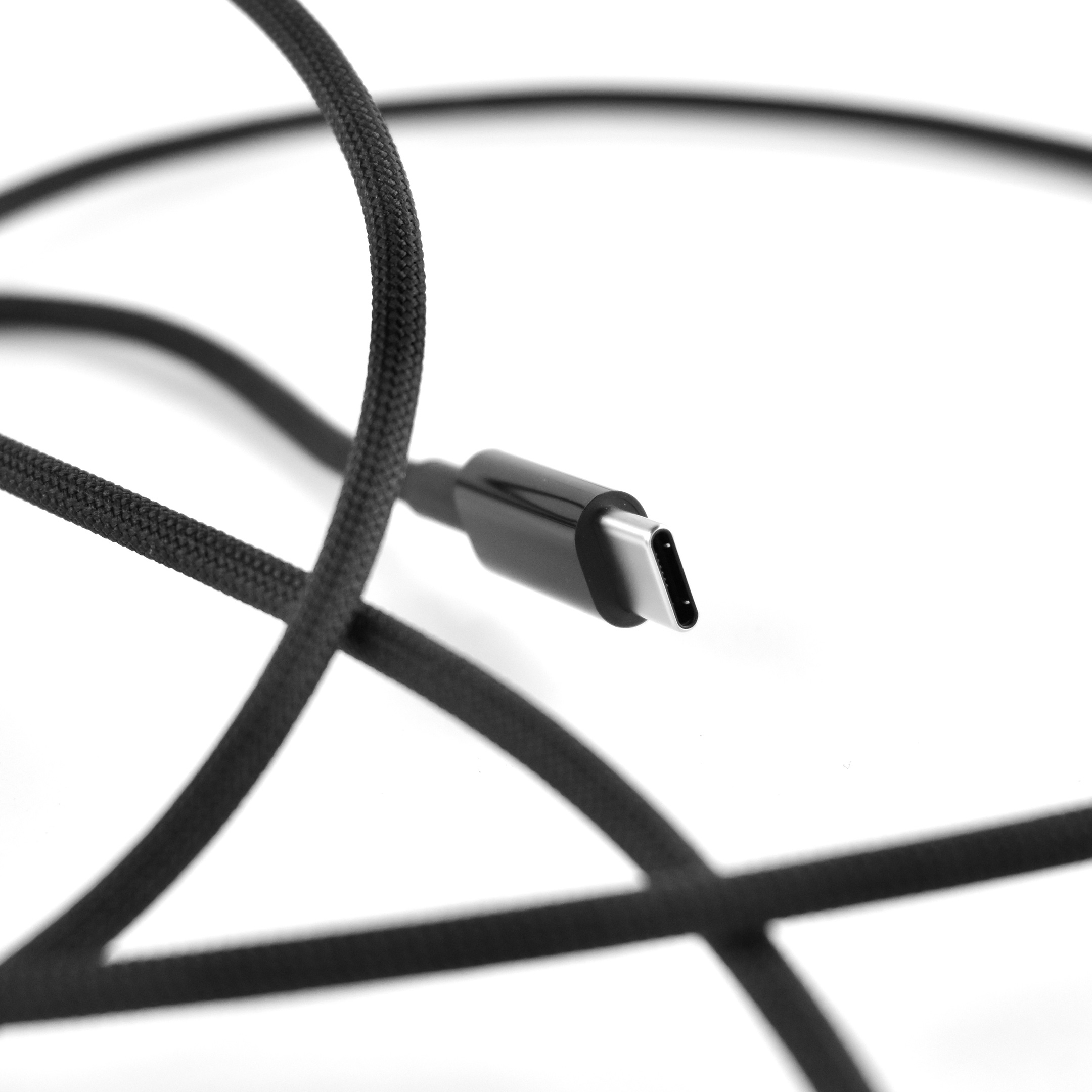
The HomePod mini was available in black and white. It used a permanently affixed USB-C cable and a provided a 20W USB-C power adapter was included in the box.
This is my second HomePod mini. I purchased it in black, and I’m using it in my kitchen so I now have a HomePod in every main living area.
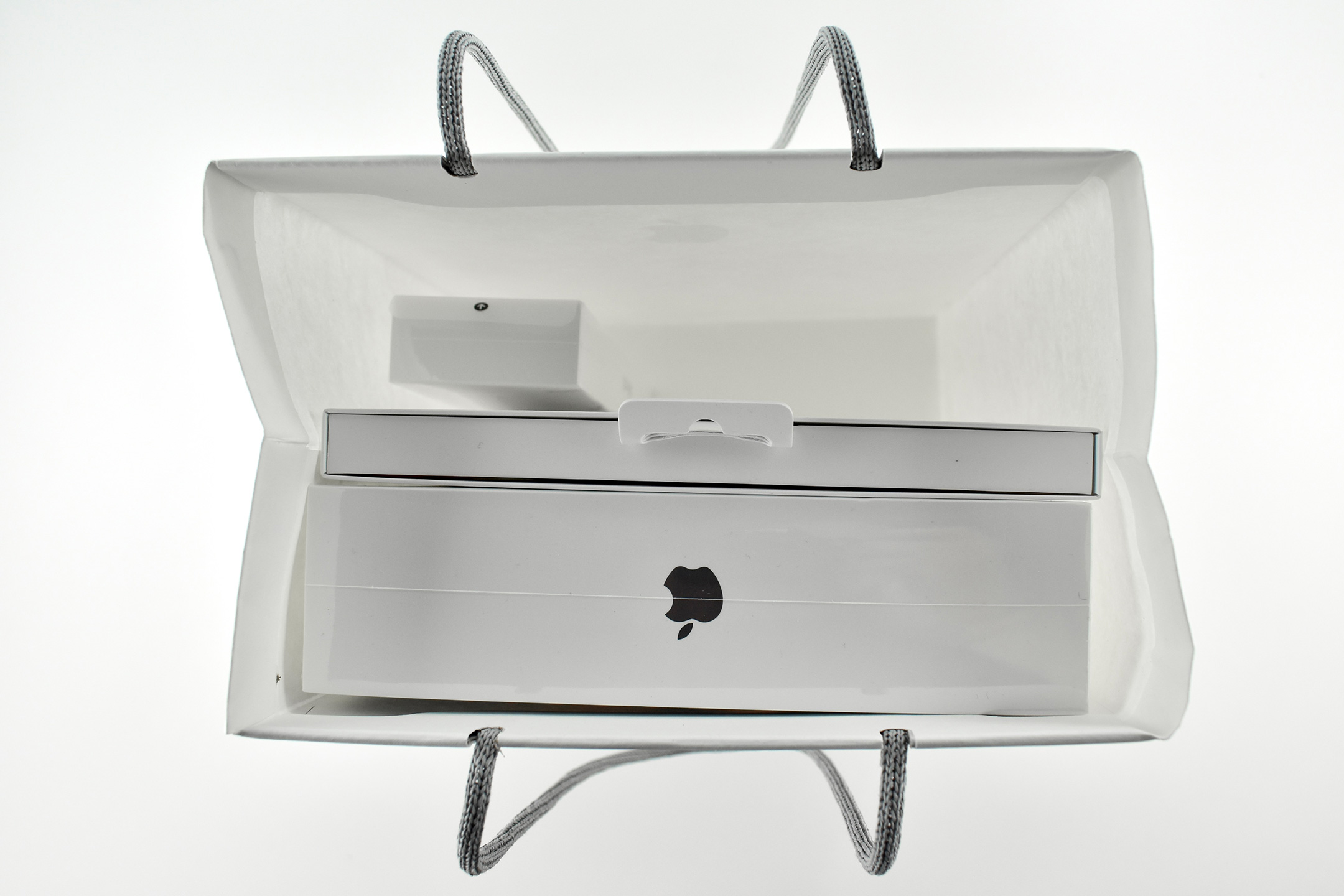
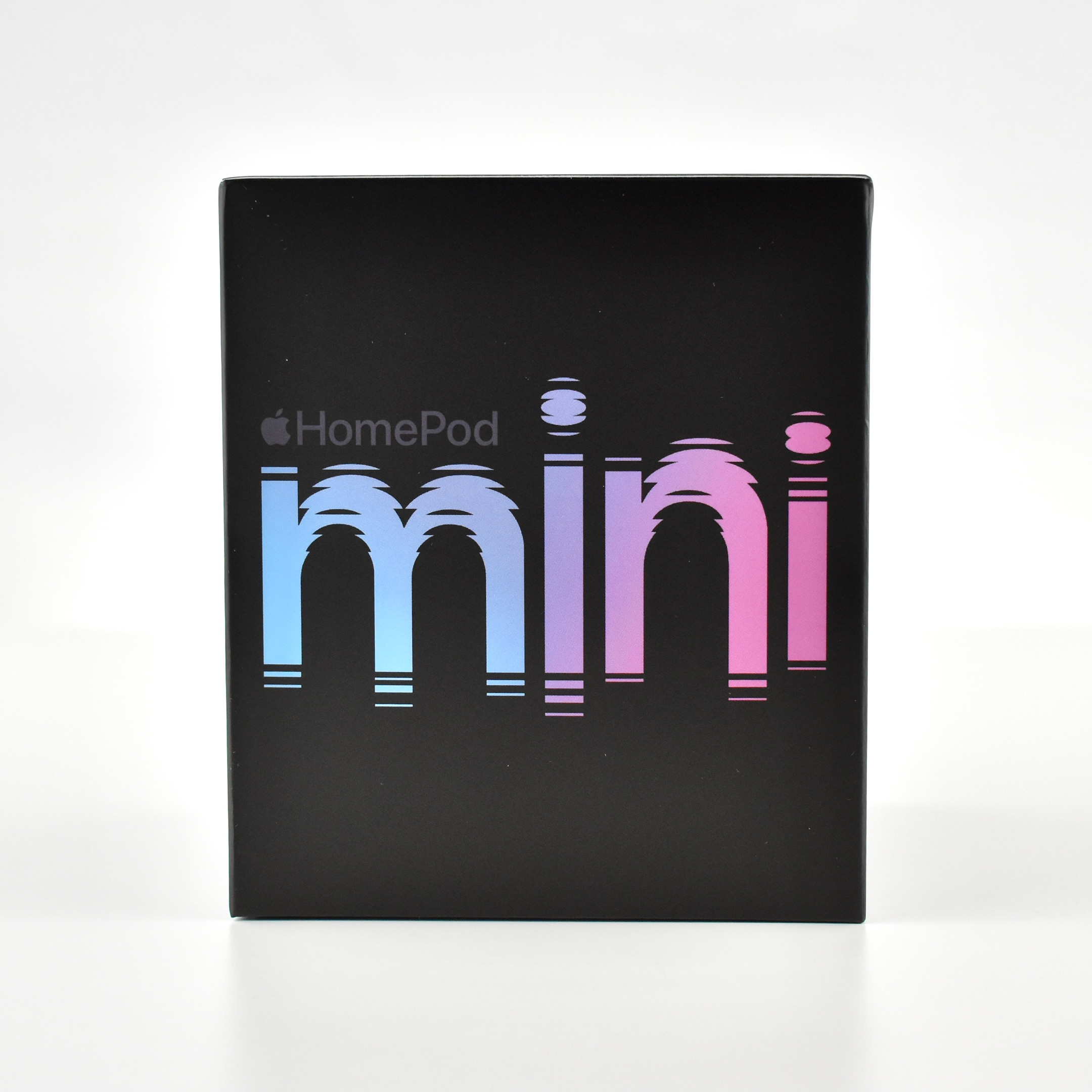
Photography note: Since a few people have asked, I have 2 Hue LCD color lights that are part of my photography table. The 2 IKEA lights are clipped to the bottom of the table and are positioned up. Most of my photos use these lights set to a pure white color for the background, but occasionally I use the Hue app to add a color wash to the white sheet backdrop. In this case, I used the HomePod mini box colors as inspiration.
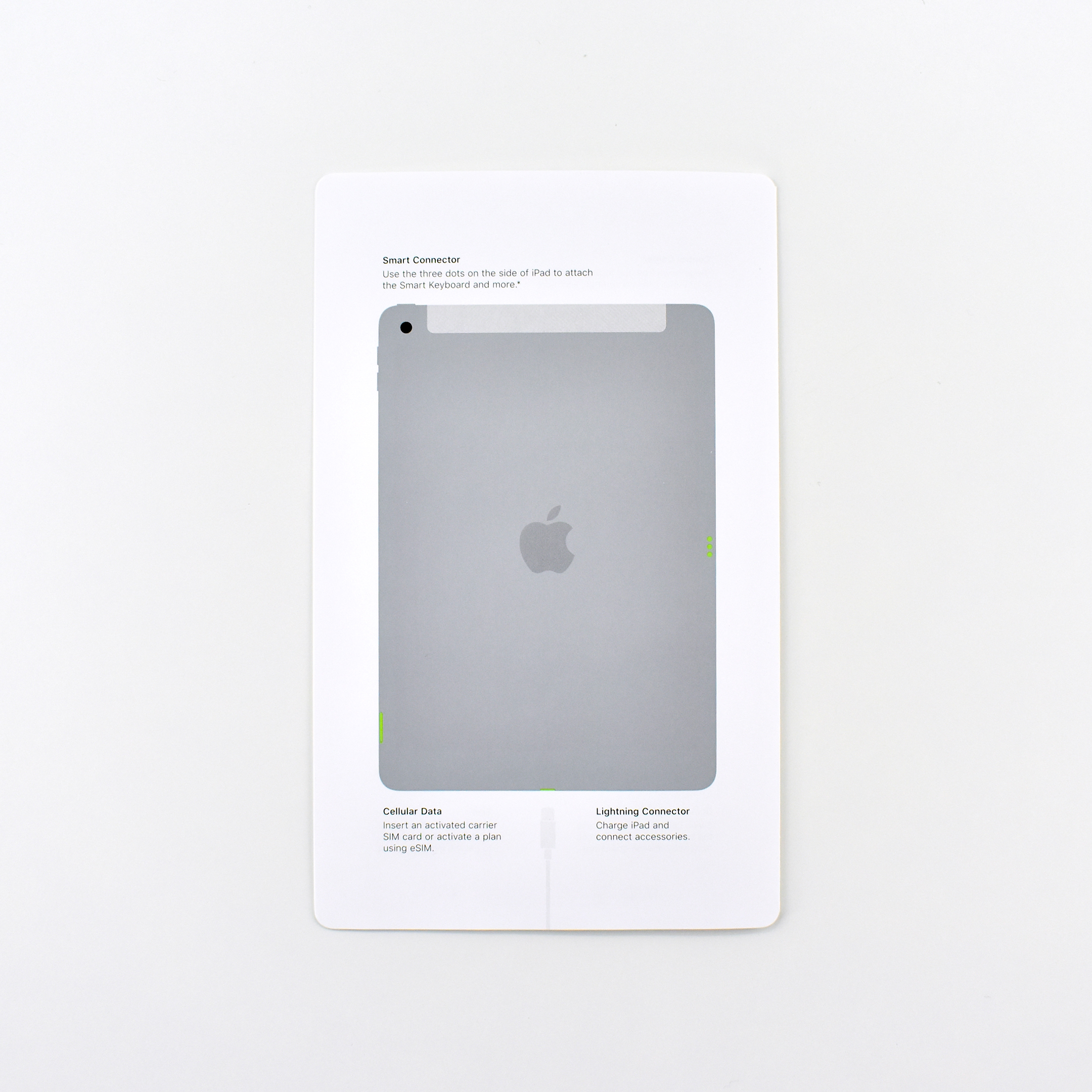
This packaging set shipped with the iPad Generation 8 with Wi-Fi + Cellular. This entry-level iPad had a 10.2-inch touch screen and included the optional cellular network service. According to Apple:
“The new iPad combines tremendous capability with unmatched ease of use and versatility. With the powerful A12 Bionic chip, support for Apple Pencil and the Smart Keyboard, and the amazing new things you can do with iPadOS 14, now there’s even more to love about iPad.”
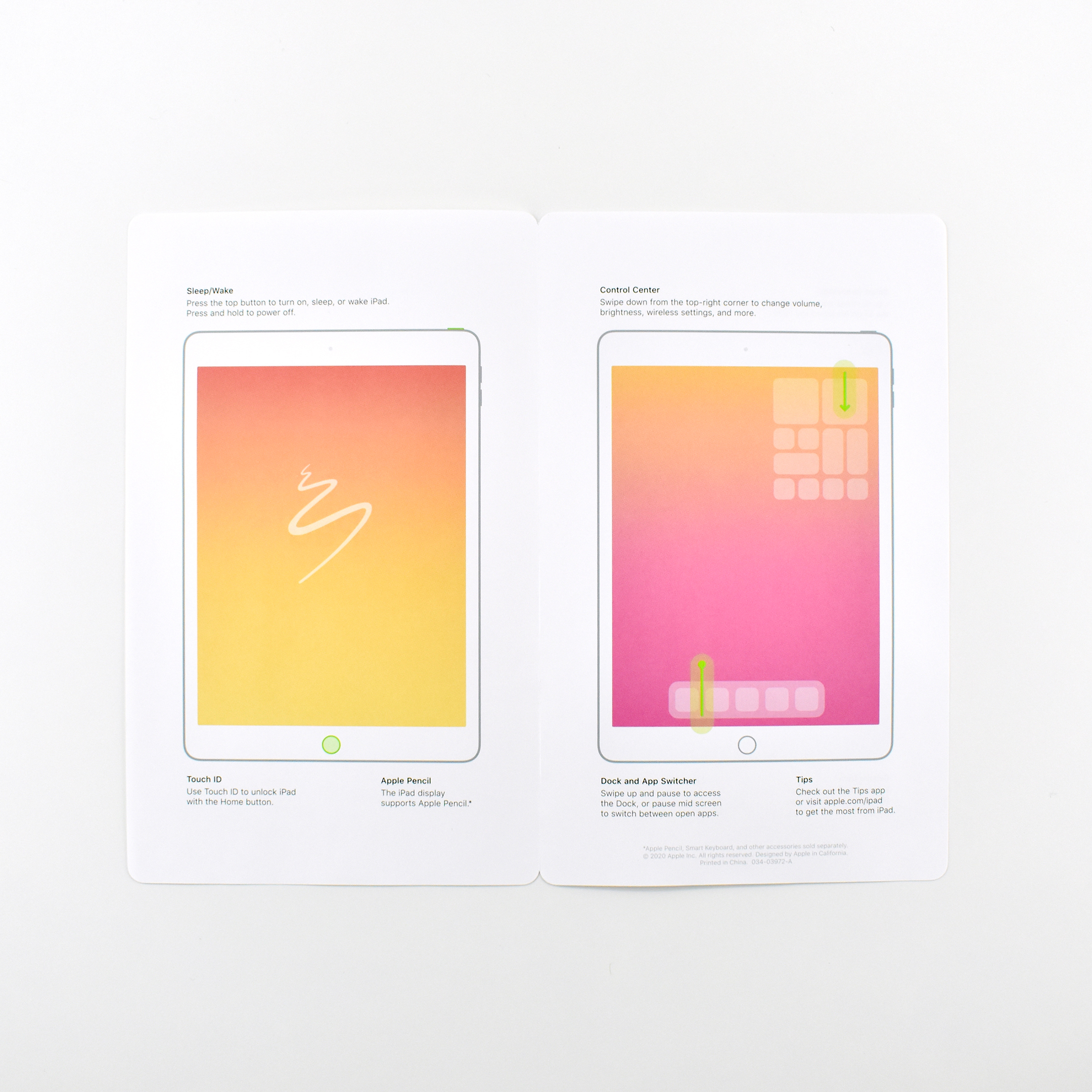
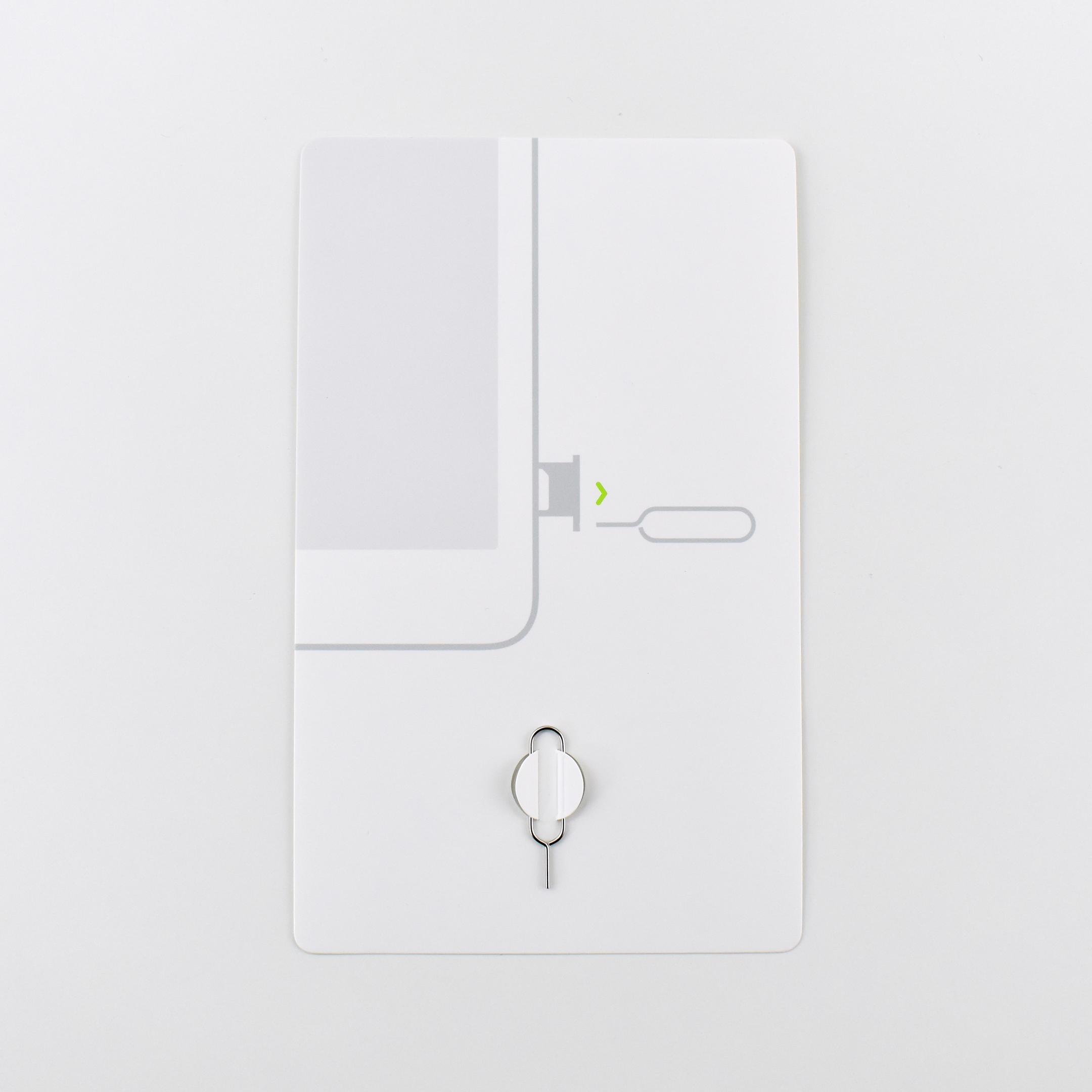
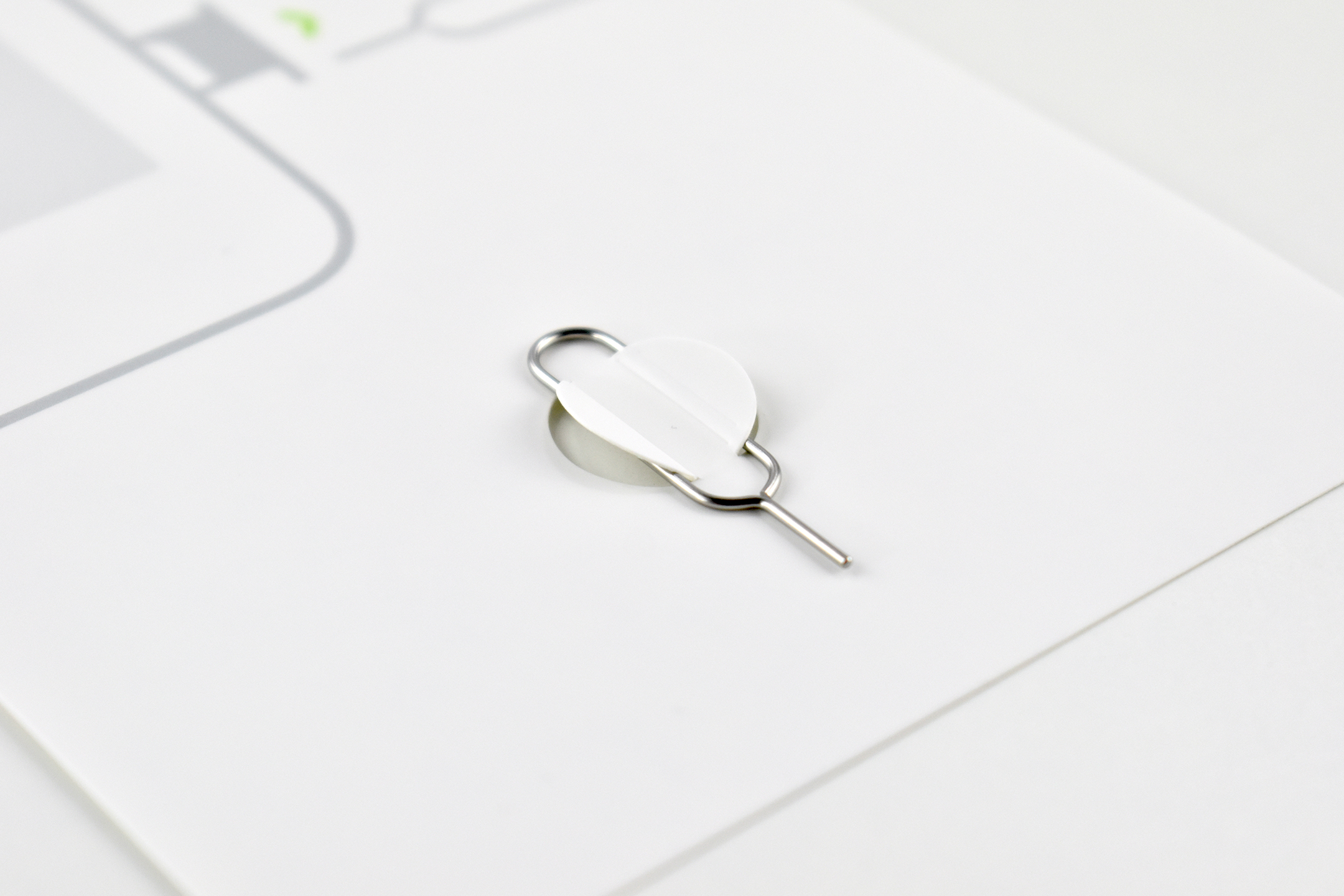
The packaging included a cardboard envelope, a 4-page pamphlet with a color diagram of the iPad’s basic features, a 2-sided safety guide, a cardboard insert with an attached metal SIM-eject tool, and two white Apple stickers.
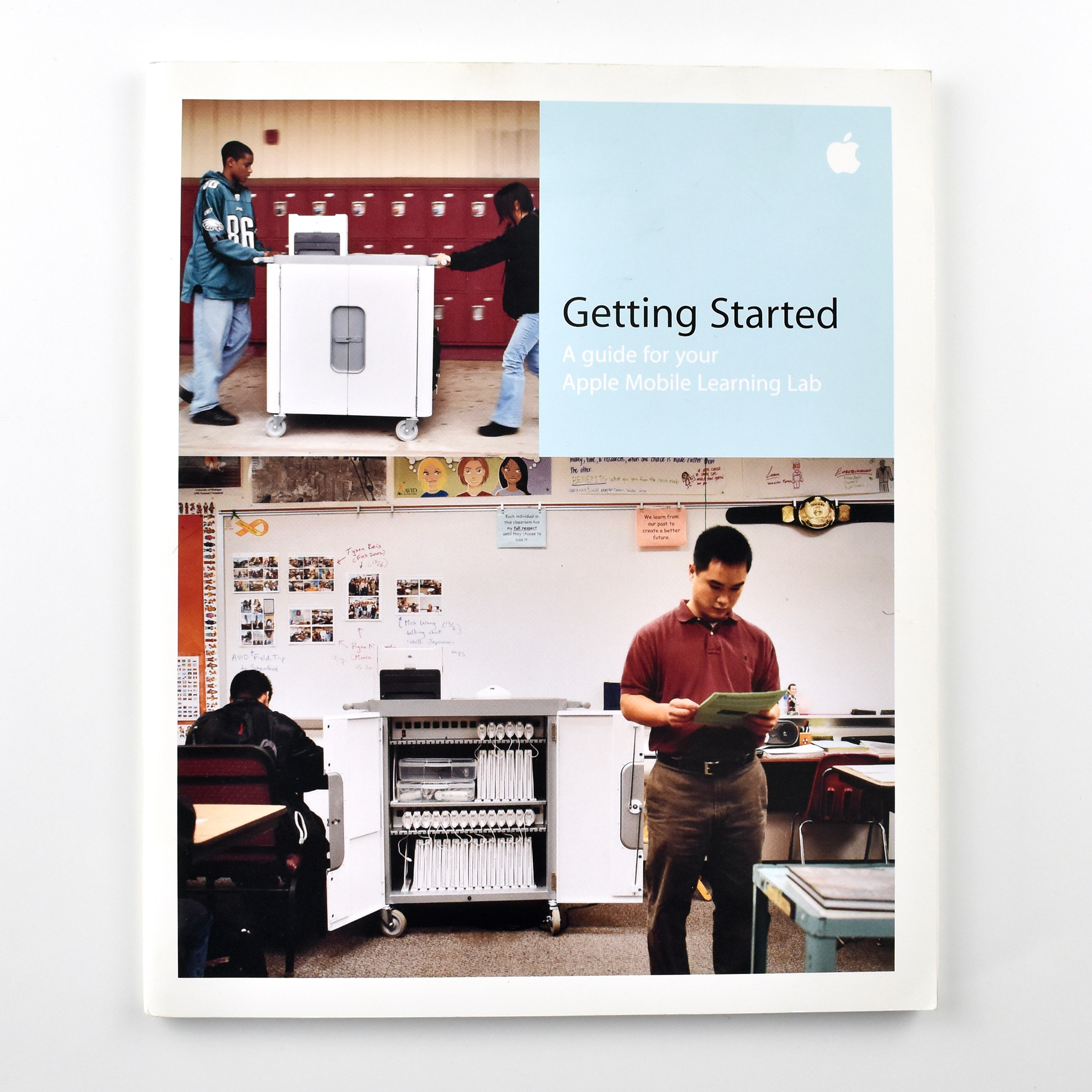
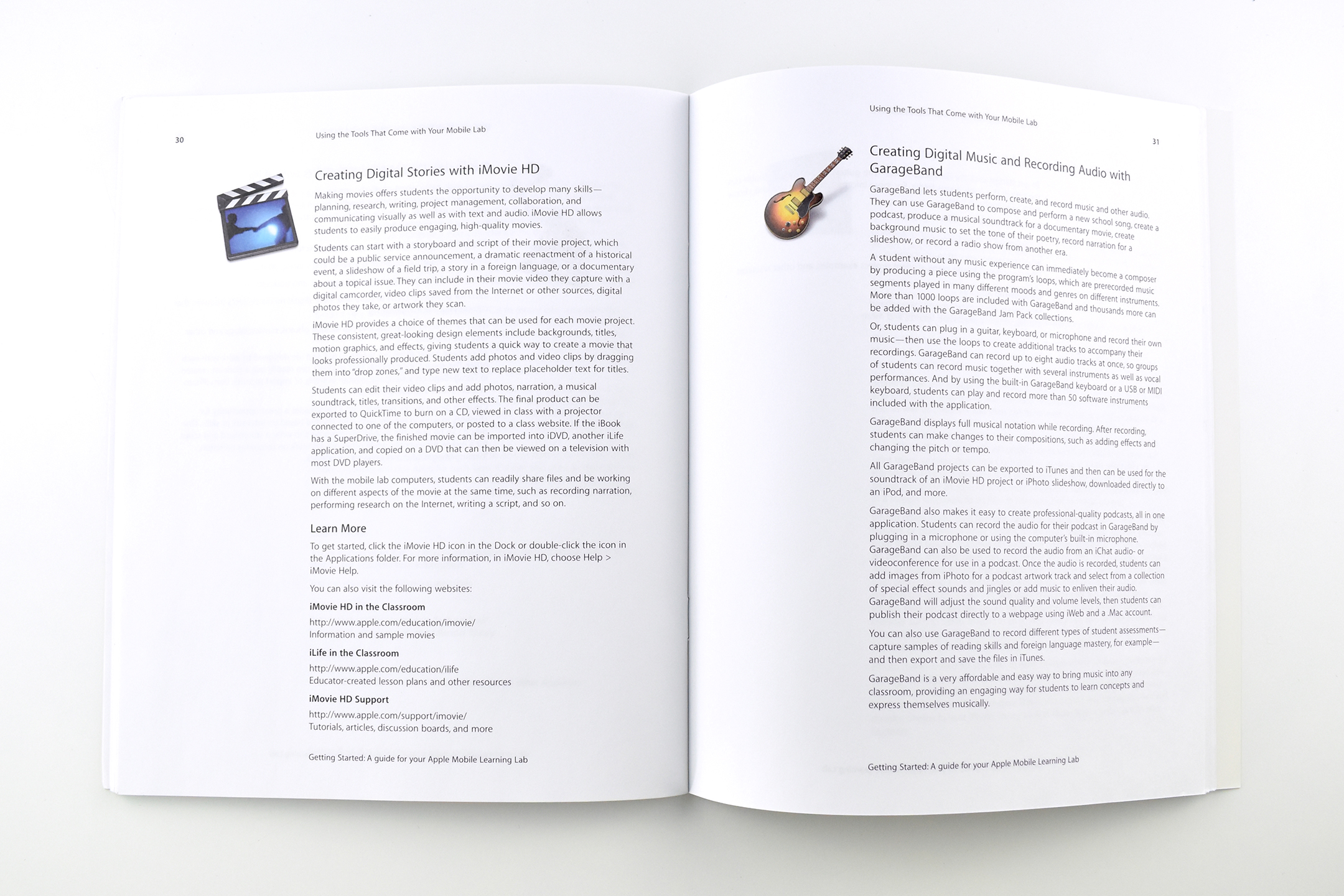
In the book Getting Started: A guide for your Apple Mobile Learning Lab, Apple Education outlines the necessary steps to successfully implement a mobile computer cart outfitted with laptops, Wi-Fi, and other equipment. The book also provides basic training on Mac apps and gives ideas about how to use the laptops in the classroom.
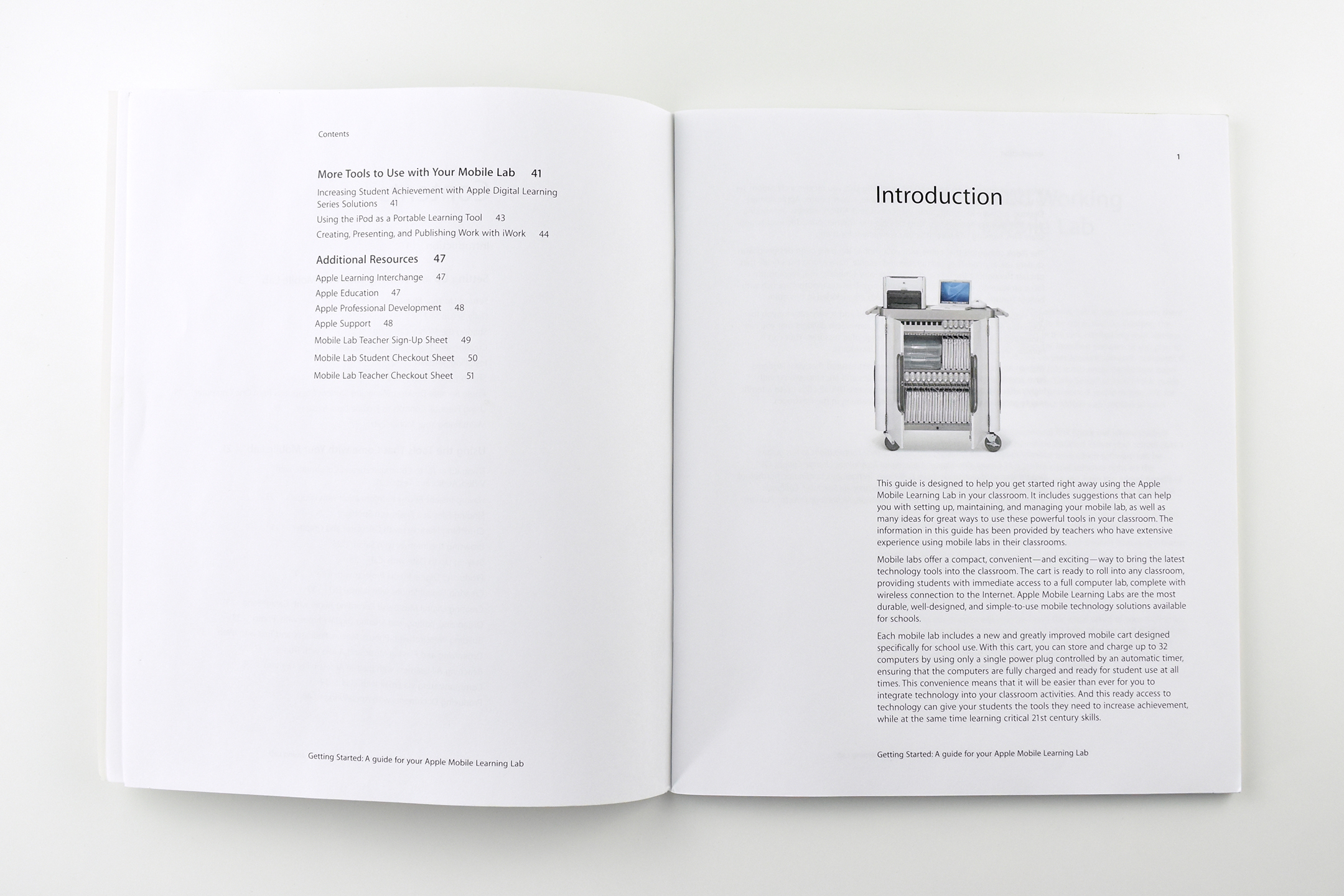
The introduction states:
“This guide is designed to help you get started right away using the Apple Mobile Learning Lab in your classroom. It includes suggestions that can help you with setting up, maintaining, and managing your mobile lab, as well as many ideas for great ways to use these powerful tools in your classroom. The information in this guide has been provided by teachers who have extensive experience using mobile labs in their classrooms.”
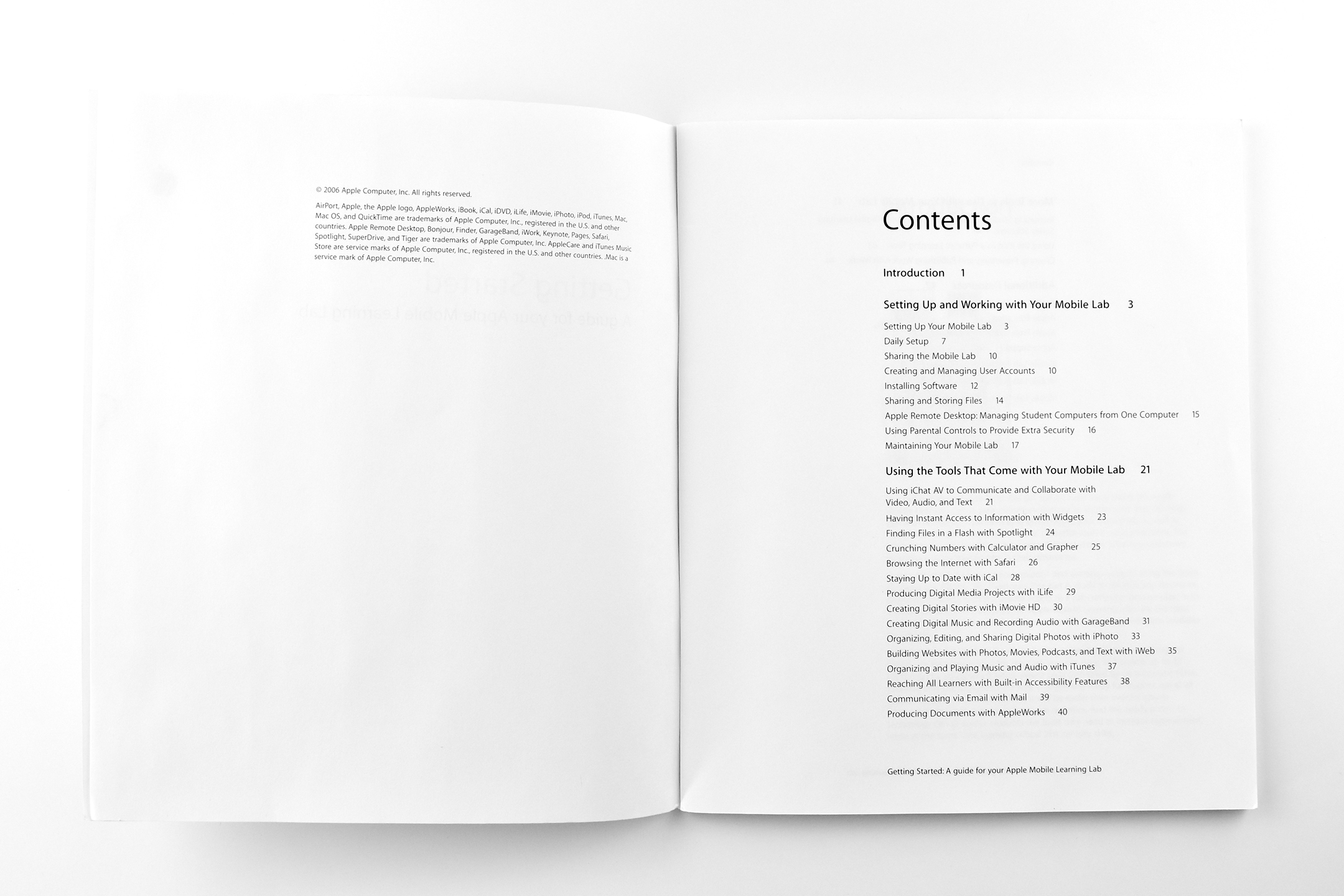
The chapters include:
Setting Up and Working with Your Mobile Lab
Using the Tools that Come with Your Mobile Lab
More Tools to Use with Your Mobile Lab
Additional Resources
This book measures 9 x 7.5 inches and has 51 pages.
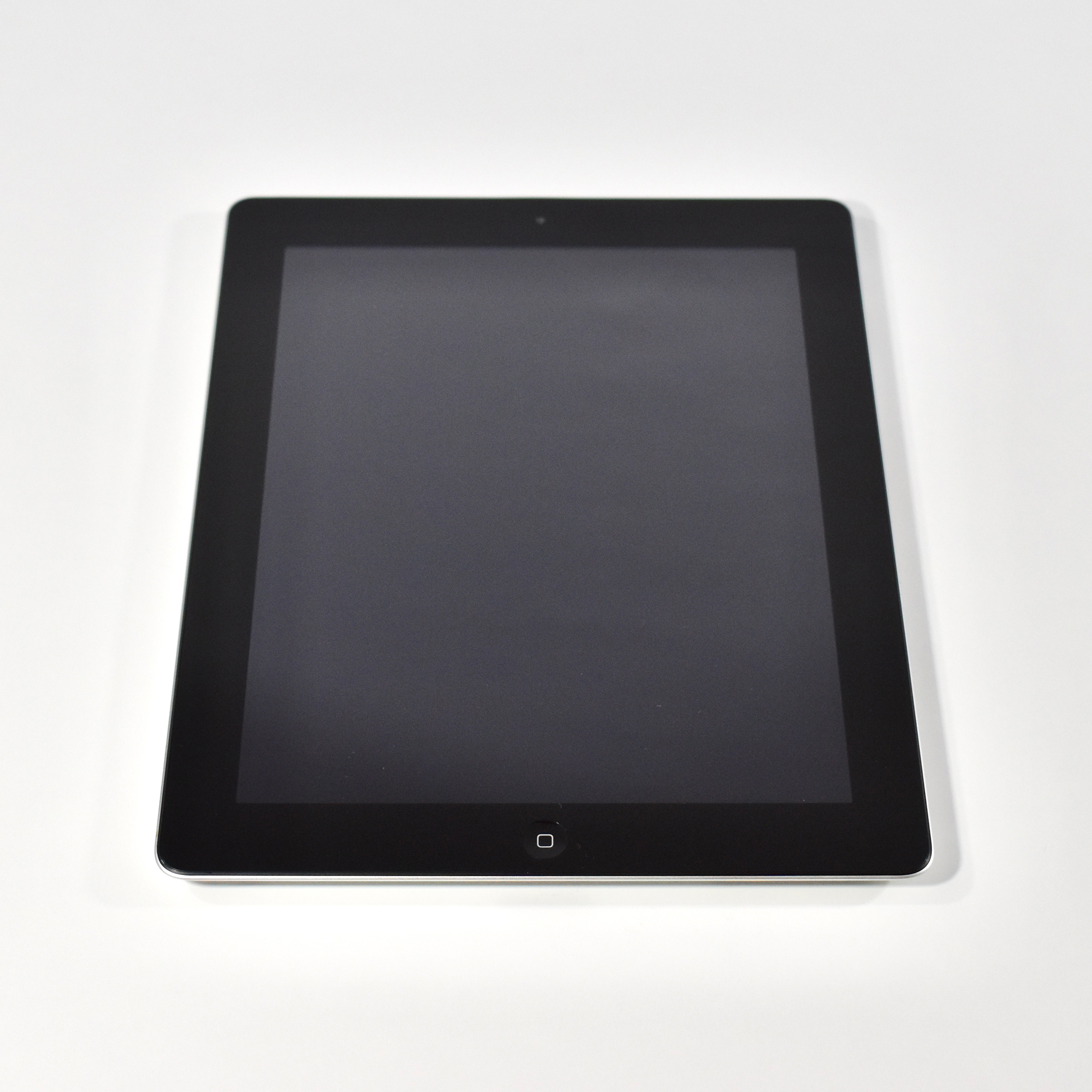
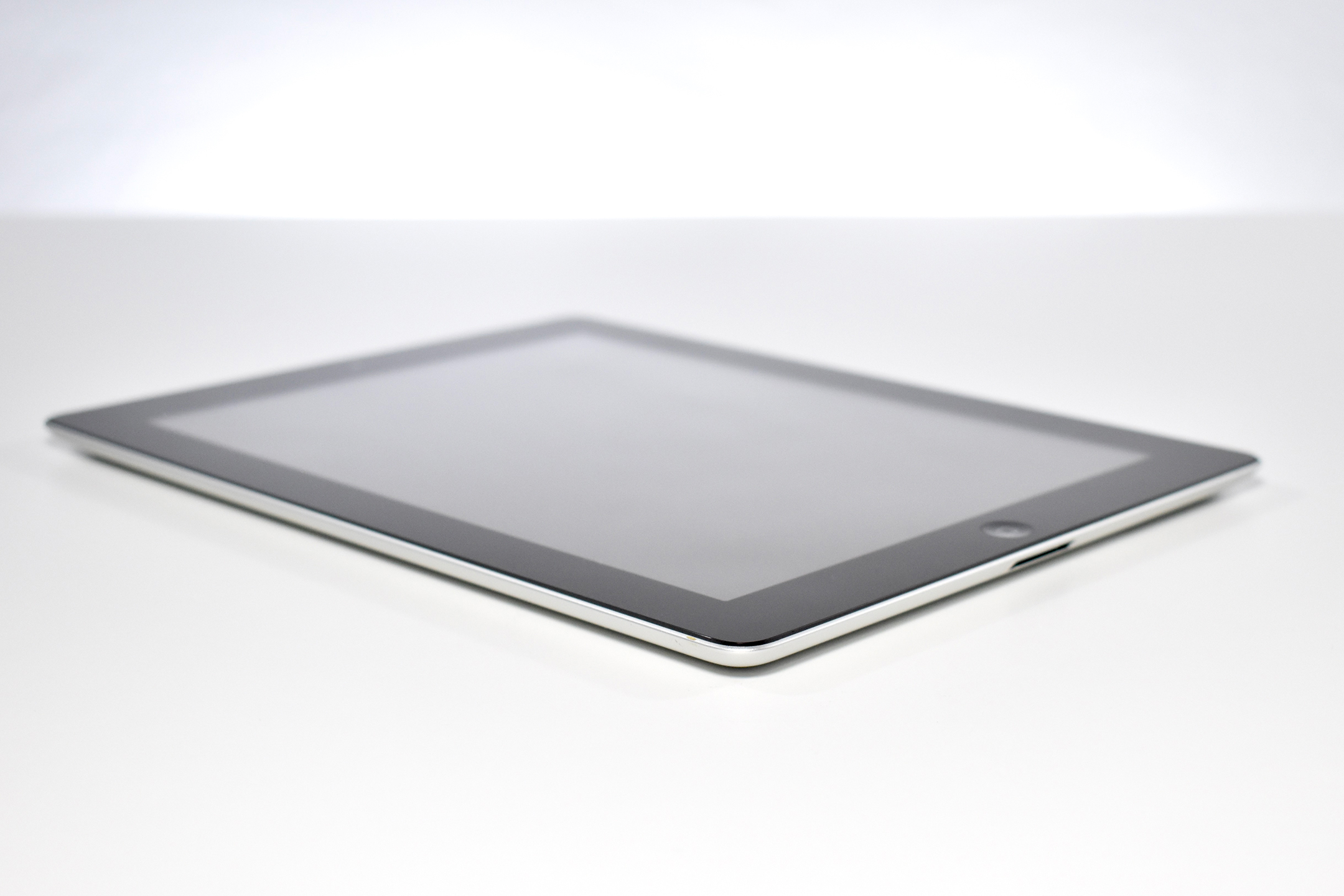
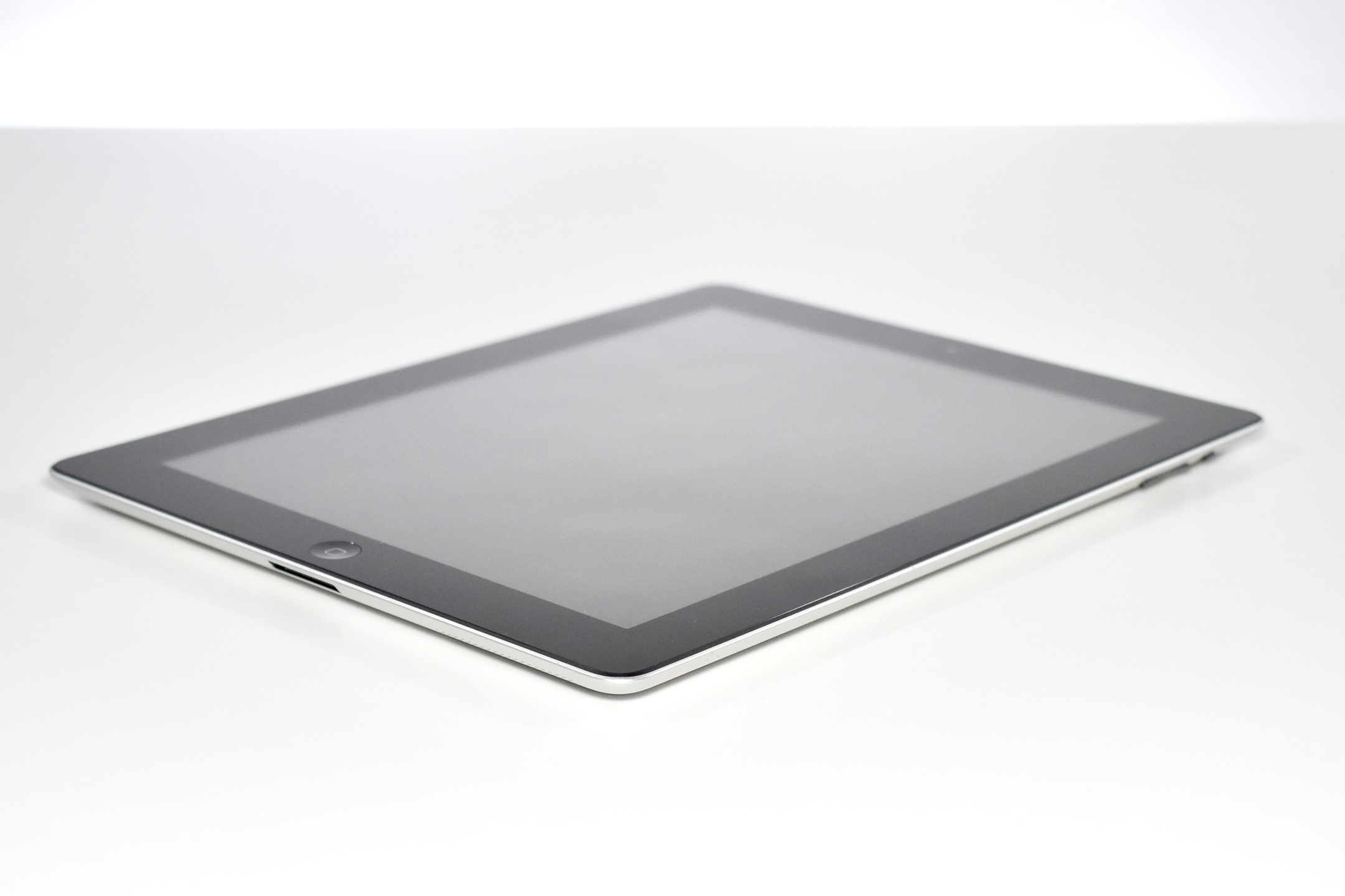
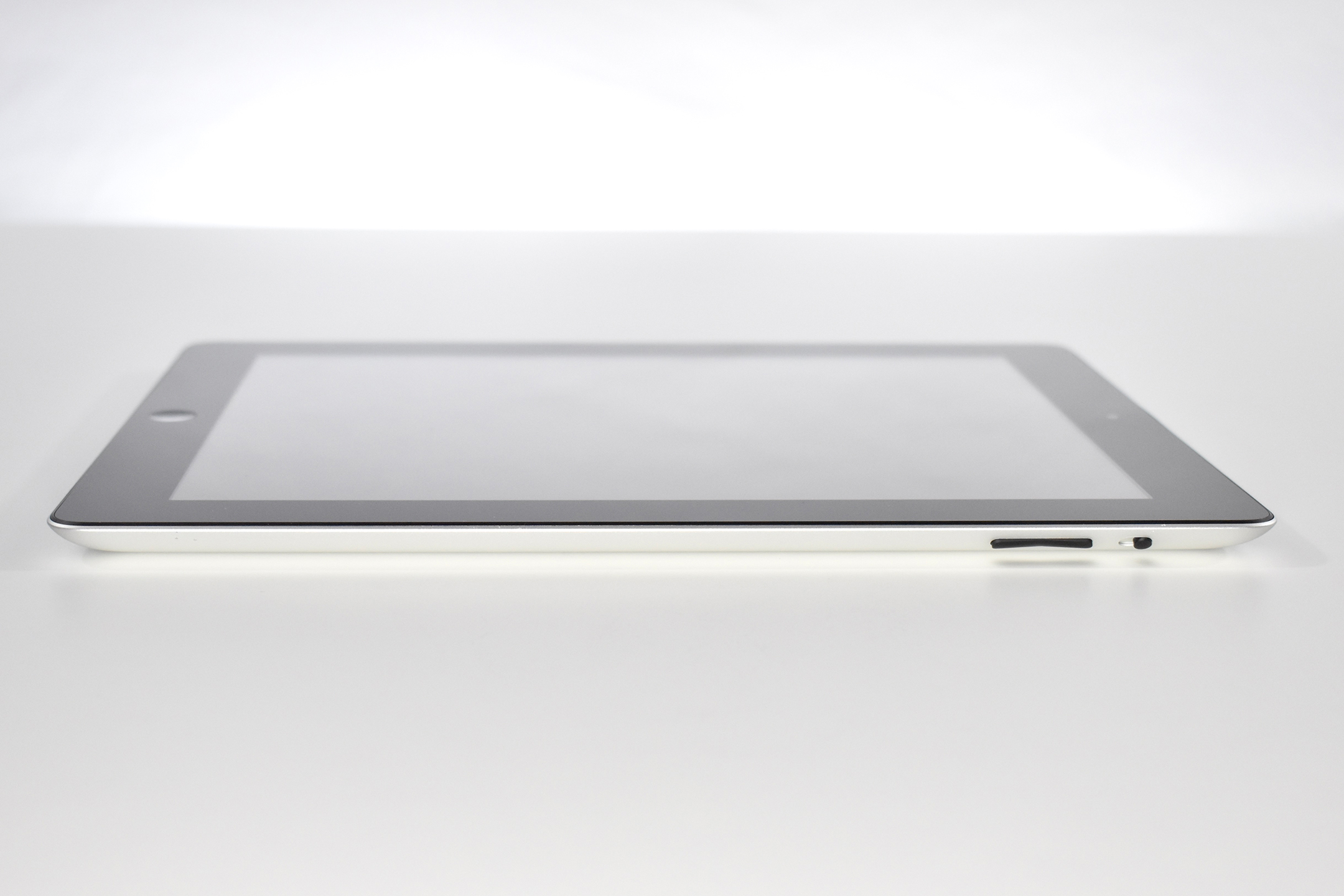
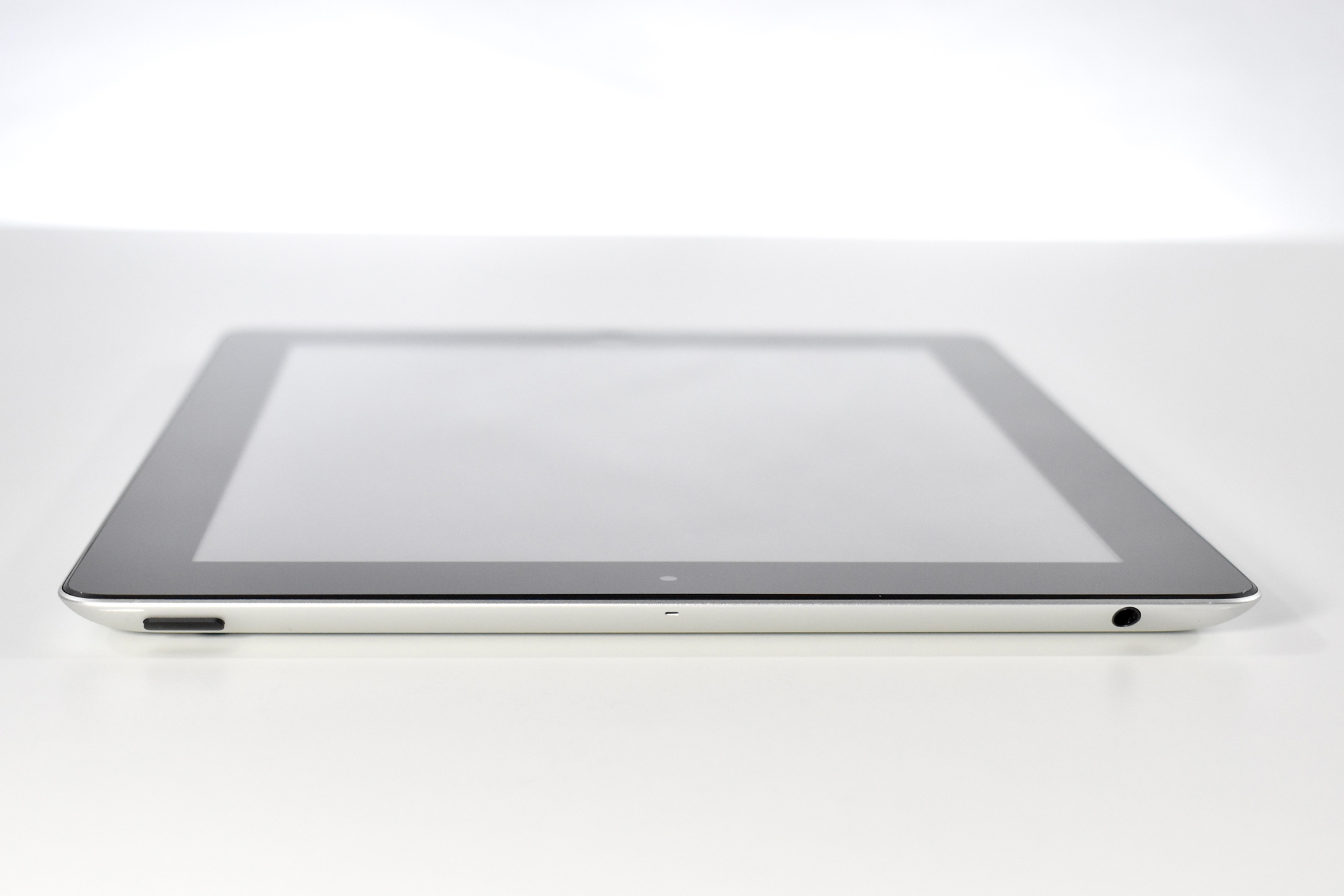
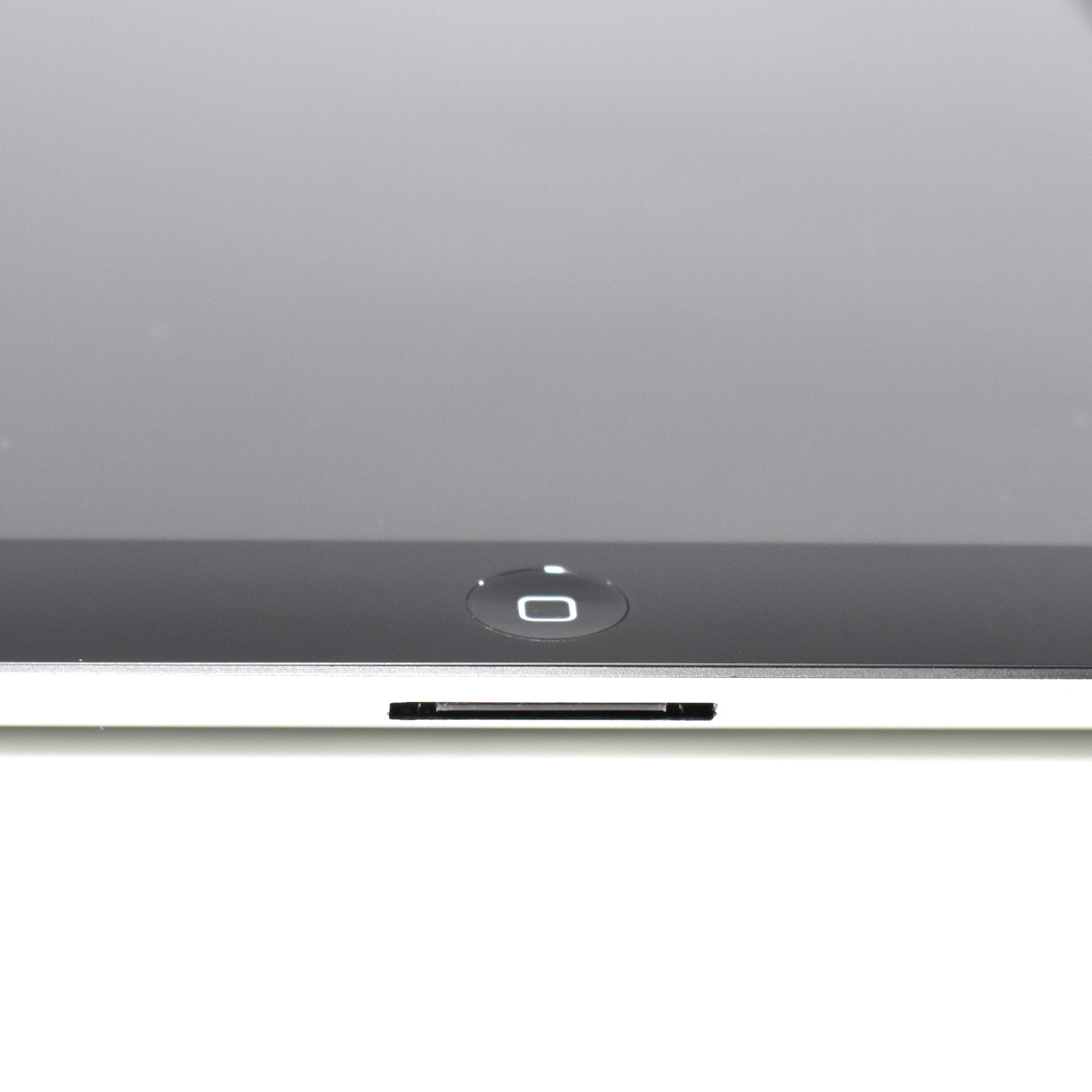
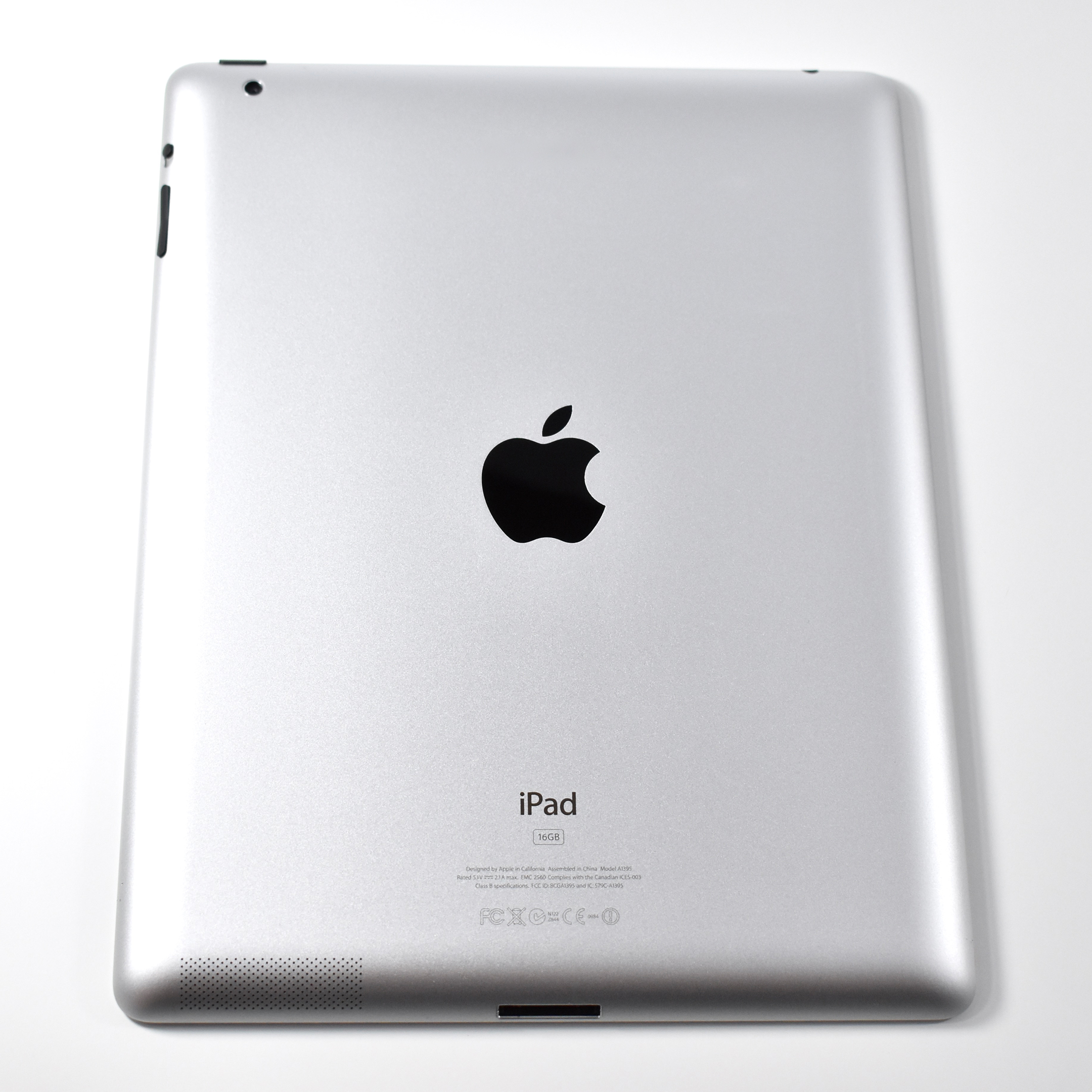
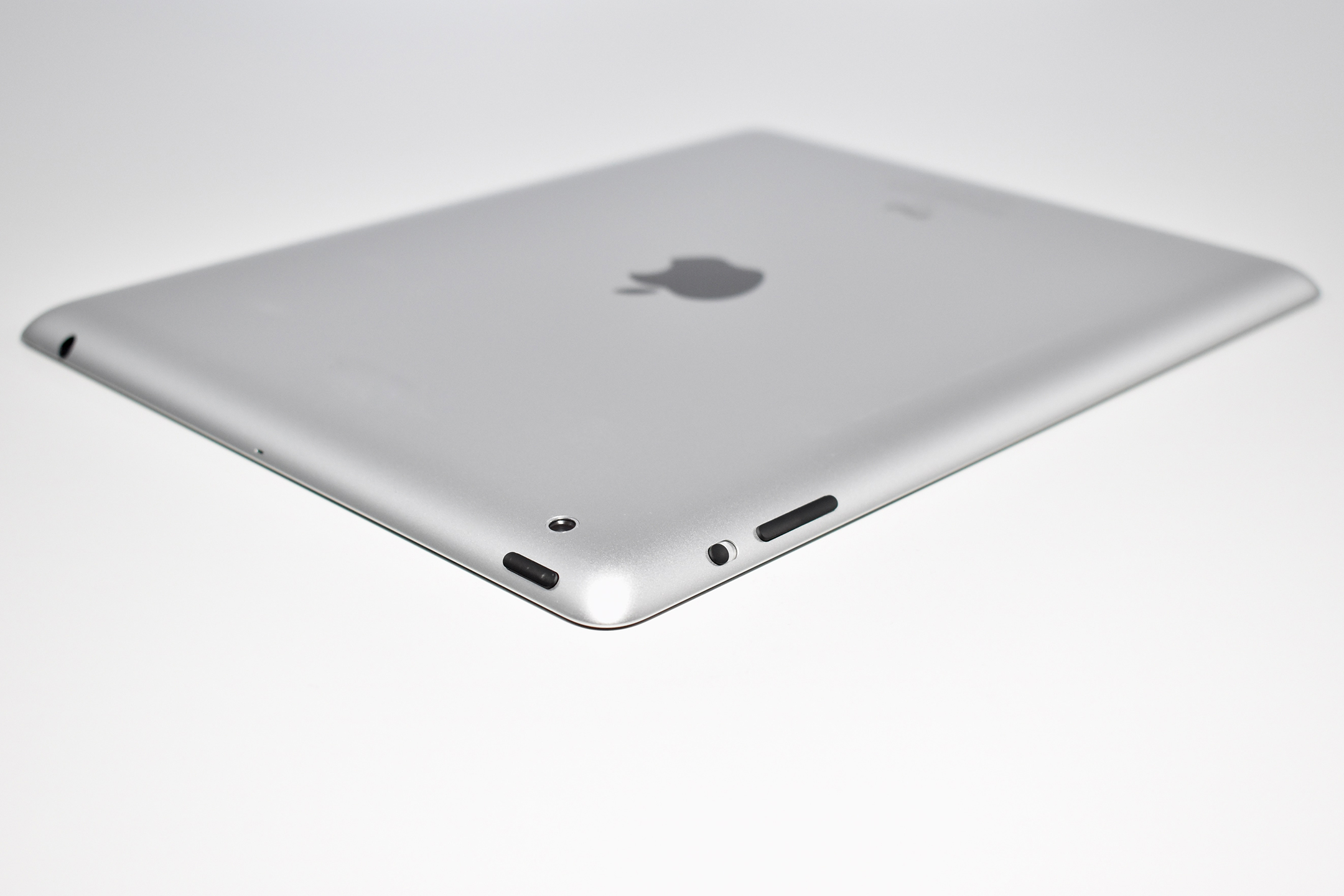
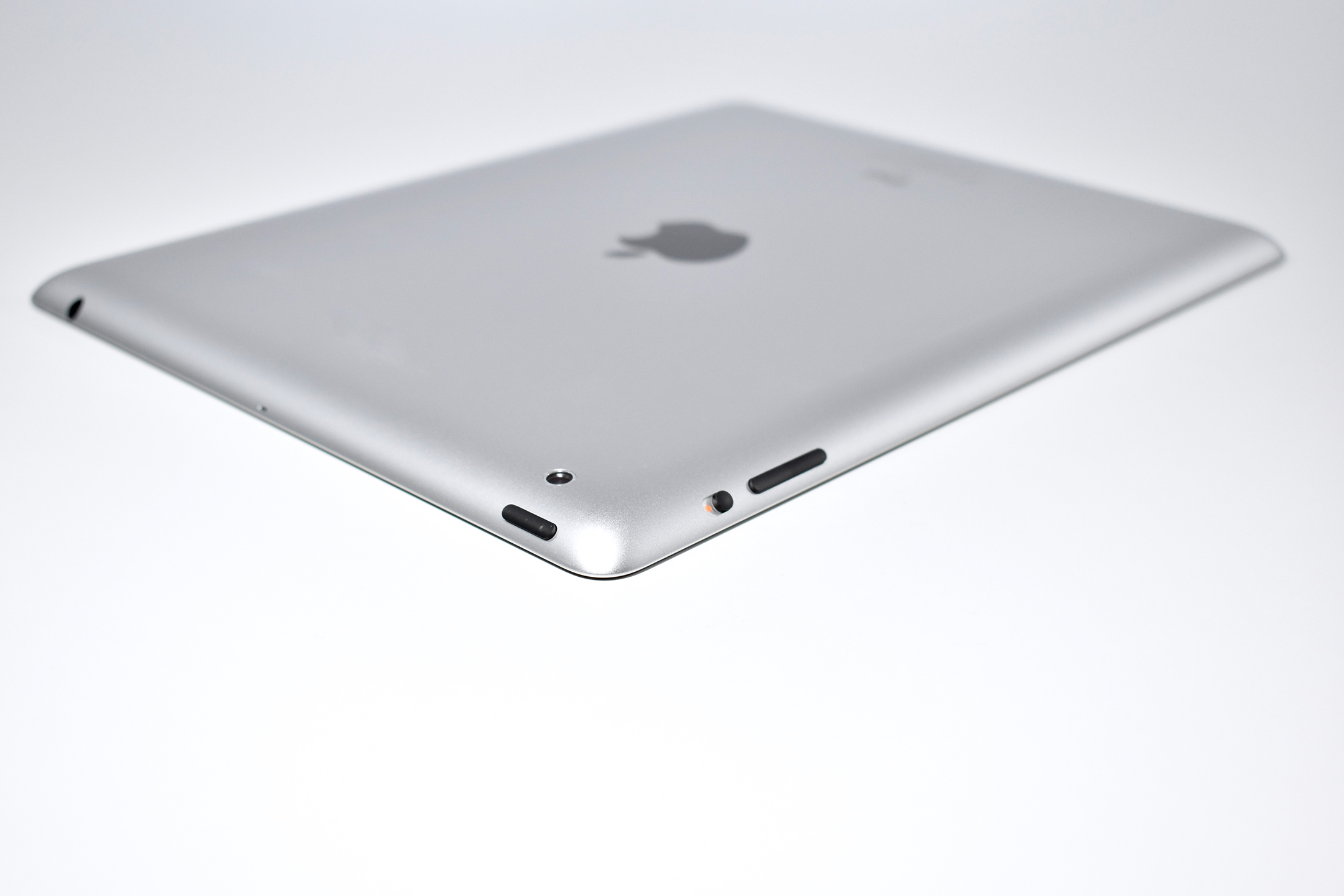
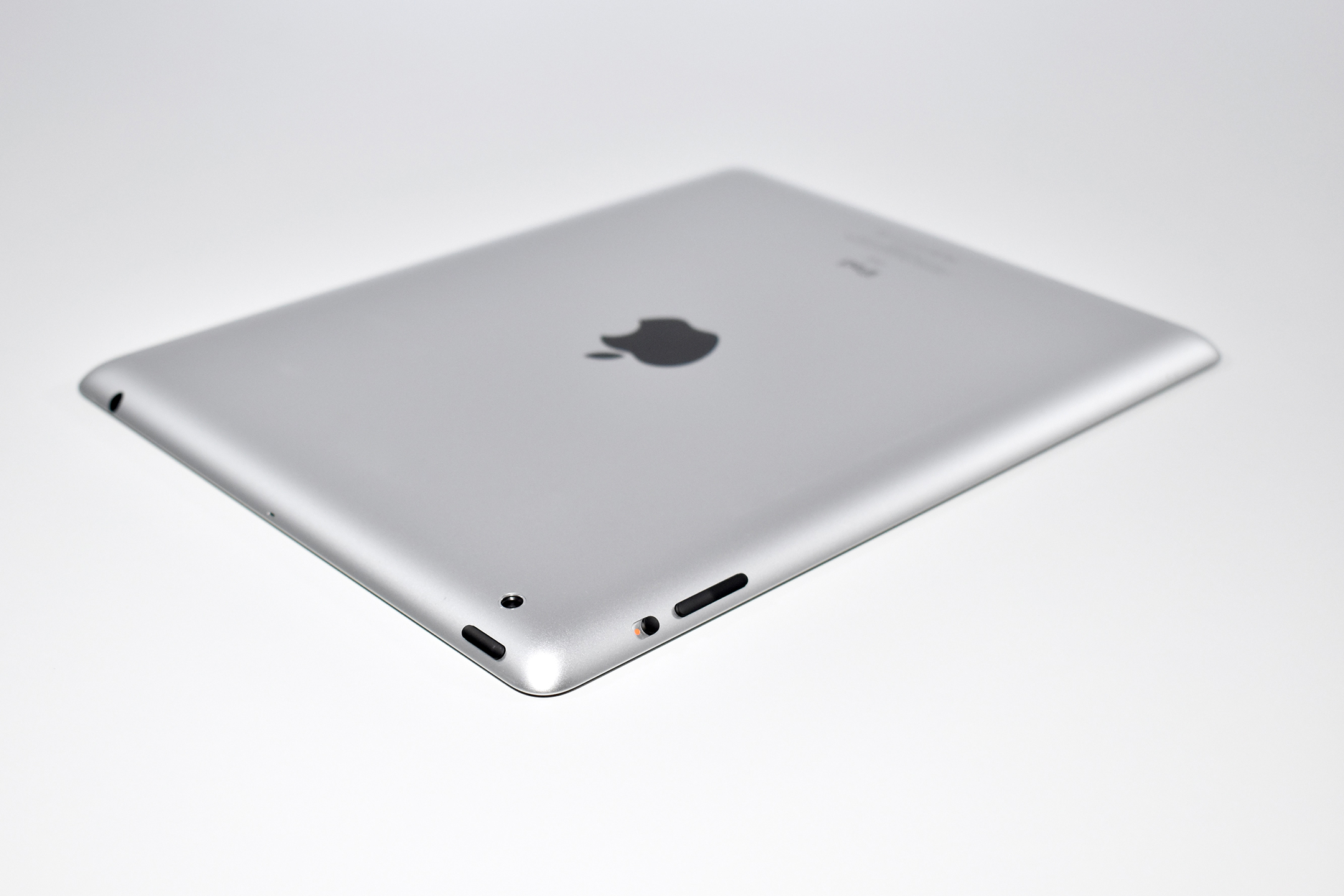
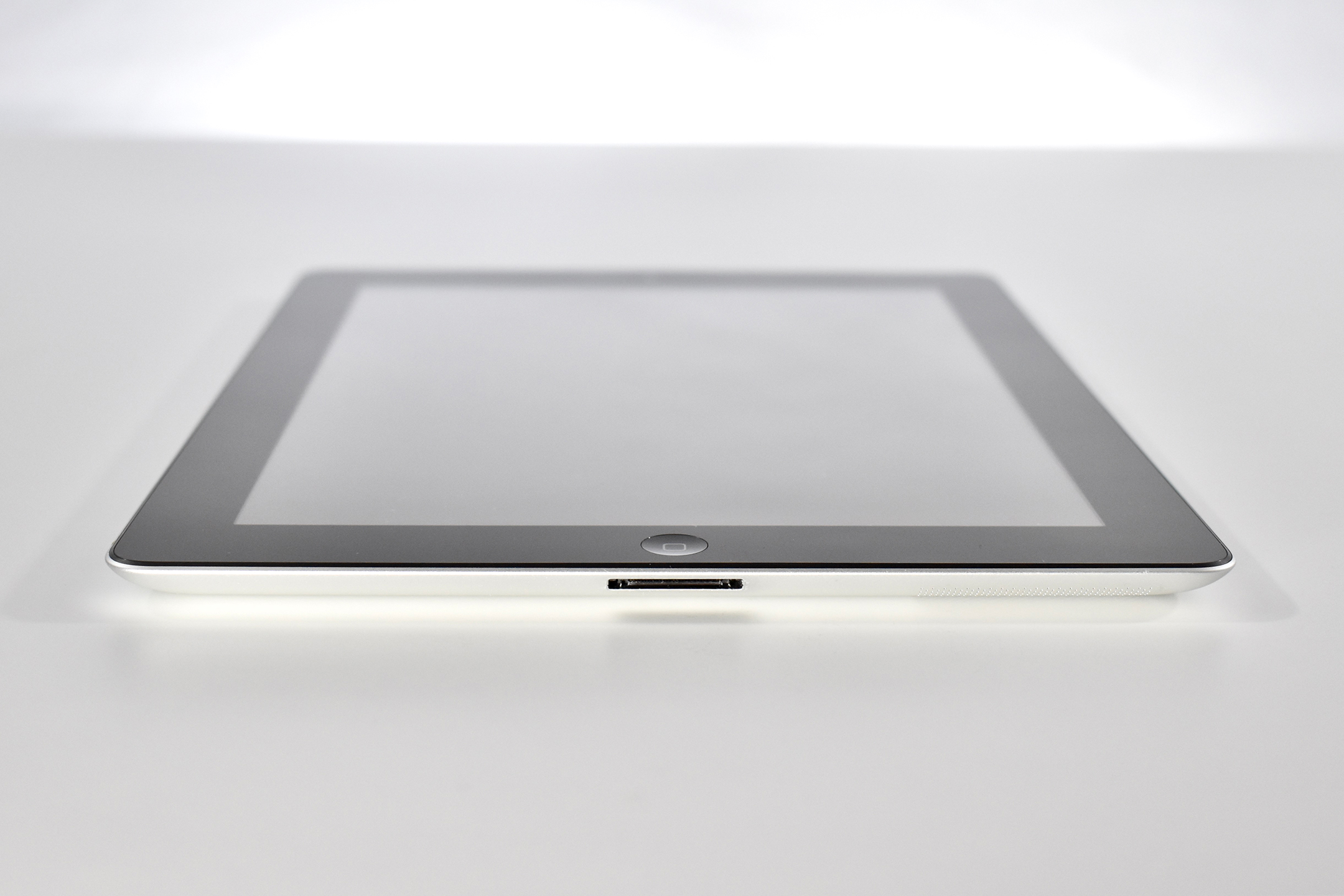
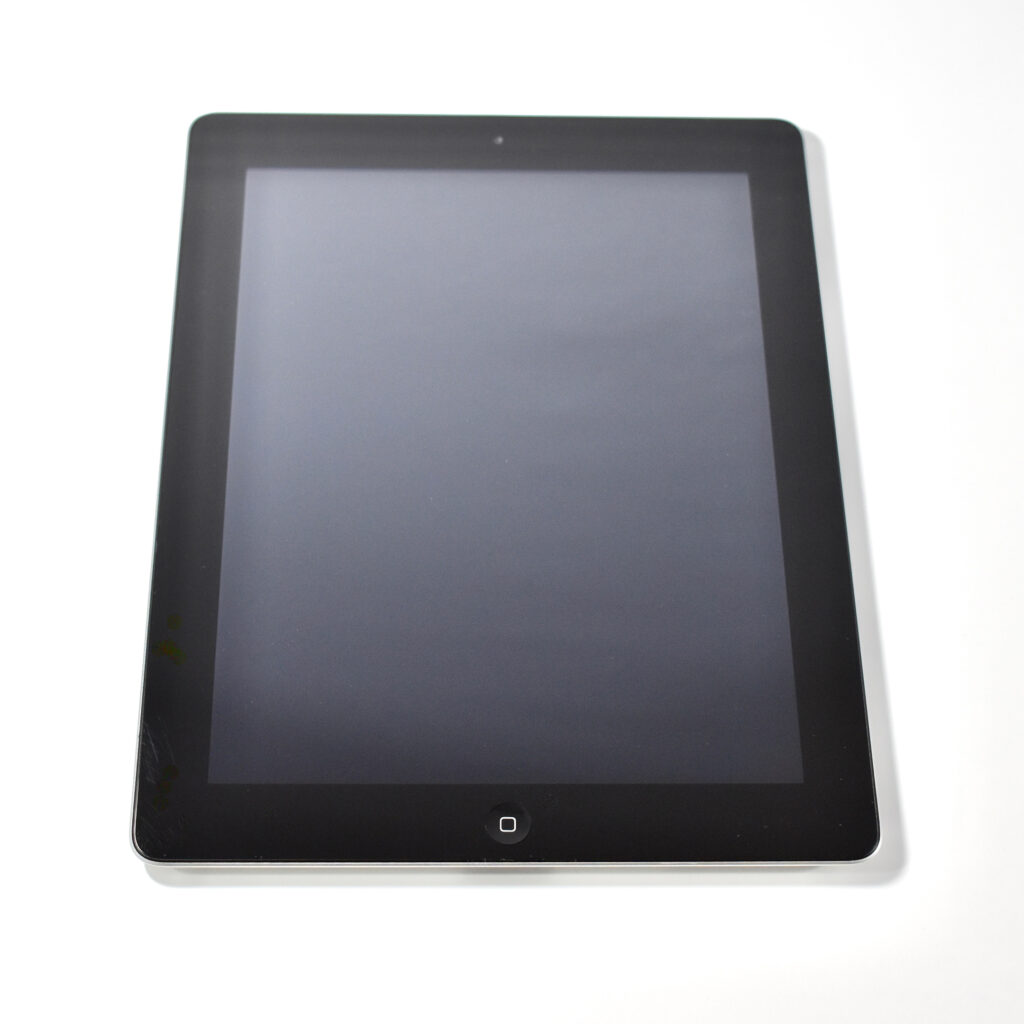
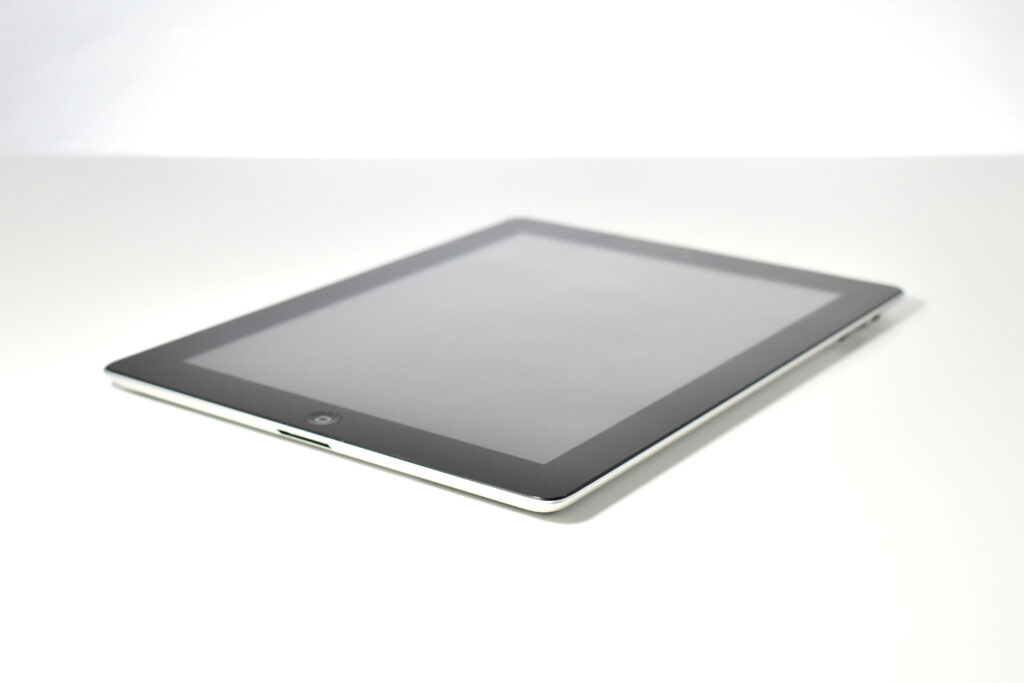
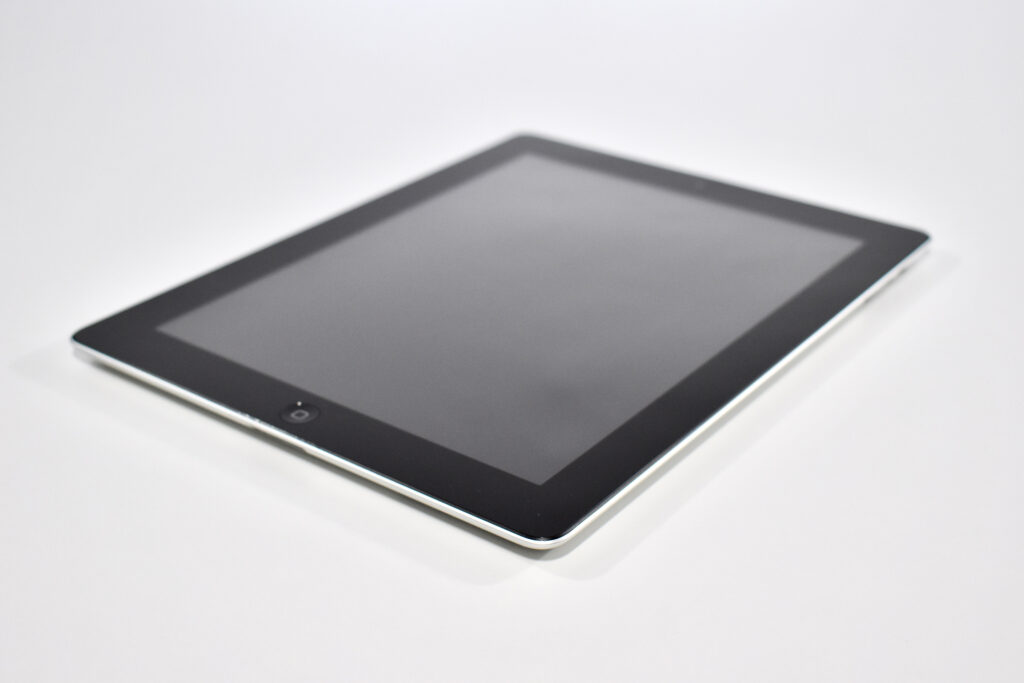
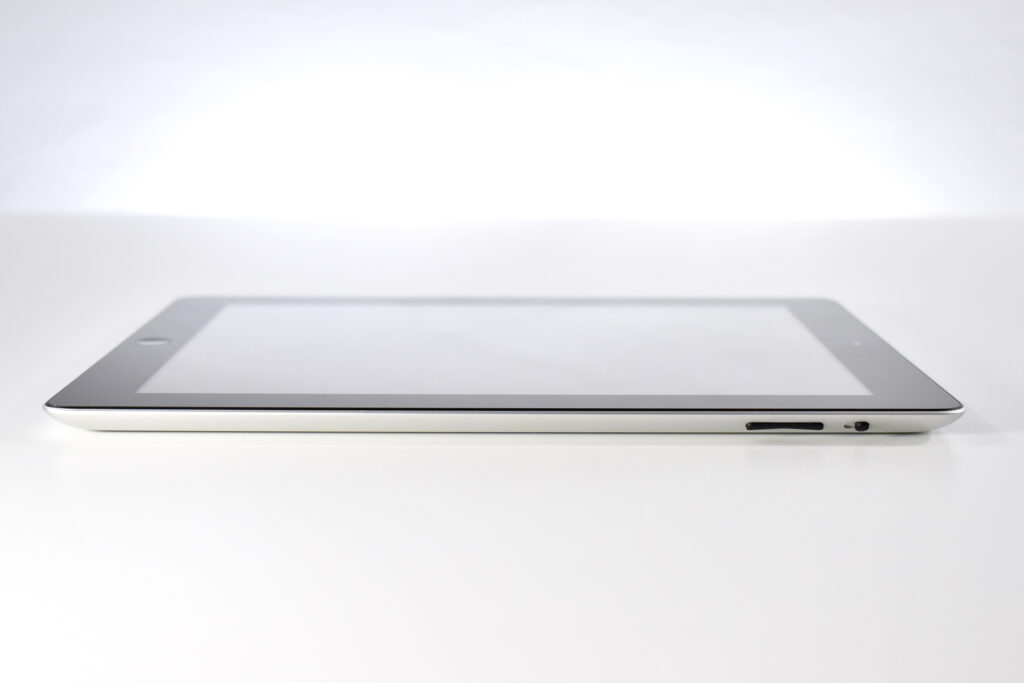
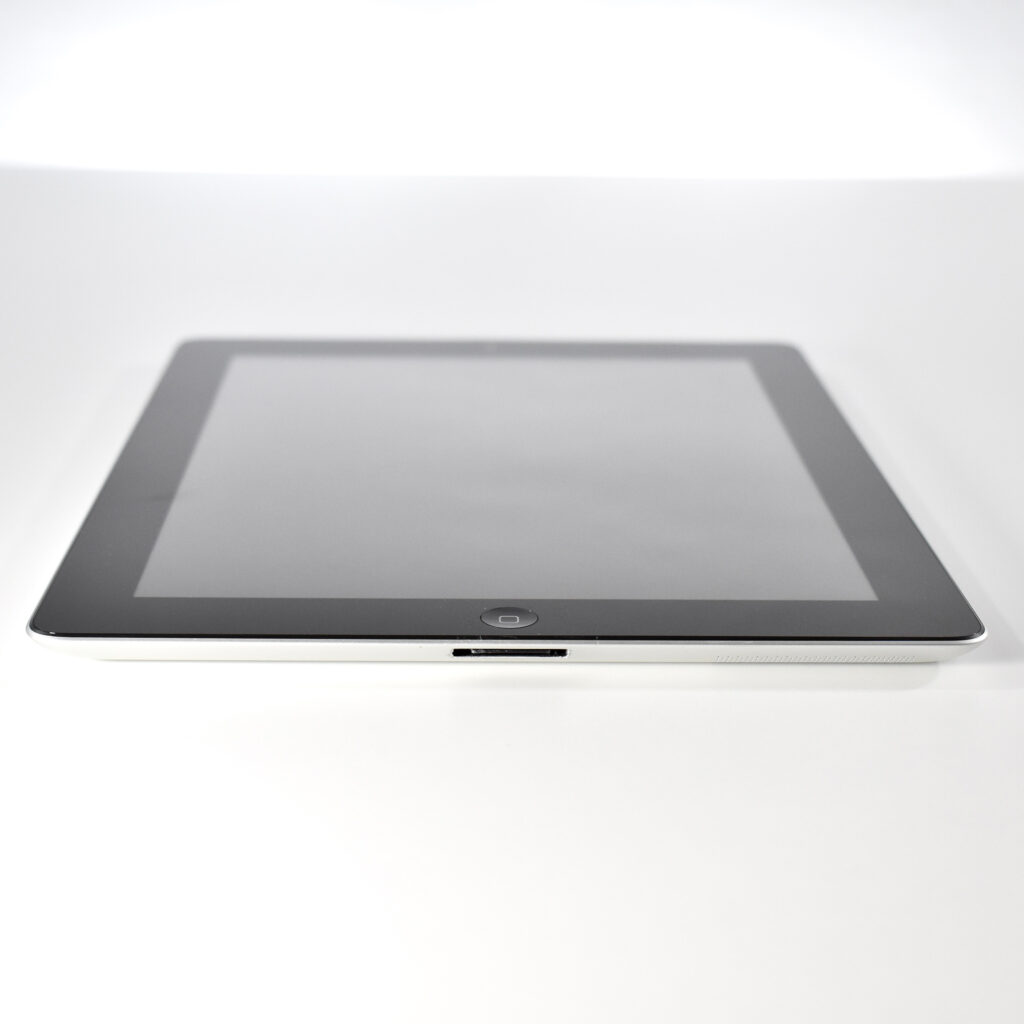
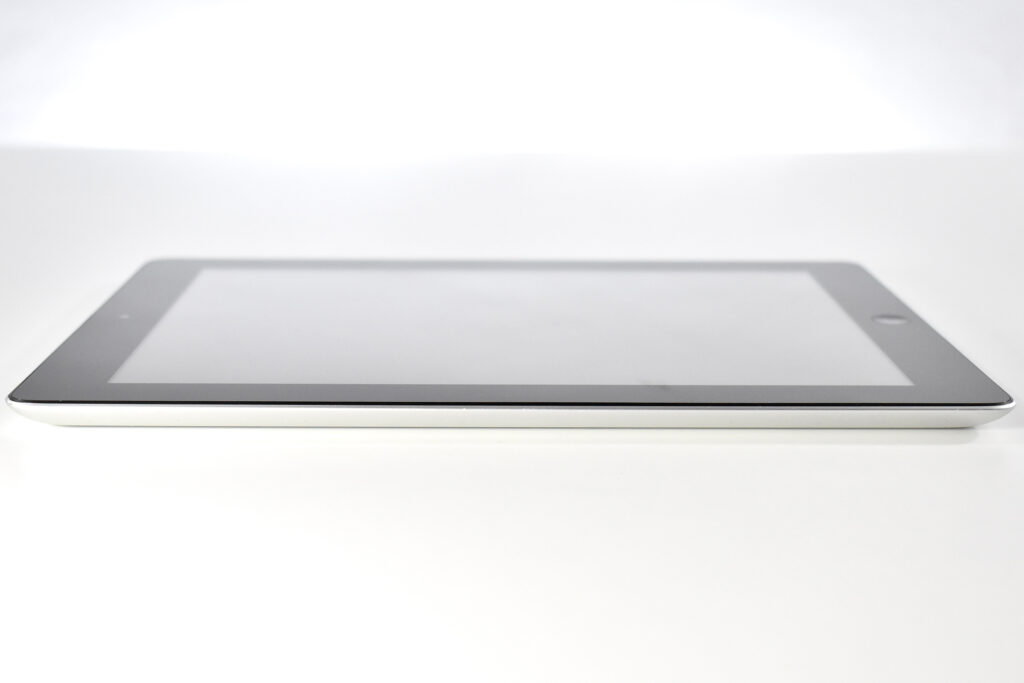
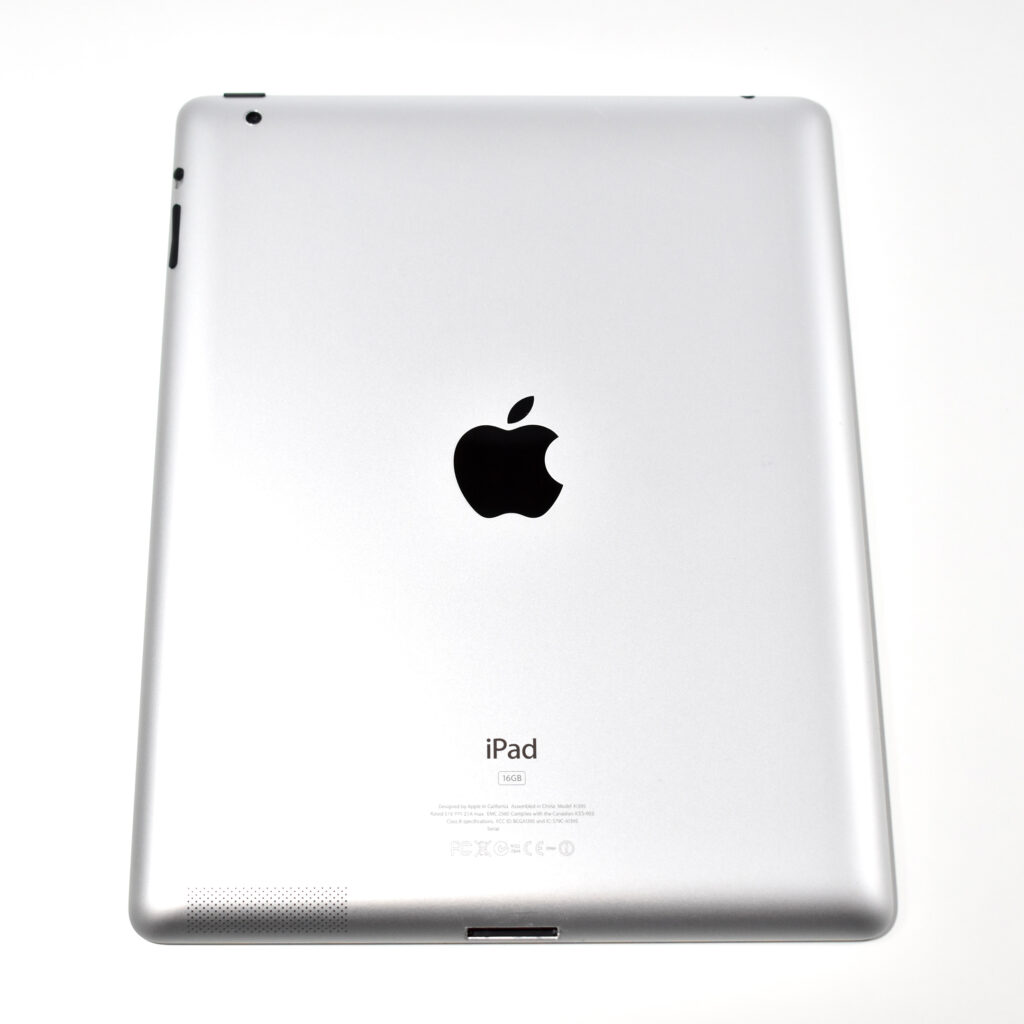
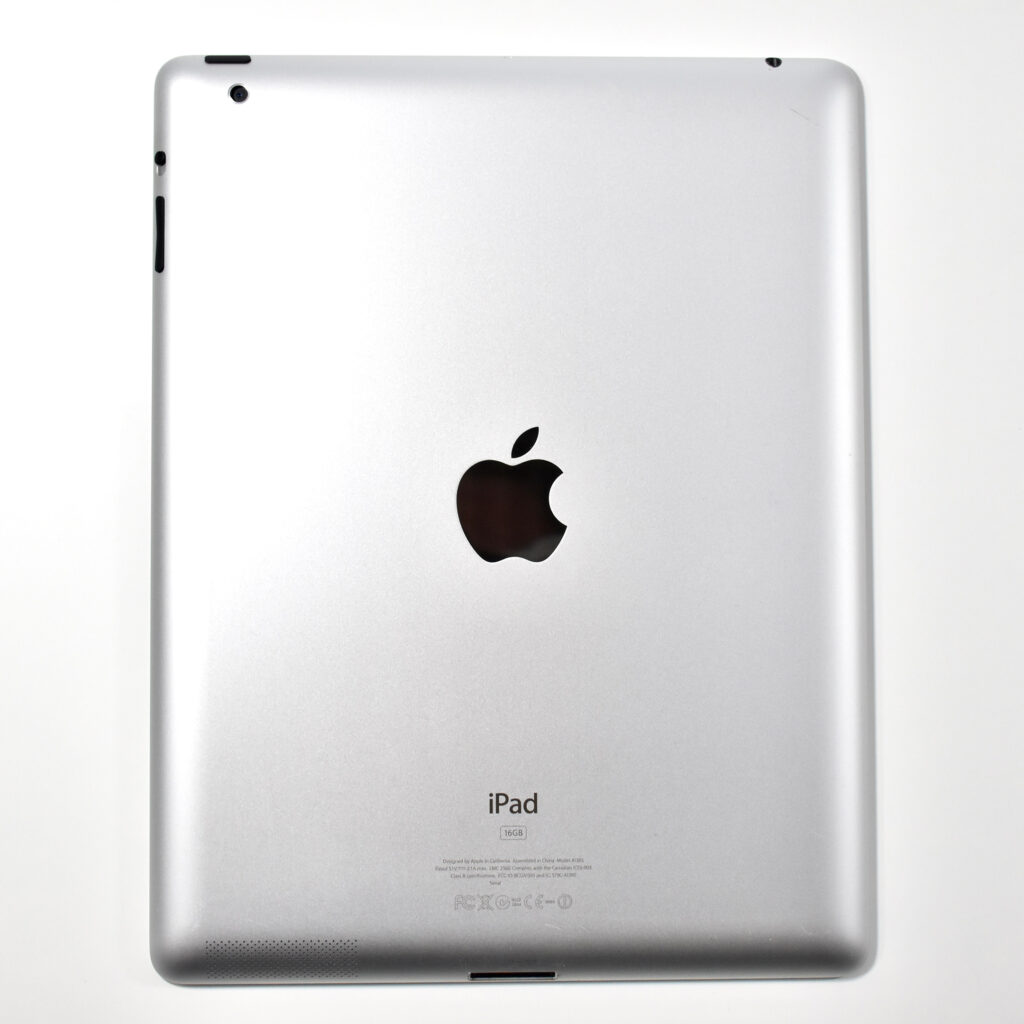
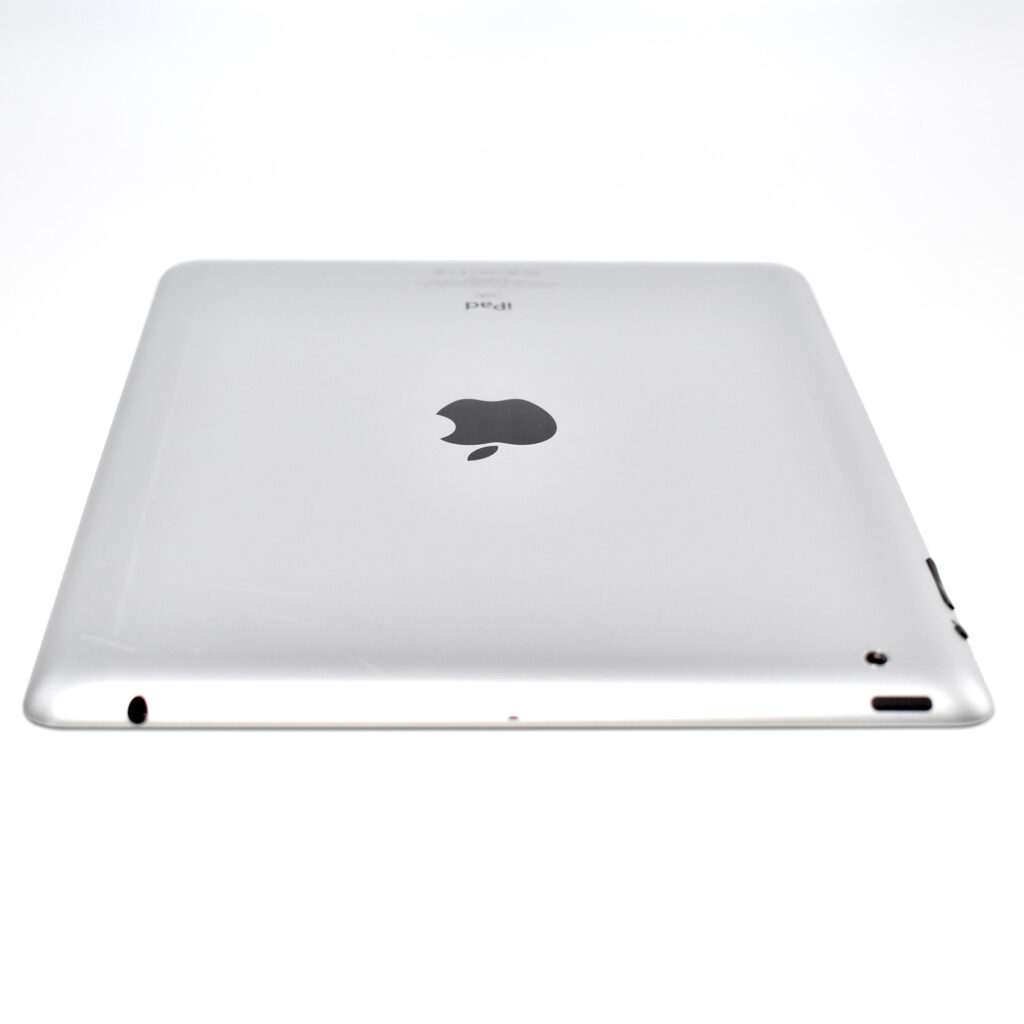
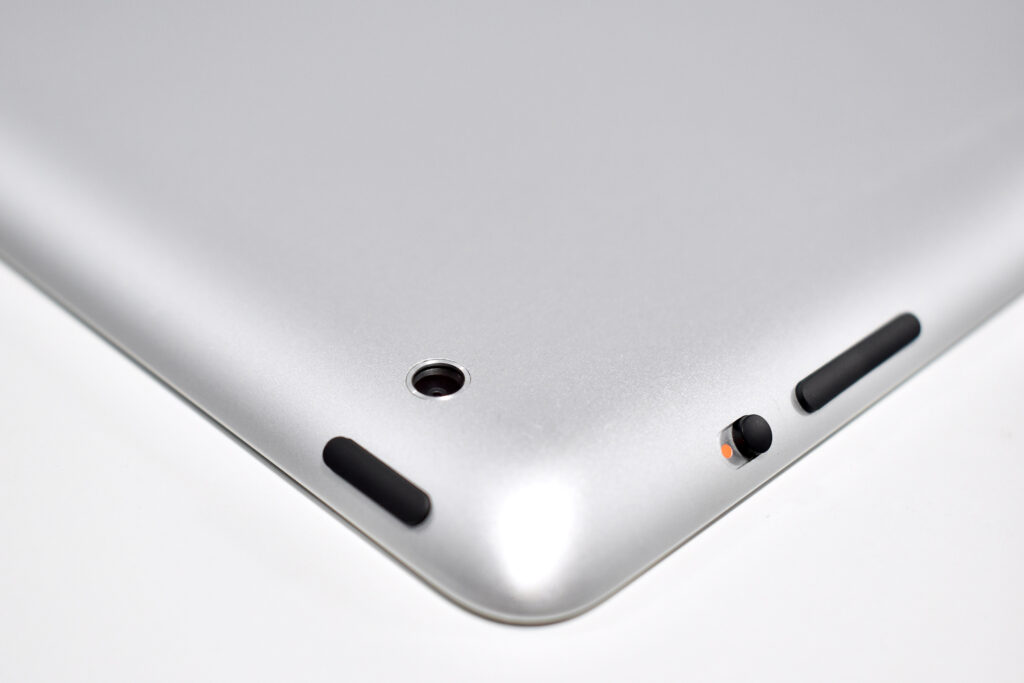
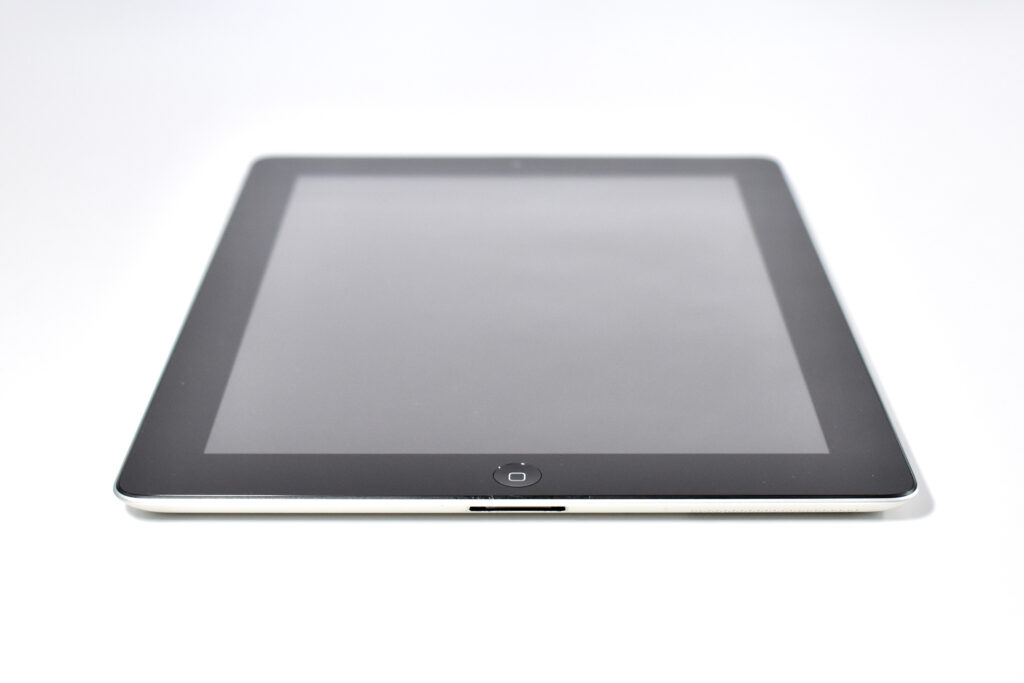
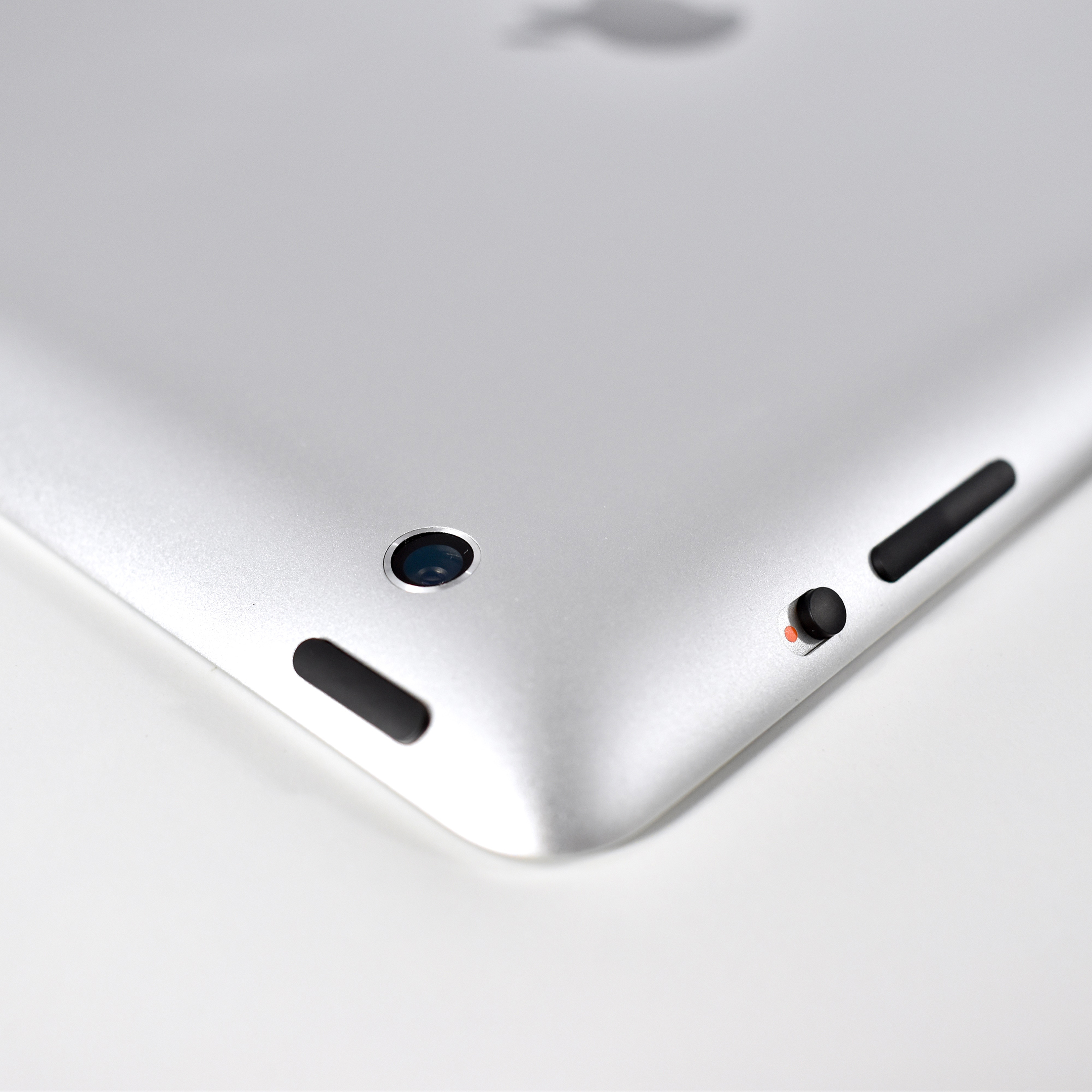
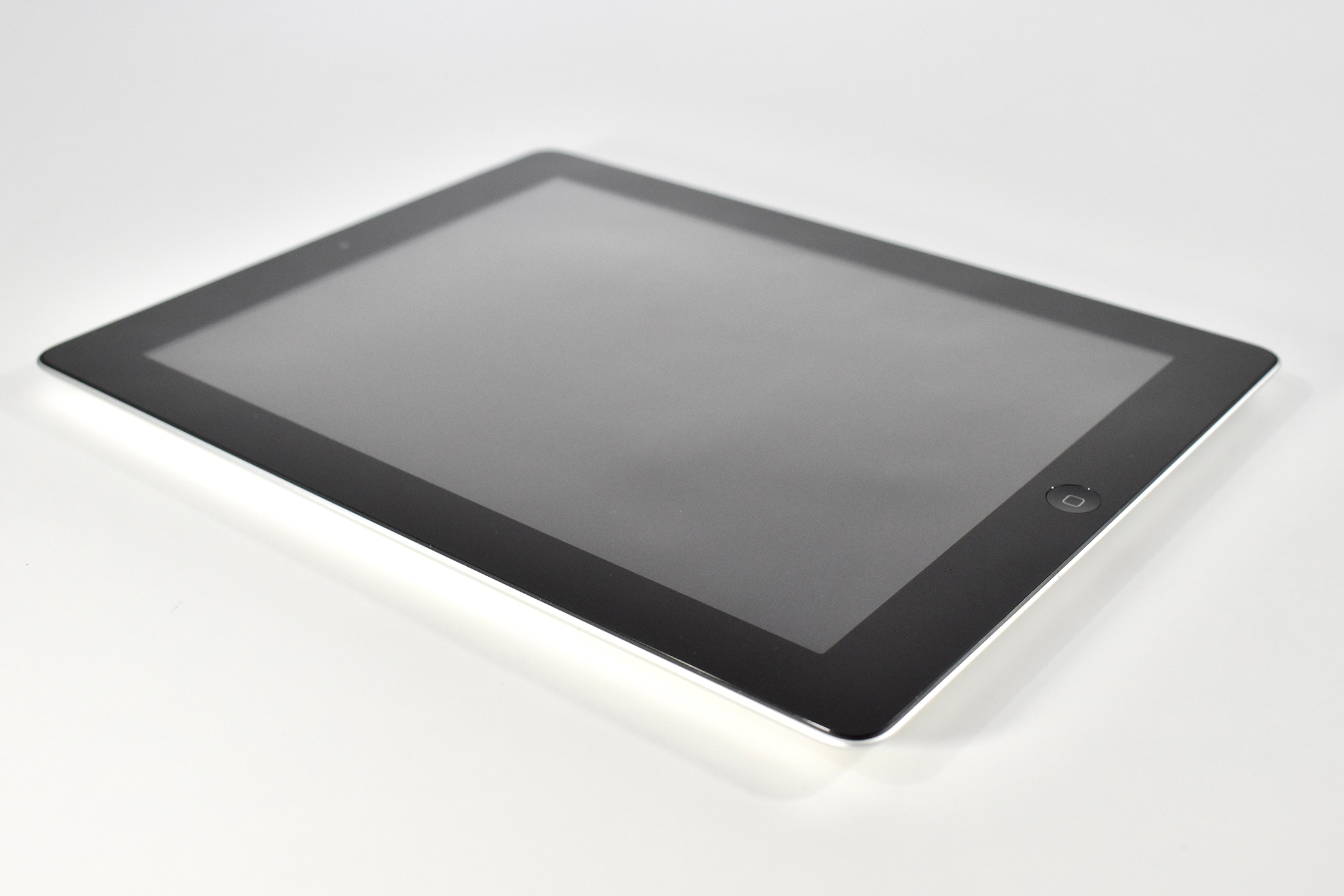
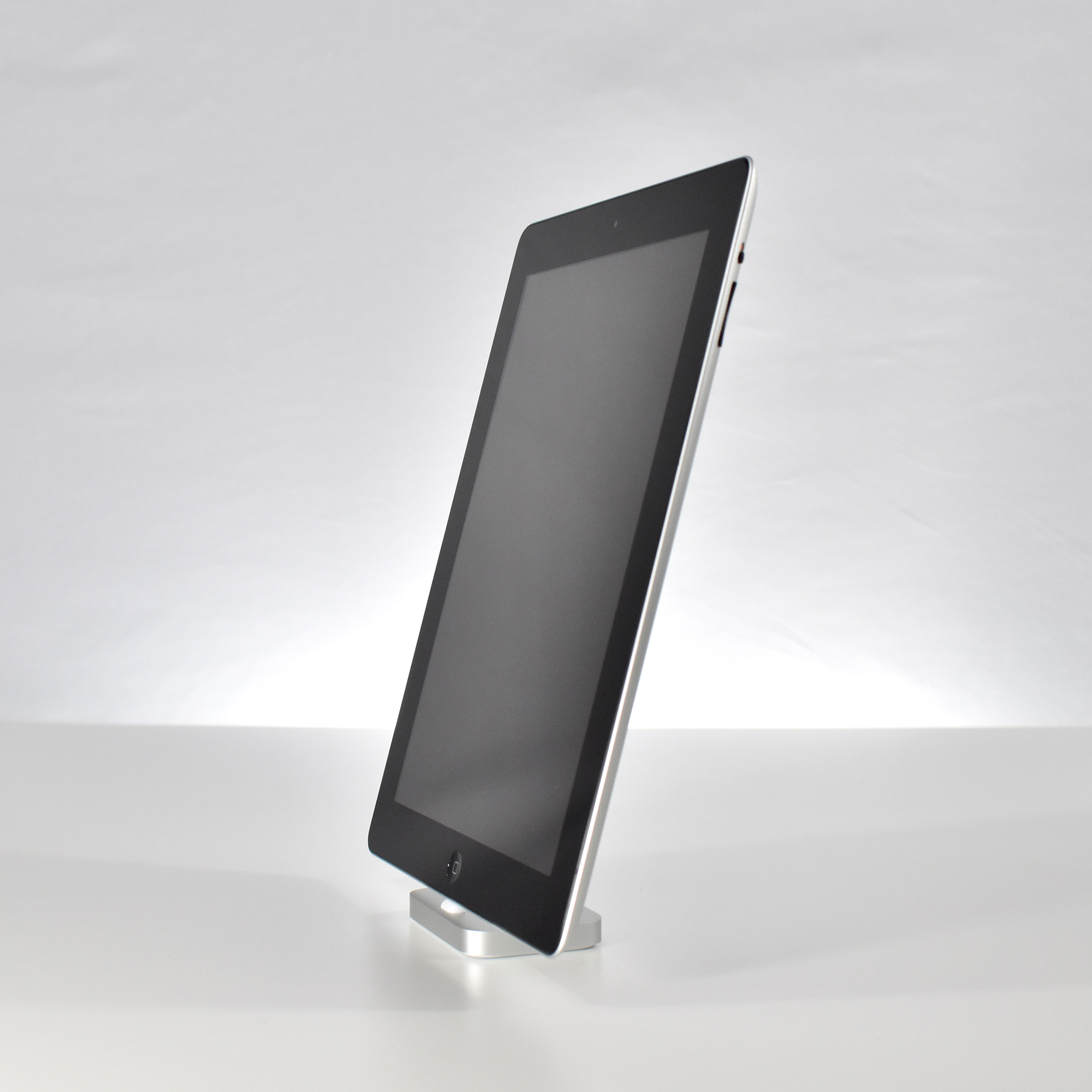
This version of the iPad 2 is nearly identical to the original iPad 2, but used a smaller 32 nm A5 processor (the original A5 processor was 45 nm) and had slightly improved battery life.
The iPad 2 represented a major update to the original iPad by allowing the iPad to begin its move from a content-consumption device to a content-creation device, mostly due to the addition of both a front and back camera. Apple’s press release led with its subhead, “All New Design is Thinner, Lighter & Faster with FaceTime, Smart Covers & 10 Hour Battery.”
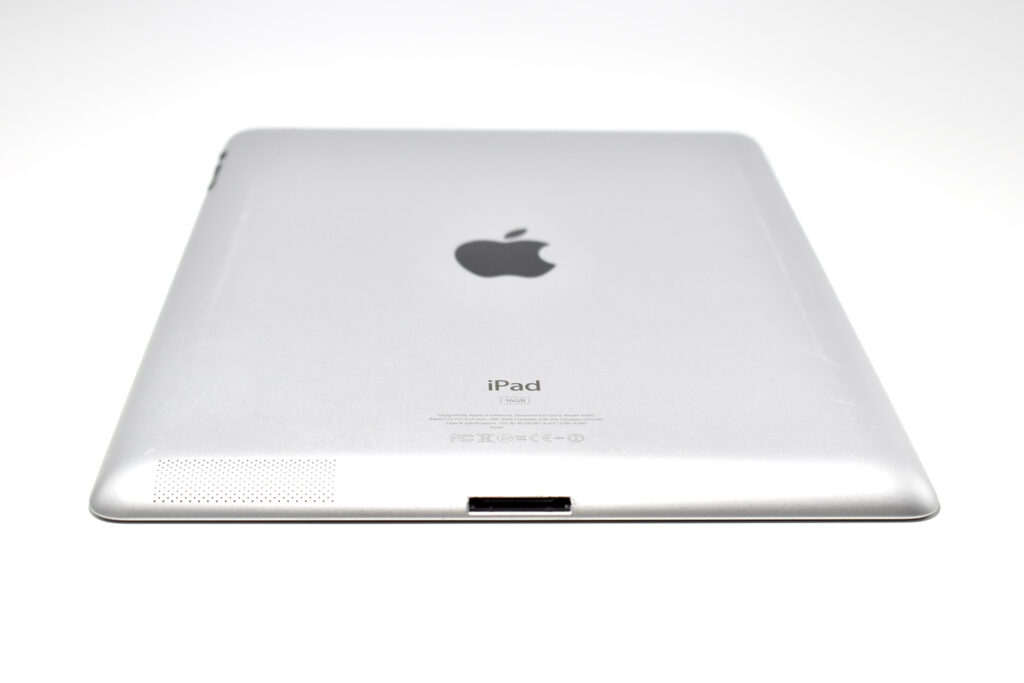
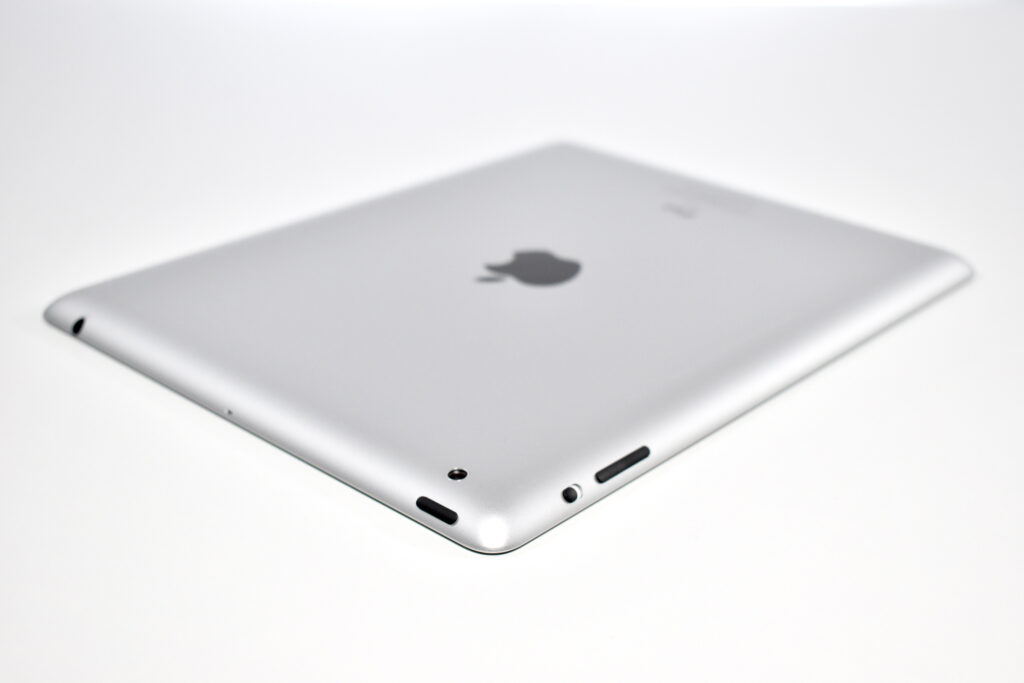
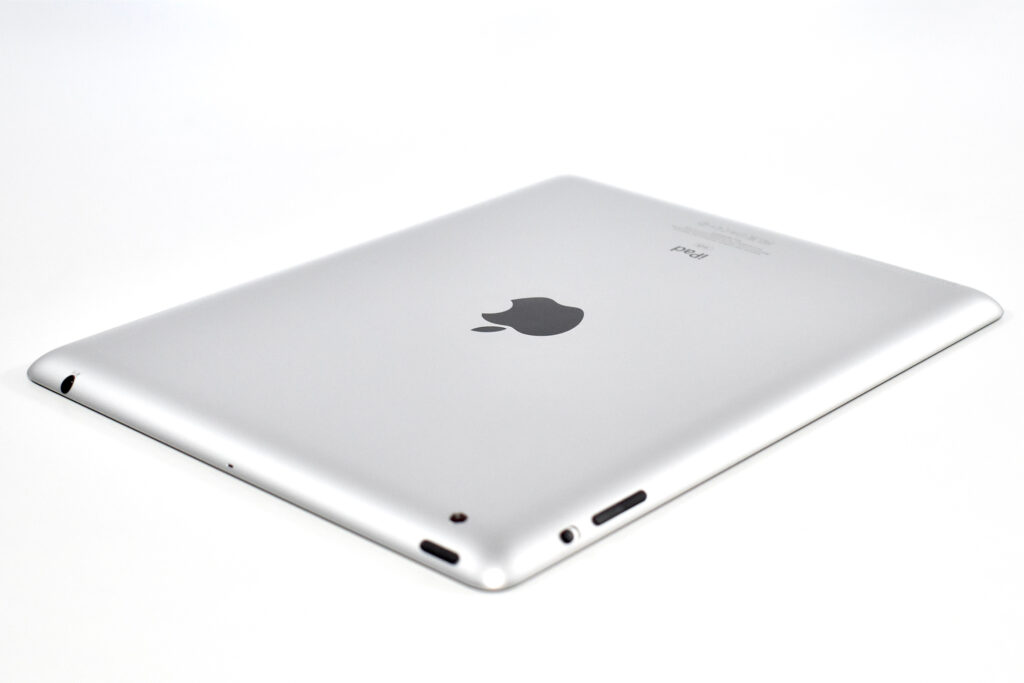
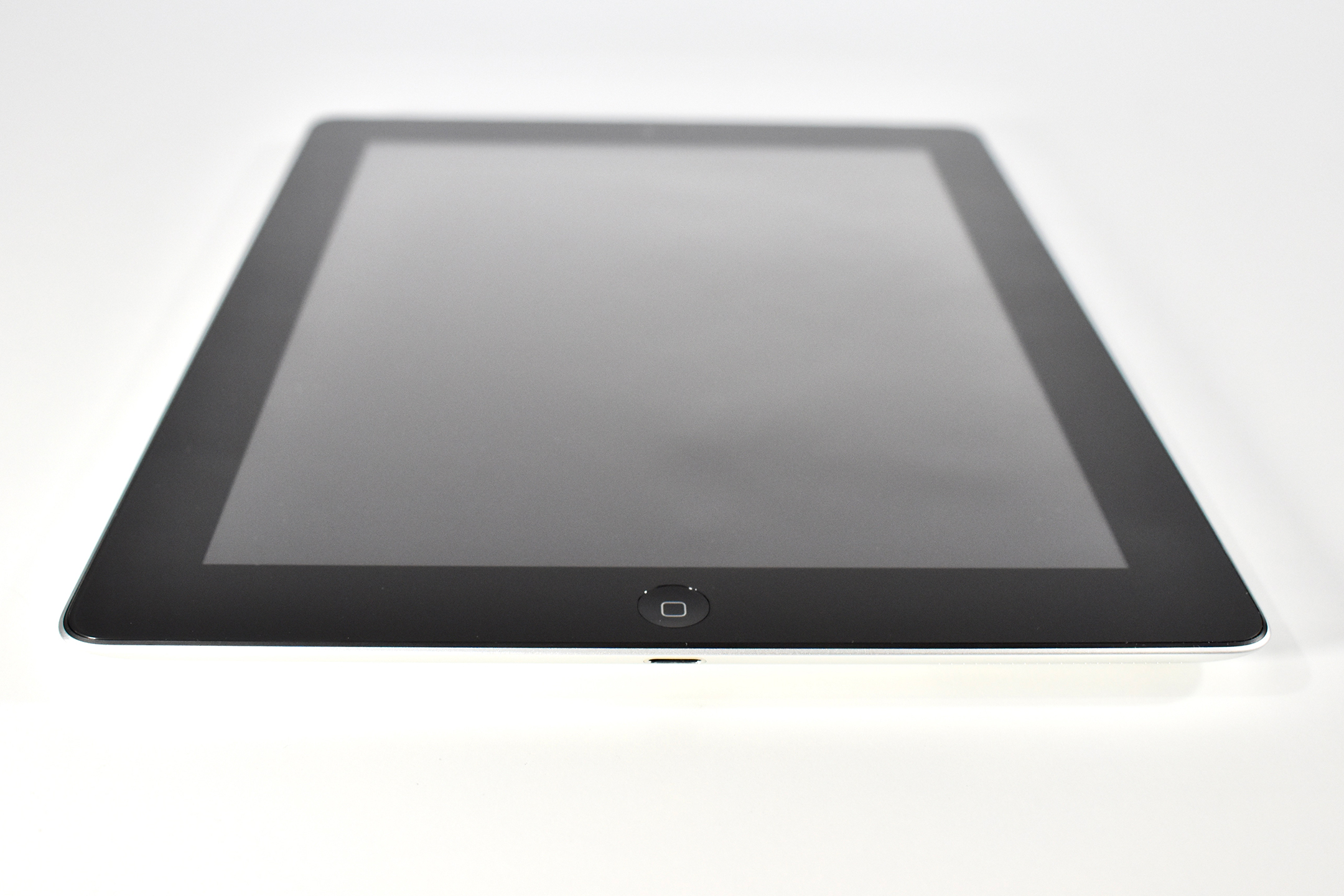
Like the original iPad, the iPad 2 was described as a “magical device for browsing the web, reading and sending email, enjoying photos, watching videos, listening to music, playing games, reading ebooks and much more.” The iPad 2 added “two cameras, a front-facing VGA camera for FaceTime and Photo Booth, and a rear-facing camera that captures 720p HD video, bringing the innovative FaceTime feature to iPad users for the first time.” The iPad 2 had a silver aluminum back and was available with a white or black front.
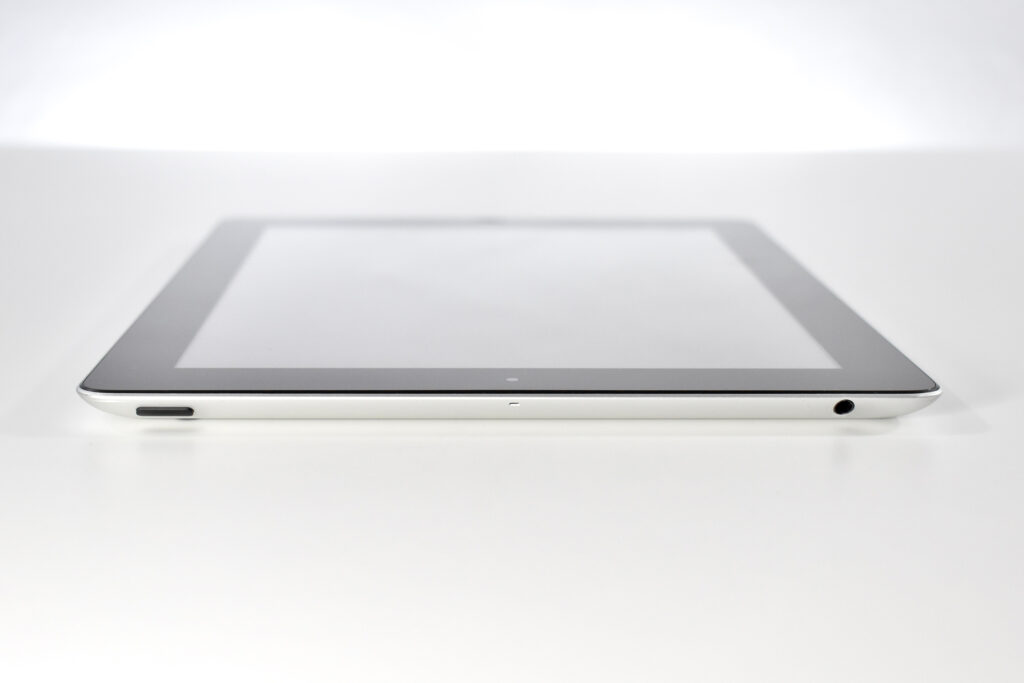
The iPad 2 had a 9.7-inch glossy LED backlit display (1024×768 at 132 ppi) and could run both iPhone and iPad-specific apps. It shipped with the A5 processor with storage options including 16, 32, or 64 GB. In addition to its front and rear cameras, it had 802.11a/b/g/n Wi-Fi support, an accelerometer, a three-axis gyroscope, an ambient light sensor, digital compass, a speaker and a built-in microphone. The iPad 2 was 33% thinner than the original iPad and weighed 1.33 pounds.
The iPad 2 was also released with the Smart Cover. The Smart Cover used magnets to attach and, when closed, automatically put the iPad 2 into Sleep mode, and would wake the iPad when opened.
EDITOR’S NOTE: This is my 500th post! I celebrate it by posting the iPad 2—the iPad model that arguably flipped the device from being a consumption to creation device, and began a transformation in 1:1 education device programs. —Matt
The iPad 2 represented a major update to the original iPad by allowing the iPad to begin its move from a content-consumption device to a content-creation device, mostly due to the addition of front and back cameras. Apple’s press release led with its subhead, “All New Design is Thinner, Lighter & Faster with FaceTime, Smart Covers & 10 Hour Battery.”
Like the original iPad, the iPad 2 was described as a “magical device for browsing the web, reading and sending email, enjoying photos, watching videos, listening to music, playing games, reading ebooks and much more.” The iPad 2 added “two cameras, a front-facing VGA camera for FaceTime and Photo Booth, and a rear-facing camera that captures 720p HD video, bringing the innovative FaceTime feature to iPad users for the first time.” The iPad 2 had a silver aluminum back and was available with a white or black front.
The iPad 2 had a 9.7-inch glossy LED backlit display (1024×768 at 132 ppi) and could run both iPhone and iPad-specific apps. It shipped with the A5 processor with storage options including 16, 32, or 64 GB. In addition to its front and rear cameras, it had 802.11a/b/g/n Wi-Fi support, an accelerometer, a three-axis gyroscope, an ambient light sensor, digital compass, a speaker and a built-in microphone. The iPad 2 was 33% thinner than the original iPad and weighed 1.33 pounds.
The iPad 2 was also released with the Smart Cover. The Smart Cover used magnets to attach and, when closed, automatically put the iPad 2 into Sleep mode, and would wake the iPad when opened.
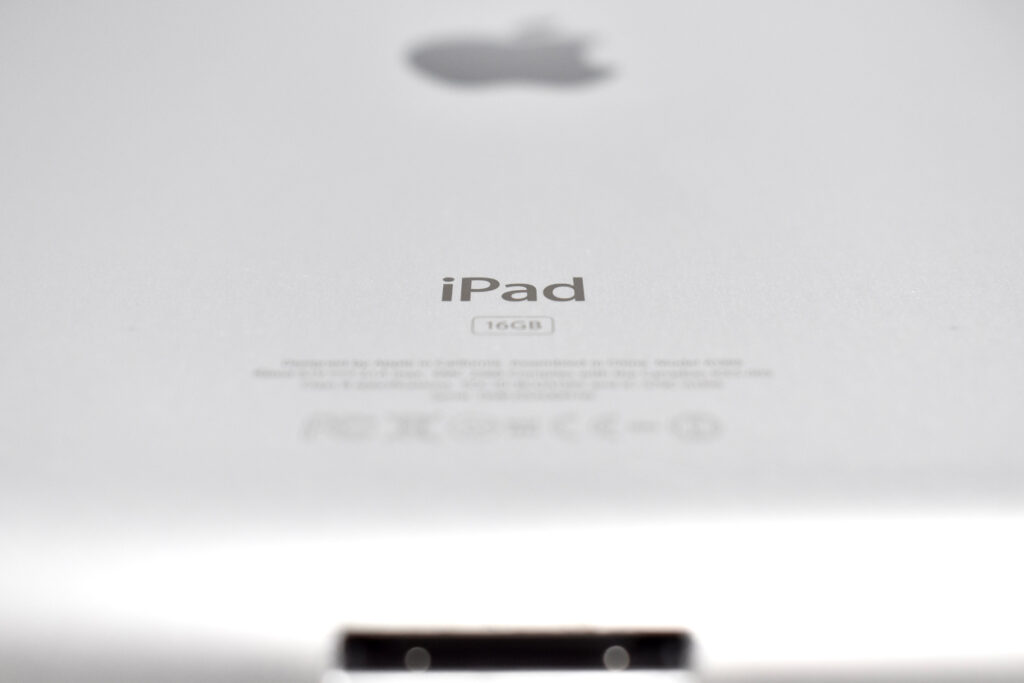
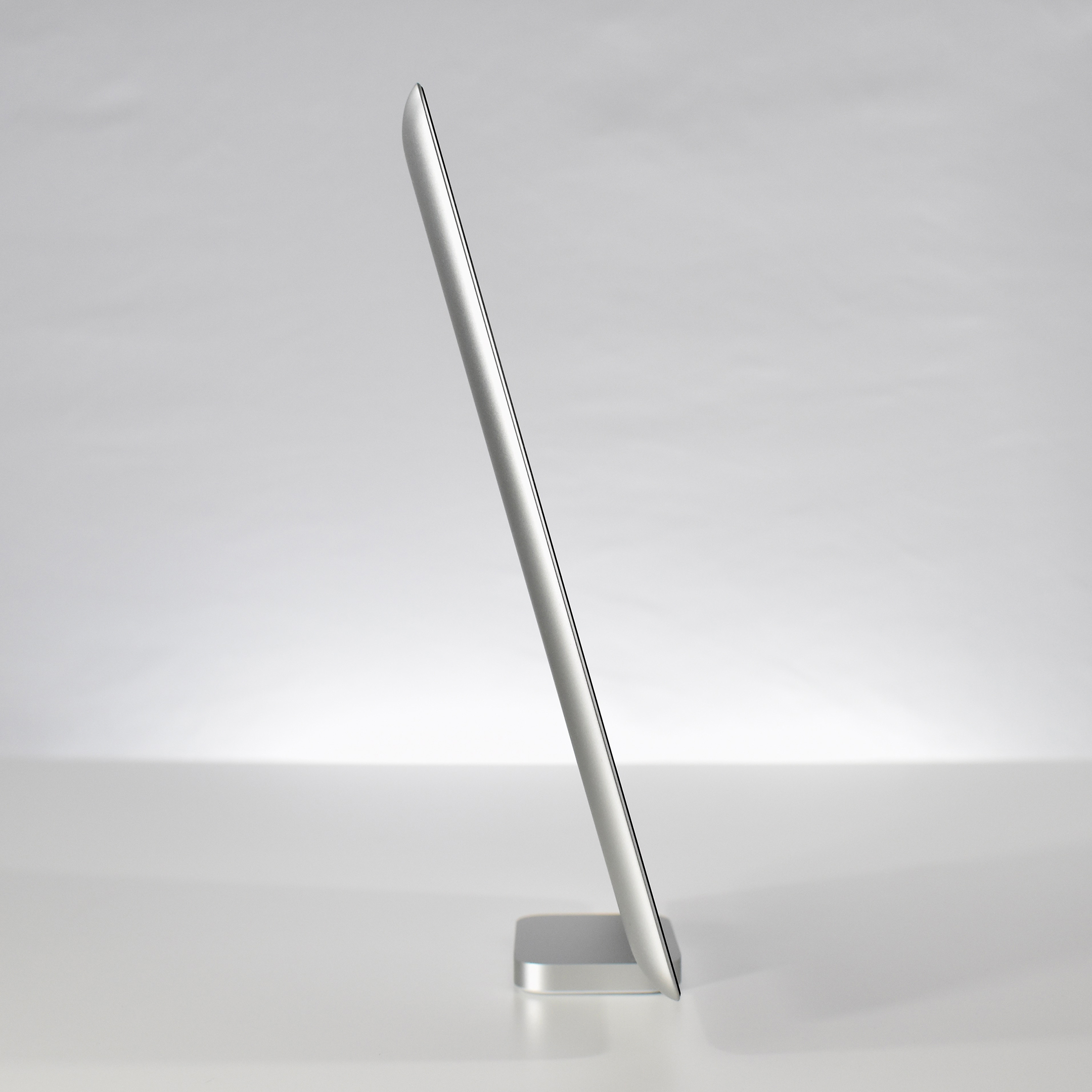
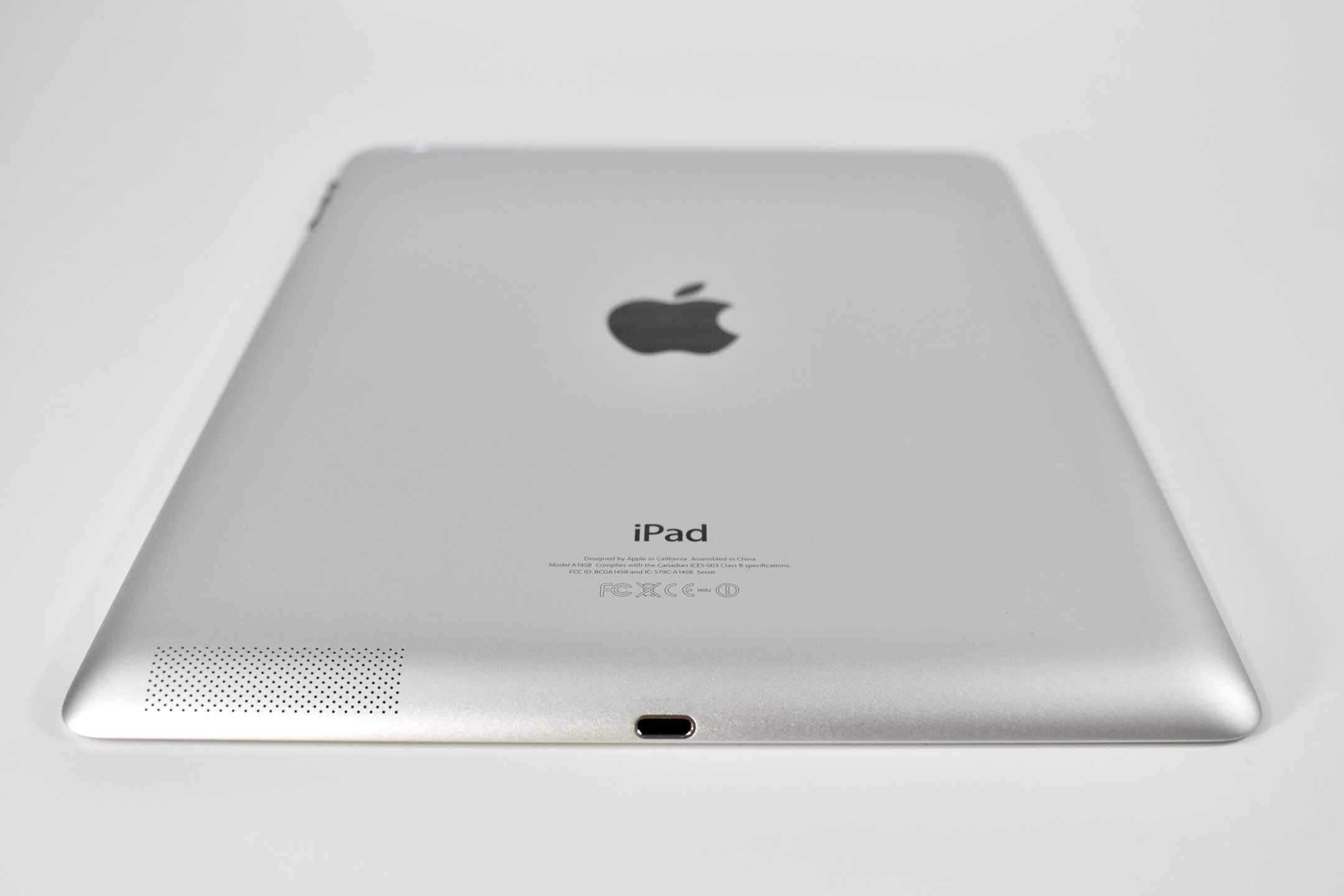
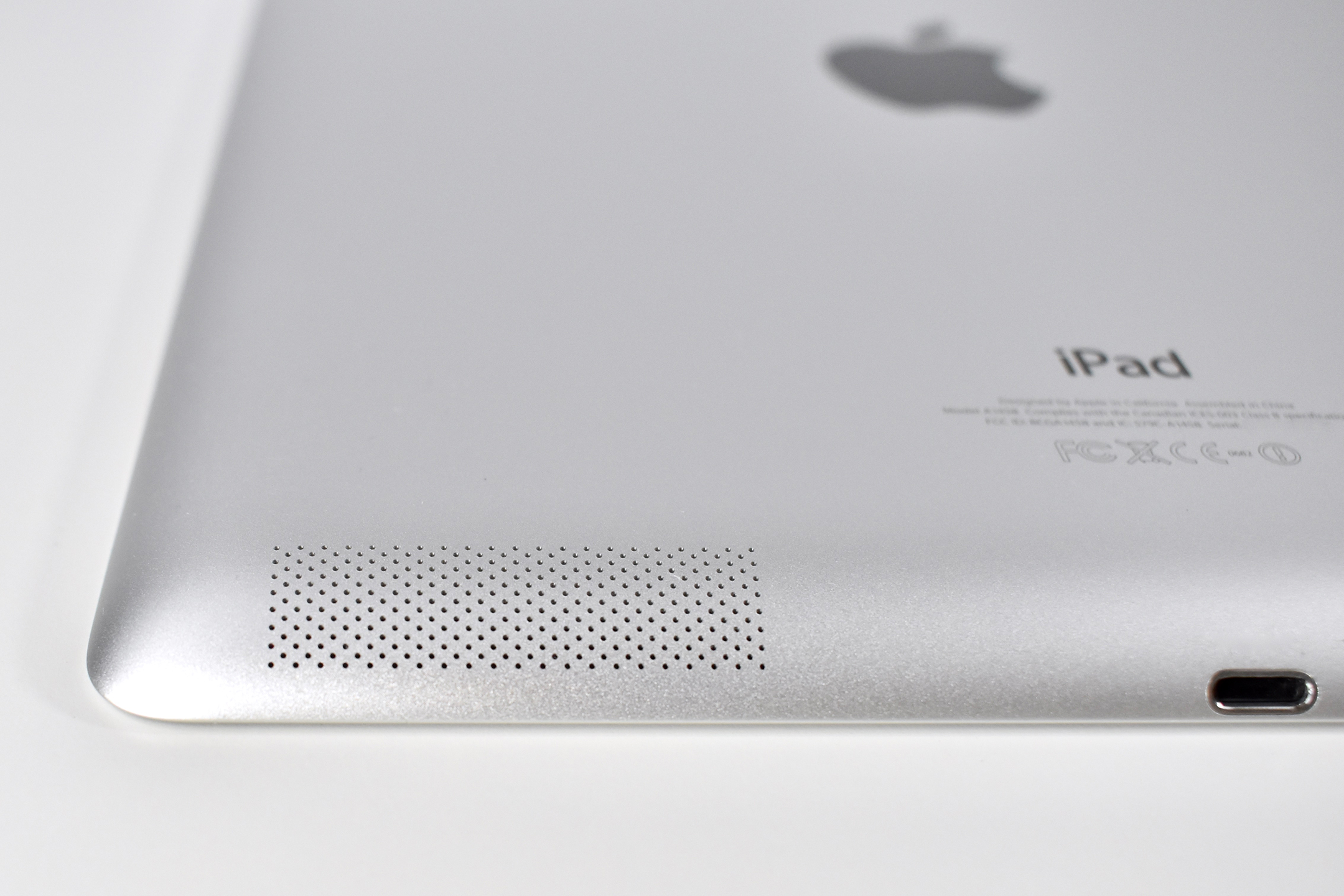
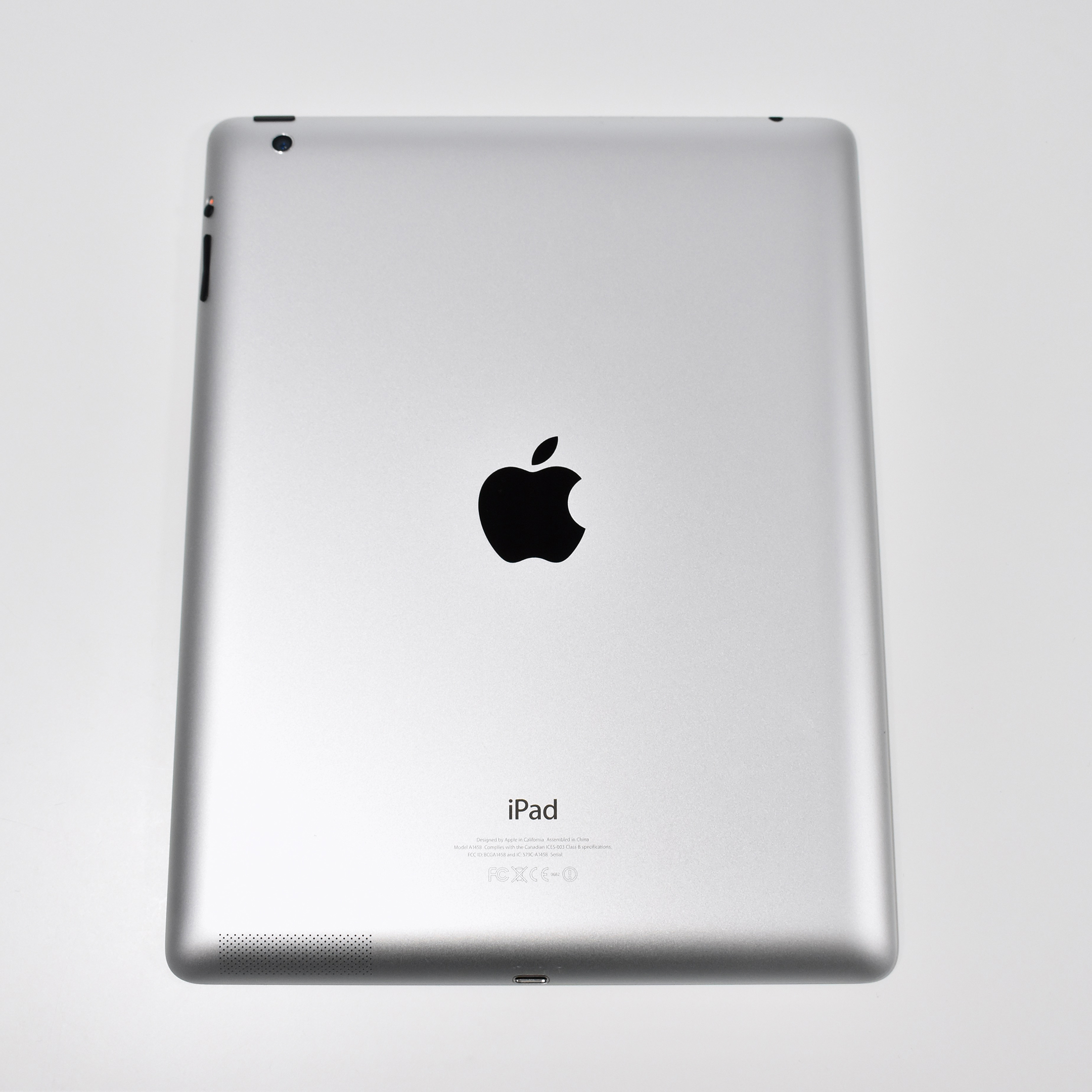
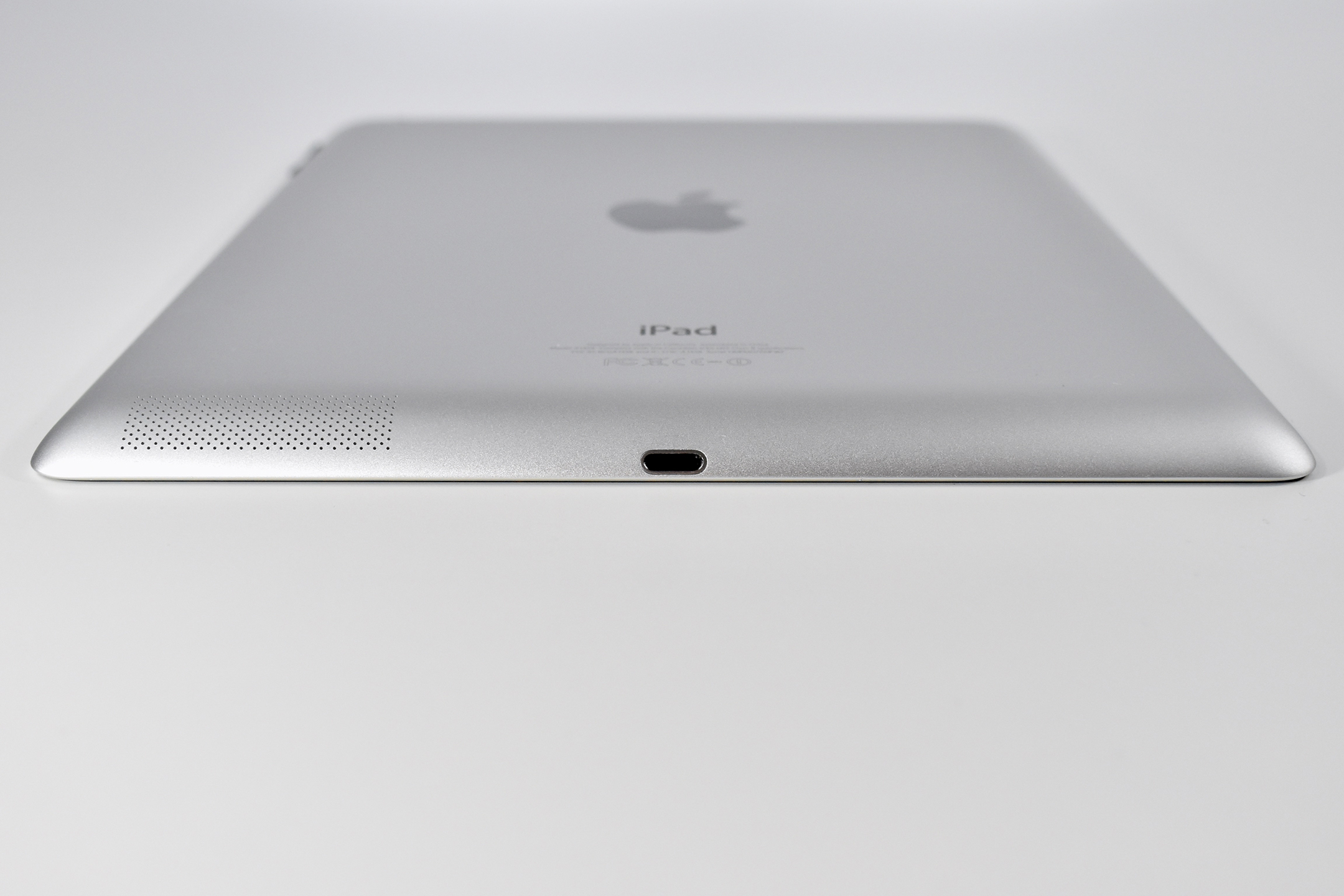
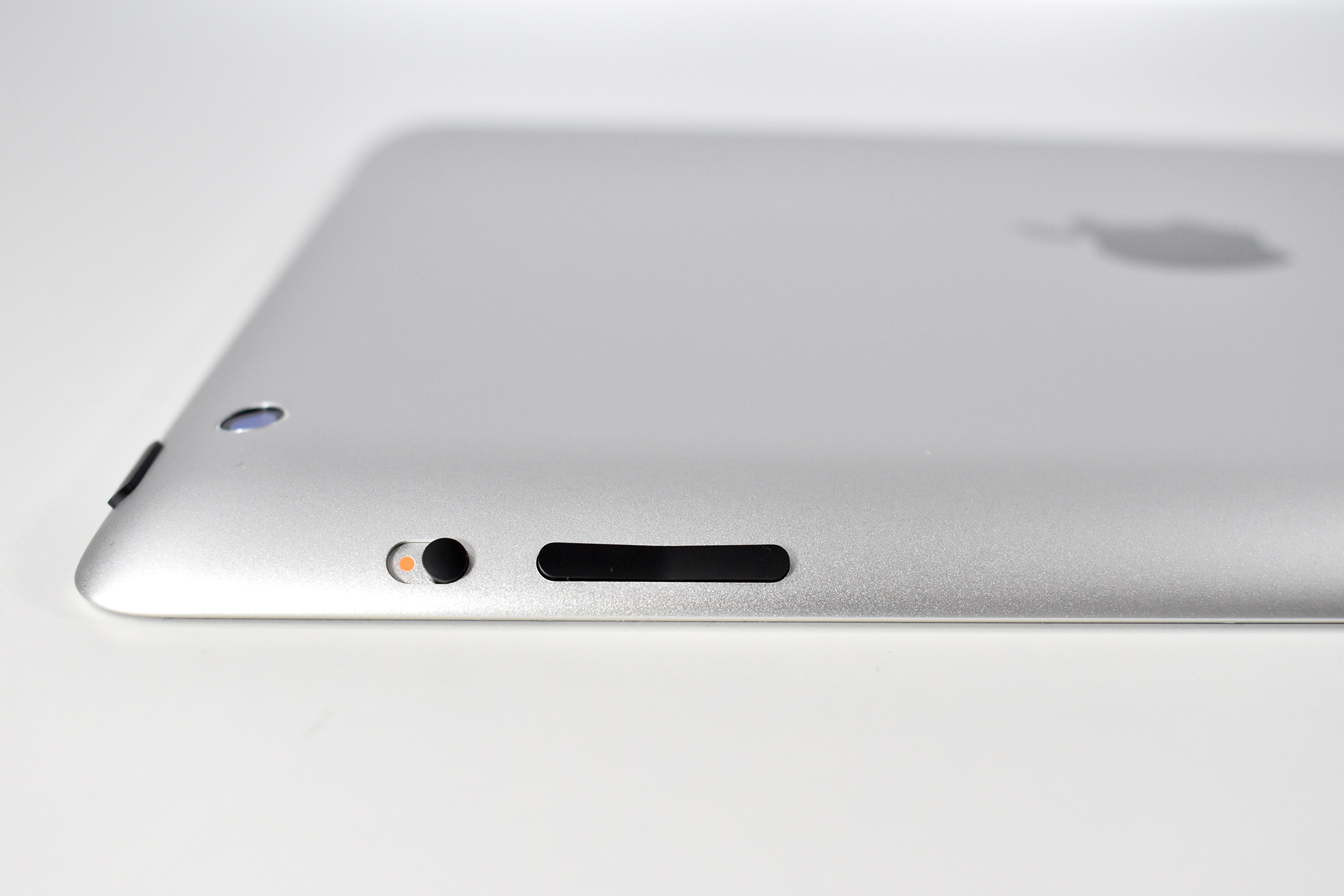
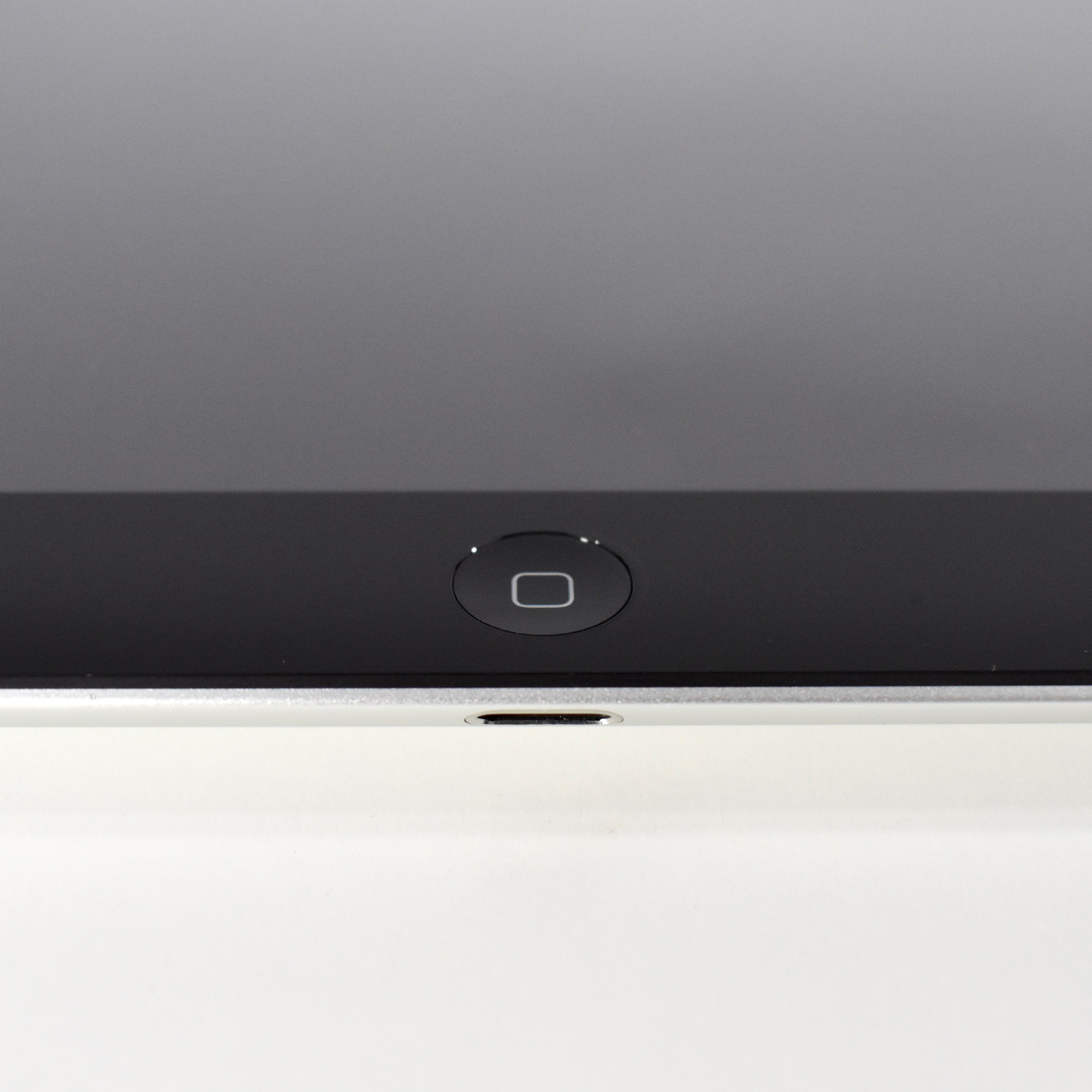
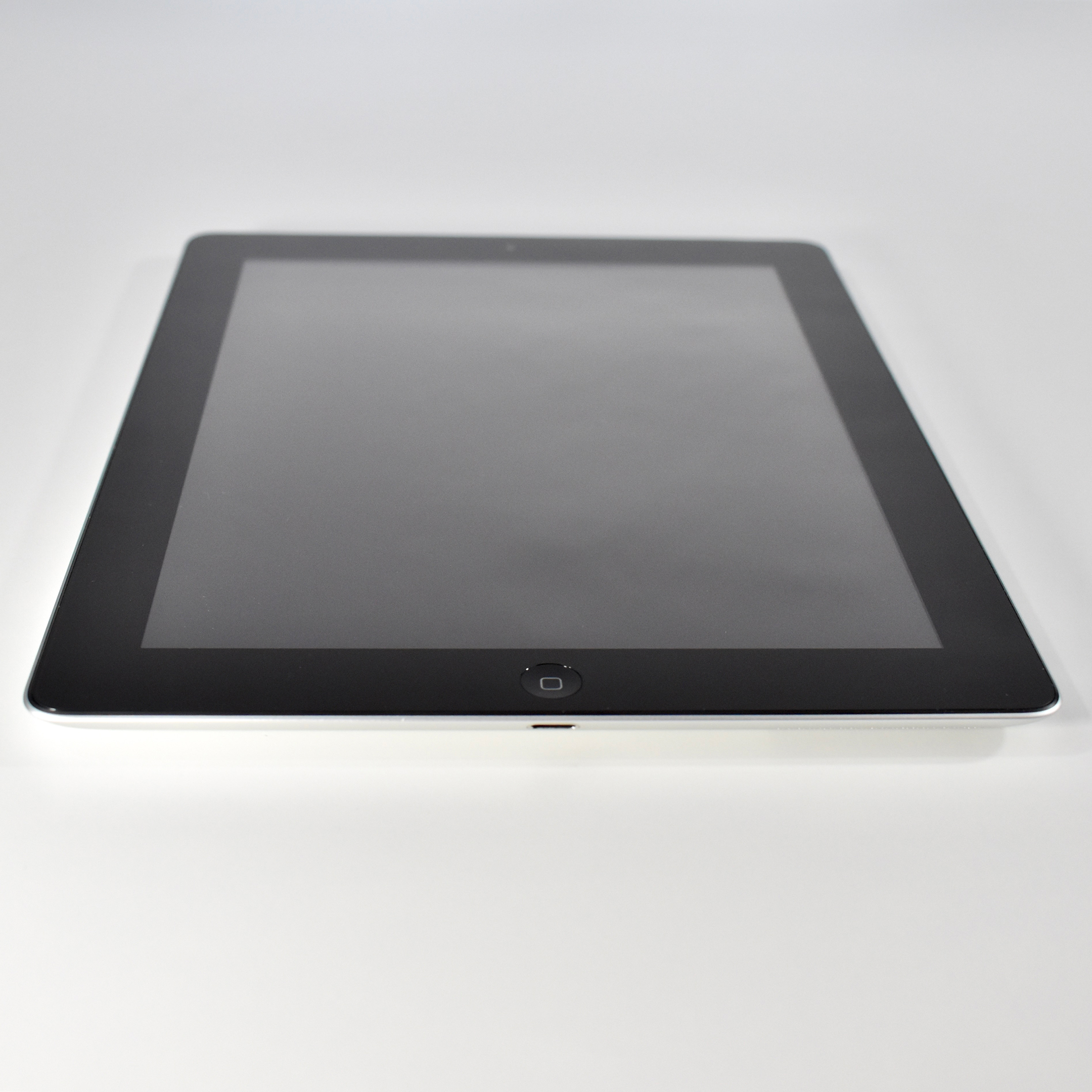
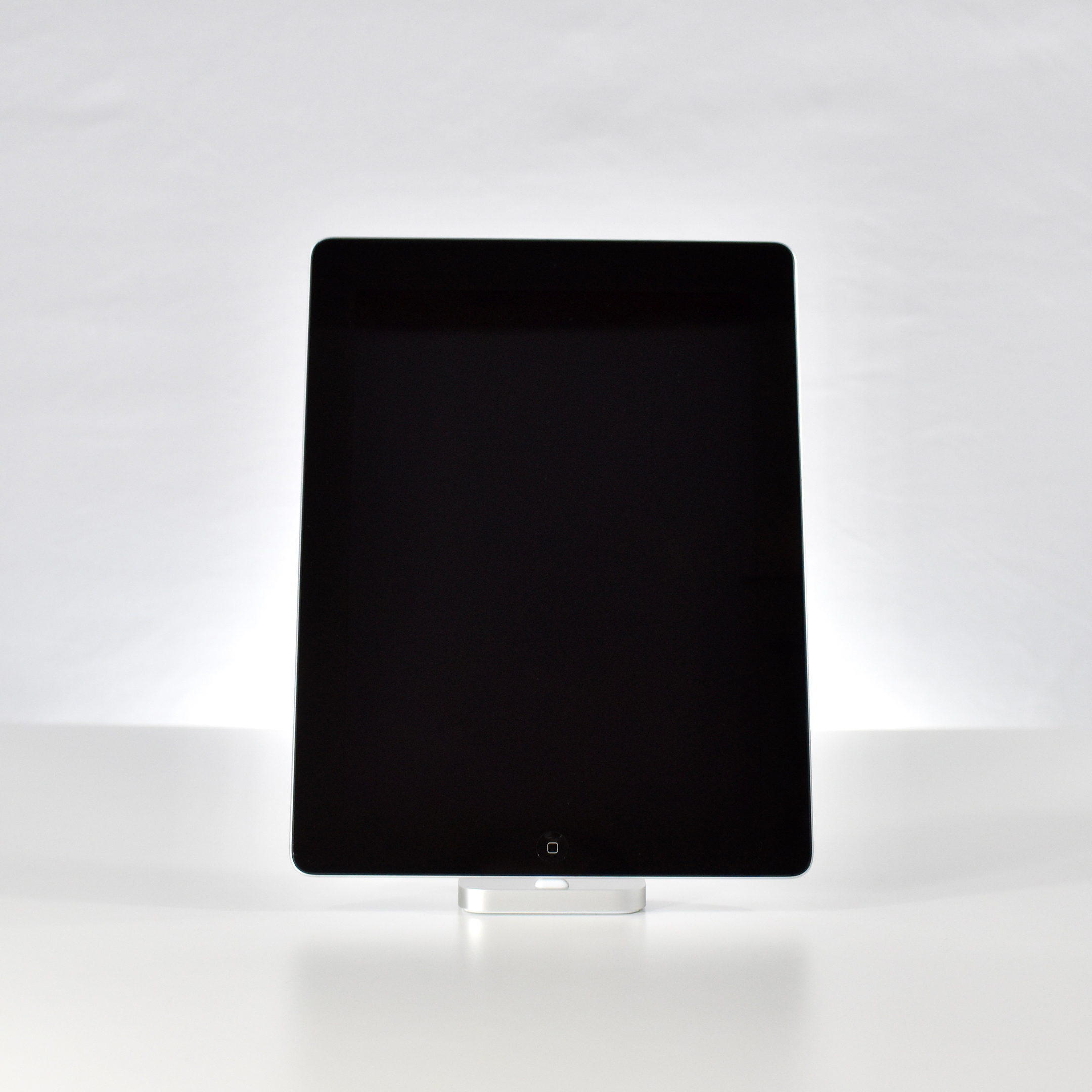
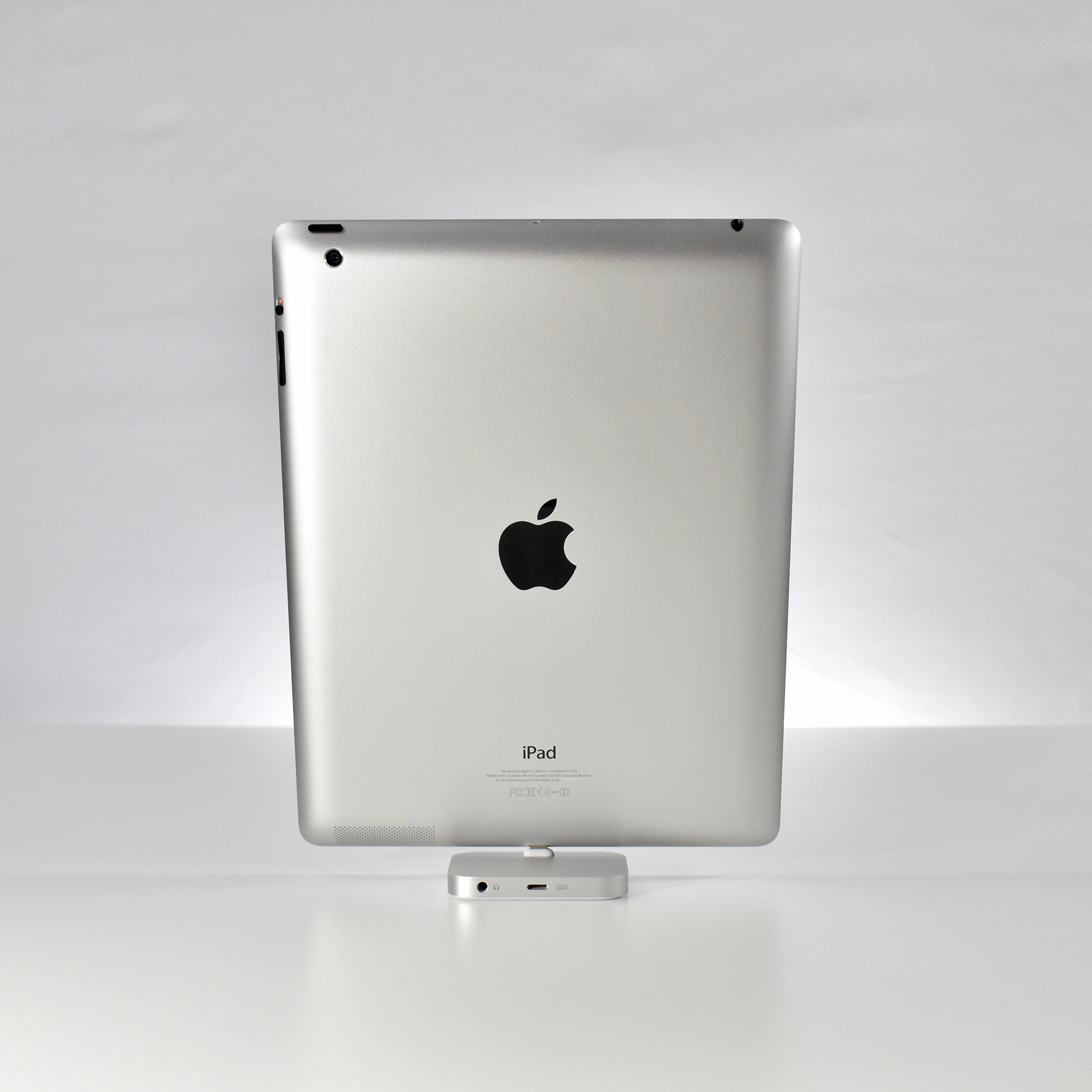
The iPad Generation 4 was referred to by Apple officially as the “iPad with Retina Display.” Similar in many ways to the iPad Generation 3 before it, the iPad Generation 4 replaced the 30-pin dock connector with the Lightning port, and also offered incremental upgrades.
The Retina Display increased the touchscreen resolution to 2048×1536 (at 264 ppi). Internally, the iPad Generation 4 used a dual-core 1.4 GHz A6X processor, 1 GB of RAM, and was offered with 16, 32, 64, or 128 GB of storage. Its back 5-megapixel iSight camera could record video at 1080p, and its front FaceTime HD camera could record video at 720p. Wireless connectivity included 802.11n Wi-Fi and Bluetooth 4.0.
The iPad Generation 4 was available in black and white (both options had a silver aluminum back). This example is black.