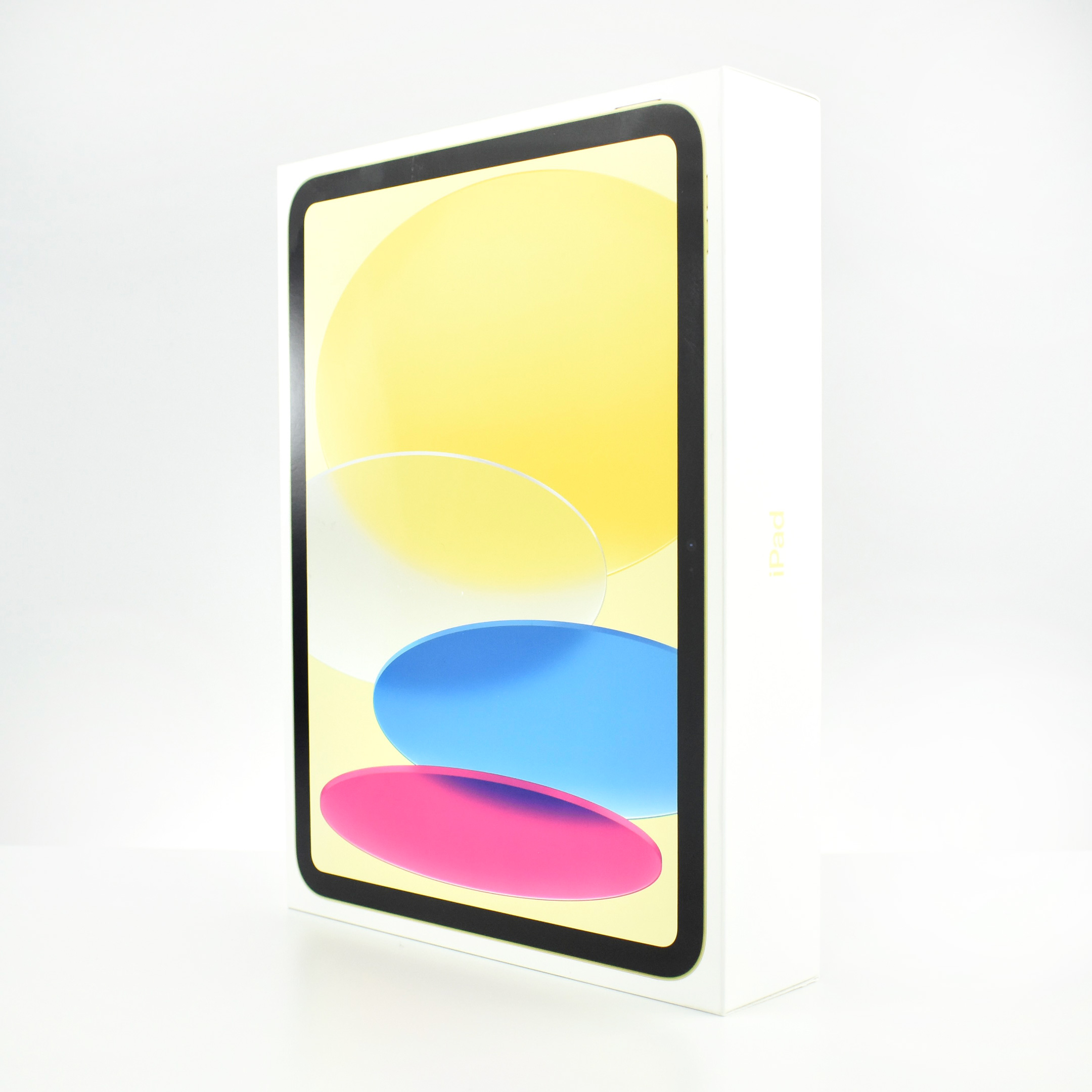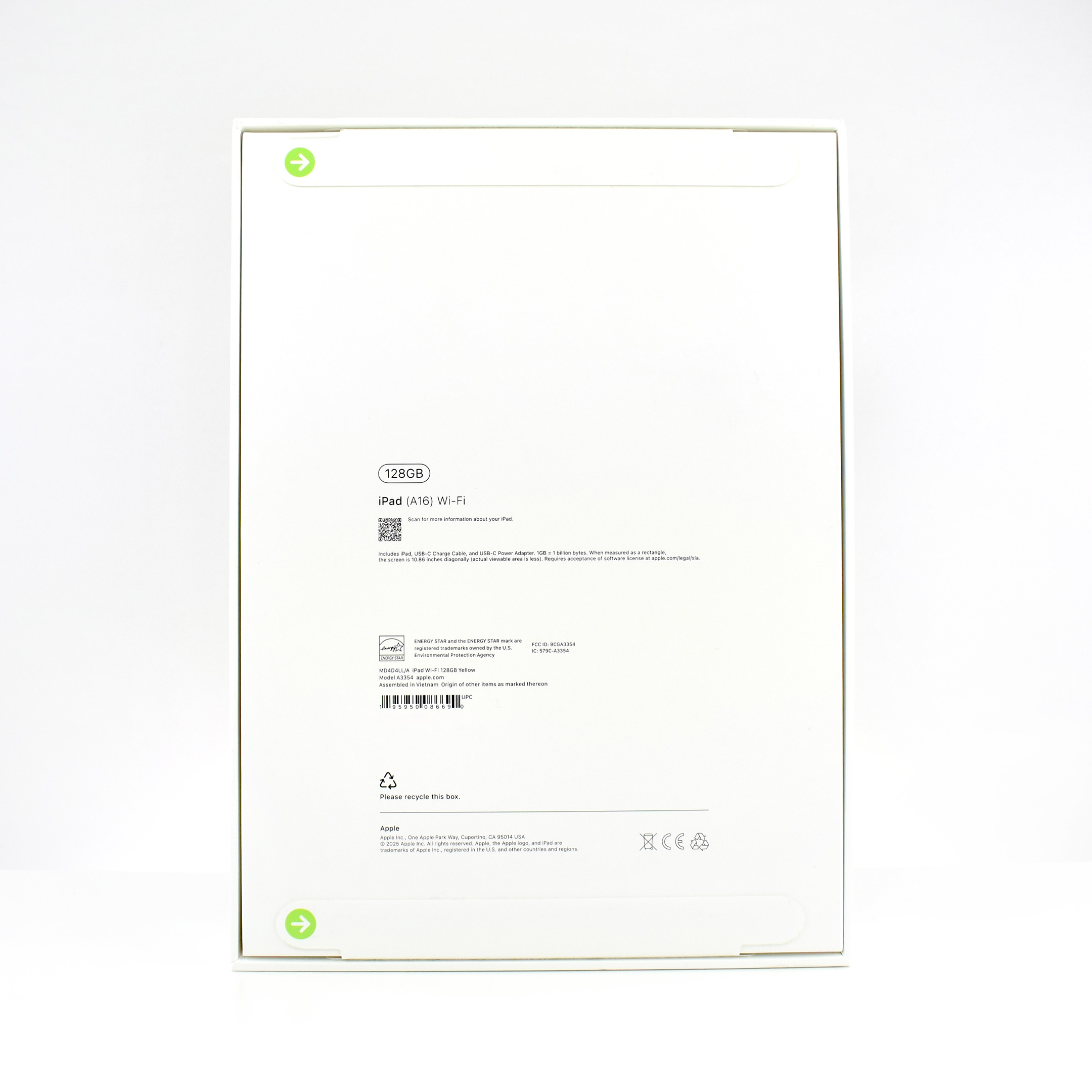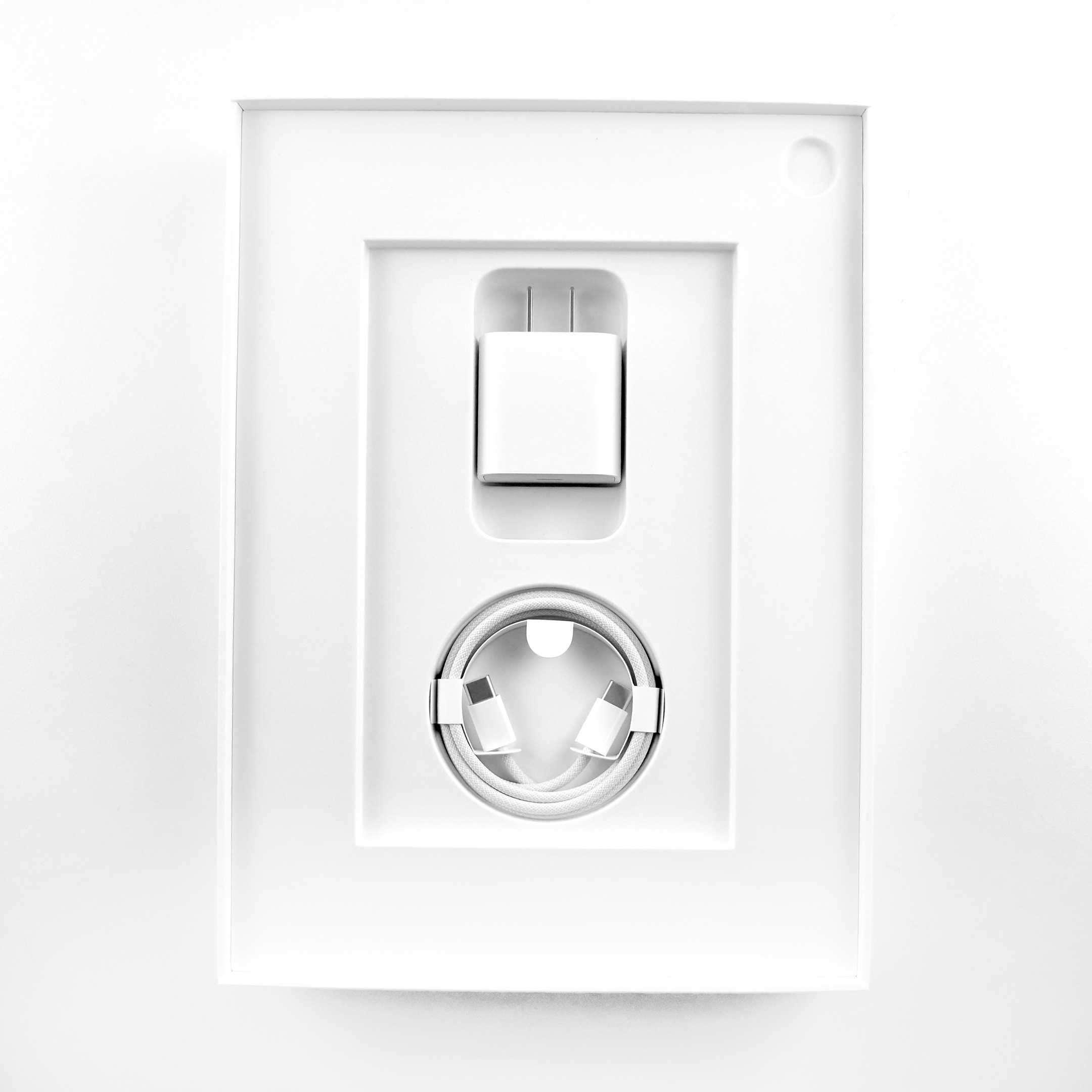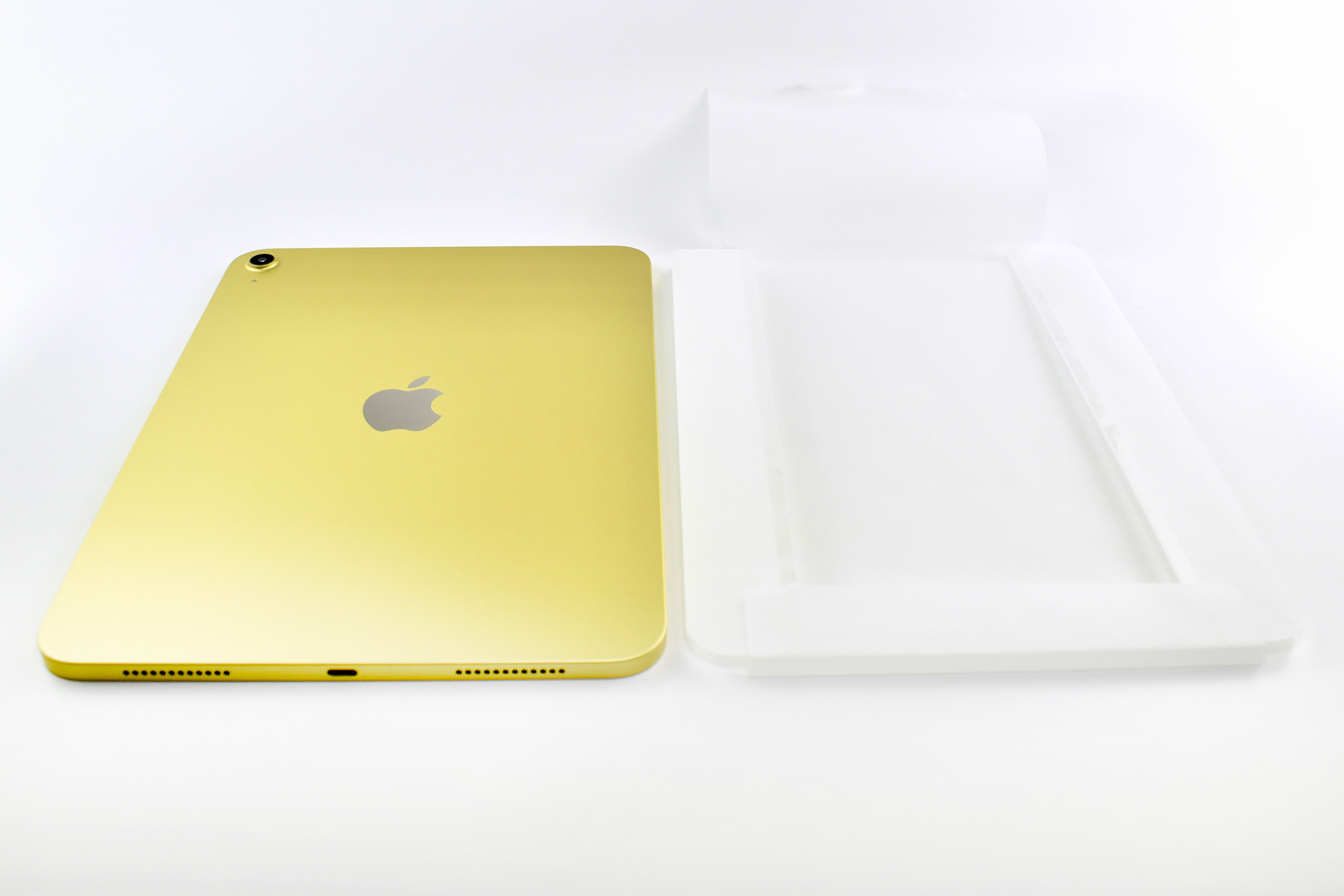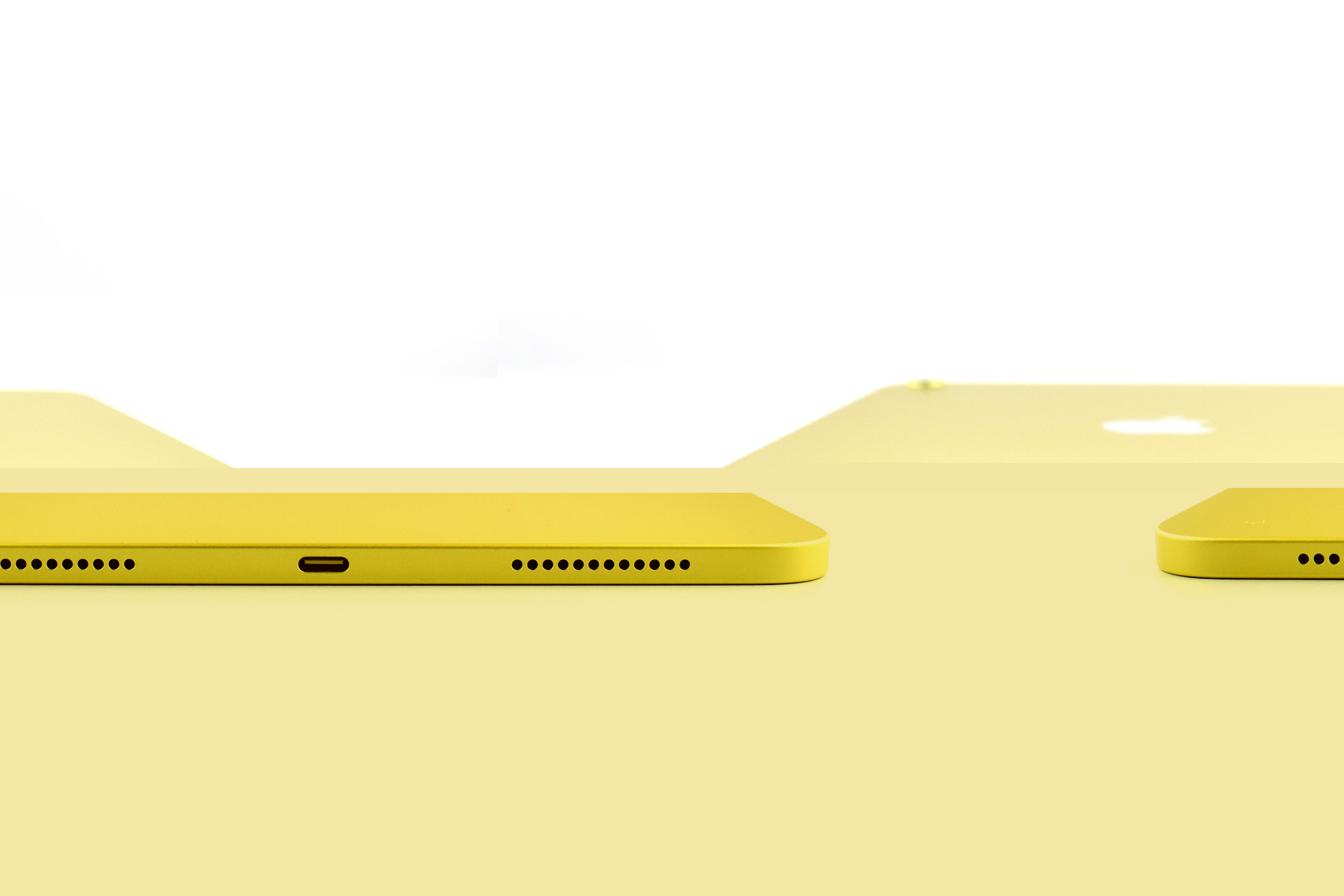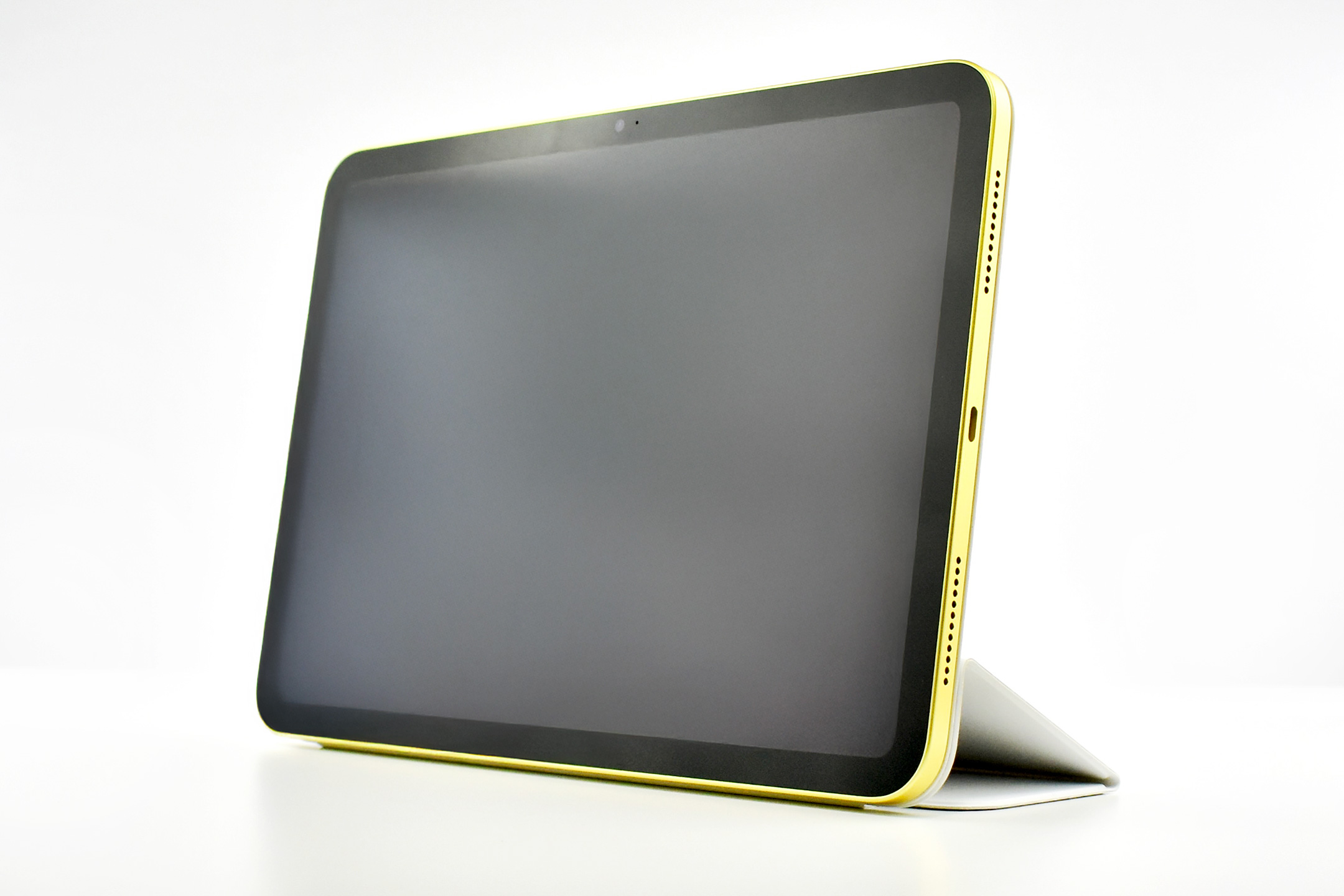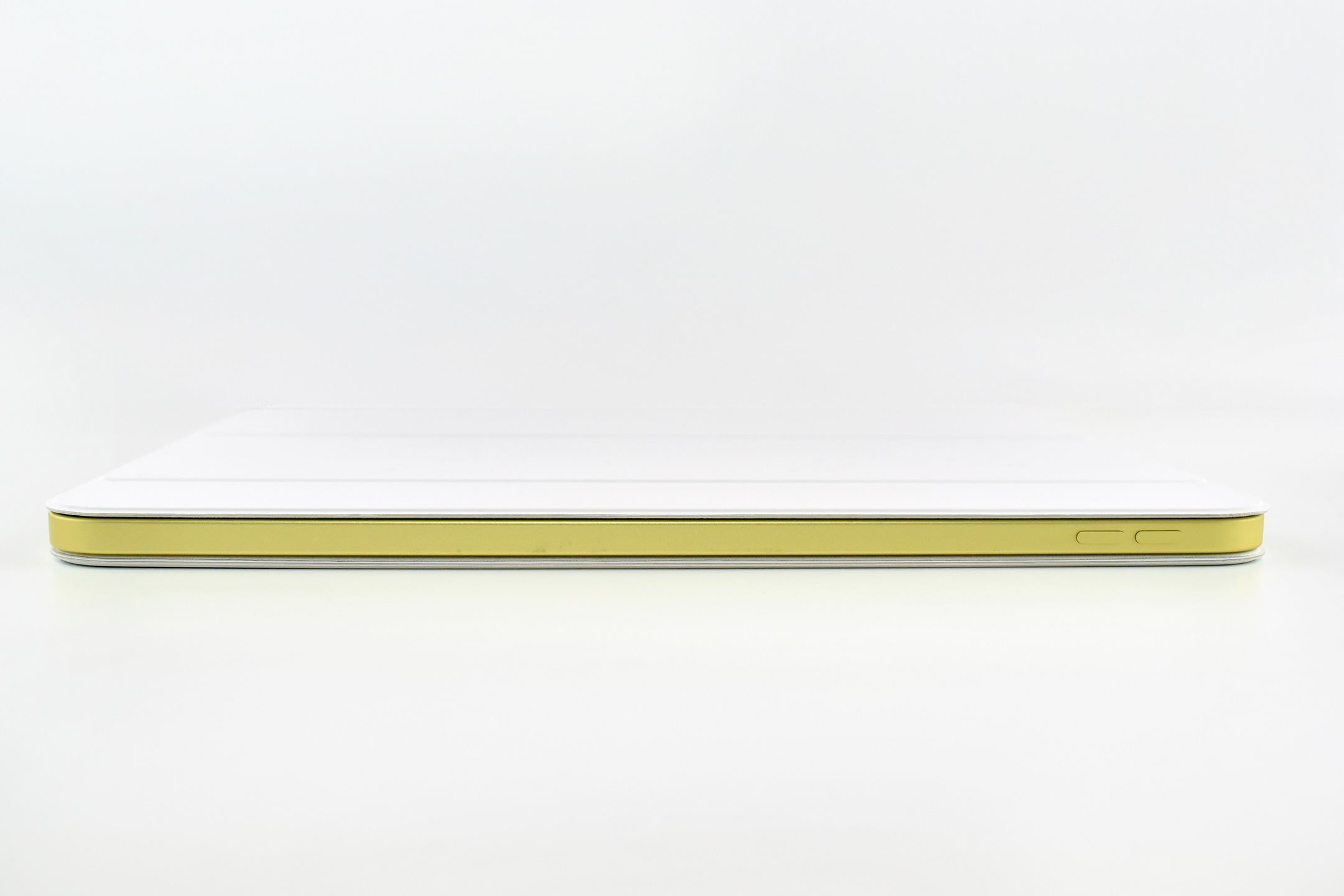
iPad (A16) (Generation 11, 11-inch, Wi-Fi, 128GB, Yellow, 2025)

On March 4, 2025, when Apple introduced the iPad Air with the M3 chip, they also announced the iPad Generation 11 with an A16 chip. The entire press release for this iPad device release amounted to one paragraph:

“Apple today also updated iPad with double the starting storage and the A16 chip, bringing even more value to customers. The A16 chip provides a jump in performance for everyday tasks and experiences in iPadOS, while still providing all-day battery life. Compared to the previous generation, the updated iPad with A16 is nearly 30 percent faster. In fact, compared to iPad with A13 Bionic, users will see up to a 50 percent improvement in overall performance, and A16 makes the updated iPad up to 6x faster than the best-selling Android tablet.”

This iPad update was released soon after the announcement of Apple Intelligence. While Apple was touting Apple Intelligence and updating its devices to take advantage of the new features, the iPad Generation 11 was given a chip that did not allow Apple Intelligence. While this updated iPad is faster than the previous Generation 10 model, it does not meet the minimum specification of the A17 Pro chip to allow Apple Intelligence compatibility. Apple provided no explanation for this omission.

One notable upgrade was in storage on the A16 iPad. The iPad Generation 11 doubled its base storage from 64 to 128GB and was also available in 256 and 512GB configurations. 

Except for the A16 chip and upgraded storage, this iPad was nearly identical to the iPad Generation 10. 

The iPad Generation 11 measured 9.79 x 7.07 inches, and was 0.28 inch thick. It weighed 1.05 pounds (Wi-Fi model). It had stereo speakers, a front camera and microphone centered on the “long”landscape” (long) side to enhance the FaceTime experience, and included both USB-C and a Smart Connector.

Its Liquid Retina display was 2360 x 1640 pixels at 264 ppi and delivered up to 500 nits brightness. It supported the Apple Pencil (USB-C) and also the Apple Pencil Generation 1 (although clumsily since the original Apple Pencil used a Lightning connector for charging). 

The back camera was 12MP with digital zoom up to 5x supporting Smart HDR 4, geotagging, auto image stabilization, and burst mode. It could capture video up to 4K. The similar front camera was also 12MP and supported Center Stage in Landscape mode. It supported Smart HDR 4, but only could record 1080p HD video. 

The iPad Generation 11 had 5 sensors, including Touch ID, 3‐axis gyro, accelerometer, barometer, and an ambient light sensor. 

Sources: Apple (Newsroom, Specs)

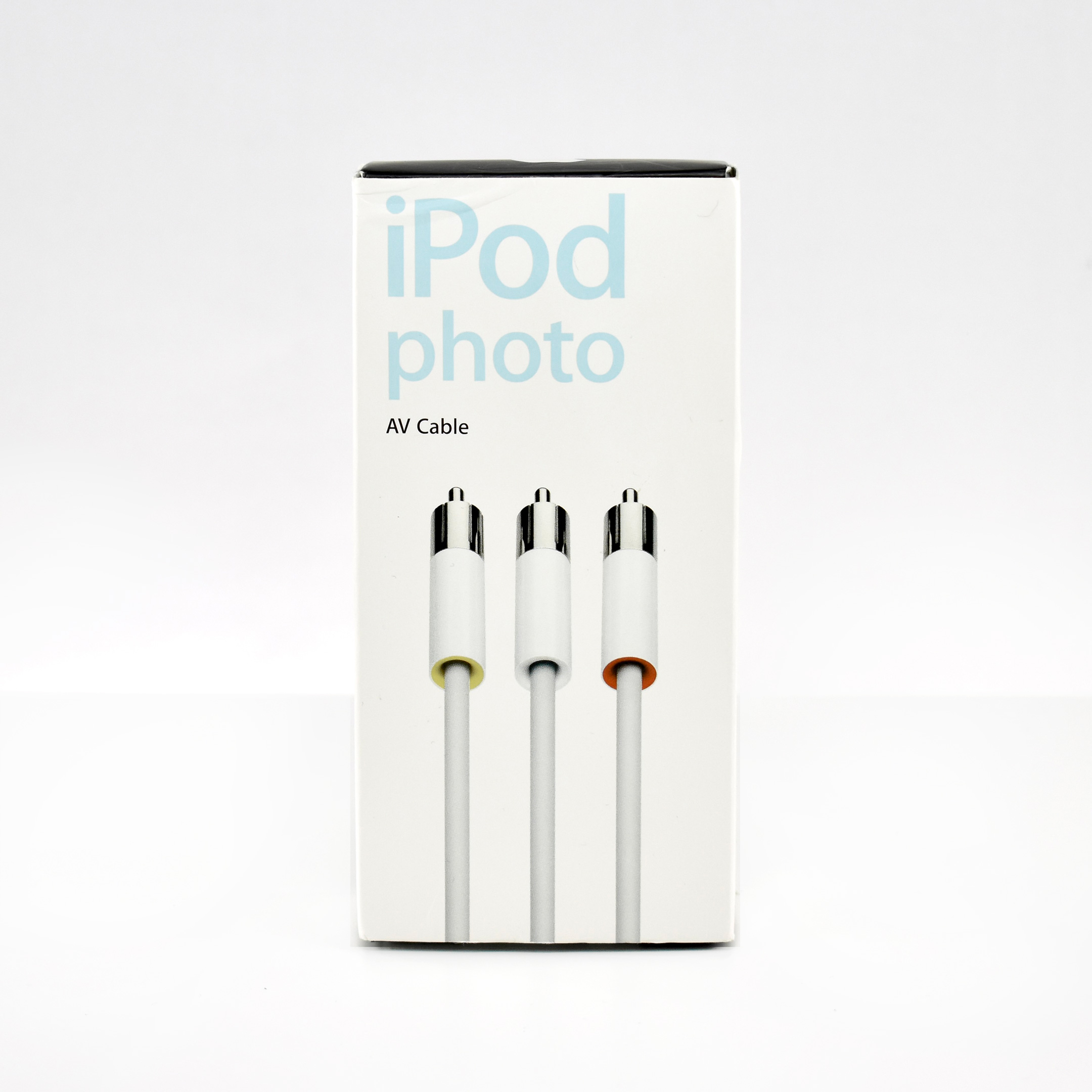
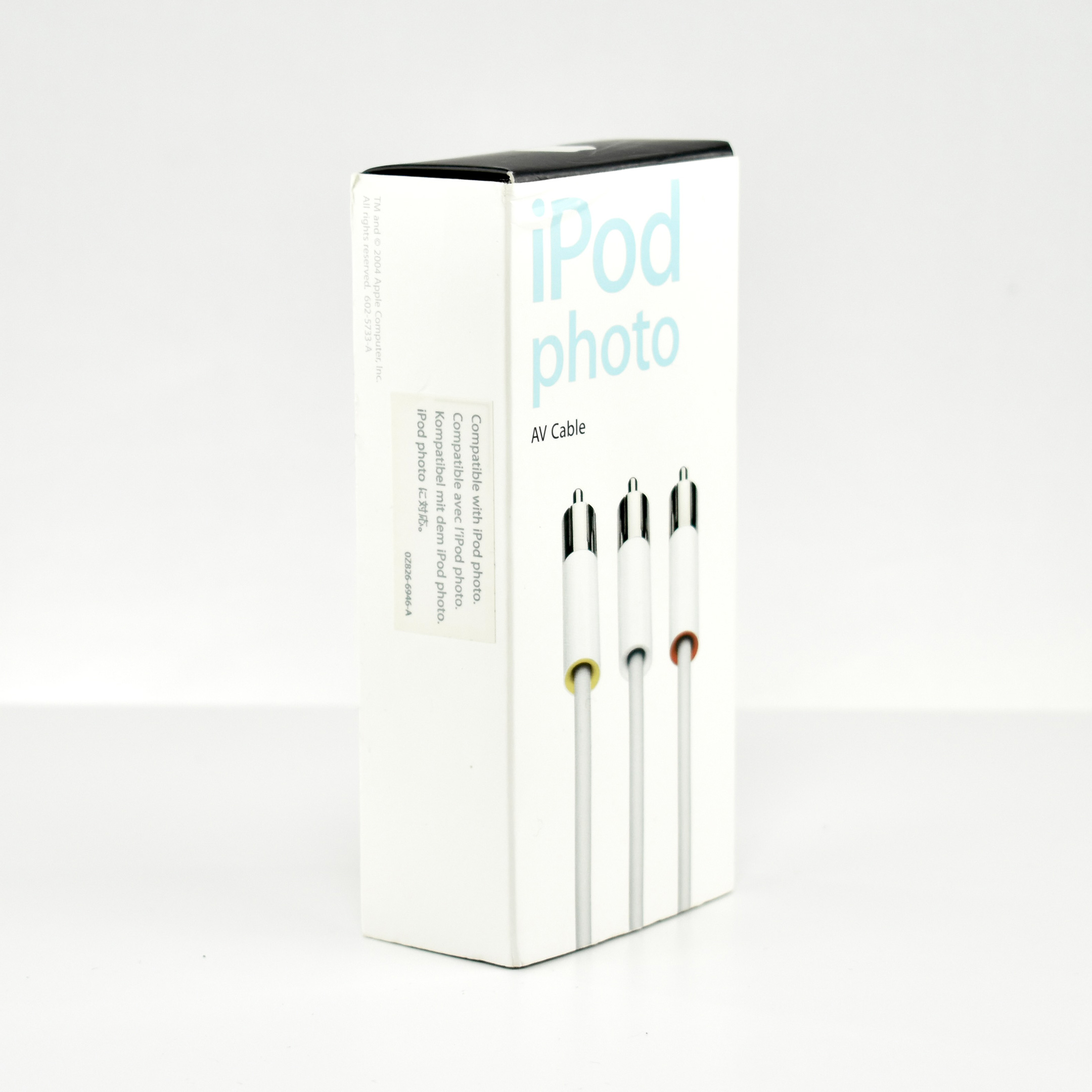
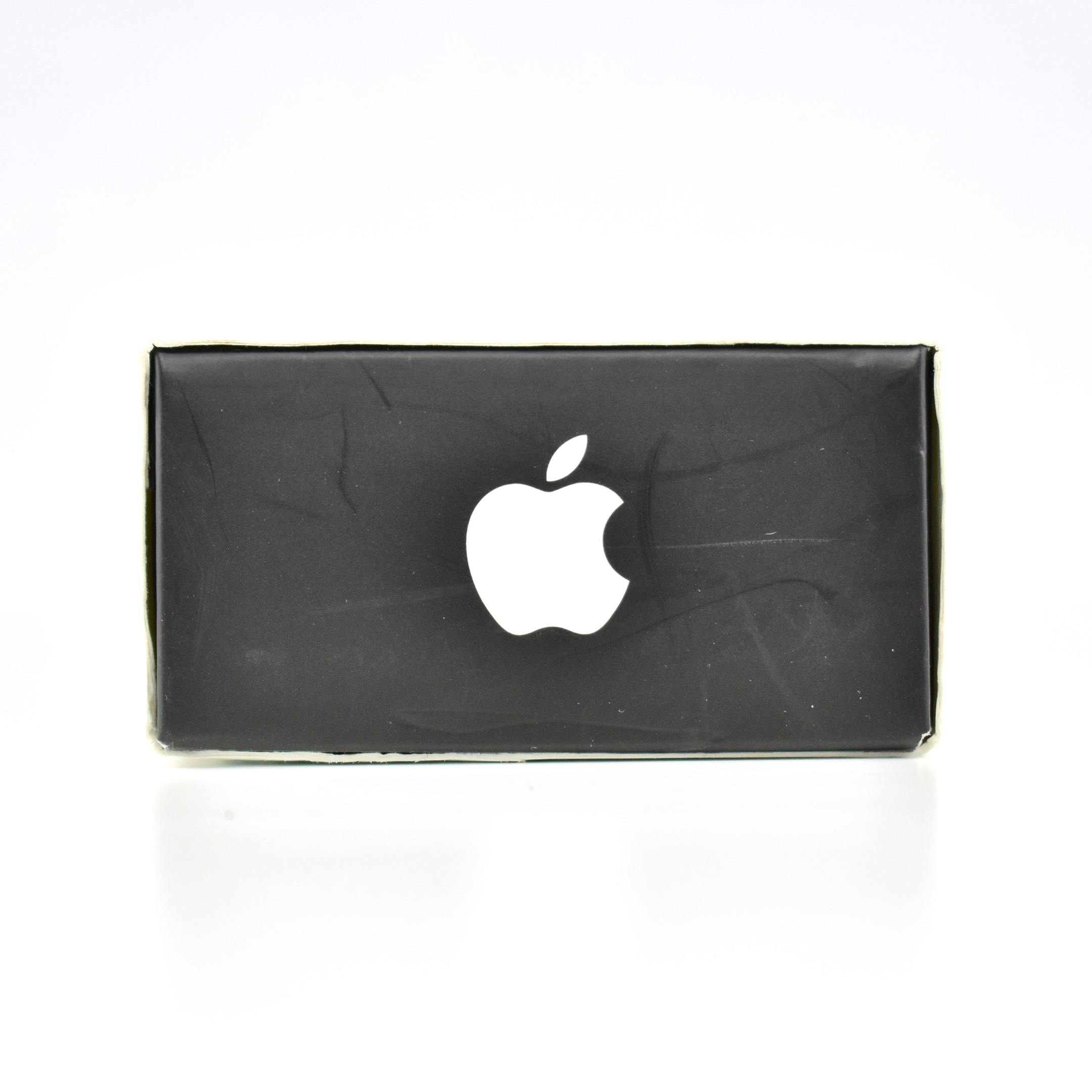
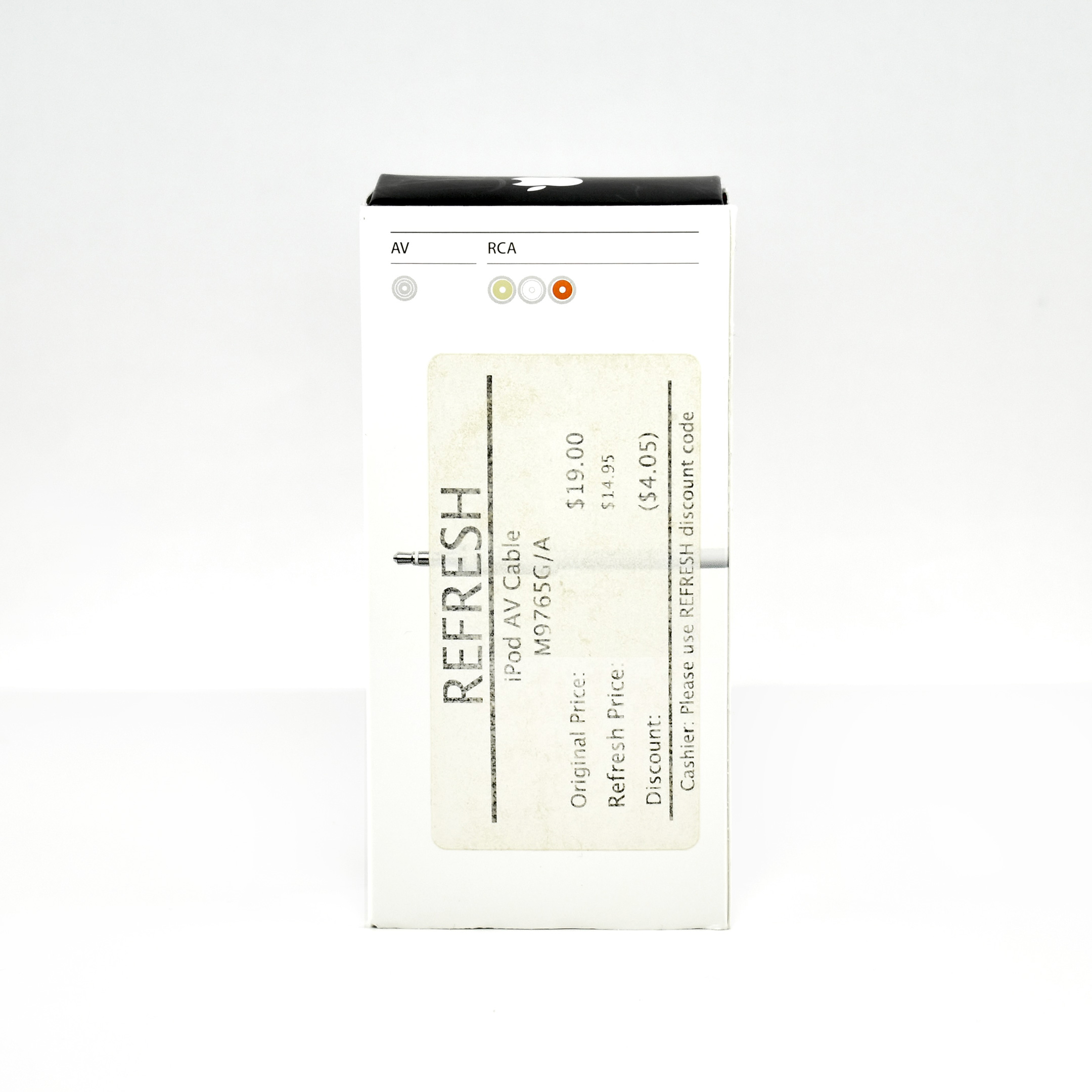
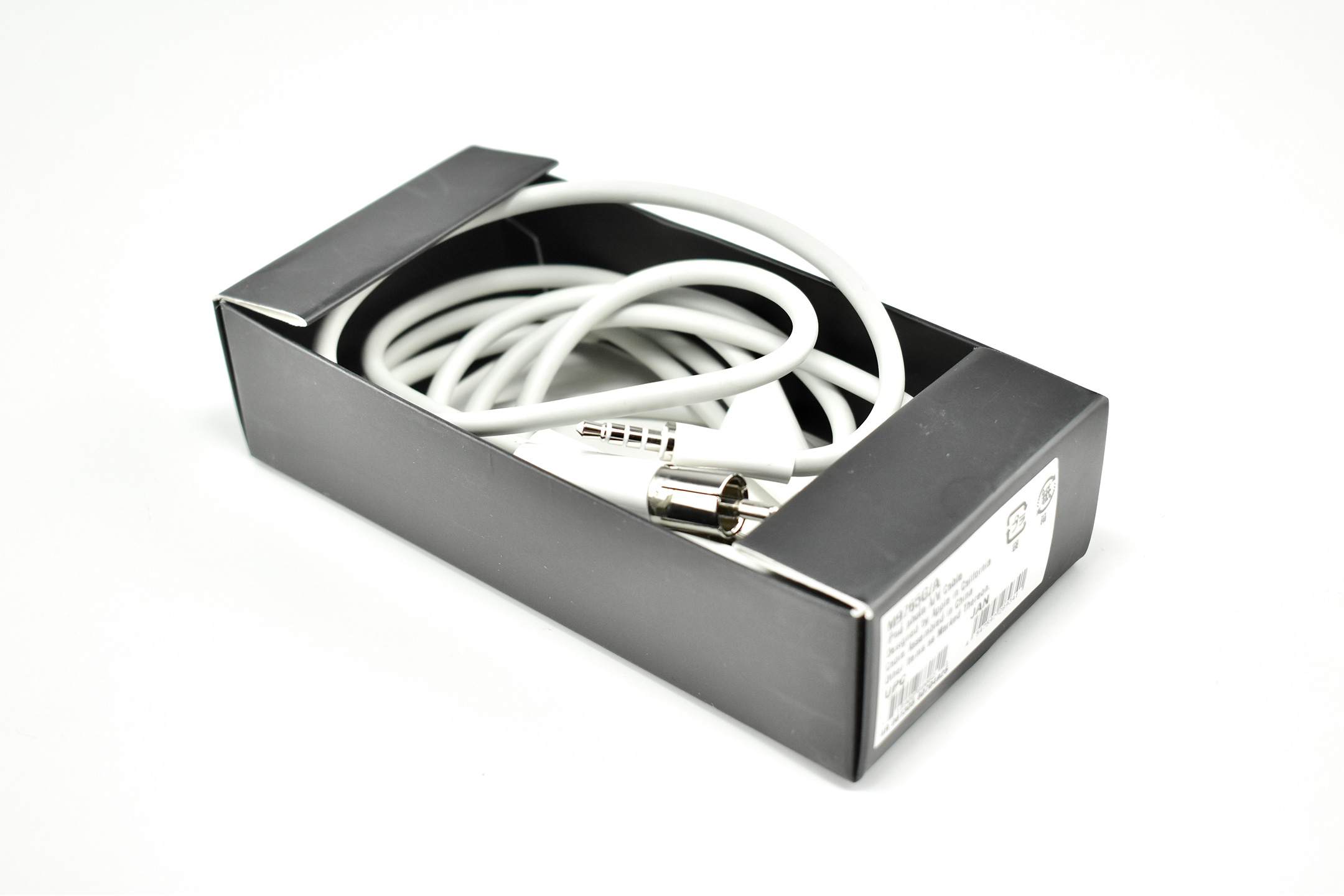
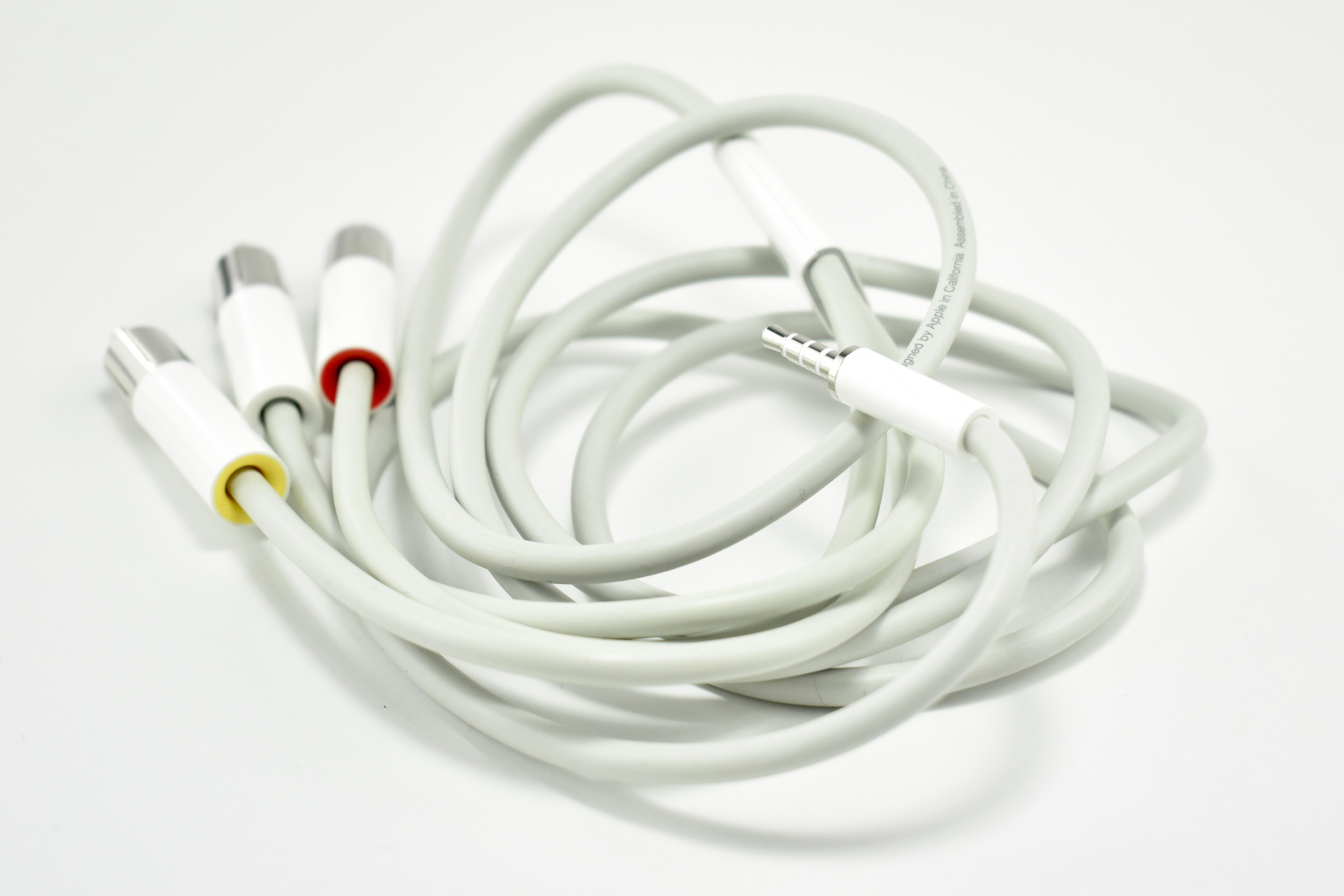
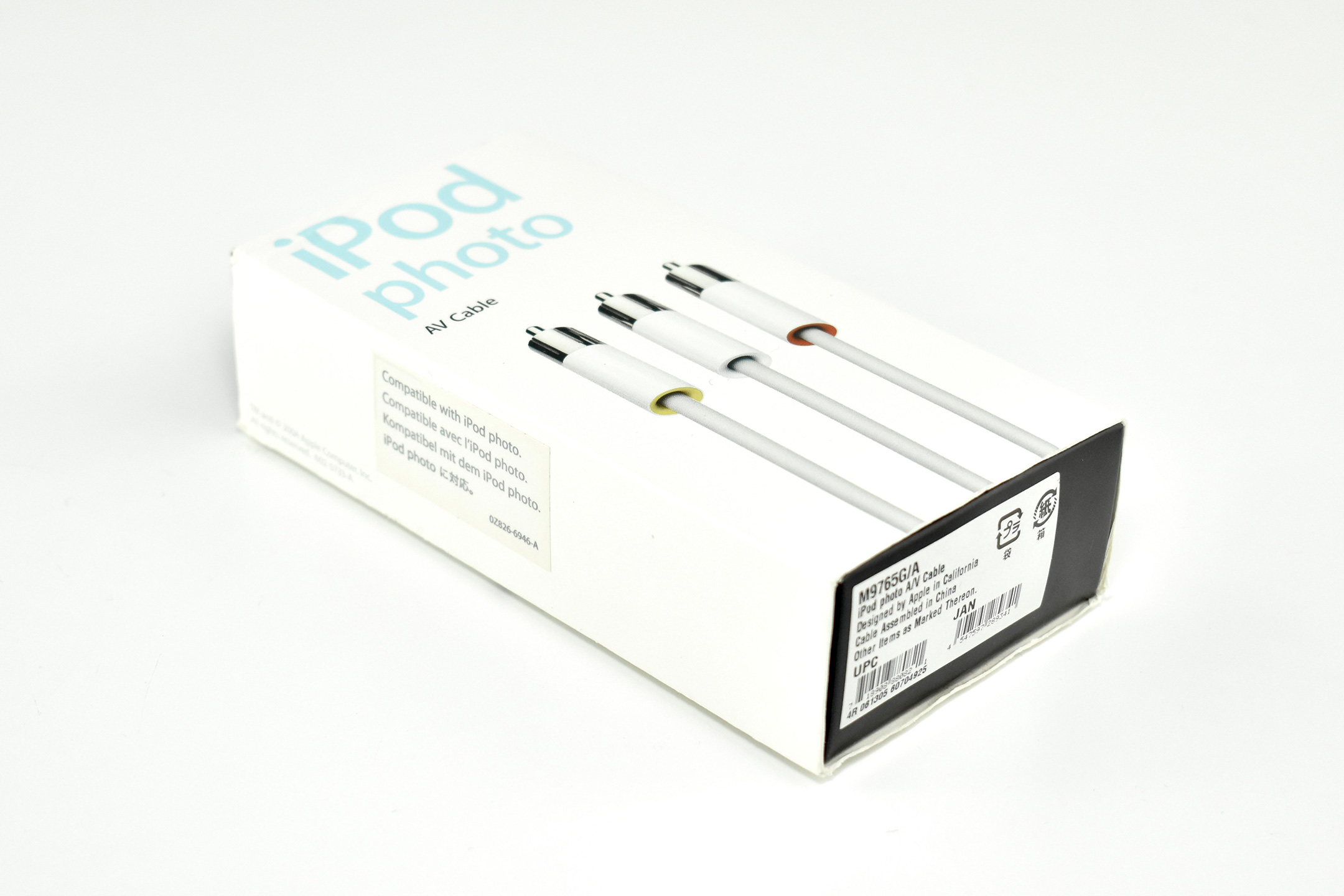
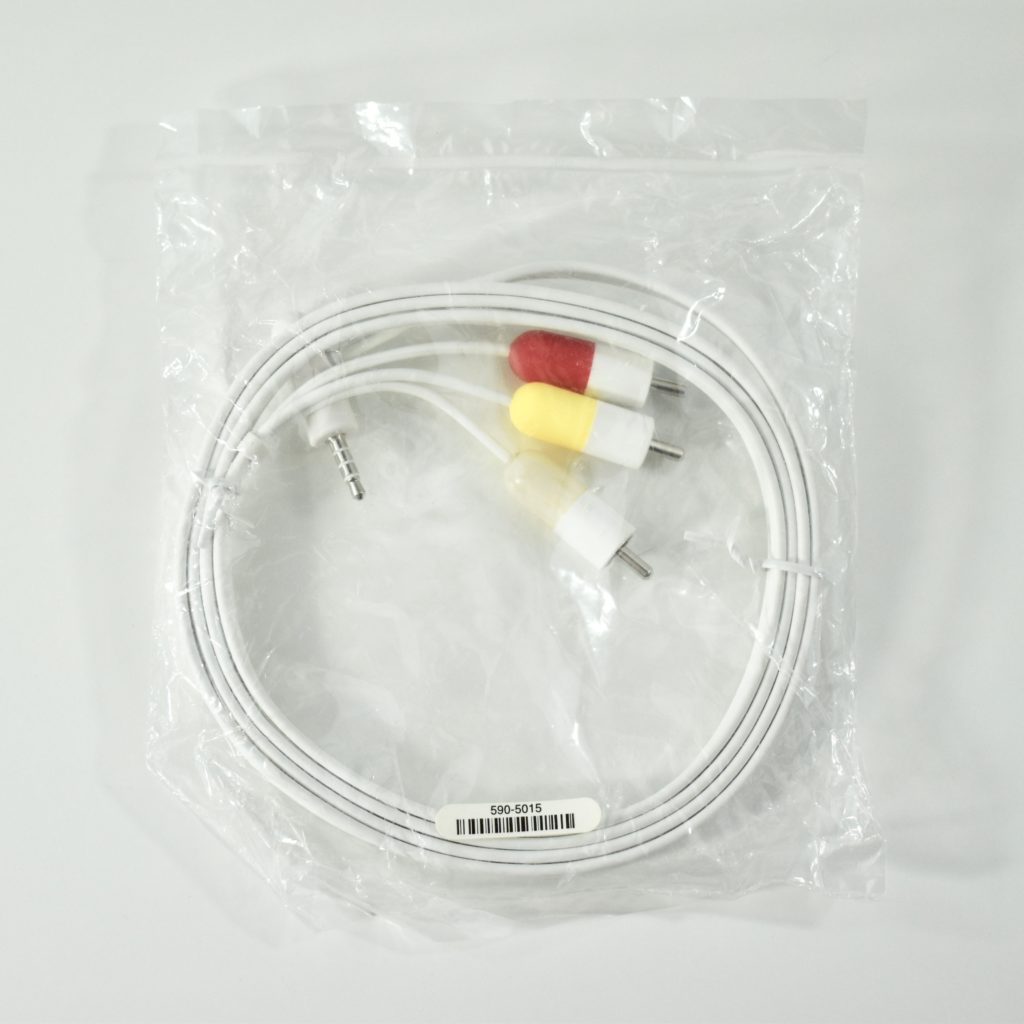
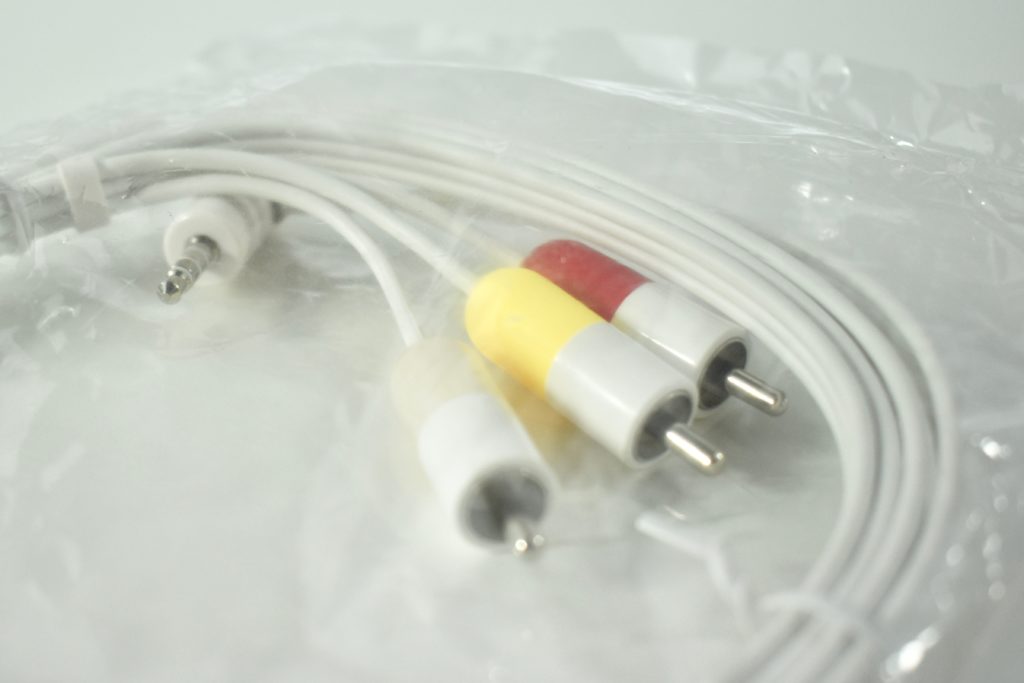
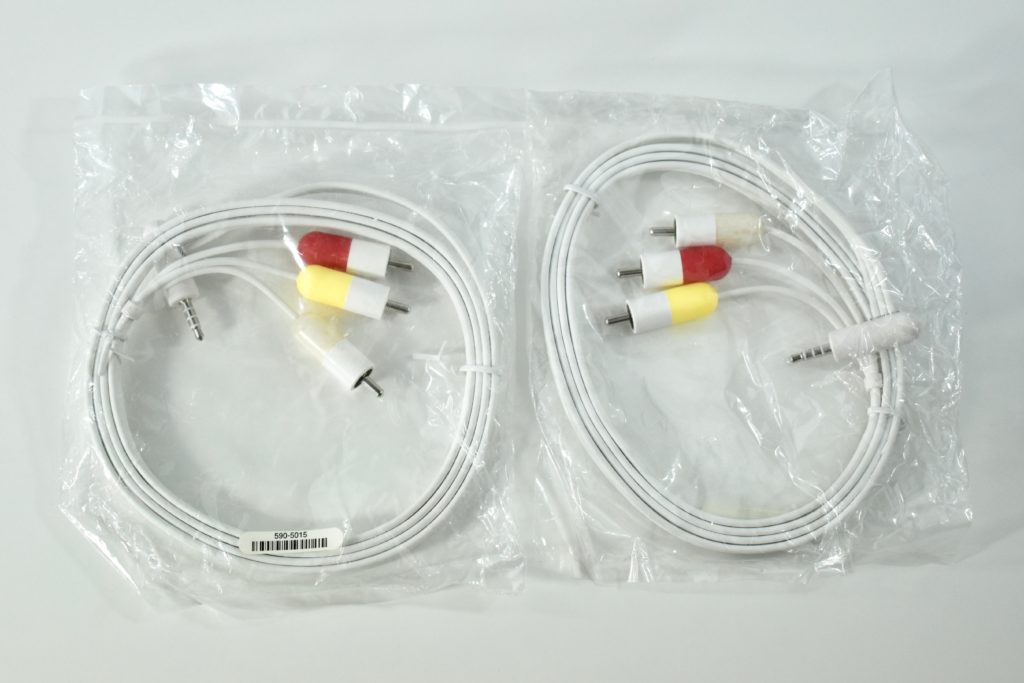
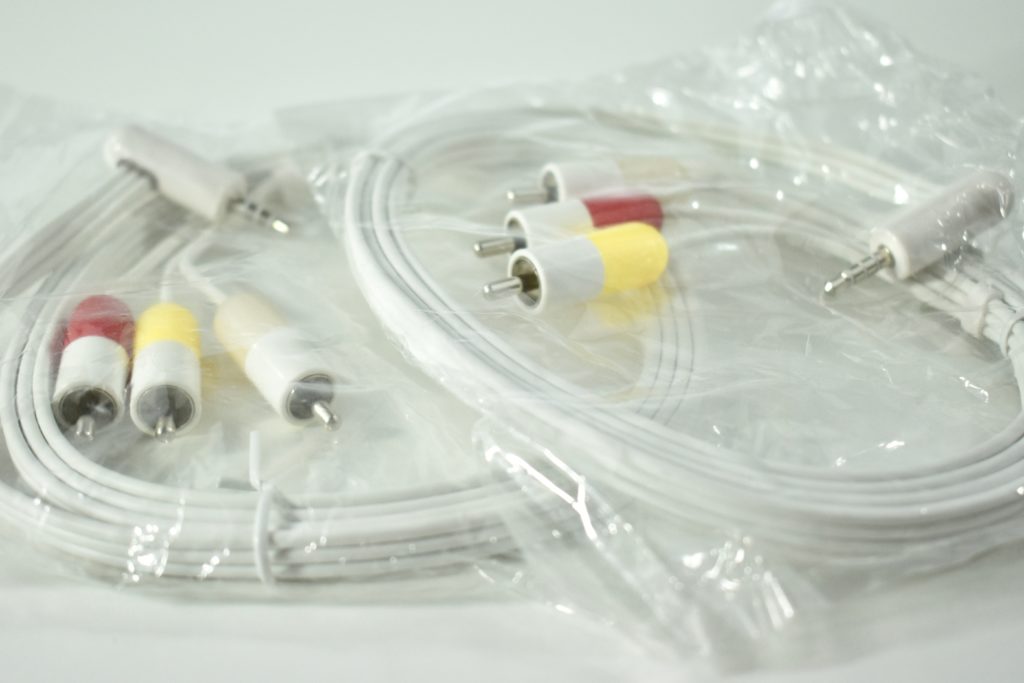
iPod photo AV cable (2004)

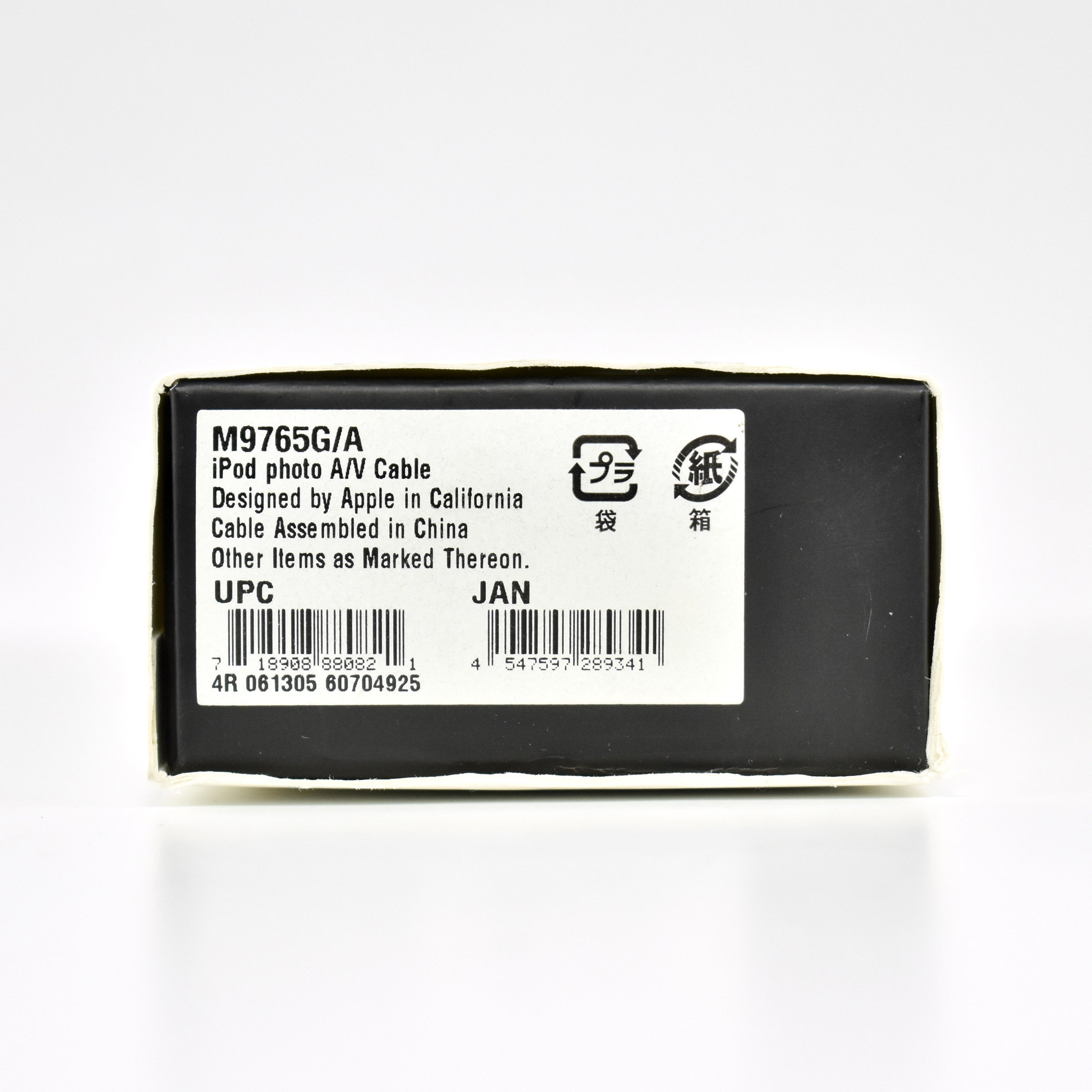
The iPod photo AV cable (product number M9765G/A) was released in 2004, and at the time it was “Compatible with iPod photo.” According to Apple, this cable had the following features:

  • Provides composite A/V output for viewing photo slideshows with music on a TV
  • Connects your iPod to your TV, stereo, or powered speakers
  • Connects via the headphone port on your iPod or line-out port on your iPod Universal Dock (not included)

In 2005 Apple repackaged this product in a black box under the name “iPod AV Cable” using the same part number. The updated box read, “Compatible with all iPod models with color display.”

Sources: Apple (Identify your iPod model), Best Buy

Apple Universal Dock Adapters (2005)

Various versions of the Apple Universal Dock were offered as iPod devices were updated and new iPod models were released. Apple described an earlier version of the Dock in the iPod User’s Guide:

“The iPod Dock holds iPod upright as it charges or transfers music. Connect the Dock to your computer using the same cable you use with iPod… Using the iPod Dock, you can play music from iPod over external powered speakers or a home stereo. You need an audio cable with a standard 3.5 millimeter stereo miniplug…”

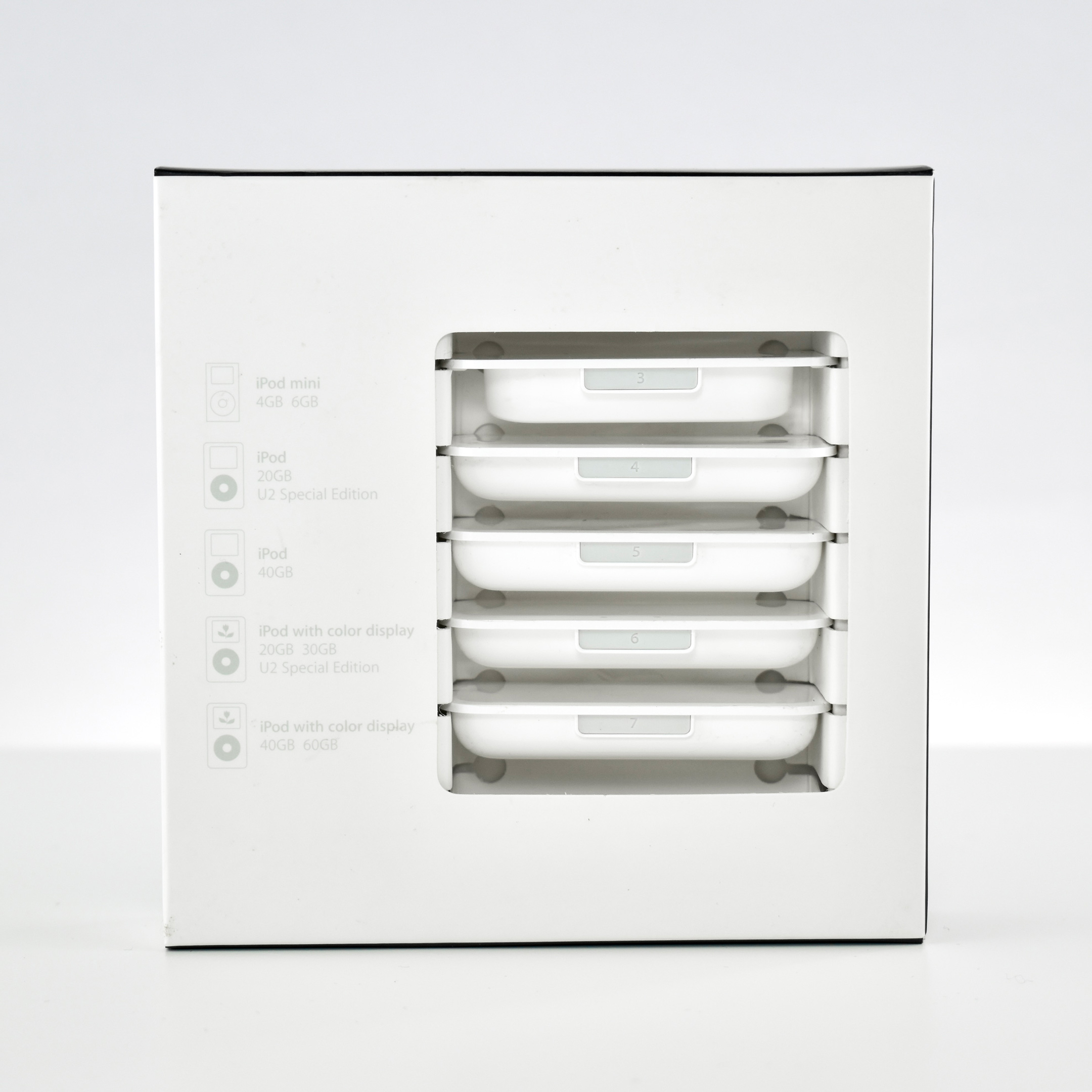
This version of the Universal Dock (A1153) used the 30-pin connector and provided two outputs—Line Out and S-Video Out. This allowed a docked iPod to be charging while connected to a stereo/speaker system and/or an external video source (i.e., TV) with an S-Video input.

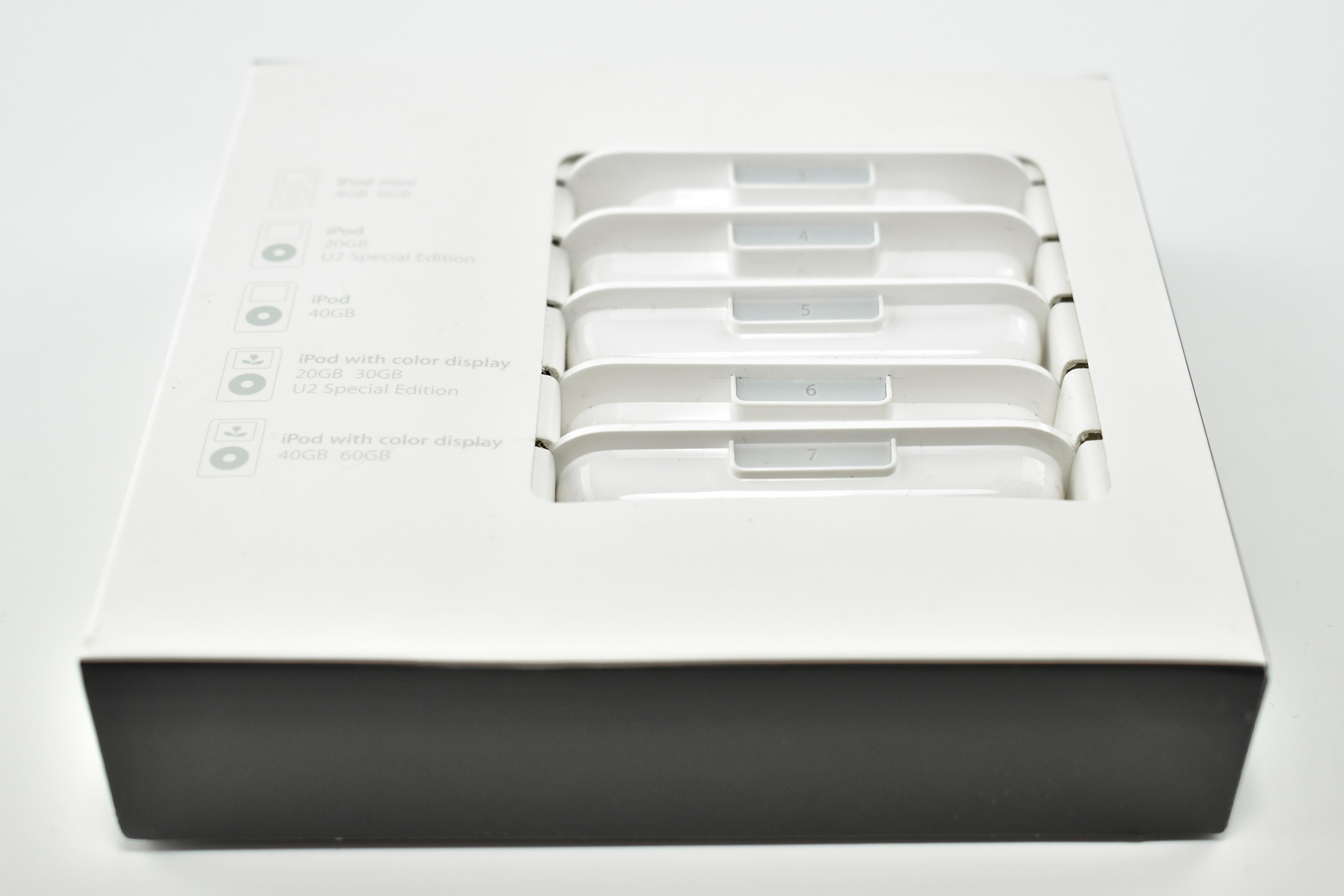
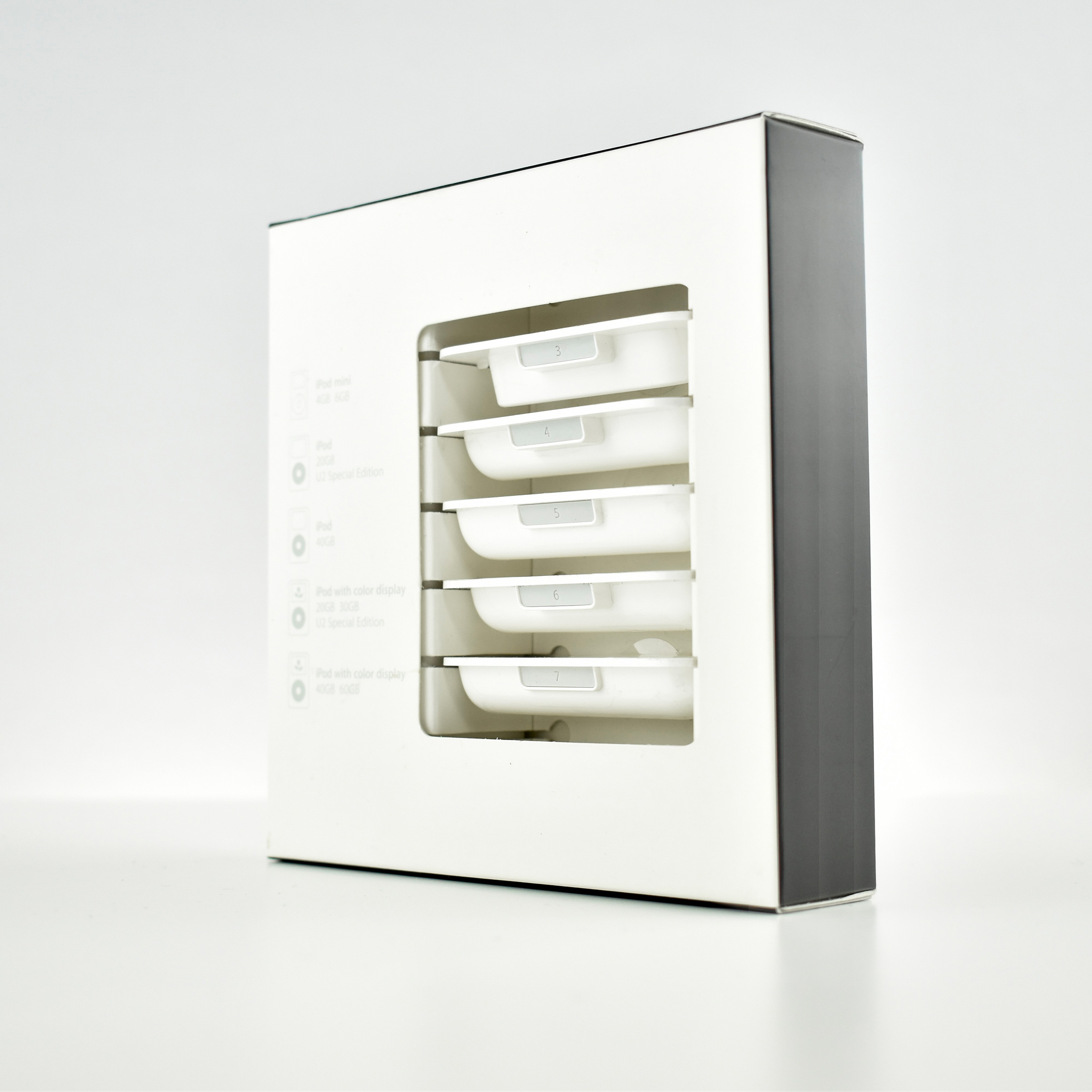
Apple created the Universal Dock with an opening large enough to accommodate the largest iPod offered and shipped the dock with a set of adapters to ensure a perfect fit if you owned an iPod with a different design.

This set of adapters was made for:

  • iPod mini (4GB, 6GB)
  • iPod (20GB) and U2 Special Edition
  • iPod (40GB)
  • iPod with color display (20GB, 30GB) and U2 Special Edition
  • iPod with color display (40GB, 60GB)

Source: Apple

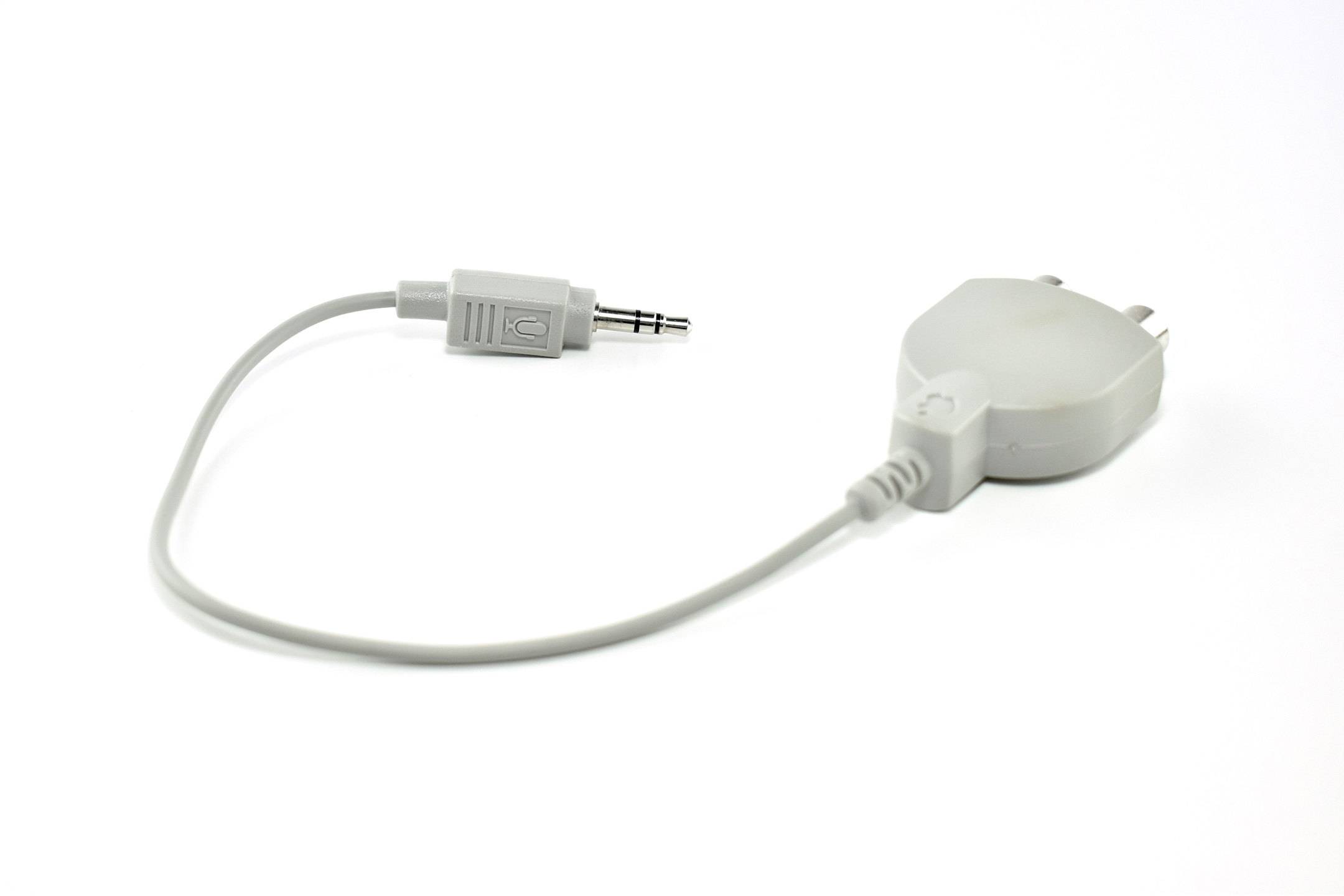
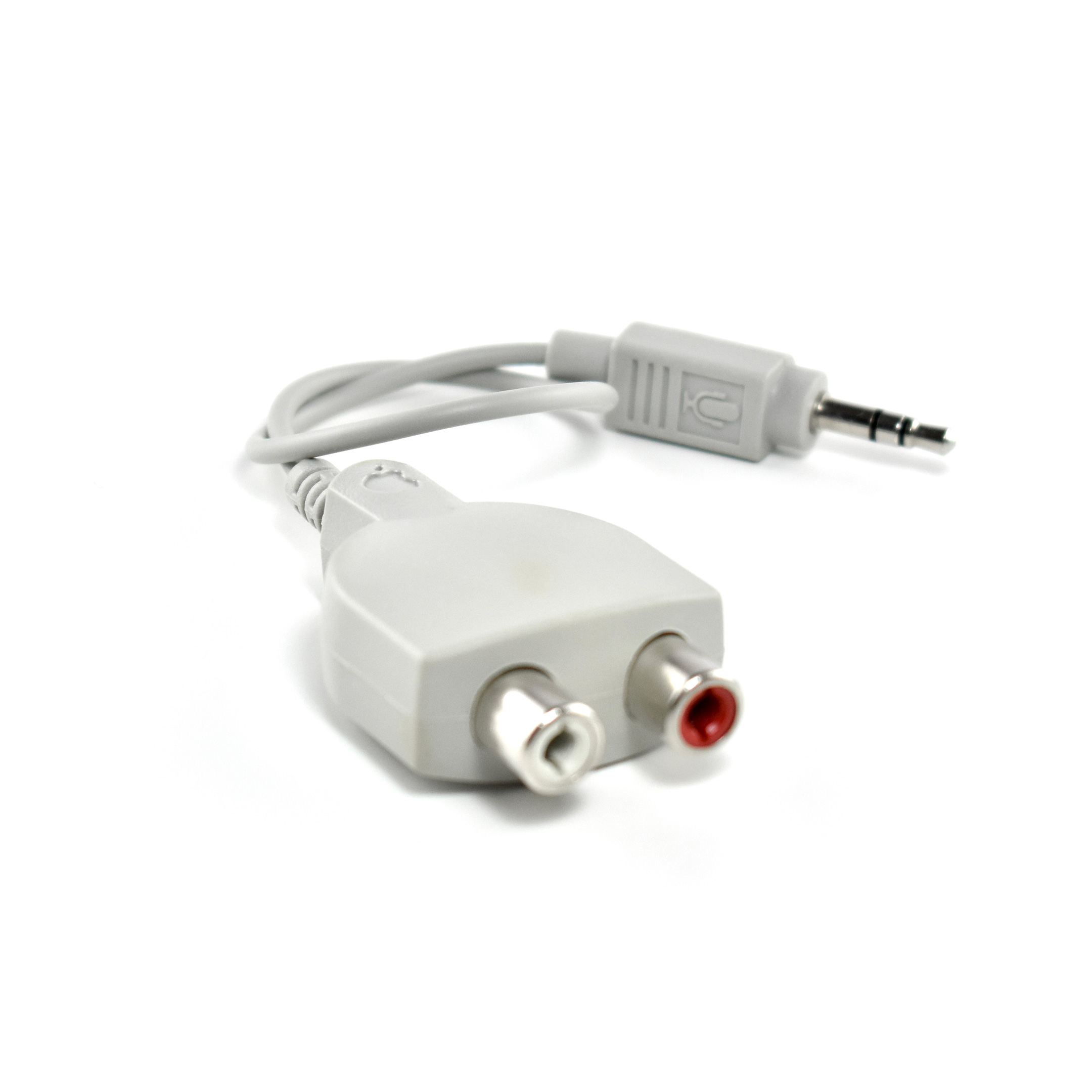
RCA Stereo to 3.5mm Microphone Input Adapter (c. 1990)

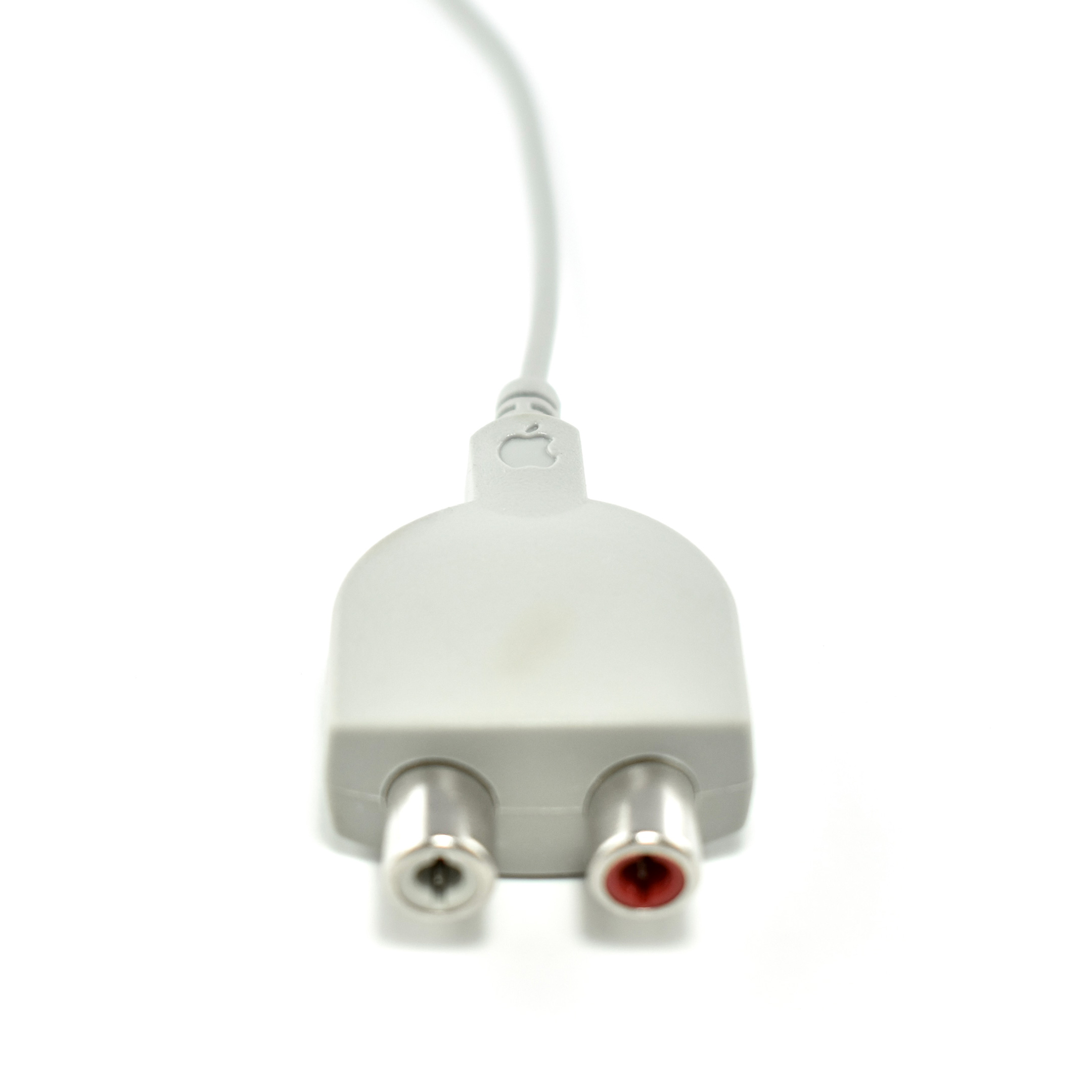
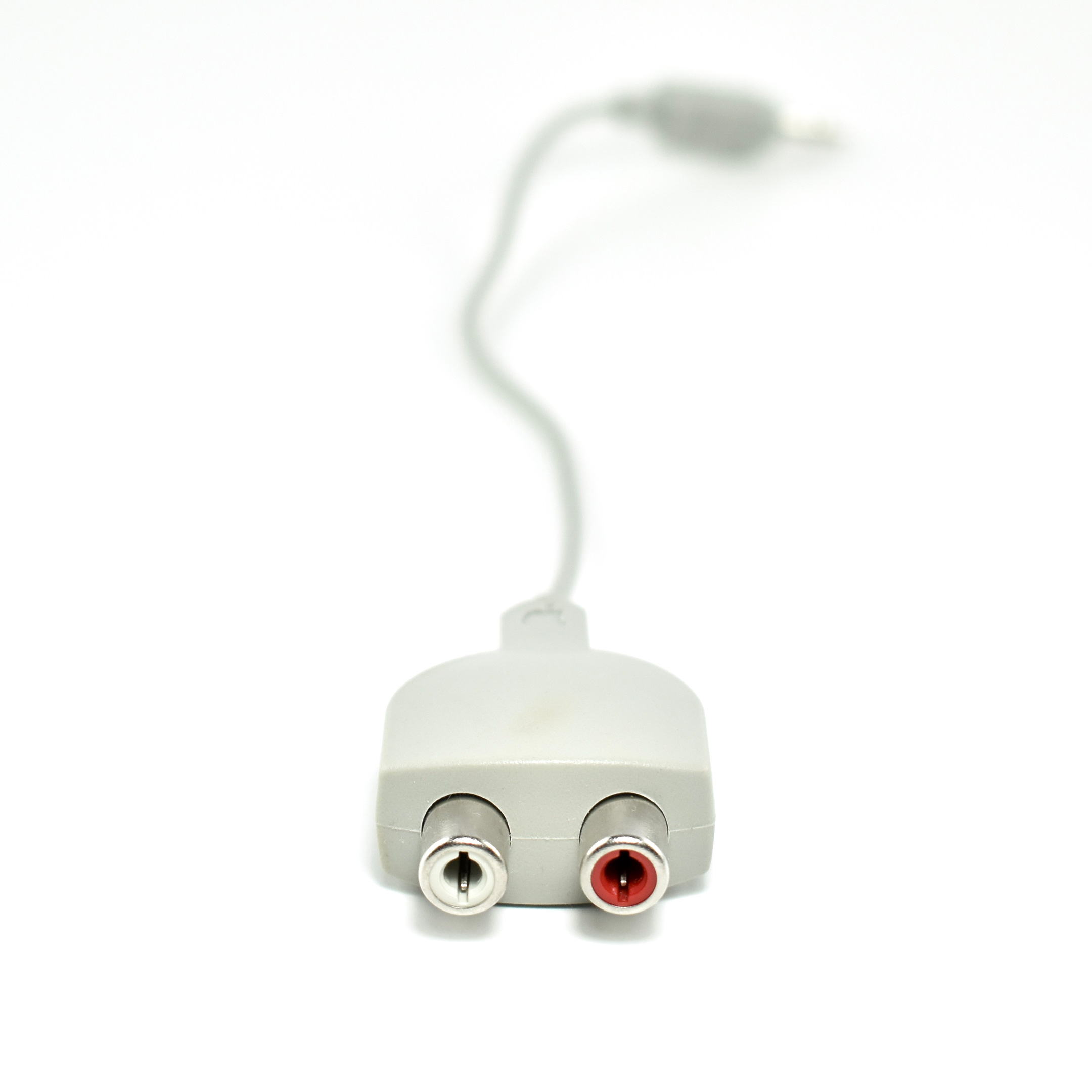
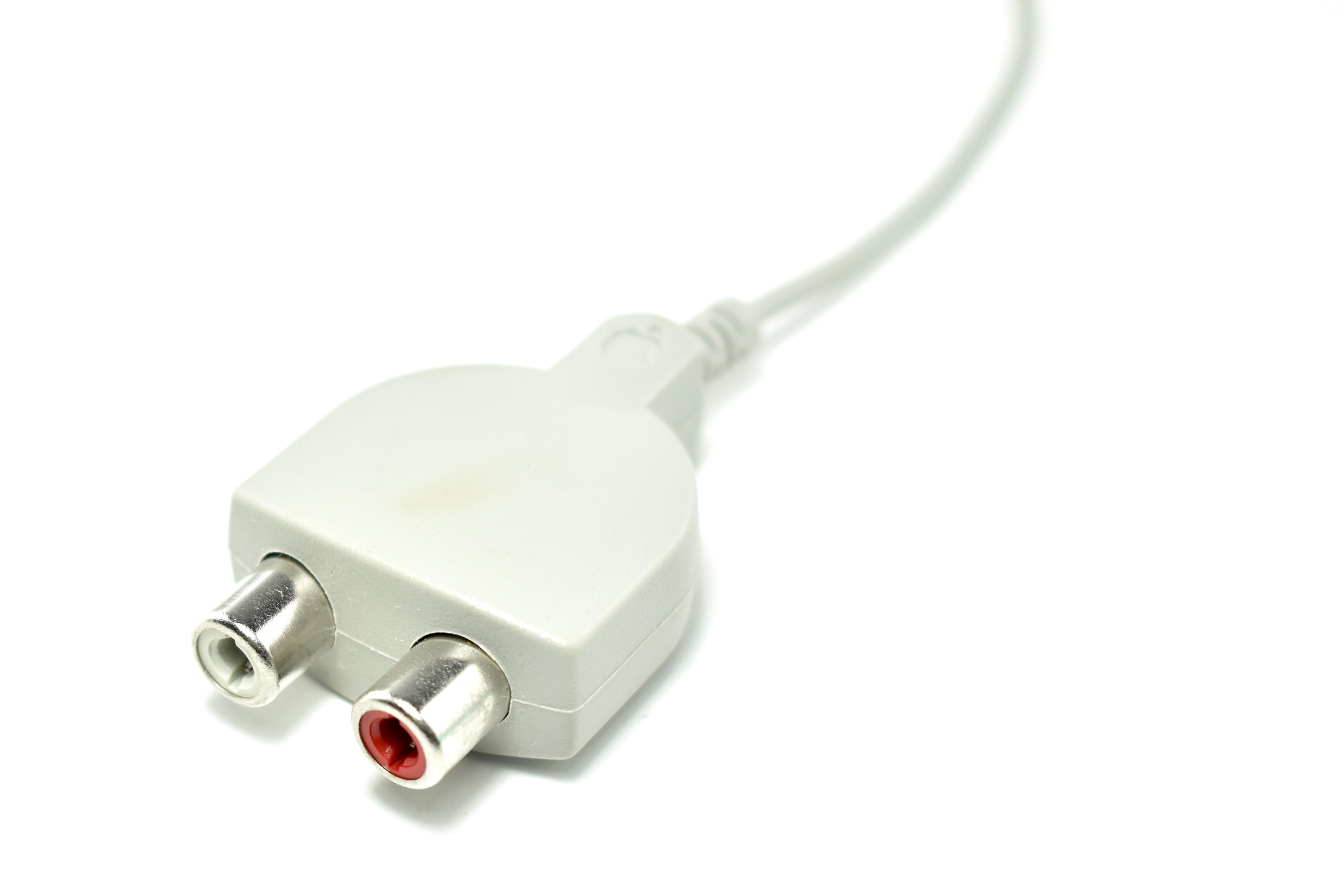
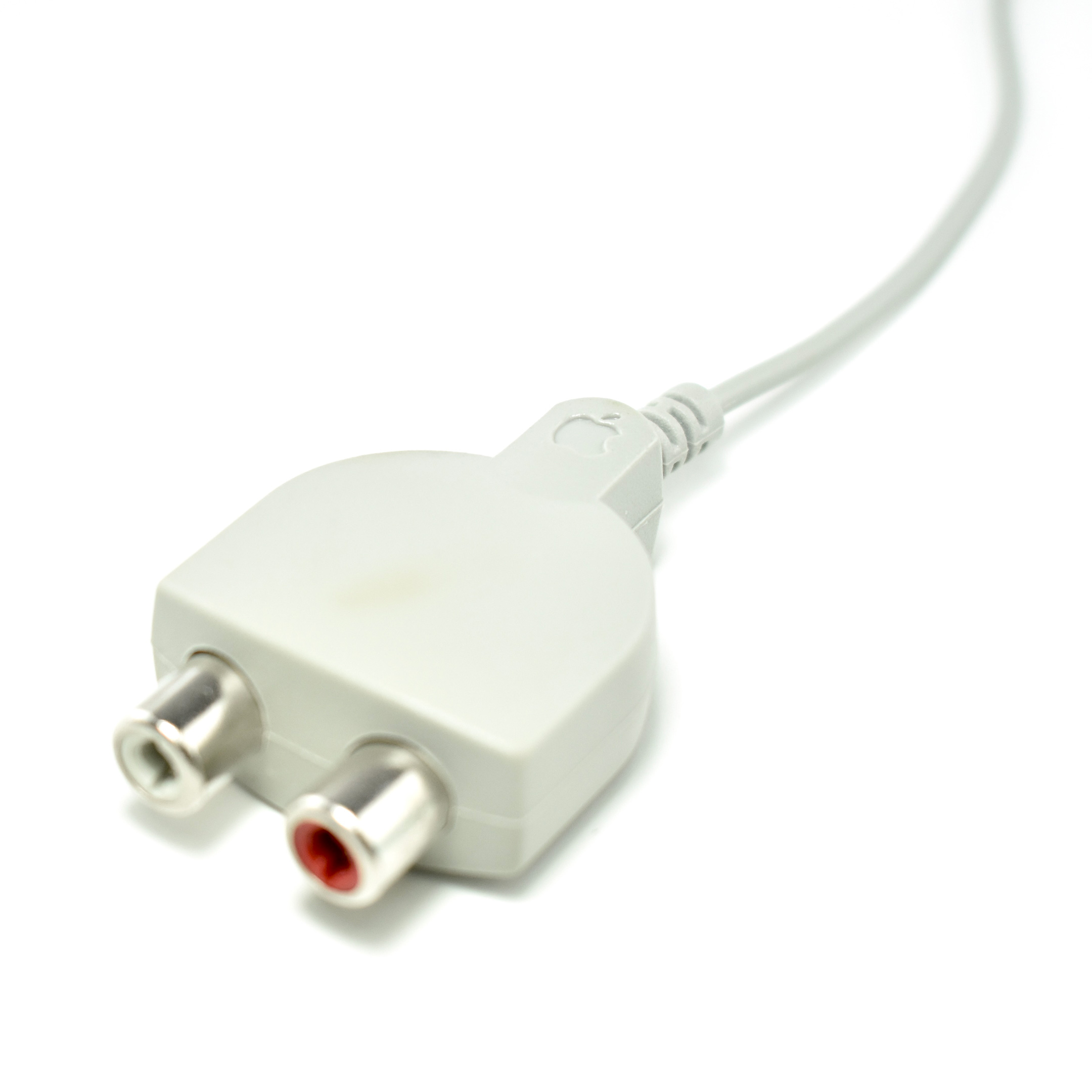
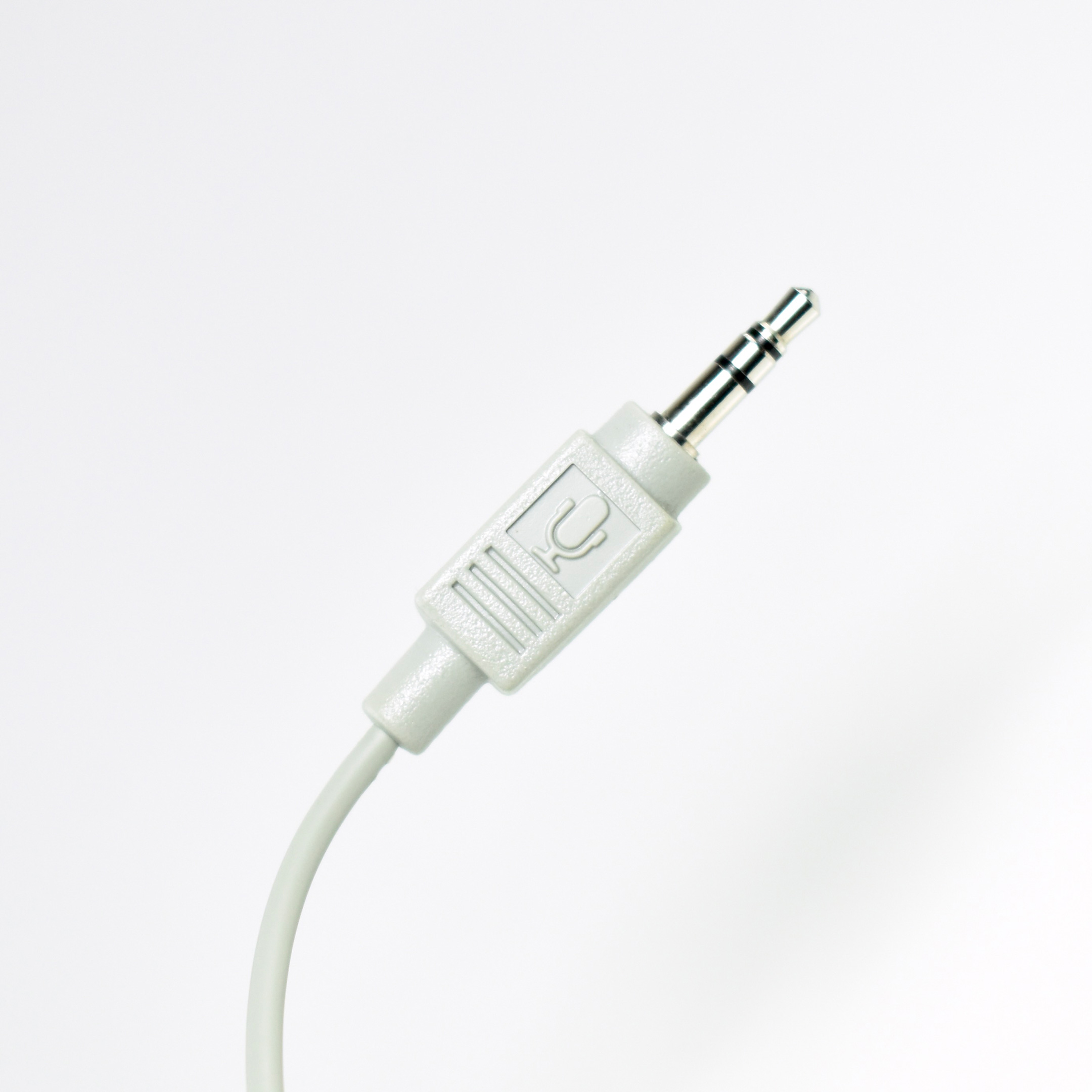
This Apple-branded adapter allowed a powered microphone with RCA inputs (red and white plugs) to be plugged into a Macintosh with a 3.5mm microphone jack.
The adapter features an Apple logo (on the RCA plug end) and Apple’s microphone icon (used in the 1990s) on the 3.5mm plug. The adapter is made in the platinum color used by Apple throughout the 1990s until the release of the iMac in 1998.
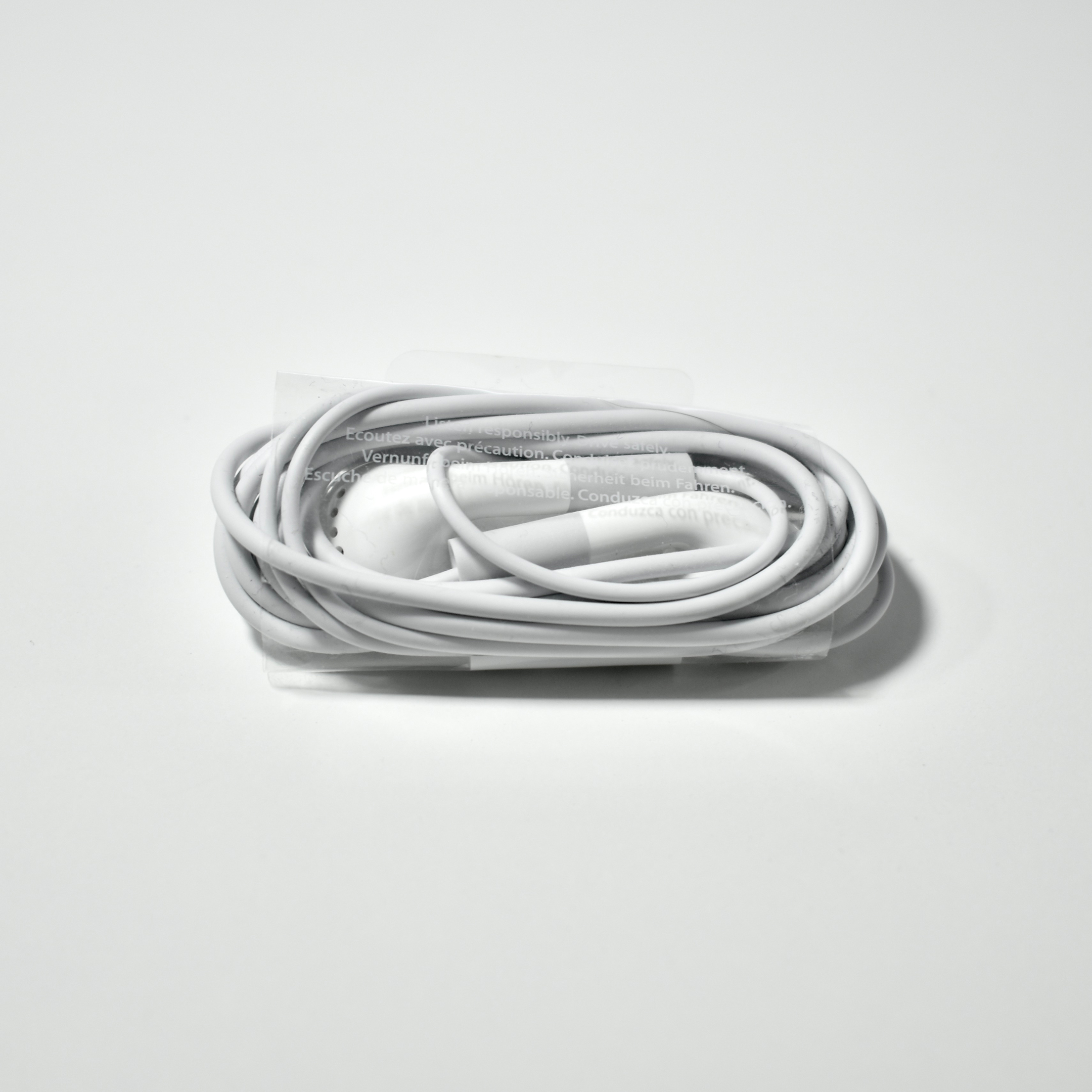
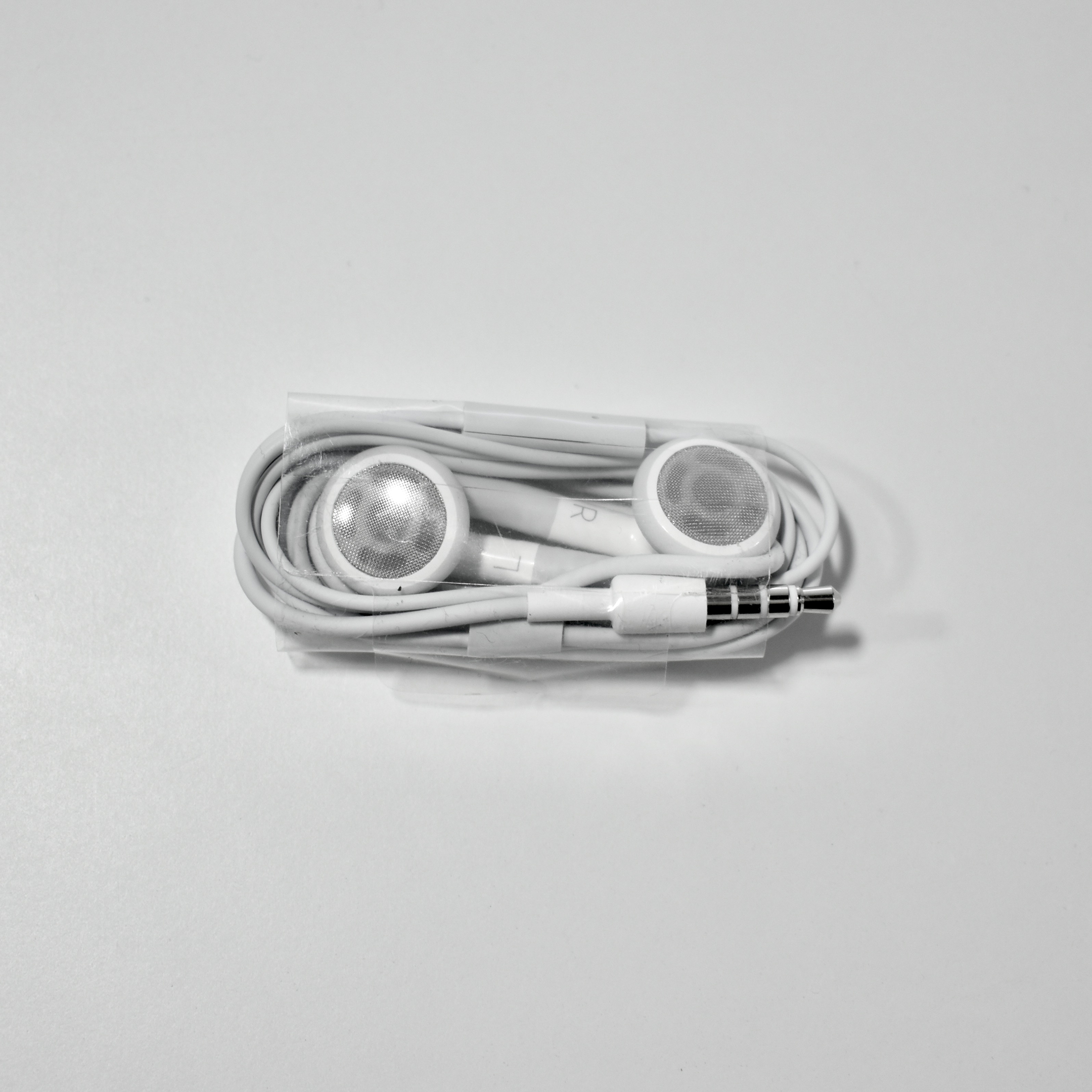
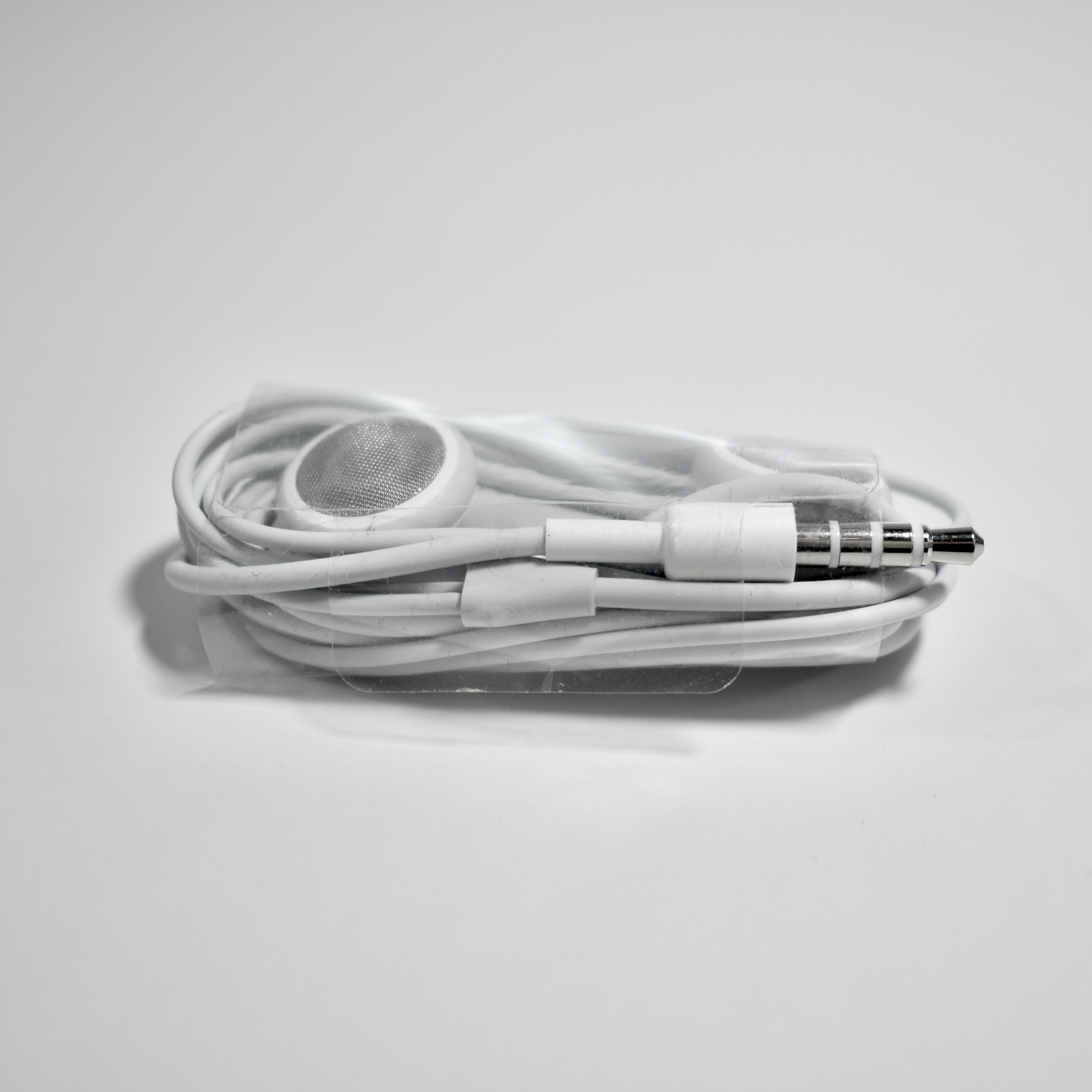
iPhone Stereo Headset (bulk packaging, 2007)

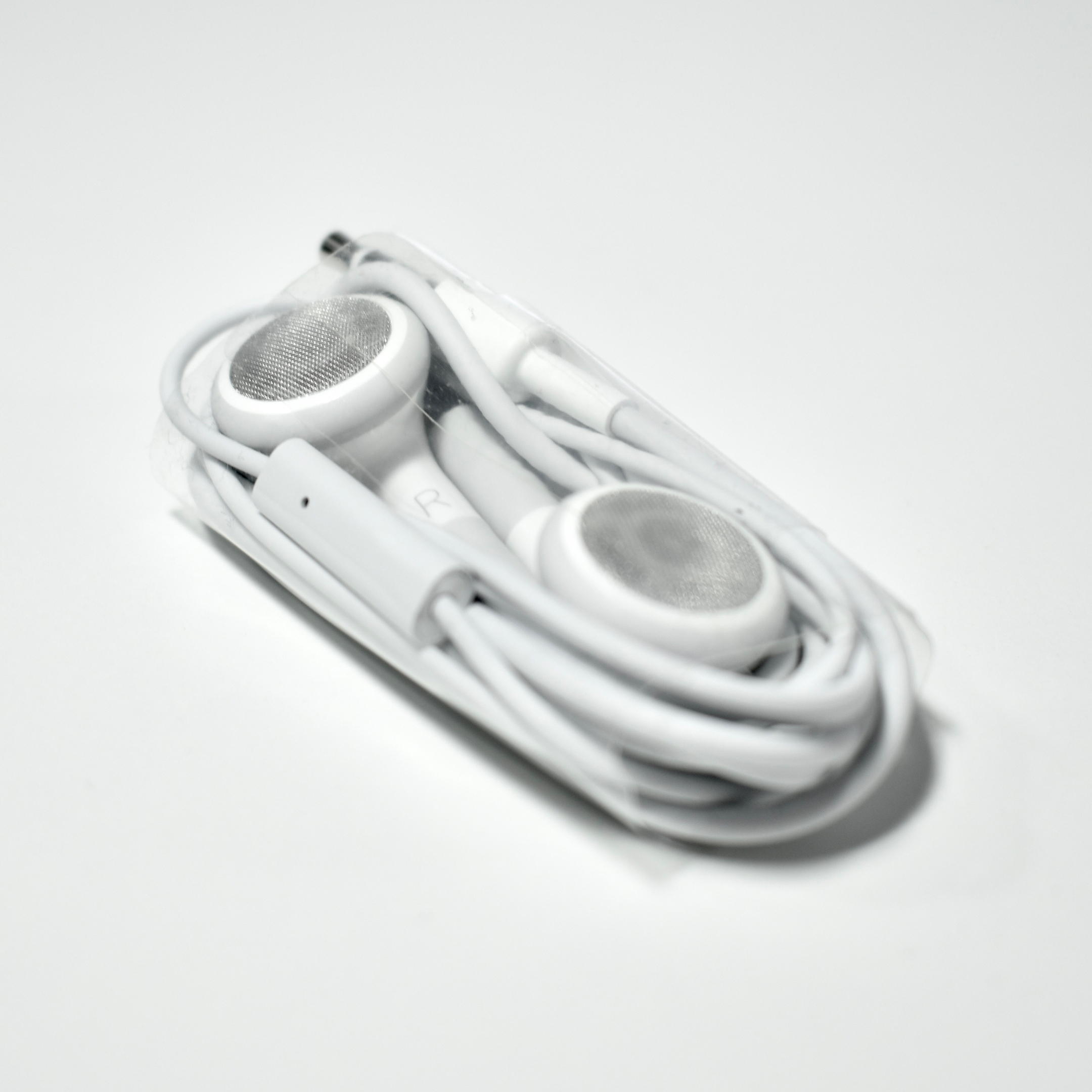
The iPhone Stereo Headset were the headphones that shipped with the first two iPhone models, the original iPhone (2007–2008) and the iPhone 3G (2008–2010). The headphones used a similar enclosed design as the later EarPods, and the right earbud included a control button with a microphone on the wire. The button is controlled by a squeeze and it can be set for a variety of tasks: answer/end calls, advance presentation slides, play/pause music/video, or capture photos. A double-press also allowed the user to skip to the next music track.

Note that the controller did not include the + and – option for volume and/or other controls, a feature now taken for granted in many headphone designs.

iLounge described these headphones as, “familiar and inexpensive, with very good earbud and microphone quality.” They also praised the bass response, warm sound, and the quality of the microphone.

This example is in Apple’s bulk packaging. I remember receiving the headphones when I attended an Apple Education professional development opportunity that required attendees to have a microphone. These were never unpackaged because I had brought and used my personal headphones.

Sources: Wikipedia, iLounge

Composite Video Cable (2000)

The Composite Video Cable shipped with various iBook models and allowed the iBook to be connected to an external TV and/or stereo.

The cable shipped with the following iBook laptops: iBook (FireWire), iBook (Dual USB), iBook (Late 2001), iBook (14.1-inch).

Source: emc2cs.com

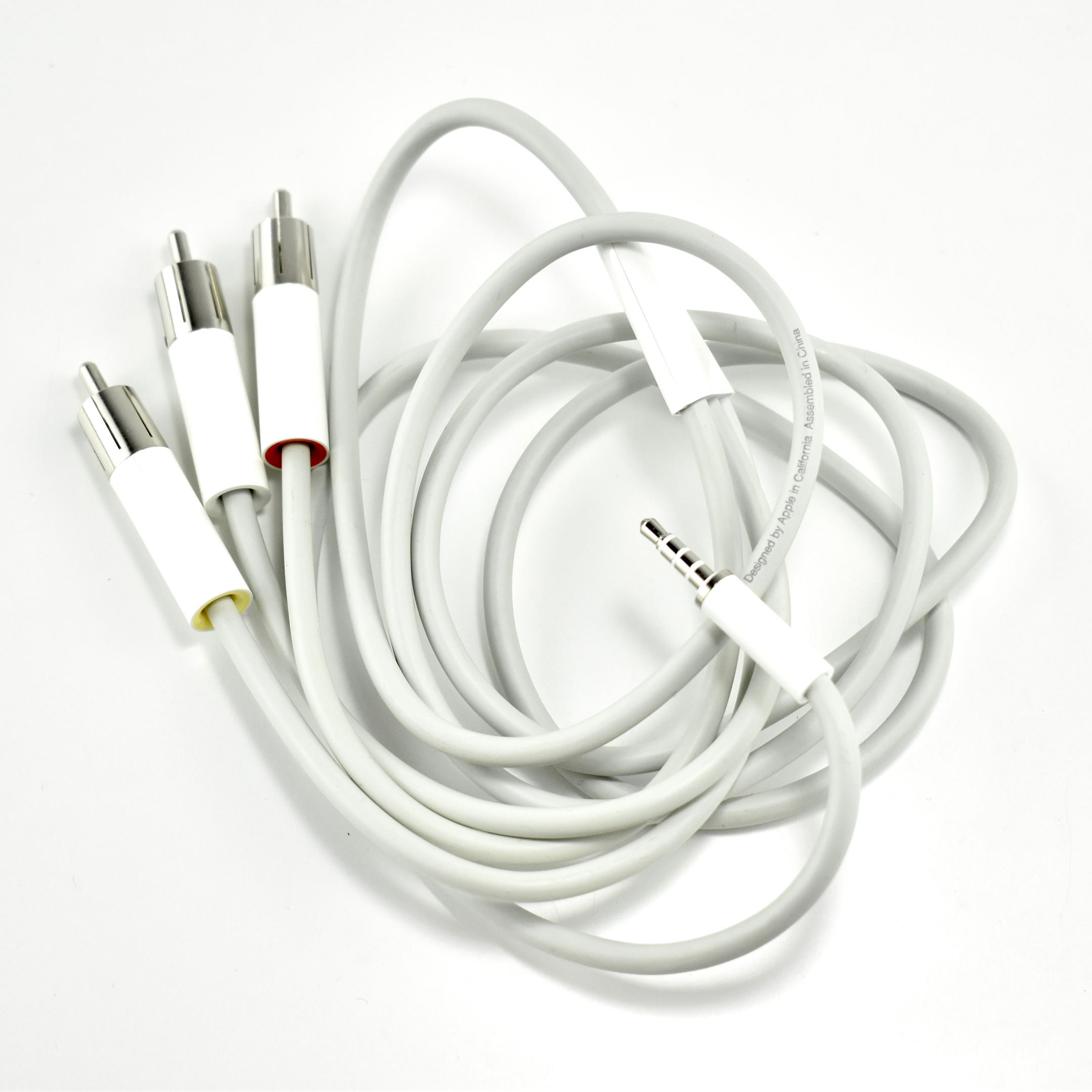
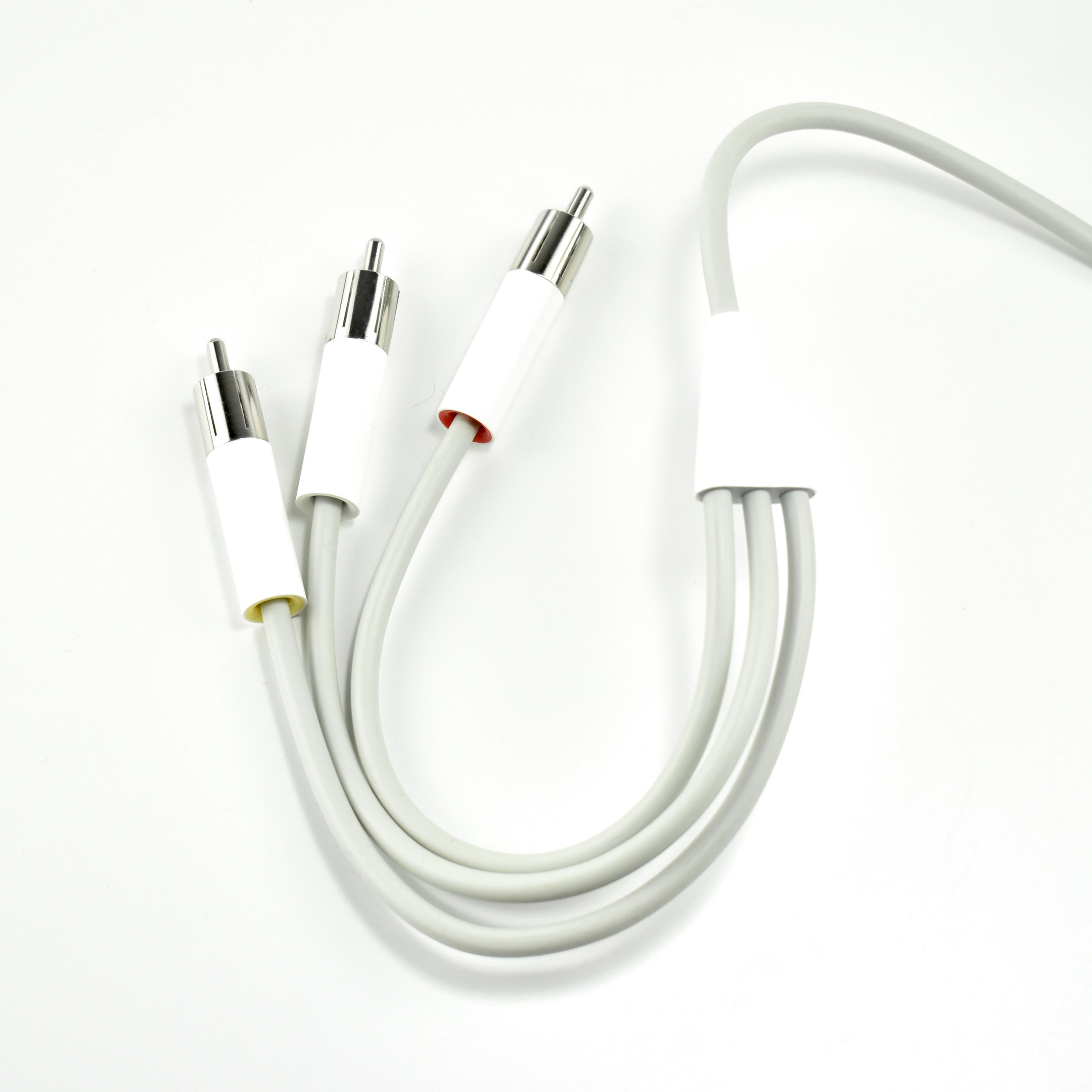
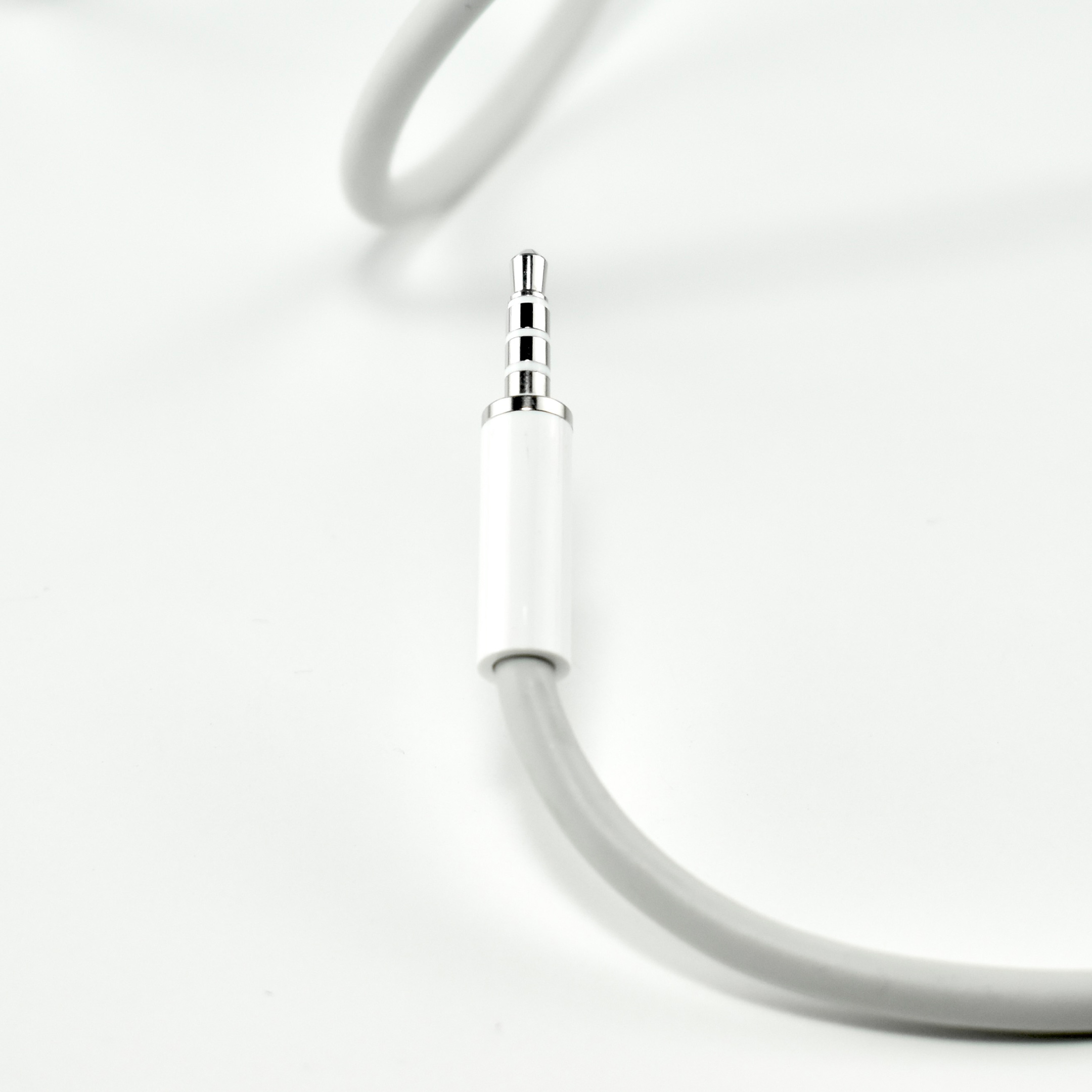
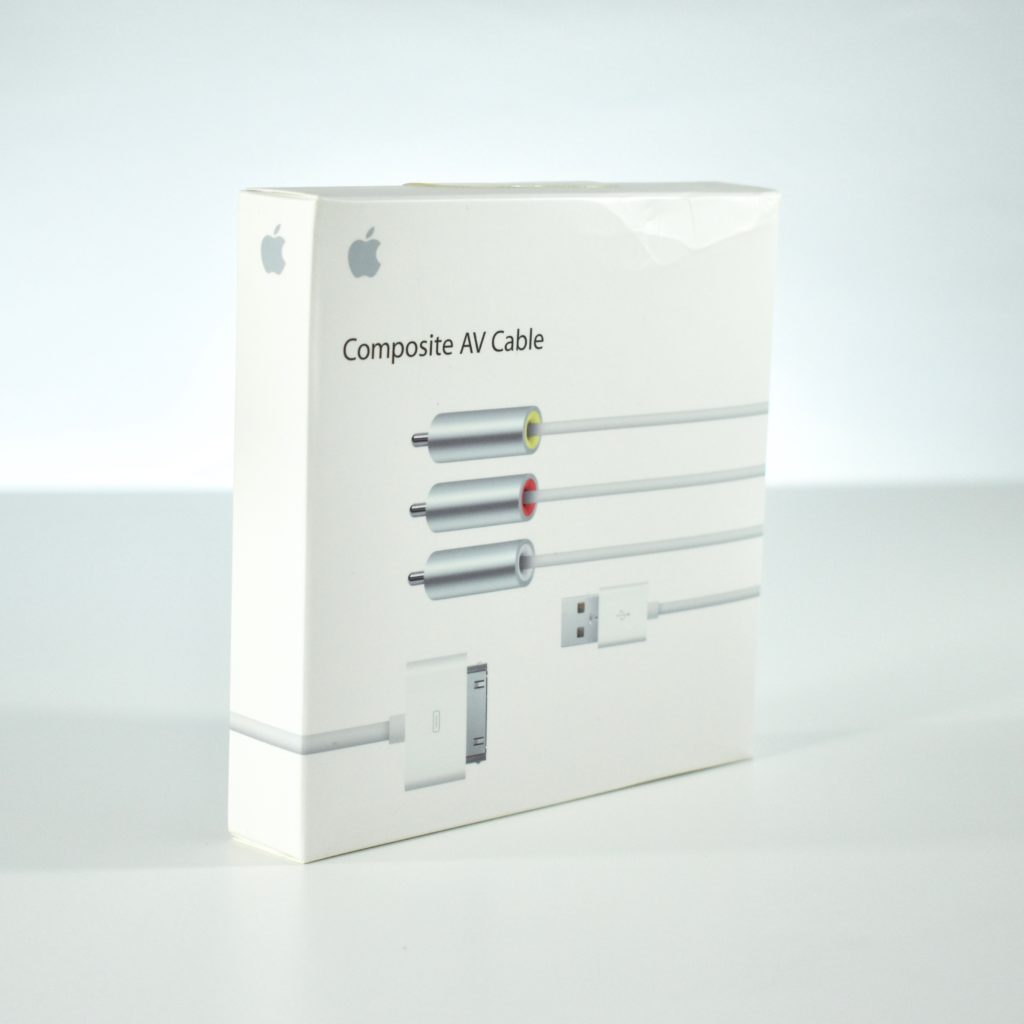
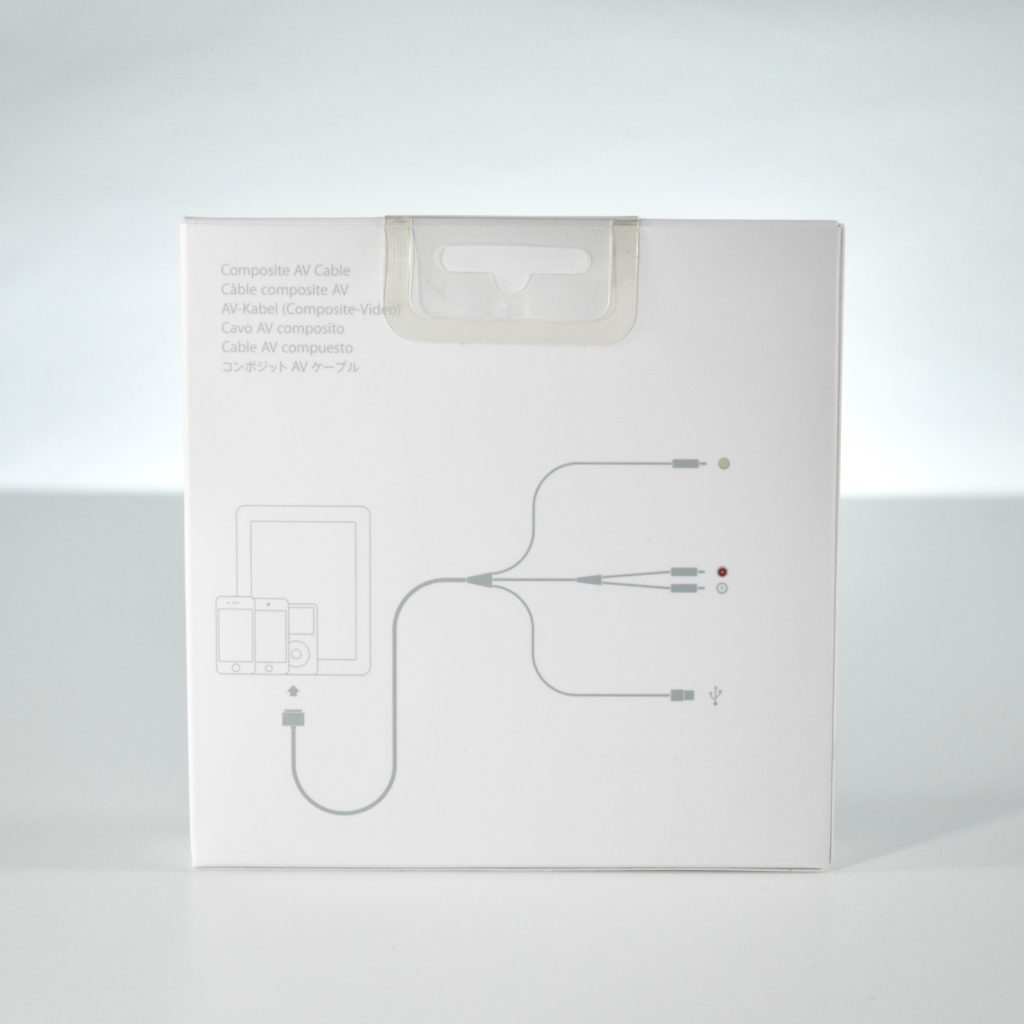
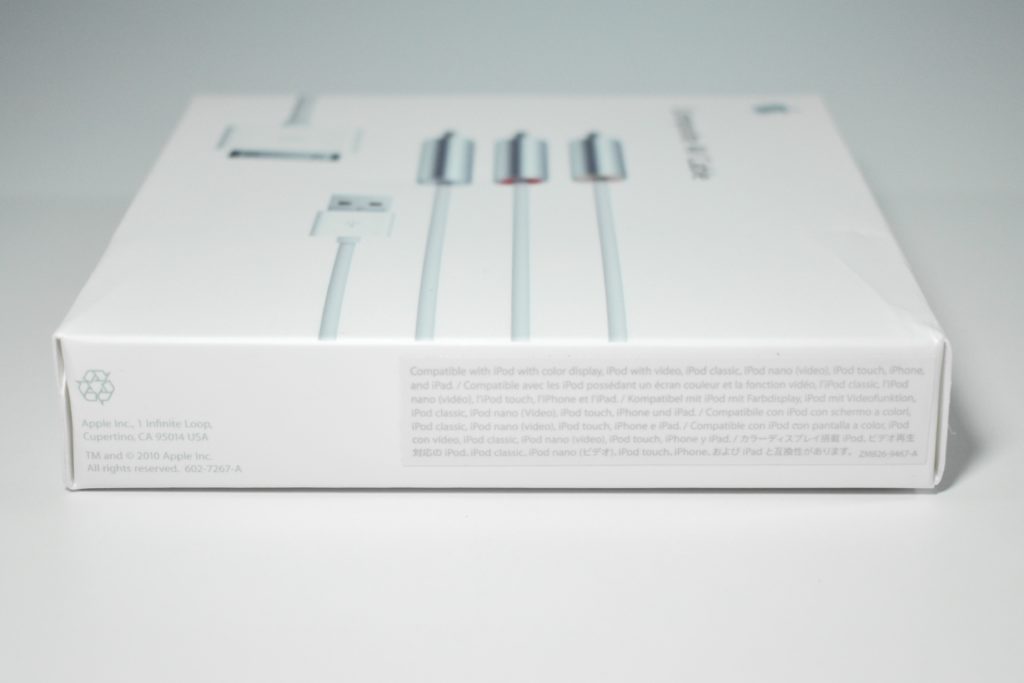
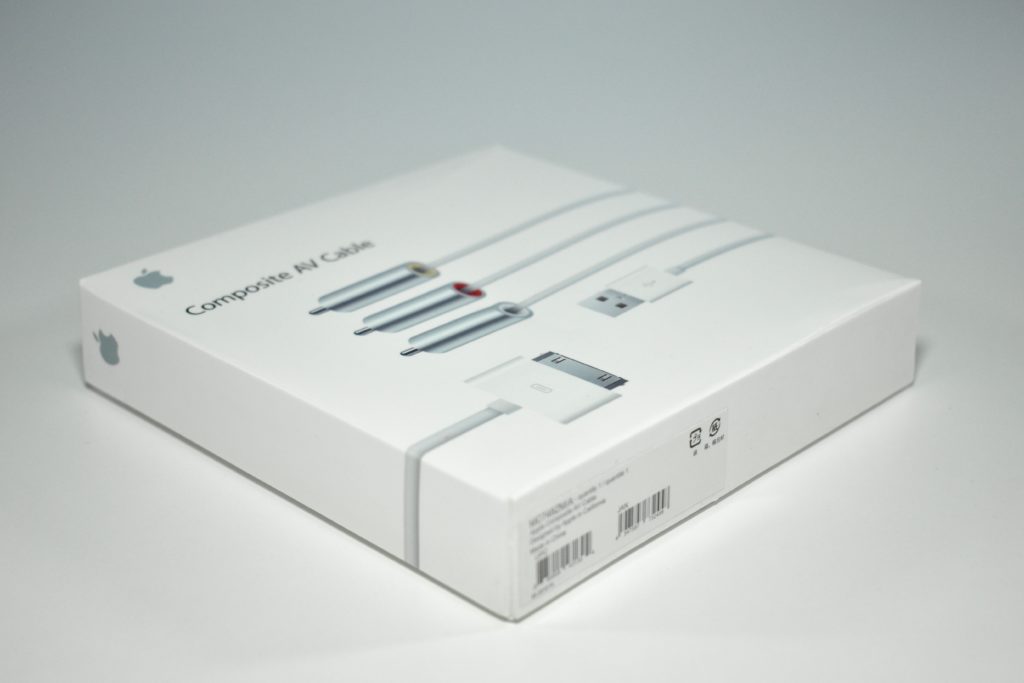
Composite AV Cable (unopened, 2010)

The Composite AV Cable allowed the connection of iPod, iPhone, or iPad to a television or stereo system. It allowed movies and videos to be viewed along with stereo sound from a device with a 30-pin connector. This cable did not allow the display to be  mirrored.

According to Apple.com, “The Composite AV Cable connects to your device or Universal Dock via the 30-pin dock connector and to your TV, home cinema receiver or stereo receiver via the composite video and red/white analogue audio ports. The cable also features a USB connector that you can plug in to a power source.”

This cable is unopened in a white box. It was later repackaged in a black box.

Reference: Apple.com, Wikipedia.org

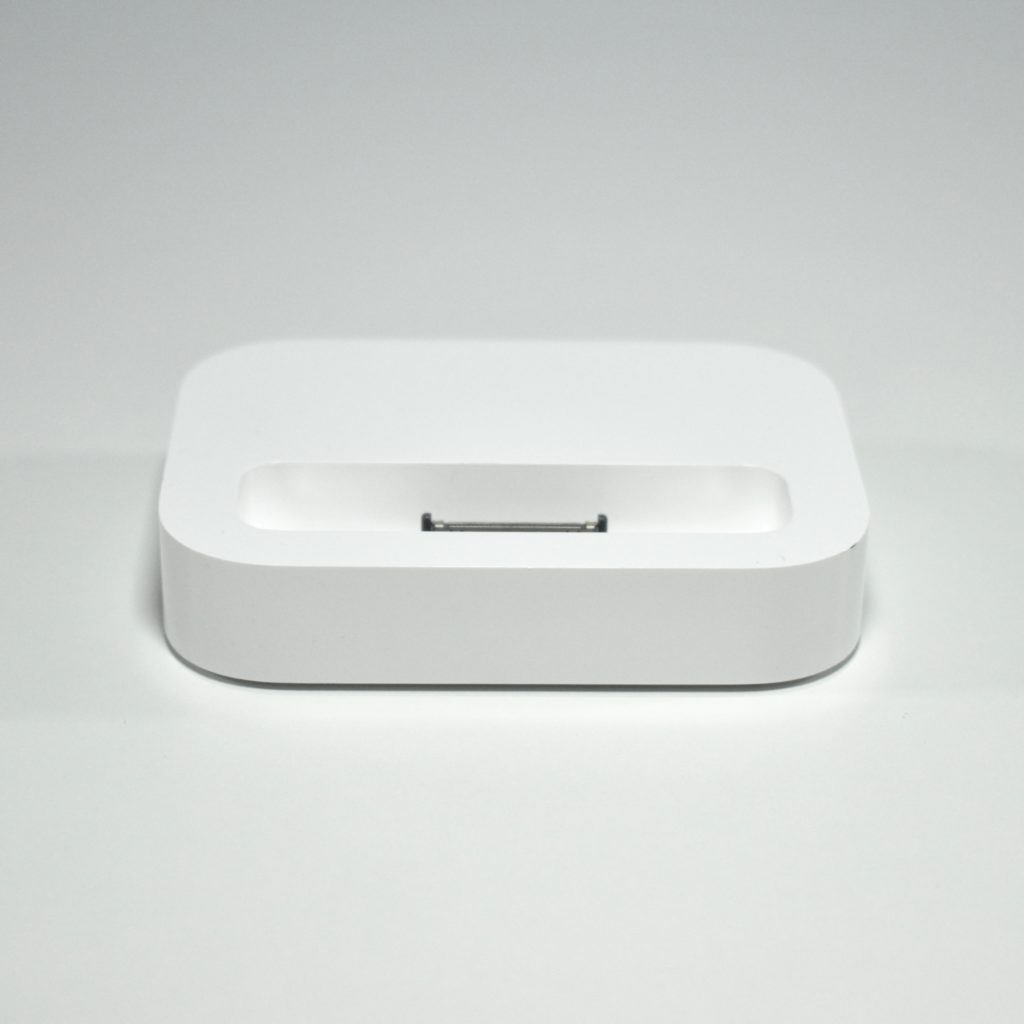
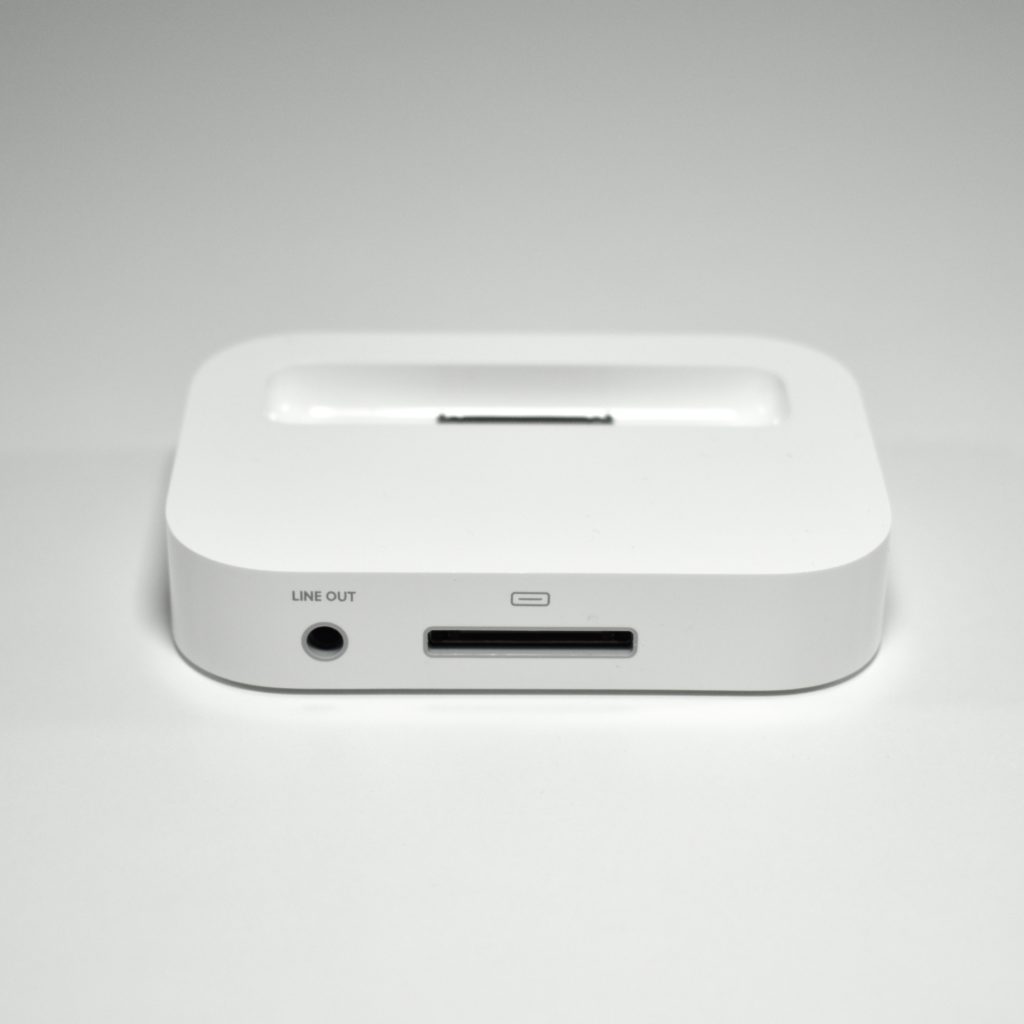
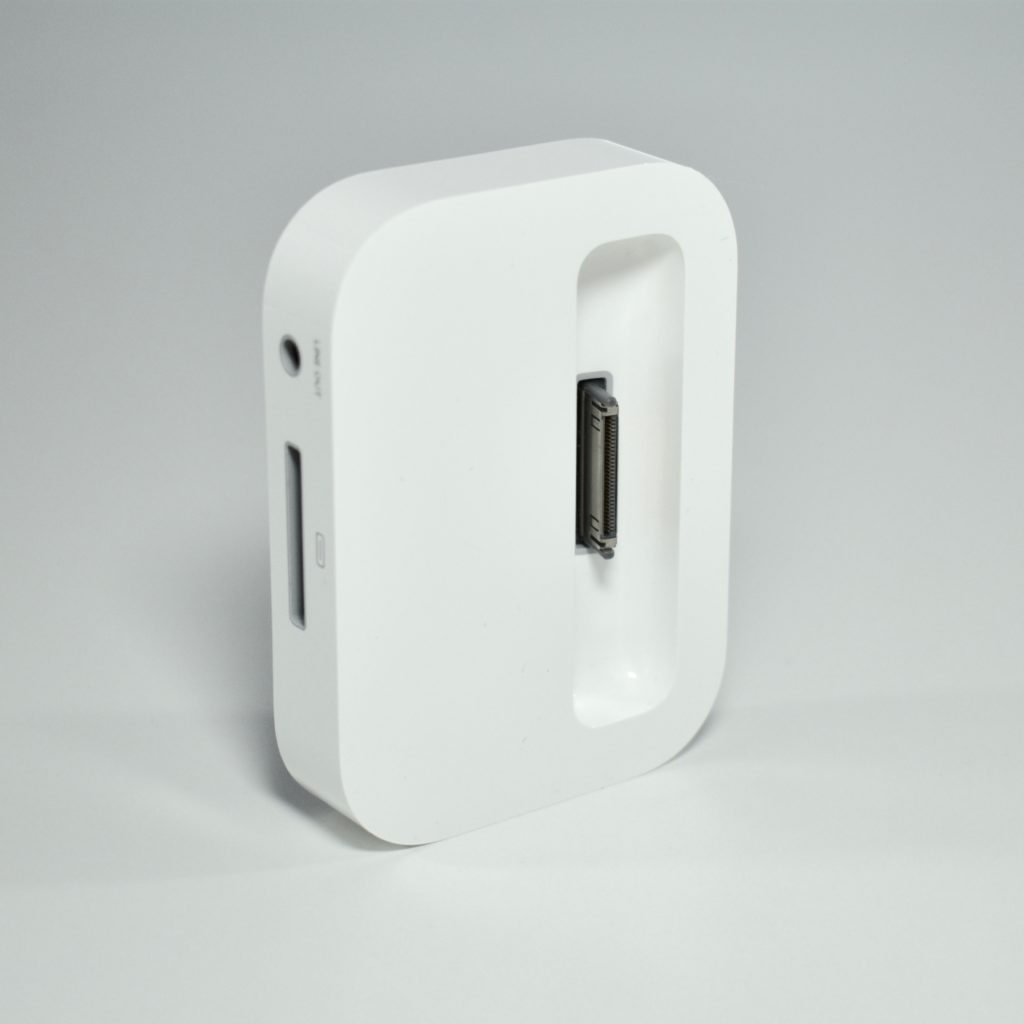
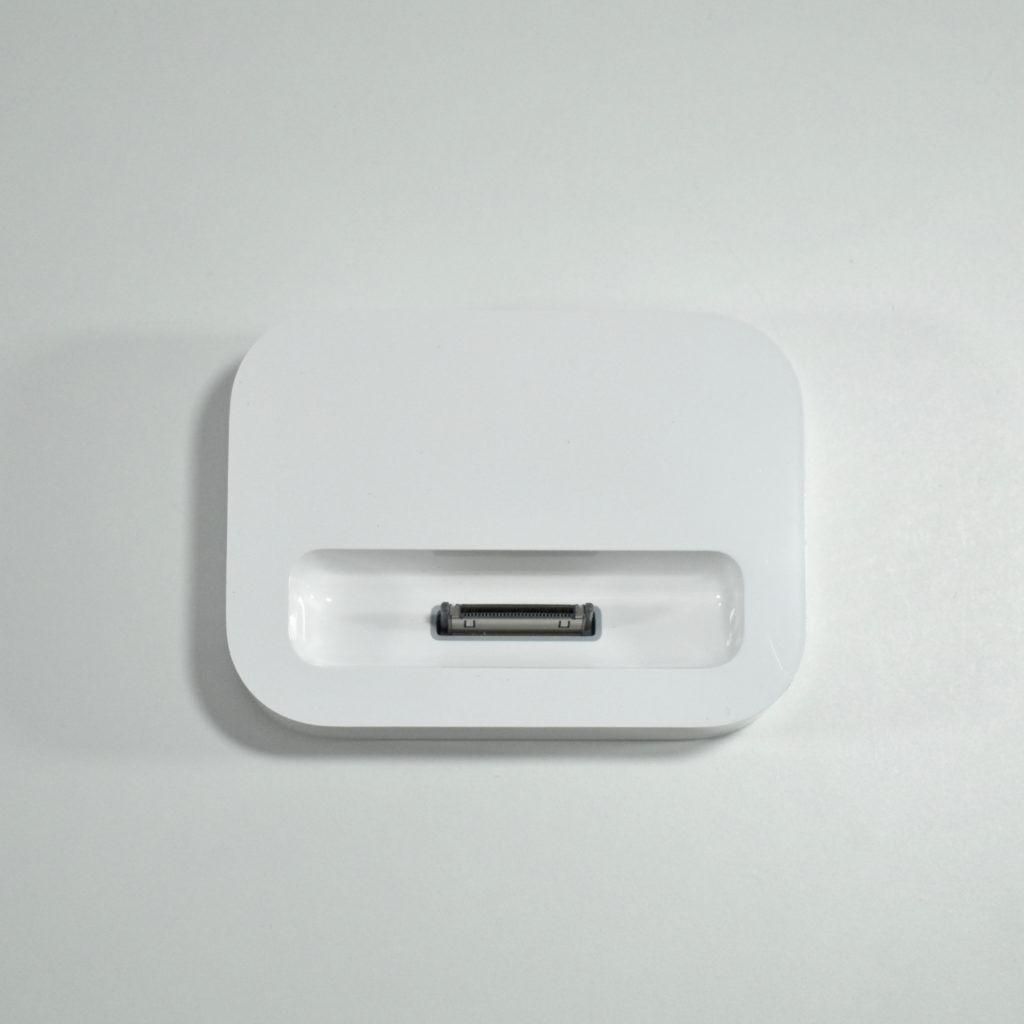
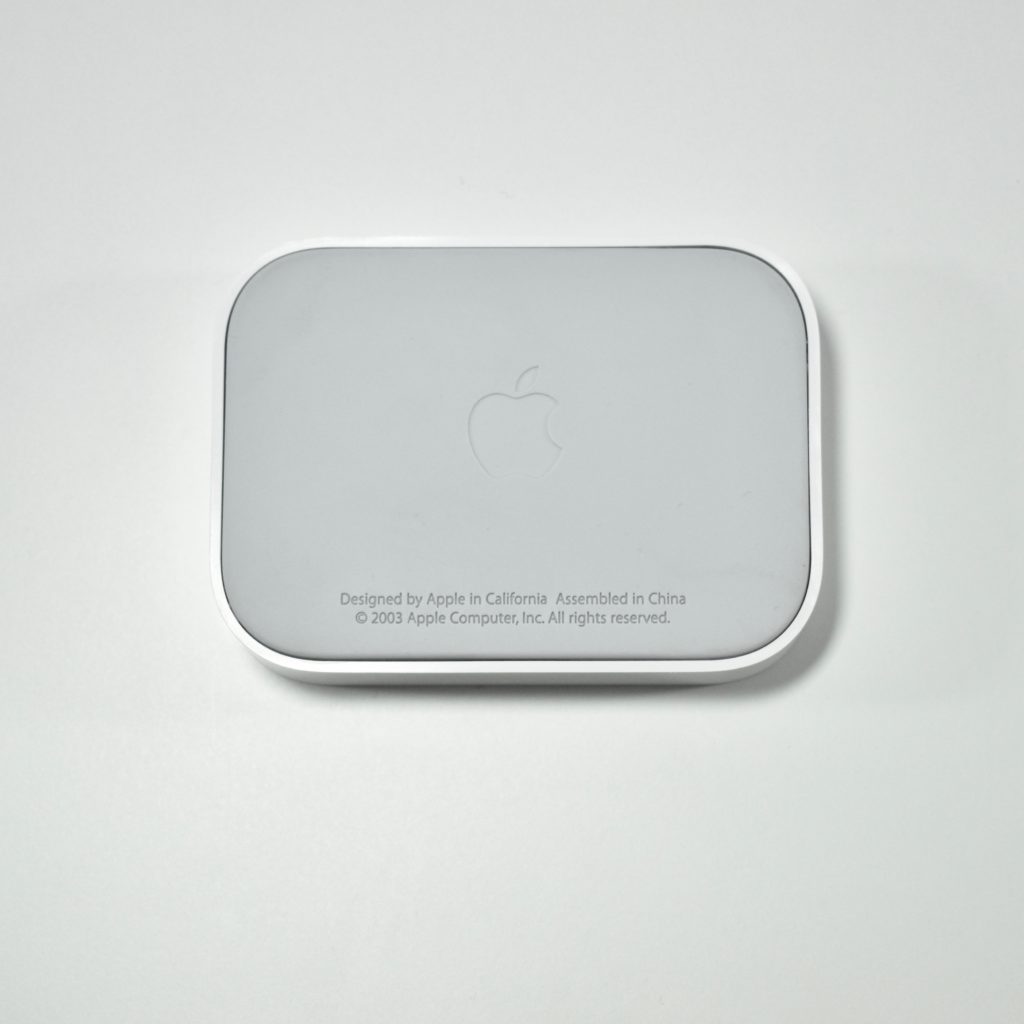
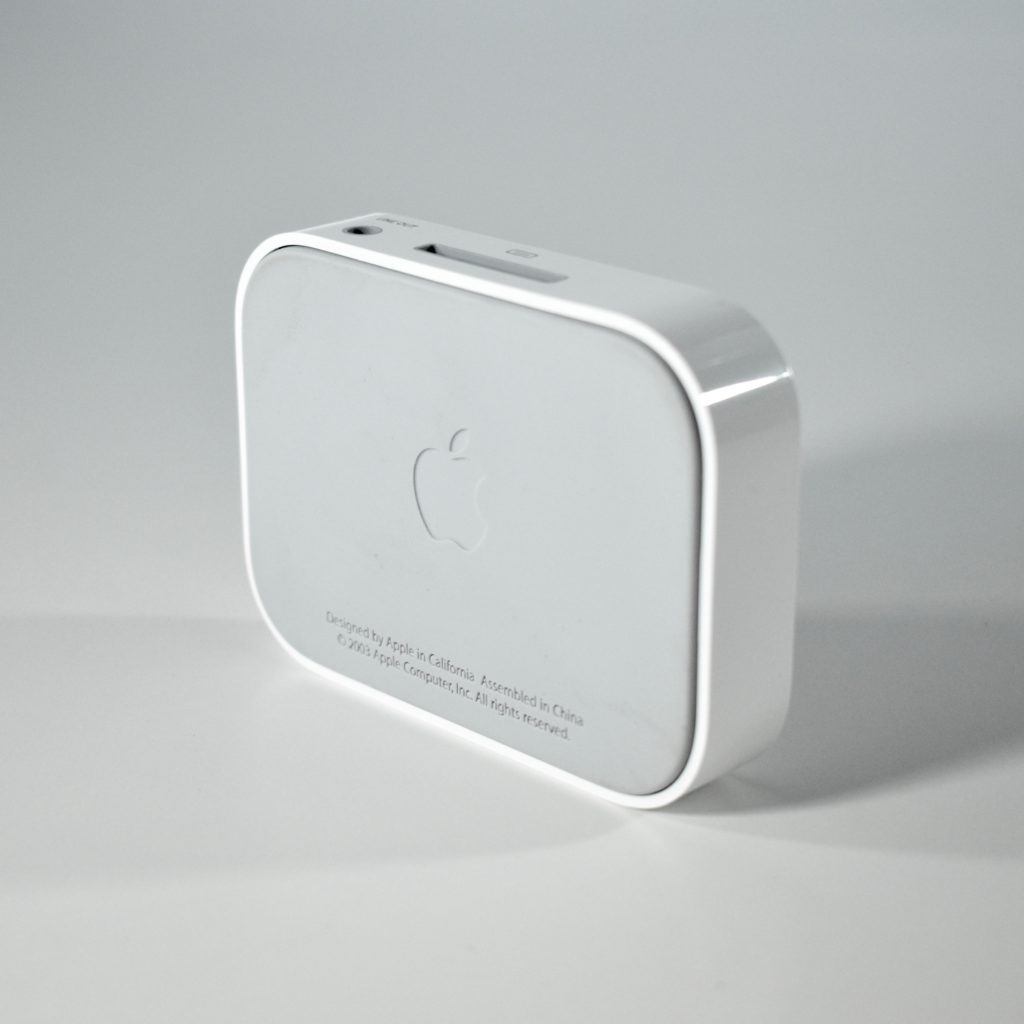
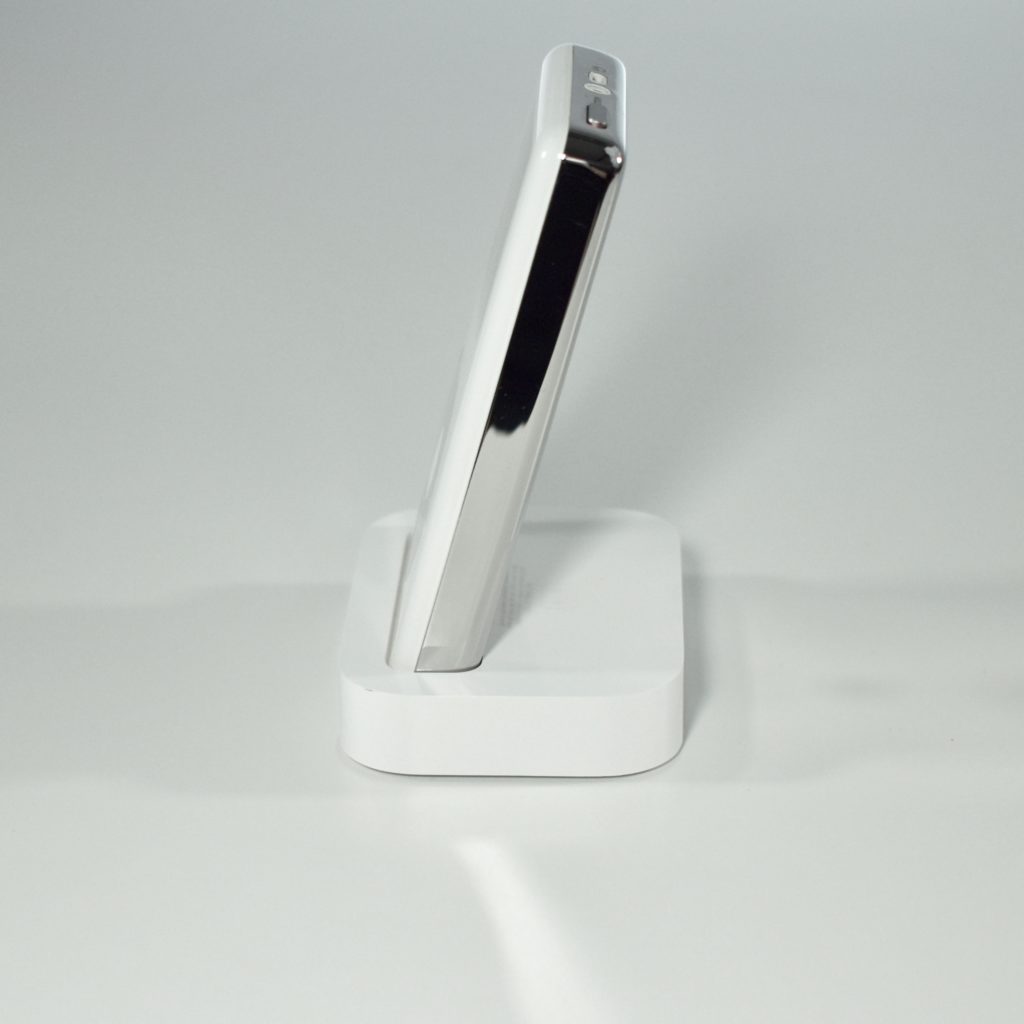
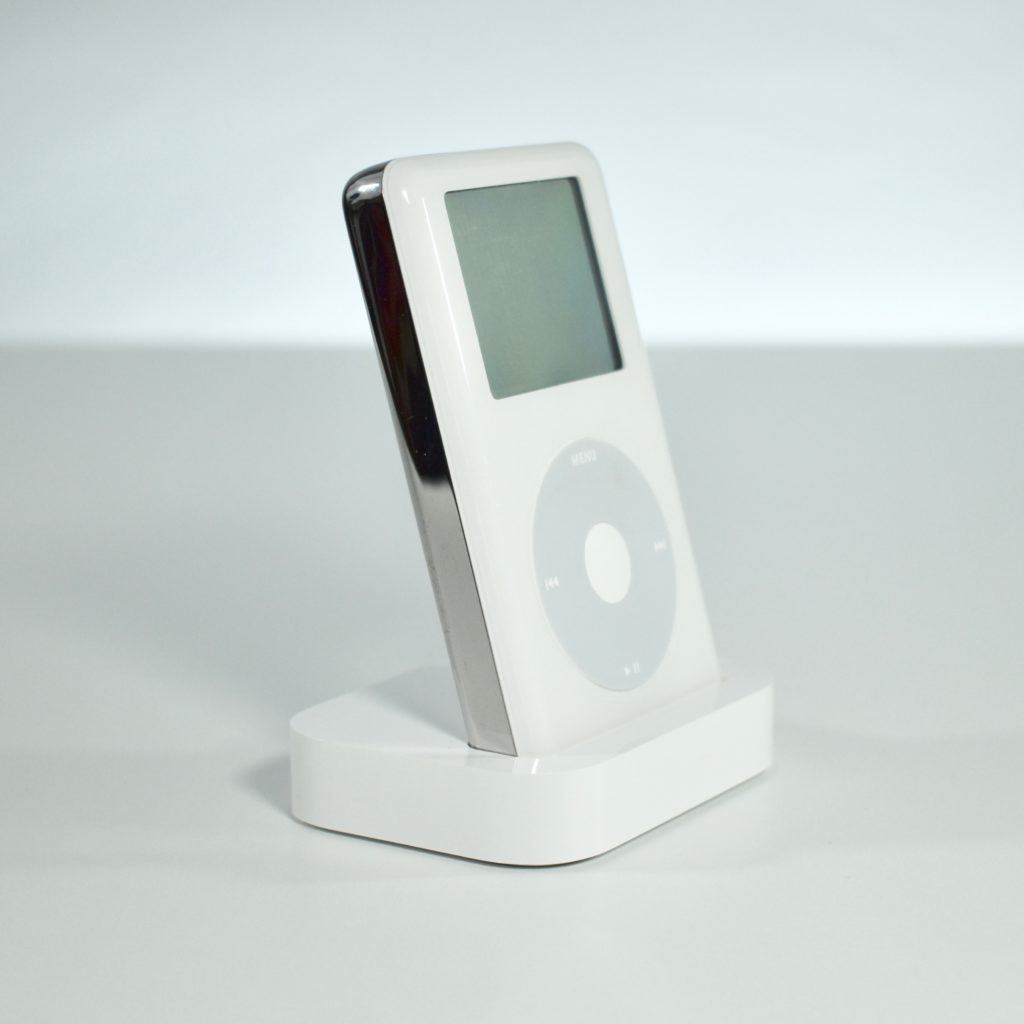
iPod Dock (2003)

When the iPod switched its connector from a FireWire port to the proprietary 30-pin Dock Connector, several new compatibility and hardware features became available. Because the Dock Connector handled data, sound, and charging capabilities, a variety of connection options were available. 

The iPod Dock allowed a connected iPod to simultaneously charge, send sound to an external stereo system through a line-out port in the back, and respond to commands from an Apple Remote control device.

Source: Apple-History.com

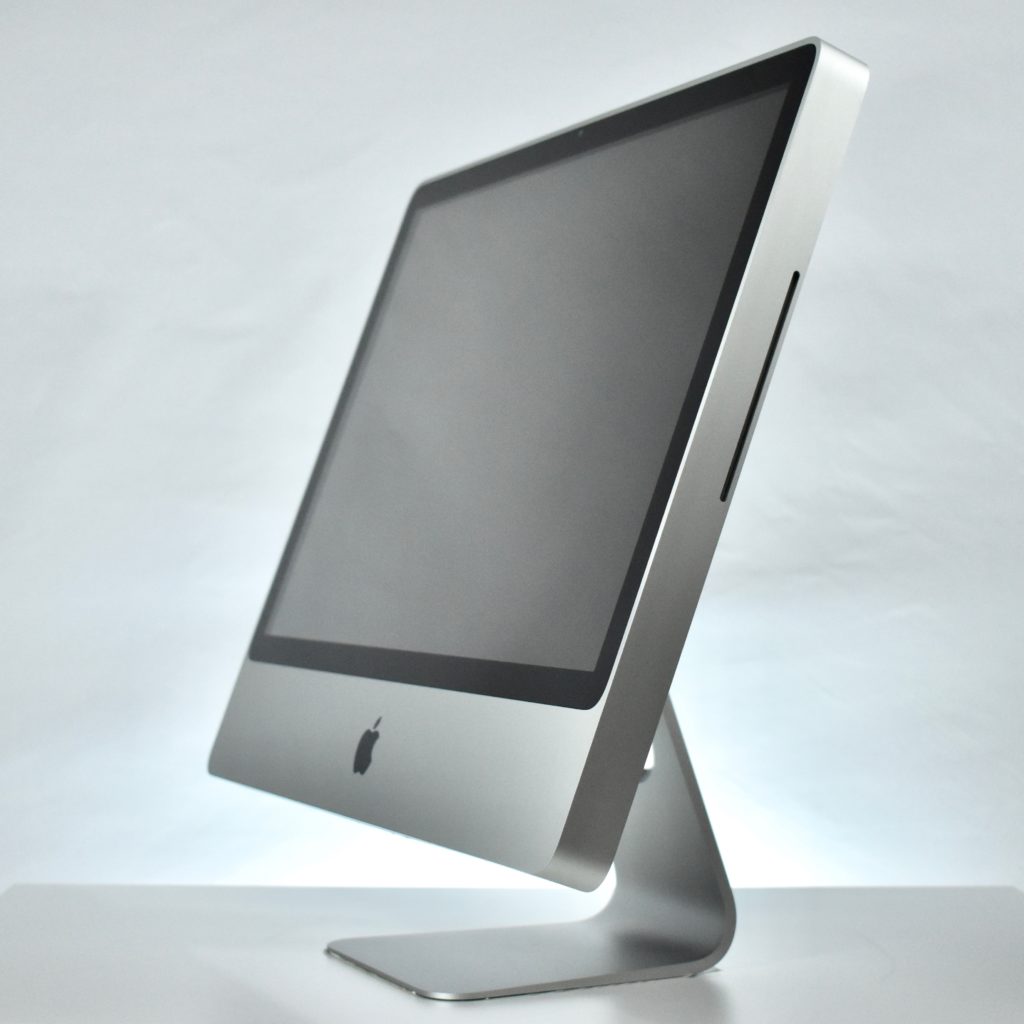
iMac Core 2 Duo 24-inch (2009)

The iMac Core 2 Duo 24-inch featured a 2.93 GHz Intel Core 2 Duo processor (two independent processors on a single chip), 4 GB of RAM, a 640 GB hard drive, a slot-loading DVD-R DL SuperDrive, a built-in iSight video camera, and built-in stereo speakers. The screen was a 24-inch glossy TFT Active Matrix LCD display at 1920×1200. Ports included four USB 2.0 ports, a Firewire 800 port, Gigabit Ethernet, and a Mini DisplayPort. Wireless connectivity included a built-in AirPort Extreme.

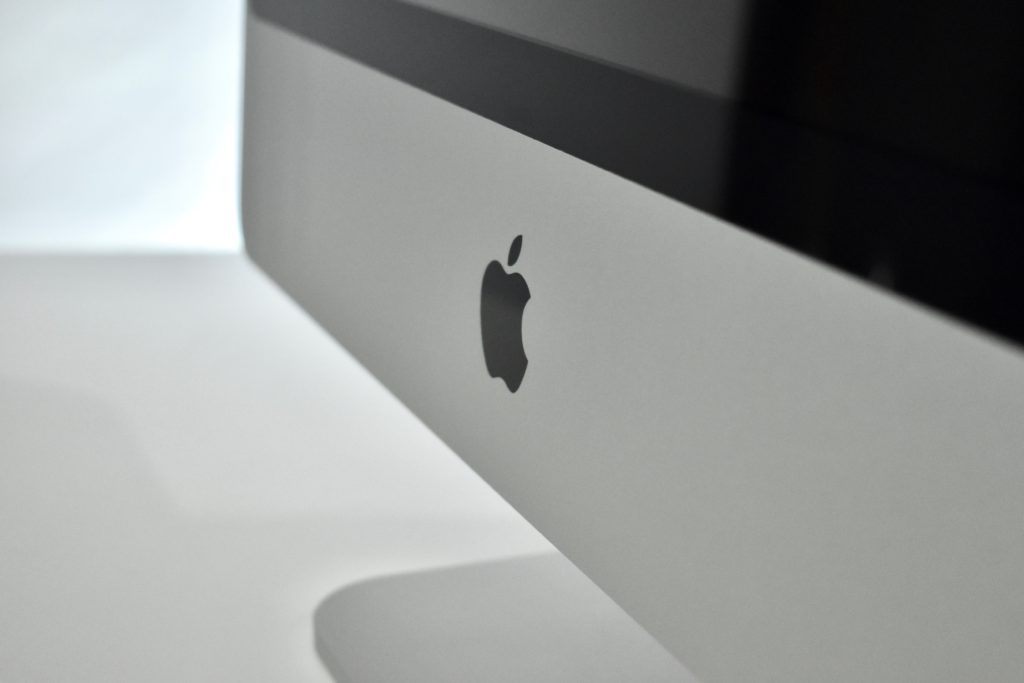
The iMac Core 2 Duo (Early 2009) models differ from a previous similar aluminum iMac design by adding a tapered foot.

I used this iMac extensively as my primary home iMac for graphics and GarageBand music projects.

Source: EveryMac.com

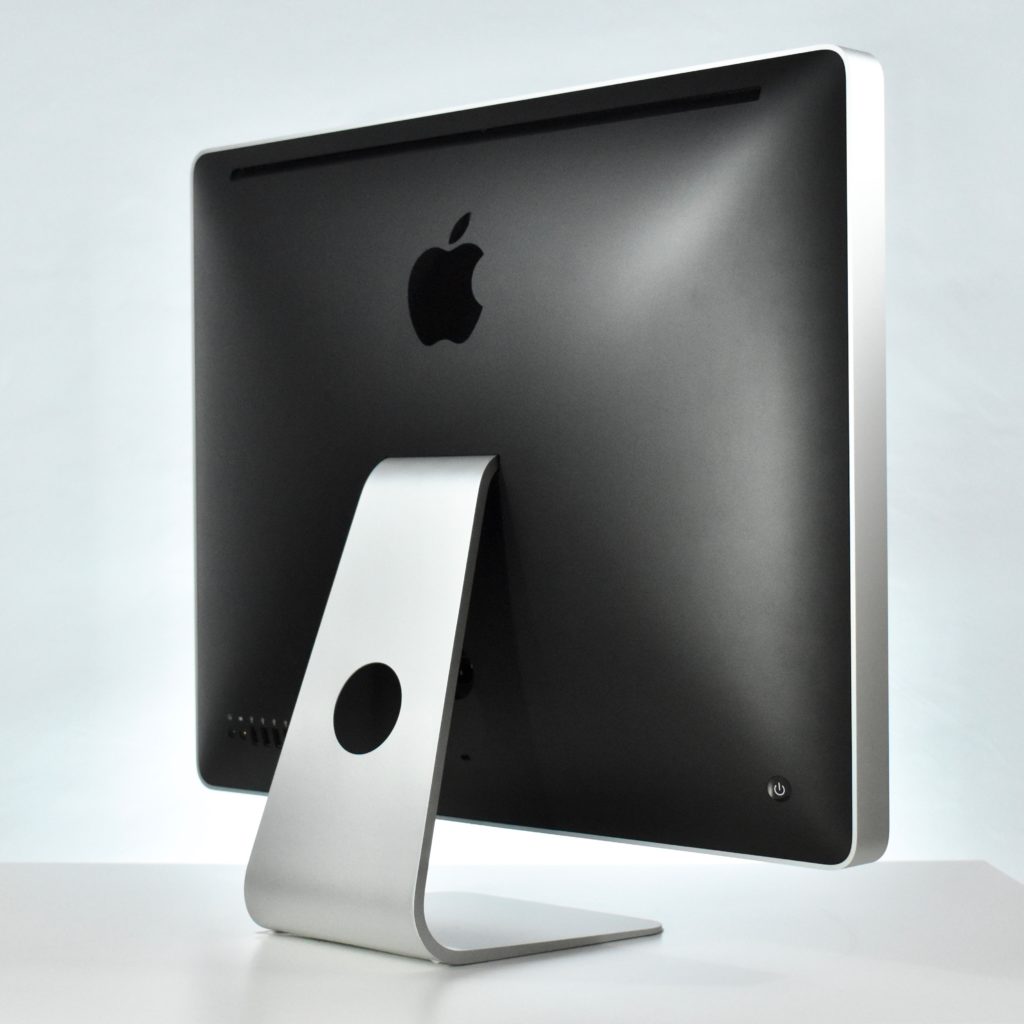
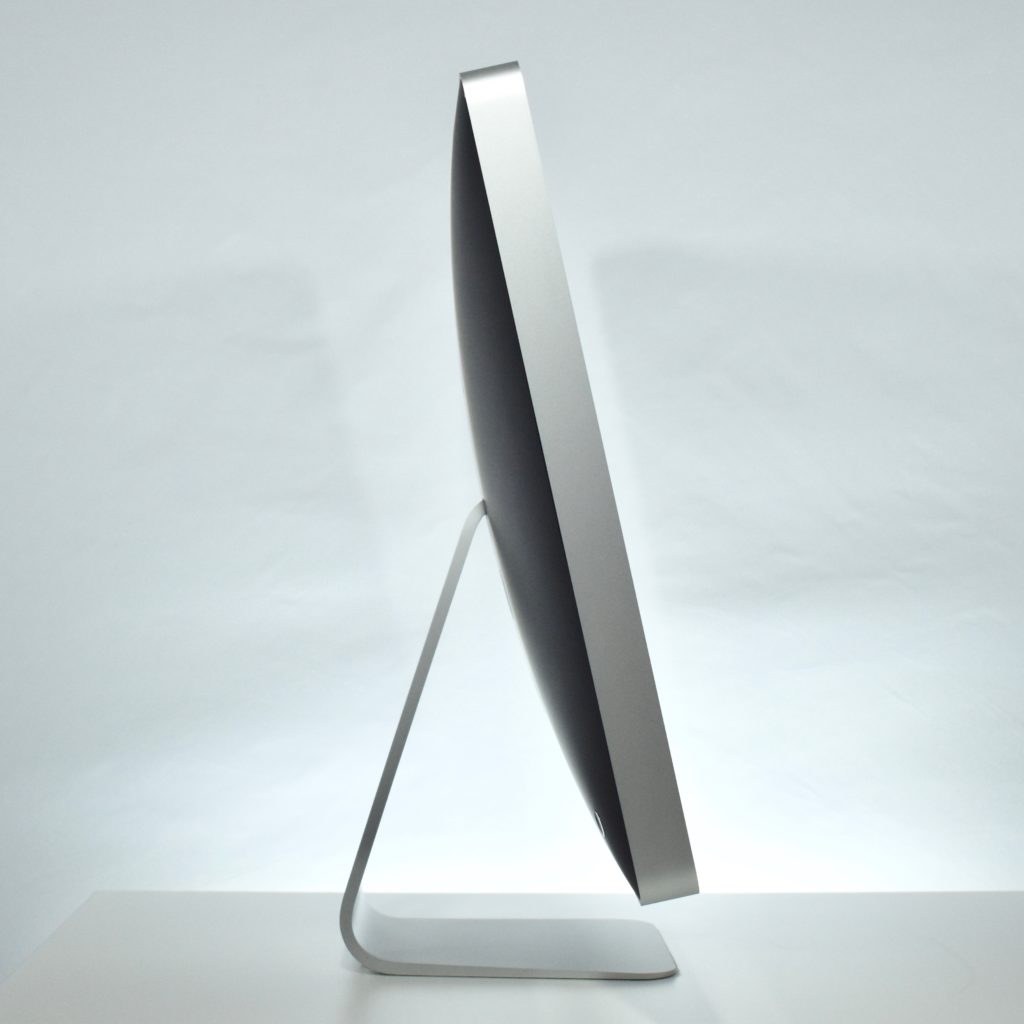
iMac Core 2 Duo 20-inch (2007)

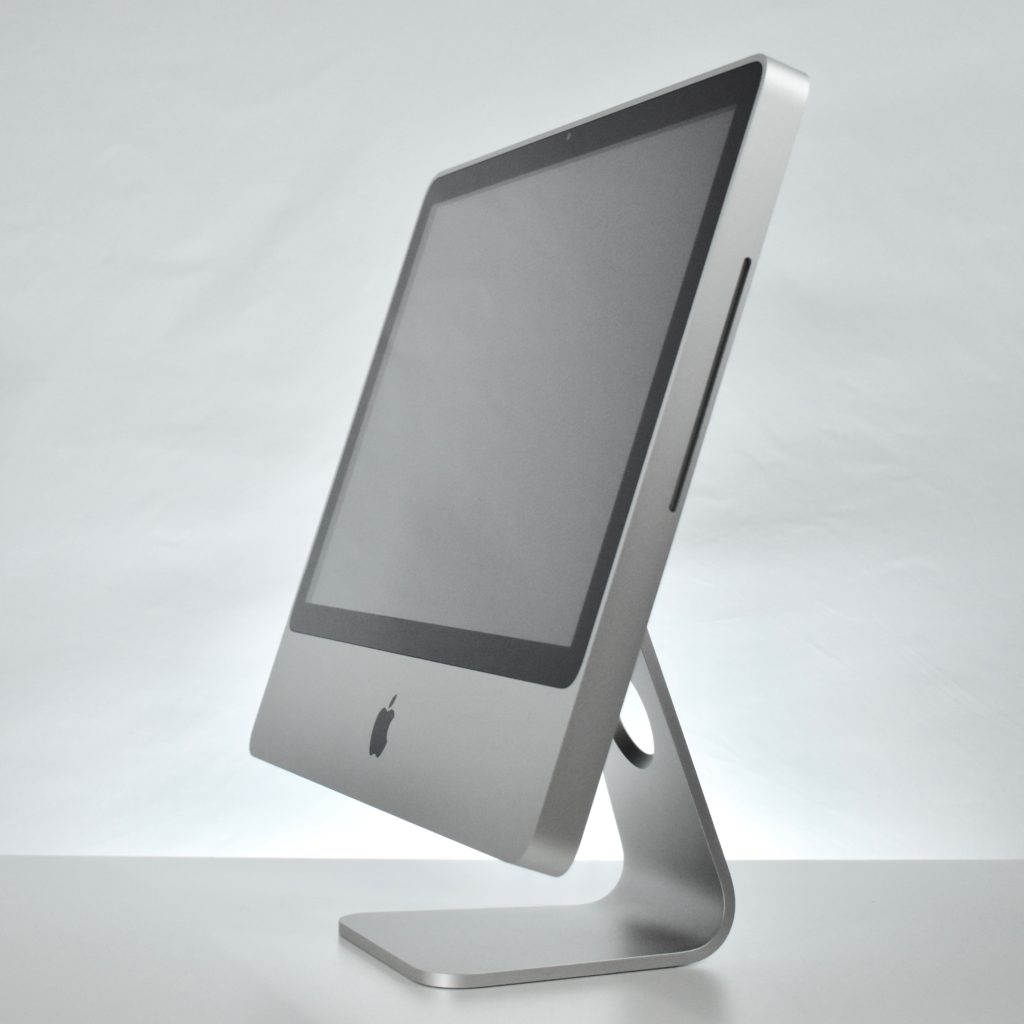
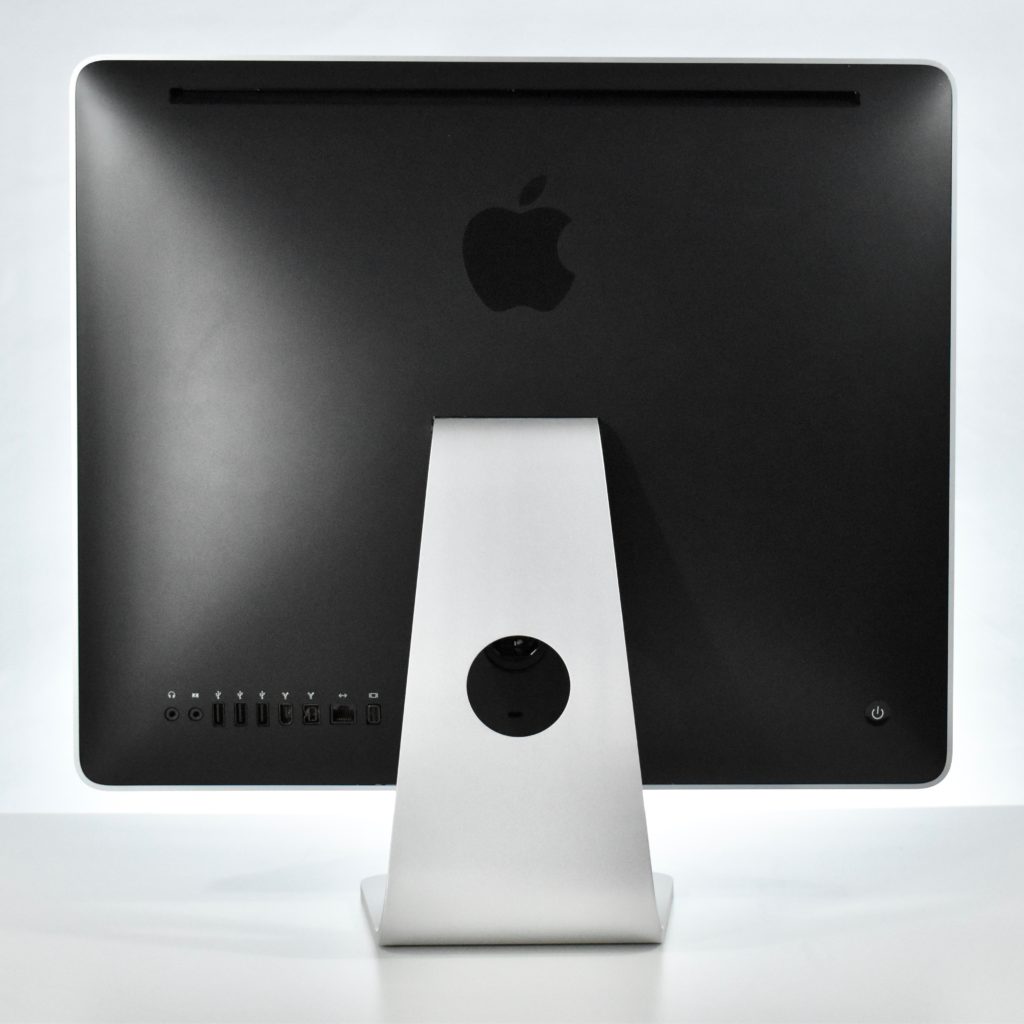
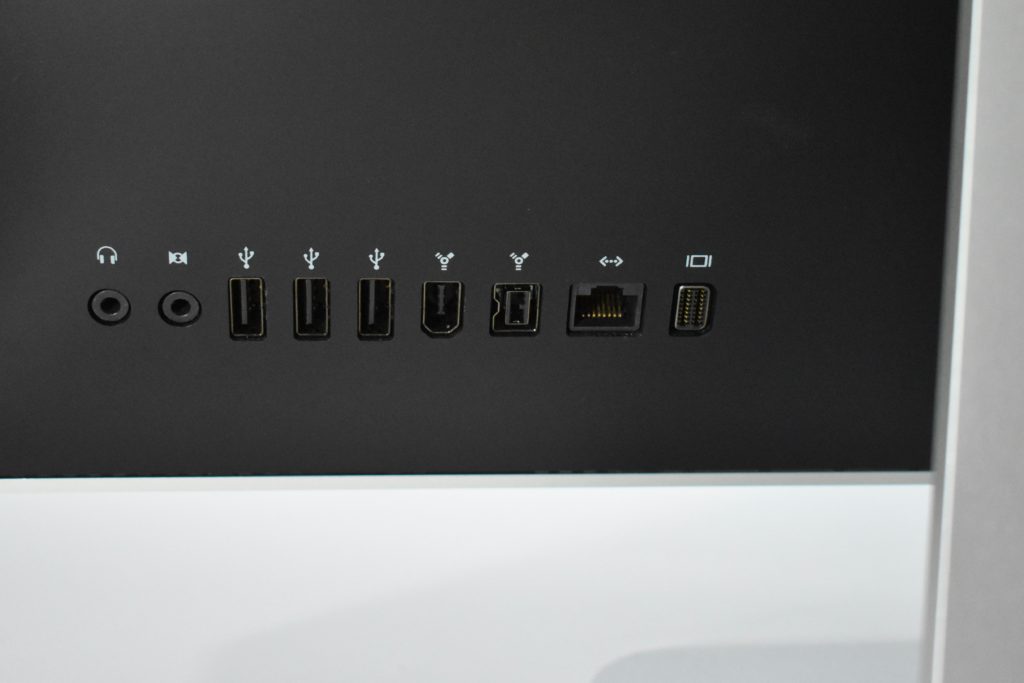
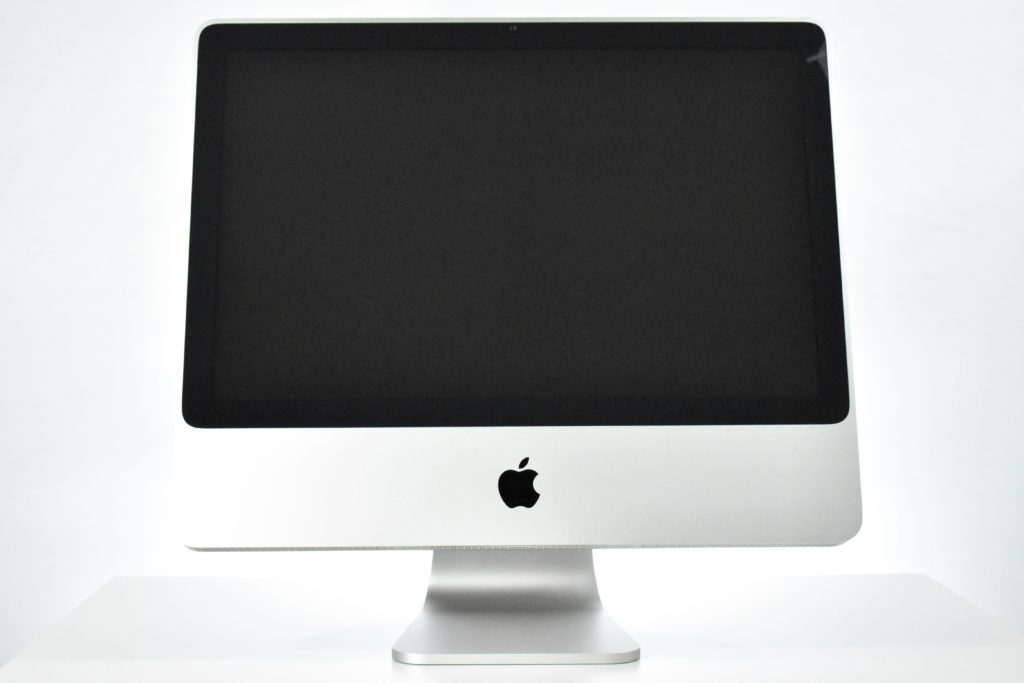
iMac Core 2 Duo 20-Inch featured a 2.4 GHz Intel Core 2 Duo processor (two processors on a single chip), 1 GB of RAM, a 320 GB Serial ATA hard drive, a slot-loading DVD+R DL SuperDrive, a built-in iSight video camera, and built-in stereo speakers. The screen was a 20-inch glossy TFT Active Matrix LCD at 1680×1050. Ports included three USB 2.0 ports, a Firewire 400 port, a Firewire 800 port, Gigabit Ethernet, and mini-DVI. It also included built-in AirPort Extreme.

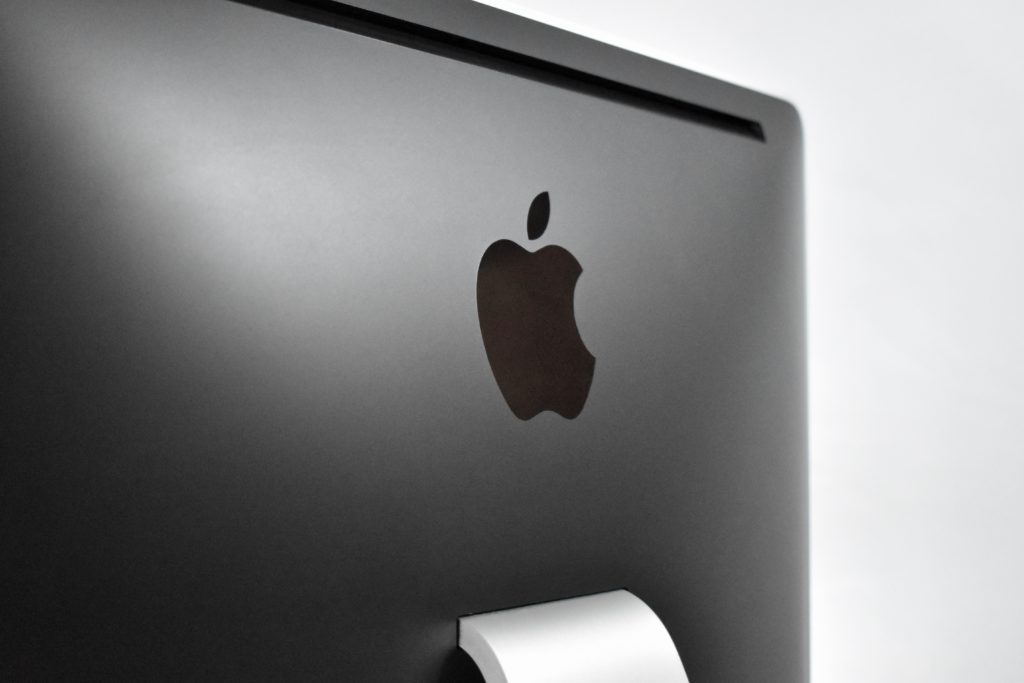
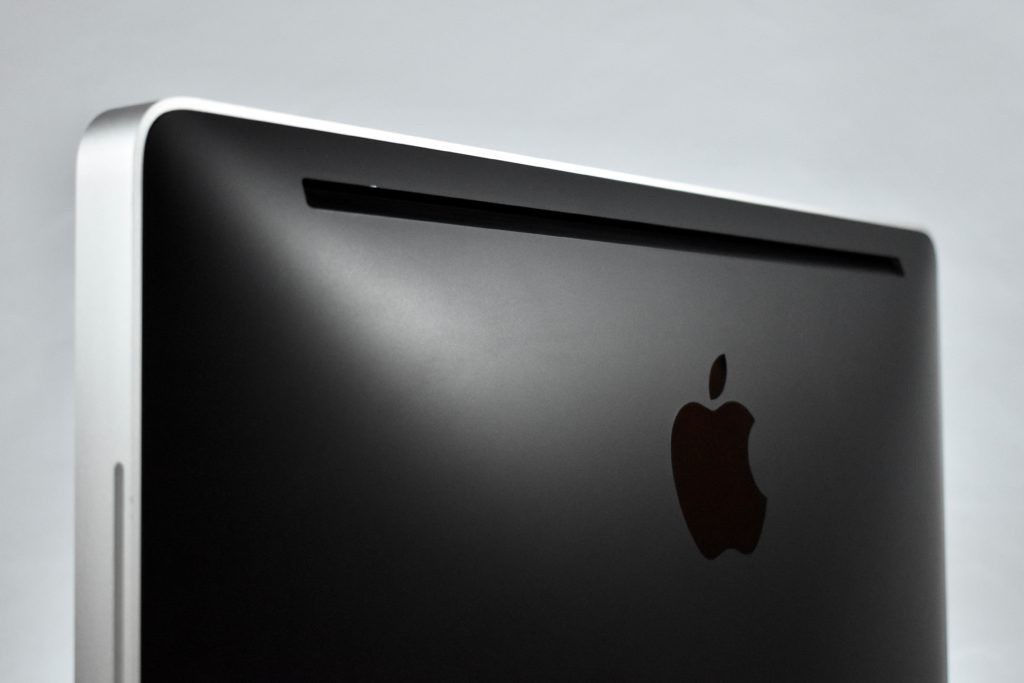
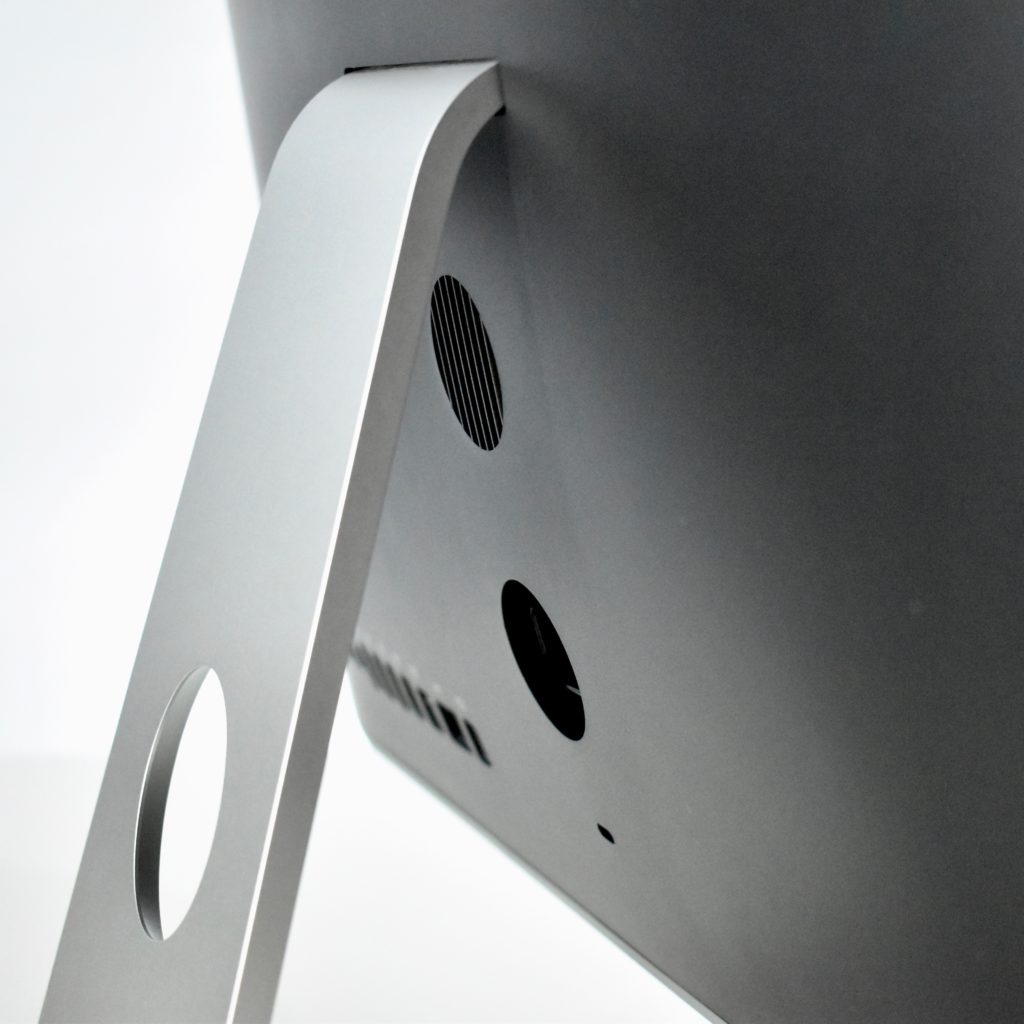
The exterior aluminum case had a black plastic back. The iMac Core 2 Duo also shipped with a matching aluminum Apple Keyboard with a design similar to the keyboard on the MacBook at the time.

Source: EveryMac.com