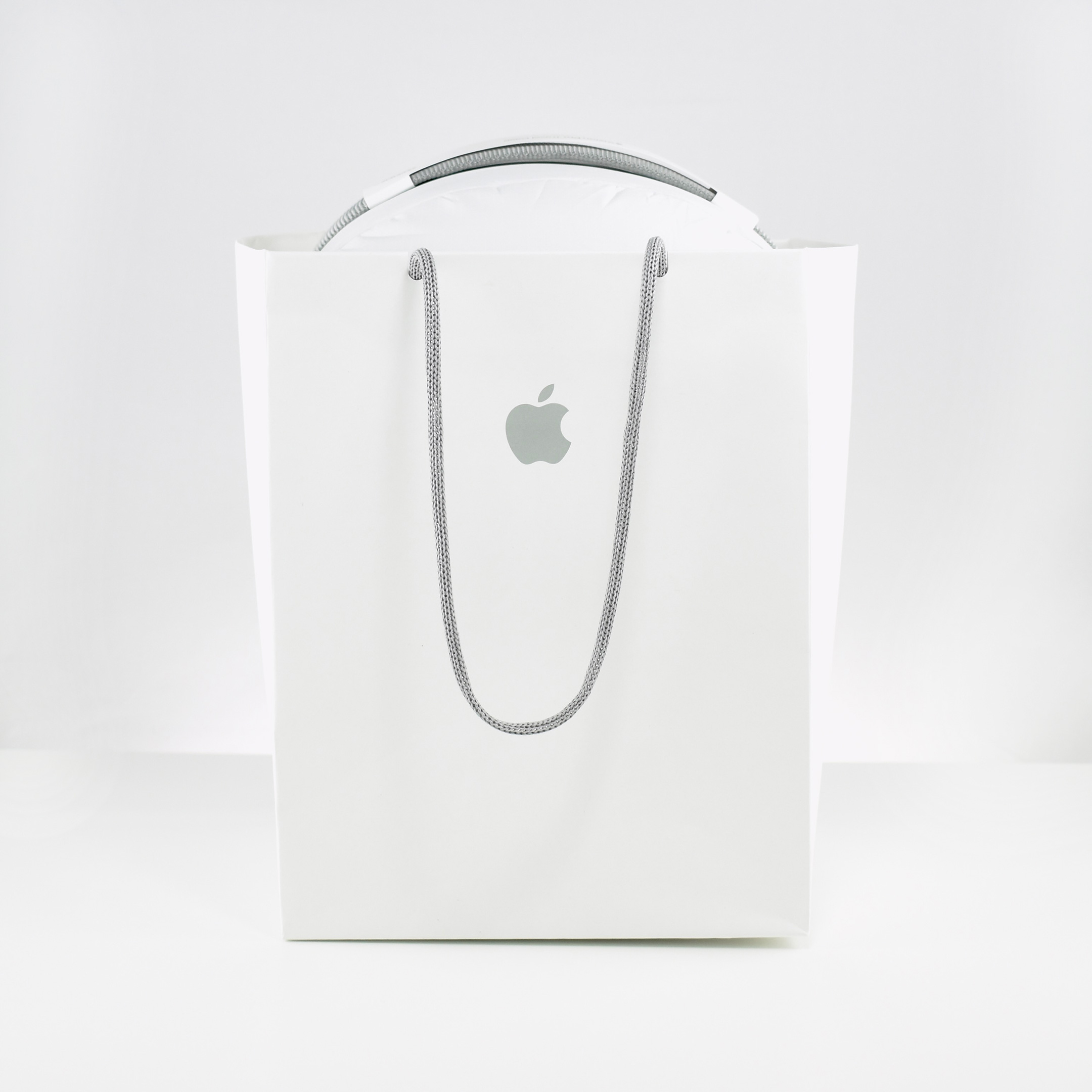
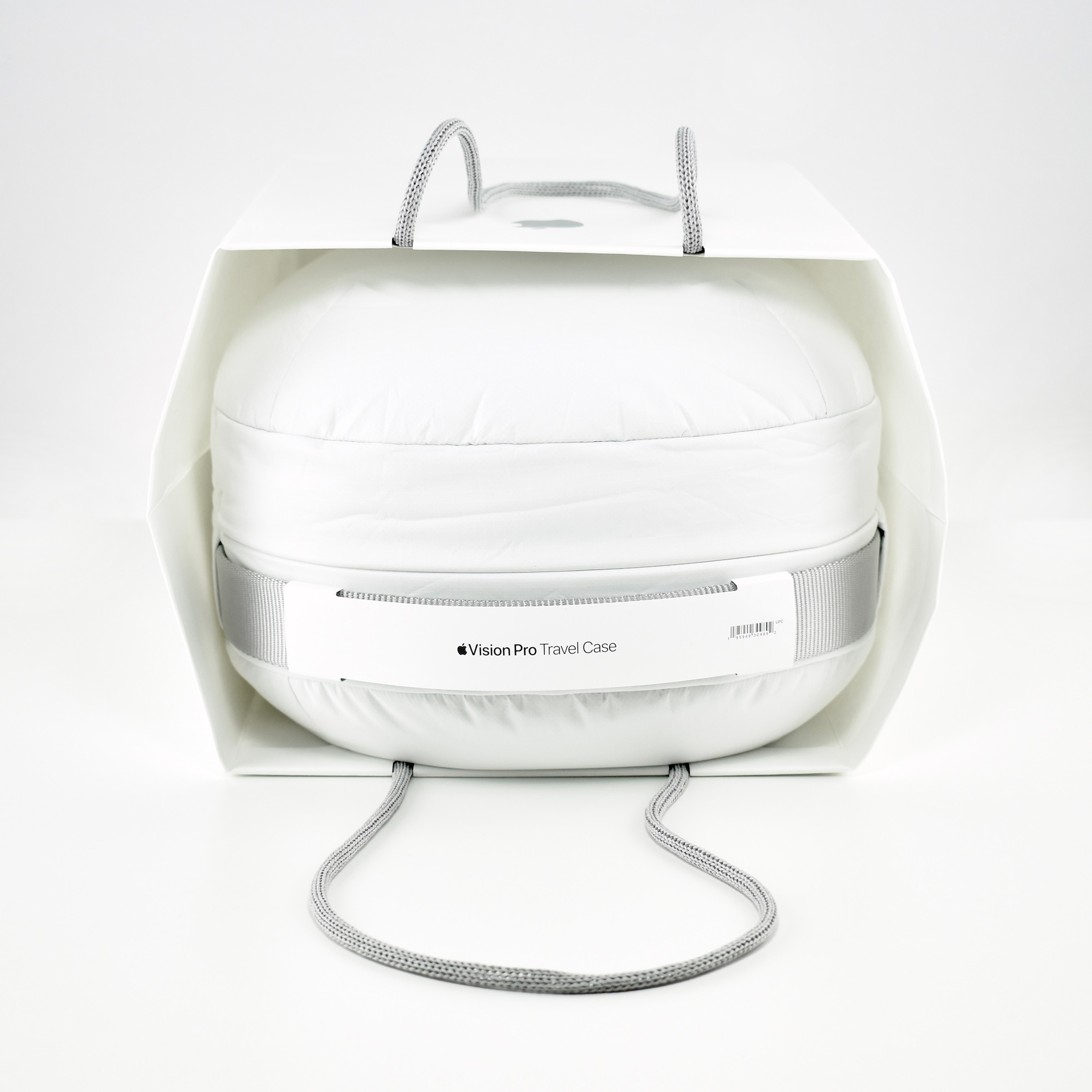
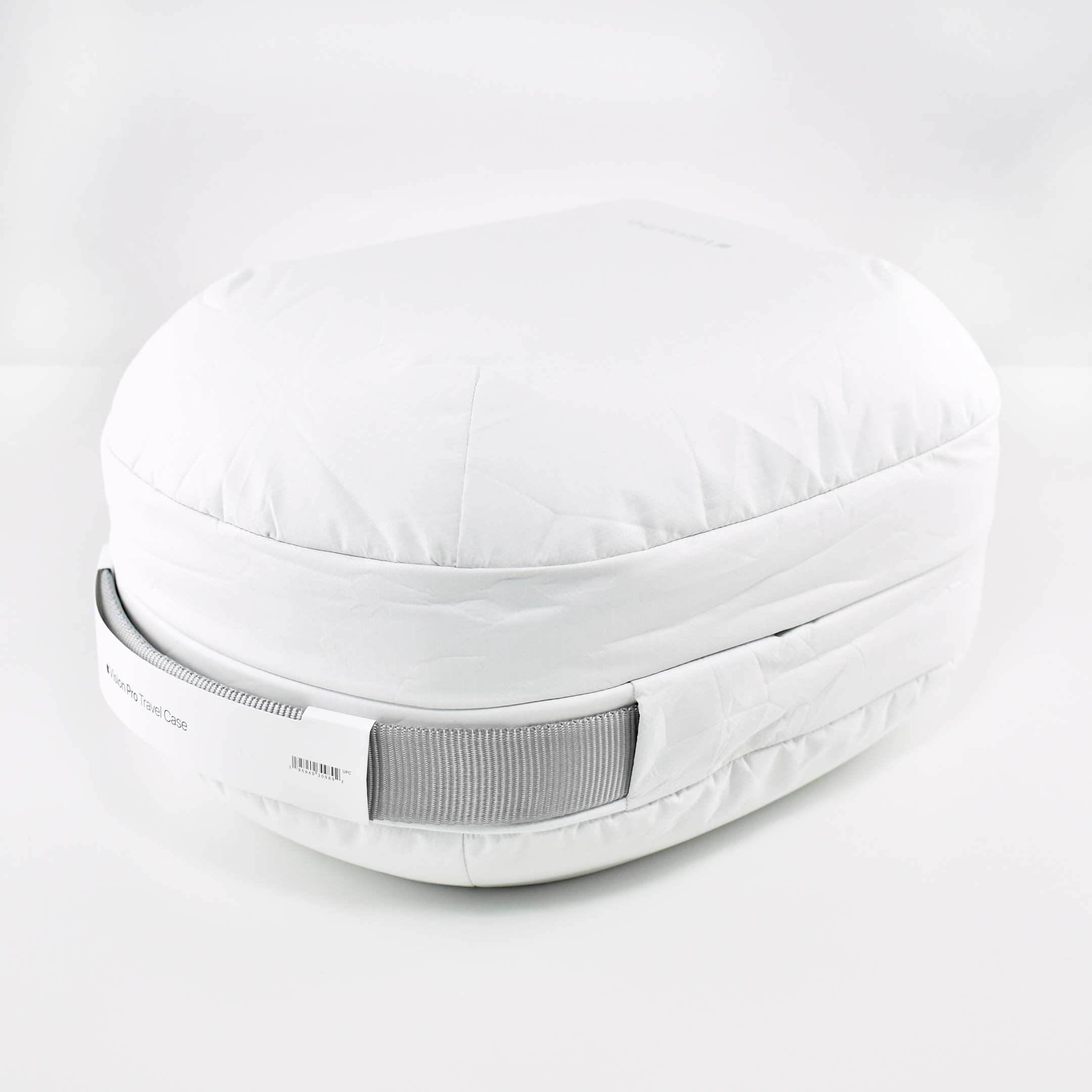
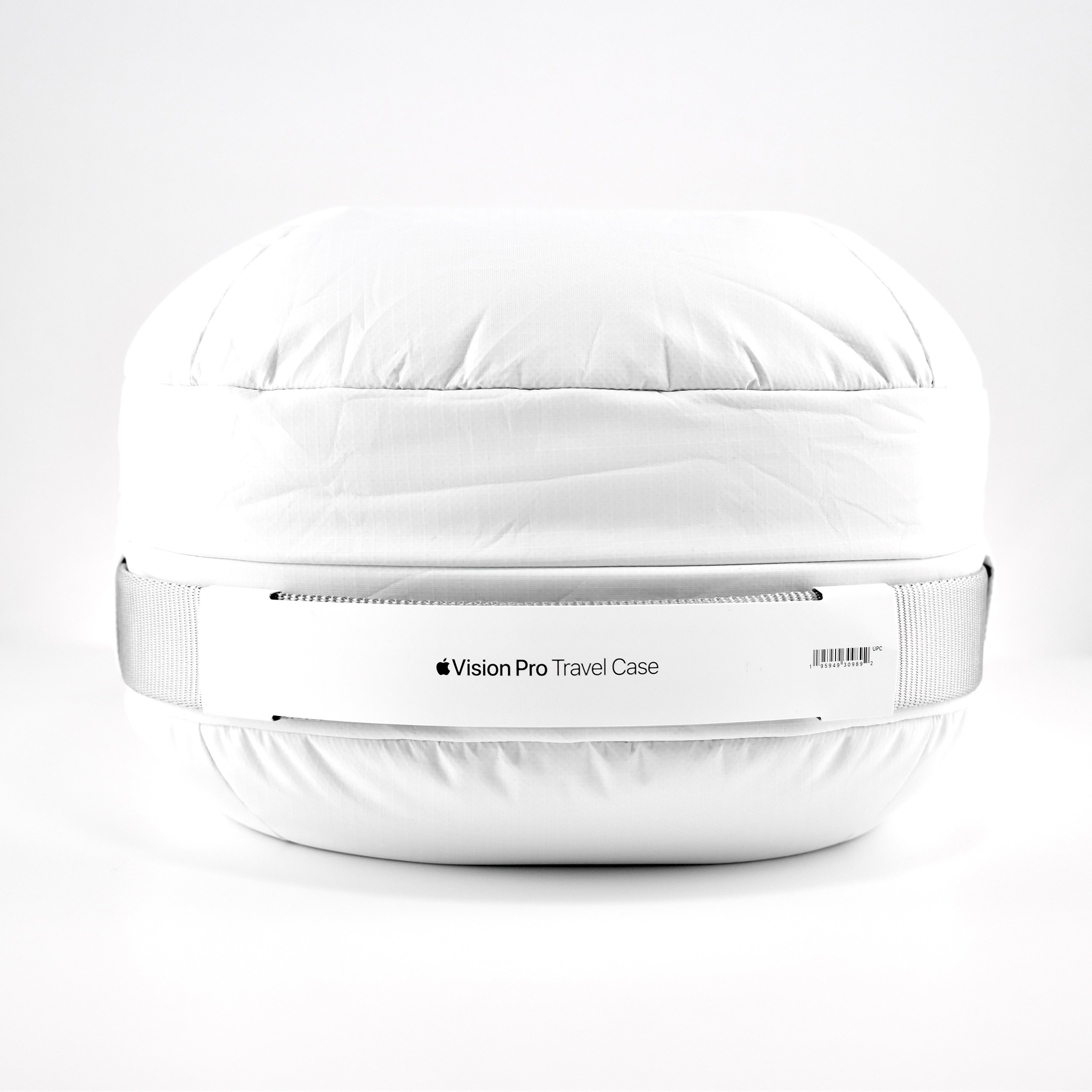
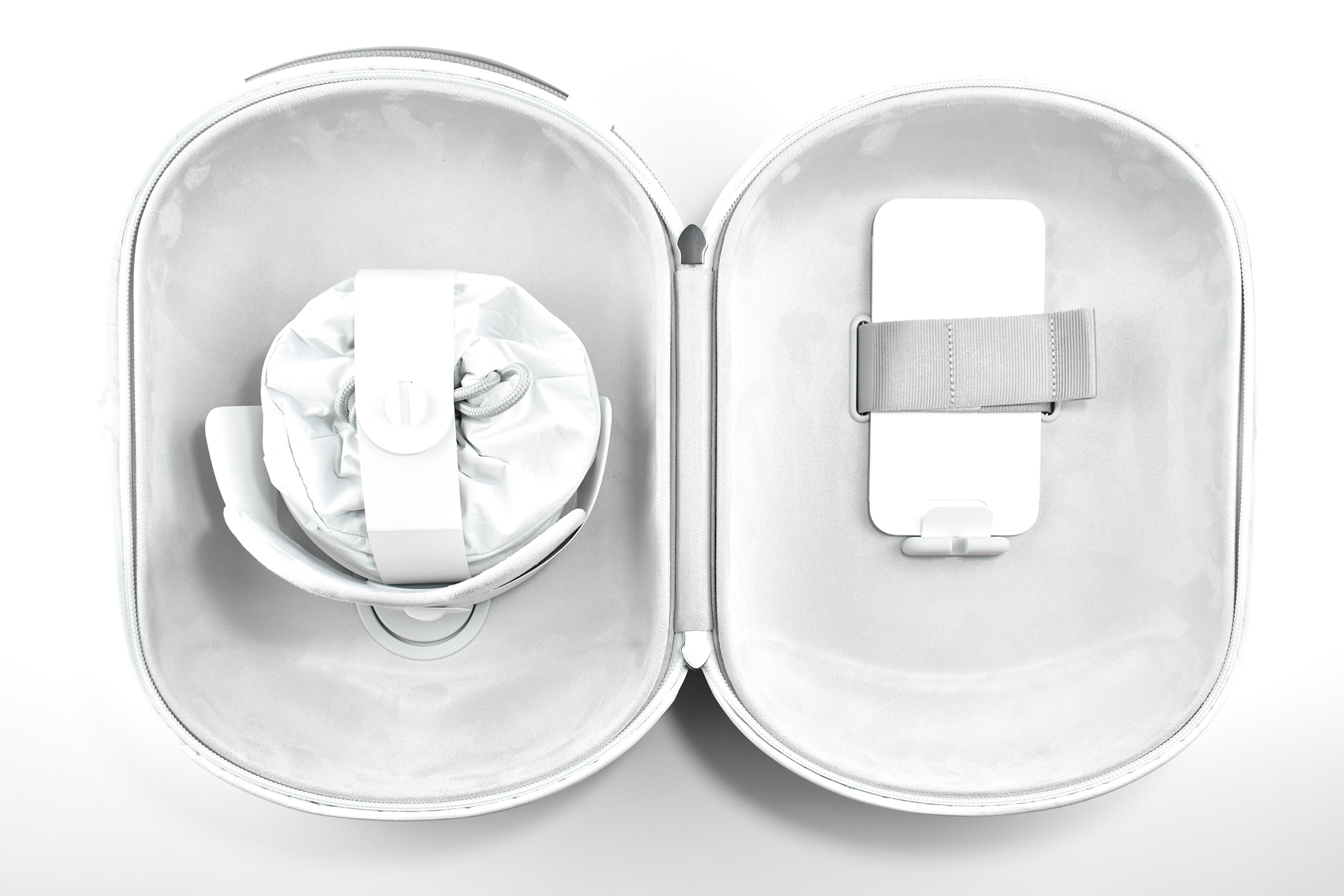
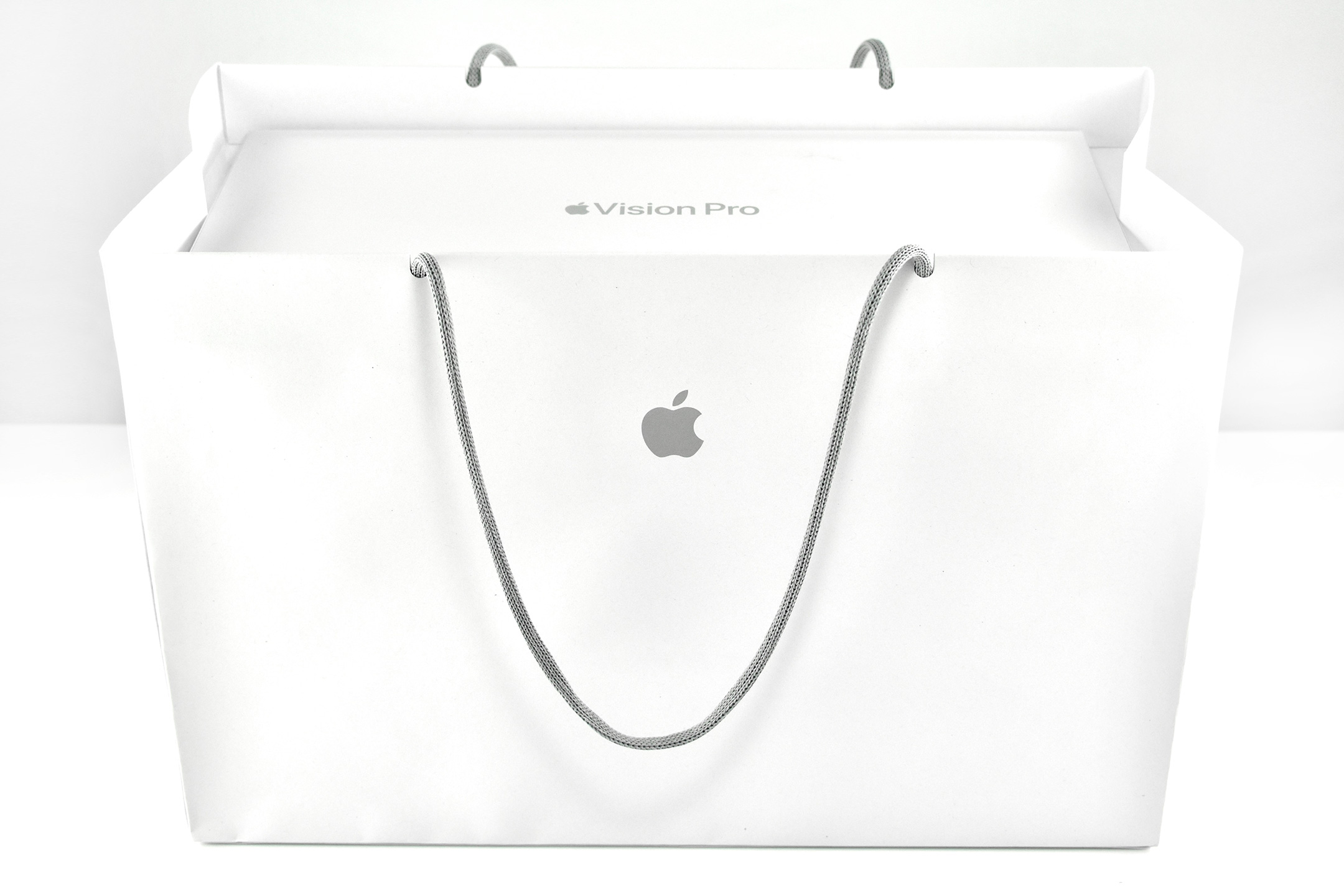
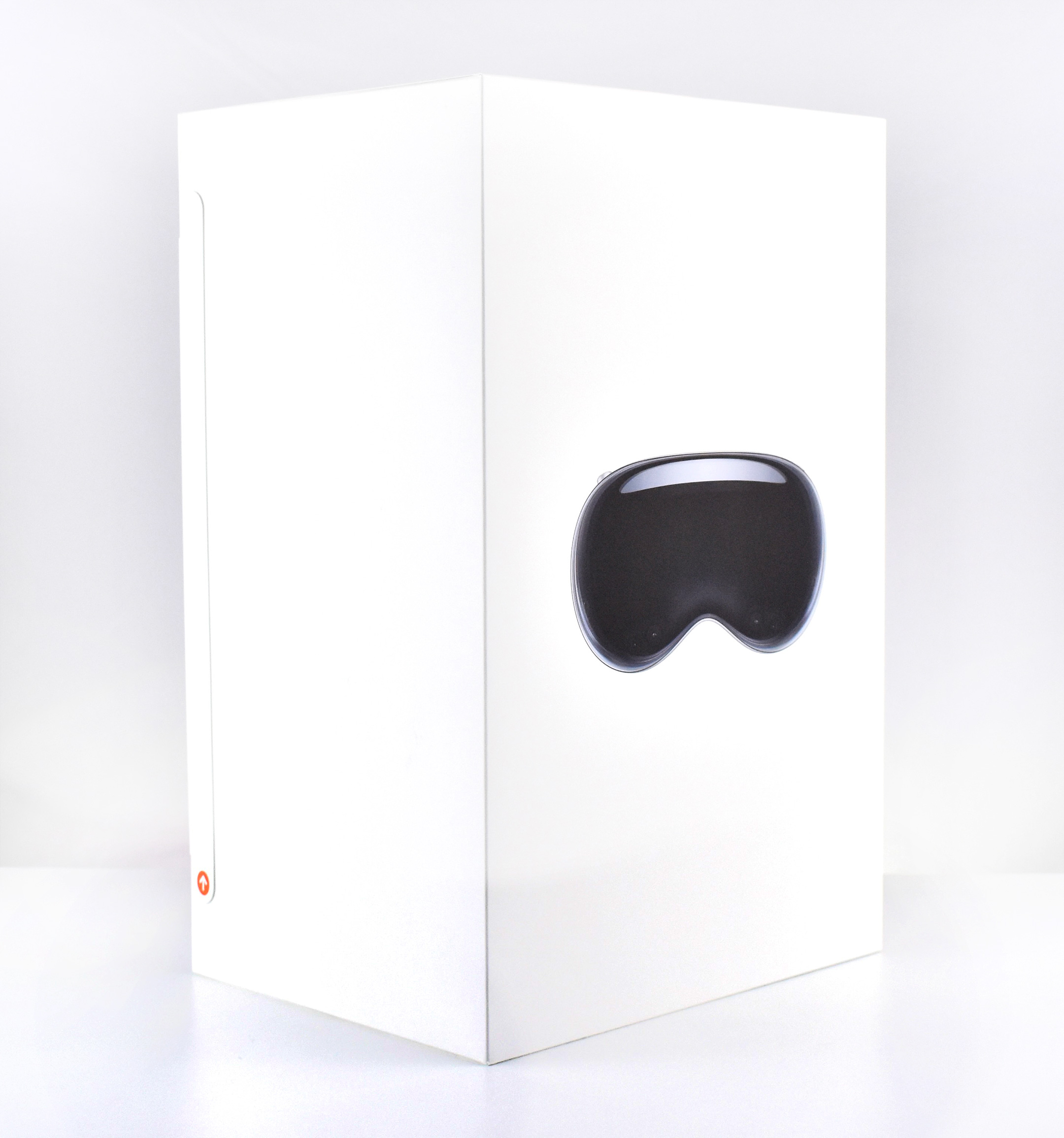
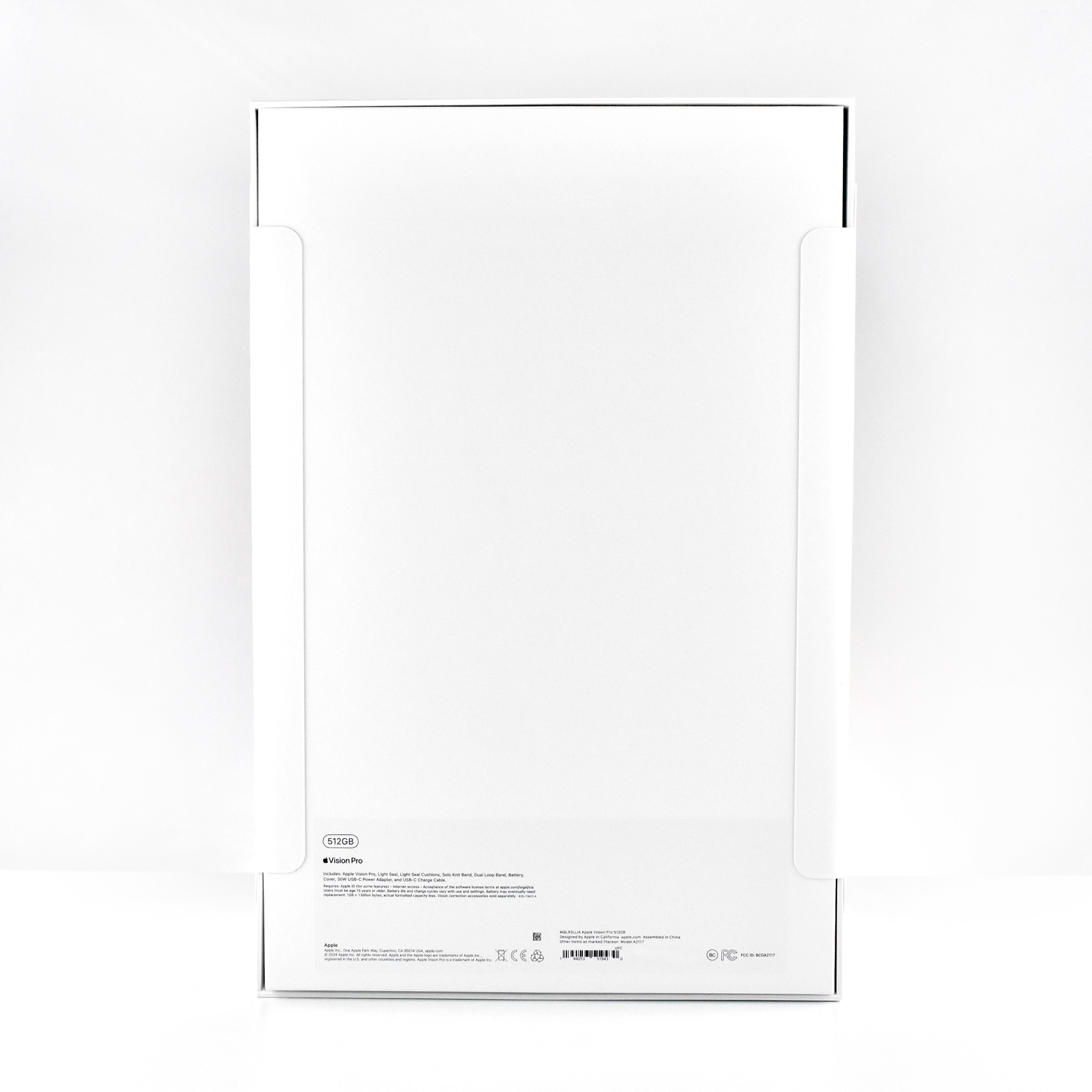
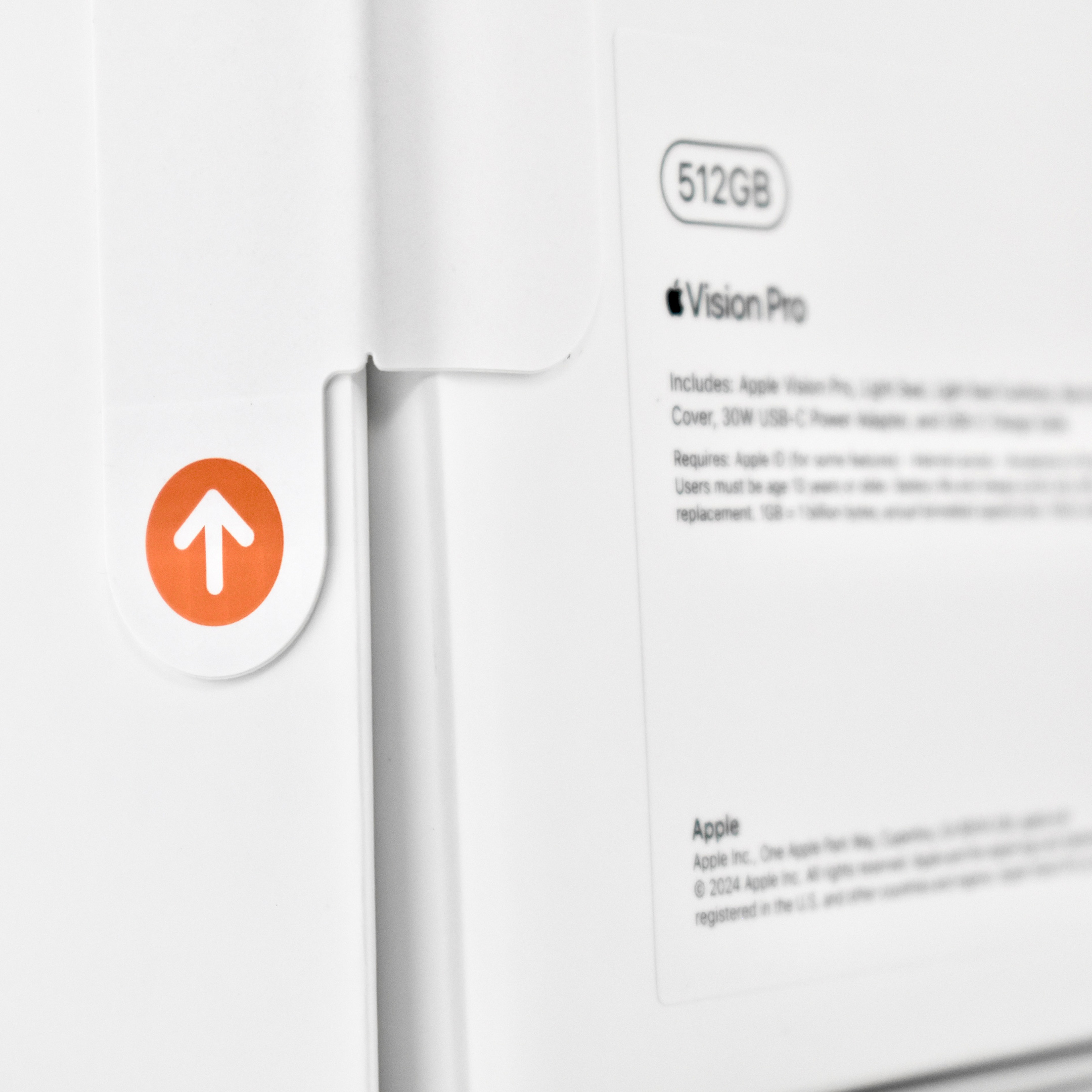
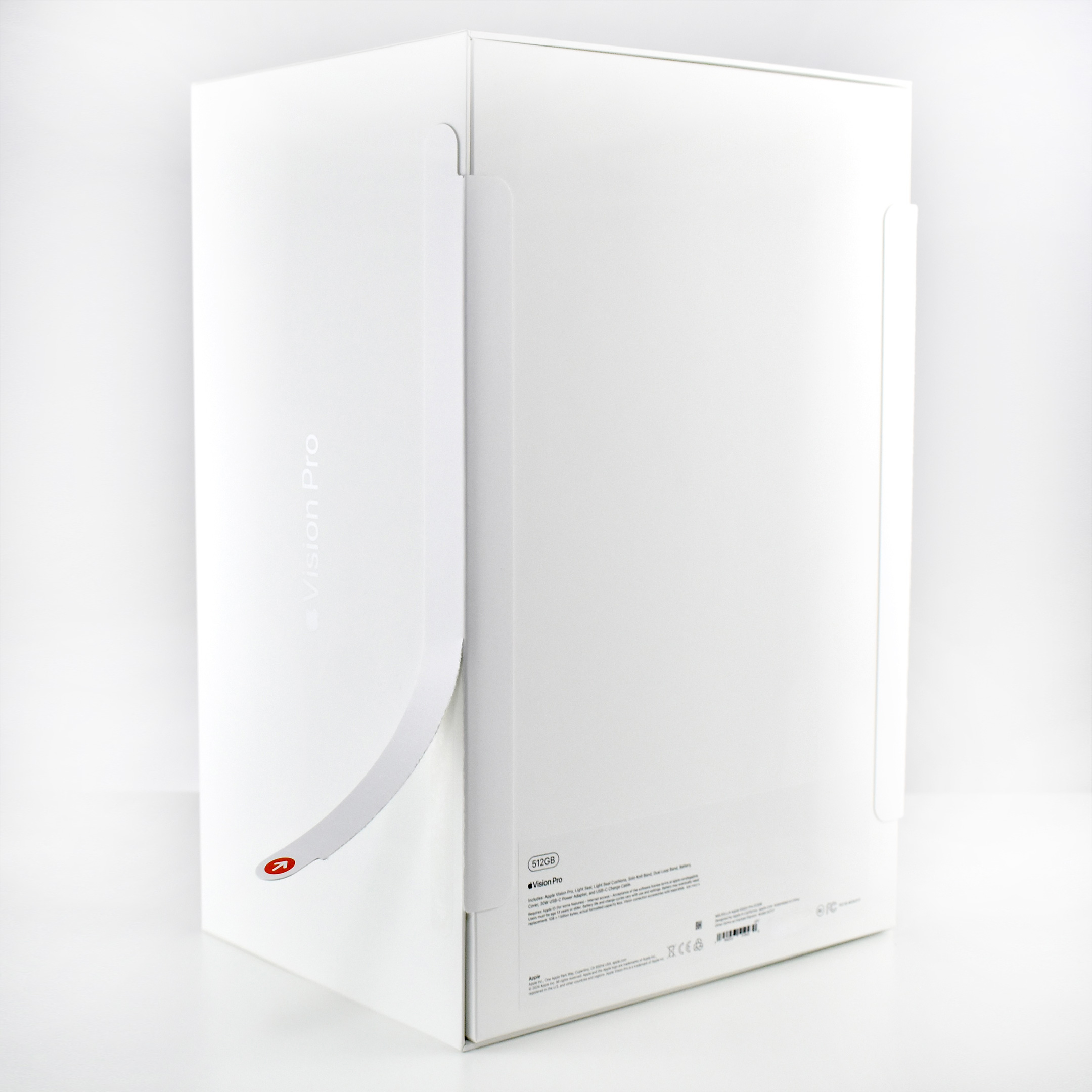
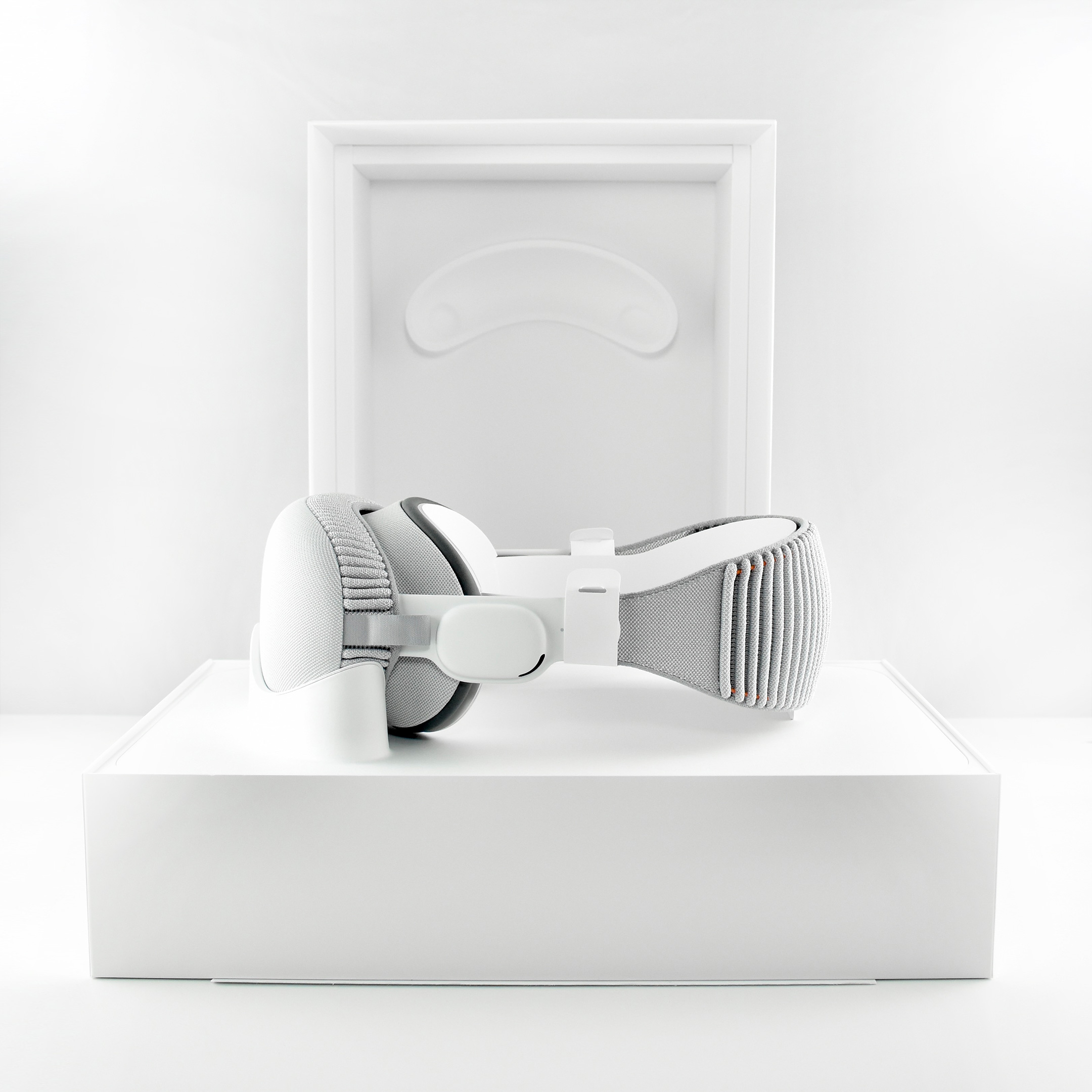
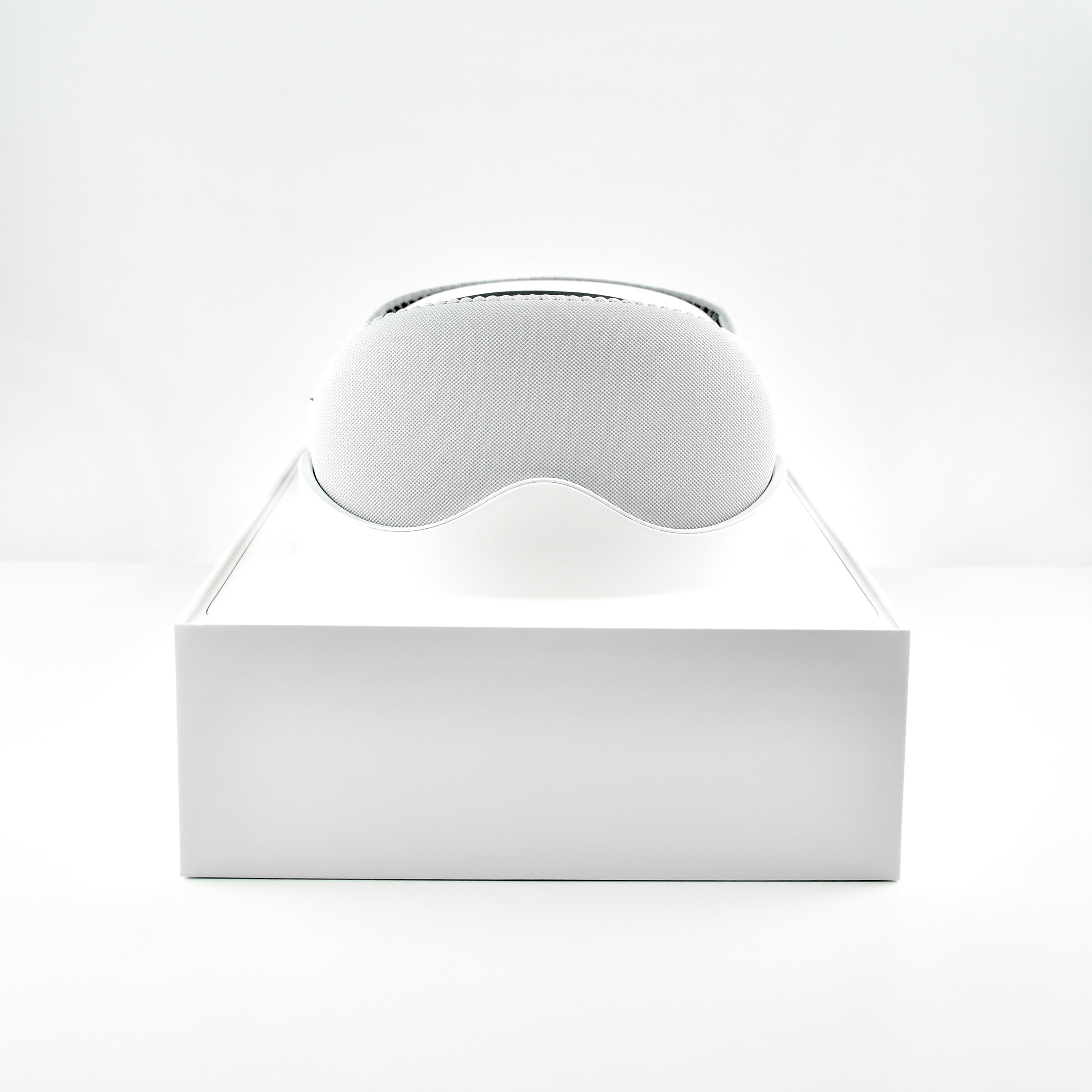
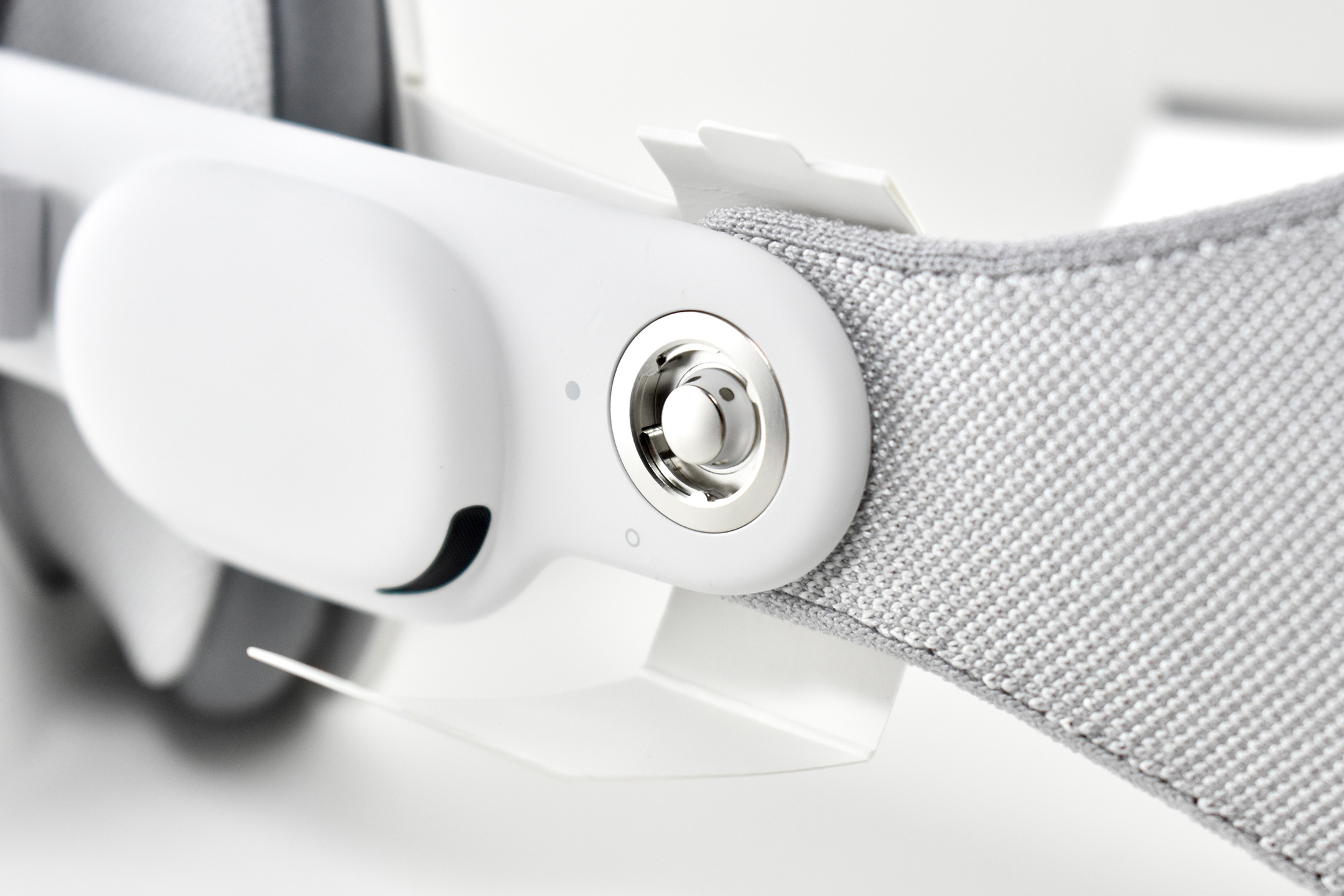
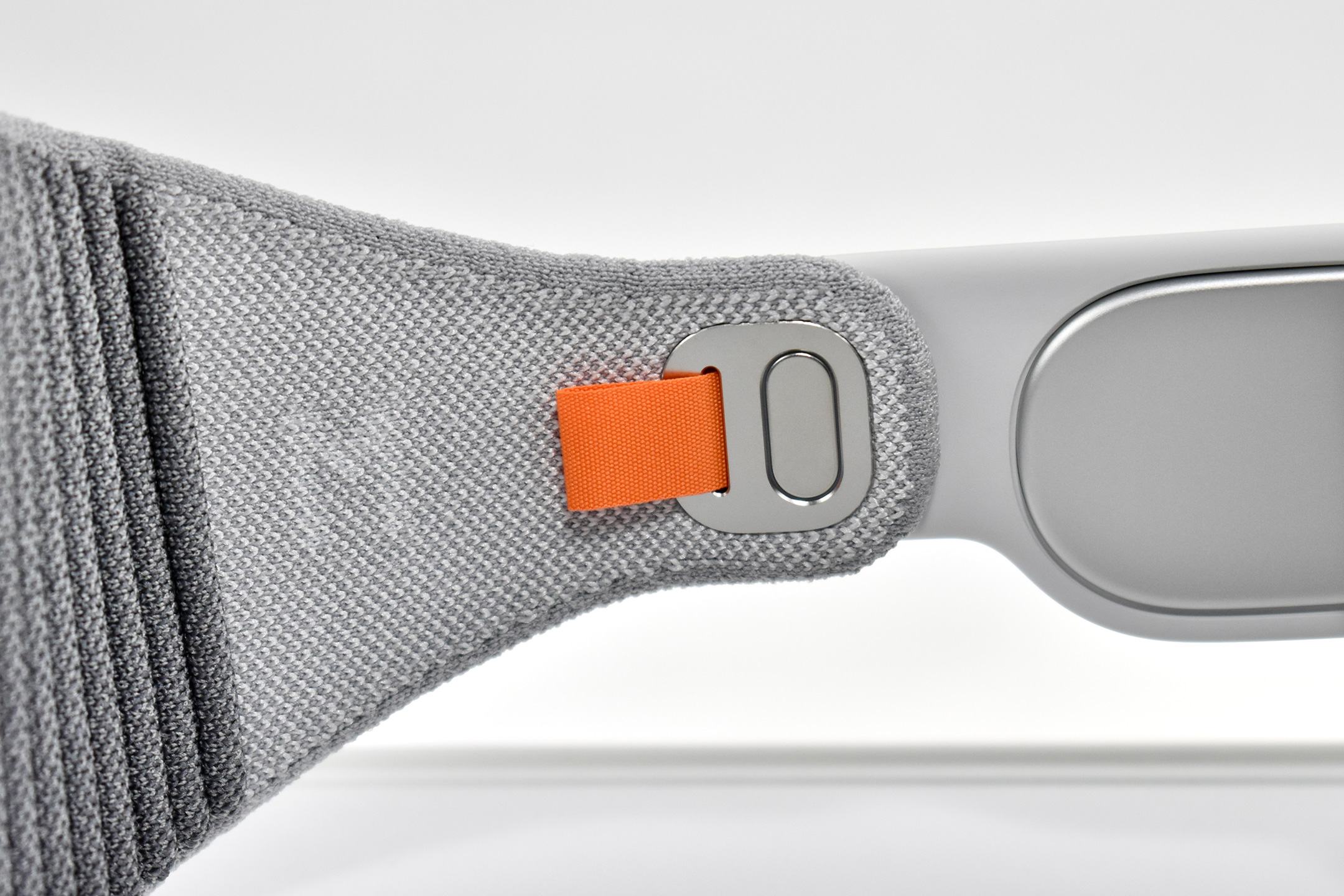
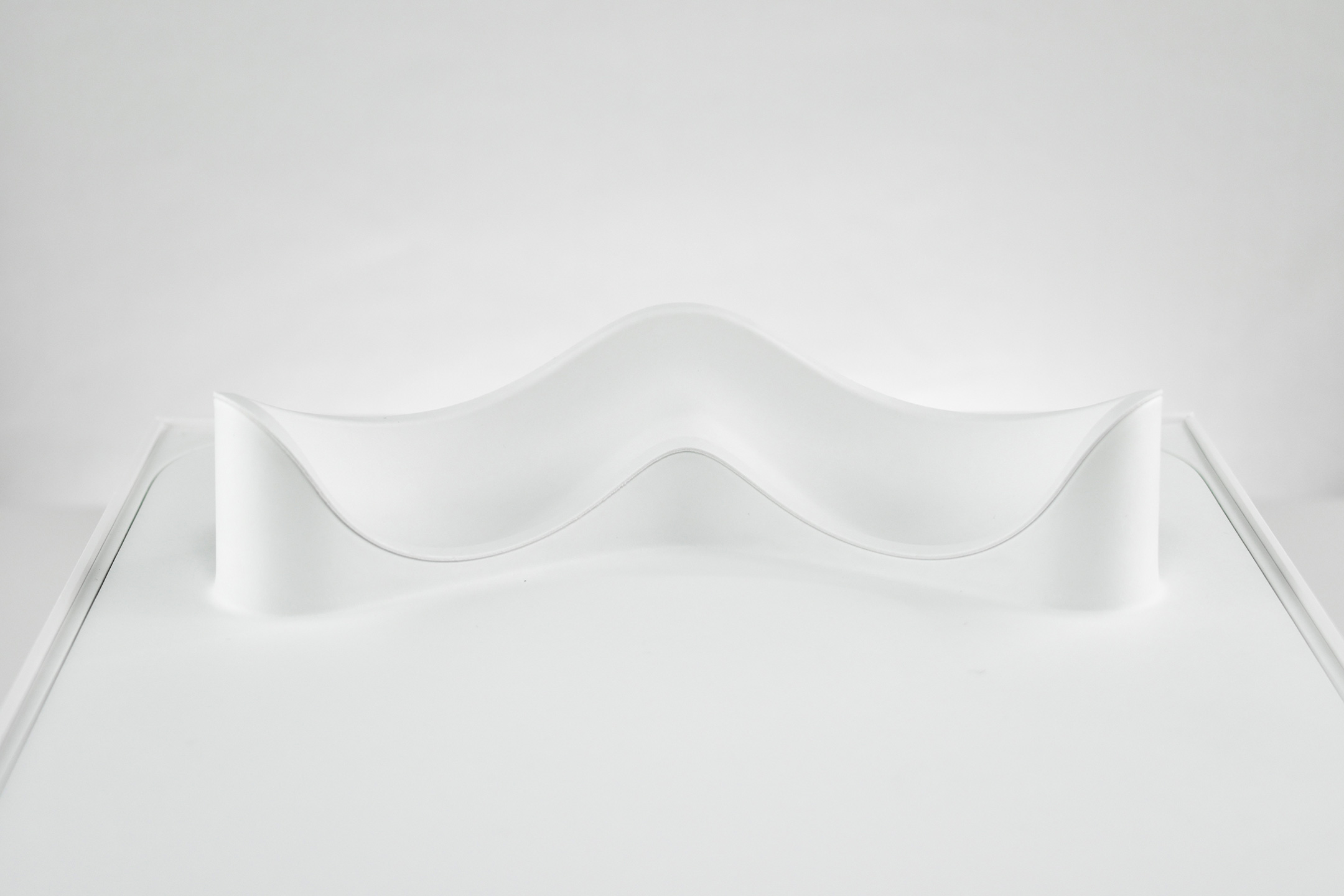
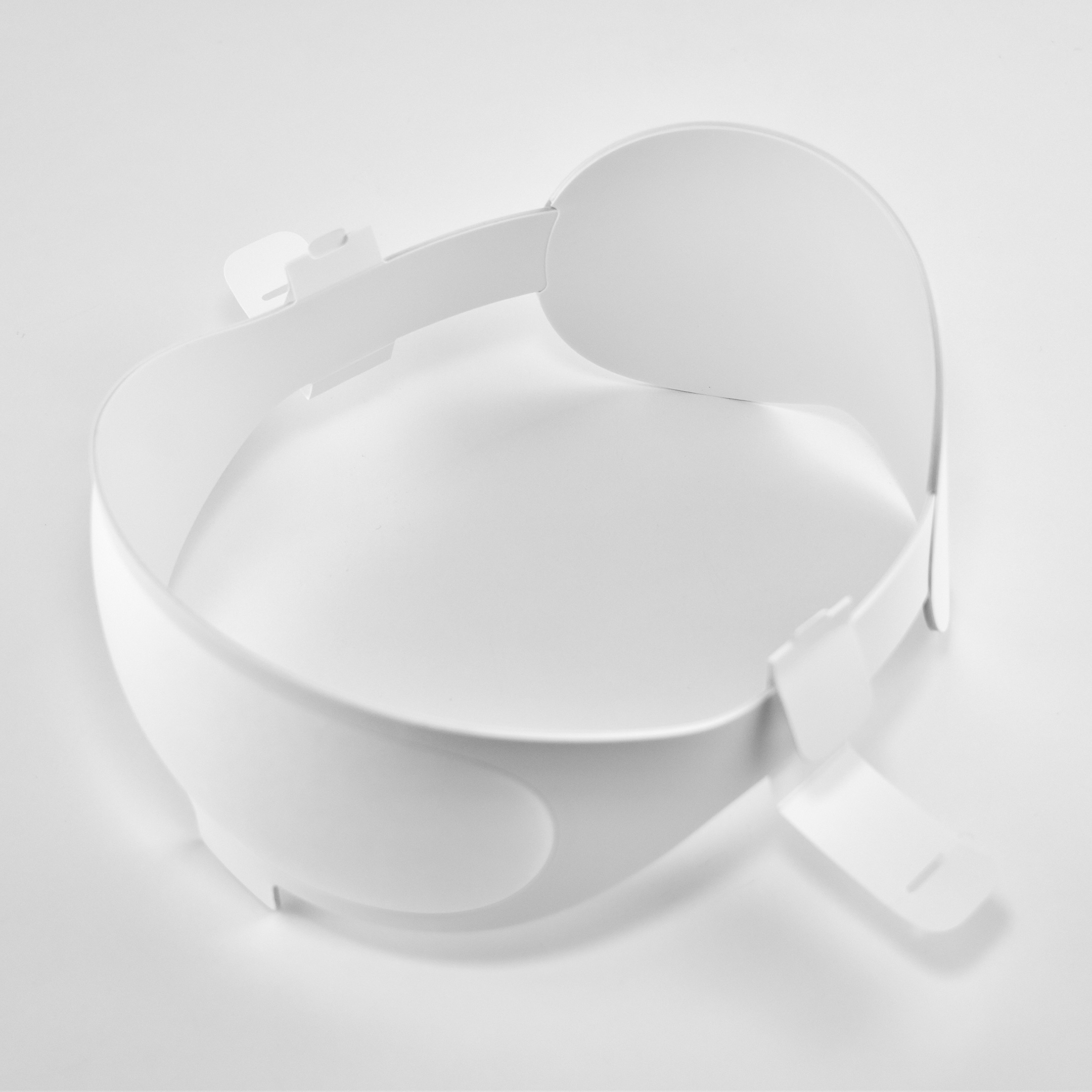
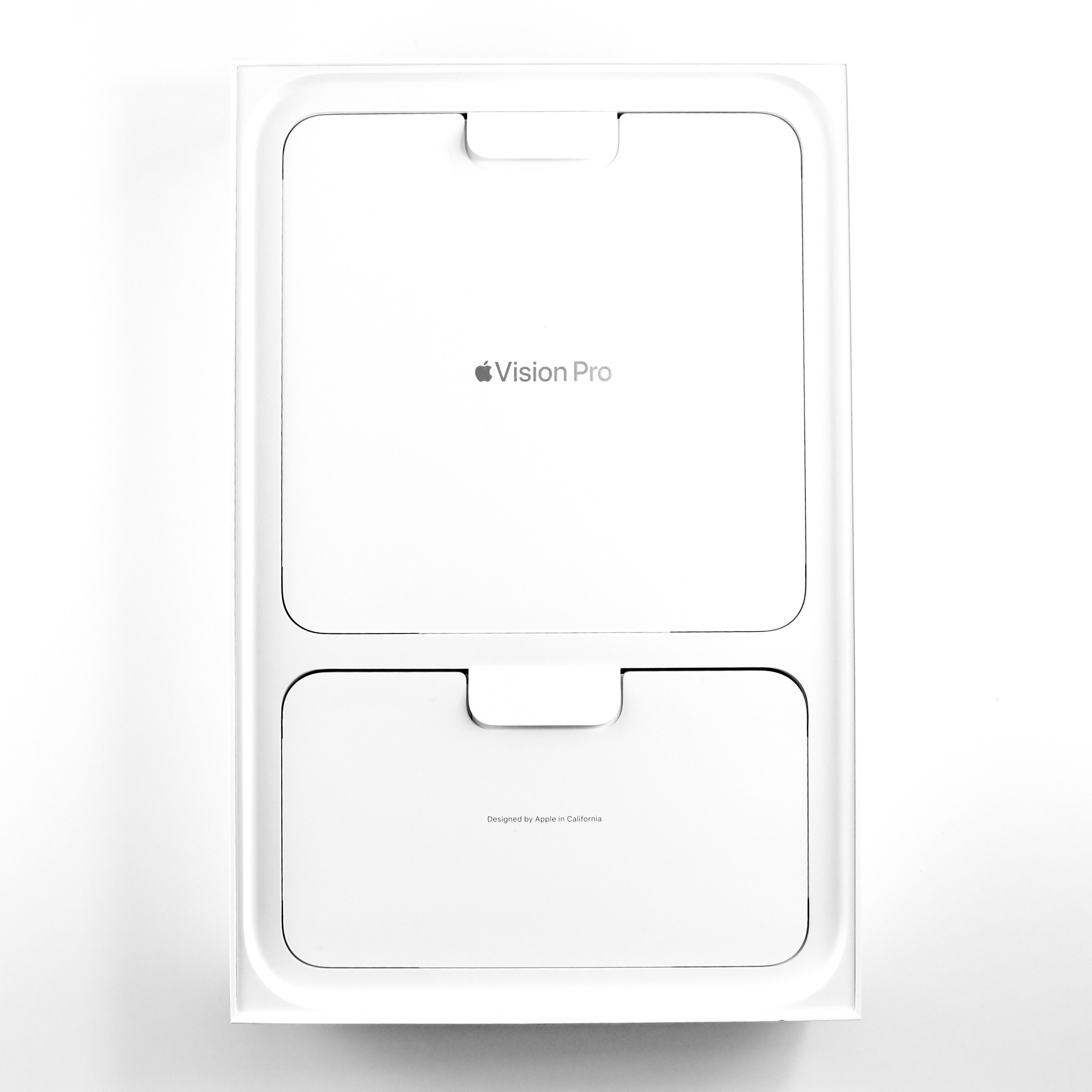
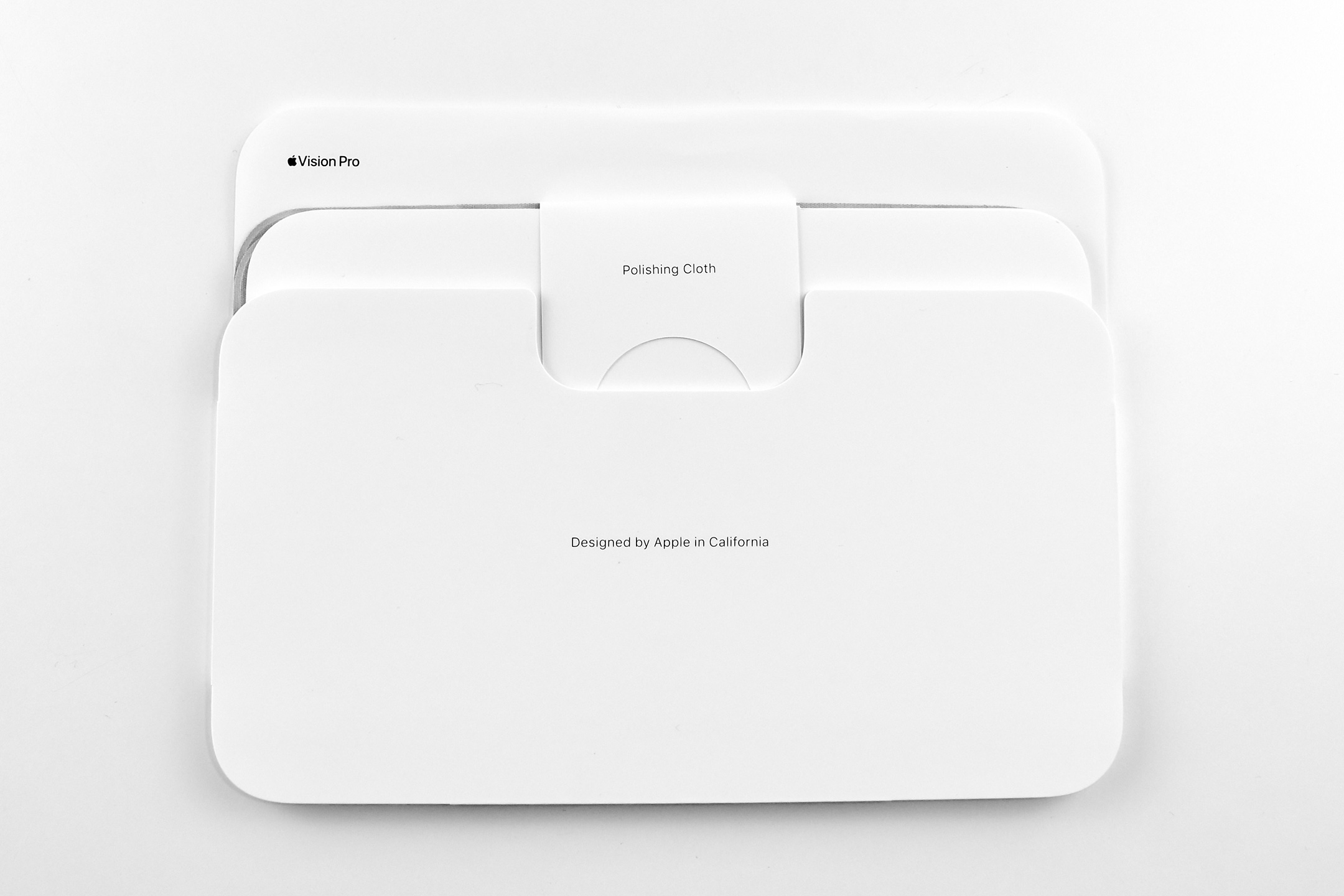
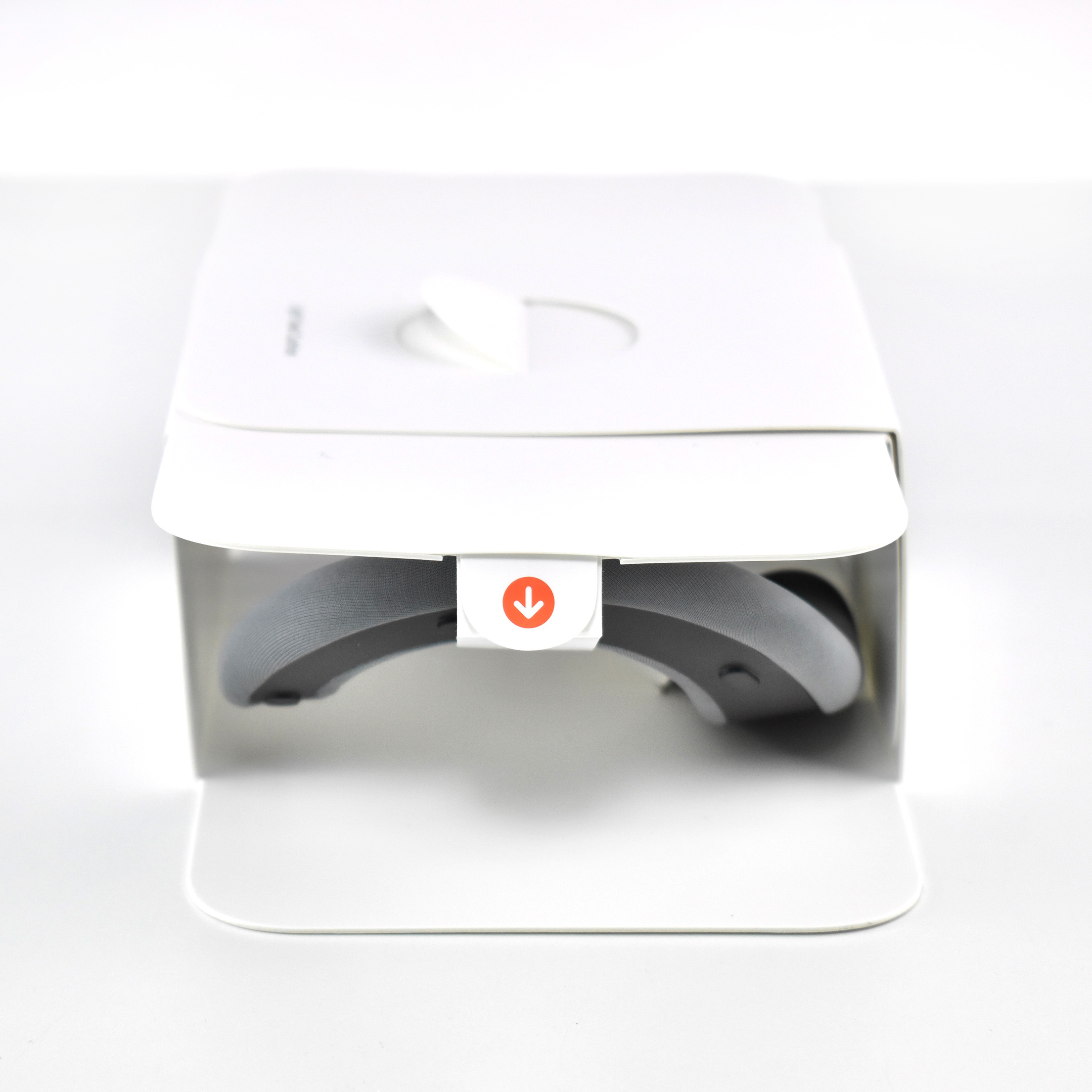
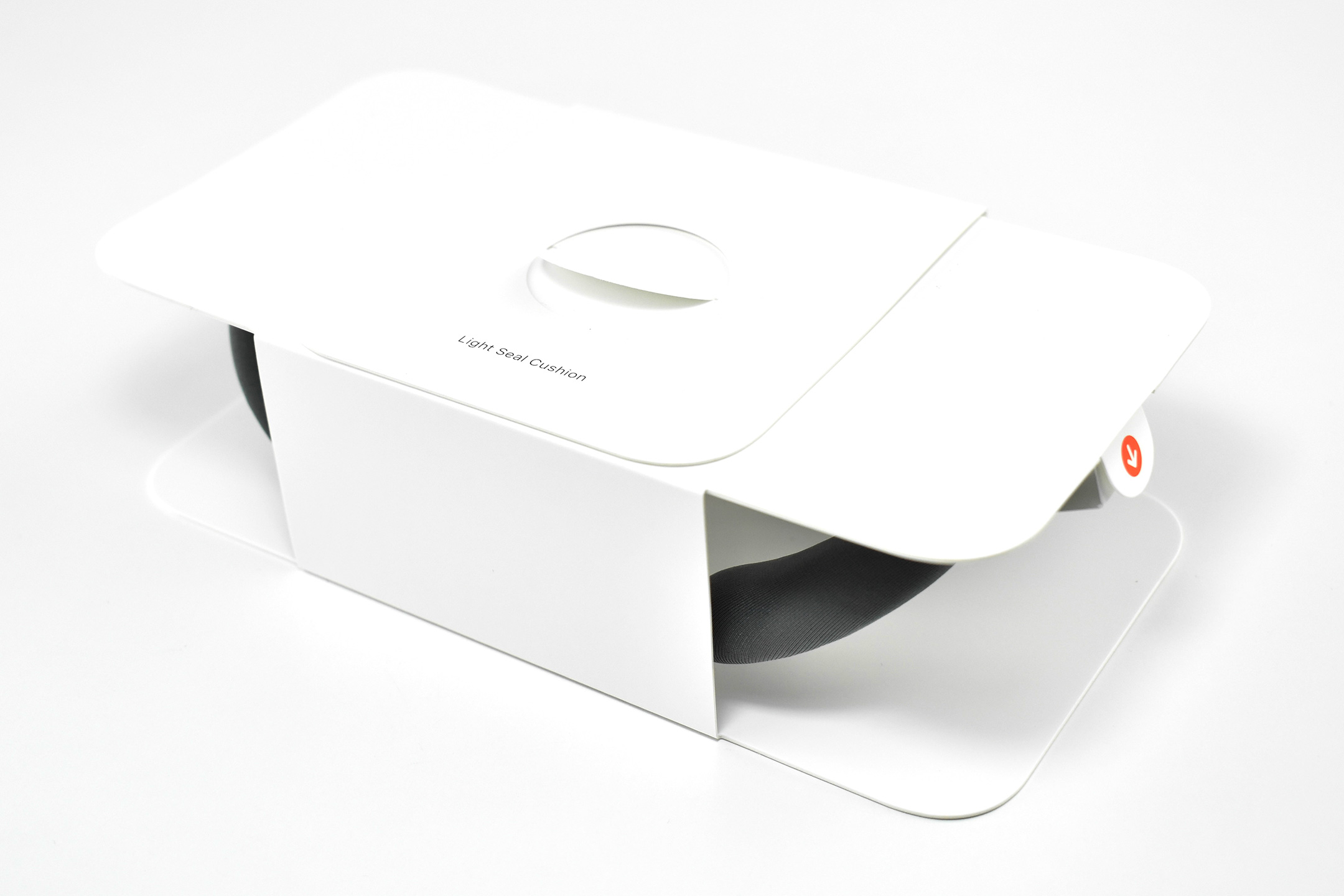
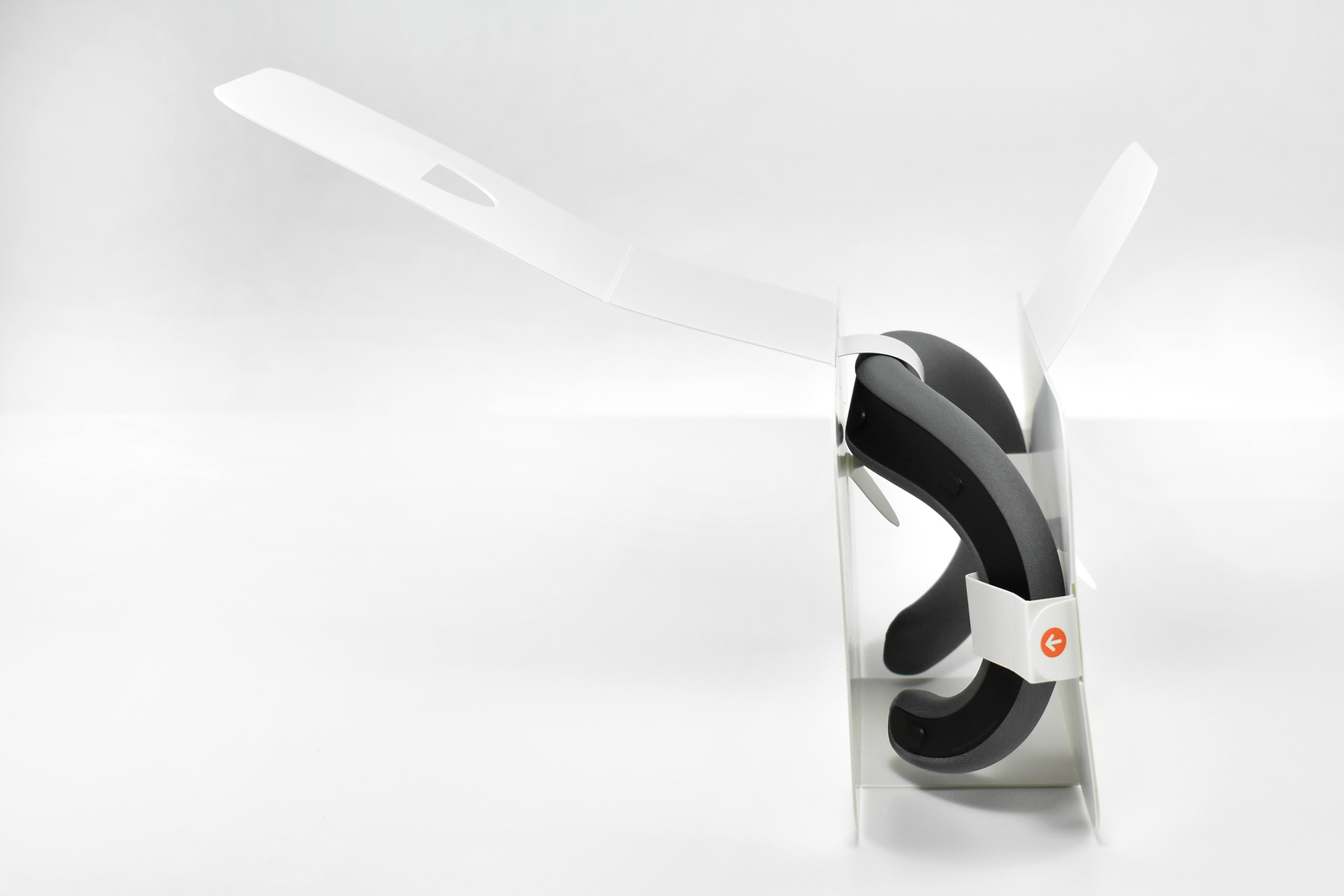
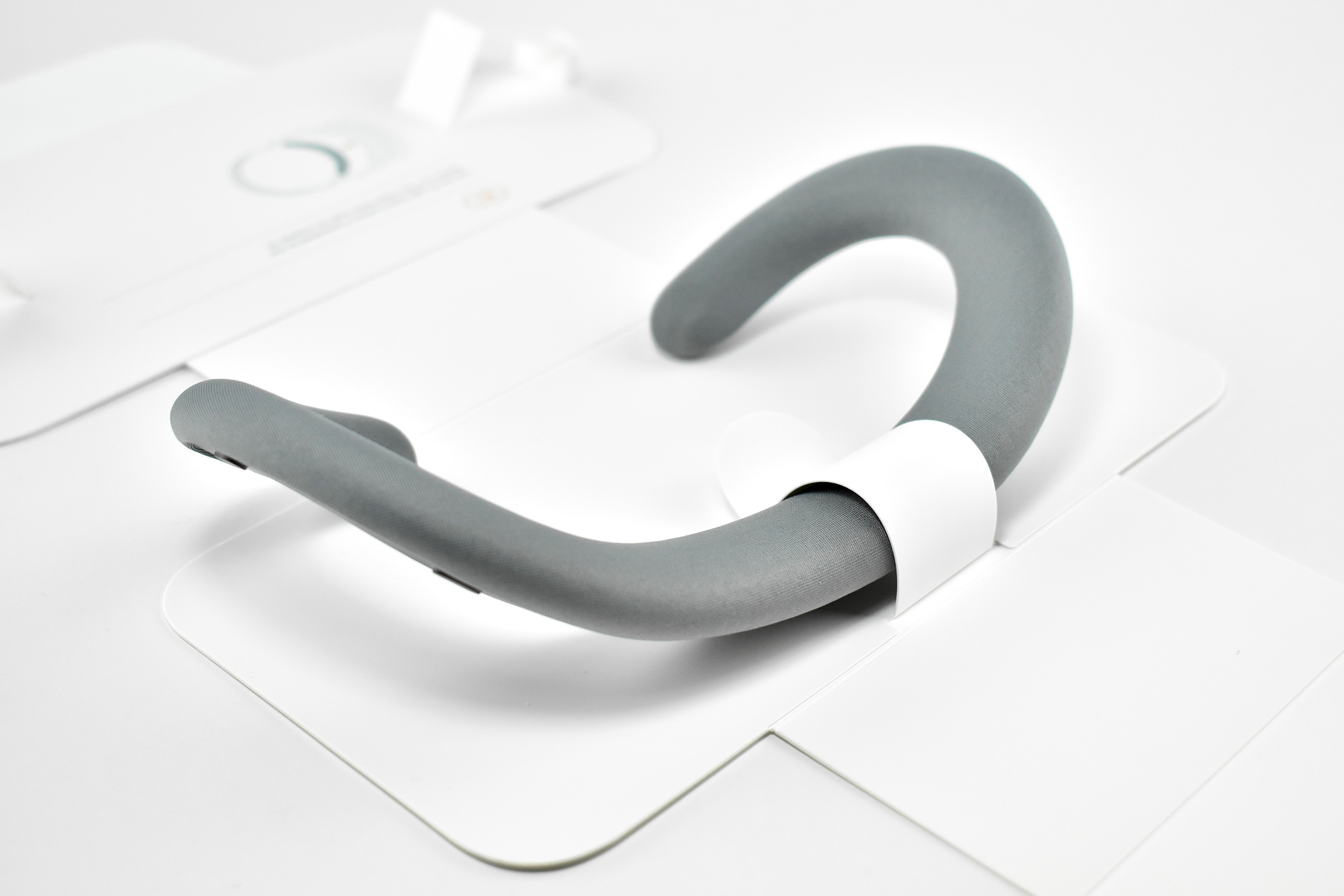
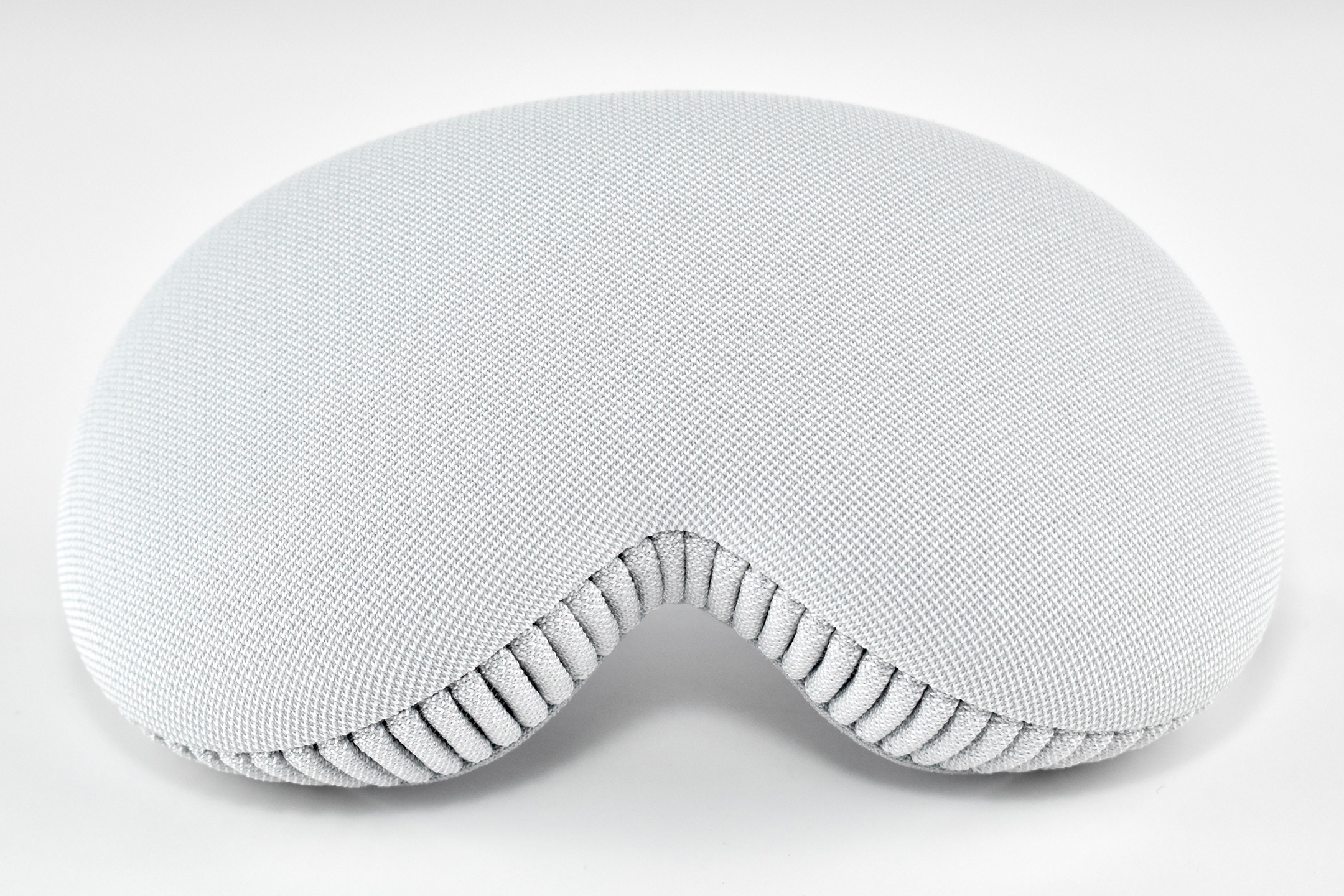
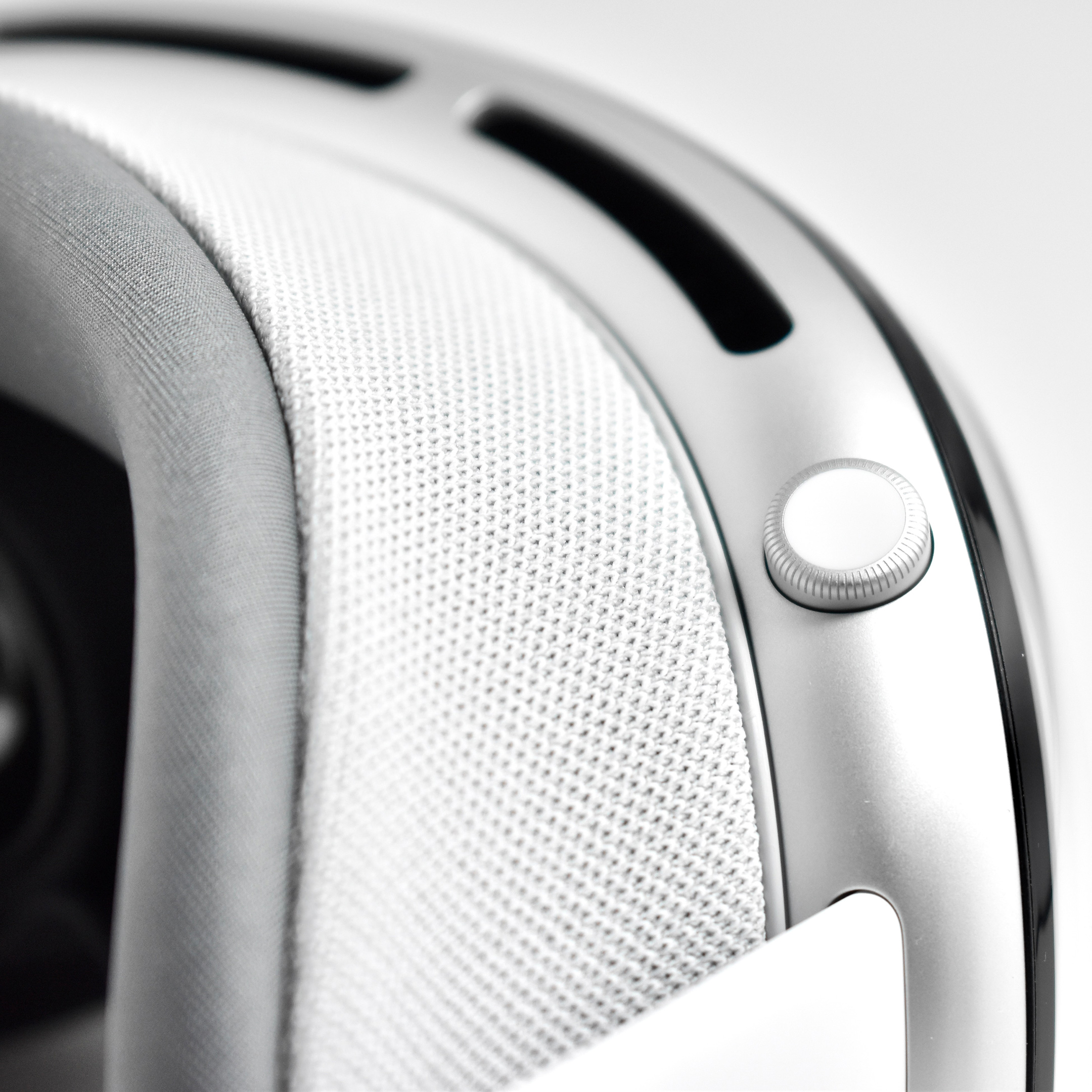
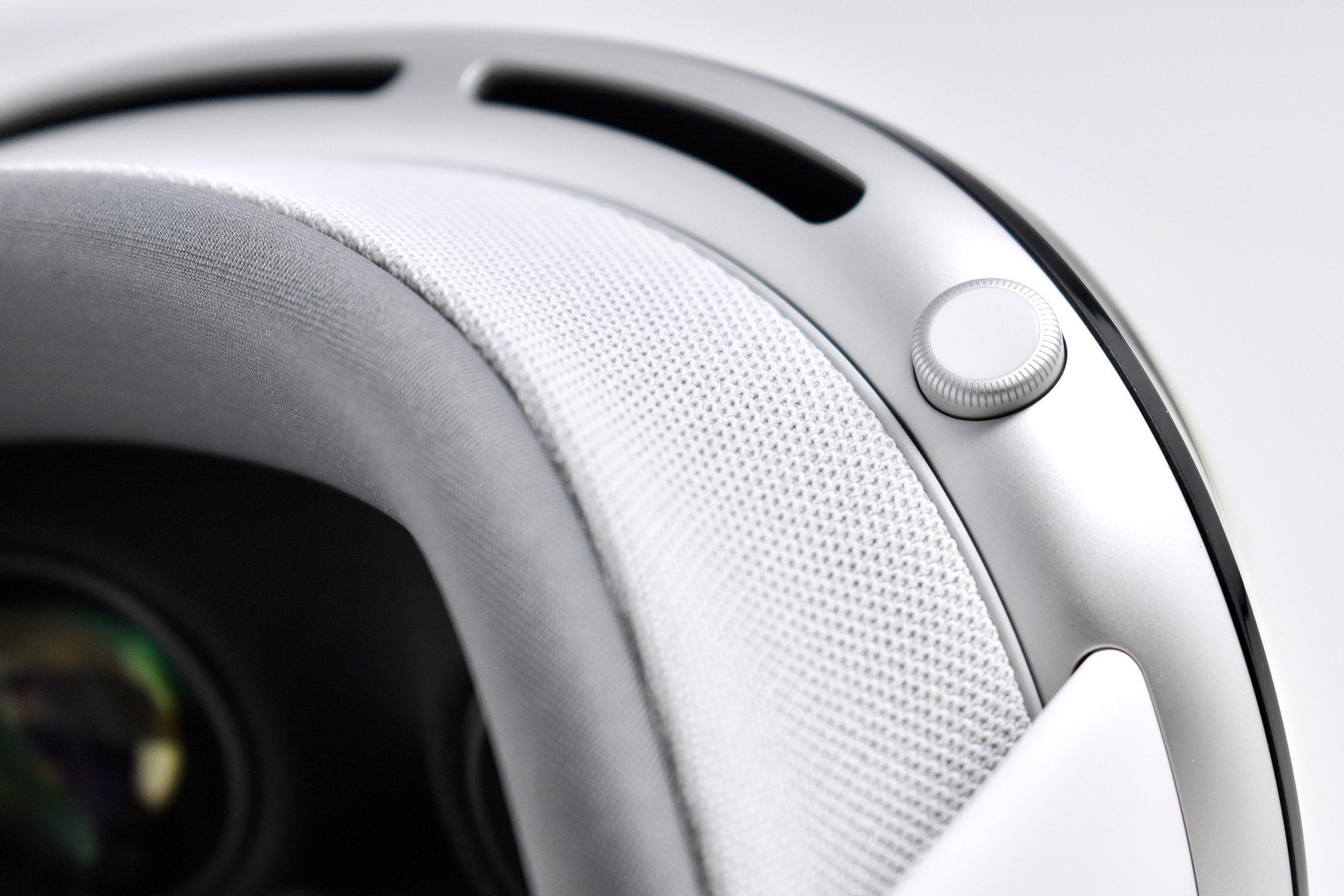
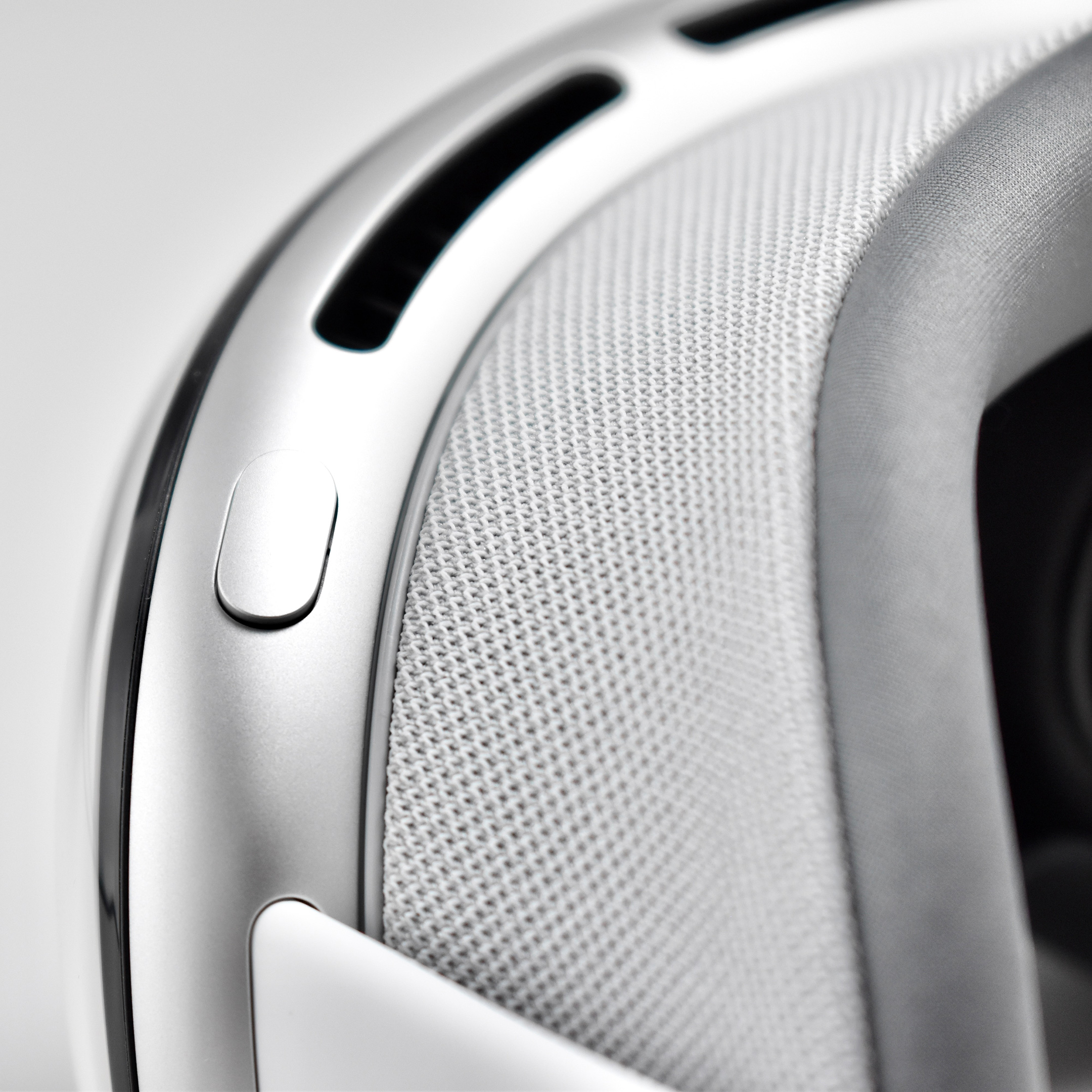
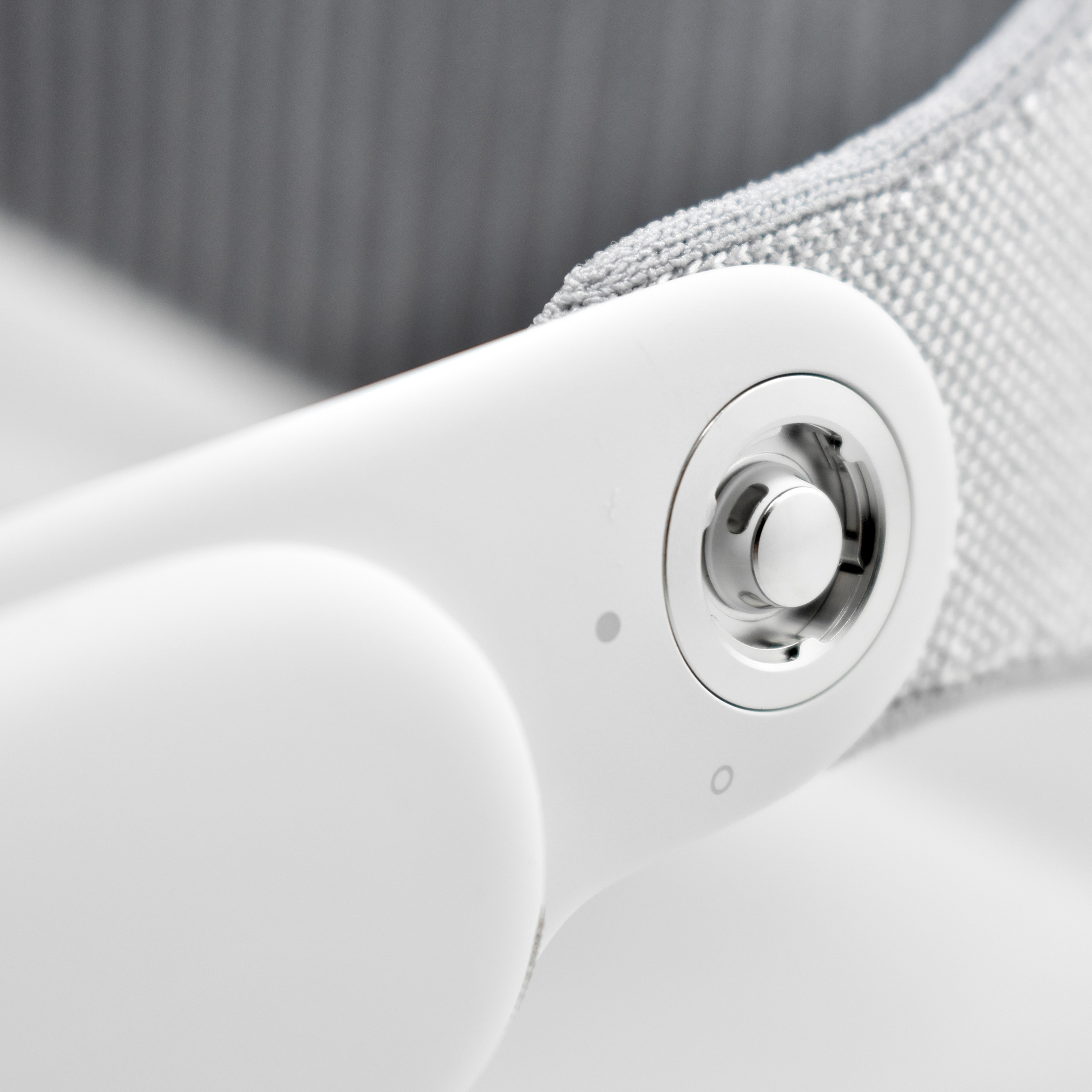
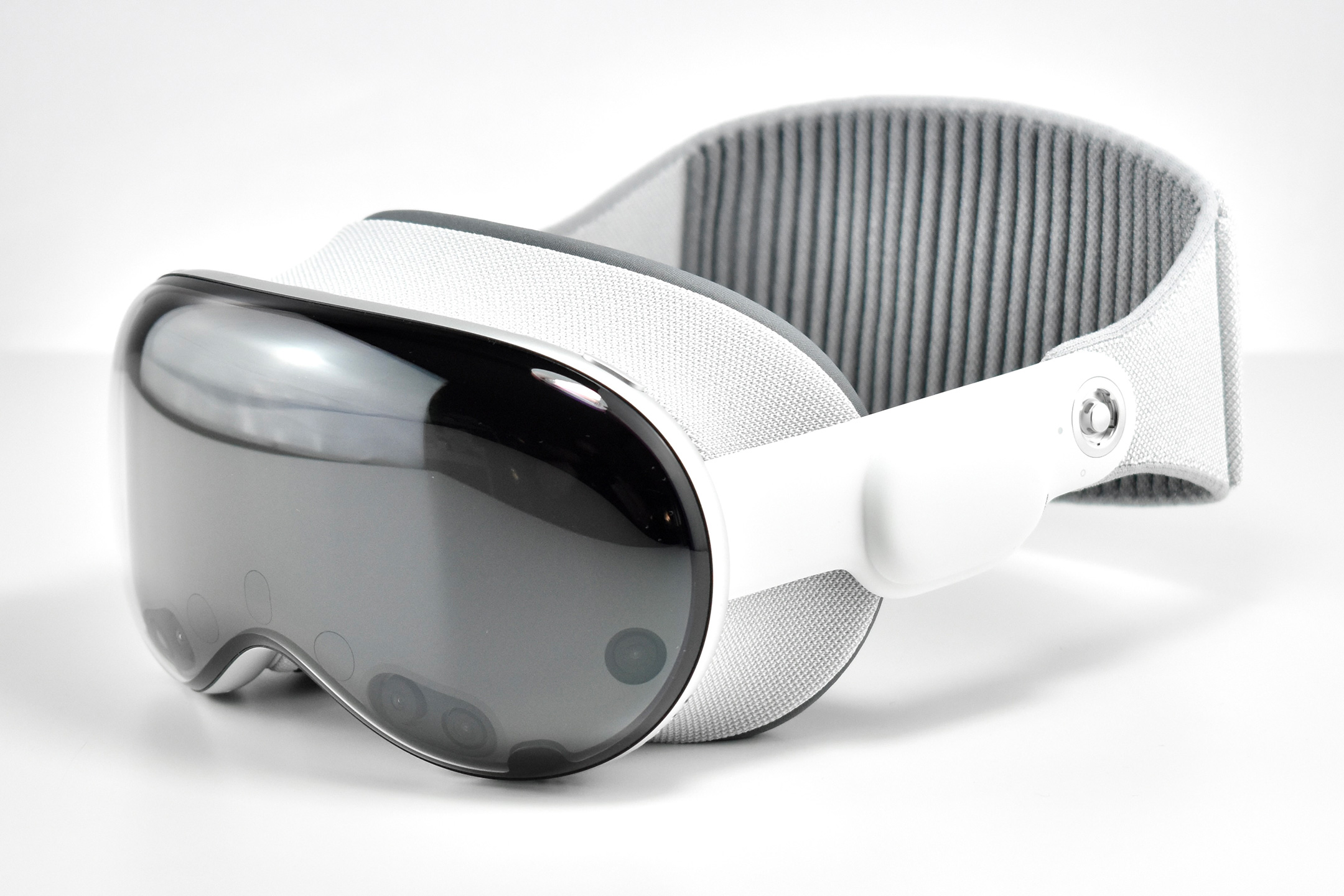
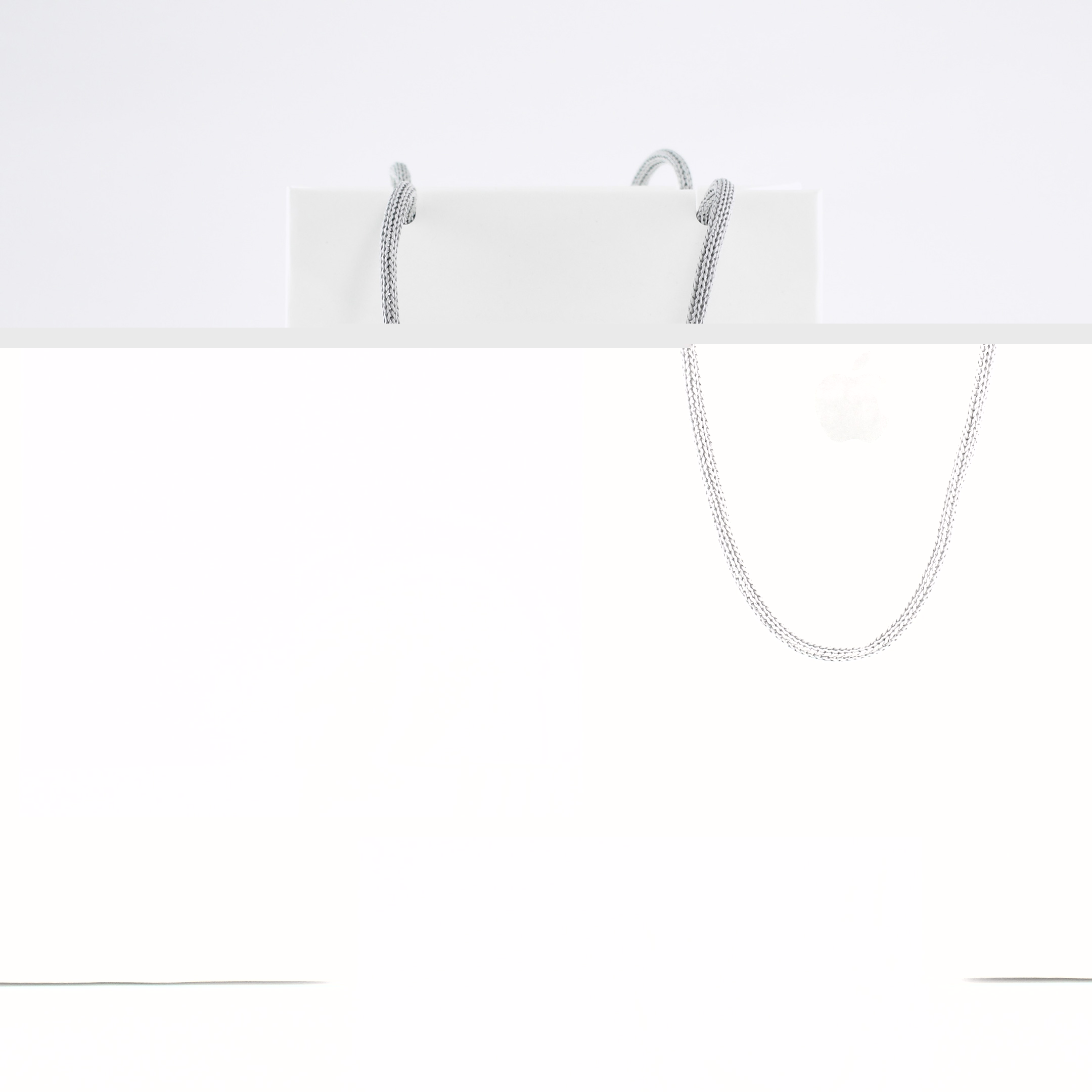
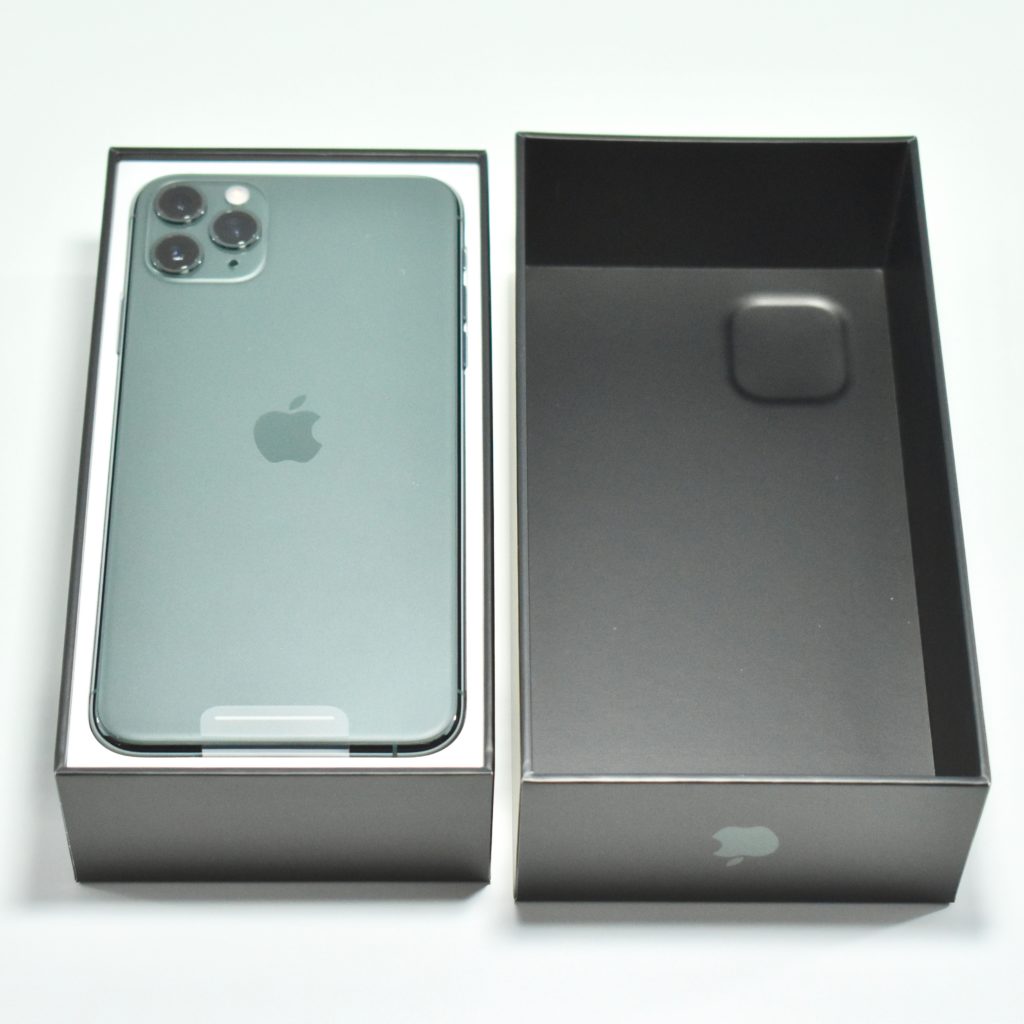
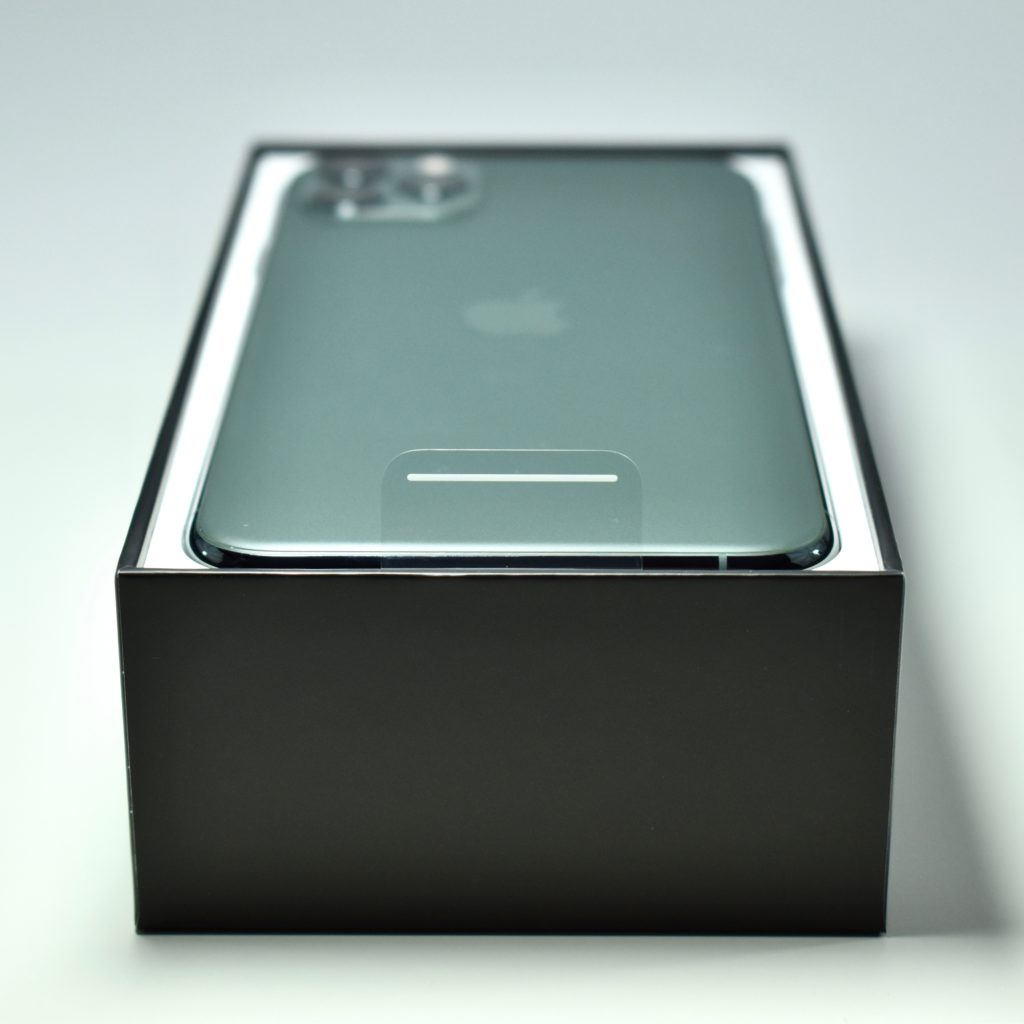
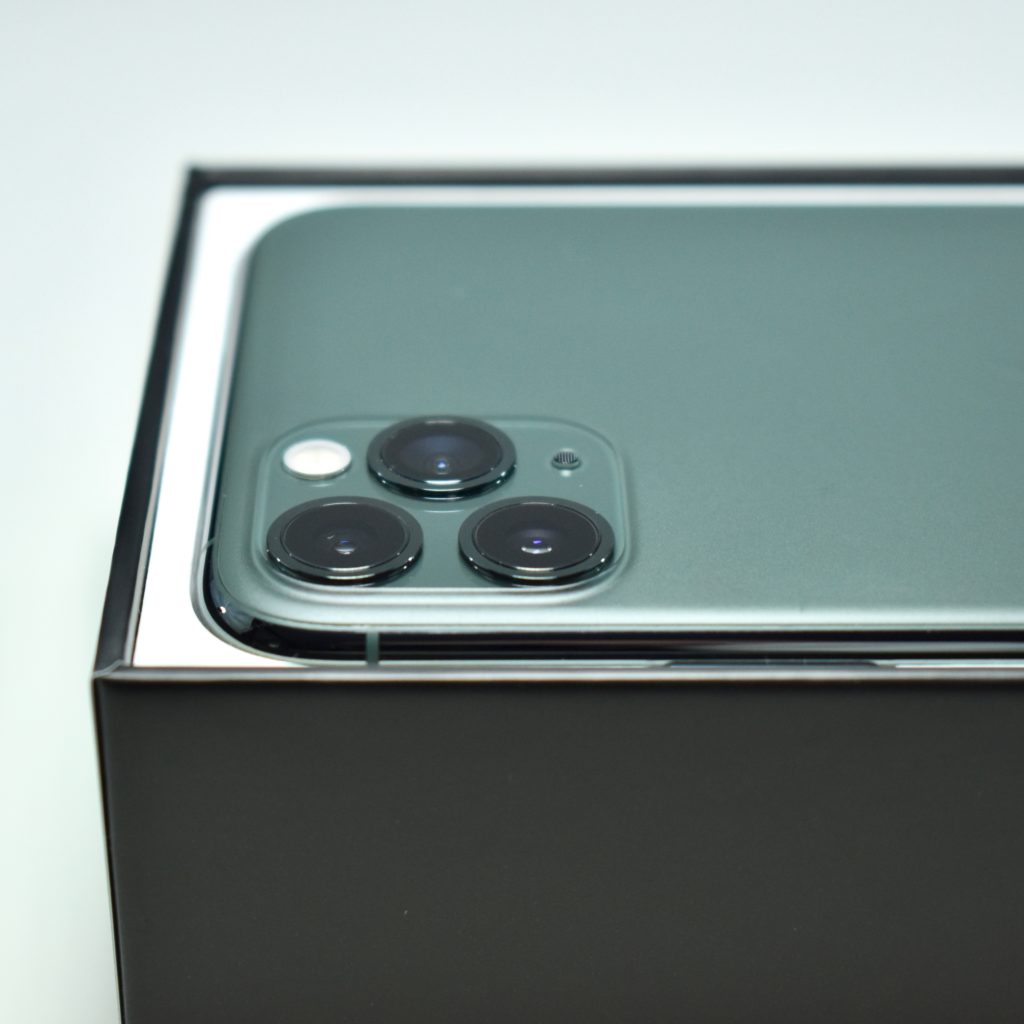
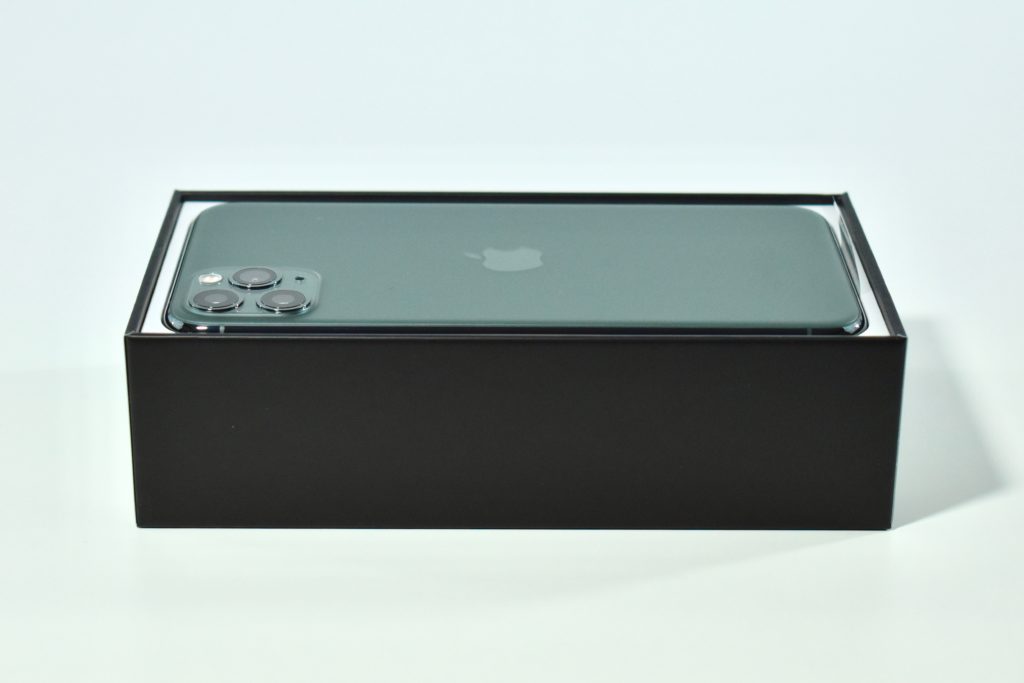
The Apple Vision Pro Travel Case is described by Apple as having “a retractable handle and specially designed compartments for your battery, ZEISS Optical Inserts, Apple Vision Pro Cover, and additional accessories.”
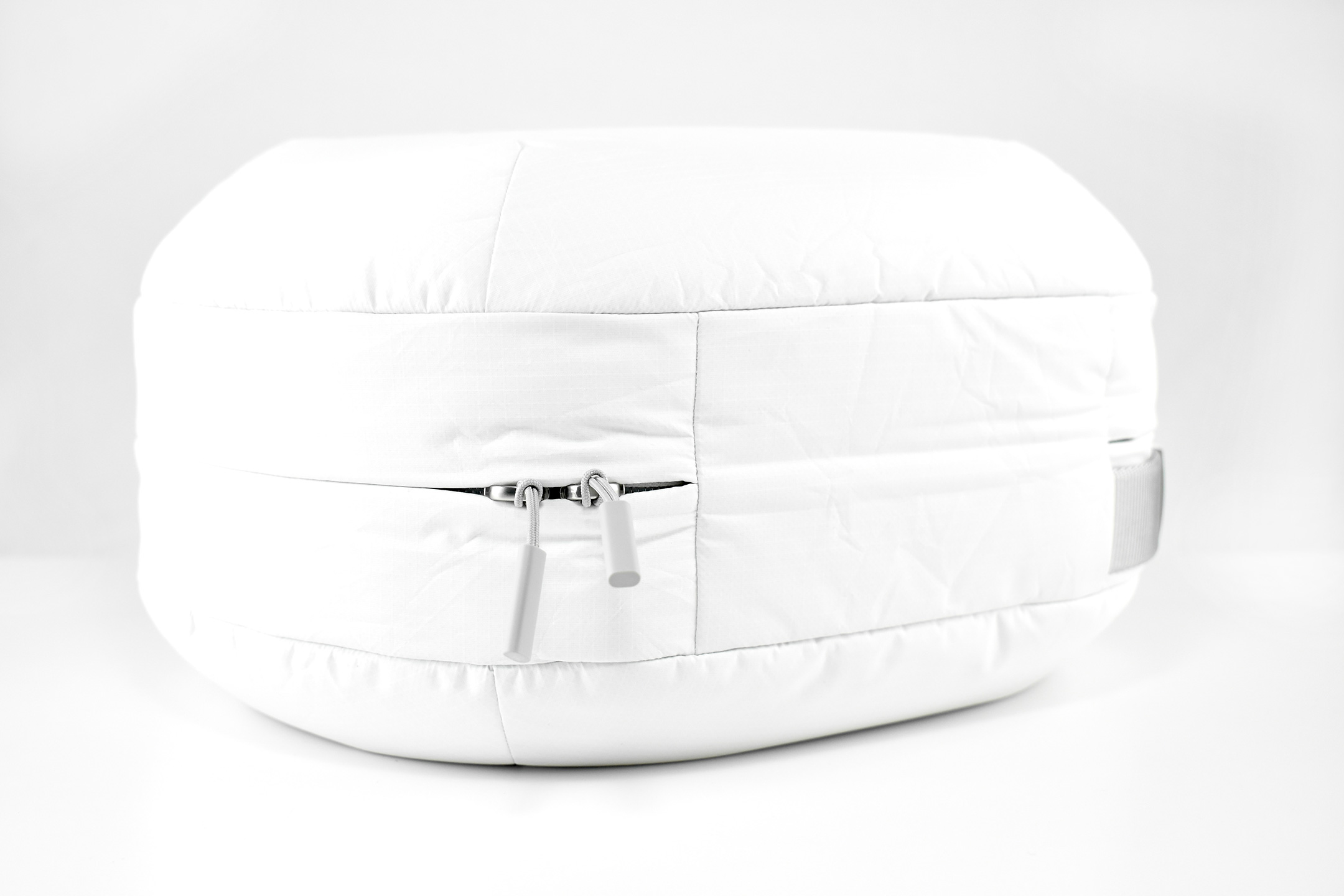
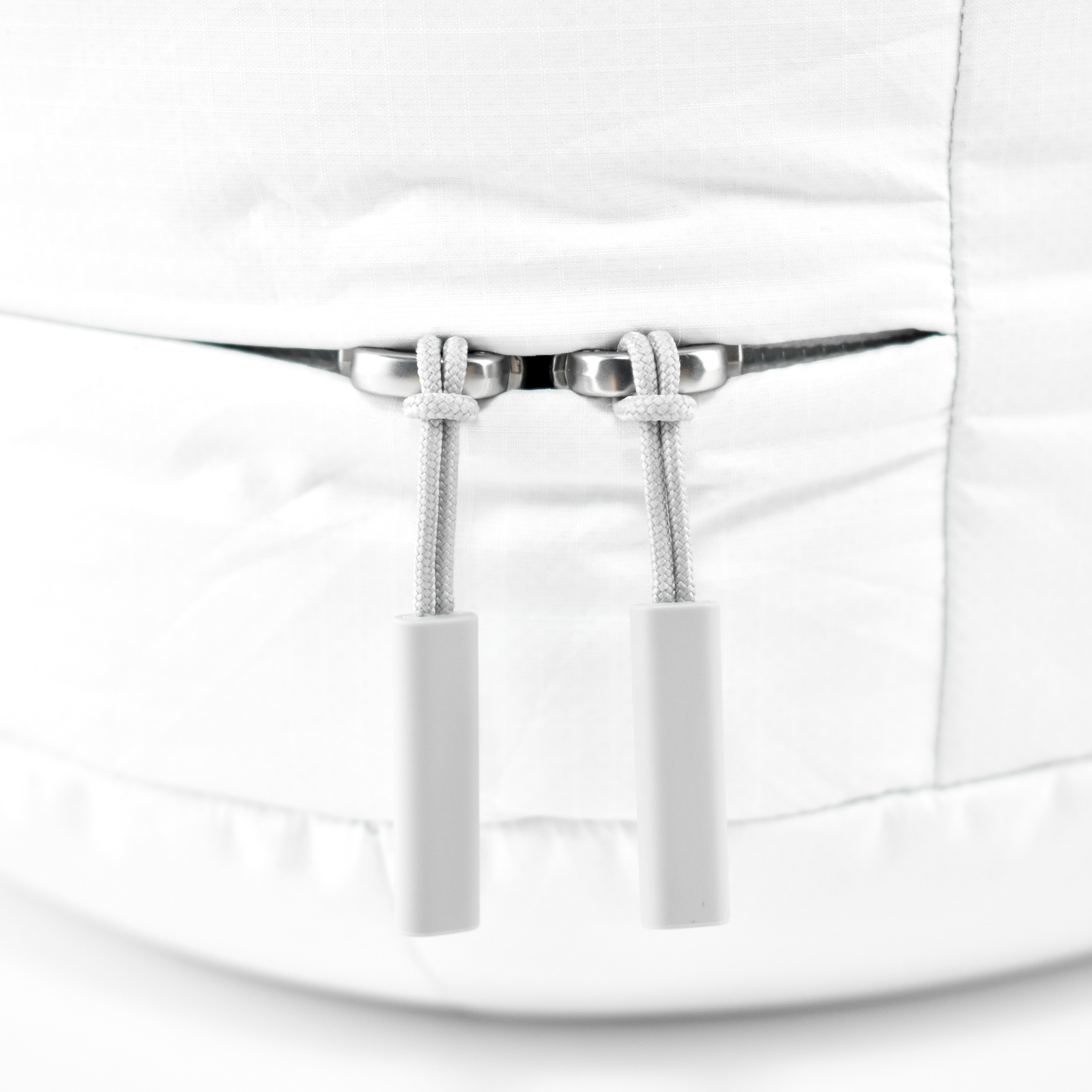
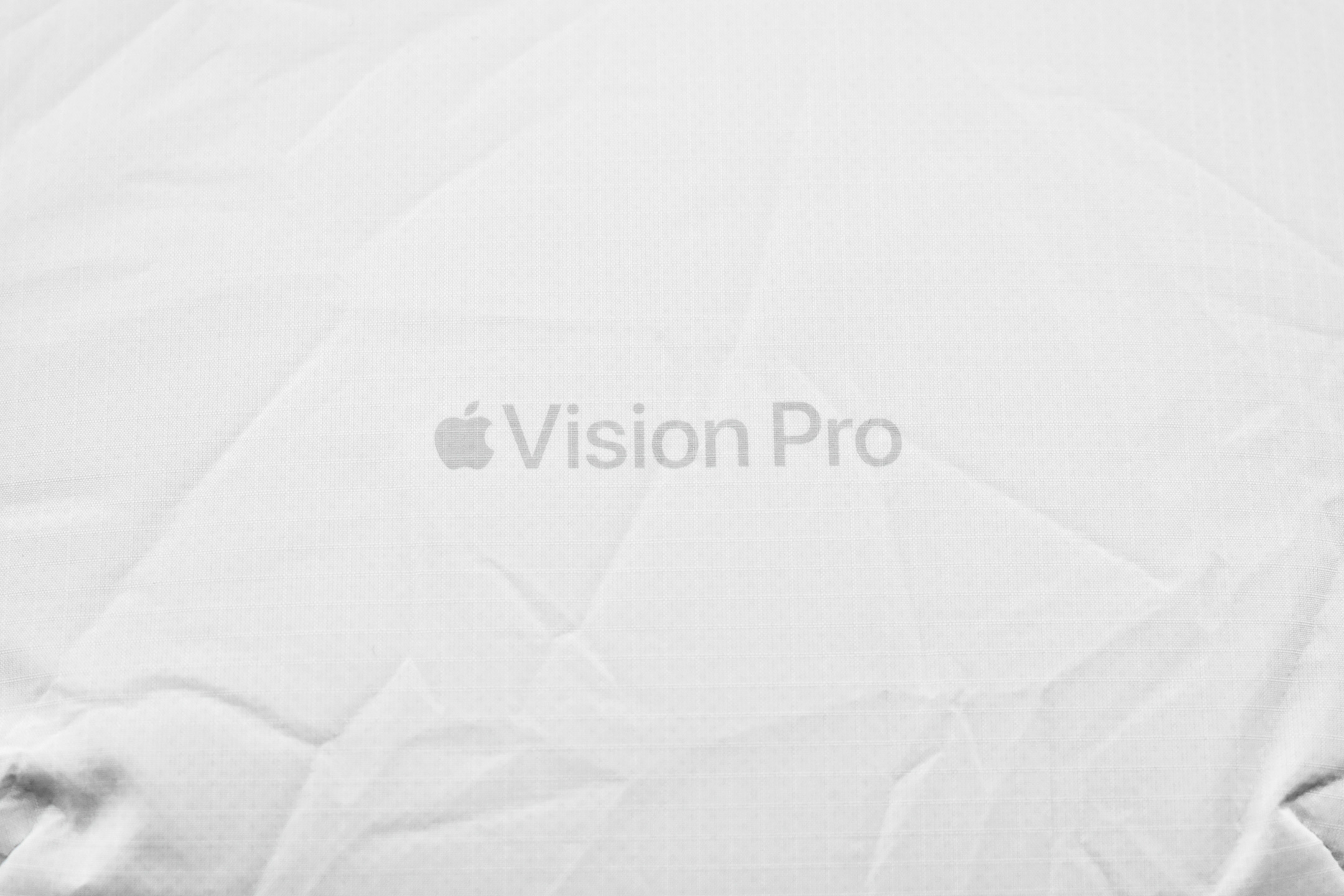
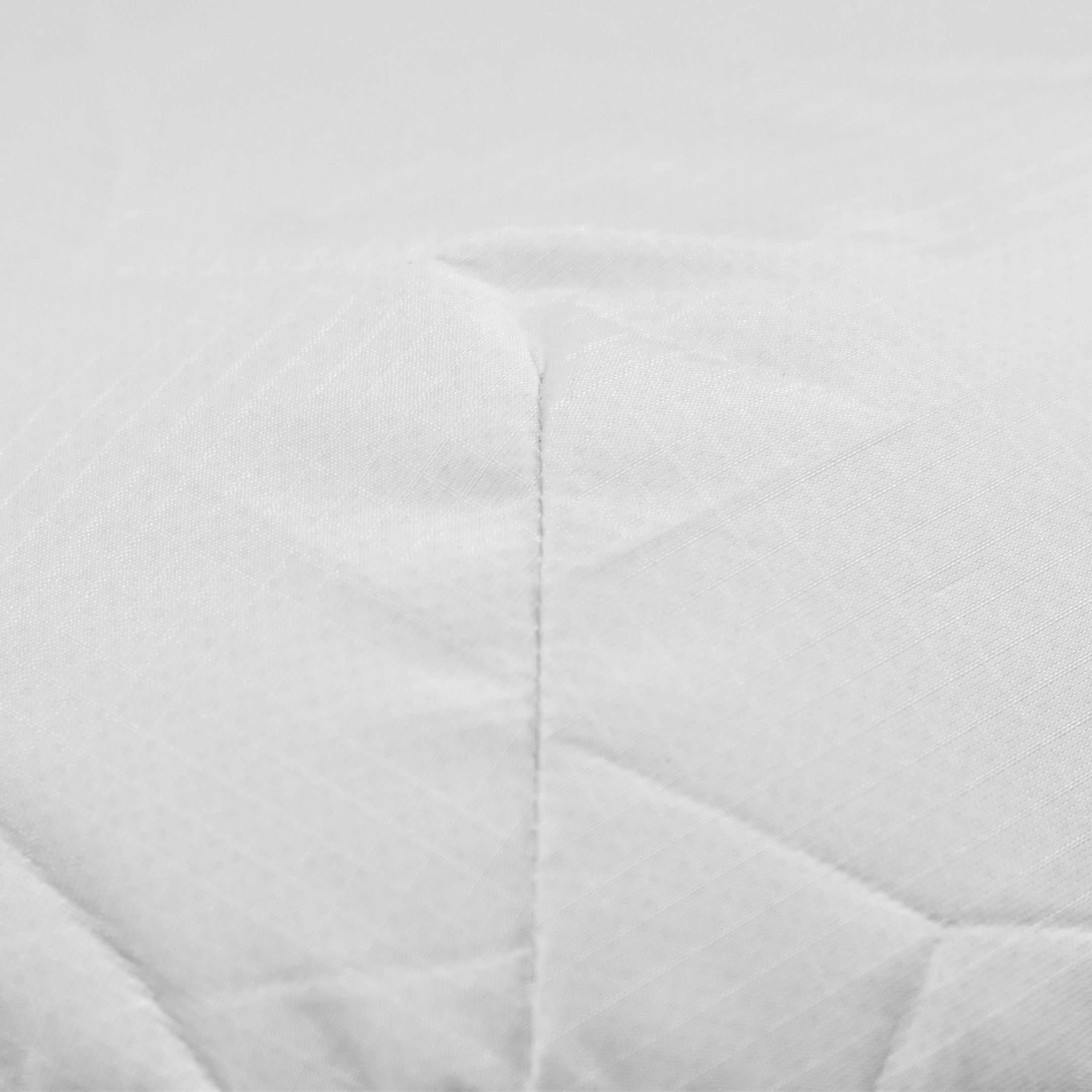
The exterior of the Apple Vision Pro Travel Case uses a material reminiscent of a windbreaker and loosely covers the polycarbonate protective structure. Apple refers to this white covering as “Ripstop,” defined by Wikipedia as “a woven fabric, often made of nylon, using a reinforcing technique that makes it more resistant to tearing and wear.” The case is printed on one side with the words “Apple Vision Pro” in light gray in Apple’s San Francisco font.
The outer retractable handle is light gray and borders the entire upper curve of the case. When not in use, it hugs tightly to the contour of the case.
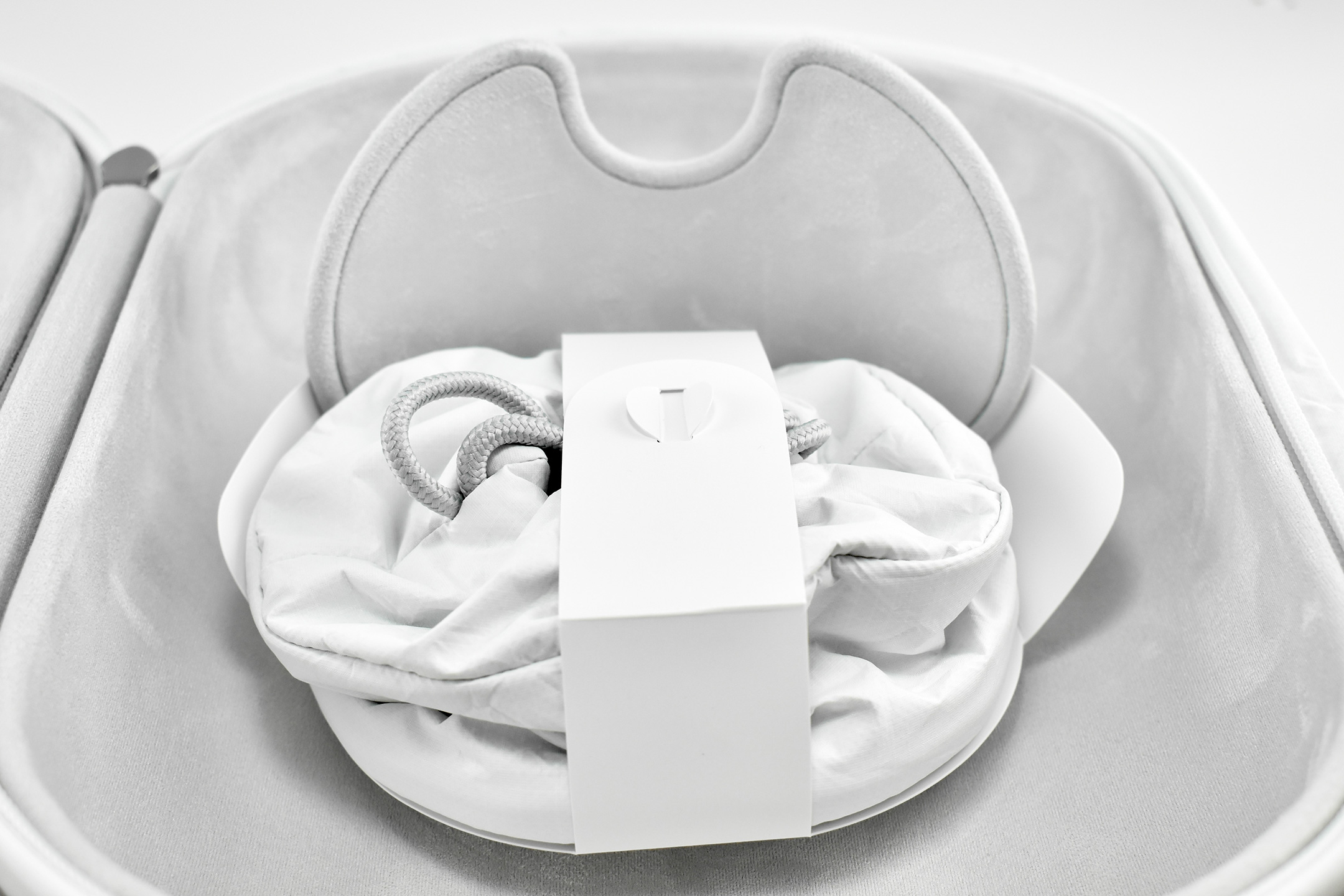
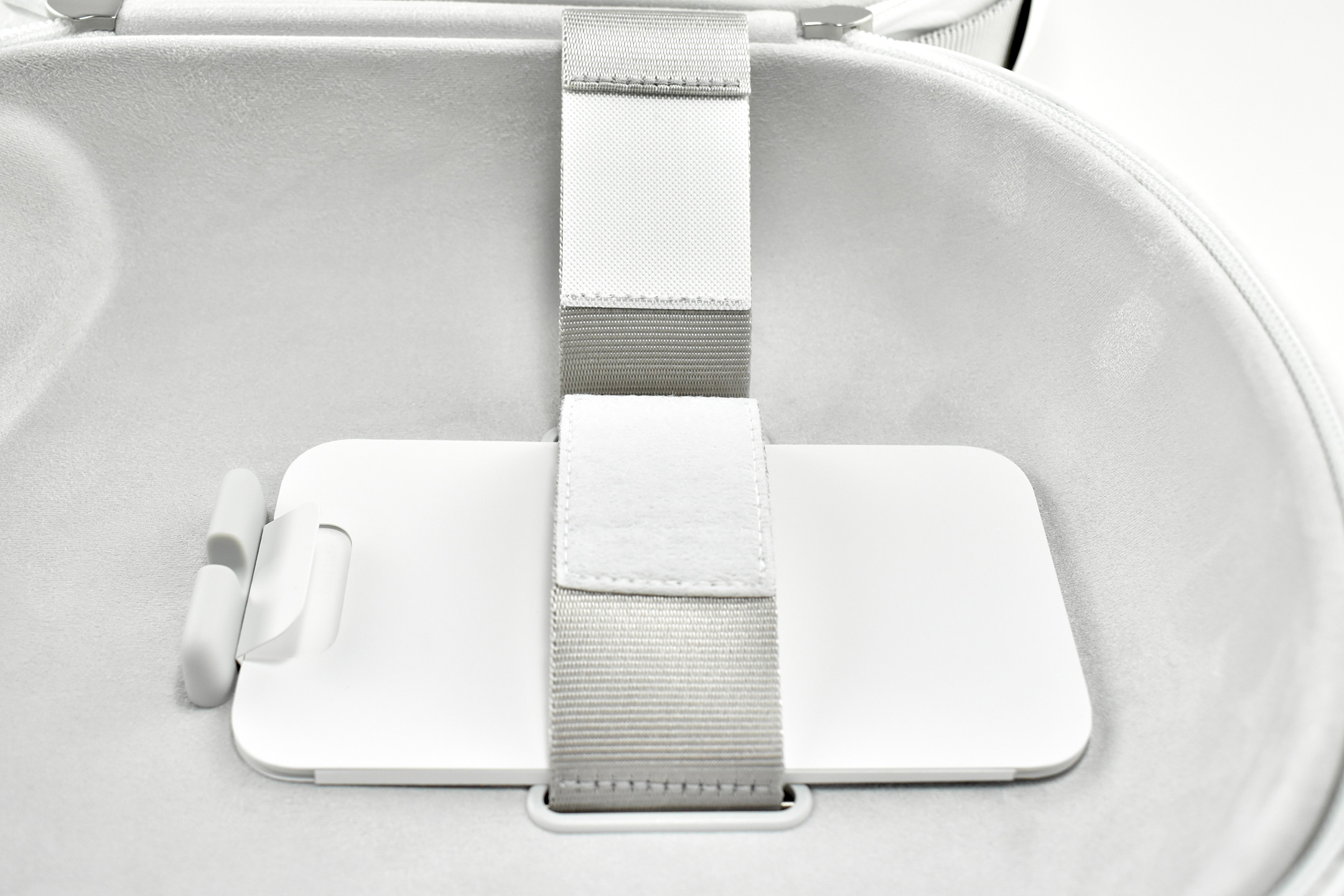
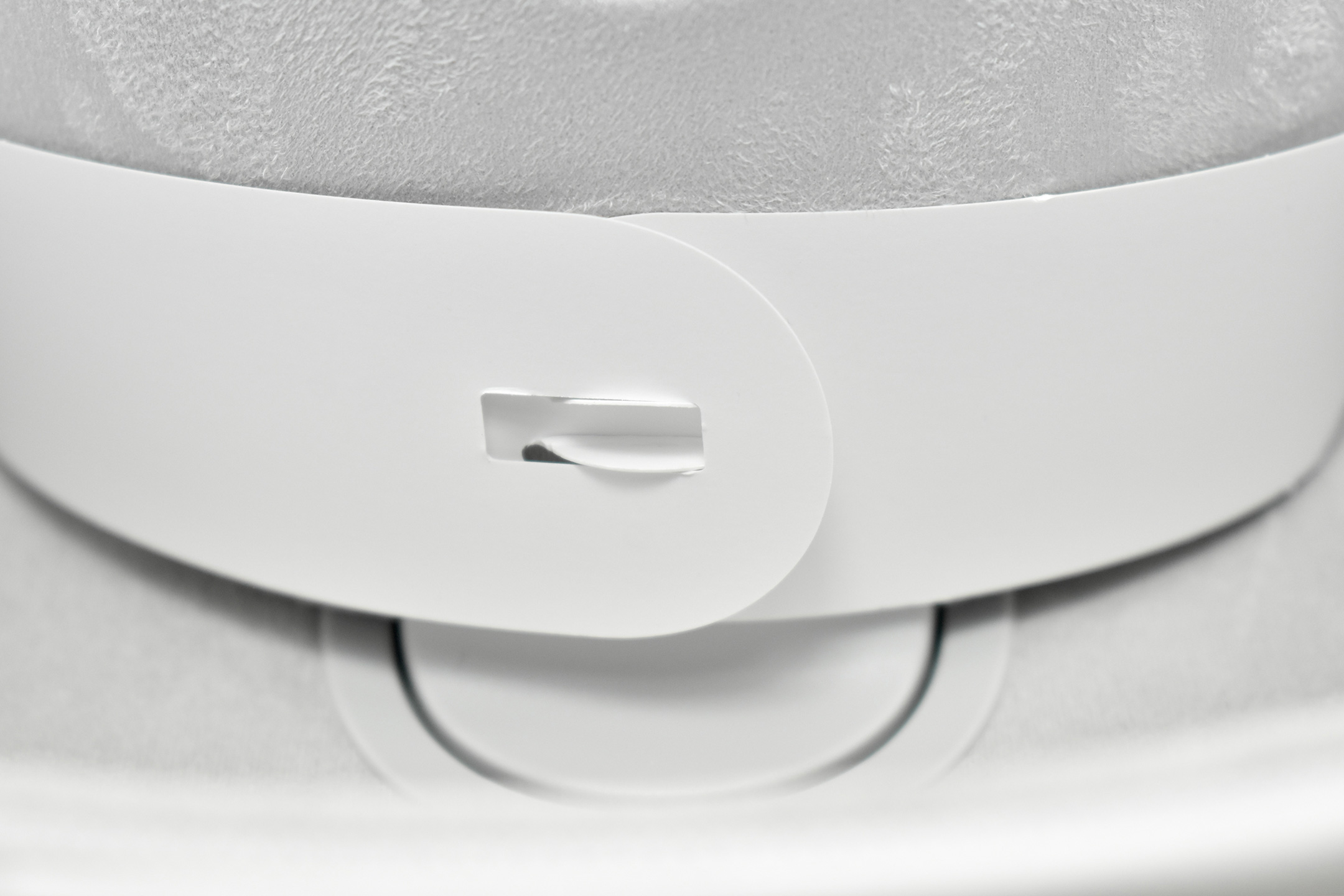
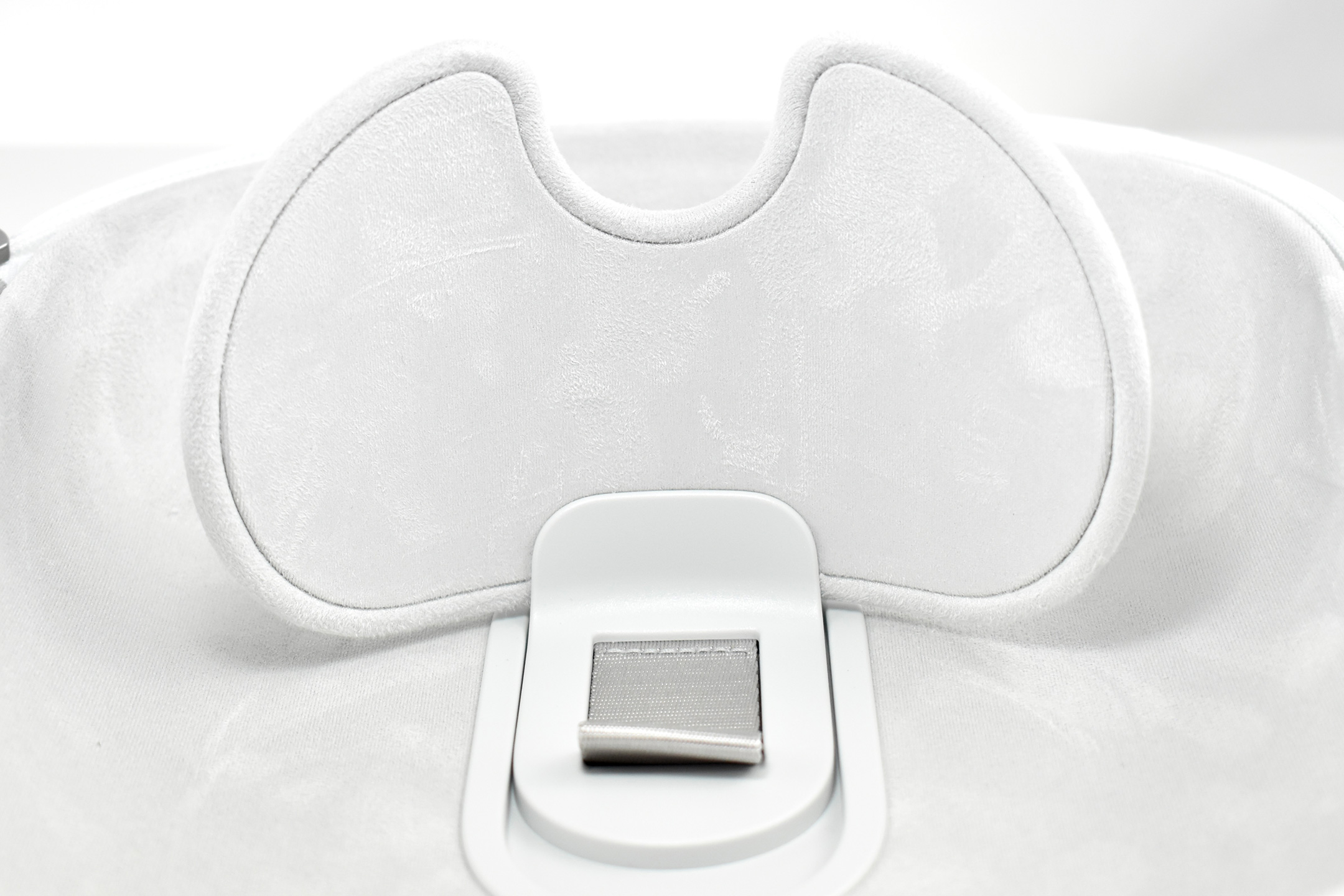
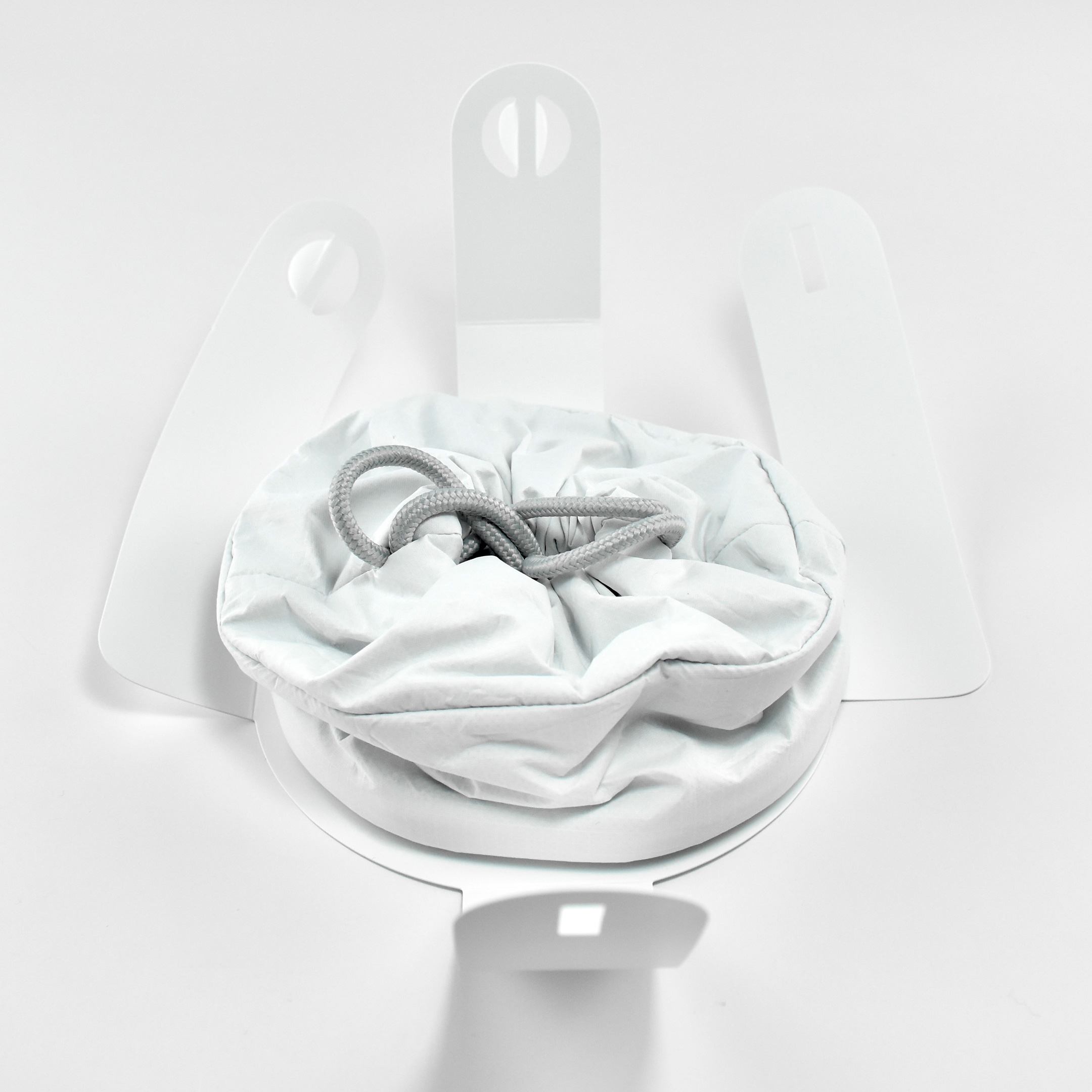
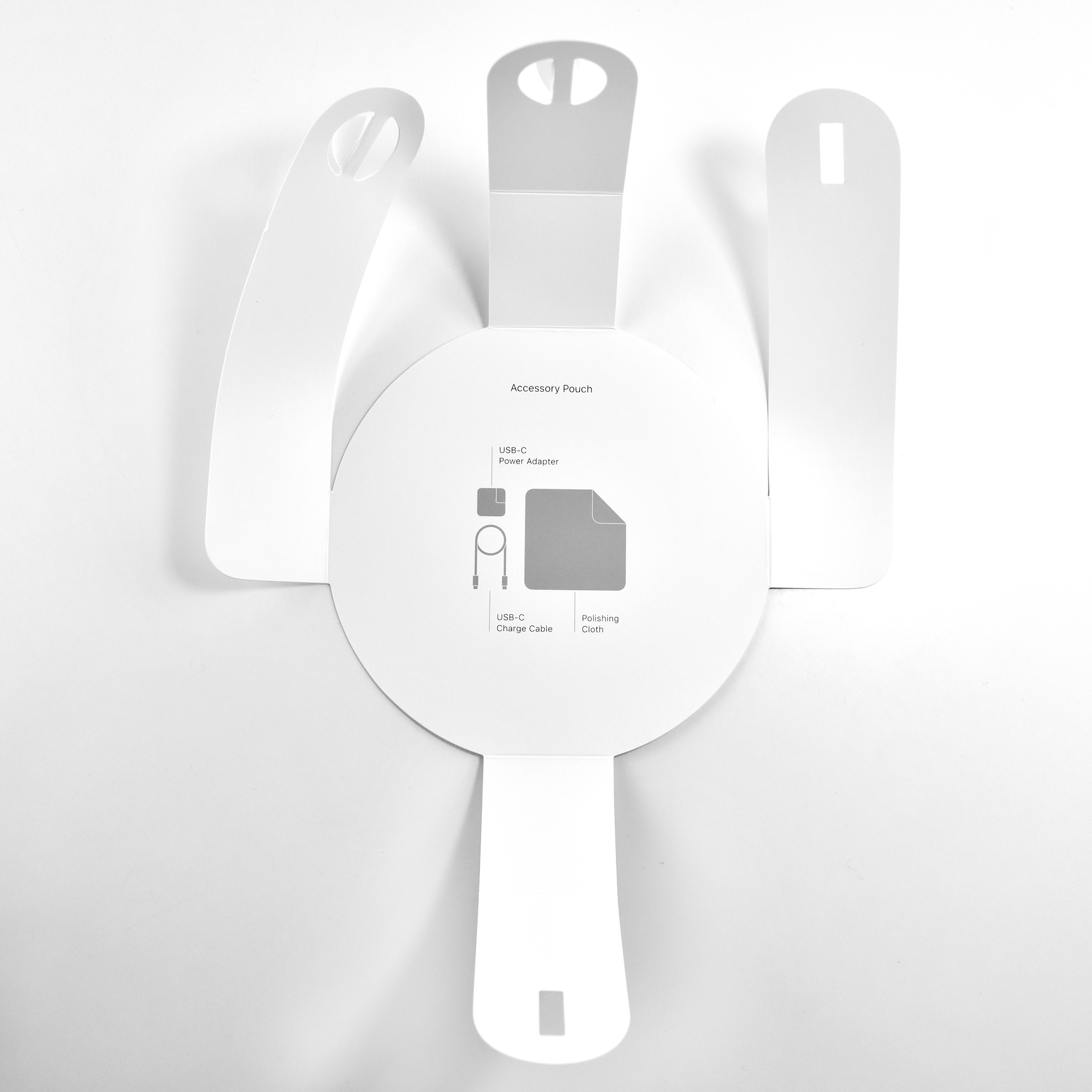
The interior of the Apple Vision Pro Travel Case is lined with microfiber in a color and texture similar to Apple’s infamous polishing cloth. The Apple Vision Pro fits perfectly in the case and includes a velcro strap to securely hold the battery. A white circular drawstring bag fits in the space in the open area between the front of the headset and the headband.
The Apple Vision Pro Travel Case measures 11.69 inches tall, 8.78 inches high, and 6.5 inches deep.
The Verge offered: “The huge case costs an additional $199 and looks like a marshmallow from space. I love it.” I concur wholeheartedly that the case looks like a marshmallow from space, and add that it would pair well with a NASA or SpaceX spacesuit.
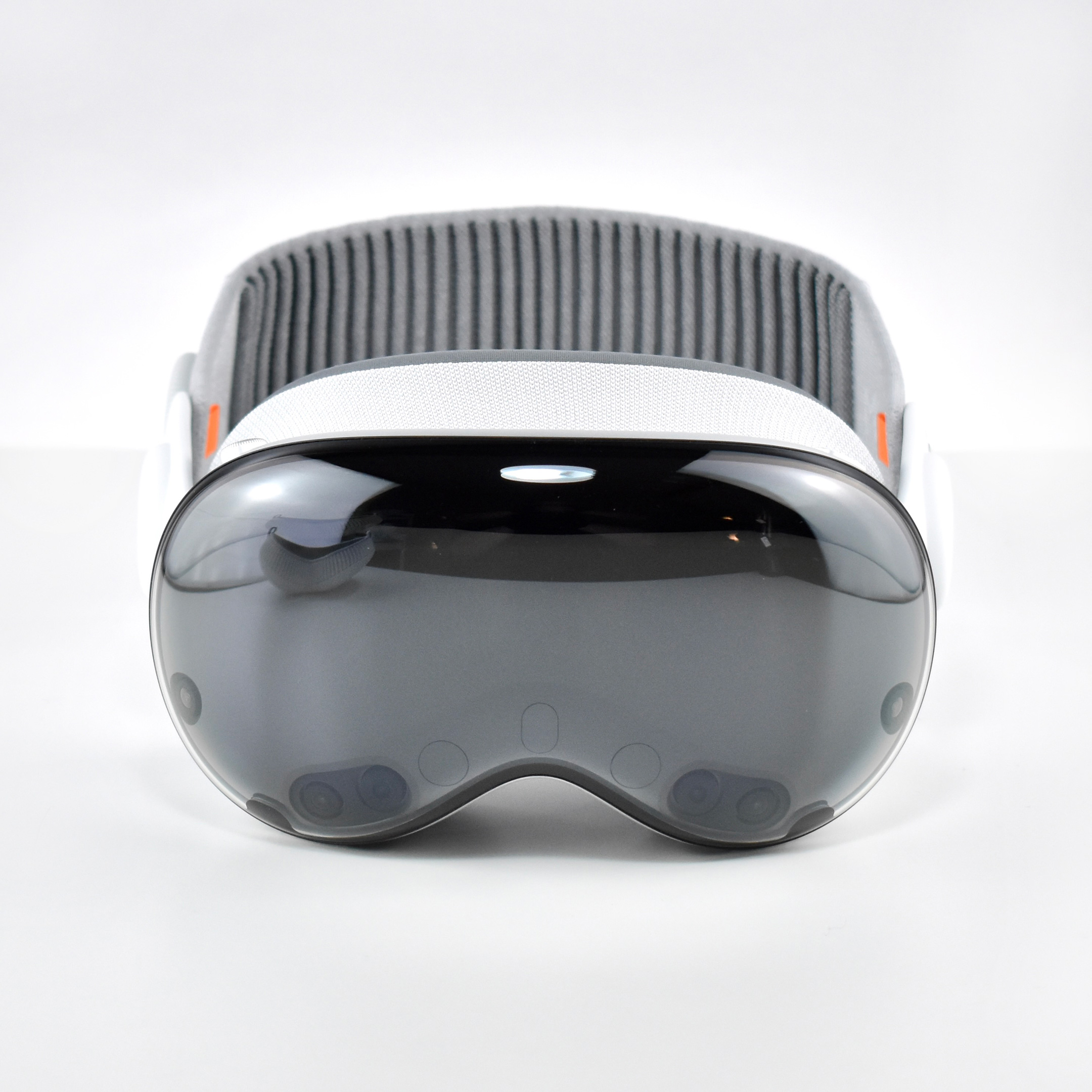
Apple described the original Apple Vision Pro as “a revolutionary spatial computer that seamlessly blends digital content with the physical world, while allowing users to stay present and connected to others.” While other companies at the time were producing “Augmented Reality” and “Virtual Reality” headsets and glasses, Apple chose to forego the AR/VR descriptions completely use the term “Spatial Computing.”
Apple did not invent the term or concept of spatial computing. The term “Spatial Computing” in the context used by Apple Vision Pro is attributed to MIT researcher Simon Greenwold and is the title of a paper he wrote on 2003. Greenwold’s paper defined the term as “human interaction with a machine in which the machine retains and manipulates referents to real objects and spaces.” He added, “Ideally, these real objects and spaces have prior significance to the user.”
Apple does, however, claim that they created the world’s first spatial operating system, visionOS. Apple Vision Pro works with visionOS to allow “users interact with digital content in a way that feels like it is physically present in their space.” A FastCompany article explains the differences among AR, VR, and spatial computing by noting that the Vision Pro has:
“12 cameras and five sensors that help the device know everything from the level of light in a physical space to where objects are in relation to each other, to where your eyes are looking, and how your hands move… In spatial computing, you can interact with those virtual objects by simply using your hands in the physical space in front of you.”
By contrast, in virtual reality “you are completely immersed in a virtual world and can see none of the real world around you,” while augmented reality “displays virtual elements on top of the real world.” The three terms are related because spatial computing uses elements from both AR and VR.
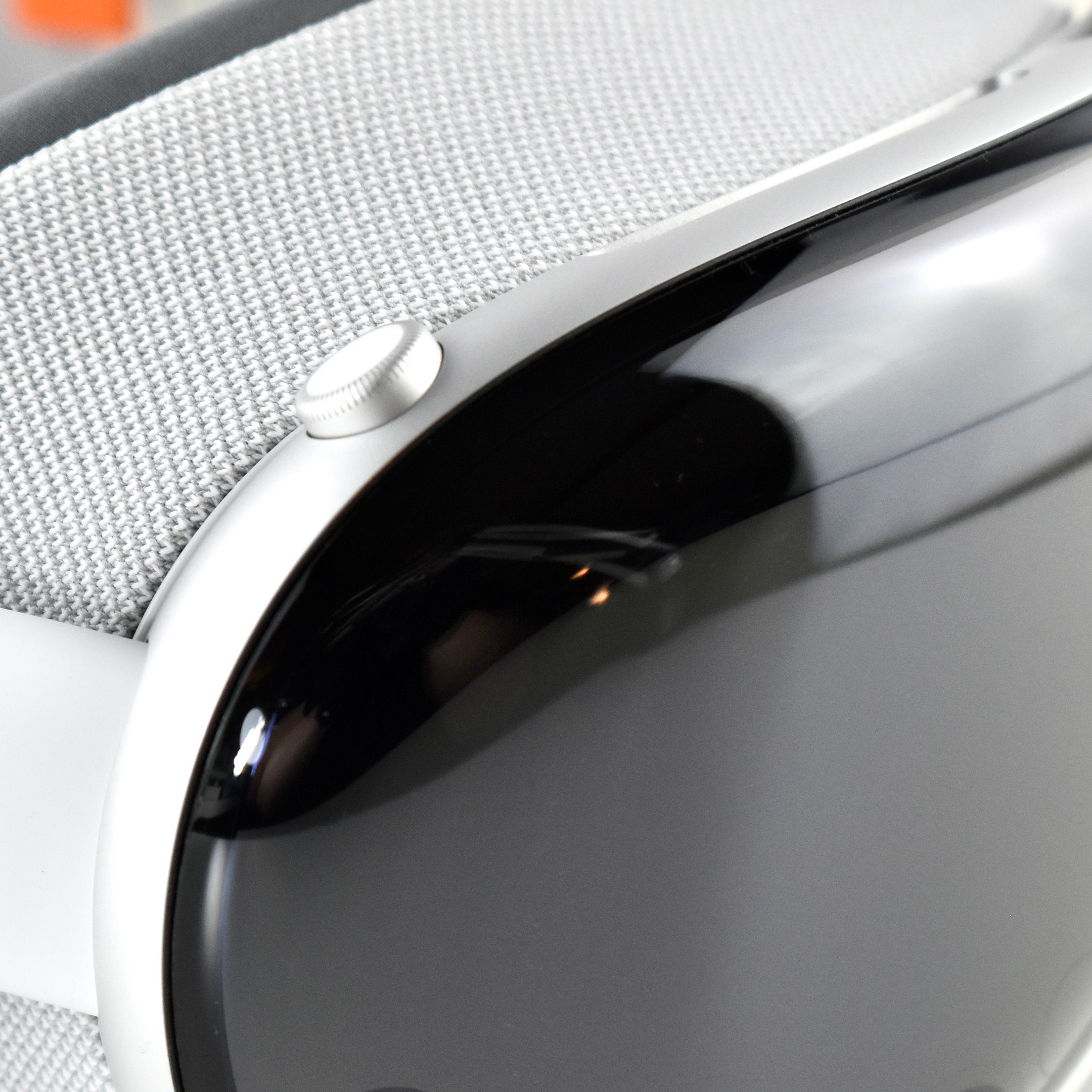
Apple described the “breakthrough design” of the Vision Pro as featuring “an ultra-high-resolution display system that packs 23 million pixels across two displays, and custom Apple silicon in a unique dual-chip design to ensure every experience feels like it’s taking place in front of the user’s eyes in real time.” Mike Rockwell, Apple’s Vice President of the Technology Development Group said that “through a tight integration of hardware and software, we designed a standalone spatial computer in a compact wearable form factor that is the most advanced personal electronics device ever.”
The Apple Vision Pro “can transform any space into a personal movie theater with a screen that feels 100 feet wide.” Internally, the seamless display is accomplished by delivering “more pixels than a 4K display” to each eye.
To add to the visual realism, a new Spatial Audio system is also part of the Apple Vision Pro that Apple called “audio pods.” Apple describes the sound system:
“Dual-driver audio pods positioned next to each ear deliver personalized sound while letting you hear what’s around you. Spatial Audio makes sounds feel like they’re coming from your surroundings. Audio ray tracing analyzes your room’s acoustic properties to adapt and match sound to your space.” I have observed that first-time Vision Pro users are often surprised by the audio experience delivered by the audio pods and ask if others around them can hear the audio. (Others in the room can faintly hear the audio at a low volume level, even if the Vision Pro user has the volume at maximum.)
The Apple Vision Pro is also packed with cameras and sensors that all work together to deliver the overall experience, including:
2 high‑resolution main cameras
6 world‑facing tracking cameras
4 internal eye‑tracking cameras
TrueDepth camera
LiDAR Scanner
4 inertial measurement units (IMUs)
Flicker sensor
Ambient light sensor
Apple described the sensor functionality: “high-resolution cameras transmit over one billion pixels per second to the displays so you can see the world around you clearly. The system also helps deliver precise head and hand tracking and real‑time 3D mapping, all while understanding your hand gestures from a wide range of positions.” Similar to an augmented reality experience, Vision Pro users see the world through live “passthrough” video, and not through a transparent lens.
The original Apple Vision Pro was powered by two chips. Apple’s M2 chip provided an 8‑core CPU with 4 performance cores and 4 efficiency cores, a 10‑core GPU, a 16‑core Neural Engine, and 16 GB unified memory. The Apple R1 chip allowed 12‑millisecond photon‑to‑photon latency using 256 GB/s memory bandwidth.
In addition to the sensor cameras, the Apple Vision Pro could capture Spatial photos and video using the company’s first stereoscopic 3D main camera system. The 18 mm cameras used a ƒ/2.00 aperture and could capture 6.5 stereo megapixels. Upon release of the Apple Vision Pro, the iPhone 15 Pro, iPhone 15 Pro Max, and all iPhone 16 models could capture Spatial video using two cameras on each of those iPhone models (single-camera iPhones cannot capture Spatial video).
Inputs built in to the Apple Vision Pro included hand, eye, and voice. In addition, supported input accessories included keyboards, trackpads, game controllers, Bluetooth mouse support, and other third-party accessories such as the Logitech Muse pen (not released until 2025).
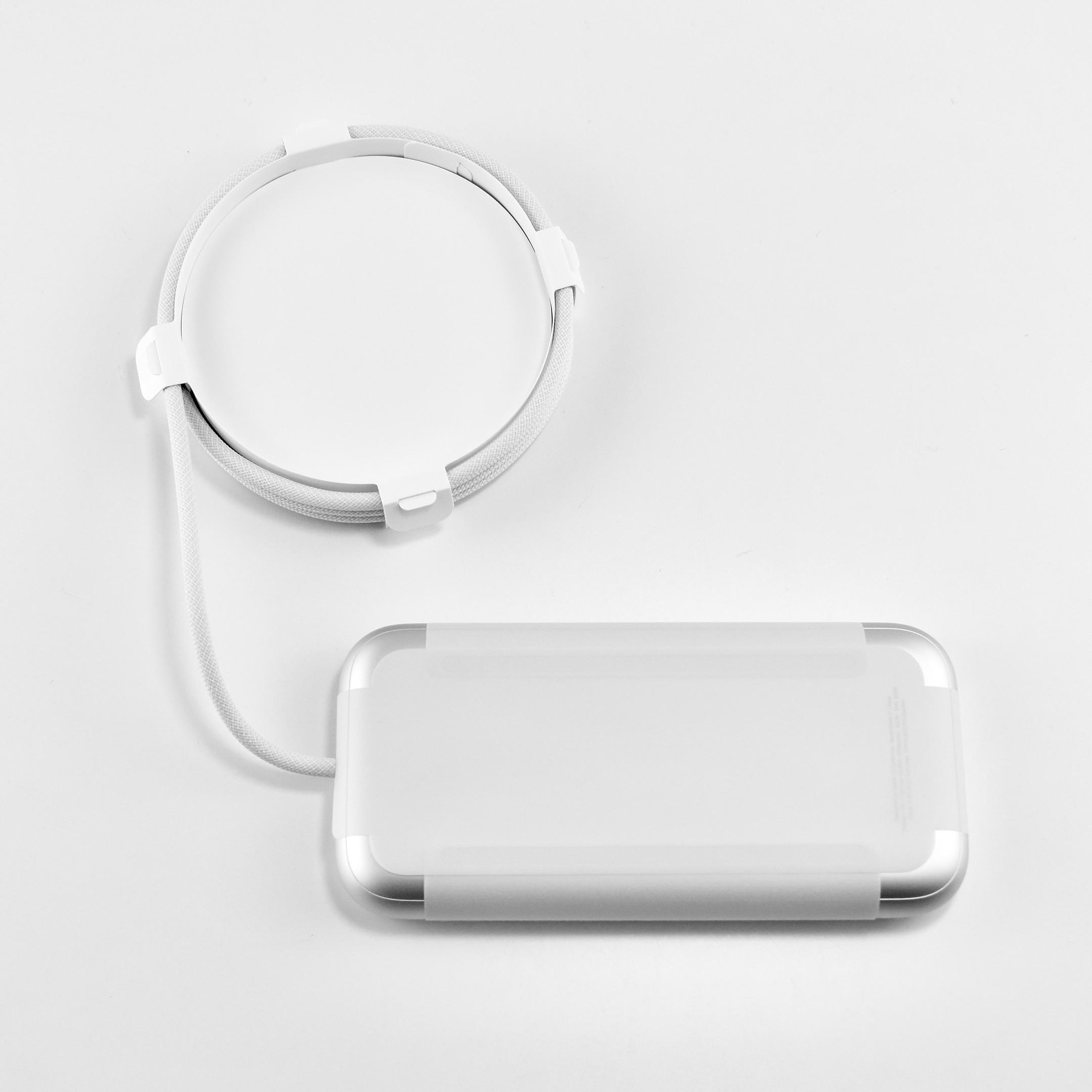
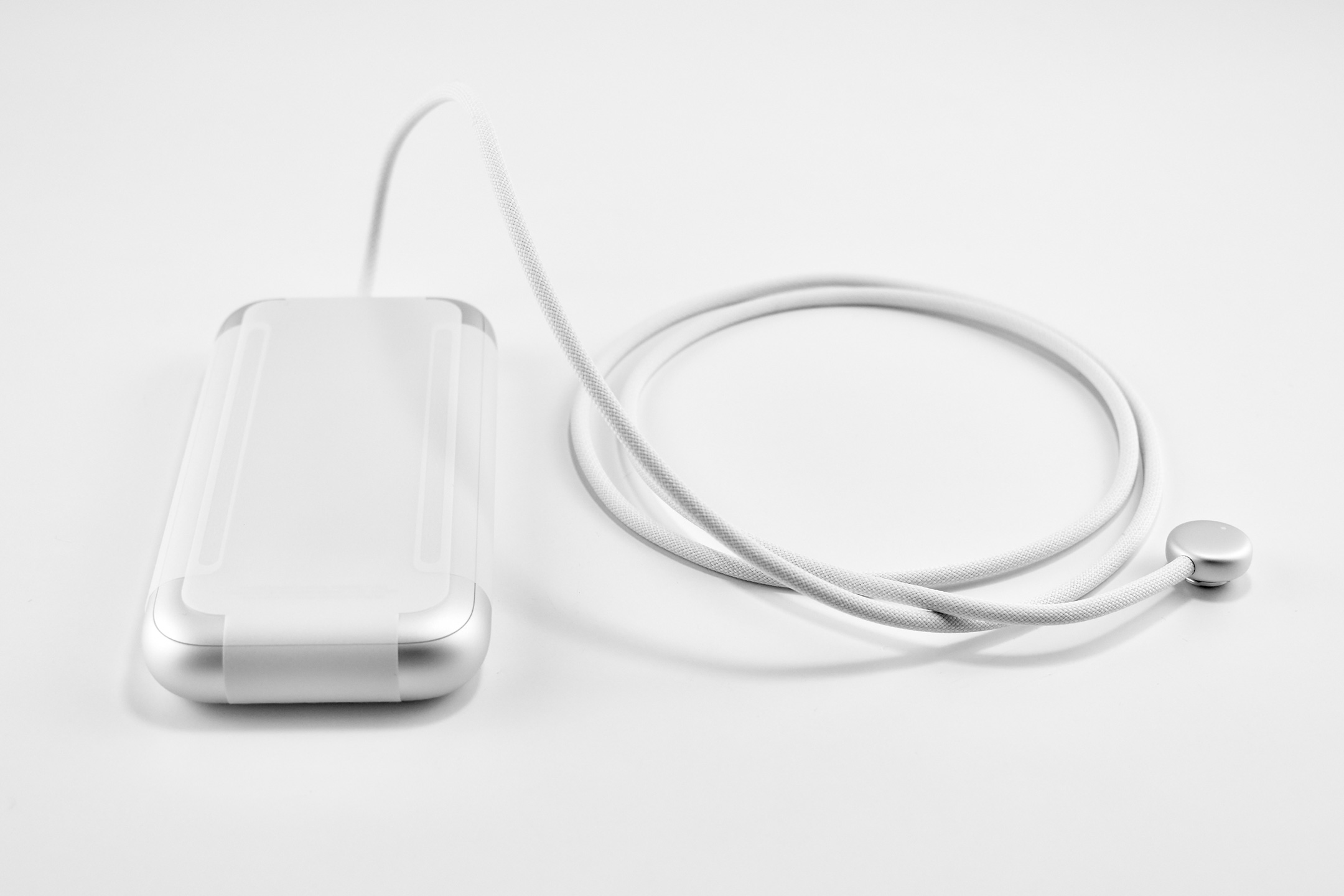
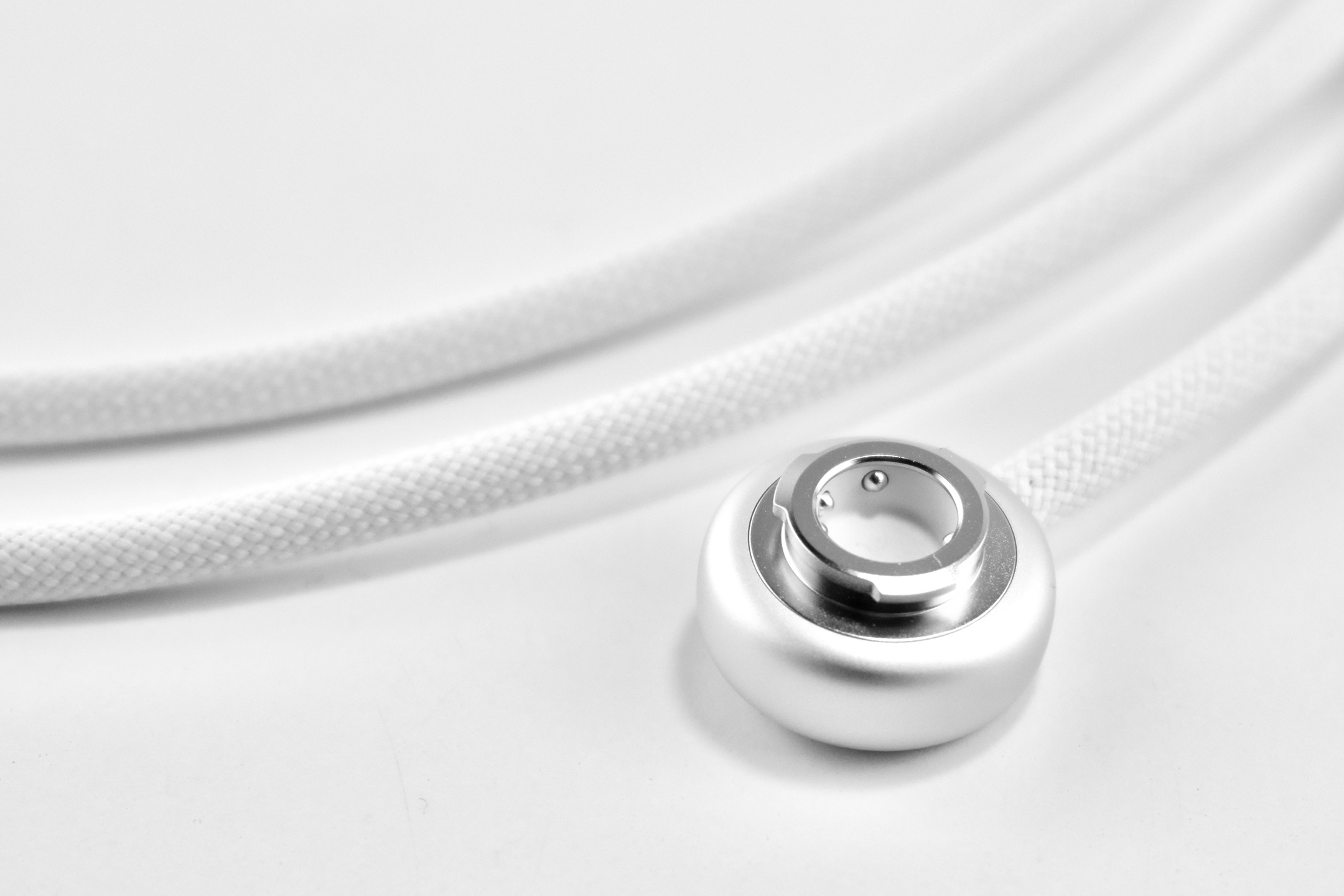
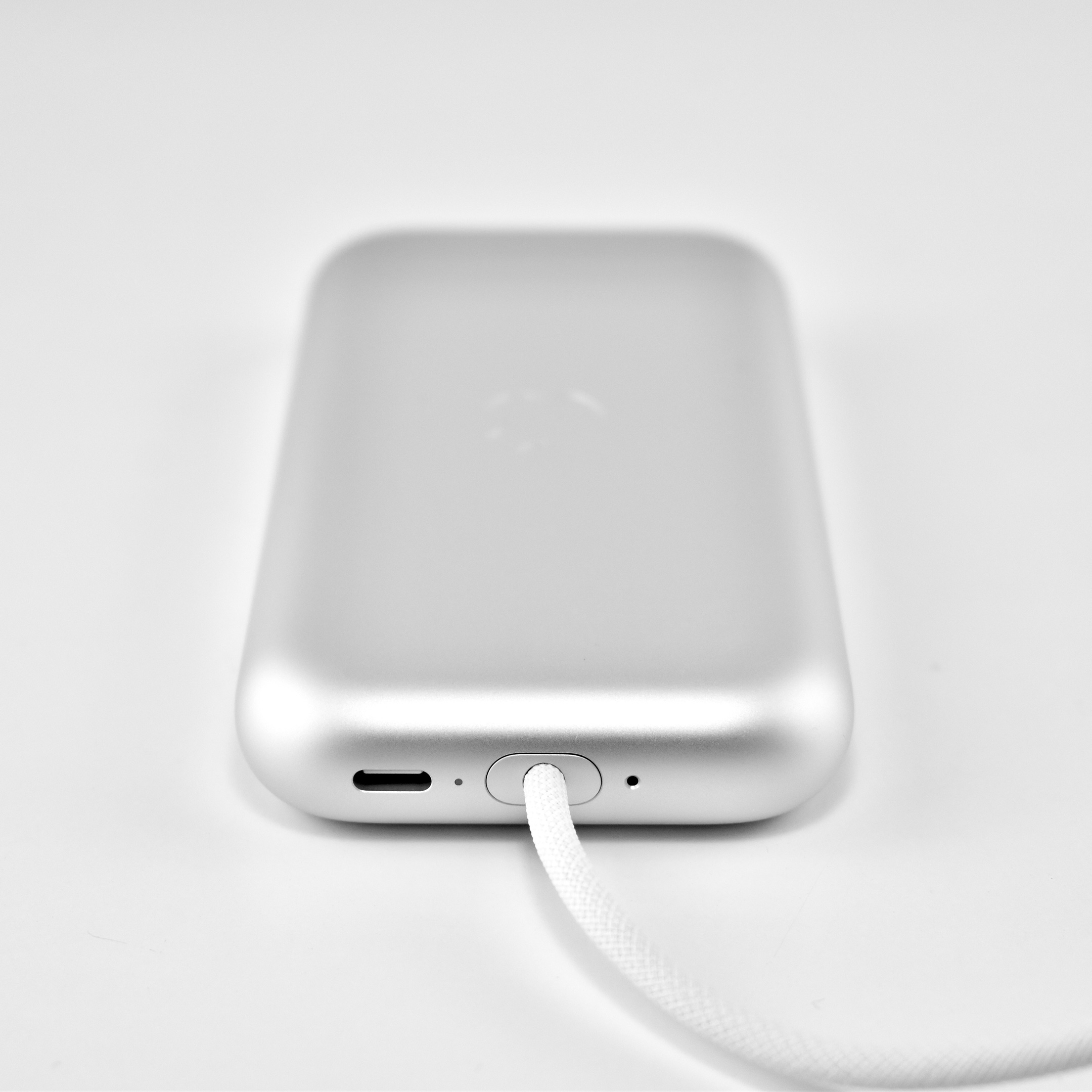
The Apple Vision Pro used a battery pack that delivered “up to 2 hours of general use” or up to 2.5 hours while watching videos. However, the device could also be used with the USB-C port plugged into power while charging the battery.
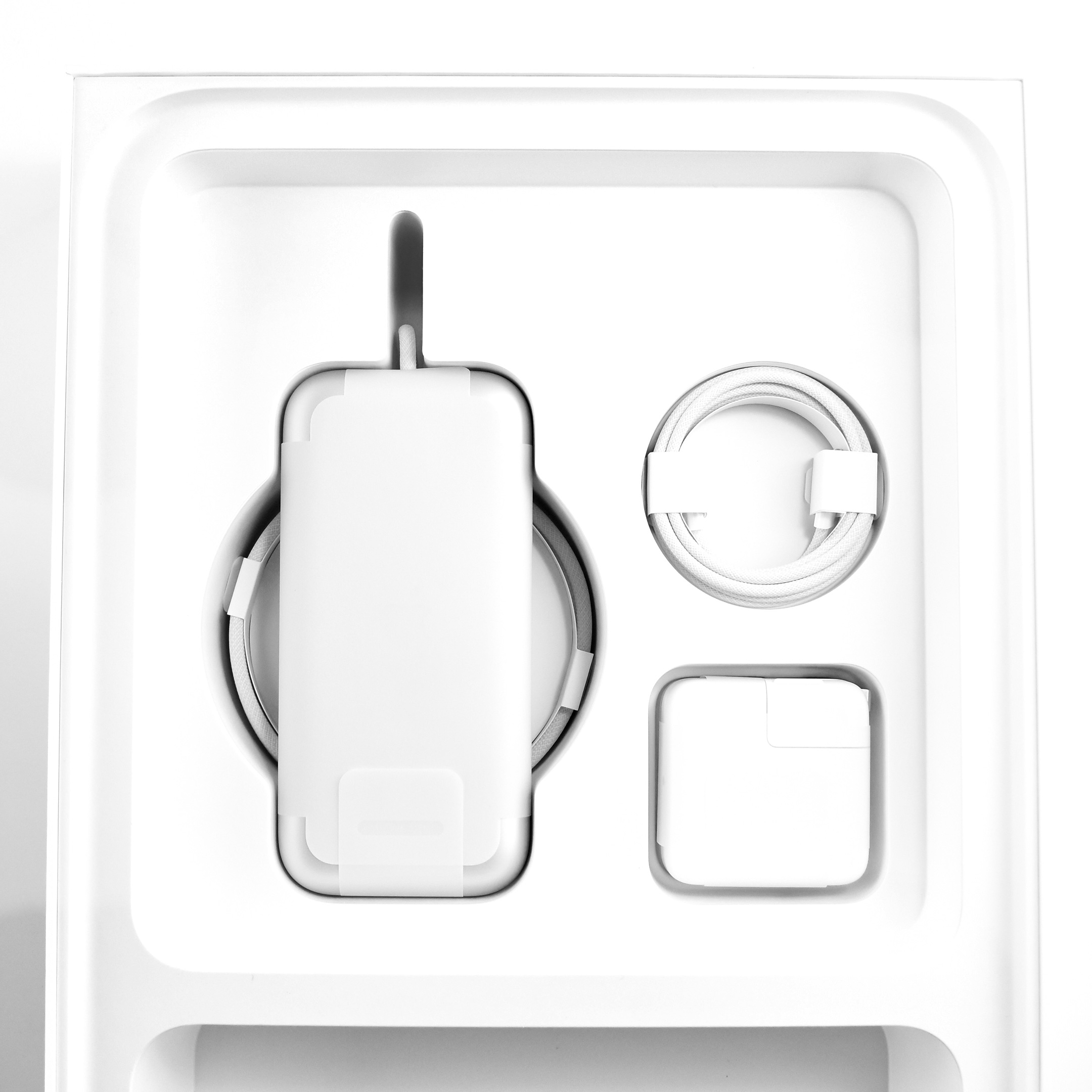
The Apple Vision Pro shipped with many accessories and custom-sized parts compared to Apple’s other devices. The following accessories were included with each Apple Vision Pro:
Light Seal
Light Seal Cushions (2 sizes)
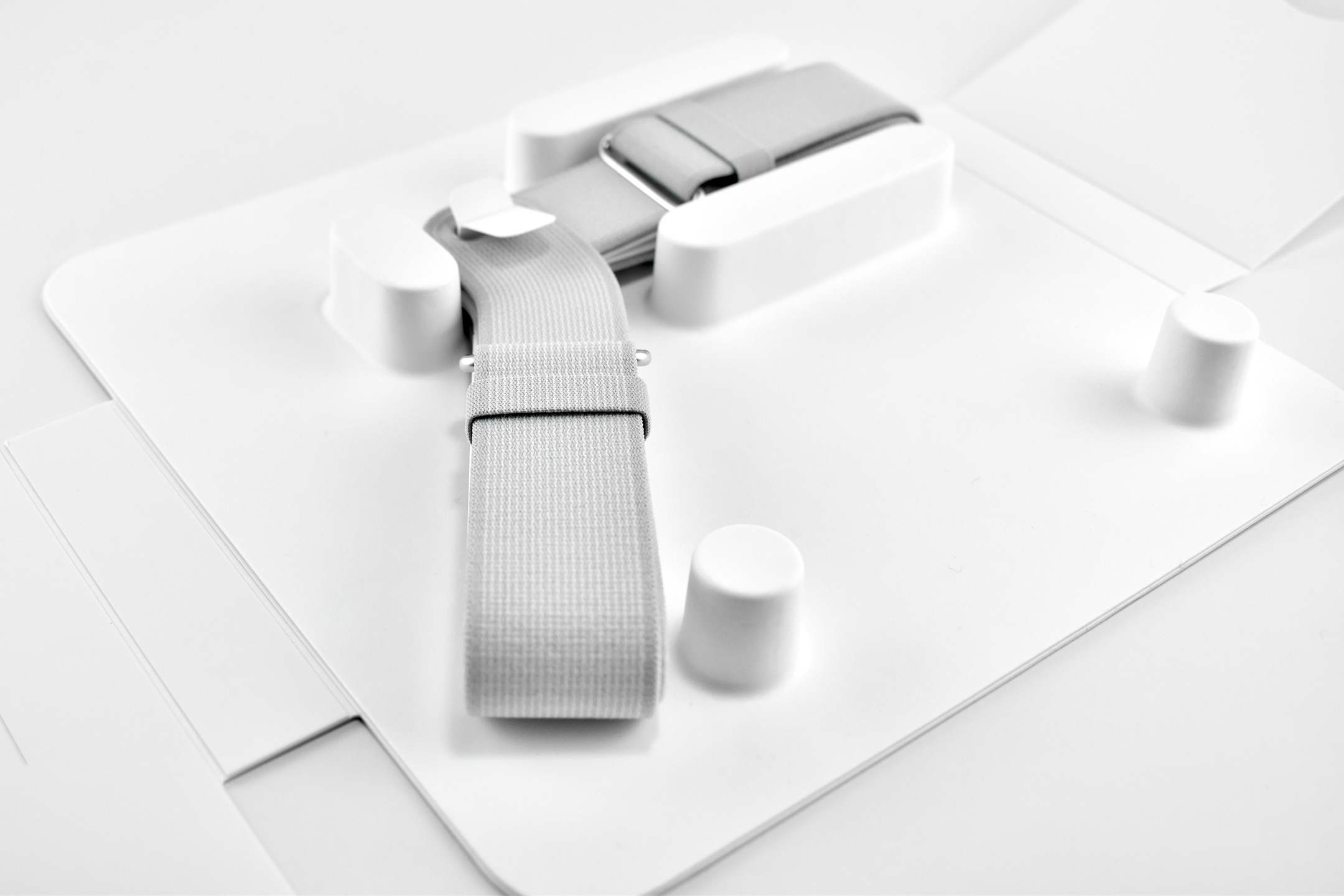
Solo Knit Band
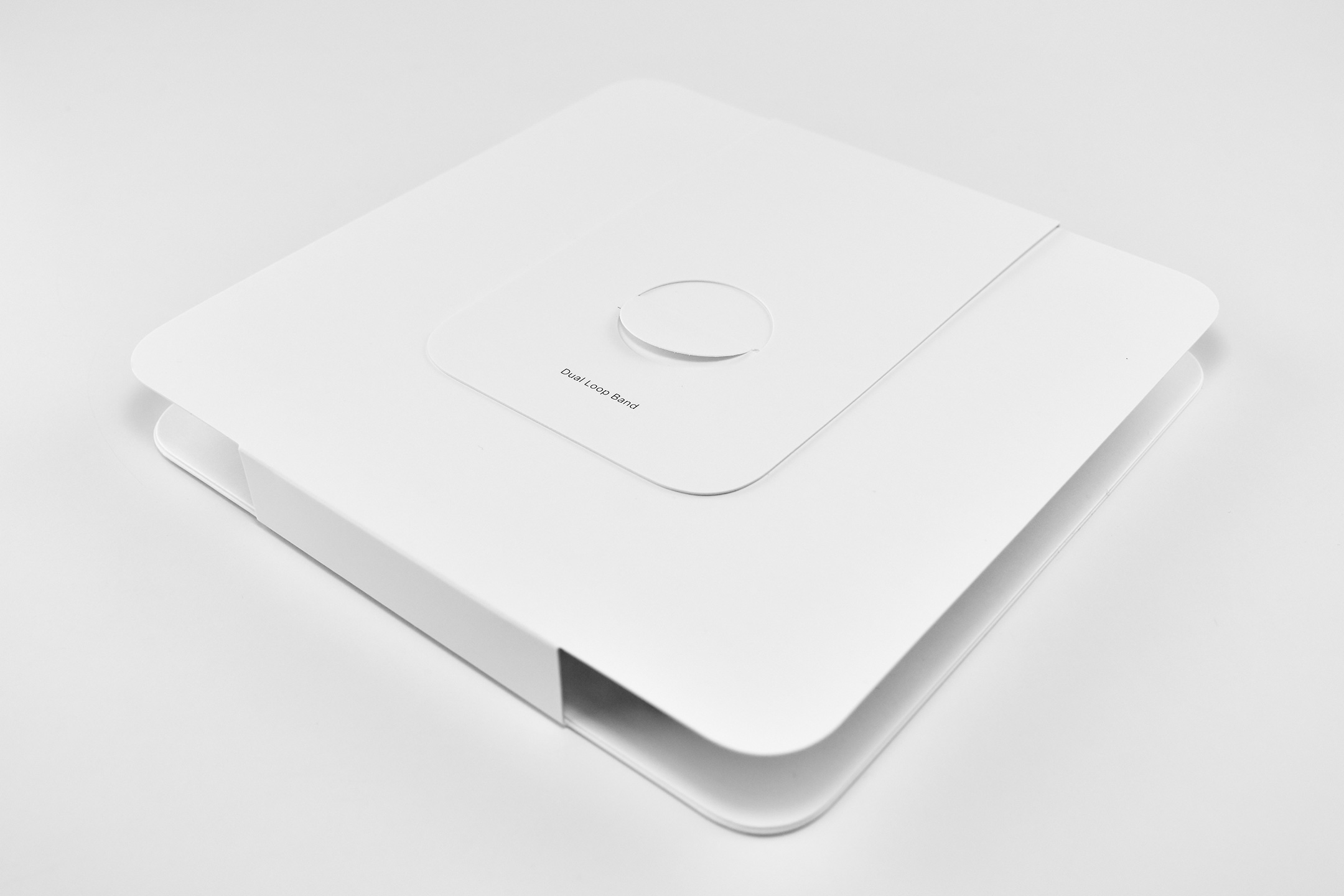
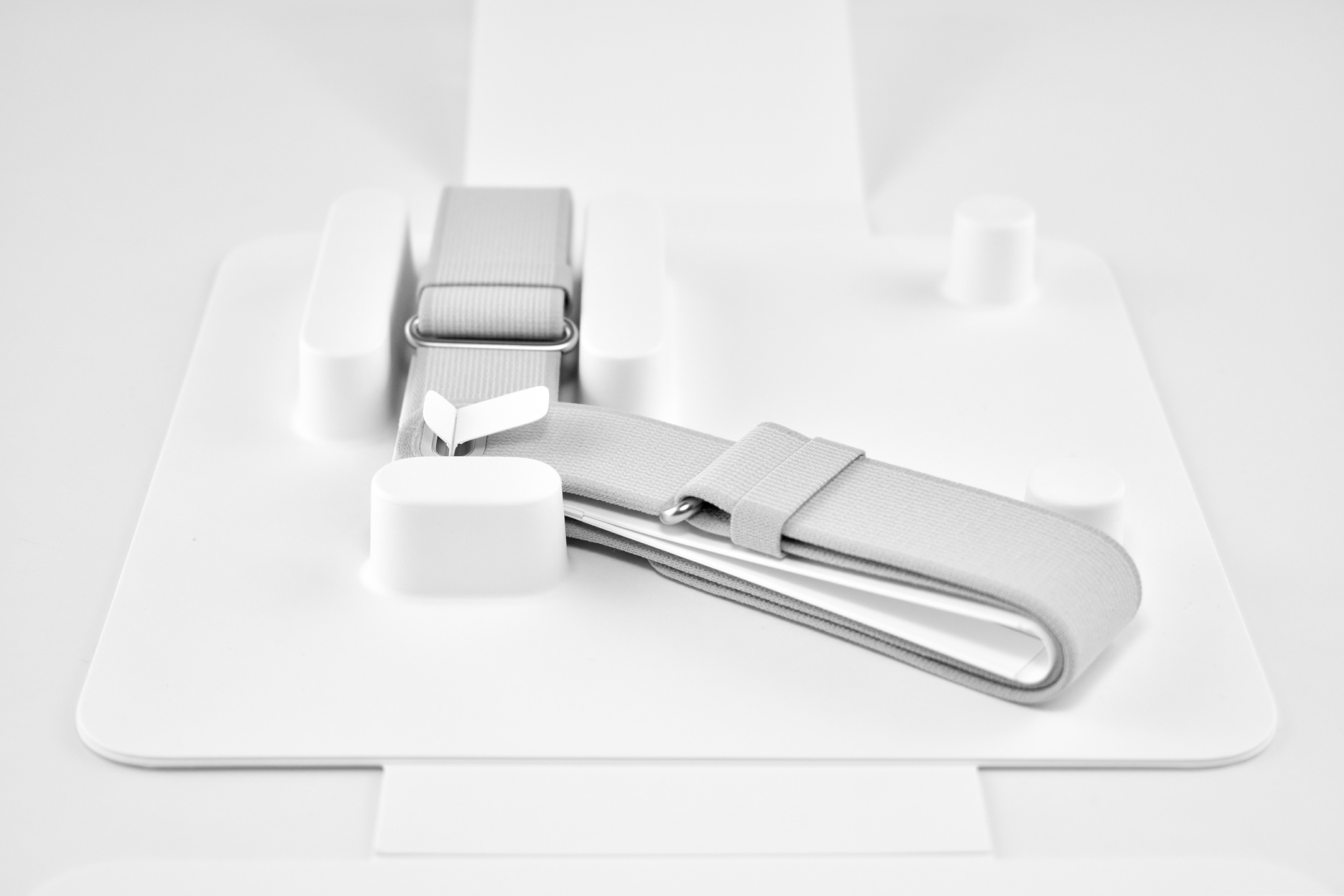
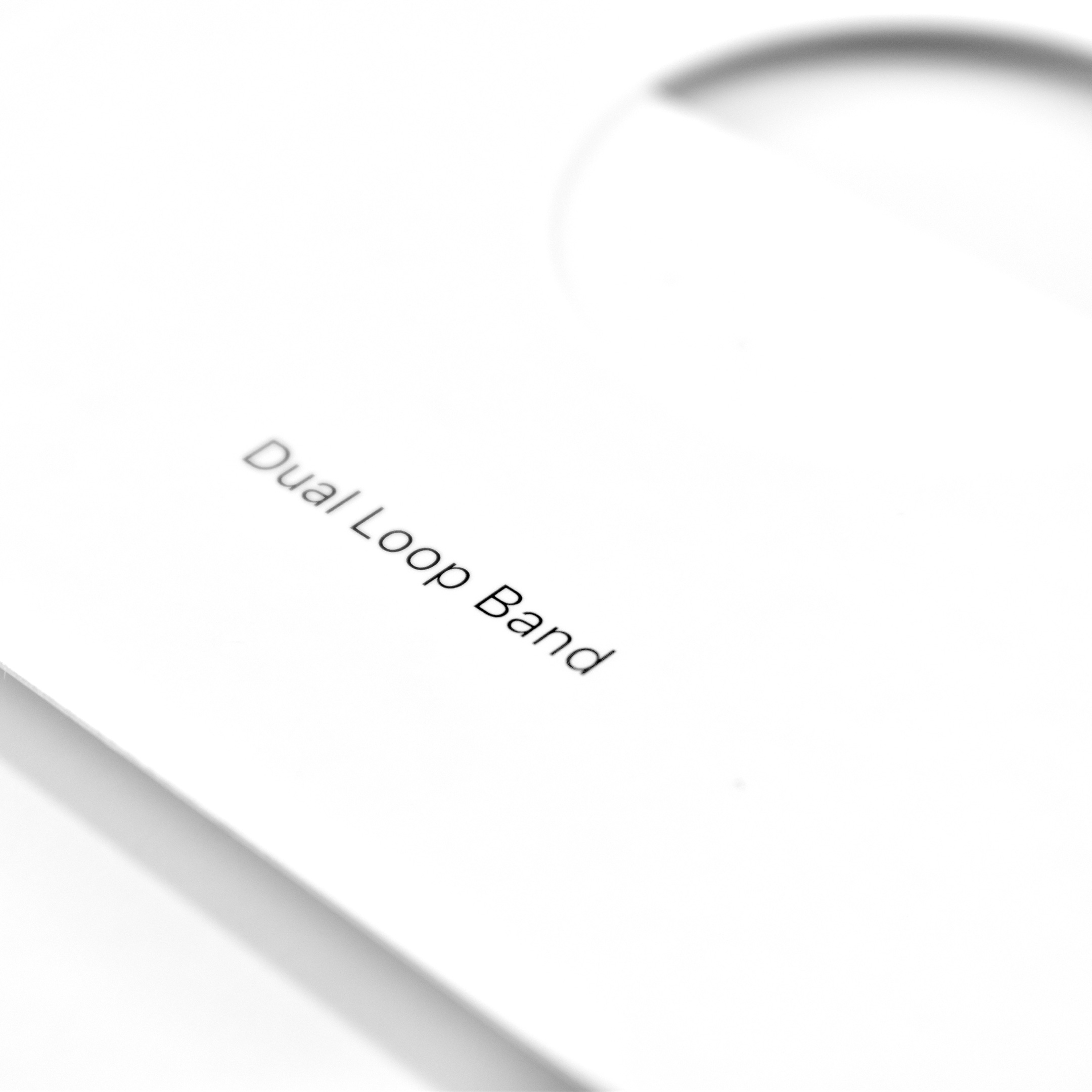
Dual Loop Band
Battery pack
Cover
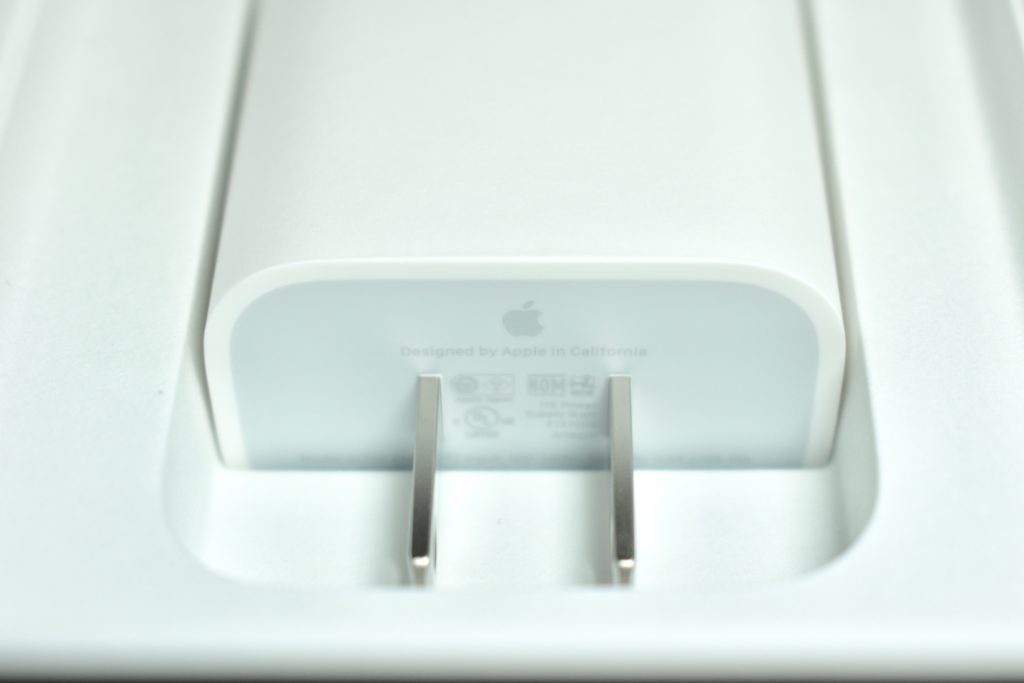
30W USB-C Power Adapter
USB-C Charge Cable
Several of the parts and accessories that shipped with the Apple Vision Pro were impressive design innovations on their own, even if they were not often mentioned in reviews—or even by Apple. Some examples from my perspective included:
Light Seal—The light seal came in multiple sizes that were matched to the user through a custom app that scanned a user’s face to calculate the appropriate size. The light seal attached magnetically to the main body of the Apple Vision Pro.
Light Seal Cushions—The light seal cushion was also sized for the user and attached with magnets to the light seal to provide a custom fit so light would not “leak” into the space around the eyes.
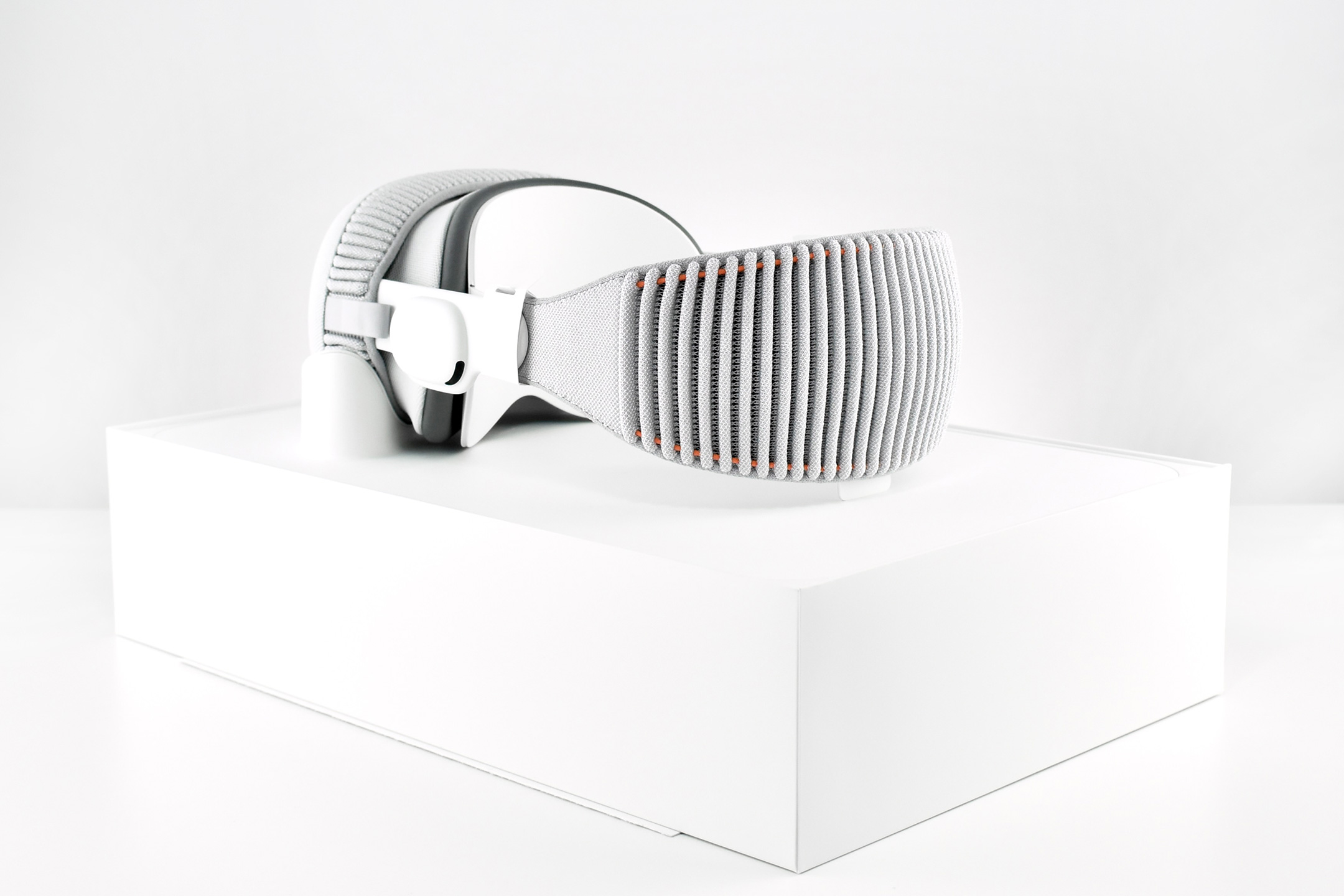
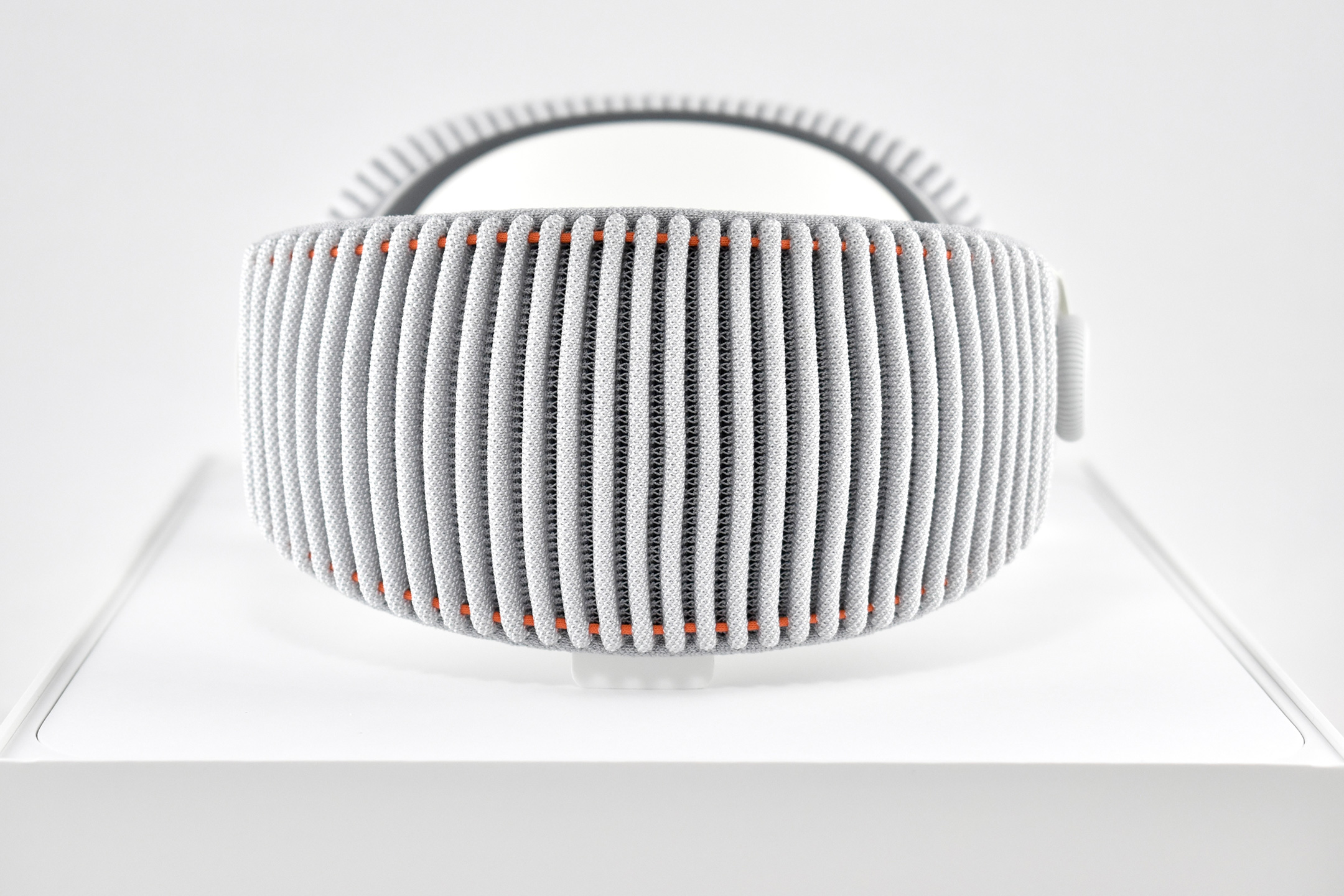
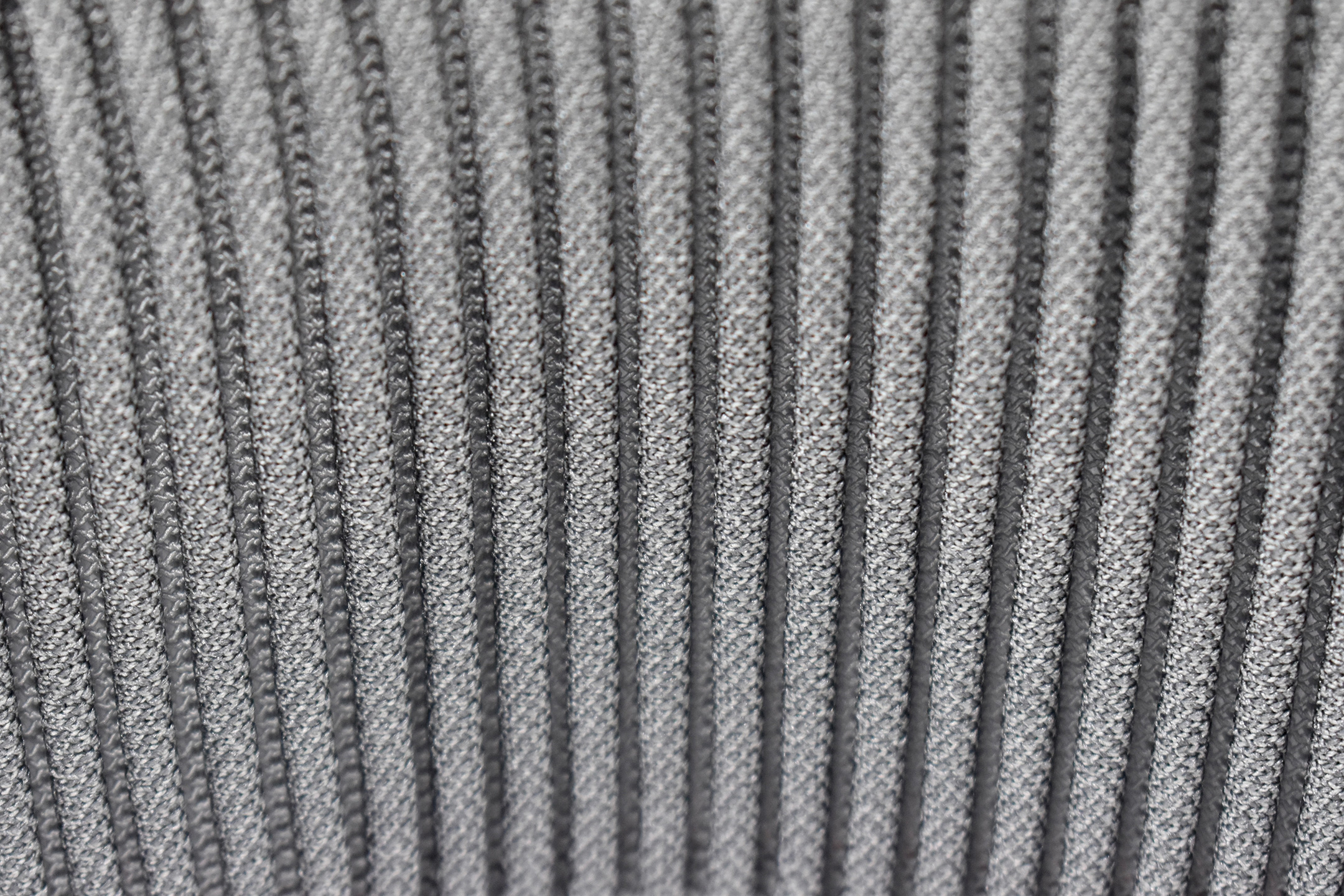
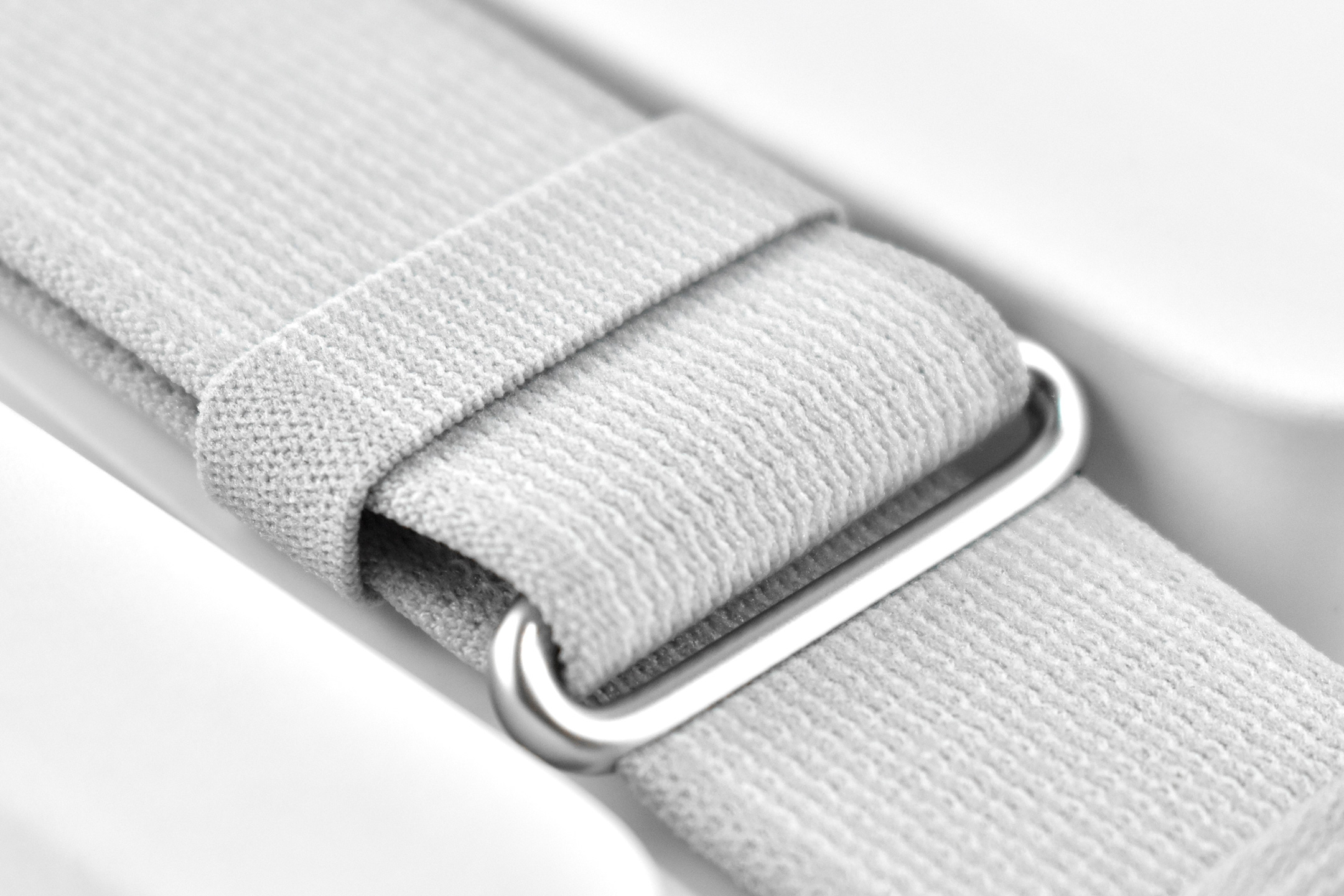
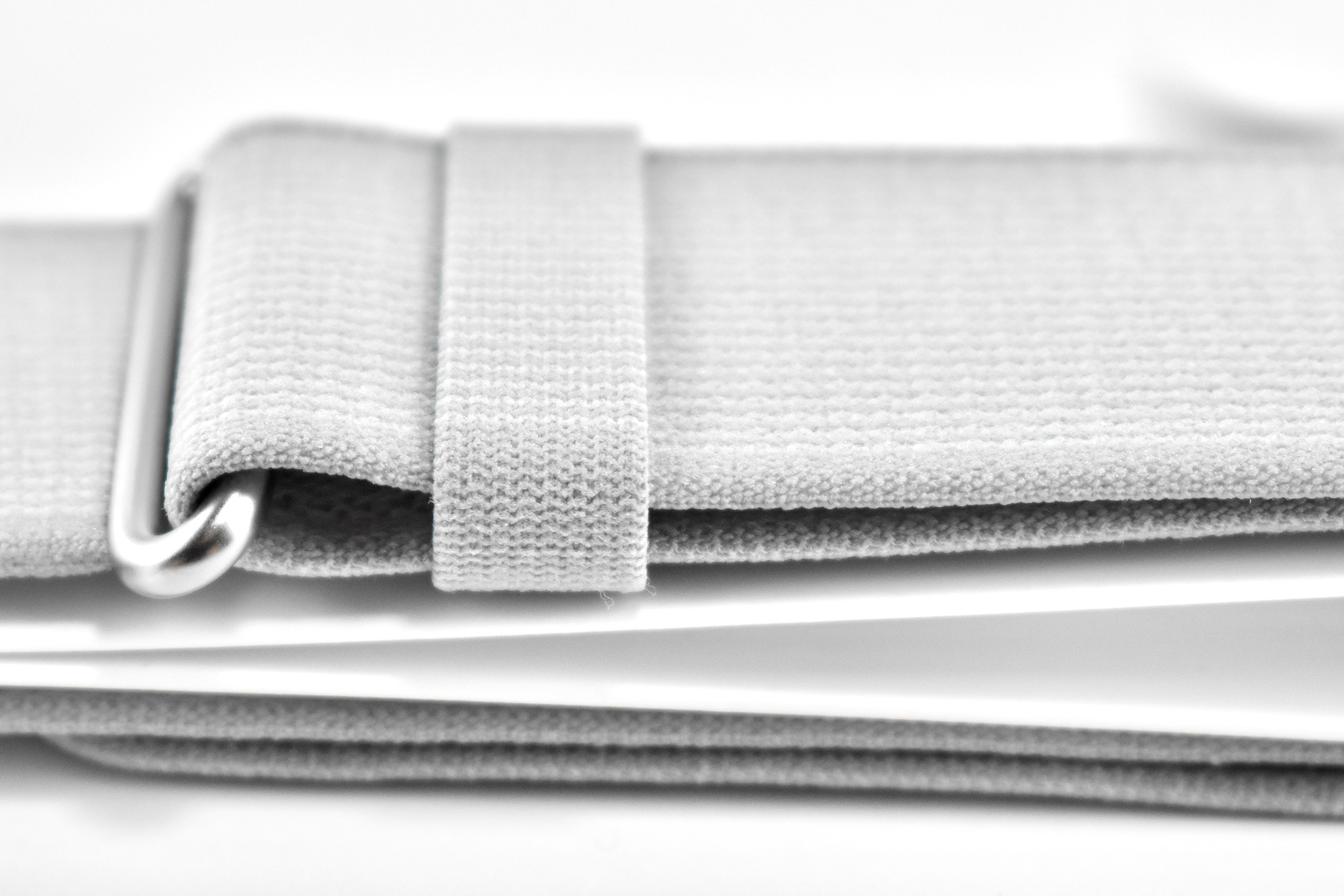
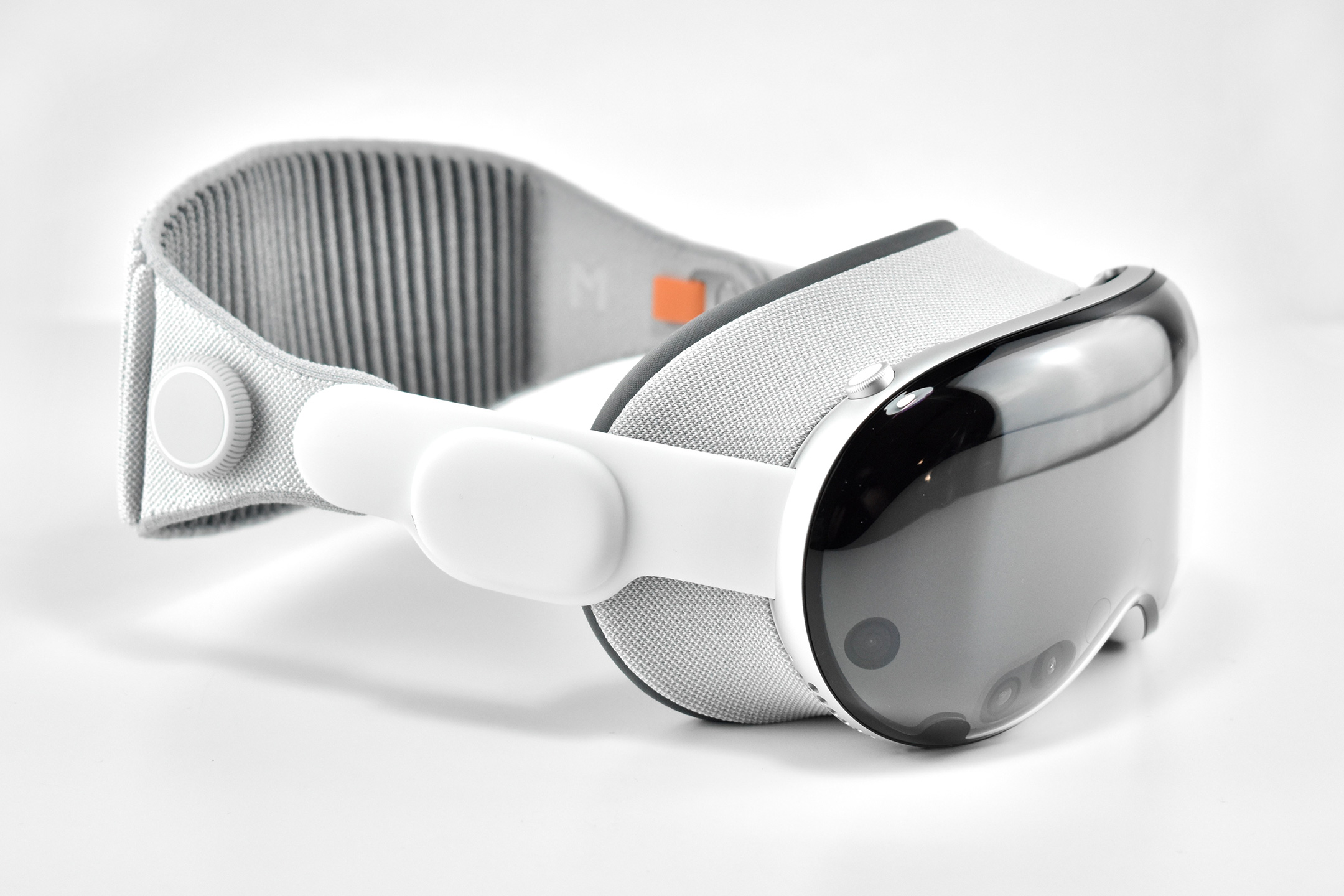
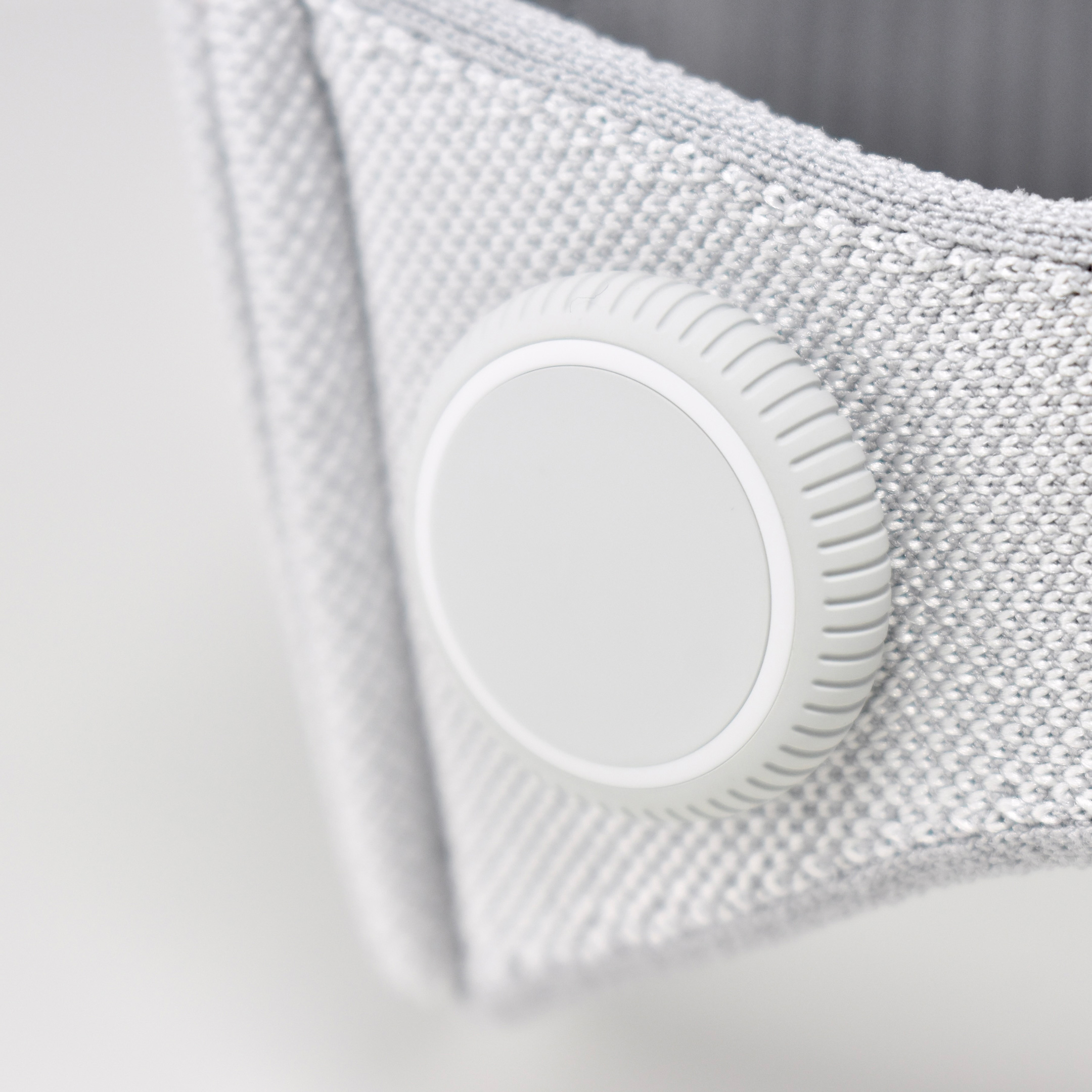
Dual Loop Band and Solo Knit Band—The two bands that shipped each represented impressive engineering and design to fit the 22.9 ounce (1.43 pounds) device to the head and provide relative comfort and support during use. The Dual Loop Band provided a 2-strap system that supported the device around the back and over the top of the head with adjustable velcro closures. The Solo Knit Band was a single thicker band that was “3D knitted as a single piece to create a unique rib structure that provides cushioning, breathability, and stretch. It has an easy-to-reach Fit Dial to let you adjust Apple Vision Pro to your head and enables microadjustments during use.” I personally prefer the Solo Knit Band.
Further, the Solo Knit Band was noted by journalists and reviewers as looking fashionable, especially compared to the utilitarian straps provided by other AR/VR headsets. One 9to5Mac author noted, “I just think the Solo Knit Band looks cooler, and comfort just hasn’t been an issue for me.”
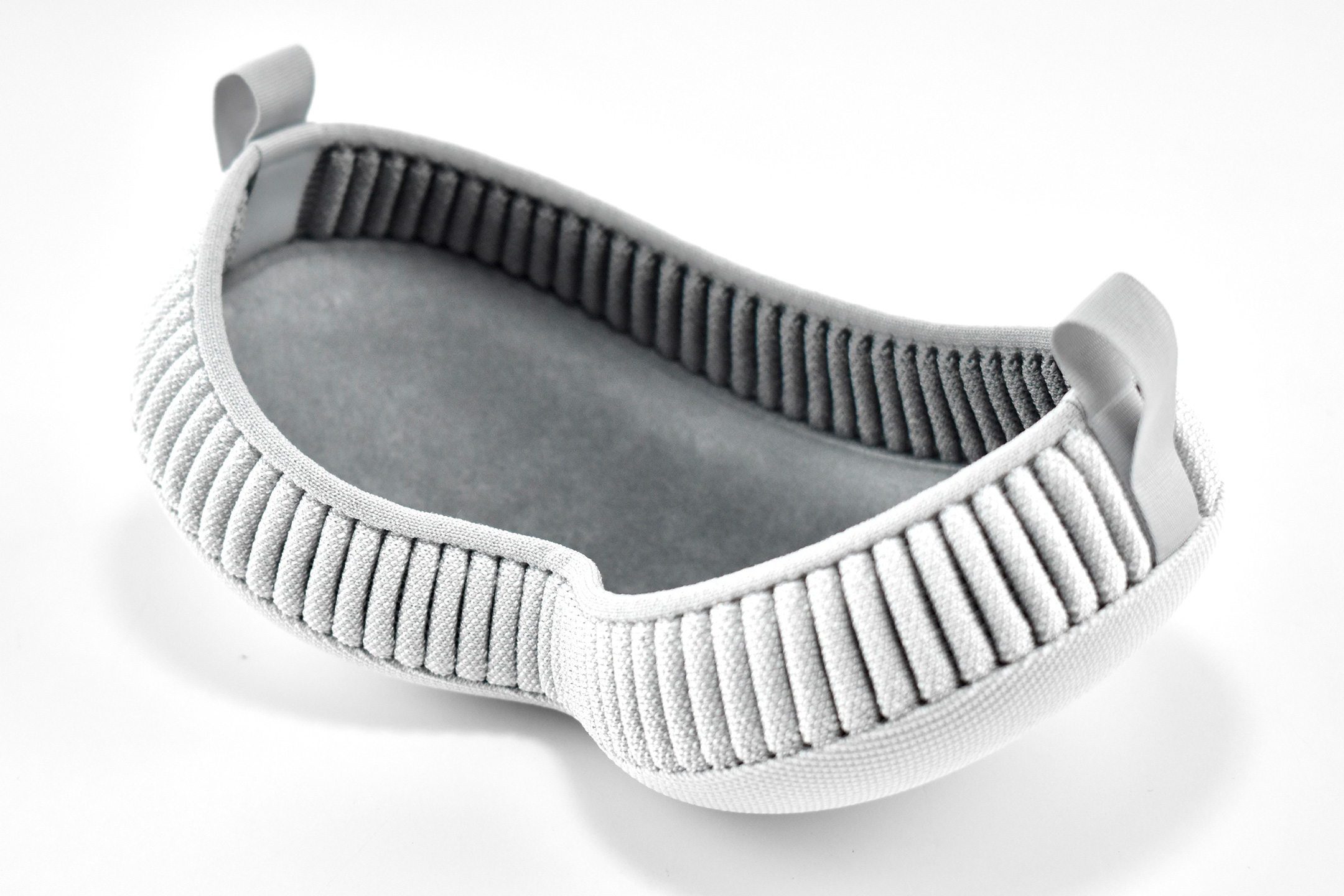
Cover—Even the lowly knit cover was an impressive piece of design in my opinion. The cover itself had knit edges, but allowed the Apple Vision Pro device to be effortlessly lowered into the accessory with a perfect fit that fully protected the glass front. Tabs on the edges also allowed it to be easily removed.
ZEISS Optical Inserts—For those of us who require vision correction and do not wear contact lenses, Prescription ZEISS Optical Inserts were available to be custom-made to an exact prescription. The inserts easily snapped in with magnets and were “recognized” by an Apple Vision Pro device by selecting the user’s account settings.
Although this entry is not intended as a review of the Apple Vision Pro, as a user I can attest that the device is extremely difficult to describe to someone who has not used it first-hand. In my experiences, the device and visionOS functioned seamlessly from the original visionOS through visionOS 2. In my Apple-user-experience lifetime (since the early-1980s), I have never experienced a more mature operating system for a brand new device—especially one with so many brand new user interface elements.
After a lifetime of keyboard typing, mouse clicking, and most recently touch-based interfaces, the Apple Vision Pro required a user to make the leap to looking at virtual interface elements (through eye tracking) and interacting though hand gestures (pinches, pulls, and a 2-hand pinch/pull motions). Having coached about 50 first-time users through using the Apple Vision Pro as of this writing, I have observed that every user was able to understand these UI paradigms within the first 5–10 minutes of using the device (most adapted more quickly).
Finally, I wrote a series of education-focused articles about my first impressions of the Apple Vision Pro after the device was first released. They are available on a separate blog at Blogger:
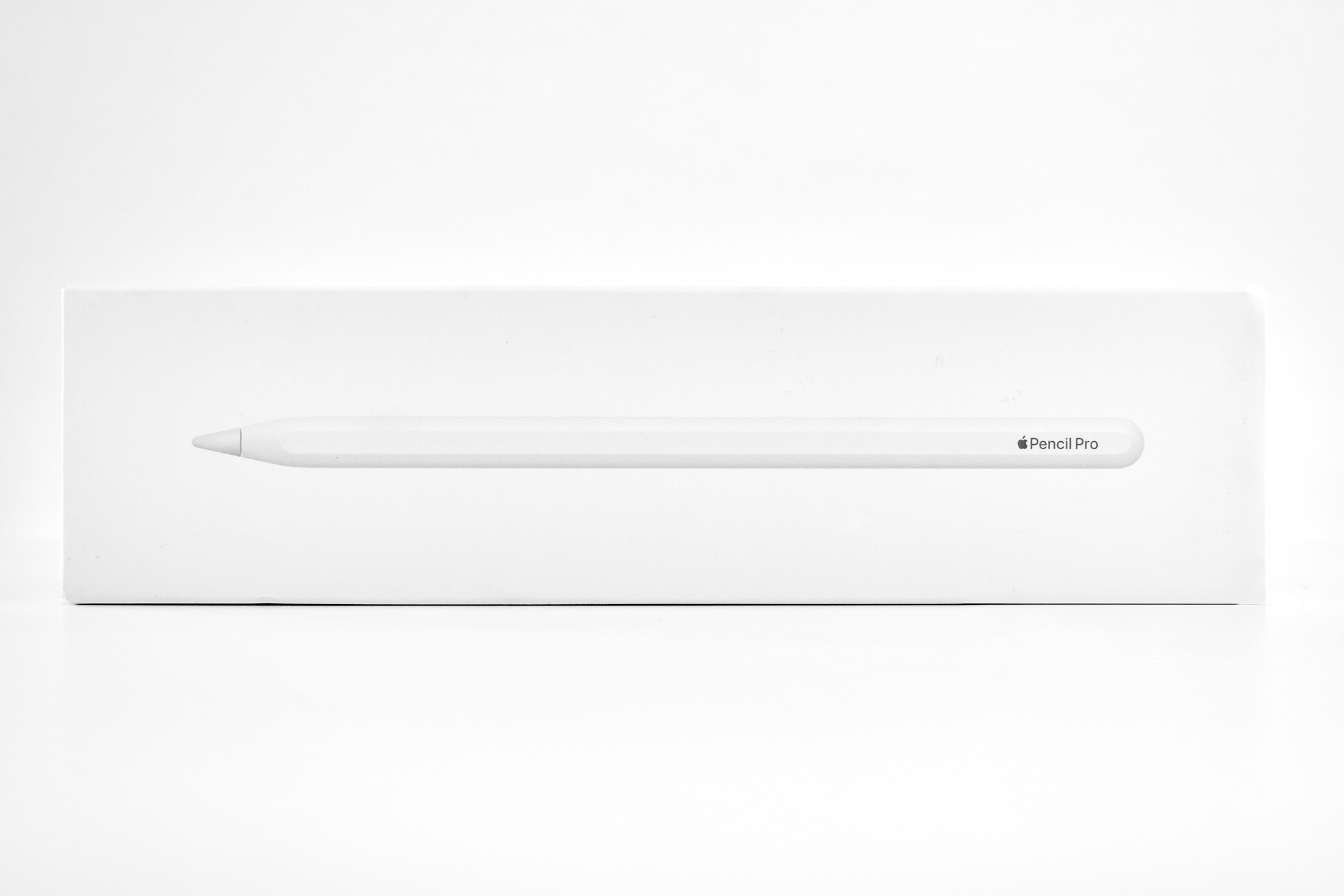
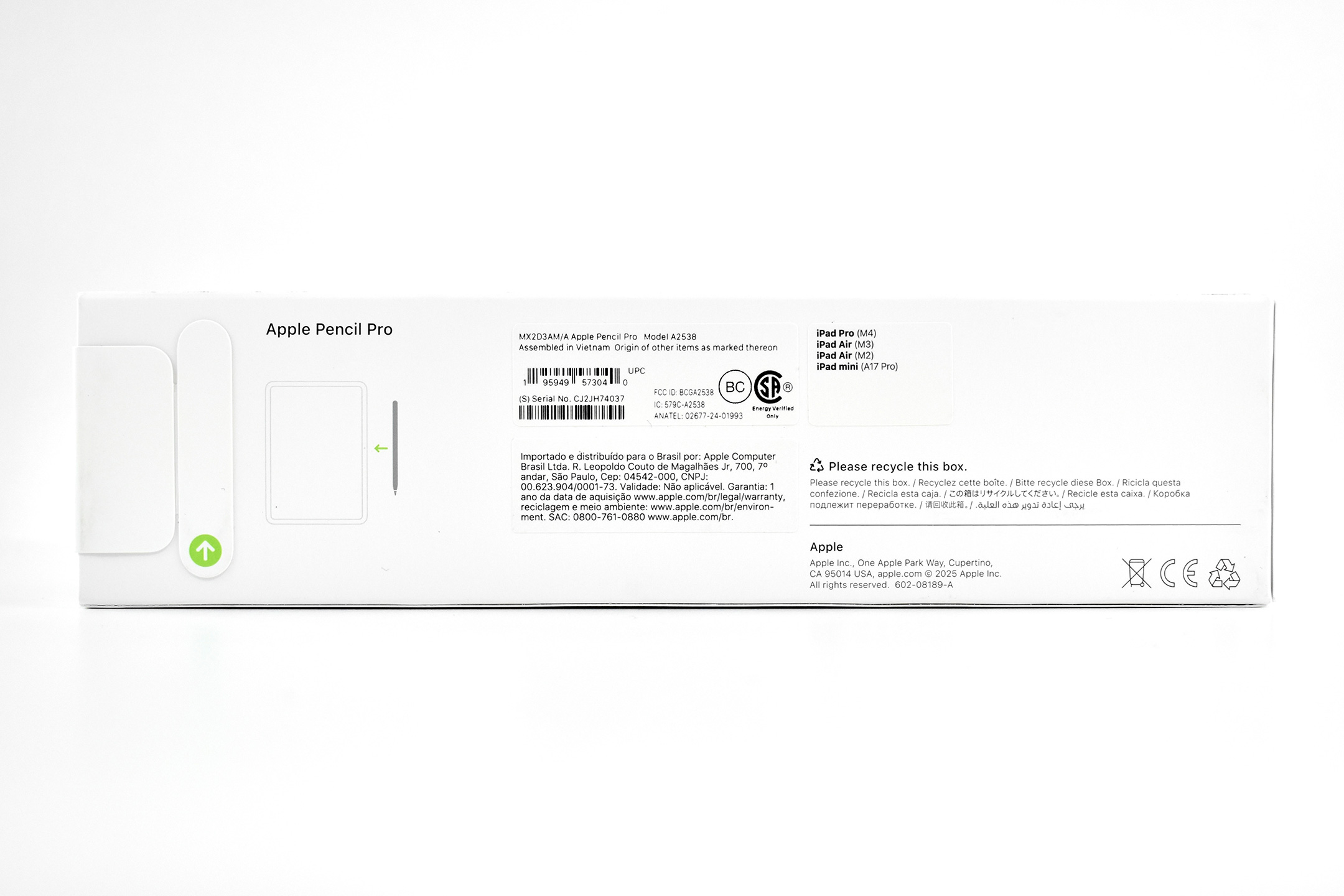
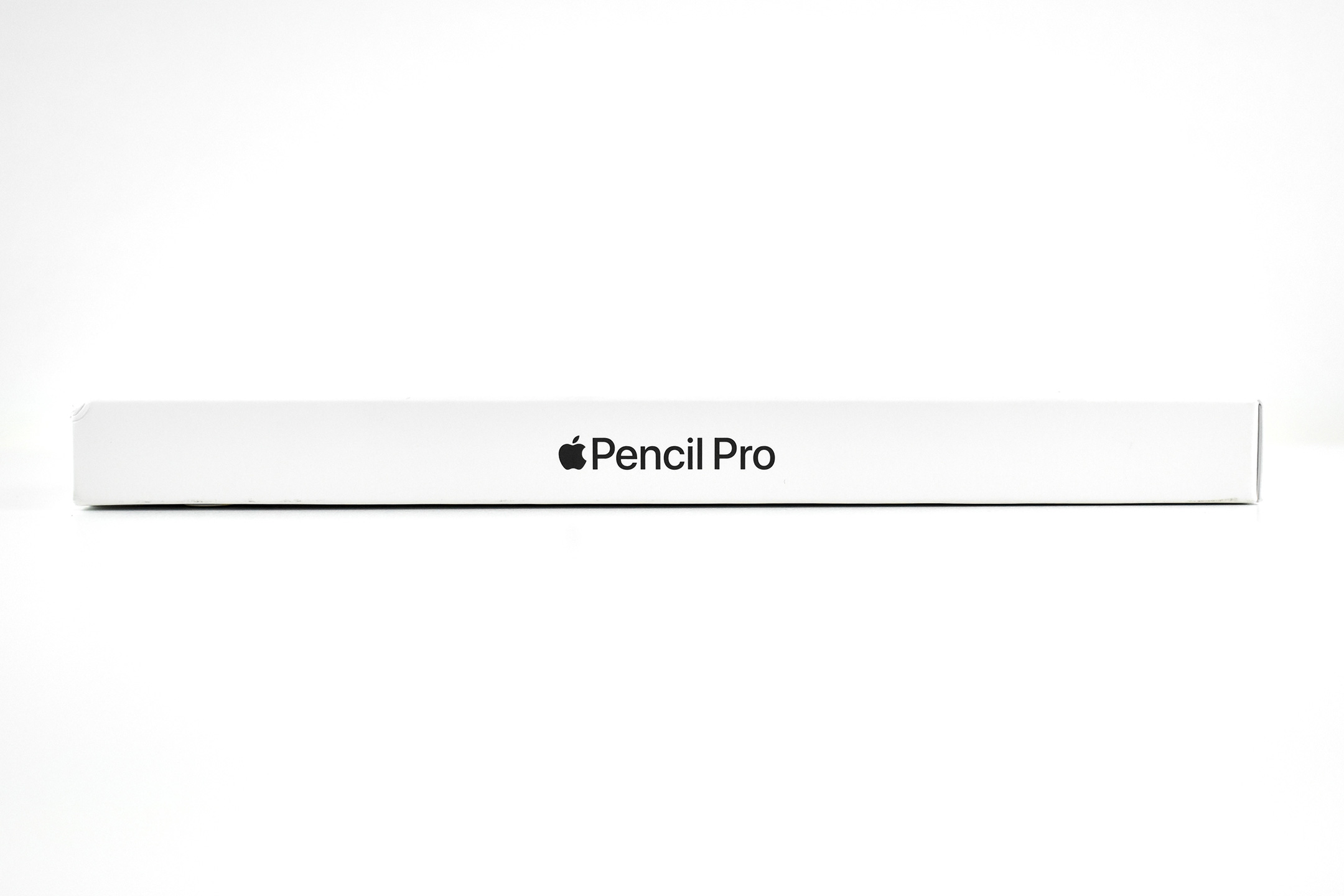
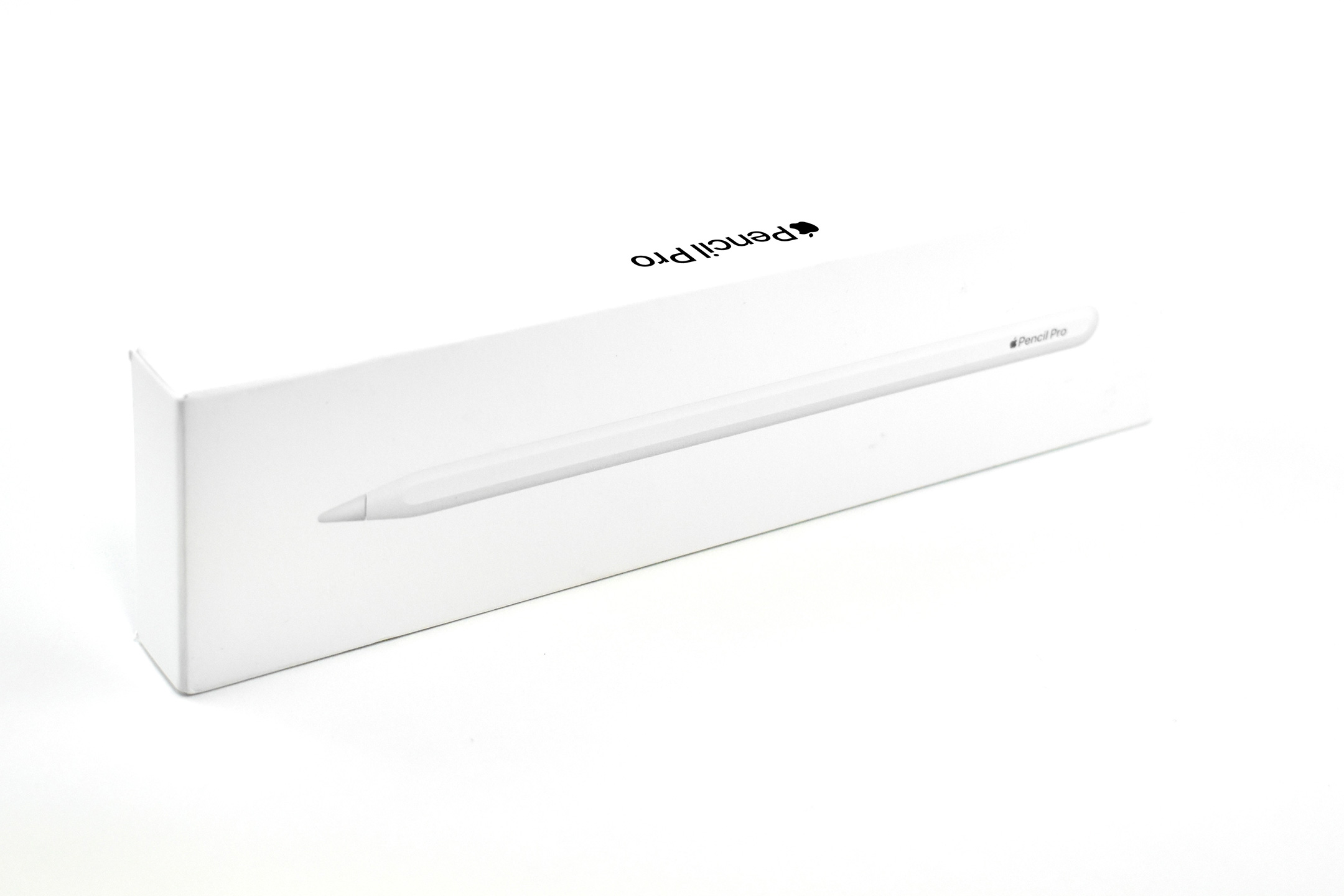
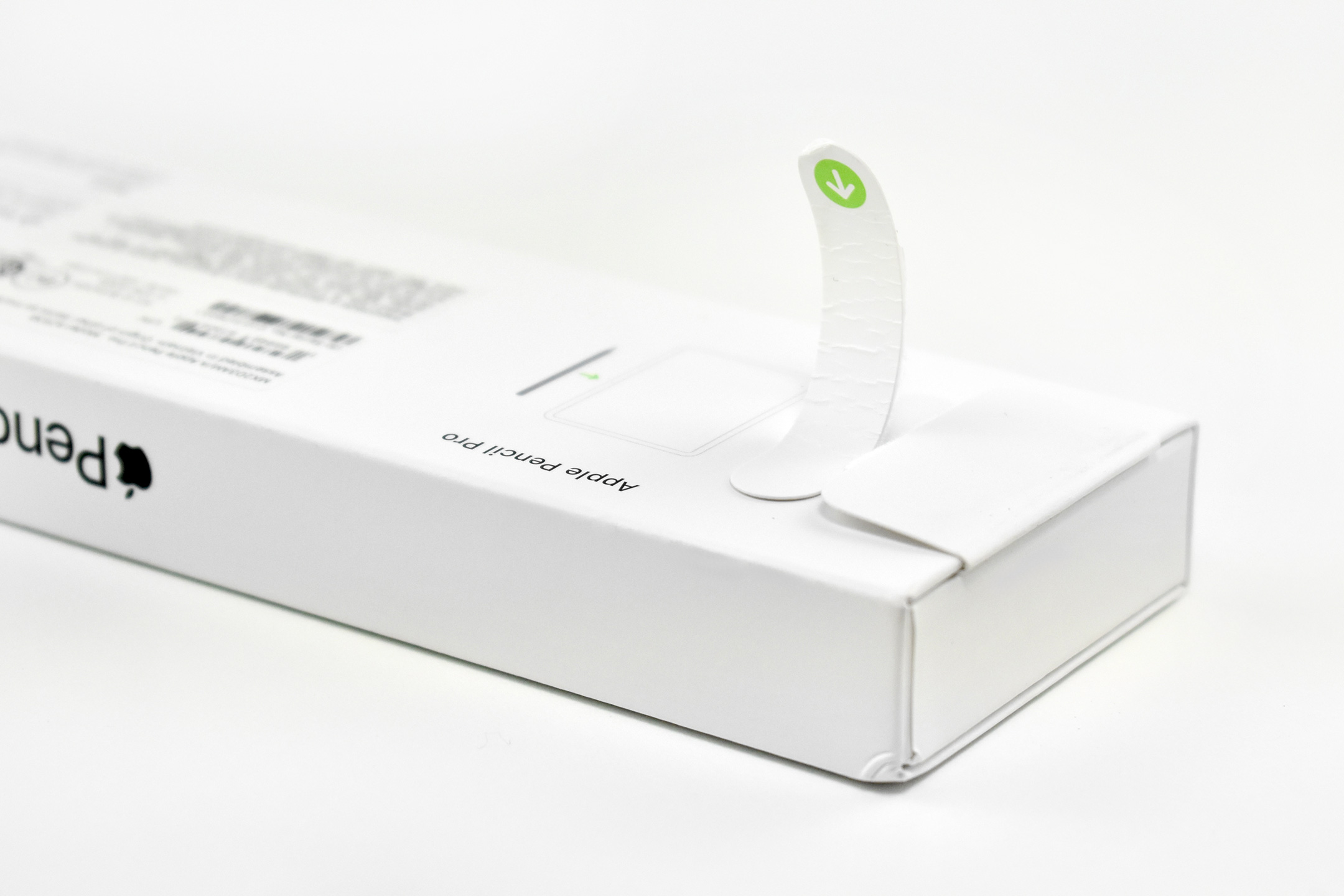
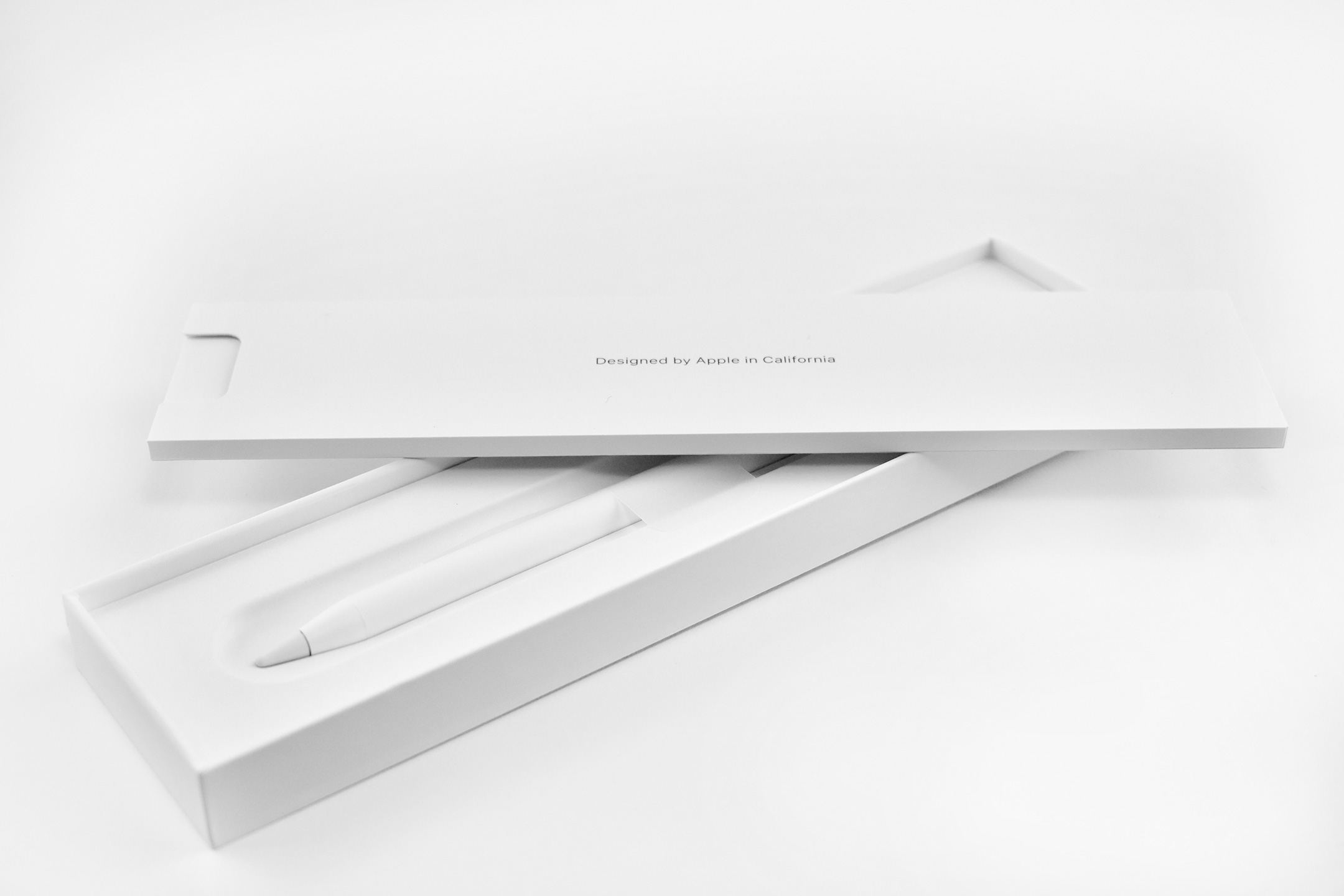
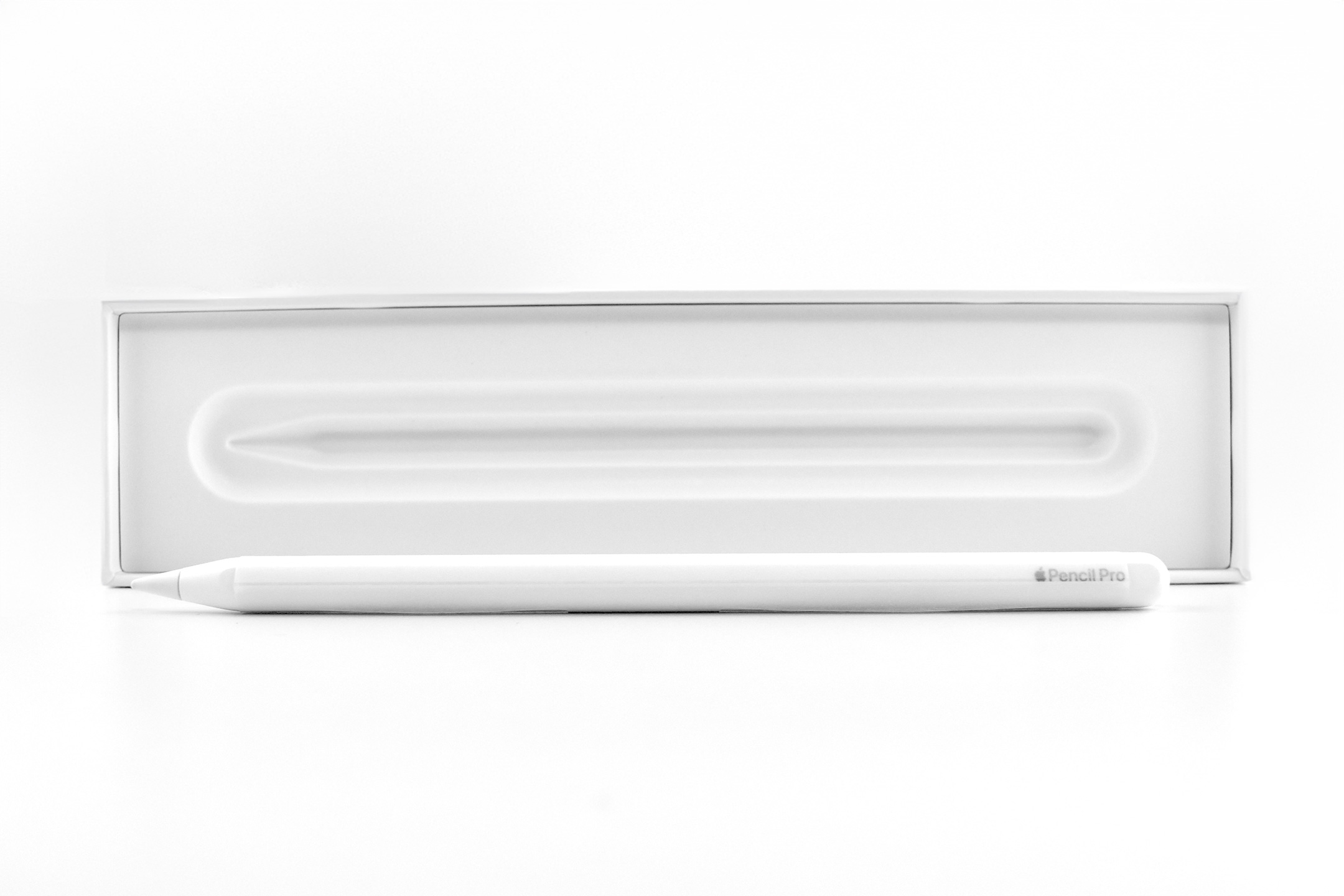
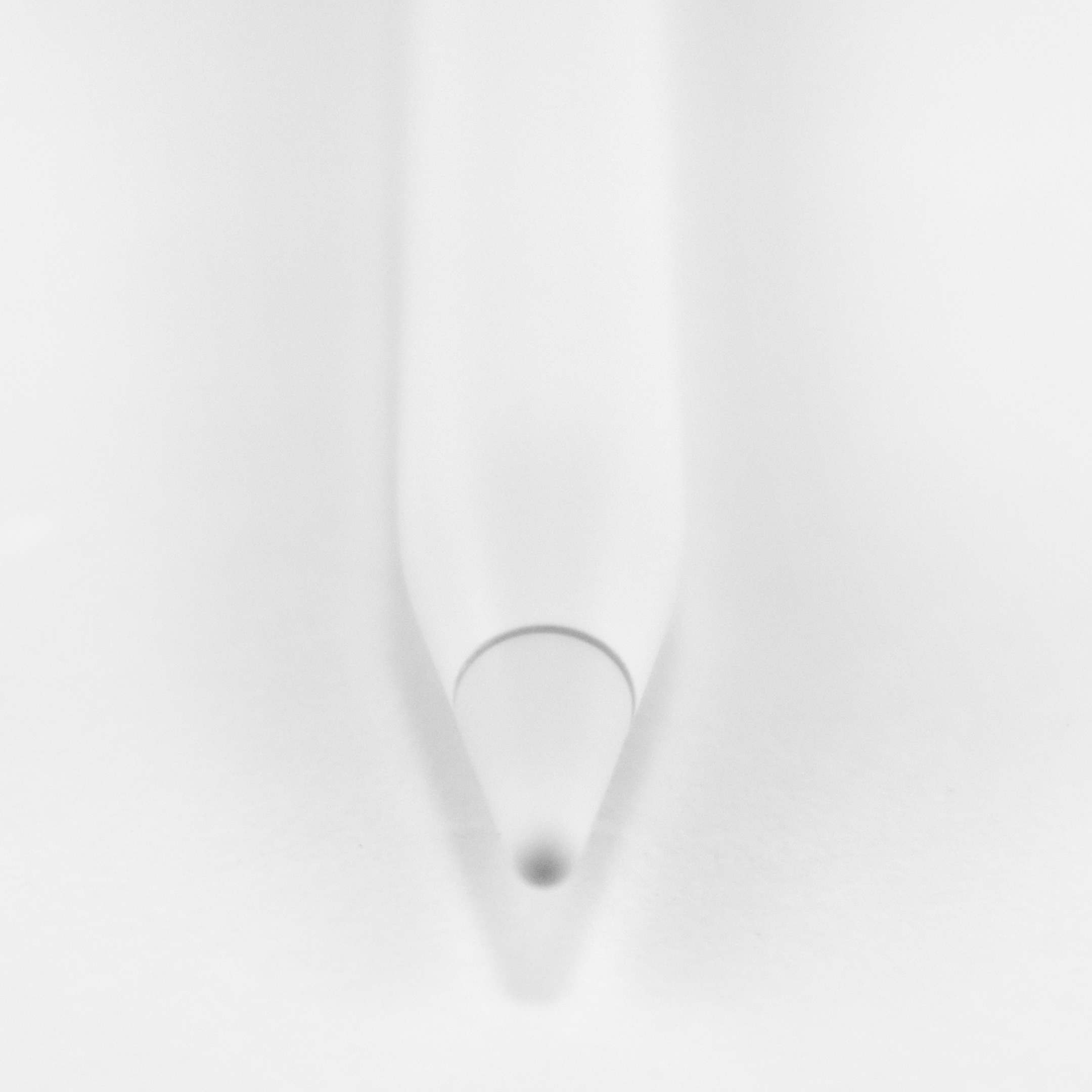
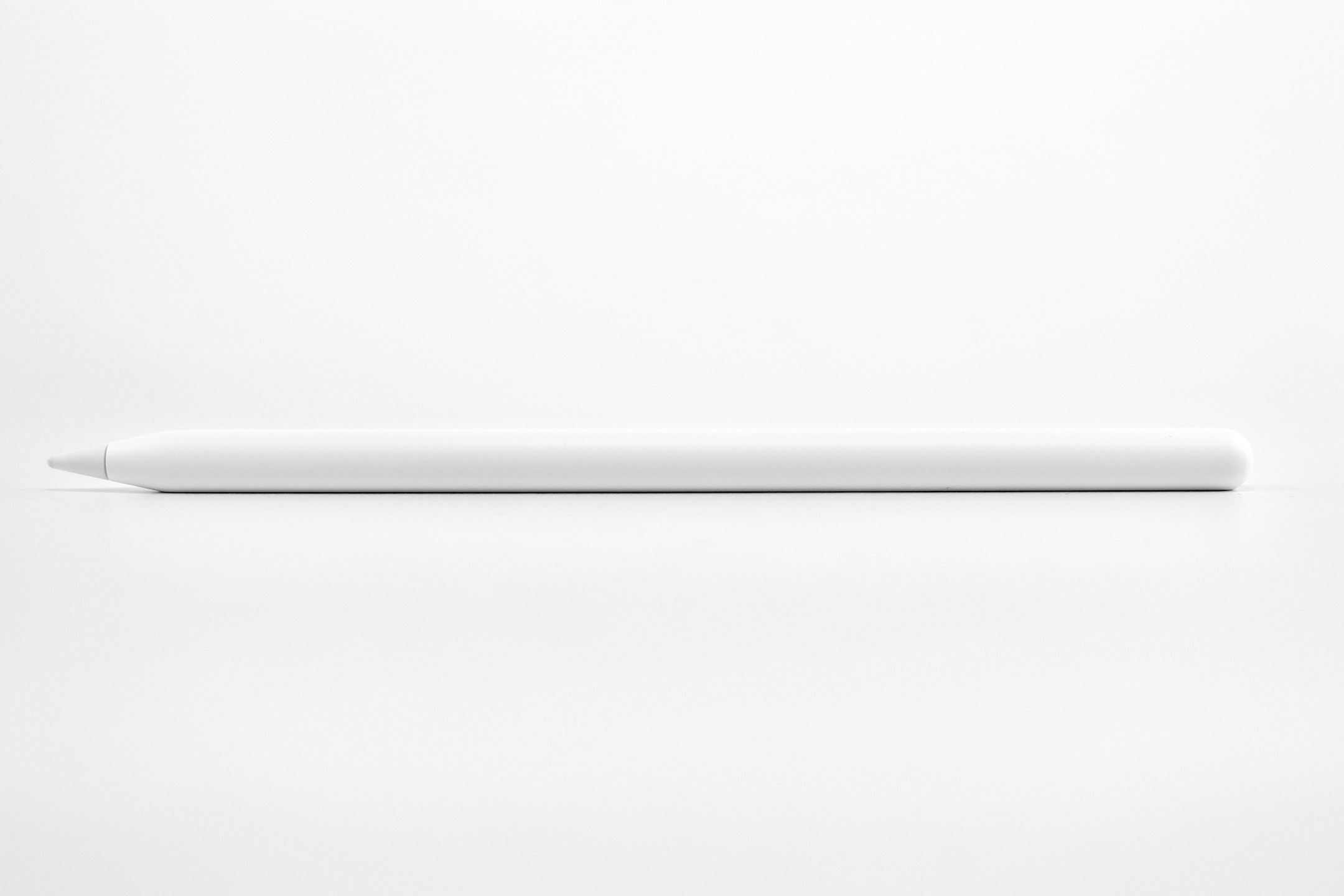
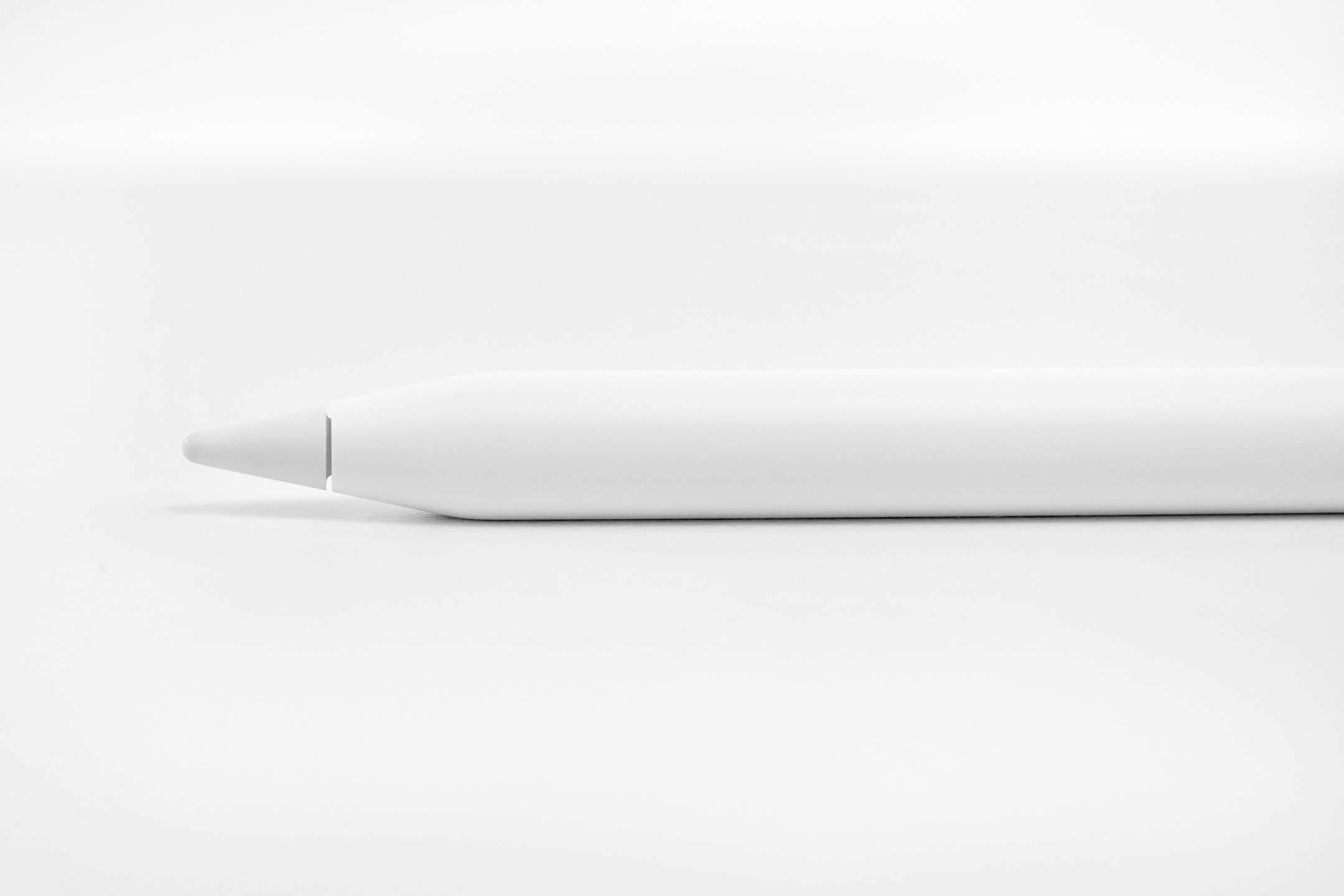
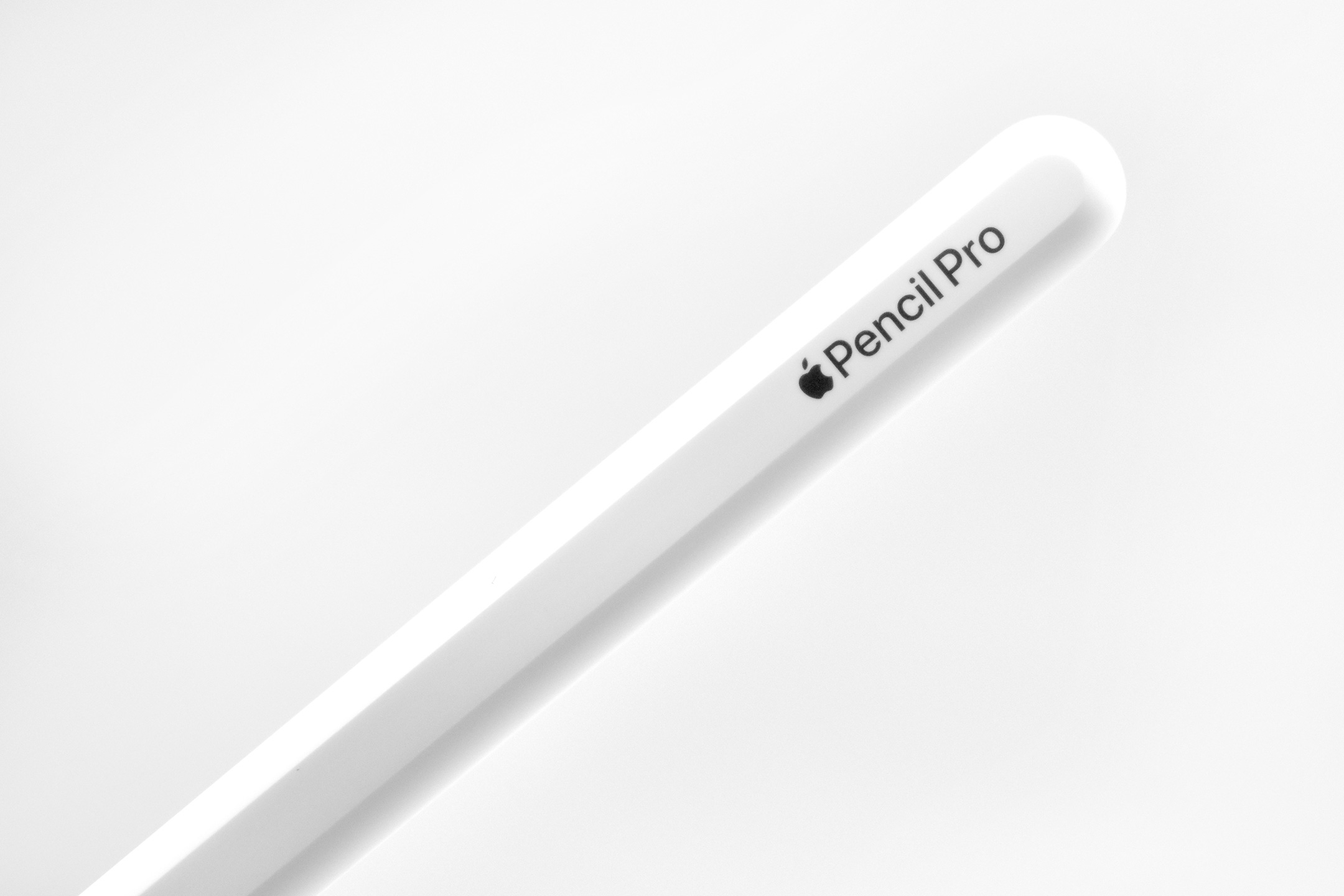
Apple released the Apple Pencil Pro on May 7, 2024, along with the M4 iPad Pro. The Pencil Pro introduced several new features compared to previous Apple Pencil models:
“Apple Pencil Pro adds even more magical capabilities to help bring your ideas to life. Advanced features like squeeze, barrel roll, and haptic feedback make marking up, taking notes, and creating a masterpiece more intuitive than ever. Use Apple Pencil hover to preview exactly where Apple Pencil Pro will touch down on the display, and double-tap to quickly switch tools.”
Apple Pencil Pro also included a Find My feature, and retained previous features, such as the ability to pair, charge, and store magnetically on the side of the iPad.
In the press release, Apple detailed the new functions:
The barrel can sense a user’s squeeze, bringing up a tool palette to quickly switch tools, line weights, and colors.
A custom haptic engine delivers a light tap that provides confirmation when users squeeze, use double-tap, or snap to a Smart Shape
A gyroscope allows users to rotate the barrel to change the orientation of shaped pen and brush tools, just like pen and paper.
Hover allows users can visualize the exact orientation of a tool before making a mark.
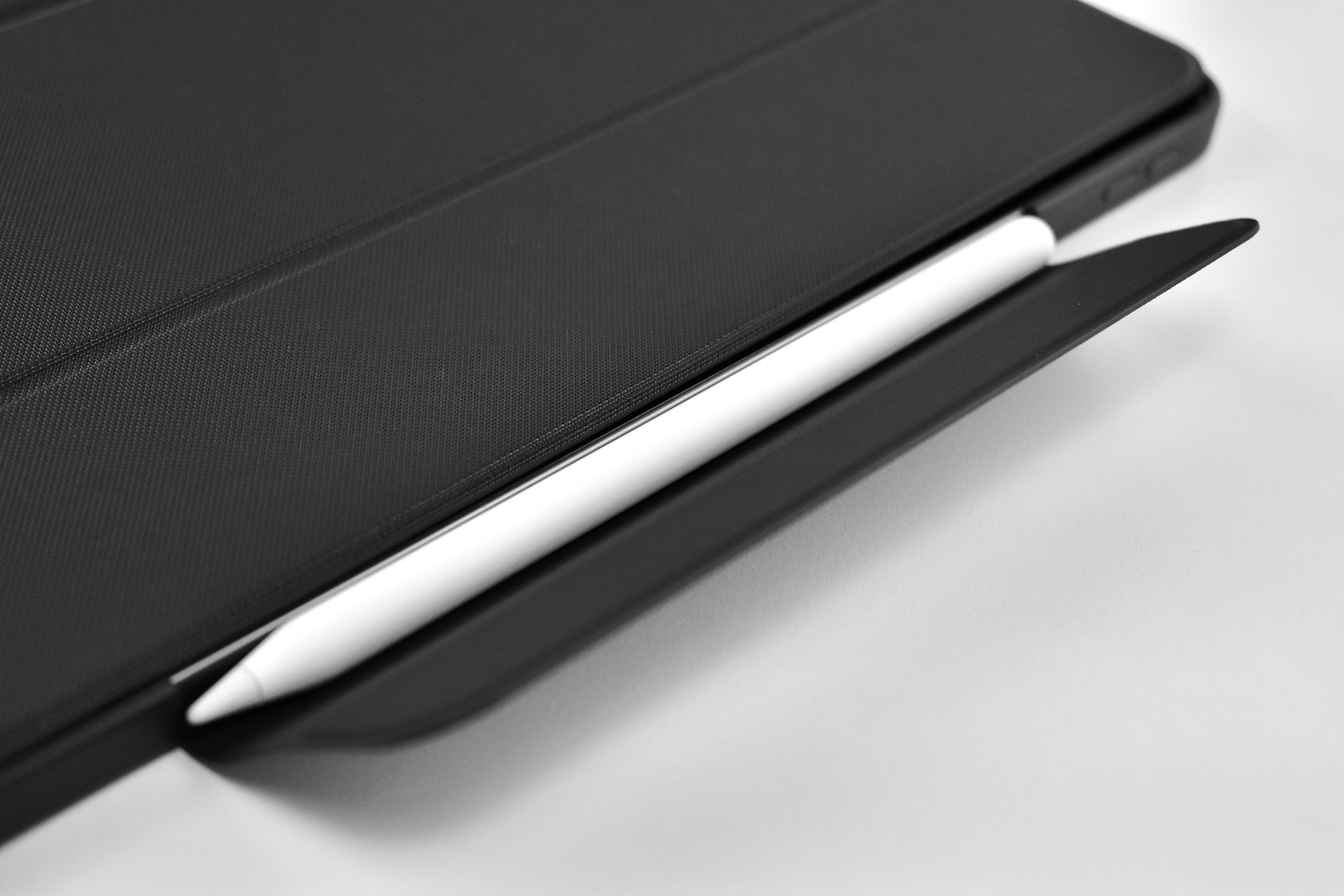
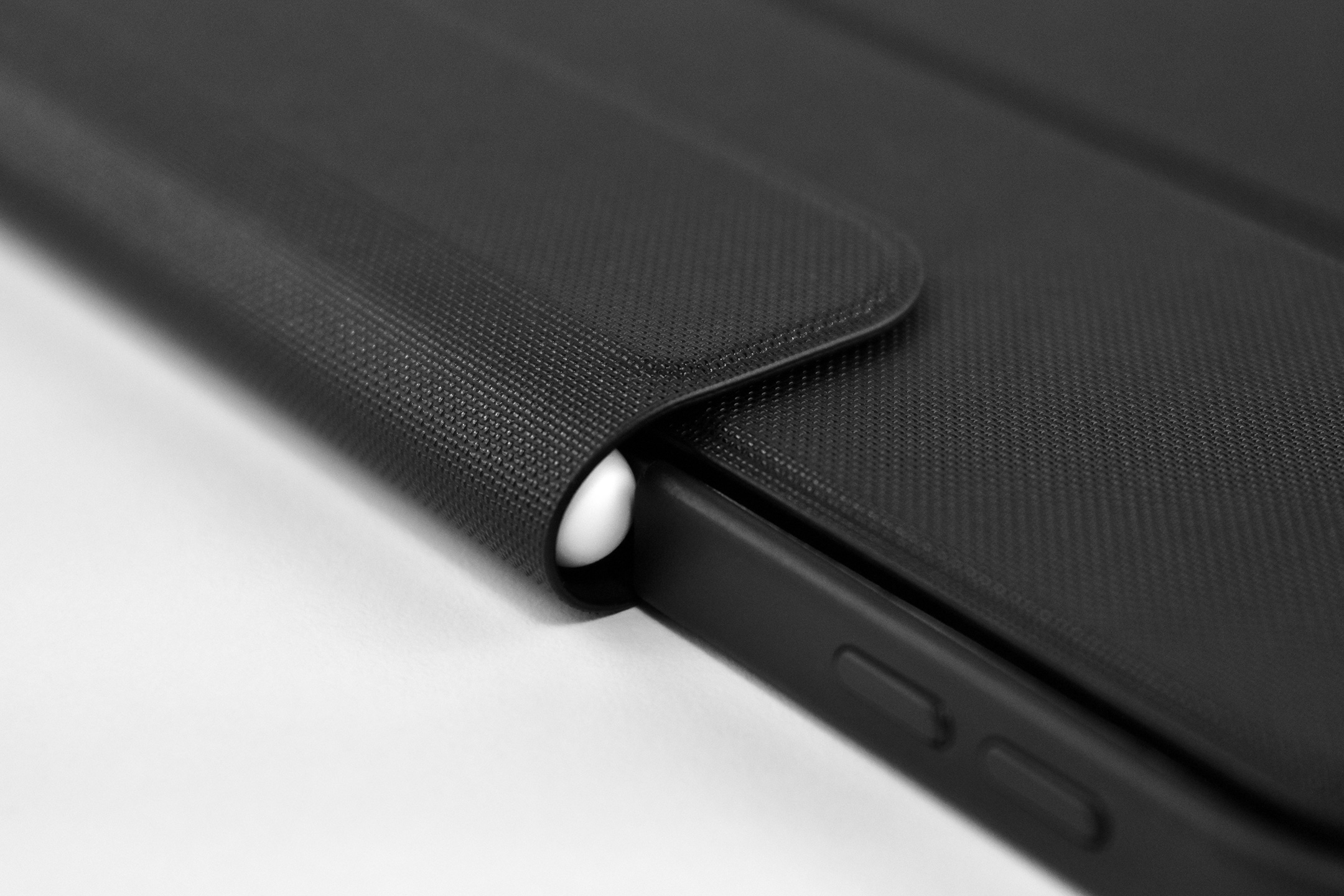
This Apple Pencil was used with the iPad Air 13-inch (M3, 2025) and photographed in the Symmetry Series Folio case (for iPad Air 13-inch M2 and M3) by OtterBox in their “Starry Night” (black, clear, grey) color. The hinged folio design folded around the Apple Pencil attached by magnets, providing both protection and charging.
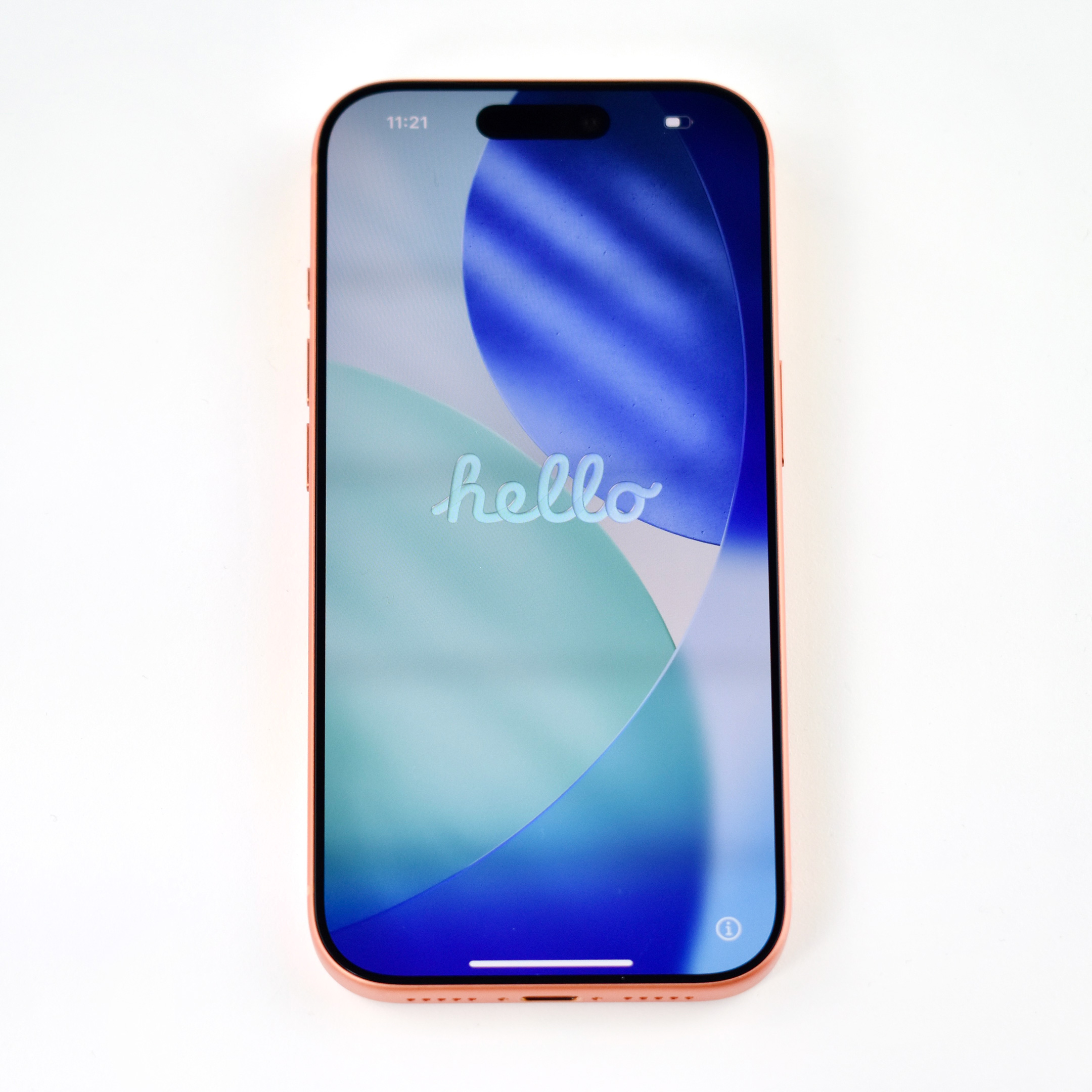
The iPhone 17 Pro was introduced on September 9, 2025, during a pre-recorded Apple event titled “Awe Dropping” that featured an animated/interactive Apple logo on a black background. The Apple logo resembled a thermal image, perhaps hinting that one of the products introduced might feature a new type of cooling system. That idea became a reality with the iPhone 17 Pro’s new “vapor chamber that is laser-welded into a strong, light, and thermally conductive aluminum unibody” was introduced.
Other iPhone 17 Pro features highlighted in the press release included:
“Both models feature A19 Pro, the most powerful and efficient chip for iPhone yet, enabling the advanced camera systems, next-level mobile gaming, and Apple Intelligence.”
“Three 48MP Fusion cameras — Main, Ultra Wide, and an all-new Telephoto — offer the equivalent of eight lenses, including the longest optical-quality zoom ever on iPhone at 8x, and the innovative 18MP Center Stage front camera takes selfies to the next level.”
“Both models feature the Ceramic Shield 2 front cover with 3x better scratch resistance, and for the first time, Ceramic Shield protects the back of iPhone.”
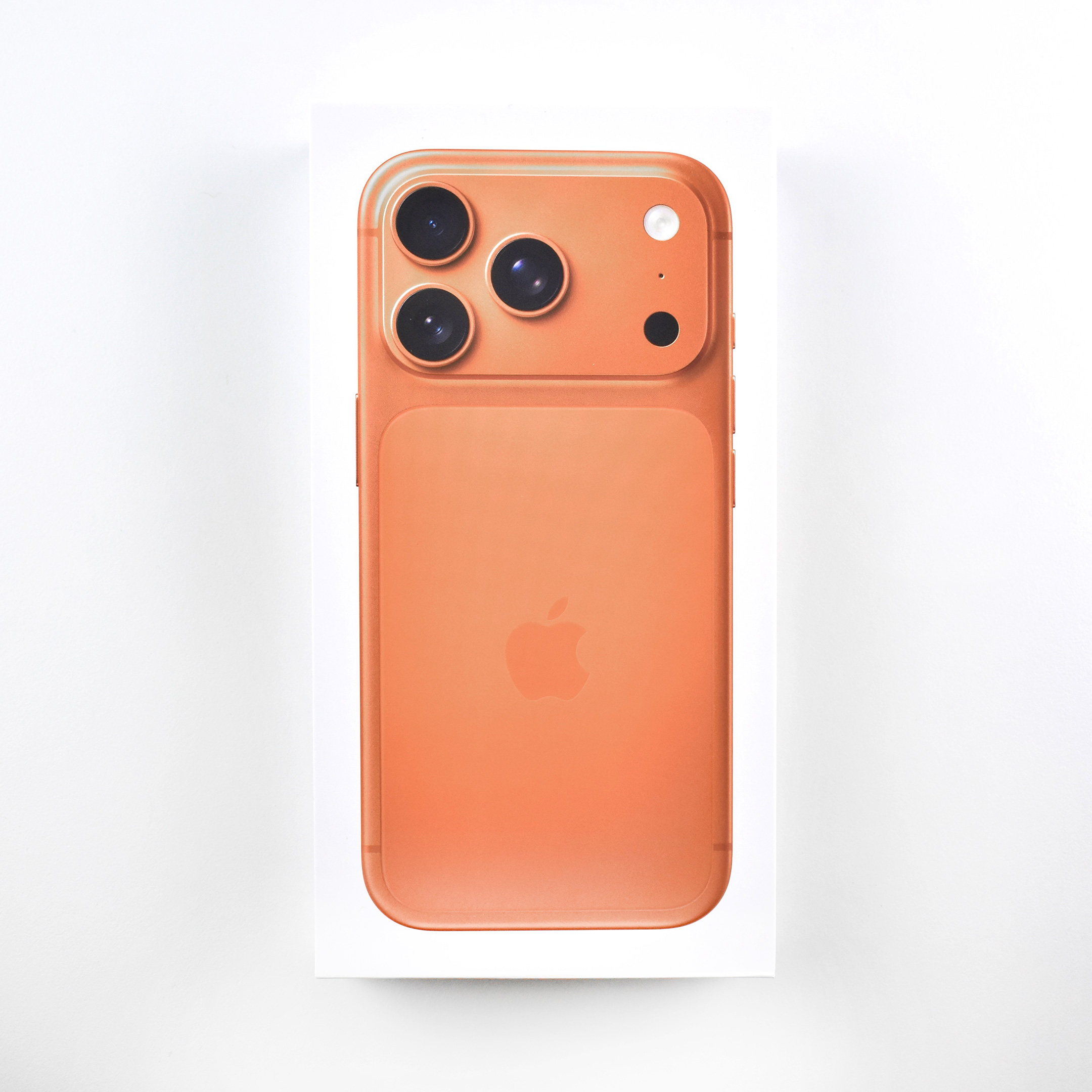
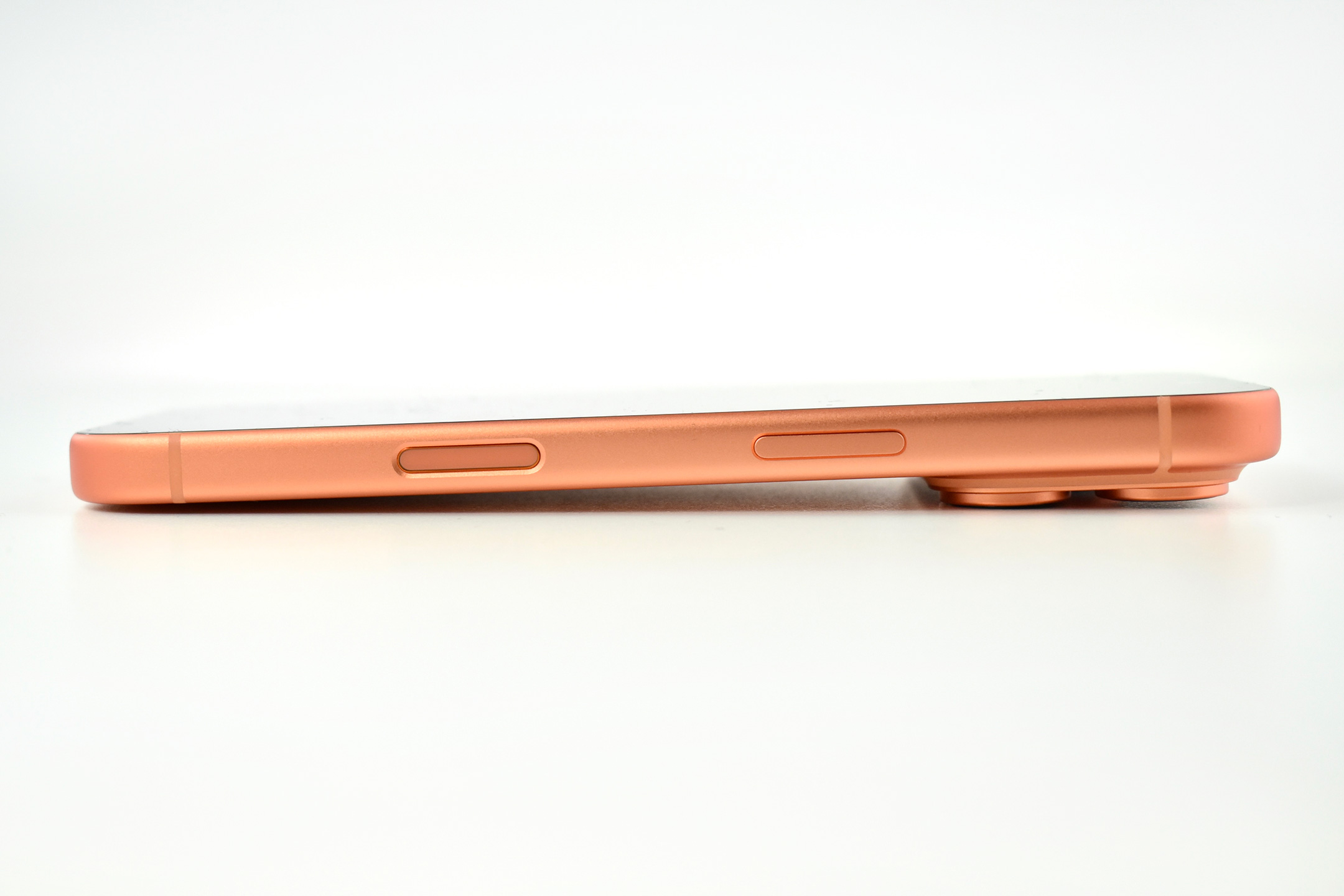
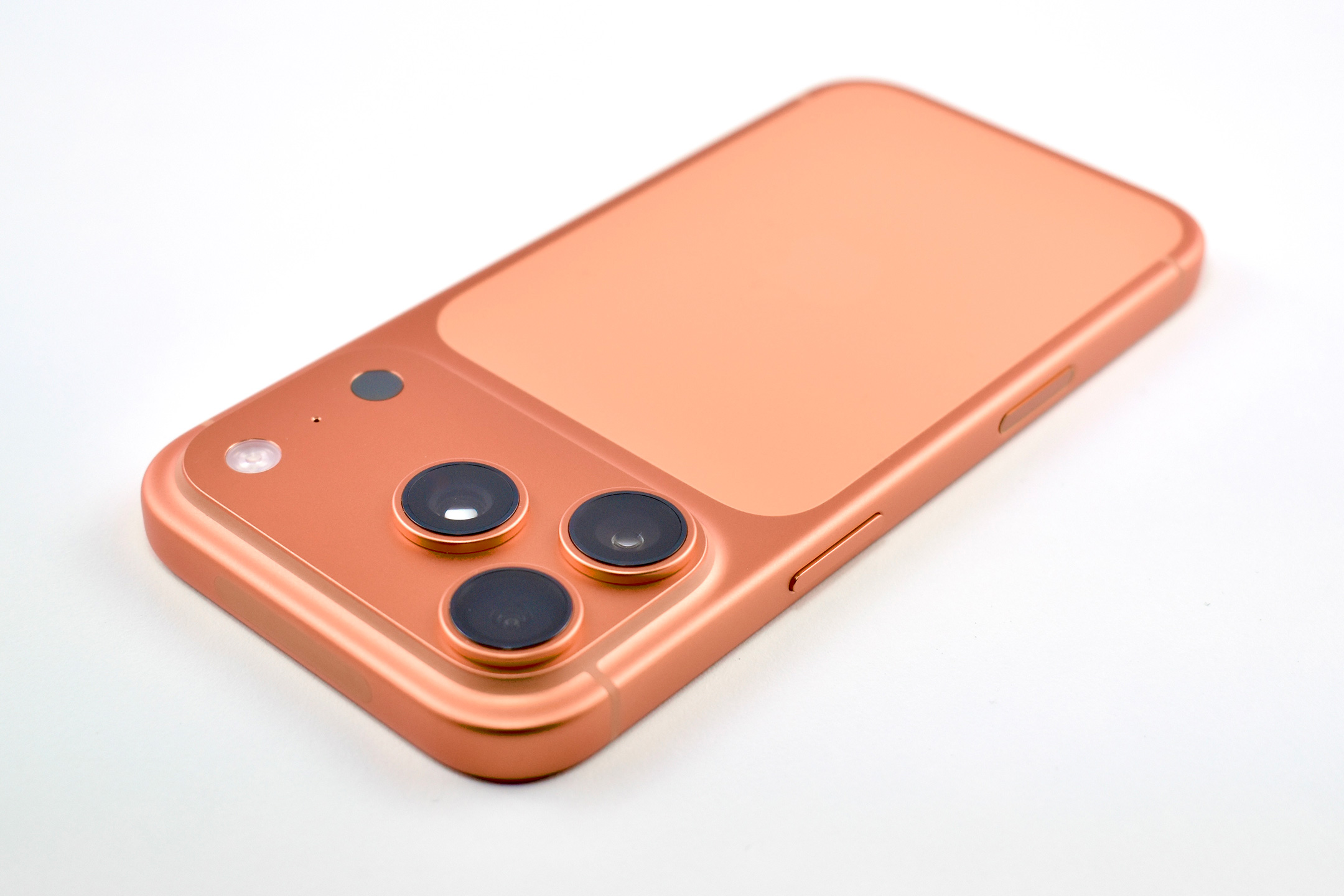
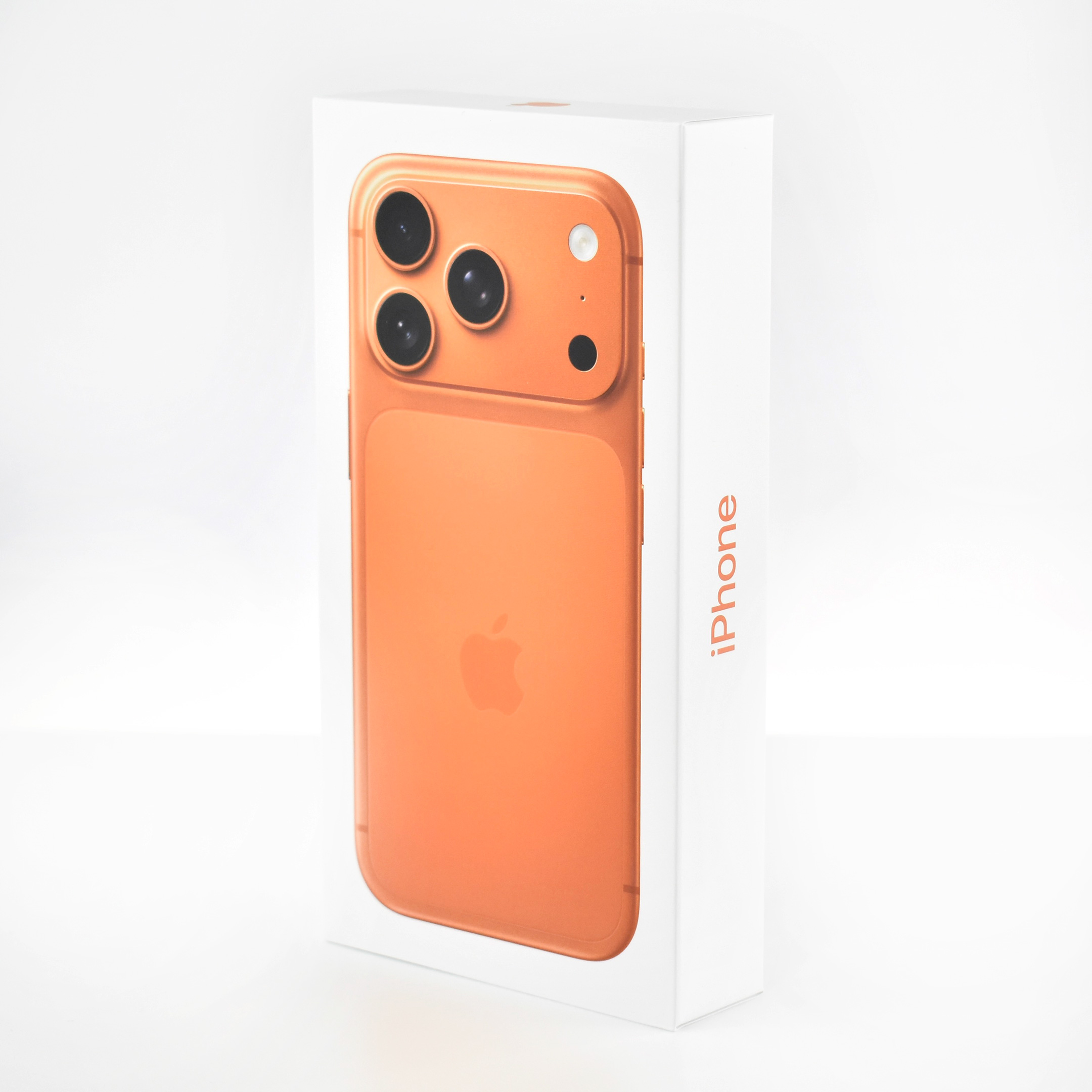
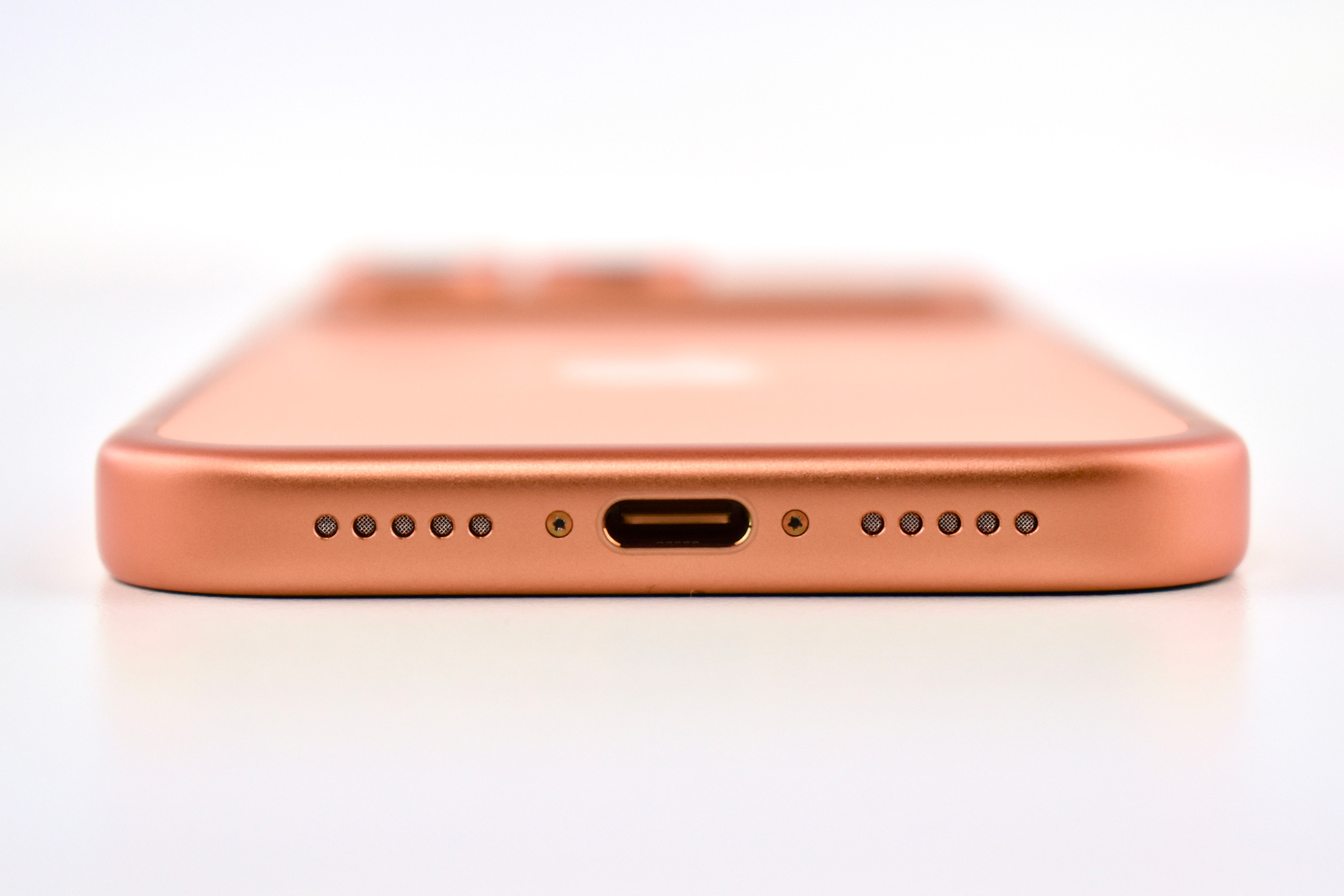
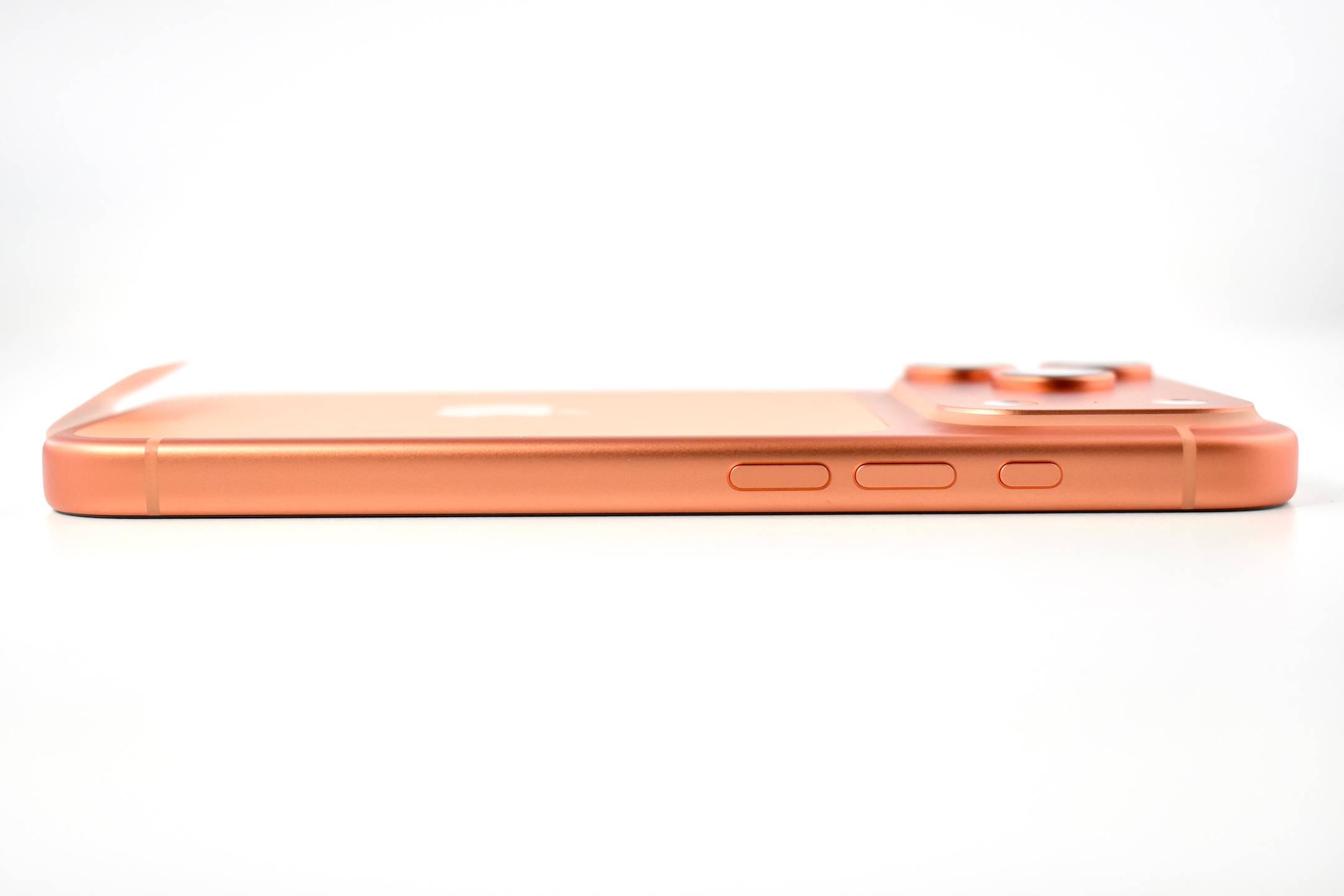
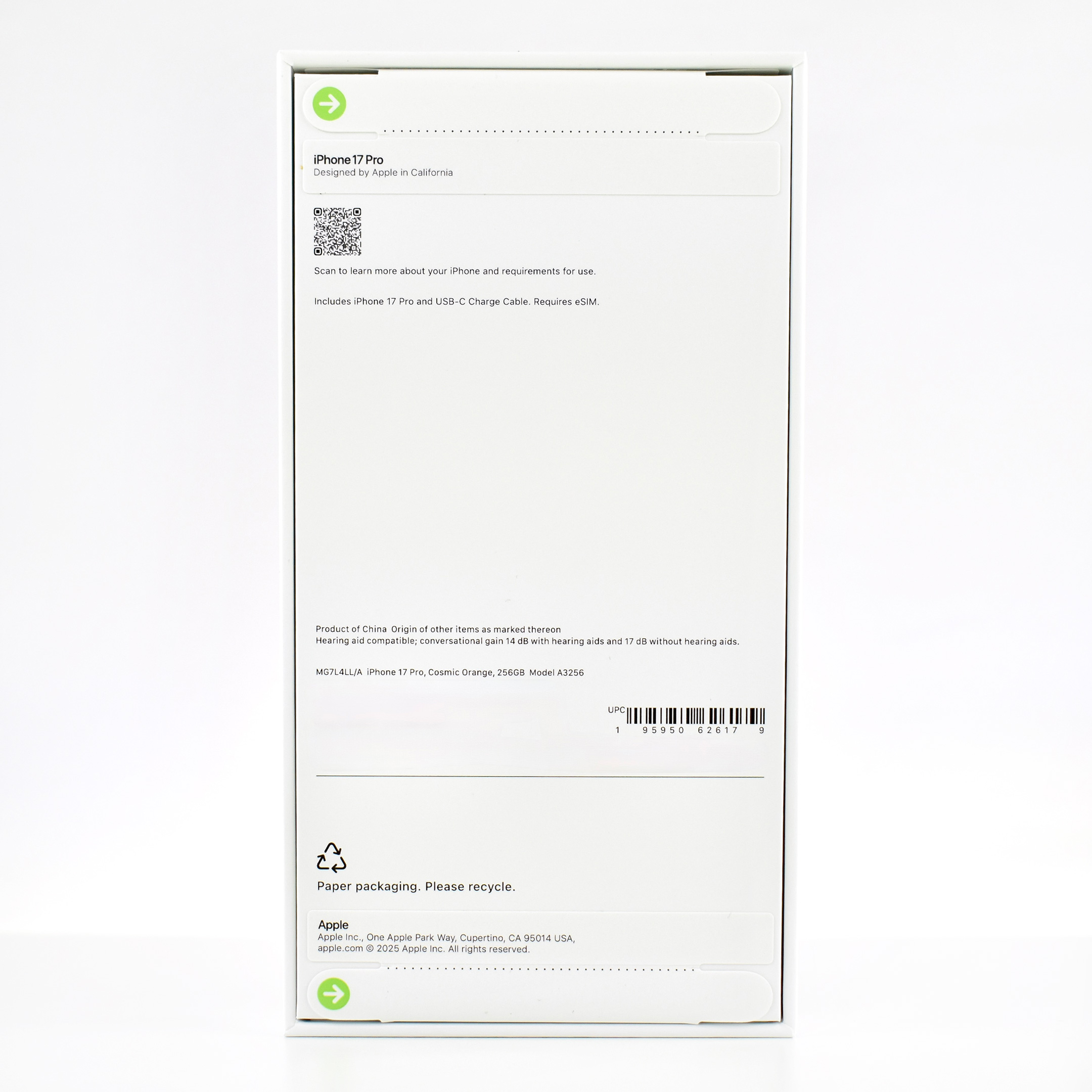
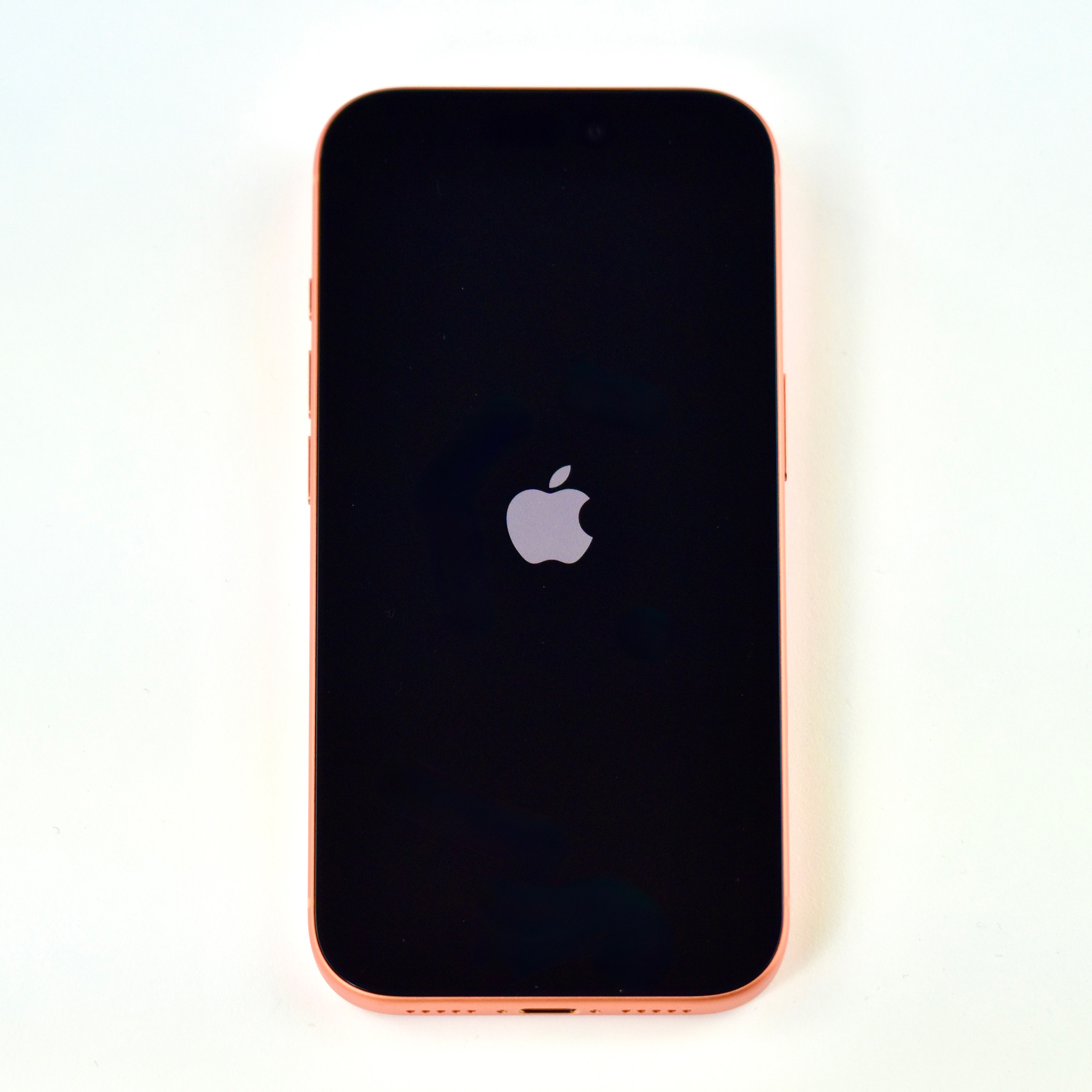
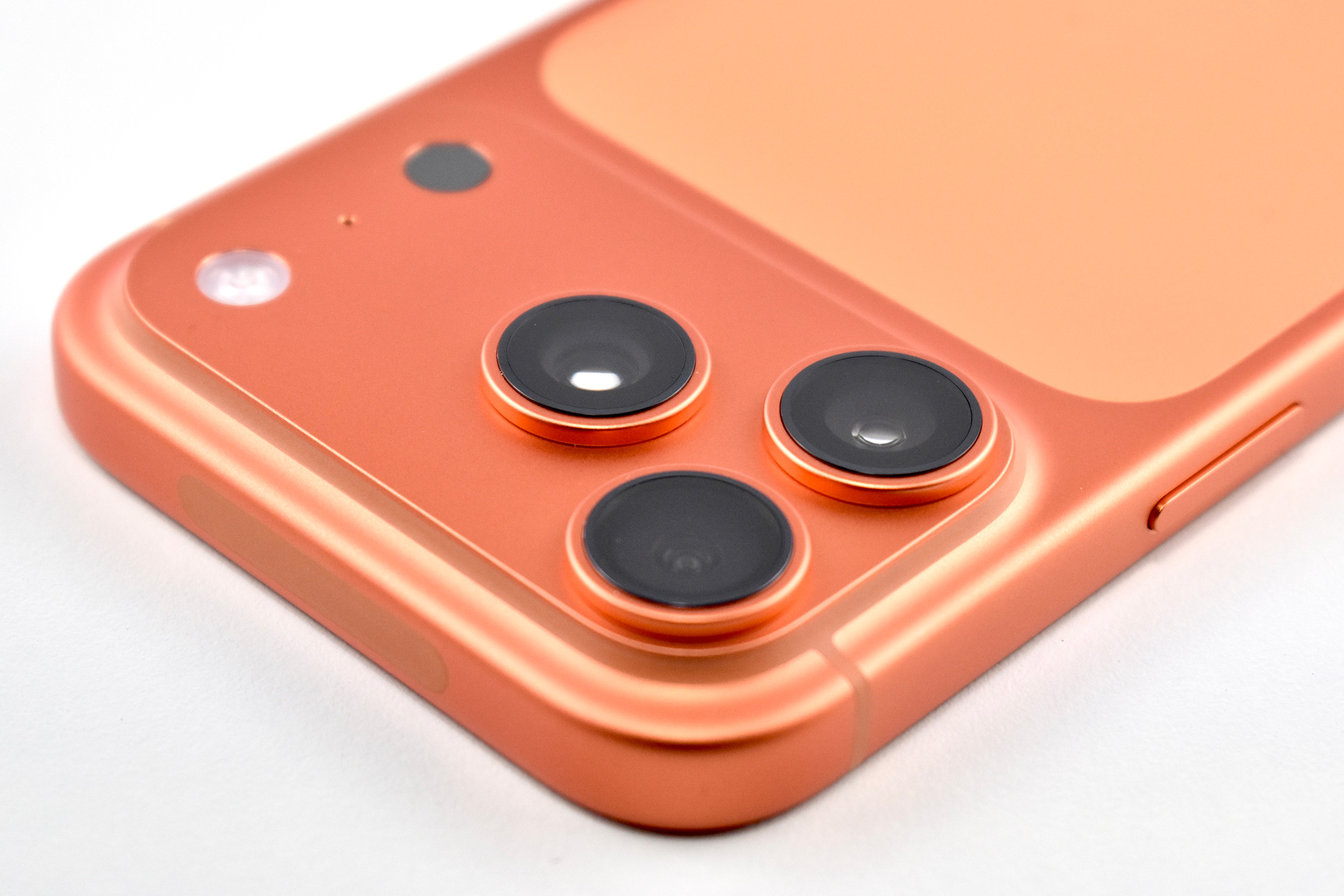
The iPhone 17 Pro (and Pro Max) featured new colors including a silver that uses two “refined” tones with the camera body and ceramic shield, an “elegant” deep blue, and a “bold” cosmic orange.
I found the cosmic orange option difficult to resist because previous Pro-model iPhone devices have not been available in colors that were not dark, desaturated, or otherwise dull.
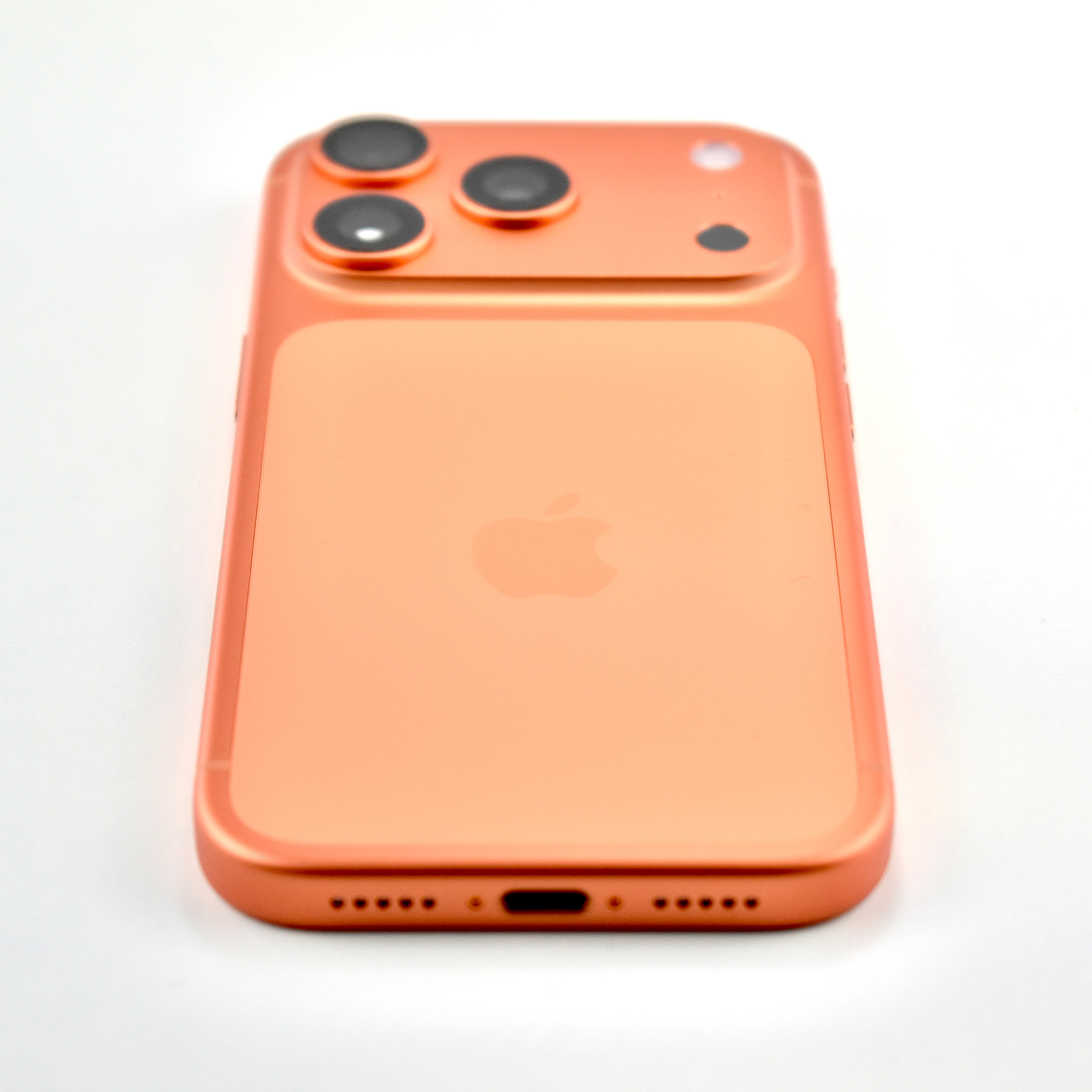
This event included Apple’s first mention of the “plateau” that houses the camera on the back of the phone—previously informally referred to as the “camera bump.” (The plateau was also mentioned in the introduction of the iPhone Air in this Apple event.) Apple explained the protruding feature on the iPhone 17 Pro: “On the back, the plateau creates additional space for internal components — making room for a larger battery.”
Apple further described the vapor chamber cooling system:
“Deionized water is sealed inside the vapor chamber, which is laser-welded into the aluminum chassis to move heat away from the powerful A19 Pro, allowing it to operate at even higher performance levels. The heat is carried into the forged aluminum unibody, where it is distributed evenly through the system, managing power and surface temperatures to deliver incredible performance while remaining comfortable to hold.”
The display of the iPhone 17 Pro is described as a Super Retina XDR display in 6.3-inch and 6.9-inch sizes. It includes a new protective layer called Ceramic Shield 2 that Apple describes as “tougher than any smartphone glass or glass-ceramic, with…3x better scratch resistance and improved anti-reflection to reduce glare.” The display is an Always-On ProMotion (up to 120Hz) delivering up to 3000 nits of brightness. The same Ceramic Shield technology on the display is also on the back of the device, delivering a stronger finish that allows better conductivity for the MagSafe connector.
In addition to the new A19 Pro chip that is up to 40% more powerful than the previous generation Pro chips, the device contains the N1, “a new Apple-designed wireless networking chip that enables Wi-Fi 7, Bluetooth 6, and Thread.”
Like many previous iPhone releases, the camera system was touted significantly throughout the release. Apple noted that the iPhone 17 Pro delivers “eight pro lenses in a user’s pocket.”
Back cameras:
3 48MP Fusion cameras for sharper, more detailed images
1 48MP Telephoto camera with a sensor 56% percent larger than the previous generation for brighter/more detailed photos
1 4x 100mm optical zoom lens
1 8x 200mm optical zoom lens
Front camera: 1 Center Stage front camera with “the first square front camera sensor on iPhone, offering a wider field of view and higher resolution — up to 18MP for photos — to capture more detail.”
Apple’s product website for the iPhone 17 Pro featured an impressive set of photos illustrating the various native zoom levels and equating them with their “8 pro lenses” claim:
8x = 200mm
4x = 100mm
2x = 48mm
1.5x = 35mm
1.2x = 28mm
1x = 24mm
0.5x = 13mm
Macro
The iPhone 17 Pro video capabilities were also discussed with features such as Dolby Vision HDR, 4K 120 fps, ProRes, and support for ACES. In addition, the iPhone 17 Pro now adds ProRes RAW, Log 2, and genlock—a technique to precisely synchronize video across multiple cameras by industry leader Blackmagic.
The iPhone 17 Pro measures 5.91 x 2.83 inches, and is 0.34 inch thick. It weighs 7.27 ounces.
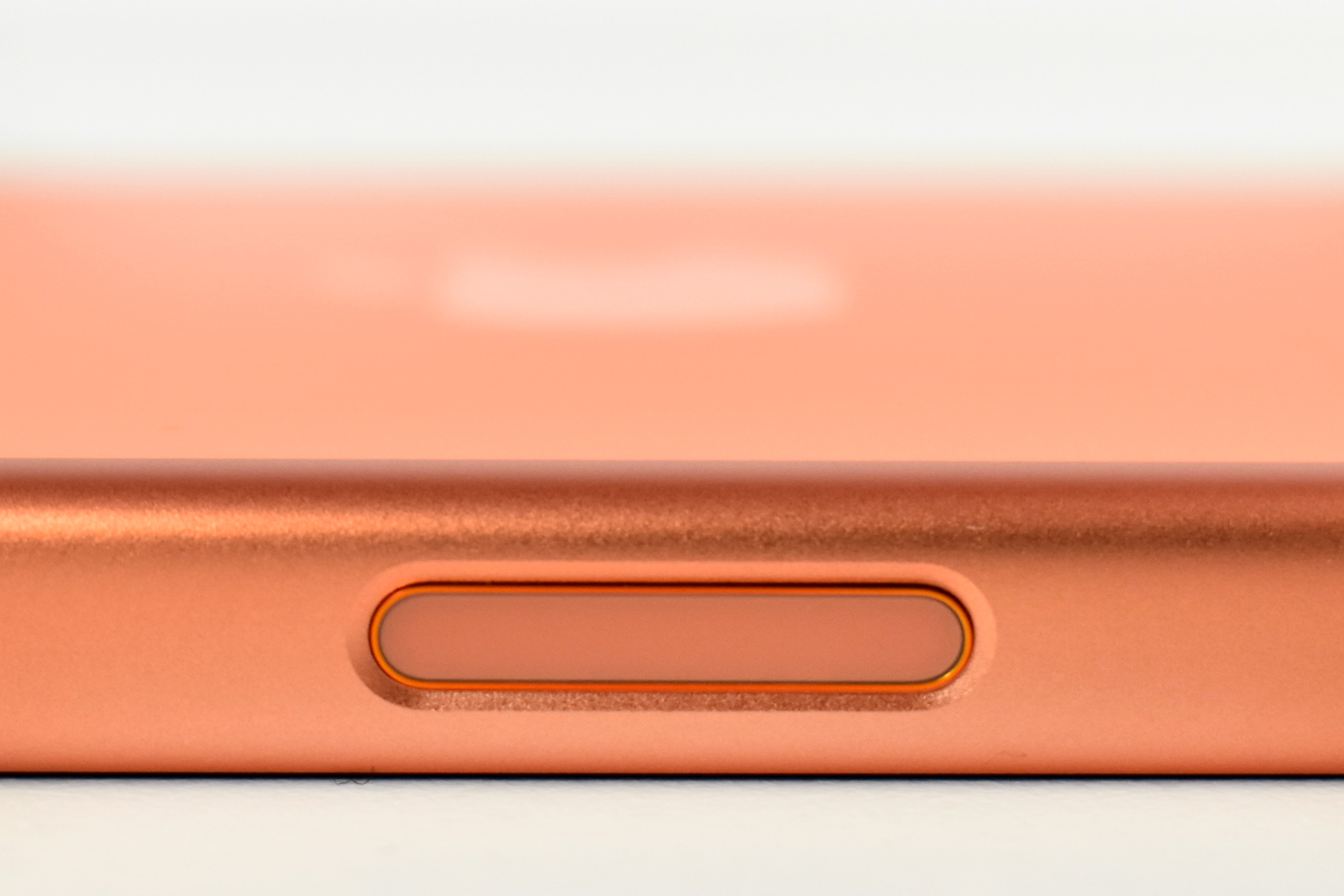
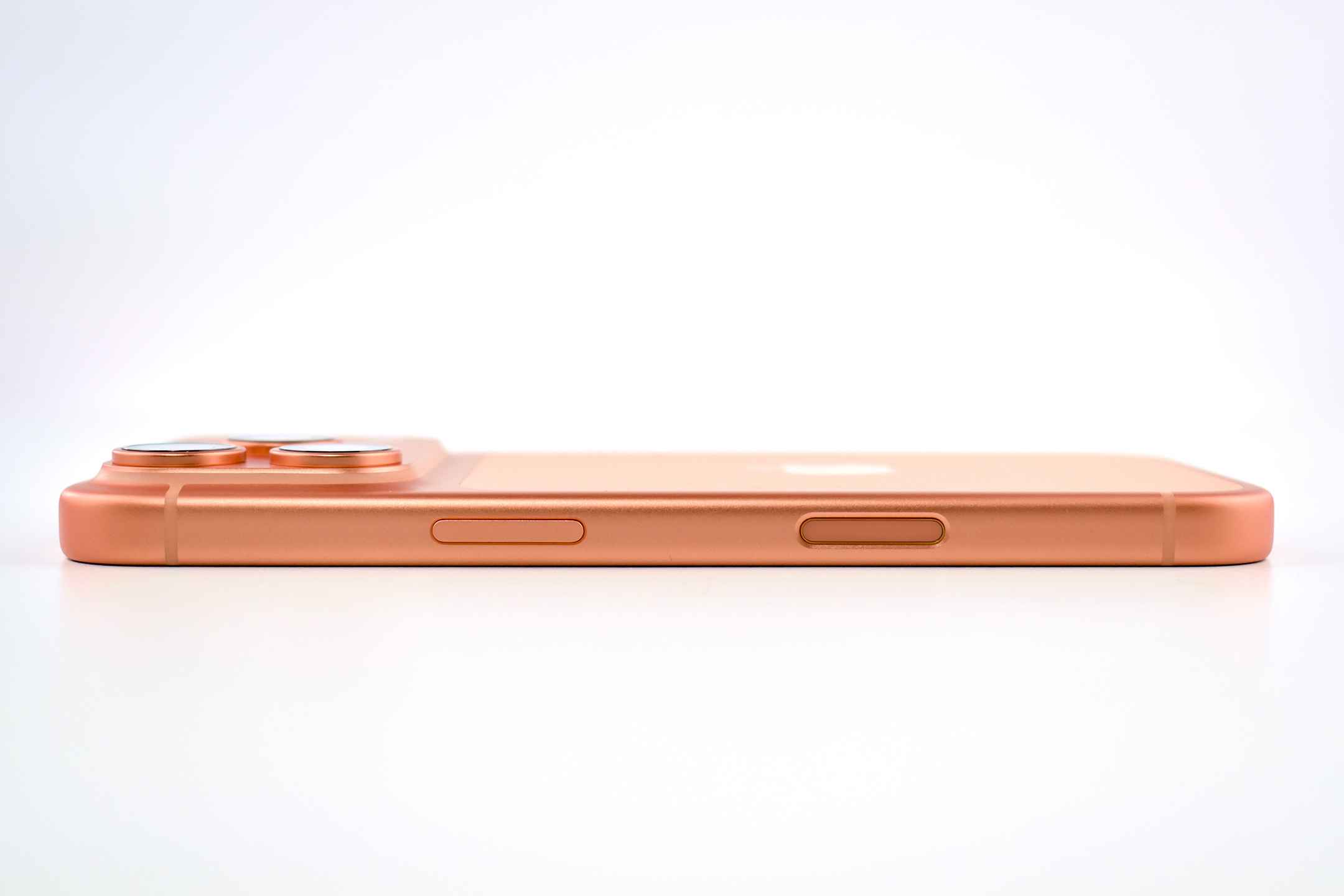
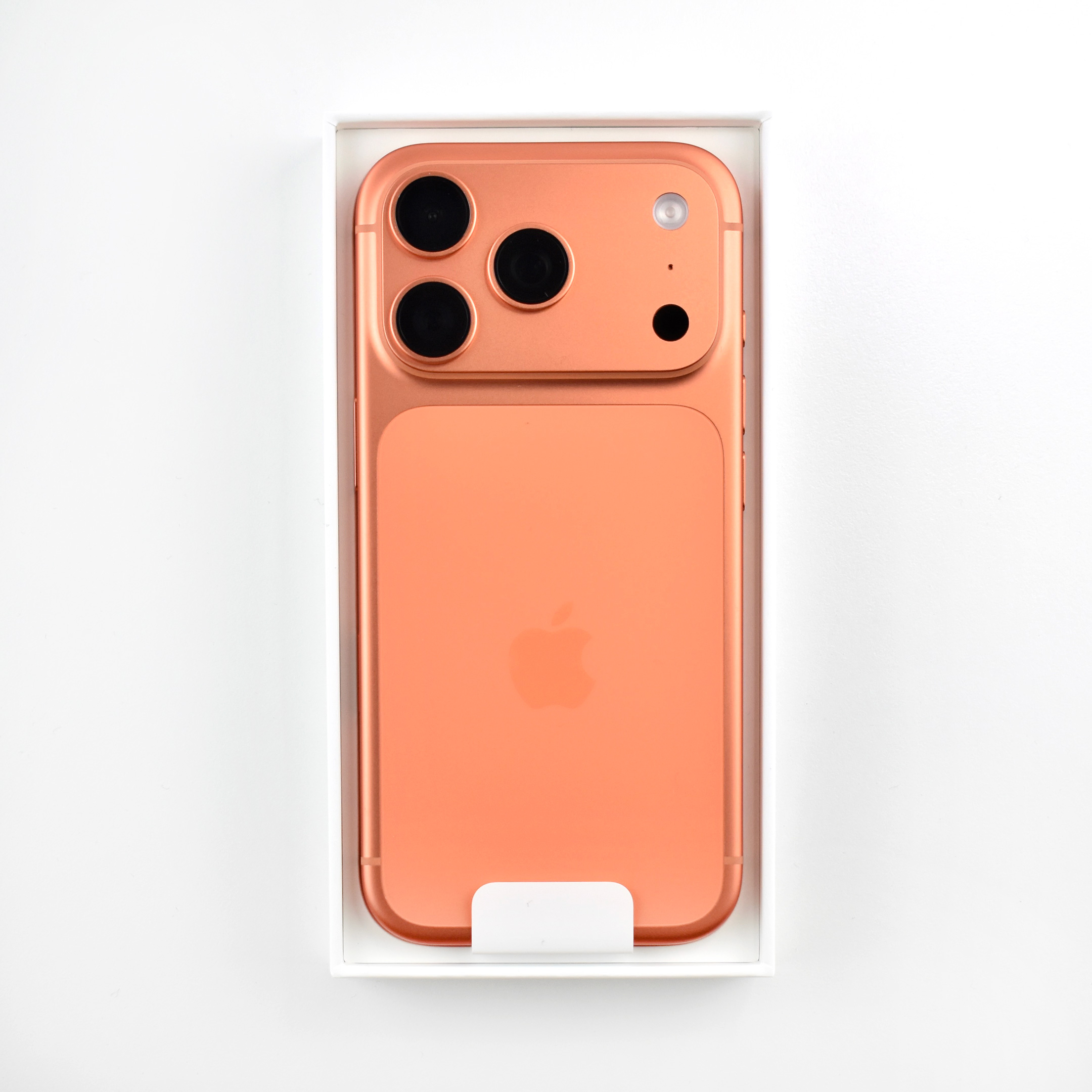
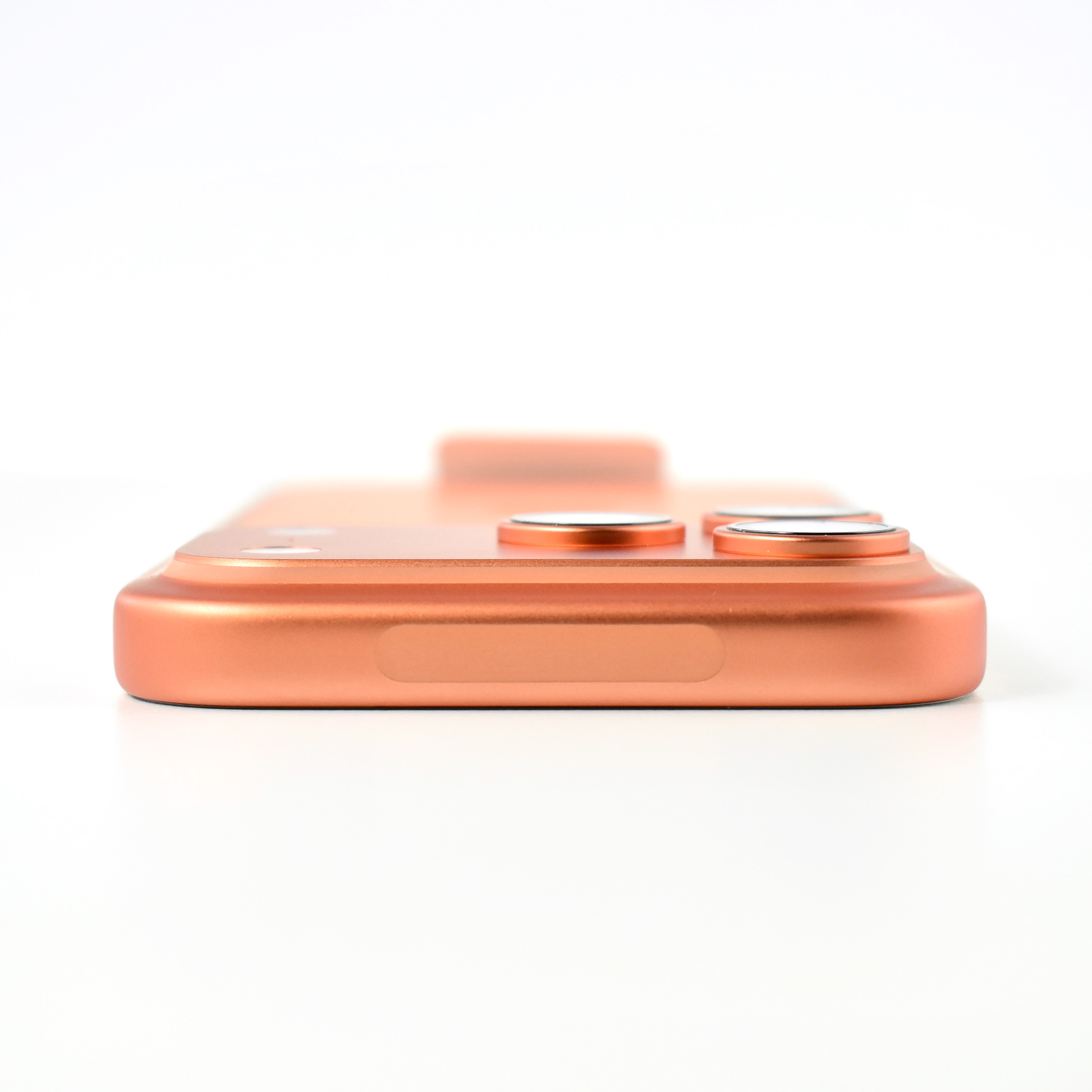
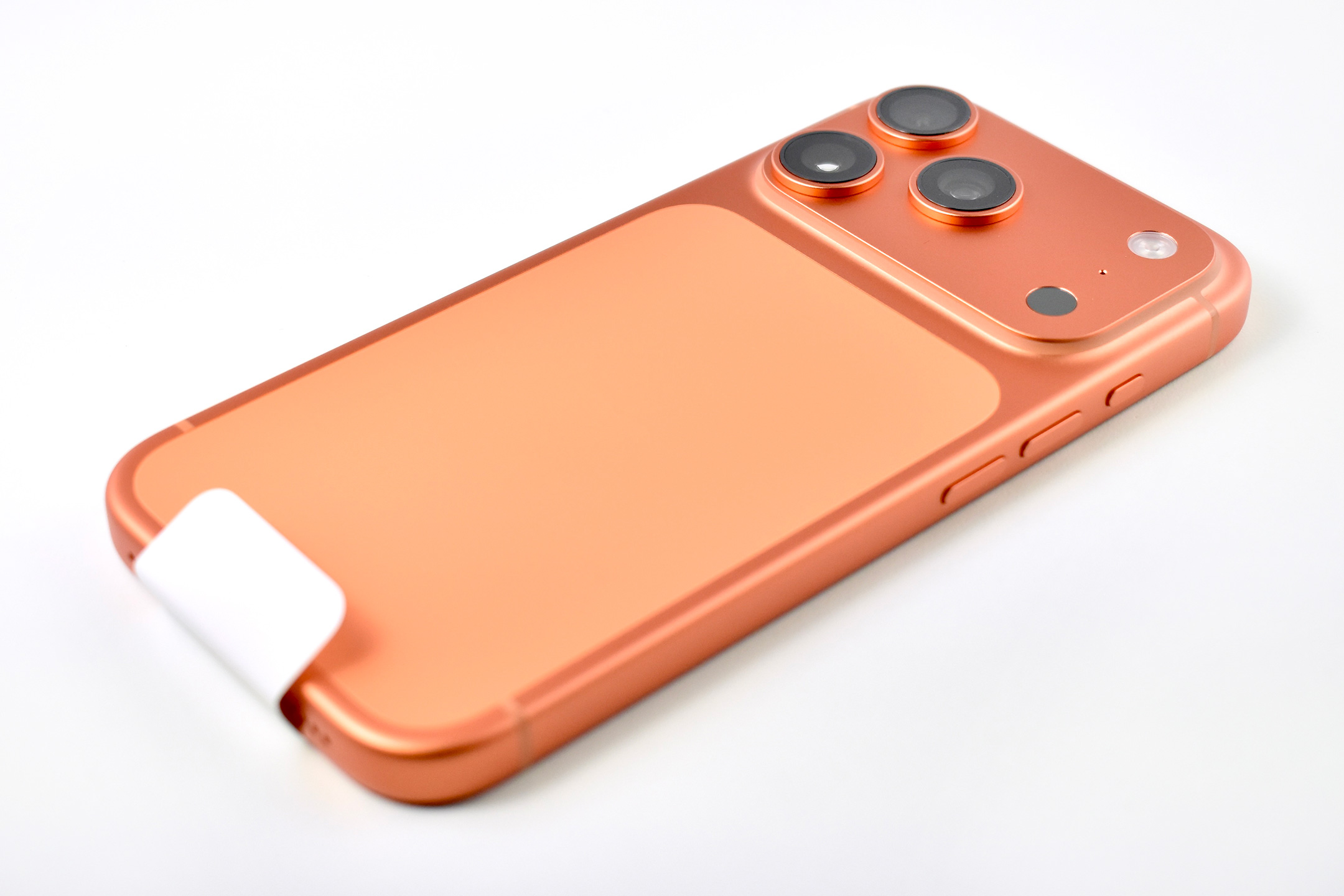
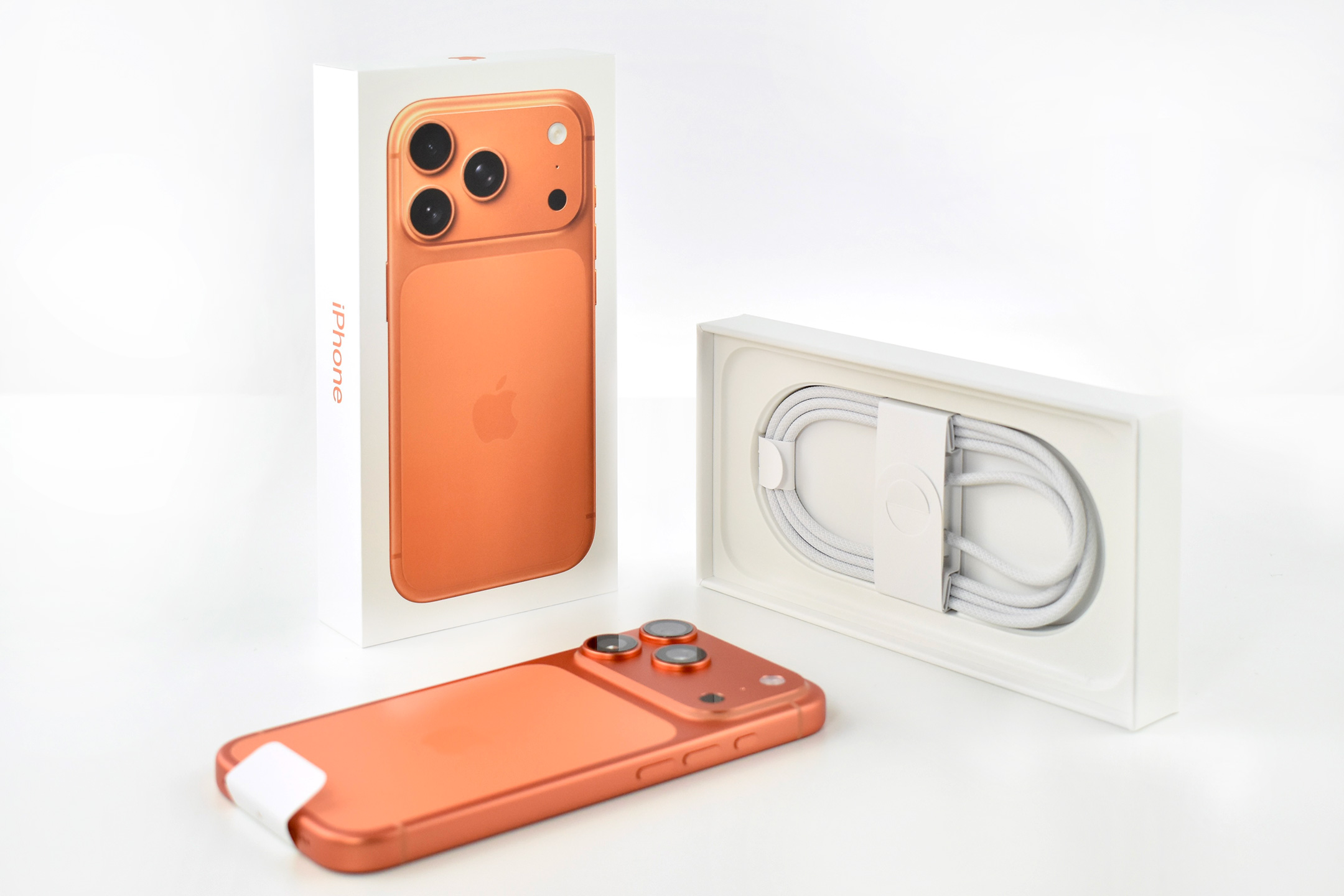
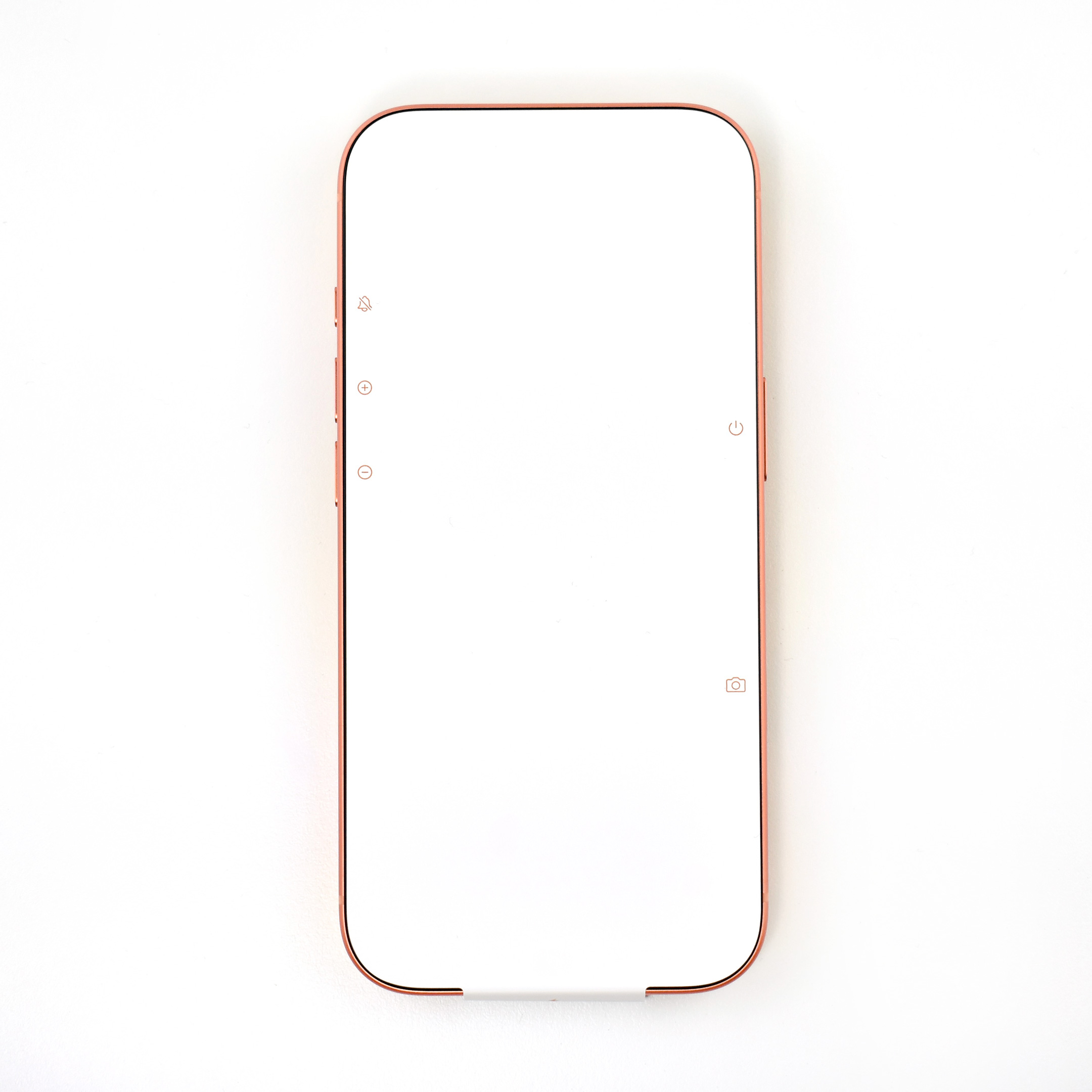
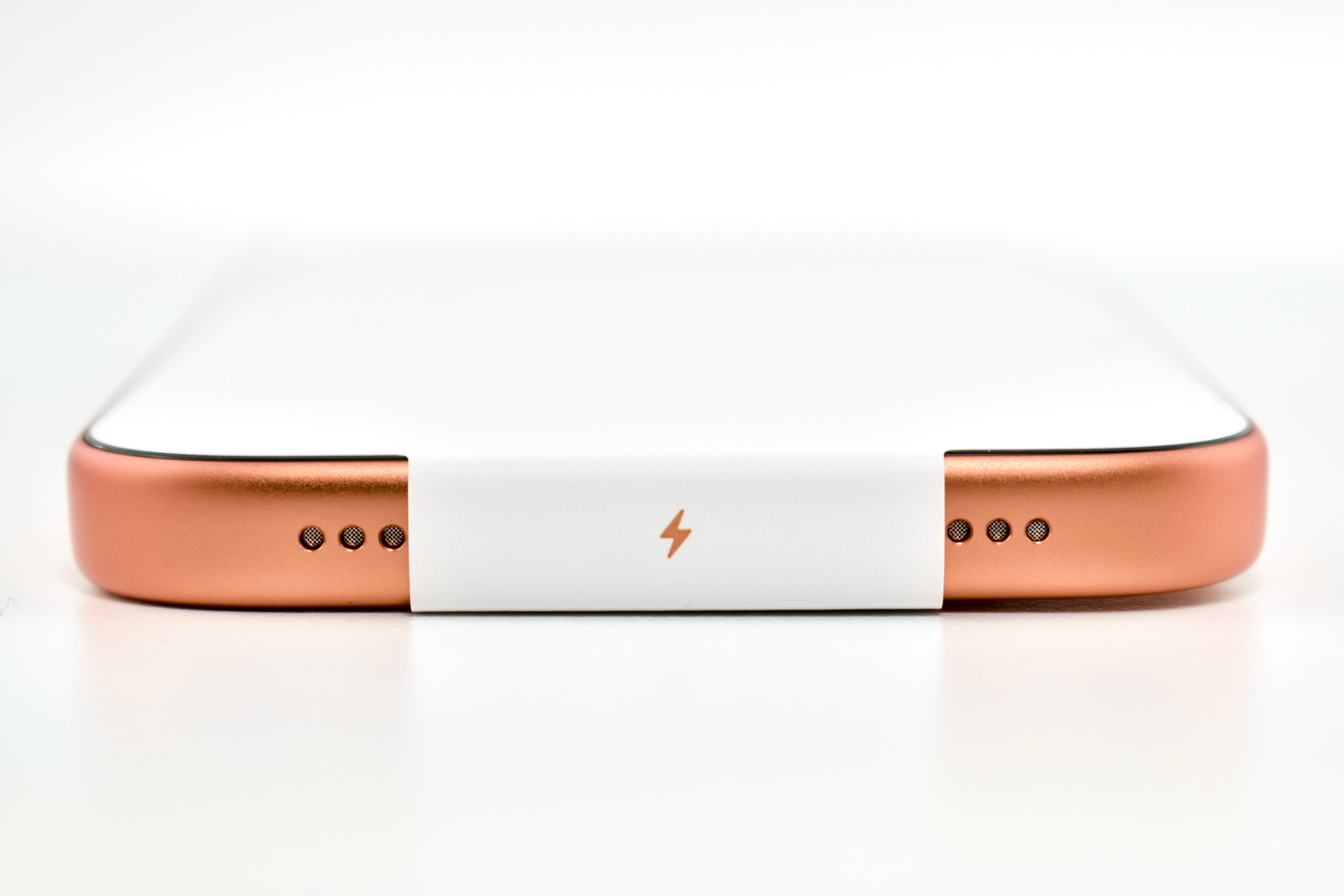
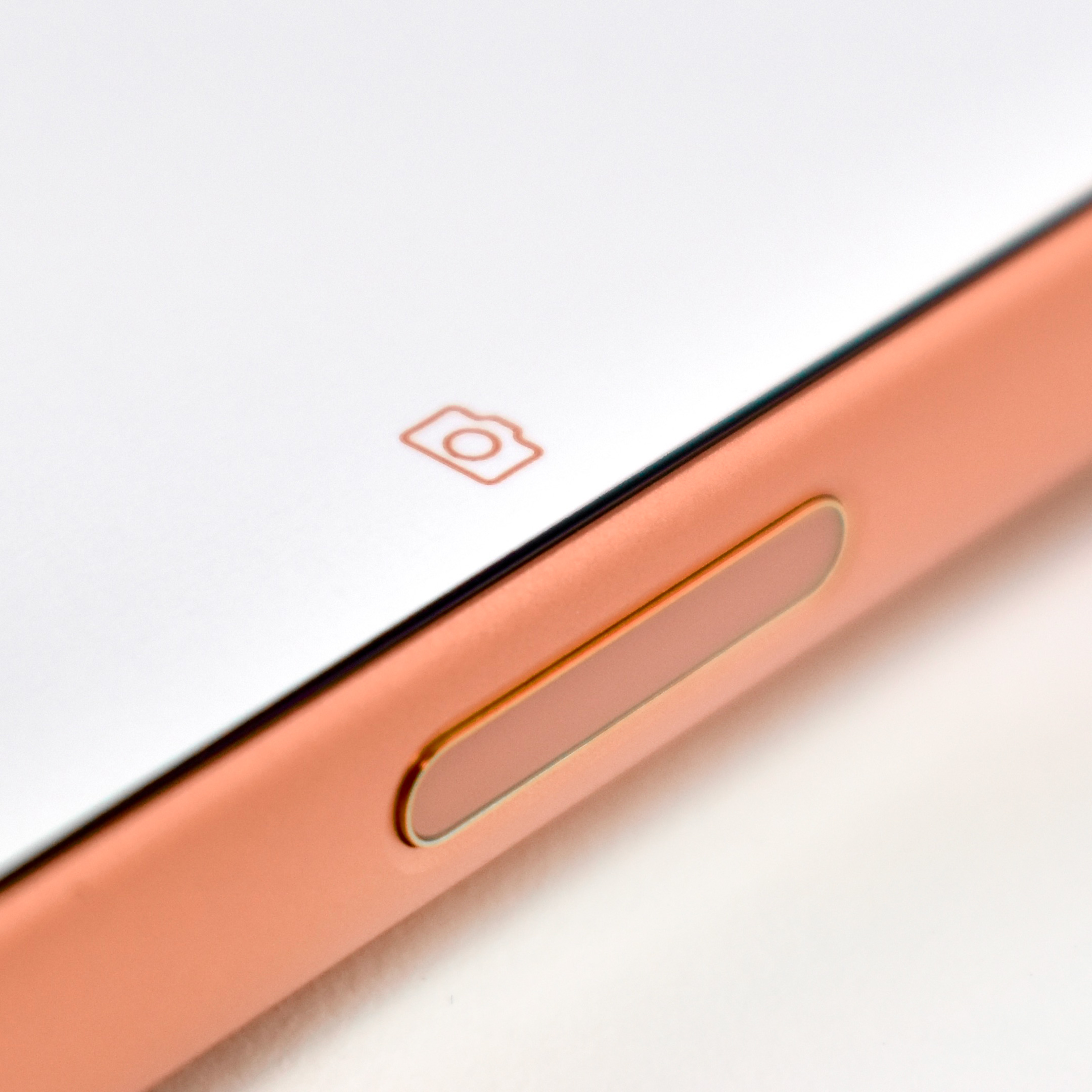
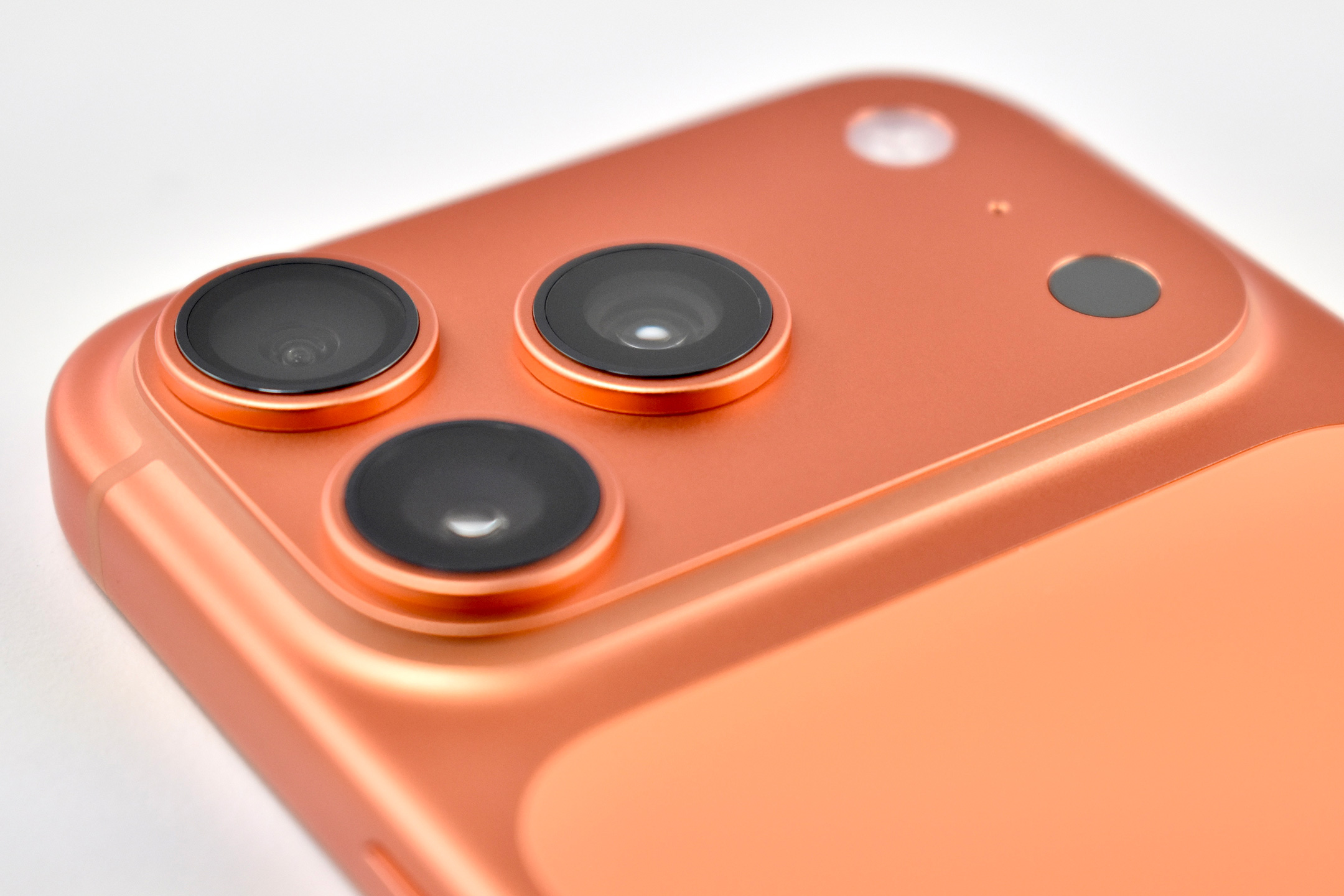
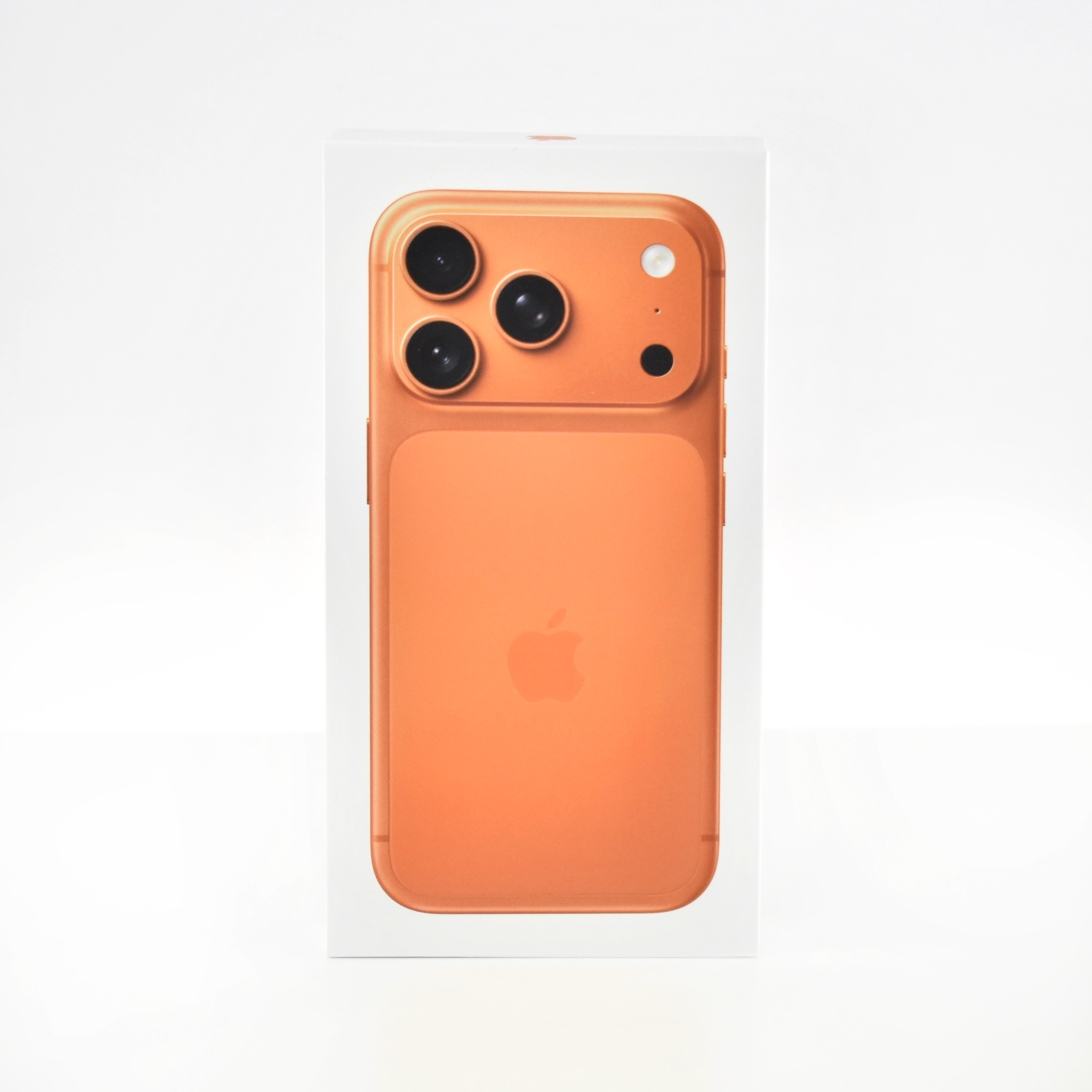
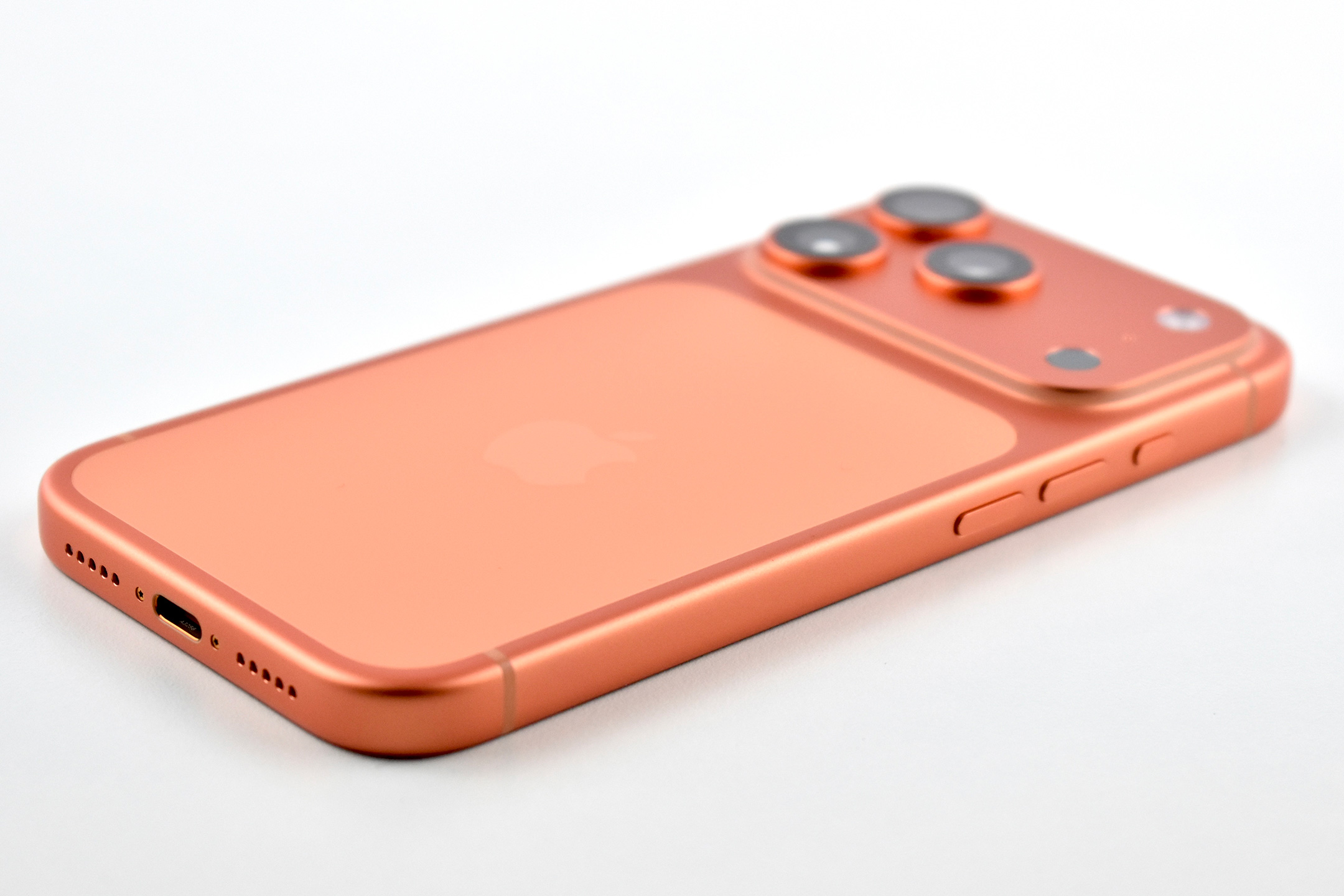
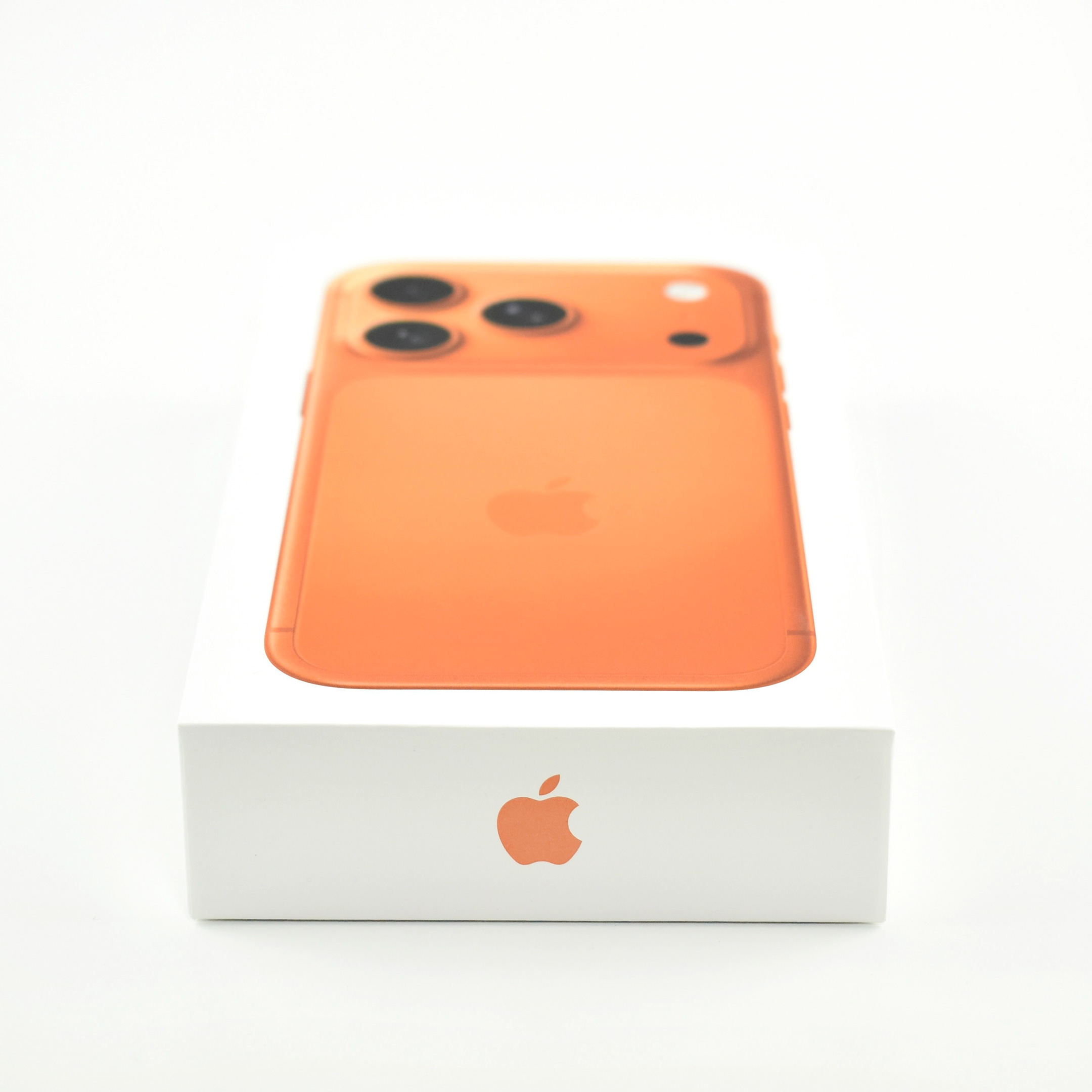
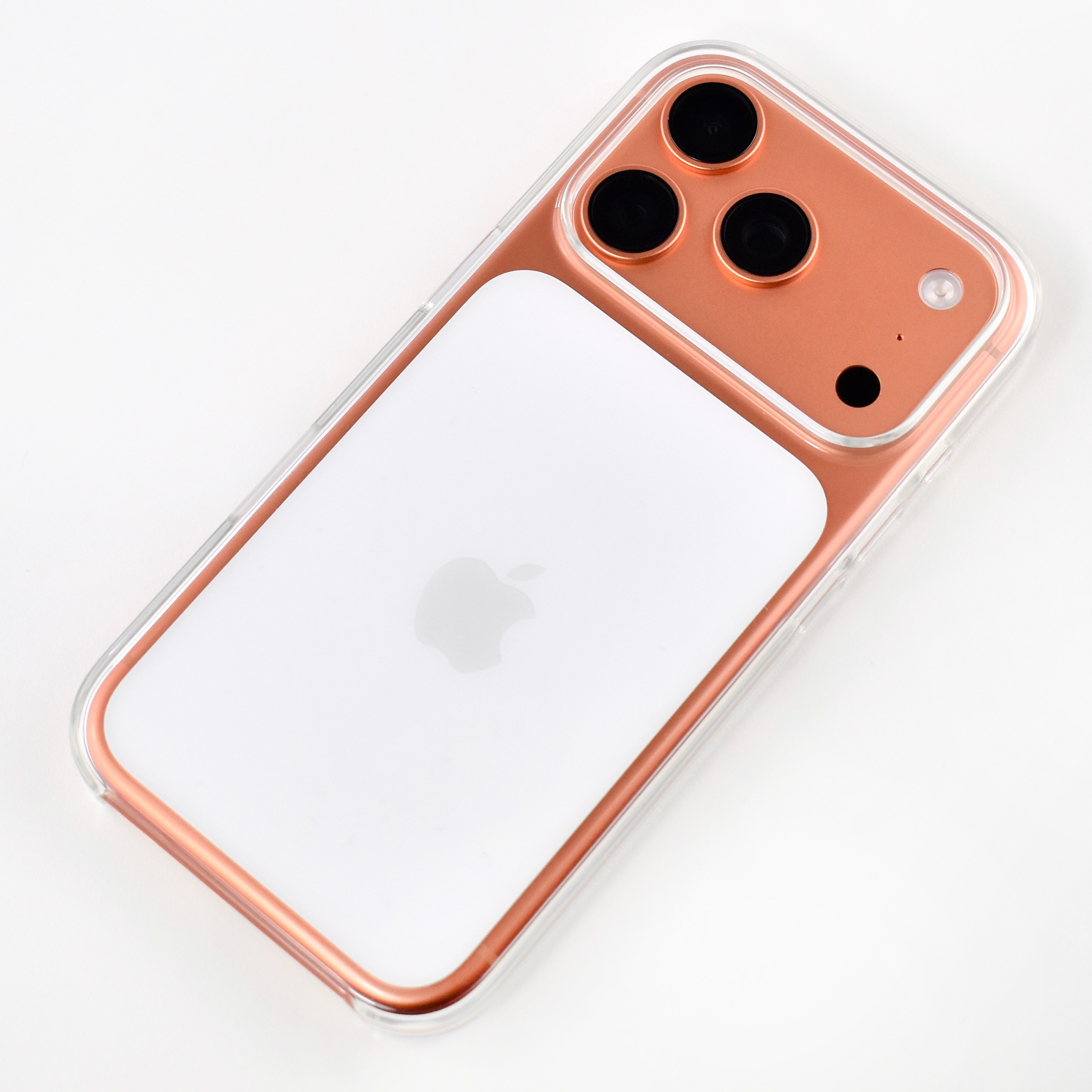
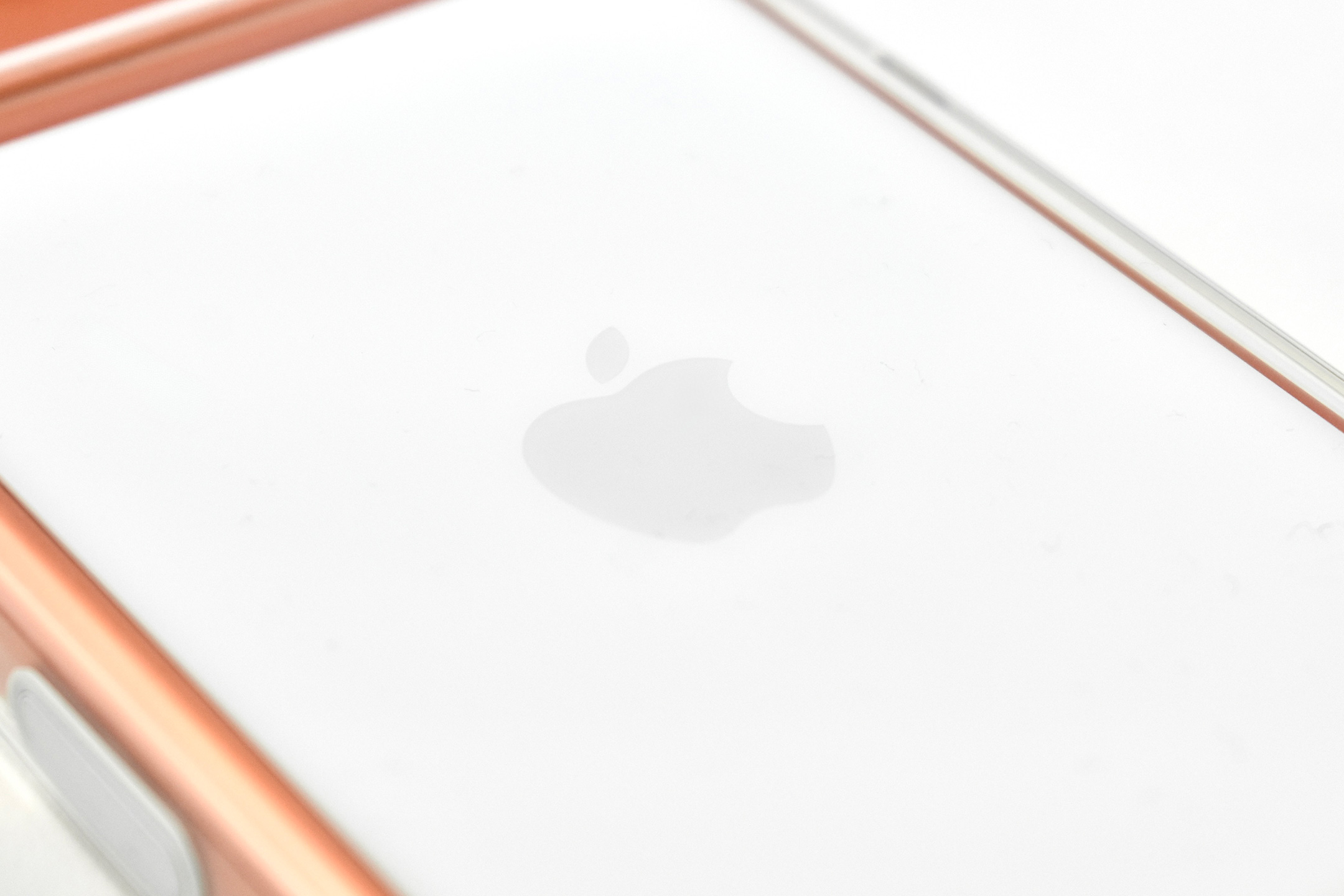
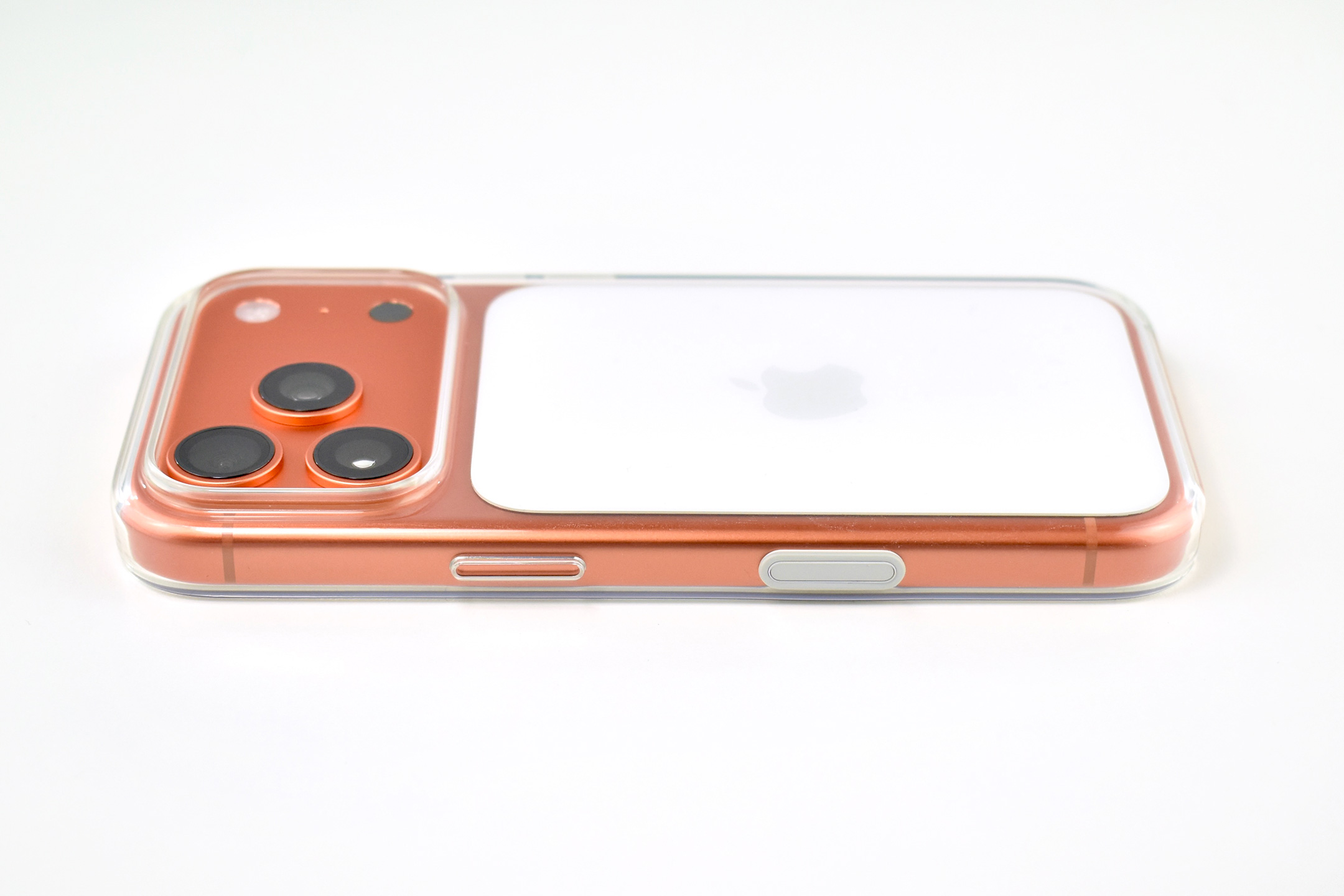
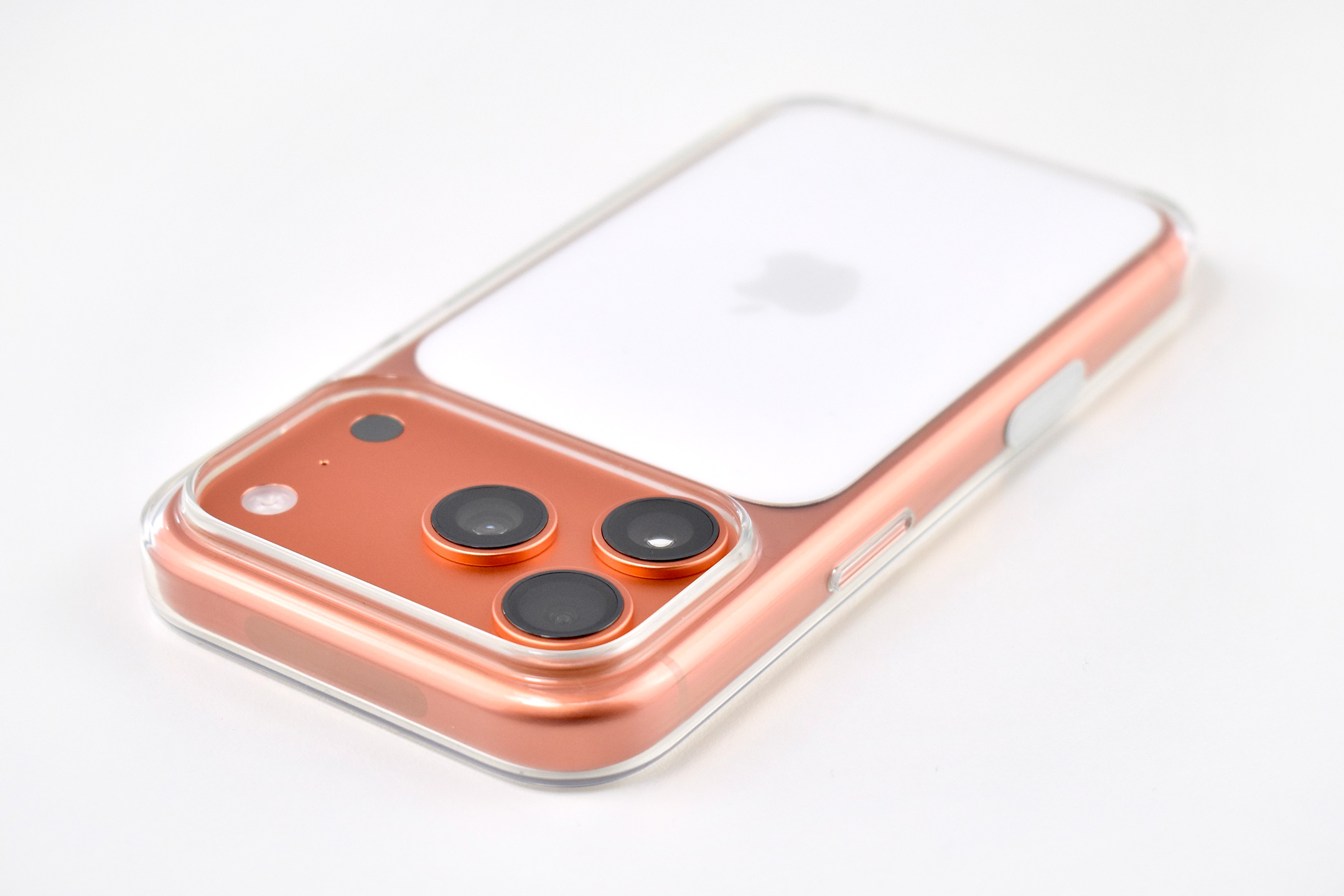
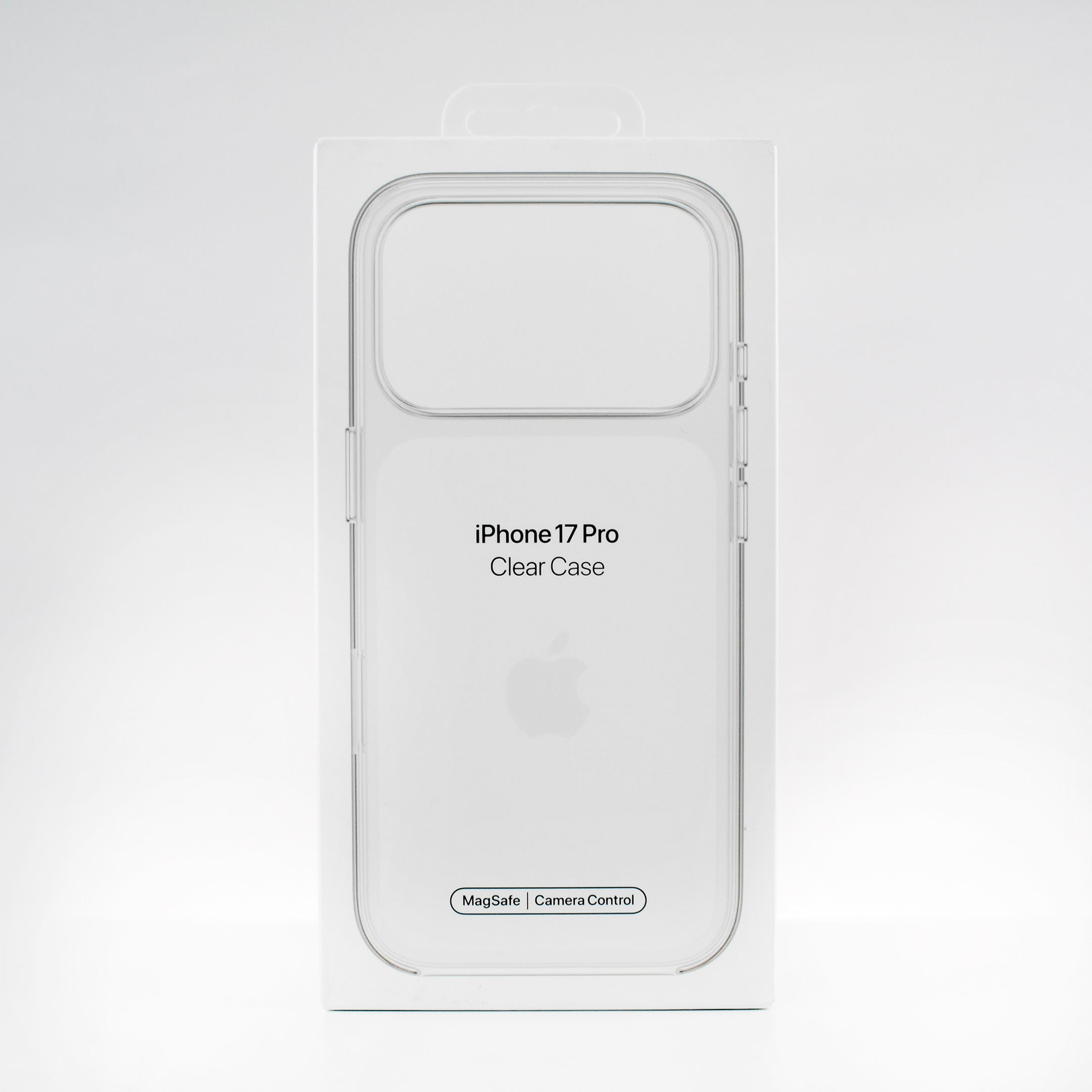
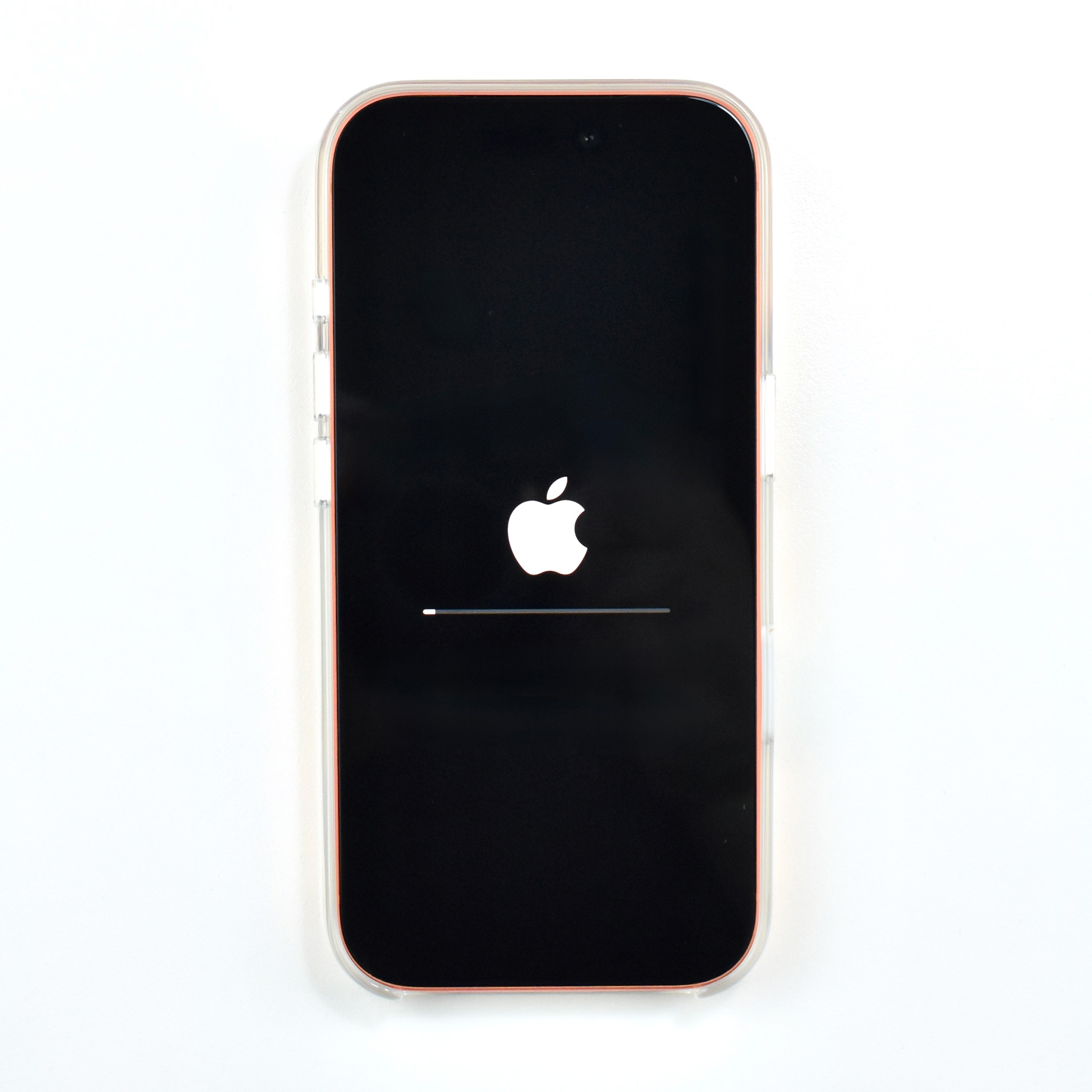
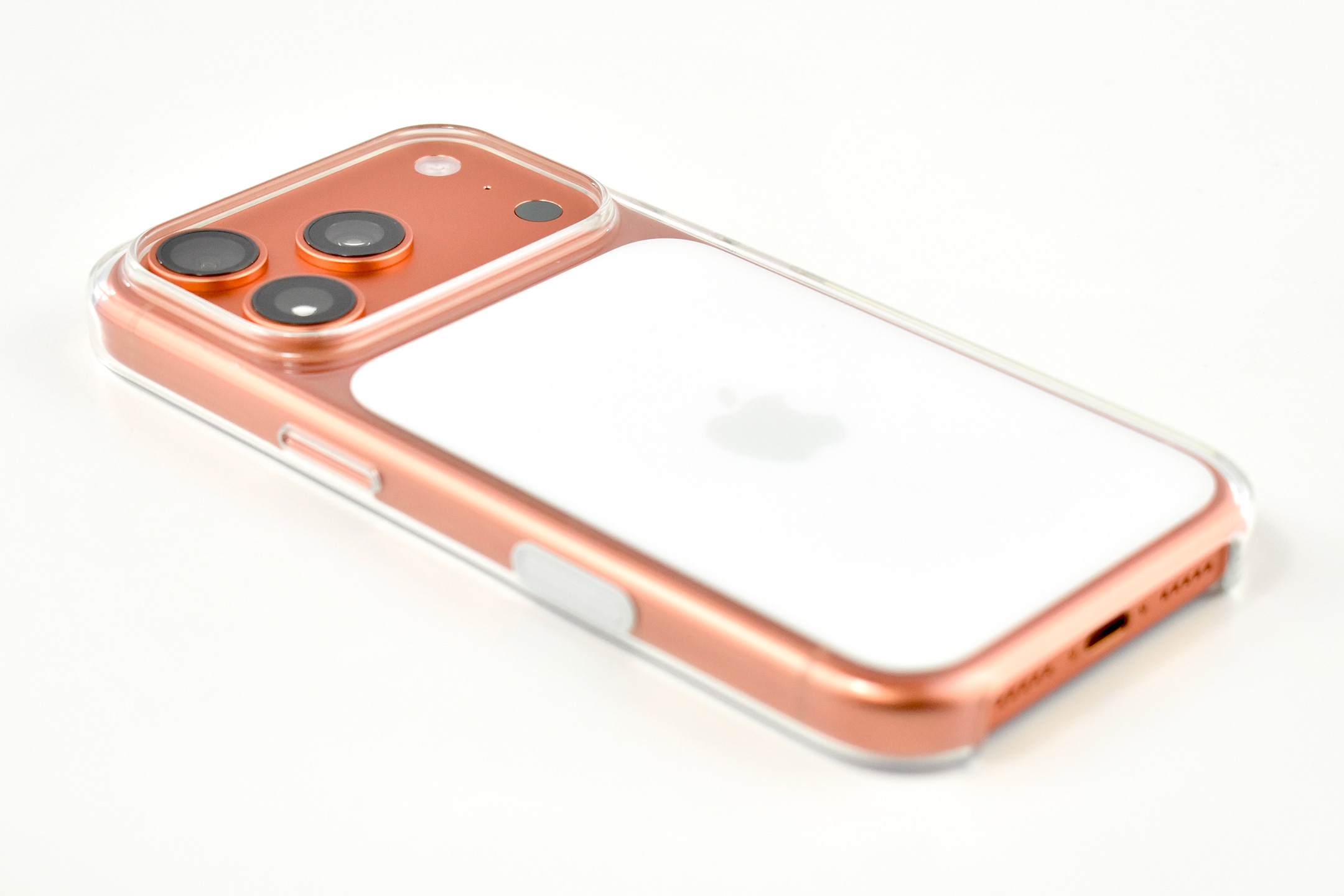
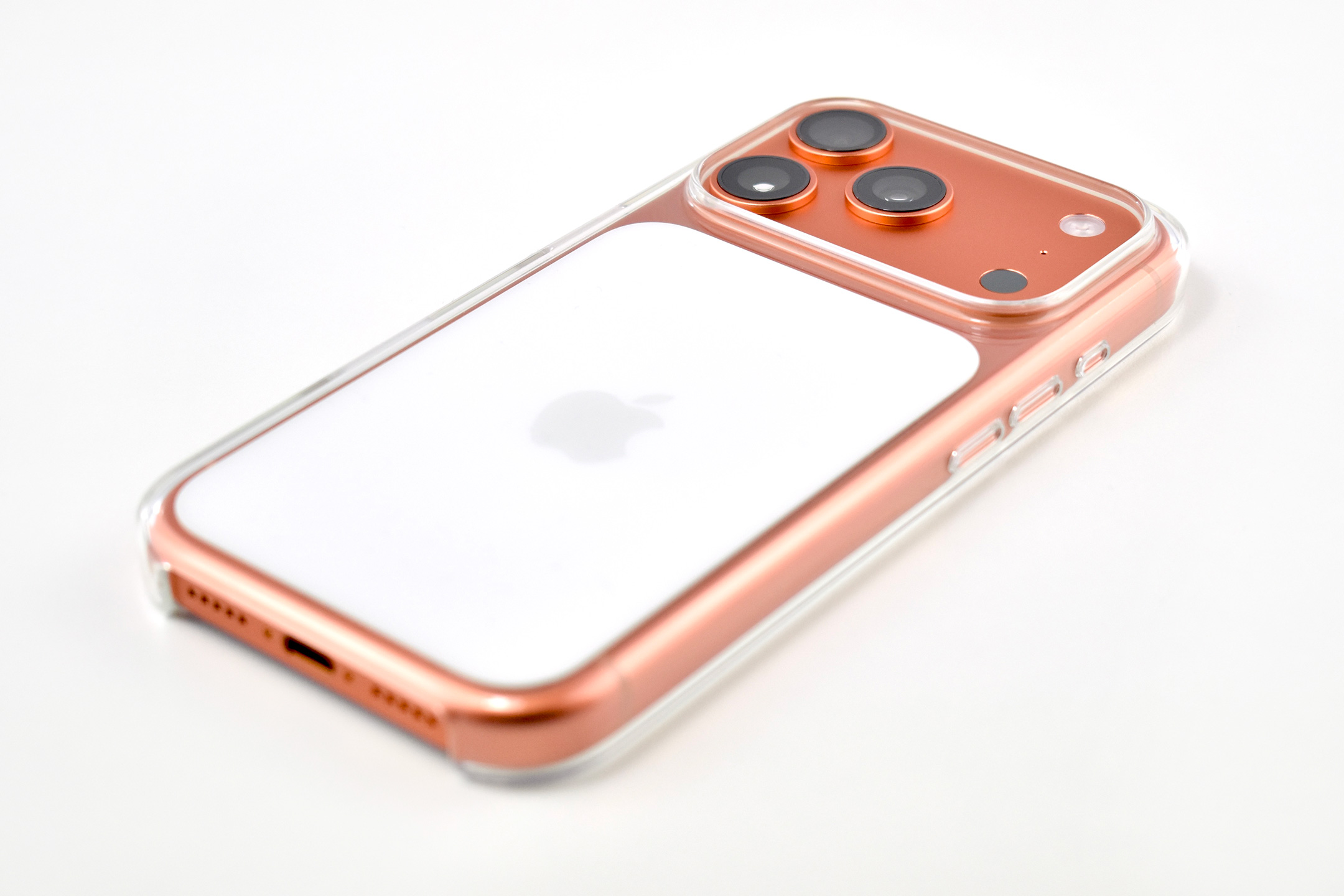
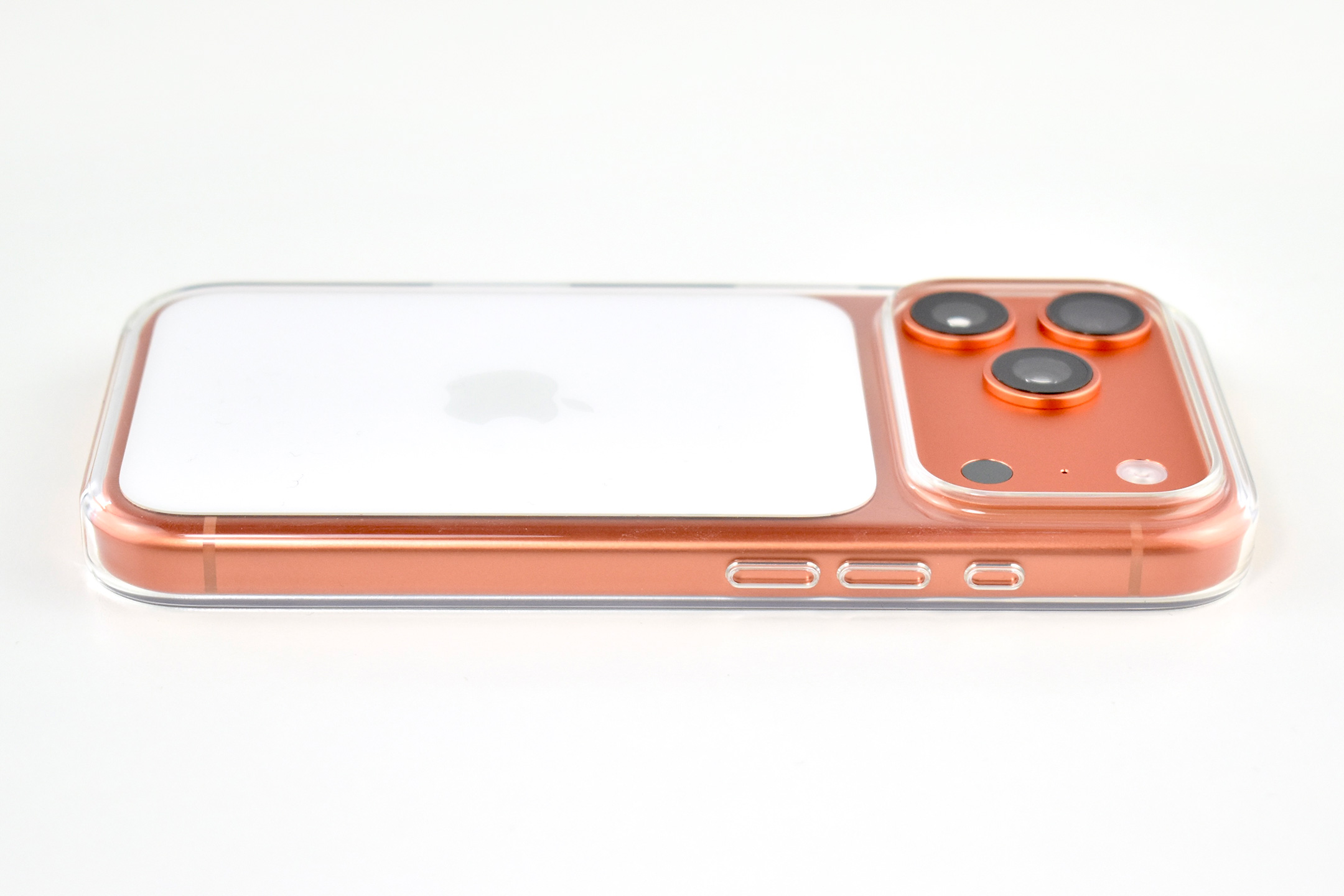
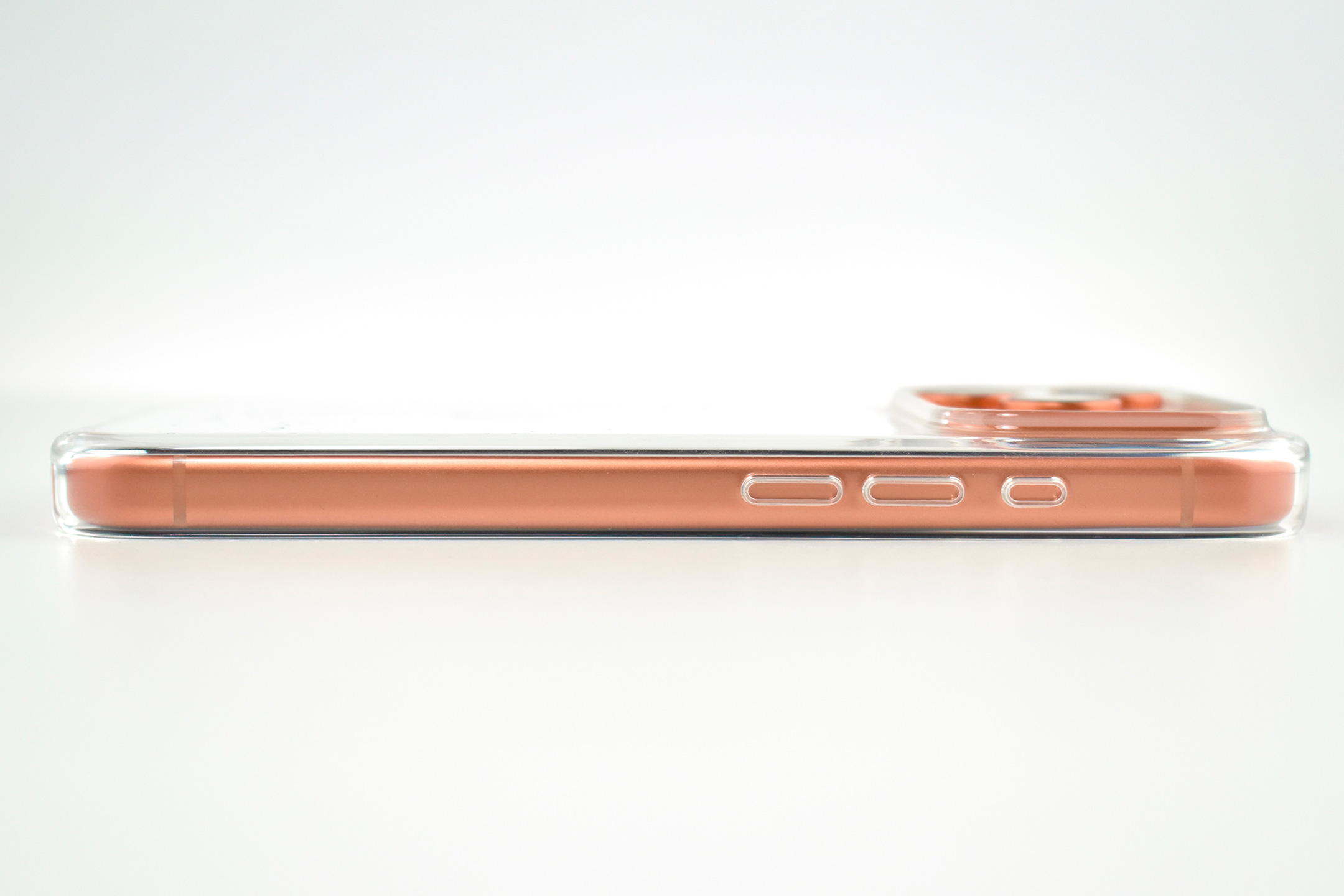
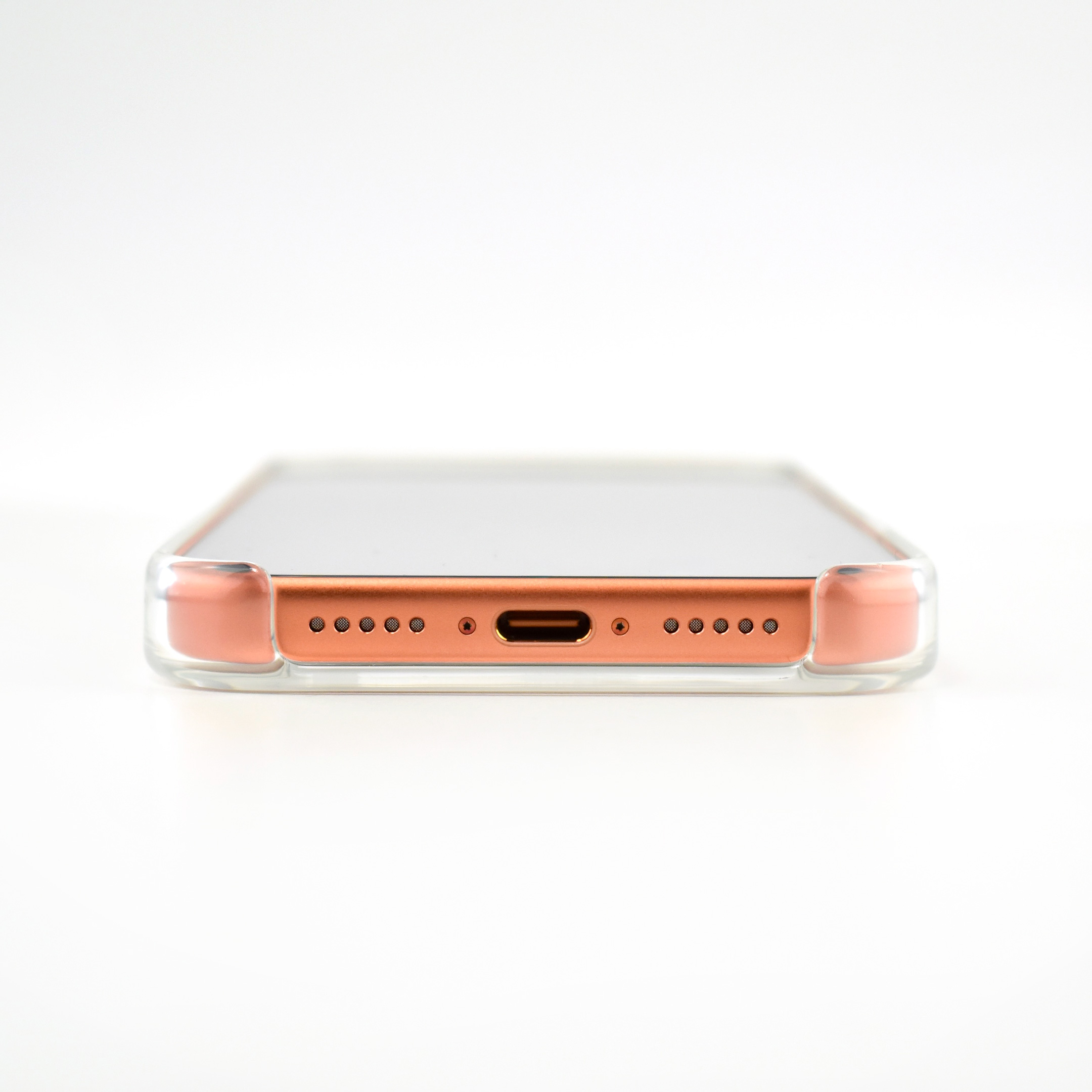
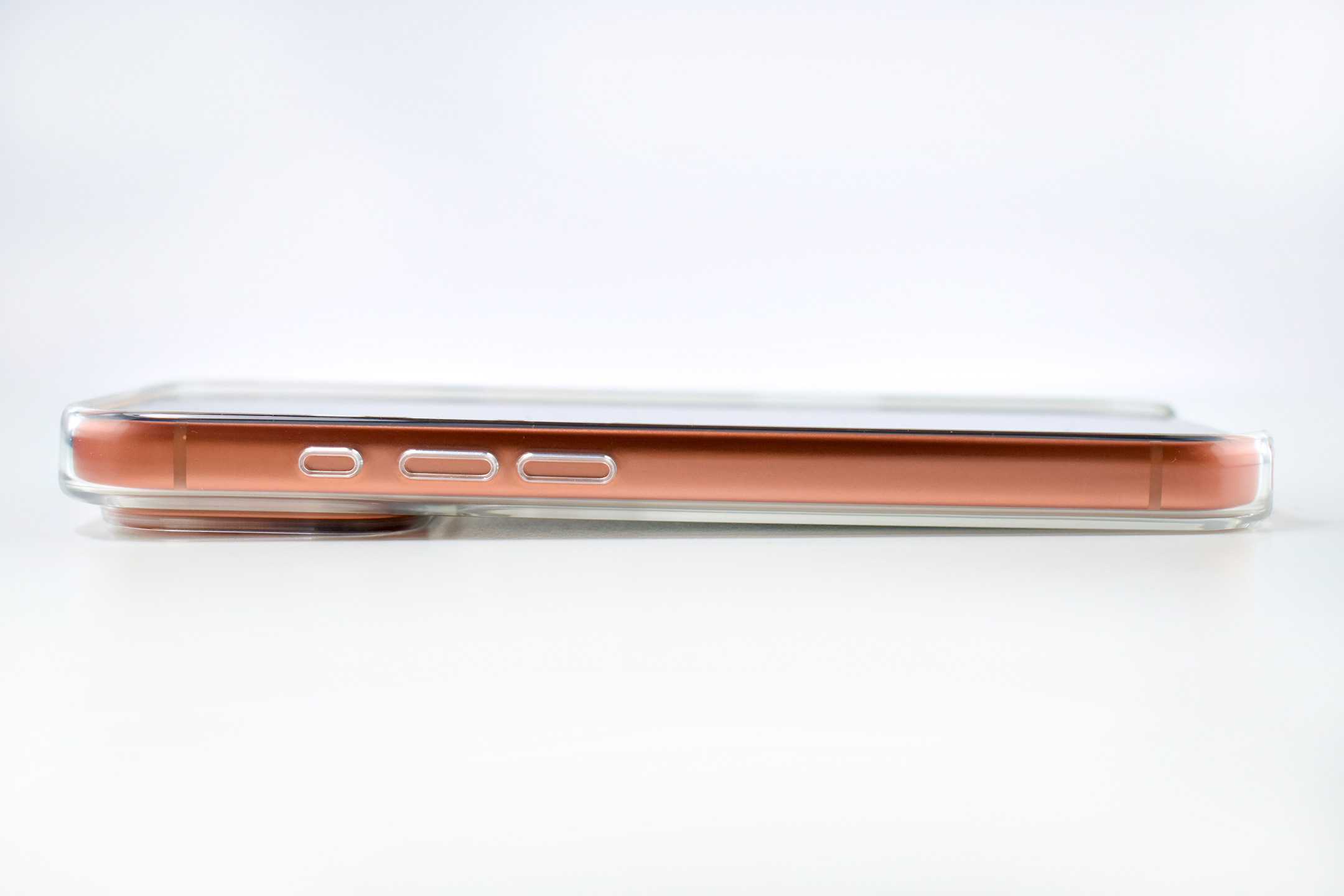
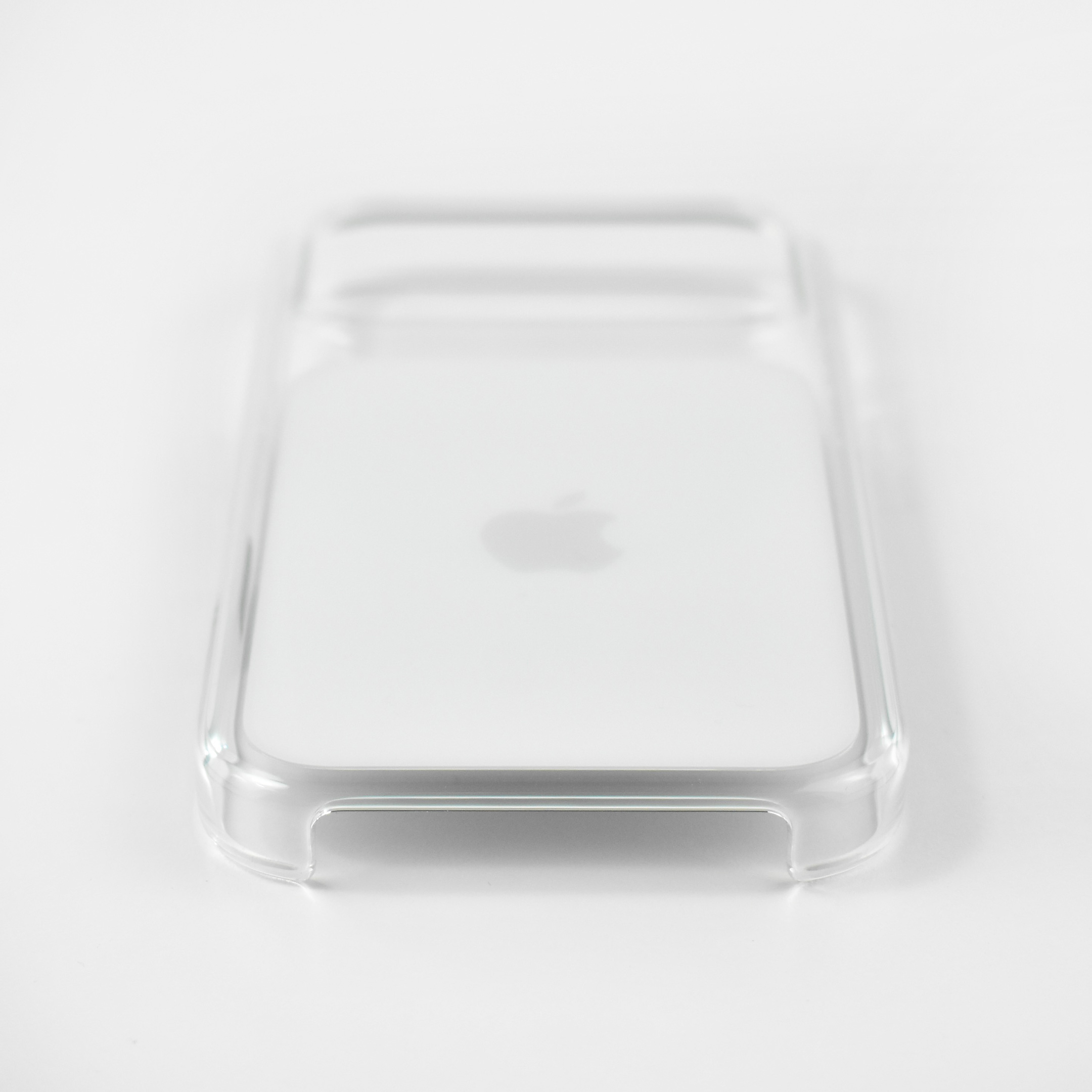
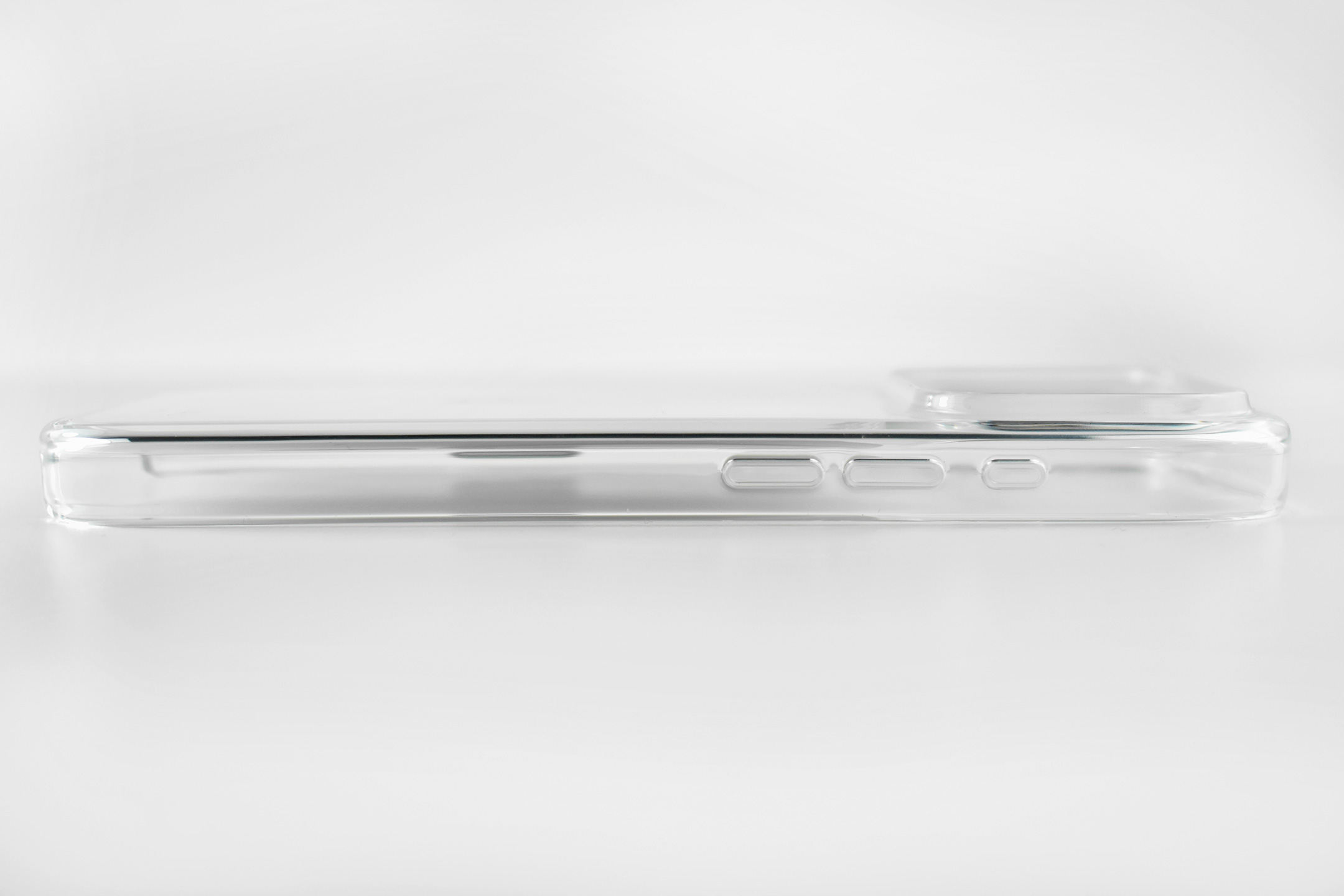
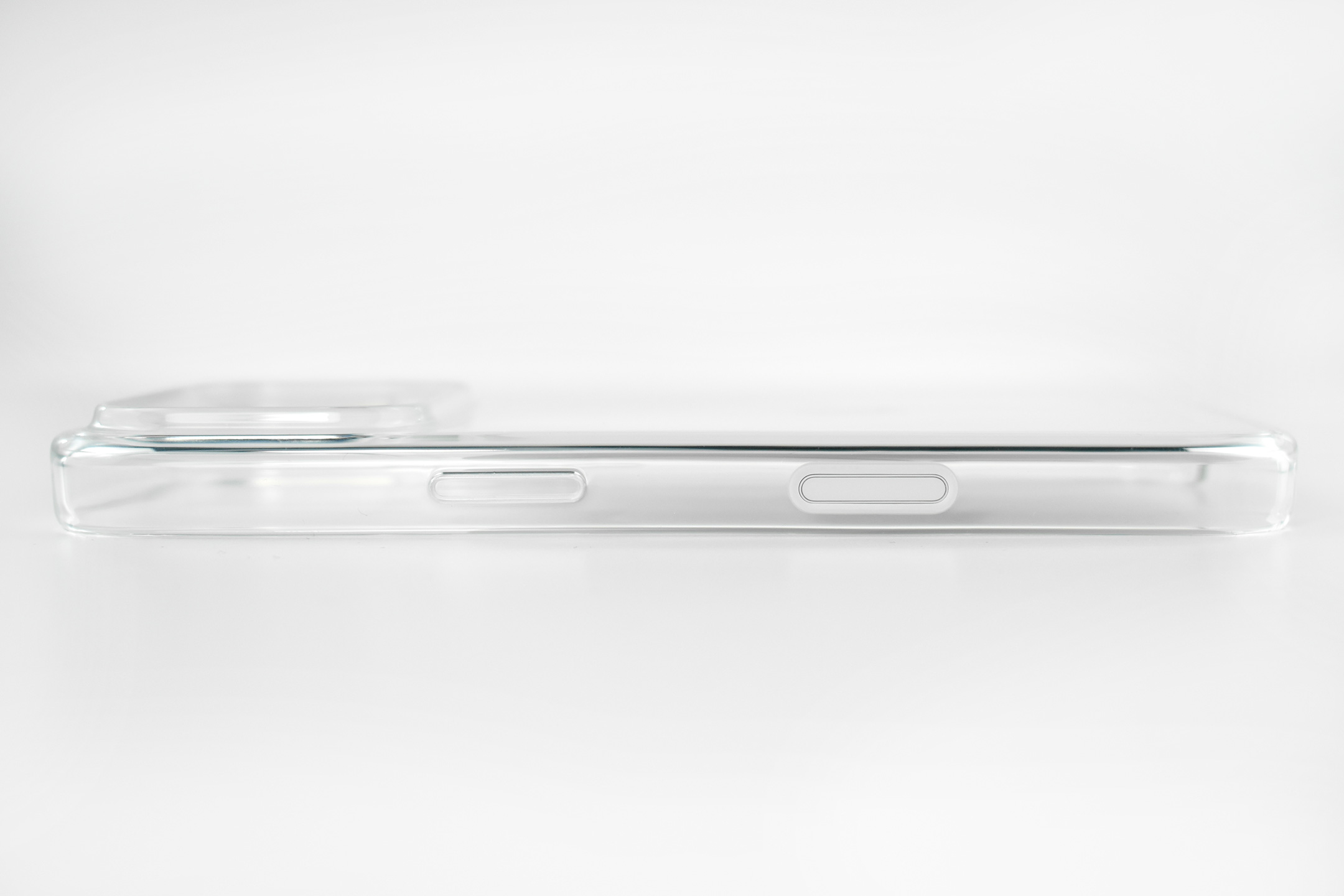
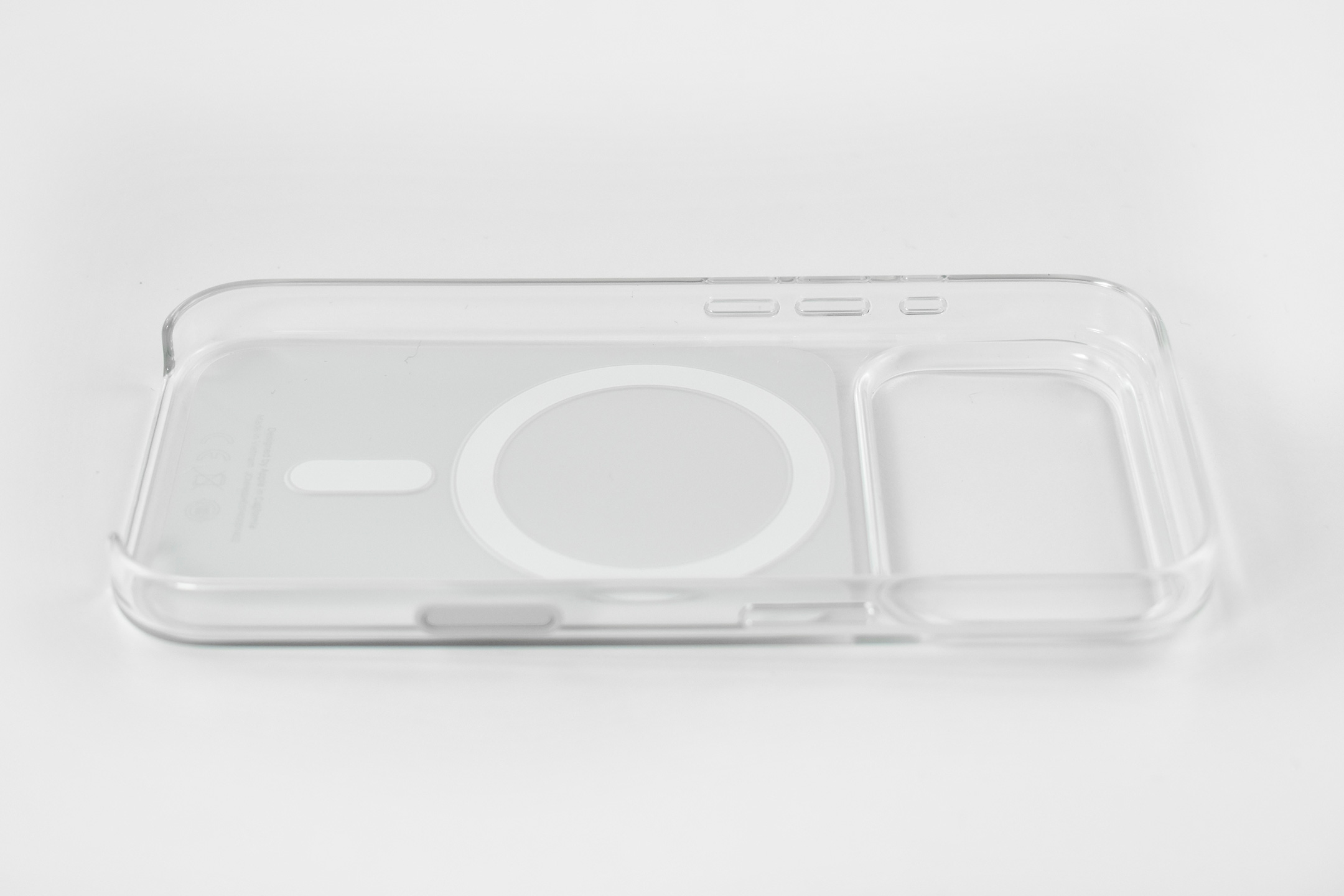
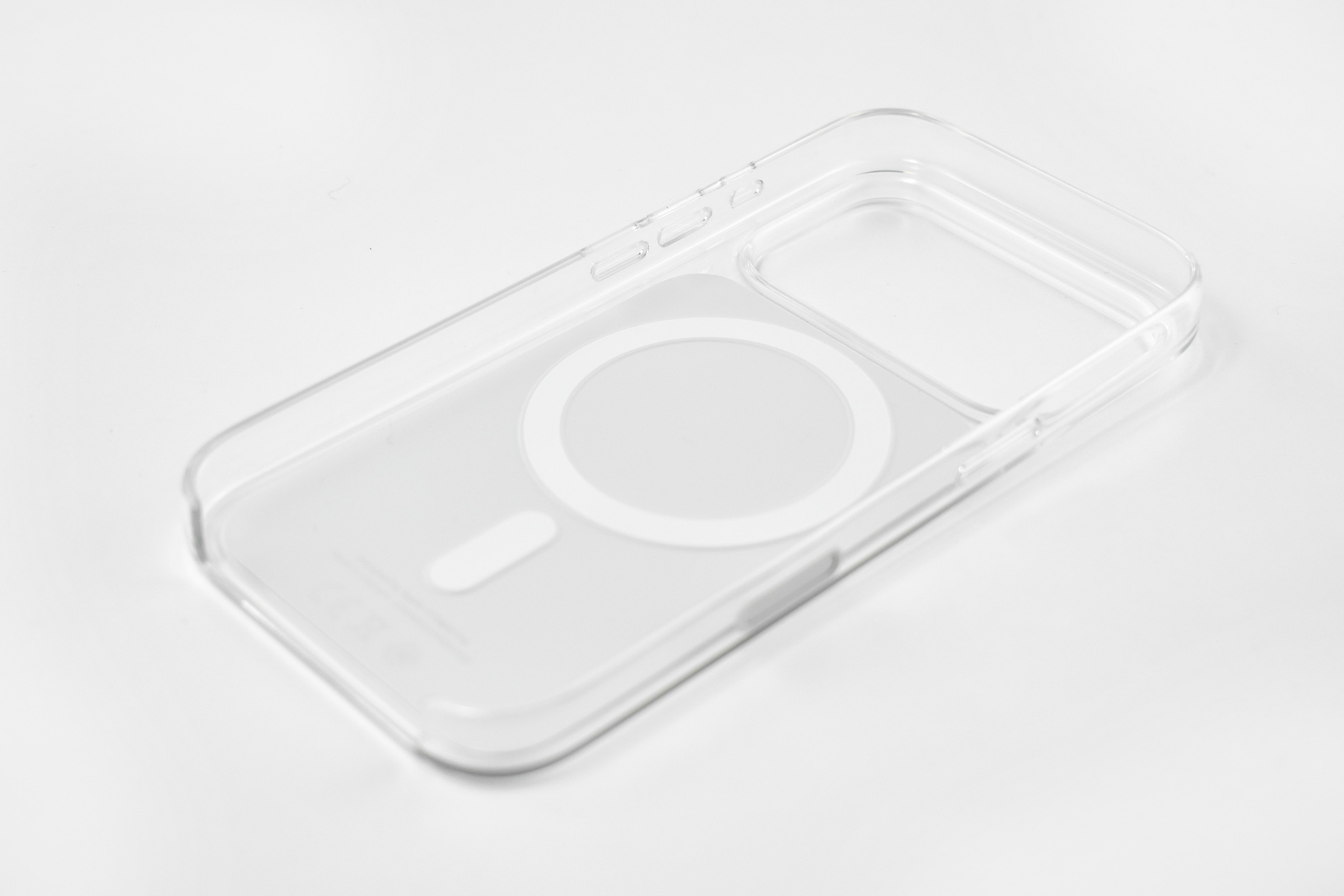
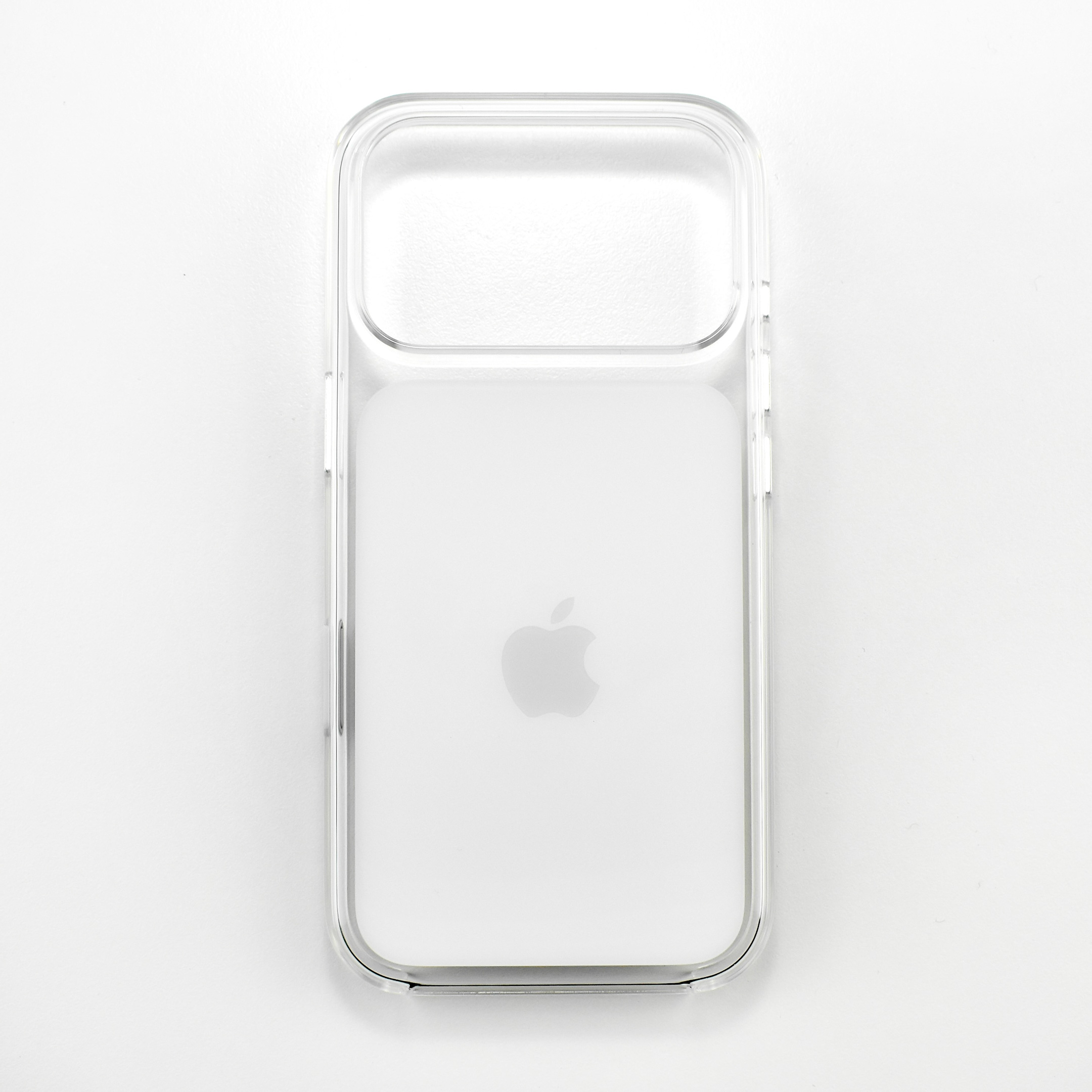
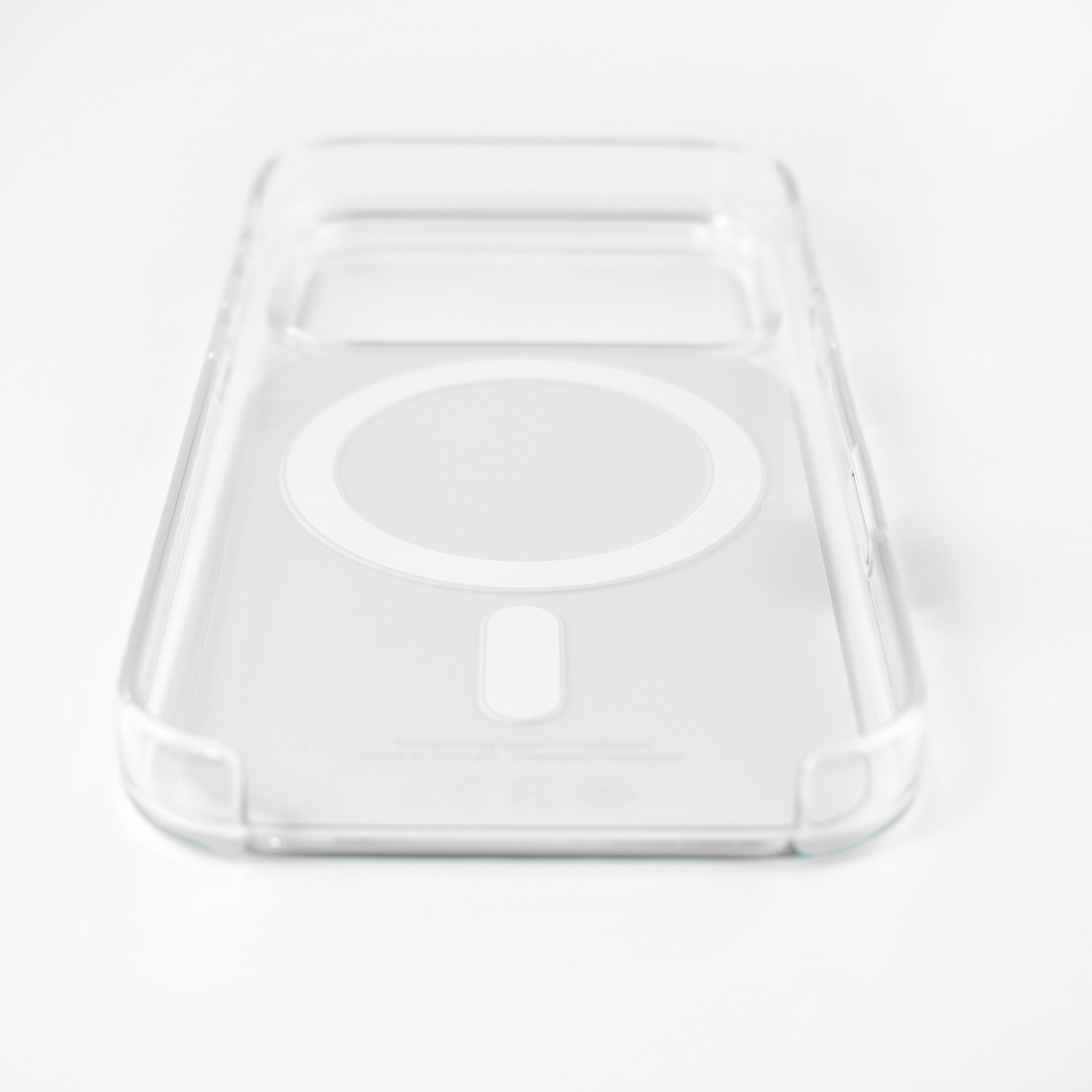
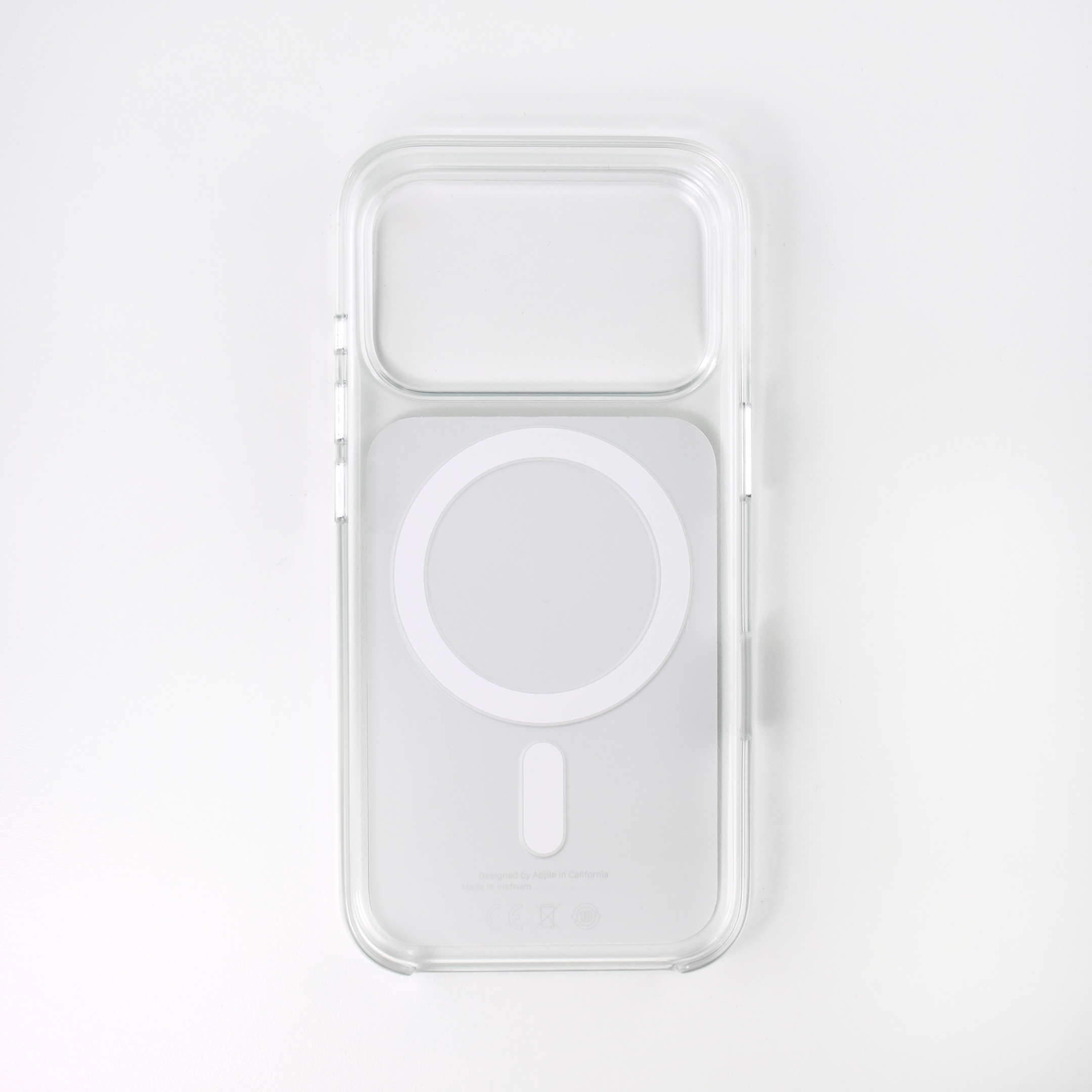
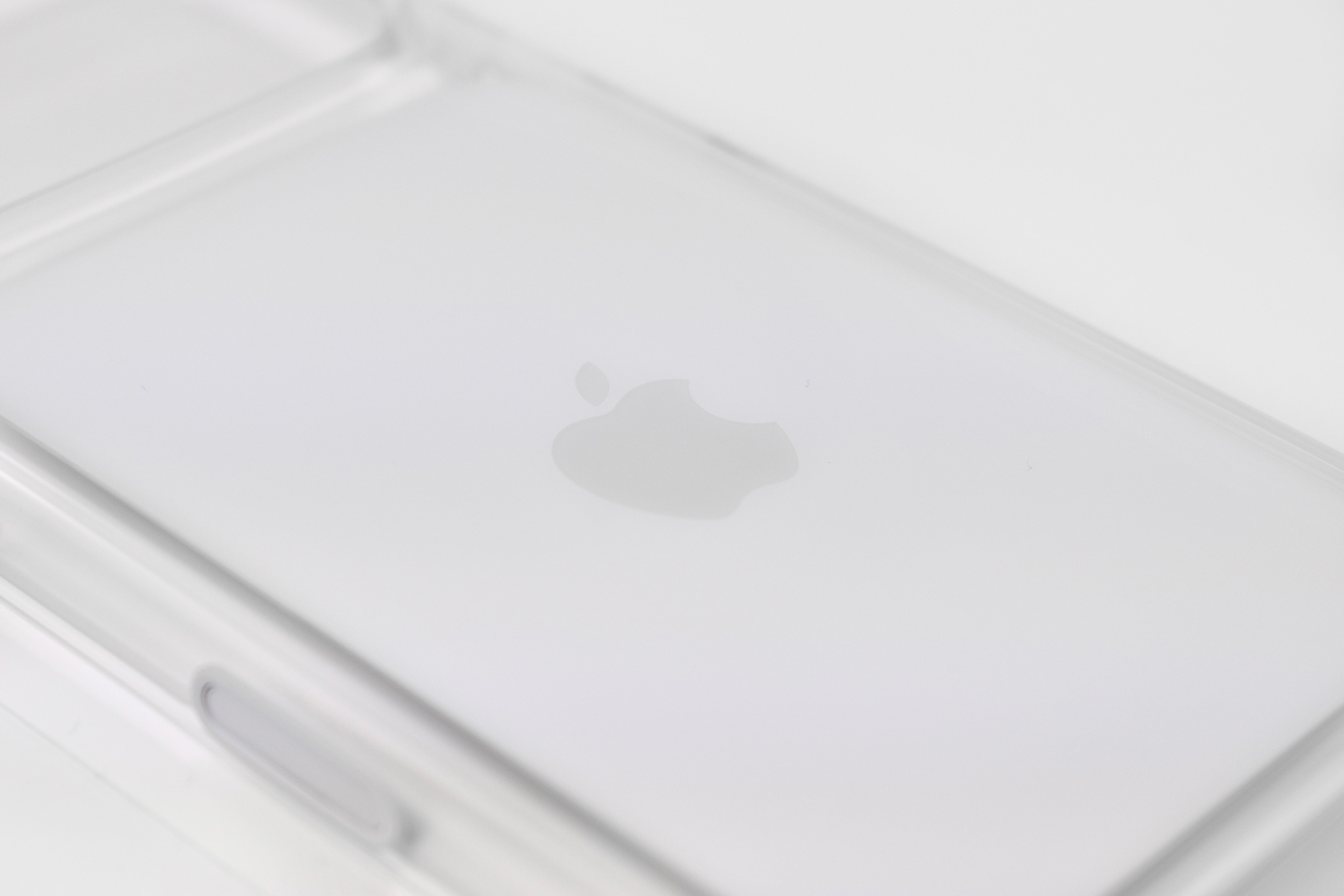
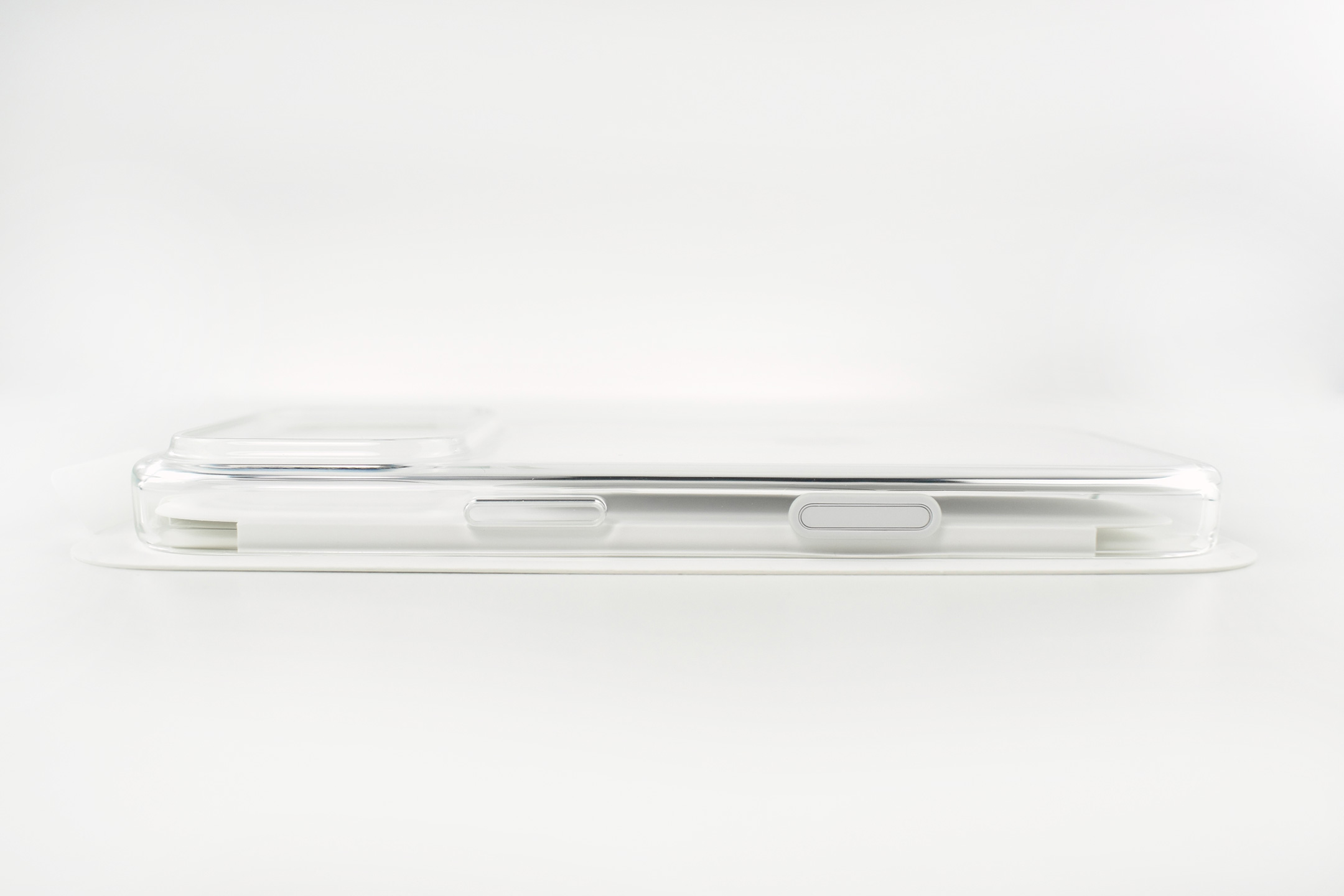
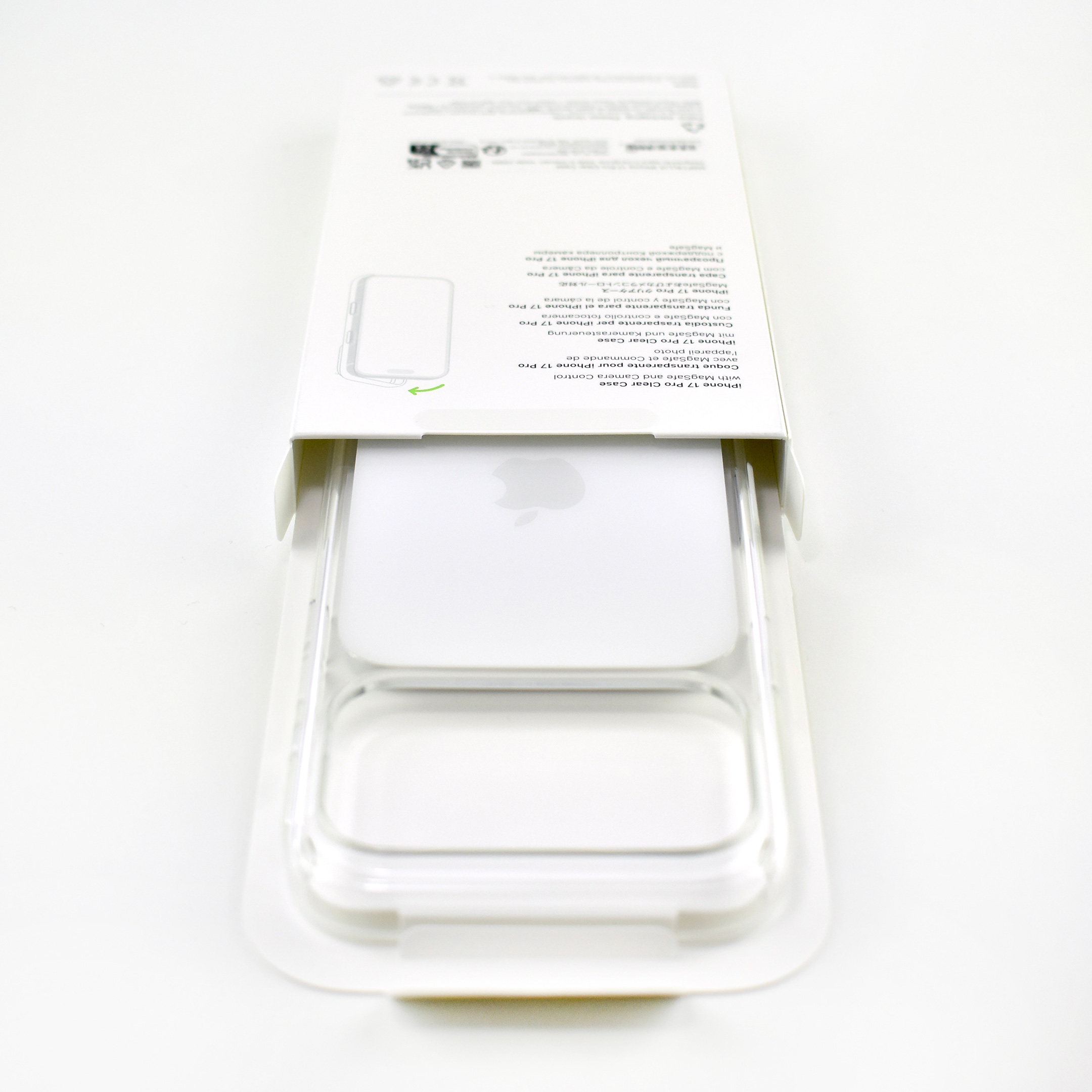
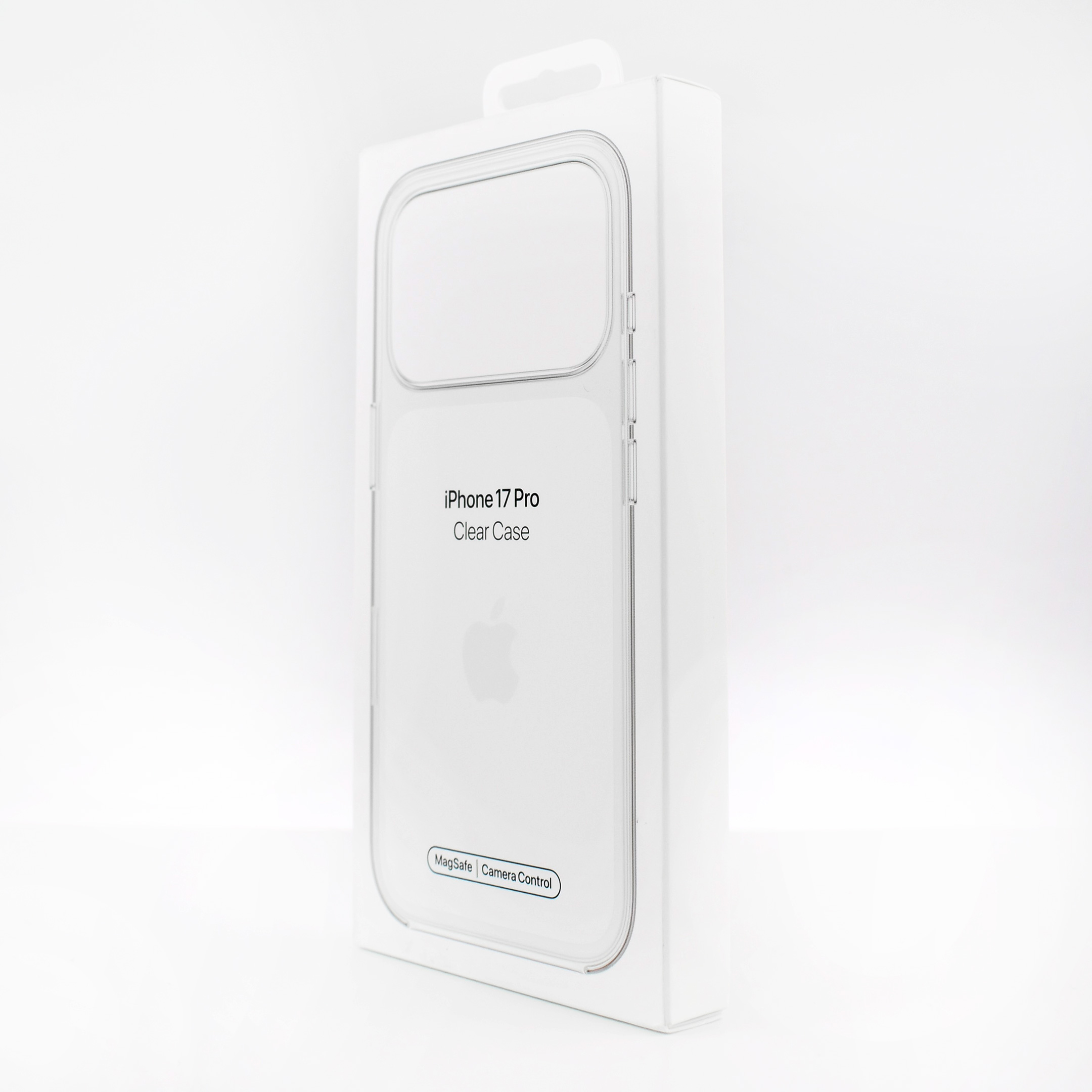
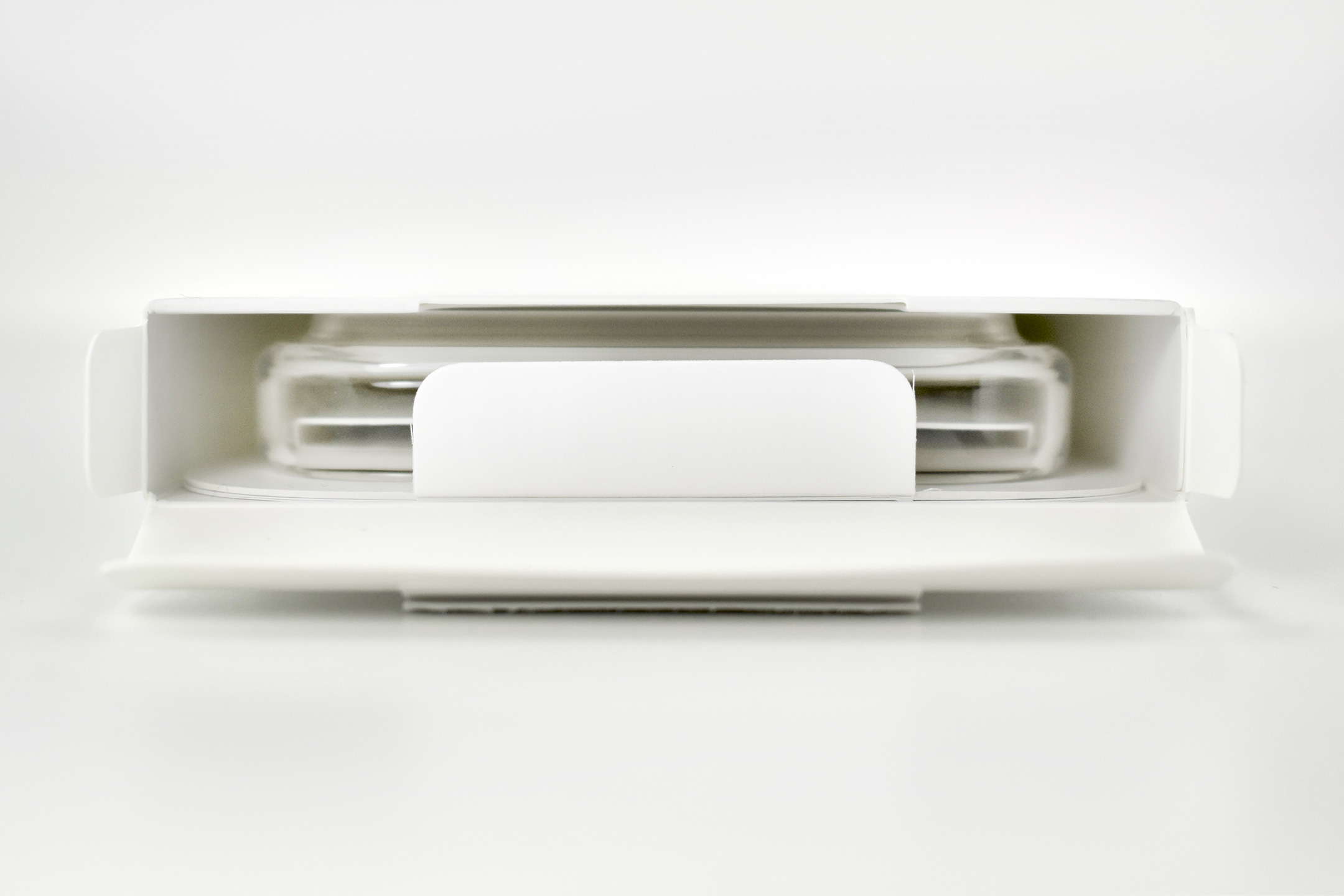
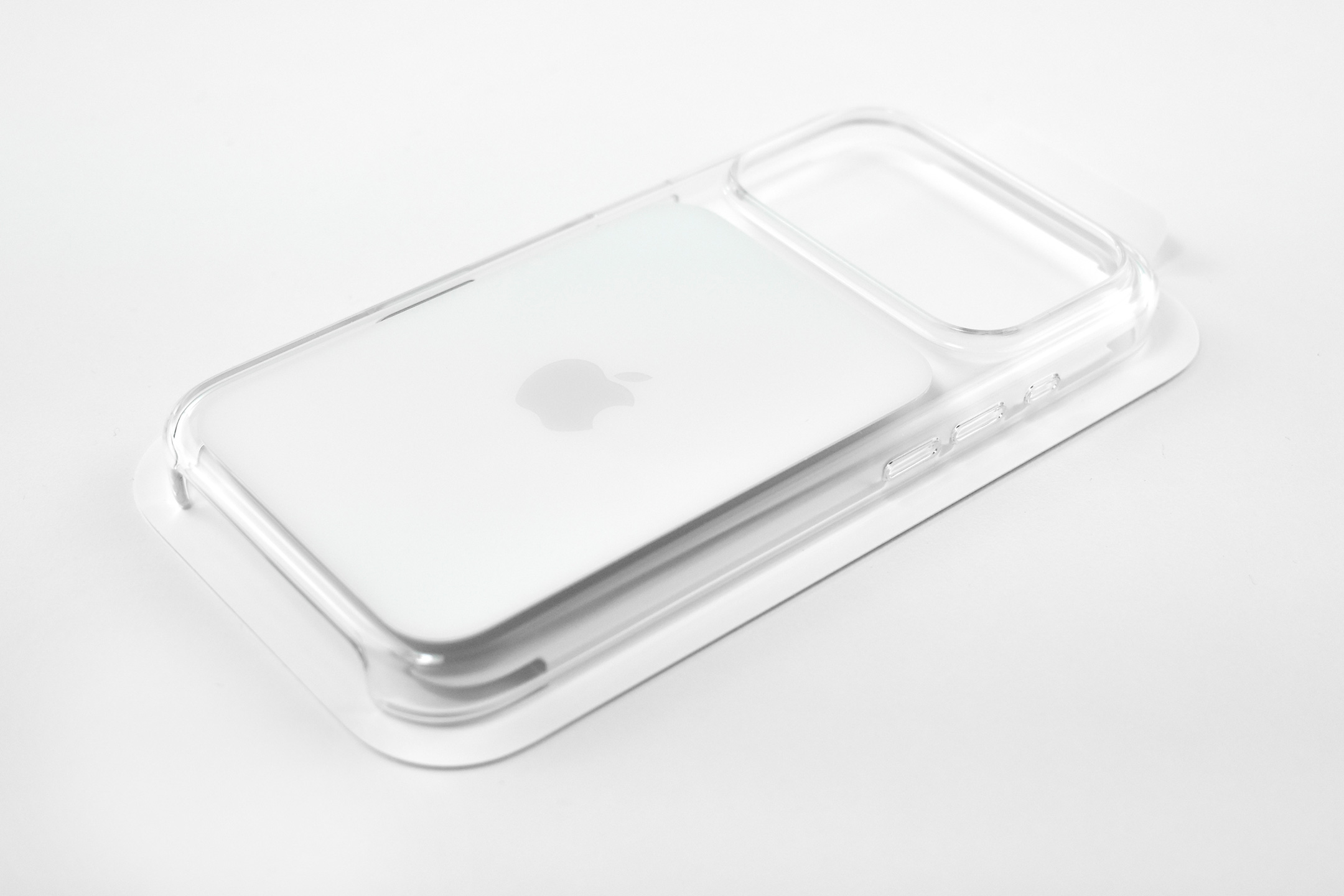
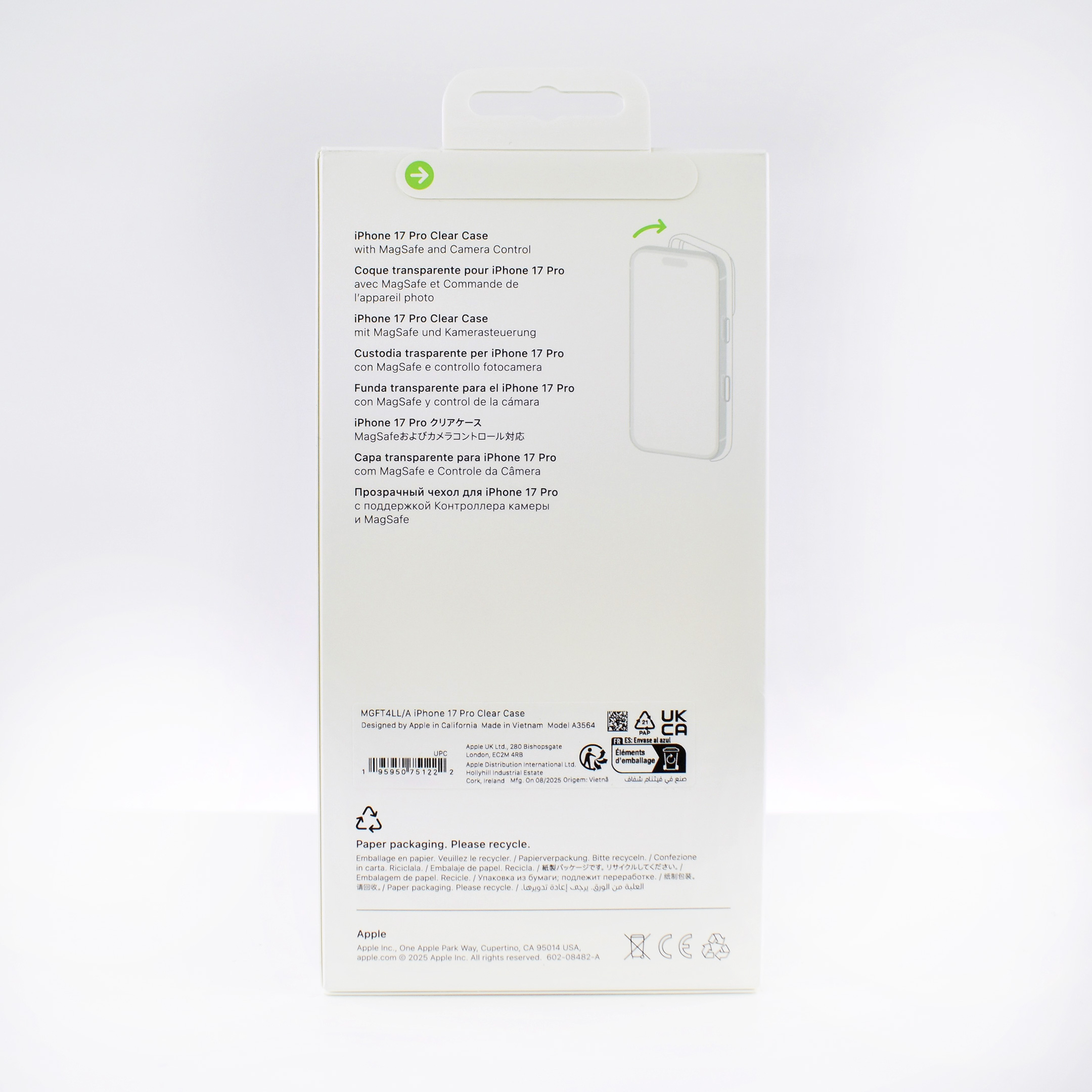
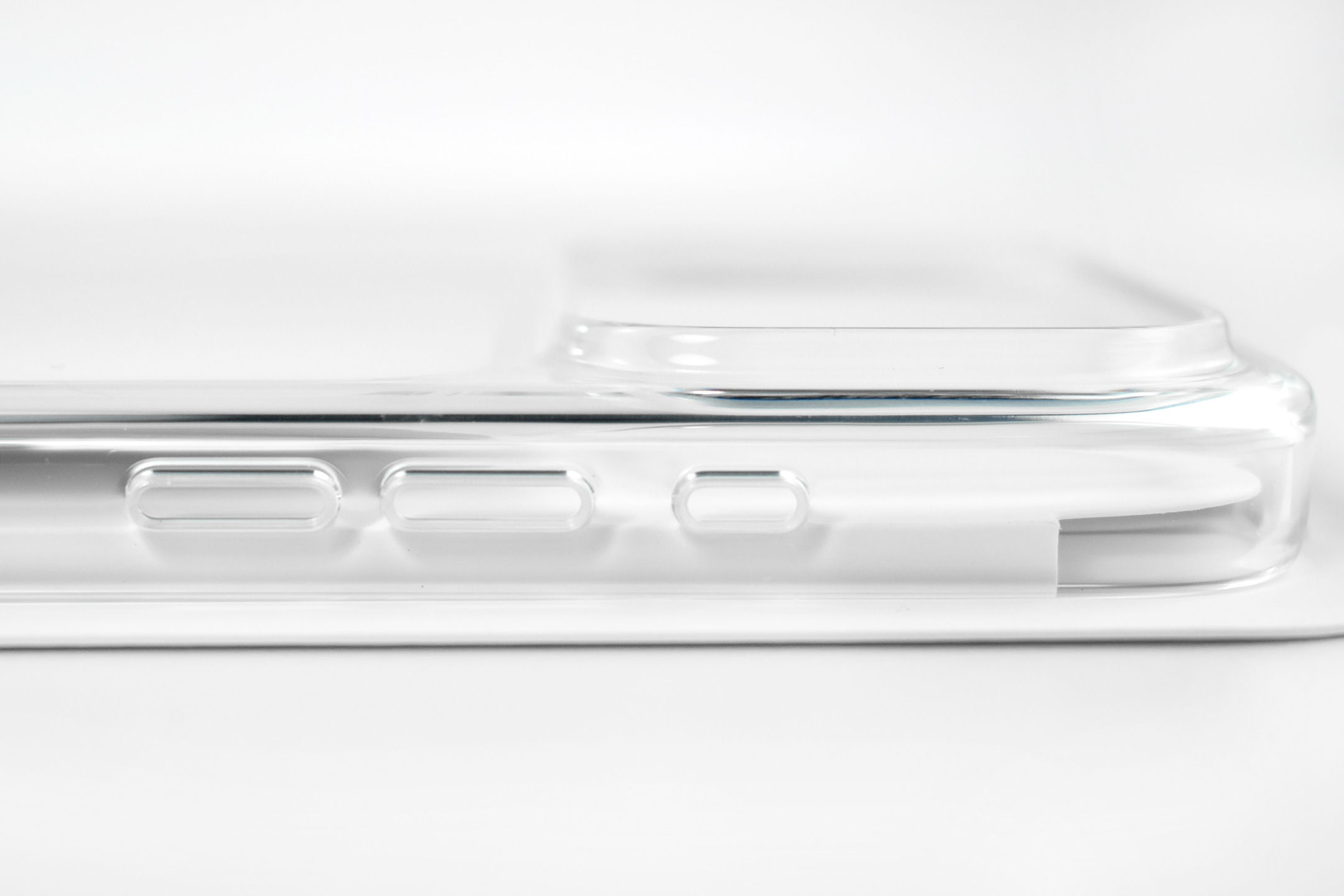
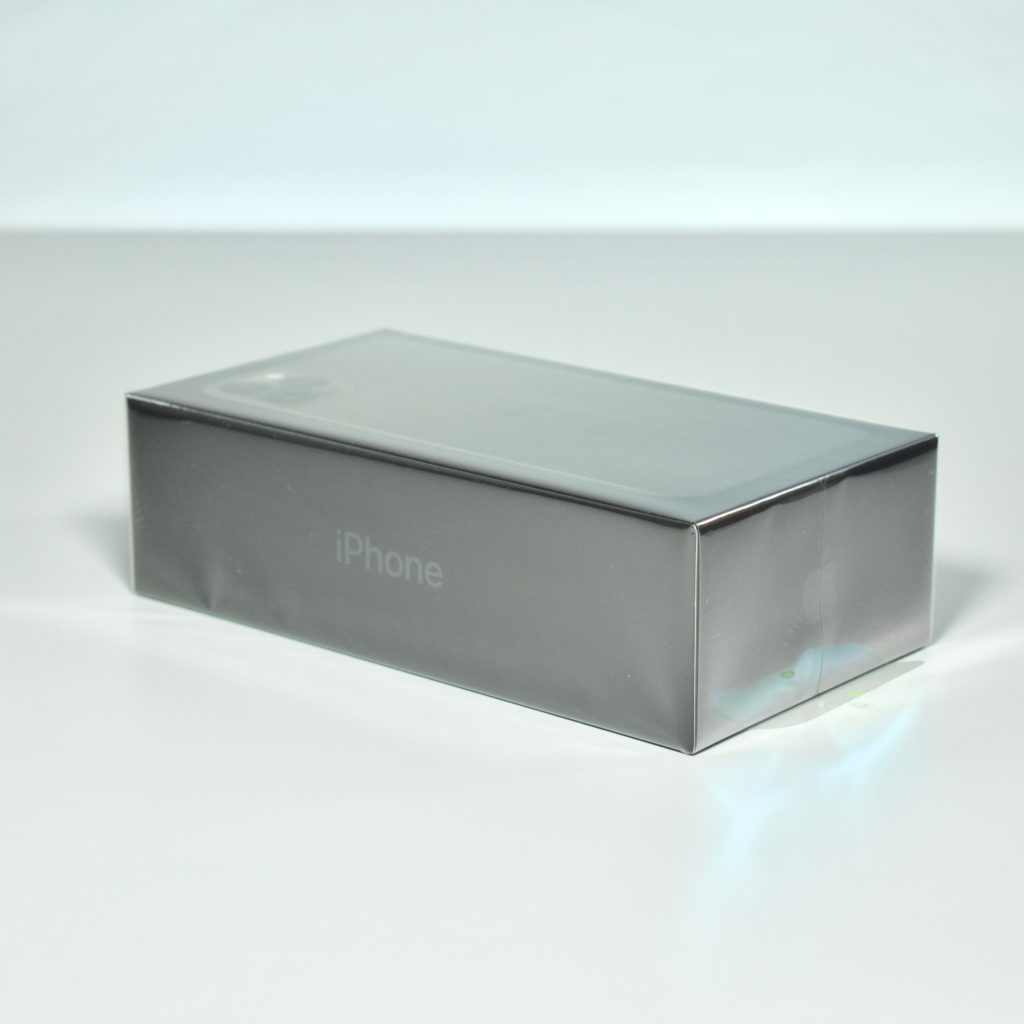
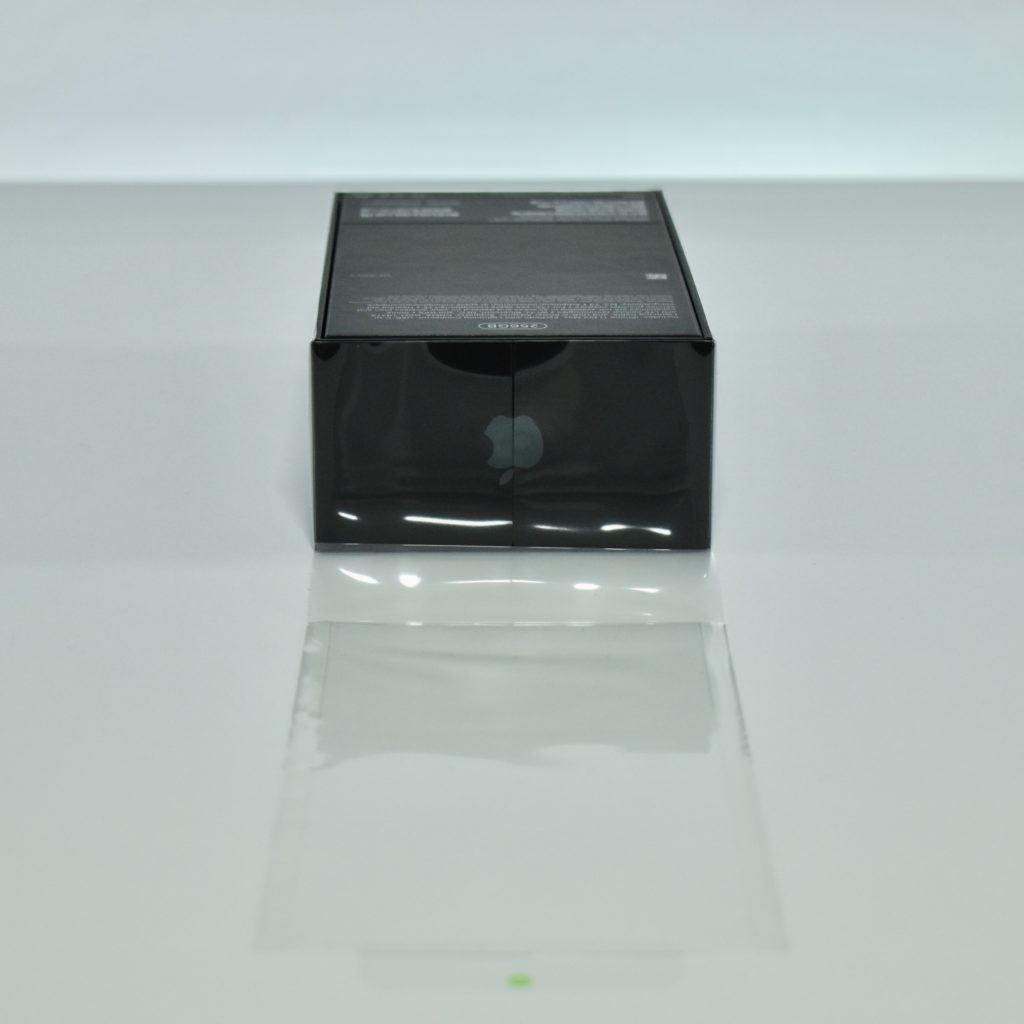
The verbosely named “iPhone 17 Pro Clear Case with MagSafe” is similar to previous Apple Clear Case designs except for the conspicuous bright white, rounded-rectangle that covers the ceramic shield on the back of the iPhone 17 Pro (the same design is used on the iPhone 17 Pro Max version). The white rectangle on the Clear Case includes a light gray Apple logo. Although the rounded-rectangle design feature is not mentioned in the description of the product (and is nearly impossible to notice on the all-white packaging), it is presumably present to hide the MagSafe magnets that were in the shape of the partial circle/bar outline pattern in previous Clear Case models with MagSafe.
Apple describes the iPhone 17 Pro Clear Case with MagSafe:
“Thin, light, and easy to grip — this Apple-designed case shows off the brilliant colored finish of iPhone 17 Pro while providing extra protection. Crafted with a blend of optically clear polycarbonate and flexible materials, the case fits right over the buttons for easy use.”
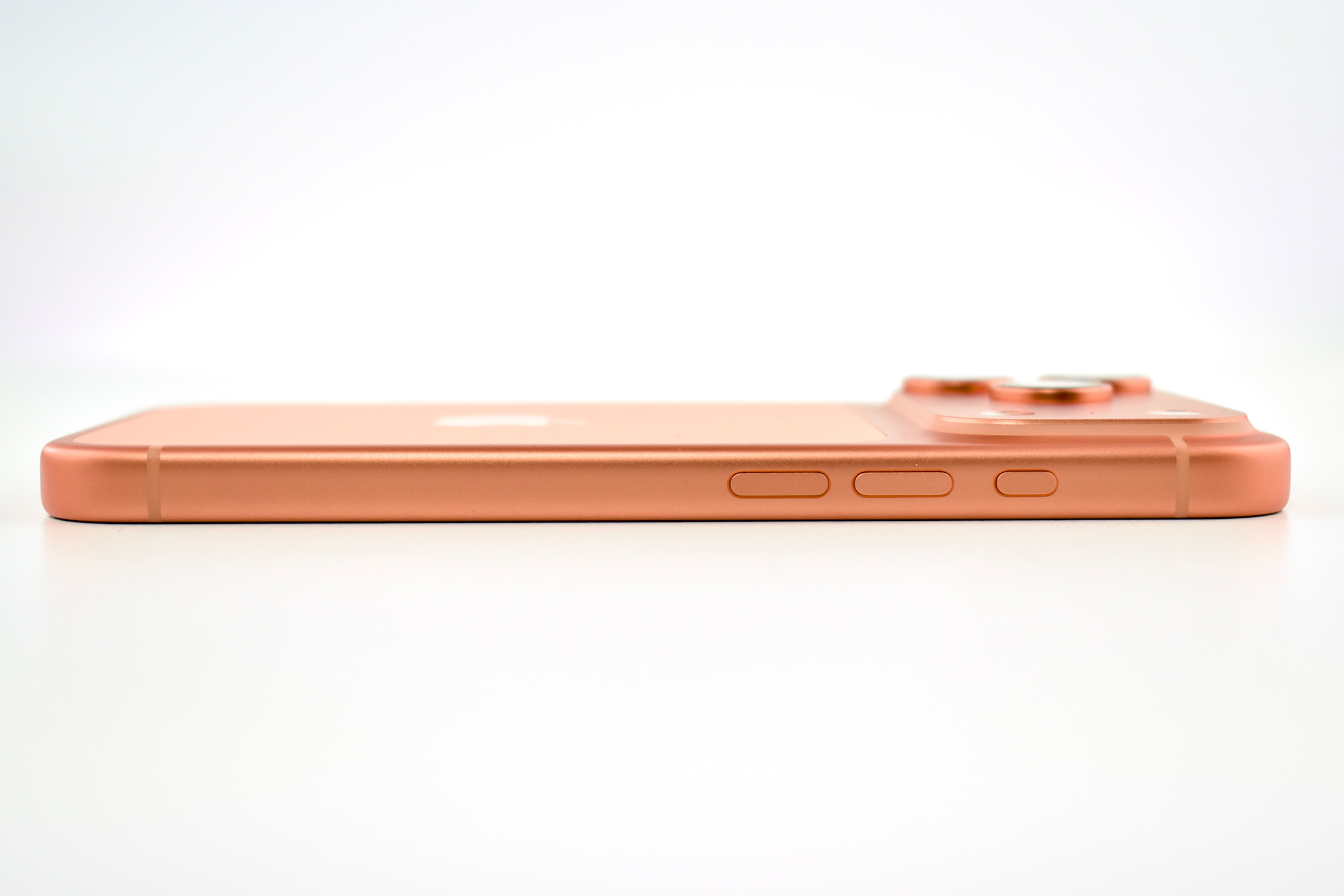
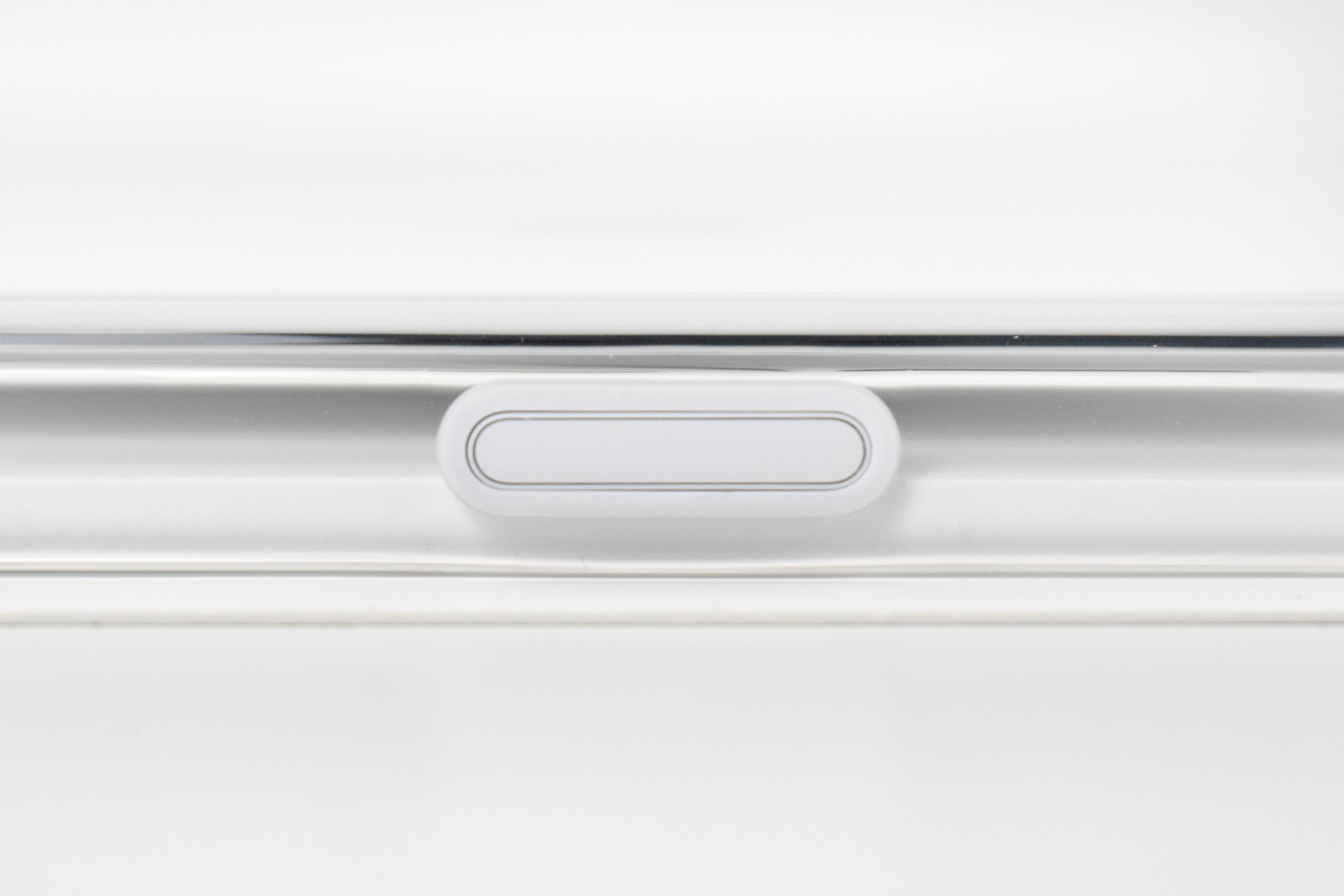
Like the previous Clear Case, this one includes a sapphire crystal Camera Control button that “communicates finger movements.” Also like the previous Clear Cases, it is made “with a blend of clear polycarbonate and flexible materials with scratch-resistant coating on the interior and exterior.”
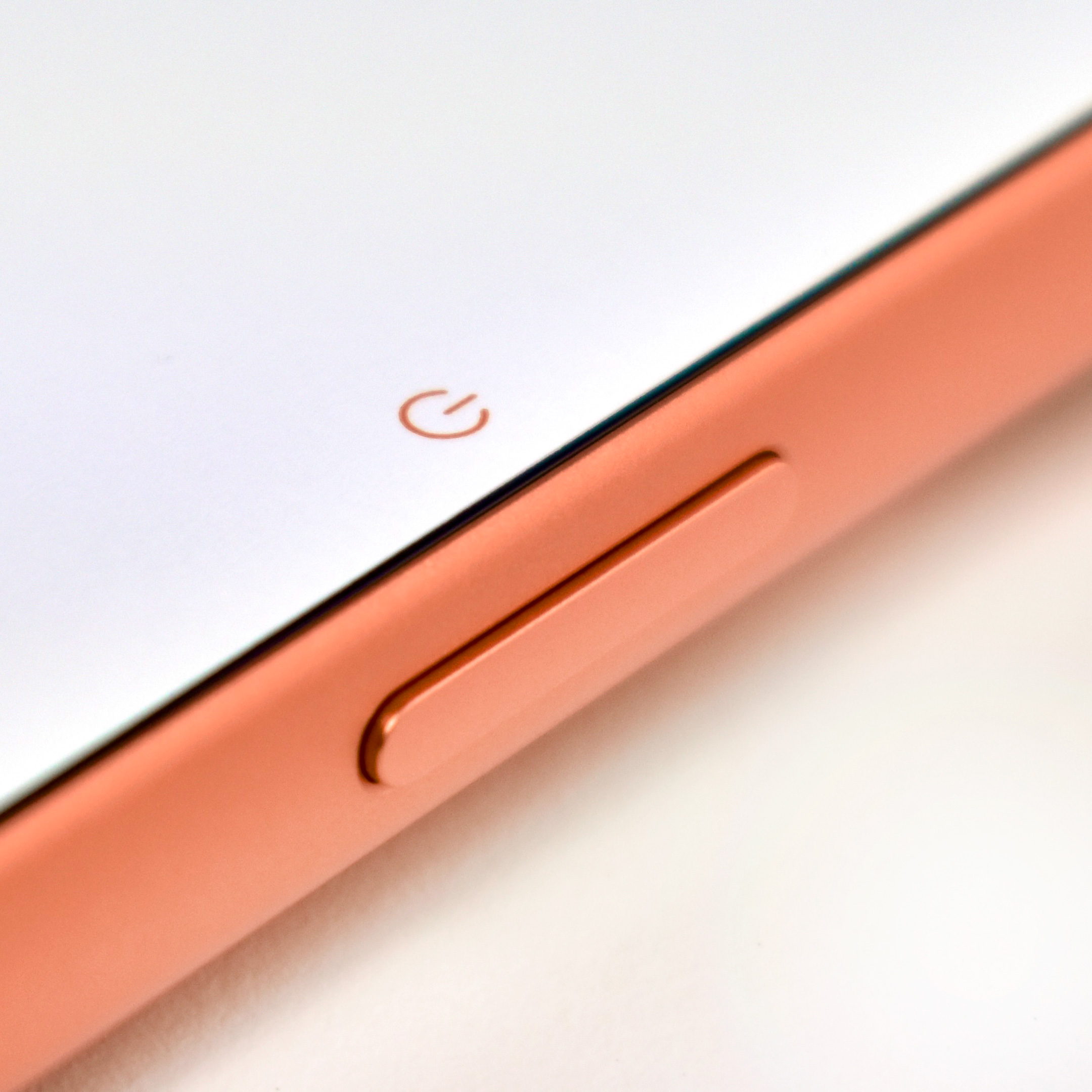
As an Apple Clear Case owner since the iPhone 11, this one has the best button design feel among all previous models. For the first time, the buttons do not require additional force to press, and you can feel a pronounced click. Further, the case exterior has an overall “silkier” feel than the previous versions.
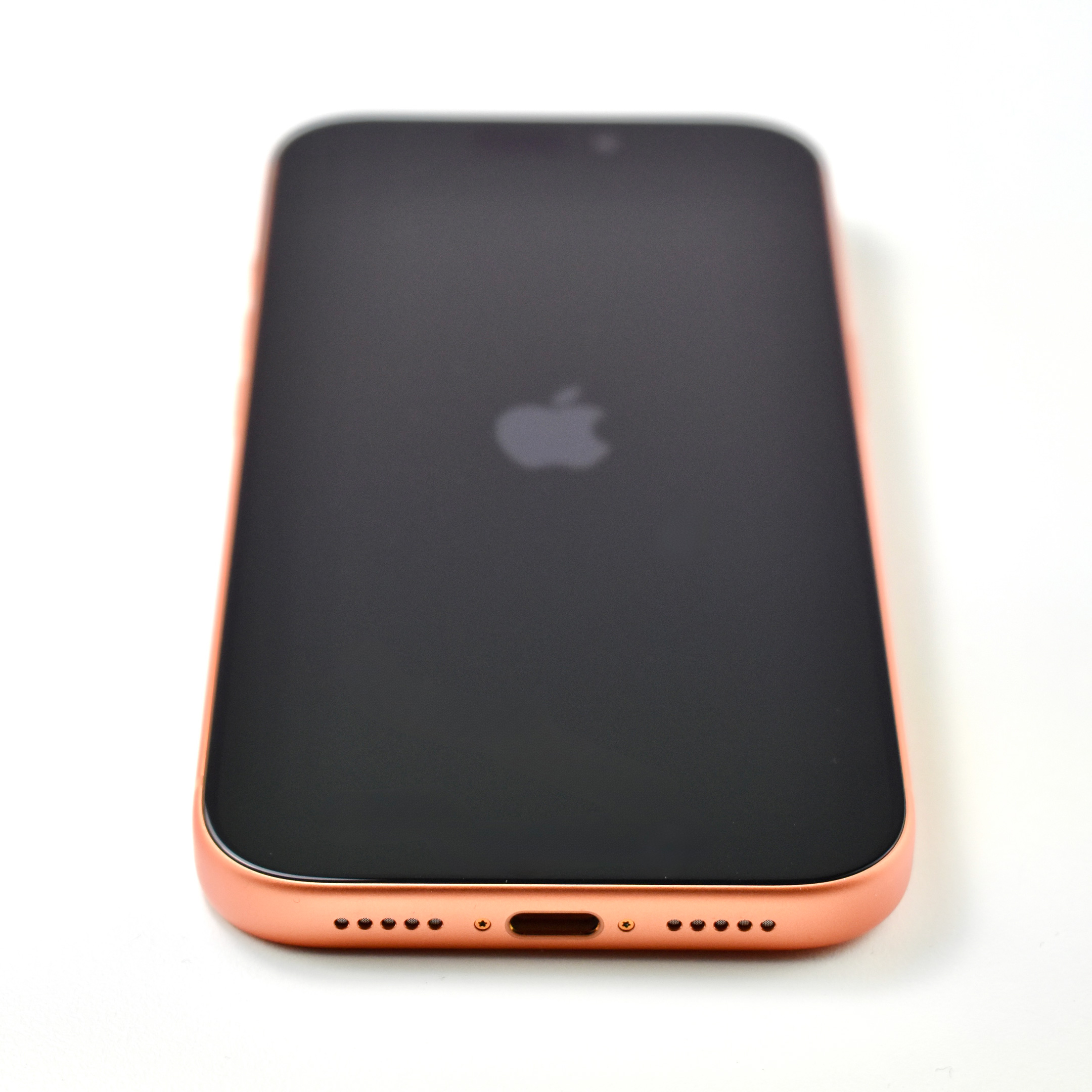
And one final note, I have paired this “Clear” case with a Cosmic Orange iPhone 17 Pro. Presumably, at least some buyers of the Cosmic Orange selected the color to enjoy looking at it. Purchasing a Clear Case, as opposed to a different color that would cover the orange, seems like an intentional choice to allow the Cosmic Orange to be seen. According to my calculations, the white rounded-rectangle covers just under 40% of the Cosmic Orange finish of the iPhone. This design seems somewhat counterproductive to the “Clear” concept.
Beats by Dr. Dre (“Beats”) was founded in 2006 by Dr. Dre and Jimmy lovine. Beats makes a collection of headphones, earphones, and speakers, and aims to “bring the energy, emotion and excitement of playback in the recording studio back to the listening experience for music lovers worldwide.” Beats was acquired by Apple in July 2014.
As a company owned by Apple, Beats have many of the same features found in Apple-branded audio products, but Beats seems to more prominently feature Android compatibility in product specifications (compared to Apple’s AirPods products). The Beats product overview notes:
“The Beats Studio Pro custom acoustic platform delivers an immersive listening experience. Each custom 40mm driver has been engineered for optimal clarity, with near-zero distortion even at high volume – an improvement of up to 80% compared to Beats Studio3, providing increased audio fidelity. An integrated digital processor optimizes the final frequency response for a powerful, yet balanced sound profile crafted to bring out the subtle details of whatever you’re listening to.”
The product packaging touts the following features:
Sound that surrounds you with Personalized Spatial Audio and dynamic head tracking
Active Noise Cancelling (ANC) for immersive listening
Transparency mode blends your listening experience with the world around you
Two additional EQ-optimized sound profiles while using USB-C audio
Voice targeting mics for clear call performance
UltraPlush engineered leather cushions for extended comfort and durability
The “Enhanced Apple Compatibility” features of Beats Studio Pro Wireless Headphones include one-touch pairing with every device in your iCloud account, “Hey Siri” compatibility, Find My suport, and Over-the-air updates.
“Enhanced Android Compatibility” features include Google Fast Pair to all Android or Chrome devices registered to a Gmail account, Audio Switch between Android and Chromebook devices, Google Find My Device support, and a Beats app for Android to “unlock access to product customization, software updates, and new features to get the most out of your headphones.”
The headphones measure 7.125 inches high, by 7 inches long, by 3.1 inches wide, and weigh 9.17 ounces. They include a custom-fitted carrying case, USB-C-to-USB-C cable (charging and audio), and a 3.5 mm analog audio cable. Bluetooth (version 5.3) delivers up to 40 hours of listening time and offers a “Fast Fuel” charge that delivers up to 4 hours of playback from a 10-minute charge.
Apple announced the Generation 2 version of AirPods Pro on September 7, 2022. Apple described these AirPods as the “most advanced AirPods ever” and reported the product highlights in a press release:
“With the power of the new H2 chip, AirPods Pro unlock breakthrough audio performance — including major upgrades to Active Noise Cancellation and Transparency mode — while also offering a unique way to experience Spatial Audio that’s even more immersive. Now, customers can enjoy Touch control for media playback and volume adjustments directly from the stem, along with longer battery life, a brand-new charging case, and an additional ear tip size for a better fit.”
The H2 chip in the AirPods Pro Generation 2 provided better noise cancellation as the original AirPods Pro and cancelled “up to twice as much noise over the previous generation.” Apple also improved the bass and engineered a “crystal-clear sound across a wider range of frequencies.” To improve the fit of this version of AirPods Pro, Apple included a new extra-small ear tip as a custom size option.
Apple also included a variety of Adaptive Audio features in the AirPods Pro Generation 2. The adaptive features worked by “automatically prioritizing sounds that need your attention as you move through the world. By seamlessly blending pro‑level Active Noise Cancellation with Transparency mode when you need it, Adaptive Audio magically delivers the right mix of sound for any environment.” Other features included:
Voice Isolation—Improved the quality of phone calls in loud or windy conditions using advanced computational audio.
Personalized Volume—Used machine learning to understand listening preferences in different environments, and automatically adapted sound over time.
Conversation Awareness—Automatically lowered the volume of what’s playing when speaking with someone nearby.
Three personalized listening technologies included Personalized Spatial Audio, Dynamic head tracking, and Adaptive EQ. The MagSafe Charging Case that shipped with the AirPods Pro Generation 2 allowed charging with USB‑C, an Apple Watch charger, or a MagSafe charger. The case also included Apple’s U1 chip to allow Find My with Precision Finding. Finally, the new case included a structure for a lanyard loop.
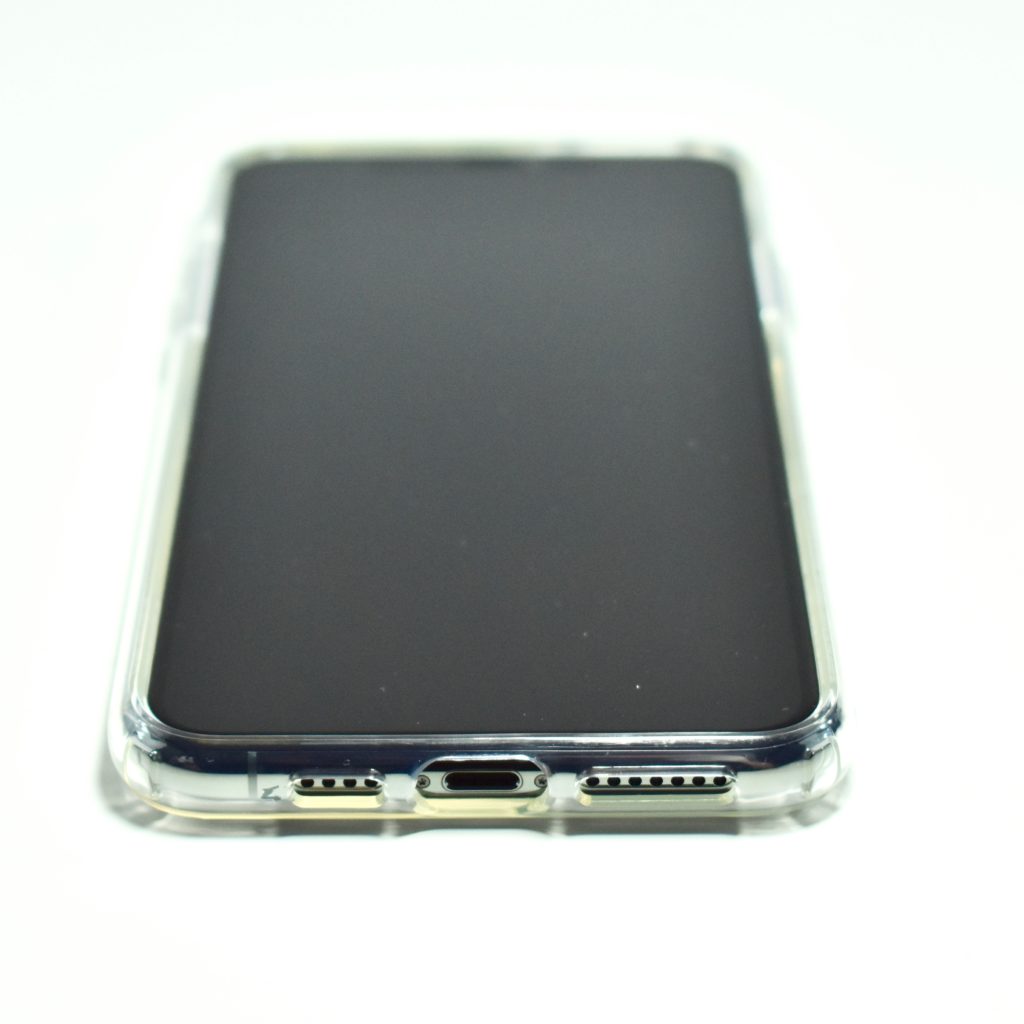
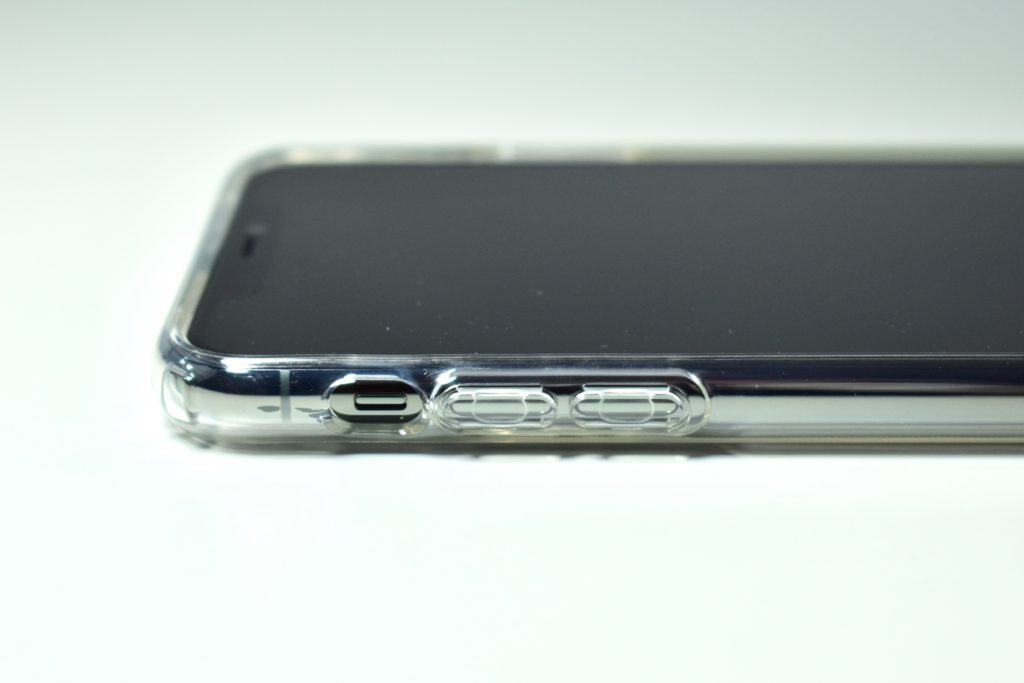
The iPhone 16 Pro Clear Case was released along with the iPhone 16 lineup in September 2024. Apple described the case as “Thin, light, and easy to grip — this Apple-designed case shows off the brilliant colored finish of iPhone 16 Pro while providing extra protection.”
Like the previous versions of Apple’s clear cases, this case uses multiple materials that are molded together to provide protection, grip, and access to buttons, using “a blend of optically clear polycarbonate and flexible materials.”
In addition, this case adds a new button that works “seamlessly with Camera Control. It features a sapphire crystal, coupled to a conductive layer to communicate finger movements to the Camera Control.” Camera Control was a new feature introduced with the iPhone 16 lineup that added one-button access to the camera and its controls using a touch-sensitive side-button. On the Clear Case, the Camera Control button is white (not clear) and made of a conductive material to allow full functionality of the iPhone button.
Like its predecessors, this case has “built-in magnets that align perfectly with iPhone…[offering] a magical attach experience and faster wireless charging, every time. When it’s time to charge, just leave the case on your iPhone and snap on your MagSafe charger.”
Apple also mentions that “all materials and coatings are optimized to prevent yellowing over time,” a claim that, in my experience, has stood the test of time. I first purchased Apple’s Clear Case with my iPhone 11 in September 2019 and it, along with the iPhone 12–15 cases, shows very little evidence of yellowing.
Apple announced the iPhone 16 lineup on September 9, 2024, and the phones were released on Friday, September 20, 2024. In a press release, Apple described the iPhone 16 Pro models:
“Powered by the A18 Pro chip and built for Apple Intelligence, the Pro lineup introduces larger display sizes, Camera Control, innovative pro camera features, and a huge leap in battery life.”
The iPhone 16 Pro, iPhone 16 Pro Max, and also the iPhone 16 and iPhone 16 Max were marketed specifically as “featuring Apple Intelligence.” However, no Apple Intelligence features were available at launch, and no release was was shared. Apple Intelligence, Apple’s name for Artificial Intelligence, was described as different than other versions of AI because it “harnesses the power of Apple silicon and Apple-built generative models to understand and create language and images, take action across apps, and draw from personal context to simplify and accelerate everyday tasks.” Further, Apple Intelligence “maintains the privacy and security of user data with Private Cloud Compute.”
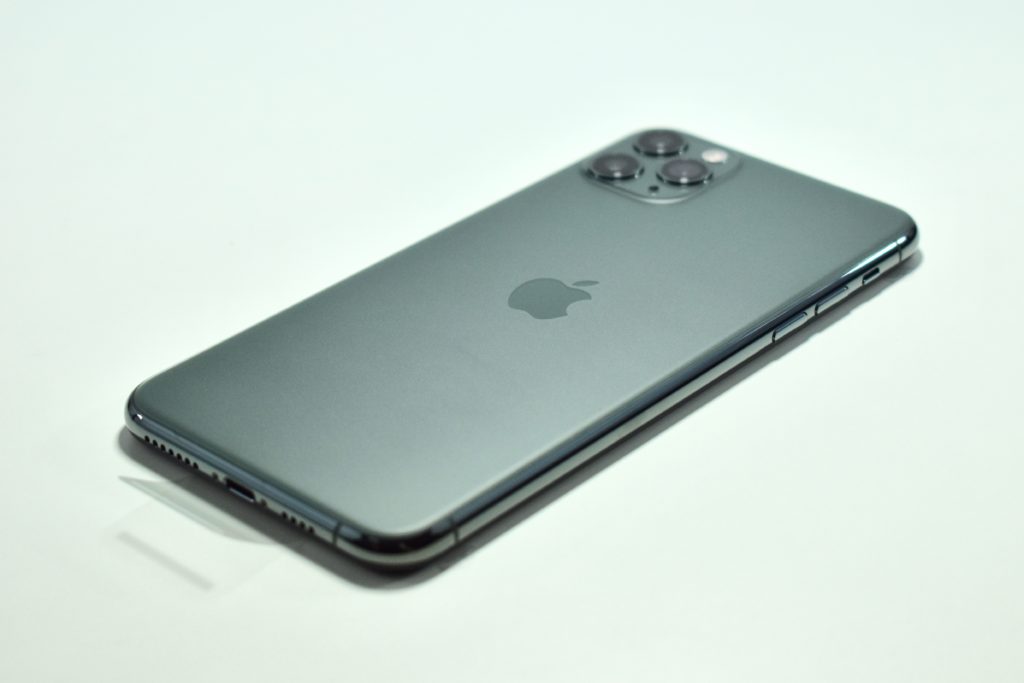
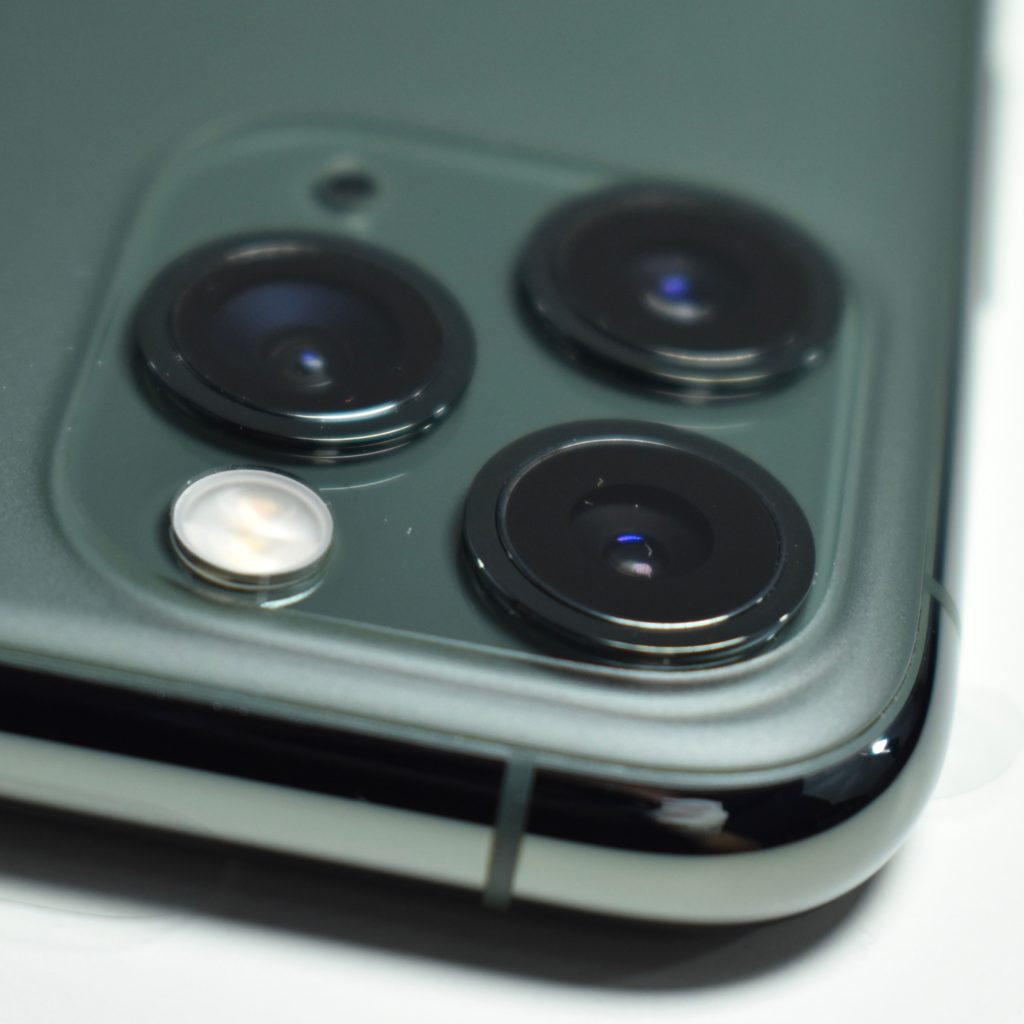
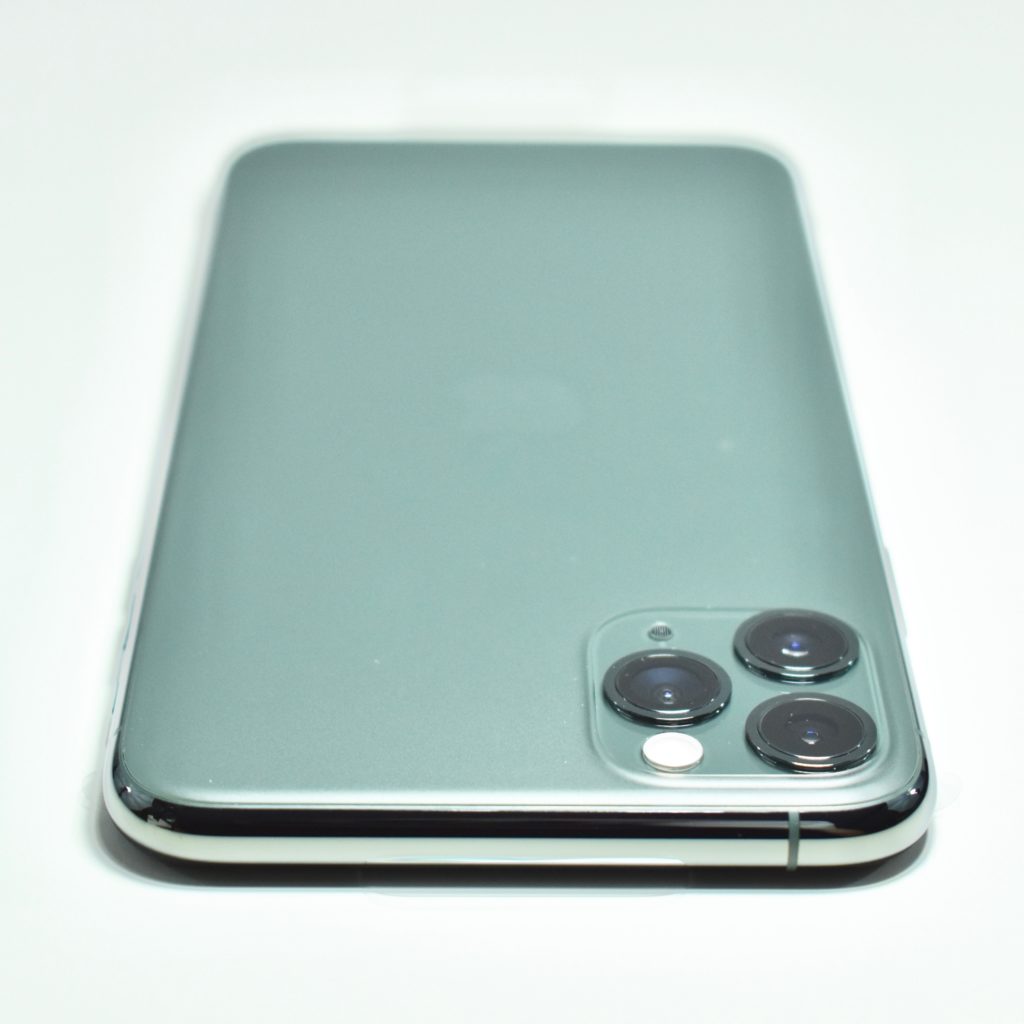
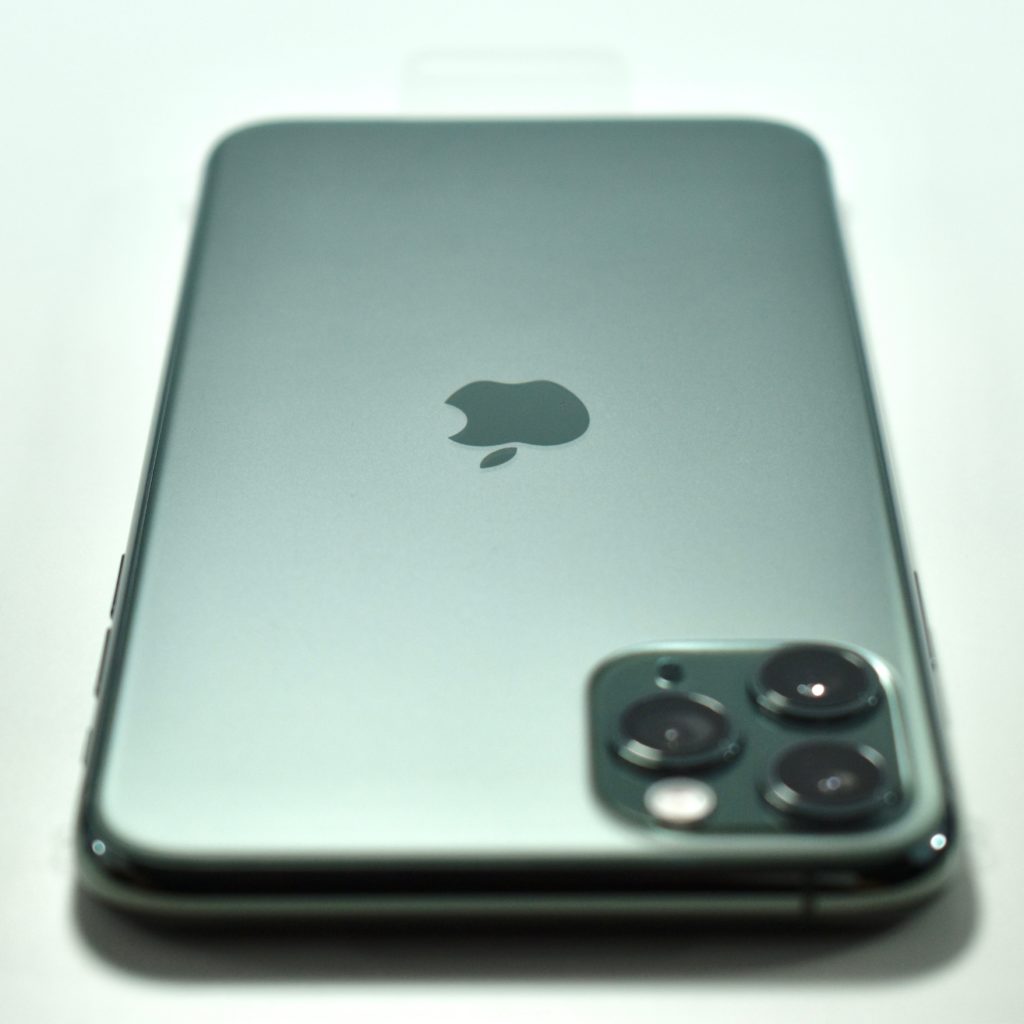
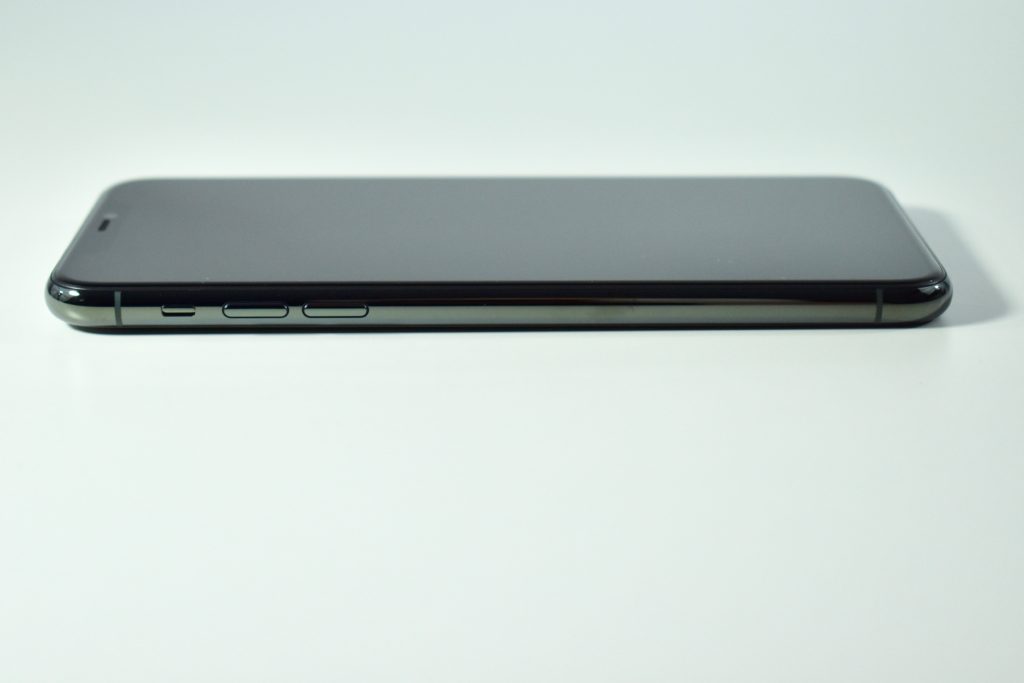
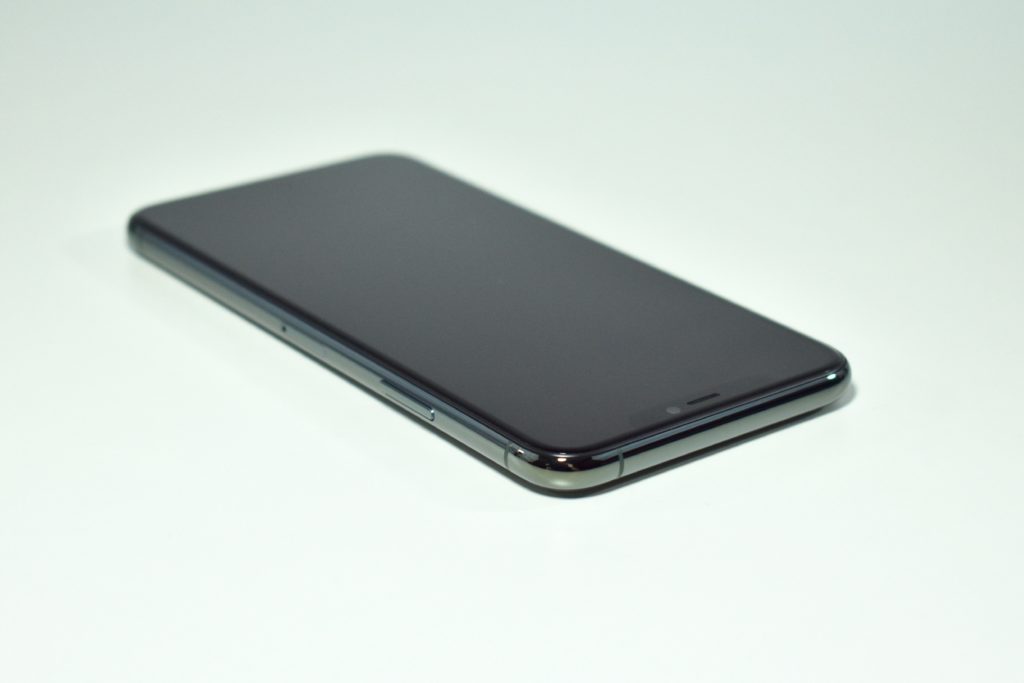
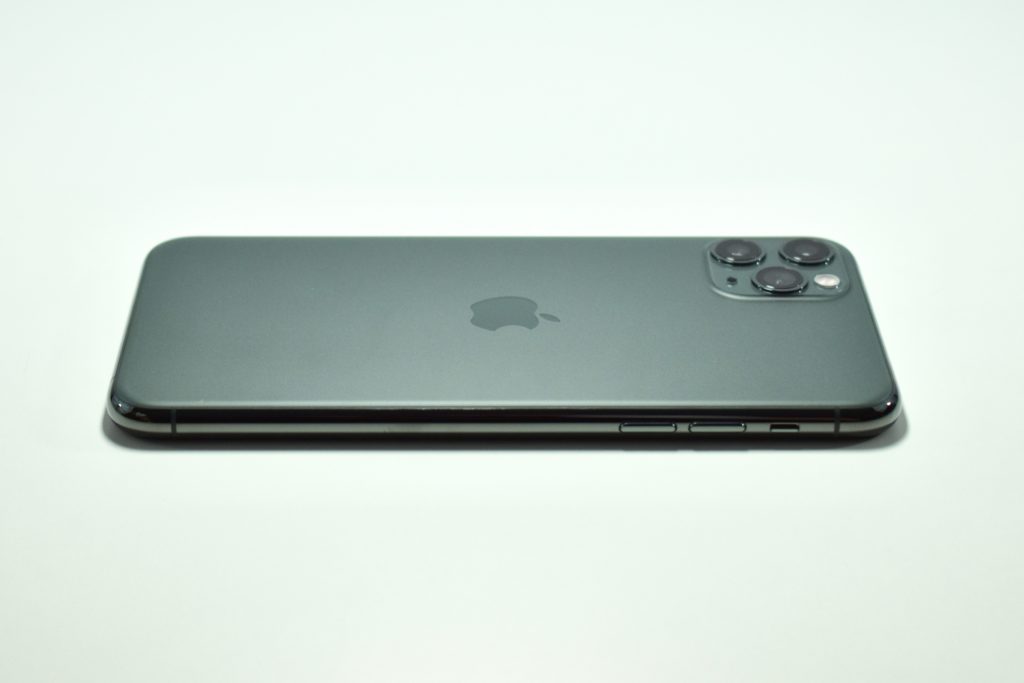
The iPhone 16 Pro (and Pro Max) models were made from titanium with four available finishes: black titanium, natural titanium, white titanium, and desert titanium. The Pro iPhone options offered no colors, just “finishes.” This example is black titanium.
The iPhone 16 Pro featured a 48MP Fusion camera that could record 4K video at 120 fps. The camera was further enhanced with “a new 48MP Ultra Wide camera for higher-resolution photography, including macro; a 5x Telephoto camera on both Pro models; and studio-quality mics to record more true-to-life audio.”
Apple also touted the bezel of the iPhone 16 Pro by saying it had, “the thinnest borders of any Apple product” with sizes including a 6.3 inch display on iPhone 16 Pro and a 6.9 inch display on iPhone 16 Pro Max (“the largest iPhone display ever”). The display on the iPhone 16 Pro was described as the Super Retina XDR display and had 2622 x 1206 pixel resolution at 460 ppi. It used Apple’s “latest-generation Ceramic Shield material that’s two times tougher than any smartphone glass.”
The iPhone 16 line introduced a new Camera Control button on the lower-right side. When turned sideways, the button was positioned in the traditional location of a camera capture button. Pressing the Camera Control button gave immediate access to the camera, and sliding your finger across the surface of the button allowed access to “functions like exposure or depth of field, and toggle through each lens or use digital zoom to frame your shot.” At release, the “two-stage shutter that lets you automatically lock focus and exposure with a light press” was not yet available, but was announced as coming “later this year.”
In addition to advanced camera and video capture, a new Audio Mix technology was also included with three settings that allowed for adjusting the way voices were recorded. According to Apple’s description:
In-frame—Only captures the voices of the people on camera, even if people off-camera are talking during the recording.
Studio—Makes voices sound like you’re recording in a professional studio equipped with sound-dampening walls.
Cinematic—Captures all of the voices around you and consolidates them toward the front of the screen — just like sound is formatted for the movies.
The iPhone 16 Pro measured 5.89 inches high, 2.81 inches wide, and 0.32 inch thick. It weighed 7.03 ounces. All iPhone 16 models used a form of the A18 chip—a major bump from the A16 chip used in the iPhone 15, and an increase from the A17 Pro chip used in the iPhone 15 Pro. Notably, Apple never released an A17 chip (only anA17 Pro)—they apparently skipped it in favor of using A18 generation chips in the iPhone 16 models to power their yet-to-be-delivered-at-launch Apple Intelligence features.