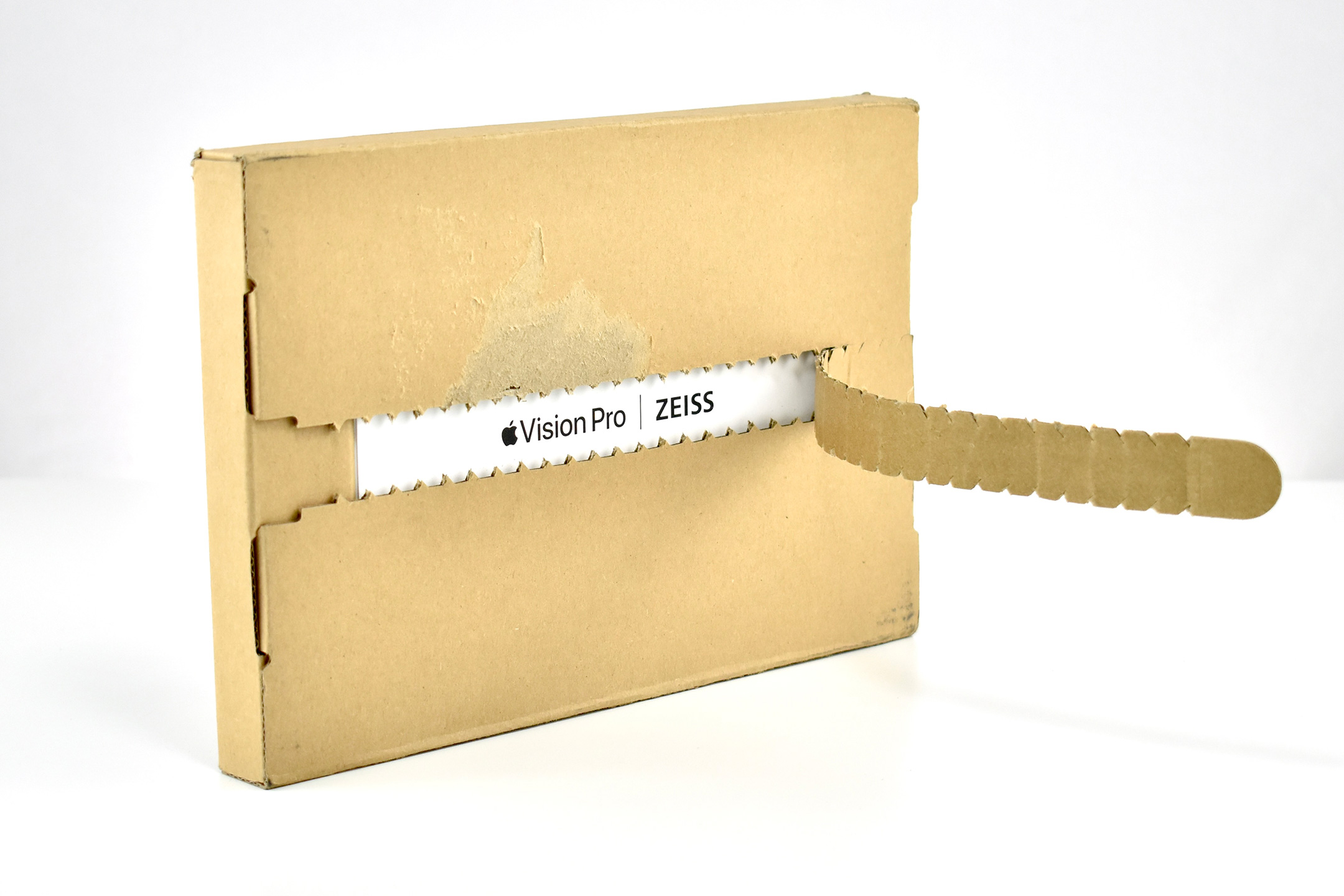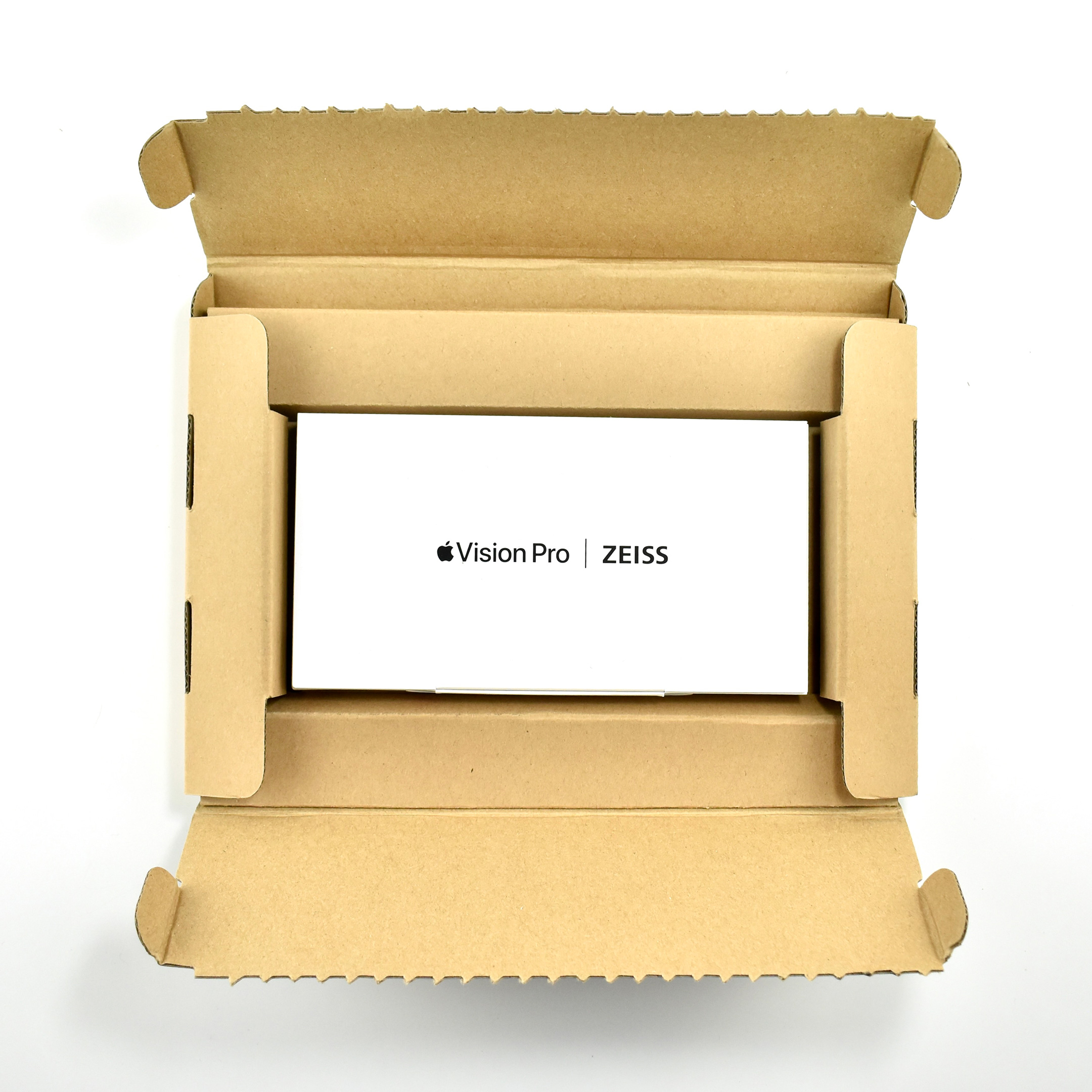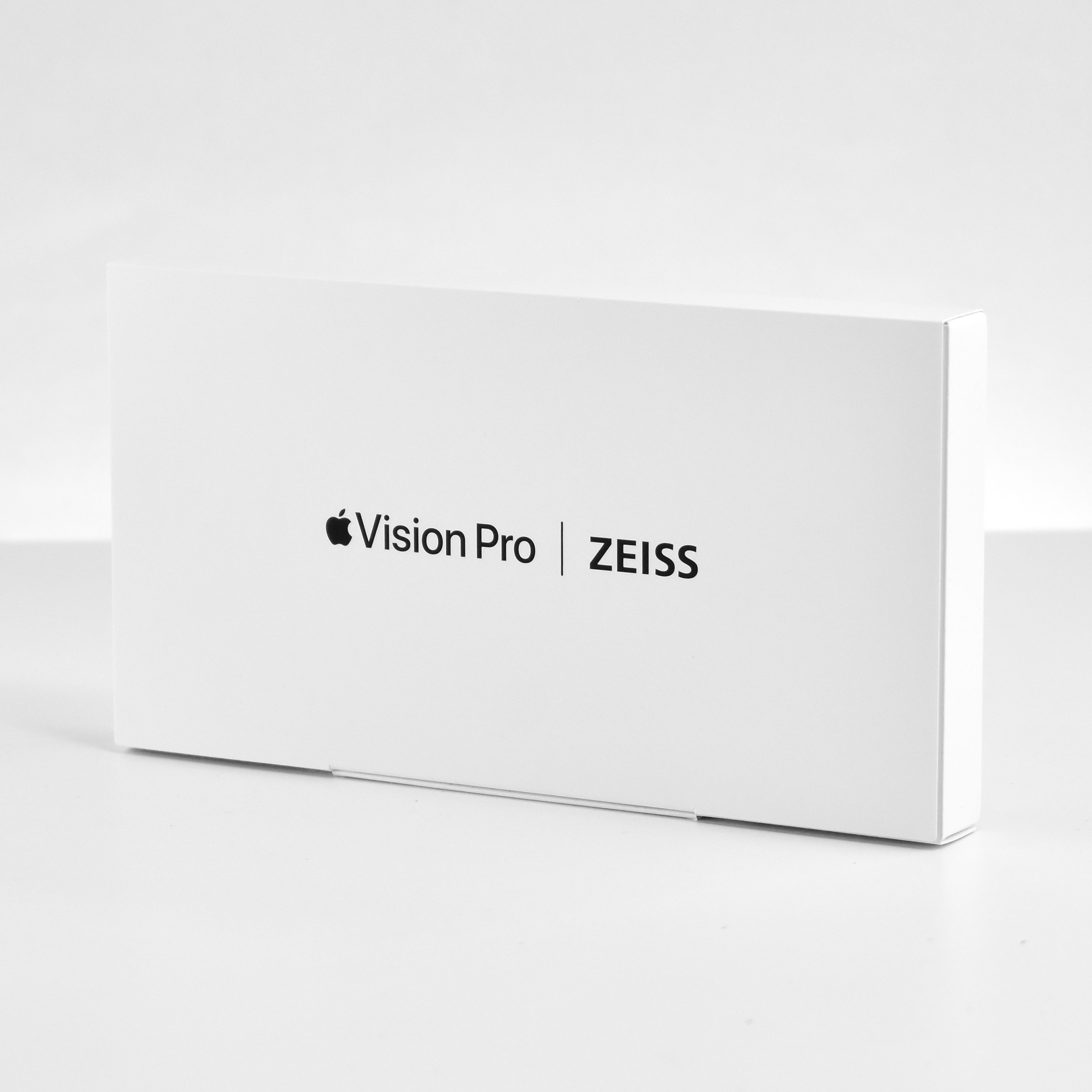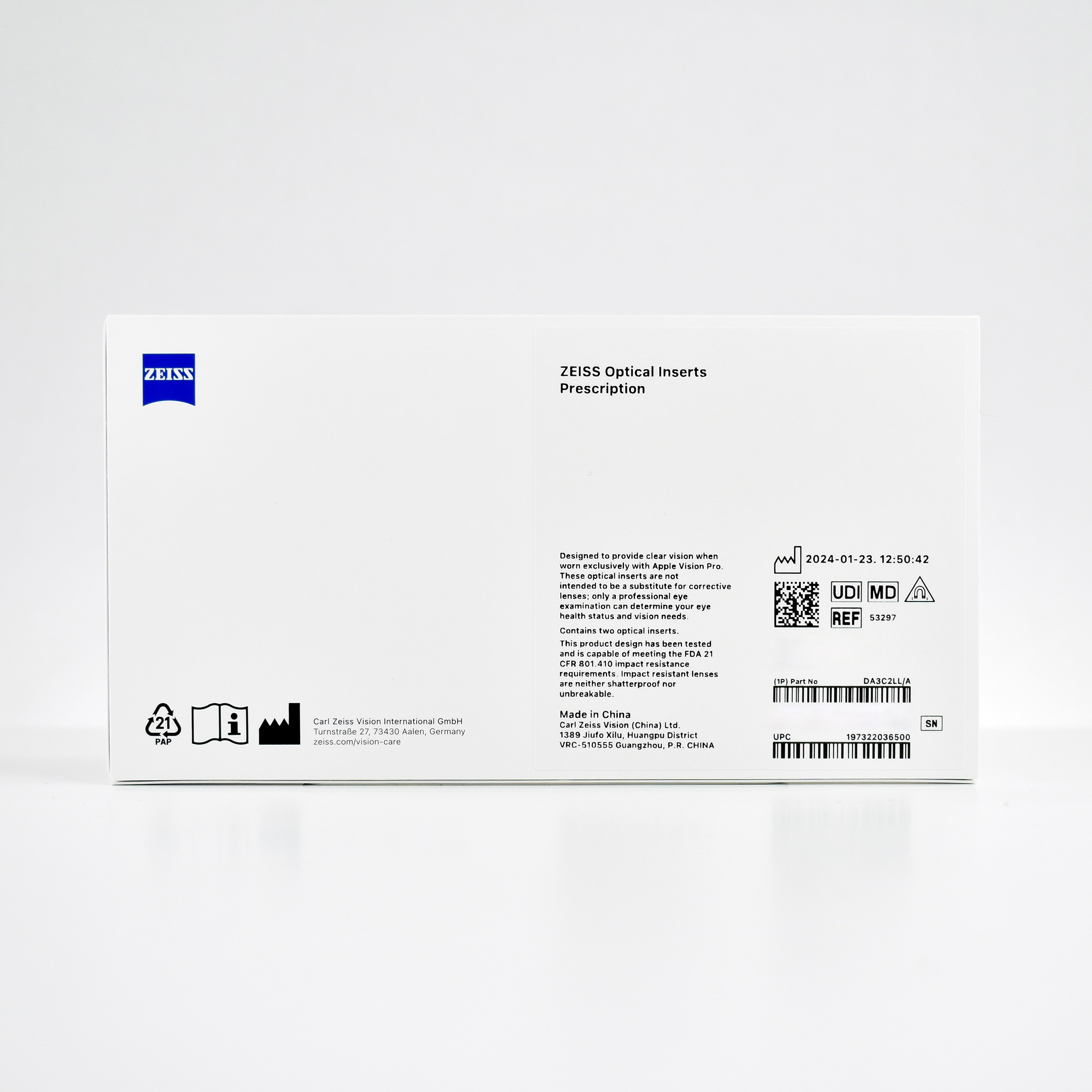
ZEISS Optical Inserts – Prescription (2024)

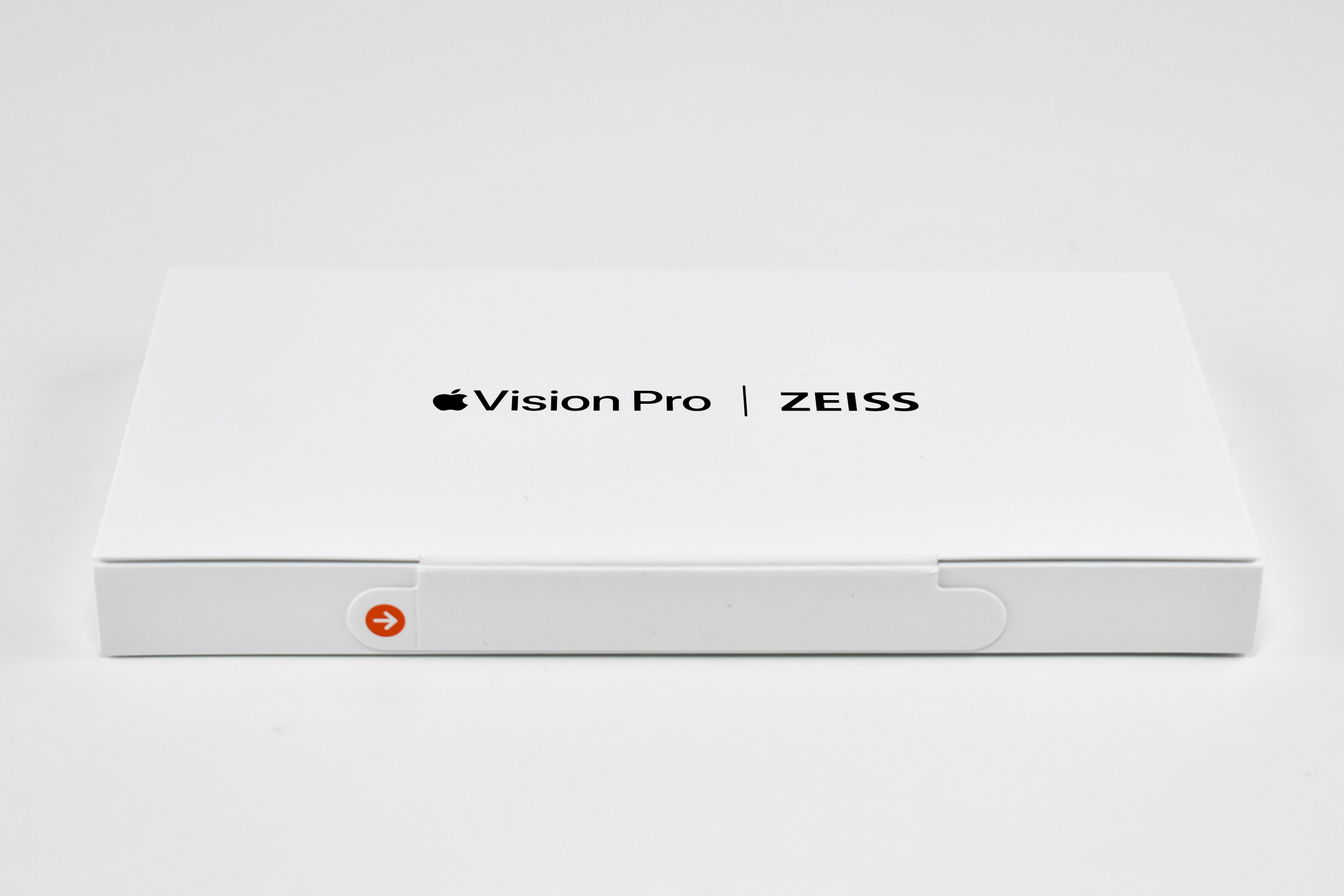
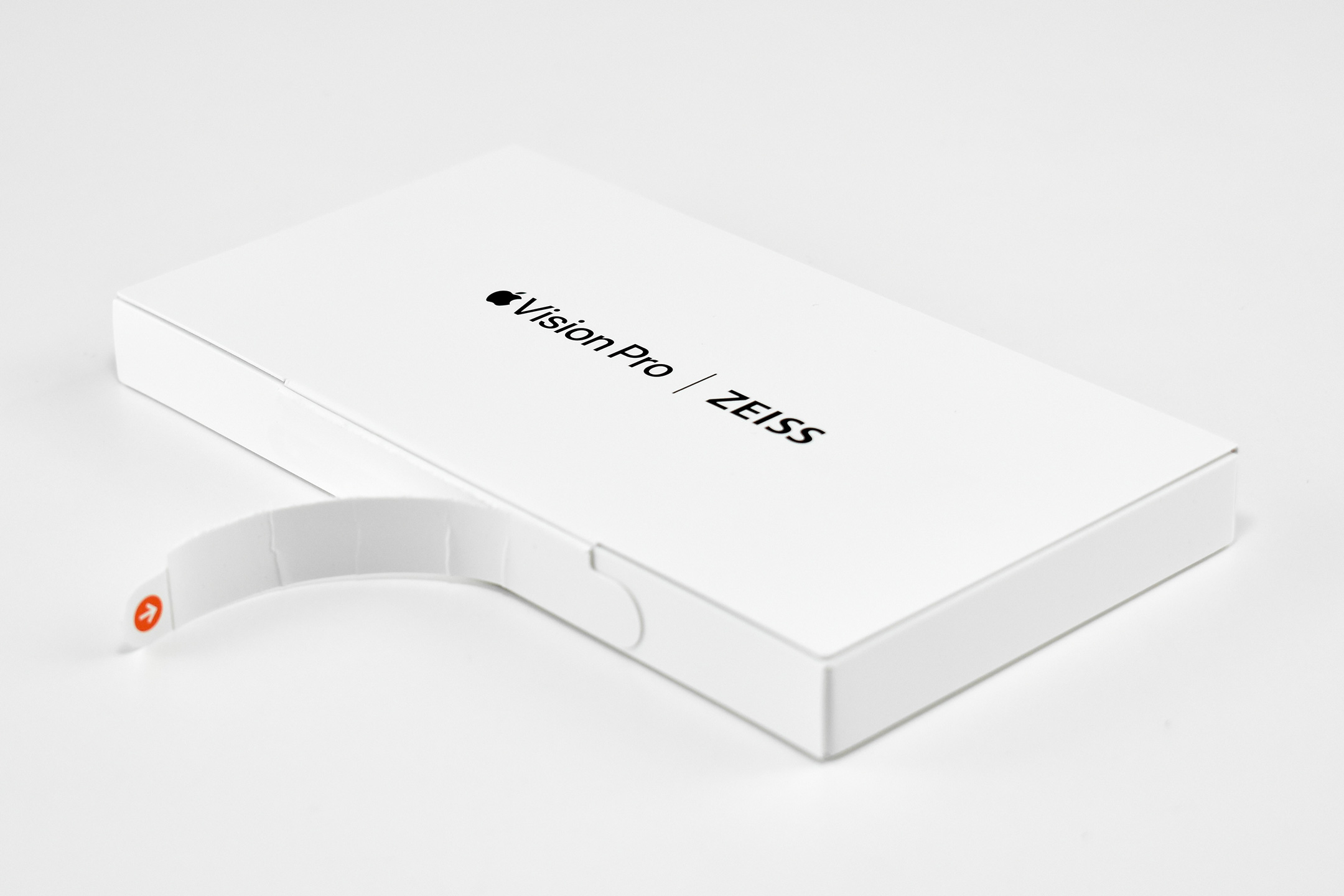
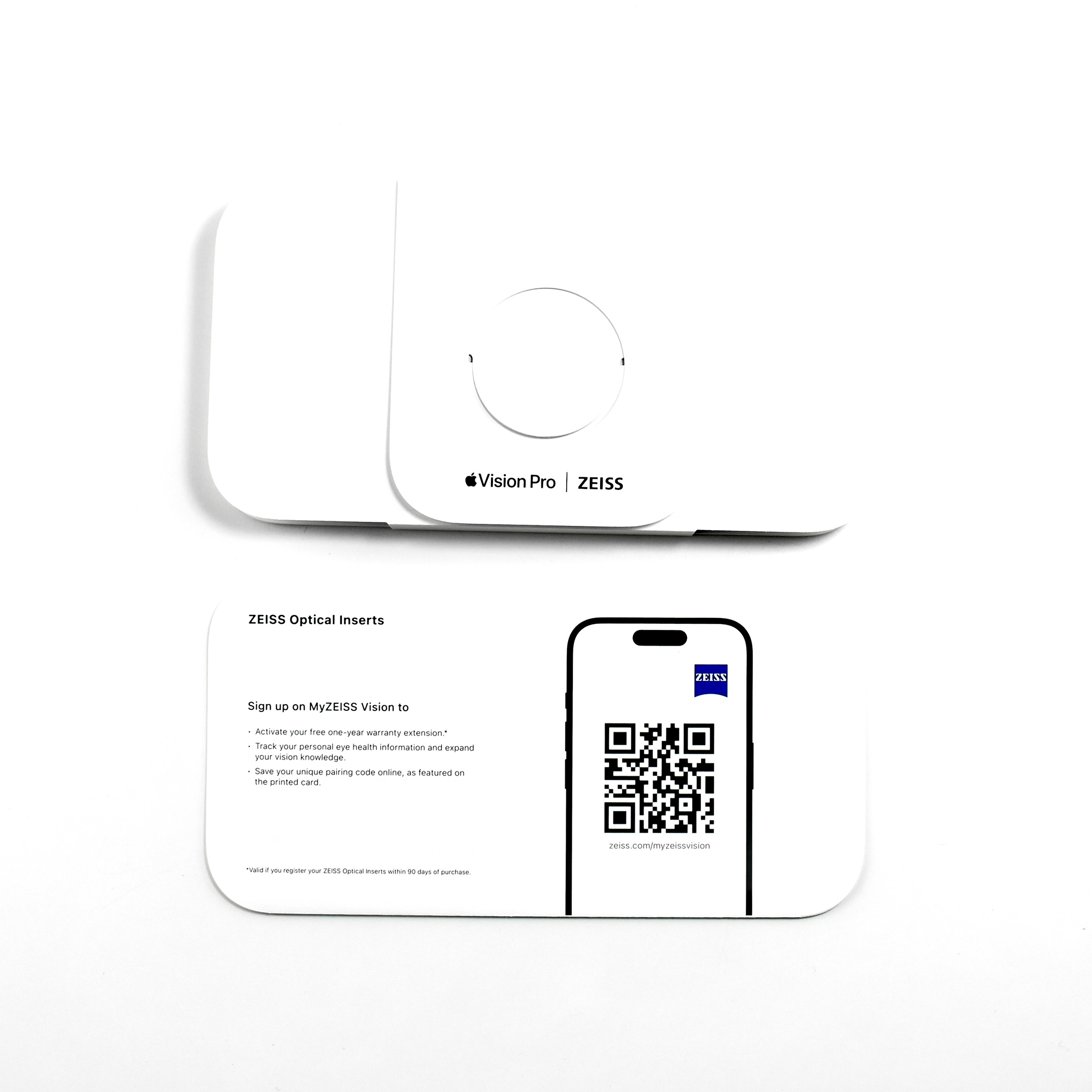
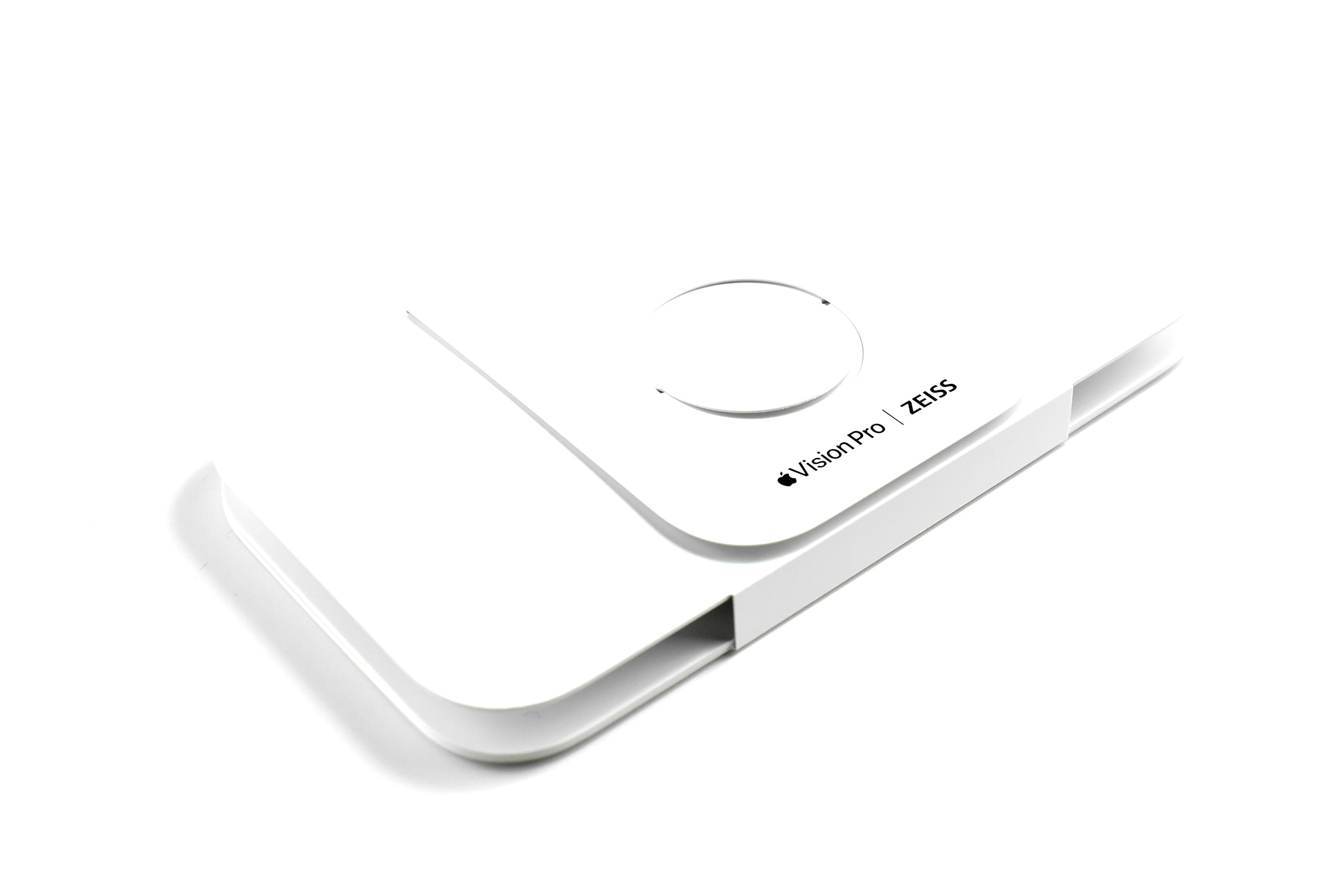
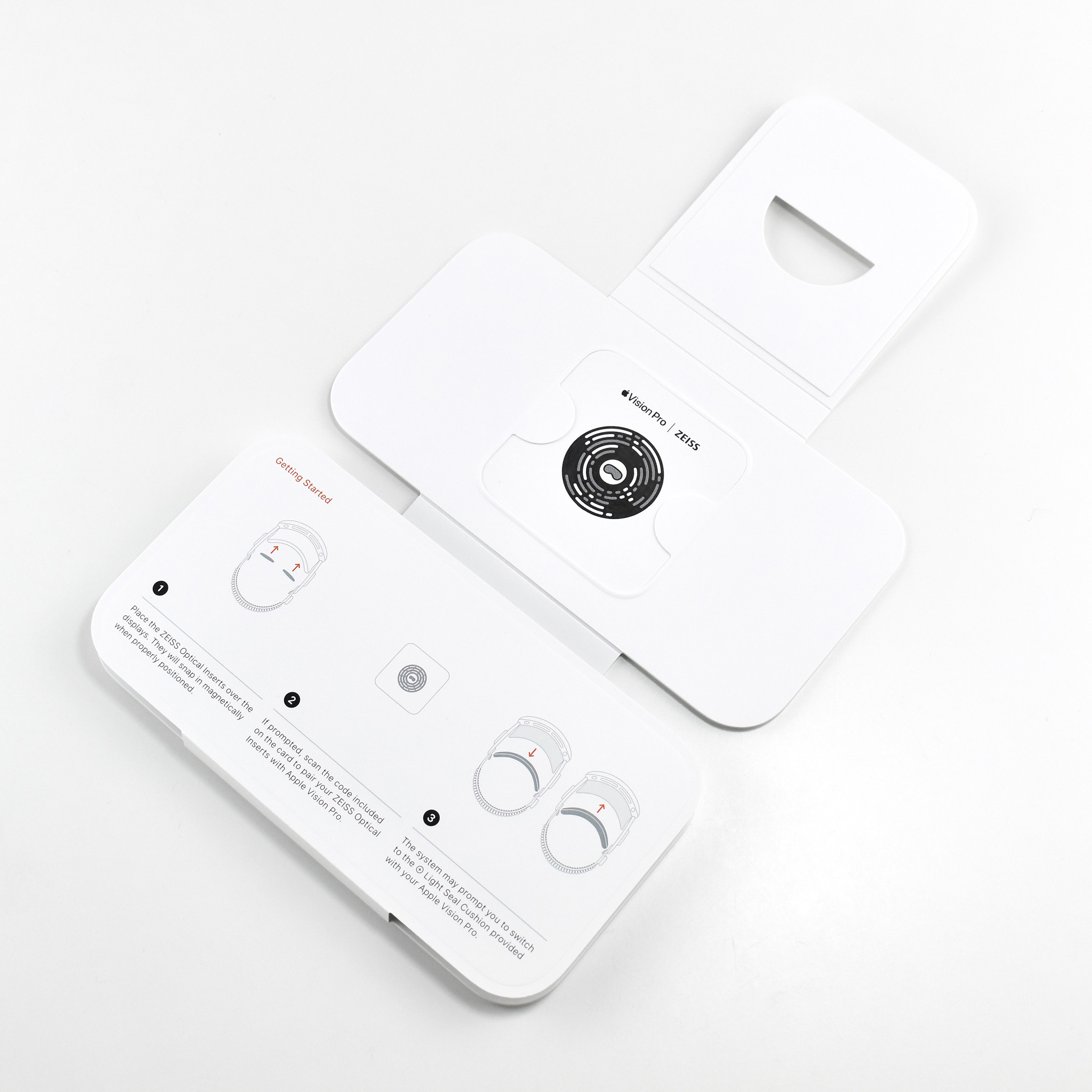
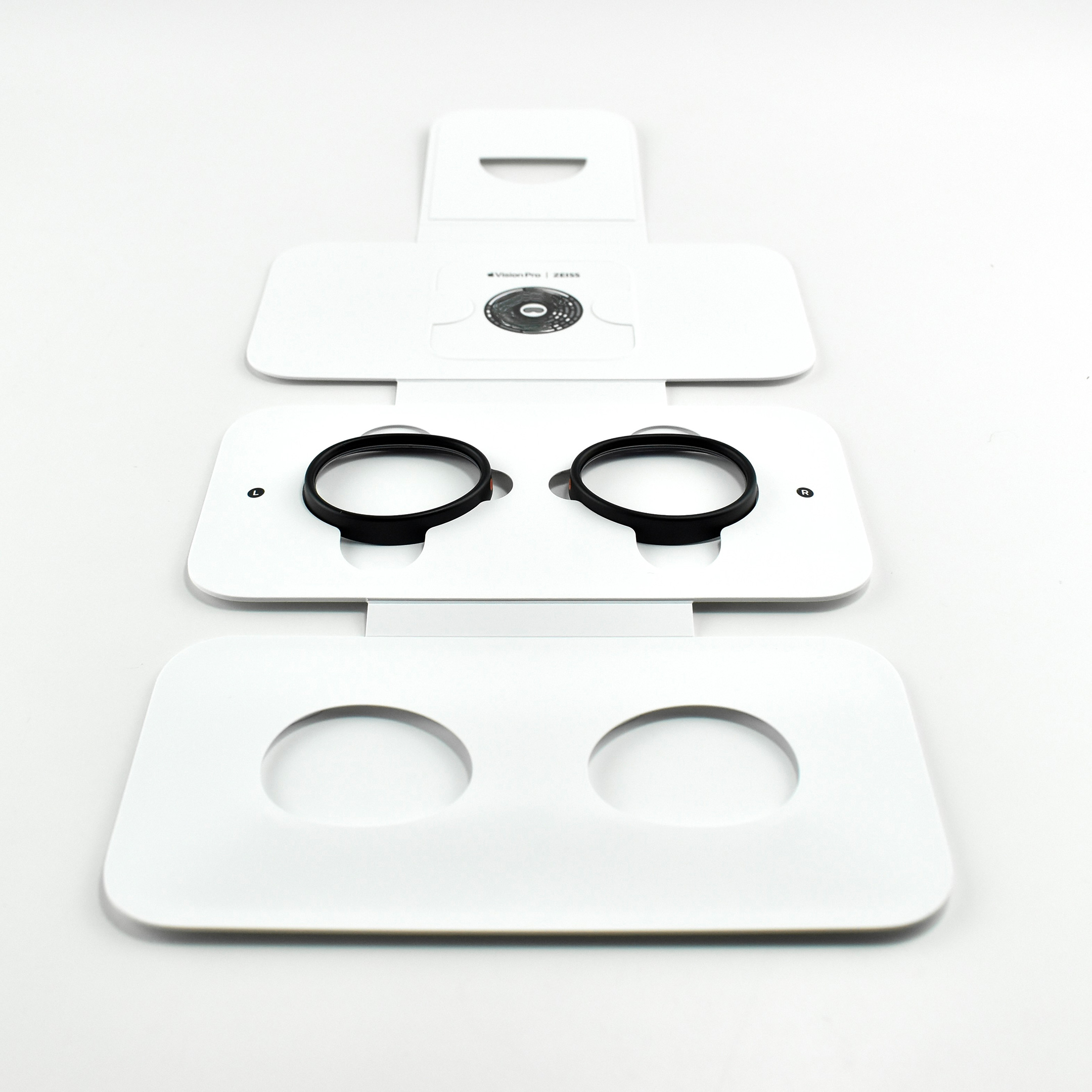
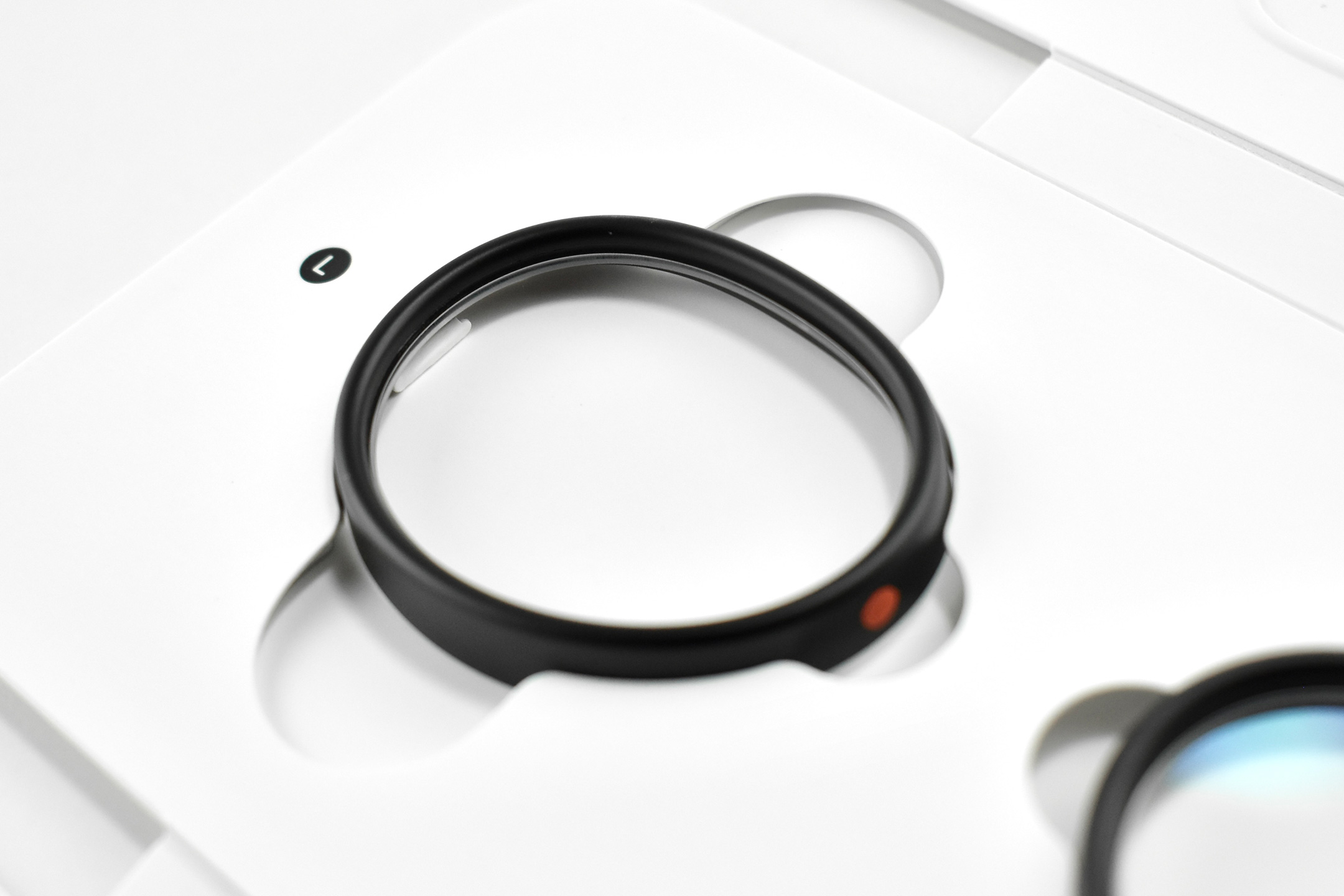
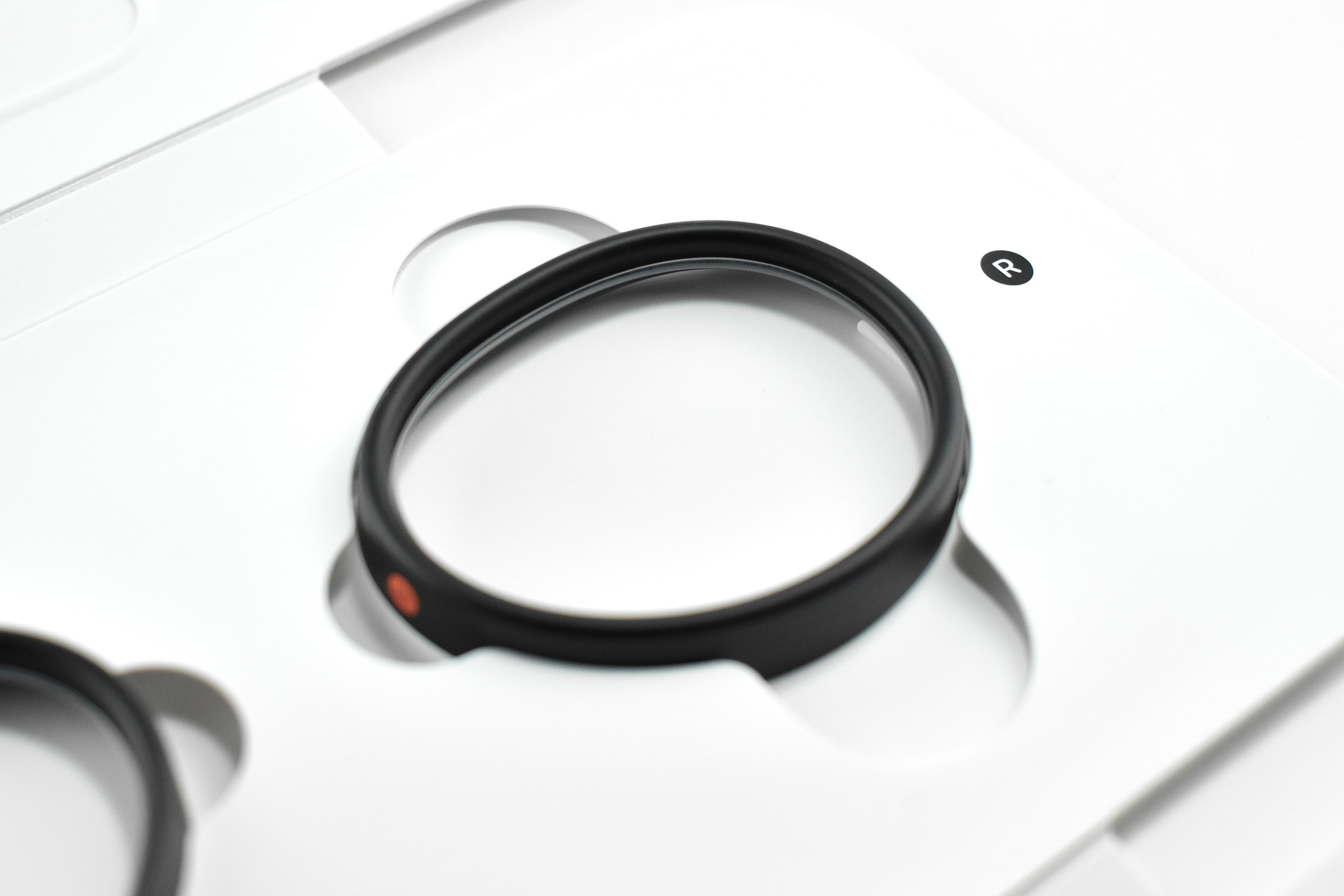
This essential Apple Vision Pro accessory is quite personal—perhaps unique—and I feel it deserves its own entry. ZEISS Optical Inserts for Apple Vision Pro allow users who need vision correction and do not wear contact lenses to experience the Apple Vision Pro with precise visual acuity. ZEISS describes the lenses:

“ZEISS and Apple are setting the standard for optical inserts. For those who need vision correction, ZEISS Optical Inserts reveal the stunning visual experience of Apple Vision Pro—so you can enjoy Apple’s new era of spatial computing.”

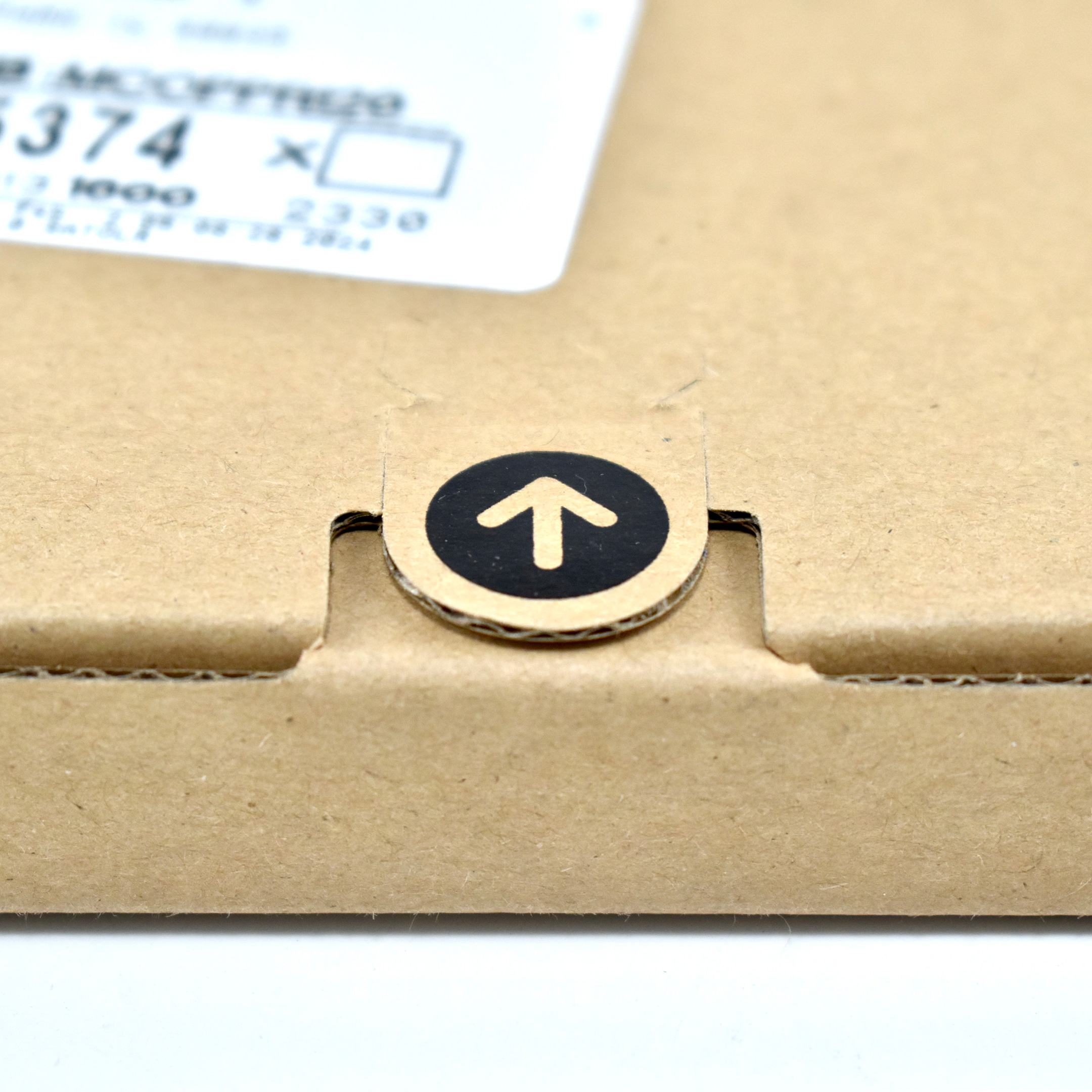
After sending ZEISS your eyeglasses prescription, they custom-build lenses for you. ZEISS describes that the lenses are “crafted especially for your eyes in your unique prescription.” The extremely lightweight inserts snap into the Apple Vision Pro with magnets. When in place, the Apple Vision Pro “recognizes” the unique prescription and sets up the device with my user profile. When I remove my inserts, the device prompts a user for “Guest User” mode.

If an Apple Vision Pro user uses off-the-shelf “readers,” ZEISS also offers “ZEISS Optical Inserts – Readers” that are available in three common refractive ranges:

  • SPH +0.75 to +1.25D
  • SPH +1.50 to +1.75D
  • SPH +2.00 to +2.75D

ZEISS describes their company as “a global technology leader in the fields of optics, precision mechanics, and optoelectronics…shaping progress and advancing the world of optics for over 175 years.” In addition to optical lenses, the company works in the fields of microchip production, medical research, complex brain and eye surgeries, and award-winning films.

Sources: Apple, ZEISS

one to one personal training Apple Store brochure (2007)

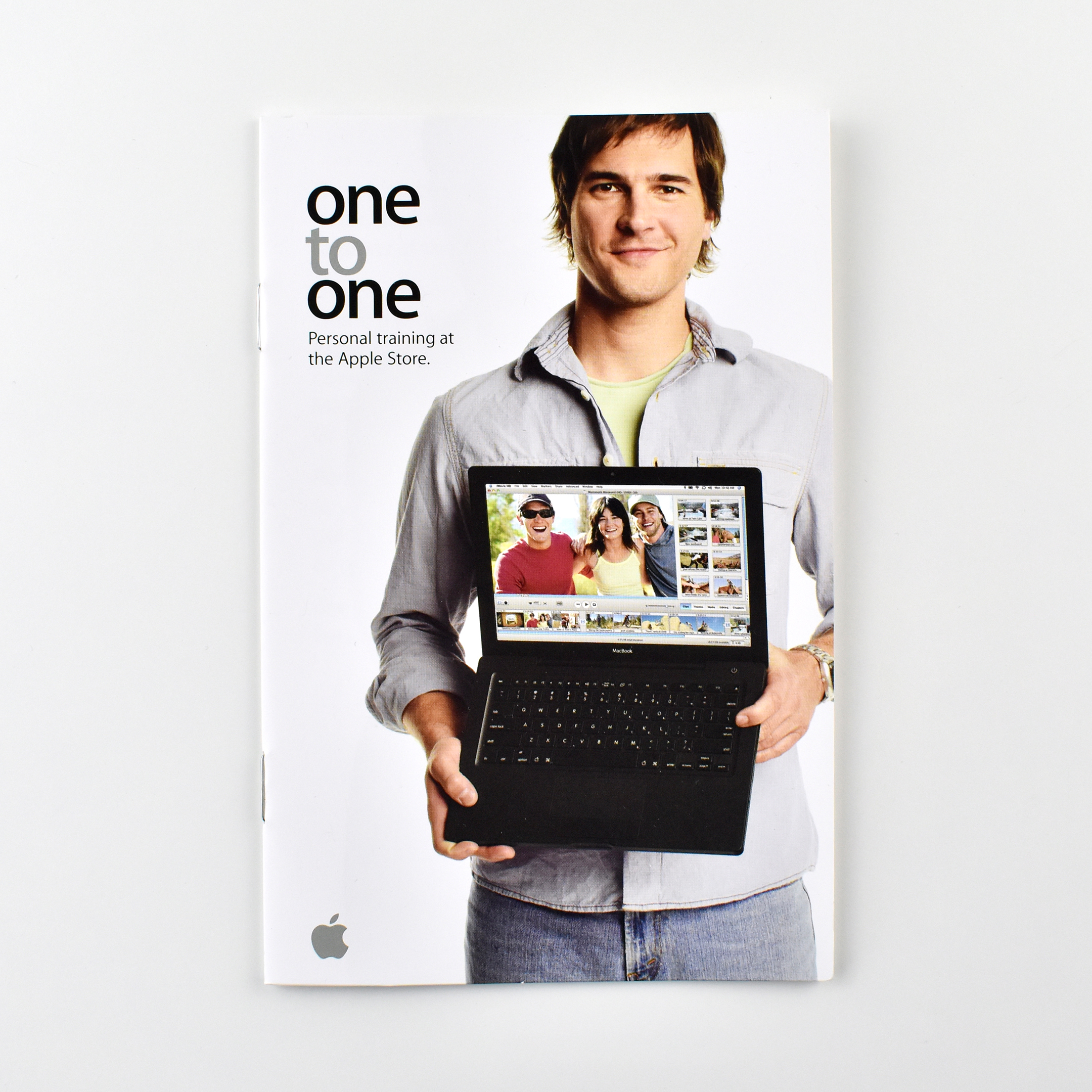
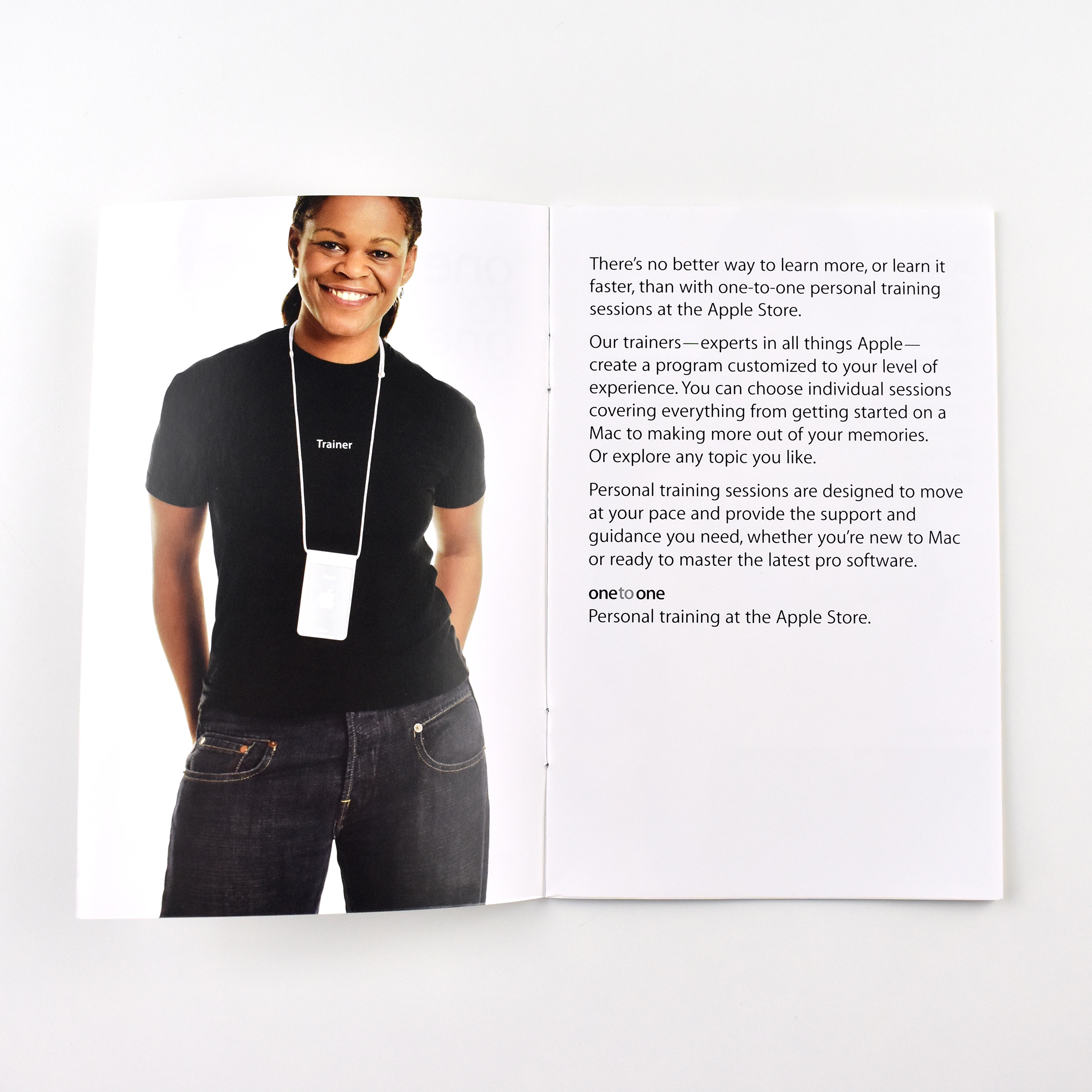
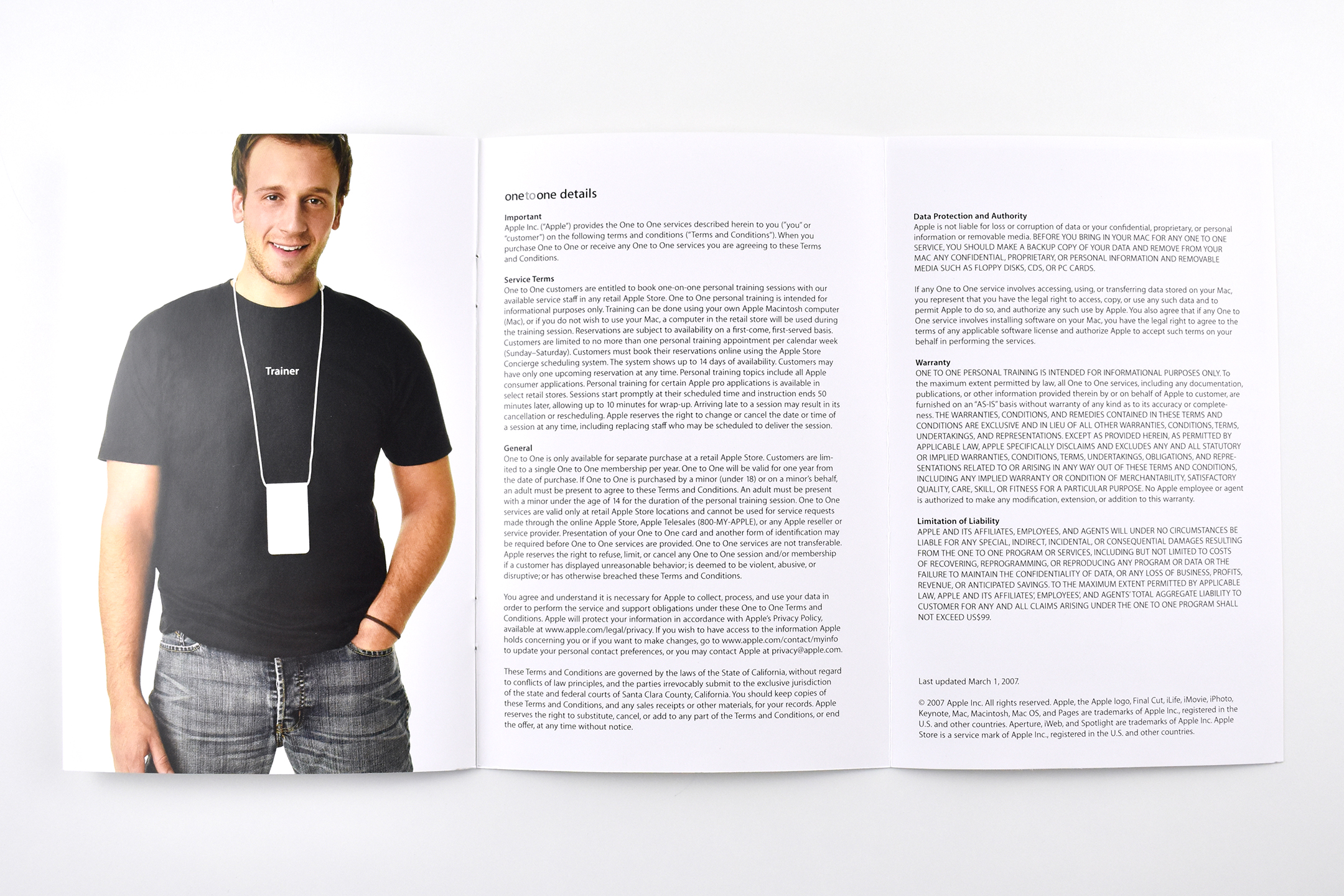
This brochure described the Apple Store’s “one to one” personal training services in 2007. The brochure reads:

“There’s no better way to learn more, or learn it faster, than with one-to-one personal training sessions at the Apple Store. Our trainers—experts in all things Apple—create a program customized to your level of experience. You can choose individual sessions covering everything from getting started on a Mac to making more out of your memories. Or explore any topic you like. Personal training sessions are designed to move at your pace and provide the support end guidance you need, whether you are new to Mac or ready to master the latest pro software.”

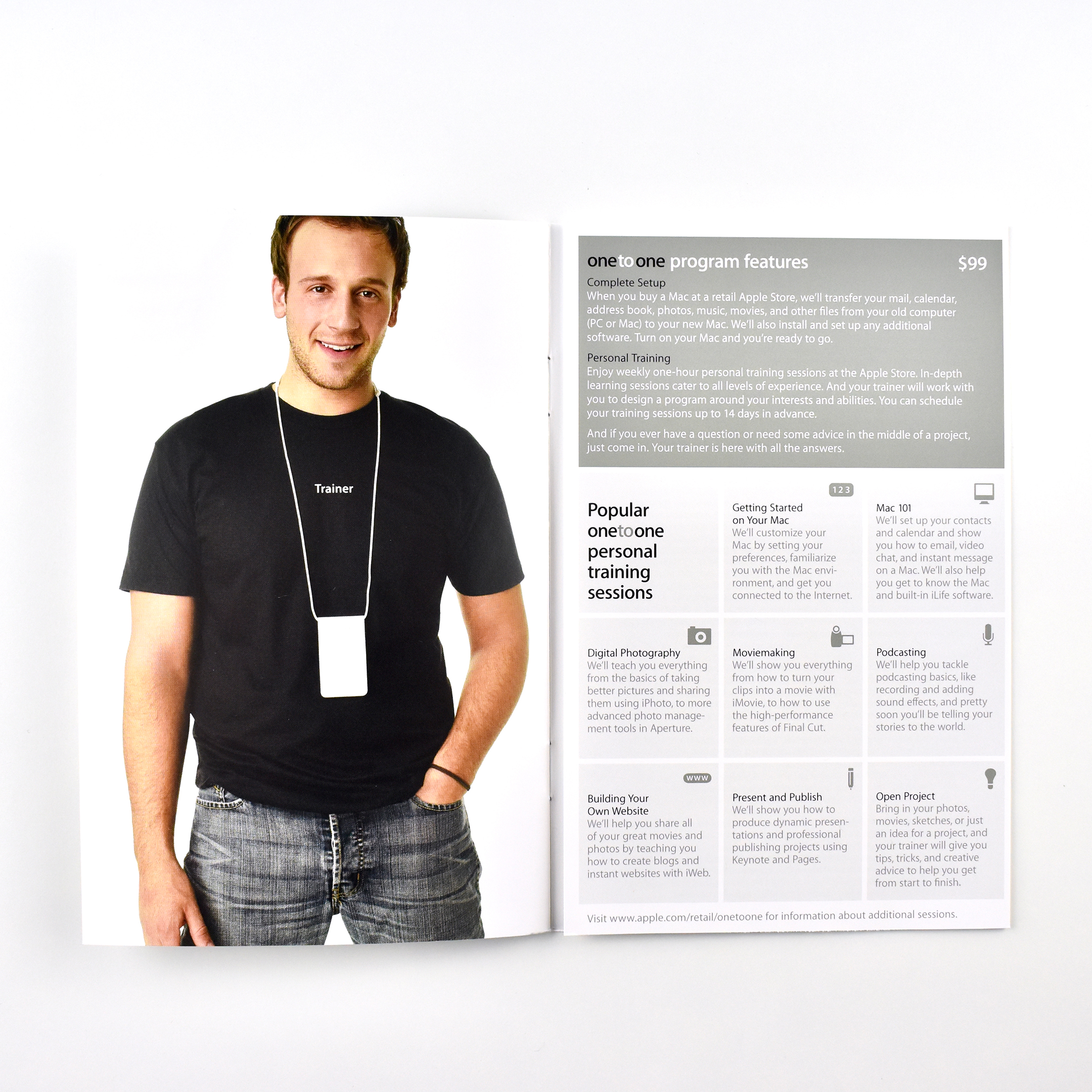
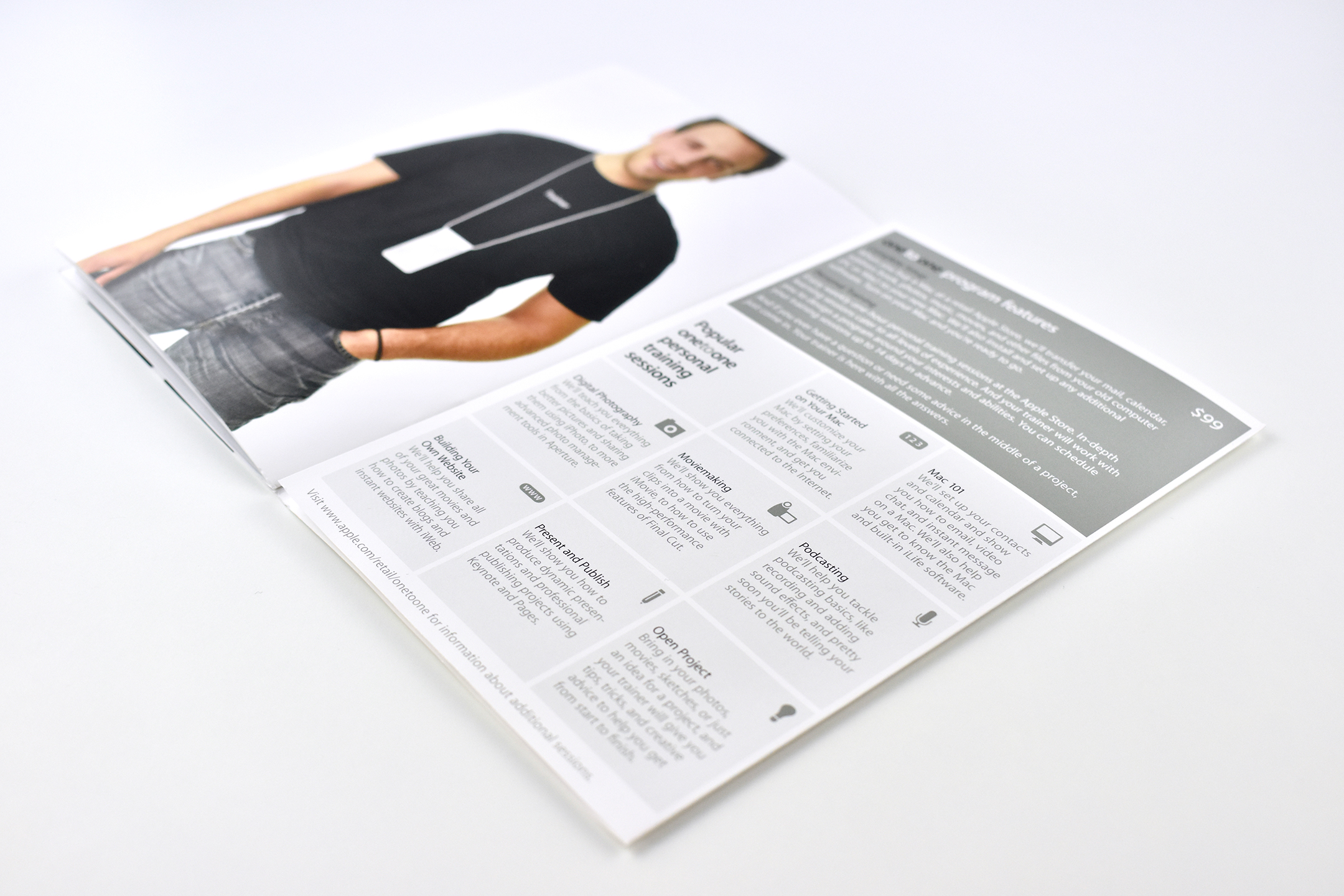
The lessons included: Getting Started on your Mac, Mac 101, Digital Photography, Moviemaking, Podcasting, Building Your Website, and Present and Publish.

This brochure is stapled and measures 4.25 x 6.5. All spreads are 2 pages, except the last fold-out, 3-page spread.

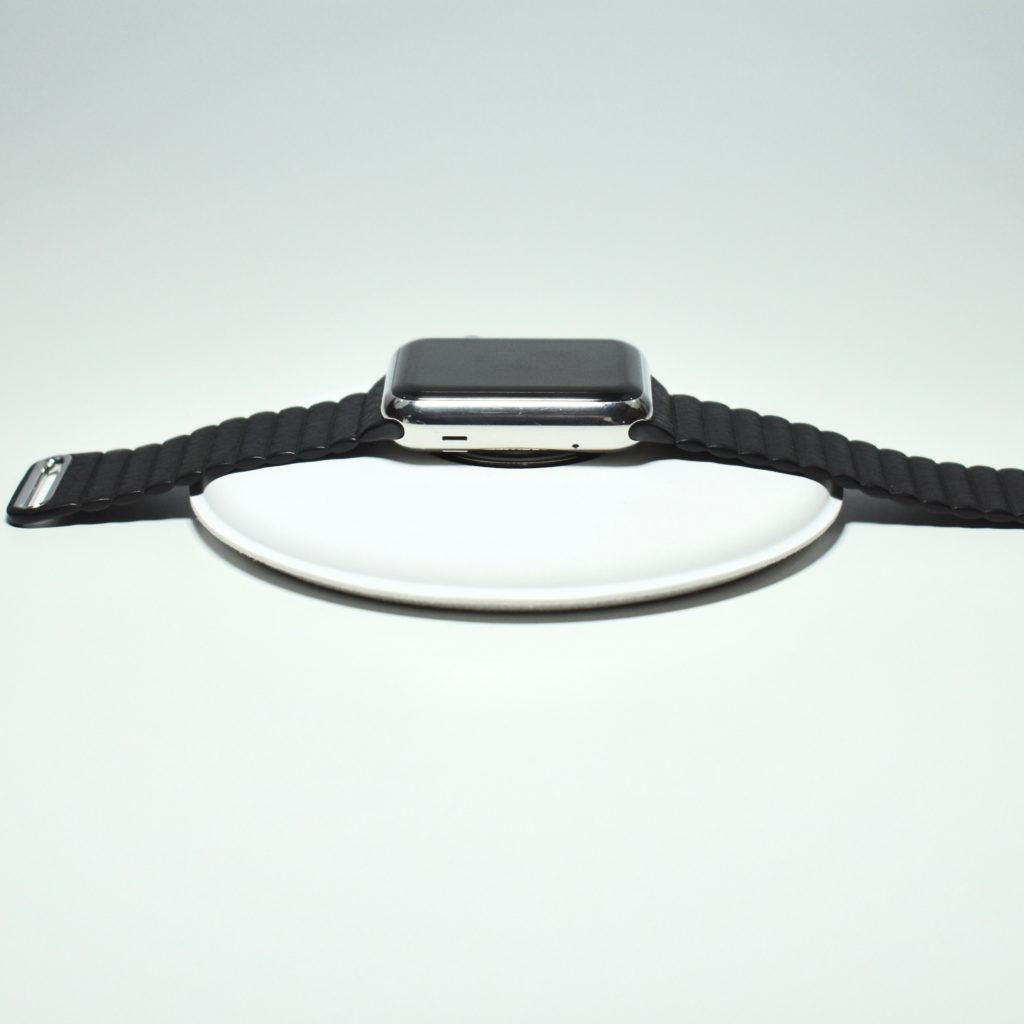
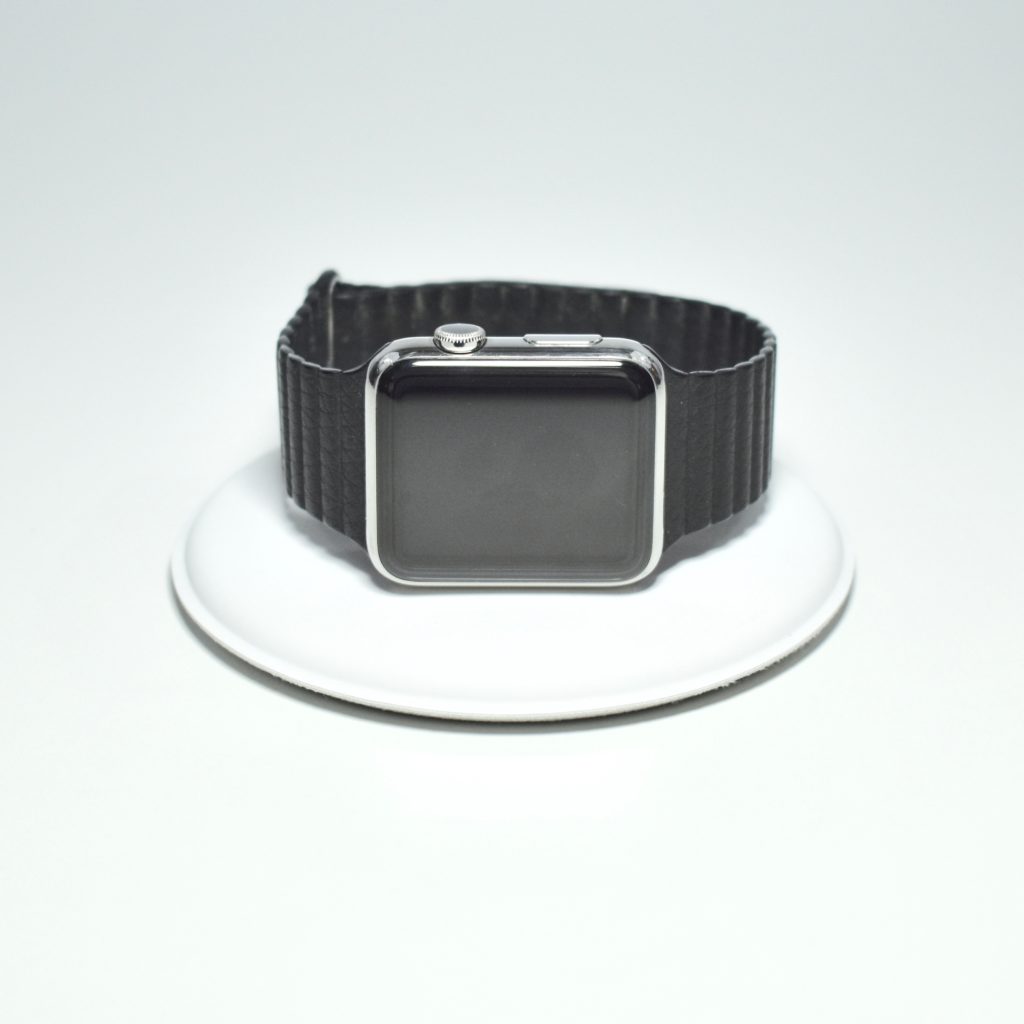
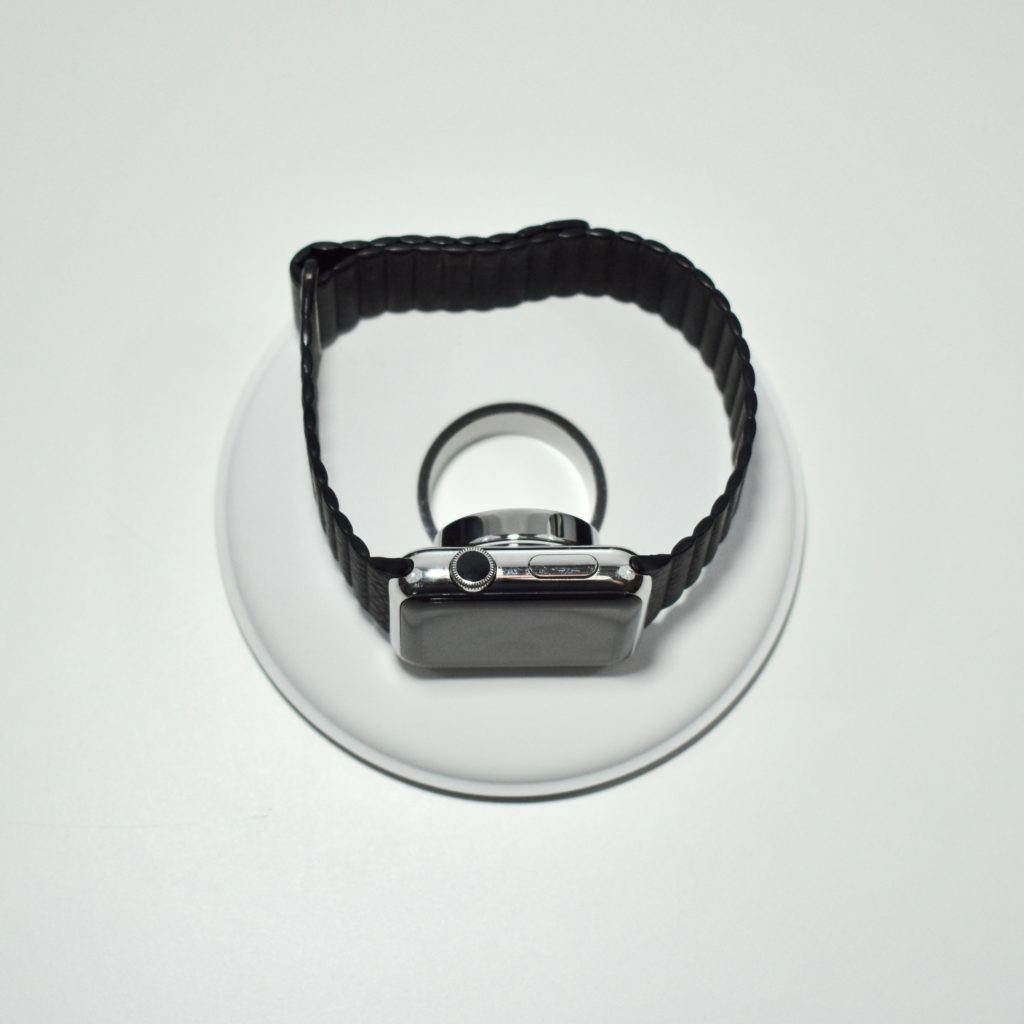
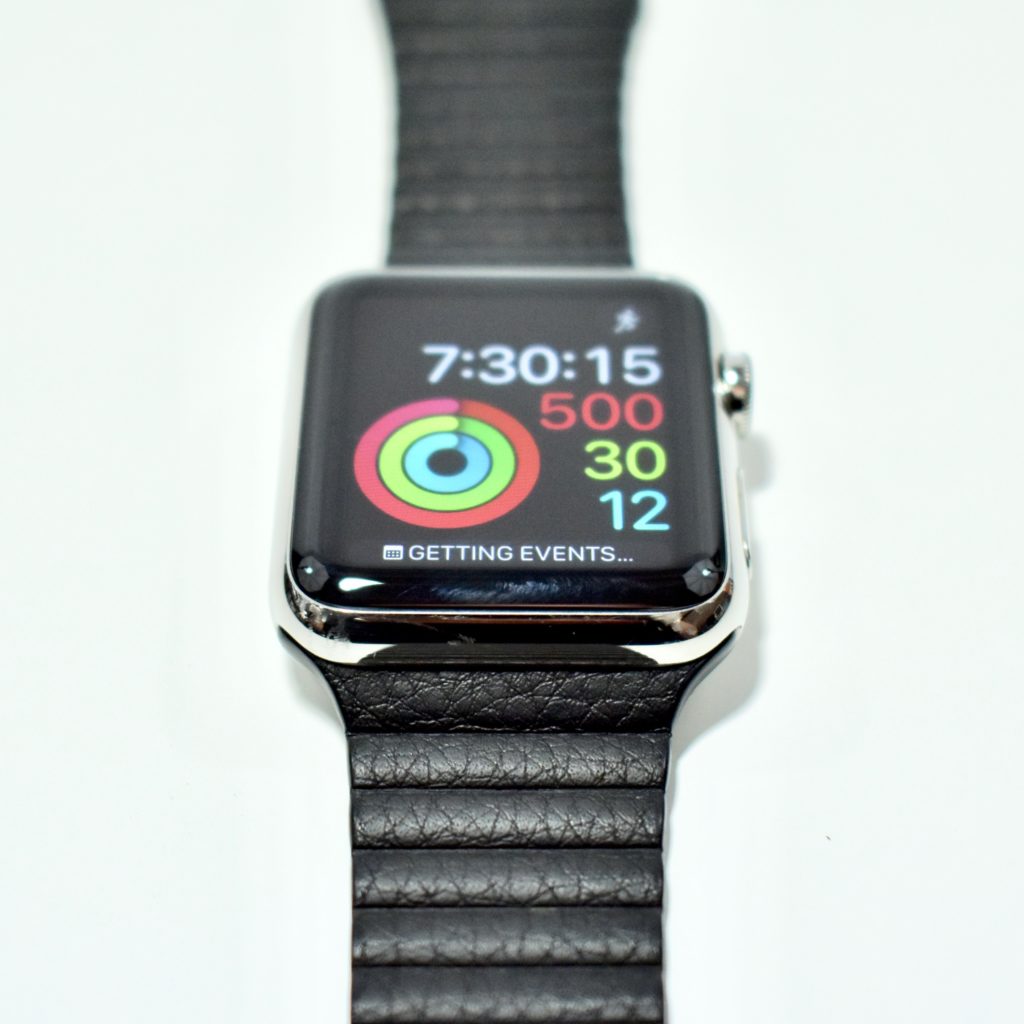
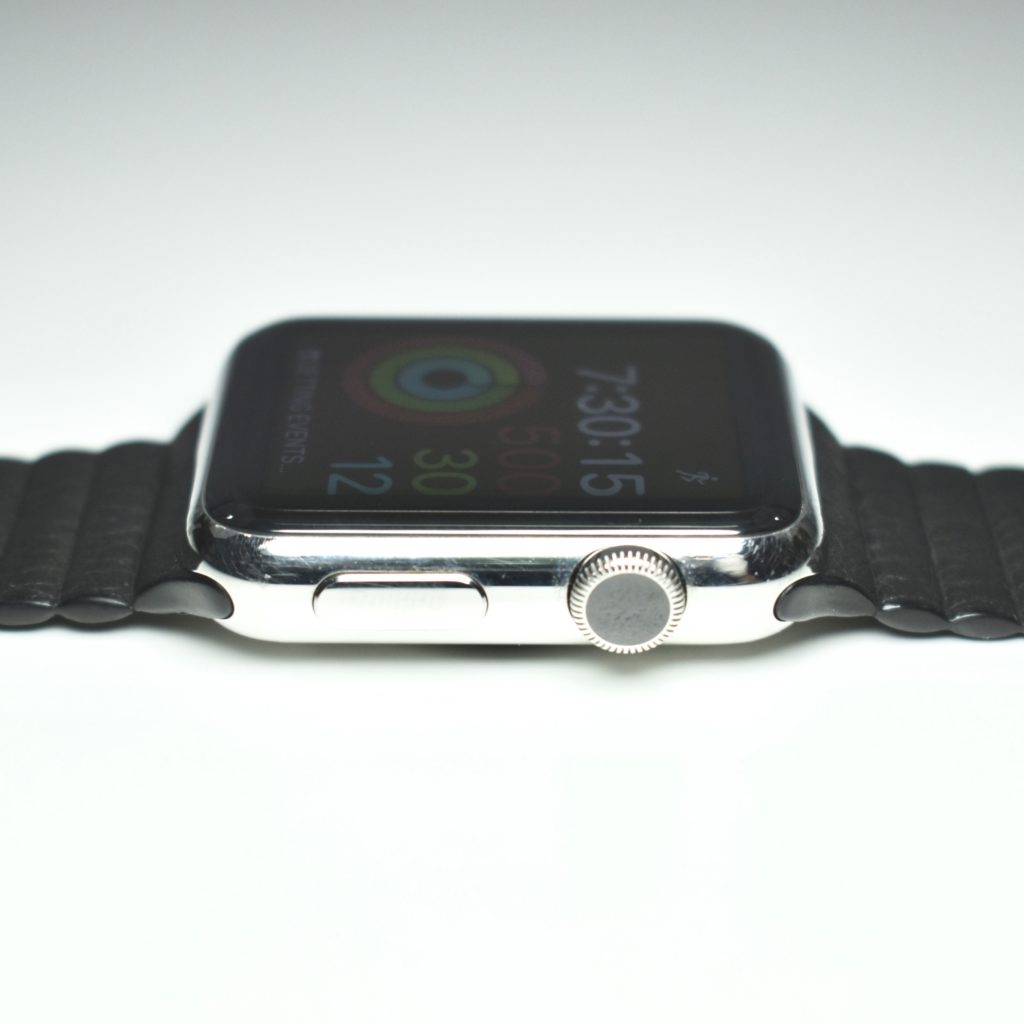
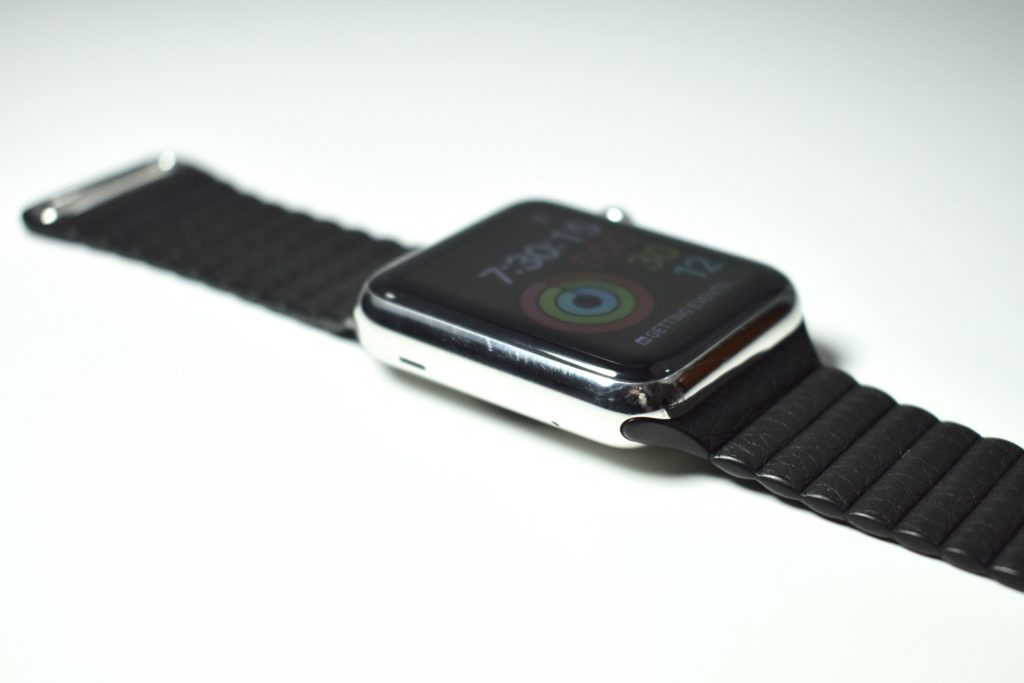
Apple Watch (original, 42 mm, silver stainless steel with black leather loop, 2015) and Apple Watch Magnetic Charging Dock

On September 9, 2014, Apple announced the Apple Watch and called it its “most personal device ever—featuring revolutionary new technologies and a pioneering user interface with a beautiful design.” The Watch debuted the Digital Crown that Apple described as the “most revolutionary navigation tool since the iPod Click Wheel and iPhone Multi-Touch.”

The original Apple Watch required that the user pair it with an iPhone 5 or later and carry the iPhone 5 to access all of the Watch’s functions.

The original stainless steel Apple Watch models were sold in ten configurations:

  • silver stainless steel body with white Sport Band
  • silver stainless steel body with black Sport Band
  • silver stainless steel body with black classic buckle leather band
  • silver stainless steel body with Milanese loop
  • silver stainless steel body with black leather loop
  • silver stainless steel body with bright blue leather Loop
  • silver stainless steel body with stone leather loop
  • silver stainless steel body with light brown leather loop
  • silver stainless steel body with stainless steel link bracelet
  • space black stainless steel body with space black stainless steel link bracelet

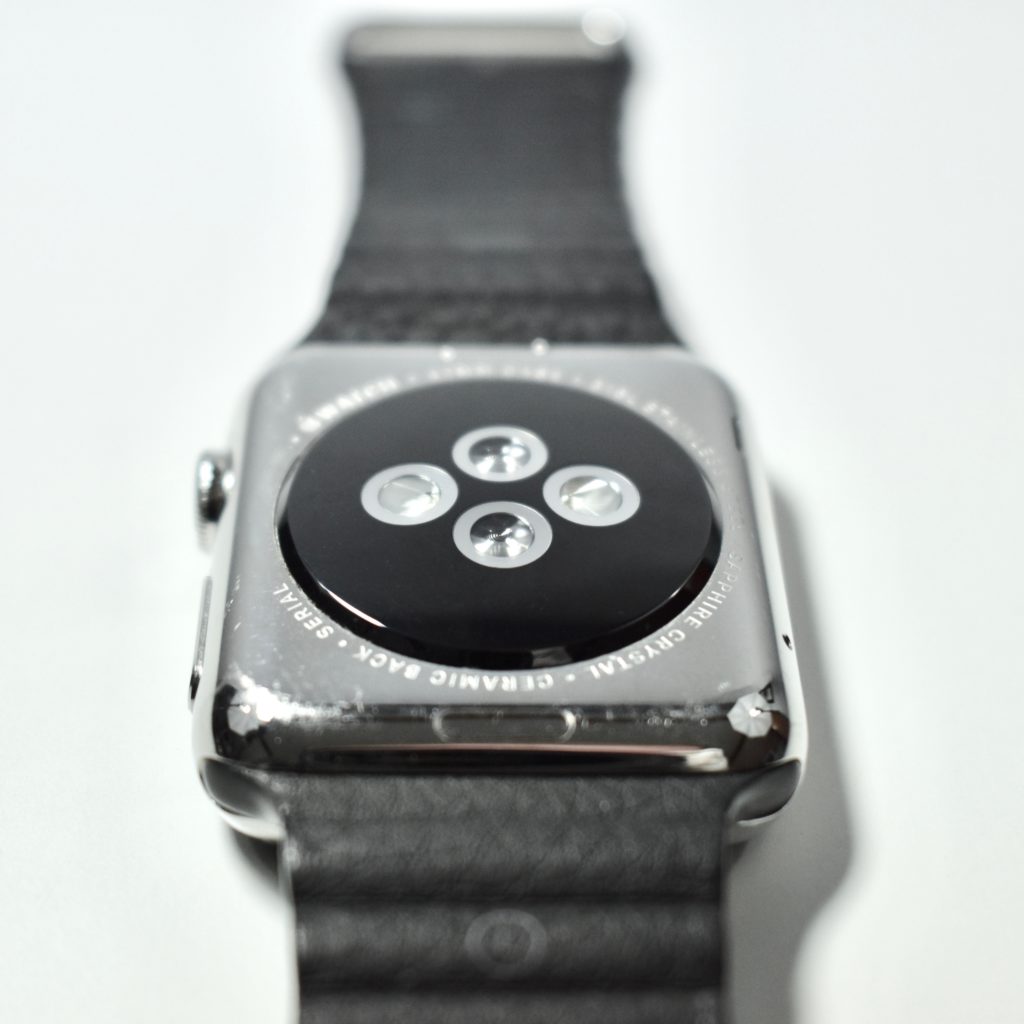
In addition to the Digital Crown, the original Apple Watch had a Retina display with Force Touch capability. The 42 mm Apple Watch featured a 312×390 display with a protective sapphire crystal layer with a zirconia ceramic back and sapphire crystal lenses that connected to the wireless charger.

My original stainless steel Apple Watch was boxed with a black classic buckle leather band, but the Apple Store allowed me to swap the band for a black leather loop band because the classic buckle did not fit my wrist.

Also pictured is the Apple Watch Magnetic Charging Dock, a 4.1-inch diameter charging pad for the Apple Watch that uses the same inductive charging connector that comes with Apple Watch. According to Apple, “you can charge your Apple Watch in a flat position with its band open, or on its side. When docked on its side, your watch automatically goes into Nightstand mode, so you can also use it as your alarm clock.”

Sources: EveryMac.com, Apple.com (announcement, charging dock)