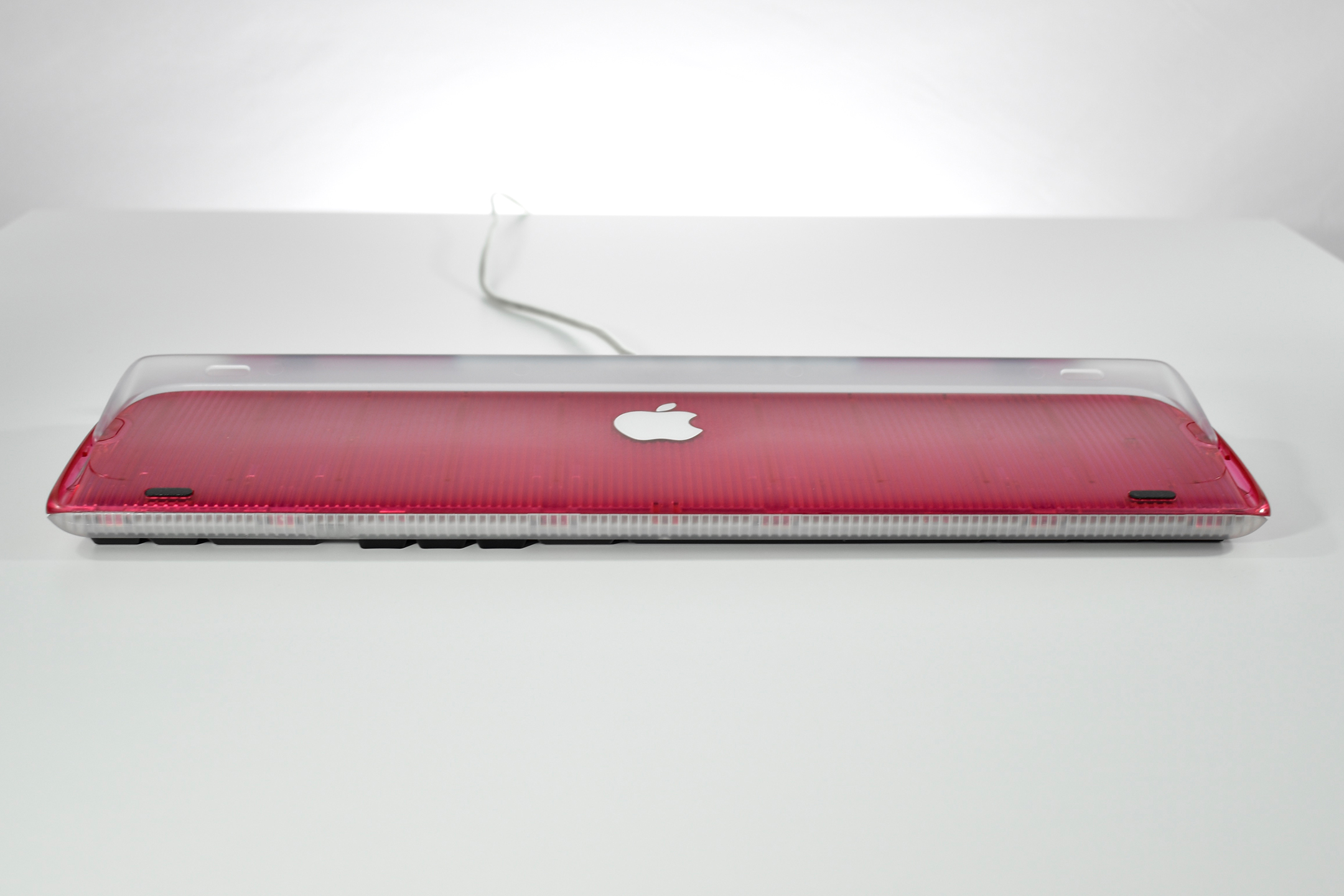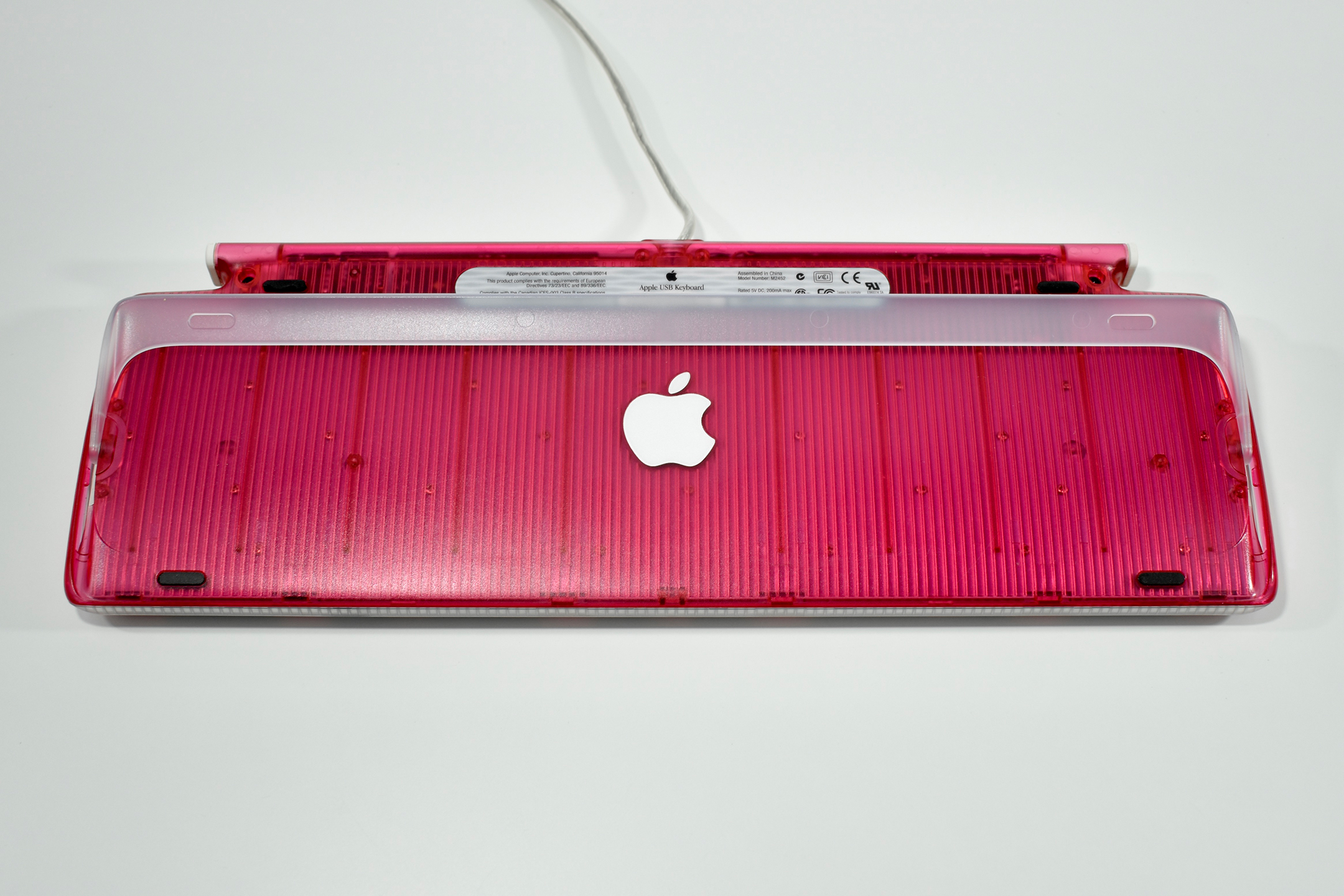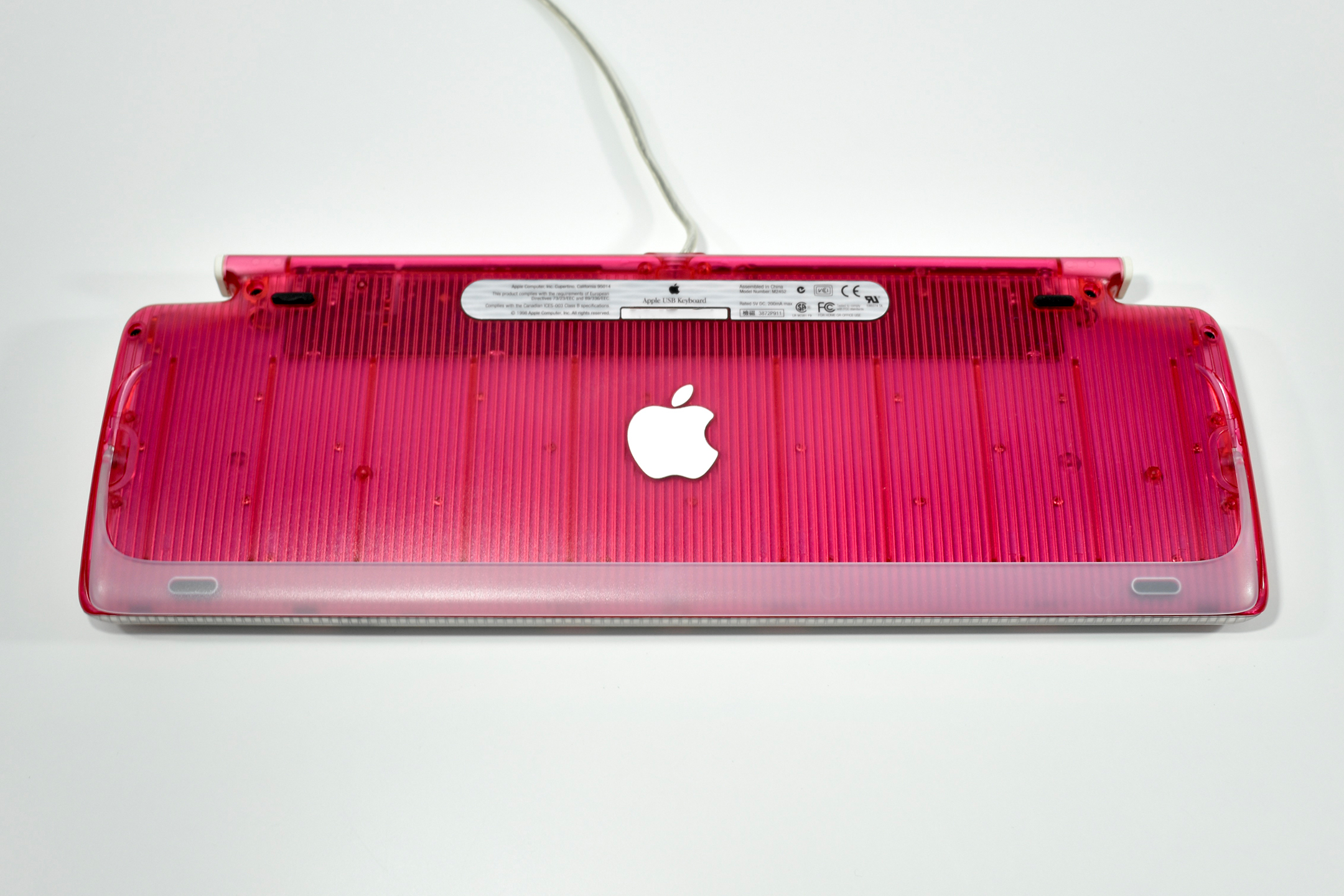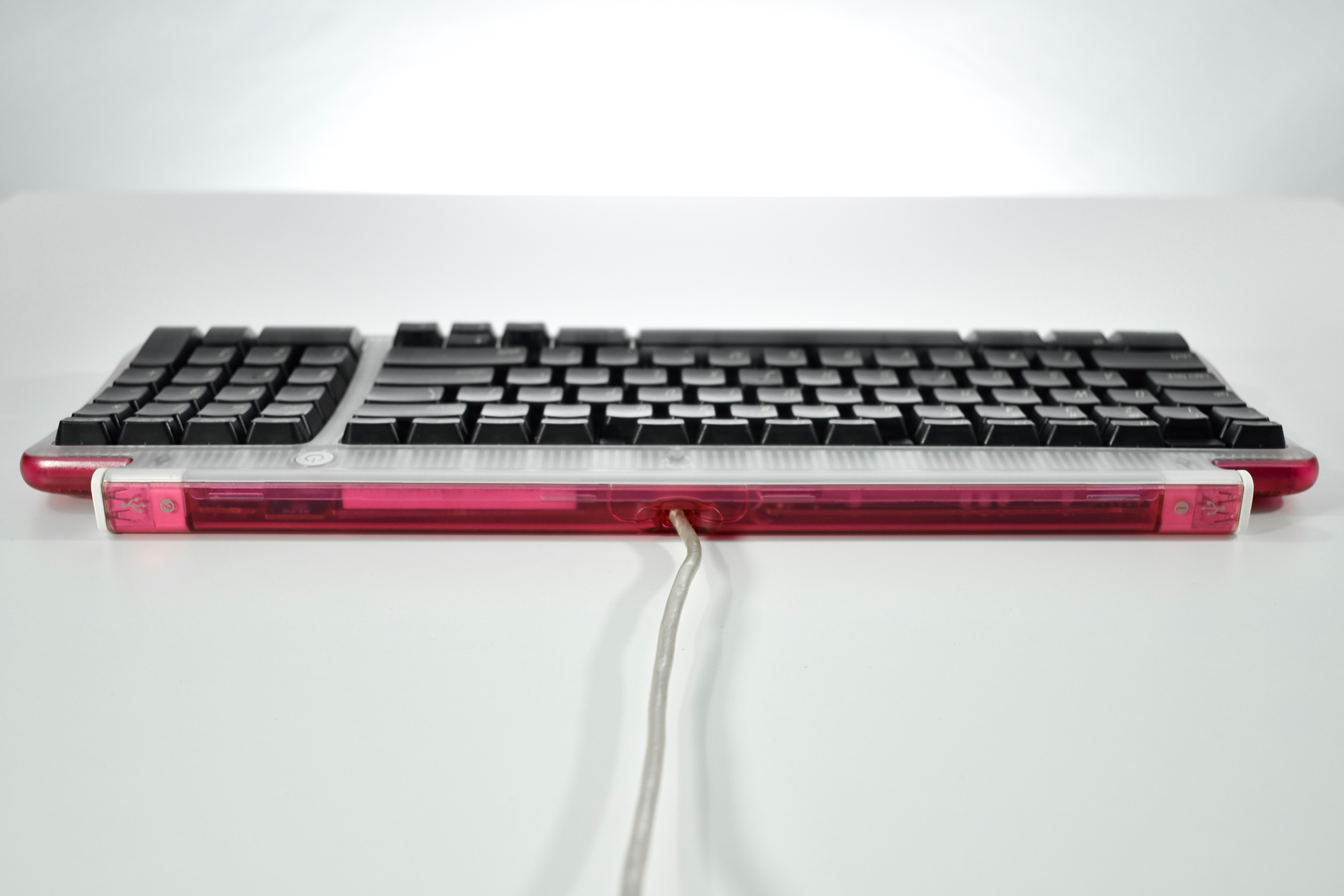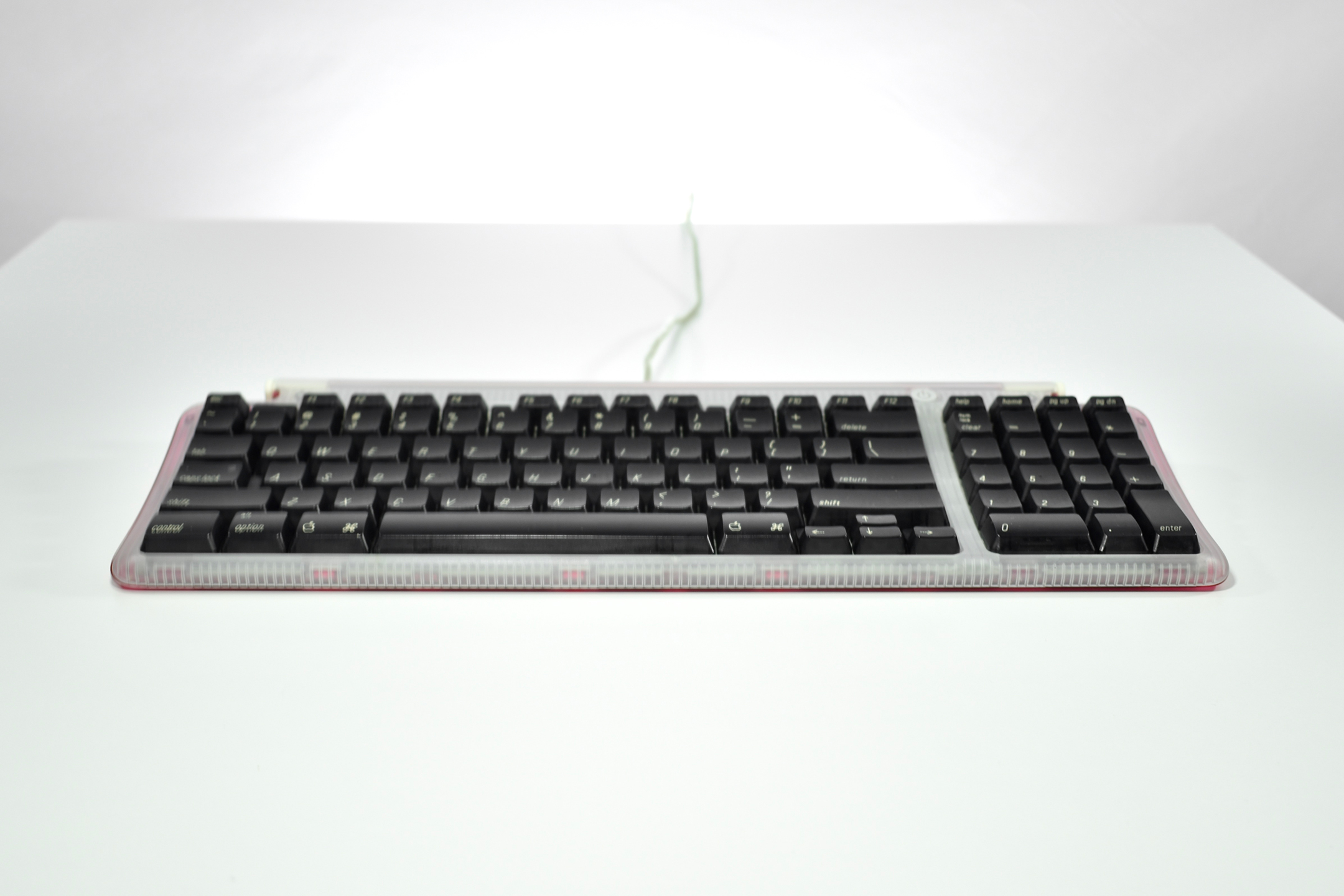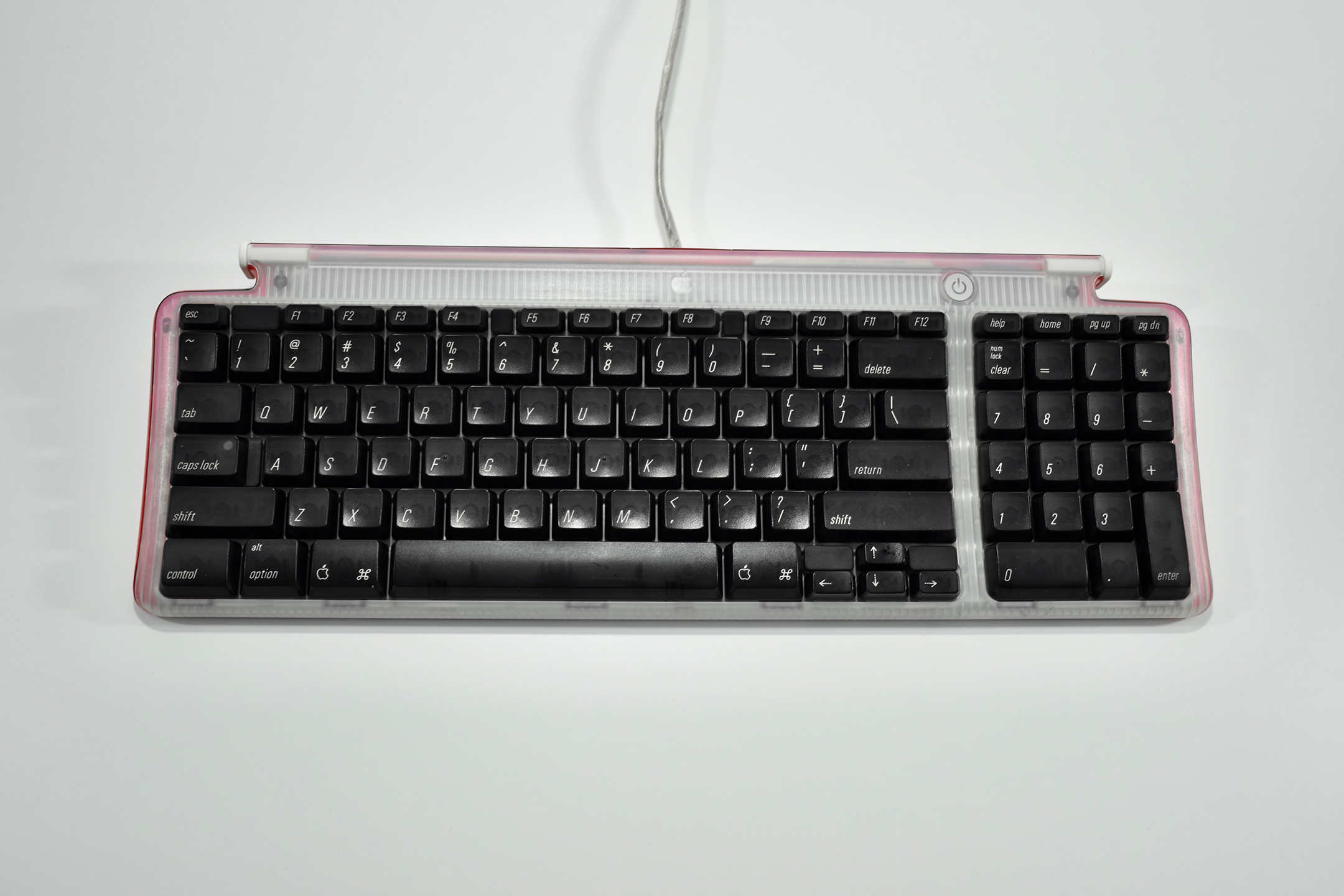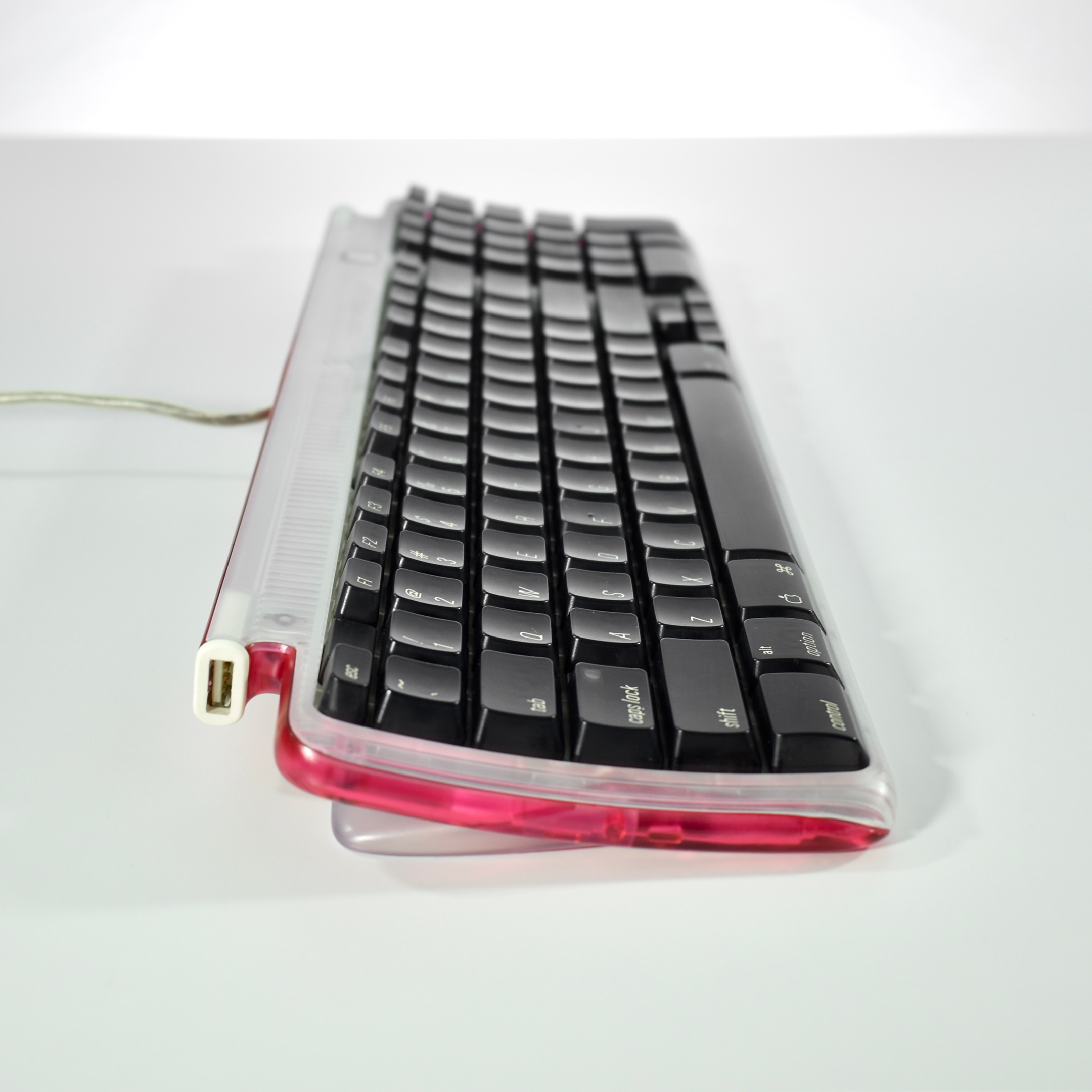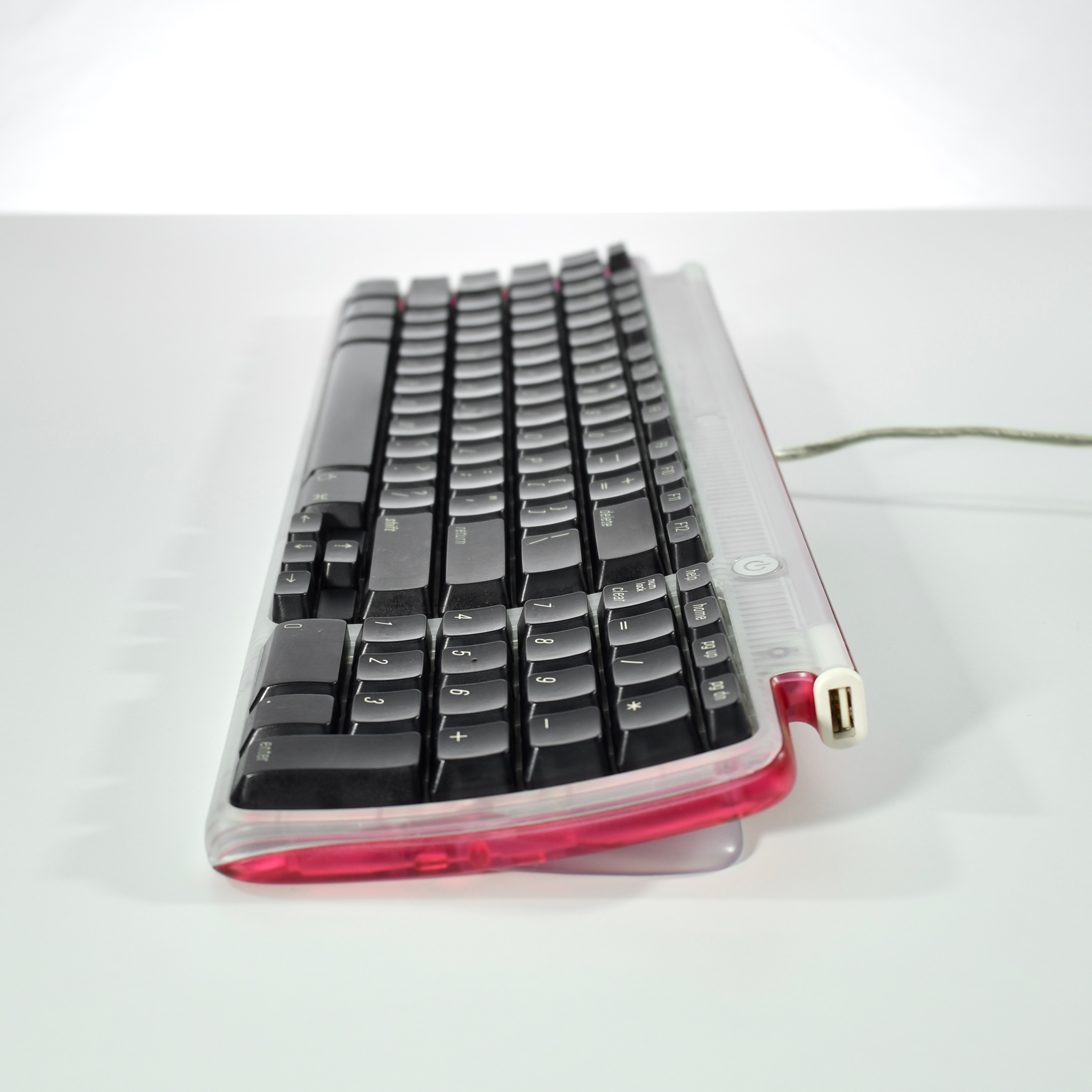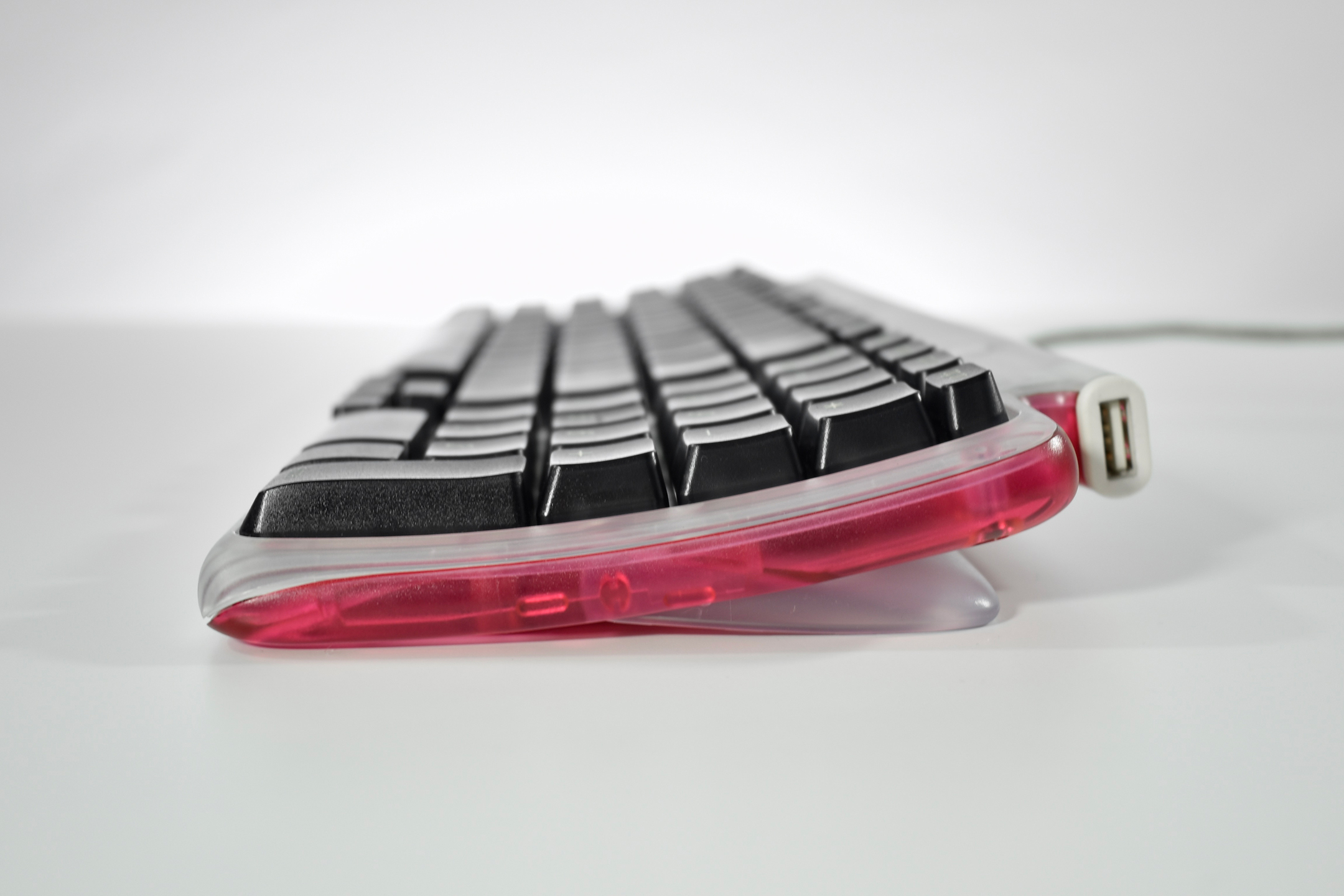
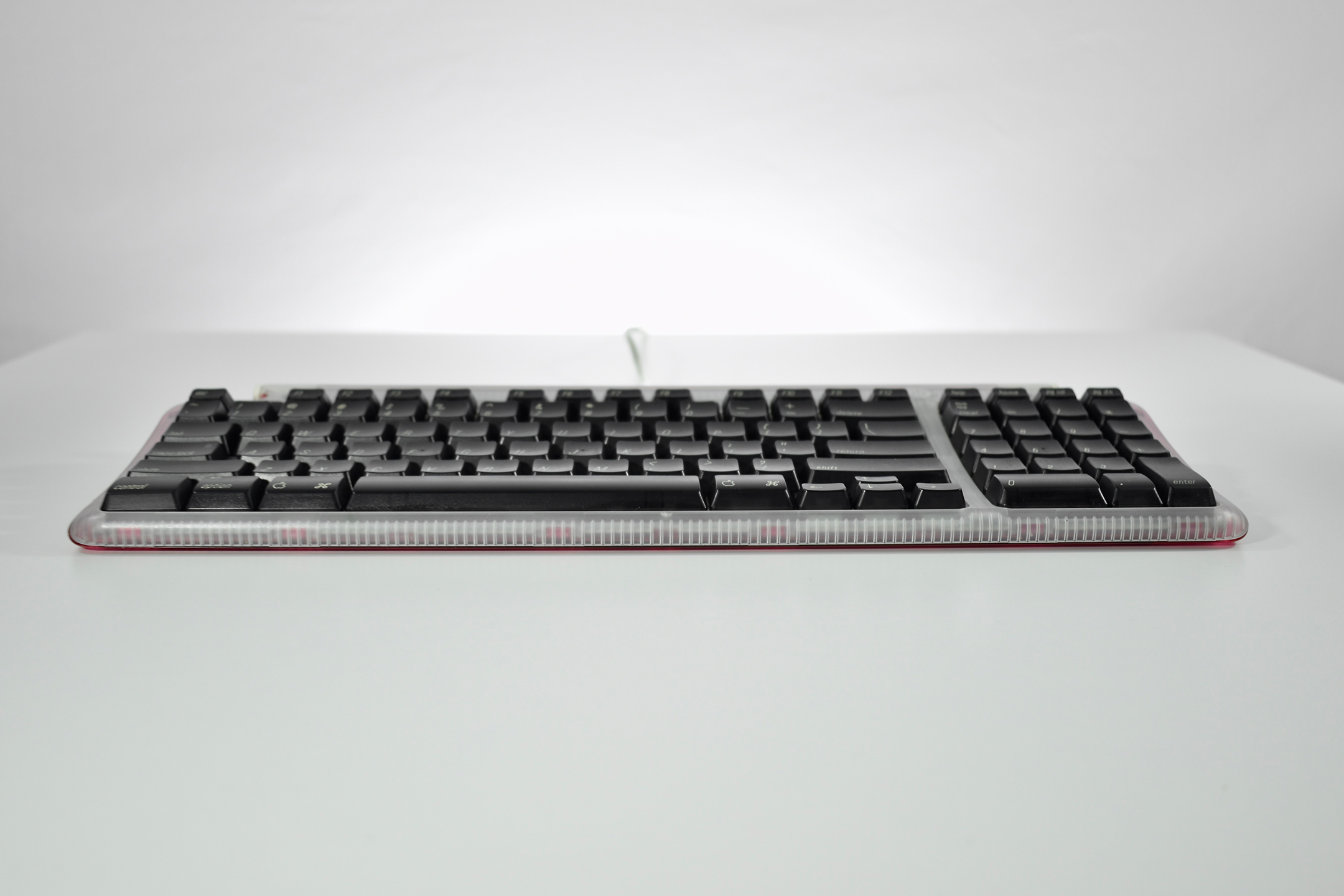
Apple USB Keyboard (strawberry, 1998)

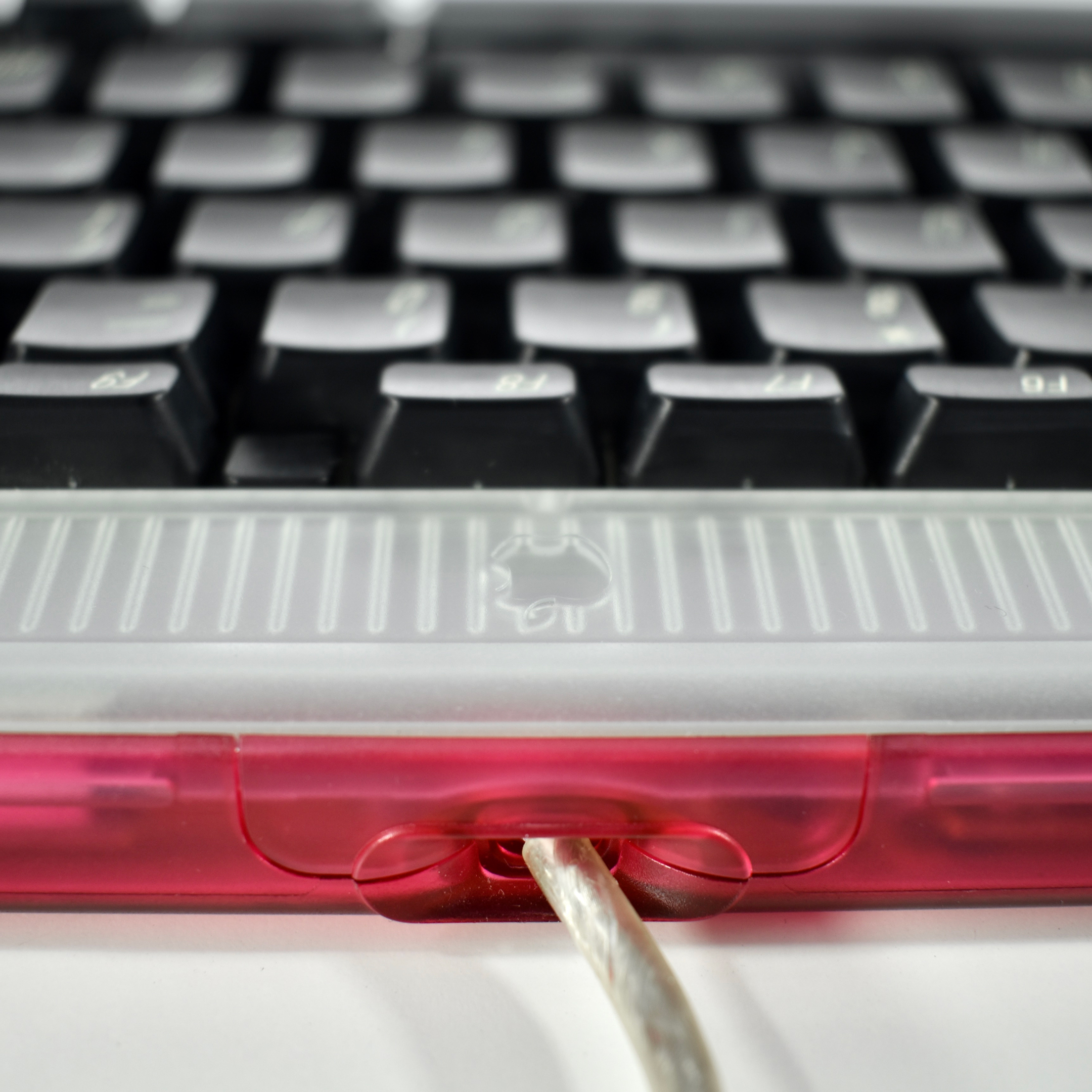
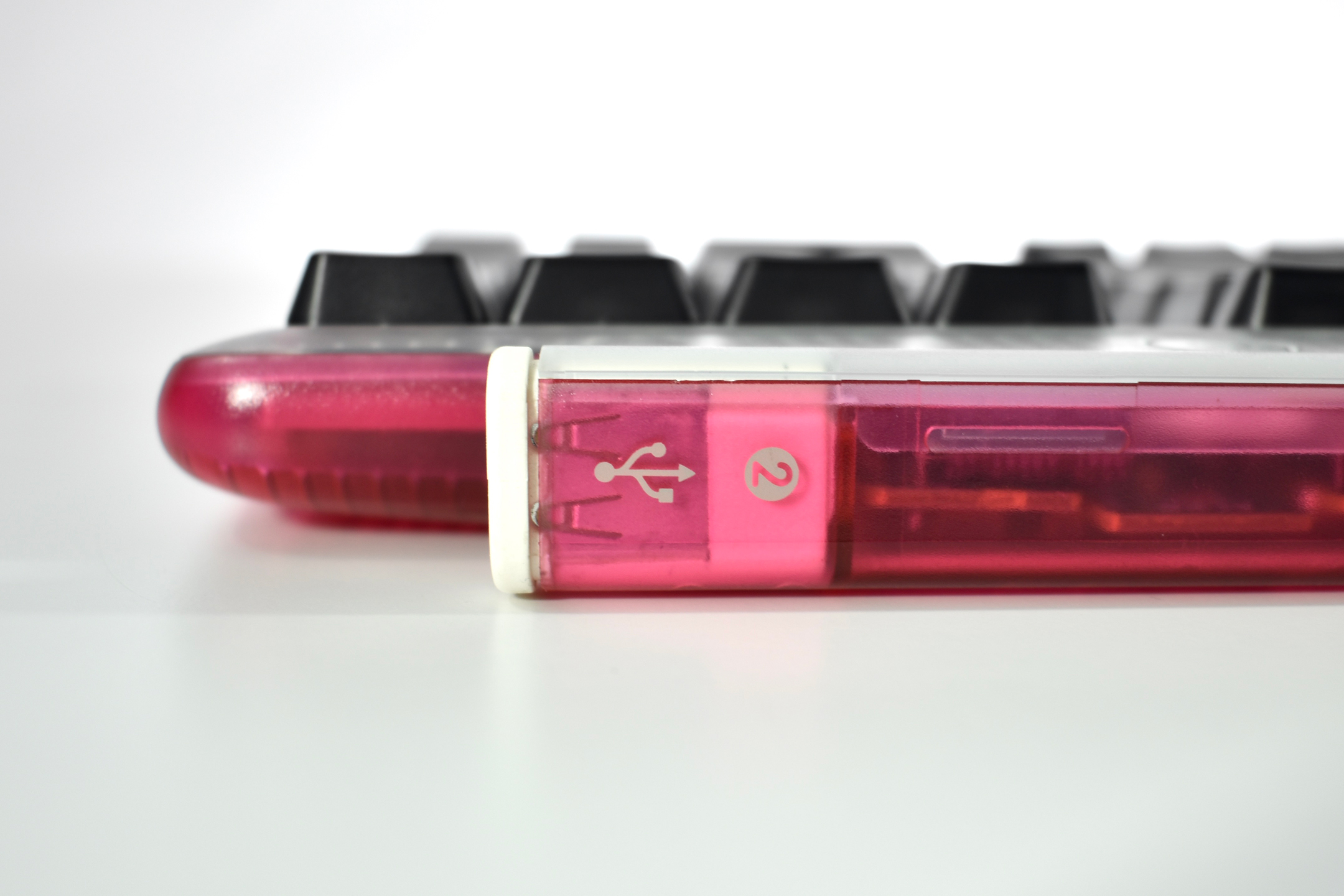
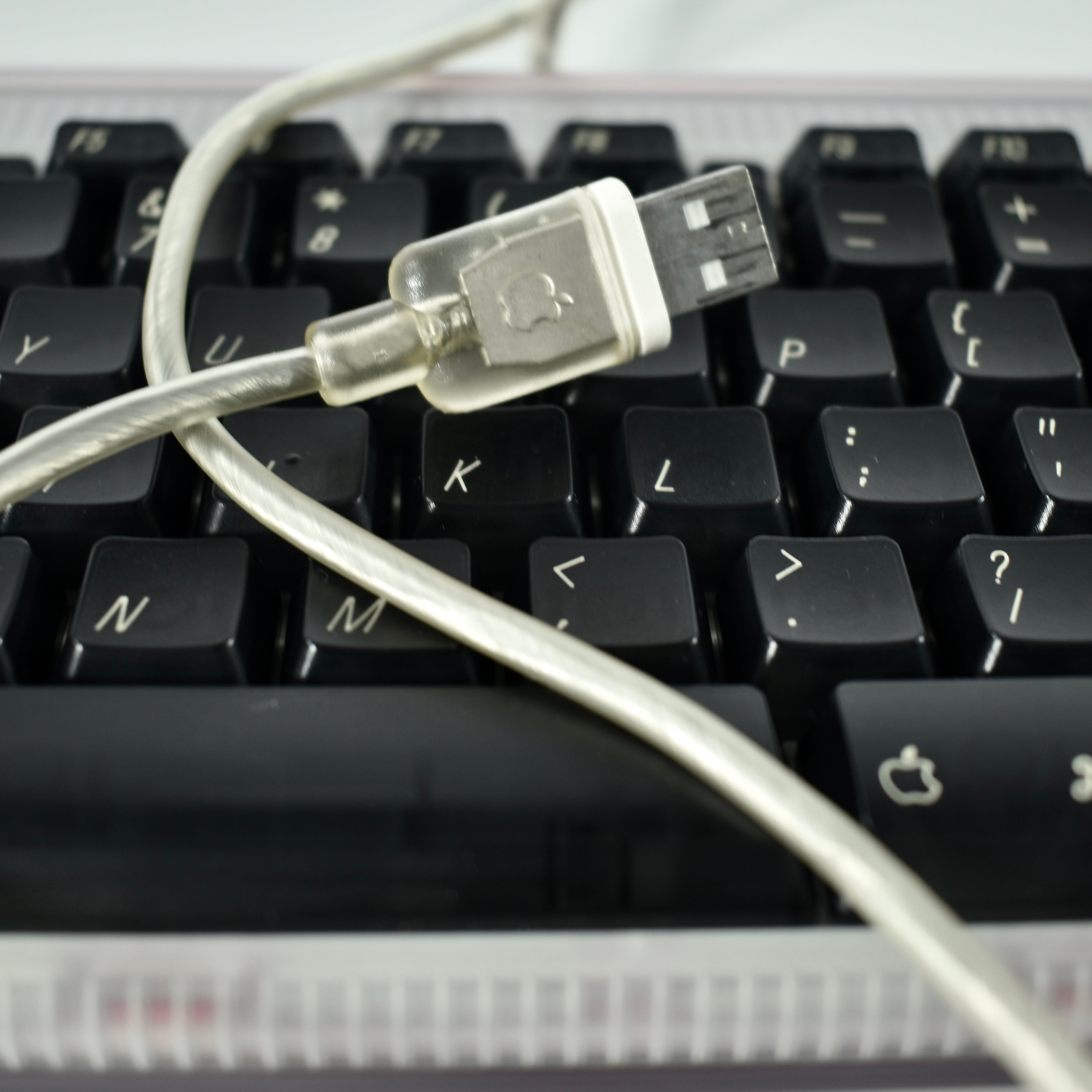
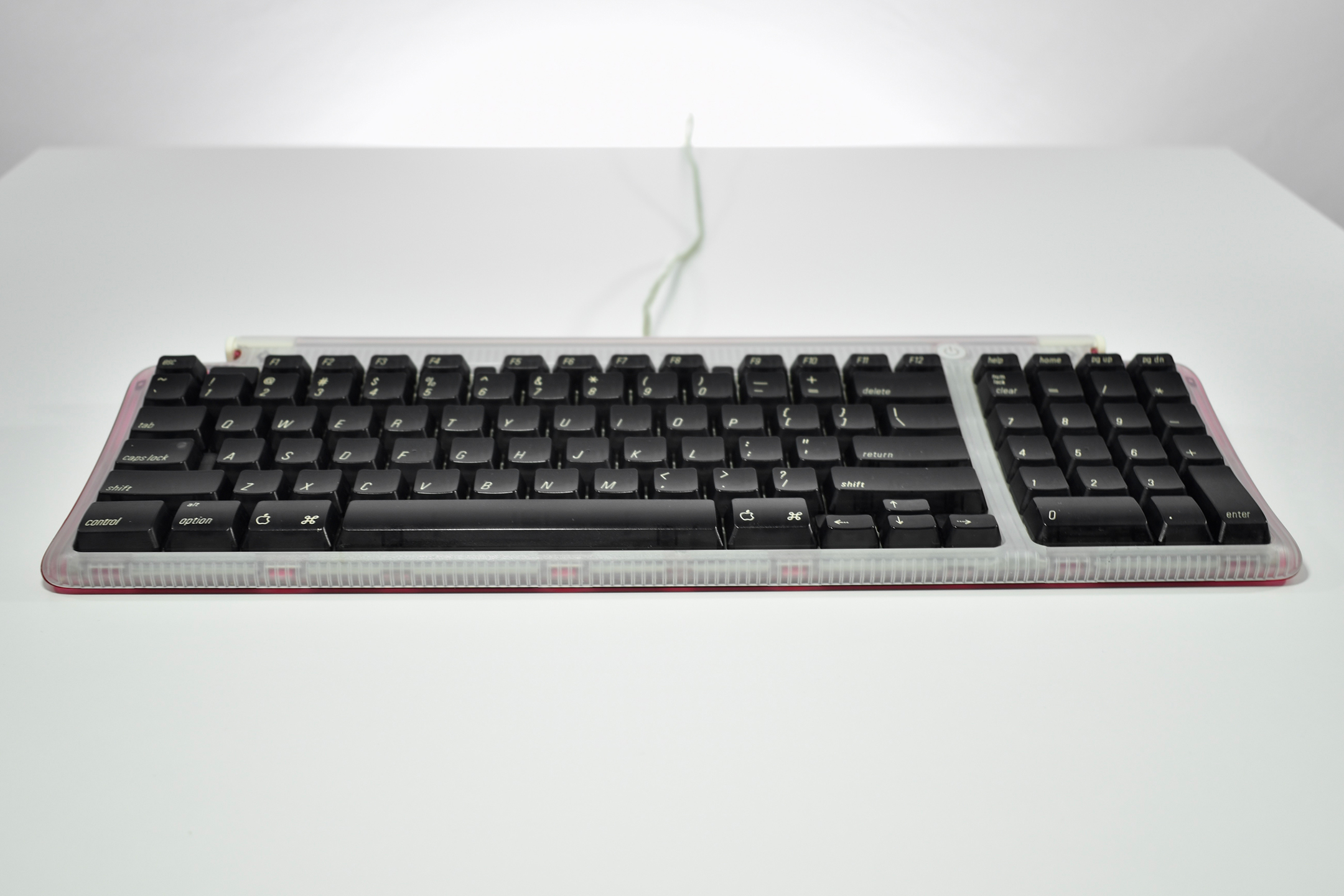
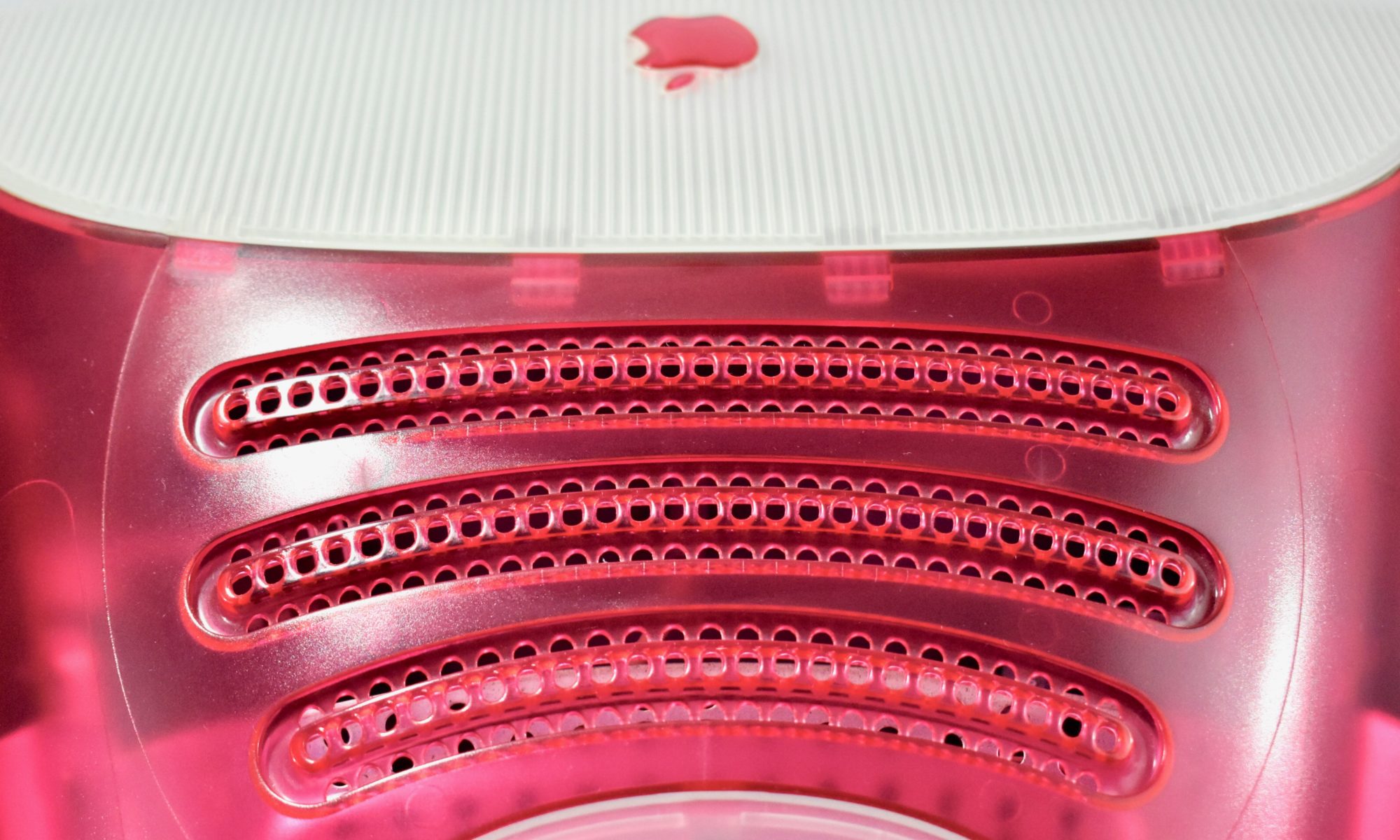
The Apple USB Keyboard design was the first Apple keyboard available in translucent plastic and was released with the original iMac in matching Bondi blue. As the name implies, it connected to the computer using USB and included two additional USB ports on the right and left rear of the keyboard. This keyboard removed the “extended” keys, but retained the right-side numeric keypad. The Apple USB Keyboard includes a single support leg spanning the entire width of the keyboard to slightly elevate the back of the keyboard. This was the last Apple keyboard design to include a power button.

This example is strawberry (dark pink) and was shipped with a strawberry iMac. In addition to strawberry, this keyboard was also available in Bondi blue, graphite, tangerine, lime, blueberry, and grape.

As of 2020 Apple has released approximately 20 external keyboard designs. In general, Apple Macintosh keyboards are different from standard keyboards because they include a Command key (⌘) for shortcuts; an Option key (⌥) for entering diacritical marks and special characters; and a Help or fn (function) key. Earlier Apple keyboards also included a power key (◁), while newer keyboards include eject (⏏).

Source: Wikipedia
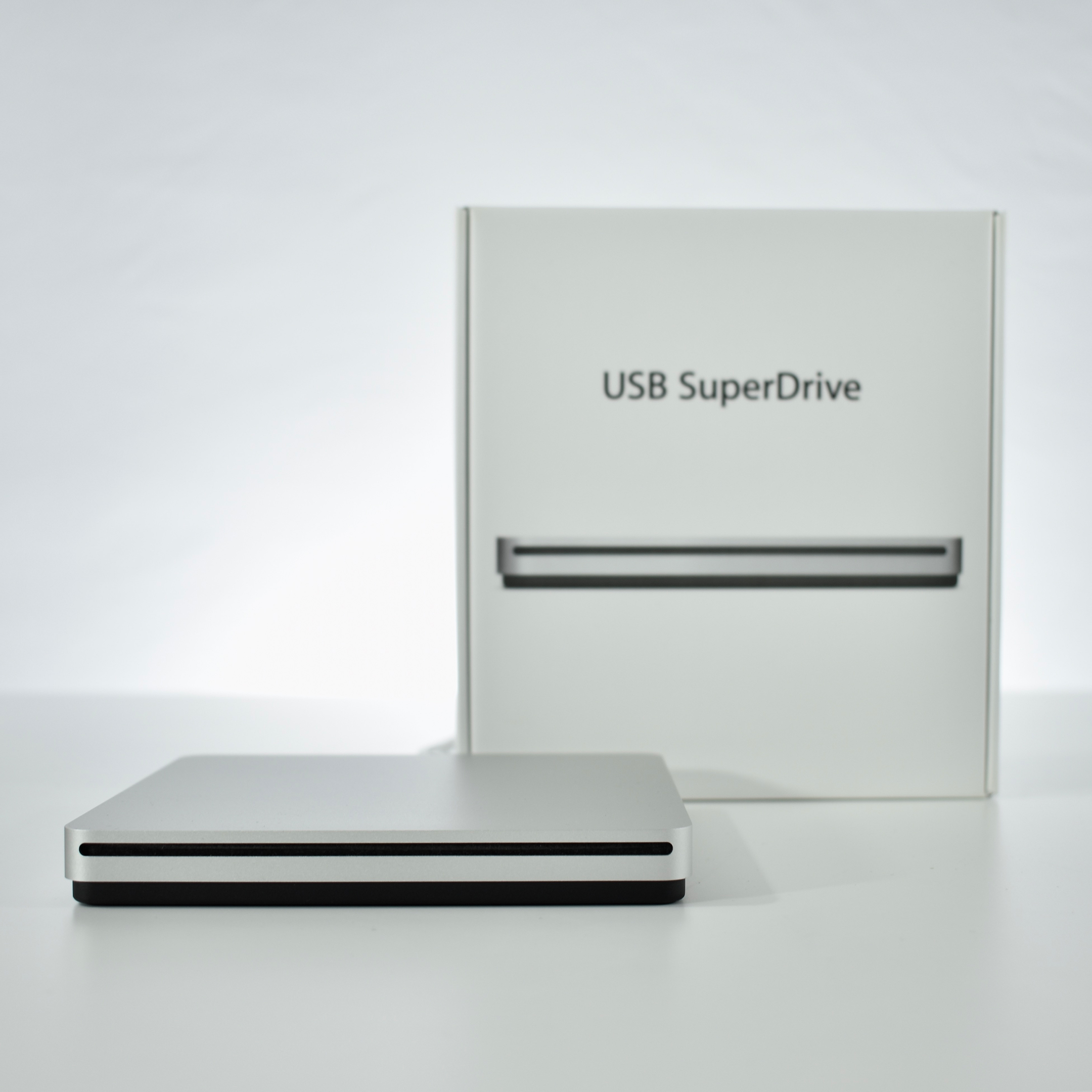
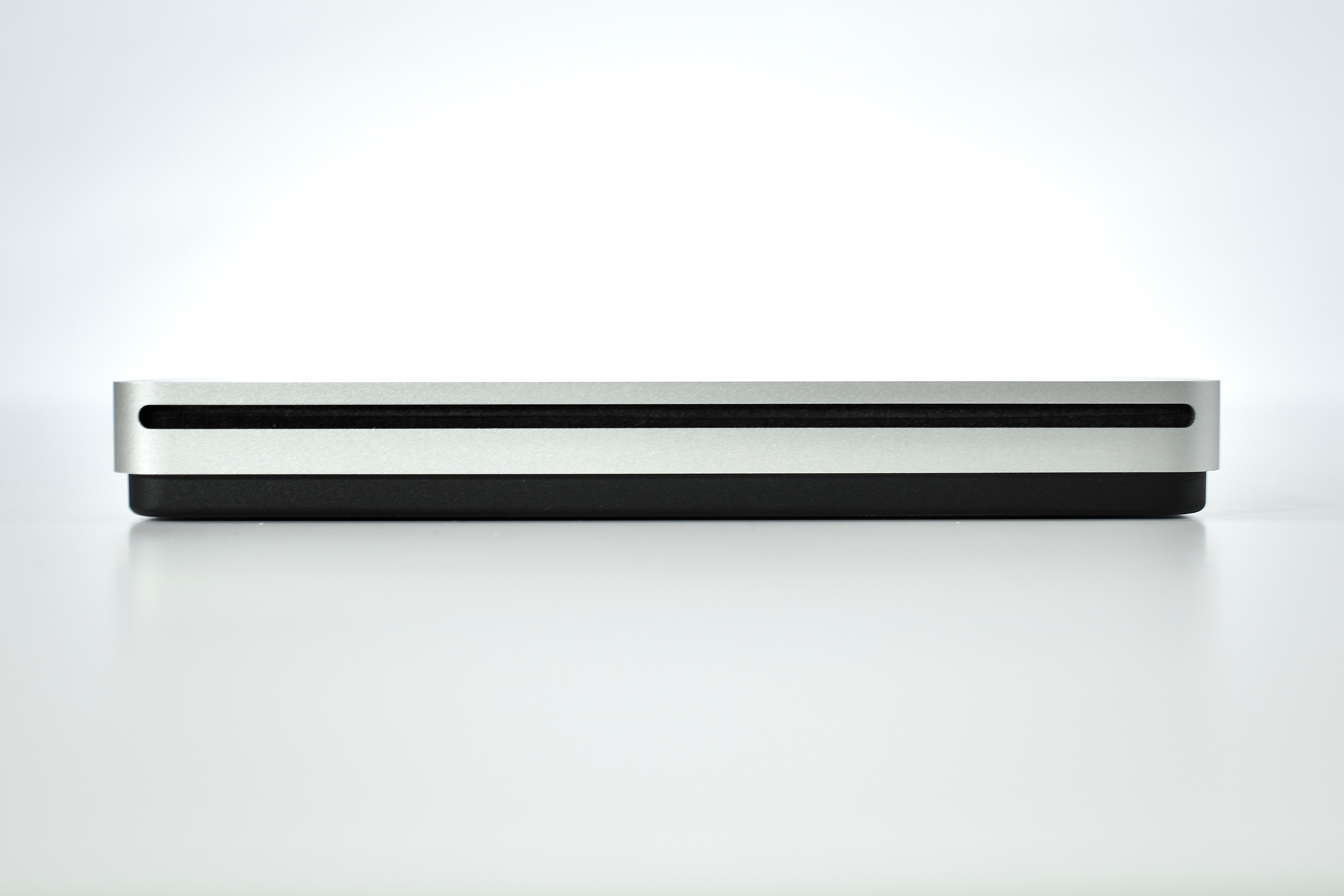
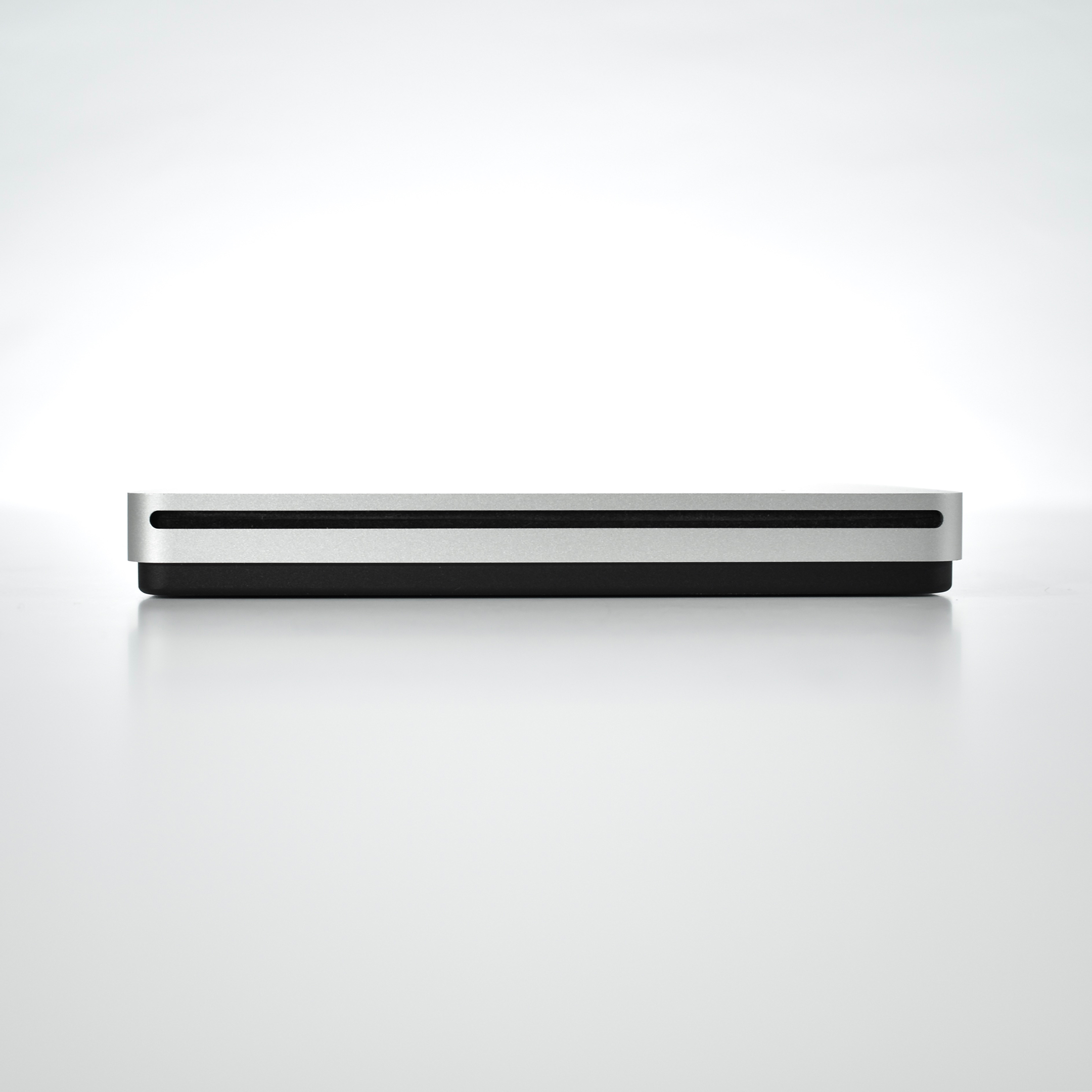
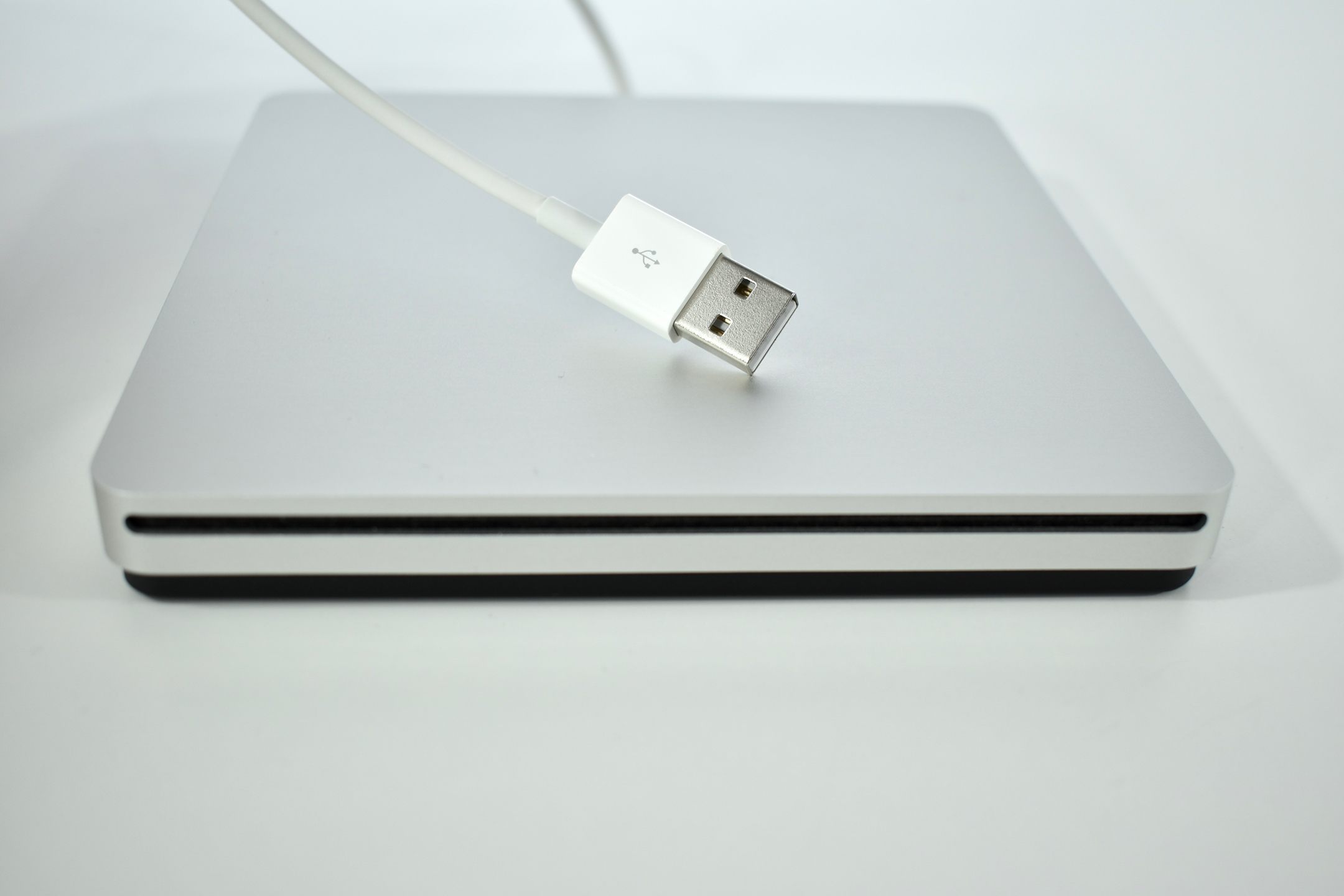
USB SuperDrive (2014)

According to Apple, “The Apple USB SuperDrive is compatible with Mac models from 2008 and later that don’t have a built-in optical drive.” This includes MacBook, MacBook Air with Retina display, MacBook Pro with Retina display, MacBook Air, iMac (late 2012) and later, Mac mini (late 2009) and later, and Mac Pro (late 2013). 
The drive is compact at 0.67 inches by 5.47 inches by 5.47 inches, and weighs 0.74 pounds. The drive includes a USB-A port, making an adapter necessary to use it with newer Macs that only include USB-C ports; however, no separate power adapter is required.

Apple proclaims that this drive is “Everything you need in an optical drive. Whether you’re at the office or on the road, you can play and burn both CDs and DVDs with the Apple USB SuperDrive. It’s perfect when you want to watch a DVD movie, install software, create backup discs, and more.”

Sources: Apple (Store, Support)

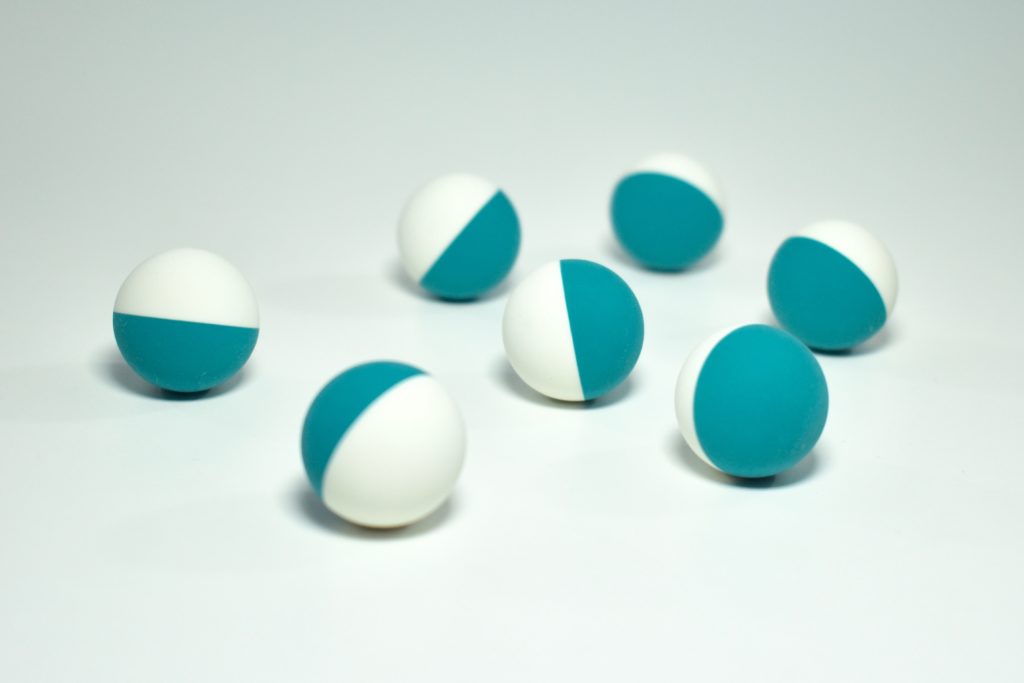
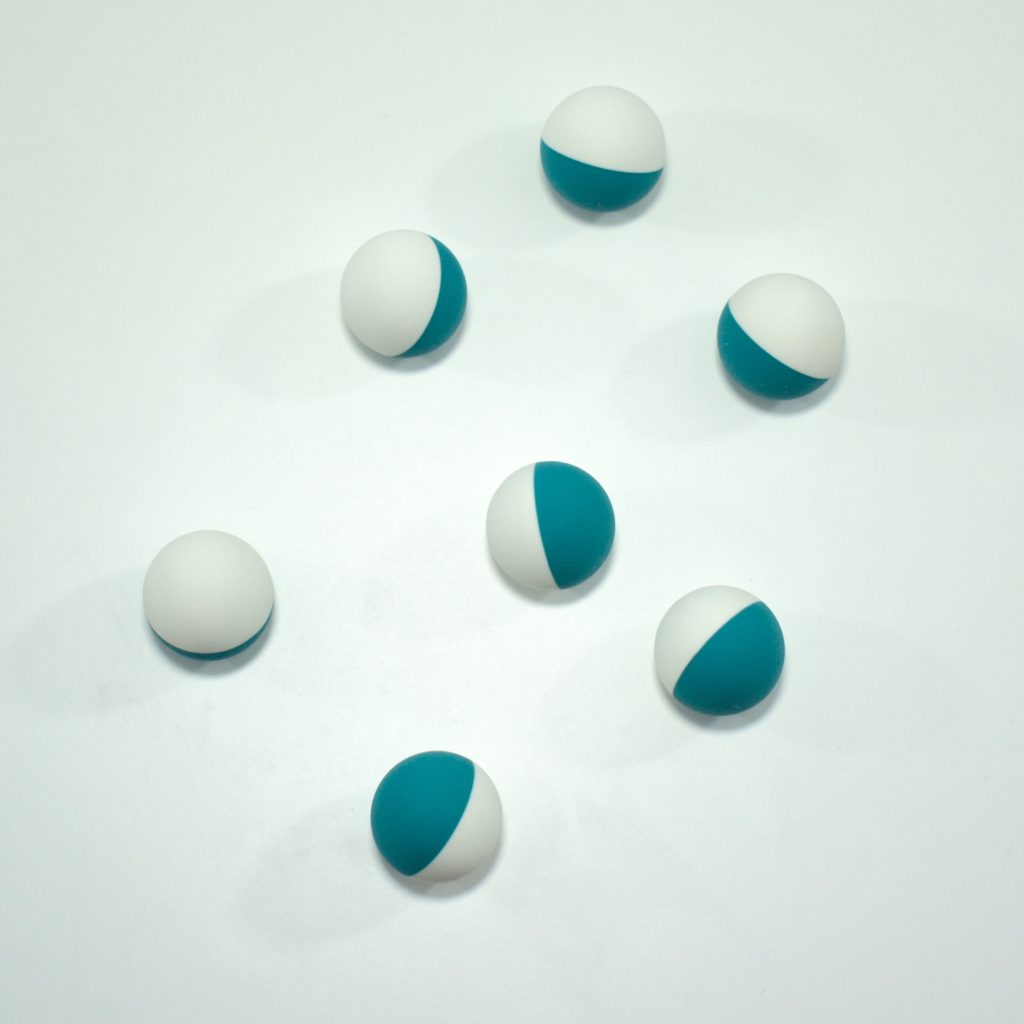
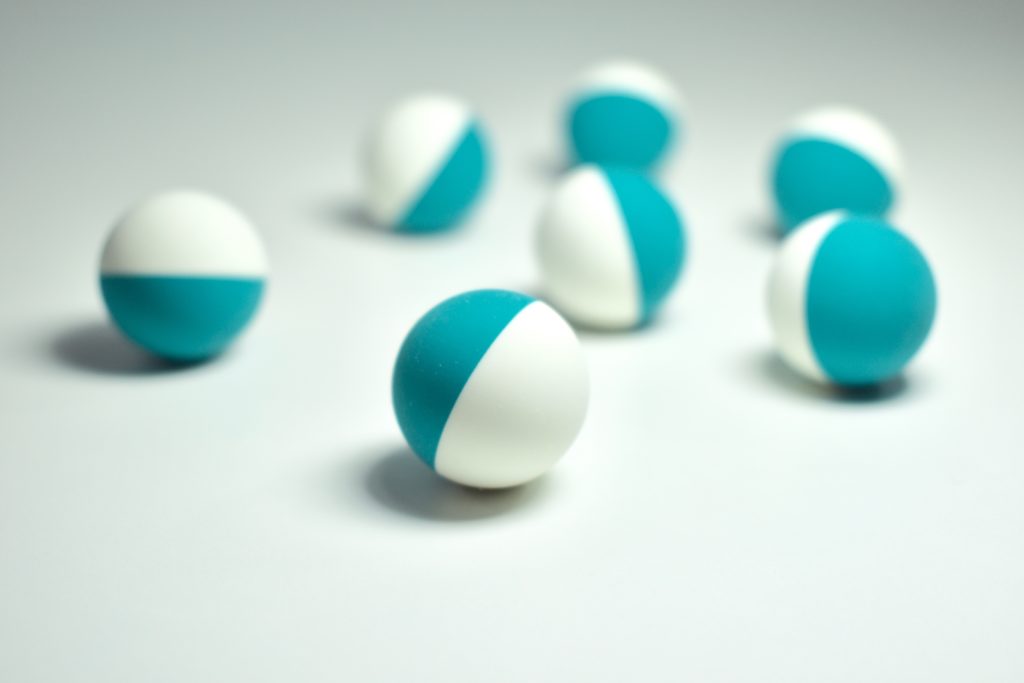
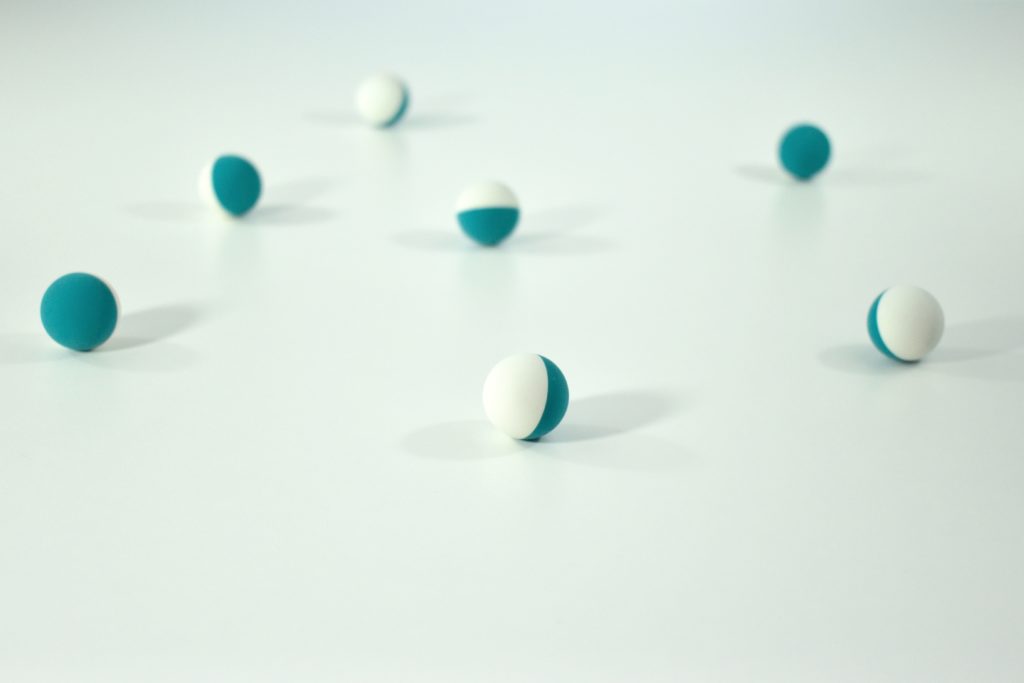
USB Mouse balls (OEM replacement, 1998)

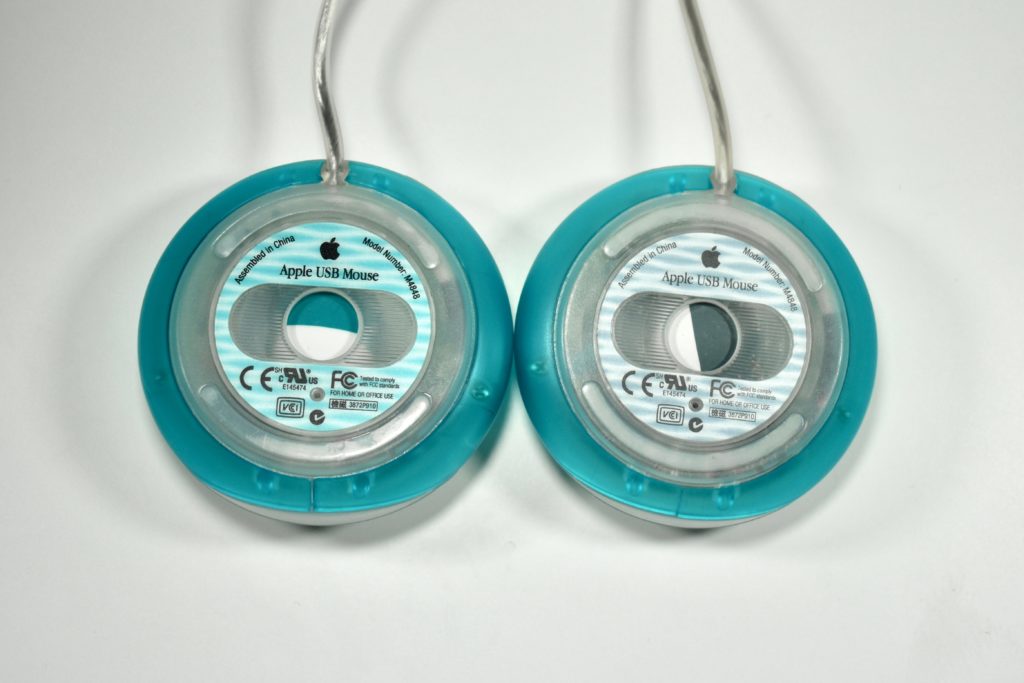
The original Apple USB Mouse, model M4848, used a half-teal blue and half-white ball that matched the Bondi blue iMac. When new iMac colors were introduced (blueberry, strawberry, lime, tangerine, and grape) the teal and white ball continued to be used until it was replaced with a gray and white ball.

These teal and white USB Mouse balls are official replacement parts provided by Apple.

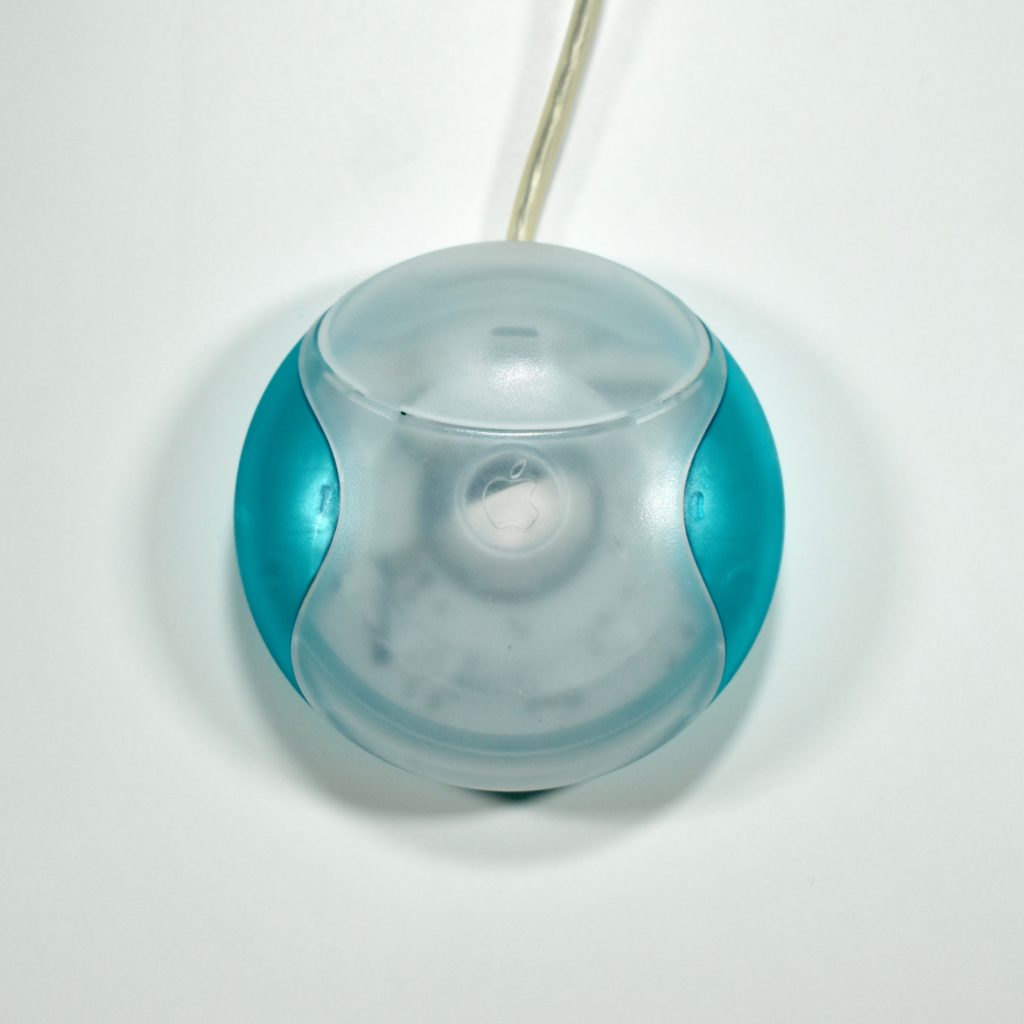
USB Mouse (blueberry, M4848, 1998)

The Apple USB Mouse was first released with the original iMac. The mouse was translucent white and accented in translucent Bondi blue, the same colors as the original iMac. The mouse was round and often referred to as the “hockey puck” mouse. Like previous Apple mouse designs, the USB mouse used a single button and a rubber ball for tracking. However, the rubber ball was two-toned to add design interest by capitalizing on the translucent case.

The mouse has been described as a rare design mistake for Apple because its round shape made it difficult to feel the top of the device, making tracking difficult. Soon after its release, Apple added a dimple in the graphite version of the mouse at the top above the button. The dimple remained on all subsequent versions of the USB Mouse, including this example.

The mouse also had a short cord. Although the cord worked well when plugged into the USB port on a matching iMac keyboard, the cord was too short to use (for right-handed users) with Mac laptops at the time since USB ports were located on the left side. 

Early versions of the USB Mouse included a two-toned blue and white trackball (regardless of the color of the mouse). Later versions switched to the more neutral gray and white trackball. Both versions are shown below.

Source: Wikipedia.com

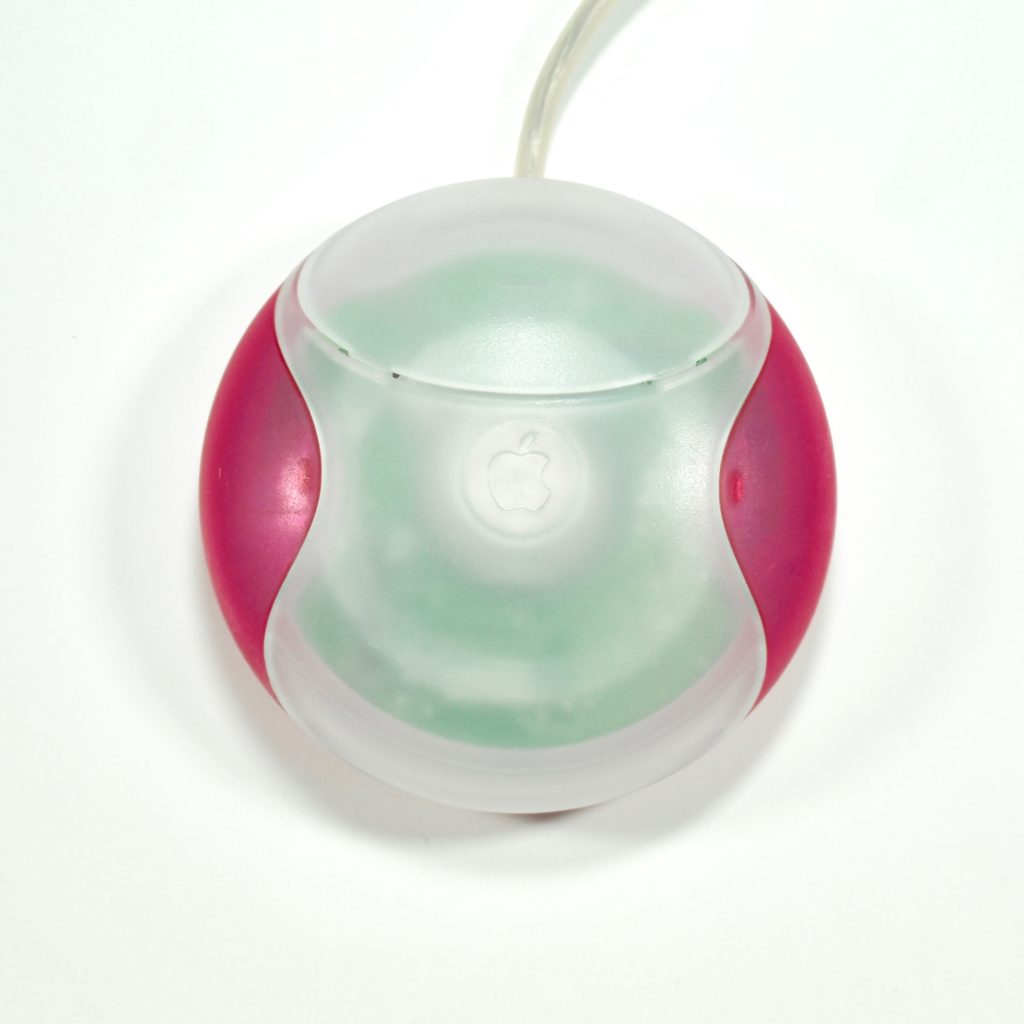
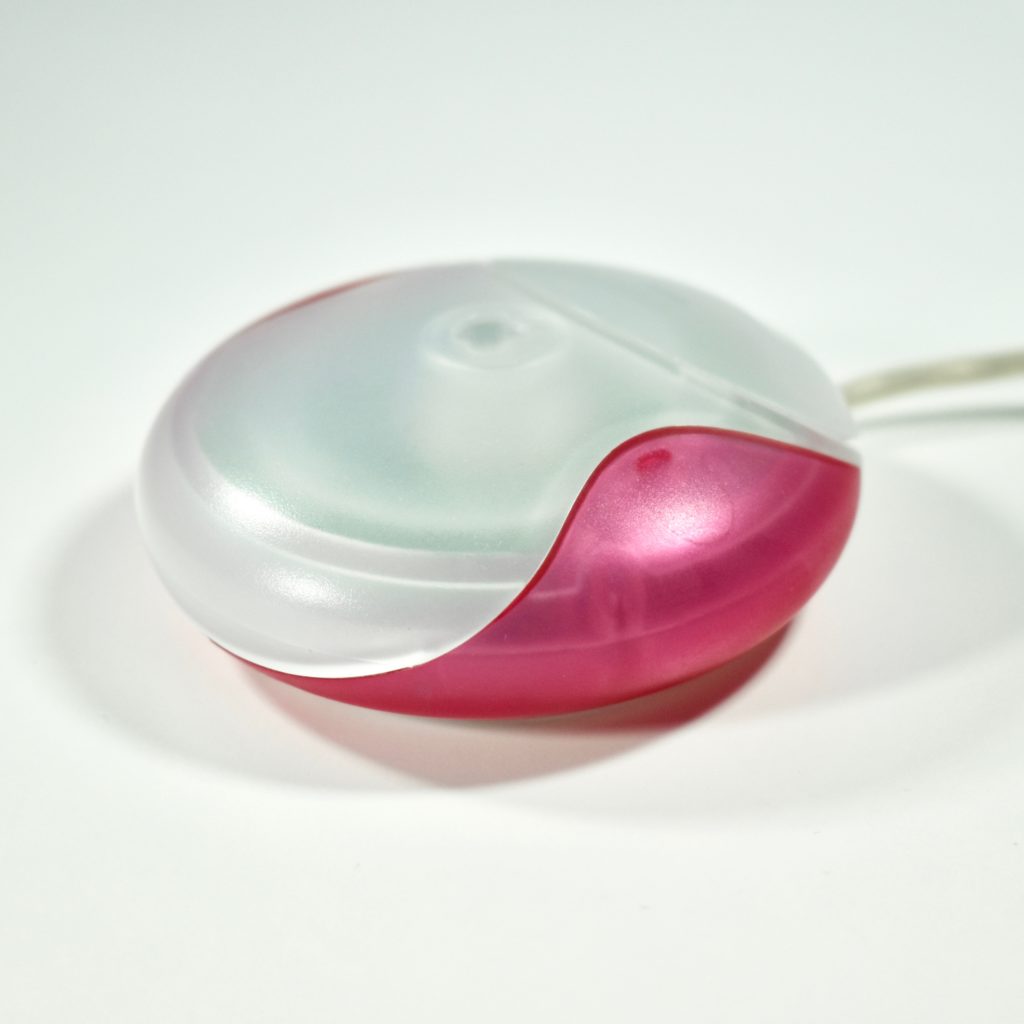
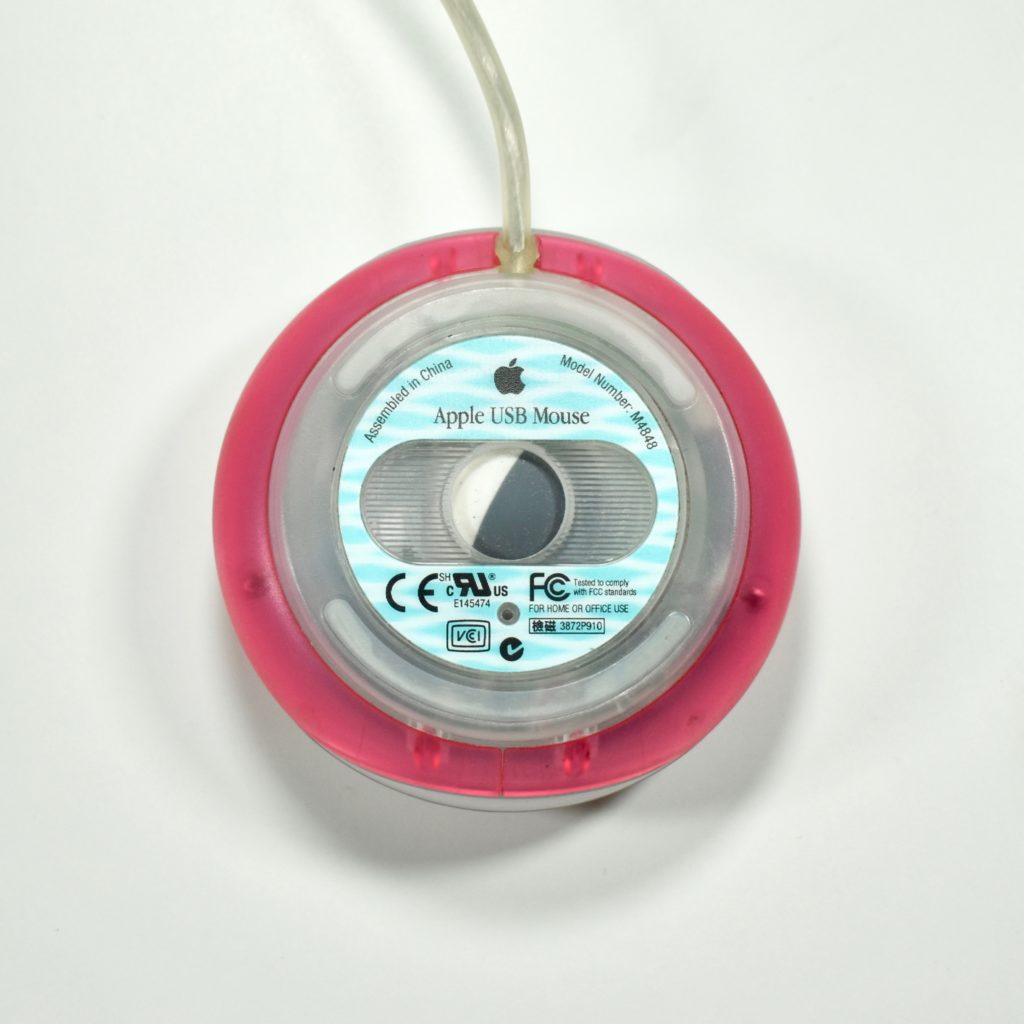
USB Mouse (strawberry, M4848, 1998)

The Apple USB Mouse was first released with the original iMac. The mouse was translucent white and accented in translucent Bondi blue, the same colors as the original iMac. The mouse was round and often referred to as the “hockey puck” mouse. Like previous Apple mouse designs, the USB mouse used a single button and a rubber ball for tracking. However, the rubber ball was two-toned to add design interest by capitalizing on the translucent case.

The mouse has been described as a rare design mistake for Apple because its round shape made it difficult to feel the top of the device, making tracking difficult. Soon after its release, Apple added a dimple in the graphite version of the mouse at the top above the button. The dimple remained on all subsequent versions of the USB Mouse, including this example.

The mouse also had a short cord. Although the cord worked well when plugged into the USB port on a matching iMac keyboard, the cord was too short to use (for right-handed users) with Mac laptops at the time since USB ports were located on the left side. 

Source: Wikipedia.com

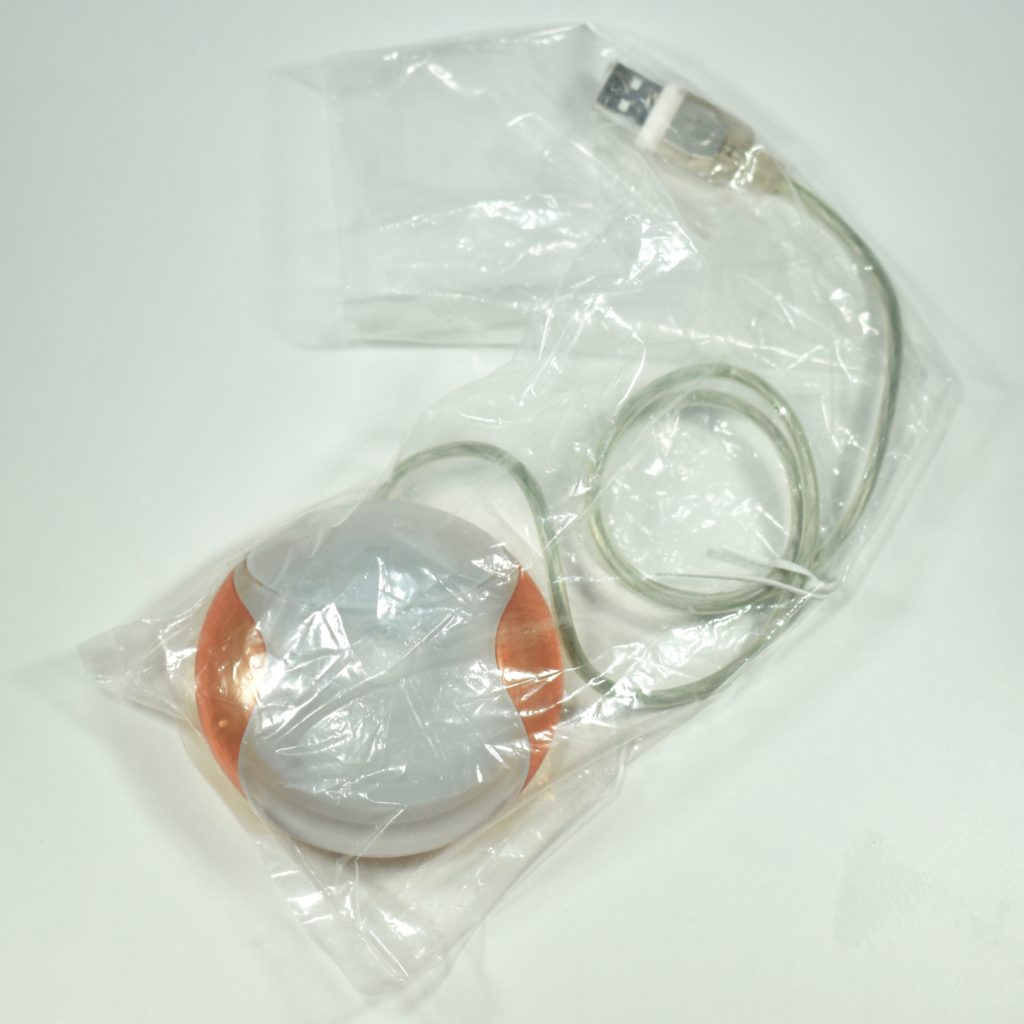
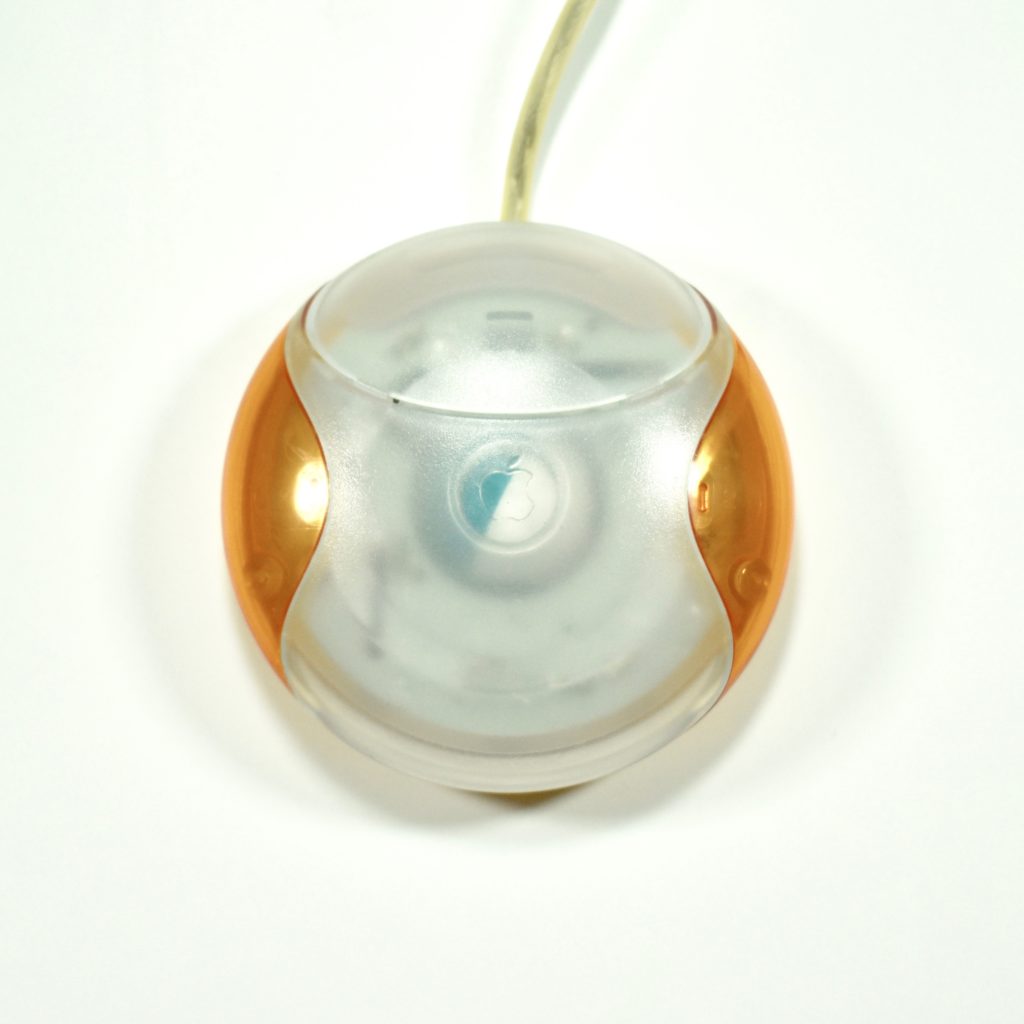
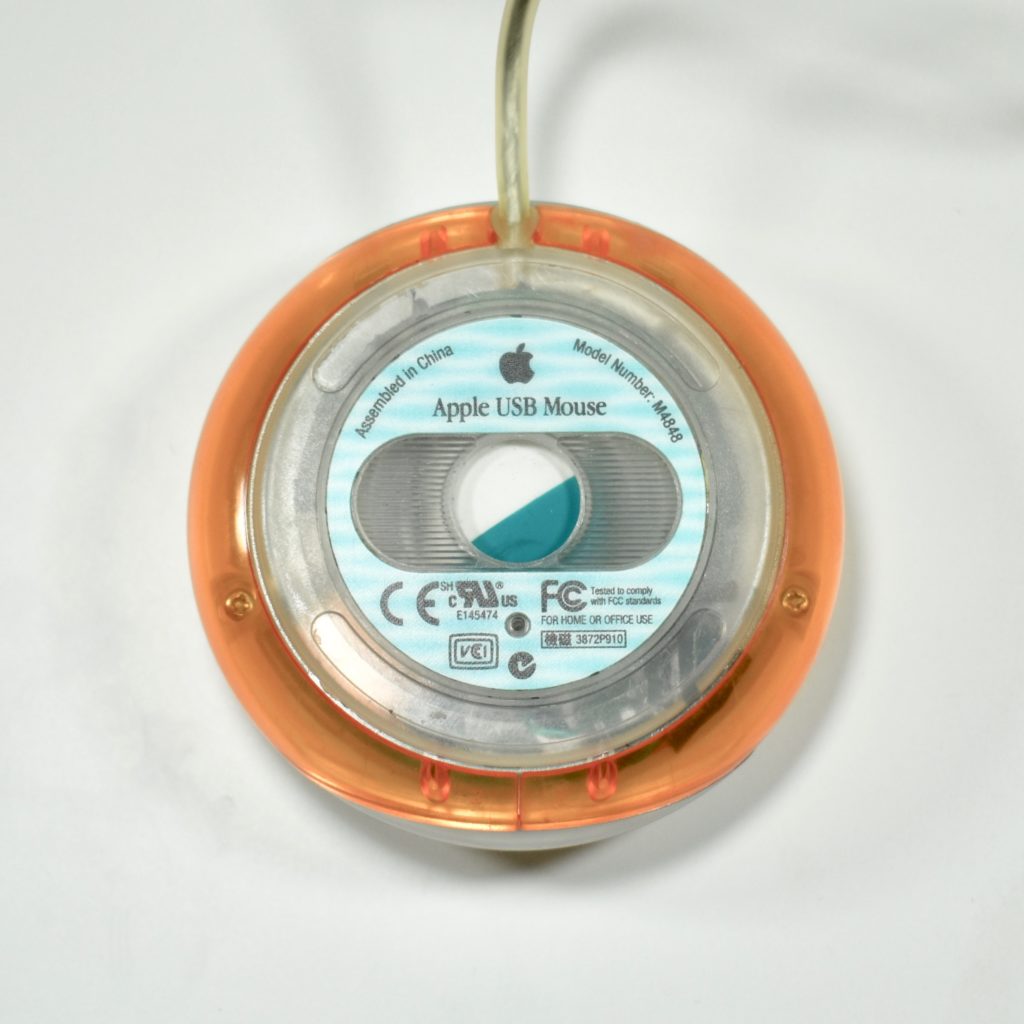
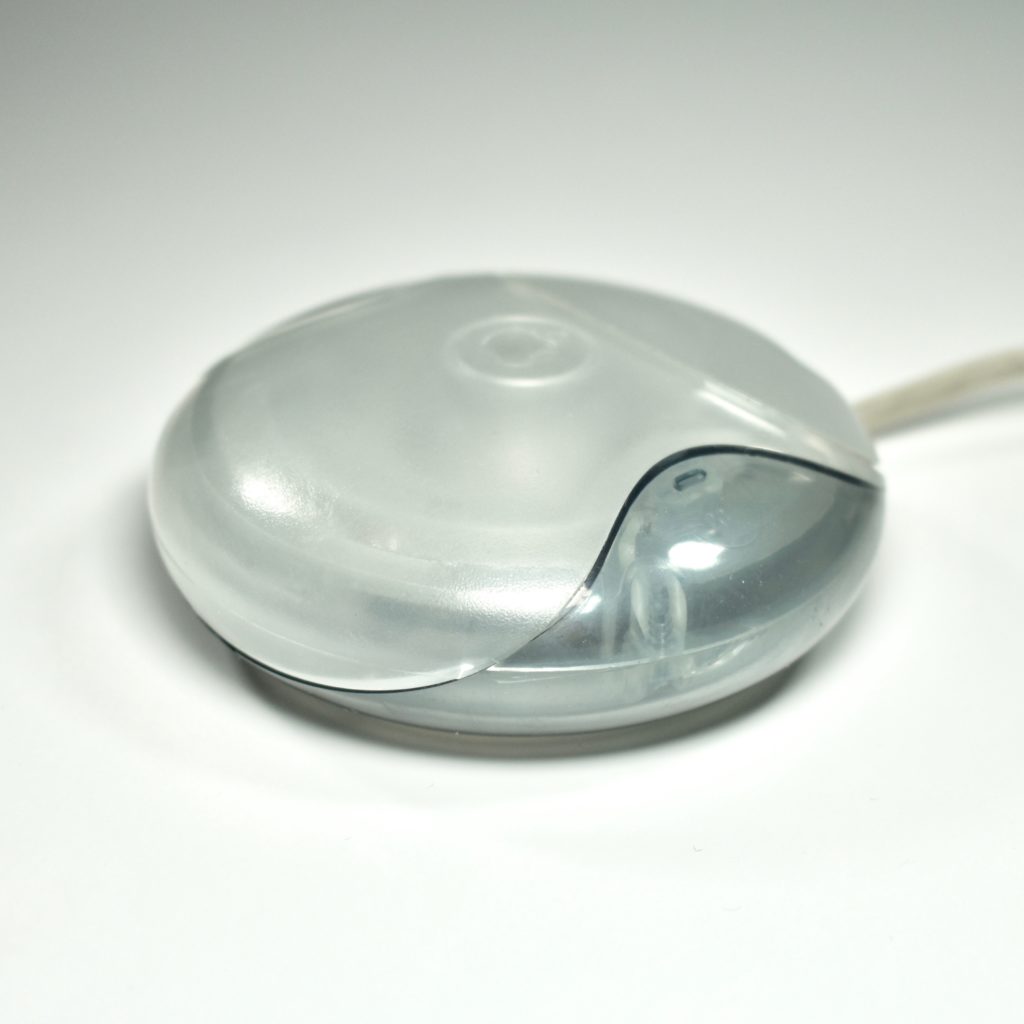
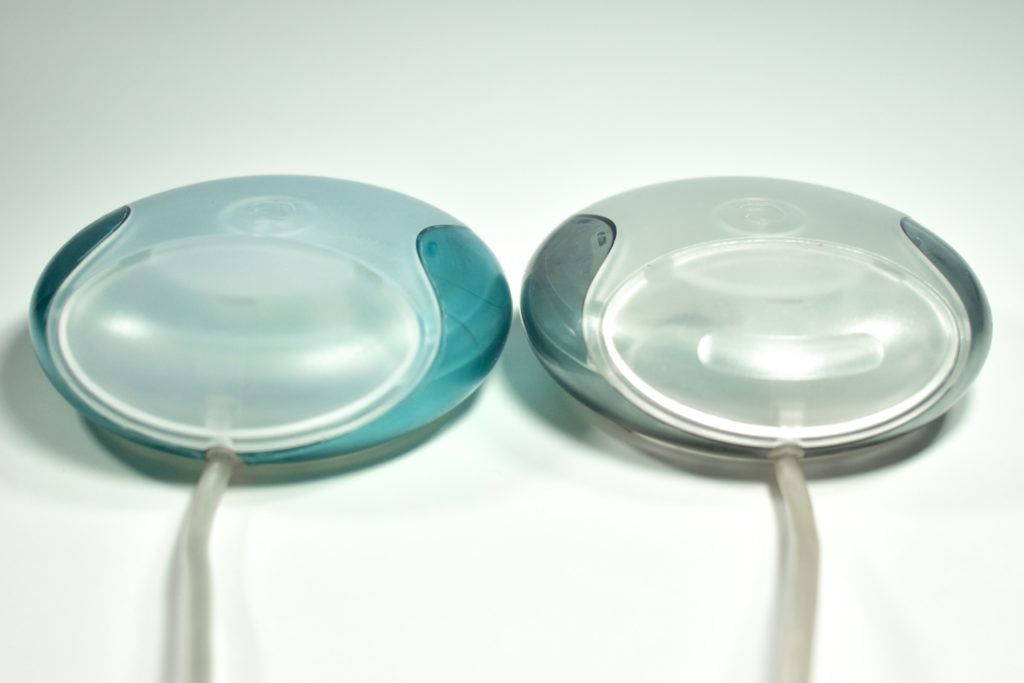
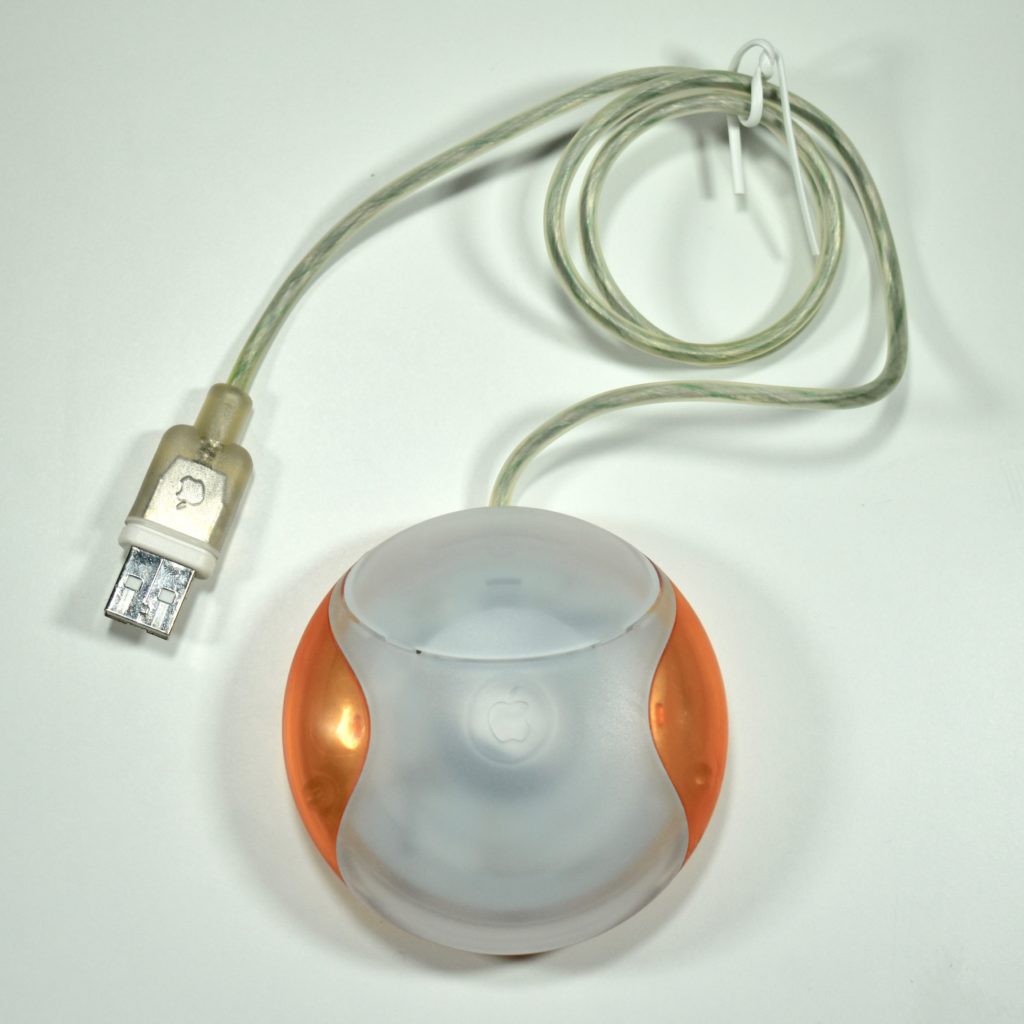
USB Mouse (tangerine, OEM part, M4848, 1998)

The Apple USB Mouse was first released with the original iMac. The mouse was translucent white and accented in translucent Bondi blue, the same colors as the original iMac. The mouse was round and often referred to as the “hockey puck” mouse. Like previous Apple mouse designs, the USB mouse used a single button and a rubber ball for tracking. However, the rubber ball was two-toned to add design interest by capitalizing on the translucent case.

The mouse has been described as a rare design mistake for Apple because its round shape made it difficult to feel the top of the device, making tracking difficult. Soon after its release, Apple added a dimple in the graphite version of the mouse at the top above the button. The dimple remained on all subsequent versions of the USB Mouse, including this example.

This tangerine mouse was not shipped with an iMac. Instead, this mouse was an OEM replacement part that was shipped in a utilitarian plastic bag rather than retail packaging.

The mouse also had a short cord. Although the cord worked well when plugged into the USB port on a matching iMac keyboard, the cord was too short to use (for right-handed users) with Mac laptops at the time since USB ports were located on the left side. 

Source: Wikipedia.com

USB Mouse (tangerine, M4848, 1998)

The Apple USB Mouse was first released with the original iMac. The mouse was translucent white and accented in translucent Bondi blue, the same colors as the original iMac. The mouse was round and often referred to as the “hockey puck” mouse. Like previous Apple mouse designs, the USB mouse used a single button and a rubber ball for tracking. However, the rubber ball was two-toned to add design interest by capitalizing on the translucent case.

The mouse has been described as a rare design mistake for Apple because its round shape made it difficult to feel the top of the device, making tracking difficult. Soon after its release, Apple added a dimple in the graphite version of the mouse at the top above the button. The dimple remained on all subsequent versions of the USB Mouse, including this example.

The mouse also had a short cord. Although the cord worked well when plugged into the USB port on a matching iMac keyboard, the cord was too short to use (for right-handed users) with Mac laptops at the time since USB ports were located on the left side. 

Source: Wikipedia.com

USB Mouse (graphite, M4848, 1999)

The Apple USB Mouse was first released with the original iMac. The mouse was translucent white and accented in translucent Bondi blue, the same colors as the original iMac. The mouse was round and often referred to as the “hockey puck” mouse. Like previous Apple mouse designs, the USB mouse used a single button and a rubber ball for tracking. However, the rubber ball was two-toned to add design interest by capitalizing on the translucent case.

The mouse has been described as a rare design mistake for Apple because its round shape made it difficult to feel the top of the device, making tracking difficult. Soon after its release, Apple added a dimple in the graphite version of the mouse at the top above the button. The dimple is shown below next to an original Bondi blue USB Mouse.

The mouse also had a short cord. Although the cord worked well when plugged into the USB port on a matching iMac keyboard, the cord was too short to use (for right-handed users) with Mac laptops at the time since USB ports were located on the left side.

The graphite Apple USB mouse was included with a late-1999 Special Edition iMac SE model.

Source: Wikipedia.com

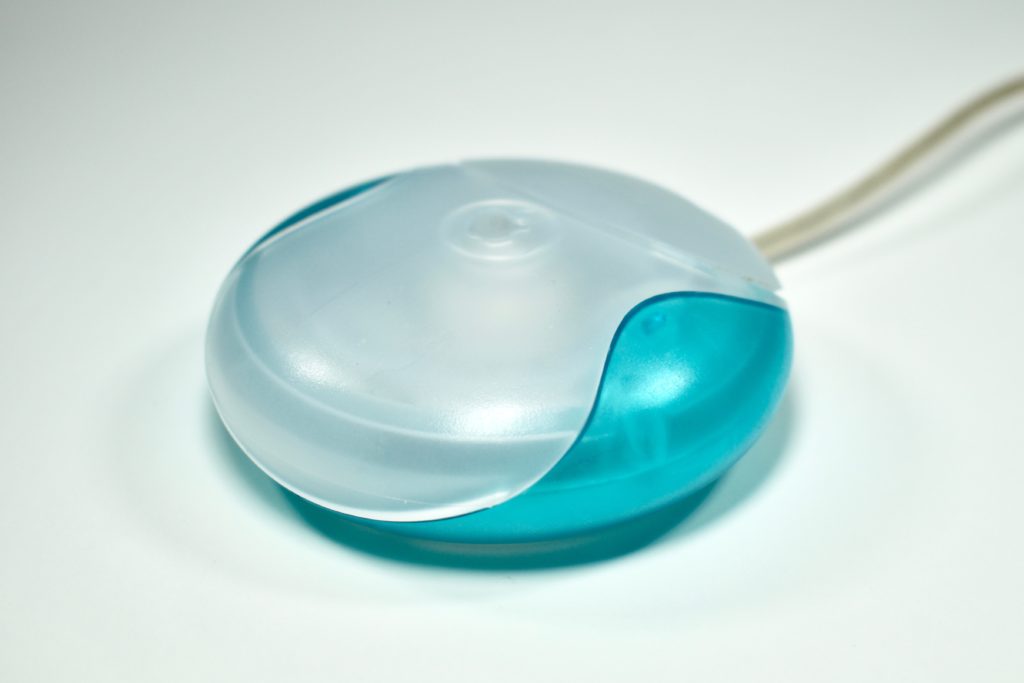
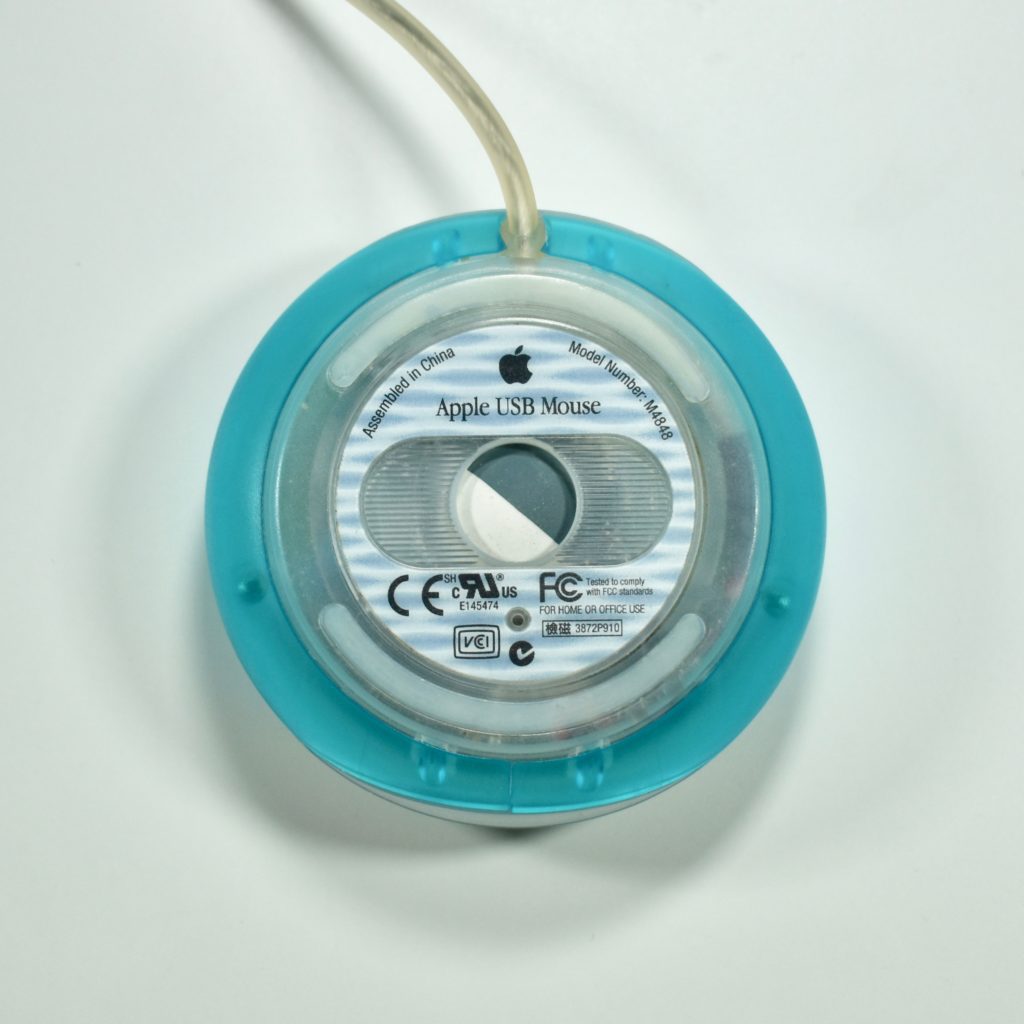
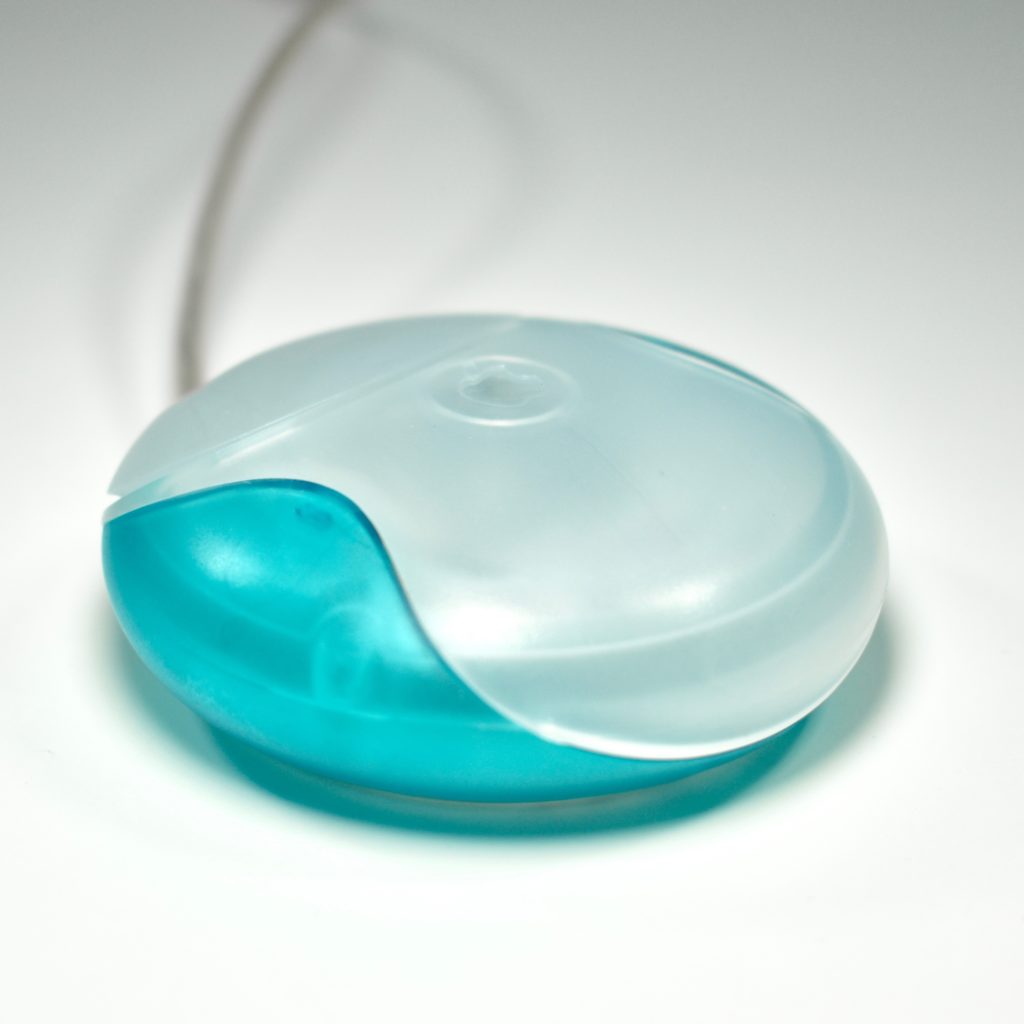
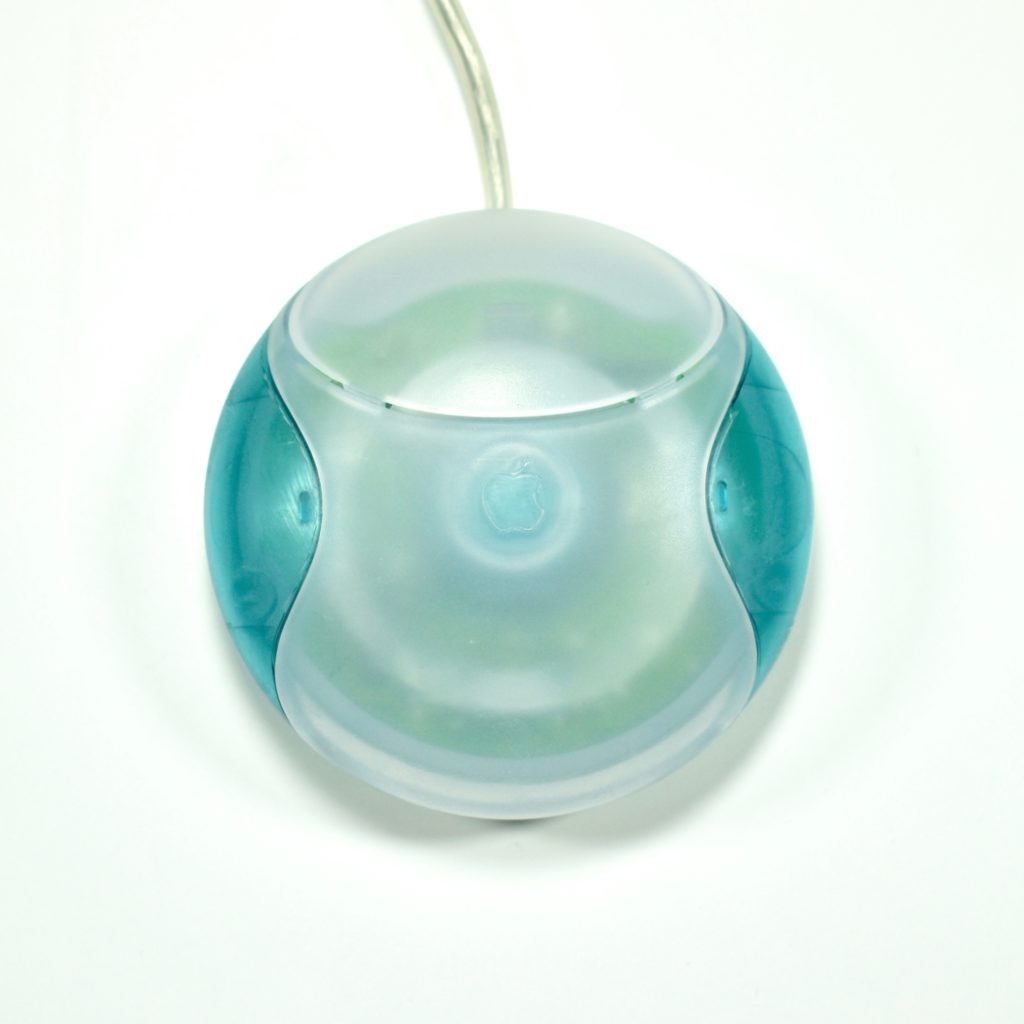
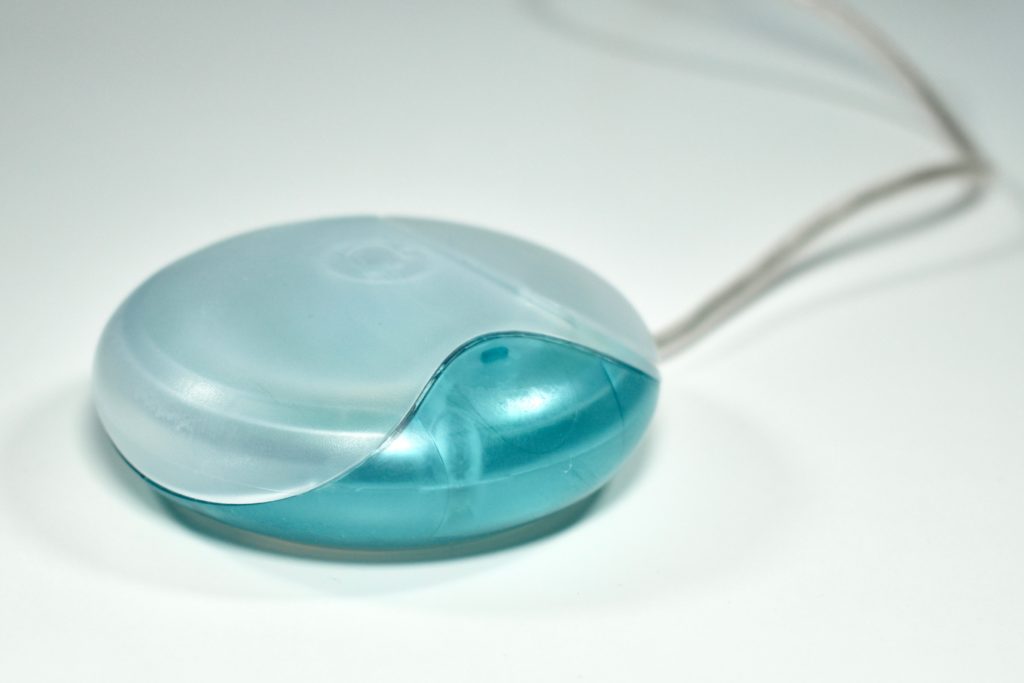
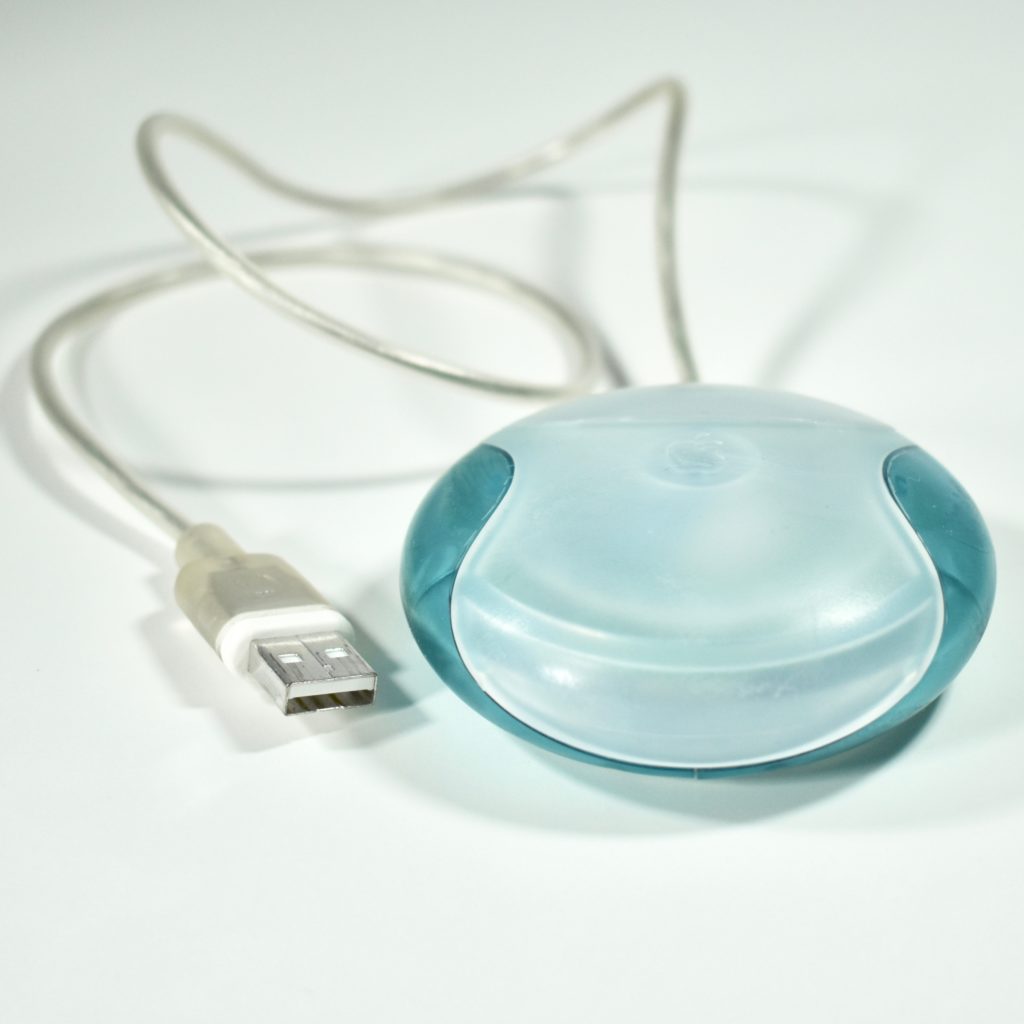
USB Mouse (original, Bondi blue, M4848, 1998)

The Apple USB Mouse was first released with the original iMac. The mouse was translucent white and accented in translucent Bondi blue, the same colors as the original iMac. The mouse was round and often referred to as the “hockey puck” mouse. Like previous Apple mouse designs, the USB mouse used a single button and a rubber ball for tracking. However, the rubber ball was two-toned to add design interest by capitalizing on the translucent case.

The mouse has been described as a rare design mistake for Apple because its round shape made it difficult to feel the top of the device, making tracking difficult. Soon after its release, Apple added a dimple in the graphite version of the mouse at the top above the button.

The mouse also had a short cord. Although the cord worked well when plugged into the USB port on a matching iMac keyboard, the cord was too short to use (for right-handed users) with Mac laptops at the time since USB ports were located on the left side.

Source: Wikipedia.com