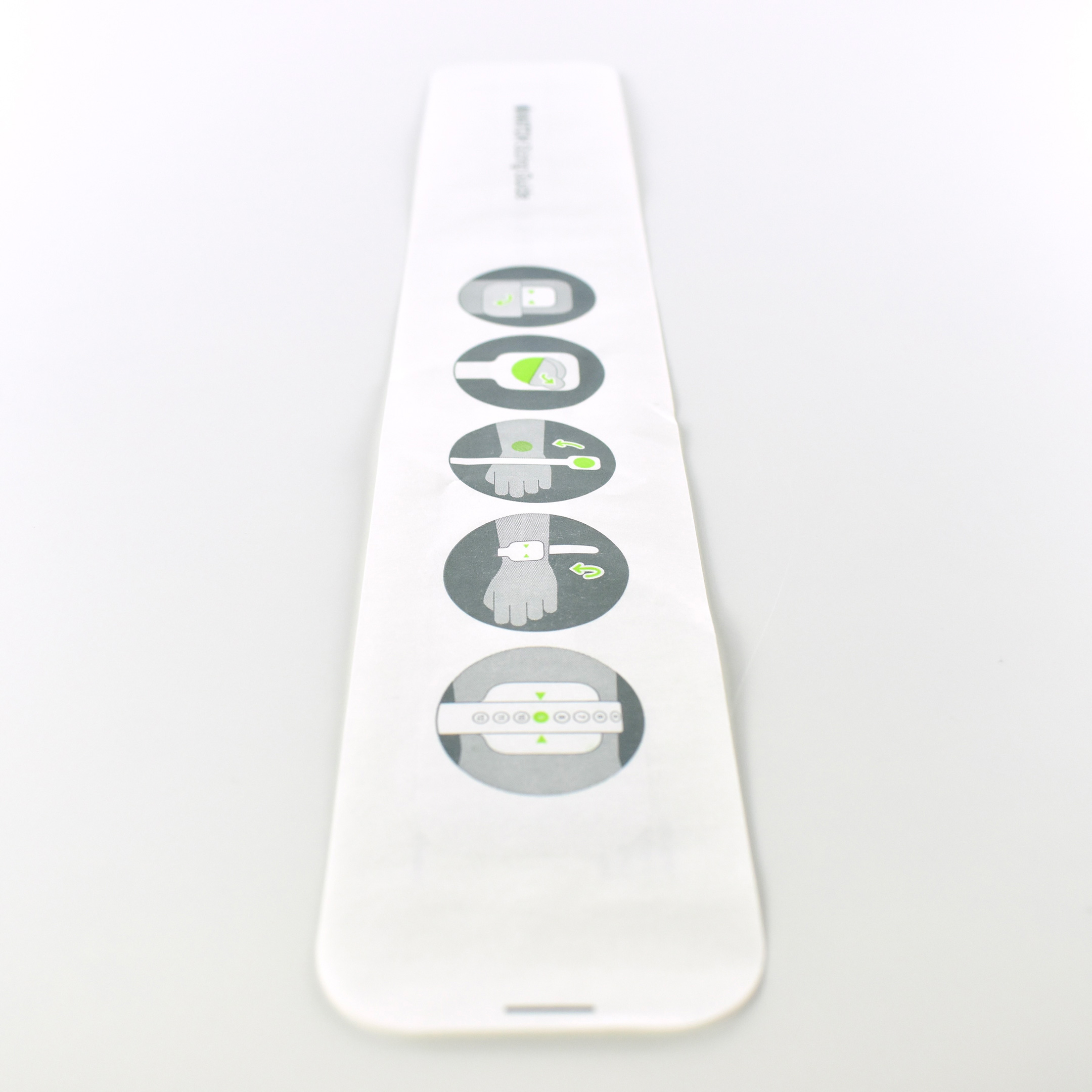
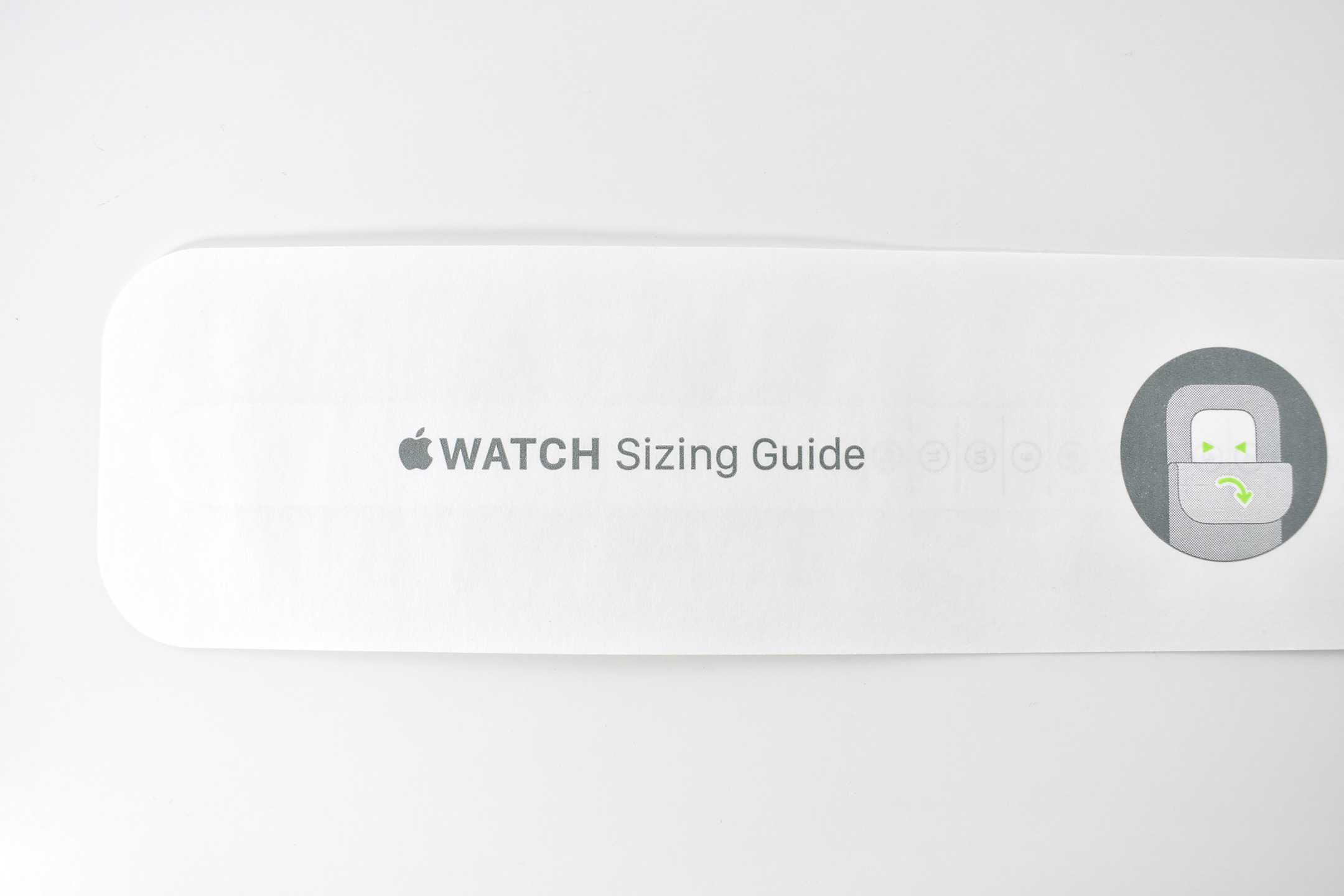
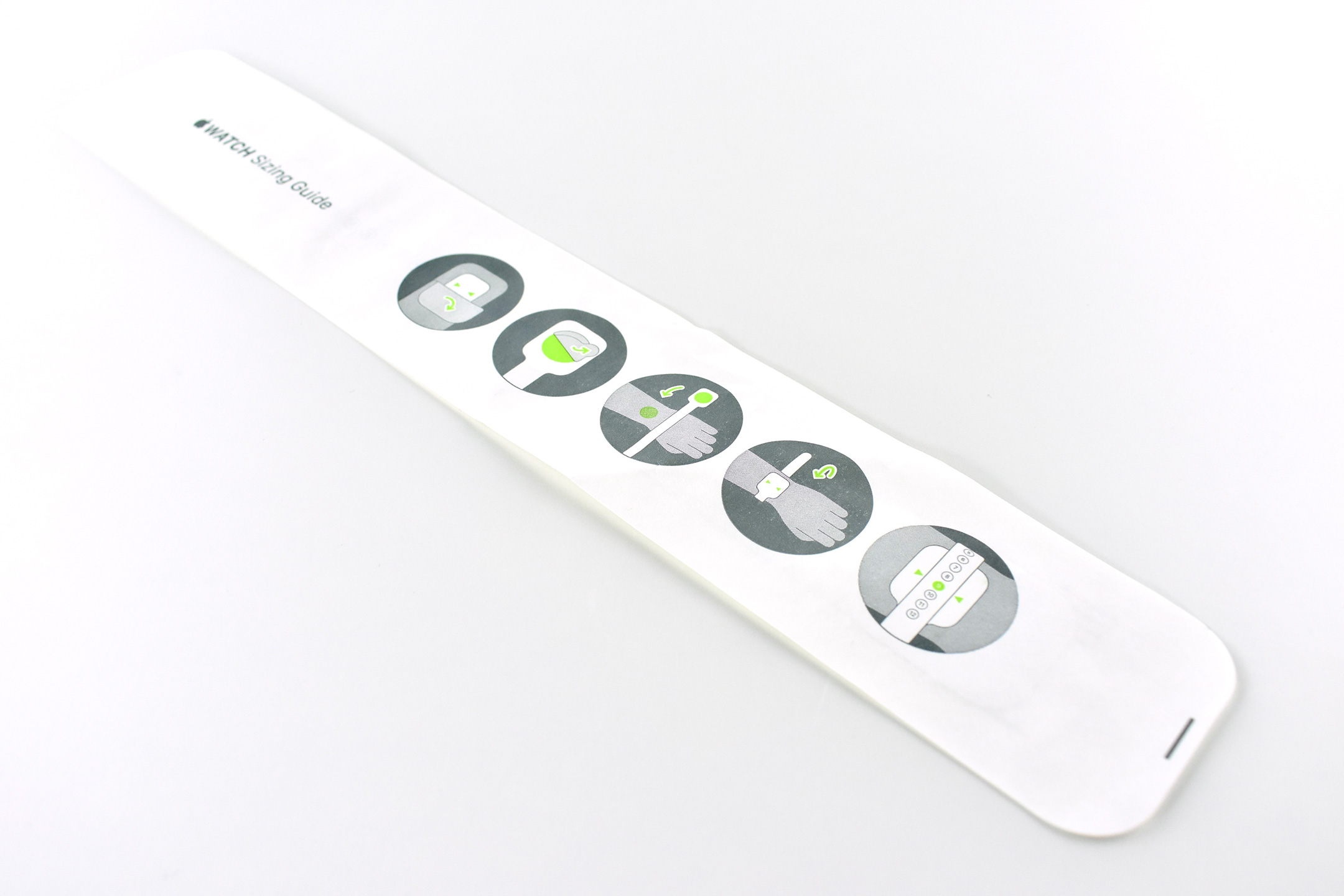
Beginning in 2020 Apple began offering Apple Watch band designs that were specifically sized to wrists. These bands included the Apple Watch Solo Loop and the Apple Watch Braided Solo Loop. These Apple Watch bands were available in sizes 1–12.
In order to allow individuals to determine their Apple Watch Band size, Apple provided three methods:
Printable Tool (online PDF)
Everyday items (using a “tailor’s measuring tape” or a narrow strip of paper)
Sizing Tool (in-store paper tool)
The first 2 options were available online. After measuring your wrist, Apple provided an online converter that allowed users to enter their wrist size to a maximum of 10 15/16 inch (although the Solo Loop only fit wrists to a maximum of 8 2/16 inches).
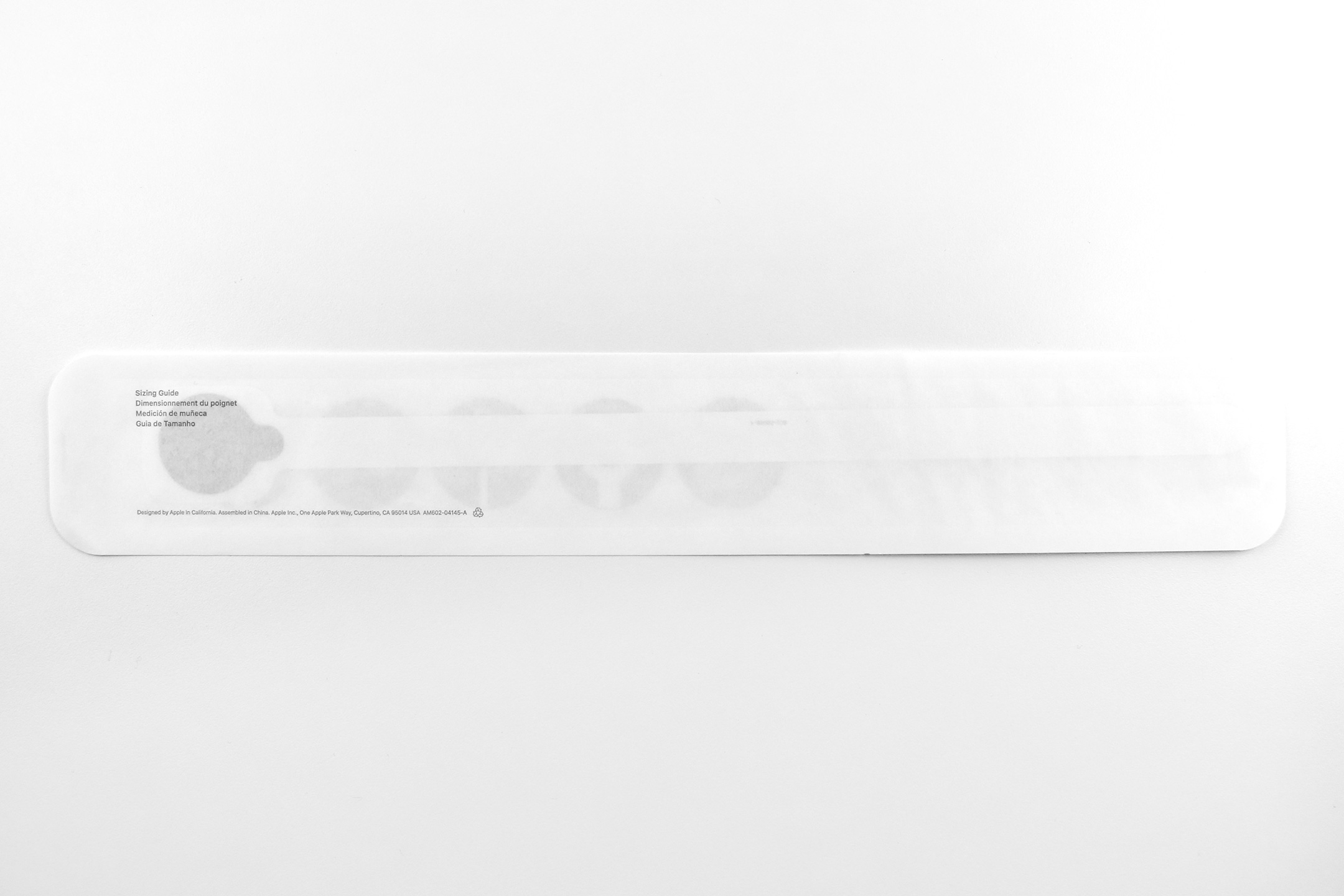
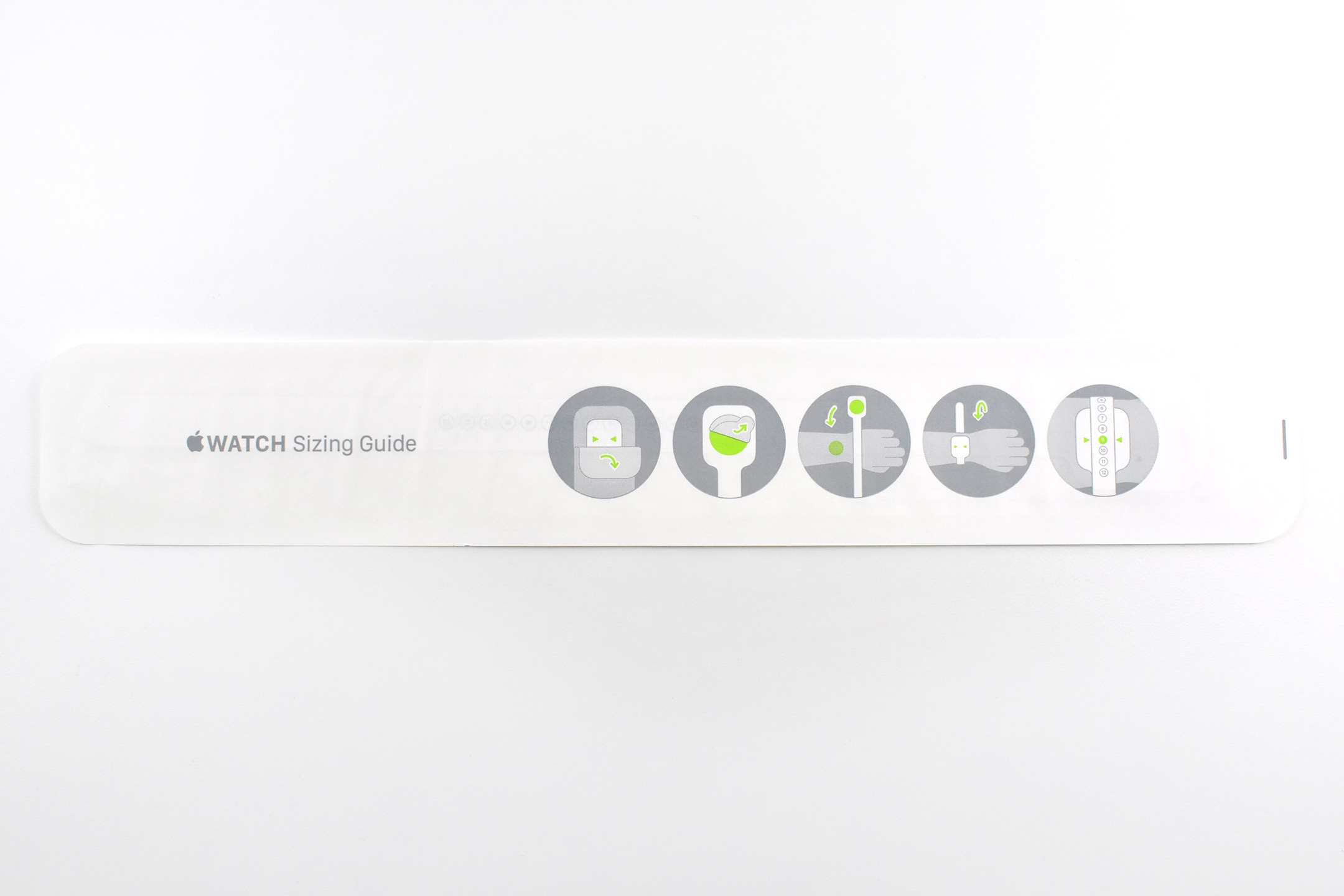
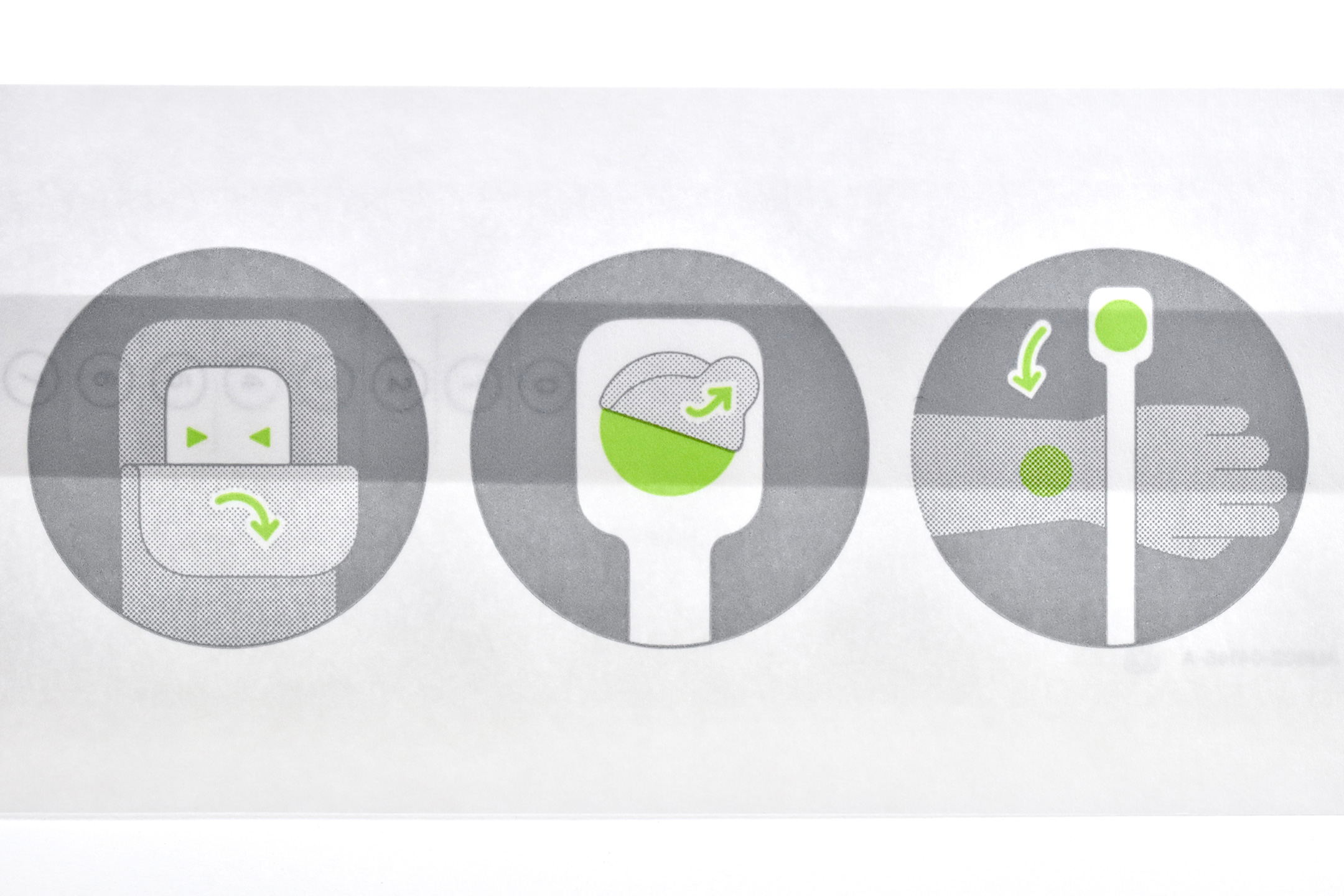
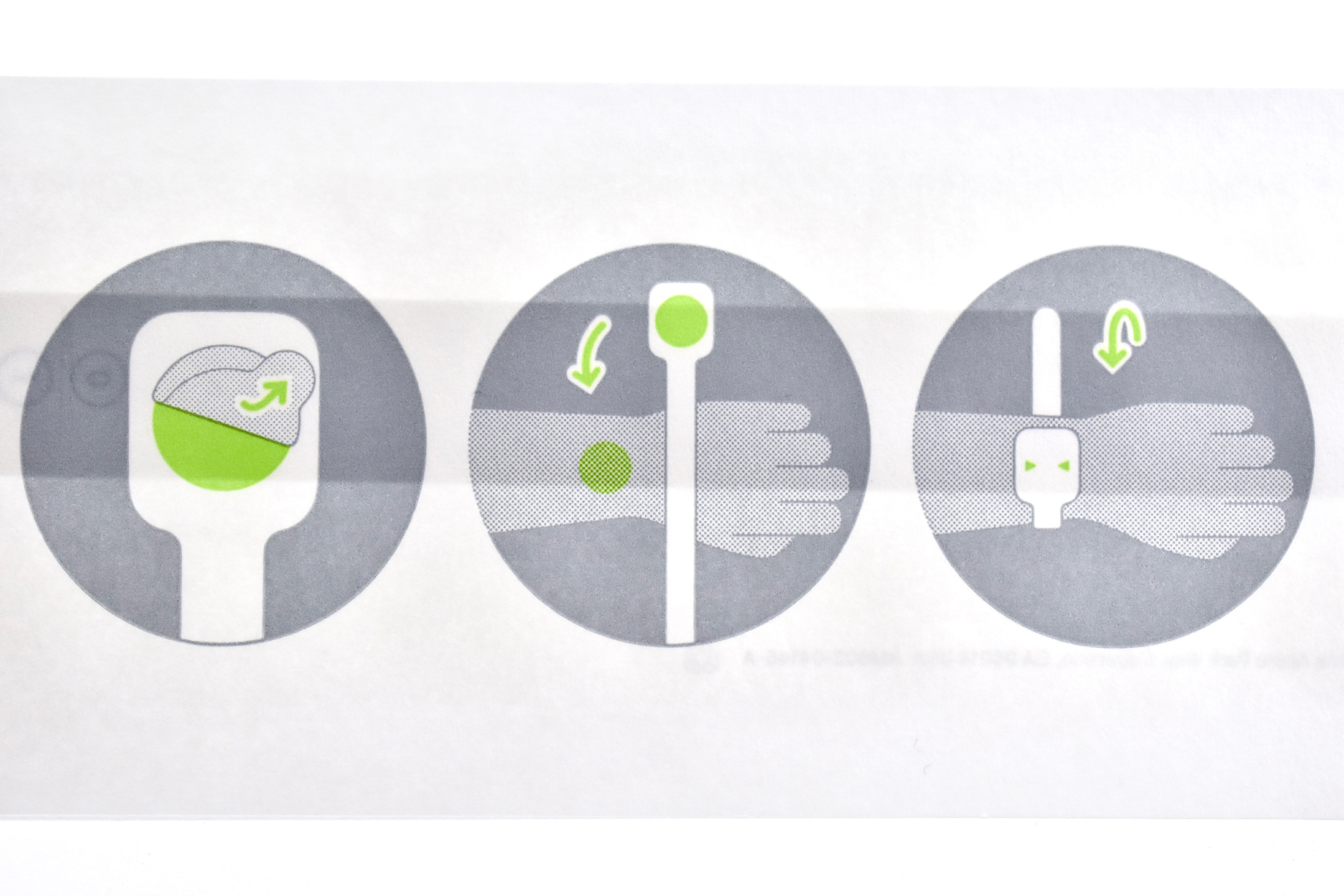
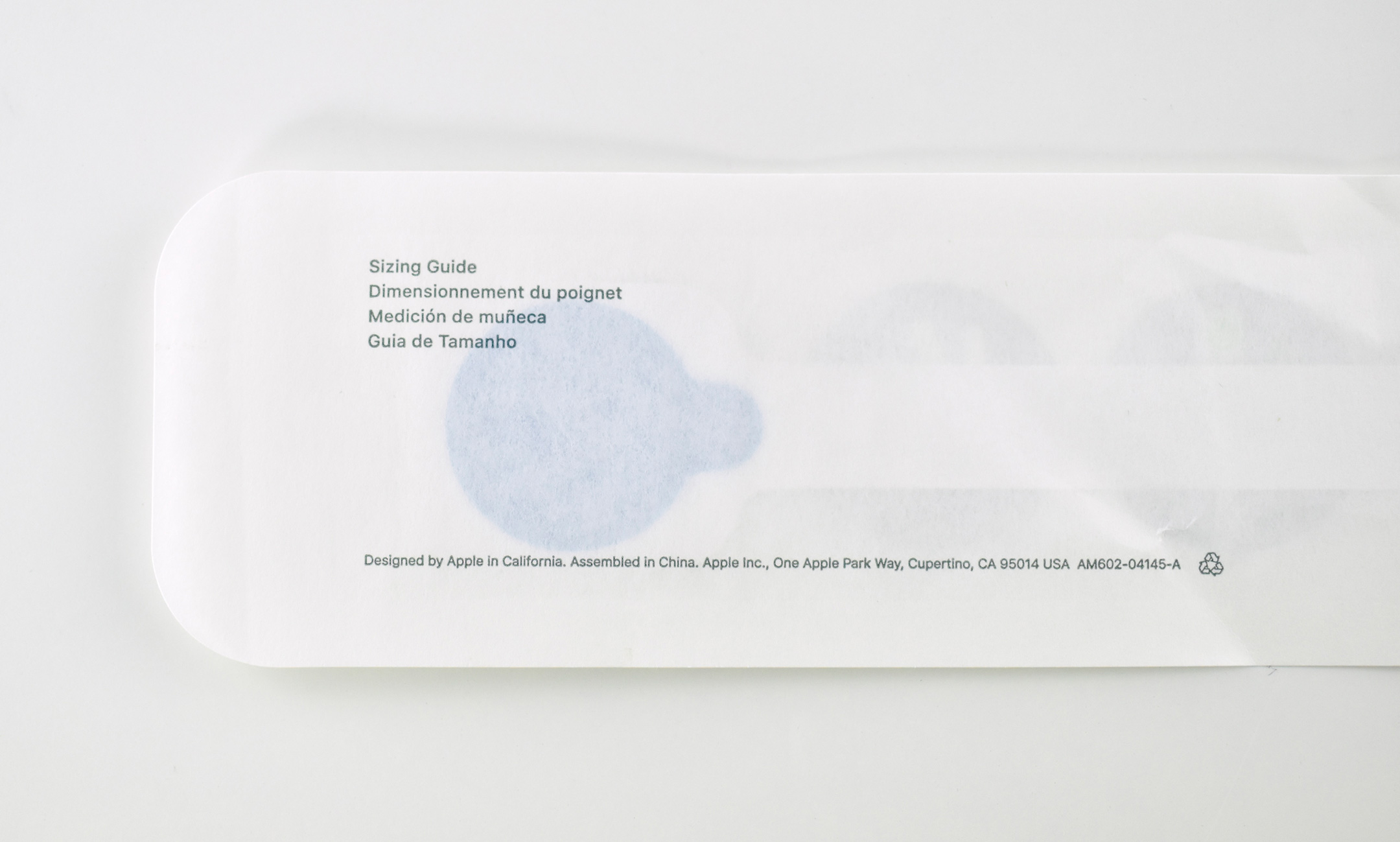
This third Sizing Tool option was available to Apple Store Customers. The tool includes the directions on the outer package, instructing individuals using diagrams to open the package, peel back an adhesive dot, wrap the tool around the wrist, and determine the band size based upon the location of arrows printed on the Sizing Tool.
This example is unopened and was obtained at the Deer Park (IL) Apple Store in December 2025.
This is a rare Mac Collection blog entry for a non-Apple product, but I consider its crossover appeal to warrant its own post. Many thanks to Tom for this gift that was purchased at the Haynes Motor Museum in Sparkford, Yeovil, Somerset, England.
For automobile enthusiasts worldwide, Haynes is instantly recognizable as “the worldwide leader in automotive and powersports equipment repair, maintenance and customization manuals, with over 150 million sold to date globally.” The publisher is based in the United Kingdom, and they note on their website:
“Haynes Publishing was founded in 1960. The main office is located in Somerset, England. The Haynes Manuals team is headquartered in Newbury Park, CA [USA] and is part of Haynes North America, Inc., which also publishes Chilton Repair Manuals in print and Clymer Repair Manuals in both print and online editions.”
Haynes Manuals are written by expert technicians and based upon tear-downs of each vehicle that they describe as a “step-by-step procedure for dismantling a vehicle or piece of equipment part-by-part. This is followed by the detailed rebuilding of the vehicle.” Hundreds of photos and videos accompany the tear-down process that are used in creating the manuals. They tout their manuals as “the ultimate DIY guide books for used, collector, and newer model vehicles and powersports equipment.”
In addition to automotive manuals, Haynes has offered manuals in their signature style in a variety of “lifestyle” categories. As of 2024 their website lists the following lifestyle options: Aviation; Maritime; Military; Motorcycling; Motorsport; Music; Rail; Space; Caravanning & Camping; Cooking, Food + Drink; Computing; Fitness, Sport + Wellbeing; Hobbies + Leisure Activities; Home, DIY + Garden; History + People; Pet & Animal Care; and Sci-Fi.
This Haynes tome is from 2003 and is titled The Mac Manual: The Step-by-step Guide to Upgrading, Maintaining and Repairing a Mac by Keith Martin (2023).
The back of the book provides the following description:
“This full-colour manual shows how easy it is to upgrade, maintain and repair a Mac – from a beige G3 to a flat-screen iMac. From adding more memory or upgrading the processor to installing a new DVD drive, it takes the reader through each stage using plain English and clear step-by-step photographs. Along with information on software and peripherals, this manual will save you time and money, giving a basic understanding of all areas of Mac hardware and installation – without blinding you with science.”
The author, Keith Martin, at the time of its publication was considered “an acknowledged Mac expert with a talent for debunking jargon and explaining how things work in plain English, is the full-time Technical Editor of MacUser, the UK’s most authoritative and best-selling Mac magazine. He lives in south-west London.” As of 2024, he describes himself as a “consultant, practitioner and lecturer in print and digital publishing, design, tech, and 360 virtual reality imaging.”
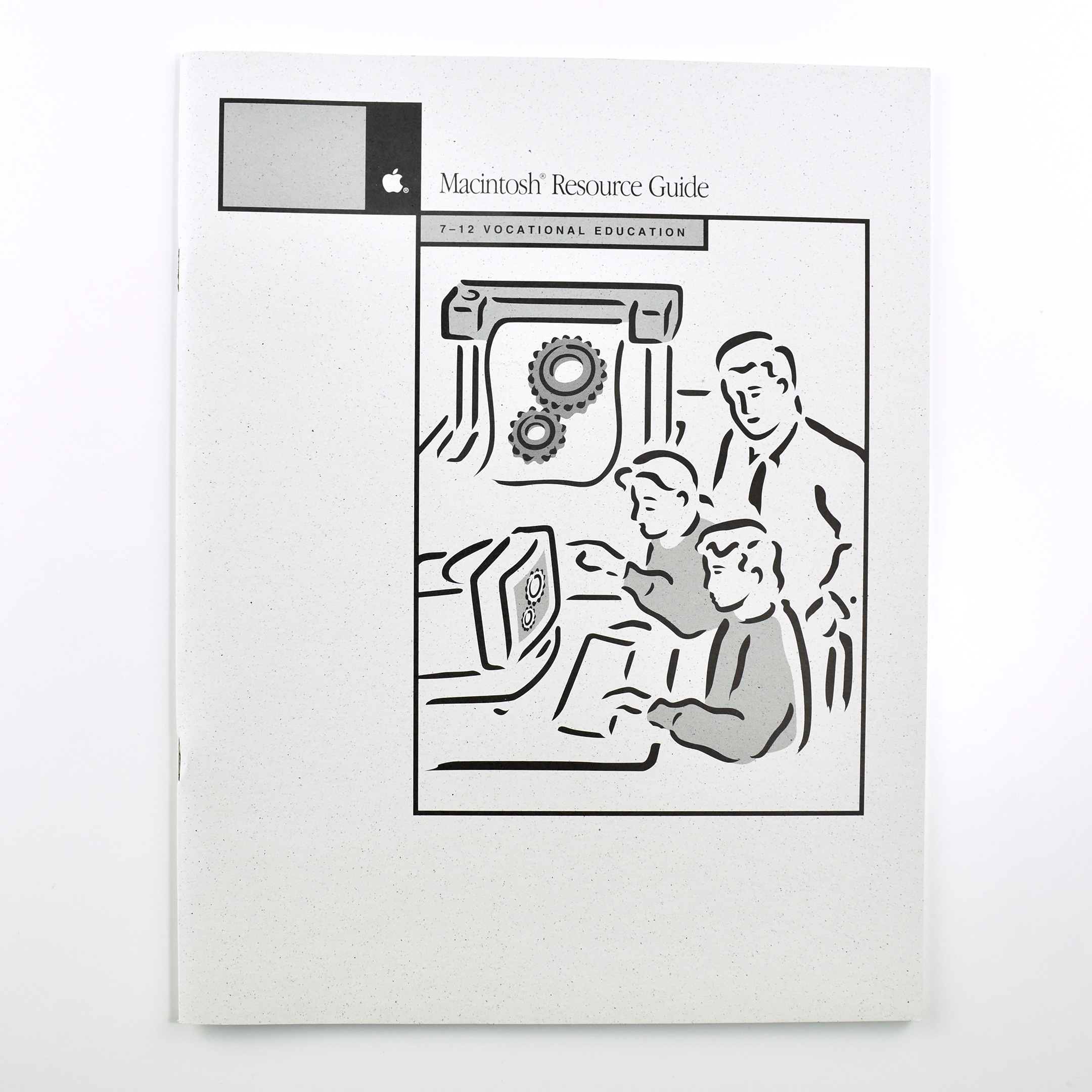
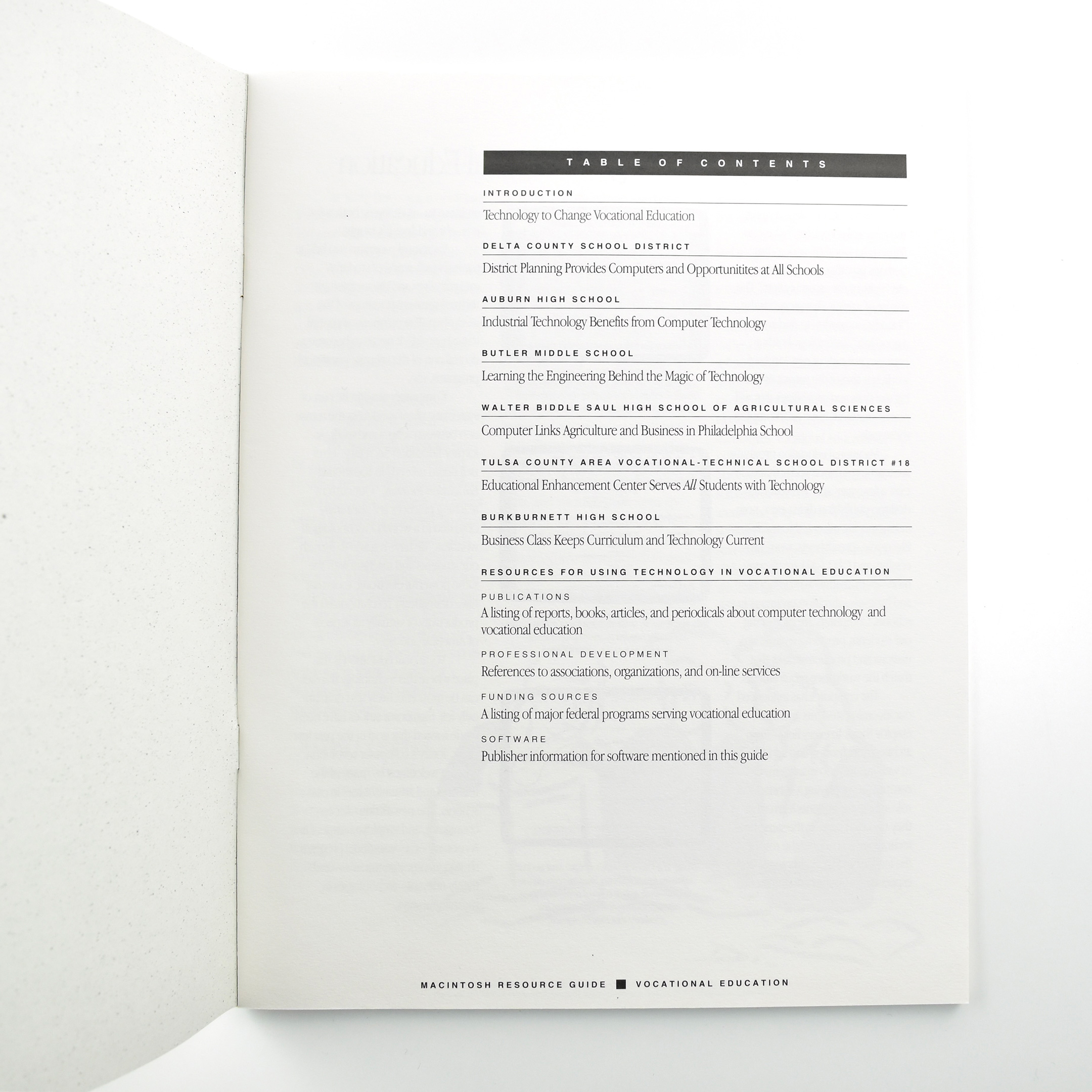
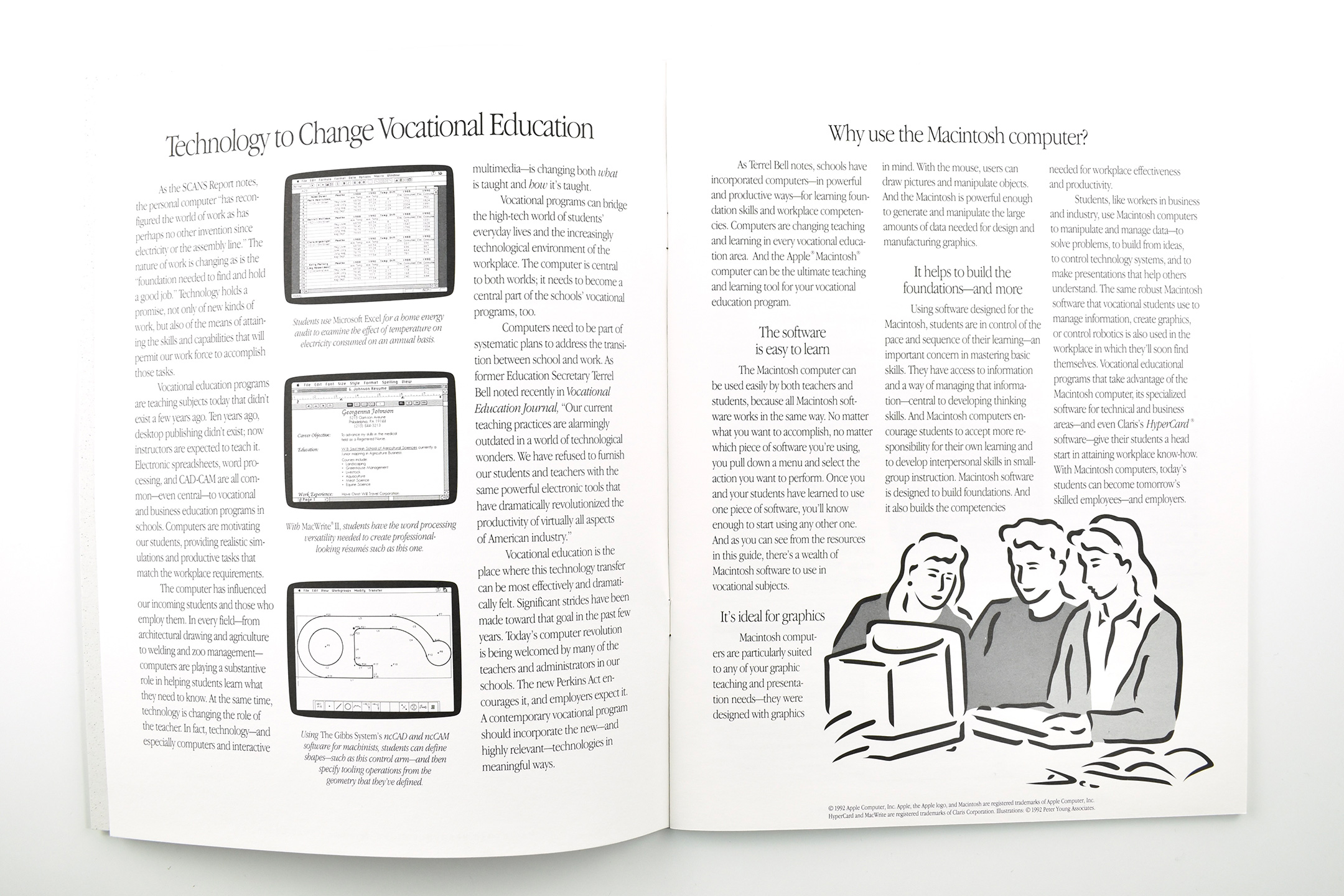
This Apple Resource Guide booklet focused upon K–12 Vocational Education. The book opens with Apple’s case for using “Technology to Change Vocational Education:”
“As the SCANS Report notes, the personal computer ‘has reconfigured the world of work as has perhaps no other invention since electricity or the assembly line.’ The nature of work is changing as is the ‘foundation needed to find and hold a good job.’ Technology holds a promise, not only of new kinds of work, but also of the means of attaining the skills and capabilities that will permit our work force to accomplish those tasks.”
Released in 1991, “The Secretary’s Commission on Achieving Necessary Skills (SCANS) examined the demands of the workplace and whether young people were capable of meeting those demands. Specifically, SCANS determined the level of skills required to enter employment” (United States Department of Labor).
In the next section of Apple’s booklet, the section titled “Why use the Macintosh computer?” lays out a use case for Macintosh in Vocational Programs. Three reasons include: “The software is easy to learn,” “It’s idea for graphics,” and “It helps build the foundations—and more.”
The book is primarily comprised of six case studies about vocational education programs across the United States that use Macintosh. Schools that are profiled include:
Delta County School District—District Planning Provides Computers and Opportunitites at All Schools
Auburn High School—Industrial Technology Benefits from Computer Technology
Butler Middle School—Learning the Engineering Behind the Magic of Technology
Walter Biddle Saul High School of Agricultural Sciences—Computer Links Agriculture and Business in Philadelphia School
Tulsa County Area Vocational-Technical School District #18—Educational Enhancement Center Serves All Students with Technology
Burkburnett High School—Business Class Keeps Curriculum and Technology Current
The booklet concludes with a series of Resources for Using Technology in Vocational Education.
The booklet measures 8.5 x 11 inches and is printed in black.
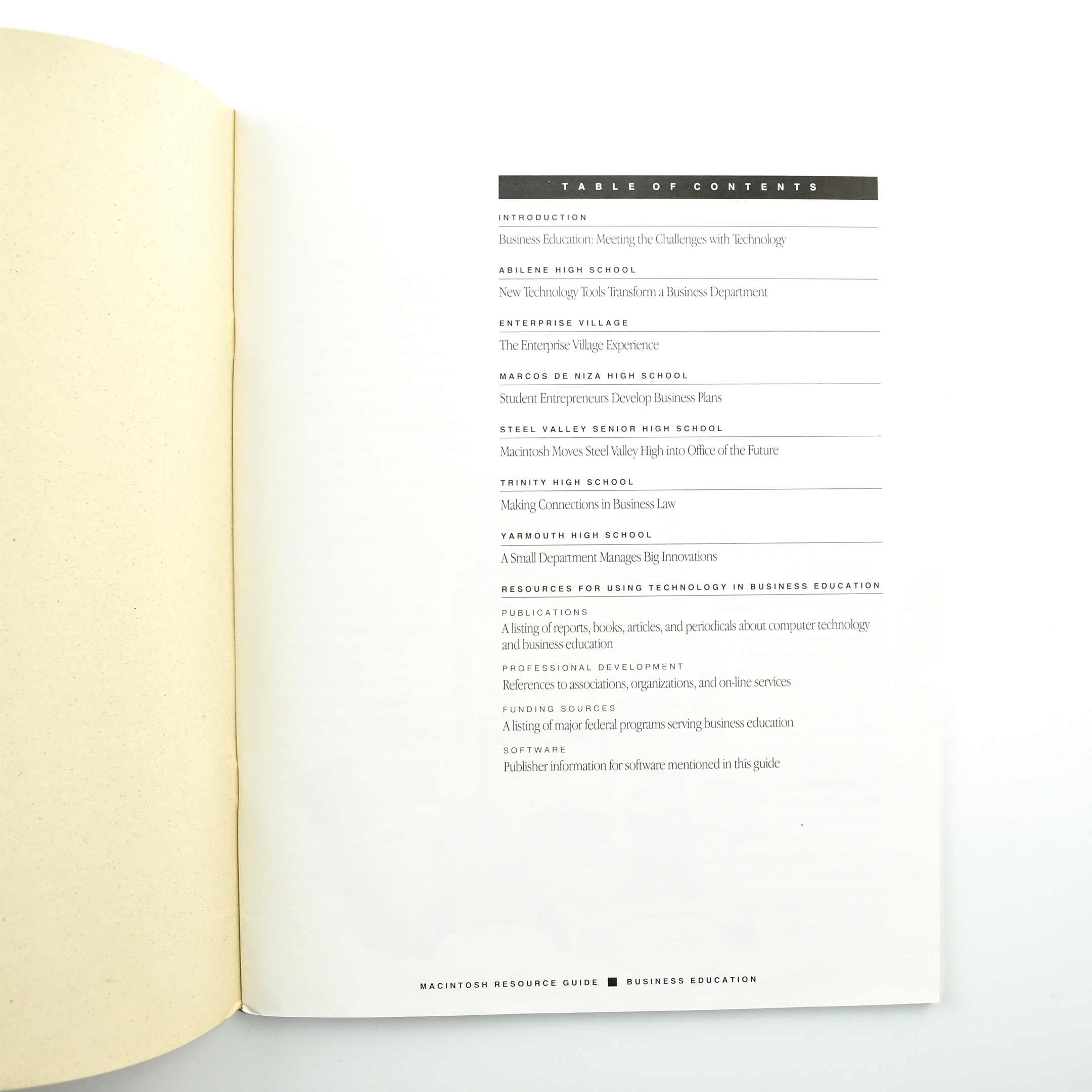
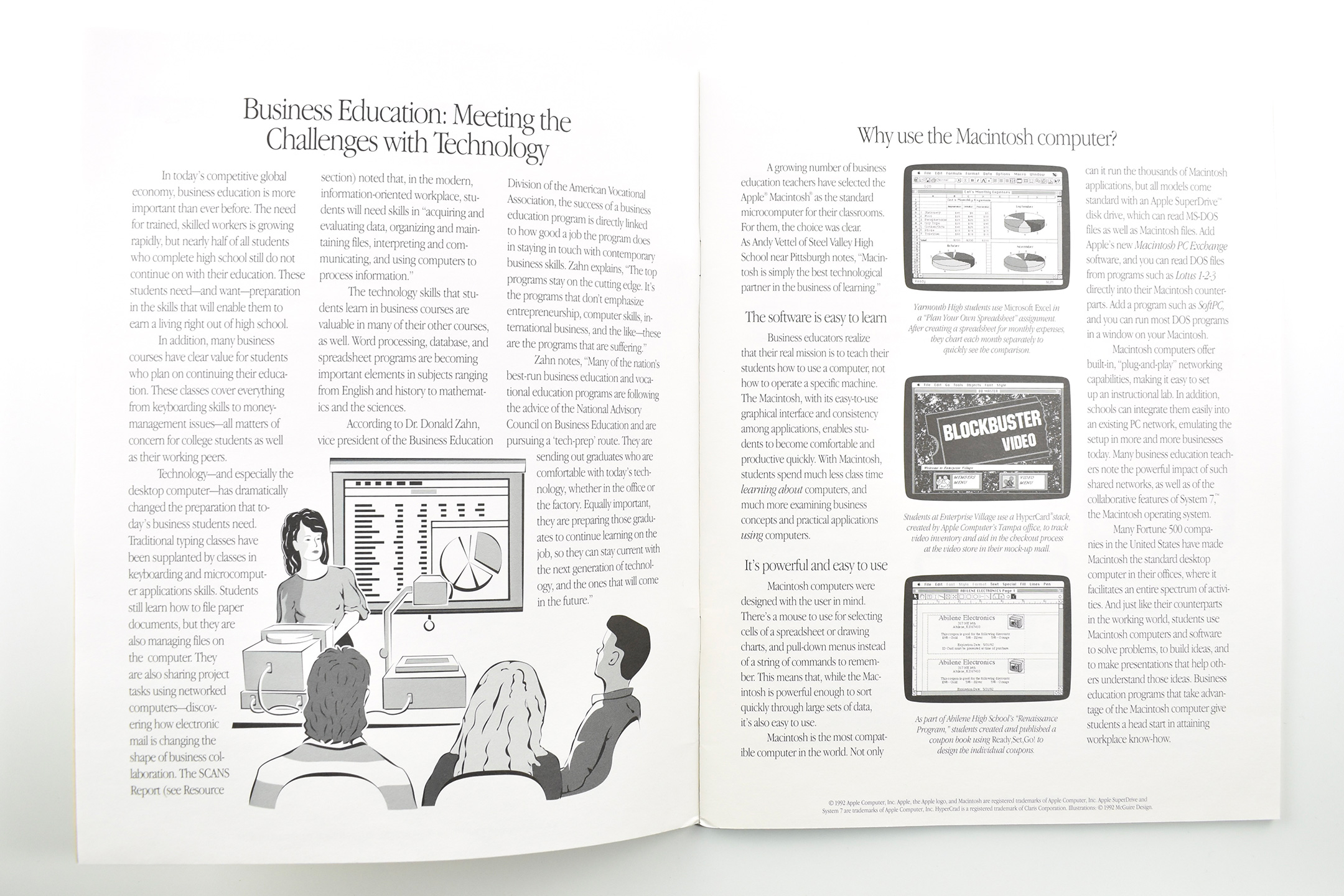
This Apple Resource Guide booklet focused upon K–12 Business Education. The book opens with Apple’s case for using Macintosh in Business Education programs for “Meeting the Challenges with Technology.” It reads:
“In today’s competitive global economy, business education is more important than ever before. The need for trained, skilled workers is growing rapidly, but nearly half of all students who complete high school still do not continue on with their education. These students need—and want—preparation in the skills that will enable them to earn a living right out of high school.”
The next section, Why use the Macintosh computer?, lays out a use case for Macintosh in business education.
“A growing number of business education teachers have selected the Apple Macintosh as the standard microcomputer for their classrooms. For them, the choice was clear… The software is easy to learn… It’s powerful and easy to use.”
The book is primarily comprised of six case studies about business education programs across the United States that use Macintosh. Schools that are profiled include:
Abilene High School—New Technology Tools Transform a Business Department
Enterprise Village—The Enterprise Village Experience
Marcos De Niza High School—Student Entrepreneurs Develop Business Plans
Steel Valley Senior High School—Macintosh Moves Steel Valley High Into Office of the Future
Trinity High School—Making Connections in Business Law
Yarmouth High School—A Small Department Manages Big Innovations
The booklet concludes with a series of Resources for Using Technology in Business Education.
The booklet measures 8.5 x 11 inches and is printed in black.
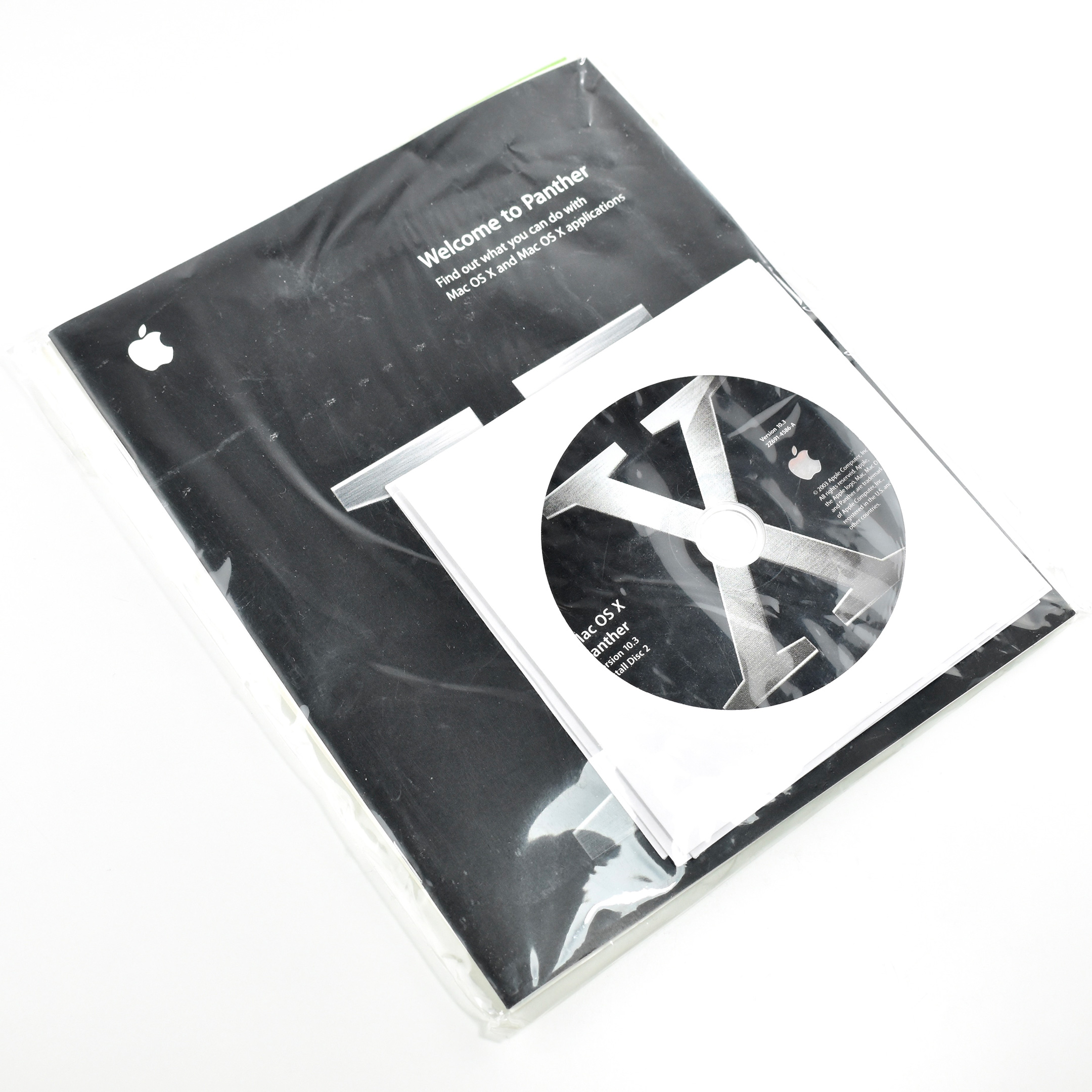
Mac OS X Panther, Version 10.3, was the fourth major release of the Mac OS X [ten] operating system, and the second to be referred to by its codename, “Panther,” in its product marketing. Previous versions were codenamed “Cheetah” (Version 10.0) and “Puma” (Version 10.1), but they were referred to only by their version numbers. Version 10.2 was publicly announced as “Jaguar,” and this version, 10.3, continued the “big cat” codenames with “Panther.”
According to Apple, “Panther delivers more than 150 breakthrough new features including a completely new Finder that provides one-click access to a user’s favorite files and folders; Exposé, a revolutionary new way to instantly see all open windows at once; and iChat AV, a complete desktop video conferencing solution for business, education and consumers.”
This set includes all installer CDs and a set of three 7.5 x 9-inch booklets, including installation directions, the software license, and a “Welcome to Panther” booklet describing the operating system’s main features. The set is packaged in a 8.25 x 9.25-inch clear plastic envelope.
When it was released on October 24, 2003, this Mac OS X upgrade cost US$129.
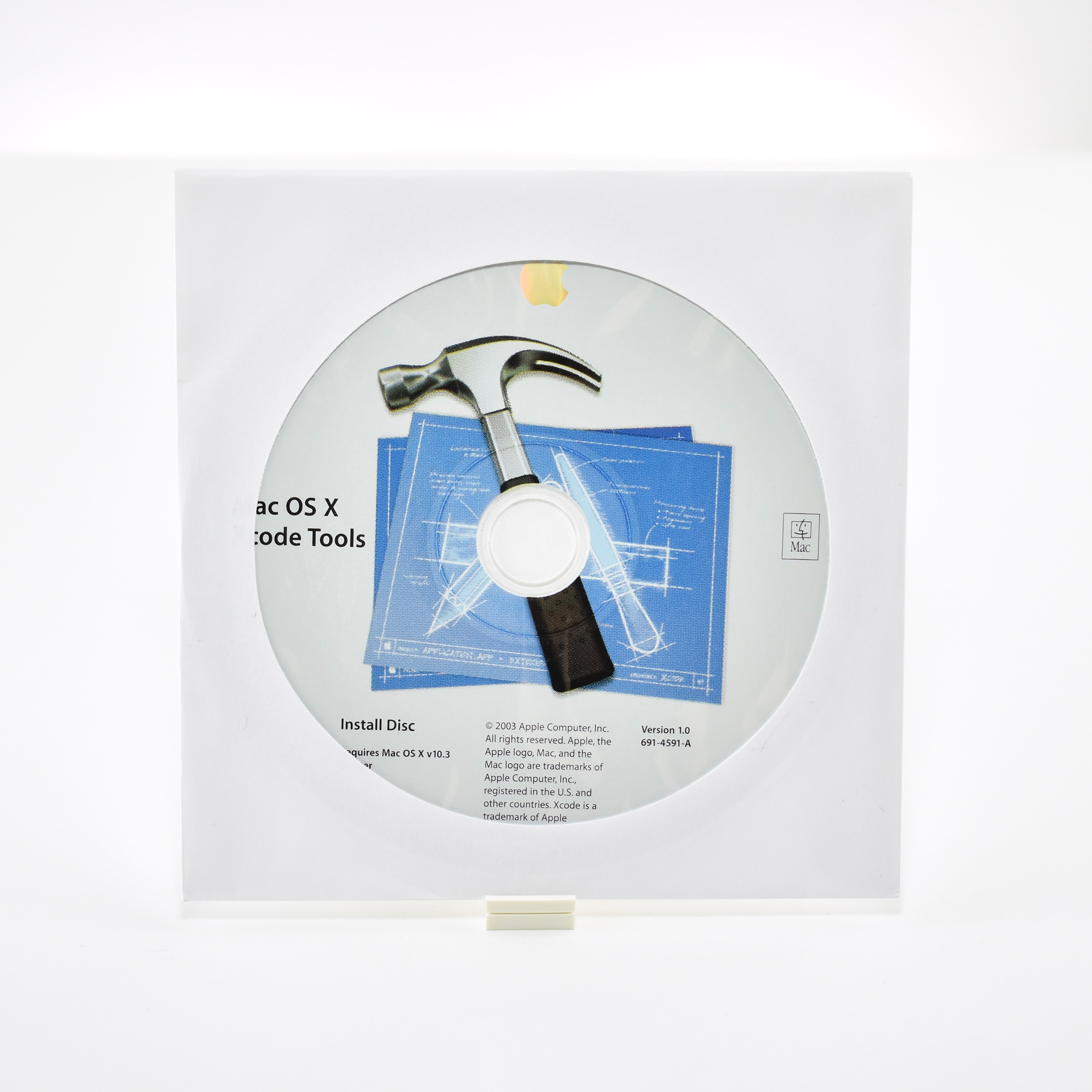
This CD was packaged in an orange sleeve from the ADC (Apple Developer Connection). The packaging lists the contents:
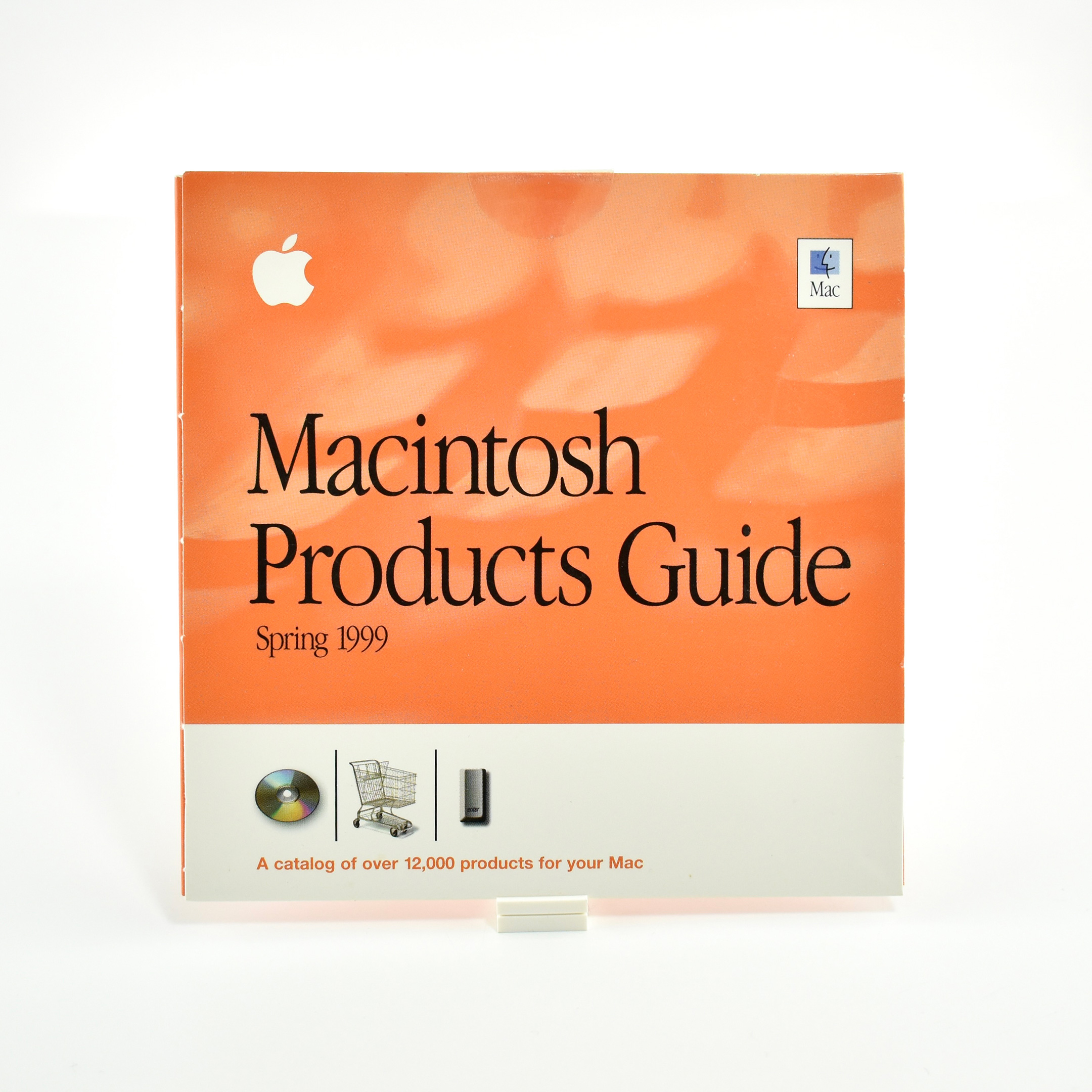
Macintosh Products Guide
“Have you ever wondered if the right software or hardware existed to perform a specific task on your Mac? Or have you heard about some of the latest products for your Mac and wished you had a convenient resource to learn more about them?
On this CD you’ll find Apple’s Macintosh Products Guide, the only tool you need to help you locate information on over 12,000 software and hardware products for the Macintosh platform. Here you’ll learn about the hottest products available for your Mac, including games, productivity applications, printers, scanners, image editing applications, utilities, digital cameras, USB peripherals for the iMac, and much, much more. And many of the products listed in the Macintosh Products Guide have direct links for easy online purchase.
We’re sure you’ll find the Macintosh Products Guide on the web an invaluable resource for all your product information needs—one you’ll turn to again and again. With that in mind, be sure to visit the Macintosh Products Guide web site for the latest information on the wide range of products available for your Mac. Point your browser to www.apple.com/guide.”
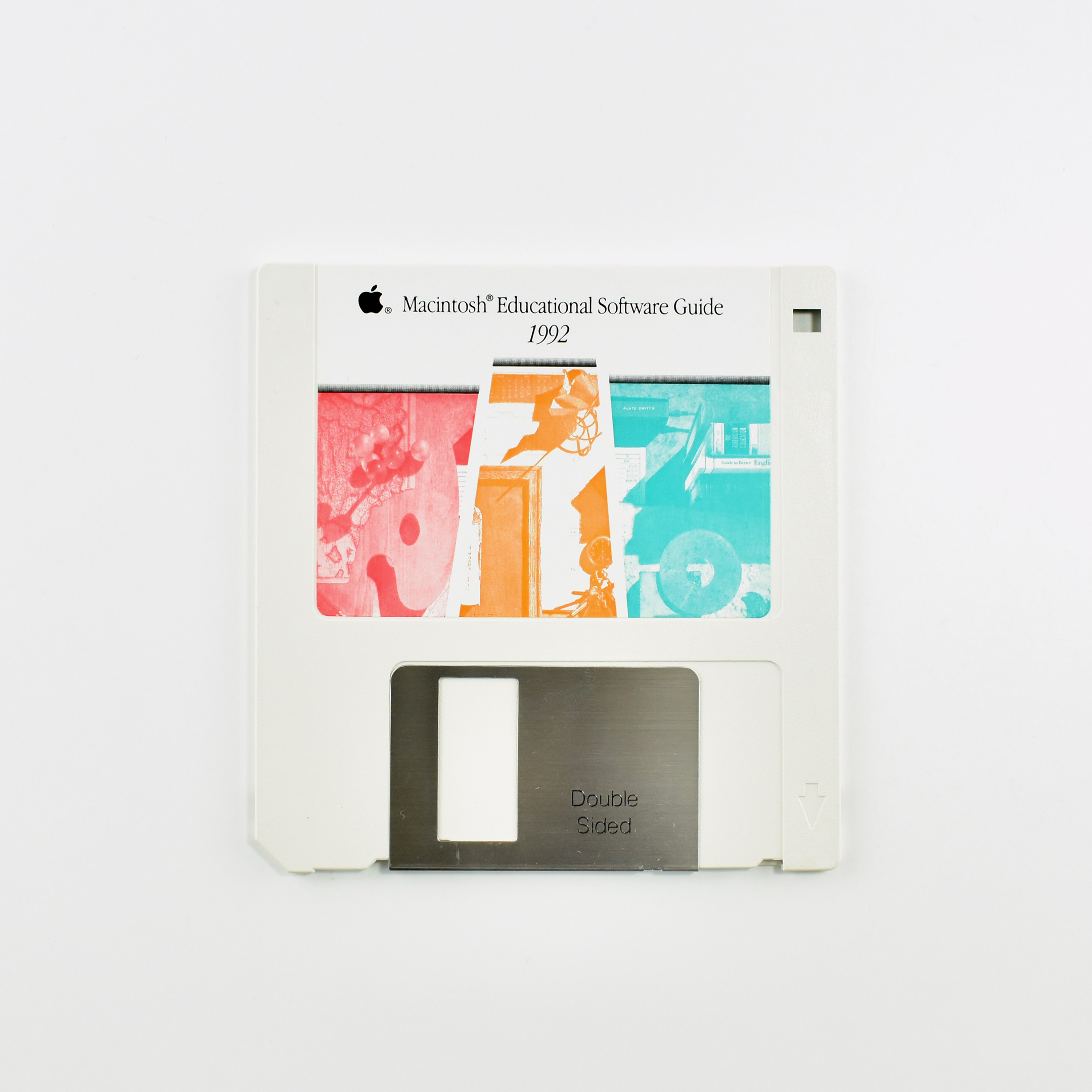
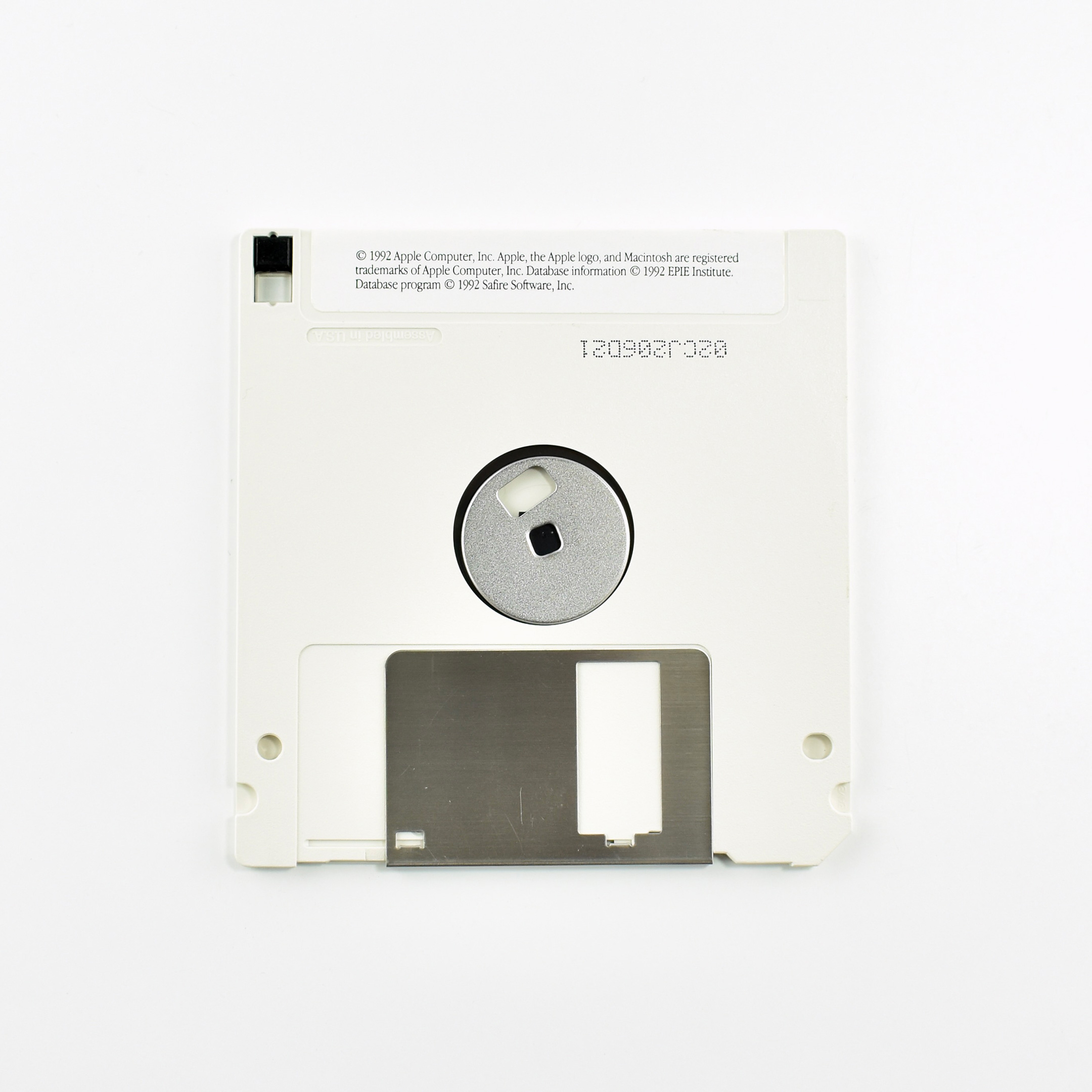
The 3.5-inch floppy disk was used in the very first Macintosh computer in 1984 after its initial introduction by Sony in 1981. By 1992 the format had evolved several times and was used as a relatively inexpensive and reliable way to share digital files before the Internet. At the time, the CD-ROM was gaining popularity, but most users had access to 3.5-inch floppy drives.
This Macintosh Educational Software Guide from 1992 contains a compressed HyperCard Stack.
HyperCard was a software application and development kit for Apple computers that allowed users to create and/or read hypermedia documents, a format that was used before the World Wide Web. The system was developed and used extensively between 1987 and 1994, and retired in 2004.
According to its accompanying envelope—found digitally, but not a part of my collection:
The “MacEduGuide ’92” compressed HyperCard stack on this floppy disk includes information about more than 1,300 software programs for students, teachers, and administrators in K-12 schools. Each product listing includes the following information:
Product description
Publisher’s name, address, and phone number
Education pricing (when available)
Grade range
System requirements
Additional items included with the software
Product review citations in educational software journals
Publisher’s policies (copy protection, site licensing, 90-day free trial, and so on)
The special features of this stack allow you to search for information using any combination of elements: title, publisher, subject and topic, specific grade or grade range, and system requirements.
You can print any or all of the product lists and product information. The “mailer” button that appears with each product description allows you to print a letter to the publisher requesting additional information.
Further, the HyperCard Stack was compressed using the .sea compression method popular at the time for Macintosh computers. While Windows primarily used .zip for compression, Apple used .sea (Self Extracting Archive). The format was built into the Macintosh Operating System at the time and did not require a “helper app” to open and decompress the file.
Beginning in 2020 Apple began offering Apple Watch band designs that were specifically sized to wrists. These bands included the Apple Watch Solo Loop and the Apple Watch Braided Solo Loop. These Apple Watch bands were available in sizes 1–12.
In order to allow individuals to determine their Apple Watch Band size, Apple provided three methods:
1. Printable Tool (online PDF)
2. Everyday items (using a “tailor’s measuring tape” or a narrow strip of paper)
3. Sizing Tool (in-store paper tool)
Options 1 and 2 were available online. After measuring your wrist, Apple provided an online converter that allowed users to enter their wrist size to a maximum of 10 15/16 inch (although the Solo Loop only fit wrists to a maximum of 8 2/16 inches).
This Sizing Tool was available to Apple Store Customers. The tools includes the directions on the outer package, instructing individuals through diagrams to open the package, peel back an adhesive dot, wrap the tool around the wrist, and determine the band size based upon the location of arrows printed on the Sizing Tool.
This example is unopened and was obtained at the Apple Store Michigan Avenue in Chicago in December 2021.
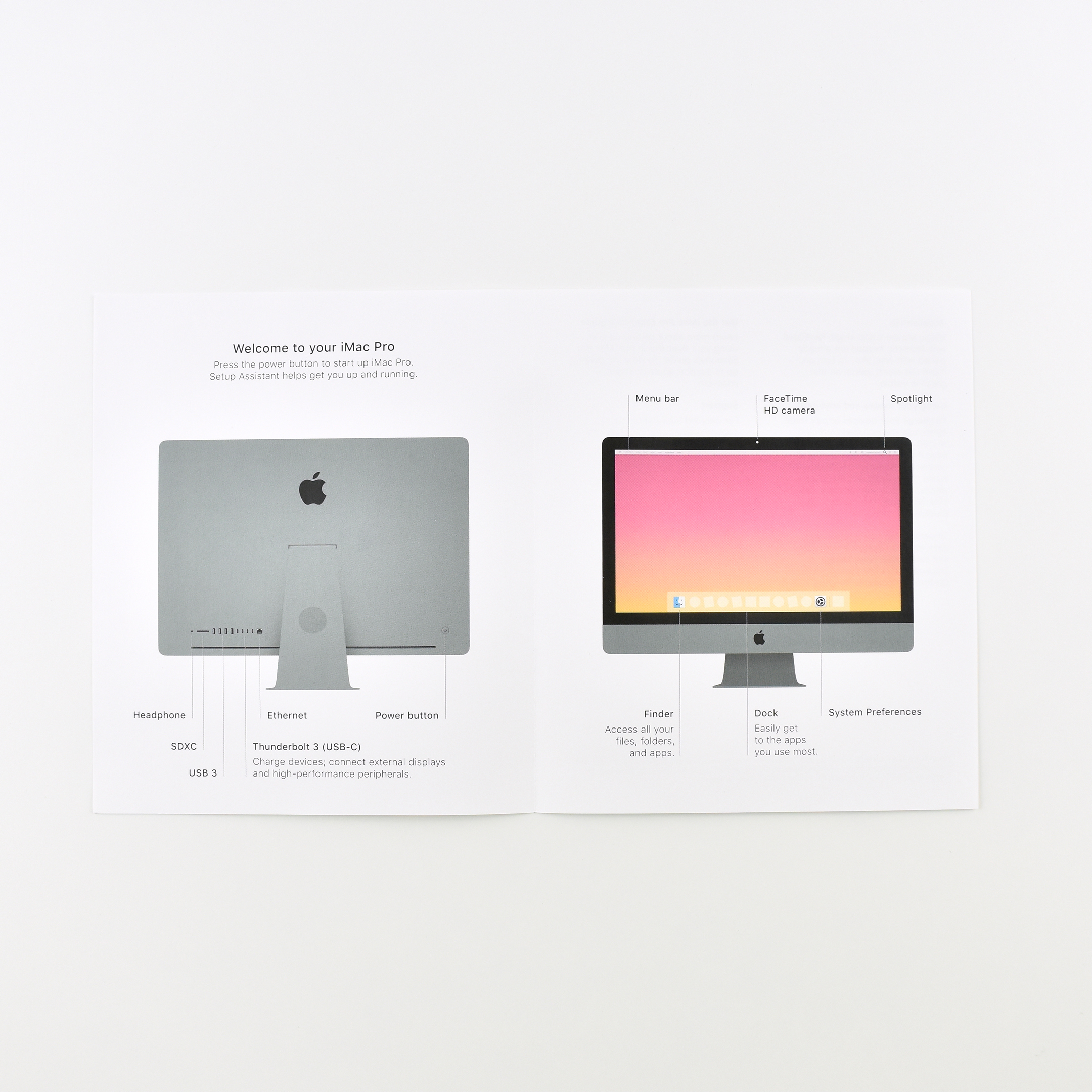
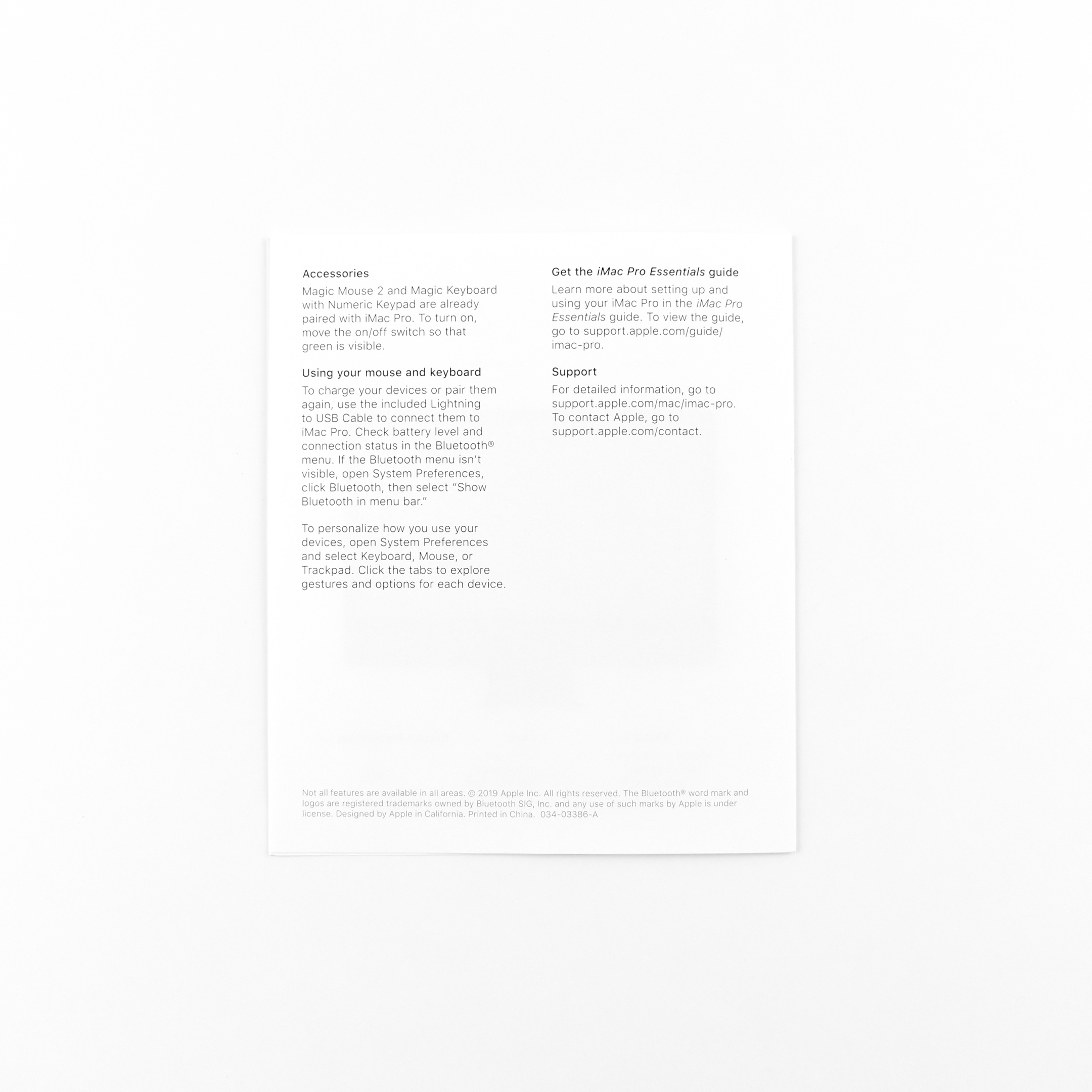
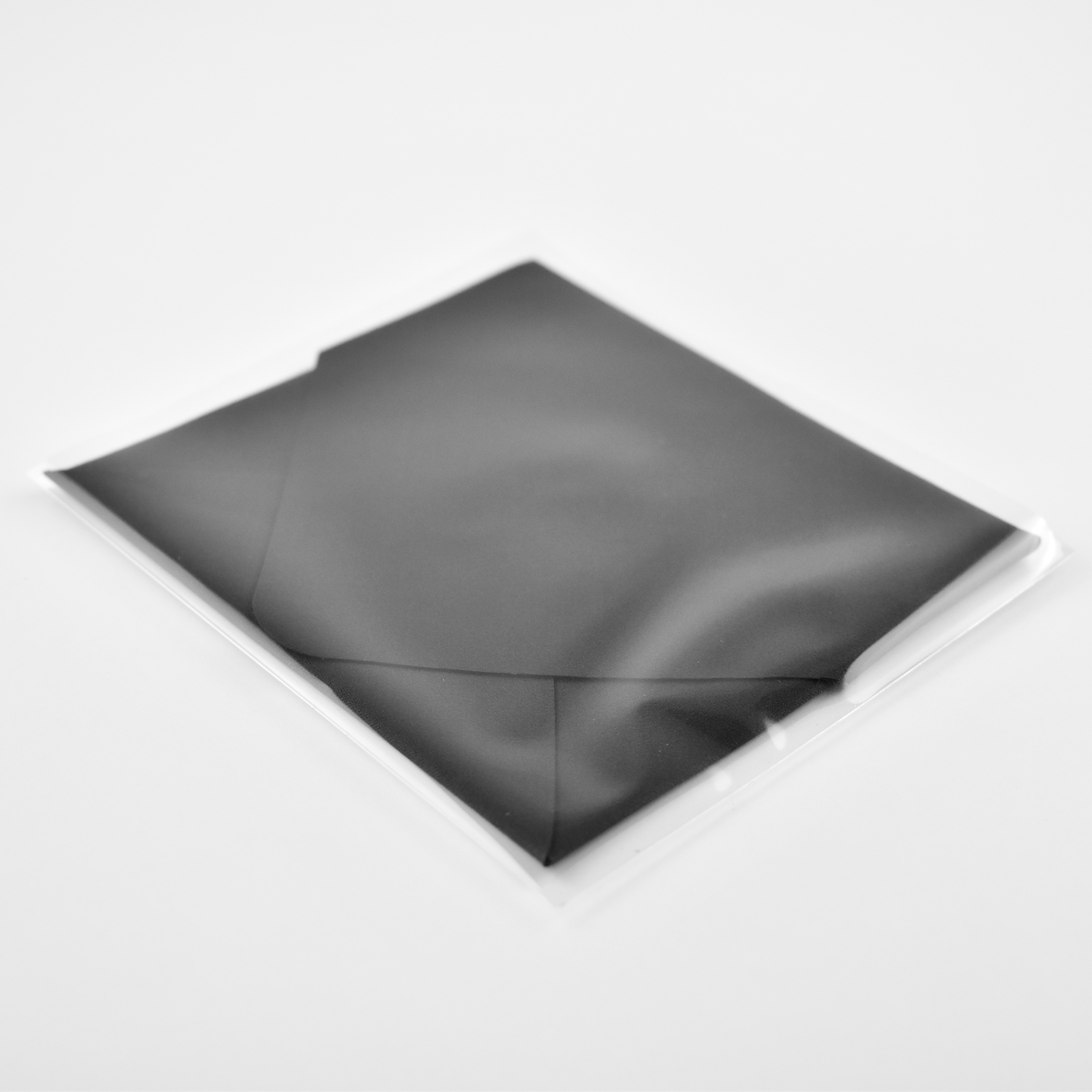
Instead of sending a manual with Mac devices, Apple includes this 2-page brochure that provides a diagram of the ports, power button, camera, basic macOS features, list of accessories, charging instructions for the keyboard and mouse, and URLs to access the online “manual” (iMac Pro Essentials guide) and support. In addition, Apple includes two complimentary Apple logo stickers and a microfiber screen cloth.
The Apple logo stickers that shipped with the iMac Pro—and other “Pro” Mac devices—are black. Other Apple logo stickers are most often white.
All these items are enclosed in a custom white cardboard envelope. The envelope measures 3.75 x 4.5 inches and is approximately 0.1875 inch thick.
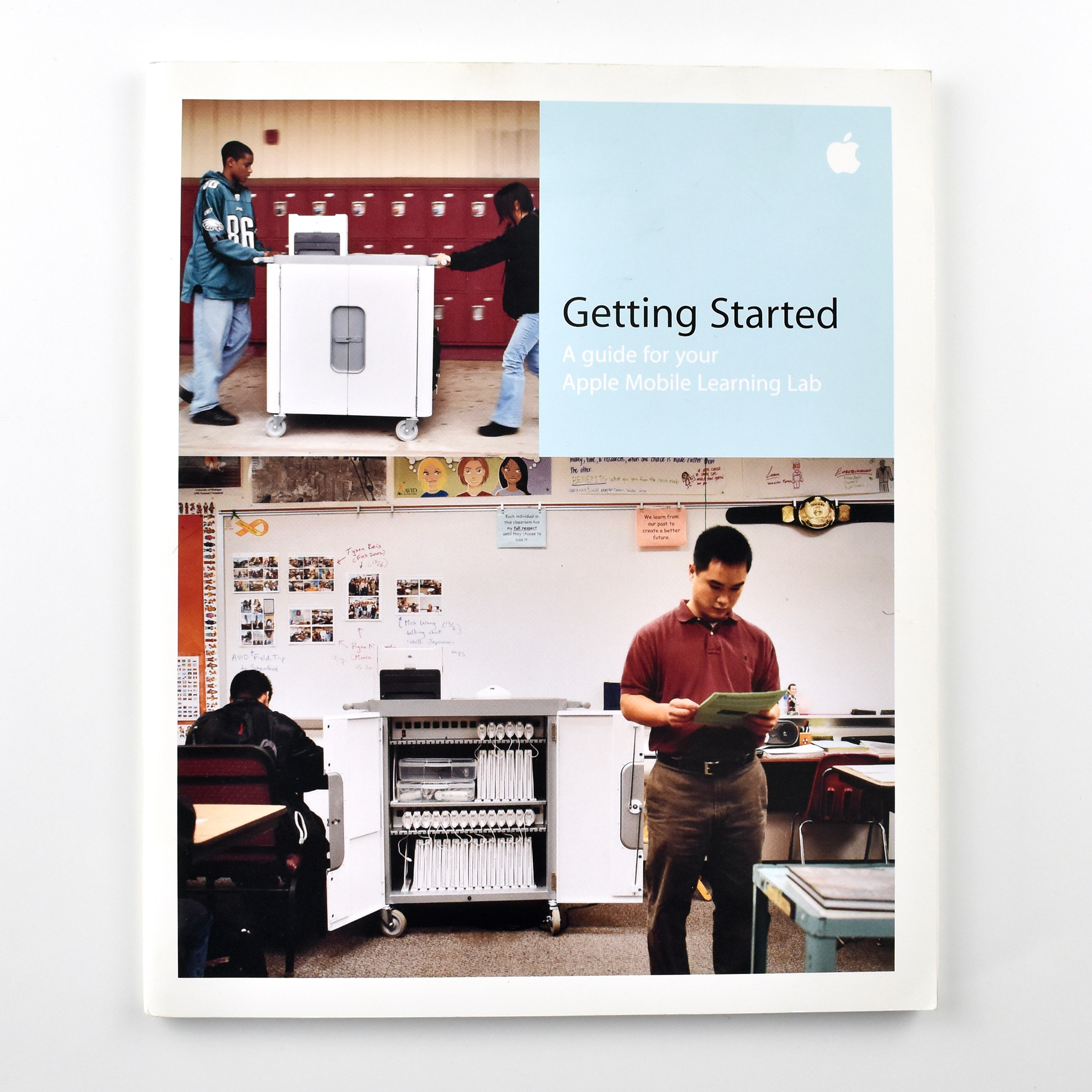
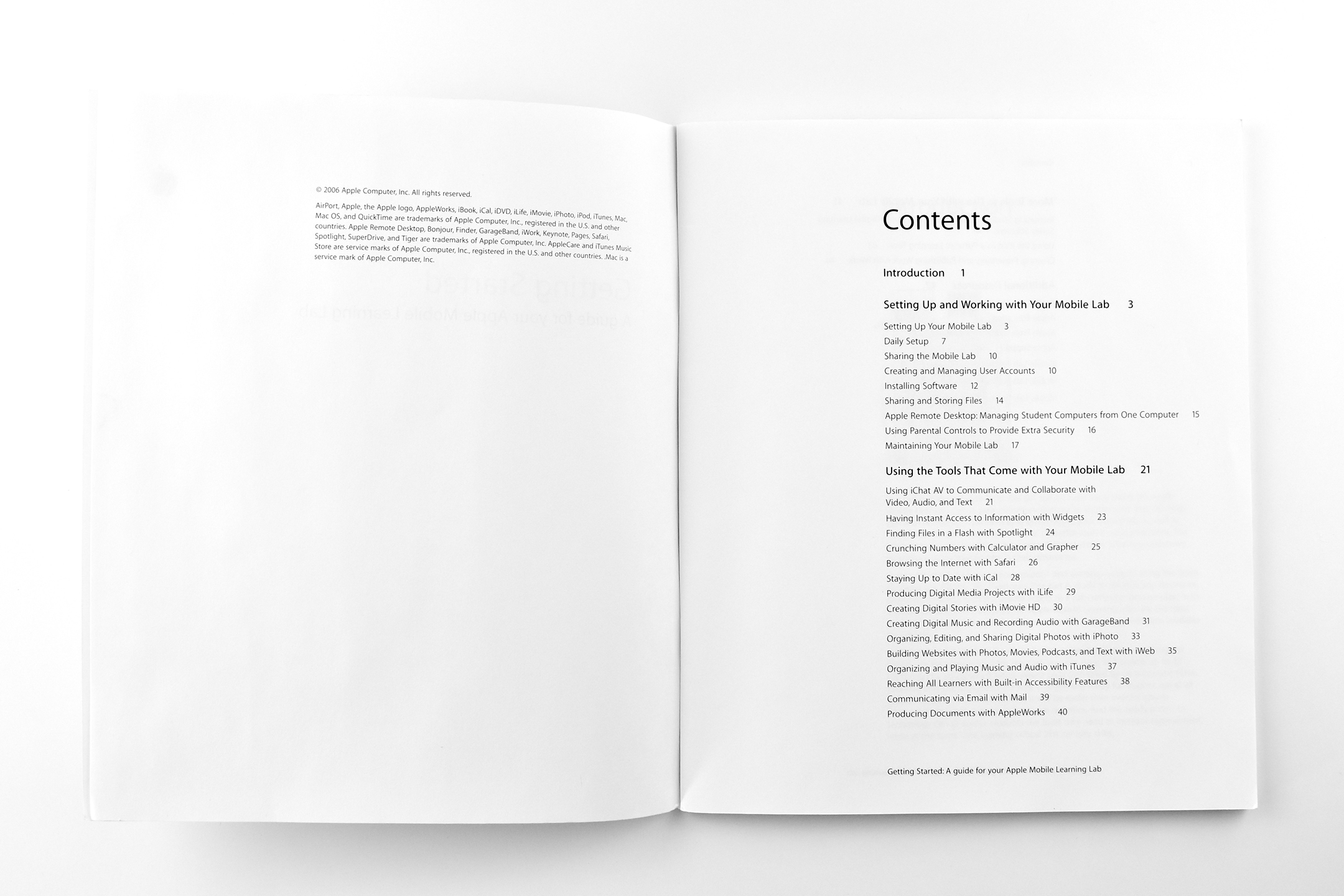
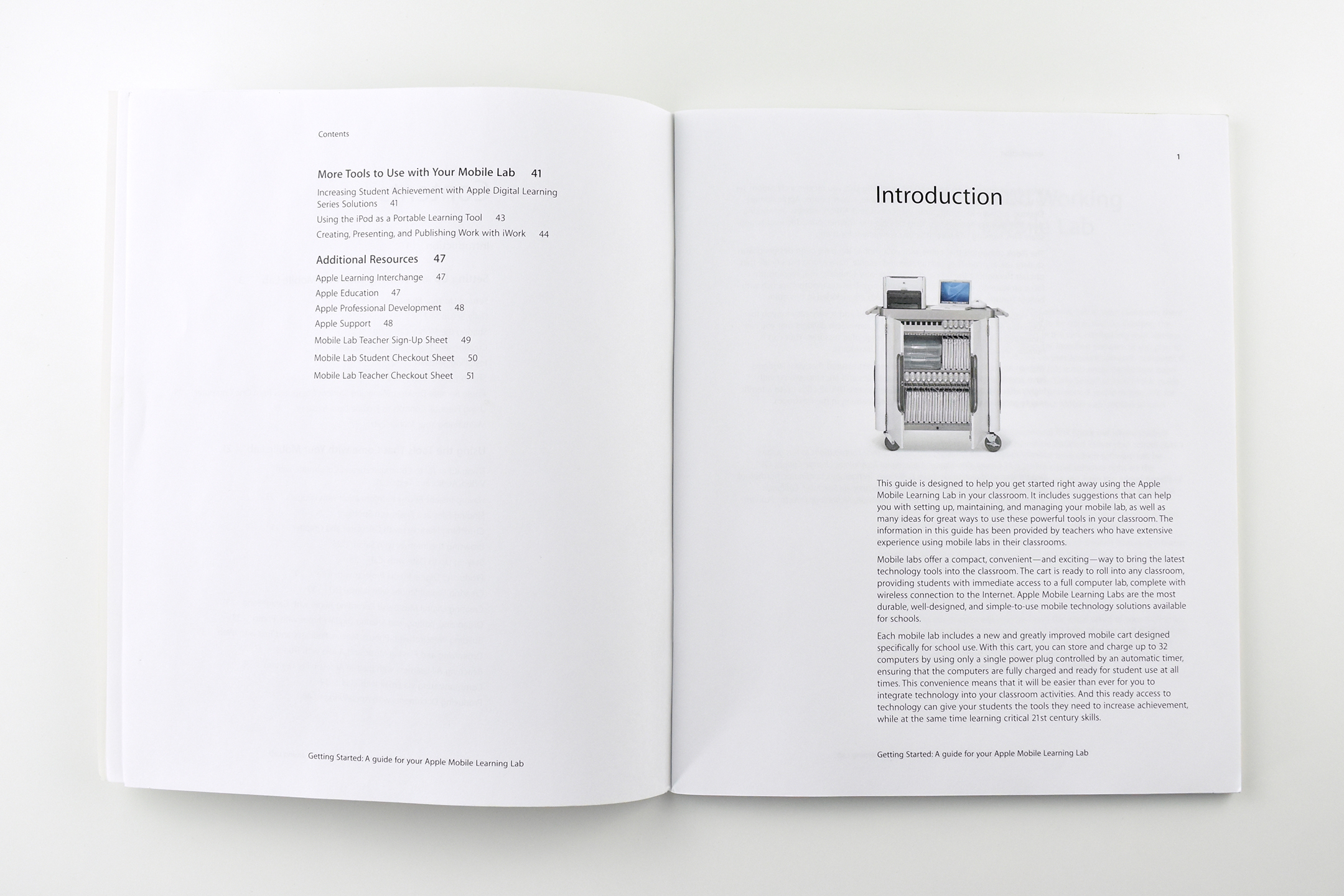
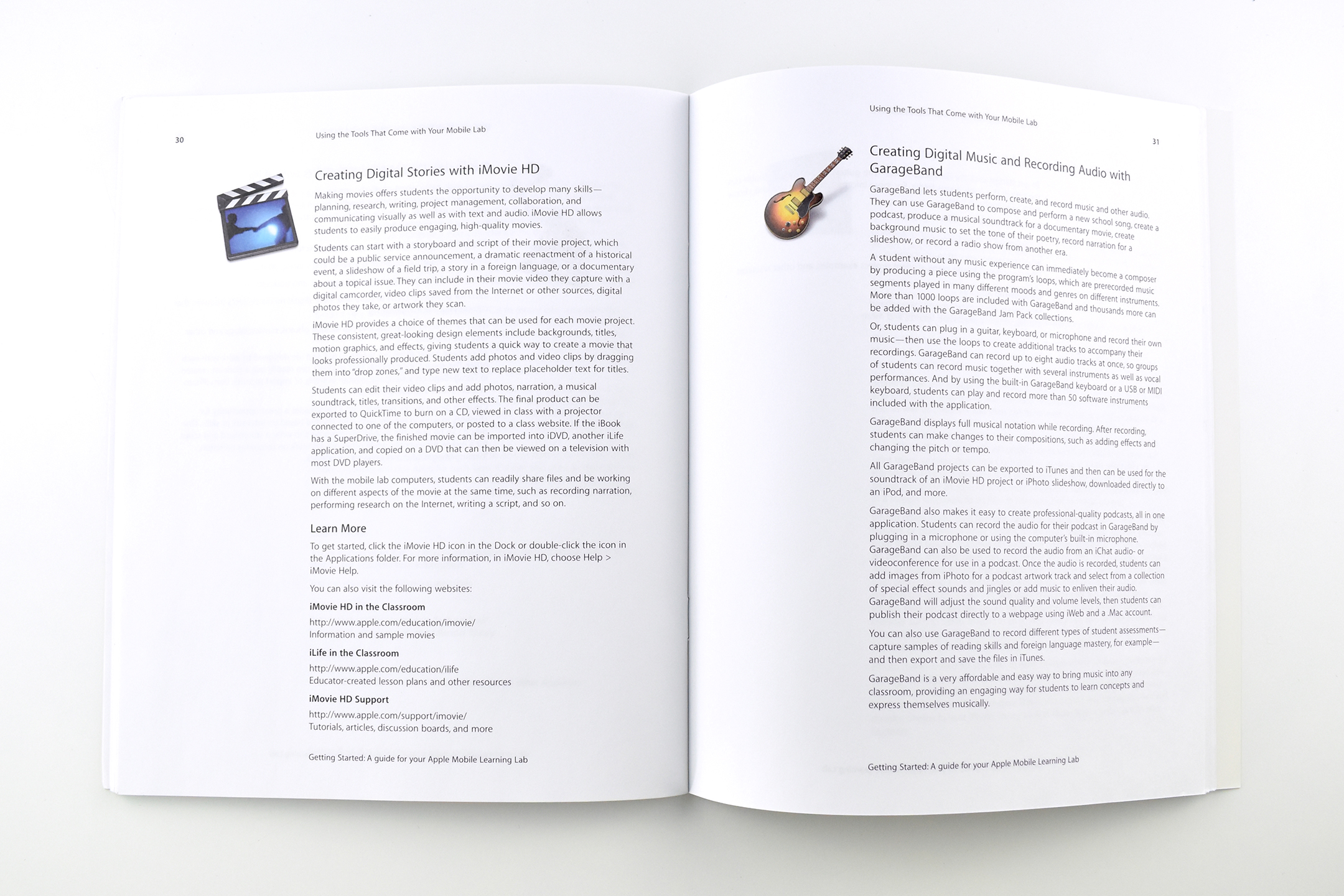
In the book Getting Started: A guide for your Apple Mobile Learning Lab, Apple Education outlines the necessary steps to successfully implement a mobile computer cart outfitted with laptops, Wi-Fi, and other equipment. The book also provides basic training on Mac apps and gives ideas about how to use the laptops in the classroom.
The introduction states:
“This guide is designed to help you get started right away using the Apple Mobile Learning Lab in your classroom. It includes suggestions that can help you with setting up, maintaining, and managing your mobile lab, as well as many ideas for great ways to use these powerful tools in your classroom. The information in this guide has been provided by teachers who have extensive experience using mobile labs in their classrooms.”
The chapters include:
Setting Up and Working with Your Mobile Lab
Using the Tools that Come with Your Mobile Lab
More Tools to Use with Your Mobile Lab
Additional Resources
This book measures 9 x 7.5 inches and has 51 pages.