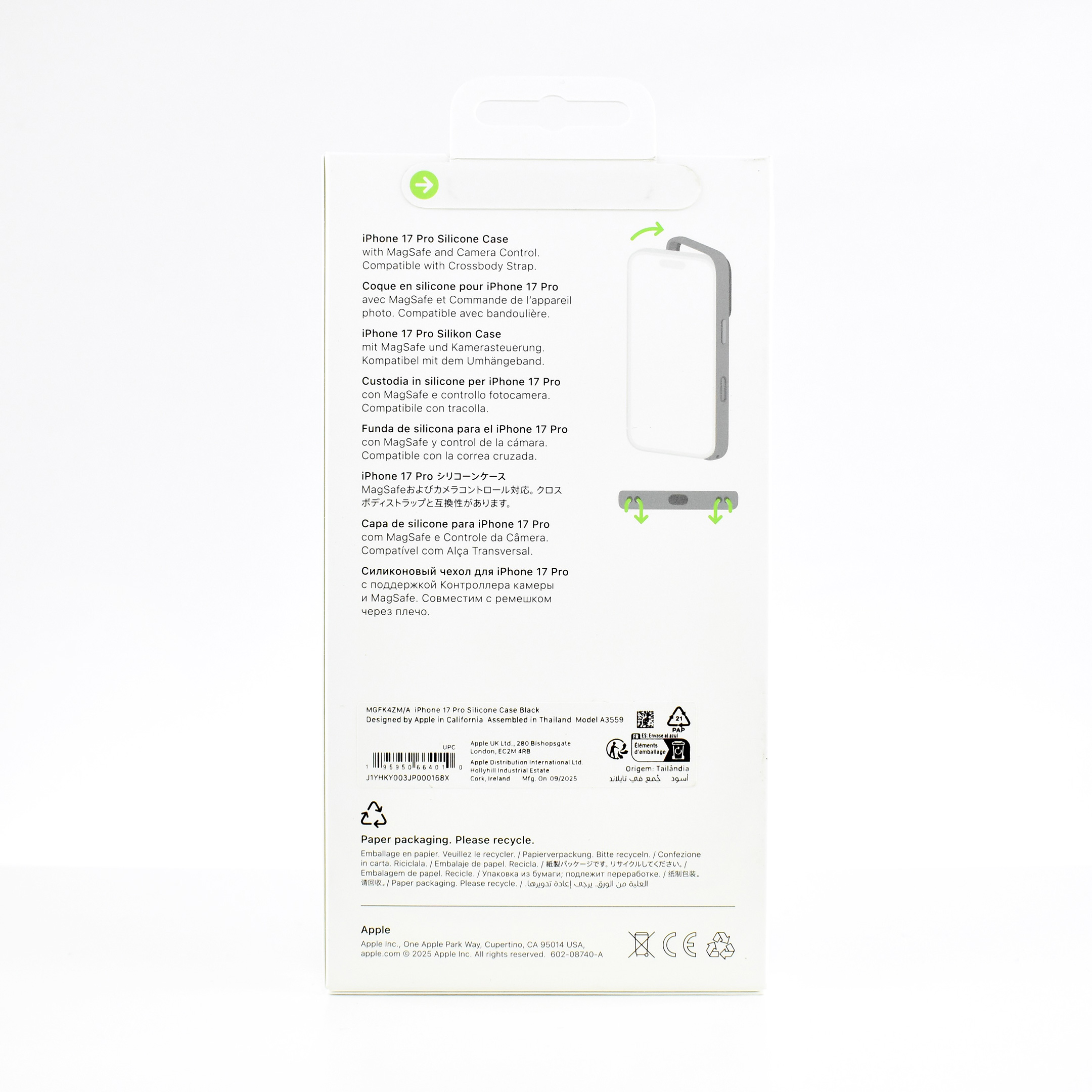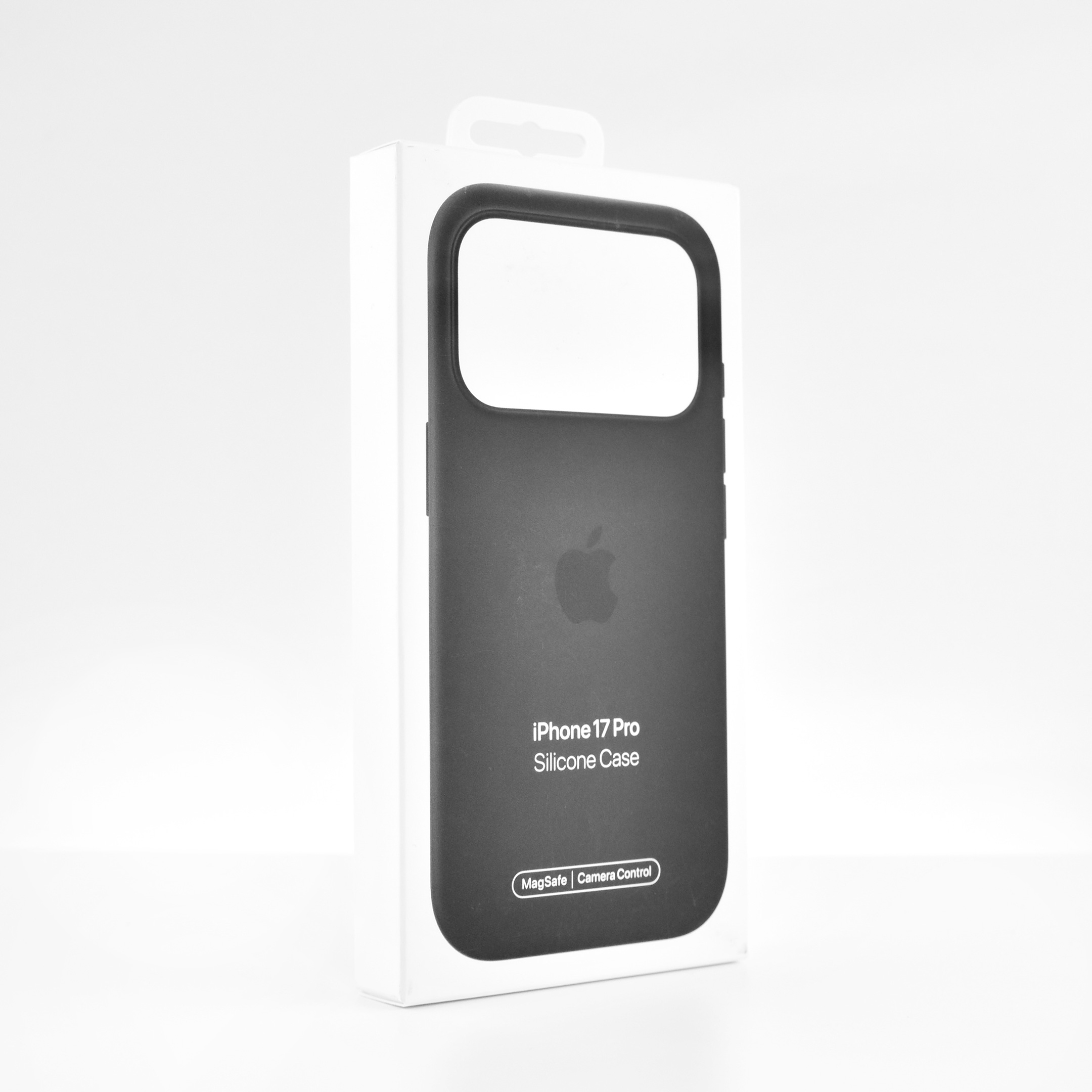
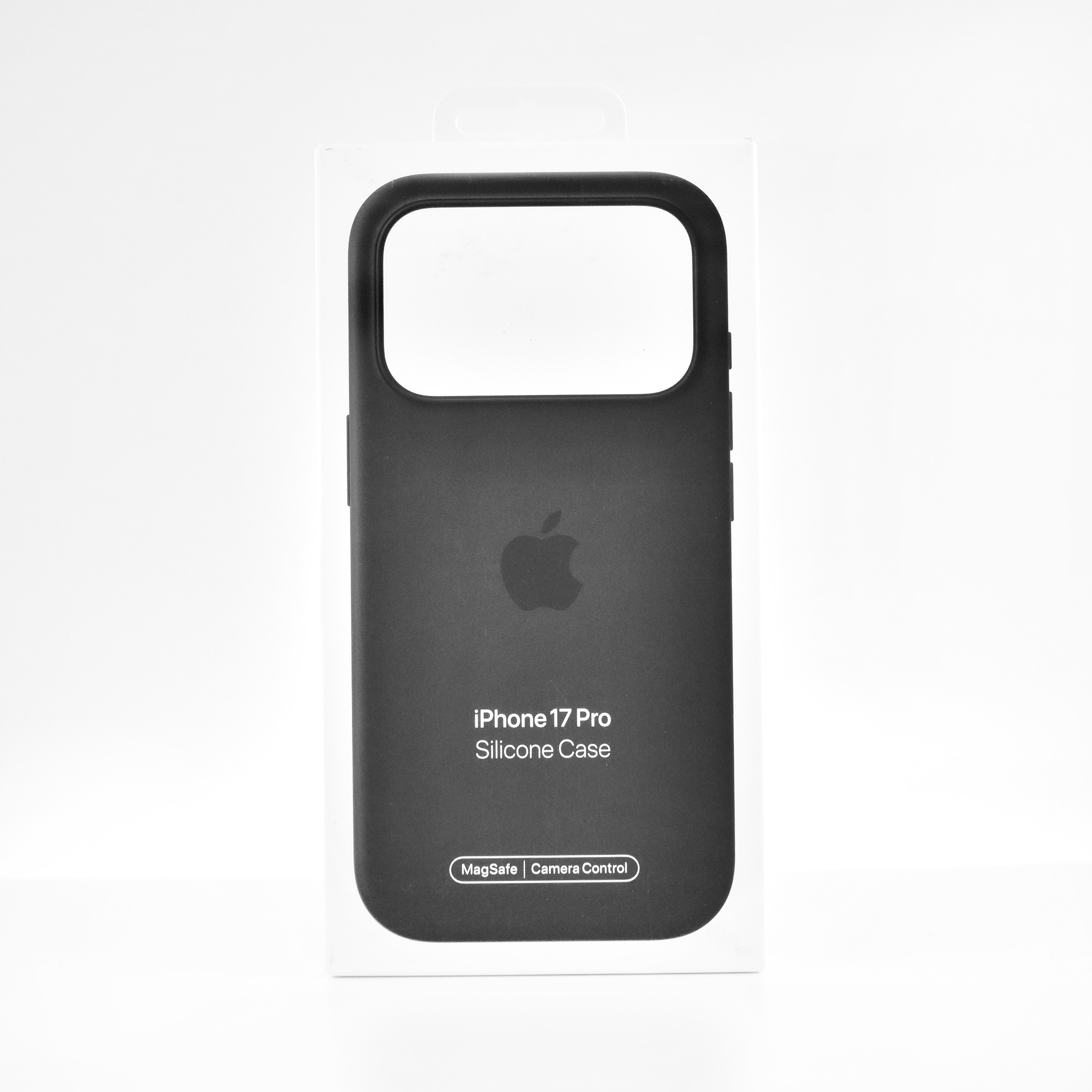
iPhone 17 Pro Silicone Case (Black, 2025)

The iPhone 17 Pro Silicone Case was “Designed by Apple to complement iPhone 17 Pro, the Silicone Case with MagSafe is a delightful way to protect your iPhone.” This case also featured a conductive layer to communicate finger movements to the Camera Control button under the volume buttons.

Unlike previous Silicone case models, this one featured two connection points so it could be securely attached to the Crossbody Strap that was introduced at the same time as this case and the iPhone 17 Pro.

Apple also noted that the case was “Made with a 45 percent recycled silicone material” and “has a silky, soft-touch finish on the exterior that feels great in your hand. And on the inside, there’s a soft microfiber lining for even more protection.”

The case also included MagSafe magnets that extended the functionality of MagSafe built into the iPhone through the case. Apple described the charging functionality:

“With built-in magnets that align perfectly with iPhone 17 Pro Max, this case offers a magical attach experience and faster wireless charging, every time. When it’s time to charge, just leave the case on your iPhone and snap on your MagSafe charger, or set it on your Qi2 25W or Qi-certified charger.”

This case was originally offered in six colors. This example is black.

Source: Apple
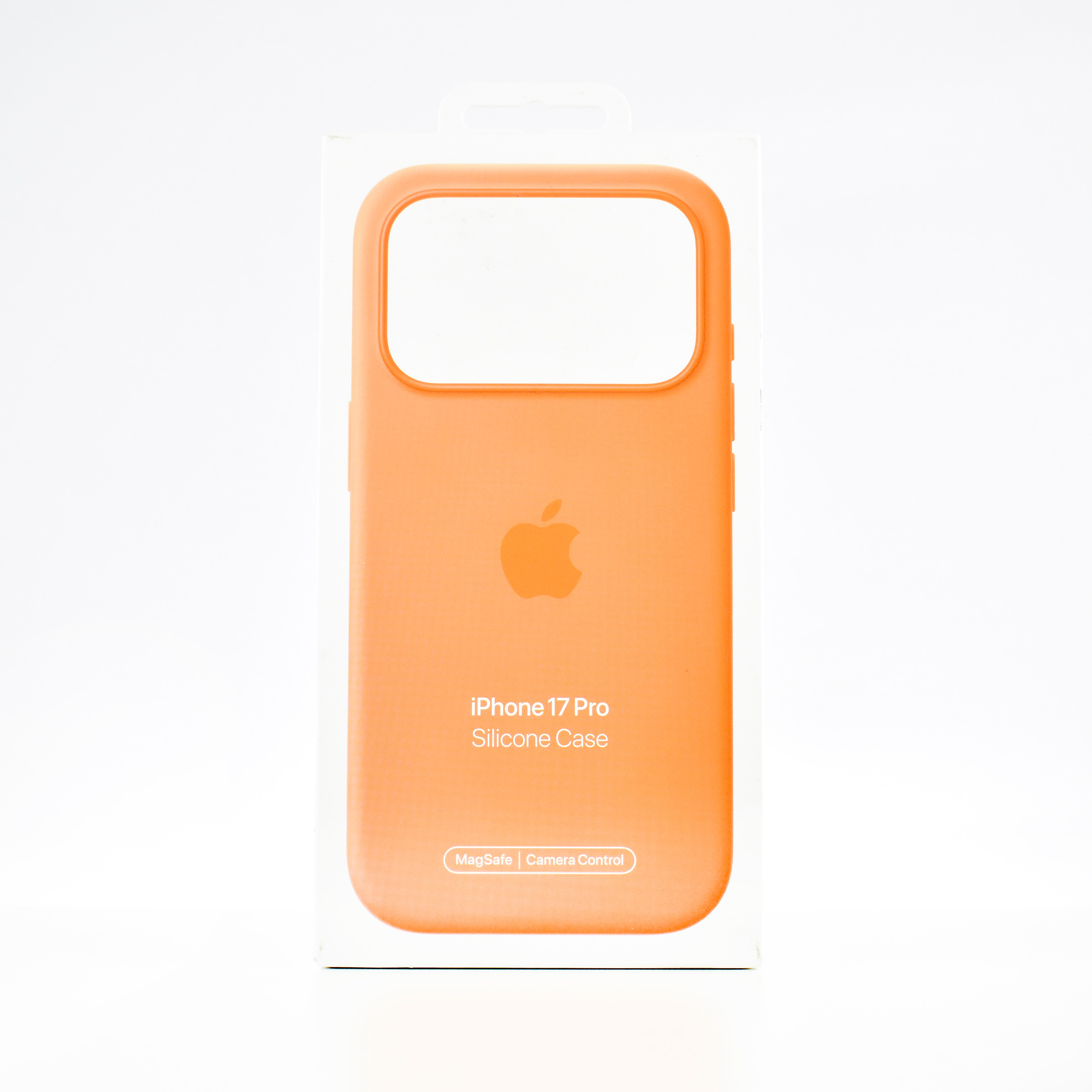
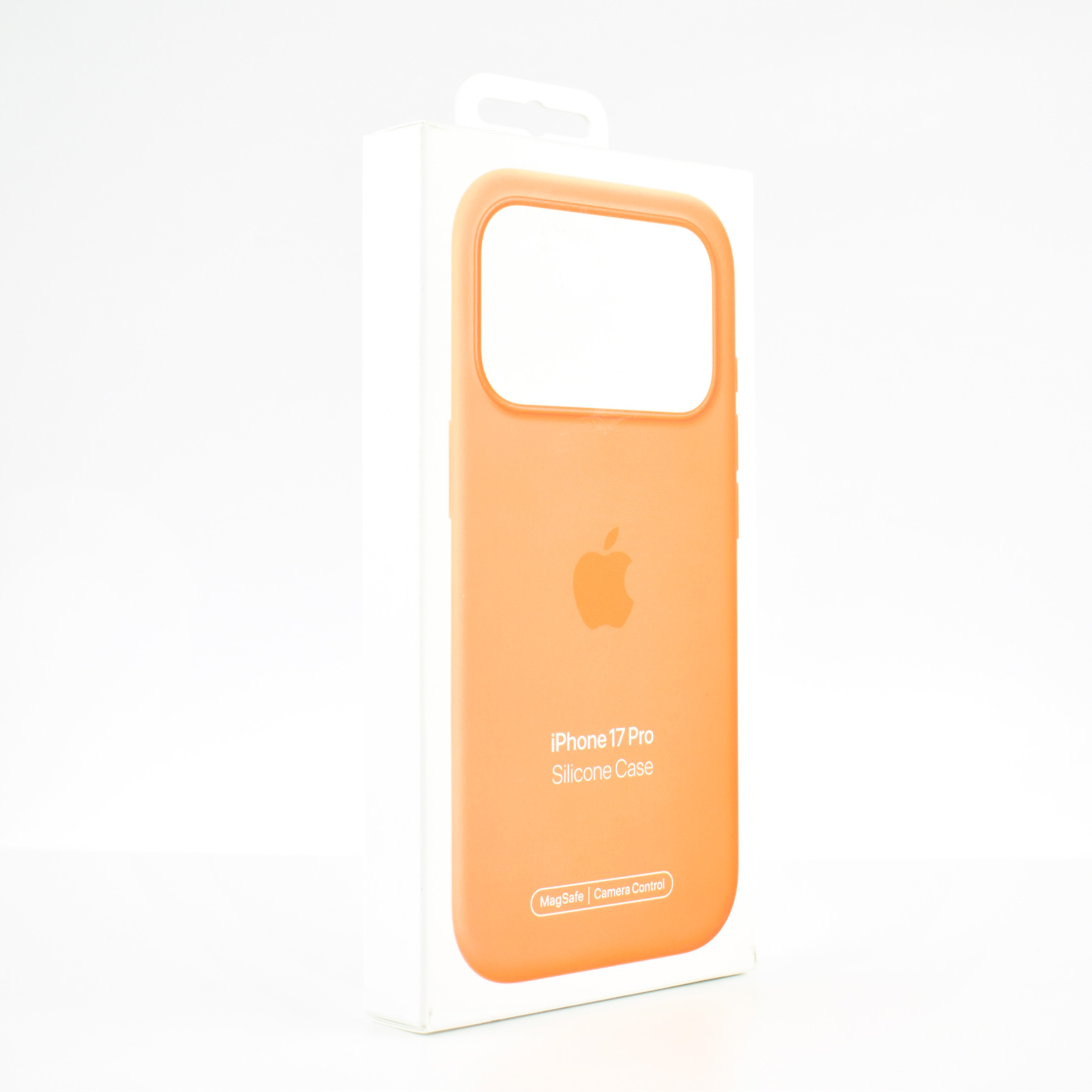
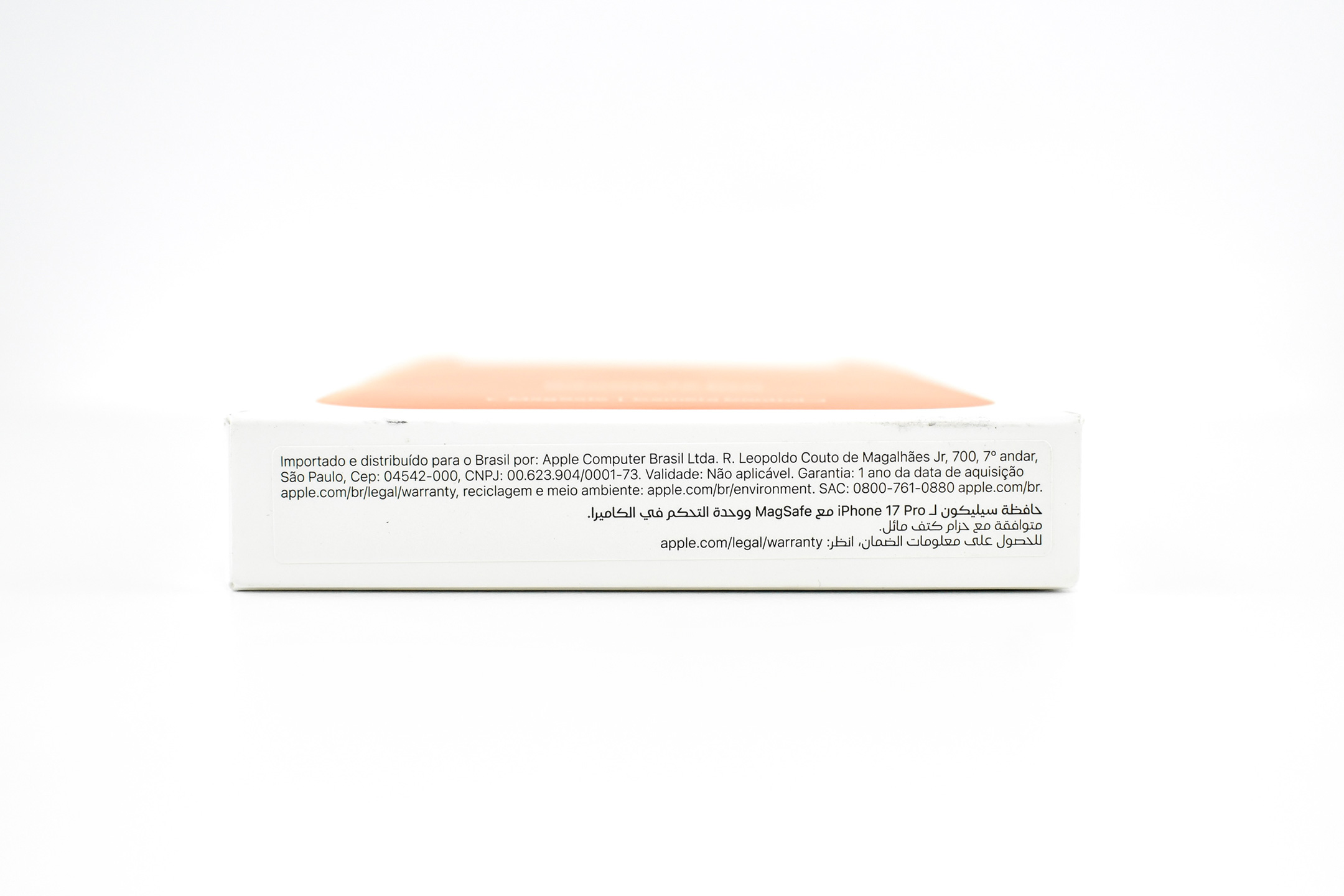
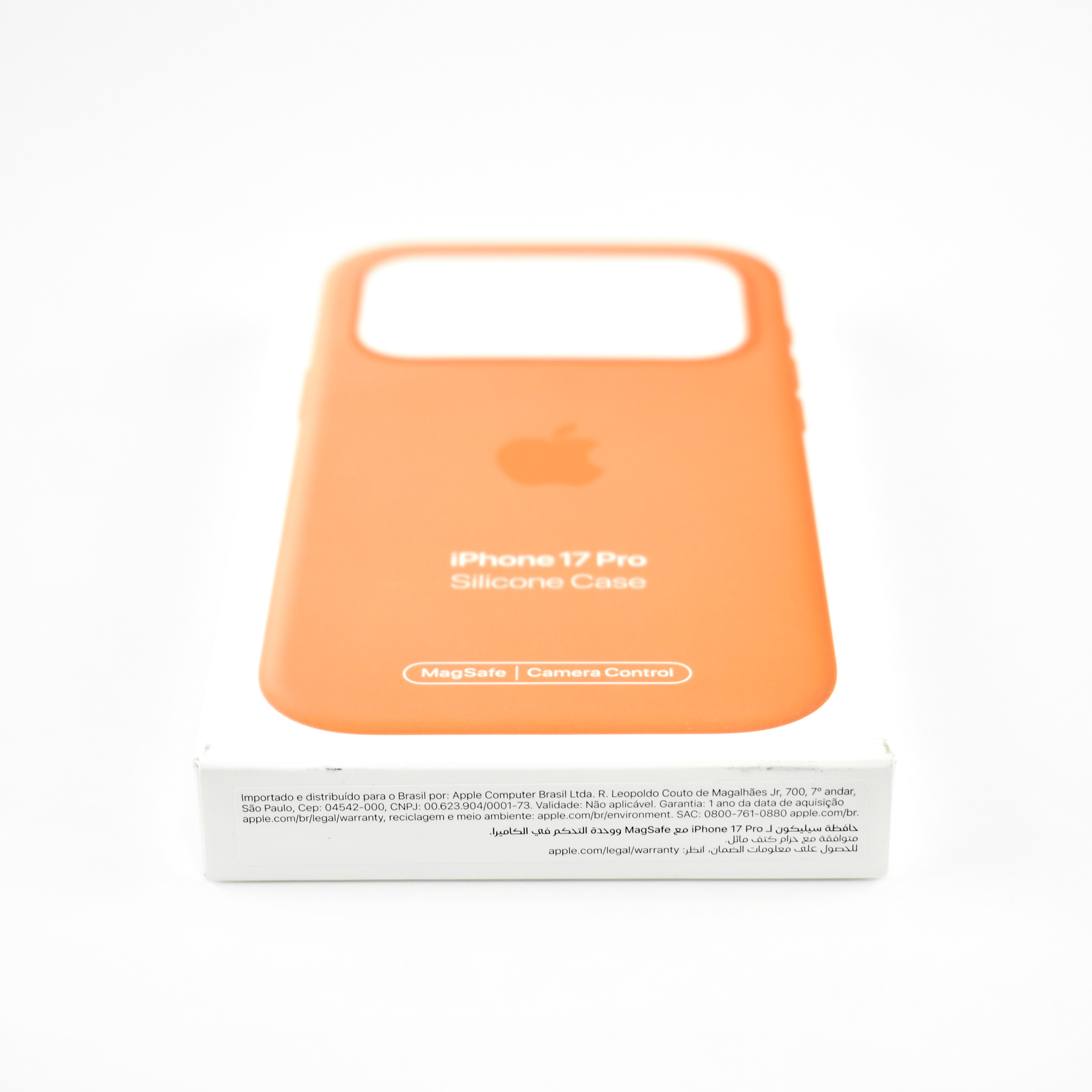
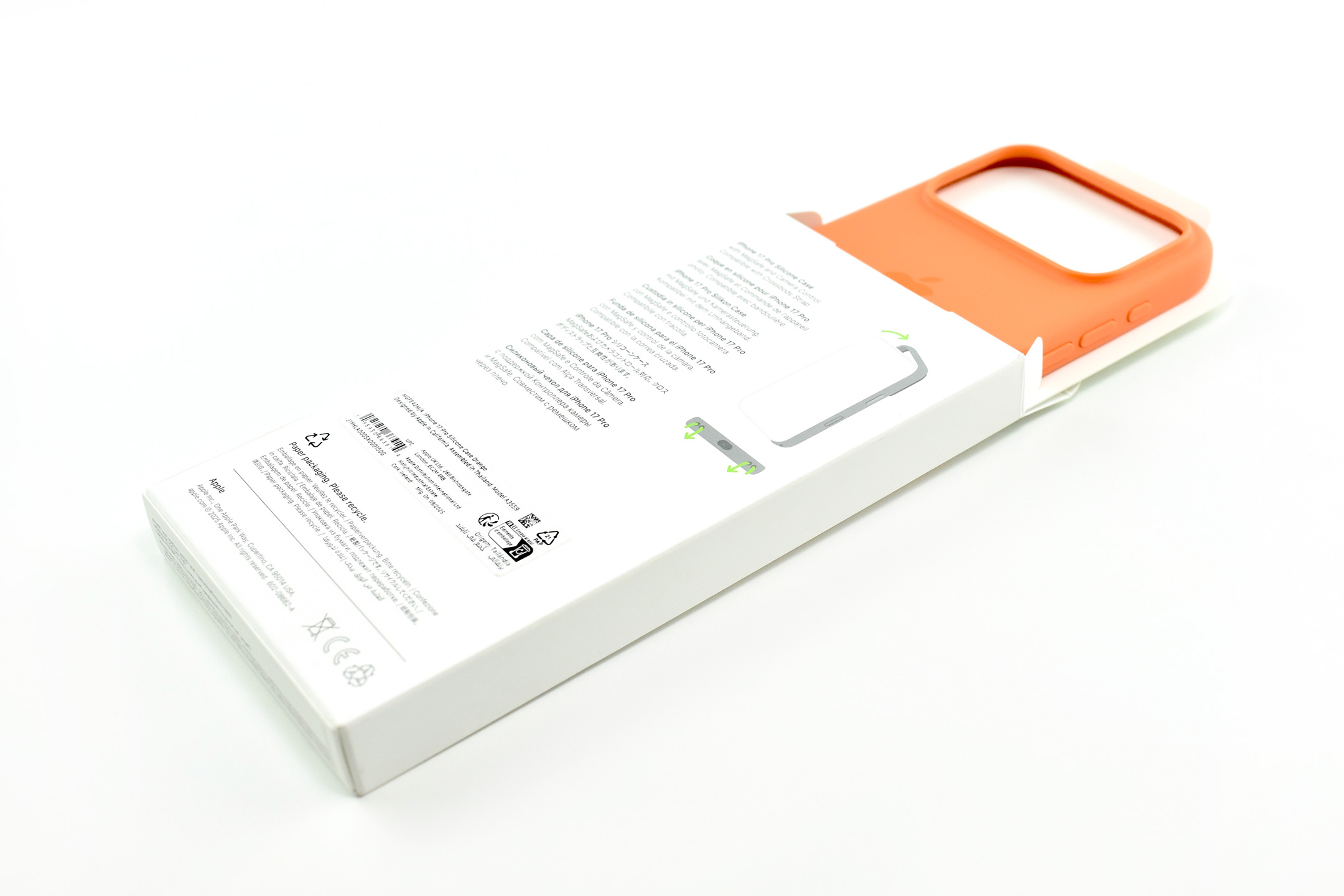
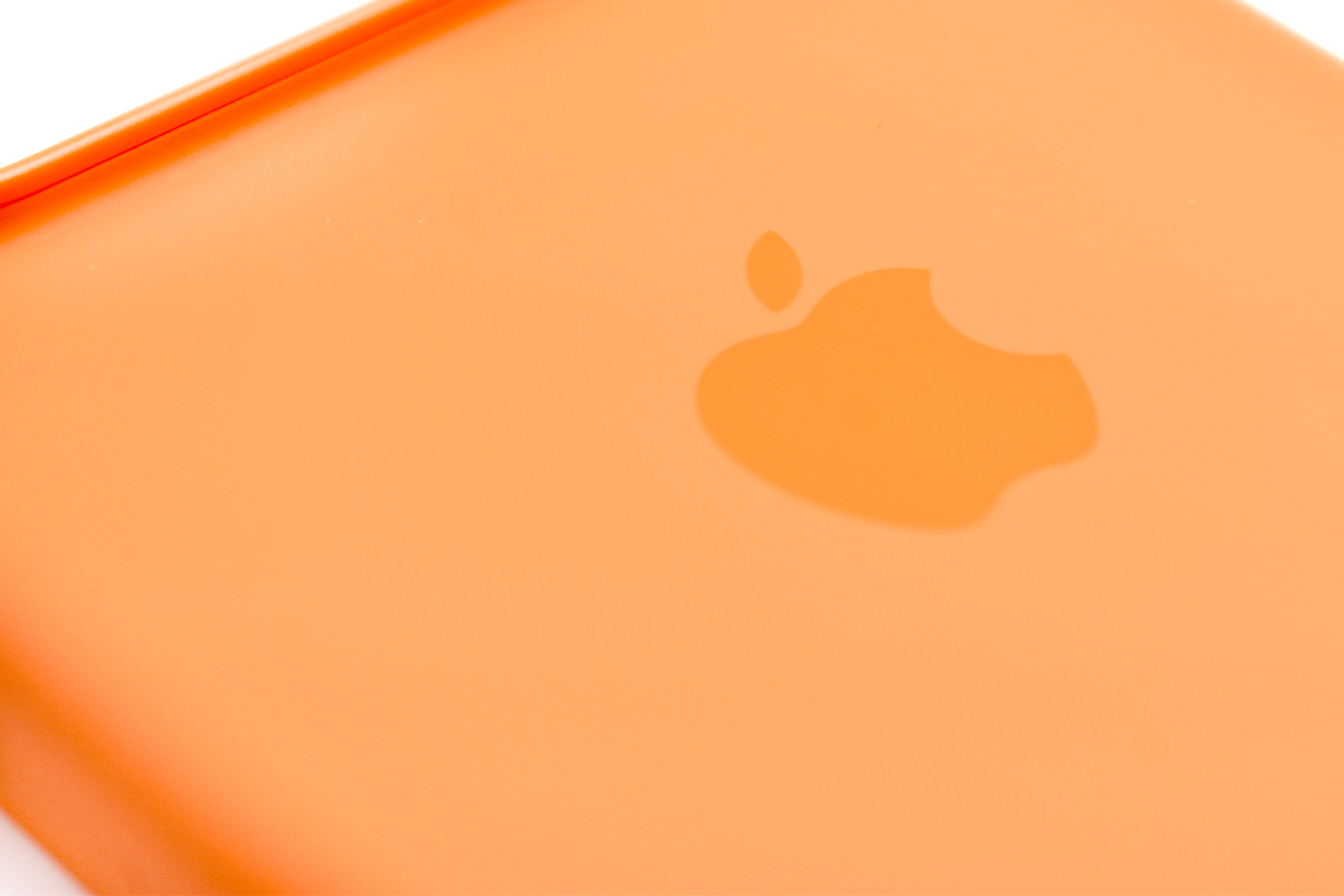
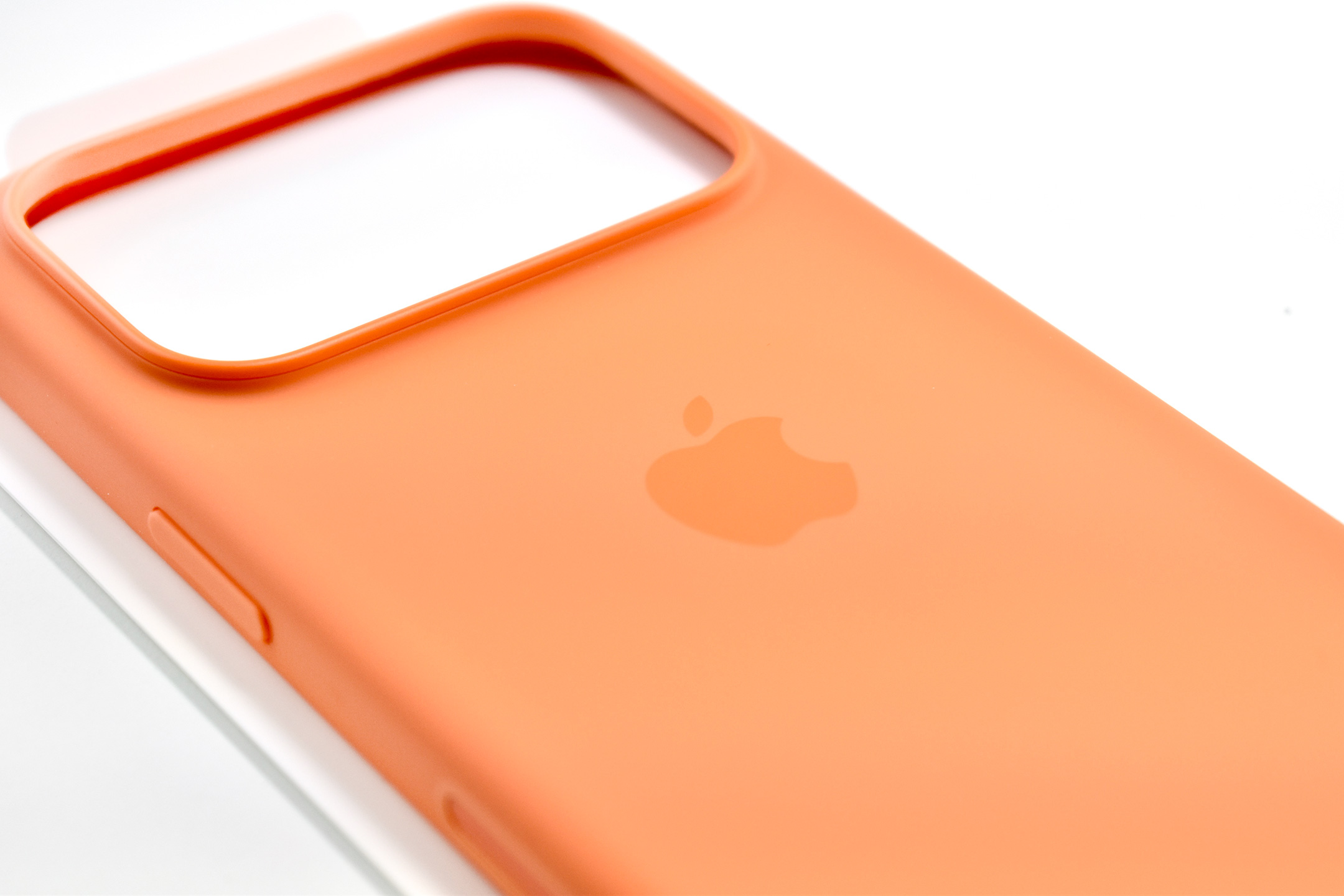
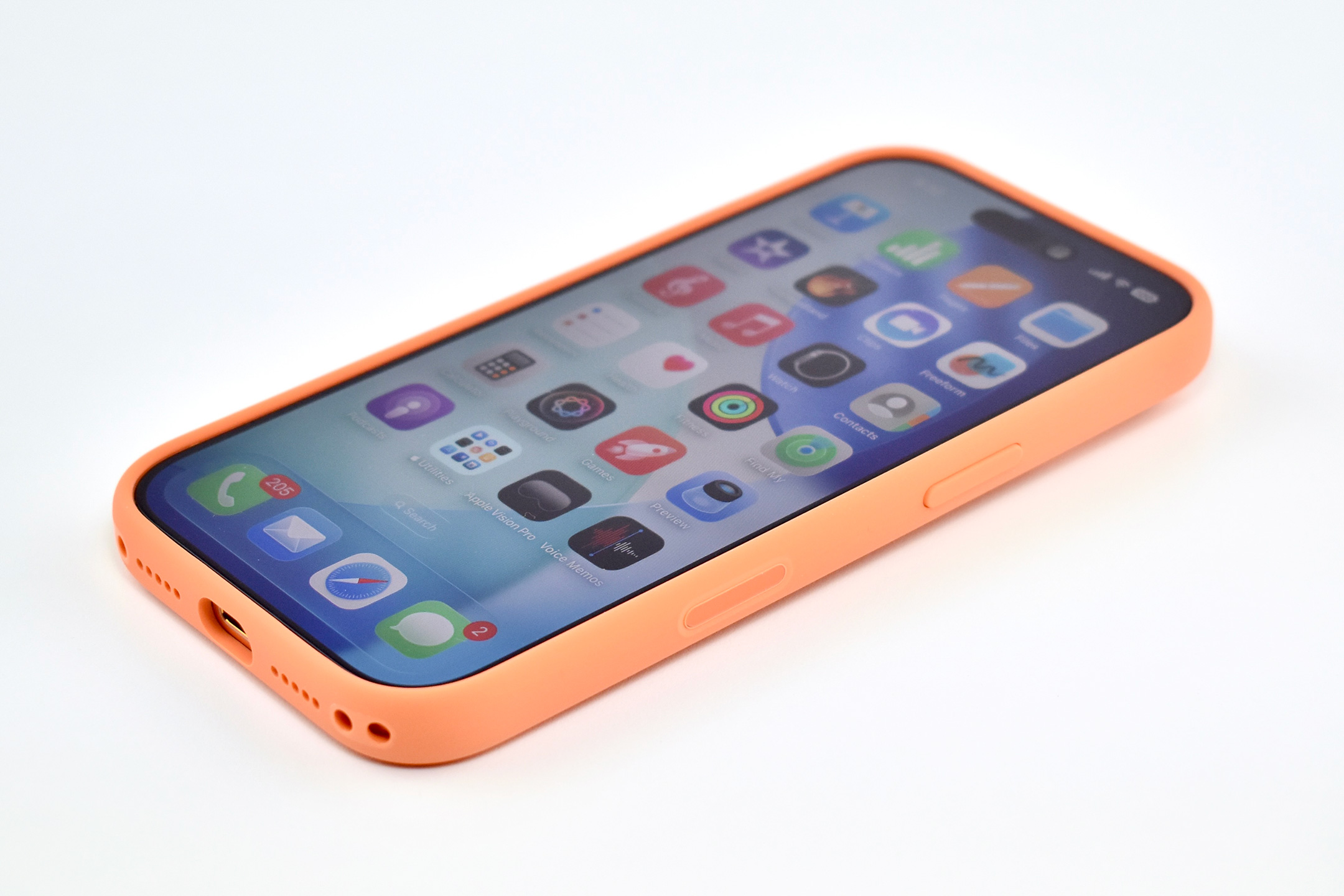
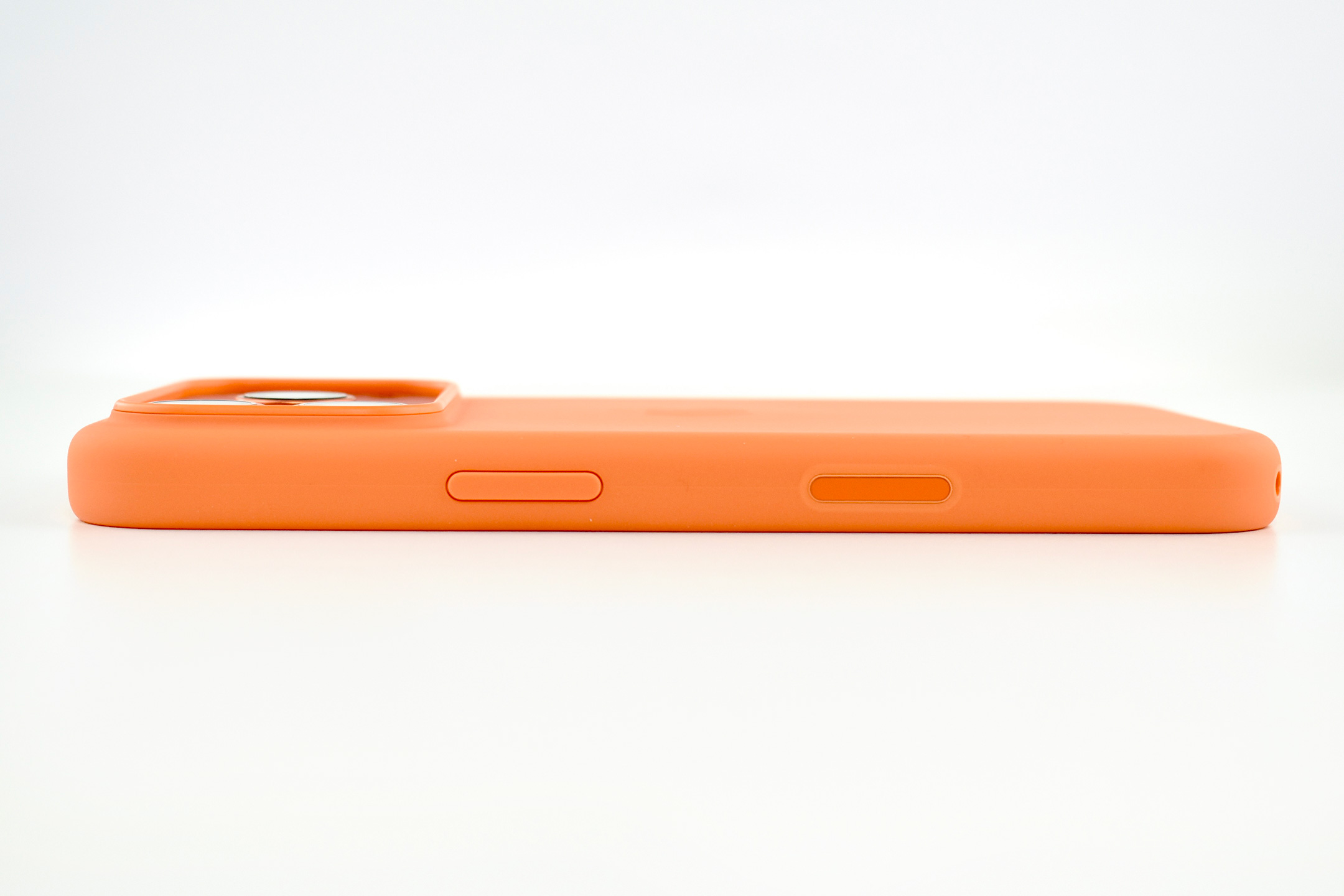
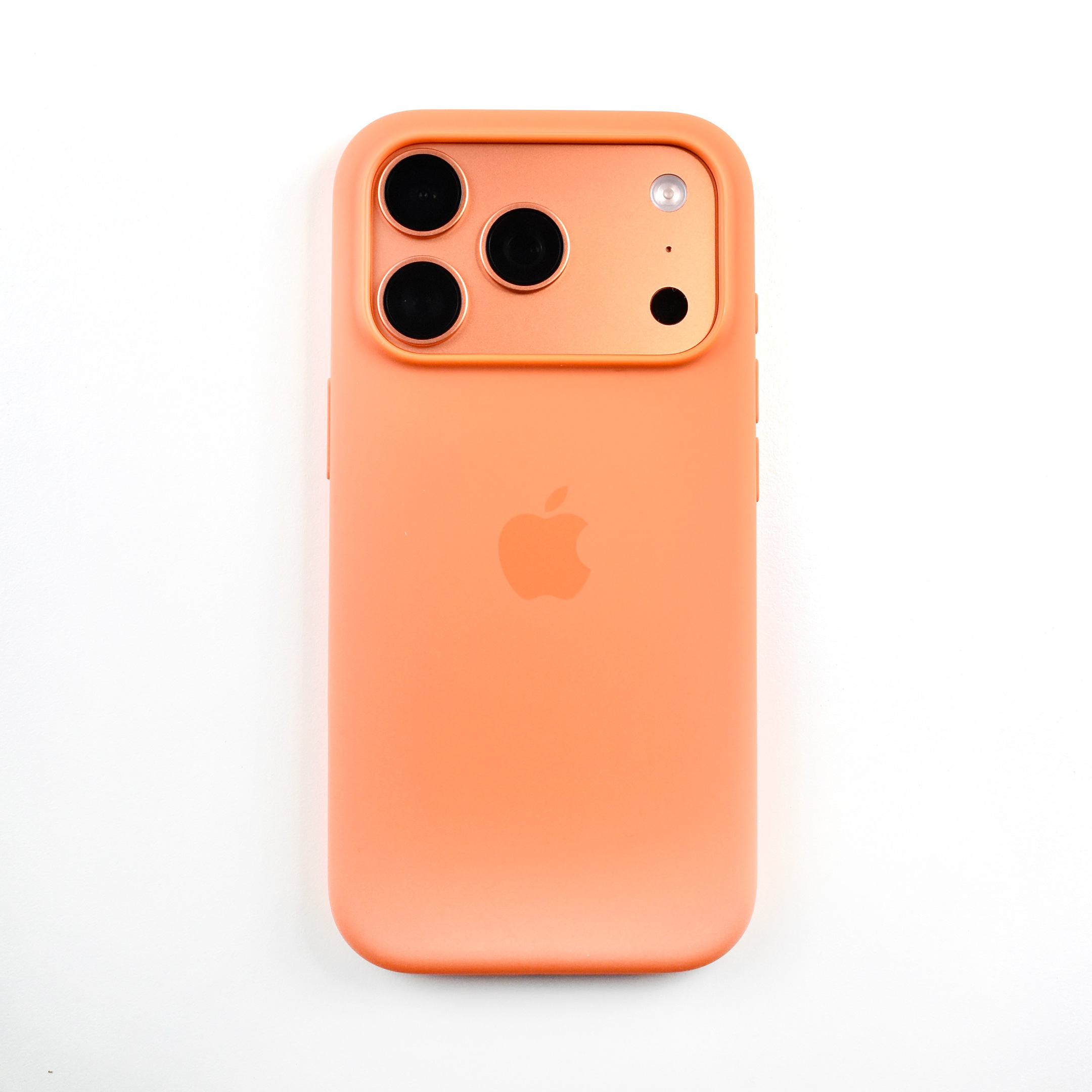
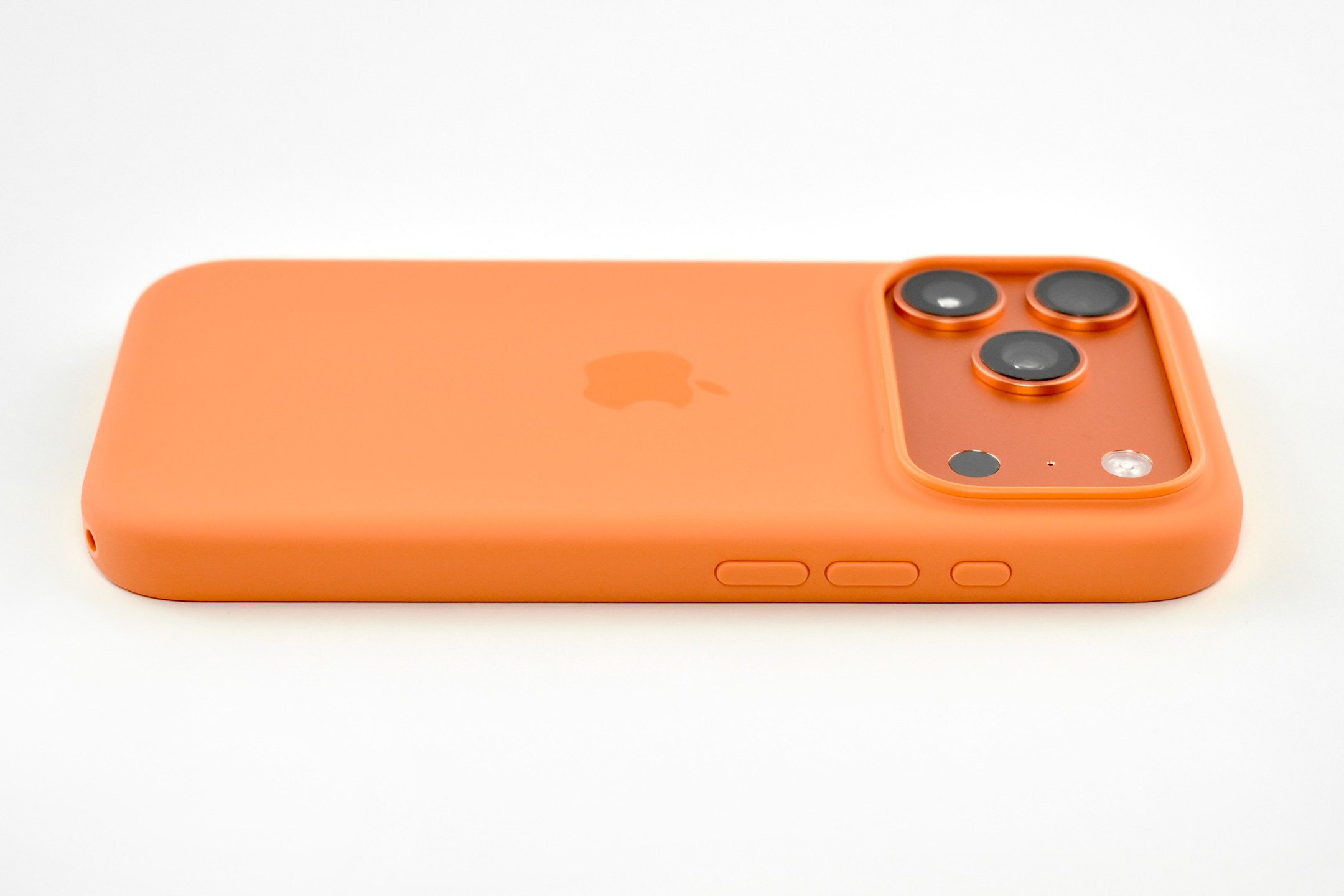
iPhone 17 Pro Silicone Case (Orange, 2025)

The iPhone 17 Pro Silicone Case was “Designed by Apple to complement iPhone 17 Pro, the Silicone Case with MagSafe is a delightful way to protect your iPhone.” This case also featured a conductive layer to communicate finger movements to the Camera Control button under the volume buttons.

Unlike previous Silicone case models, this one featured two connection points so it could be securely attached to the Crossbody Strap that was introduced at the same time as this case and the iPhone 17 Pro.

Apple also noted that the case was “Made with a 45 percent recycled silicone material” and “has a silky, soft-touch finish on the exterior that feels great in your hand. And on the inside, there’s a soft microfiber lining for even more protection.”

The case also included MagSafe magnets that extended the functionality of MagSafe built into the iPhone through the case. Apple described the charging functionality:

“With built-in magnets that align perfectly with iPhone 17 Pro Max, this case offers a magical attach experience and faster wireless charging, every time. When it’s time to charge, just leave the case on your iPhone and snap on your MagSafe charger, or set it on your Qi2 25W or Qi-certified charger.”

This case was originally offered in six colors. This example is orange.

Source: Apple
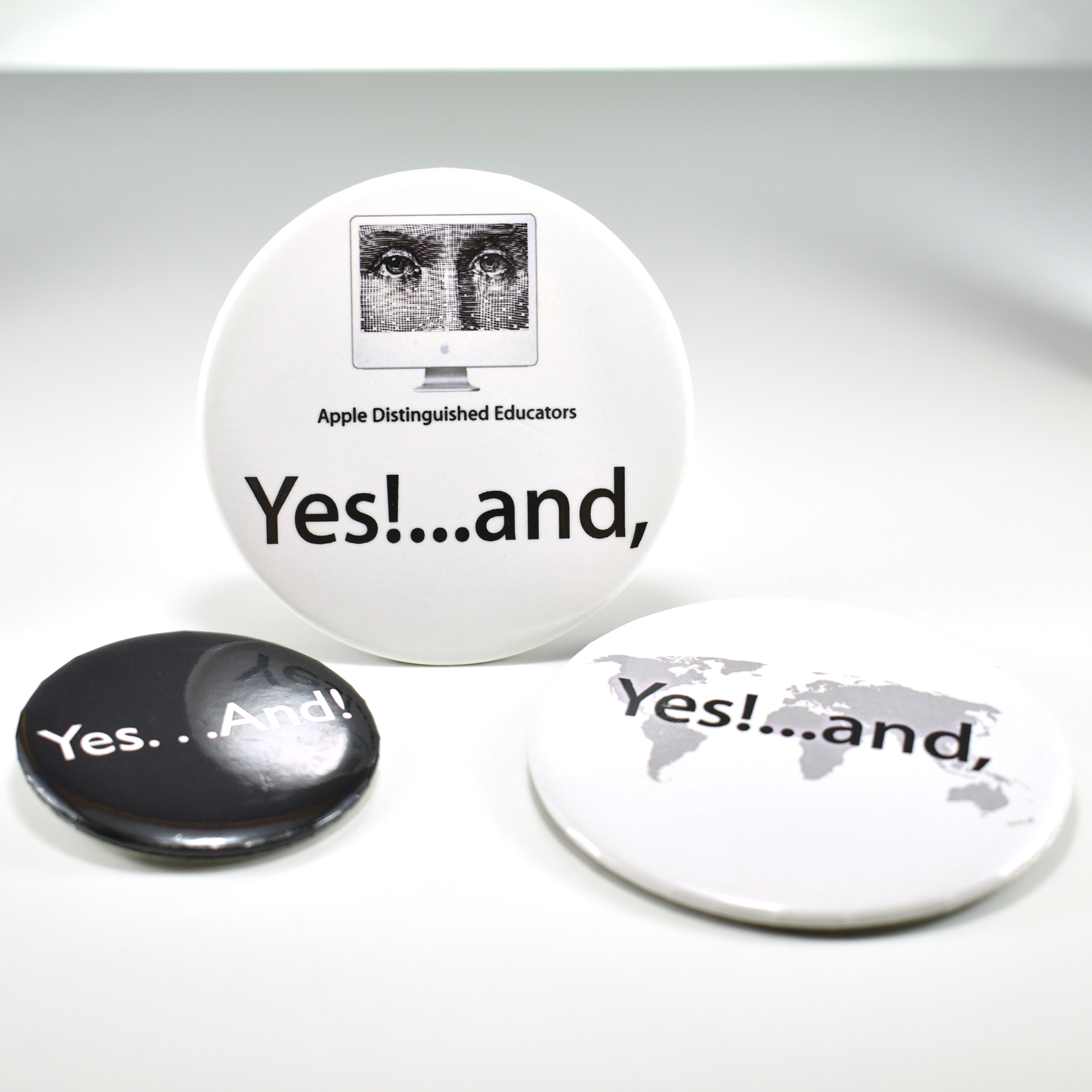
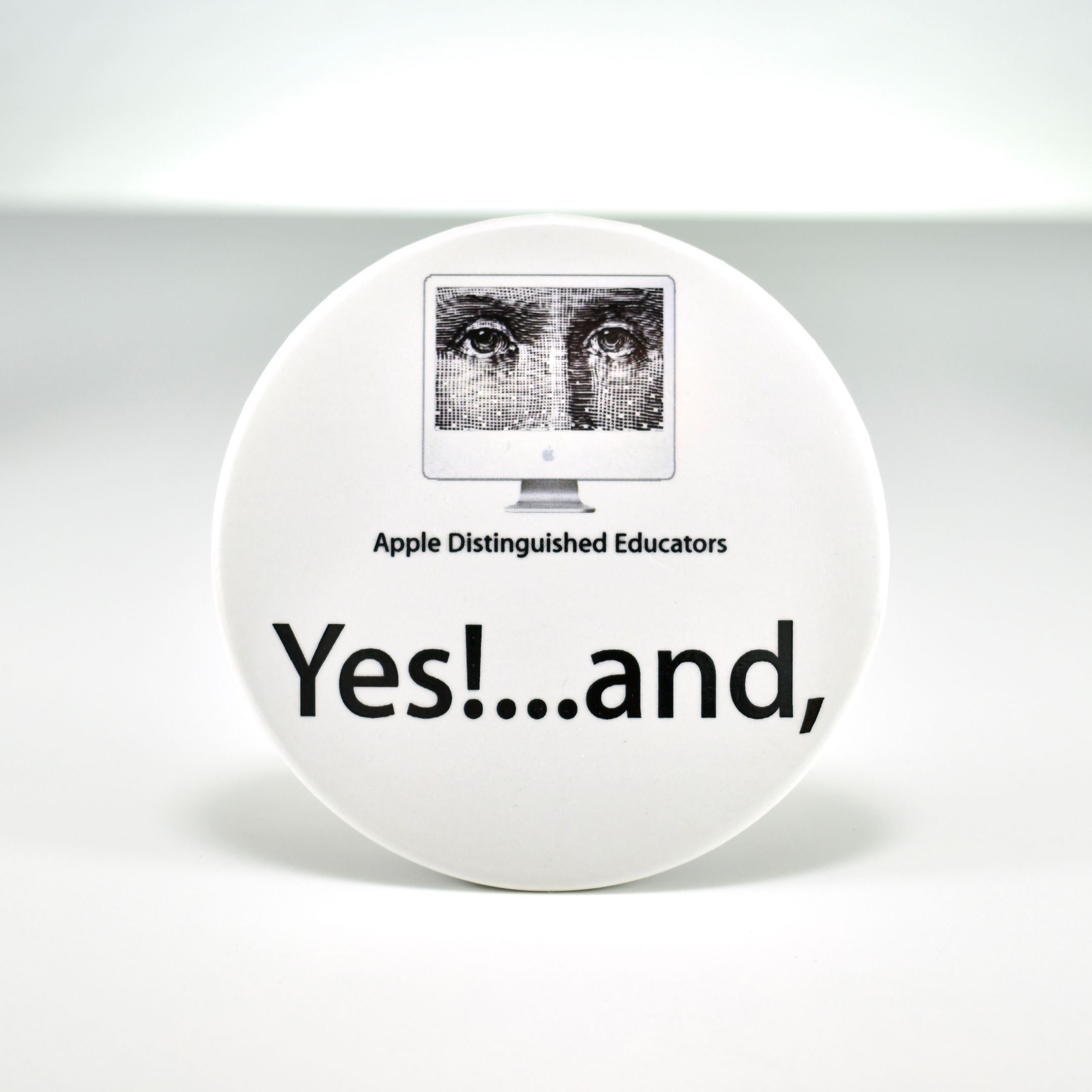
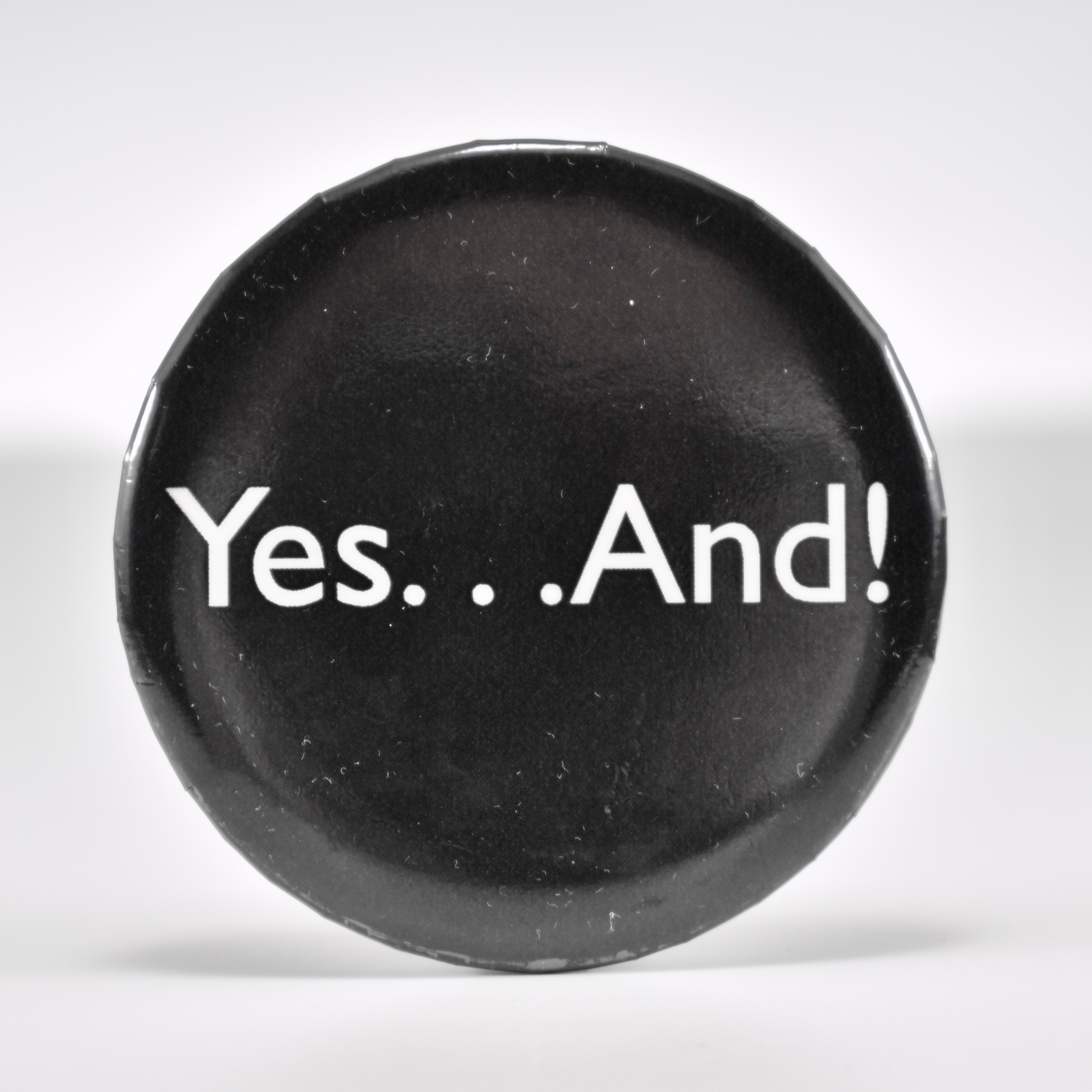
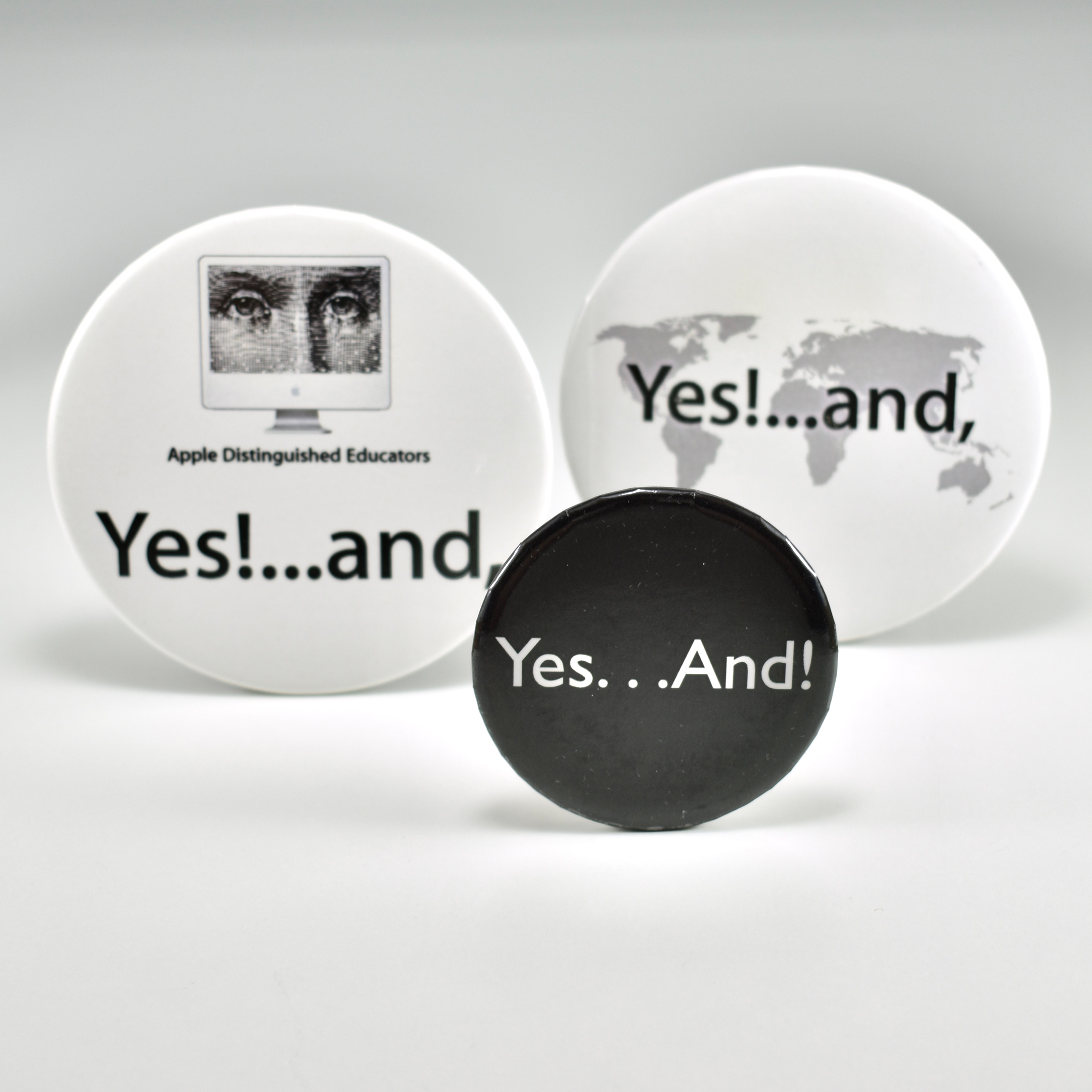
ADE Yes!…and, buttons (2007)

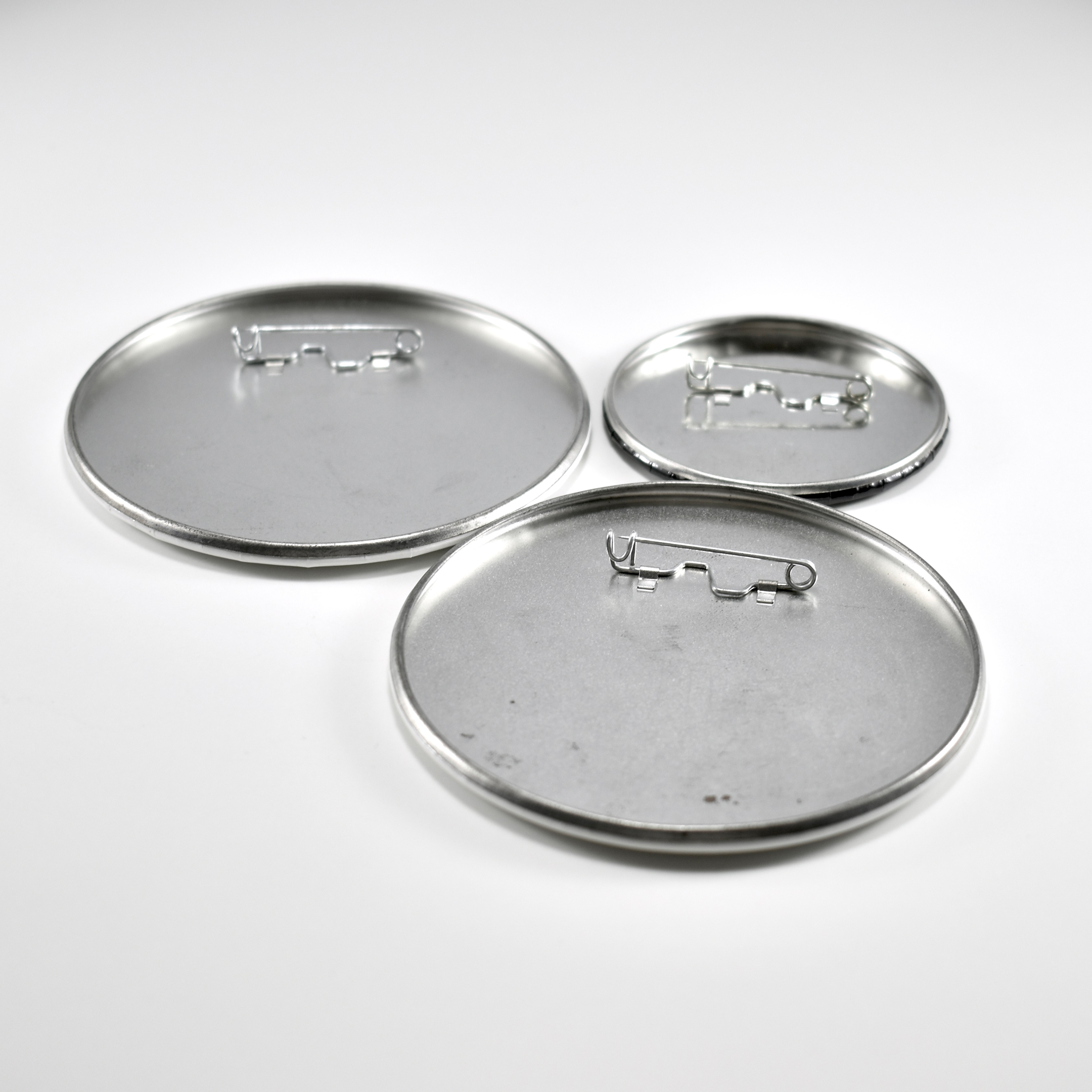
This collection of three buttons is from an Apple Distinguished Educator (ADE) event during which ADEs learned about the “Yes, and…” principle of improvisational comedy, or “improv.”

Improv comedy performers work together to “define the parameters and action of the scene, in a process of co-creation.” An improv performer must accept the premise of another performer (i.e., “yes,”) and then add to it (i.e., “and…”). “It is the responsibility of the other improvisers to accept the offers that their fellow performers make… Accepting an offer is usually accompanied by adding a new offer, often building on the earlier one” (Wikipedia).

Modern improvisational comedy began to be formalized in Chicago, through exercises developed by Viola Spolin, who influenced “the first generation of modern American improvisers at The Compass Players in Chicago, which led to The Second City” (Wikipedia).

At this ADE event, we used the “Yes!…and” idea as a foundation for educational collaboration. Educators worked in small groups with San Francisco-based improv performer/teacher Rebecca Stockley to learn the concept.

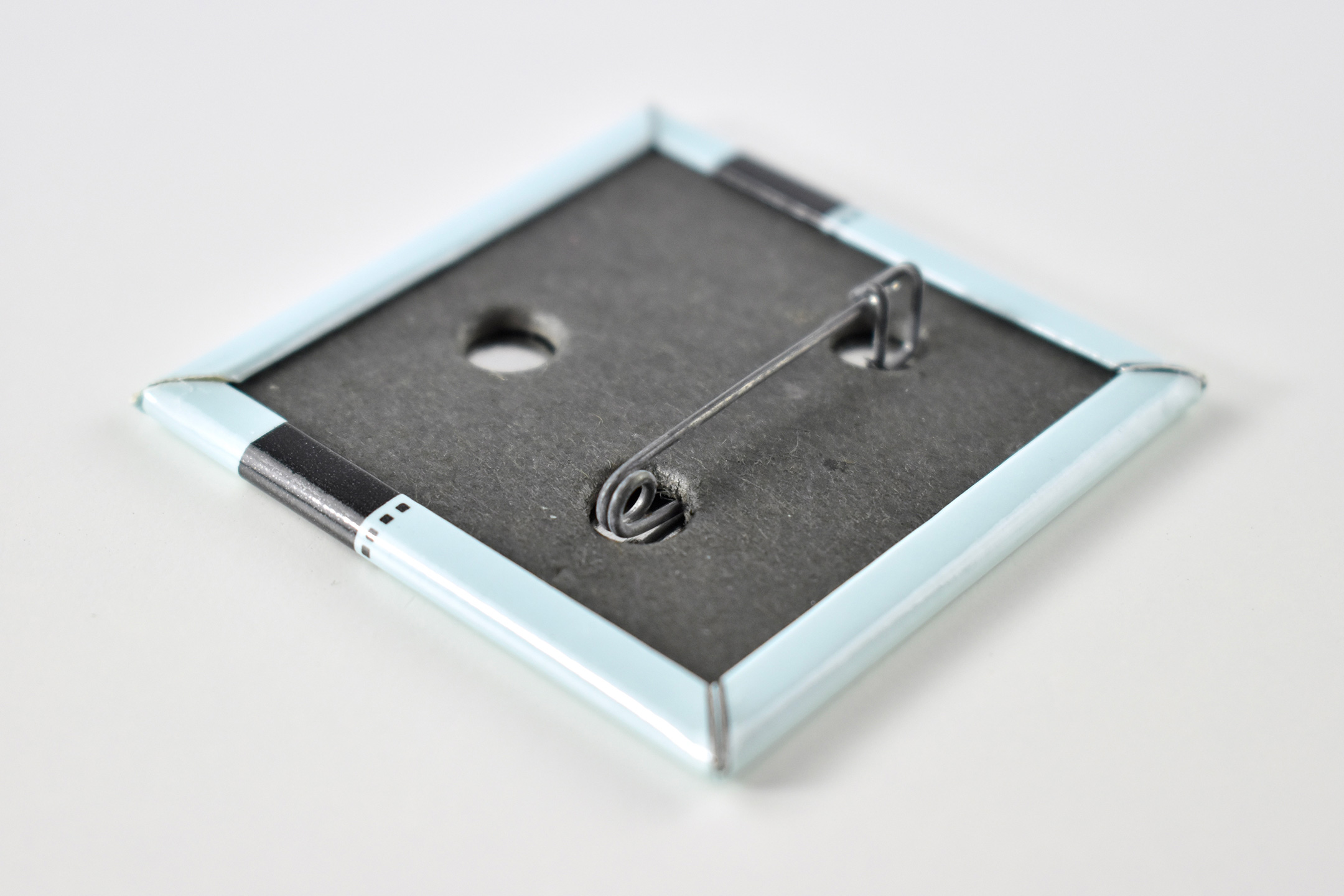
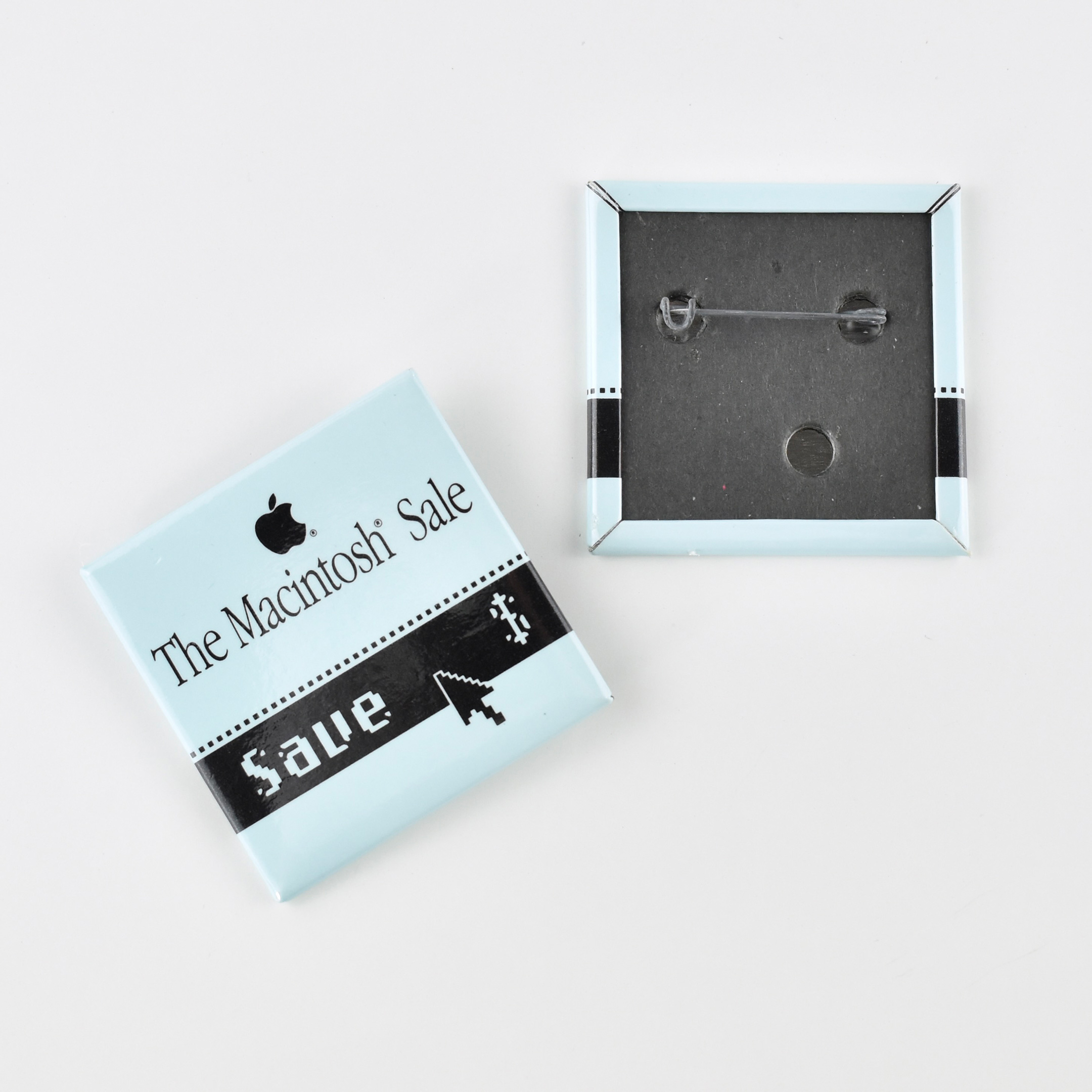
One of the white buttons features the Apple Distinguished Educators logo of the time (an iMac with a woodcut design with the Apple Distinguished Educators logotype) and the words Yes!…and, in the Myriad Apple font. Another button features the words Yes!…and, in the Myriad Apple font superimposed over a gray world map on a white button. A third, smaller button with a black background features the words Yes…And! in white in the Gill Sans font (used in the Newton product line from 1993–1998).
Wikipedia (Improvisational theatre, typography of Apple)

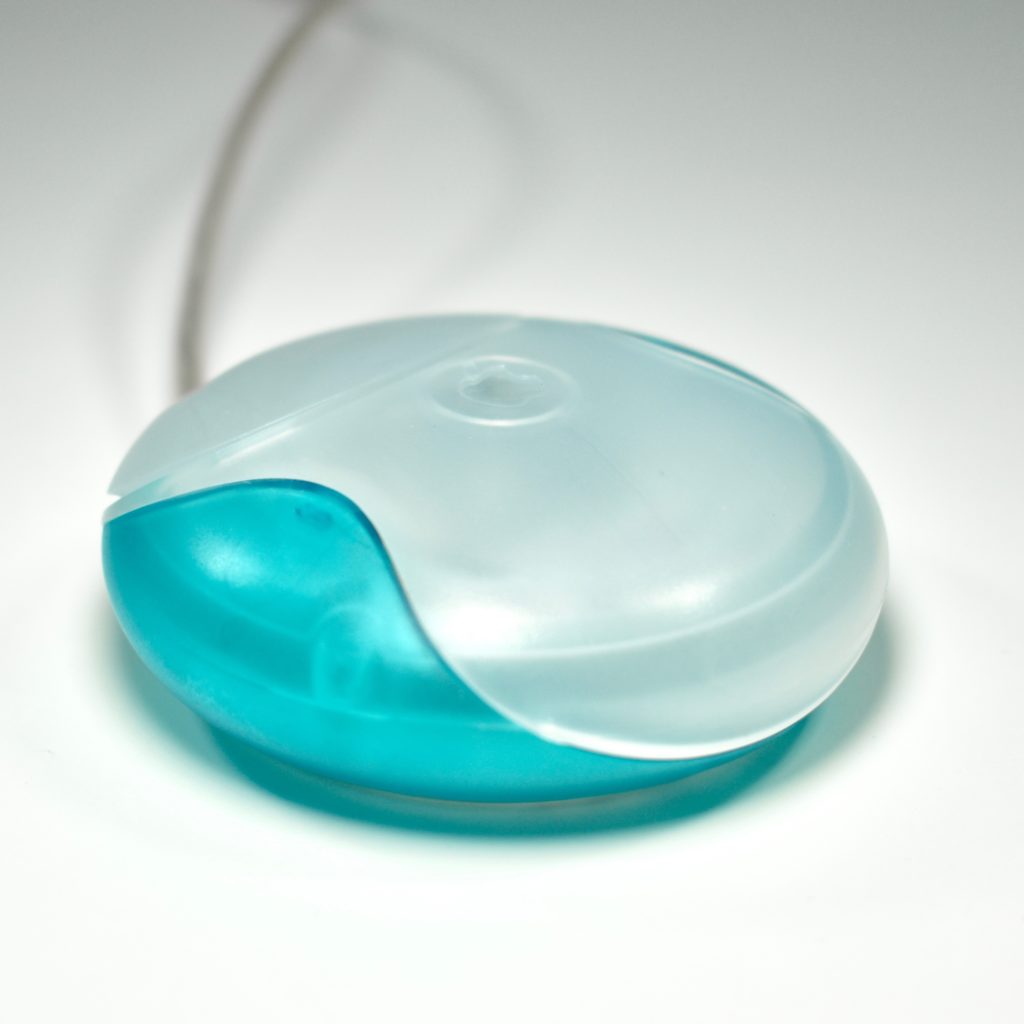
USB Mouse (blueberry, M4848, 1998)

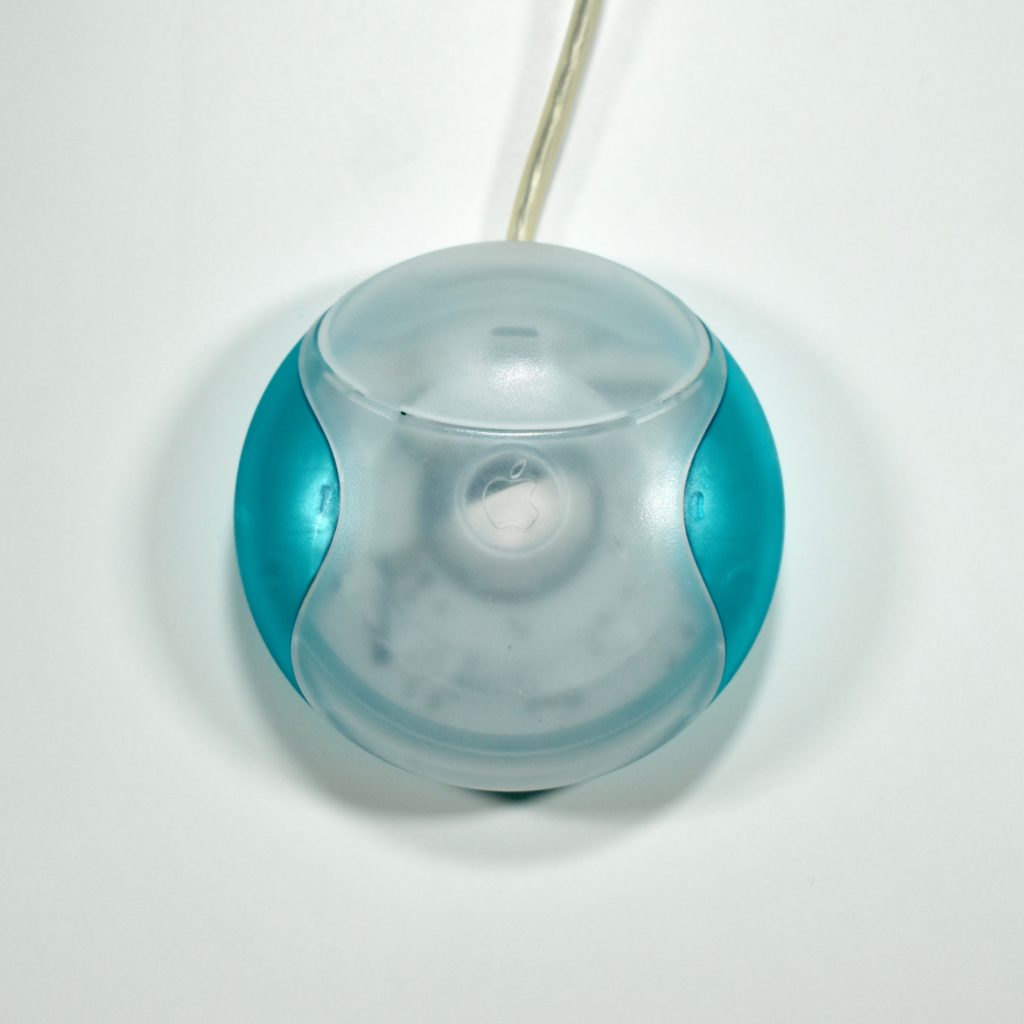
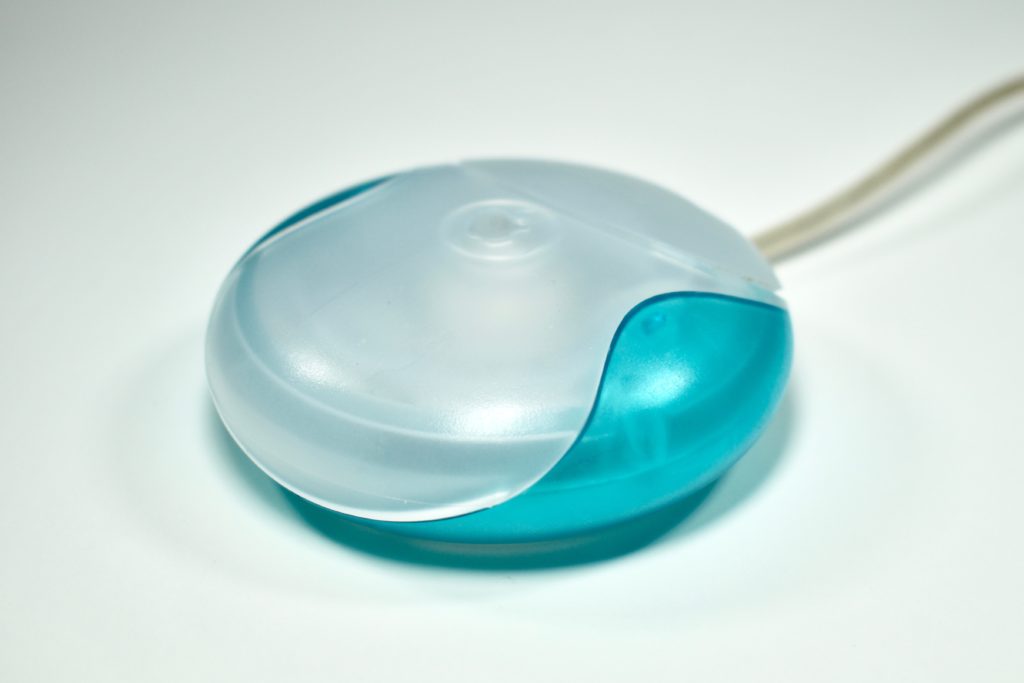
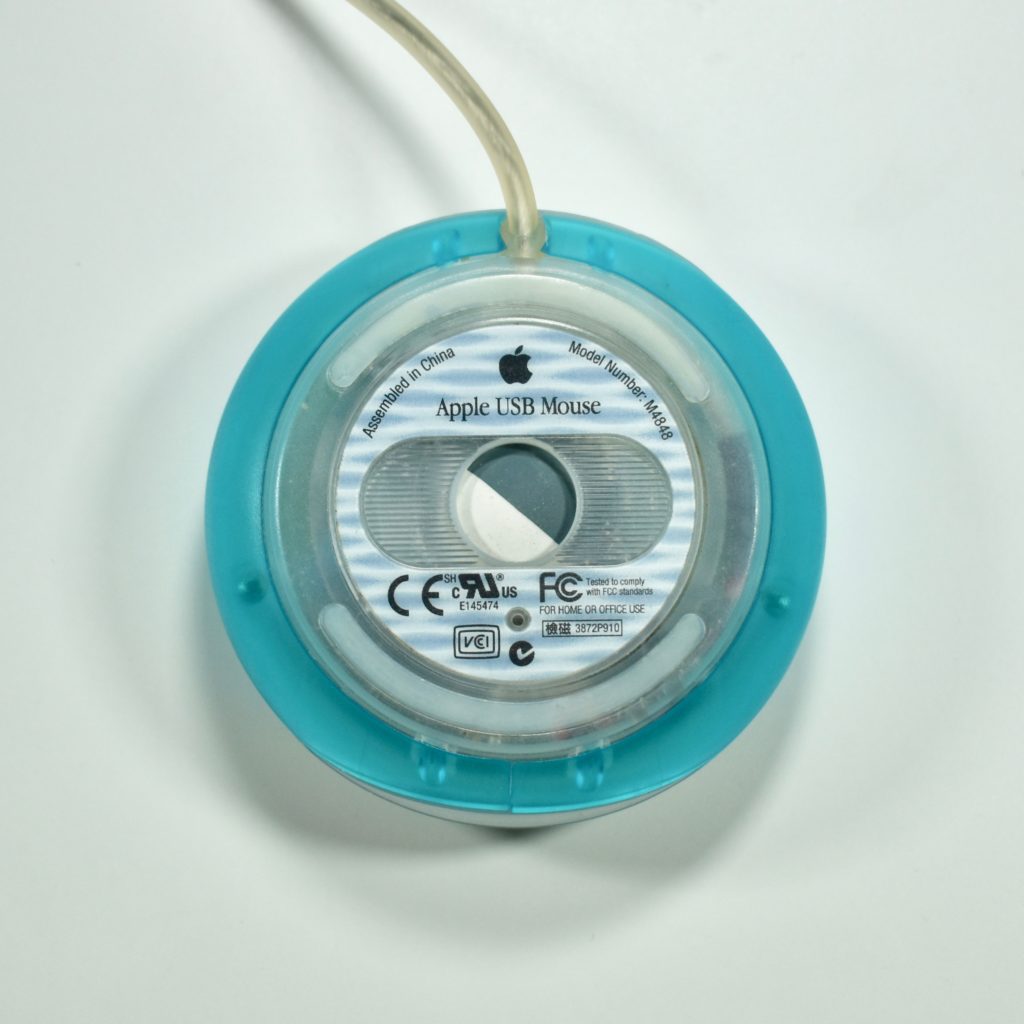
The Apple USB Mouse was first released with the original iMac. The mouse was translucent white and accented in translucent Bondi blue, the same colors as the original iMac. The mouse was round and often referred to as the “hockey puck” mouse. Like previous Apple mouse designs, the USB mouse used a single button and a rubber ball for tracking. However, the rubber ball was two-toned to add design interest by capitalizing on the translucent case.

The mouse has been described as a rare design mistake for Apple because its round shape made it difficult to feel the top of the device, making tracking difficult. Soon after its release, Apple added a dimple in the graphite version of the mouse at the top above the button. The dimple remained on all subsequent versions of the USB Mouse, including this example.

The mouse also had a short cord. Although the cord worked well when plugged into the USB port on a matching iMac keyboard, the cord was too short to use (for right-handed users) with Mac laptops at the time since USB ports were located on the left side. 

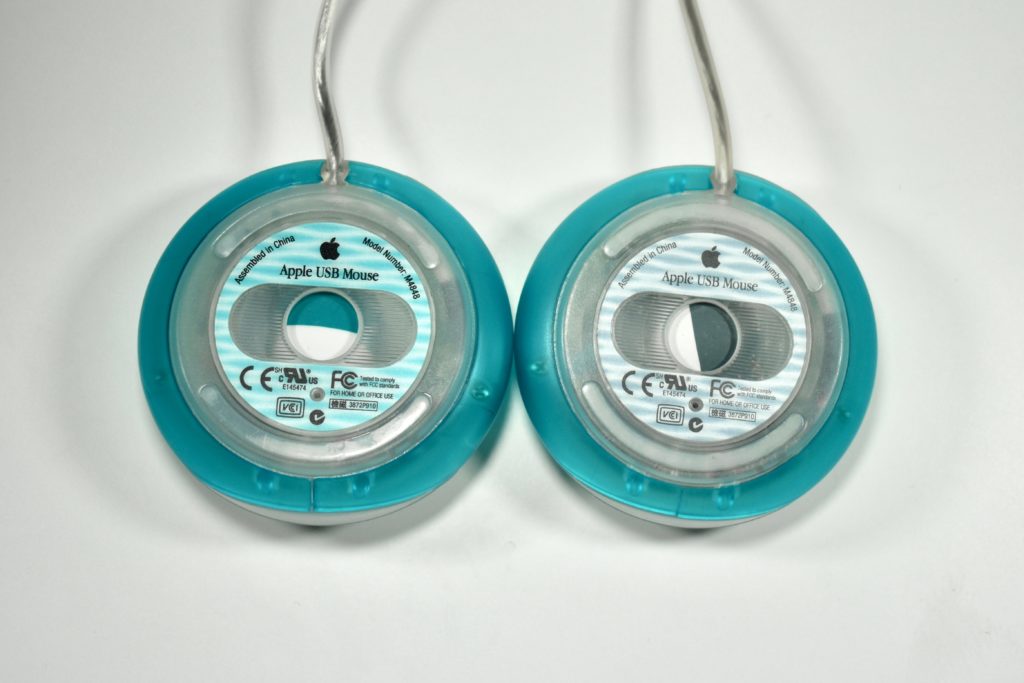
Early versions of the USB Mouse included a two-toned blue and white trackball (regardless of the color of the mouse). Later versions switched to the more neutral gray and white trackball. Both versions are shown below.

Source: Wikipedia.com

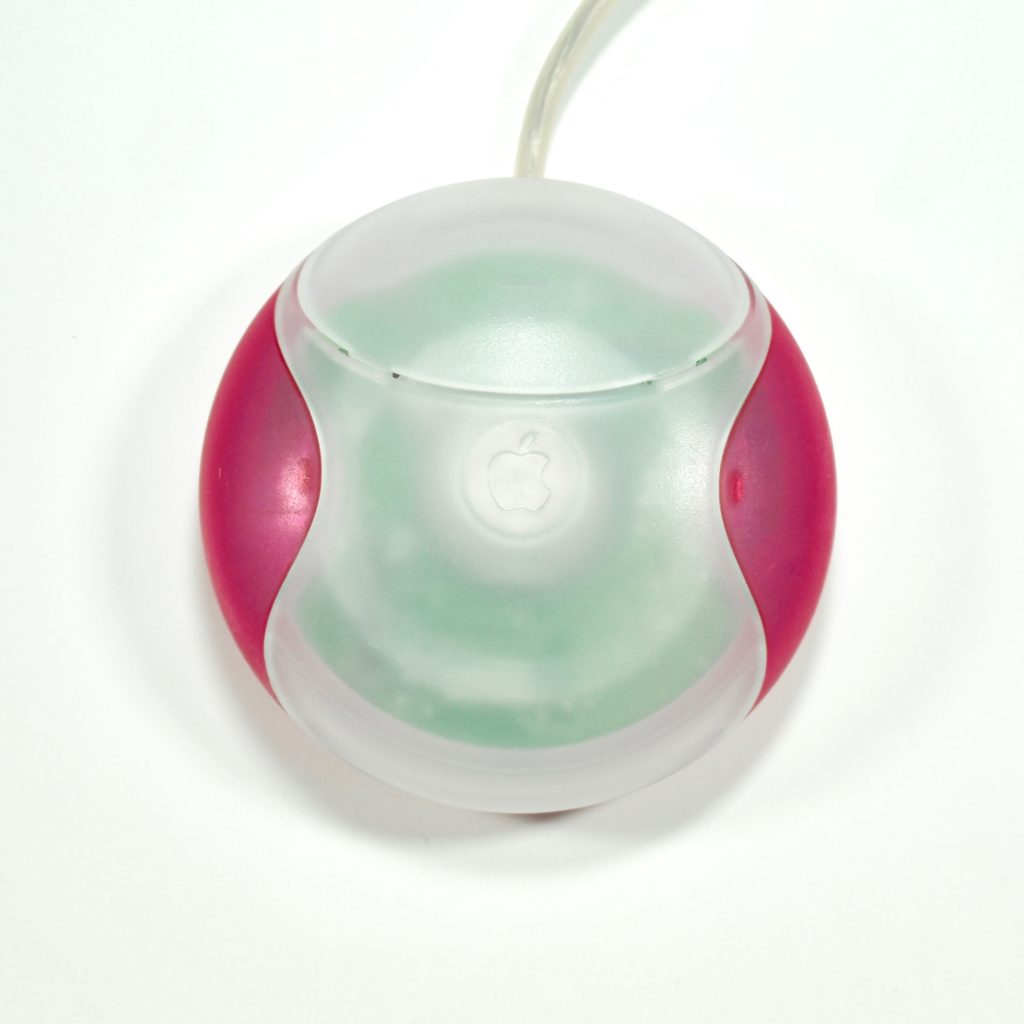
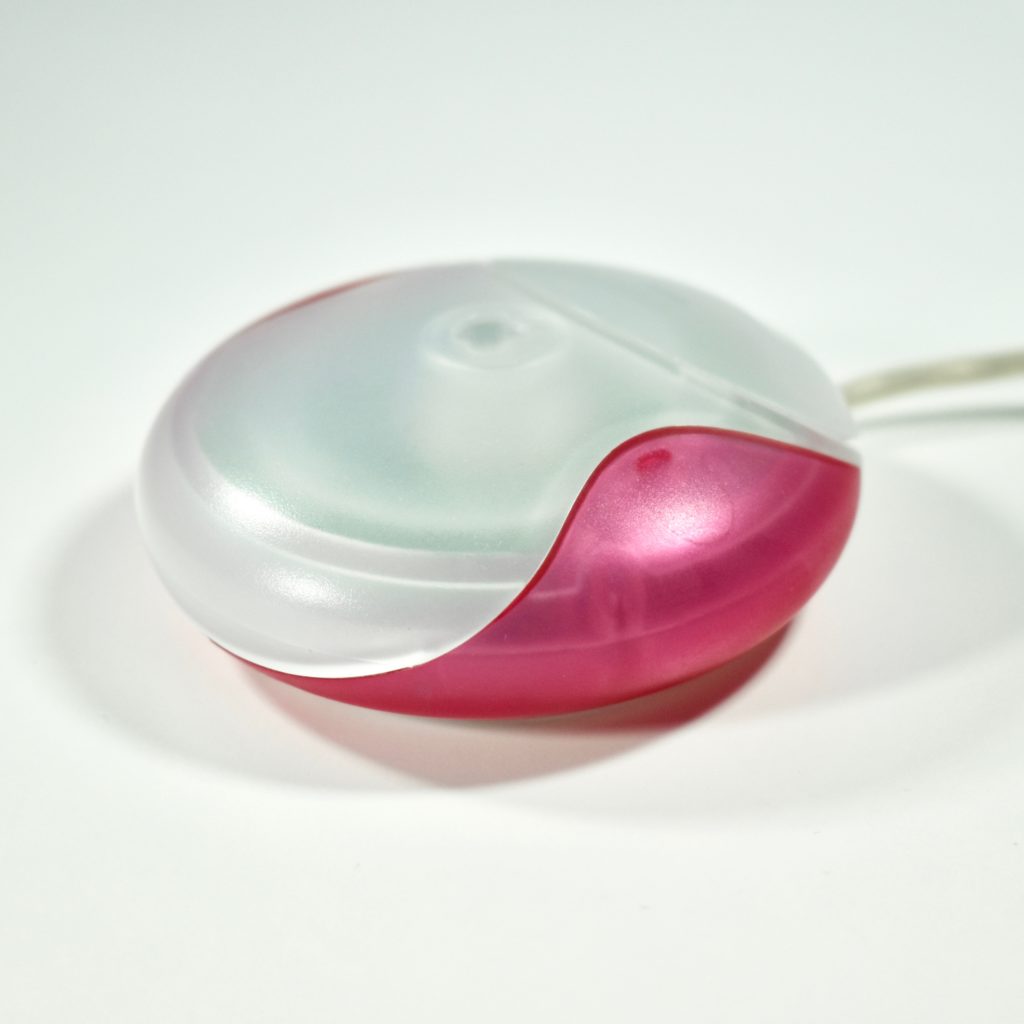
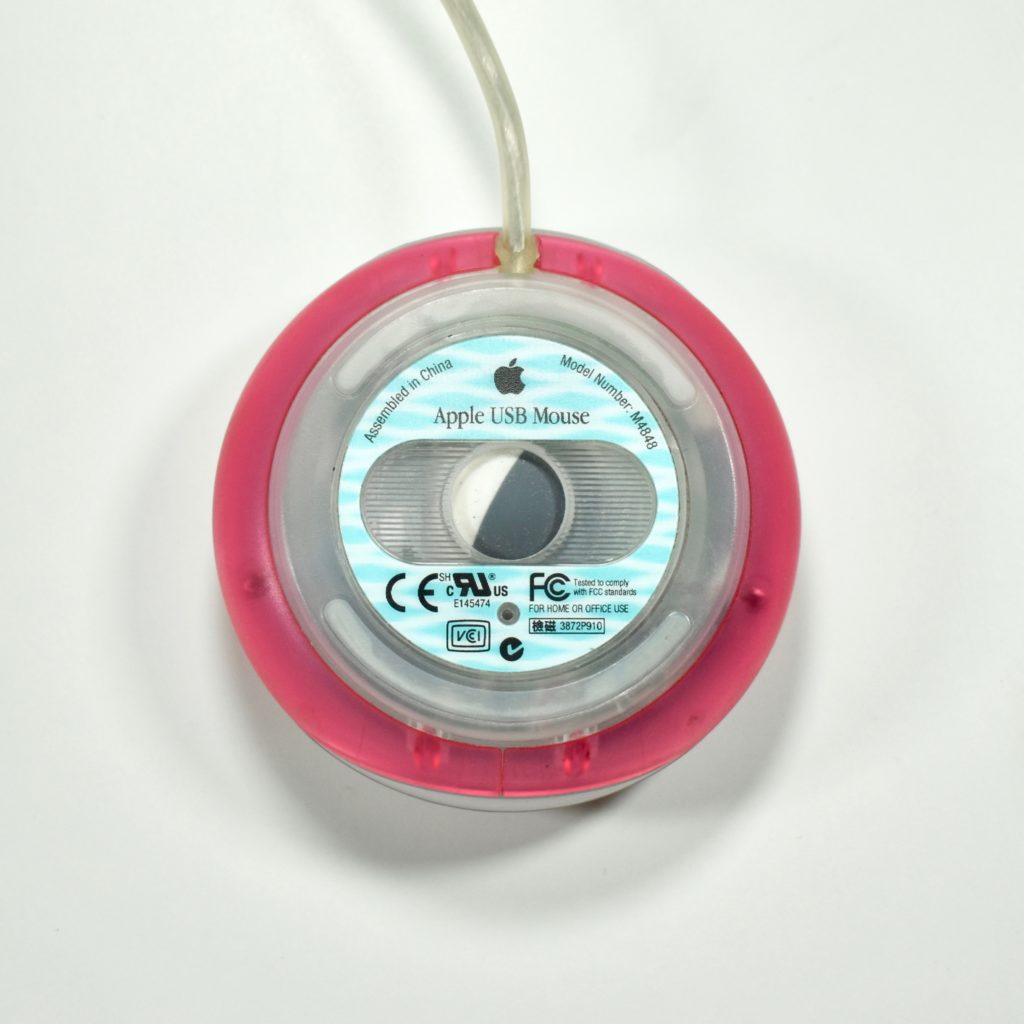
USB Mouse (strawberry, M4848, 1998)

The Apple USB Mouse was first released with the original iMac. The mouse was translucent white and accented in translucent Bondi blue, the same colors as the original iMac. The mouse was round and often referred to as the “hockey puck” mouse. Like previous Apple mouse designs, the USB mouse used a single button and a rubber ball for tracking. However, the rubber ball was two-toned to add design interest by capitalizing on the translucent case.

The mouse has been described as a rare design mistake for Apple because its round shape made it difficult to feel the top of the device, making tracking difficult. Soon after its release, Apple added a dimple in the graphite version of the mouse at the top above the button. The dimple remained on all subsequent versions of the USB Mouse, including this example.

The mouse also had a short cord. Although the cord worked well when plugged into the USB port on a matching iMac keyboard, the cord was too short to use (for right-handed users) with Mac laptops at the time since USB ports were located on the left side. 

Source: Wikipedia.com

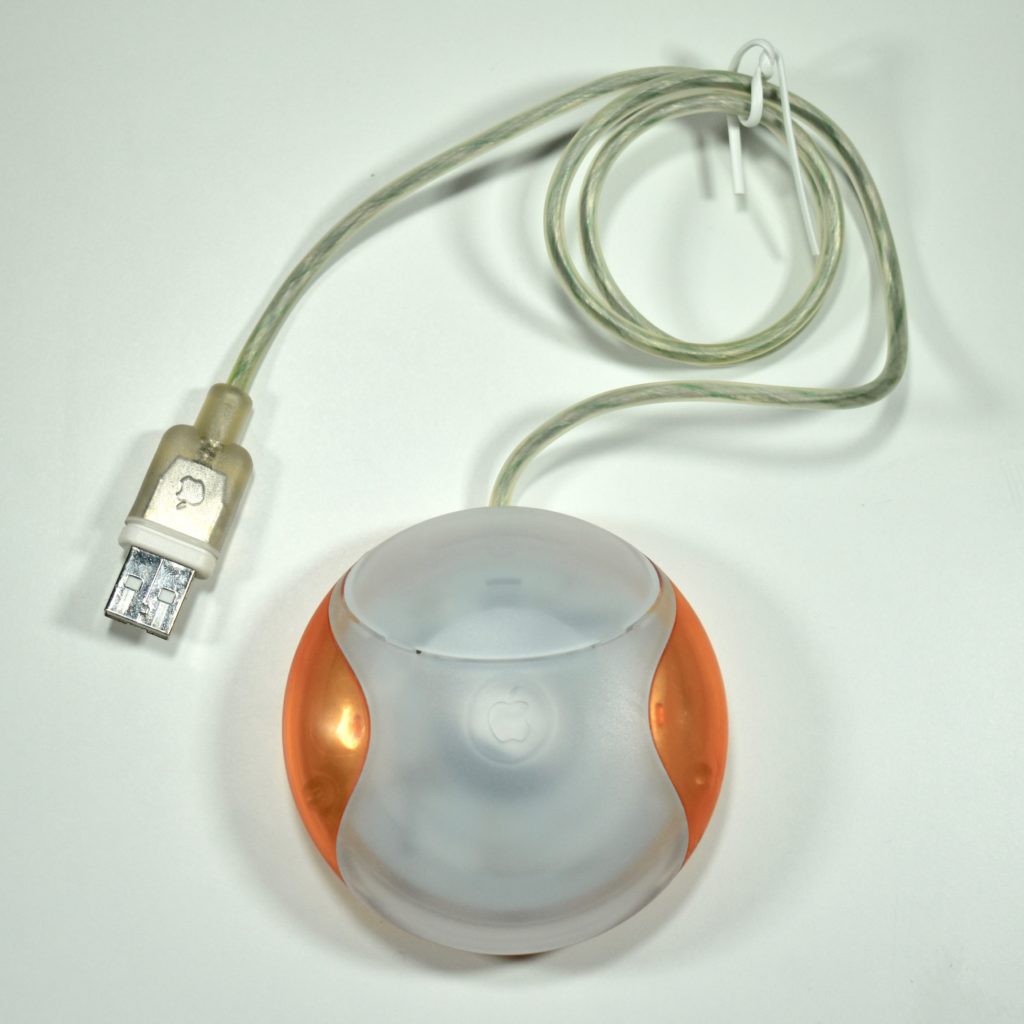
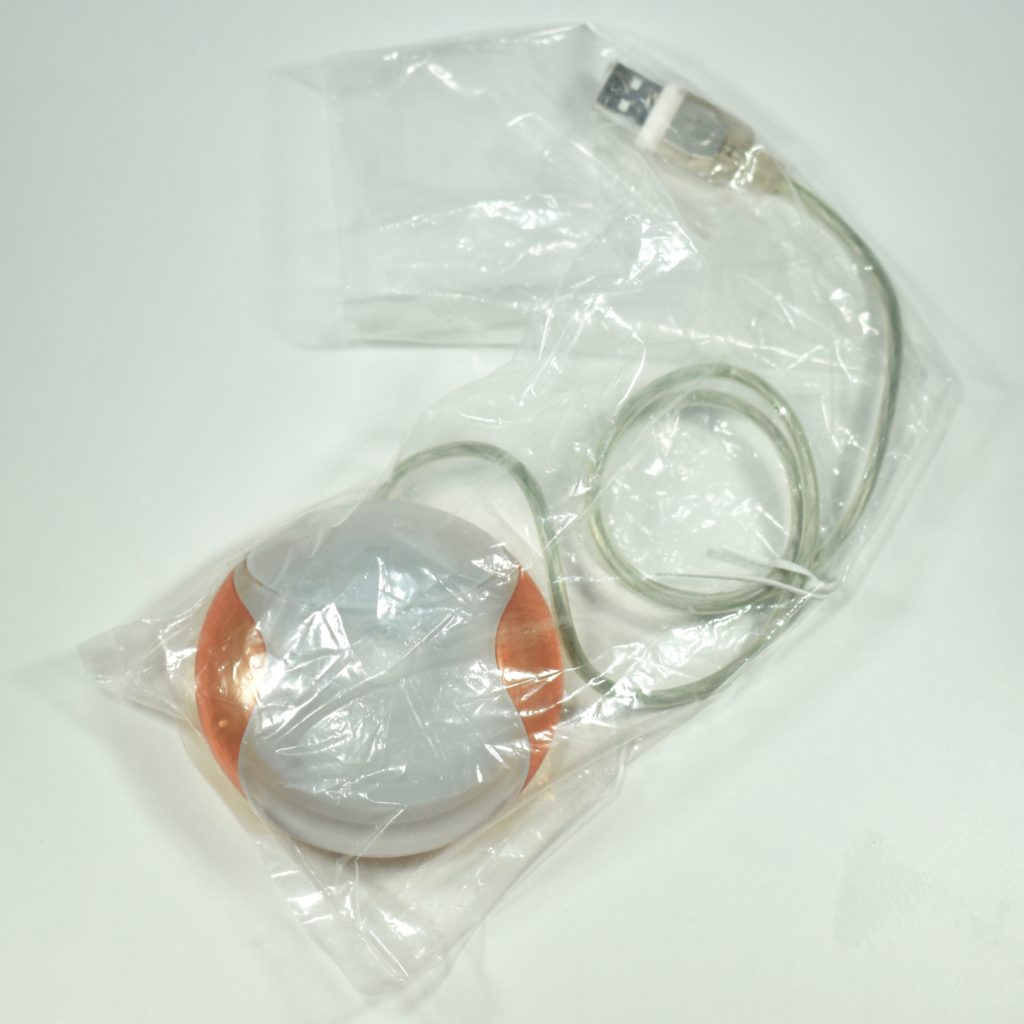
USB Mouse (tangerine, OEM part, M4848, 1998)

The Apple USB Mouse was first released with the original iMac. The mouse was translucent white and accented in translucent Bondi blue, the same colors as the original iMac. The mouse was round and often referred to as the “hockey puck” mouse. Like previous Apple mouse designs, the USB mouse used a single button and a rubber ball for tracking. However, the rubber ball was two-toned to add design interest by capitalizing on the translucent case.

The mouse has been described as a rare design mistake for Apple because its round shape made it difficult to feel the top of the device, making tracking difficult. Soon after its release, Apple added a dimple in the graphite version of the mouse at the top above the button. The dimple remained on all subsequent versions of the USB Mouse, including this example.

This tangerine mouse was not shipped with an iMac. Instead, this mouse was an OEM replacement part that was shipped in a utilitarian plastic bag rather than retail packaging.

The mouse also had a short cord. Although the cord worked well when plugged into the USB port on a matching iMac keyboard, the cord was too short to use (for right-handed users) with Mac laptops at the time since USB ports were located on the left side. 

Source: Wikipedia.com