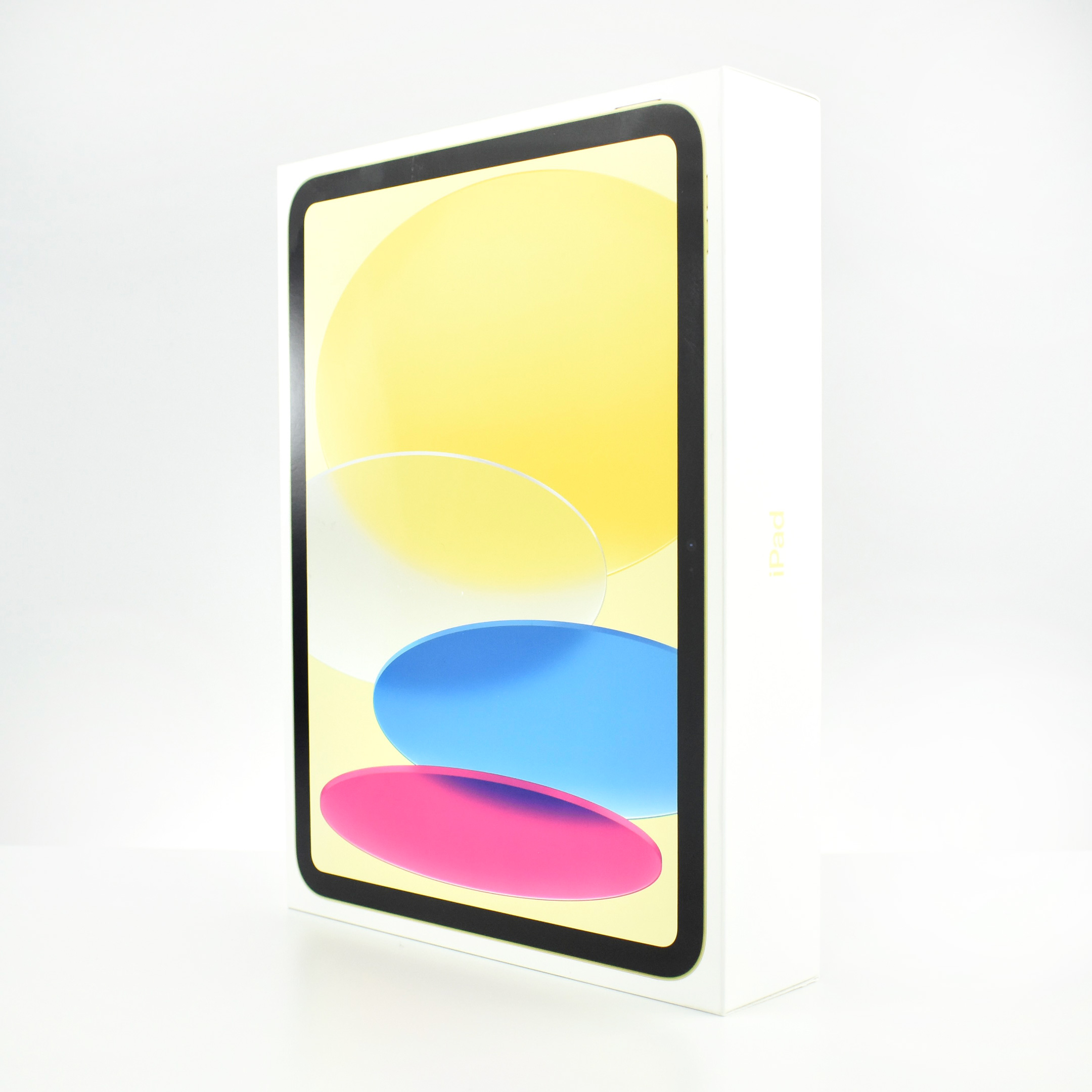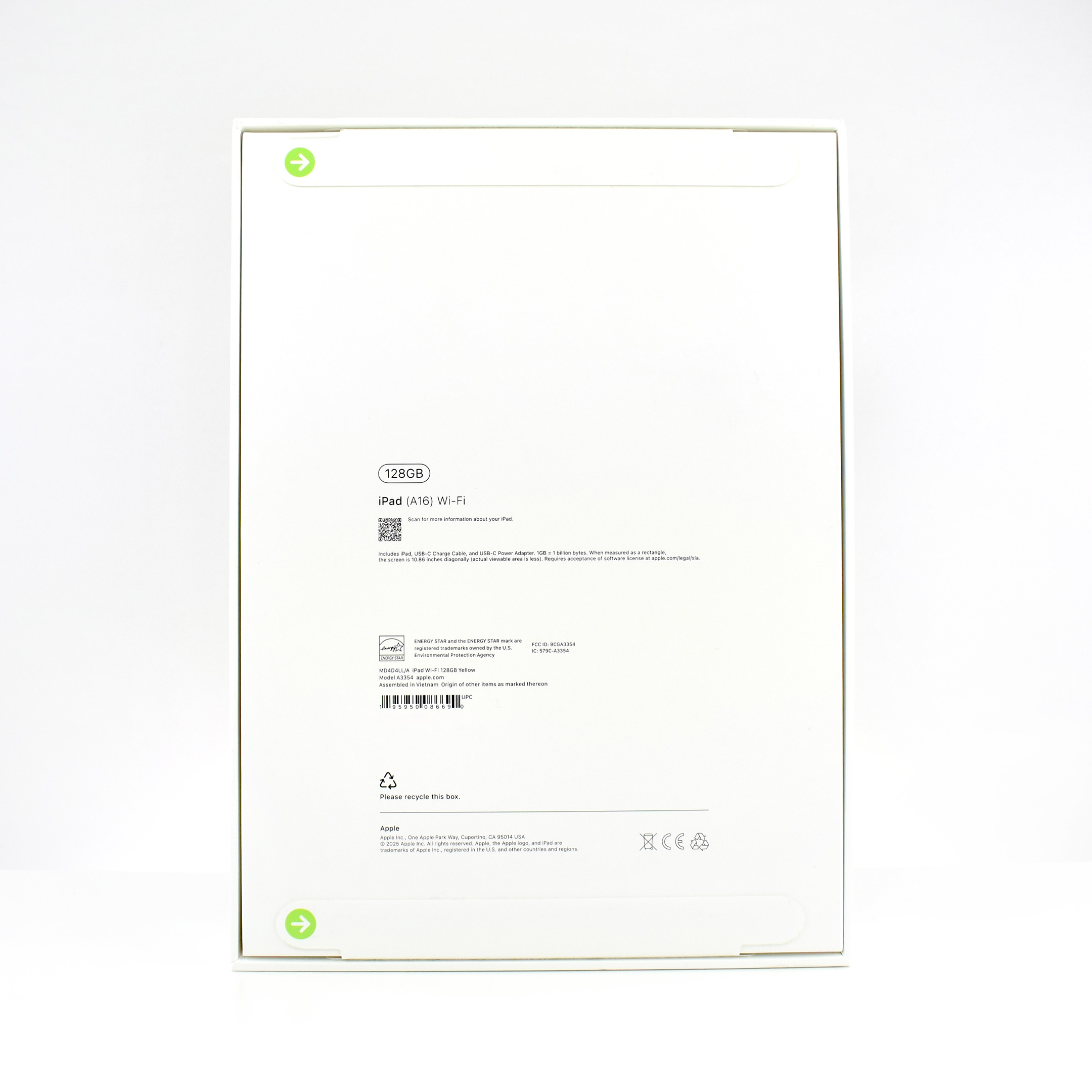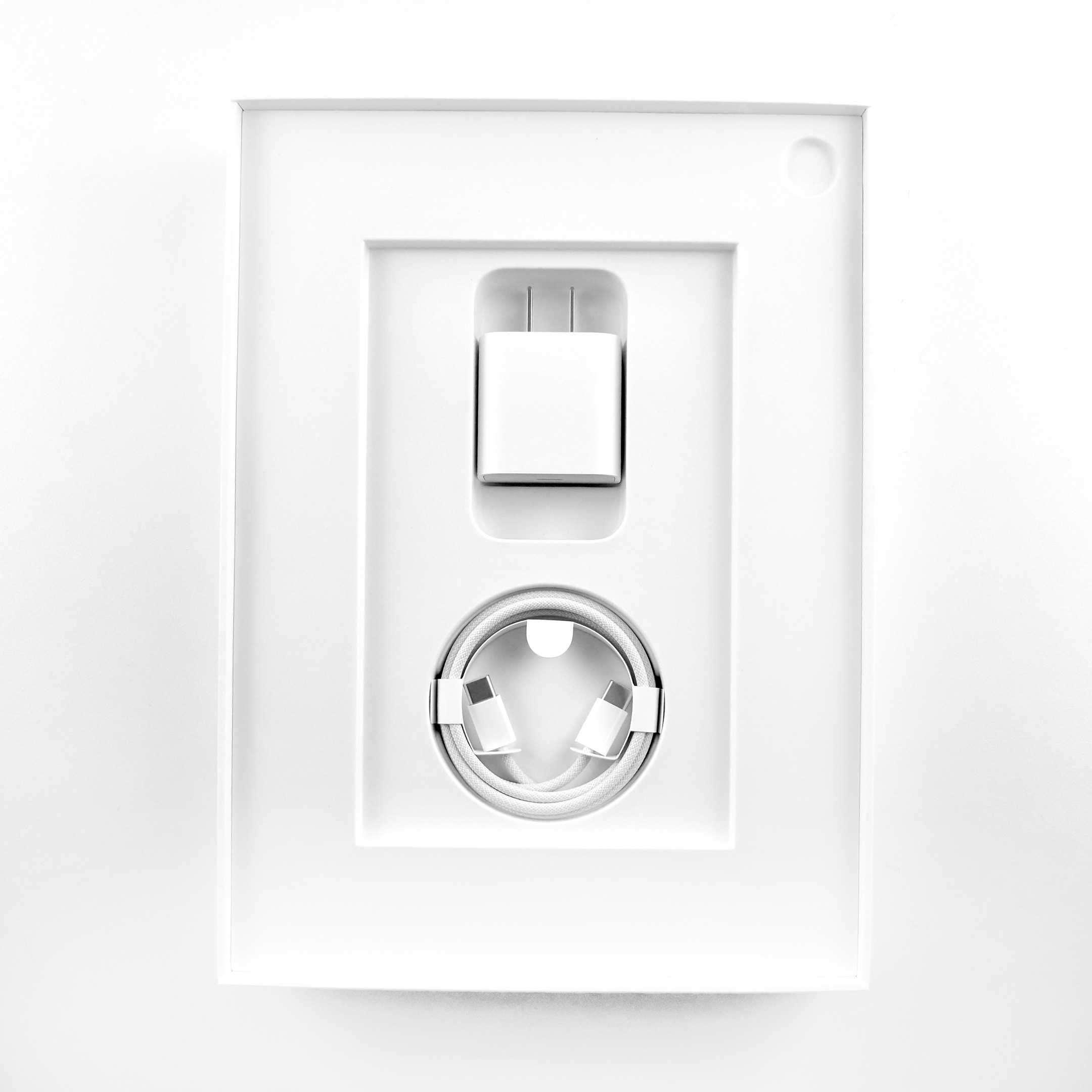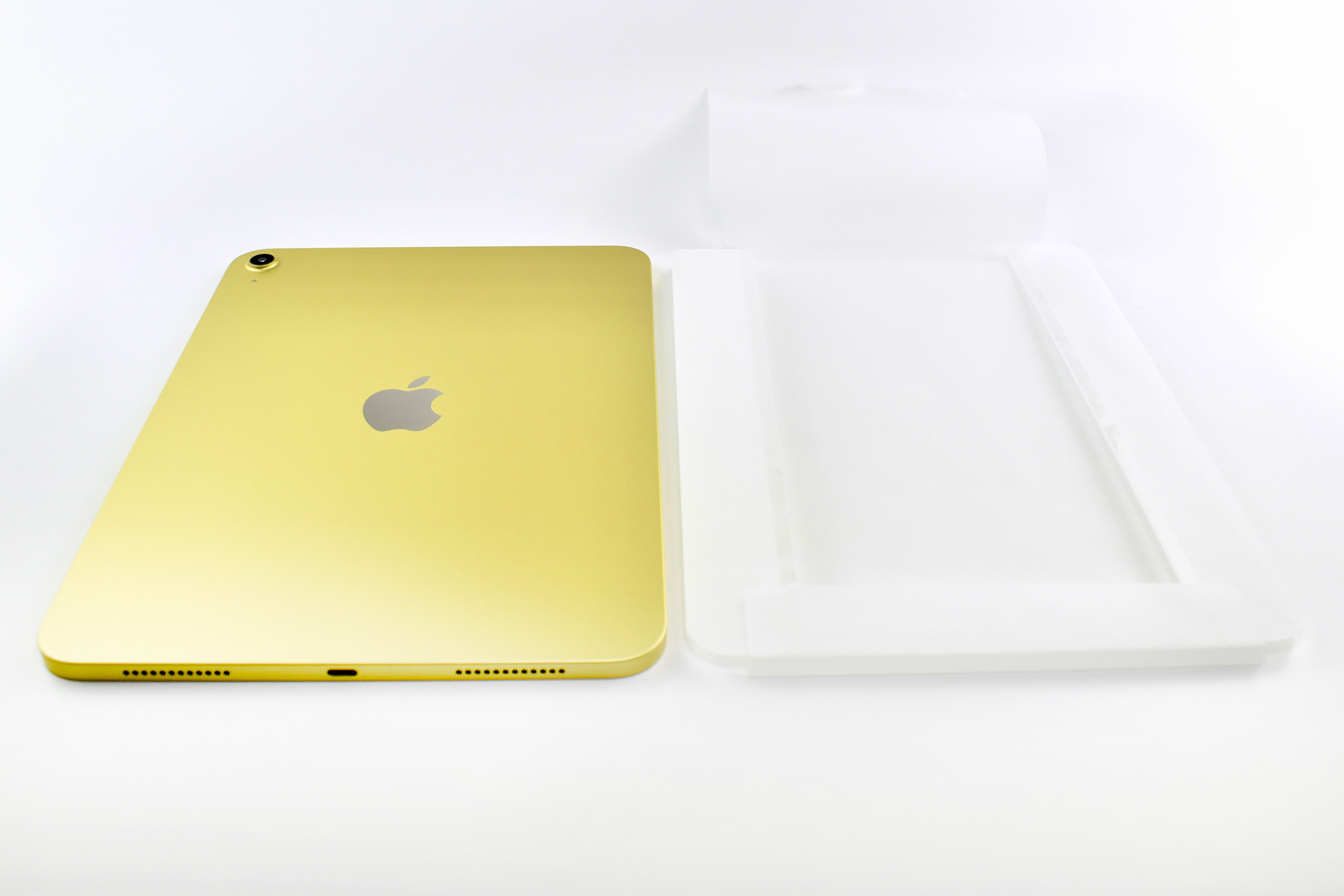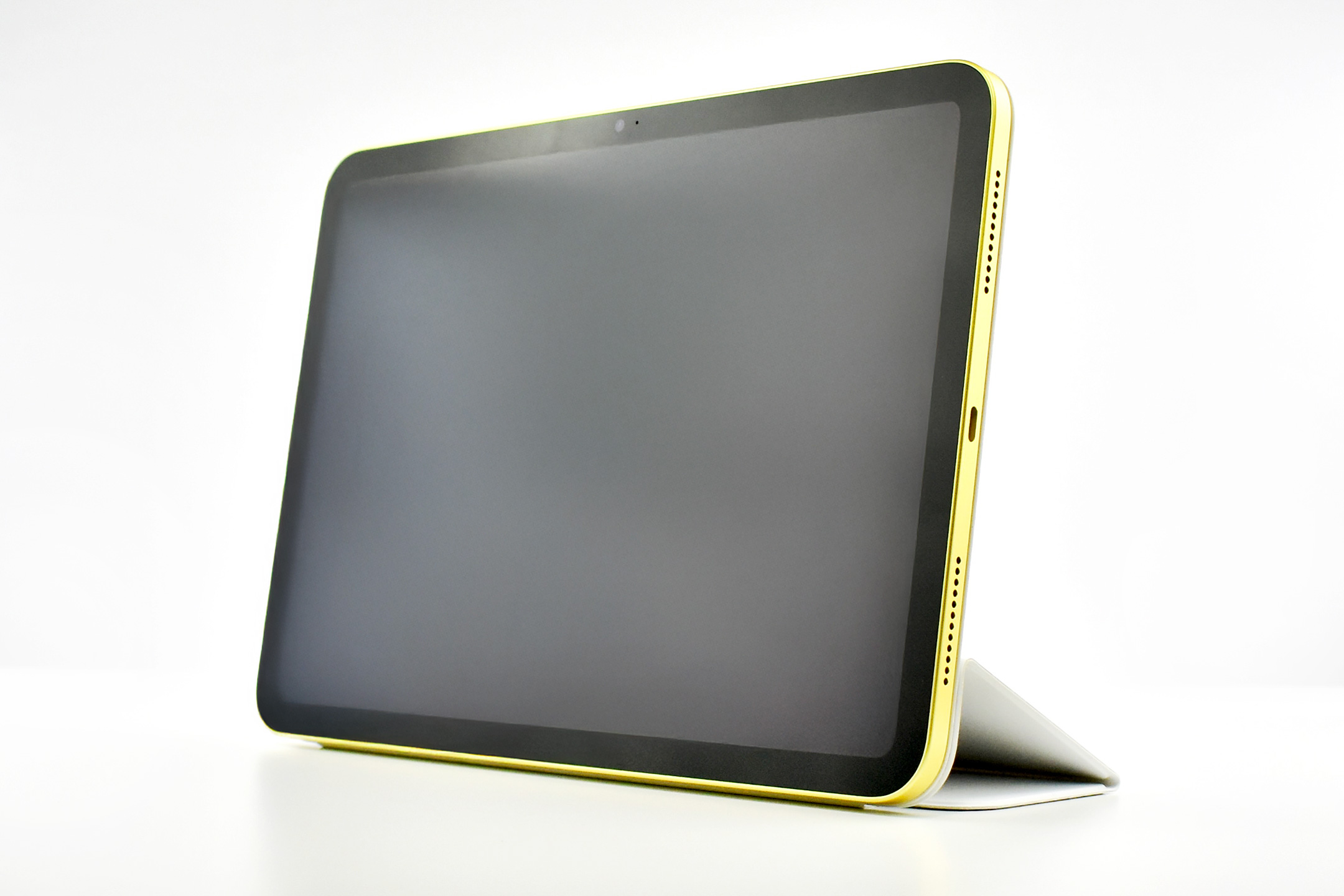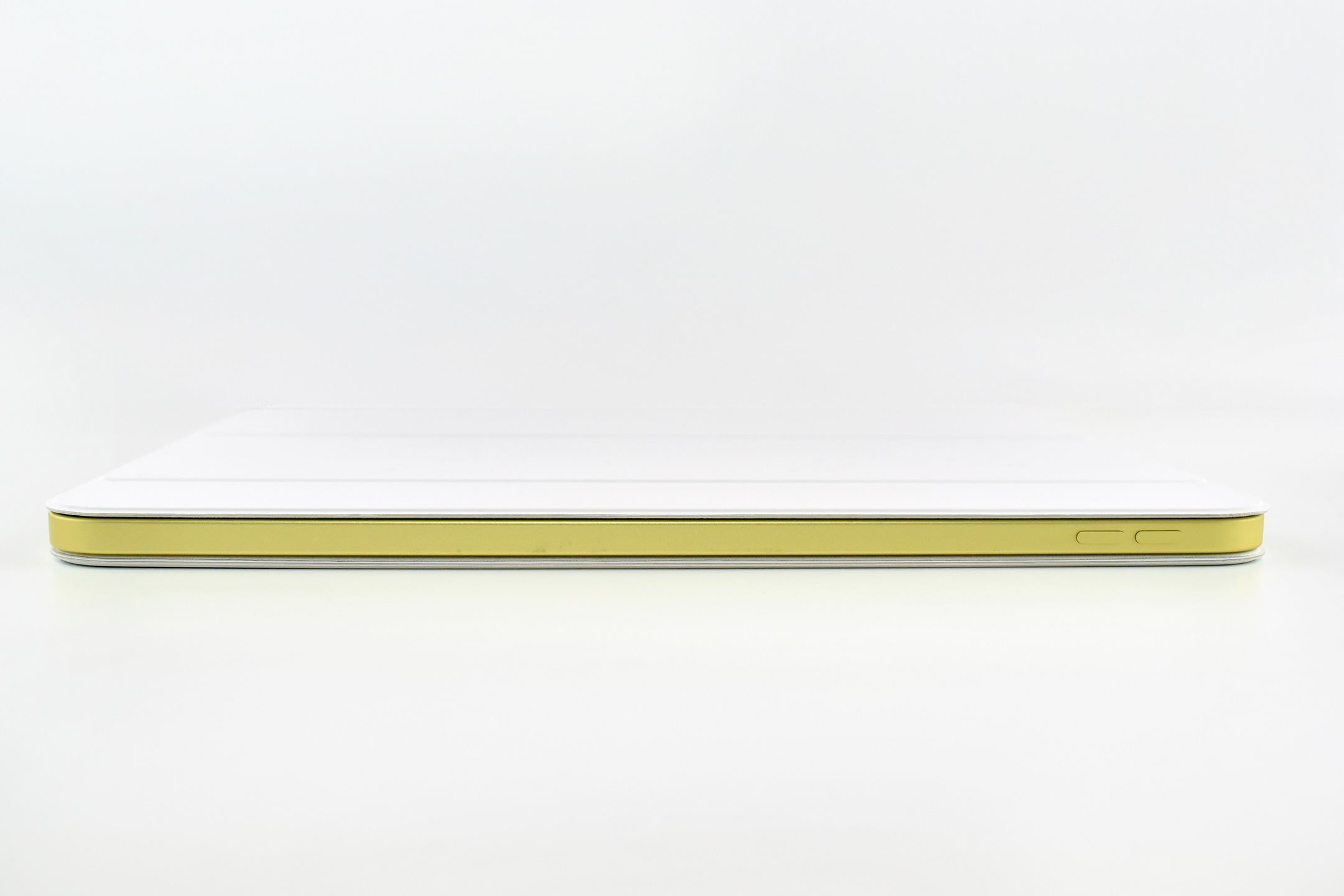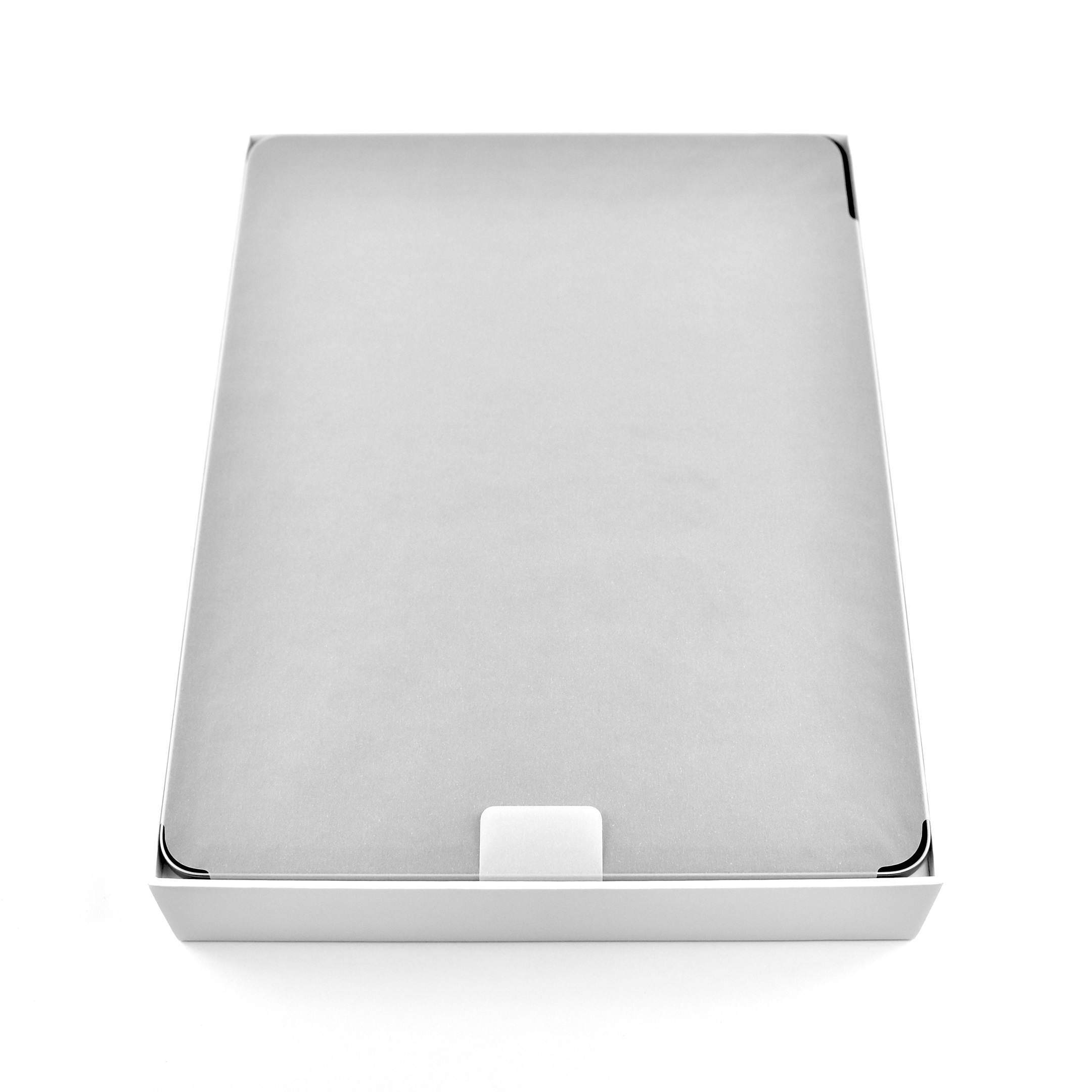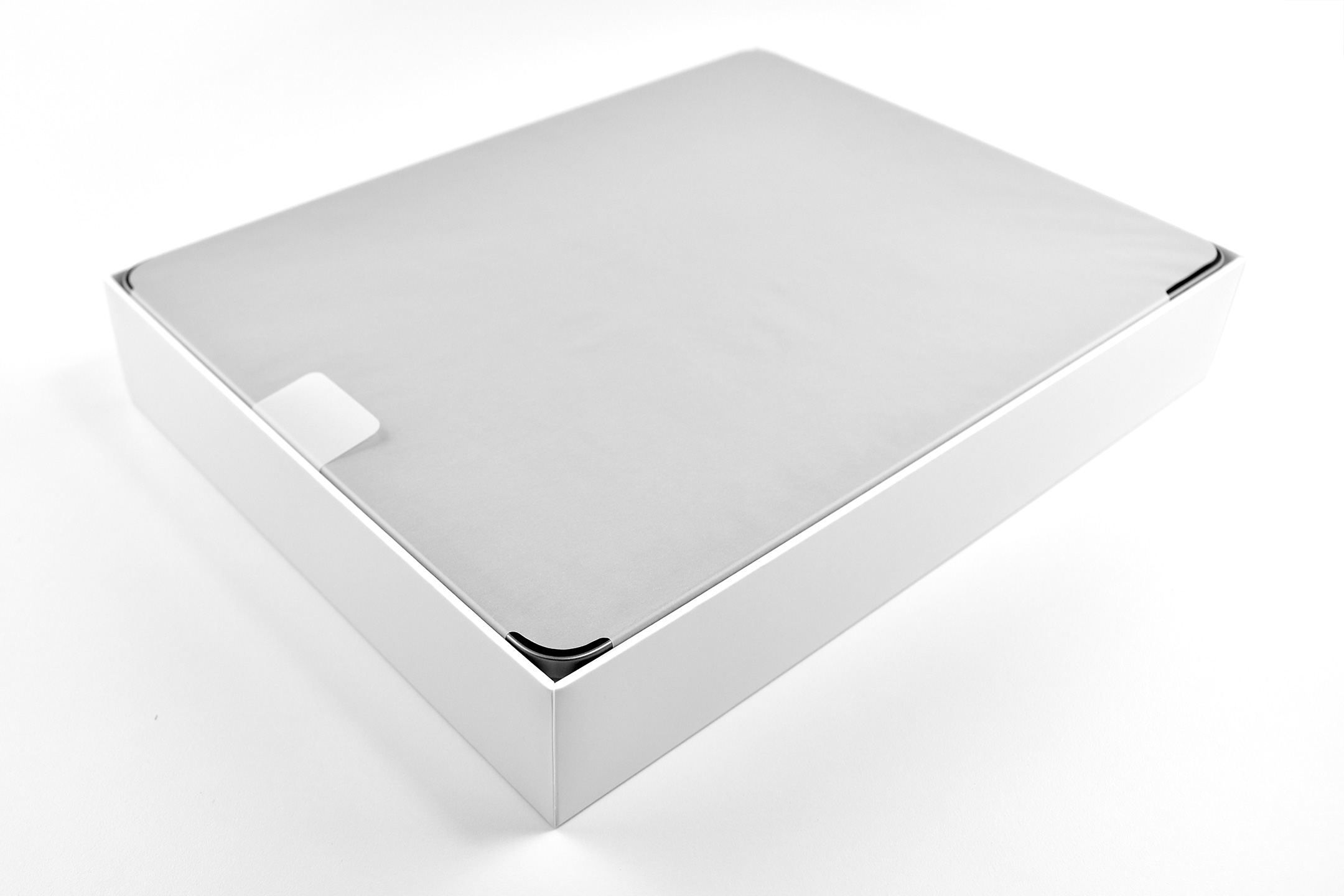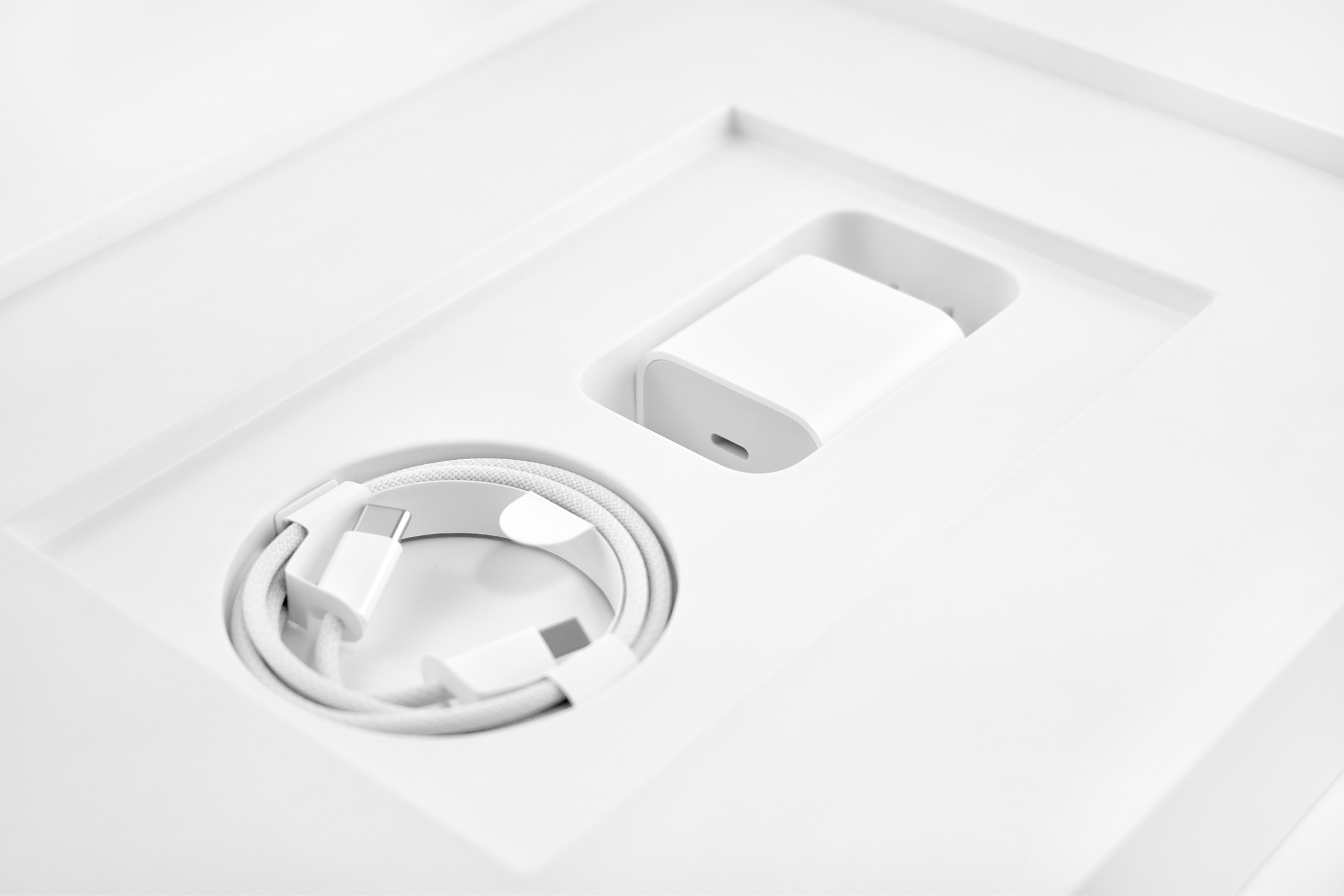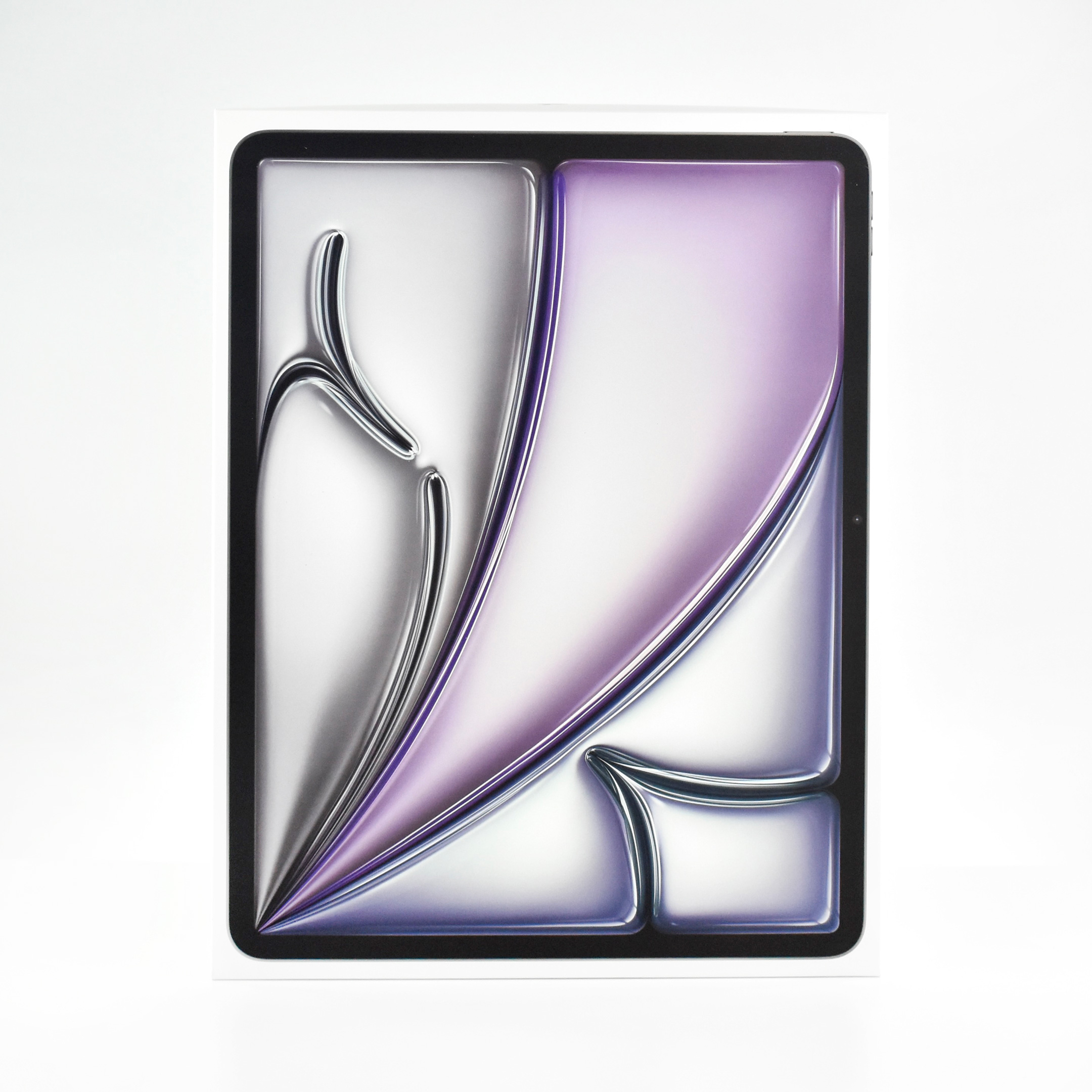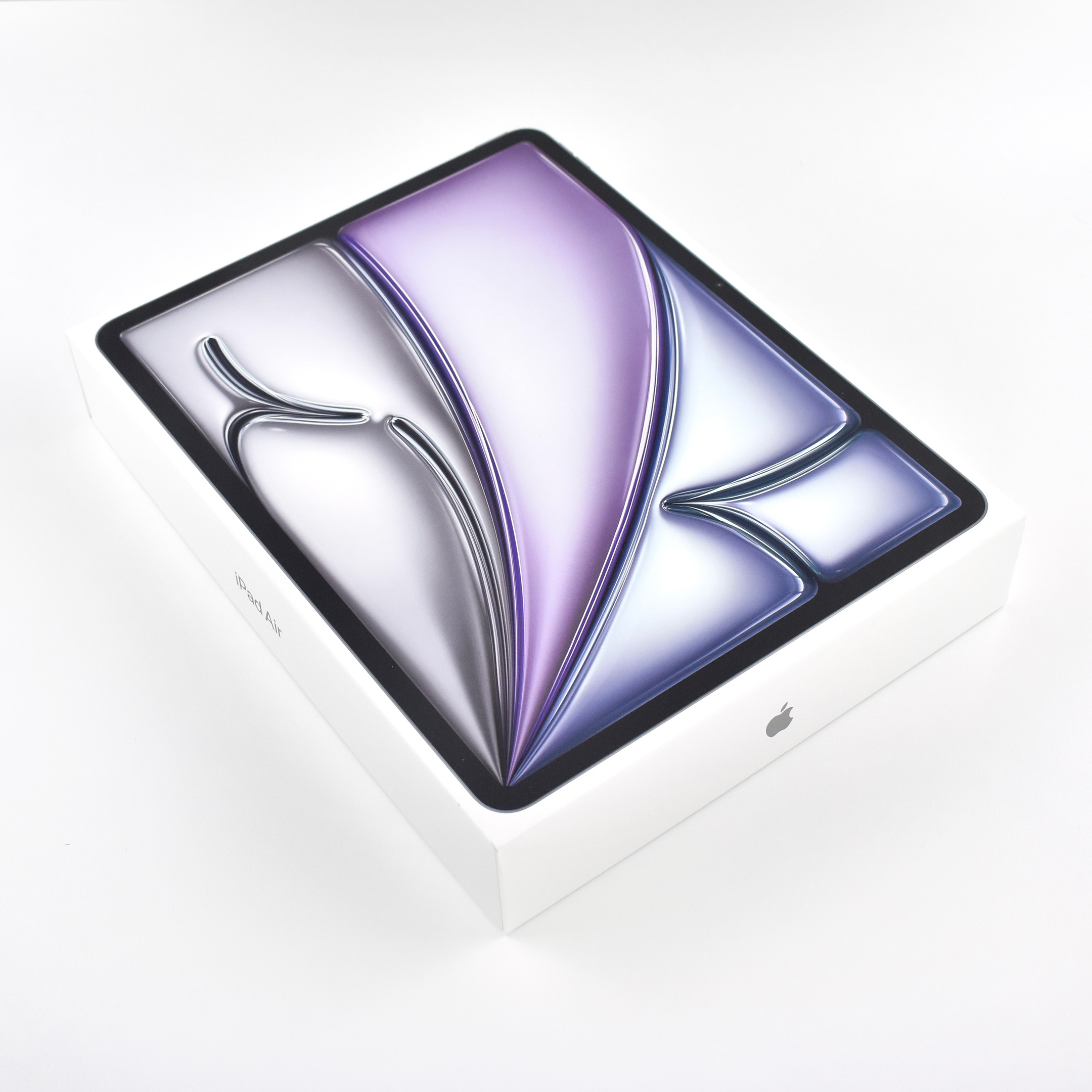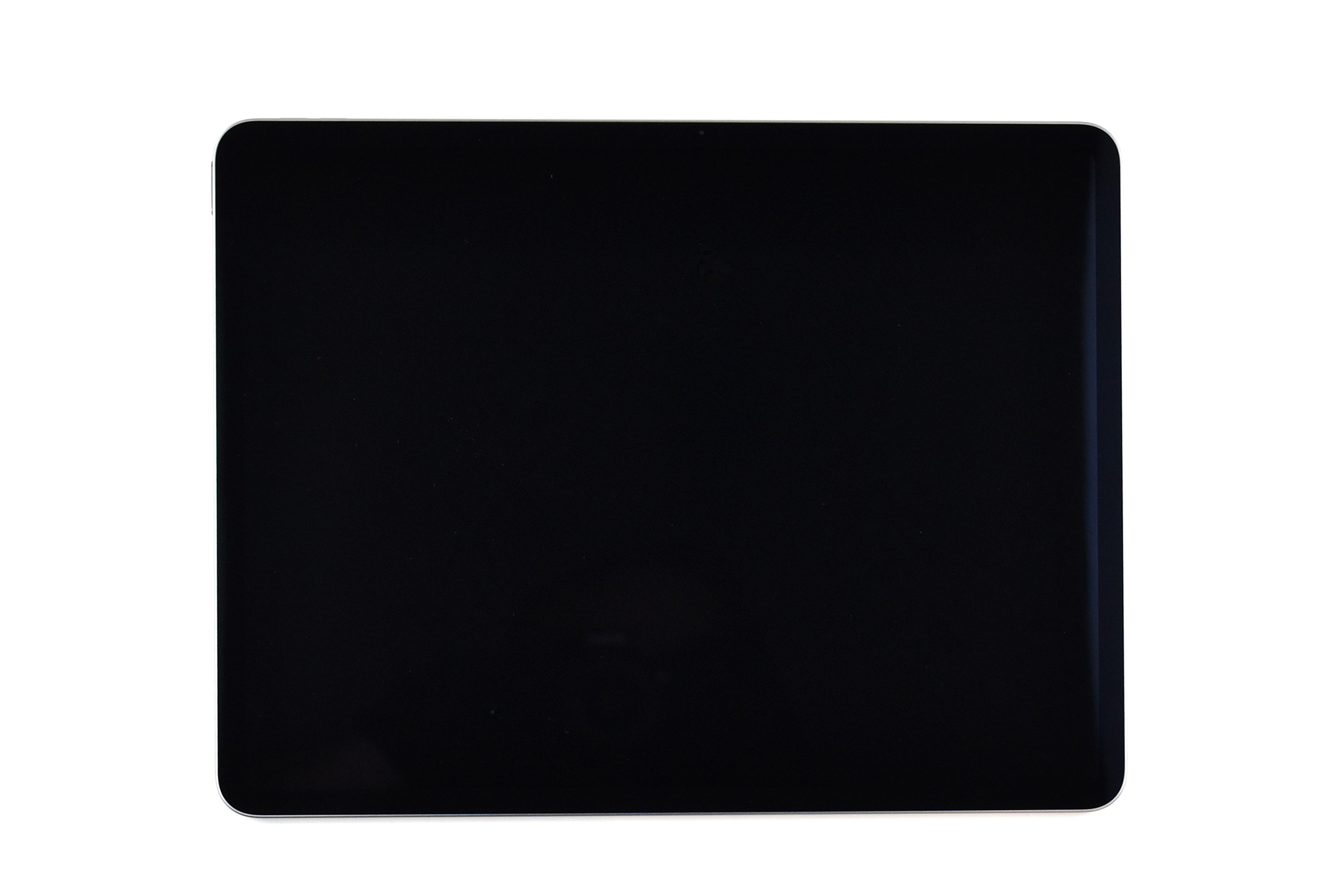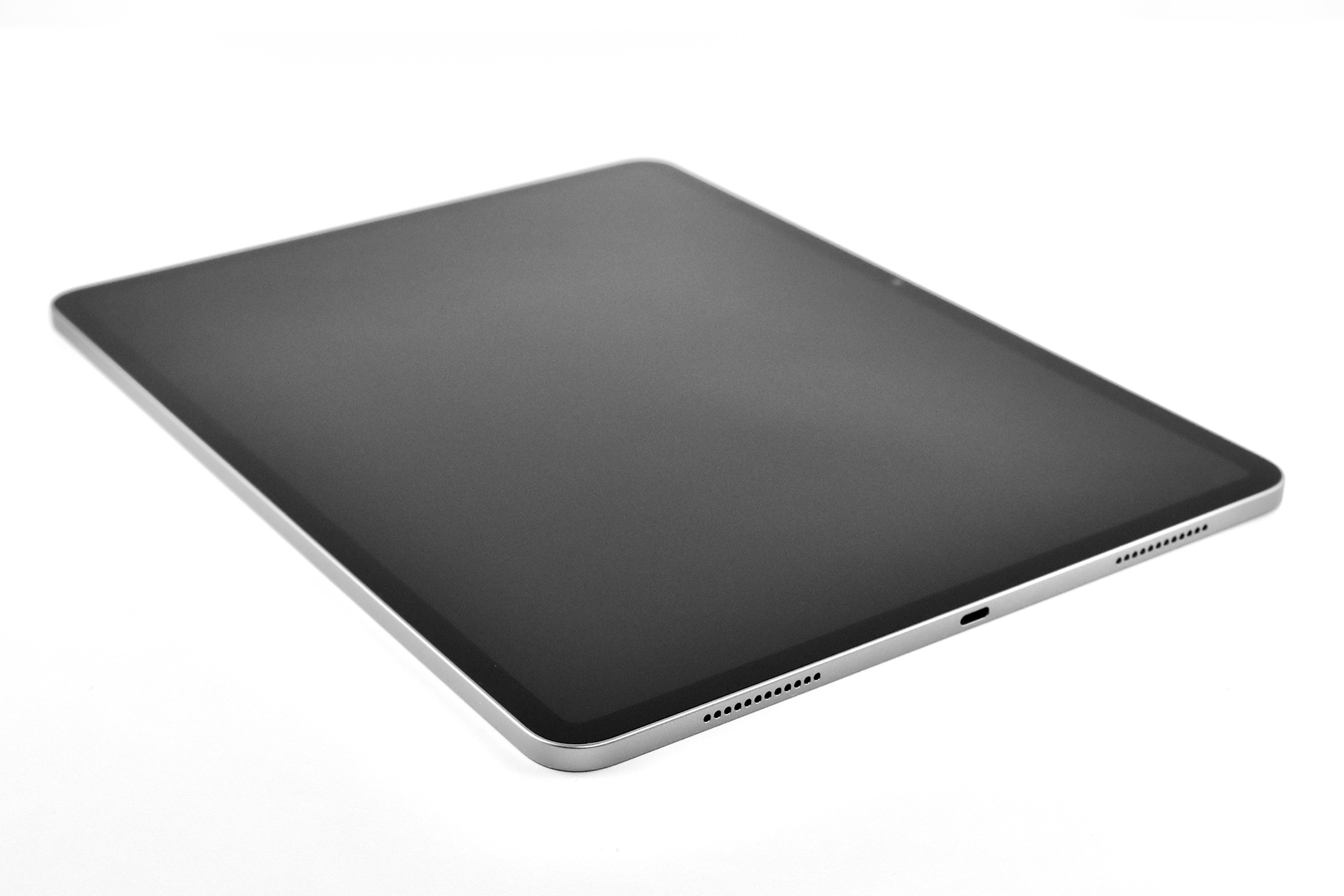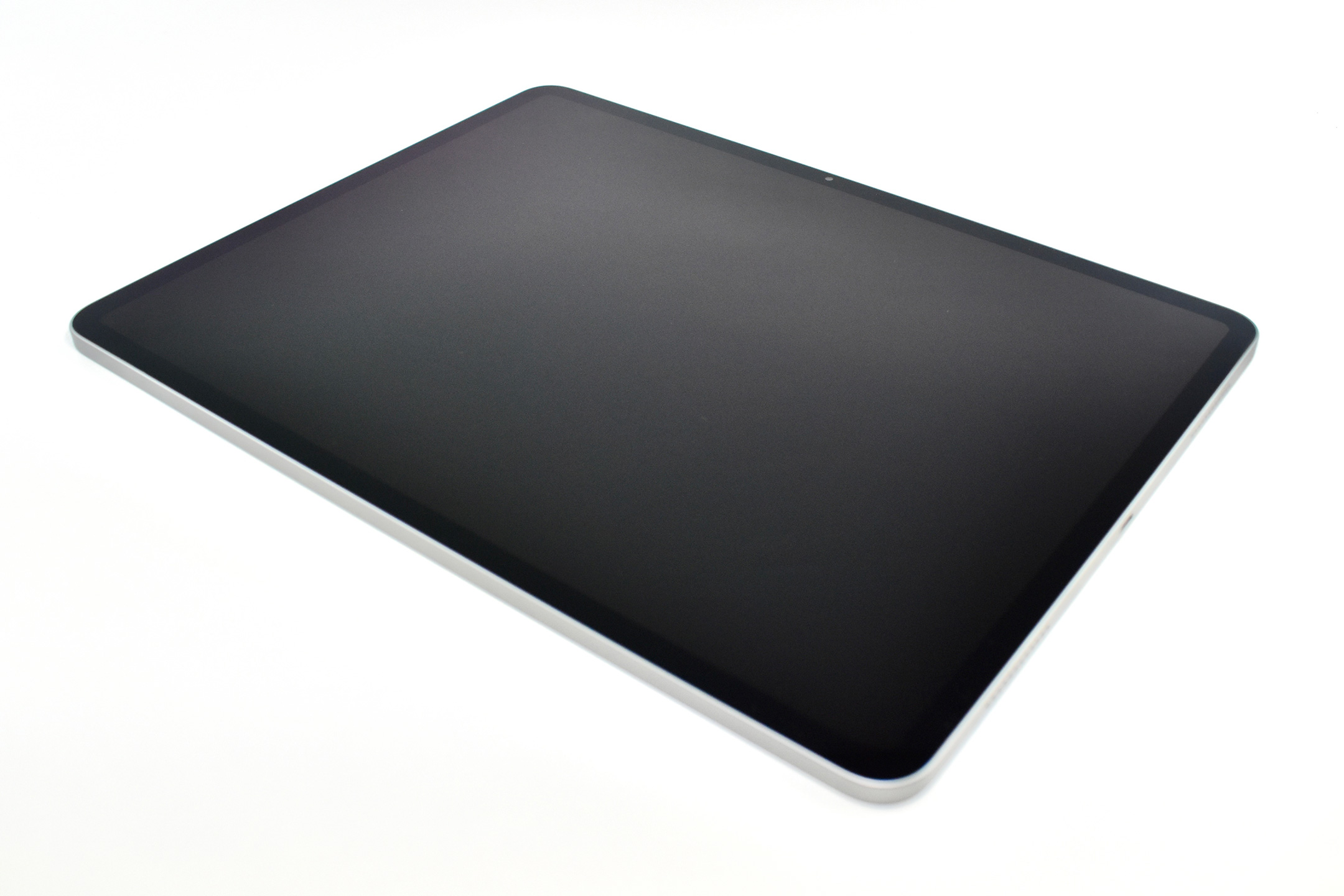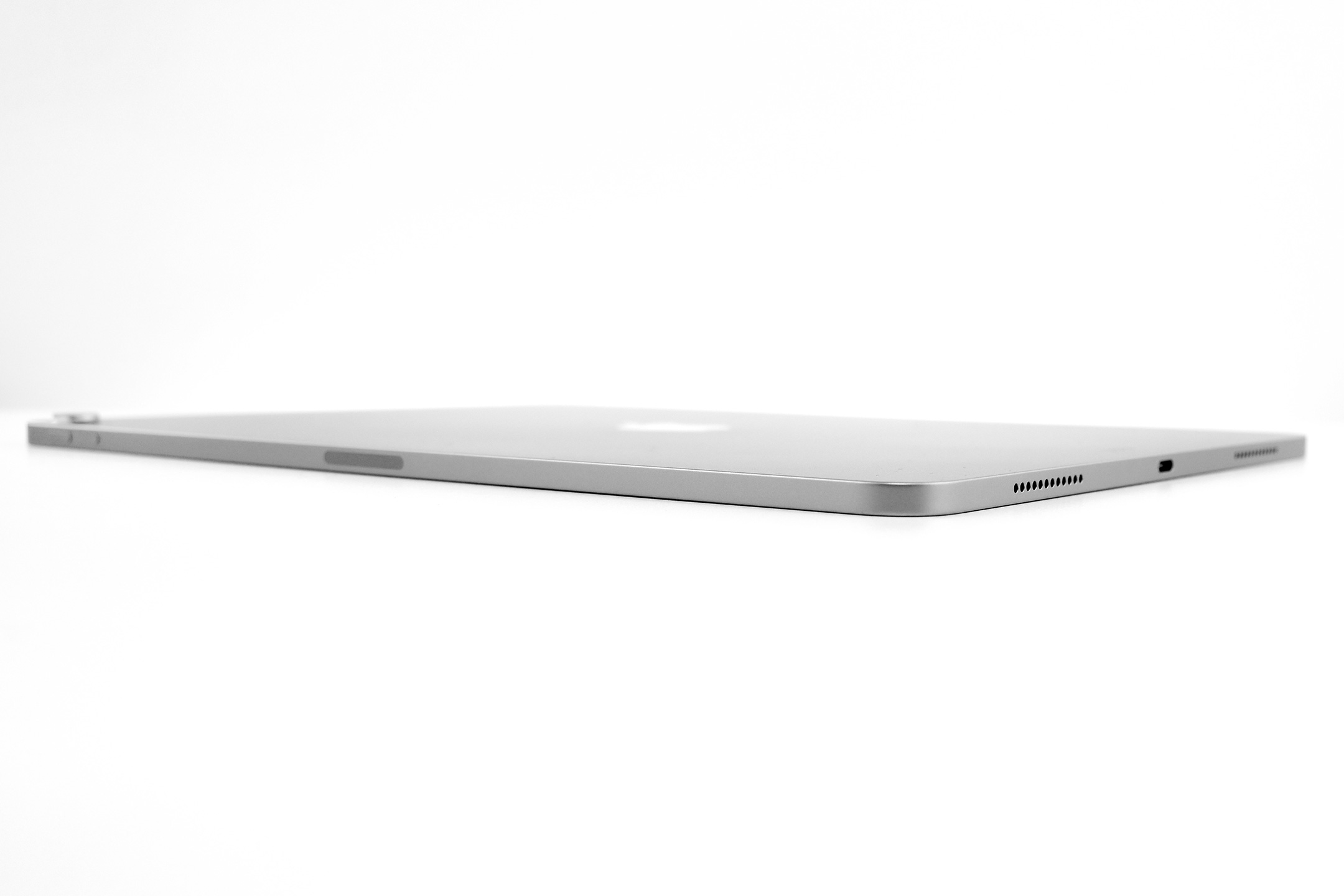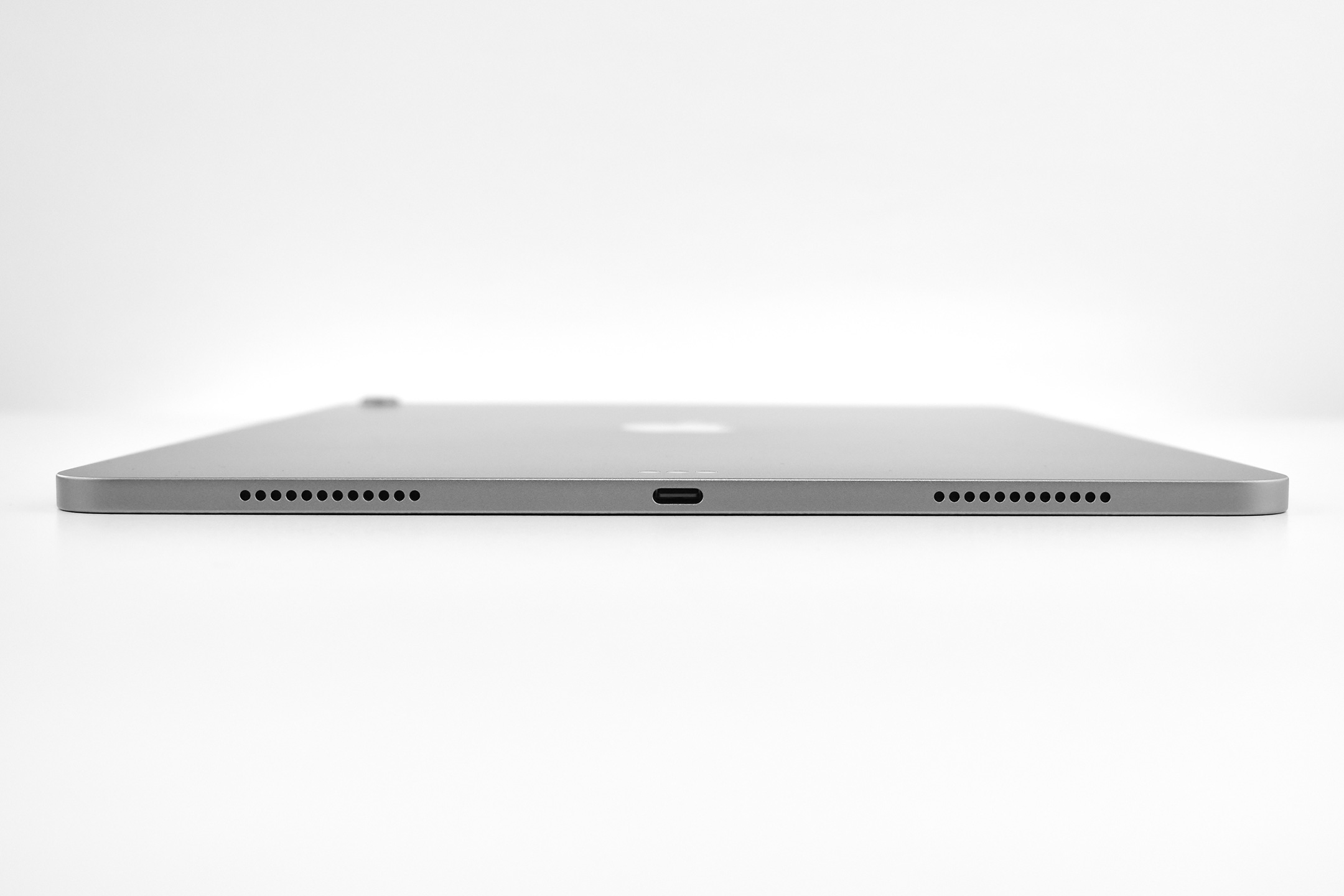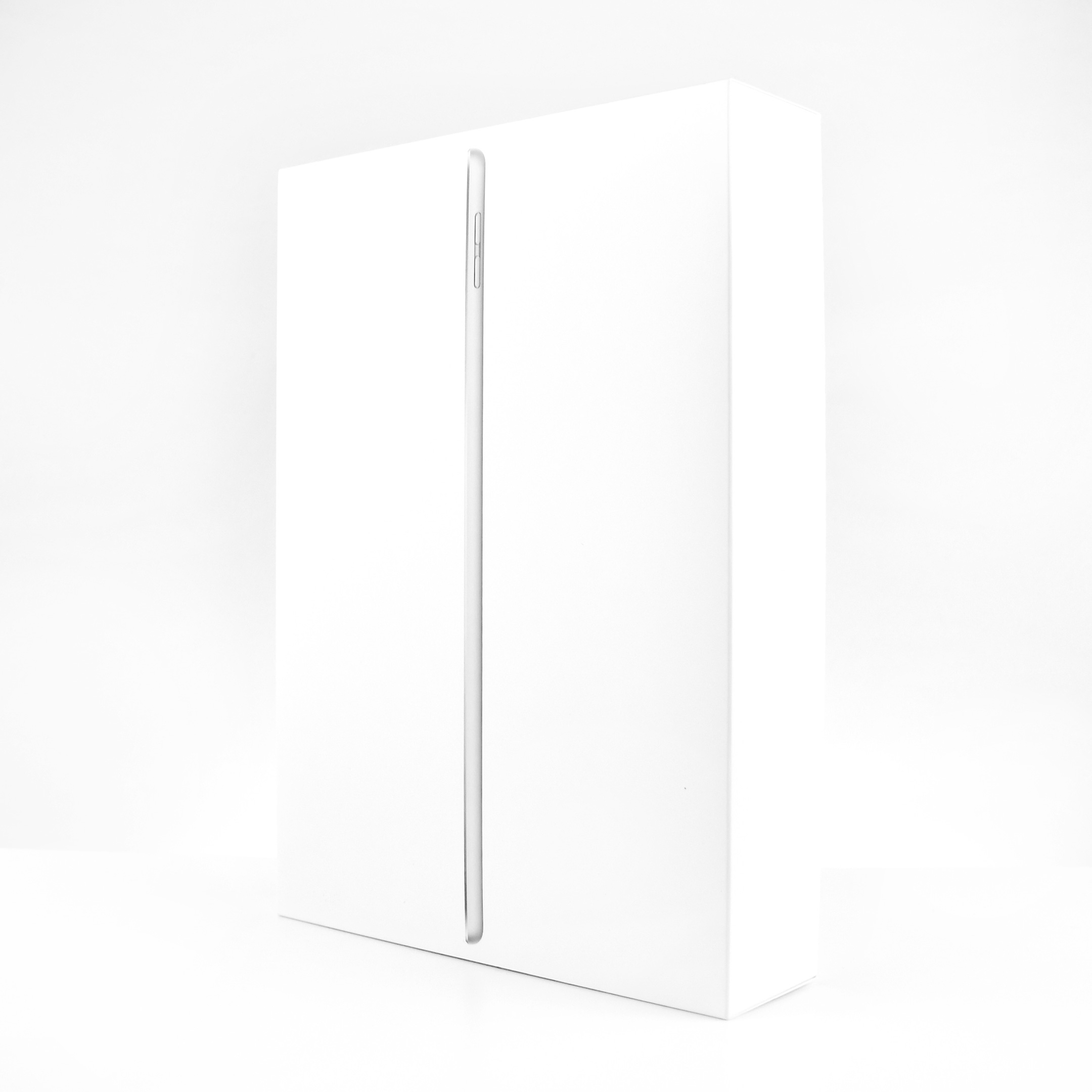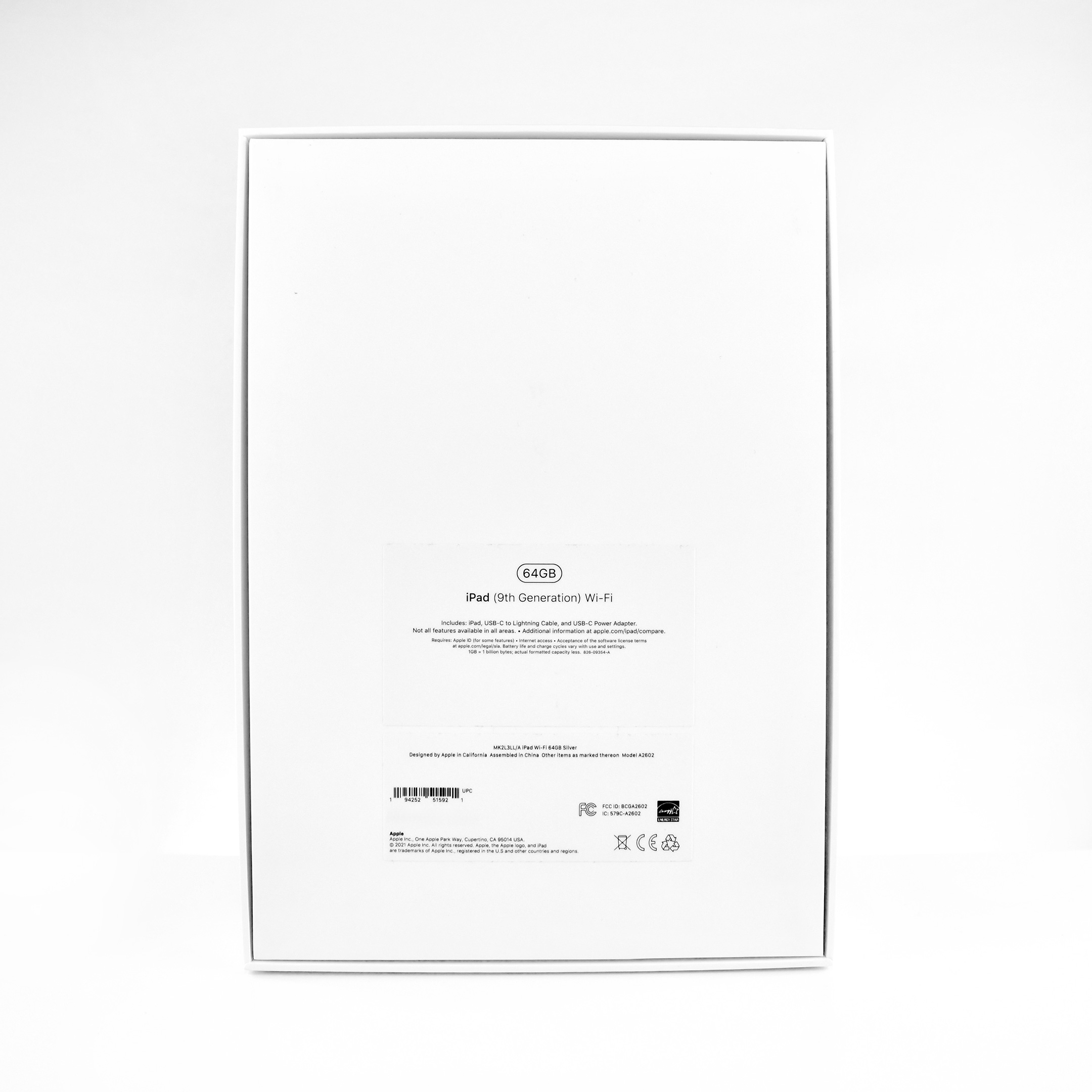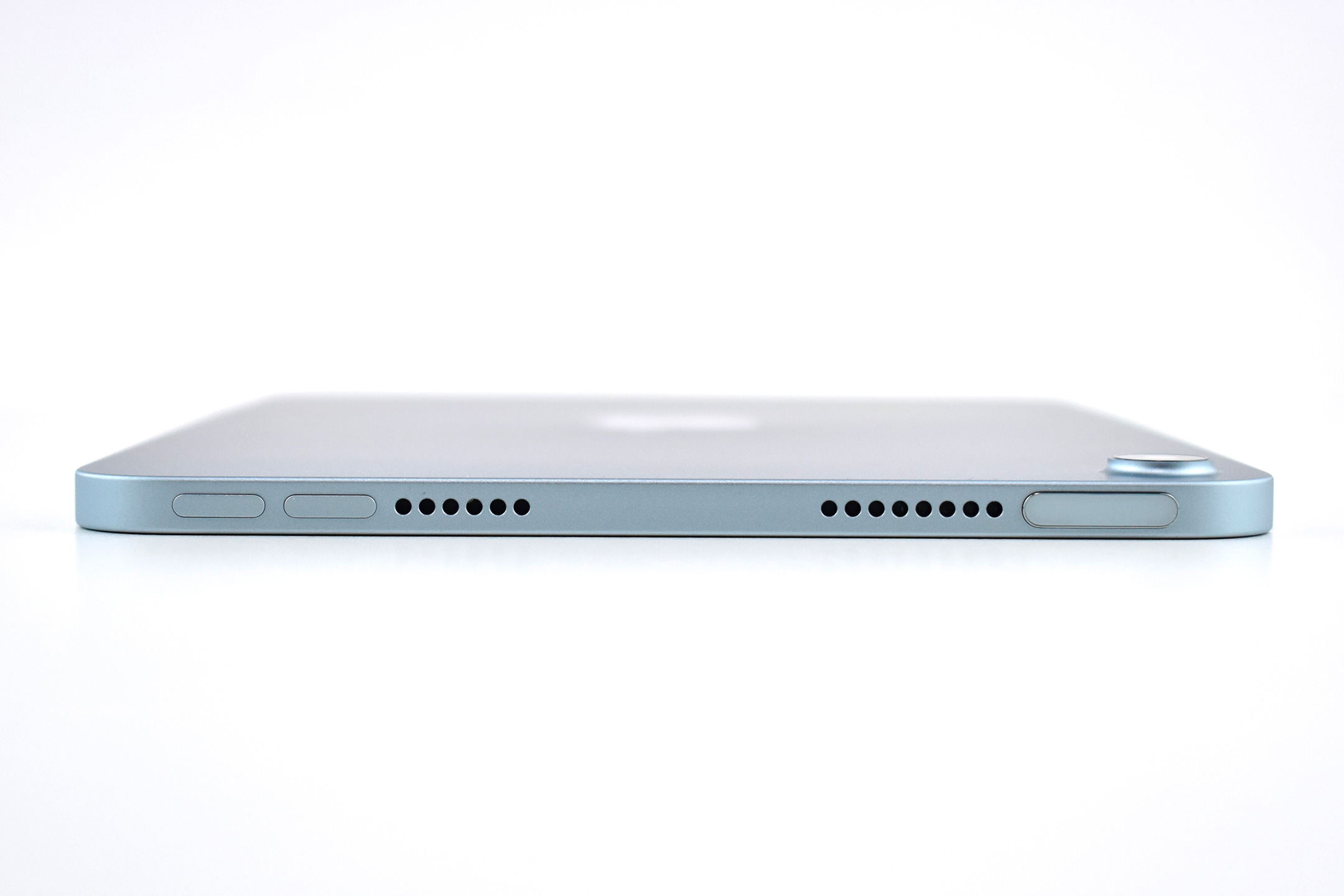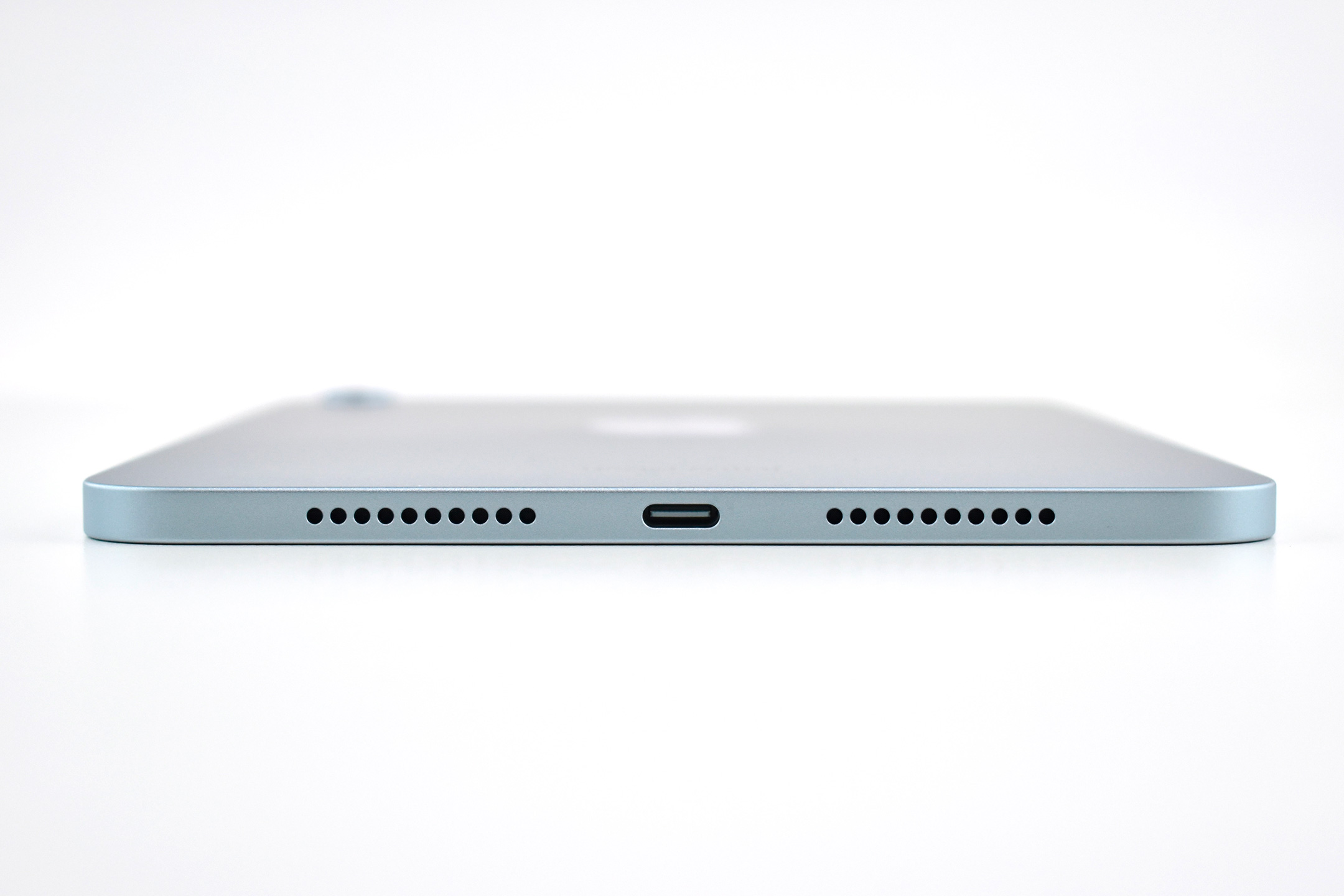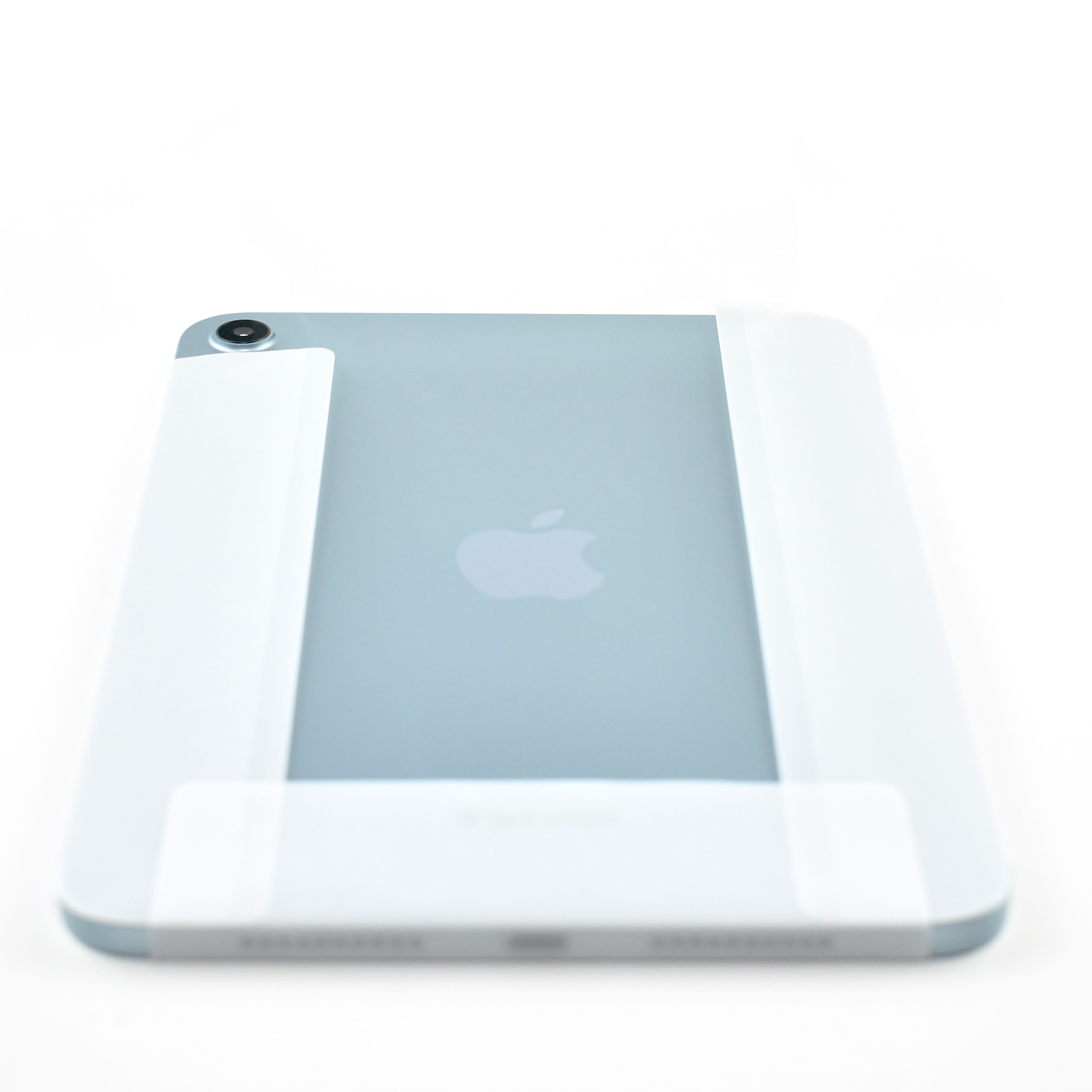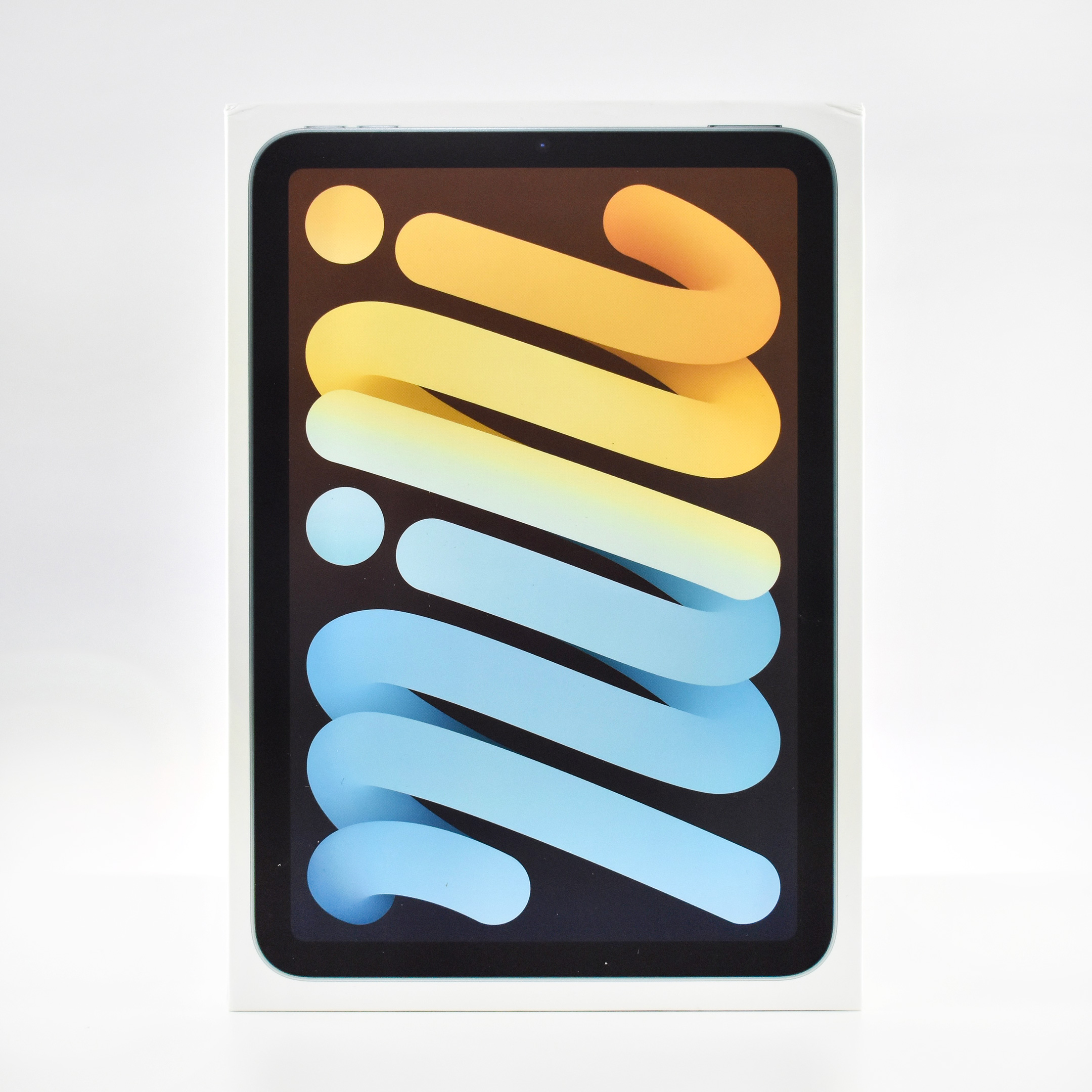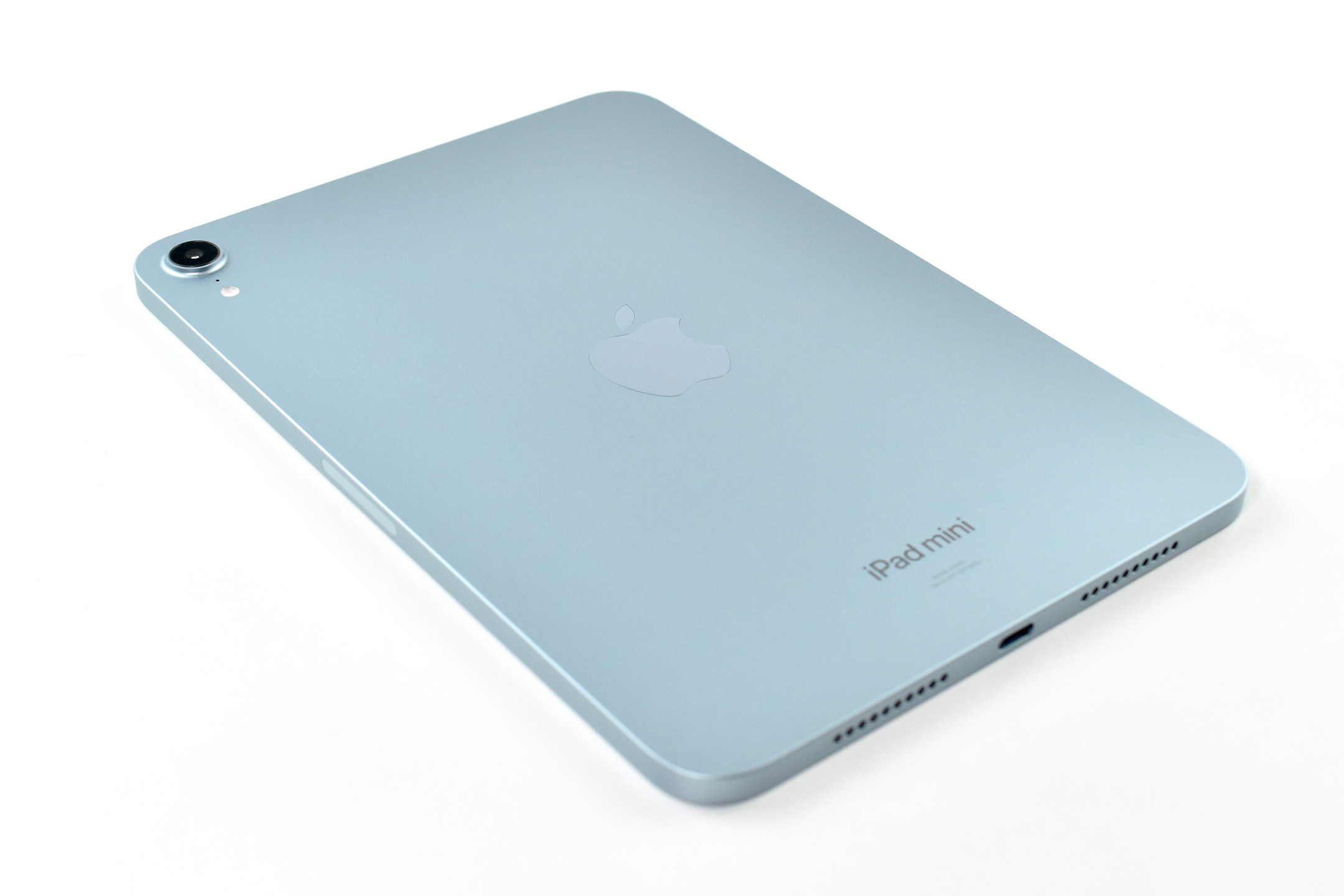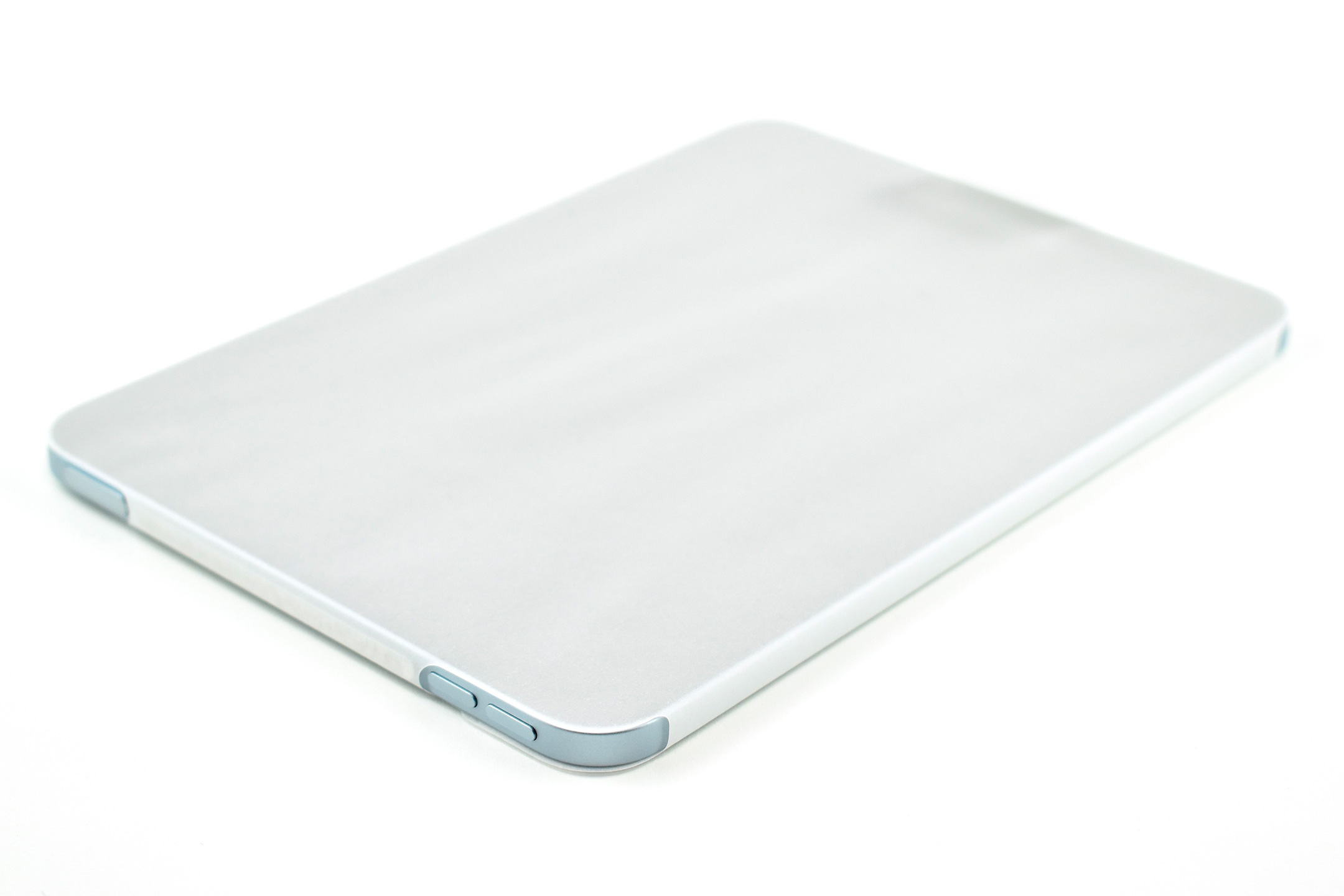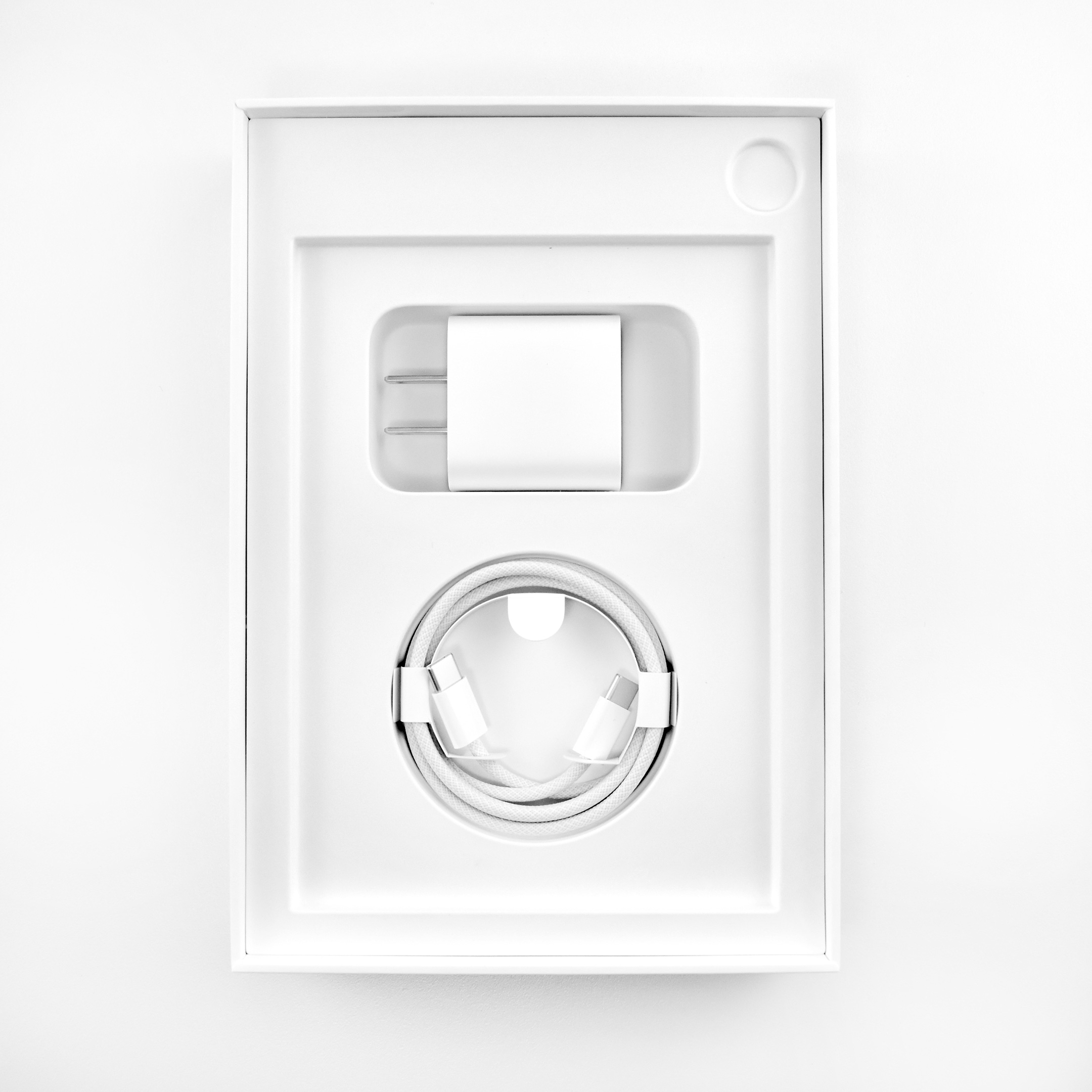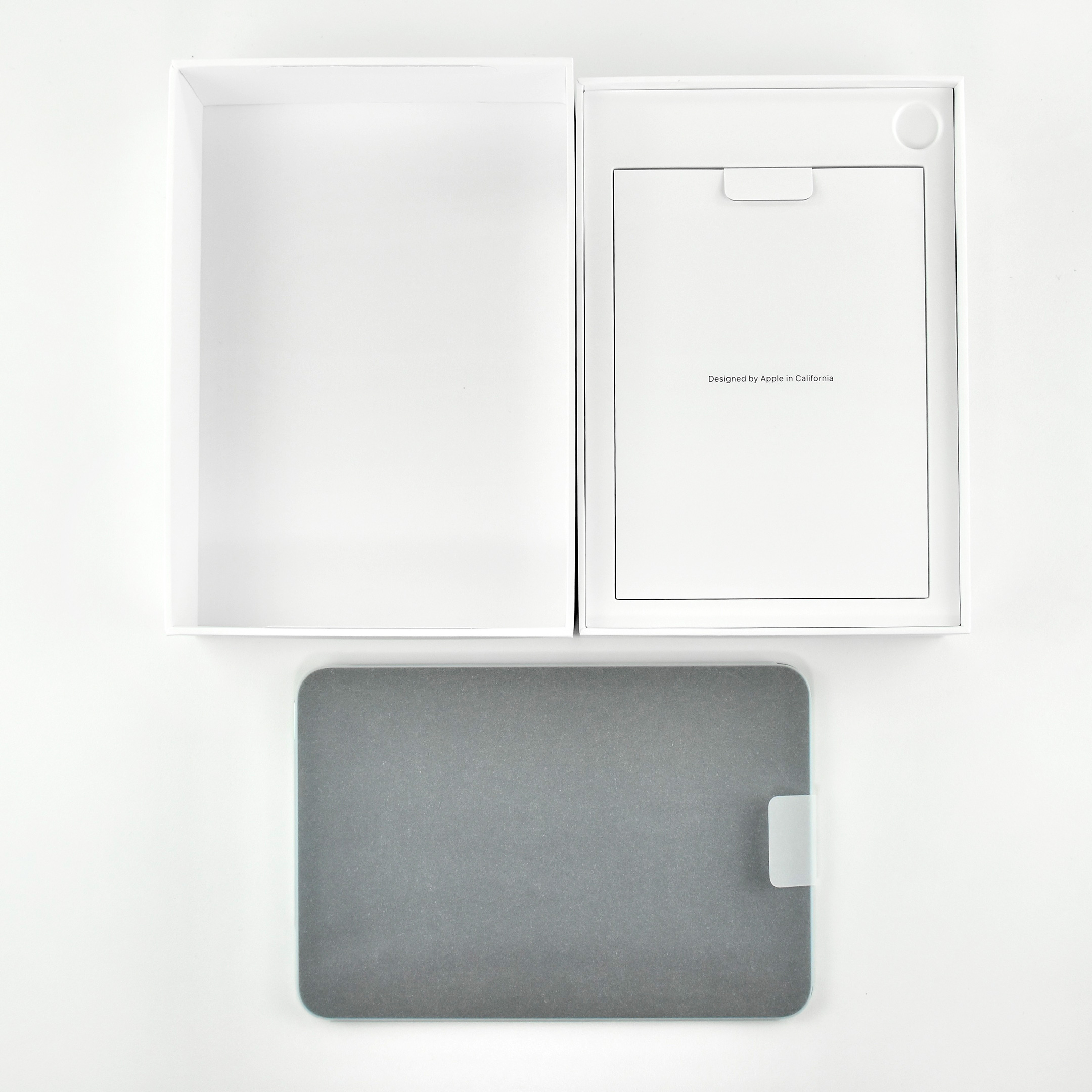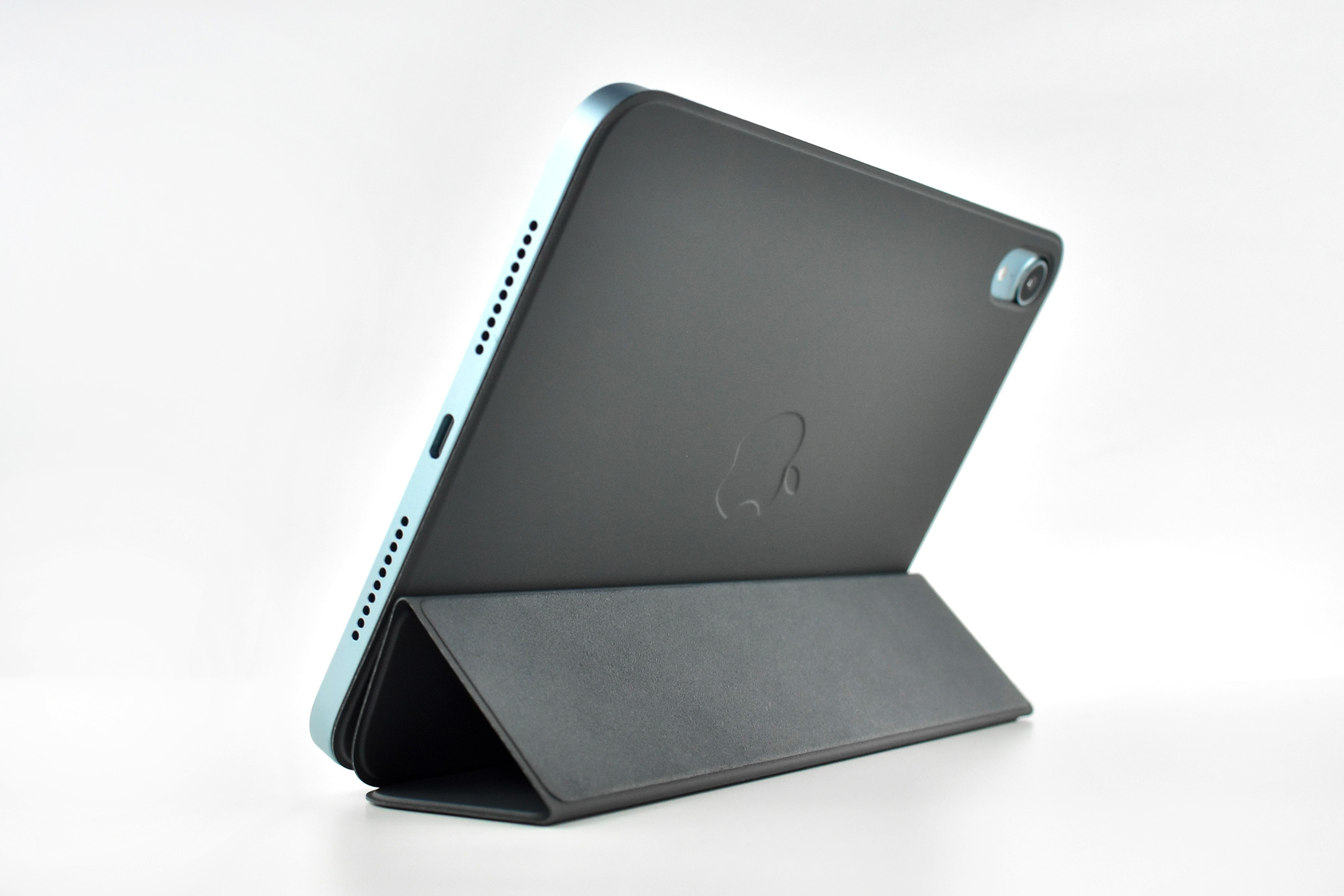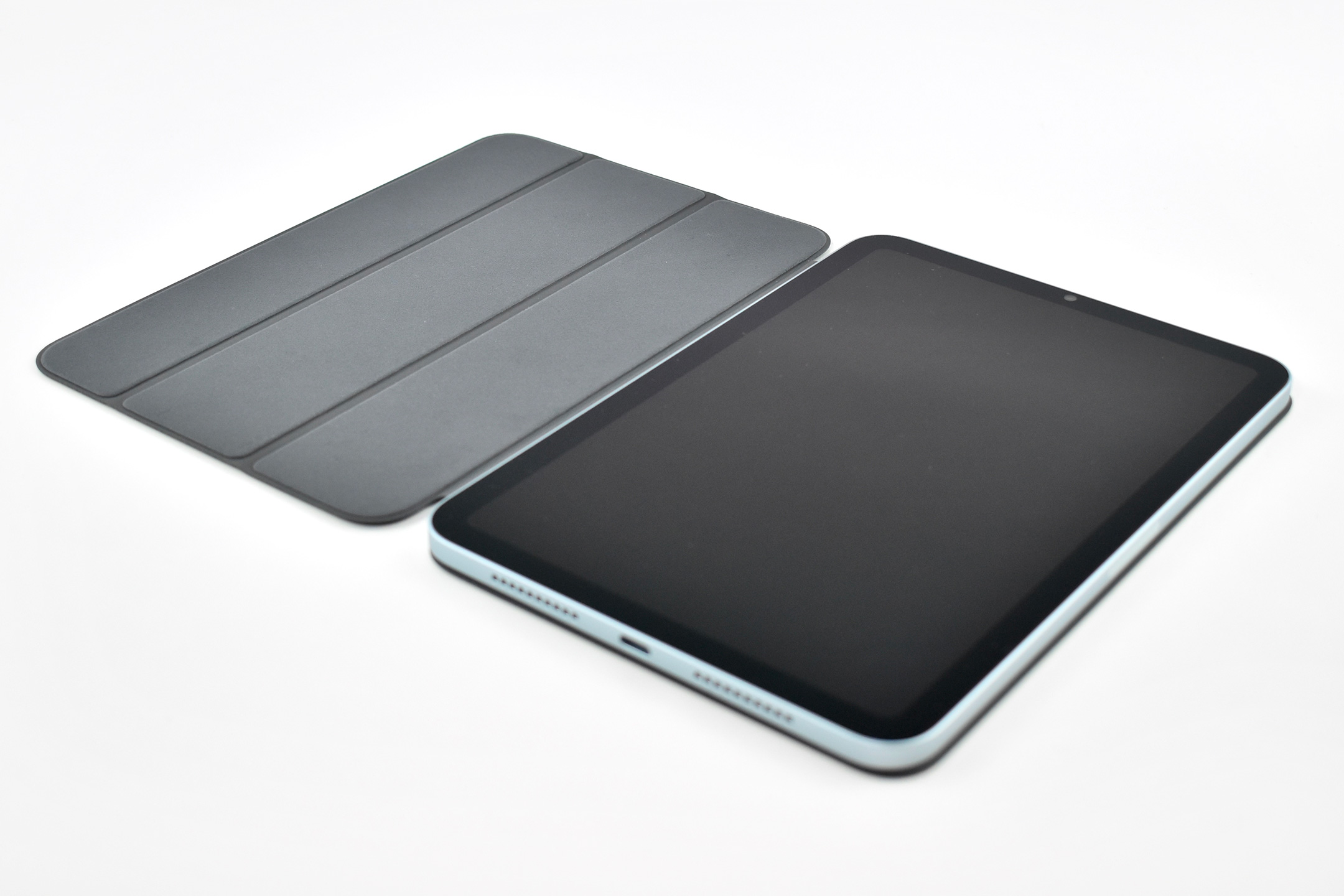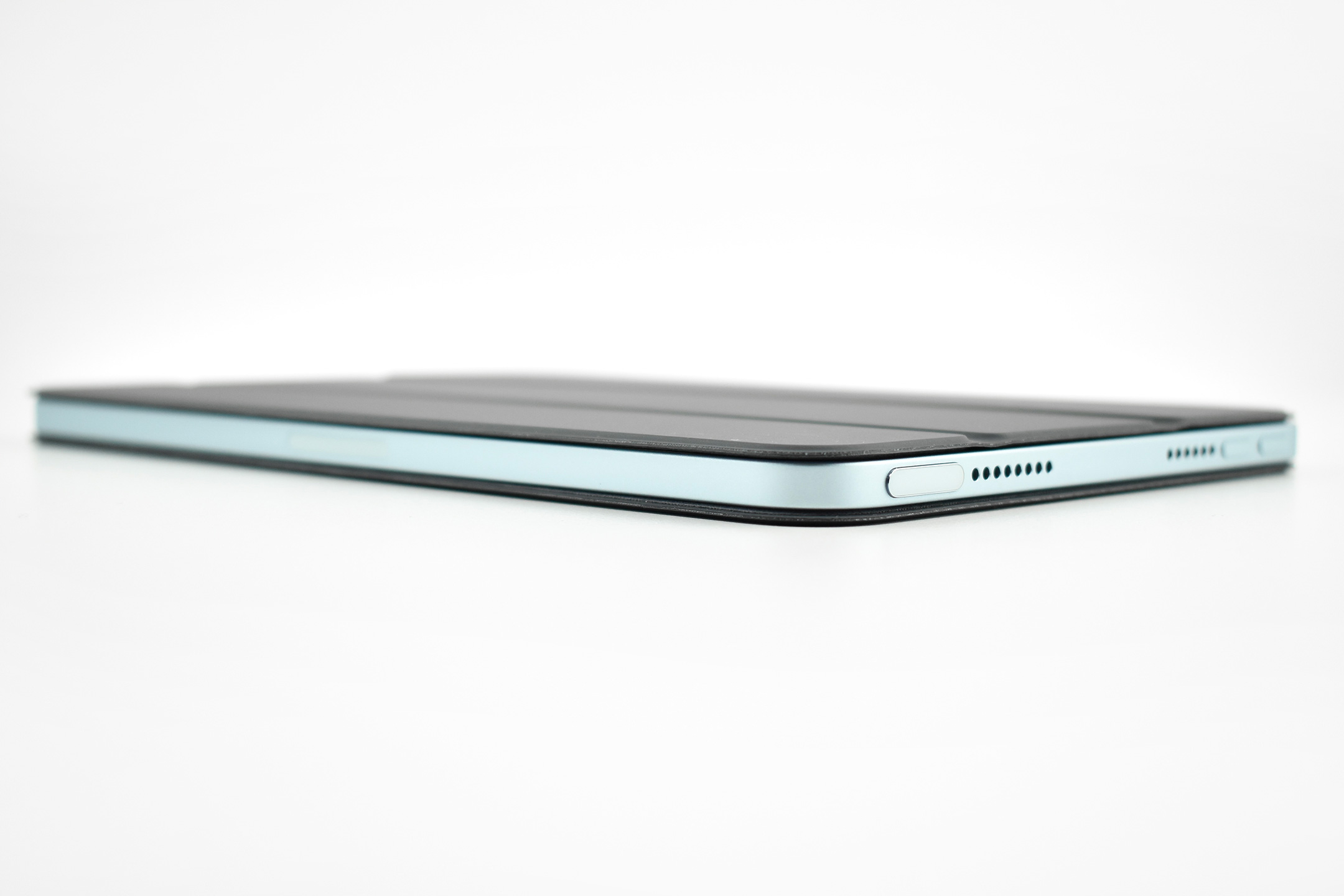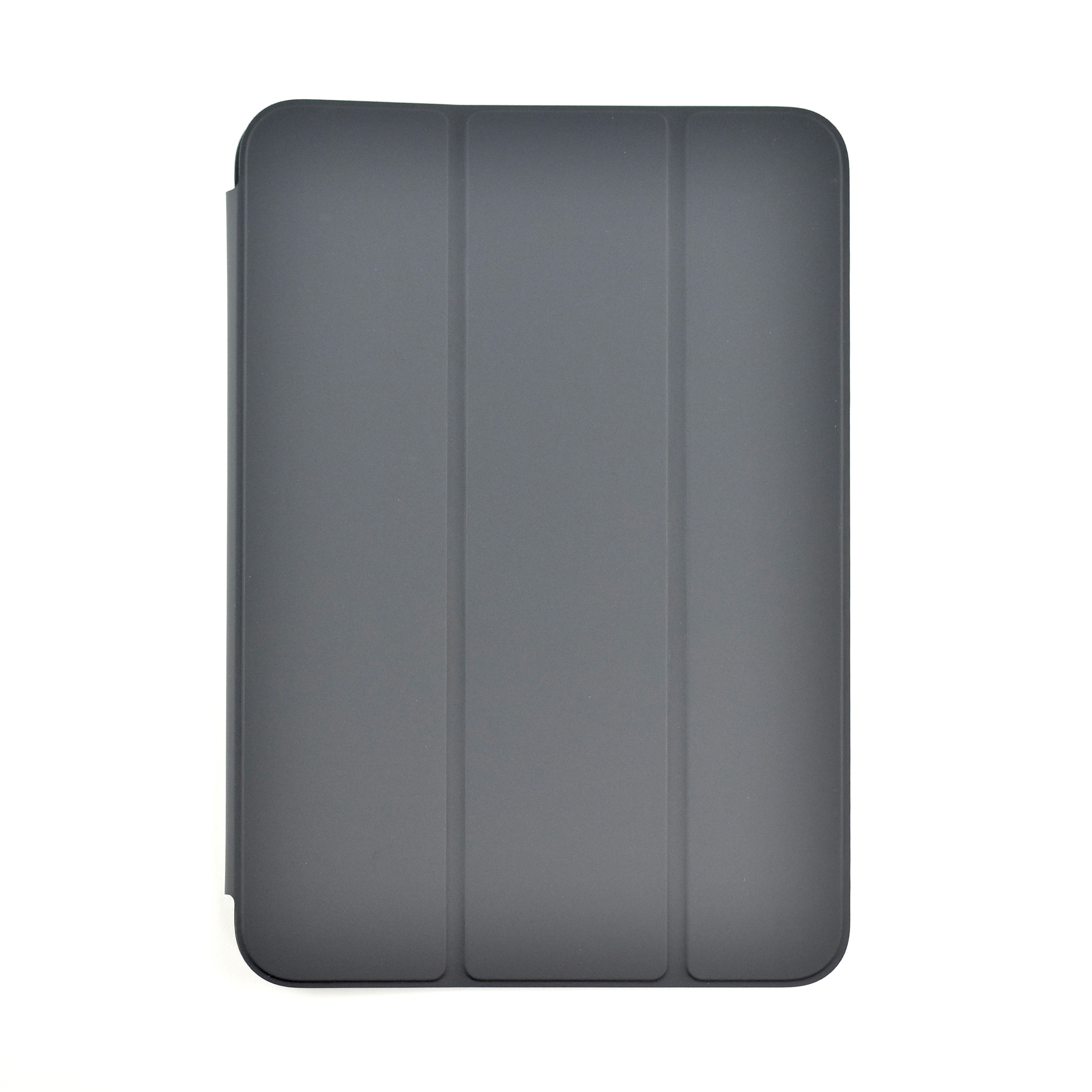
iPad (A16) (Generation 11, 11-inch, Wi-Fi, 128GB, Yellow, 2025)

On March 4, 2025, when Apple introduced the iPad Air with the M3 chip, they also announced the iPad Generation 11 with an A16 chip. The entire press release for this iPad device release amounted to one paragraph:

“Apple today also updated iPad with double the starting storage and the A16 chip, bringing even more value to customers. The A16 chip provides a jump in performance for everyday tasks and experiences in iPadOS, while still providing all-day battery life. Compared to the previous generation, the updated iPad with A16 is nearly 30 percent faster. In fact, compared to iPad with A13 Bionic, users will see up to a 50 percent improvement in overall performance, and A16 makes the updated iPad up to 6x faster than the best-selling Android tablet.”

This iPad update was released soon after the announcement of Apple Intelligence. While Apple was touting Apple Intelligence and updating its devices to take advantage of the new features, the iPad Generation 11 was given a chip that did not allow Apple Intelligence. While this updated iPad is faster than the previous Generation 10 model, it does not meet the minimum specification of the A17 Pro chip to allow Apple Intelligence compatibility. Apple provided no explanation for this omission.

One notable upgrade was in storage on the A16 iPad. The iPad Generation 11 doubled its base storage from 64 to 128GB and was also available in 256 and 512GB configurations. 

Except for the A16 chip and upgraded storage, this iPad was nearly identical to the iPad Generation 10. 

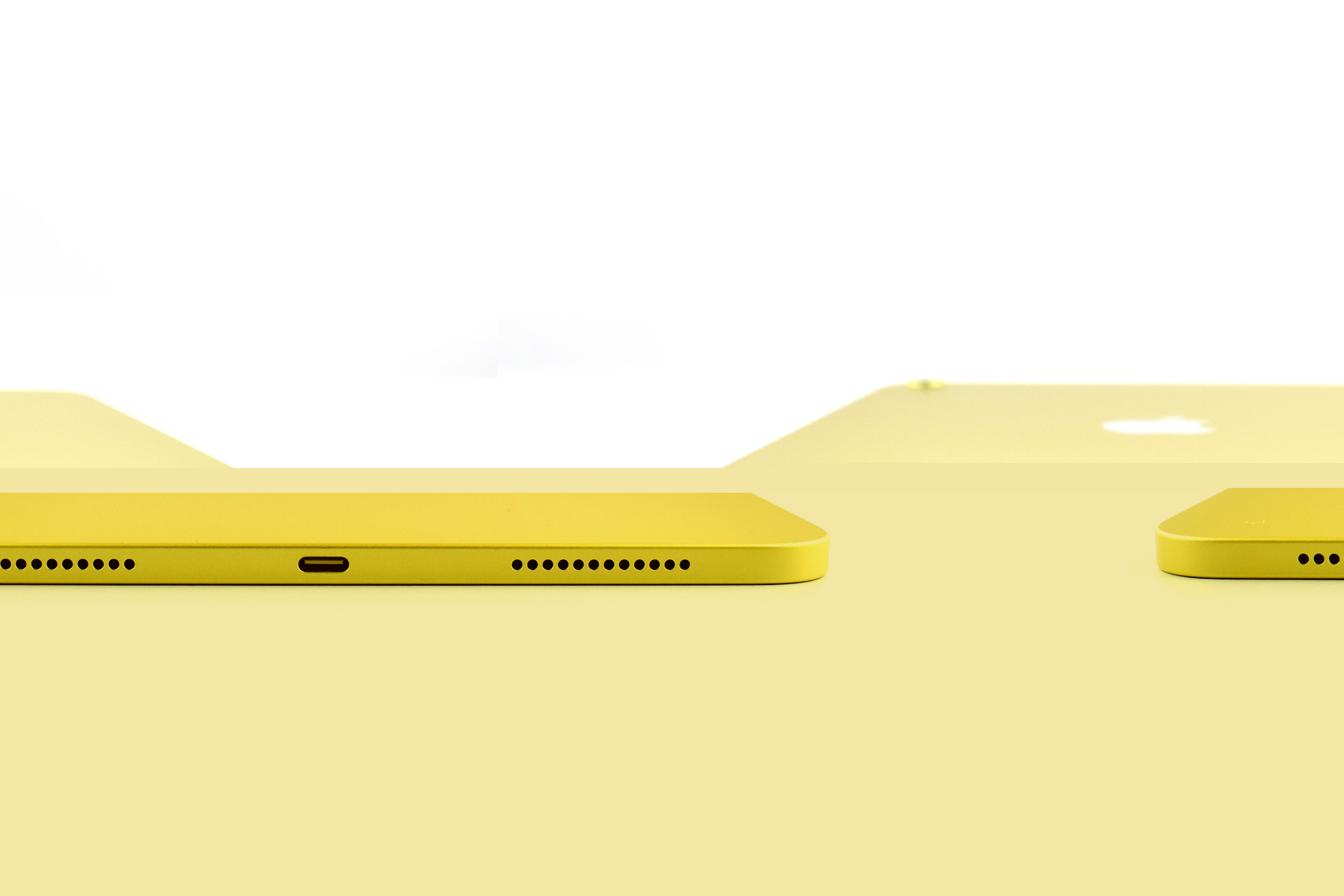
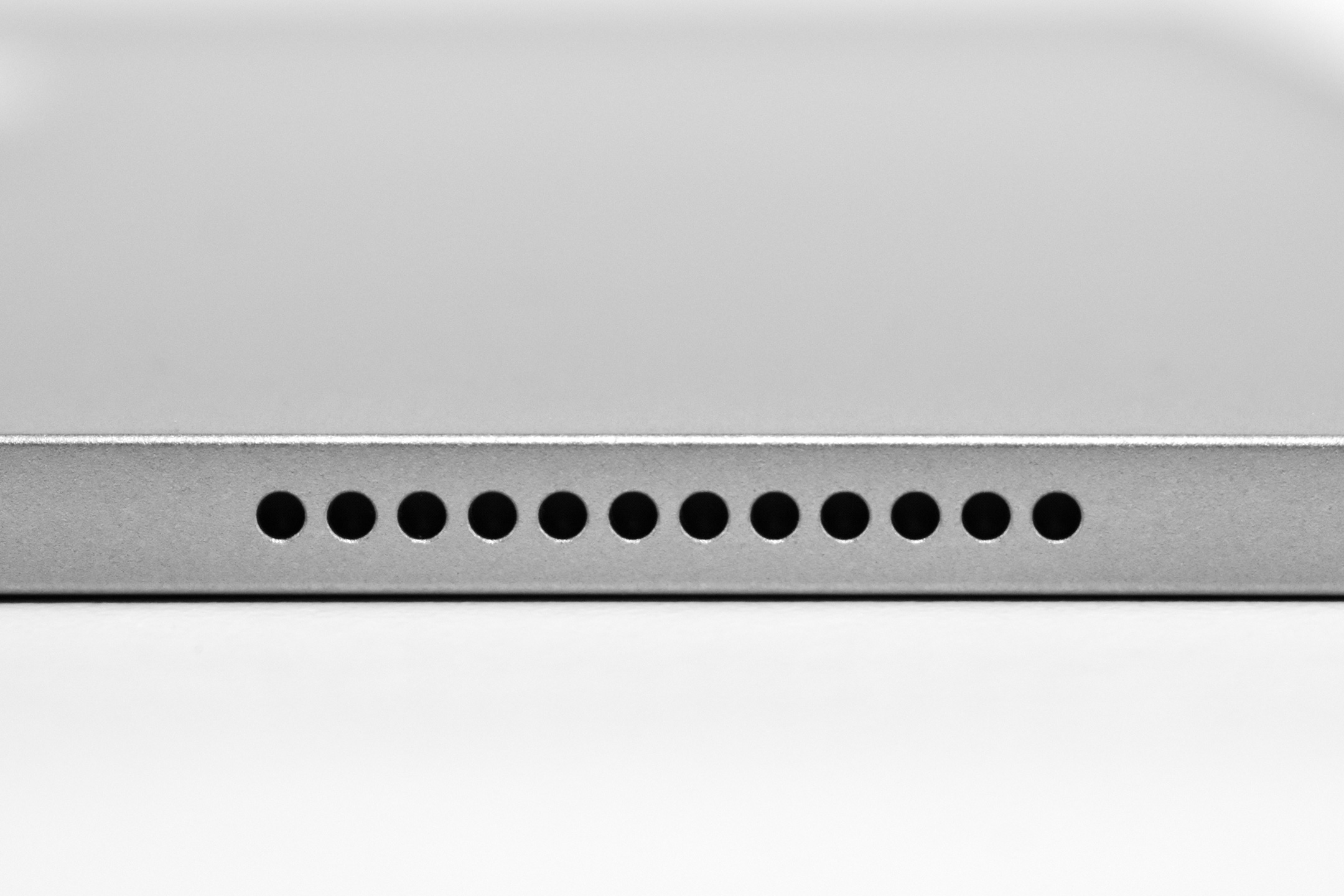
The iPad Generation 11 measured 9.79 x 7.07 inches, and was 0.28 inch thick. It weighed 1.05 pounds (Wi-Fi model). It had stereo speakers, a front camera and microphone centered on the “long”landscape” (long) side to enhance the FaceTime experience, and included both USB-C and a Smart Connector.

Its Liquid Retina display was 2360 x 1640 pixels at 264 ppi and delivered up to 500 nits brightness. It supported the Apple Pencil (USB-C) and also the Apple Pencil Generation 1 (although clumsily since the original Apple Pencil used a Lightning connector for charging). 

The back camera was 12MP with digital zoom up to 5x supporting Smart HDR 4, geotagging, auto image stabilization, and burst mode. It could capture video up to 4K. The similar front camera was also 12MP and supported Center Stage in Landscape mode. It supported Smart HDR 4, but only could record 1080p HD video. 

The iPad Generation 11 had 5 sensors, including Touch ID, 3‐axis gyro, accelerometer, barometer, and an ambient light sensor. 

Sources: Apple (Newsroom, Specs)

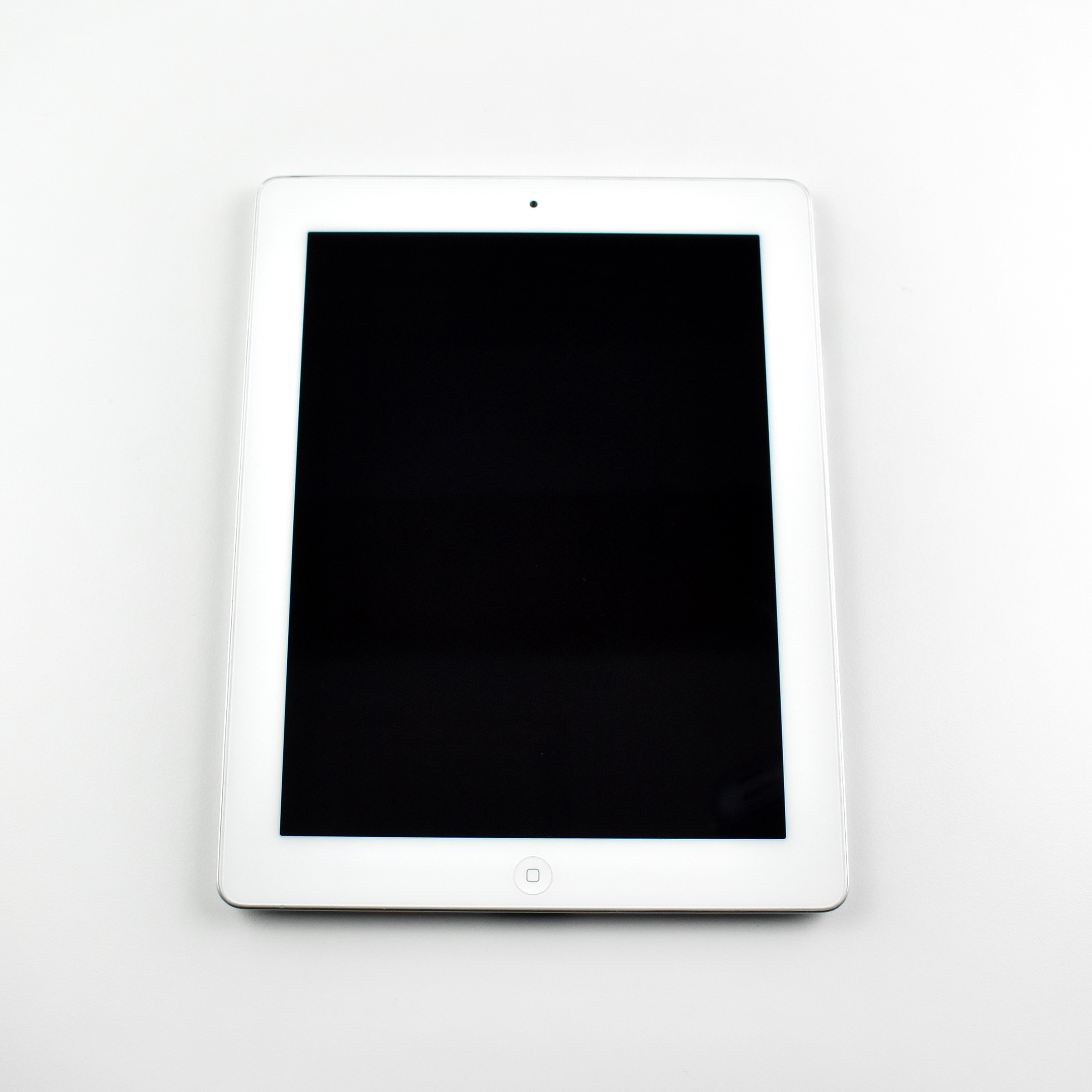
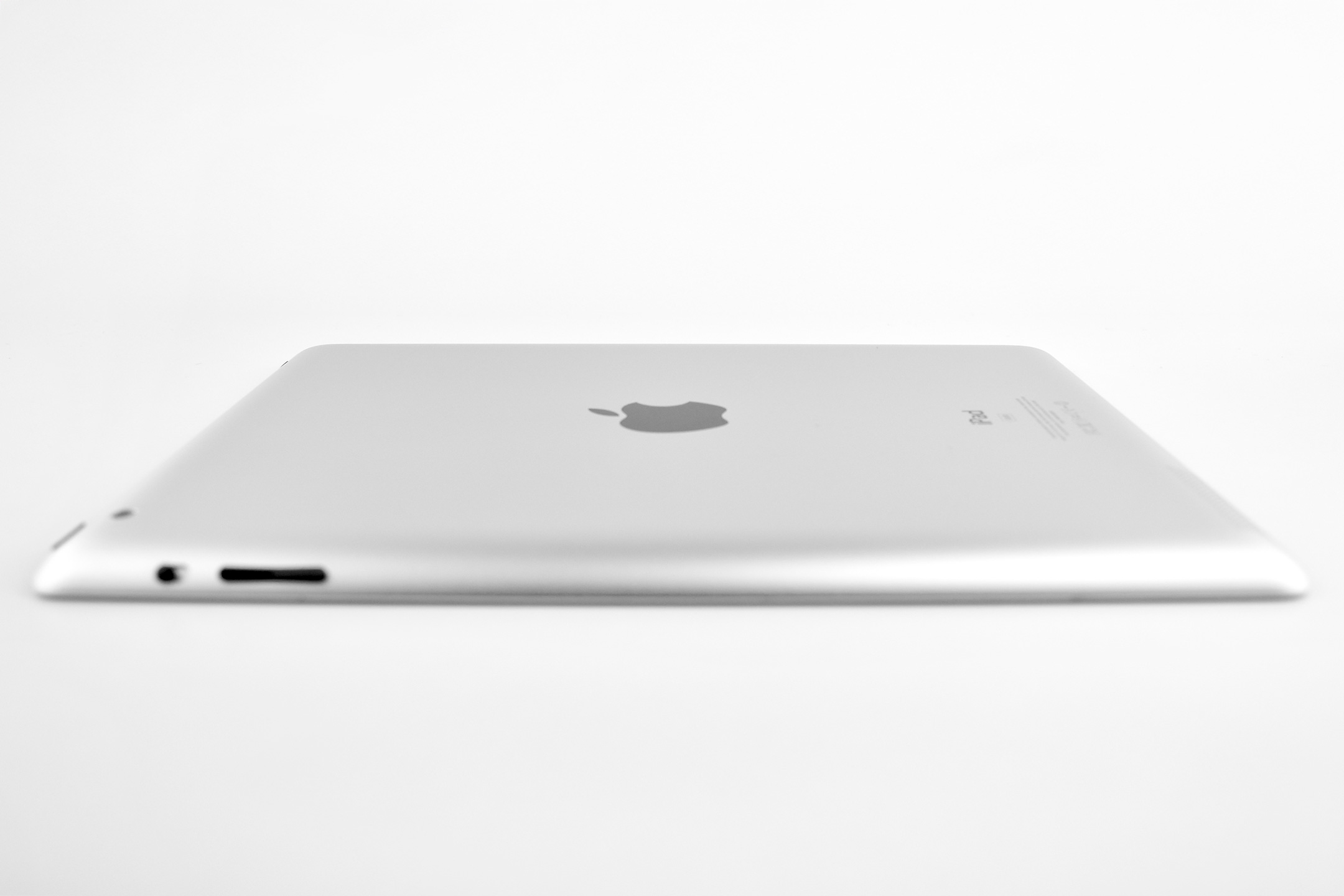
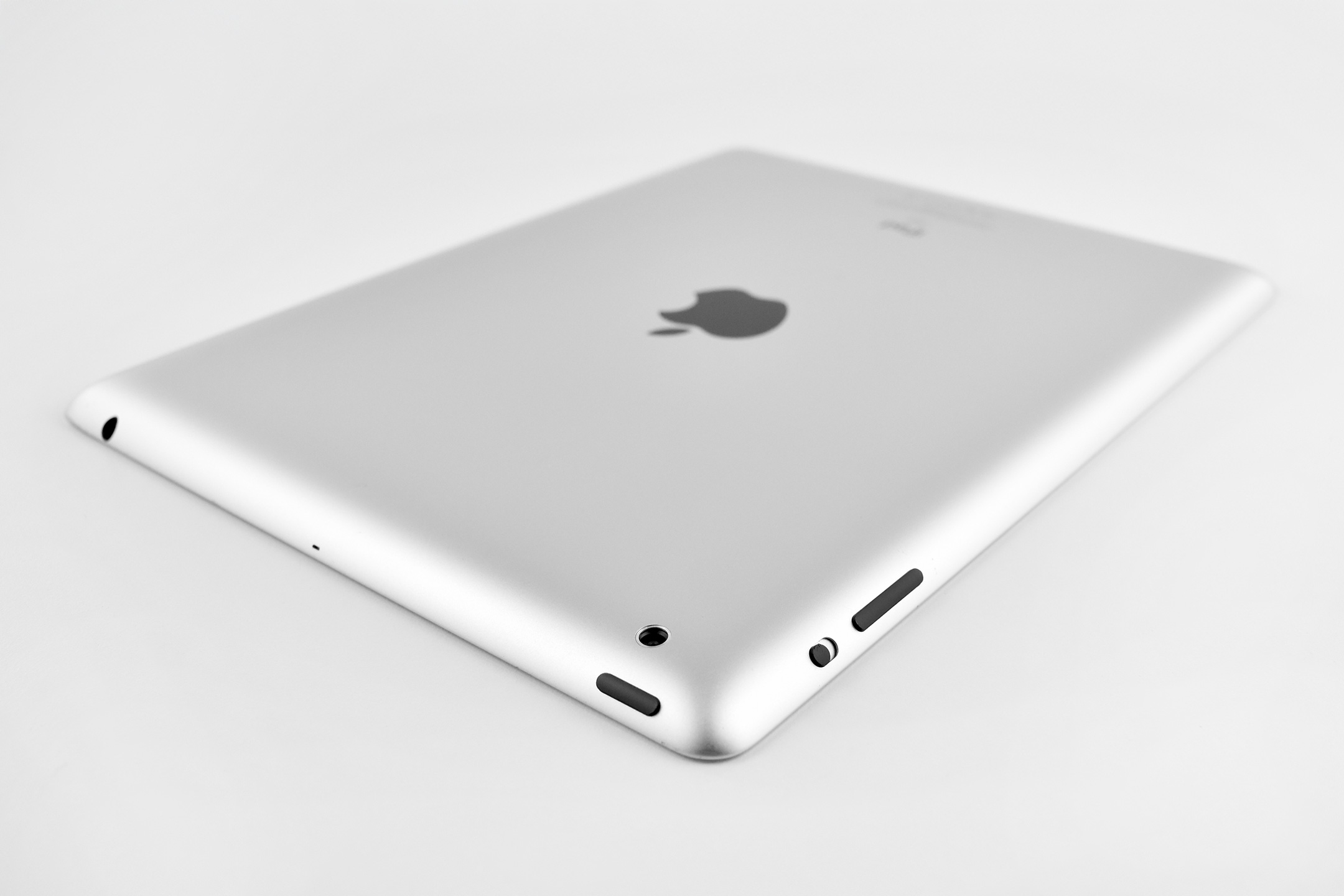
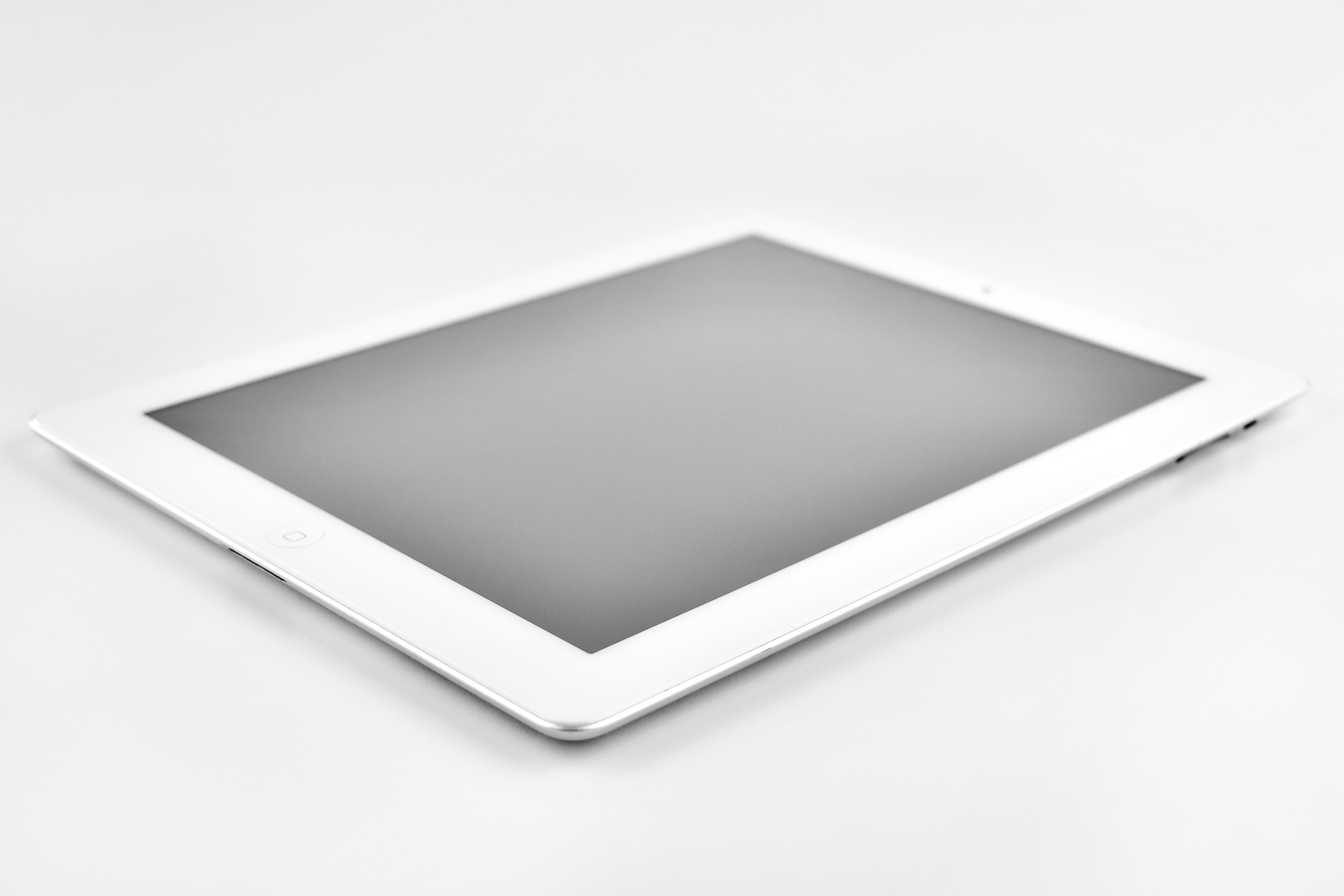
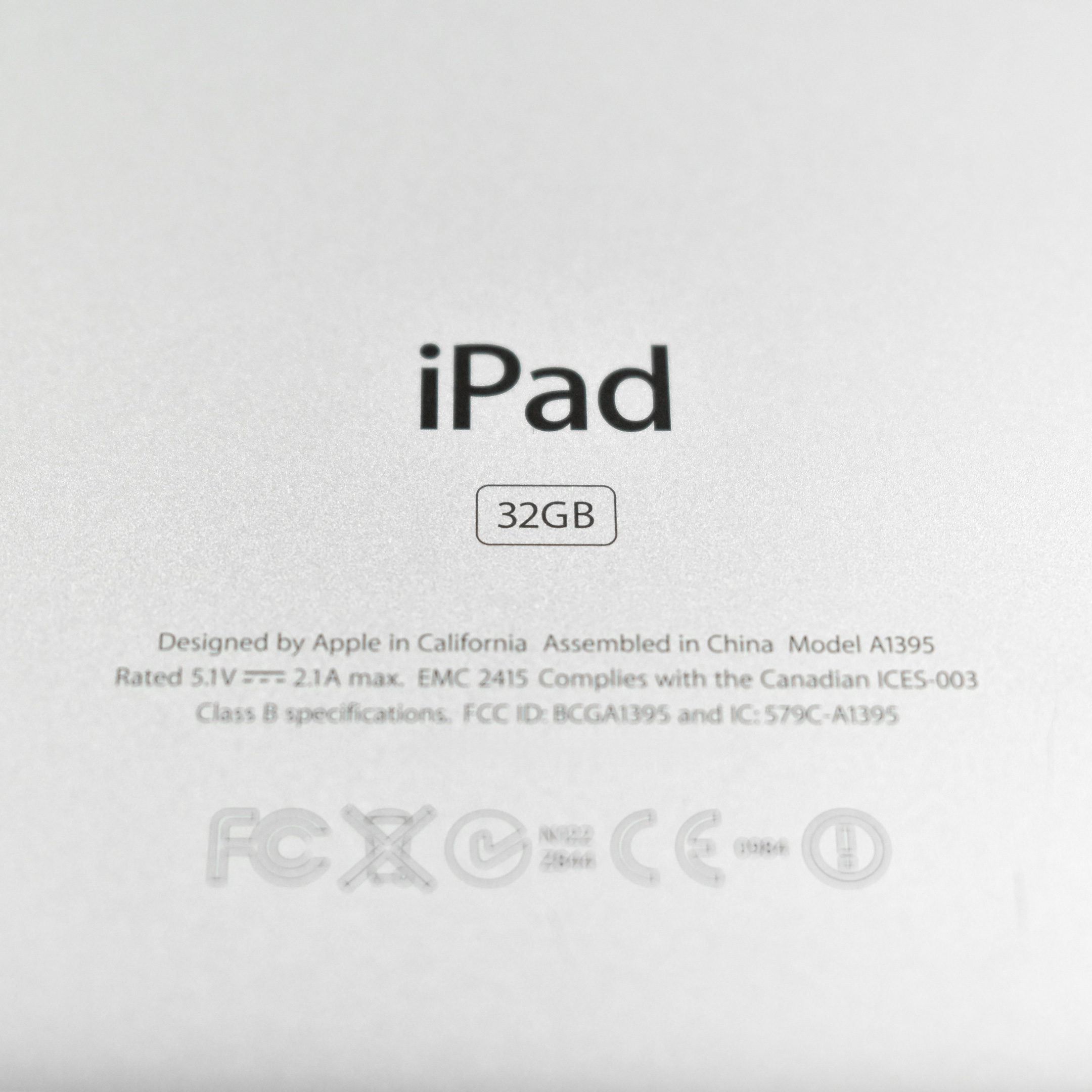
iPad (Generation 2, Wi-Fi, 32 GB, white, 2011)

The iPad 2 represented a major update to the original iPad by allowing the iPad to begin its move from a content-consumption device to a content-creation device, mostly due to the addition of front and back cameras. Apple’s press release led with its subhead, “All New Design is Thinner, Lighter & Faster with FaceTime, Smart Covers & 10 Hour Battery.”

Like the original iPad, the iPad 2 was described as a “magical device for browsing the web, reading and sending email, enjoying photos, watching videos, listening to music, playing games, reading ebooks and much more.” The iPad 2 added “two cameras, a front-facing VGA camera for FaceTime and Photo Booth, and a rear-facing camera that captures 720p HD video, bringing the innovative FaceTime feature to iPad users for the first time.”

The iPad 2 had a silver aluminum back and was available with a white or black front. This example is white.

The iPad 2 had a 9.7-inch glossy LED backlit display (1024×768 at 132 ppi) and could run both iPhone and iPad-specific apps. It shipped with the A5 processor with storage options including 16, 32, or 64 GB. In addition to its front and rear cameras, it had 802.11a/b/g/n Wi-Fi support, an accelerometer, a three-axis gyroscope, an ambient light sensor, digital compass, a speaker and a built-in microphone. The iPad 2 was 33% thinner than the original iPad and weighed 1.33 pounds.

The iPad 2 was also released with the Smart Cover. The Smart Cover used magnets to attach and, when closed, automatically put the iPad 2 into Sleep mode, and would wake the iPad when opened.

Source: EveryMac, Apple

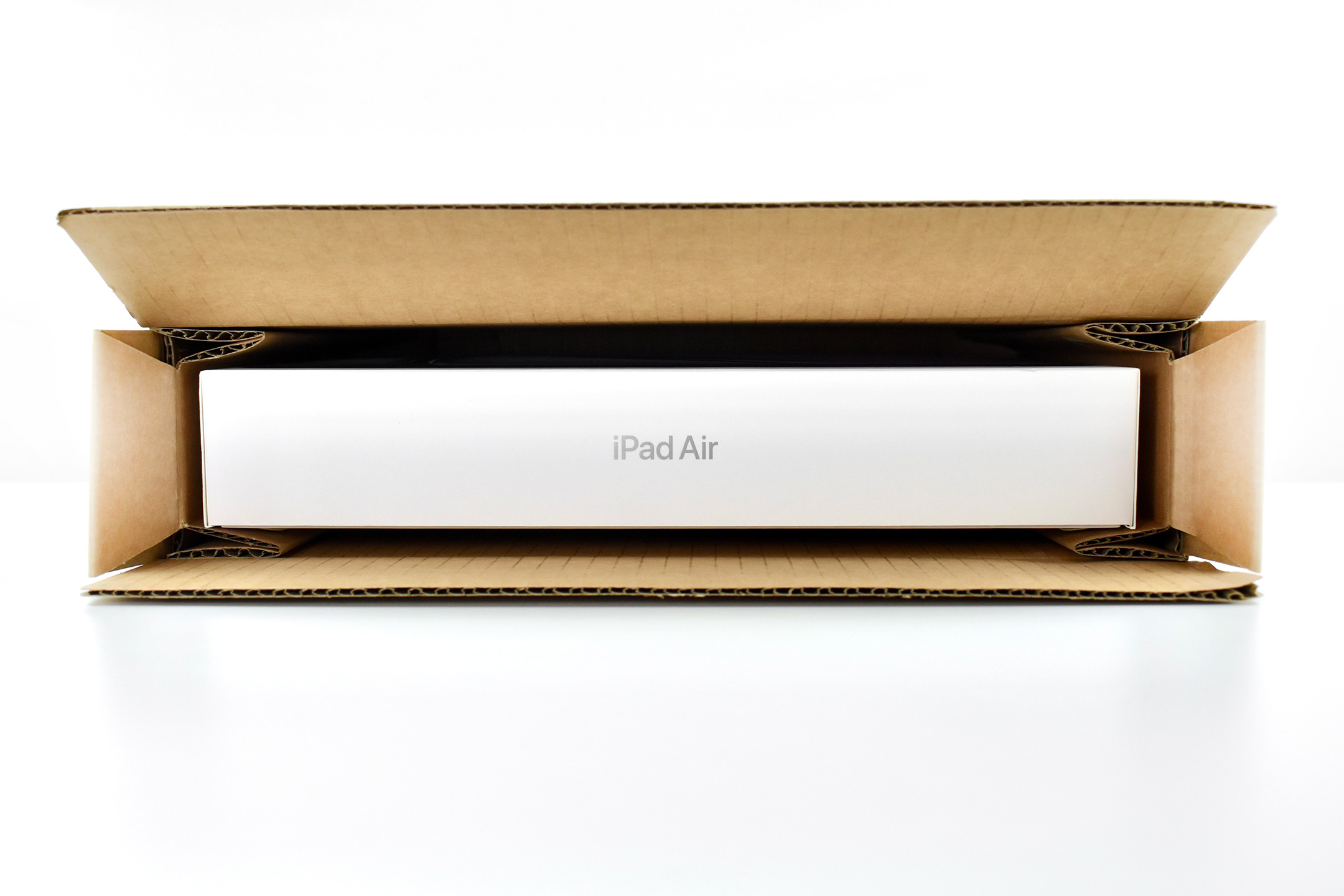
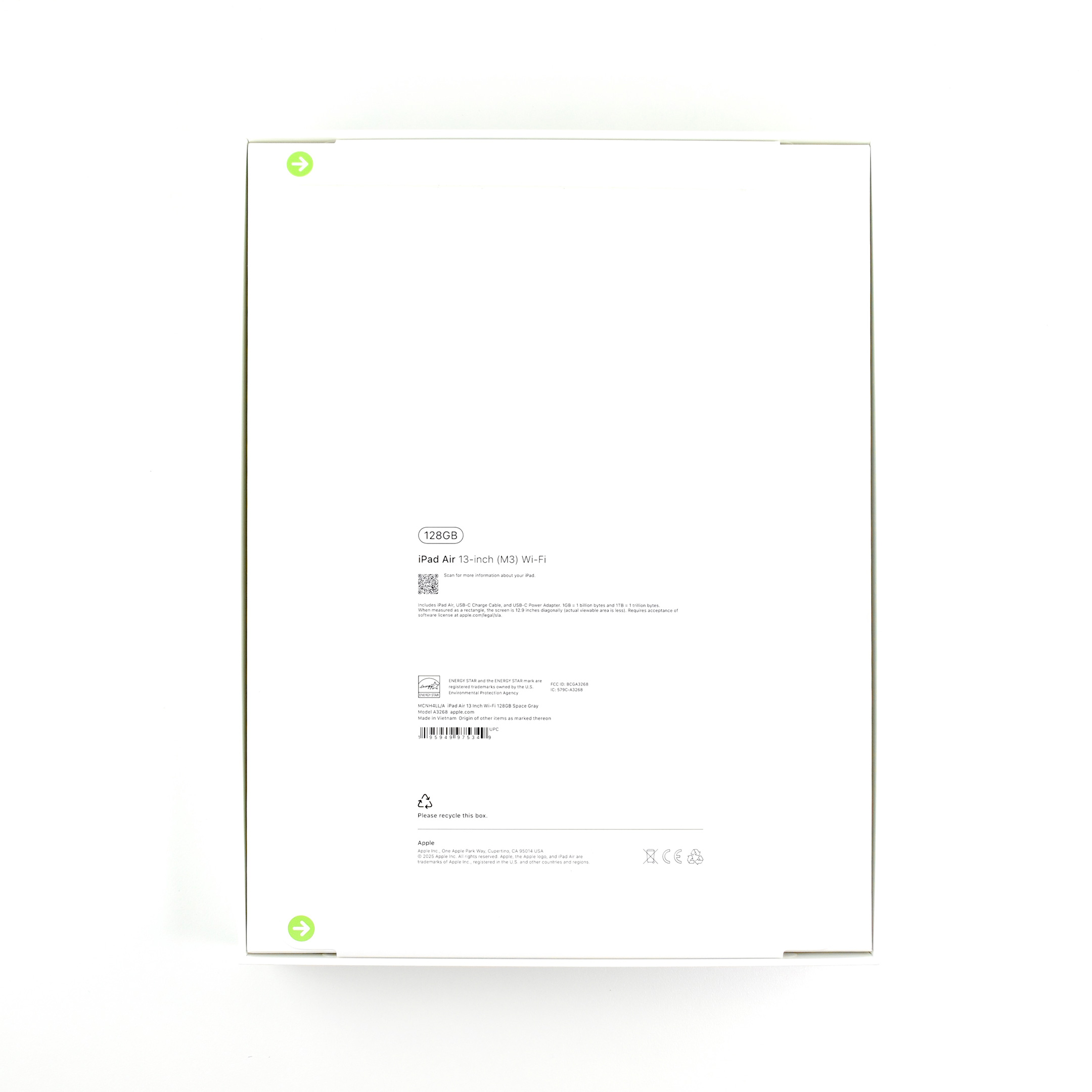
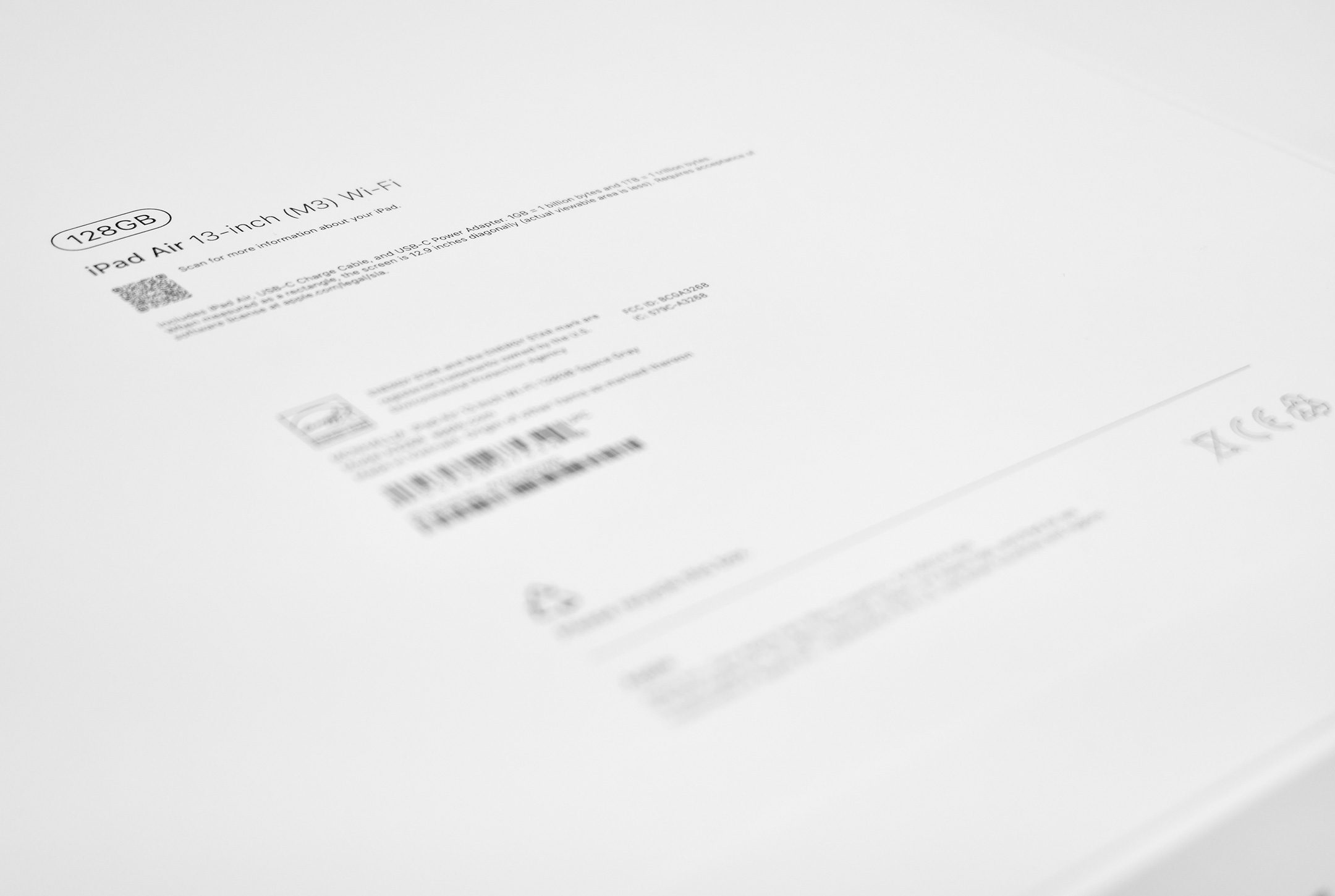
iPad Air 13-inch (Space Gray, M3, Wi-Fi, 128 GB, 2025)

The M3 iPad Air 13-inch was announced on March 4, 2025, and was described as being up to 2x faster than the M1 iPad Air. The press release also touted:

“iPad Air with M3 brings Apple’s advanced graphics architecture to iPad Air for the first time—taking its incredible combination of power-efficient performance and portability to a new level… Available in two sizes and four gorgeous finishes that users love, the 11-inch iPad Air is super portable while on the go, and the 13-inch model provides an even larger display for more room to be creative and productive.”

Apple mentioned that “The faster Neural Engine in M3 means iPad Air [is]…up to 60 percent faster for AI-based workloads…and support for advanced accessories, including the new Magic Keyboard and Apple Pencil Pro.”

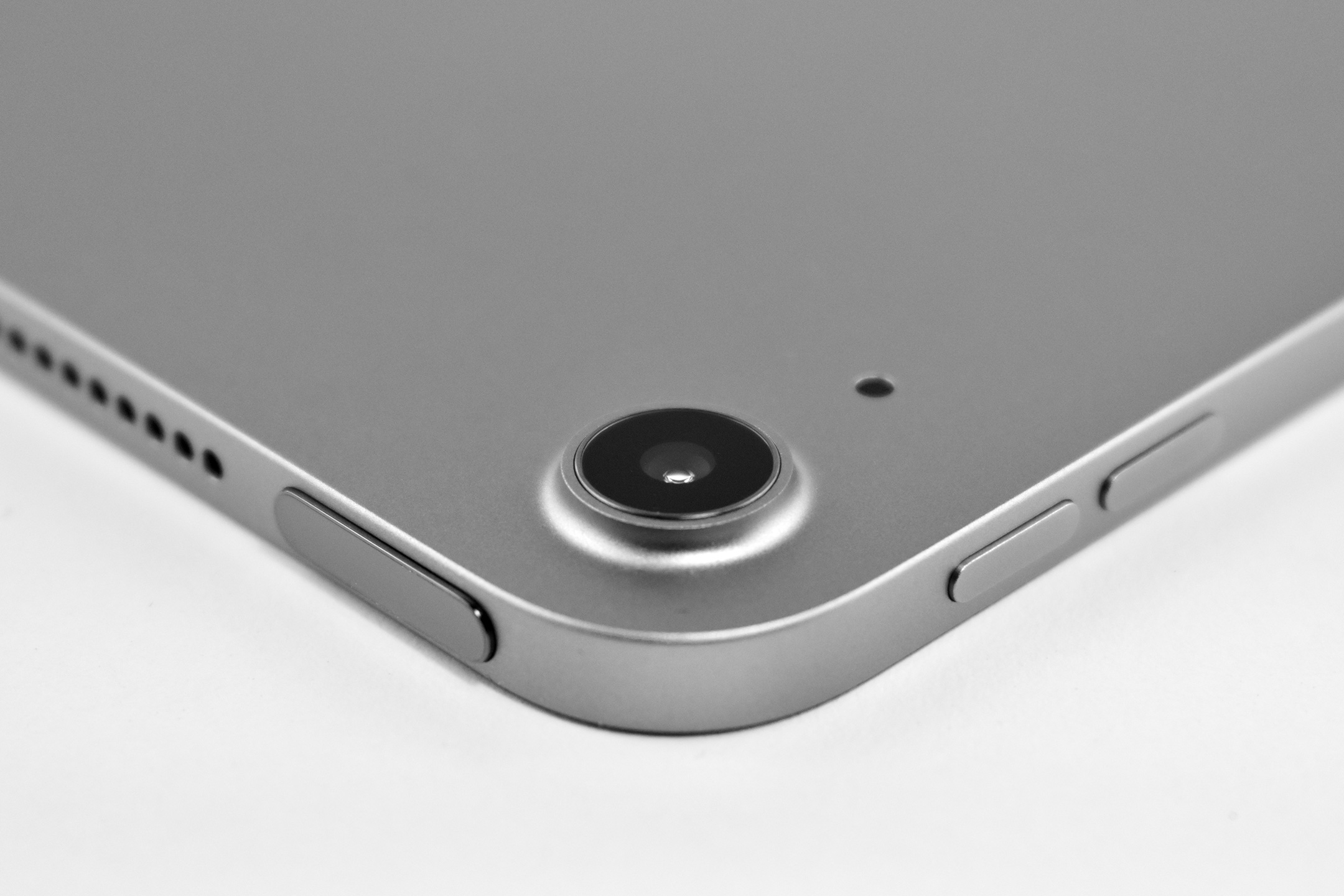
The 11-inch and 13-inch M3 iPad Air devices were available in blue, purple, starlight, and space gray, with 128 GB, 256 GB, 512 GB, and 1 TB configurations. This example is the 13-inch version of the iPad Air in Space Gray with 128 GB storage.

This 13-inch iPad Air Wi-Fi is 11.04 inches (280.6 mm) x 8.46 inches (214.9 mm), is 0.24 inch (6.1 mm) thick, and weighs 1.36 pounds (616 grams).

The Liquid Retina display is 2732 x 2048 pixels at 264 ppi and can display up to 600 nits brightness. It is powered by Apple’s M3 chip (8-core CPU with 4 performance cores; 4 efficiency cores; 9-core GPU). It has a 16-core Neural Engine.

The back camera is a 12MP Wide camera with ƒ/1.8 aperture that allows digital zoom up to 5x using a 5-element lens. It can capture Panorama photos up to 63 MP. It can record video up to 4K at 24, 25, 30, or 60 fps. The front camera is a landscape 12 MP Center Stage camera with ƒ/2.0 aperture that can record video at up to 1080p (HD) at 25, 30, or 60 fps.

Its dual microphones can be used for calls, video recording, and audio recording and has landscape stereo speakers.

Wireless connectivity includes Wi-Fi 6E (802.11ax) with 2×2 MIMO5 and Bluetooth 5.3. Its sensors include Touch ID, 3‐axis gyro, accelerometer, barometer, and an ambient light sensor.

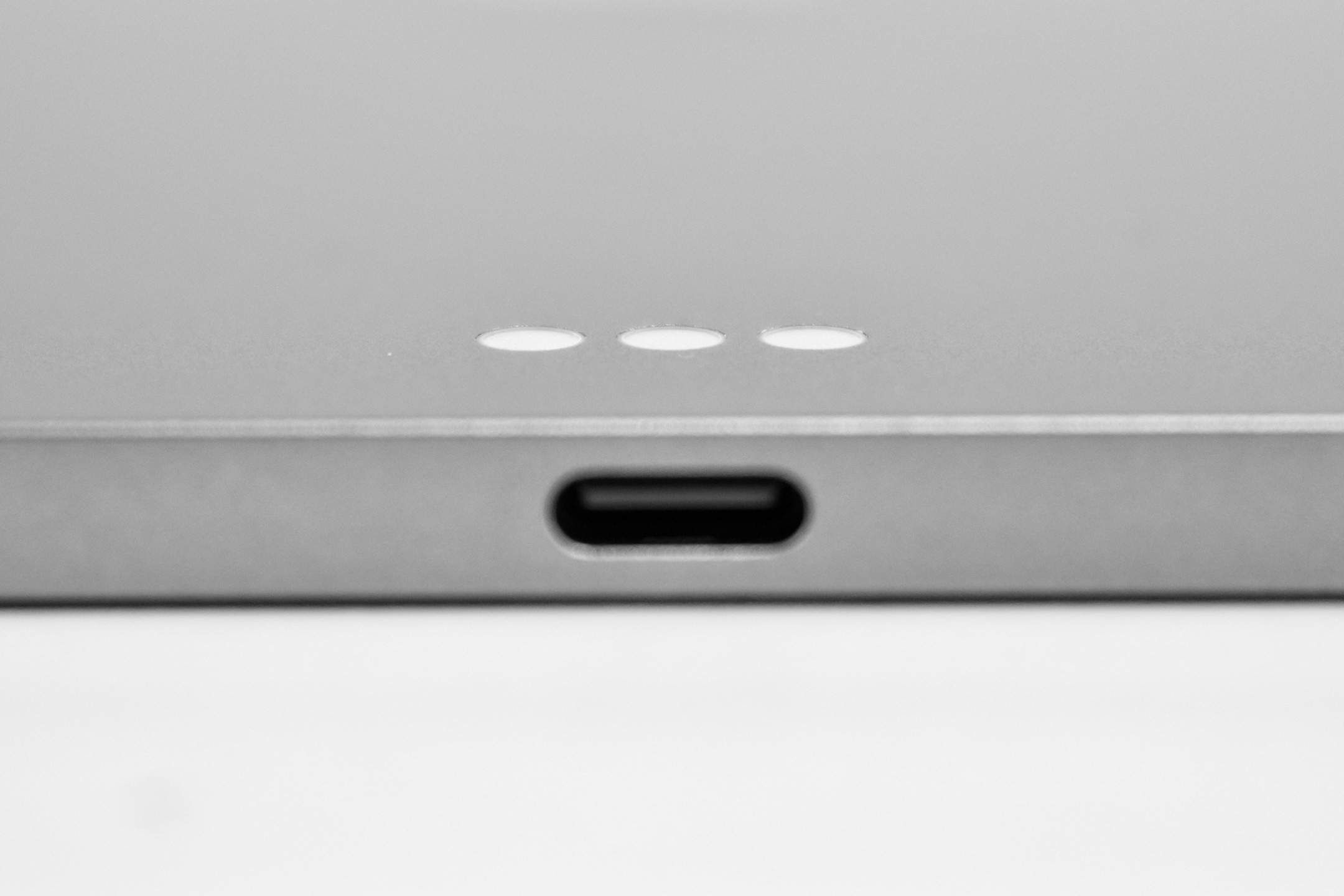
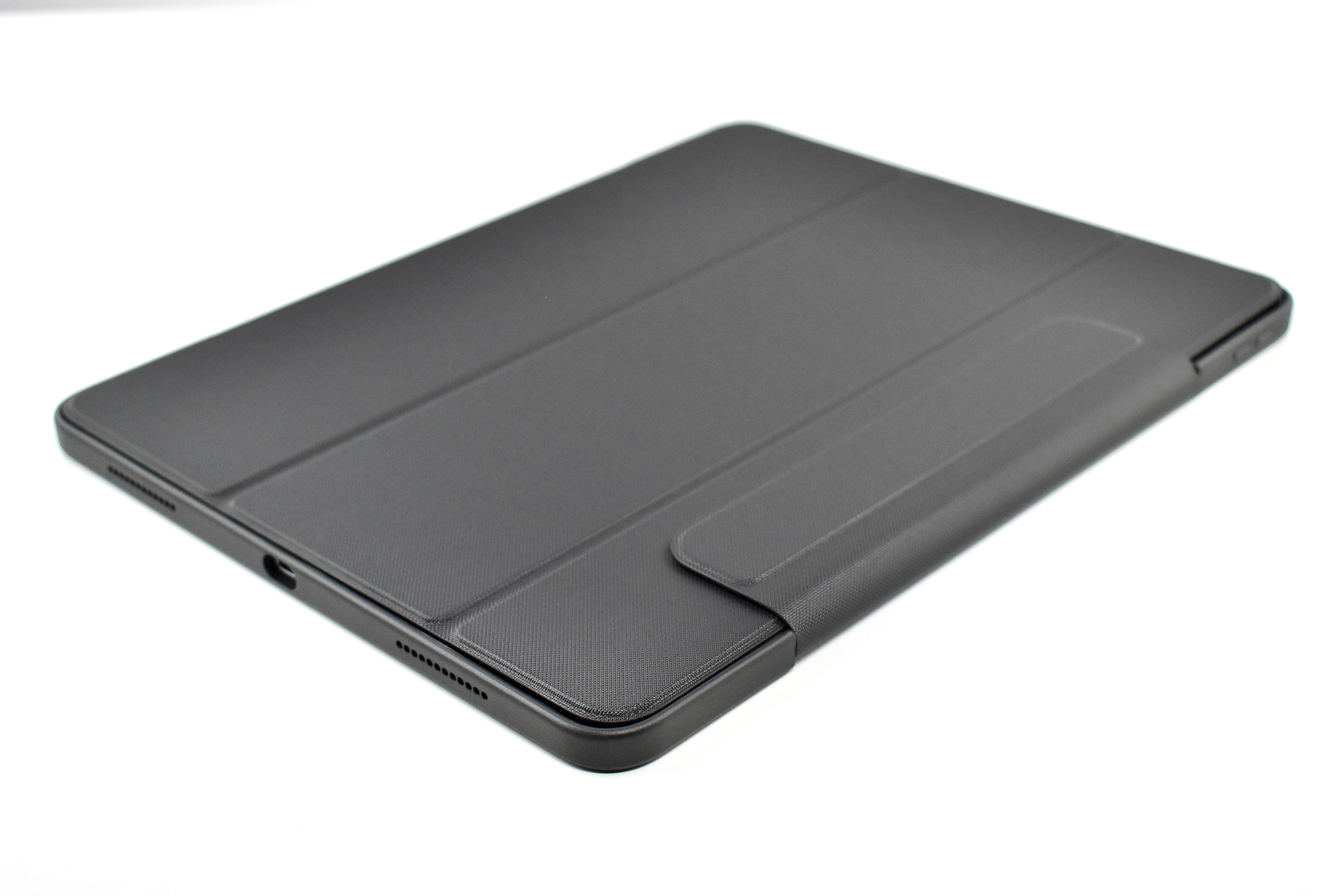
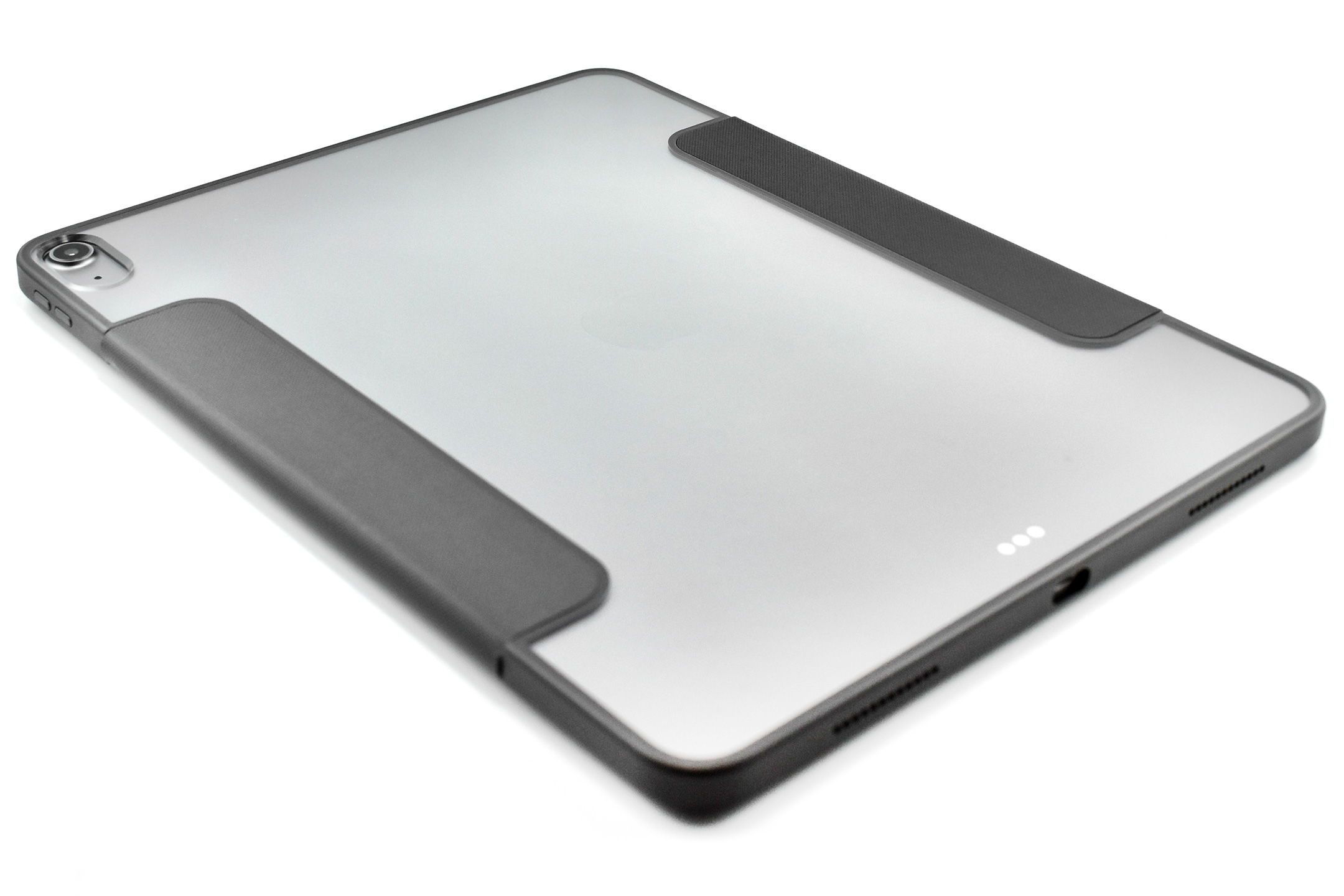
This iPad Air is using the Symmetry Series Folio case (for iPad Air 13-inch M2 and M3) by OtterBox in their “Starry Night” (black, clear, grey) color. The hinged folio design provides an adjustable stand, screen protection, magnetic sleep/wake, and protects the Apple Pencil while allowing charging while in storage.

Sources: Apple (newsroom, specs, product page), OtterBox

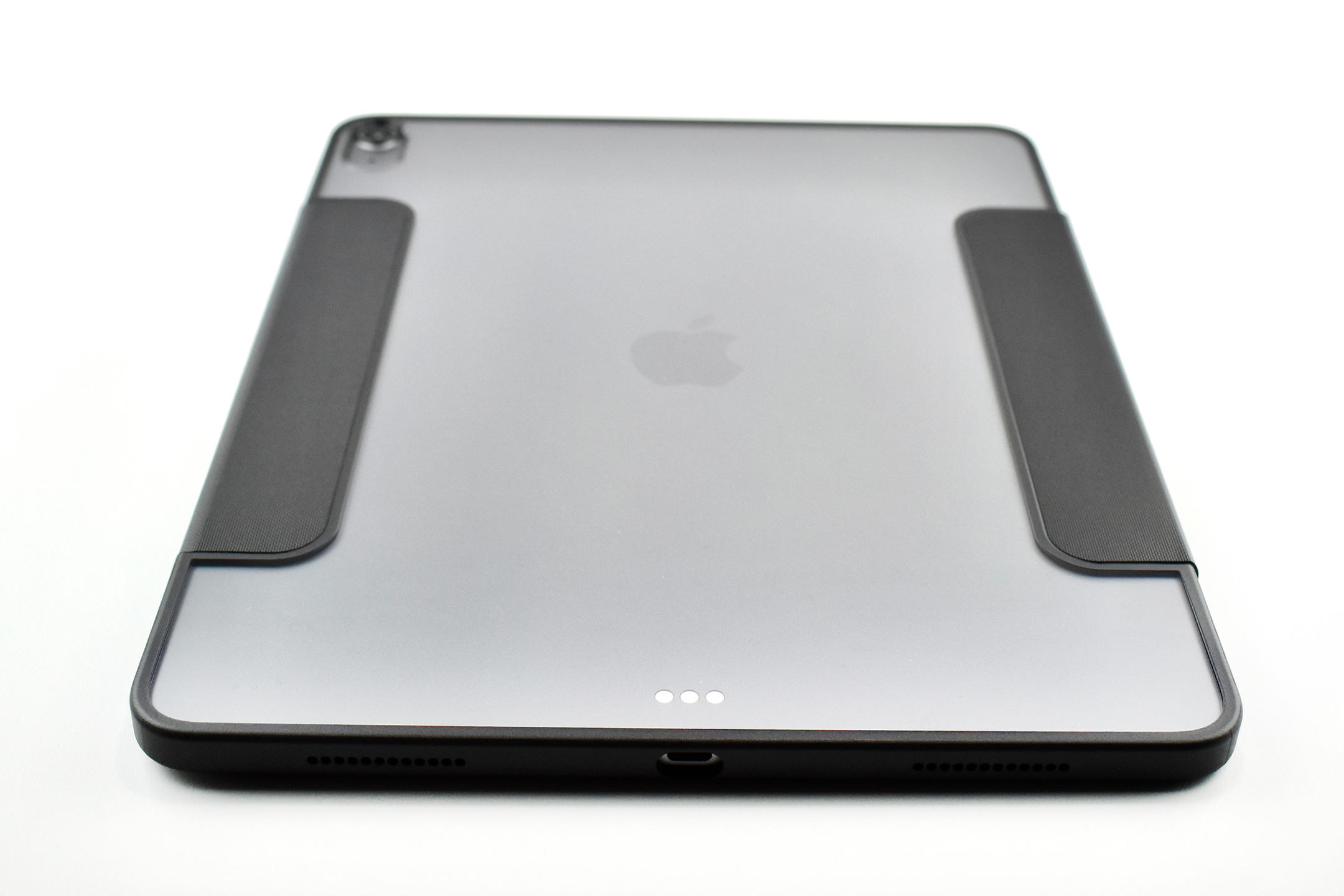
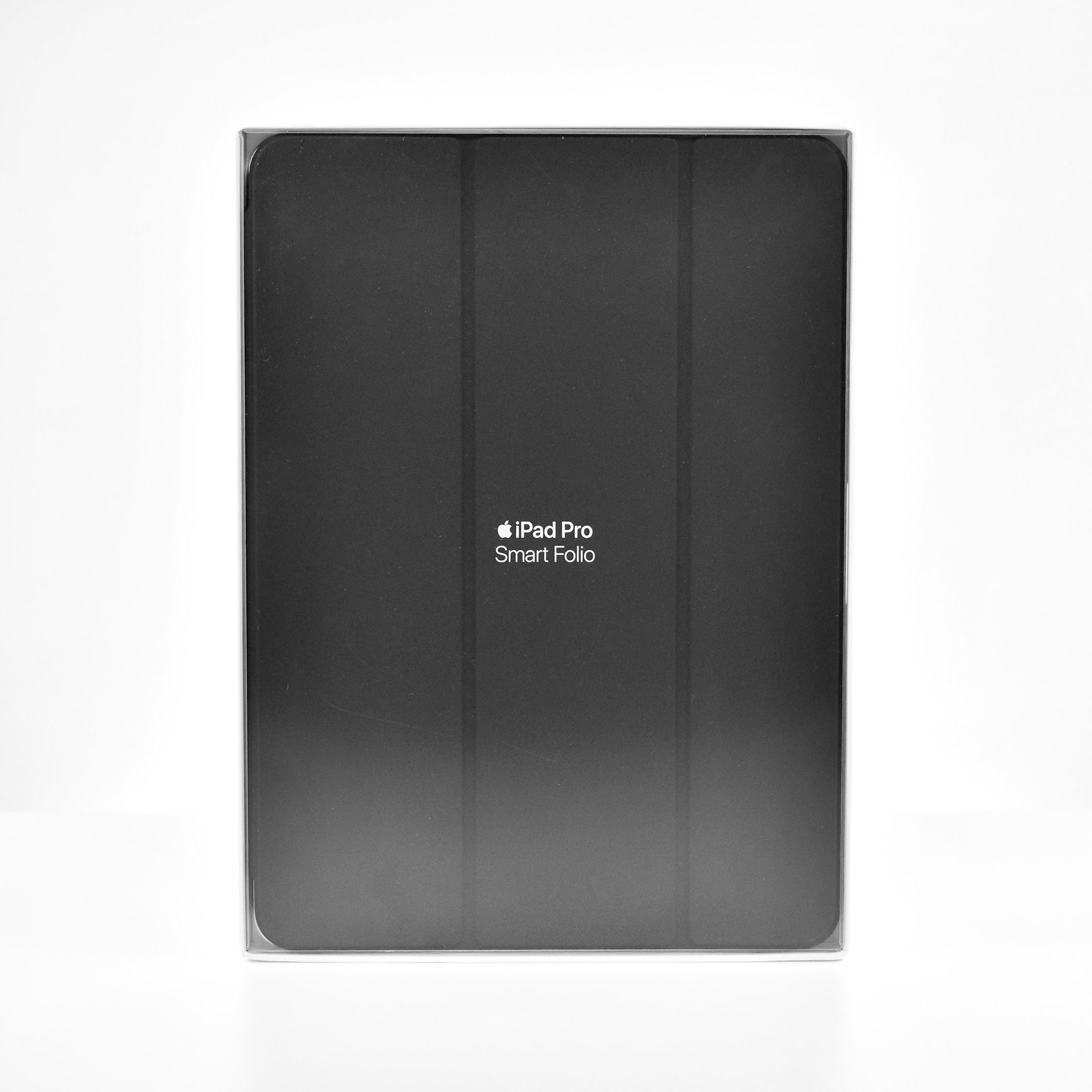
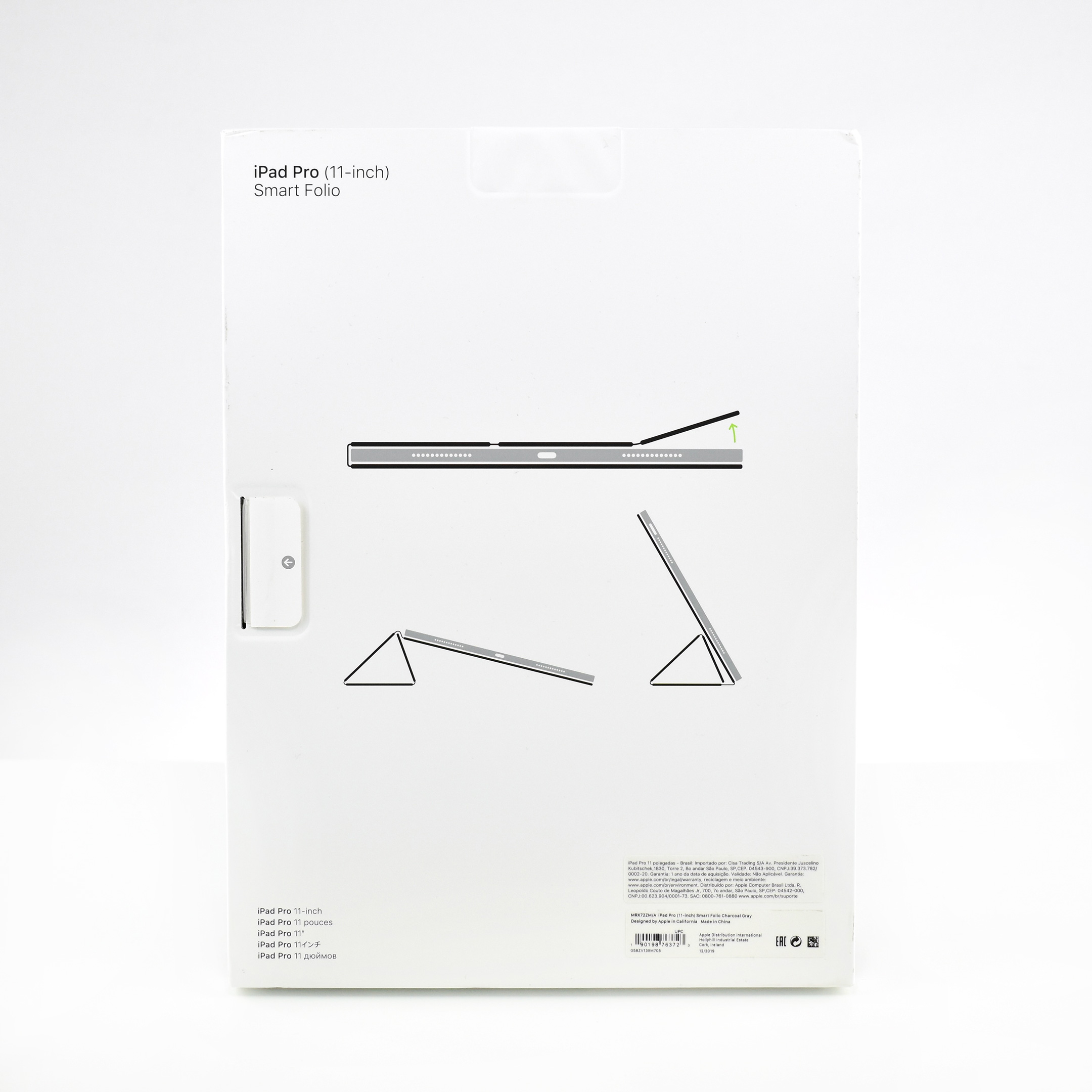
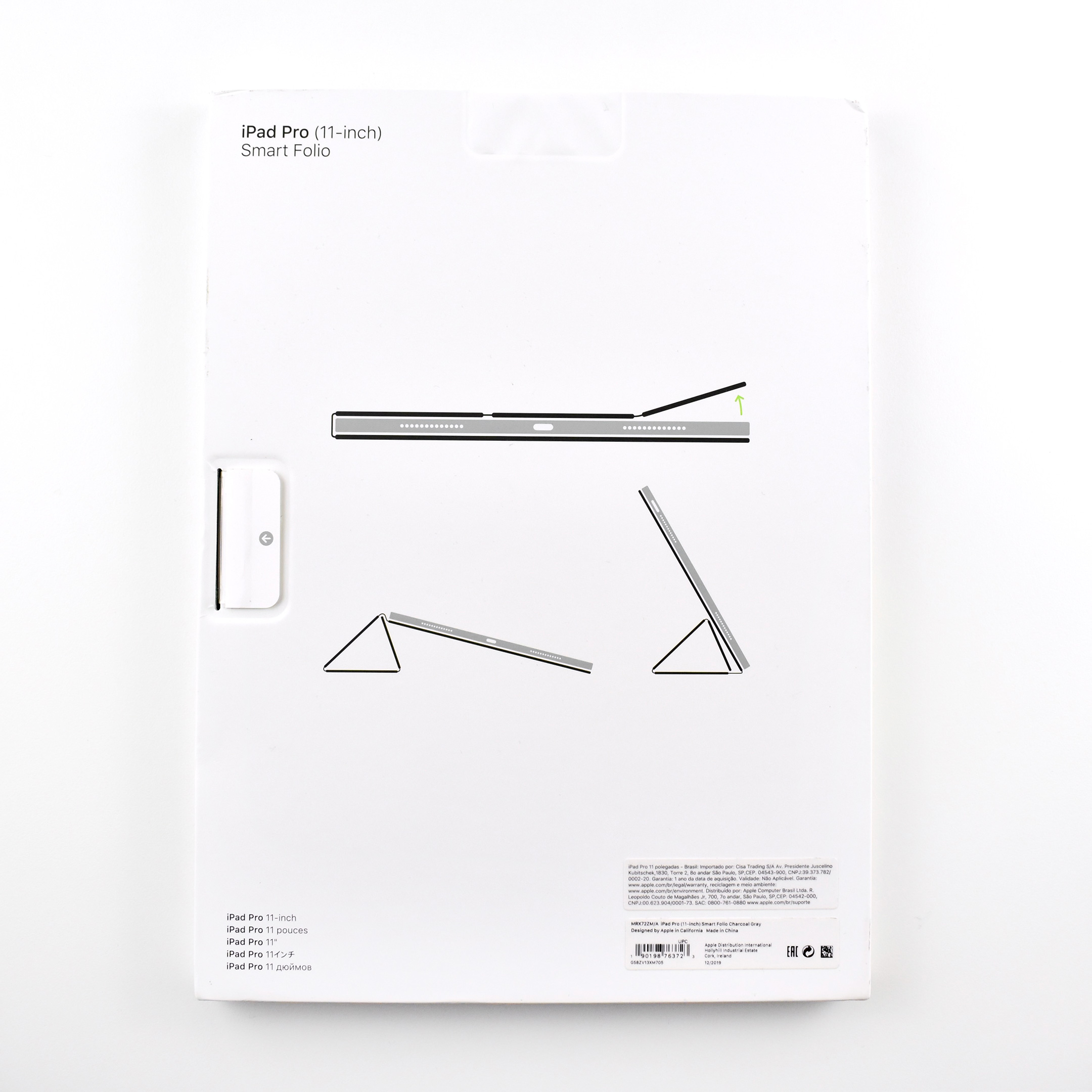
Smart Folio for iPad Pro 11-inch (Charcoal Gray, 2019)

Apple described the Smart Folio for iPad Pro 11-inch:

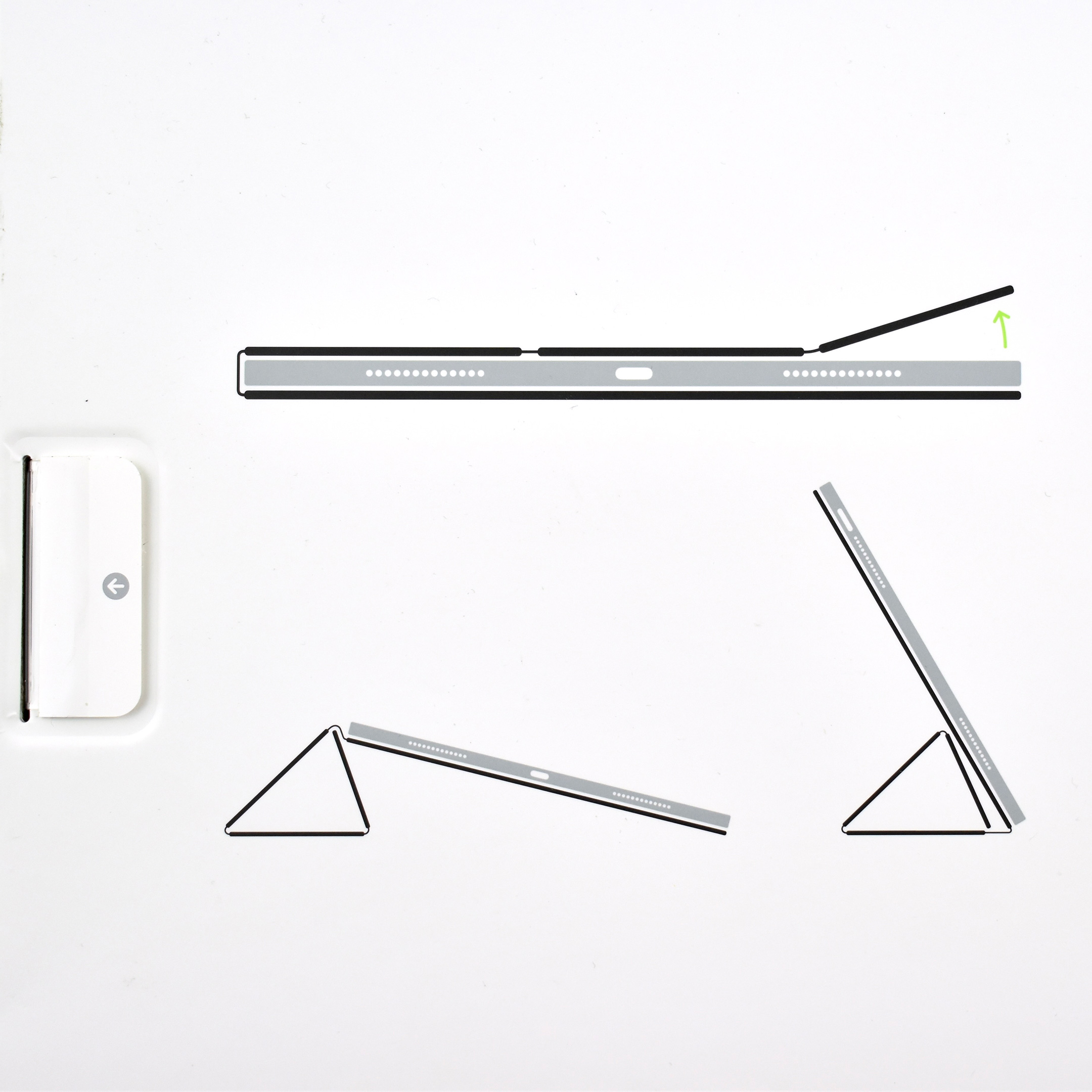
“The Smart Folio for iPad Pro is thin and light and offers front and back protection for your device. It automatically wakes your iPad when opened and puts it to sleep when closed. The Smart Folio attaches magnetically, and you can easily fold it into different positions to create a stand for reading, viewing, typing, or making FaceTime calls.”

The Smart Folio design was released along with the Smart Keyboard Folio design for the iPad Pro Generation 3. The Folio form factor added the functionality of allowing both folios to attach to the back of the iPad with strong magnets. Both Smart Folio designs offered back protection, while previous Smart Cover designs only offered front protection.

This Smart Folio is compatible with all iPad Pro 11-inch models released until 2023, including Generations 1–4.

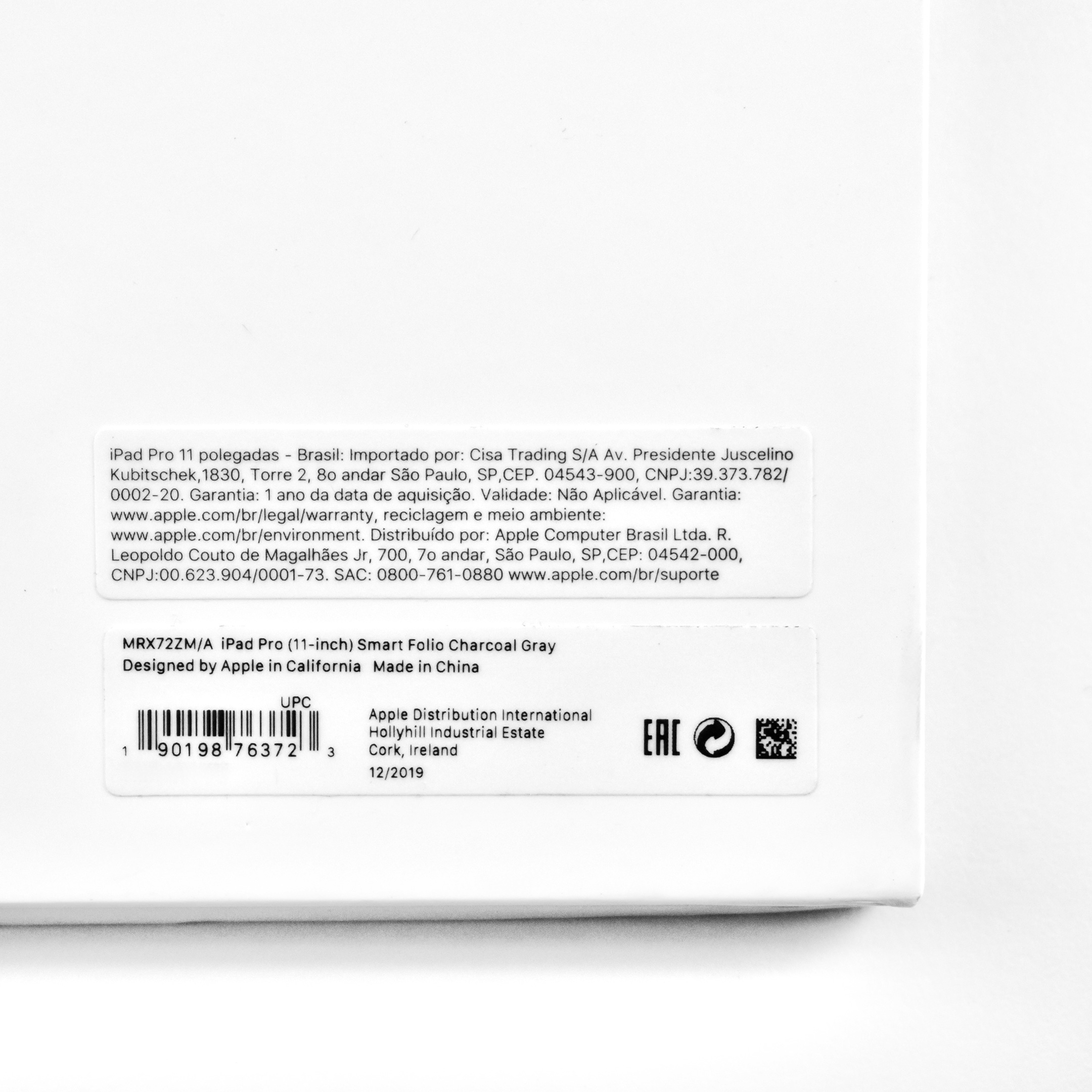
This Smart Folio is Charcoal Gray, a shade of dark gray.

Sources: Apple, Wikipedia

iPad (Generation 9, 64 GB, W-Fi, silver, 2021)

Apple released the iPad Generation 9 on September 14, 2021. The headline in Apple’s Press Release read, “Apple’s most popular iPad delivers even more performance and advanced features,” and listed its features as including “A13 Bionic, Center Stage, True Tone, and now starts with double the storage.”

Greg Joswiak, Apple’s senior vice president of Worldwide Marketing, reported:

“iPad has never been more essential for working, learning, and communicating, and we’re excited to bring one of the biggest updates ever to our most popular iPad… With the powerful A13 Bionic, more engaging video calls with Center Stage, and double the storage, the new iPad delivers advanced capabilities, versatility, and simplicity at an incredible value.”

The A13 Bionic chip with Neural Engine not only boosted performance compared to the previous iPad by 20%, it also allowed “next-level machine learning capabilities, including Live Text…which uses on-device intelligence to recognize text in a photo that users can take action on.” Thus, this iPad was able to use an early version of Apple’s on-device “Artificial Intelligence” capabilities—even if Apple chose not to use the term “AI.”

Apple also touted the iPad Generation 9’s Center Stage capabilities, a feature that enhanced video calls that was on the minds of many users after the worldwide COVID pandemic. The iPad was equipped with a new 12MP Ultra Wide front camera that used the Neural Engine: “Center Stage automatically pans the camera to keep [the user] in view. When others join in, the camera detects them too, and smoothly zooms out to include them in the conversation.” Center Stage worked in FaceTime and third-party video-calling apps such as Zoom.

The iPad Generation 9 was offered in Silver and Space Gray, and in two storage capacities, 64 GB and 256 GB. It measured 9.8 inches (250.6 mm) x 6.8 inches (174.1 mm), and was 0.29 inch (7.5 mm) thick. The Wi-Fi model weighed 1.07 pounds (487 grams), and the Wi-Fi + Cellular model weighed 1.09 pounds (498 grams).

The iPad Generation 9 was the last iPad to use a physical Home button, and it also had Touch ID.

It used a 10.2-inch (diagonal) Retina display that was 2160 x 1620 pixels at 264 pixels per inch. It used a True Tone display that could deliver up to 500 nits brightness. This iPad had both stereo speakers and dual microphones for calls, video recording, and audio recording.

Uncharacteristically, the back camera had lower resolution than the front camera. The back camera was an 8 MP Wide camera with digital zoom up to 5x using a 5-element lens. It could capture Panoramic photos (up to 43MP), and featured HDR, photo geotagging, auto image stabilization, and burst mode. The back camera could record 1080p HD video at 25 and 30 fps.

The front camera was a 12MP Ultra Wide camera with 122° field of view. It could record 1080p HD video at 25, 30, or 60 fps.

Wireless connectivity included Wi-Fi 5 (802.11ac) and Bluetooth 4.2. Its 5 sensors included Touch ID, 3‐axis gyro, accelerometer, barometer, and an ambient light sensor. The iPad Generation 9 charged and transferred data using a Lightning connector and shipped with a Lightning-to-USB-C Cable that connected to its included 20W USB-C Power Adapter.

Interestingly, Apple continued manufacturing and selling the iPad Generation 9 even after they announced the iPad Generation 10 13 months later. The iPad Generation 10 was released with a considerable price increase at $459 for a base iPad—from the iPad Generation 9 base price of $329. Apple noted in the “fine print” of the iPad Generation 10 press release: “iPad (9th generation) will remain in the iPad lineup. Wi-Fi models of iPad (9th generation) are available with a starting price of $329 (US), and Wi-Fi + Cellular models start at $459 (US), in silver and space gray finishes.”

Sources: Apple (Newsroom: Generation 9, Generation 10; Technical Specifications)

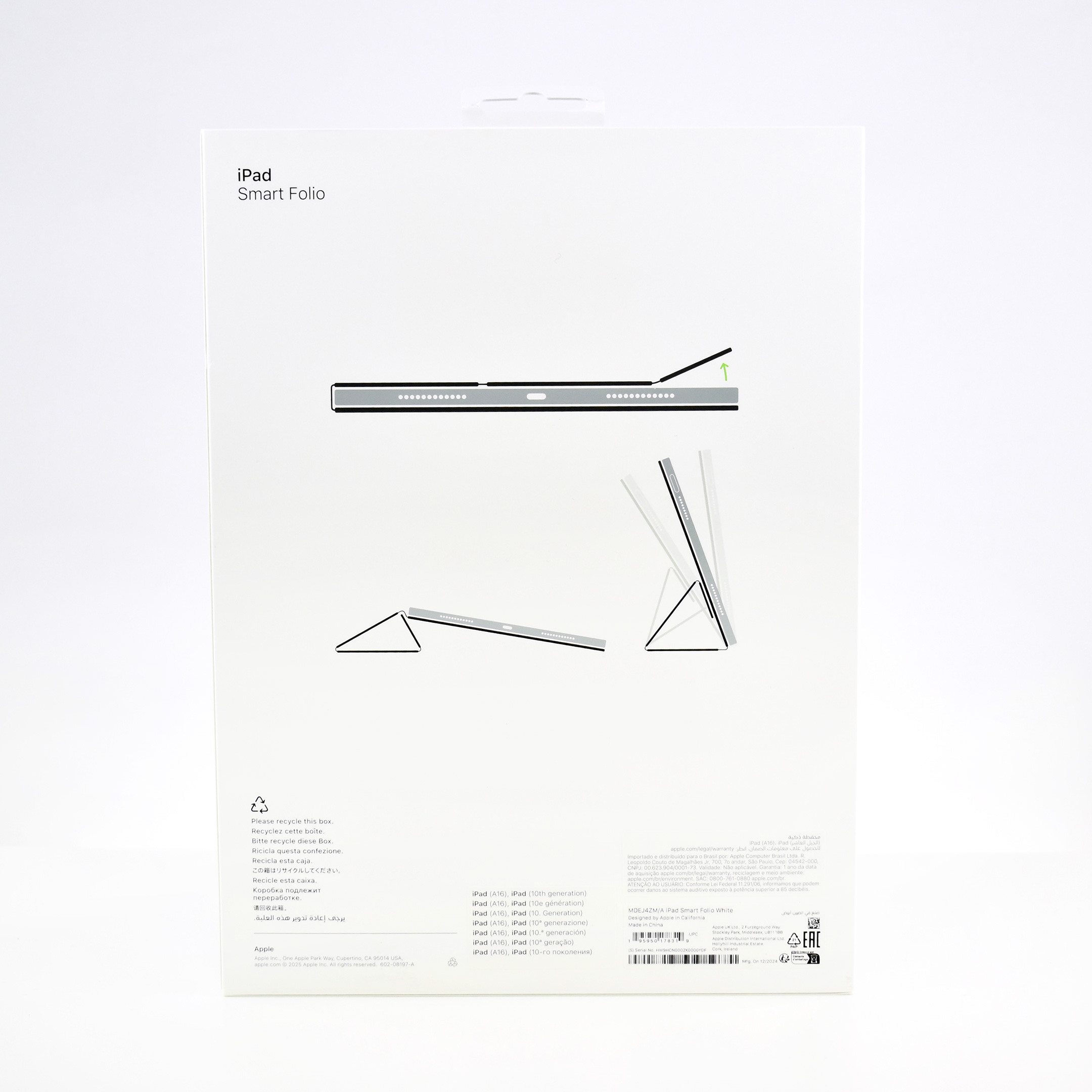
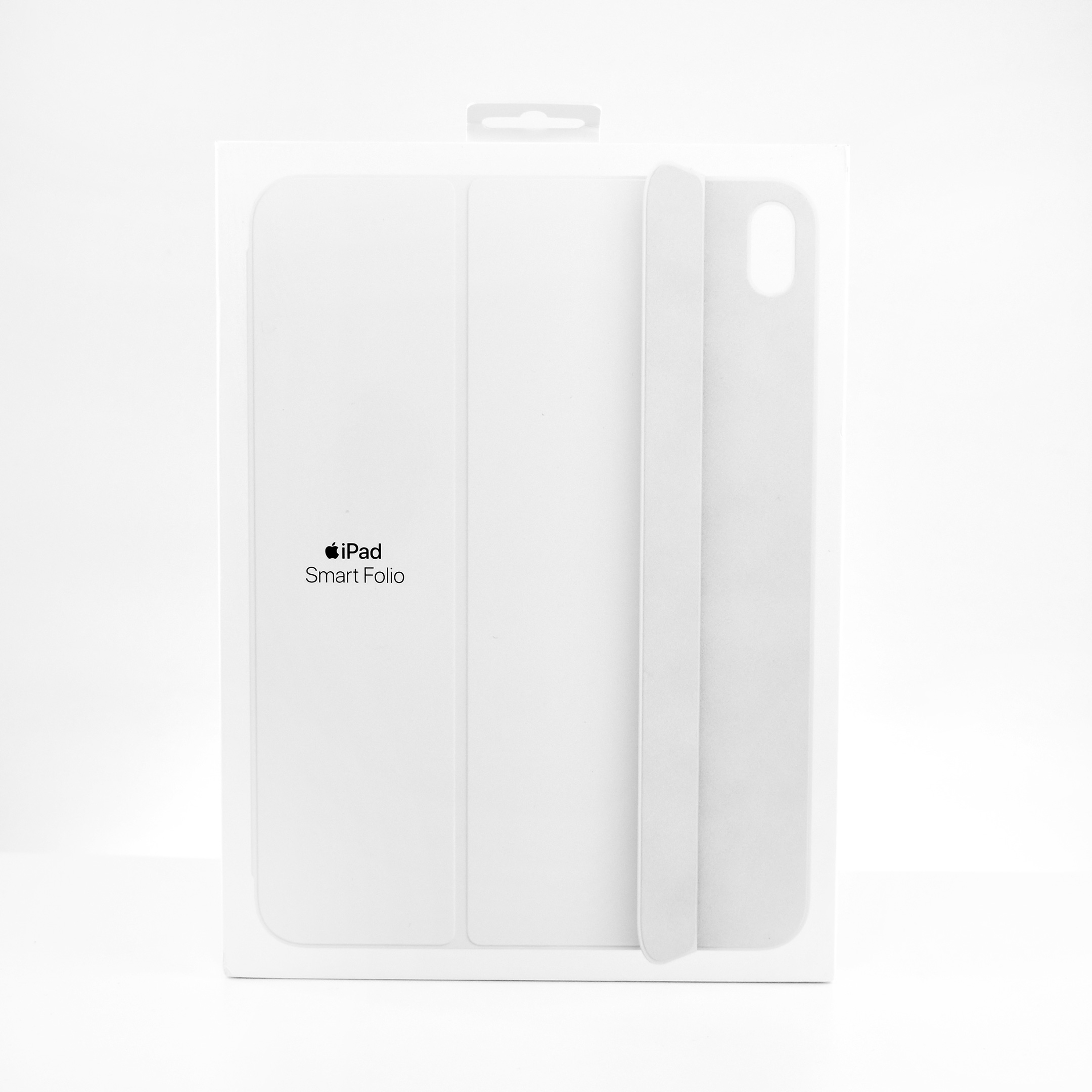
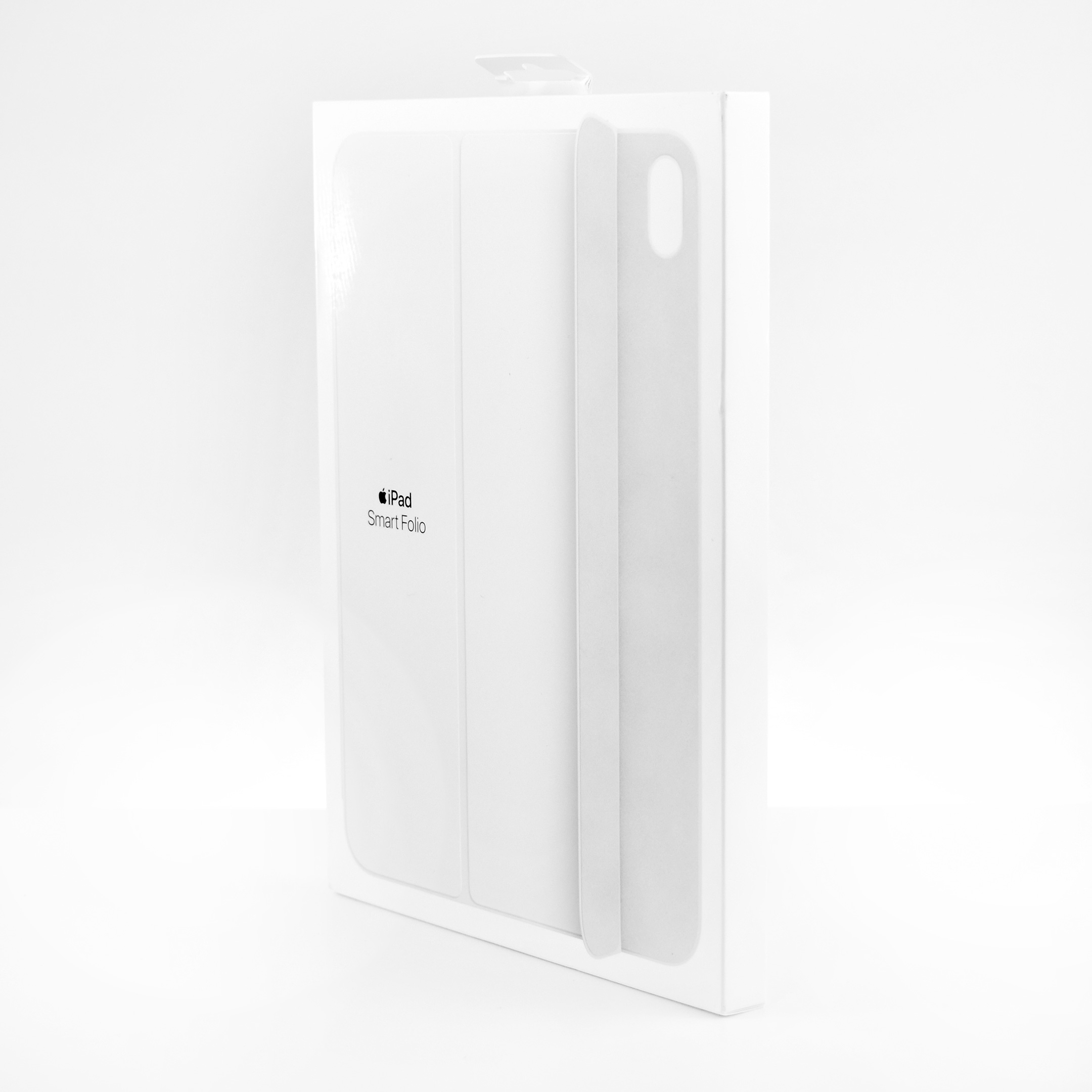
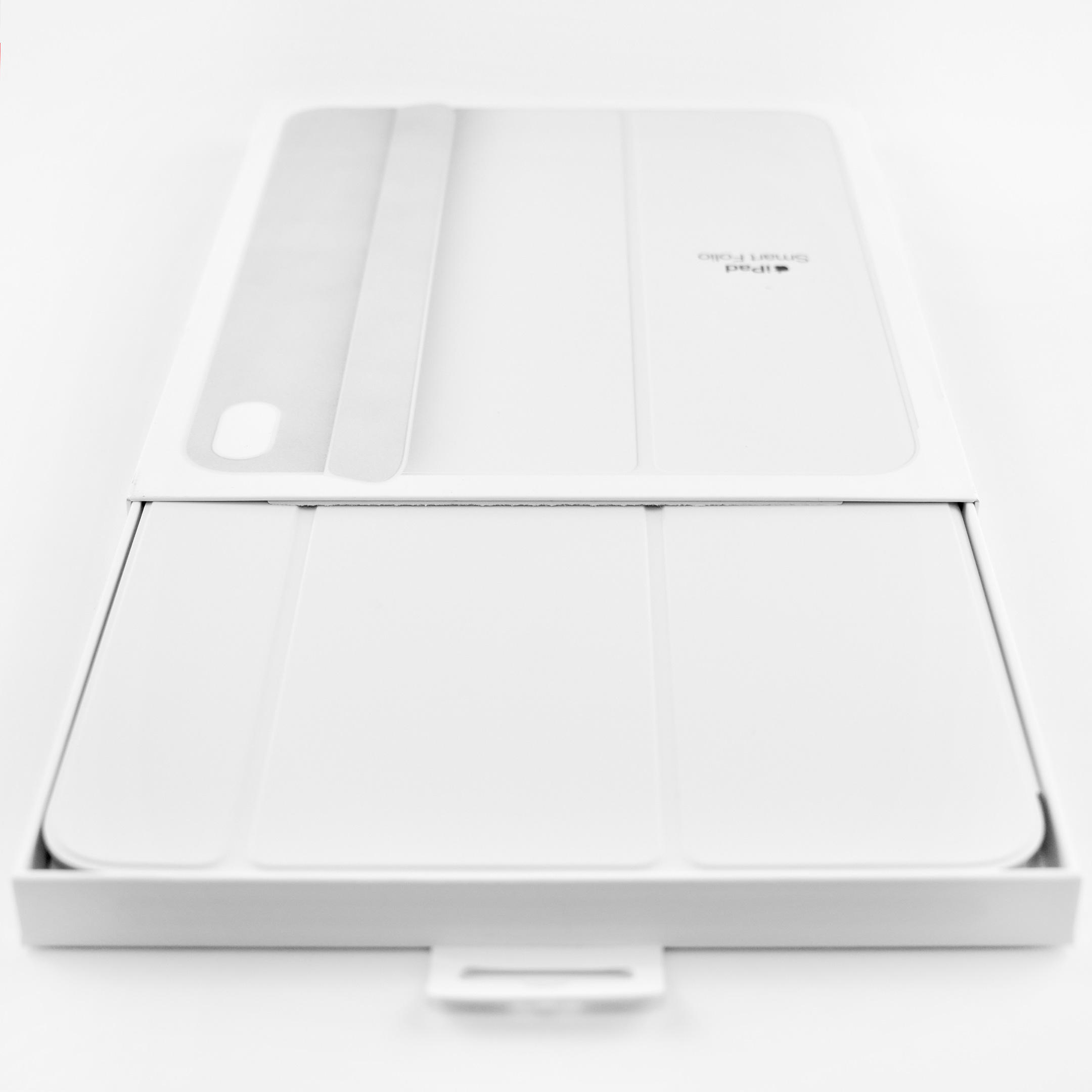
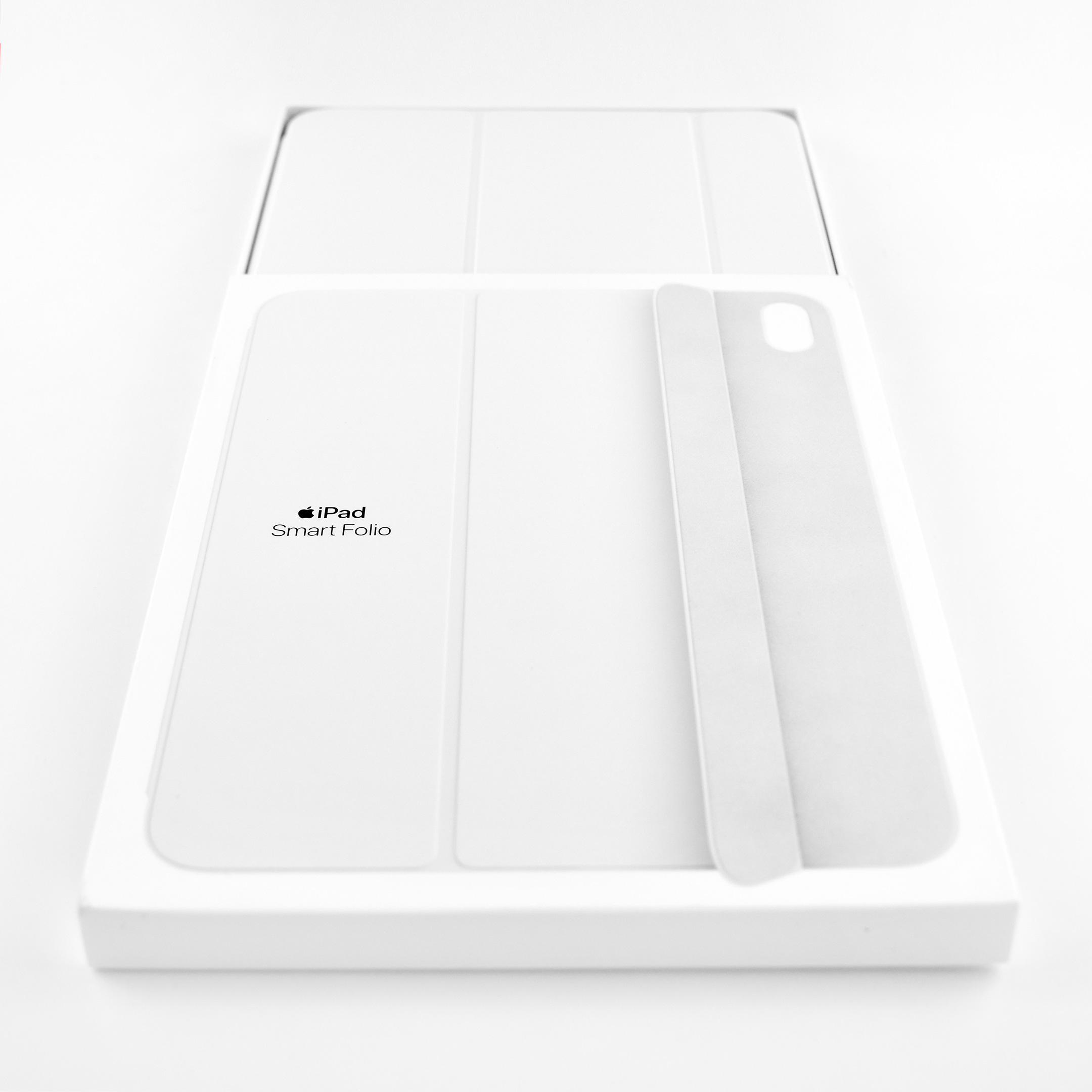
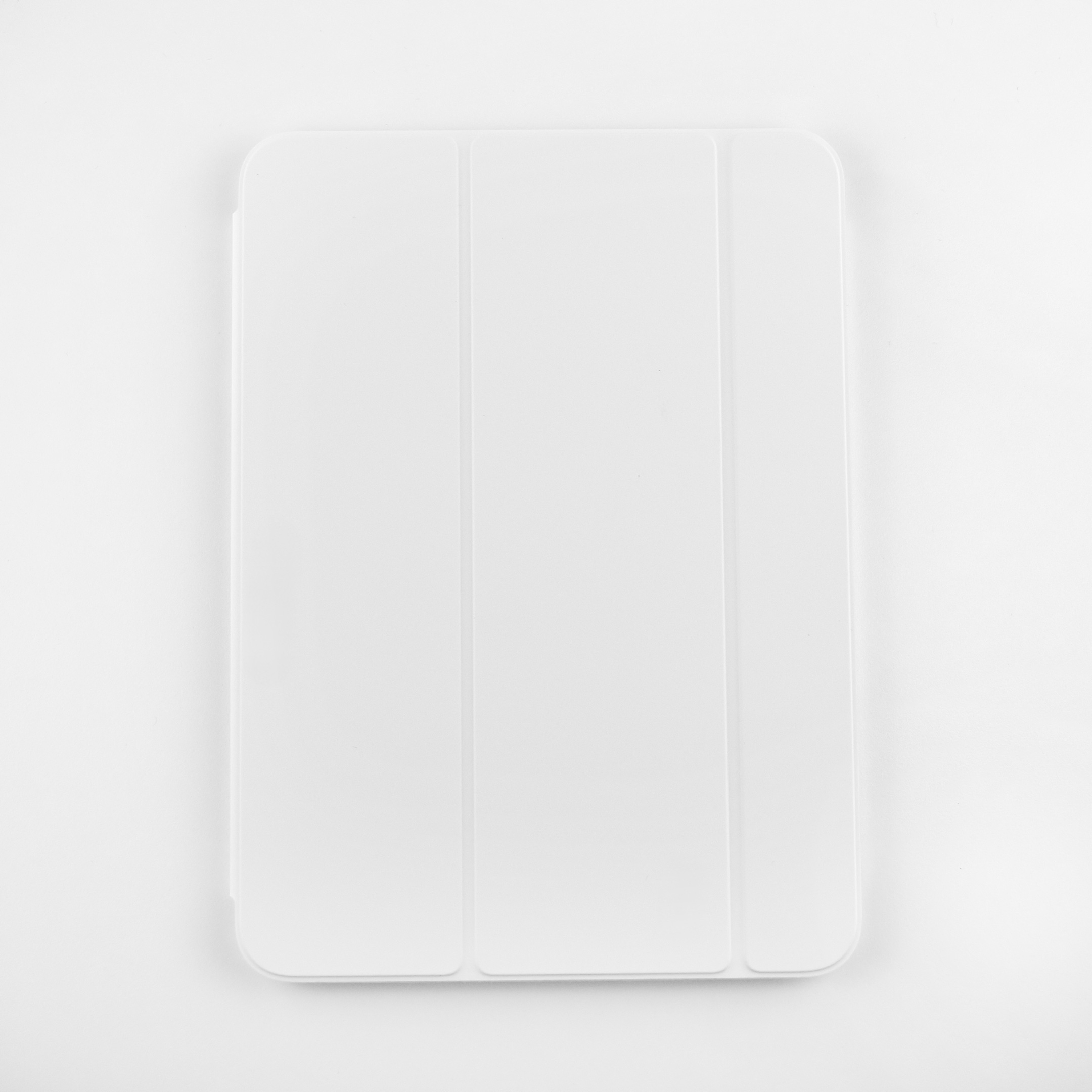
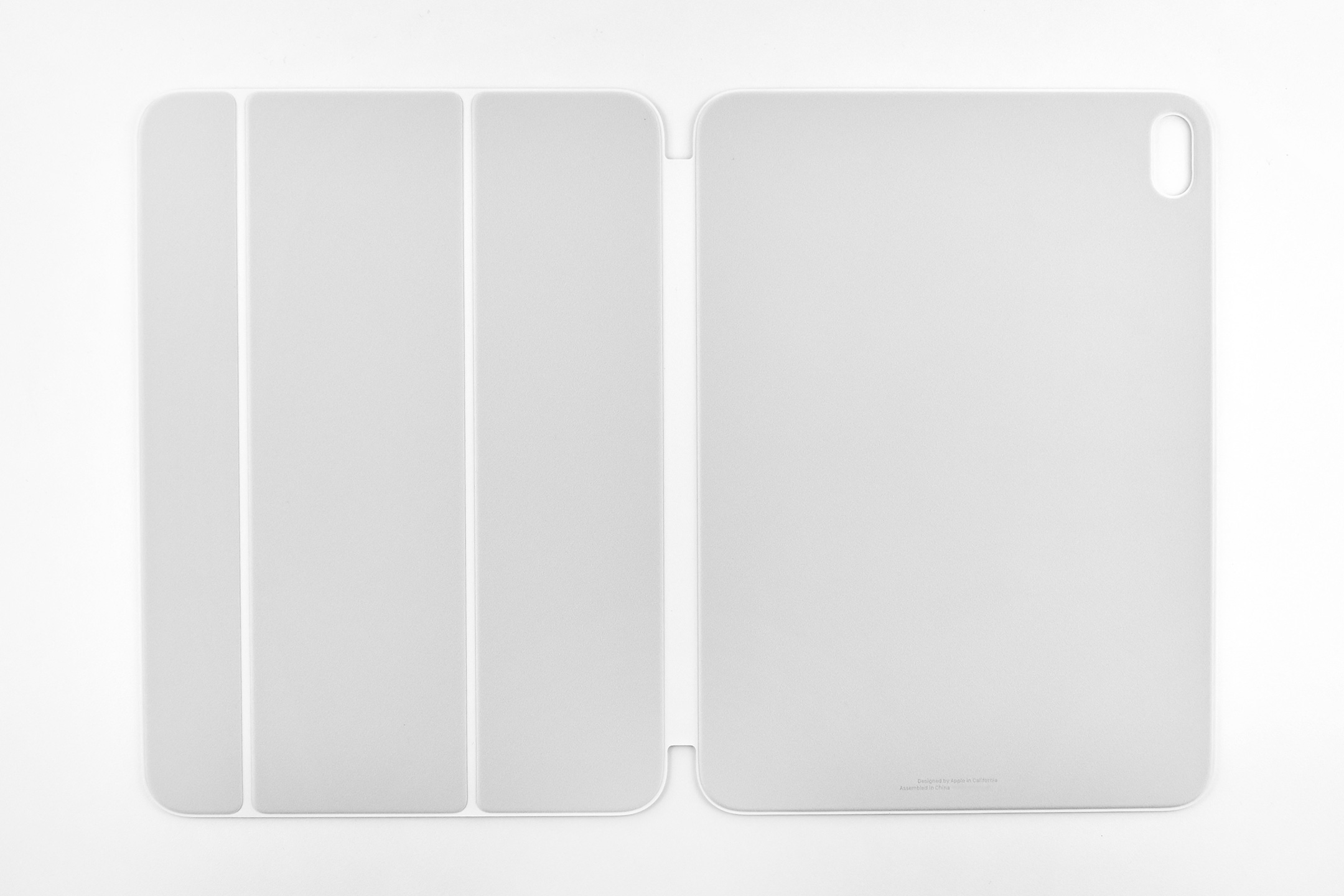
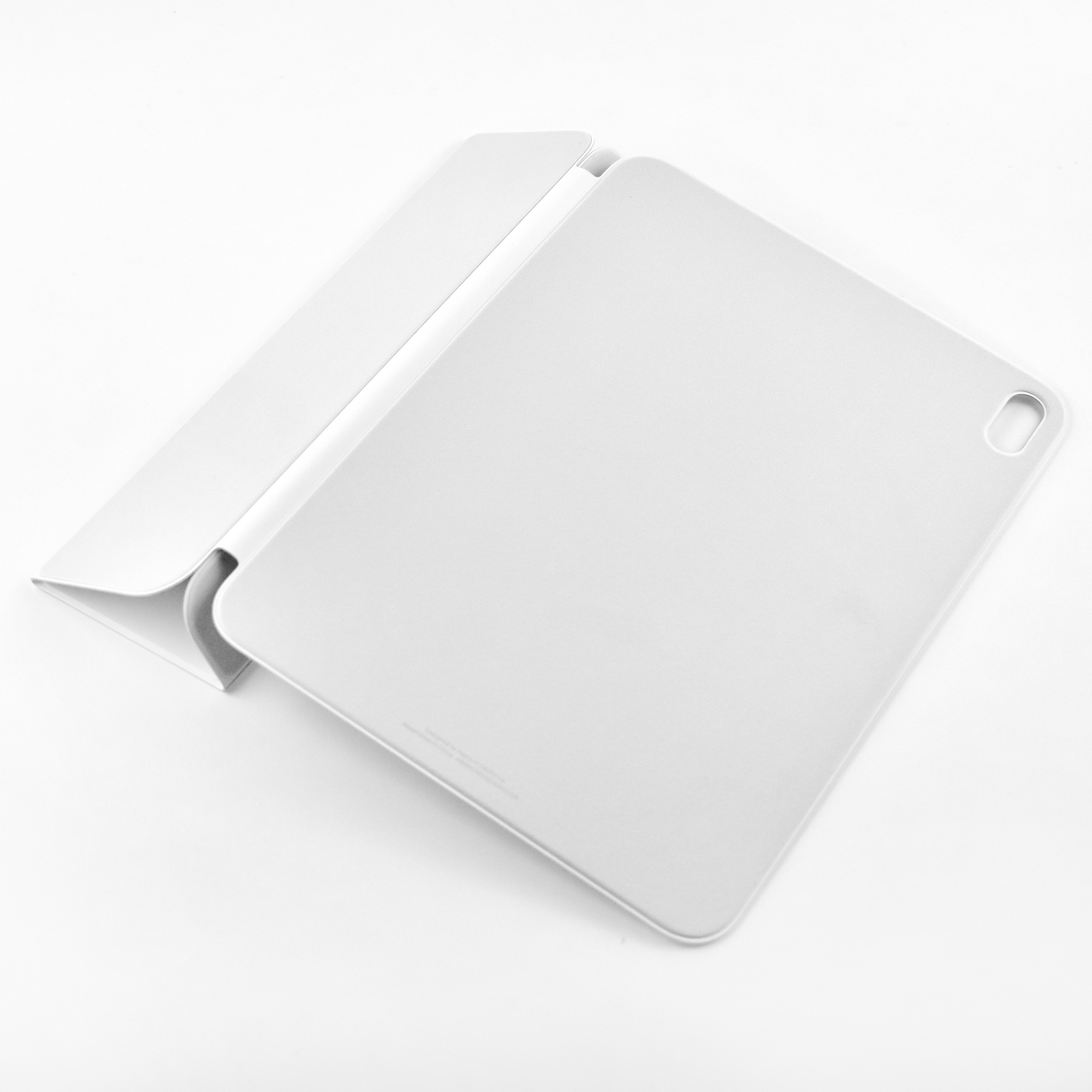
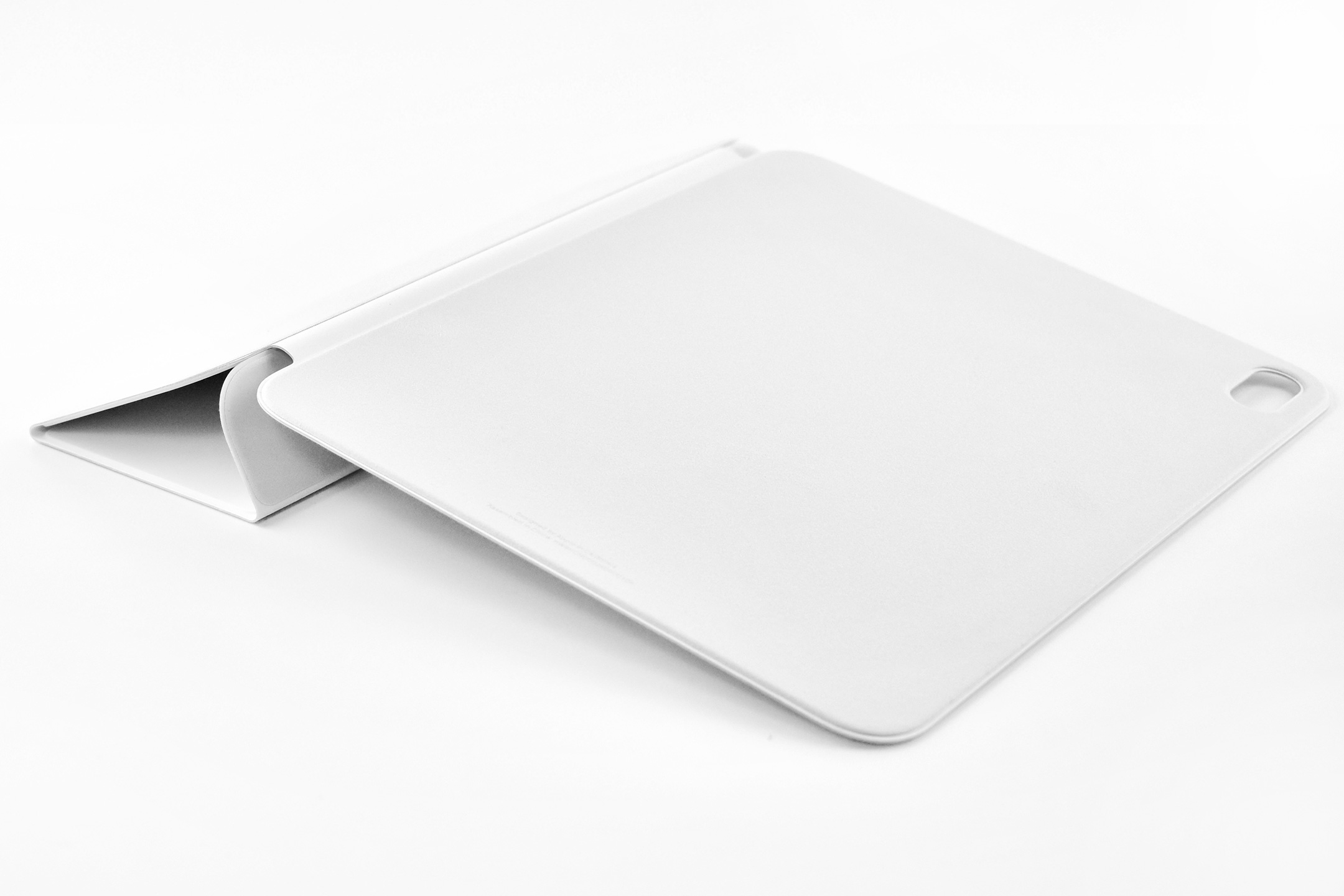
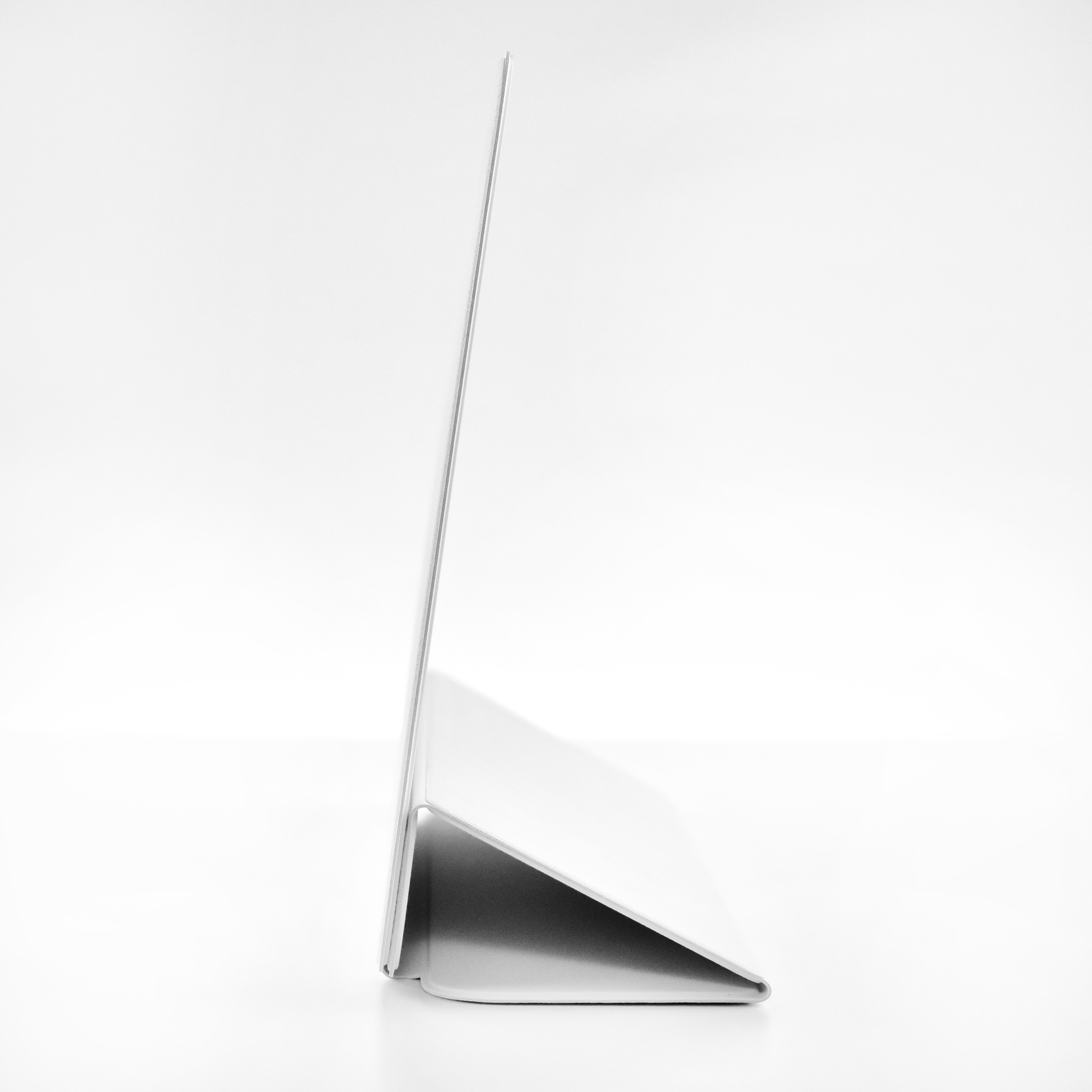
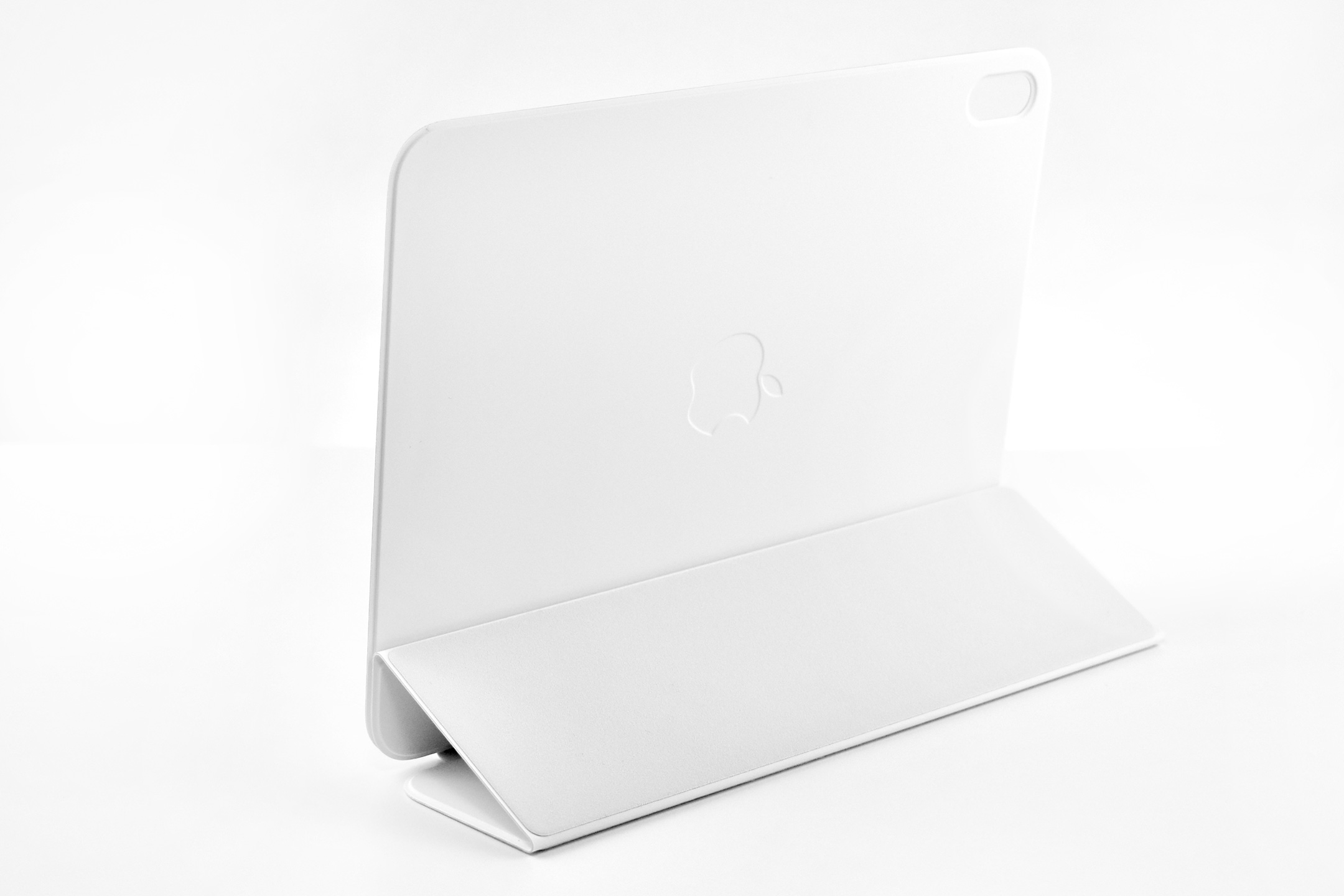
Apple Smart Folio for iPad (A16) (white, 2025)

The Smart Folio for iPad Generation 11 (A16) was identical to the model made for iPad Generation 10. It was “thin and light and offers front and back protection for your device.”

Apple also noted that it “automatically wakes your iPad when opened and puts it to sleep when closed. The Smart Folio attaches magnetically, and you can easily fold it into different positions to create a stand for reading, viewing, typing, or making FaceTime calls.”

This Smart Folio was available in Sky (light blue), White, Watermelon (dark pink), and Lemonade (bright yellow). This example is white.

Source: Apple

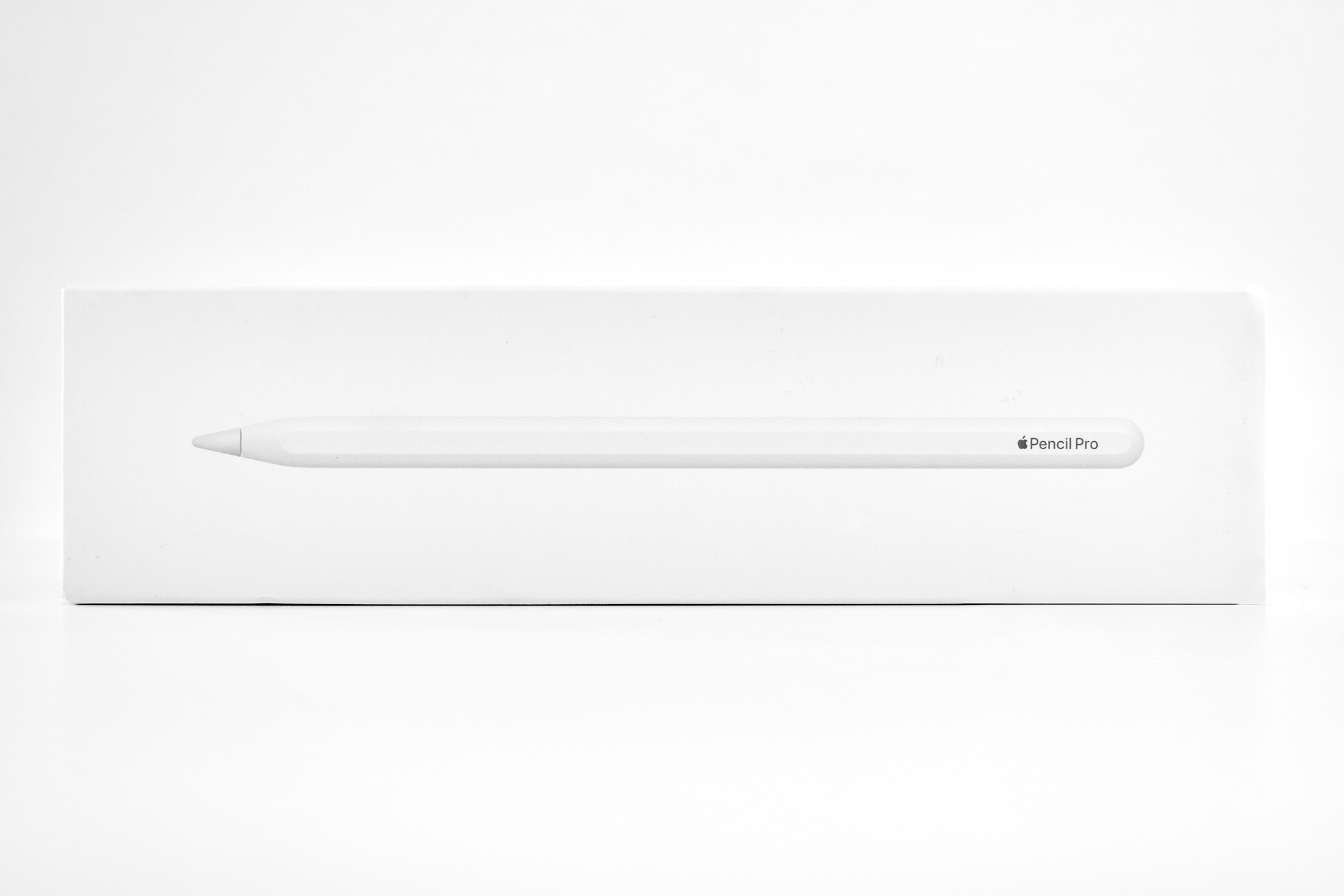
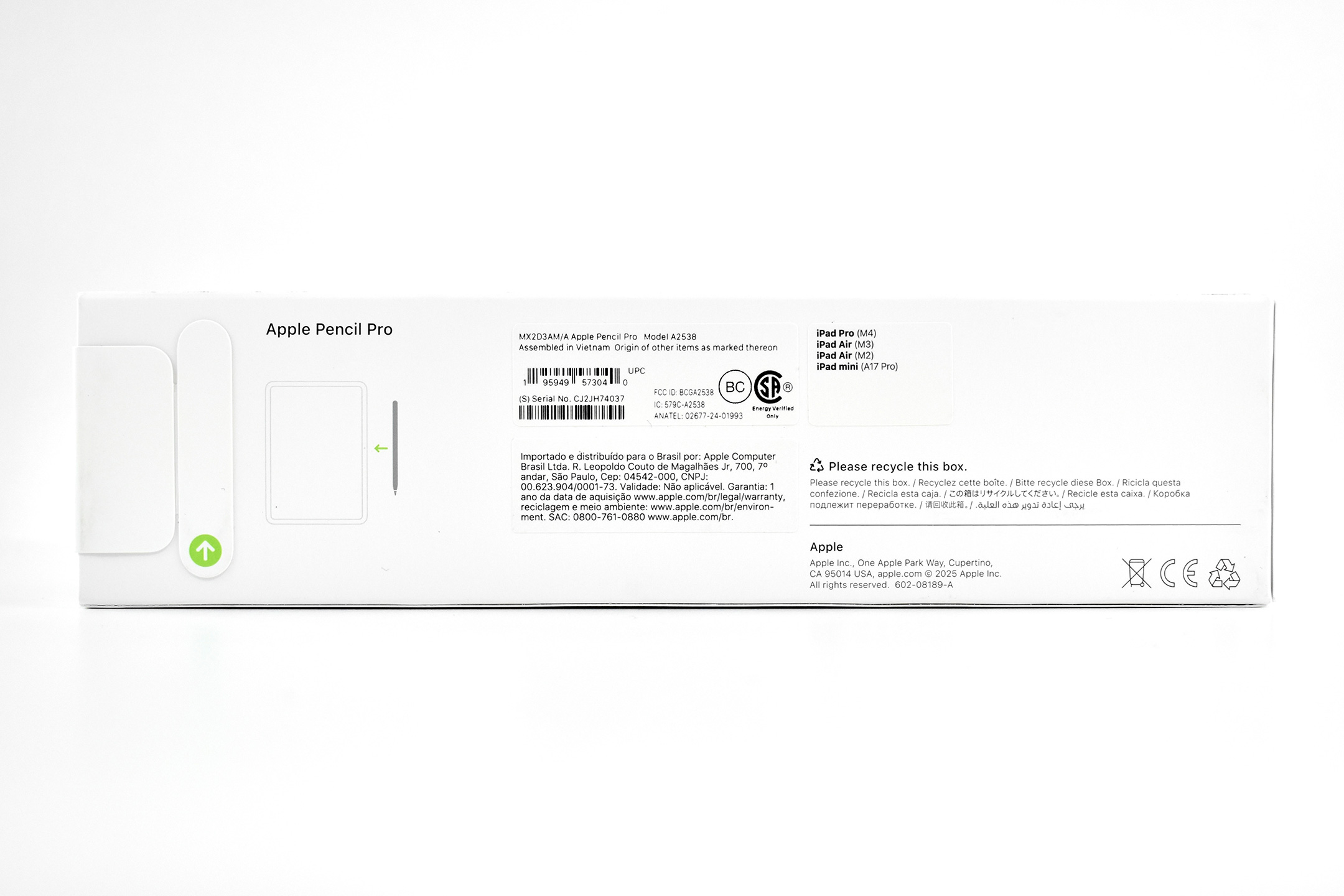
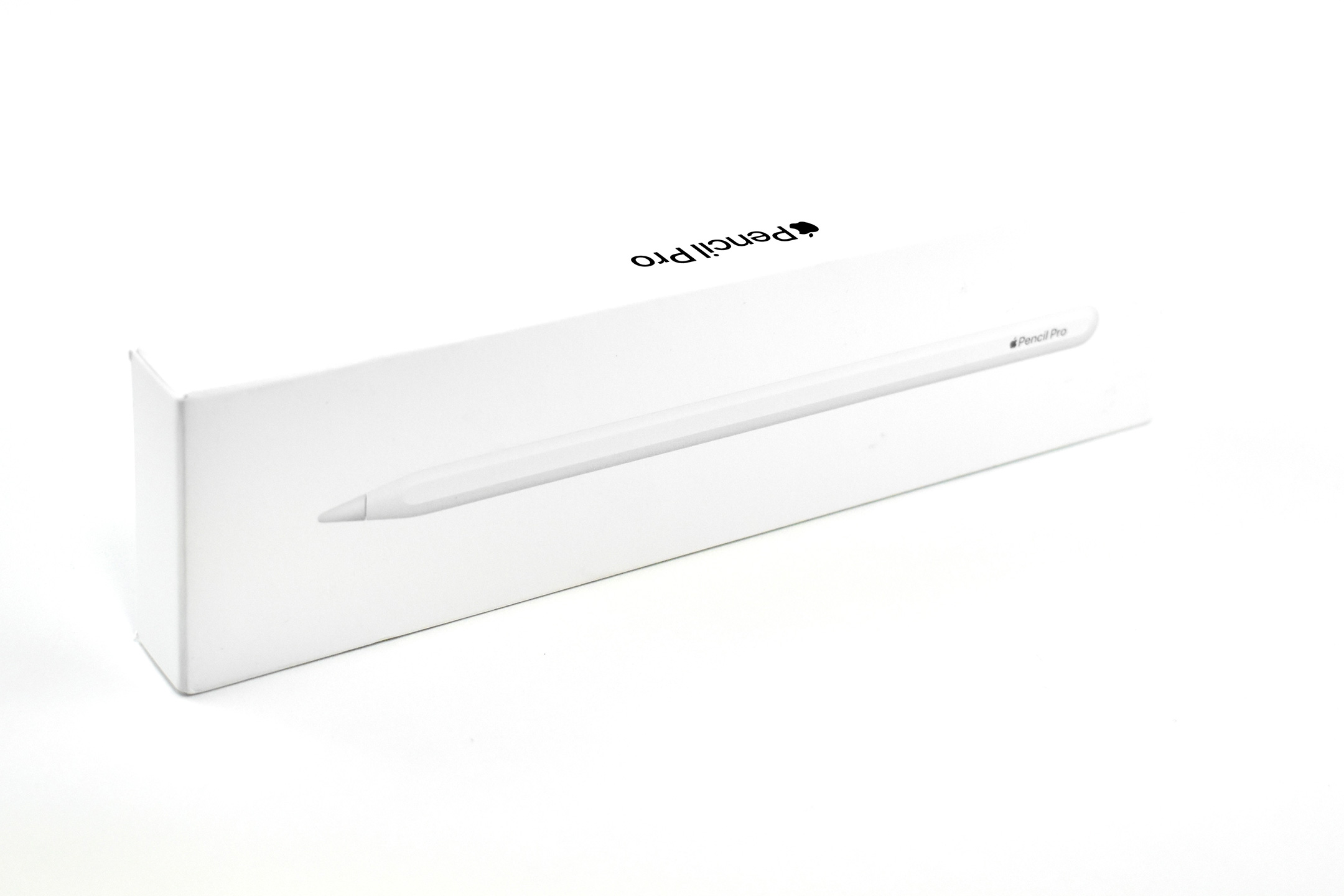
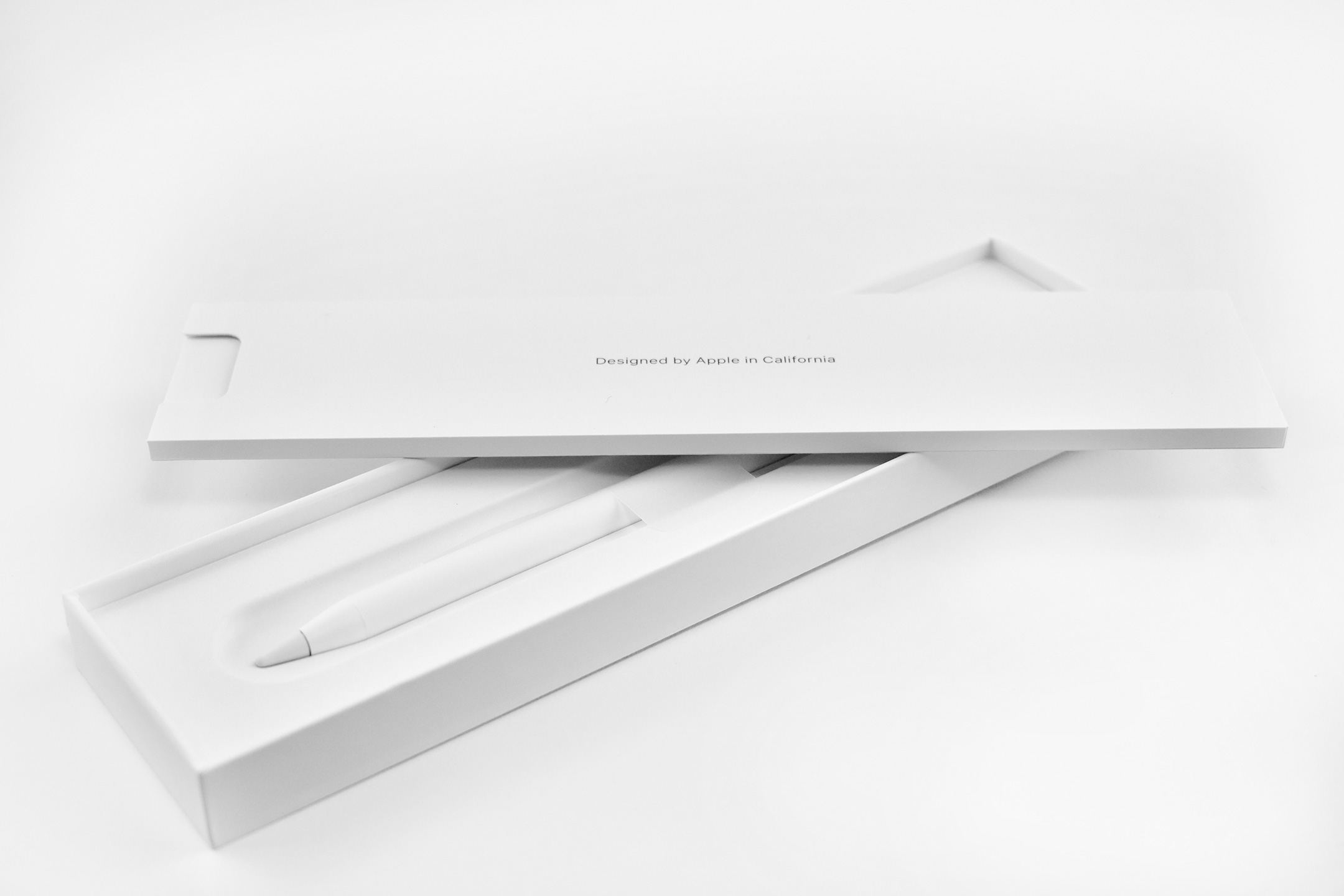
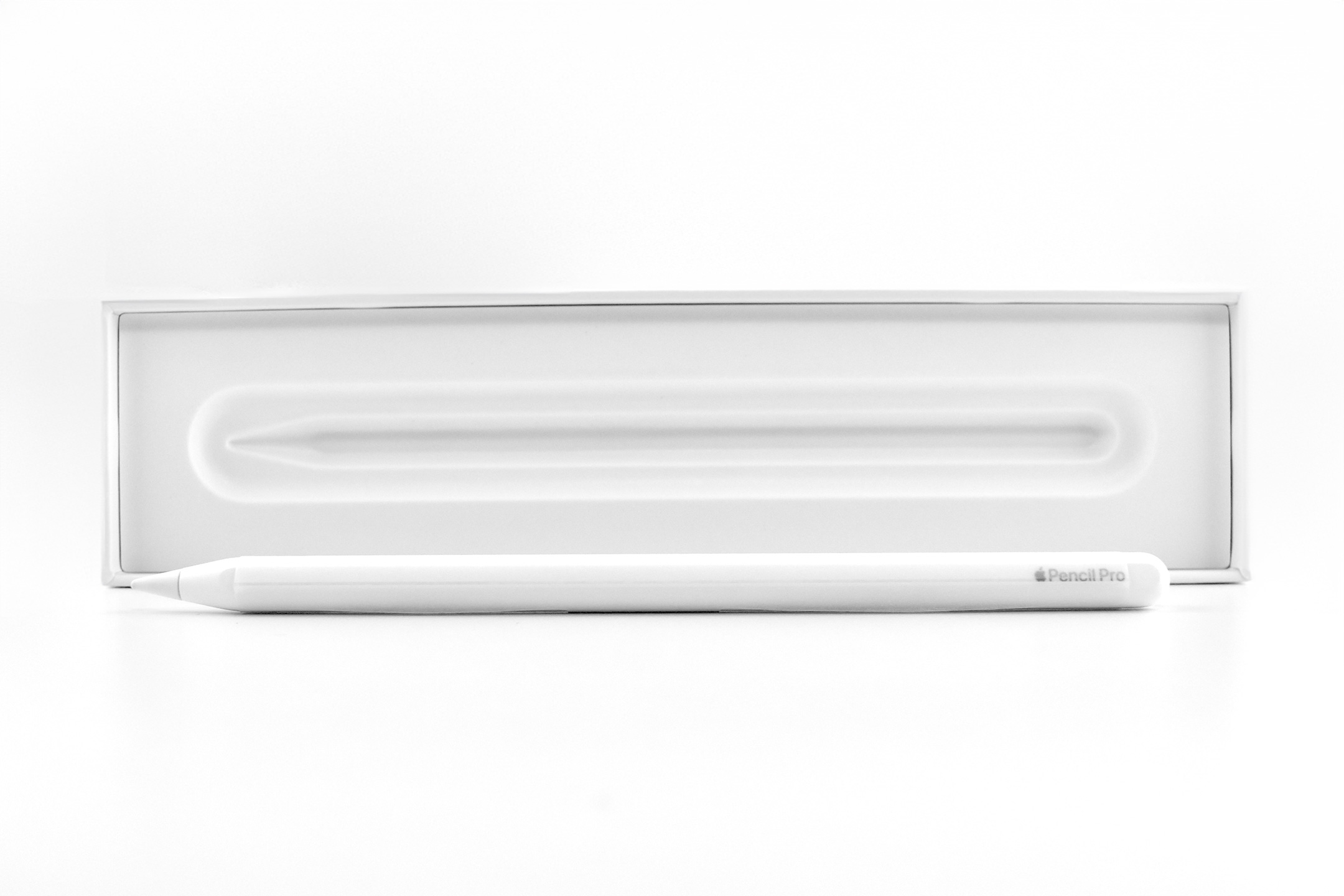
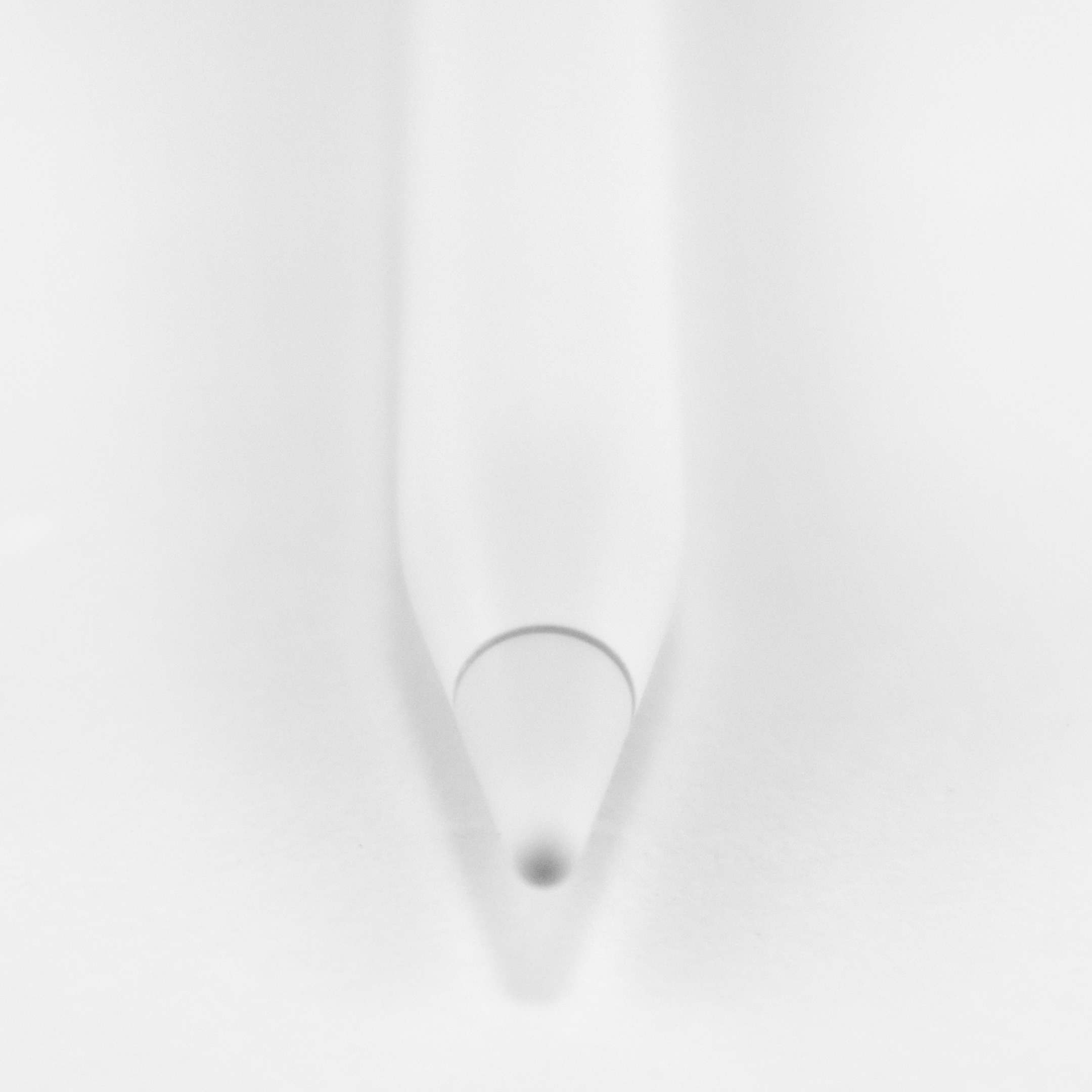
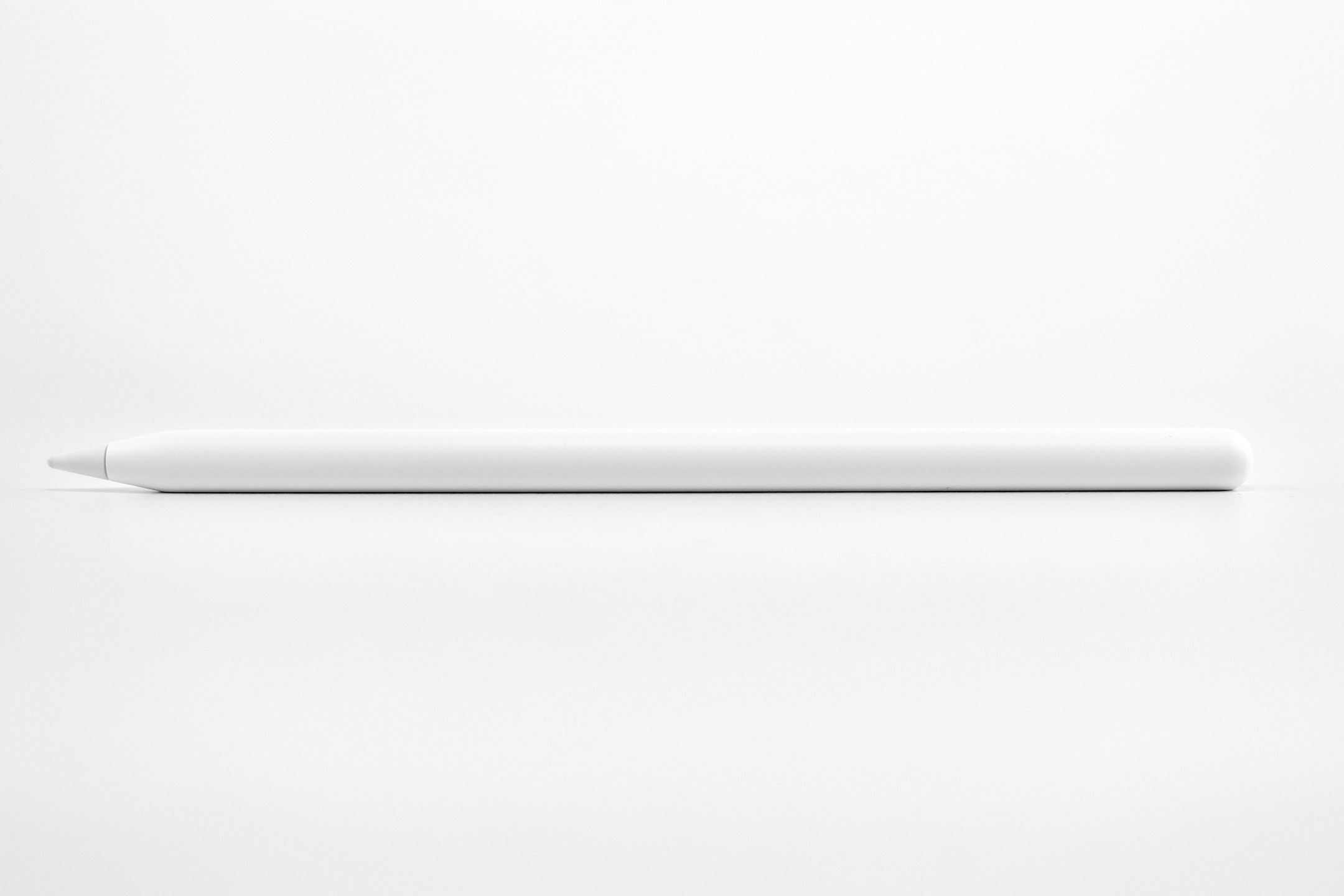
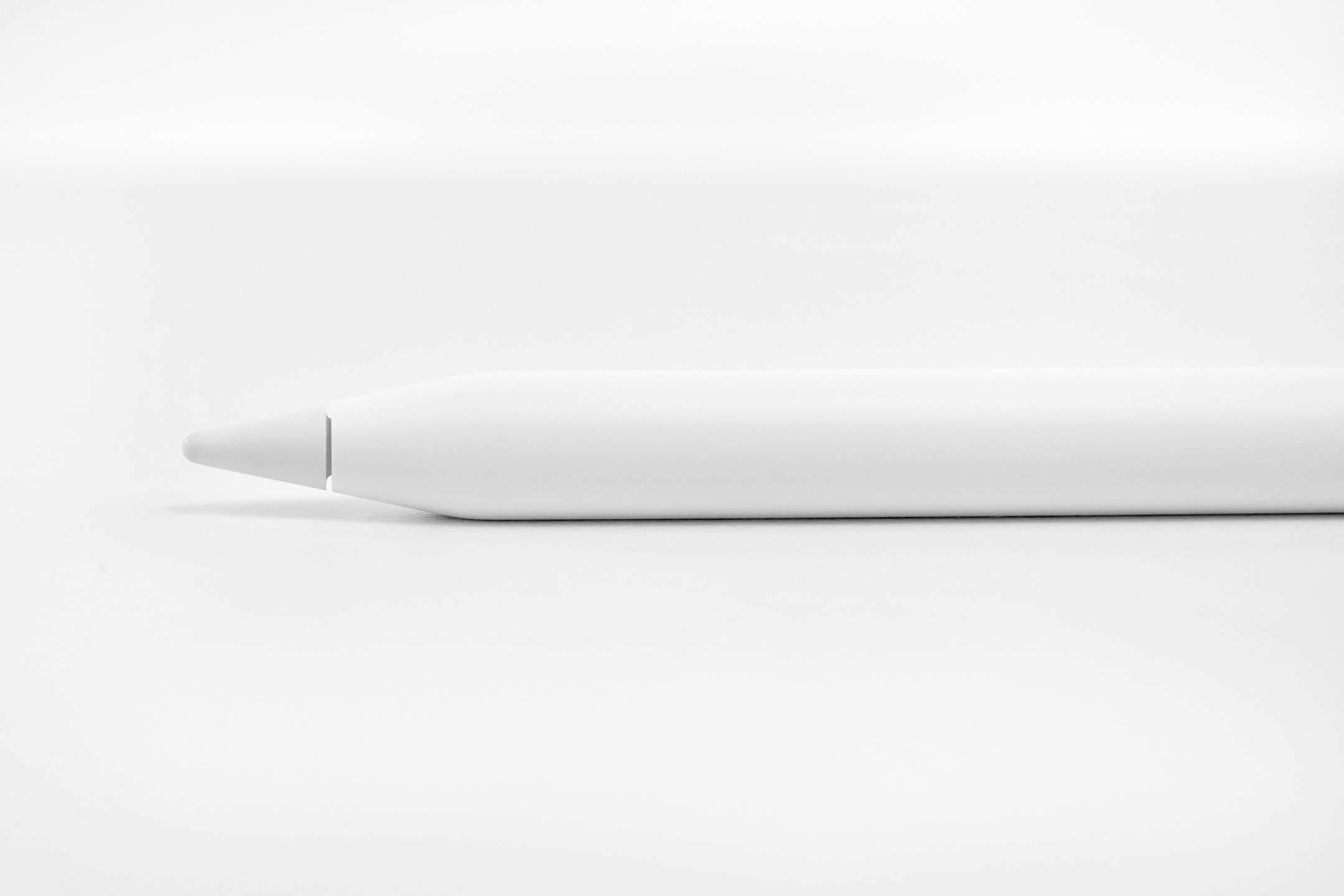
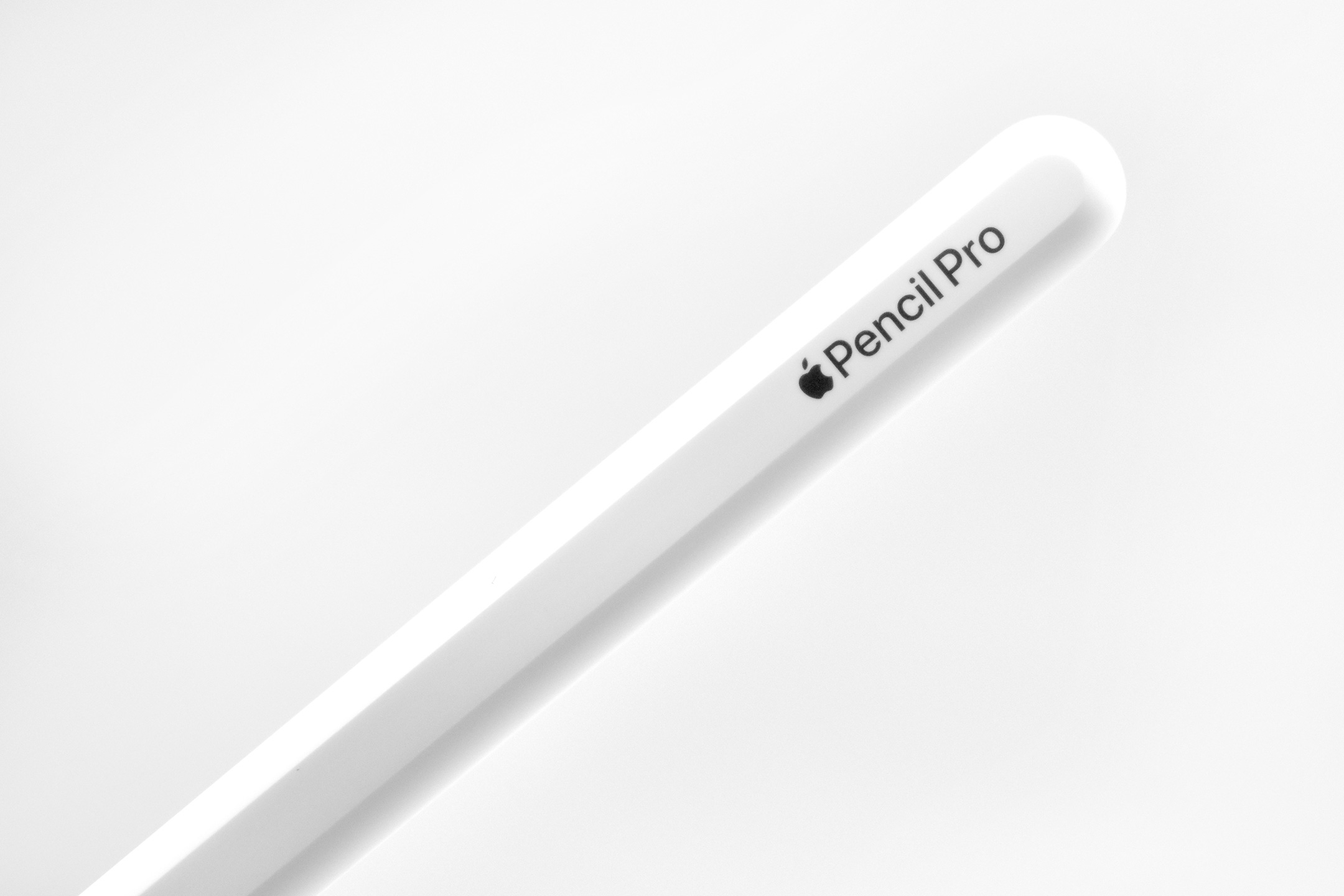
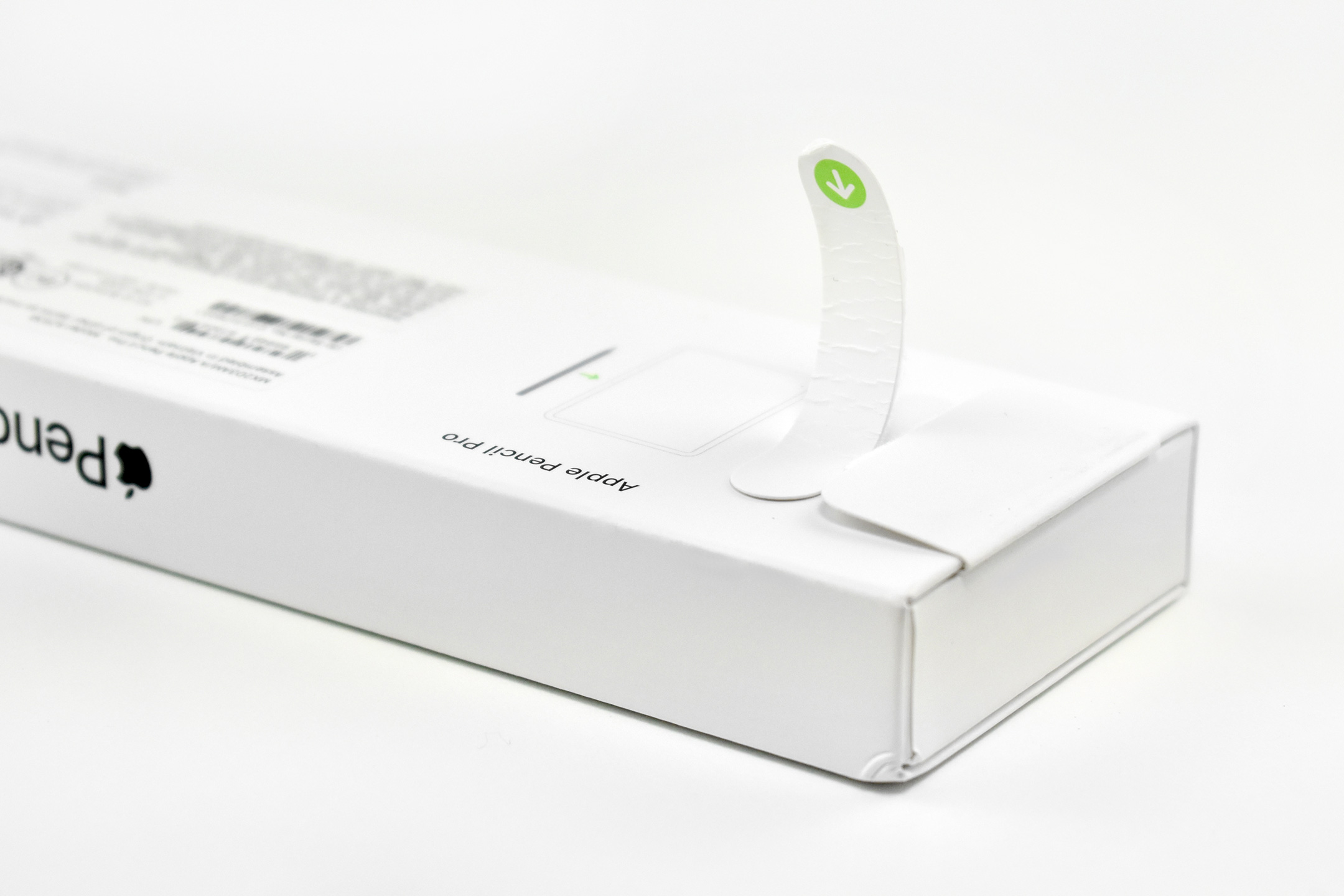
Apple Pencil Pro (2025)

Apple released the Apple Pencil Pro on May 7, 2024, along with the M4 iPad Pro. The Pencil Pro introduced several new features compared to previous Apple Pencil models:

“Apple Pencil Pro adds even more magical capabilities to help bring your ideas to life. Advanced features like squeeze, barrel roll, and haptic feedback make marking up, taking notes, and creating a masterpiece more intuitive than ever. Use Apple Pencil hover to preview exactly where Apple Pencil Pro will touch down on the display, and double-tap to quickly switch tools.”

Apple Pencil Pro also included a Find My feature, and retained previous features, such as the ability to pair, charge, and store magnetically on the side of the iPad.

In the press release, Apple detailed the new functions:

  • The barrel can sense a user’s squeeze, bringing up a tool palette to quickly switch tools, line weights, and colors.
  • A custom haptic engine delivers a light tap that provides confirmation when users squeeze, use double-tap, or snap to a Smart Shape
  • A gyroscope allows users to rotate the barrel to change the orientation of shaped pen and brush tools, just like pen and paper.
  • Hover allows users can visualize the exact orientation of a tool before making a mark.

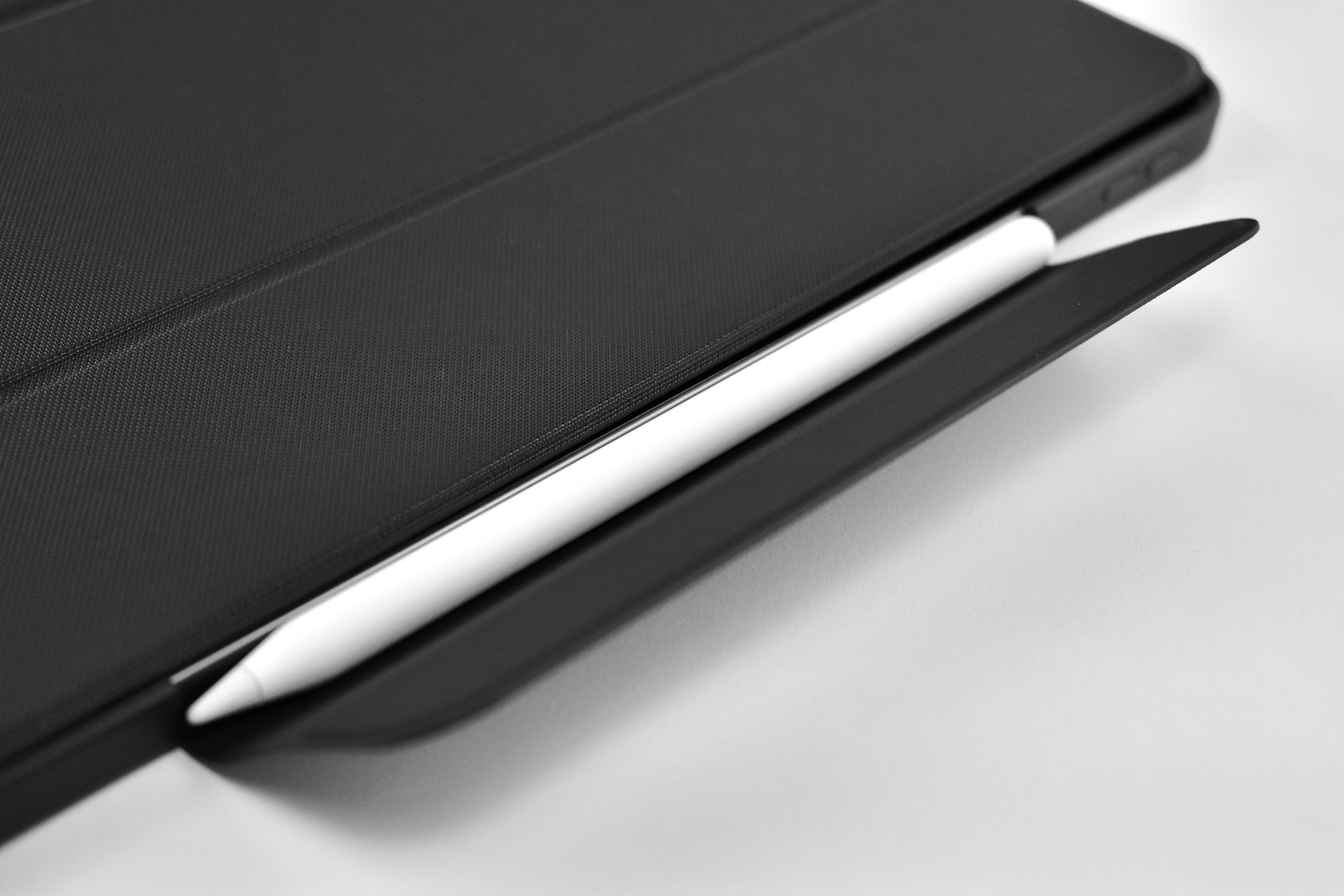
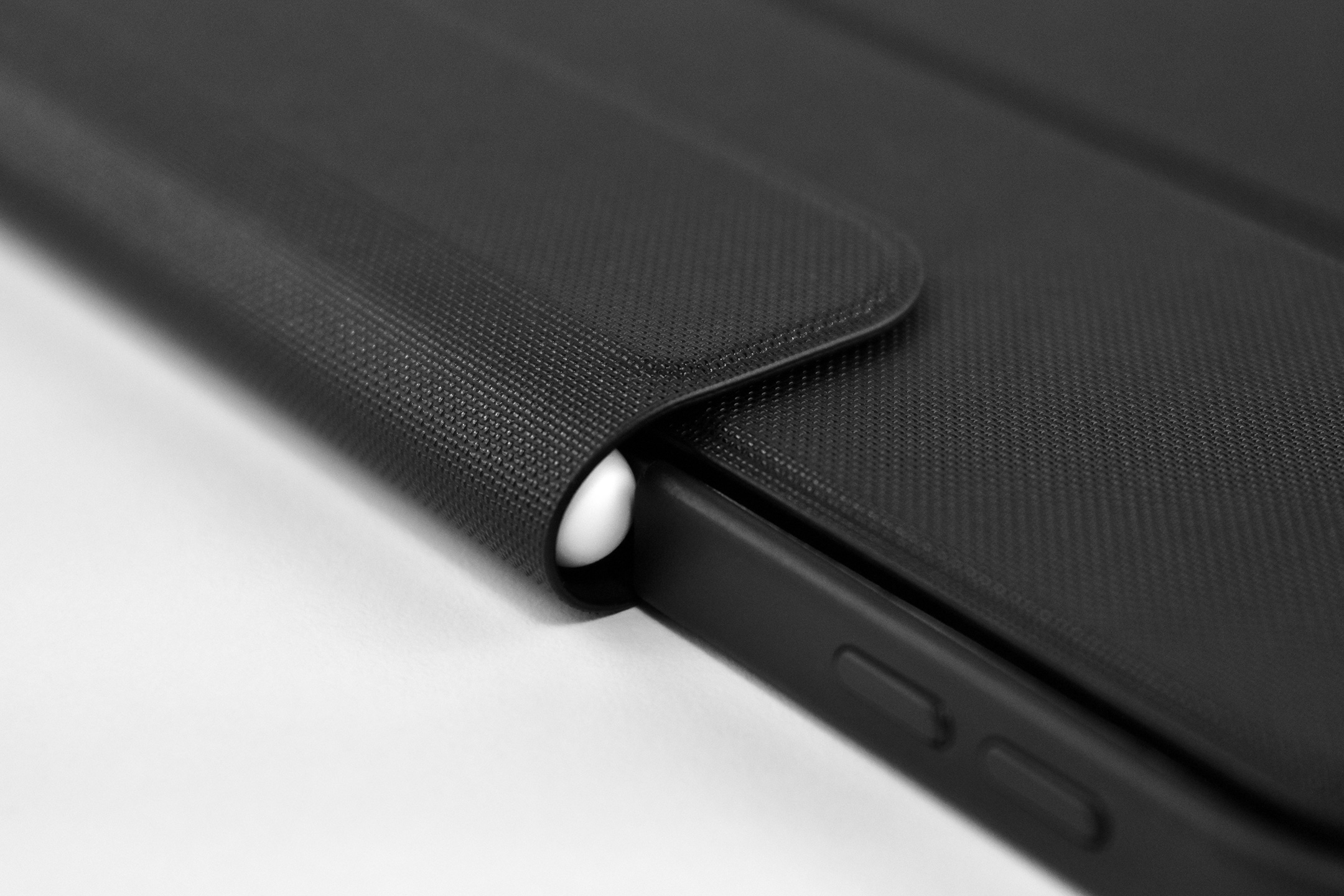
This Apple Pencil was used with the iPad Air 13-inch (M3, 2025) and photographed in the Symmetry Series Folio case (for iPad Air 13-inch M2 and M3) by OtterBox in their “Starry Night” (black, clear, grey) color. The hinged folio design folded around the Apple Pencil attached by magnets, providing both protection and charging.

Sources: Apple (newsroom, Apple Pencil product page), OtterBox

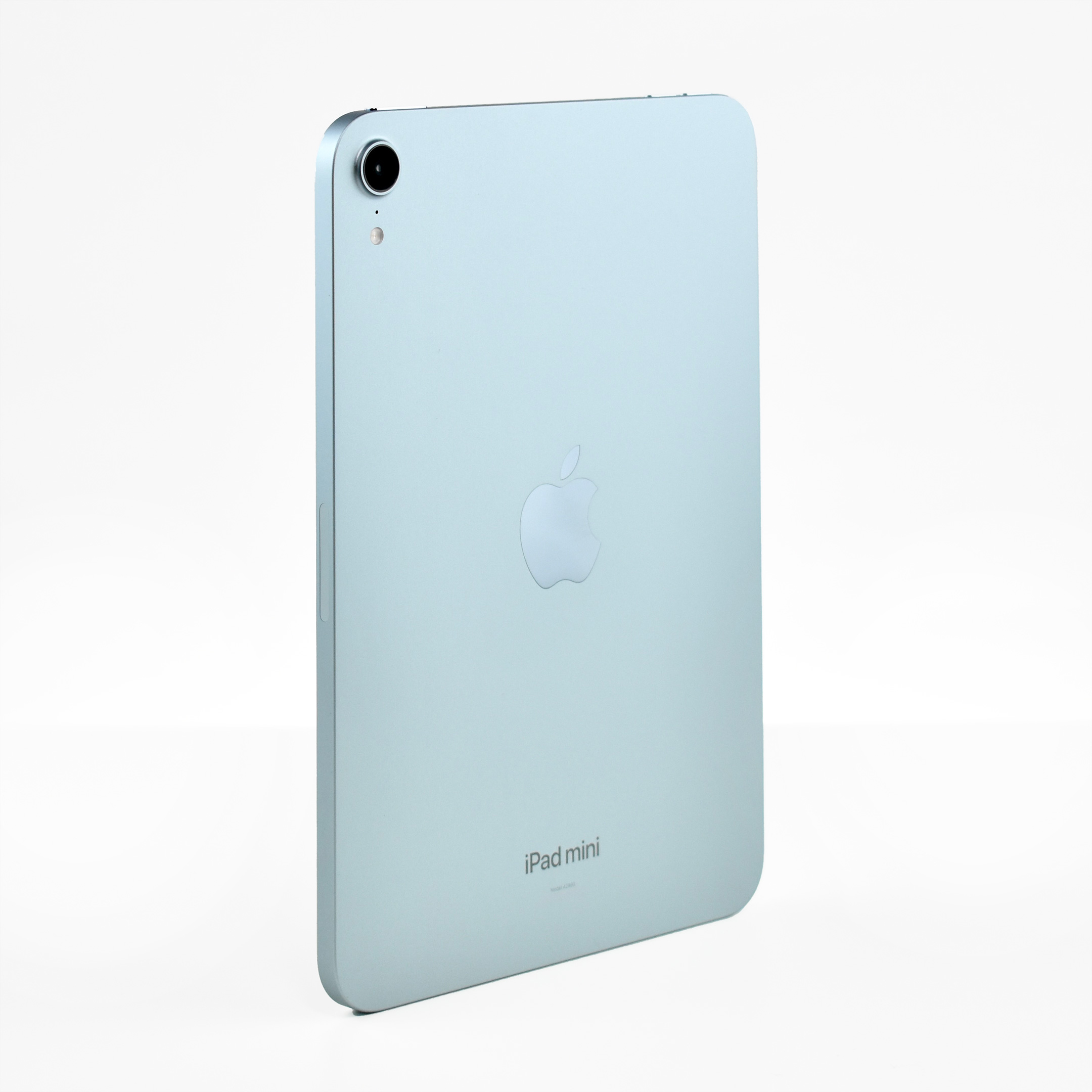
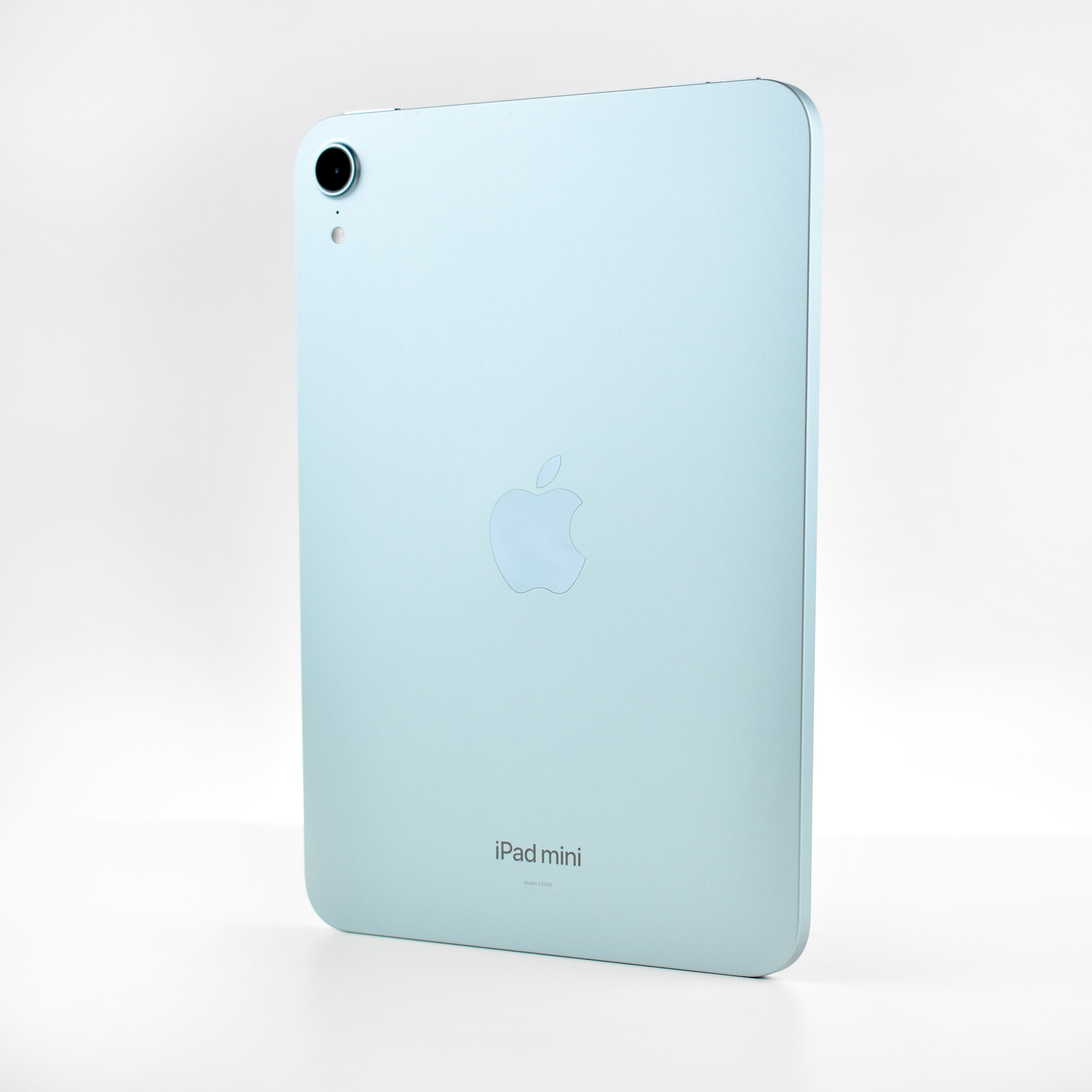
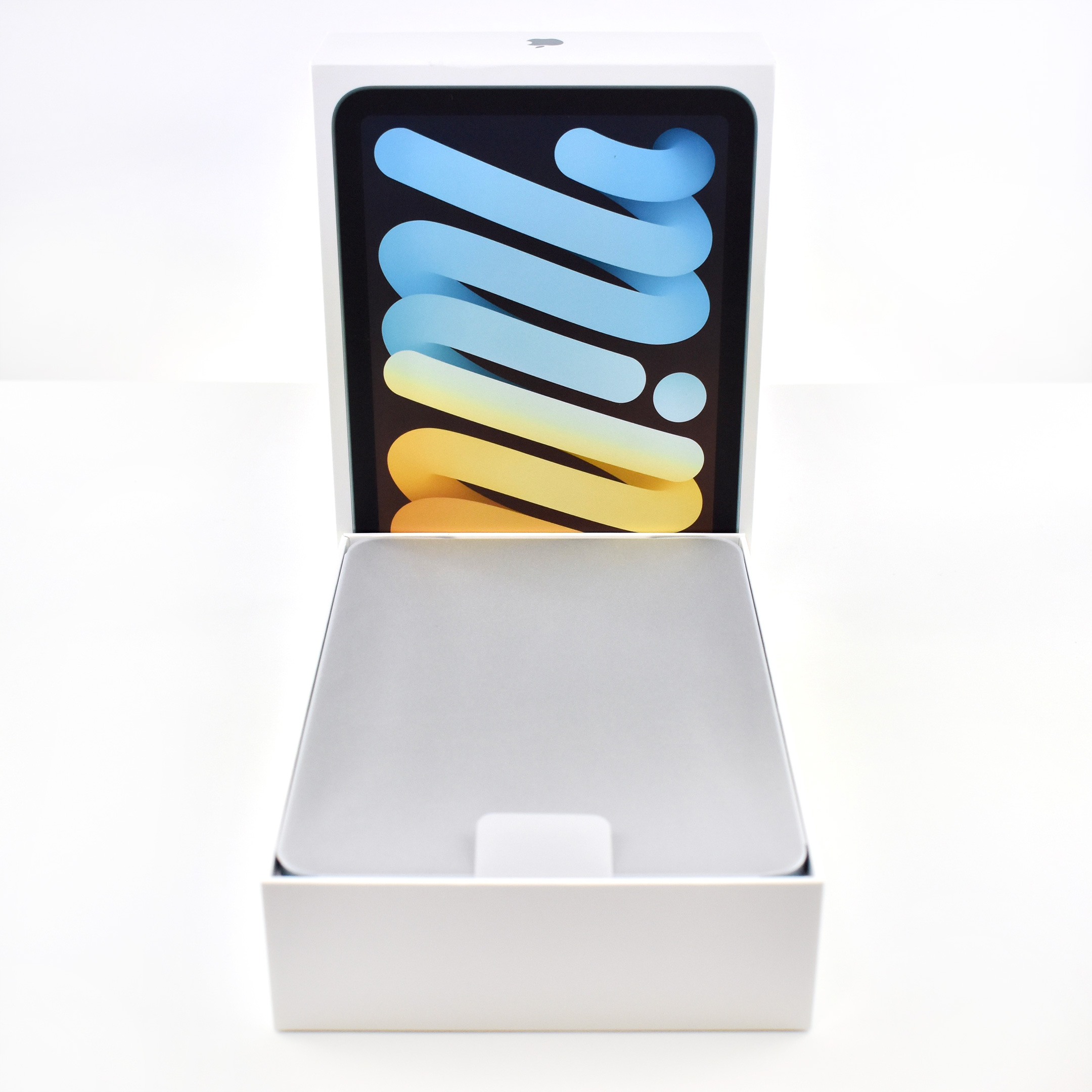
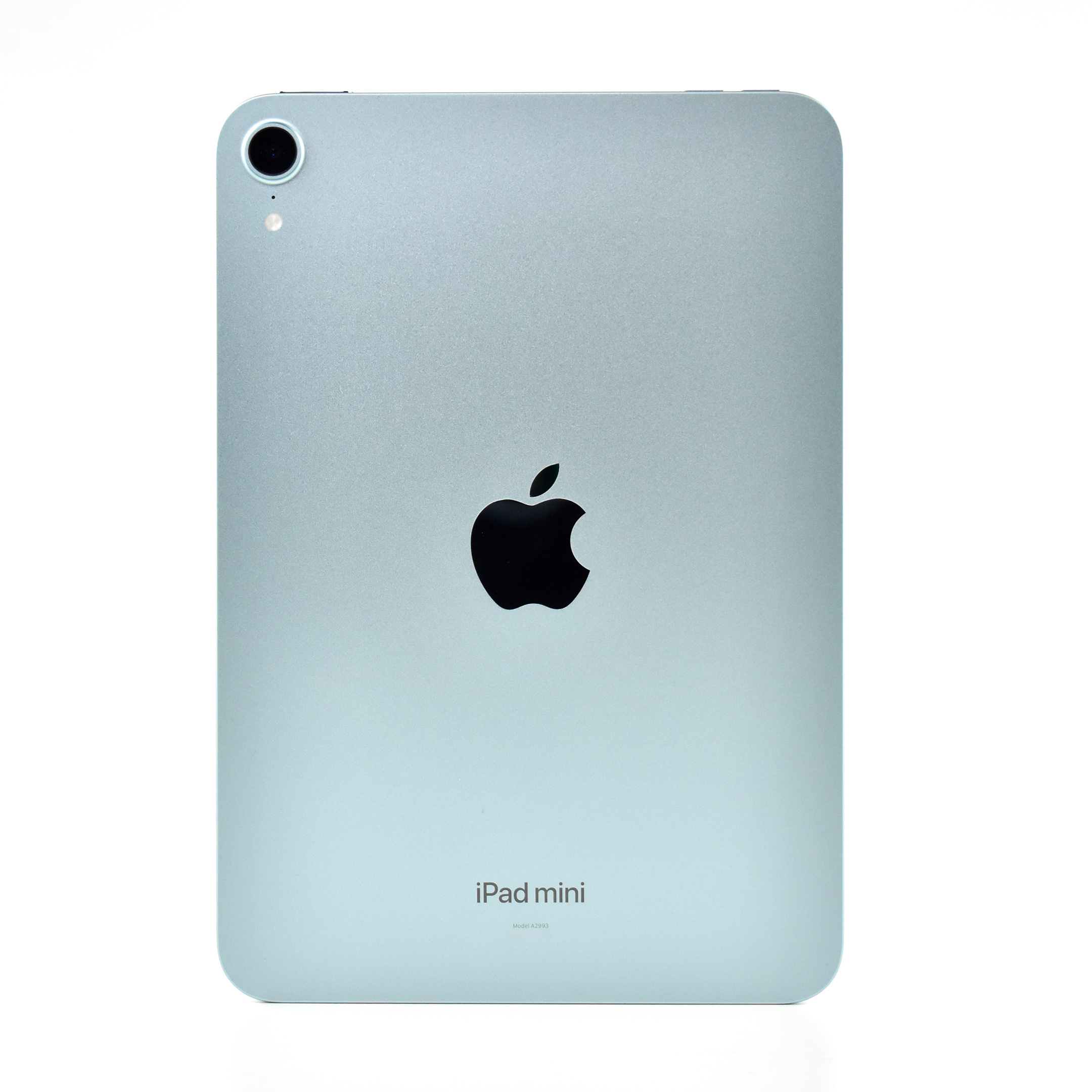
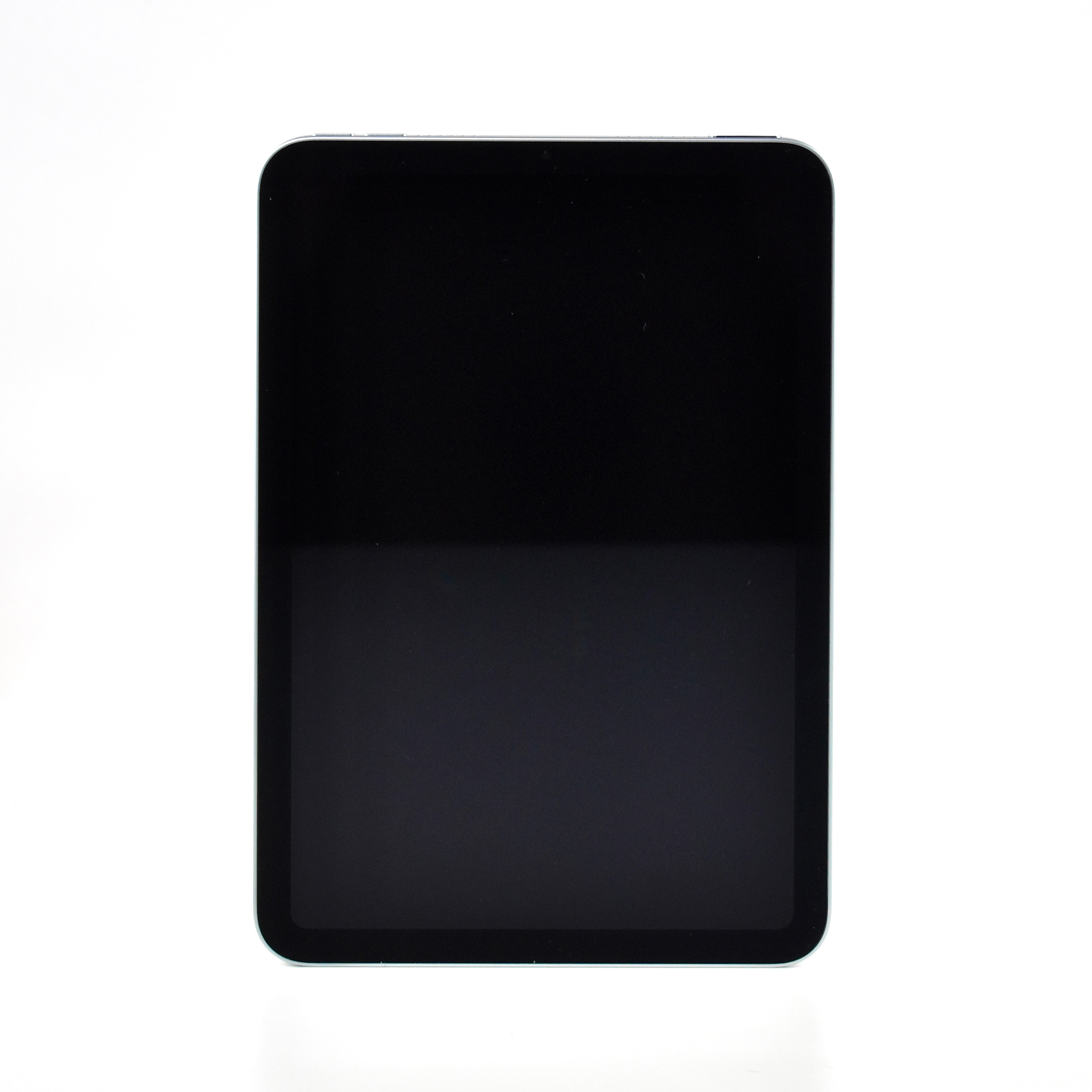
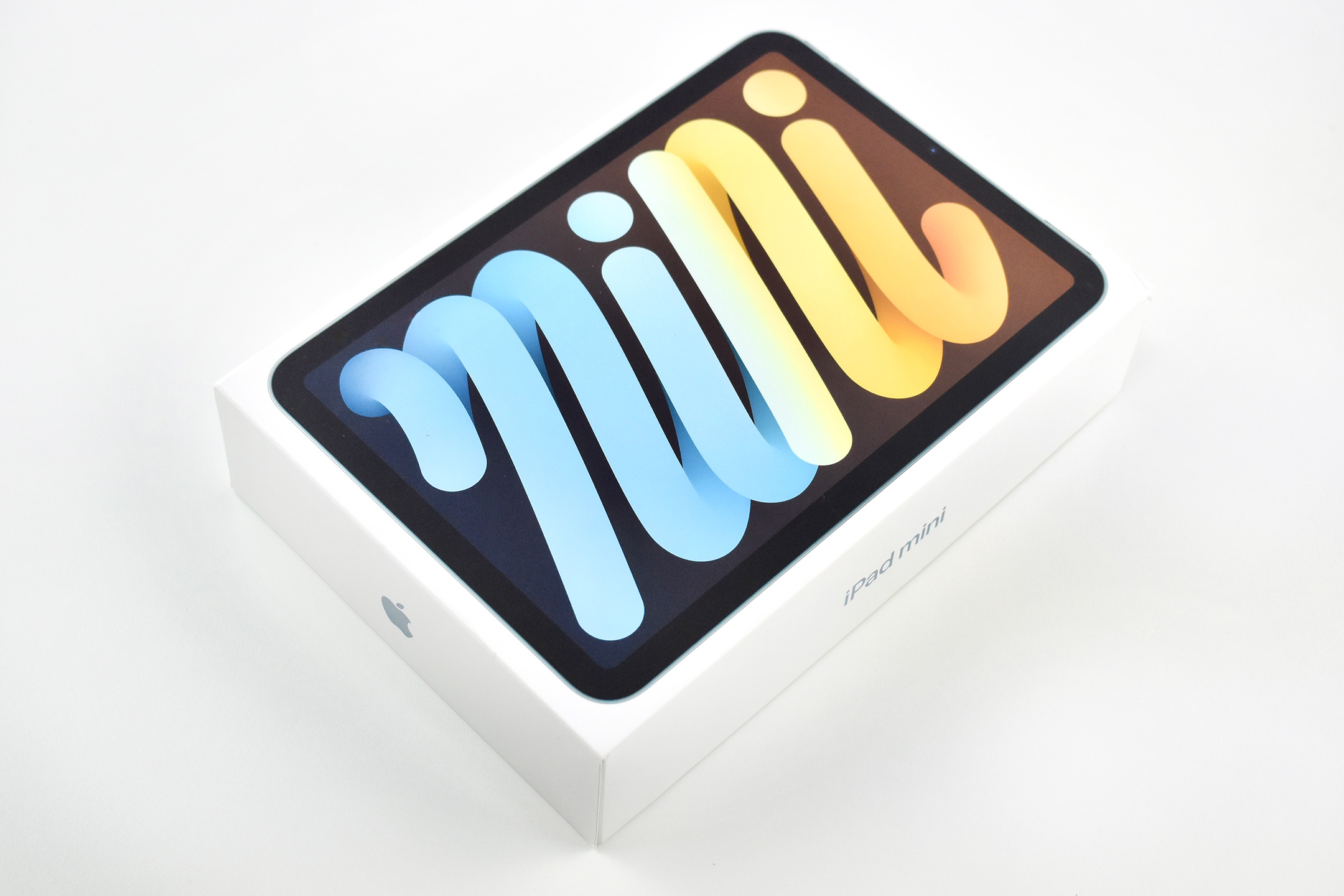
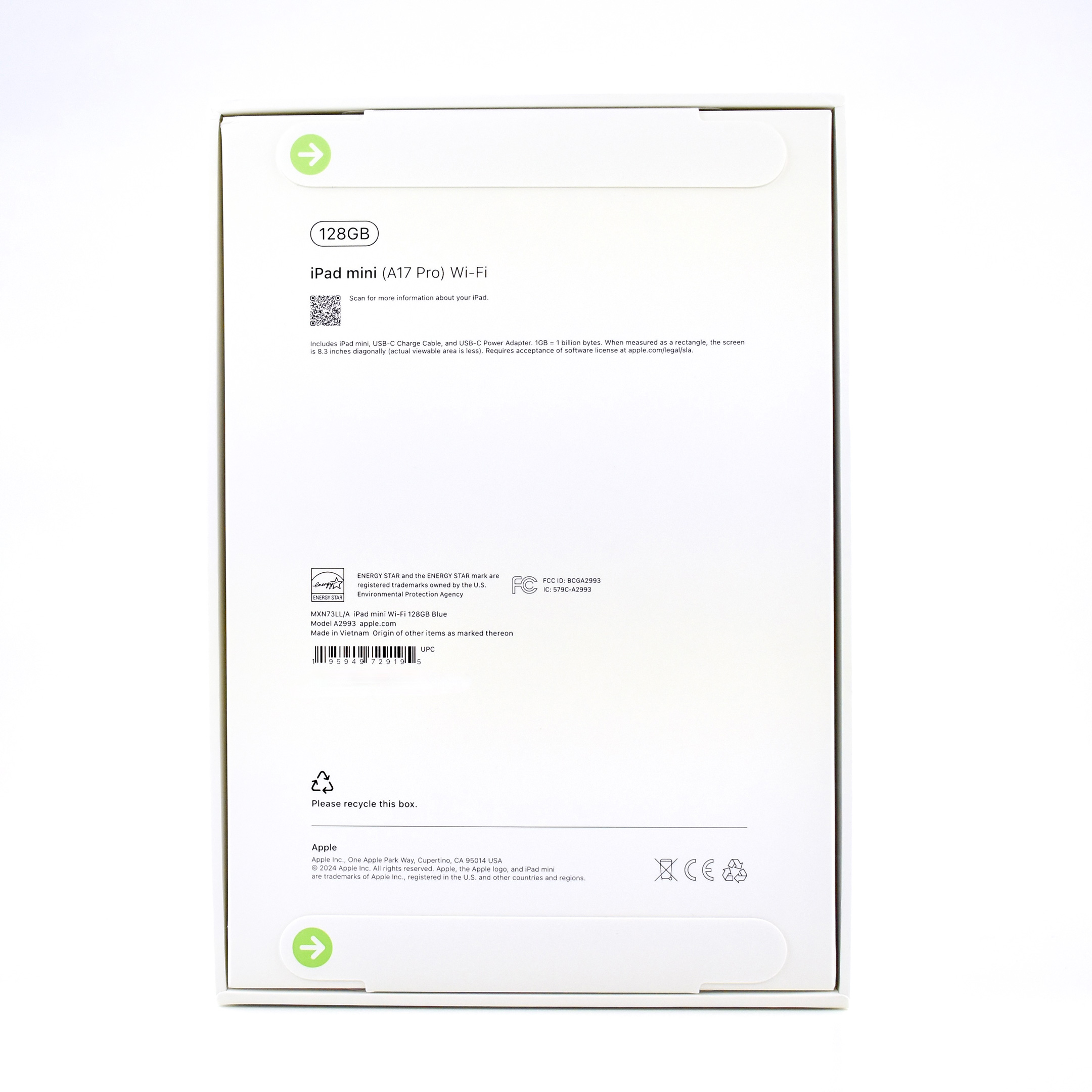
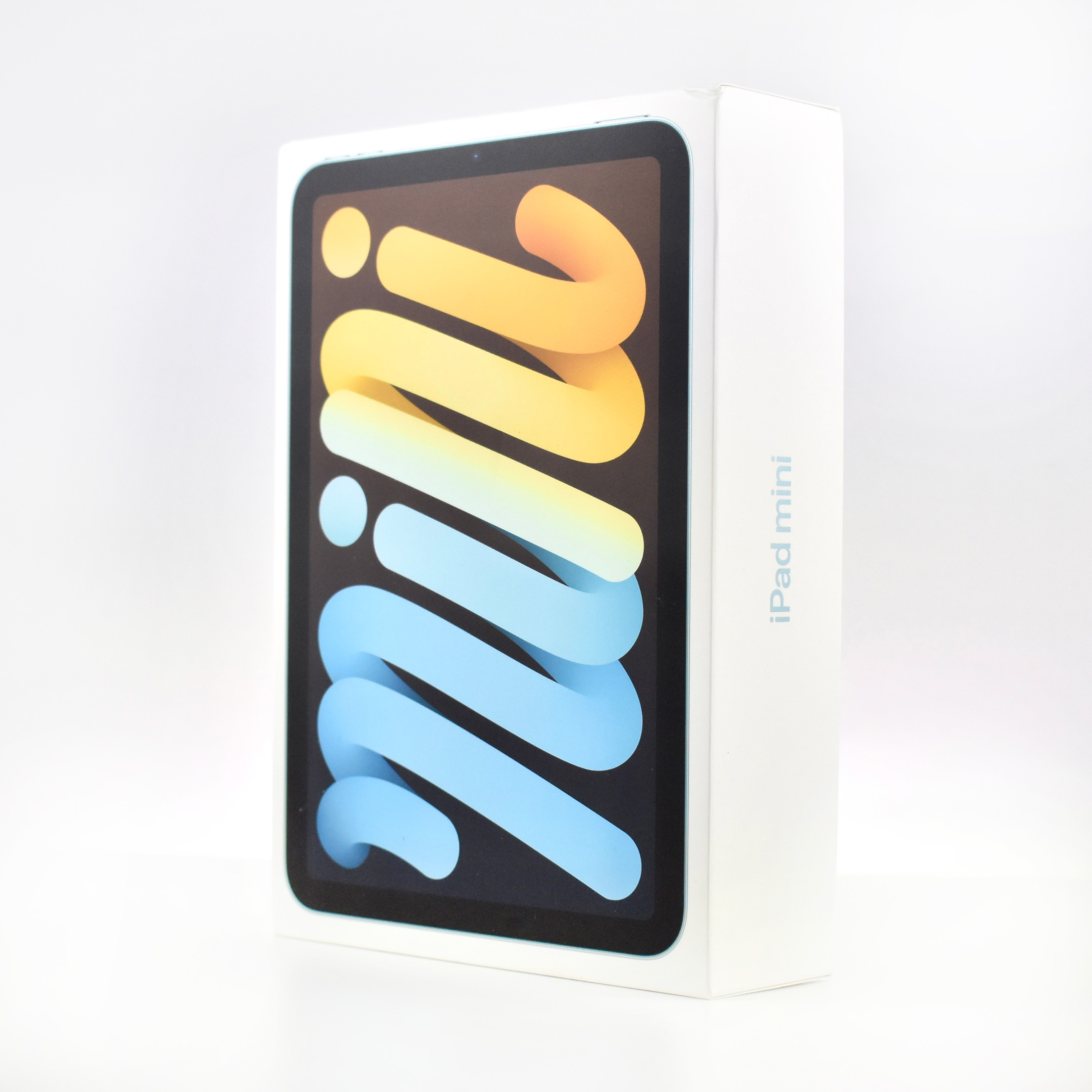
iPad mini (Generation 7, A17 Pro, Wi-Fi, 128GB, Blue, 2024)

Soon after Apple updated most of its hardware for use with Apple Intelligence, the Smart Folio for iPad mini was updated to Generation 7 with the A17 Pro chip—the bare minimum processor to allow Apple Intelligence features. At the time, Apple described Apple Intelligence as “the easy-to-use personal intelligence system that understands personal context to deliver intelligence that is helpful and relevant while protecting user privacy.”

This iPad mini had an 8.3-inch Liquid Retina display (2266 x 1488 at 326 ppi, 500 nits brightness). Apple described the A17 Pro chip as offering “a huge performance boost for even the most demanding tasks, with a faster CPU and GPU, [and] a 2x faster Neural Engine than the previous-generation iPad mini.” This iPad mini also added support for the Apple Pencil Pro.

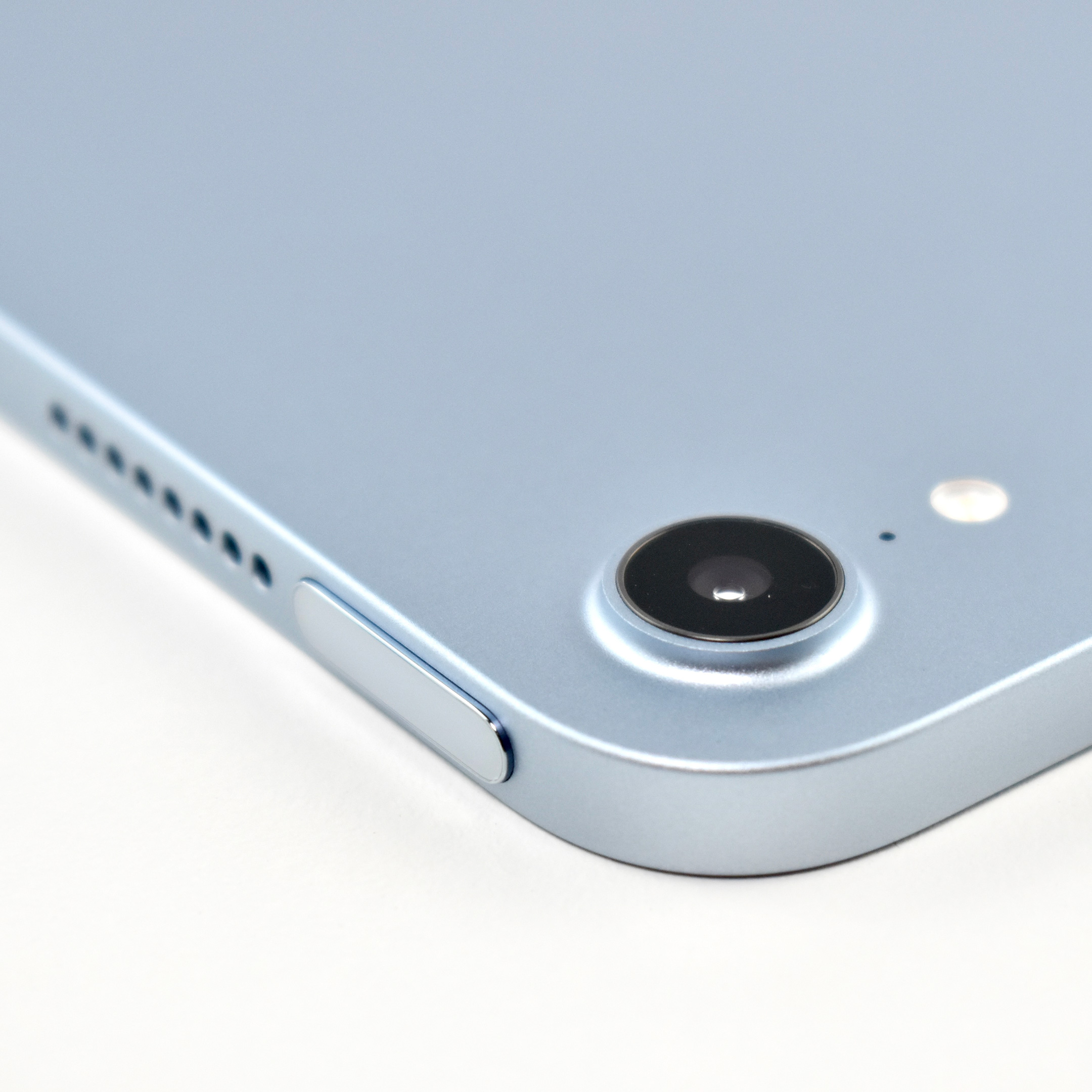
The iPad mini front camera was 12MP and included Center Stage: “as you move around, the camera automatically pans to keep you centered in the frame.” Apple described the back camera: “The 12MP wide back camera supports Smart HDR 4 for natural-looking photos with increased dynamic range, and uses machine learning to detect and scan documents right in the Camera app.” In addition, the back camera could record 4K video.

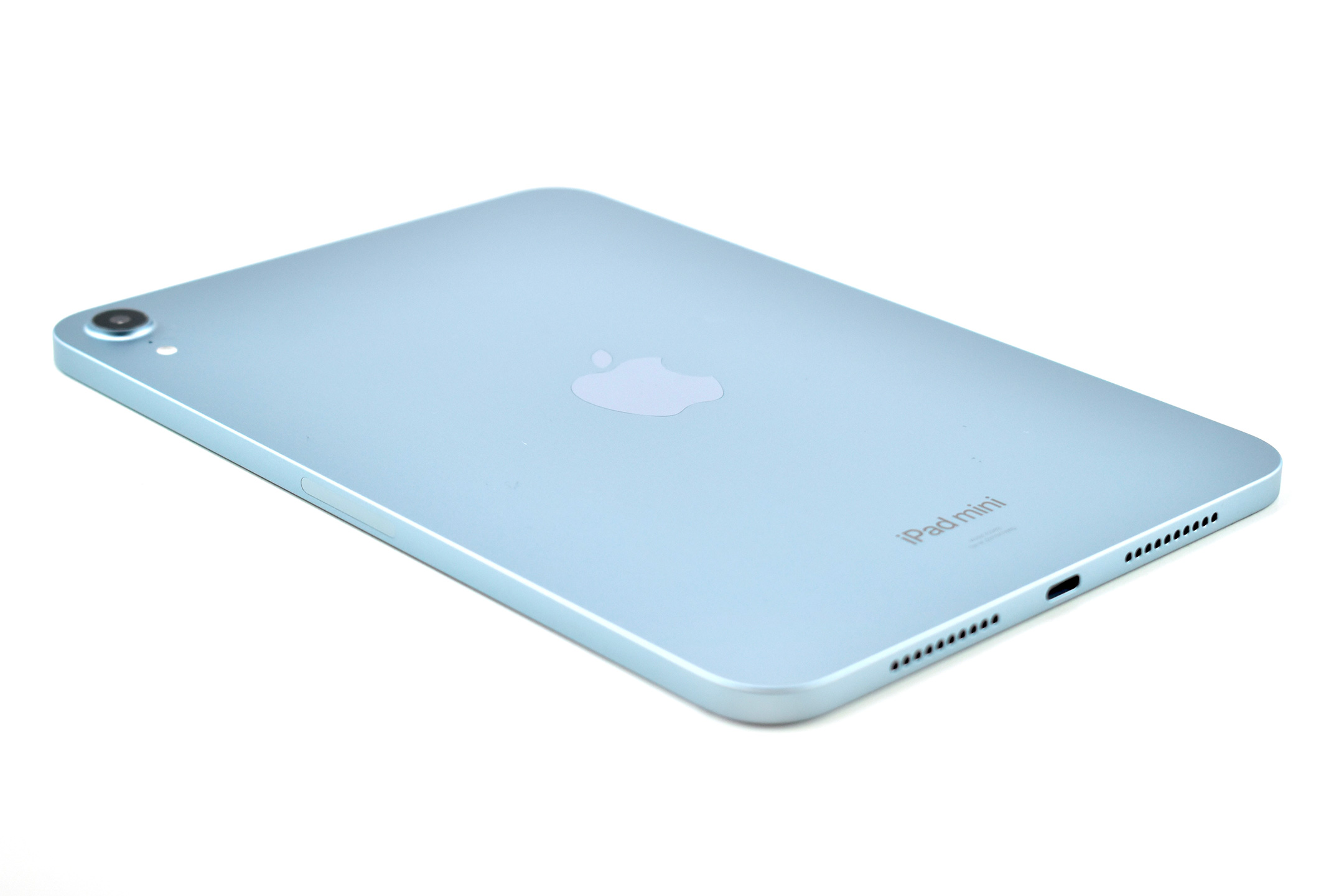
This iPad mini was available in three muted tones including Blue, Purple, and Starlight—and Space Gray. This example is Blue.

This iPad mini was 7.69 inches tall, 5.3 inches wide, and 0.25 inch thick. It weighed 0.65 pound. All buttons were along the top on the short side opposite the USB-C port, including the 2 volume buttons and the Top button with Touch ID. Each of the short sides also had speakers that allowed stereo sound output. Unlike other iPad models of the time, the front camera was placed on the short side.

Sources: Apple (press release, product page, specs)
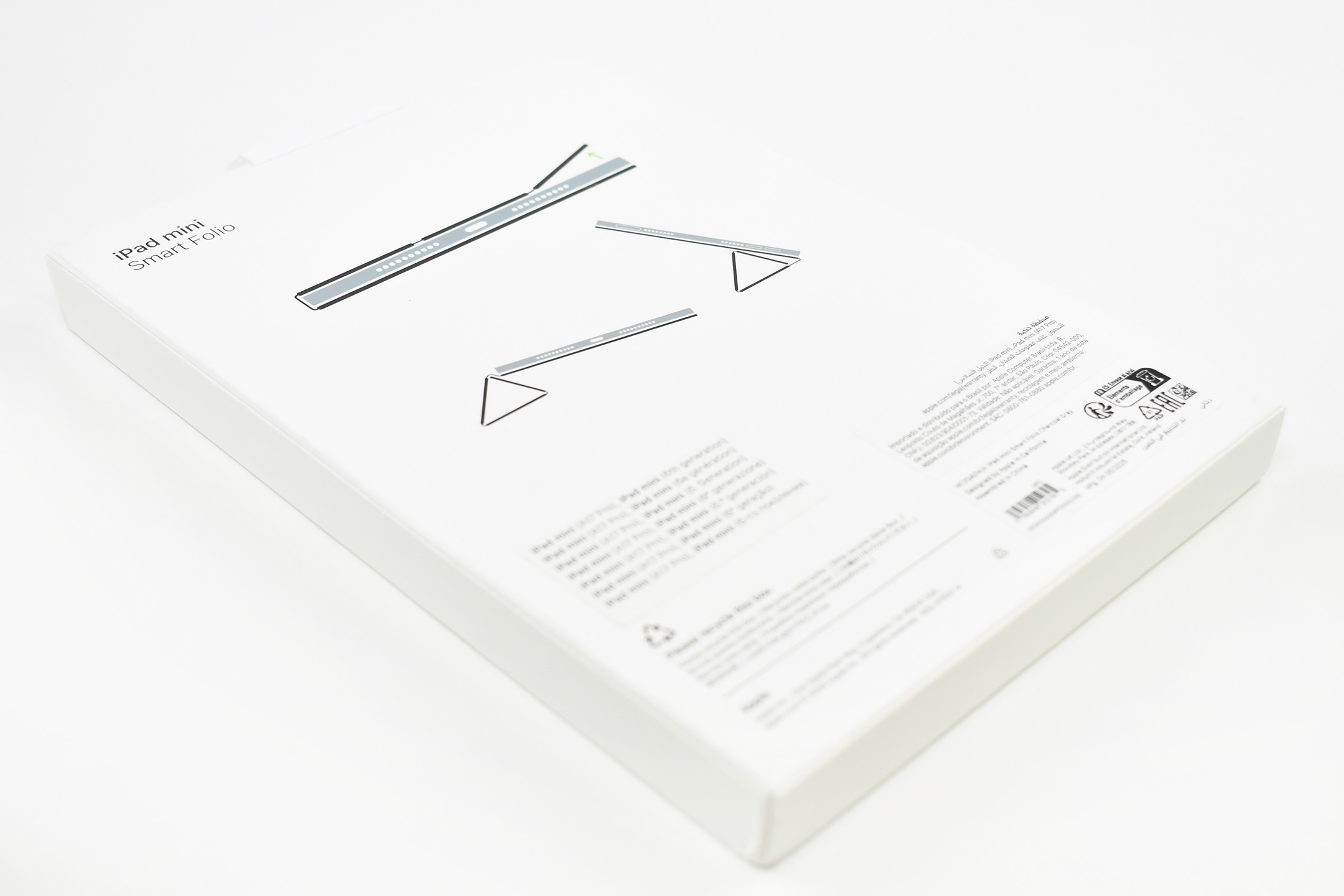
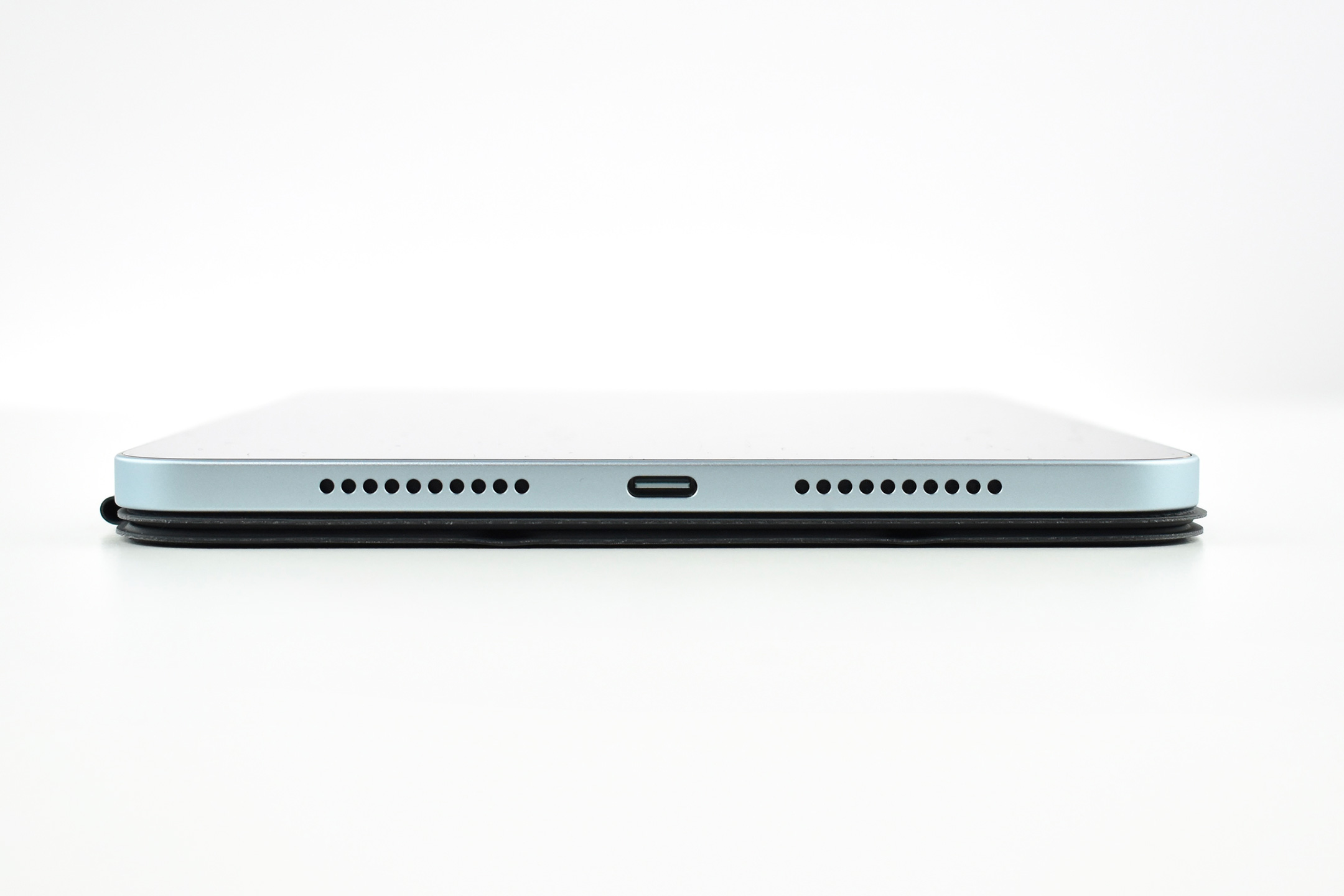
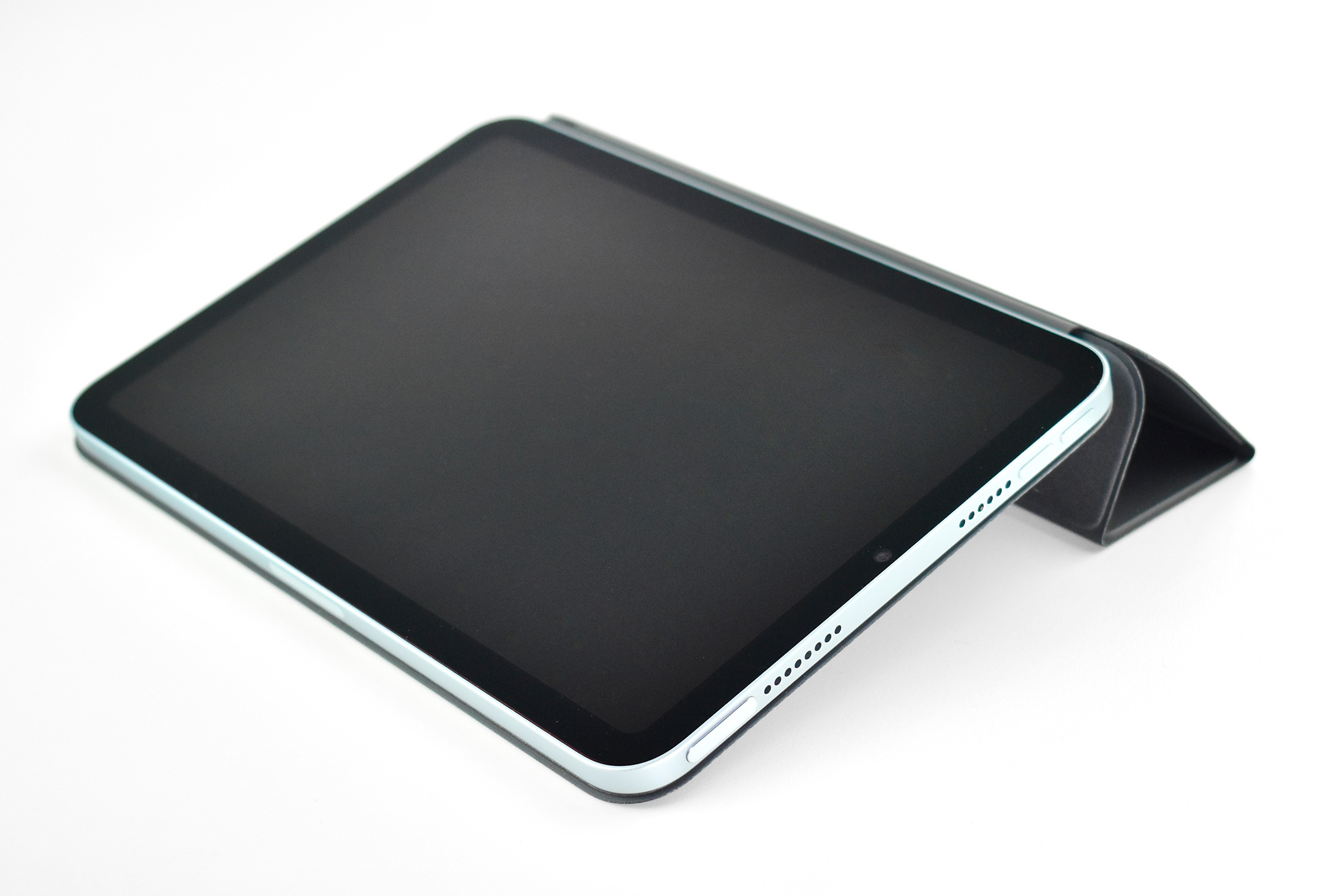
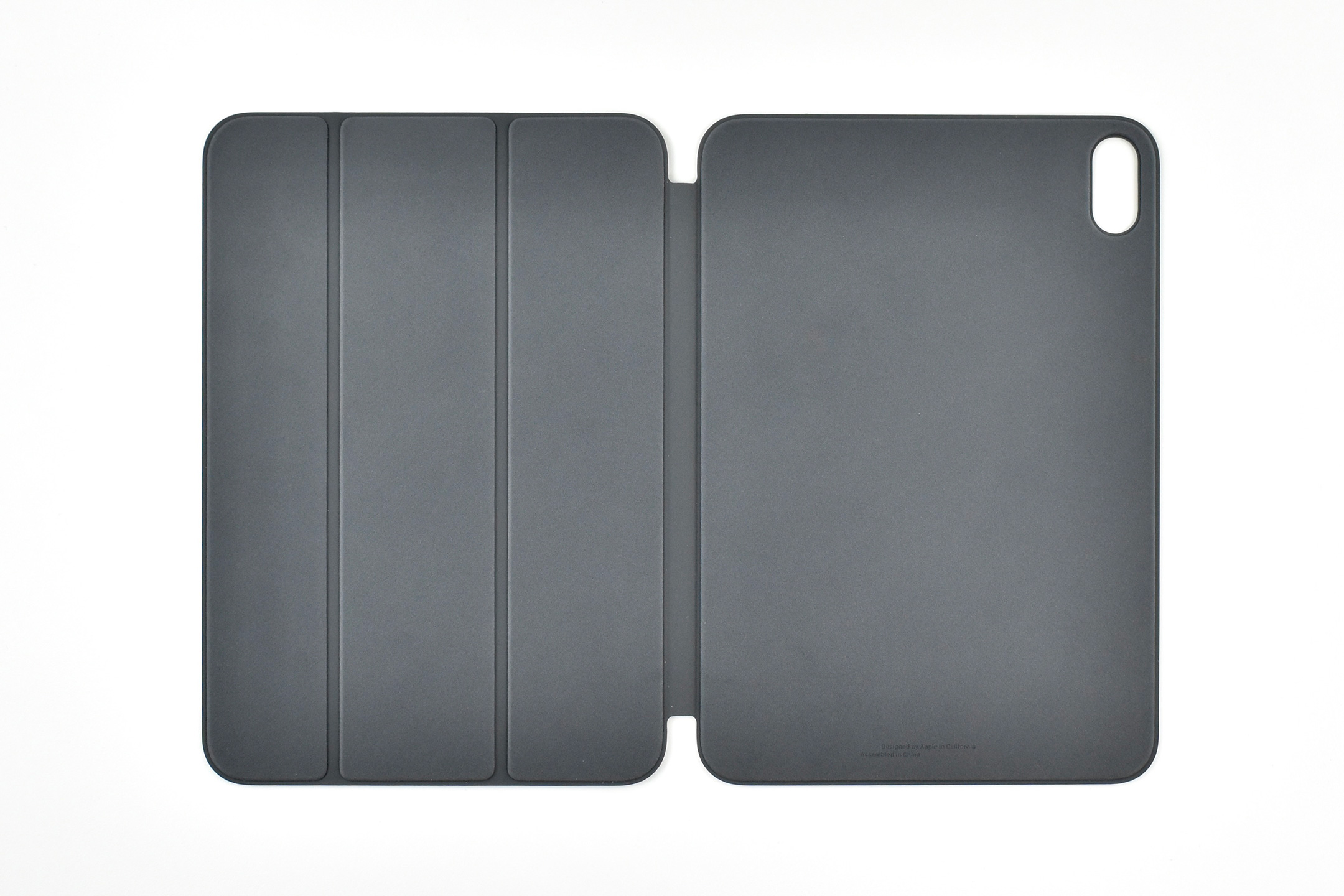
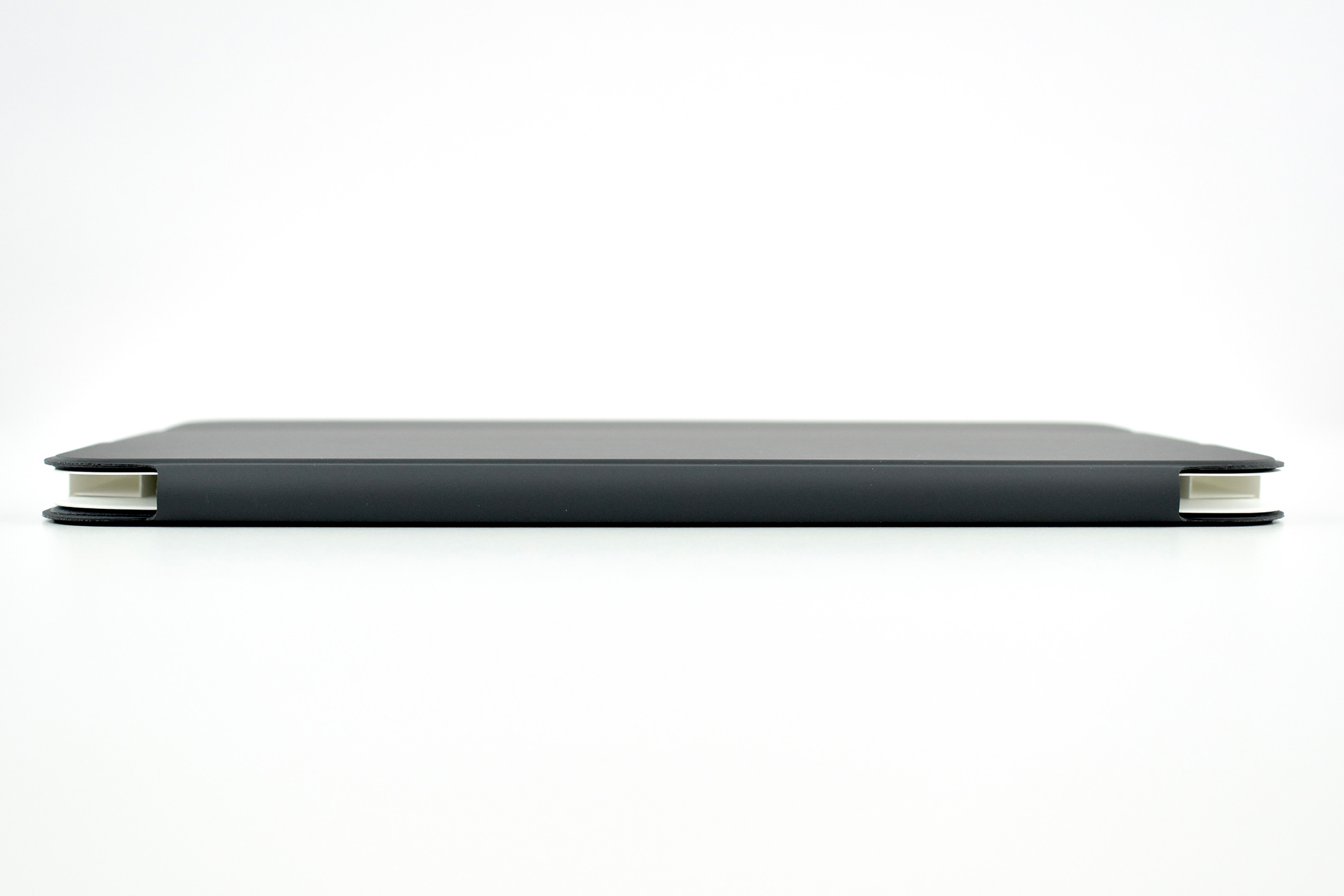
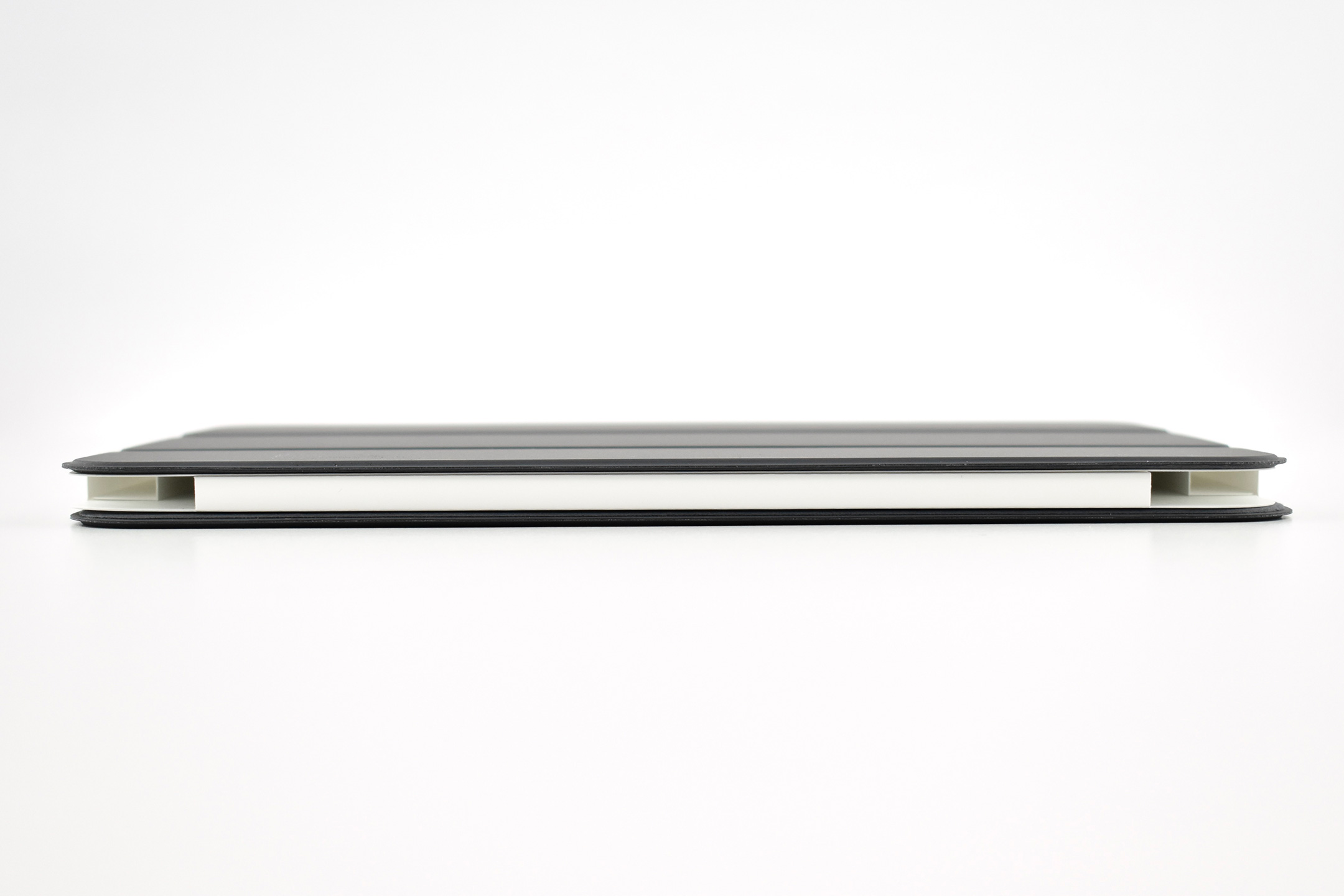
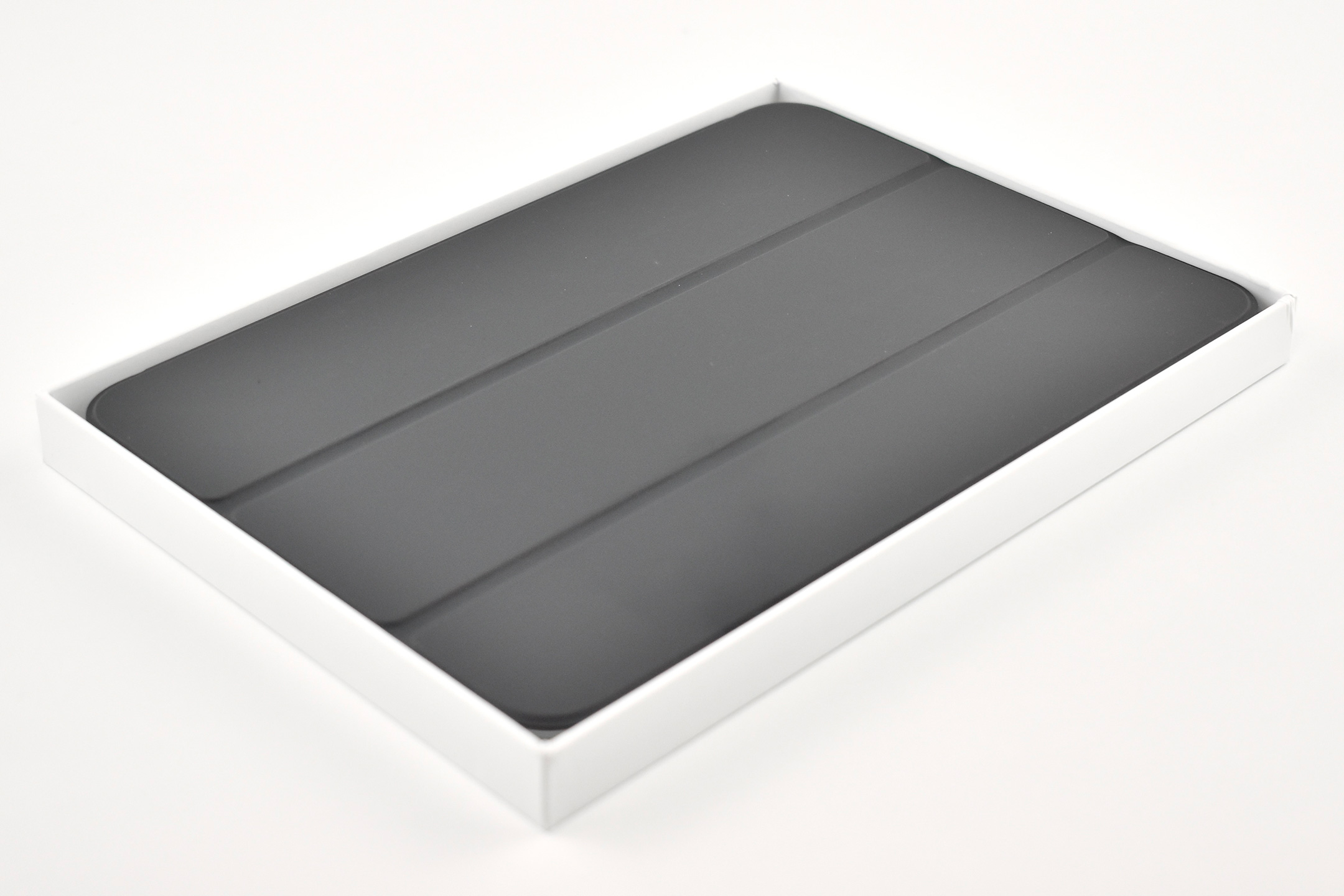
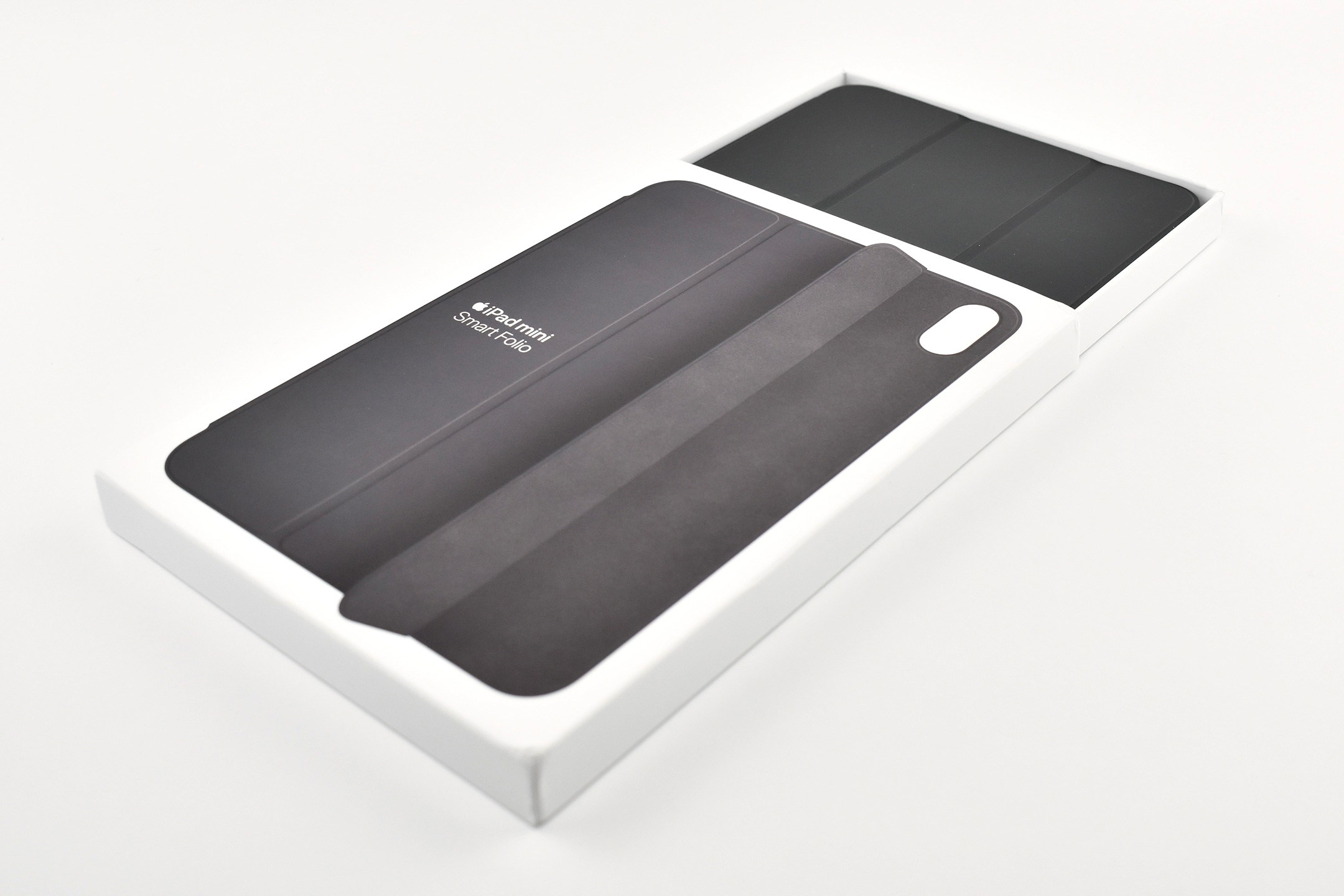
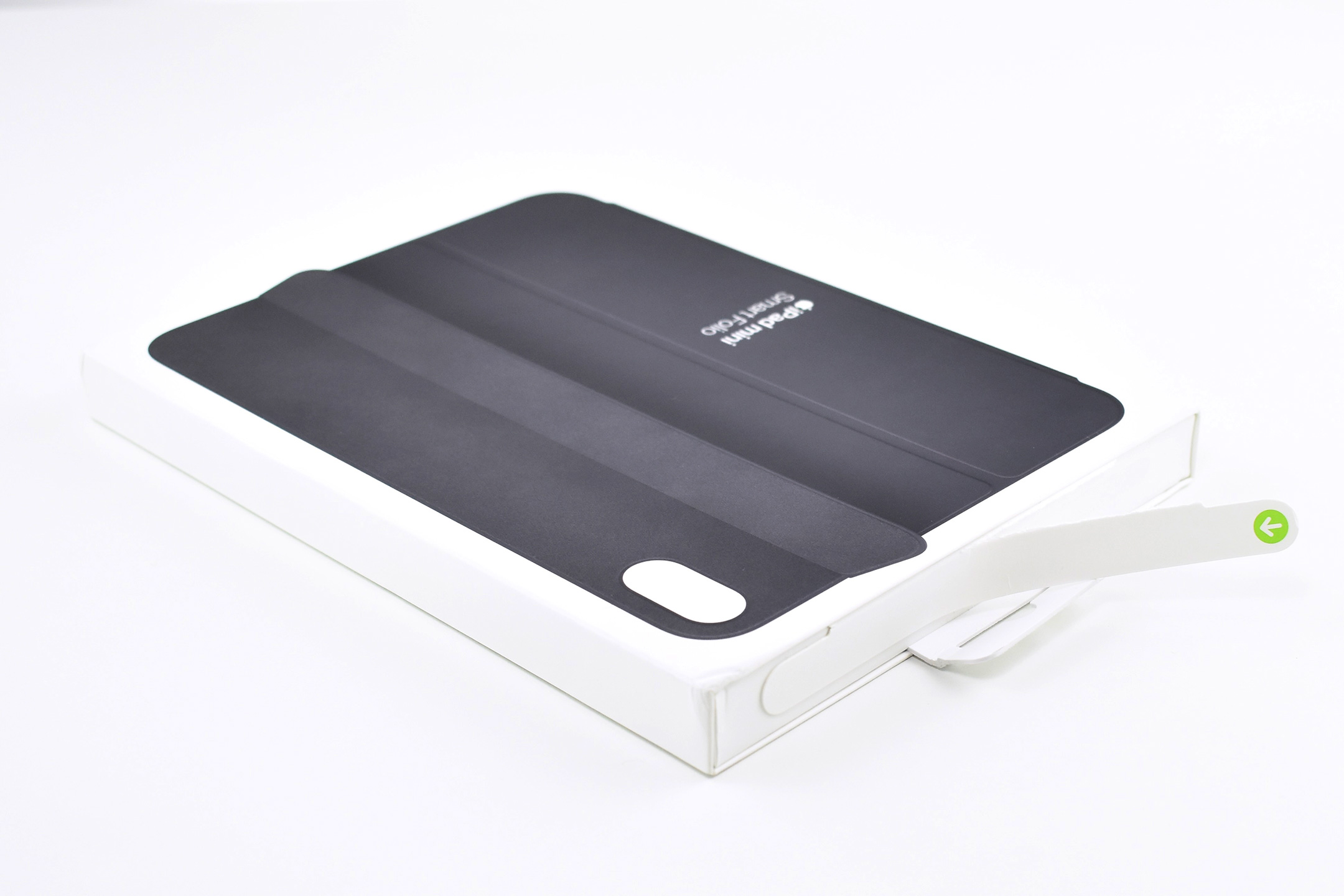
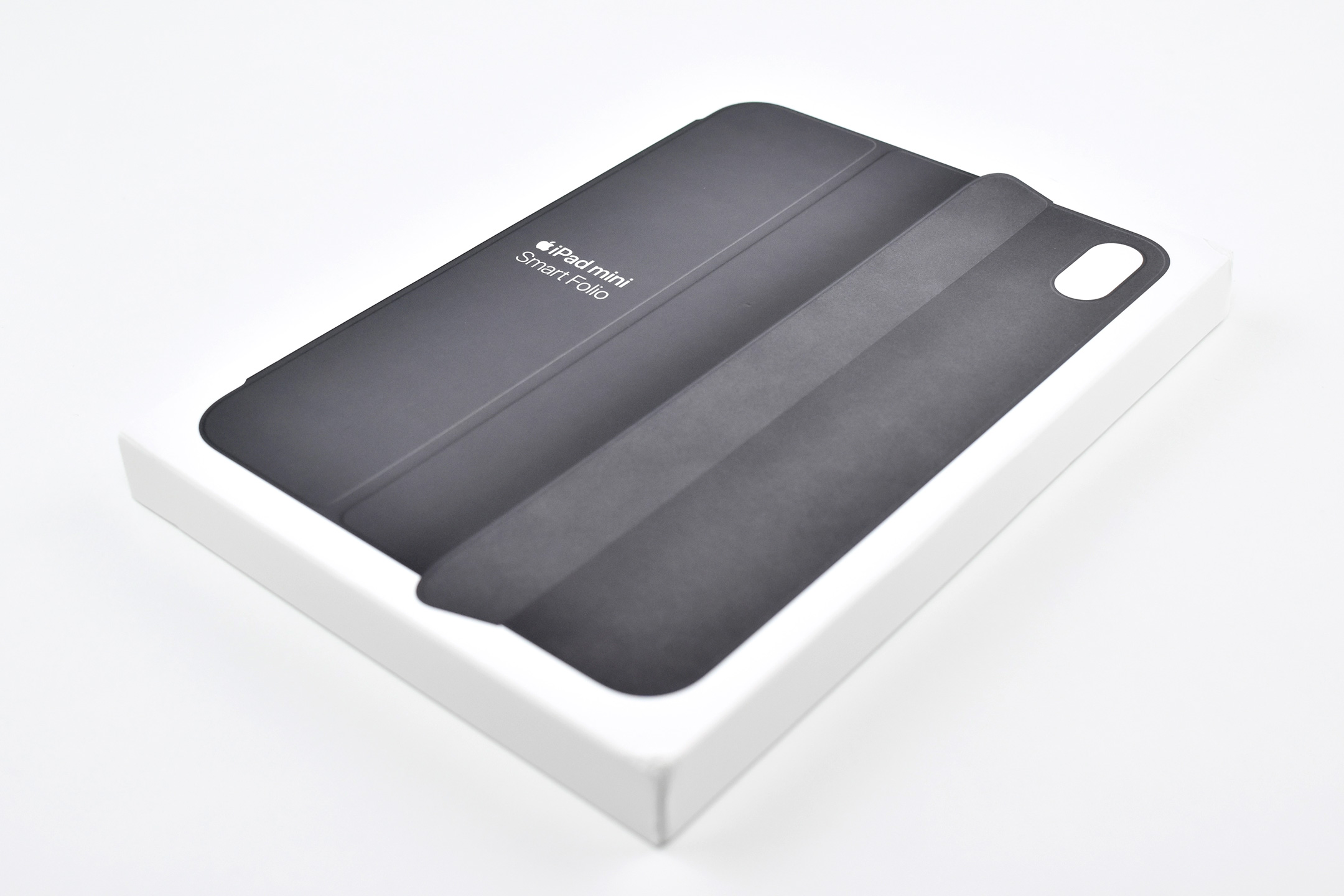
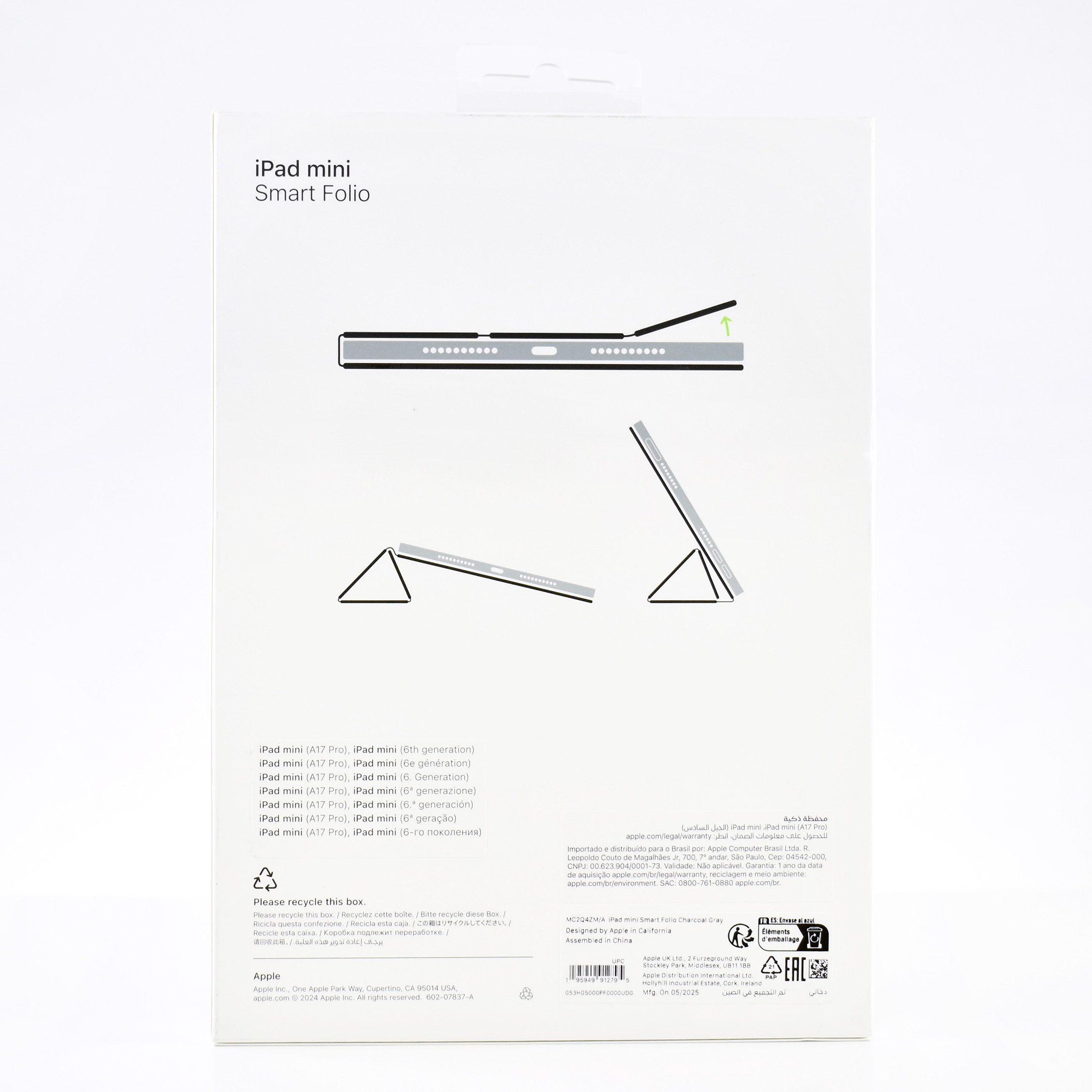
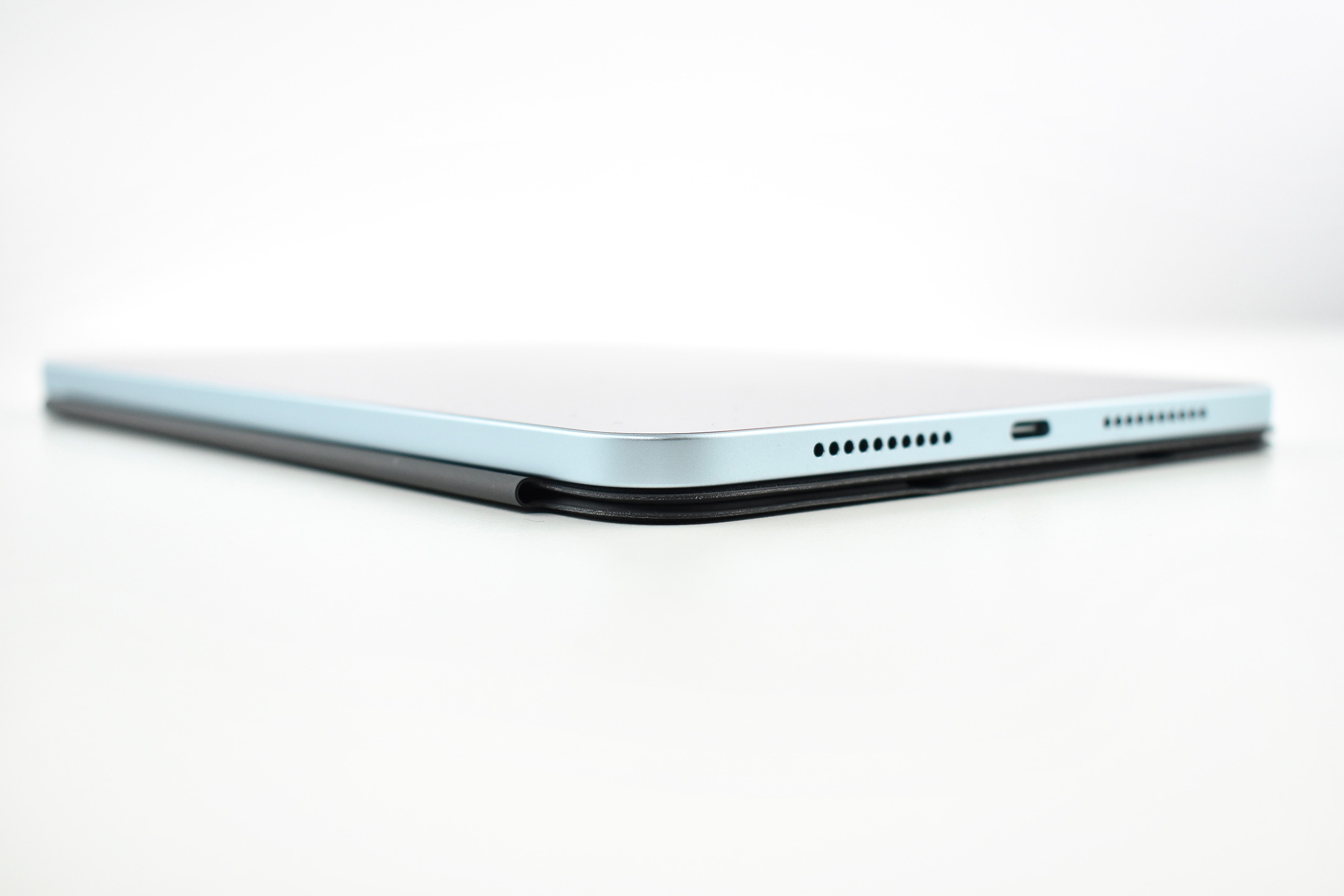
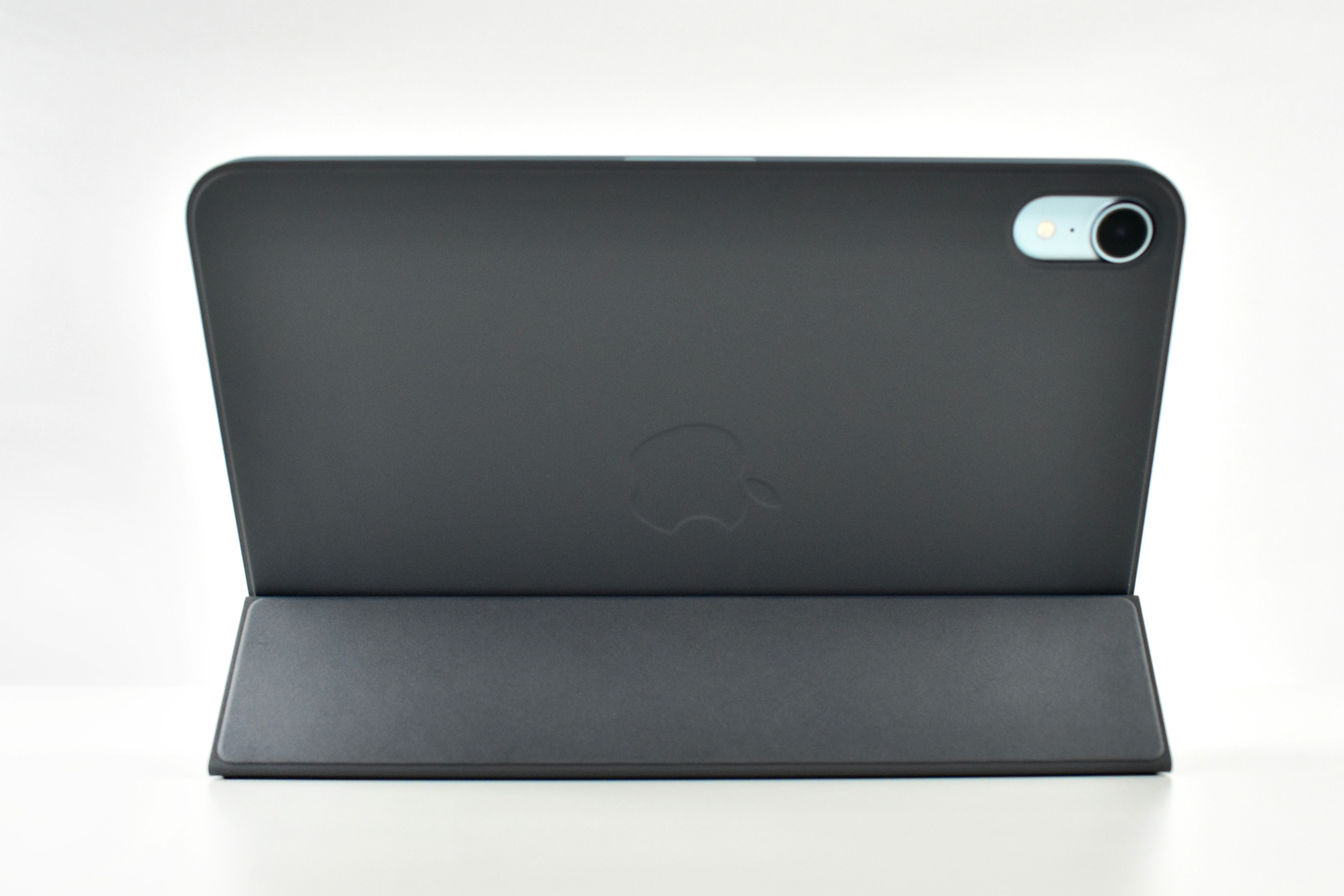
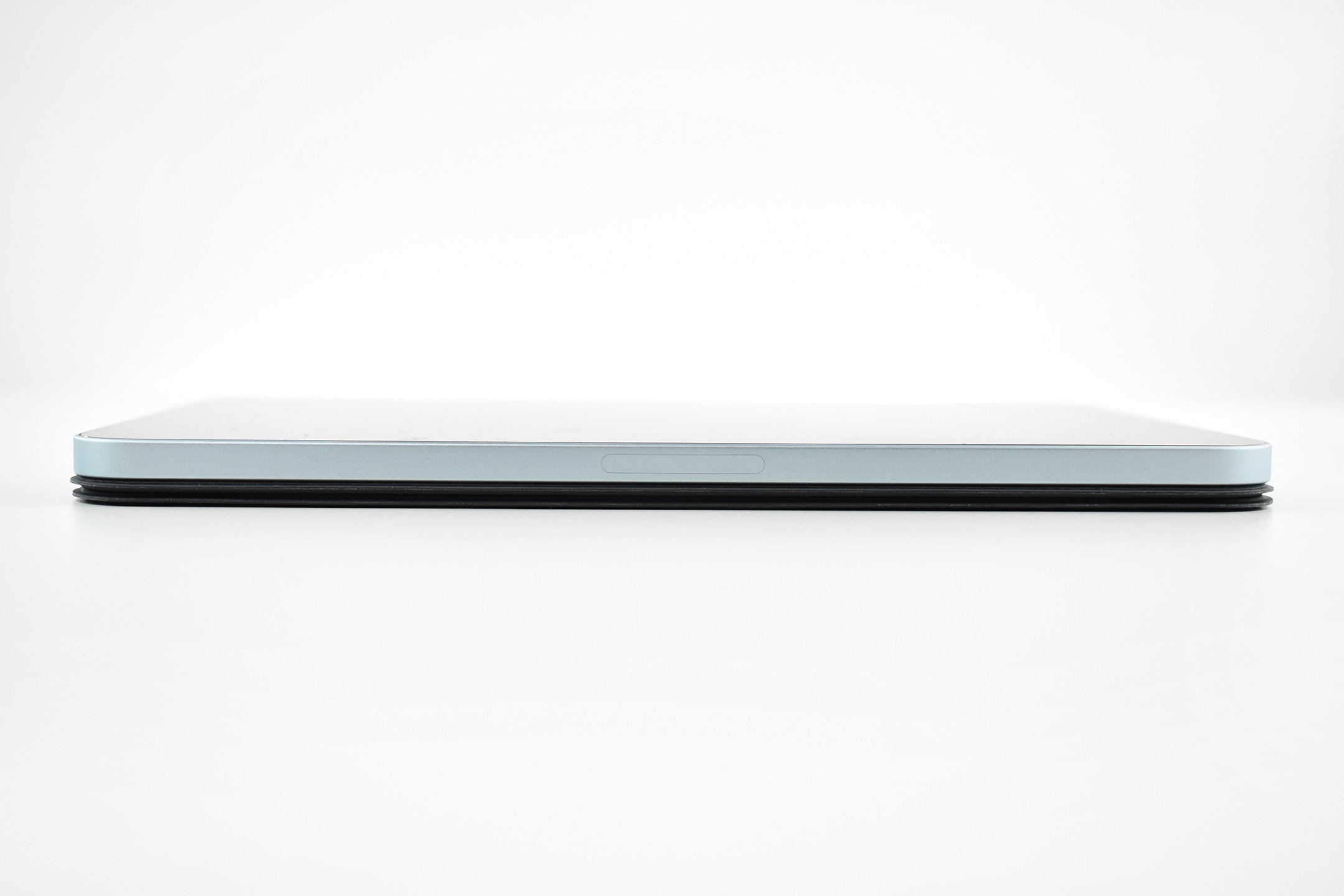
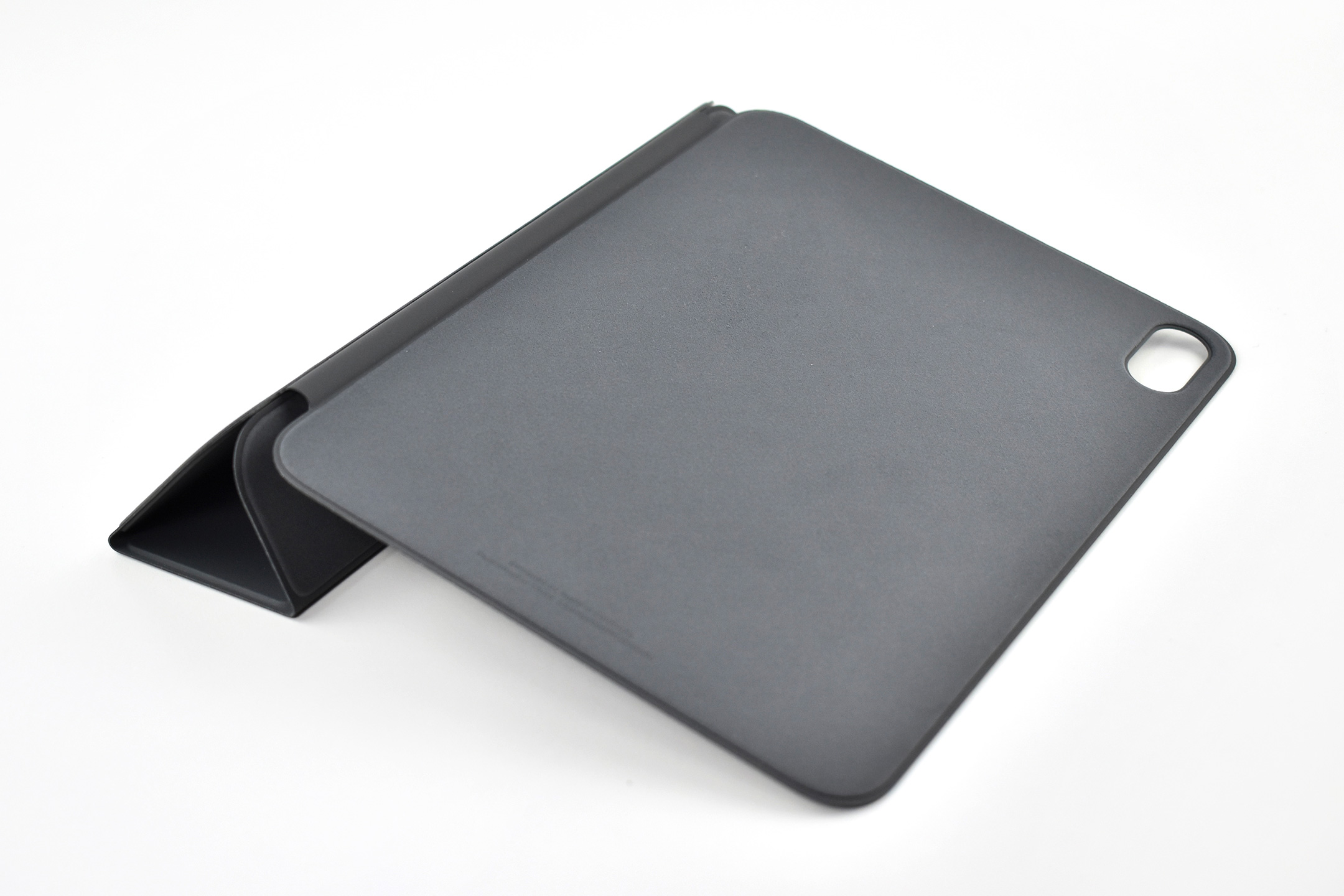
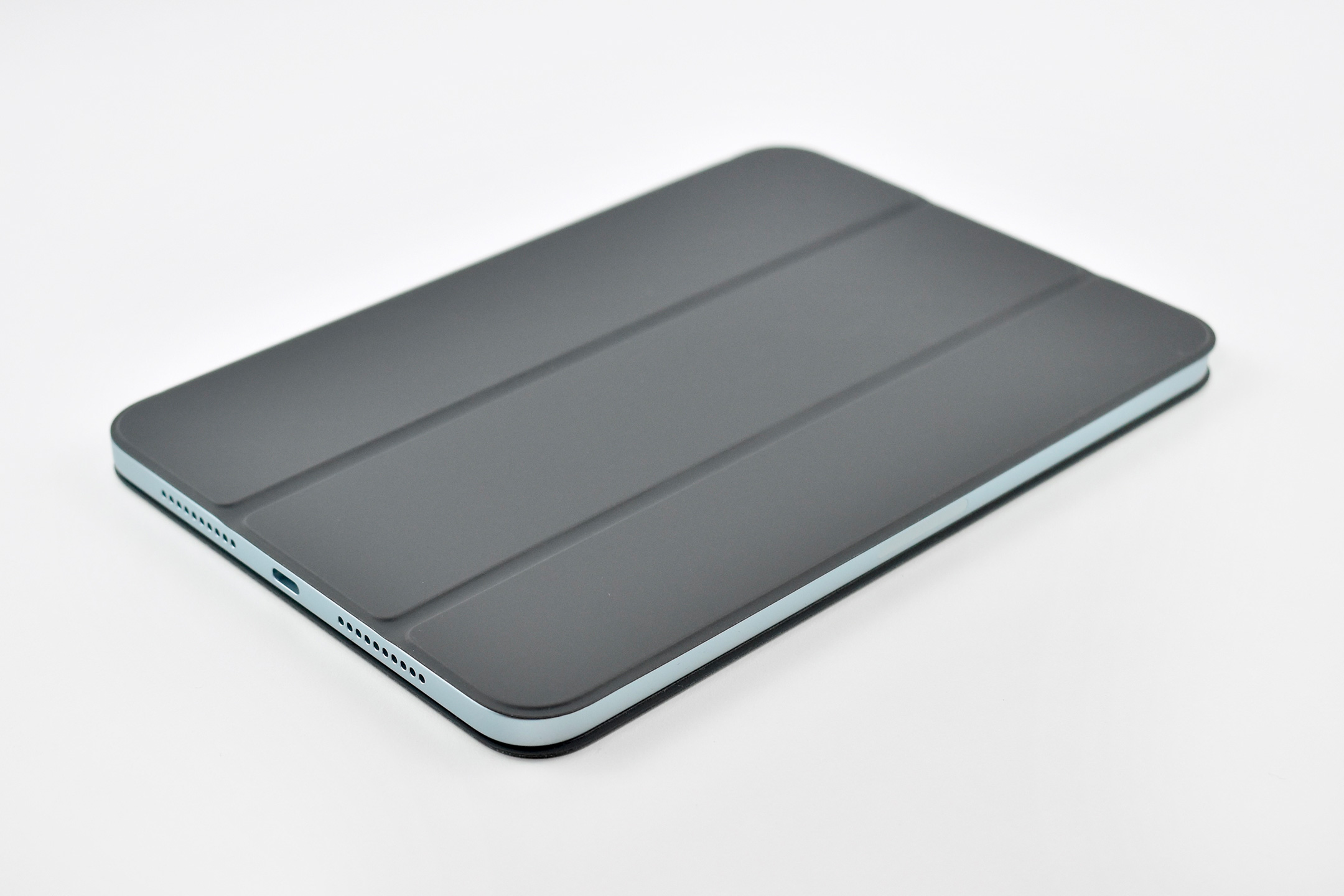
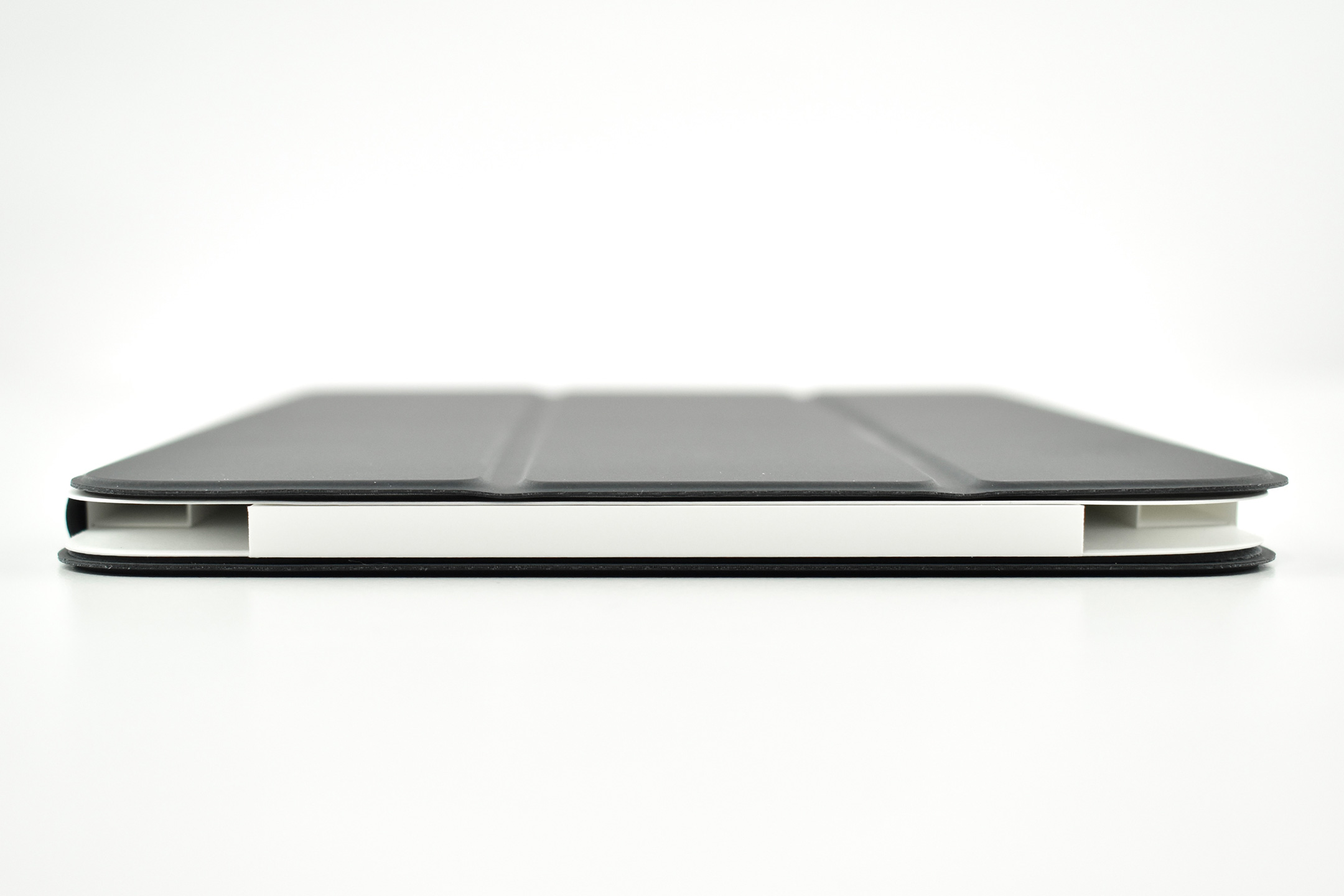
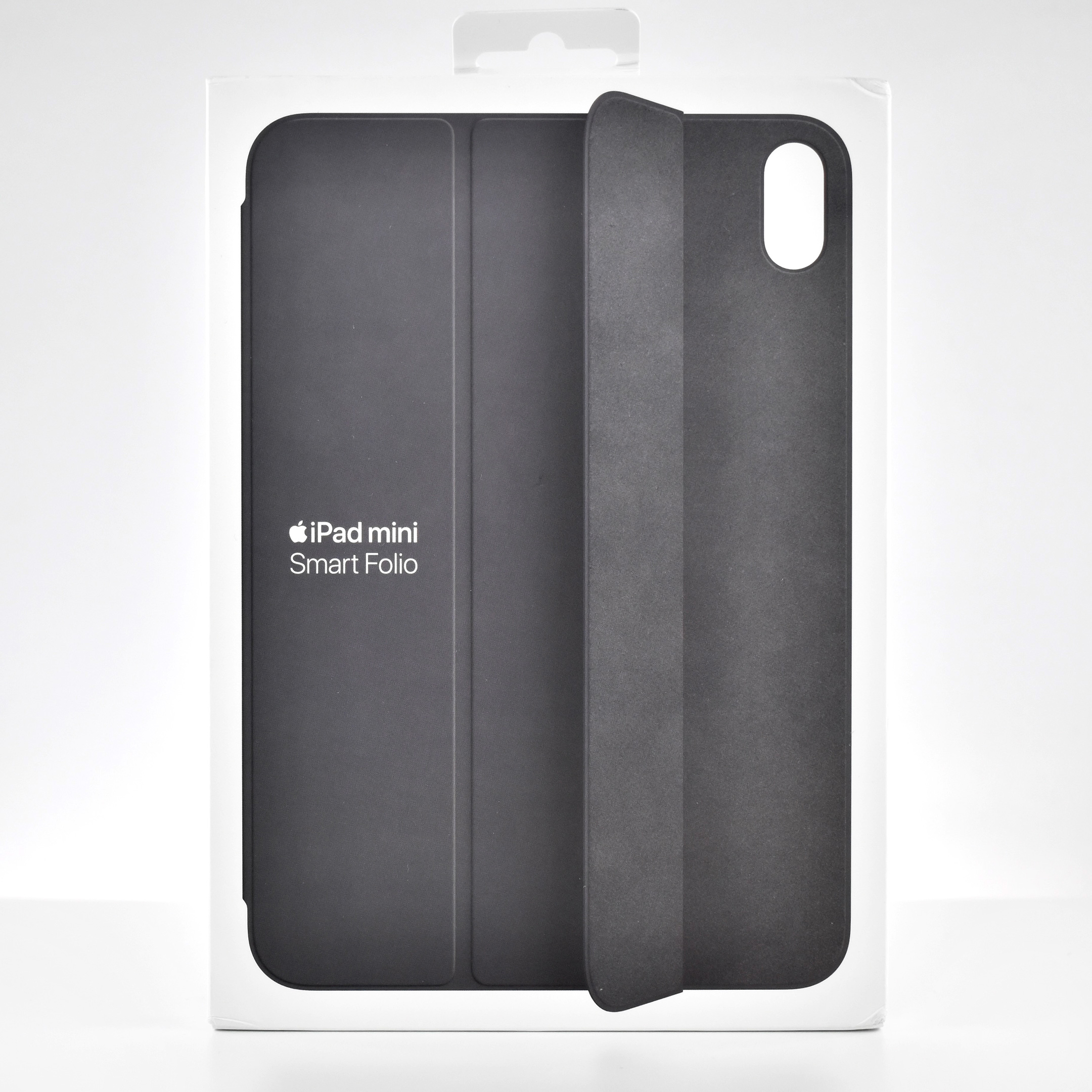
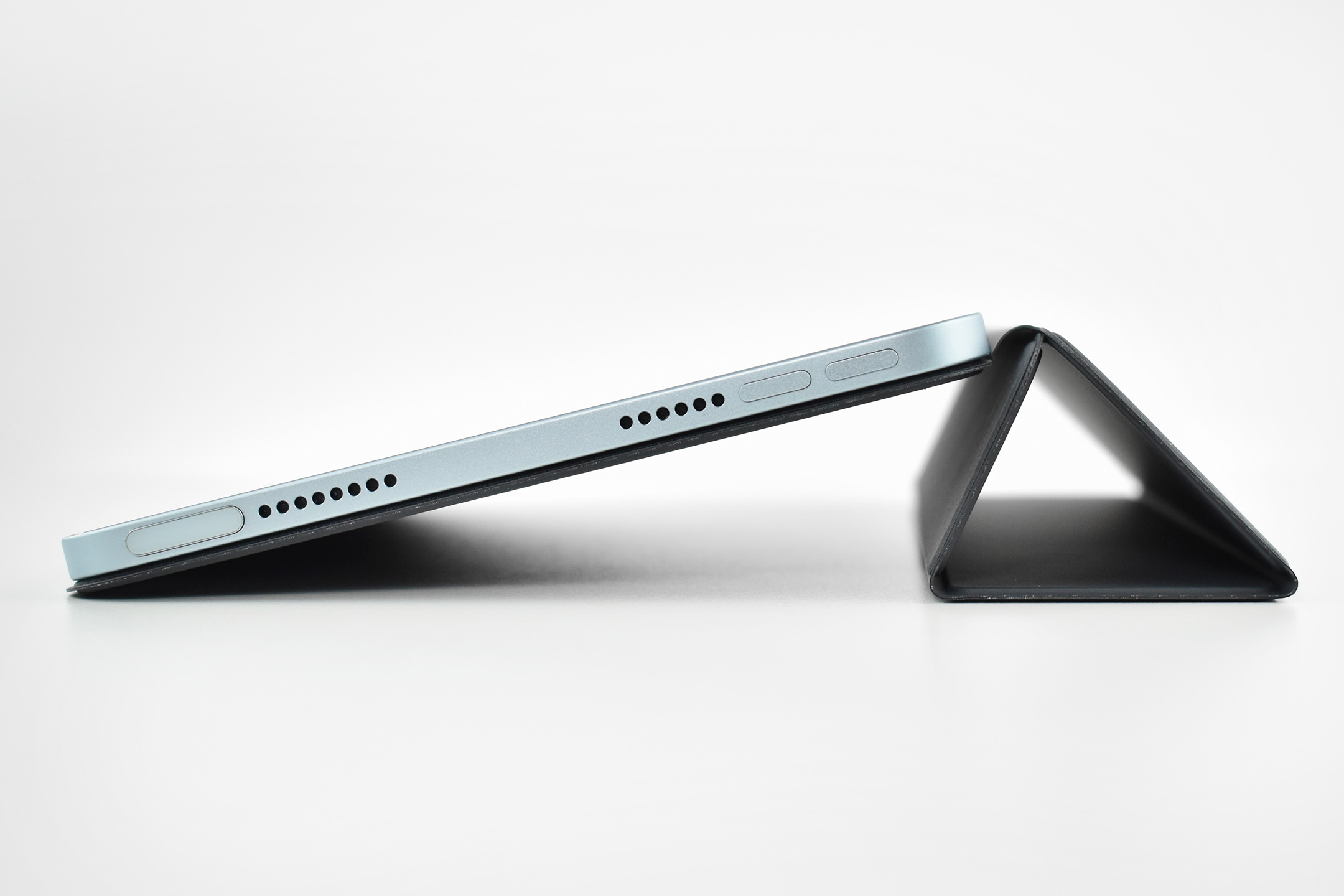
Smart Folio for iPad mini (Generation 7, A17 Pro, Charcoal Gray, 2024)

Like other iPad Smart Folio designs, the Smart Folio for iPad mini Generation 7 offers front and back protection. It was released along with the iPad mini Generation 7 on October 15, 2024.

According to Apple, the Smart Folio for iPad mini (A17 Pro) “automatically wakes your iPad when opened and puts it to sleep when closed. The Smart Folio attaches magnetically, and you can easily fold it into different positions to create a stand for reading, viewing, typing, or making FaceTime calls.”
This Smart Folio was available in charcoal gray, light violet, denim, and sage. This example is charcoal gray.

Source: Apple

USB-C to USB Adapter (2015)

Apple’s USB-C to USB Adapter is a “dongle-style” adapter that allows older USB-A devices to be converted to USB-C or Thunderbolt 3. Apple described the adapter:

“The USB-C to USB Adapter lets you connect iOS devices and many of your standard USB accessories to a USB-C or Thunderbolt 3 (USB-C) enabled Mac, iPad, or iPhone. Plug the USB-C end of the adapter into a USB-C or Thunderbolt 3 (USB-C) port on your Mac, iPad, or iPhone, and then connect your flash drive, camera, or other standard USB device. You can also connect a Lightning to USB cable to sync and charge your iPhone, iPad, or iPod.”

According to Apple, it “supports data-transfer speeds up to 5Gbps (USB 3.1 Gen 1).” Further, you may “Use the USB-A port of this adapter with flash drives, cameras, USB hubs, and other devices that connect to USB-A for data transfer or charging.”

Source: Apple (product, support)