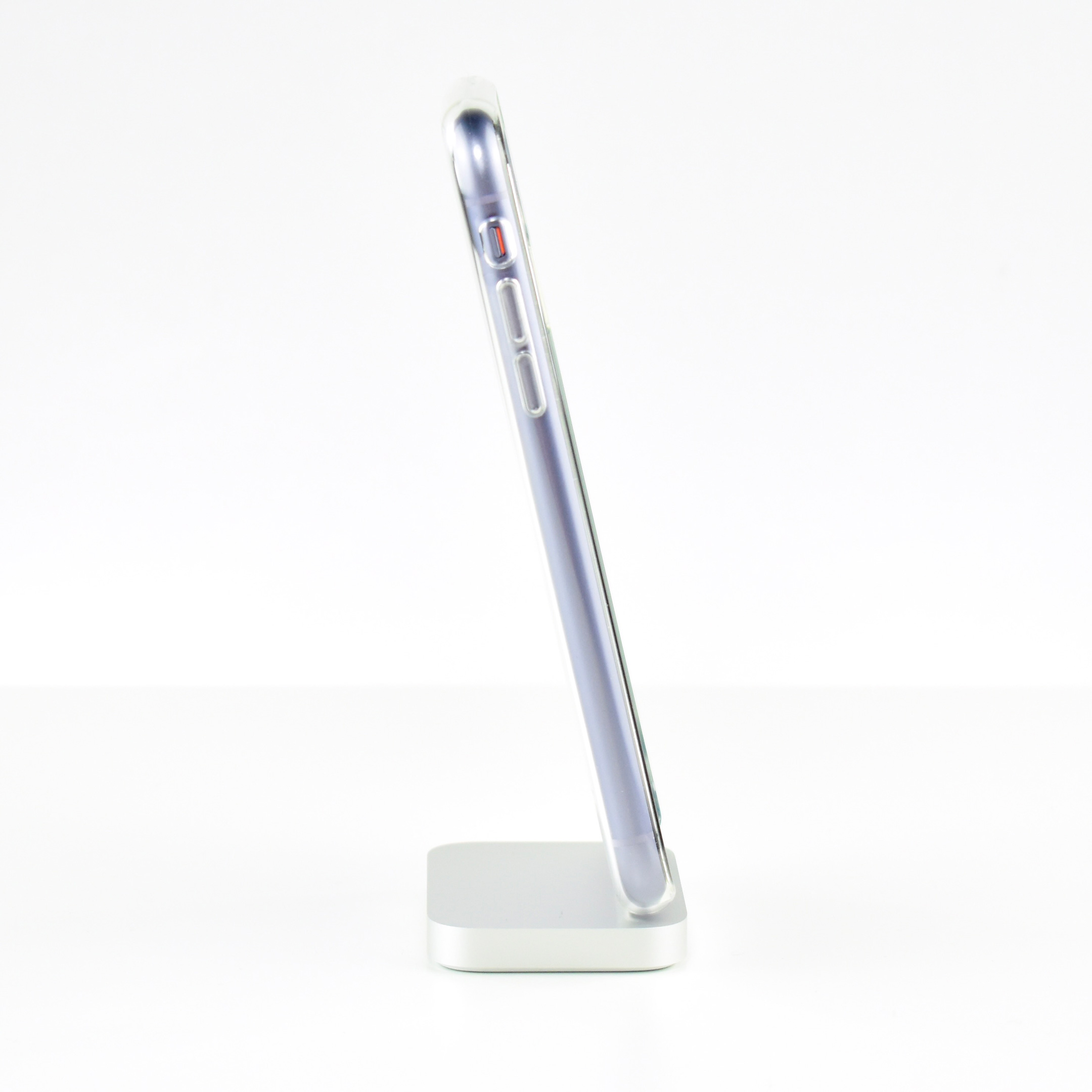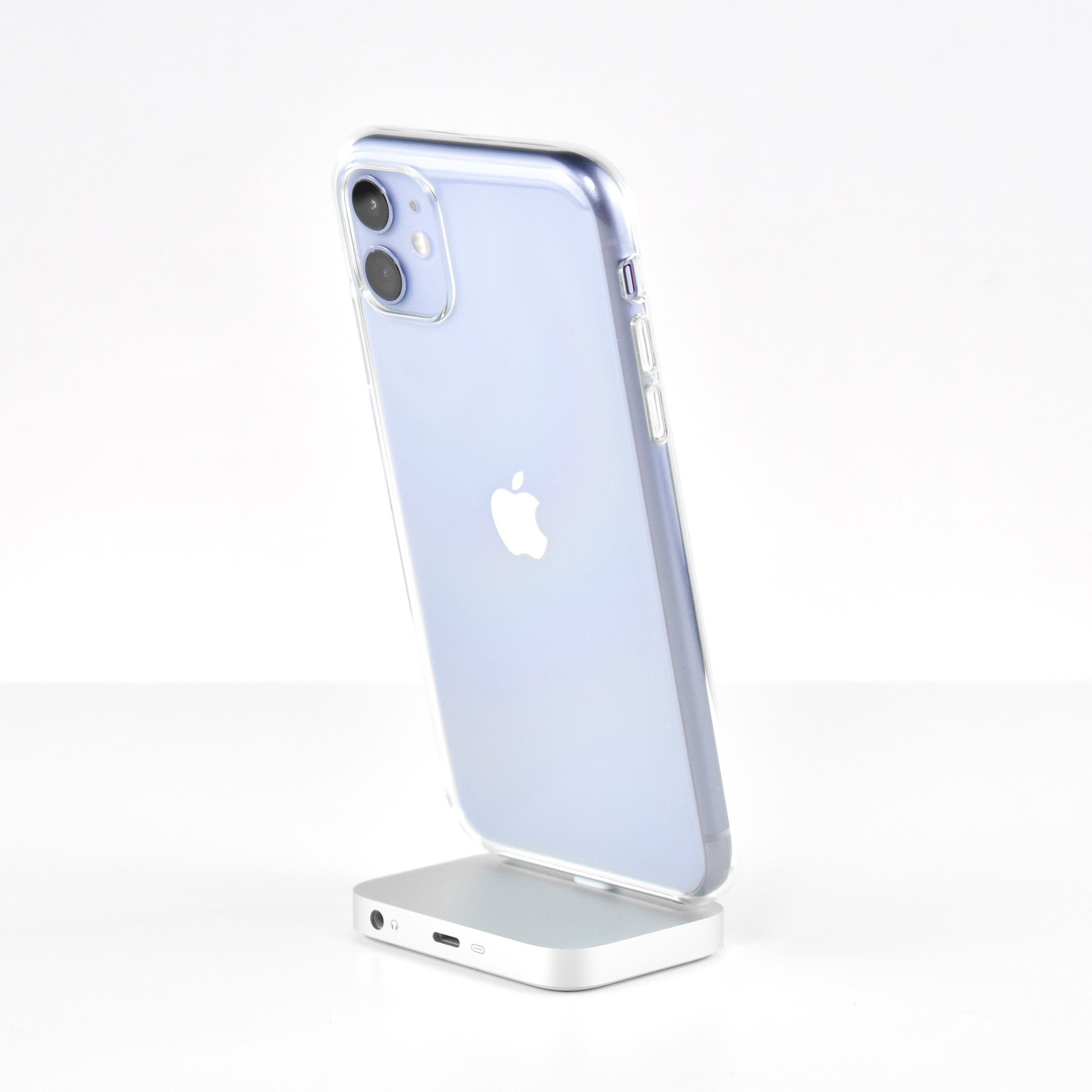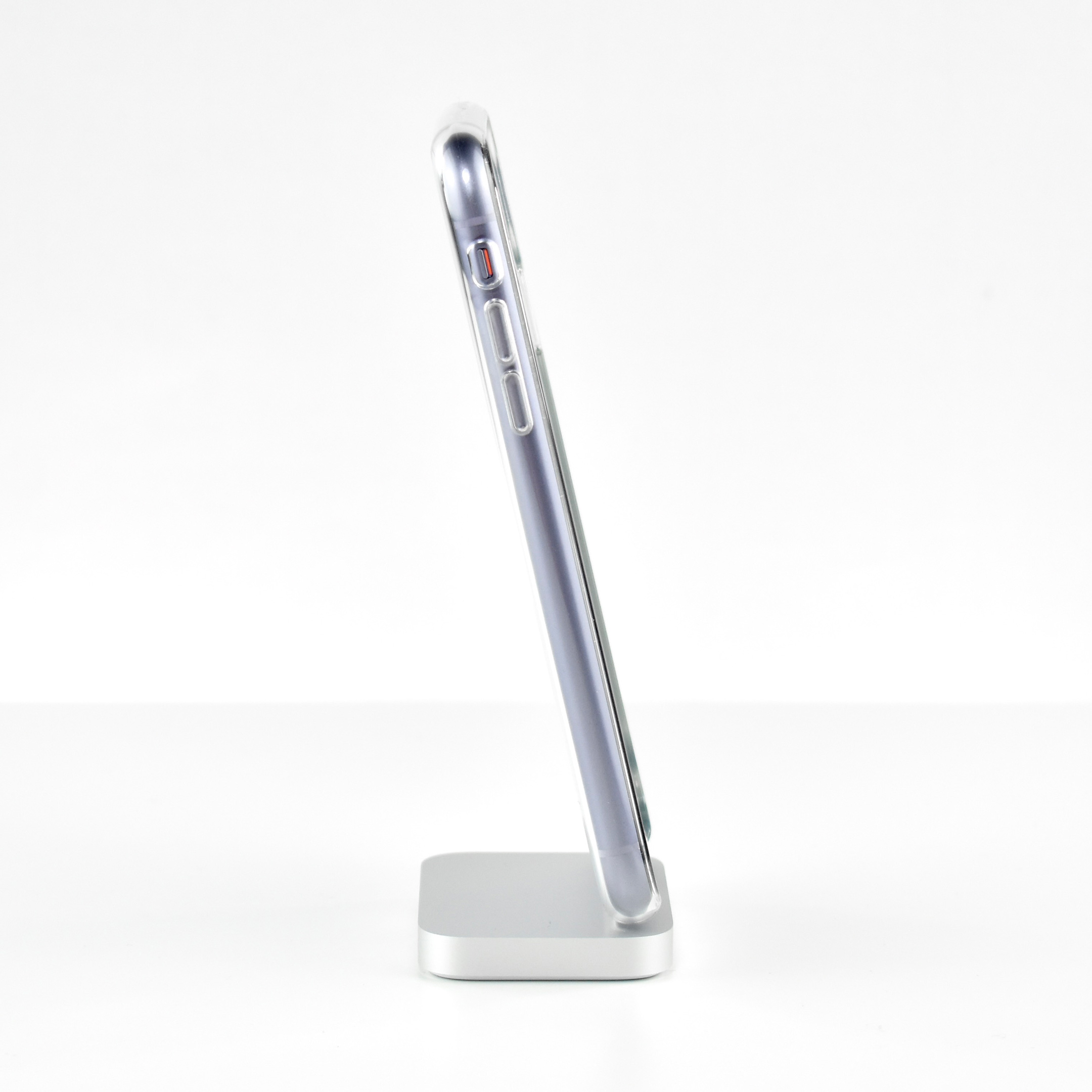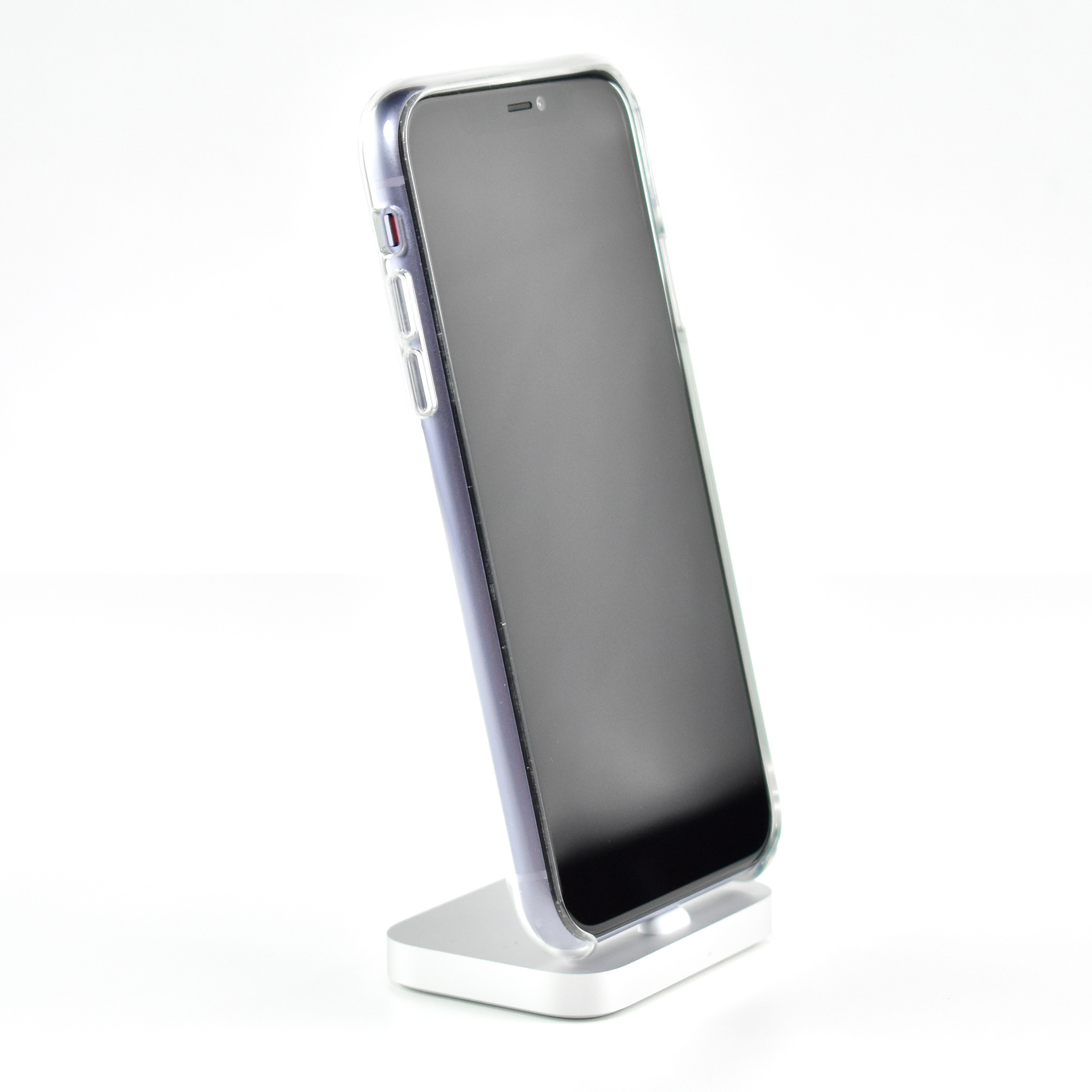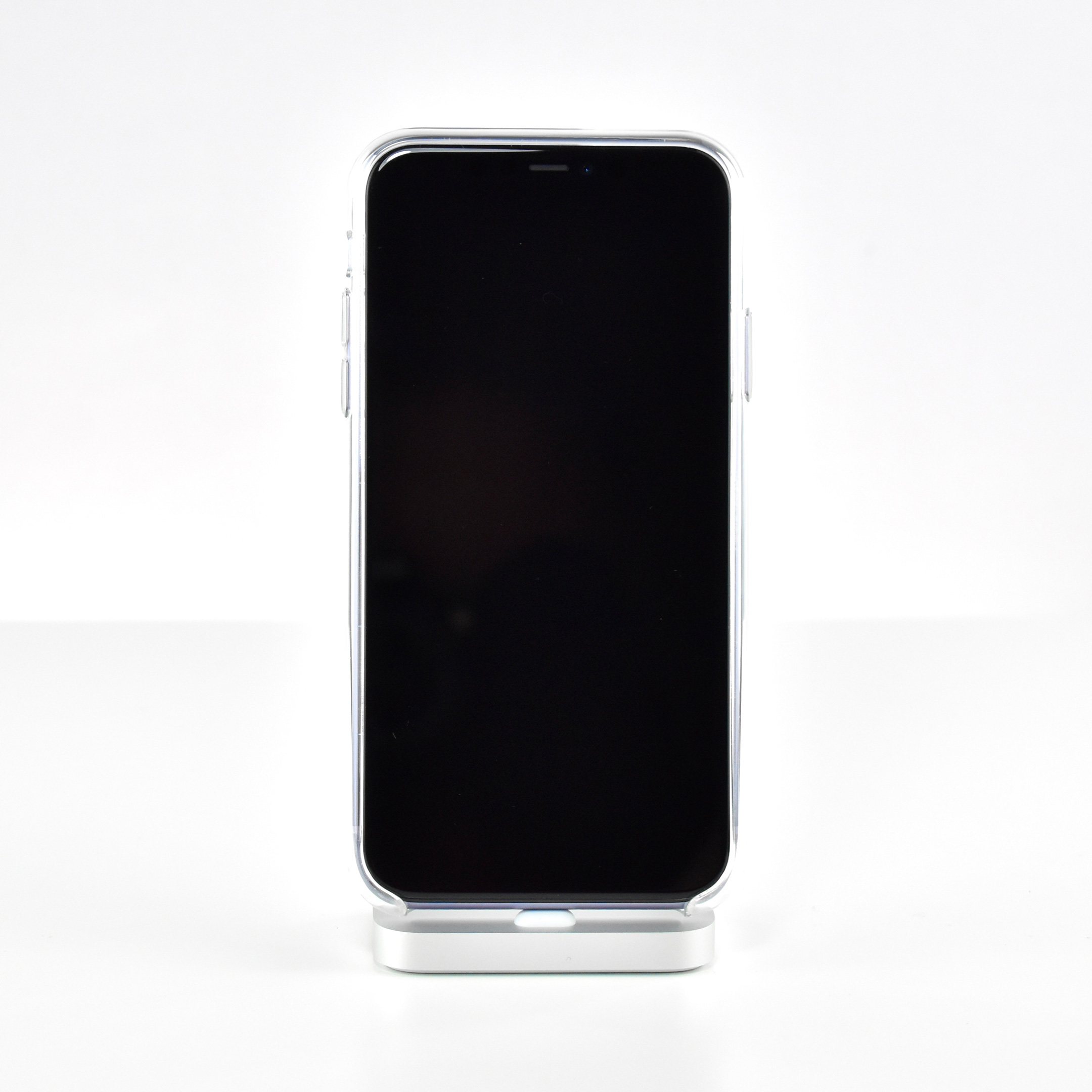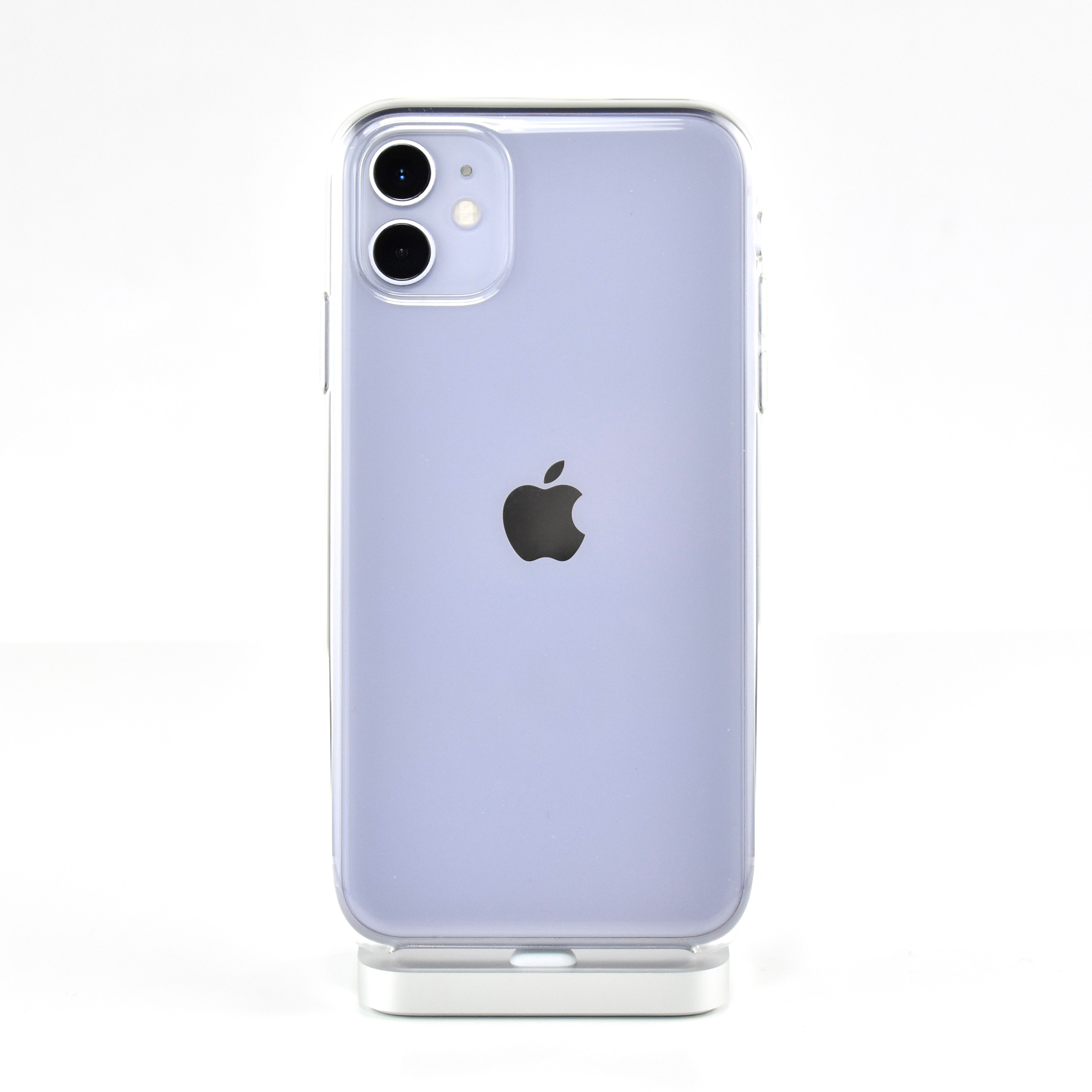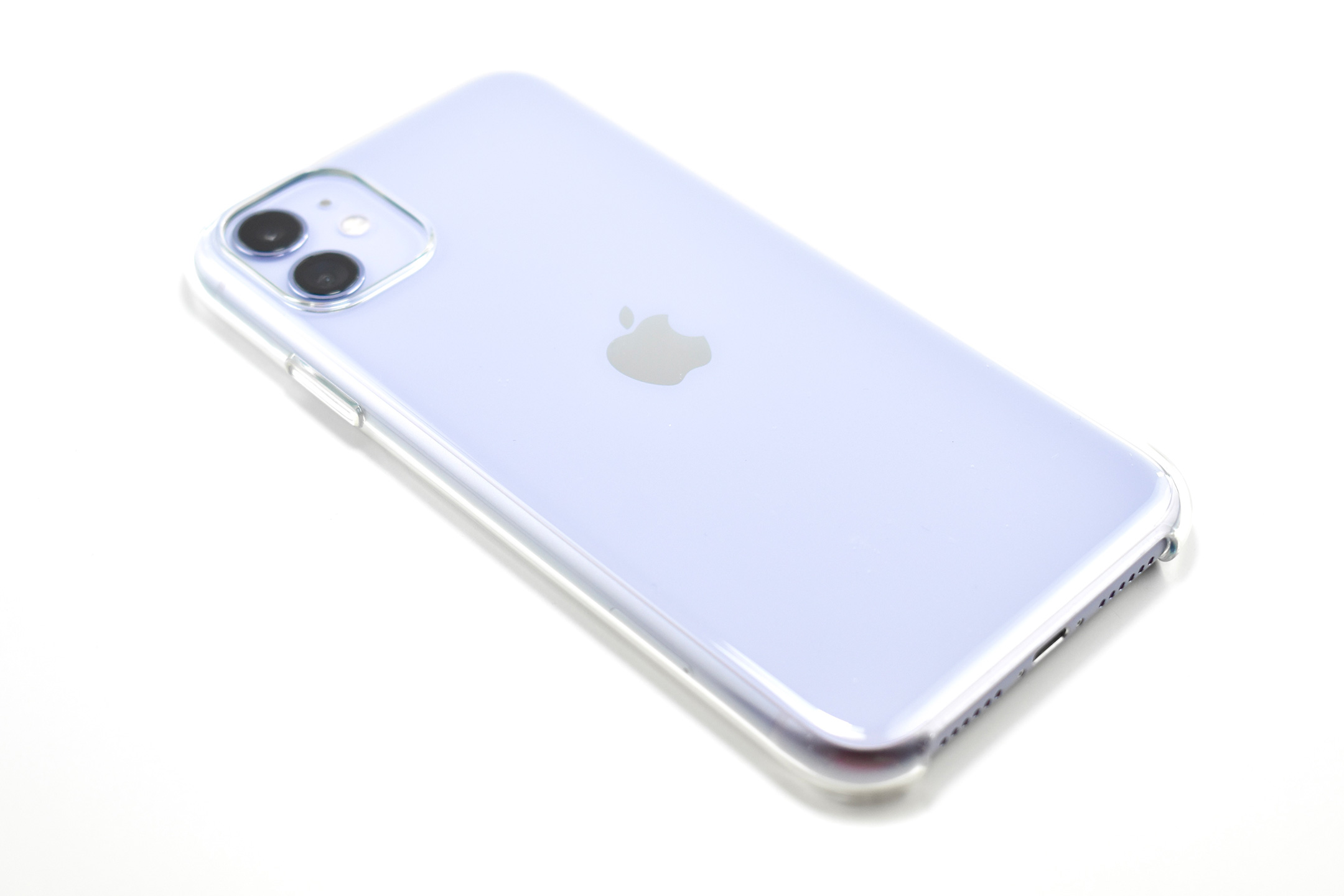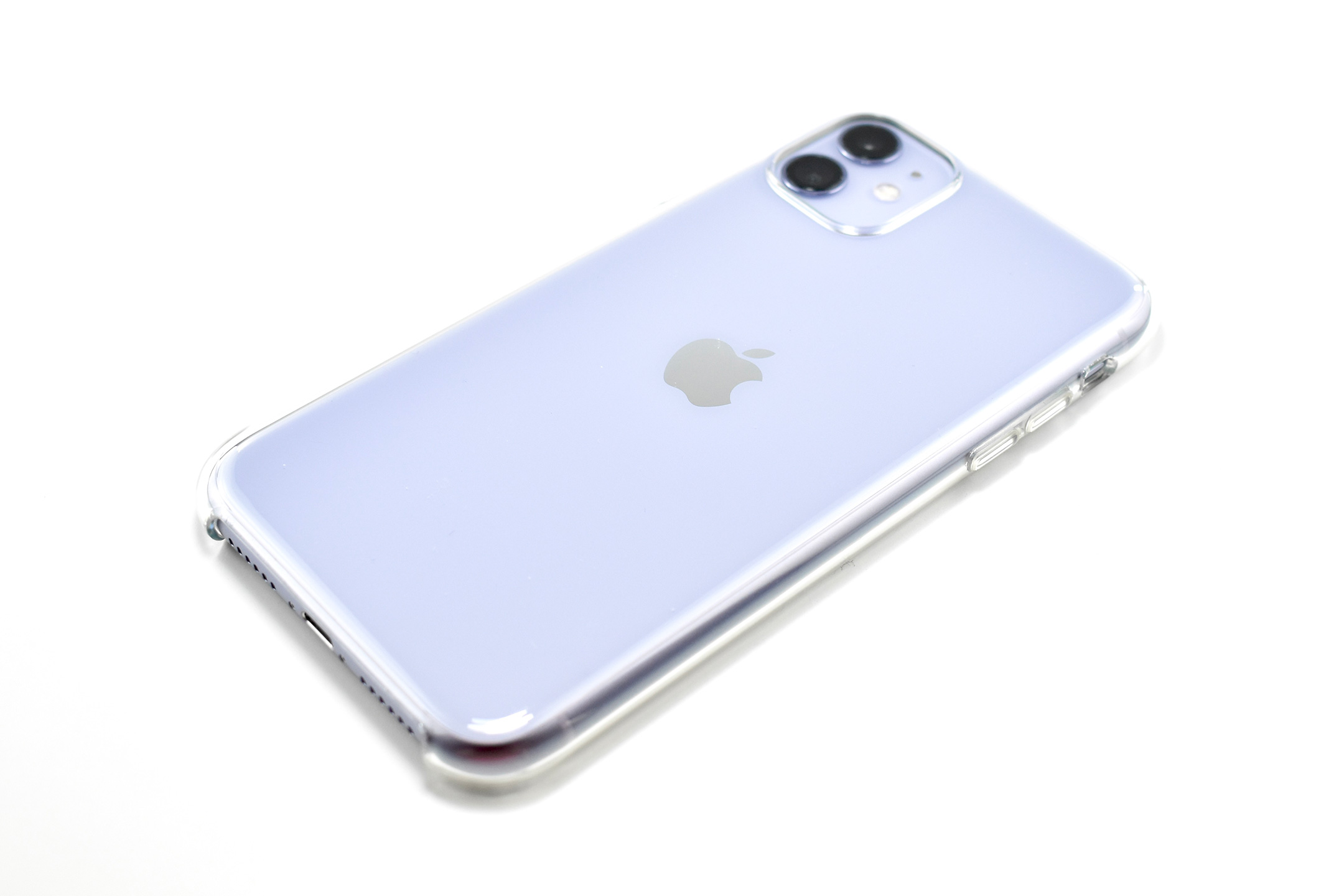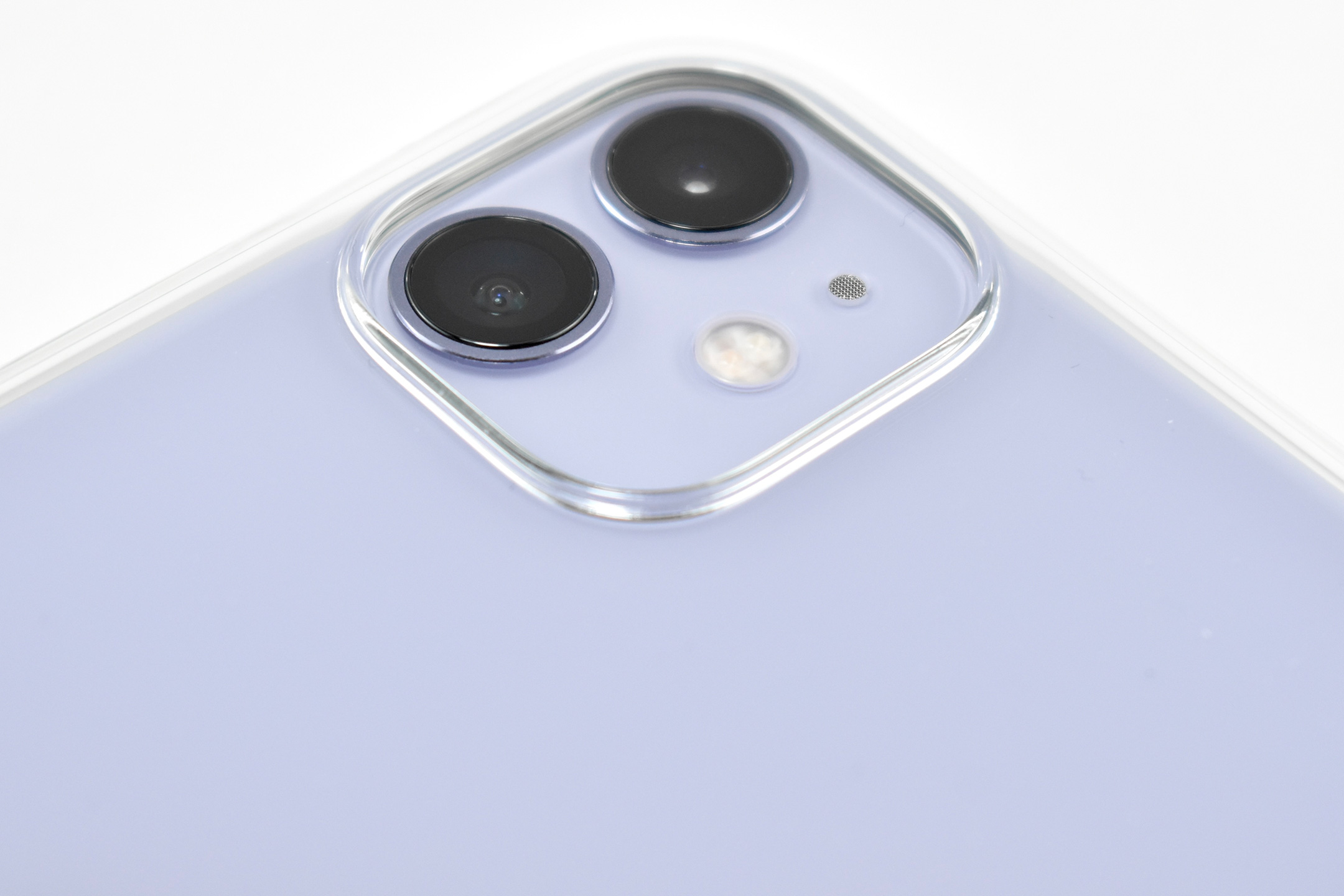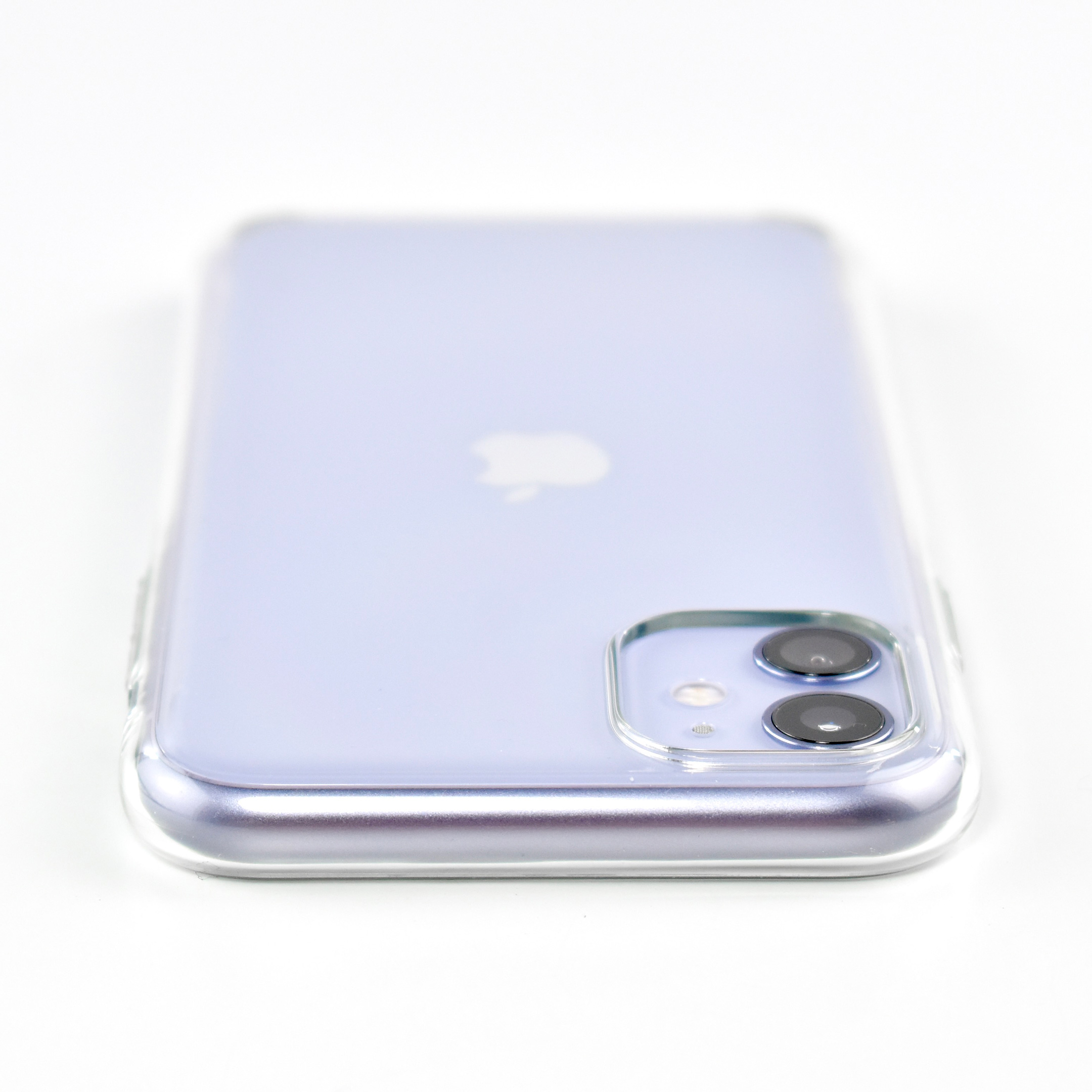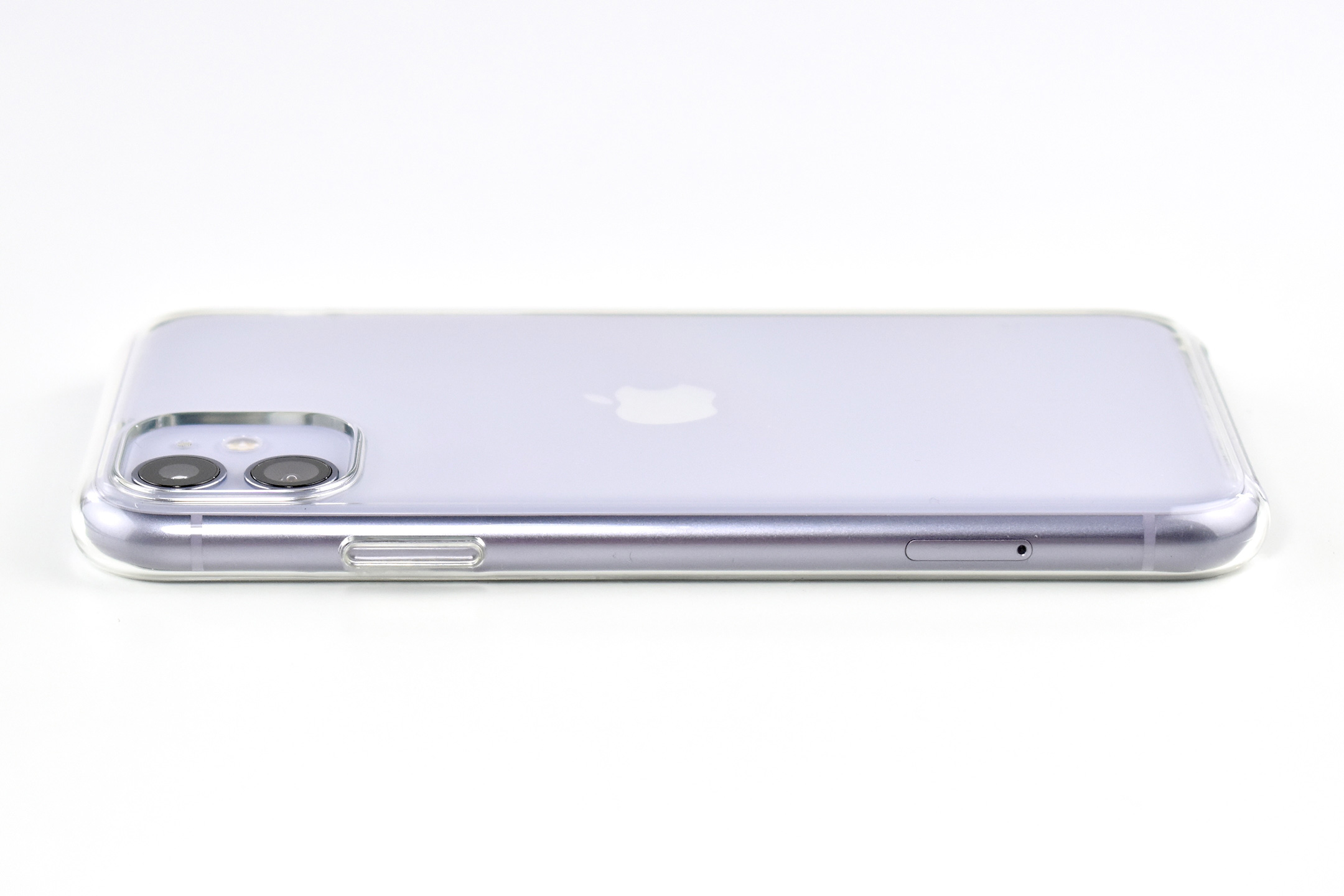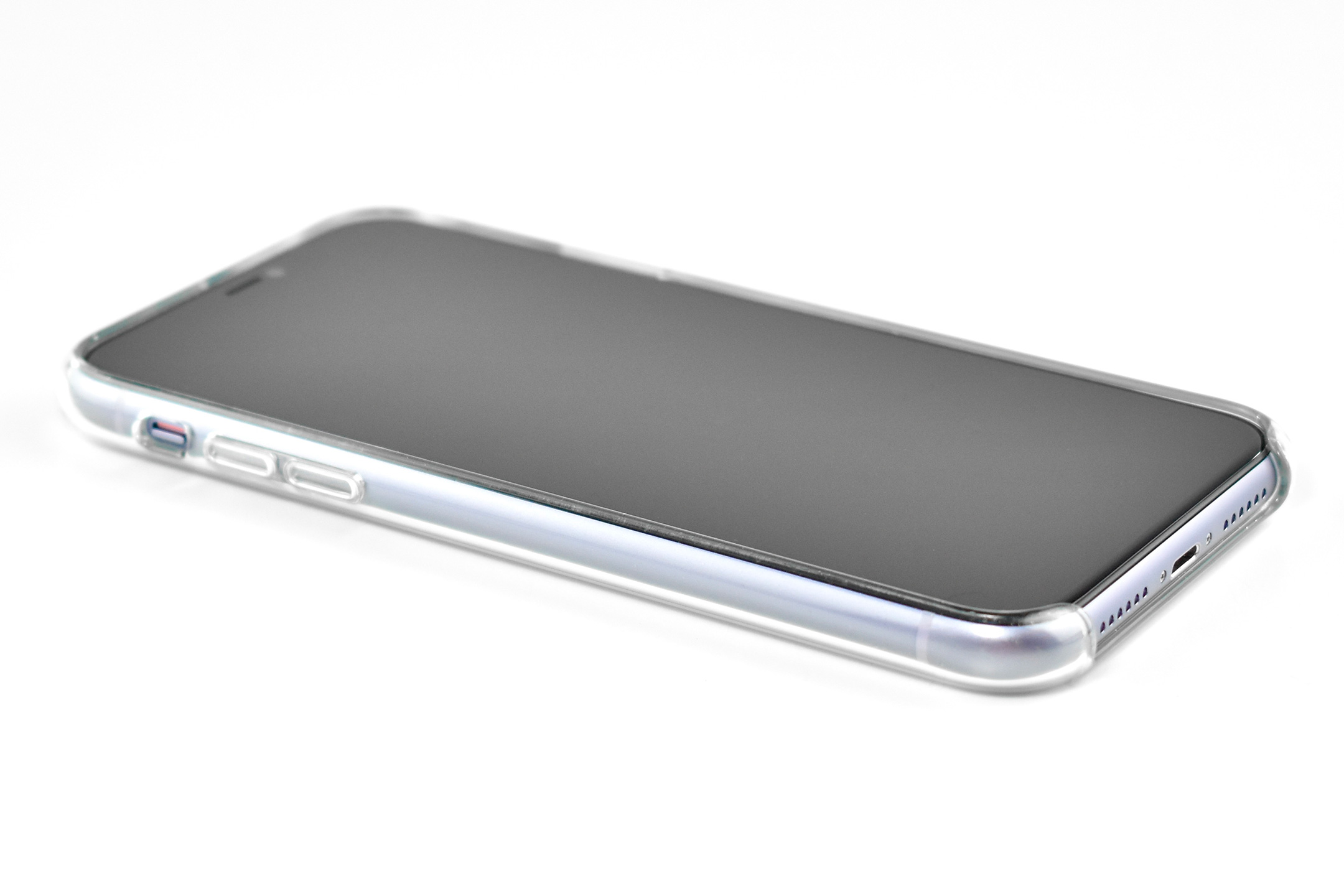
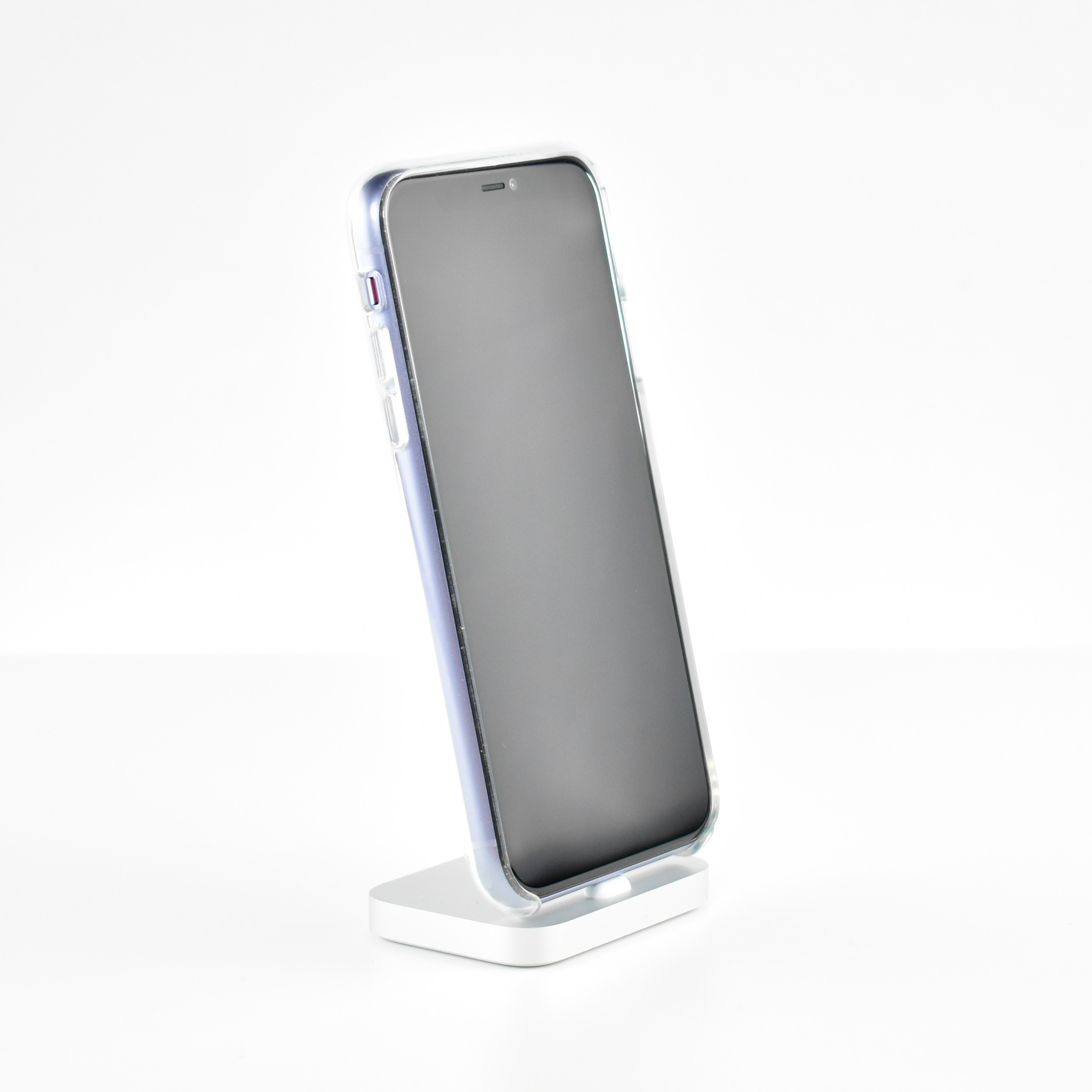
iPhone 11 (64GB, Purple, with iPhone 11 Clear Case, 2019)

When Phil Schiller introduced the iPhone 11 at a special event on September 10, 2019, he described the device:

“iPhone 11 is the next generation of iPhone, packed with great new capabilities in an incredible design, including new Ultra Wide and Wide cameras for gorgeous videos and photos, the power and ease of use of iOS 13, and A13 Bionic—the fastest chip ever in a smartphone that quickly handles the tasks that matter most to people every day.”

The iPhone 11 was the first of Apple’s base model phones to include a dual-camera system. Apple described the cameras in a press release:

“iPhone 11 introduces a dual-camera system with all-new Ultra Wide and Wide cameras that are deeply integrated into iOS 13, offering the highest quality video in a smartphone and major advancements in photography for the ultimate camera experience.”

Compared to previous models, the camera system was a major leap forward for iPhone. The camera system had two 12MP cameras (Ultra Wide and Wide). The A13 chip allowed Portrait mode with advanced bokeh and Depth Control, and Portrait Lighting included six effects: Natural, Studio, Contour, Stage, Stage Mono, and High-Key Mono. Panorama mode allowed photos of up to 63MP. Videos could be recorded at up to 4K (at 24, 25, 30, or 60 fps). Machine learning capabilities allowed Cinematic video stabilization (4K, 1080p, and 720p) and continuous autofocus video.

iPhone 11 was available in six “stunning colors” including purple, green, yellow, black, white and PRODUCT(RED). This example is purple, a lighter shade of purple sometimes referred to as “lilac.”

This phone had a Liquid Retina HD display that measured 6.1‑inch (diagonal) display at 1792 x 828‑pixel resolution (326 ppi). The A13 Bionic chip allowed for “the best machine learning platform in a smartphone” at the time of its release. It used a 6-core CPU with 2 performance and 4 efficiency cores, a 4-core GPU, and an 8-core Neural Engine.

The iPhone 11 was also the first base iPhone to lack a Home button. Its six sensors included Face ID, barometer, 3‑axis gyro, accelerometer, proximity sensor, and an ambient light sensor.

The design of the iPhone 11 included rounded edges and the front and back were made of glass. Apple noted, “With a back design that is precision milled and sculpted from a single piece of glass, iPhone 11 features the toughest glass ever in a smartphone.”

This iPhone is shown in an iPhone 11 Clear Case. Apple described the case as “Thin, light, and easy to grip.” According to Apple’s website:

“Made from a blend of optically clear polycarbonate and flexible TPU materials, the iPhone 11 Clear Case provides a solid, comfortable feel. The back is designed to be sturdy, while the sides are made from a softer, more flexible material that fits right over the buttons for an improved grip. And when it’s time to wirelessly charge, just leave the case on and set your iPhone on your Qi-certified charger. On the surface, a scratch-resistant coating has been applied to both the interior and exterior. And all materials and coatings are optimized to prevent yellowing over time.”

Sources: Apple (specs, Newsroom)
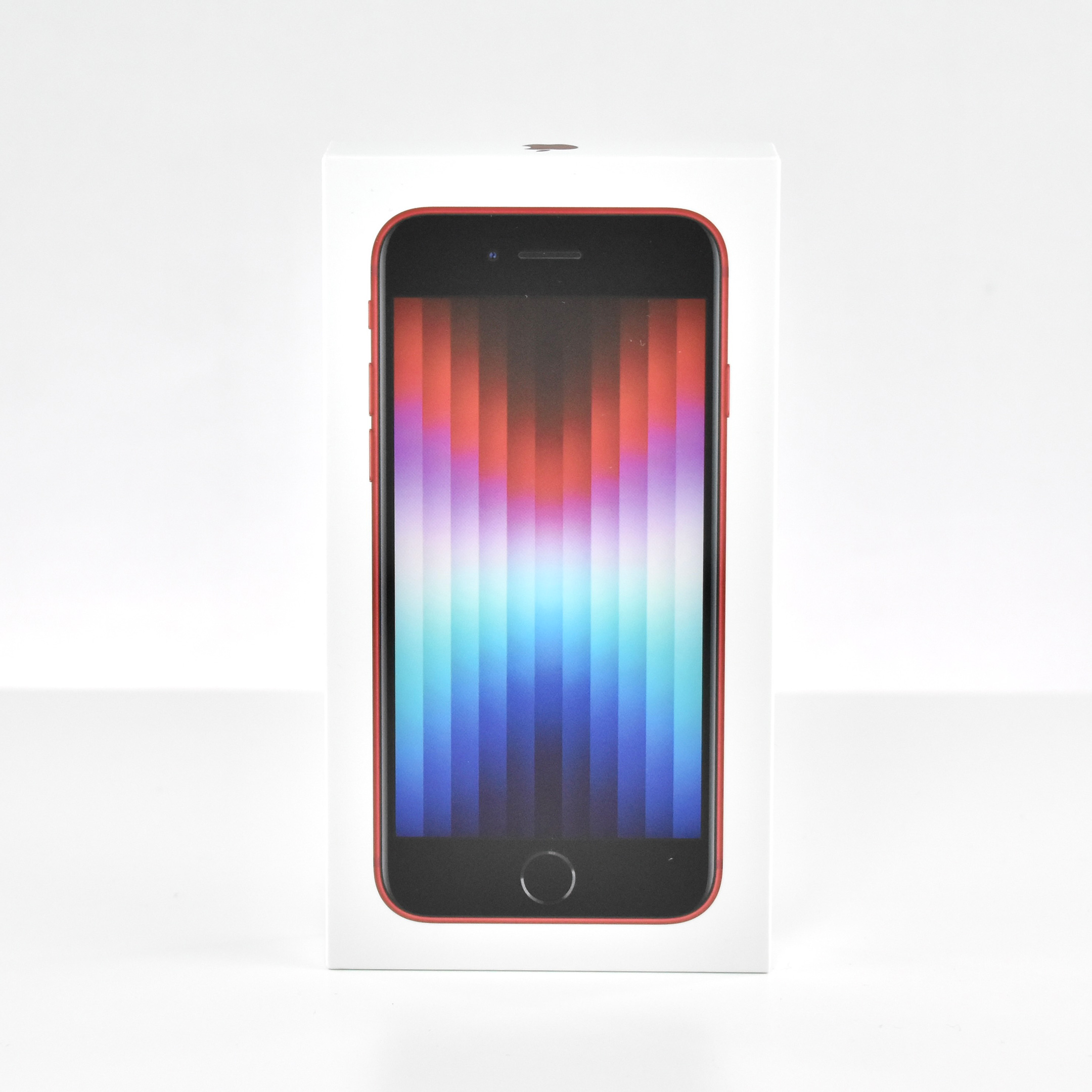
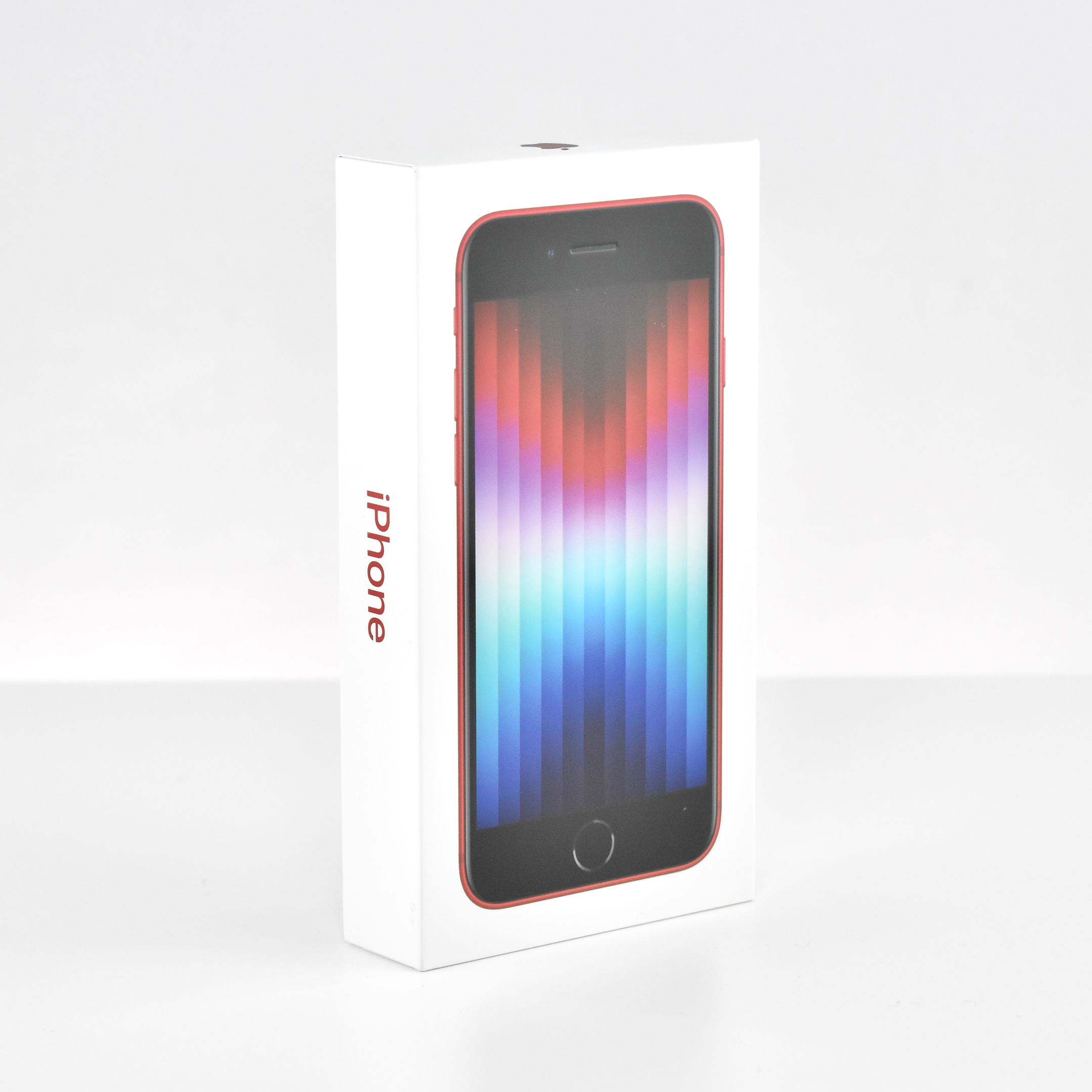
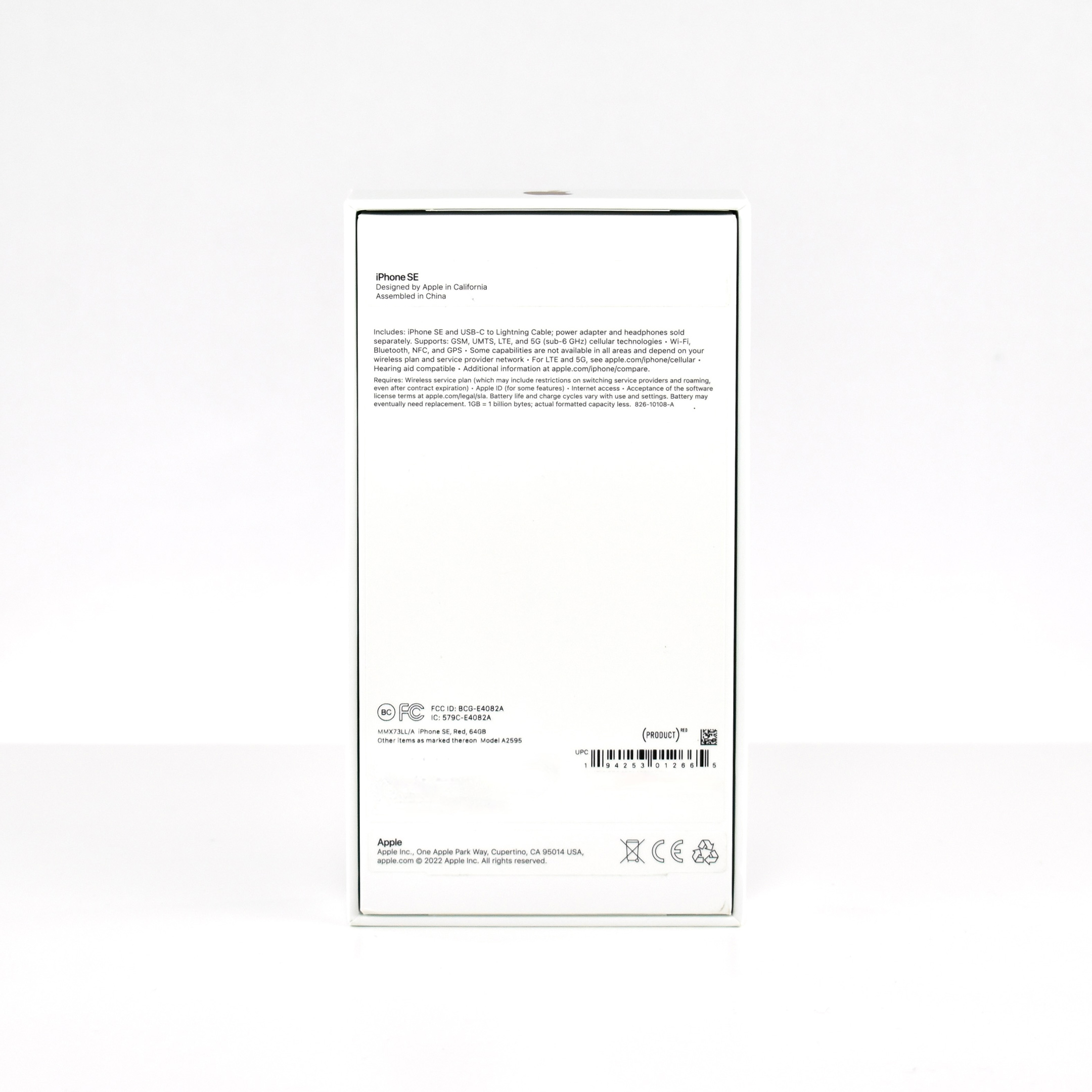
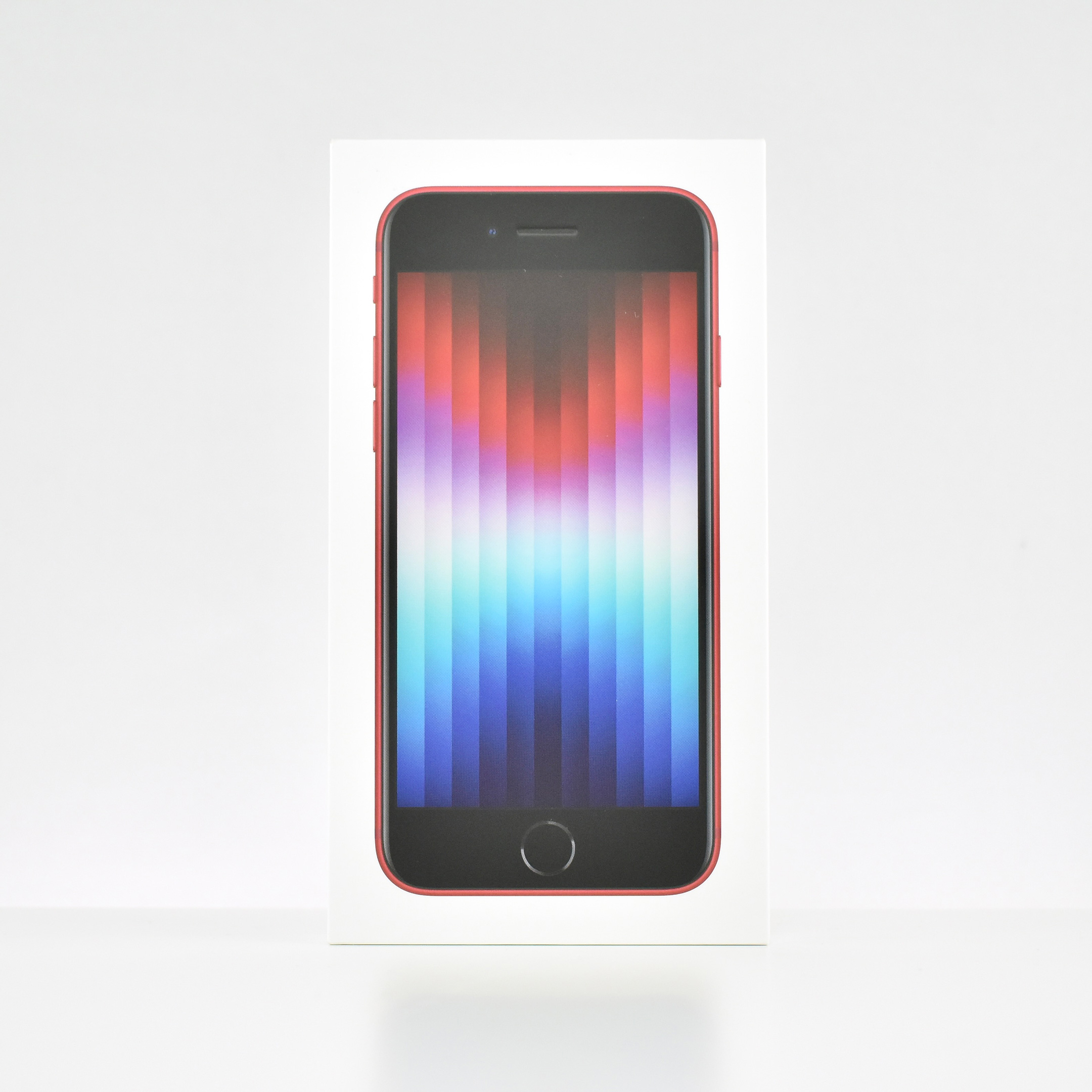
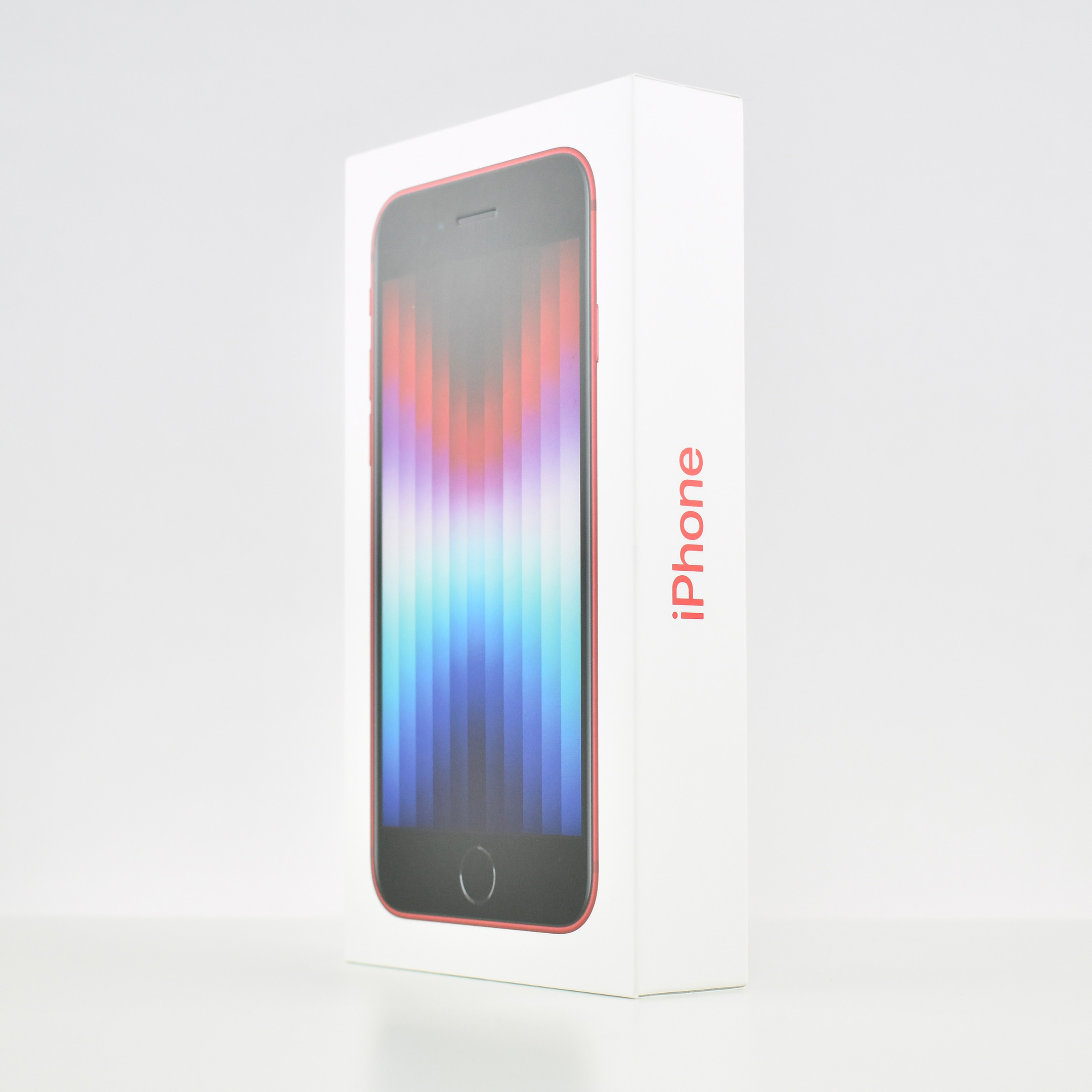
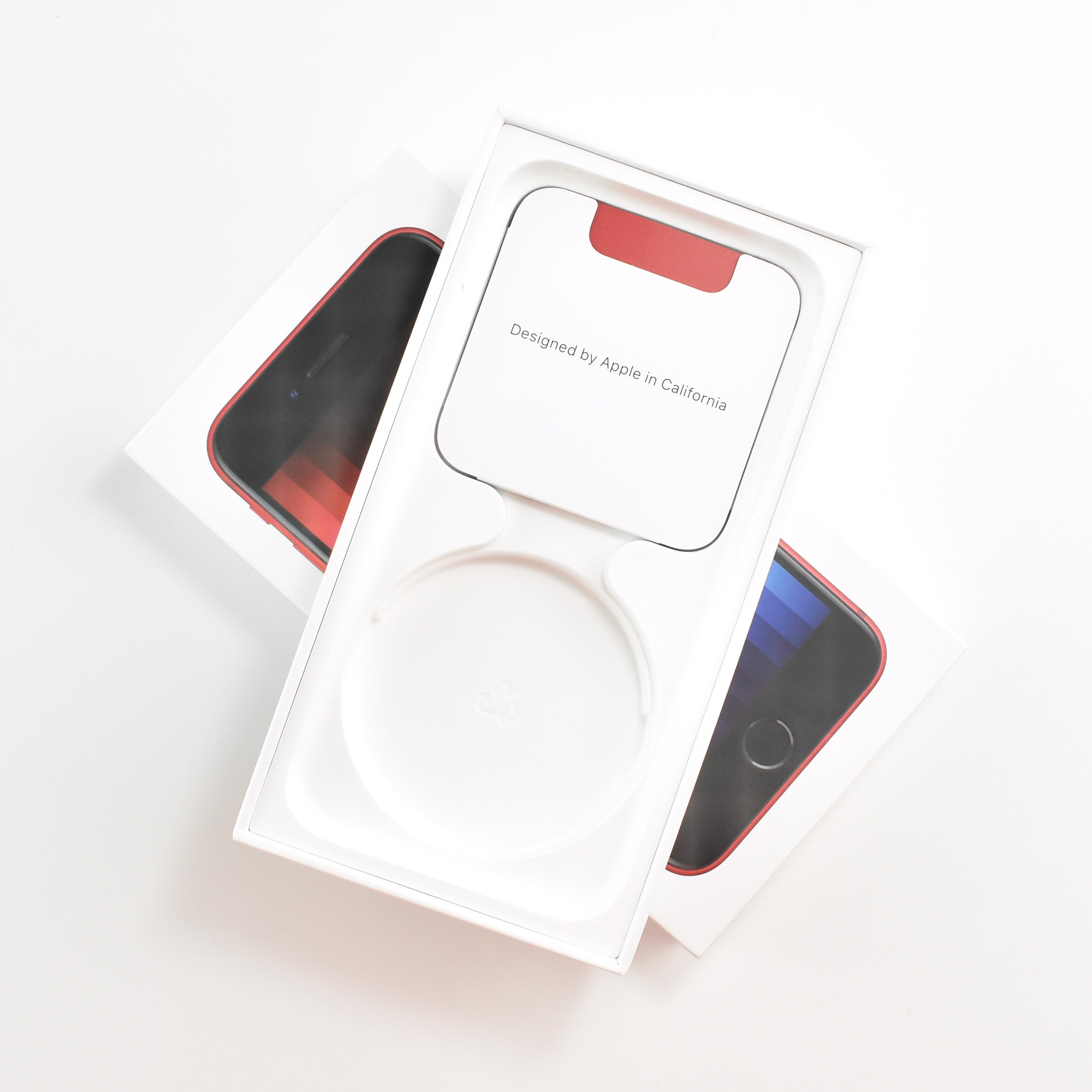
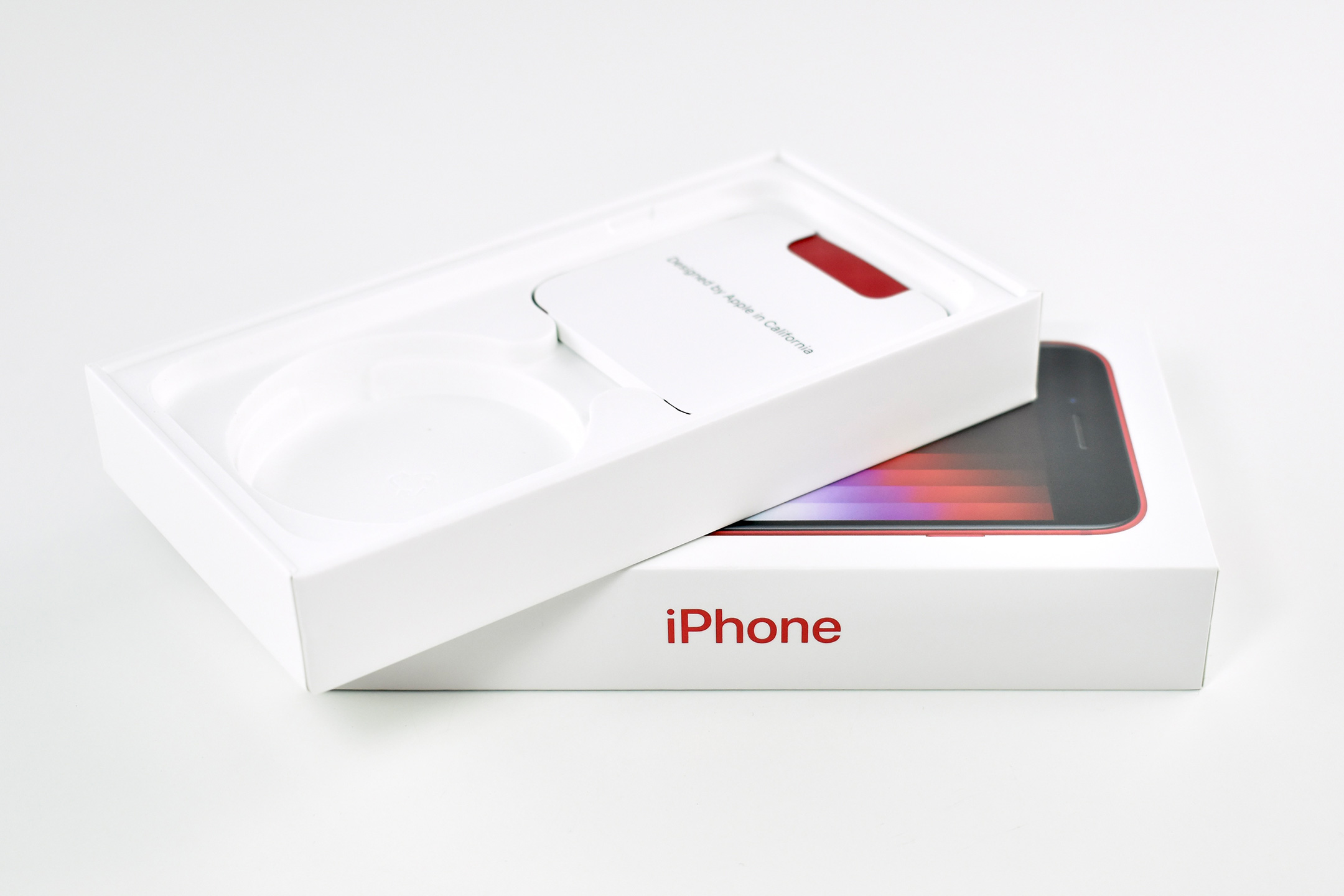
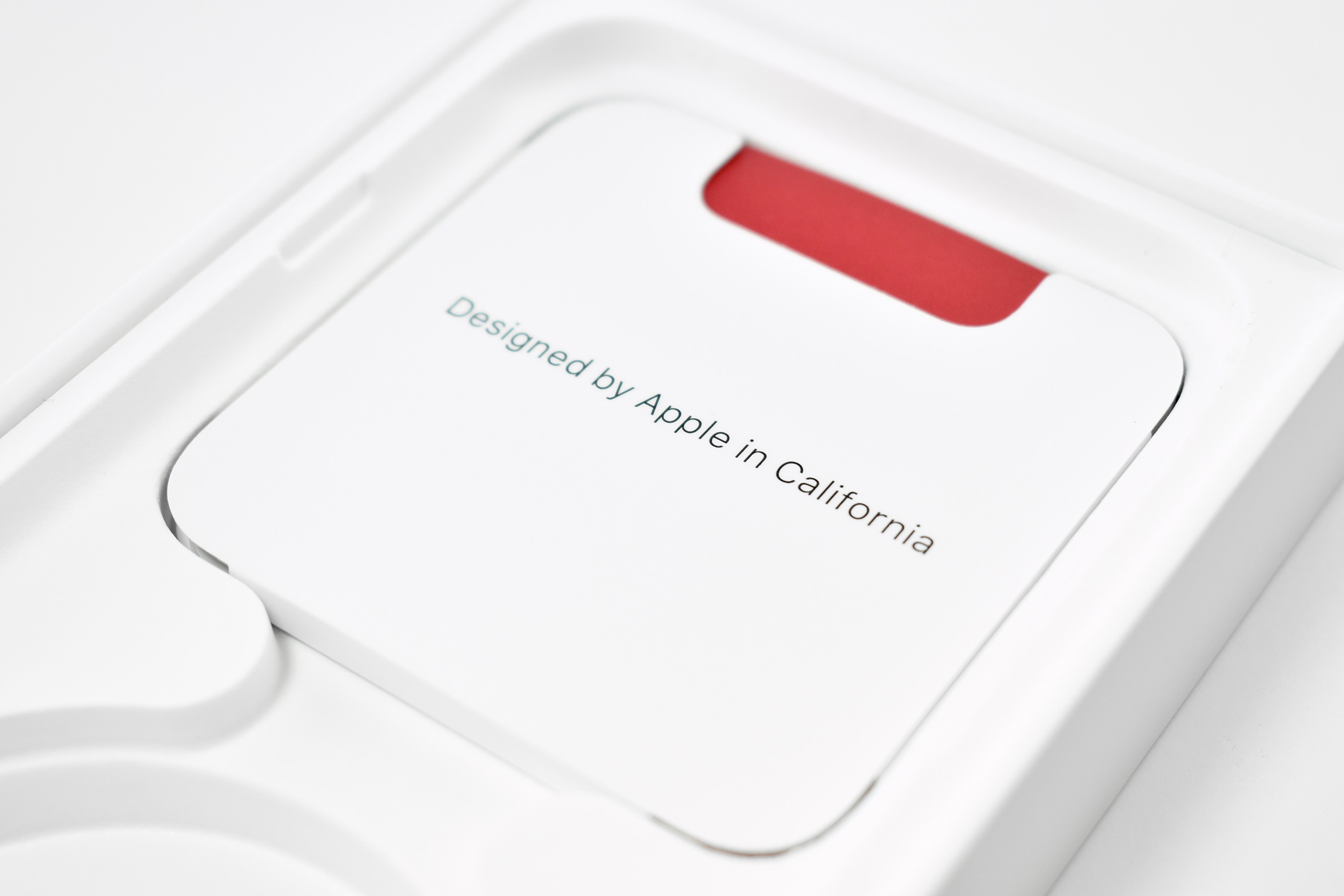
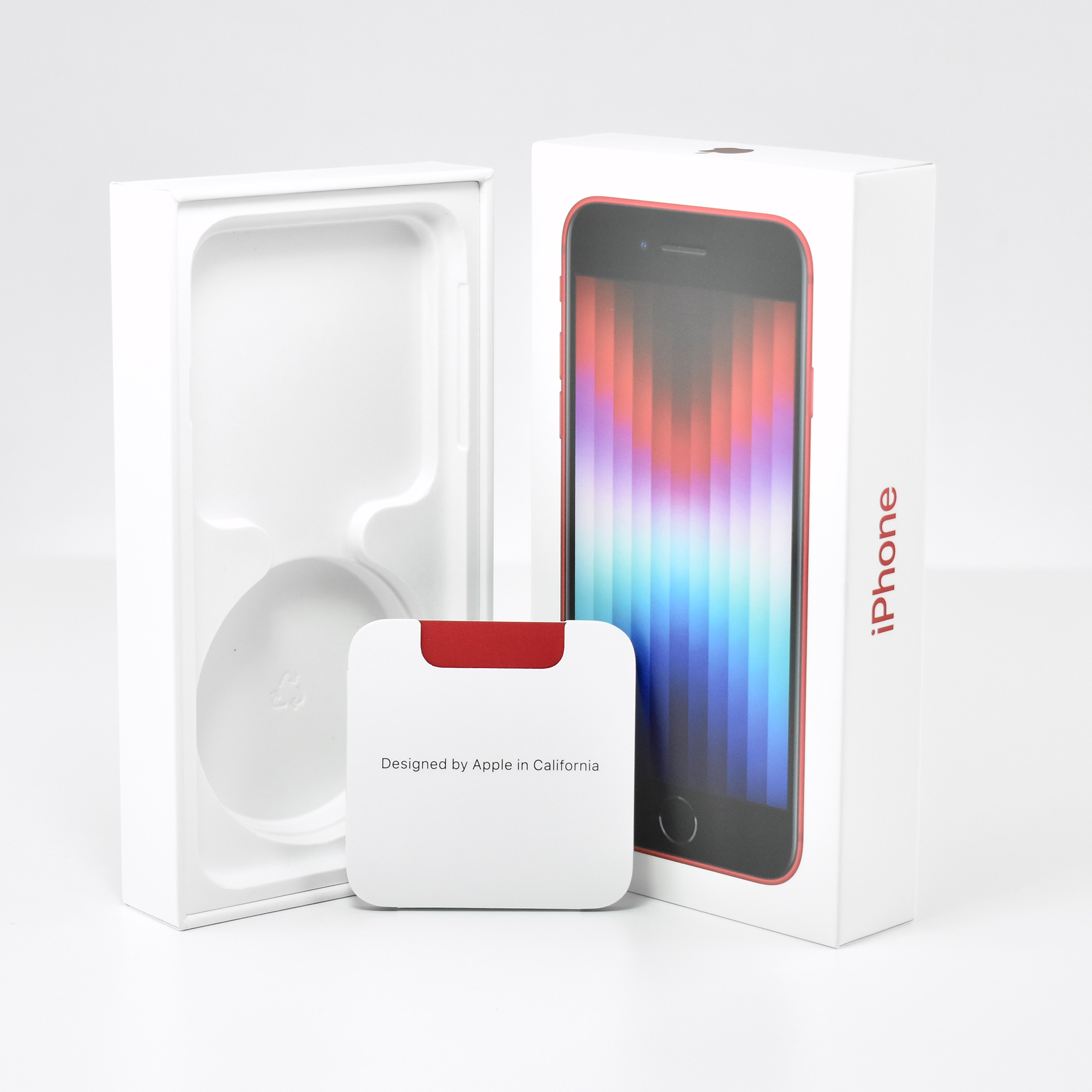
iPhone SE packaging (Generation 2, (PRODUCT)RED, 64GB, 2020)

Apple says that iPhone SE Generation 2 is “The Most Affordable iPhone Features A13 Bionic, the Fastest Chip in a Smartphone, and the Best Single-Camera System in an iPhone.”

According to Apple’s press release, the iPhone SE Generation 2 is:

“a powerful new iPhone featuring a 4.7-inch Retina HD display, paired with Touch ID for industry-leading security. iPhone SE comes in a compact design, reinvented from the inside out…The new iPhone SE is powered by the Apple-designed A13 Bionic, the fastest chip in a smartphone, to handle the most demanding tasks. iPhone SE also features the best single-camera system ever in an iPhone, which unlocks the benefits of computational photography including Portrait mode, and is designed to withstand the elements with dust and water resistance.”

This iPhone SE was offered in three colors: black, white, and (PRODUCT)RED. This product packaging is from the (PRODUCT)RED model.

Source: Apple (Newsroom)
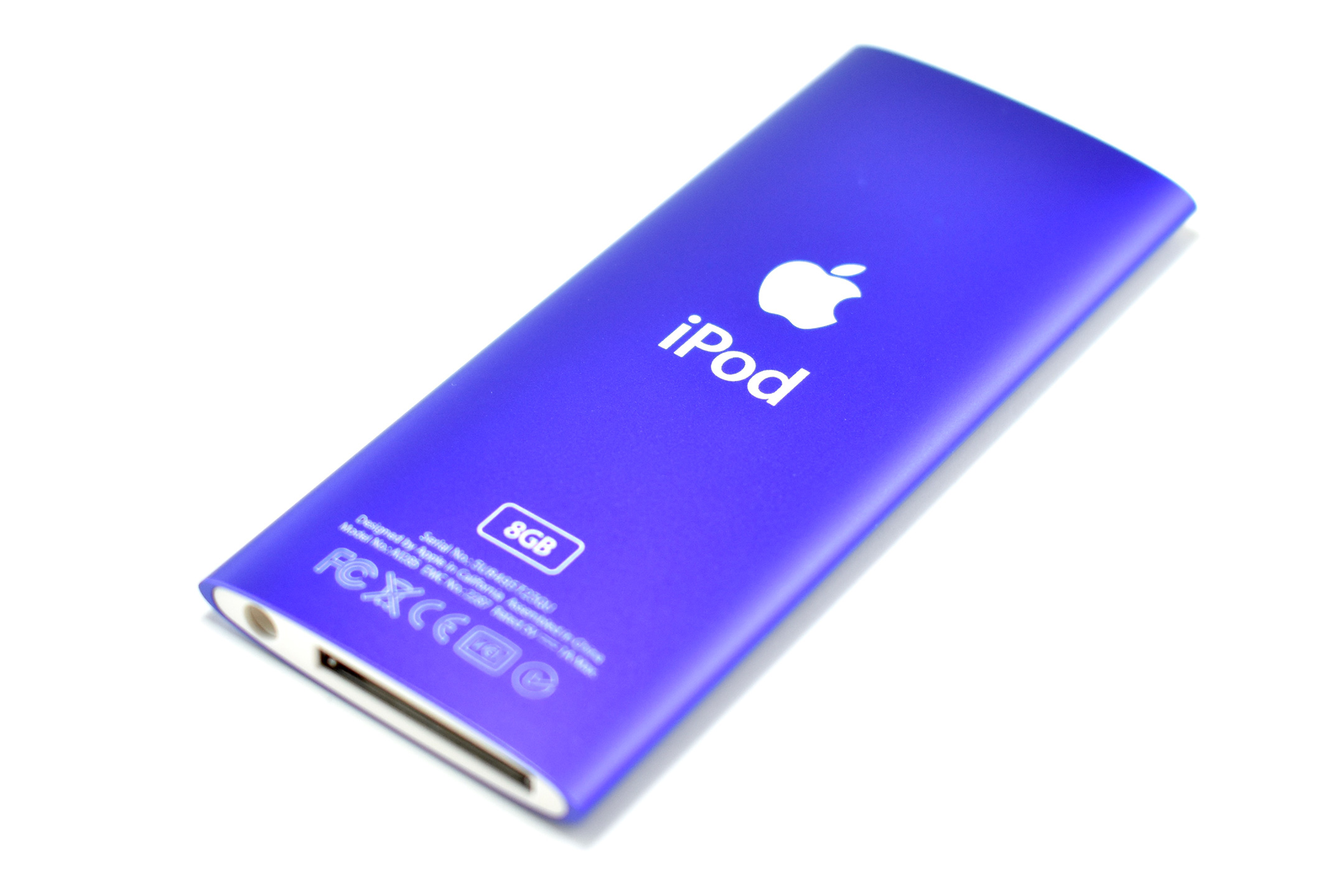
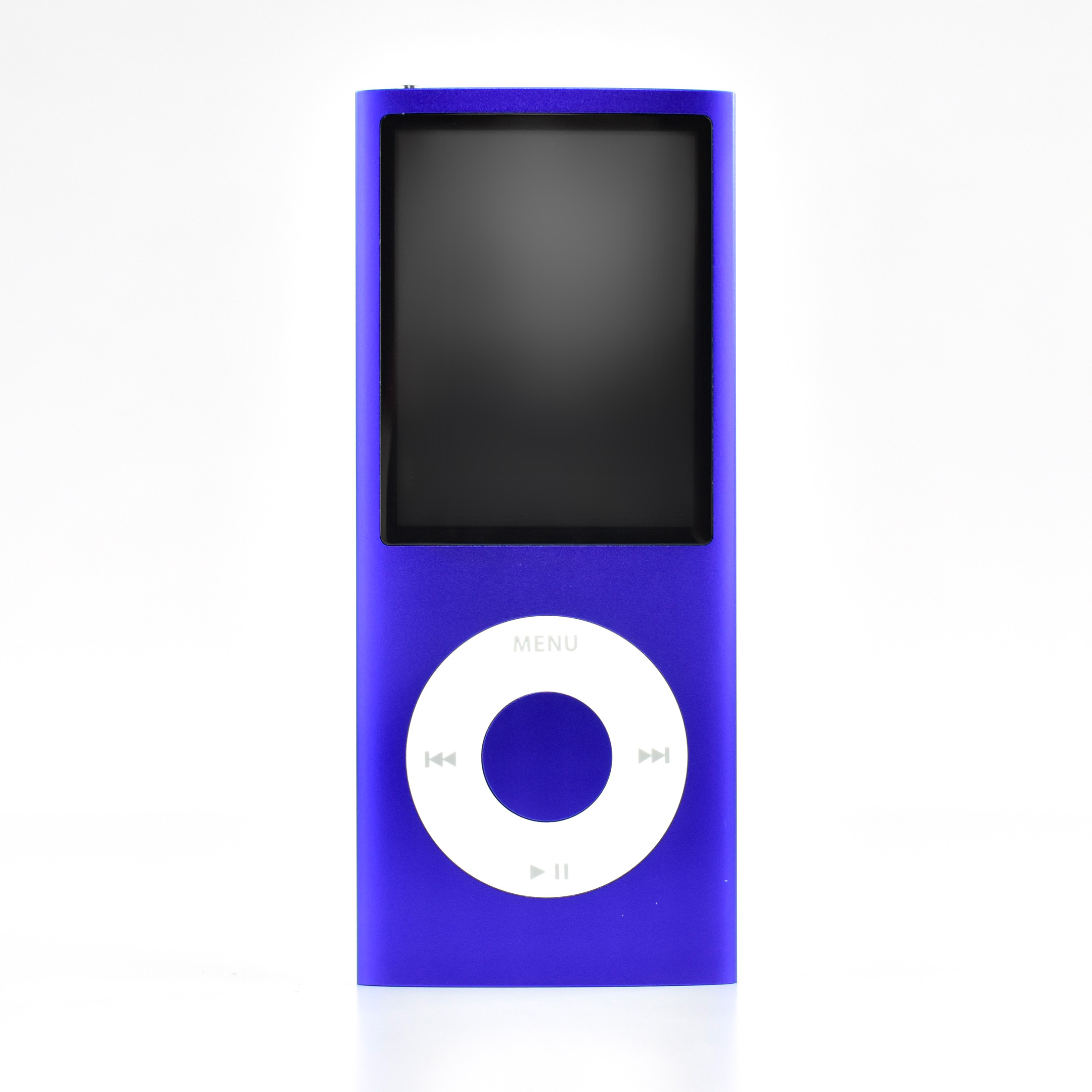
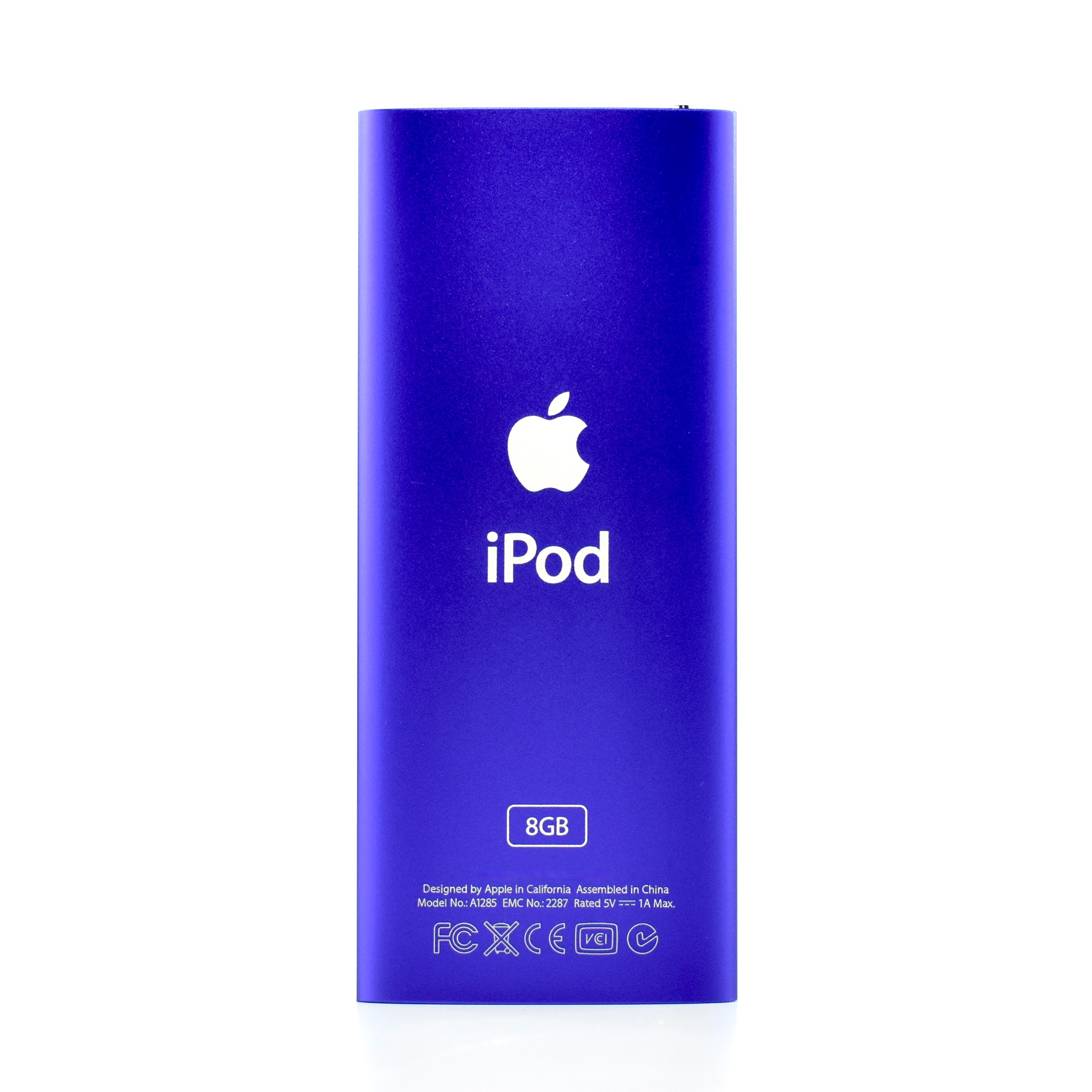
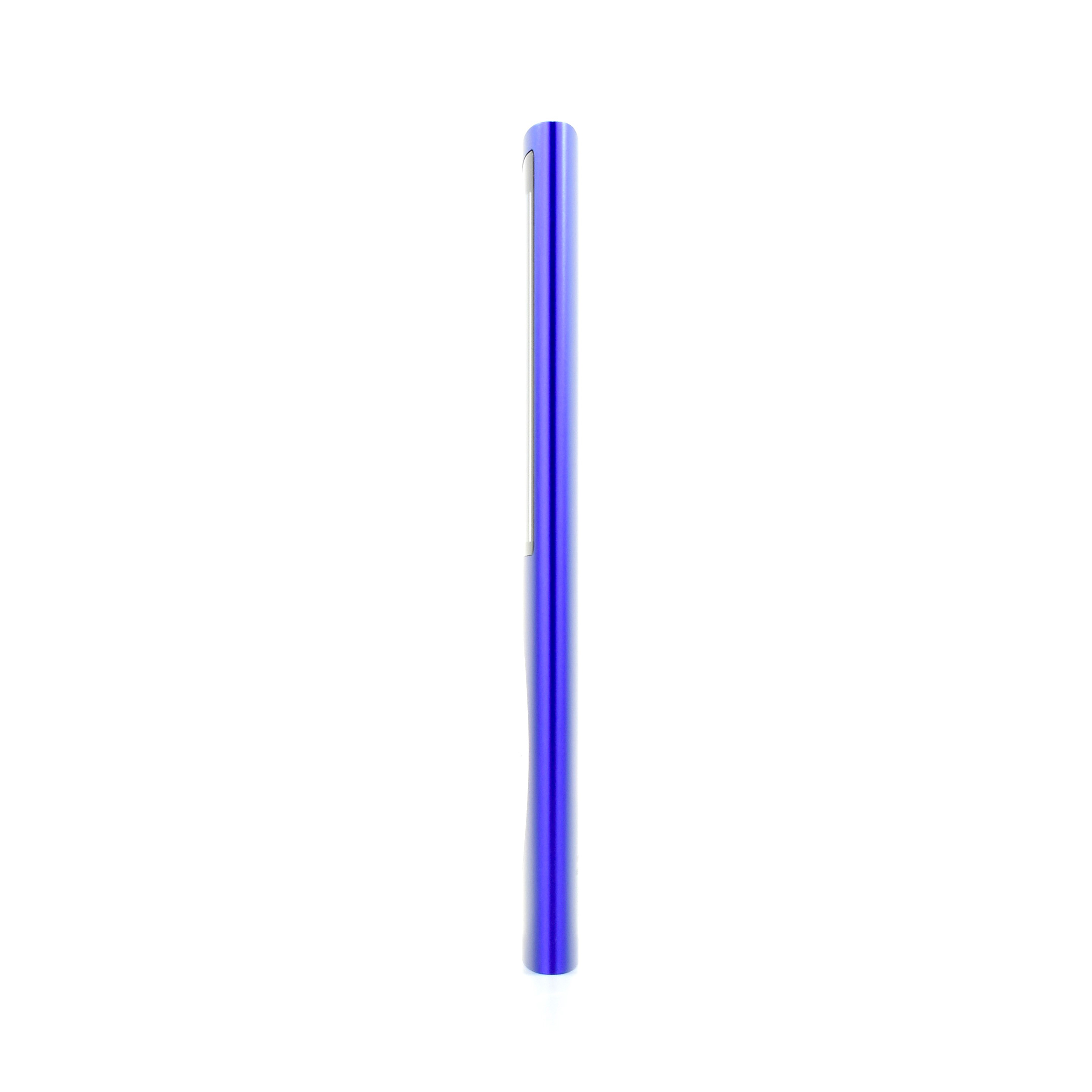
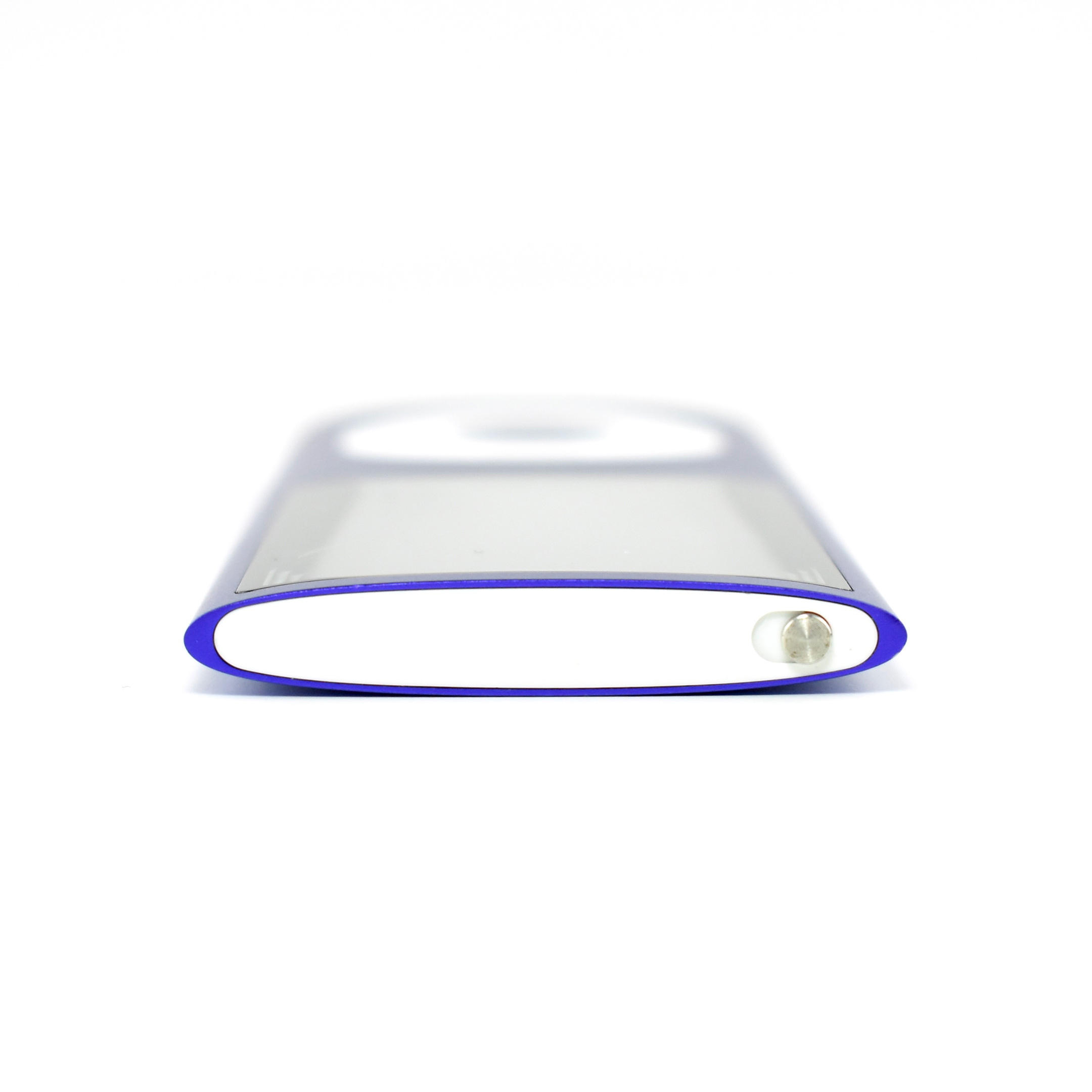
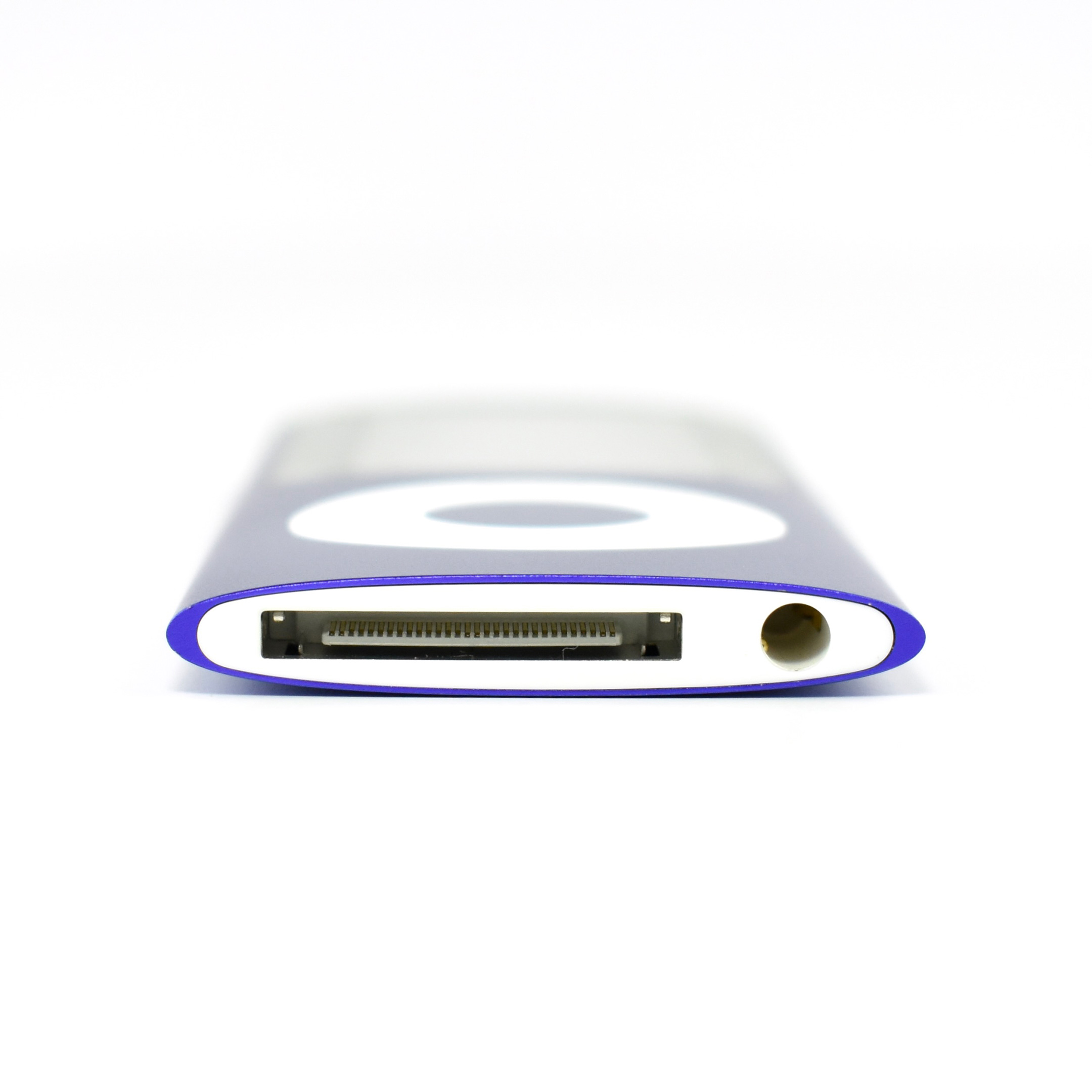
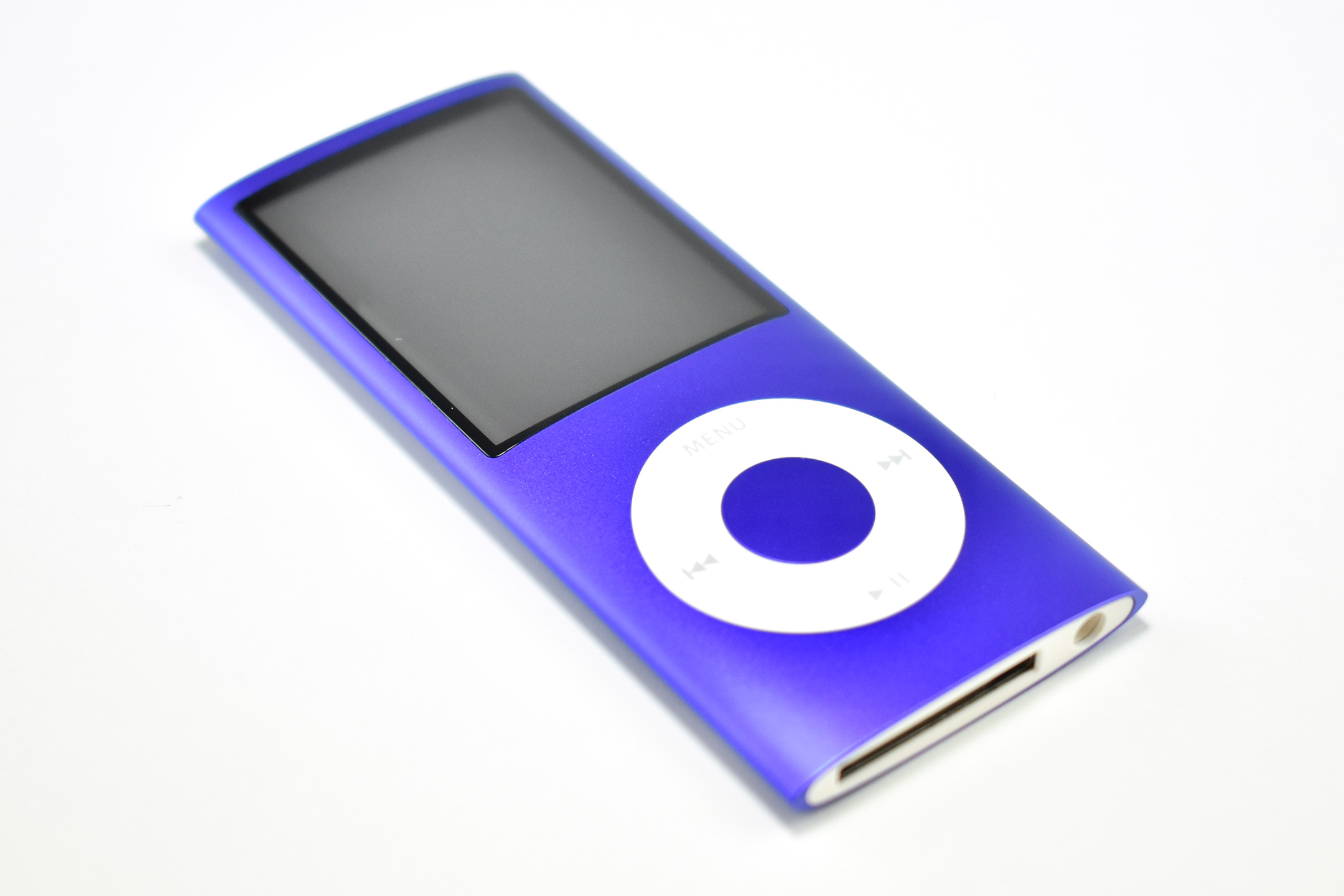
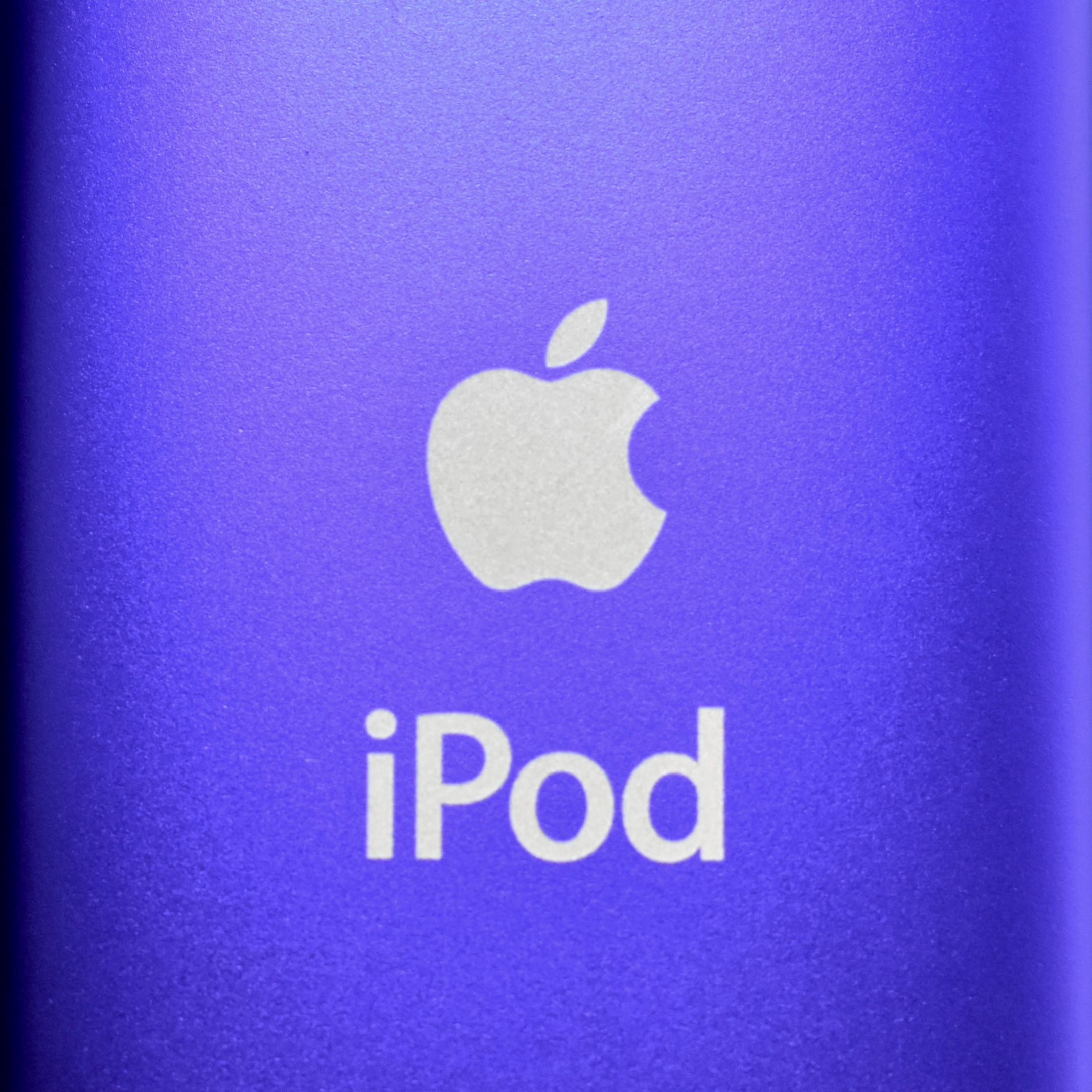
iPod nano (Generation 4, 8GB, purple, 2008)
Replacing the “squat” design of the Generation 3, the iPod nano Generation 4 (model A1285) returned to a “skinny” design similar to its predecessors. The new wraparound curved aluminum and glass case was offered in an unprecedented nine colors: silver, black, purple, blue, green, yellow, orange, pink, and (PRODUCT) RED Special Edition. The display was a wide-format 2-inch (diagonal) color LCD display at 320×240.

The iPod nano Generation 4 used Click Wheel navigation and had either 8 GB or 16 GB of flash memory, capable of storing 2000 or 4000 songs, 7000 or 14,000 photos, and 8 hours or 16 hours of video.

Apple indicated that “You can distinguish the iPod nano (4th generation) from previous iPod nano models by:”

  • Its taller screen
  • Its curved surface
  • Its oval shape when seen from the top or bottom
  • The inclusion of an accelerometer that is used by the Shake feature.”

The iPod nano Generation 4 included an accelerometer (automatically switched to “Cover Flow” navigation in landscape orientation), games and videos only played in landscape, a new Genius feature to dynamically create playlists, and shake-to-shuffle for songs. Accessibility options were added including larger text and spoken menu items. It also included Nike+iPod support, FM radio tagging (using the Apple Radio Remote), support for audio crossfade, and games including Maze, Klondike, and Vortex.

Source: Apple (Identify Your iPod), EveryMac

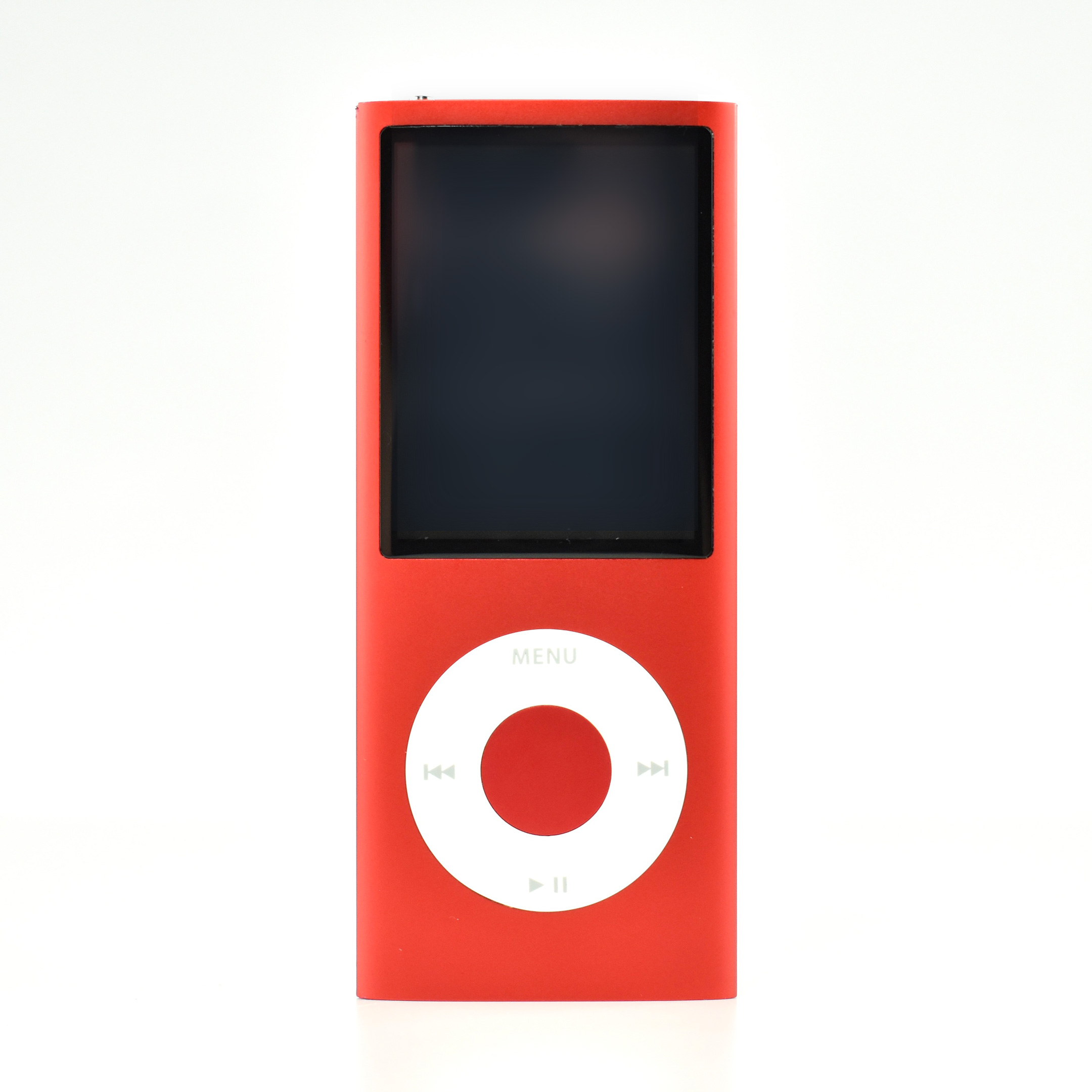
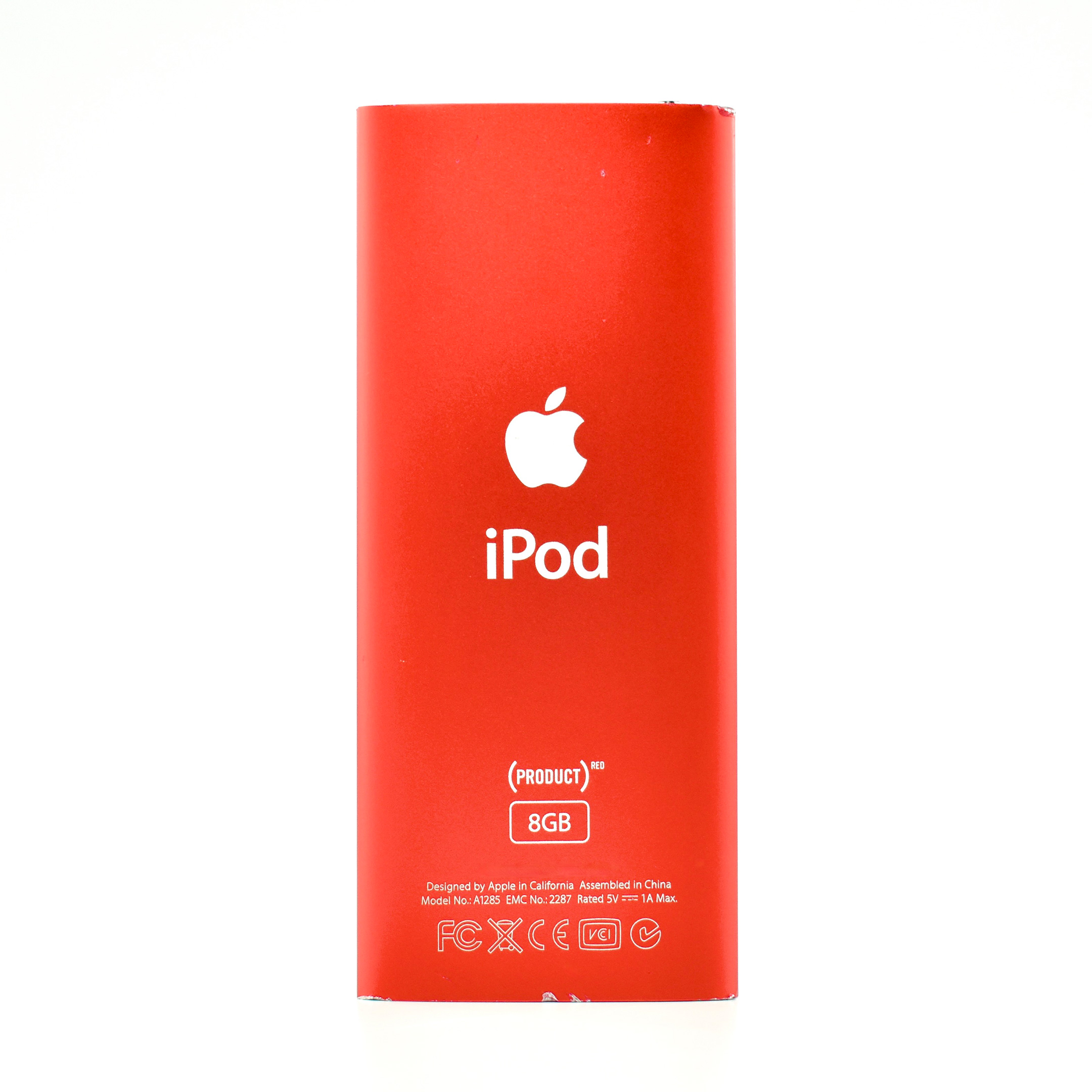
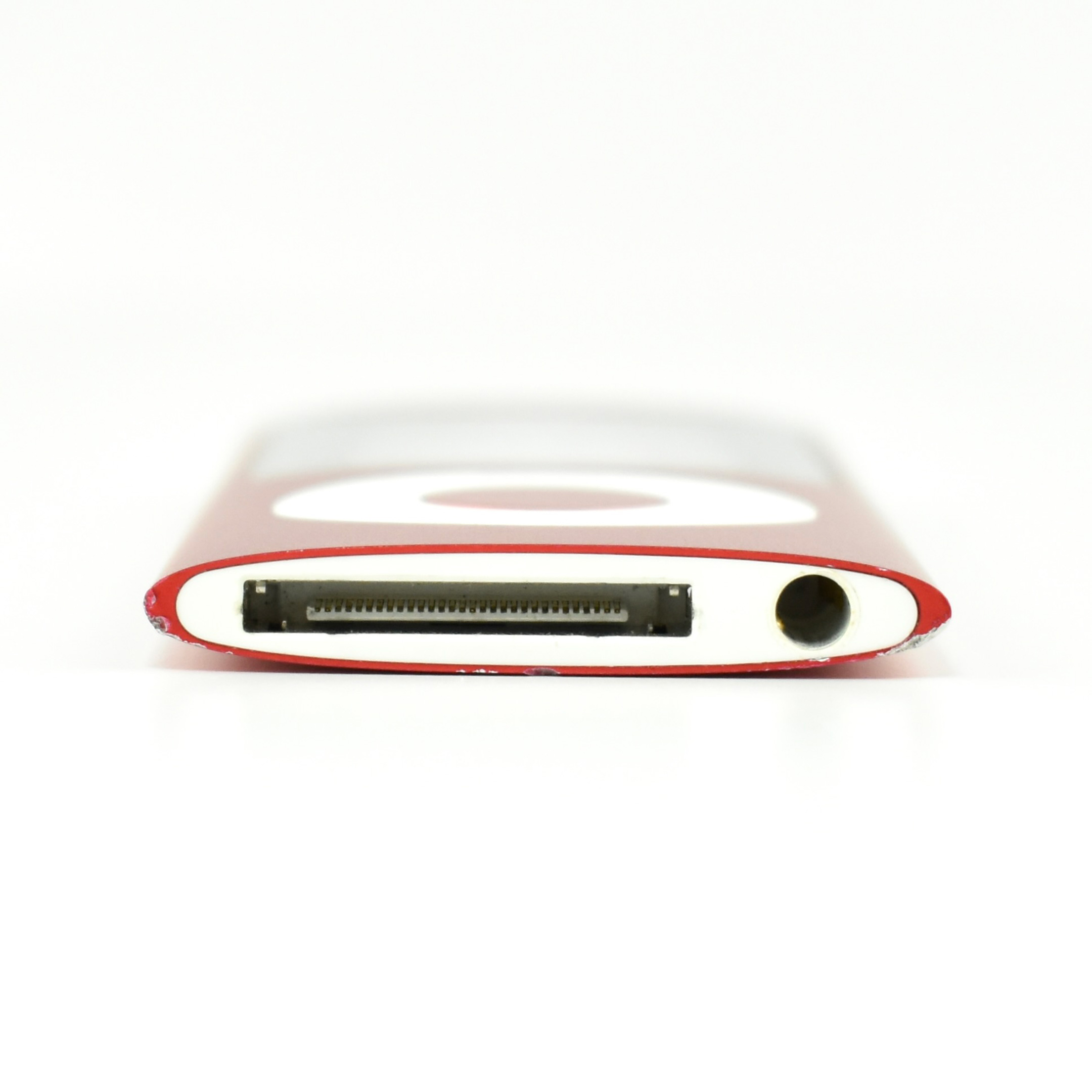
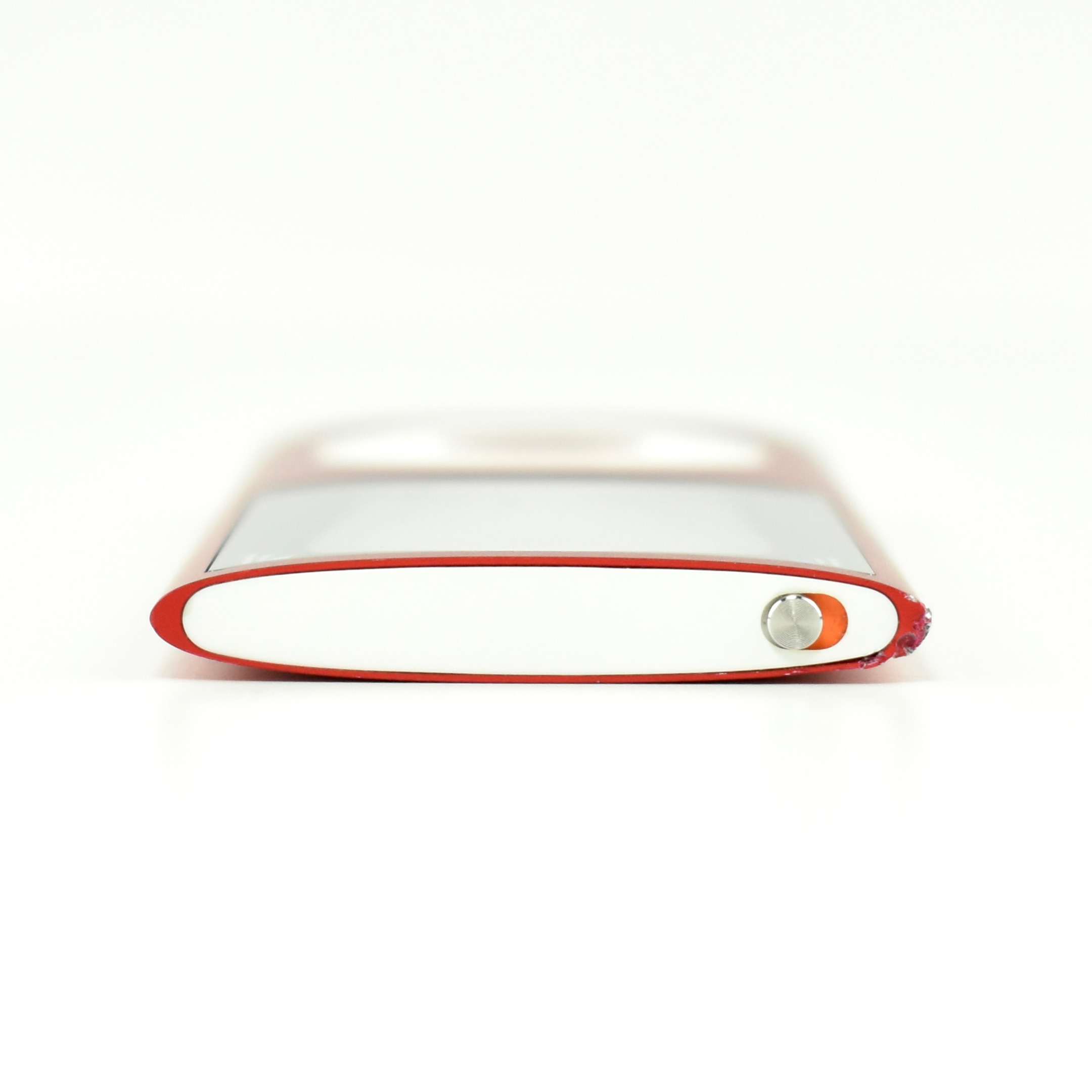
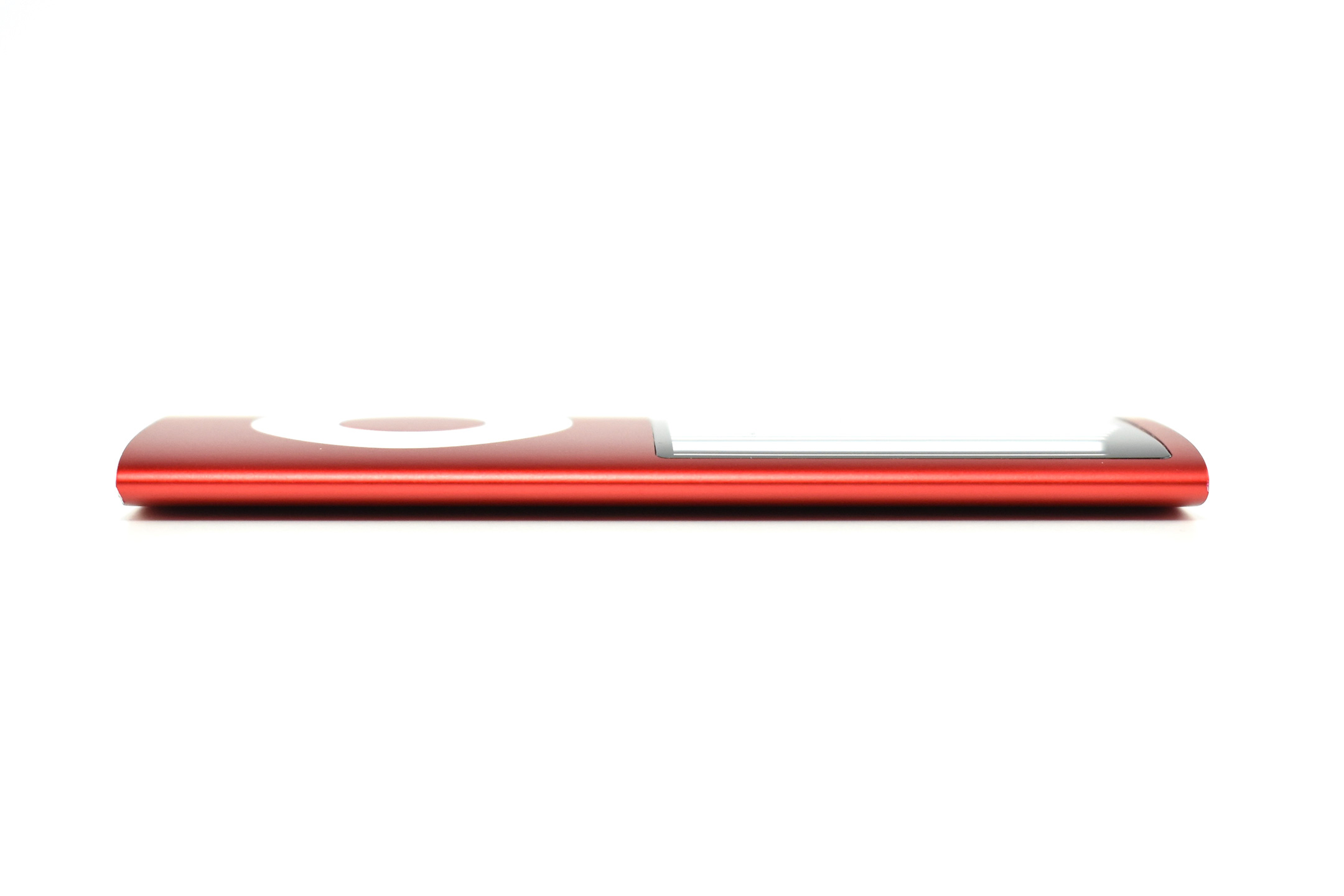
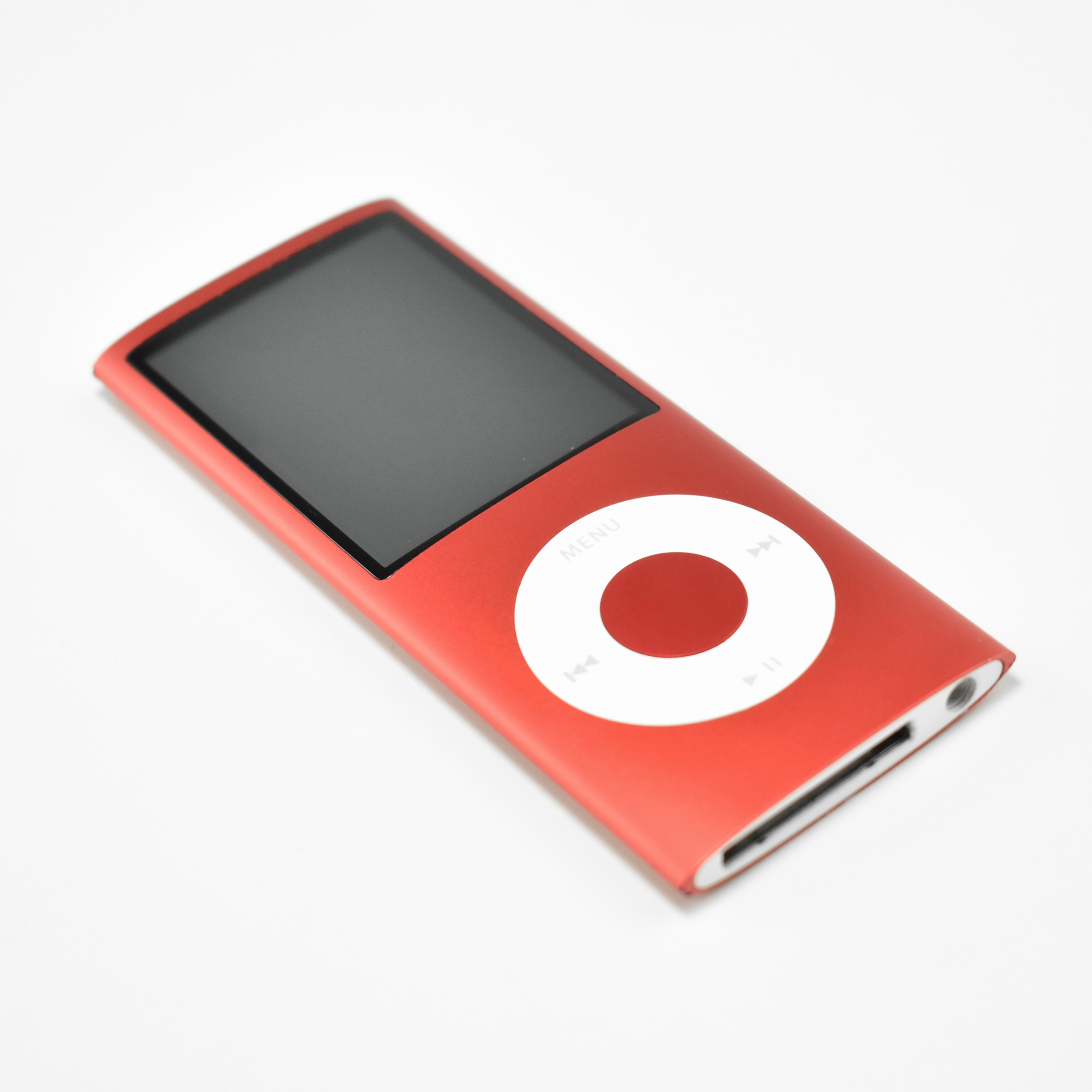
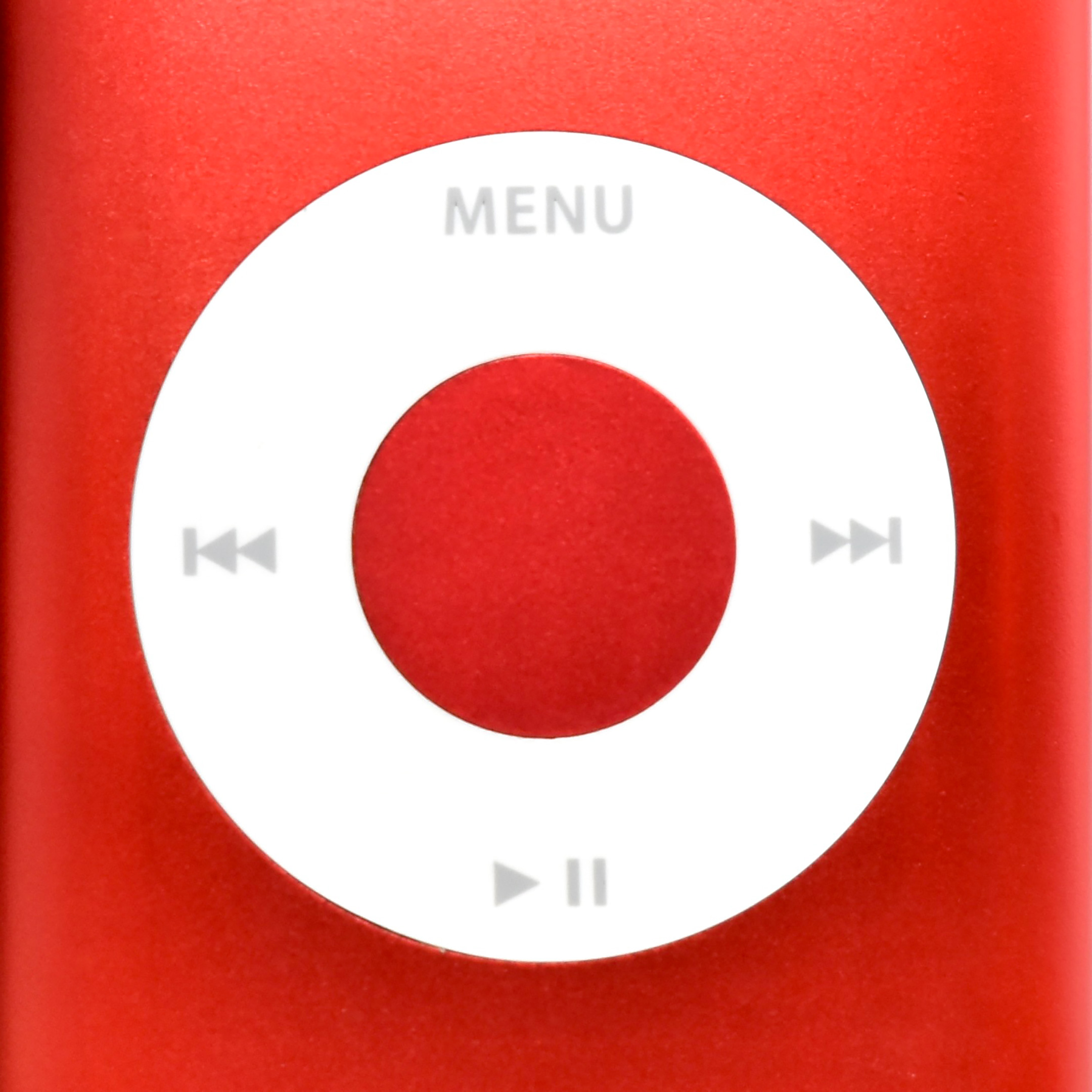
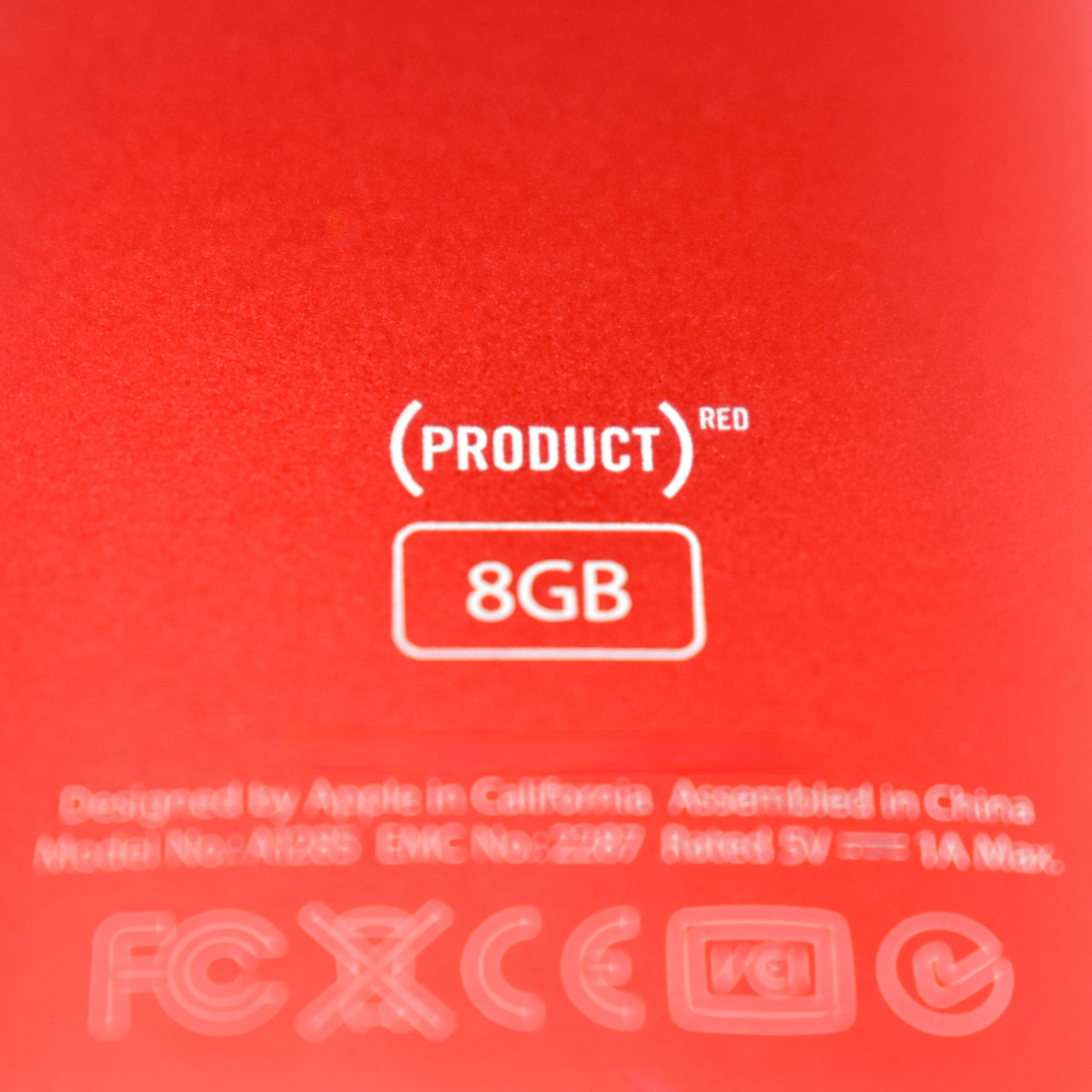
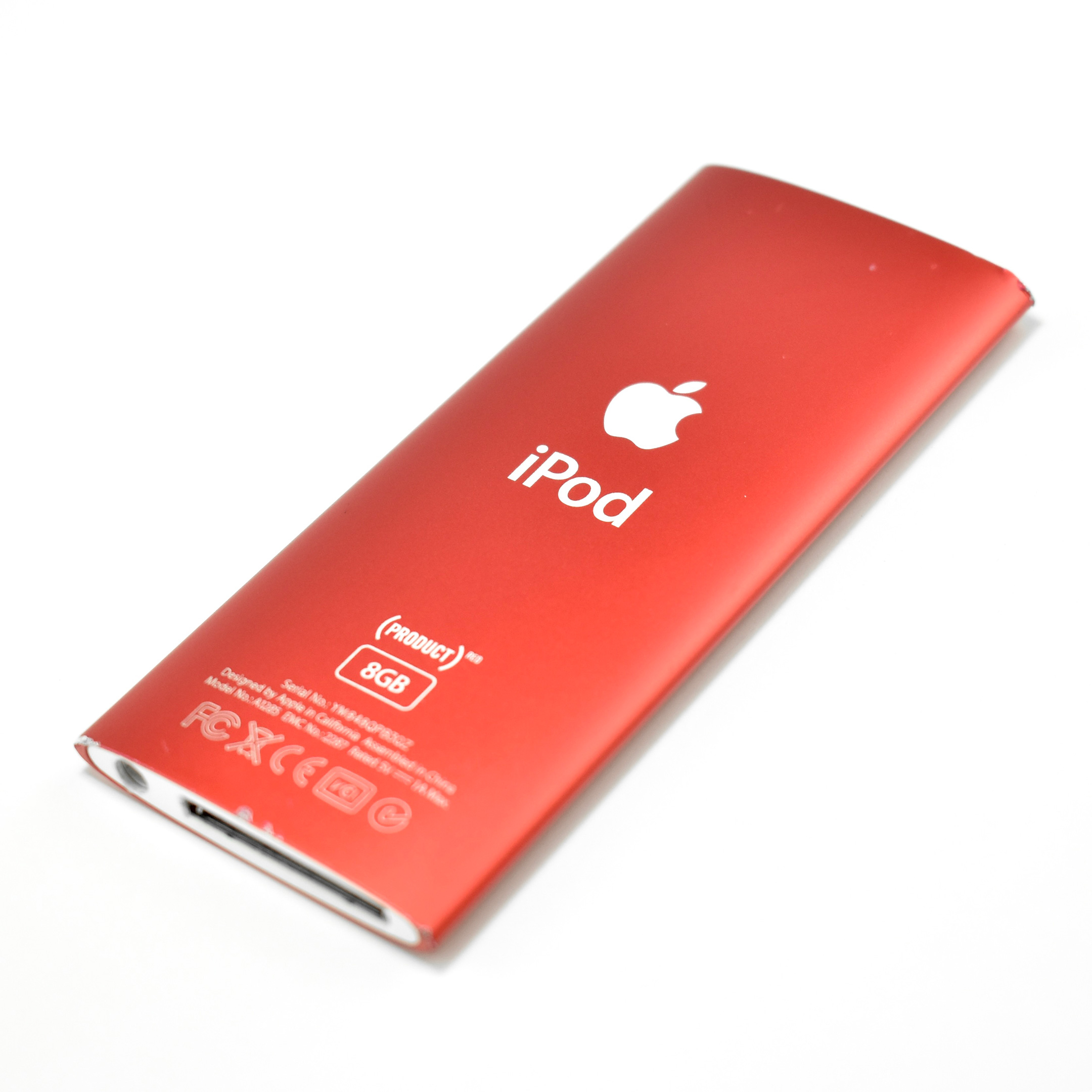
iPod nano (Generation 4, 8GB, (PRODUCT)RED, 2008)

Replacing the “squat” design of the Generation 3, the iPod nano Generation 4 (model A1285) returned to a “skinny” design similar to its predecessors. The new wraparound curved aluminum and glass case was offered in an unprecedented nine colors: silver, black, purple, blue, green, yellow, orange, pink, and (PRODUCT) RED Special Edition. The display was a wide-format 2-inch (diagonal) color LCD display at 320×240.

The iPod nano Generation 4 used Click Wheel navigation and had either 8 GB or 16 GB of flash memory, capable of storing 2000 or 4000 songs, 7000 or 14,000 photos, and 8 hours or 16 hours of video.

Apple indicated that “You can distinguish the iPod nano (4th generation) from previous iPod nano models by:”

  • Its taller screen
  • Its curved surface
  • Its oval shape when seen from the top or bottom
  • The inclusion of an accelerometer that is used by the Shake feature

The iPod nano Generation 4 included an accelerometer (automatically switched to “Cover Flow” navigation in landscape orientation), games and videos only played in landscape, a new Genius feature to dynamically create playlists, and shake-to-shuffle for songs. Accessibility options were added including larger text and spoken menu items. It also included Nike+iPod support, FM radio tagging (using the Apple Radio Remote), support for audio crossfade, and games including Maze, Klondike, and Vortex.

Source: Apple (Identify Your iPod), EveryMac

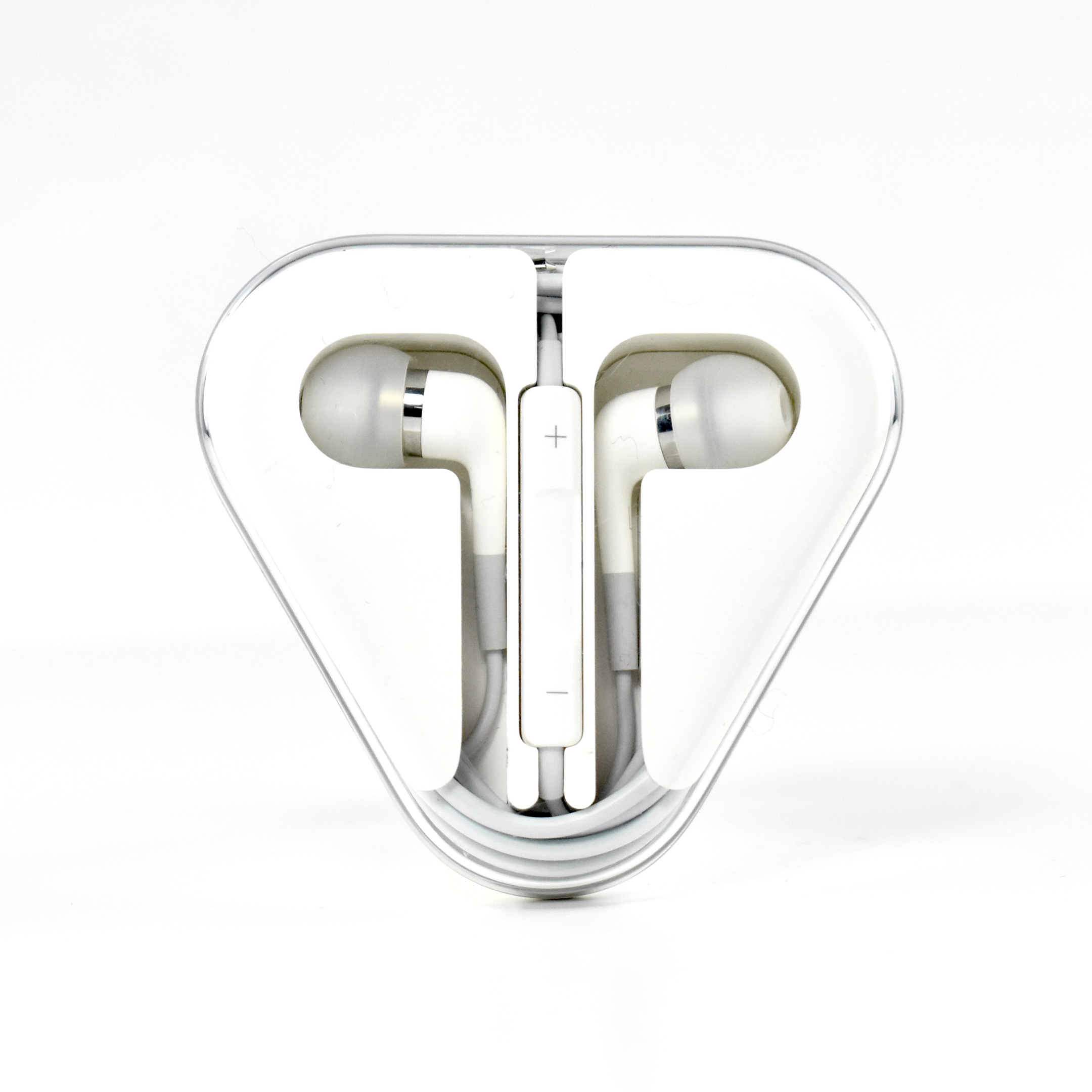
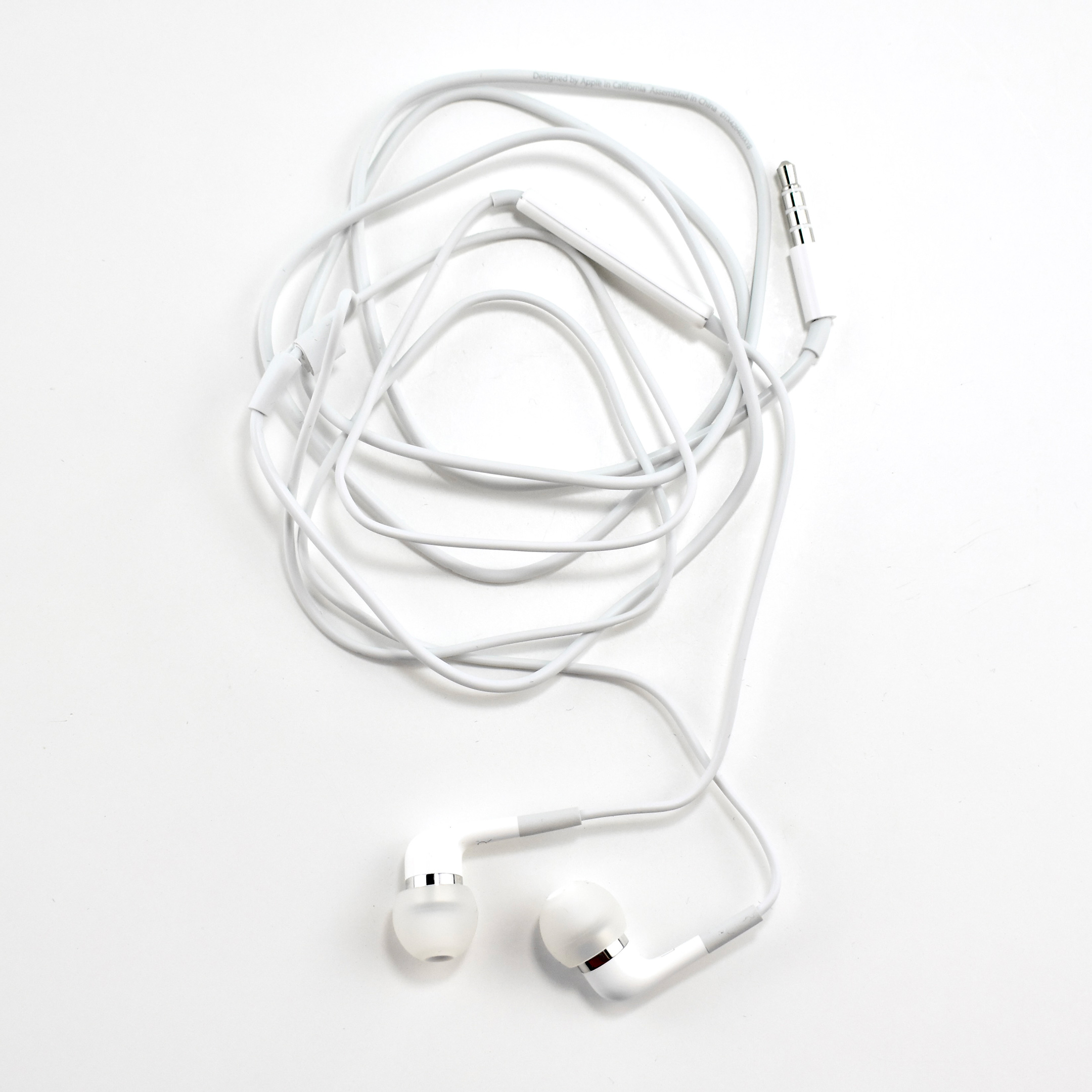
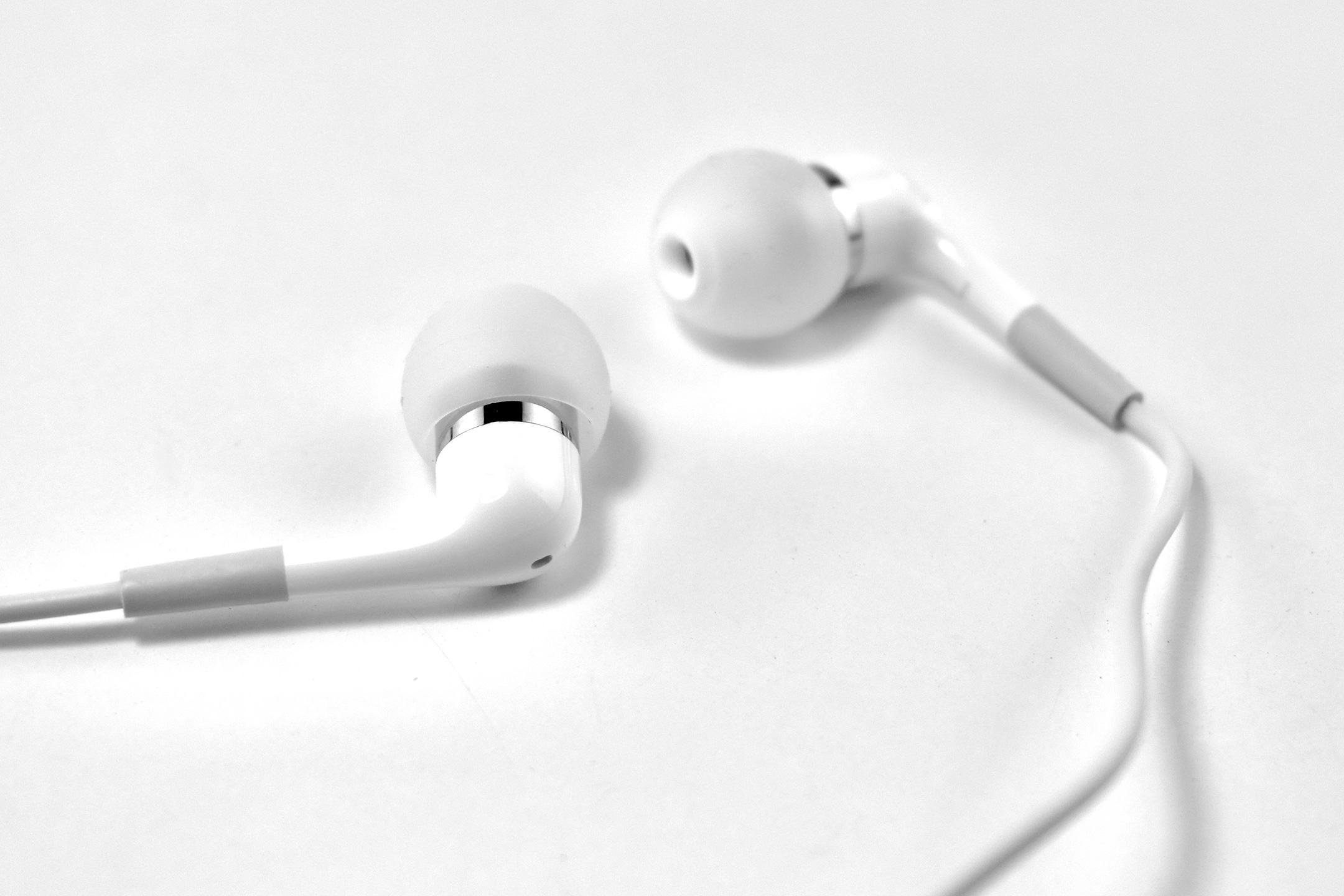
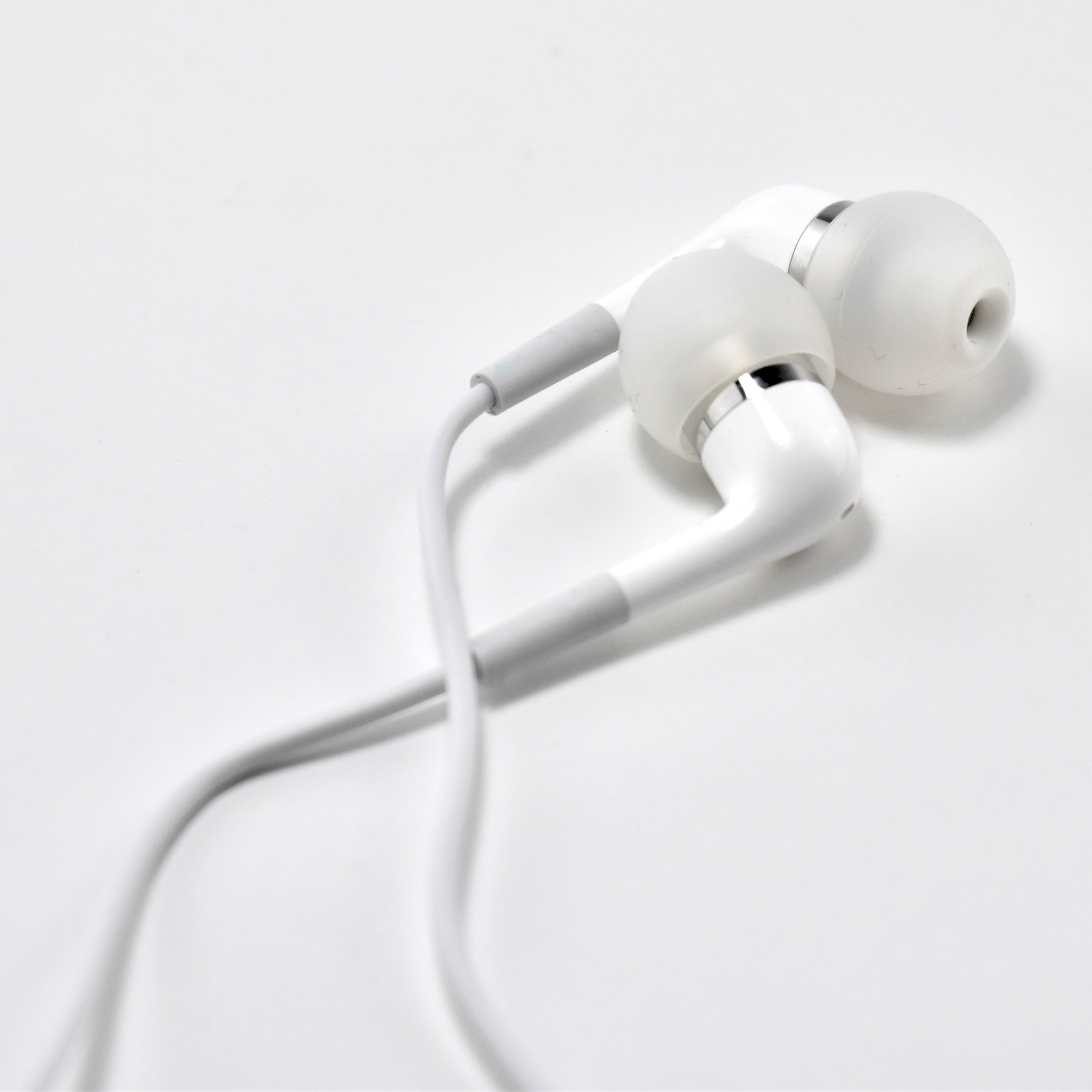
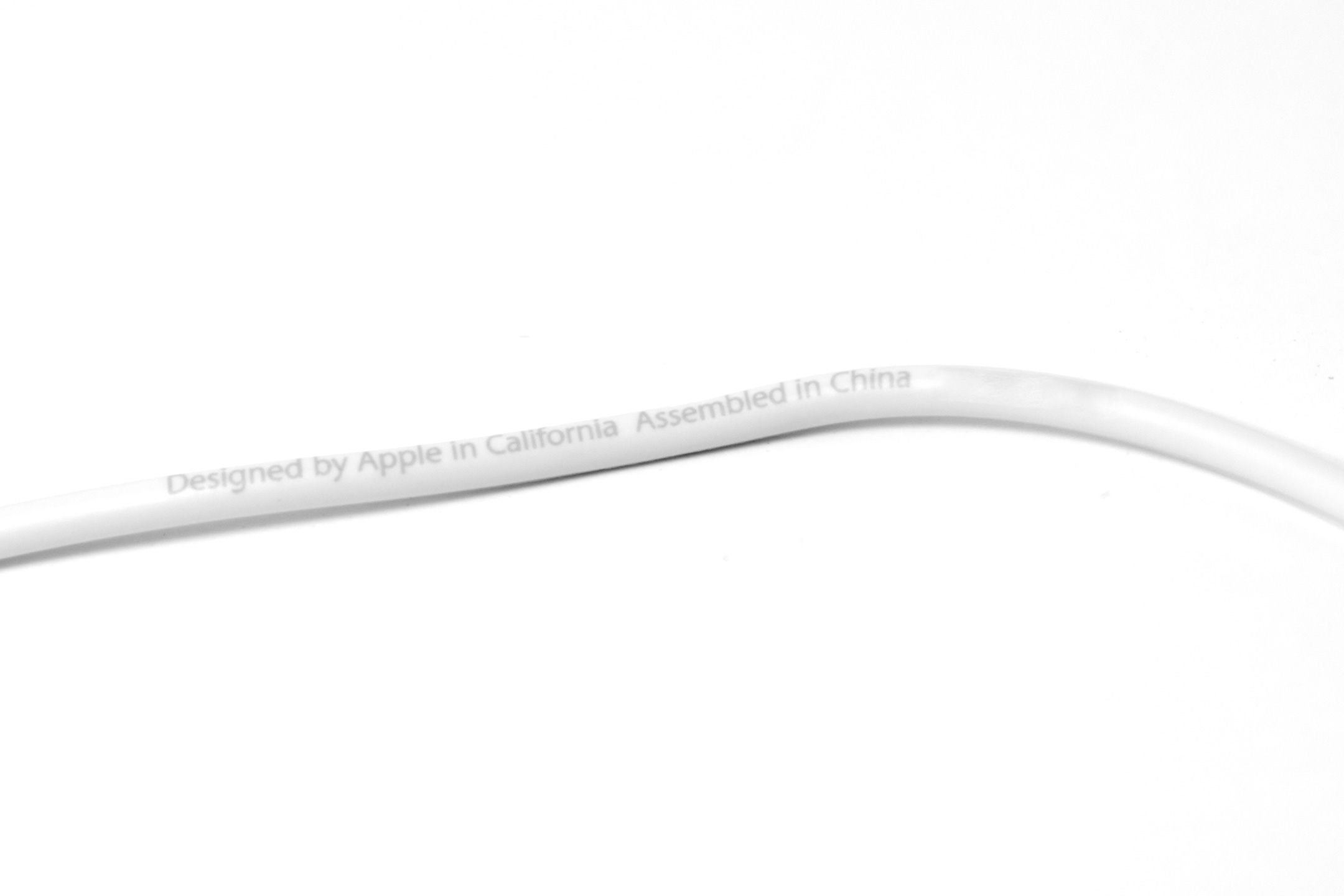
Apple In-Ear Headphones with Remote and Mic (Generation 2, 2008)

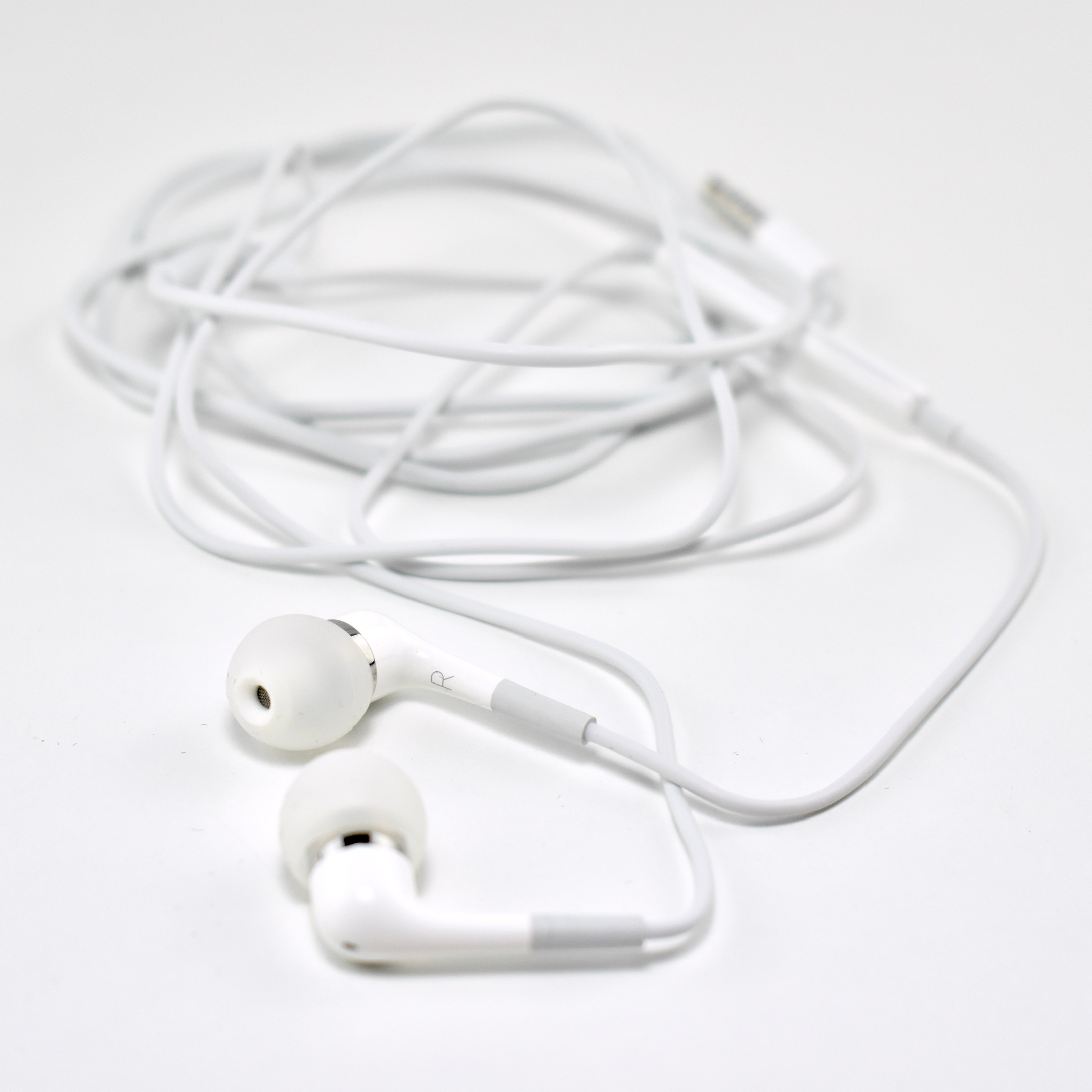
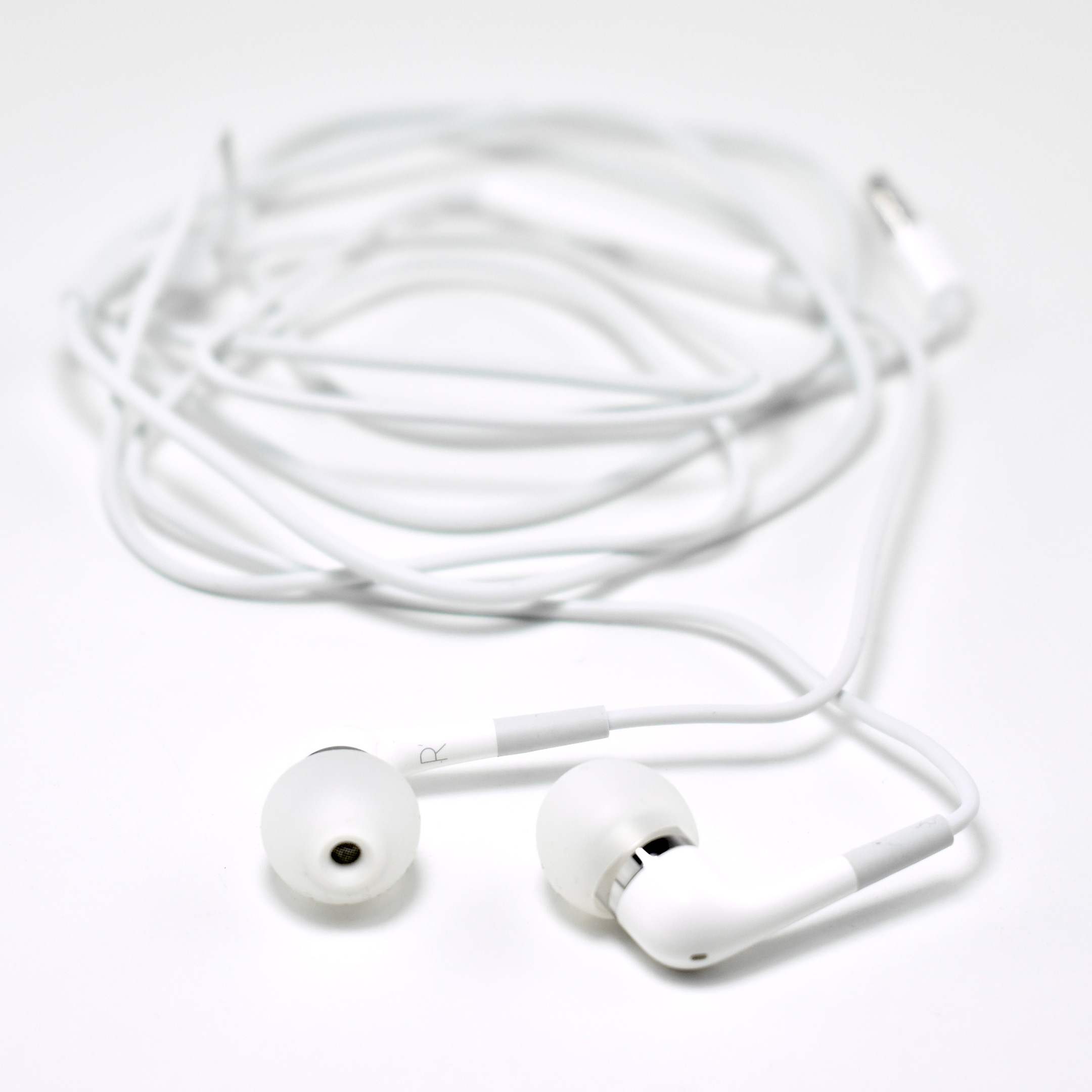
Apple introduced their In-Ear Headphones with Remote and Mic in September 2008 as a follow-up to their original In-Ear Headphones. This Generation 2 model included an on-wire remote control and microphone. According to 9to5Mac, these earphones “featured more impressive sound isolation and were designed with the iPhone in mind.”

These were a follow-up to the original “premium” iPod In-Ear Headphones from January 2004.

The Generation 2 Apple In-Ear Headphones with Remote and Mic are described in a review from CNET:

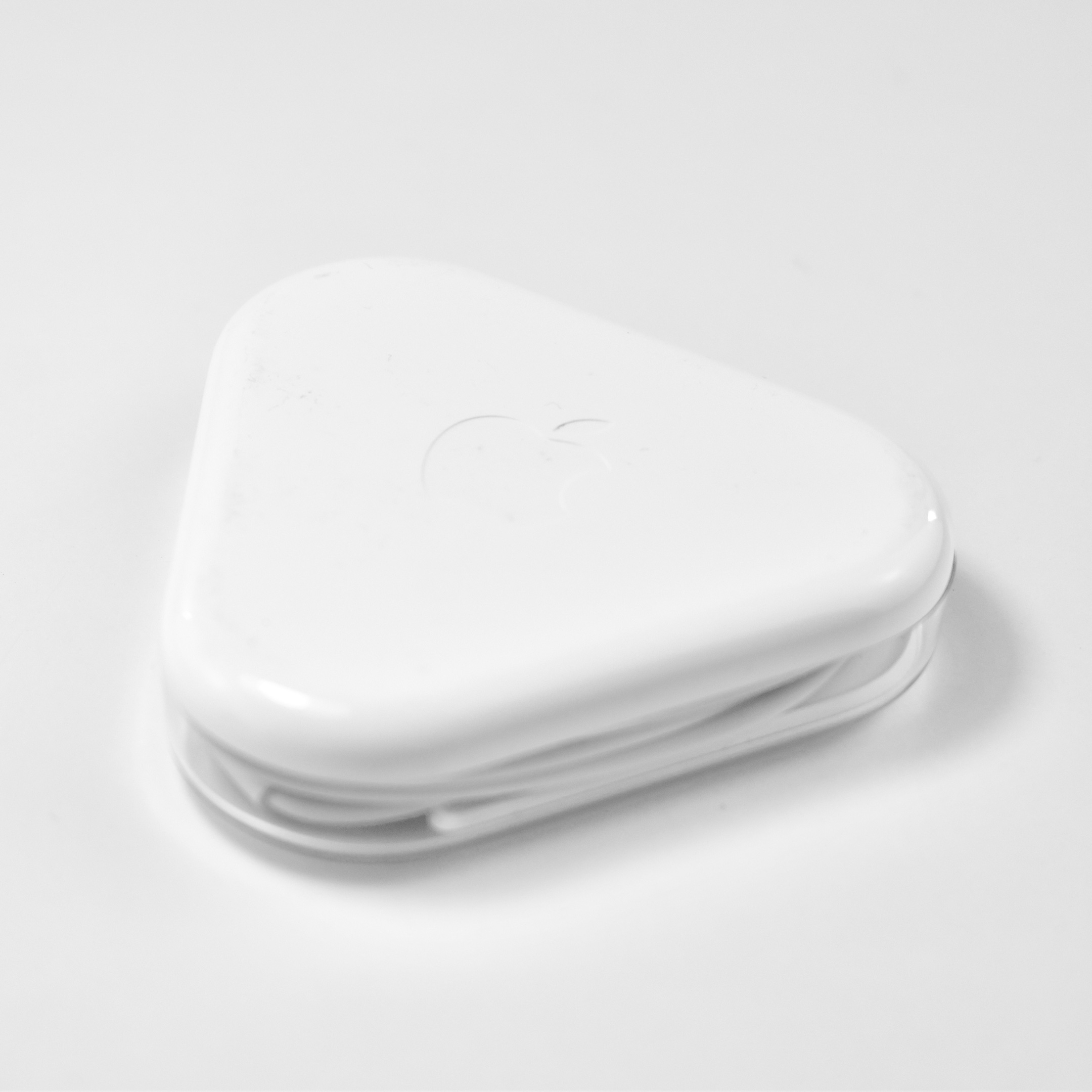
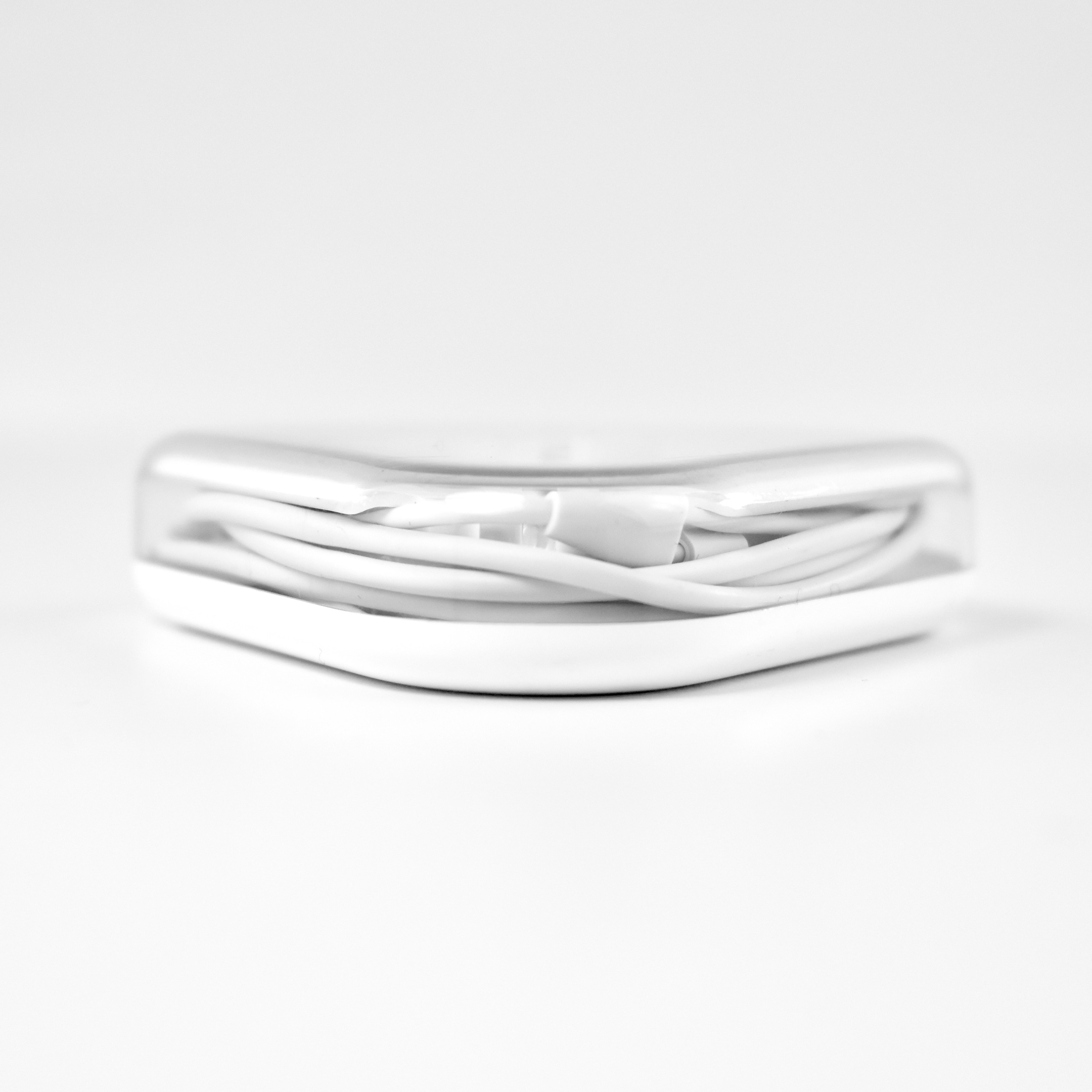
“Out of the box, the Apple In-Ear headphones include a plastic carrying case with a cable wrap, three pairs of silicone ear tips (small, medium, and large) and a set of replacement mesh caps…The earpieces are very light, comfortable, and stylish, and the cable runs around 3.5 feet long.”

CNET corroborates the iPhone features:

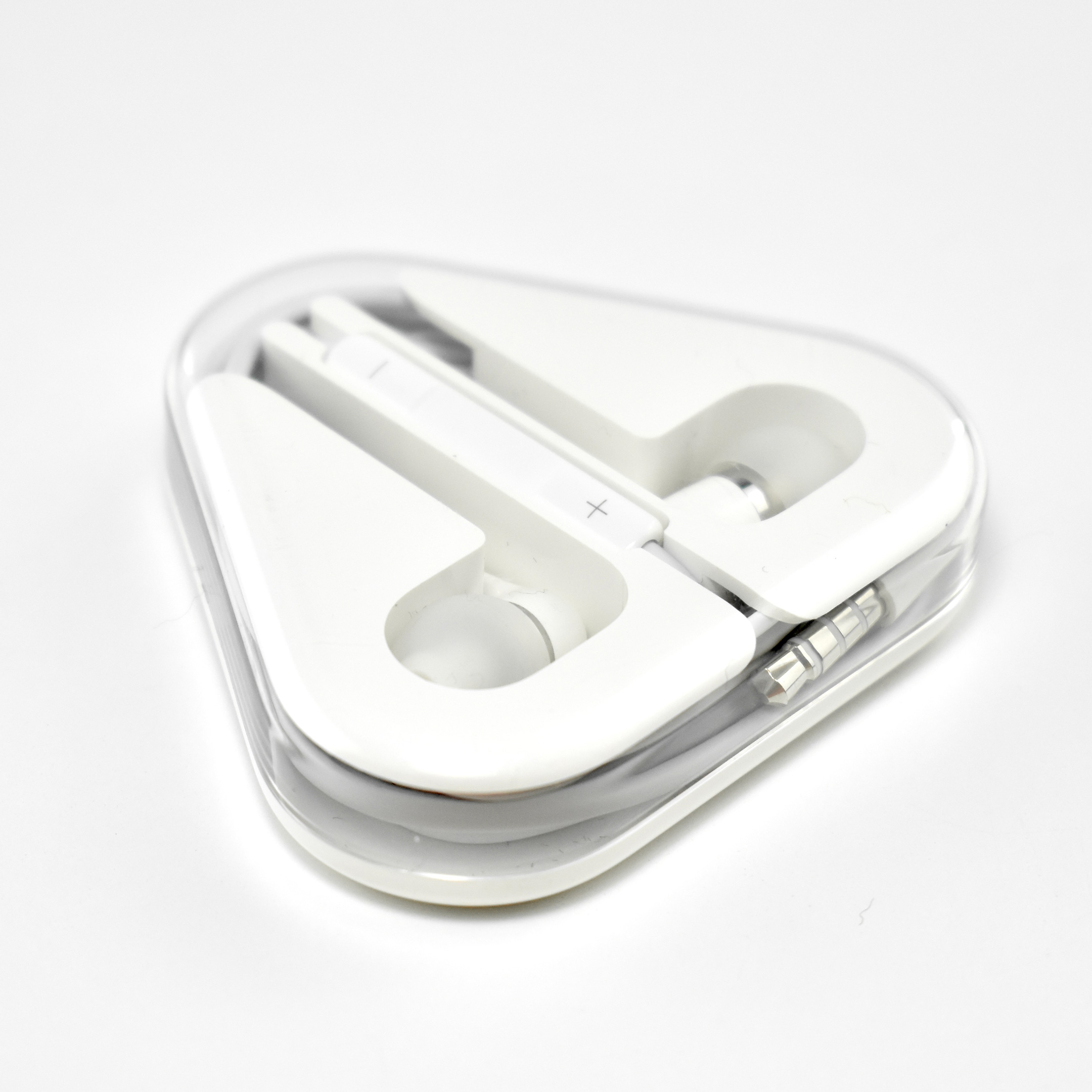
“An in-line clicker remote and microphone are included on these headphones, located on the cable about 4 inches down from the right earpiece. The remote includes plus and minus buttons for volume control and a central button for playing, pausing, and skipping songs. If you’re using the In-Ear headphones with a first- or second-generation iPhone, the center button also works for answering or ending incoming calls; however, the volume control buttons will only work with the iPhone 3GS.”

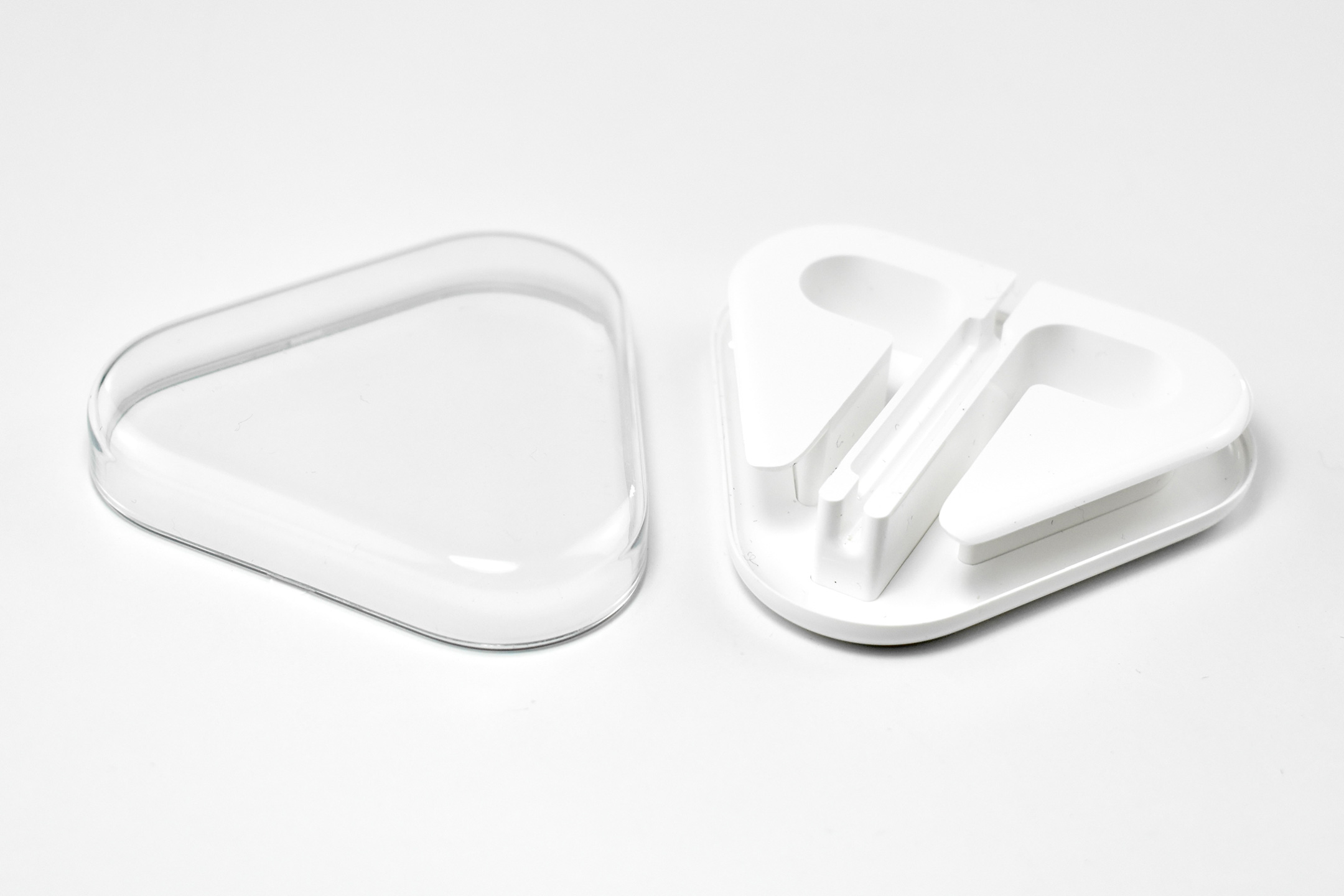
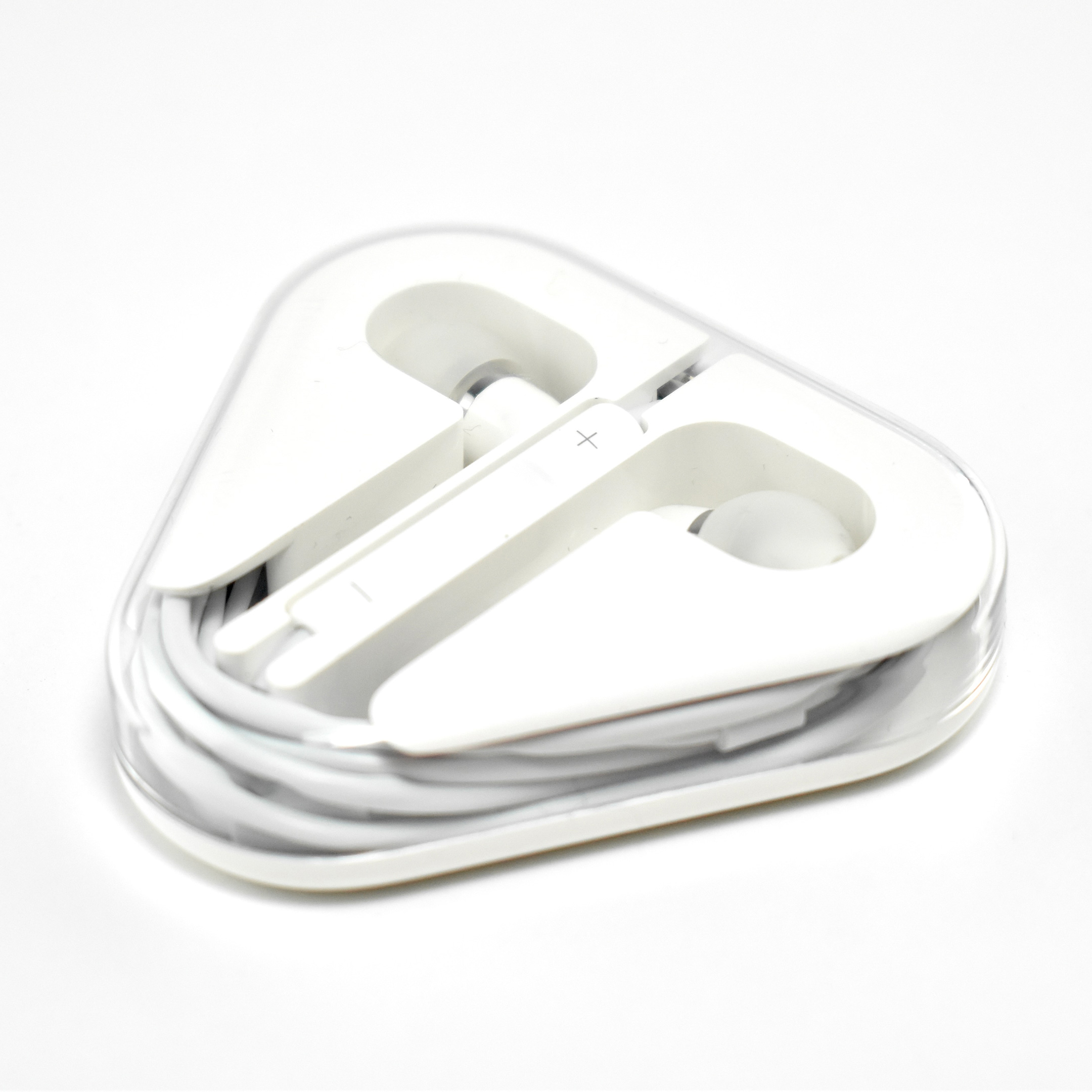
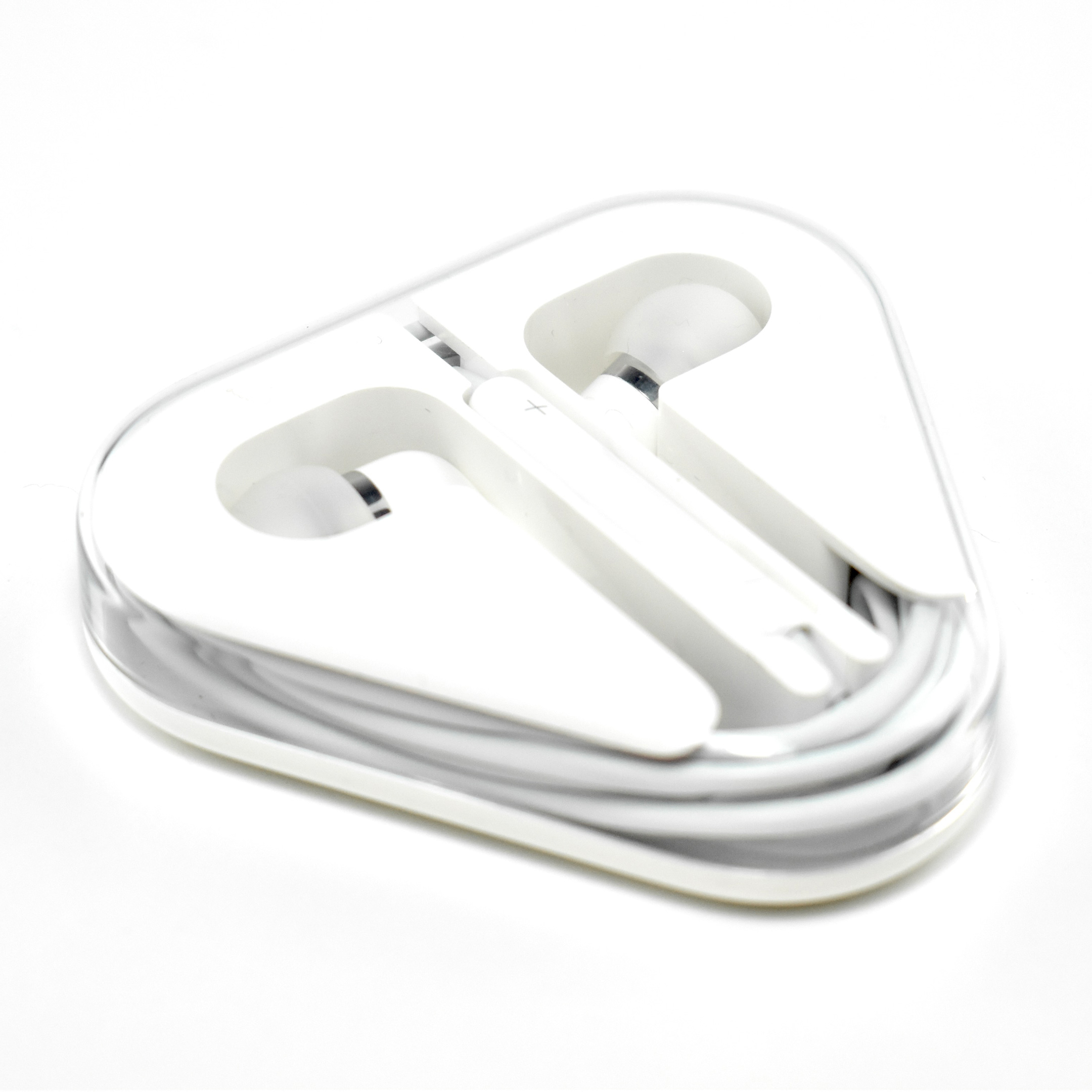
The retail packaging of this product was described by Rene Ritchie in an iMore review:

“In the box are two plastic capsules. The first is a rounded triangle that contains the ear pieces in the center and the cord wrapped around the edge… The second capsule contains smaller and larger silicone ear tips in case the default ones don’t fit you properly.”

The example in my collection includes only the triangle carrying case with the “default” silicone ear tips. I do not have the capsule with the additional silicone ear tip sizes.

Sources: 9to5Mac, CNET, iMore

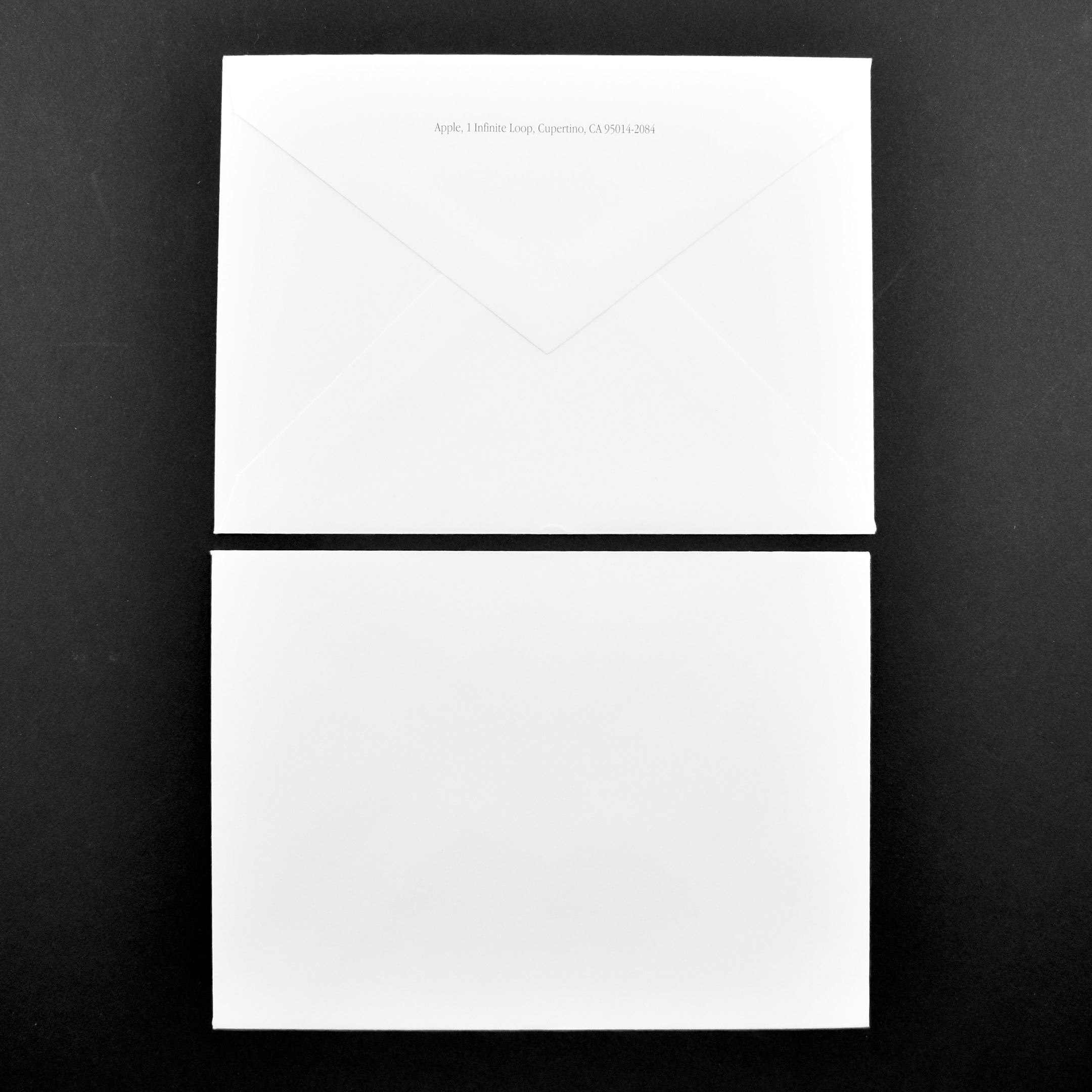
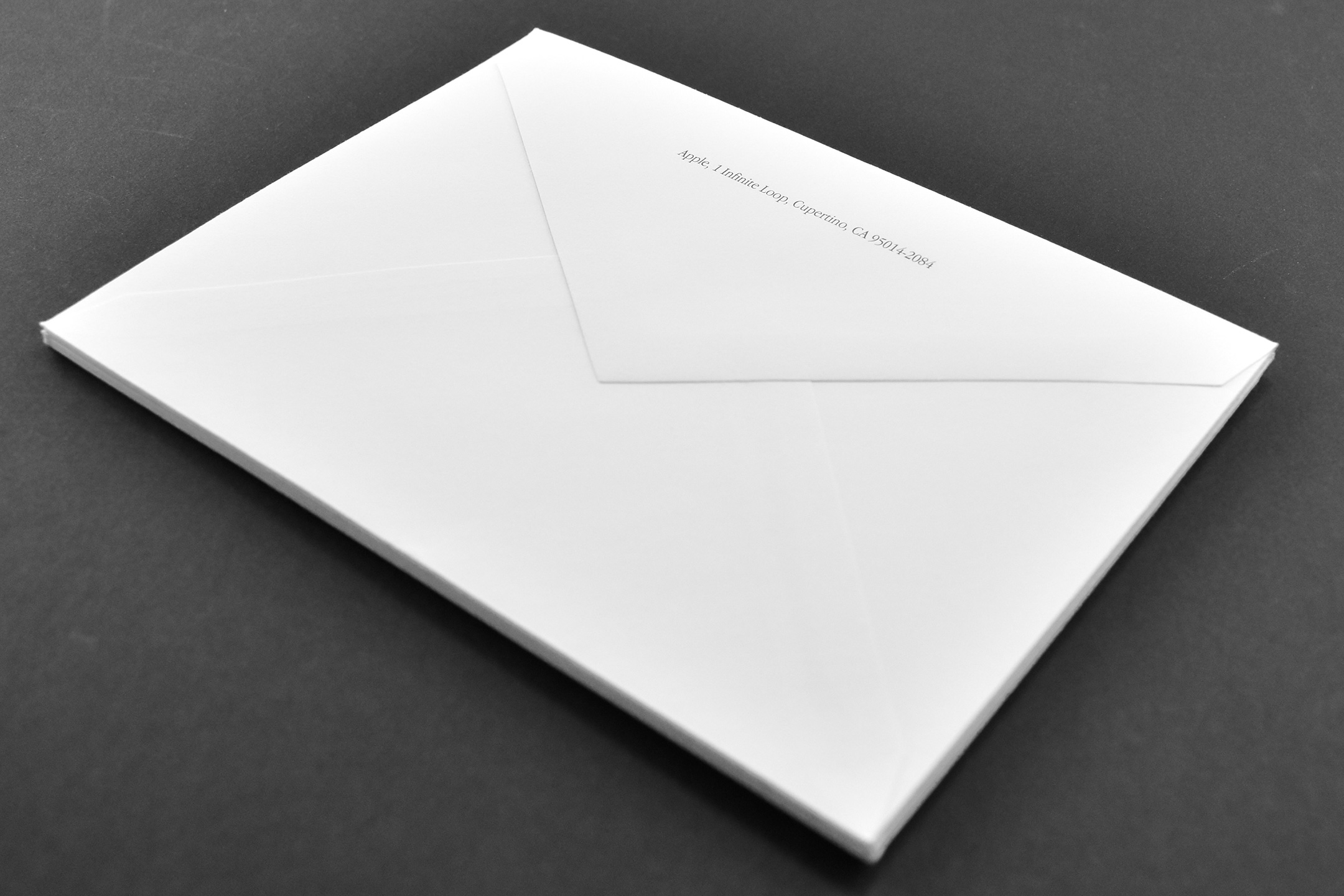
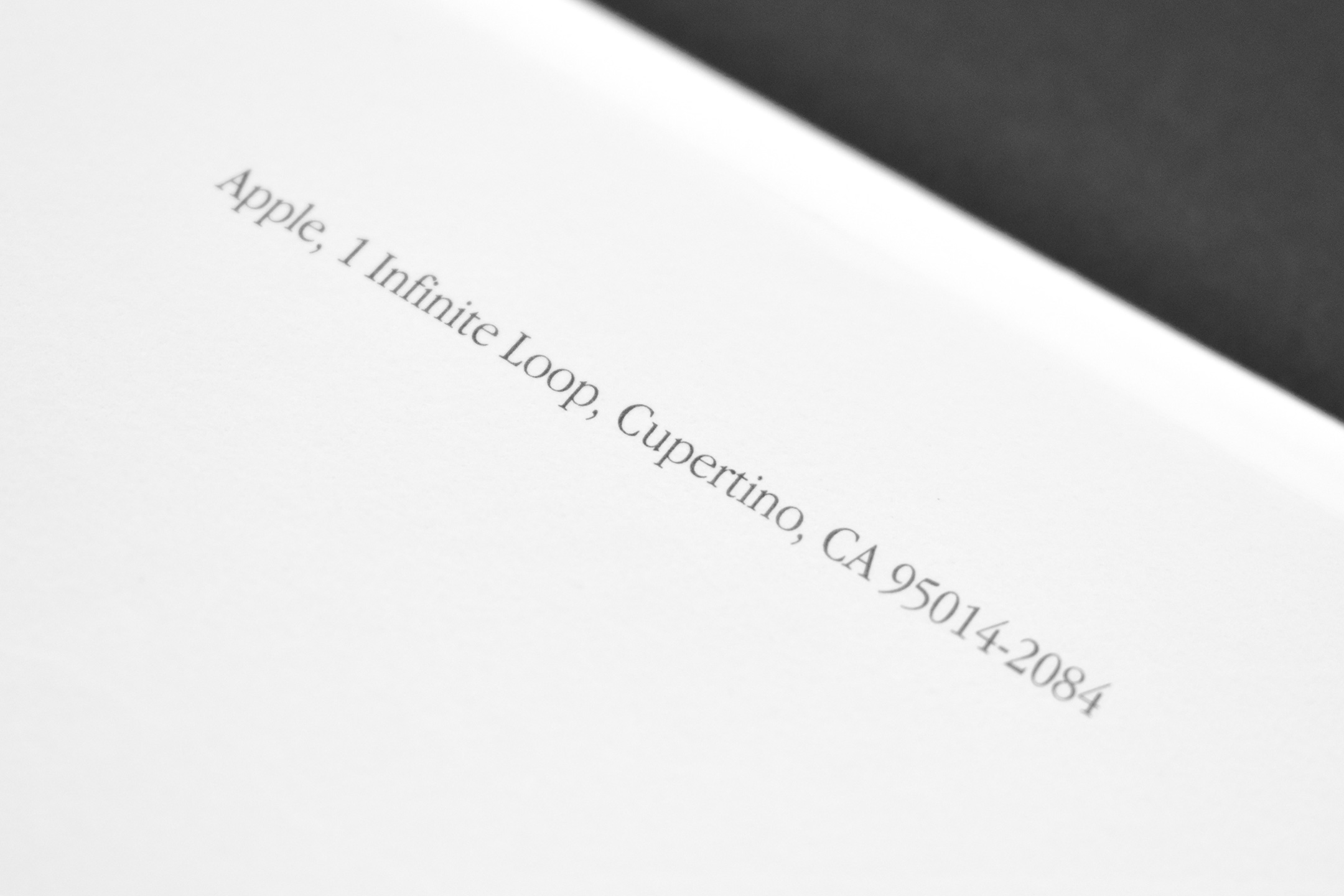
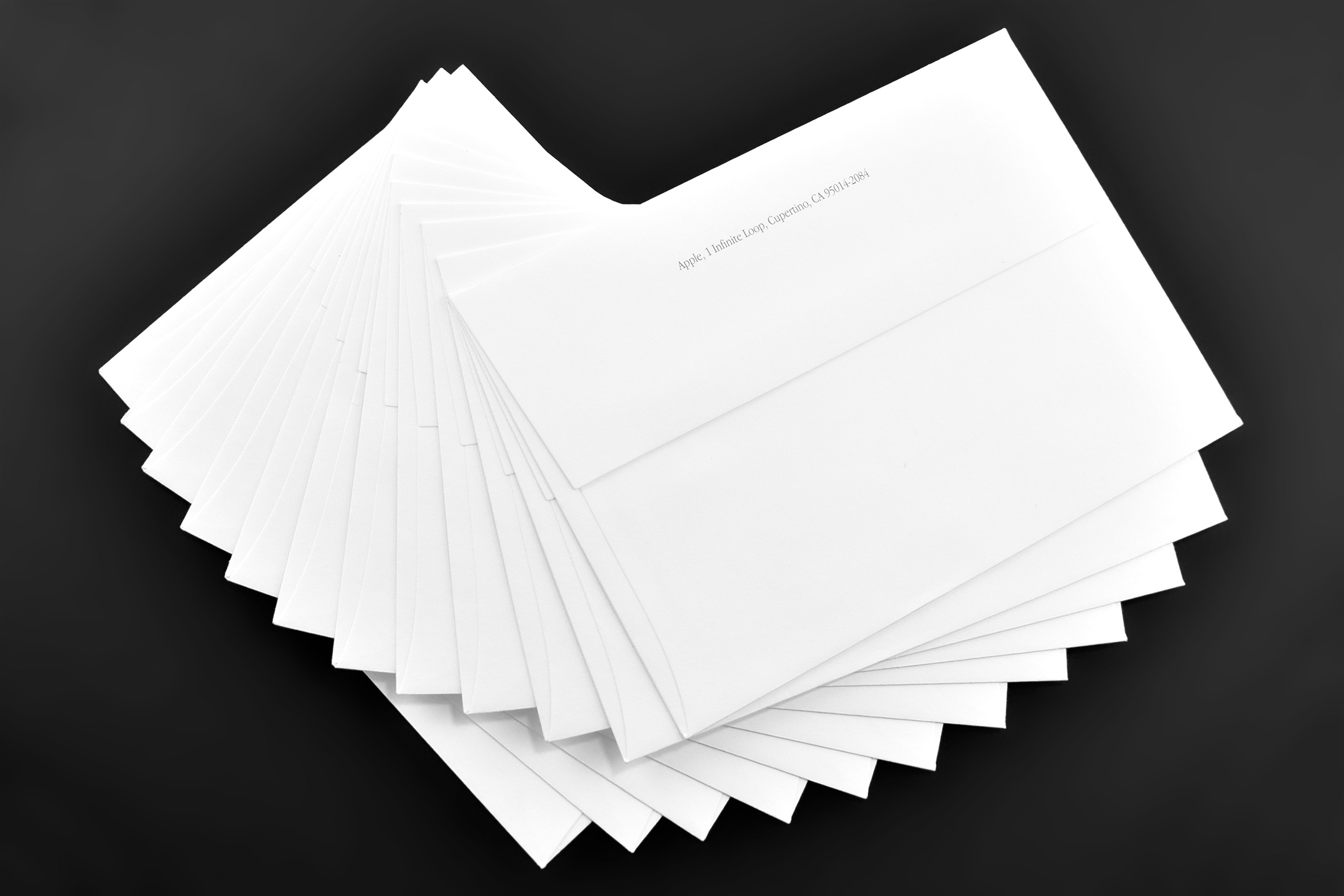
Envelopes (white, triangle flap, c. 2000)

This set of white envelopes measures 6.5 inches x 4.75 inches. The envelope flap is triangular, and the return address printed across the flap reads:

Apple, 1 Infinite Loop, Cupertino, CA 95014-2084

The return address is printed in Apple Garamond, Apple’s corporate font used between 1984 and approximately 2003.

The address is the former corporate headquarters of Apple used between 1993 and 2017. In April 2017, Apple moved their main campus to Apple Park.

Source: Wikipedia (fonts, campus)

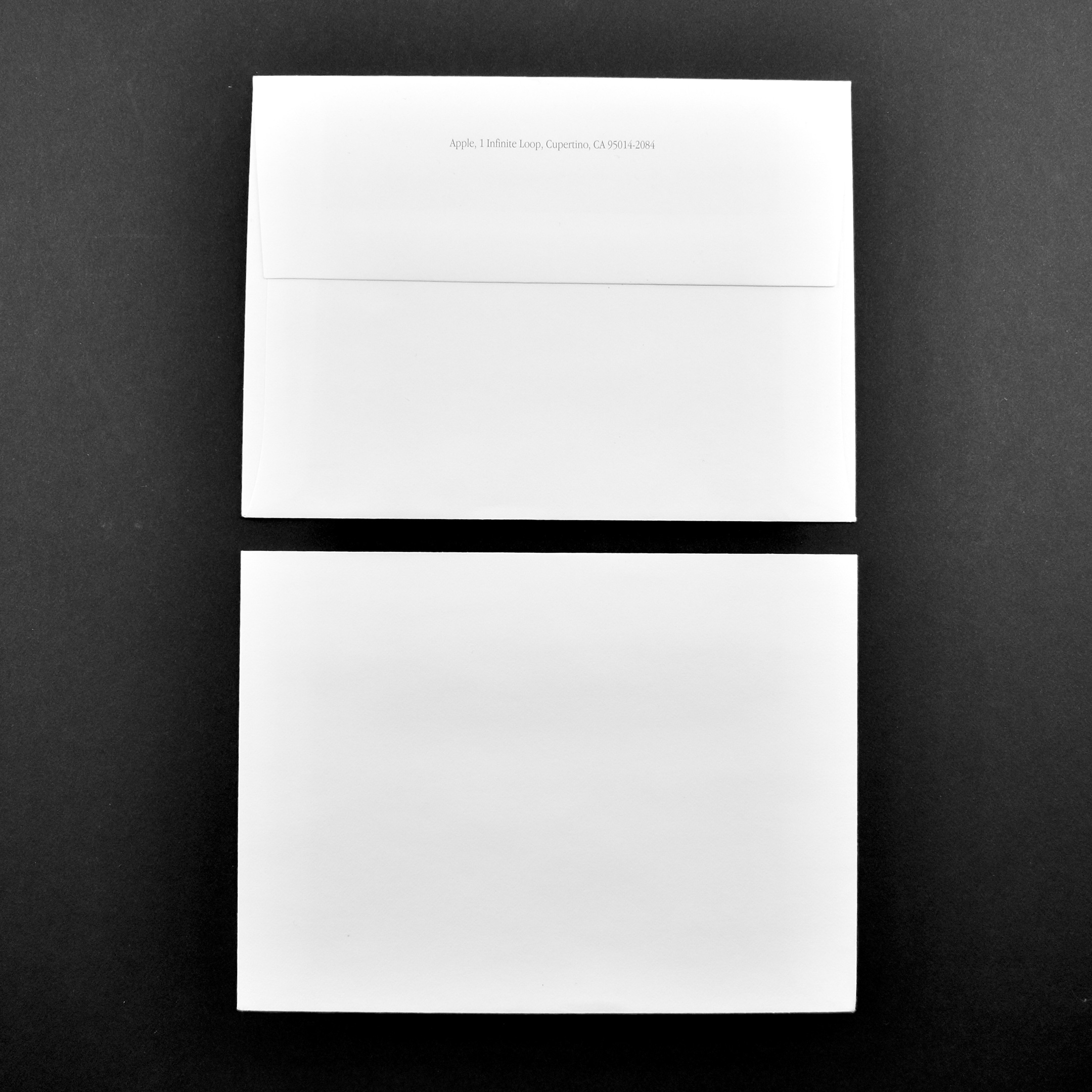
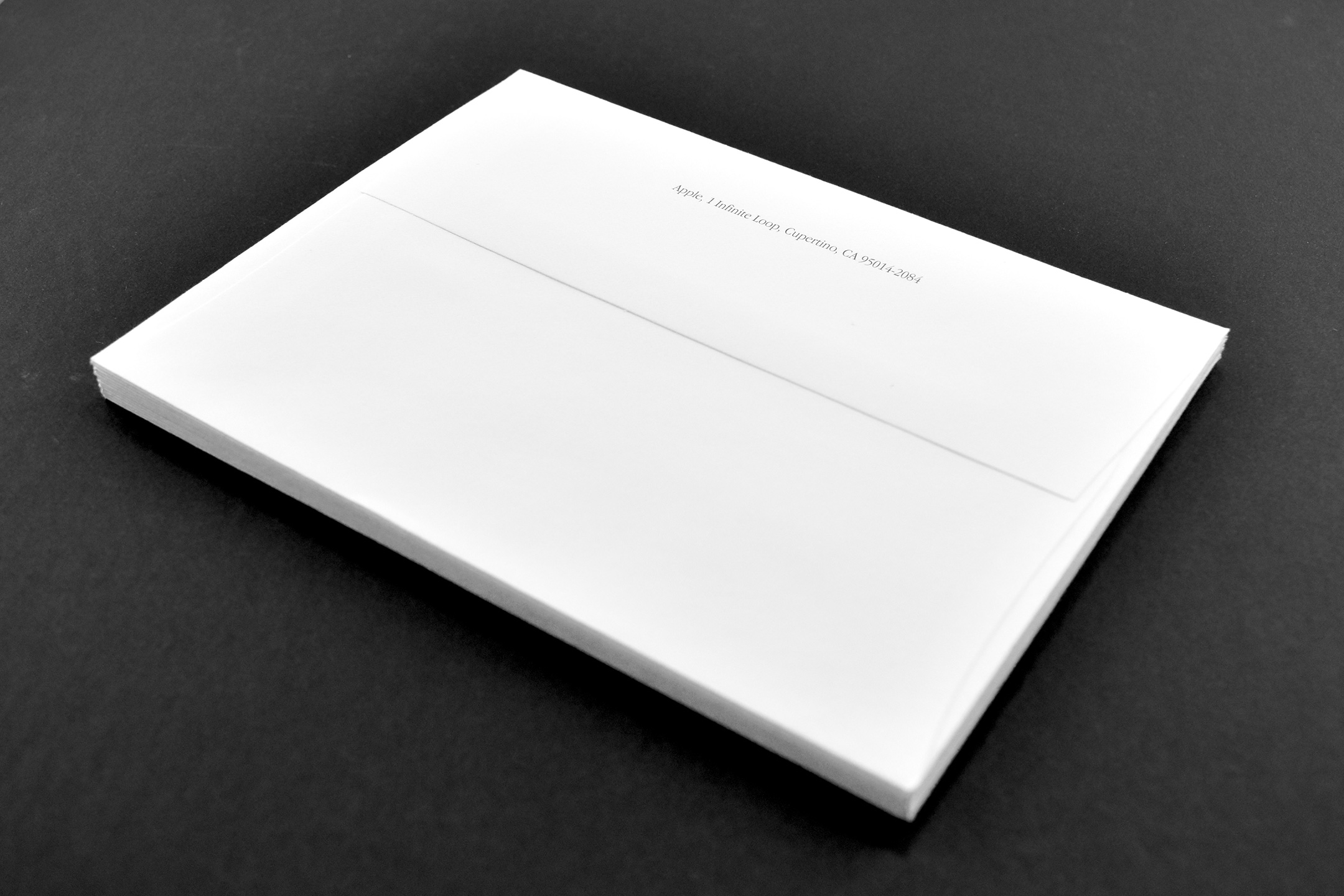
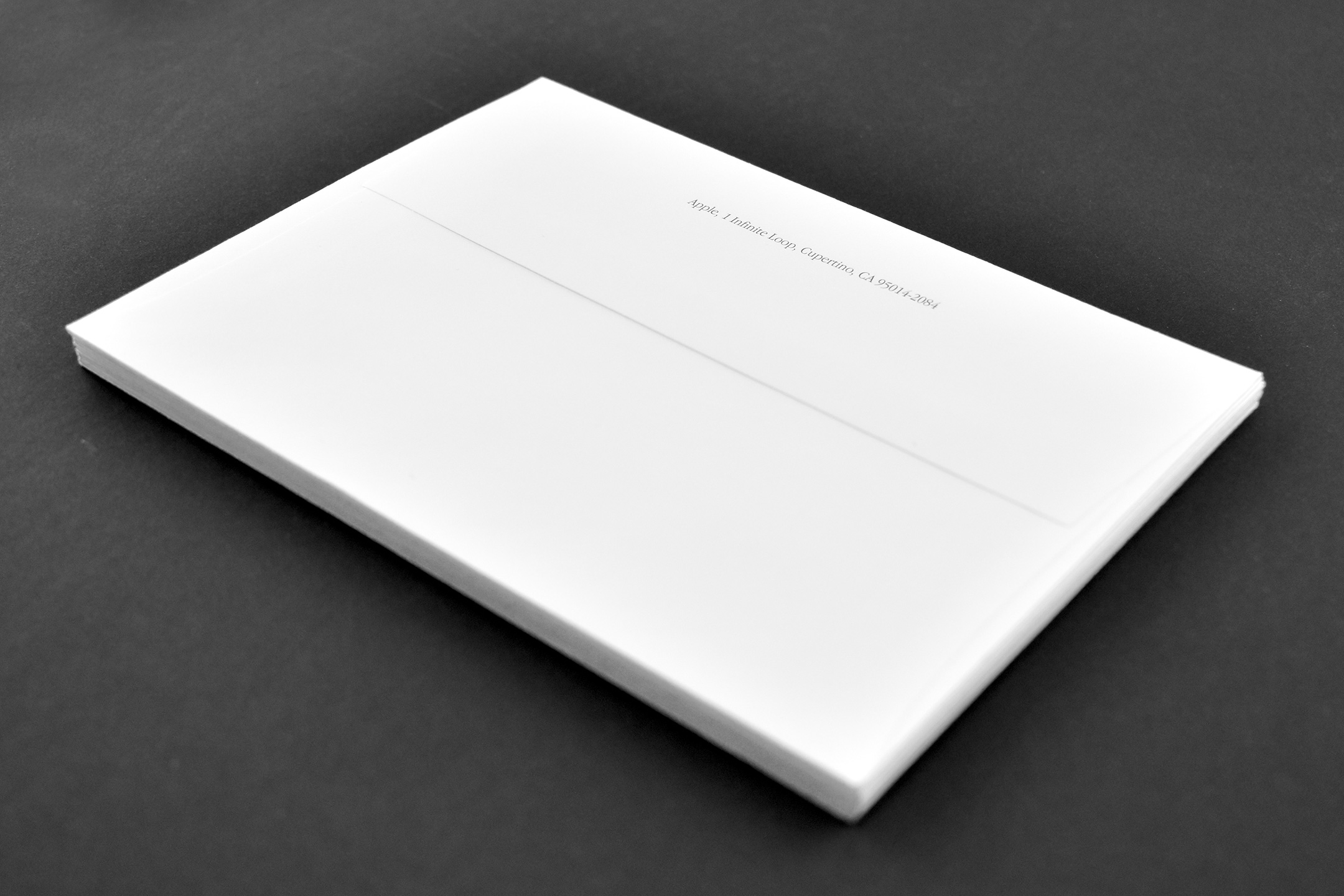
Envelopes (white, horizontal flap, c. 2000)

This set of white envelopes measures just under 6.5 inches x 4.75 inches. The envelope flap is horizontal, and the return address printed across the flap reads:

Apple, 1 Infinite Loop, Cupertino, CA 95014-2084

The return address is printed in Apple Garamond, Apple’s corporate font used between 1984 and approximately 2003.

The address is the former corporate headquarters of Apple used between 1993 and 2017. In April 2017, Apple moved their main campus to Apple Park.

Source: Wikipedia (fonts, campus)

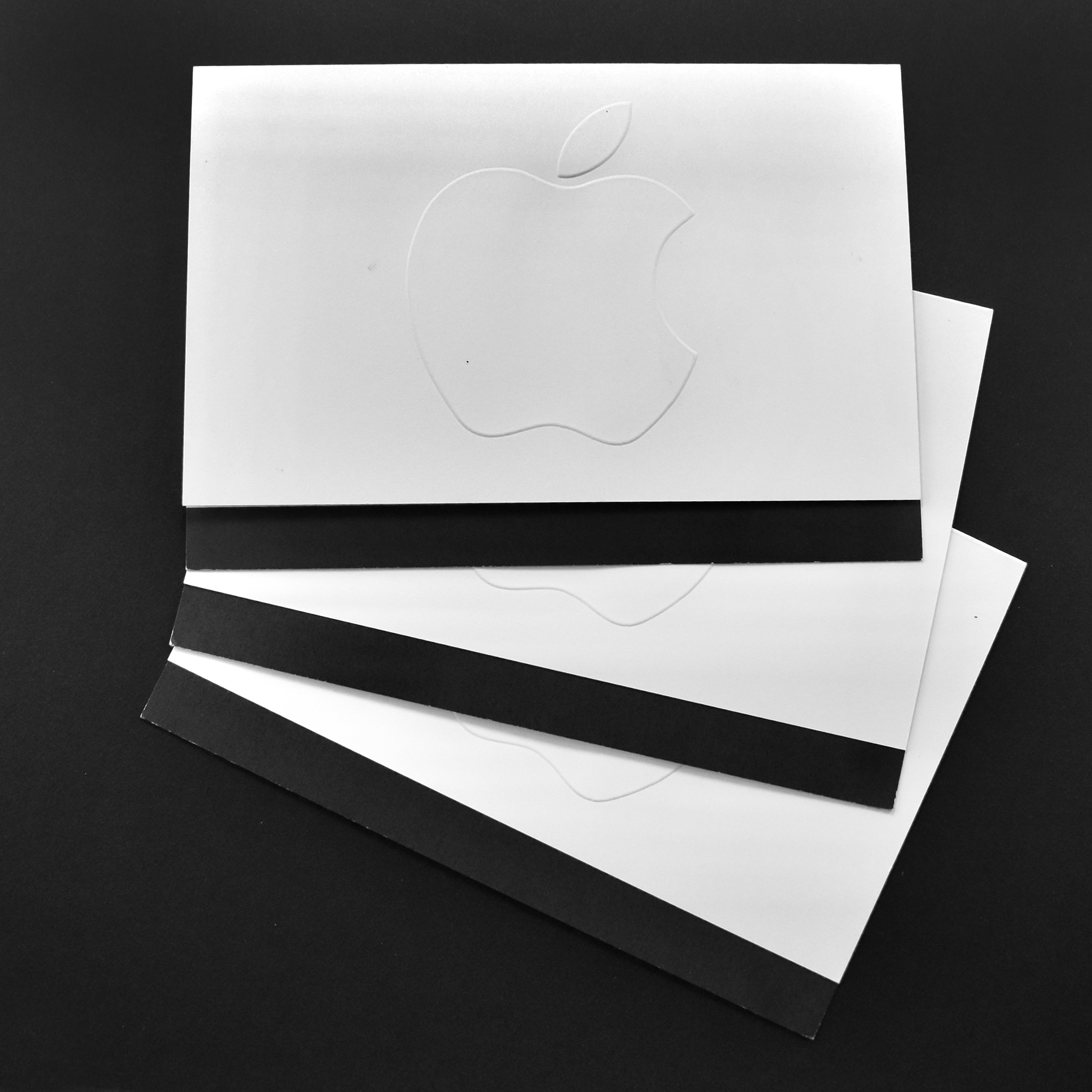
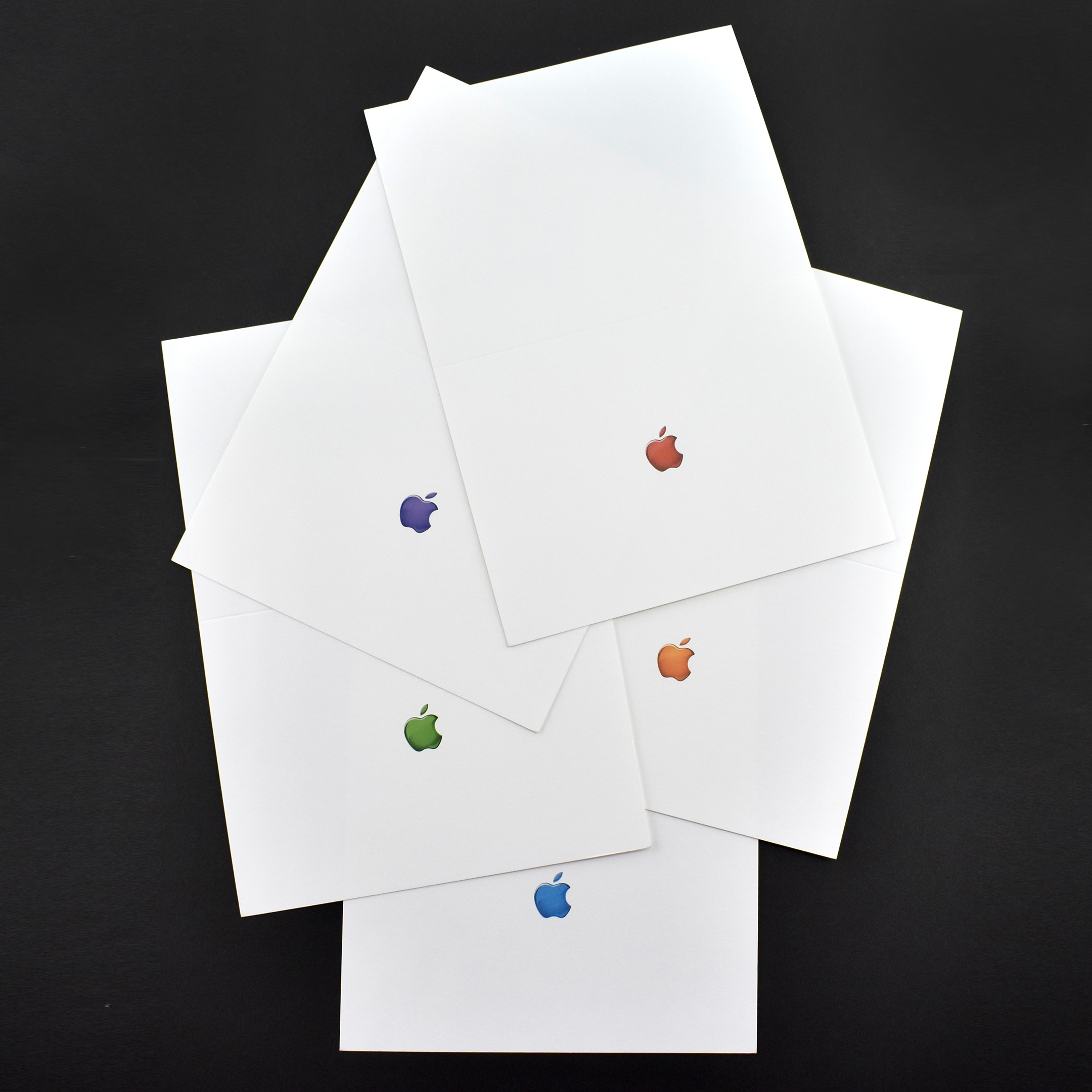
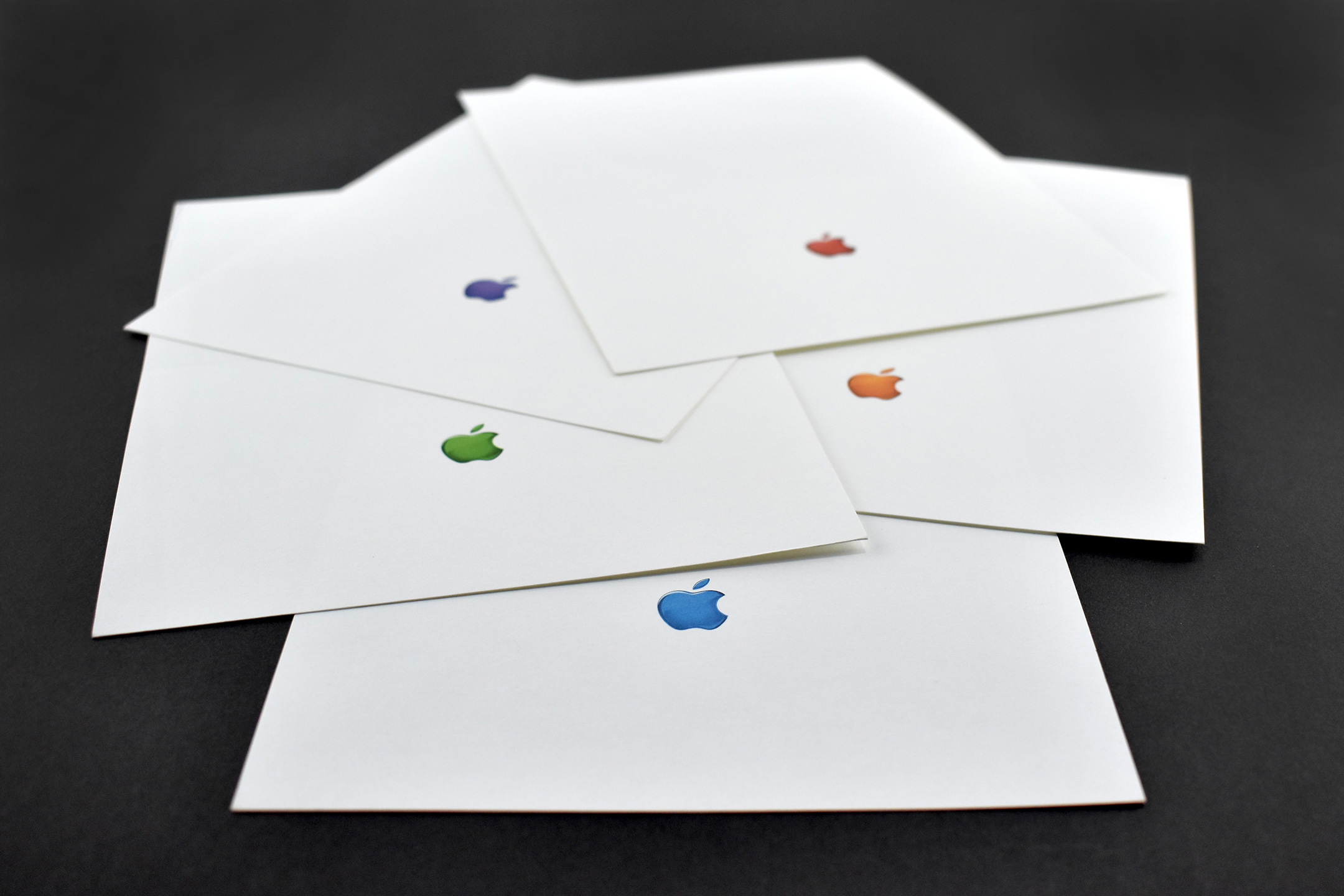
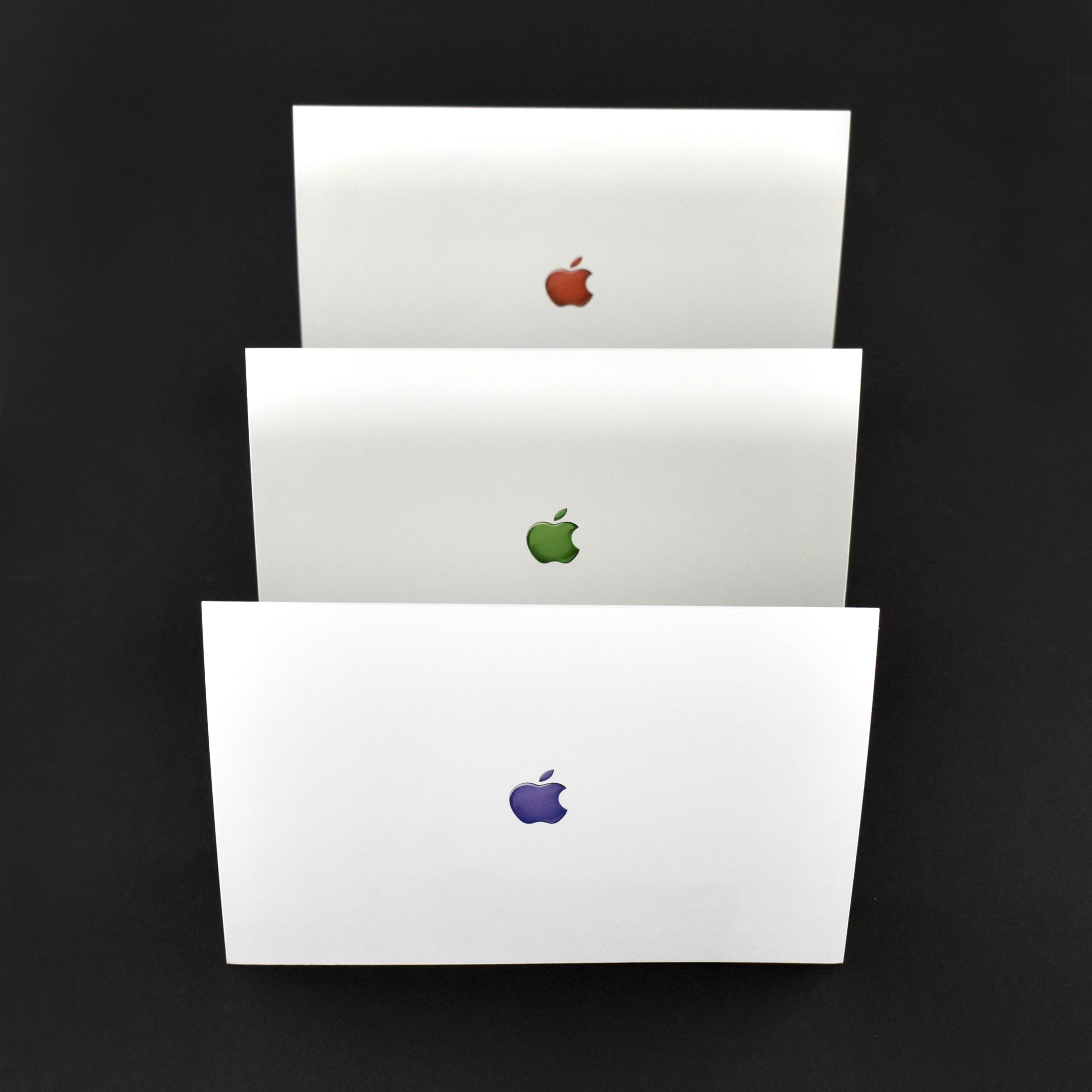
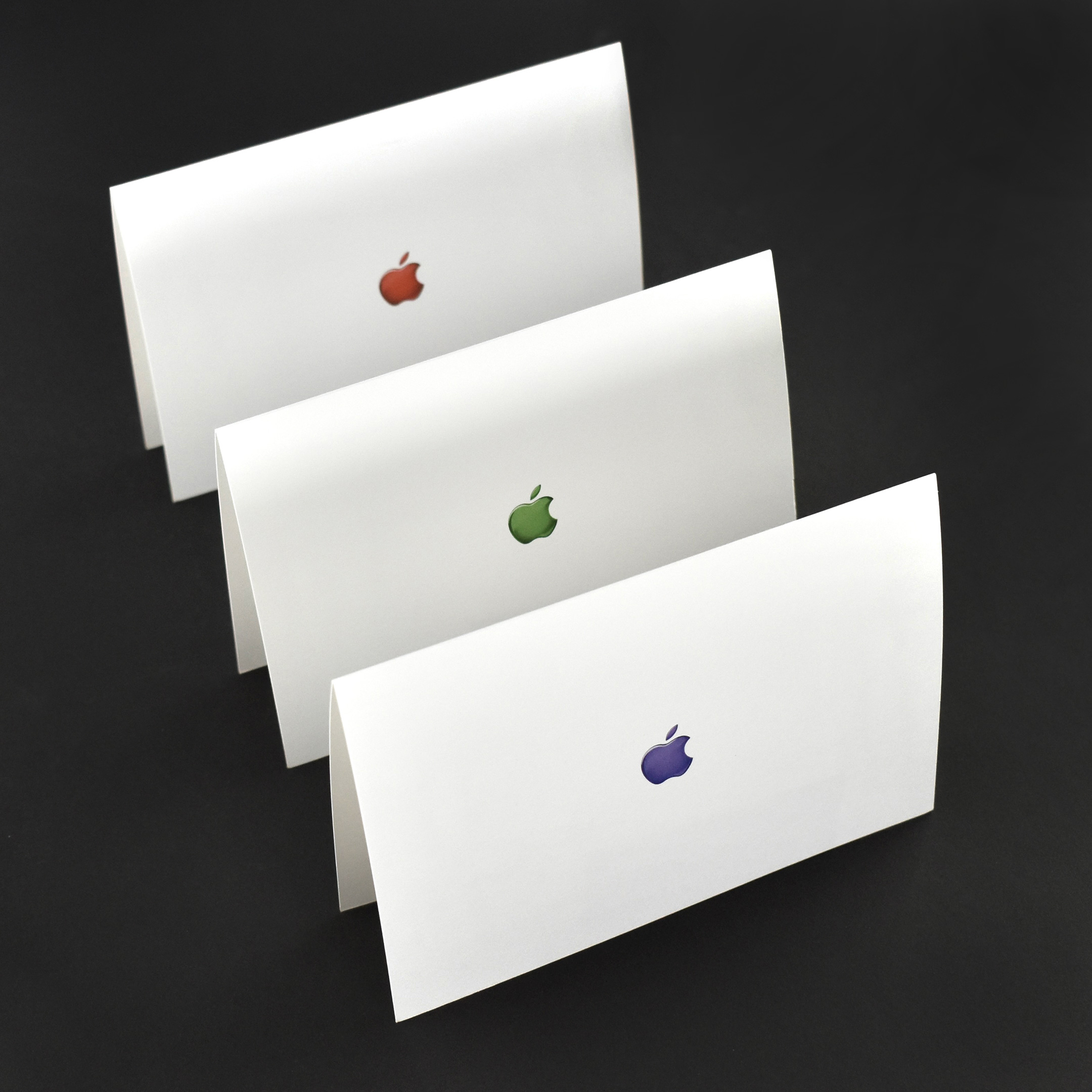
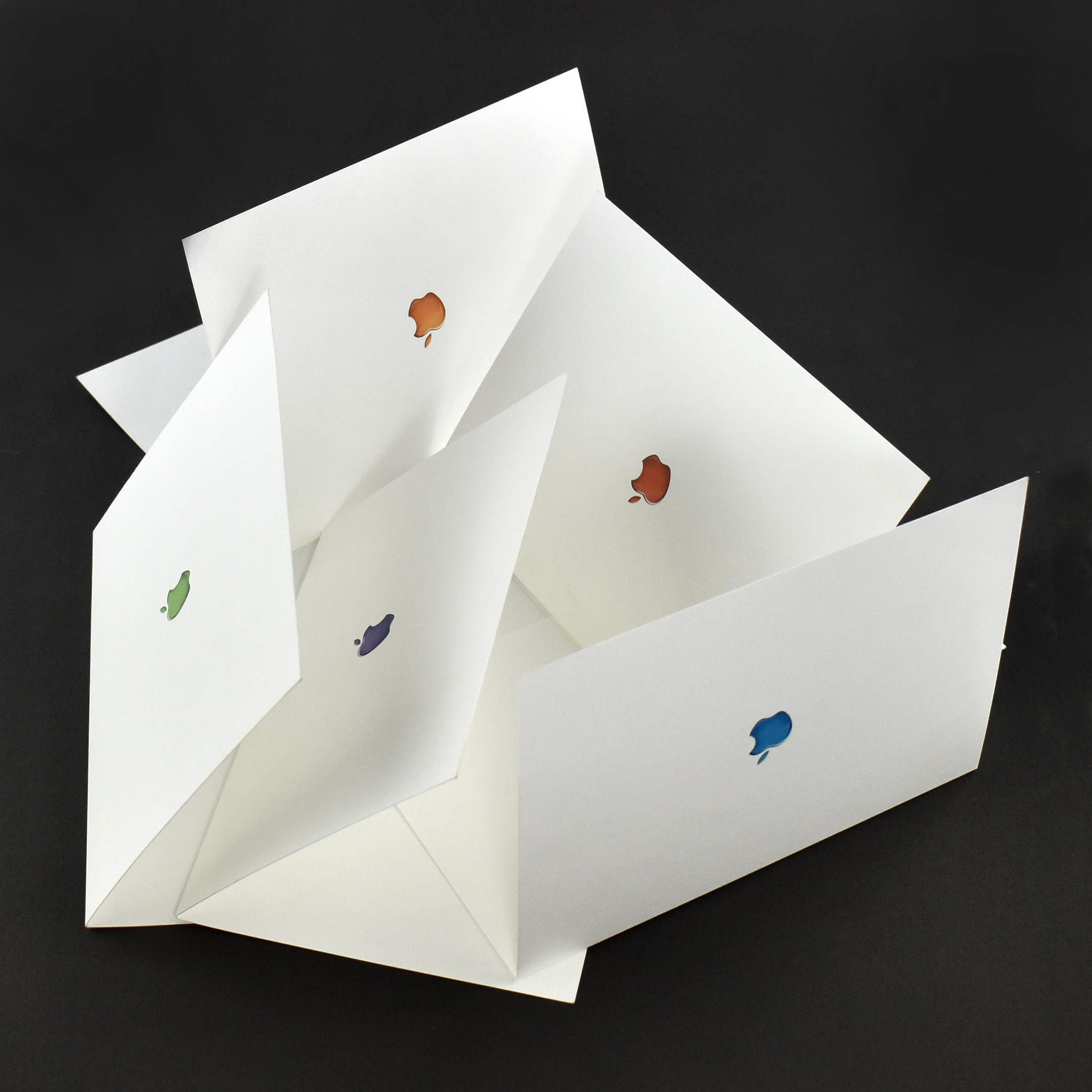
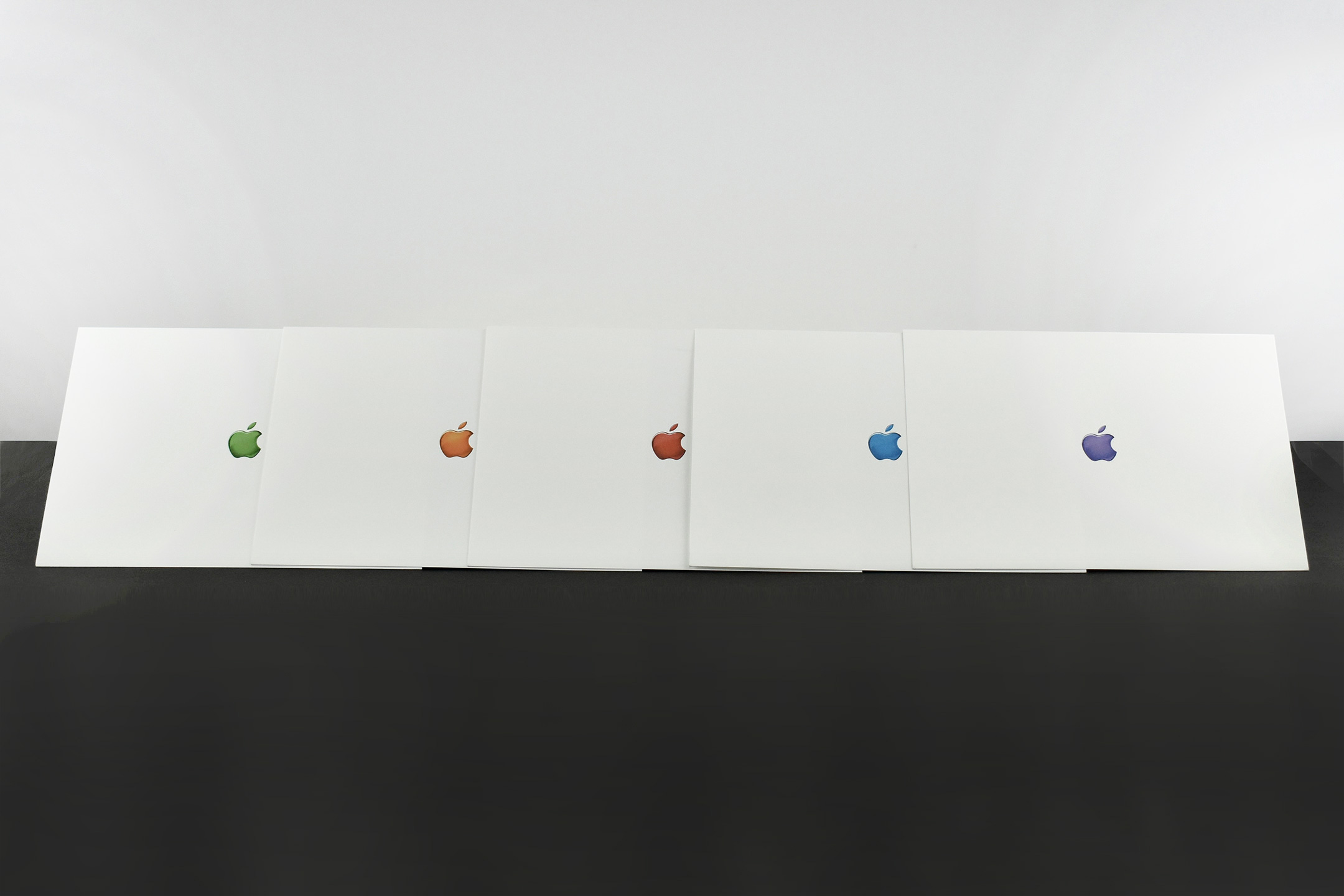
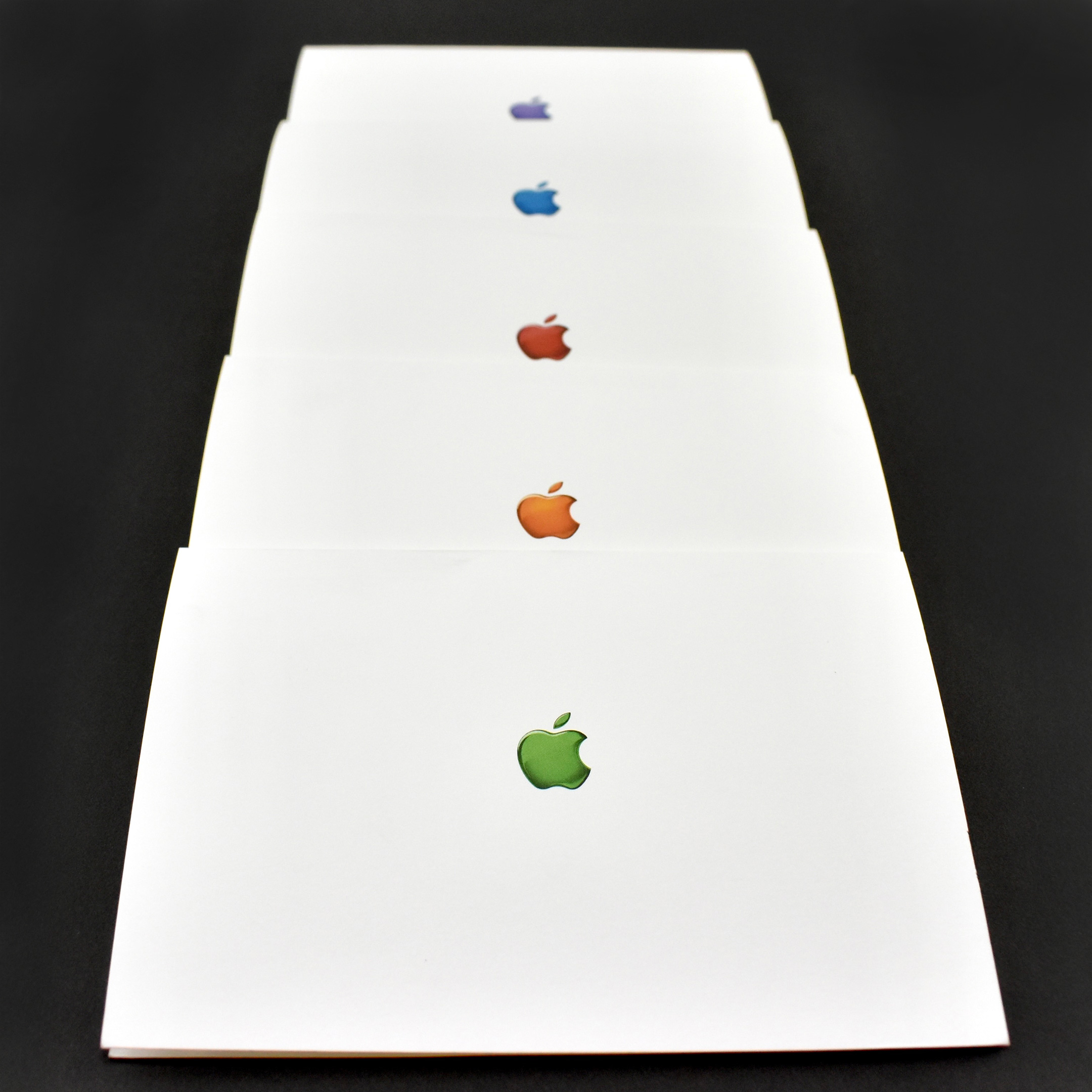
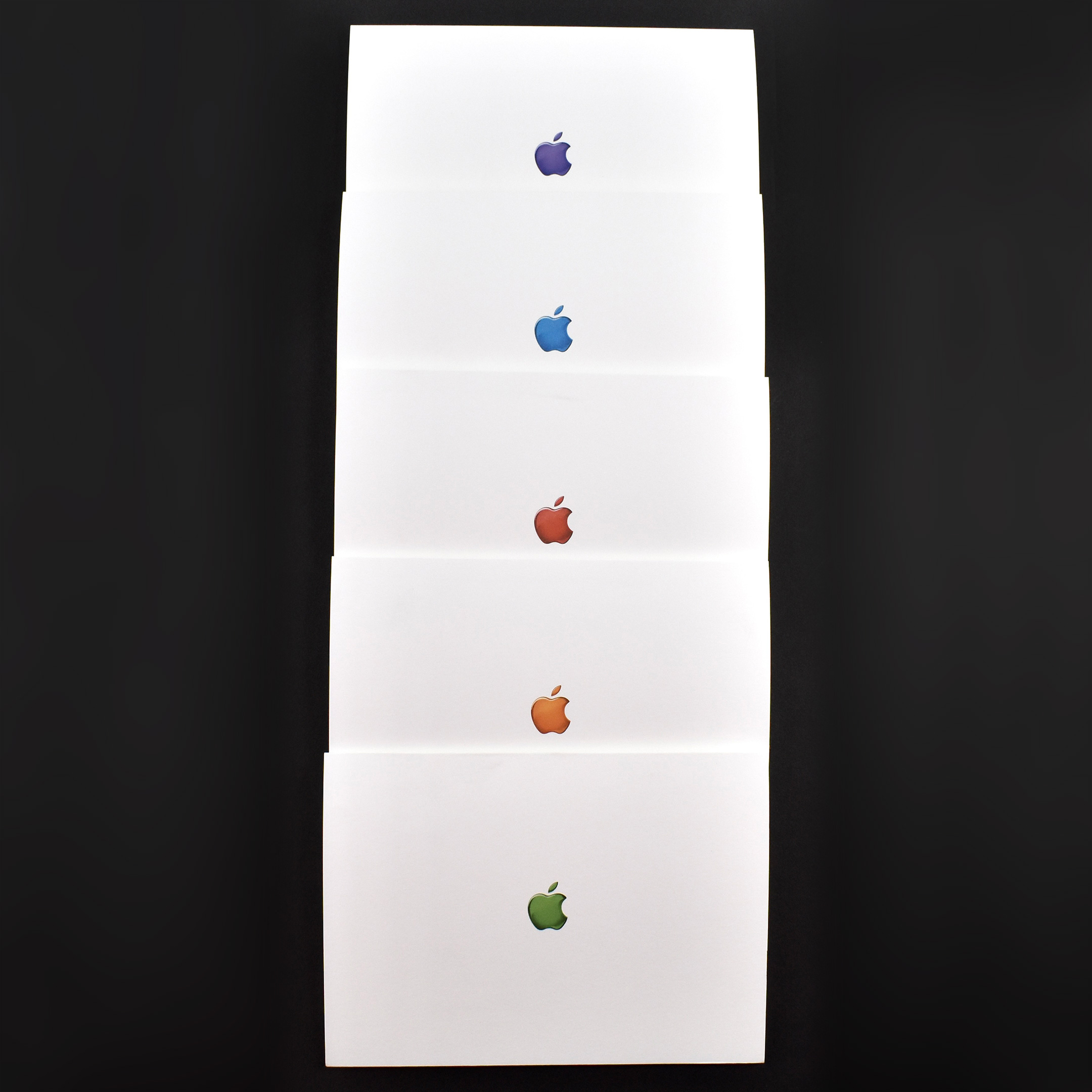
Notecard set (white, “fruit” color Apple logos, c. 2001)

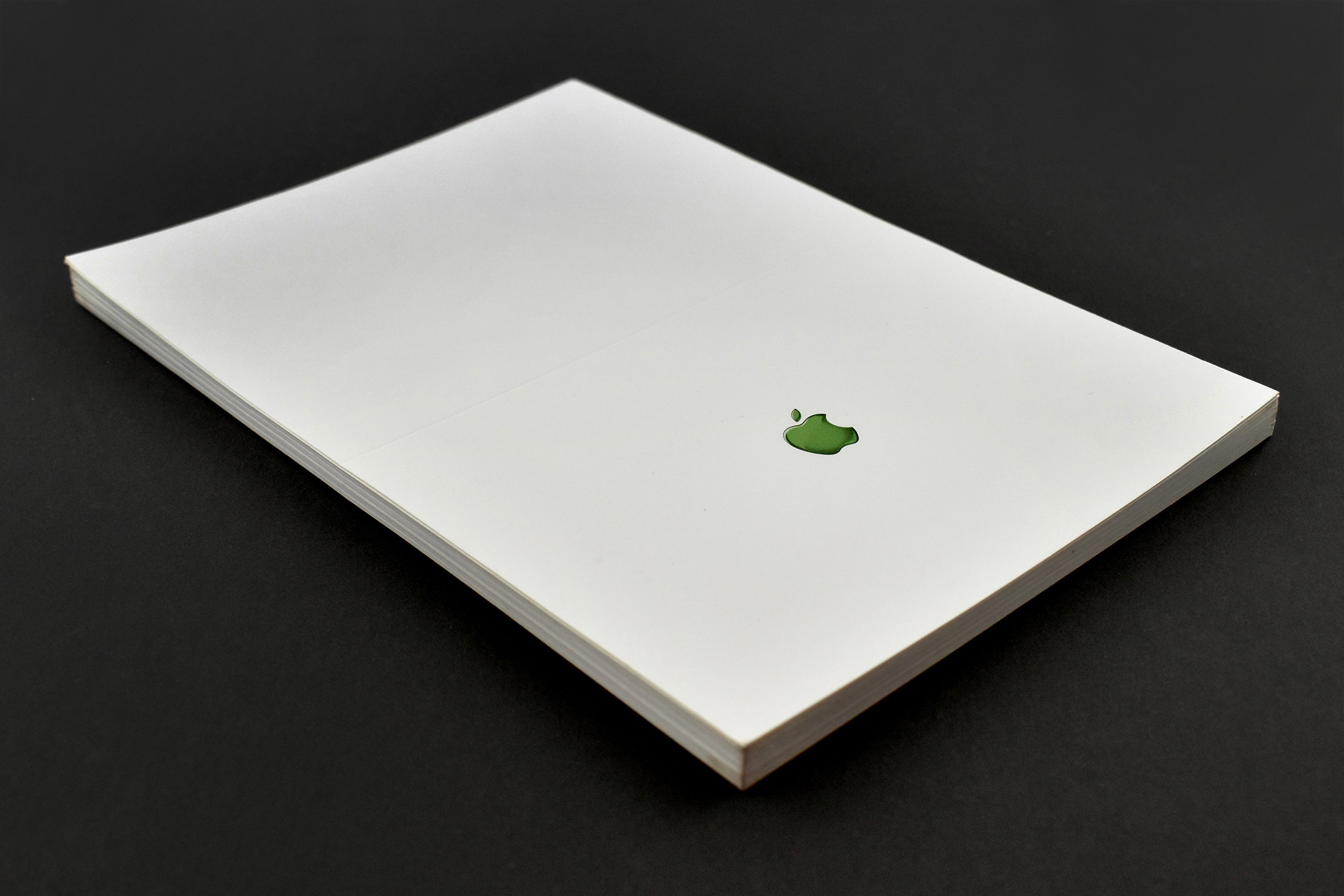
This set of white notecards features five different designs. Each card measures 4.25 x 6.25 inches, and the front-center of each card has a color Apple logo that is approximately one-half inch wide.

The Apple logos are stylized to appear as though they are partially transparent. The colors resemble the “fruit” iMac G3 colors that were released on January 5, 1999: Blueberry (blue), Grape (purple), Tangerine (orange), Lime (green), and Strawberry (red).