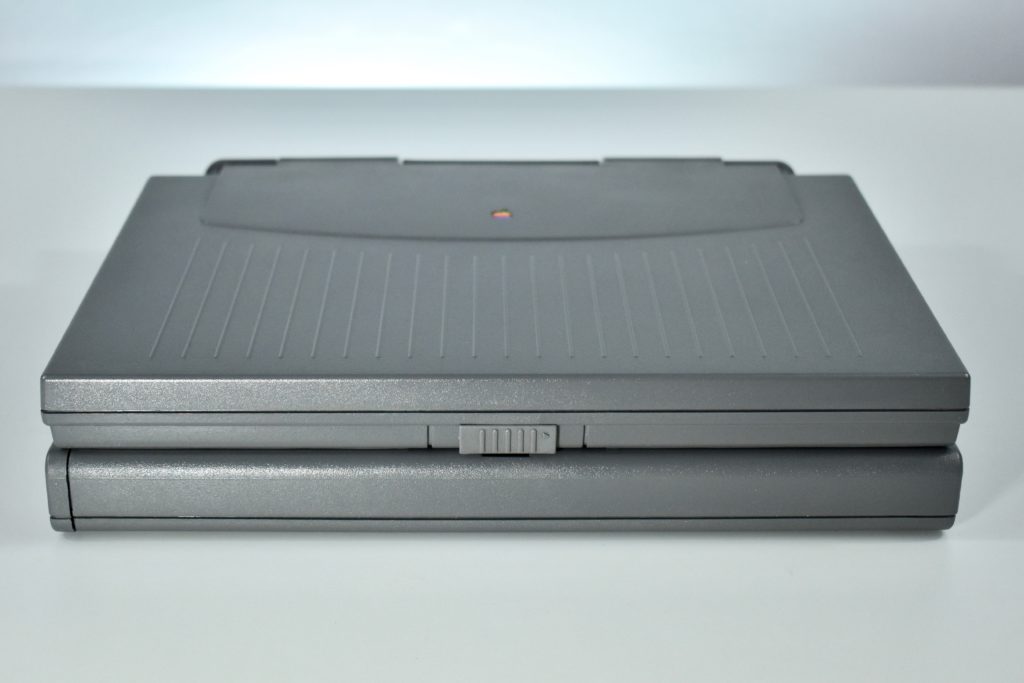
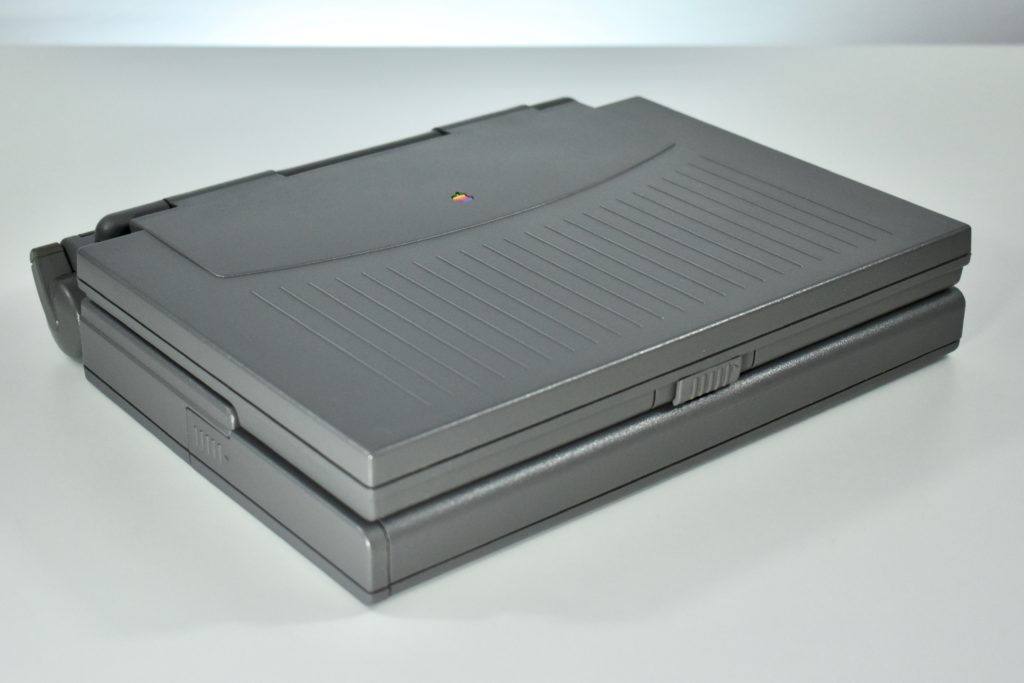
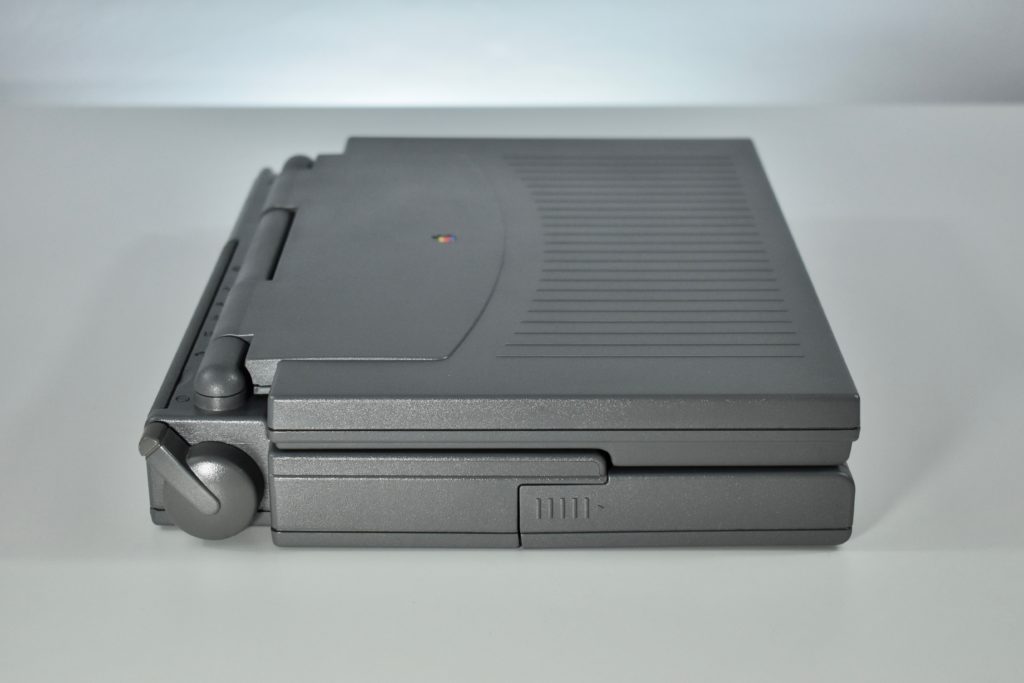
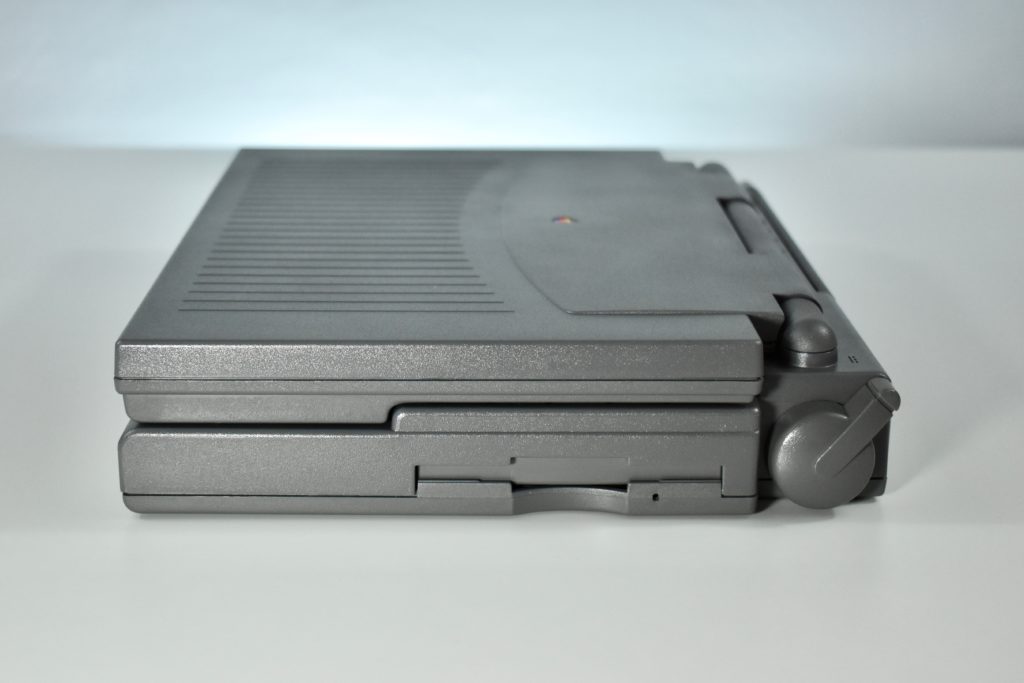
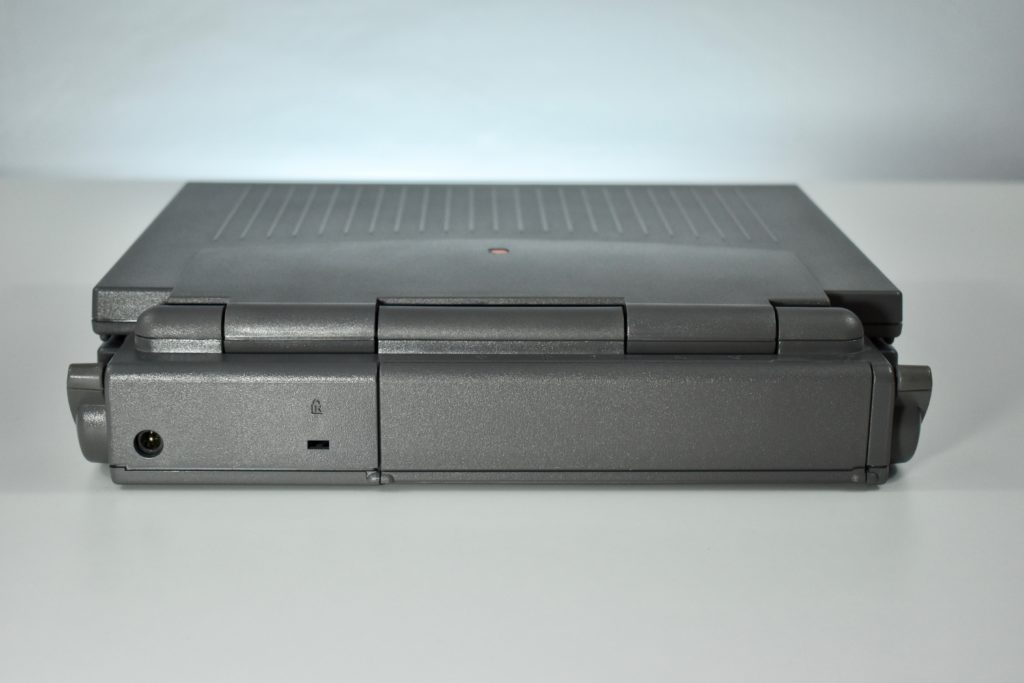
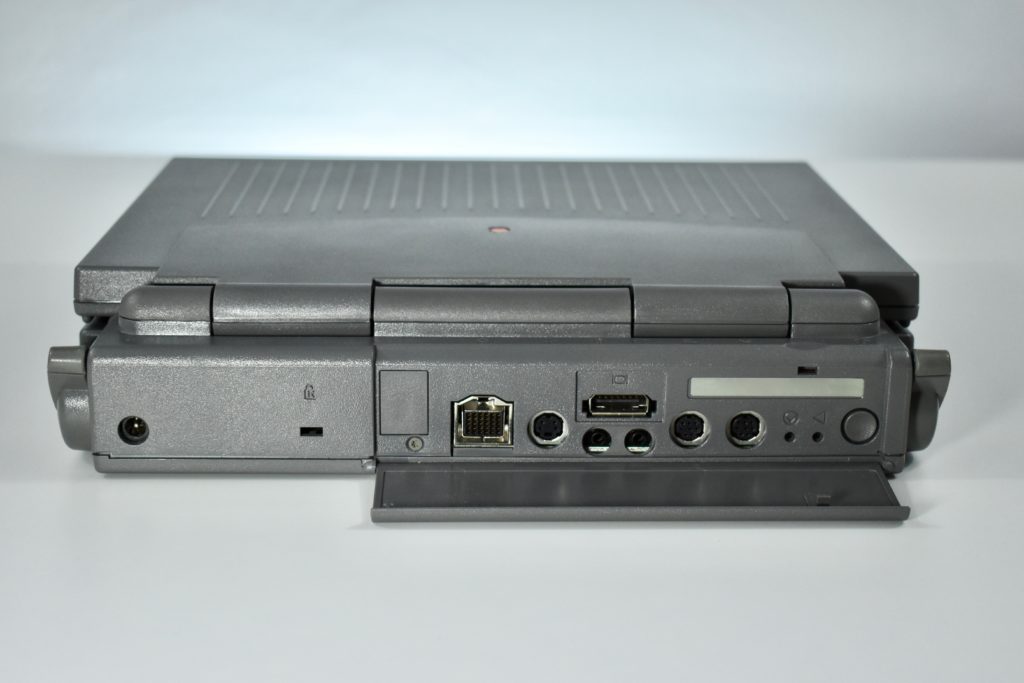
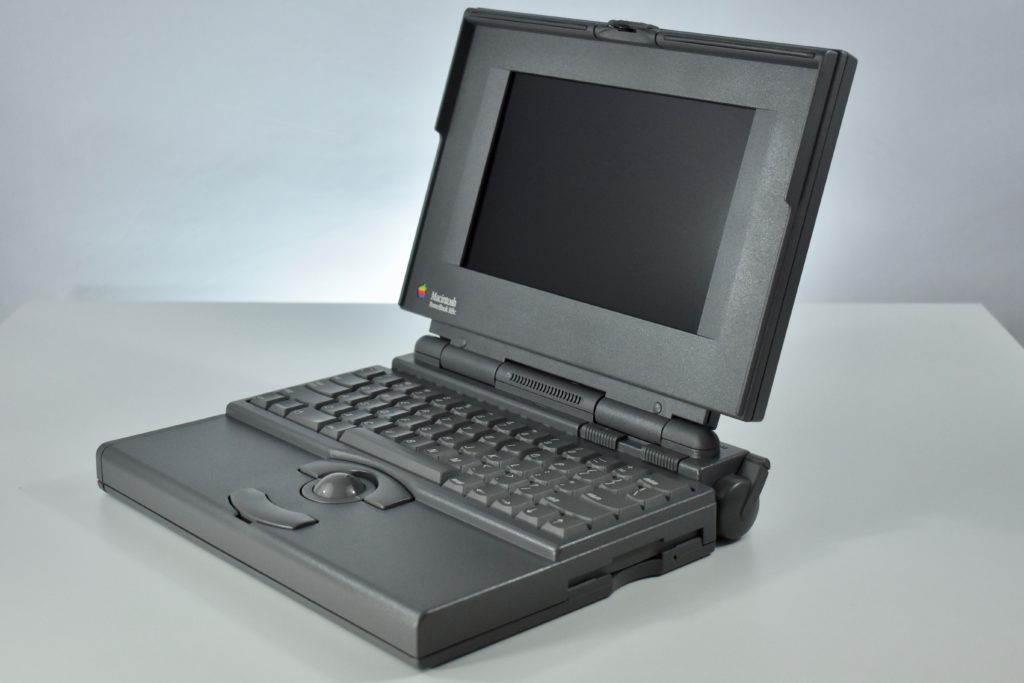
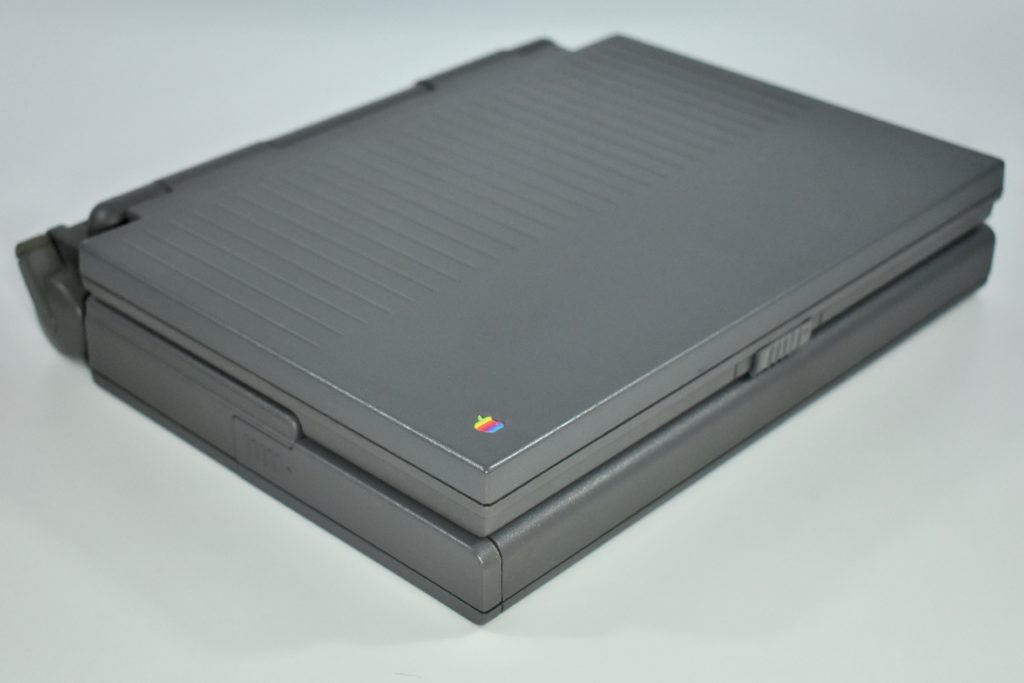
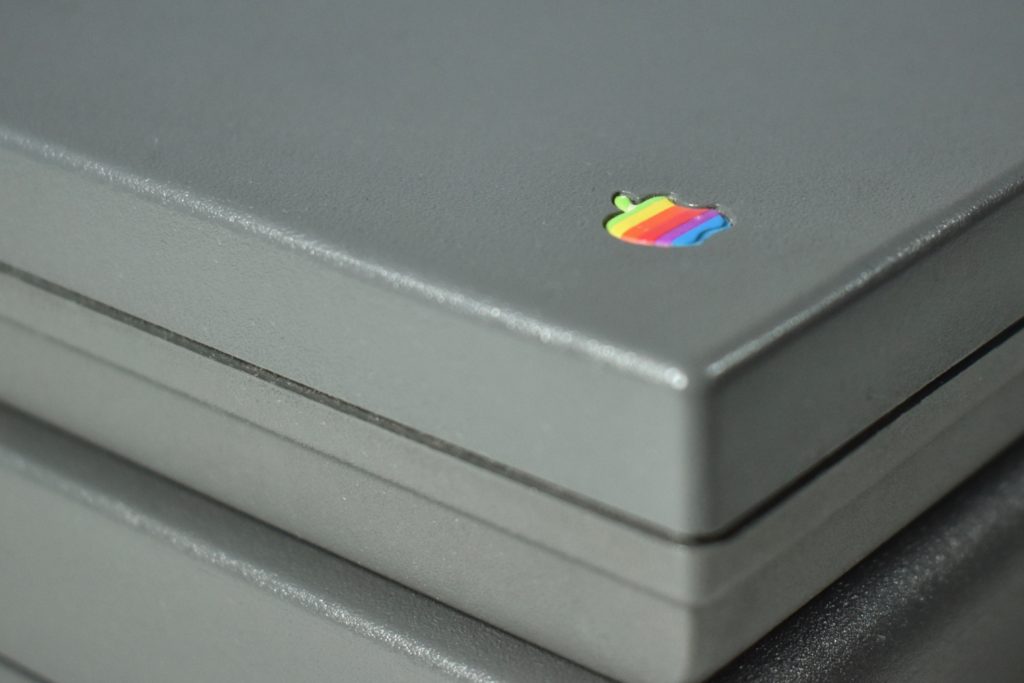
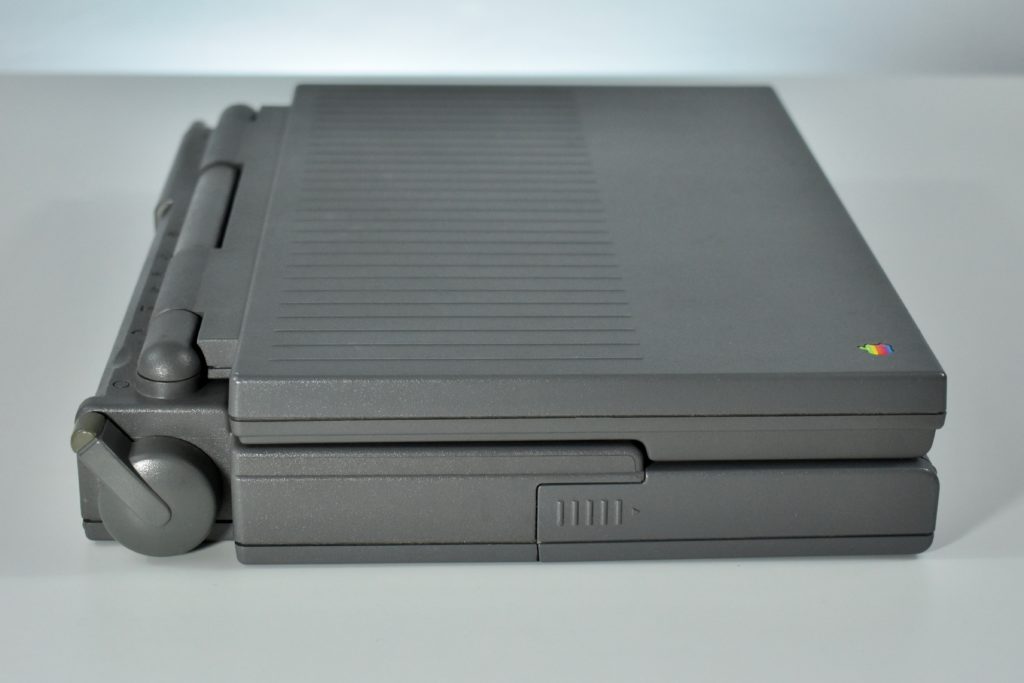
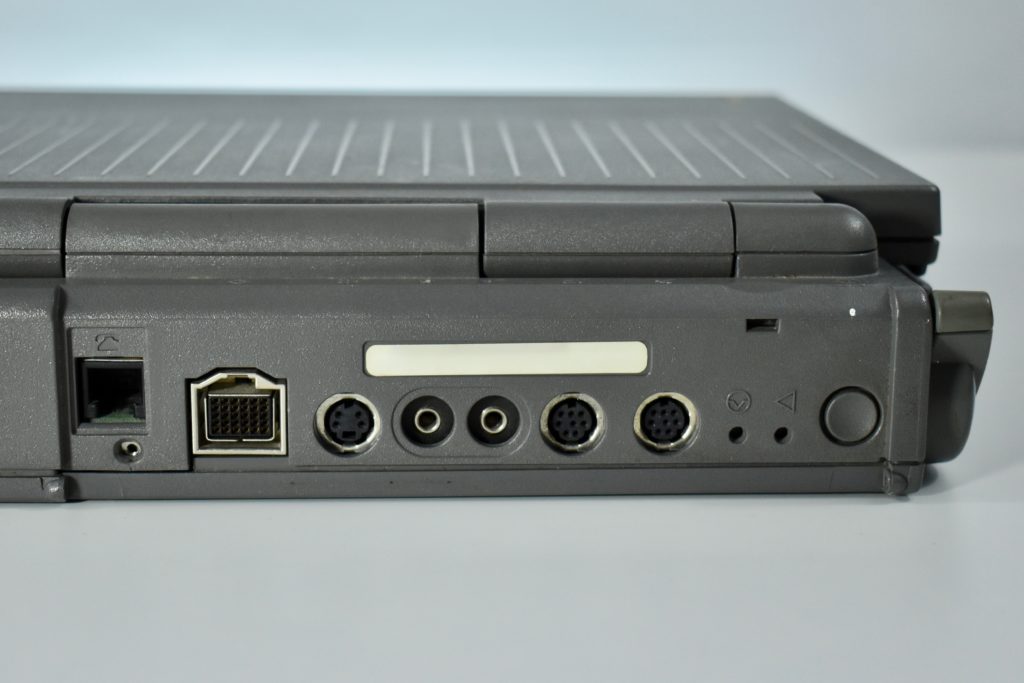
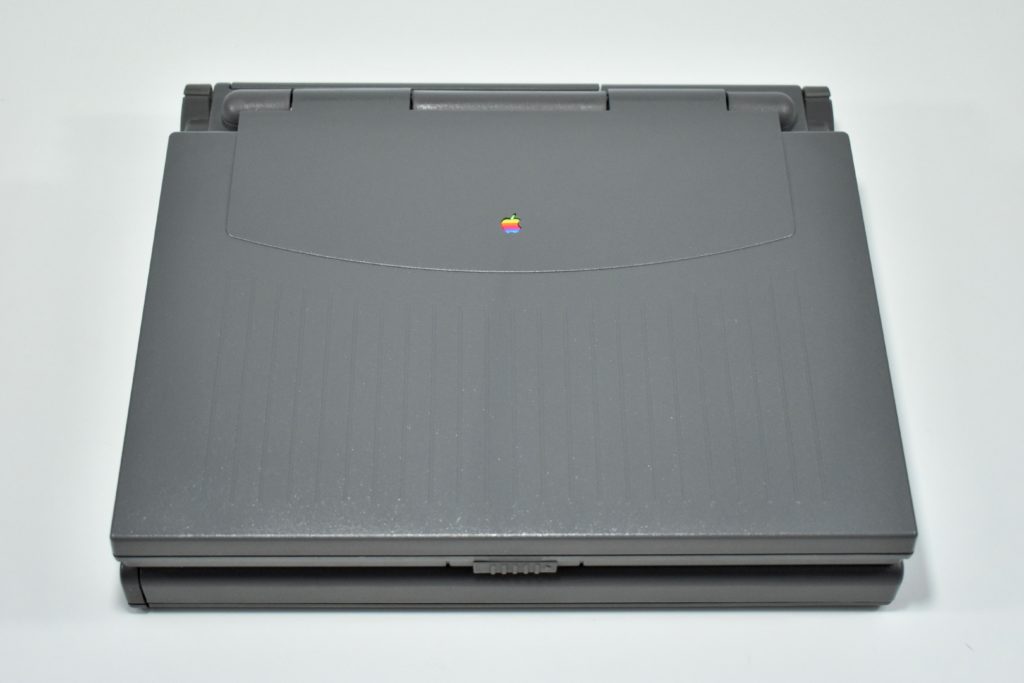
PowerBook 165c (1993)

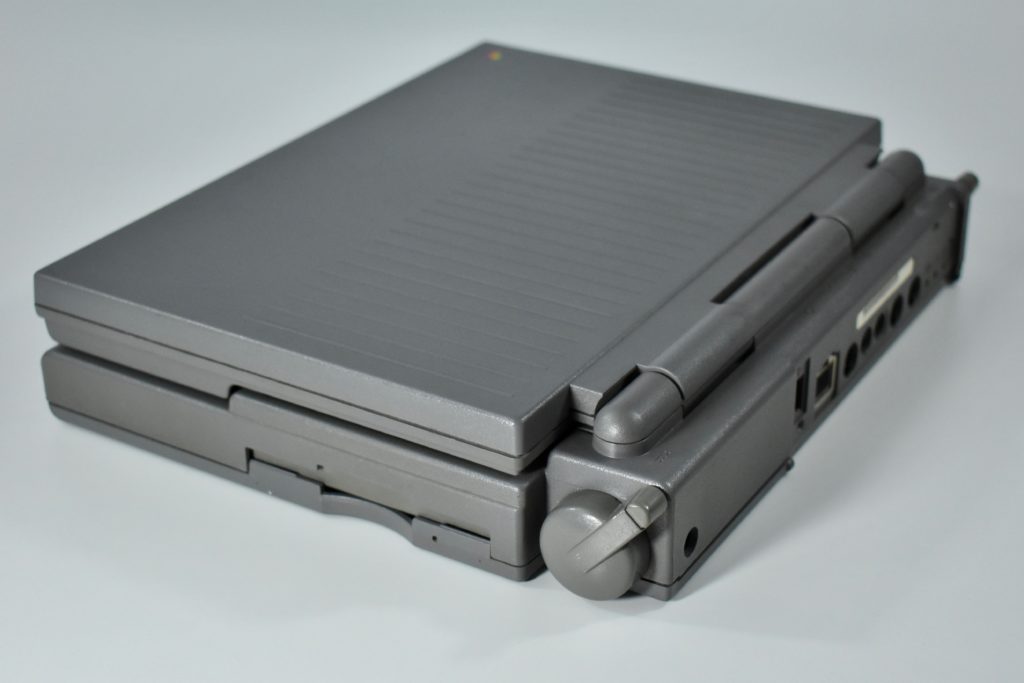
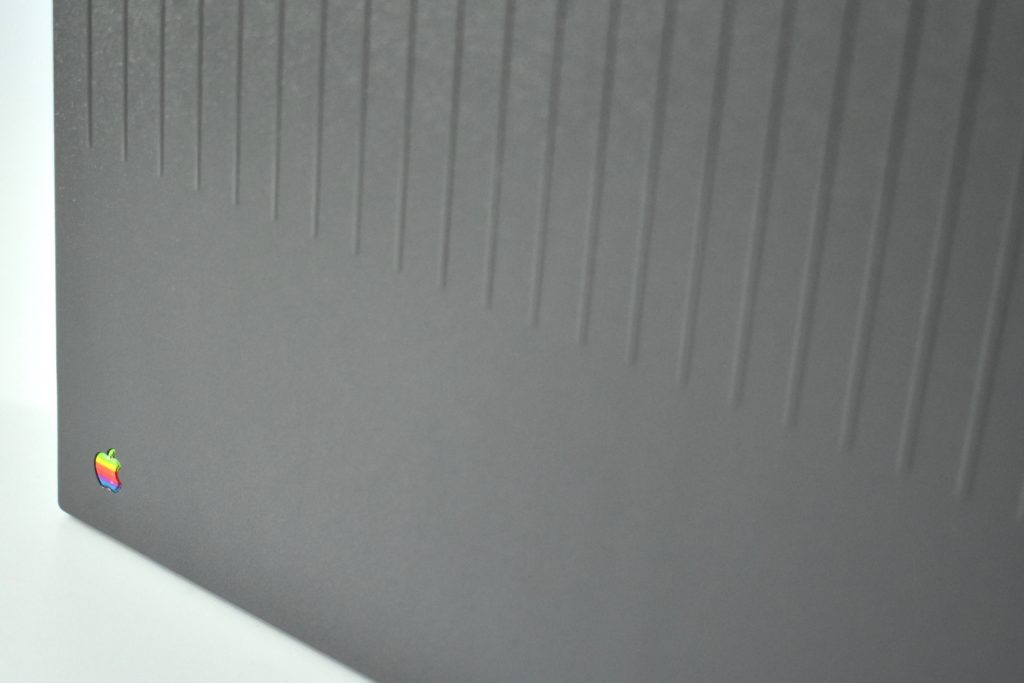
The PowerBook 165c was the third in a series of PowerBook 160 laptops (160, 165, and 165c). The laptop featured a 33 MHz 68030 processor, 4 MB of RAM, either an 80 MB or 160 MB hard drive, and an internal 1.44 MB floppy drive. 

The screen was an 8.9-inch color passive-matrix display. The “c” in the PowerBook 165c name referred to the color screen that supported 8-bit color on both the internal display and on an external monitor. The laptop could support a dual or mirrored display, the first PowerBook to offer this capability.

The PowerBook 165c was among the first, but not the first color Macintosh laptop. The PowerBook Duo 210 and 230 were the first color Macintosh laptops that were released four months before the PowerBook 165c.

Source: EveryMac.com.
PowerBook 140 (1991)

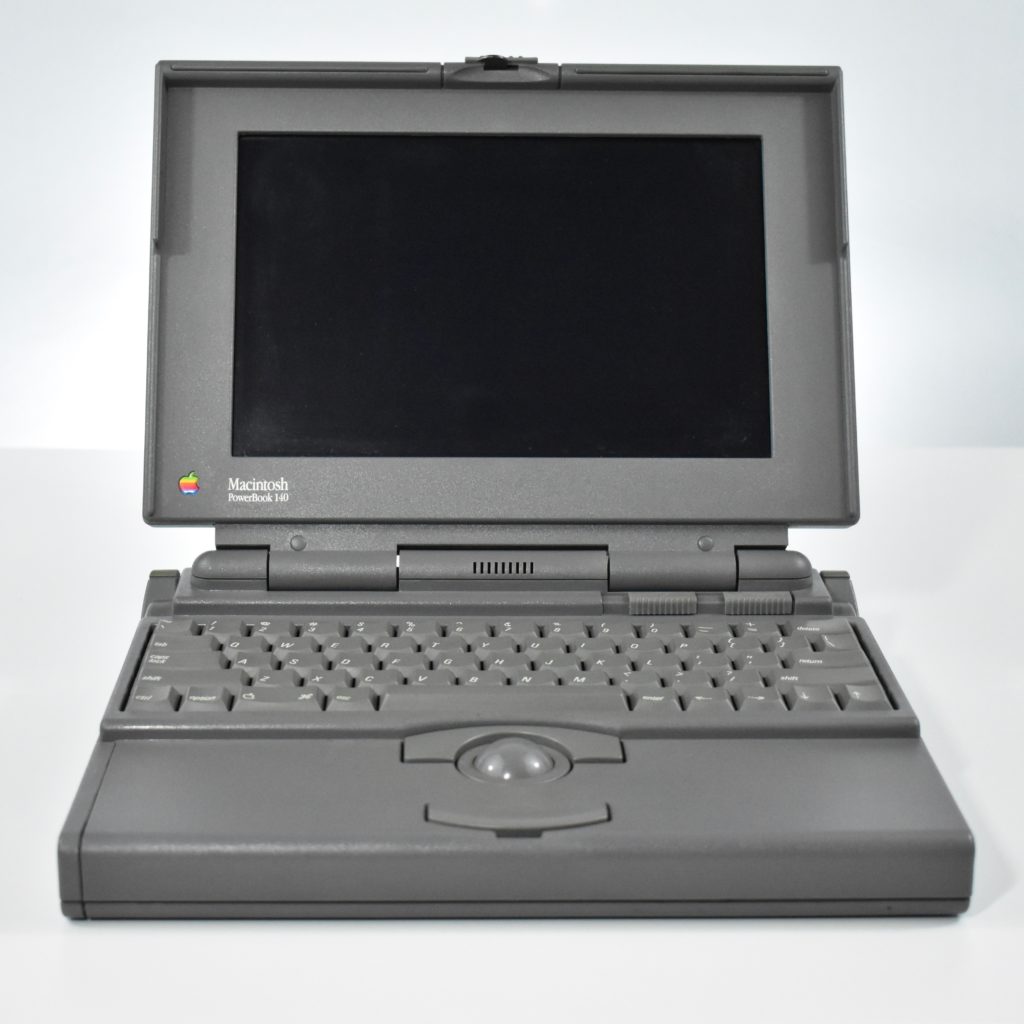
The PowerBook 140 was released along with the PowerBook 100, 140, and 170—three new Macintosh laptop models that were mobile in addition to being portable. The lineup replaced the Macintosh Portable, a very bulky device that weighed in at 16 pounds and was 4 inches thick.
The PowerBook 140 featured a 16 MHz 68030 processor, 2 MB or 4 MB of RAM, a 20 MB or a 40 MB hard drive, and an internal 1.44 MB floppy drive. The screen measured 9.8 inches in a monochrome passive-matrix display.

Unlike Macintosh computers at the time that were controlled by a mouse, the built-in input device on the PowerBook 100-family laptops was a trackball with an upper and lower button. Each button had the same function and two were provided for the benefit of ergonomics for the user to select which to use. 

The introductory price for this laptop was $3,199.

Source: EveryMac.com

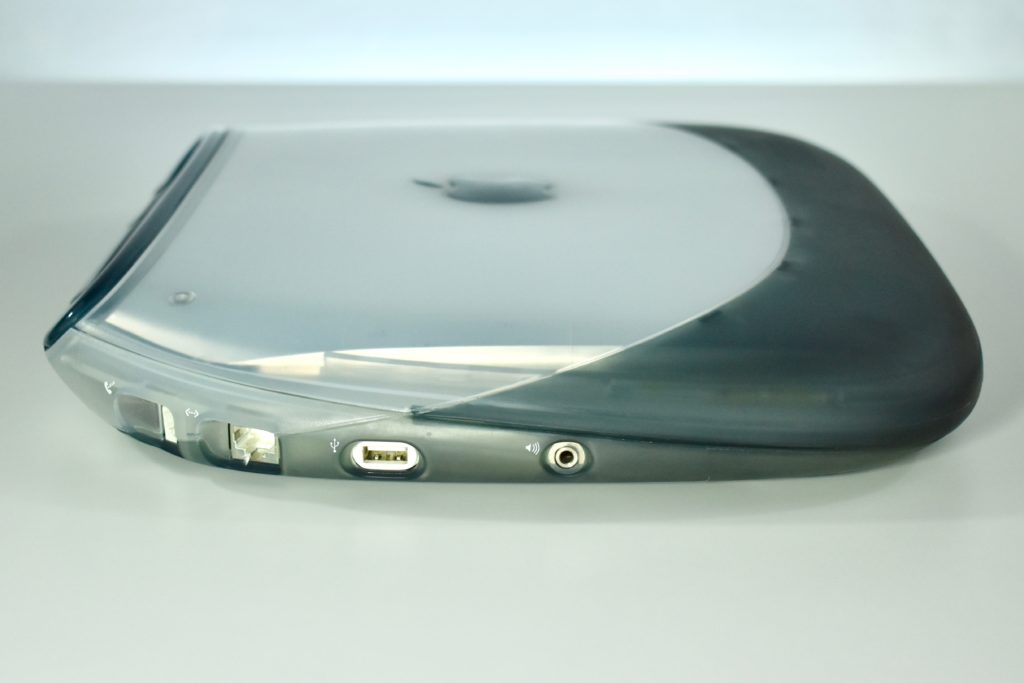
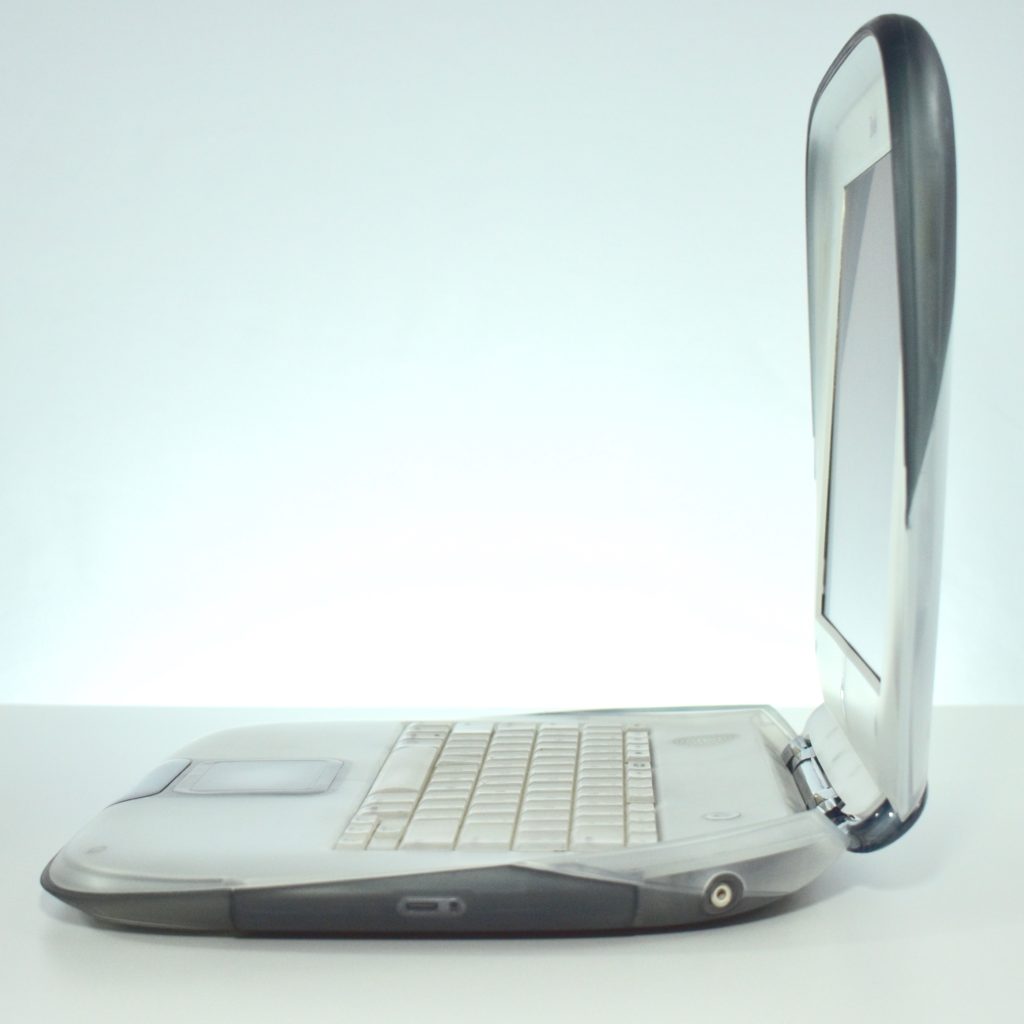
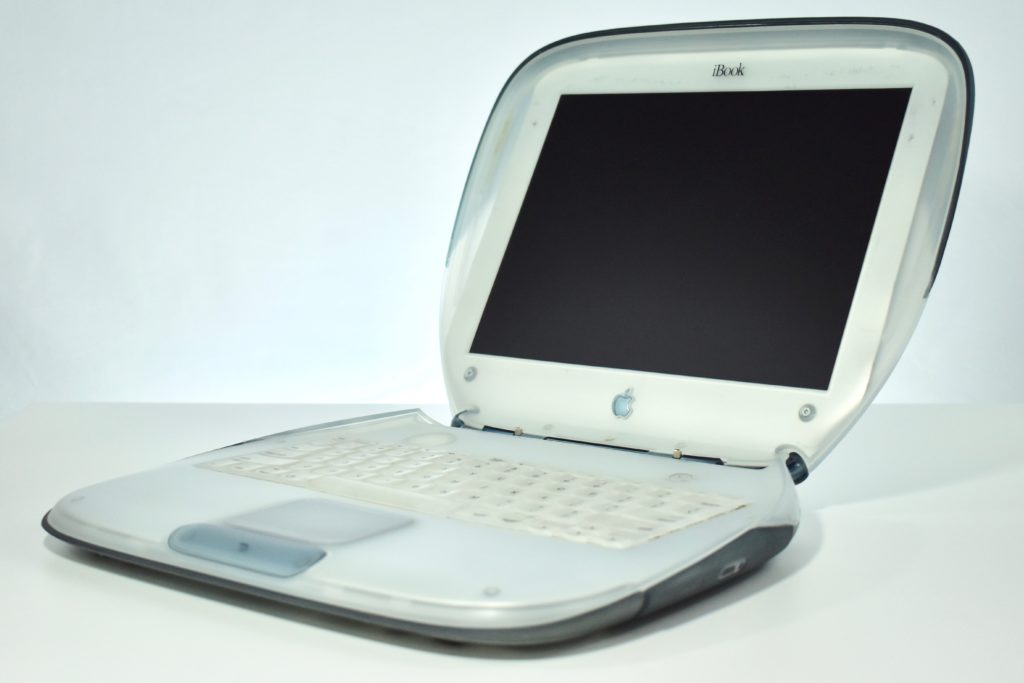
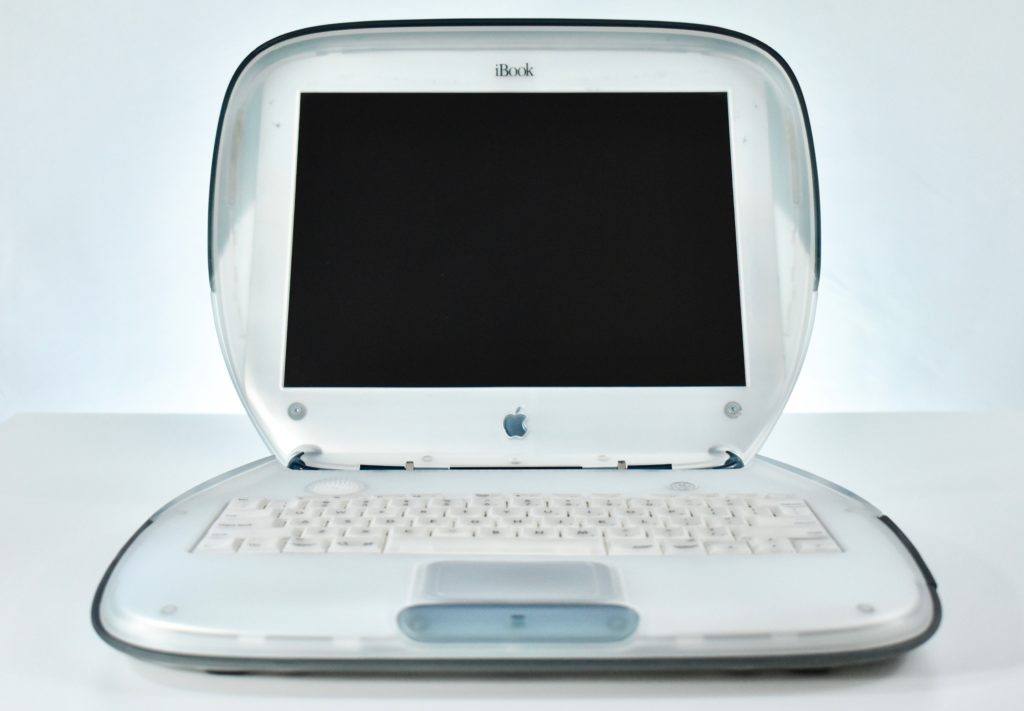
iBook G3/366 SE (graphite, 2000)

The iBook G3/366 Special Edition (SE) shares the same Apple model number as the original “clamshell” iBook, but has a few upgraded internal specifications. The iBook SE increased the processor power to 366 MHz and shipped with 64 MB of RAM and a 6.0 GB hard drive.

The SE was also offered in a more conservative case color that Apple referred to as “graphite and ice.”

Source: EveryMac.com

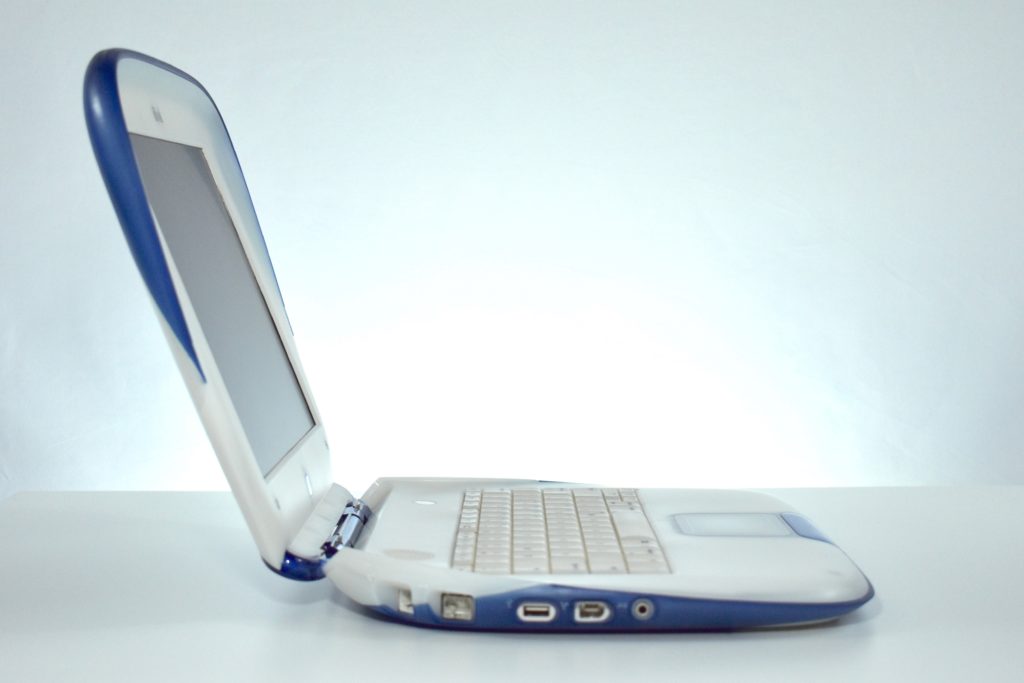
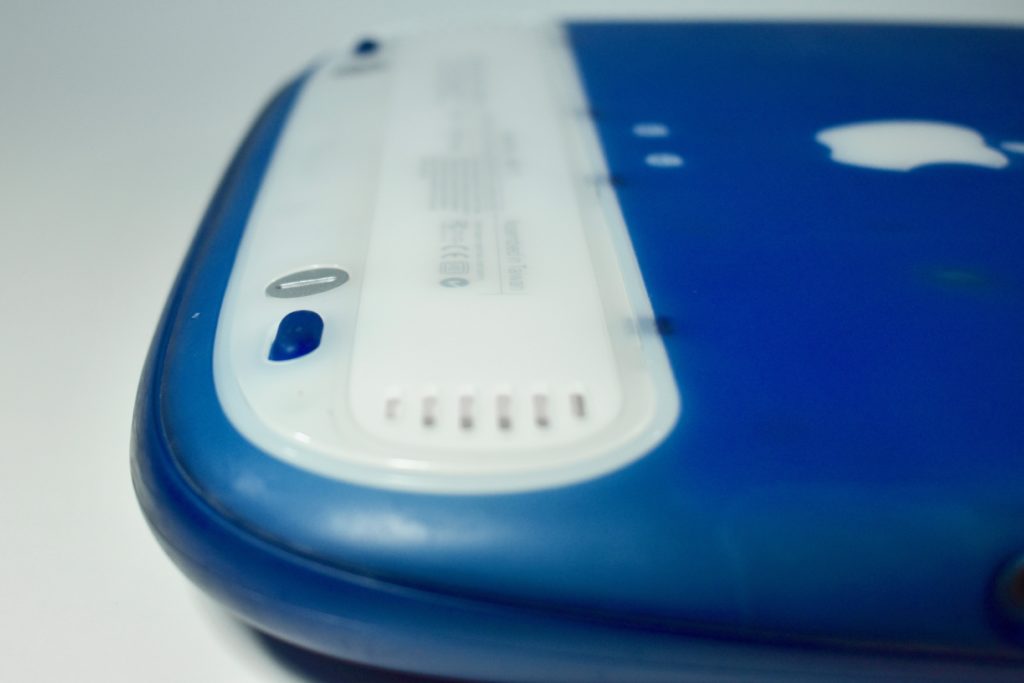
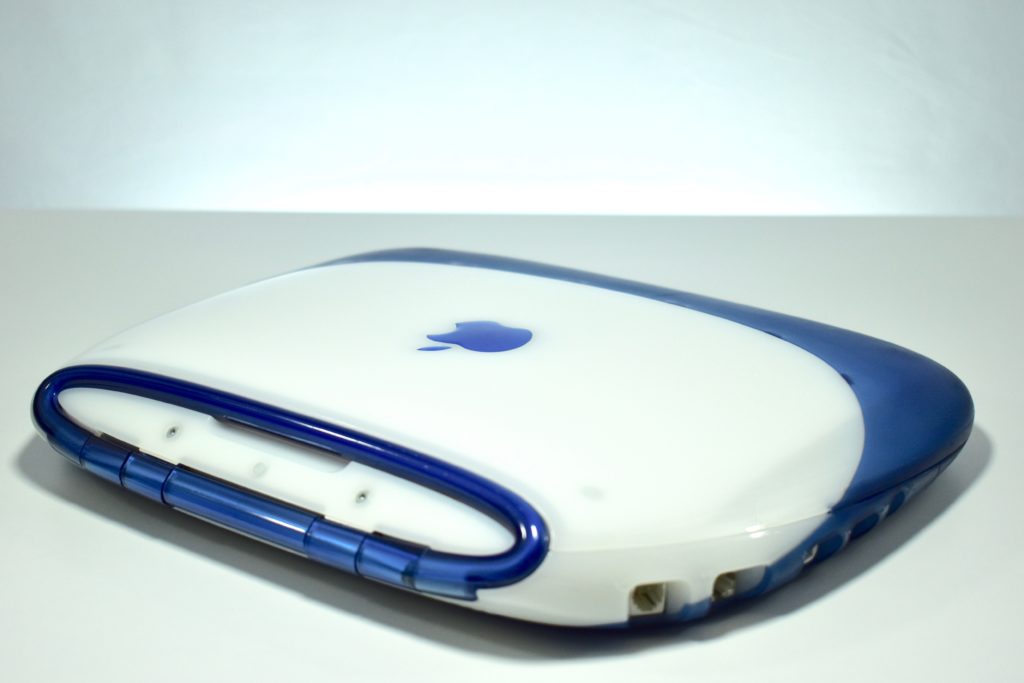
iBook G3/366 (indigo, 2000)

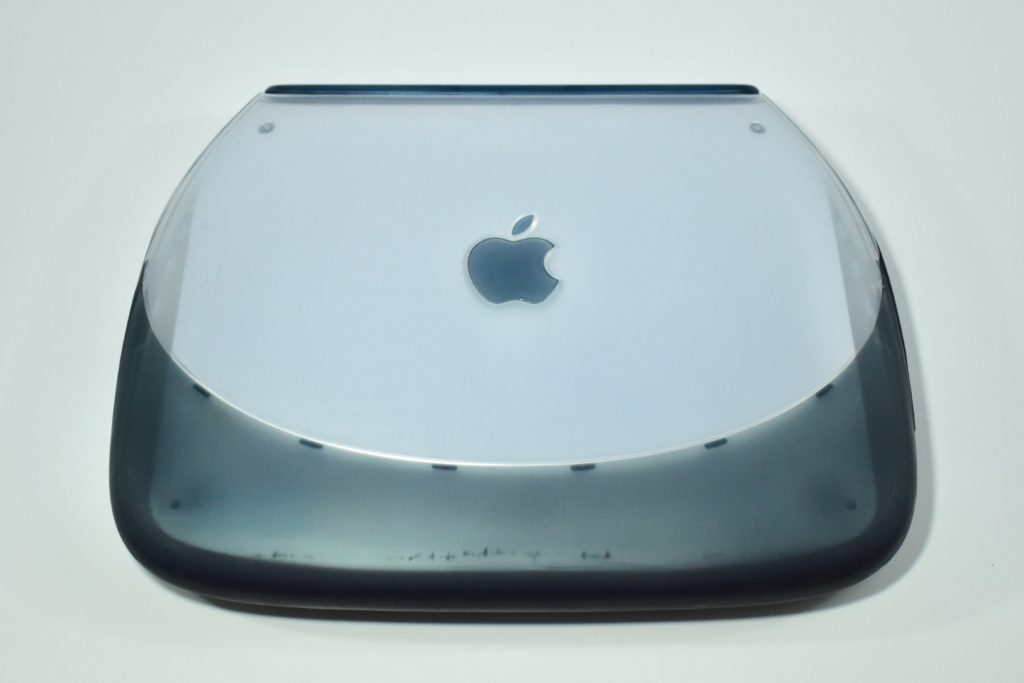
The iBook G3/366 is similar to the original iBook G3/300 in design, but adds two new colors, a single FireWire port, and several internal upgrades.

The iBook G3/366 featured a 366 MHz G3 processor, 64 MB RAM, a 10.0 GB hard drive, a 24X tray-loading CD-ROM drive, and a 12.1-inch display at 800×600. This example is in indigo, a color Apple selected likely due to the popularity of the indigo iMac at the time. It also introduced a new hybrid A/V port that allowed composite audio/video out capabilities using a proprietary cable.

I remember when this laptop was released and it quickly became my “go to” device for portable video creation in iMovie for its faster processor and FireWire capabilities. It was among the first consumer-level laptops that began to feel like it had similar capabilities to the desktops at the time.

Source: EveryMac.com

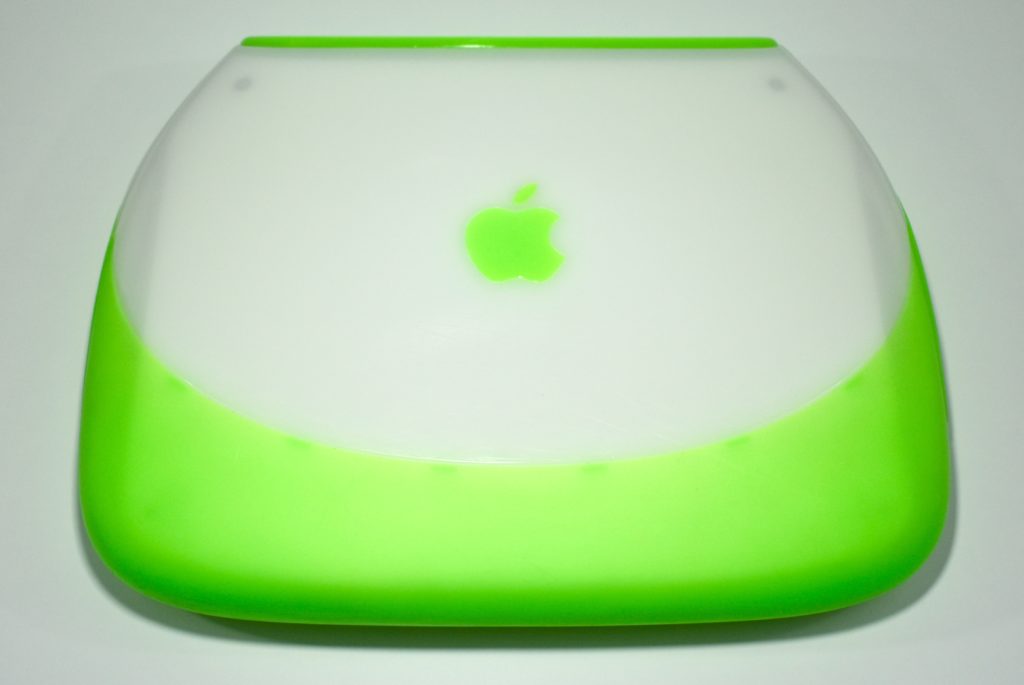
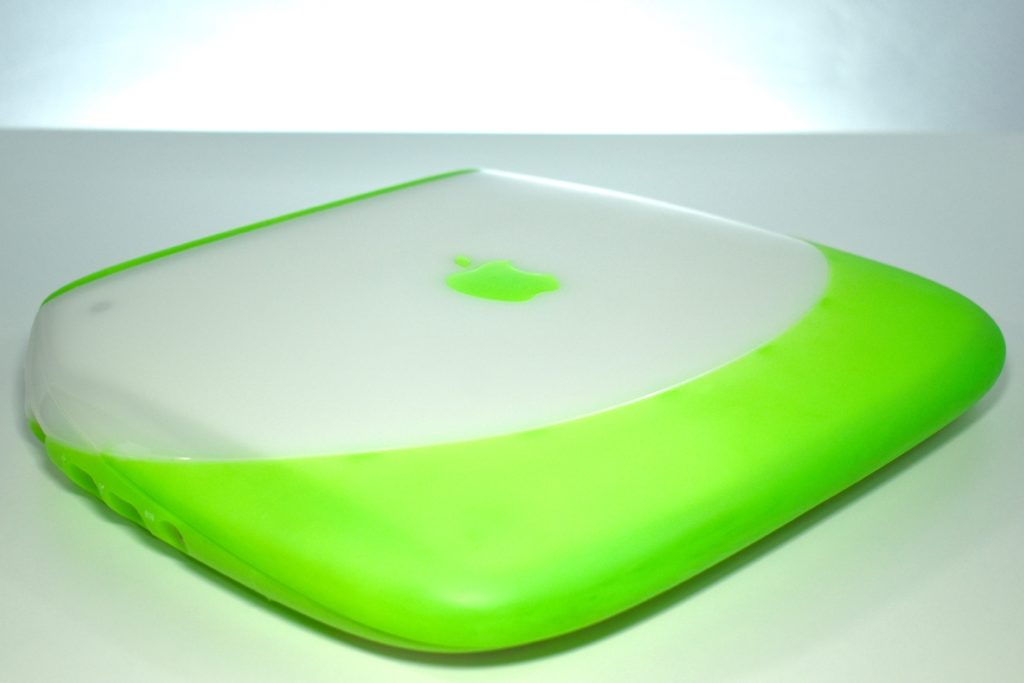
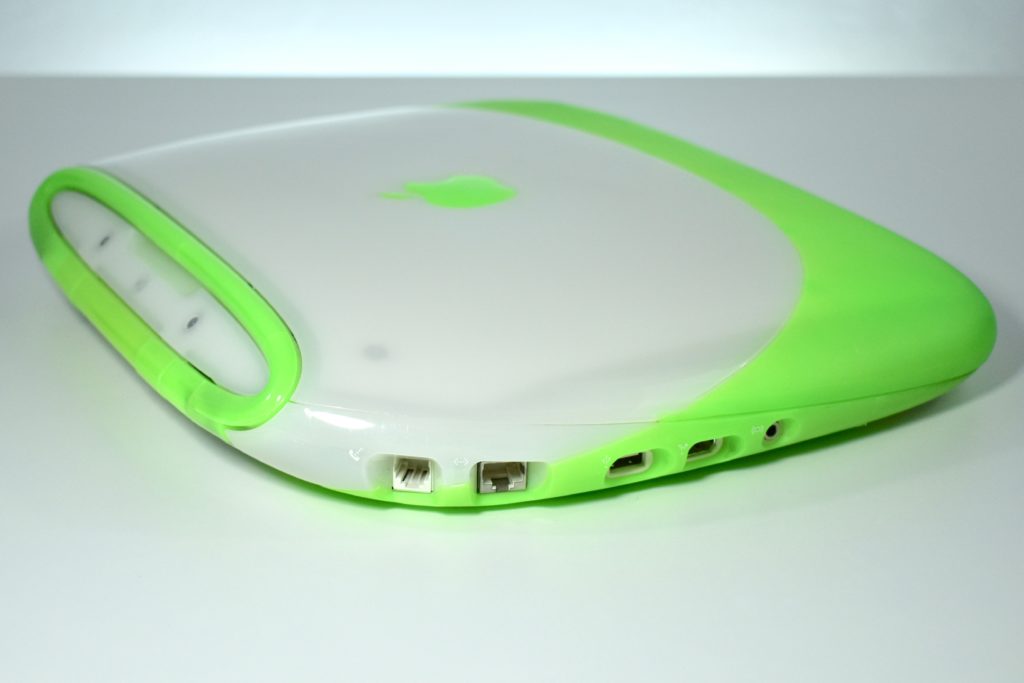
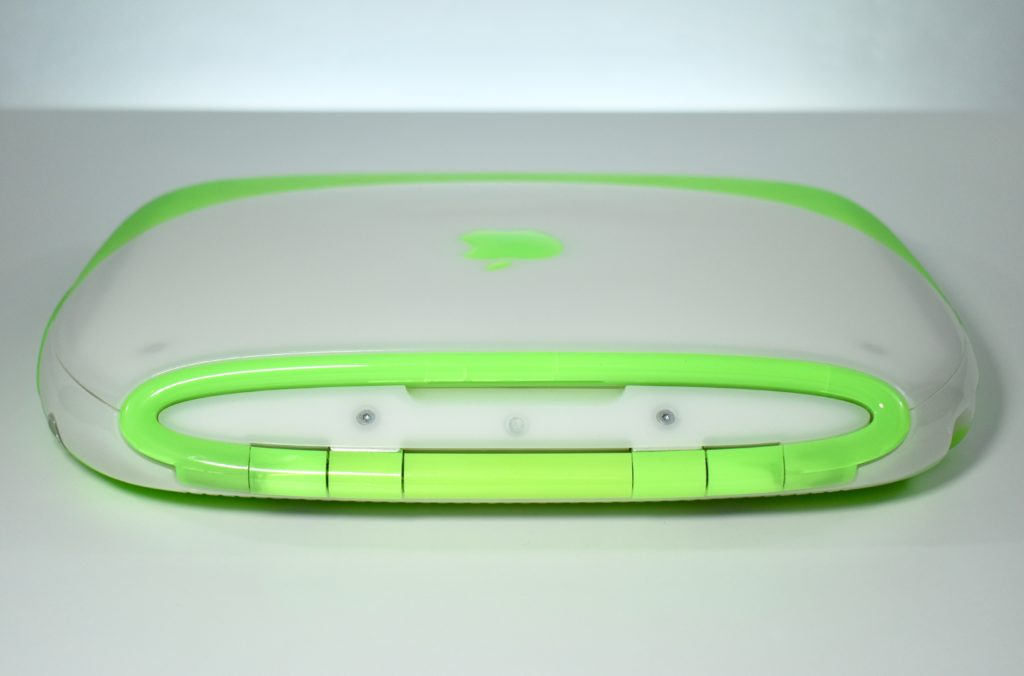
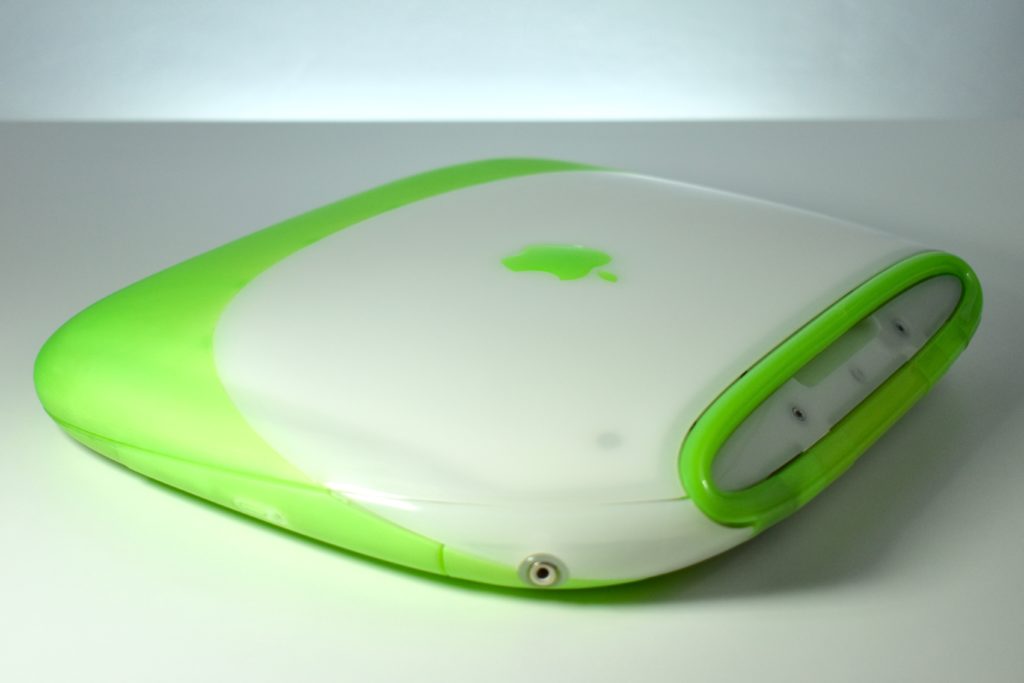
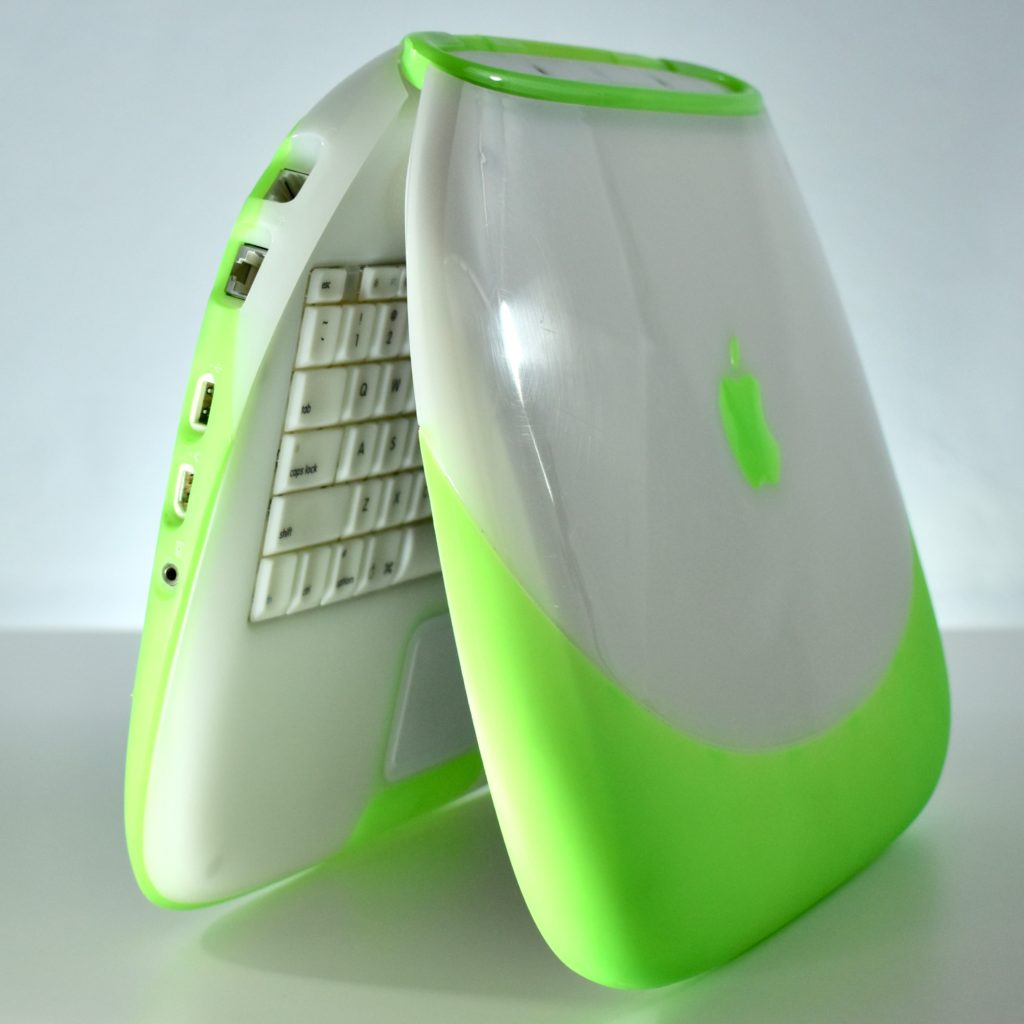
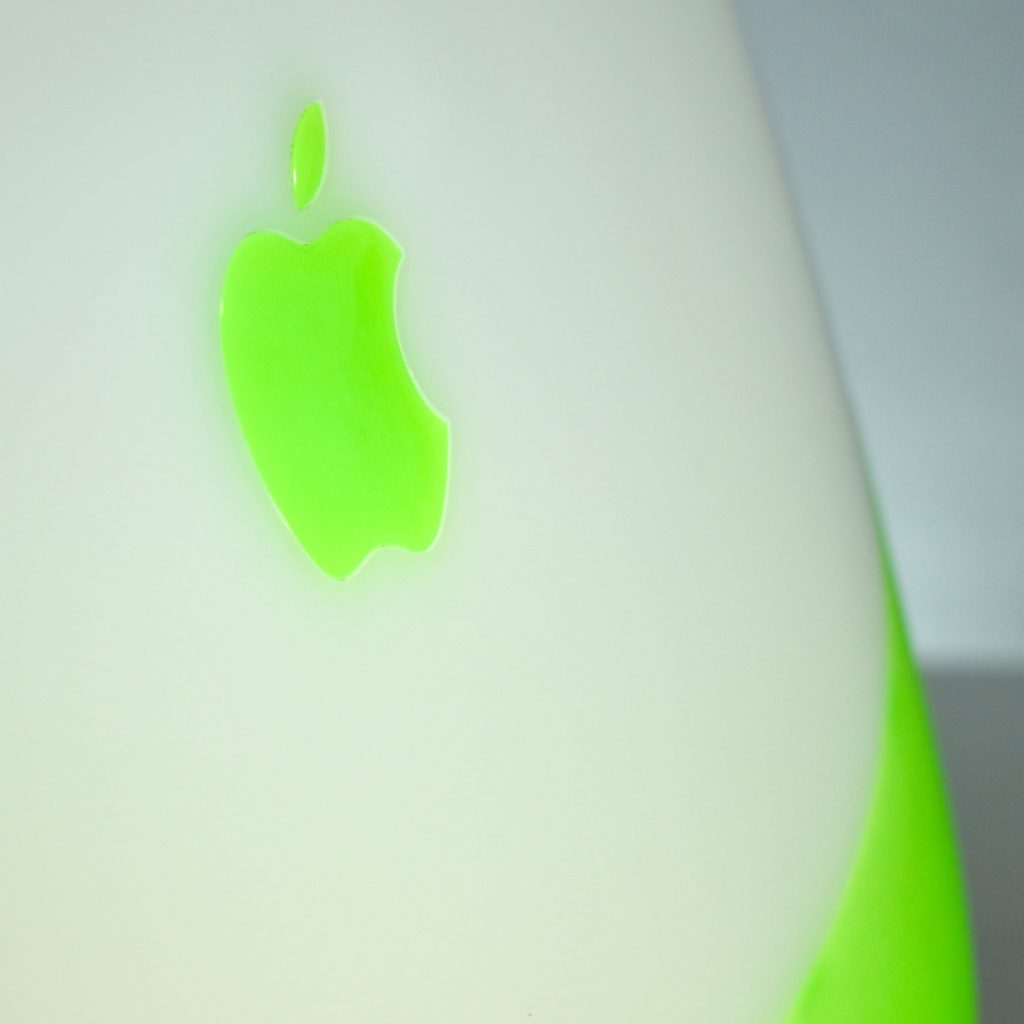
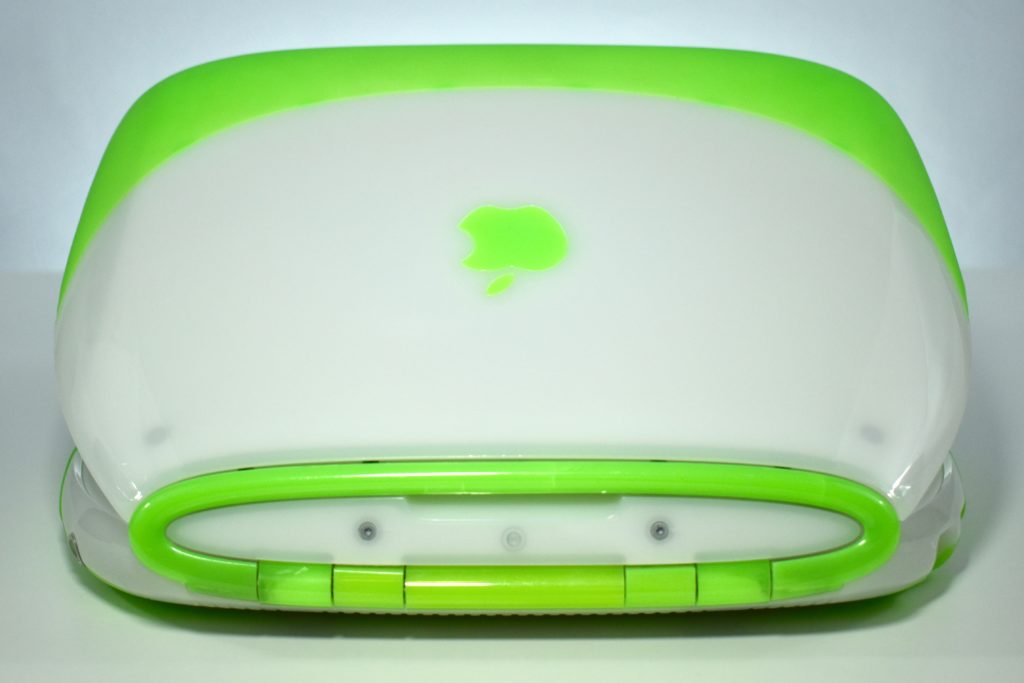
iBook G3/366 (key lime, 2000)

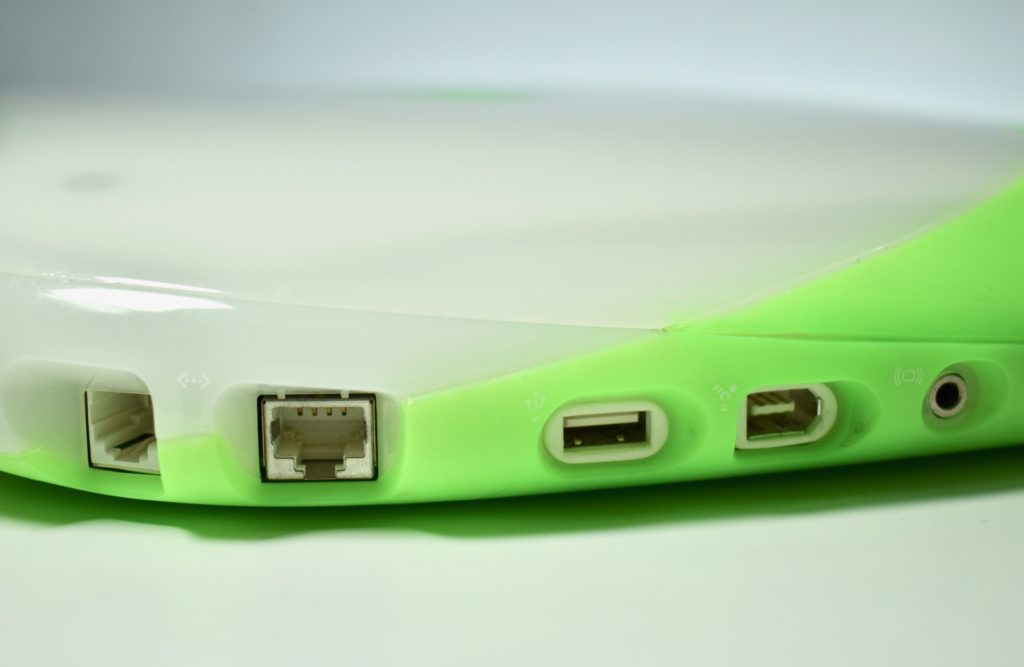
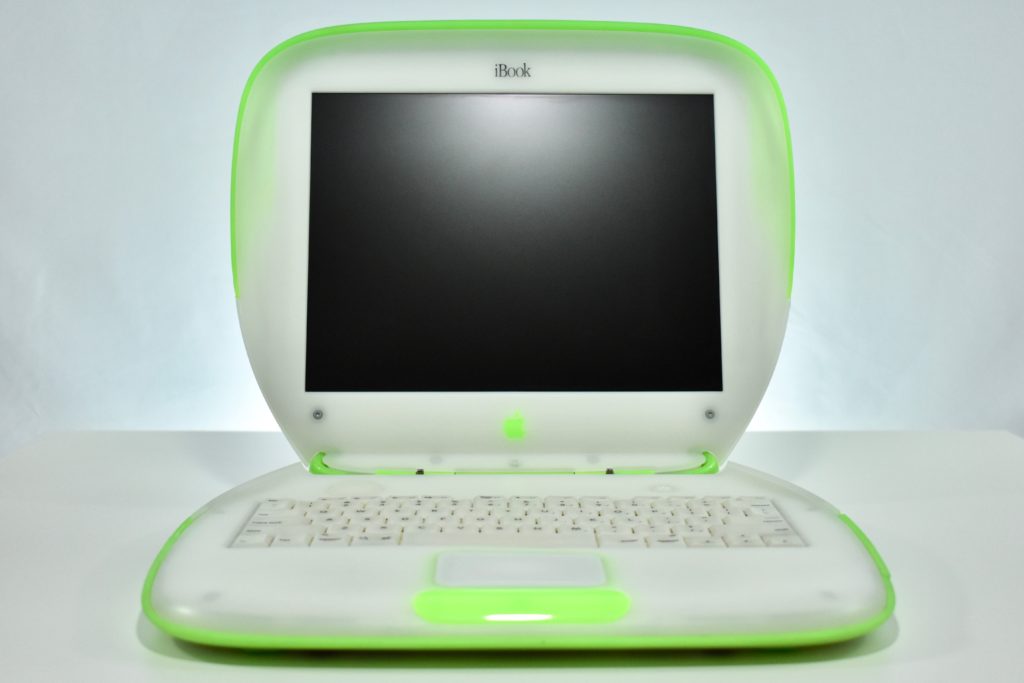
The iBook G3/366 is similar to the original iBook G3/300 in design, but adds two new colors, a single FireWire port, and several internal upgrades.

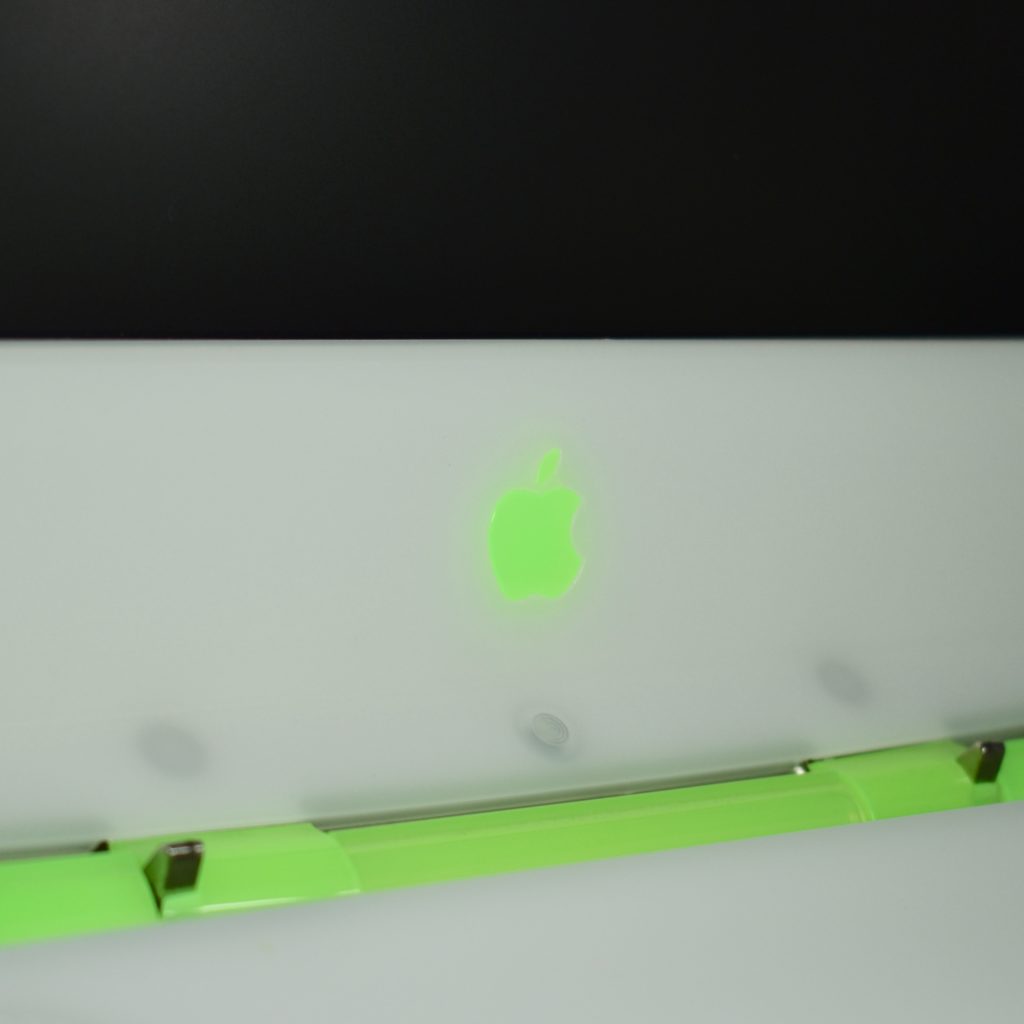
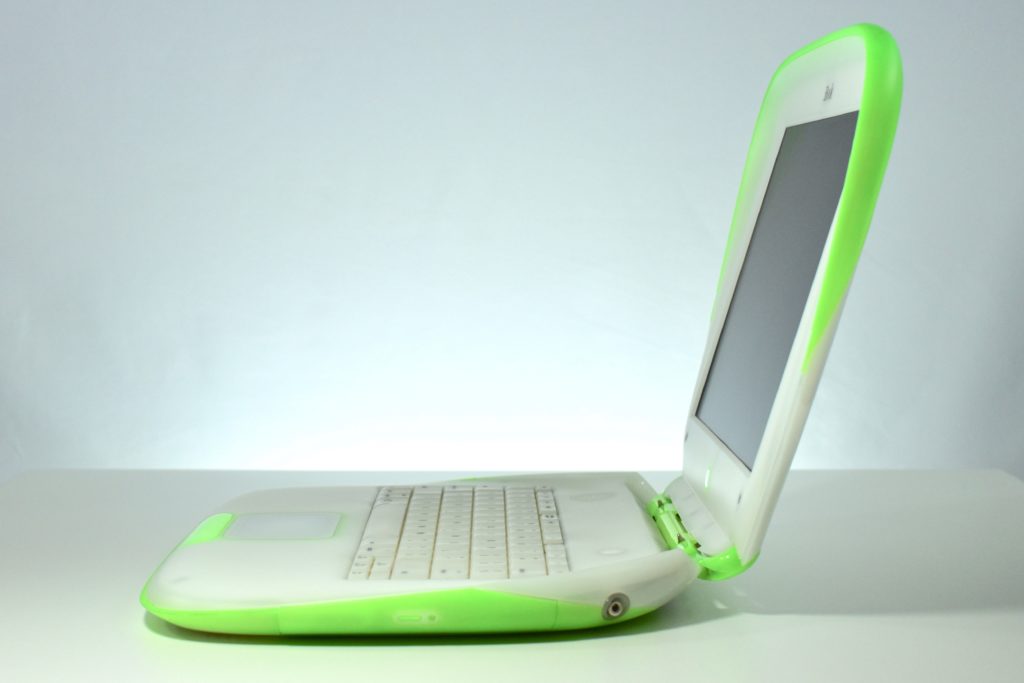
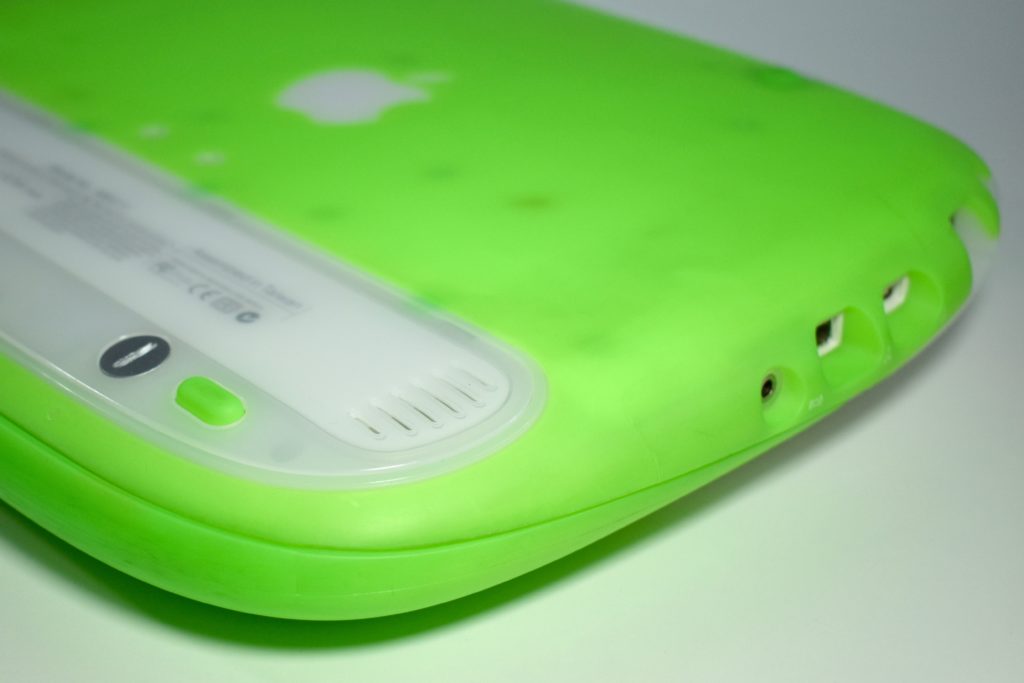
The iBook G3/366 featured a 366 MHz G3 processor, 64 MB RAM, a 10.0 GB hard drive, a 24X tray-loading CD-ROM drive, and a 12.1-inch display at 800×600. This iBook is in key lime, an extremely vibrant shade of neon green.

Source: EveryMac.com

iPod (original, 2001)

While Apple was not the first to offer an MP3 player, they often get the credit for making the product get accepted into the mainstream with its groundbreaking design, features, and perhaps more importantly, the iTunes software experience that would eventually add the iTunes Store and completely change the course of the music industry.

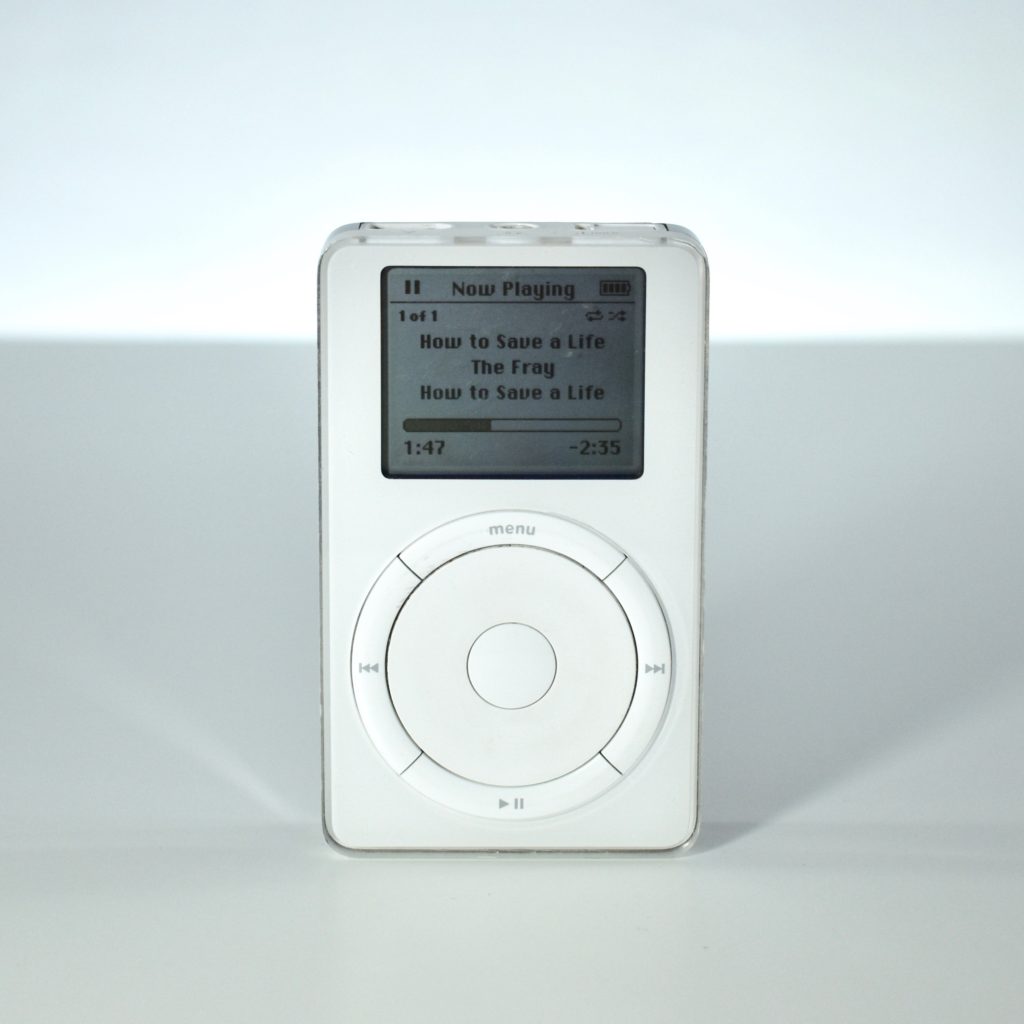
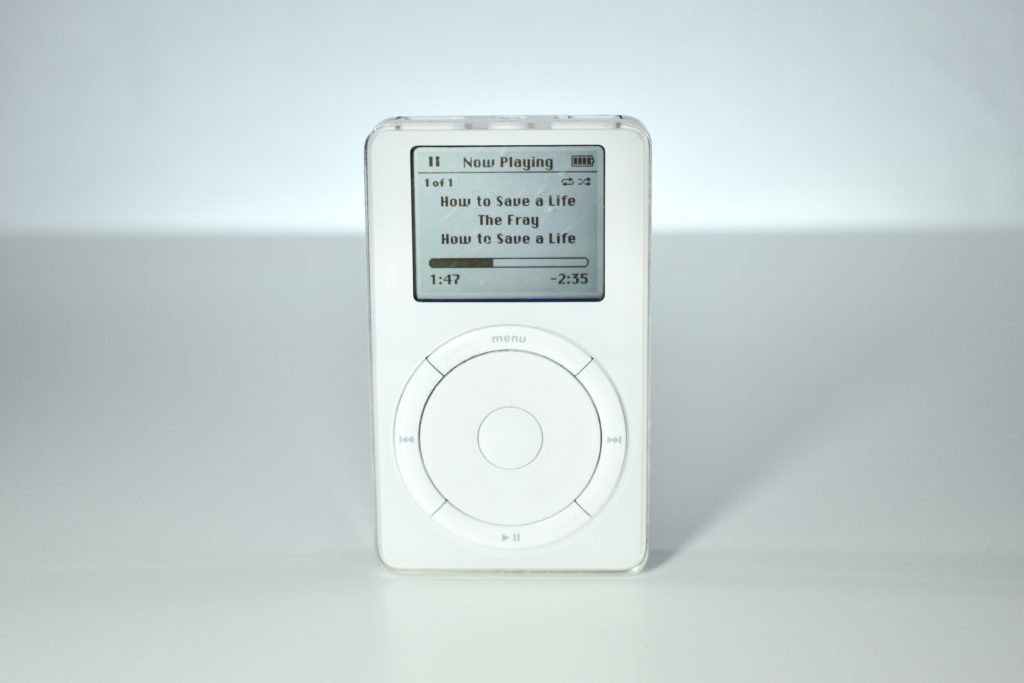
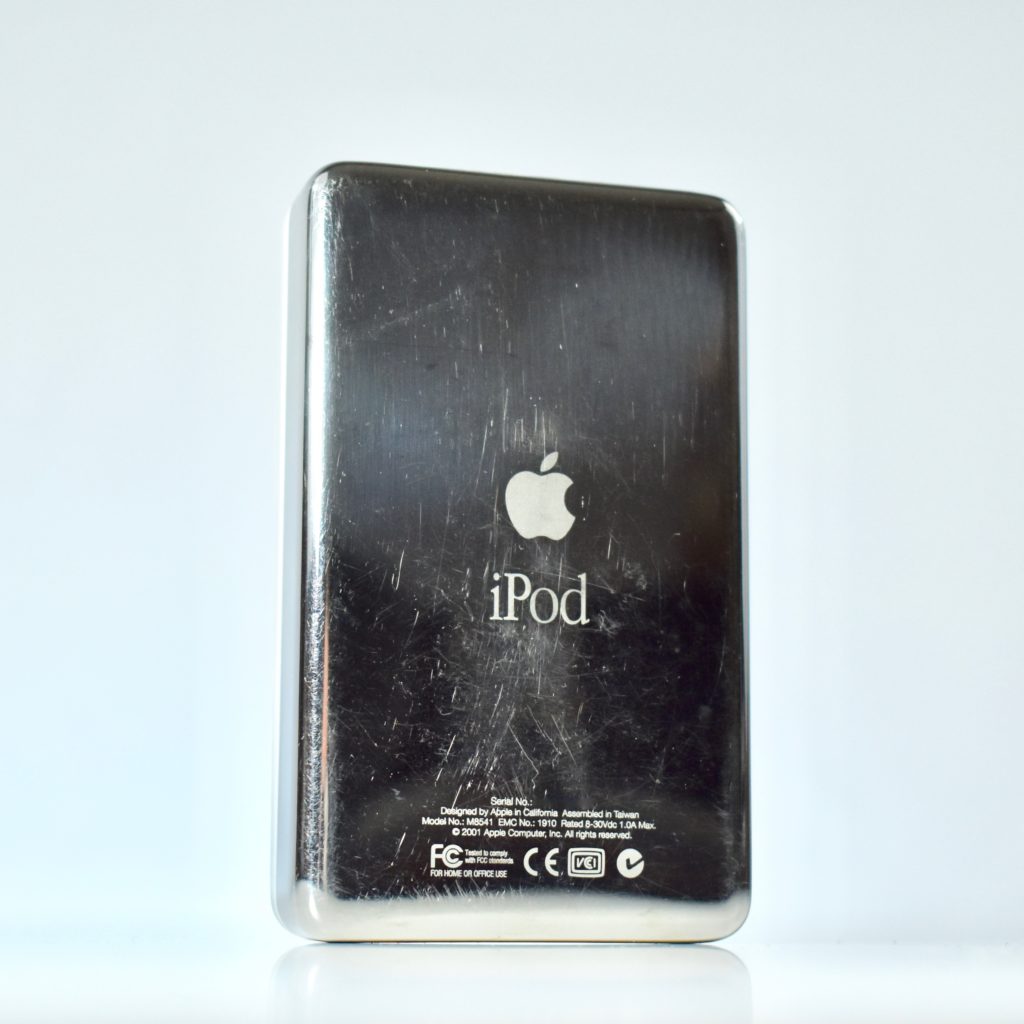
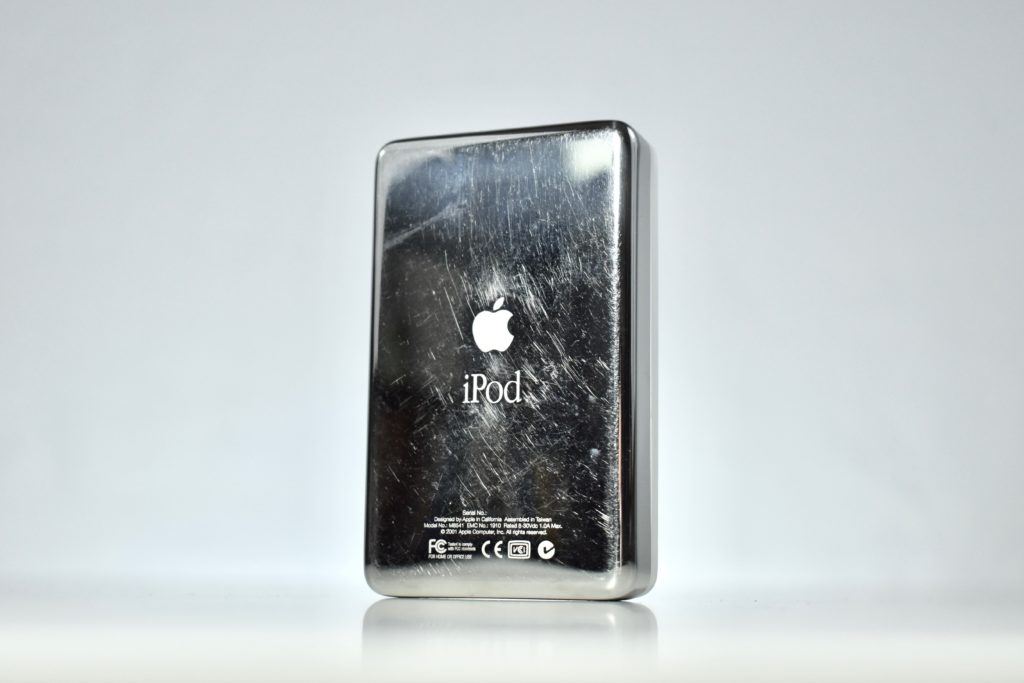
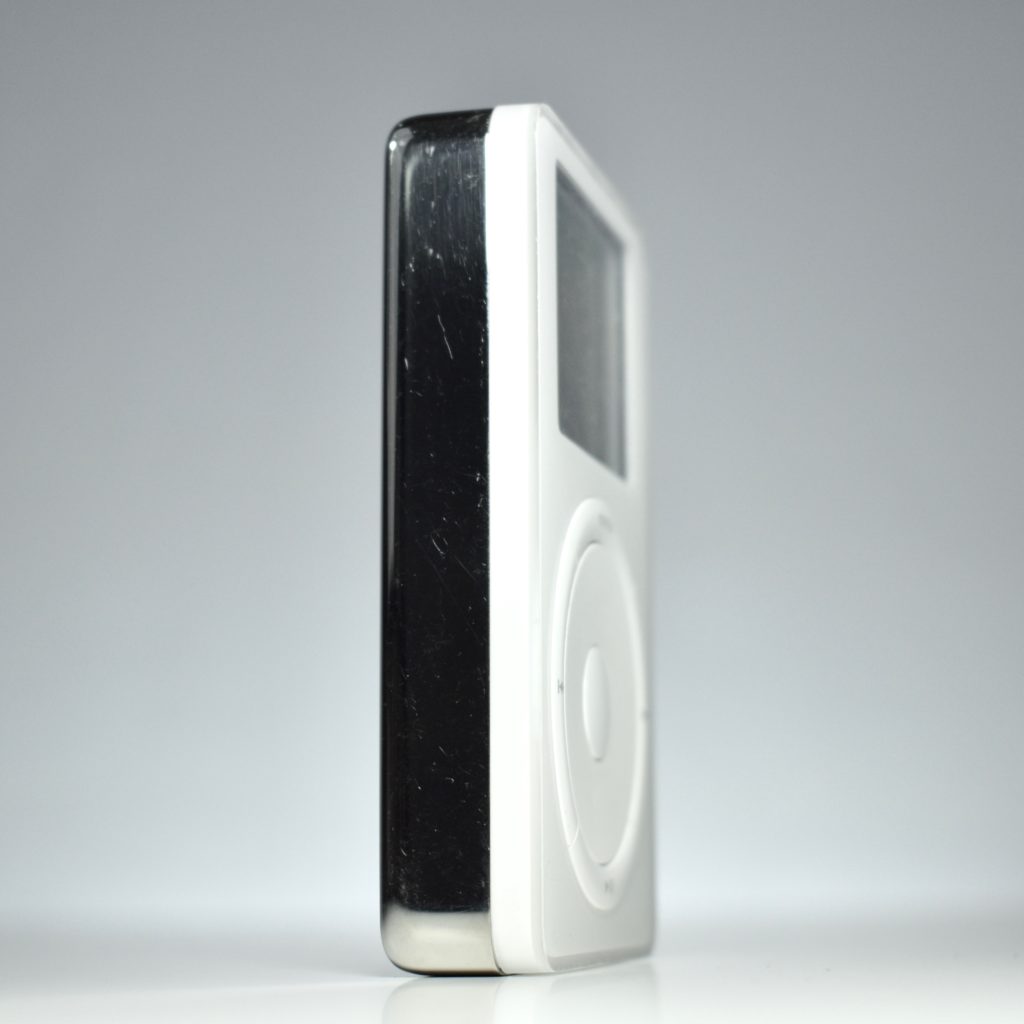
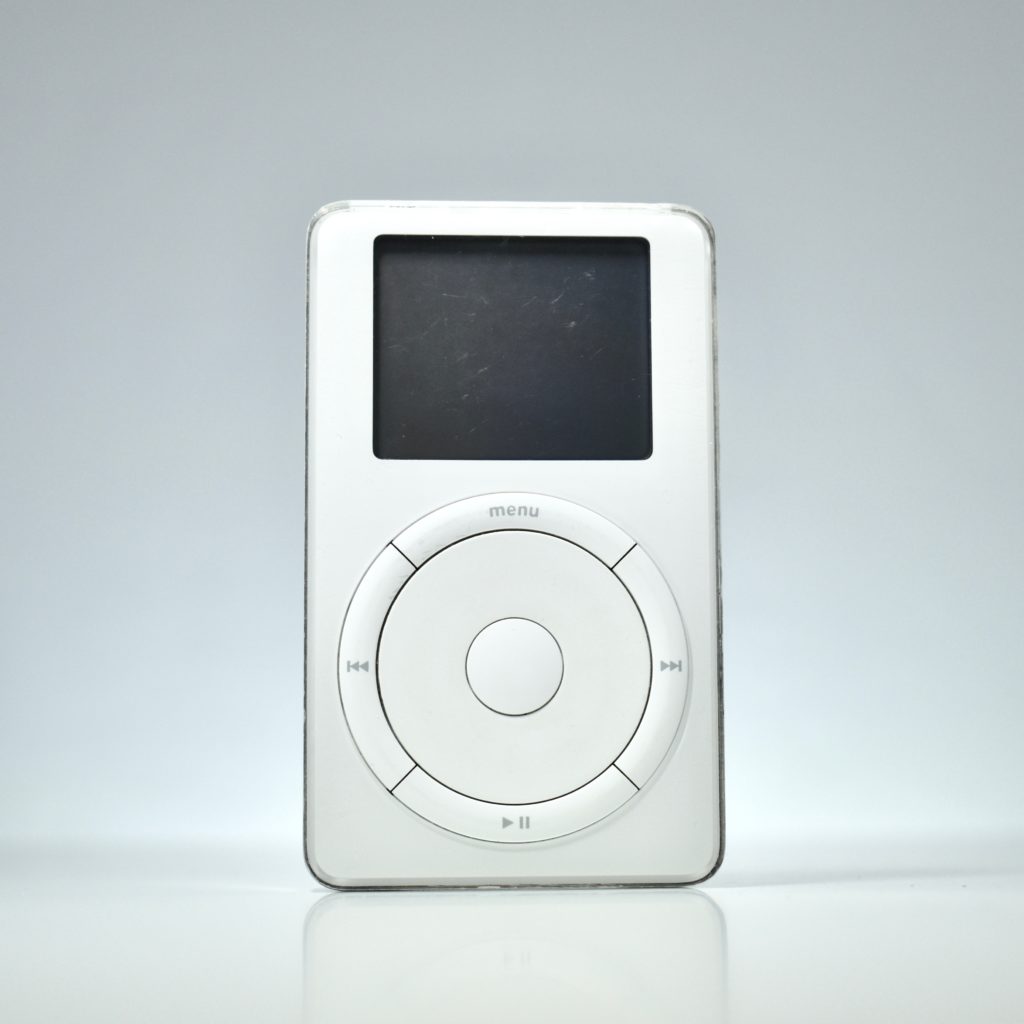
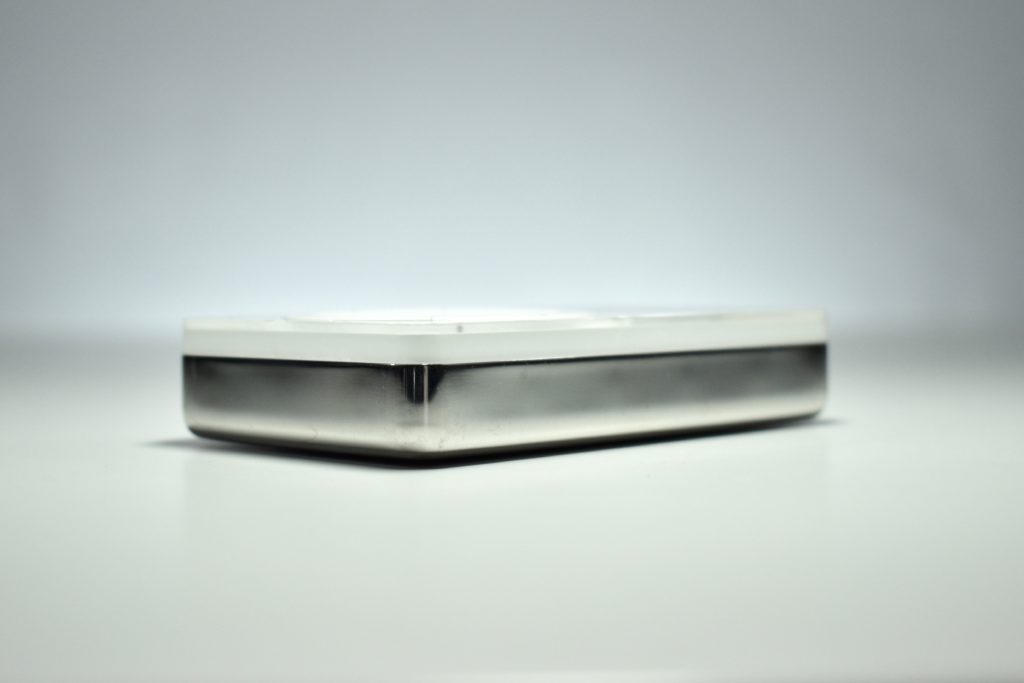
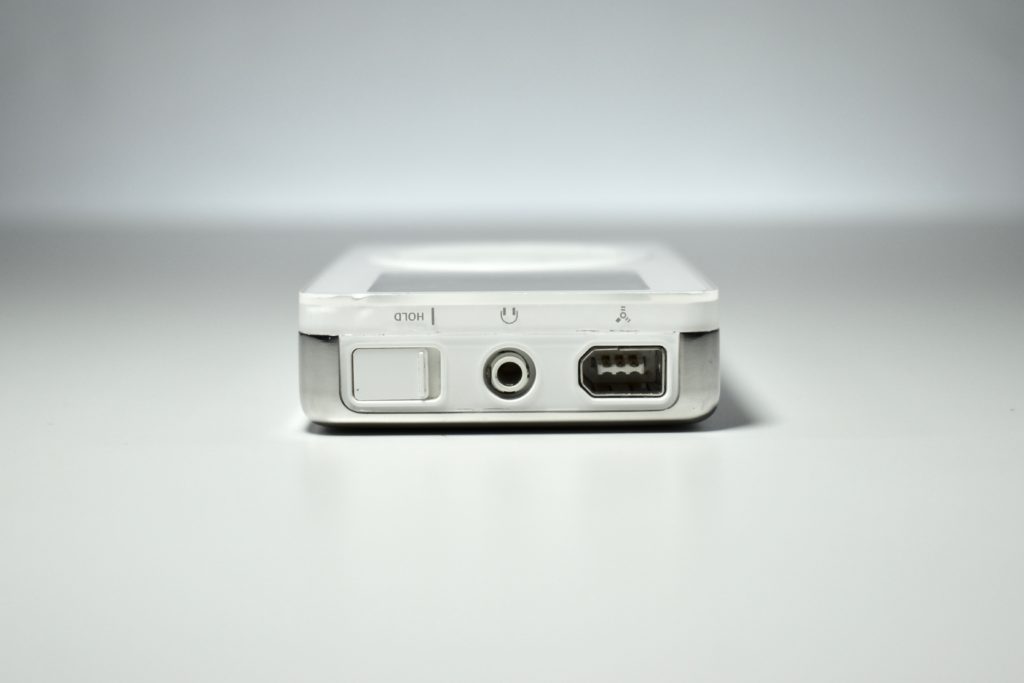
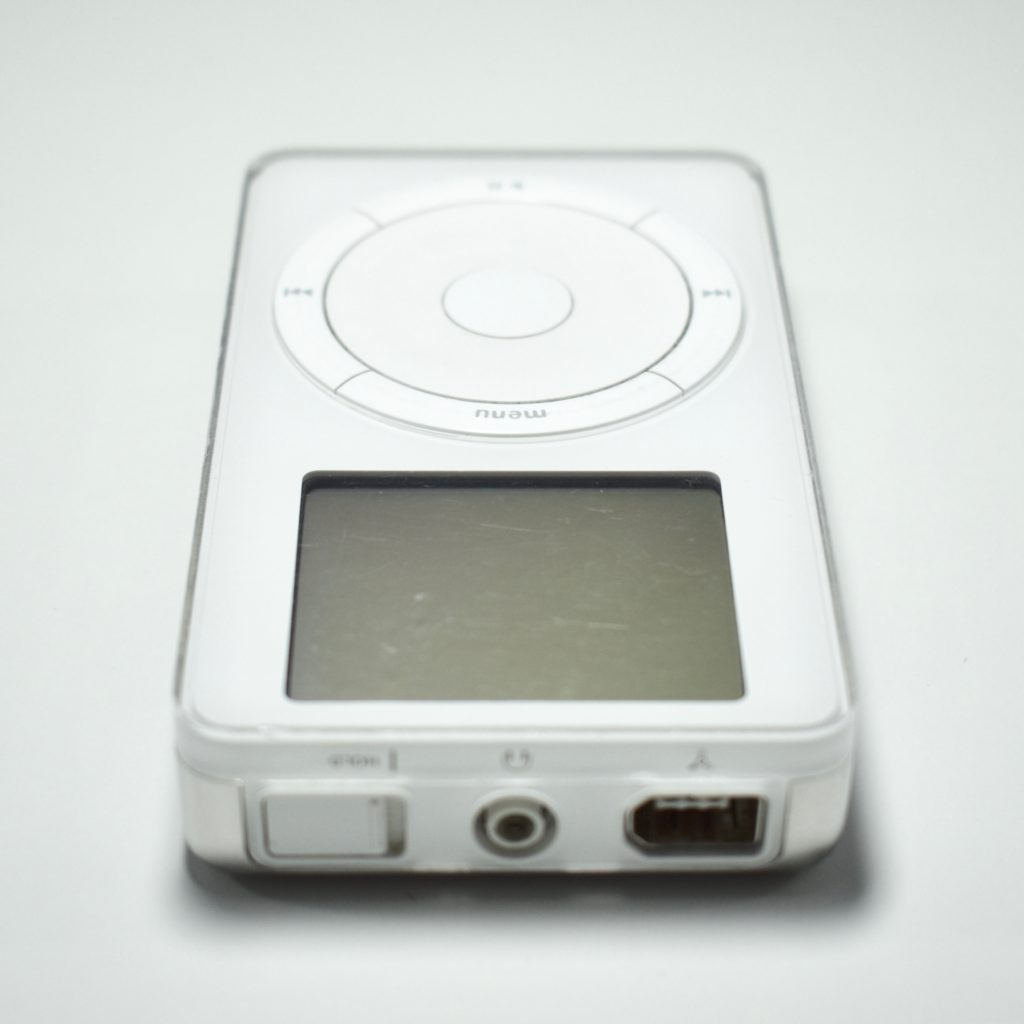
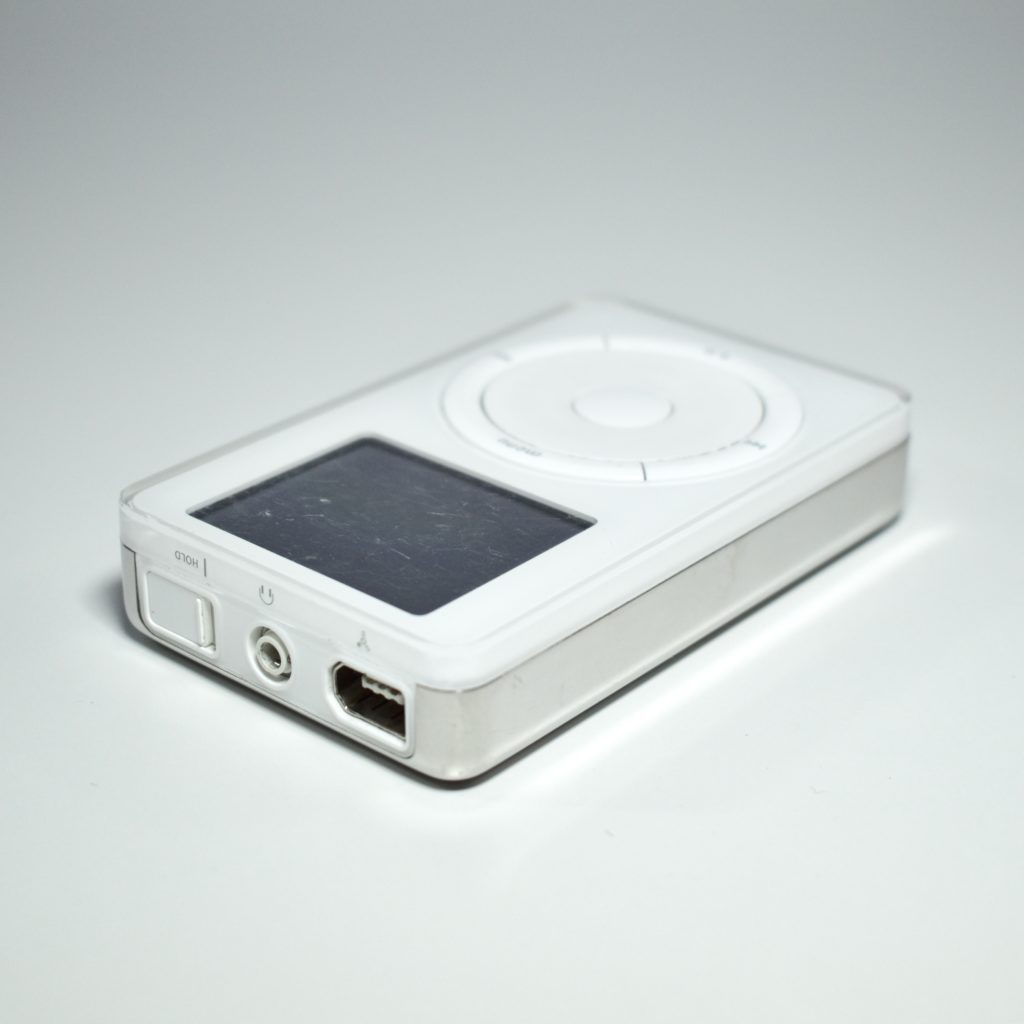
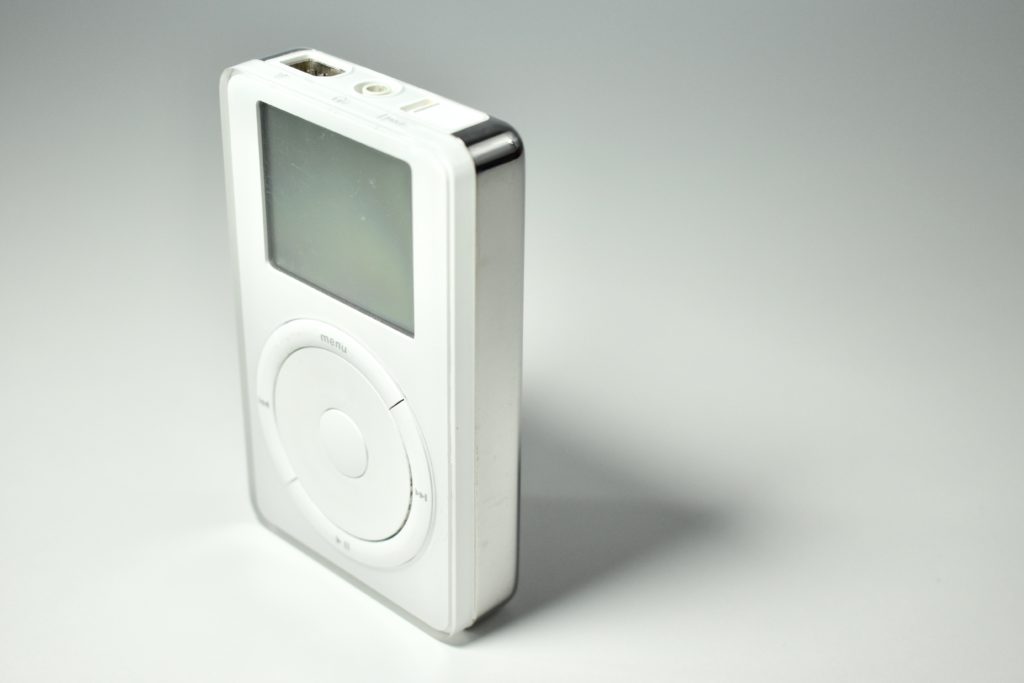
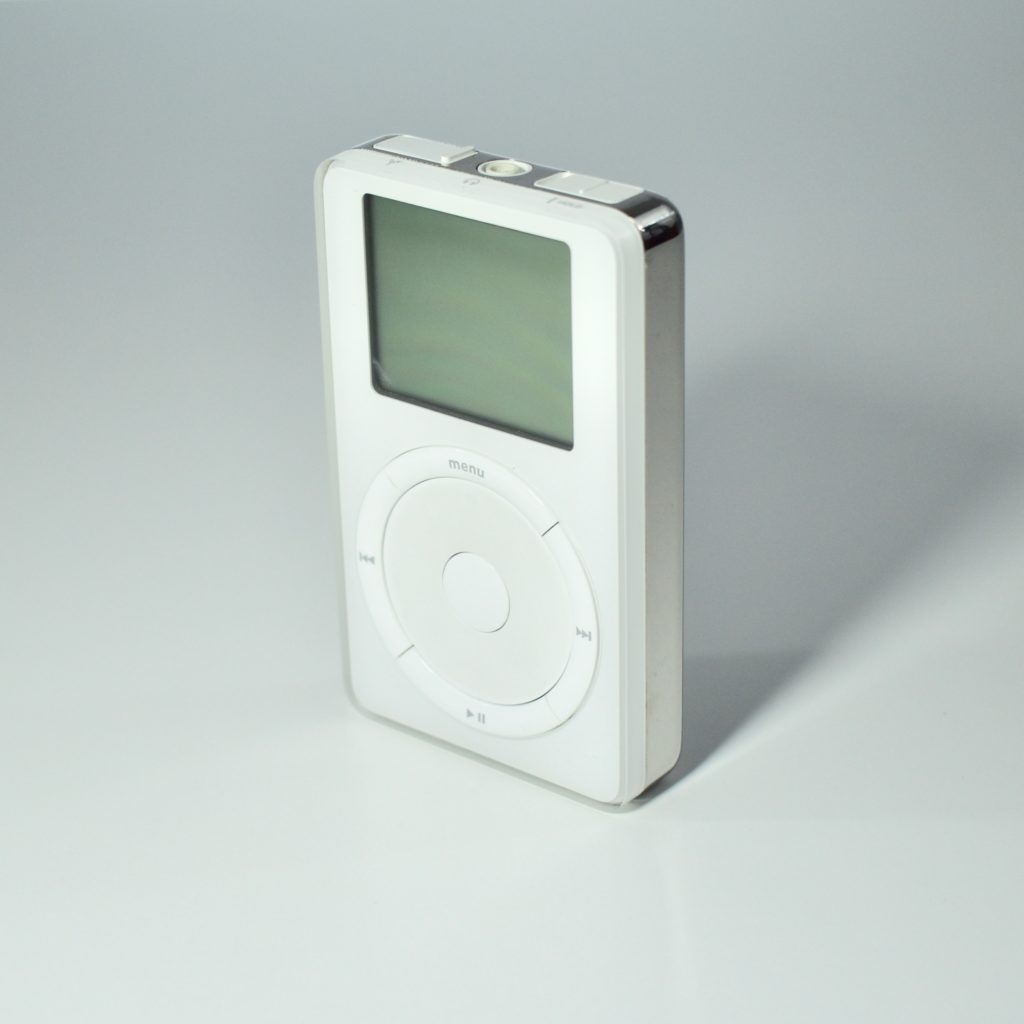
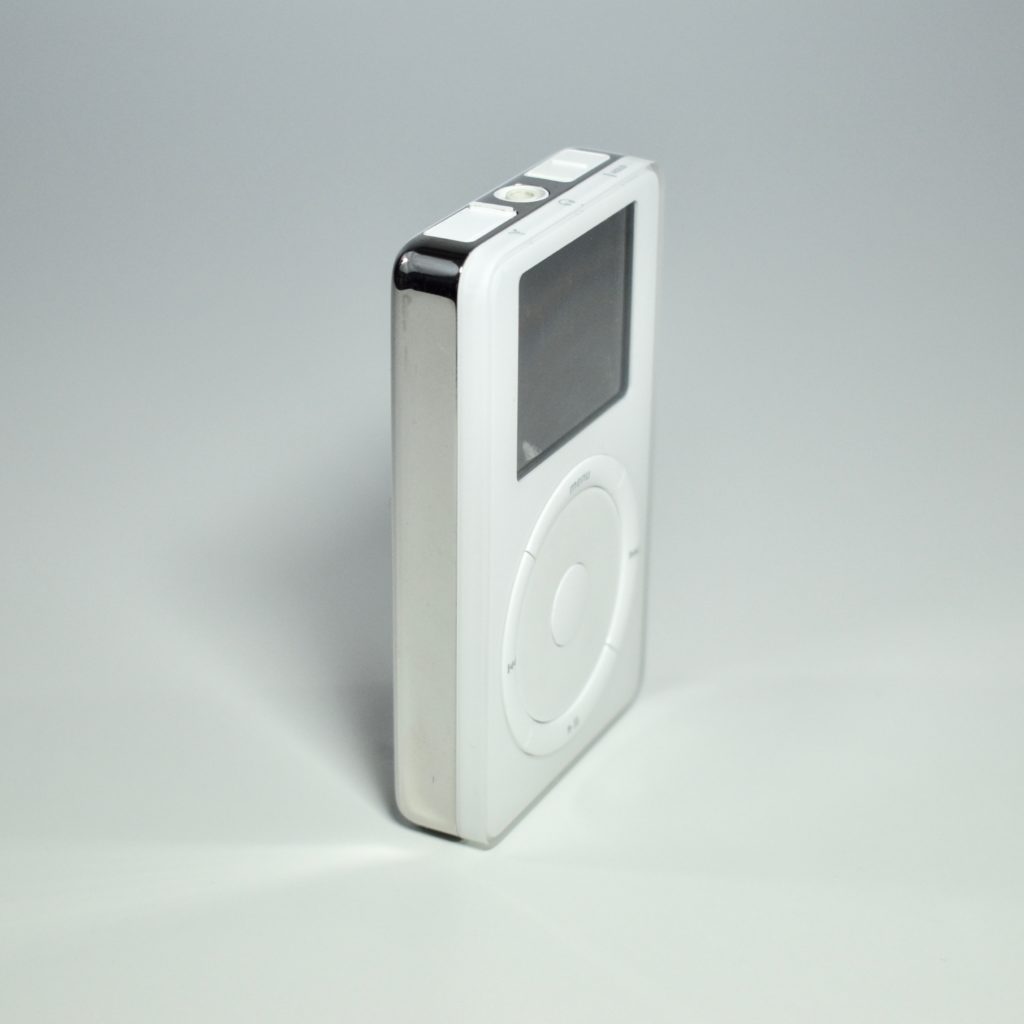
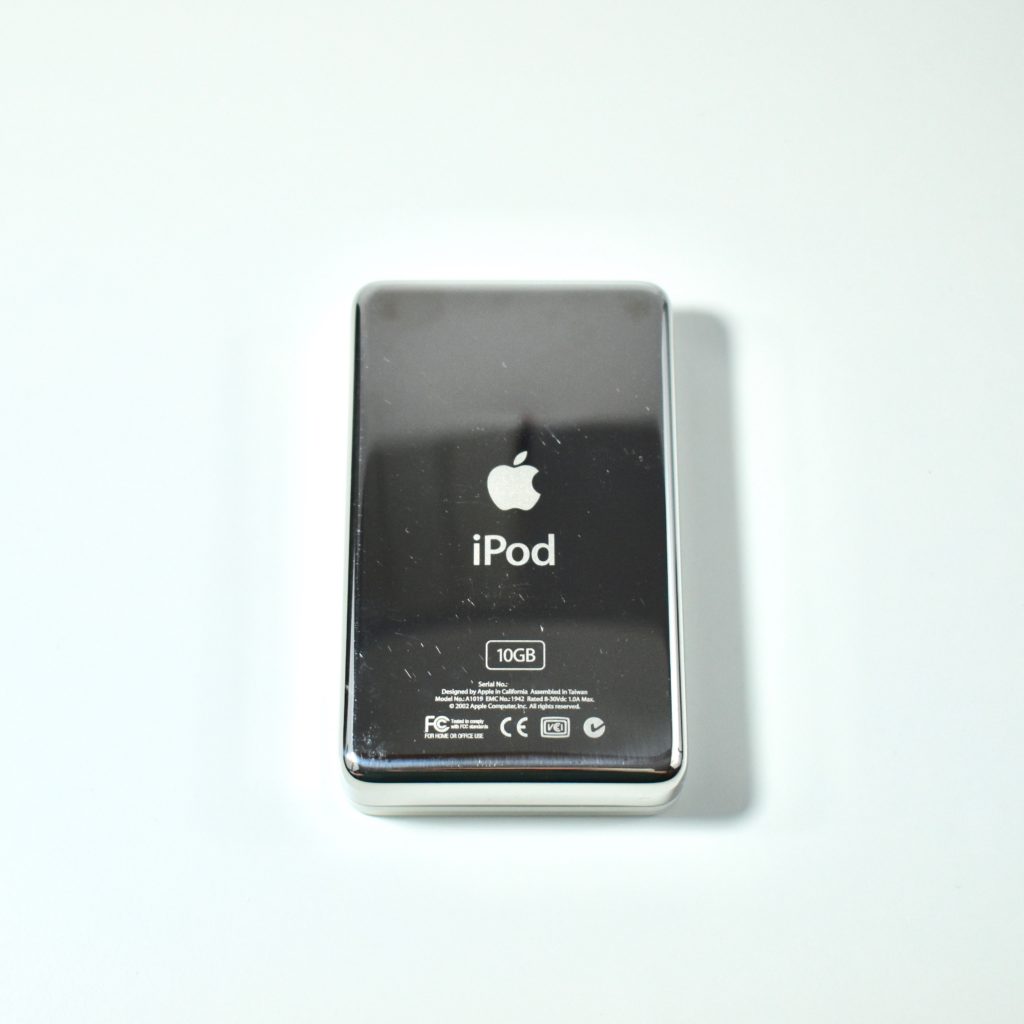
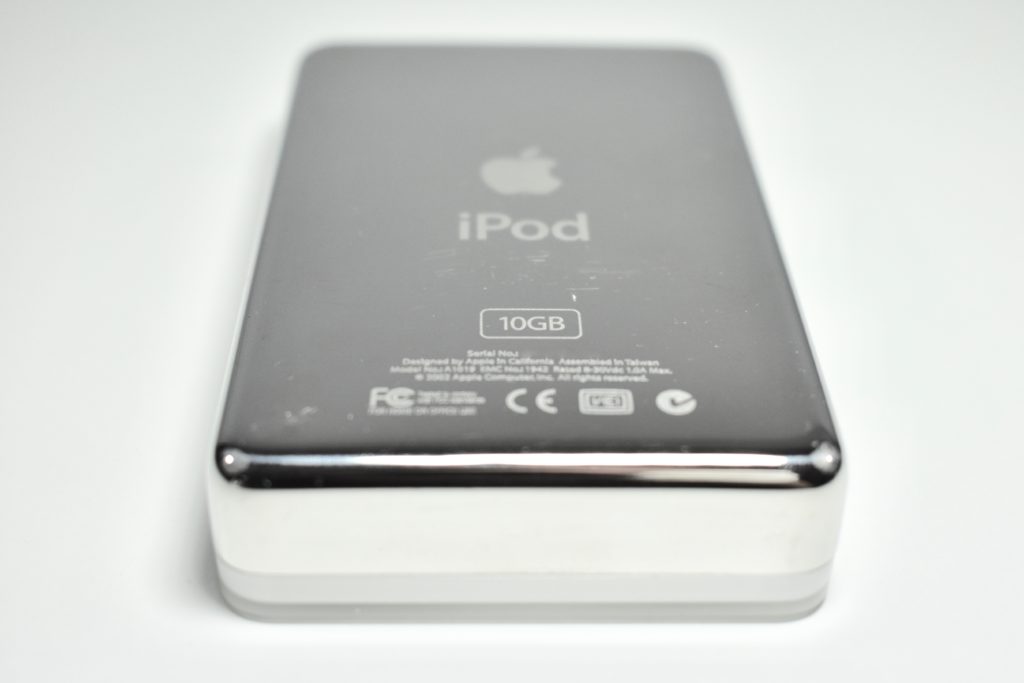
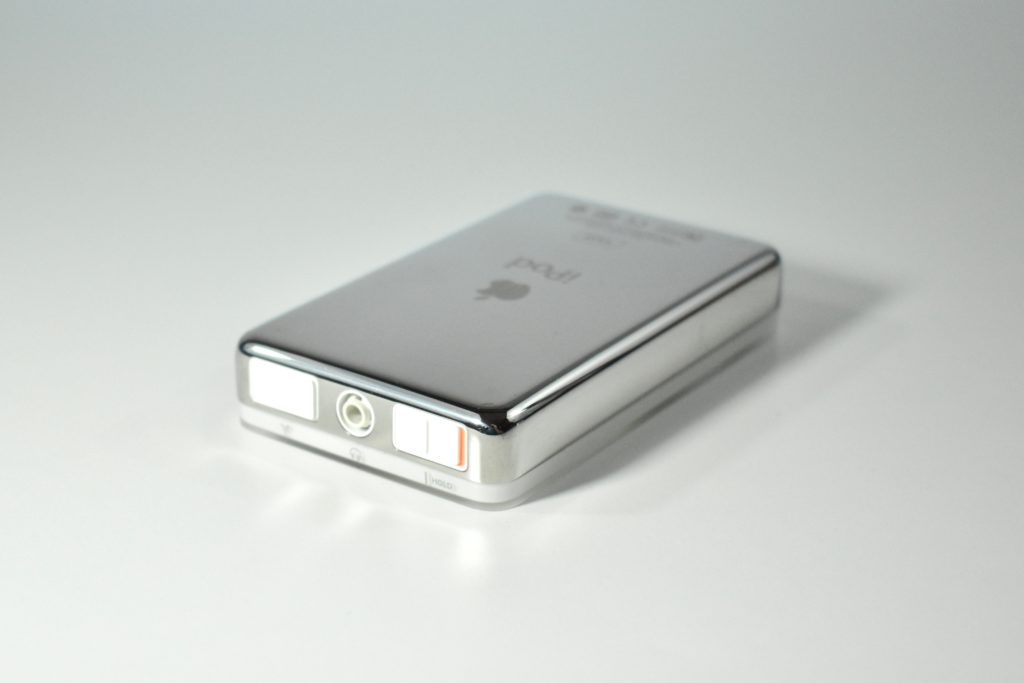
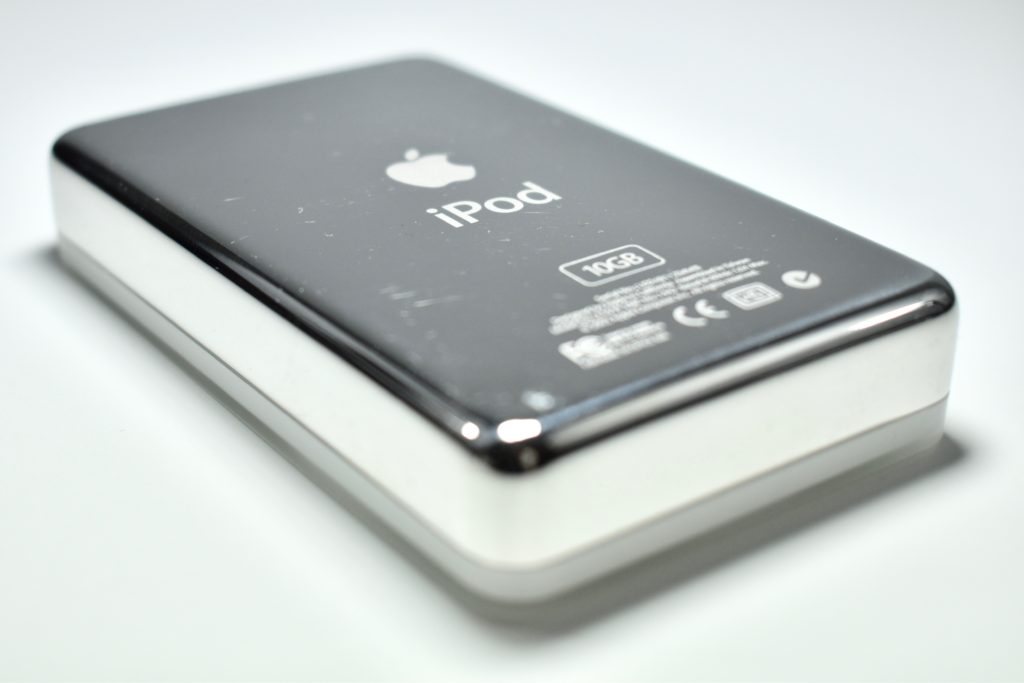
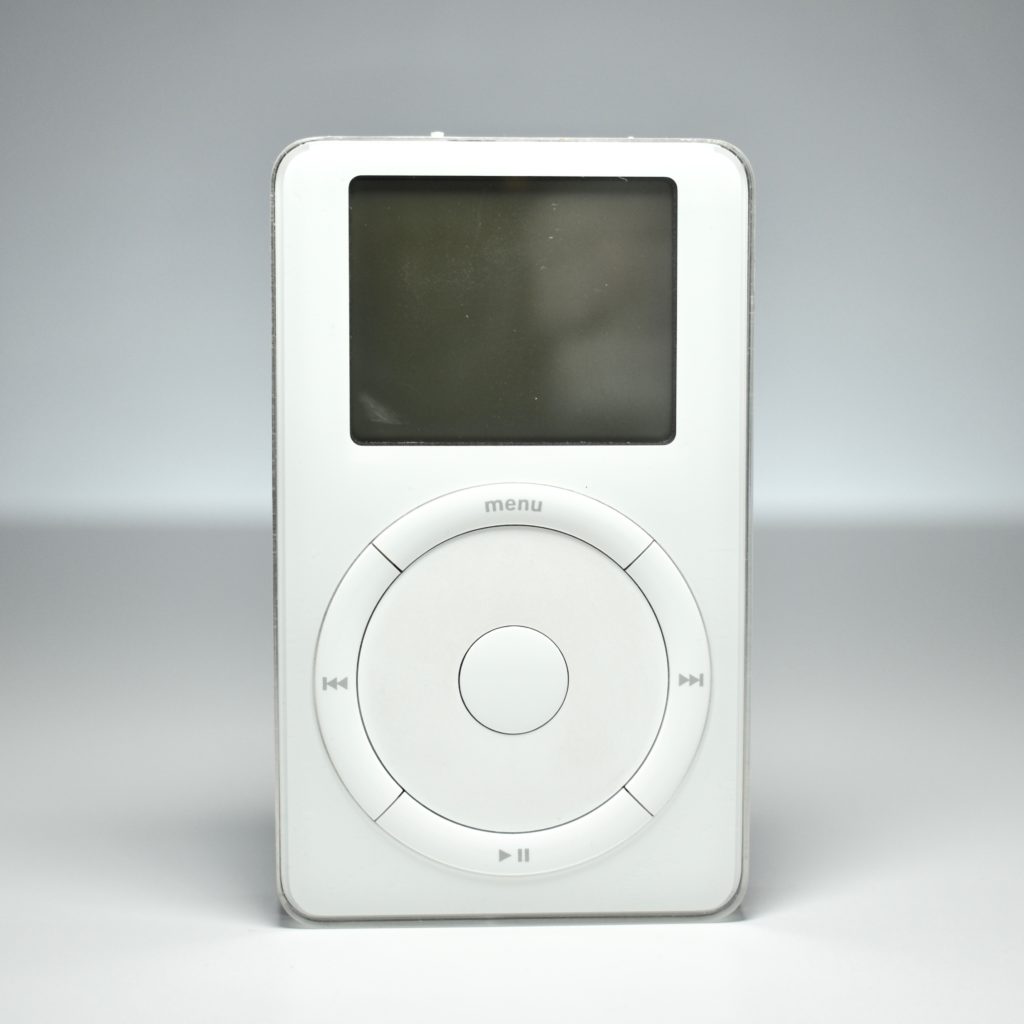
The iPod was about the size of a deck of playing cards, white on the front, and polished stainless steel on the back. The look that quickly became iconic. The front of the original iPod used a rotating scroll wheel surrounded by four physical buttons—menu, forward, back, and play/pause—with an unmarked select button at the center. The design introduced a brand new operating system that allowed easy navigation to songs and playlists and could be controlled with one hand.

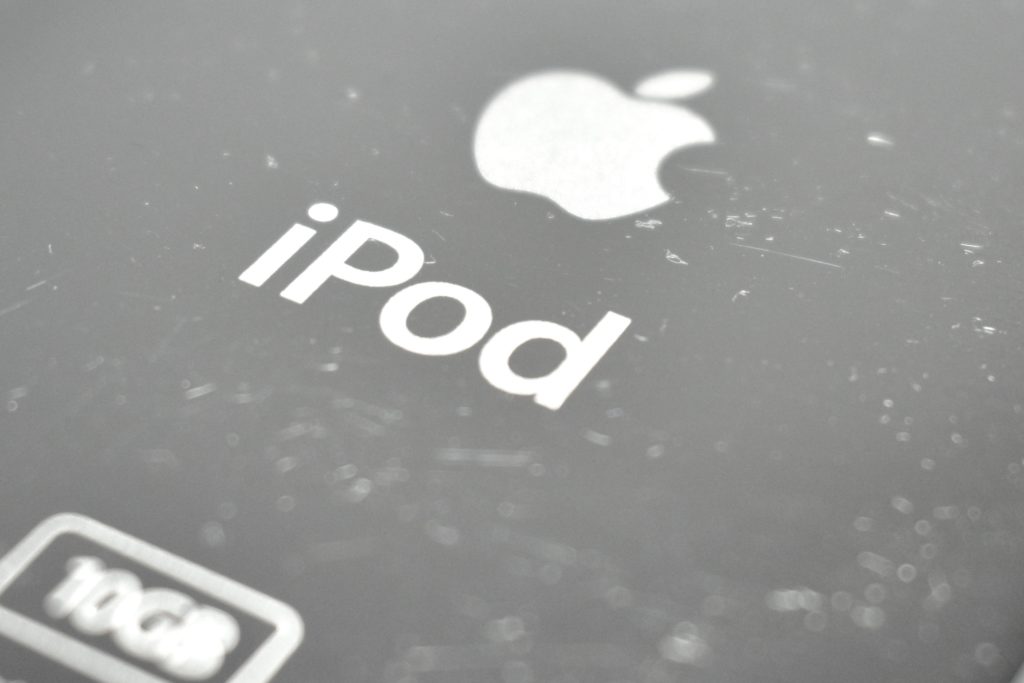
The original iPod required a Mac with iTunes. The iTunes software on the Mac provided the organization for the music and playlists and the iPod allowed your music to be portable. It featured a 5 GB hard drive to store 1,000 songs, a 60-mW amplifier, a FireWire port, and a standard 3.5-mm headphone jack, and a 2-inch black and white backlit LCD display. The battery lasted 10 hours. A 10 GB option was available after March 21, 2002, increasing the storage to 2,000 songs.

Source: EveryMac.com

iPod Generation 2 (2002)

The iPod Generation 2 was similar to the original iPod in design, but the moving scroll wheel was replaced by a stationary touch-sensitive scroll wheel. In addition, the FireWire port gained a cover. The top of the iPod design also changed to allow the buttons to be surrounded by stainless steel cutouts instead of the plastic top used in the original iPod. Accessories were also added including a wired remote control, a thinner Firewire cable, and a carrying case.

The iPod Generation 2 was offered in 10 GB and 20 GB models and also added Windows compatibility.

Other than the increased hard drive sizes that allowed the iPod to hold up to 4,000 songs in the 20 GB model, the other specifications were the same as the original iPod: a 60-mW amplifier, a FireWire port, and a standard 3.5-mm headphone jack, and a 2-inch black and white backlit LCD display, and a 10-hour battery.

Source: EveryMac.com

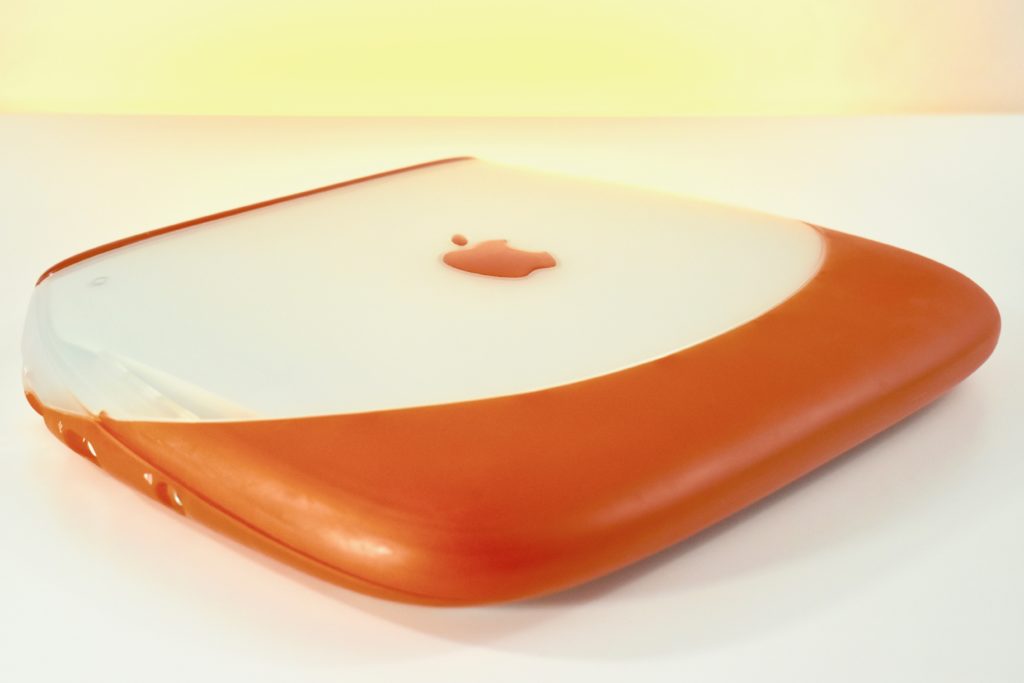
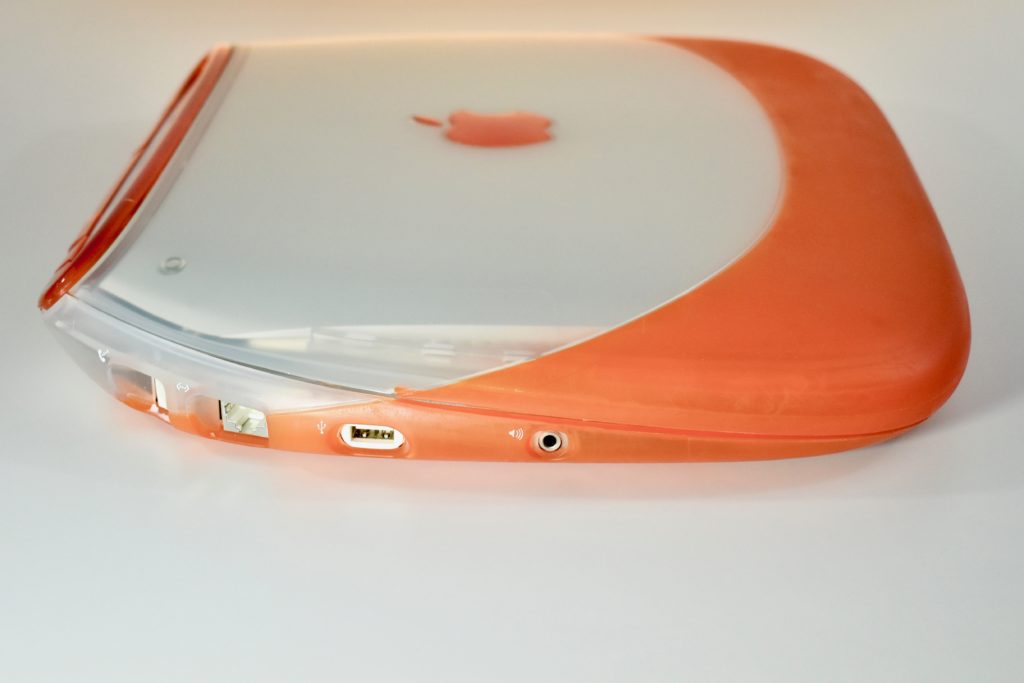
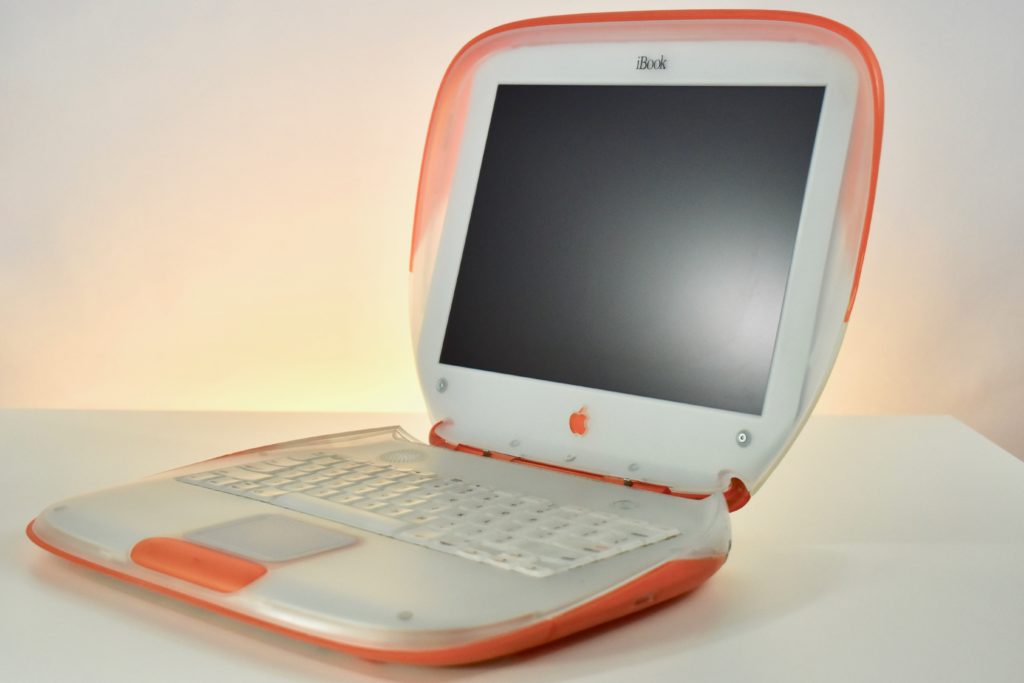
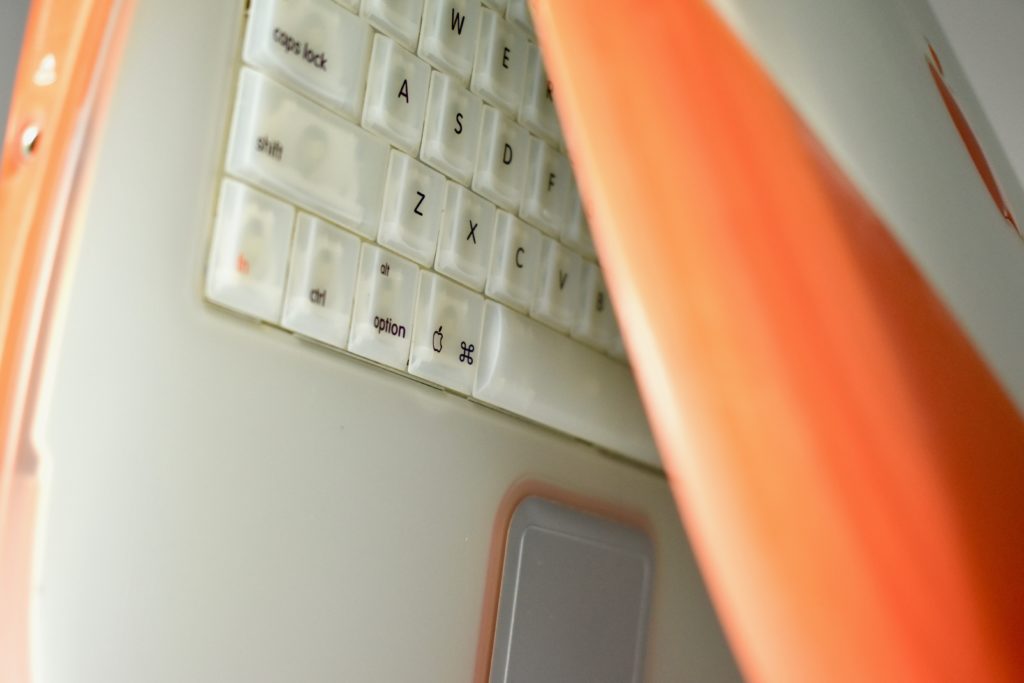
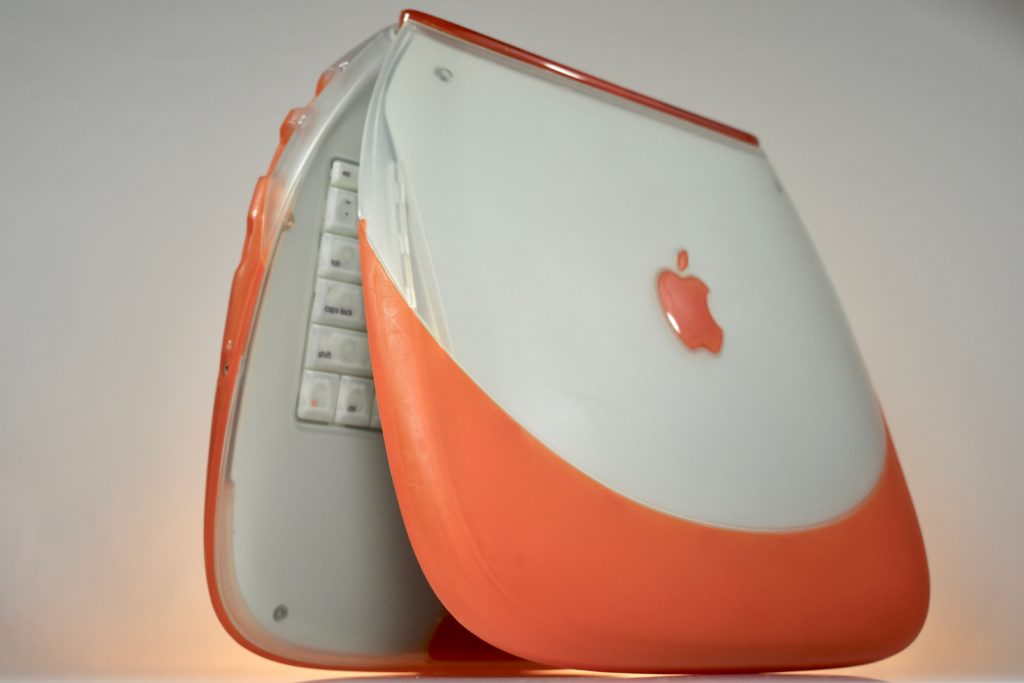
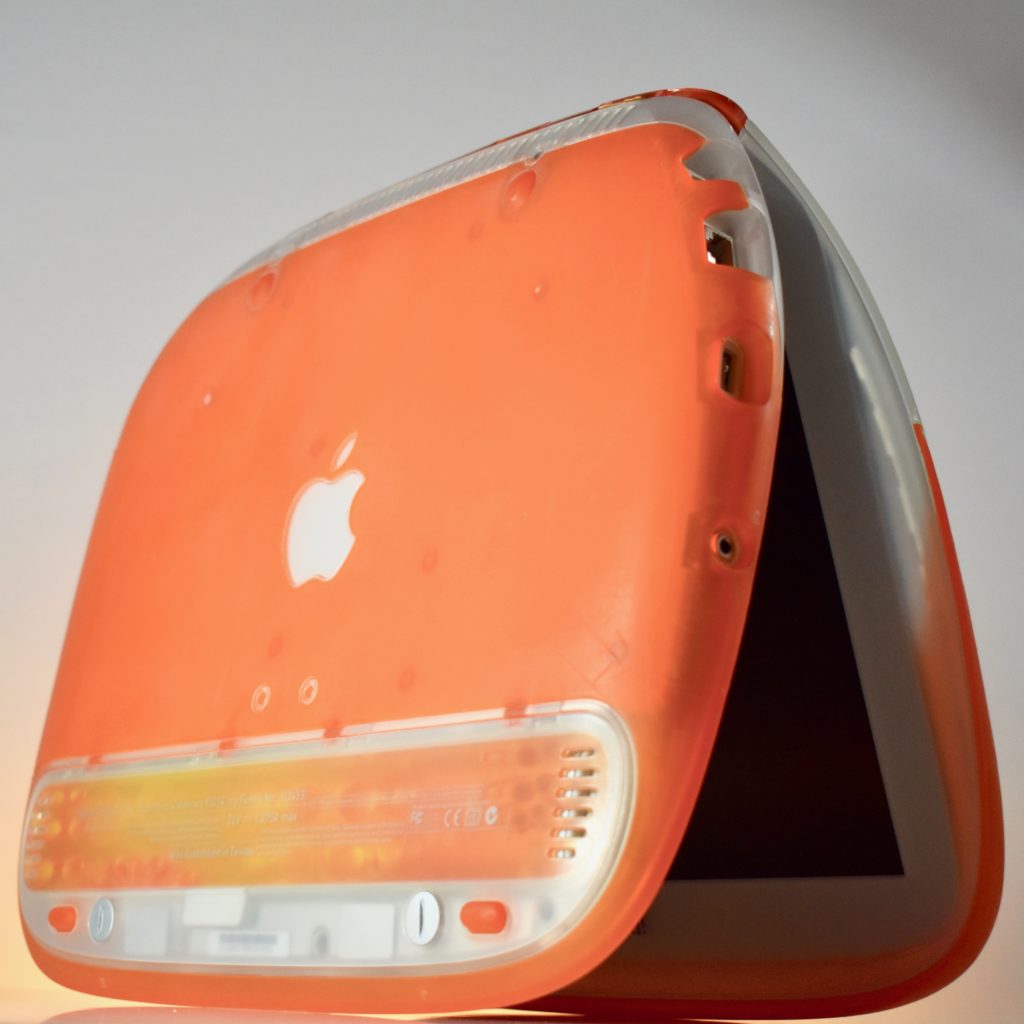
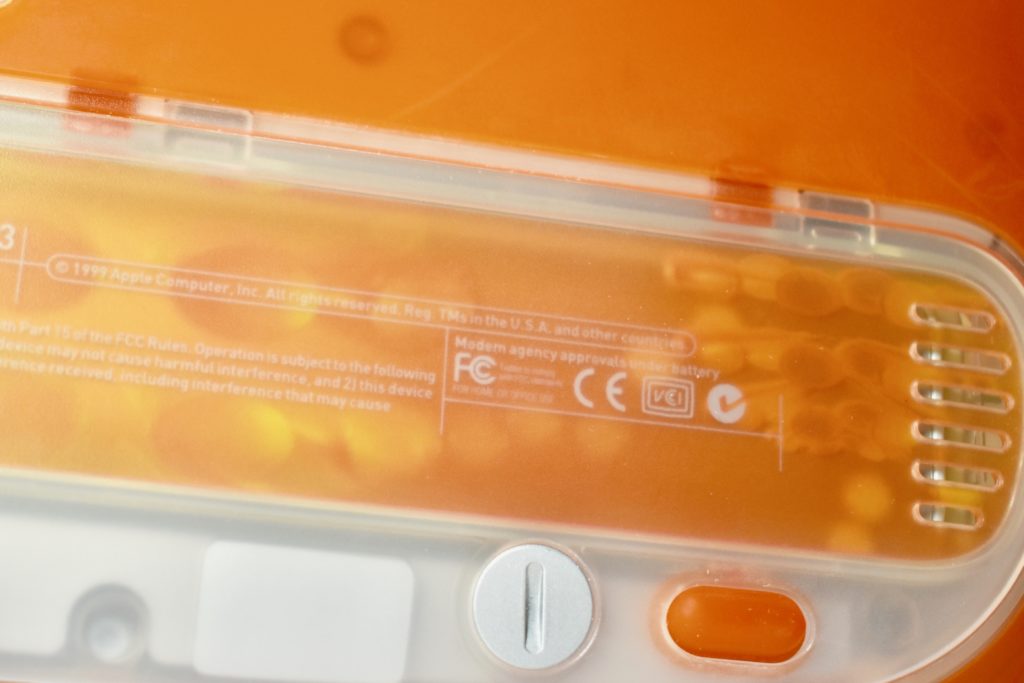
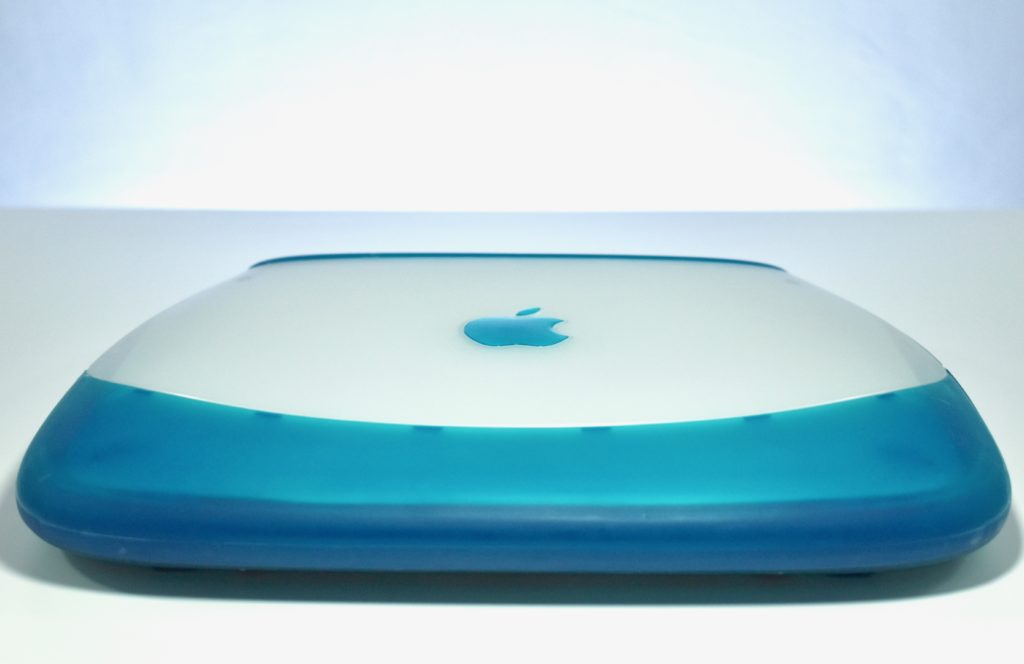
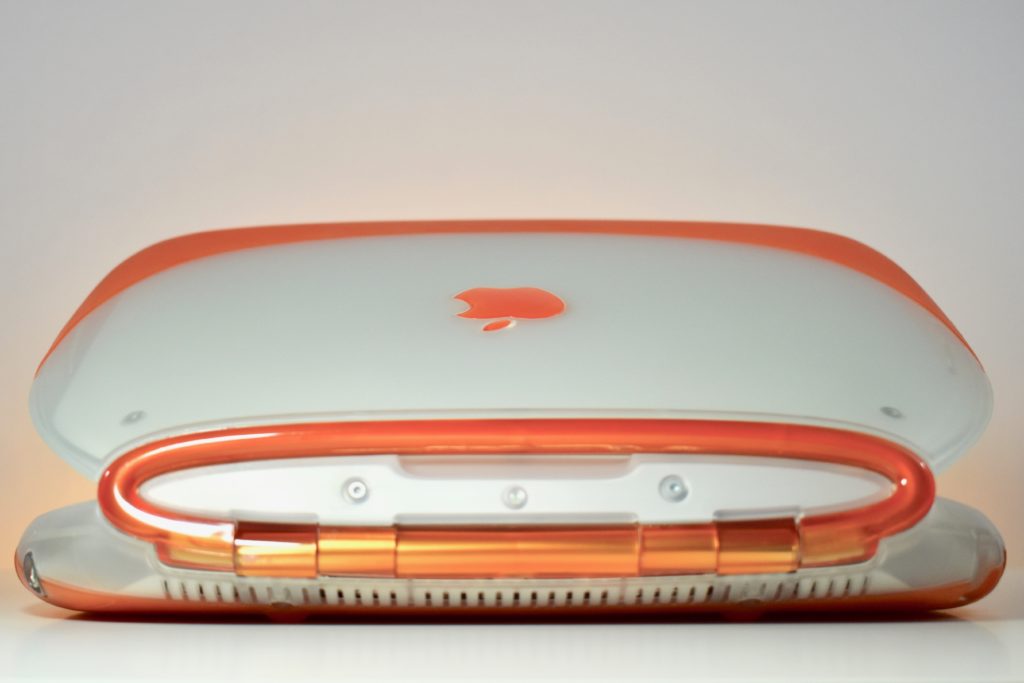
iBook G3/300 (original, tangerine, 1999)

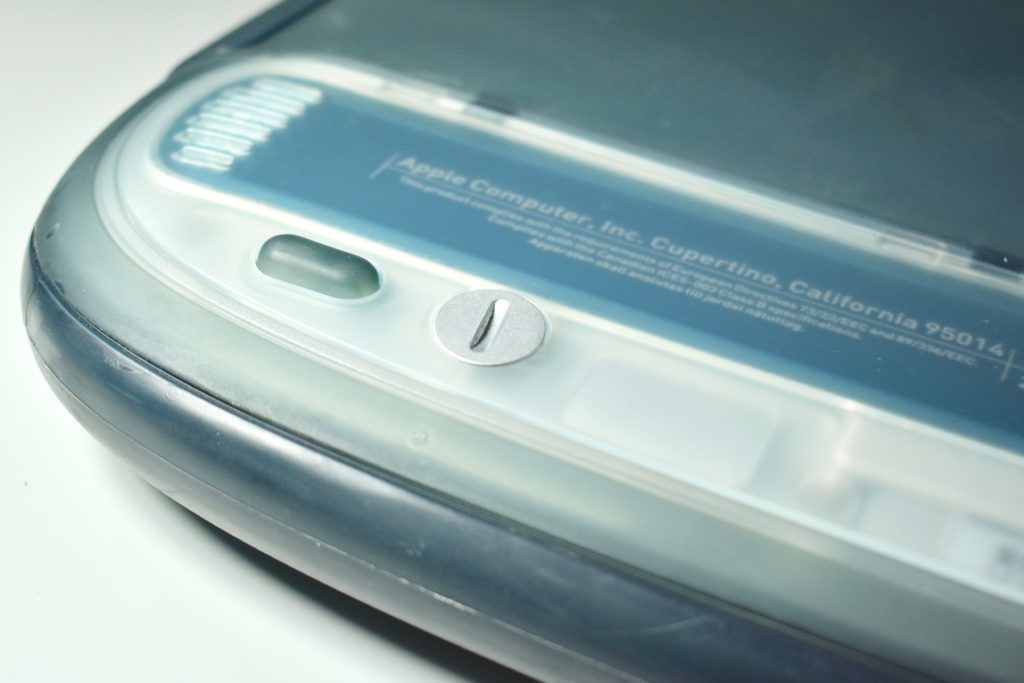
The iBook G3/300 was released as a relatively low-cost portable Mac for consumers. Its radical design was available in blueberry and tangerine, two of the five colors available for iMac at the time. The design is sometimes referred to as the “clamshell.”

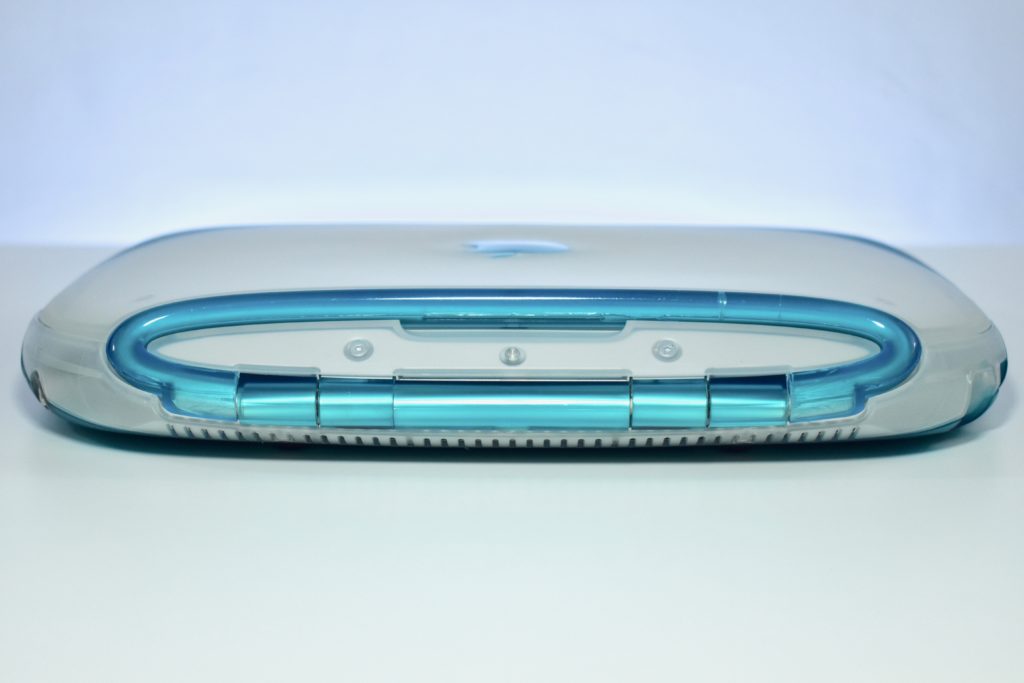
The iBook shipped with 32 MB or 64 MB of RAM, a 3.2 GB or 6.0 GB hard drive, and a 12.1-inch TFT active matrix display at 800×600. The case featured a handle on the back that folded out when in use and sprang back into place.

Although portable Mac options were not new at the time with years of PowerBook models that preceded the iBook, Wi-Fi was still not common in 1999. The iBook was available with an optional AirPort wireless networking card. Many consumers who purchased an iBook also likely needed an AirPort Base Station to plug into their modem to set up their first home wireless network.

This example is a tangerine iBook, complete with an internal AirPort wireless networking card.

Source: EveryMac.com

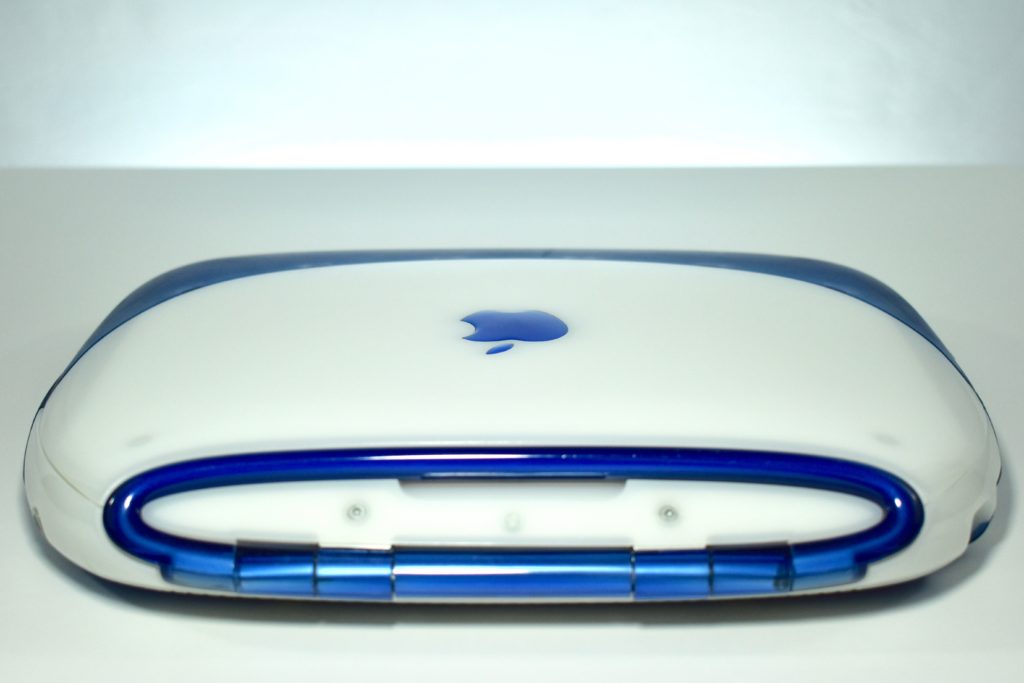
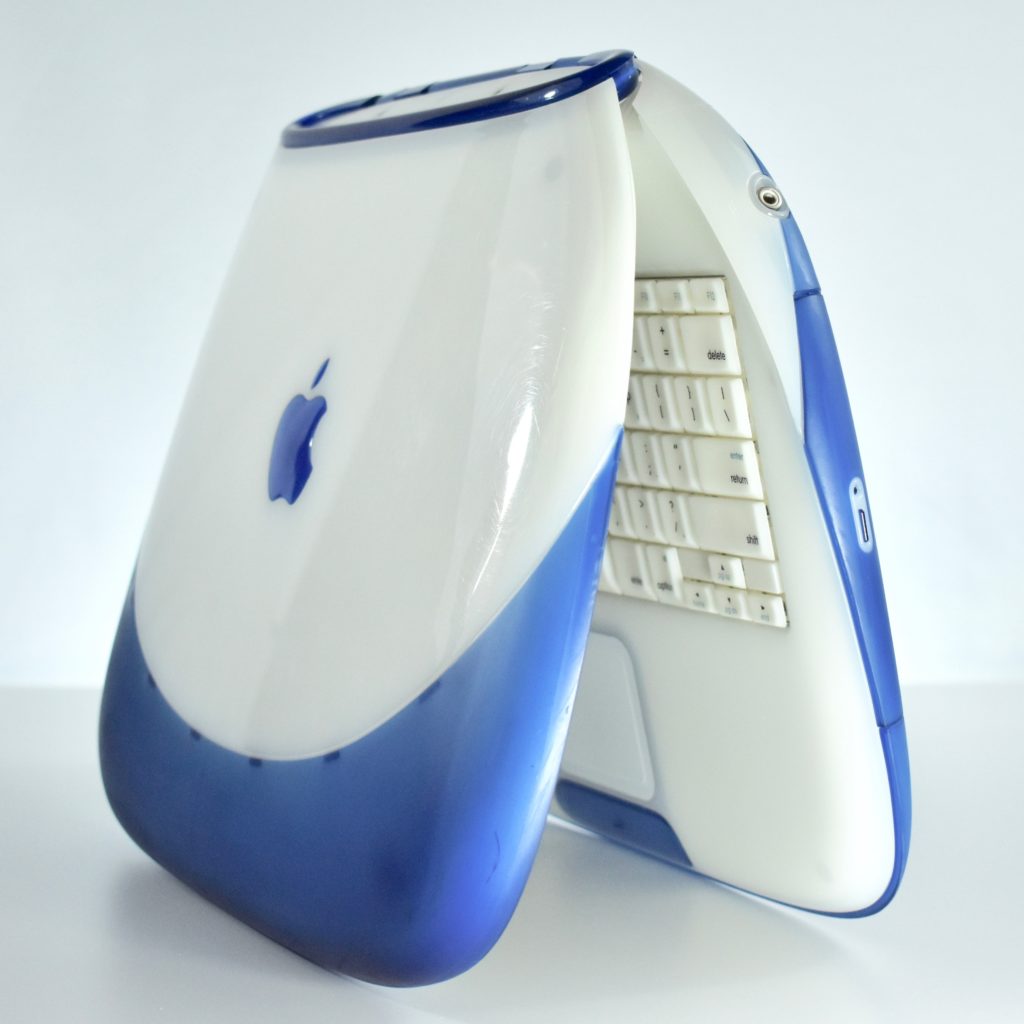
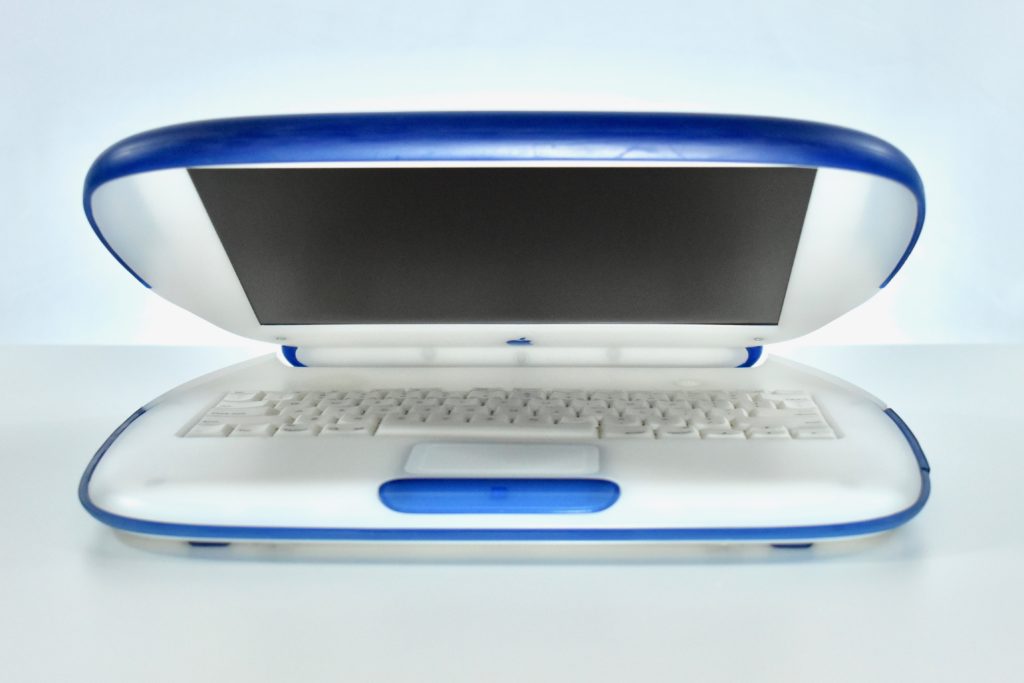
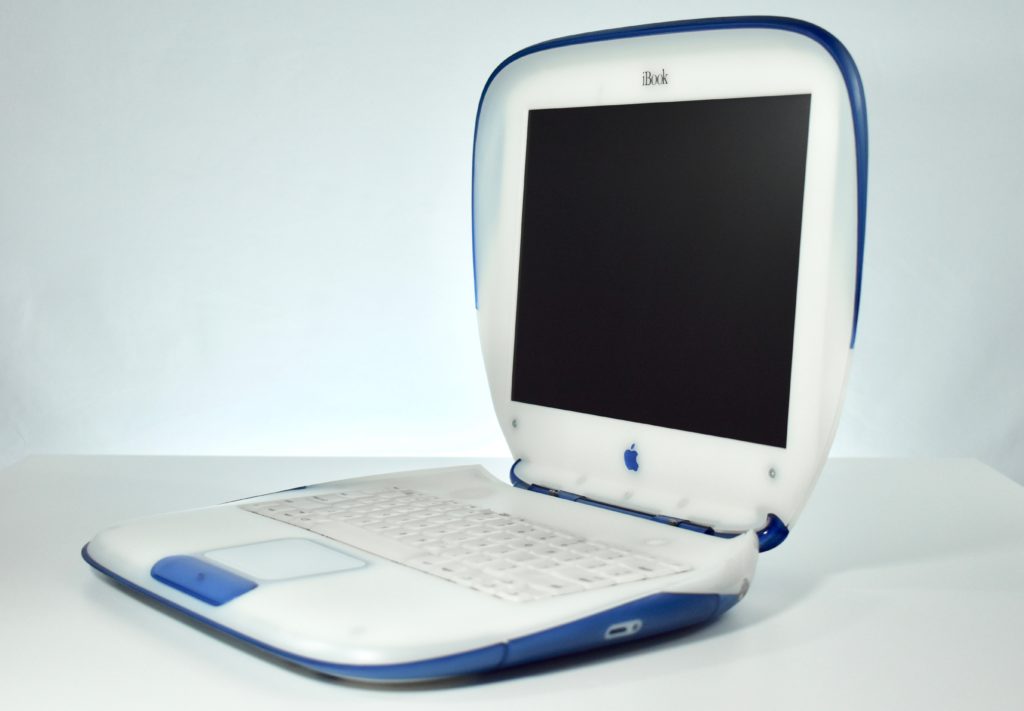
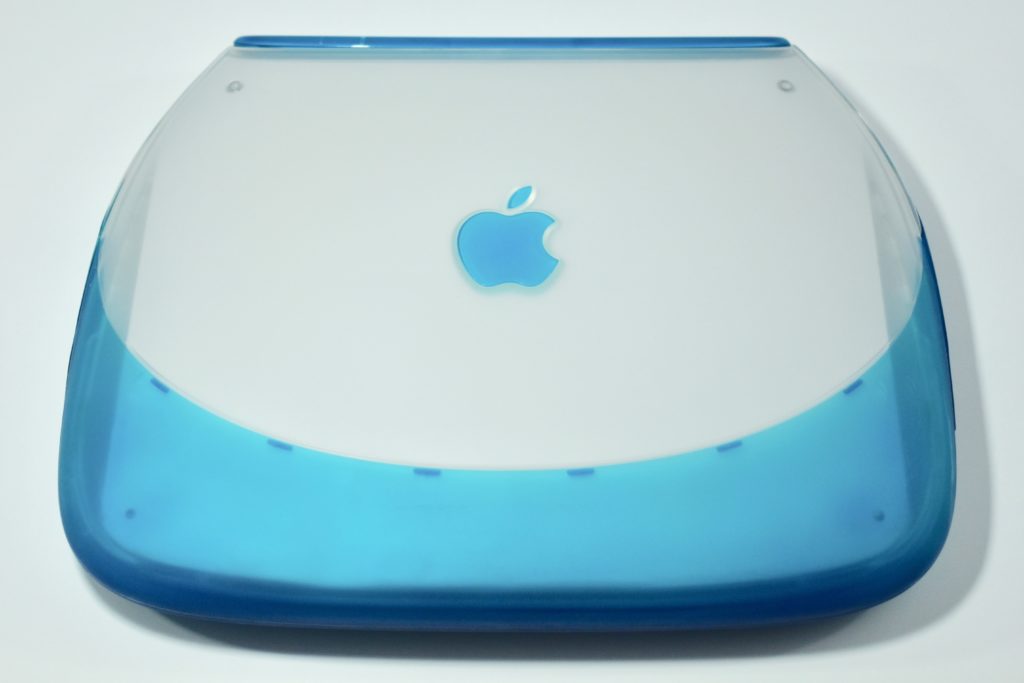
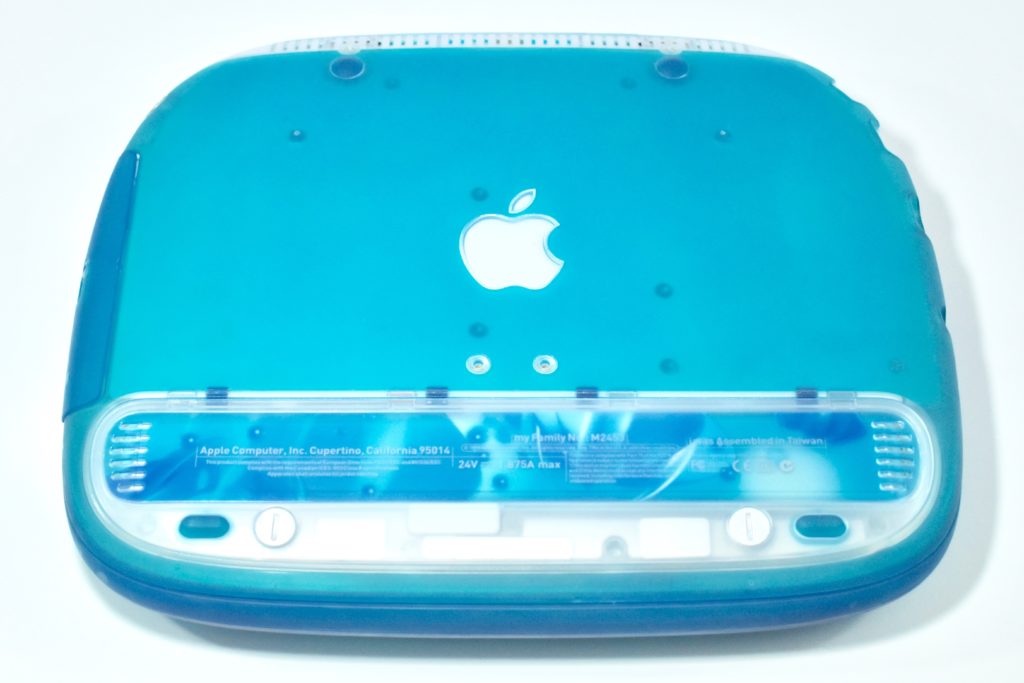
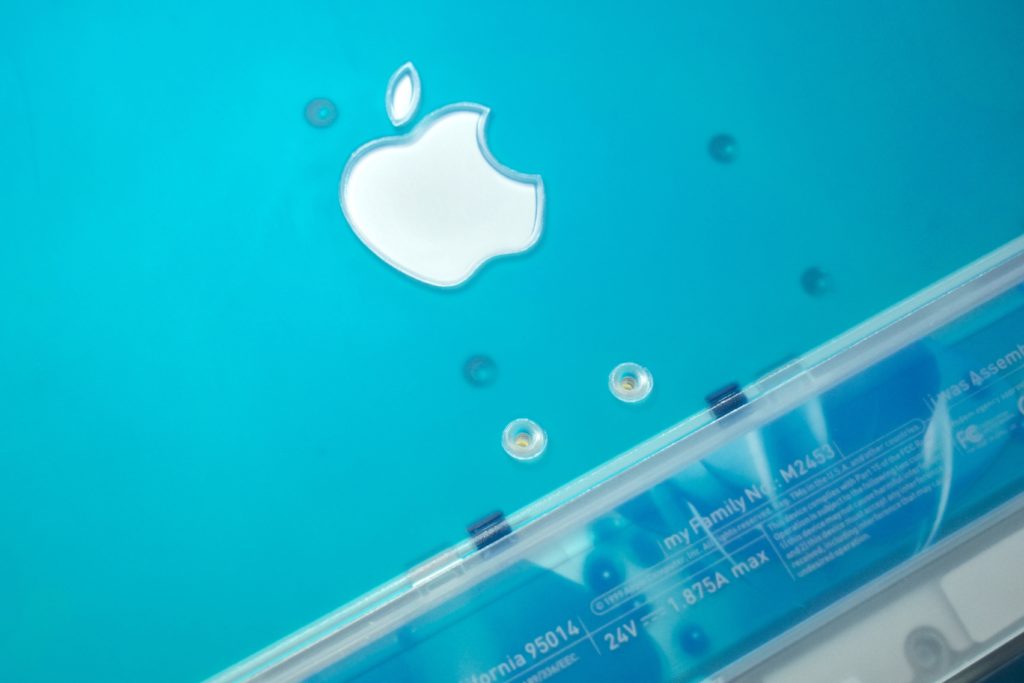
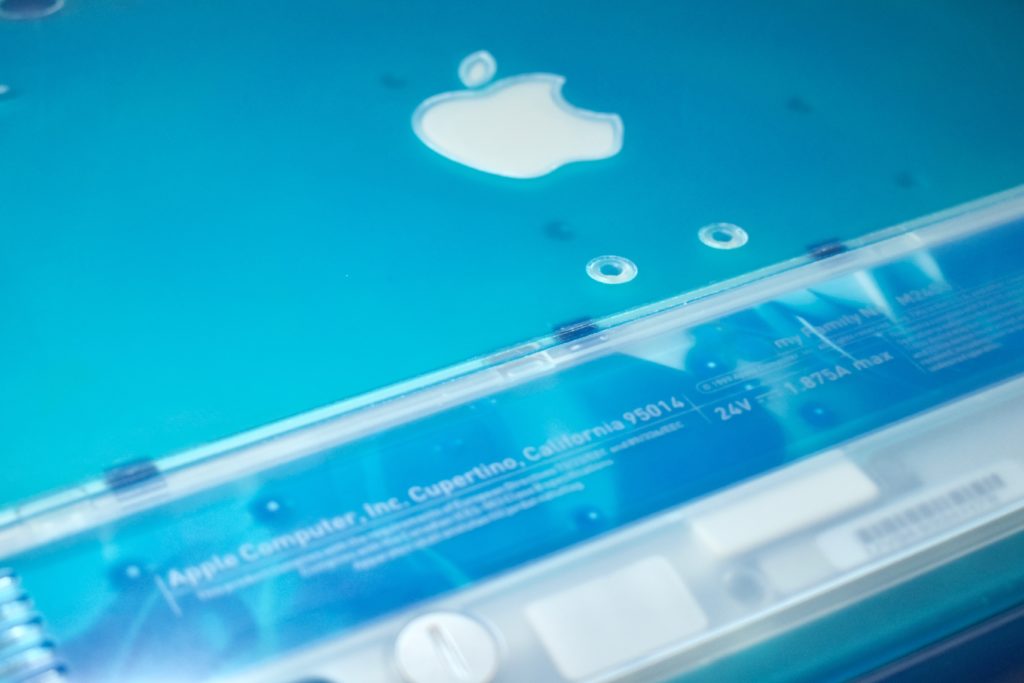
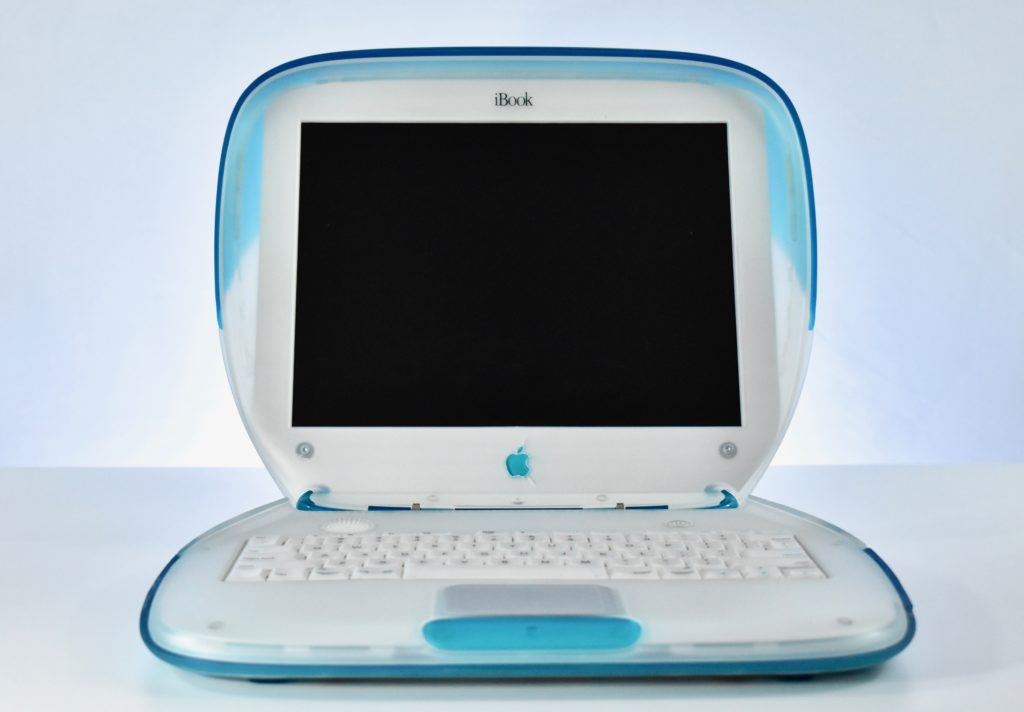
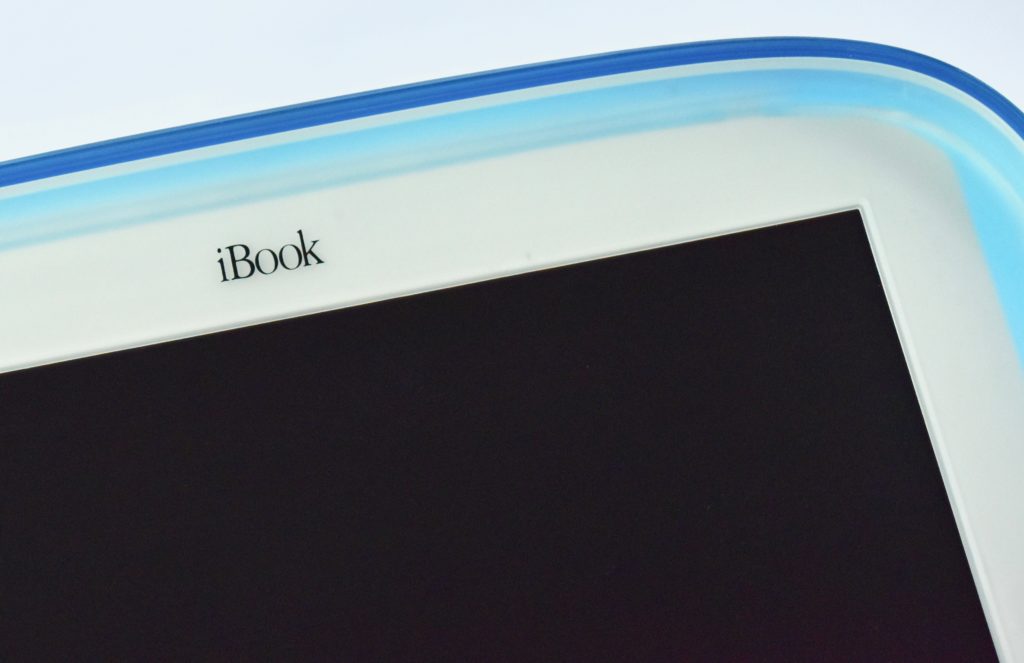
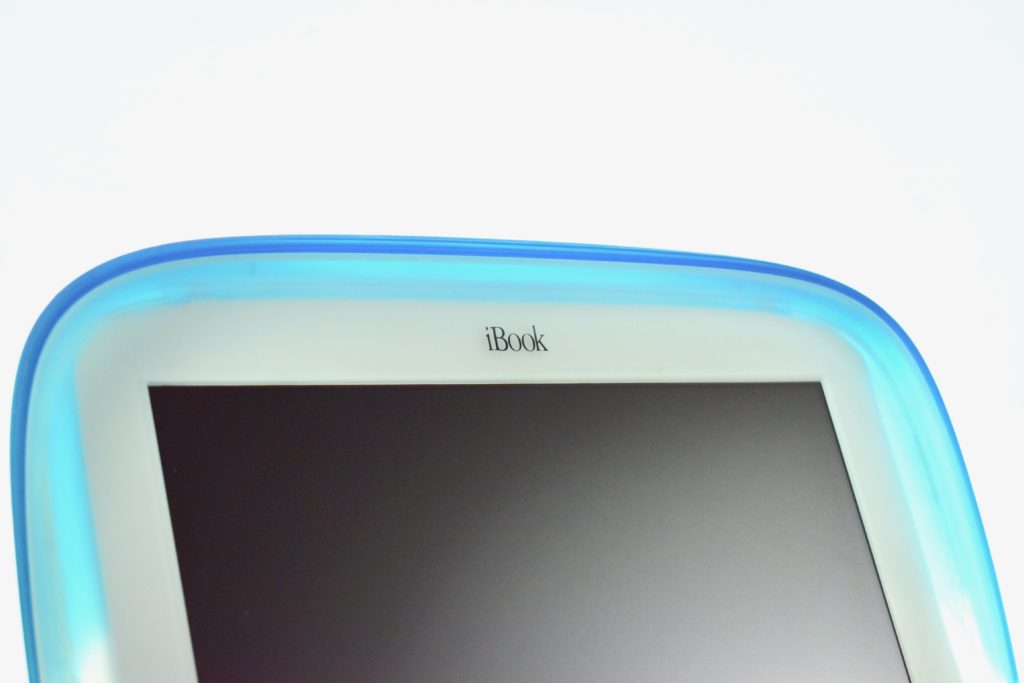
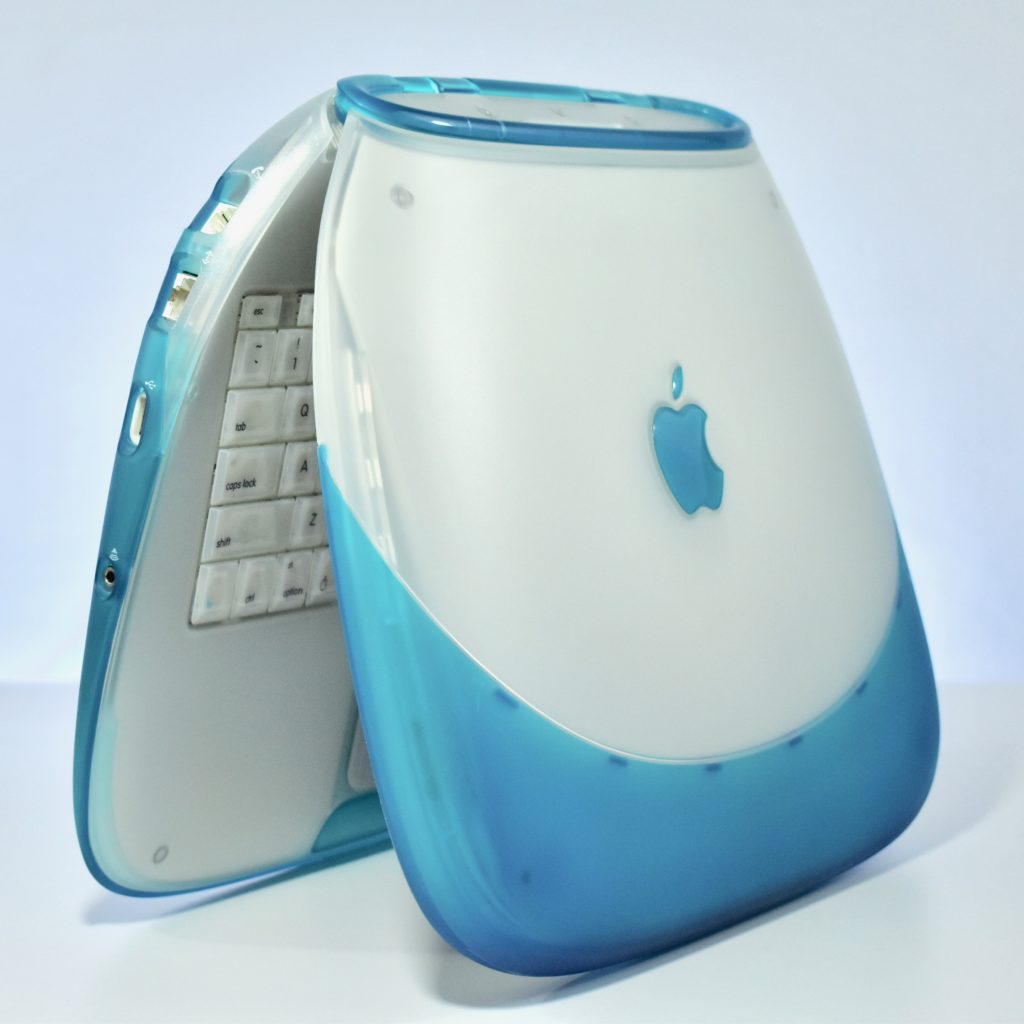
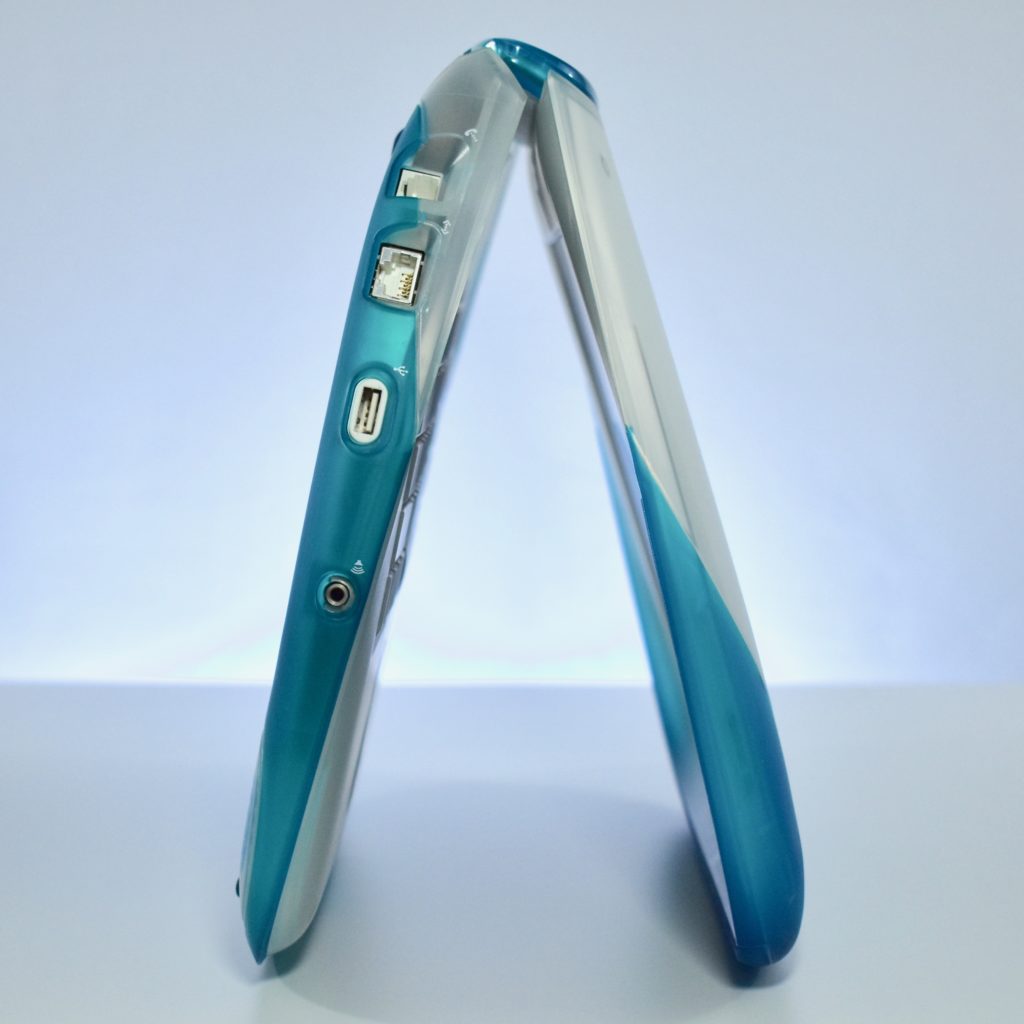
iBook G3/300 (original, blueberry, 1999)

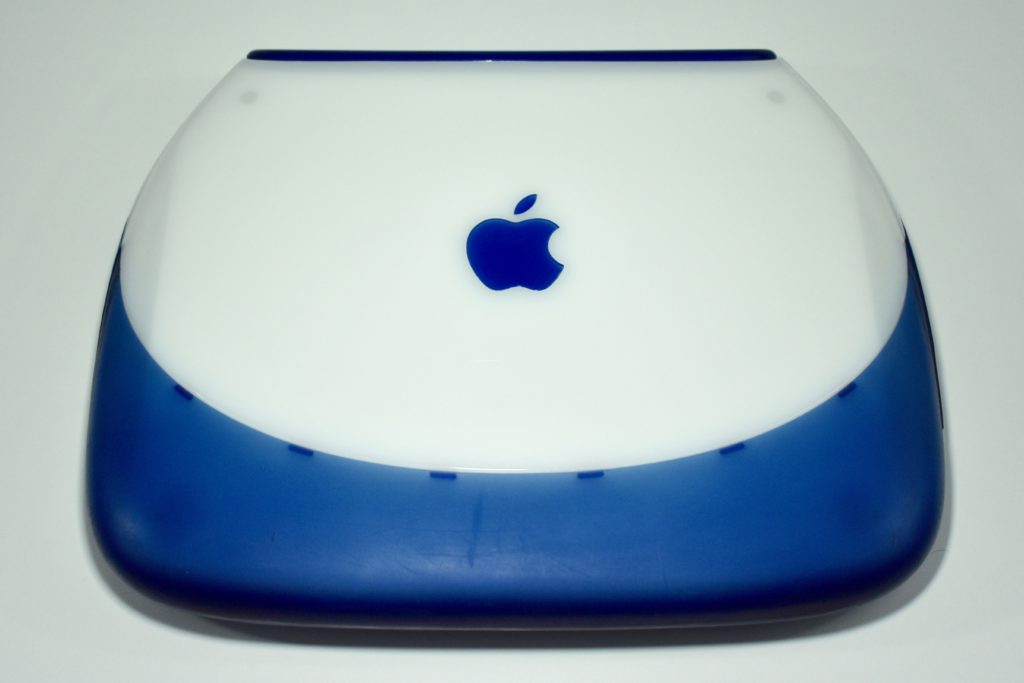
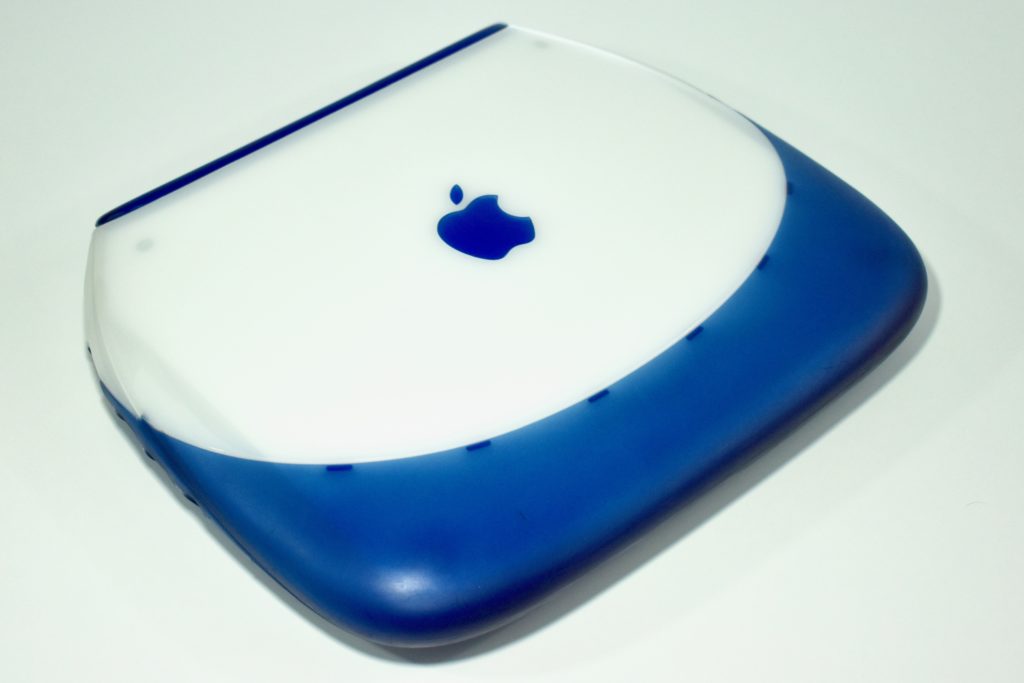
Following the success of the original iMac, the iBook G3/300 was released as portable Mac for consumers with a radical design. The original iBook was available in blueberry and tangerine, two of the five colors available for iMac at the time. The design is sometimes referred to as the “clamshell.”

The iBook shipped with 32 MB or 64 MB of RAM, a 3.2 GB or 6.0 GB hard drive, and a 12.1-inch TFT active matrix display at 800×600. The case featured a handle on the back that folded out when in use and sprang back into place.

Although portable Mac options were not new at the time with years of PowerBook models that preceded the iBook, Wi-Fi was still not common in 1999. The iBook was available with an optional AirPort wireless networking card. Many consumers who purchased an iBook also likely needed an AirPort Base Station to plug into their modem to set up their first home wireless network.

My first full-time technology director position in a school district is where I first encountered the iBook and AirPort Base Station. The Director of Special Education had purchased an iBook for each Special Education teacher to assist in supporting students with Individualized Educational Plans and deal with the extensive paperwork that is required. Although it is fairly commonplace now for teacher and students to have a technology device assigned to them, in 1999–2000 this practice was considered quite innovative.

This example is a blueberry iBook, complete with an internal AirPort wireless networking card. In my experience, schools in my area tended to purchase the blueberry iBook over the tangerine option.

Source: EveryMac.com

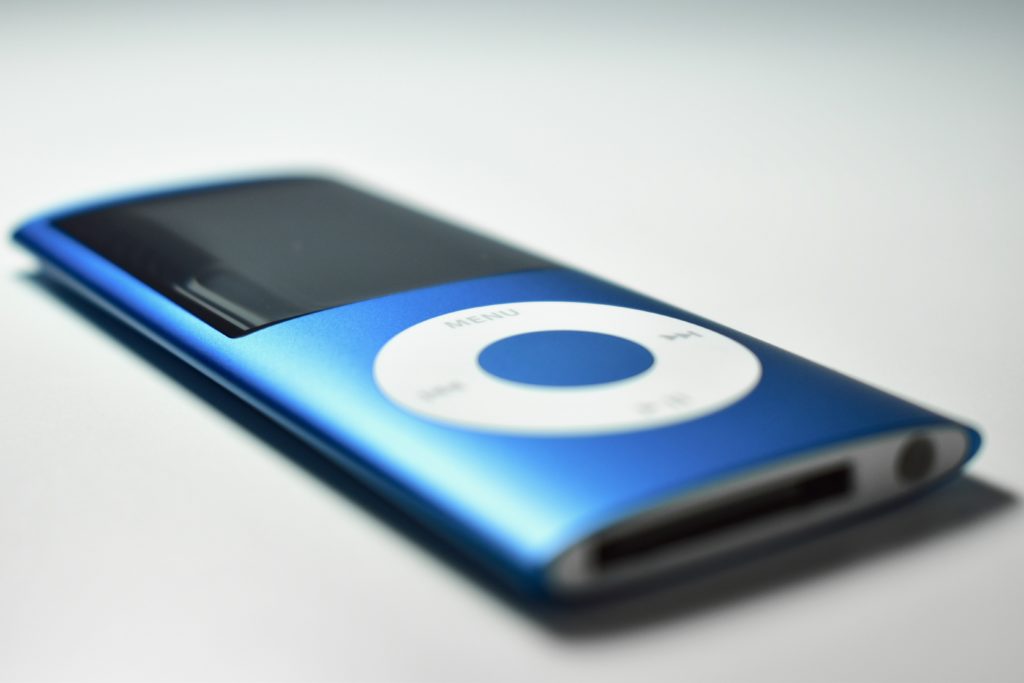
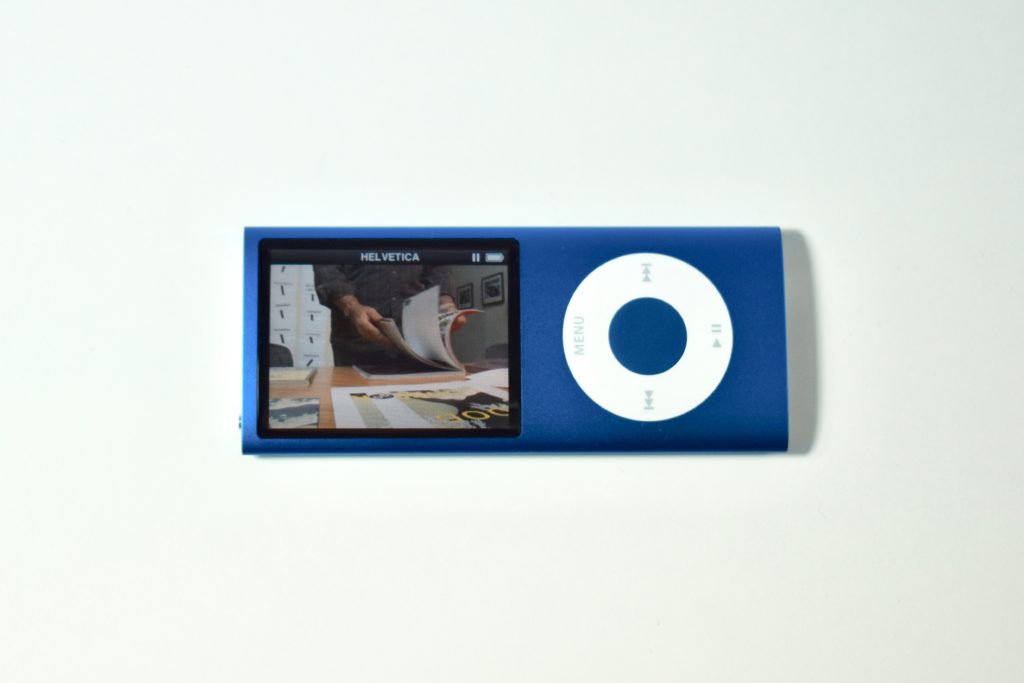
iPod nano Generation 4 (8 GB, blue, 2008)

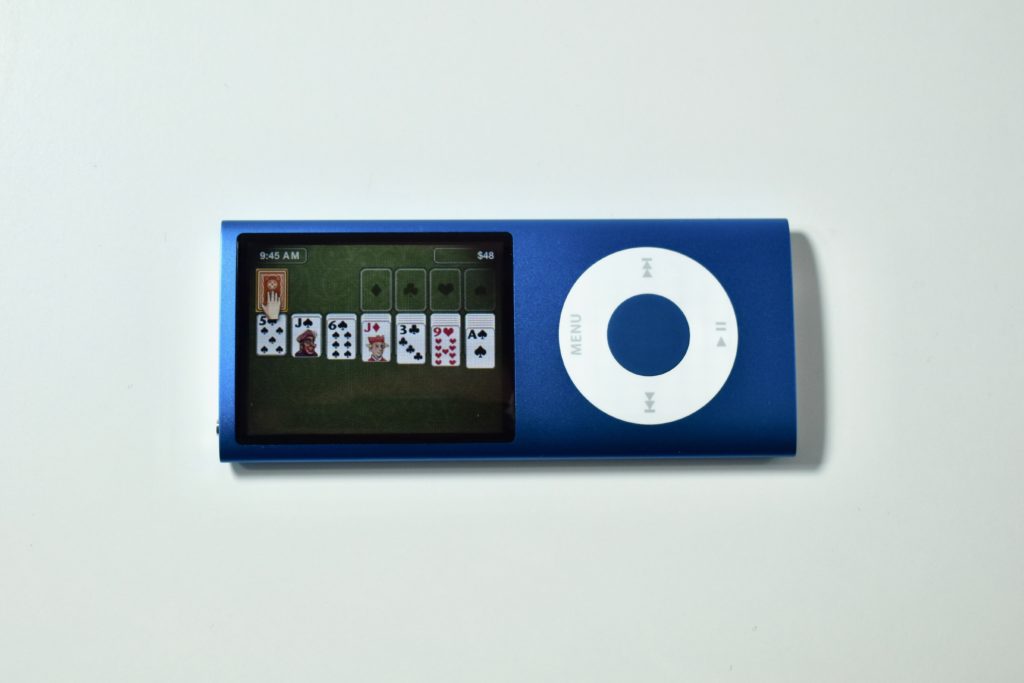
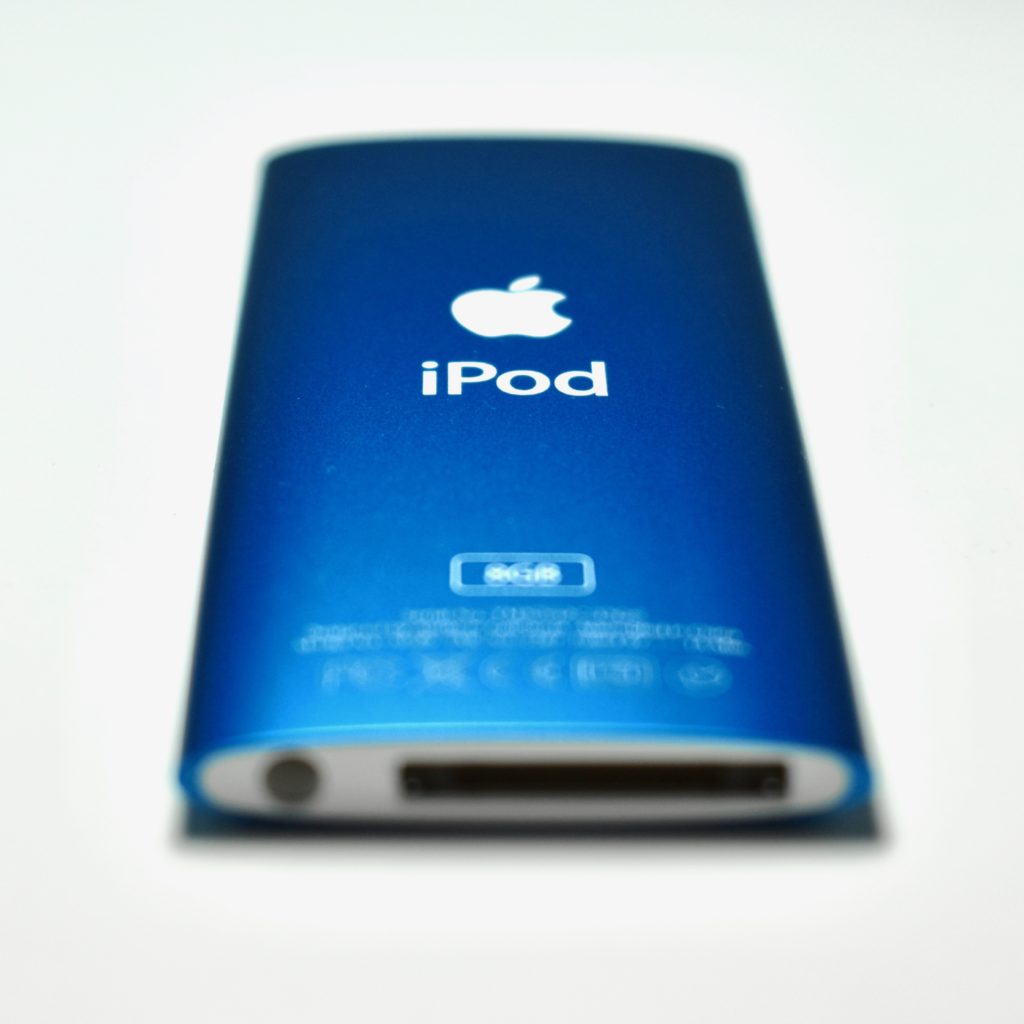
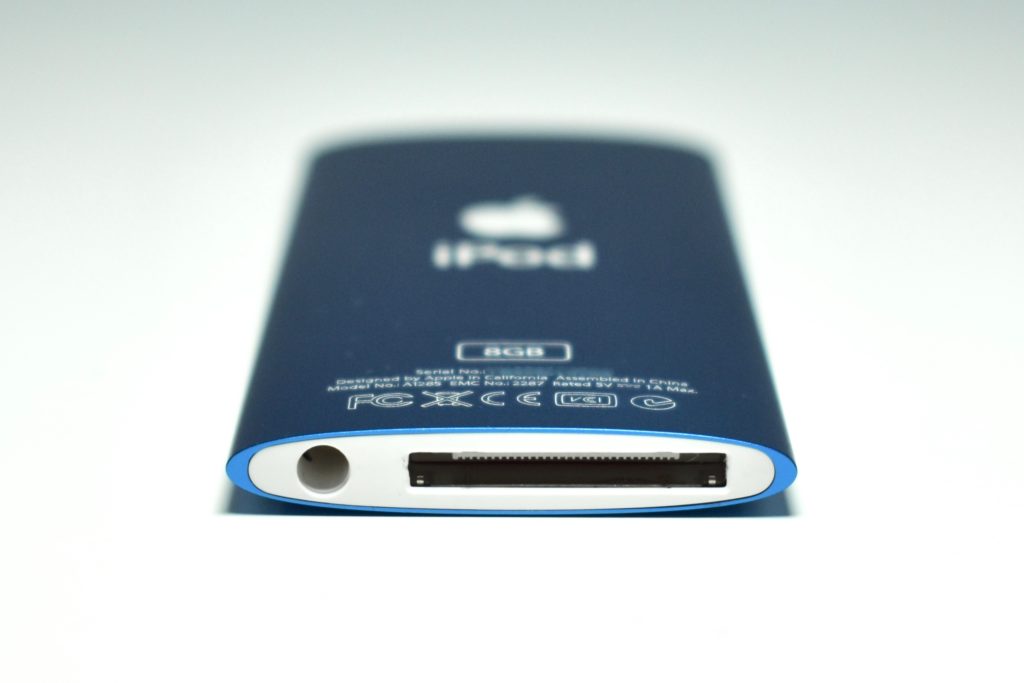
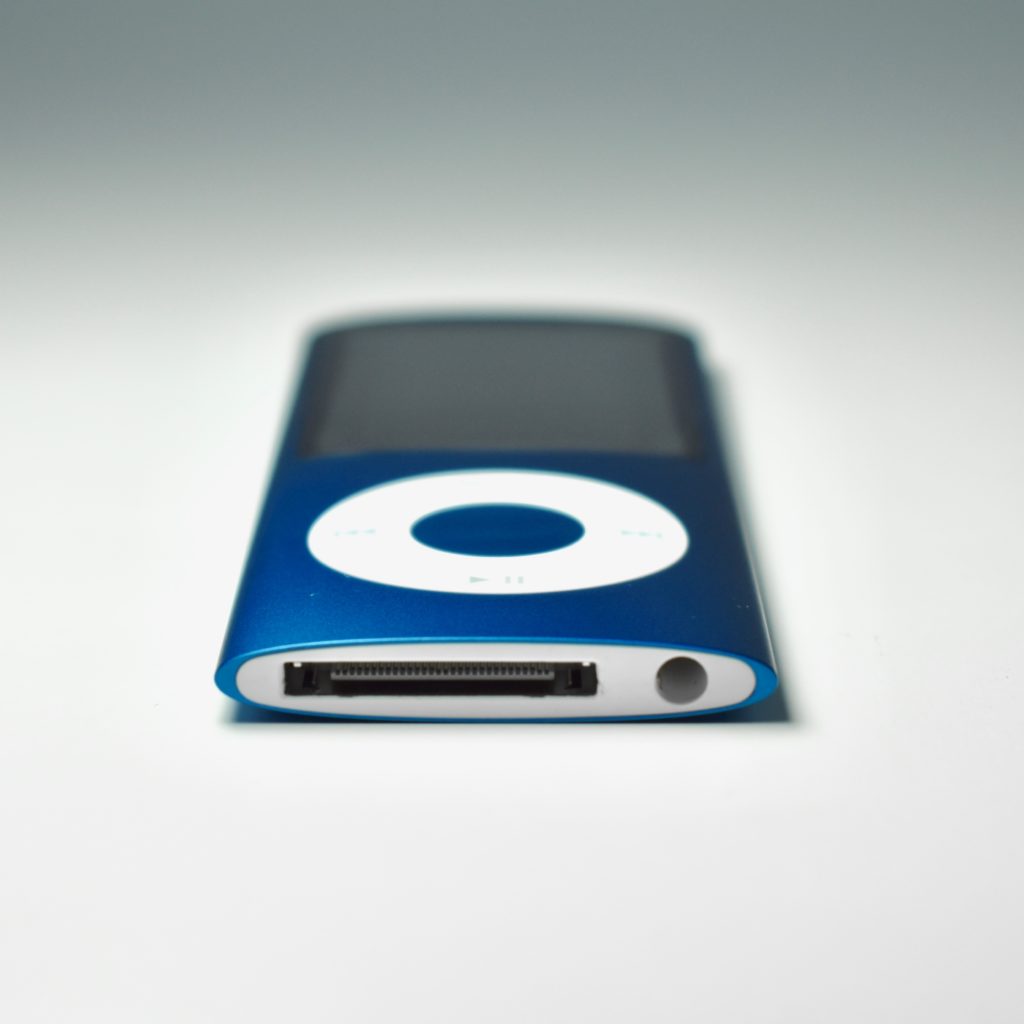
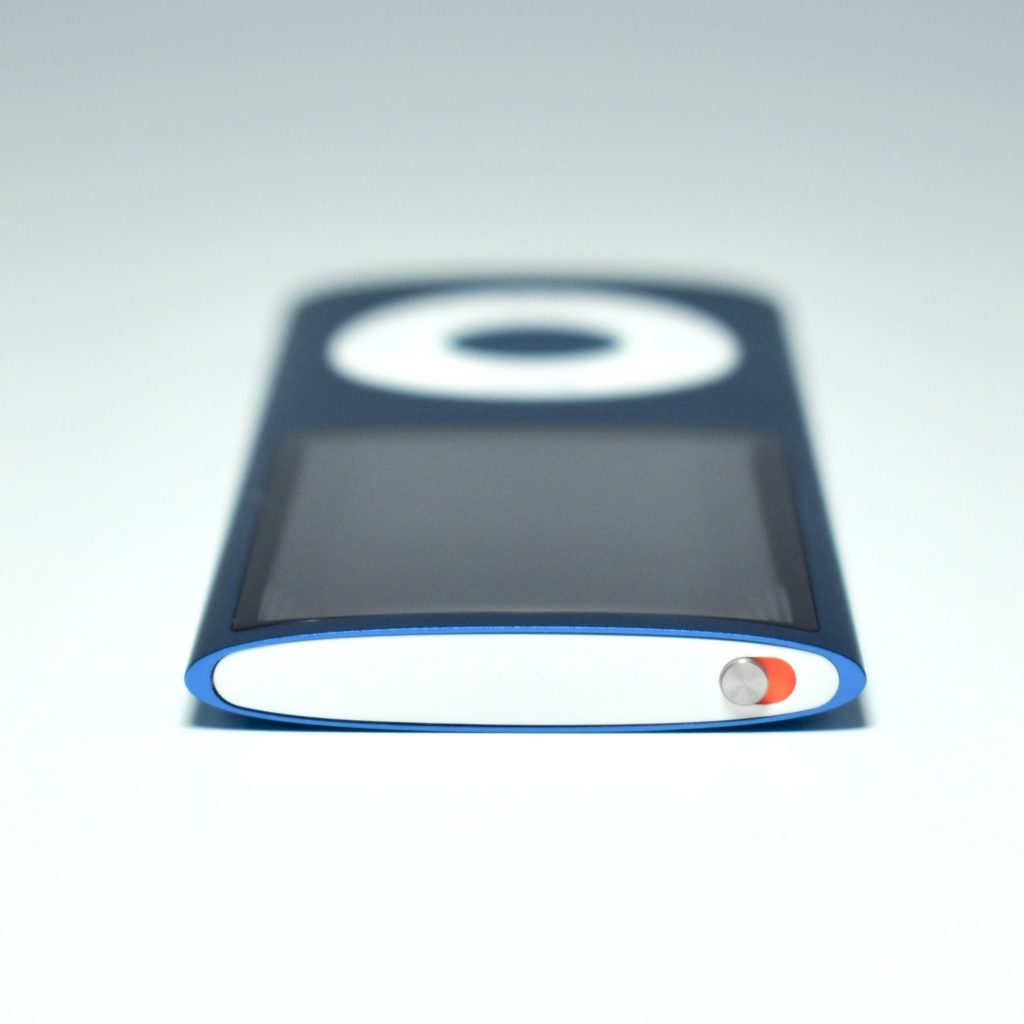
Replacing the “squat” design of the Generation 3, the iPod nano Generation 4 returned to a “skinny” design similar to its predecessors. The new wraparound curved aluminum and glass case was offered in an unprecedented nine colors: silver, black, purple, blue, green, yellow, orange, pink, and (PRODUCT) RED Special Edition. The display was a wide-format 2-inch (diagonal) color LCD display at 320×240.

The iPod nano Generation 4 used either 8 GB or 16 GB of flash memory, capable of storing 2000 or 4000 songs, 7000 or 14,000 photos, and 8 hours or 16 hours of video. All colors were offered for both capacities.

The iPod nano Generation 4 features included an accelerometer (automatically switched to “Cover Flow” navigation in landscape orientation), games and videos only played in landscape, a new Genius feature to dynamically create playlists, and shake-to-shuffle for songs. Accessibility options were added including larger text and spoken menu items. It also included Nike+iPod support, FM radio tagging (using the Apple Radio Remote), support for audio crossfade, and games including Maze, Klondike, and Vortex.

Source: EveryMac.com