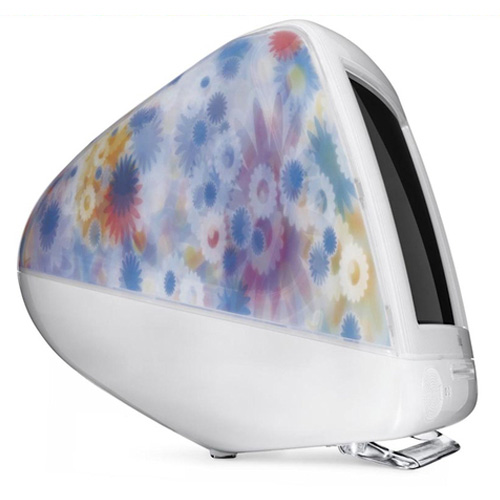
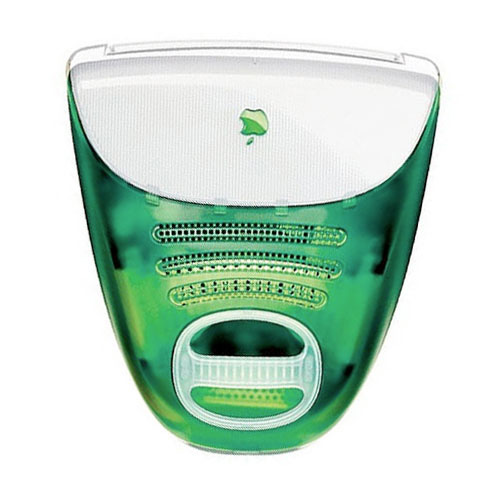
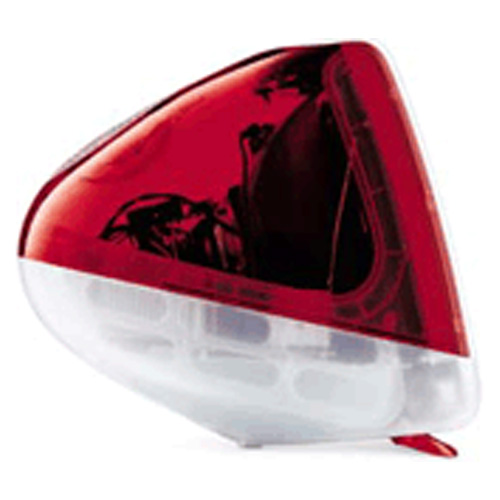
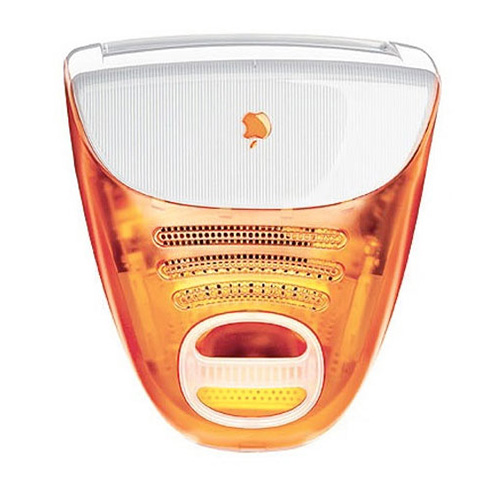
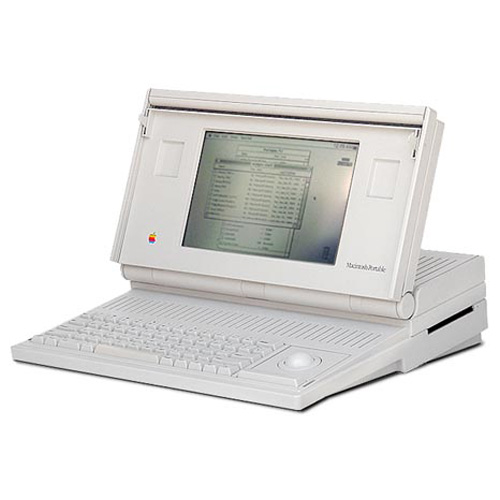
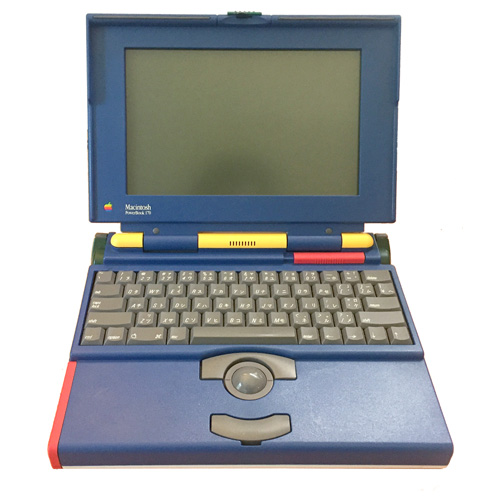
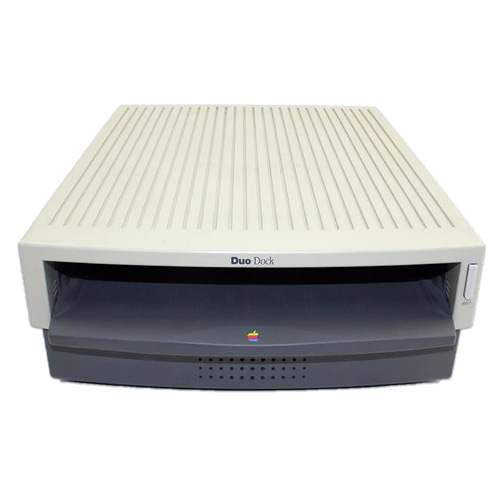
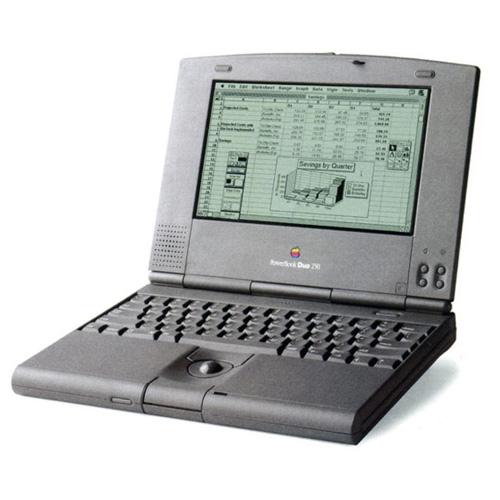
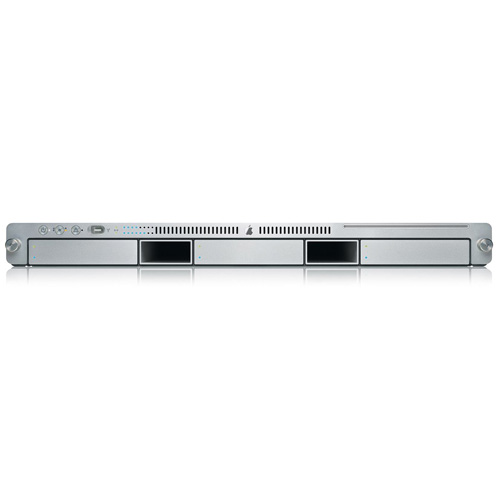
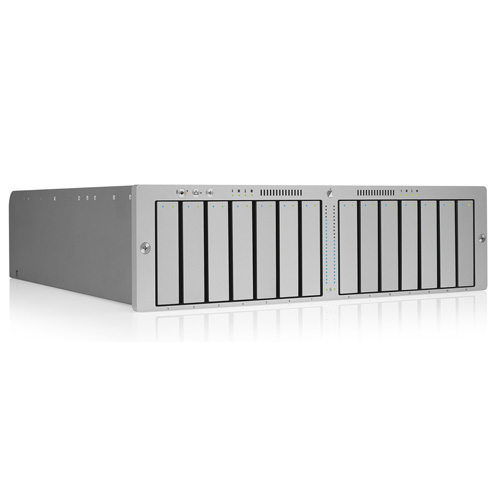
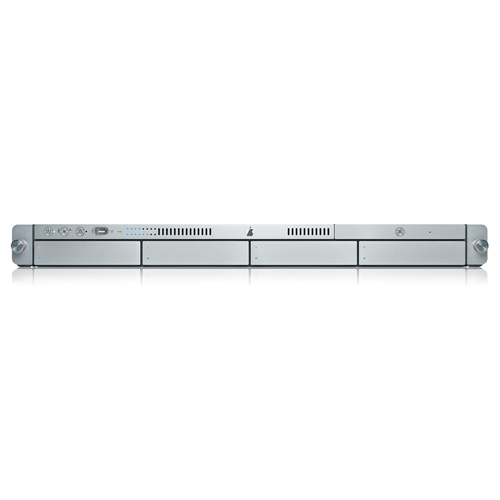
I sometimes get asked what Apple devices and collectibles I’m looking to acquire. It’s usually easier for me to answer whether or not I’m interested in a particular item than for me to attempt to list particular devices. However, this list represents some Apple devices that I would likely wish to obtain if one became readily available.
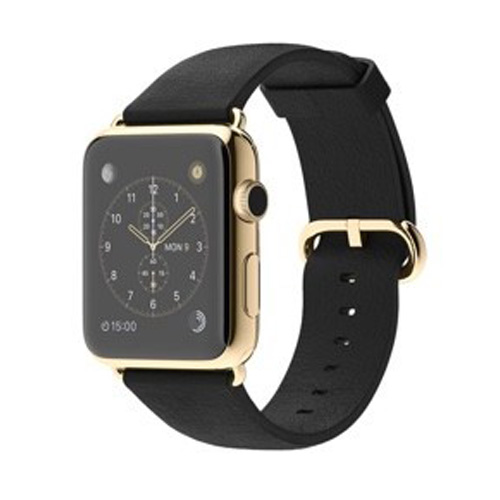
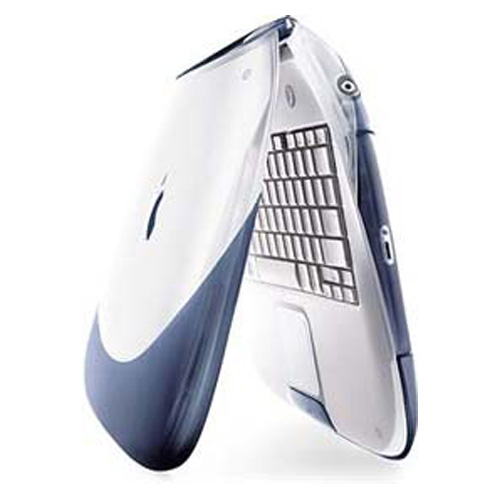
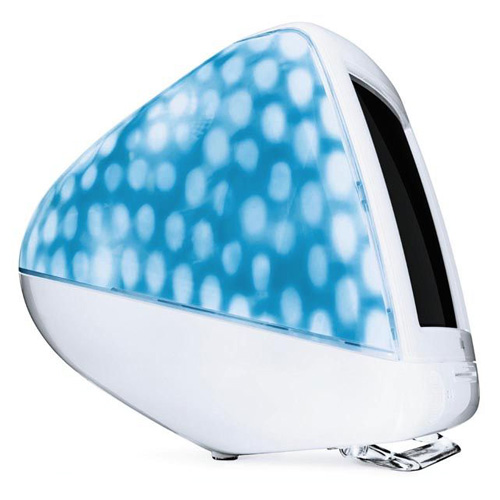
Apple Watch Edition (original, any version)iBook SE (Graphite, opaque version)iMac (Blue Dalmatian)iMac (Flower Power)iMac (lime)iMac (ruby)iMac (sage)iMac (tangerine)iPod shuffle (Generation 2, Avon edition)Macintosh PortablePowerBook 170 (JLPGA edition)PowerBook 100 (preferably with floppy drive)Duo Dock (any version)PowerBook Duo (any version)Xserve G5Xserve RAIDXservePippin (manufactured by Bandai)
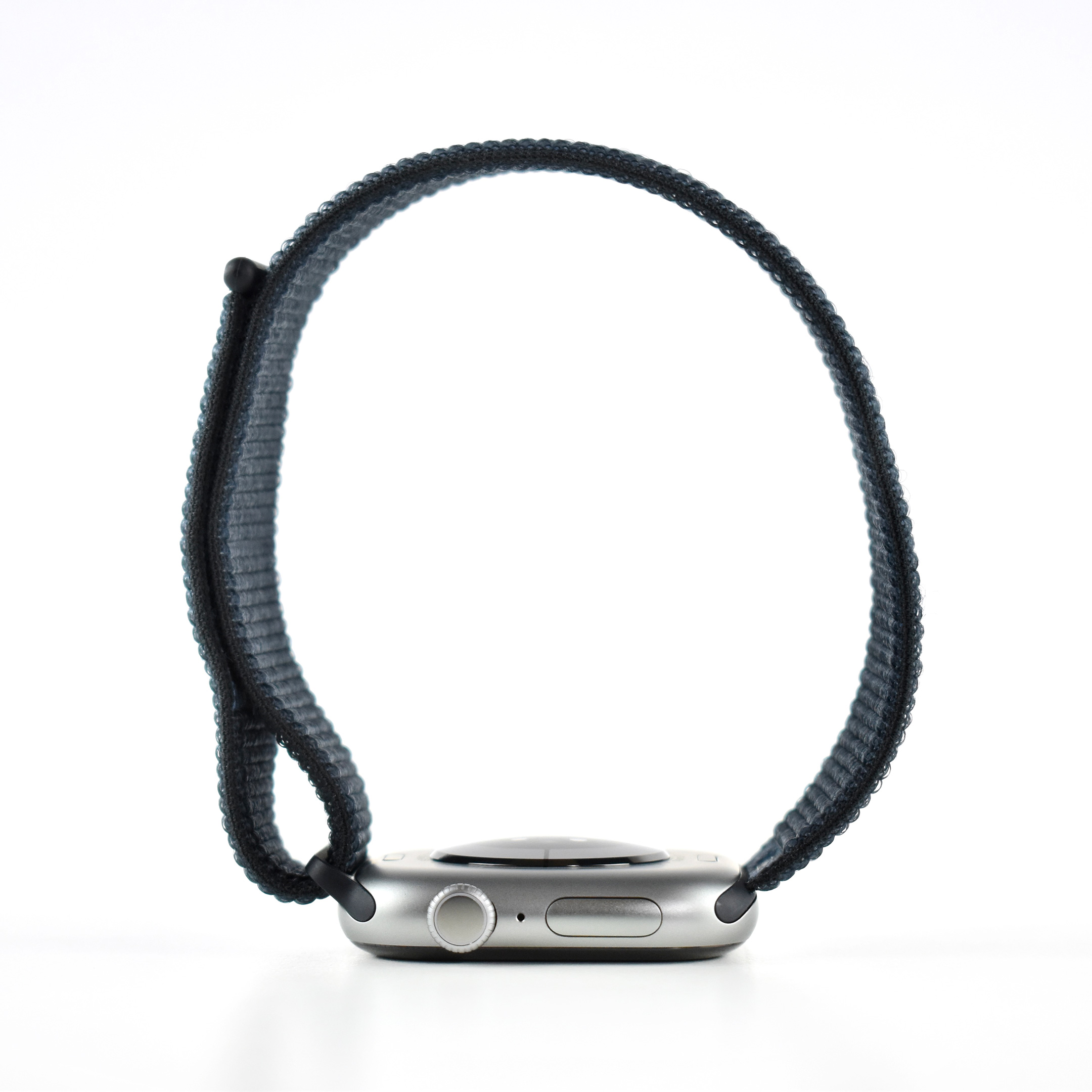
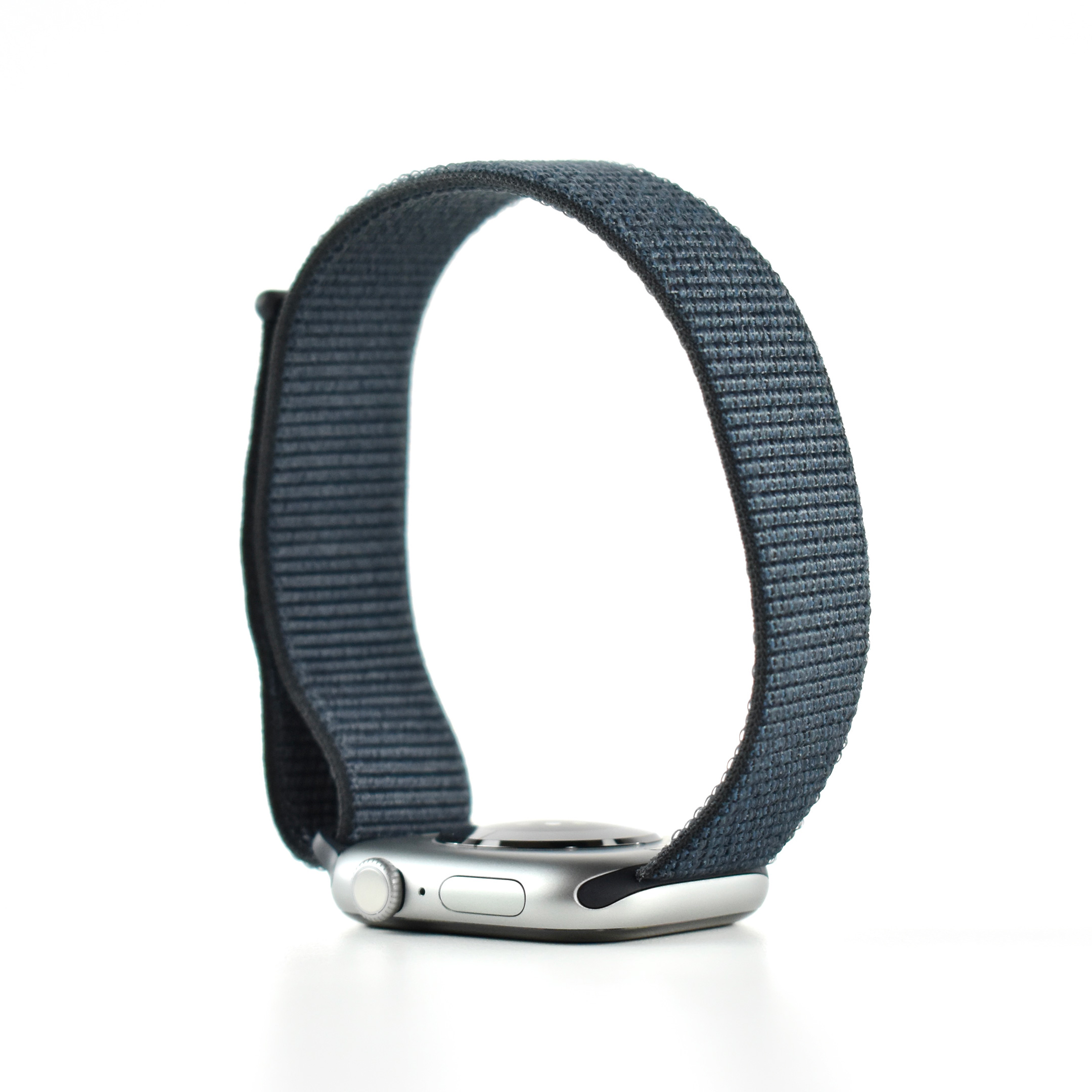
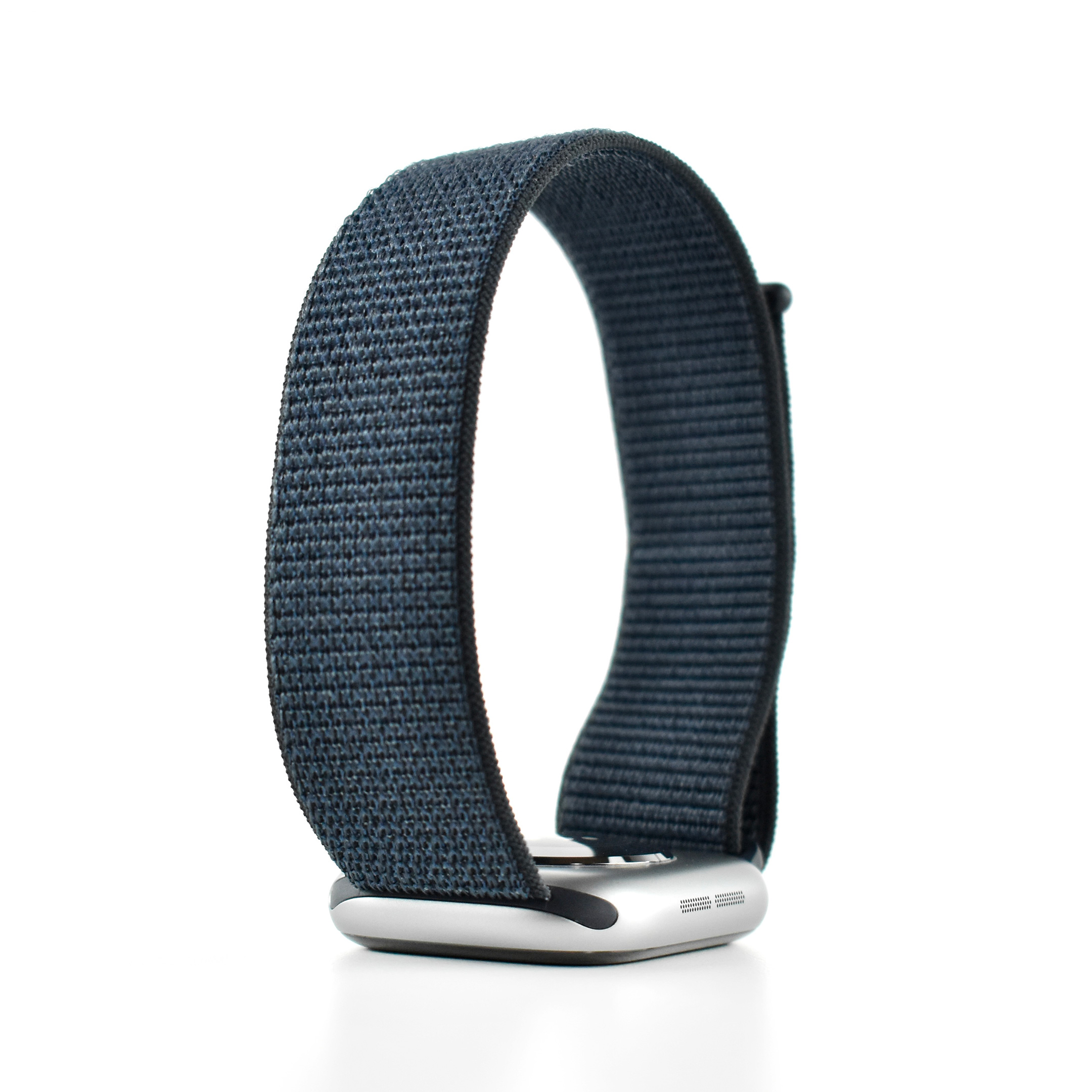
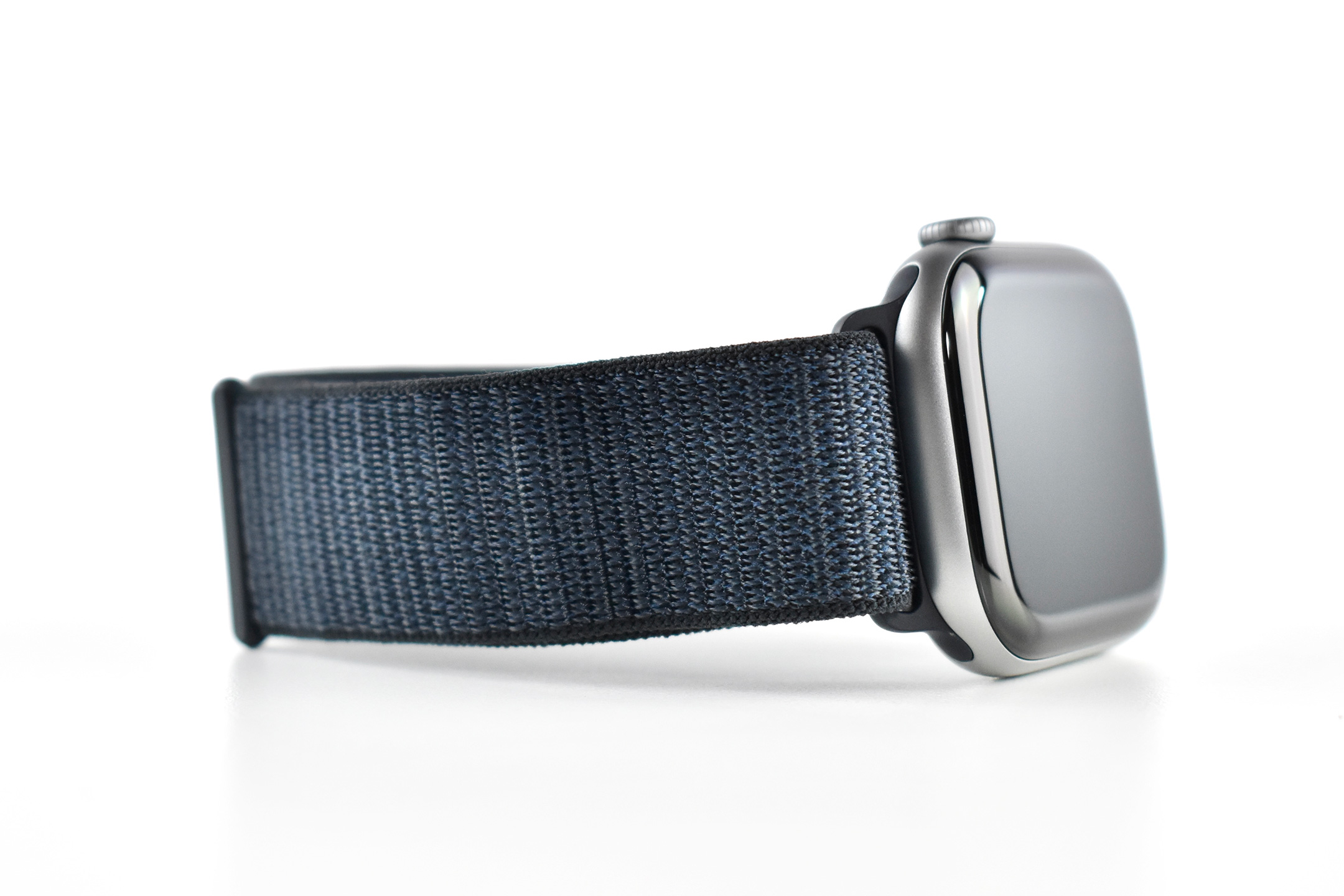
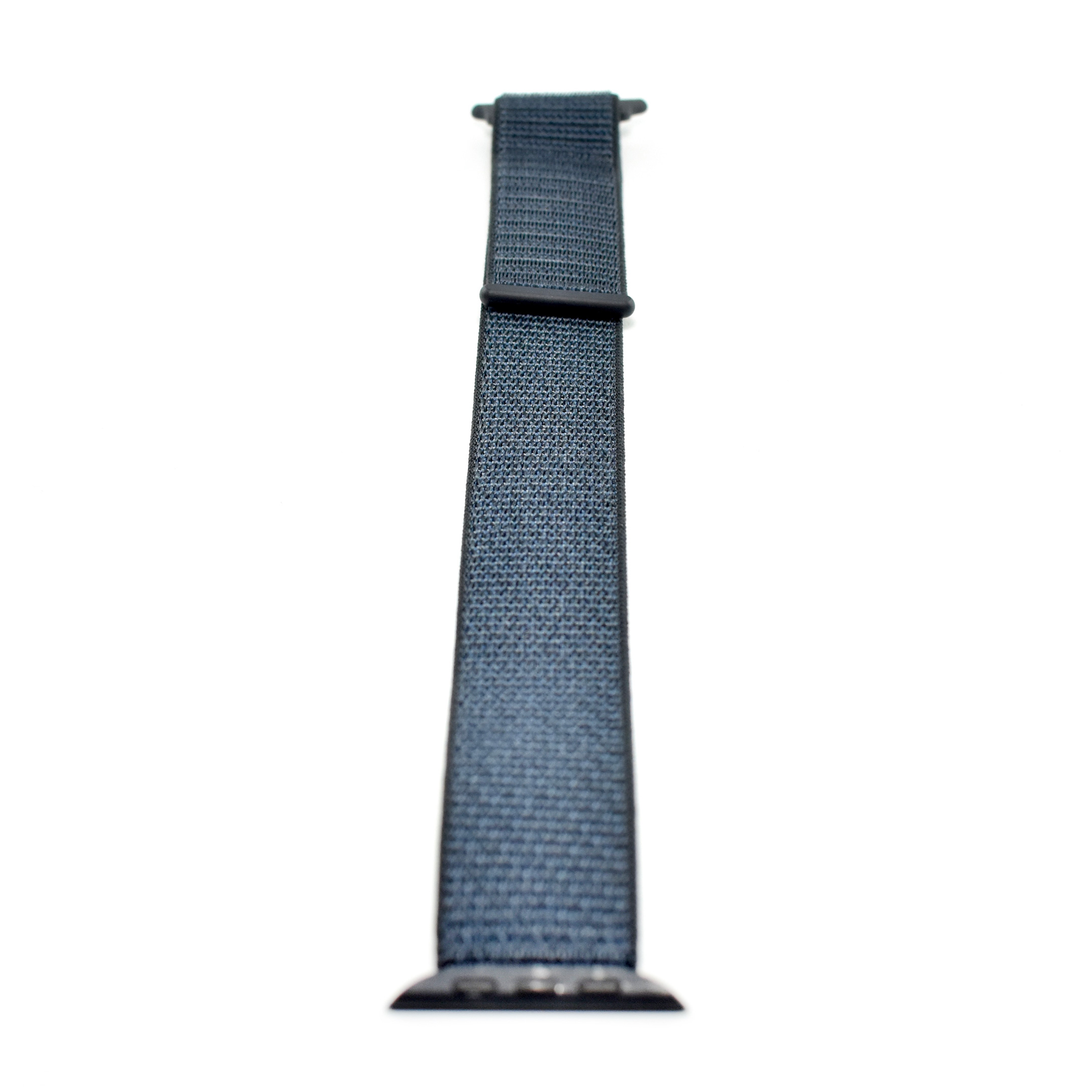
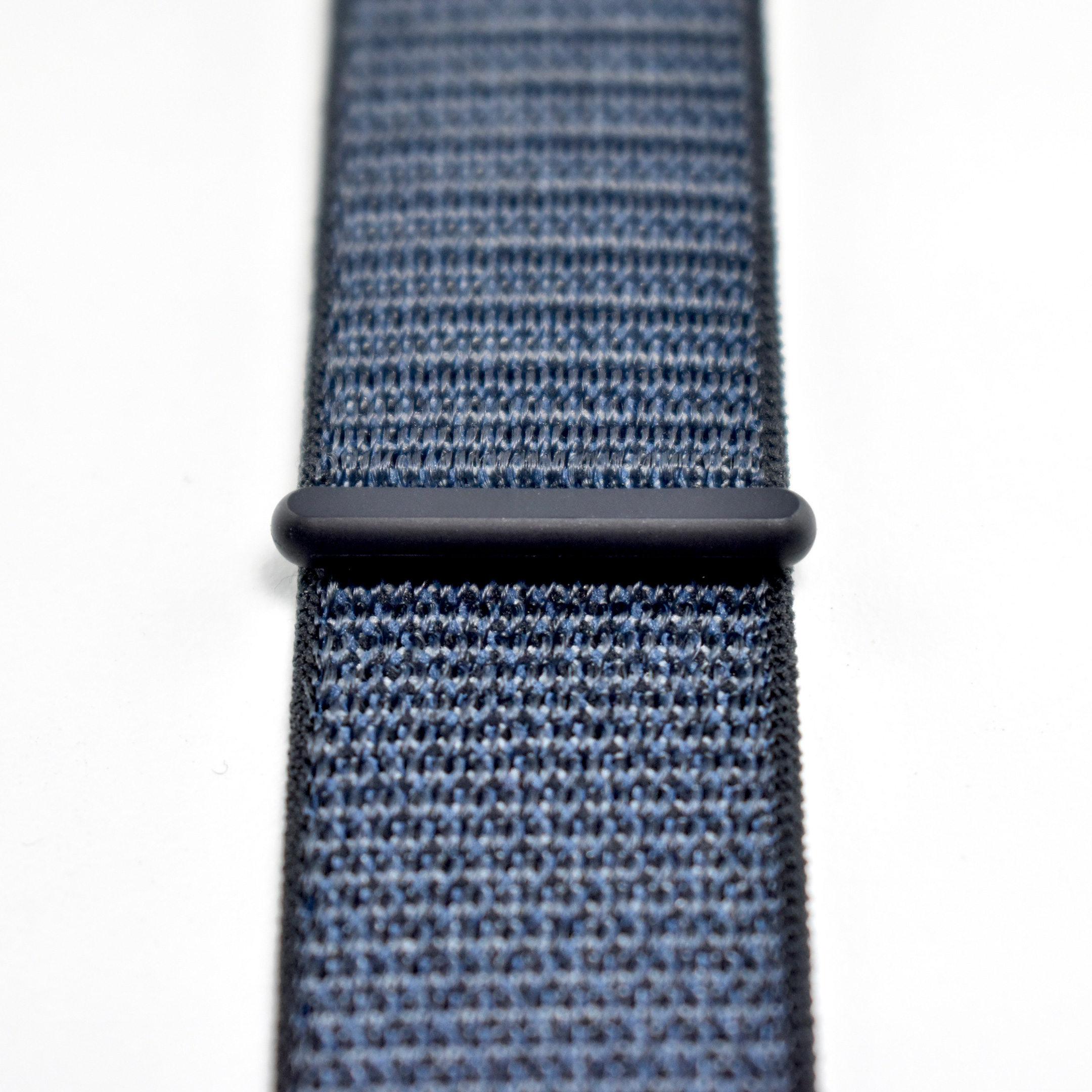
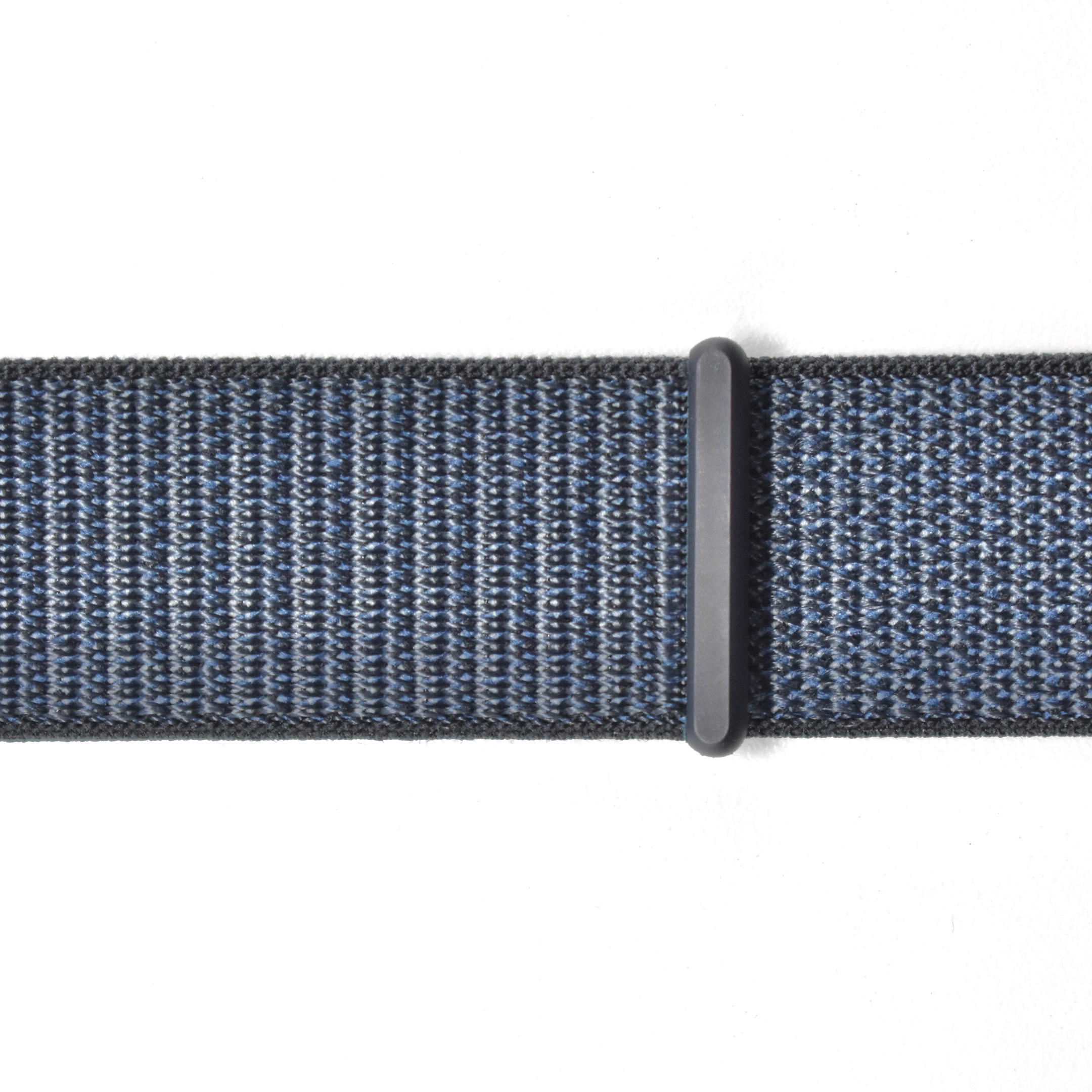
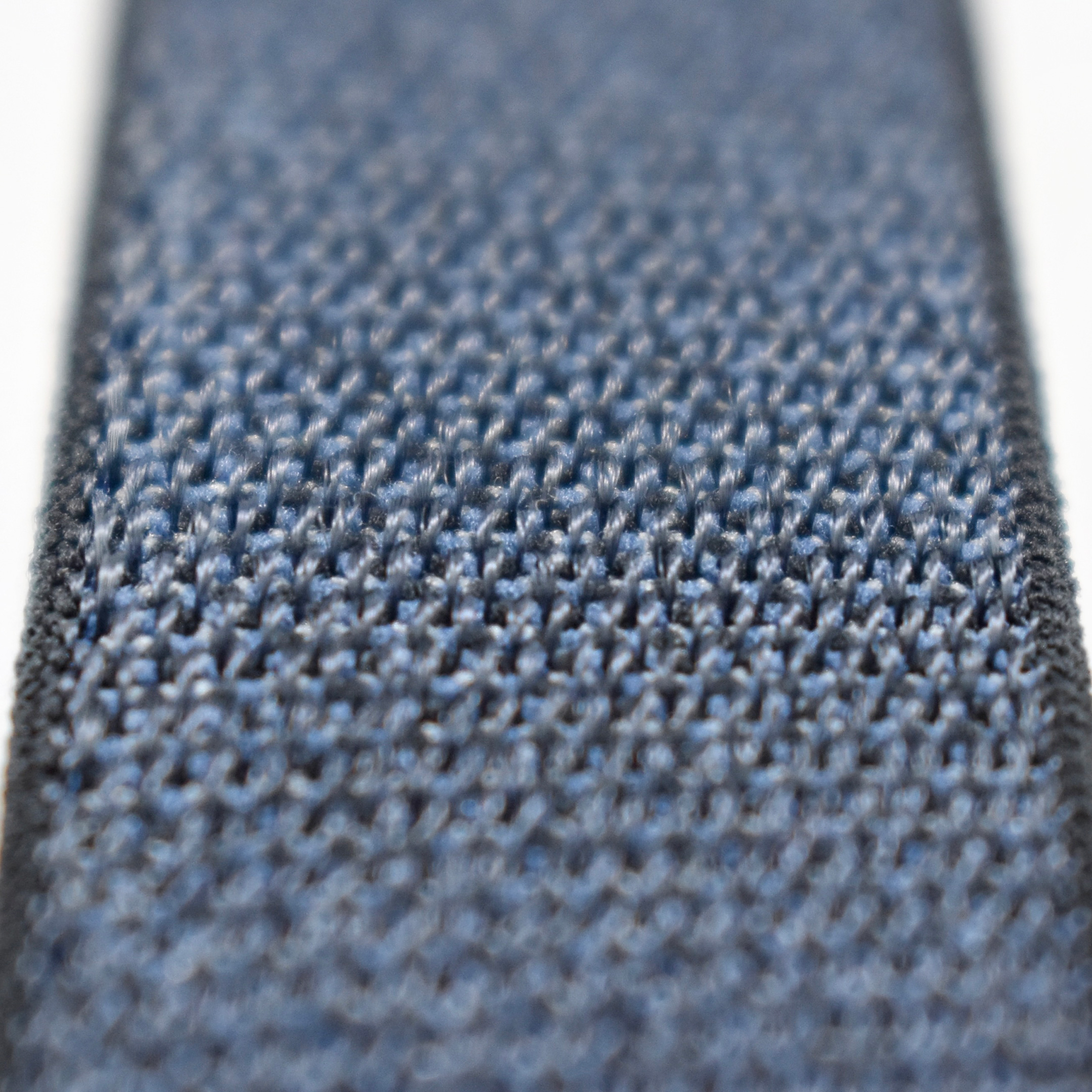
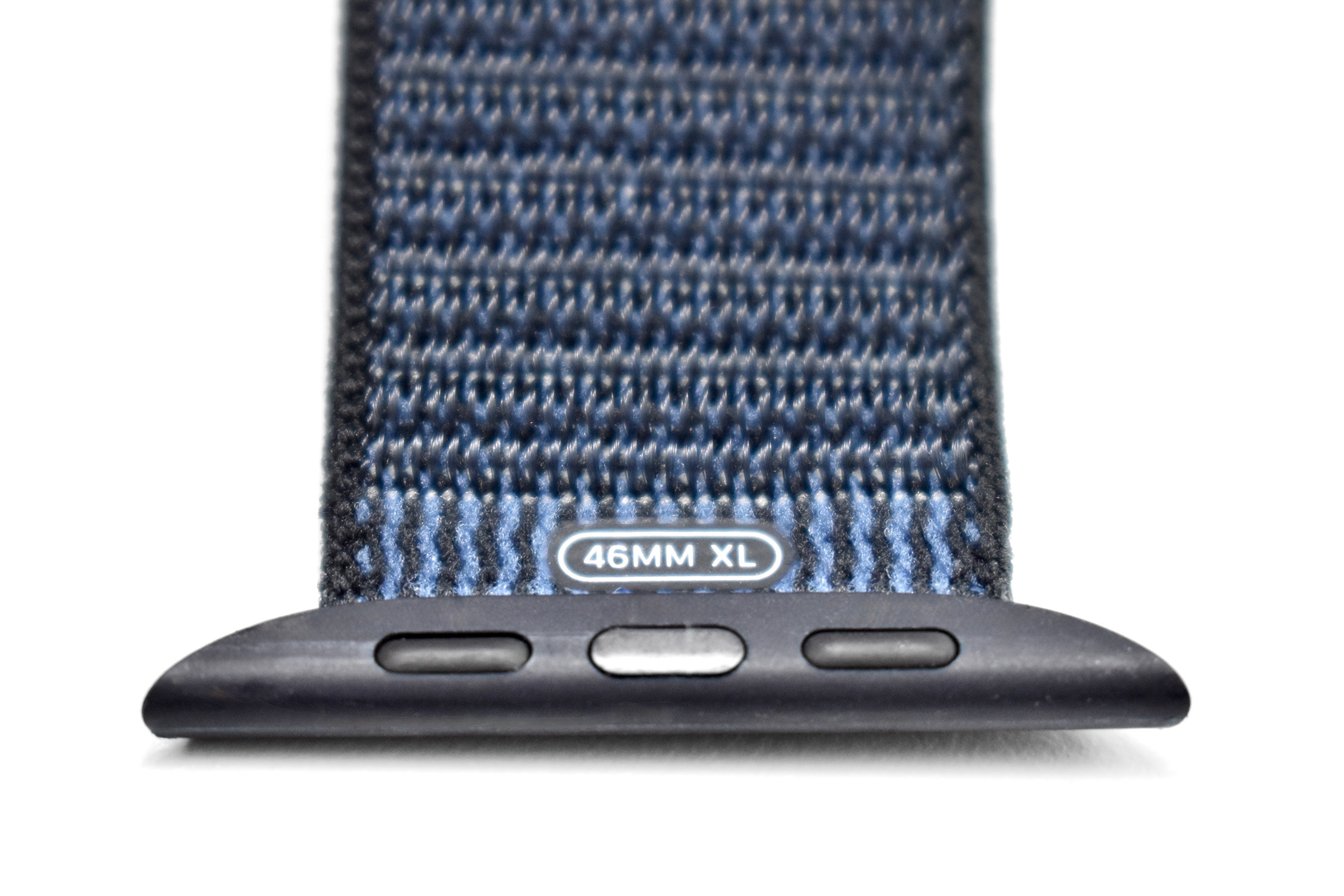
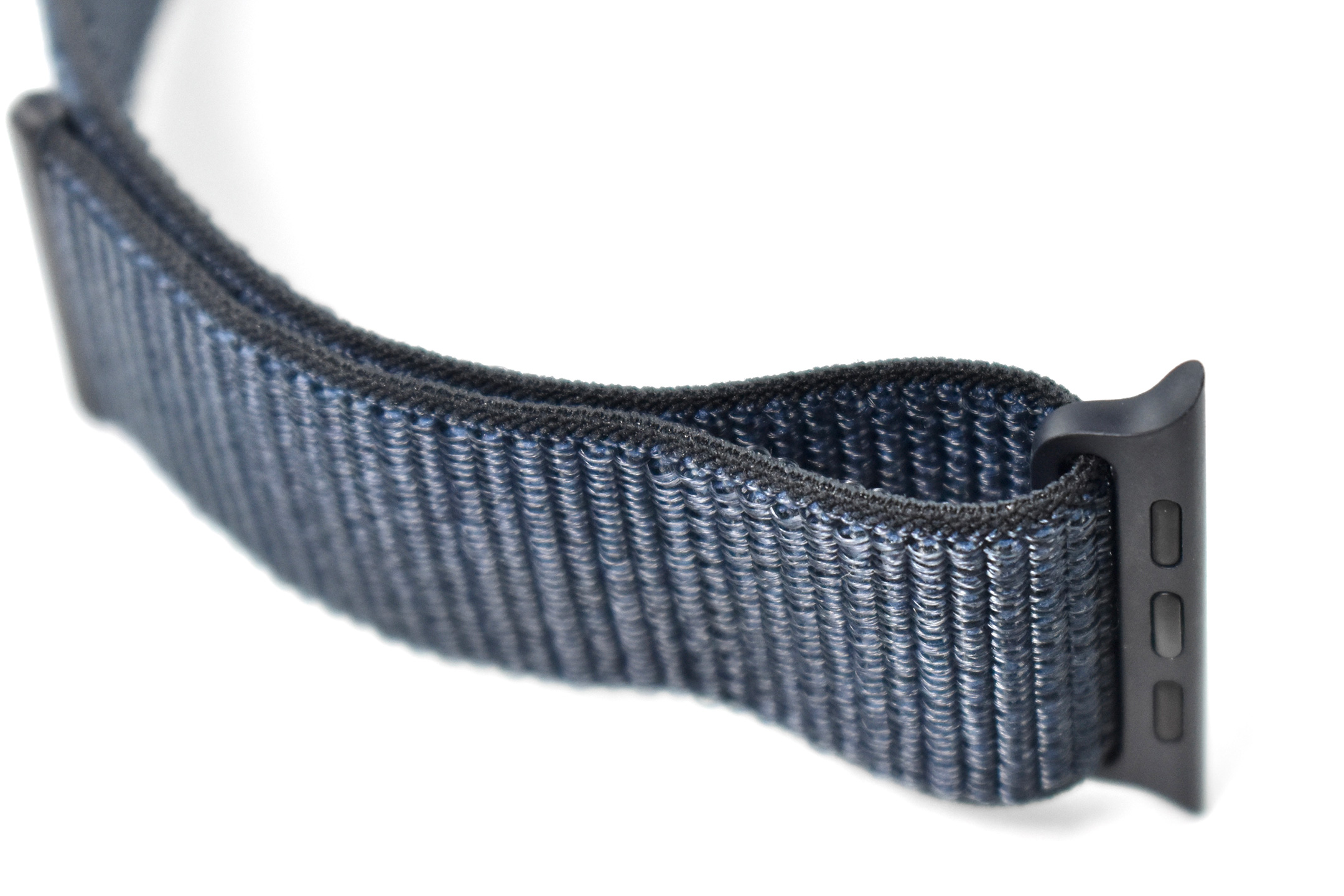
The Apple Watch Sport Loop band was woven from nylon thread to create a hook-and-loop closure. These bands were available for the 42 mm and 46 mm Apple Watch models (2024), and were offered in sizes to fit 130–200 mm wrists (38, 40, 41, 42 mm) and 145–220 mm wrists (42, 44, 46, 49 mm).
Beginning in Fall 2024, Apple began offering bands in monotone colors—a design concept first available nearly 10 years prior with the original Apple Watch. This “Ink” color was a shade of black with a hint of dark blue. The connector and closure plastics also matched the ink color of the band.
Apple also began describing this band as “Carbon Neutral” and including a description of the environmental benefits along with the general product description:
“Soft, breathable, and lightweight, the Sport Loop features a hook-and-loop fastener for quick and easy adjustment. The double-layer nylon weave has dense loops on the skin side that provide soft cushioning while allowing moisture to escape. This weave is made with 82% recycled yarns, some of which contain material from discarded fishing nets. This band is carbon neutral. The Sport Loop contains 45% recycled content by weight, 100% of manufacturing electricity is covered by clean energy, and 50% or more of all carbon neutral Apple Watch products are shipped without airplanes.”
Among the 12 press releases of the “base” Apple Watch models (original Apple Watch through the Series 11), 7 of the 12 have mentioned health and/or fitness features in the headline (or subhead). The Apple Watch Series 11 press release leads with “groundbreaking health insights” and specified hypertension notifications and sleep score as its primary new features along with battery improvements and a more scratch-resistant display.
Stan Ng, Apple’s vice president of Apple Watch and Health Product Marketing, said in the press release that “Apple Watch is the world’s most popular watch, using advanced sensing capabilities to empower millions of people around the world to better understand their health simply by wearing it, while also serving as a fitness coach, message center, mobile wallet, and beautiful timepiece.” He added that the “Apple Watch Series 11 is an indispensable companion that supports users’ health, fitness, safety, and connectivity throughout the day and night.”
The durability of the screen is described in more detail, noting that it is “Made from a unique Ion-X (ion-exchanged strengthened) glass…treated with a breakthrough Apple-designed ceramic coating that bonds to the glass at an atomic level through a physical vapor deposition process, significantly hardening the surface.”
The Apple Watch Series 11 was released with watchOS 26, using the Liquid Glass design also available on all Apple devices as of late 2025. Some of the new features added:
2 new watch faces (Flow and Exactograph)
A new one-handed wrist flick gesture to easily dismiss notifications
Live Translation in Messages with Apple Intelligence
A Watch version of the Notes app (finally!!)
The Aluminum case options for Apple Watch Series 11 were available in Rose Gold, Silver, Jet Black, and a new Space Gray option. Titanium case options included Gold, Natural, and Slate.
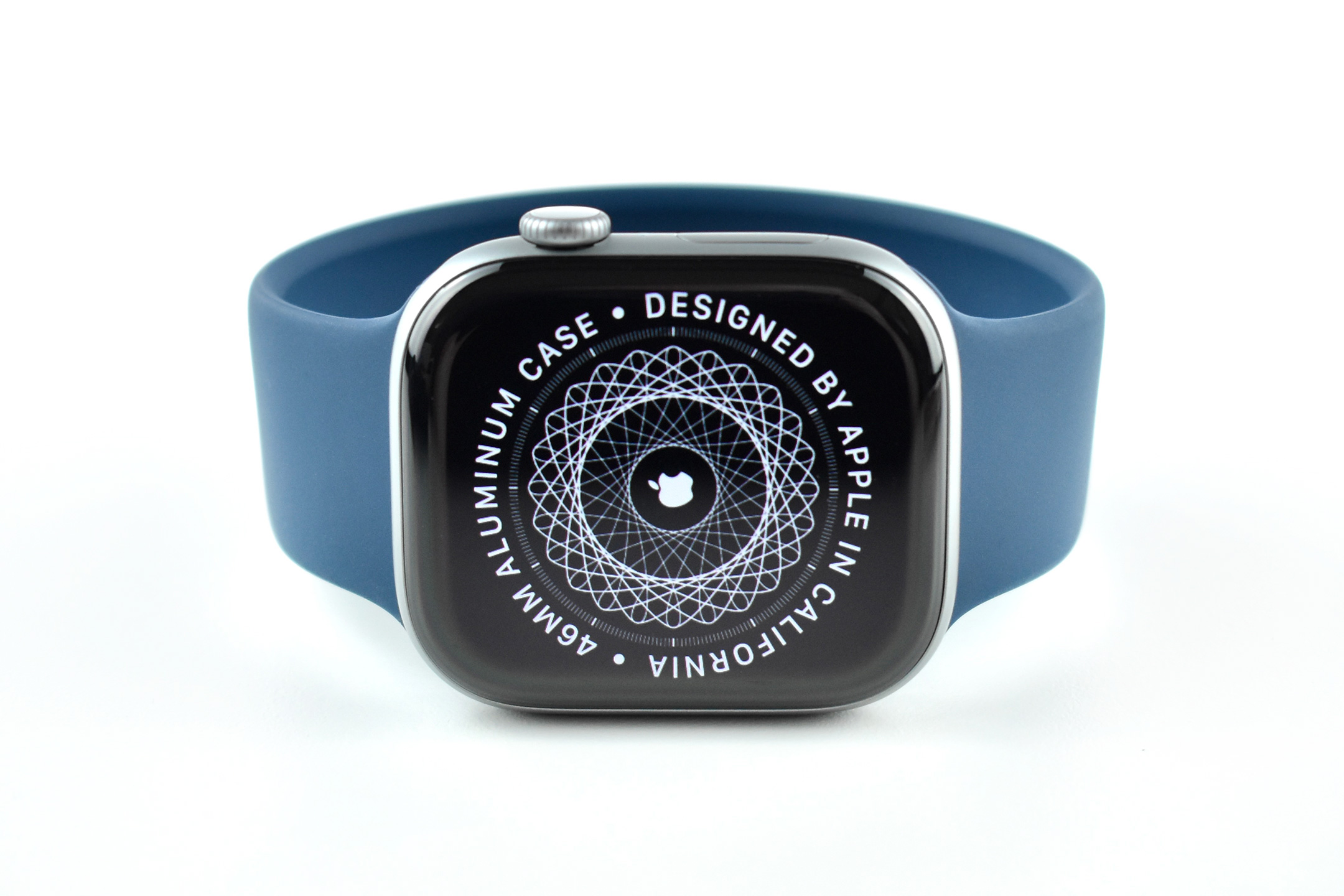
The 46 mm model measured 46mm x 39 mm and was 9.7 mm thick. The aluminum/GPS model weighed 37.8 grams.
The screen was 416 x 496 pixels at 326 pixels per inch with an always‑On Retina display with wide‑angle OLEDs. It could display up to 2000 nits peak brightness down to 1 nit minimum brightness.
The Series 11 had an impressive list of sensors:
Electrical heart sensor
Third‑generation optical heart sensor
Blood oxygen sensor
Temperature sensor
Compass
Always‑on altimeter
High‑g accelerometer
High dynamic range gyroscope
Ambient light sensor
Depth gauge to 6 meters
Water temperature sensor
Connectivity options included support for 2.4GHz and 5GHz Wi-Fi networks with Wi-Fi 4 (802.11n); Bluetooth 5.3; GPS systems including L1, GLONASS, Galileo, QZSS, and BeiDou. It used a second-generation Ultra Wideband chip.
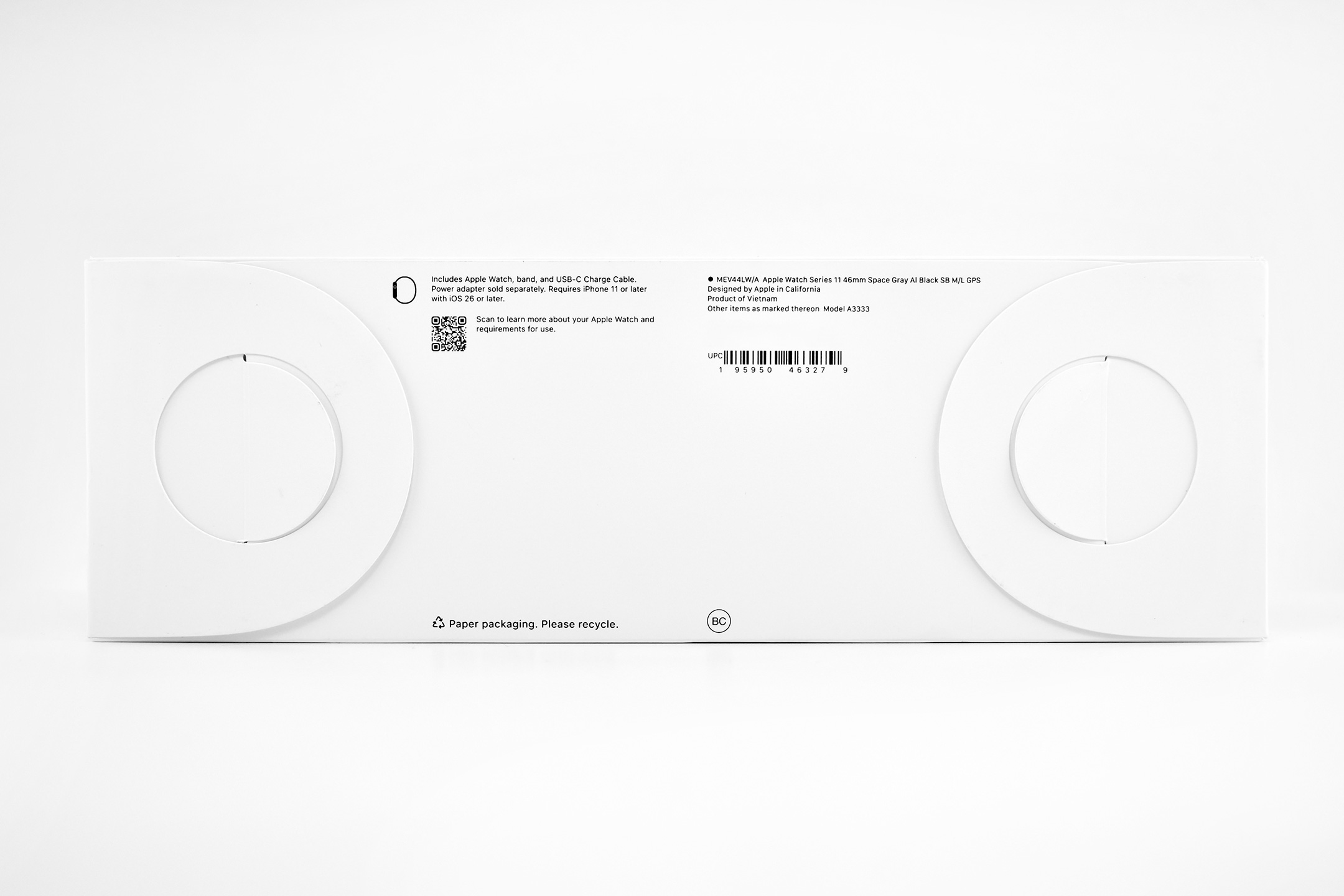
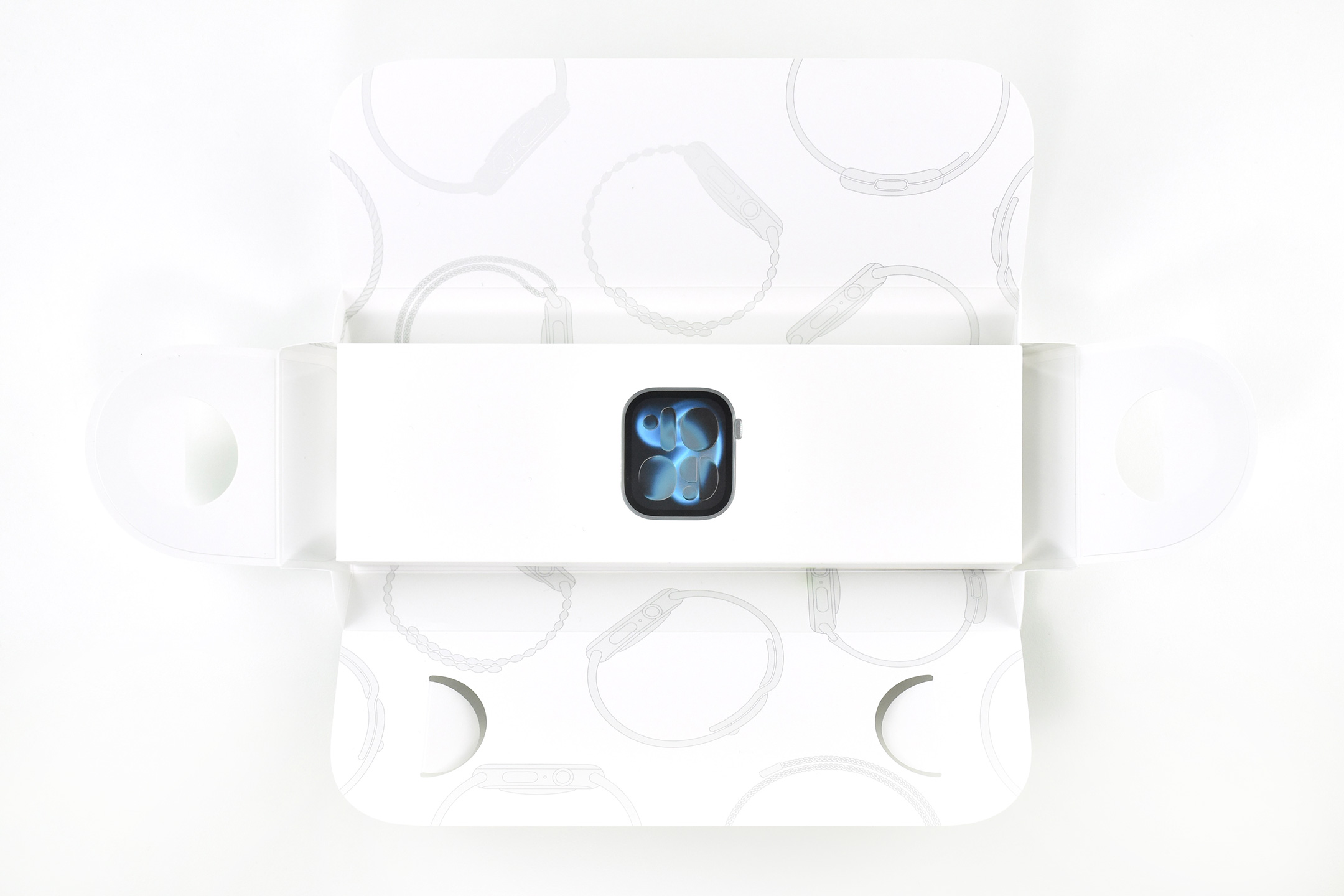
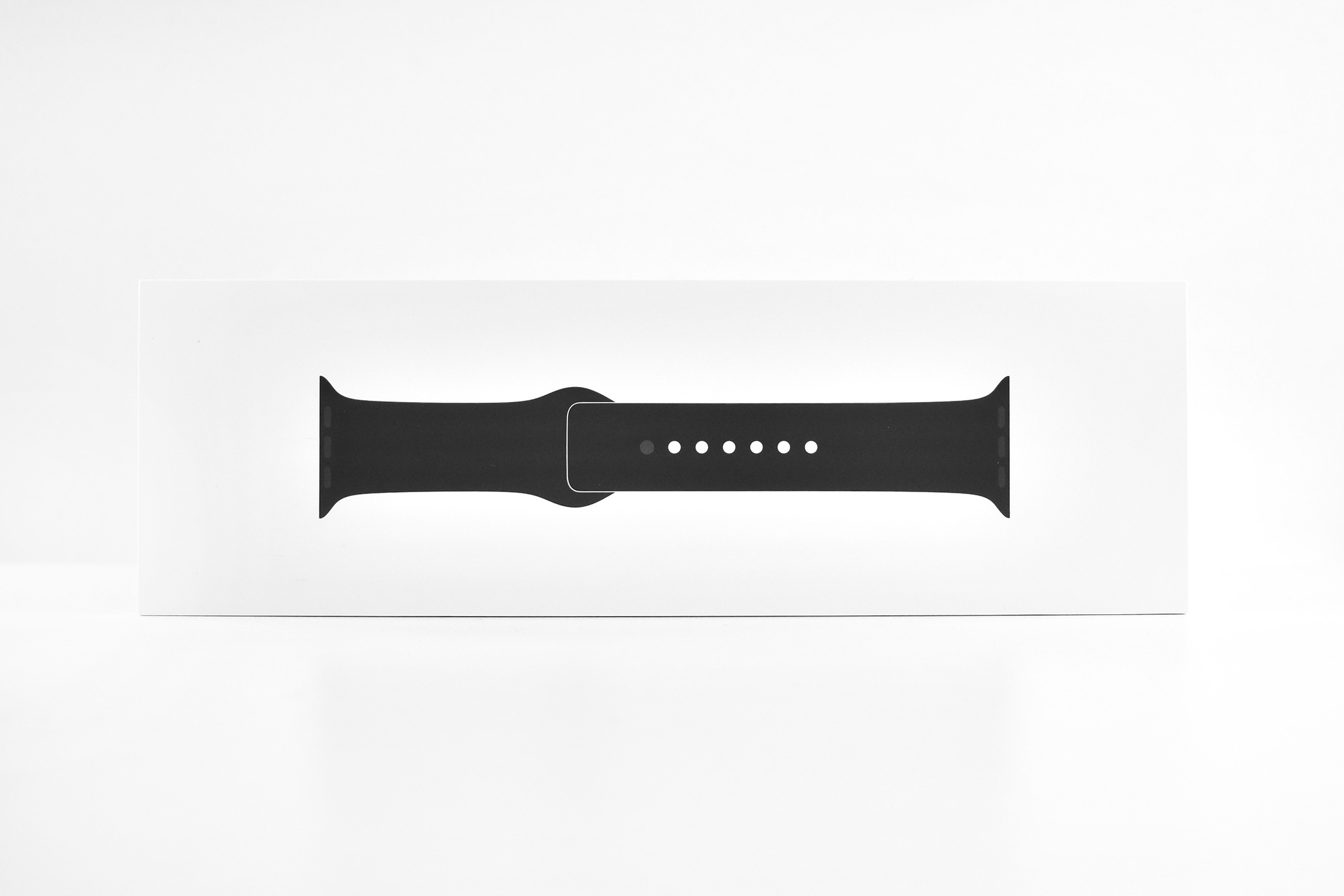
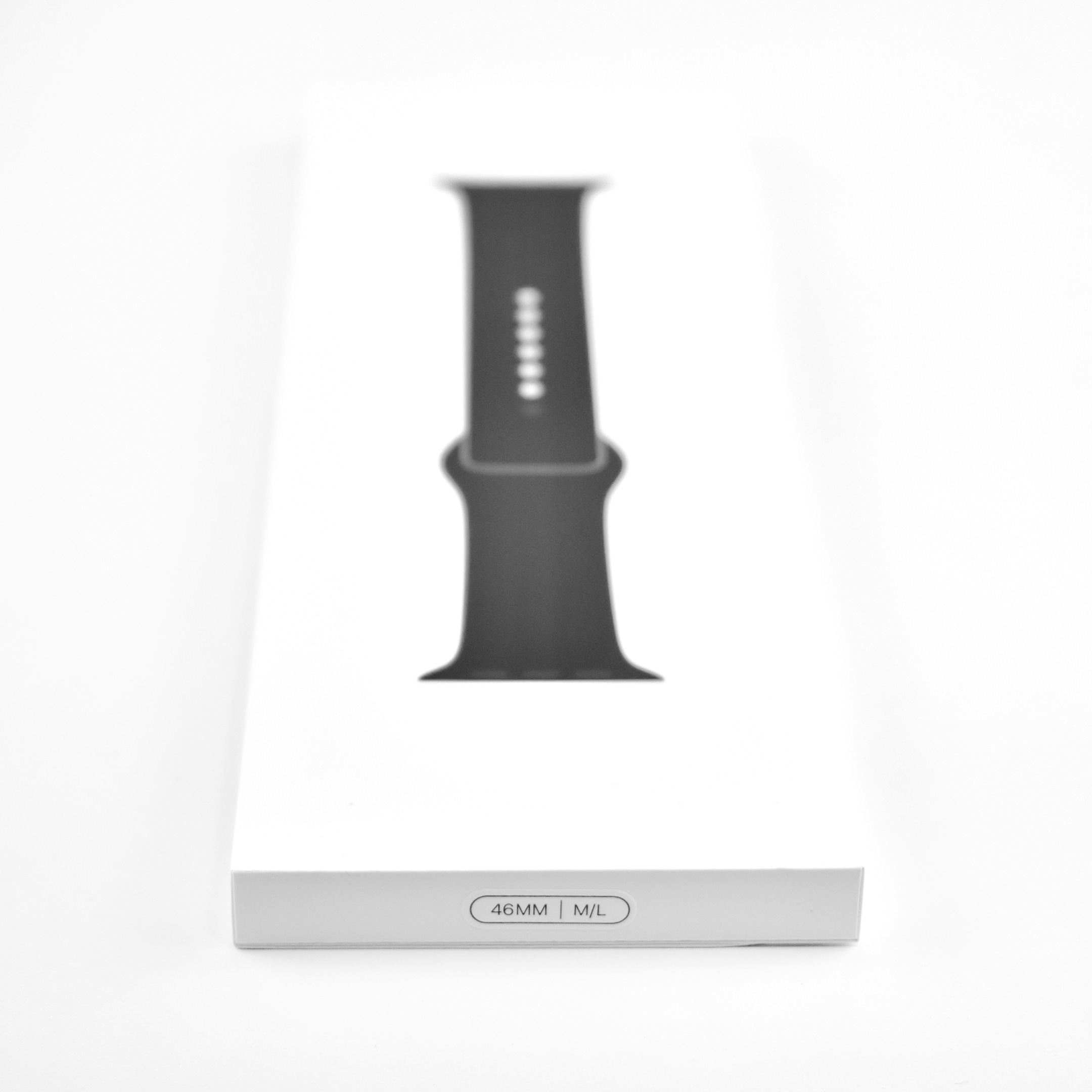
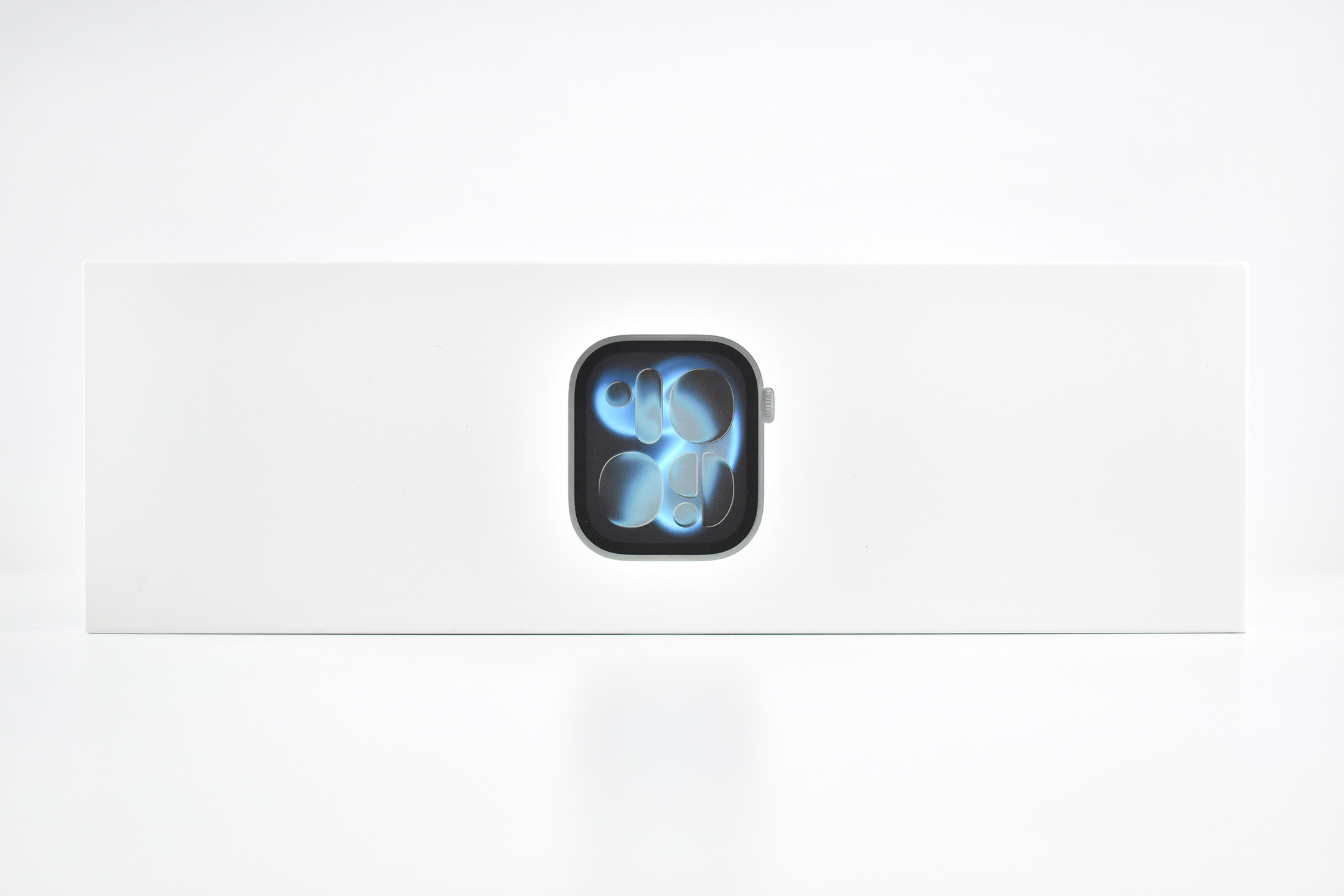
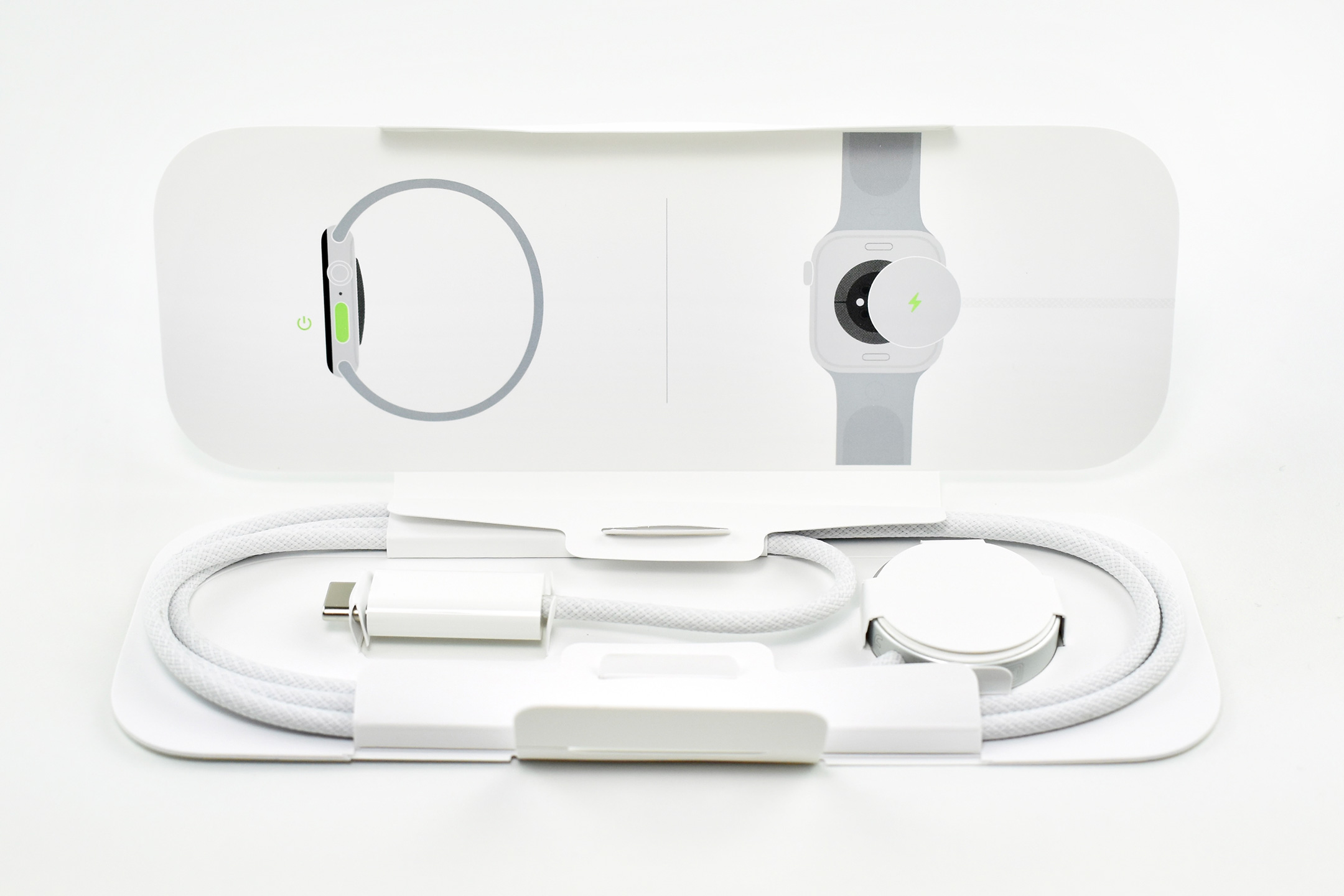
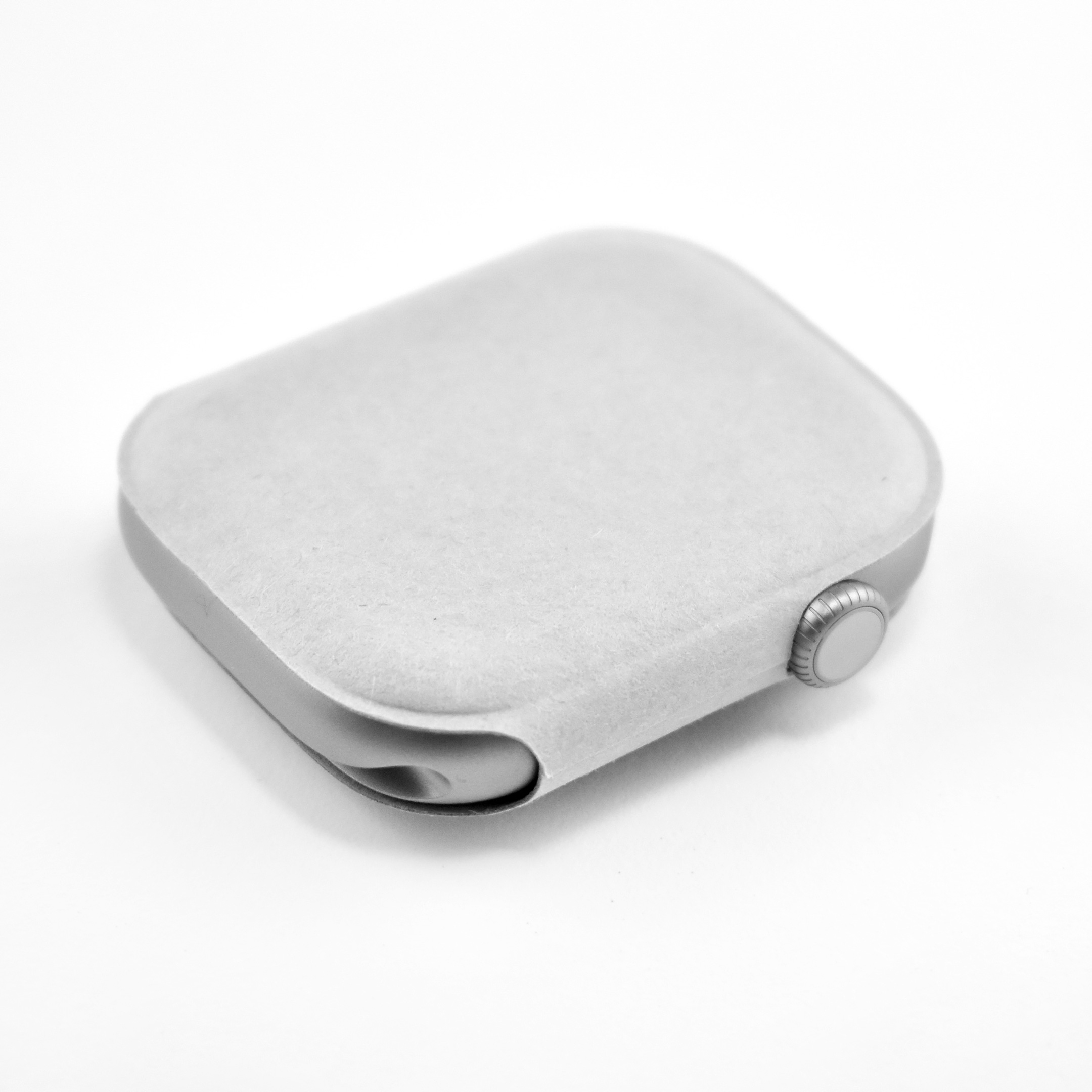
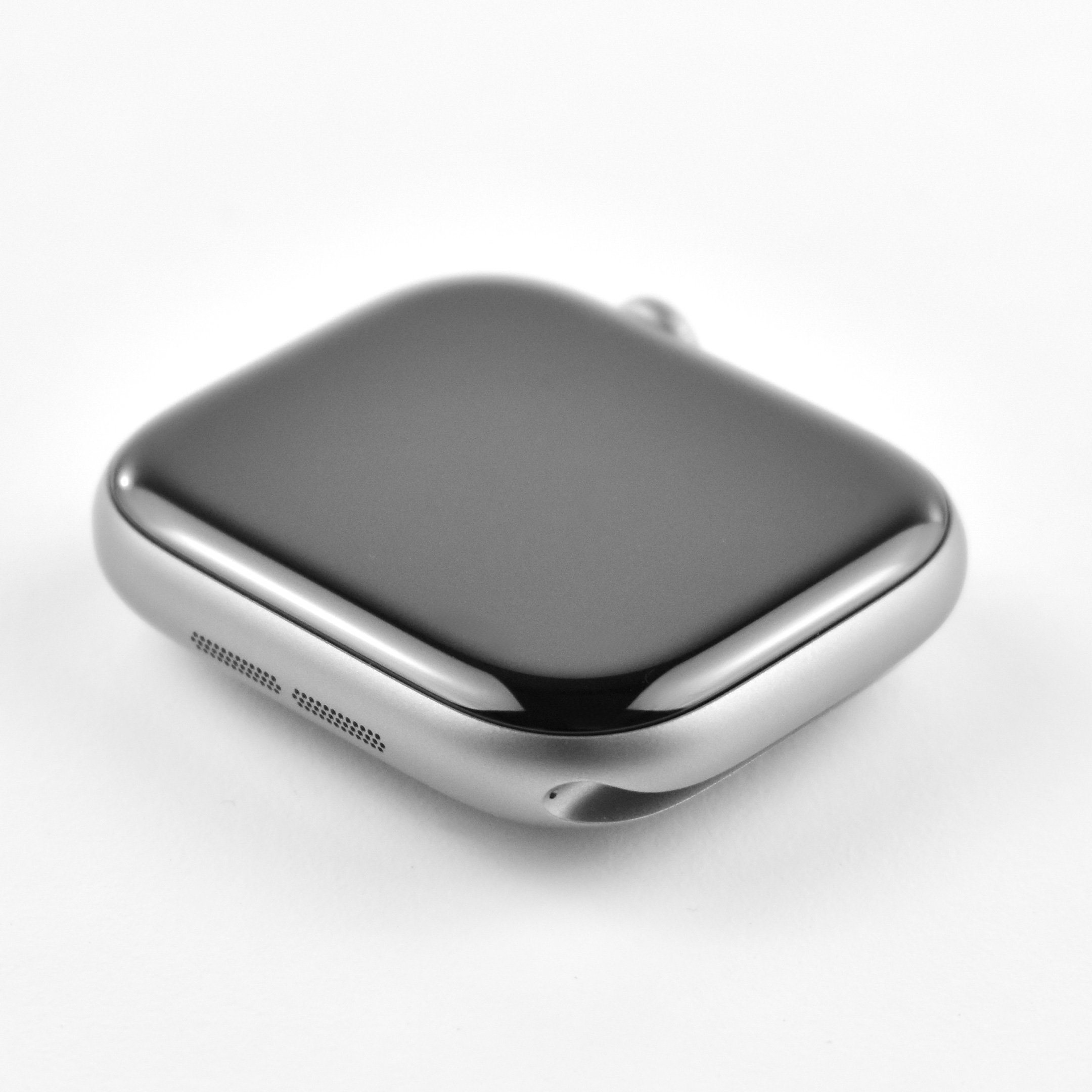
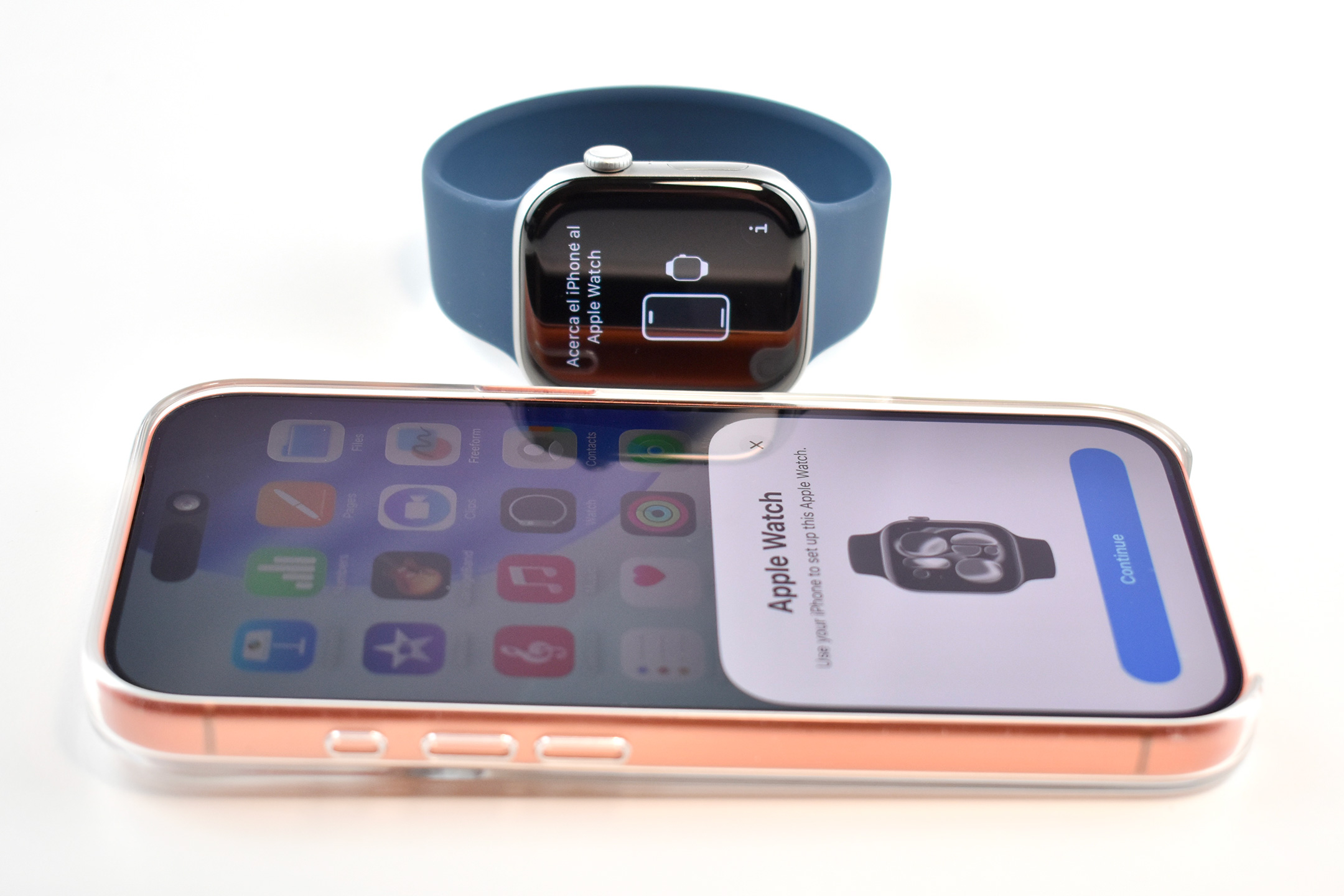
This example is in the Aluminum Space Gray option in the 46 mm size. It shipped with a black M/L Sport Band.
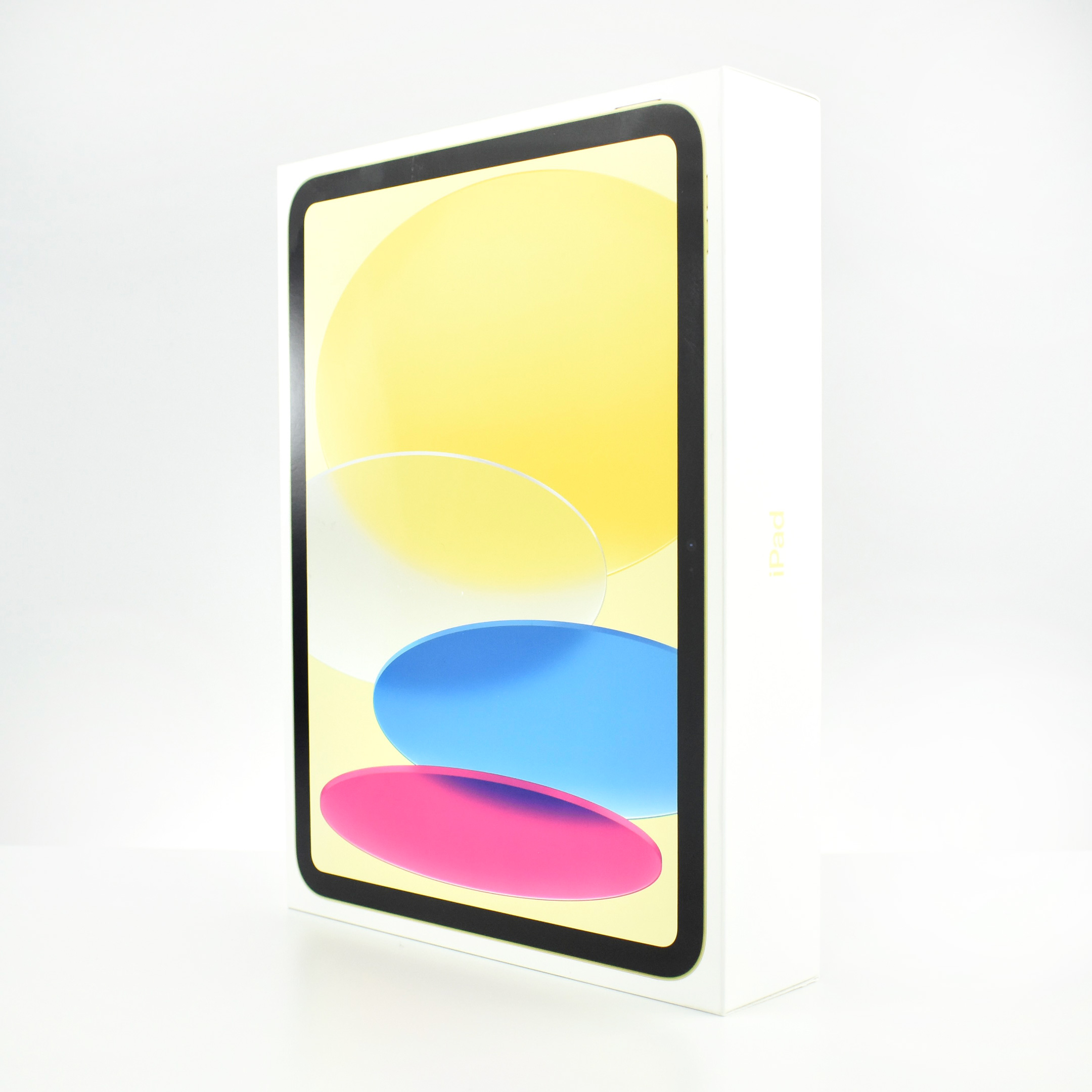
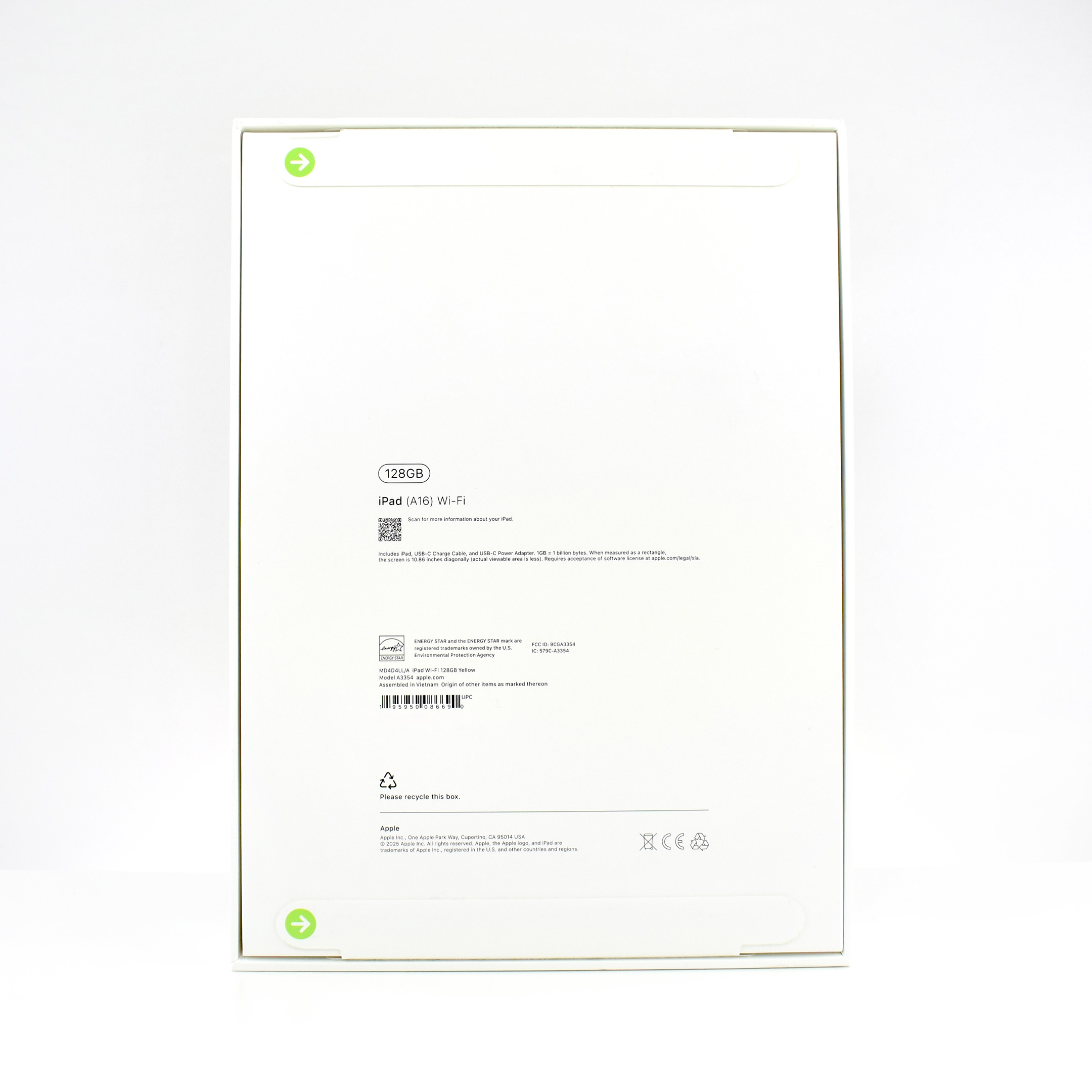
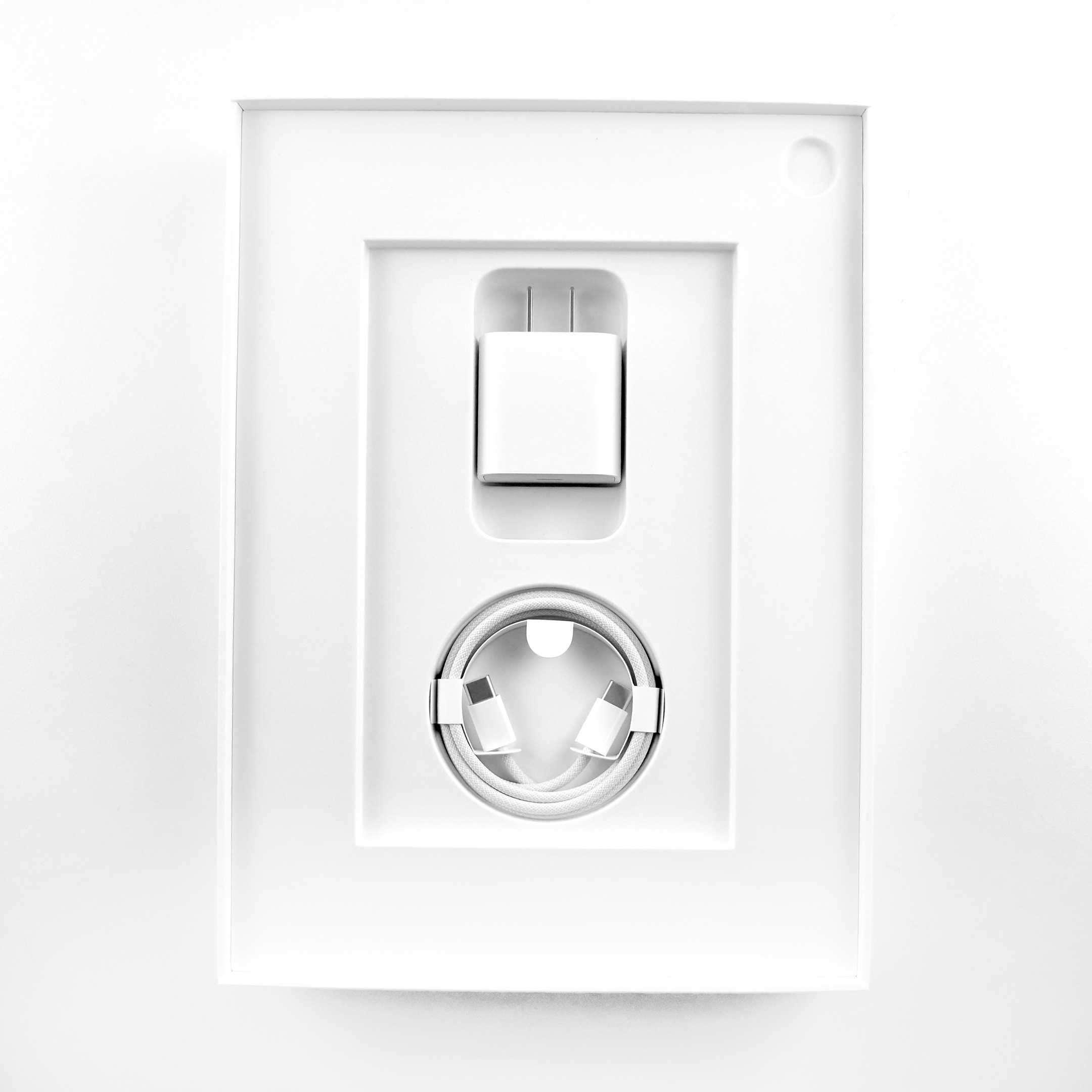
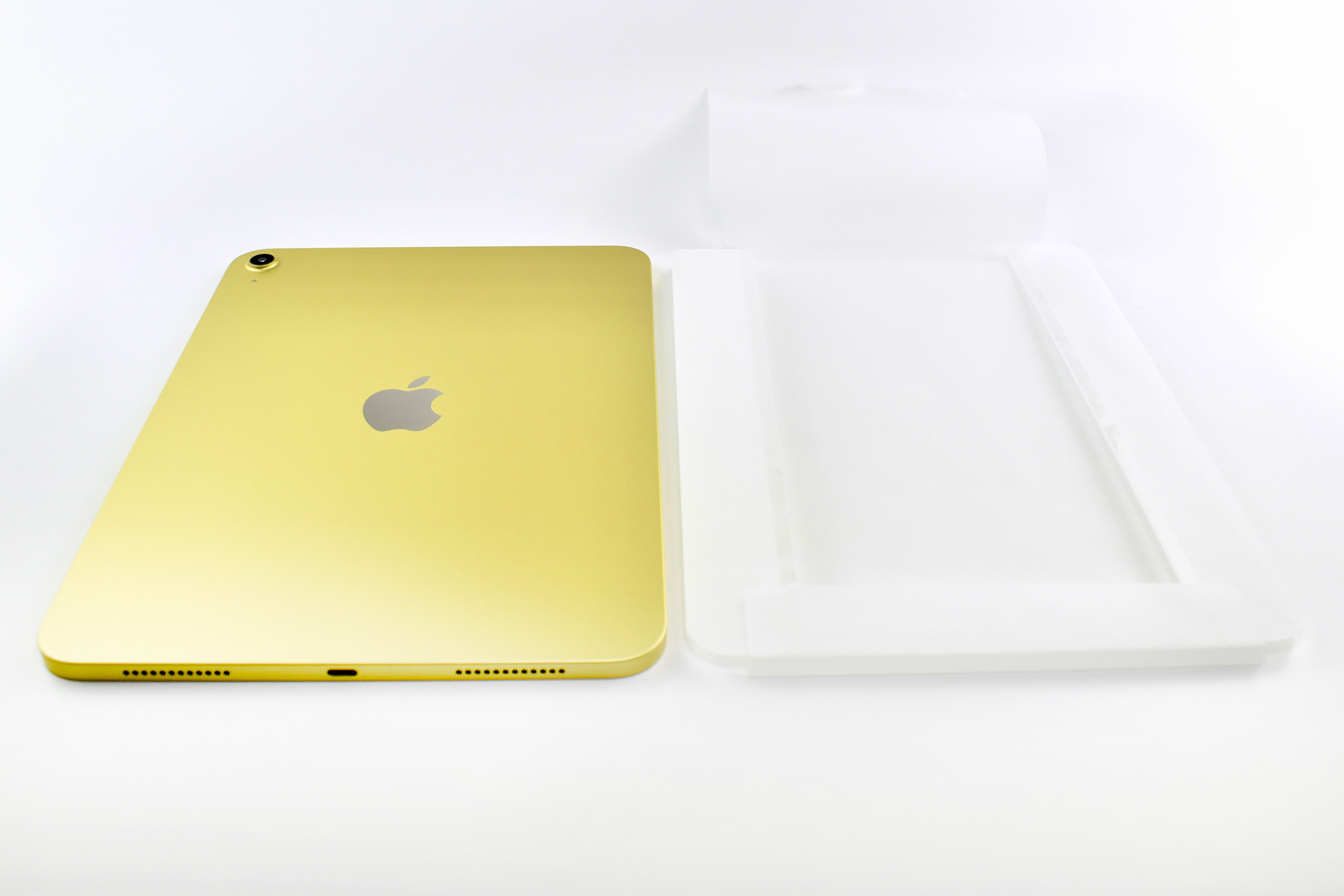
On March 4, 2025, when Apple introduced the iPad Air with the M3 chip, they also announced the iPad Generation 11 with an A16 chip. The entire press release for this iPad device release amounted to one paragraph:
“Apple today also updated iPad with double the starting storage and the A16 chip, bringing even more value to customers. The A16 chip provides a jump in performance for everyday tasks and experiences in iPadOS, while still providing all-day battery life. Compared to the previous generation, the updated iPad with A16 is nearly 30 percent faster. In fact, compared to iPad with A13 Bionic, users will see up to a 50 percent improvement in overall performance, and A16 makes the updated iPad up to 6x faster than the best-selling Android tablet.”
This iPad update was released soon after the announcement of Apple Intelligence. While Apple was touting Apple Intelligence and updating its devices to take advantage of the new features, the iPad Generation 11 was given a chip that did not allow Apple Intelligence. While this updated iPad is faster than the previous Generation 10 model, it does not meet the minimum specification of the A17 Pro chip to allow Apple Intelligence compatibility. Apple provided no explanation for this omission.
One notable upgrade was in storage on the A16 iPad. The iPad Generation 11 doubled its base storage from 64 to 128GB and was also available in 256 and 512GB configurations.
Except for the A16 chip and upgraded storage, this iPad was nearly identical to the iPad Generation 10.
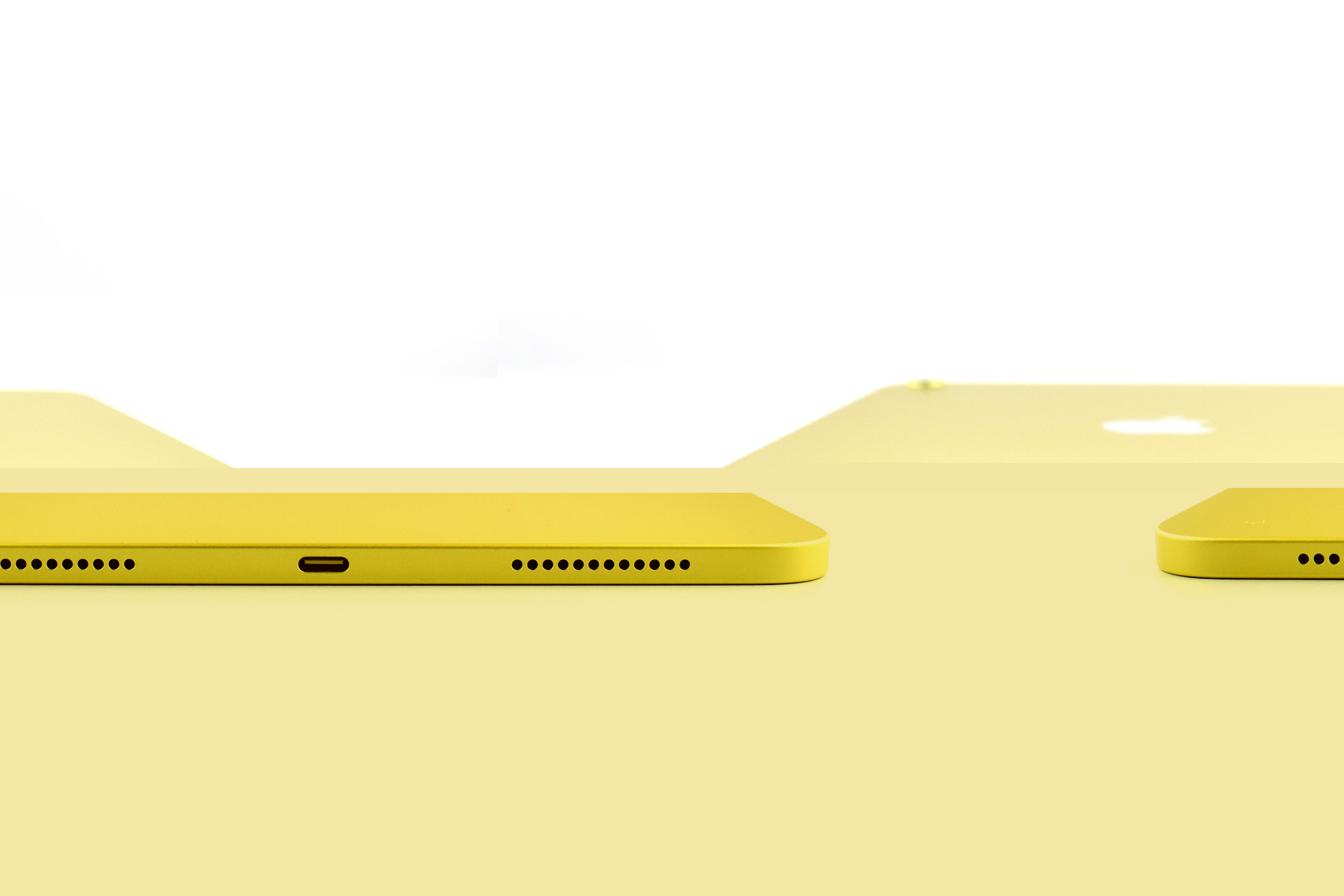
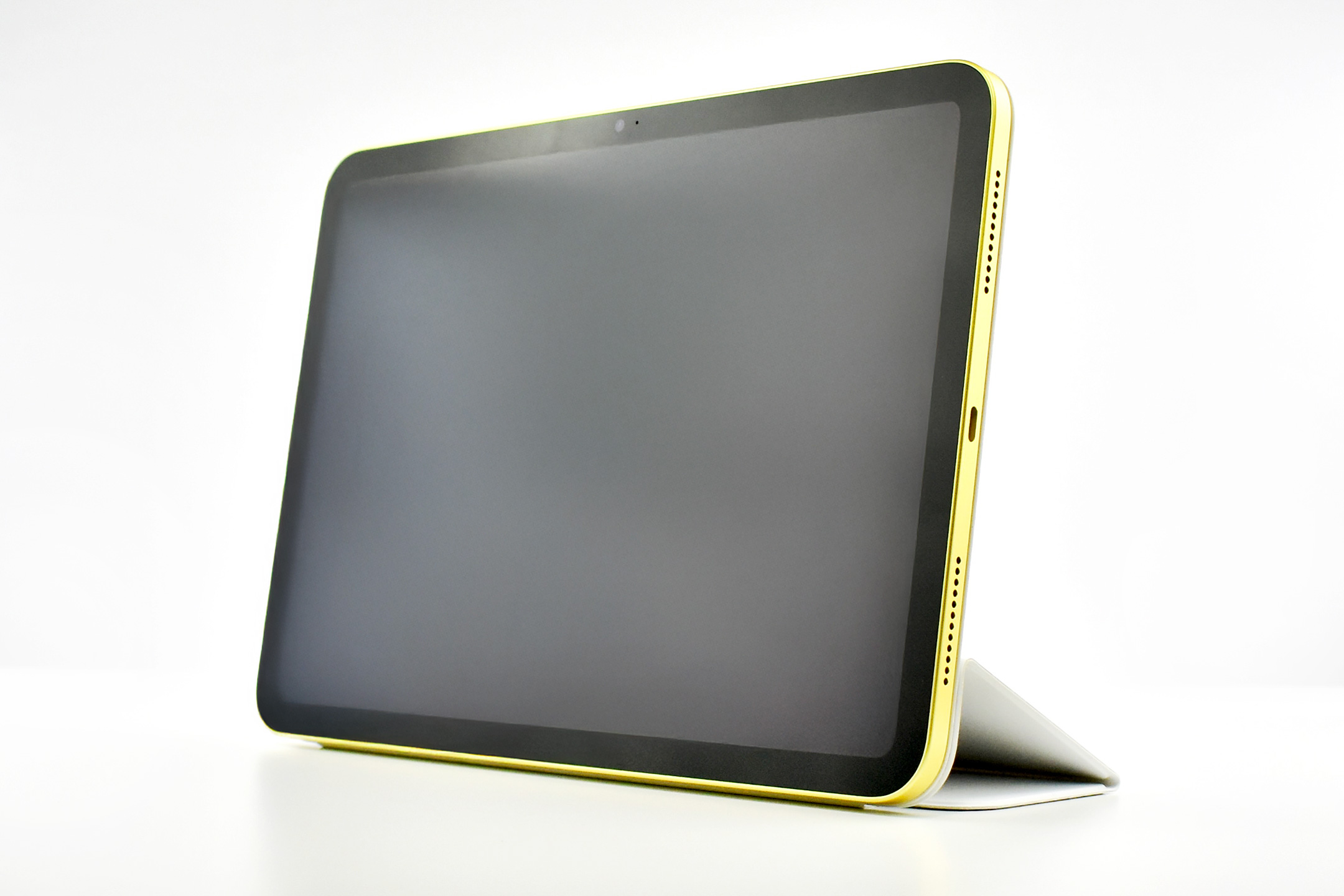
The iPad Generation 11 measured 9.79 x 7.07 inches, and was 0.28 inch thick. It weighed 1.05 pounds (Wi-Fi model). It had stereo speakers, a front camera and microphone centered on the “long”landscape” (long) side to enhance the FaceTime experience, and included both USB-C and a Smart Connector.
Its Liquid Retina display was 2360 x 1640 pixels at 264 ppi and delivered up to 500 nits brightness. It supported the Apple Pencil (USB-C) and also the Apple Pencil Generation 1 (although clumsily since the original Apple Pencil used a Lightning connector for charging).
The back camera was 12MP with digital zoom up to 5x supporting Smart HDR 4, geotagging, auto image stabilization, and burst mode. It could capture video up to 4K. The similar front camera was also 12MP and supported Center Stage in Landscape mode. It supported Smart HDR 4, but only could record 1080p HD video.
The iPad Generation 11 had 5 sensors, including Touch ID, 3‐axis gyro, accelerometer, barometer, and an ambient light sensor.
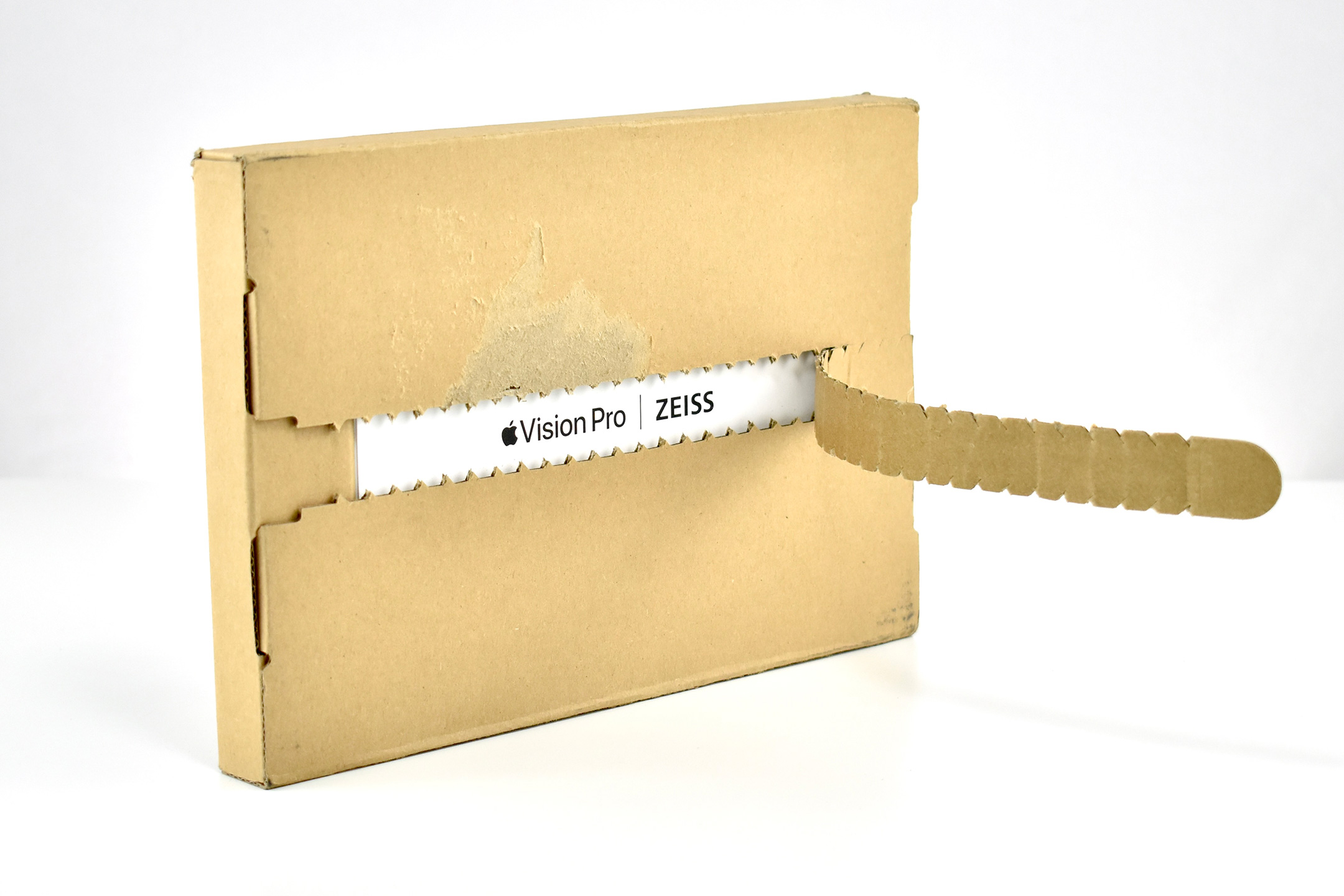
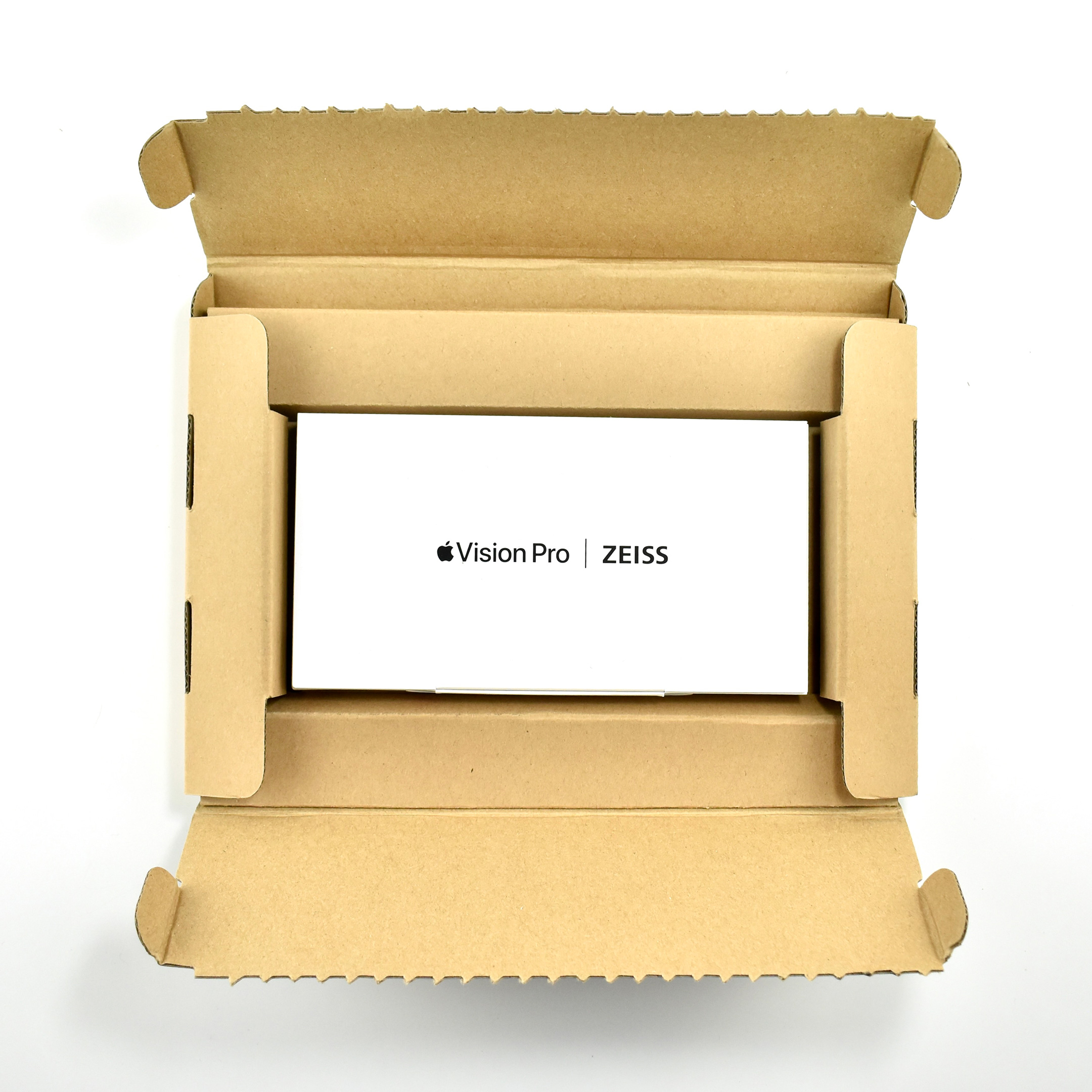
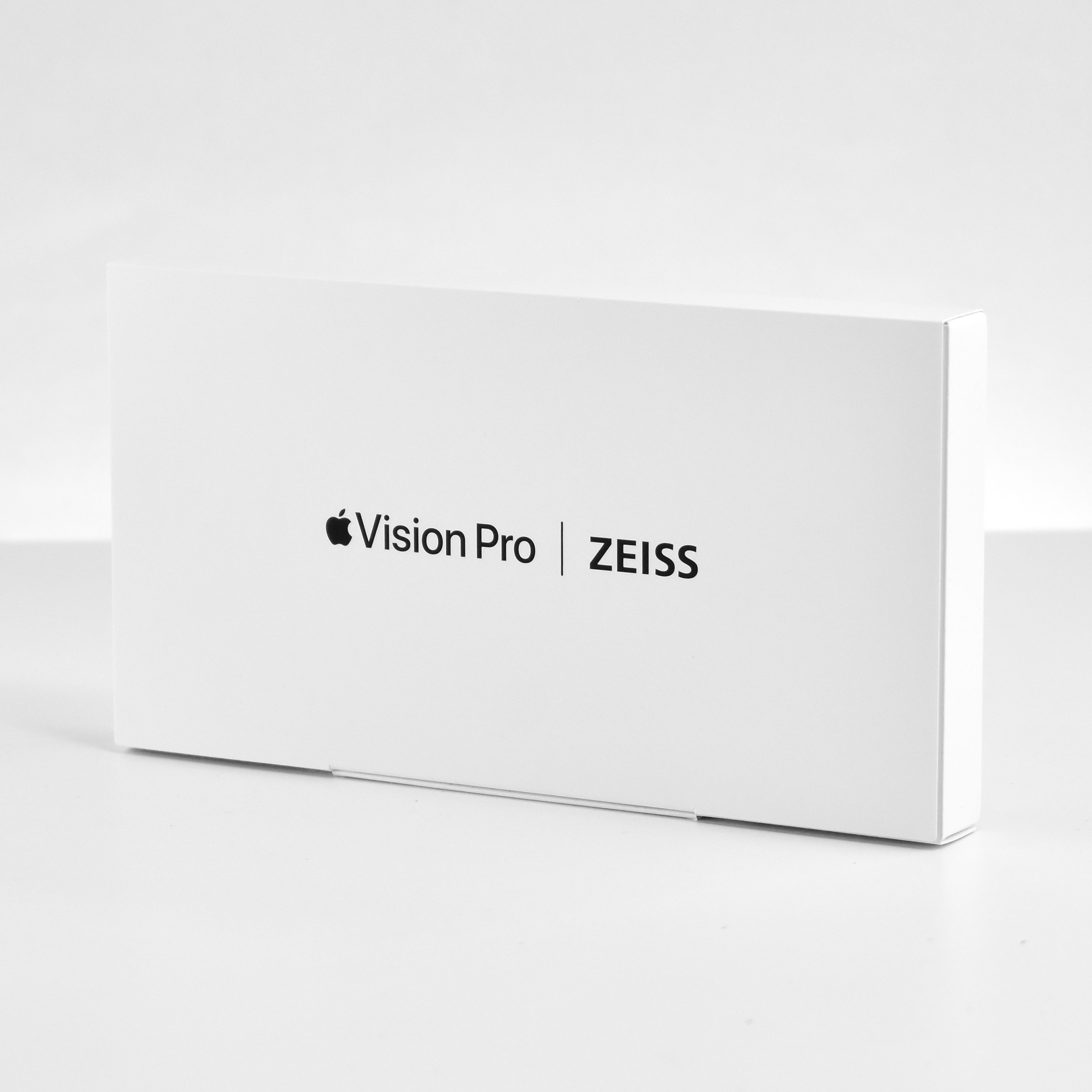
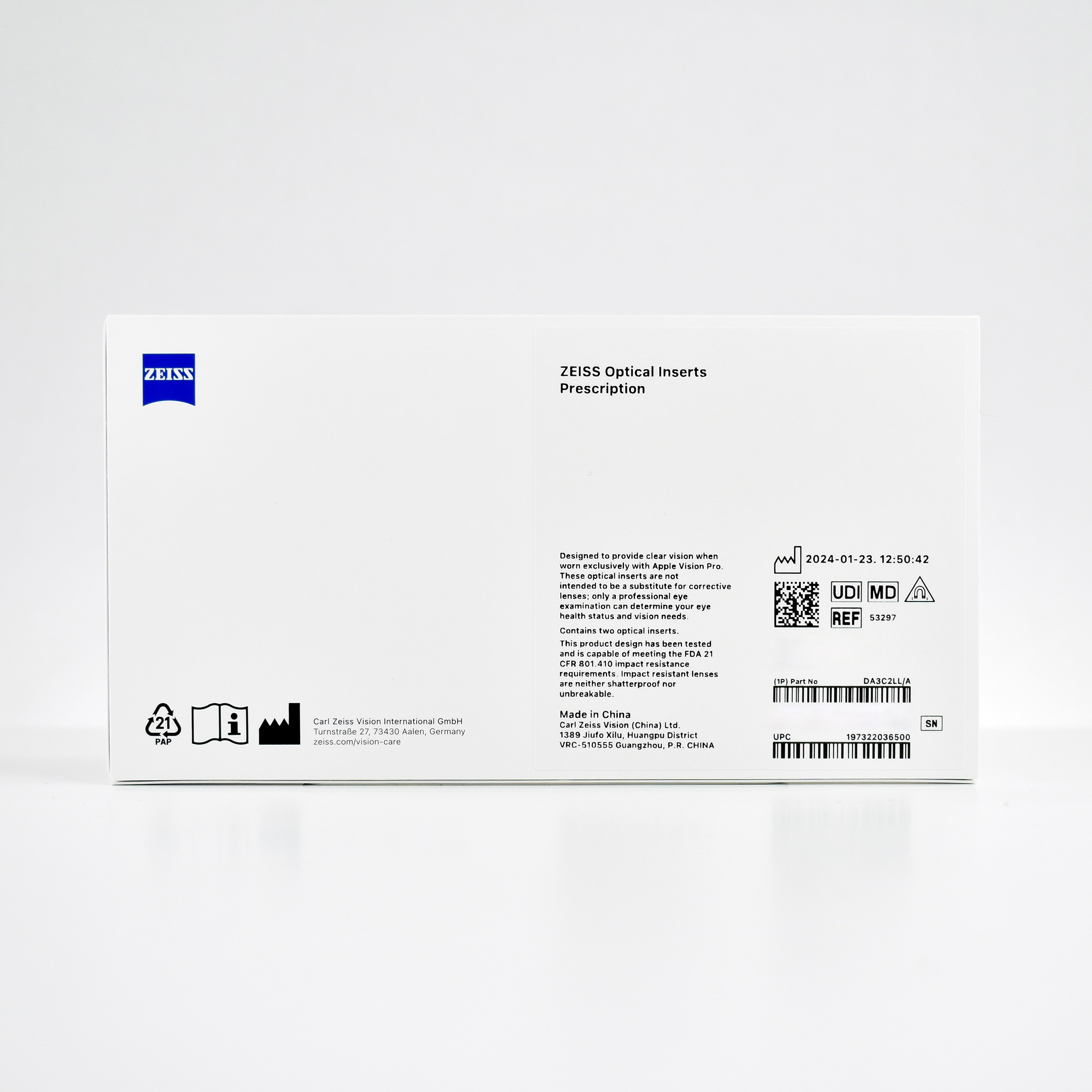
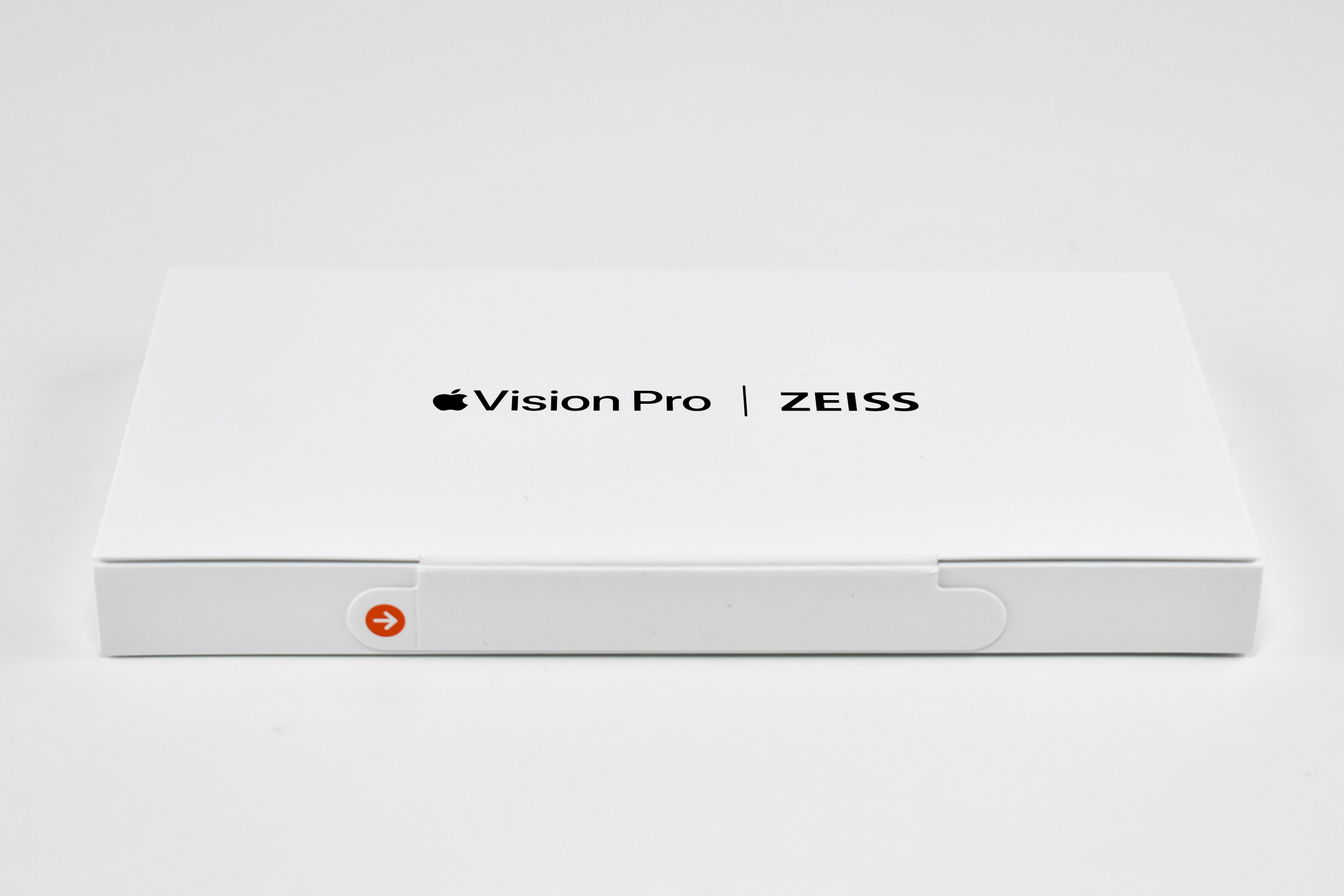
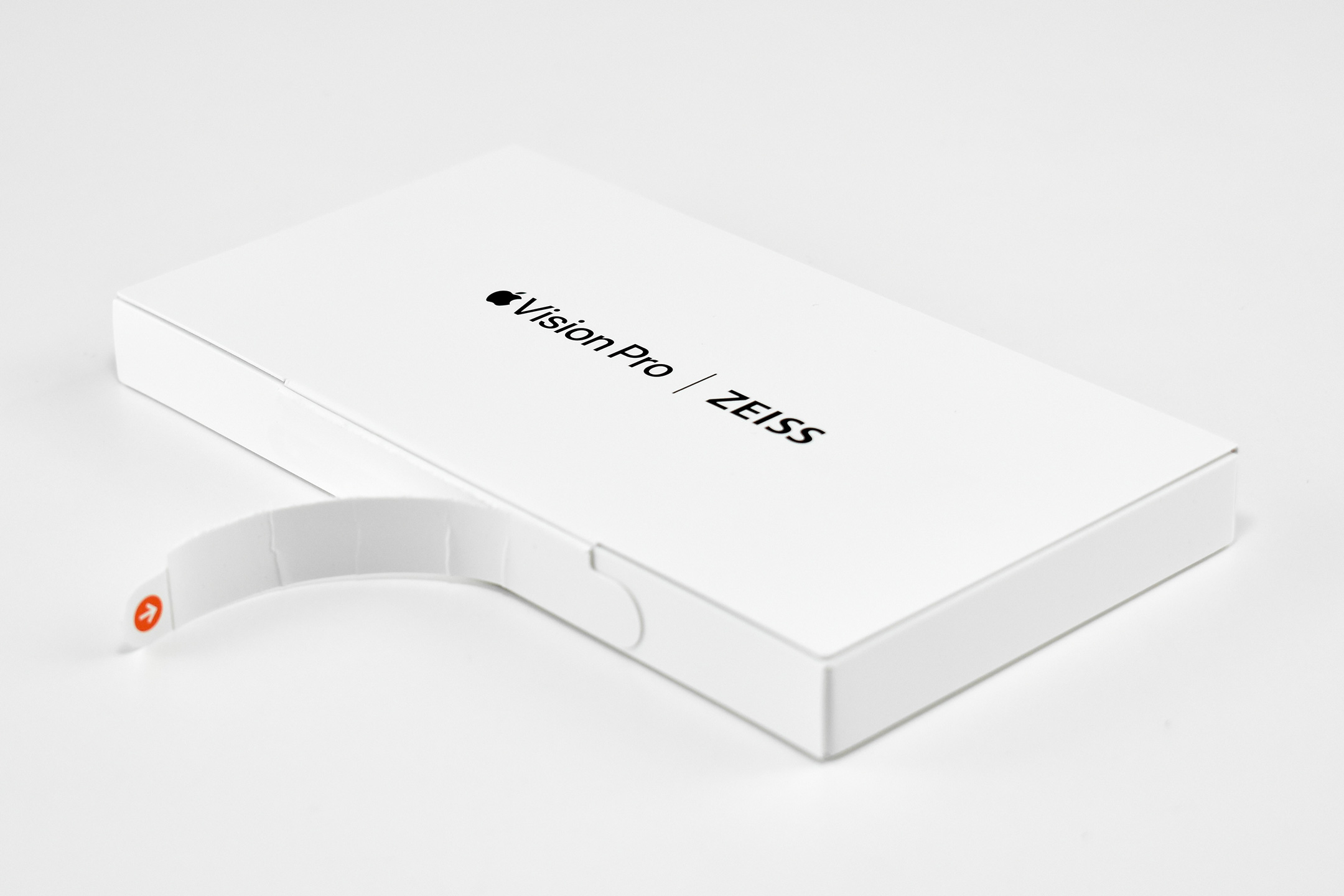
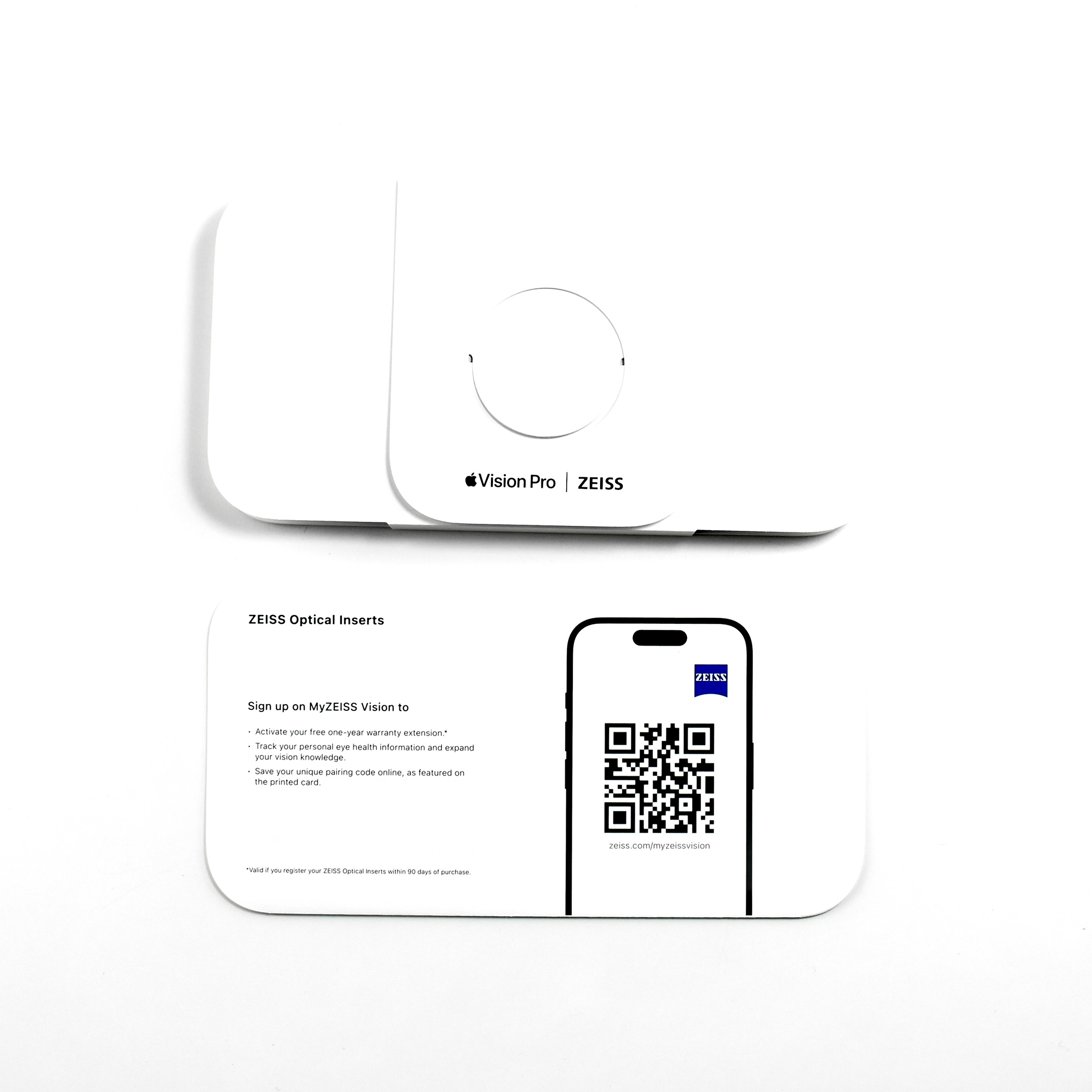
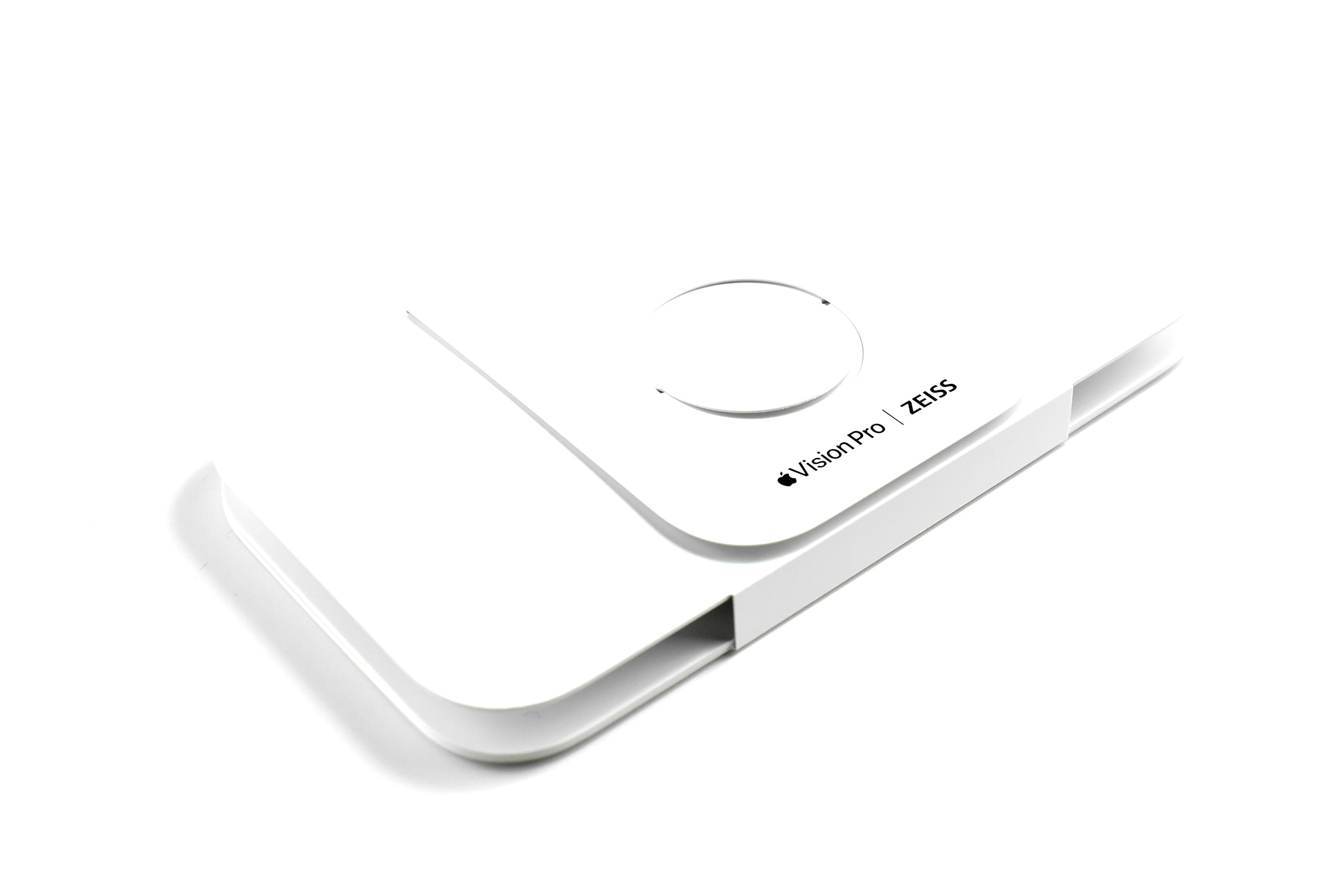
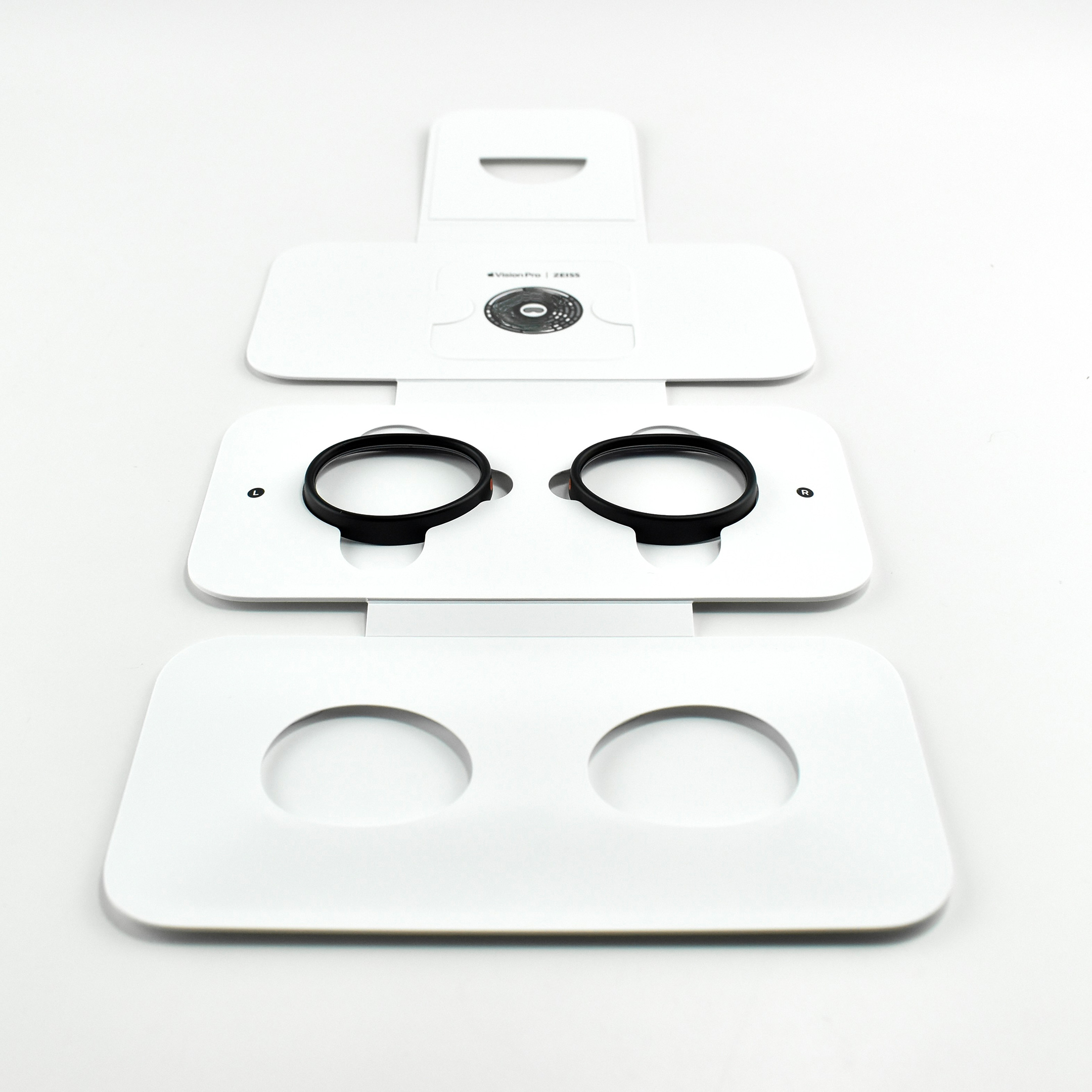
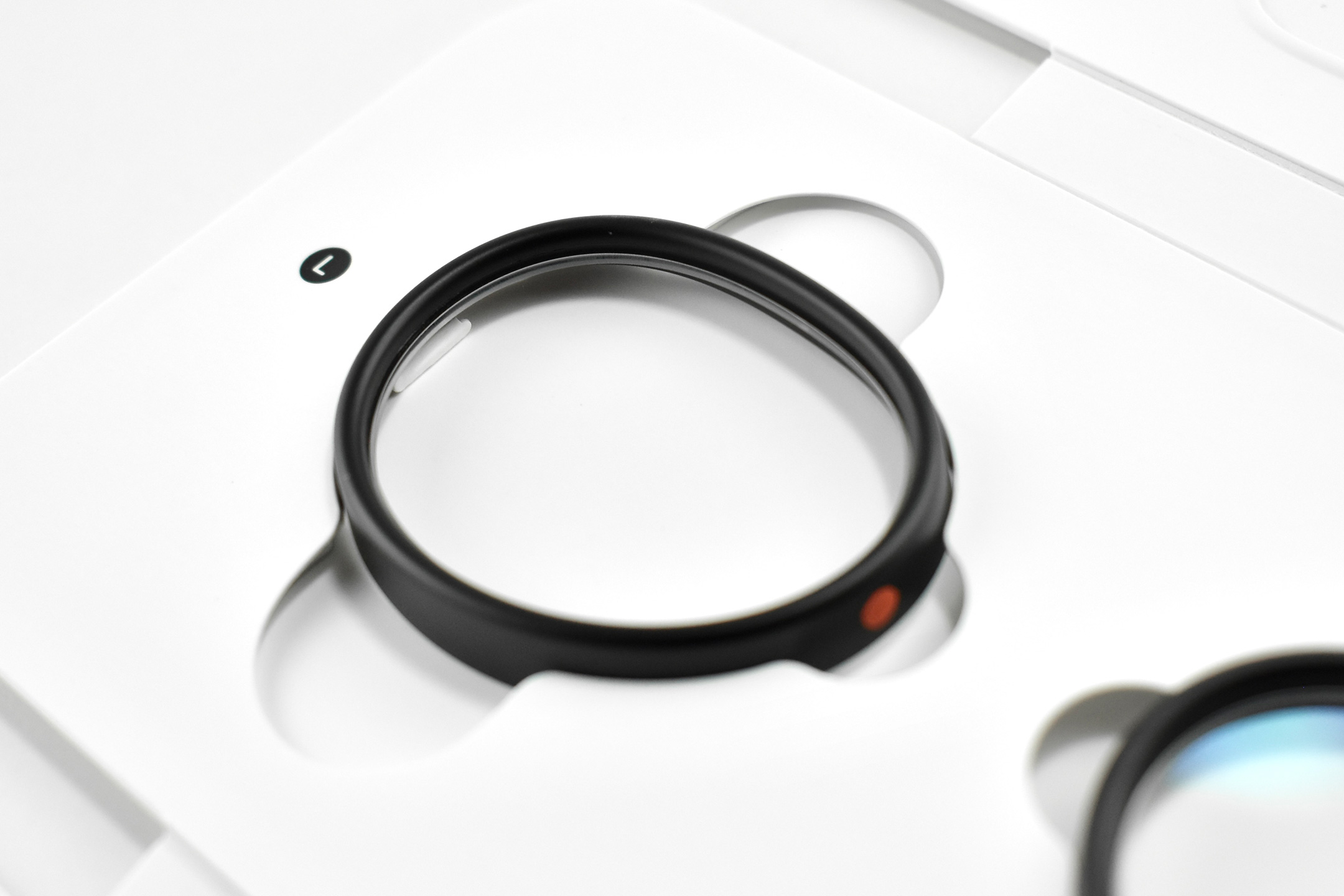
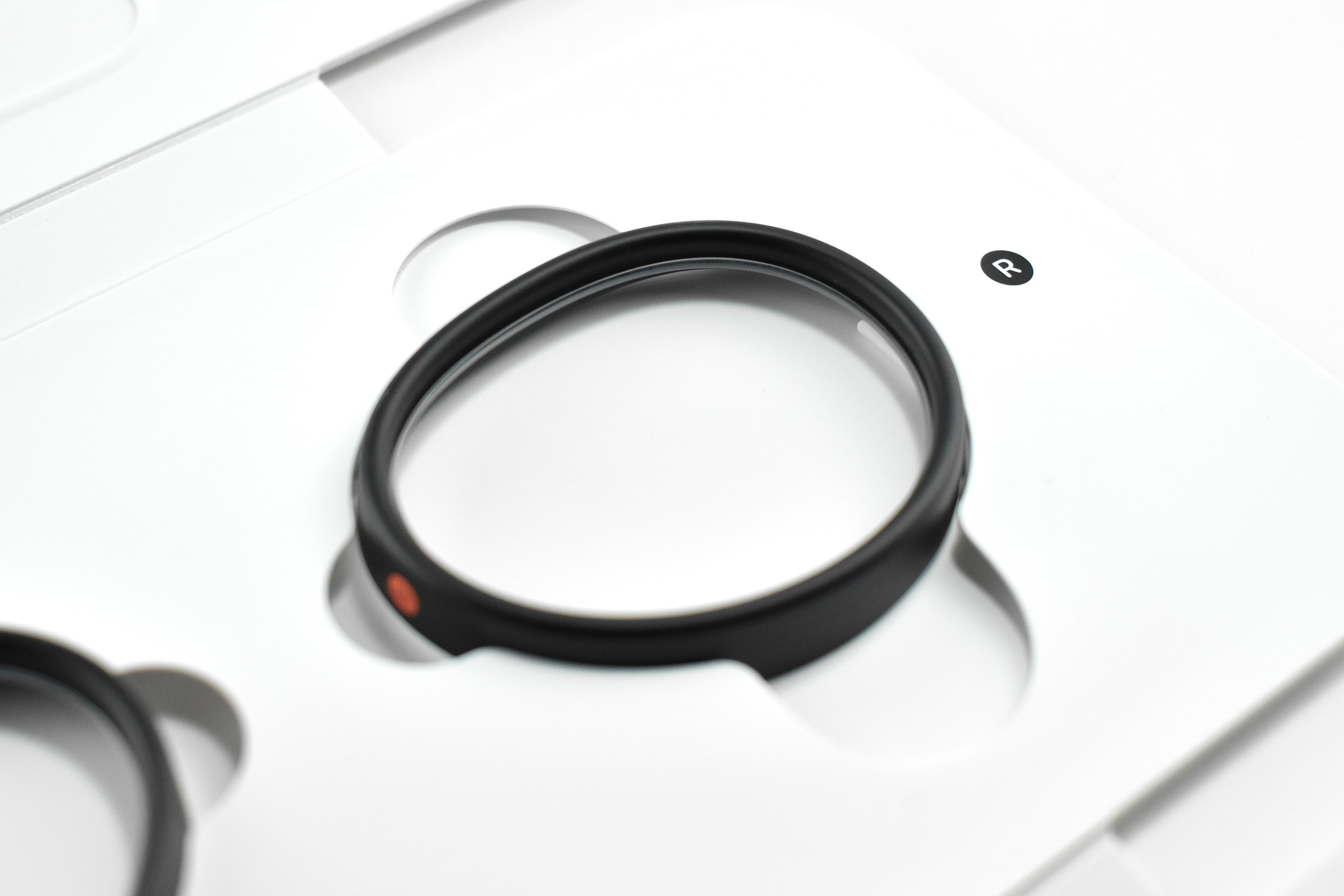
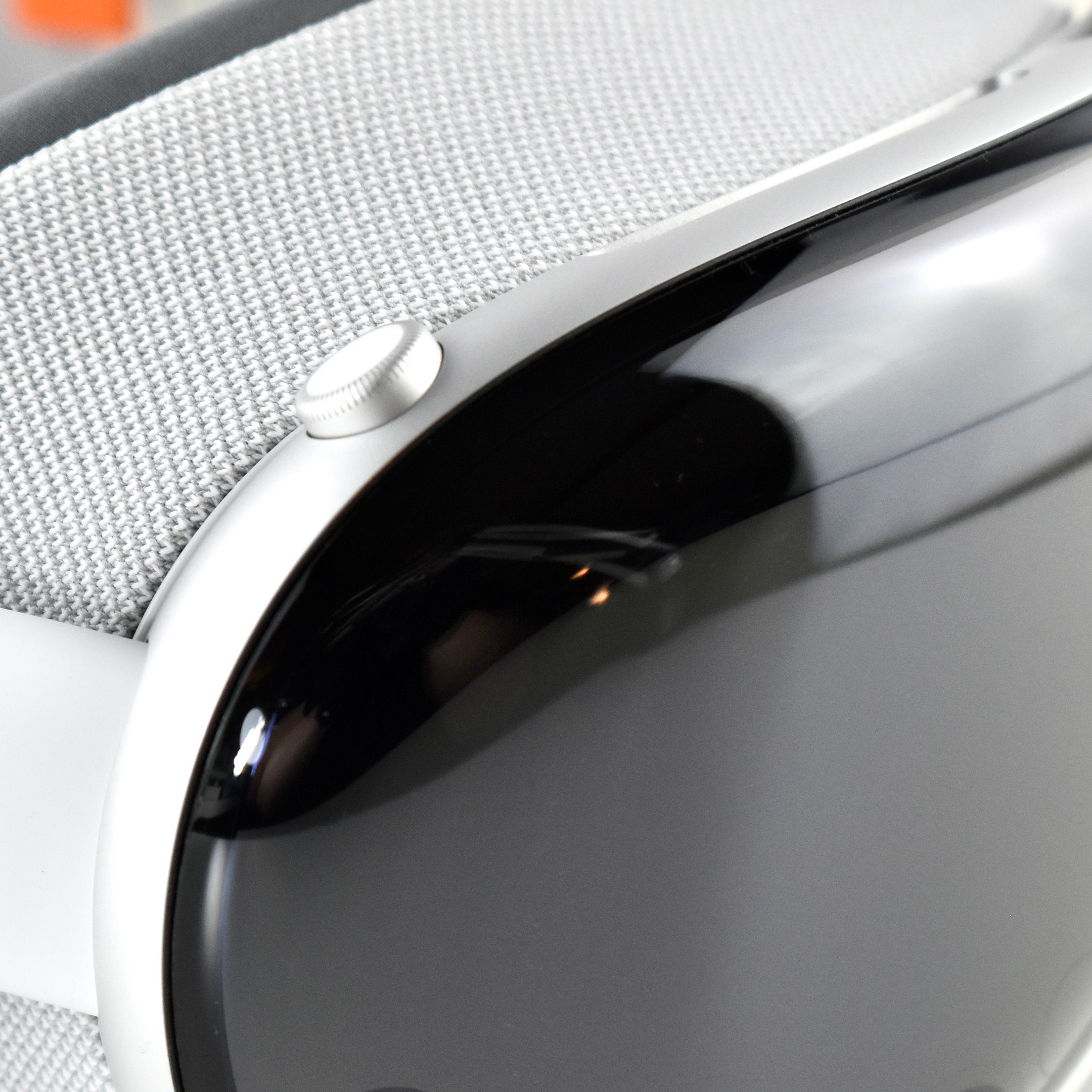
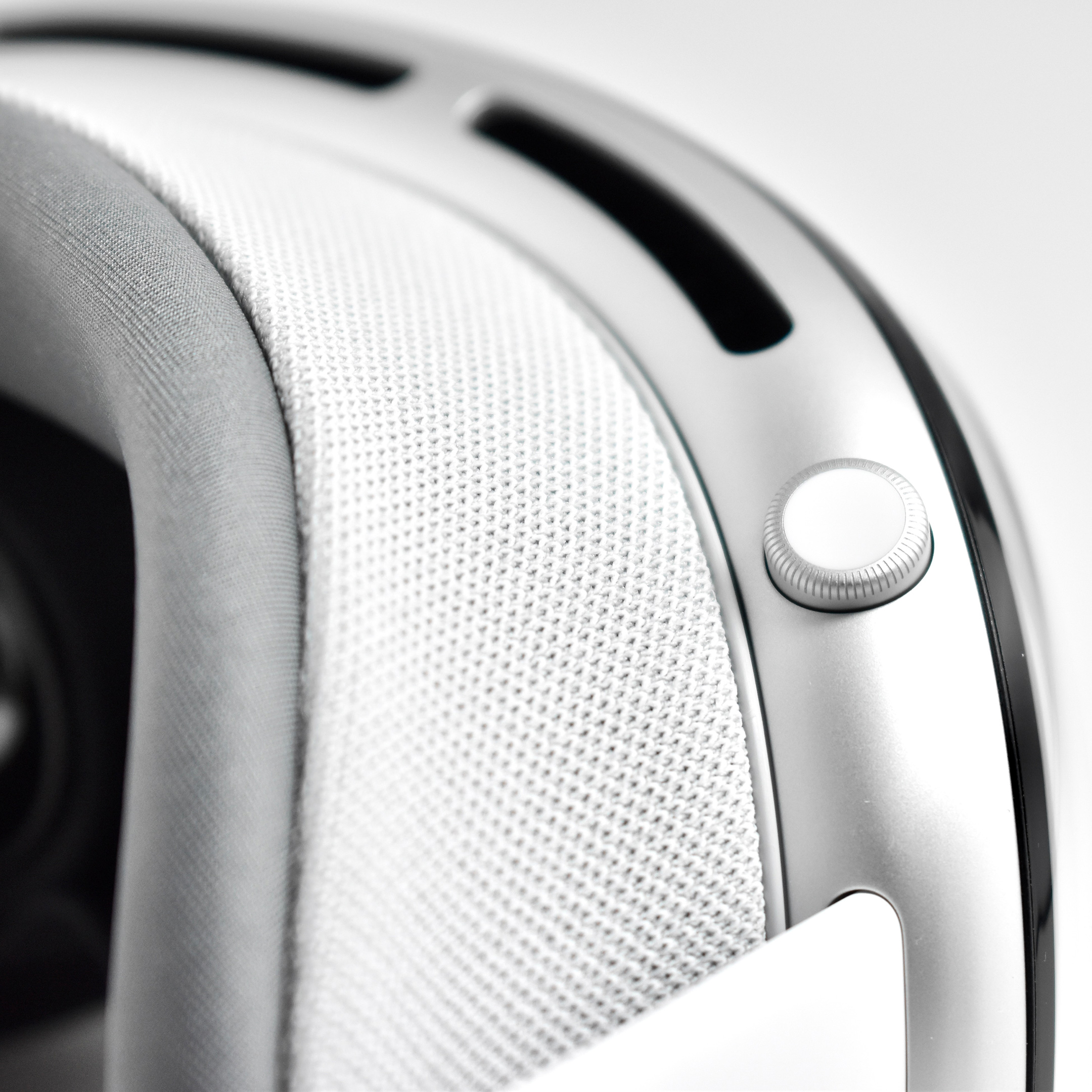
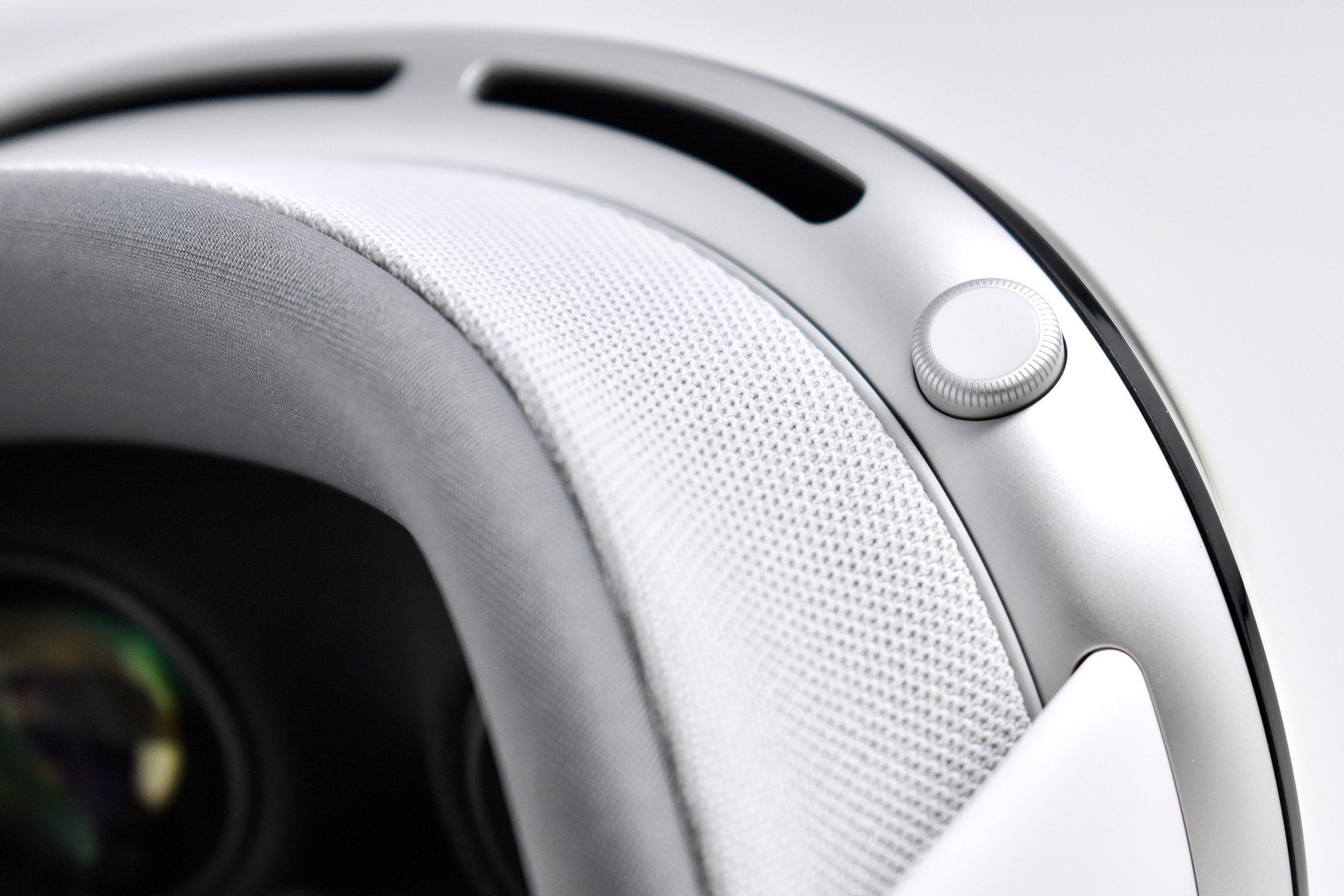
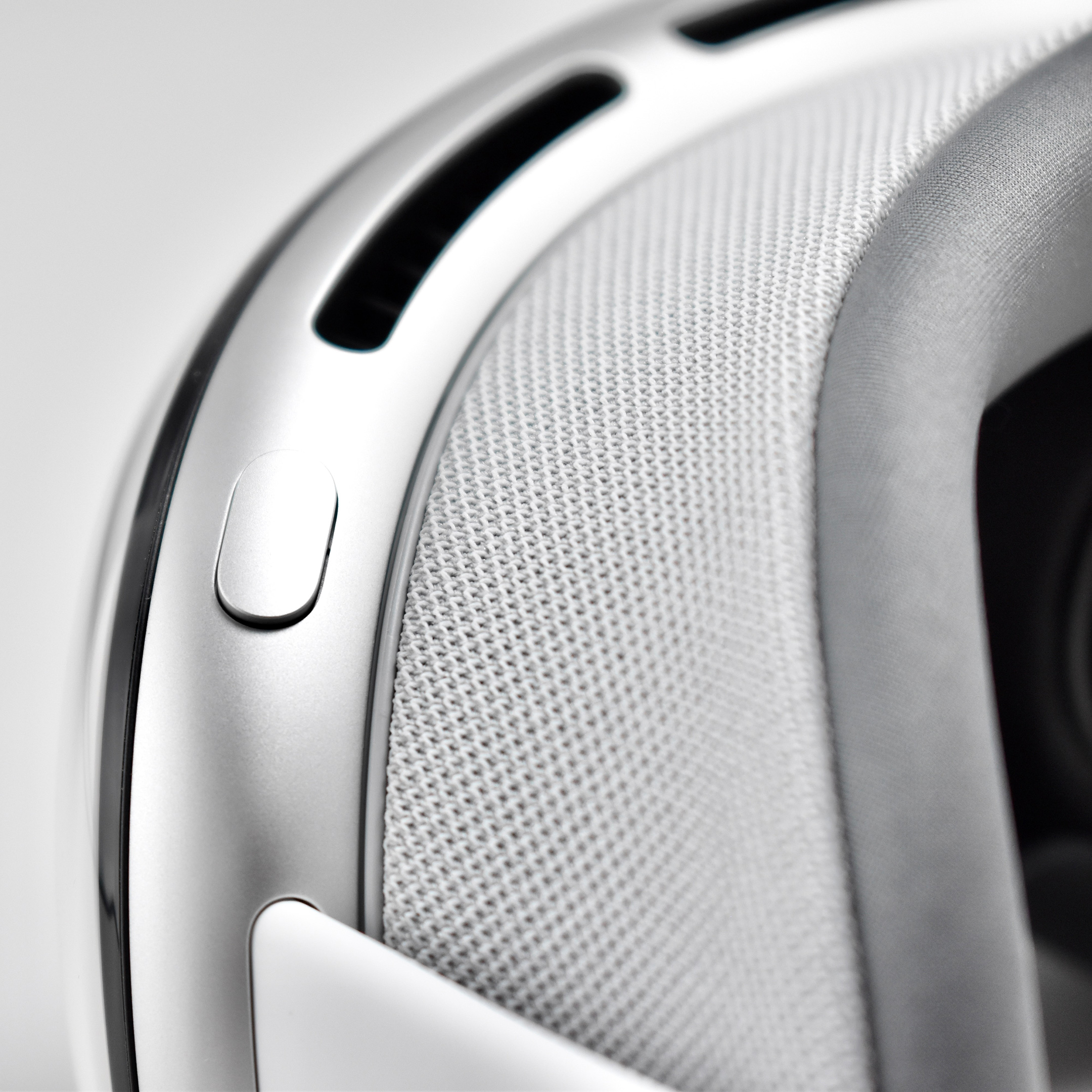
This essential Apple Vision Pro accessory is quite personal—perhaps unique—and I feel it deserves its own entry. ZEISS Optical Inserts for Apple Vision Pro allow users who need vision correction and do not wear contact lenses to experience the Apple Vision Pro with precise visual acuity. ZEISS describes the lenses:
“ZEISS and Apple are setting the standard for optical inserts. For those who need vision correction, ZEISS Optical Inserts reveal the stunning visual experience of Apple Vision Pro—so you can enjoy Apple’s new era of spatial computing.”
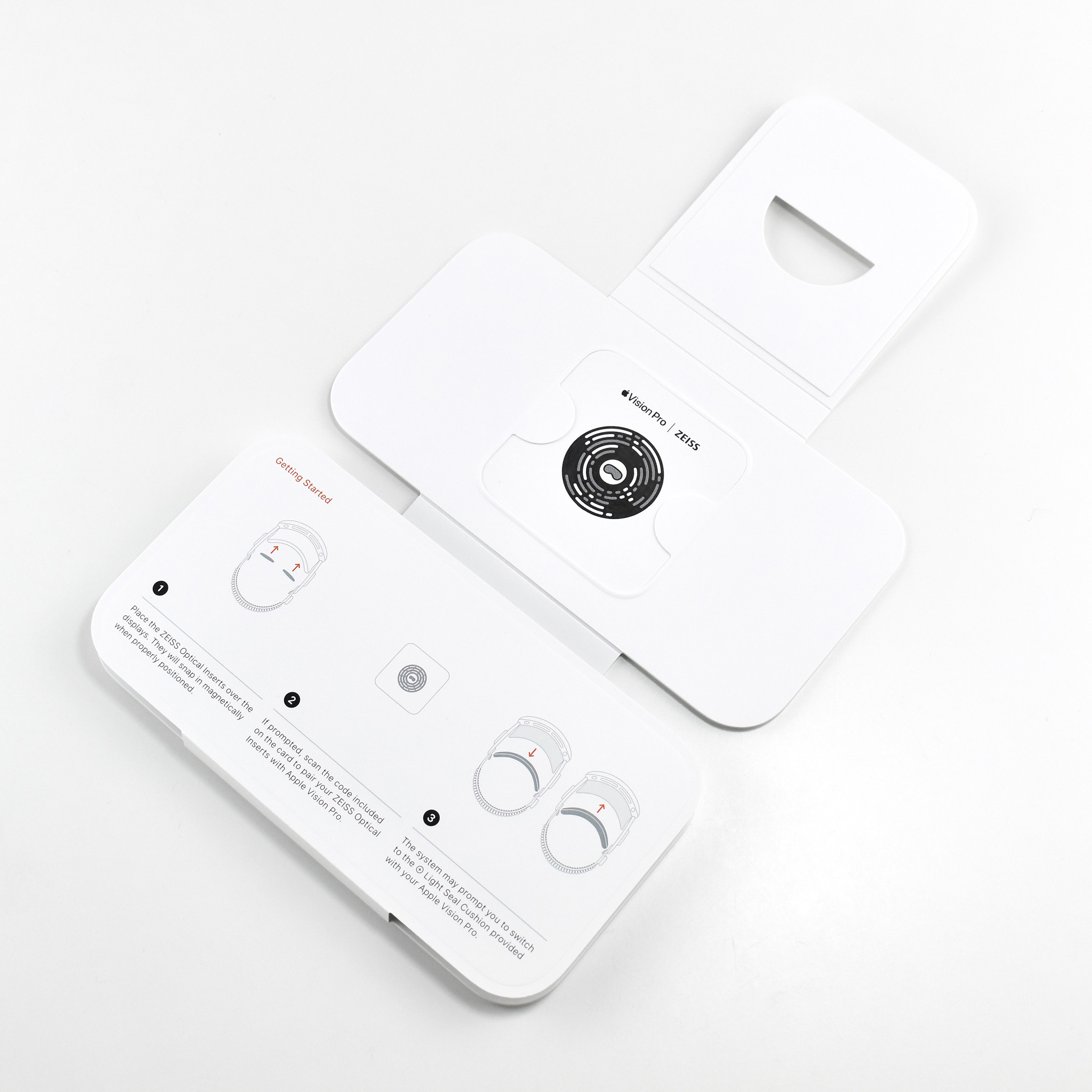
After sending ZEISS your eyeglasses prescription, they custom-build lenses for you. ZEISS describes that the lenses are “crafted especially for your eyes in your unique prescription.” The extremely lightweight inserts snap into the Apple Vision Pro with magnets. When in place, the Apple Vision Pro “recognizes” the unique prescription and sets up the device with my user profile. When I remove my inserts, the device prompts a user for “Guest User” mode.
If an Apple Vision Pro user uses off-the-shelf “readers,” ZEISS also offers “ZEISS Optical Inserts – Readers” that are available in three common refractive ranges:
SPH +0.75 to +1.25D
SPH +1.50 to +1.75D
SPH +2.00 to +2.75D
ZEISS describes their company as “a global technology leader in the fields of optics, precision mechanics, and optoelectronics…shaping progress and advancing the world of optics for over 175 years.” In addition to optical lenses, the company works in the fields of microchip production, medical research, complex brain and eye surgeries, and award-winning films.
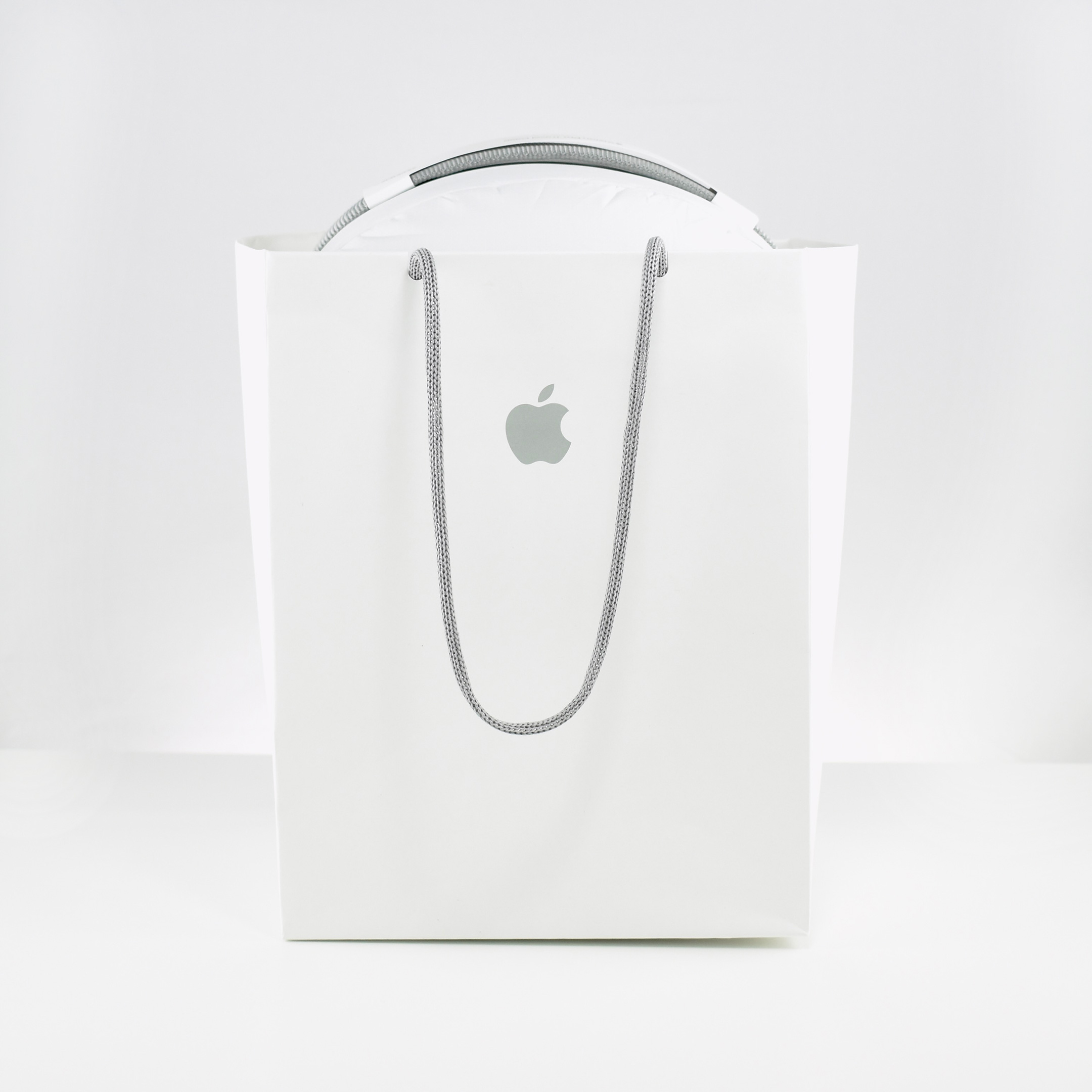
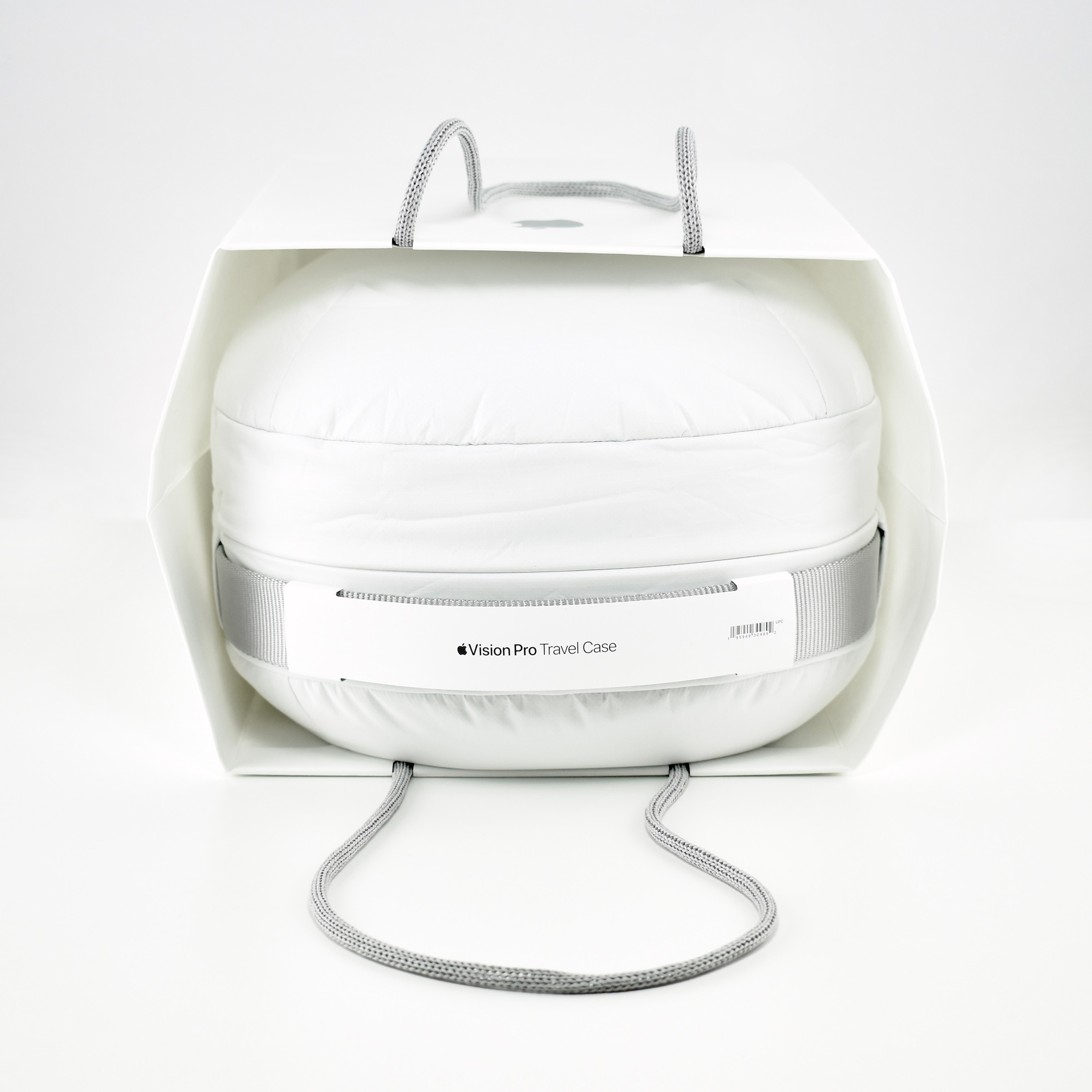
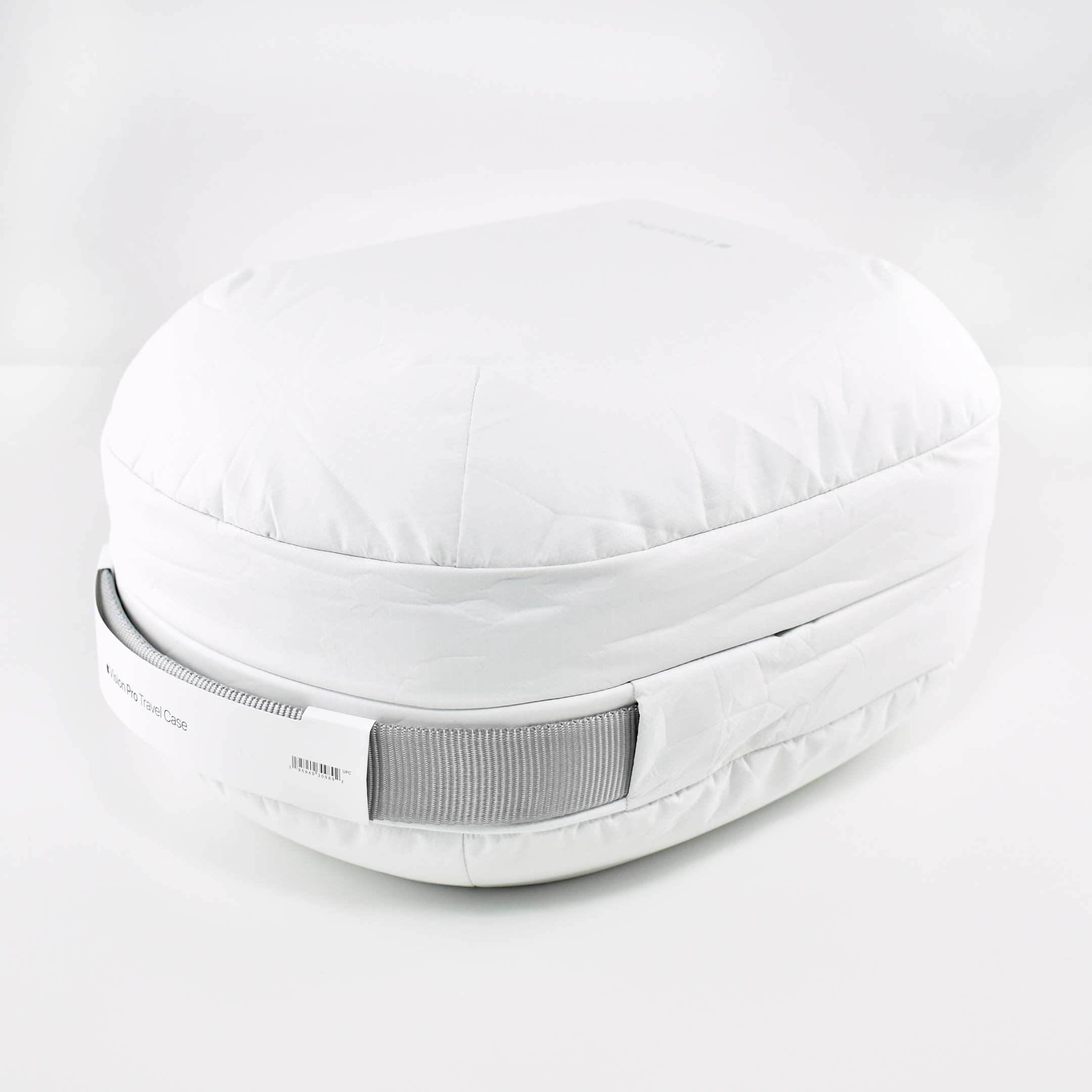
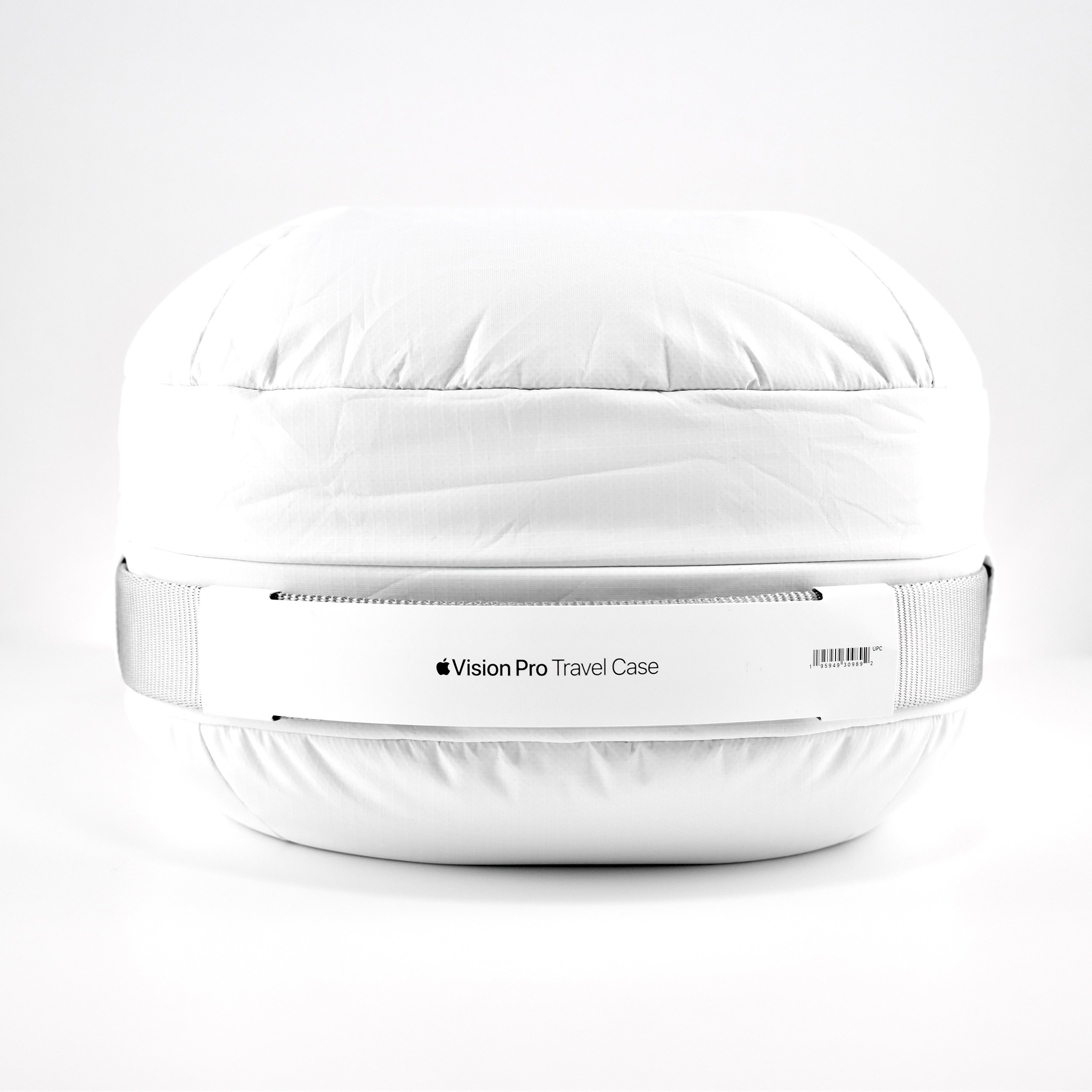
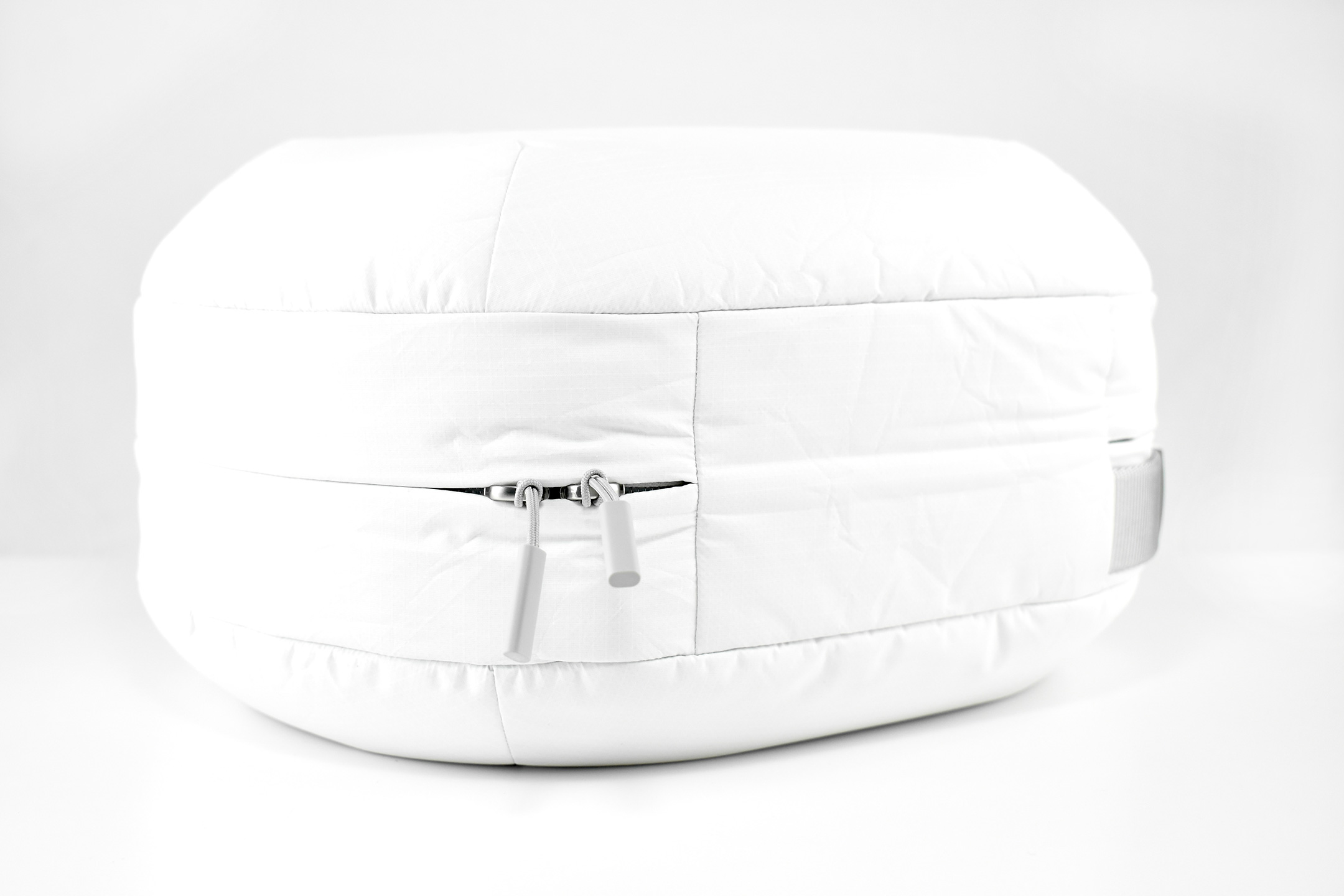
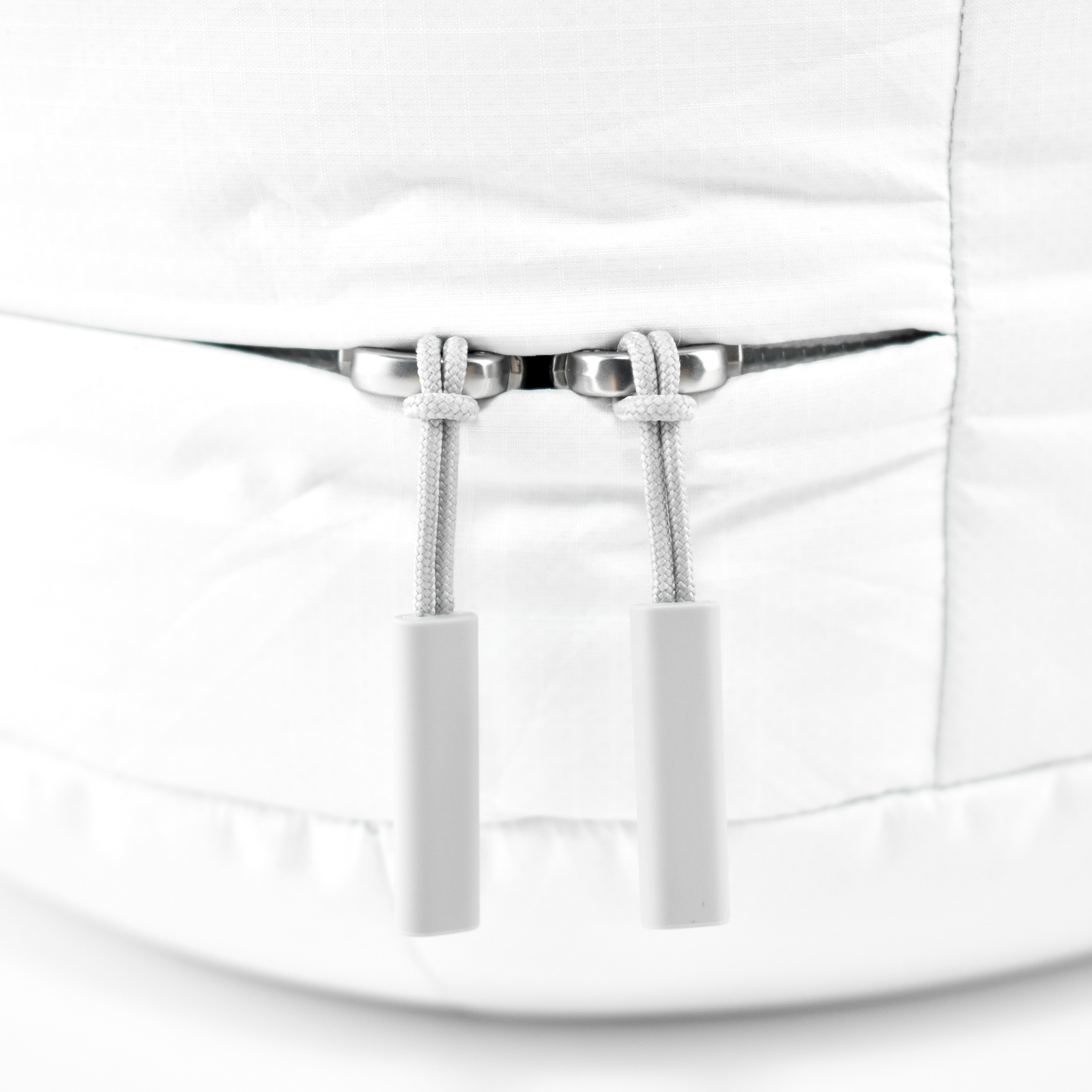
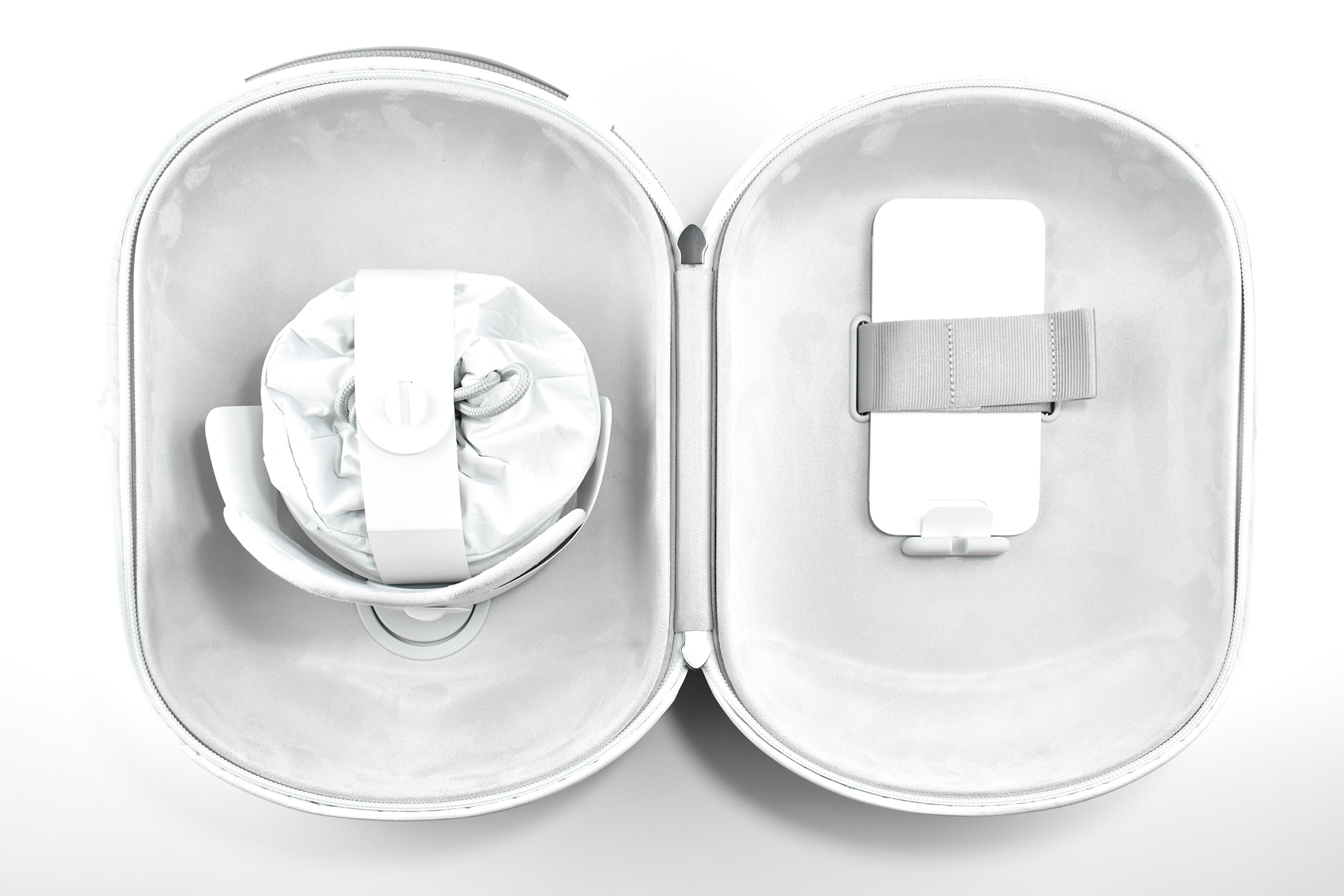
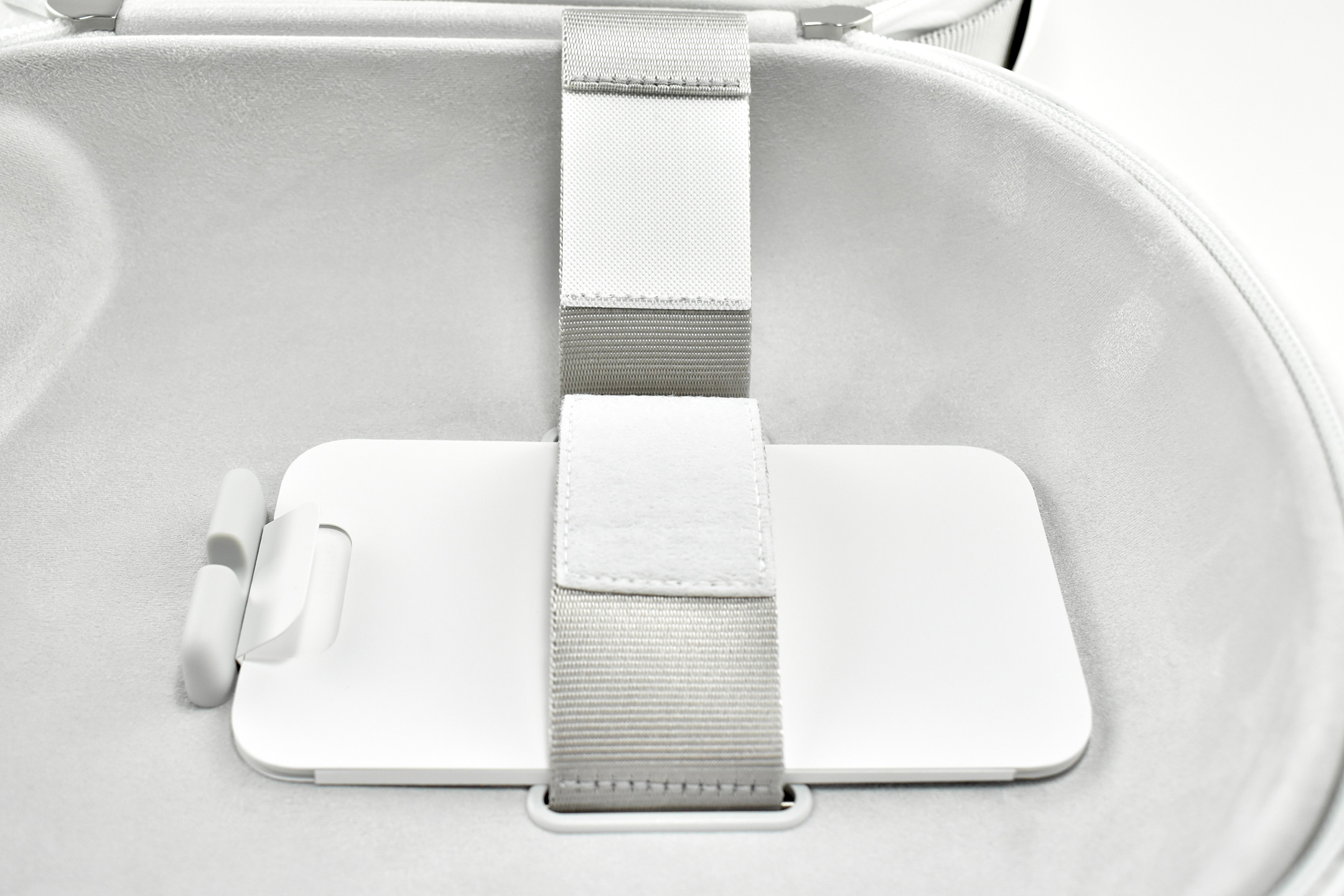
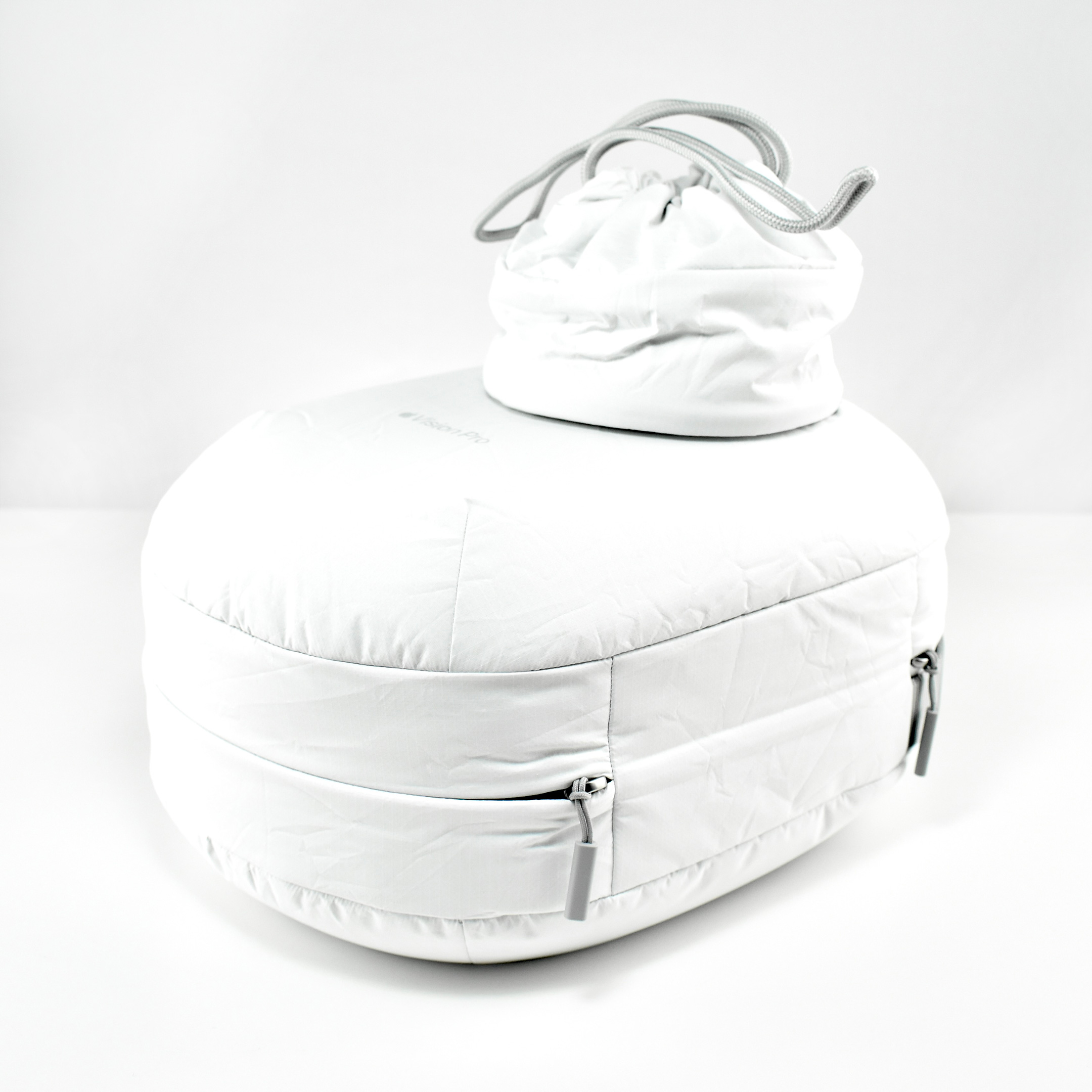
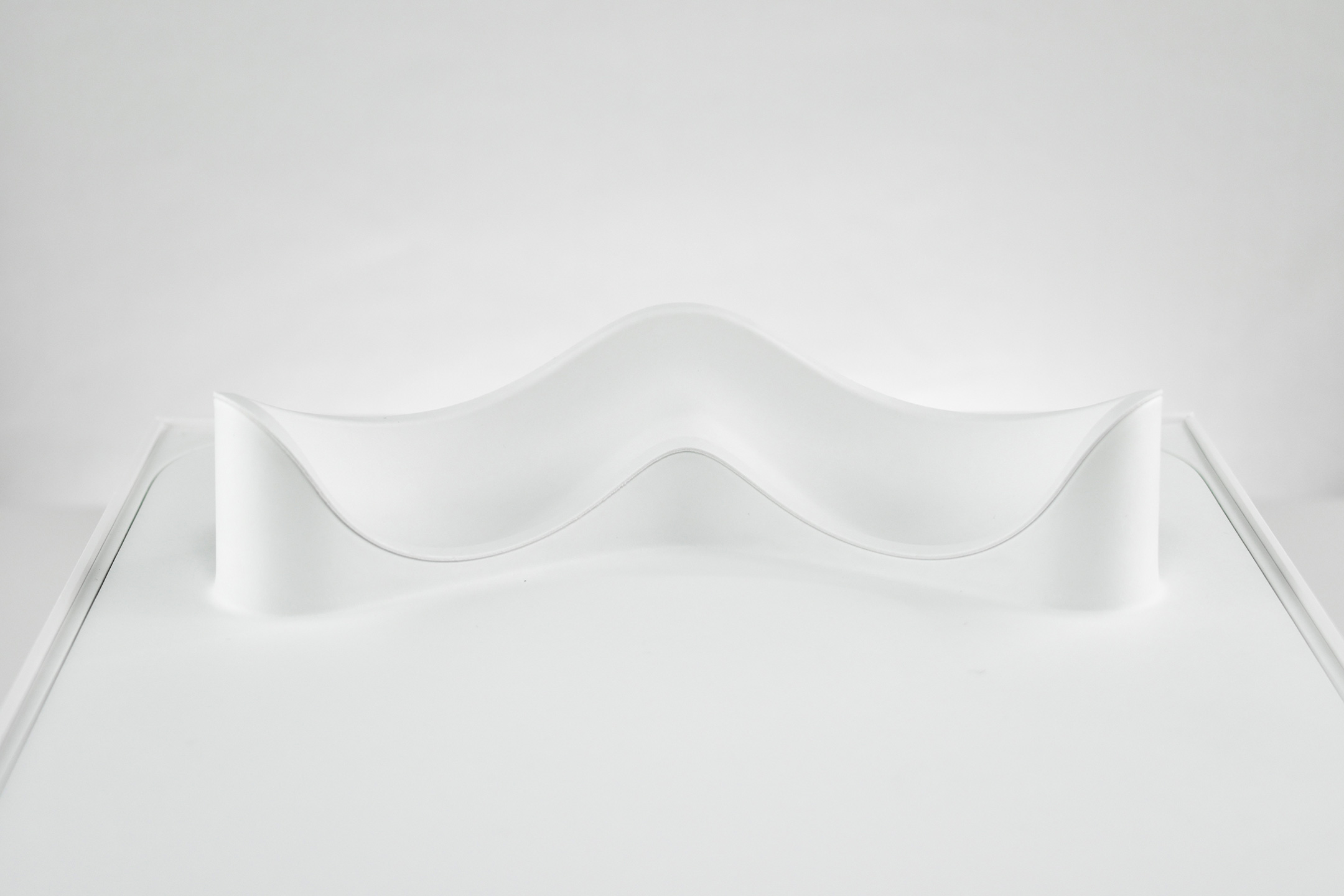
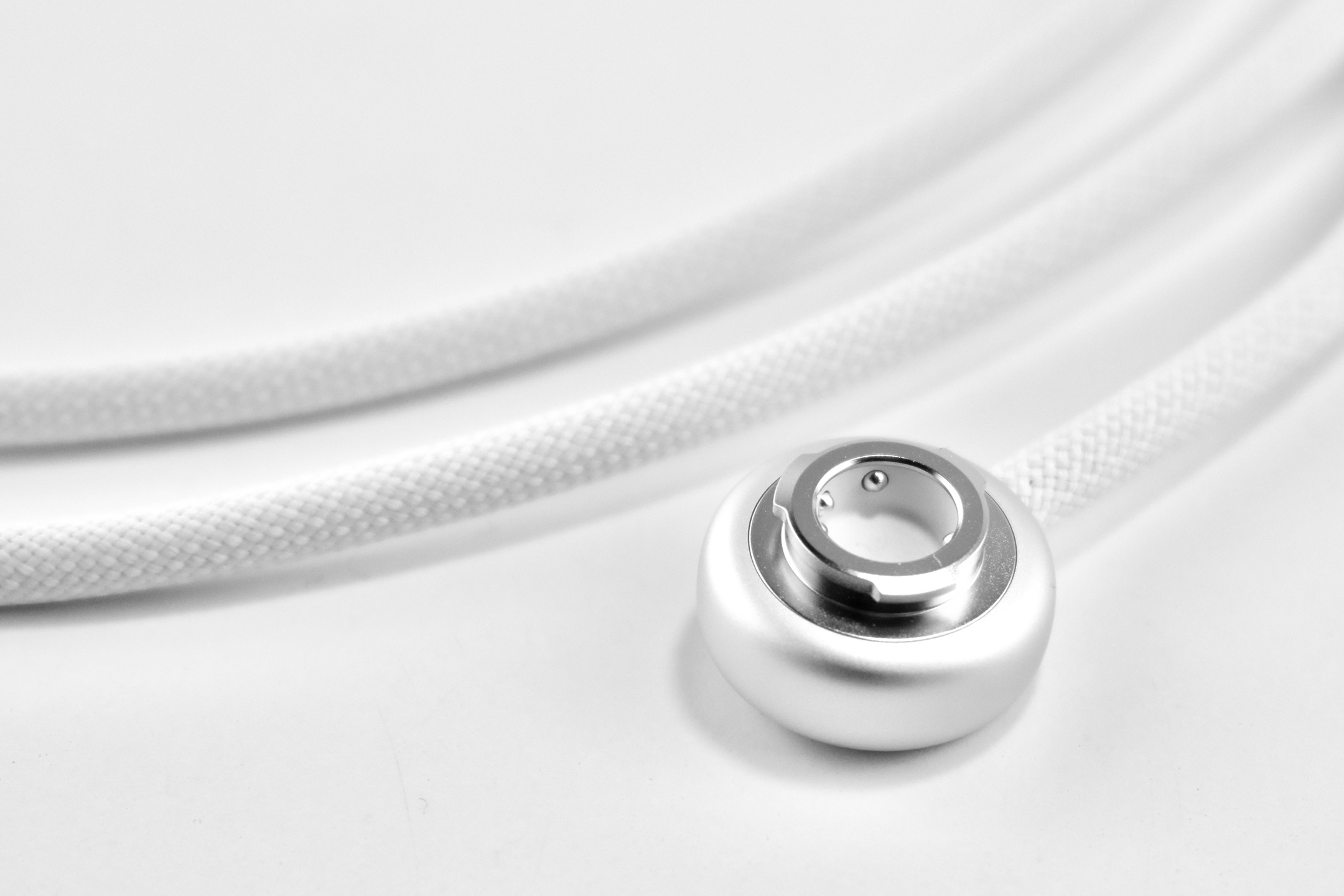
The Apple Vision Pro Travel Case is described by Apple as having “a retractable handle and specially designed compartments for your battery, ZEISS Optical Inserts, Apple Vision Pro Cover, and additional accessories.”
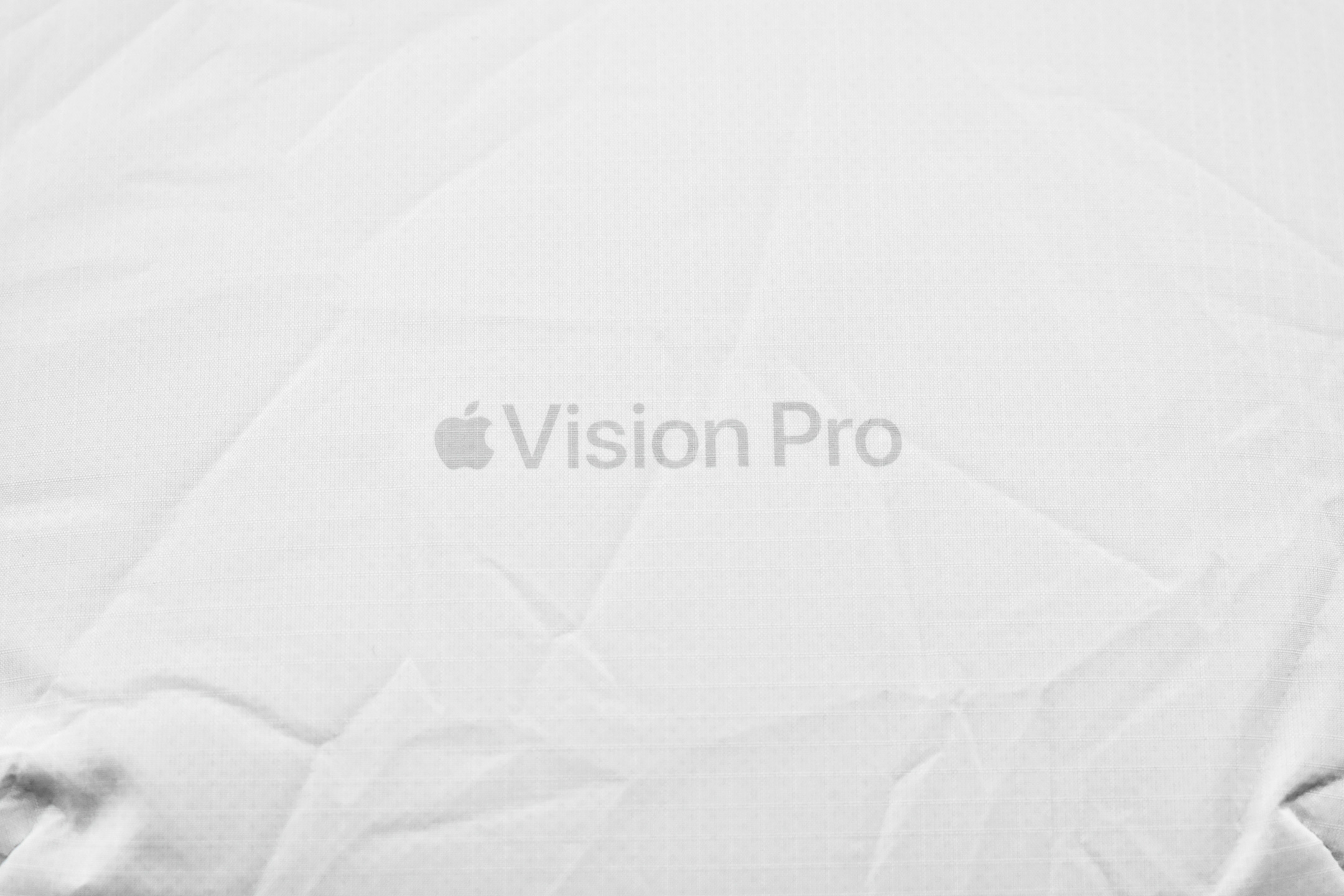
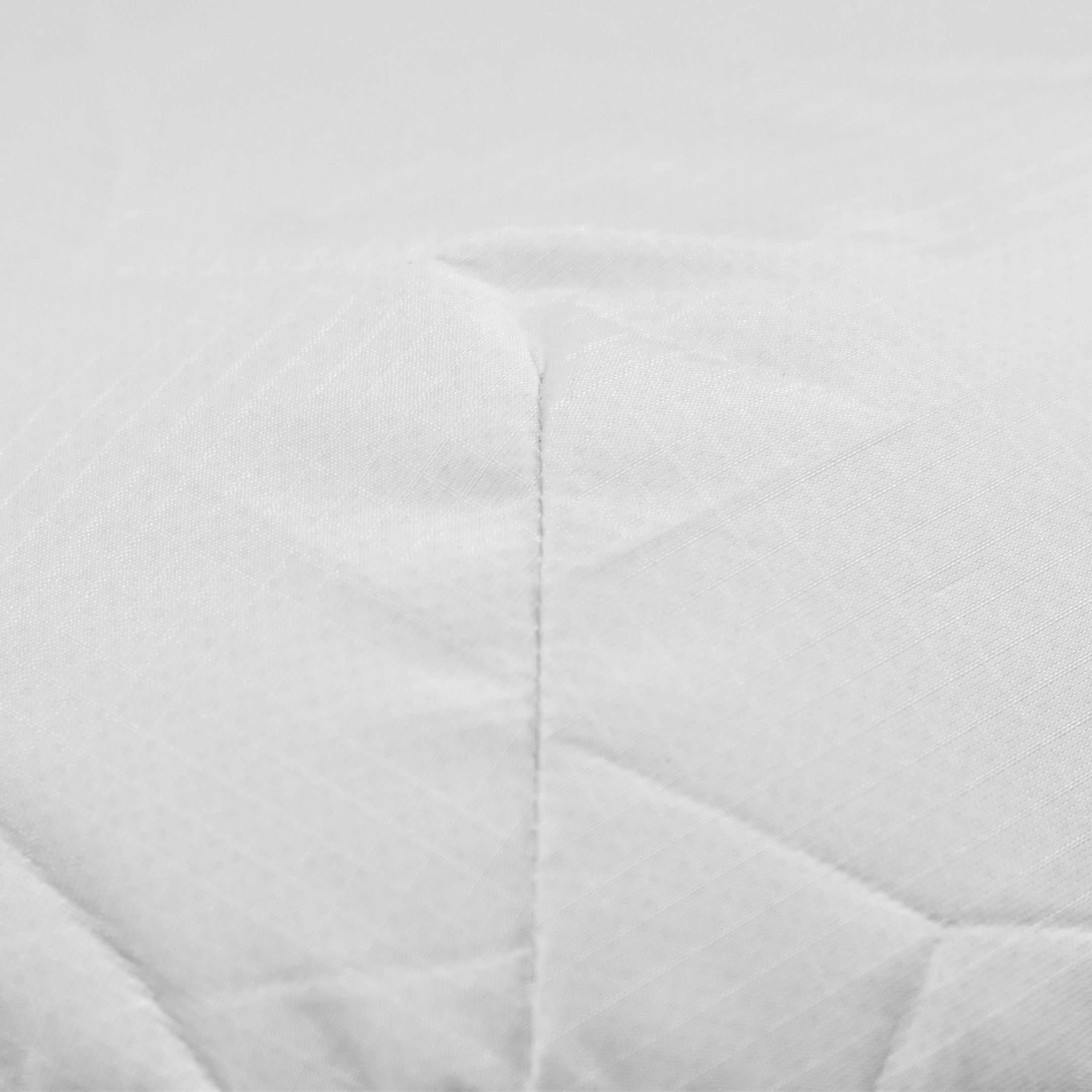
The exterior of the Apple Vision Pro Travel Case uses a material reminiscent of a windbreaker and loosely covers the polycarbonate protective structure. Apple refers to this white covering as “Ripstop,” defined by Wikipedia as “a woven fabric, often made of nylon, using a reinforcing technique that makes it more resistant to tearing and wear.” The case is printed on one side with the words “Apple Vision Pro” in light gray in Apple’s San Francisco font.
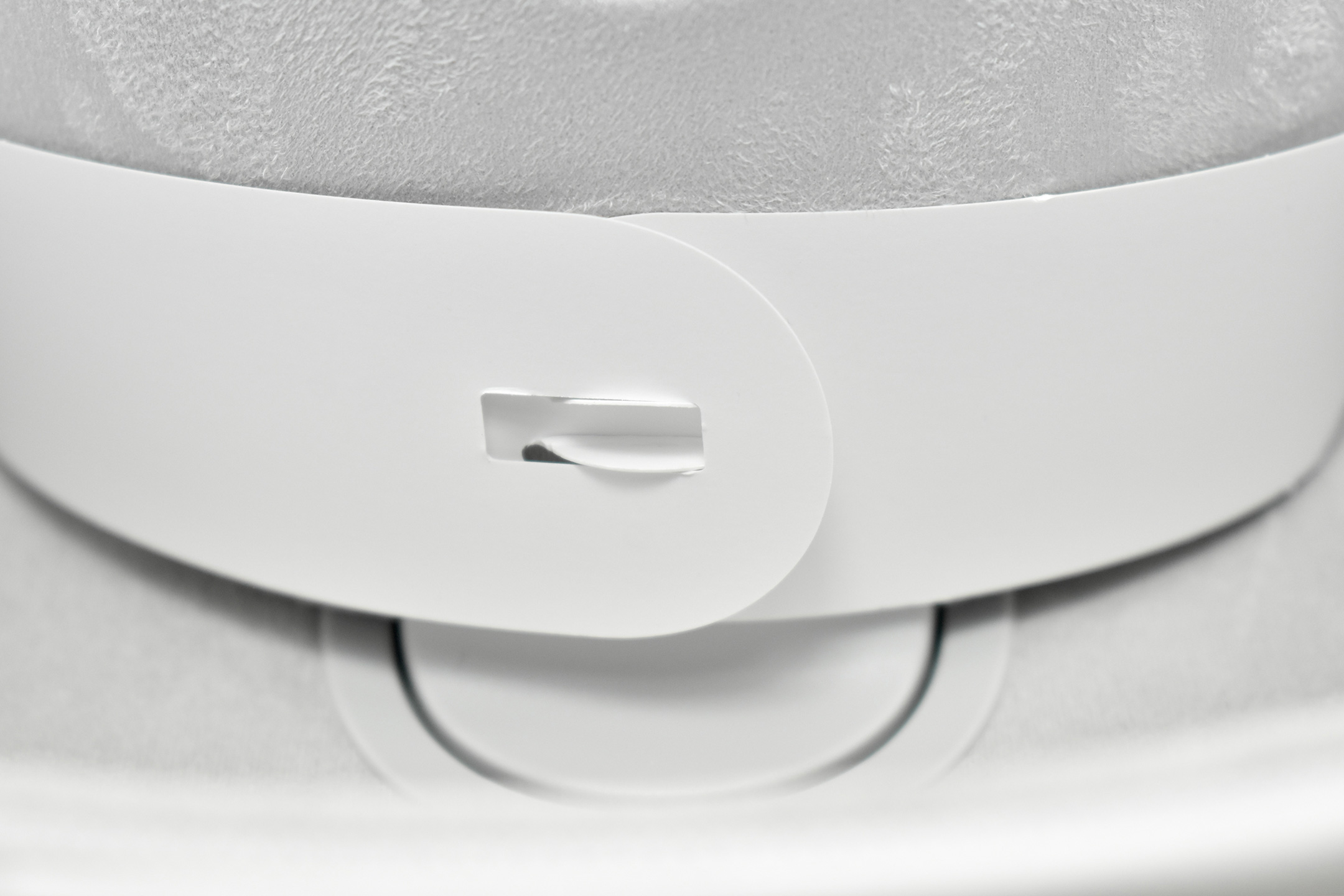
The outer retractable handle is light gray and borders the entire upper curve of the case. When not in use, it hugs tightly to the contour of the case.
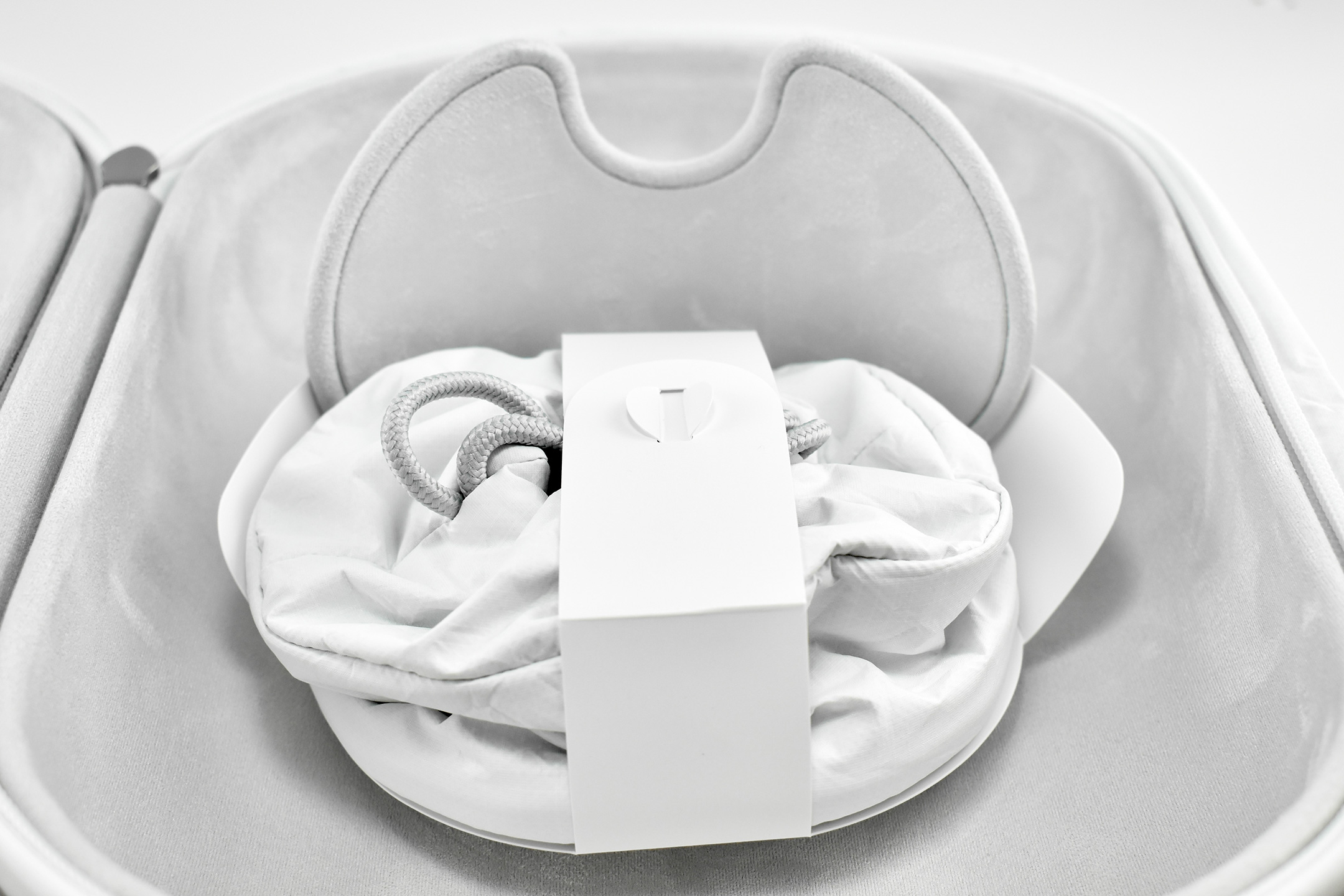
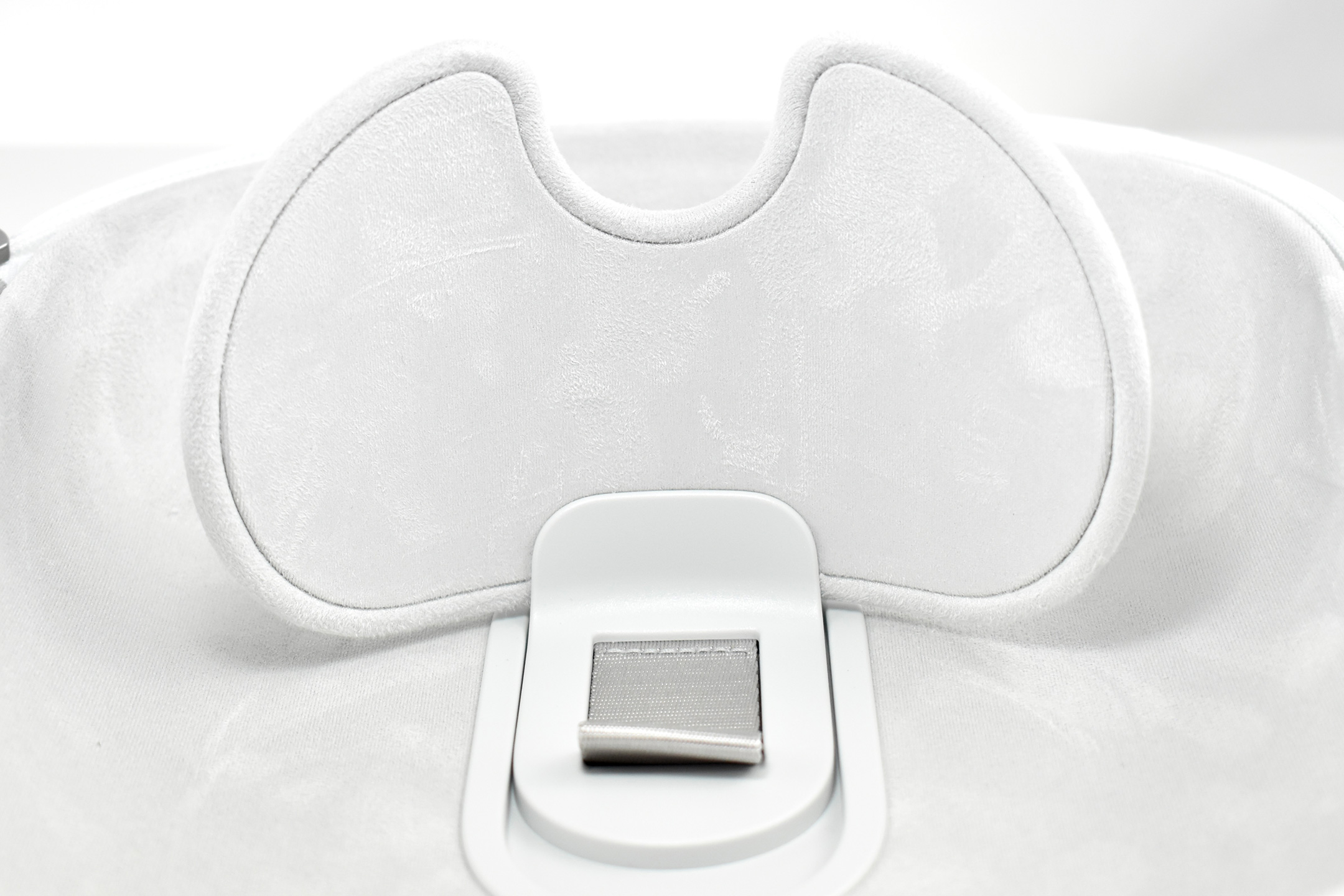
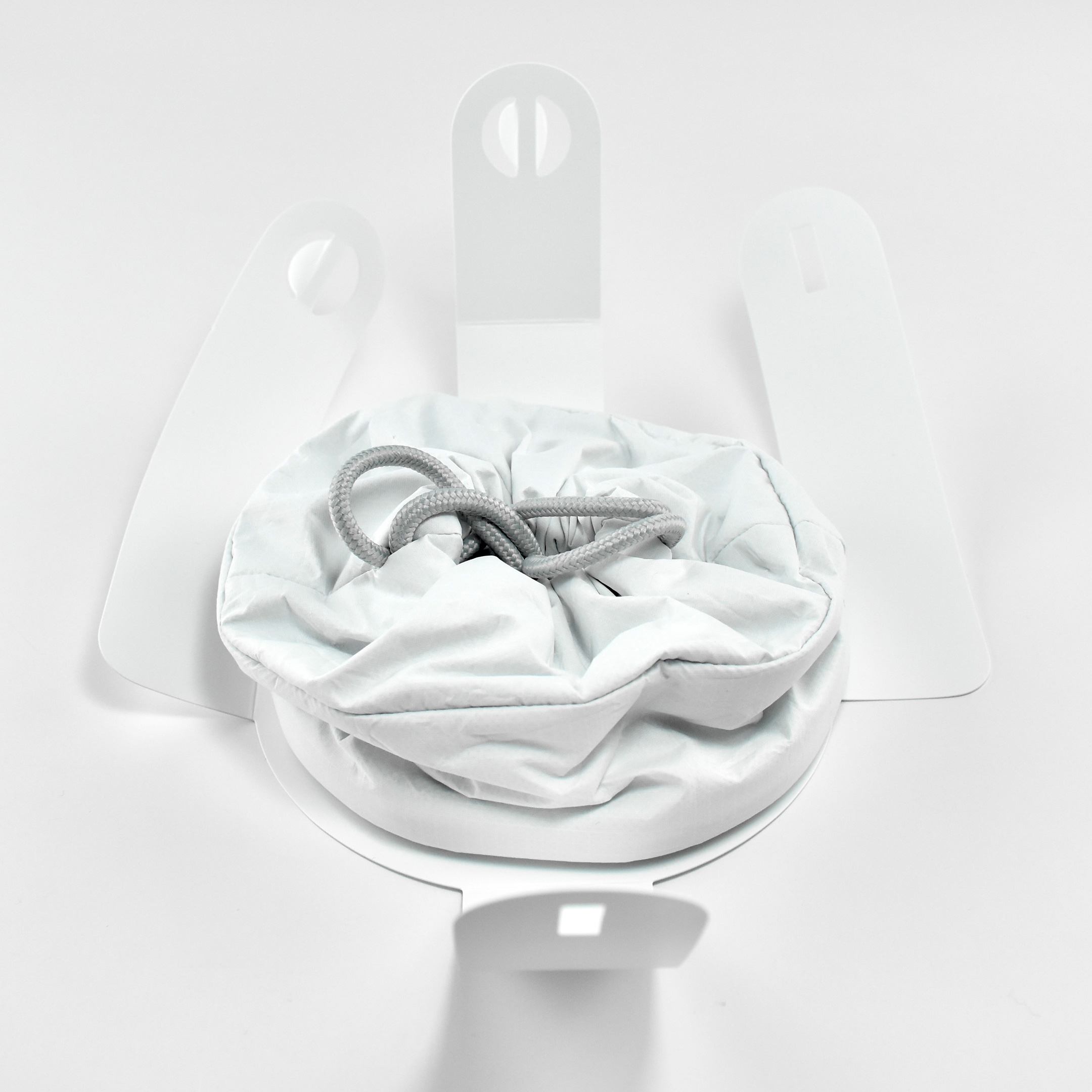
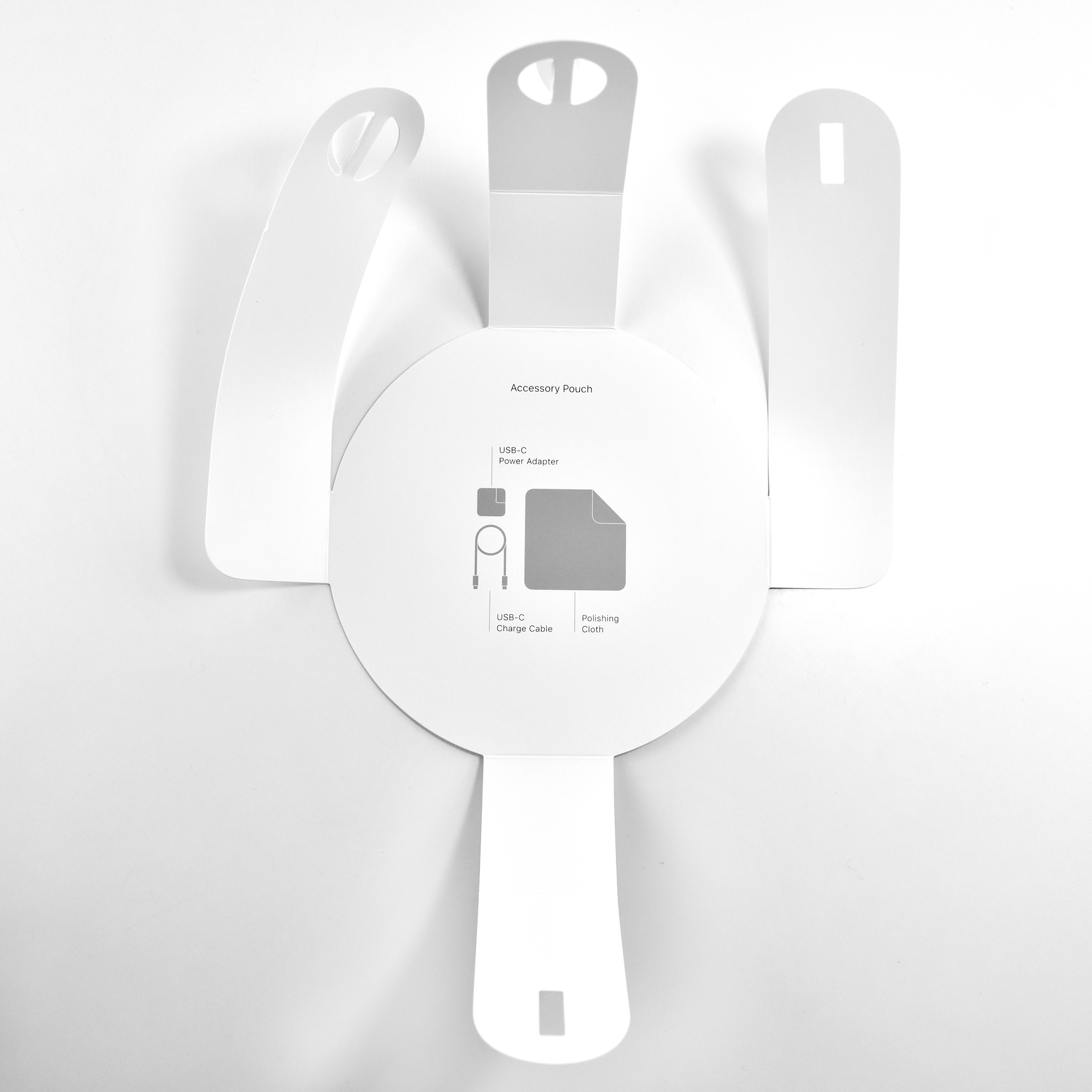
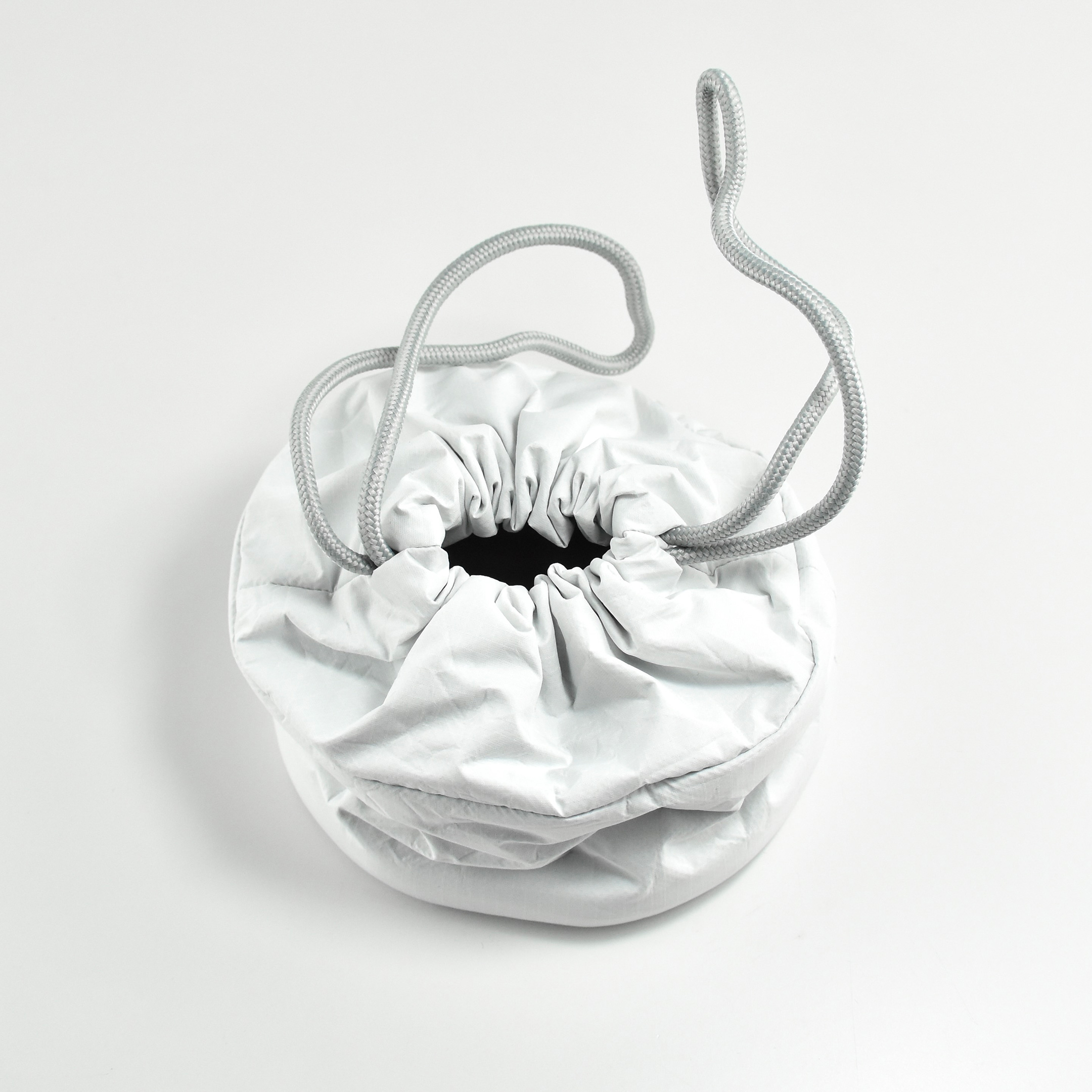
The interior of the Apple Vision Pro Travel Case is lined with microfiber in a color and texture similar to Apple’s infamous polishing cloth. The Apple Vision Pro fits perfectly in the case and includes a velcro strap to securely hold the battery. A white circular drawstring bag fits in the space in the open area between the front of the headset and the headband.
The Apple Vision Pro Travel Case measures 11.69 inches tall, 8.78 inches high, and 6.5 inches deep.
The Verge offered: “The huge case costs an additional $199 and looks like a marshmallow from space. I love it.” I concur wholeheartedly that the case looks like a marshmallow from space, and add that it would pair well with a NASA or SpaceX spacesuit.
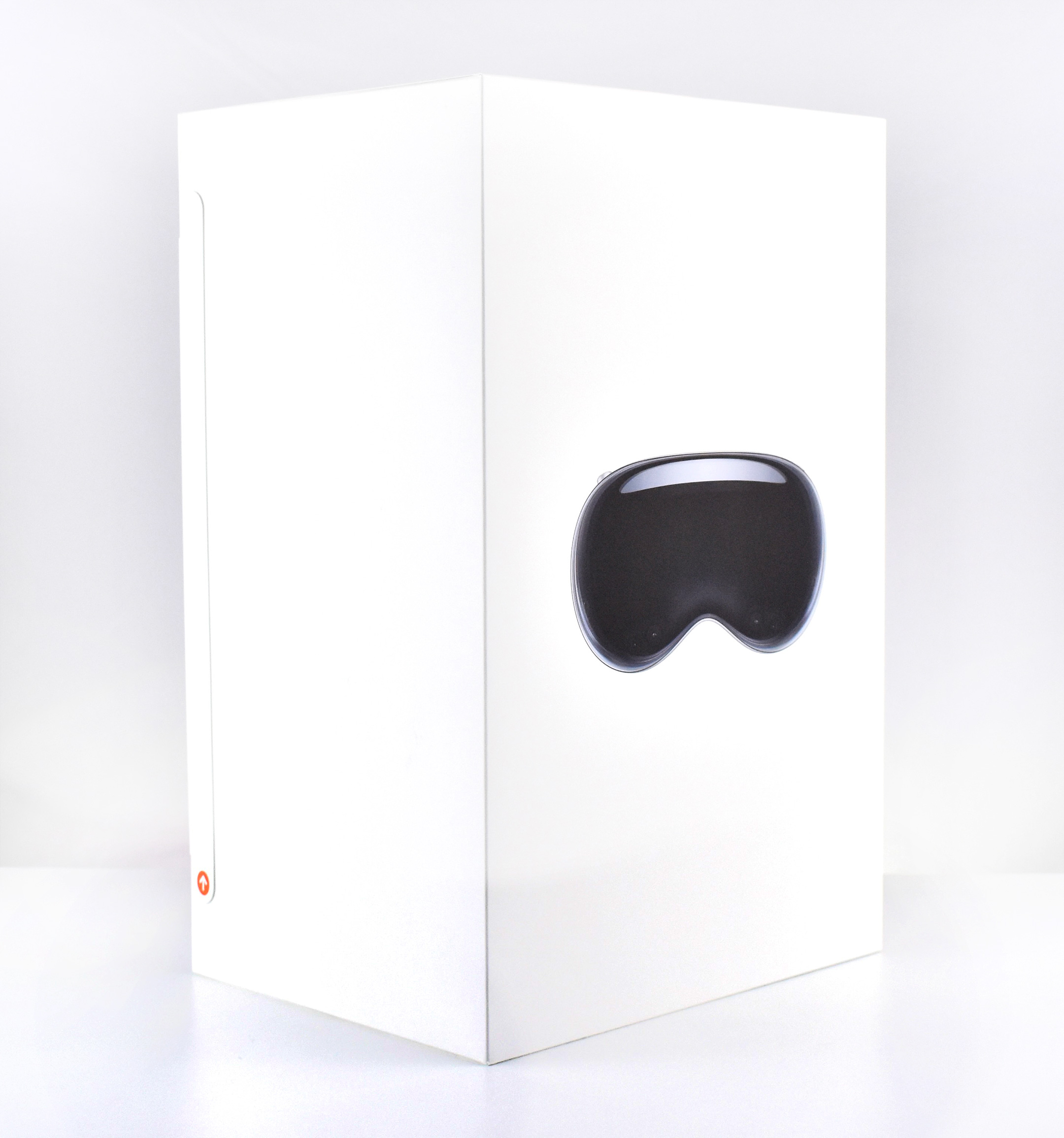
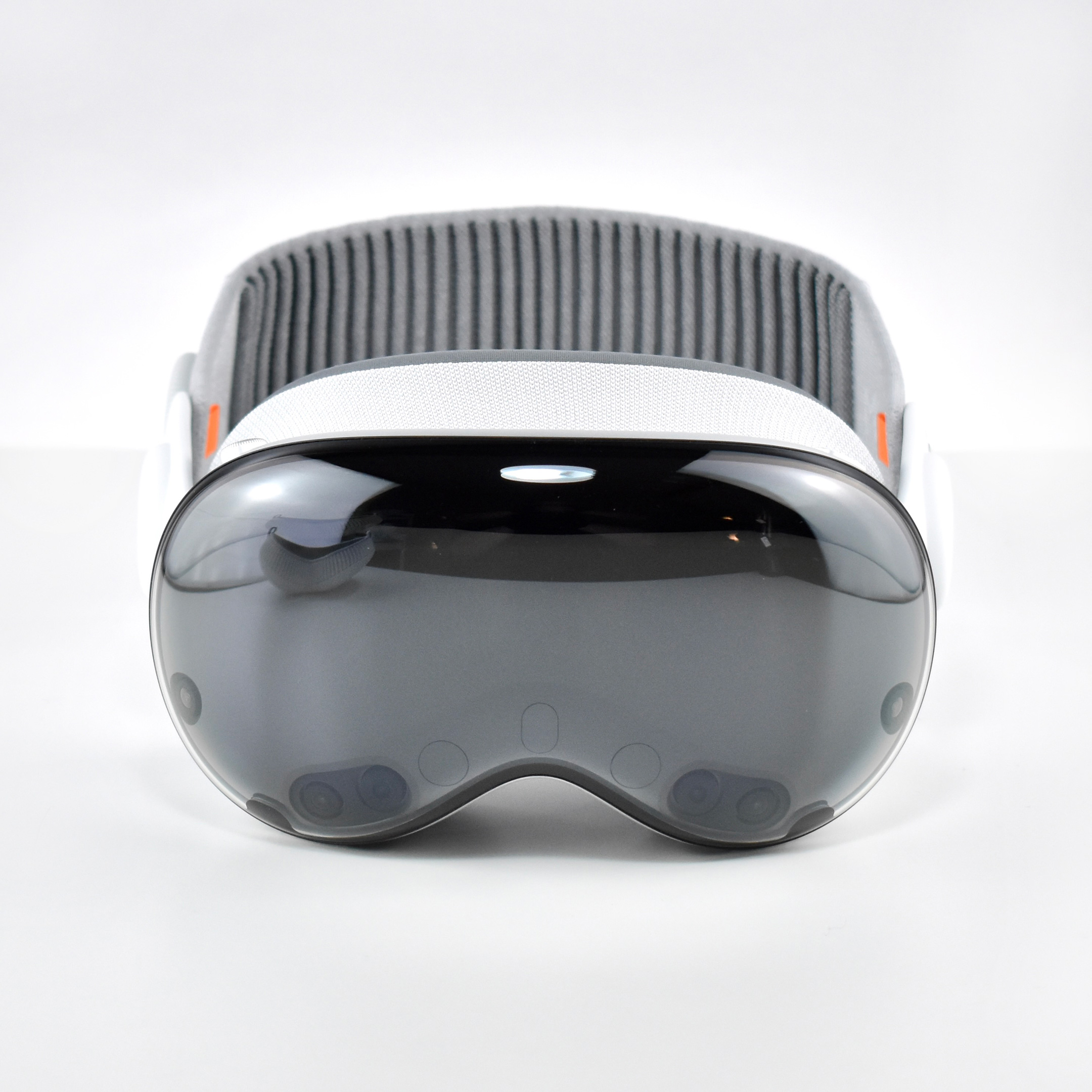
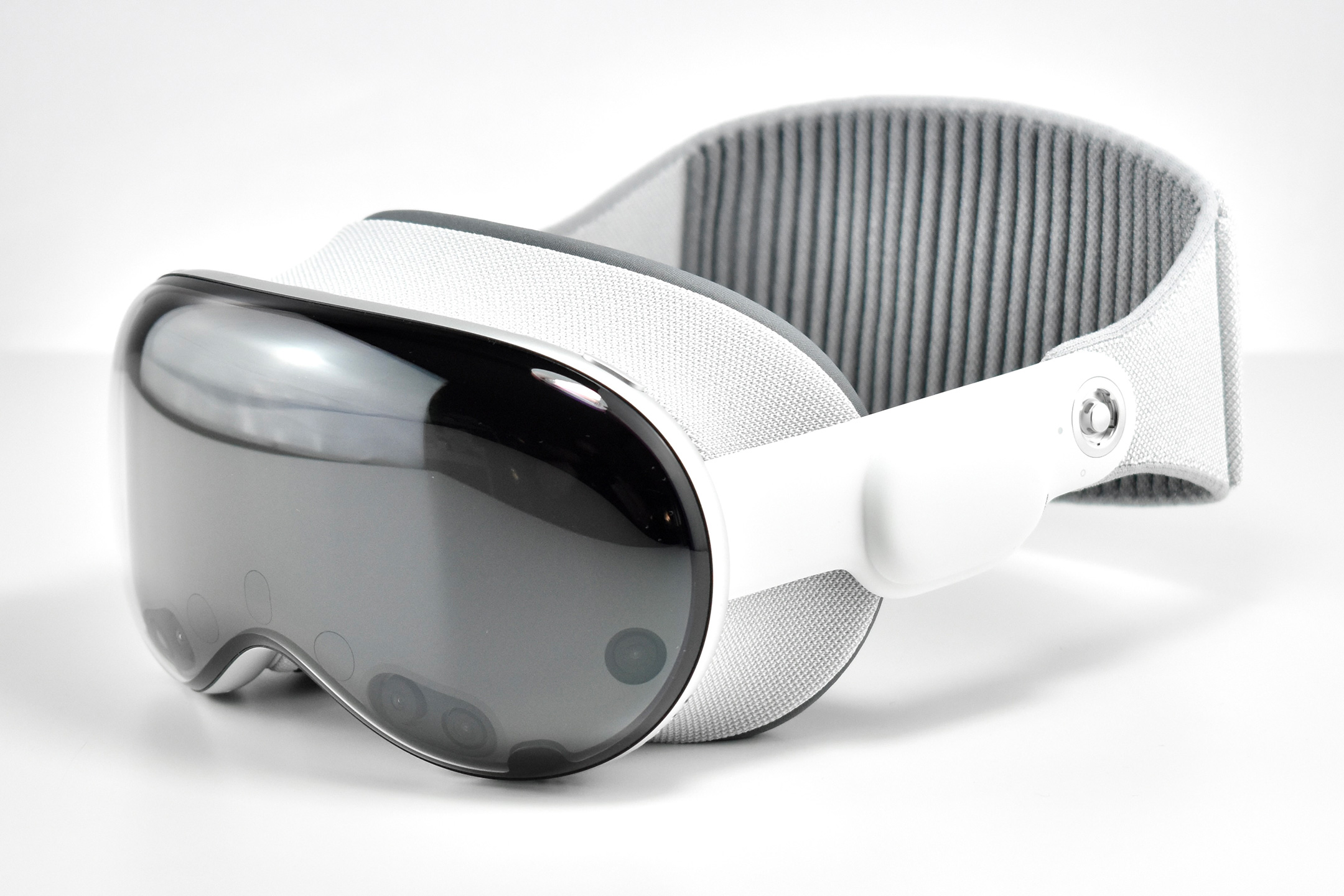
Apple described the original Apple Vision Pro as “a revolutionary spatial computer that seamlessly blends digital content with the physical world, while allowing users to stay present and connected to others.” While other companies at the time were producing “Augmented Reality” and “Virtual Reality” headsets and glasses, Apple chose to forego the AR/VR descriptions completely use the term “Spatial Computing.”
Apple did not invent the term or concept of spatial computing. The term “Spatial Computing” in the context used by Apple Vision Pro is attributed to MIT researcher Simon Greenwold and is the title of a paper he wrote on 2003. Greenwold’s paper defined the term as “human interaction with a machine in which the machine retains and manipulates referents to real objects and spaces.” He added, “Ideally, these real objects and spaces have prior significance to the user.”
Apple does, however, claim that they created the world’s first spatial operating system, visionOS. Apple Vision Pro works with visionOS to allow “users interact with digital content in a way that feels like it is physically present in their space.” A FastCompany article explains the differences among AR, VR, and spatial computing by noting that the Vision Pro has:
“12 cameras and five sensors that help the device know everything from the level of light in a physical space to where objects are in relation to each other, to where your eyes are looking, and how your hands move… In spatial computing, you can interact with those virtual objects by simply using your hands in the physical space in front of you.”
By contrast, in virtual reality “you are completely immersed in a virtual world and can see none of the real world around you,” while augmented reality “displays virtual elements on top of the real world.” The three terms are related because spatial computing uses elements from both AR and VR.
Apple described the “breakthrough design” of the Vision Pro as featuring “an ultra-high-resolution display system that packs 23 million pixels across two displays, and custom Apple silicon in a unique dual-chip design to ensure every experience feels like it’s taking place in front of the user’s eyes in real time.” Mike Rockwell, Apple’s Vice President of the Technology Development Group said that “through a tight integration of hardware and software, we designed a standalone spatial computer in a compact wearable form factor that is the most advanced personal electronics device ever.”
The Apple Vision Pro “can transform any space into a personal movie theater with a screen that feels 100 feet wide.” Internally, the seamless display is accomplished by delivering “more pixels than a 4K display” to each eye.
To add to the visual realism, a new Spatial Audio system is also part of the Apple Vision Pro that Apple called “audio pods.” Apple describes the sound system:
“Dual-driver audio pods positioned next to each ear deliver personalized sound while letting you hear what’s around you. Spatial Audio makes sounds feel like they’re coming from your surroundings. Audio ray tracing analyzes your room’s acoustic properties to adapt and match sound to your space.” I have observed that first-time Vision Pro users are often surprised by the audio experience delivered by the audio pods and ask if others around them can hear the audio. (Others in the room can faintly hear the audio at a low volume level, even if the Vision Pro user has the volume at maximum.)
The Apple Vision Pro is also packed with cameras and sensors that all work together to deliver the overall experience, including:
2 high‑resolution main cameras
6 world‑facing tracking cameras
4 internal eye‑tracking cameras
TrueDepth camera
LiDAR Scanner
4 inertial measurement units (IMUs)
Flicker sensor
Ambient light sensor
Apple described the sensor functionality: “high-resolution cameras transmit over one billion pixels per second to the displays so you can see the world around you clearly. The system also helps deliver precise head and hand tracking and real‑time 3D mapping, all while understanding your hand gestures from a wide range of positions.” Similar to an augmented reality experience, Vision Pro users see the world through live “passthrough” video, and not through a transparent lens.
The original Apple Vision Pro was powered by two chips. Apple’s M2 chip provided an 8‑core CPU with 4 performance cores and 4 efficiency cores, a 10‑core GPU, a 16‑core Neural Engine, and 16 GB unified memory. The Apple R1 chip allowed 12‑millisecond photon‑to‑photon latency using 256 GB/s memory bandwidth.
In addition to the sensor cameras, the Apple Vision Pro could capture Spatial photos and video using the company’s first stereoscopic 3D main camera system. The 18 mm cameras used a ƒ/2.00 aperture and could capture 6.5 stereo megapixels. Upon release of the Apple Vision Pro, the iPhone 15 Pro, iPhone 15 Pro Max, and all iPhone 16 models could capture Spatial video using two cameras on each of those iPhone models (single-camera iPhones cannot capture Spatial video).
Inputs built in to the Apple Vision Pro included hand, eye, and voice. In addition, supported input accessories included keyboards, trackpads, game controllers, Bluetooth mouse support, and other third-party accessories such as the Logitech Muse pen (not released until 2025).
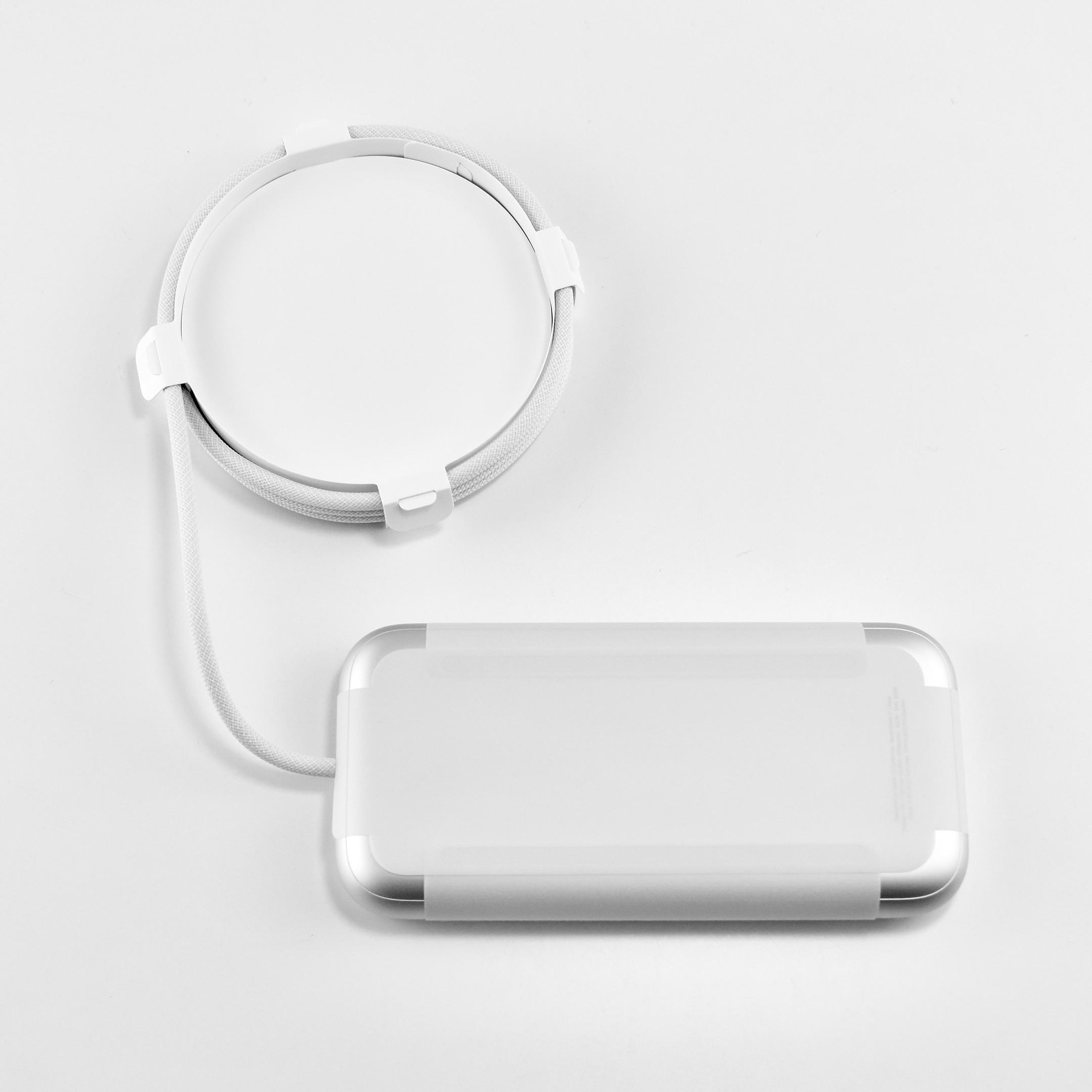
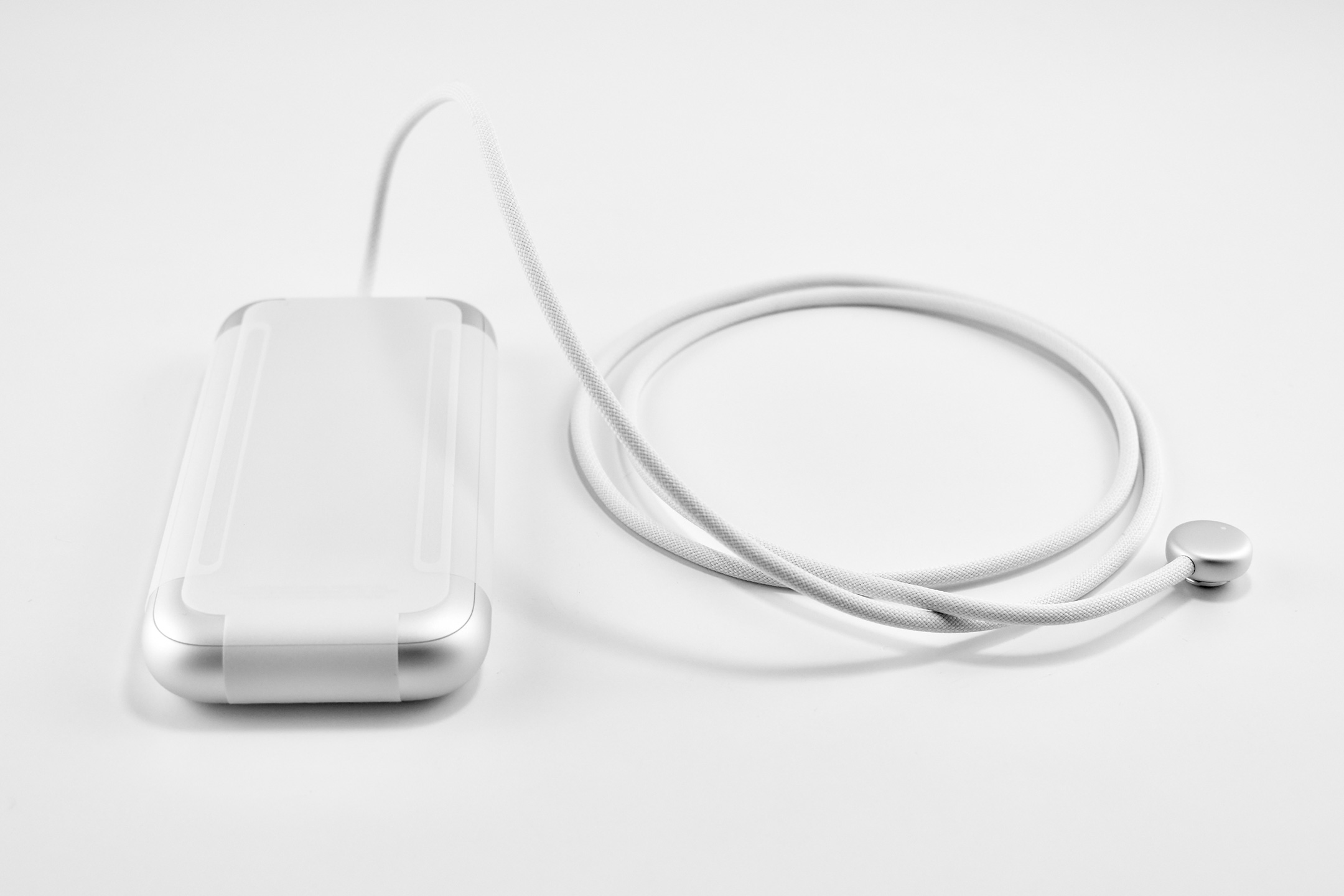
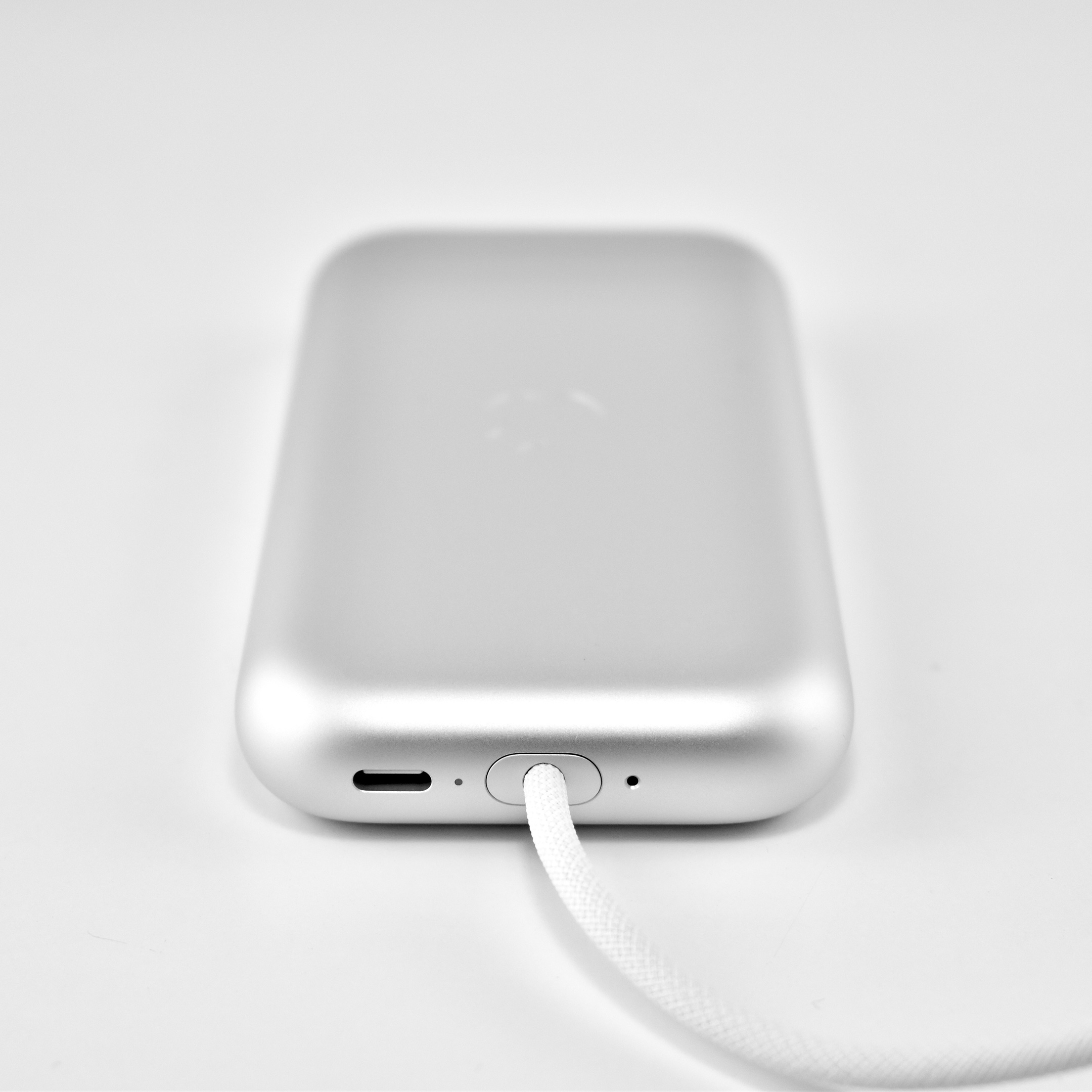
The Apple Vision Pro used a battery pack that delivered “up to 2 hours of general use” or up to 2.5 hours while watching videos. However, the device could also be used with the USB-C port plugged into power while charging the battery.
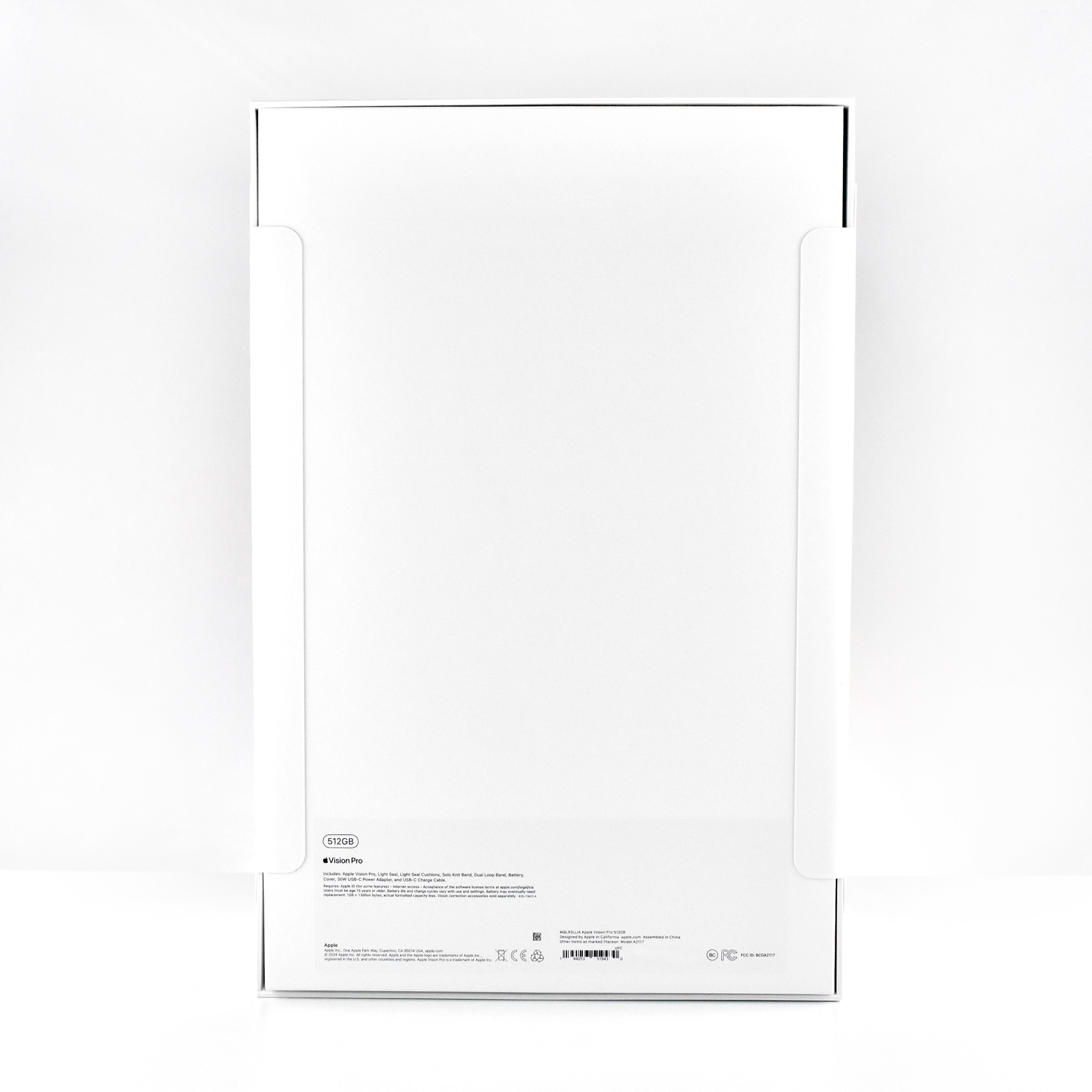
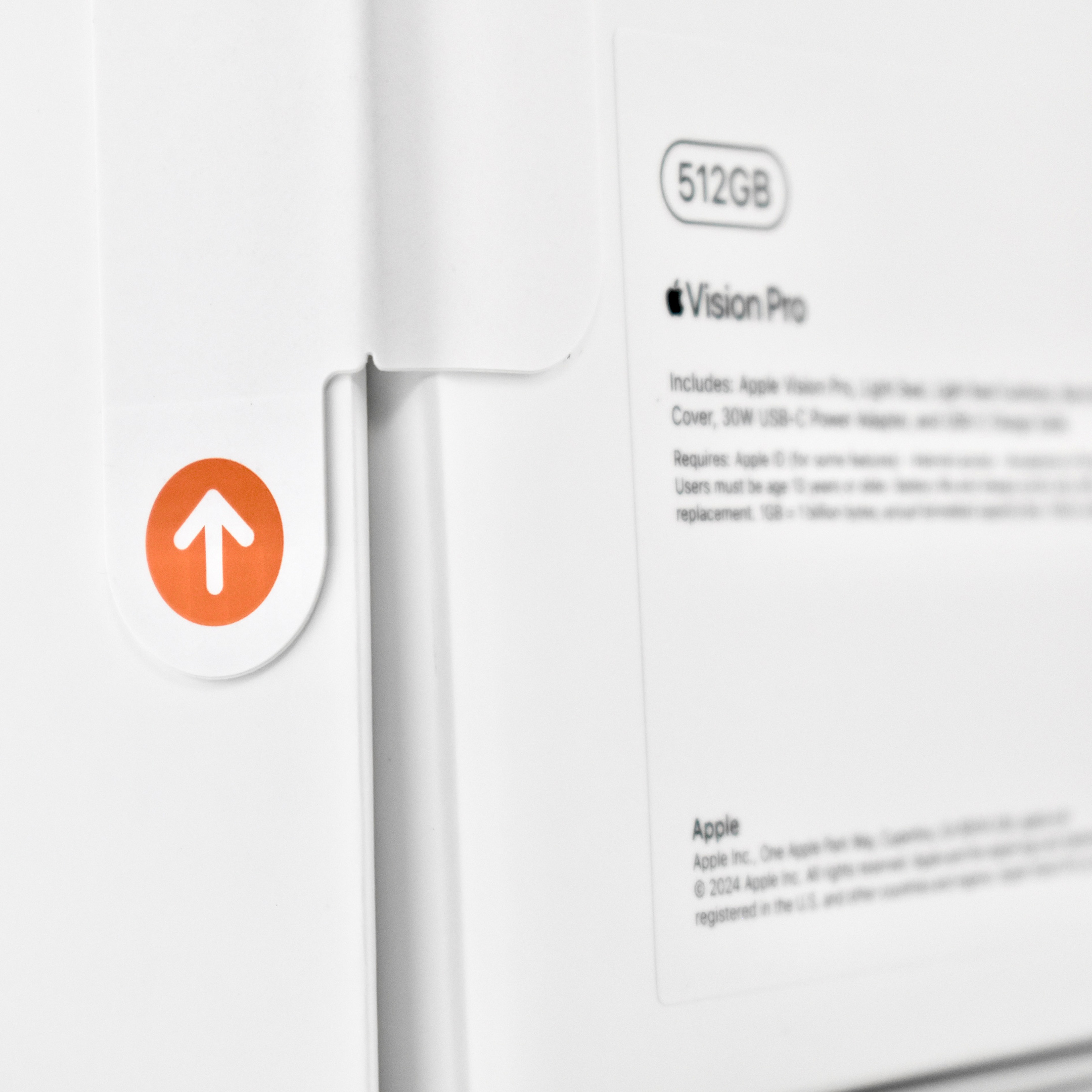
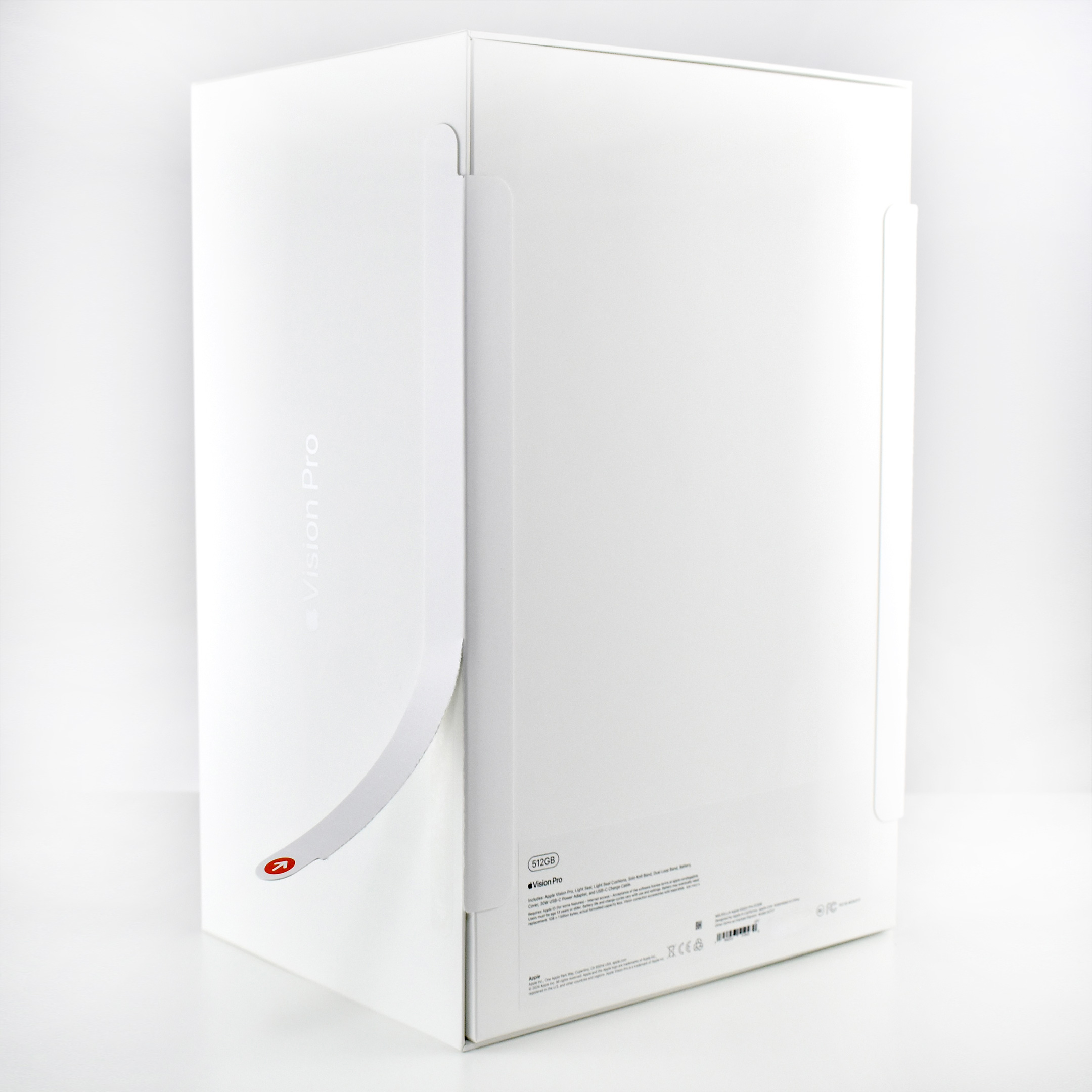
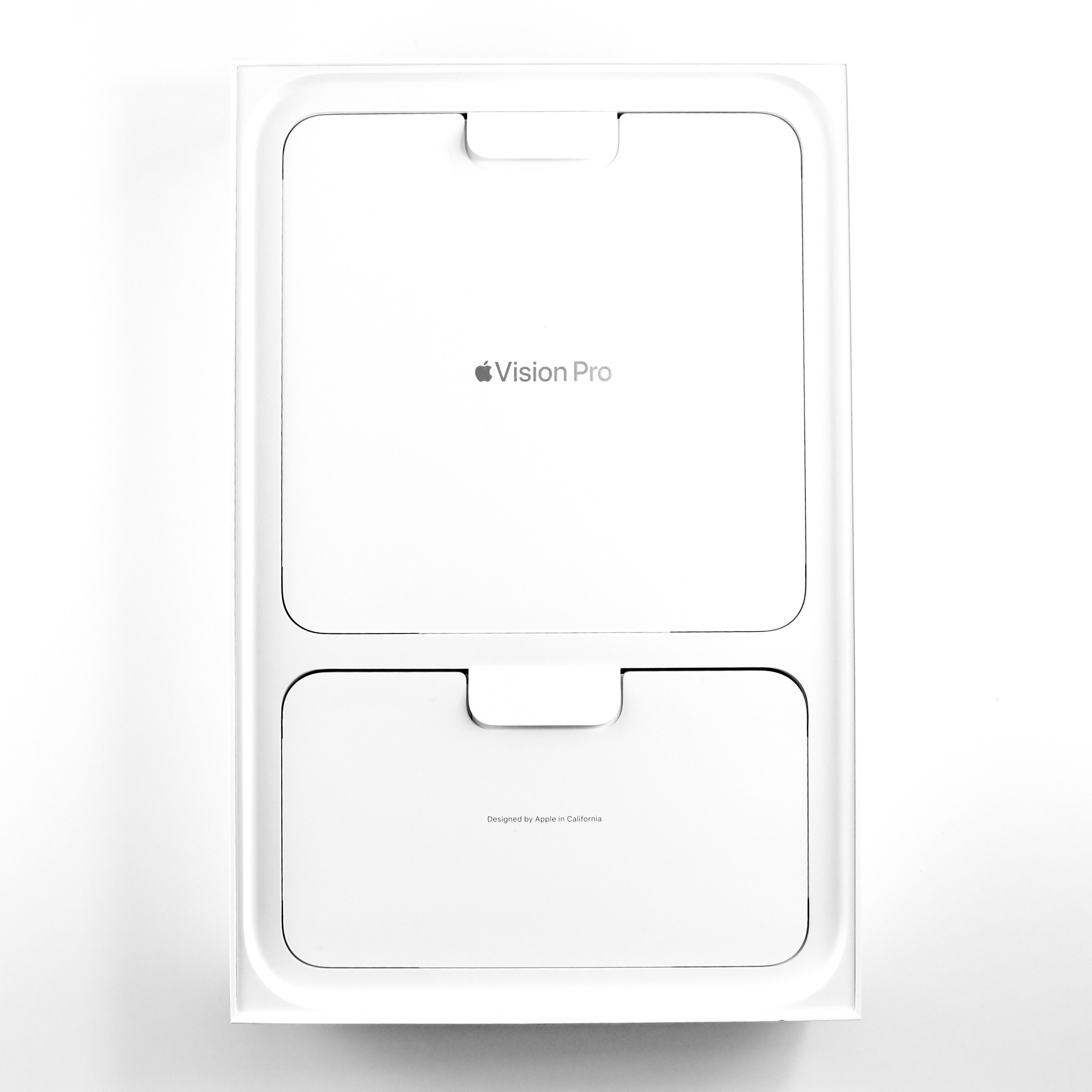
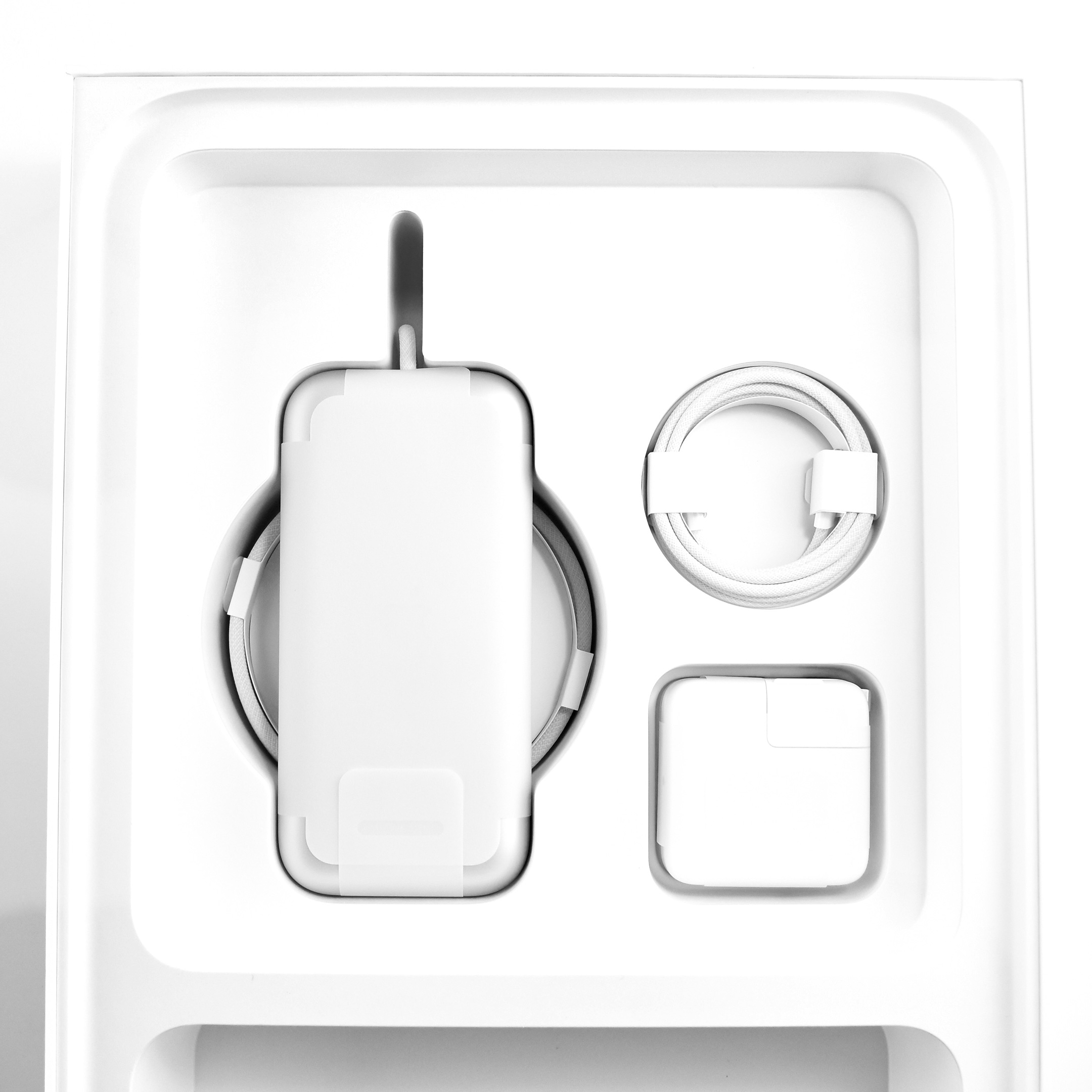
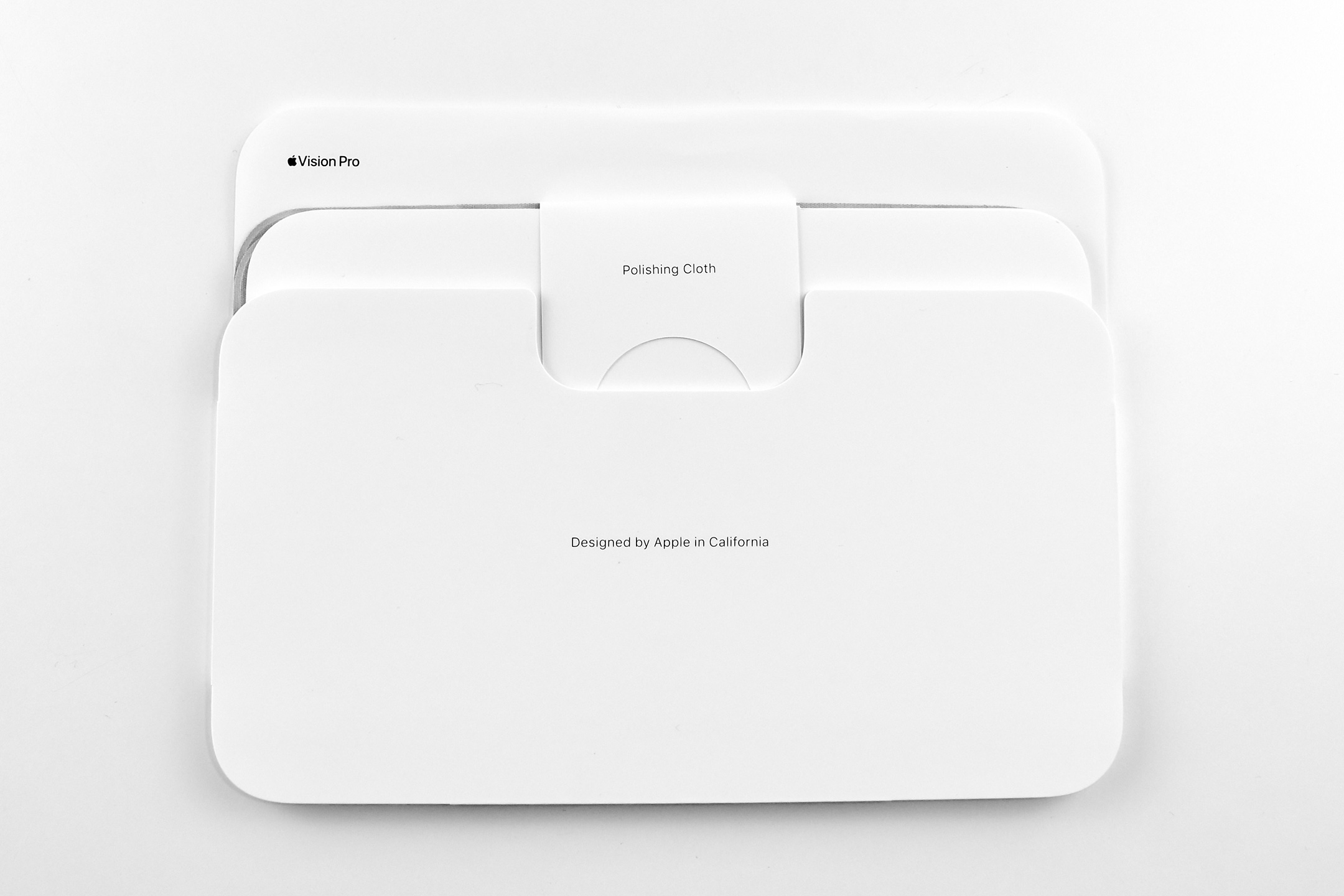
The Apple Vision Pro shipped with many accessories and custom-sized parts compared to Apple’s other devices. The following accessories were included with each Apple Vision Pro:
Light Seal
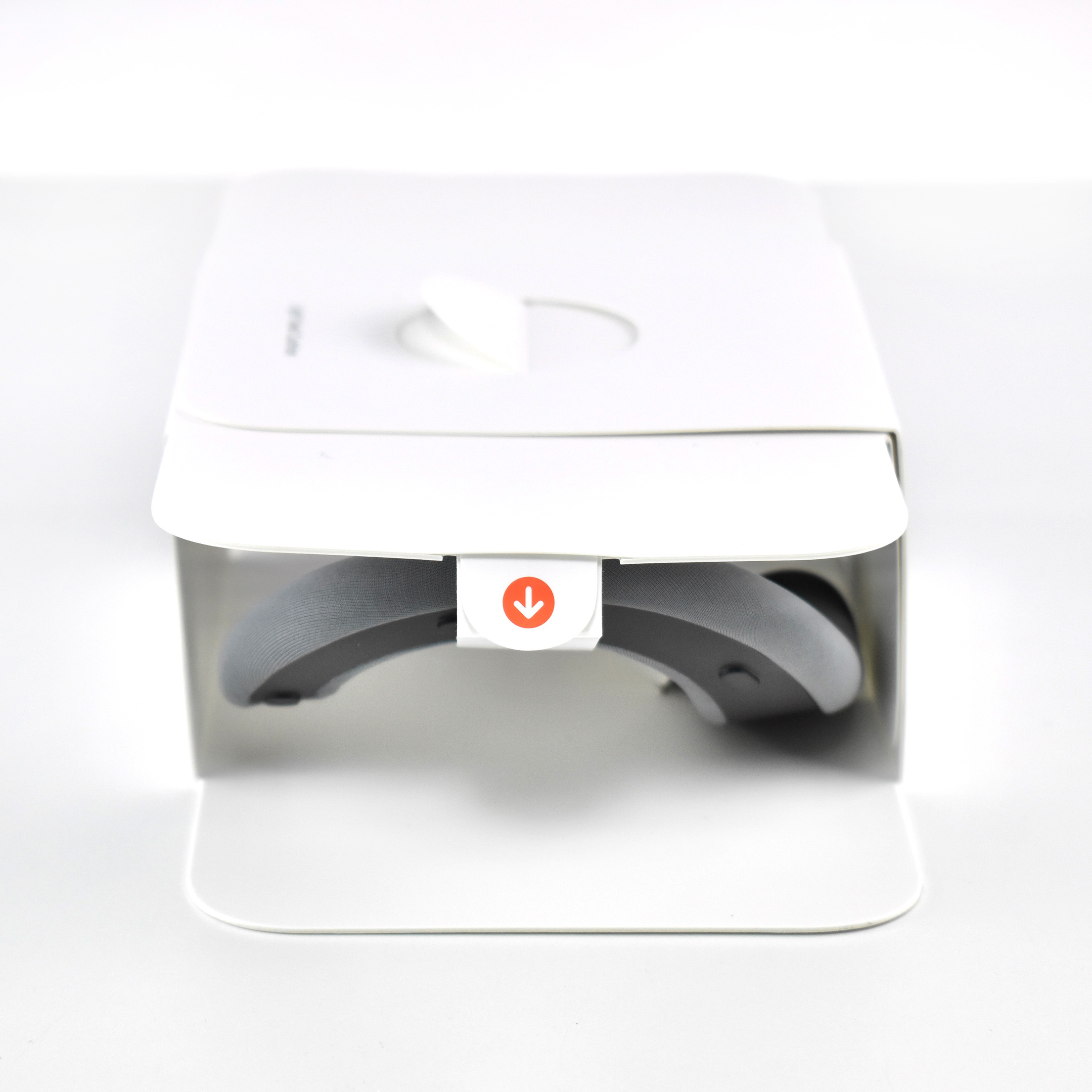
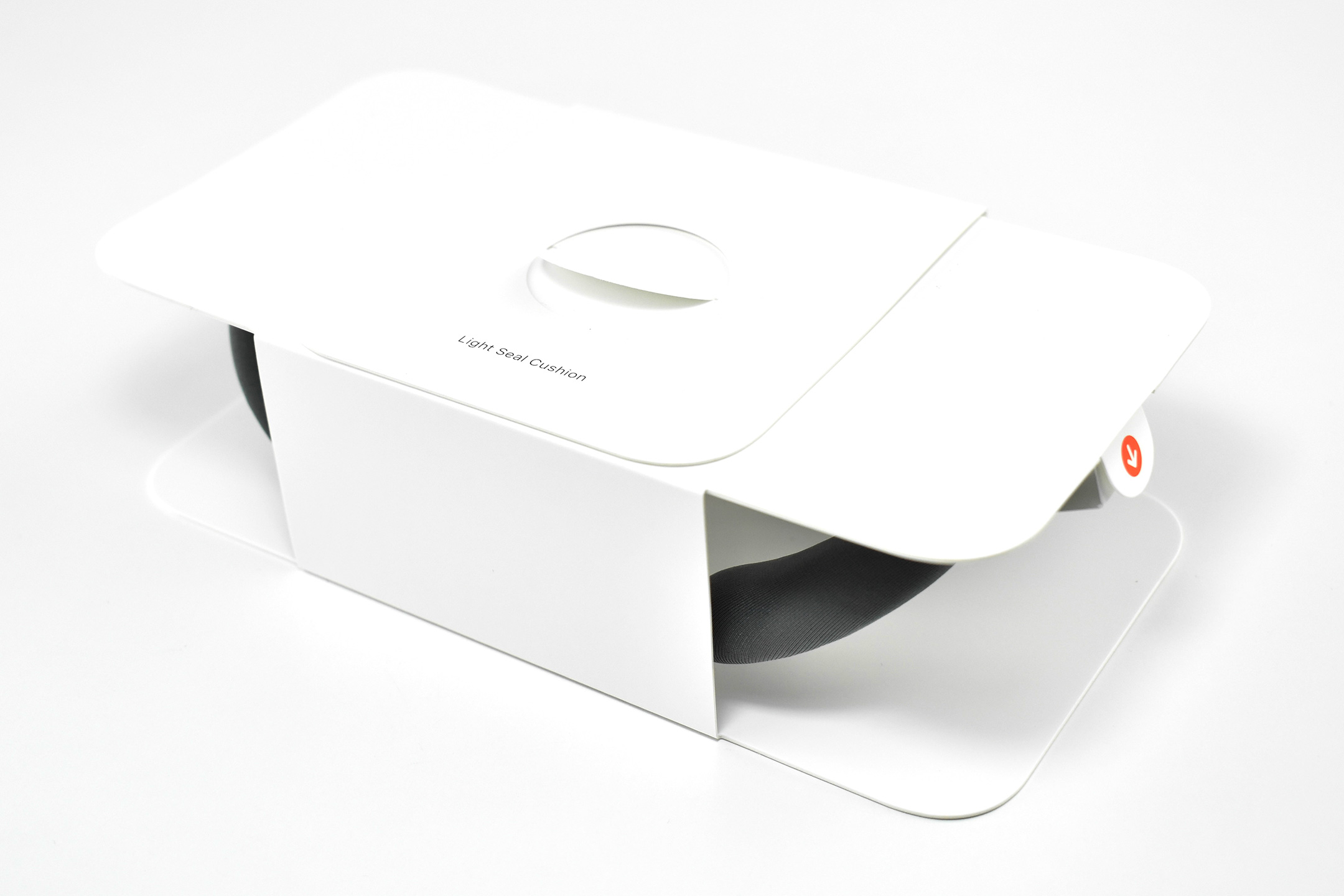
Light Seal Cushions (2 sizes)
Solo Knit Band
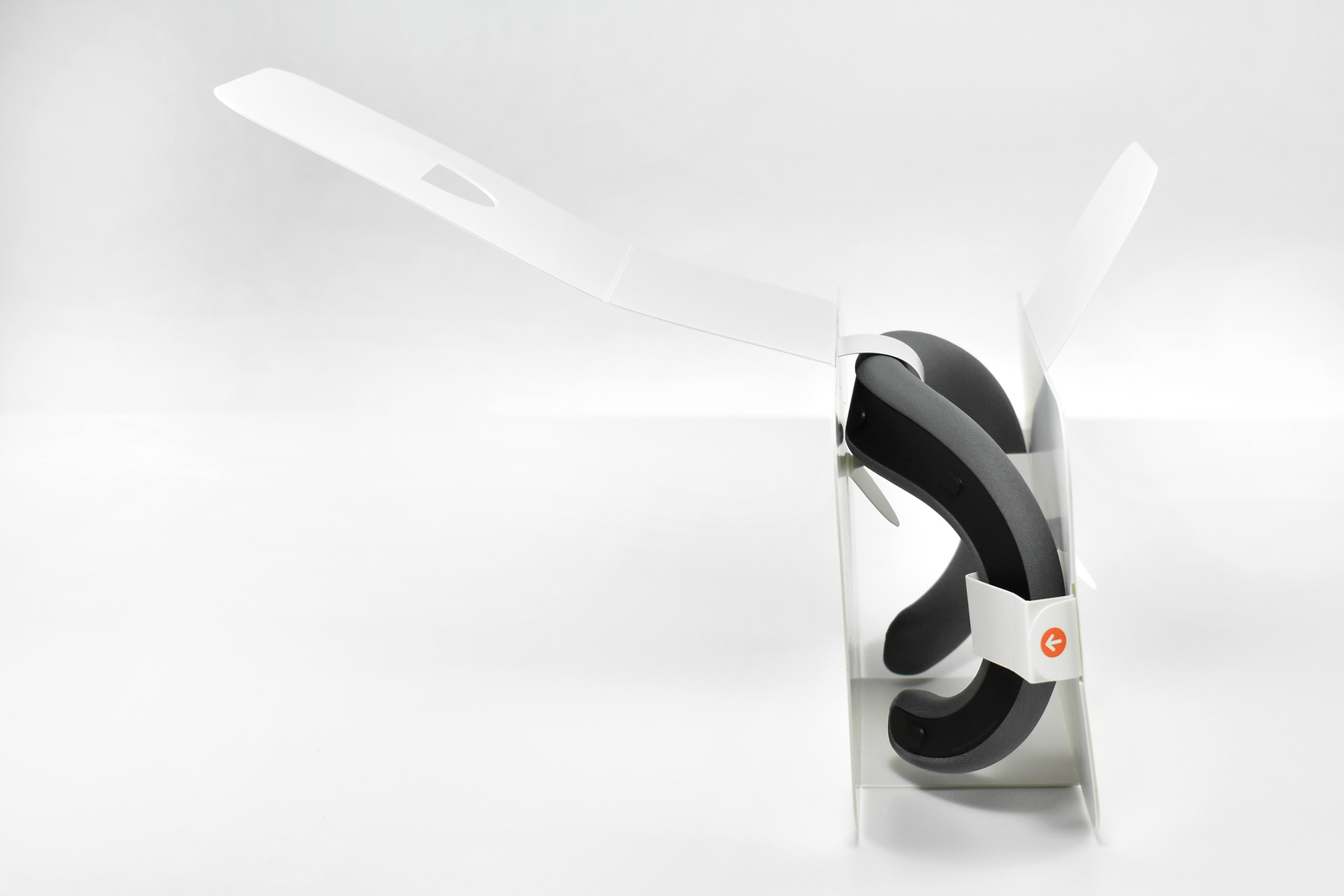
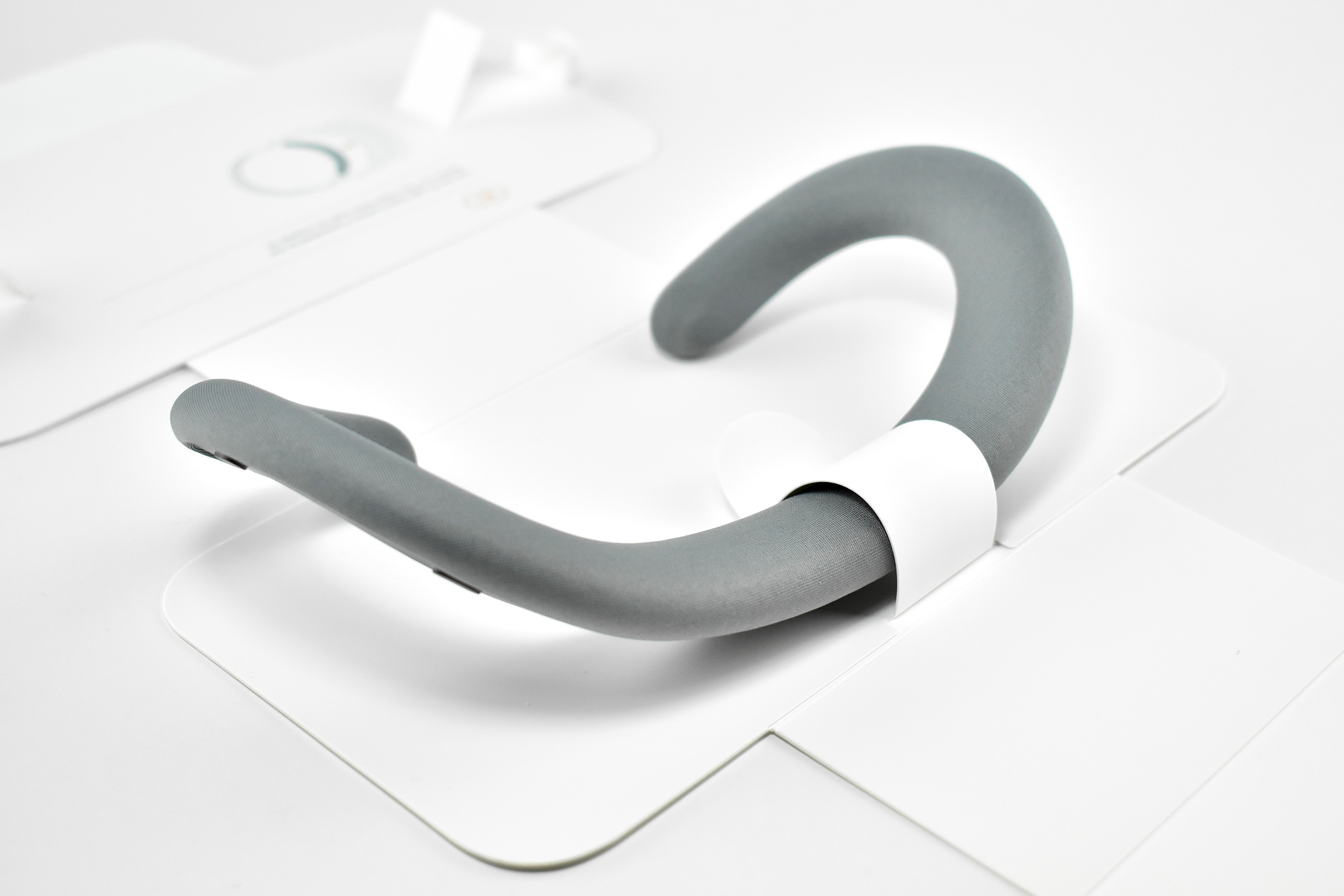
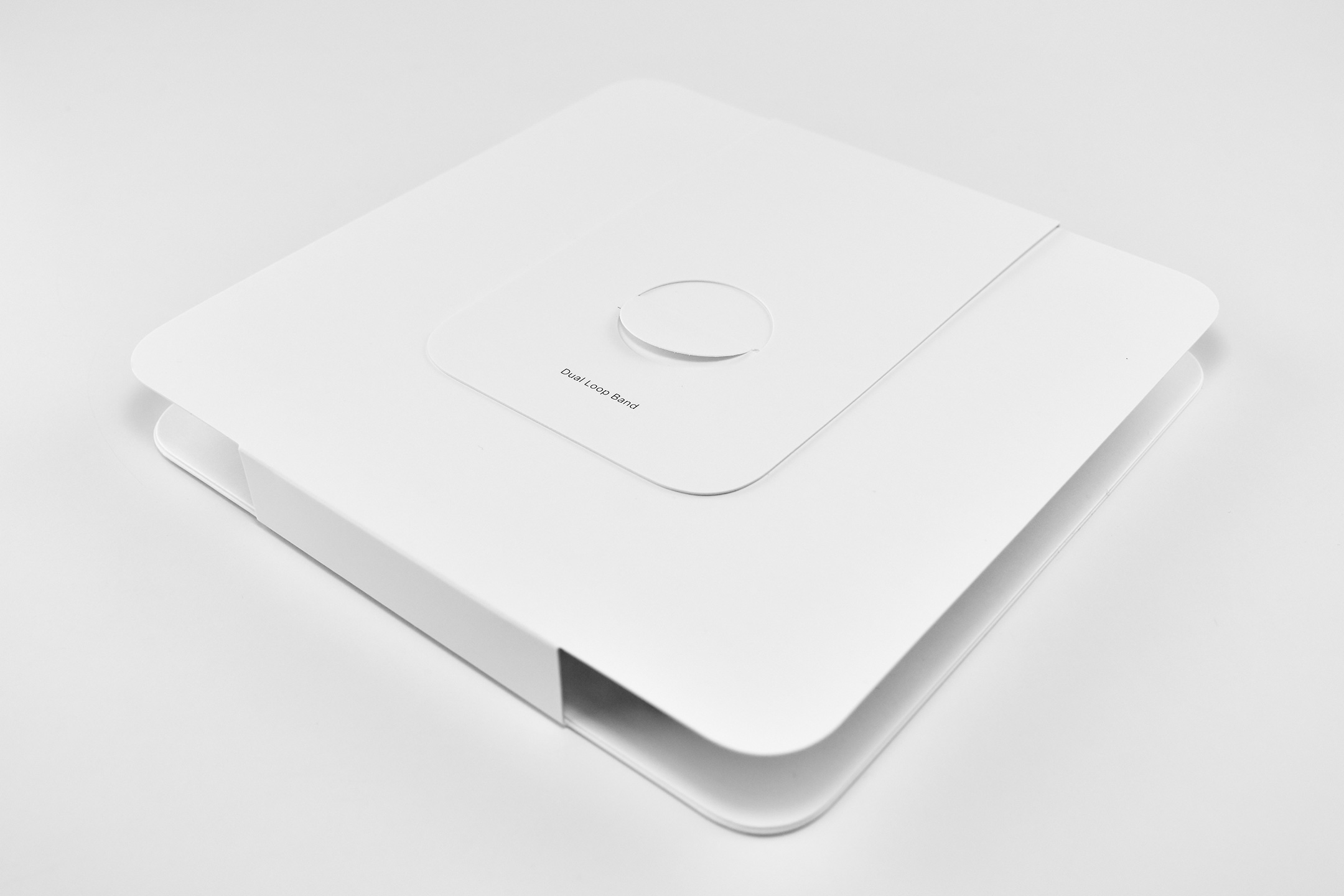
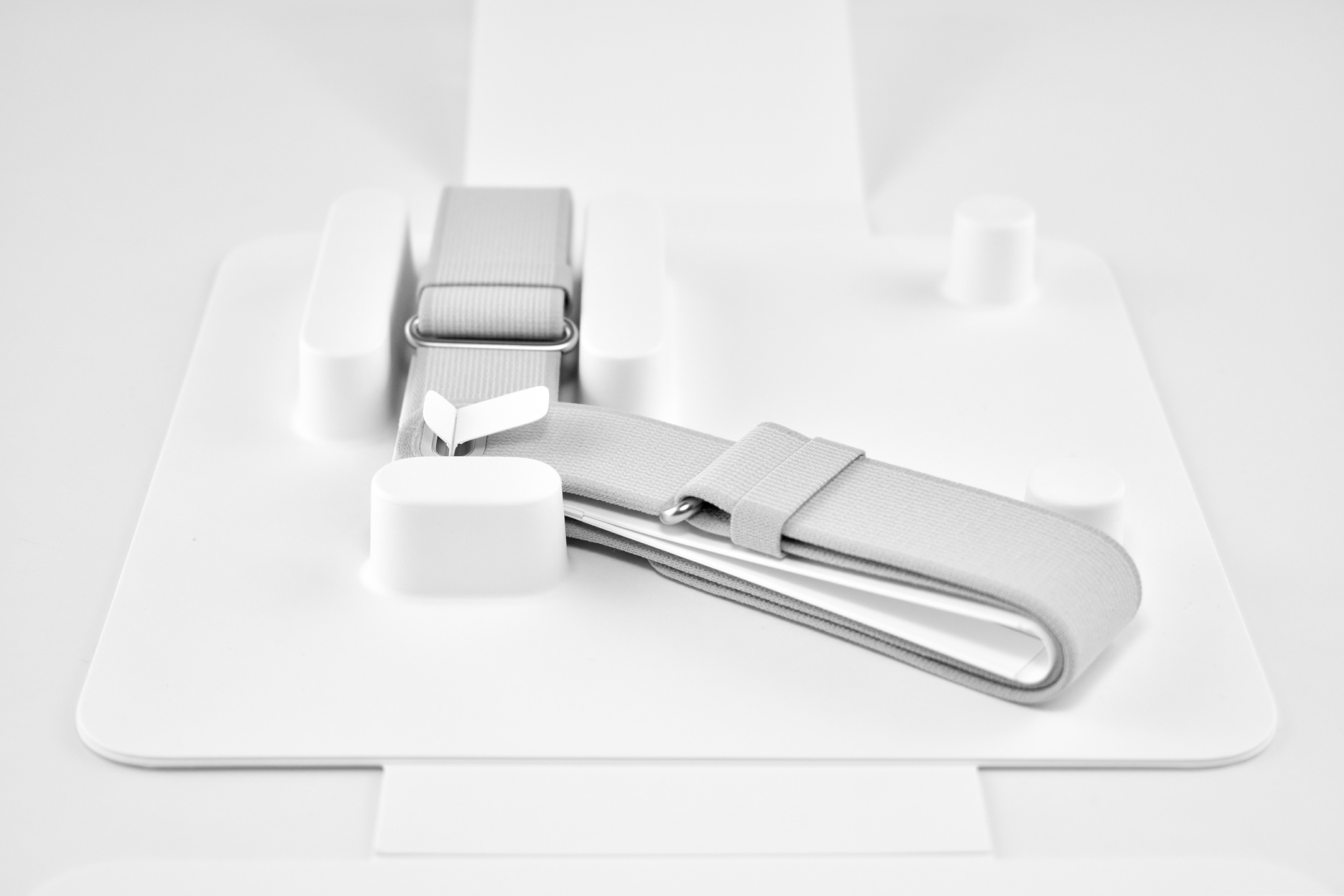
Dual Loop Band
Battery pack
Cover
30W USB-C Power Adapter
USB-C Charge Cable
Several of the parts and accessories that shipped with the Apple Vision Pro were impressive design innovations on their own, even if they were not often mentioned in reviews—or even by Apple. Some examples from my perspective included:
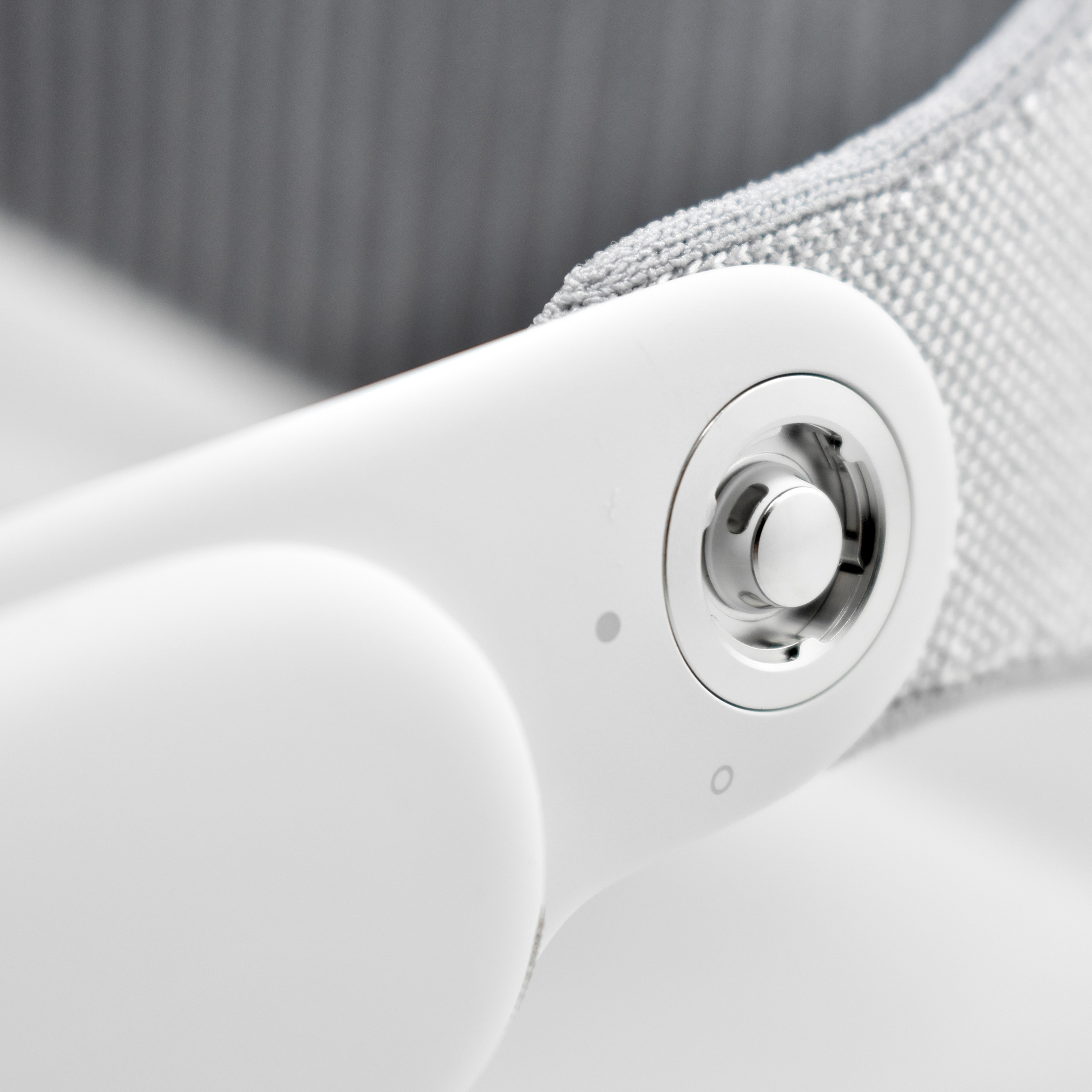
Light Seal—The light seal came in multiple sizes that were matched to the user through a custom app that scanned a user’s face to calculate the appropriate size. The light seal attached magnetically to the main body of the Apple Vision Pro.
Light Seal Cushions—The light seal cushion was also sized for the user and attached with magnets to the light seal to provide a custom fit so light would not “leak” into the space around the eyes.
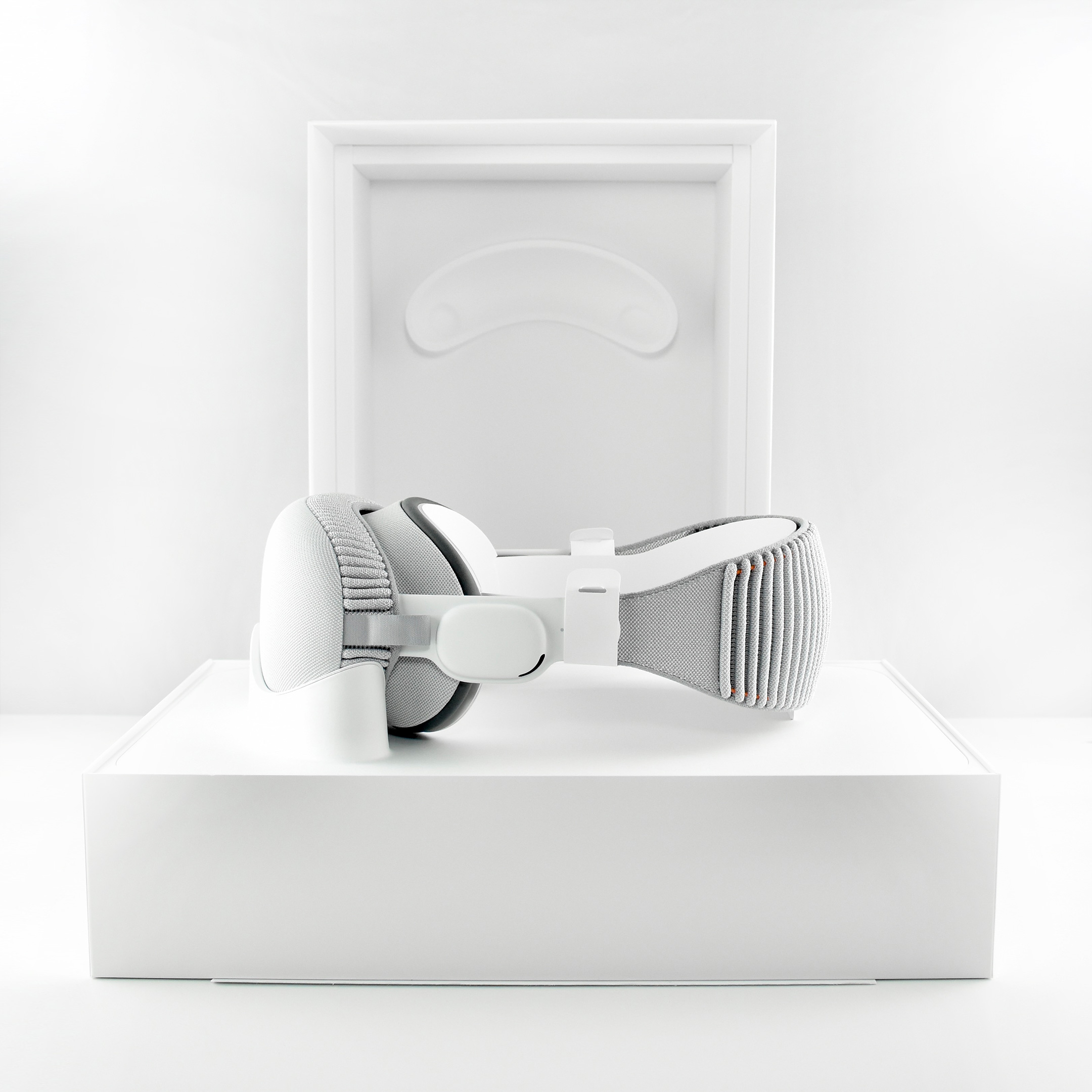
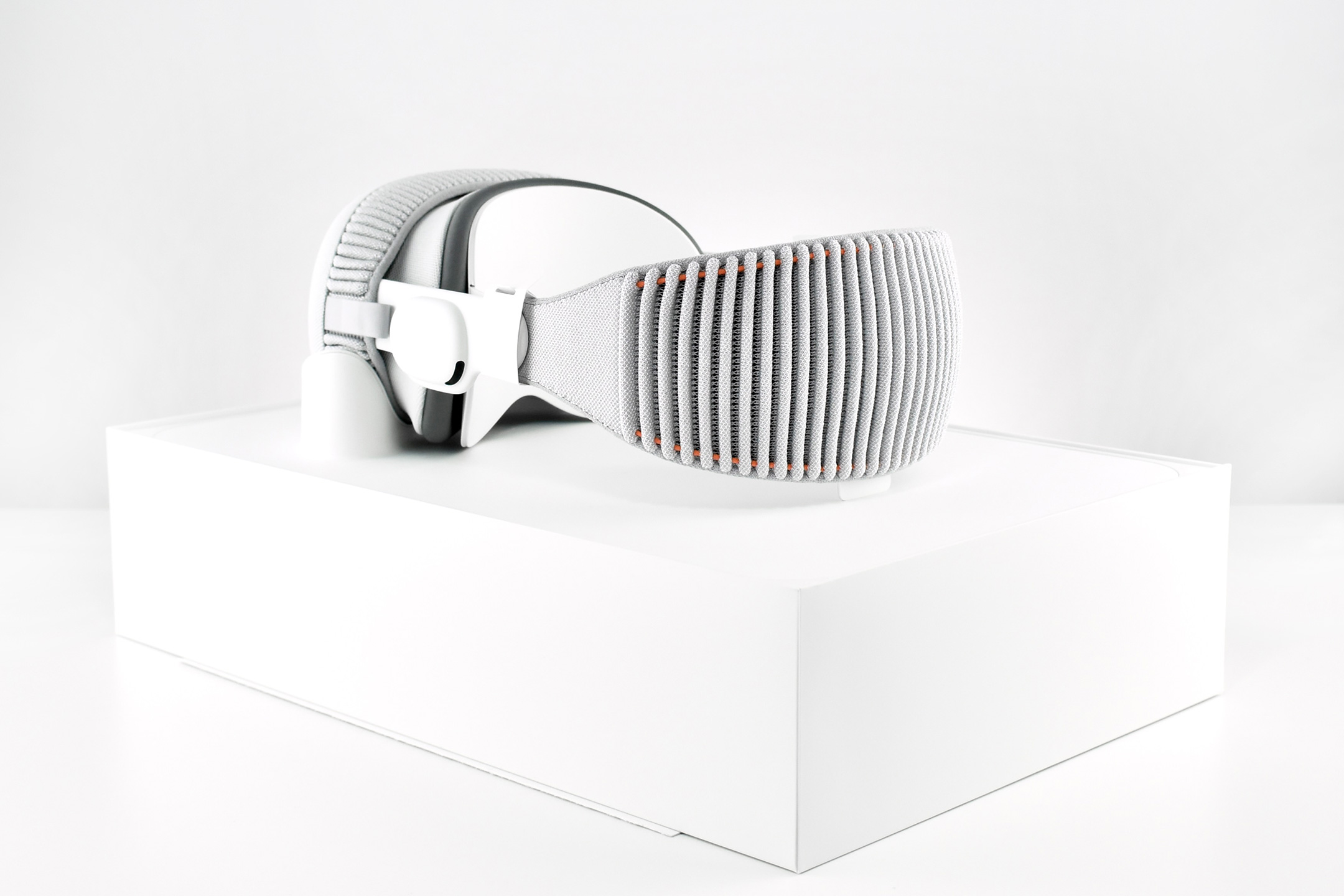
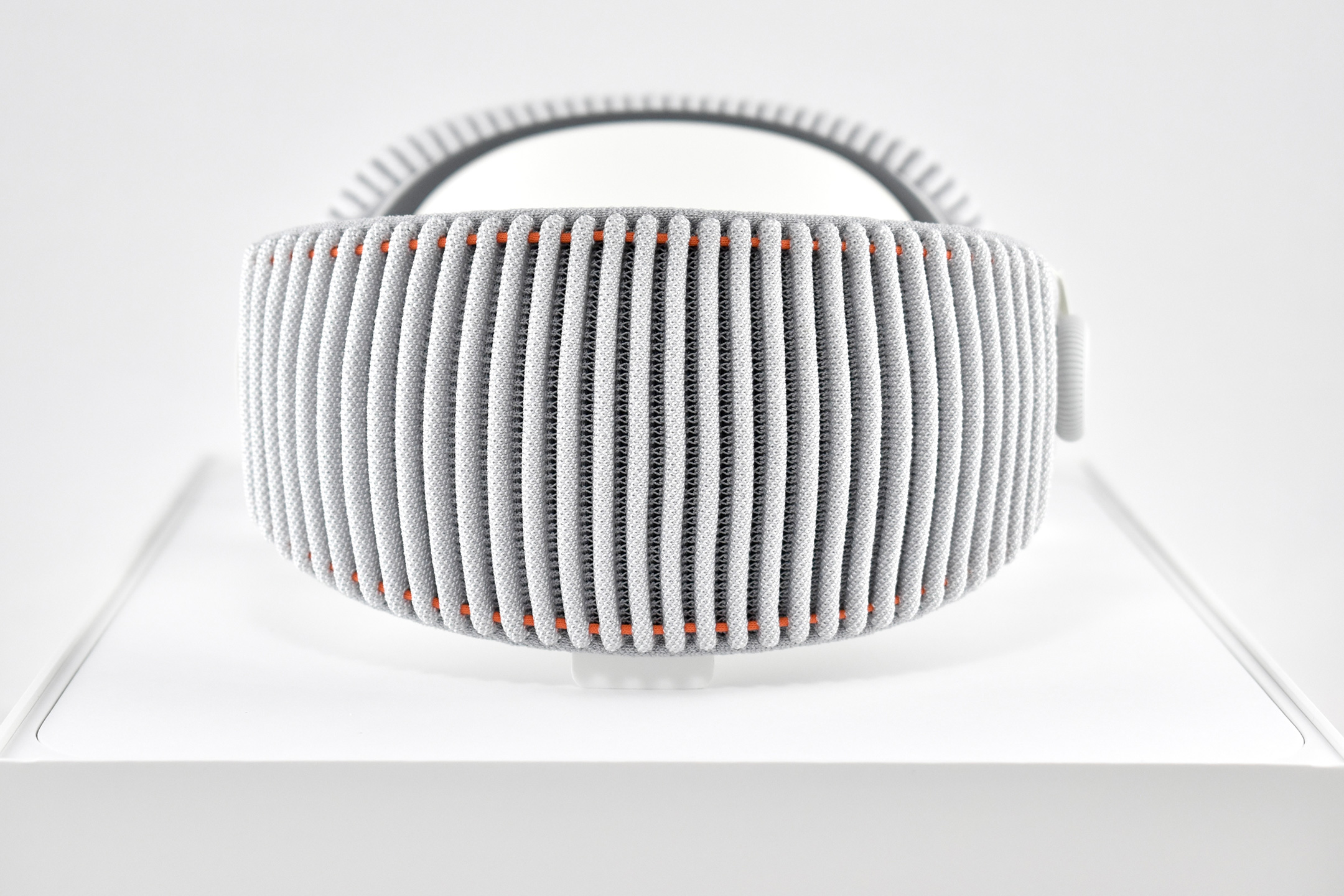
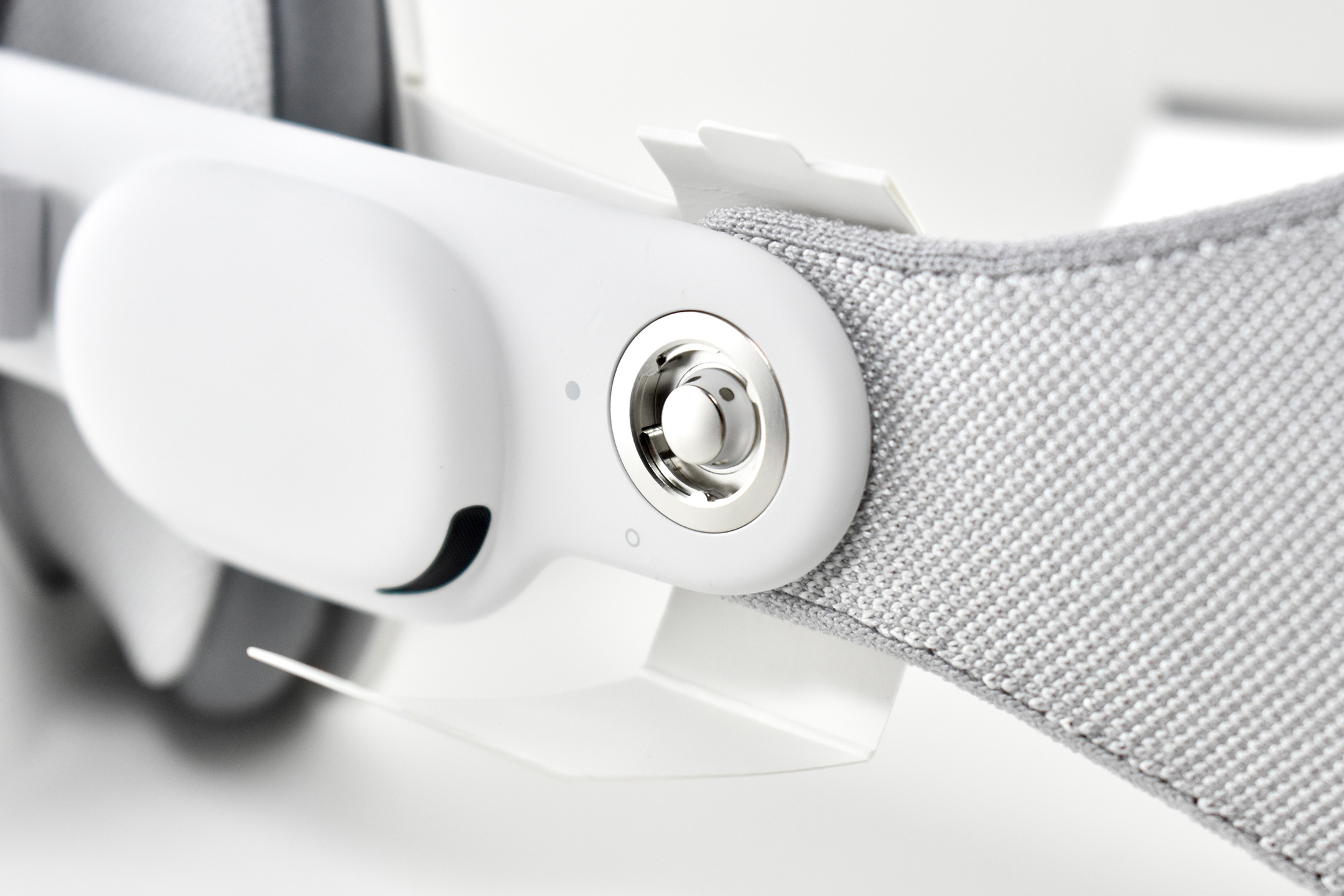
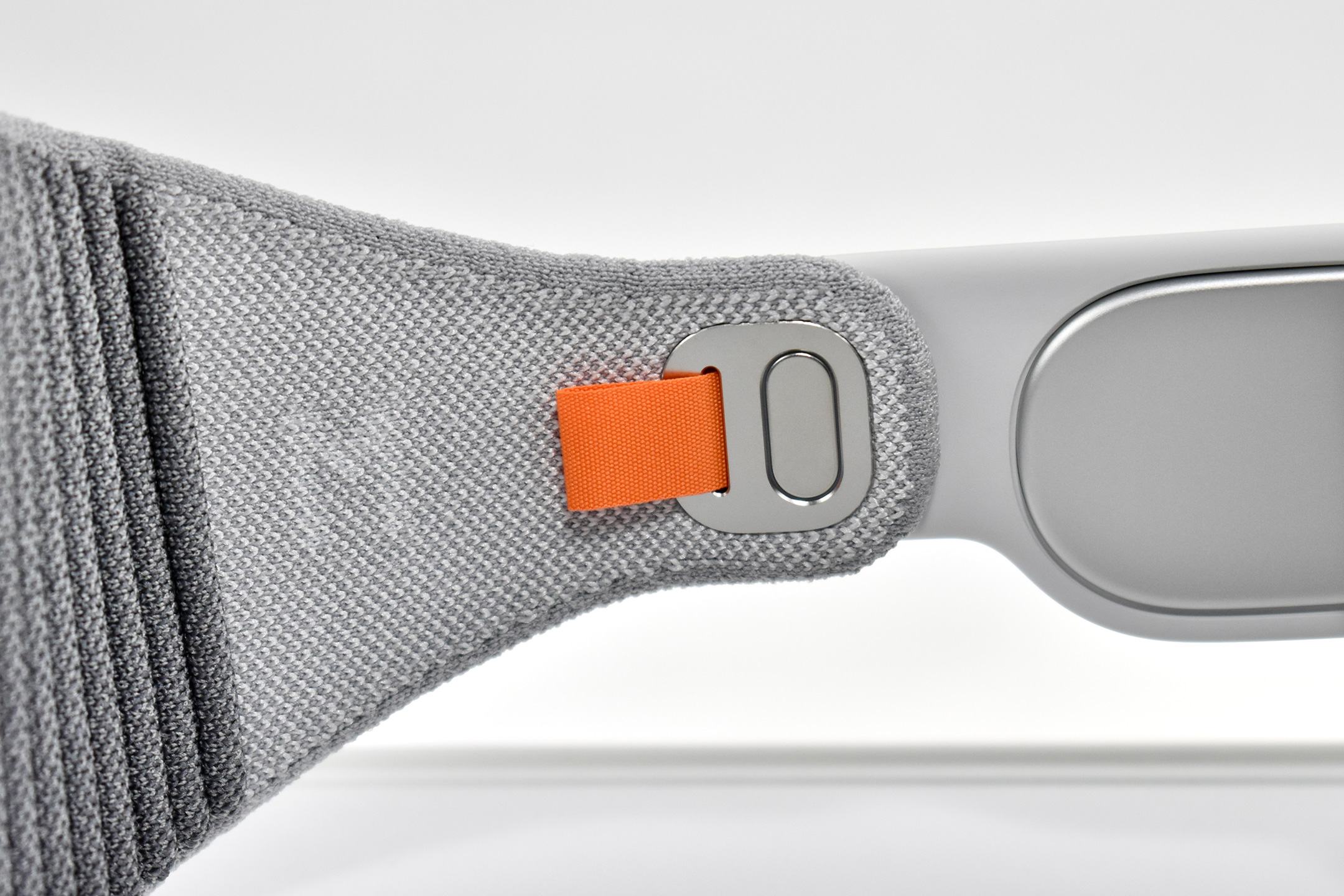
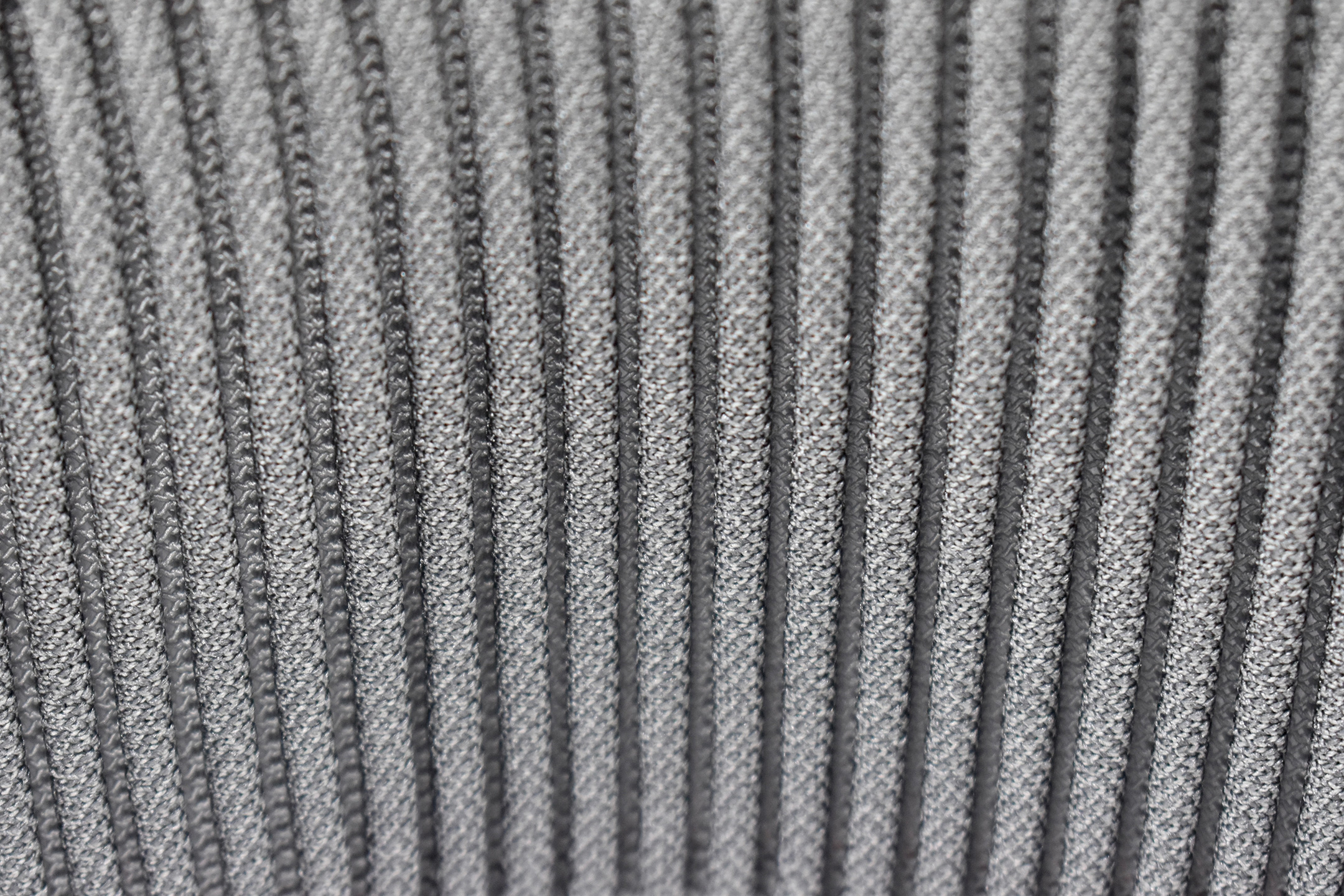
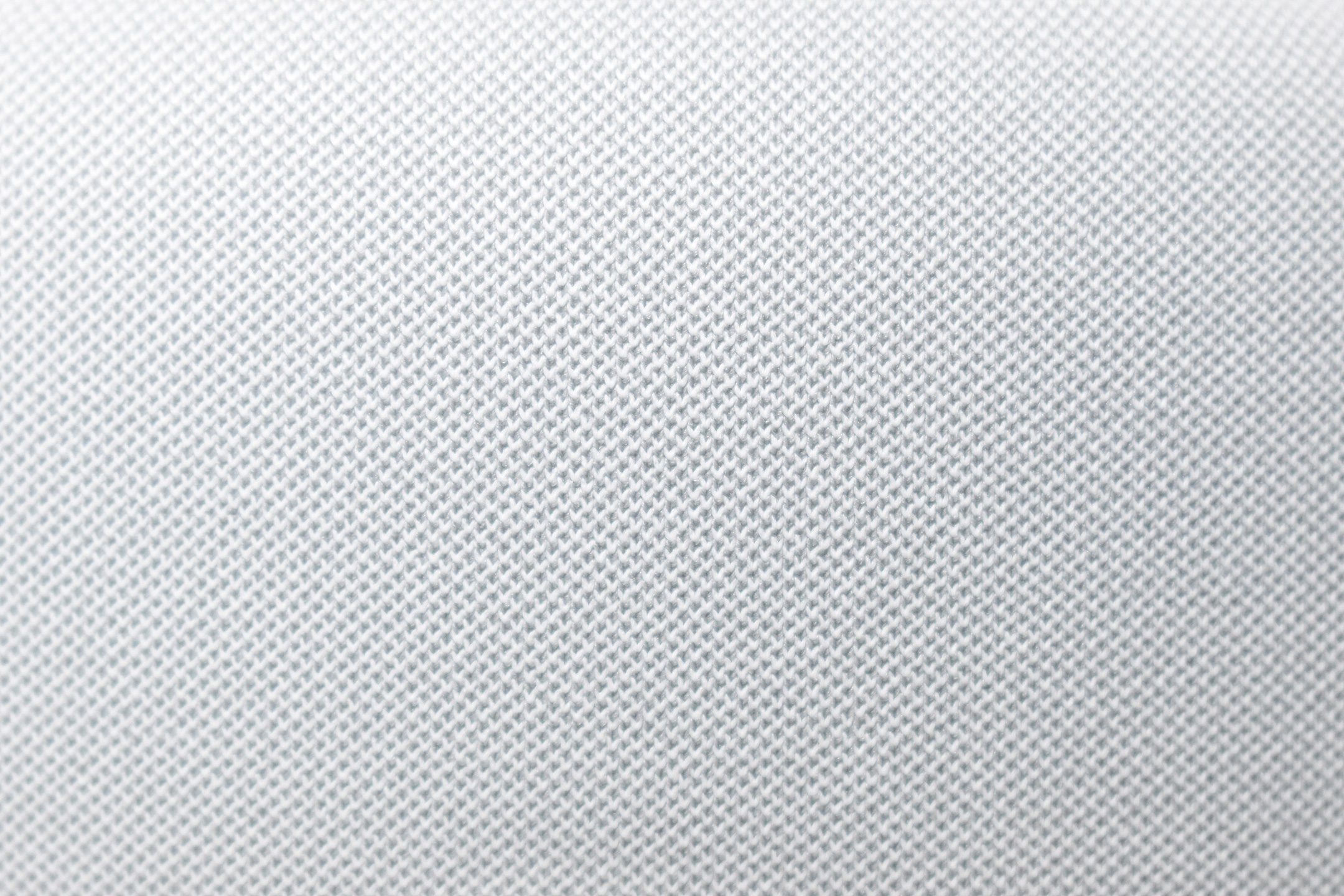
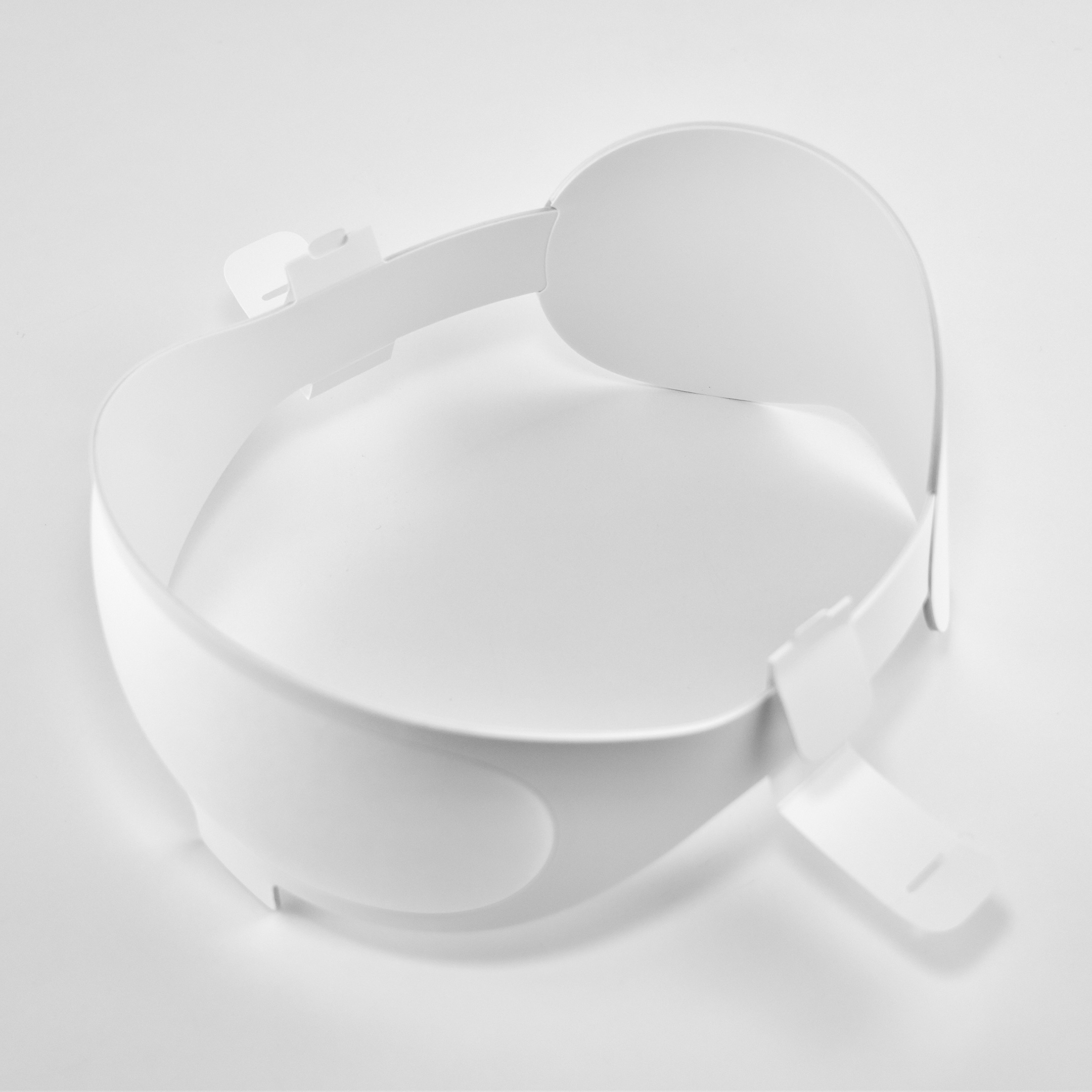
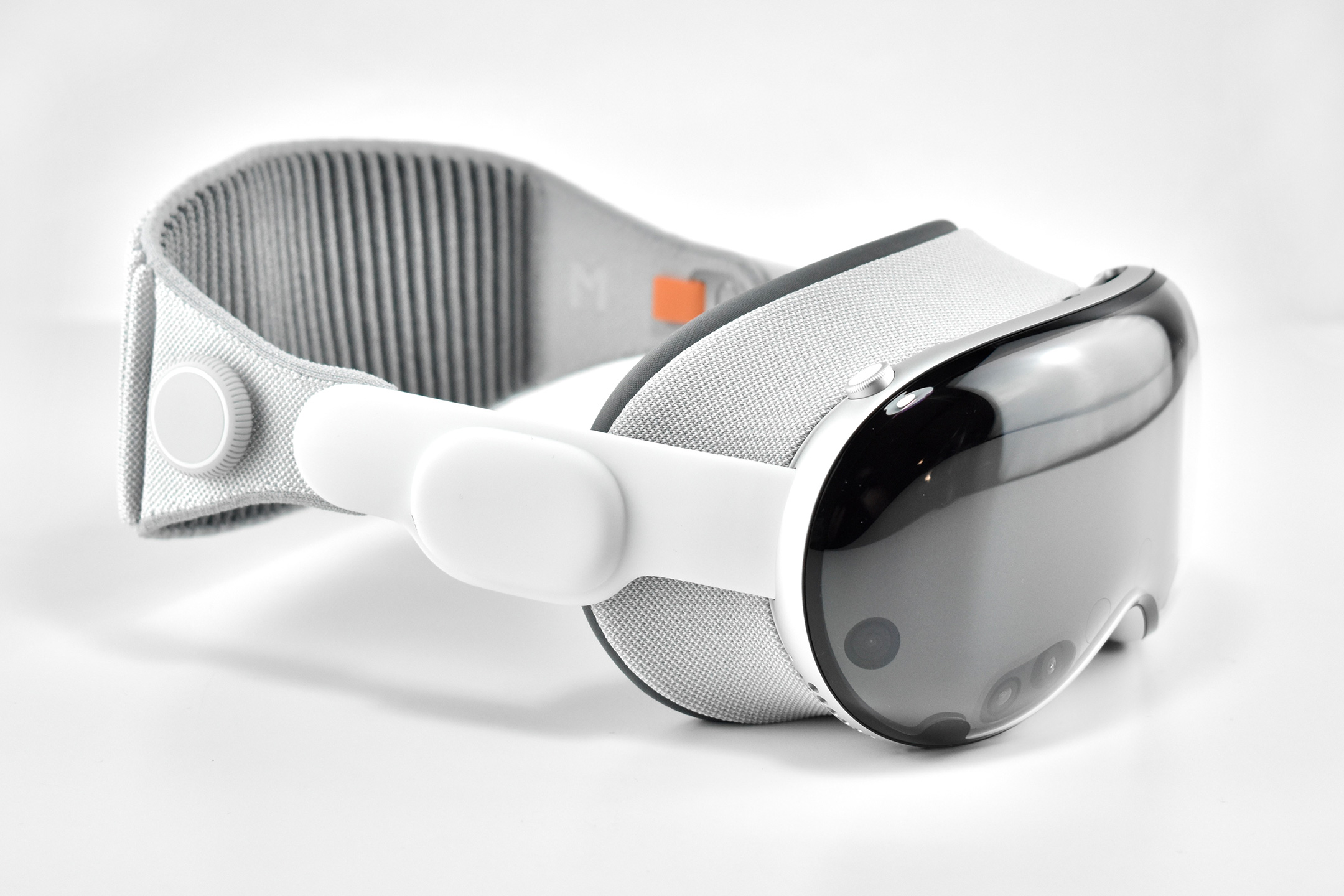
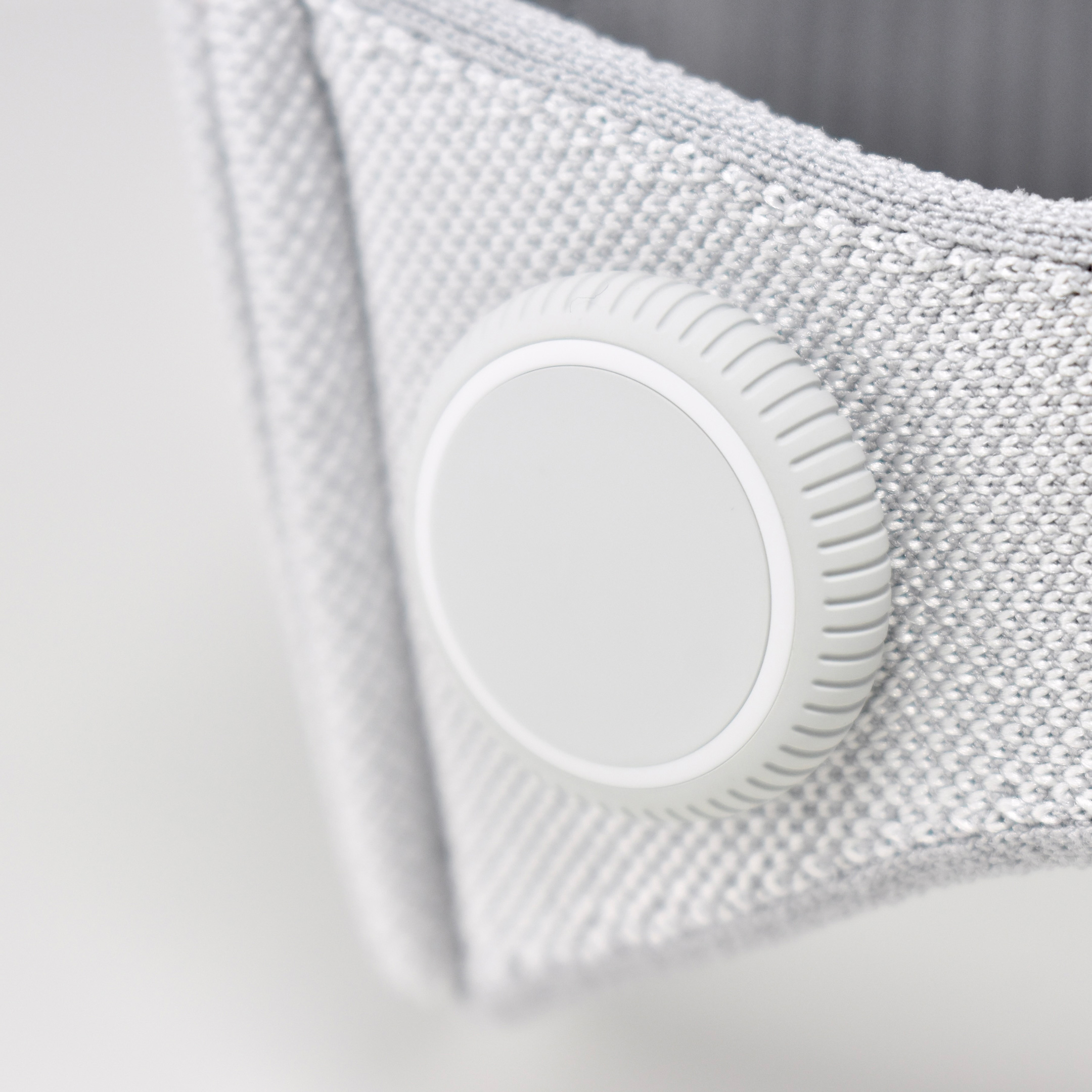
Dual Loop Band and Solo Knit Band—The two bands that shipped each represented impressive engineering and design to fit the 22.9 ounce (1.43 pounds) device to the head and provide relative comfort and support during use. The Dual Loop Band provided a 2-strap system that supported the device around the back and over the top of the head with adjustable velcro closures. The Solo Knit Band was a single thicker band that was “3D knitted as a single piece to create a unique rib structure that provides cushioning, breathability, and stretch. It has an easy-to-reach Fit Dial to let you adjust Apple Vision Pro to your head and enables microadjustments during use.” I personally prefer the Solo Knit Band.
Further, the Solo Knit Band was noted by journalists and reviewers as looking fashionable, especially compared to the utilitarian straps provided by other AR/VR headsets. One 9to5Mac author noted, “I just think the Solo Knit Band looks cooler, and comfort just hasn’t been an issue for me.”
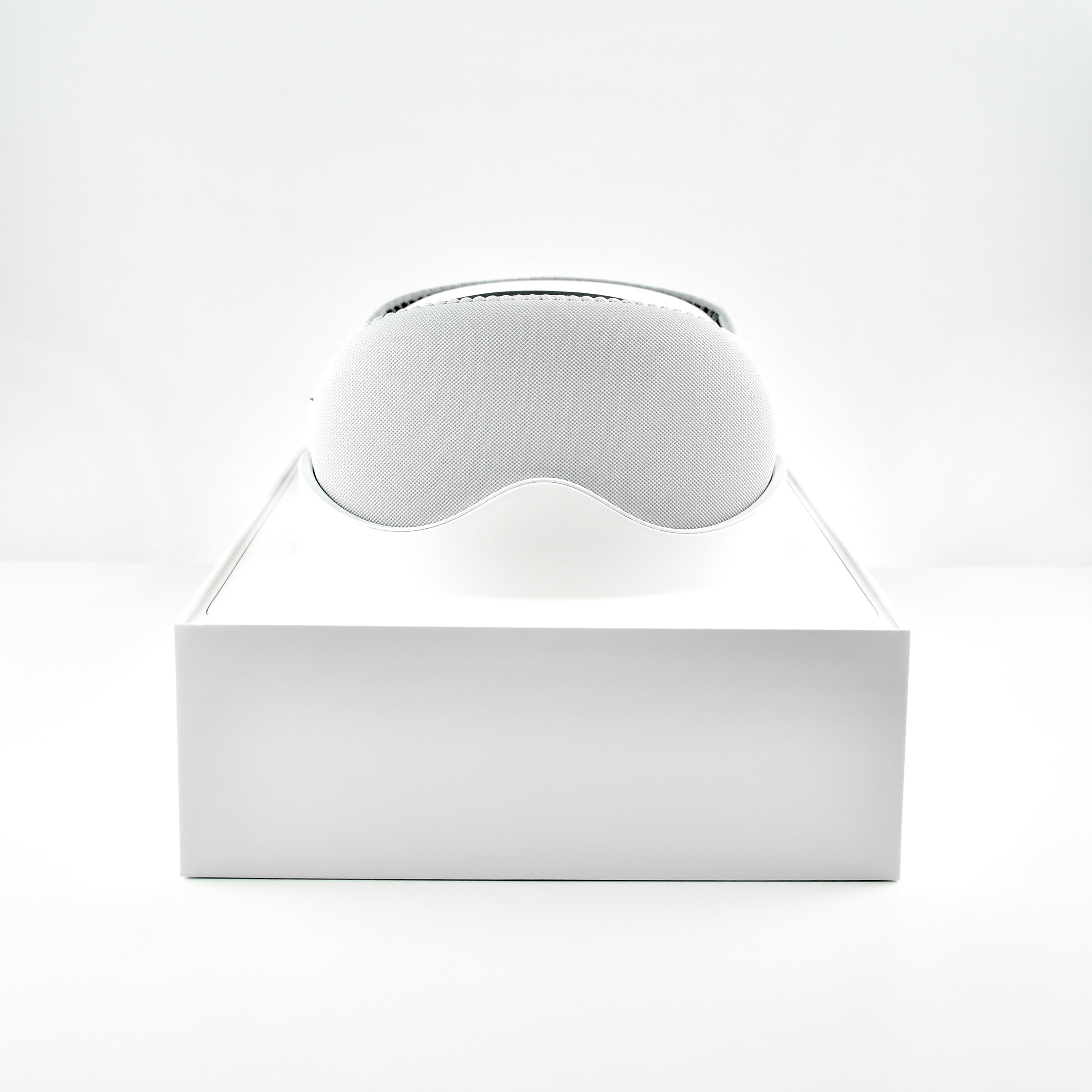
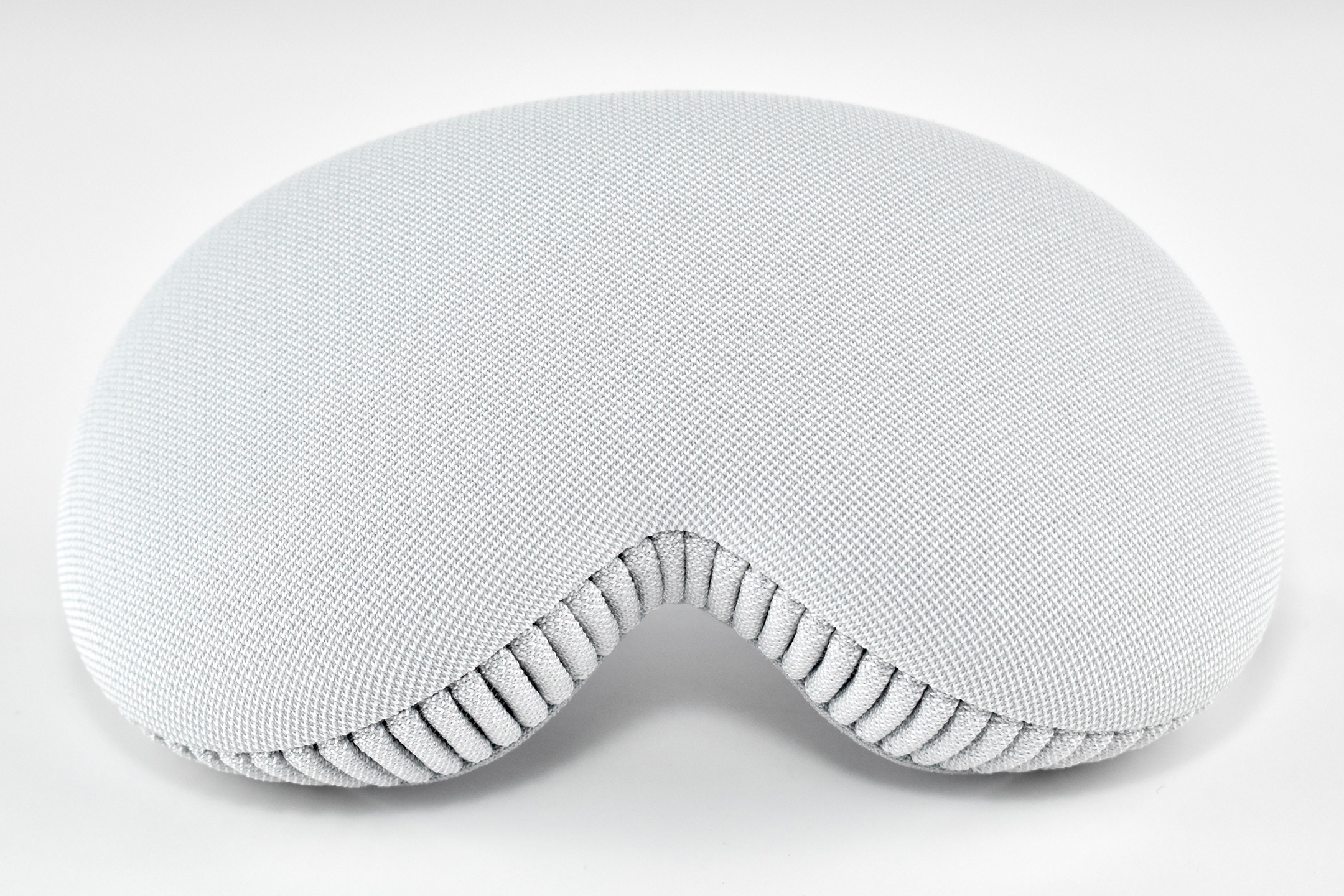
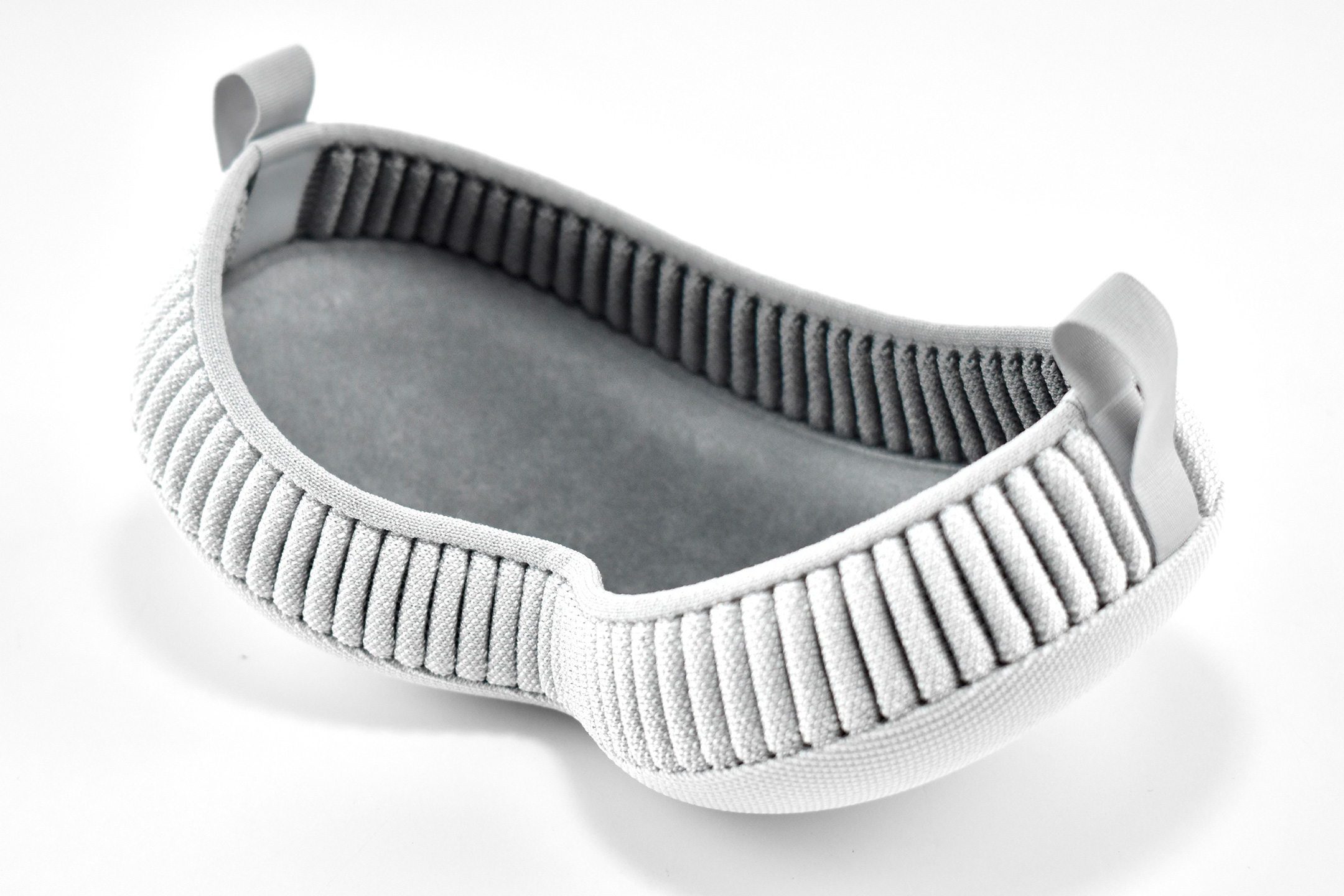
Cover—Even the lowly knit cover was an impressive piece of design in my opinion. The cover itself had knit edges, but allowed the Apple Vision Pro device to be effortlessly lowered into the accessory with a perfect fit that fully protected the glass front. Tabs on the edges also allowed it to be easily removed.
ZEISS Optical Inserts—For those of us who require vision correction and do not wear contact lenses, Prescription ZEISS Optical Inserts were available to be custom-made to an exact prescription. The inserts easily snapped in with magnets and were “recognized” by an Apple Vision Pro device by selecting the user’s account settings.
Although this entry is not intended as a review of the Apple Vision Pro, as a user I can attest that the device is extremely difficult to describe to someone who has not used it first-hand. In my experiences, the device and visionOS functioned seamlessly from the original visionOS through visionOS 2. In my Apple-user-experience lifetime (since the early-1980s), I have never experienced a more mature operating system for a brand new device—especially one with so many brand new user interface elements.
After a lifetime of keyboard typing, mouse clicking, and most recently touch-based interfaces, the Apple Vision Pro required a user to make the leap to looking at virtual interface elements (through eye tracking) and interacting though hand gestures (pinches, pulls, and a 2-hand pinch/pull motions). Having coached about 50 first-time users through using the Apple Vision Pro as of this writing, I have observed that every user was able to understand these UI paradigms within the first 5–10 minutes of using the device (most adapted more quickly).
Finally, I wrote a series of education-focused articles about my first impressions of the Apple Vision Pro after the device was first released. They are available on a separate blog at Blogger:
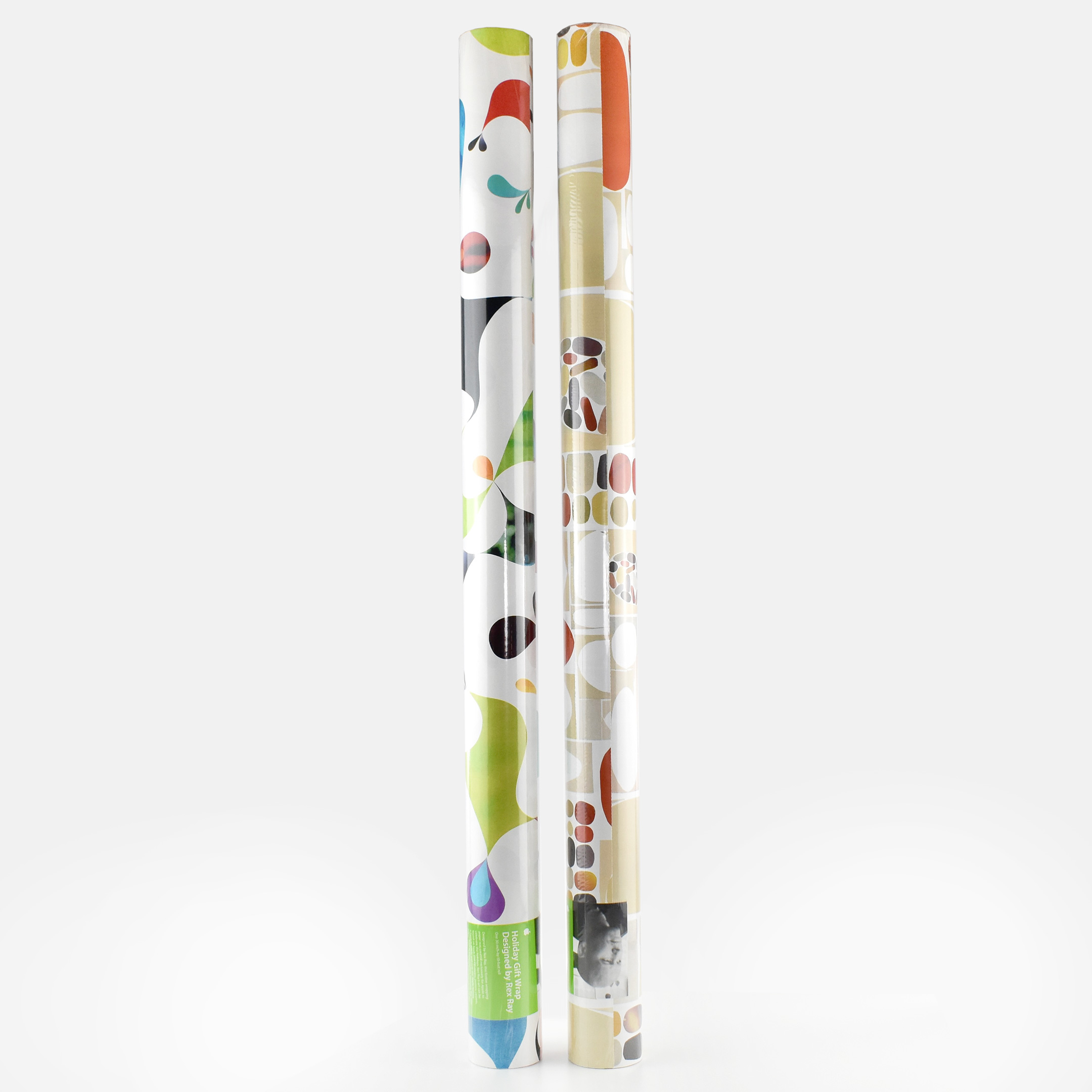
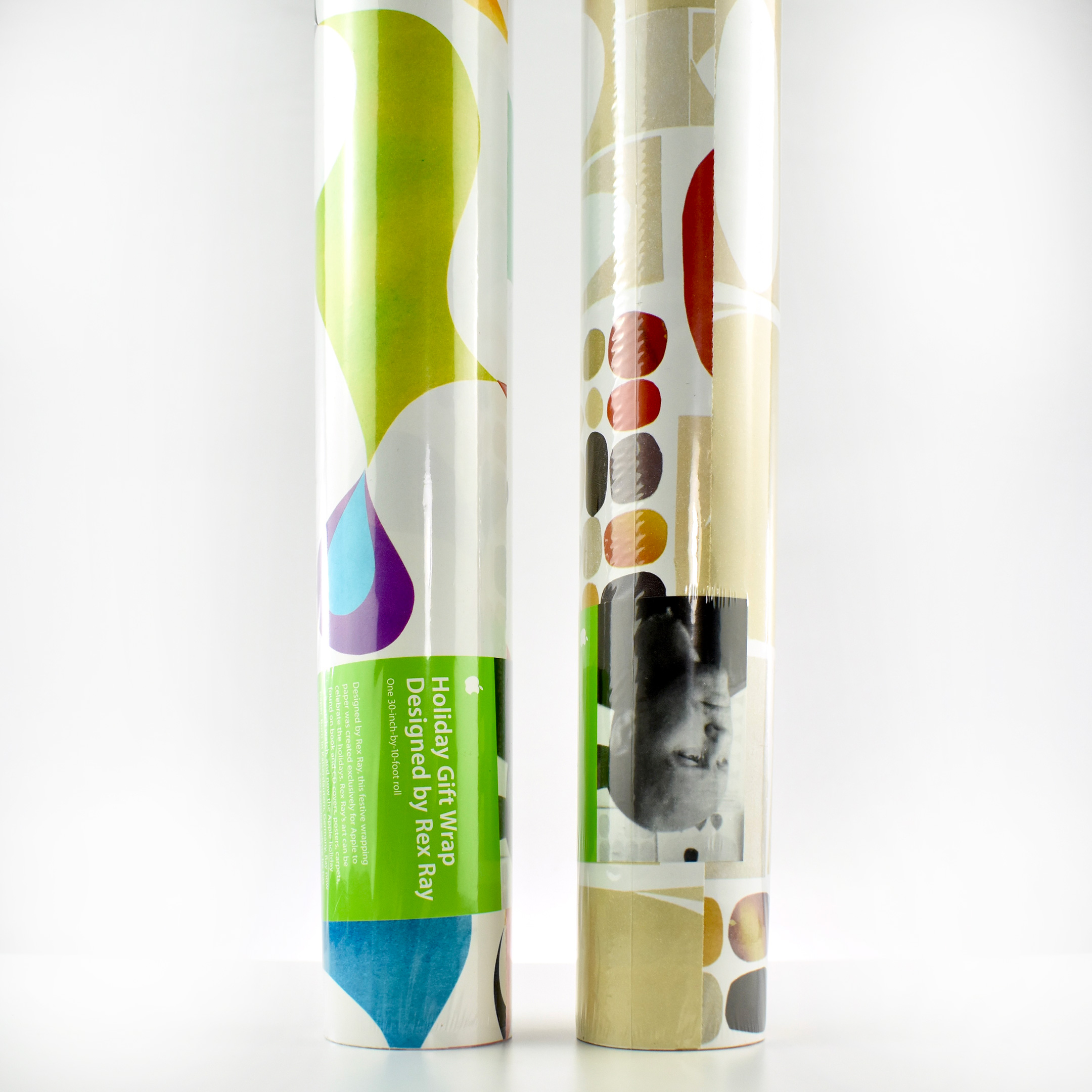
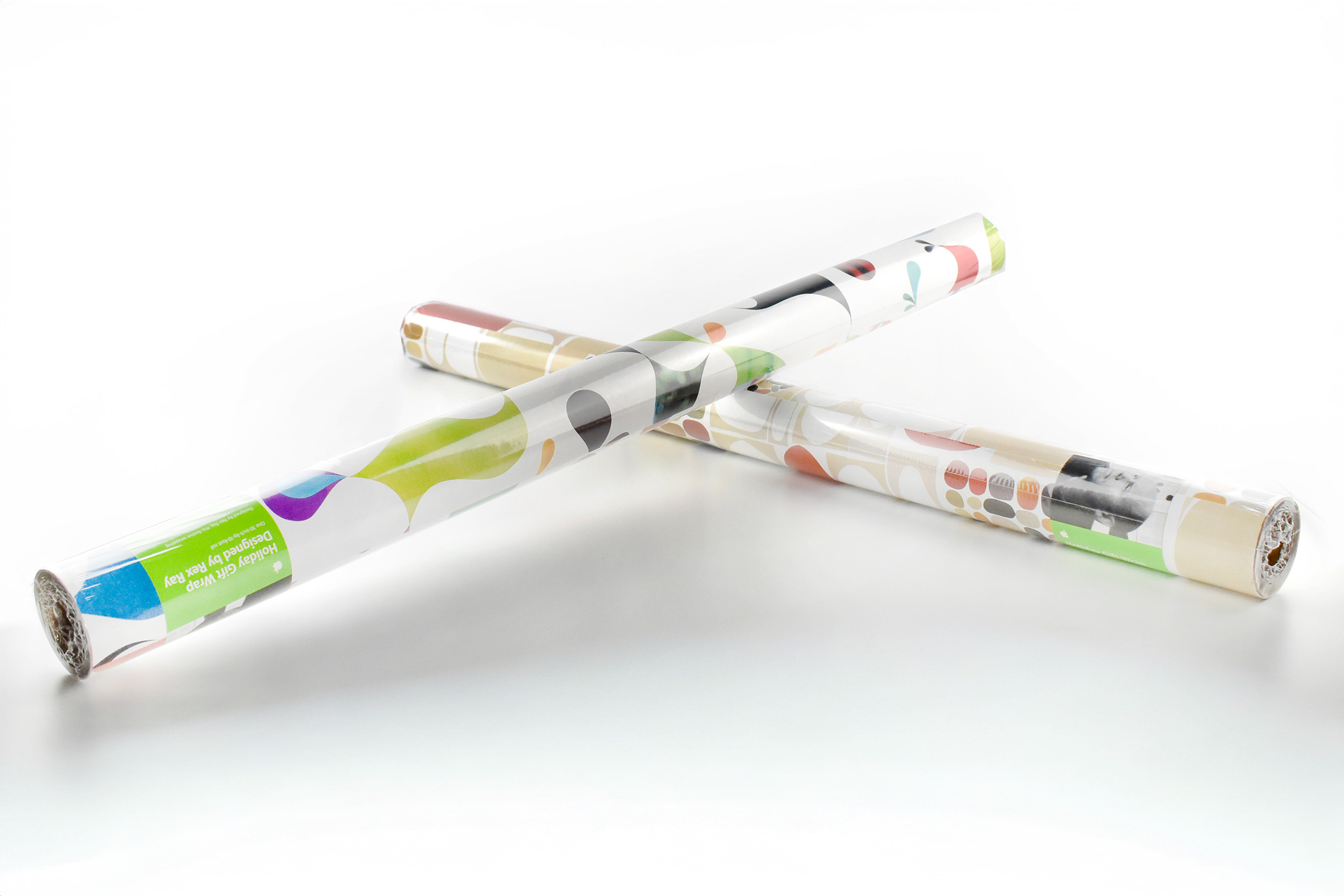
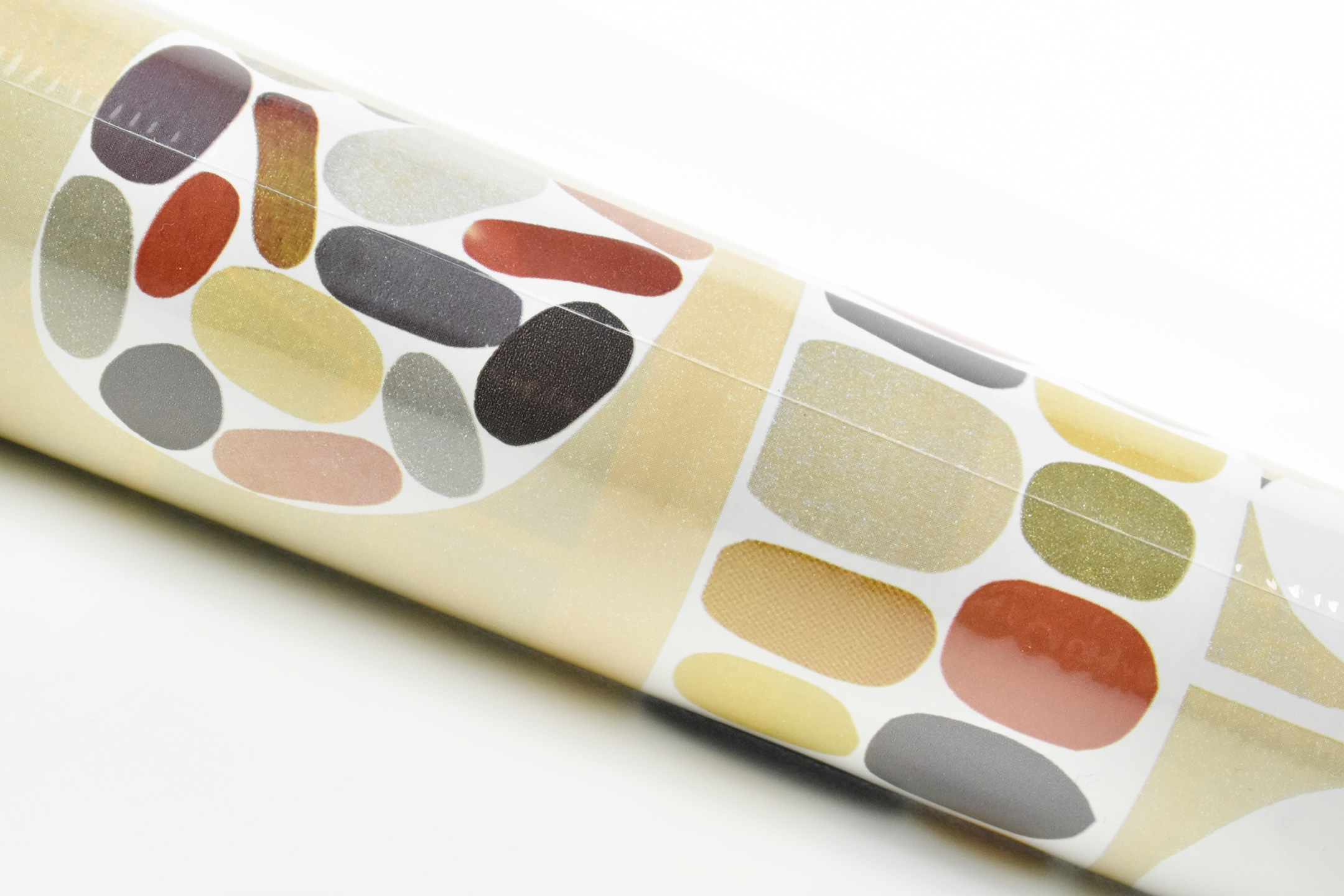
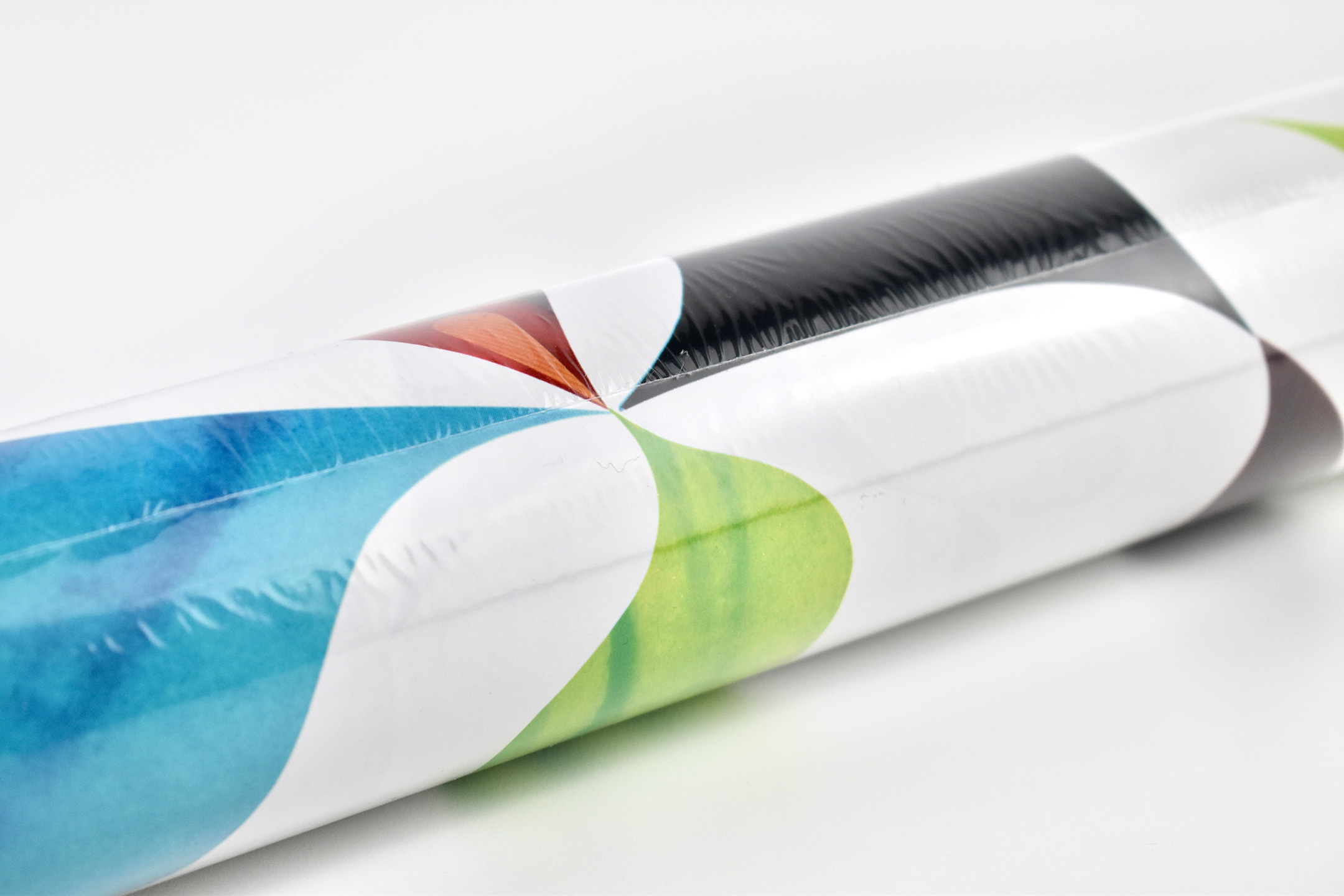
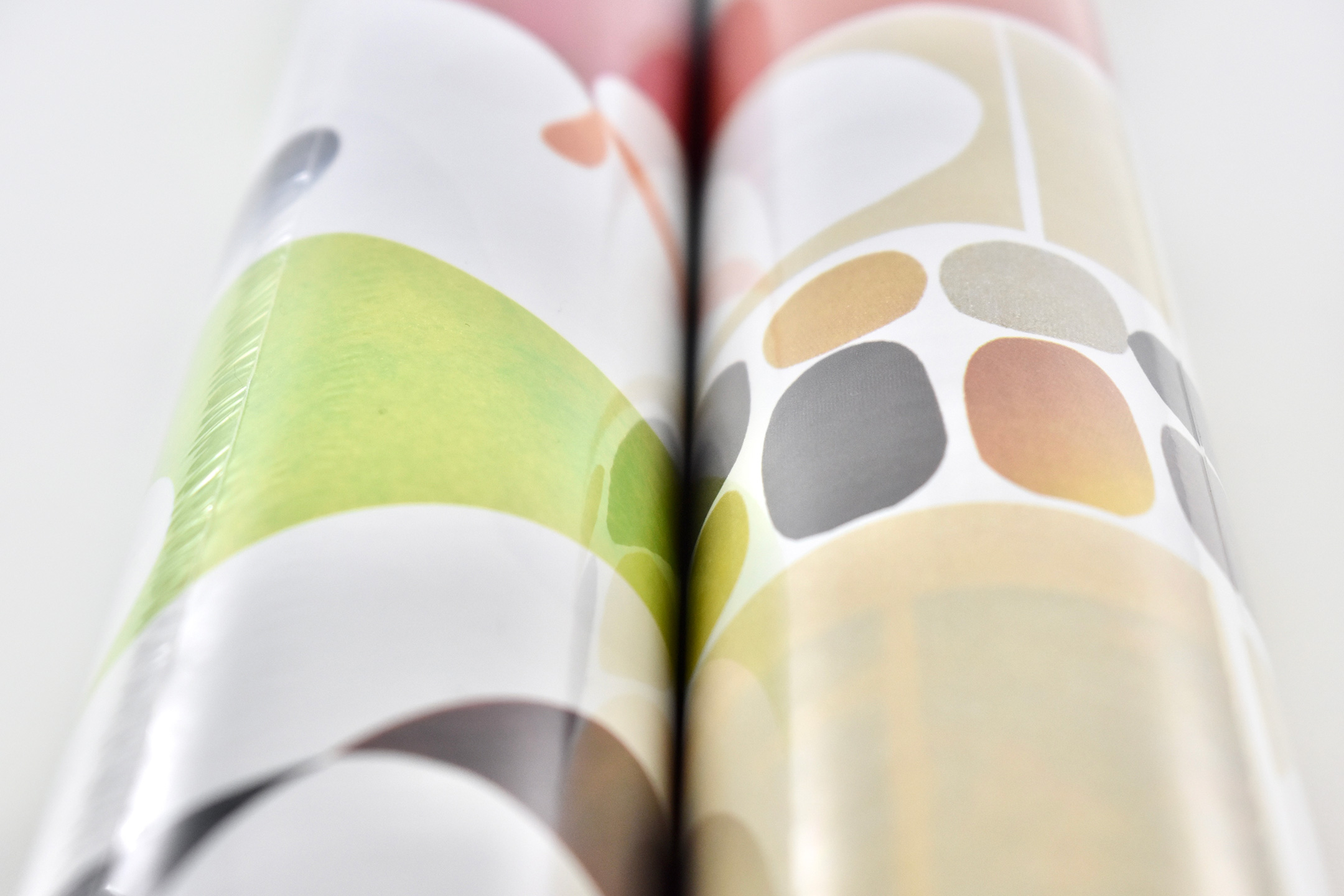
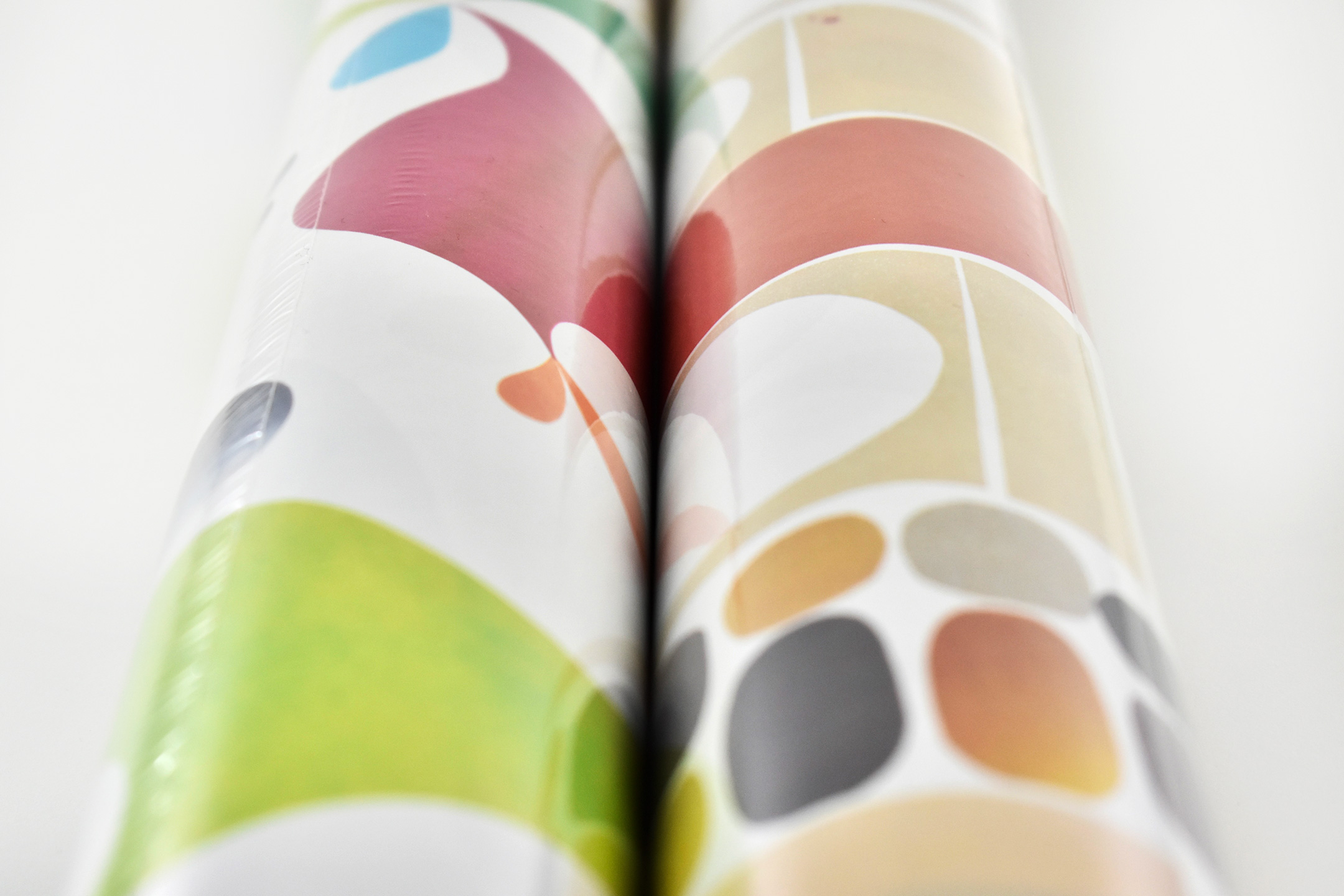
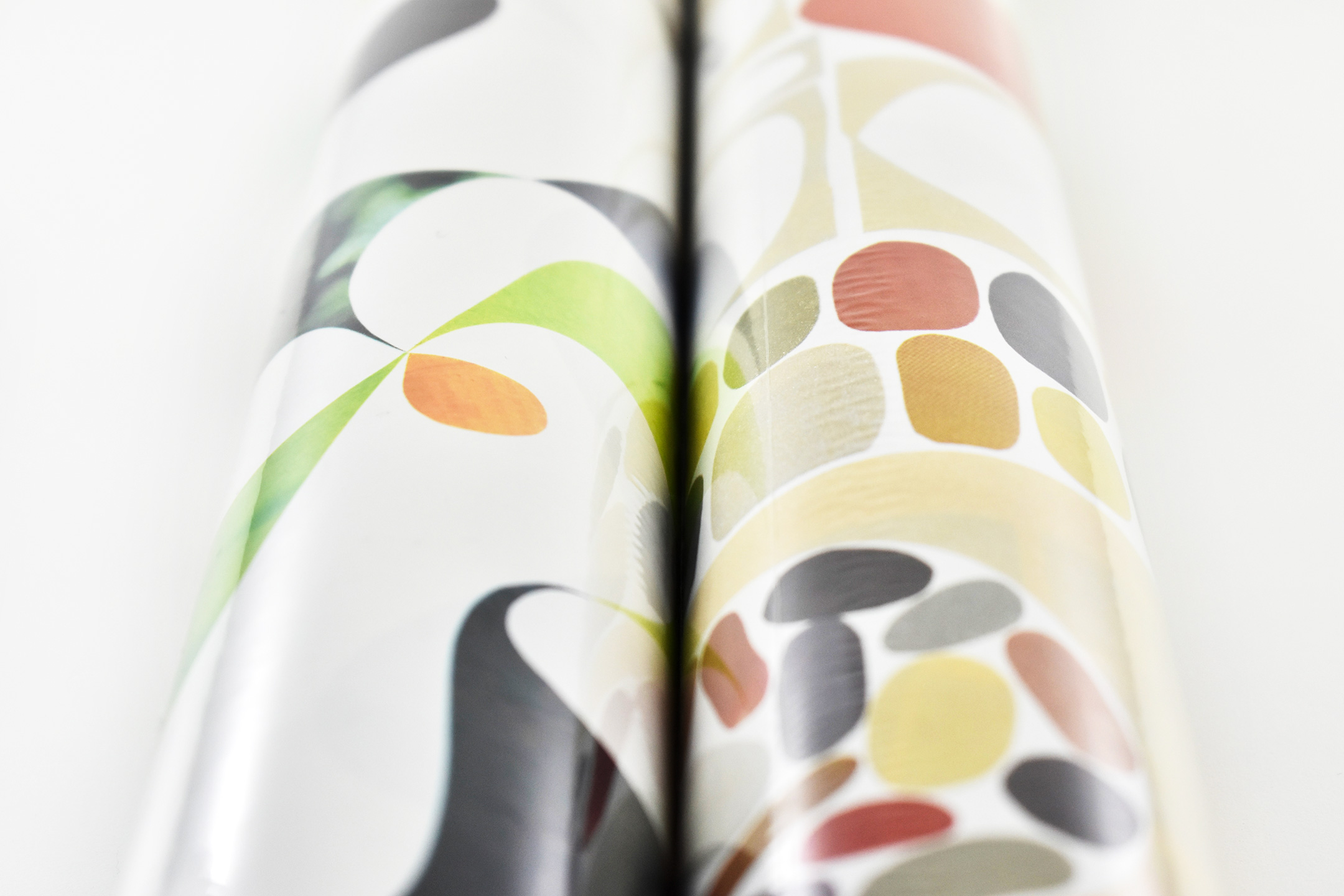
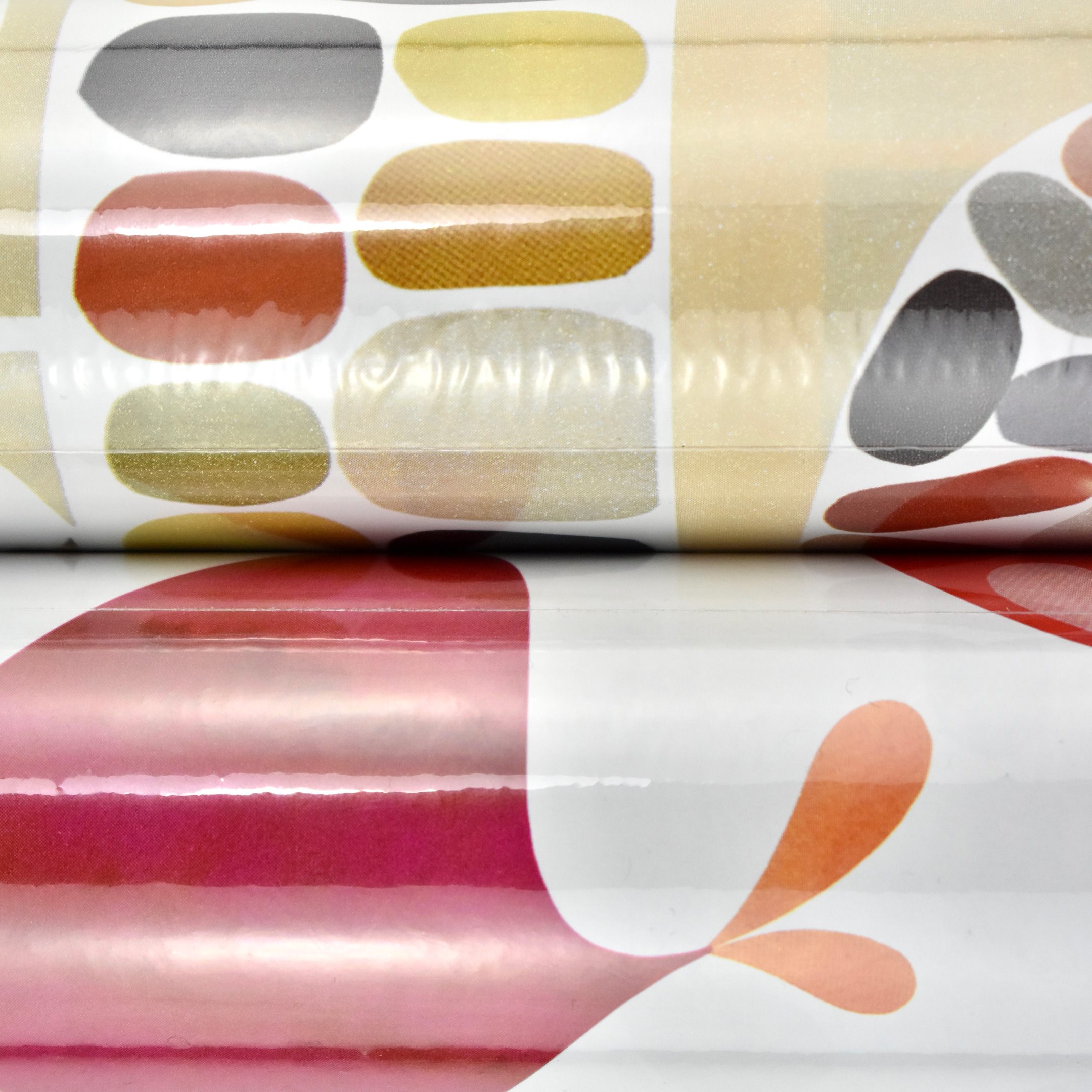
These two gift wrap designs were created for Apple by artist Rex Ray, born September 11, 1956, and died February 9, 2015. He was an “American artist best known for his innovative pop aesthetic in fine and commercial art—on canvases, wood panels, album covers, paper, book jackets, murals, and rock and roll posters.”
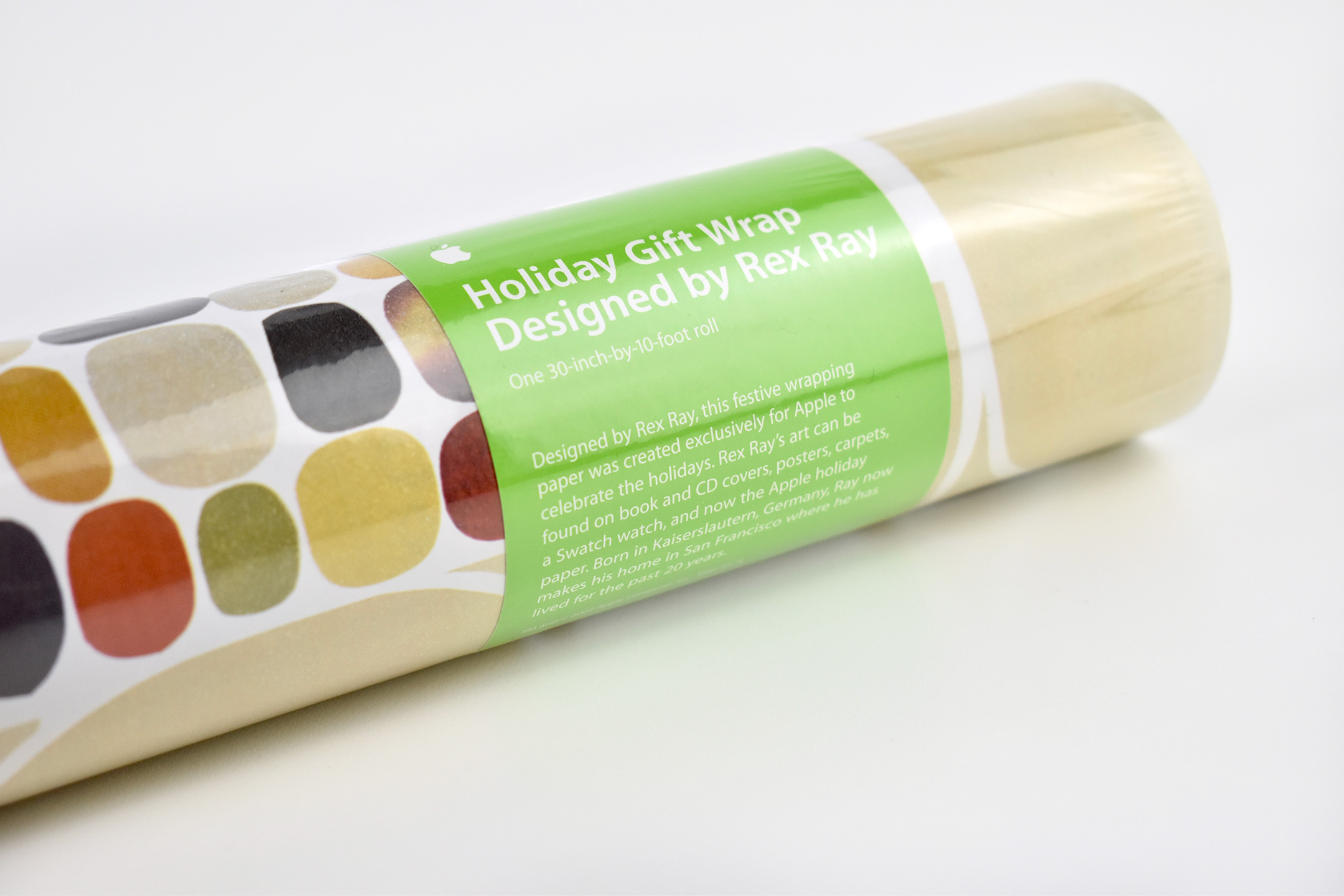
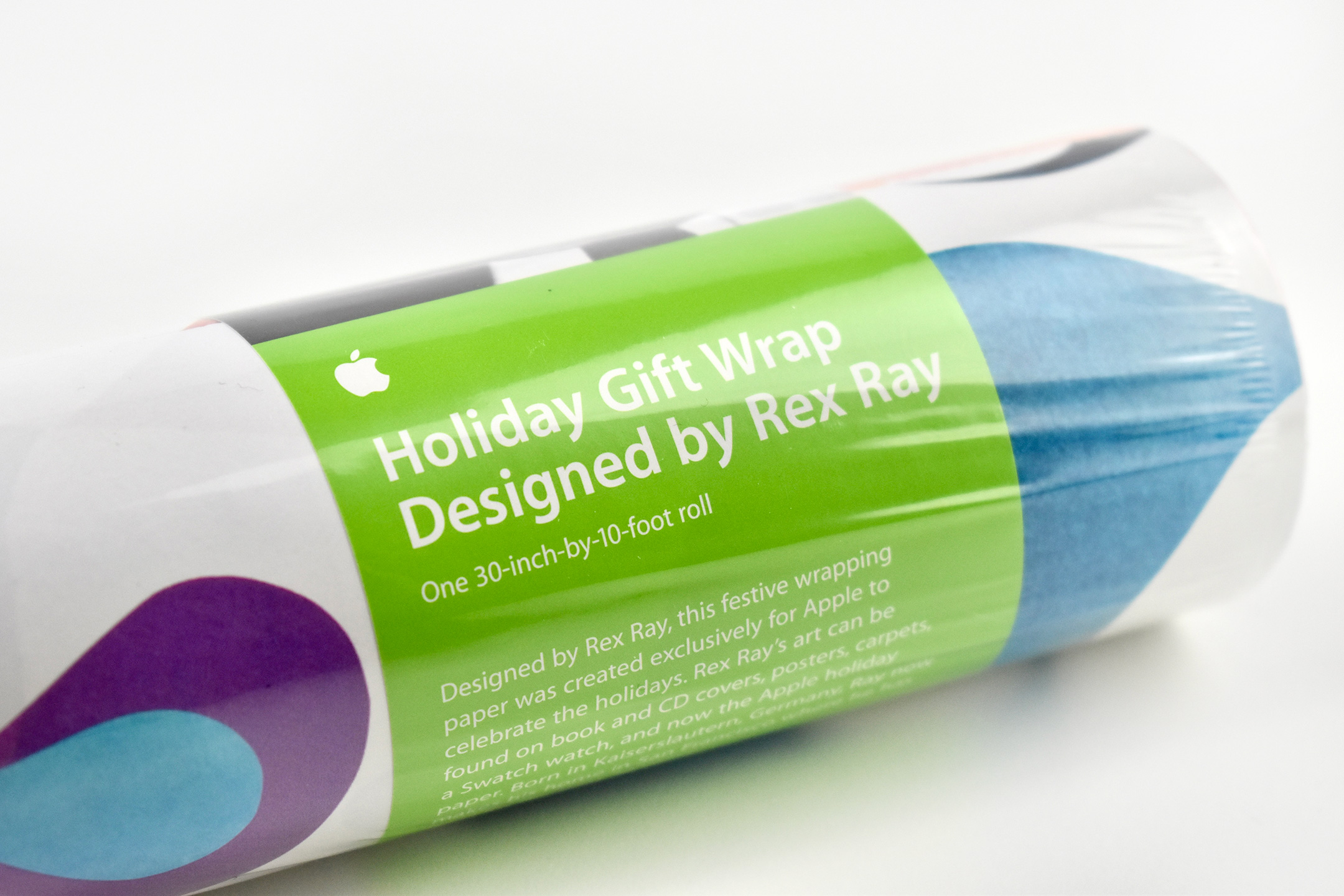
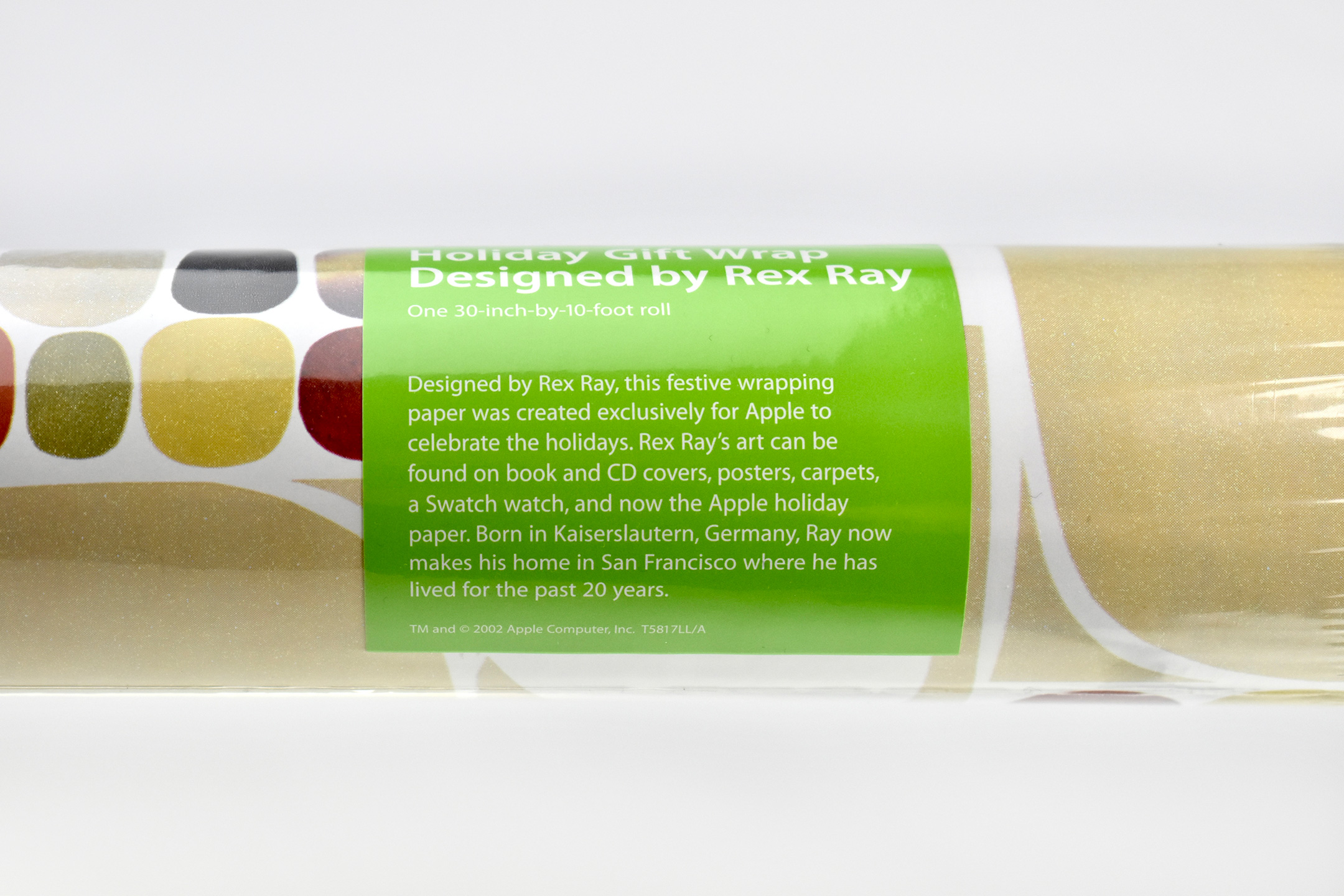
The label on the rolls of gift wrap were bright green with white text in the Apple Myriad font and matched Apple’s product packaging at the time. The label included a black-and-white headshot of Rex Ray, and the product description:
“Designed by Rex Ray, this festive wrapping paper was created exclusively for Apple to celebrate the holidays. Rex Ray’s art can be found on book and CD covers, posters, carpets, a Swatch watch, and now the Apple holiday paper. Born in Kaiserslautern, Germany, Ray now makes his home in San Francisco where he has lived for the past 20 years.”
Although the two designs are not named, the beige/brown design has the product number T5817LL/A, and the bright colored design has the product number T5818LL/A.
As a collector, I had no idea this product existed until it appeared on a local Facebook Marketplace post. I had to research it to make sure it was an actual Apple product and found it not only to be legitimate, but Apple had also made a magnetic poetry set with the beige/brown border design the same year (that I also found and acquired on eBay).
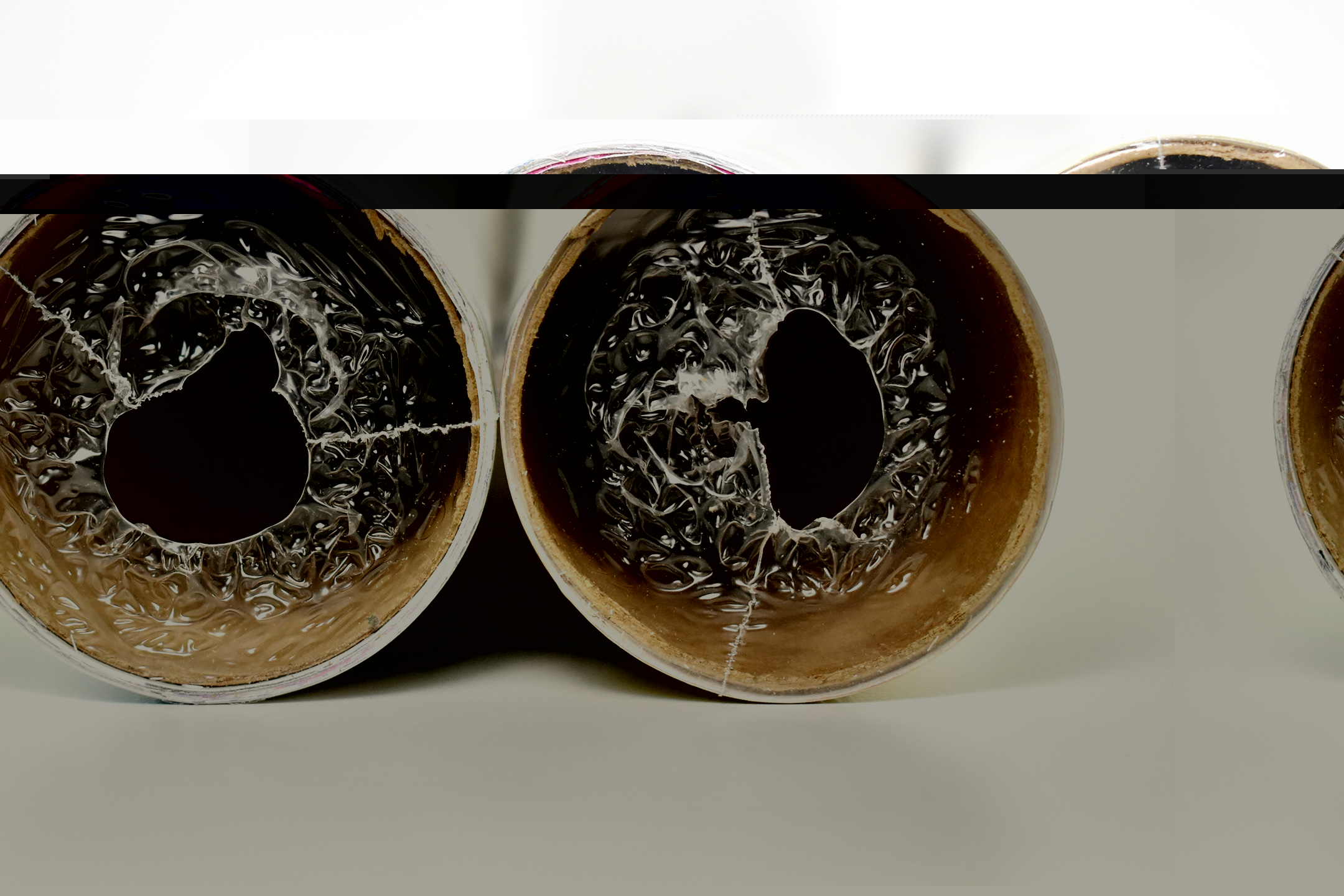
The woman from whom I purchased the gift wrap told me she had purchased all the rolls in stock at an Apple Store in 2002 (presumably Woodfield Mall in Schaumburg, IL—the only Apple Store in the Chicago area at the time). We negotiated a price, and I purchased all of 29 rolls she had.
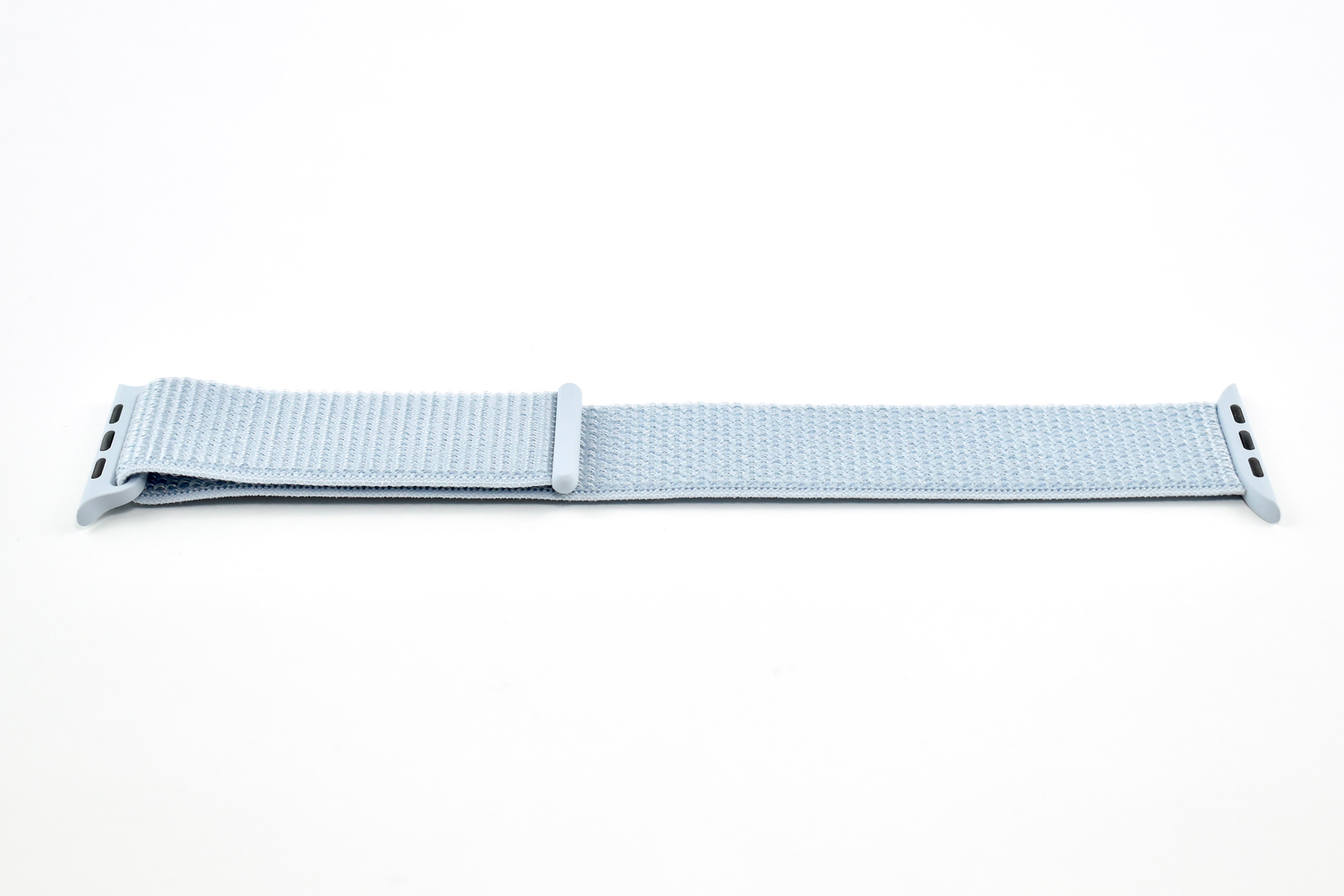
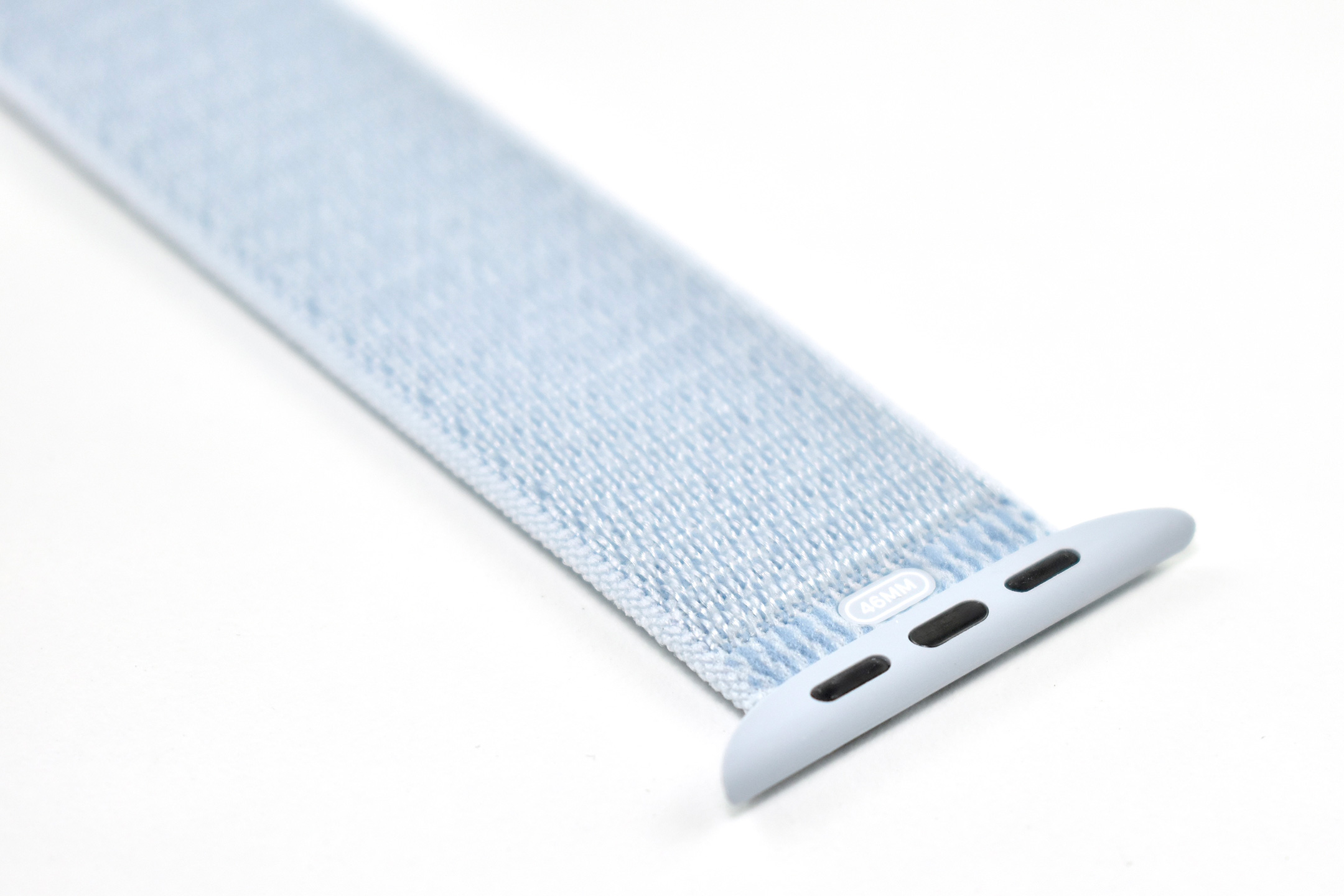
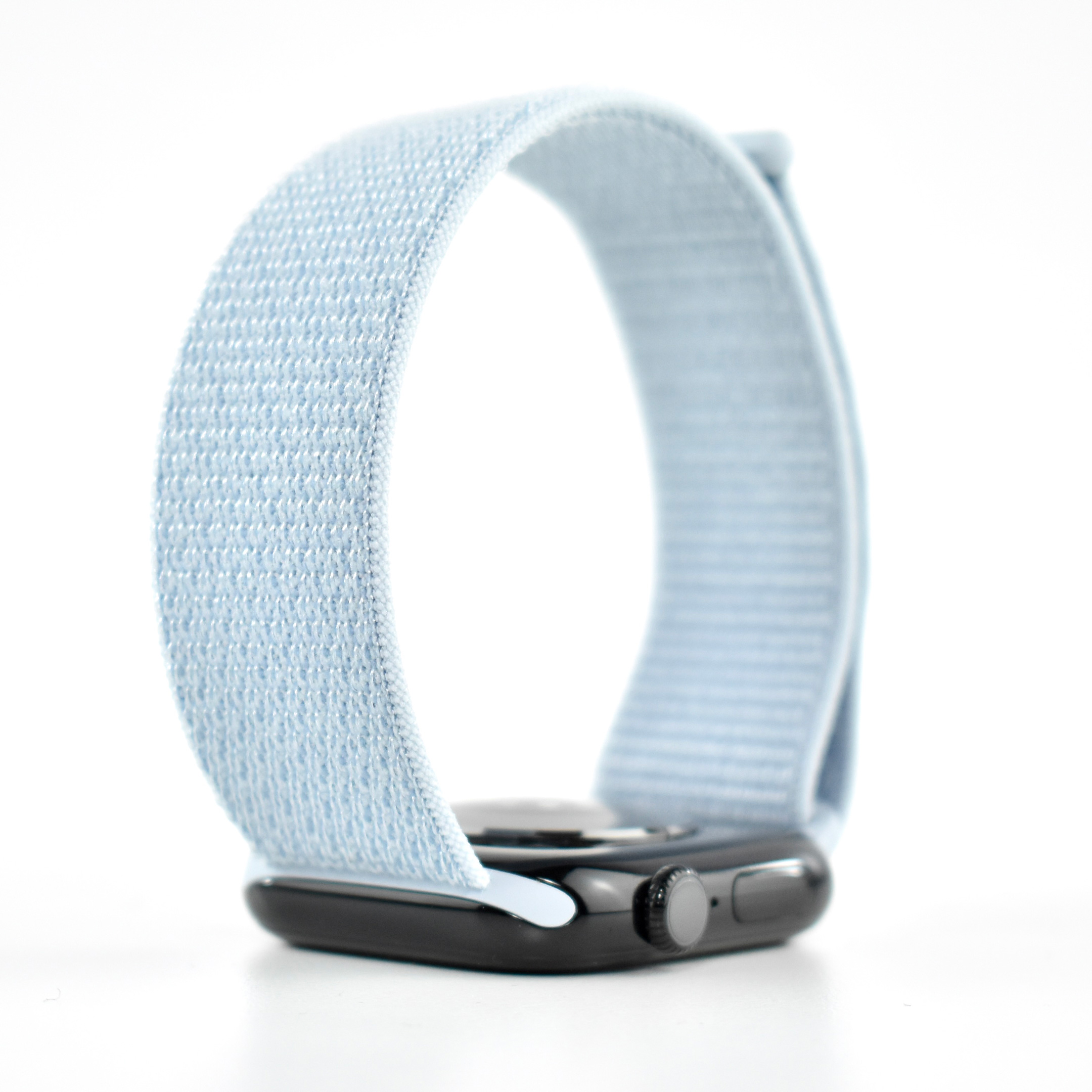
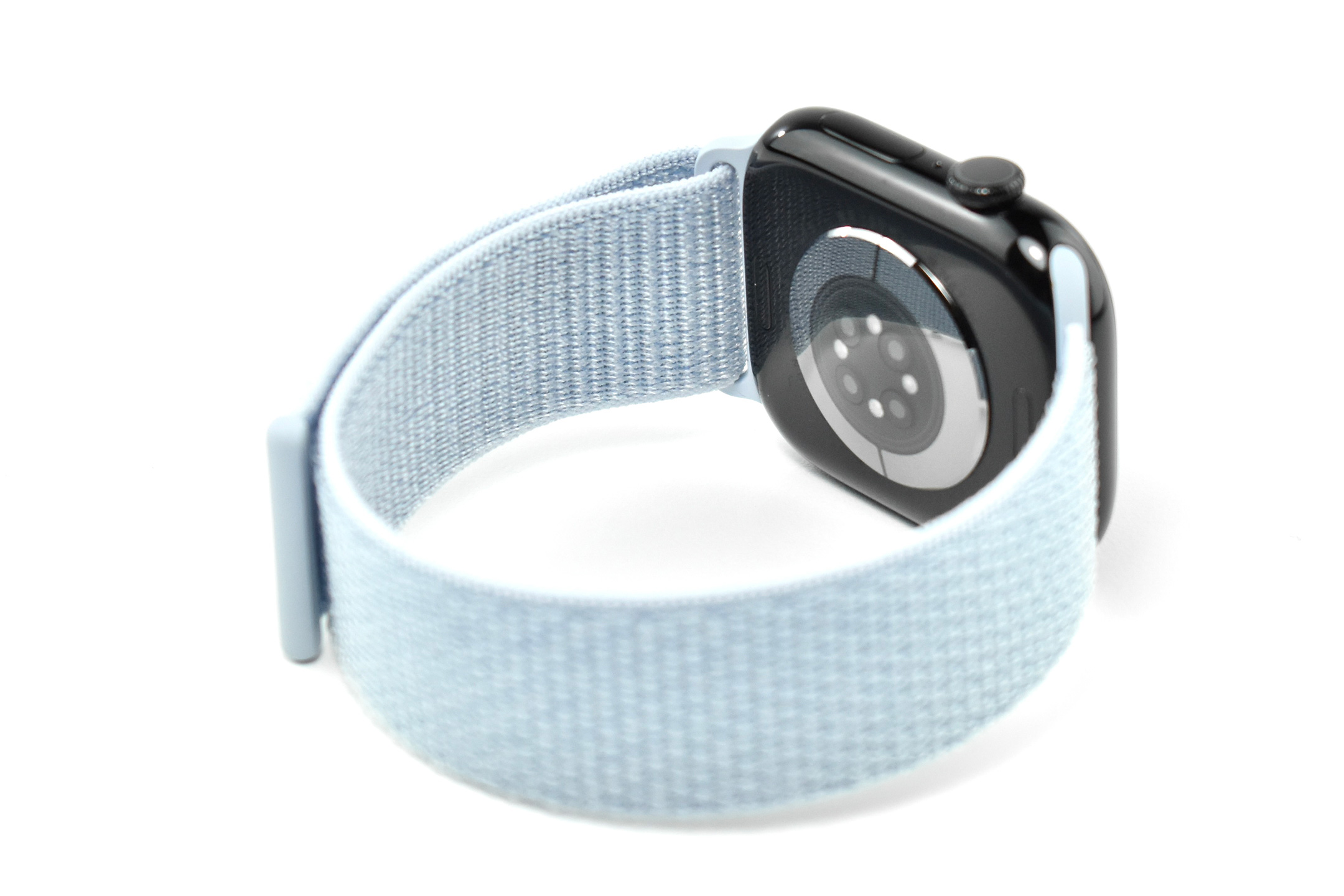
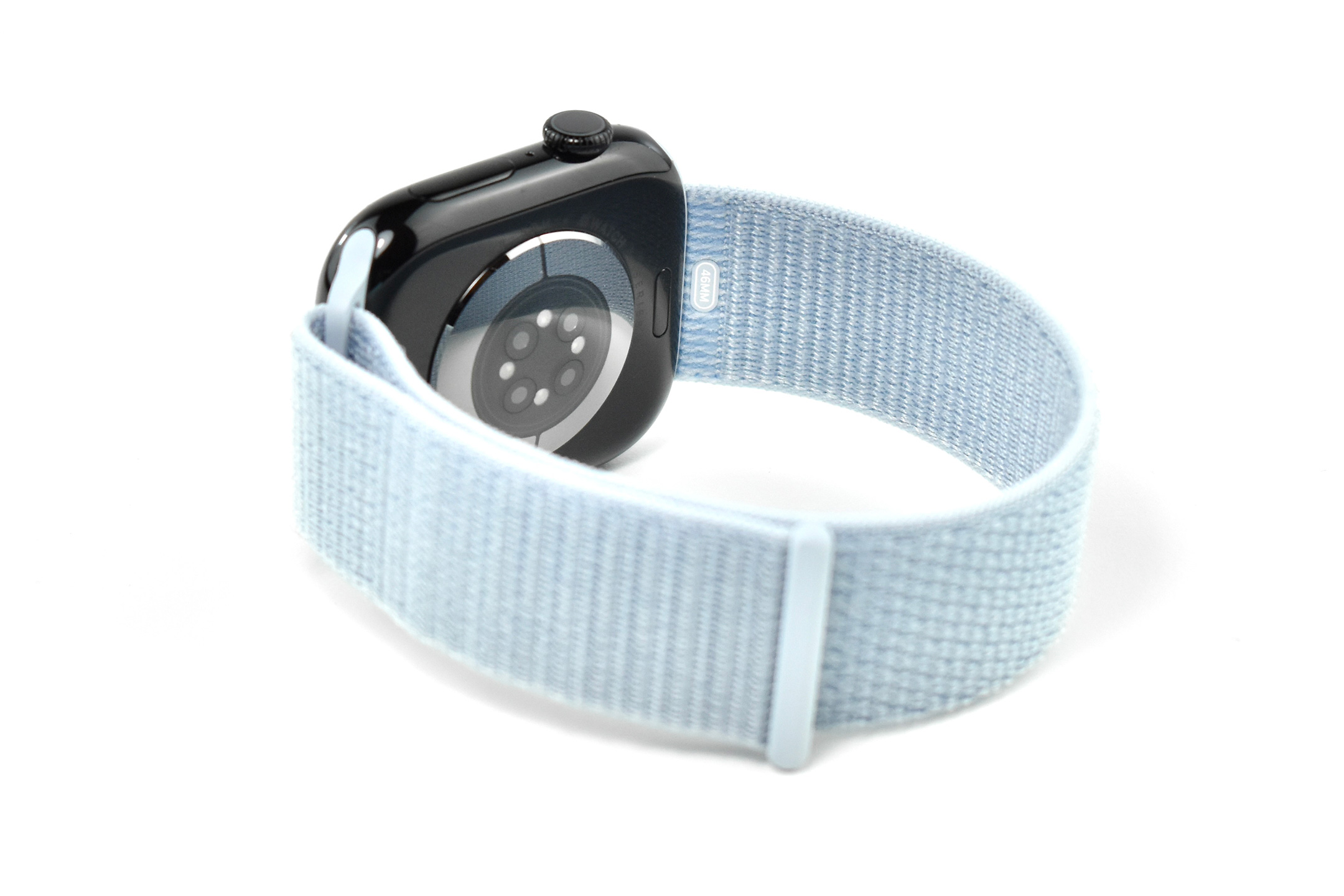
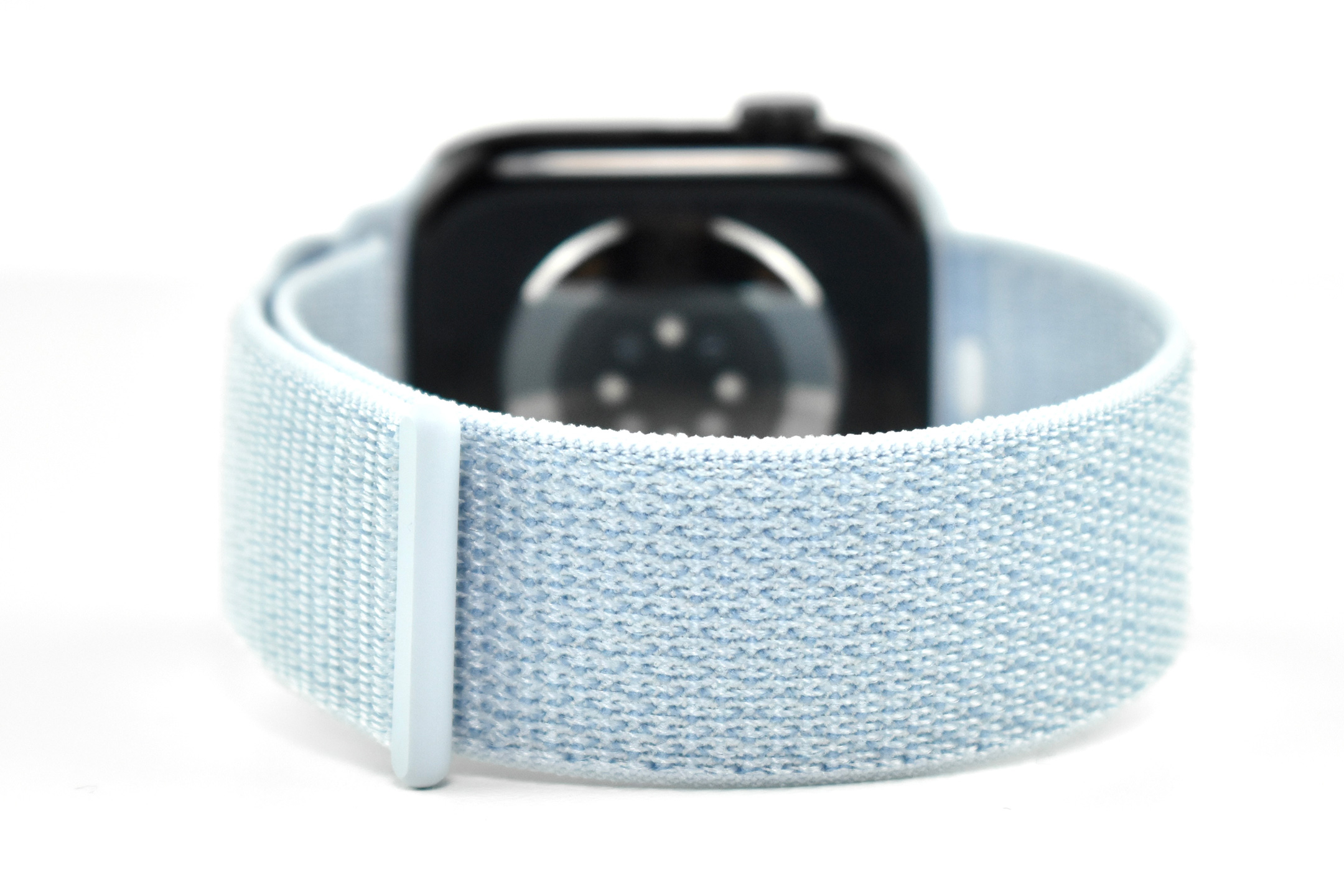
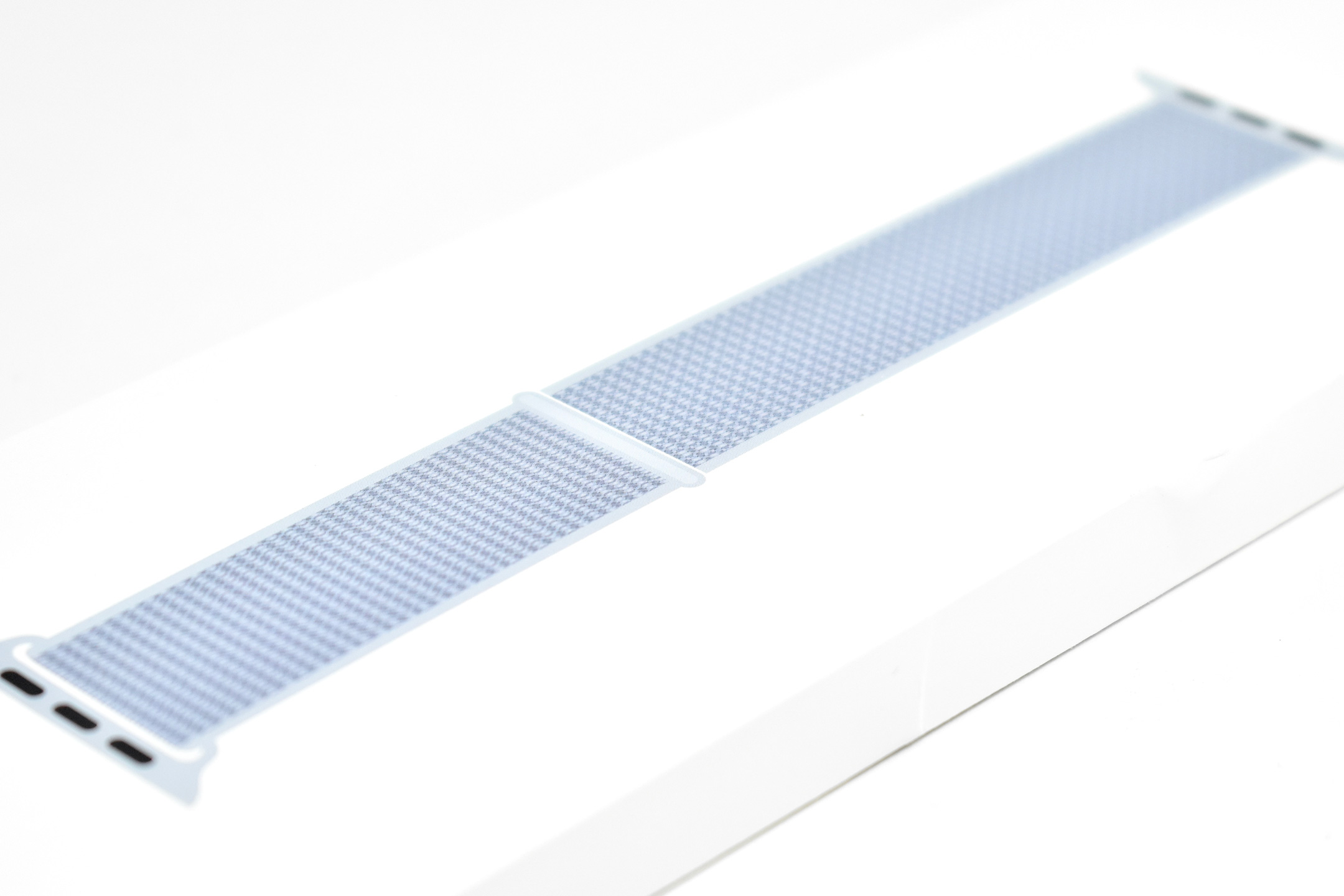
The Apple Watch Sport Loop band was woven from nylon thread to create a hook-and-loop closure. These bands were available for the 42 mm and 46 mm Apple Watch models (2024), and were offered in sizes to fit 130–200 mm wrists (38, 40, 41, 42 mm) and 145–220 mm wrists (42, 44, 46, 49 mm).
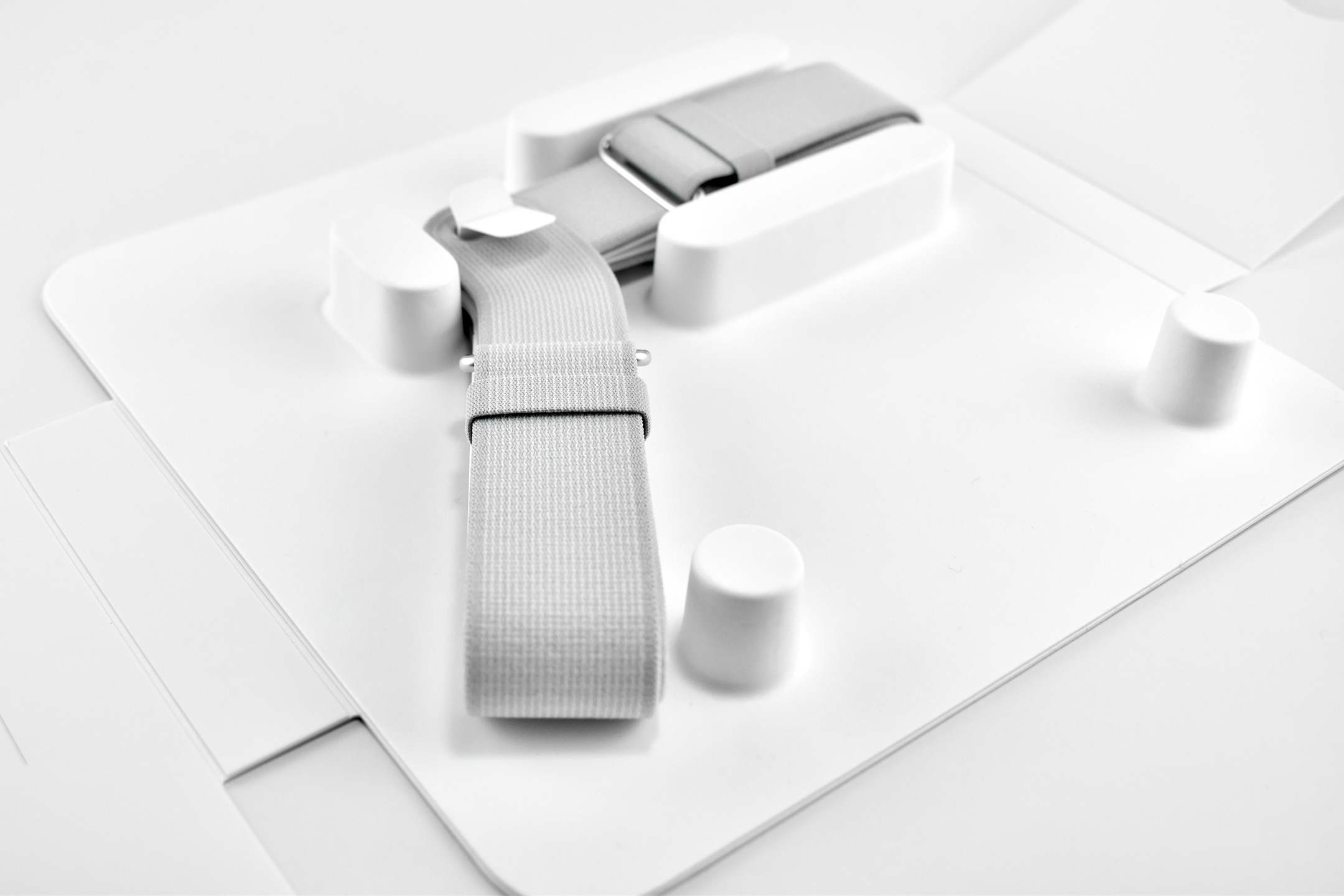
Beginning with the Apple Watch 10, the 42 mm description became arguably more confusing, as the larger model of the original Apple Watch (Series 0 and 1) was described as “42 mm,” and now the smaller model of the current Apple Watch (Series 10) is described as “42 mm.”
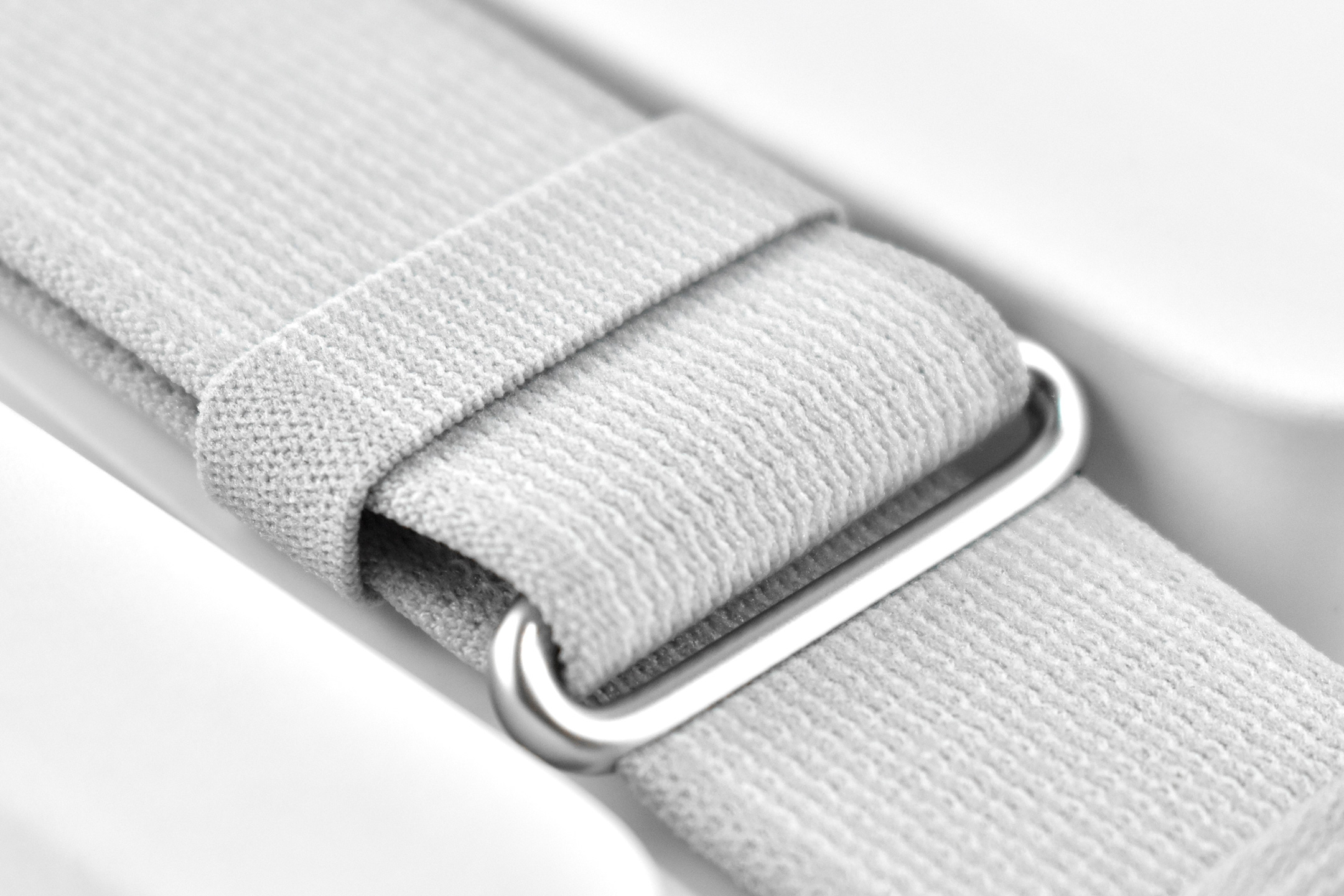
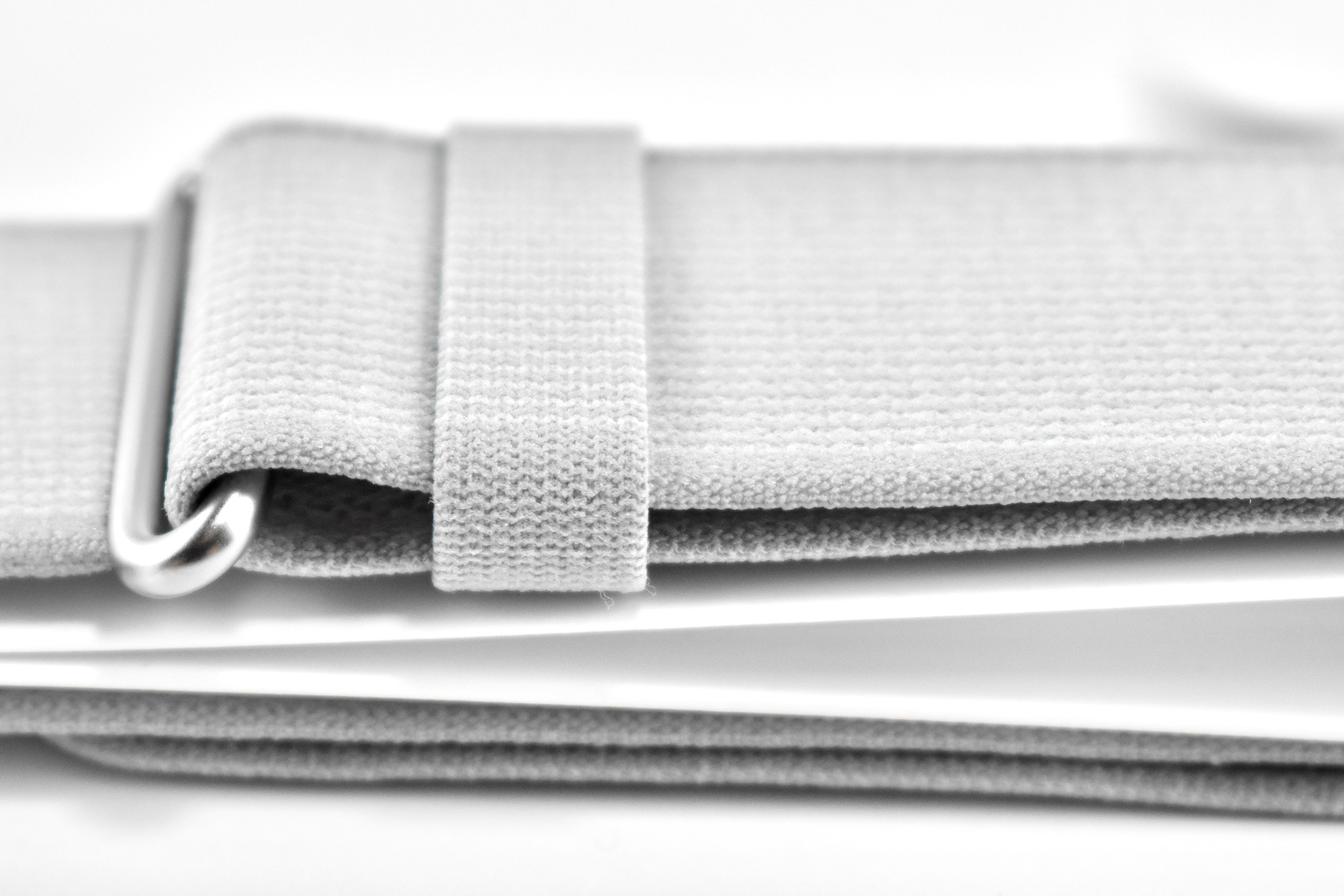
Beginning in Fall 2024, Apple began offering bands in the monotone colors—a design concept first available nearly 10 years ago with the original Apple Watch. This Blue Cloud color is pale blue/light gray. The connector and closure plastics also matched the pale blue/light gray color of the band (as opposed to using contrasting colors for the plastics).
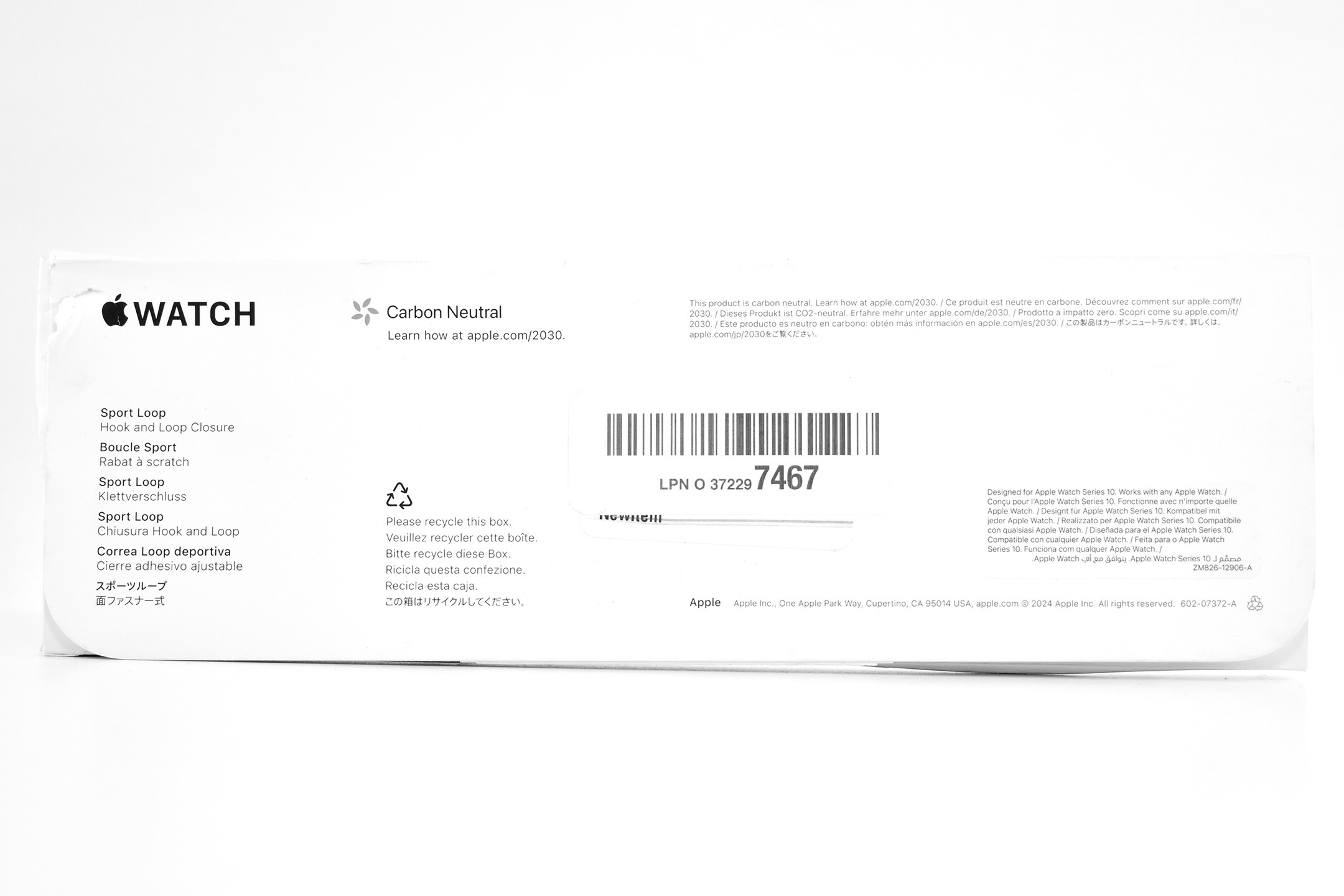
Apple also began describing this band as “Carbon Neutral” and including a description of the environmental benefits along with the general product description:
“Soft, breathable, and lightweight, the Sport Loop features a hook-and-loop fastener for quick and easy adjustment. The double-layer nylon weave has dense loops on the skin side that provide soft cushioning while allowing moisture to escape. This weave is made with 82% recycled yarns, some of which contain material from discarded fishing nets. This band is carbon neutral. The Sport Loop contains 45% recycled content by weight, 100% of manufacturing electricity is covered by clean energy, and 50% or more of all carbon neutral Apple Watch products are shipped without airplanes.”
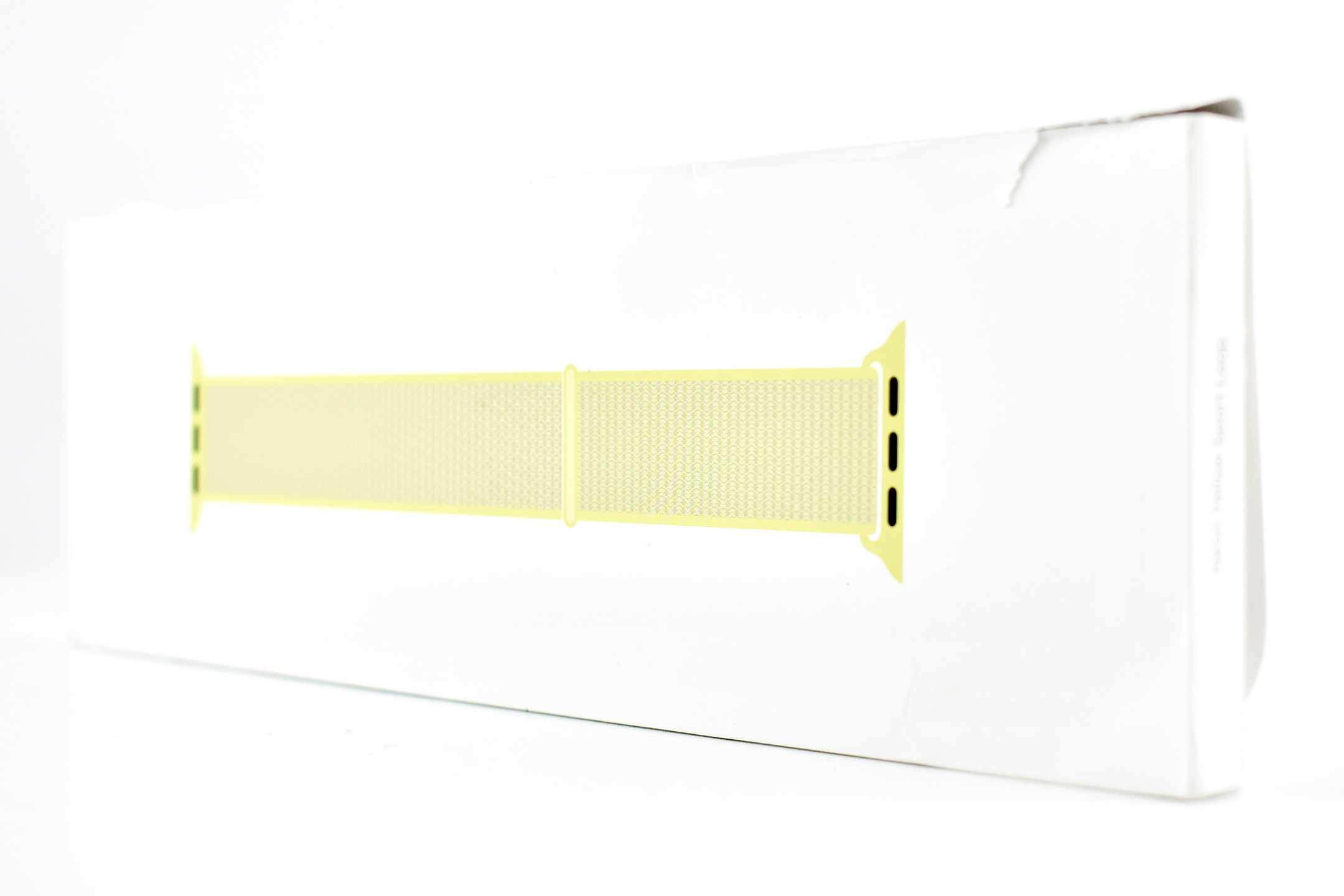
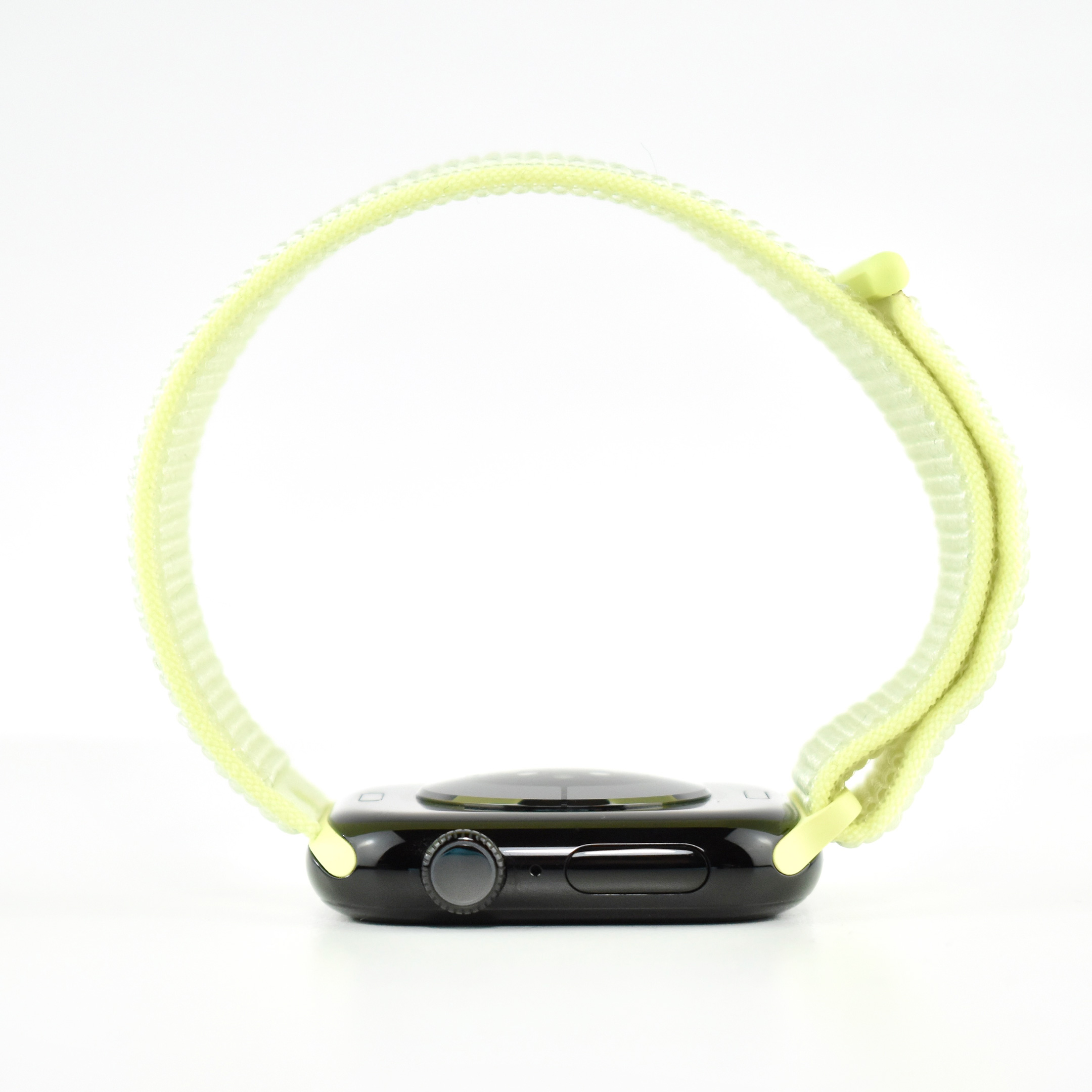
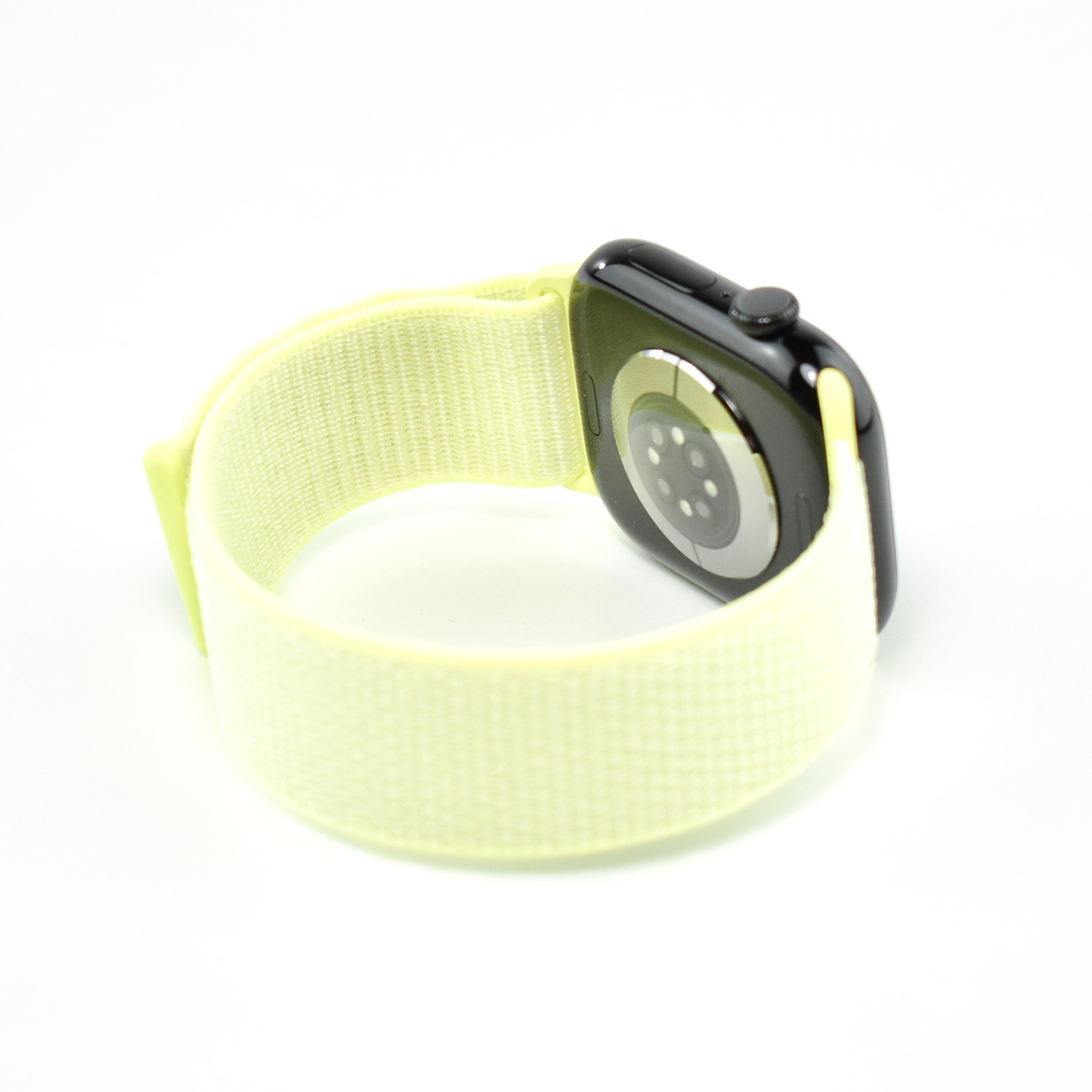
The Apple Watch Sport Loop band was woven from nylon thread to create a hook-and-loop closure. These bands were available for the 42 mm and 46 mm Apple Watch models (2025), and were offered in sizes to fit 130–200 mm wrists (38, 40, 41, 42 mm) and 145–220 mm wrists (42, 44, 46, 49 mm).
Beginning with the Apple Watch 10, the 42 mm description became arguably more confusing, as the larger model of the original Apple Watch (Series 0 and 1) was described as “42 mm,” and now the smaller model of the current Apple Watch (Series 10) is described as “42 mm.”
Beginning in Fall 2024, Apple began offering bands in the monotone colors—a design concept first available nearly 10 years ago with the original Apple Watch. This Neon Yellow color is bright yellow. The connector and closure plastics also matched the bright yellow color of the band (as opposed to using contrasting colors for the plastics).
Apple also began describing this band as “Carbon Neutral” and including a description of the environmental benefits along with the general product description:
“Soft, breathable, and lightweight, the Sport Loop features a hook-and-loop fastener for quick and easy adjustment. The double-layer nylon weave has dense loops on the skin side that provide soft cushioning while allowing moisture to escape. This weave is made with 82% recycled yarns, some of which contain material from discarded fishing nets. This band is carbon neutral. The Sport Loop contains 45% recycled content by weight, 100% of manufacturing electricity is covered by clean energy, and 50% or more of all carbon neutral Apple Watch products are shipped without airplanes.”
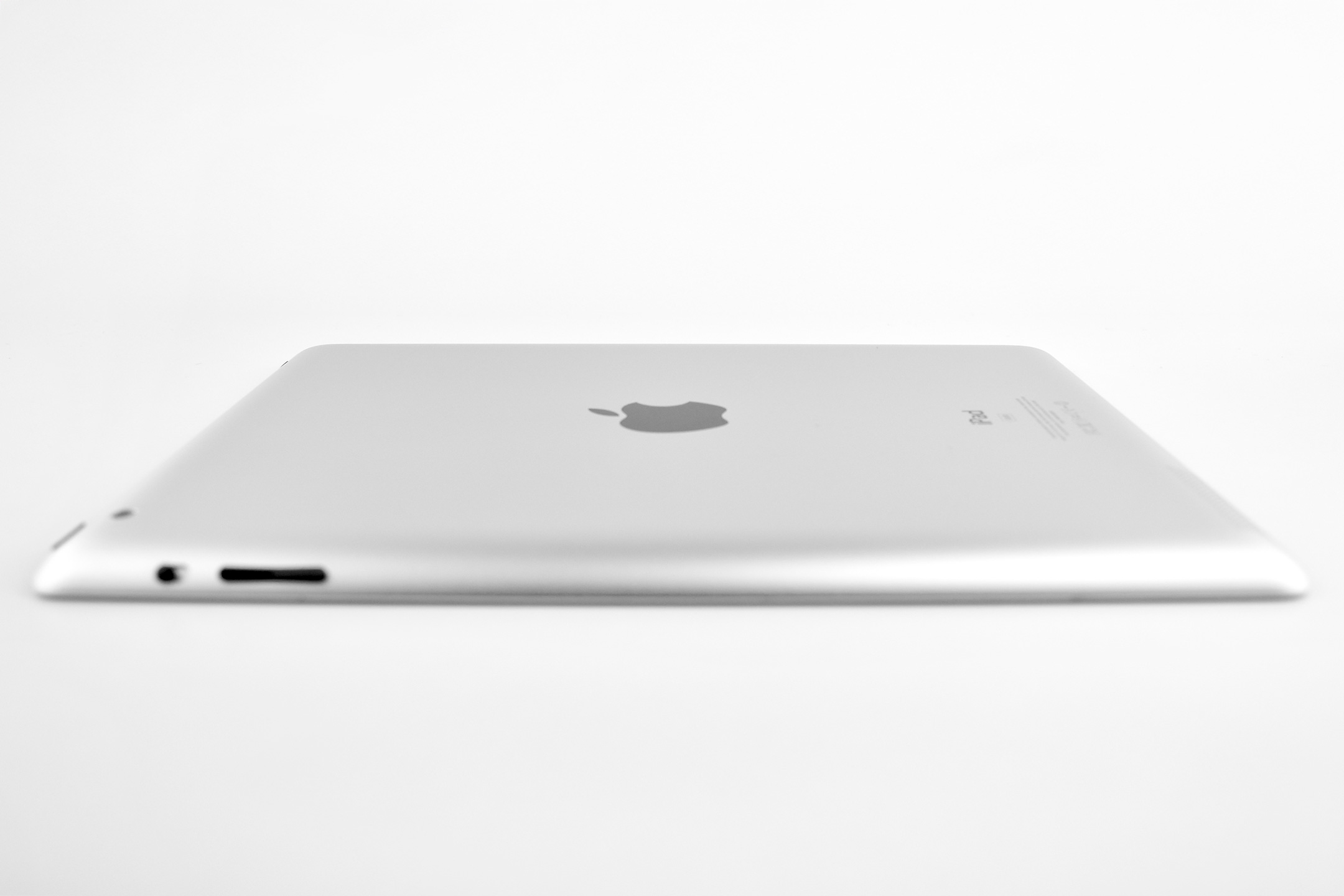
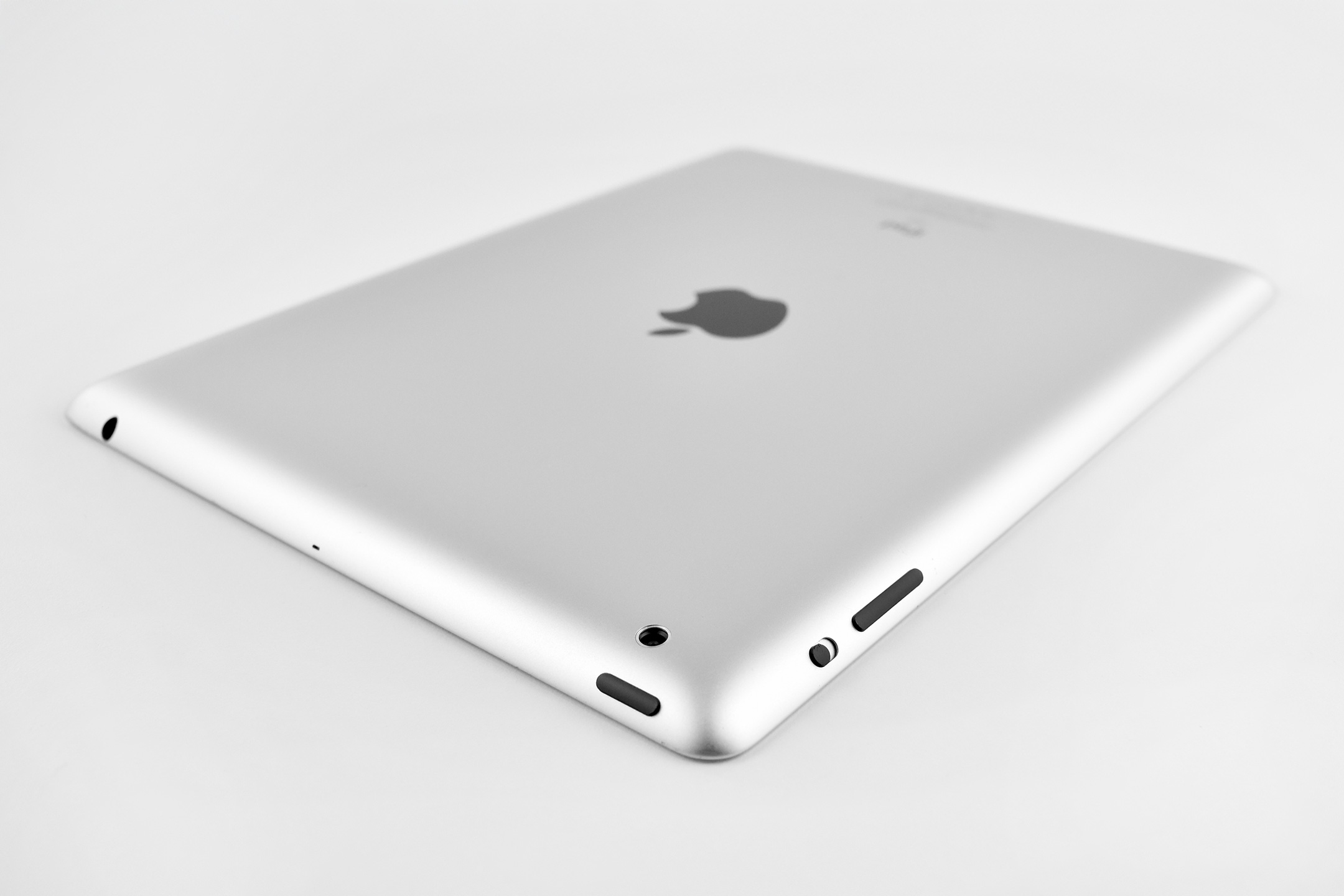
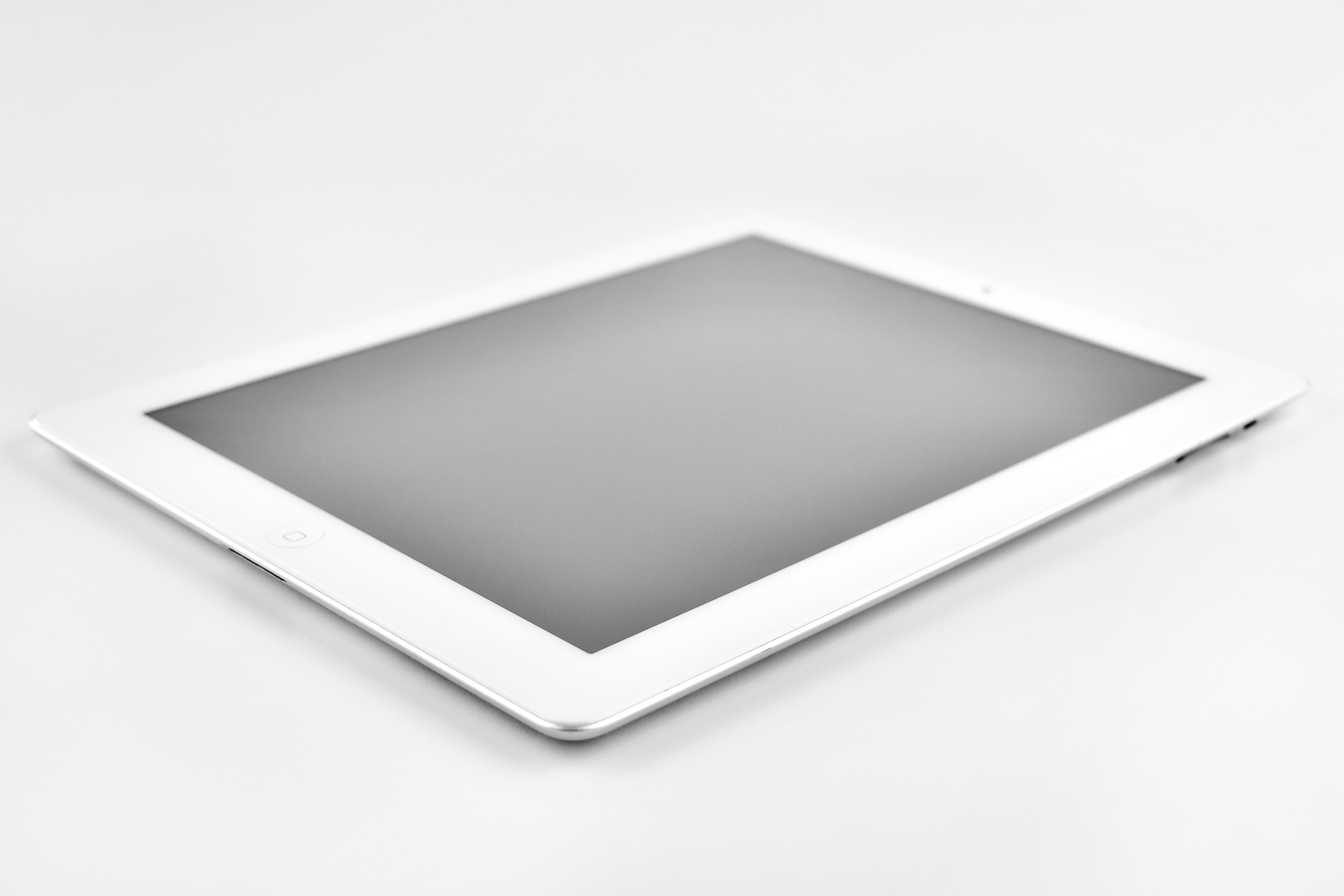
The iPad 2 represented a major update to the original iPad by allowing the iPad to begin its move from a content-consumption device to a content-creation device, mostly due to the addition of front and back cameras. Apple’s press release led with its subhead, “All New Design is Thinner, Lighter & Faster with FaceTime, Smart Covers & 10 Hour Battery.”
Like the original iPad, the iPad 2 was described as a “magical device for browsing the web, reading and sending email, enjoying photos, watching videos, listening to music, playing games, reading ebooks and much more.” The iPad 2 added “two cameras, a front-facing VGA camera for FaceTime and Photo Booth, and a rear-facing camera that captures 720p HD video, bringing the innovative FaceTime feature to iPad users for the first time.”
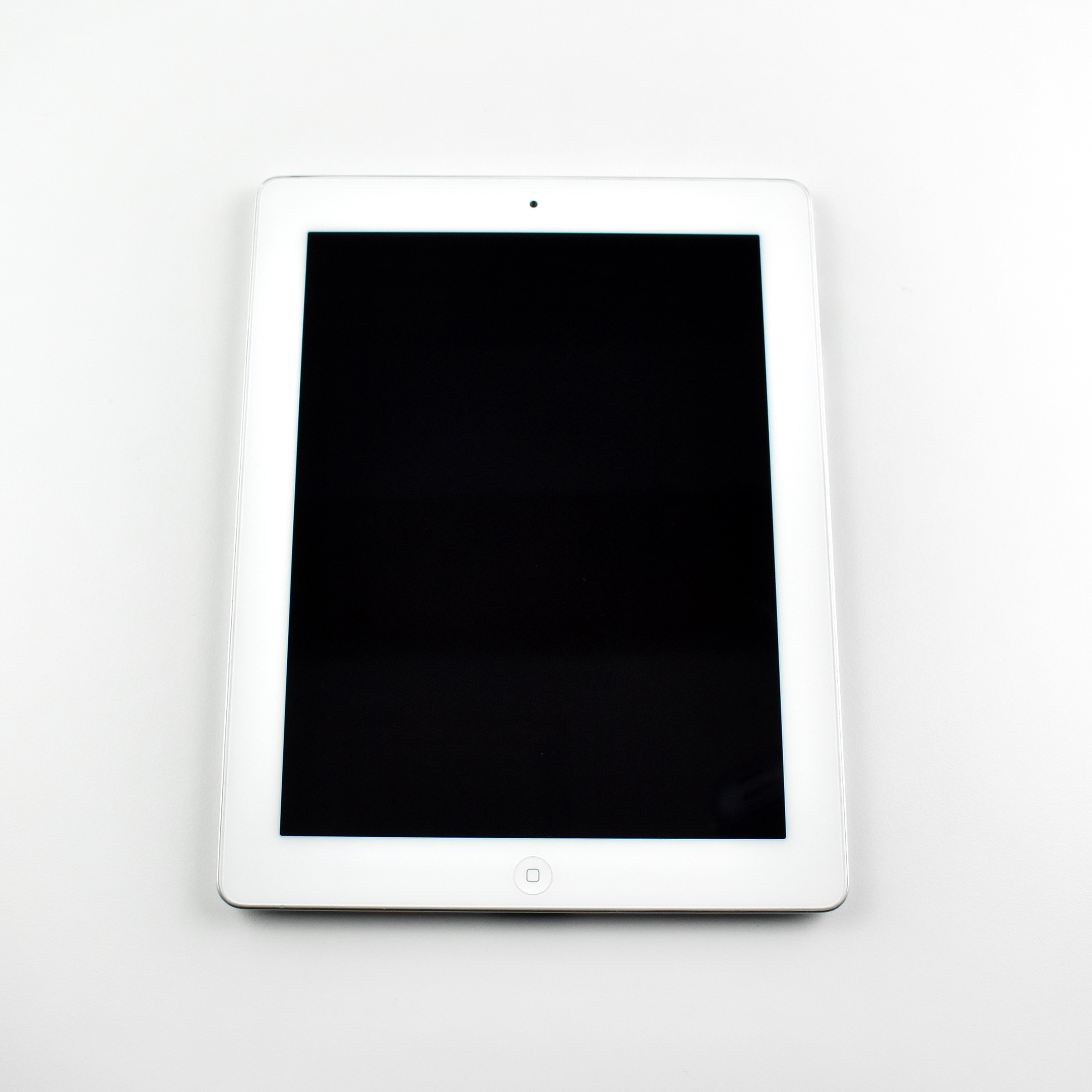
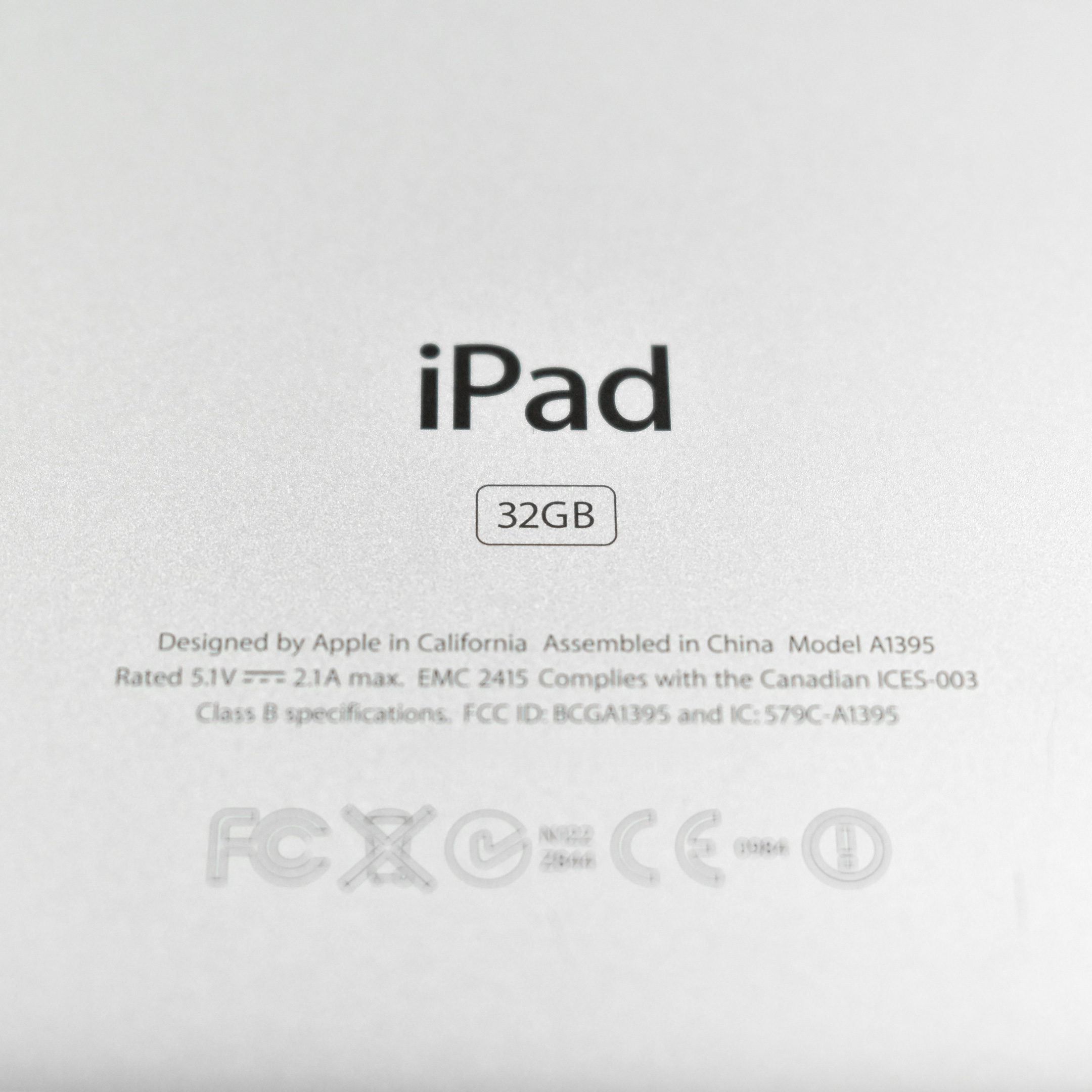
The iPad 2 had a silver aluminum back and was available with a white or black front. This example is white.
The iPad 2 had a 9.7-inch glossy LED backlit display (1024×768 at 132 ppi) and could run both iPhone and iPad-specific apps. It shipped with the A5 processor with storage options including 16, 32, or 64 GB. In addition to its front and rear cameras, it had 802.11a/b/g/n Wi-Fi support, an accelerometer, a three-axis gyroscope, an ambient light sensor, digital compass, a speaker and a built-in microphone. The iPad 2 was 33% thinner than the original iPad and weighed 1.33 pounds.
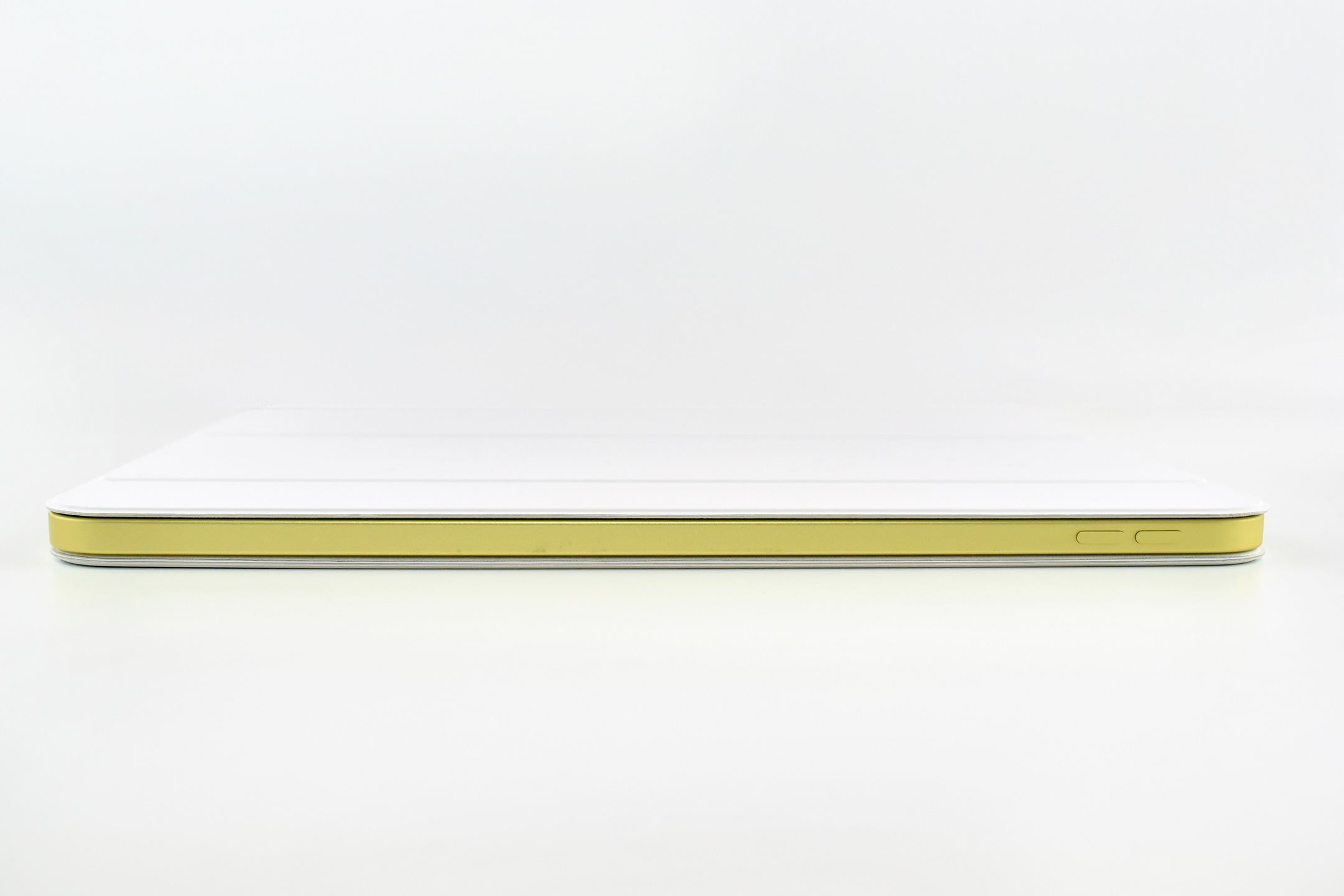
The iPad 2 was also released with the Smart Cover. The Smart Cover used magnets to attach and, when closed, automatically put the iPad 2 into Sleep mode, and would wake the iPad when opened.